Try Choladeck Free: Download Personalized Business Slides Today

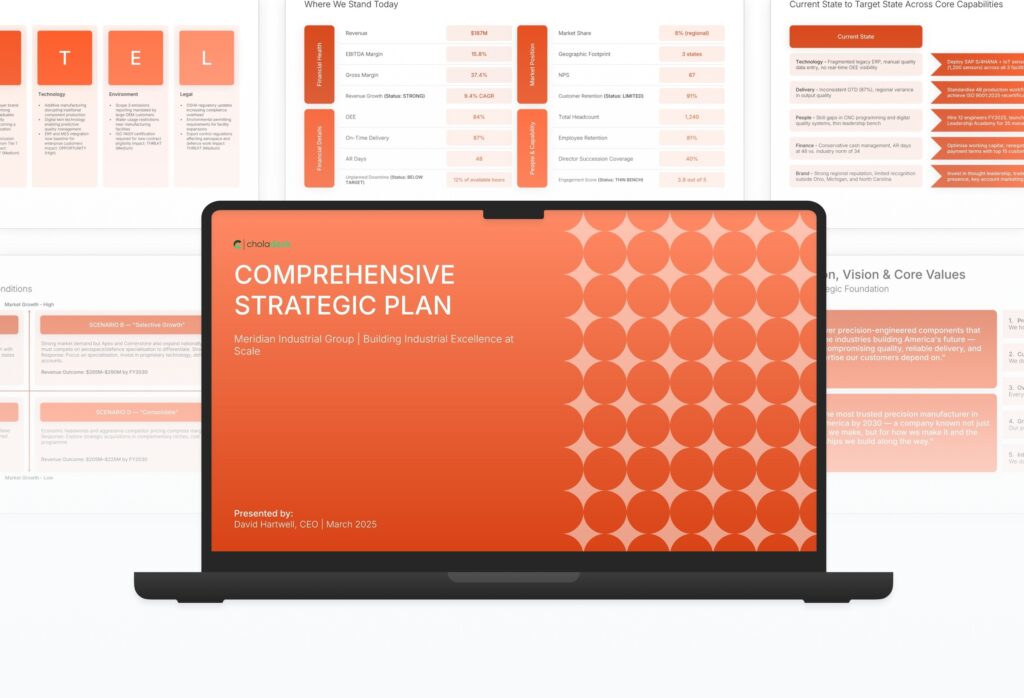
Comprehensive Strategic Plan Premade Template

A comprehensive strategic plan template designed for organizations doing formal multi-year planning cycles. Built on the Full Planning Cycle Model, this presentation covers external and internal analysis, mission and vision, strategic pillars, implementation roadmap, change management, financial projections, and governance. Ideal for full-org planning.

Comprehensive Strategic Plan Featured Image

How to Build a Comprehensive Strategic Plan Presentation

Learn how to create a comprehensive strategic plan that aligns your organization around long-term direction. This in-depth guide walks you through environmental and competitive analysis, vision and goals, strategic pillars, implementation roadmaps, change management, and the governance frameworks that turn strategy into results.

1. Title

Title slides help you open presentations with impact. Use them to create strong first impressions with opening slides that set the tone, introduce your topic, and establish your brand. Ideal for any presentation where a polished, professional opening slide sets the stage for everything that follows.
Built using Title slides

2. Executive Summary

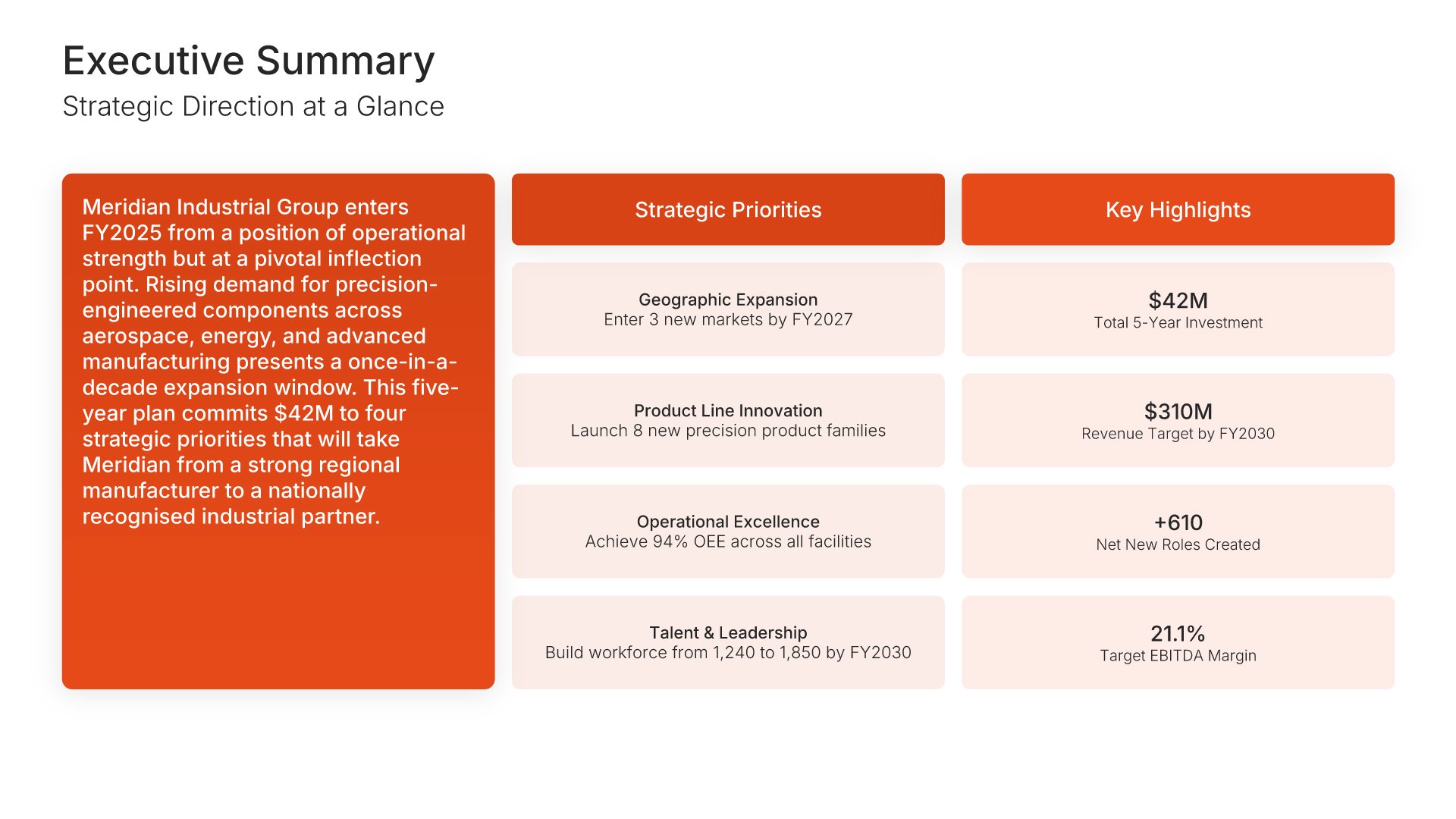
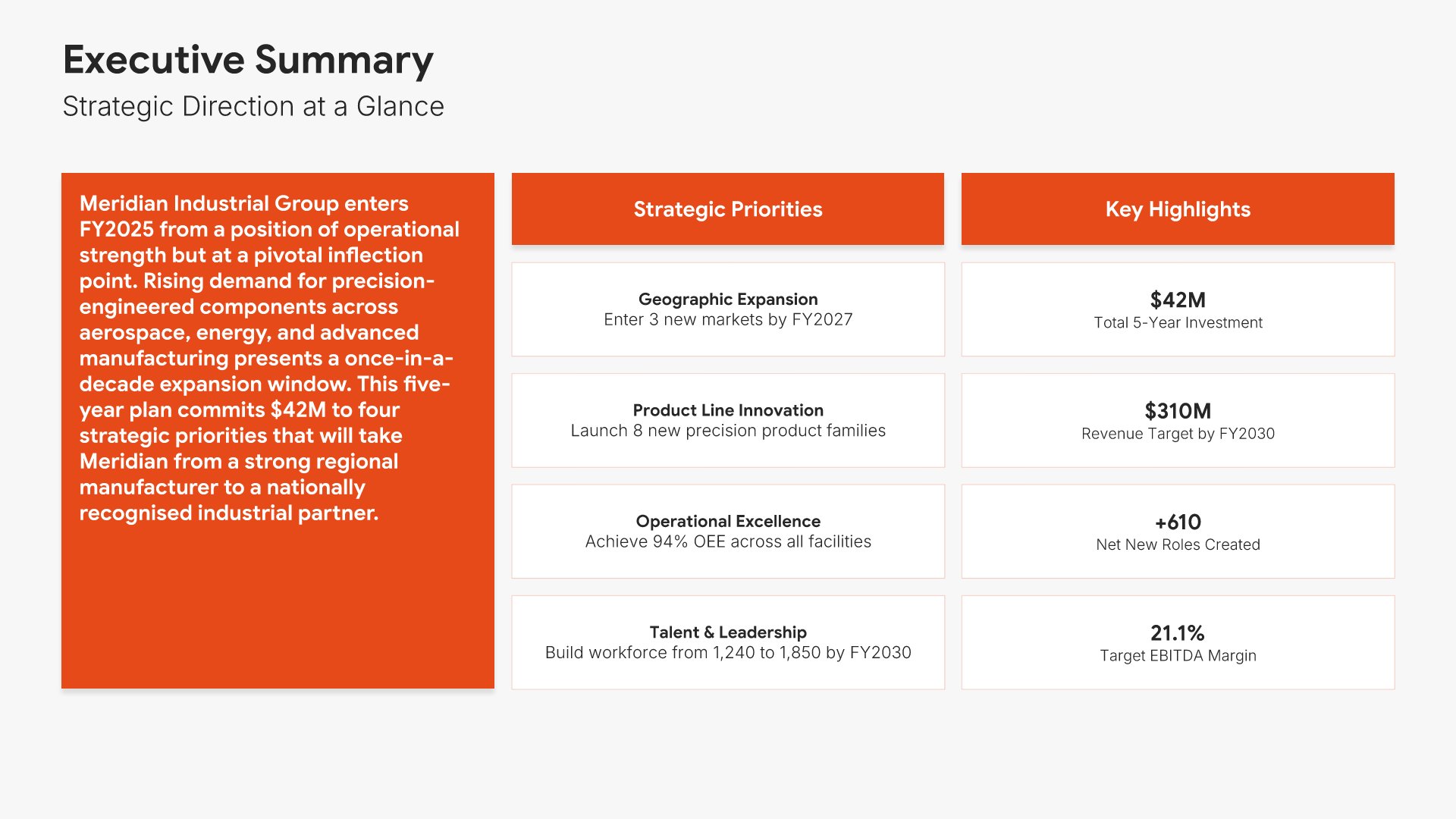
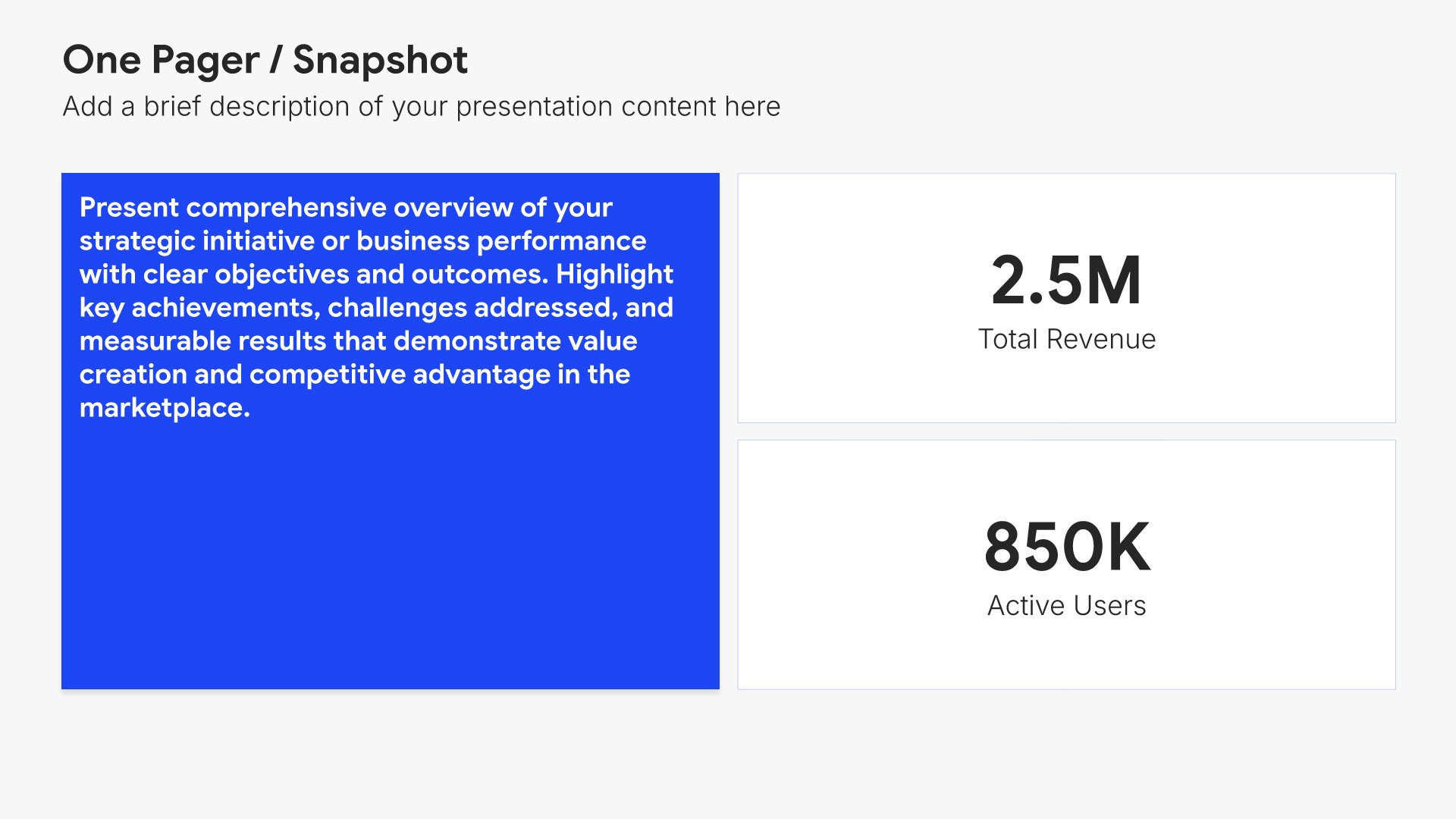
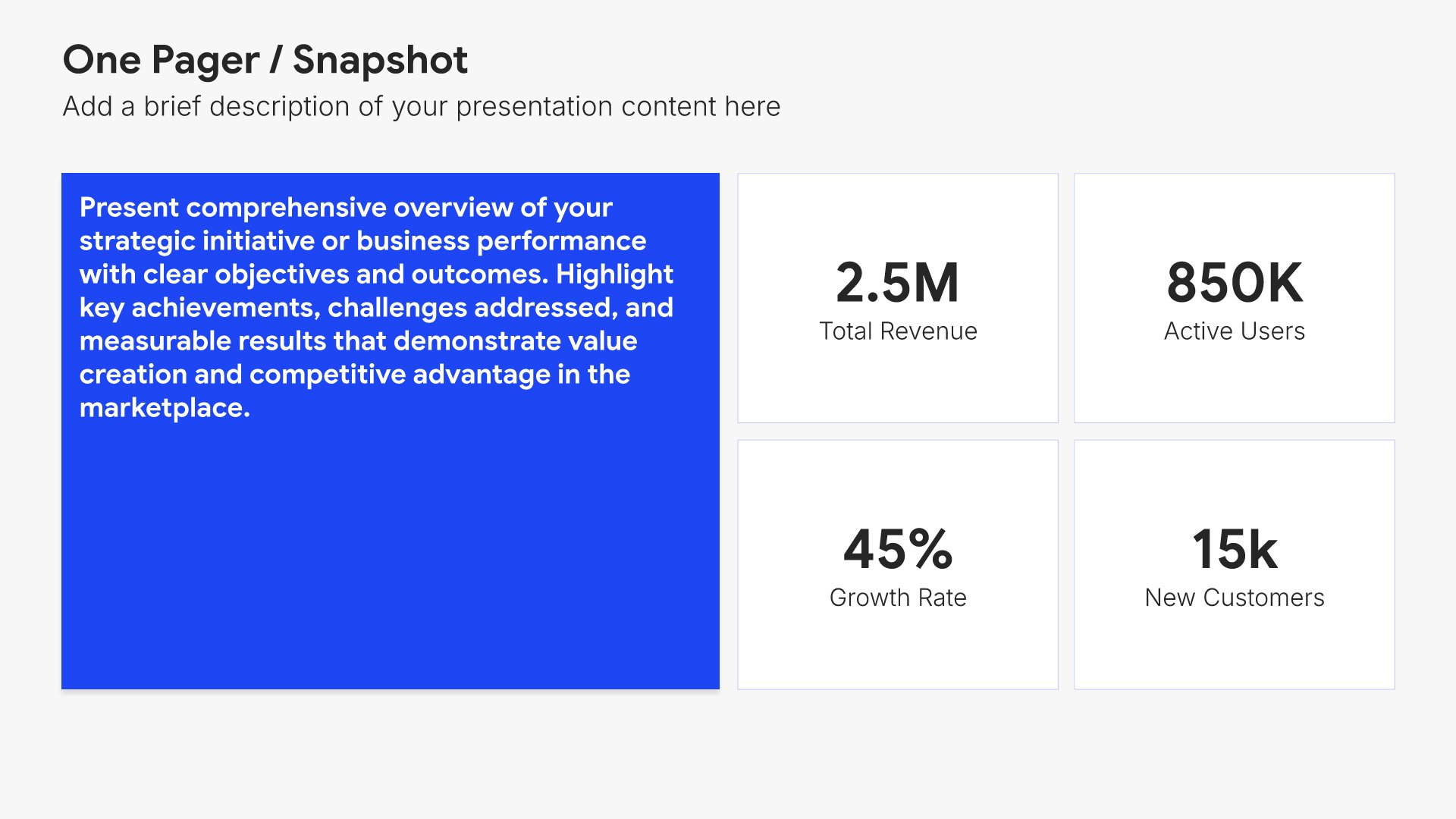
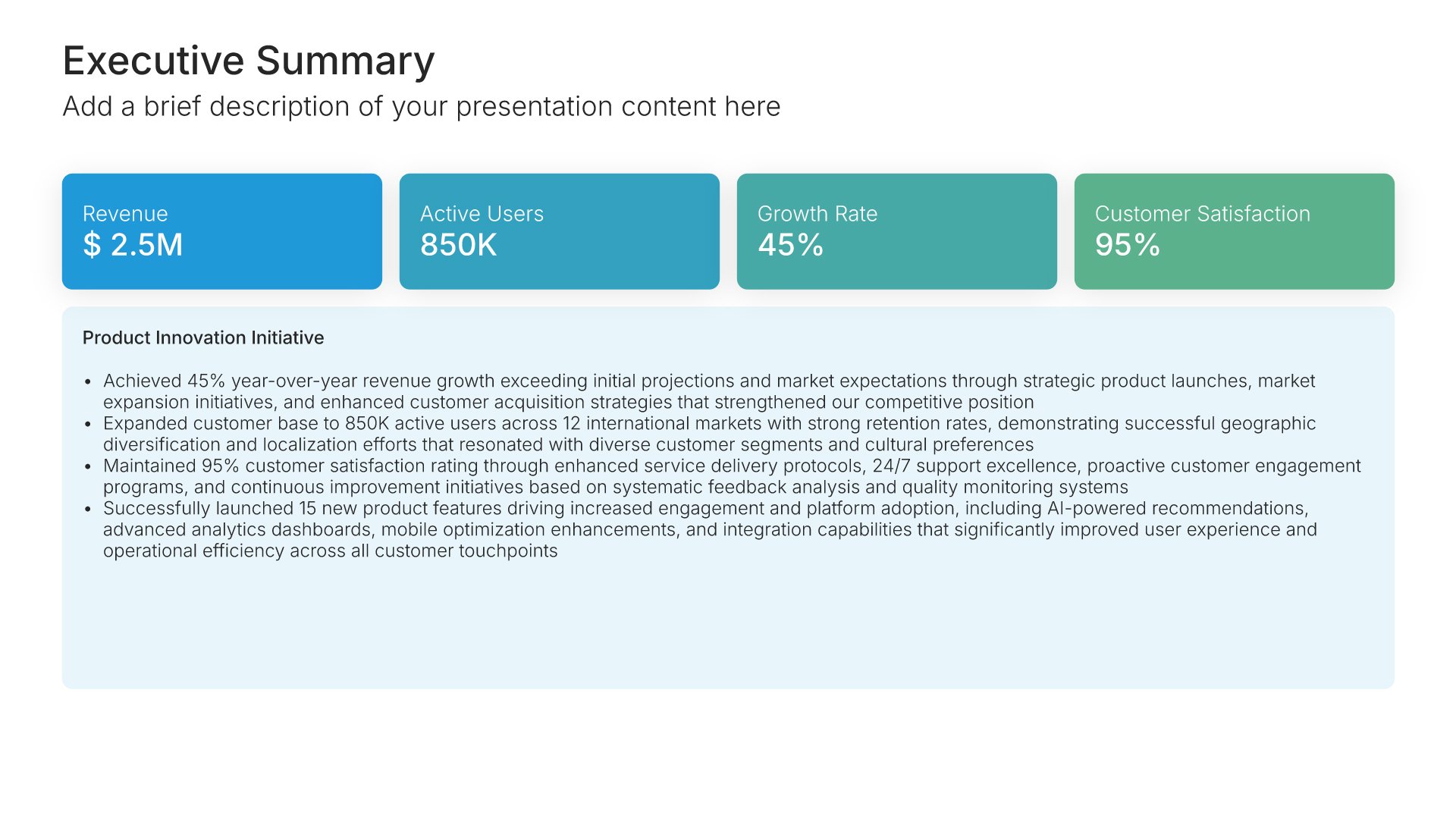
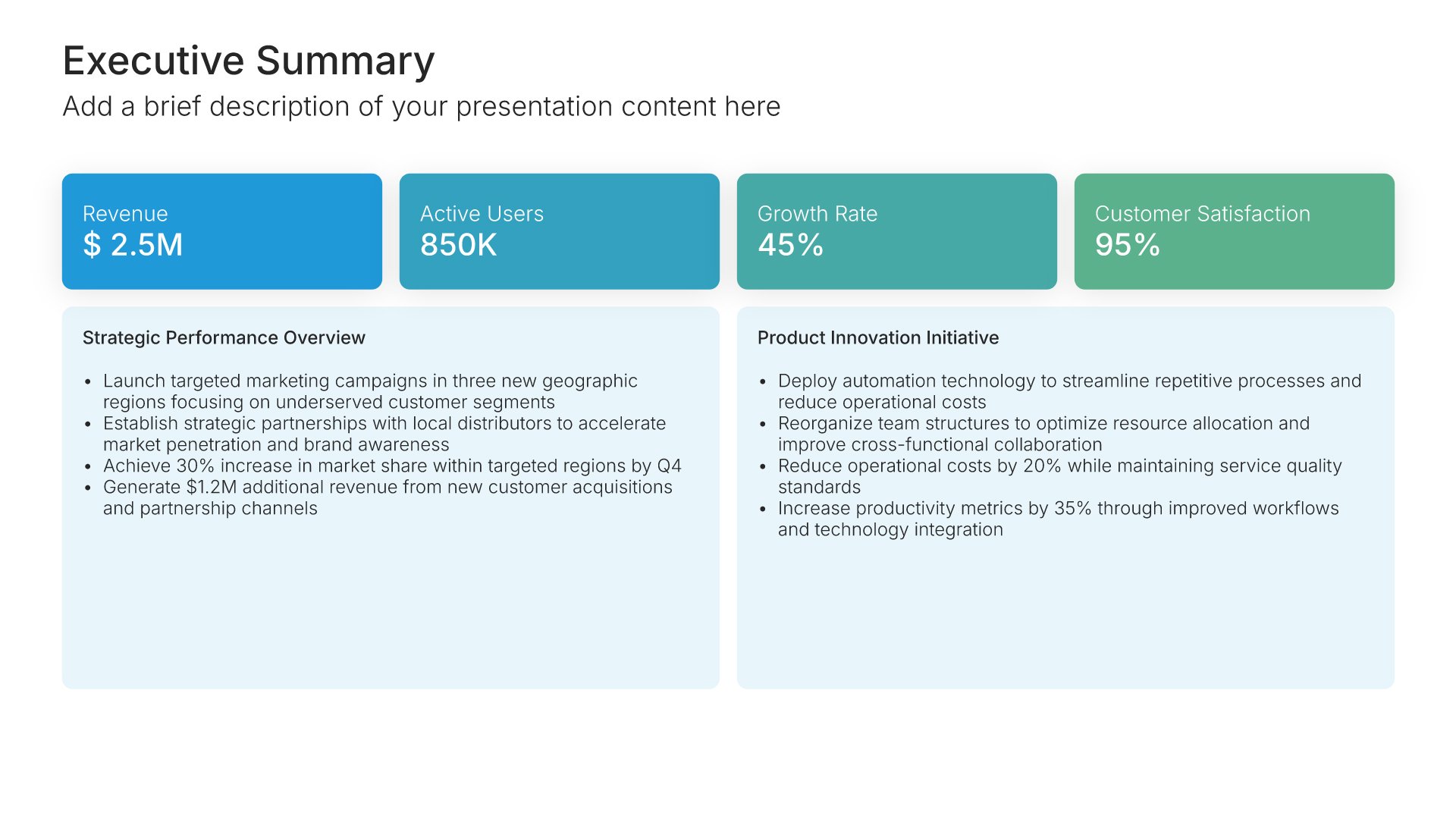
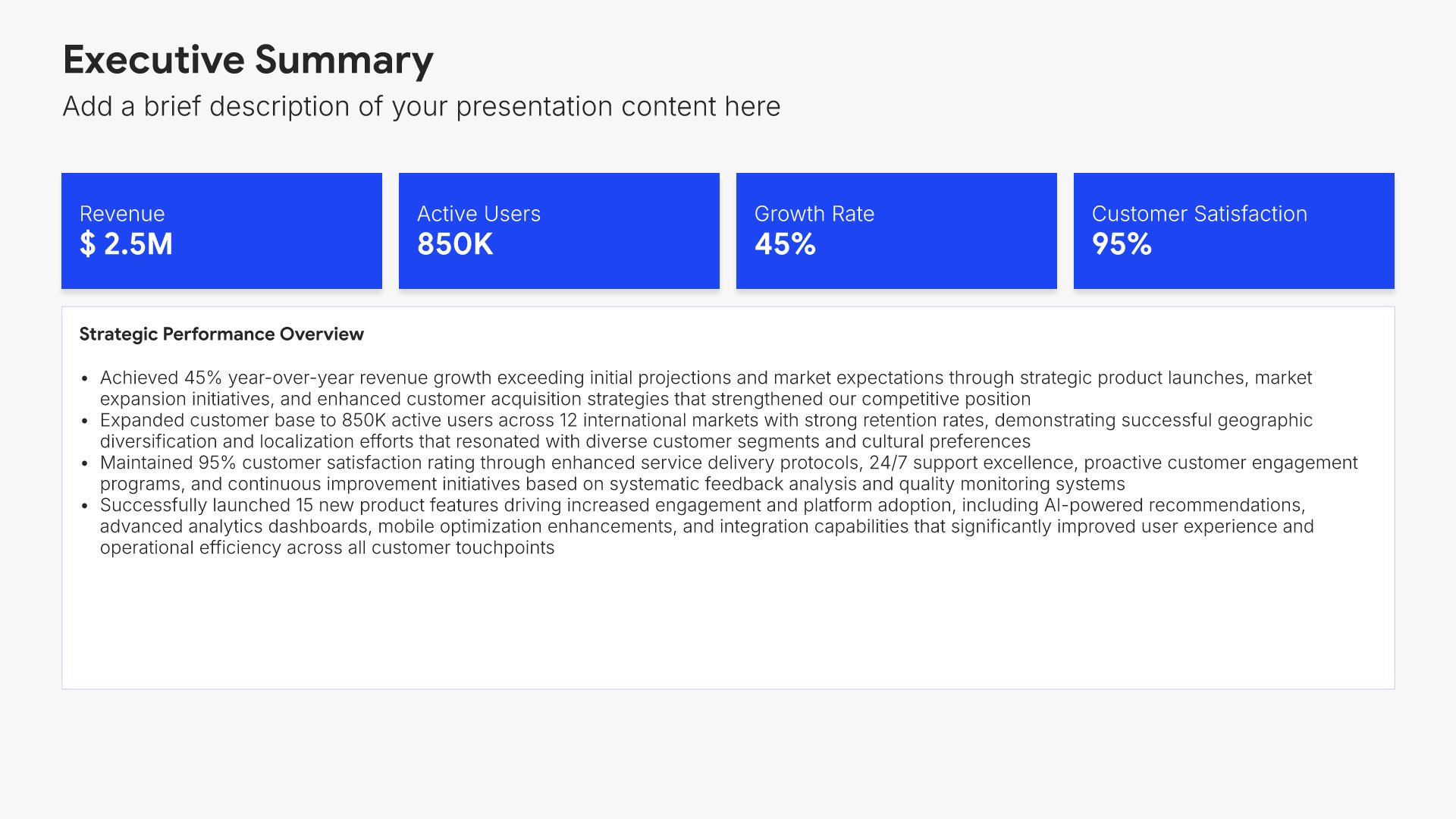
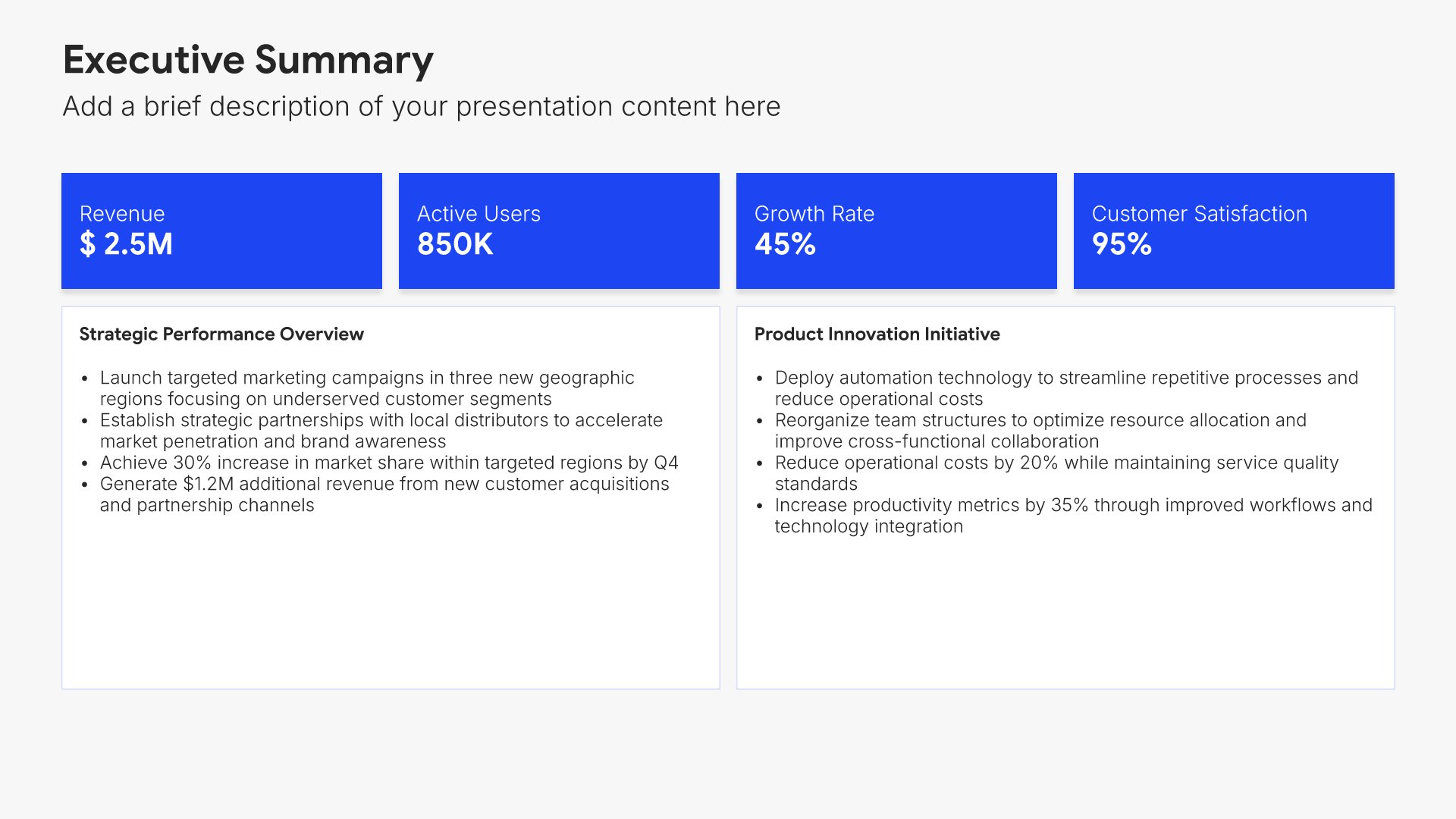
Executive summary slides help you present key points concisely for busy stakeholders. Use them to distill complex information into clear highlights, recommendations, and conclusions that can be understood at a glance. Ideal for board presentations, project updates, and any situation where decision-makers need the essential takeaways fast.
Built using One Pager / Snapshot slides

3. Strategic Planning Process

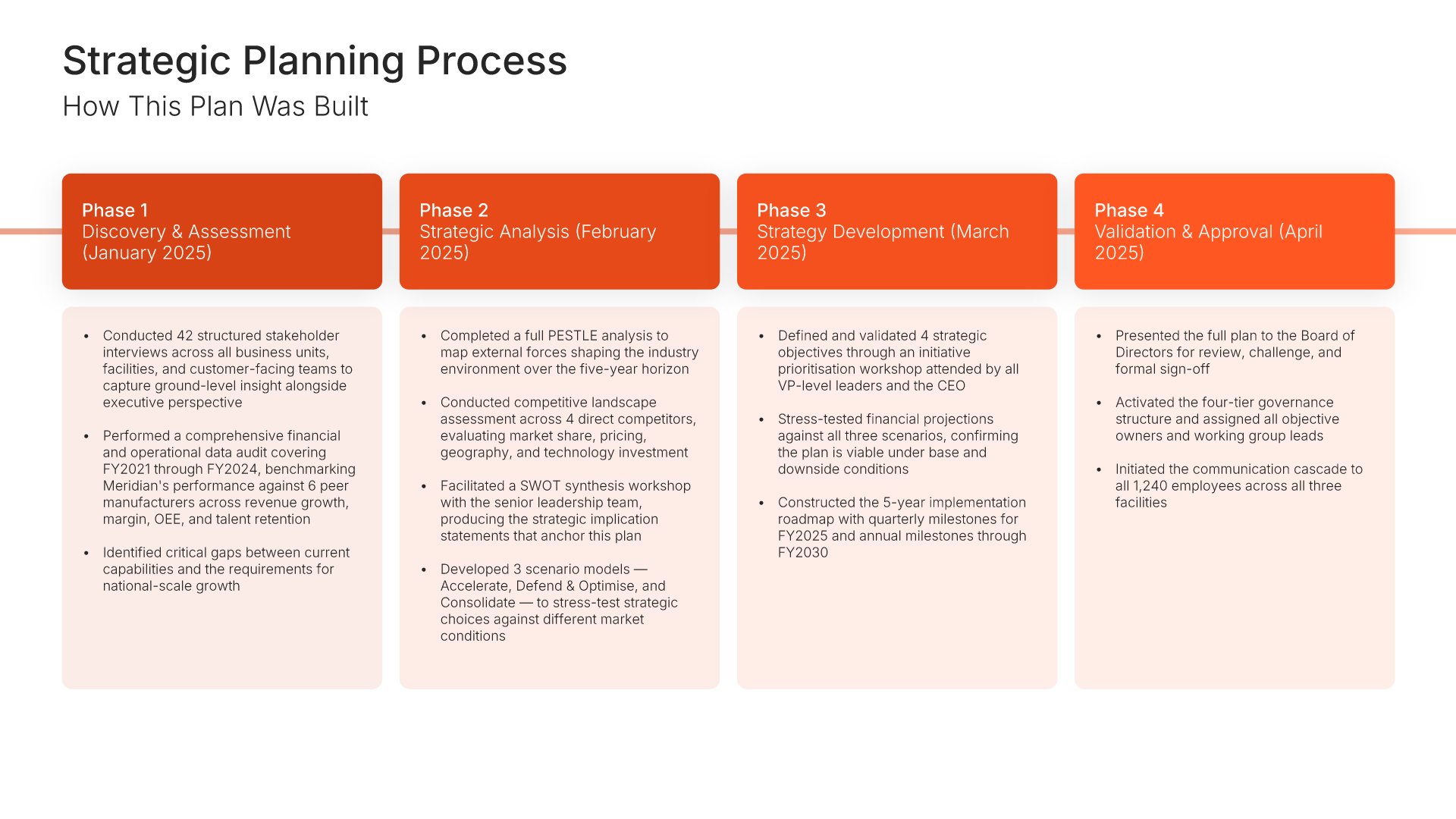
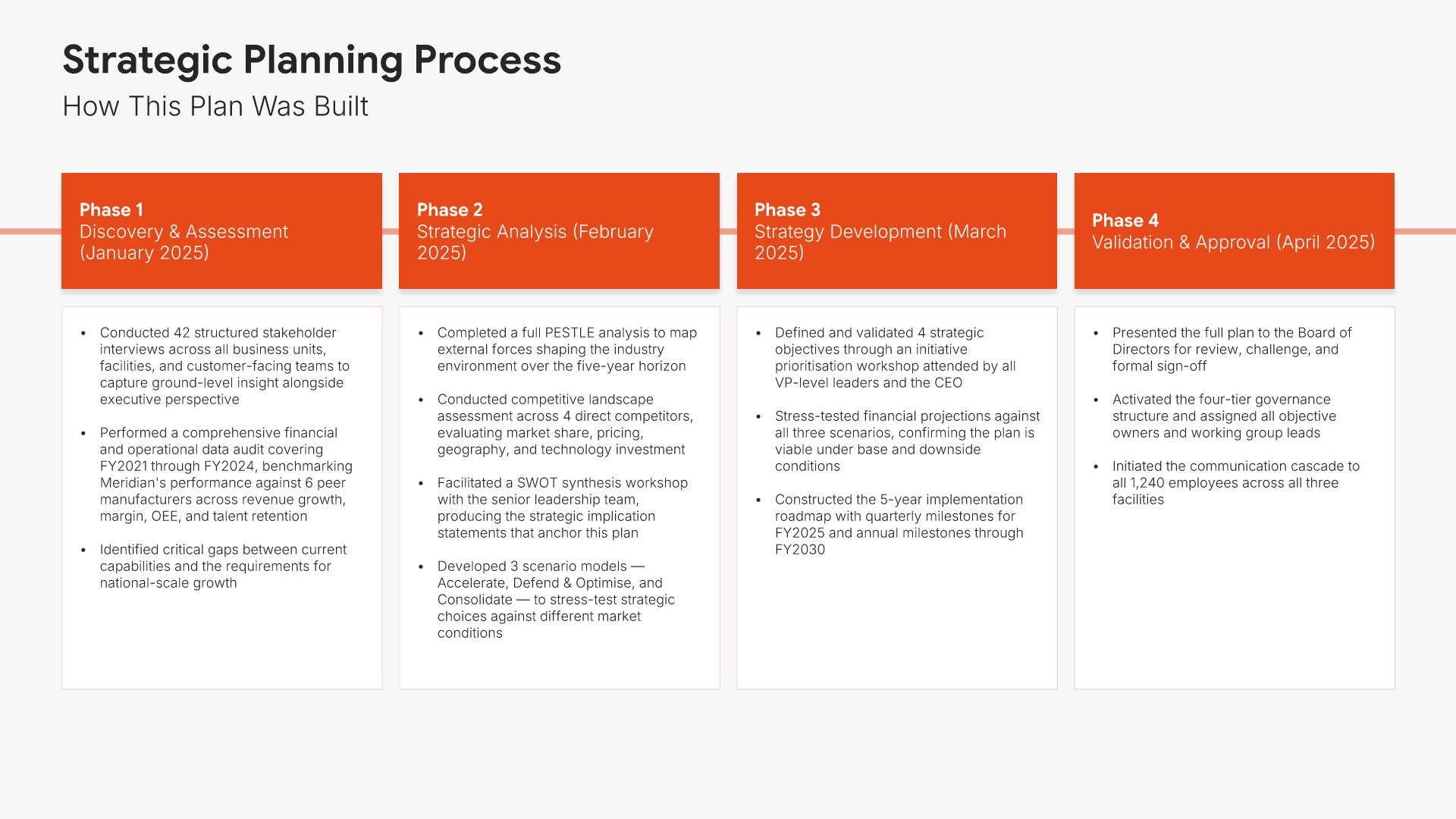
Strategic planning process slides help you explain the methodology behind your plan. Use them to present the steps, phases, and approach your organization took to develop its strategy. Ideal for strategic plans and board presentations where showing a structured process builds confidence in your planning rigor.
Built using Timeline slides

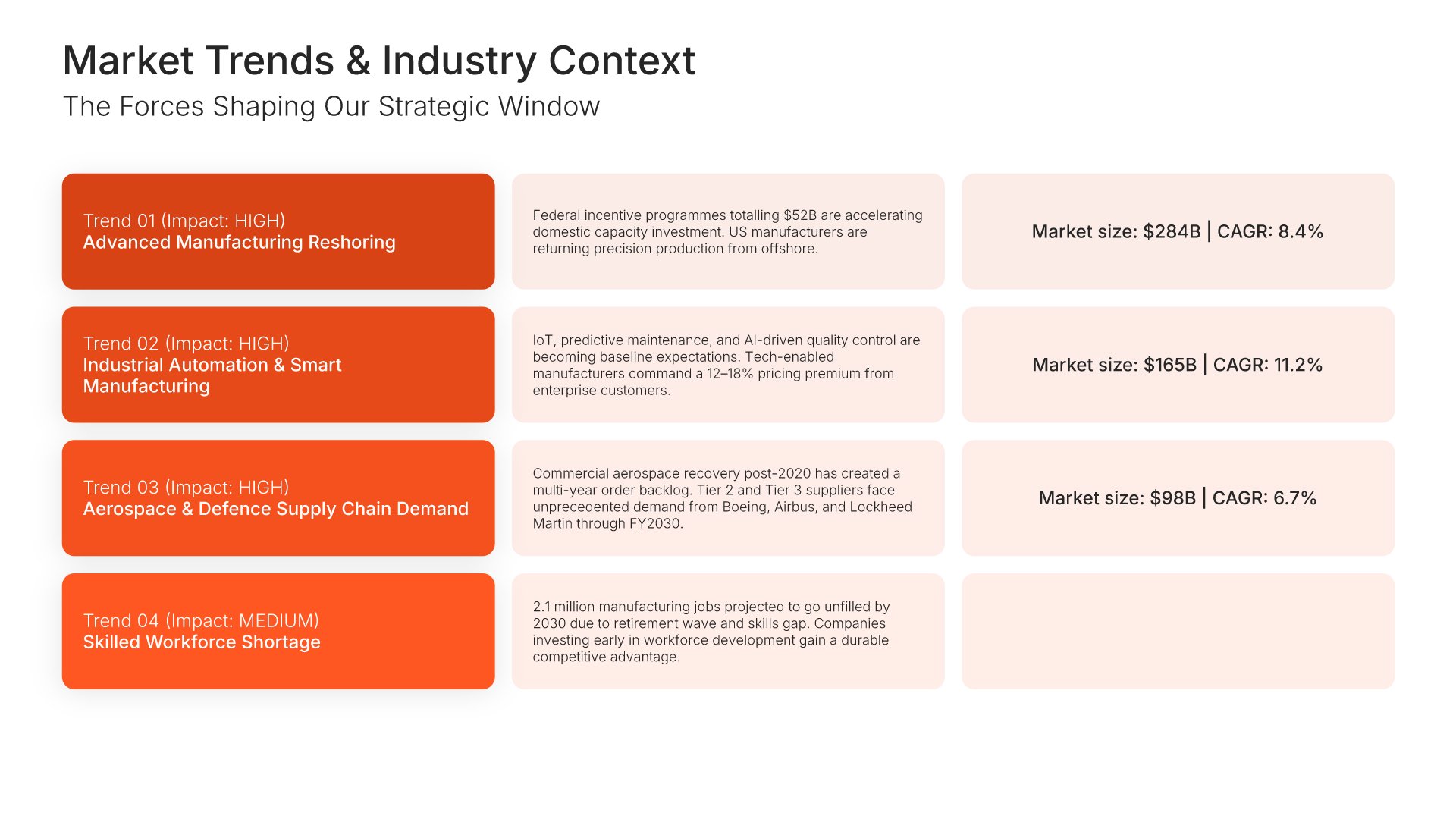
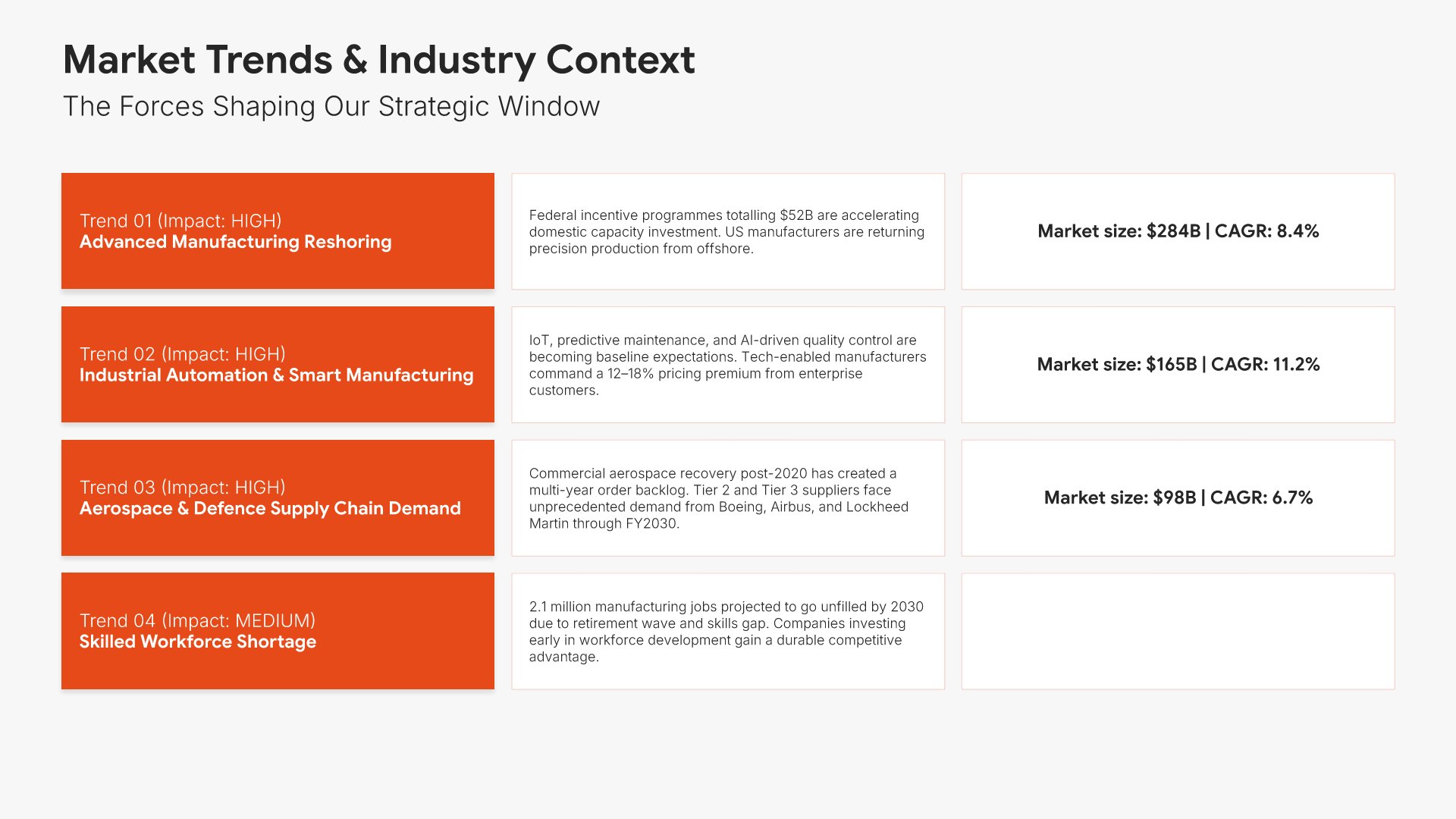
4. Market Trends & Industry Context

Market trends and industry context slides help you present the broader forces shaping your strategic environment. Use them to outline industry shifts, growth dynamics, customer trends, and the macro forces influencing your direction. A clear view of trends and context helps stakeholders understand why the strategy responds to where the world is going.
Built using Table slides

5. PESTEL

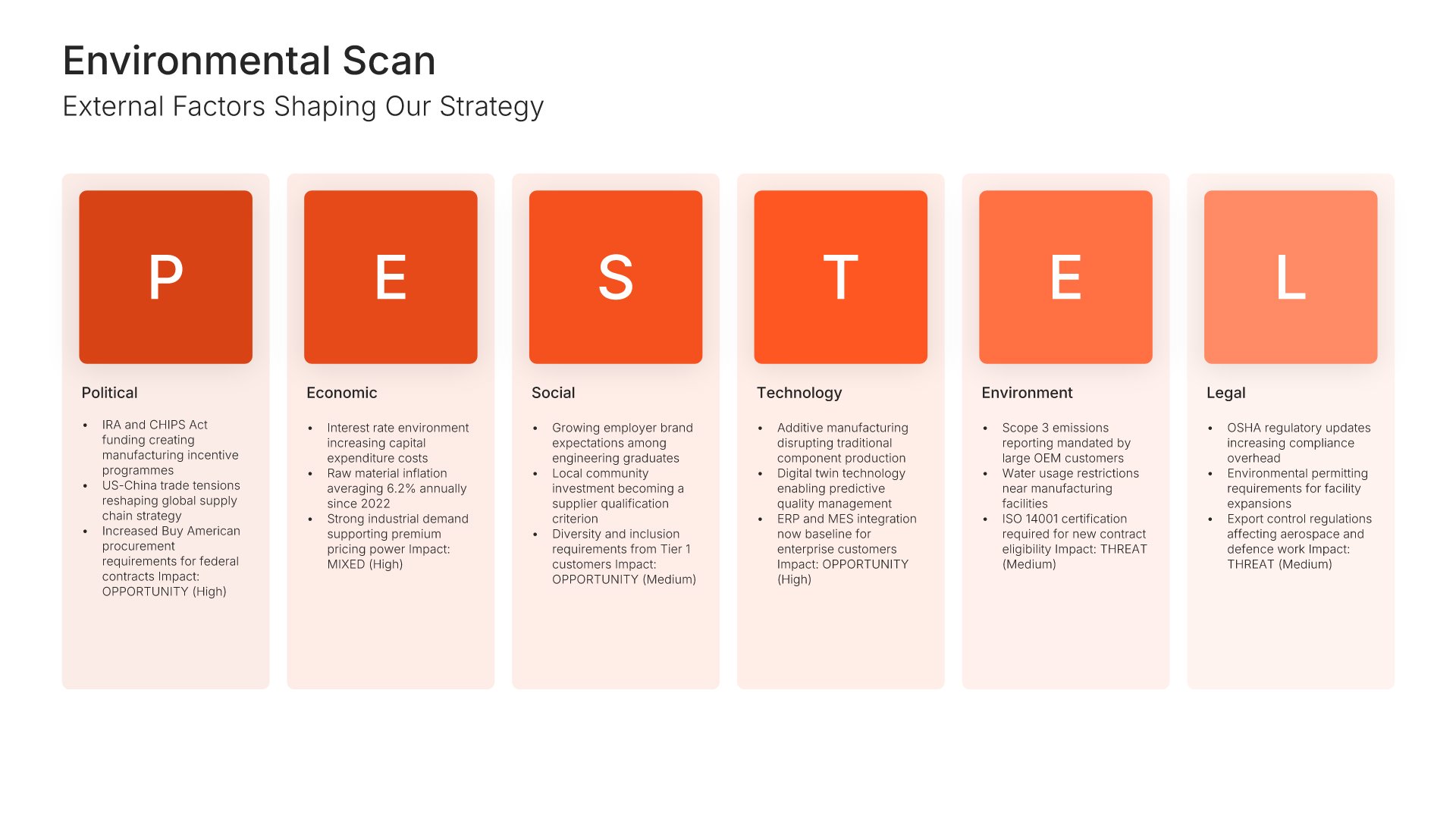
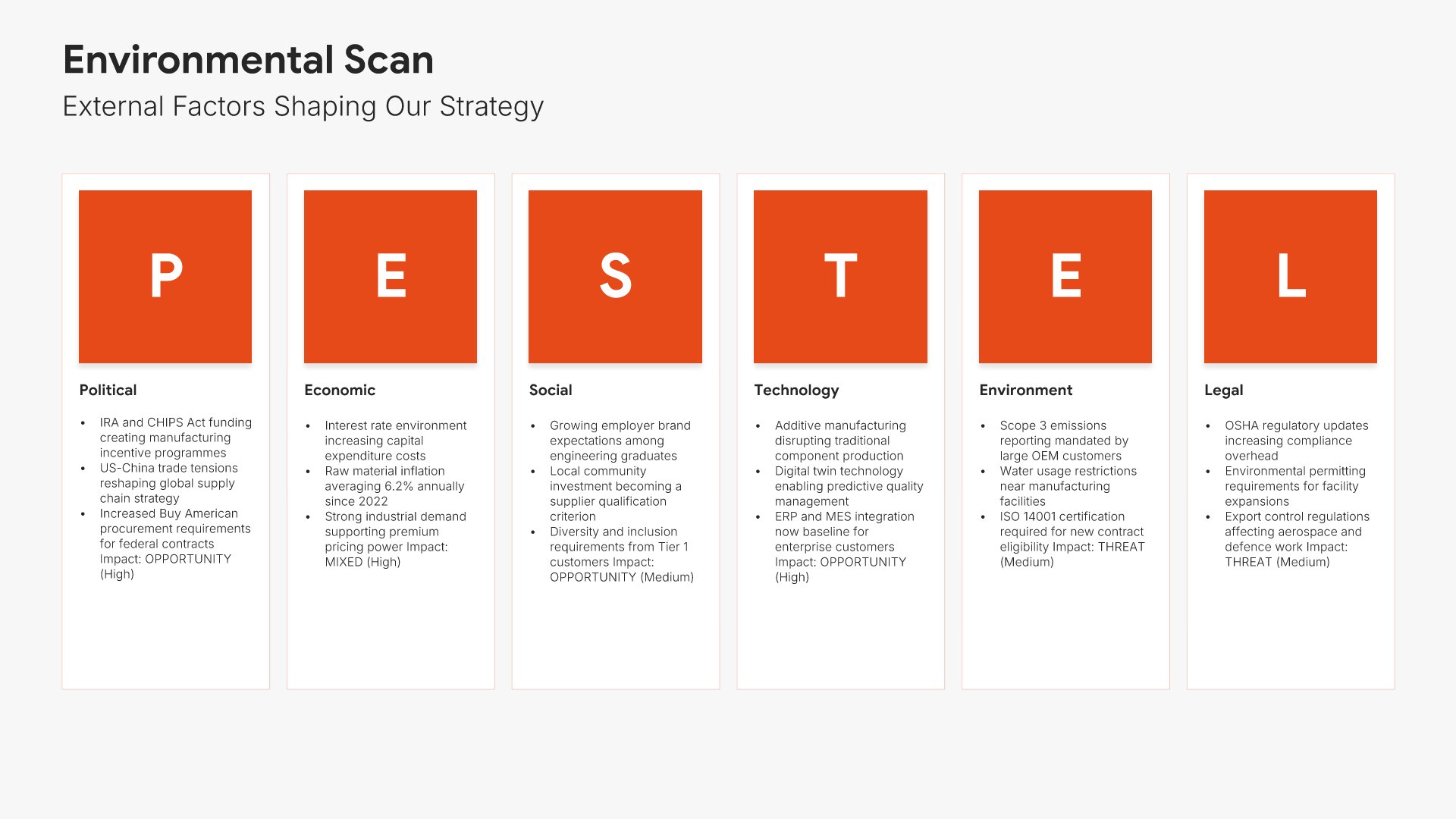
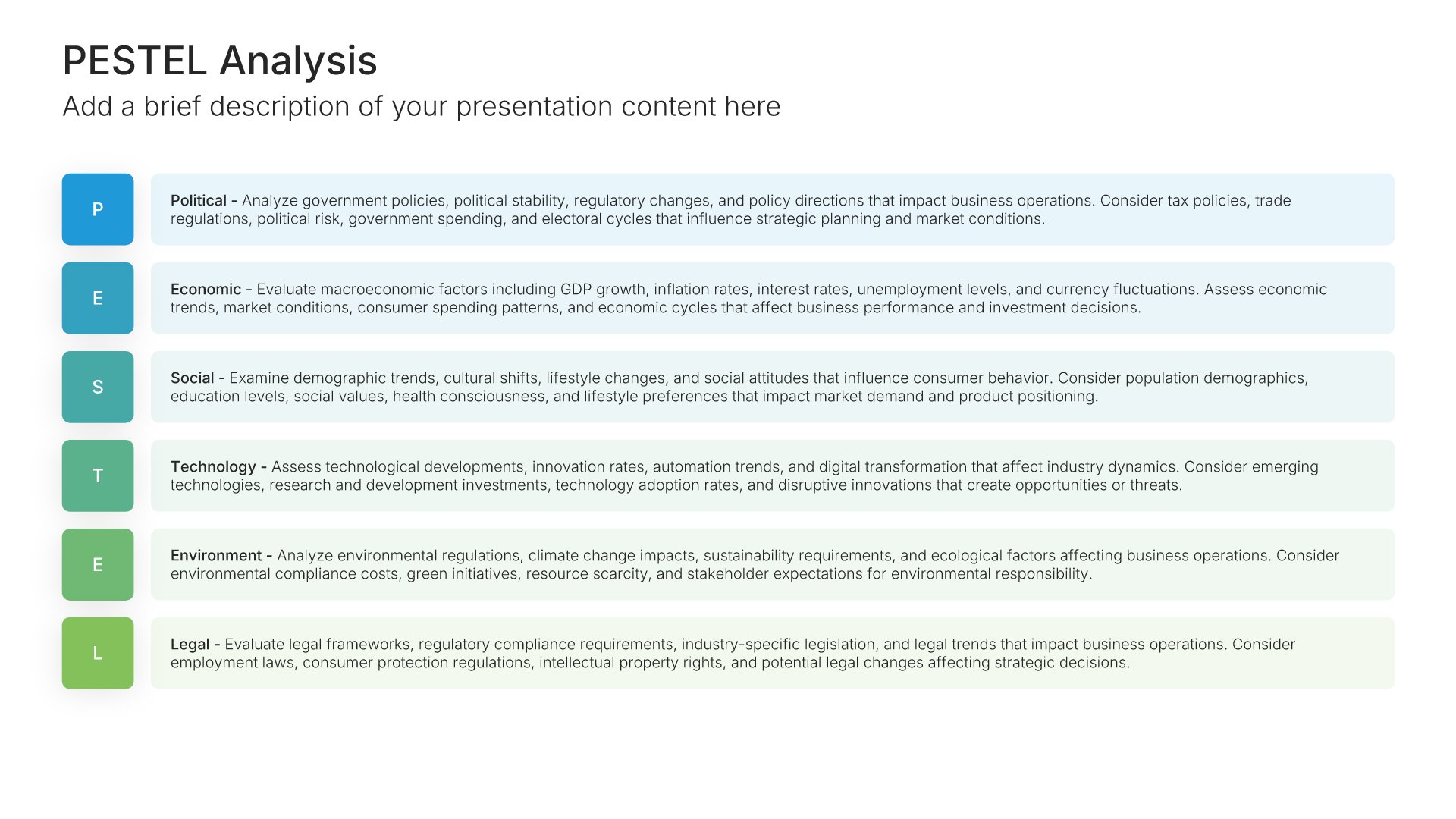
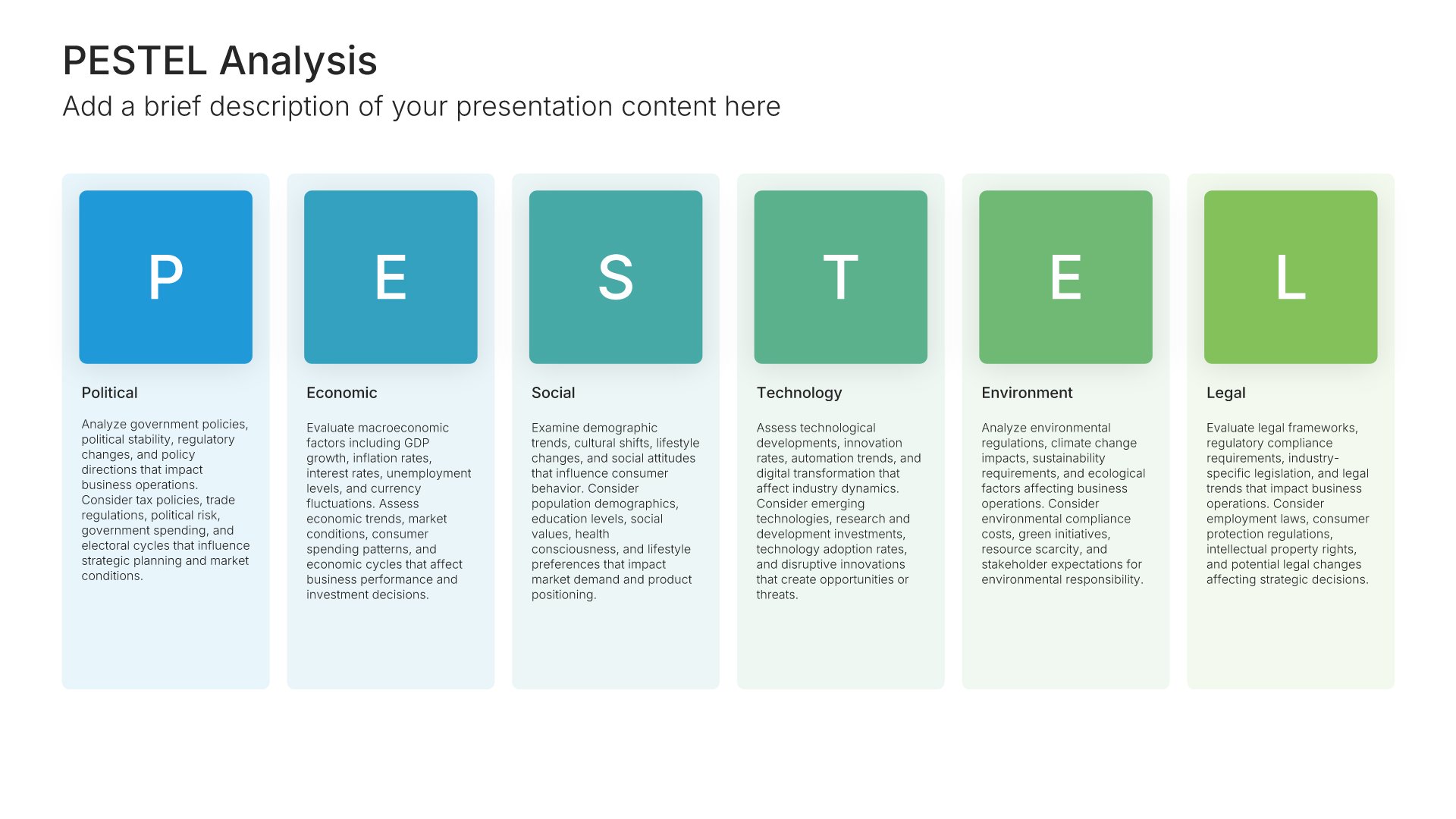
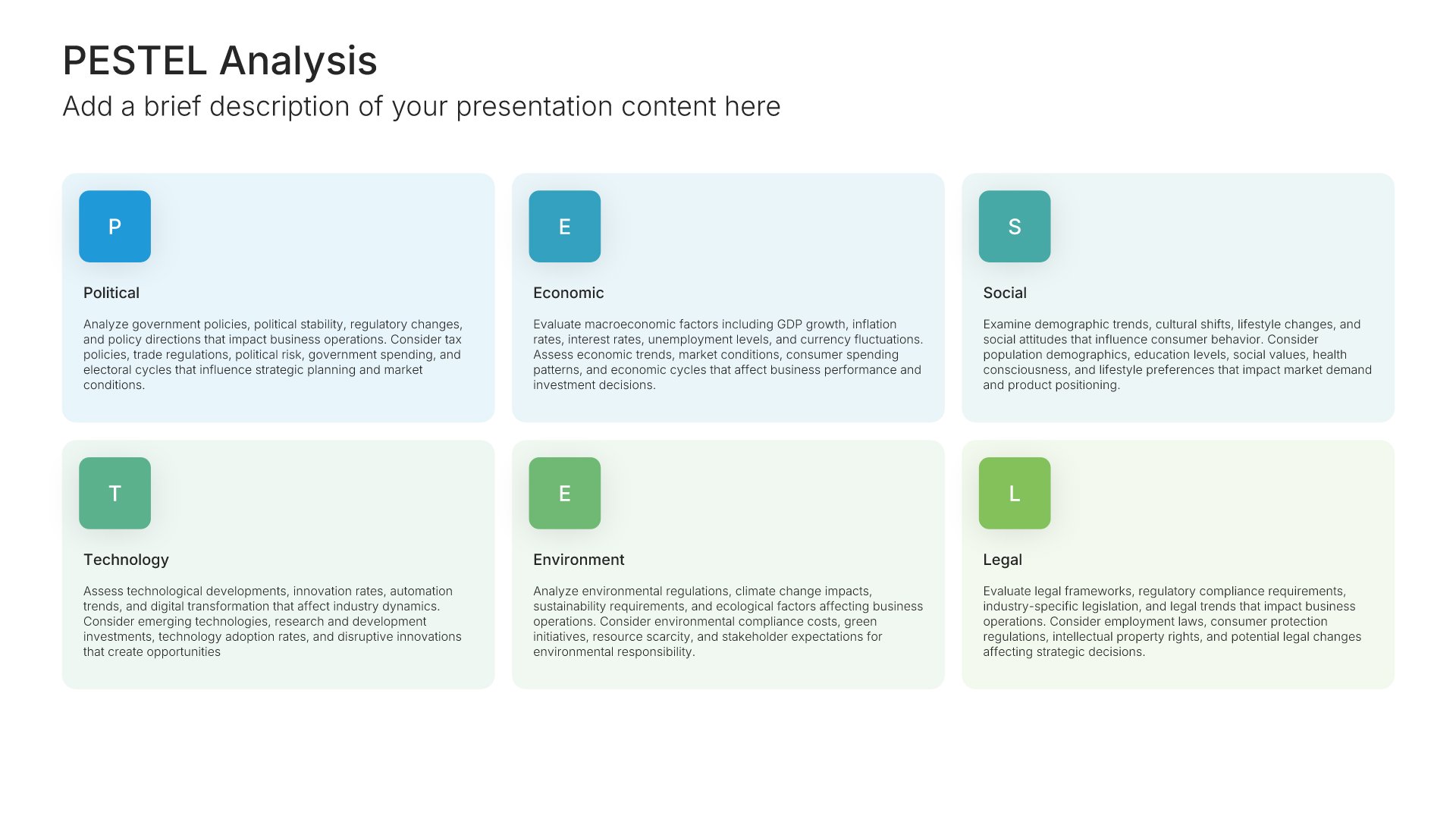
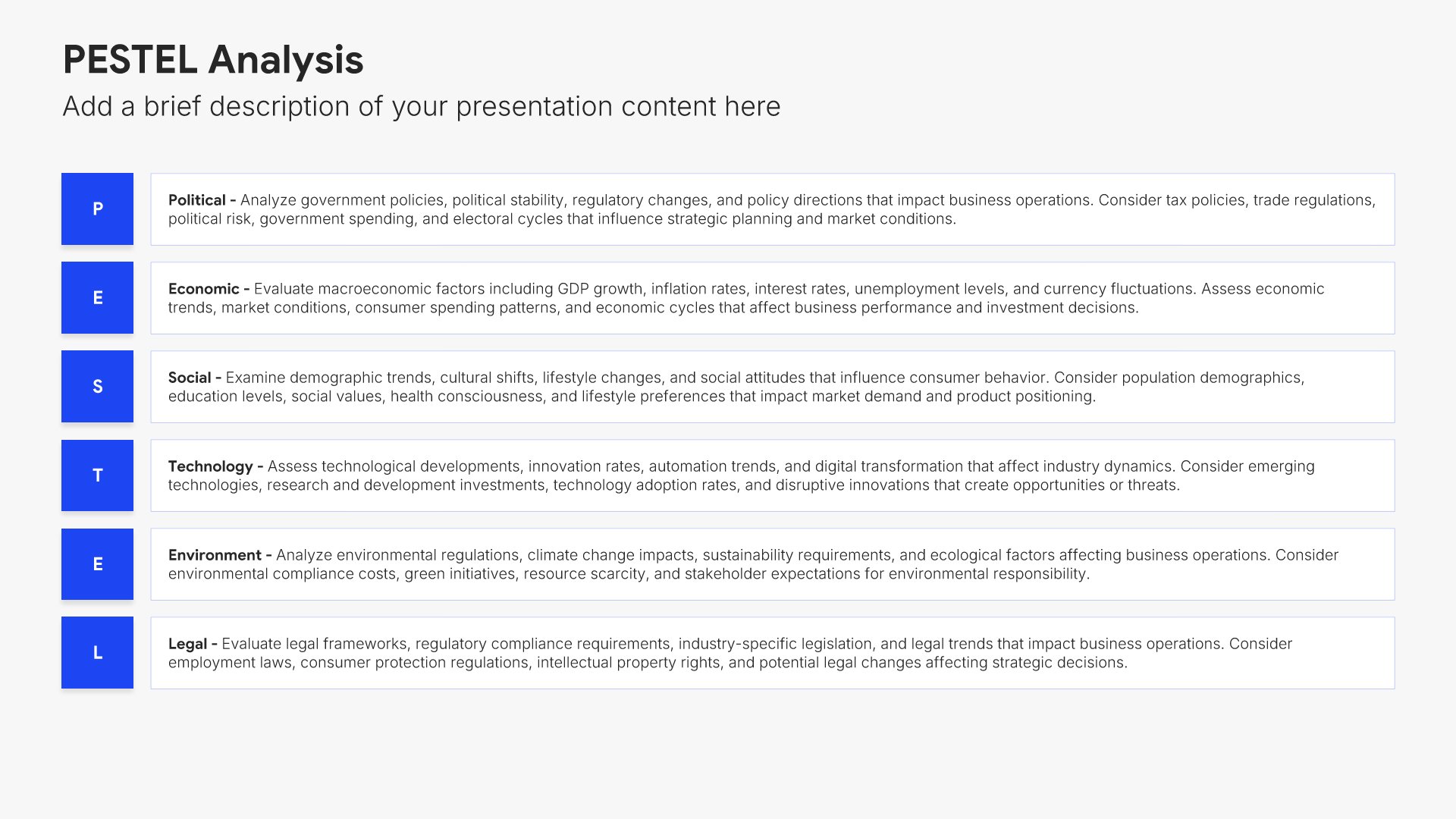
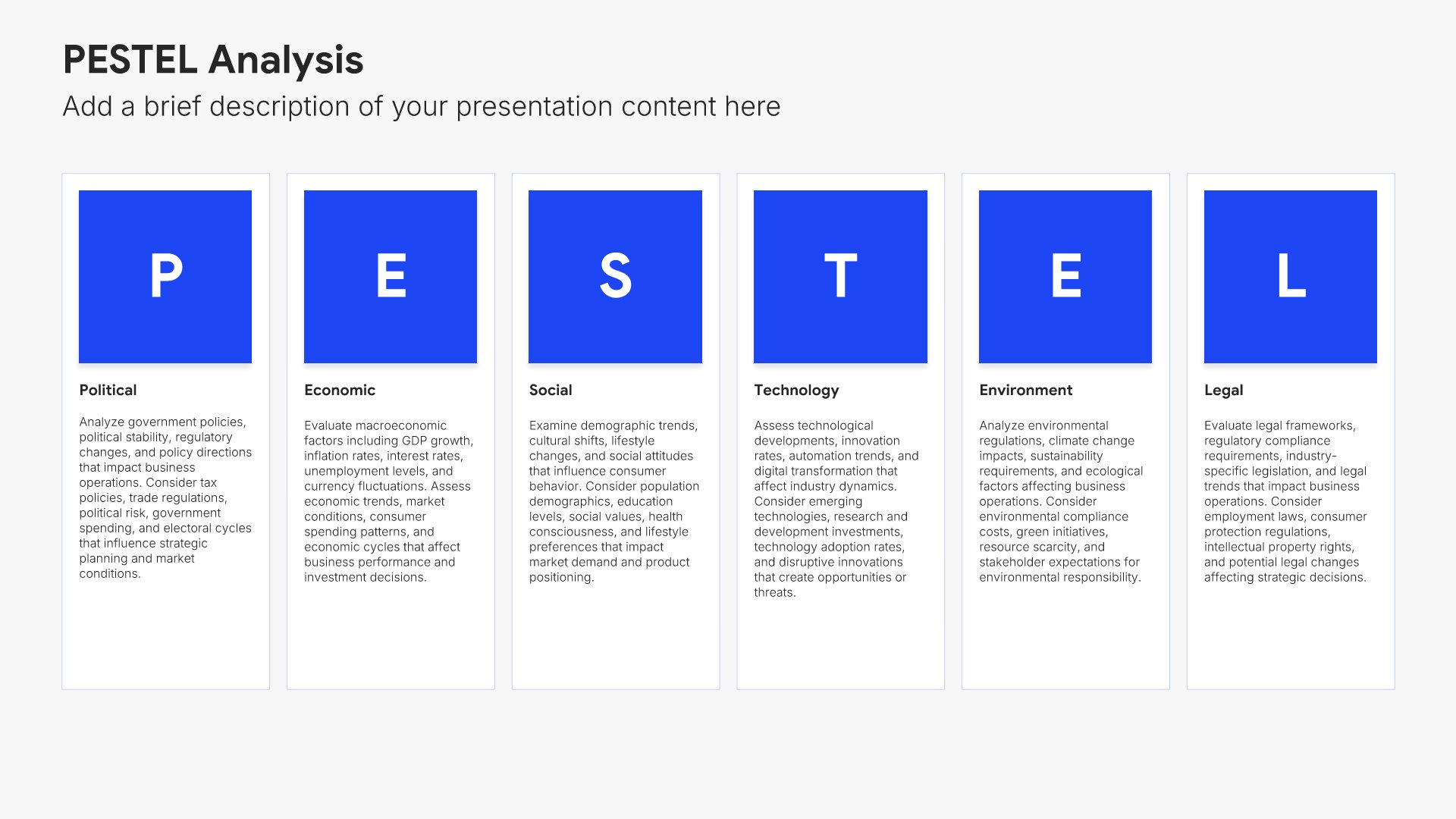
PESTEL analysis slides help you scan your external environment systematically. Use them to evaluate Political, Economic, Social, Technological, Environmental, and Legal factors that could impact your business. Ideal for strategic planning, market entry analysis, and understanding the macro forces shaping your industry.
Built using PESTEL slides

6. Competitive Landscape

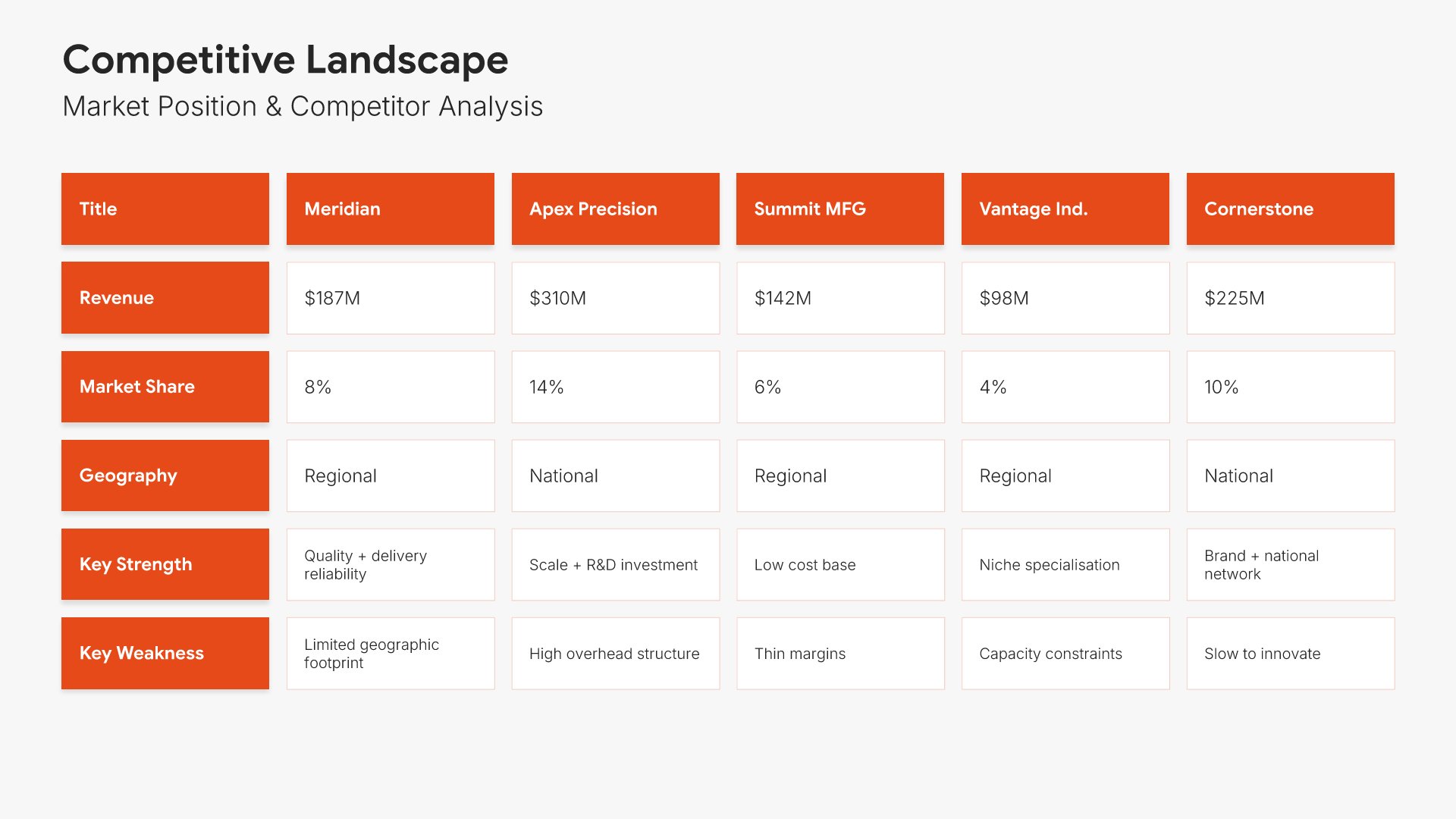
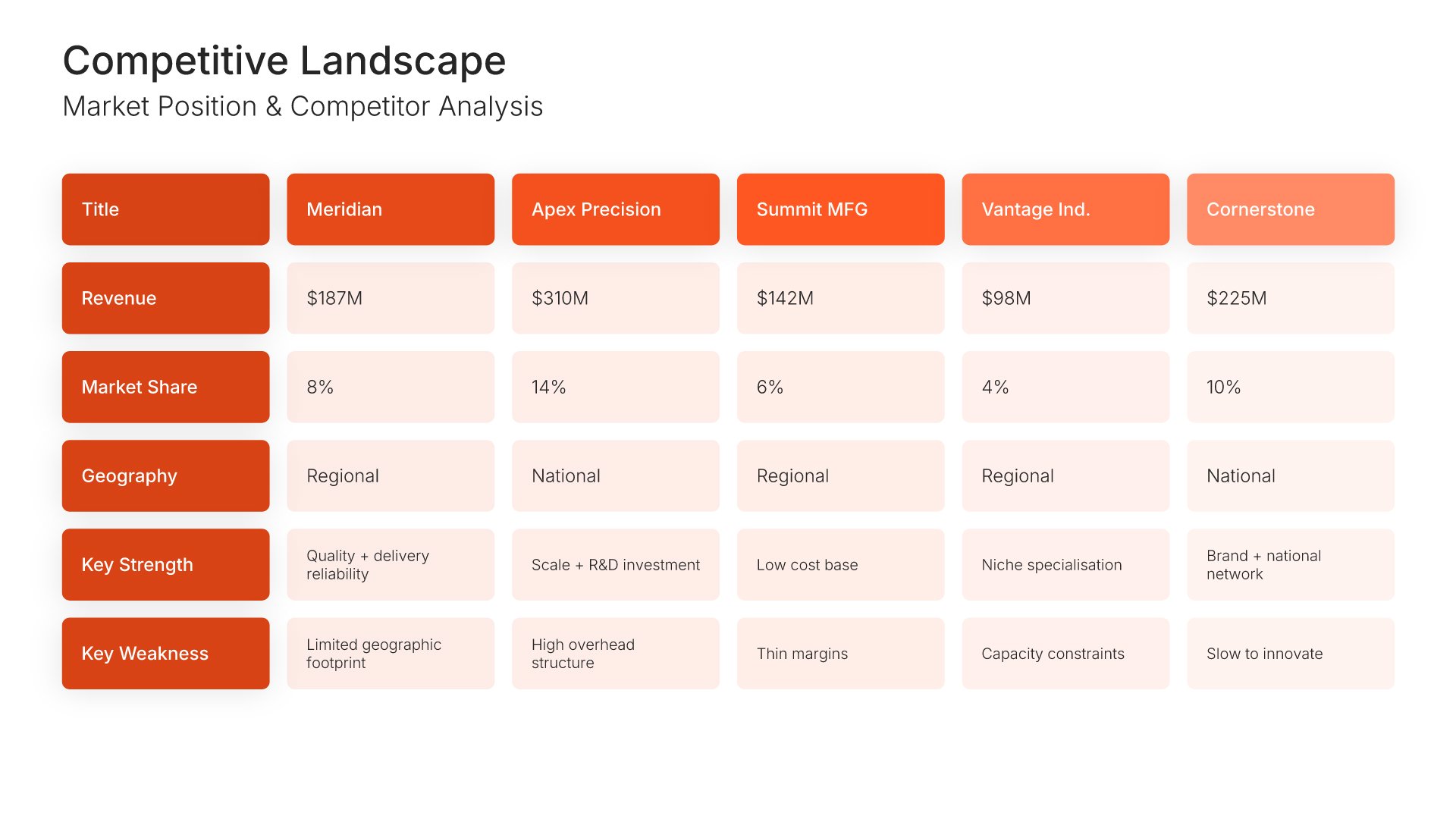
Competitive landscape slides help you map your market position visually. Use them to show where you and your competitors stand across key dimensions, making your strategic positioning clear. Ideal for investor presentations, strategic planning, and any pitch where demonstrating how you fit in the competitive market matters.
Built using Table slides

7. Current State Analysis

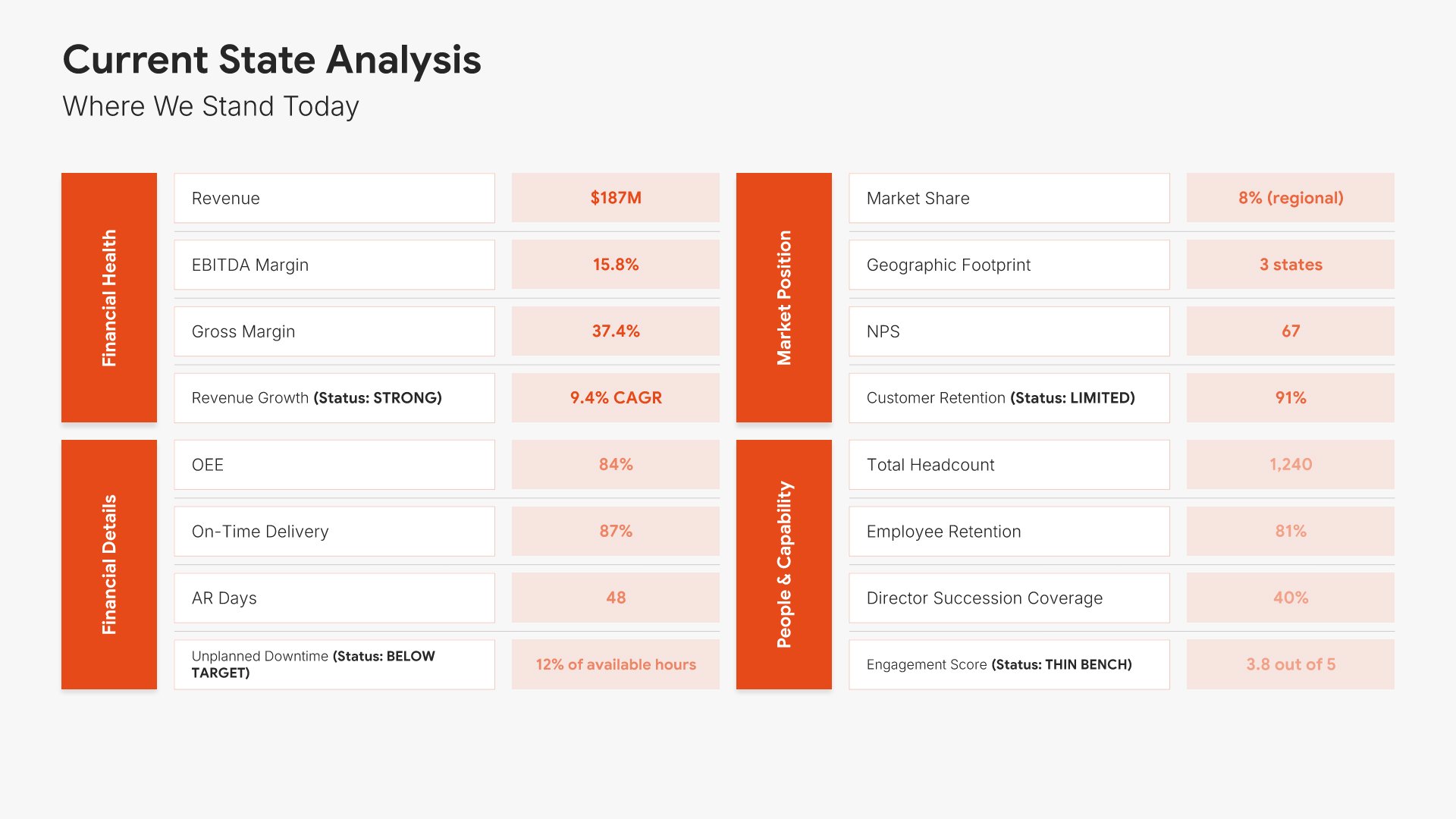
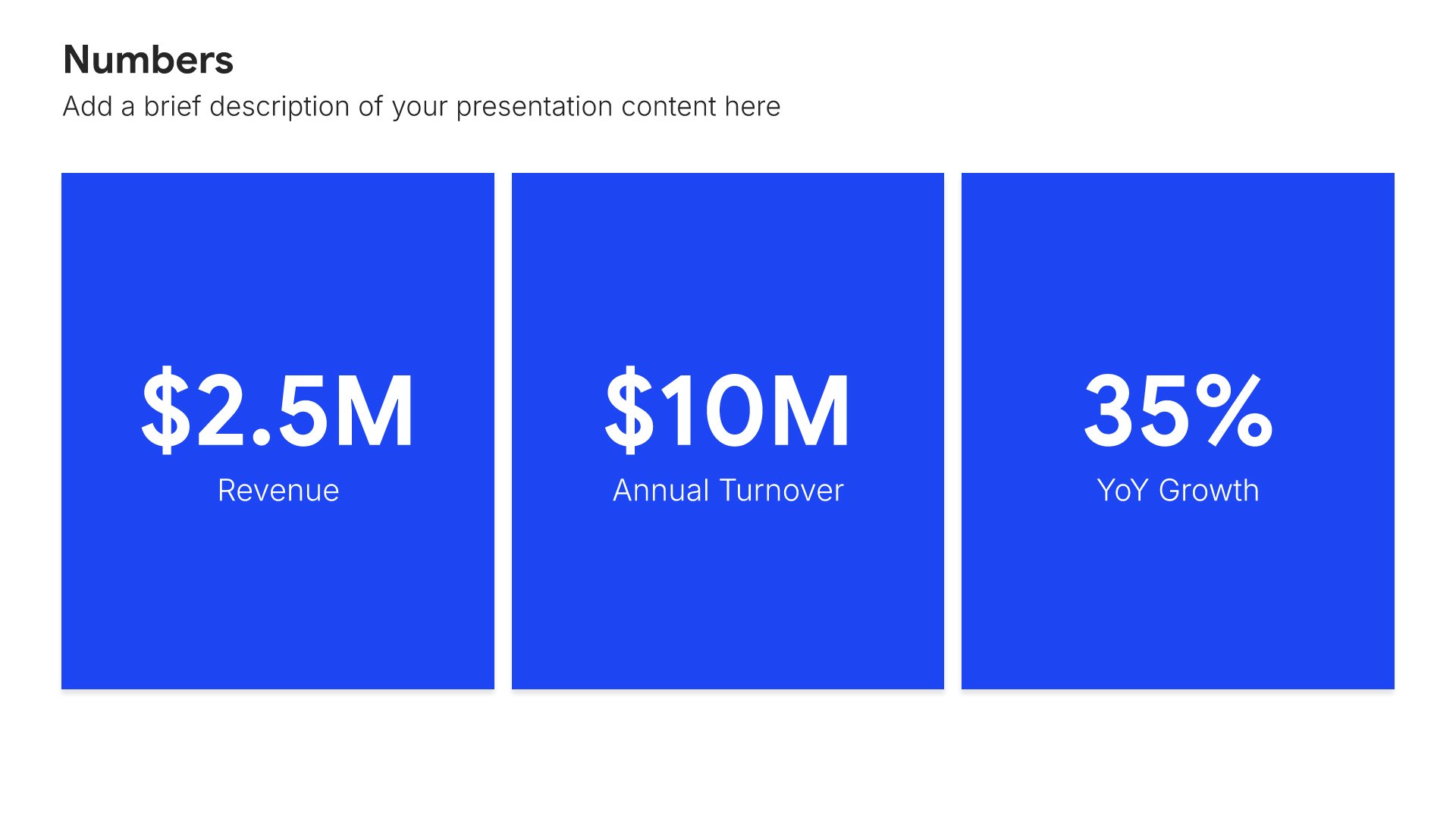
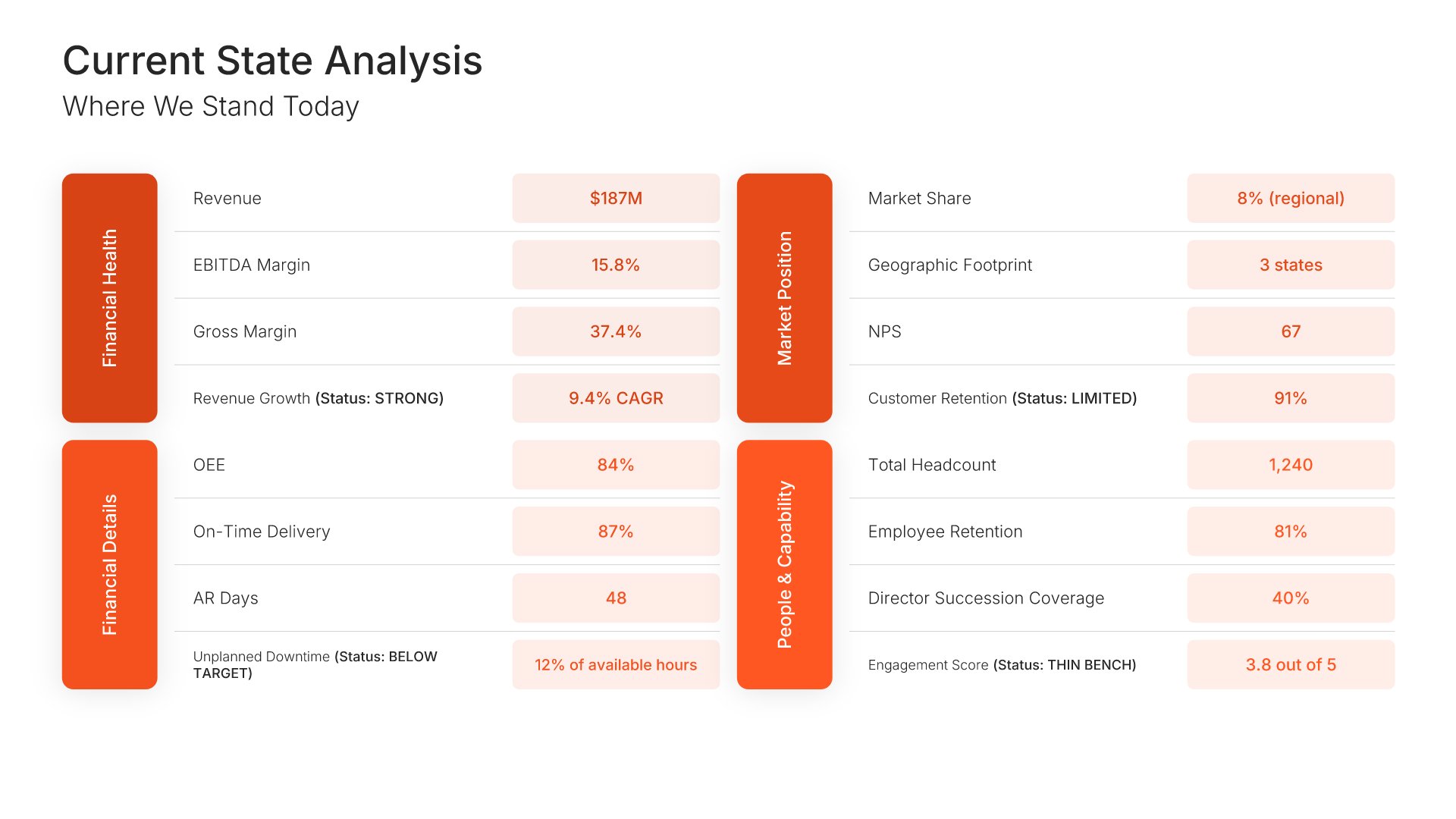
Current state analysis slides help you establish the baseline before proposing change. Use them to present existing processes, costs, performance metrics, and pain points that quantify the problem. Ideal for business cases where demonstrating a clear understanding of today's situation builds credibility for your proposed solution.
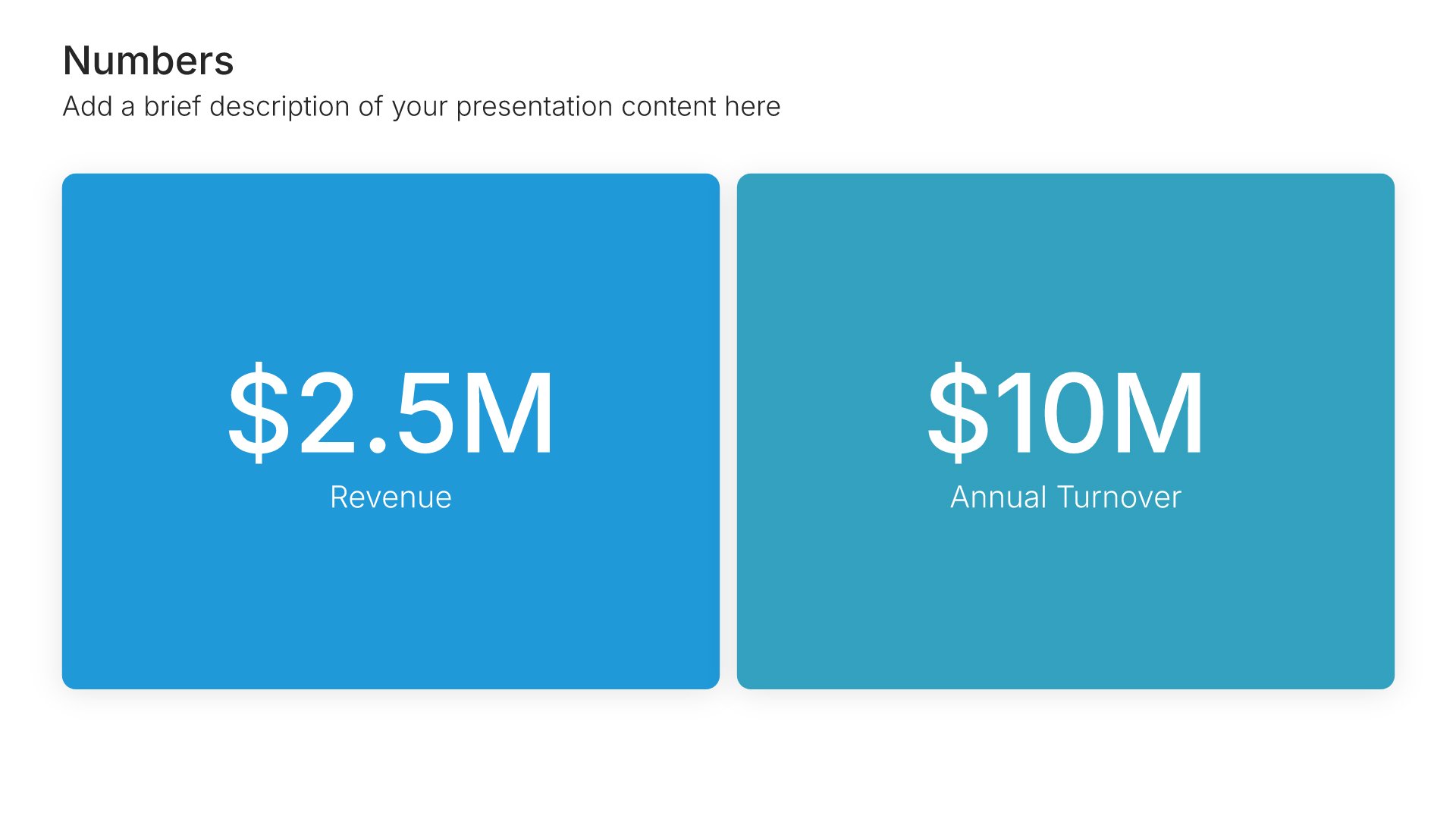
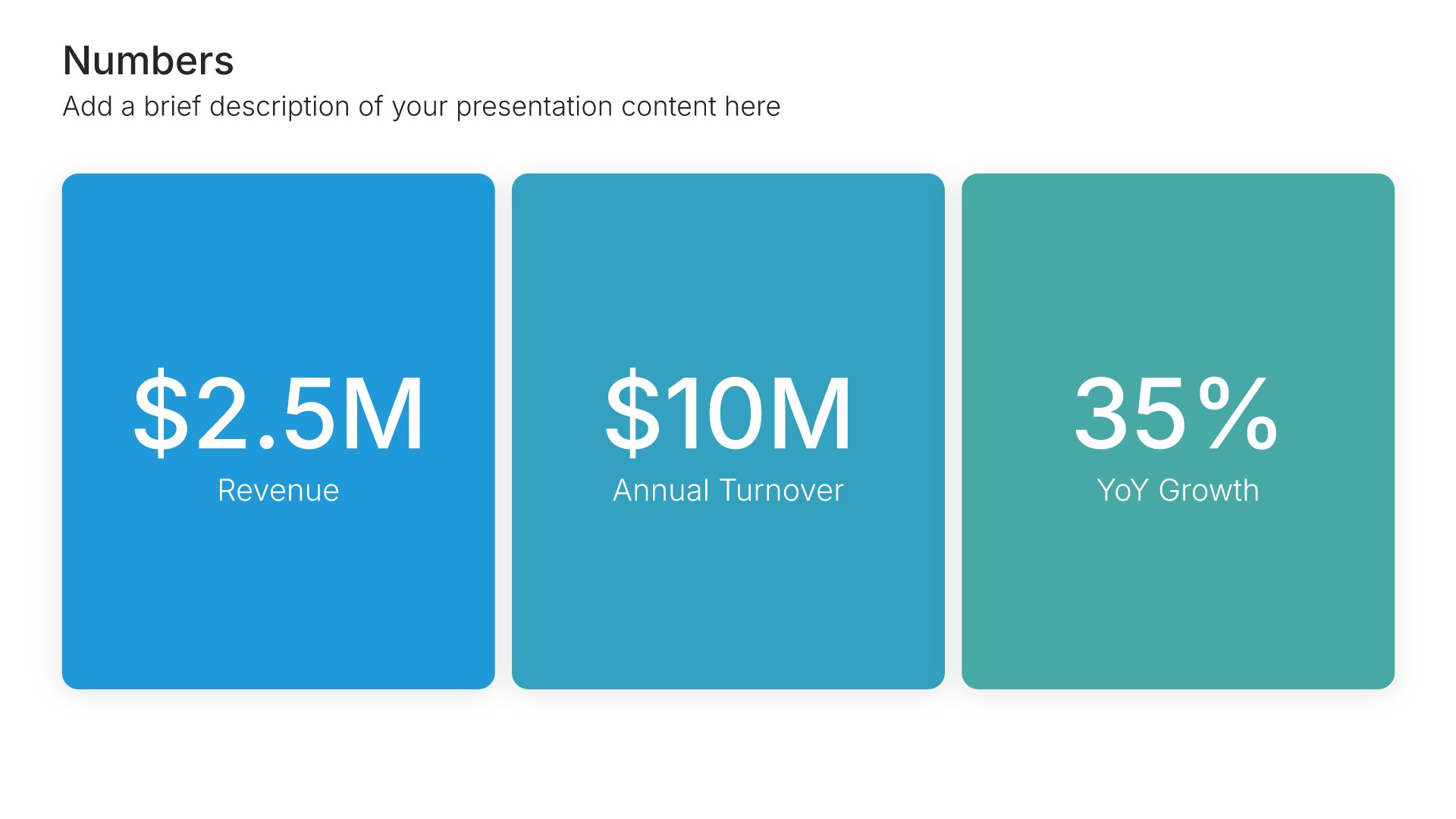
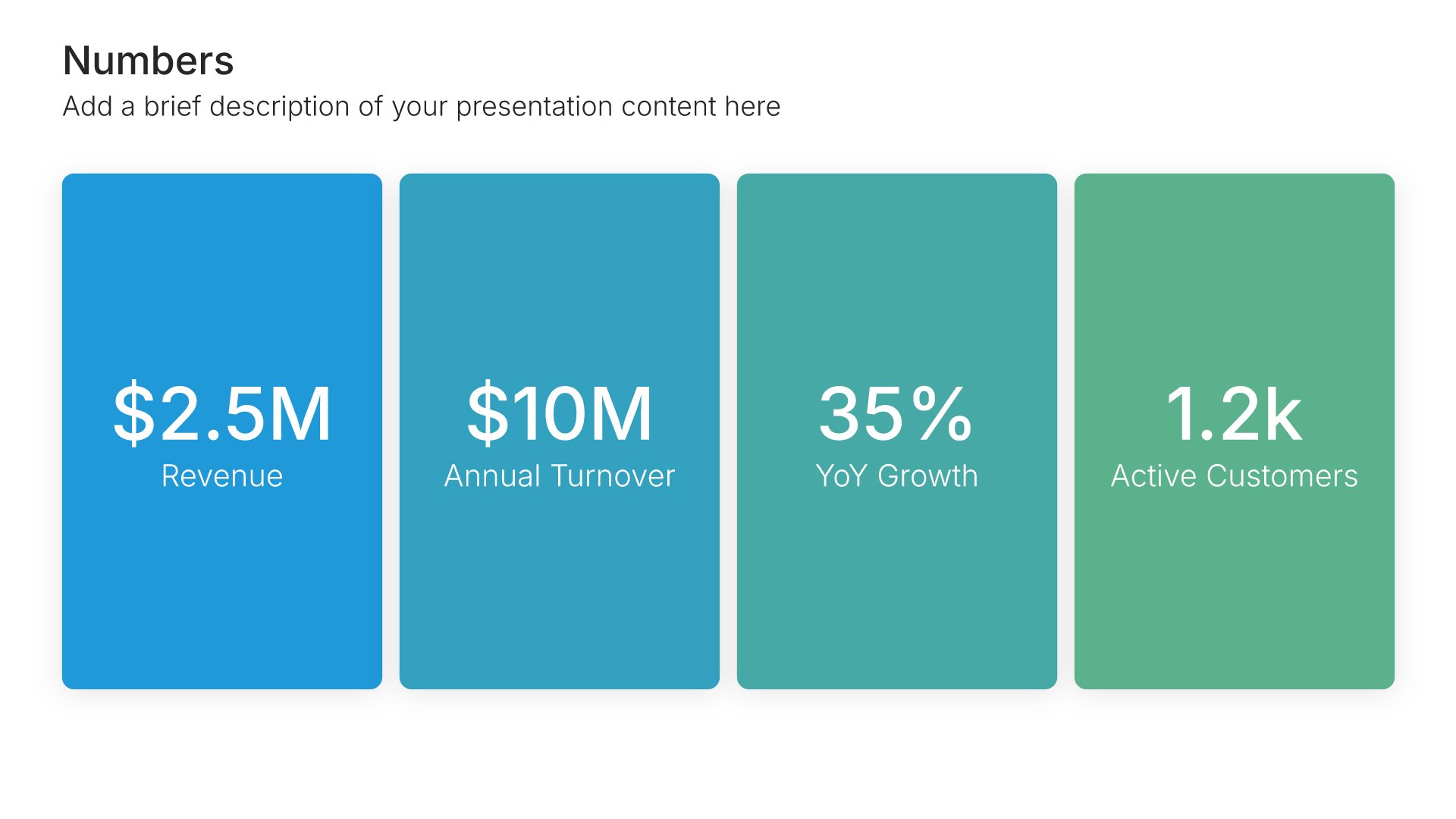
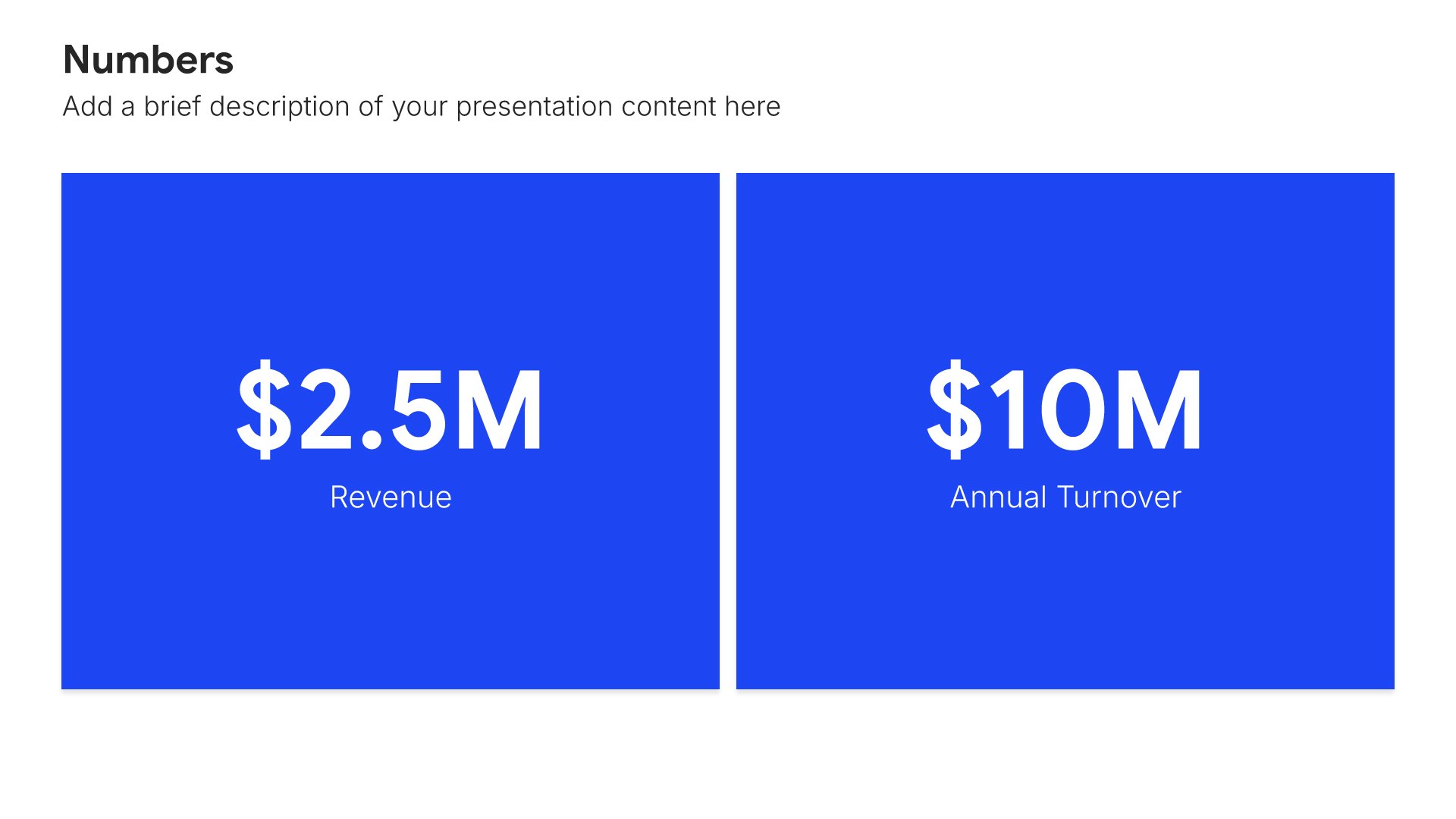
Built using Simple Numbers slides

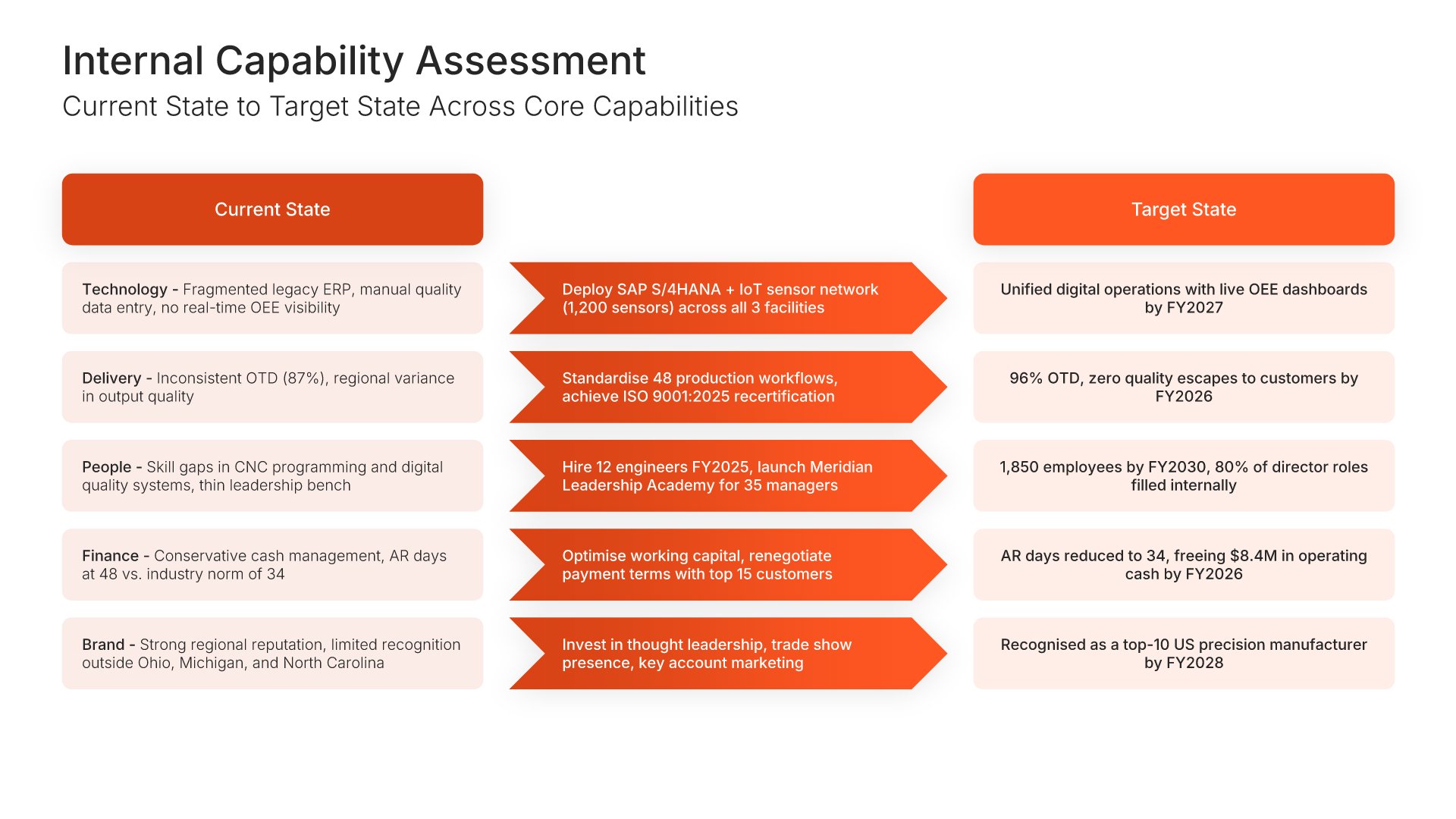
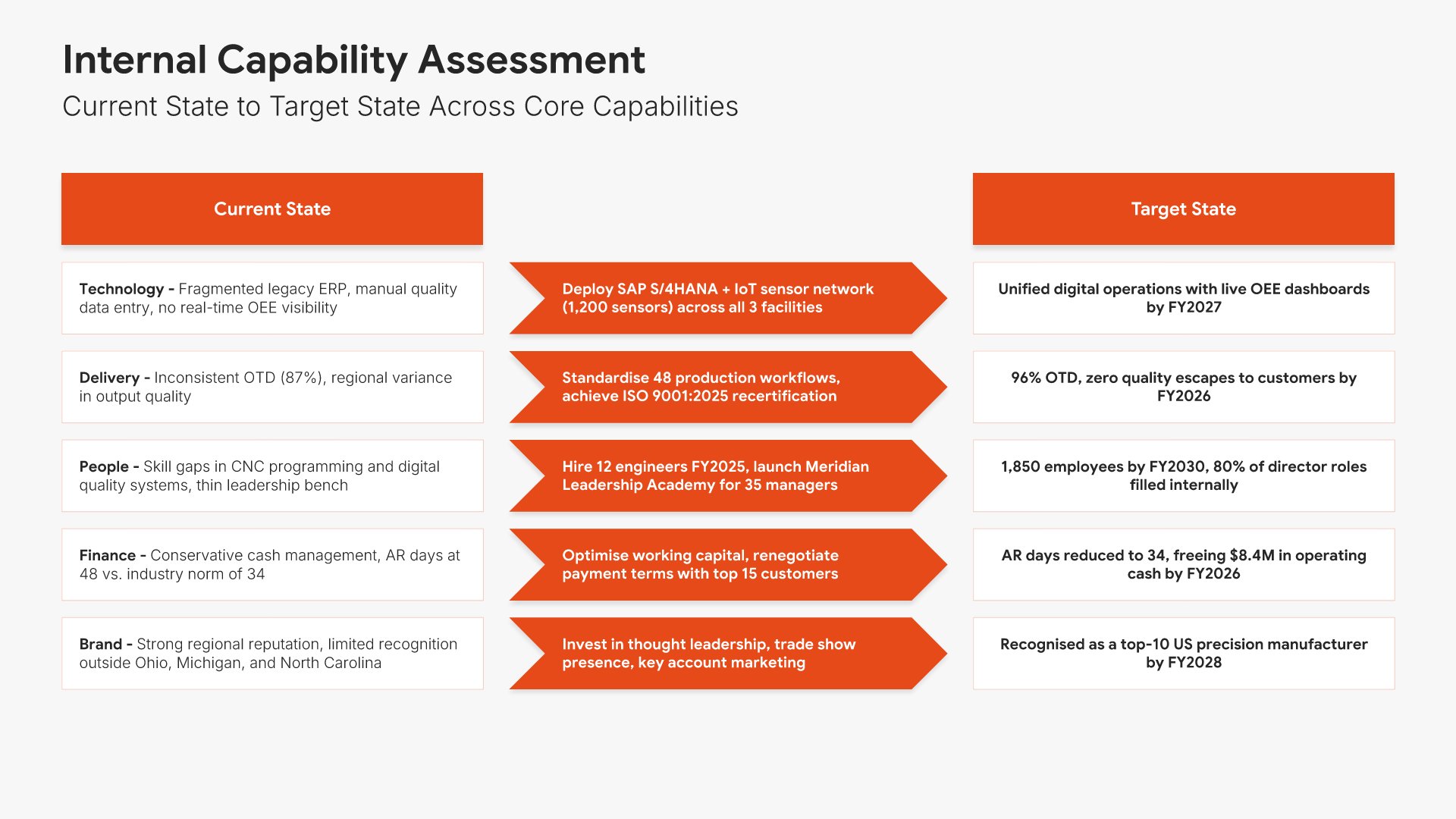
8. Internal Capability Assessment

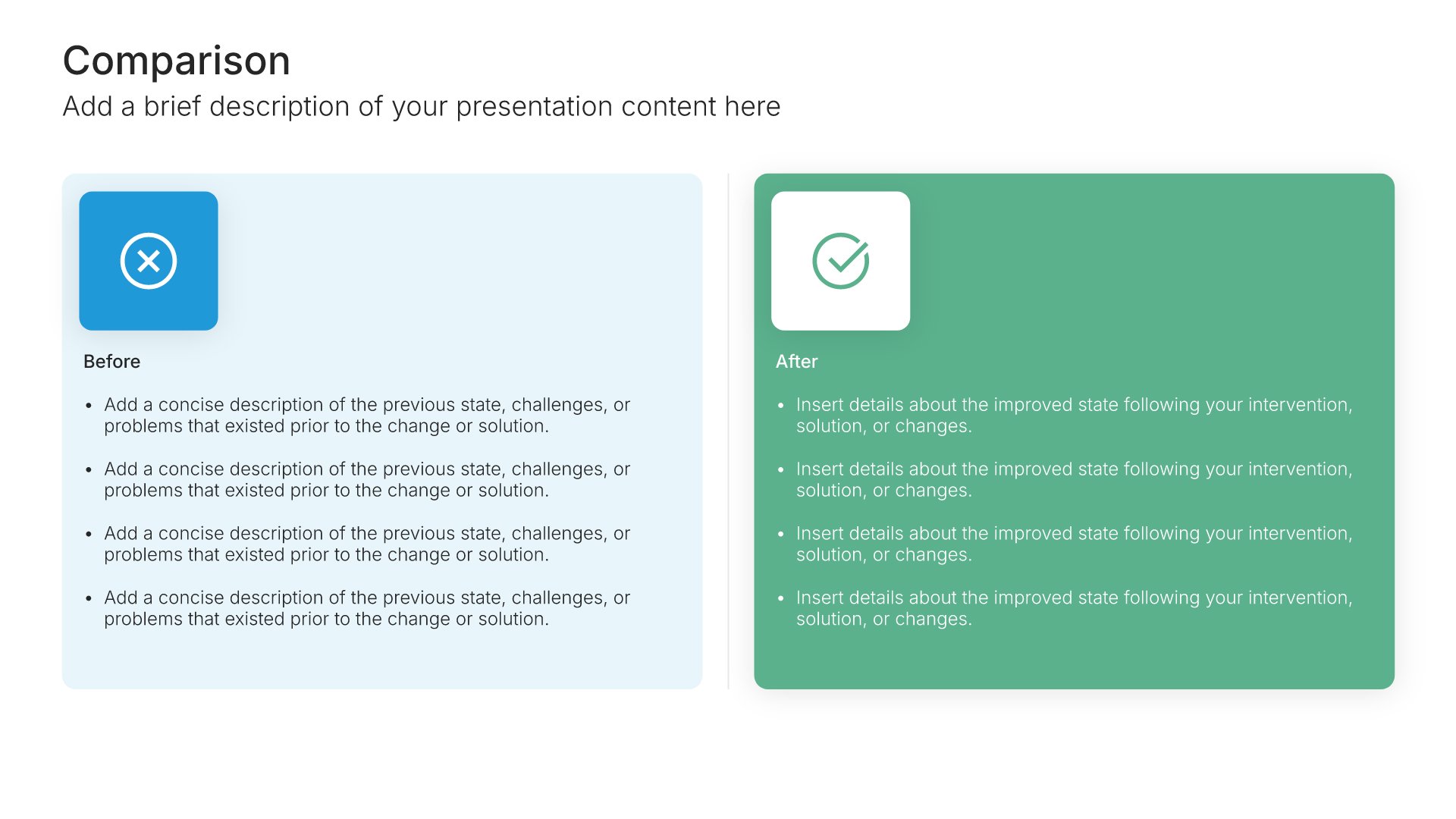
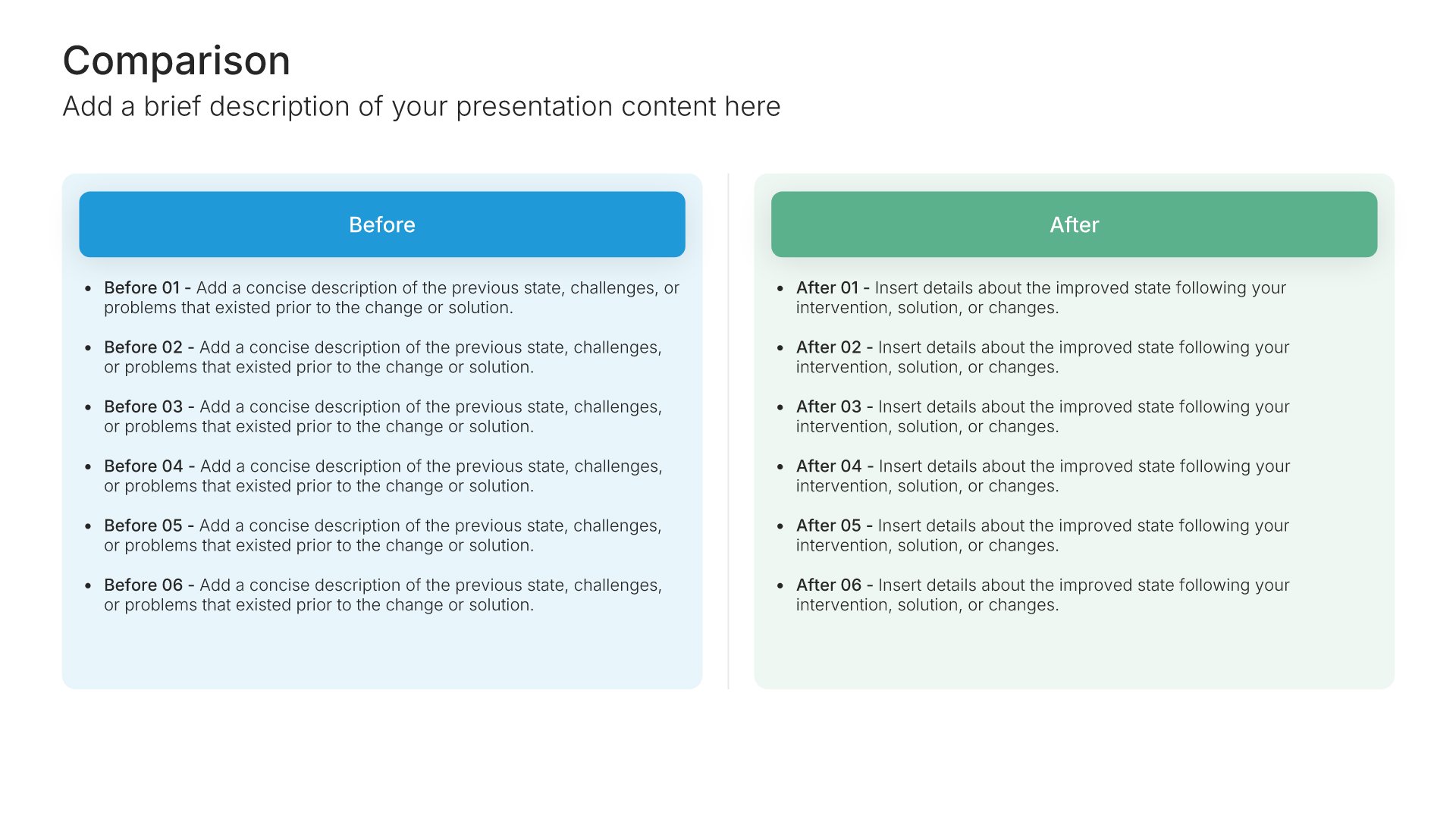
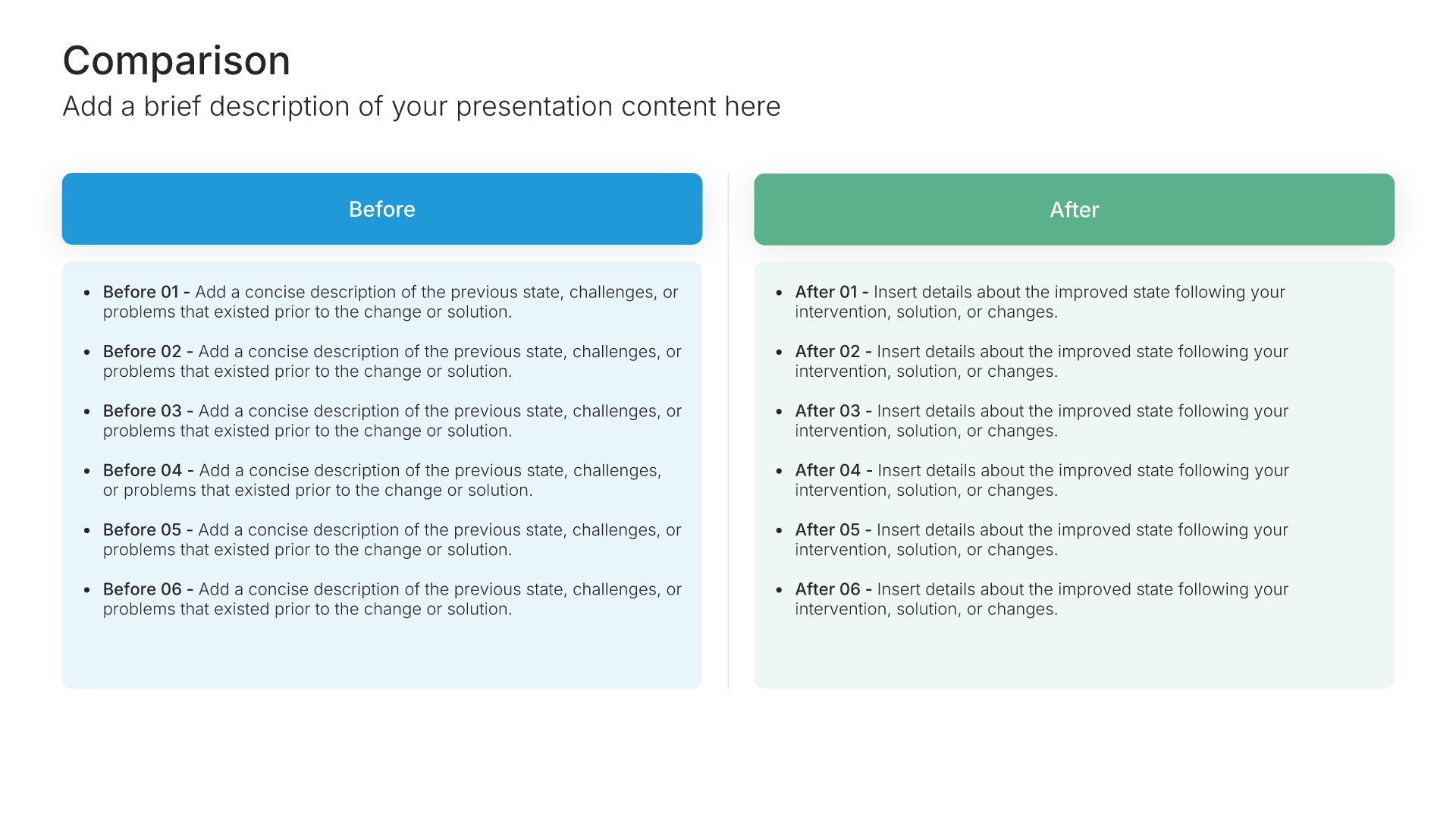
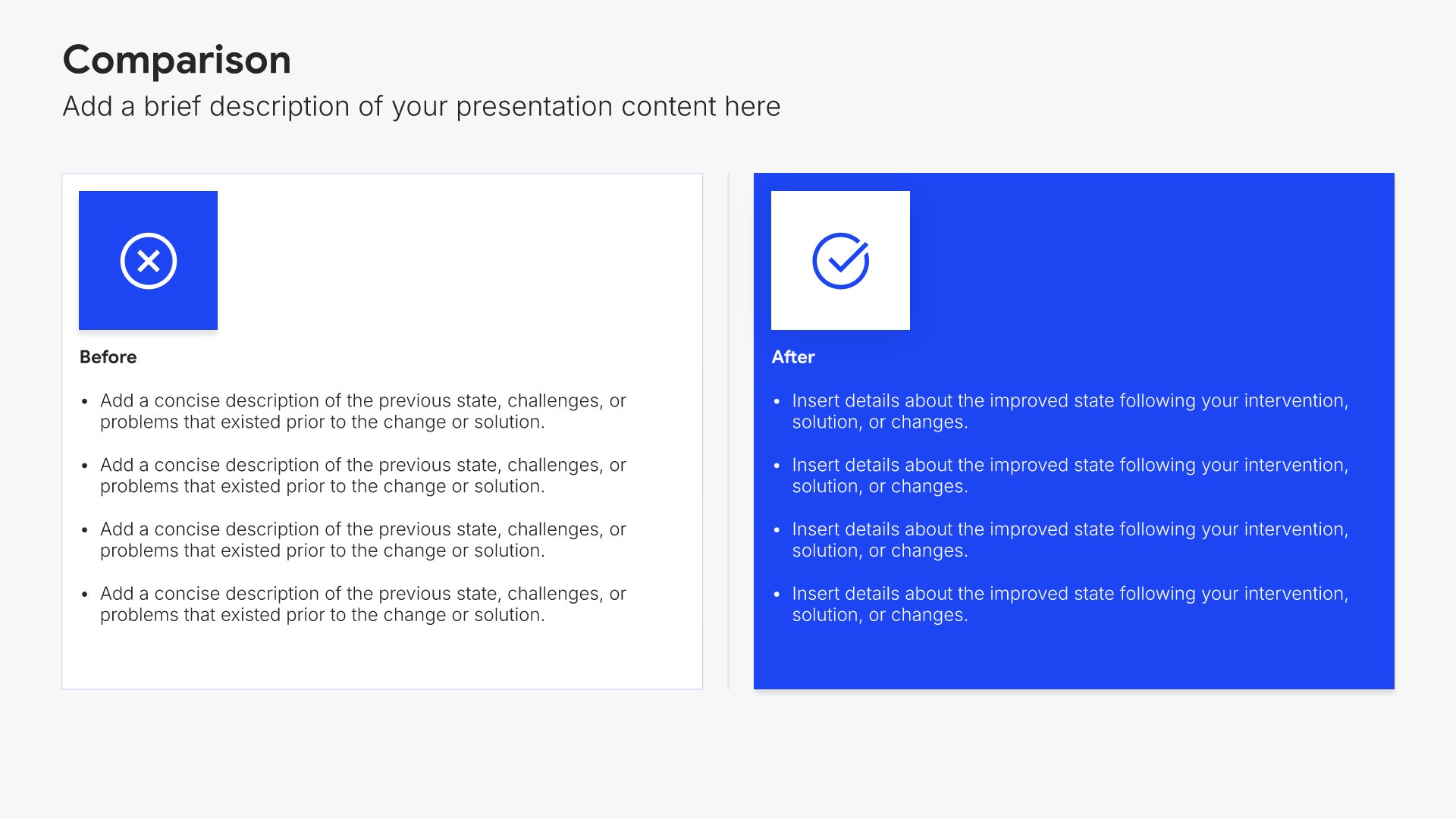
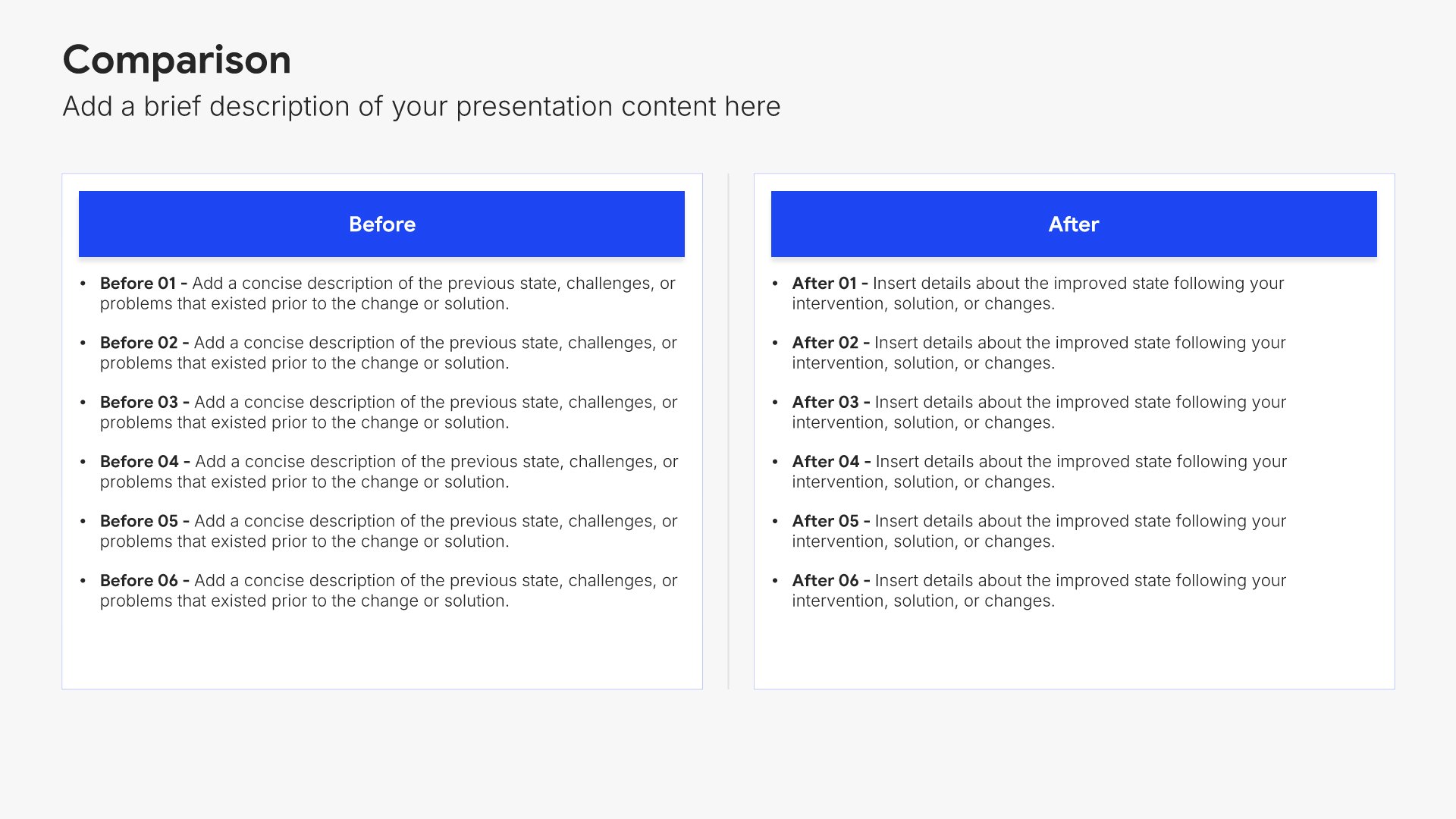
Internal capability assessment slides help you evaluate your organization's strengths and resources. Use them to present your core competencies, assets, skills, and operational capacity. Ideal for strategic planning and business reviews where understanding what you're capable of informs strategic decisions.
Built using Comparison slides

9. SWOT Analysis

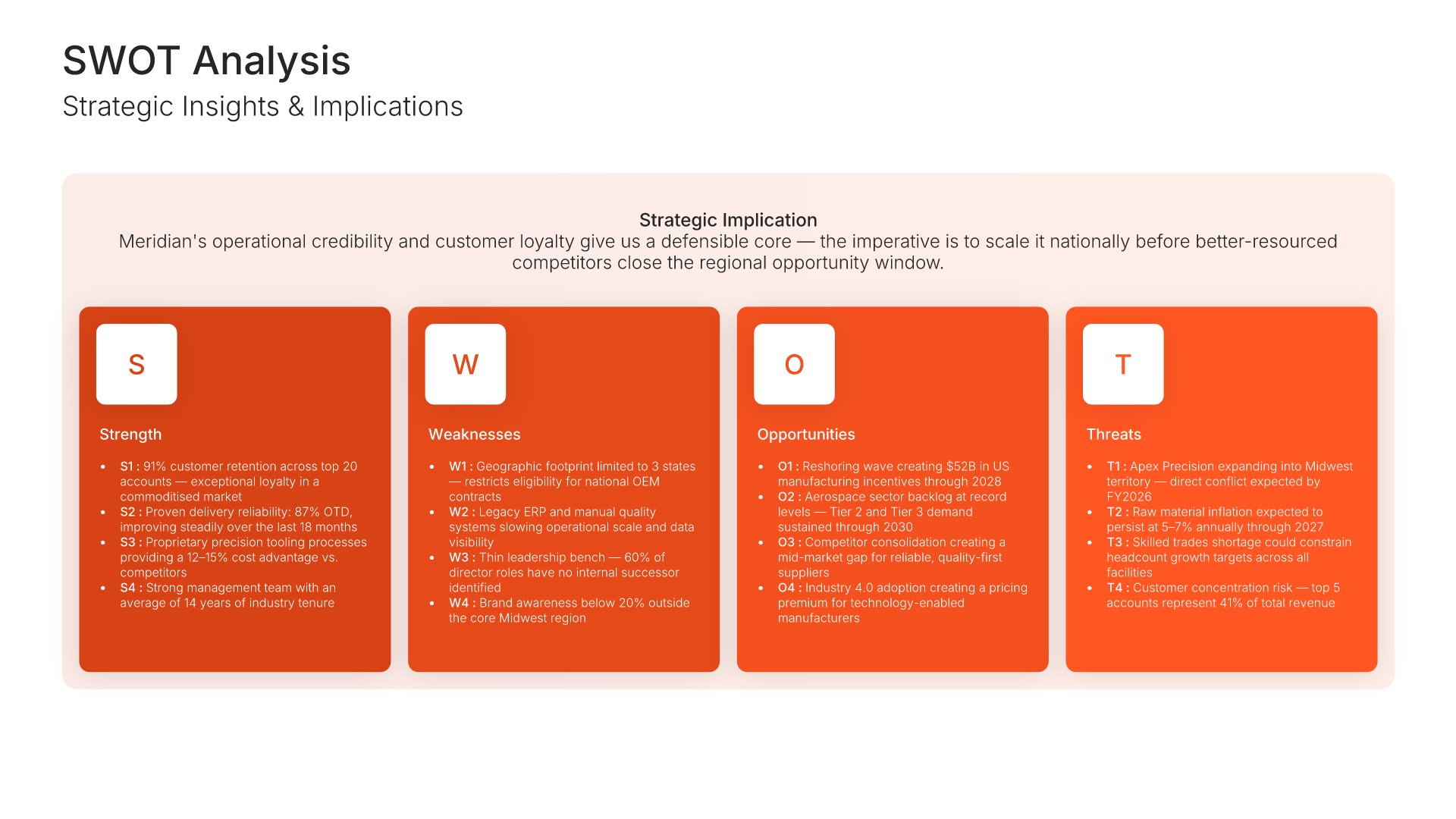
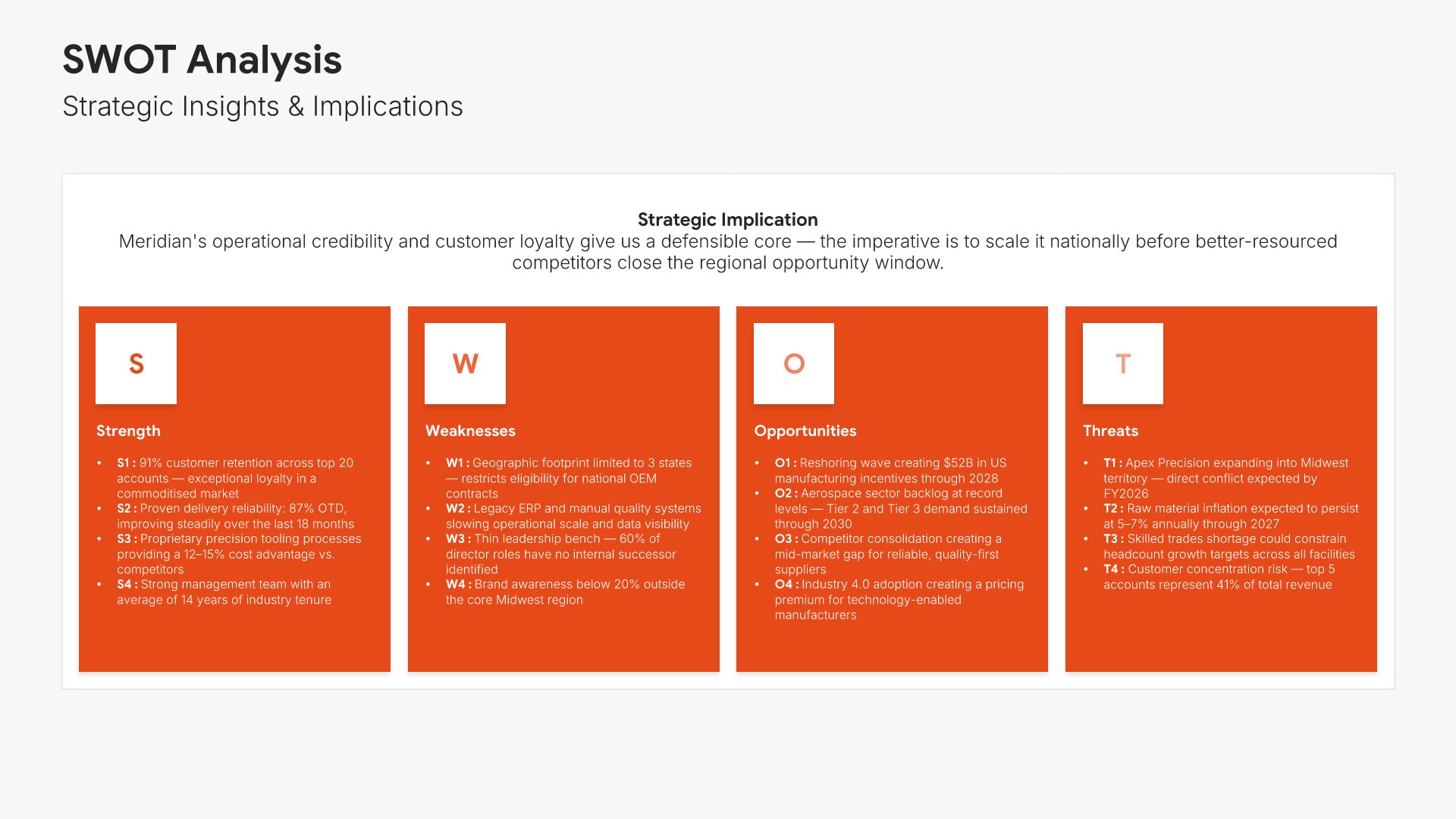
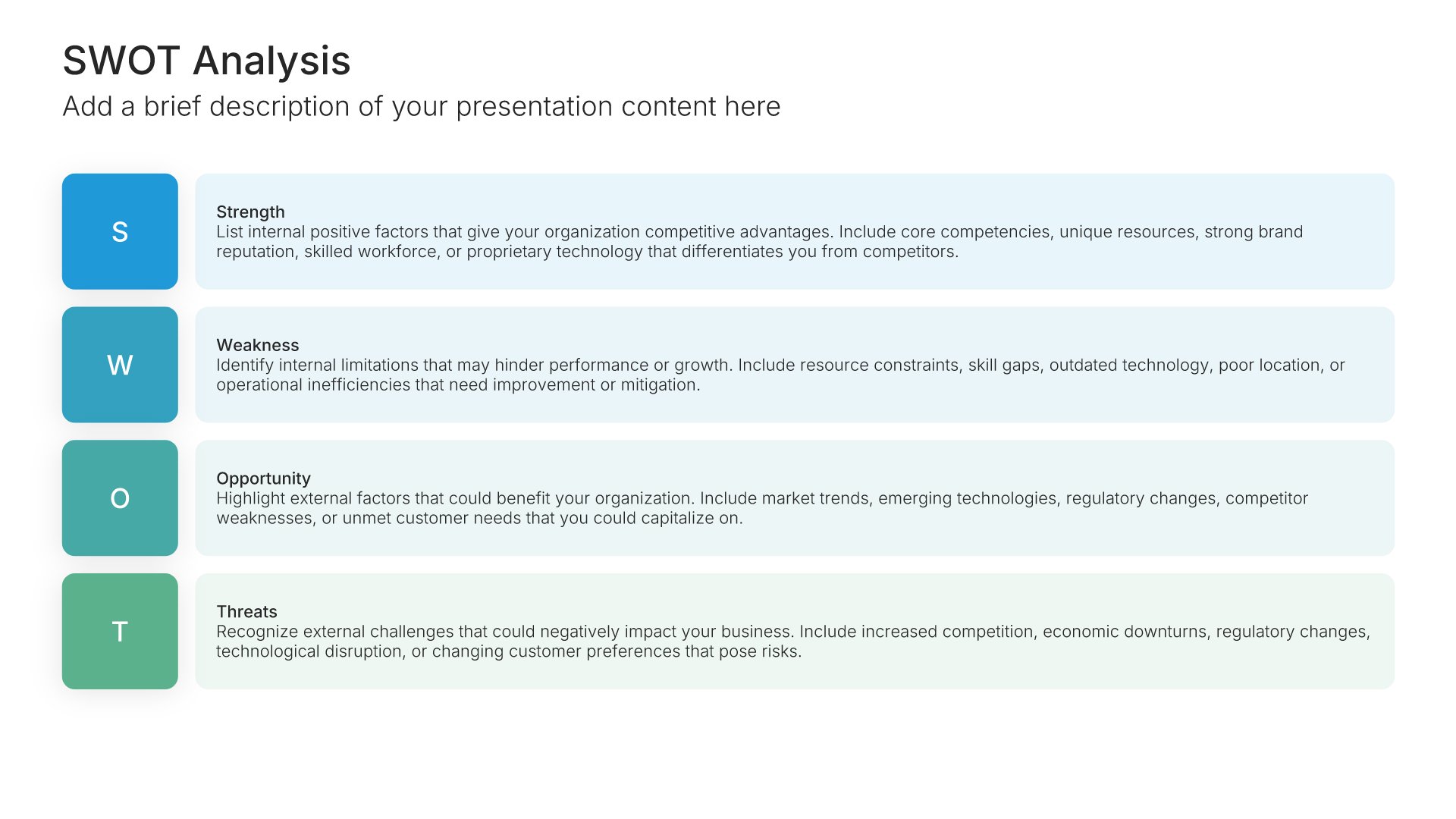
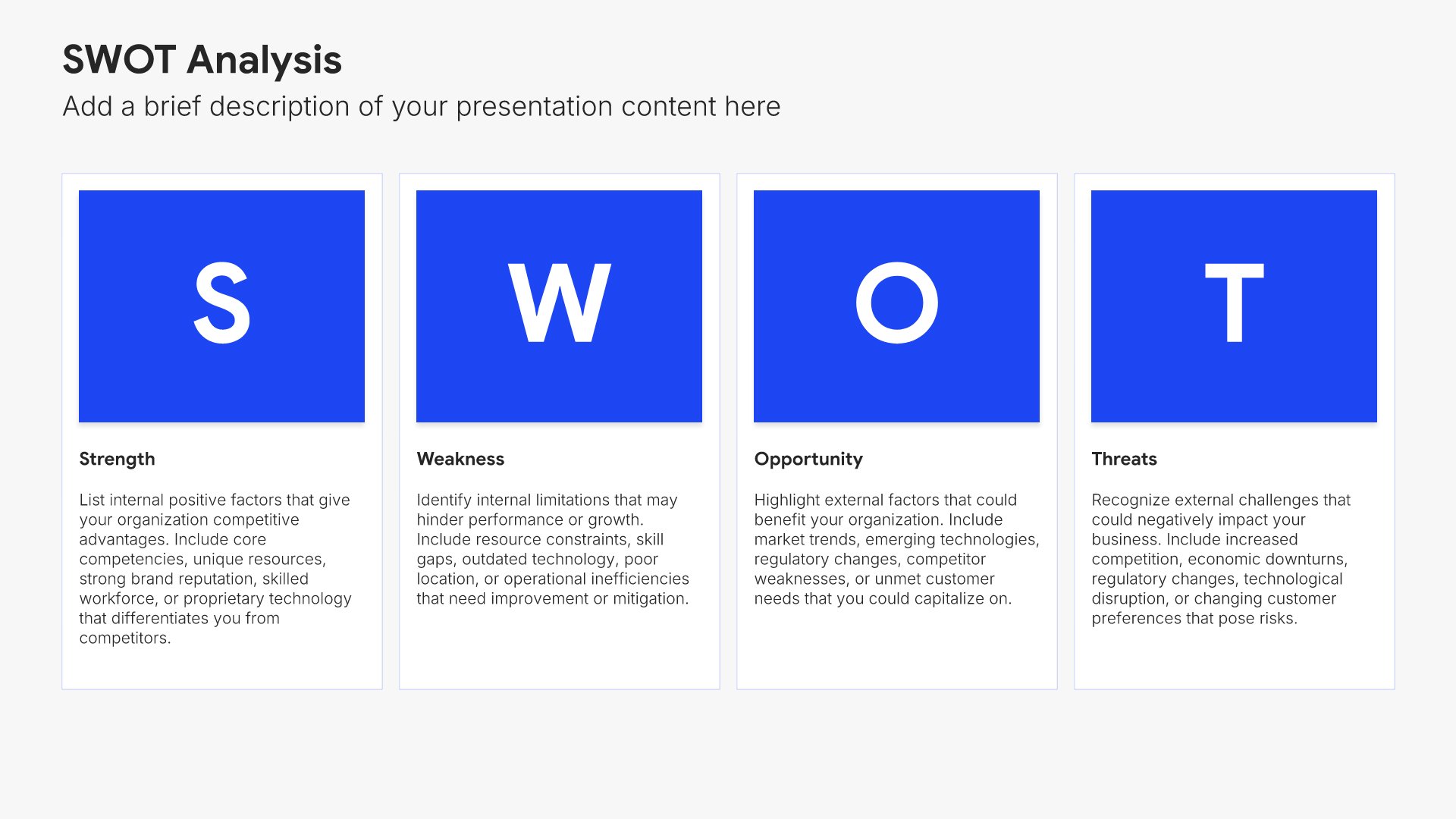
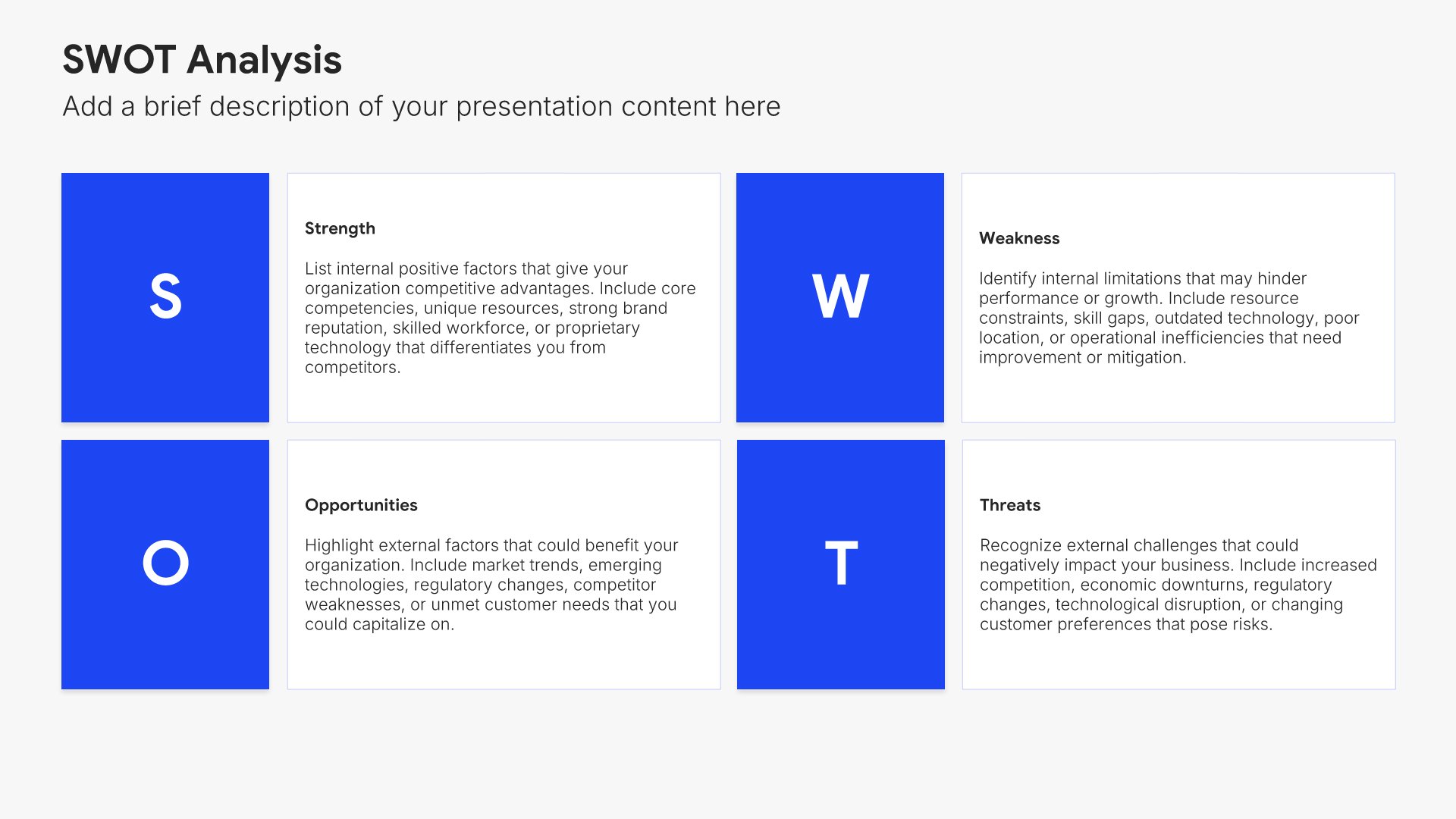
SWOT analysis slides help you evaluate Strengths, Weaknesses, Opportunities, and Threats in one clear framework. Use them to assess internal capabilities alongside external factors, providing a complete picture for strategic decision-making. Ideal for strategic planning, competitive analysis, and identifying where to focus your efforts.
Built using SWOT Analysis slides

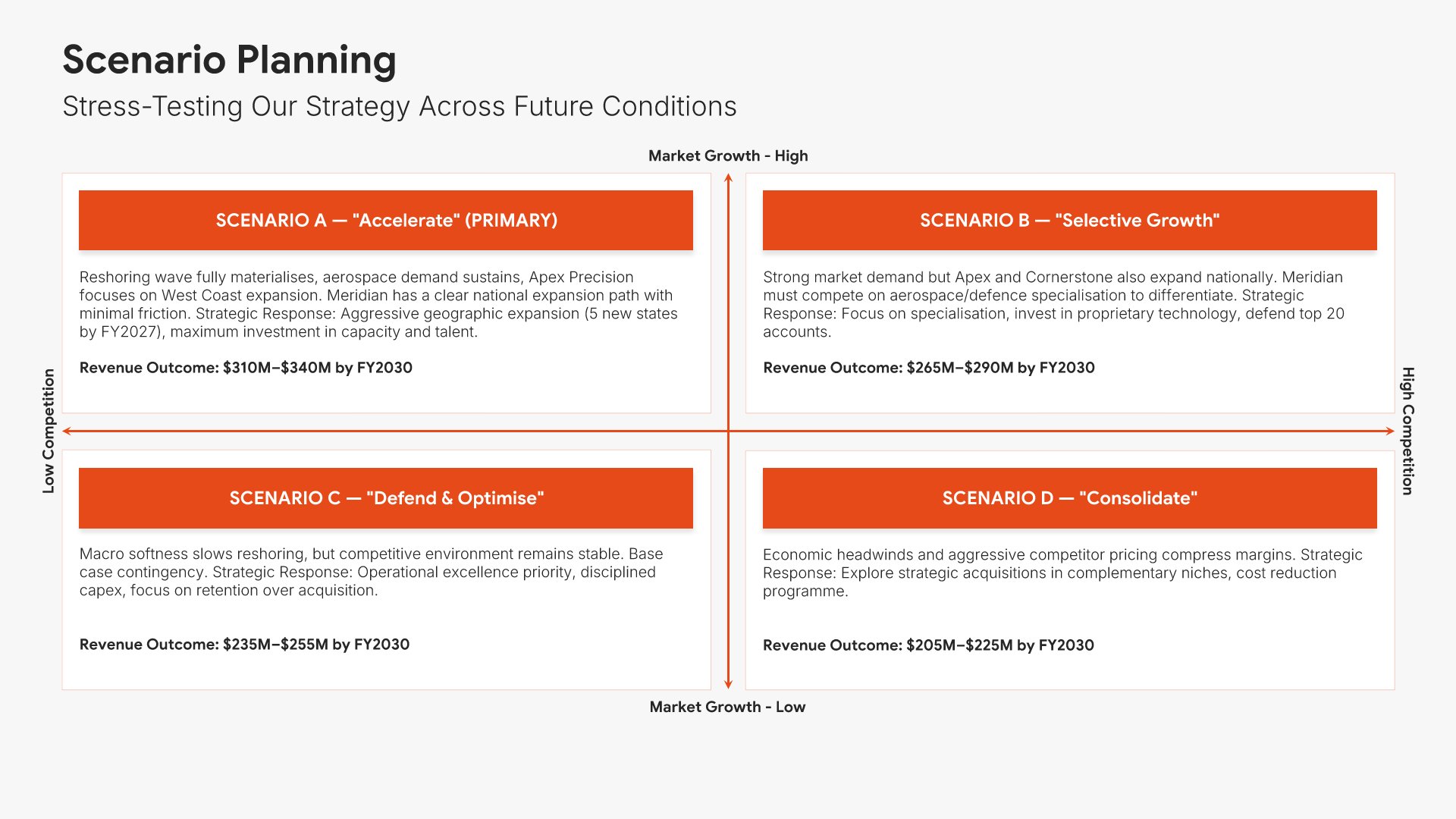
10. Scenario Planning
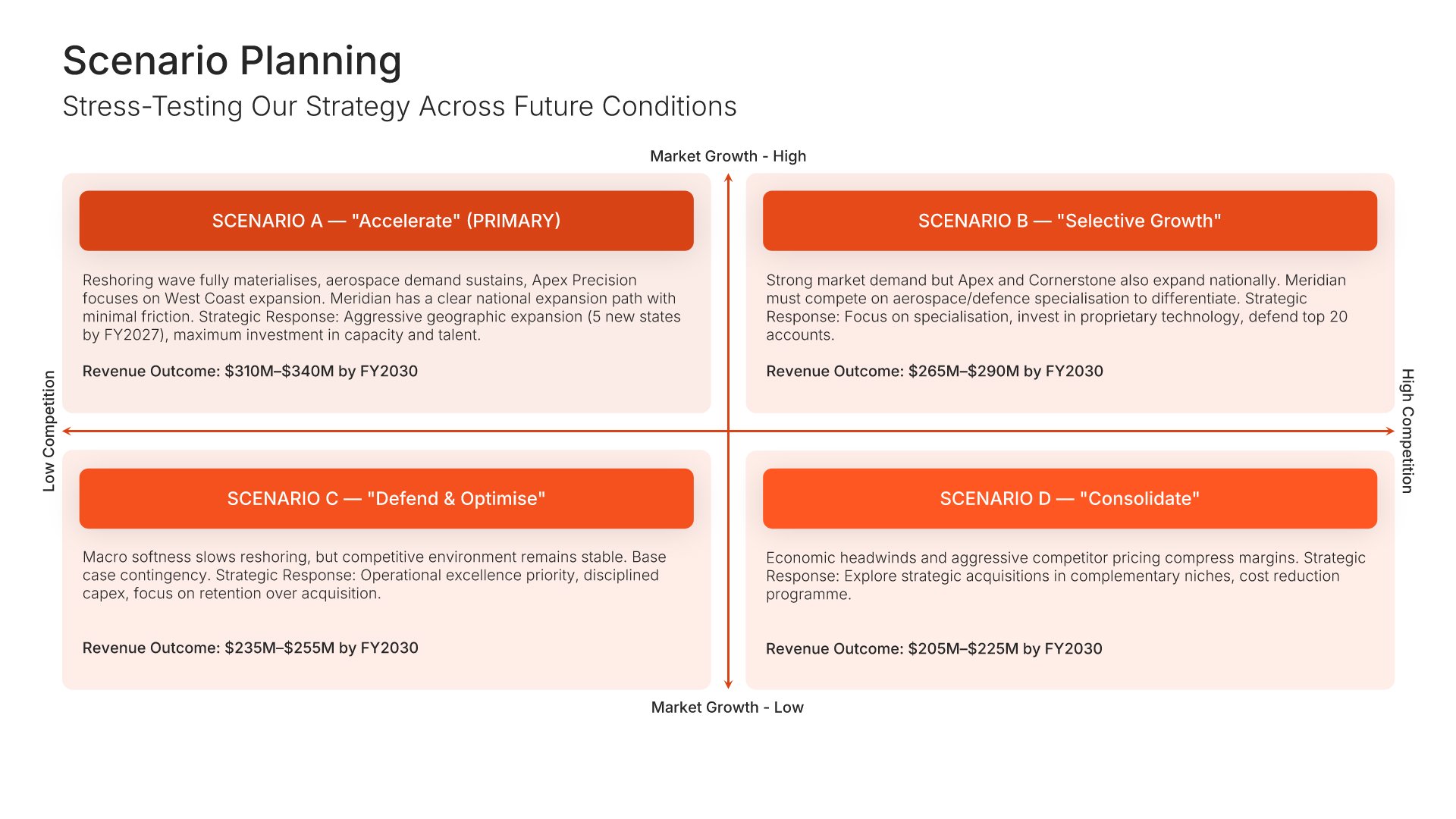
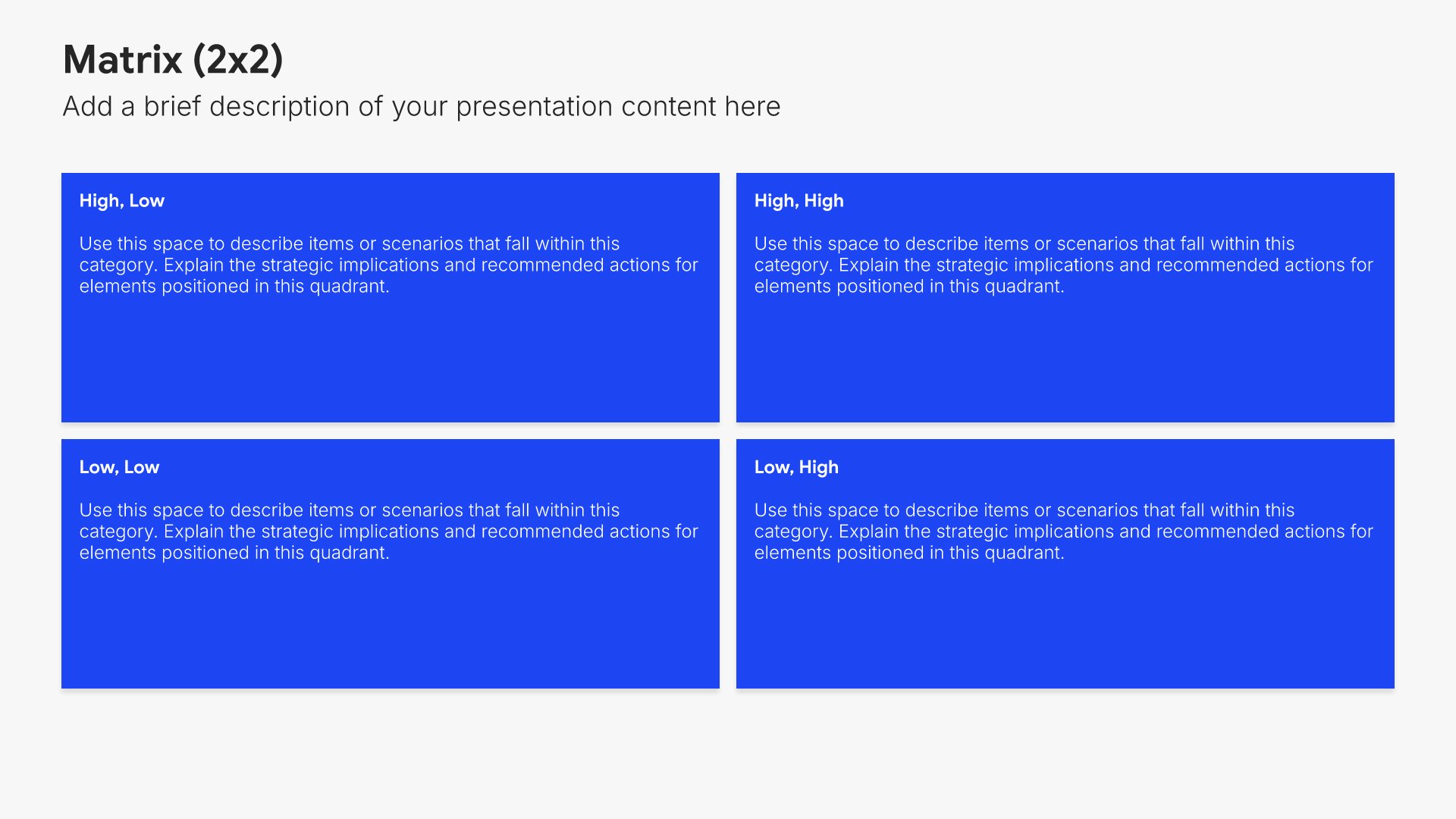
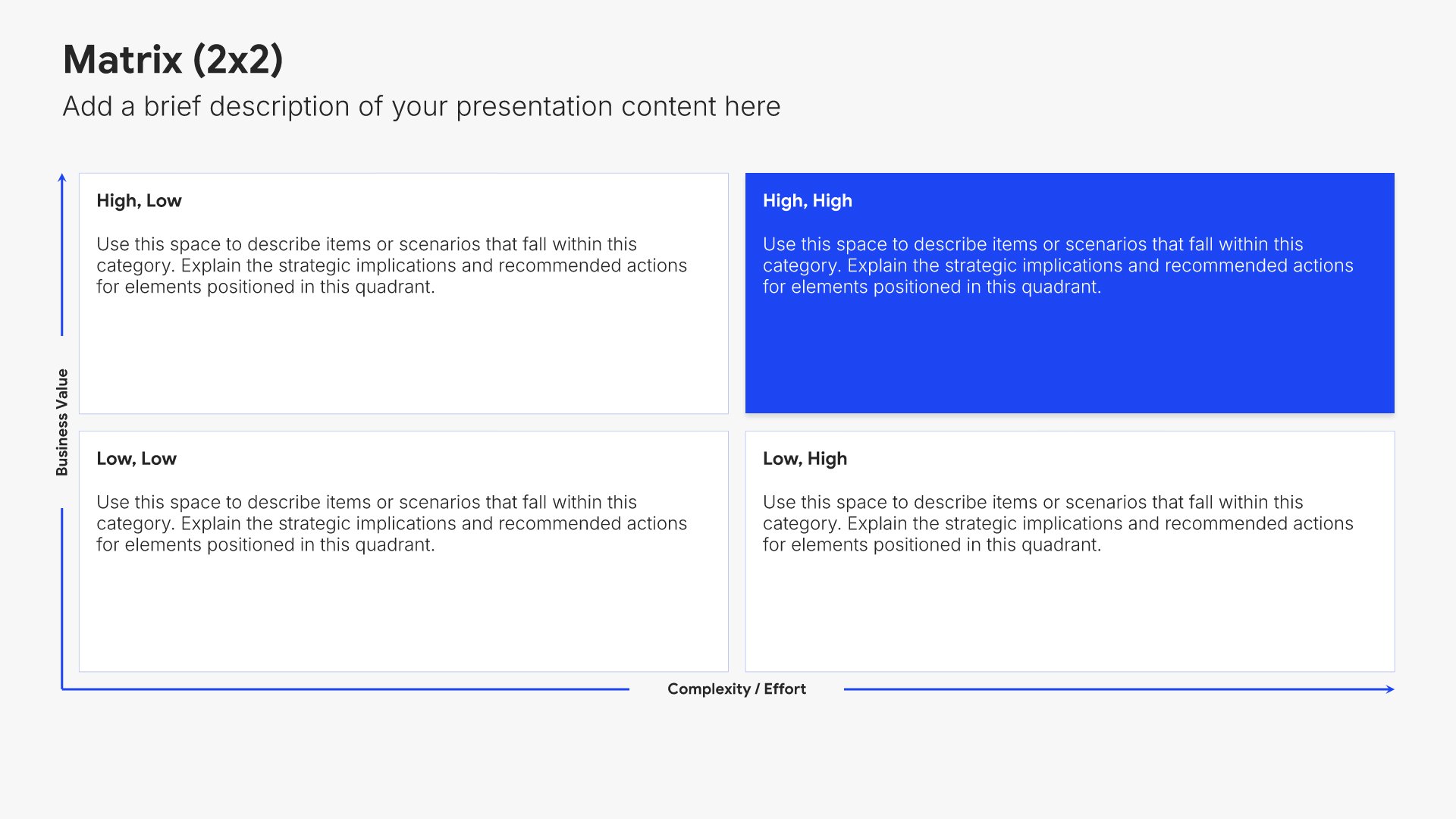
Scenario planning slides help you explore how your strategy holds up under different futures. Use them to present multiple scenarios, key uncertainties, and the strategic implications of each path. A clear scenario view shows stakeholders that your plan is built with flexibility and resilience to handle whatever the future brings.
Built using Matrix (2×2) slides

11. Mission, Vision & Values

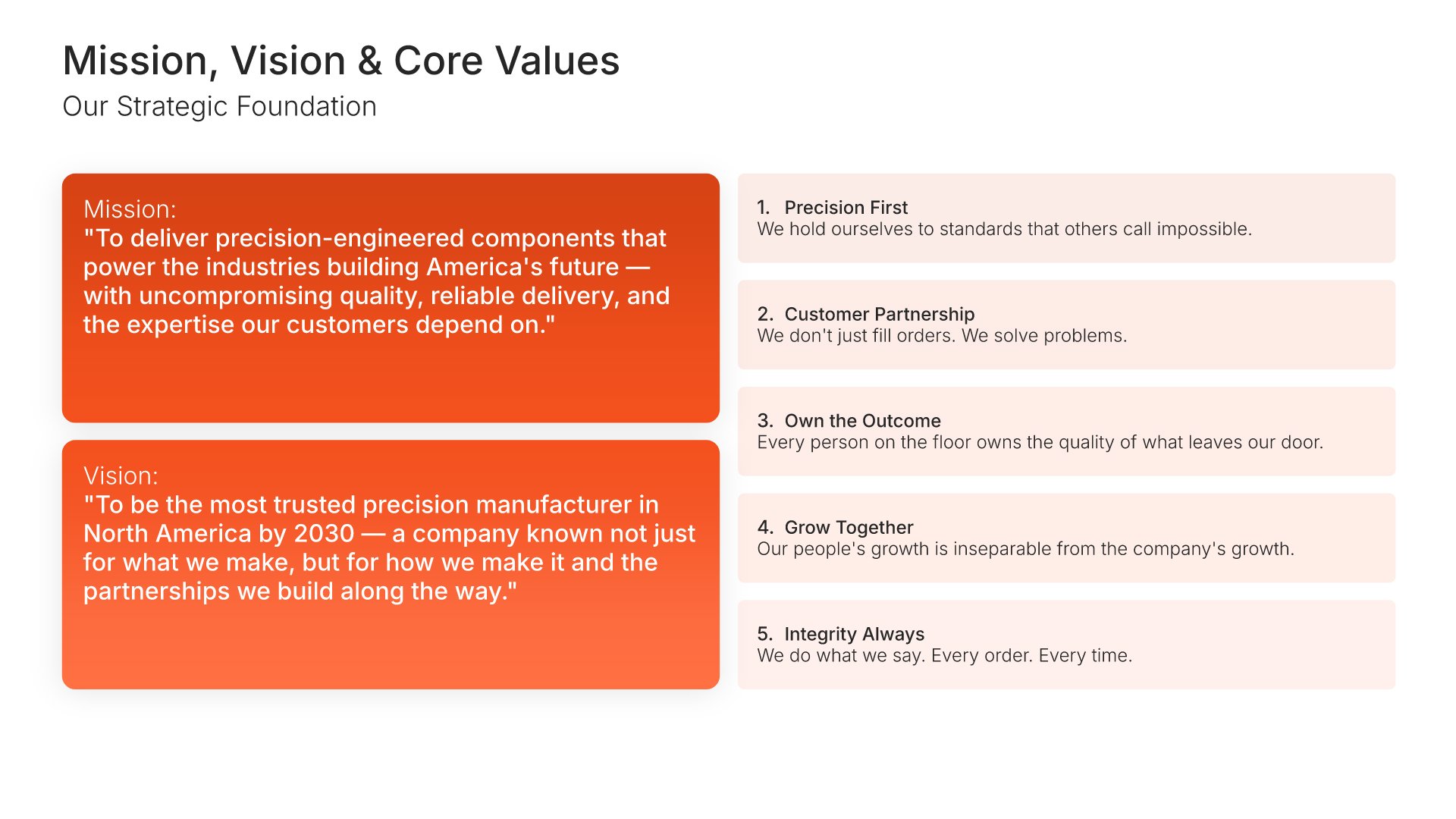
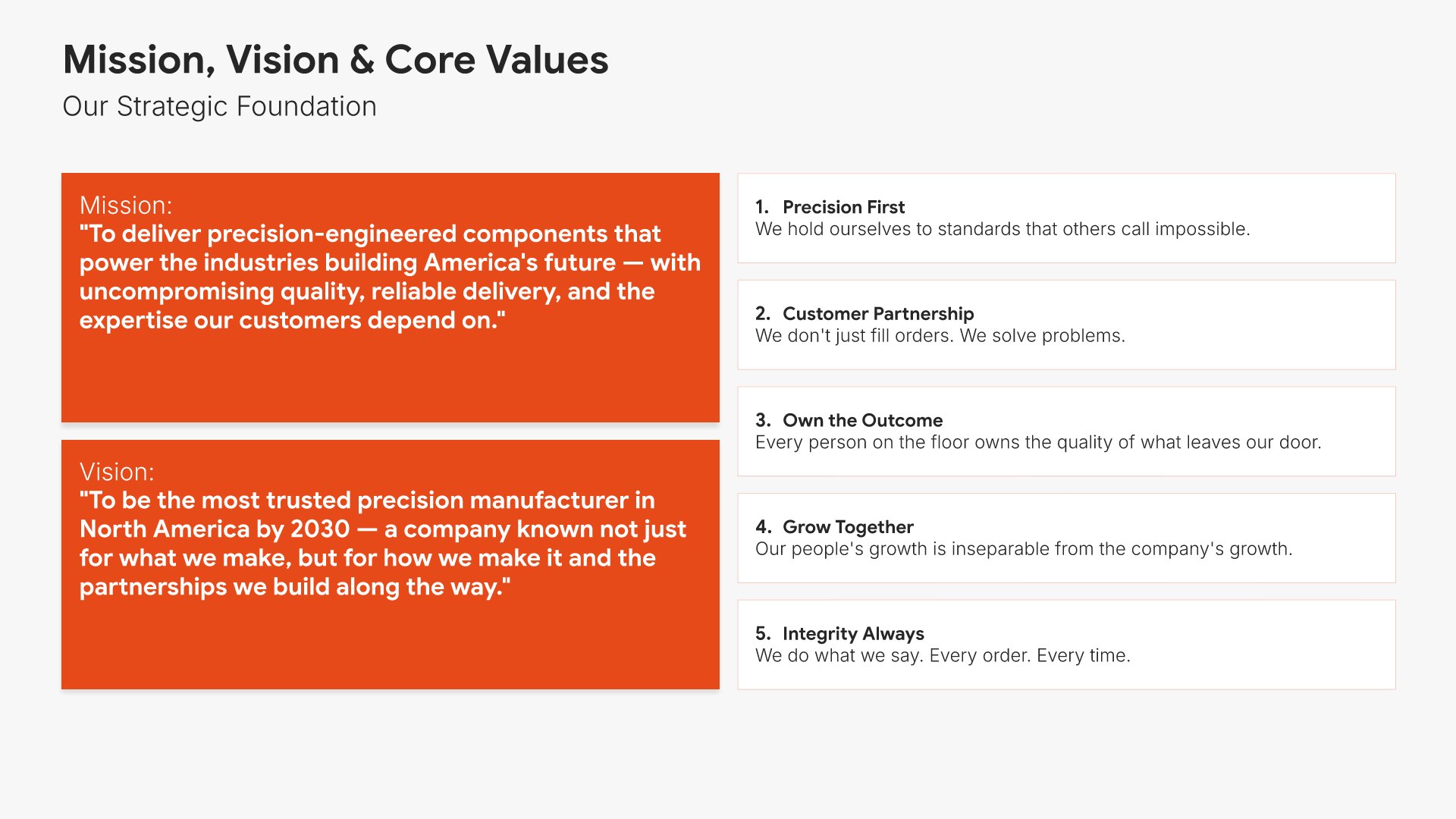
Mission, vision, and values slides help you communicate your organization's purpose, direction, and principles. Use them to present why your company exists, where it's headed, and the core beliefs that guide decisions. Articulating what drives your organization builds emotional connection and helps audiences understand your culture.
Built using One Pager / Snapshot slides

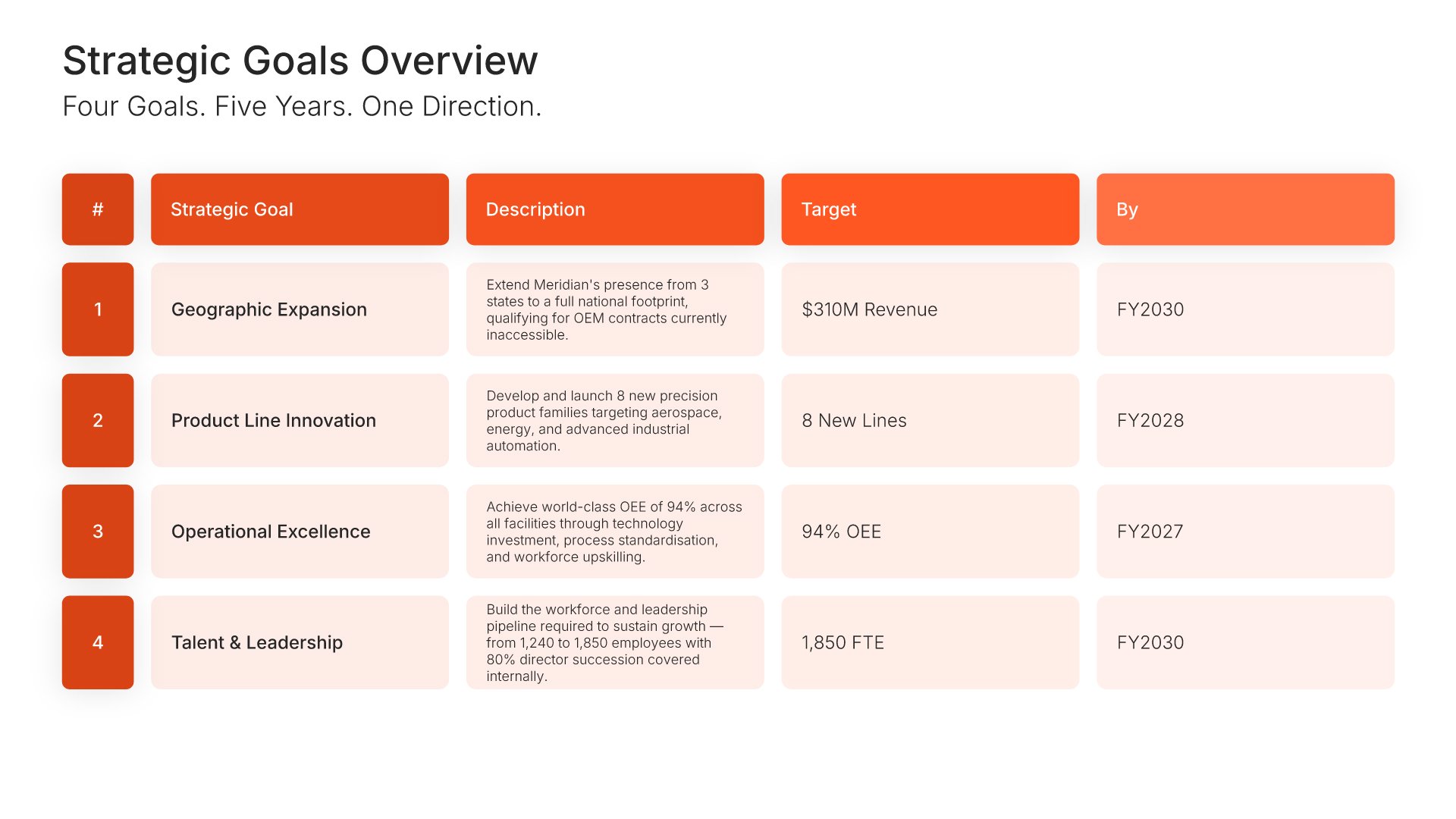
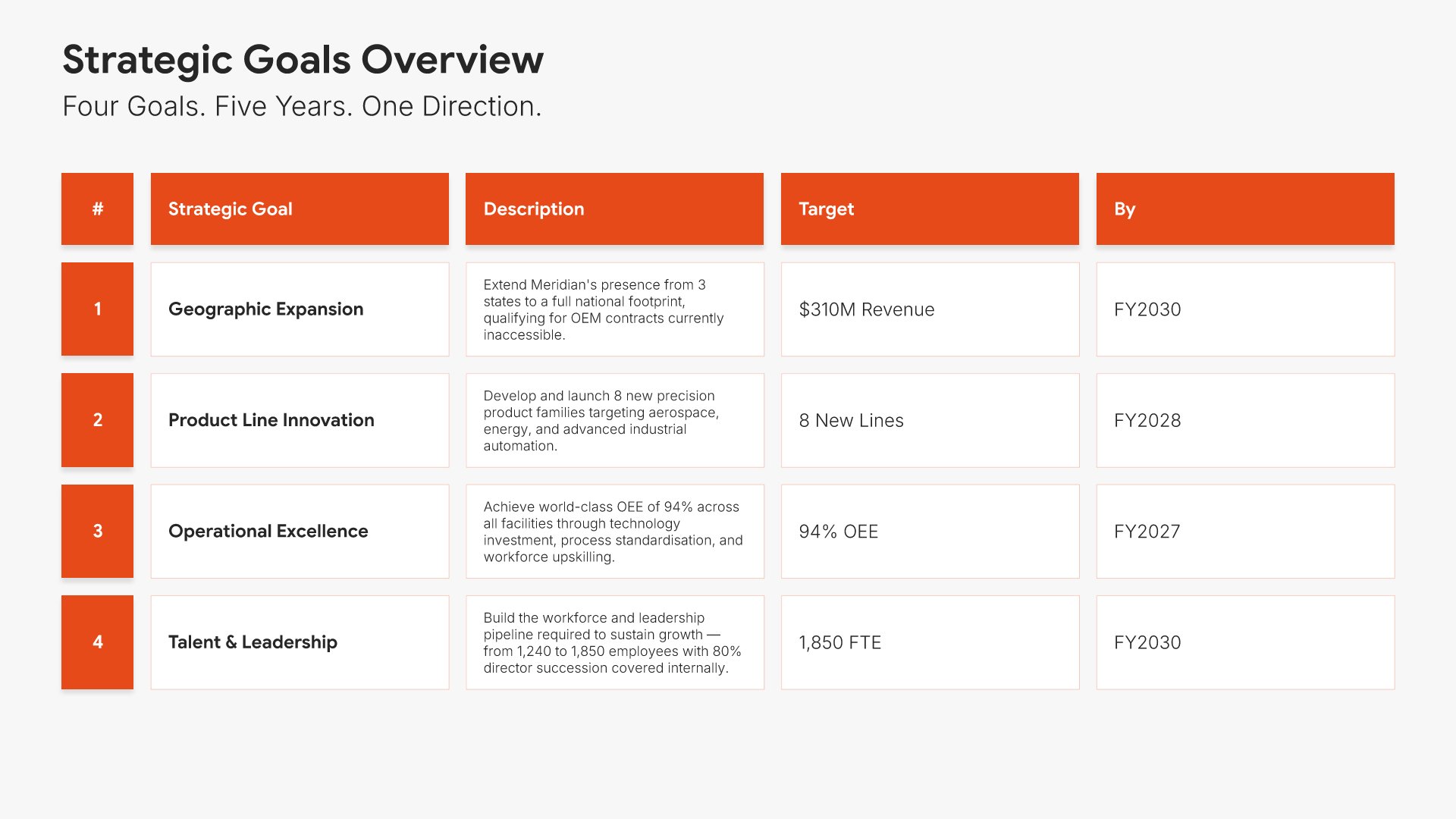
12. Strategic Goals Overview

Strategic goals overview slides help you present your high-level objectives at a glance. Use them to summarize the key goals your organization aims to achieve and how they connect to your vision. Ideal for strategic plans and executive presentations where aligning stakeholders around priorities sets the direction for action.
Built using Table slides

13. Strategic Pillars

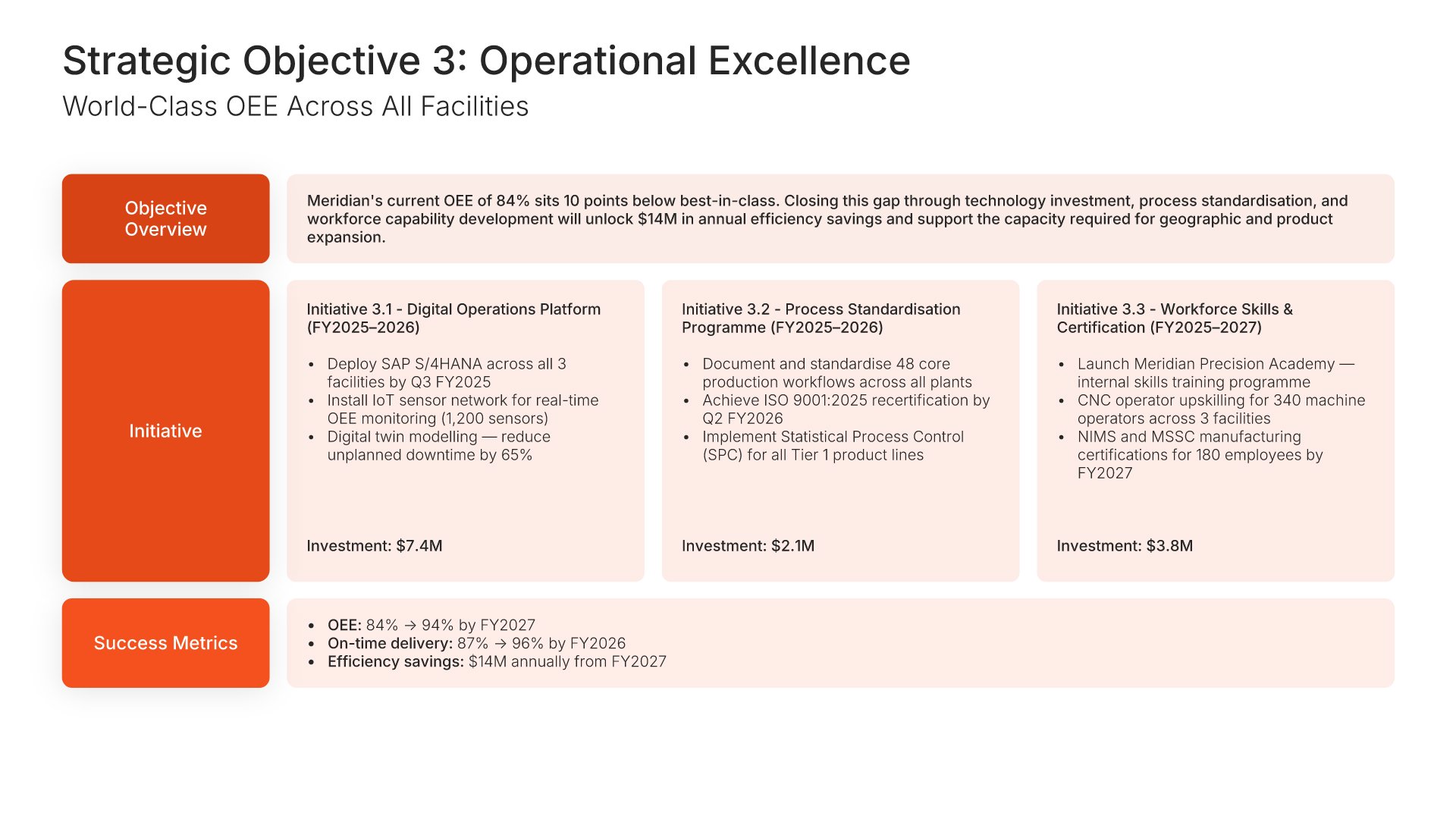
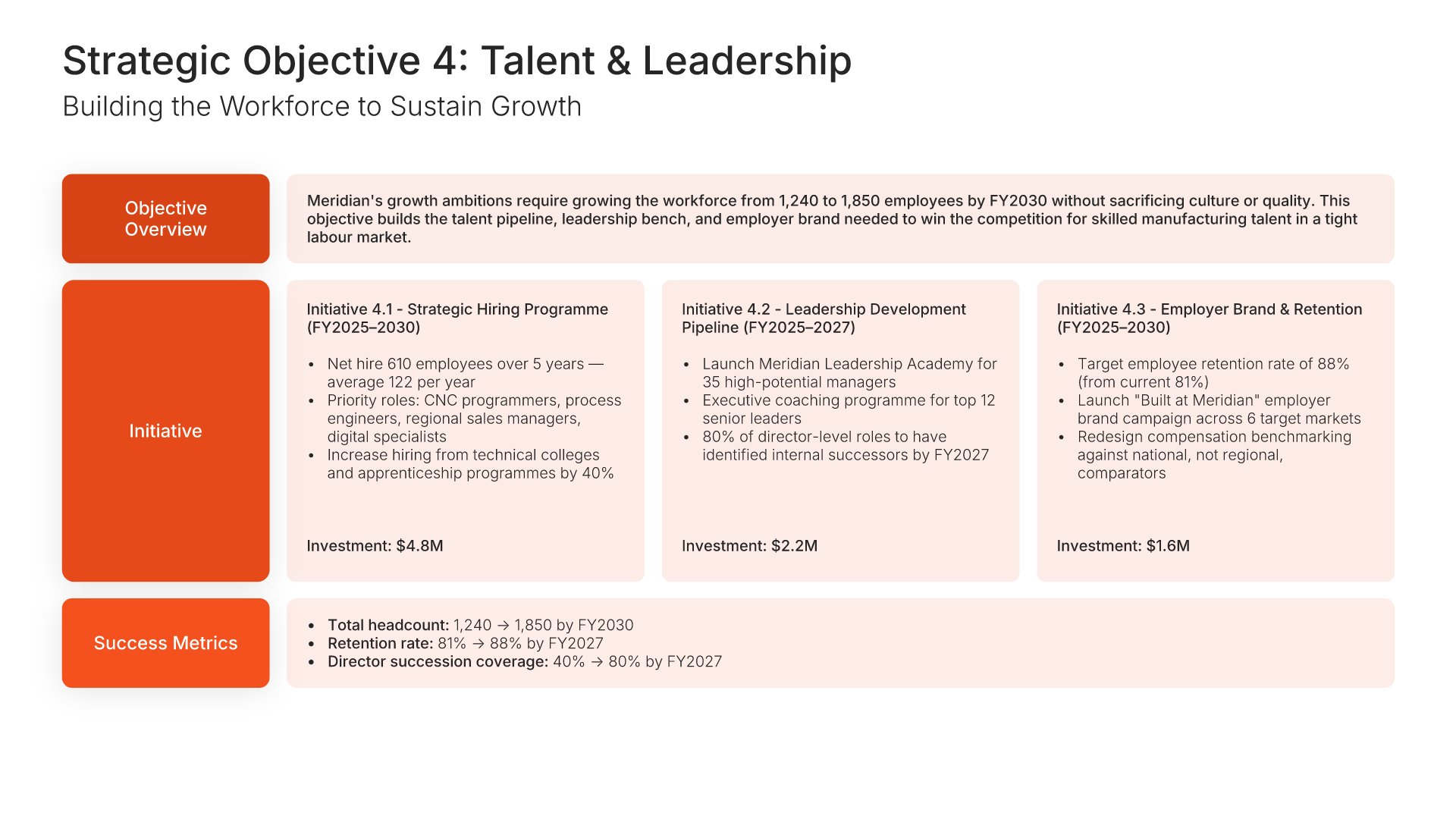
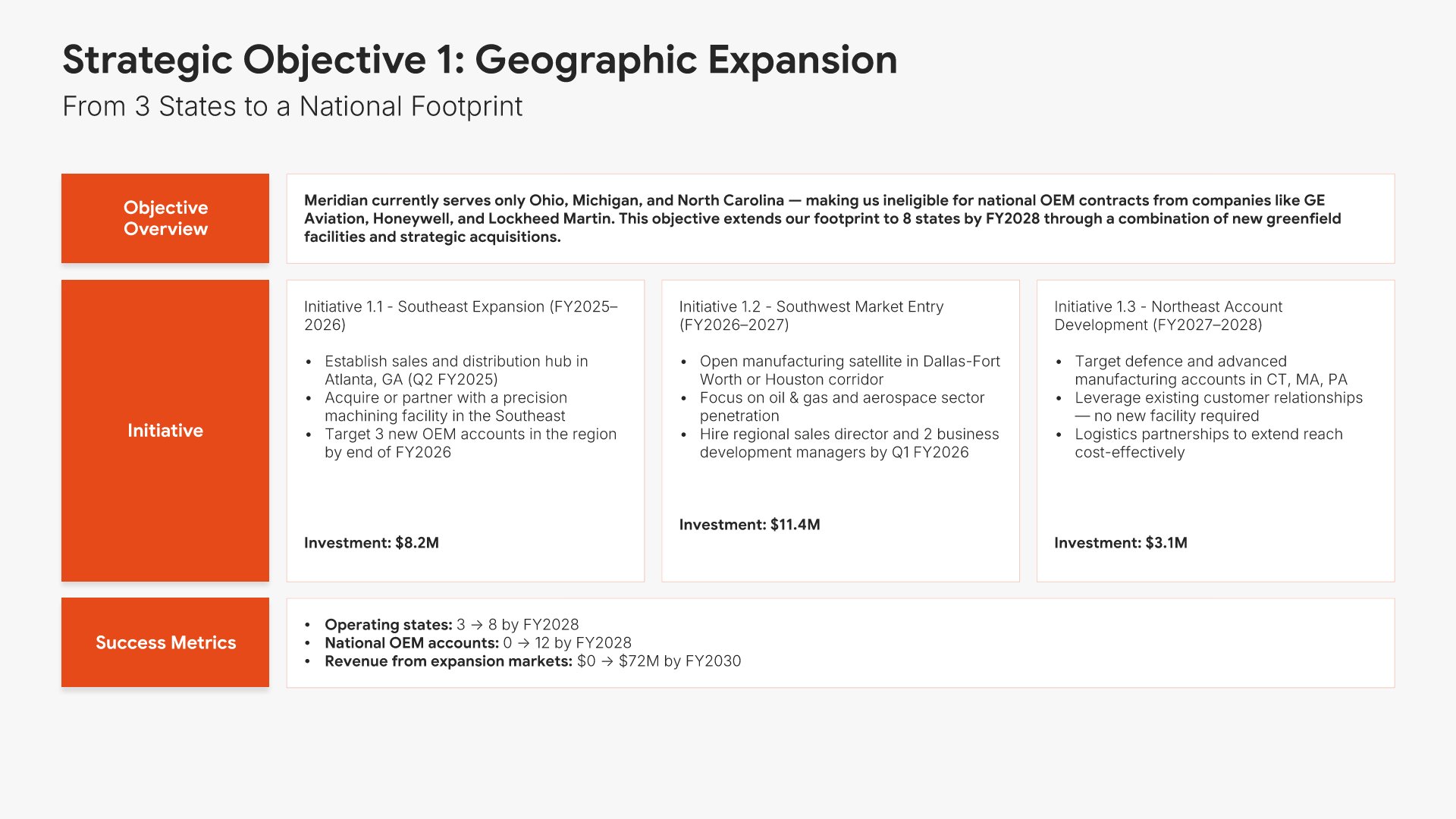
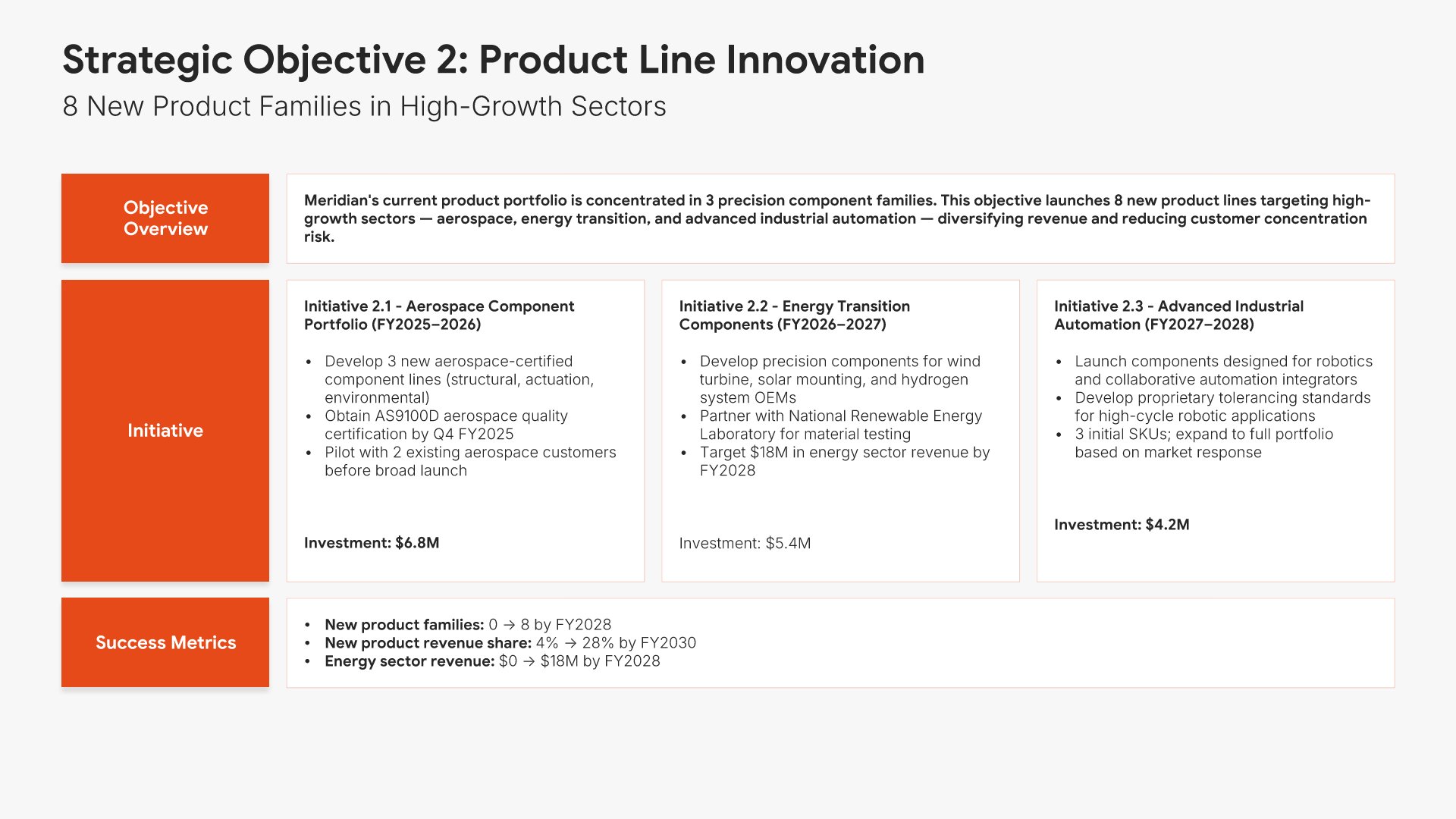
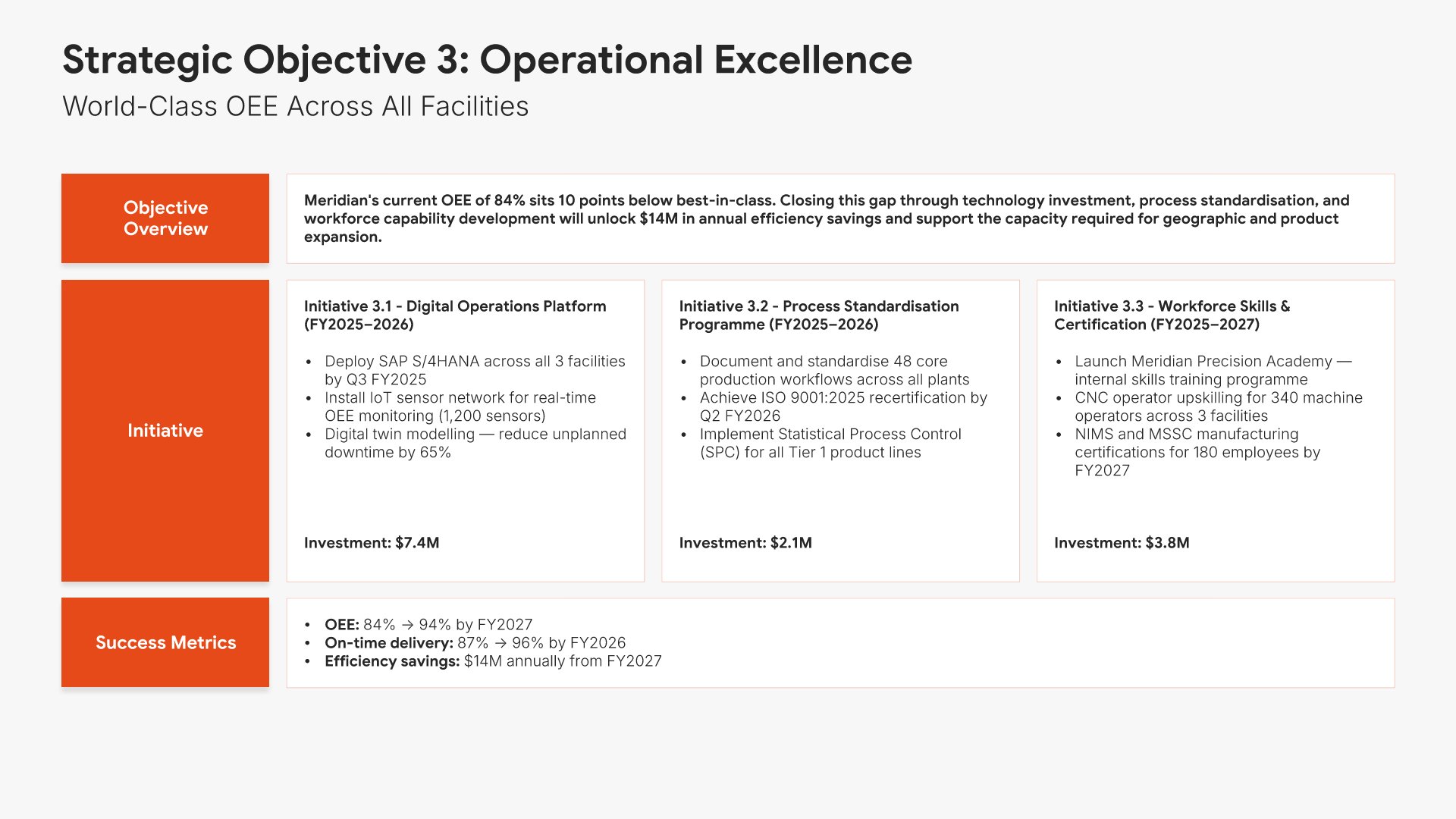
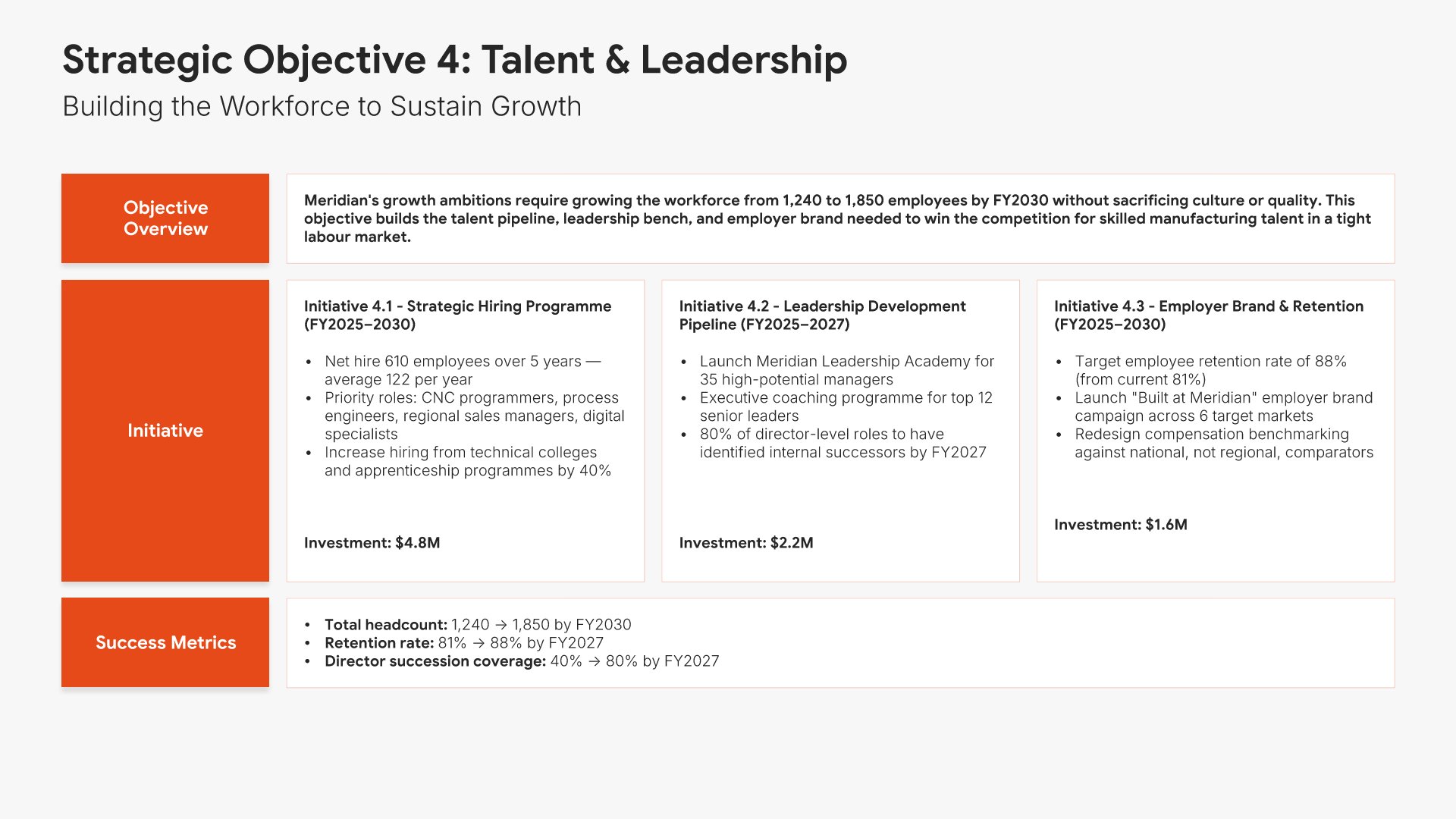
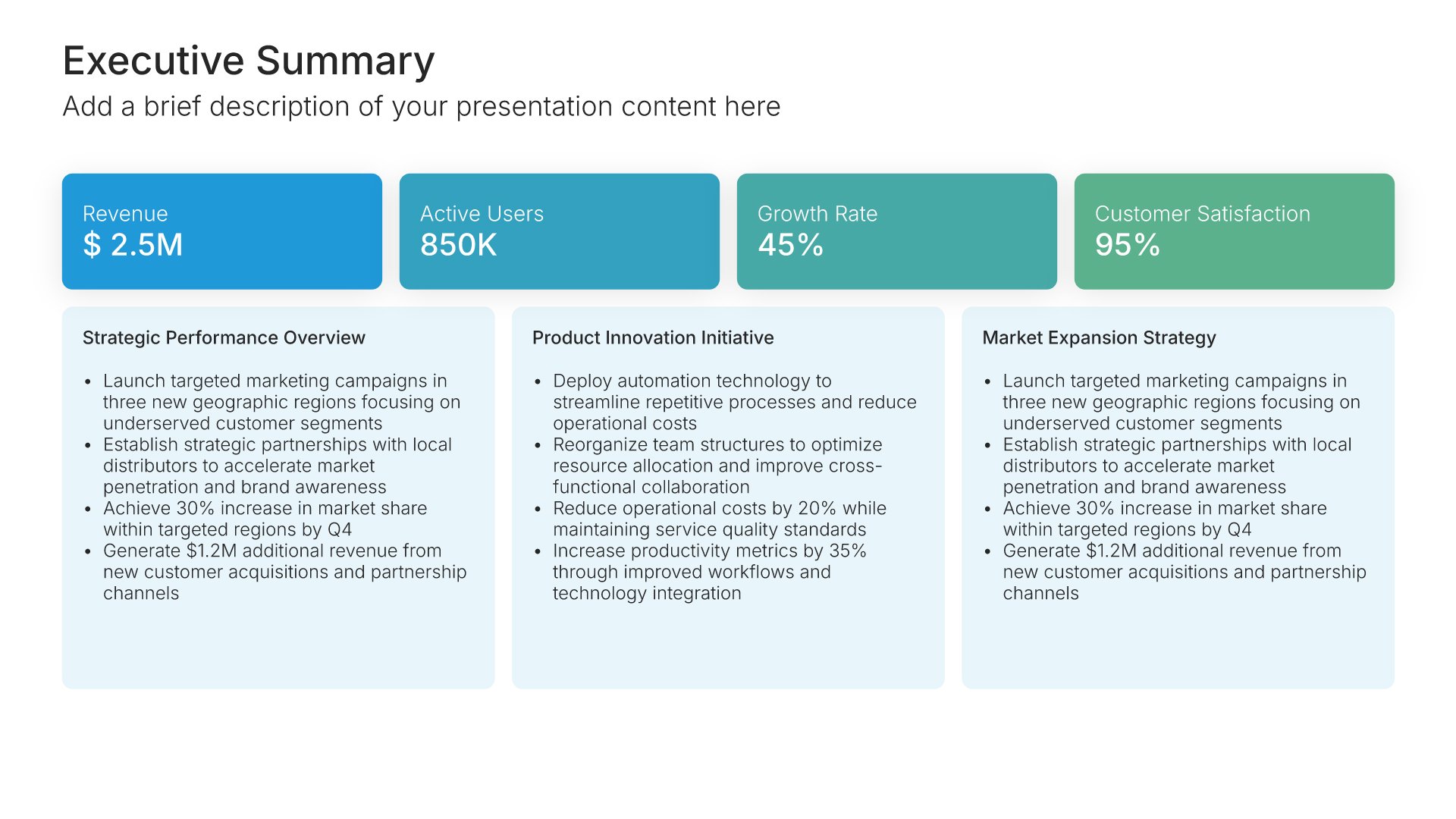
Strategic pillars slides help you present the core themes that anchor your strategy. Use them to outline three to four overarching priorities that organize all initiatives and investments. Clear strategic pillars give stakeholders a simple framework for understanding what the organization will focus on and how the strategy holds together.
Built using Executive Summary slides

14. Implementation Timeline

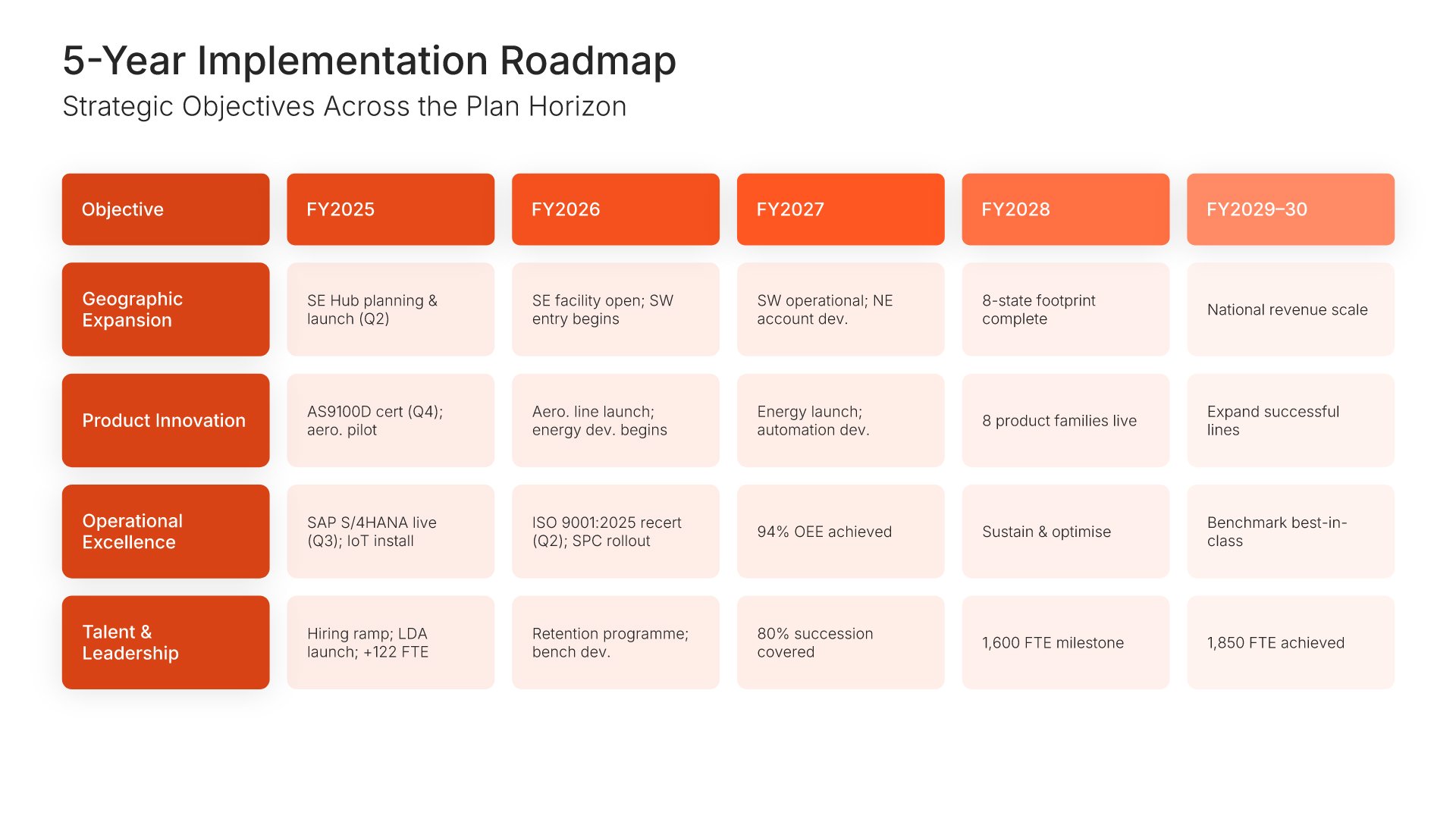
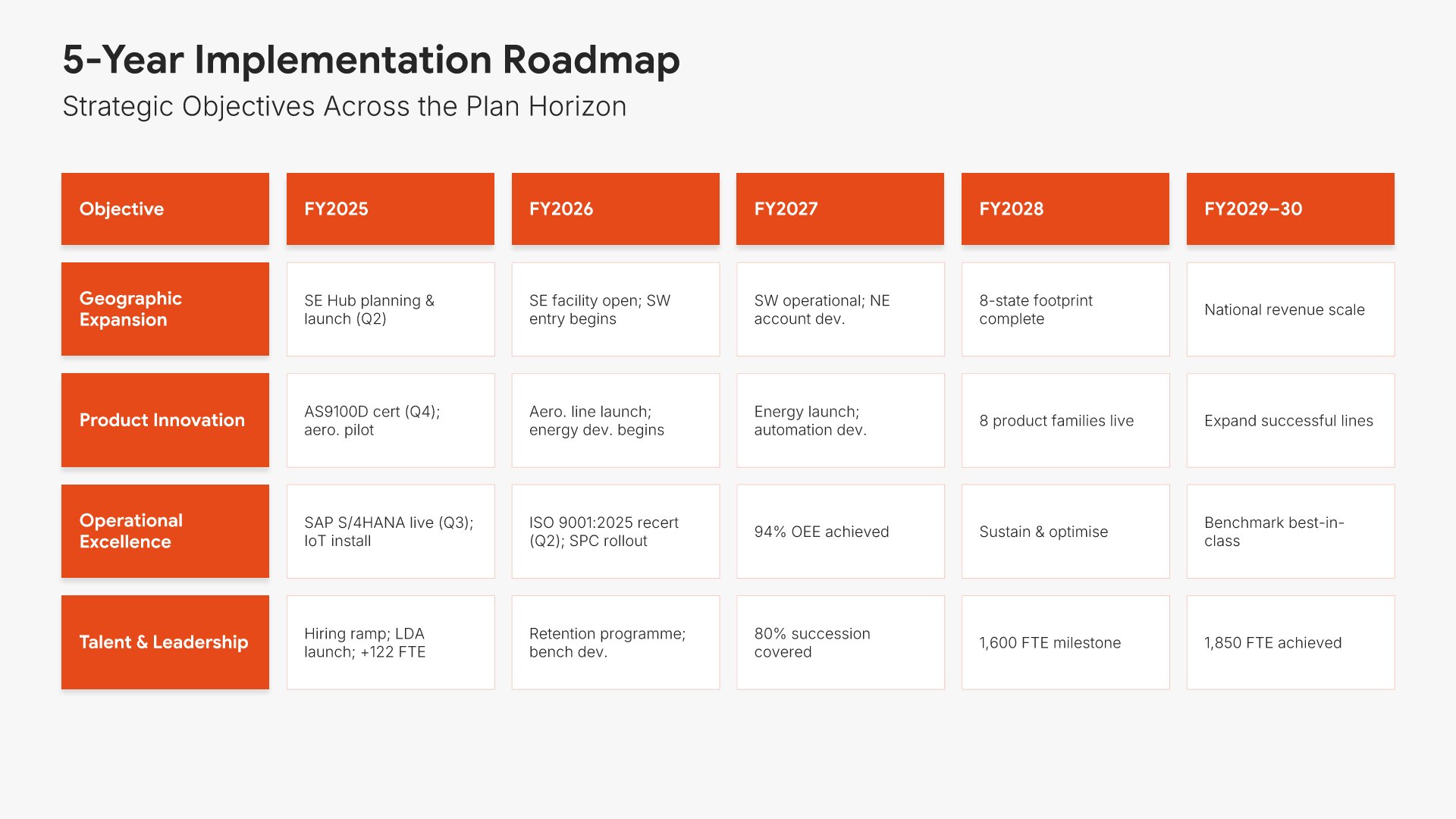
Timeline slides help you show events and milestones over time in clear chronological formats. Use them to display project phases, company history, product roadmaps, and key dates. Ideal for project planning, historical overviews, and any presentation where showing how things unfold over time tells a compelling story.
Built using Table slides

15. Budget & Resources

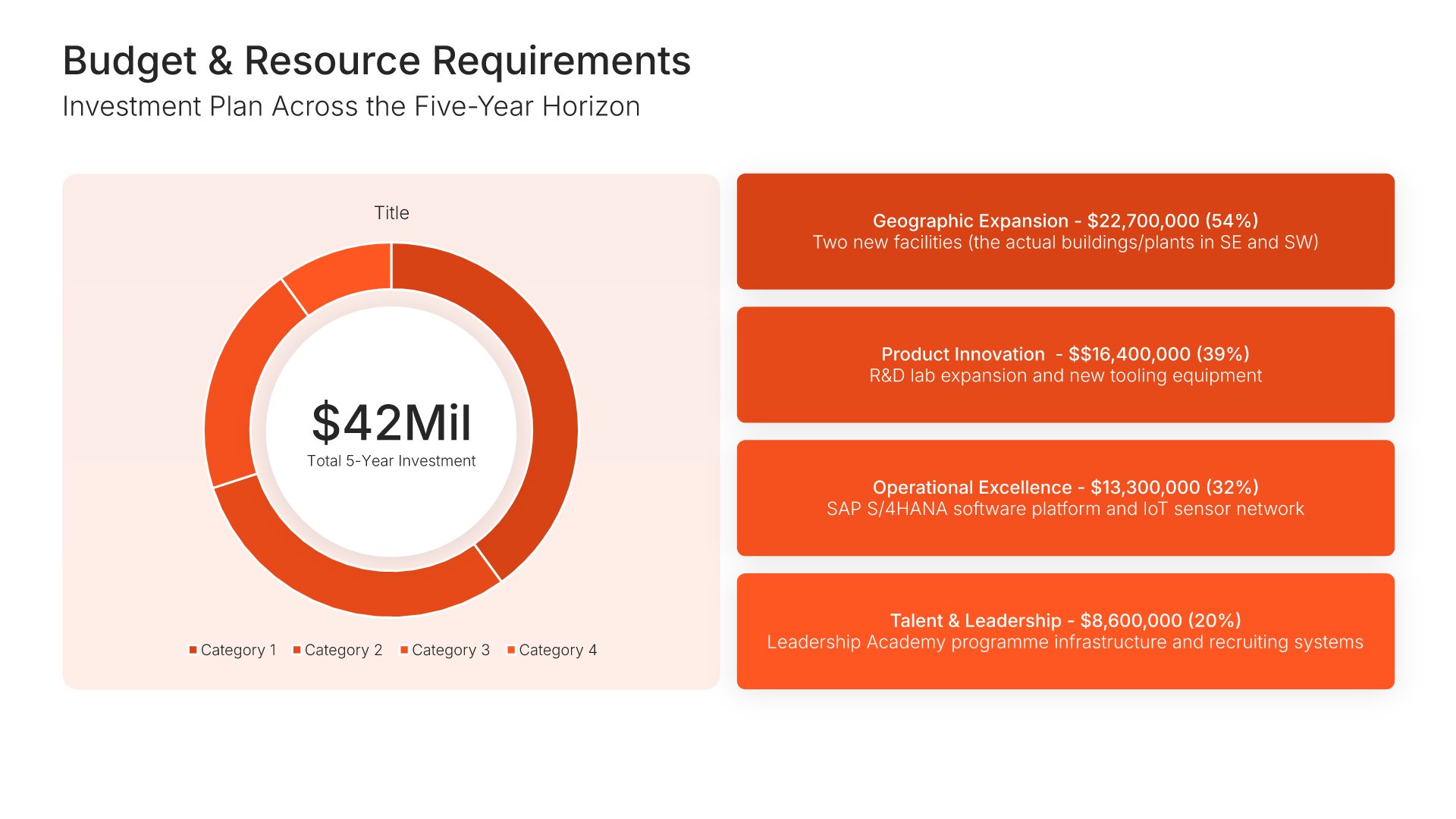
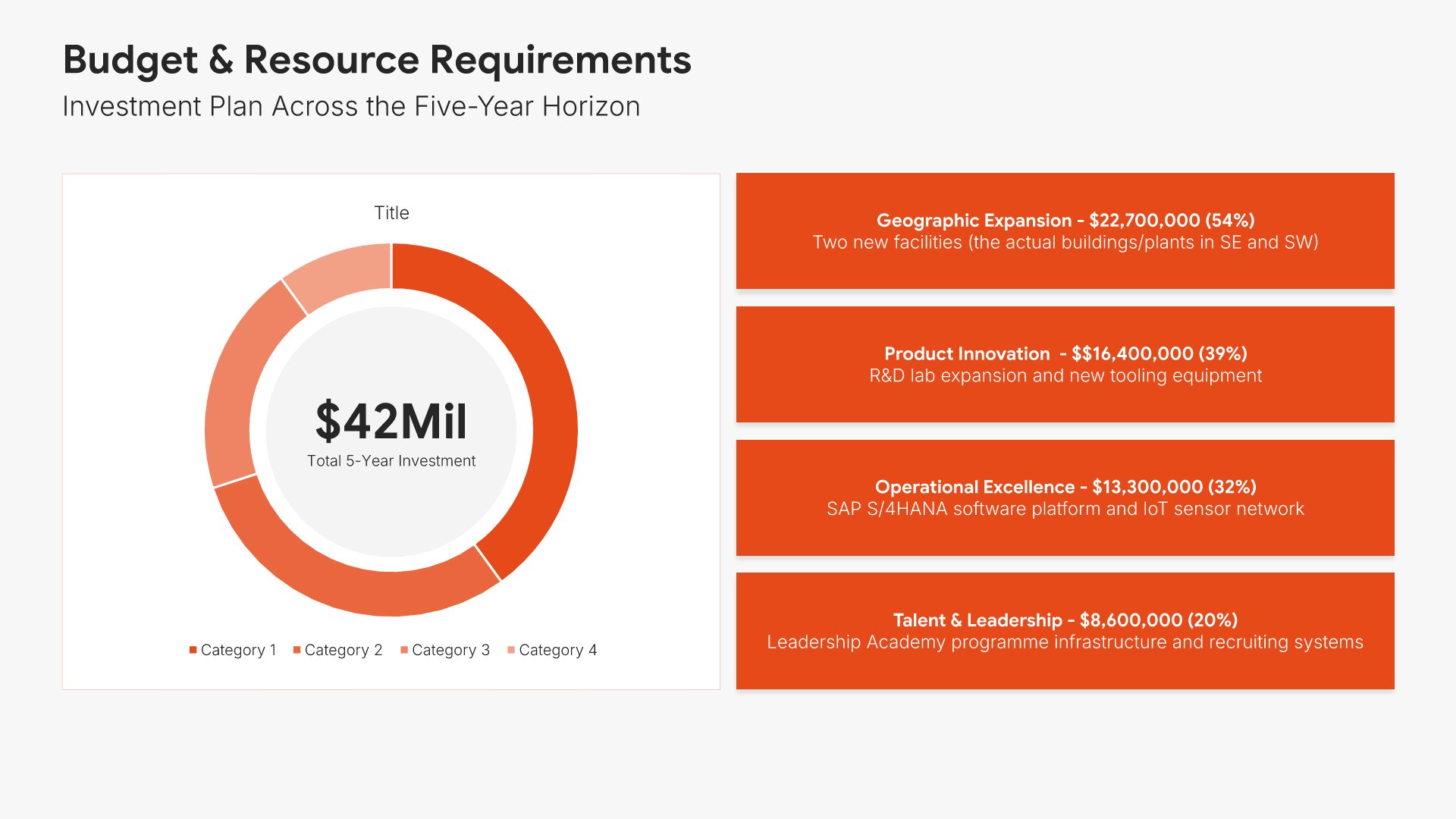
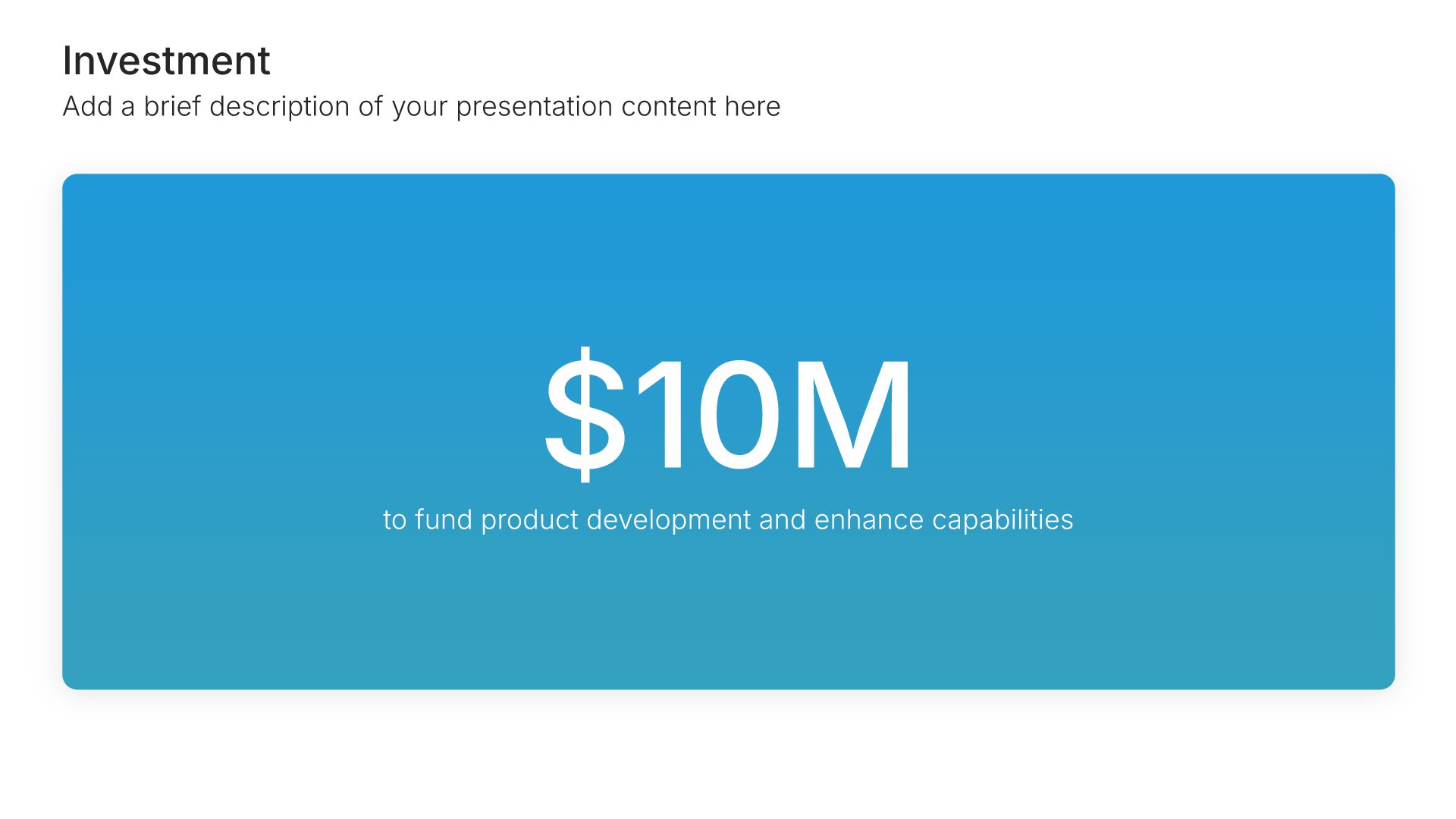
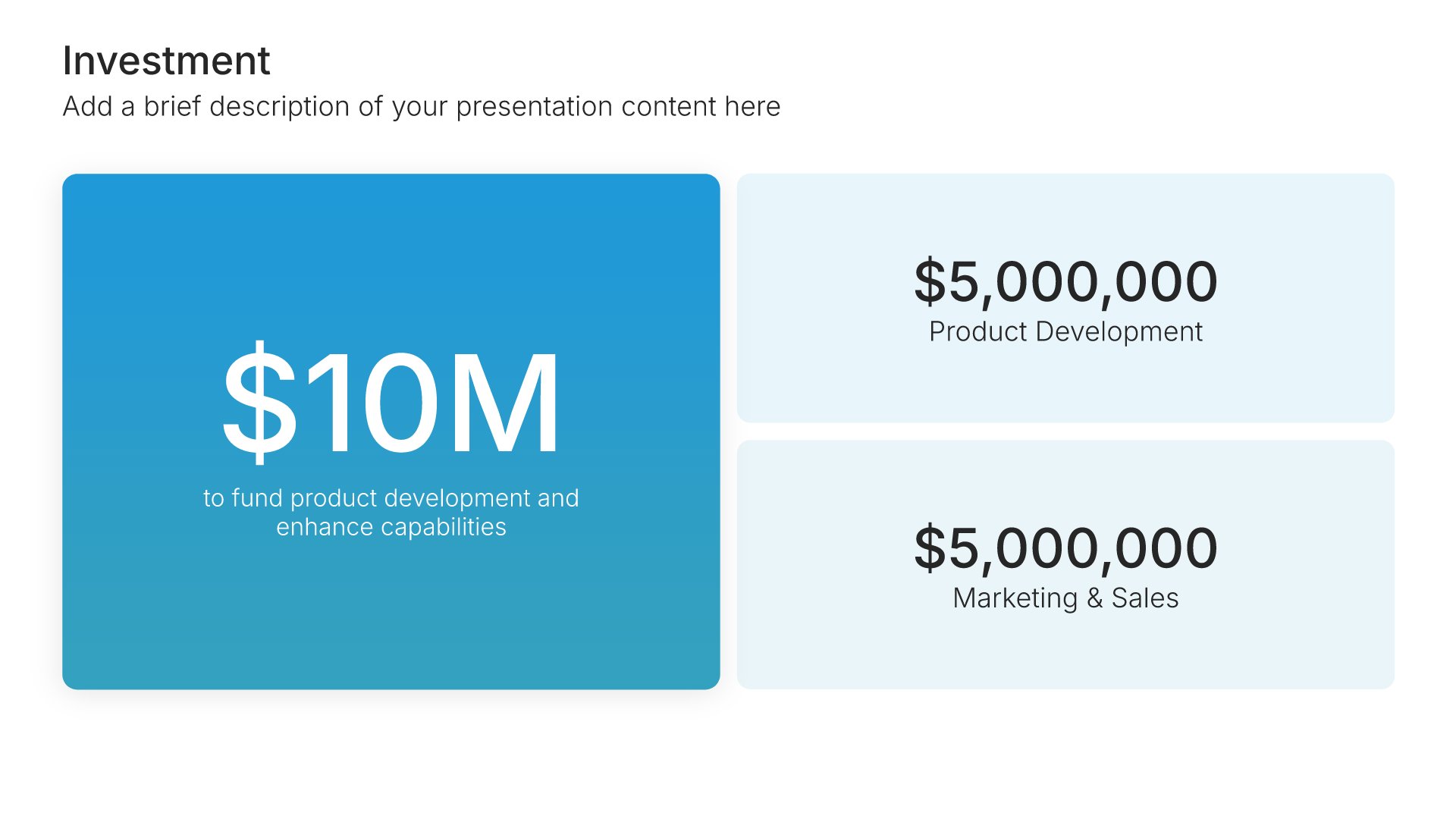
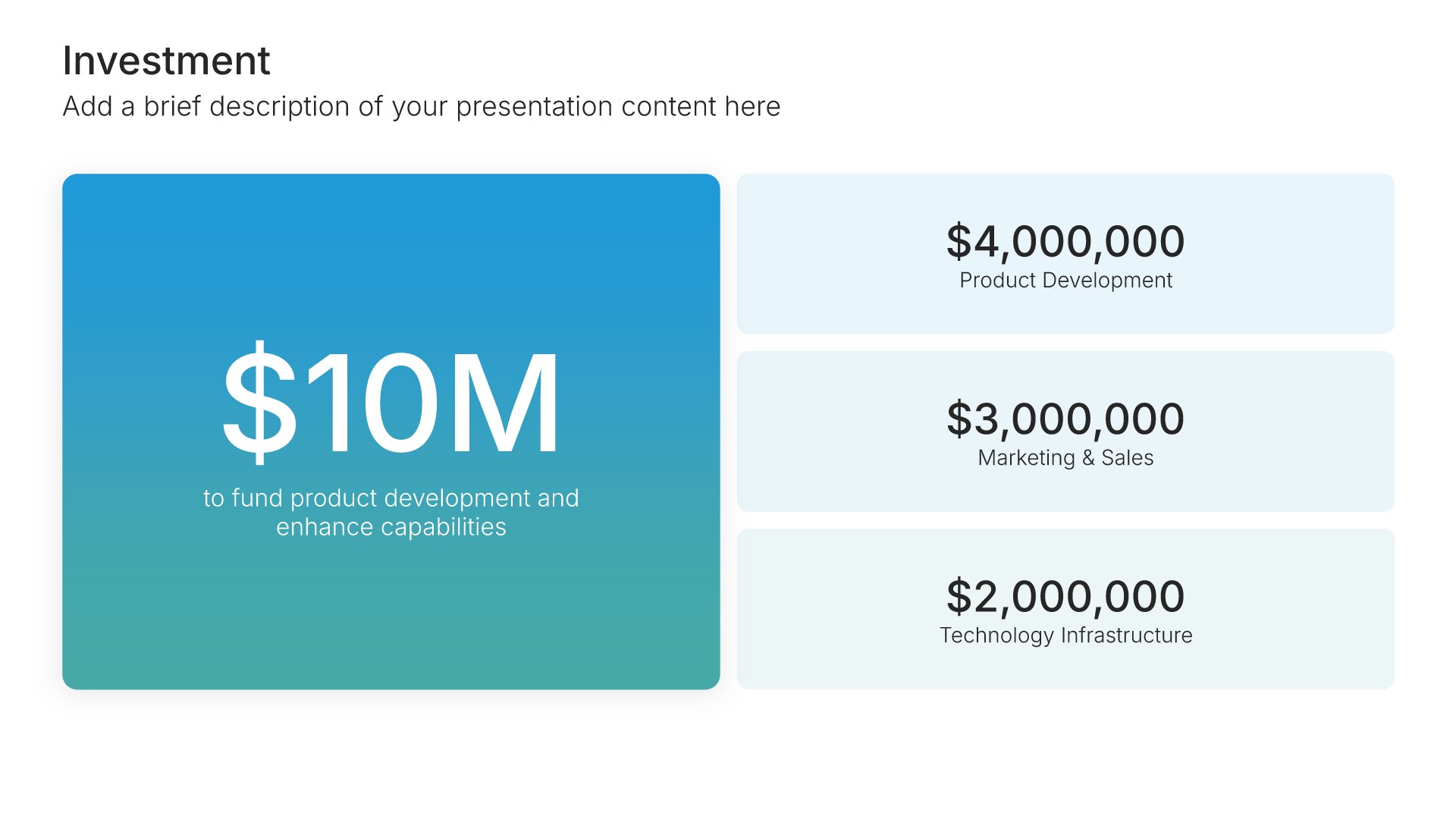
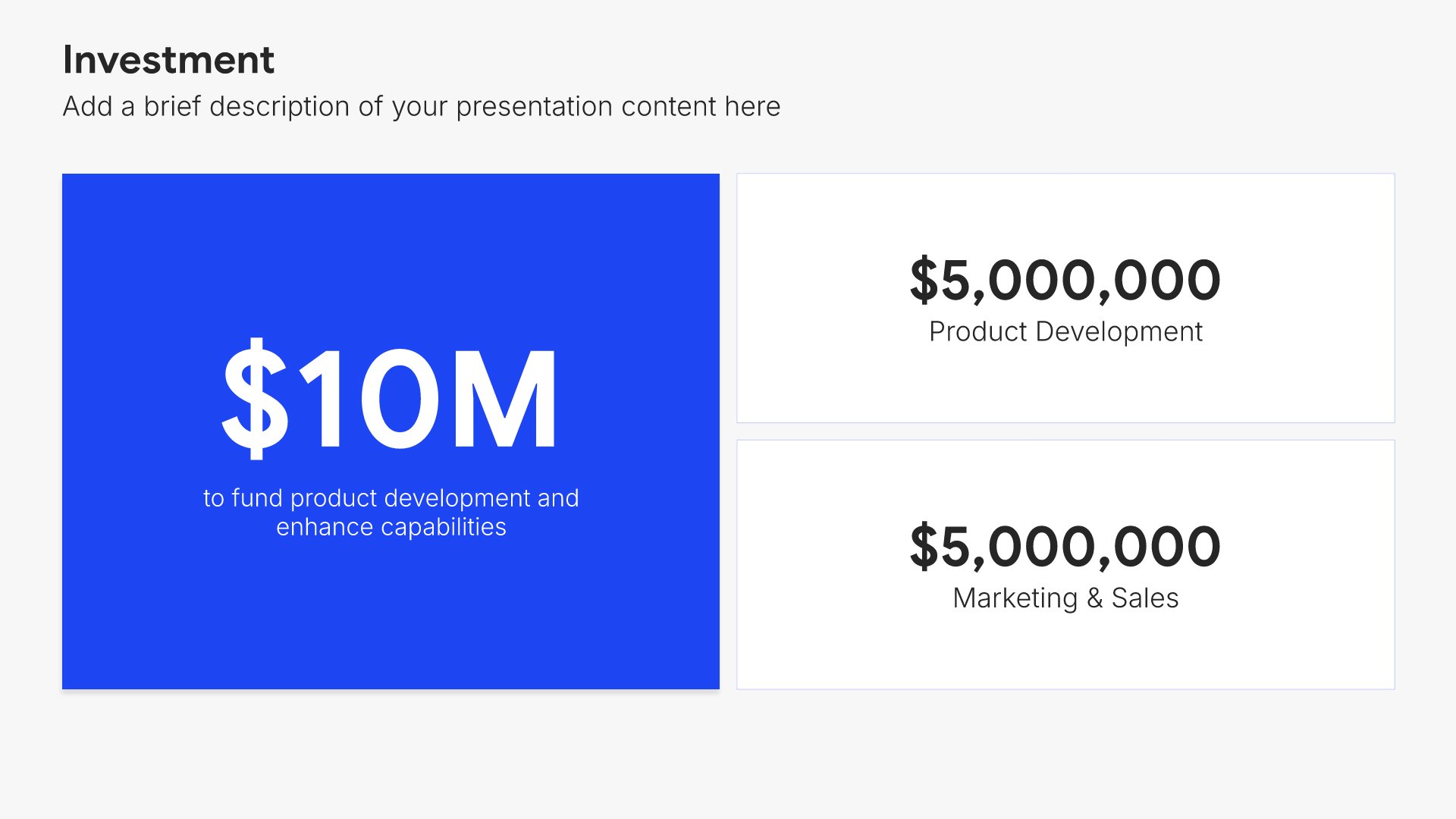
Budget and resources slides help you present the financial and human investment required. Use them to display cost breakdowns, resource allocation, and funding needs that support your plan. Ideal for strategic plans, project proposals, and business cases where showing what's required builds stakeholder confidence in execution.
Built using Investment slides

16. Risk Assessment

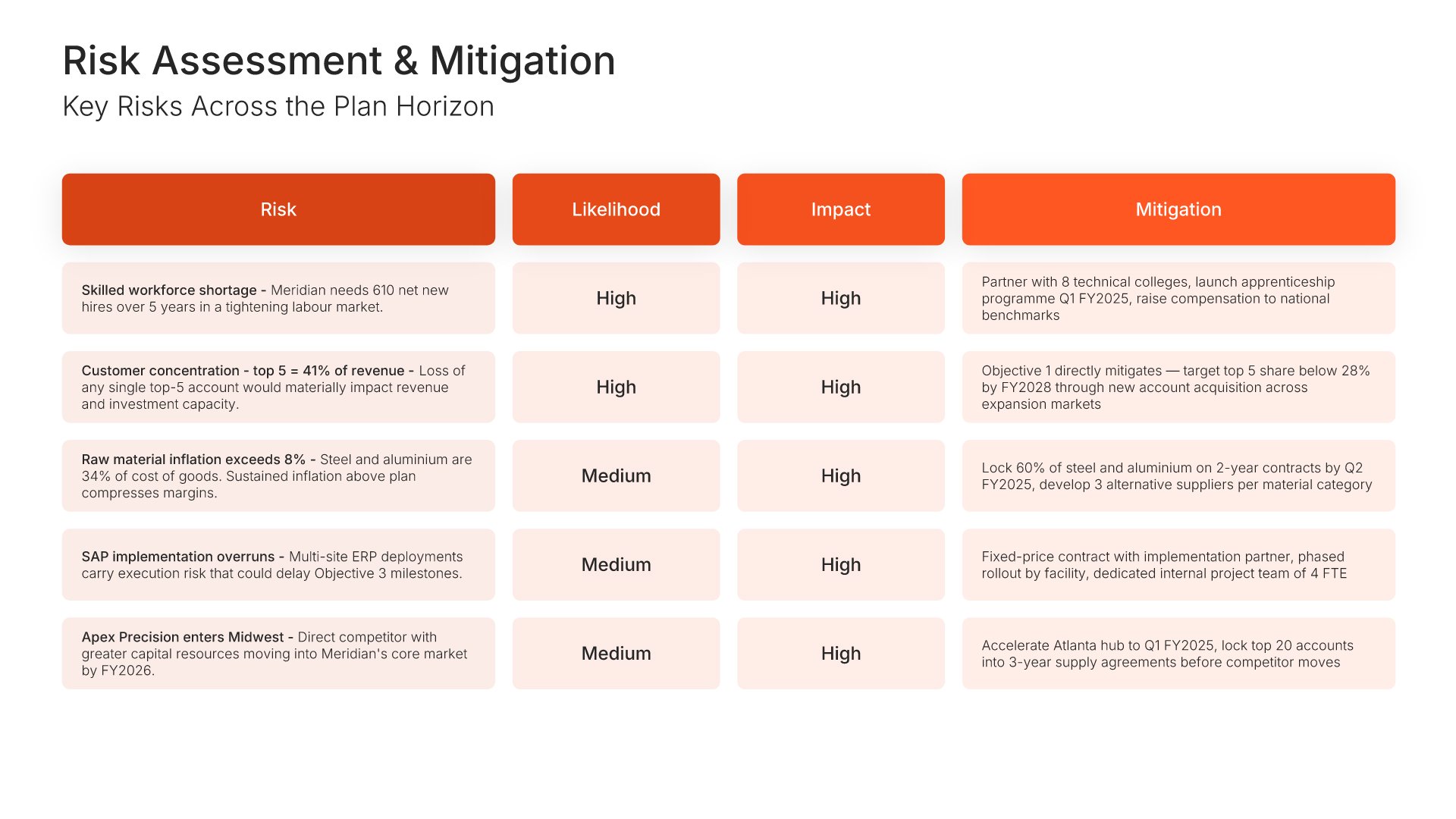
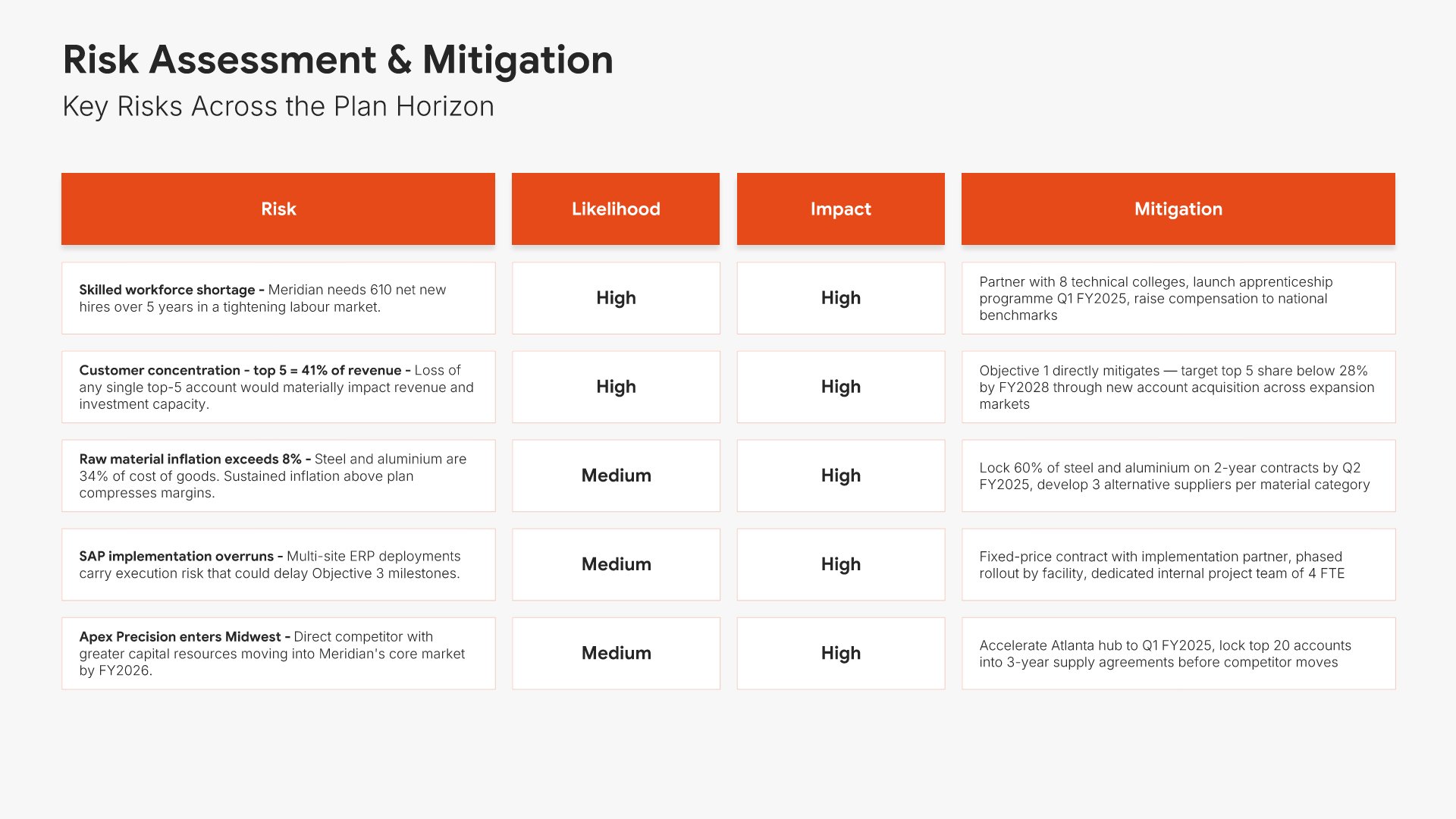
Risk assessment slides help you identify potential challenges and mitigation strategies. Use them to present risks that could impact your budget, along with contingency plans and safeguards. Ideal for budget proposals and business cases where acknowledging risks and showing preparedness builds stakeholder confidence.
Built using Table slides

17. Change Management Plan

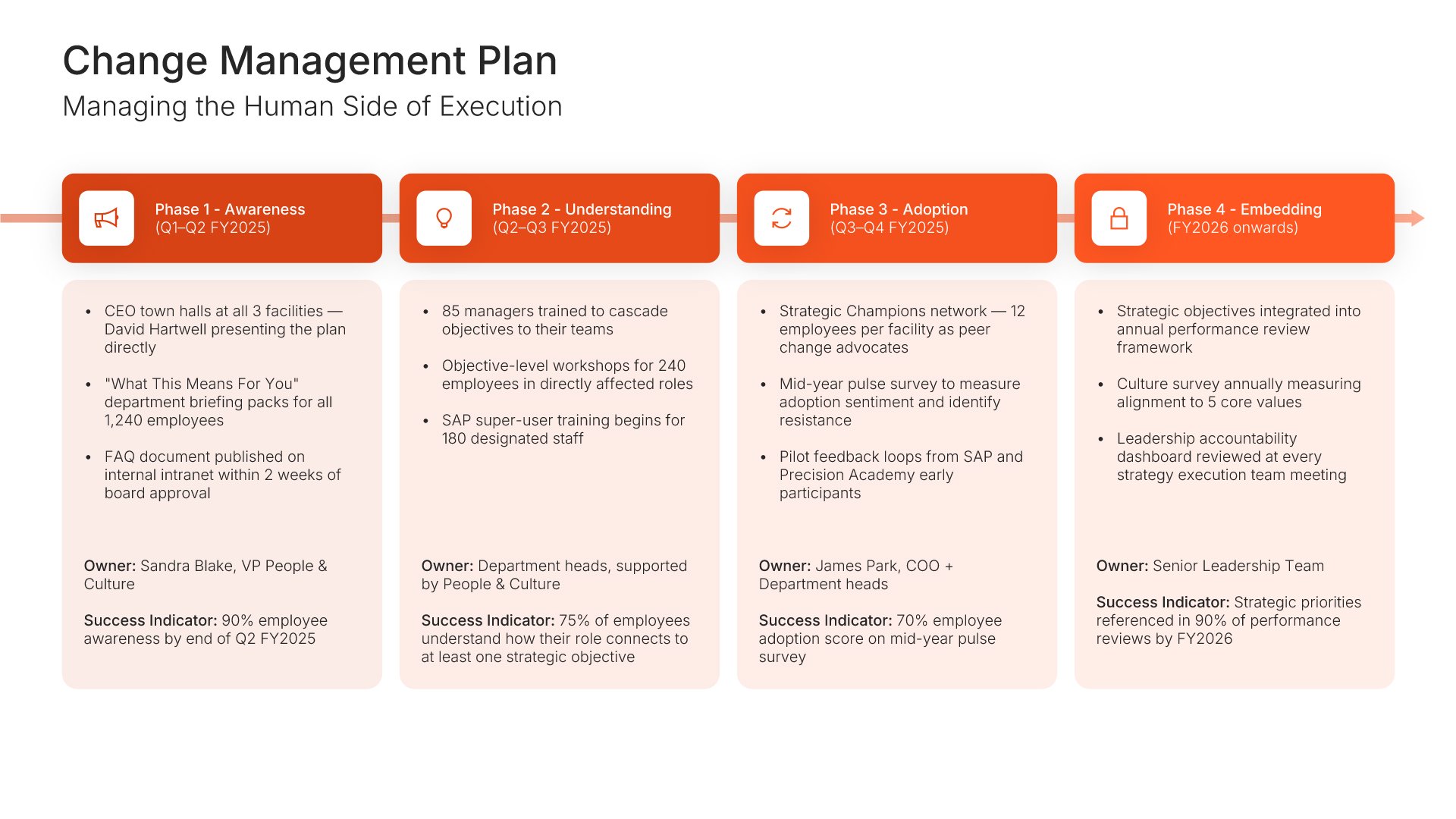
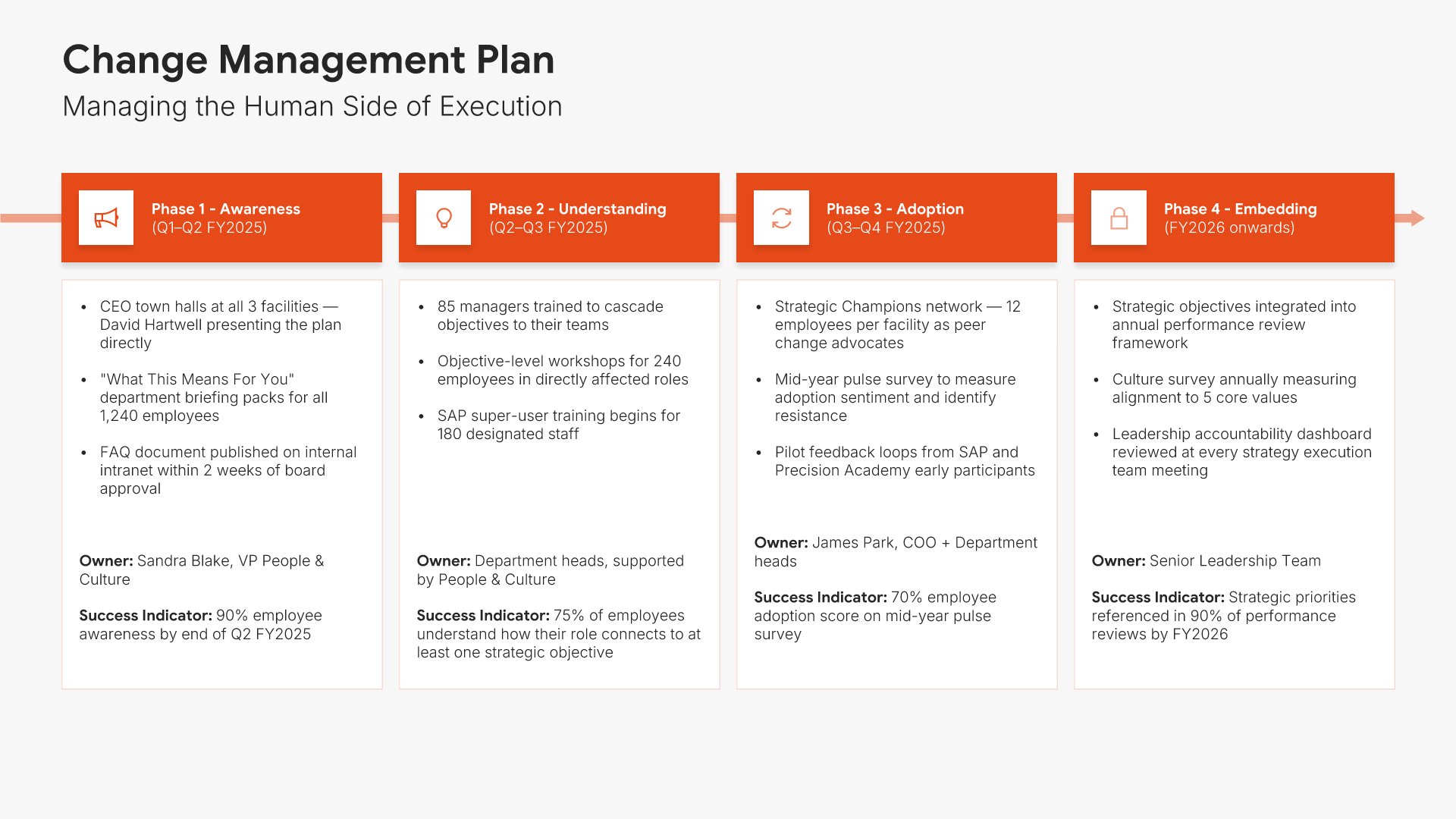
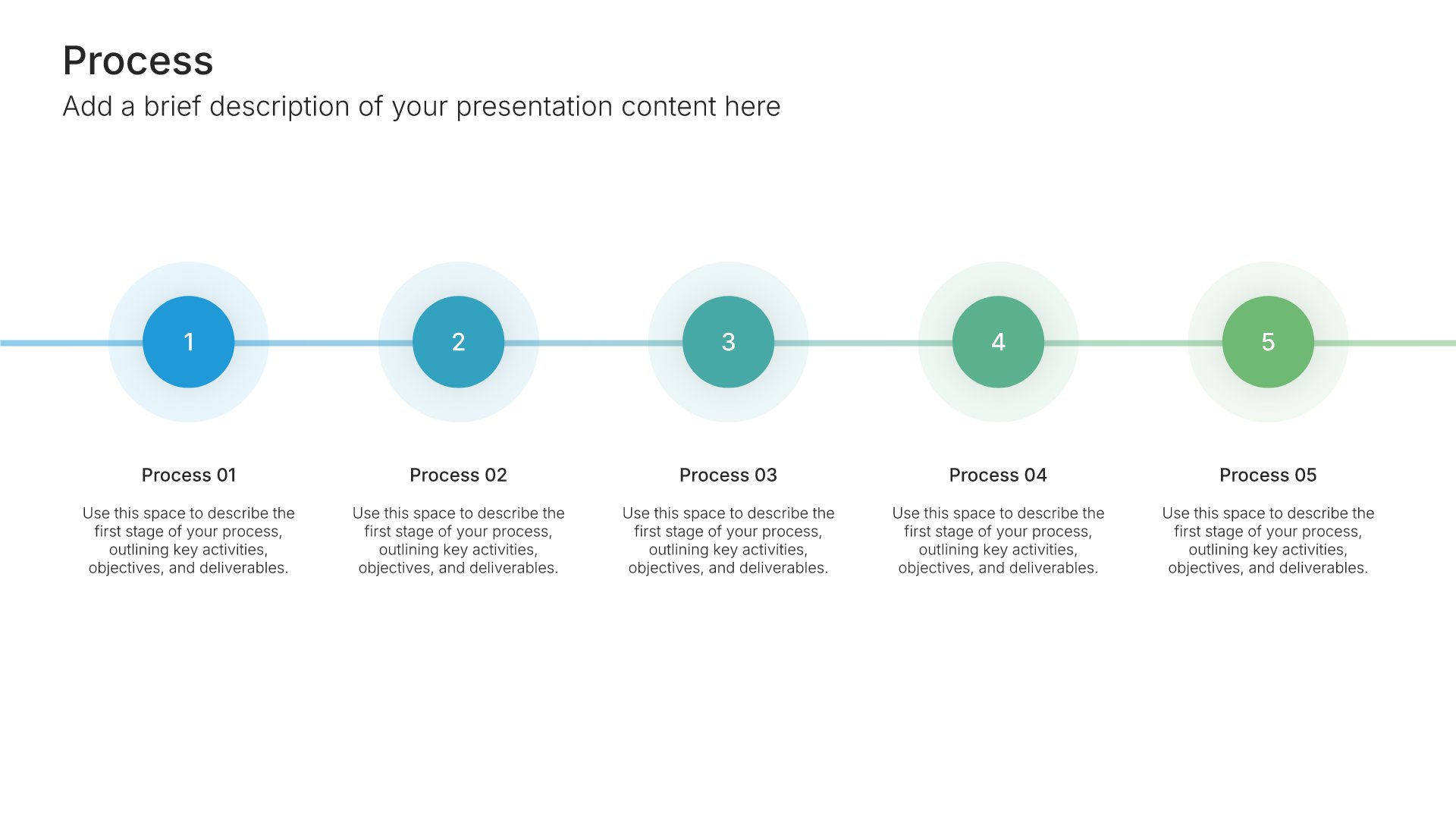
Change management plan slides help you outline how your organization will navigate the human side of strategic change. Use them to present stakeholder engagement, communication strategy, training plans, and adoption tactics. A clear change plan helps stakeholders see that the strategy will be implemented thoughtfully and with people in mind.
Built using Process – Horizontal slides

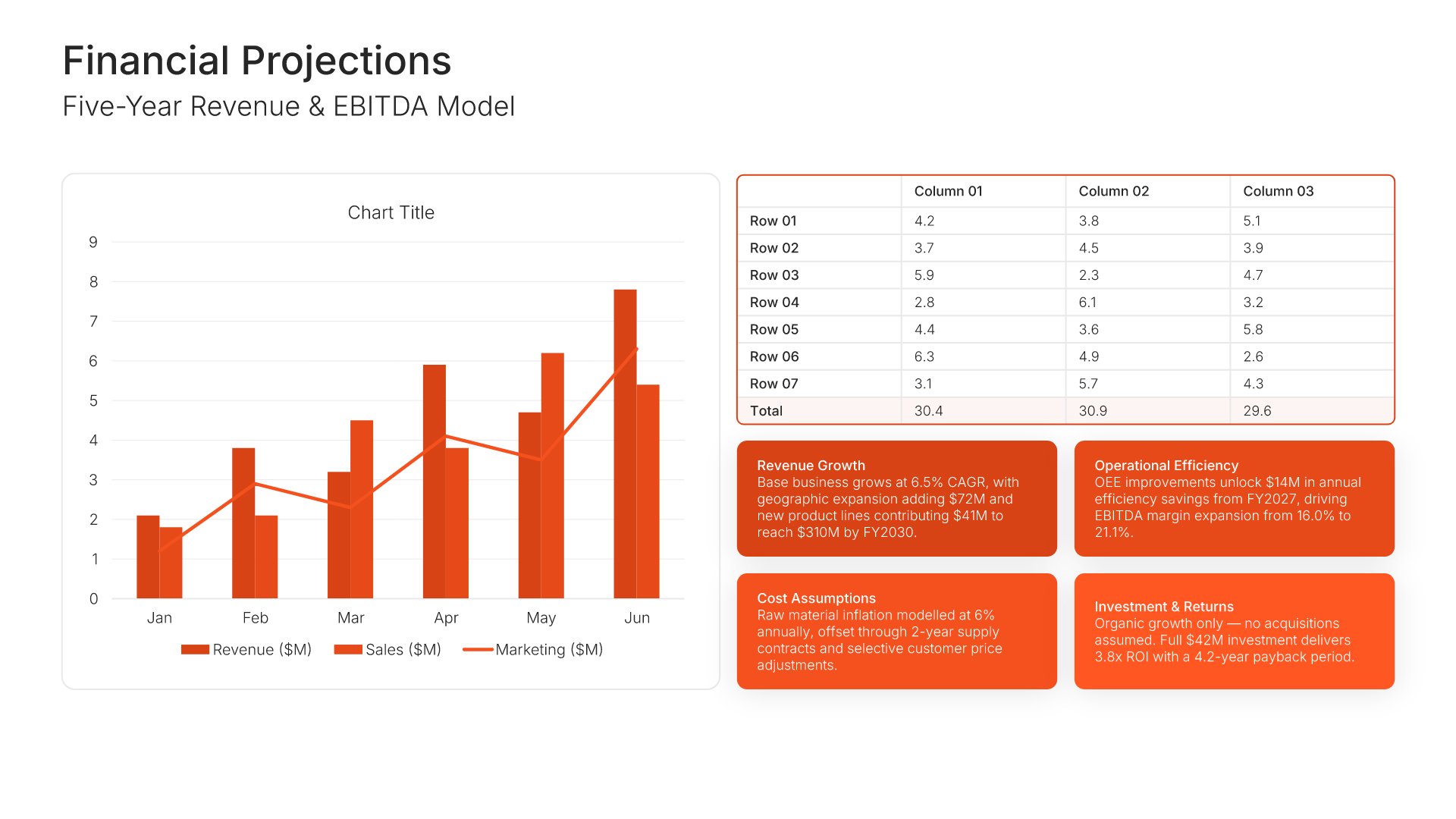
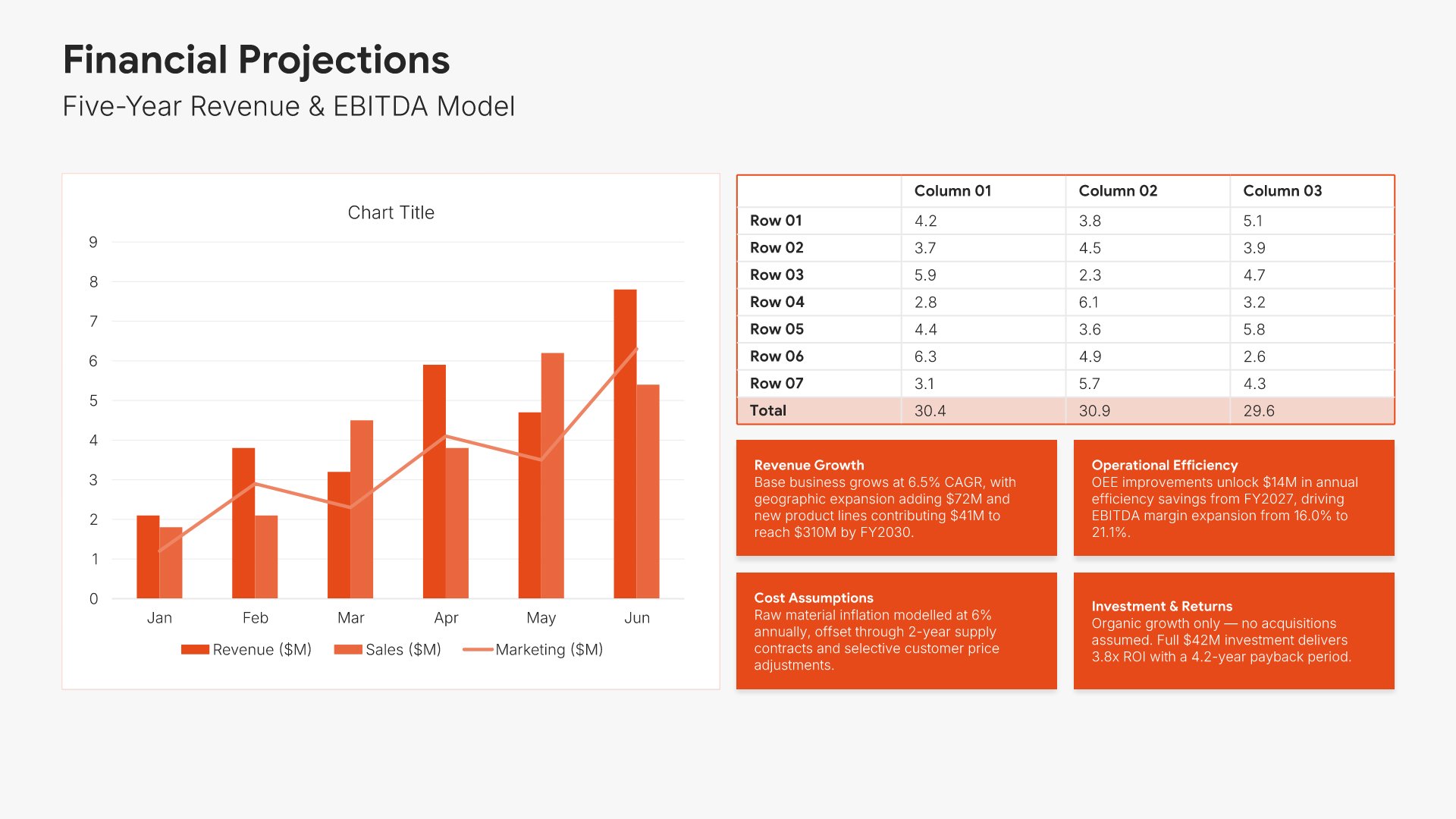
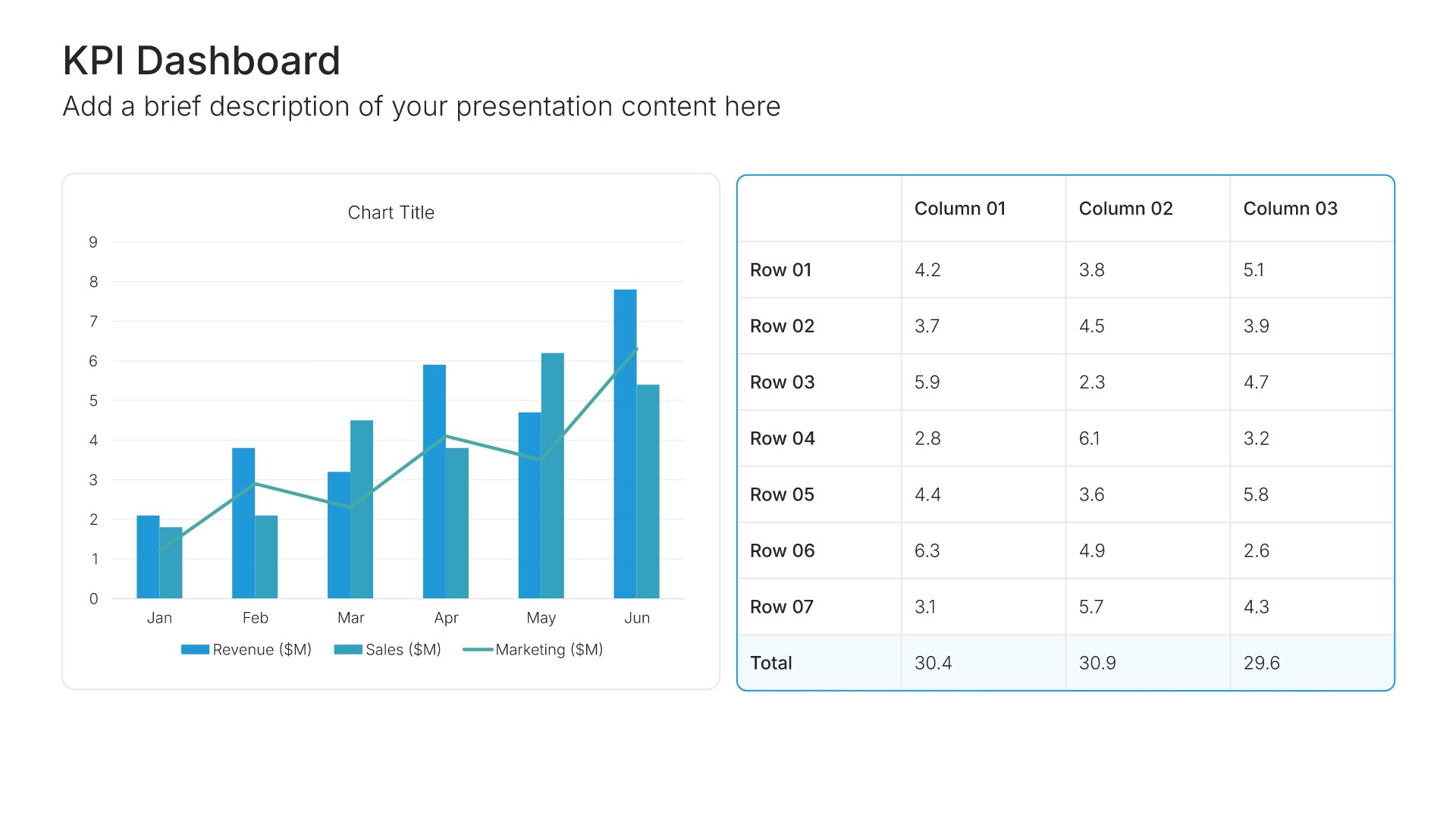
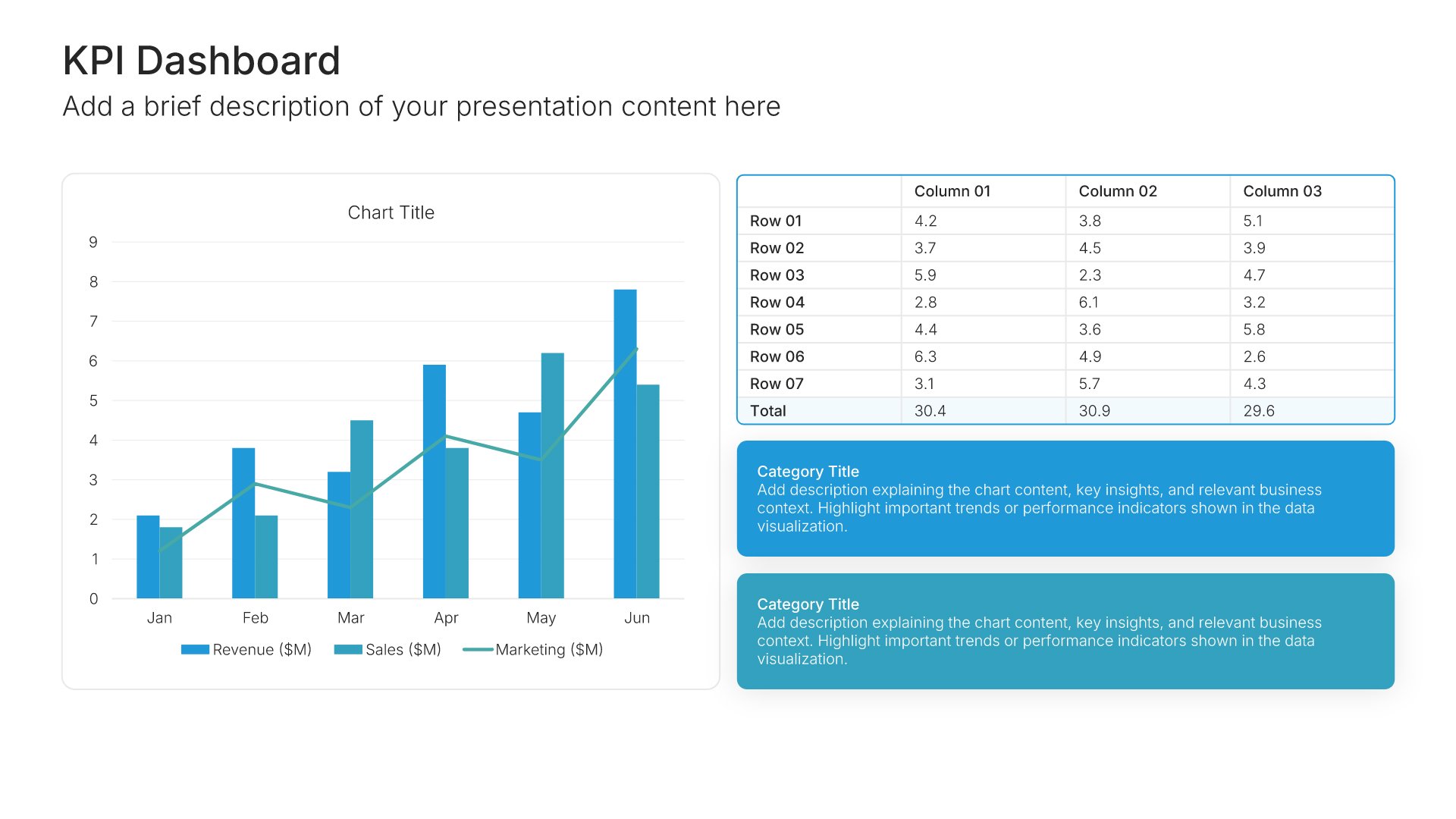
18. Financial Projections

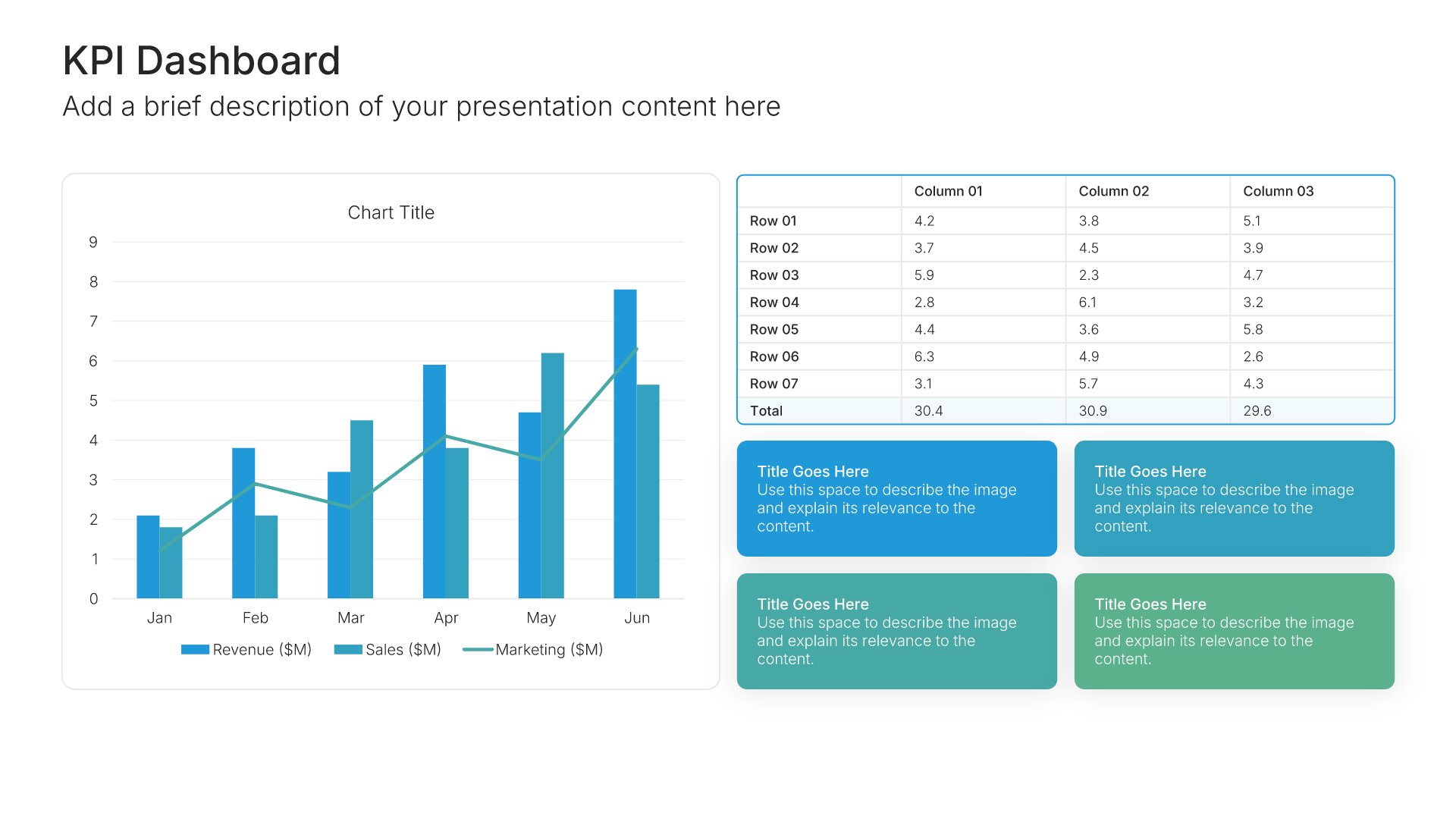
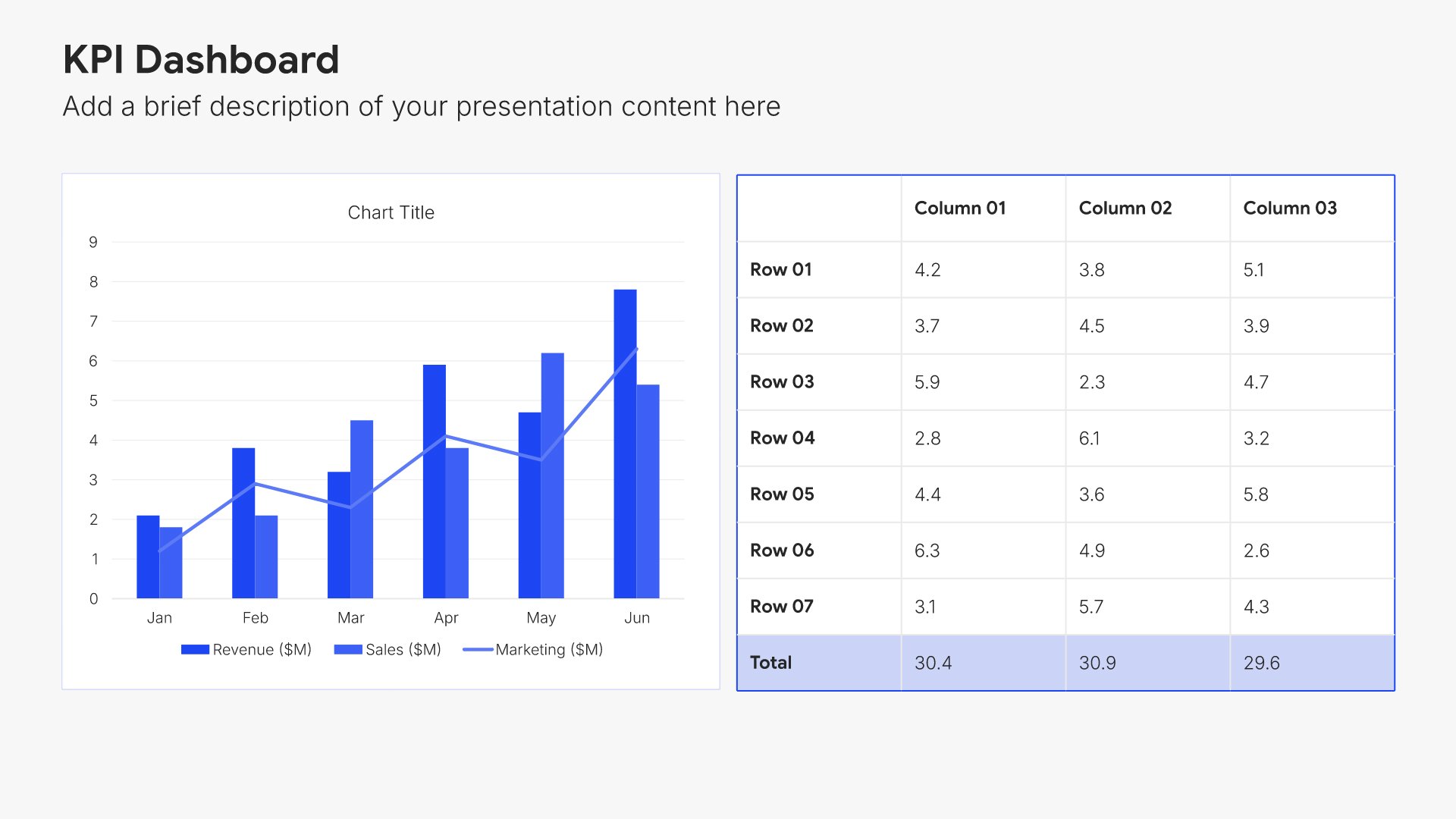
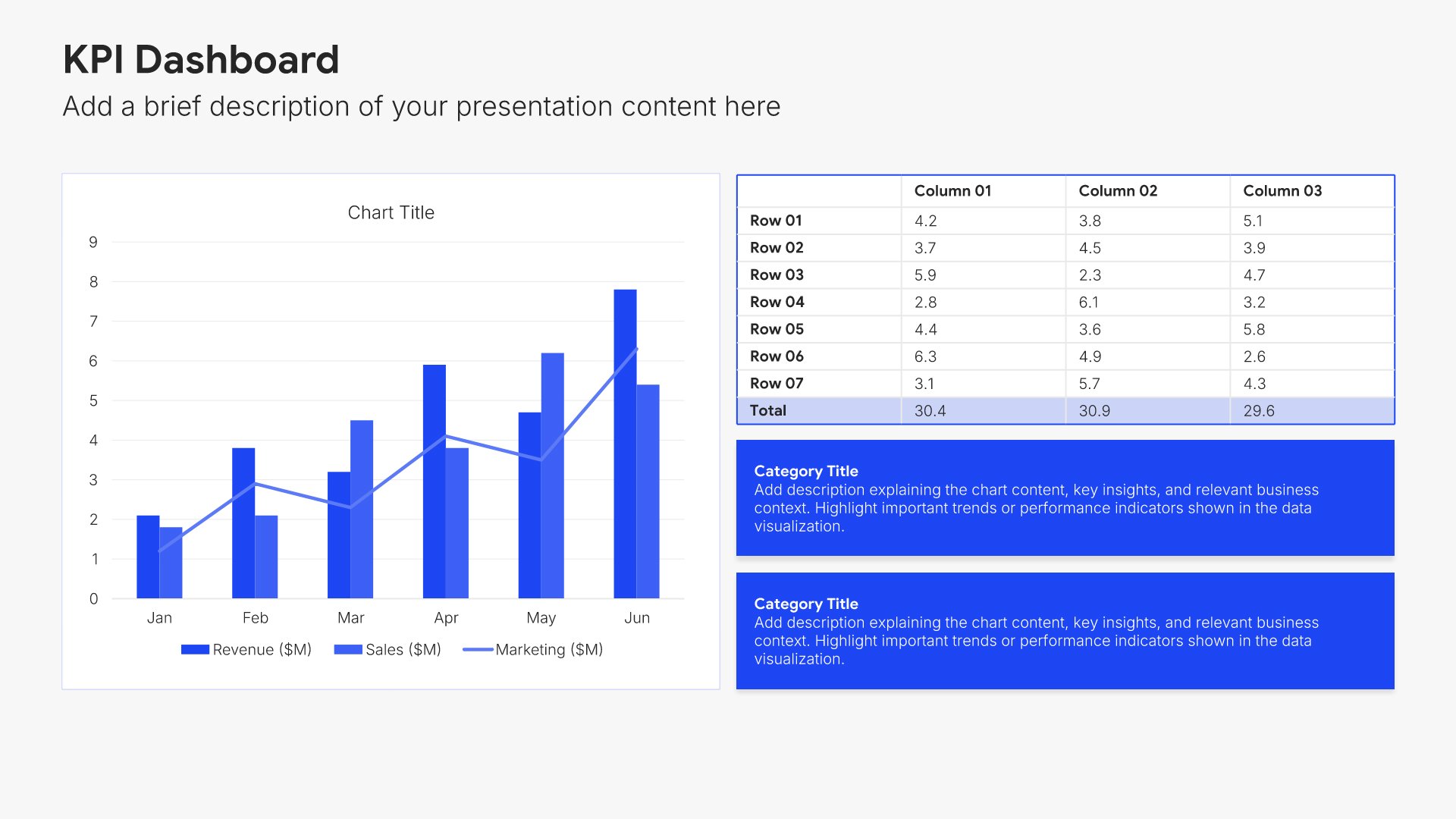
Financial projections slides help you present your expected financial performance over time. Use them to display revenue forecasts, expense budgets, profitability timelines, and key assumptions. Ideal for business plans, investor presentations, and board meetings where demonstrating your financial path forward is essential.
Built using KPI Dashboard slides

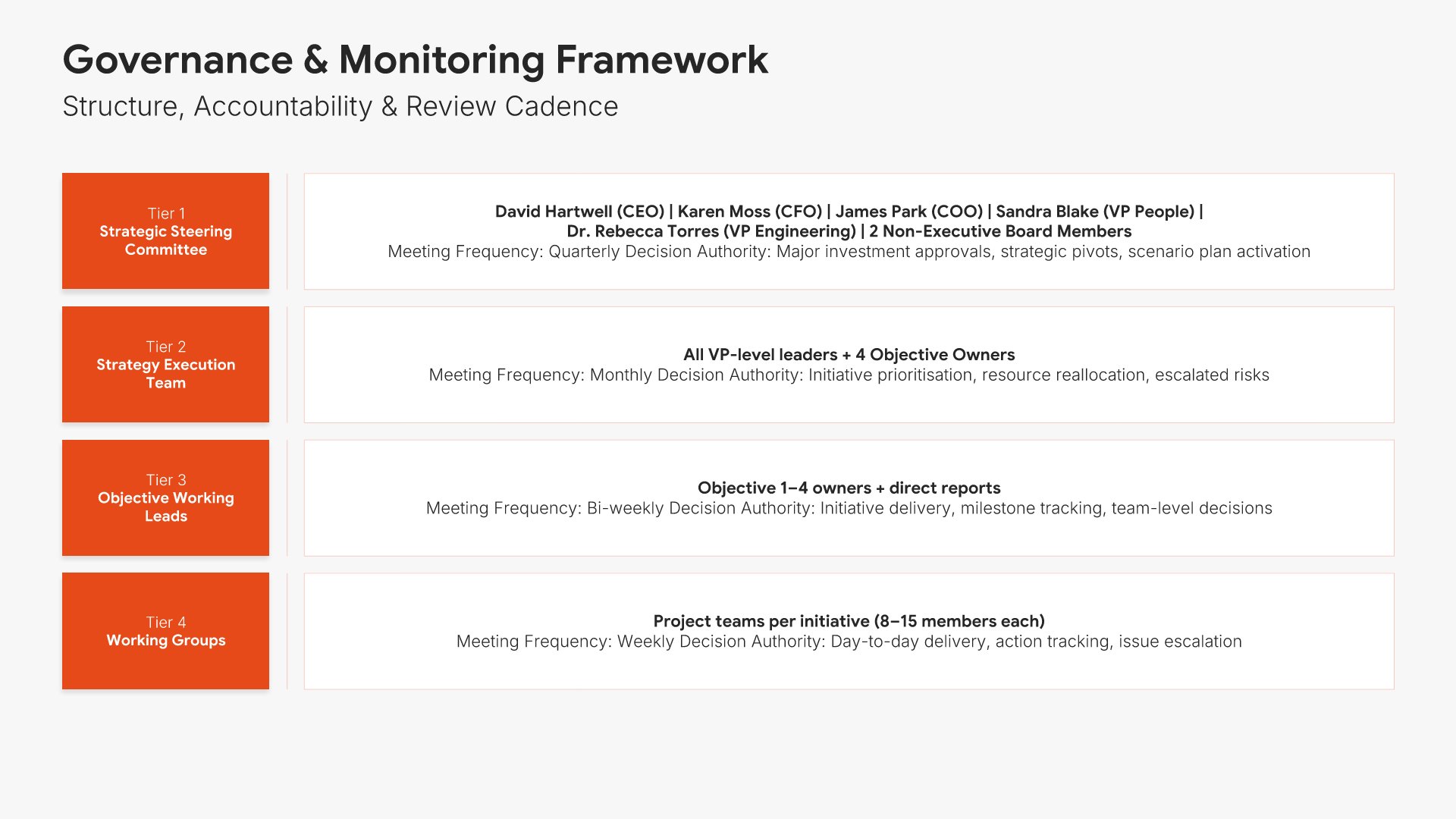
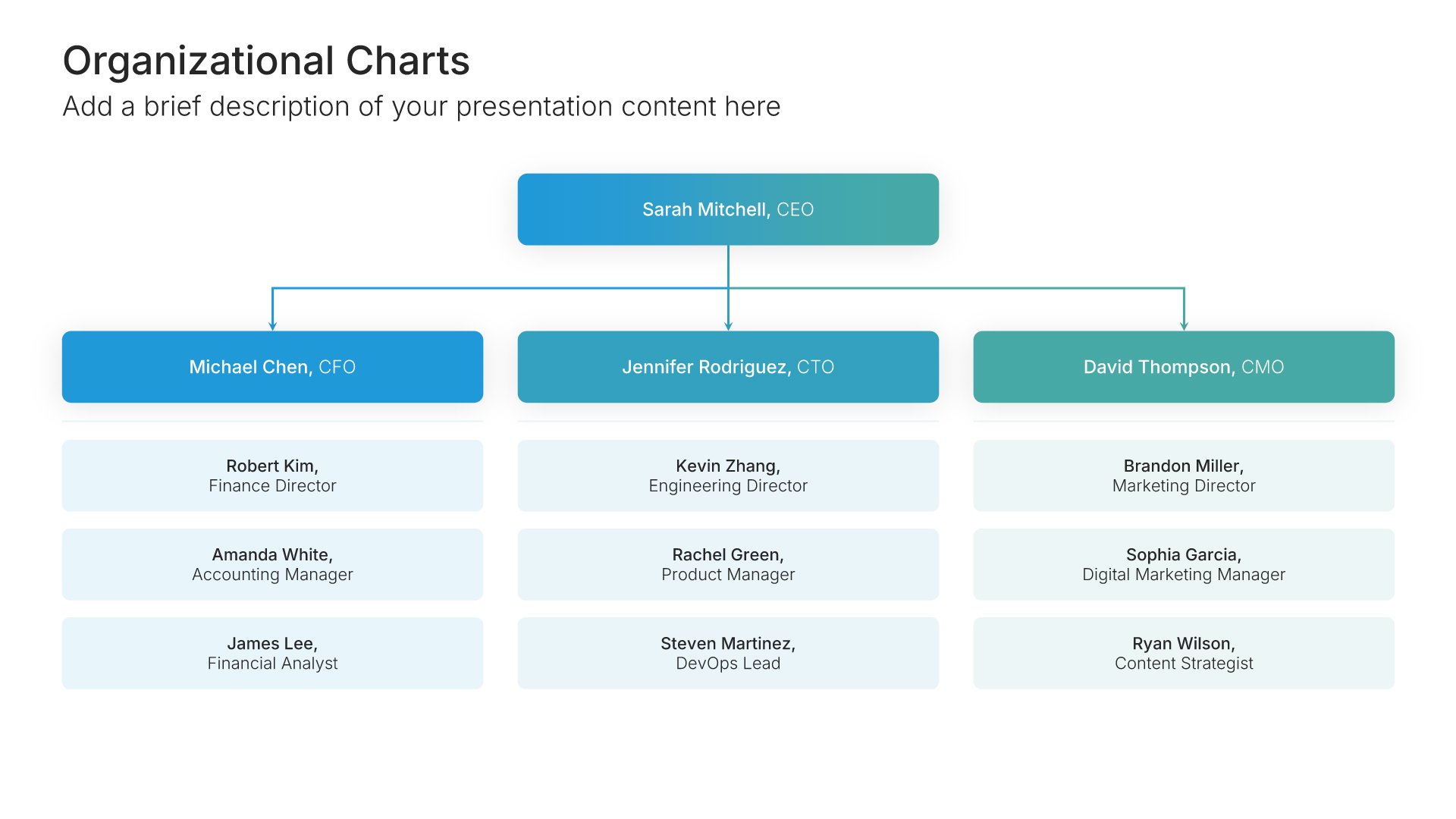
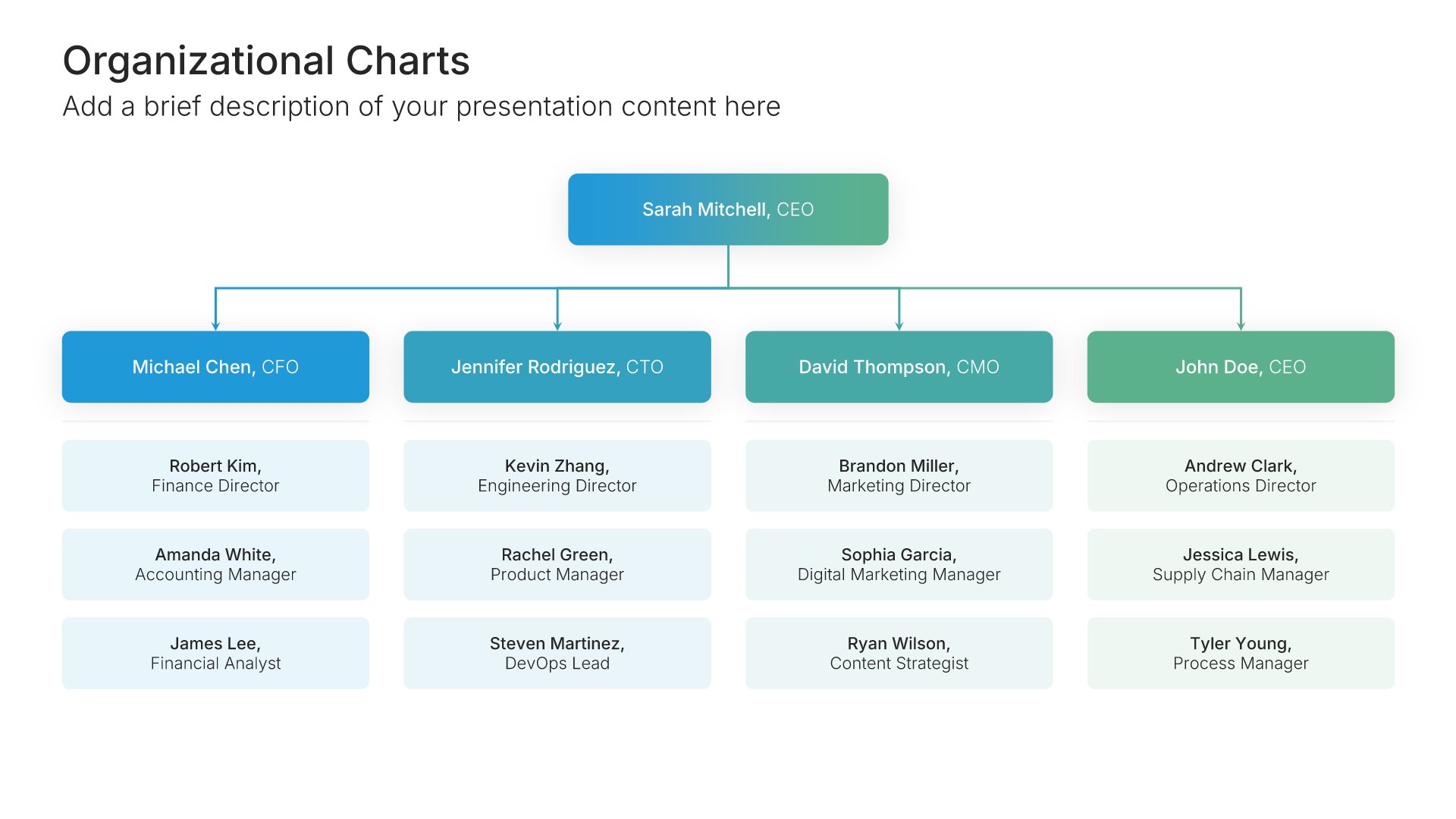
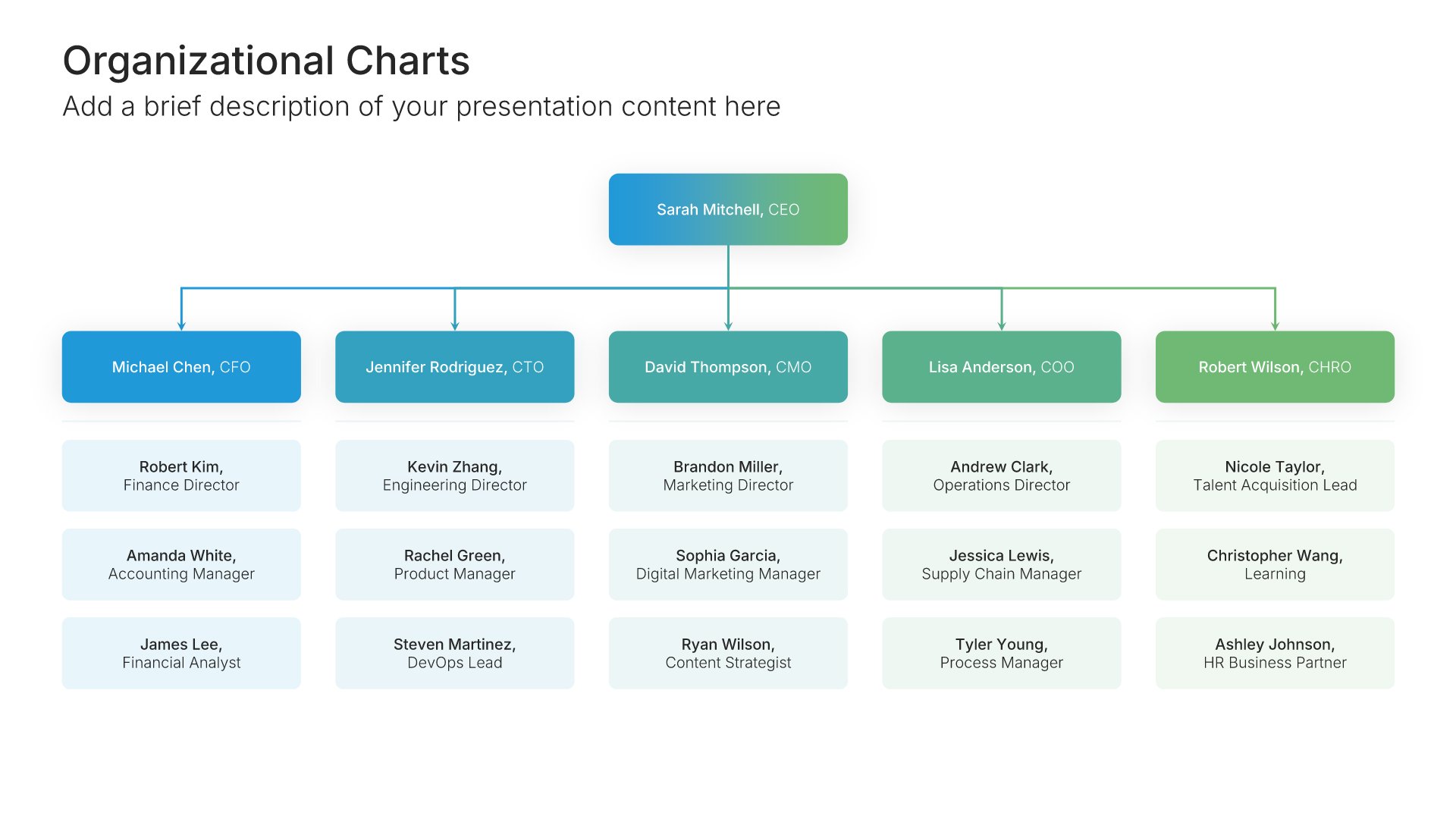
19. Governance Framework

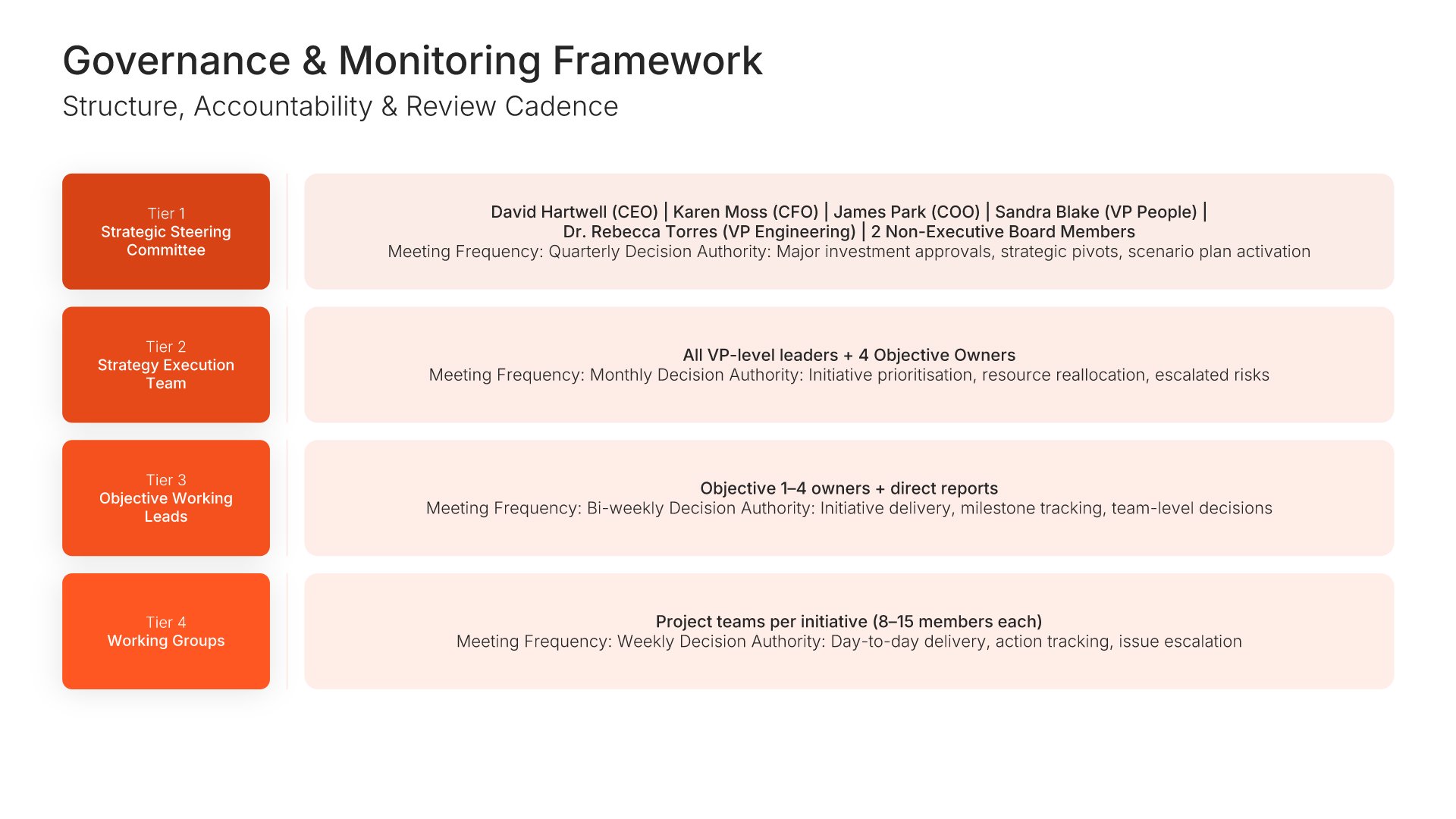
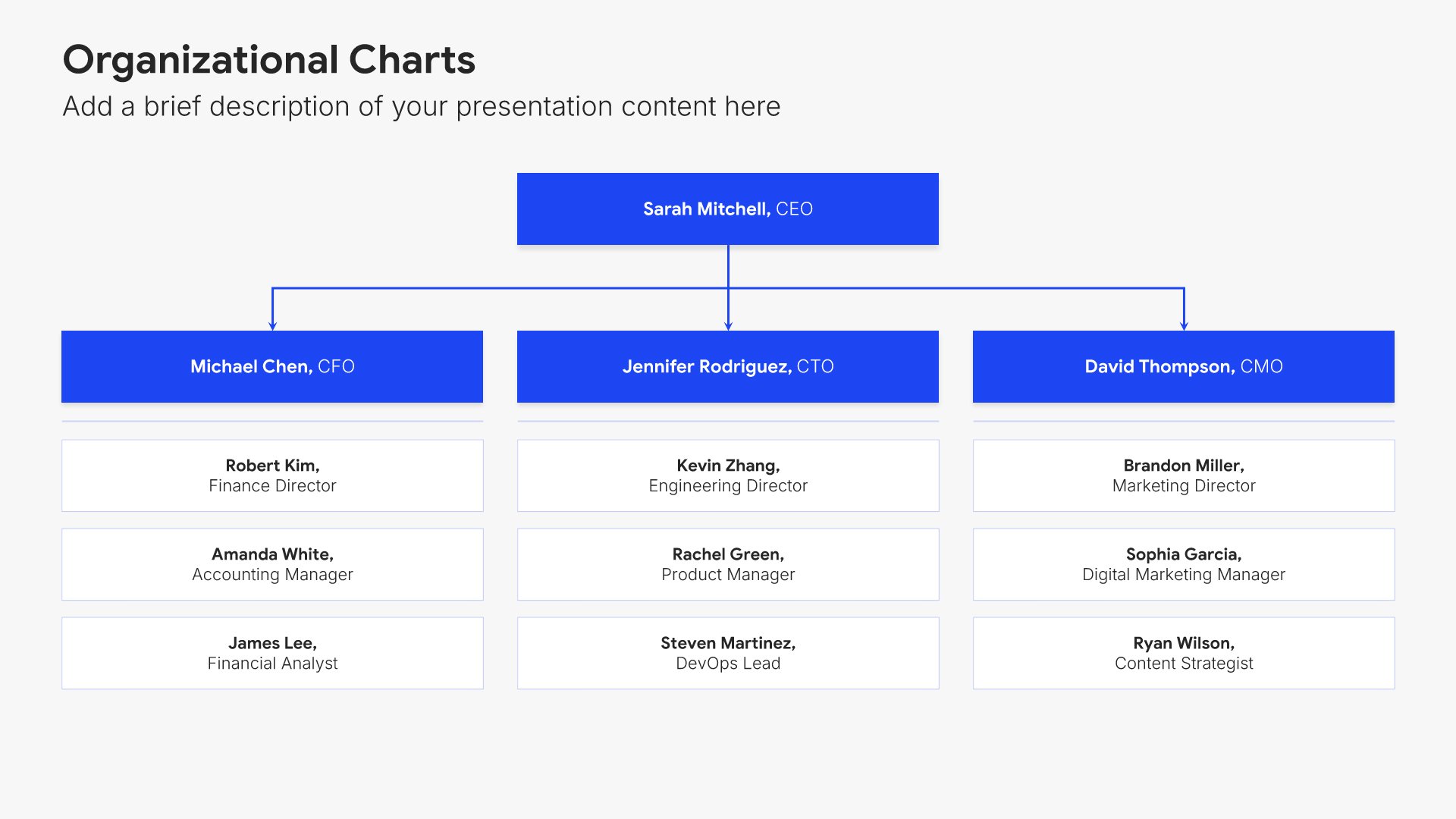
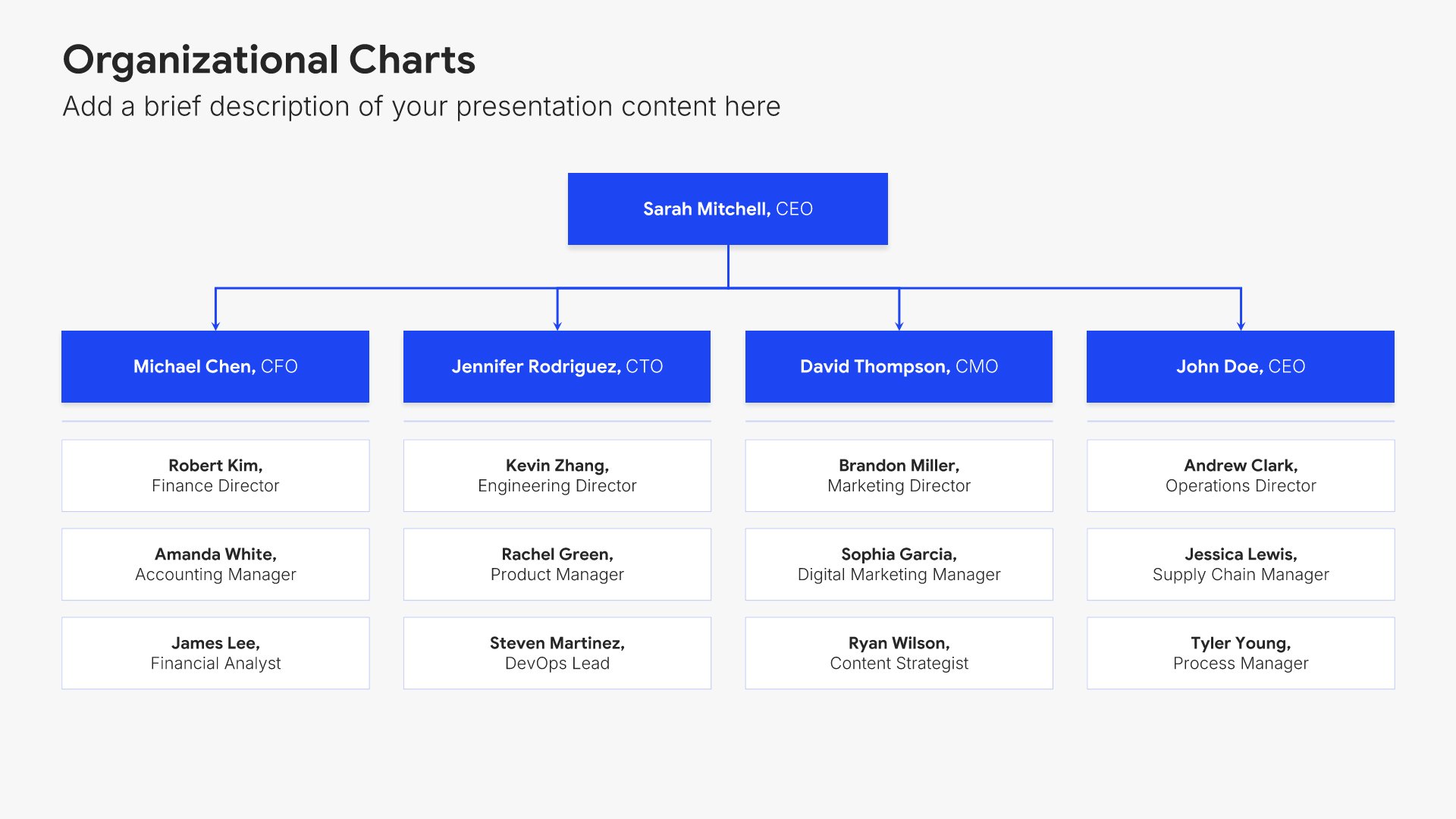
Governance framework slides help you define accountability and decision-making structures. Use them to present roles, responsibilities, reporting lines, and oversight mechanisms that ensure your plan stays on track. Ideal for strategic plans and organizational presentations where clear governance drives successful execution.
Built using Organizational Charts slides

20. Key Performance Indicators

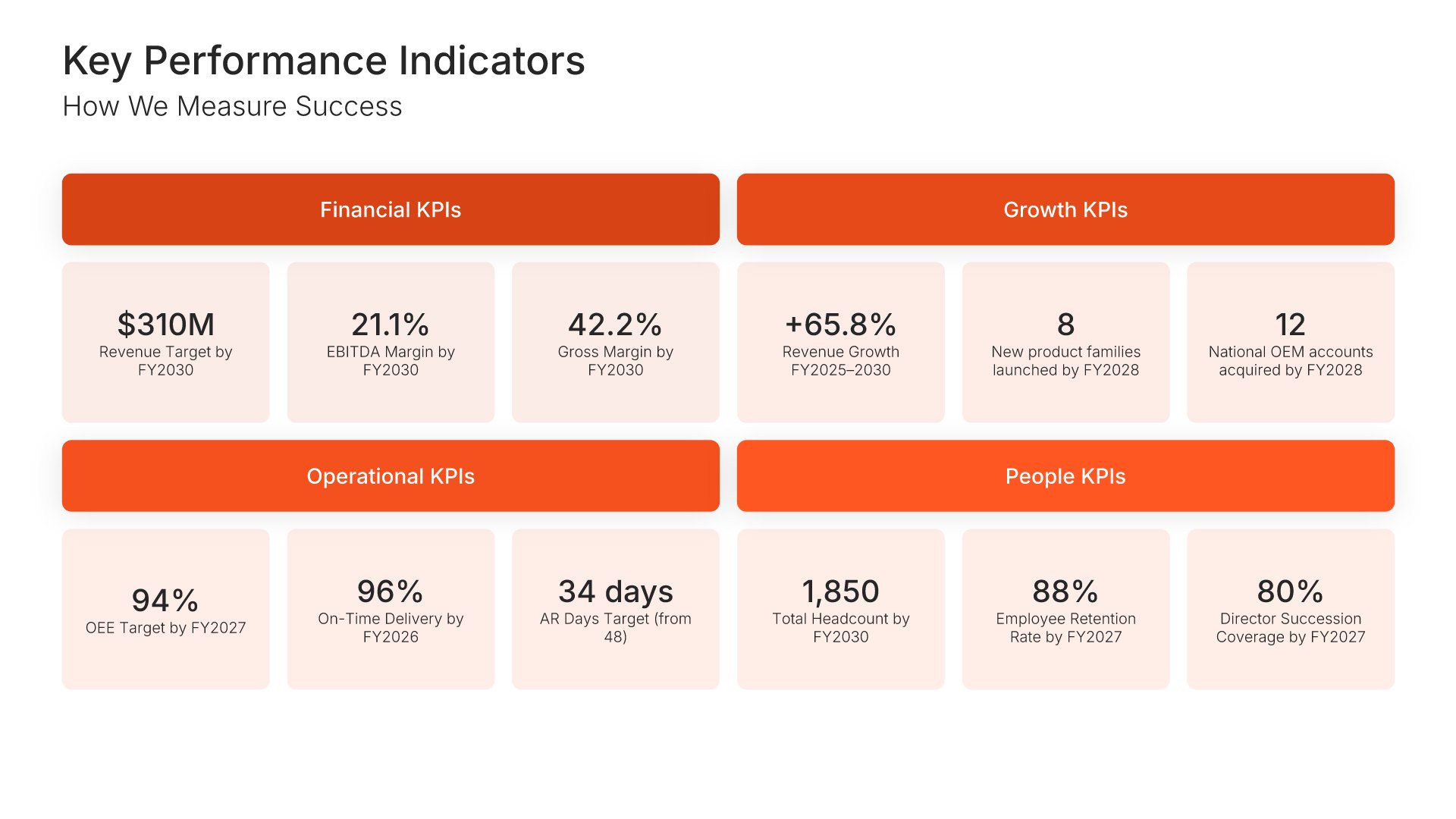
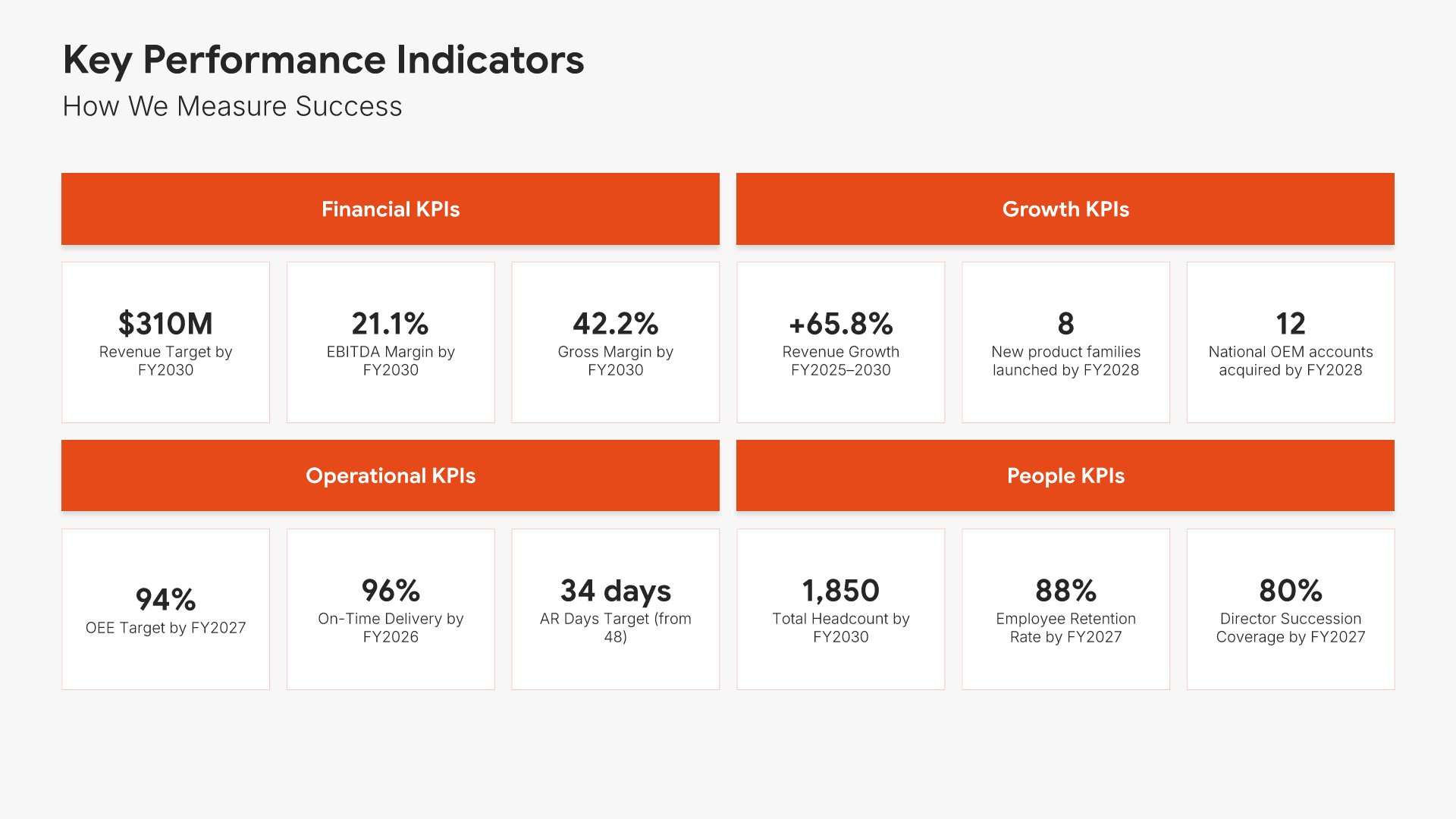
Key performance indicators slides help you define the metrics that measure success. Use them to present the KPIs that track progress toward your strategic goals, including targets, benchmarks, and measurement frequency. Ideal for strategic plans and business reviews where clear metrics ensure accountability and keep execution on track.
Built using Simple Numbers slides

21. Thank You

Thank you slides help you close presentations professionally. Use them to end with gratitude, provide contact information, and leave a polished final impression. Ideal for any presentation where a professional closing reinforces your message and gives your audience a clear way to follow up or stay connected.
Built using Thank You slides

Build your Comprehensive Strategic Plan presentation with Choladeck

Transform your Comprehensive Strategic Plan vision into reality with Choladeck’s user-friendly platform. Follow our step-by-step guide, harnessing our vast collection of slides and tools, to create a compelling and cohesive presentation that resonates with your audience.

Step 1

Browse & Select

Explore over 9,172+ professionally designed slides across 134 categories. Or if you want a head start, pick from 74+ premade presentation templates. Whatever you need, it's probably already here.

Step 2

Customize Your Slides

Swap icons and images instantly from our built-in libraries. Use Pointers to choose your count (2-box, 3-box, 4-box) and Variations to pick your design style. No more settling for "close enough." Get the exact slide you need.

Step 3

Brand Your Presentation

Add your logo, apply your brand colors, choose your fonts, and set custom backgrounds. One click and your entire presentation looks like it was made just for you. Because it was.

Step 4

Export Your Presentation

When you're ready, export to PowerPoint, Google Slides, or Keynote with a single click. Continue editing in your favorite tool if you want. Your workflow, your way.

Try Choladeck for free today and experience the ease of creating remarkable presentations.

No Sign-in or Credit Card Required

Wait!

Before you go, have you had the chance to experience Choladeck? If not try out – Choladeck for absolutely FREE!!

No Sign-in or Credit Card Required

Experience Choladeck Yourself!
Why just read about it when you can experience it? Dive into our presentation library – absolutely FREE!

No Sign-in or Credit Card Required