Try Choladeck Free: Download Personalized Business Slides Today
Try Choladeck Free: Download Personalized Business Slides Today
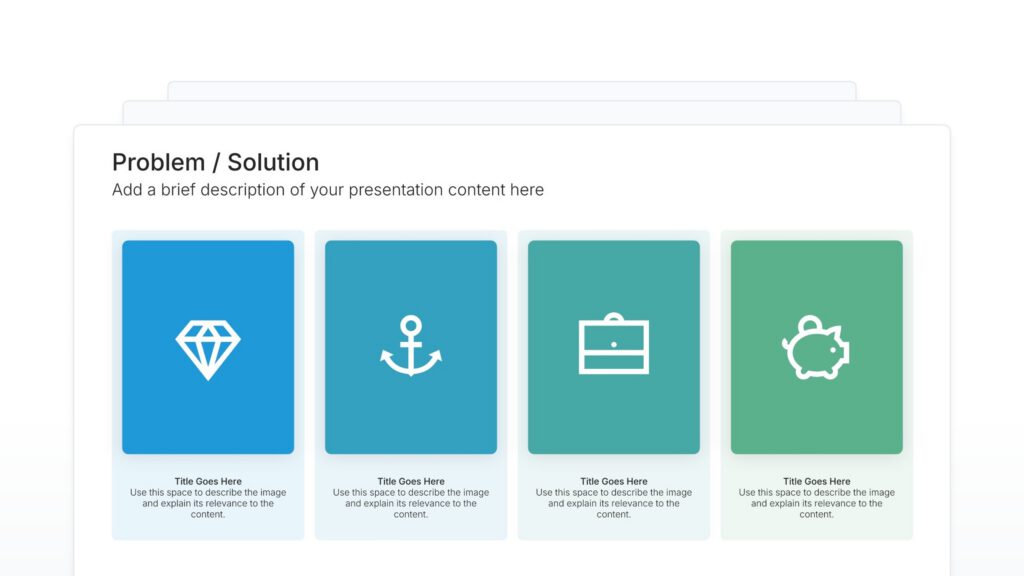
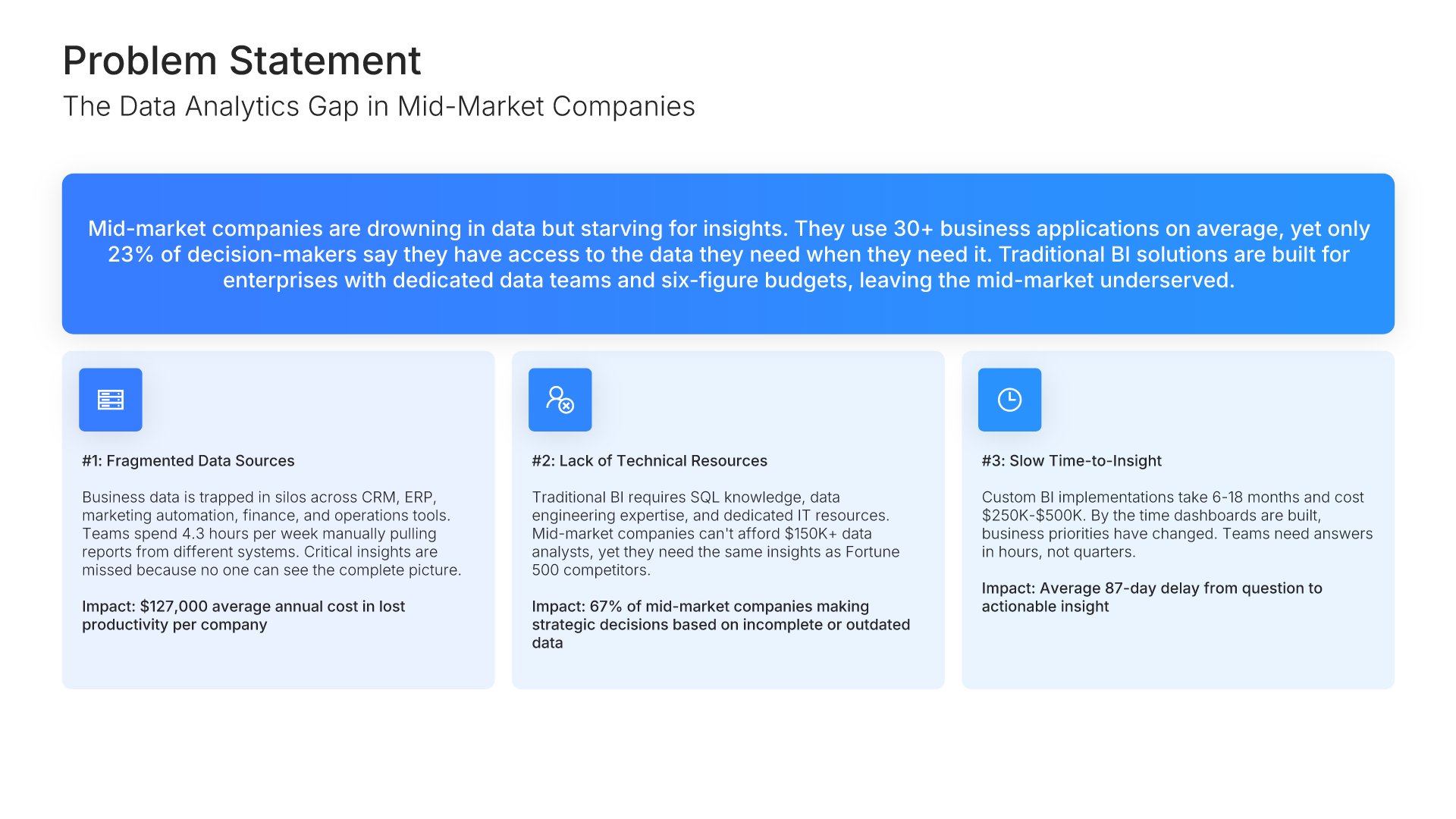
Problem solution slides help you present challenges and your answers clearly. Use them to frame the pain points your audience faces, then show how your solution addresses each one effectively. Ideal for pitch decks, sales presentations, and any situation where connecting problems to solutions drives your message home.

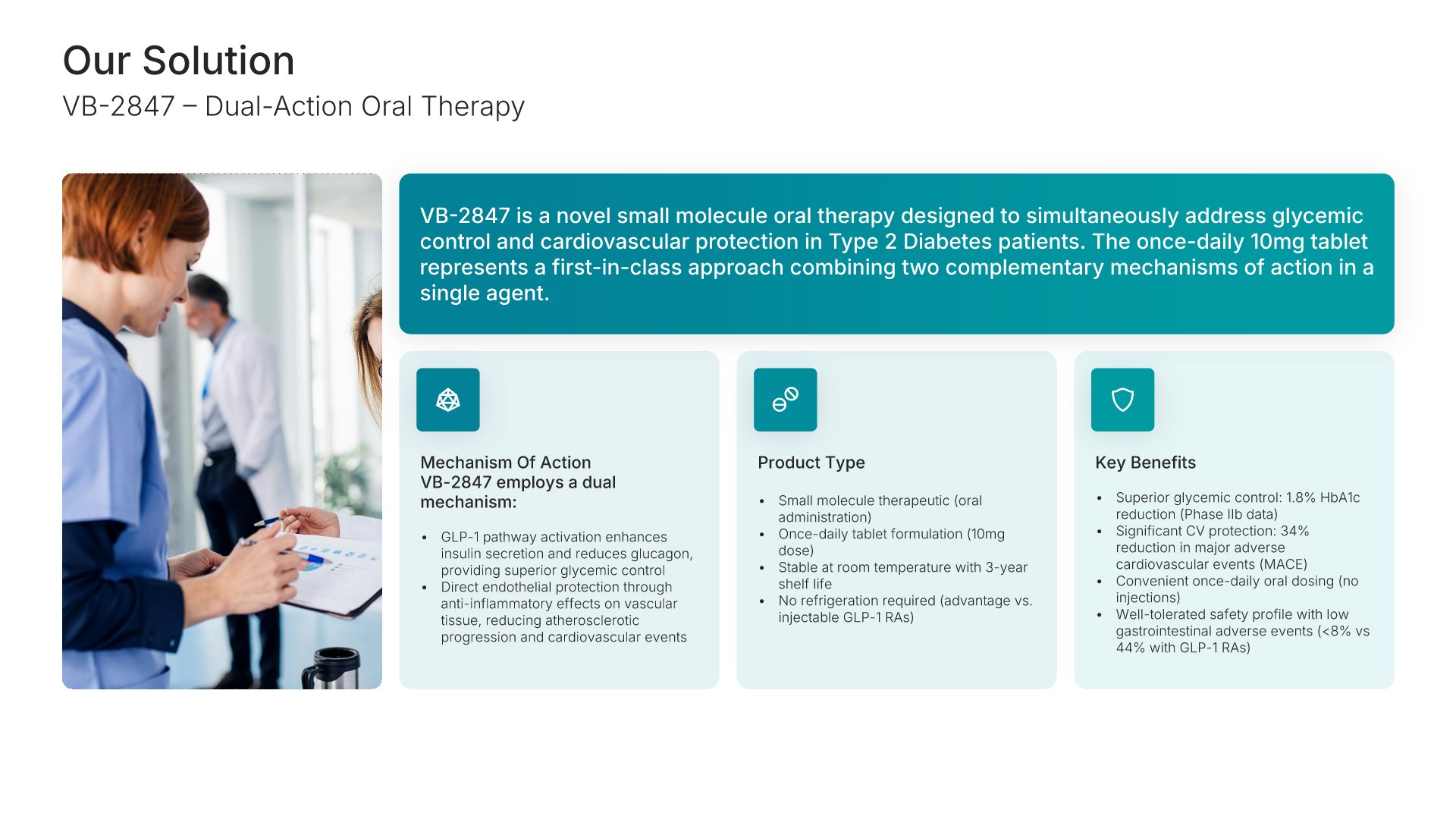
A comprehensive healthcare and pharmaceutical business plan template designed for biotech, pharma, and medical device companies seeking investment or strategic growth. Built on the Classic SBA Model, this presentation covers clinical solution, market opportunity, regulatory strategy, go-to-market plan, and financial projections. Ideal for healthcare and life sciences companies.

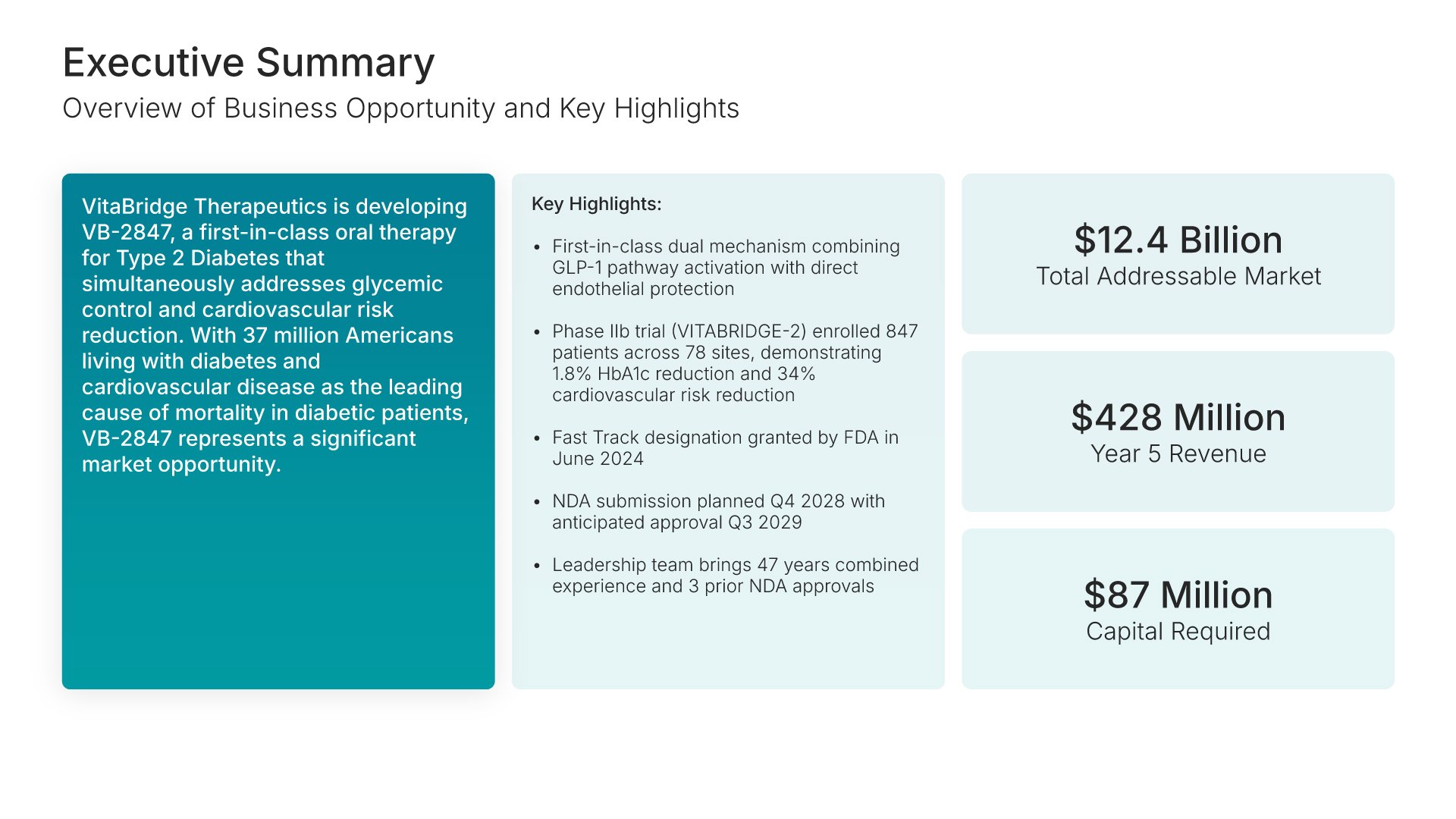
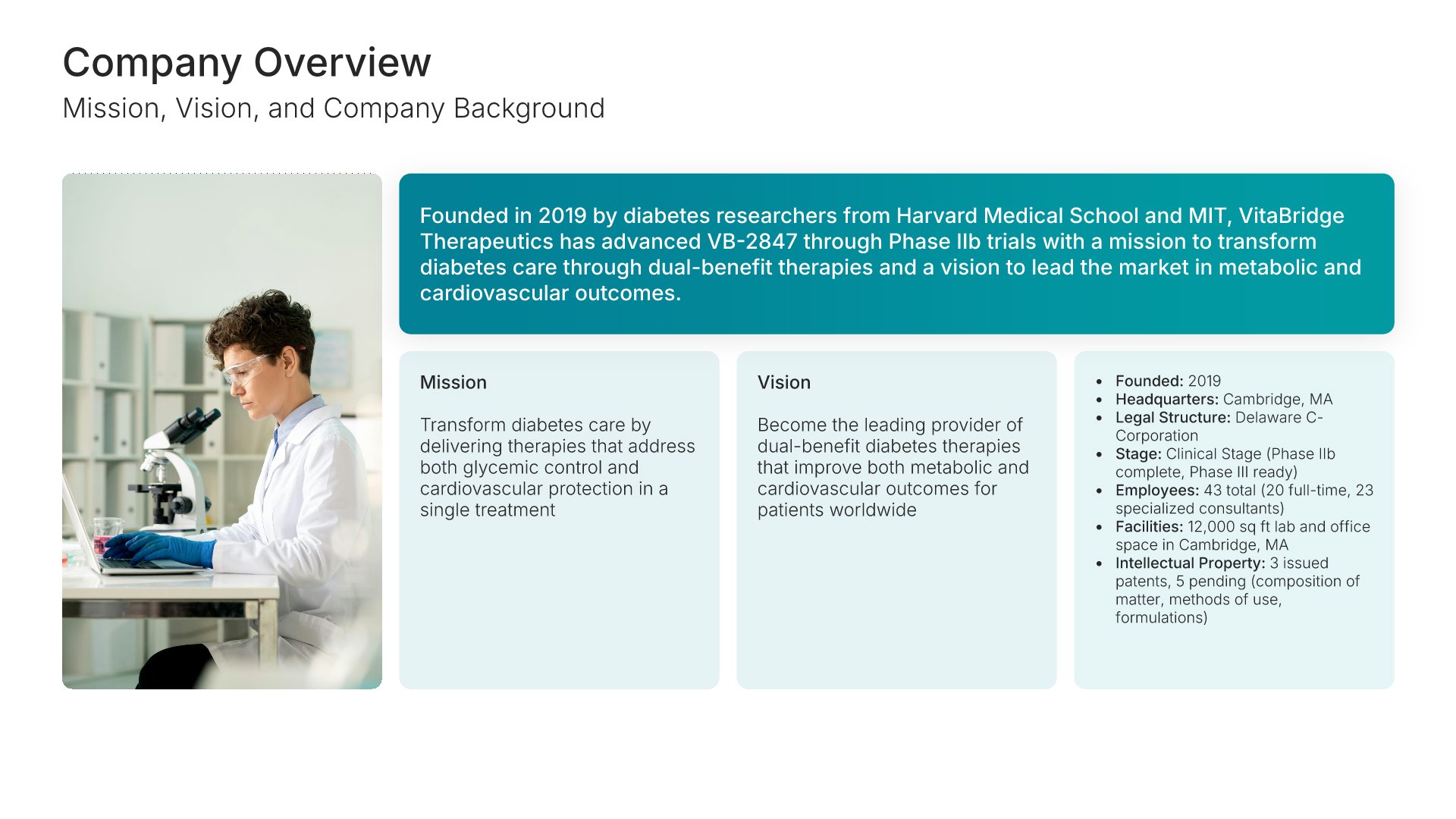
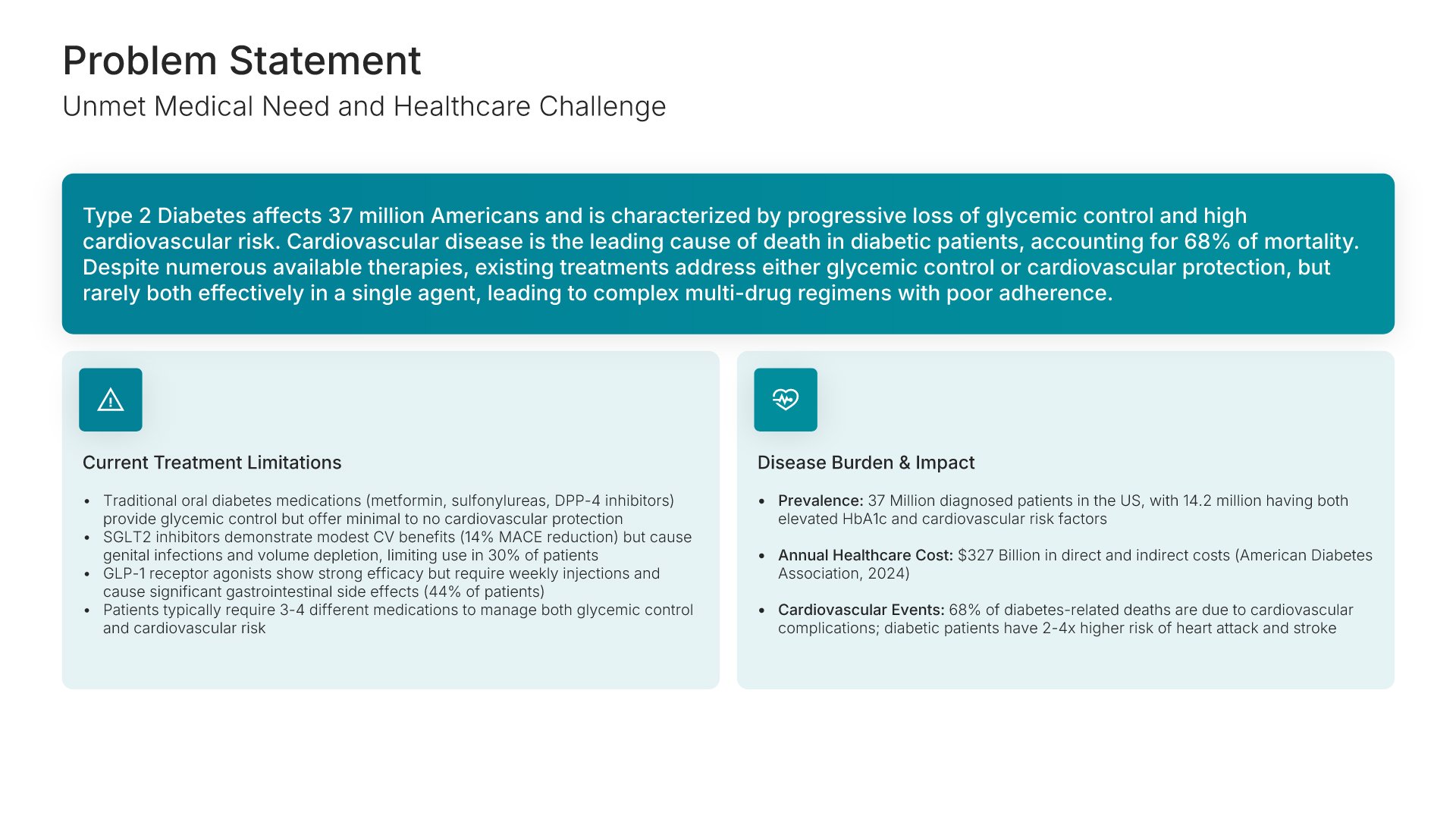
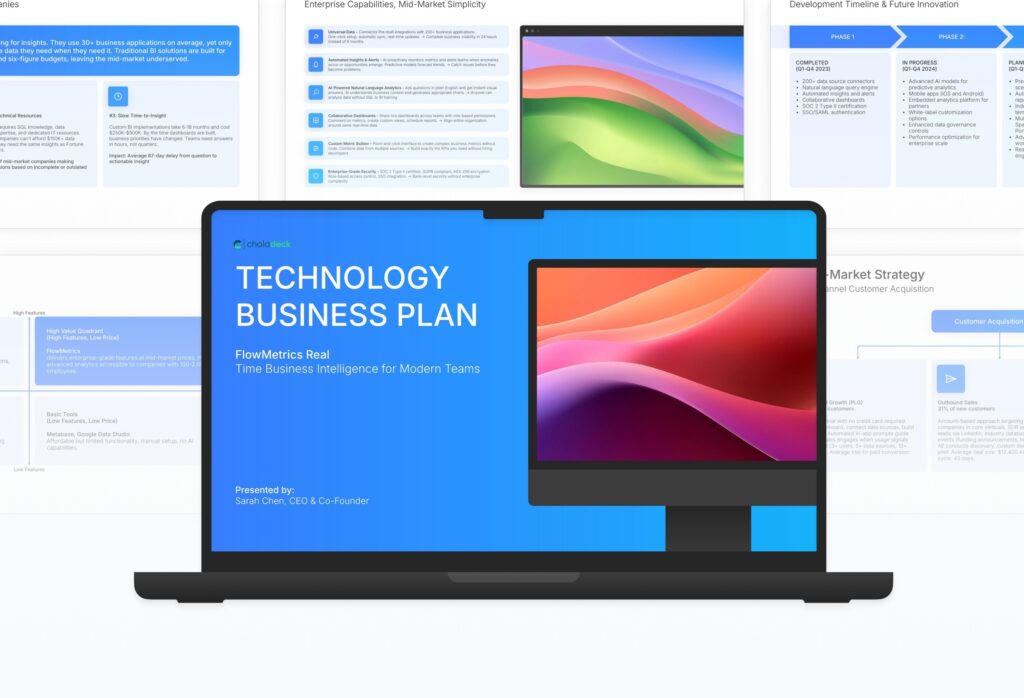
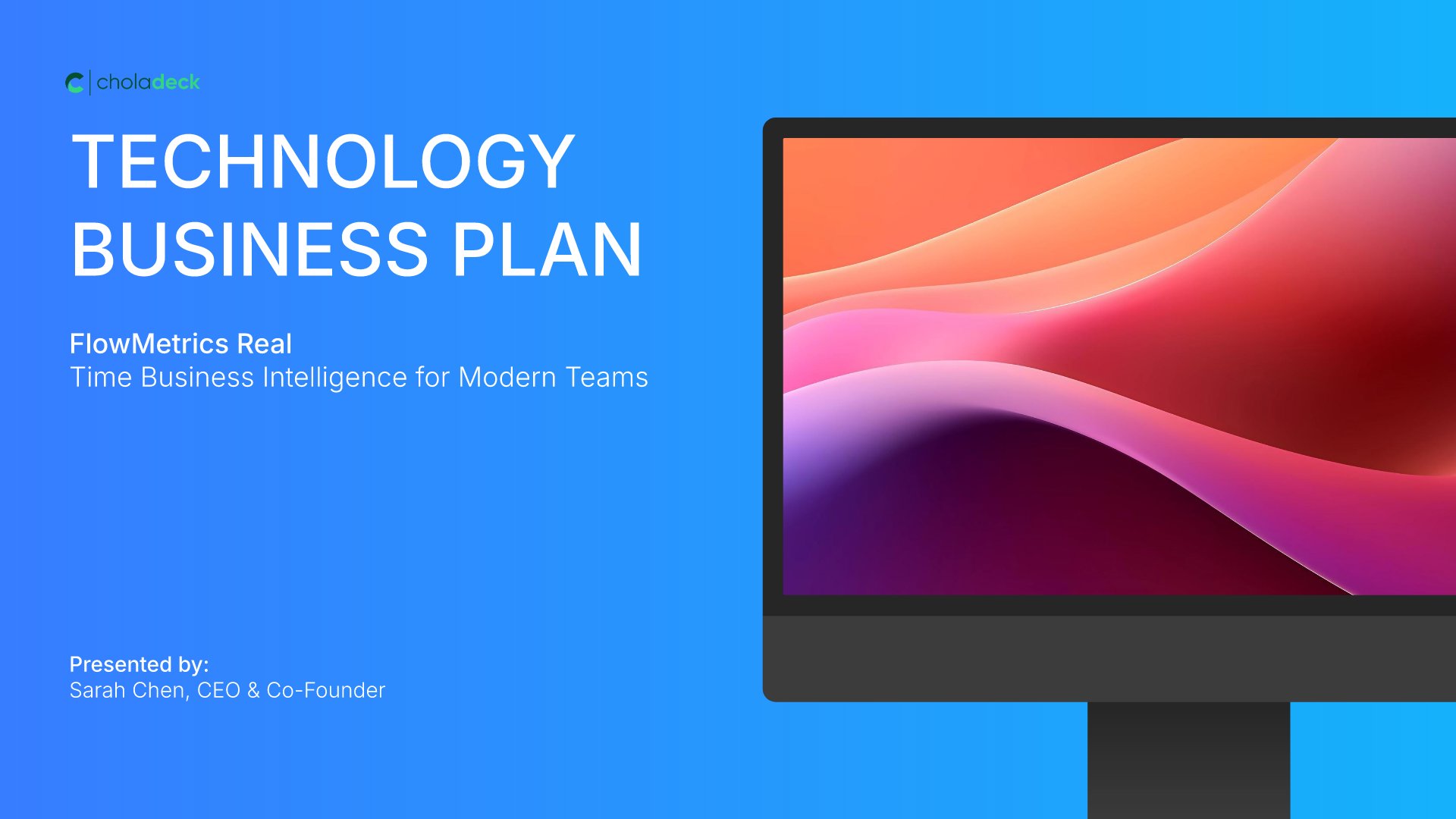
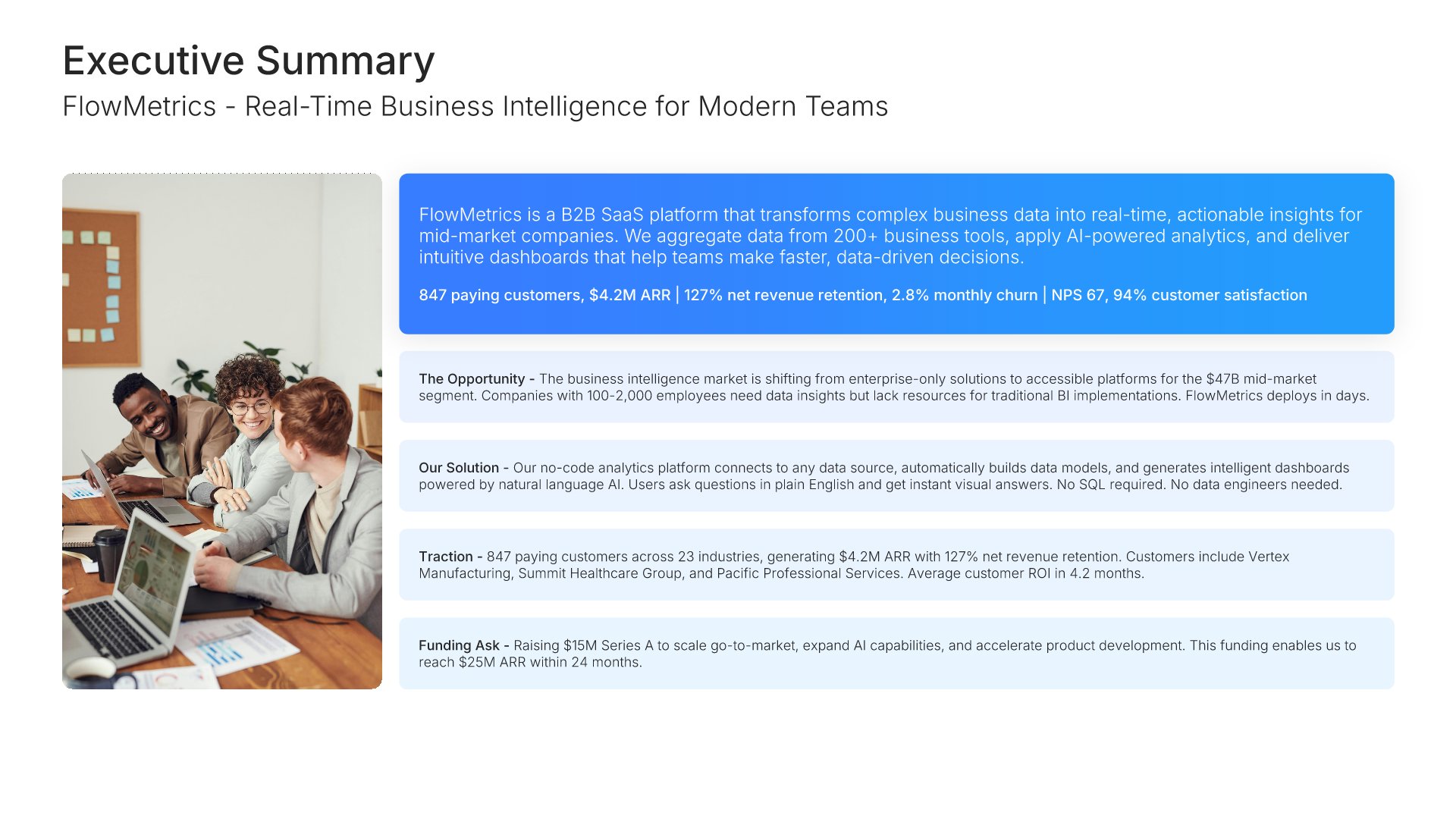
A comprehensive technology business plan template designed for SaaS, software, and tech startups seeking investment or strategic growth. Built on the Y Combinator Model, this presentation covers product, technology innovation, market opportunity, business model, unit economics, go-to-market strategy, traction, and financial projections. Ideal for any technology company at any stage.
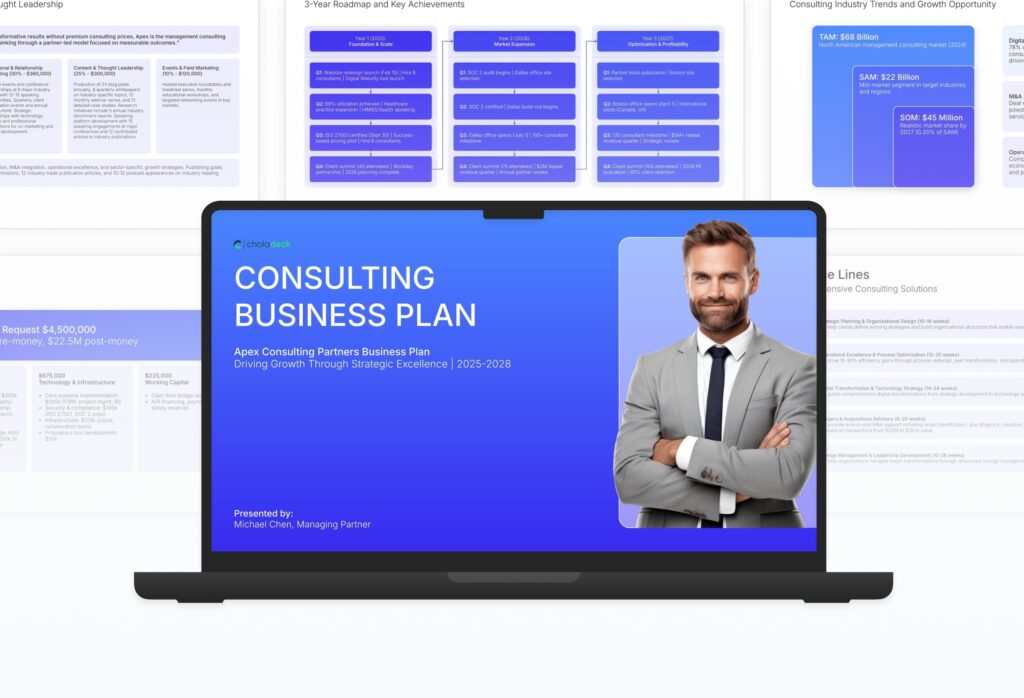
A comprehensive consulting business plan template designed for management consulting and advisory firms seeking financing or strategic growth. Built on the Classic SBA Model, this presentation covers service lines, market analysis, sales and partnership strategy, engagement process, pricing, and financial projections. Ideal for any consulting firm at any stage of growth.

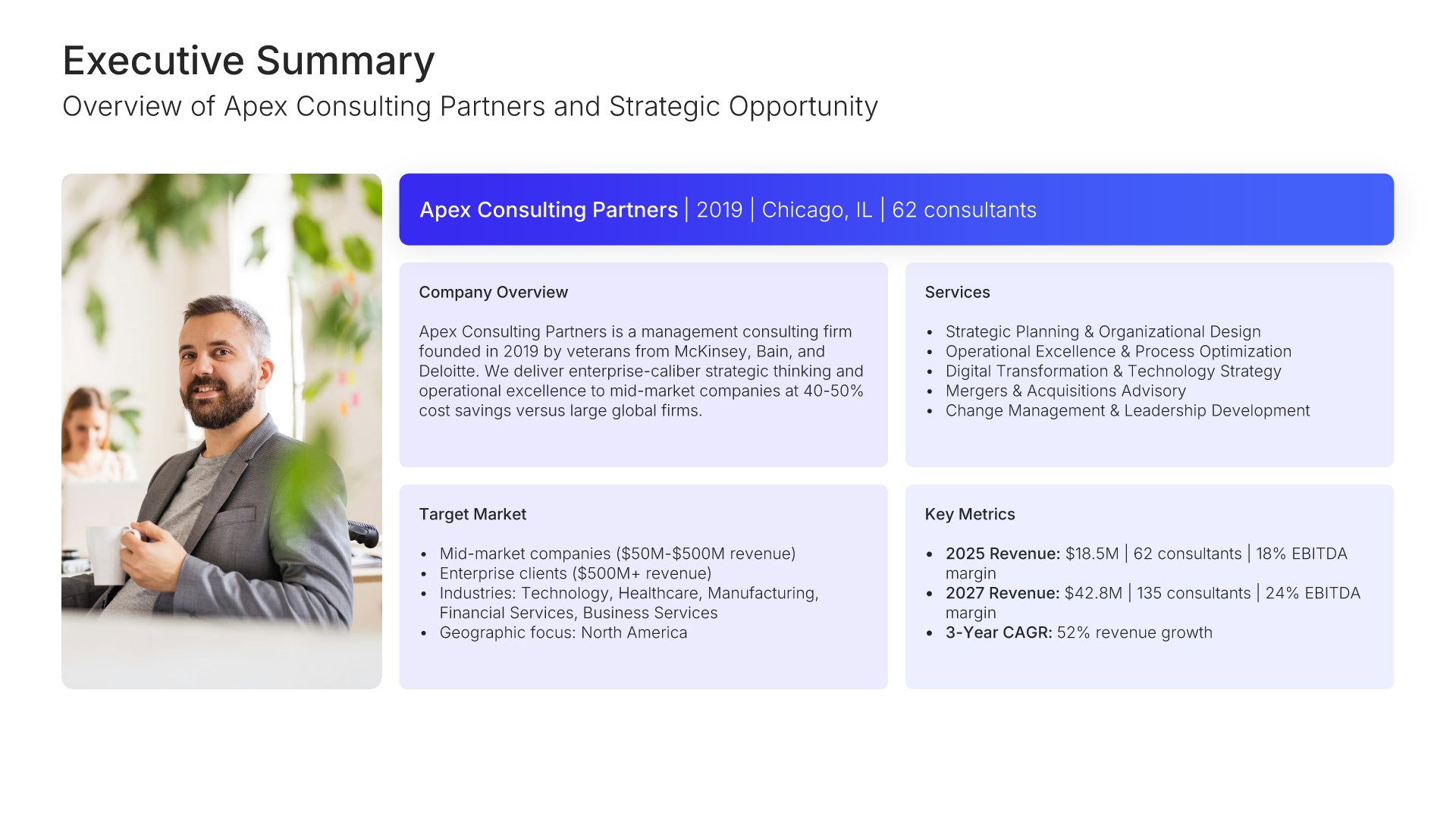
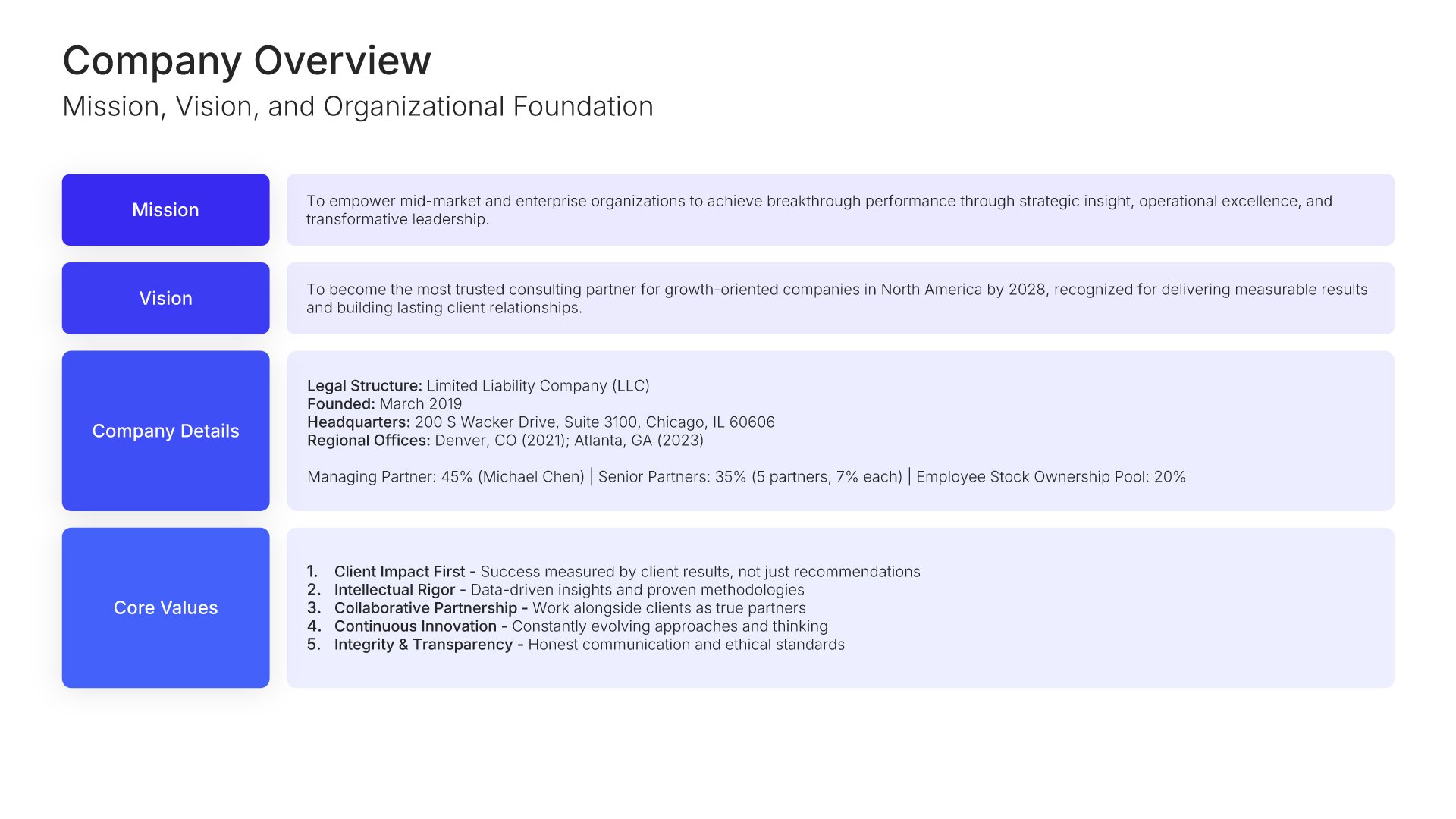
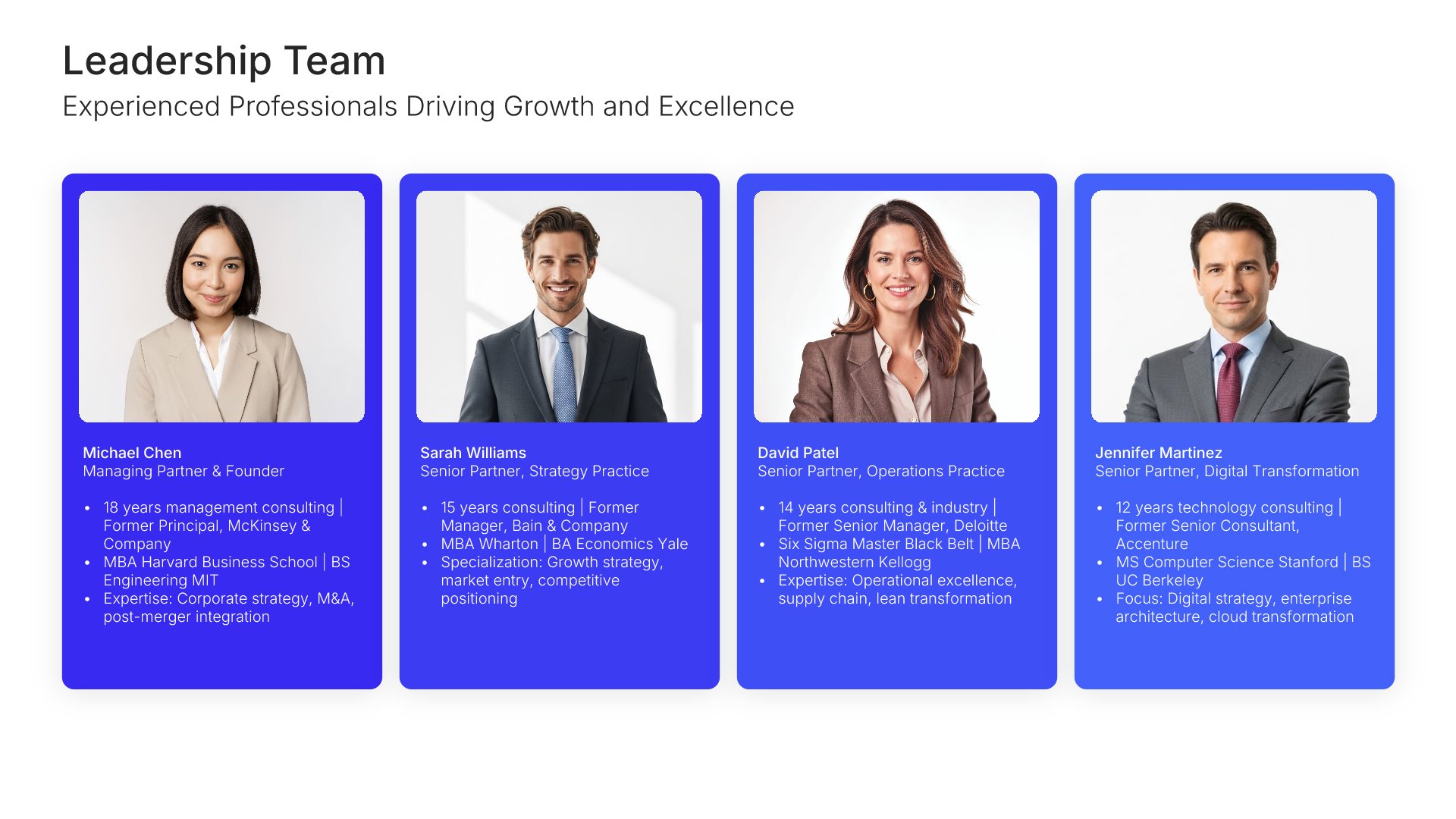
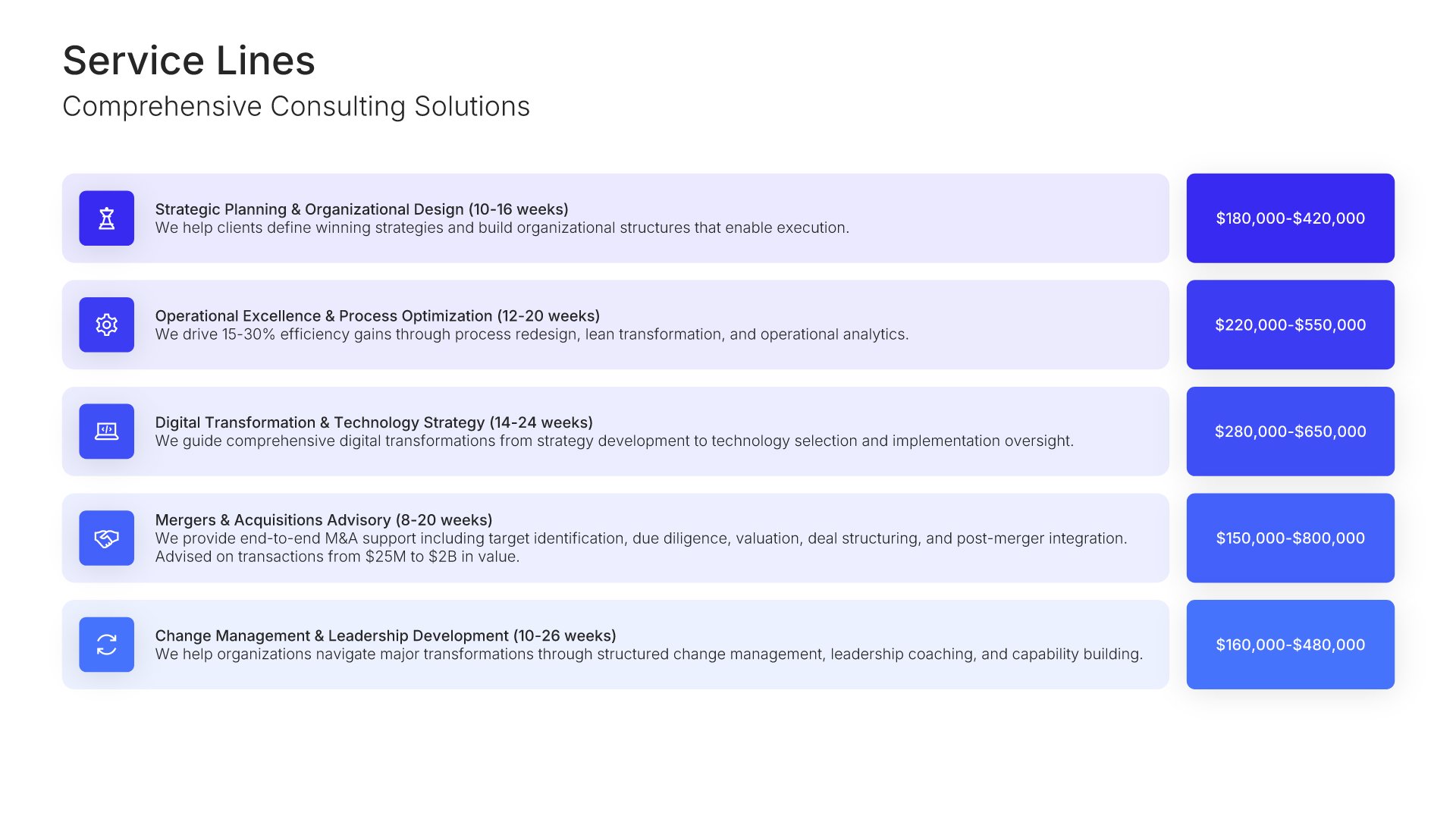
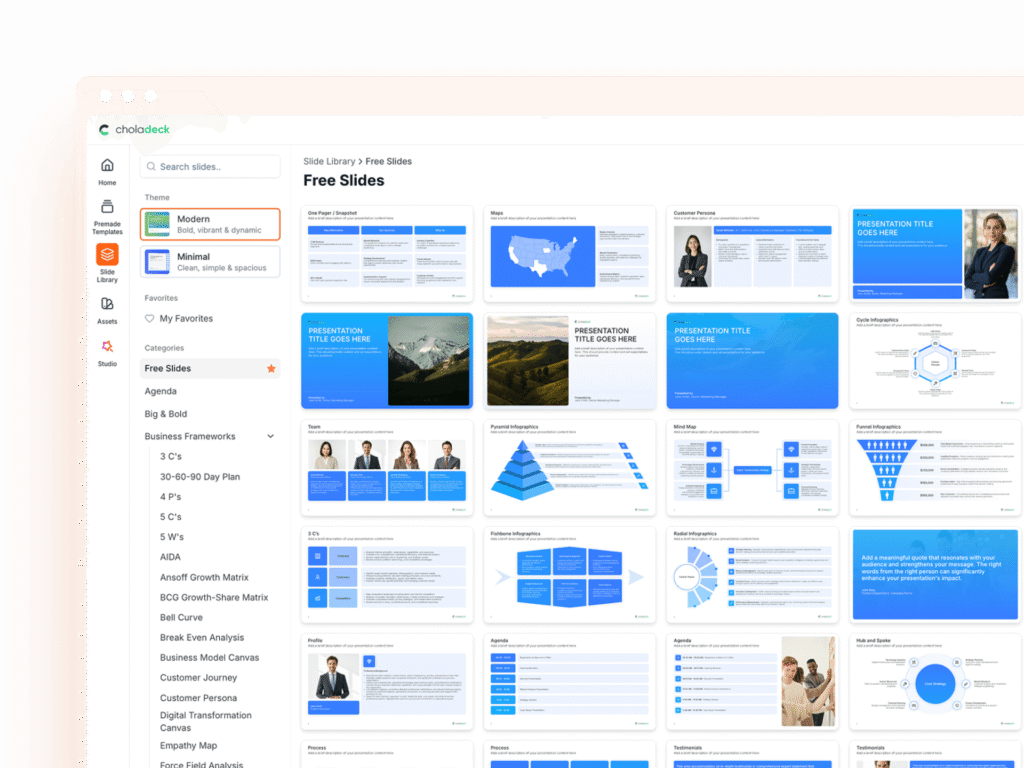
Explore over 9,172+ professionally designed slides across 134 categories. Or if you want a head start, pick from 74+ premade presentation templates. Whatever you need, it's probably already here.
Swap icons and images instantly from our built-in libraries. Use Pointers to choose your count (2-box, 3-box, 4-box) and Variations to pick your design style. No more settling for "close enough." Get the exact slide you need.
Add your logo, apply your brand colors, choose your fonts, and set custom backgrounds. One click and your entire presentation looks like it was made just for you. Because it was.
When you're ready, export to PowerPoint, Google Slides, or Keynote with a single click. Continue editing in your favorite tool if you want. Your workflow, your way.
No Sign-in or Credit Card Required
Before you go, have you had the chance to experience Choladeck? If not try out – Choladeck for absolutely FREE!!
No Sign-in or Credit Card Required
No Sign-in or Credit Card Required
