Try Twodart Free: Download Personalized Business Slides Today

Budget Proposal Premade Template

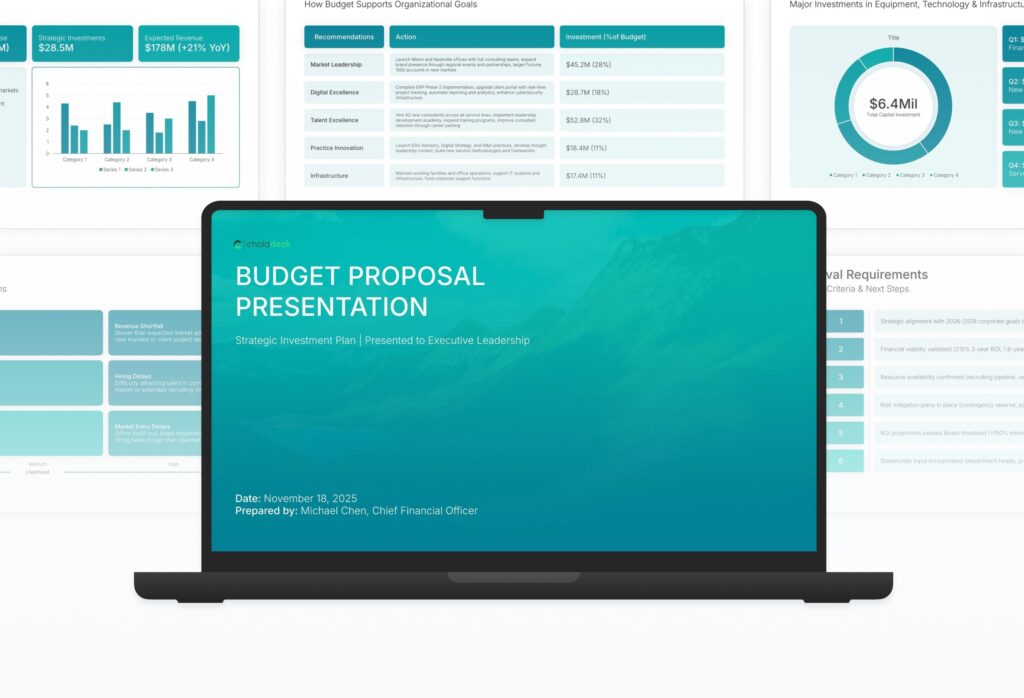
A comprehensive budget proposal template designed for organizations seeking financial approval from leadership or board members. Built on the classic CFO Model framework, this presentation covers everything from revenue assumptions to cost-benefit analysis and approval requirements. Ideal for annual planning and strategic investments.
Budget Proposal Featured Image

How to Build a Budget Proposal Presentation

Learn how to create a compelling budget proposal that secures financial approval from decision-makers. This comprehensive guide walks you through the essential components of a successful budget presentation, helping you align your request with strategic goals and present a clear, convincing case for investment.

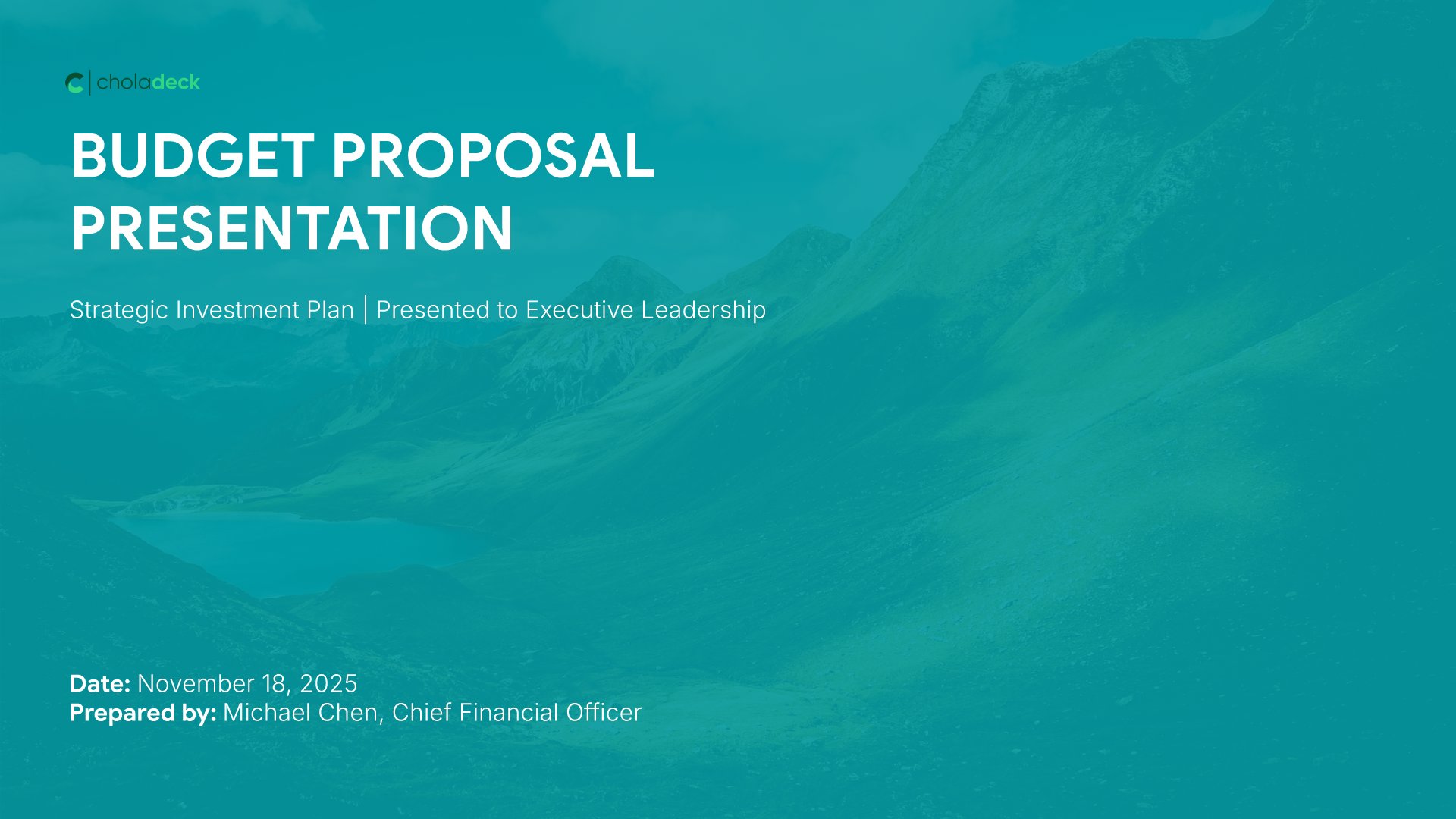
1. Title

Title slides help you open presentations with impact. Use them to create strong first impressions with opening slides that set the tone, introduce your topic, and establish your brand. Ideal for any presentation where a polished, professional opening slide sets the stage for everything that follows.
Built using Title slides

2. Executive Summary

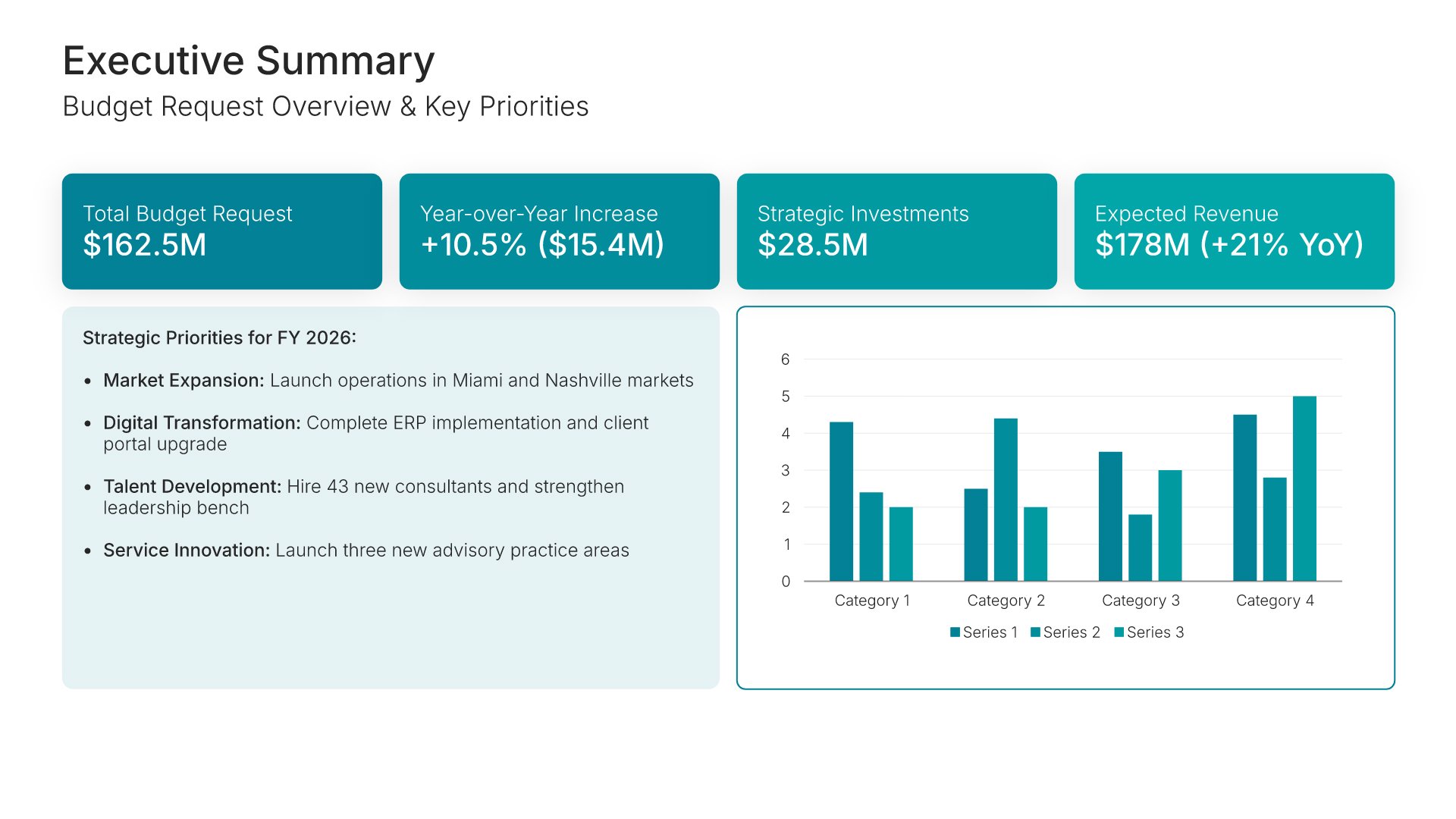
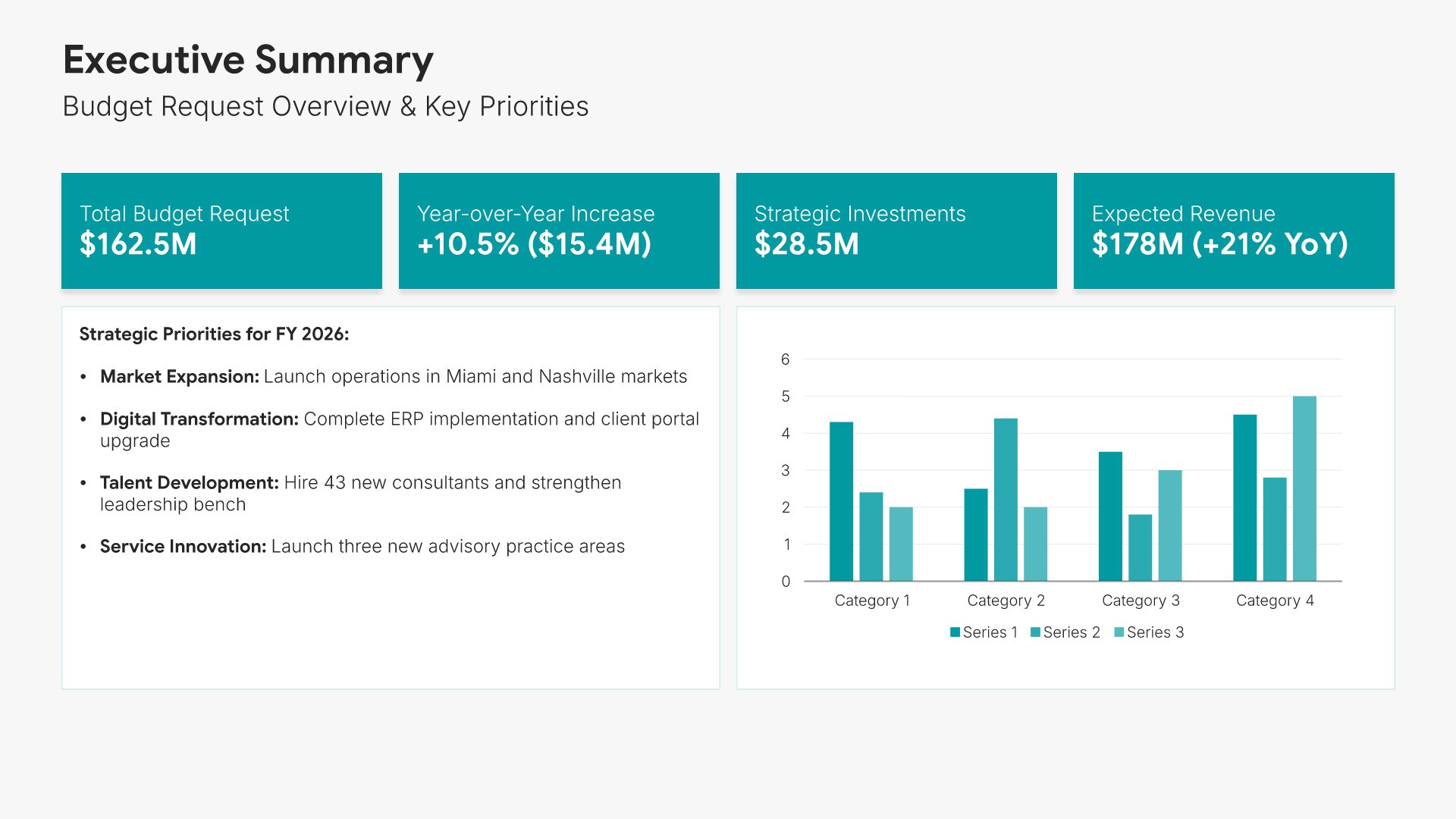
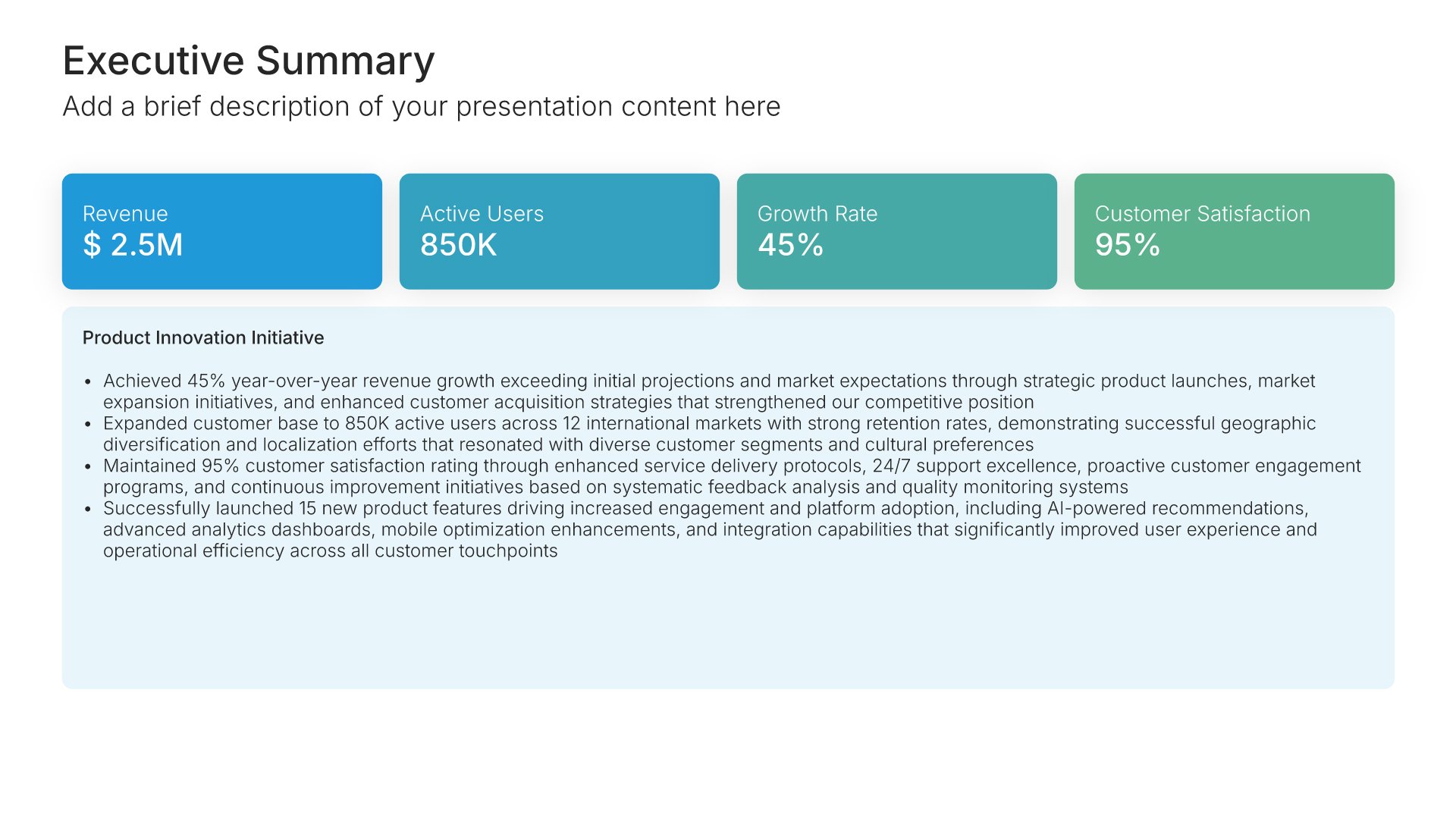
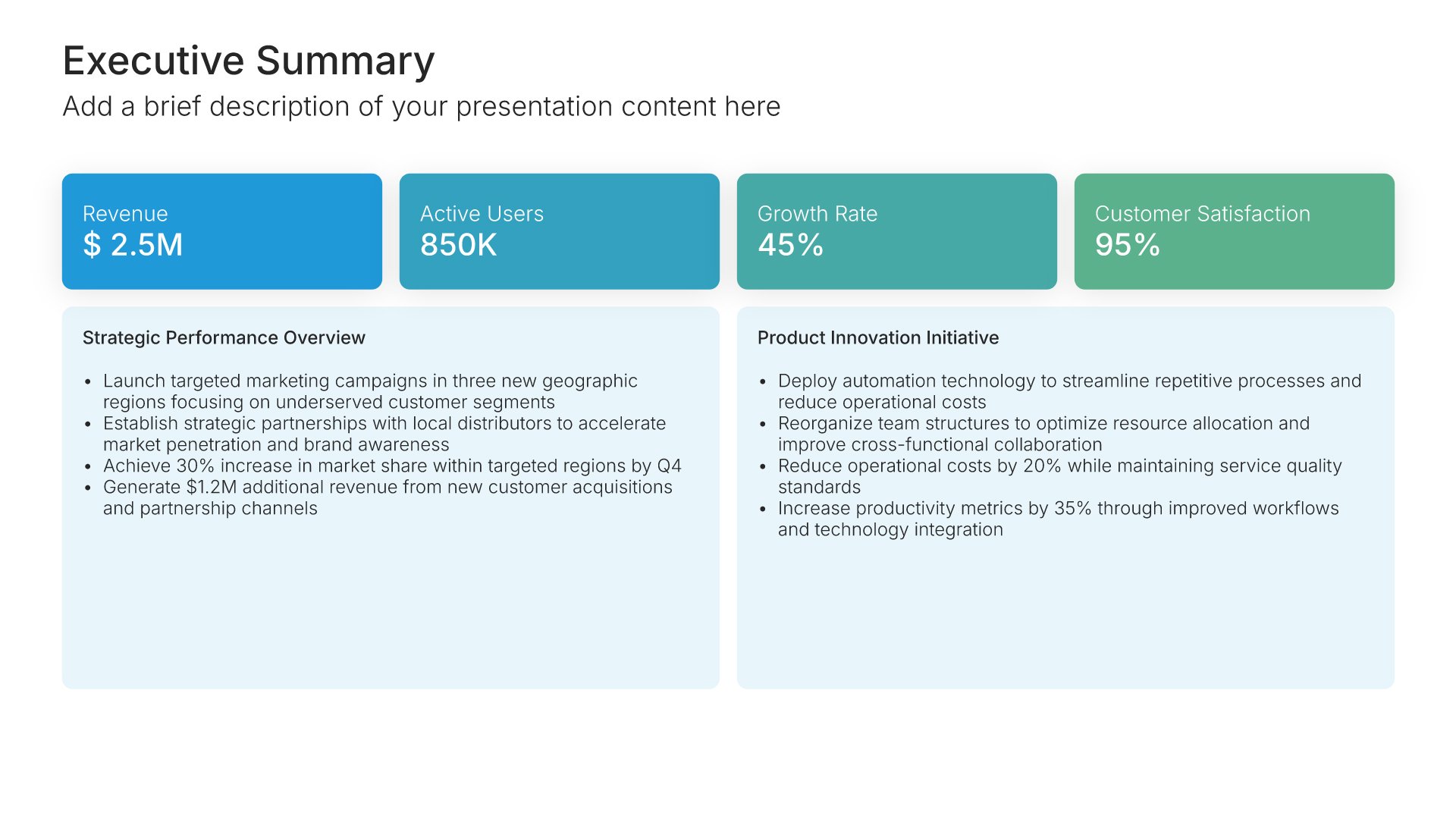
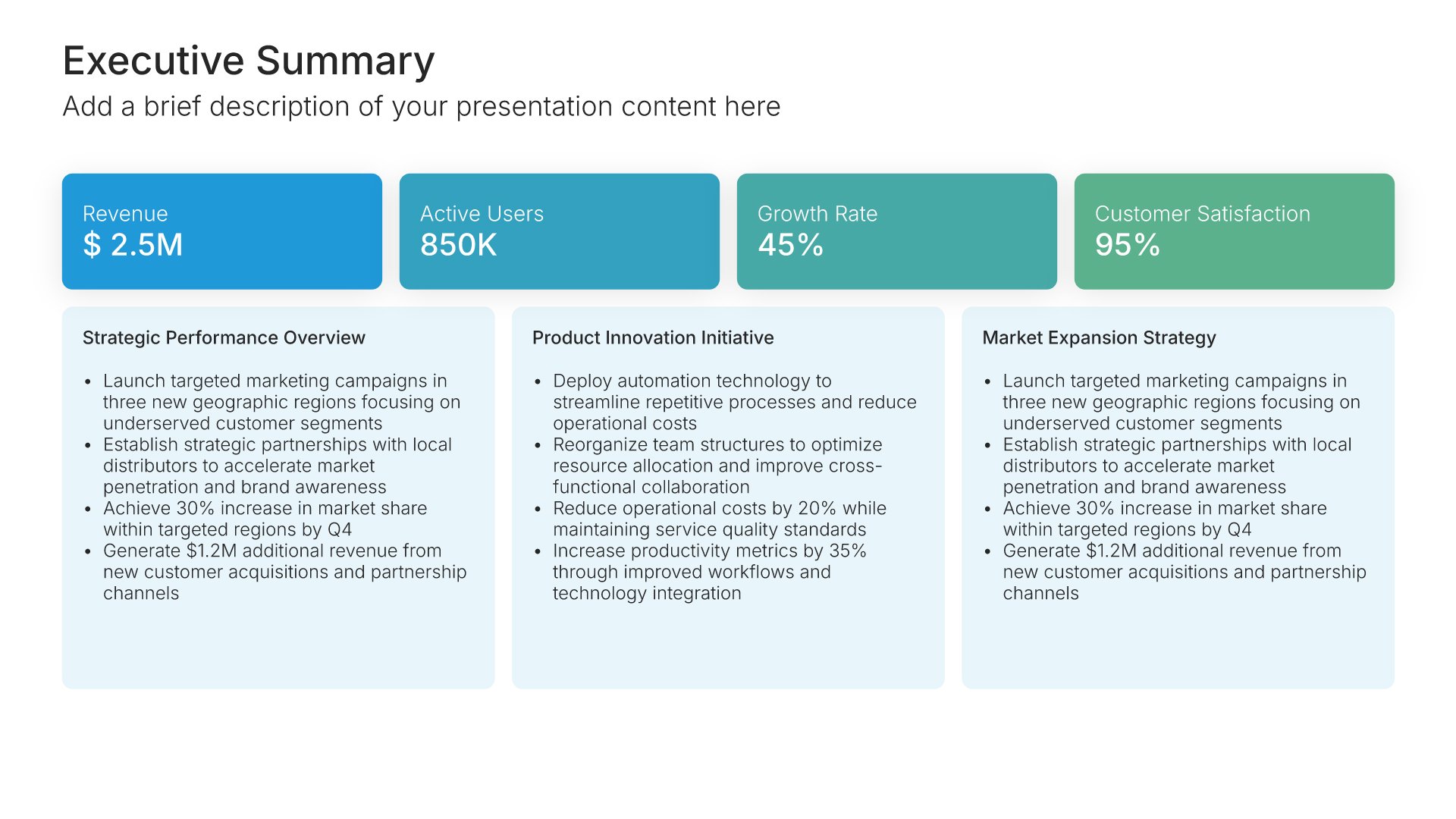
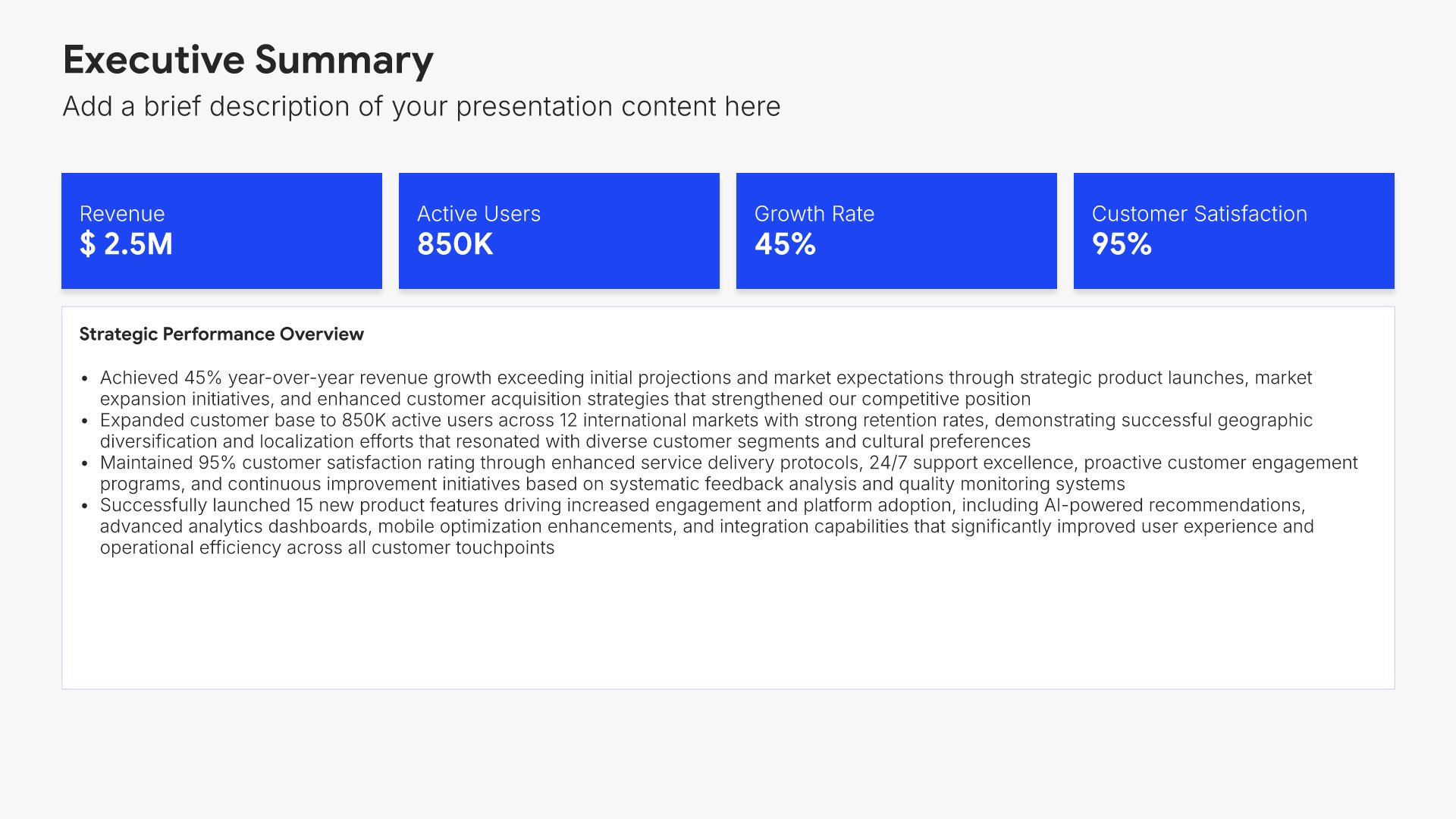
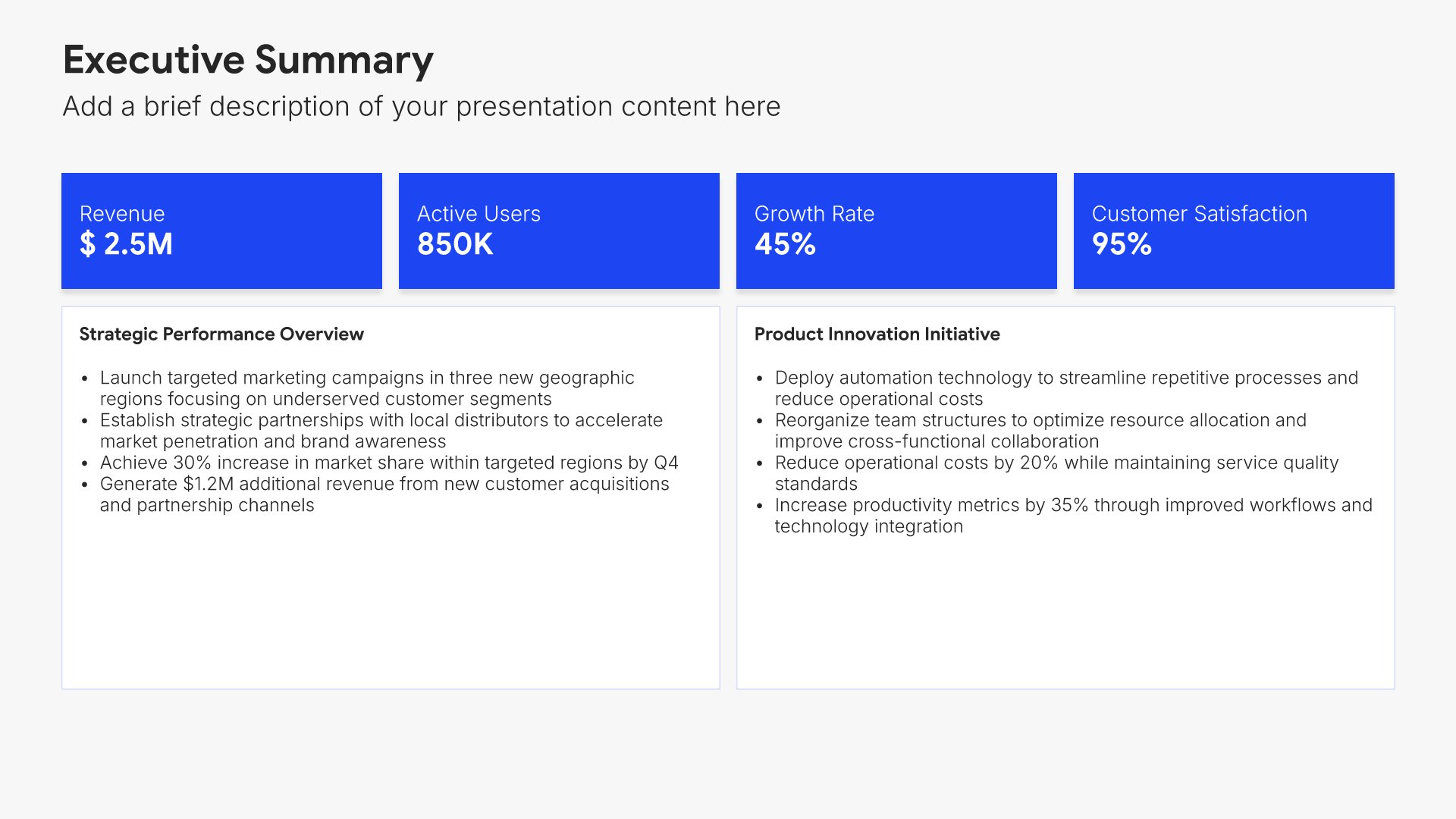
Executive summary slides help you present key points concisely for busy stakeholders. Use them to distill complex information into clear highlights, recommendations, and conclusions that can be understood at a glance. Ideal for board presentations, project updates, and any situation where decision-makers need the essential takeaways fast.
Built using Executive Summary slides

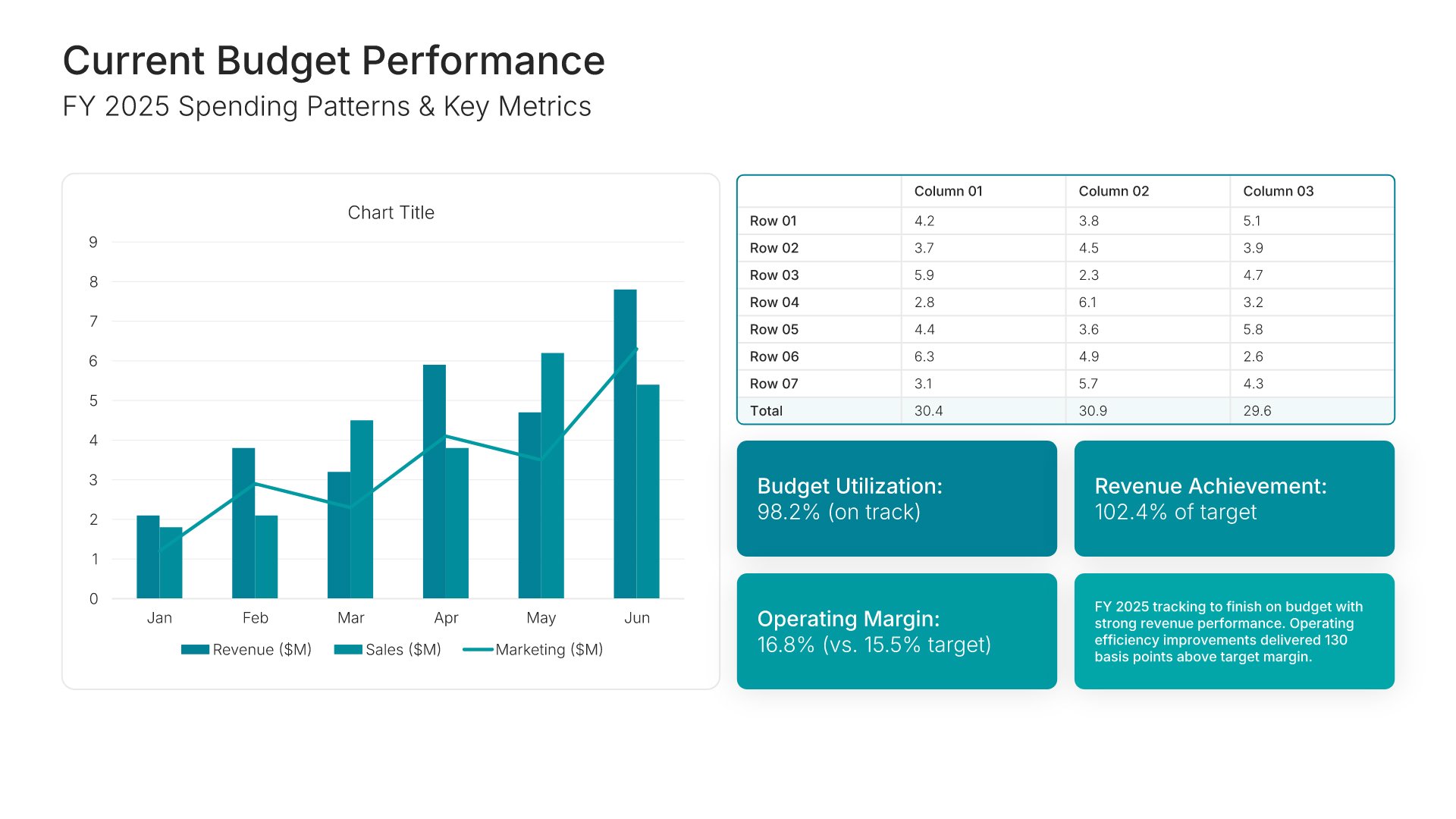
3. Current Budget Performance

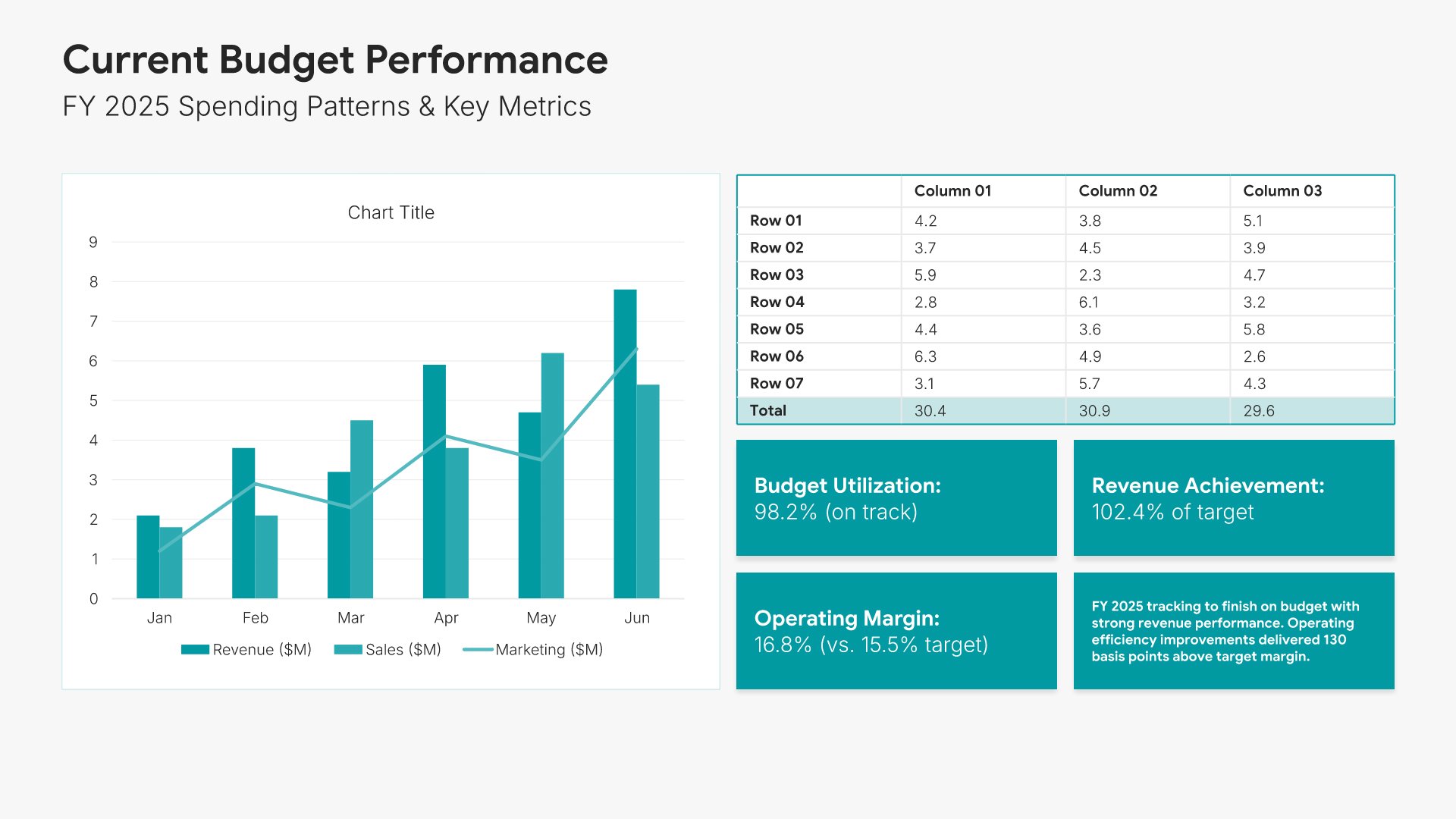
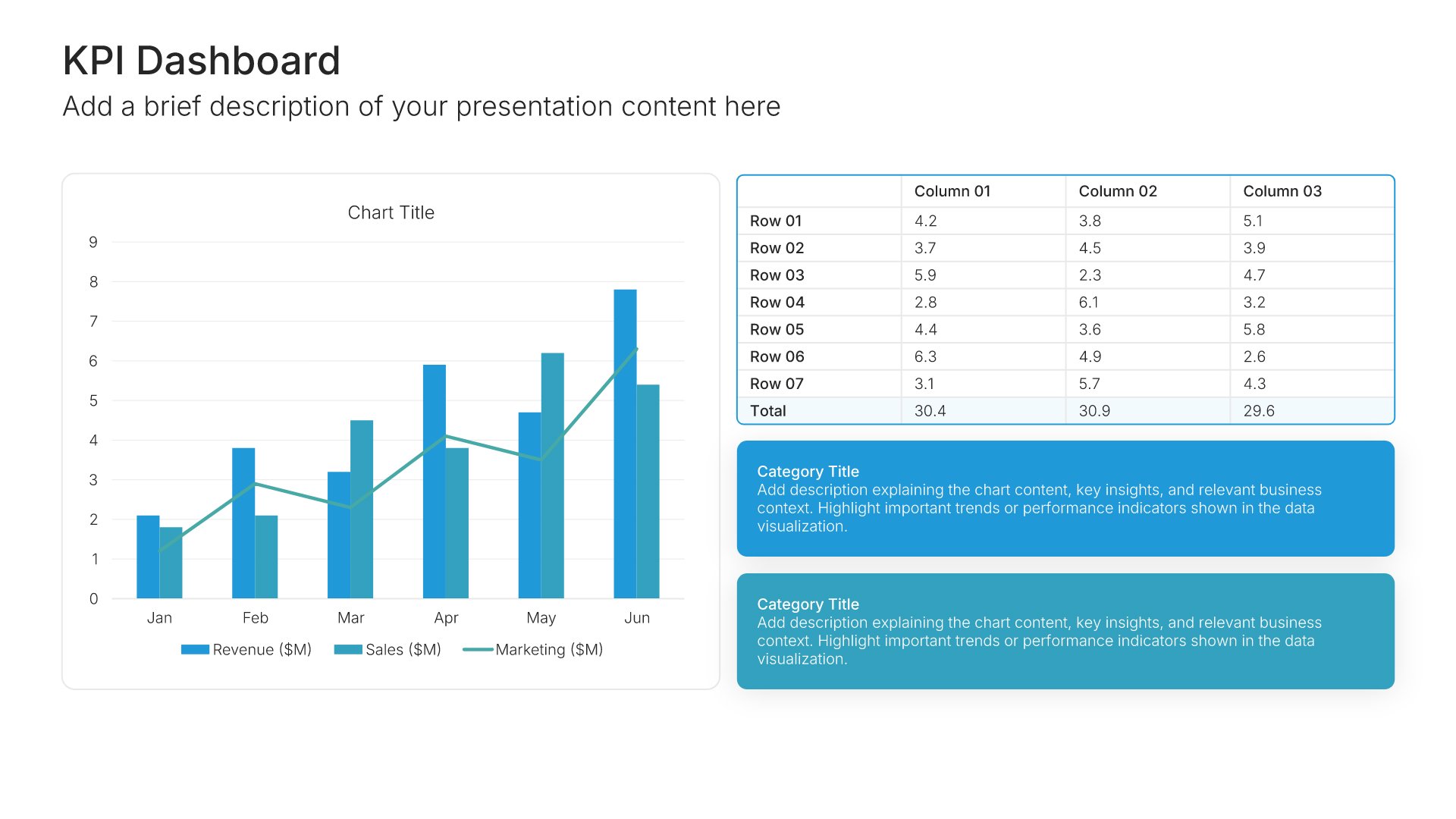
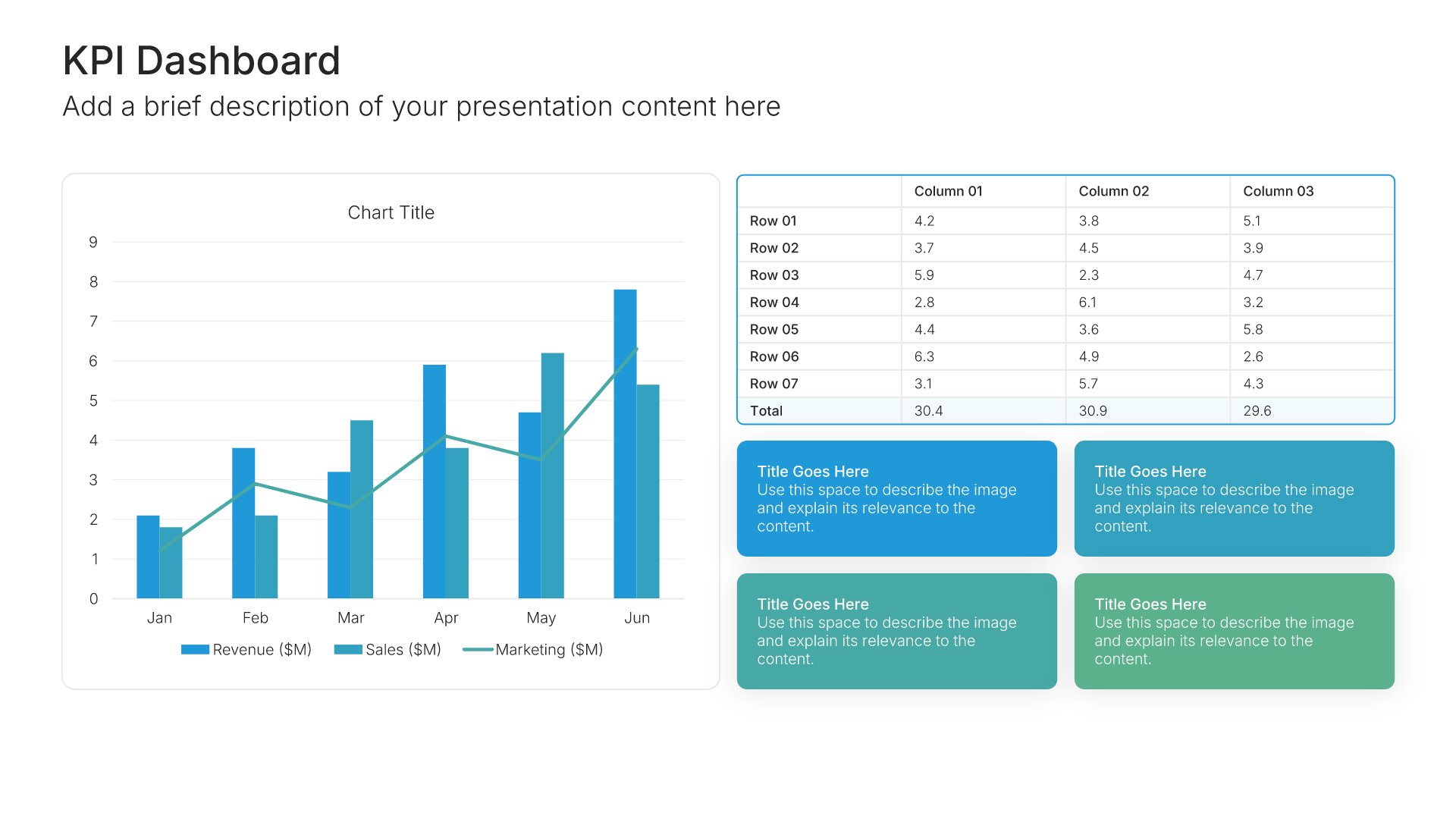
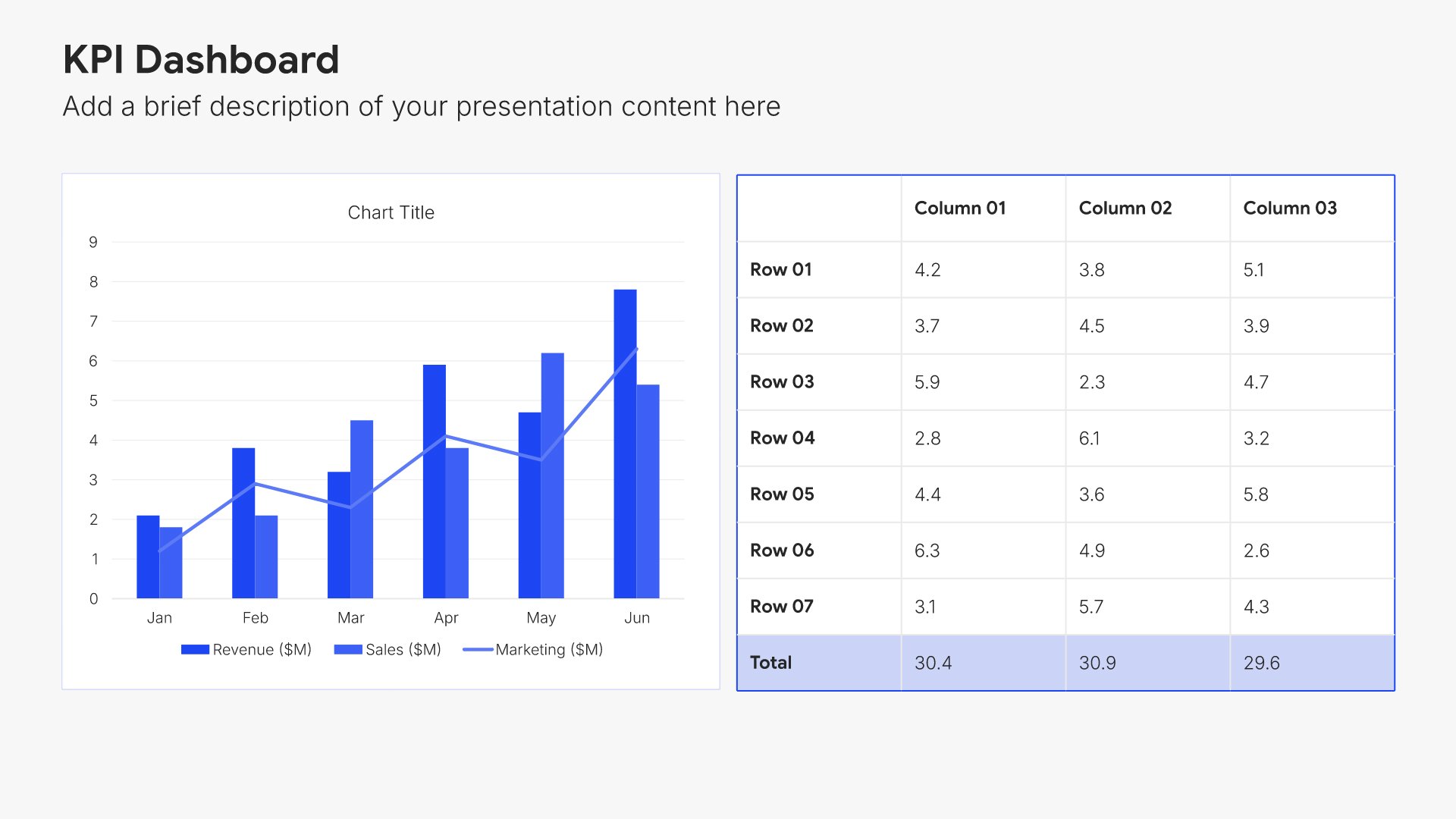
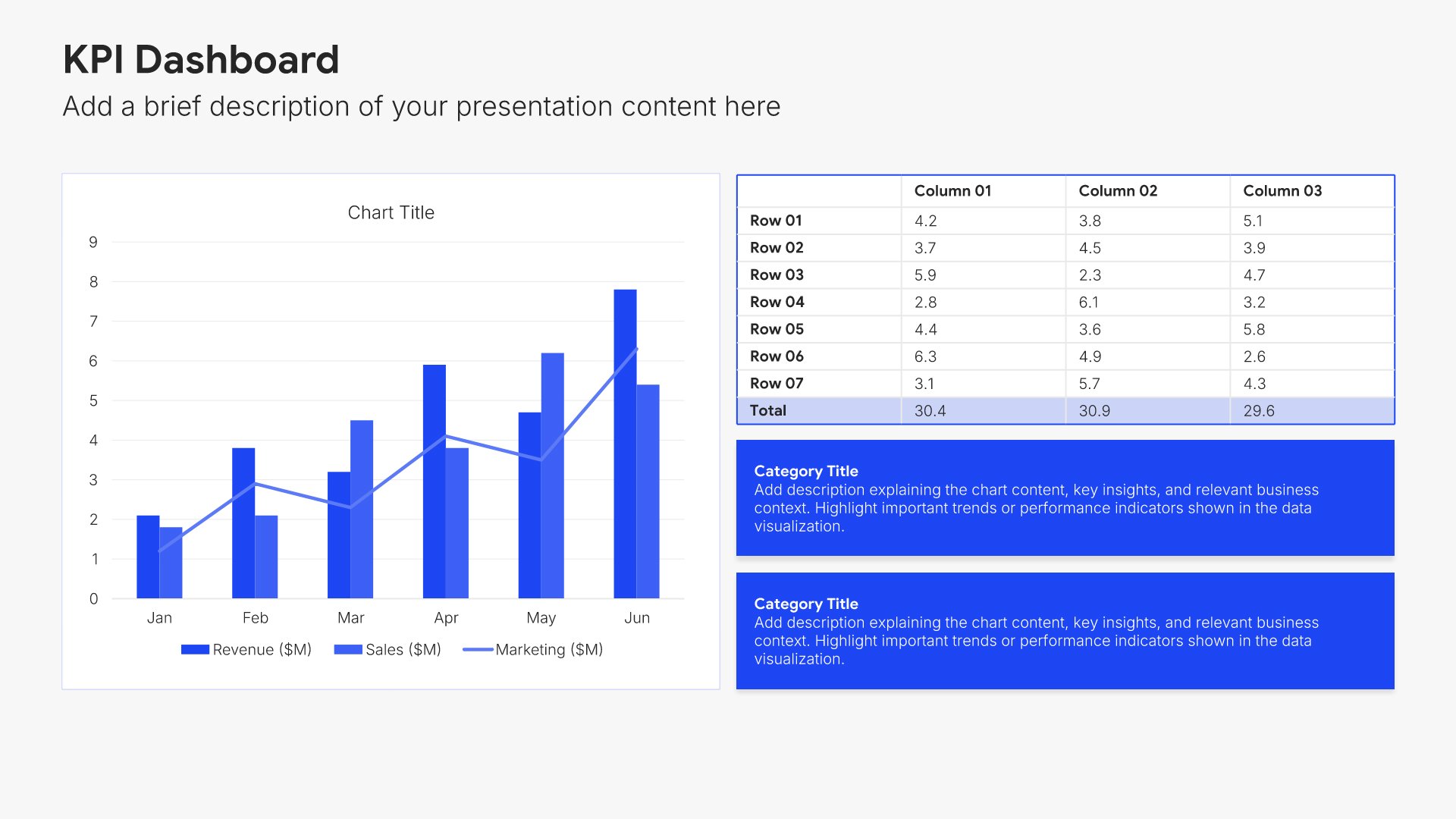
Current budget performance slides help you present how your existing budget has been utilized. Use them to show actual versus planned spending, variances, and key performance outcomes. Ideal for budget proposals and financial reviews where demonstrating accountability for past resources builds credibility for future requests.
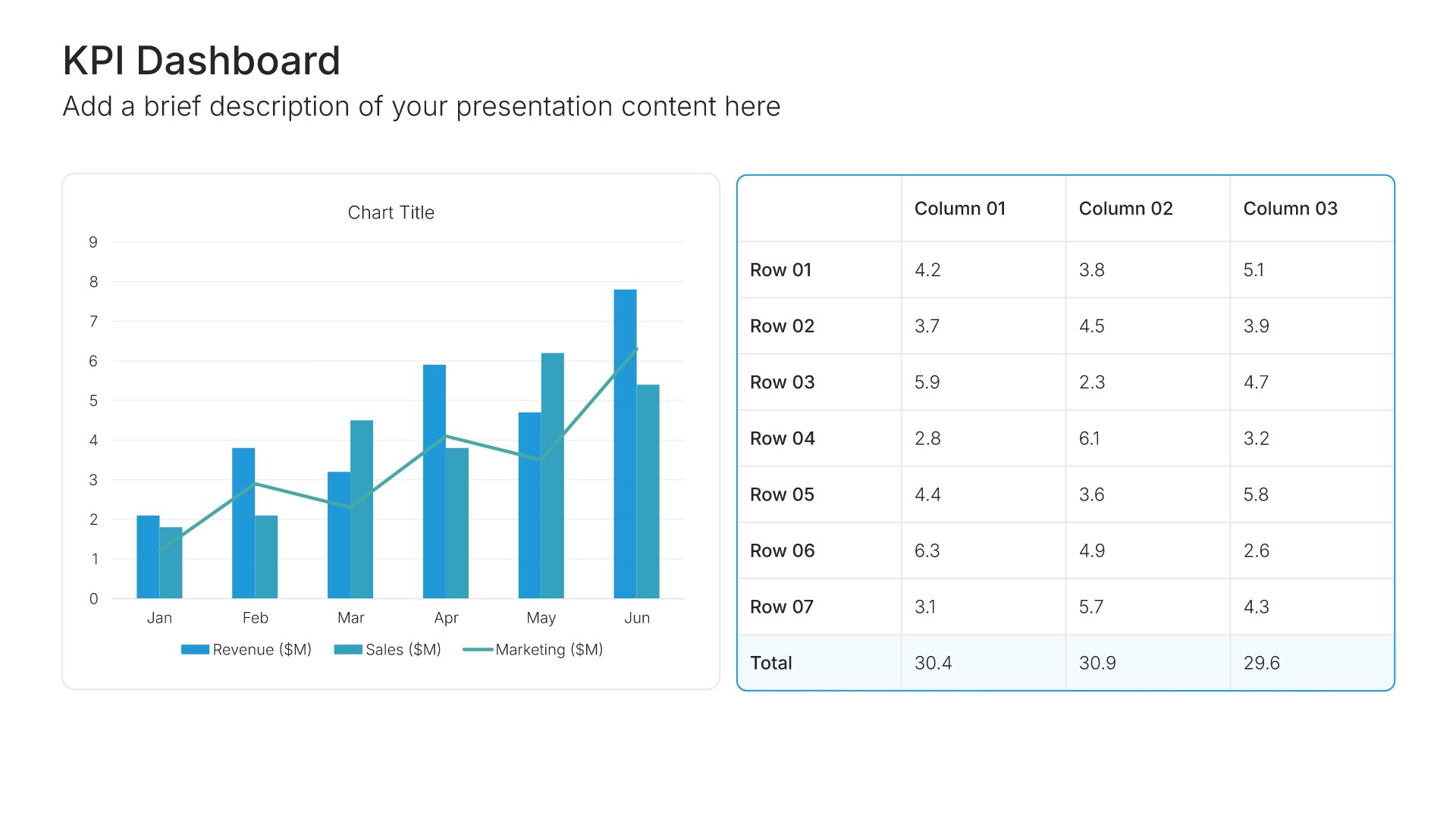
Built using KPI Dashboard slides

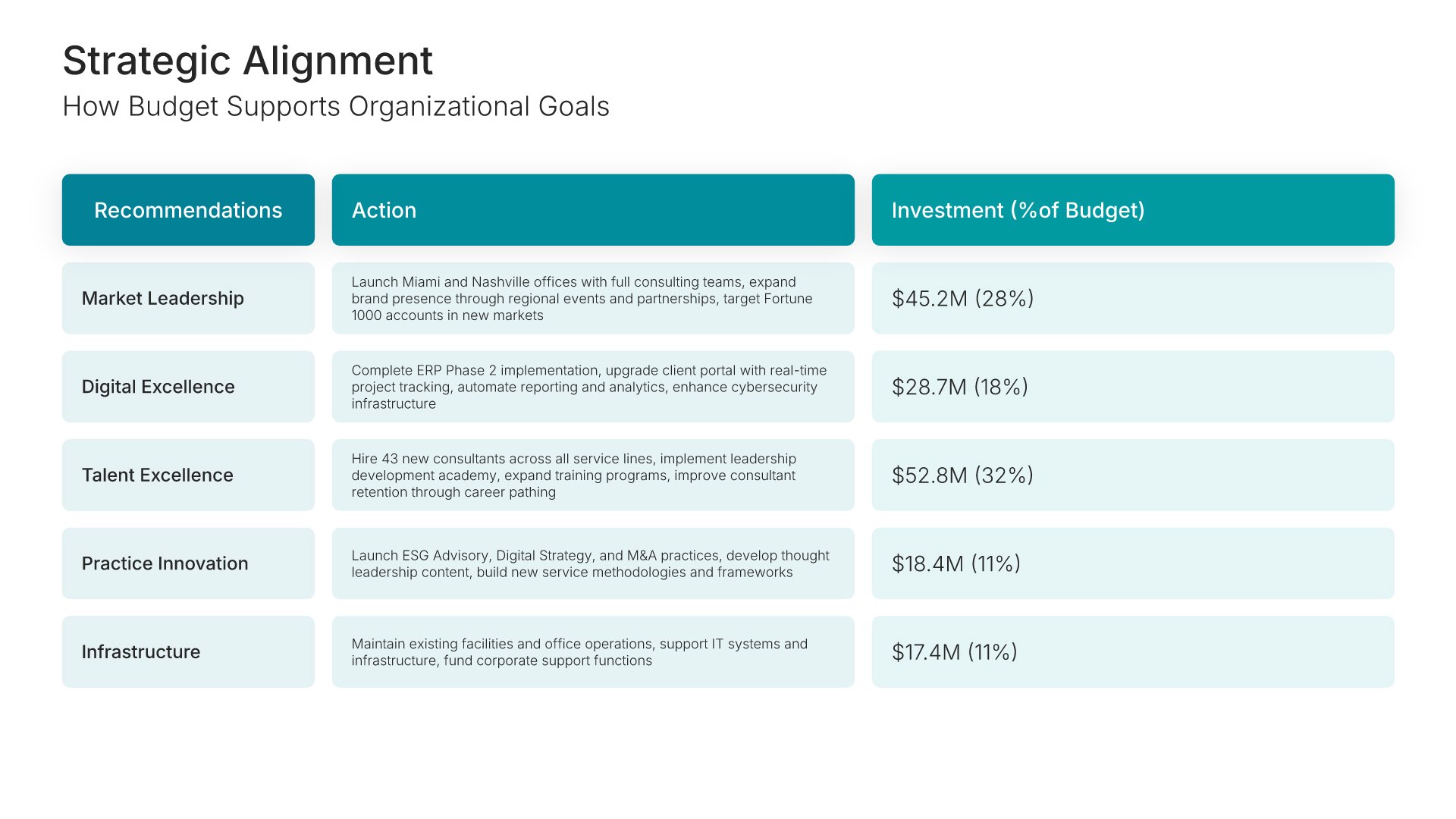
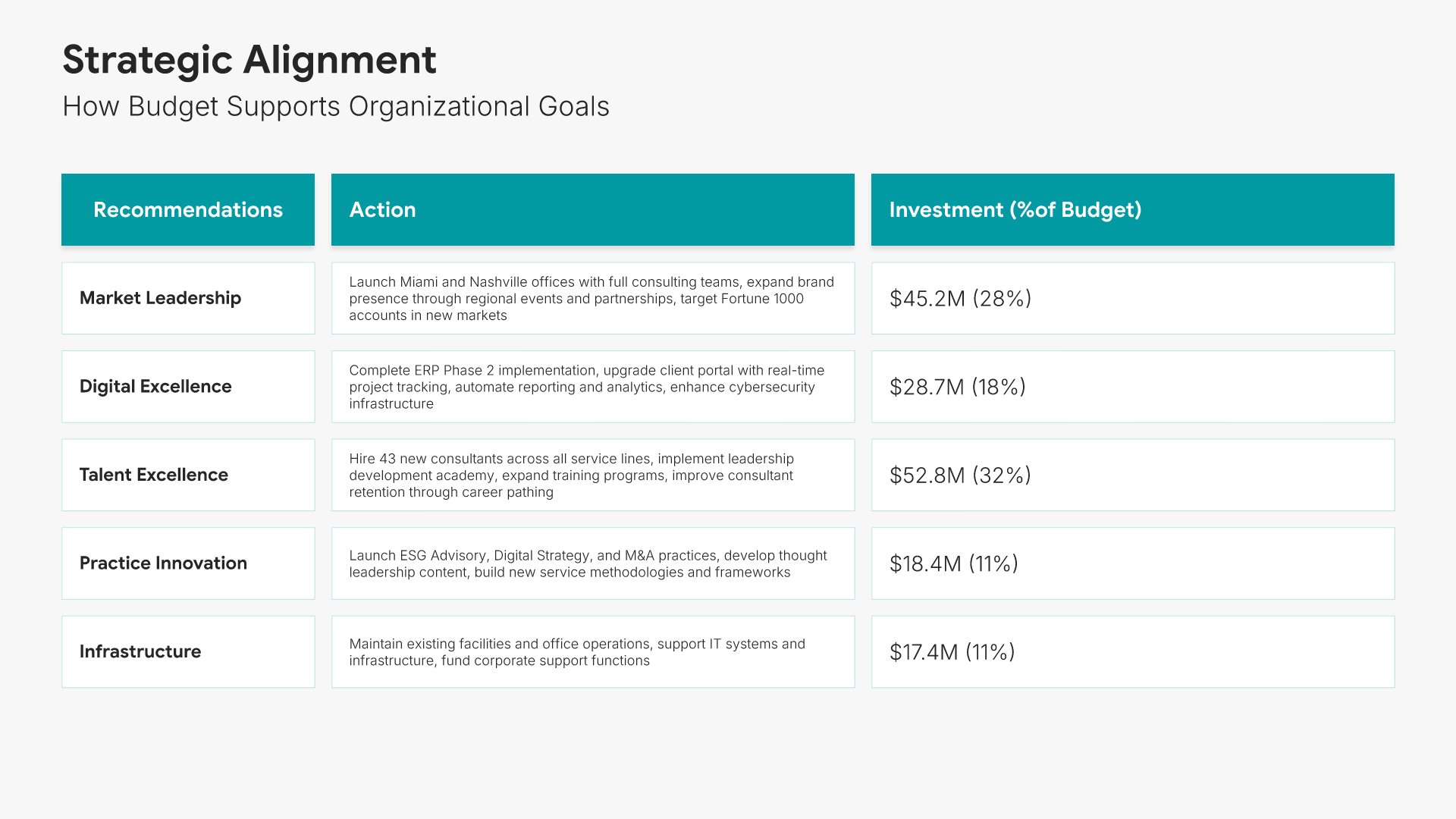
4. Strategic Alignment

Strategic alignment slides help you connect your budget request to organizational priorities. Use them to show how proposed spending supports strategic goals, initiatives, and long-term objectives. Ideal for budget proposals and business cases where linking financial requests to strategy strengthens your case for approval.
Built using Executive Summary slides

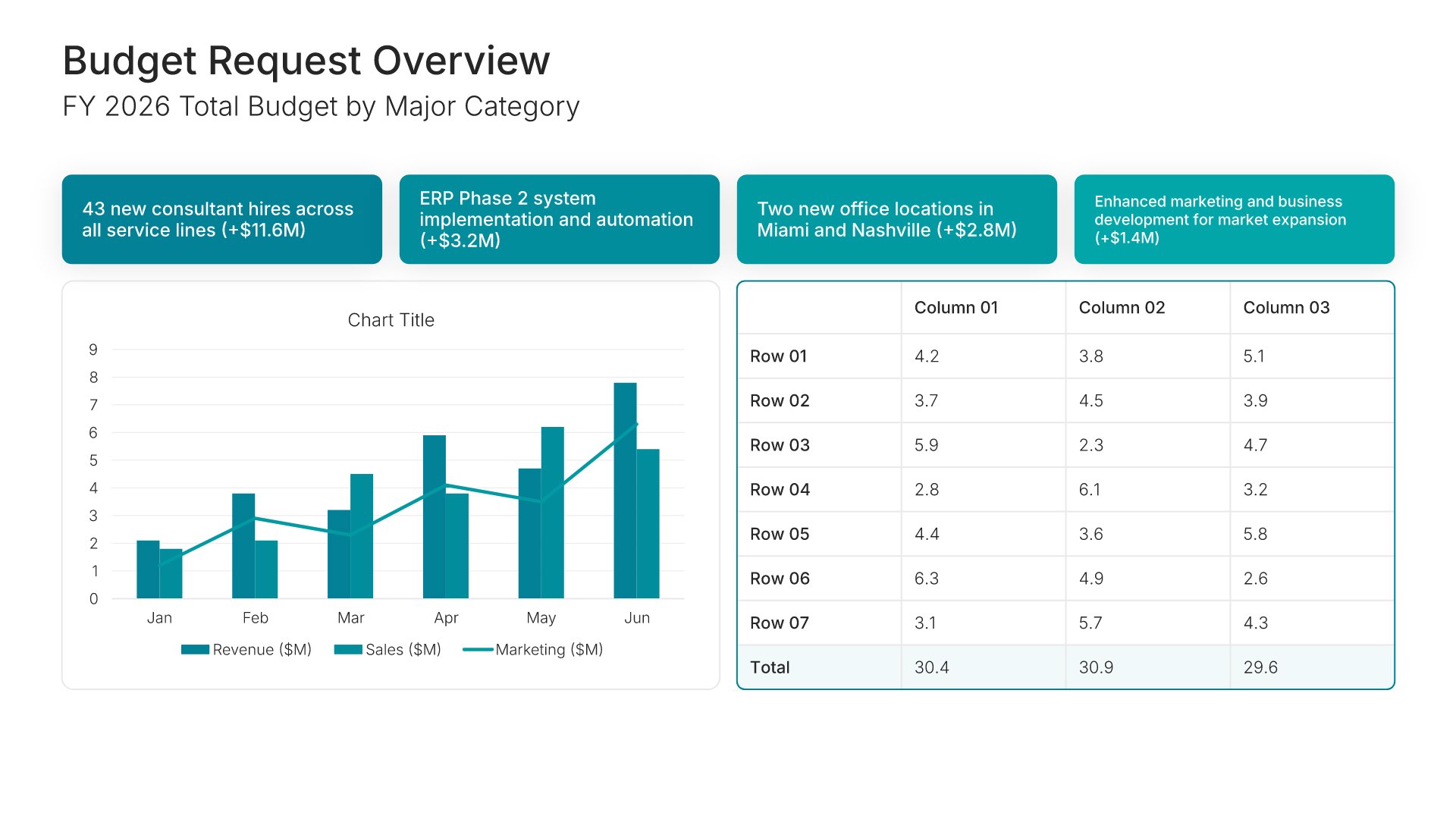
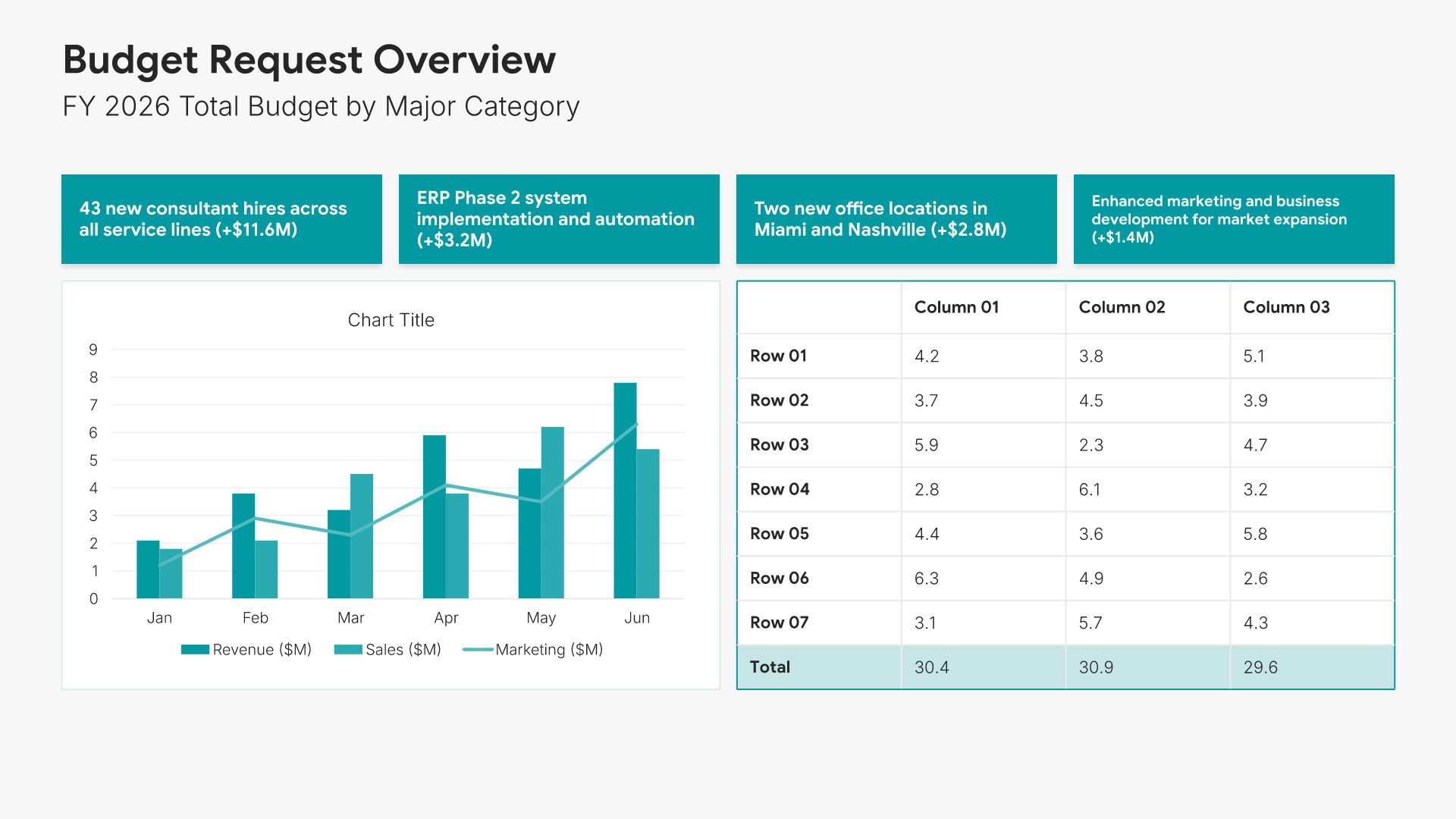
5. Budget Request Overview

Budget request overview slides help you present the total funding you need at a glance. Use them to summarize the overall request, key categories, and how funds will be allocated. Ideal for budget proposals and financial presentations where giving stakeholders a clear picture of your ask sets up the detailed breakdown.
Built using KPI Dashboard slides

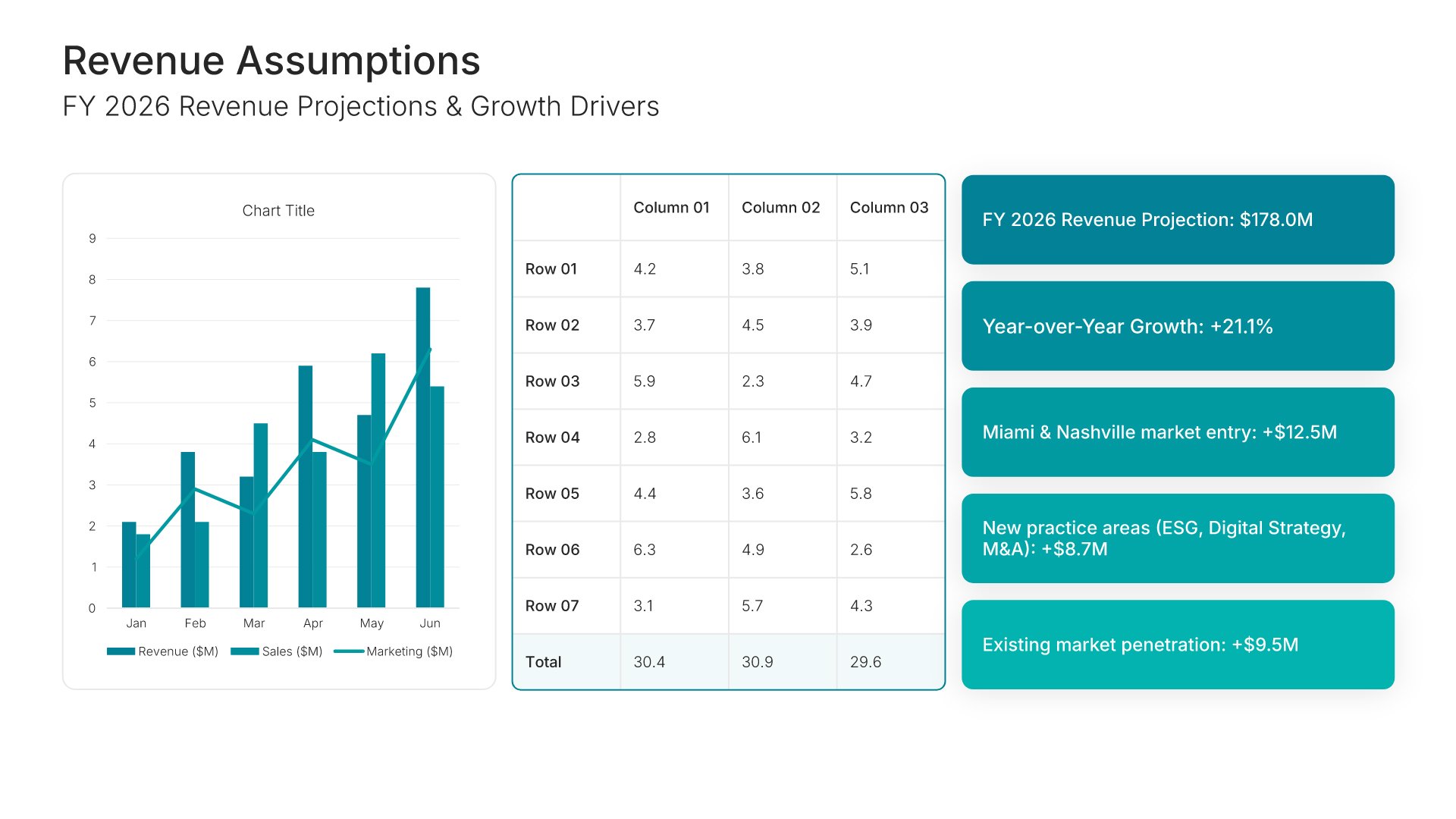
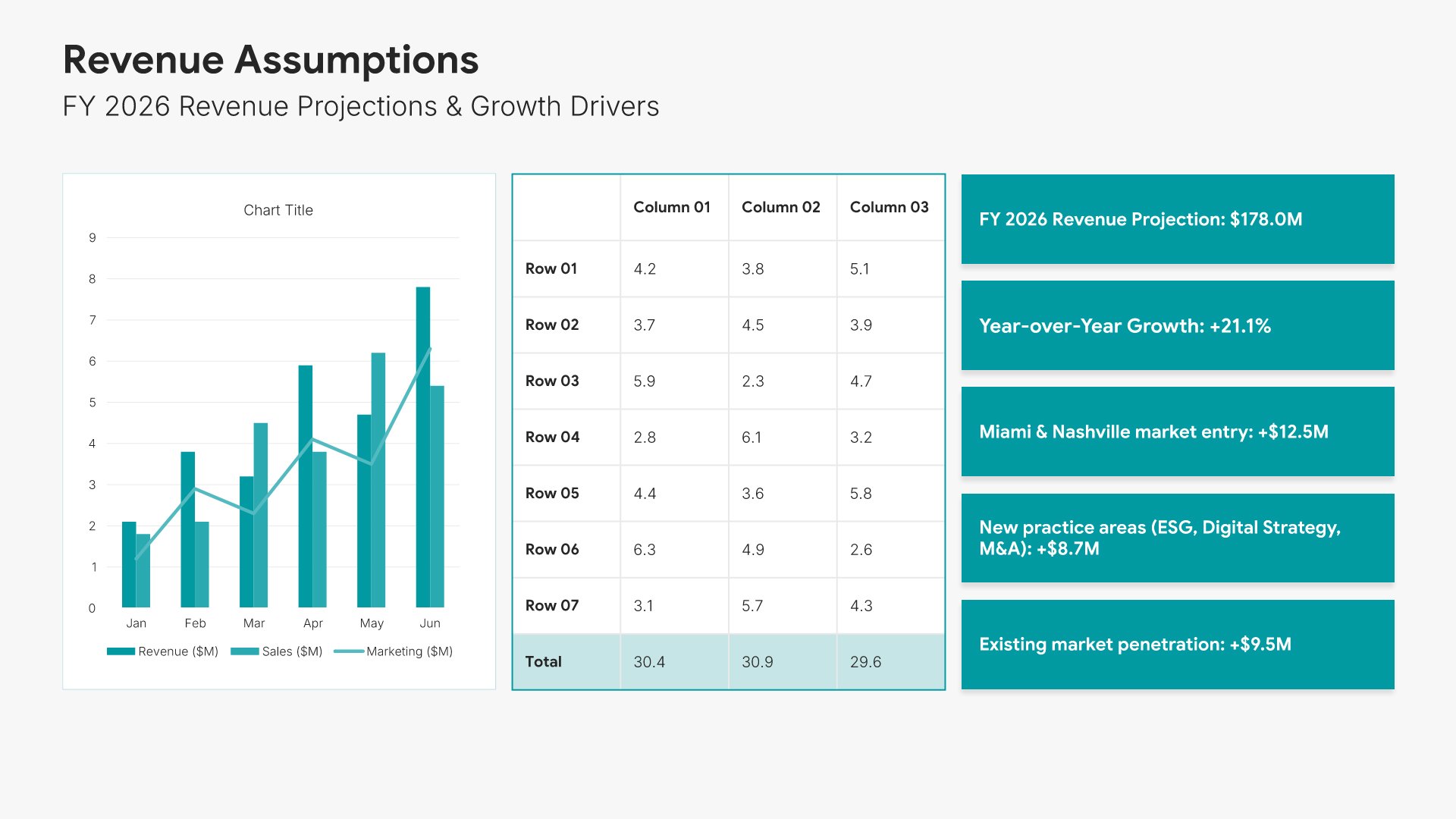
6. Revenue Assumptions

Revenue assumptions slides help you present the income projections underlying your budget. Use them to display expected revenue sources, growth rates, and the key assumptions driving your forecasts. Ideal for budget proposals and financial planning where transparent assumptions build confidence in your projections.
Built using KPI Dashboard slides

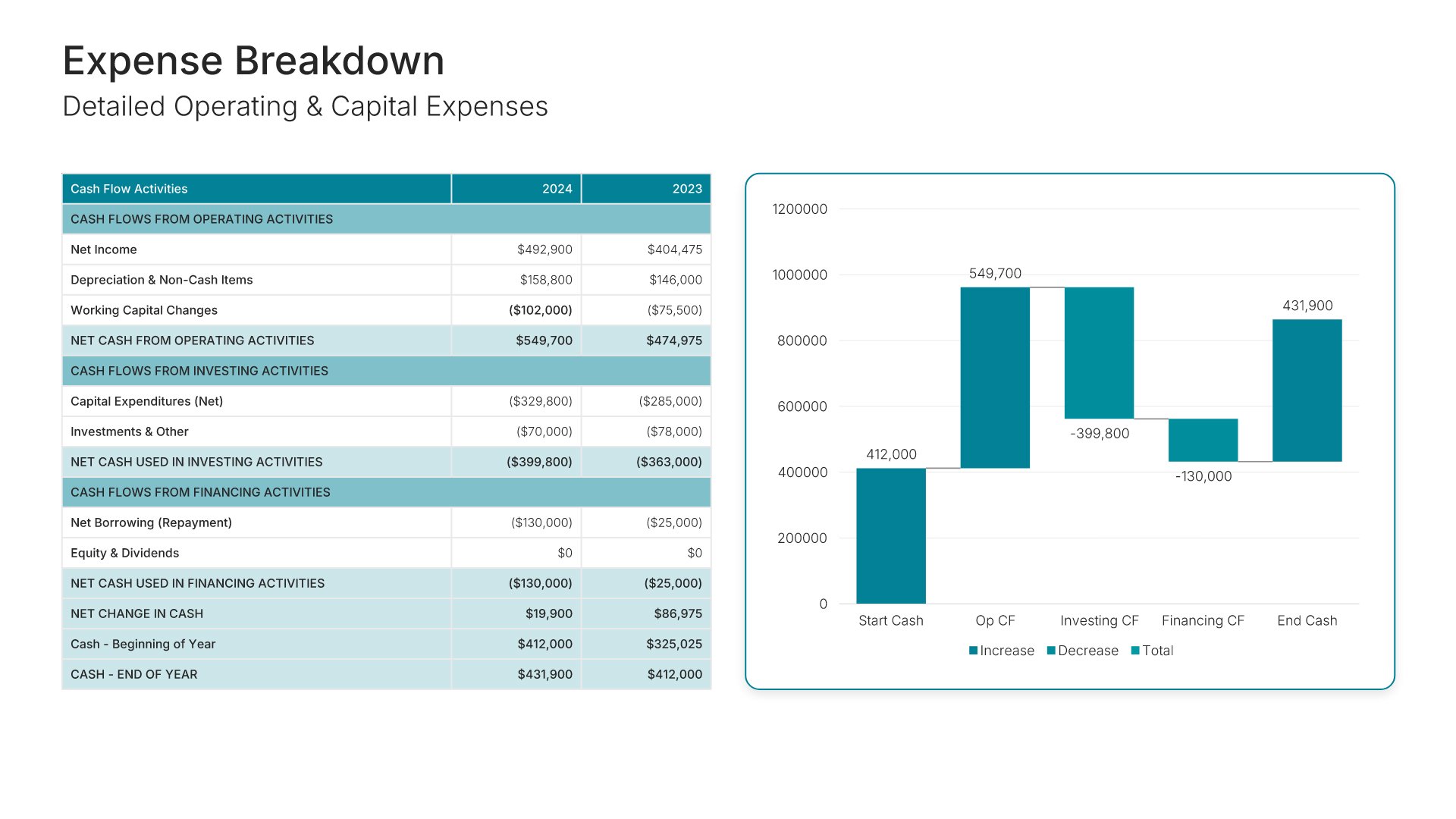
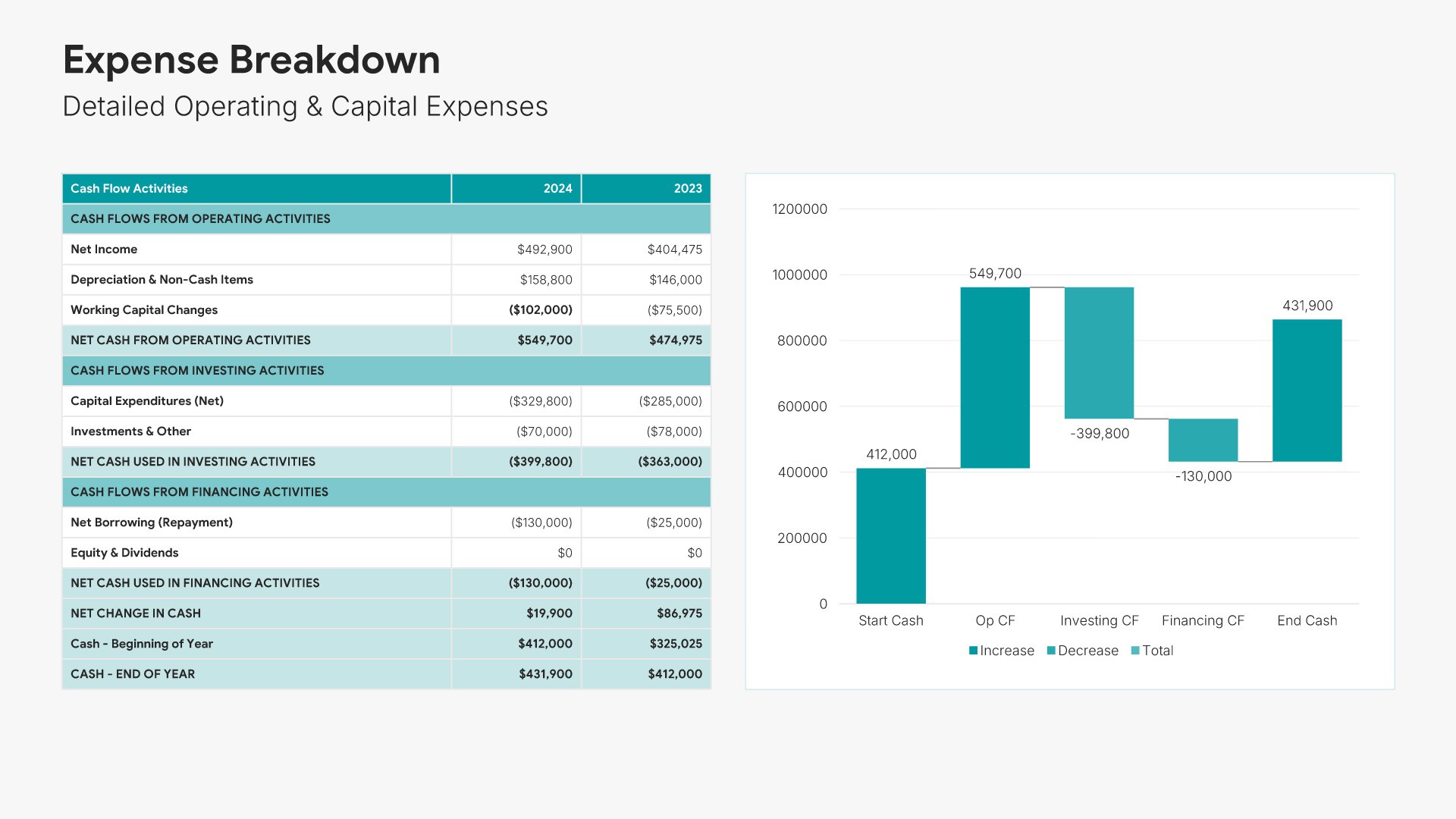
7. Expense Breakdown

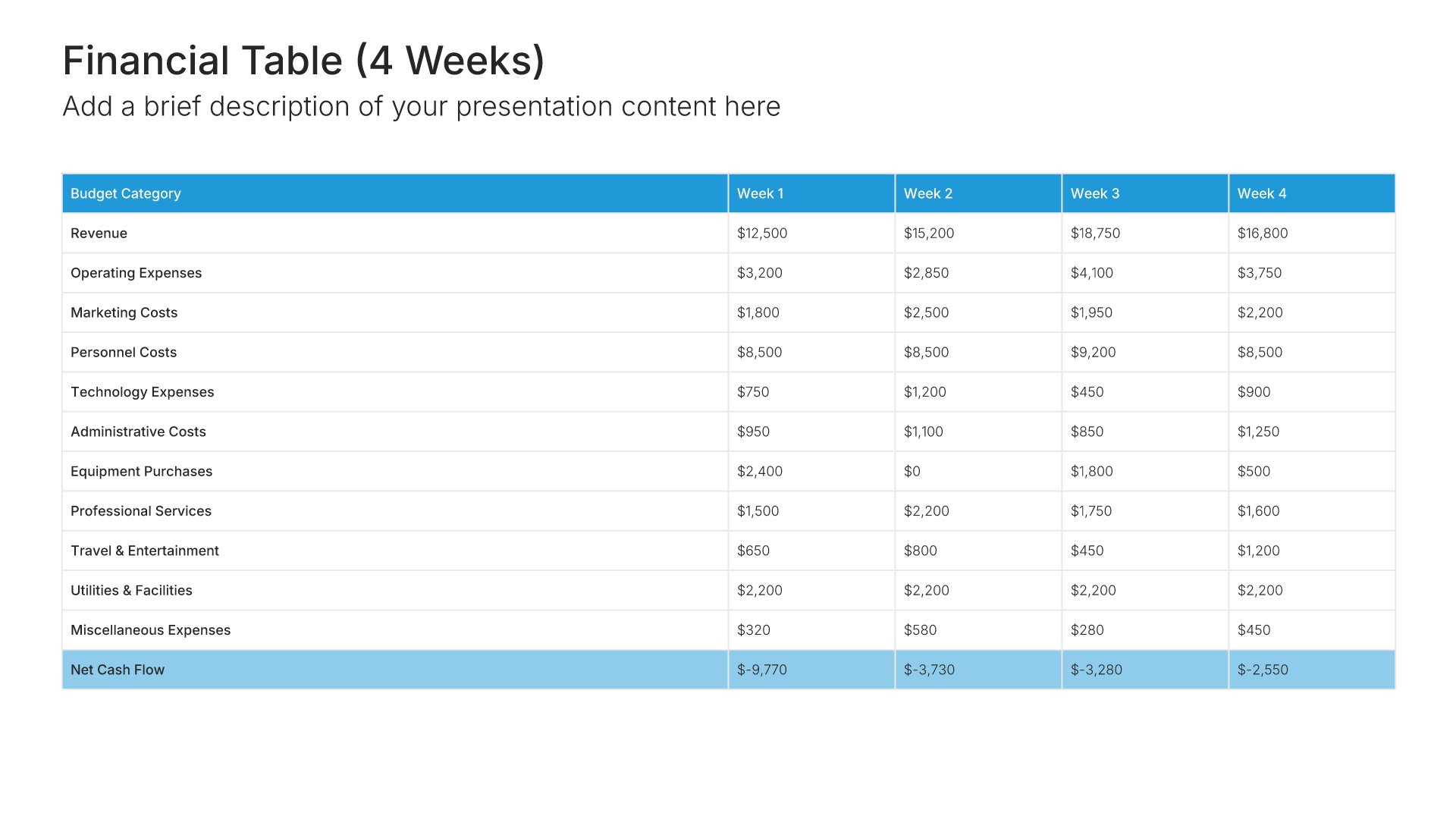
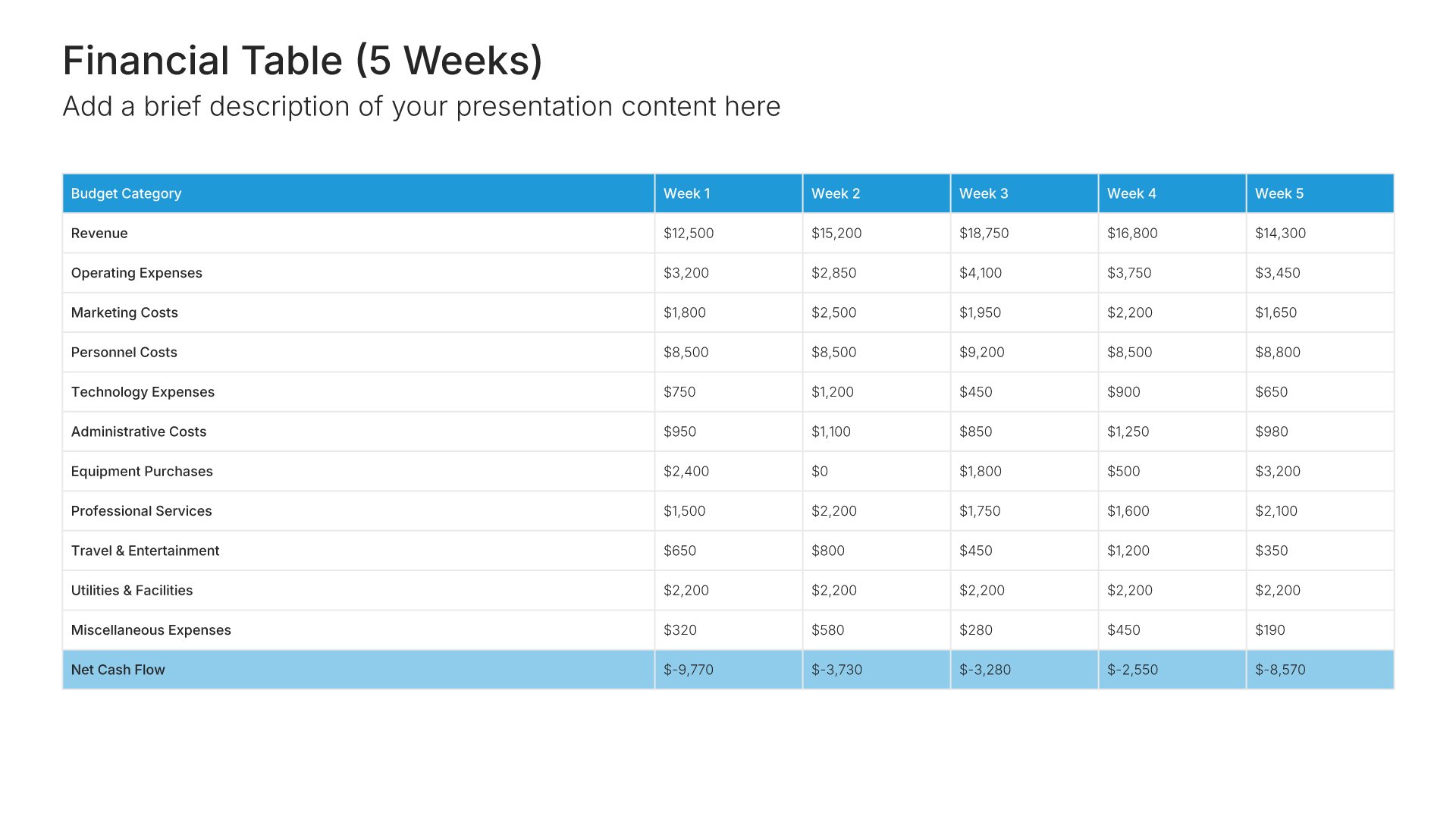
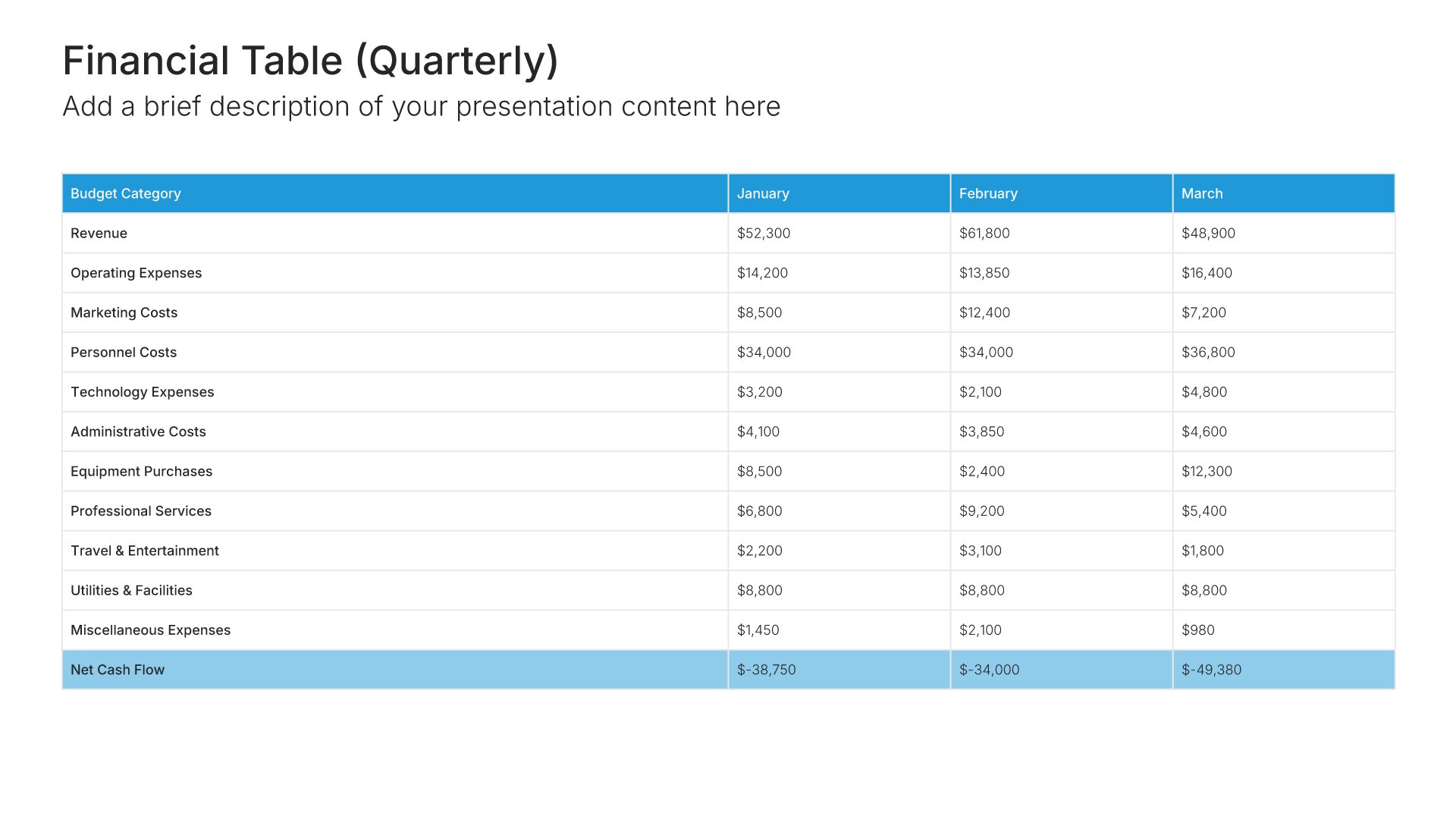
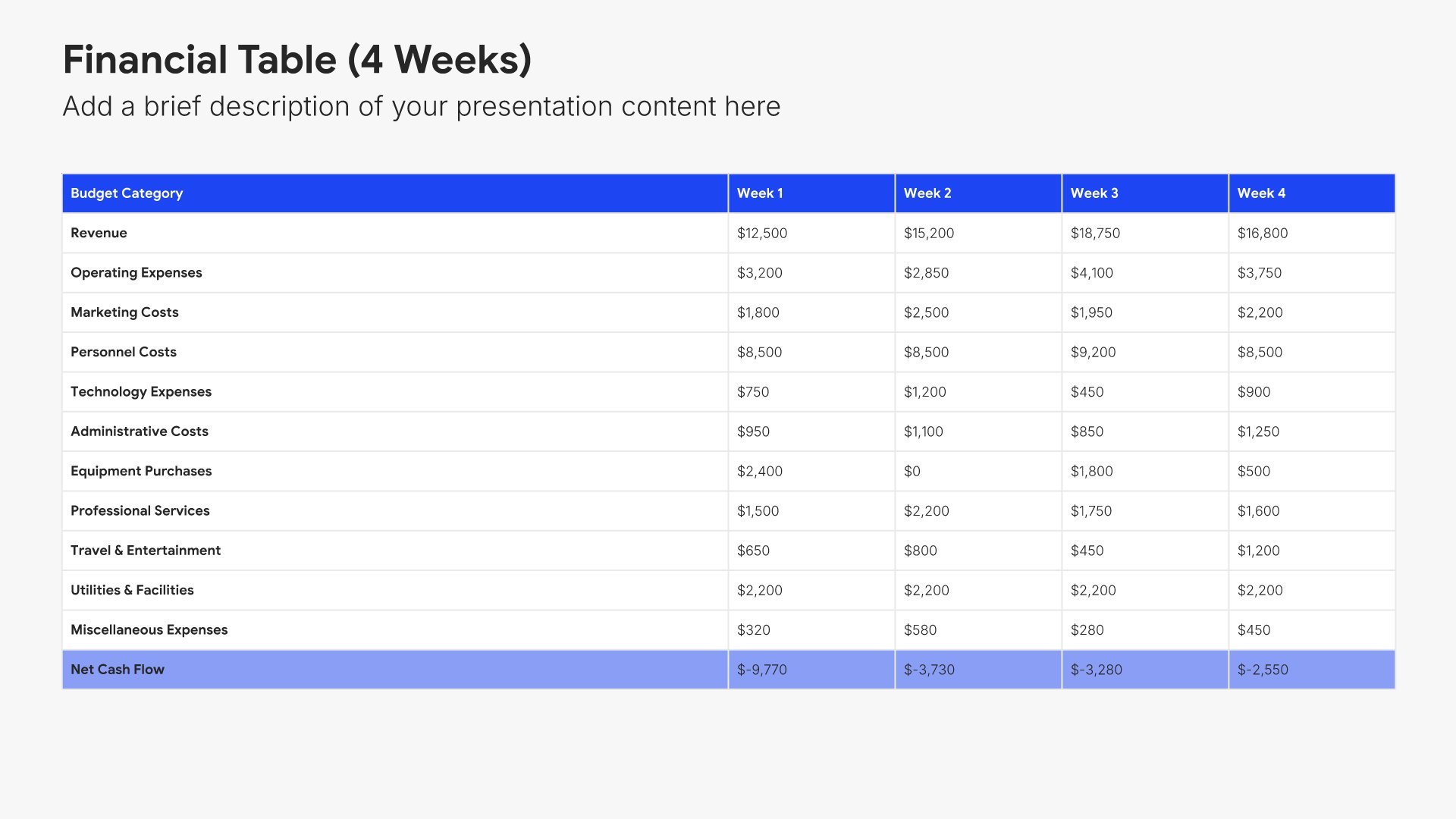
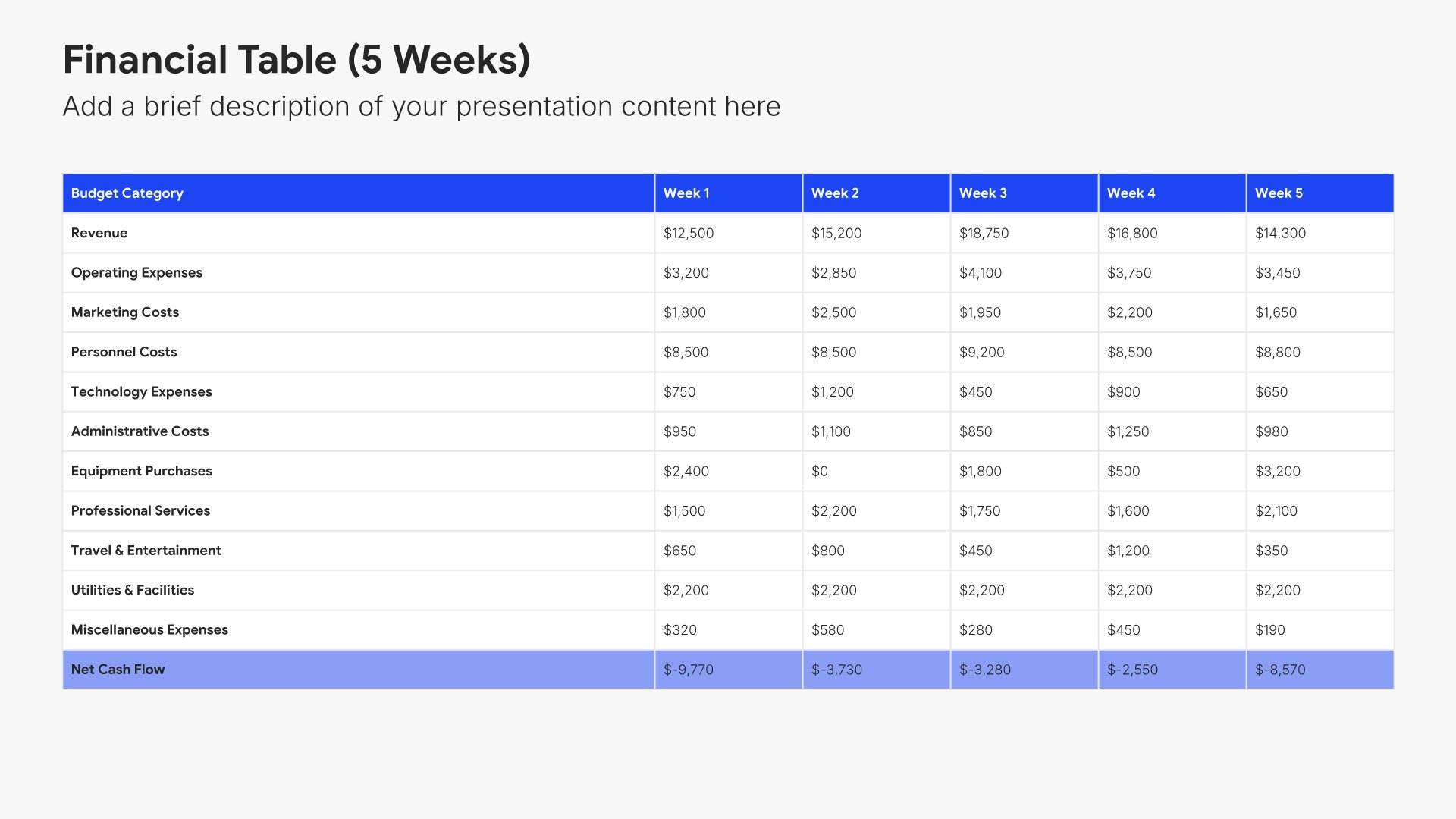
Expense breakdown slides help you detail where your budget will be spent. Use them to present costs by category, department, or initiative in clear visual formats. Ideal for budget proposals and financial presentations where showing exactly how funds will be allocated demonstrates planning rigor and transparency.
Built using Financial Table slides

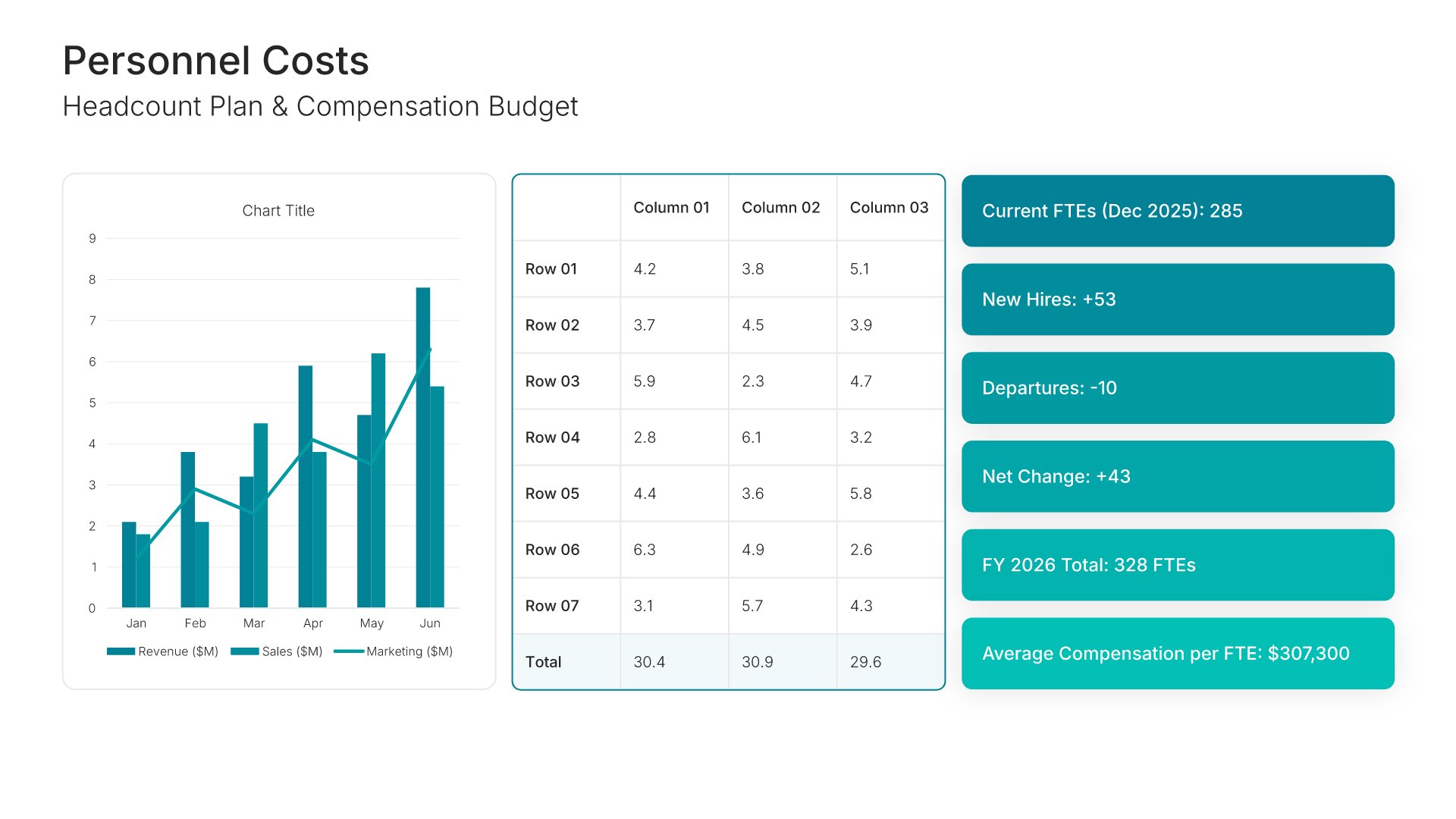
8. Personnel Costs

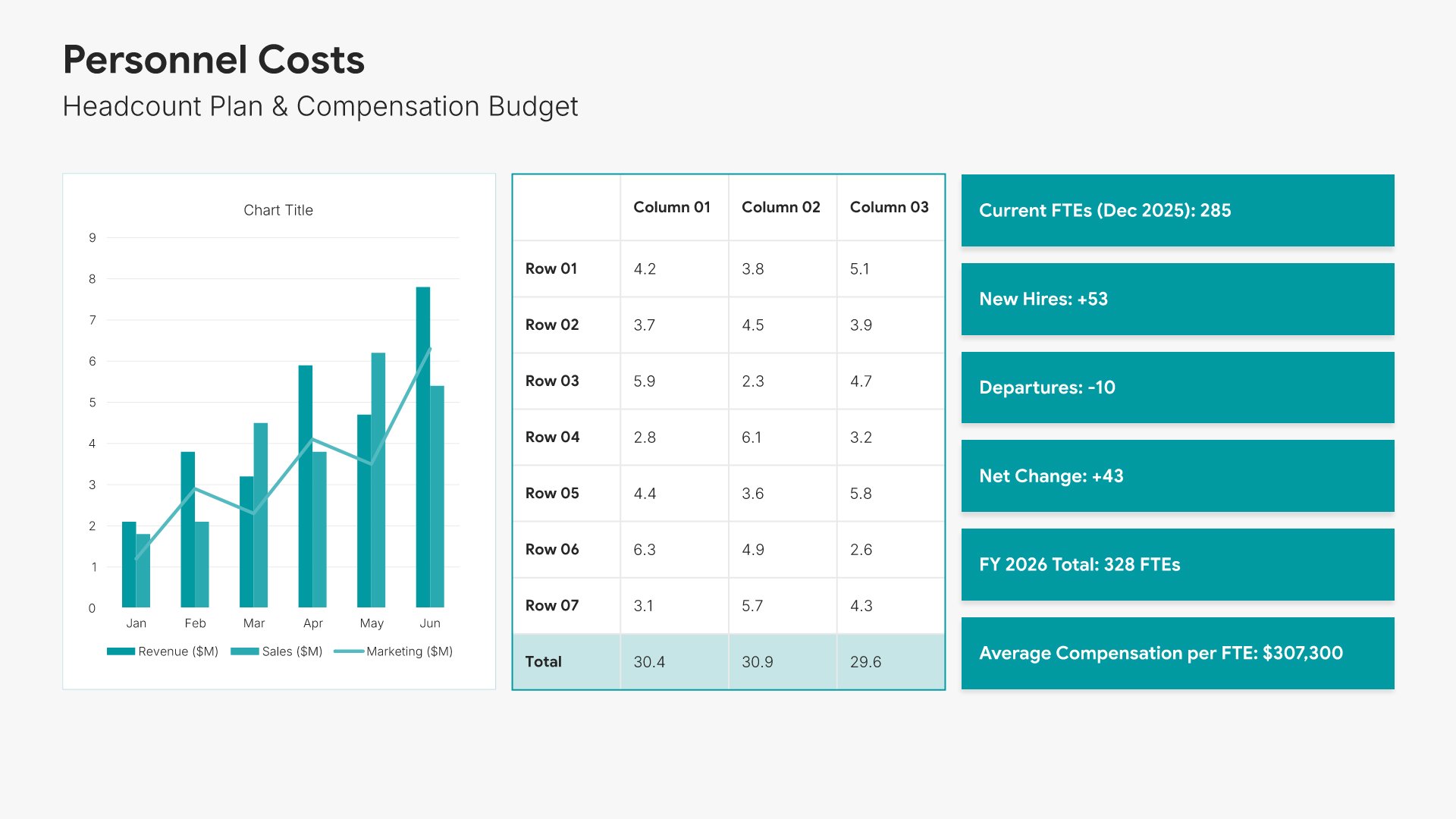
Personnel costs slides help you present the staffing investment in your budget. Use them to display salaries, benefits, headcount changes, and workforce-related expenses. Ideal for budget proposals and HR planning where showing people investment as part of your financial plan justifies talent-related spending.
Built using KPI Dashboard slides

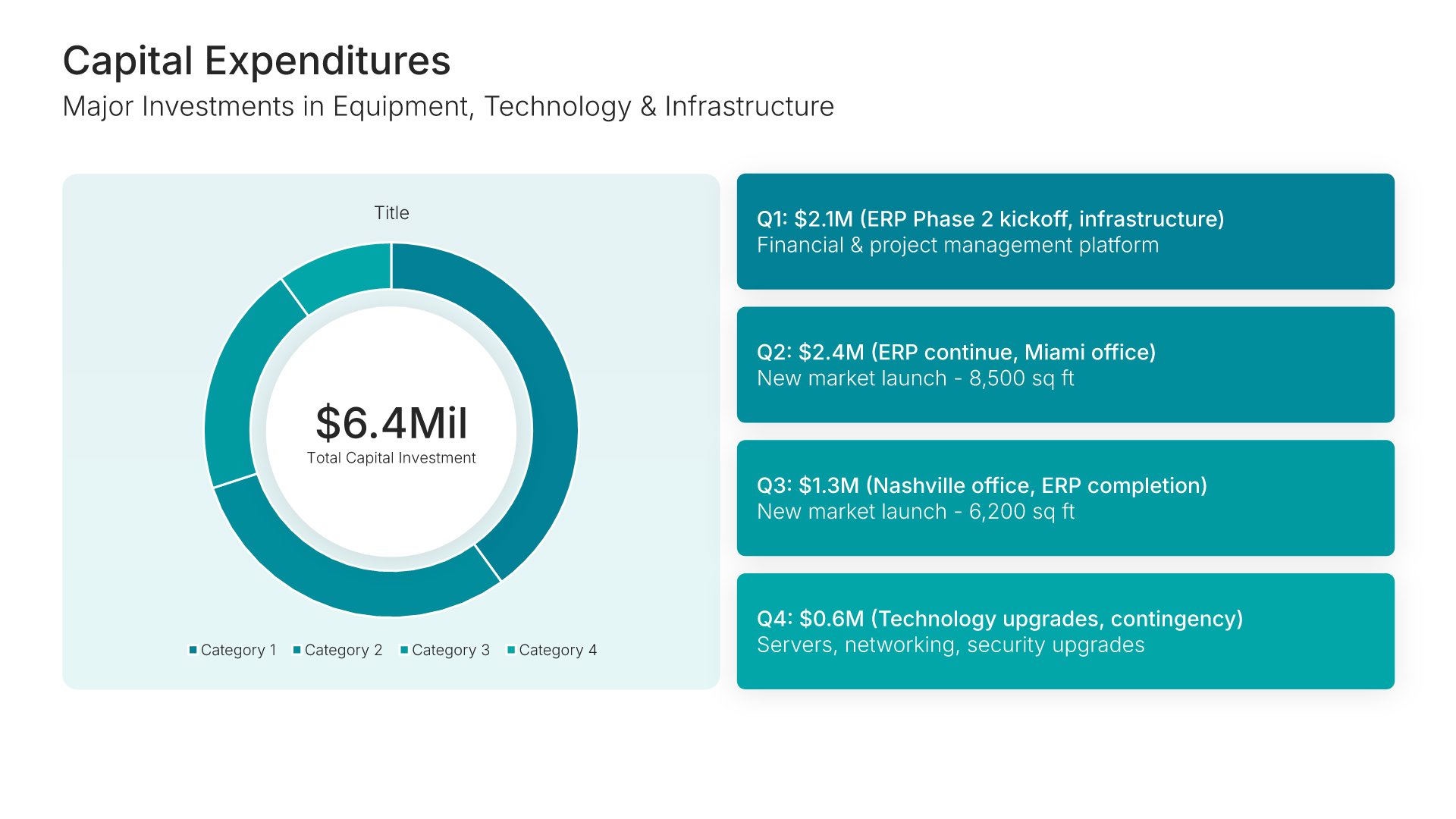
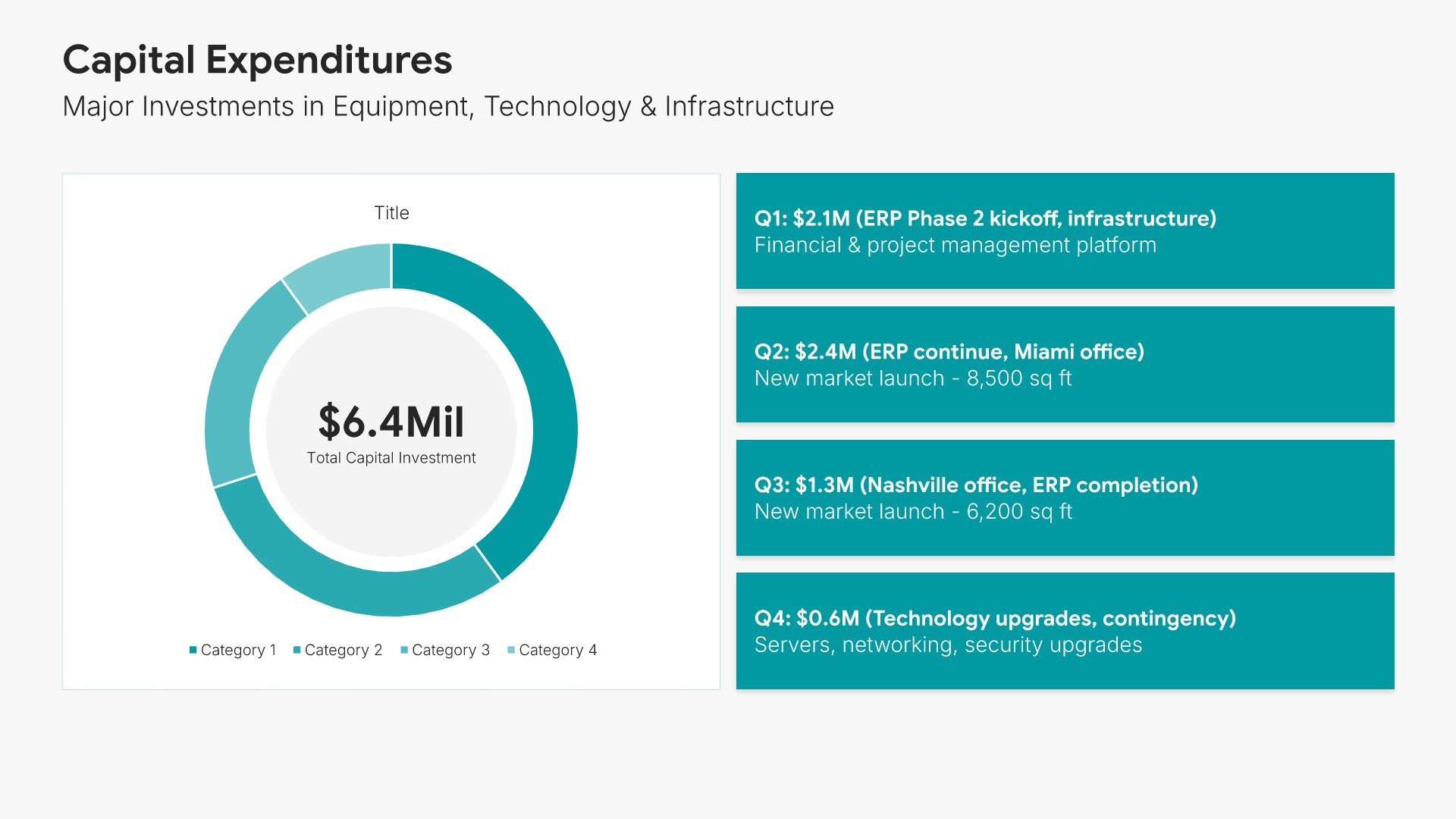
9. Capital Expenditures

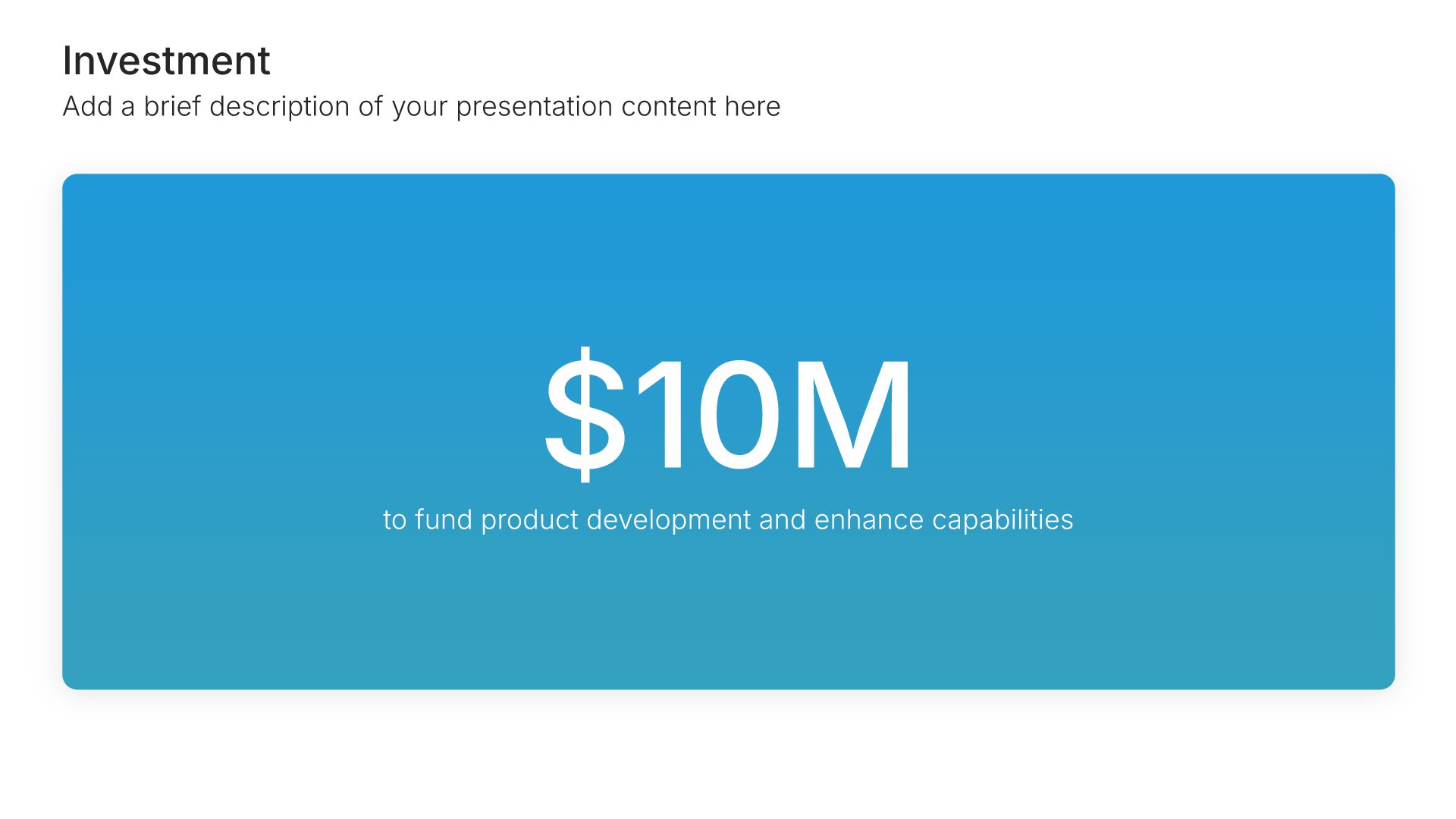
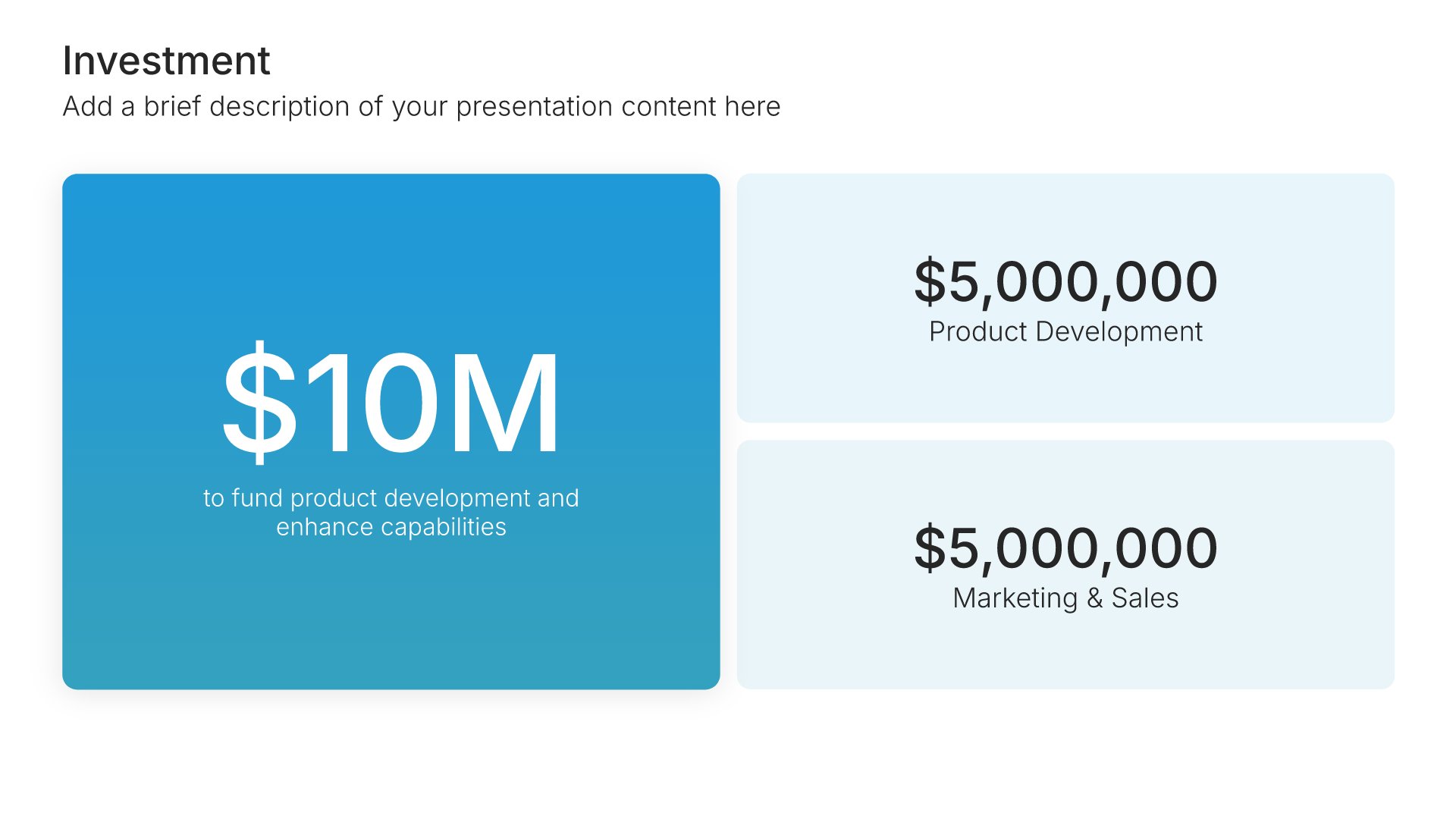
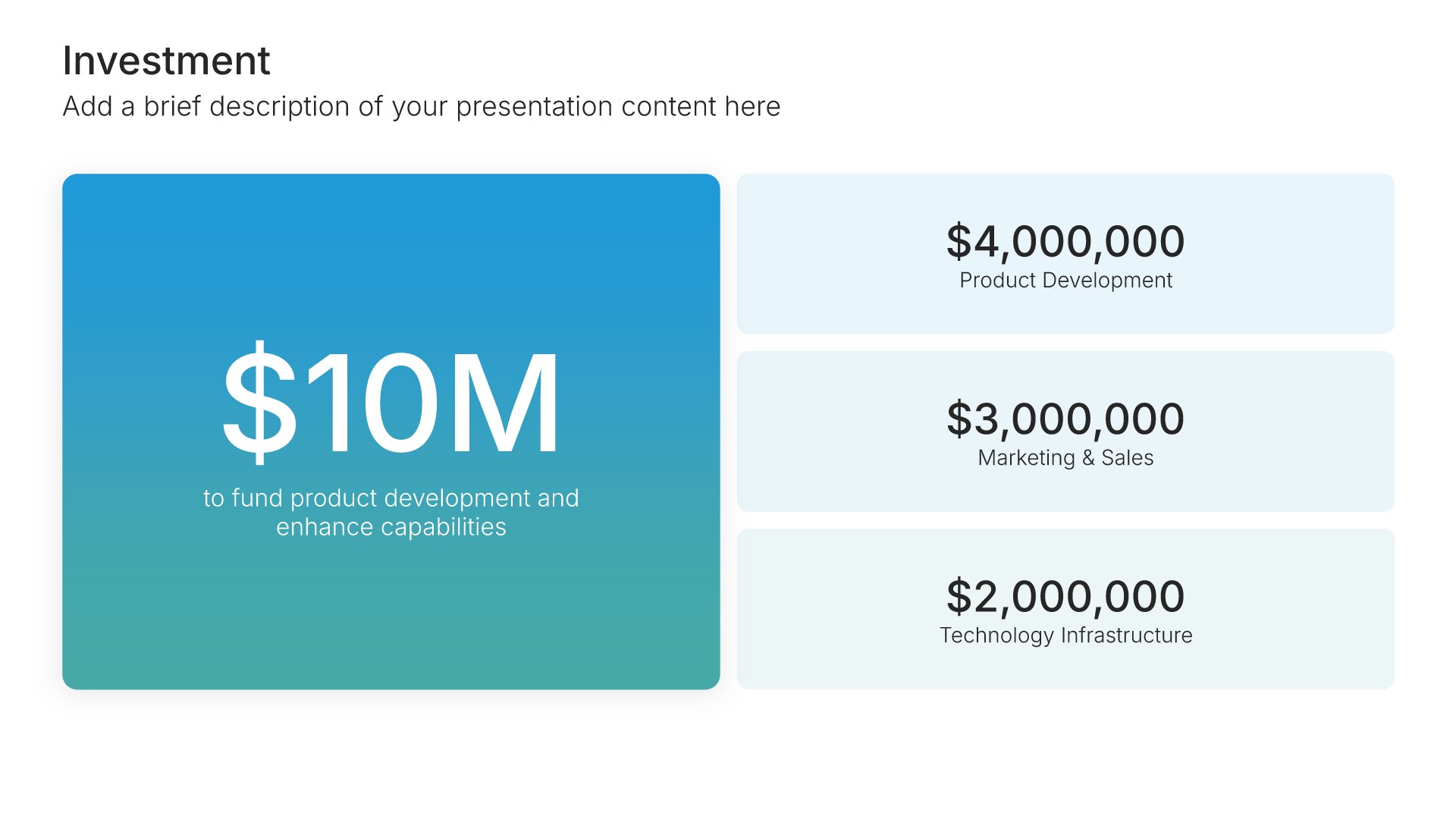
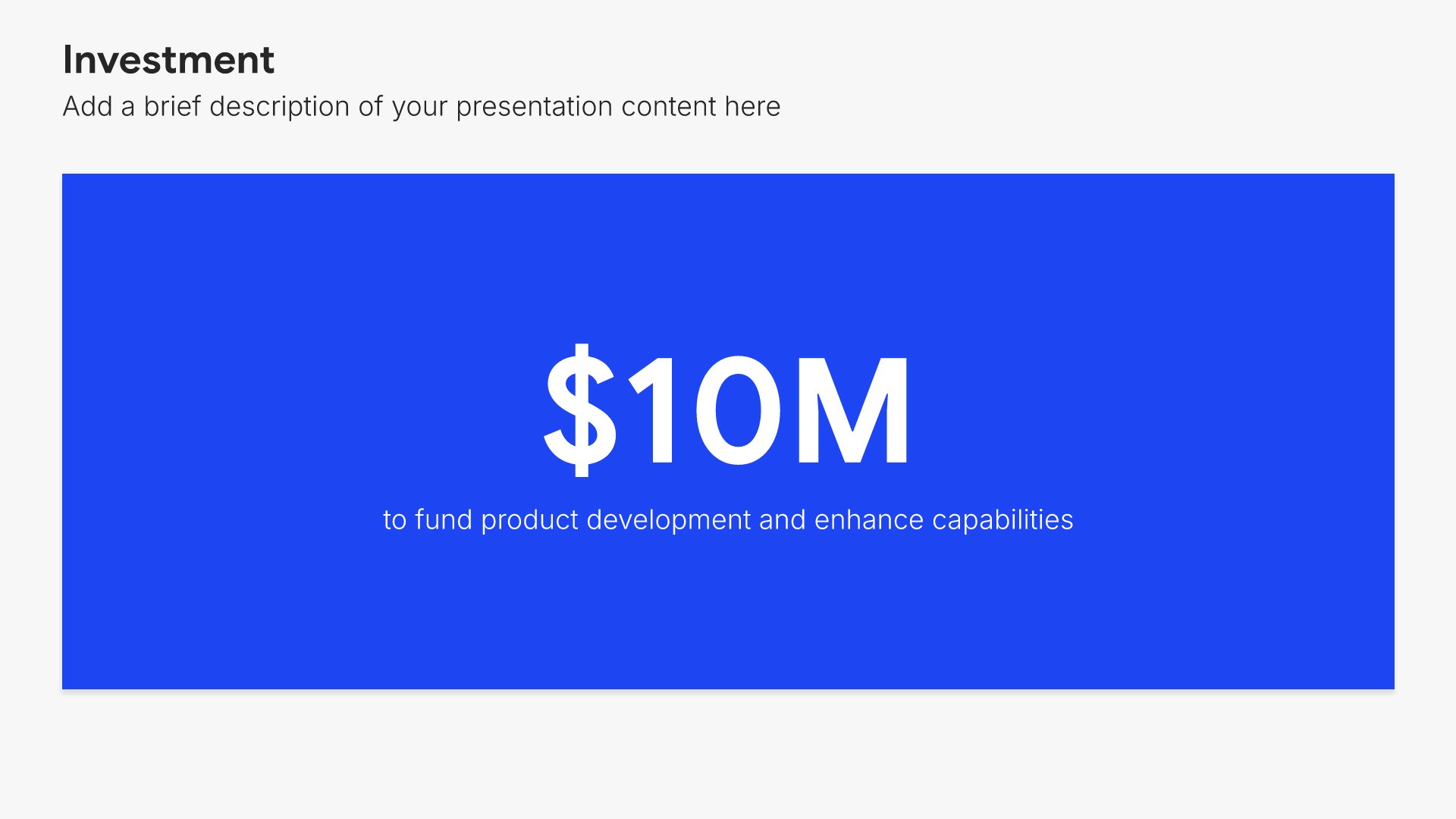
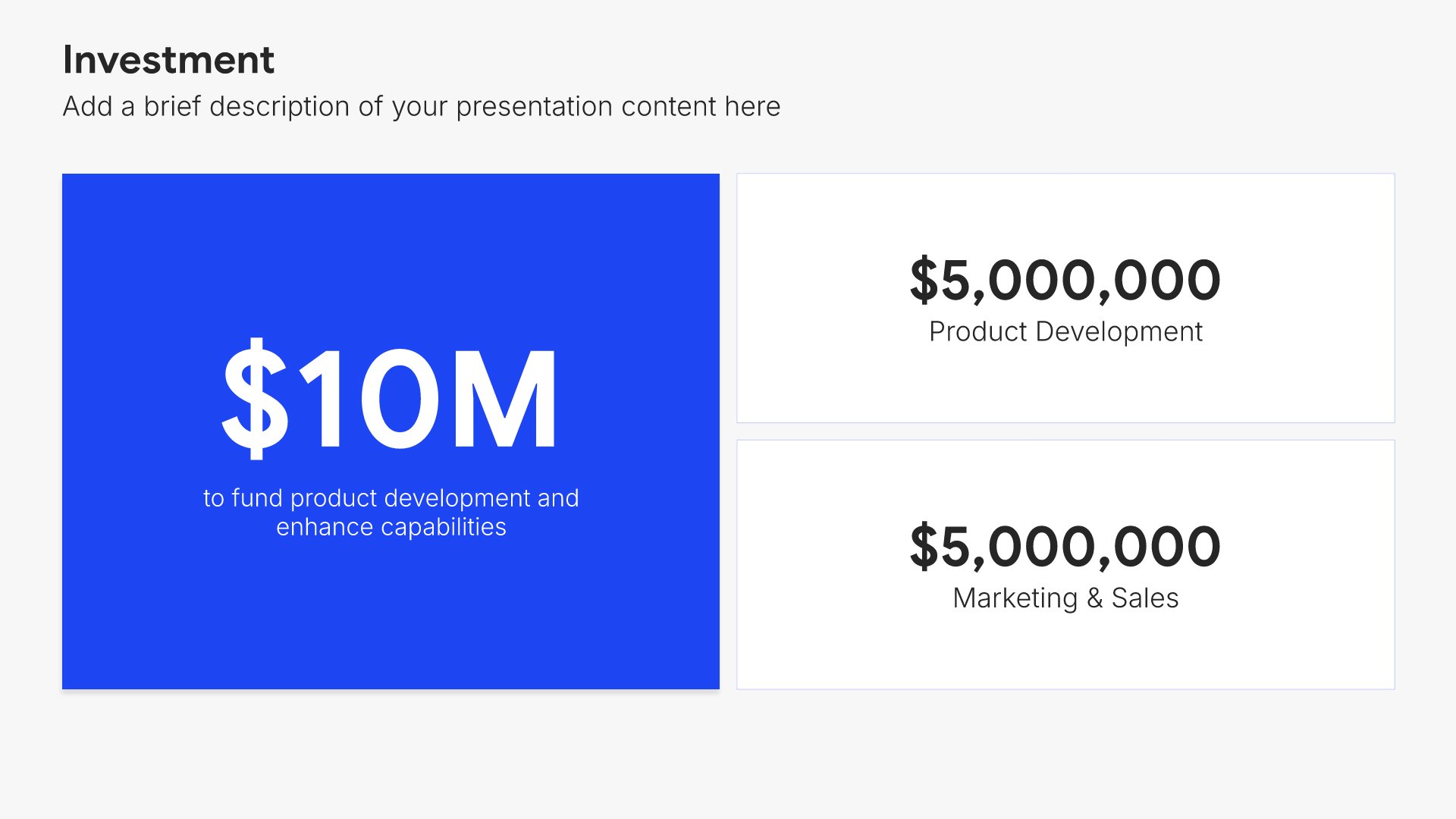
Capital expenditures slides help you present major asset investments in your budget. Use them to display equipment, technology, facilities, and other significant purchases requiring approval. Ideal for budget proposals and financial planning where justifying large investments requires clear presentation of costs and benefits.
Built using Investment slides

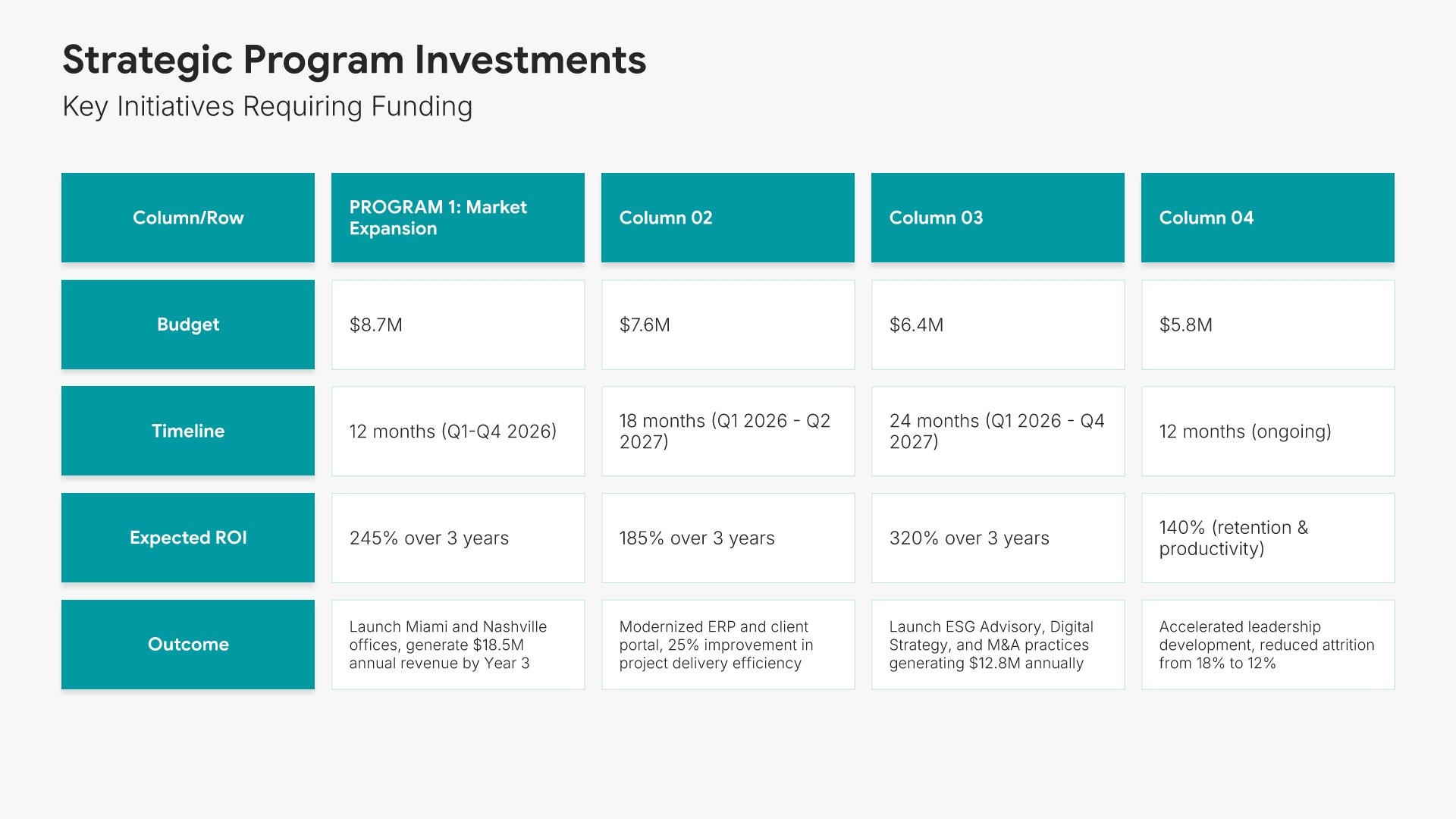
10. Strategic Program Investments

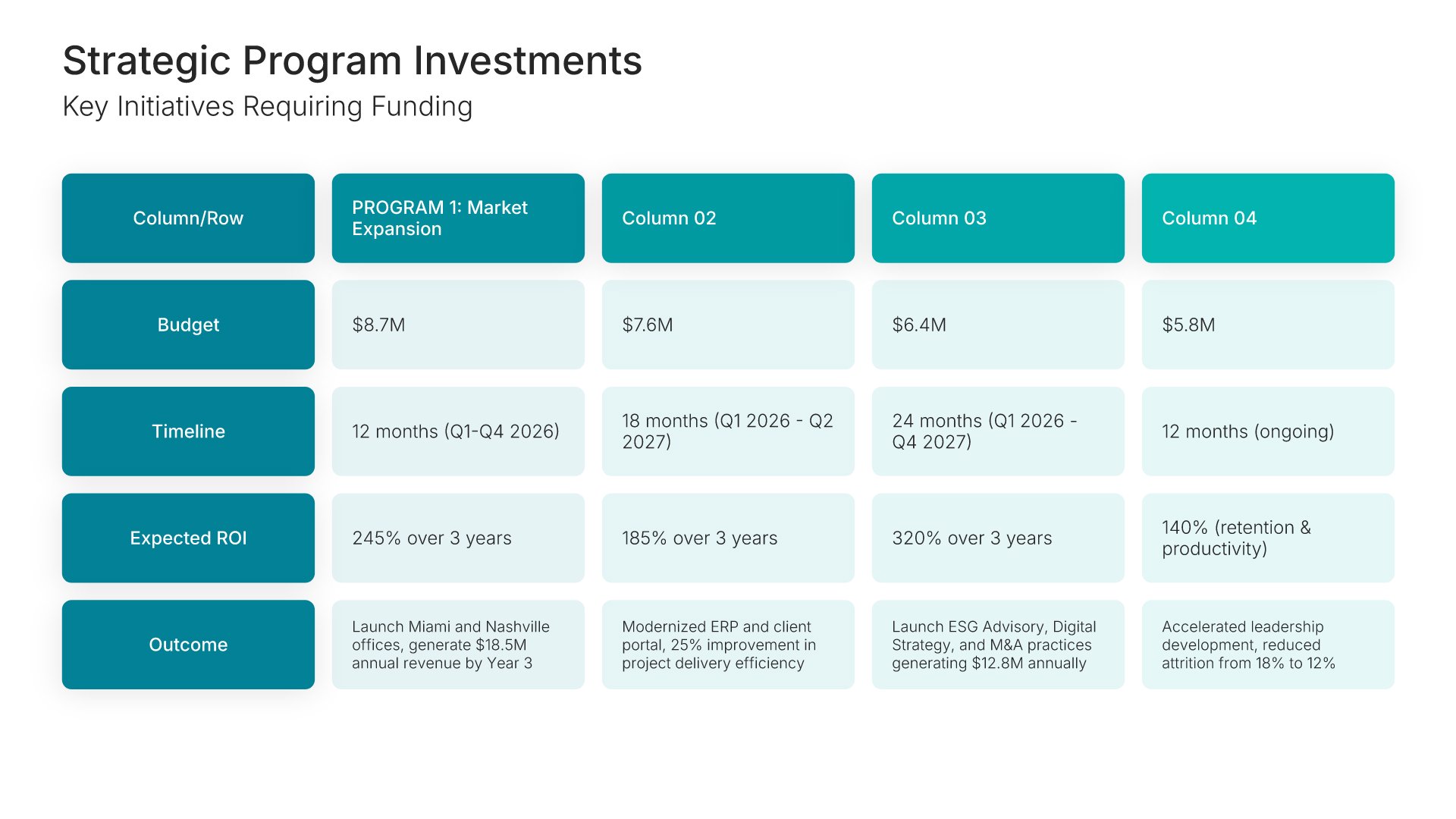
Strategic program investments slides help you present funding for key initiatives and projects. Use them to display the programs that will drive growth, transformation, or improvement. Ideal for budget proposals and strategic plans where showing how investments connect to outcomes builds the case for approval.
Built using Table slides

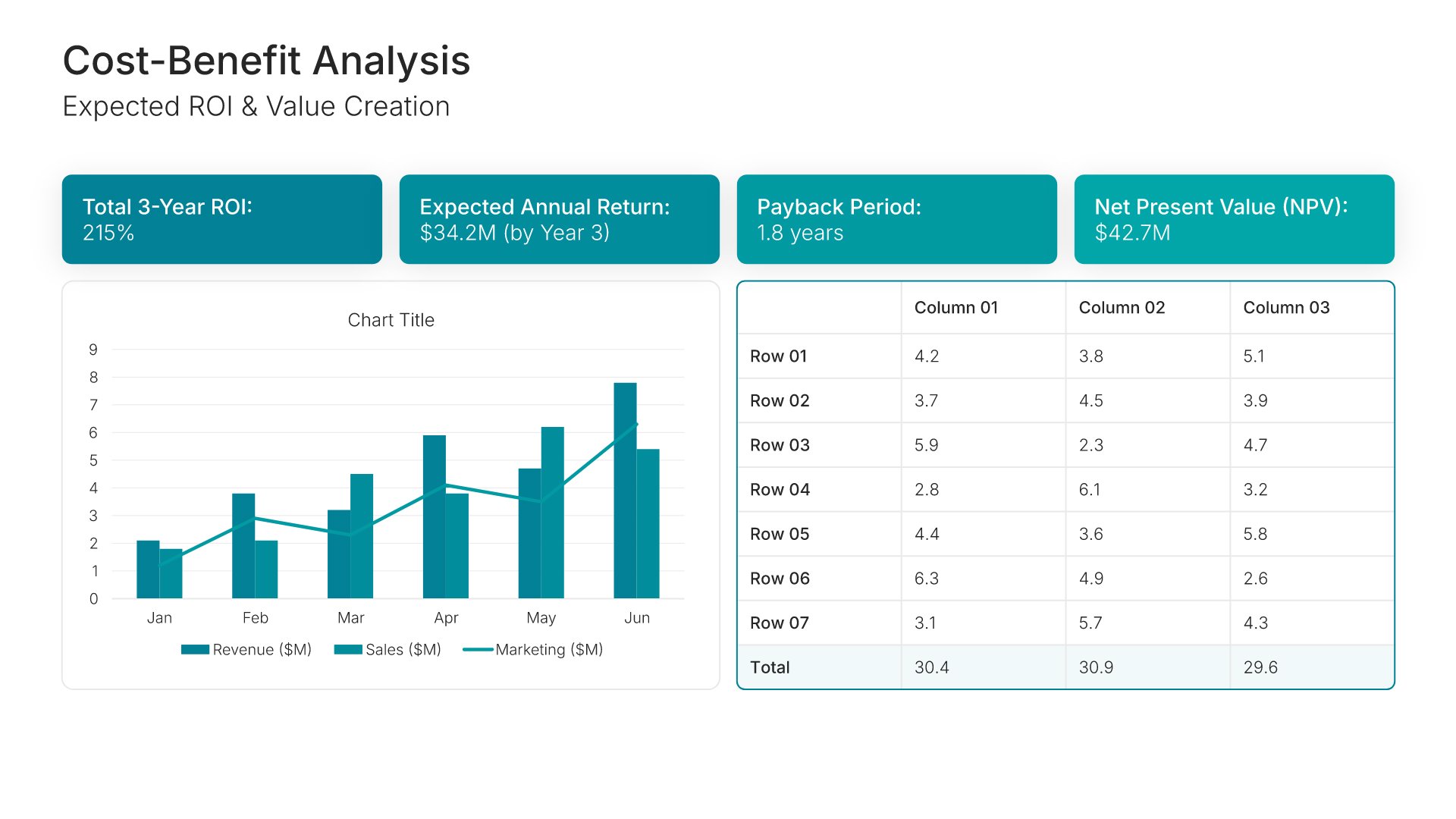
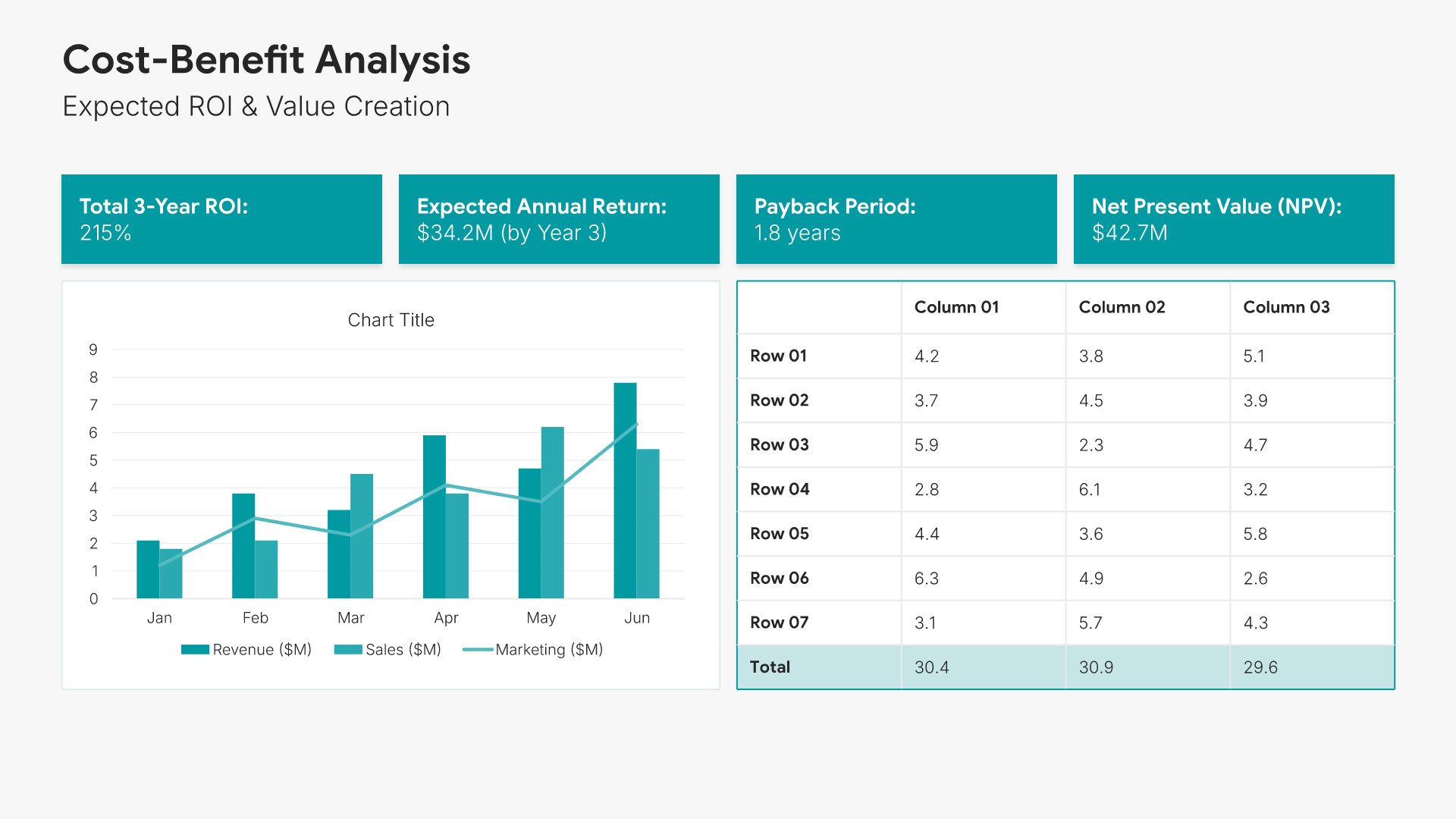
11. Cost-Benefit Analysis

Cost-benefit analysis slides help you present the value your budget request will deliver. Use them to compare costs against expected returns, savings, or strategic benefits. Ideal for budget proposals and business cases where demonstrating positive ROI or clear value justifies the investment you're requesting.
Built using KPI Dashboard slides

12. Year-over-Year Comparison

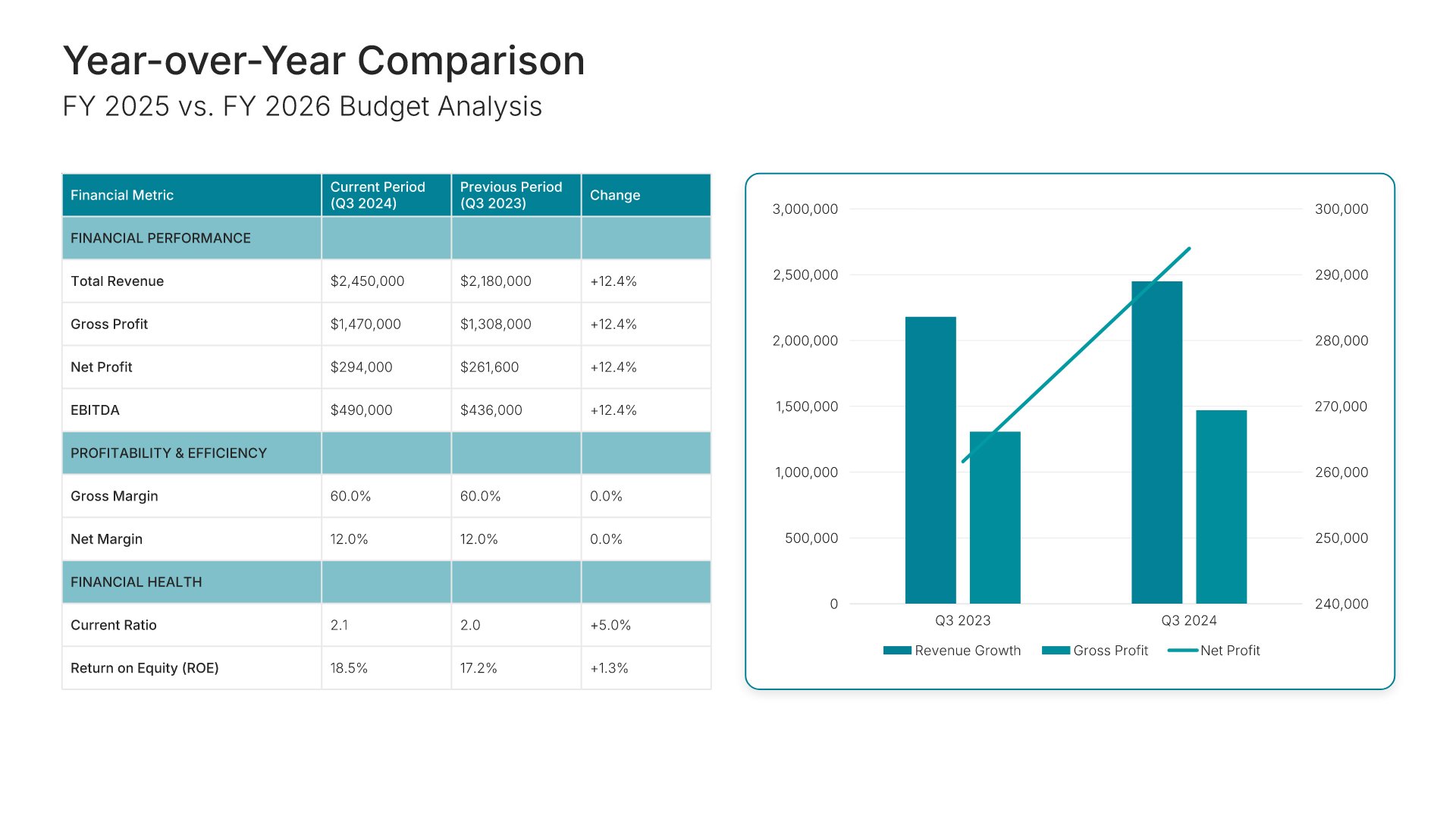
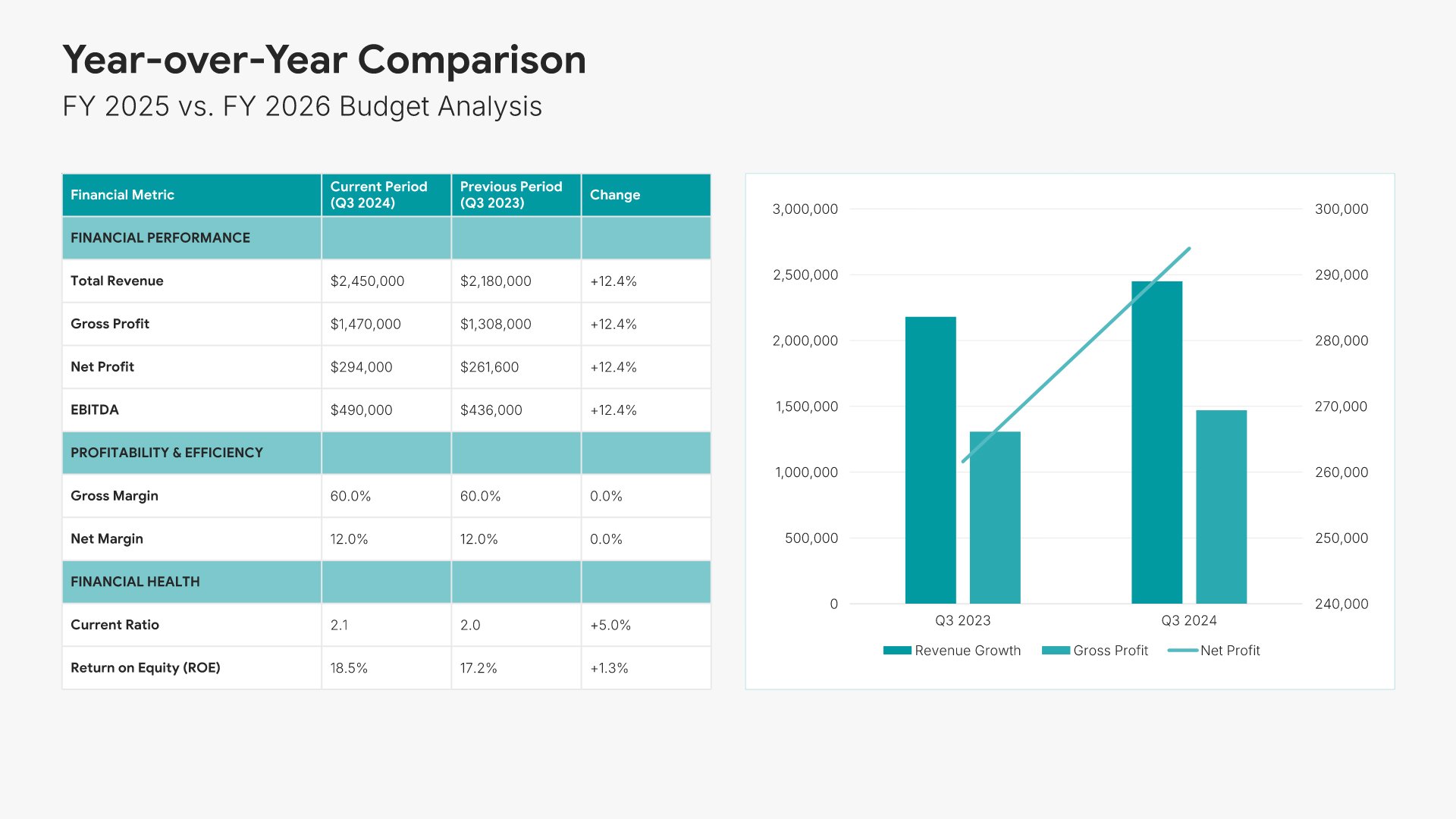
Year-over-year comparison slides help you show how your budget request compares to previous periods. Use them to display changes, trends, and variances that explain increases or decreases. Ideal for budget proposals and financial reviews where context from prior years helps stakeholders understand your current request.
Built using Financial Table slides

13. Risk Assessment

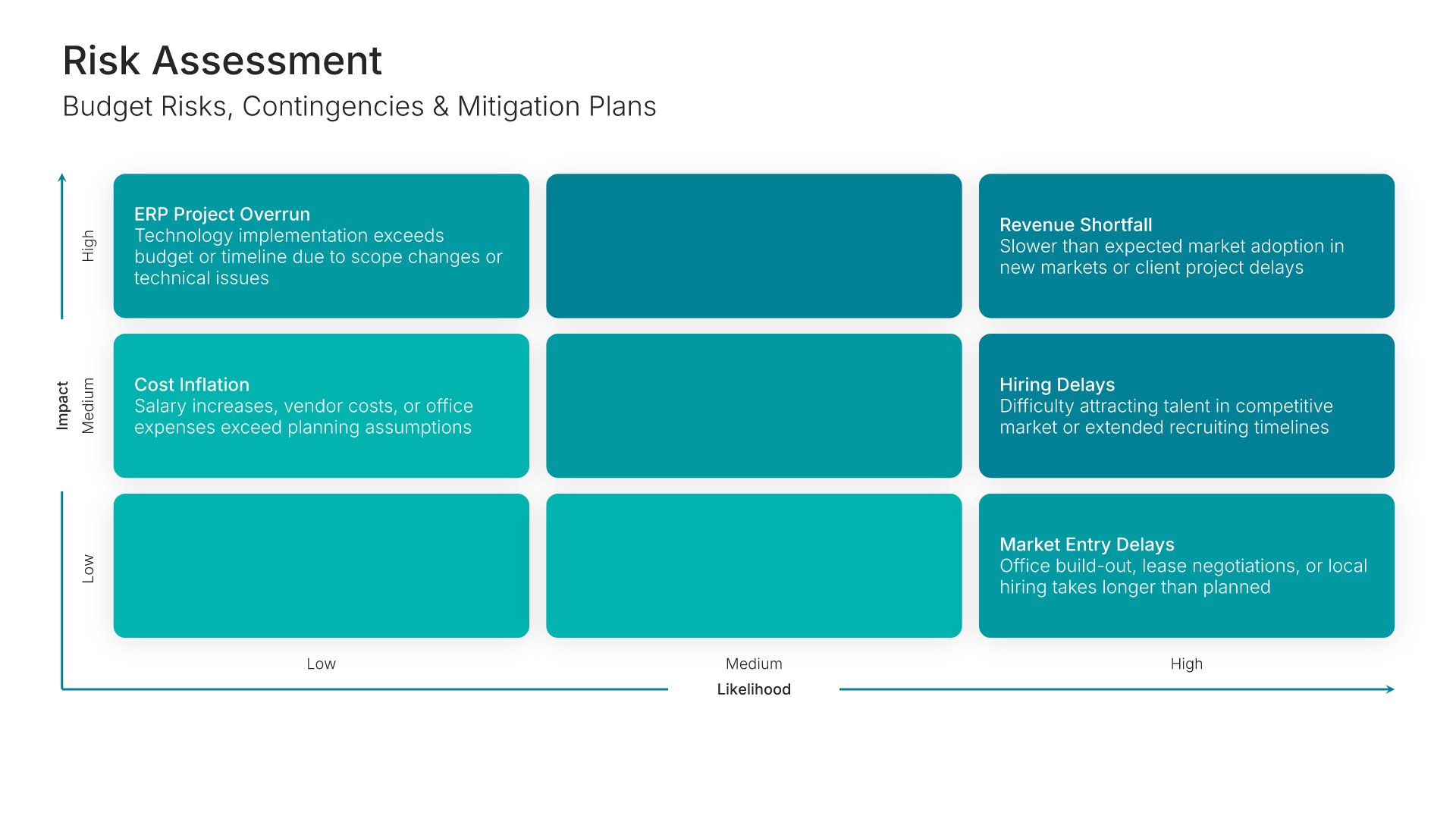
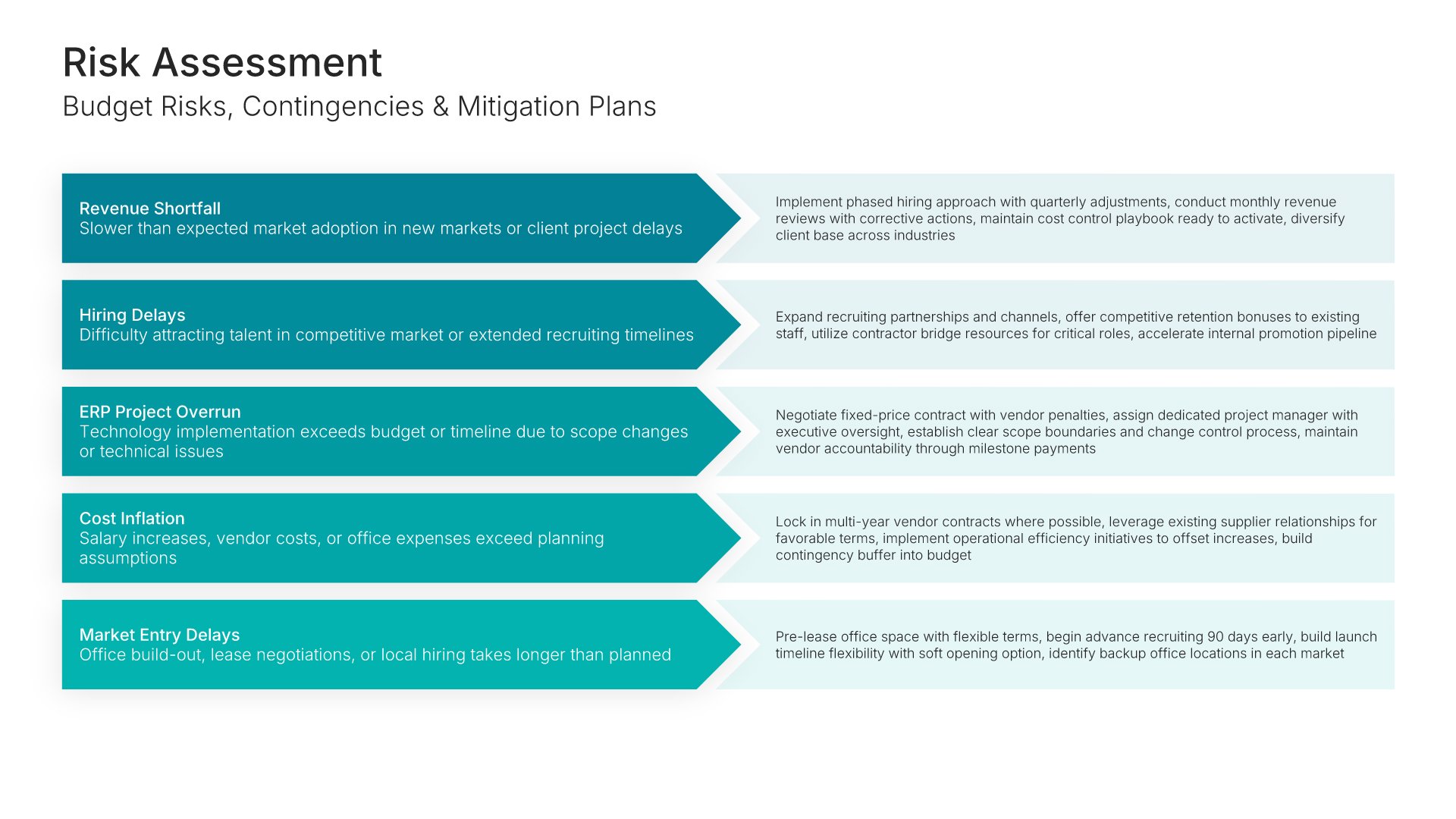
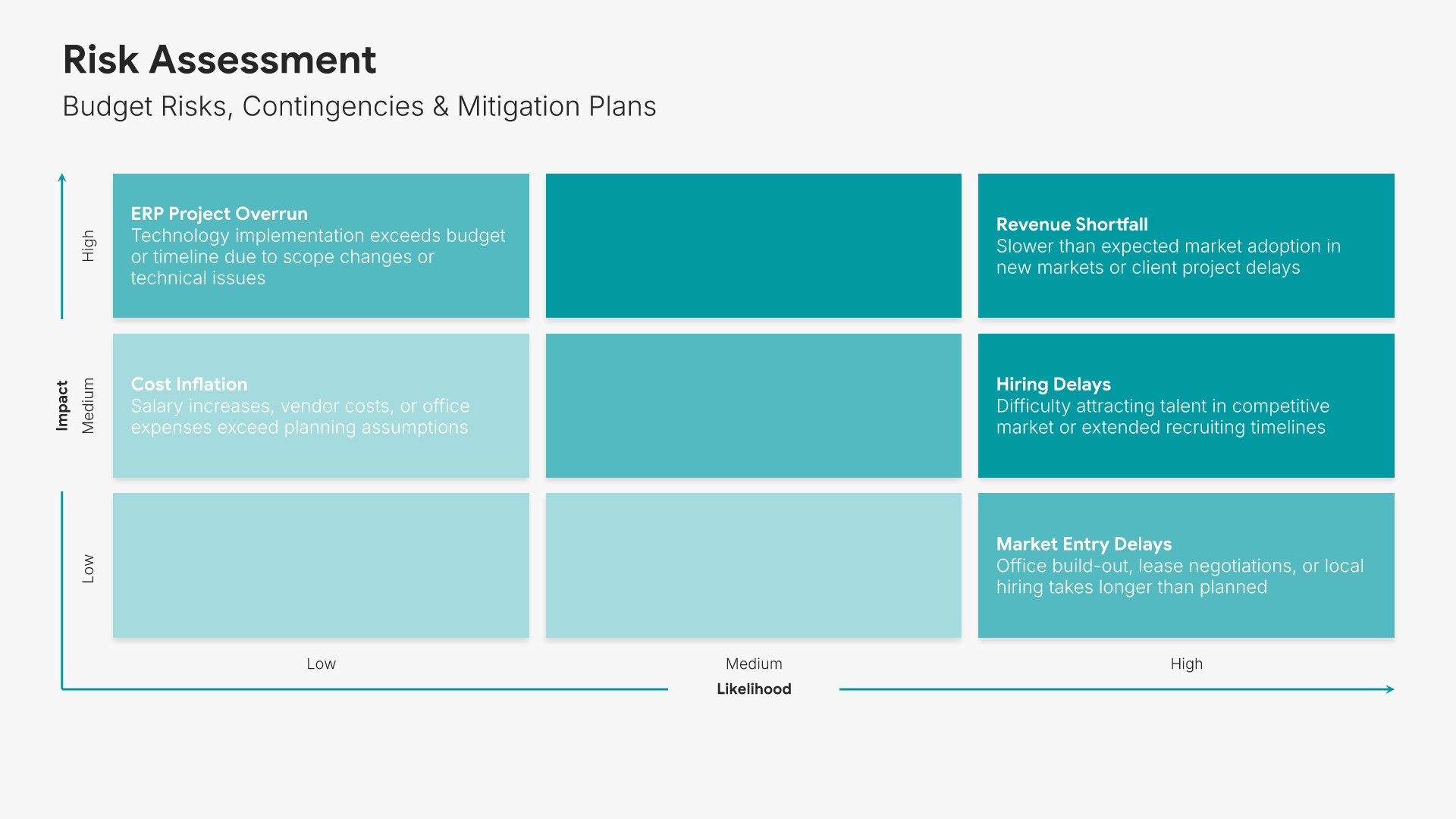
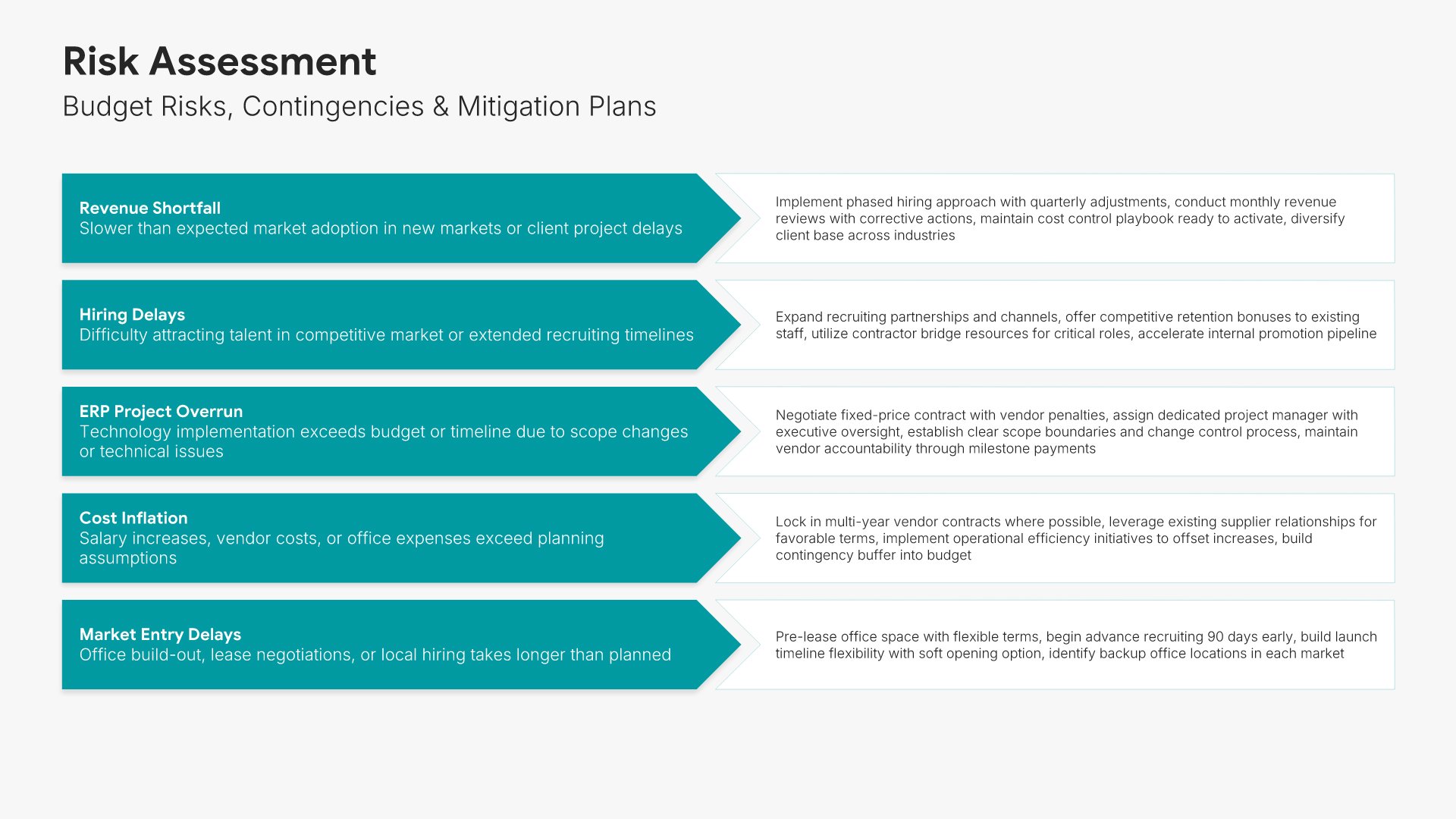
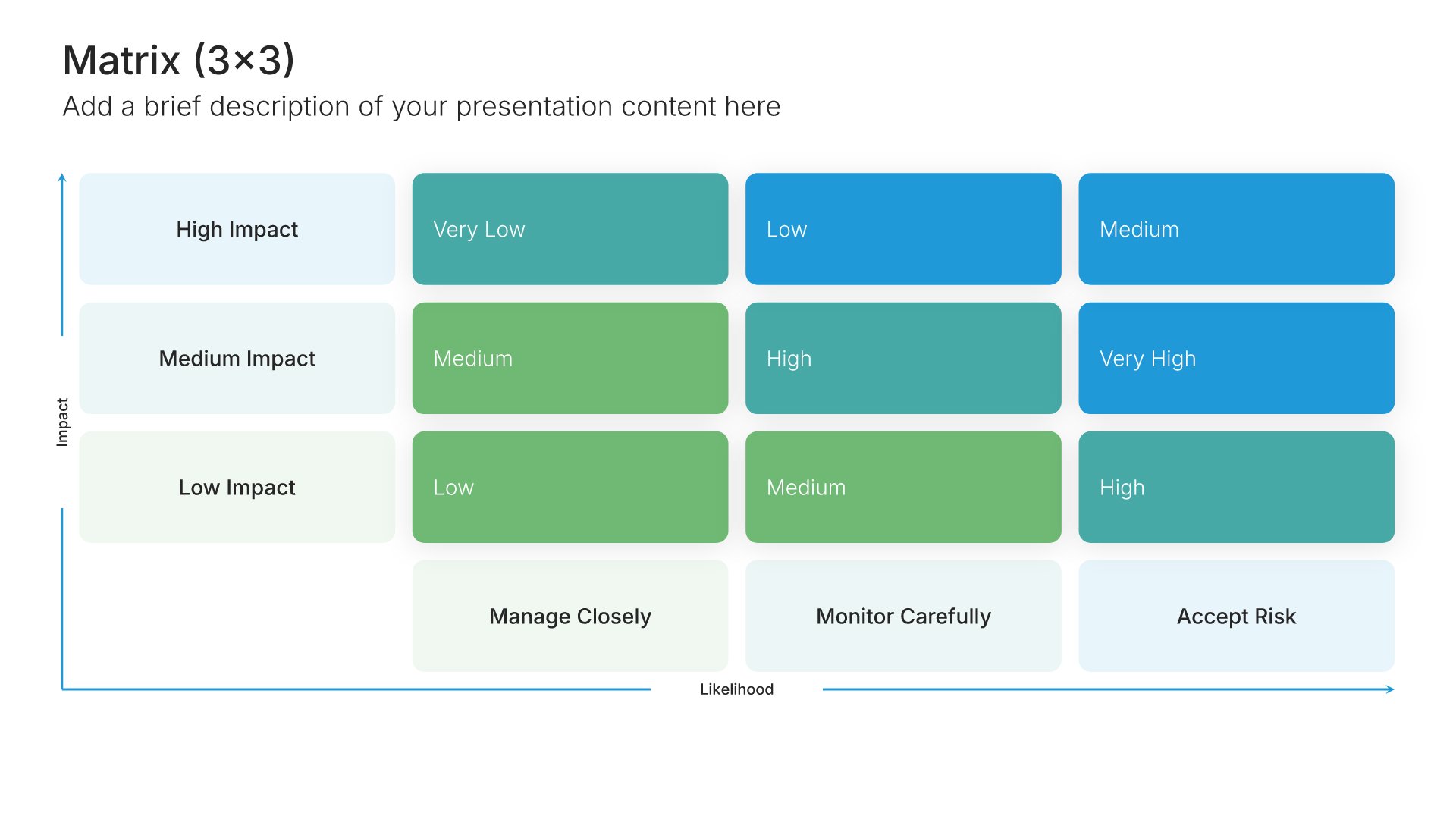
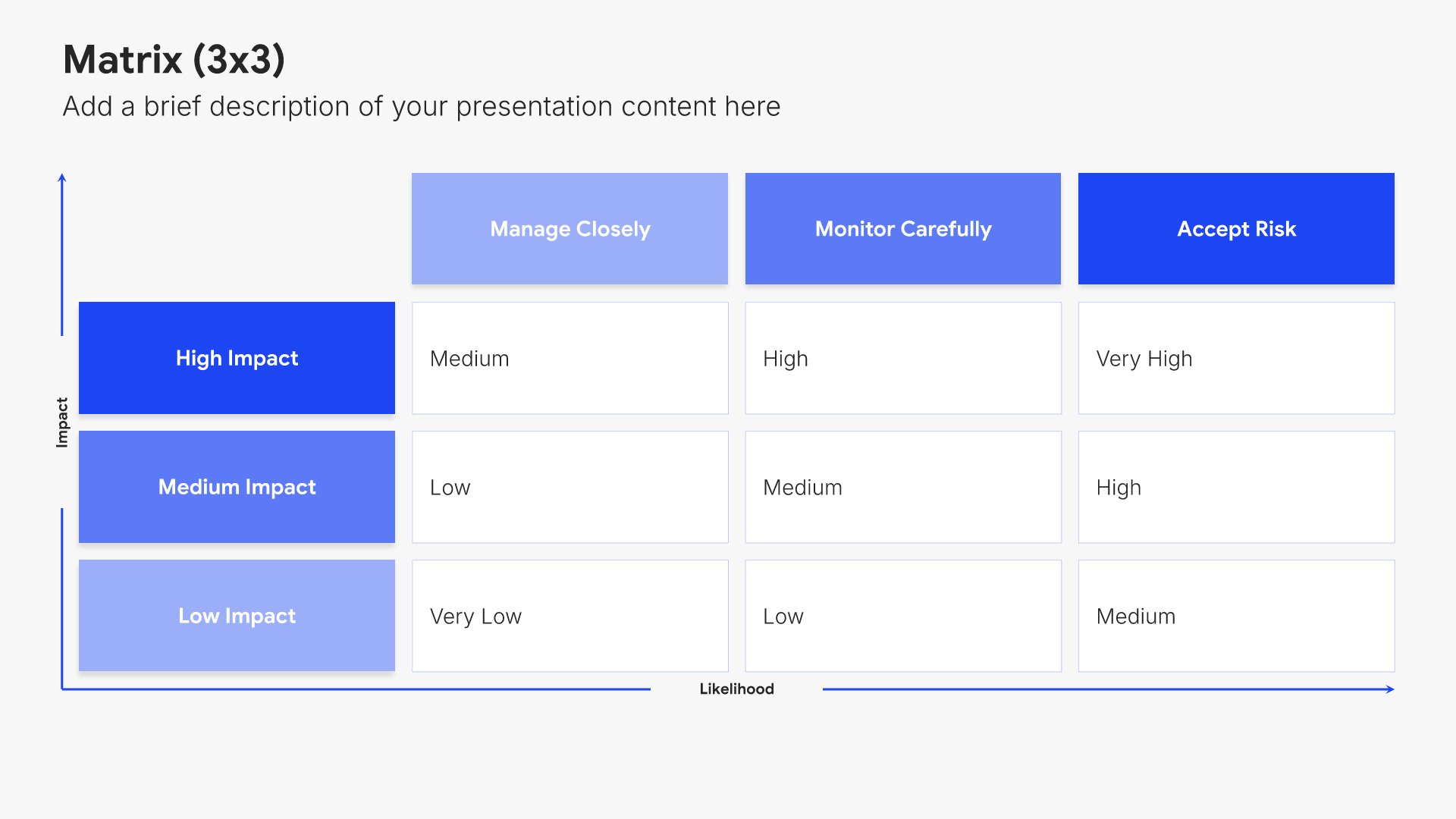
Risk assessment slides help you identify potential challenges and mitigation strategies. Use them to present risks that could impact your budget, along with contingency plans and safeguards. Ideal for budget proposals and business cases where acknowledging risks and showing preparedness builds stakeholder confidence.
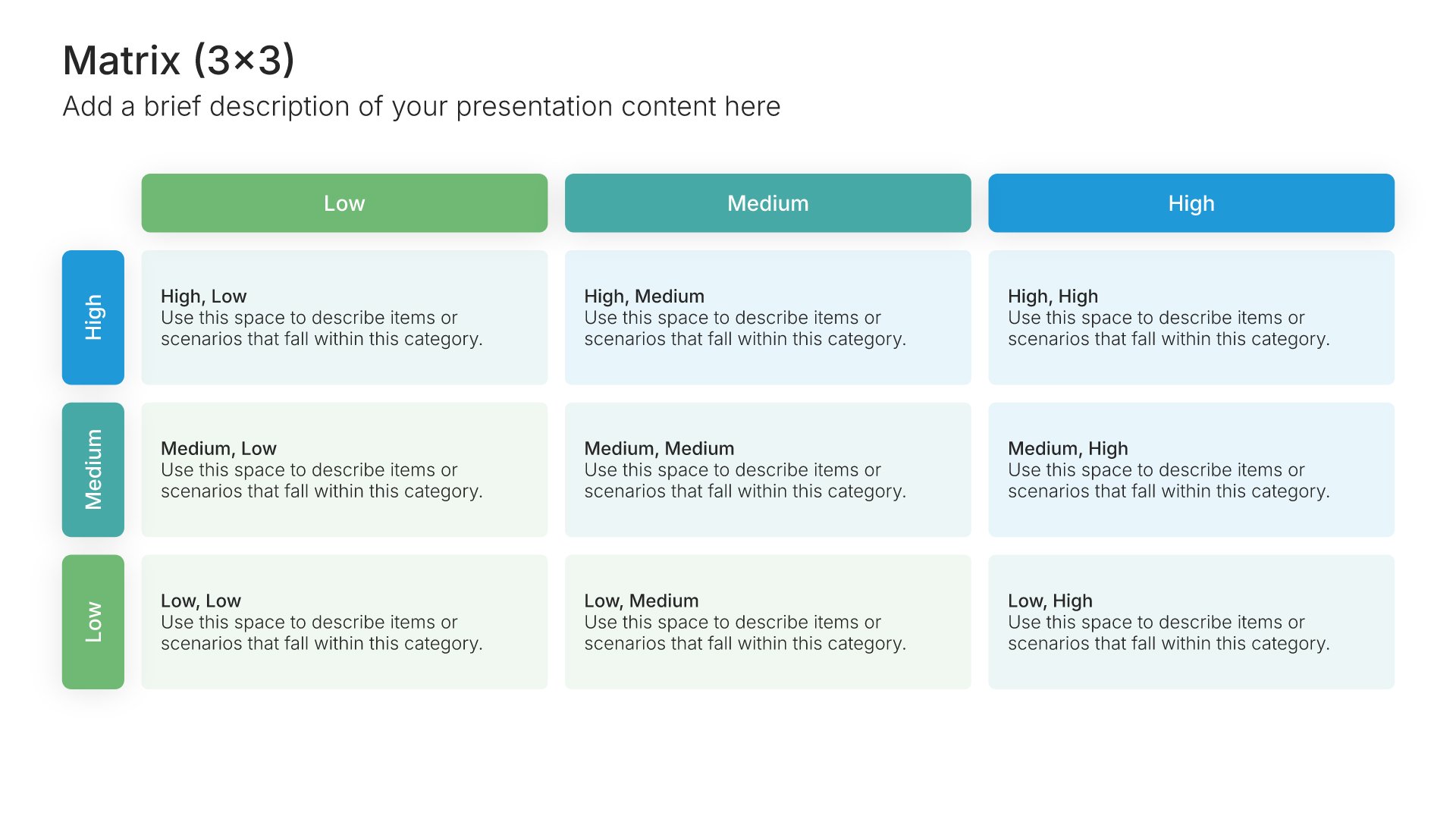
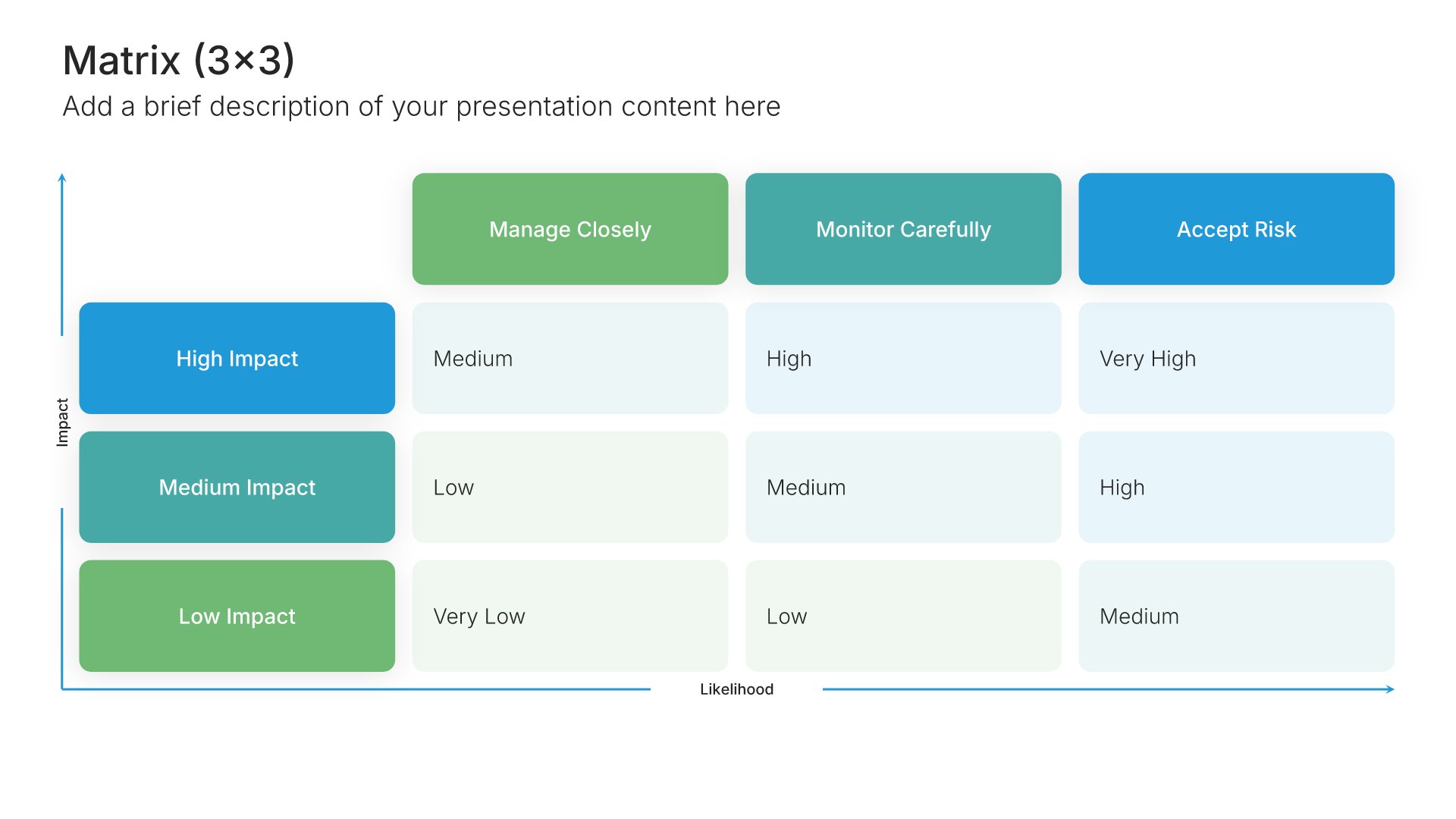
Built using Matrix (3×3) slides

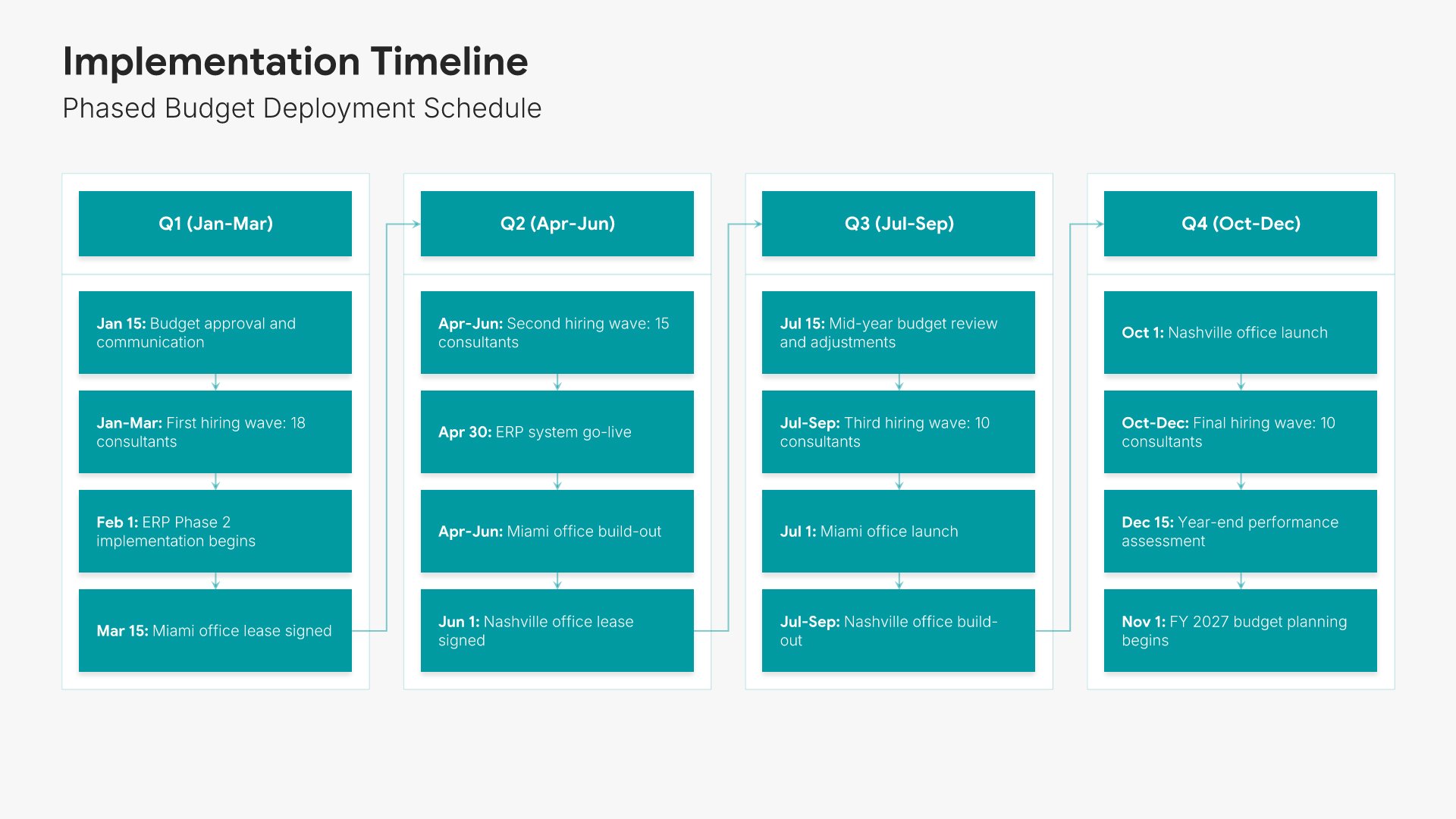
14. Implementation Timeline

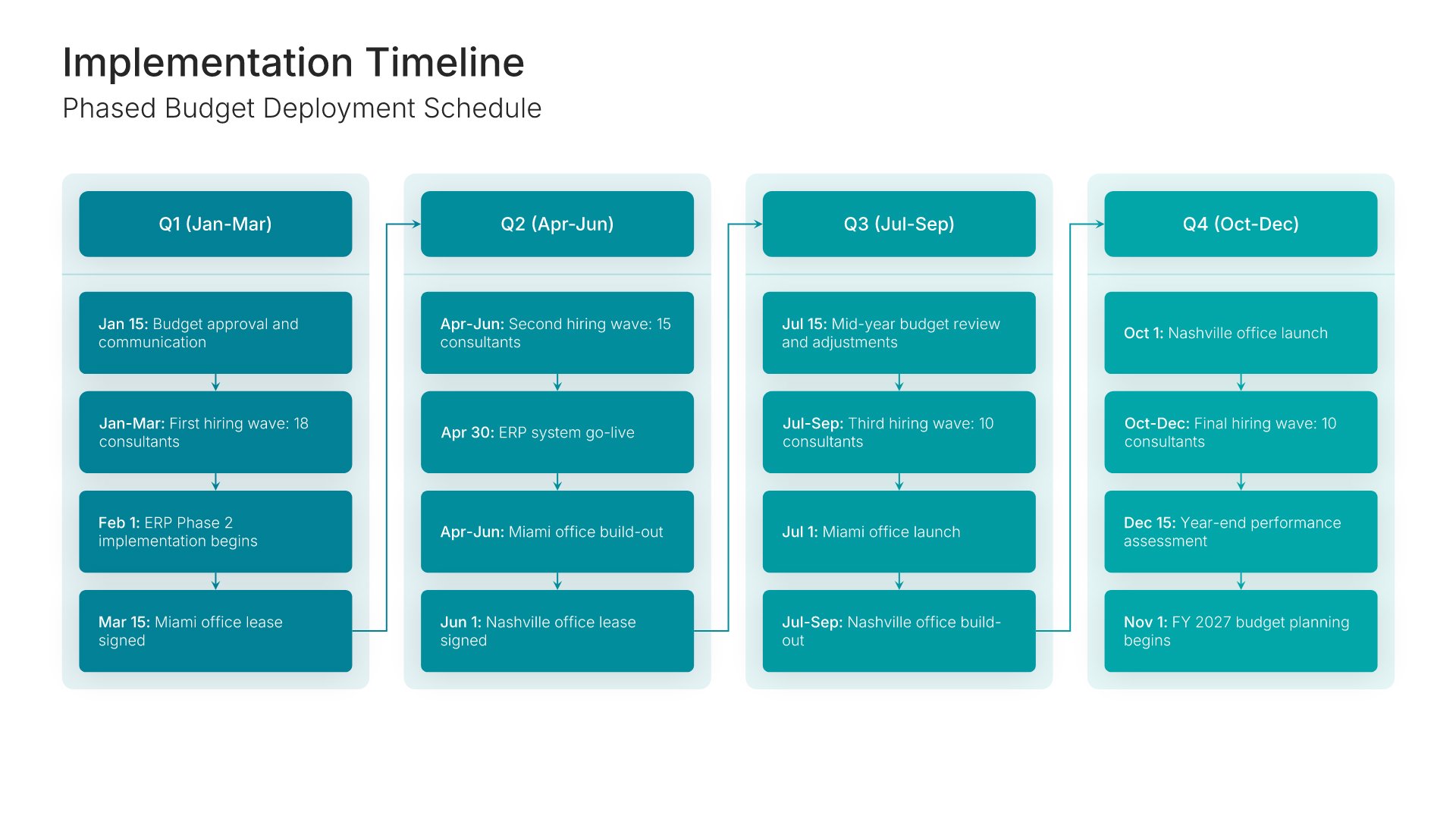
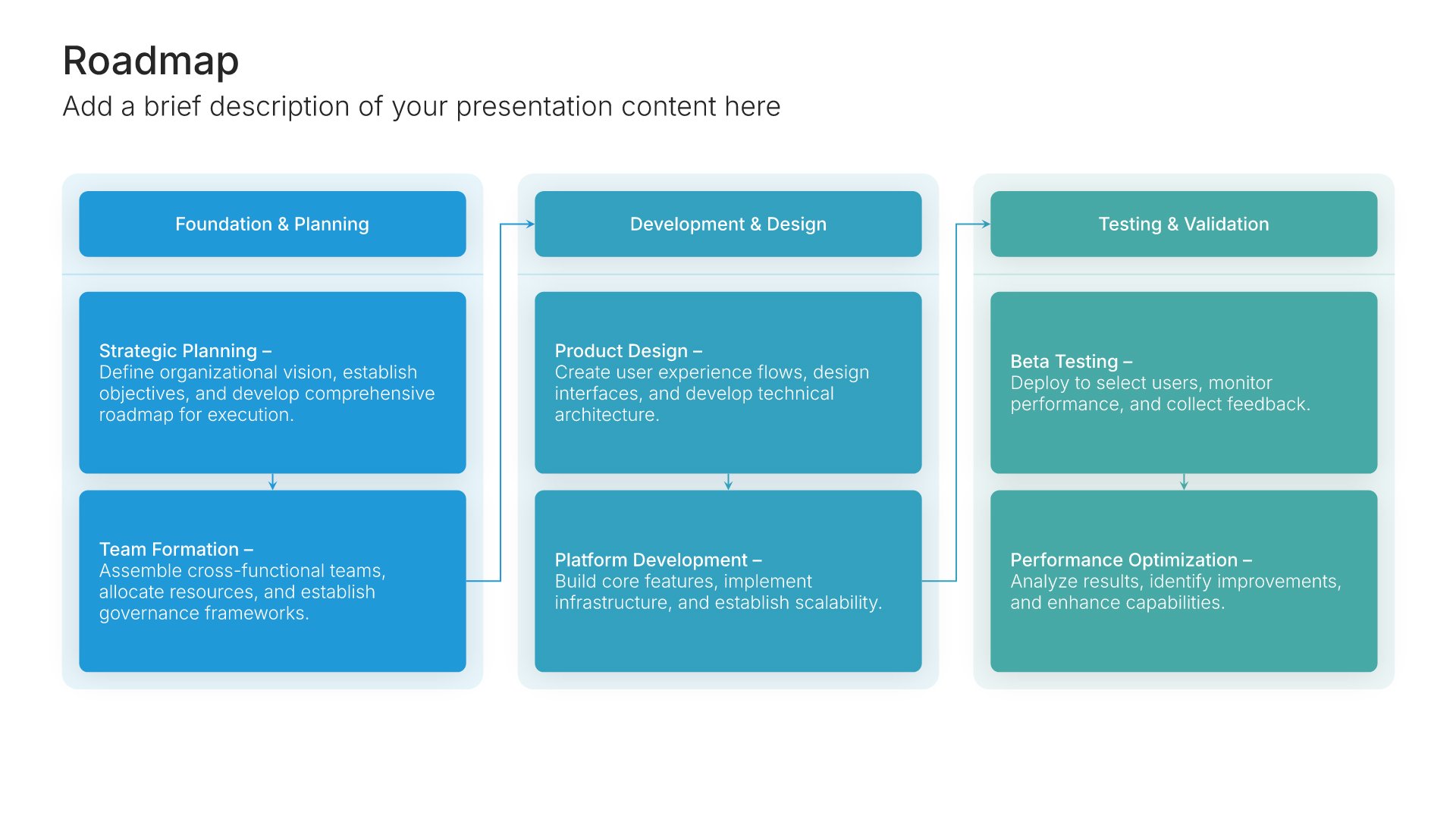
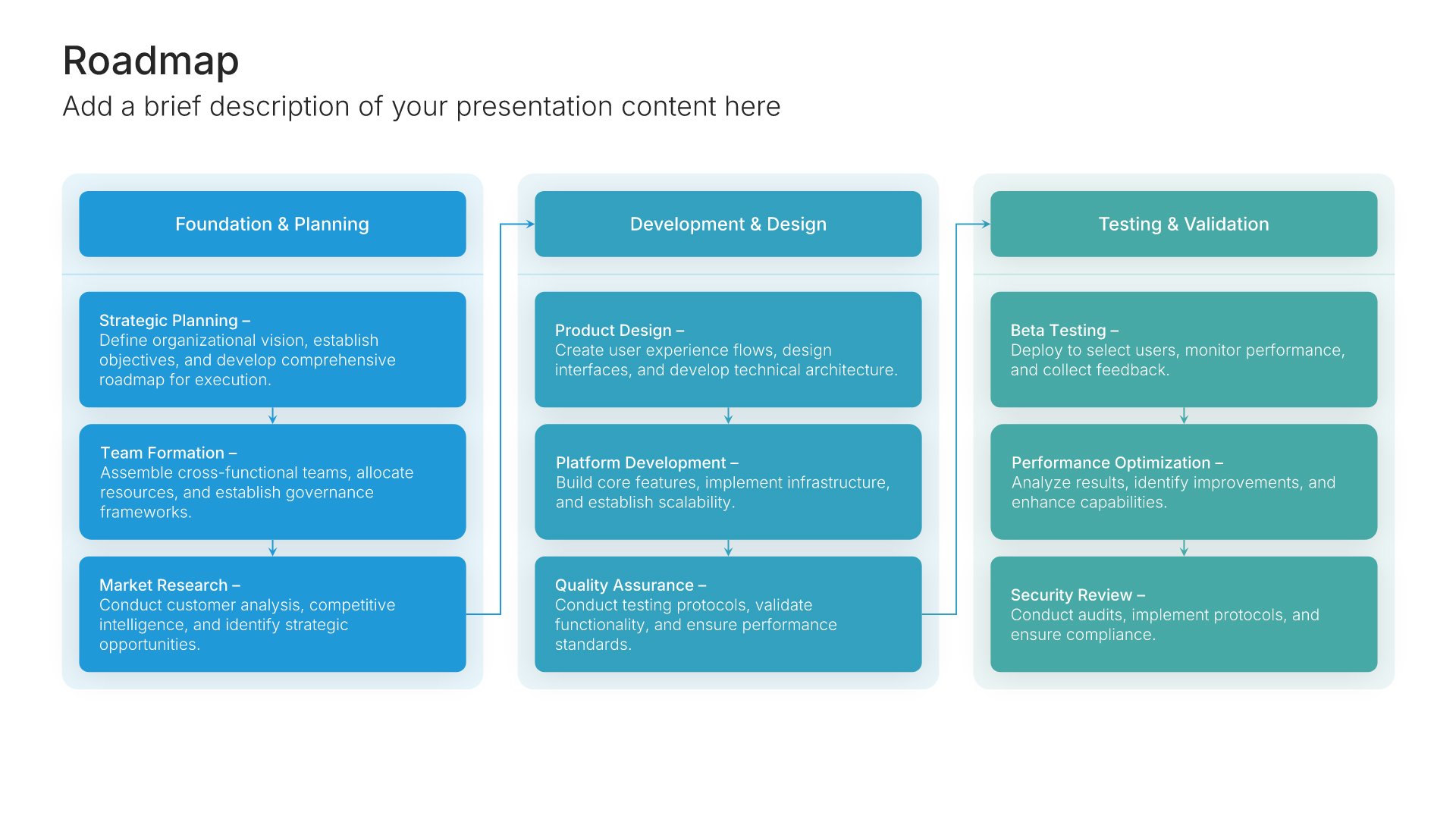
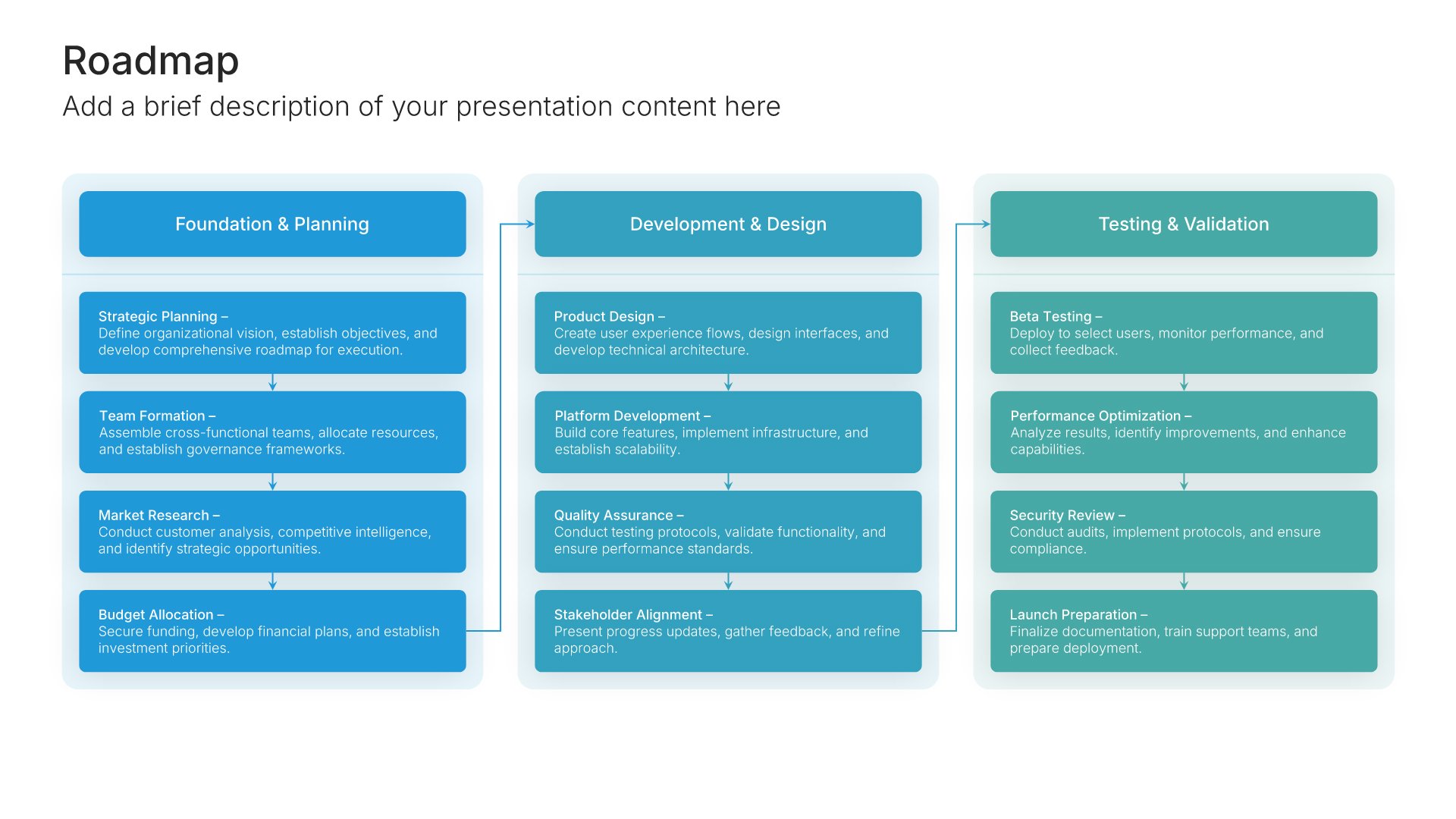
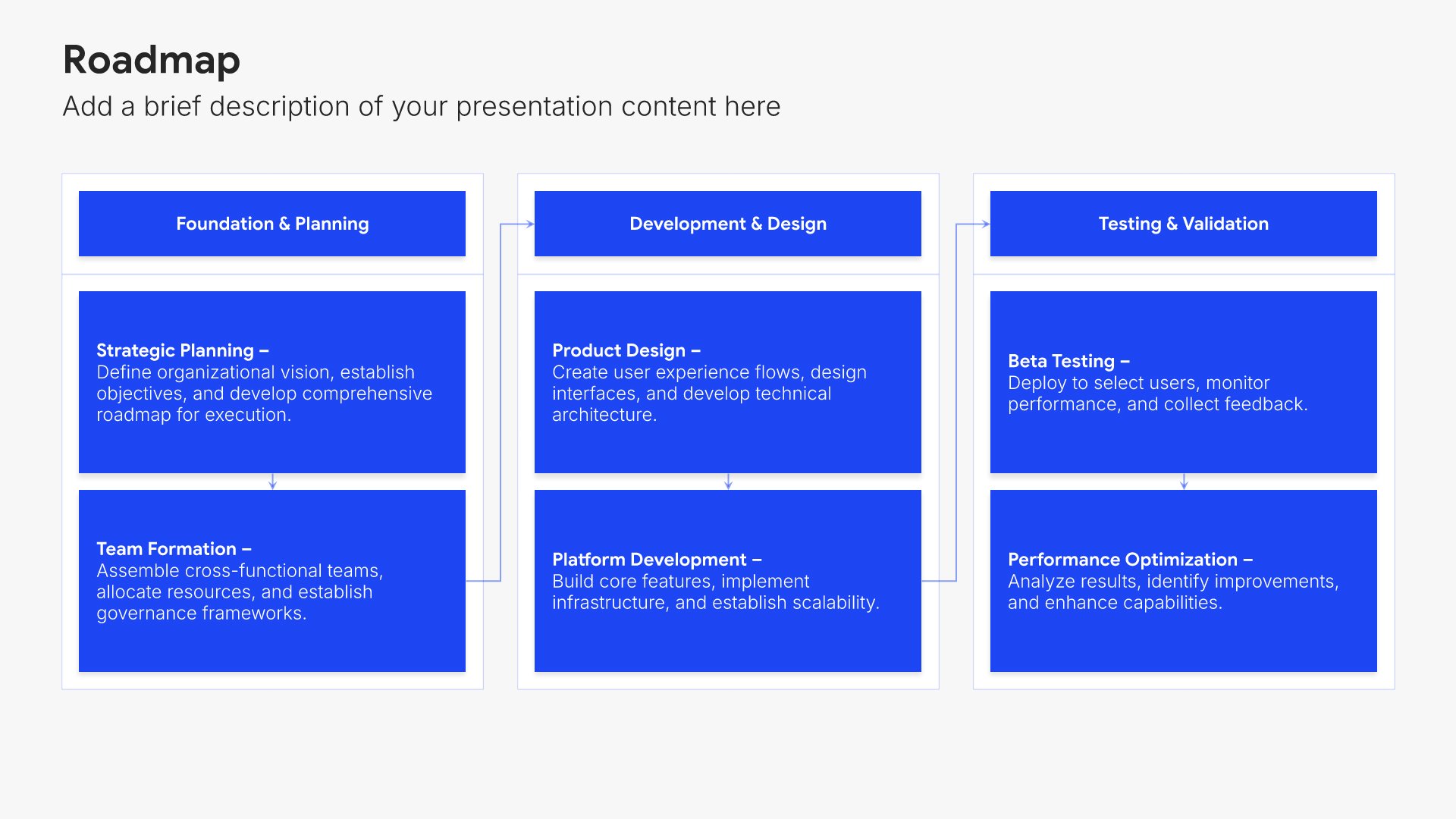
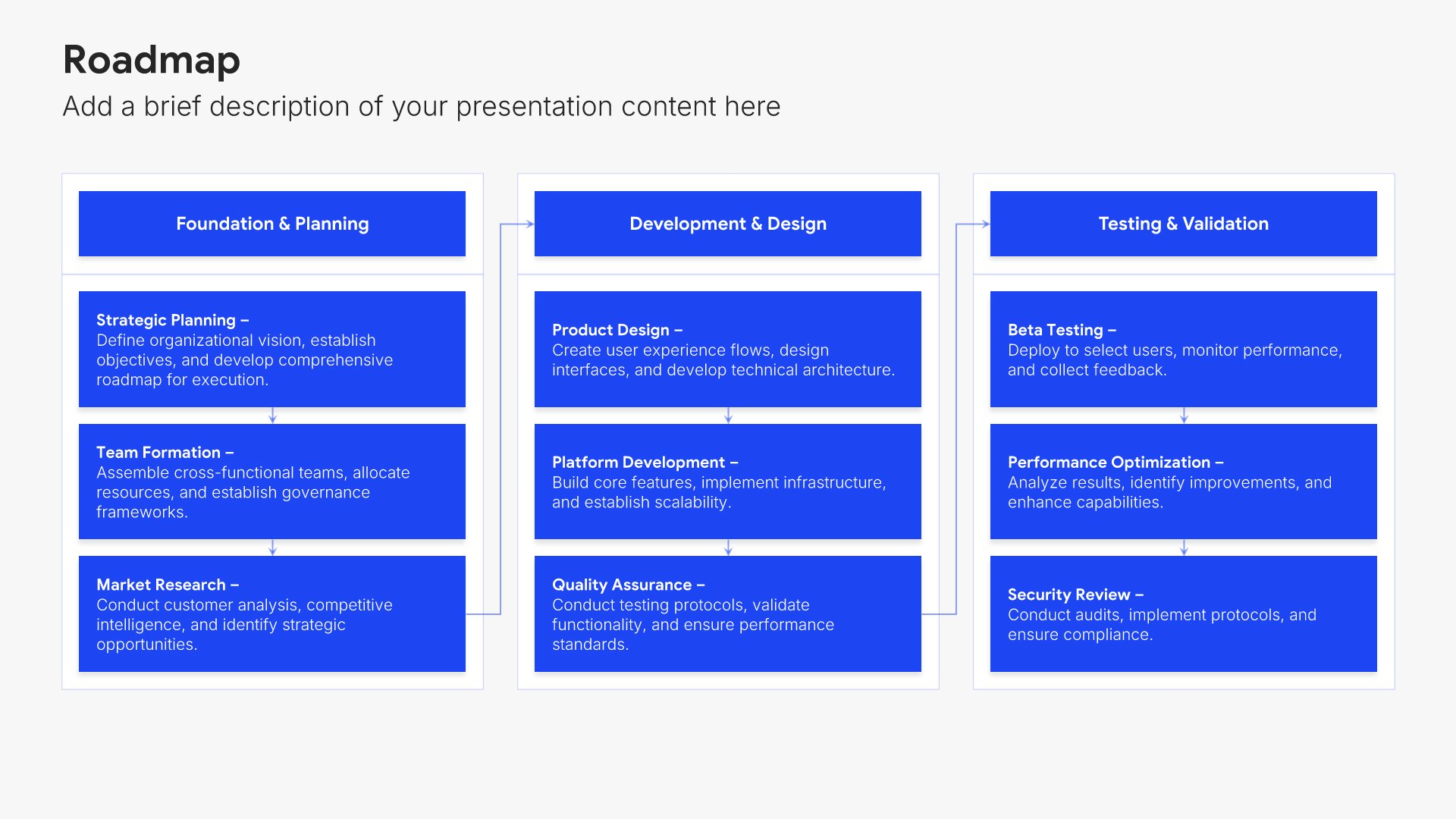
Timeline slides help you show events and milestones over time in clear chronological formats. Use them to display project phases, company history, product roadmaps, and key dates. Ideal for project planning, historical overviews, and any presentation where showing how things unfold over time tells a compelling story.
Built using Roadmap slides

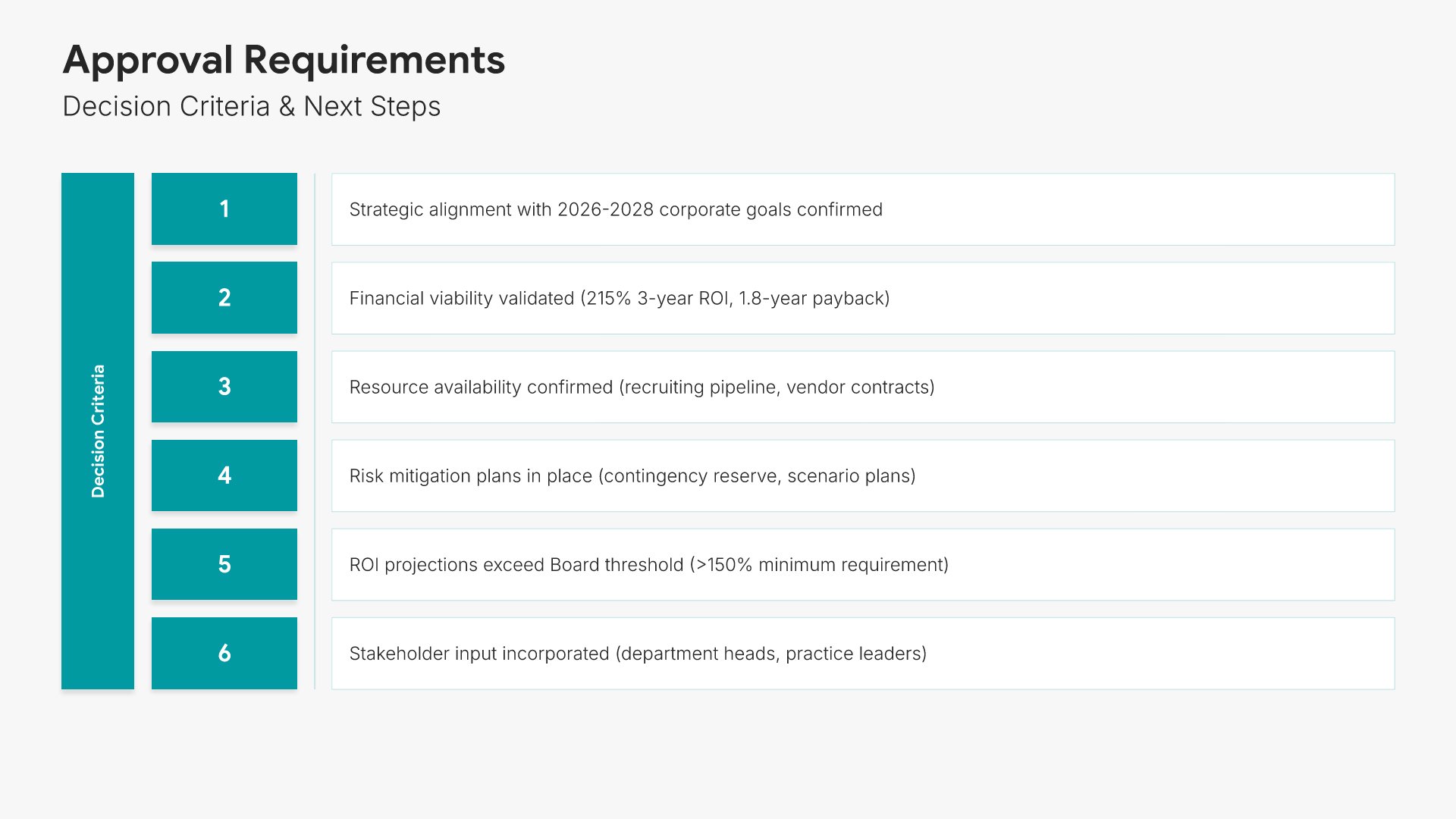
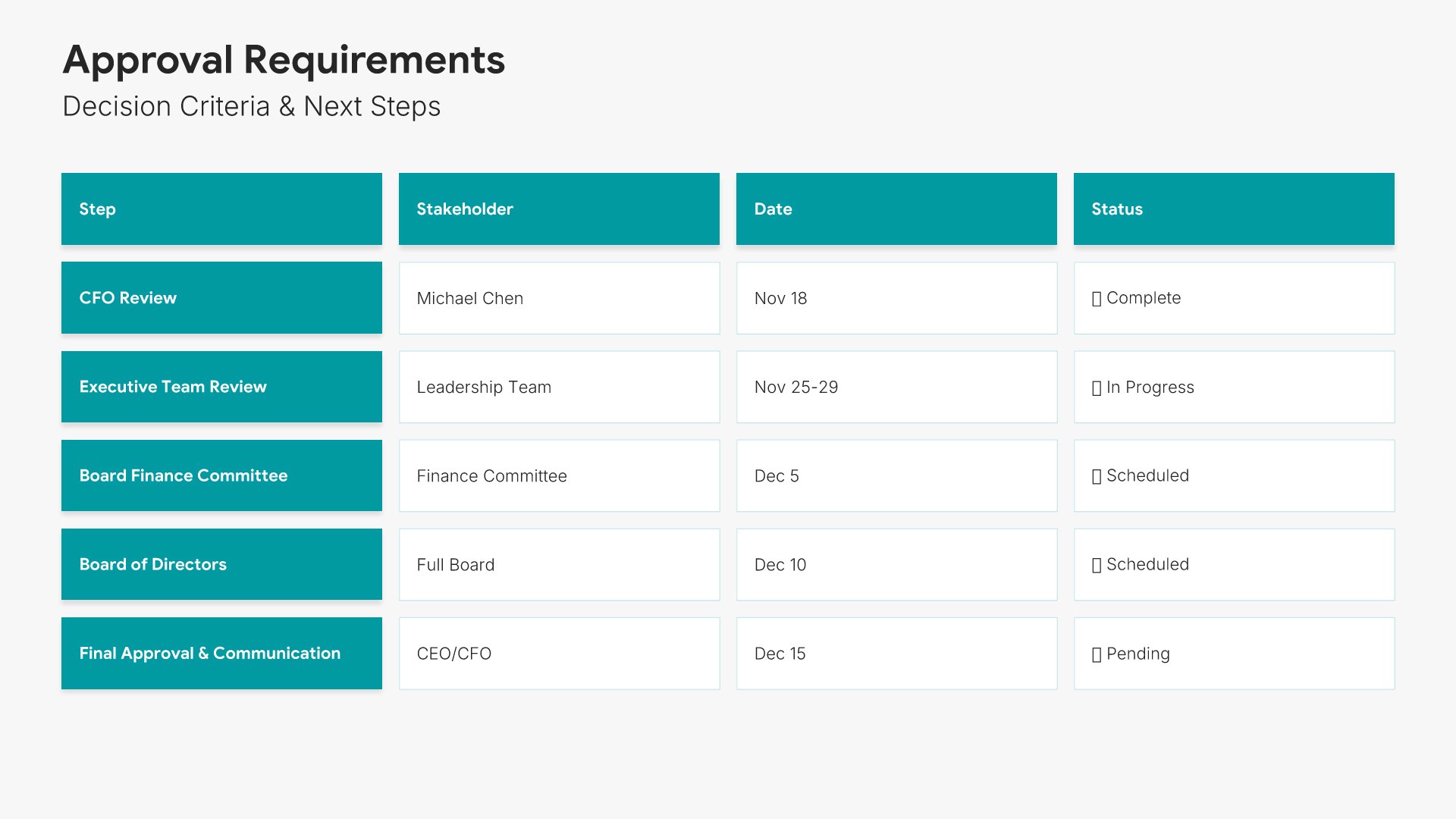
15. Approval Requirements

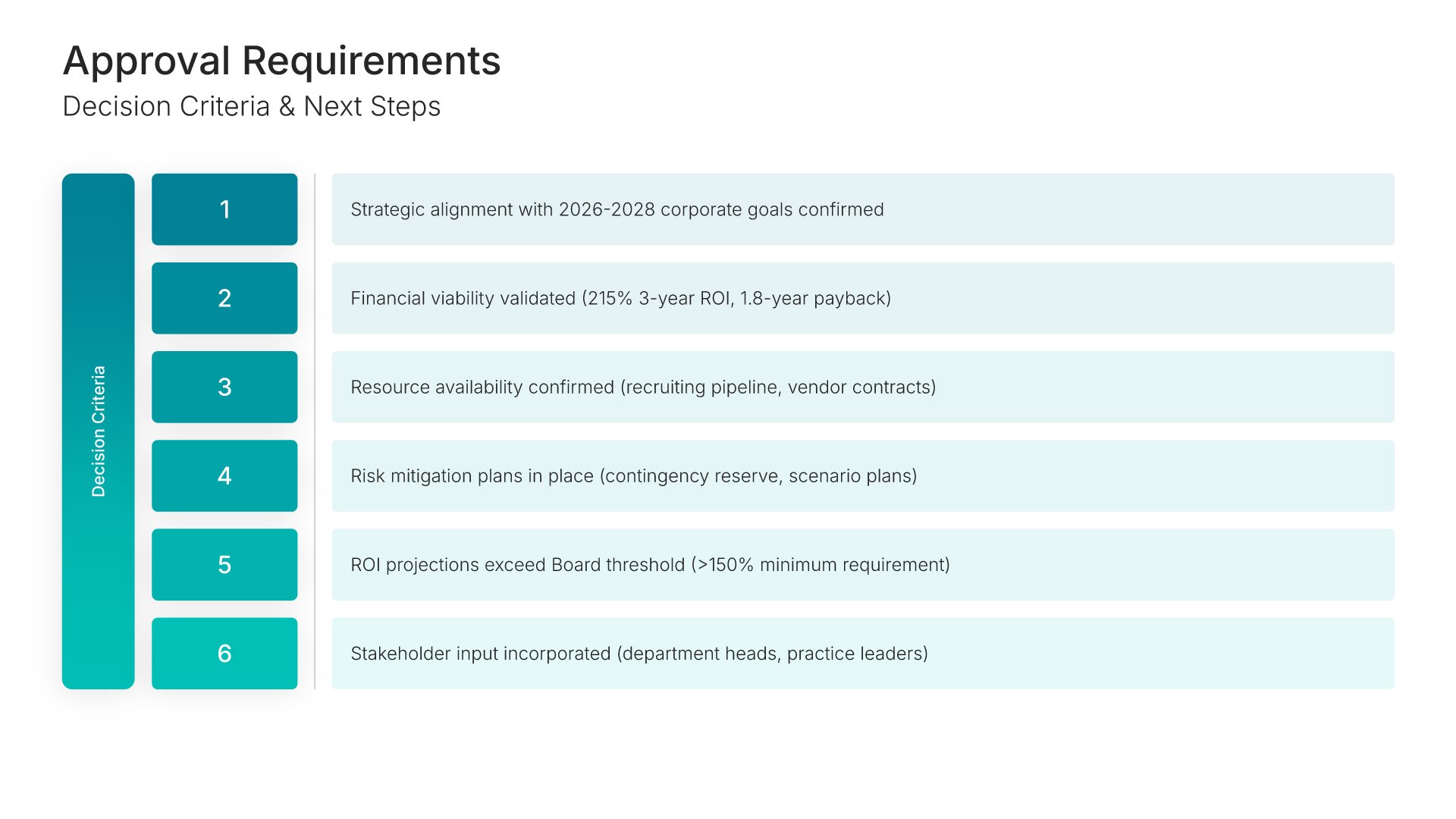
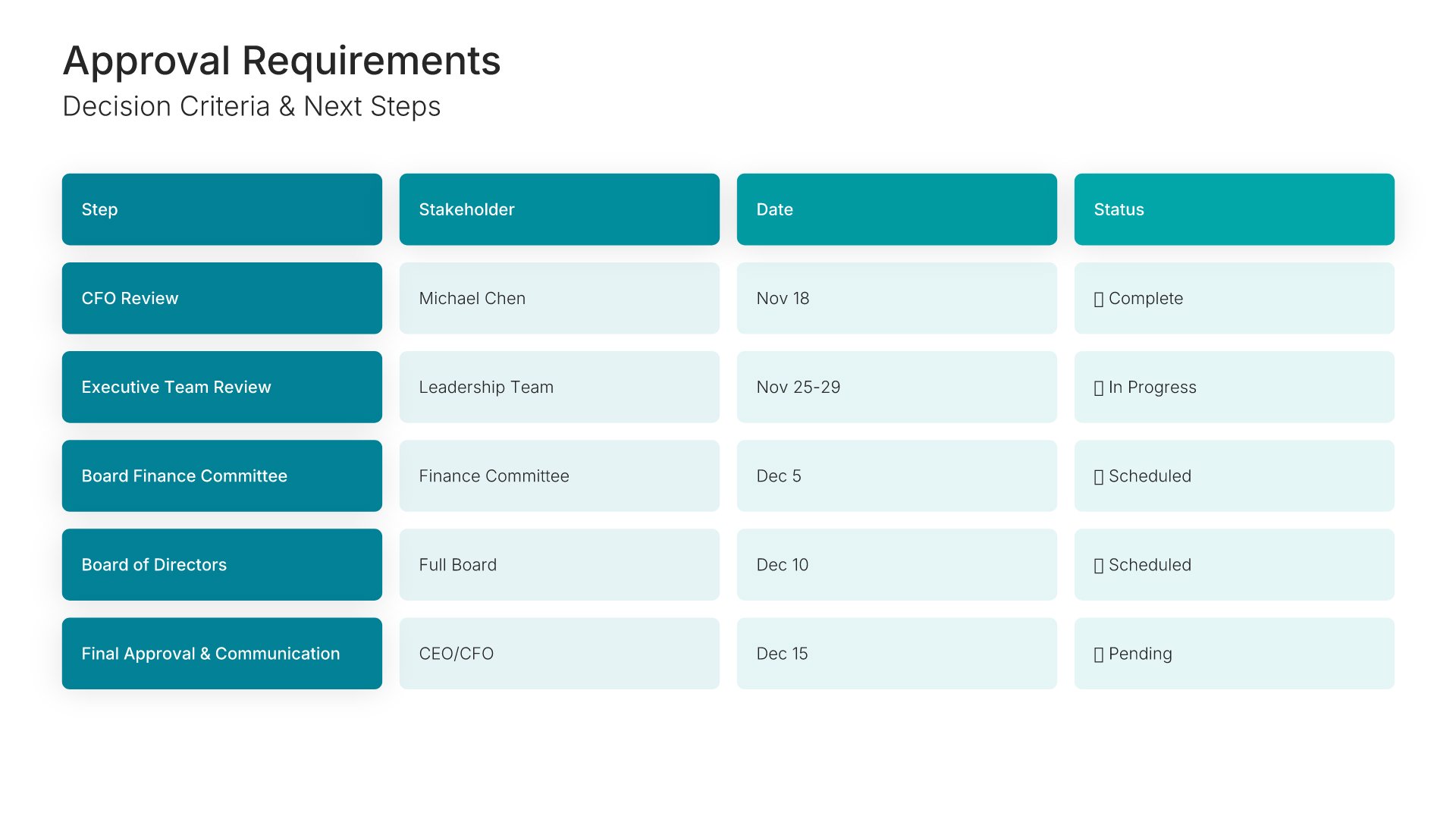
Approval requirements slides help you outline what's needed to move forward. Use them to present the decisions, signatures, and authorizations required from stakeholders. Ideal for budget proposals and project requests where clearly stating what you need from your audience drives the approval process forward.
Built using Simple Text (with Numbers) slides

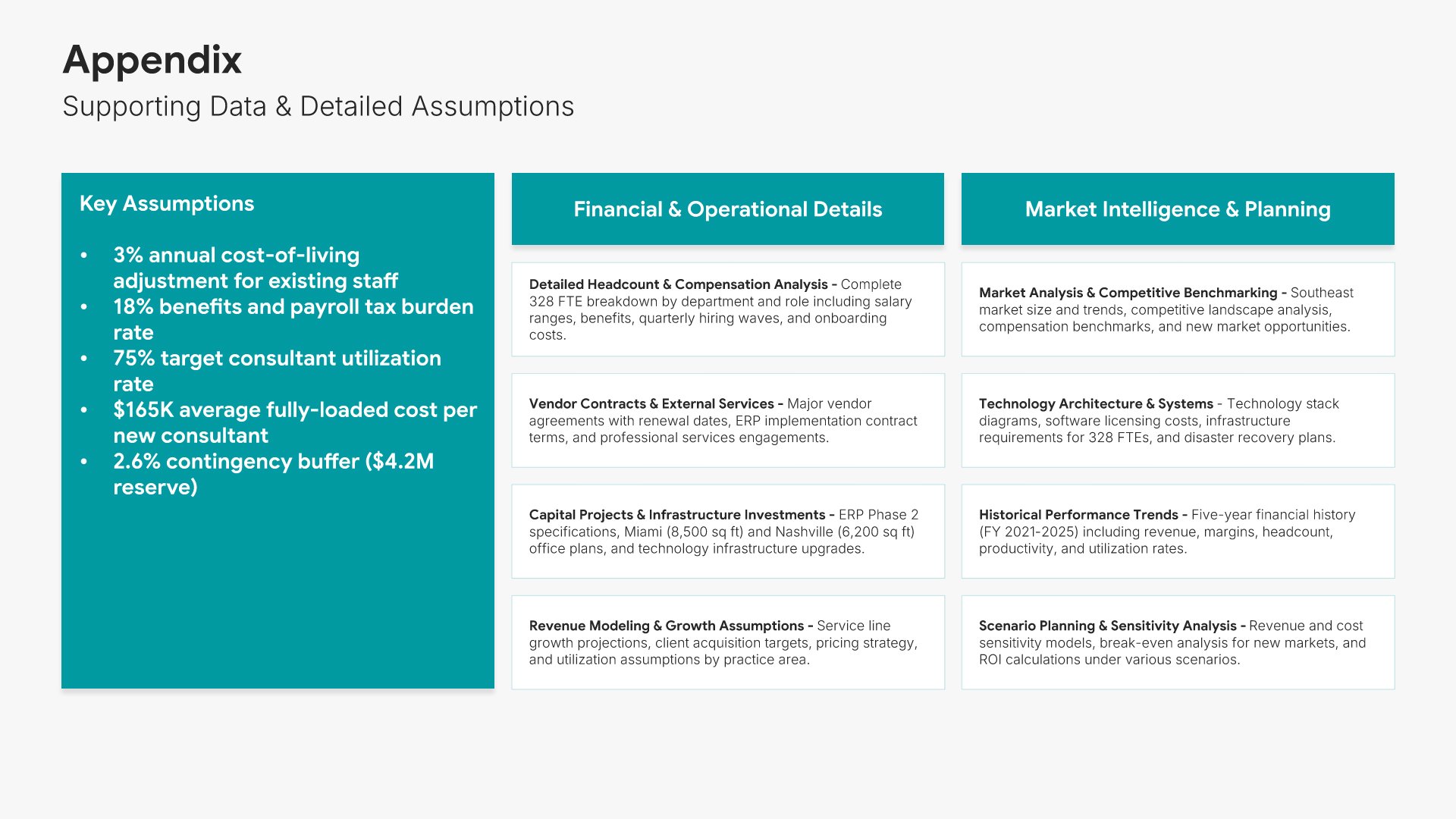
16. Appendix

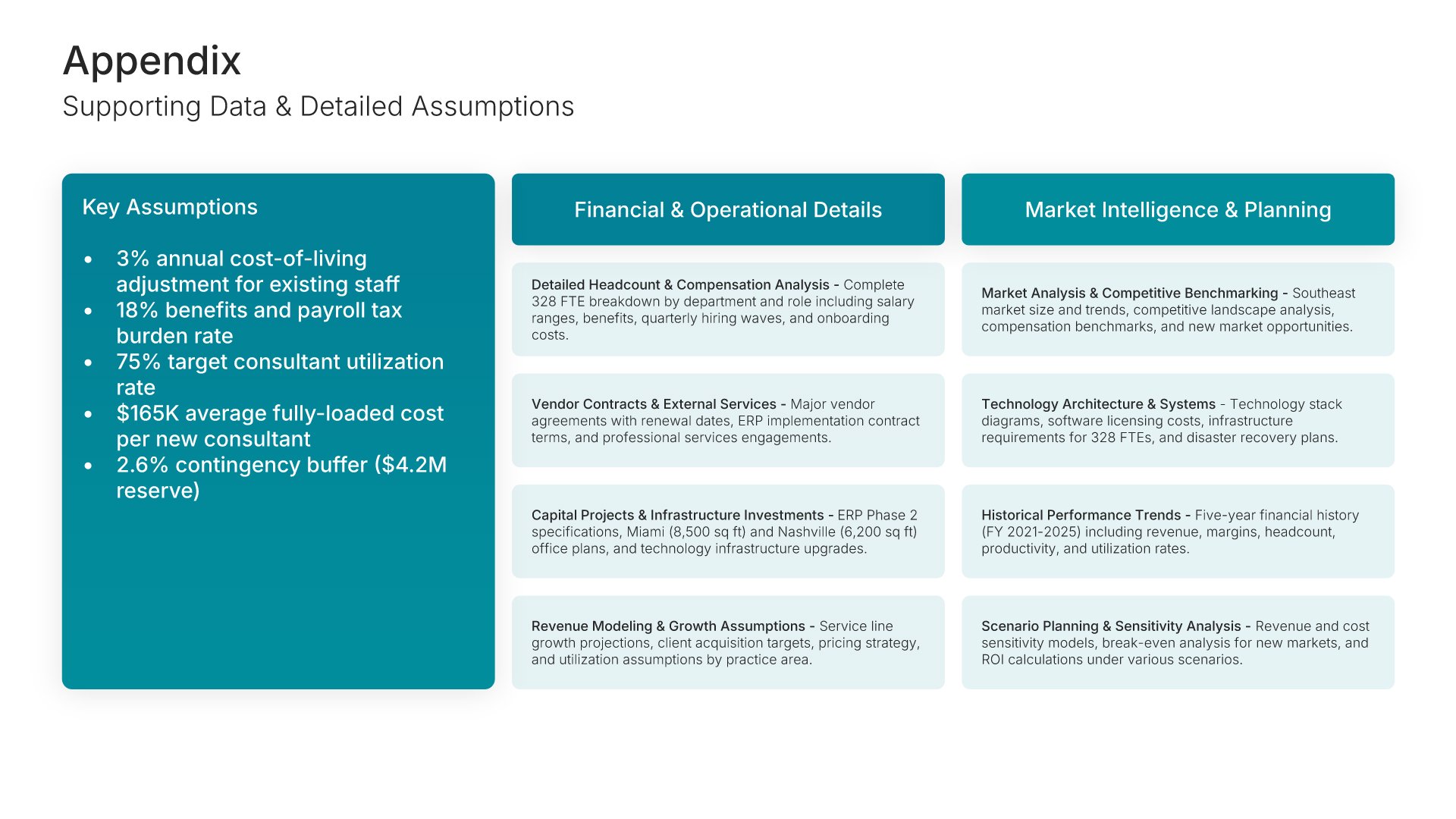
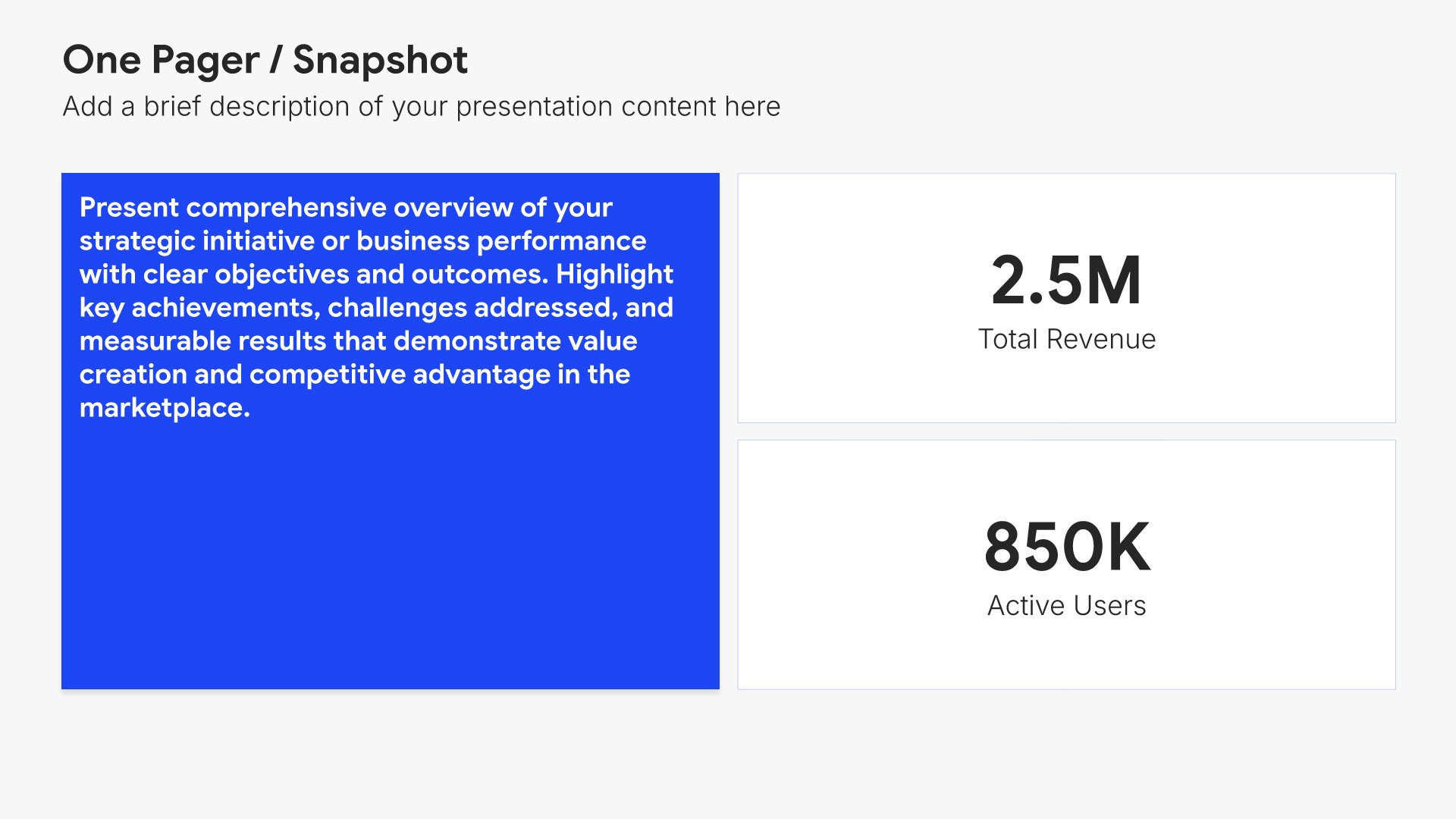
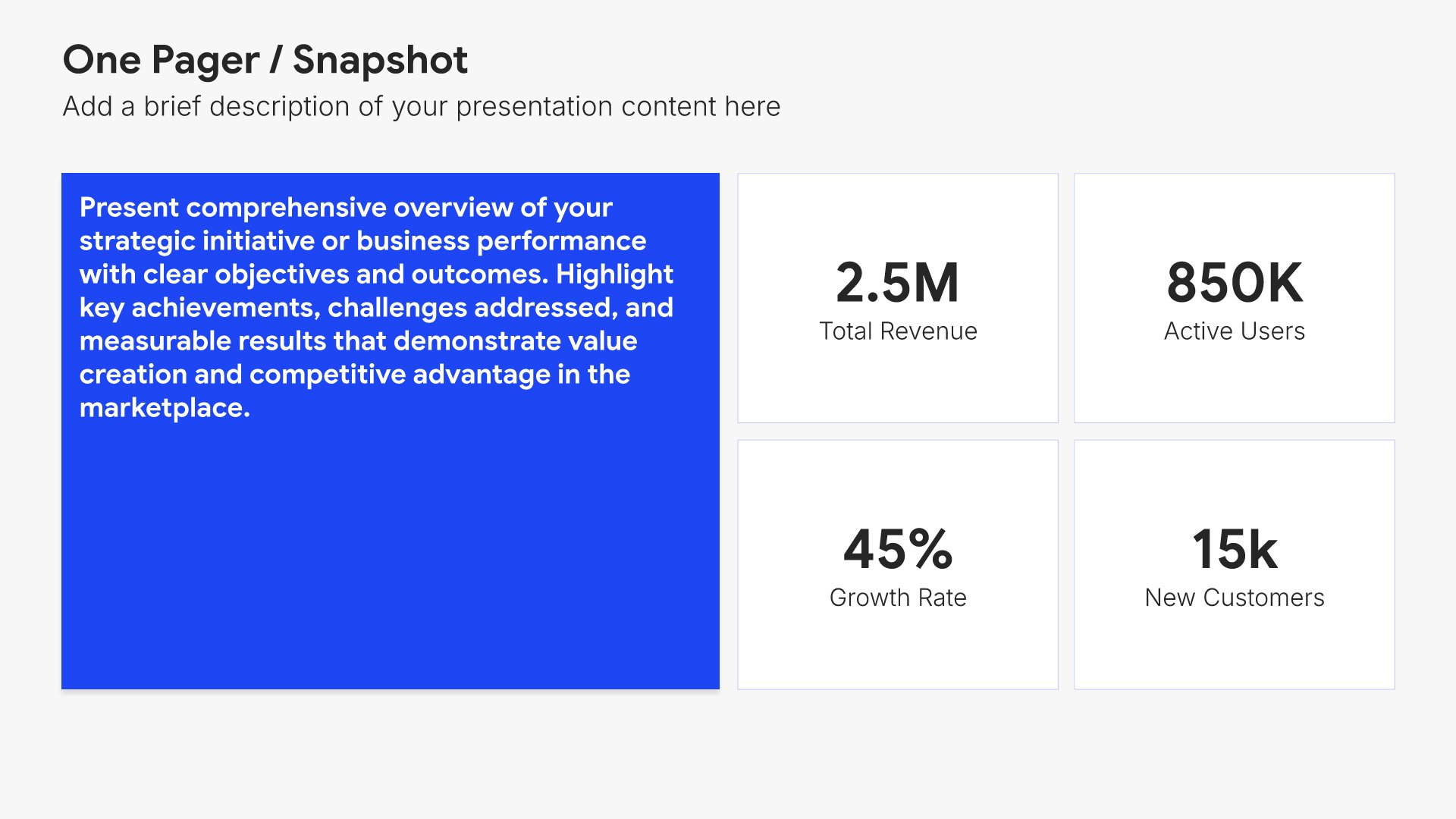
Appendix slides help you provide supporting details without cluttering your main presentation. Use them to include backup data, detailed calculations, additional charts, and reference materials. Ideal for any presentation where stakeholders may want to dig deeper into the specifics behind your key points.
Built using One Pager / Snapshot slides

17. Thank You

Thank you slides help you close presentations professionally. Use them to end with gratitude, provide contact information, and leave a polished final impression. Ideal for any presentation where a professional closing reinforces your message and gives your audience a clear way to follow up or stay connected.
Built using Thank You slides

Build your Budget Proposal presentation with Twodart

Transform your Budget Proposal vision into reality with Twodart’s user-friendly platform. Follow our step-by-step guide, harnessing our vast collection of slides and tools, to create a compelling and cohesive presentation that resonates with your audience.

Step 1

Browse and Select Your Slides​

Discover from over 9,172 unique slides in 134 categories or kickstart with 31 premade presentation templates. Design skills? Not needed.
Step 2

Brand Your Presentation

Add your logo and easily customize theme colors to align with your brand. 30+ preset colors, or explore unlimited color options for perfect match.

Step 3

Export Presentation Seamlessly​

With a single click, export your slides to Powerpoint, Google Slides, or Keynote. Enjoy unlimited exports with no restrictions or limitations.

Step 4

Personalize Your Content​

Replace text and image placeholders with your content effortlessly. Customize using tools like Powerpoint, Google Slides, or Keynote and present proudly.

Try Twodart for free today and experience the ease of creating remarkable presentations.

No Sign-in or Credit Card Required

Wait!
Before you go, have you had the chance to experience Twodart? If not try out – Twodart for absolutely FREE!!

No Sign-in or Credit Card Required

Experience Twodart Yourself!
Why just read about it when you can experience it? Dive into our presentation library – absolutely FREE!

No Sign-in or Credit Card Required