Pricing

Agenda slide templates

Agenda slides show your audience what you're going to cover before you begin: the topics, in the order you'll present them. Pick one of 79 layouts, brand it to your company in one click, type in your topics, and export to PowerPoint, Google Slides, or Keynote.

Free to start. No credit card required.
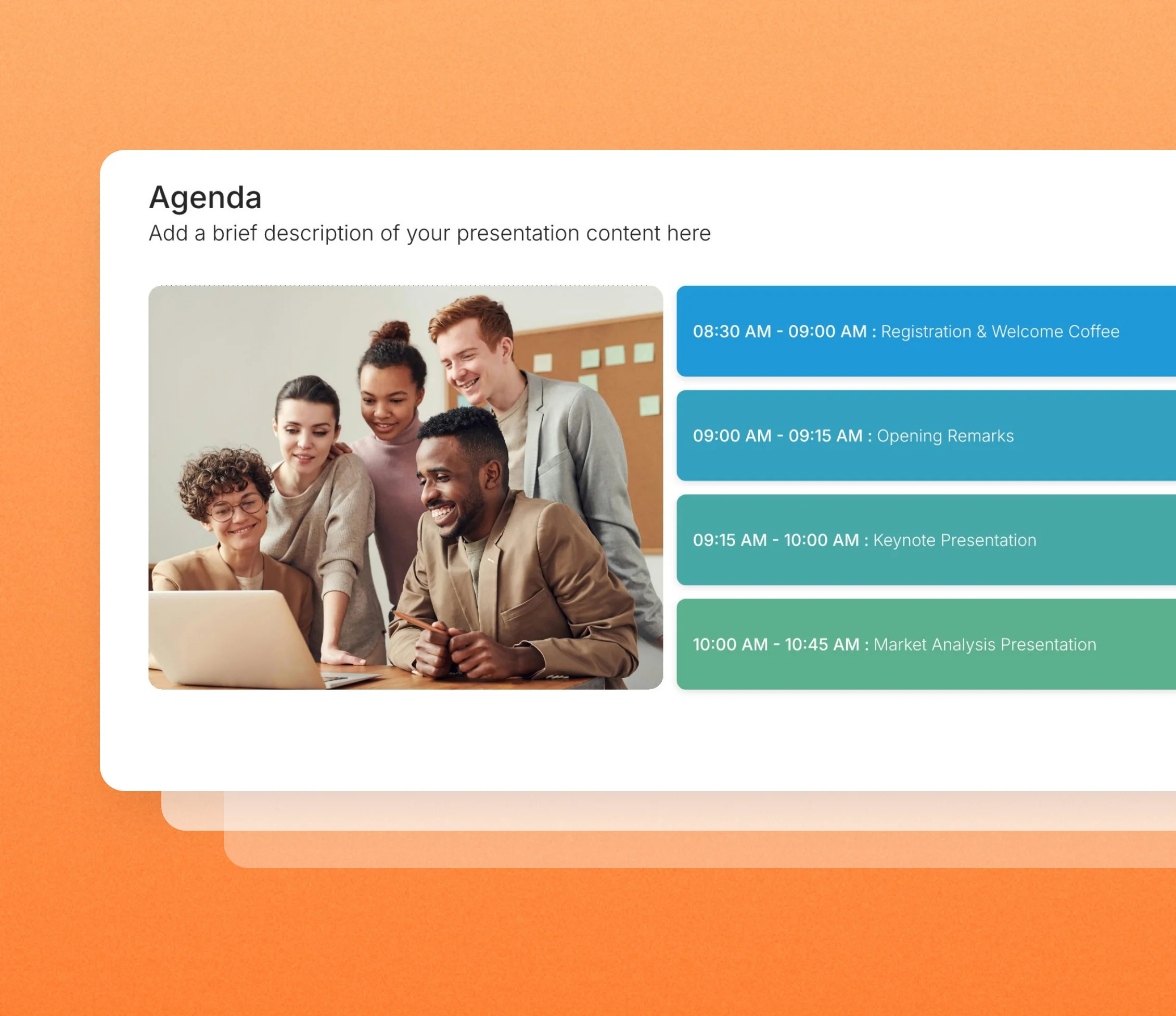
Agenda slide templates in the Choladeck slide library

Browse agenda slides

79 ways to set out your topics, all fully editable.
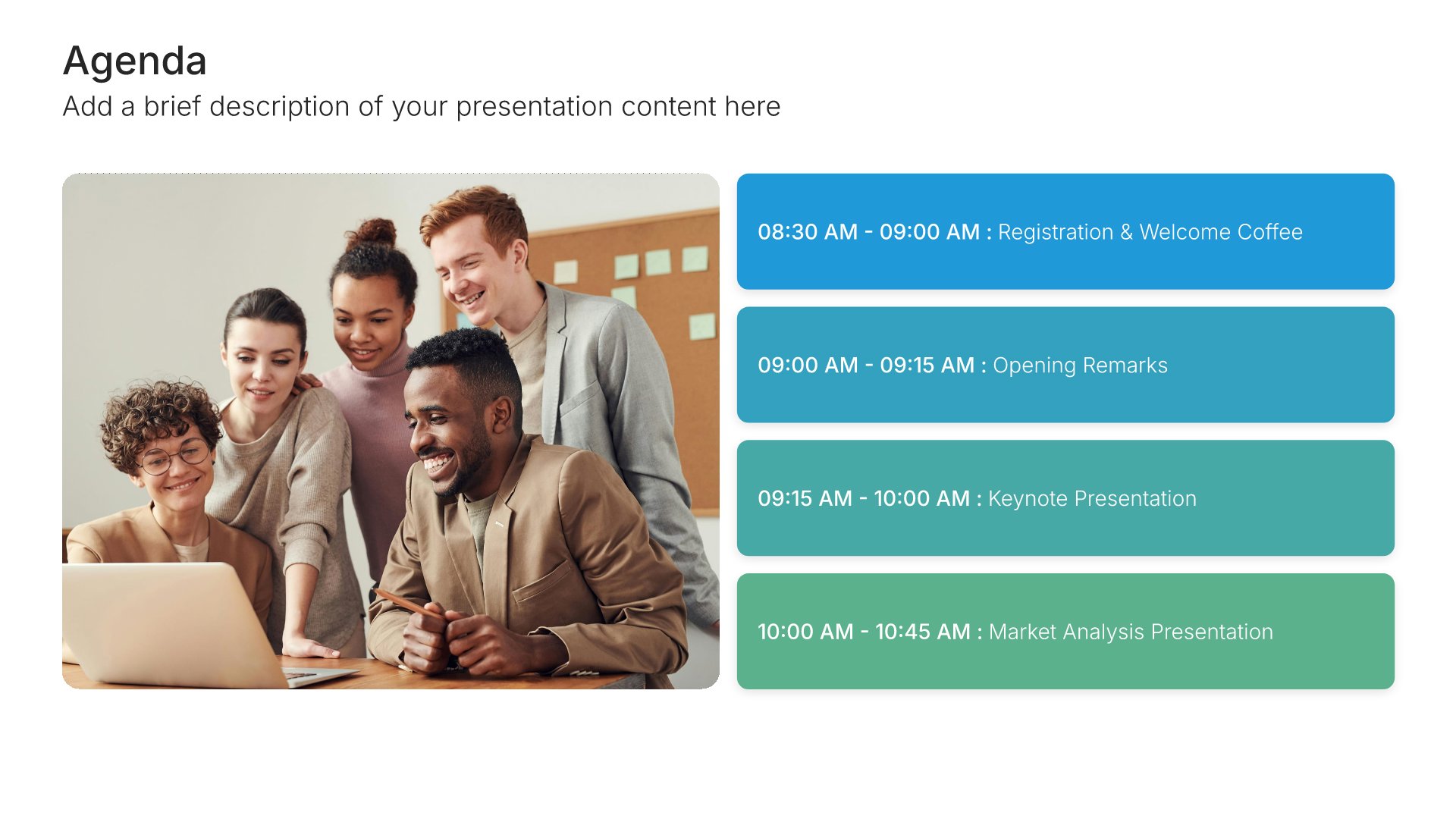
Agenda • Slide Library • Layout 01 of 79

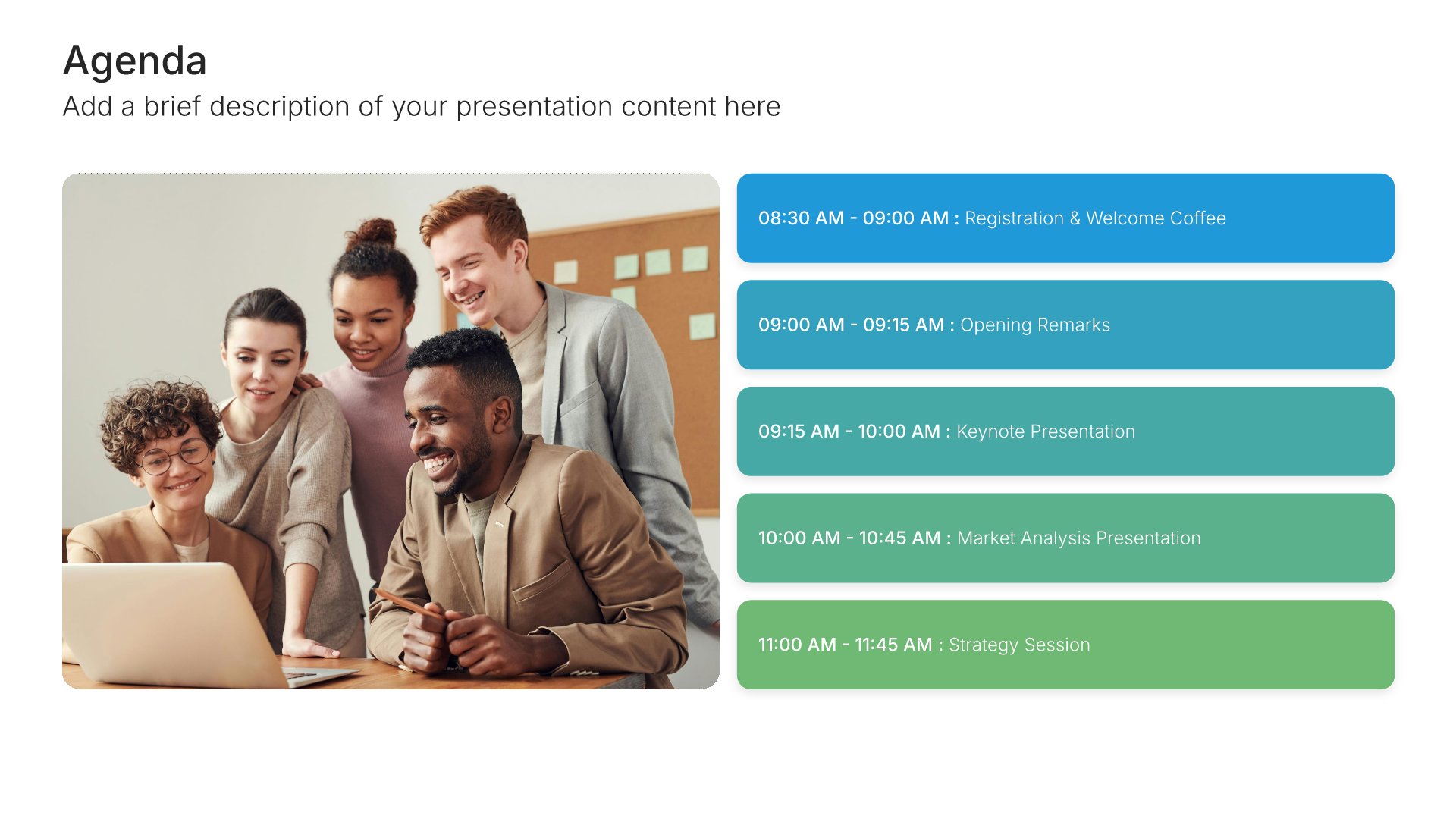
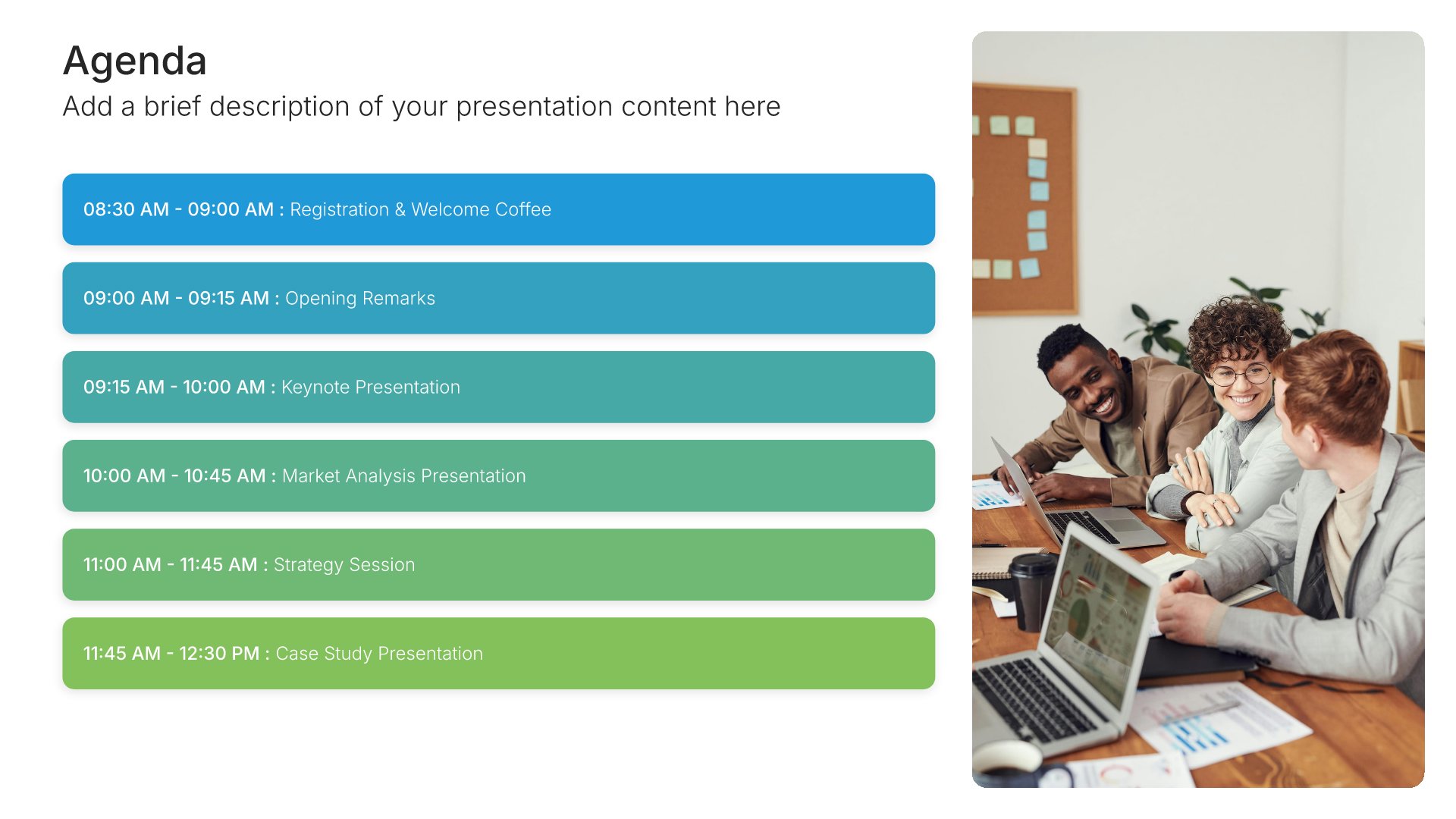
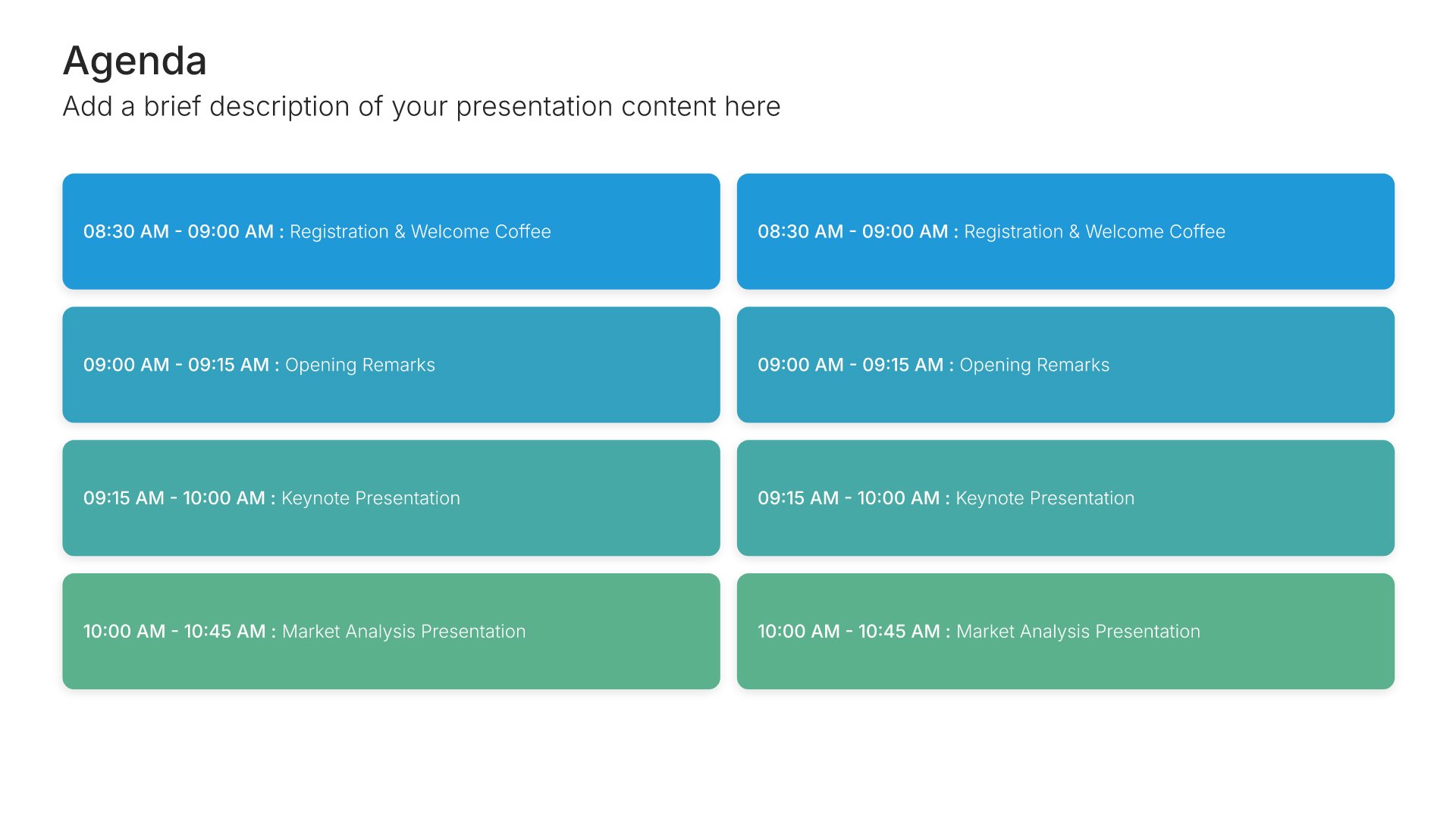
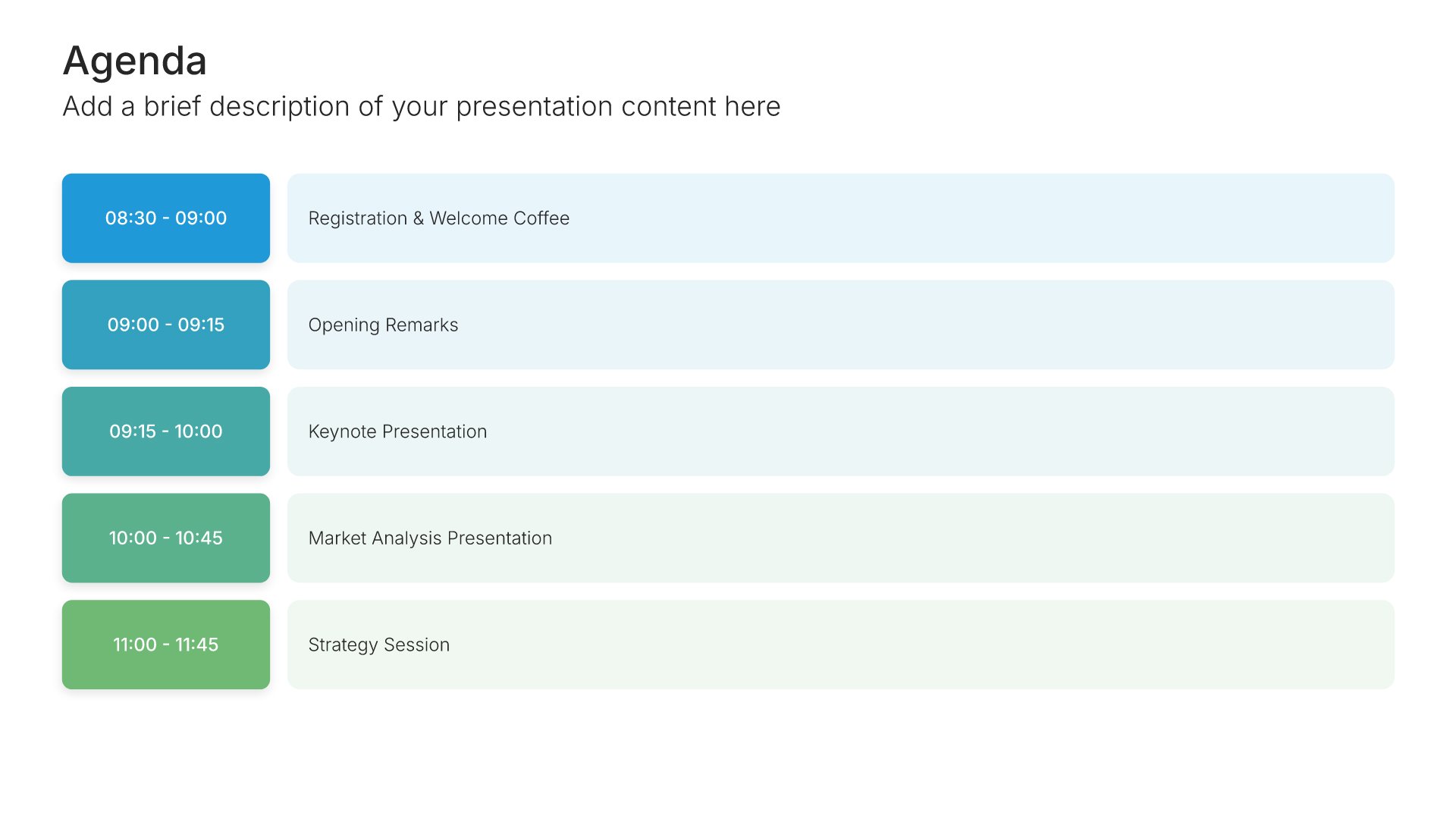
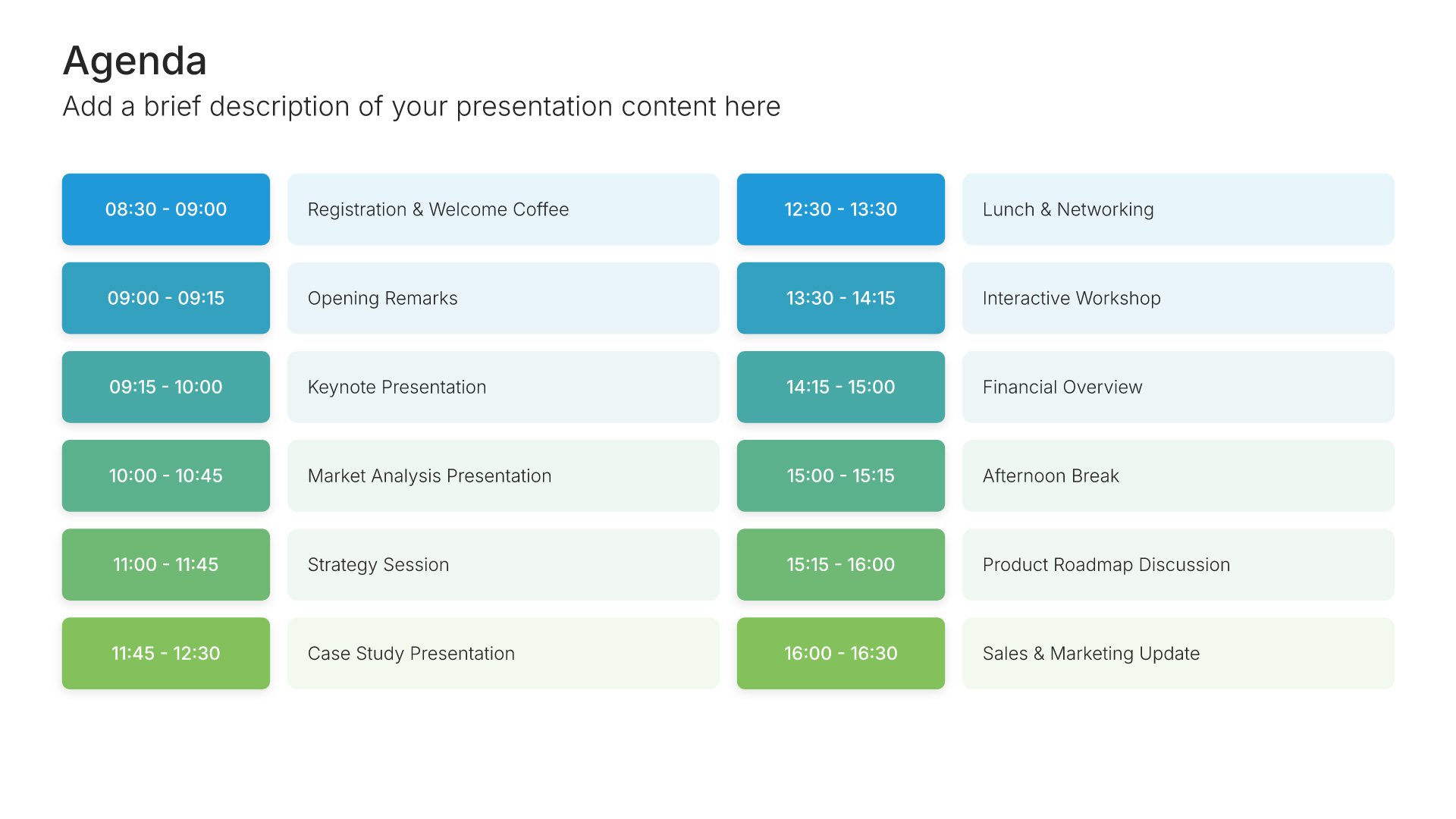
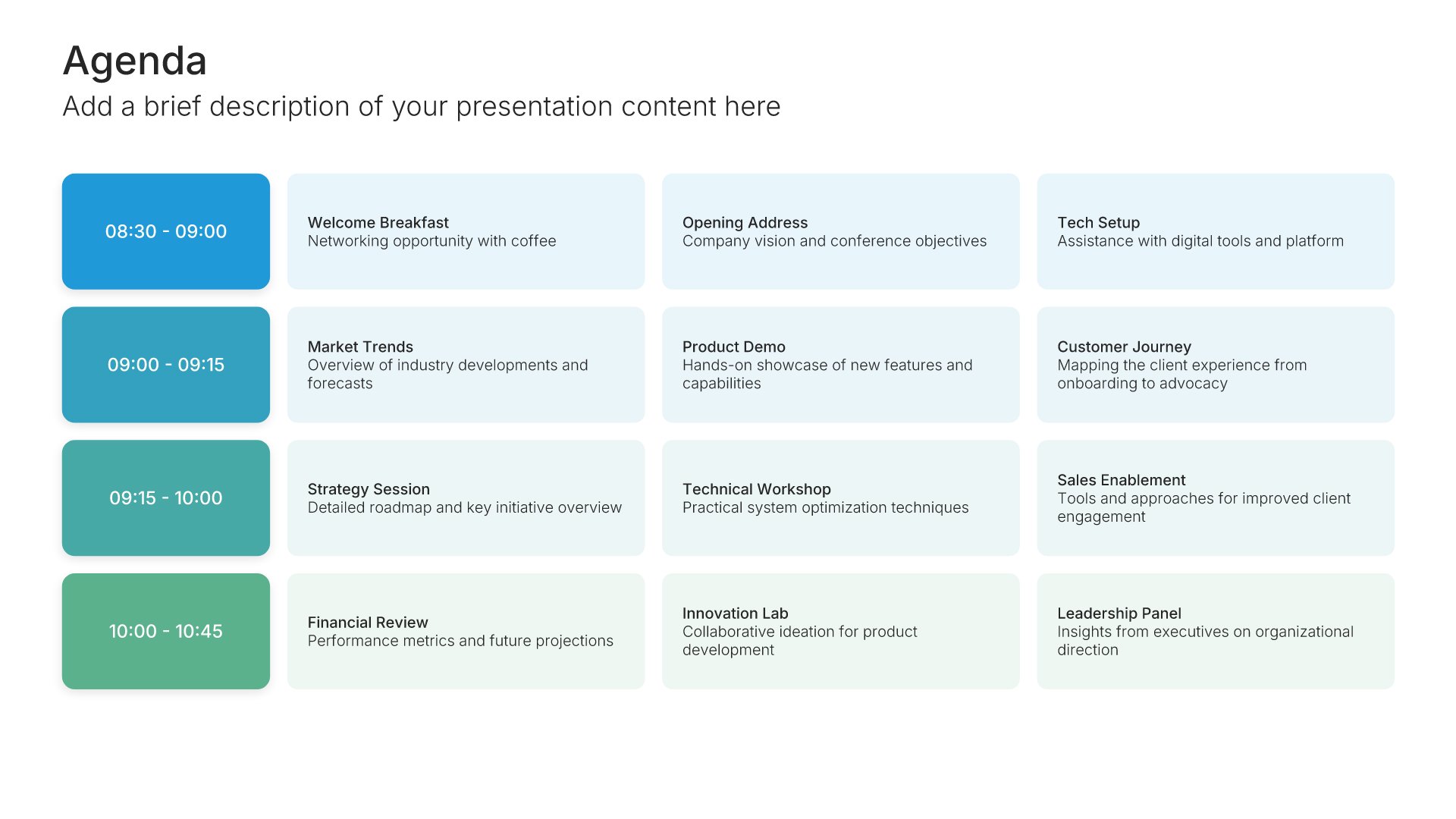
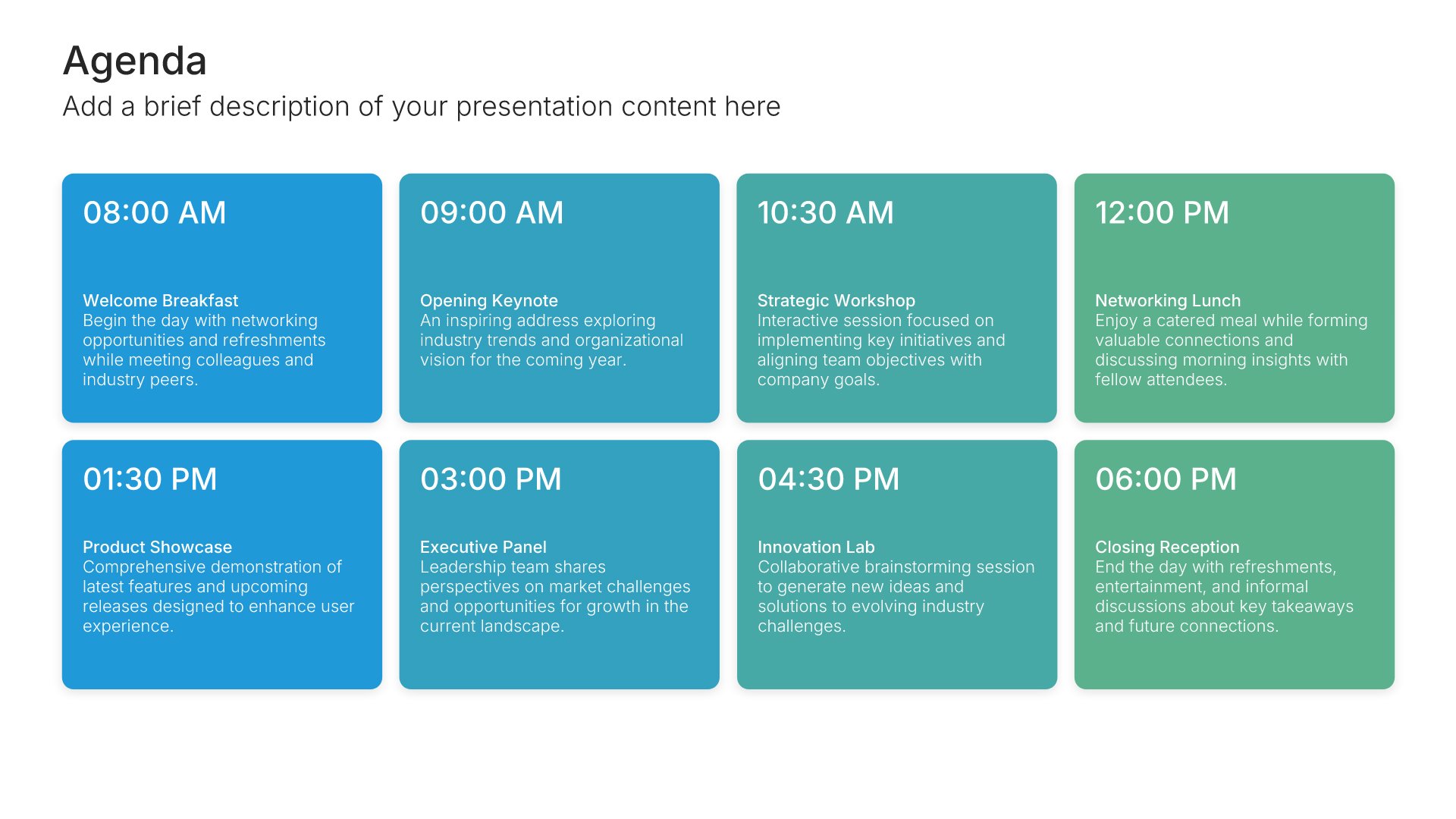
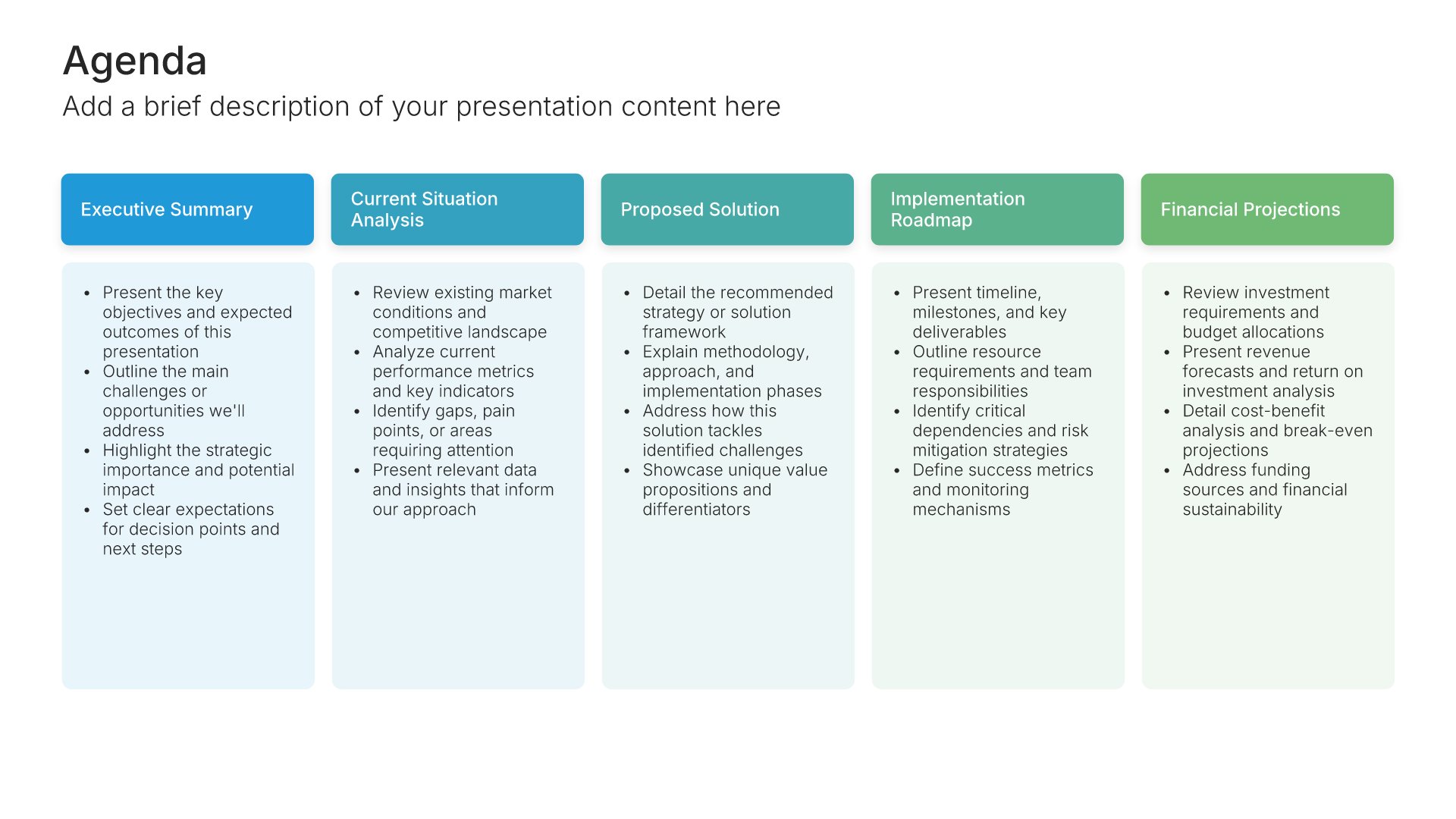
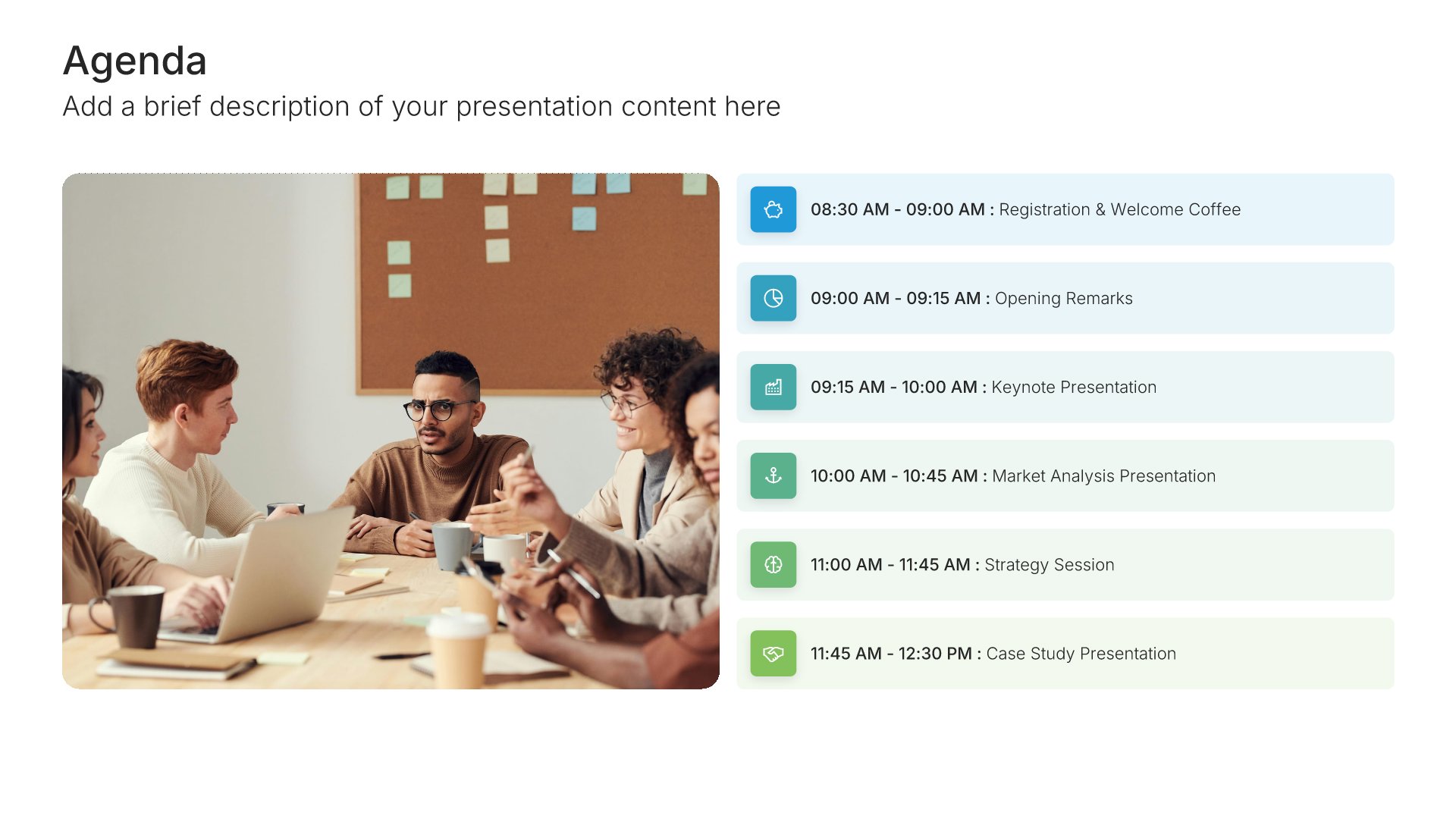
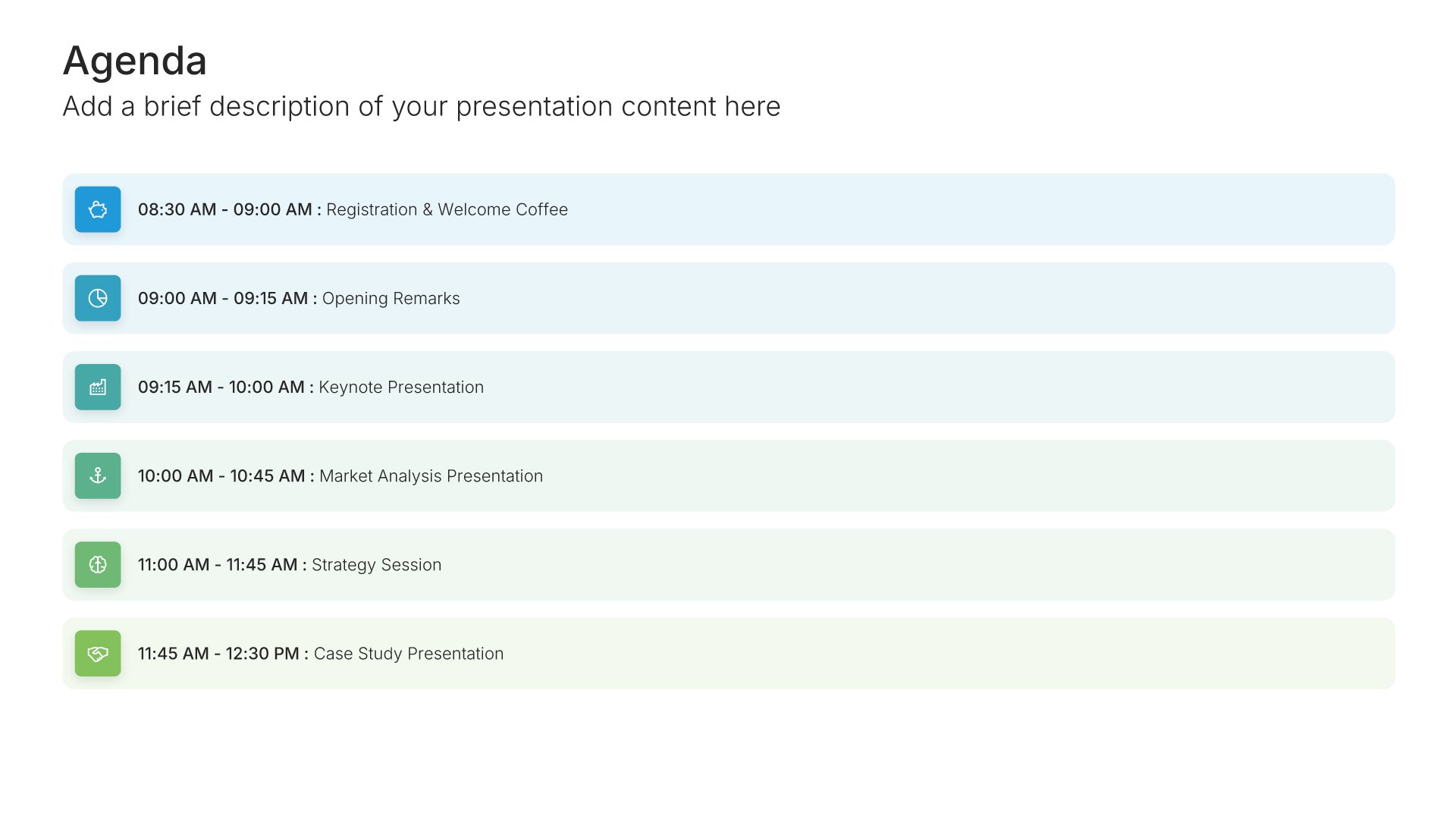
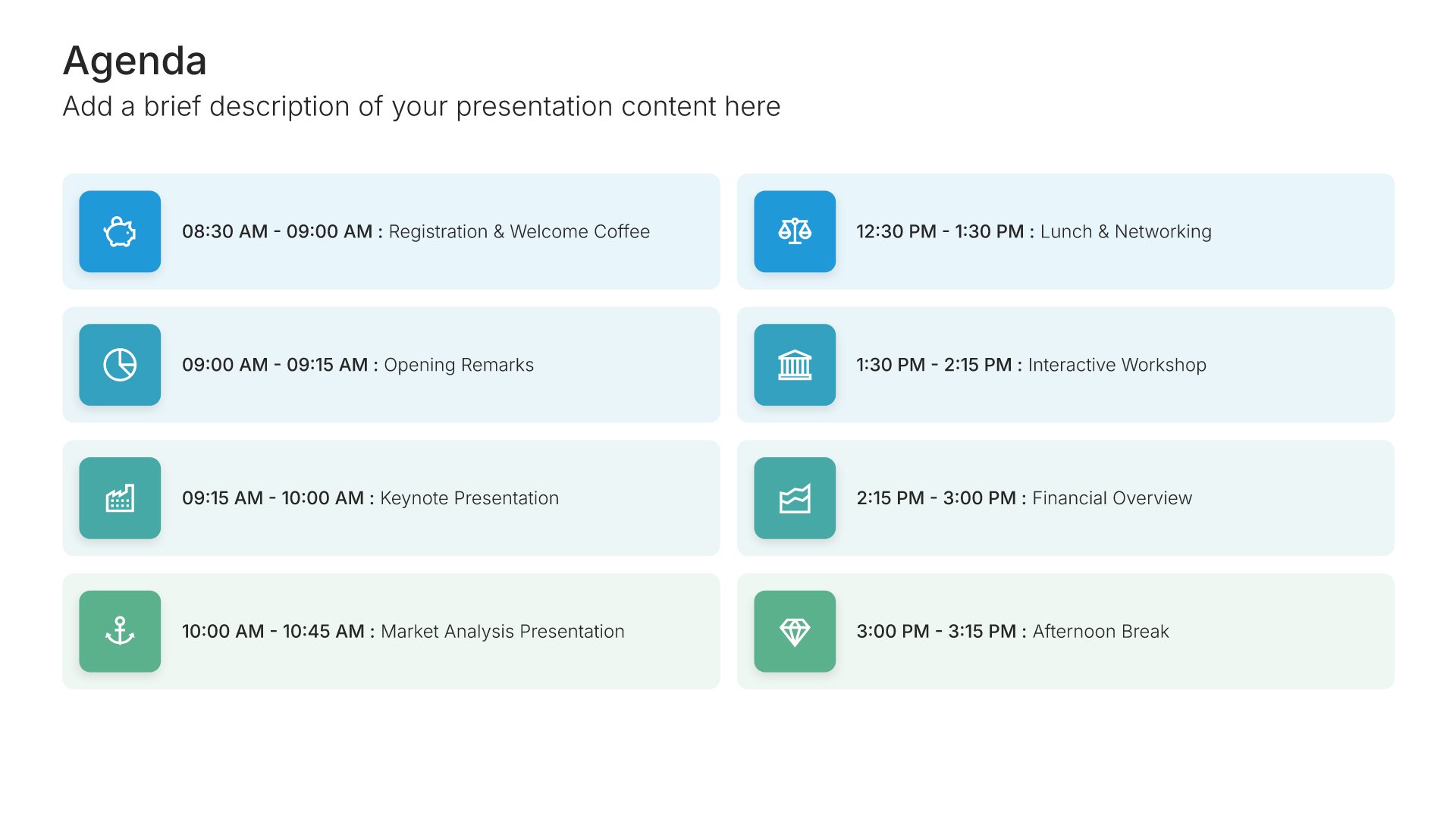
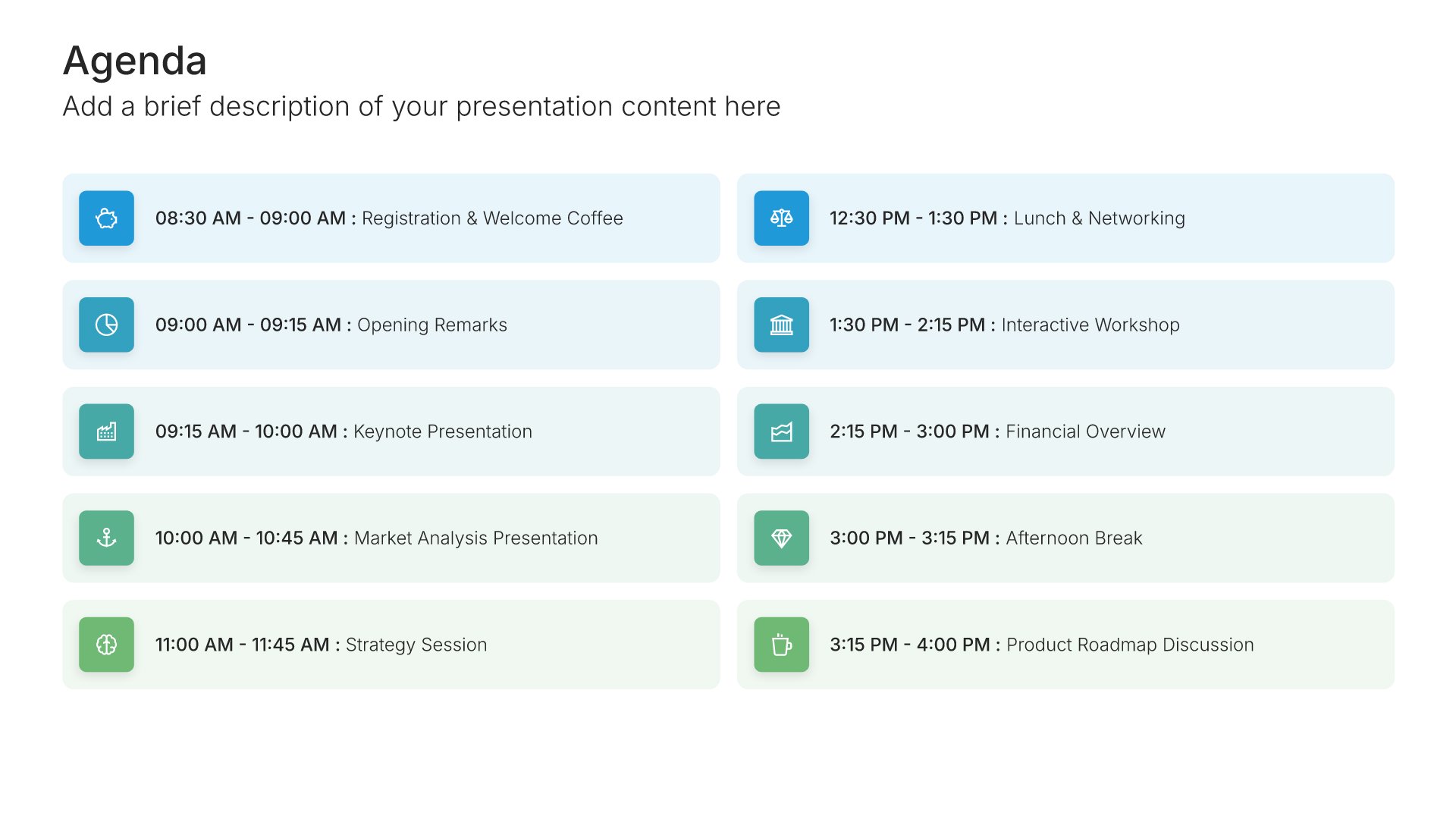
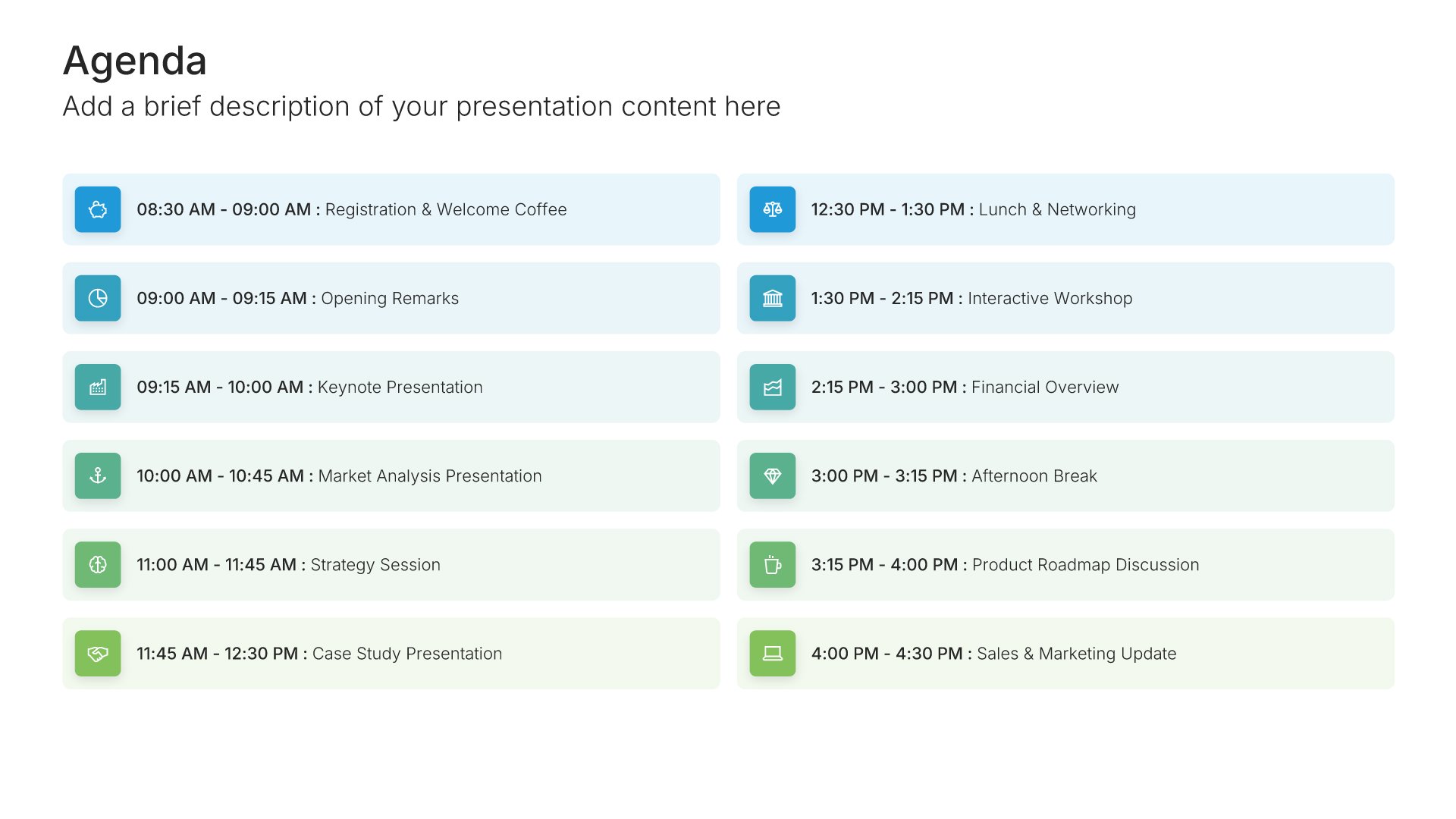
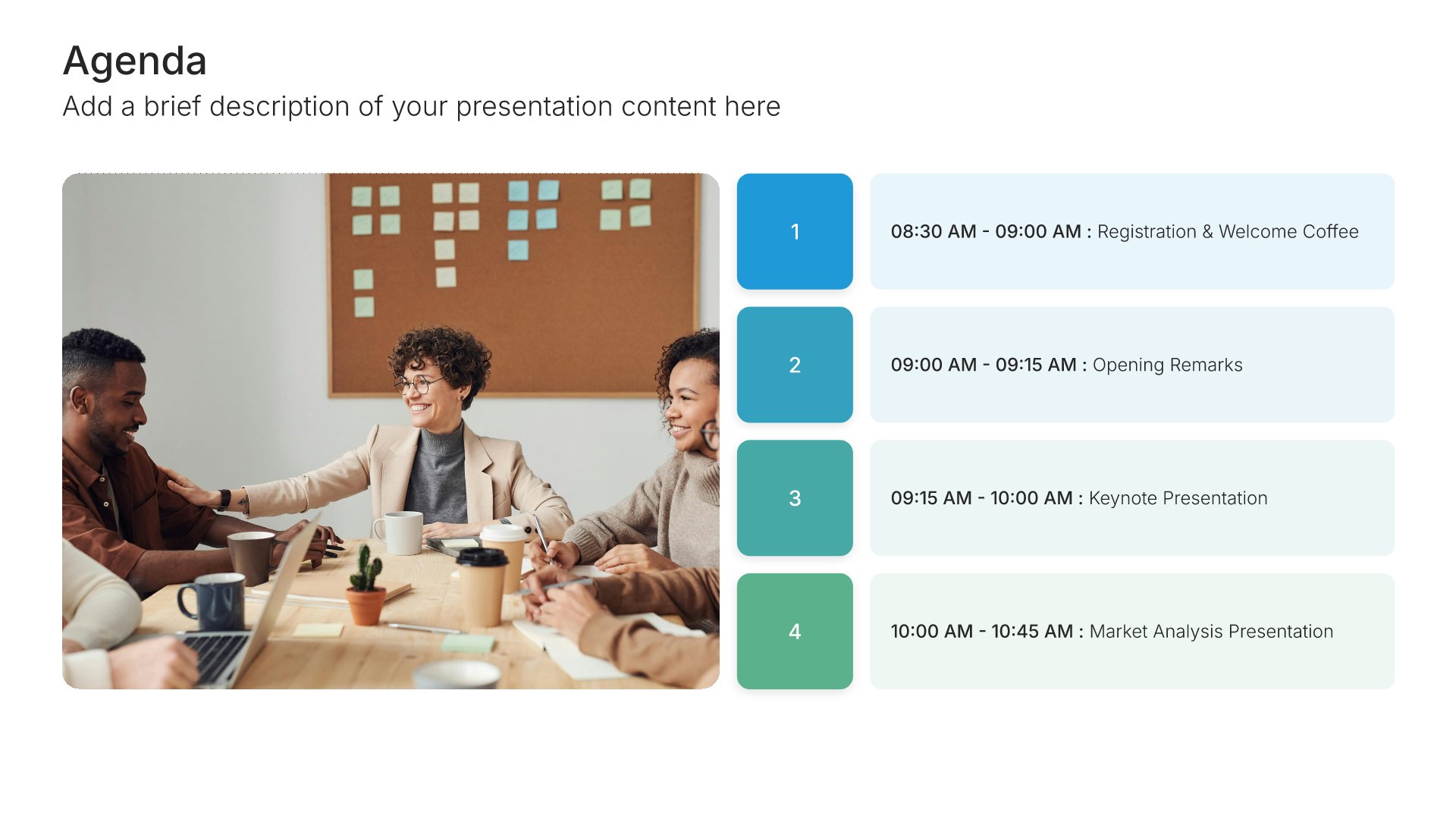
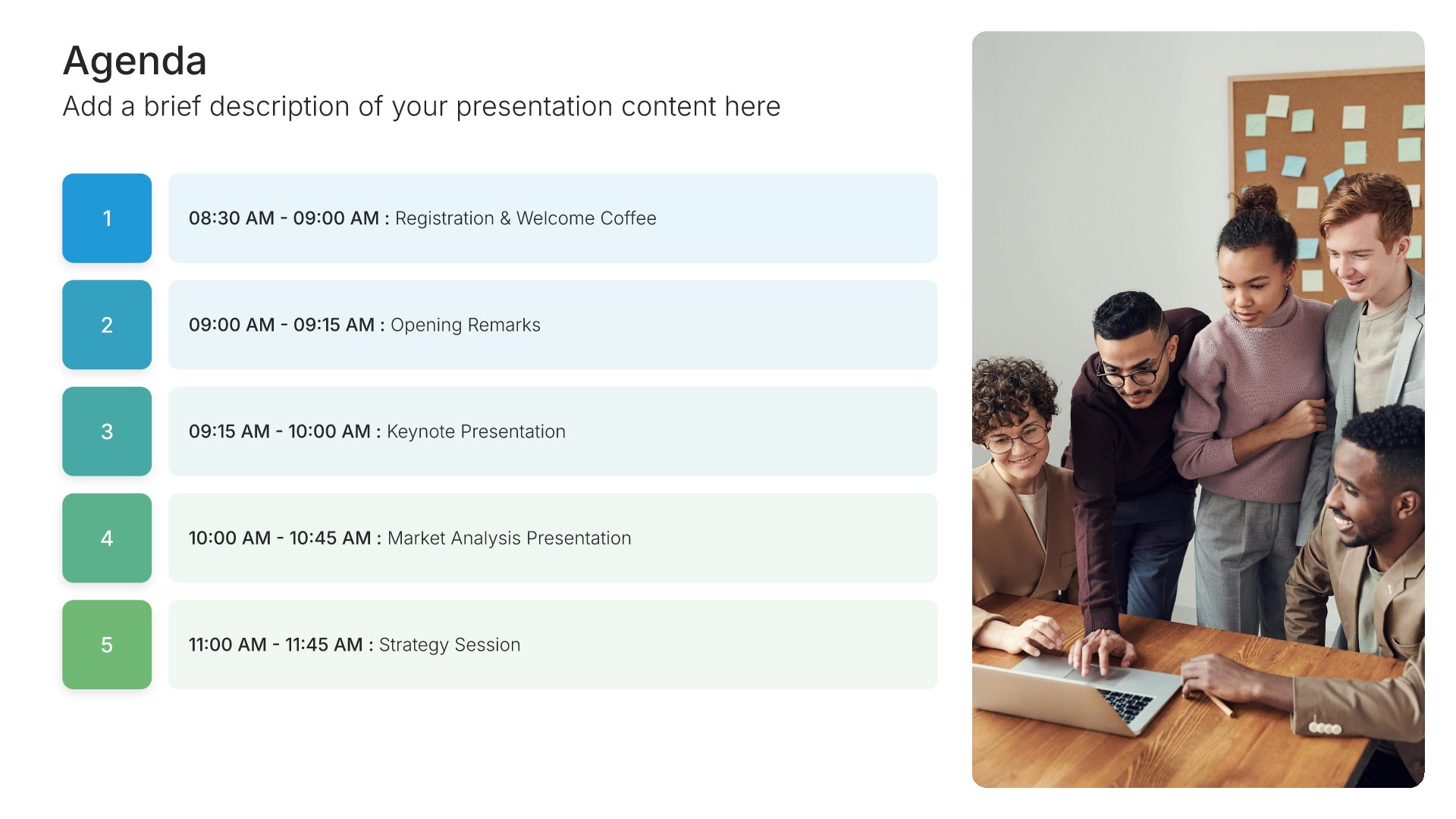
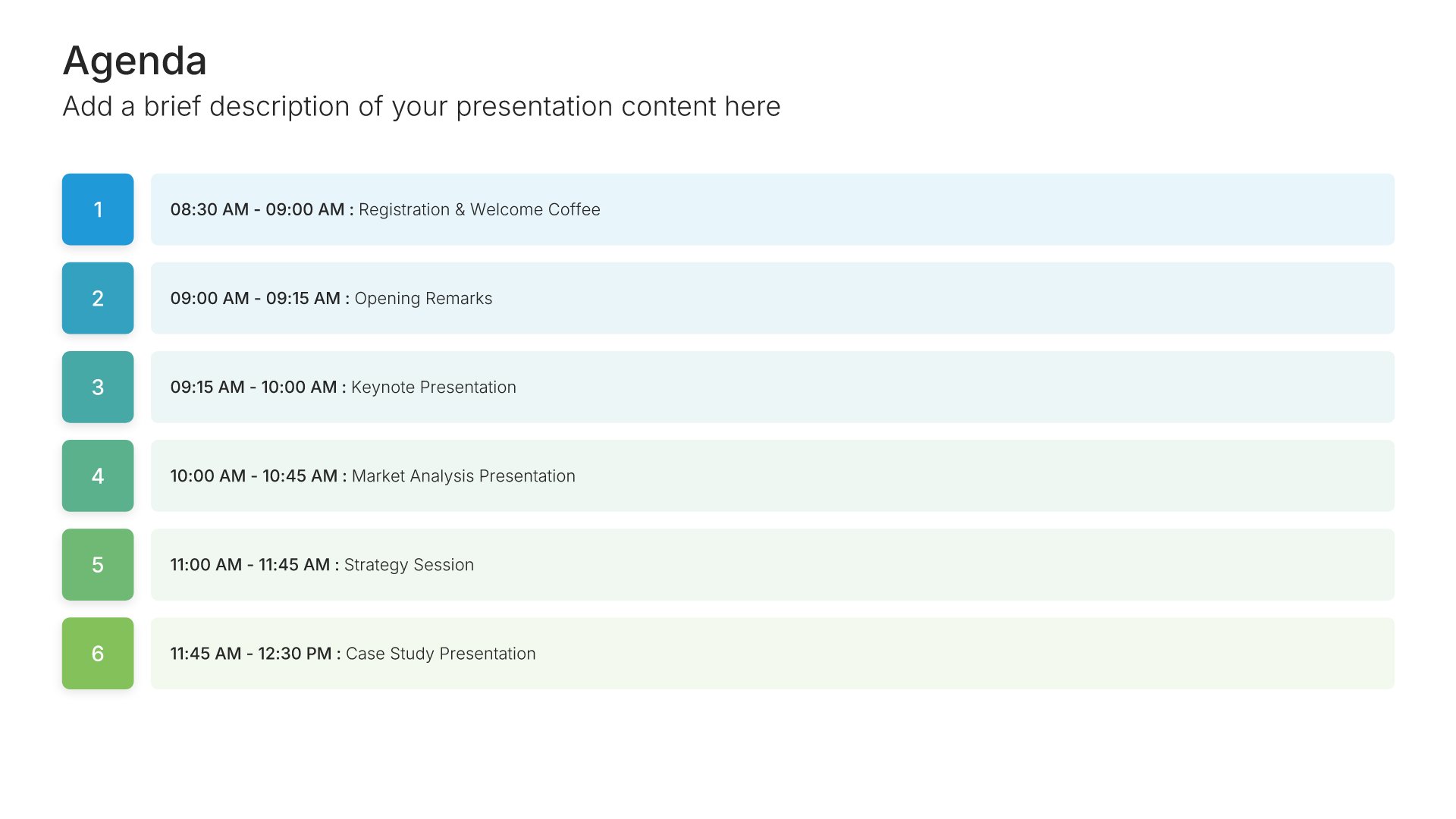
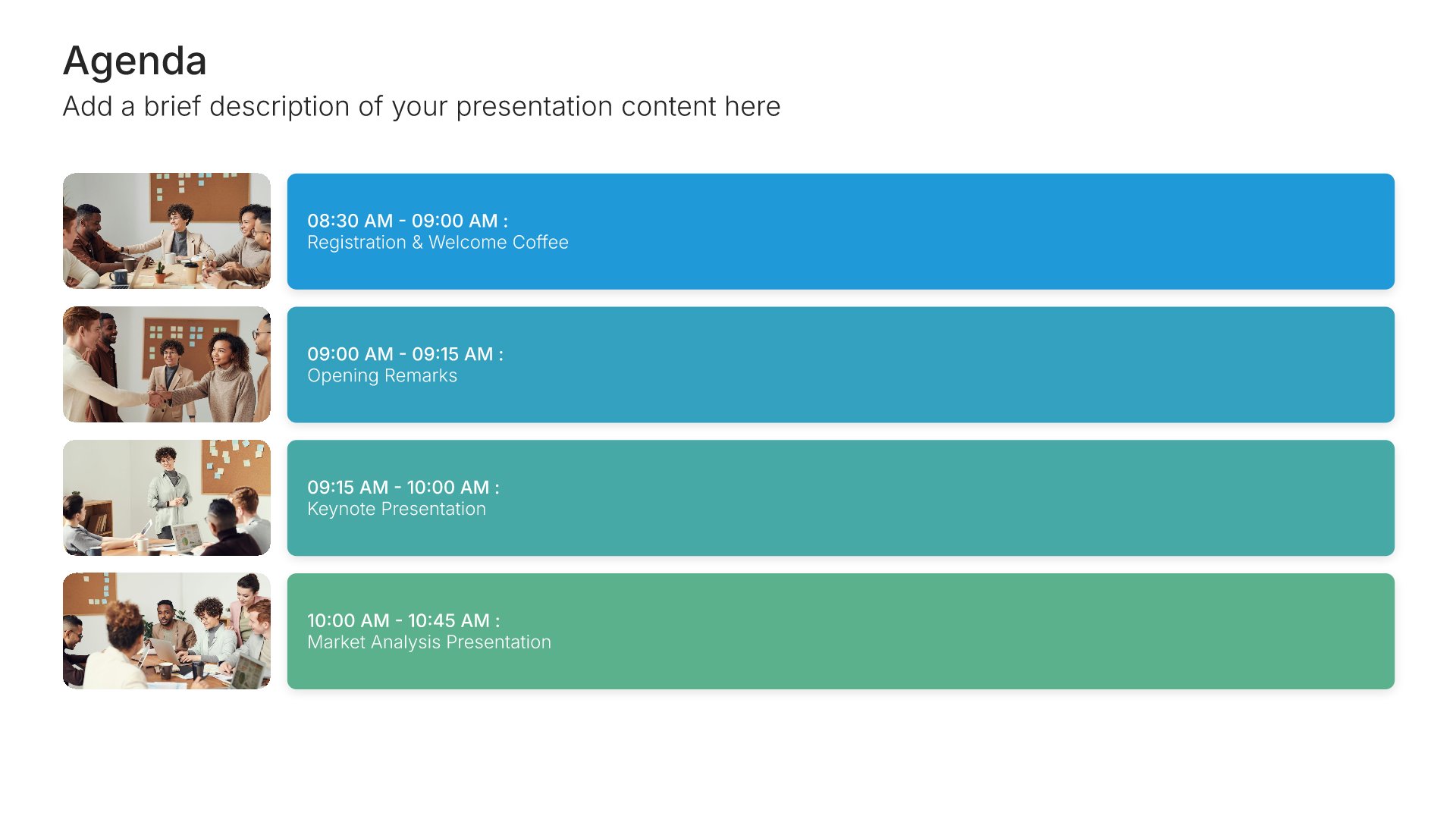
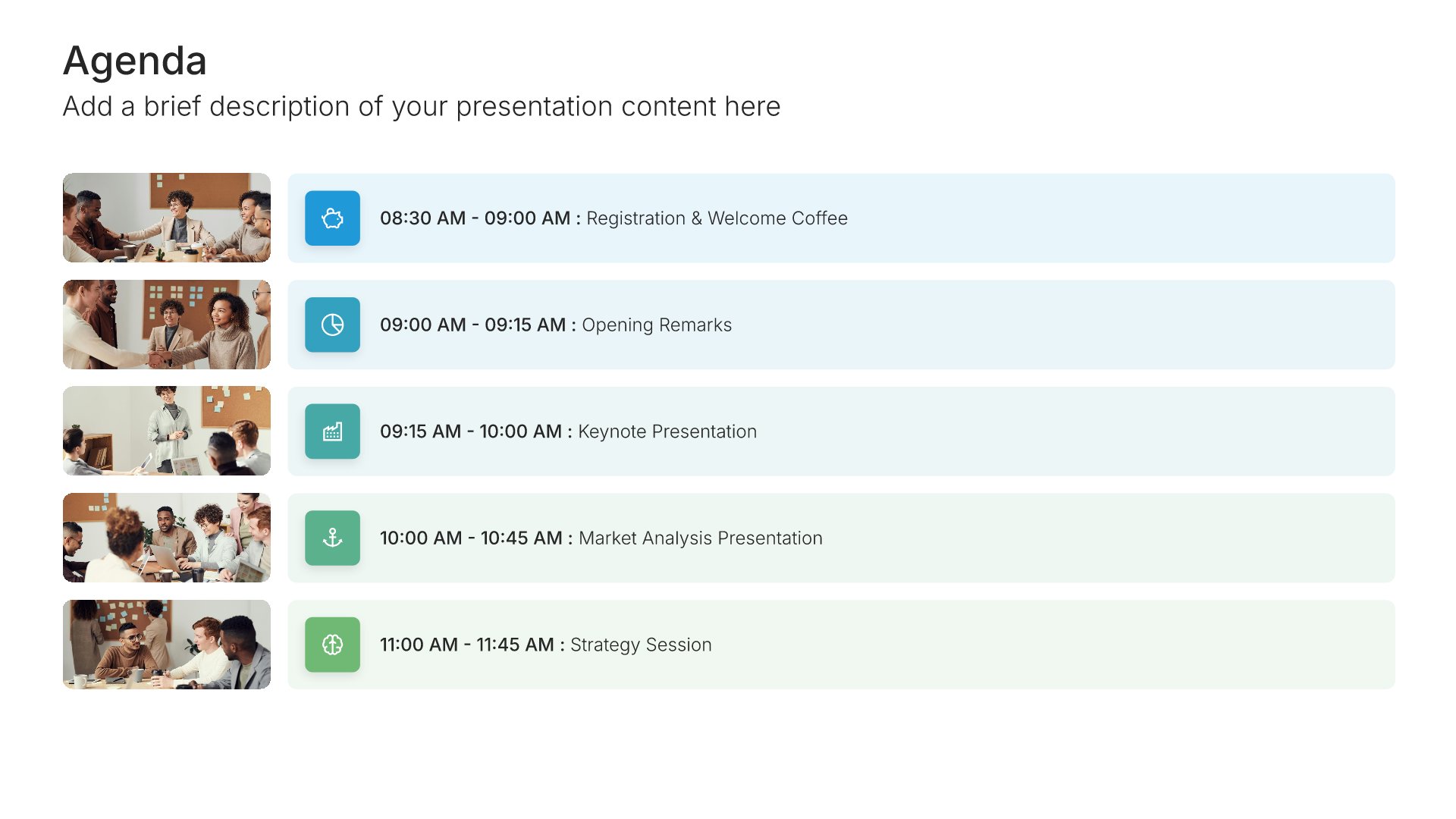
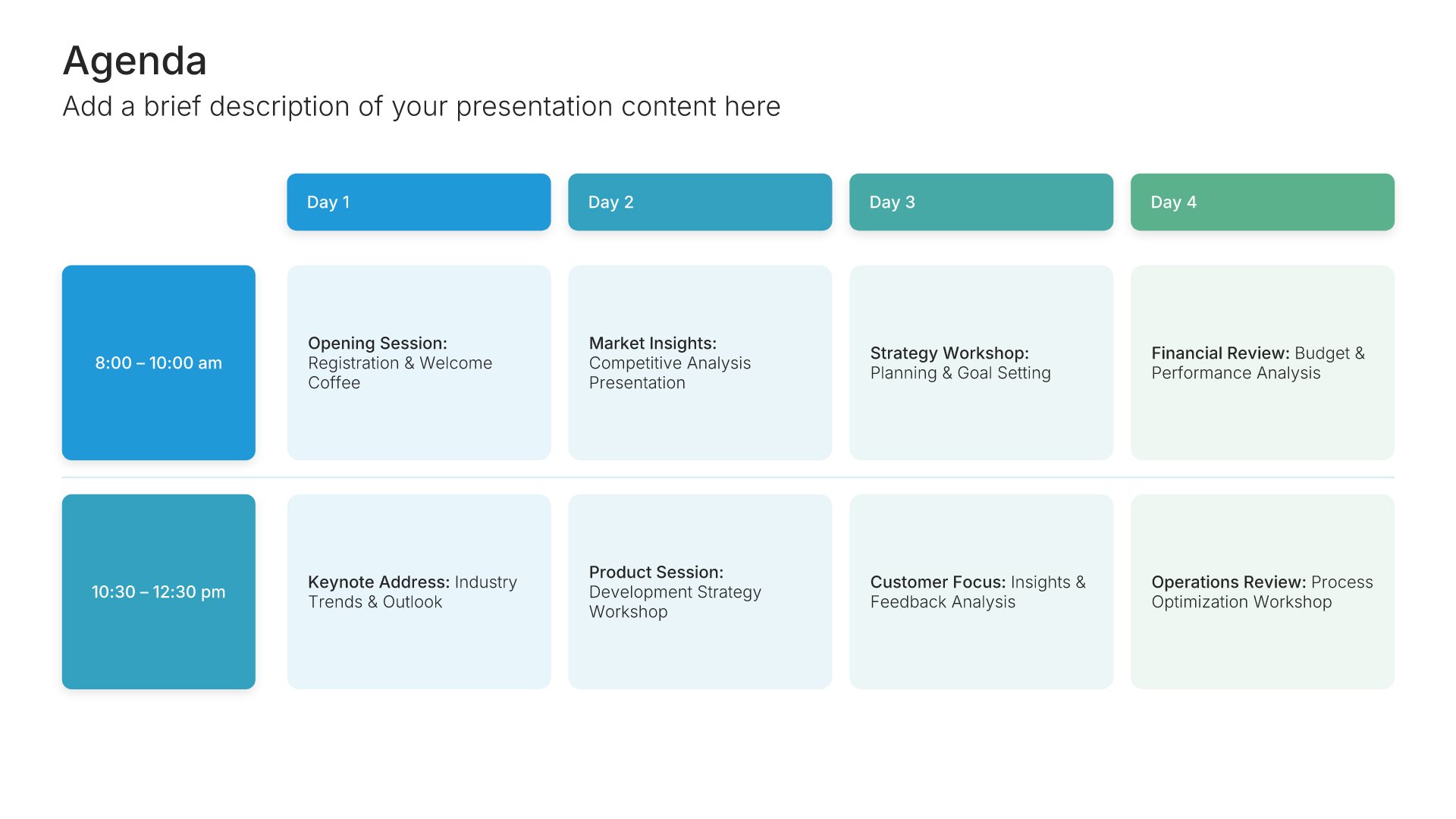
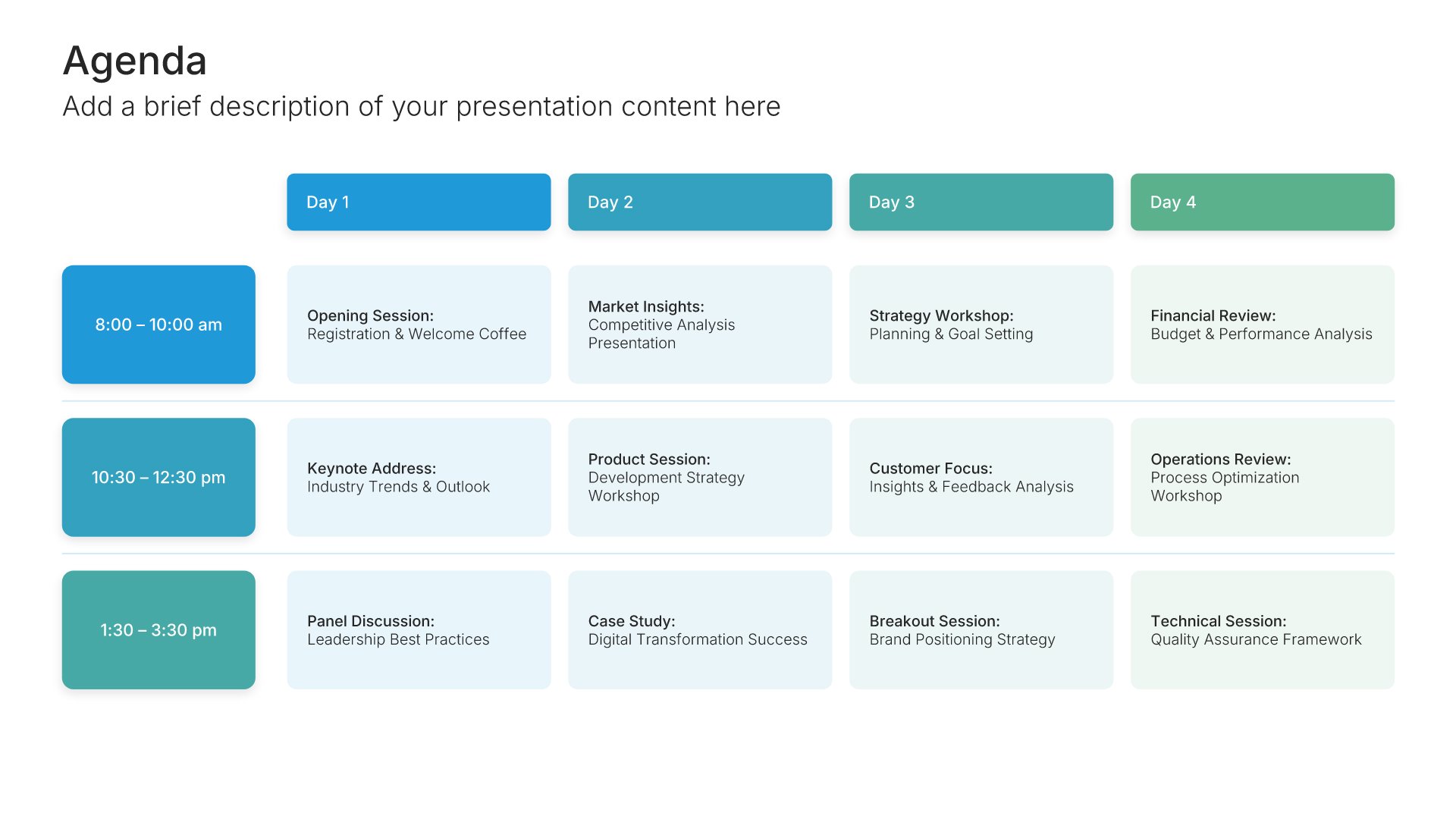
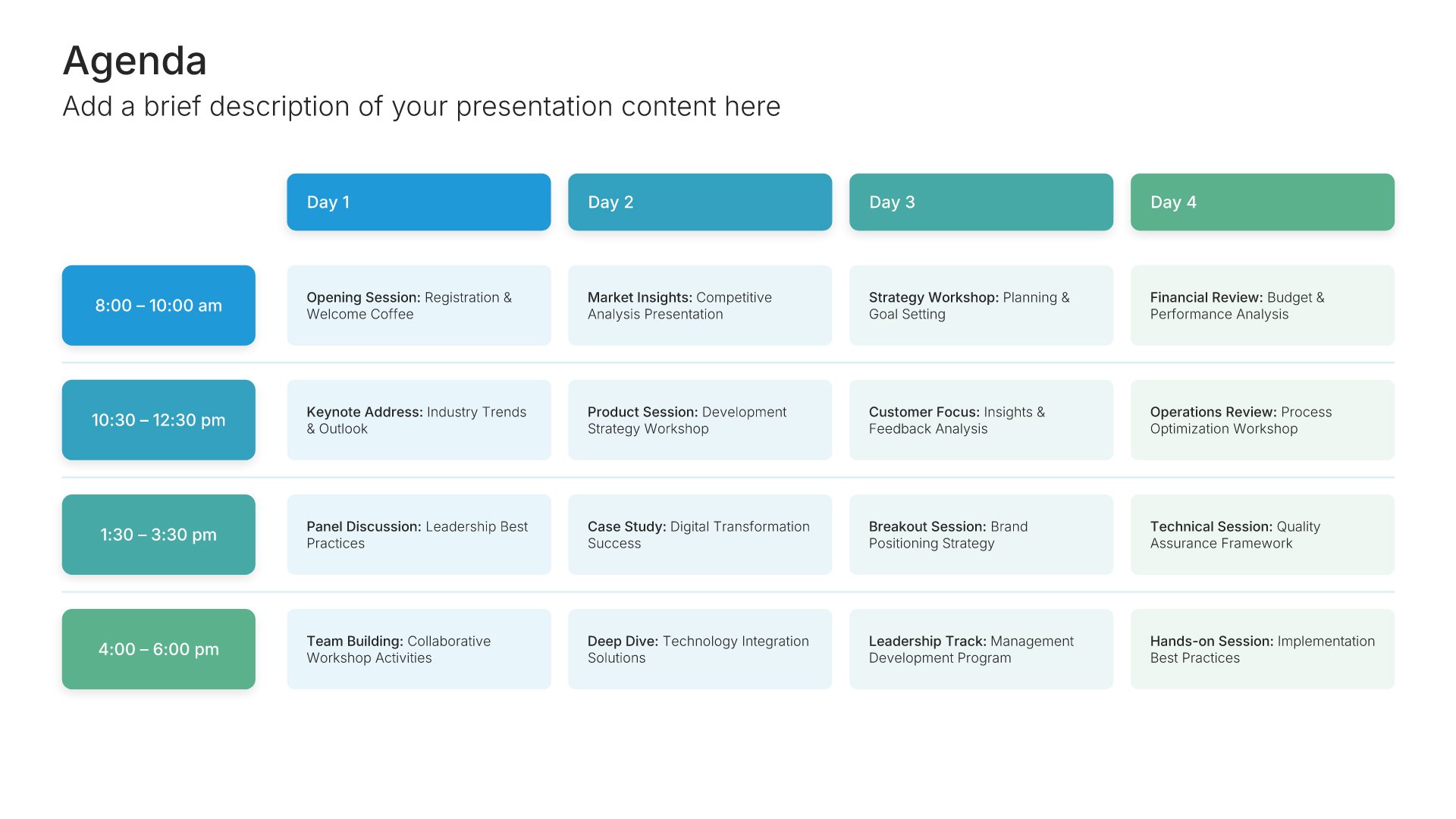
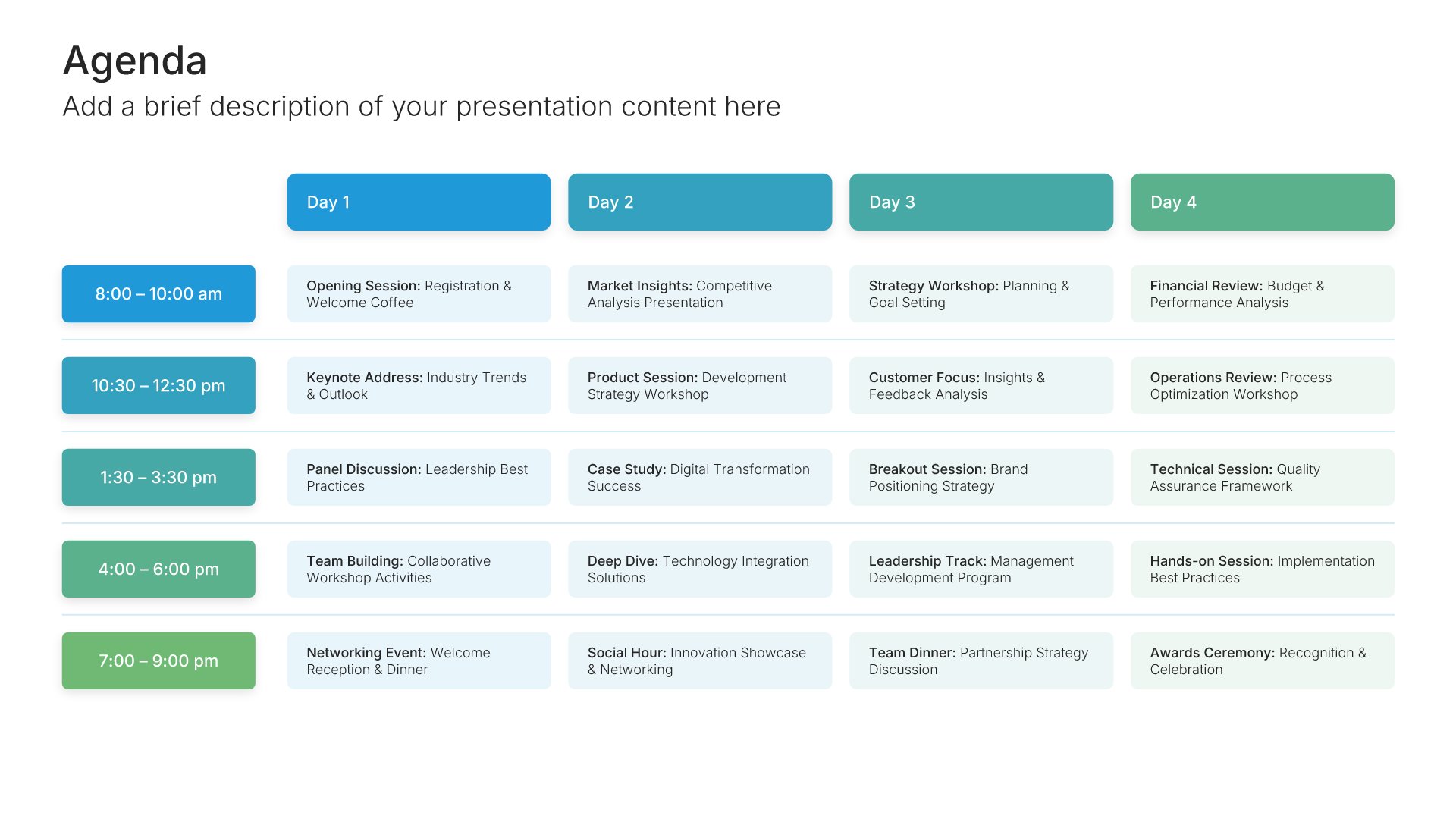
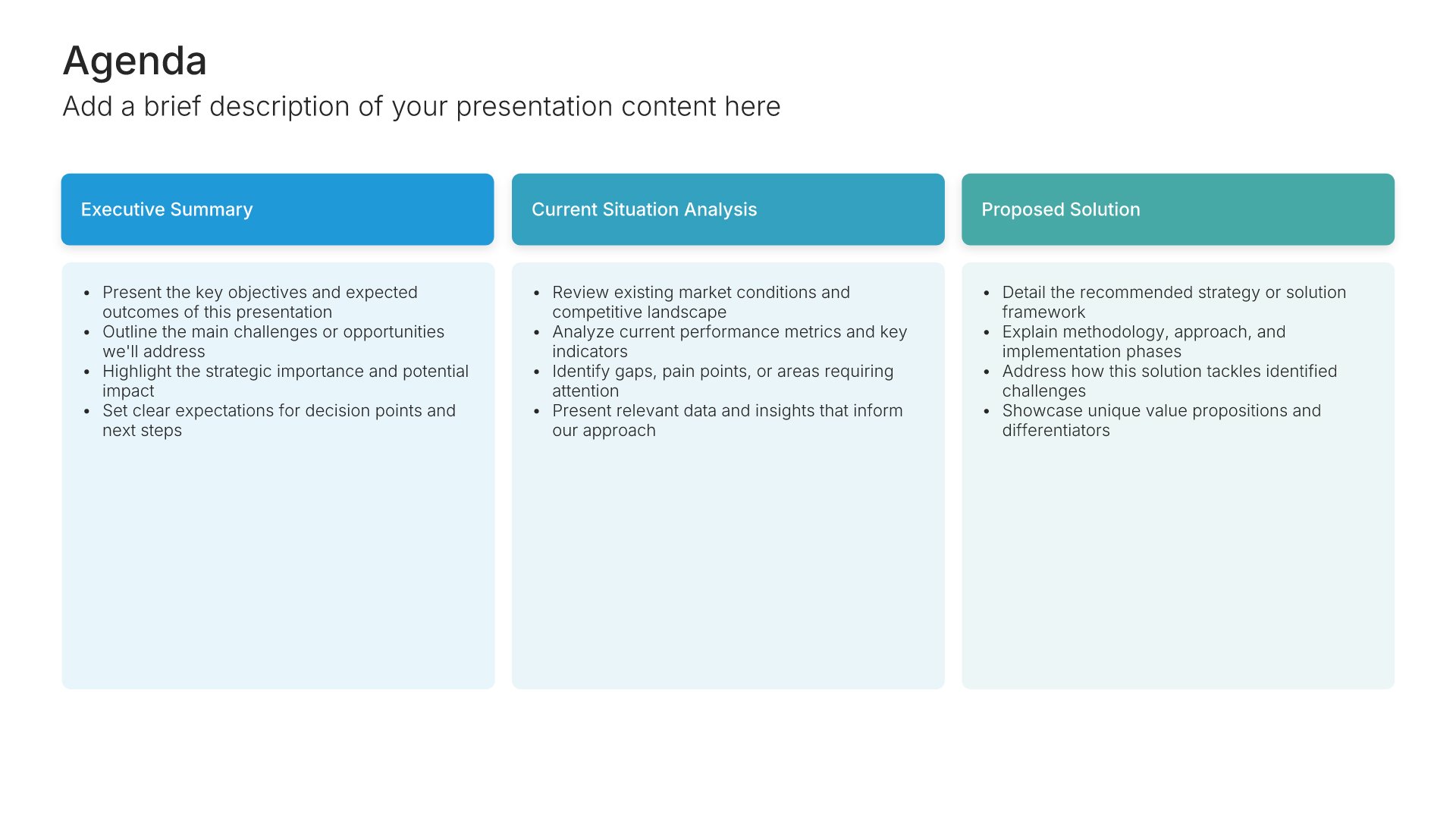
Agenda slide template, layout 01

Layout 01

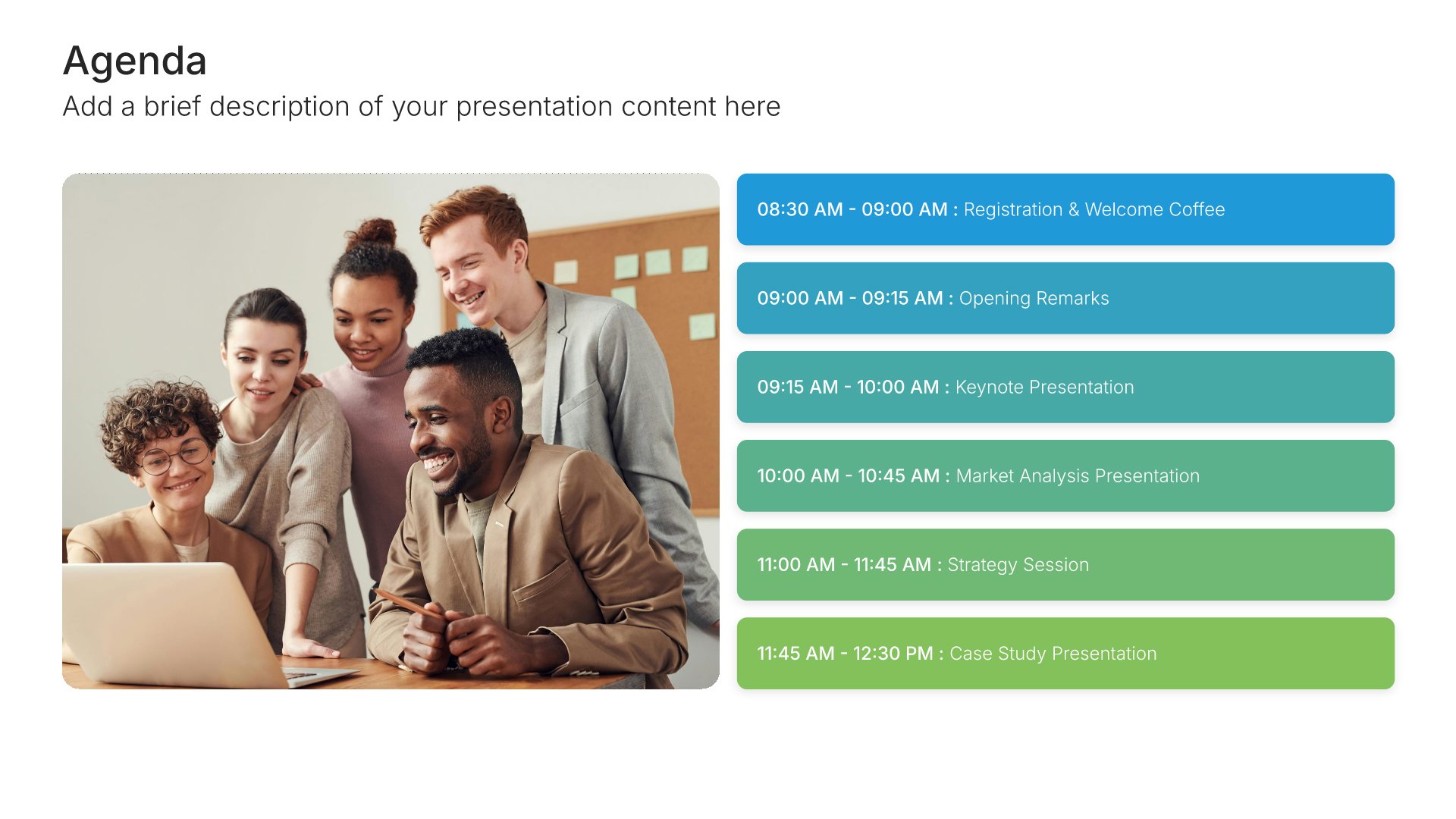
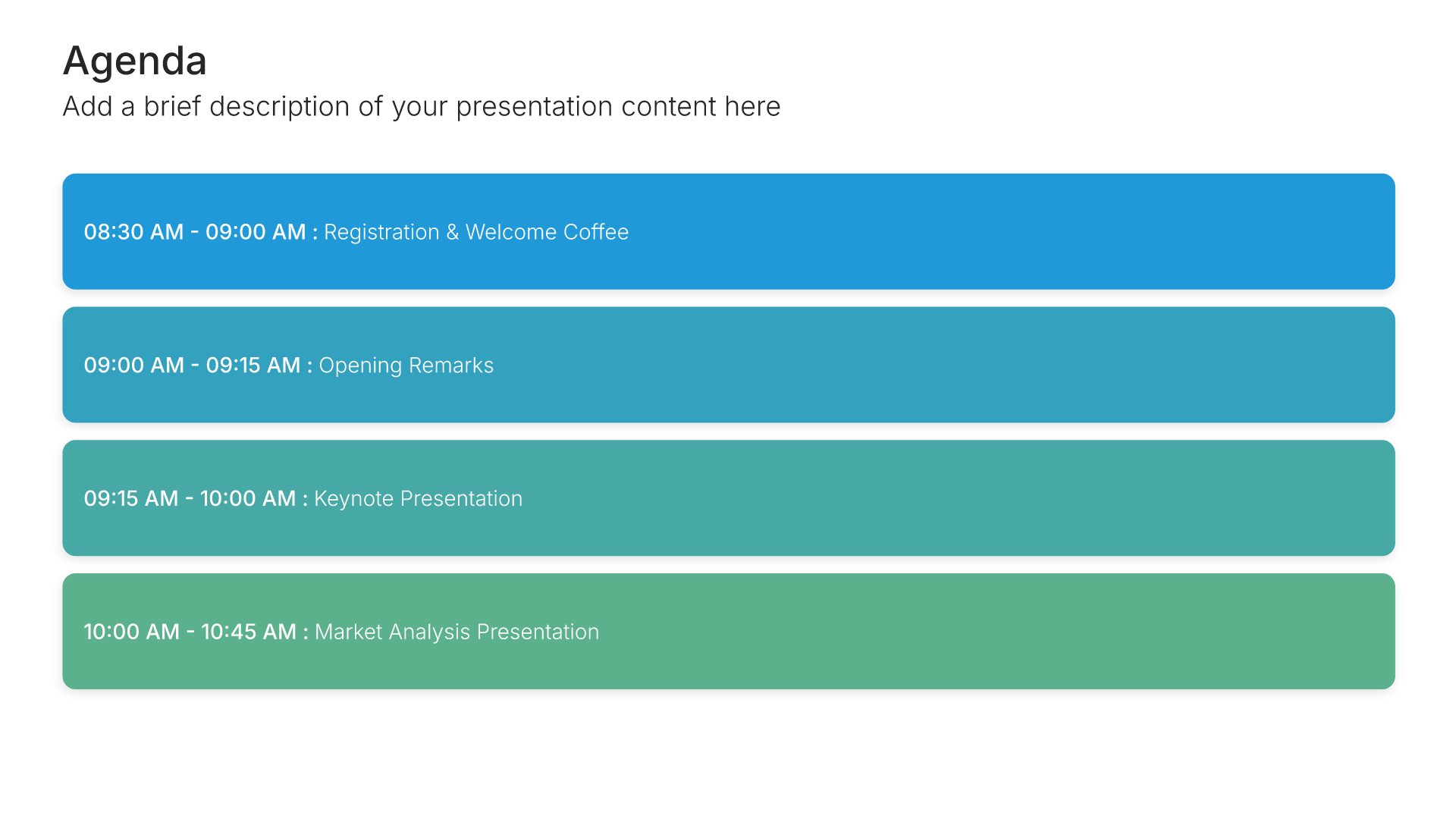
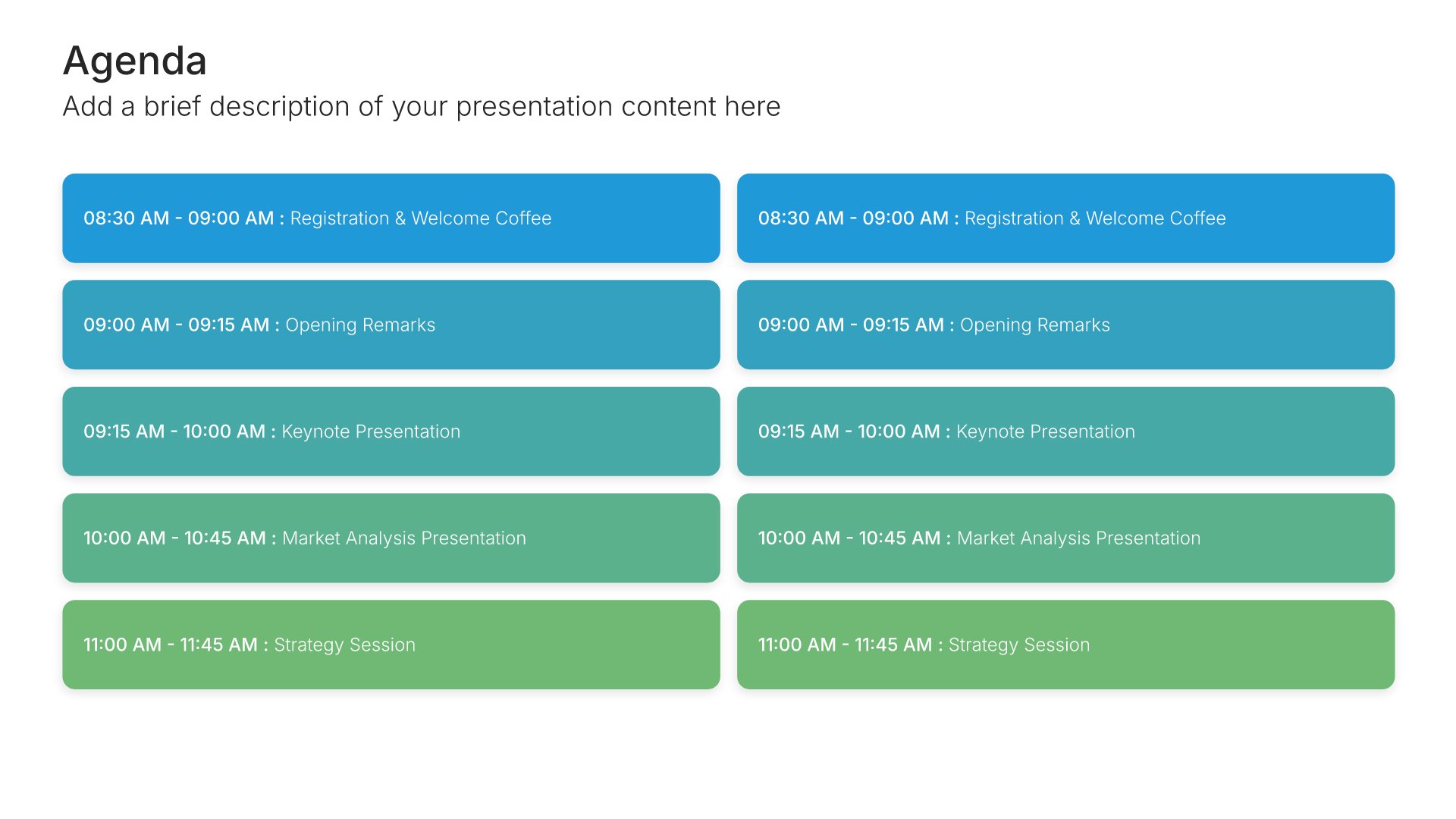
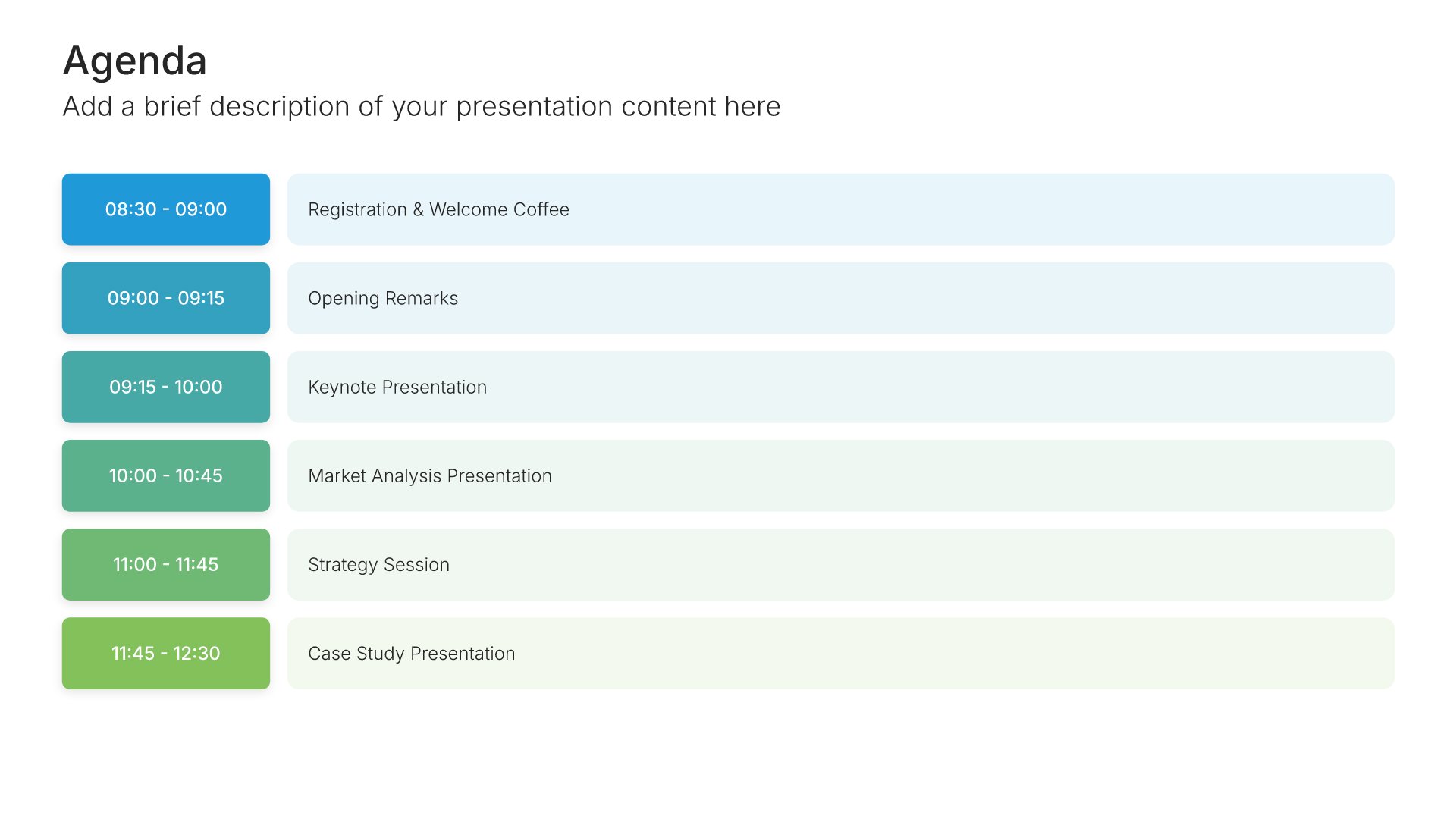
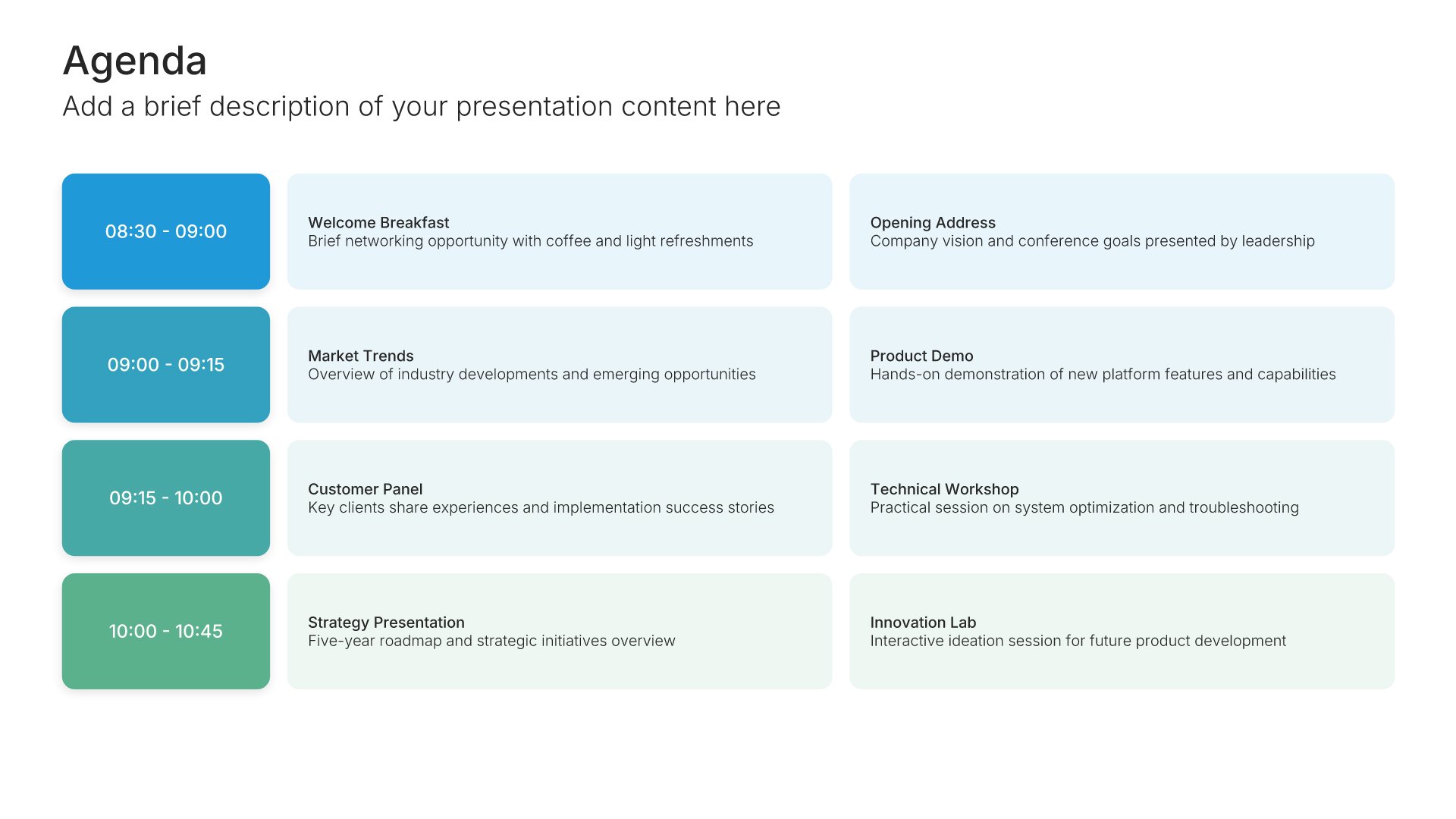
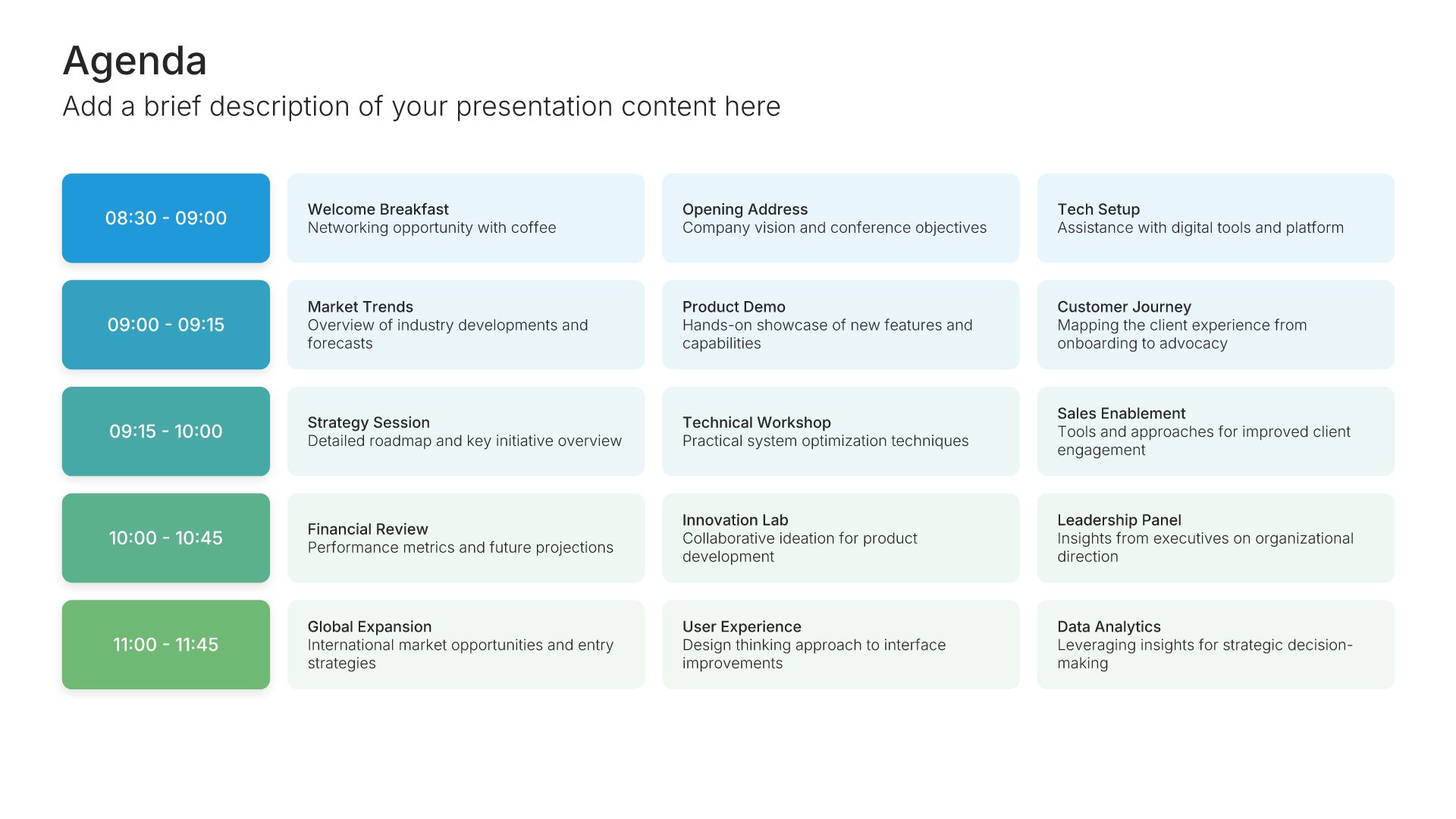
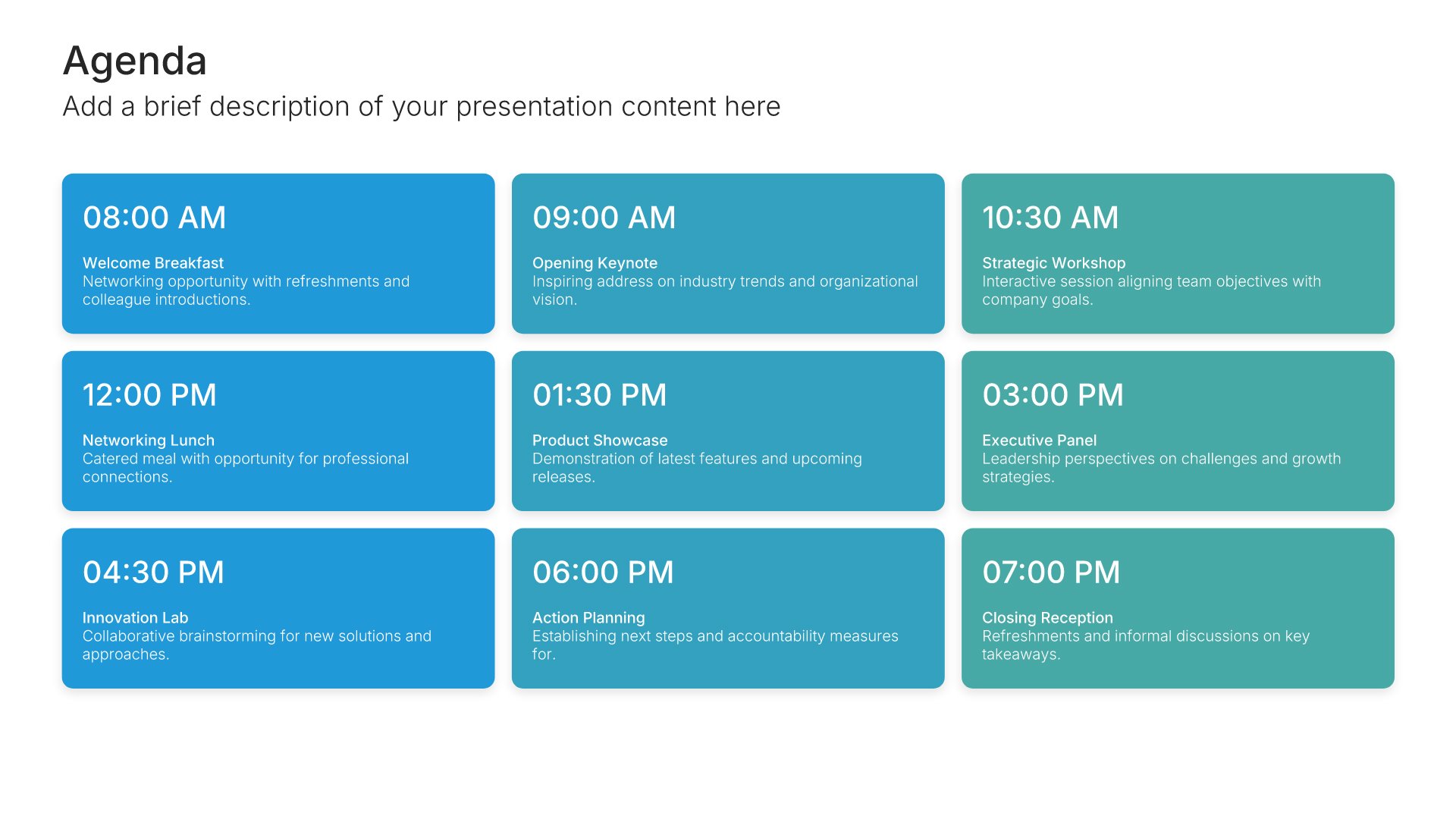
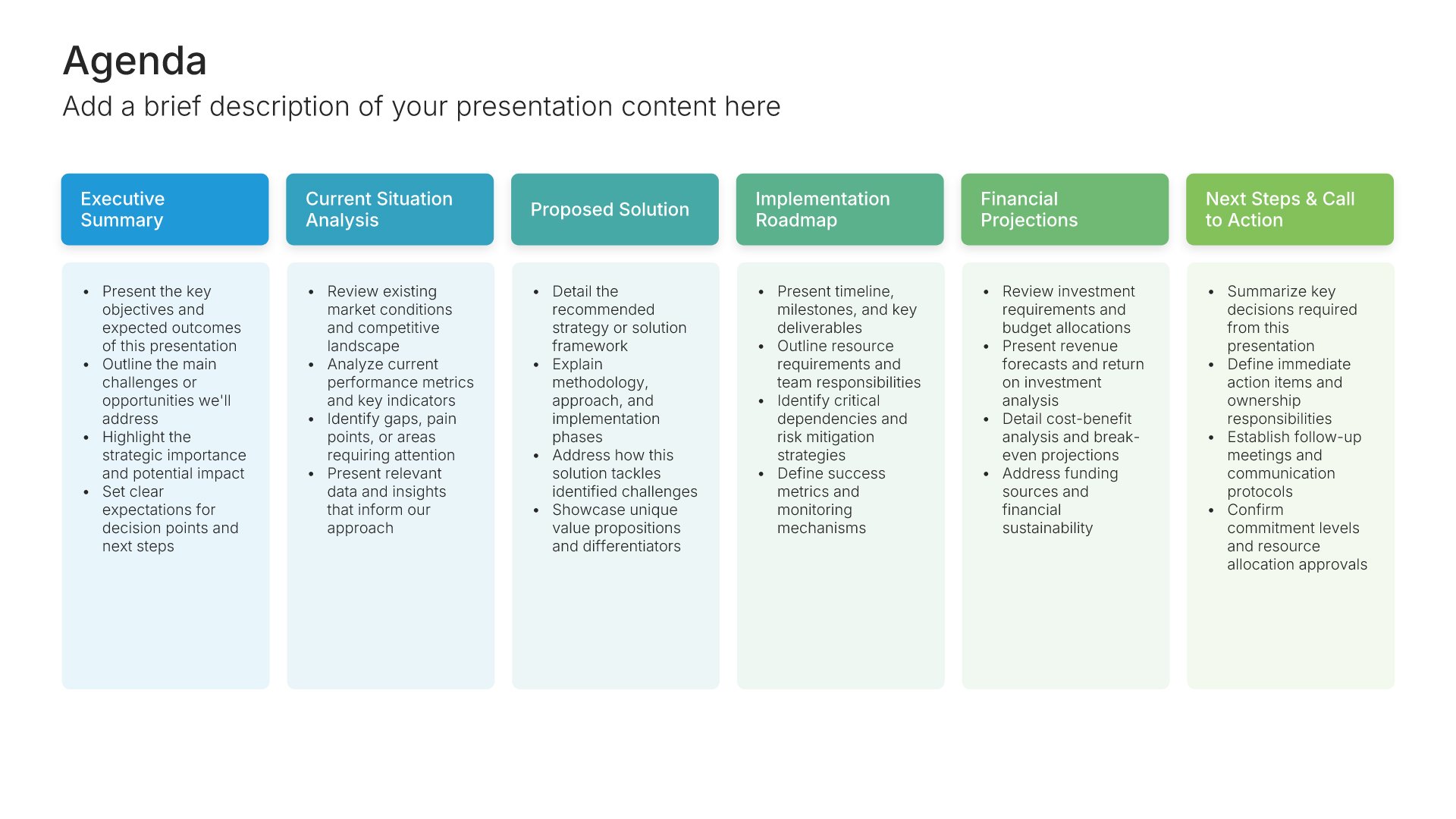
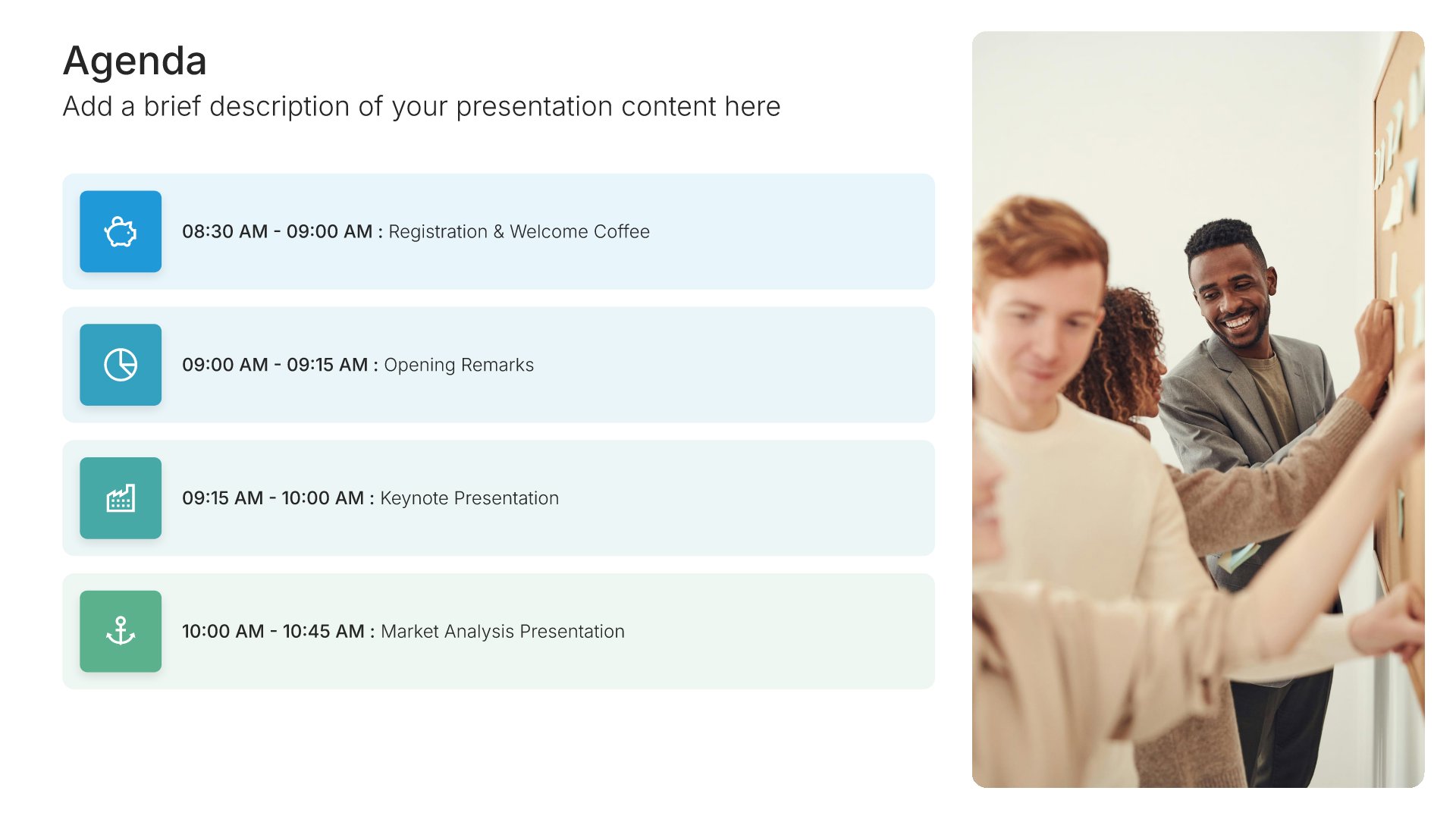
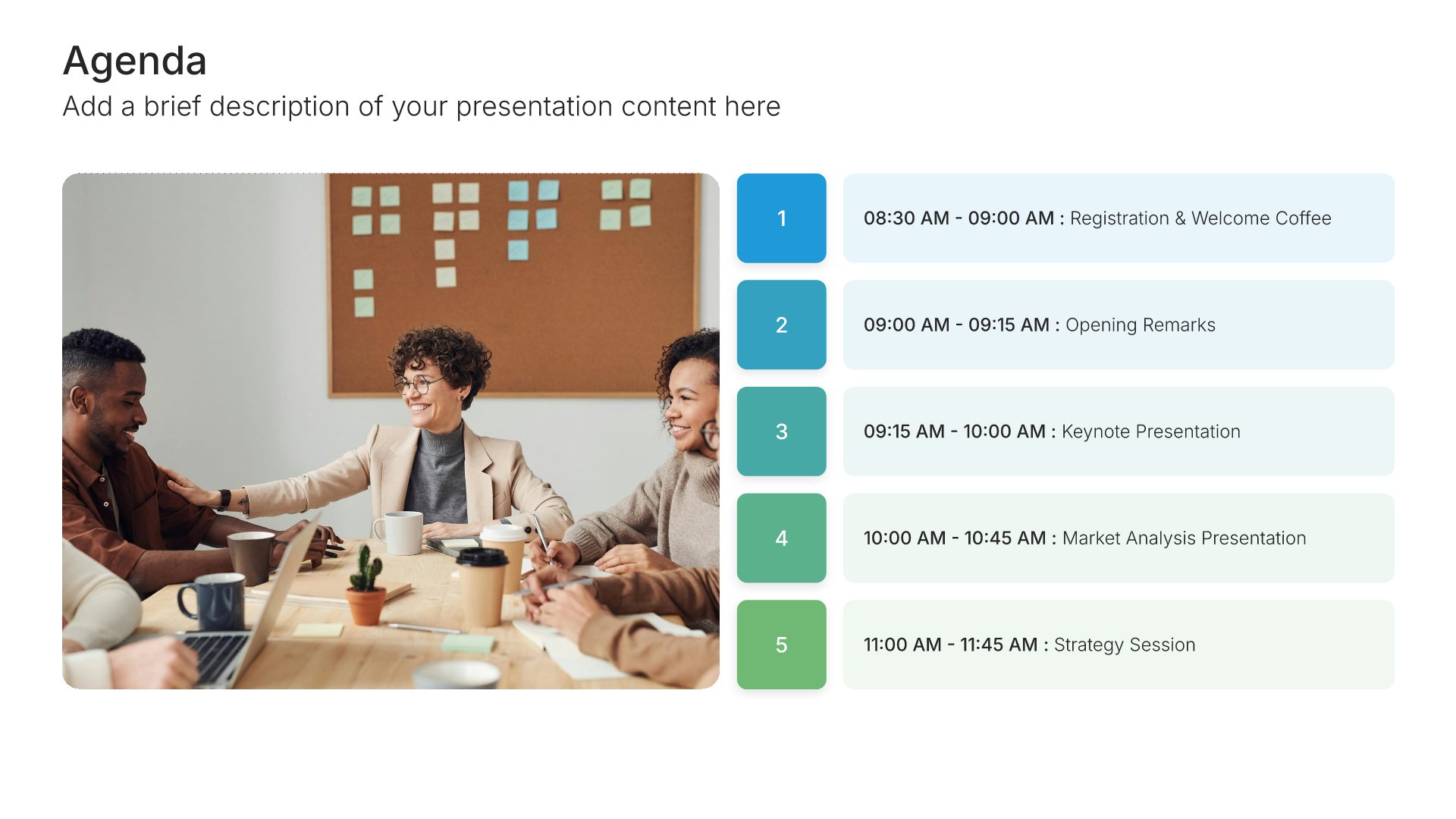
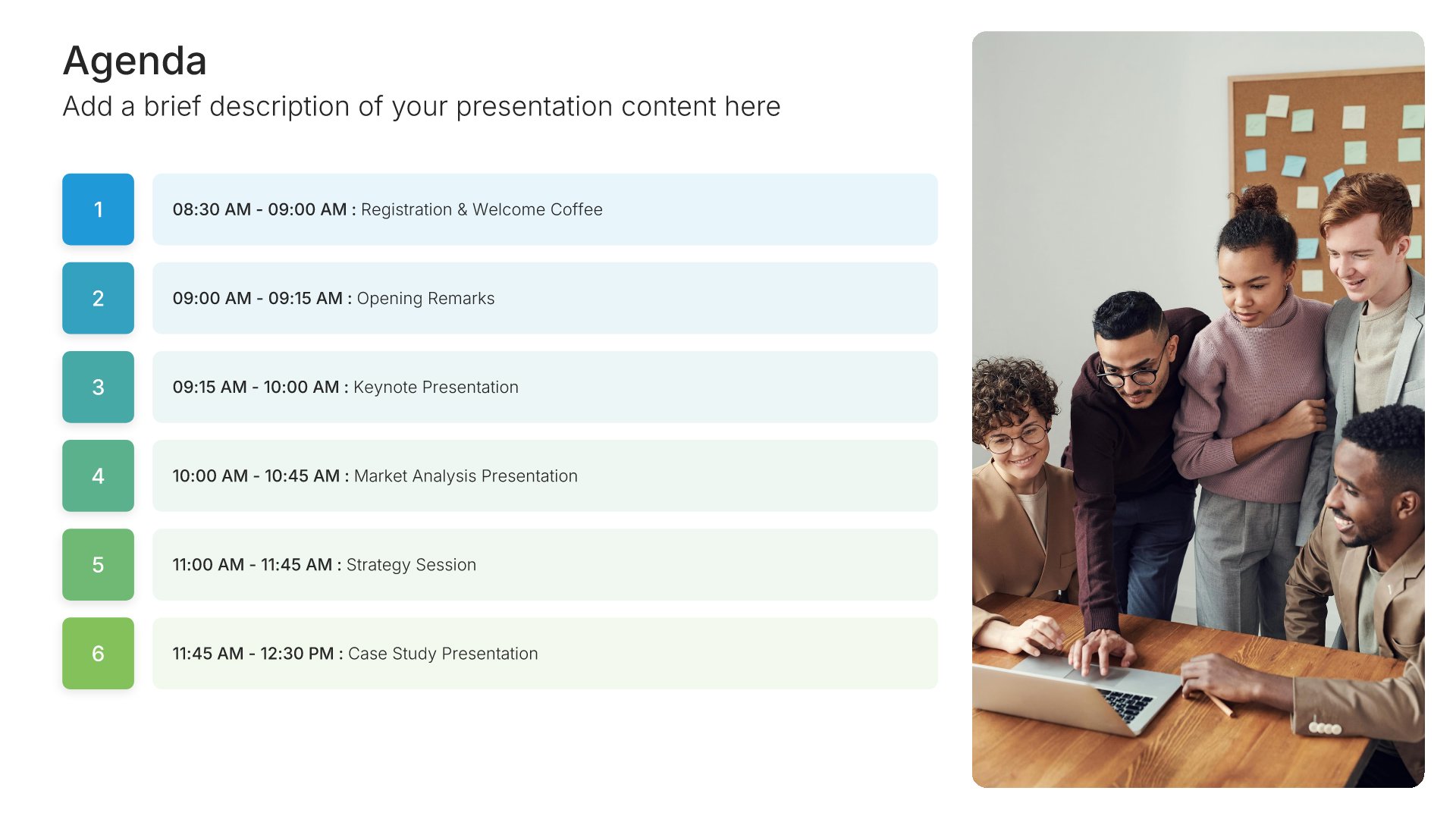
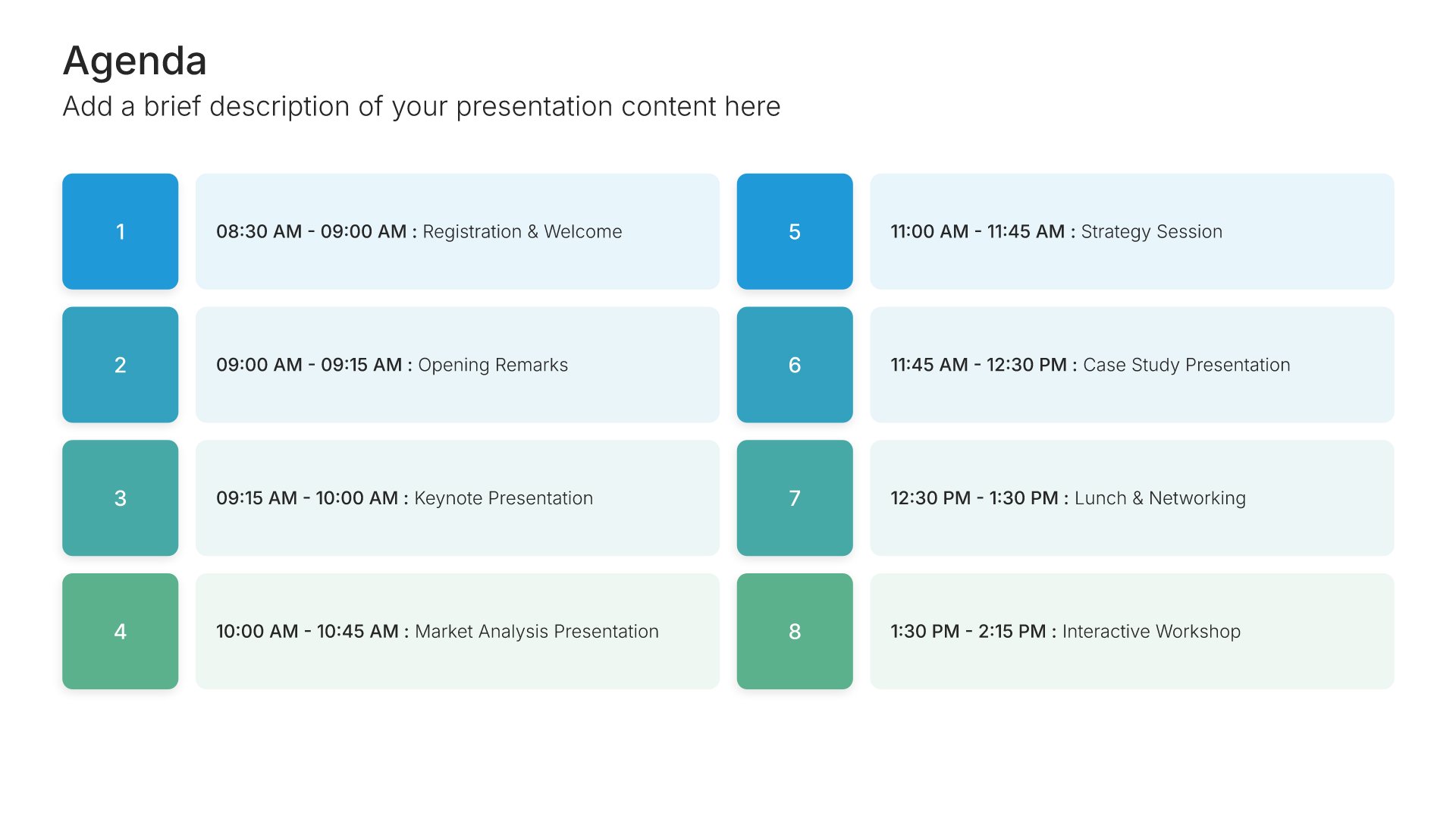
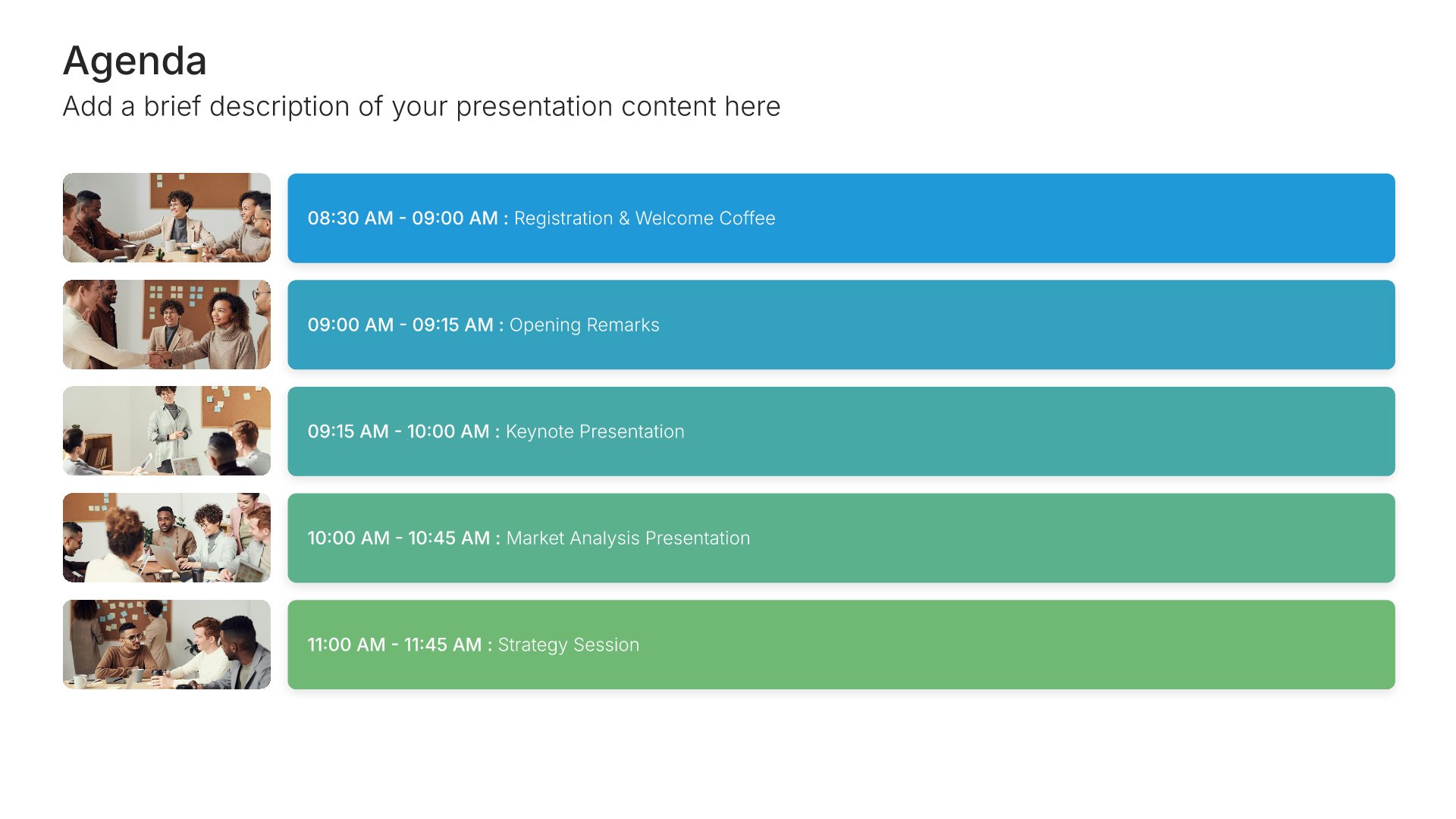
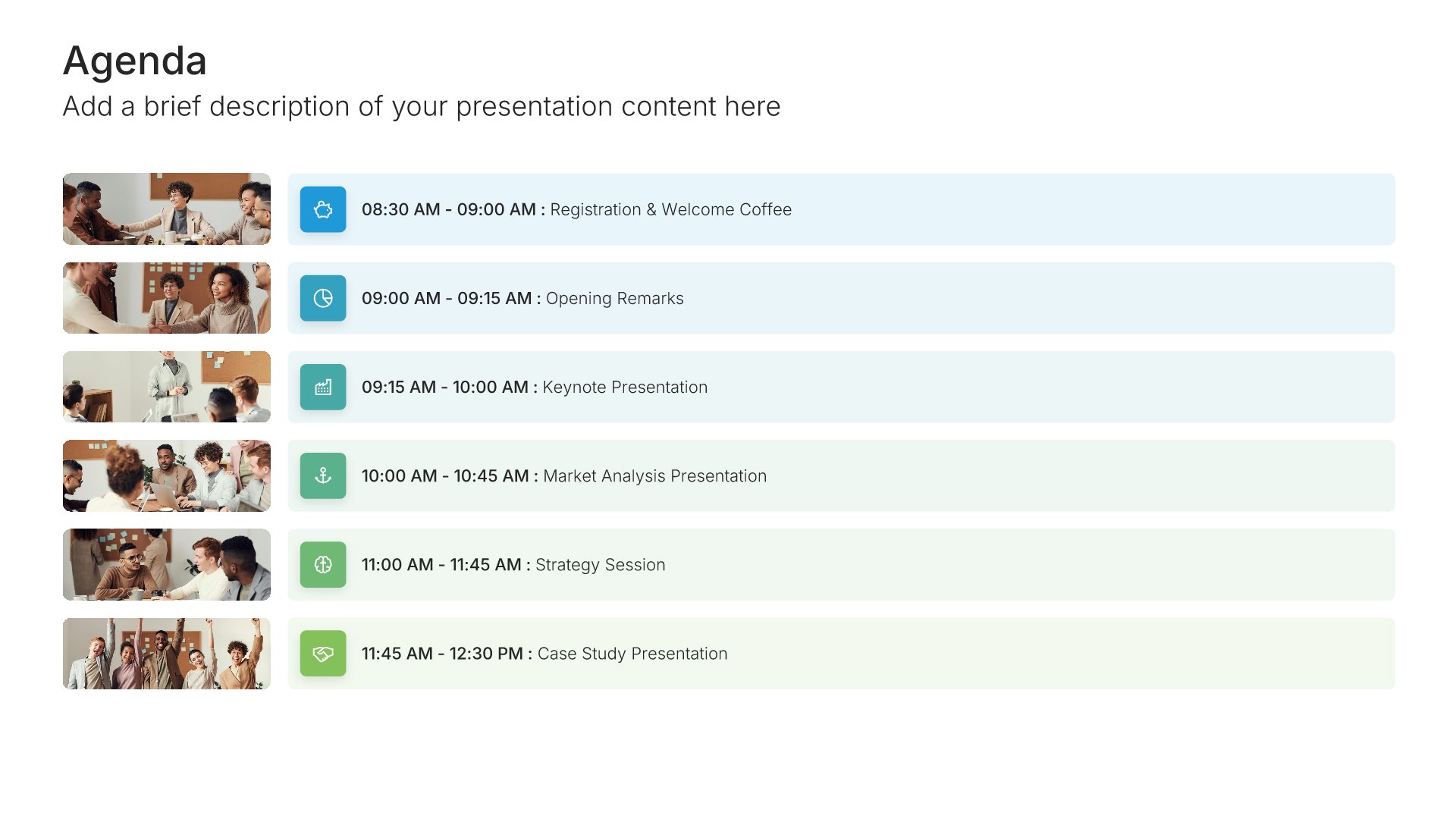
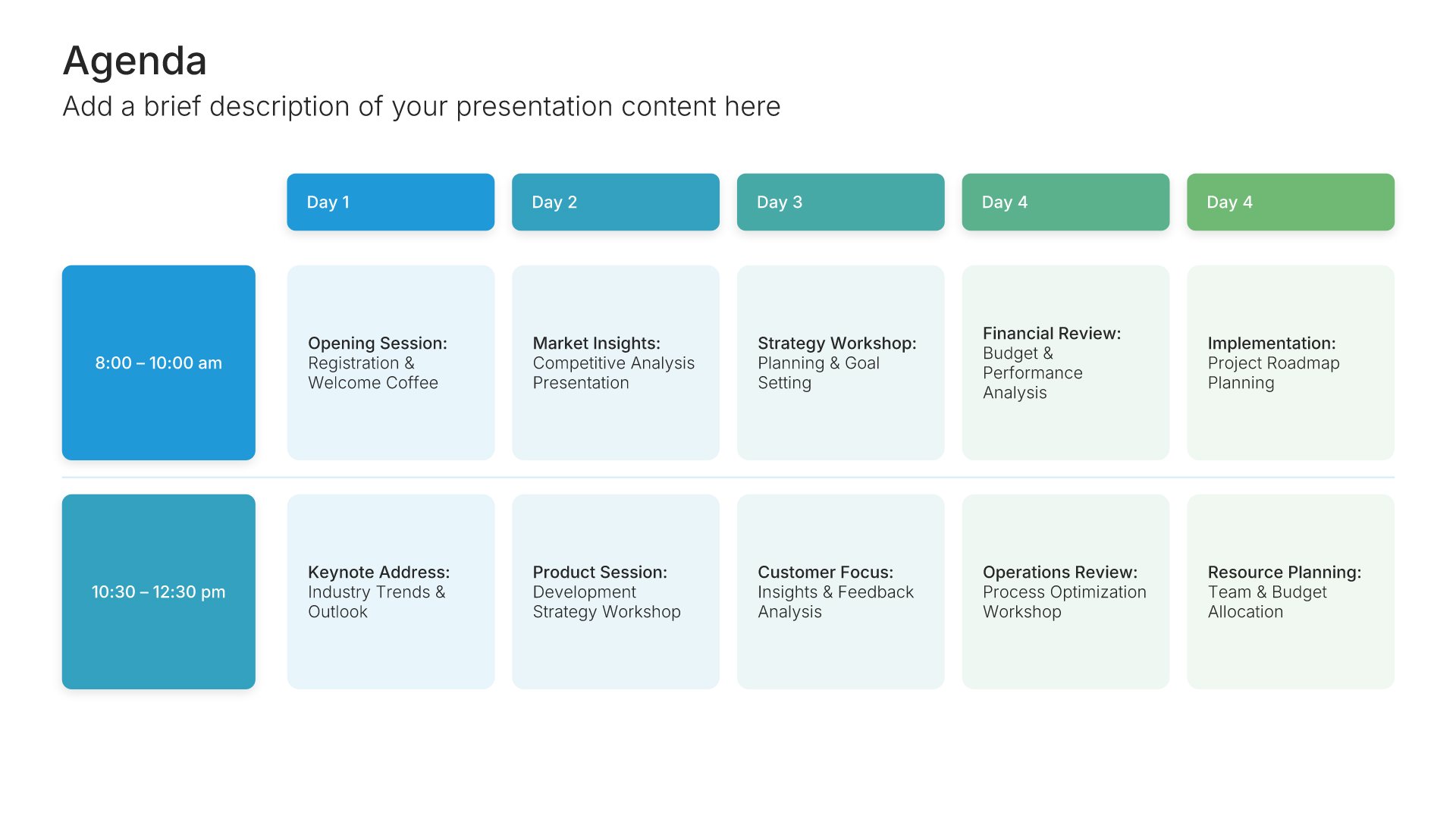
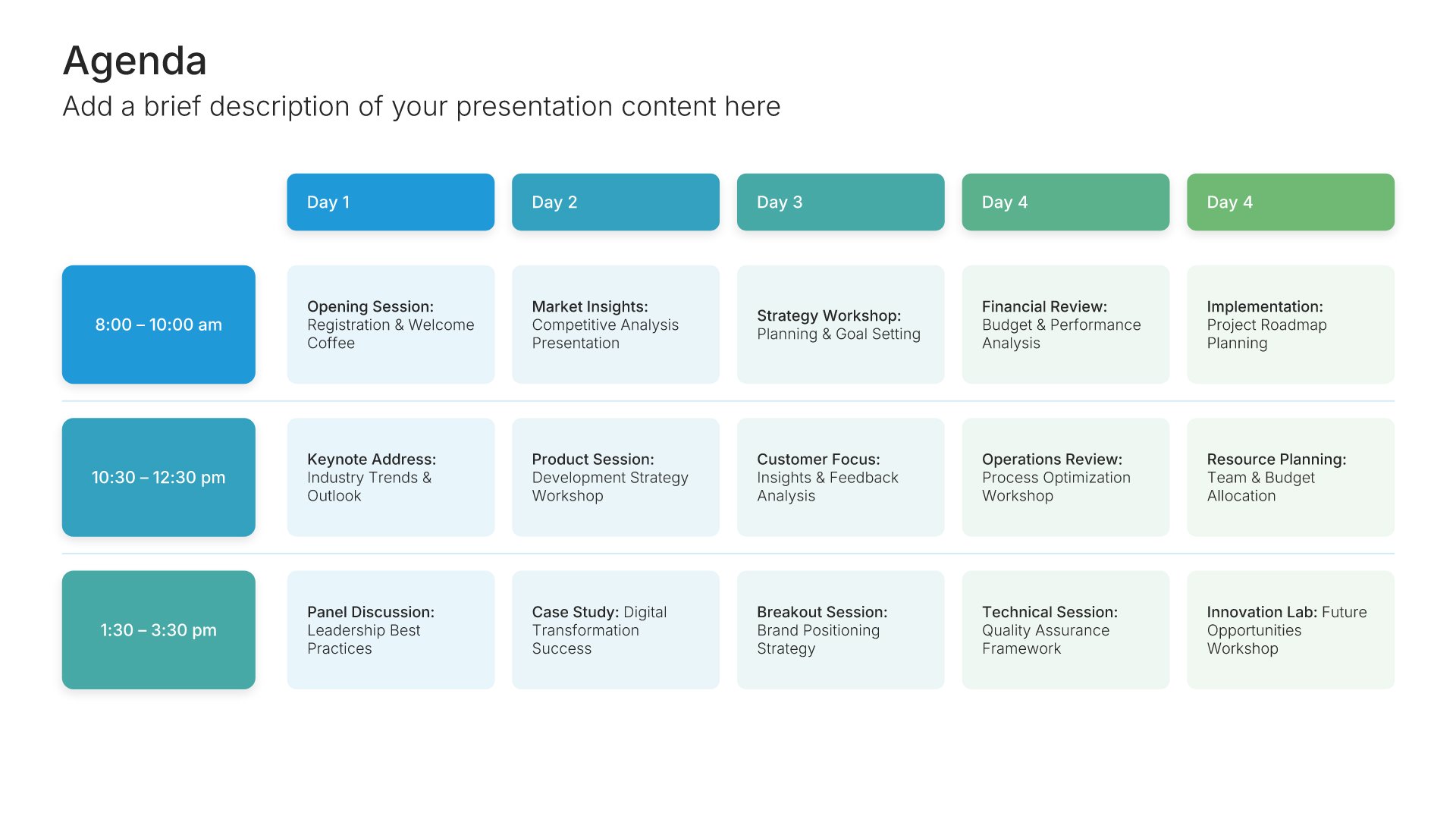
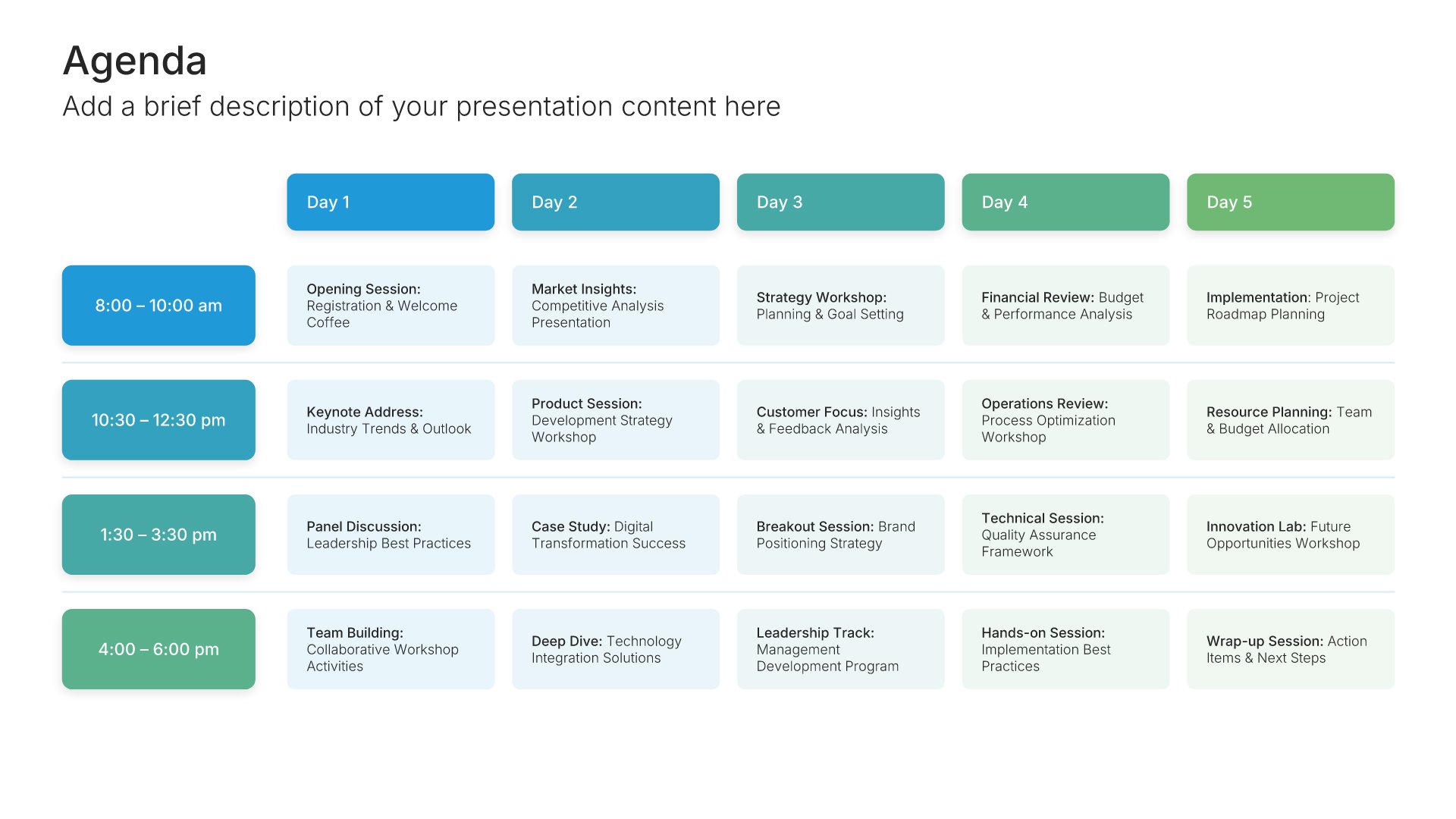
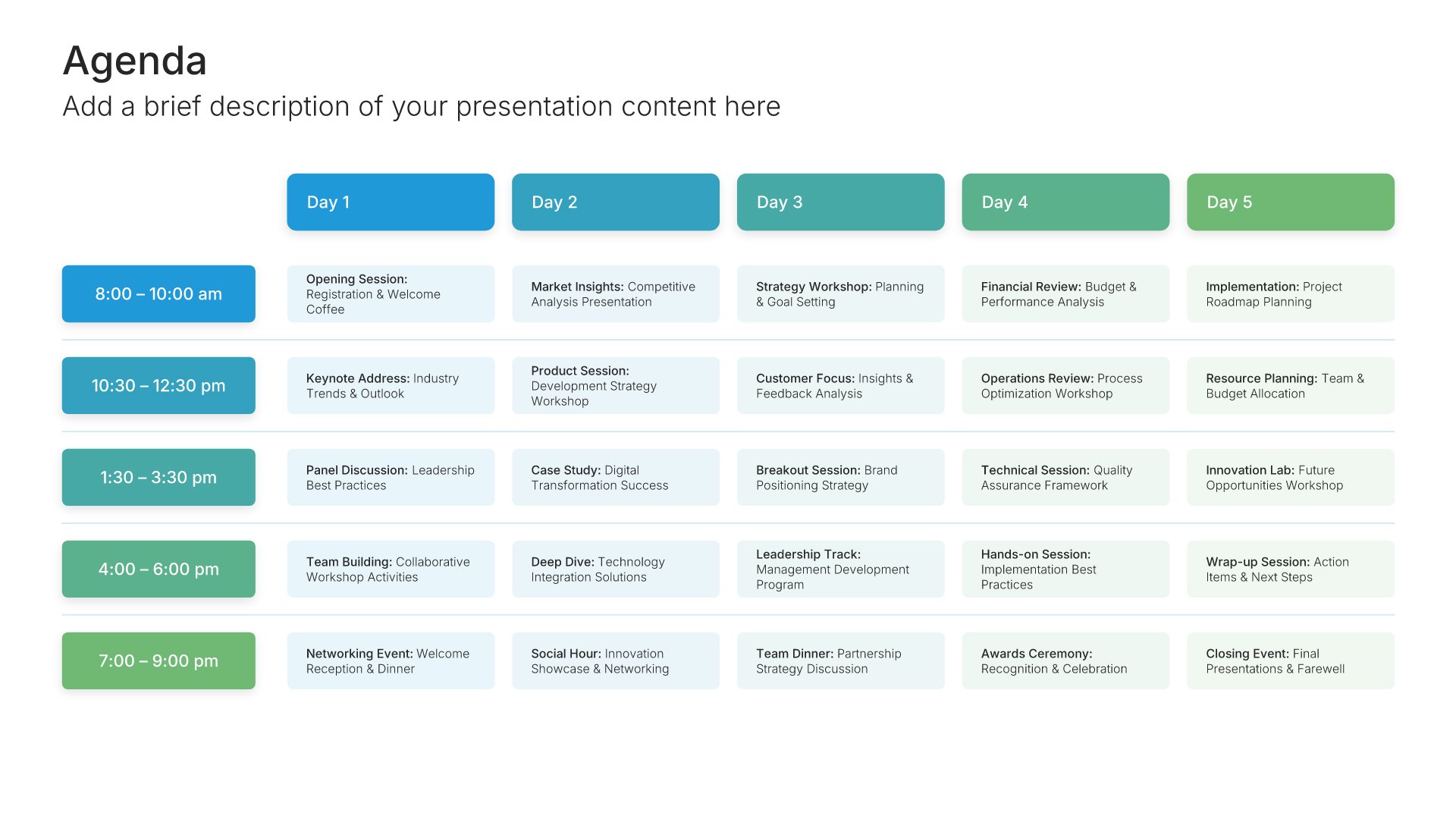
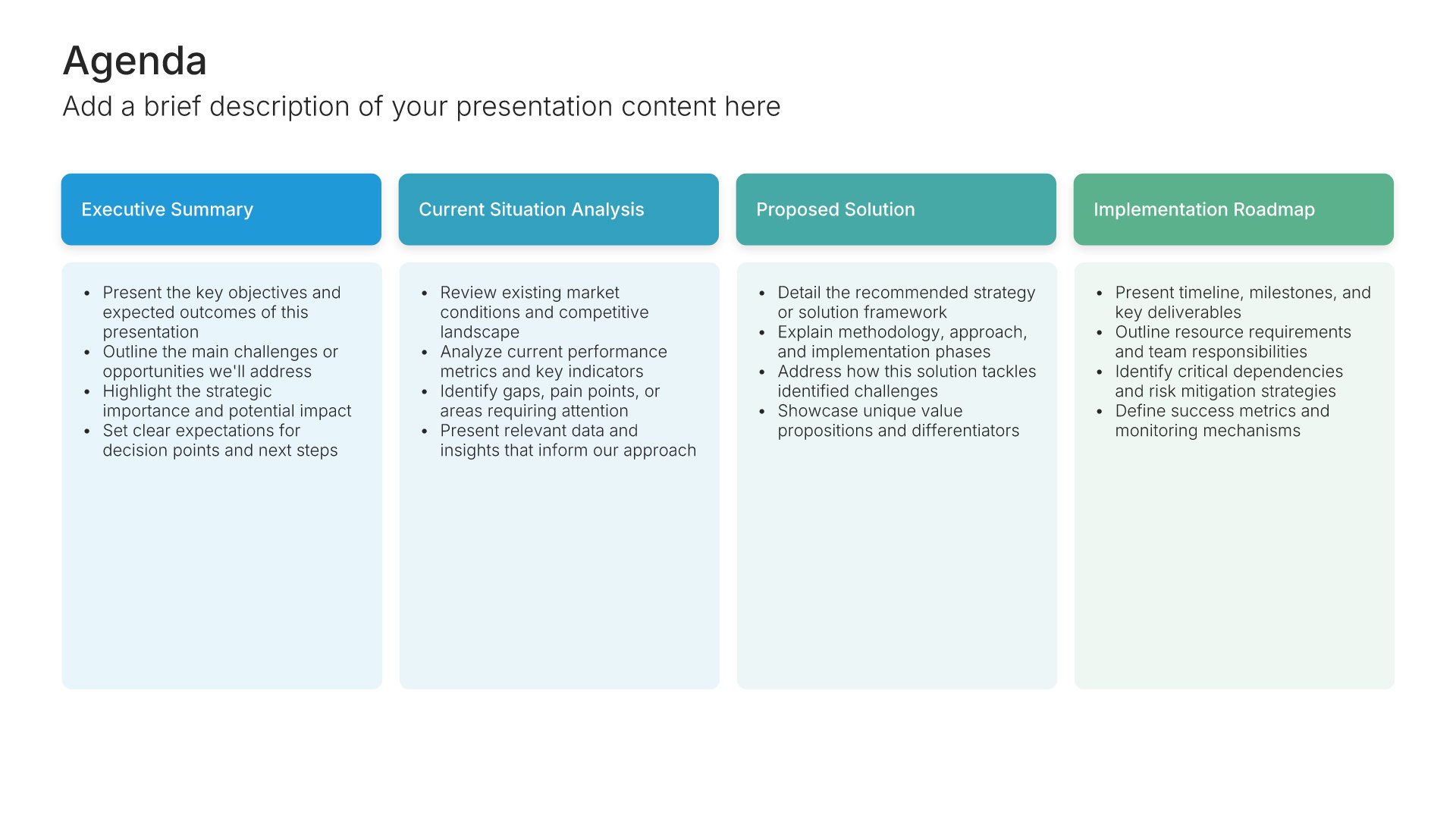
Agenda slide template, layout 02

Layout 02

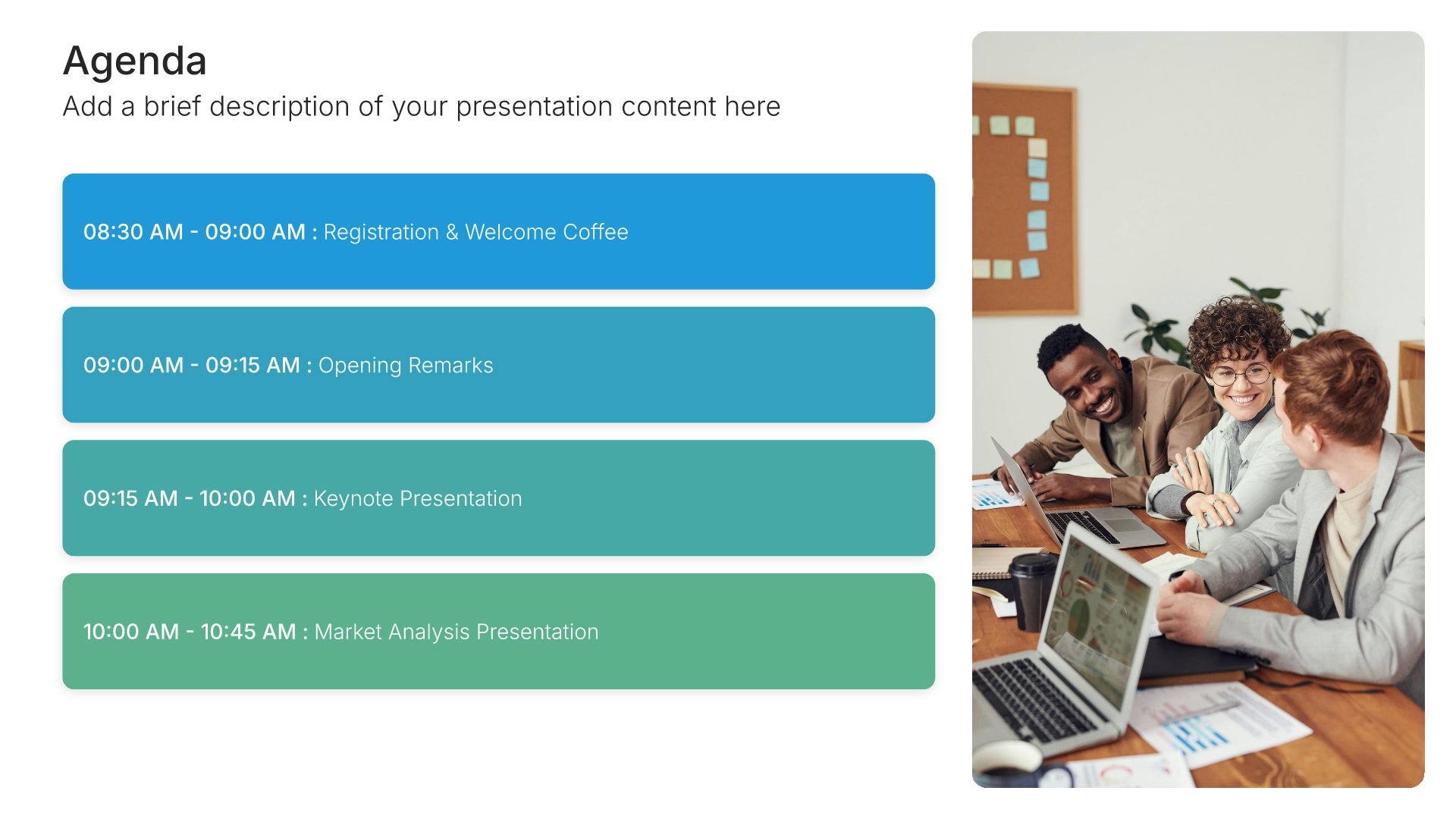
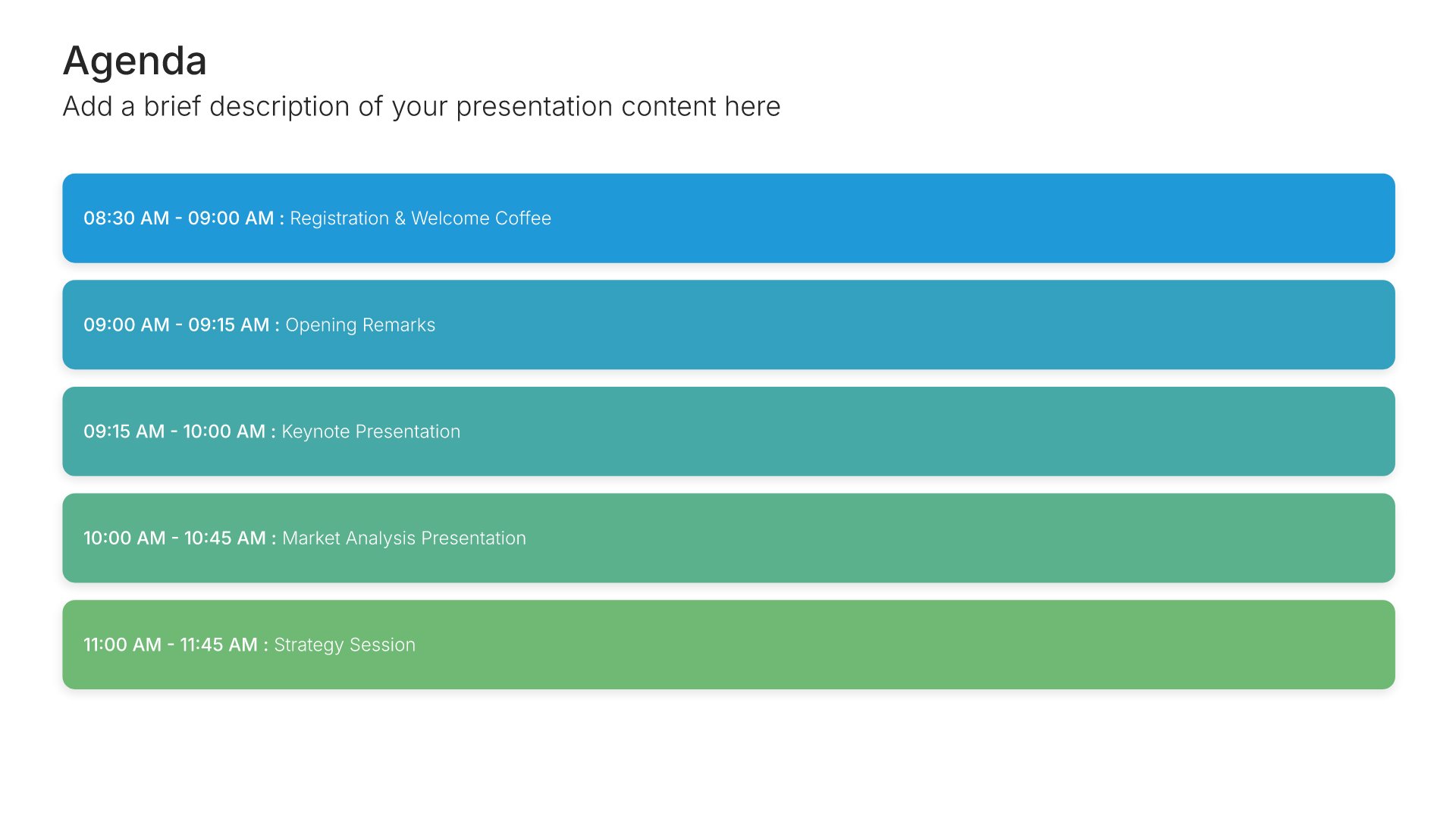
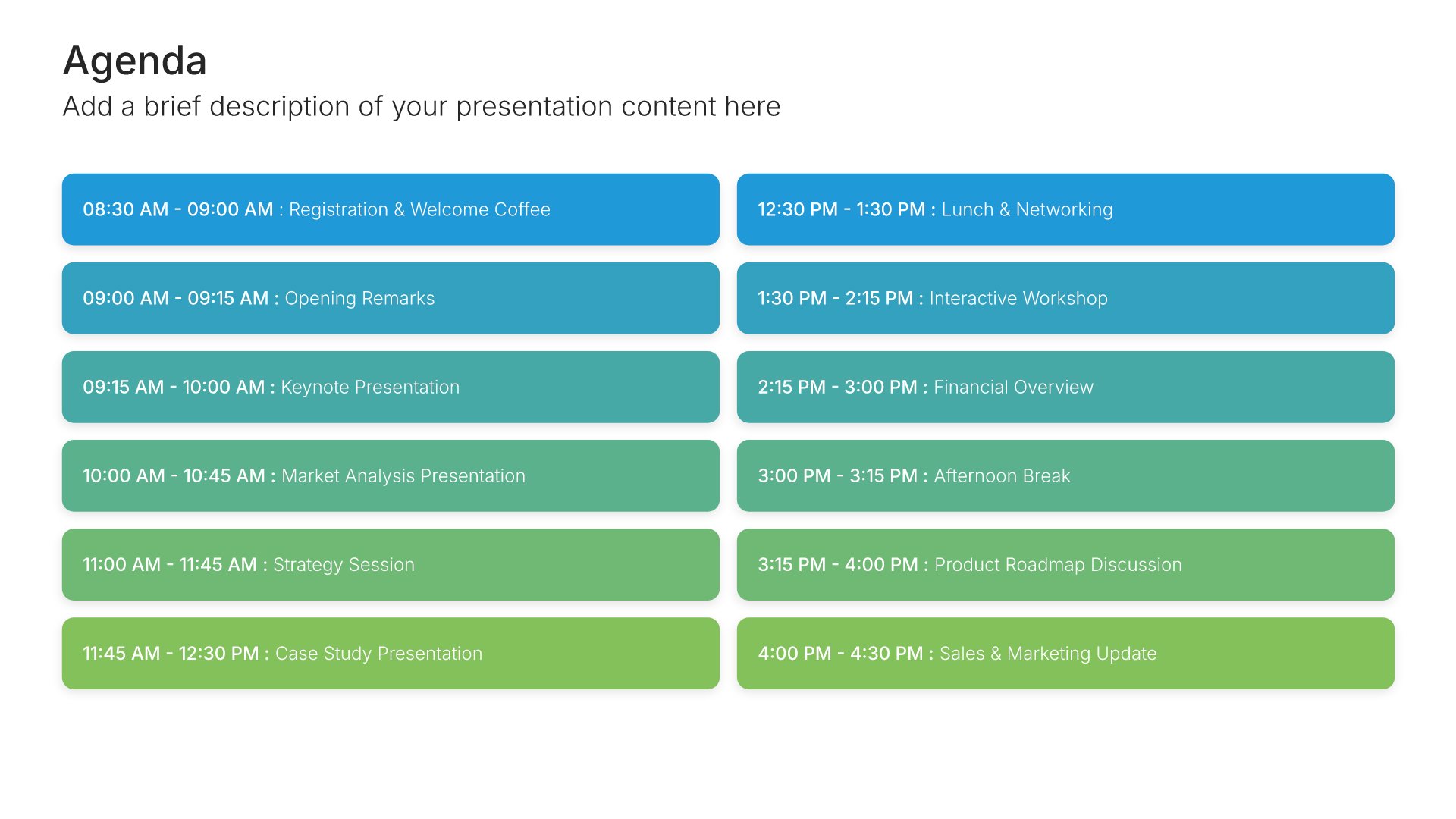
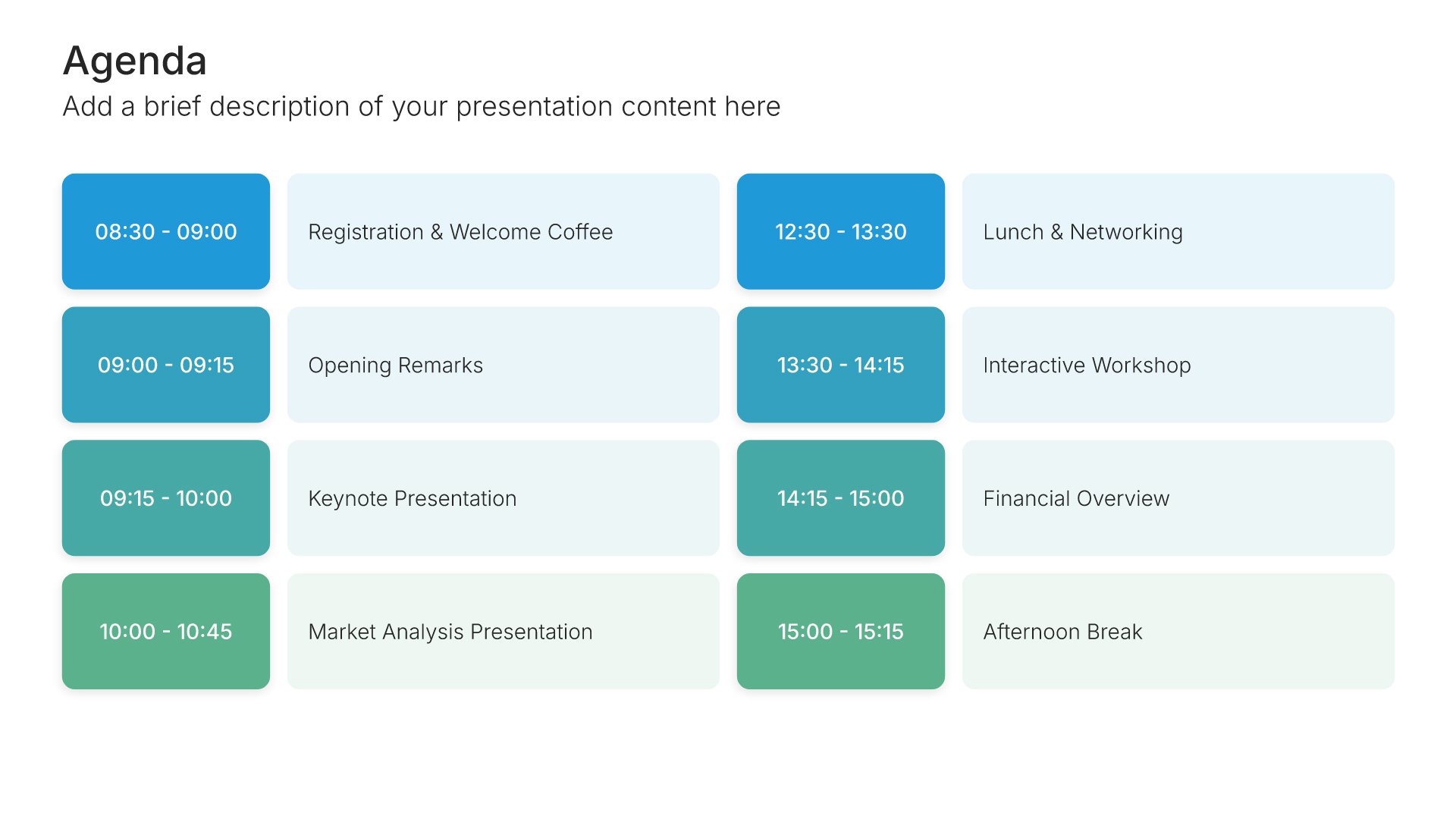
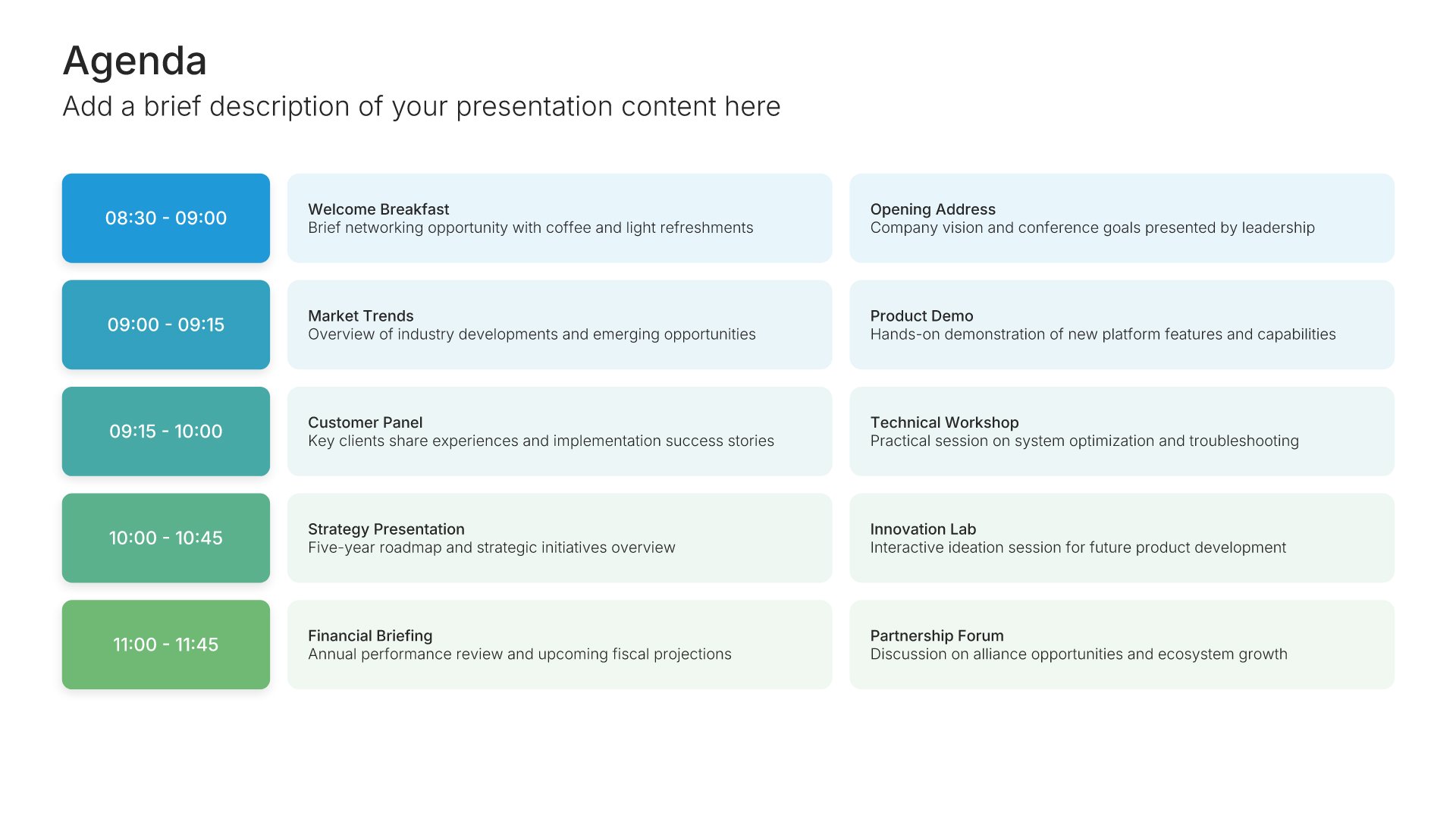
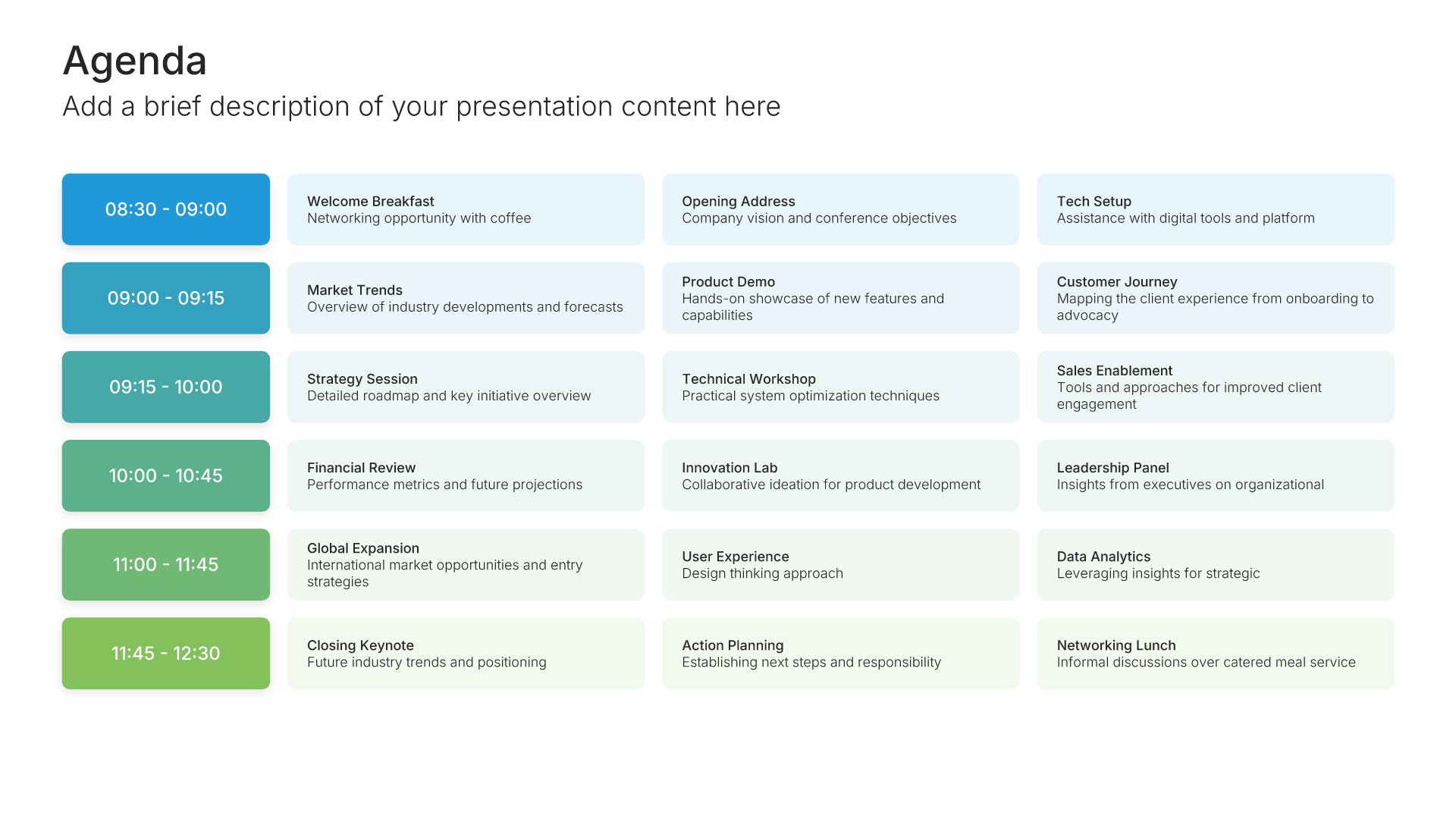
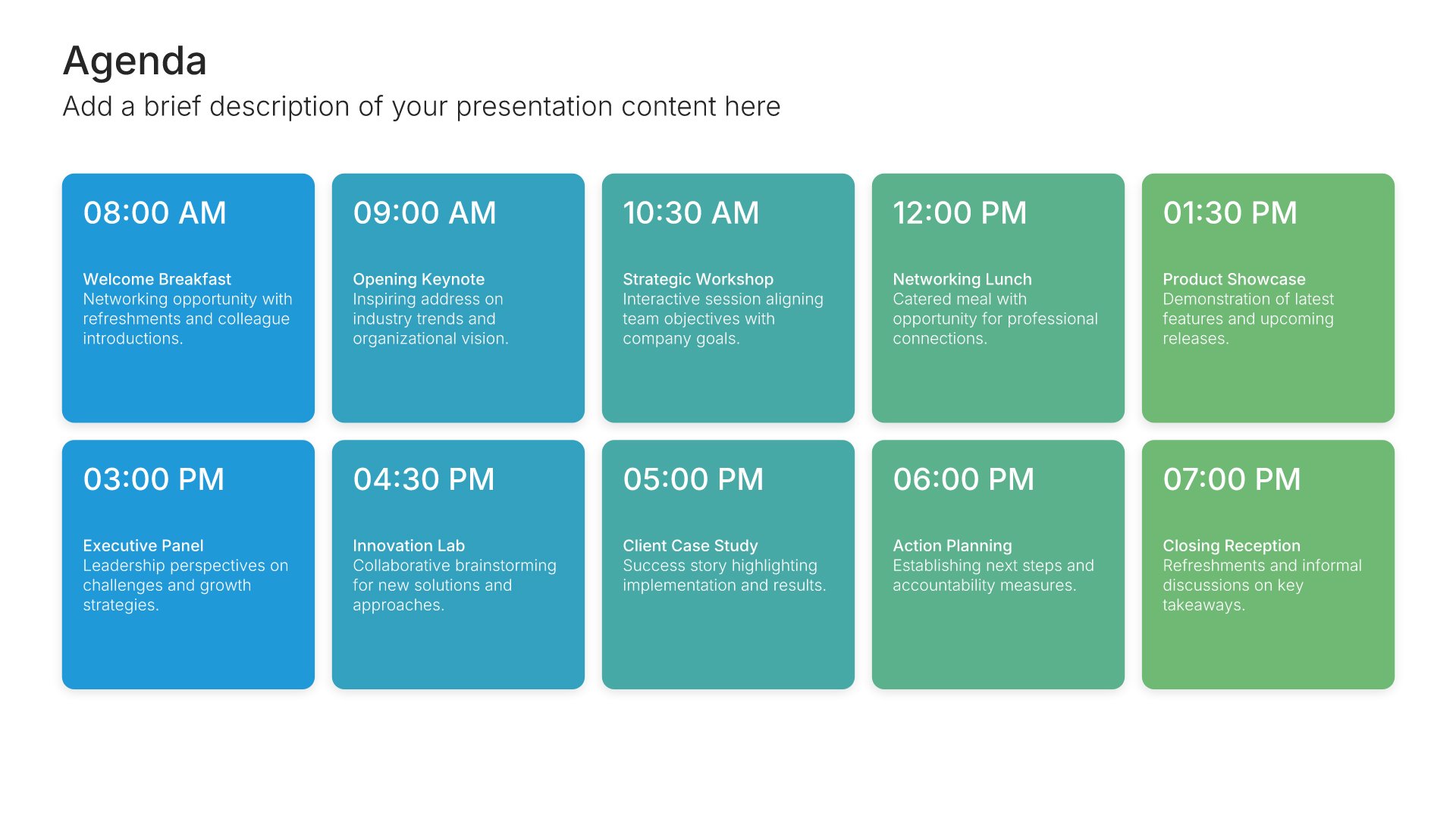
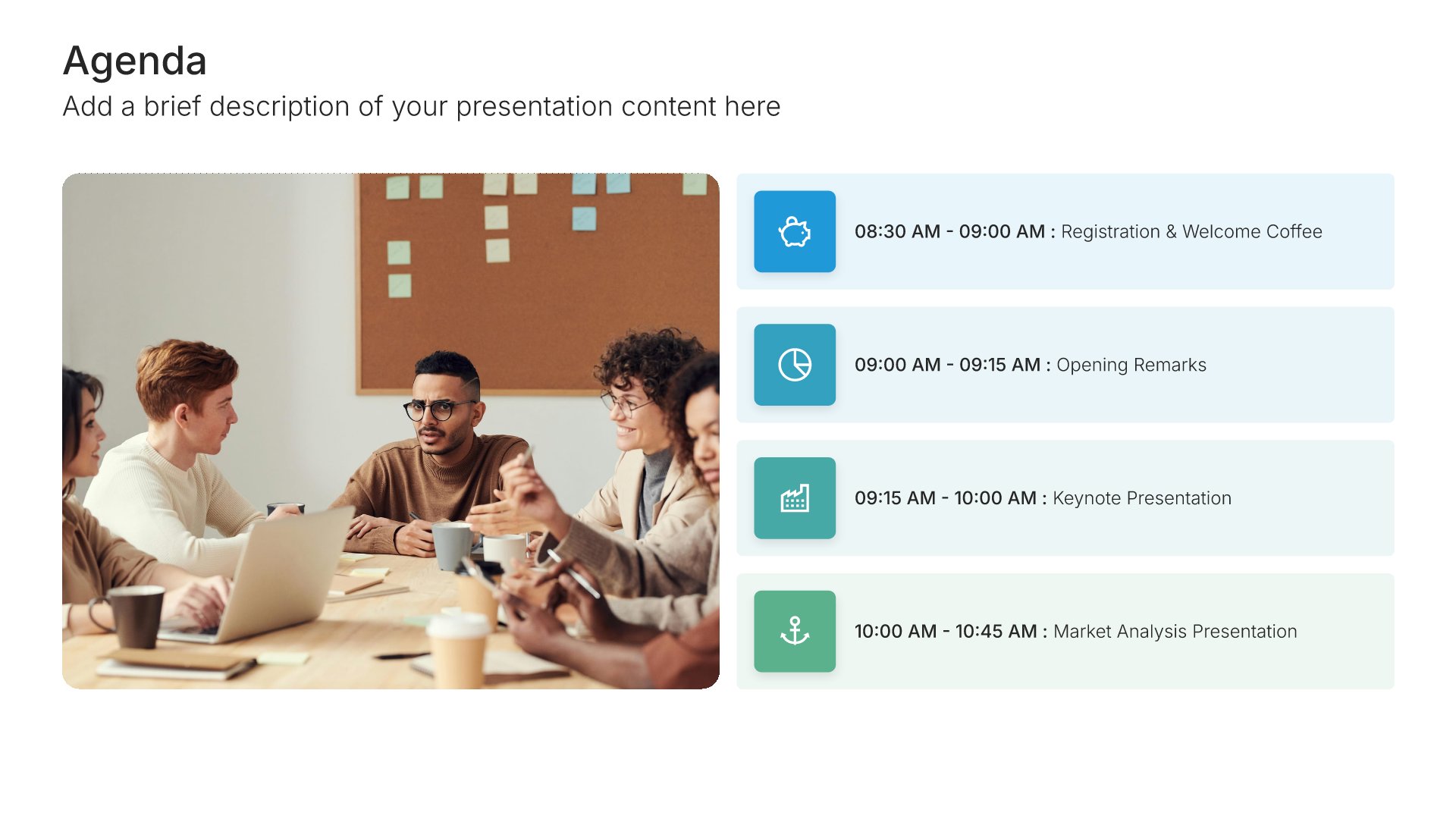
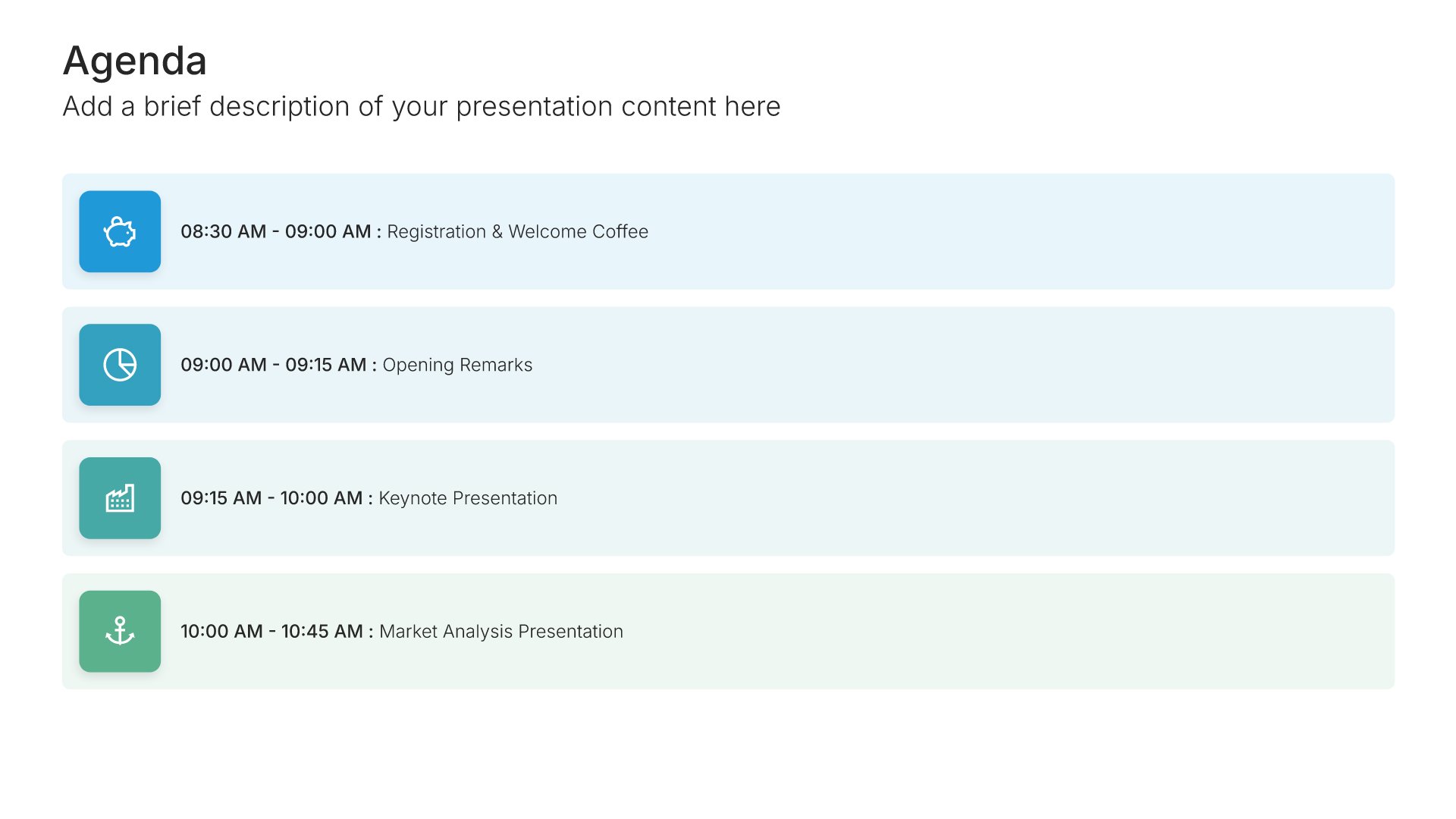
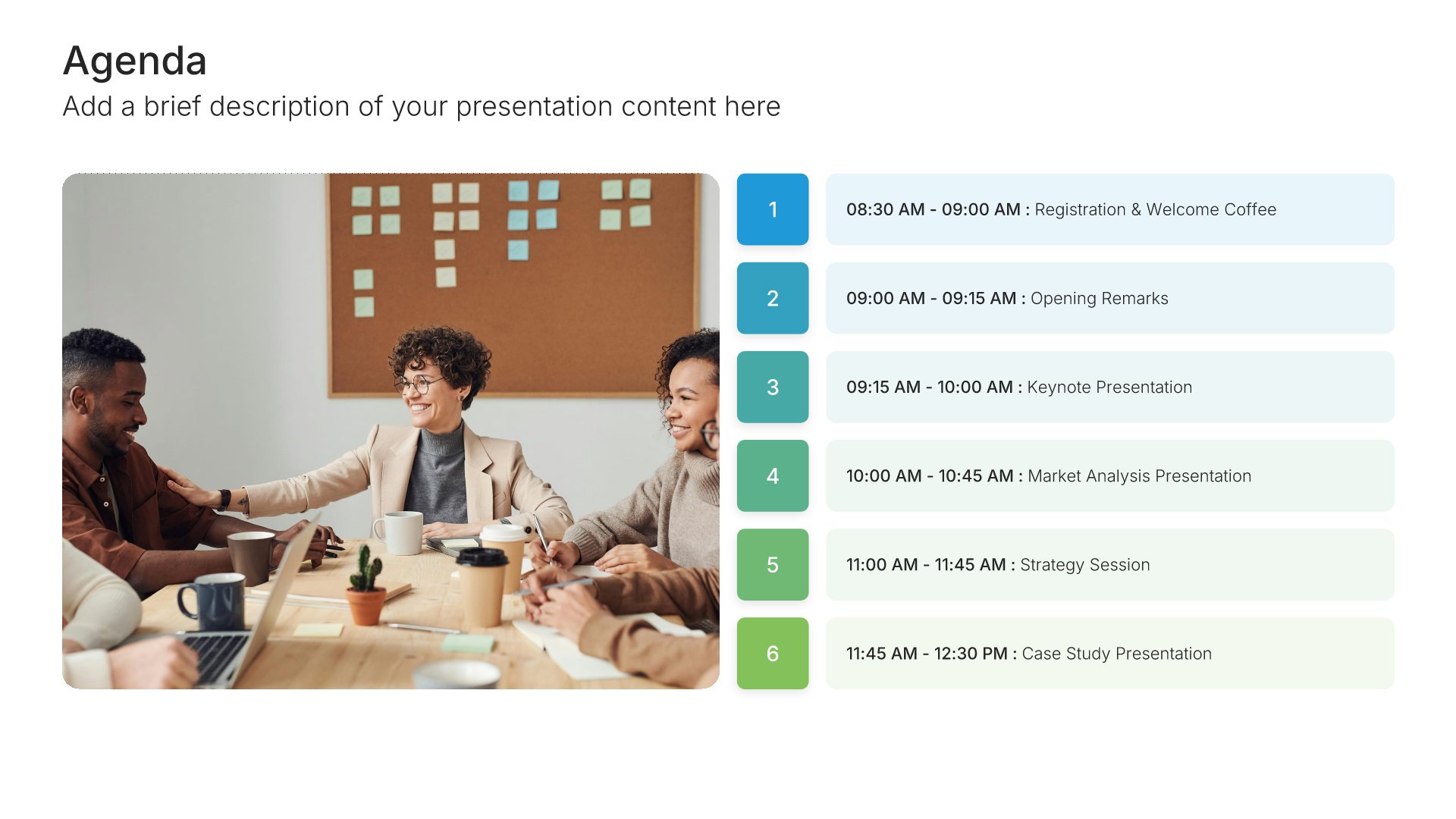
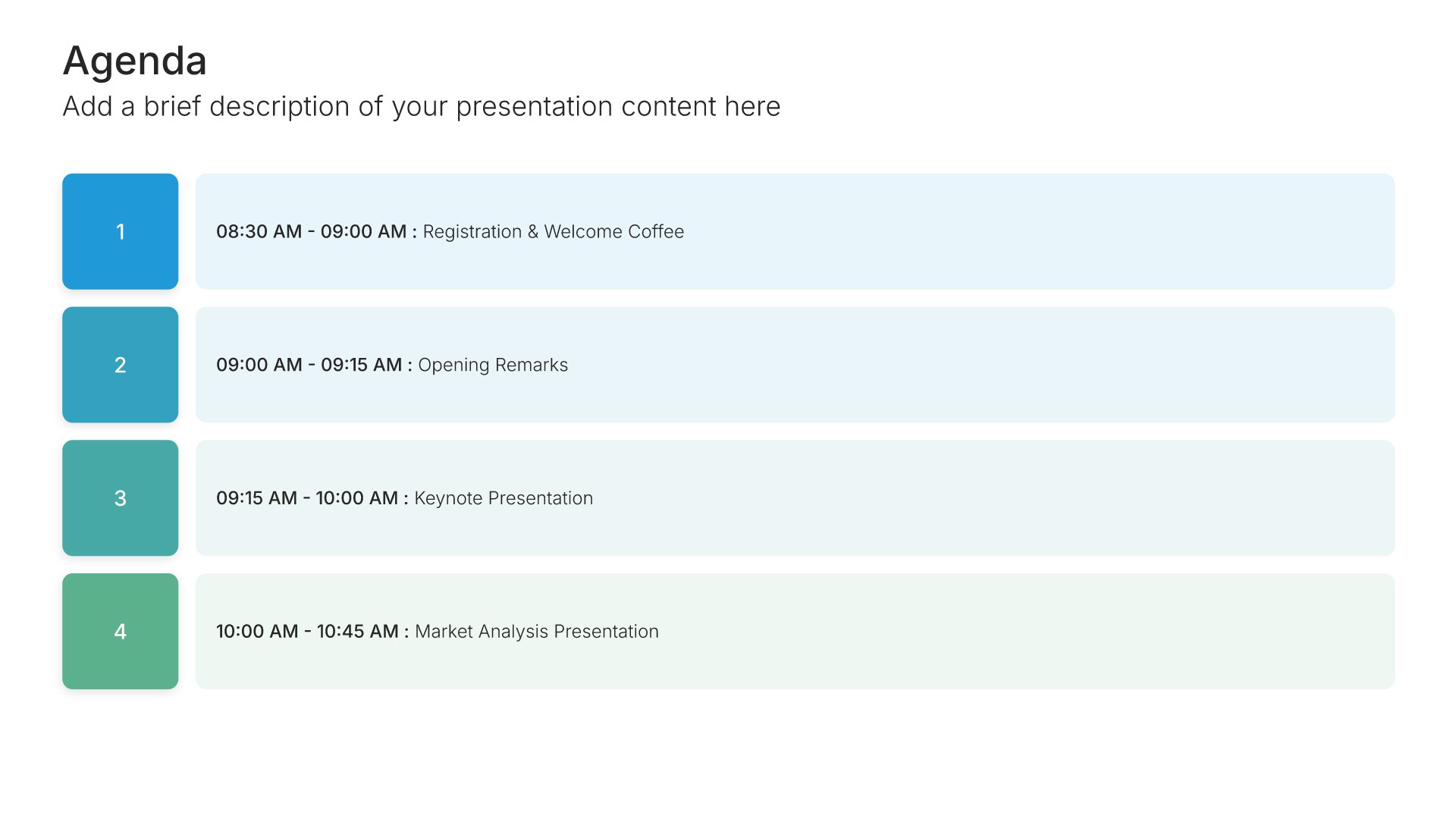
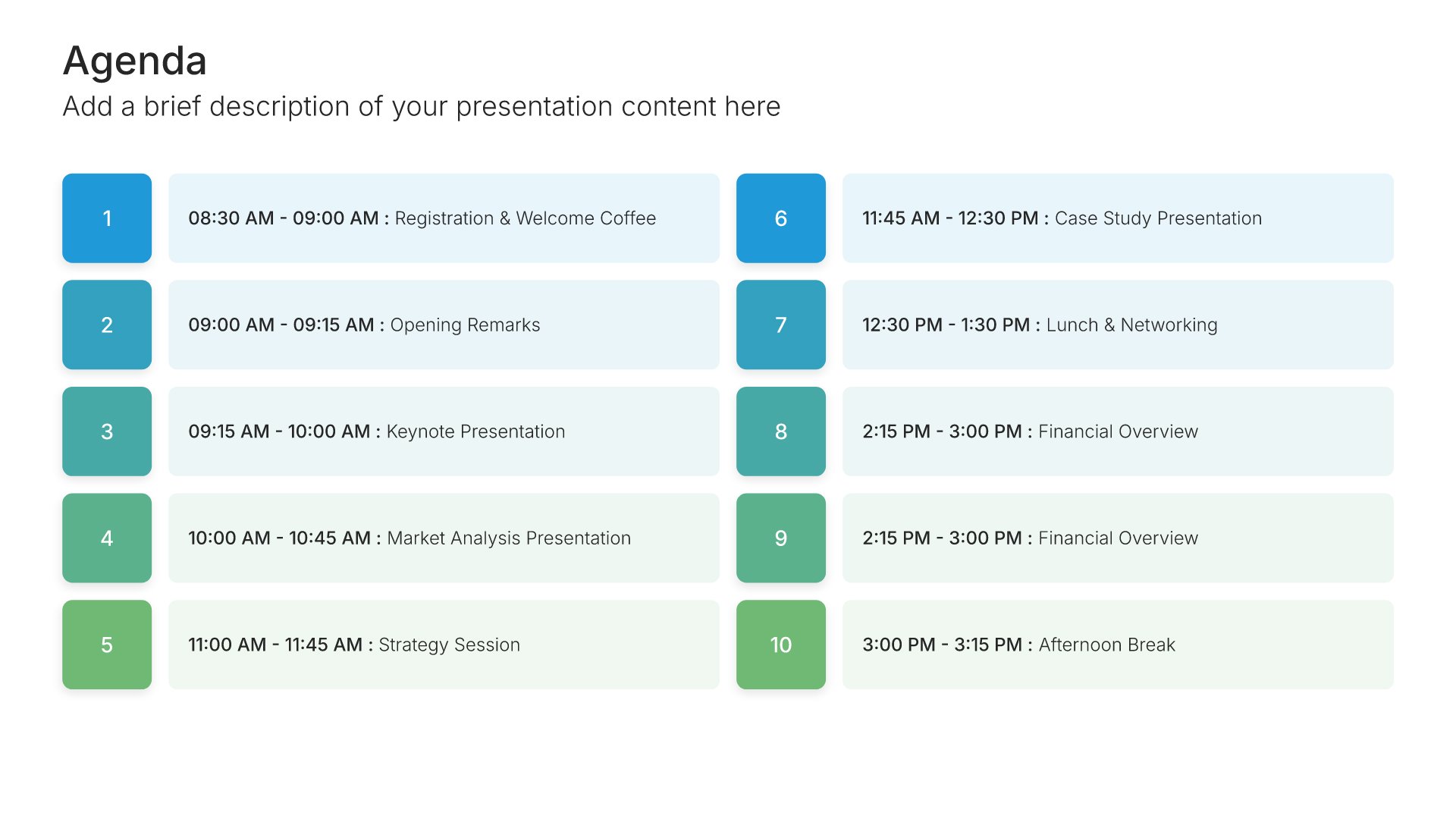
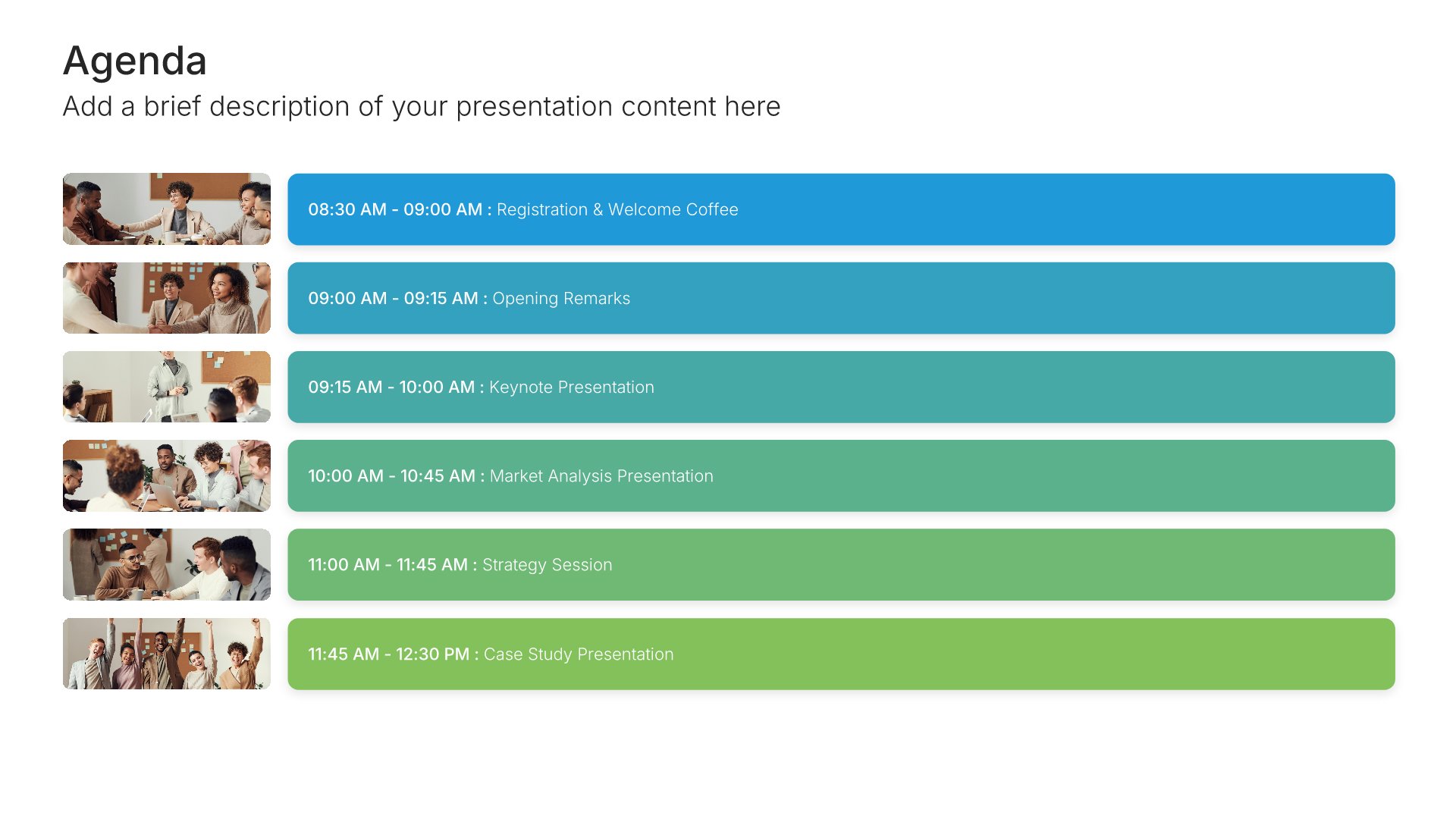
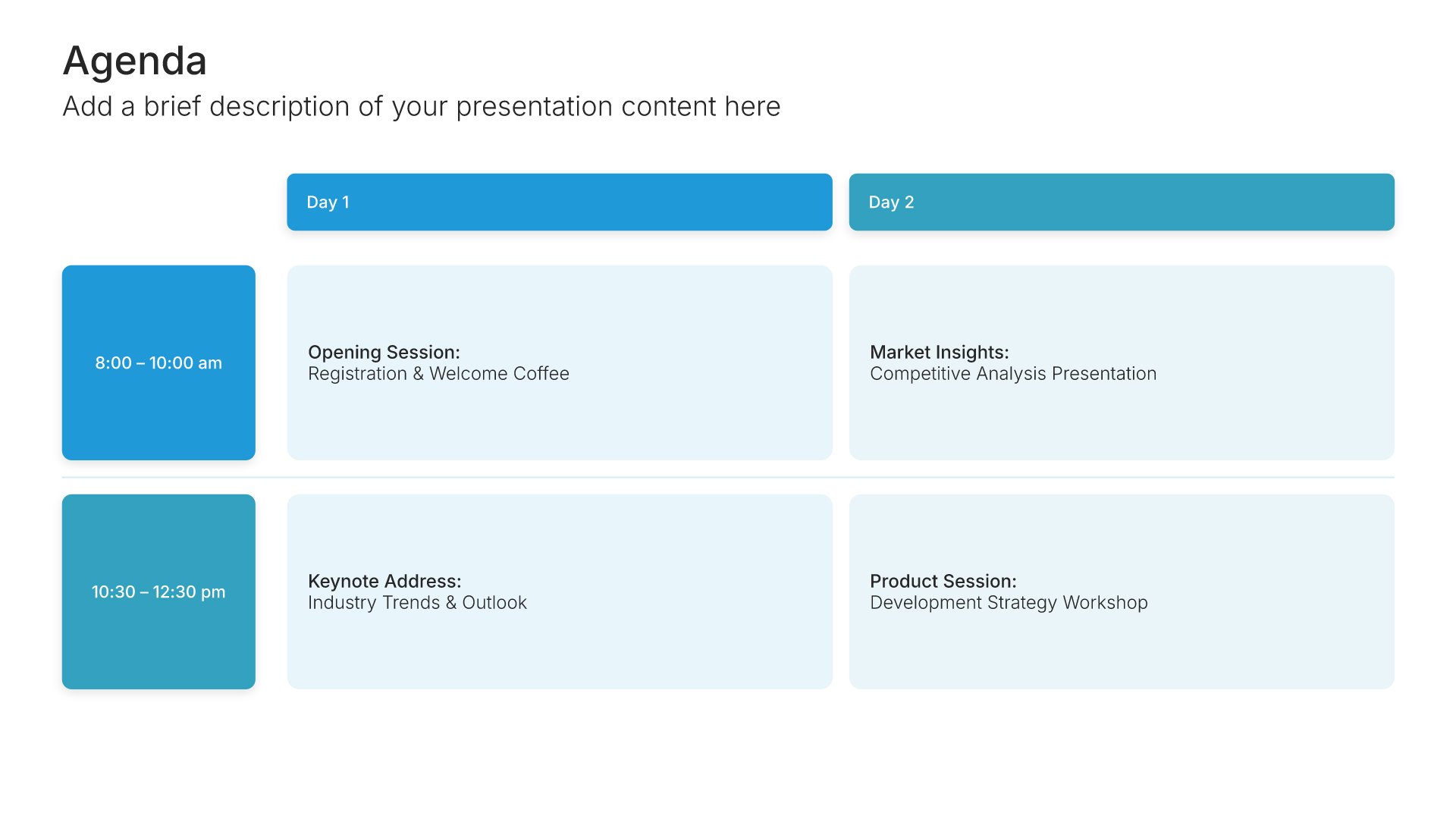
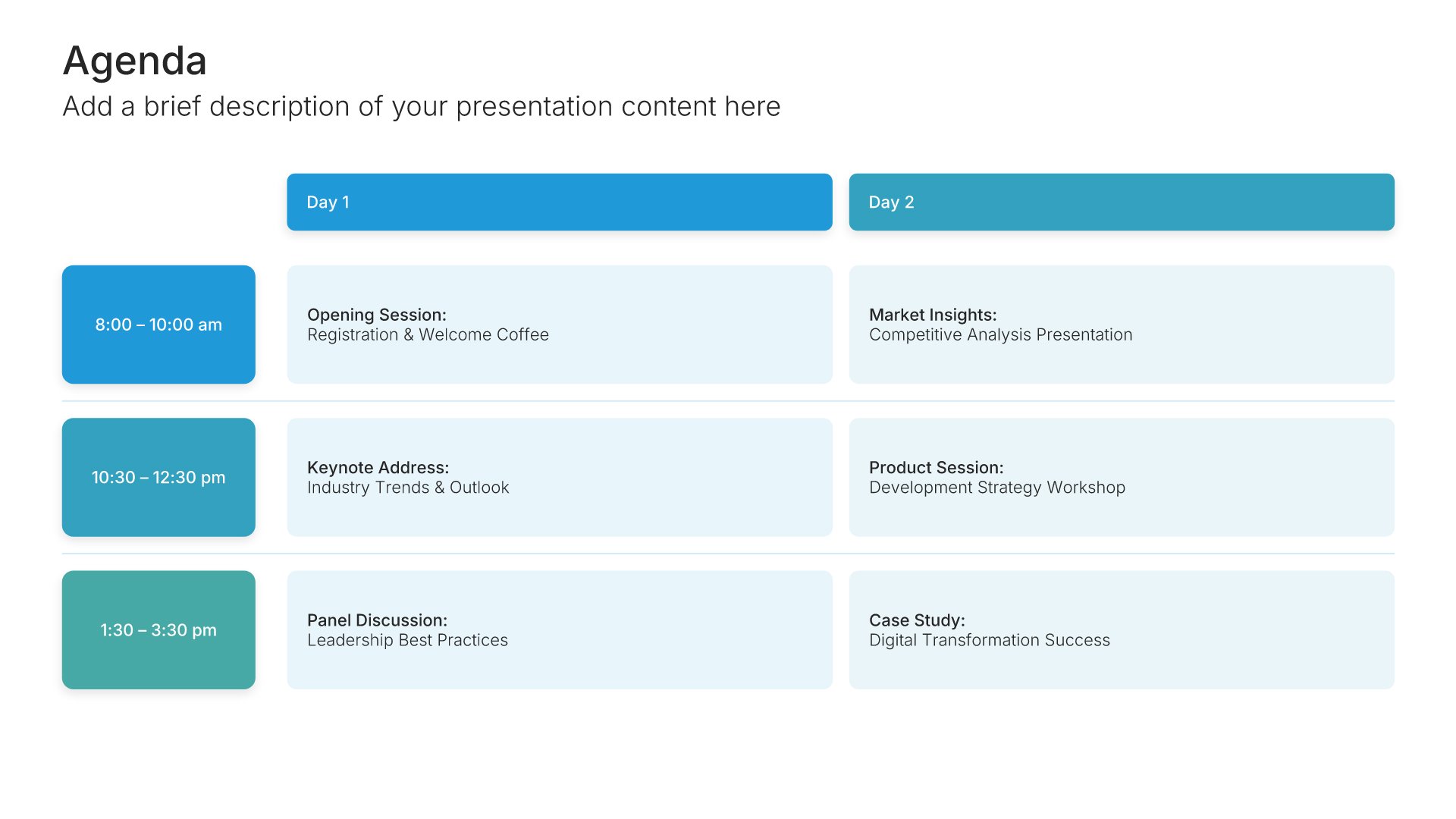
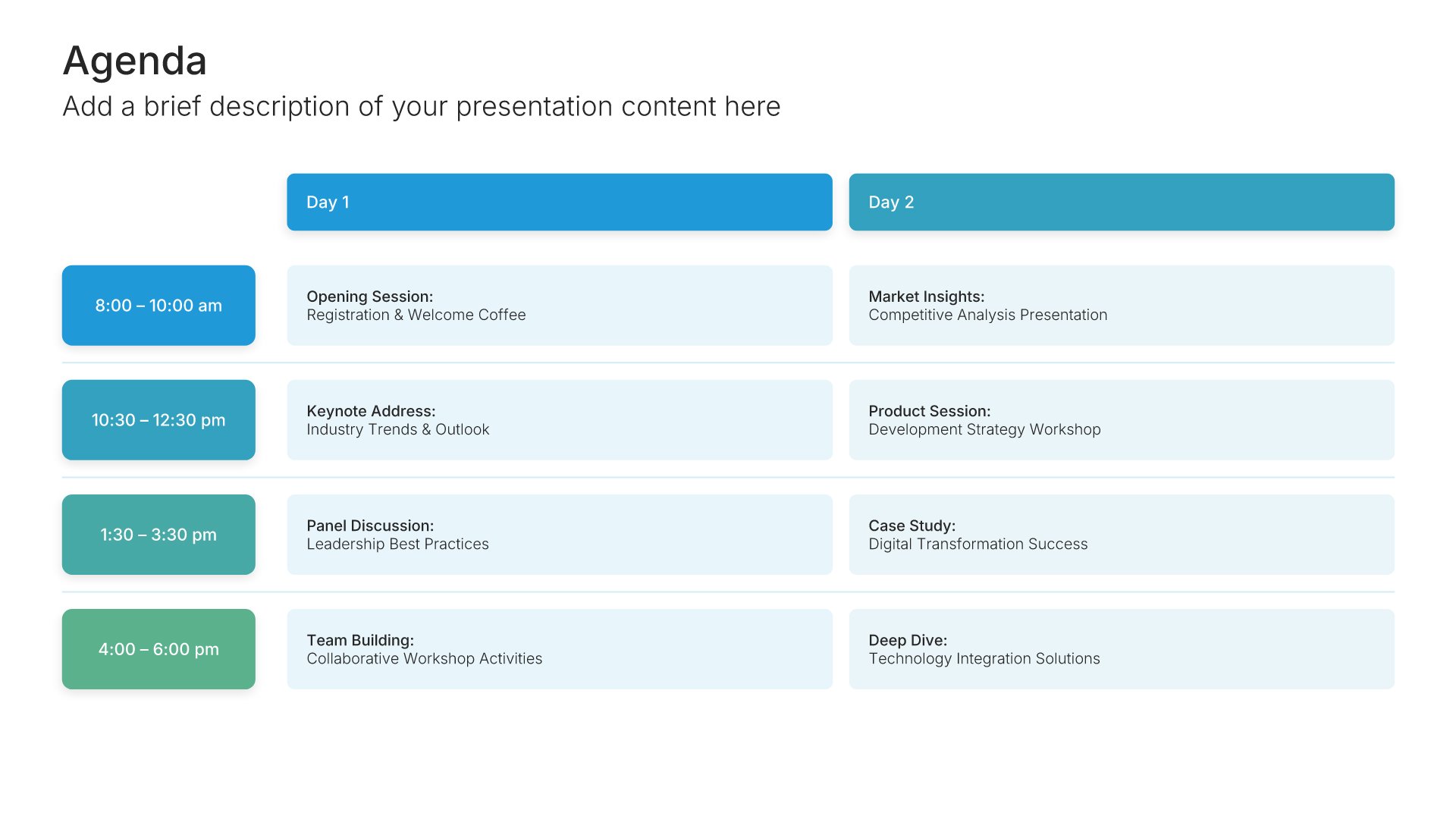
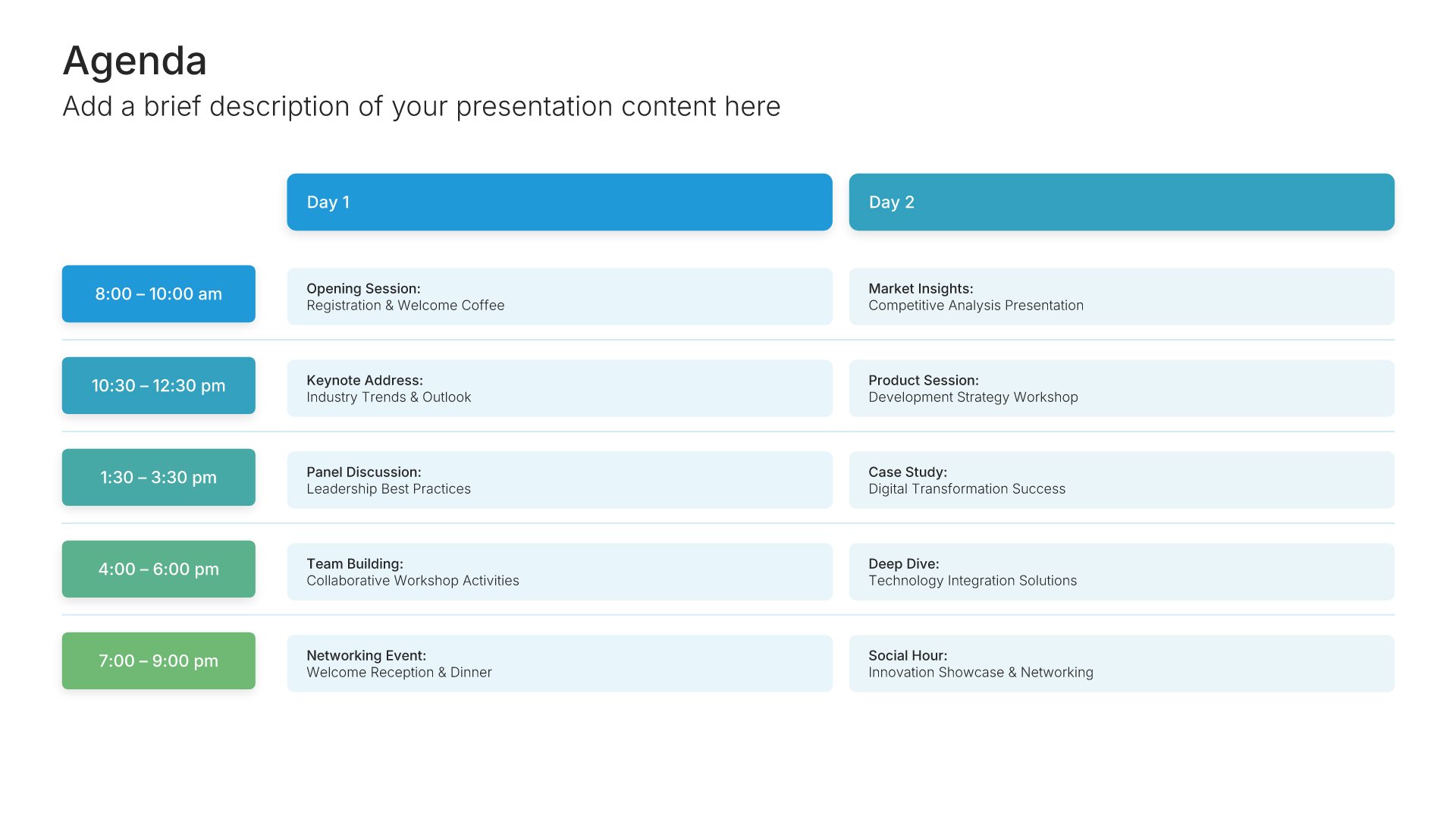
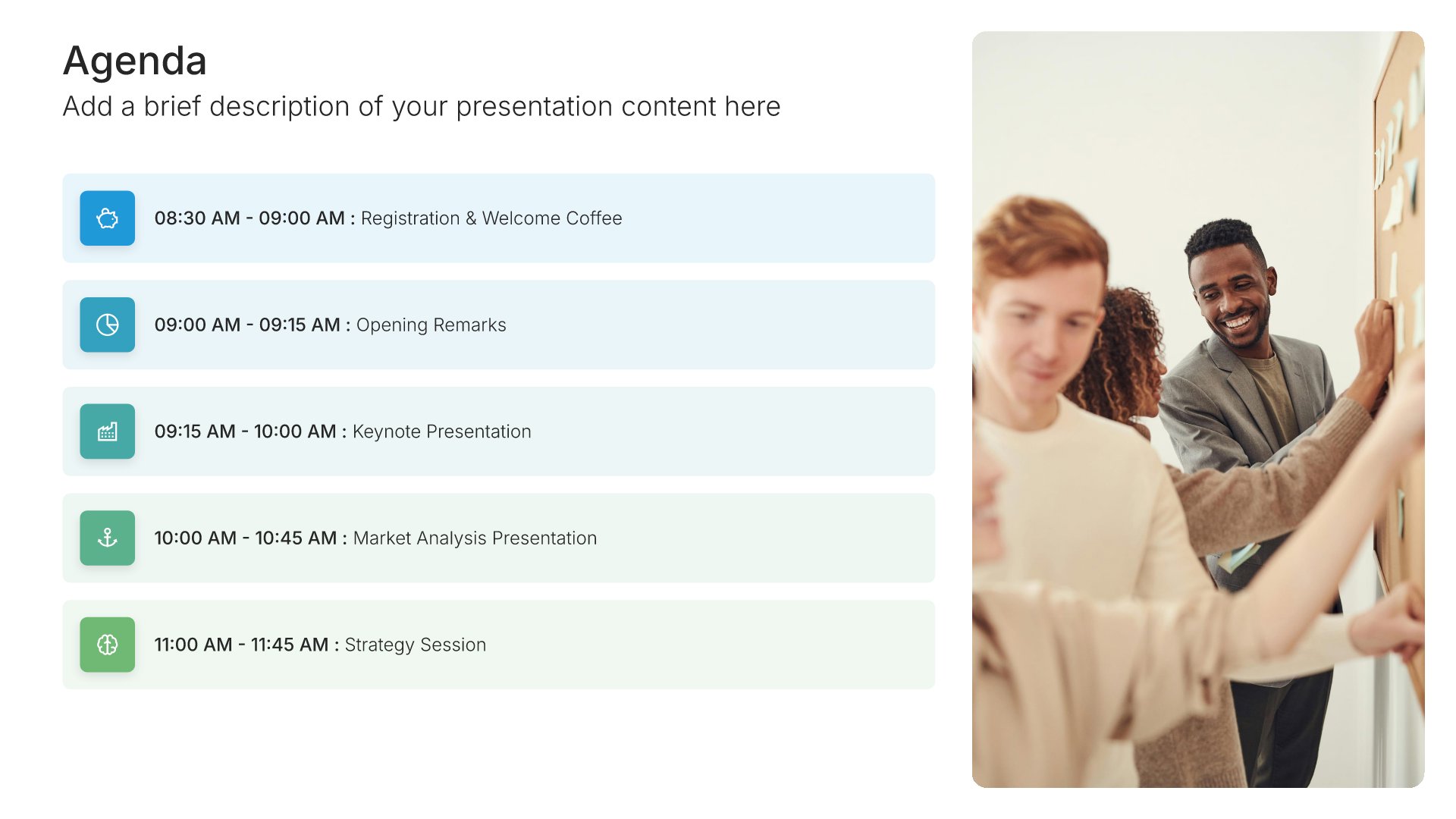
Agenda slide template, layout 03

Layout 03

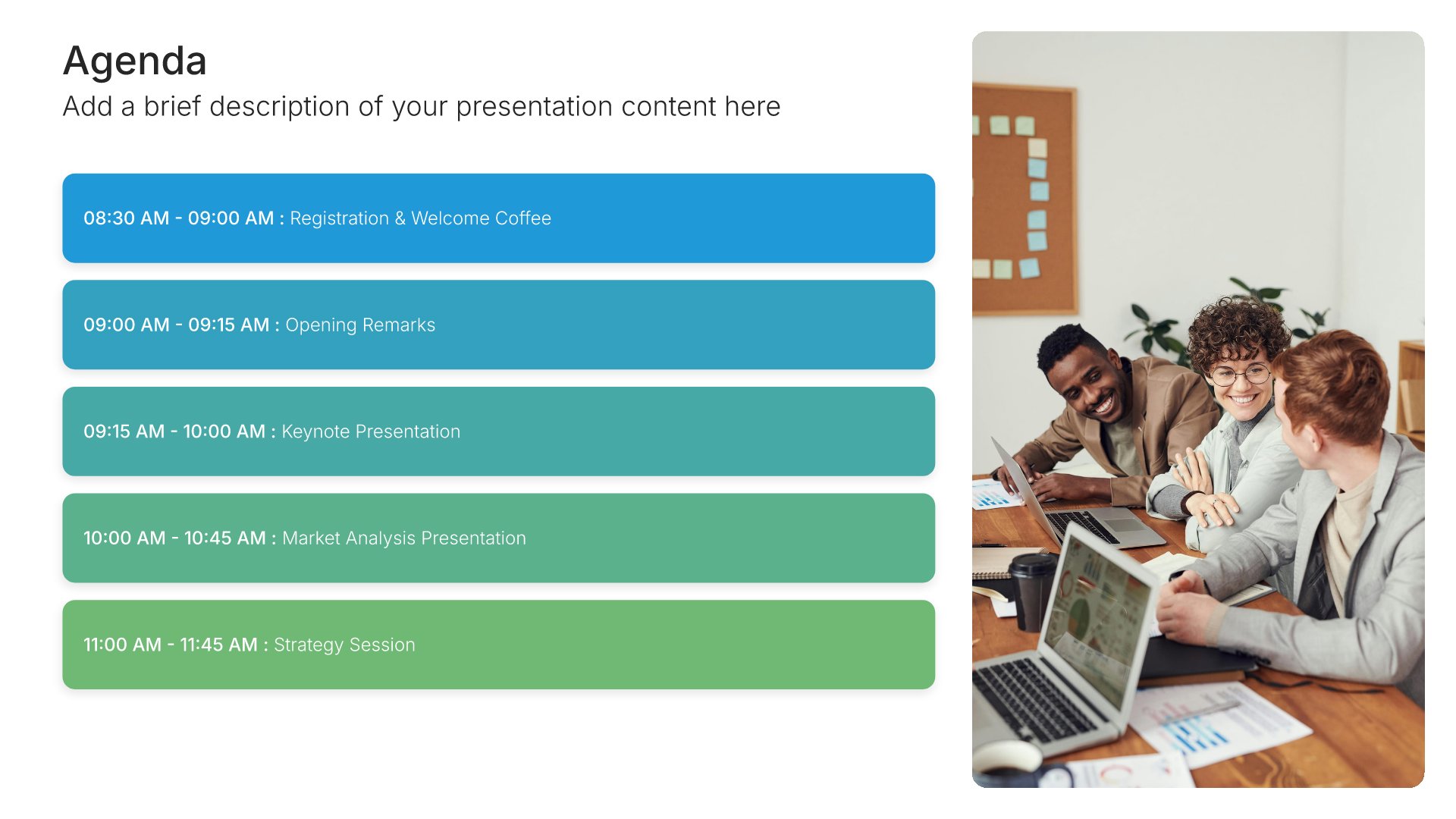
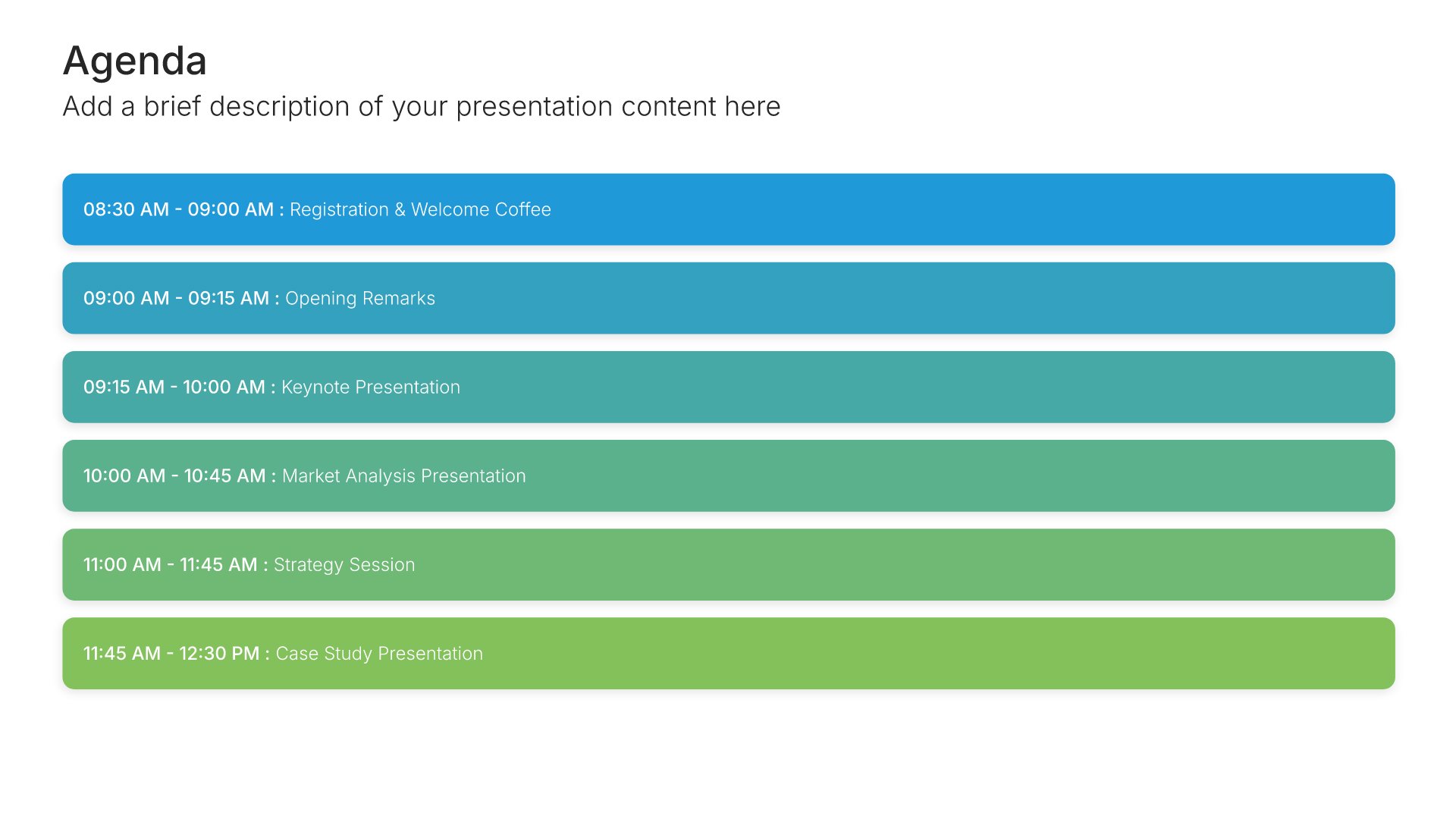
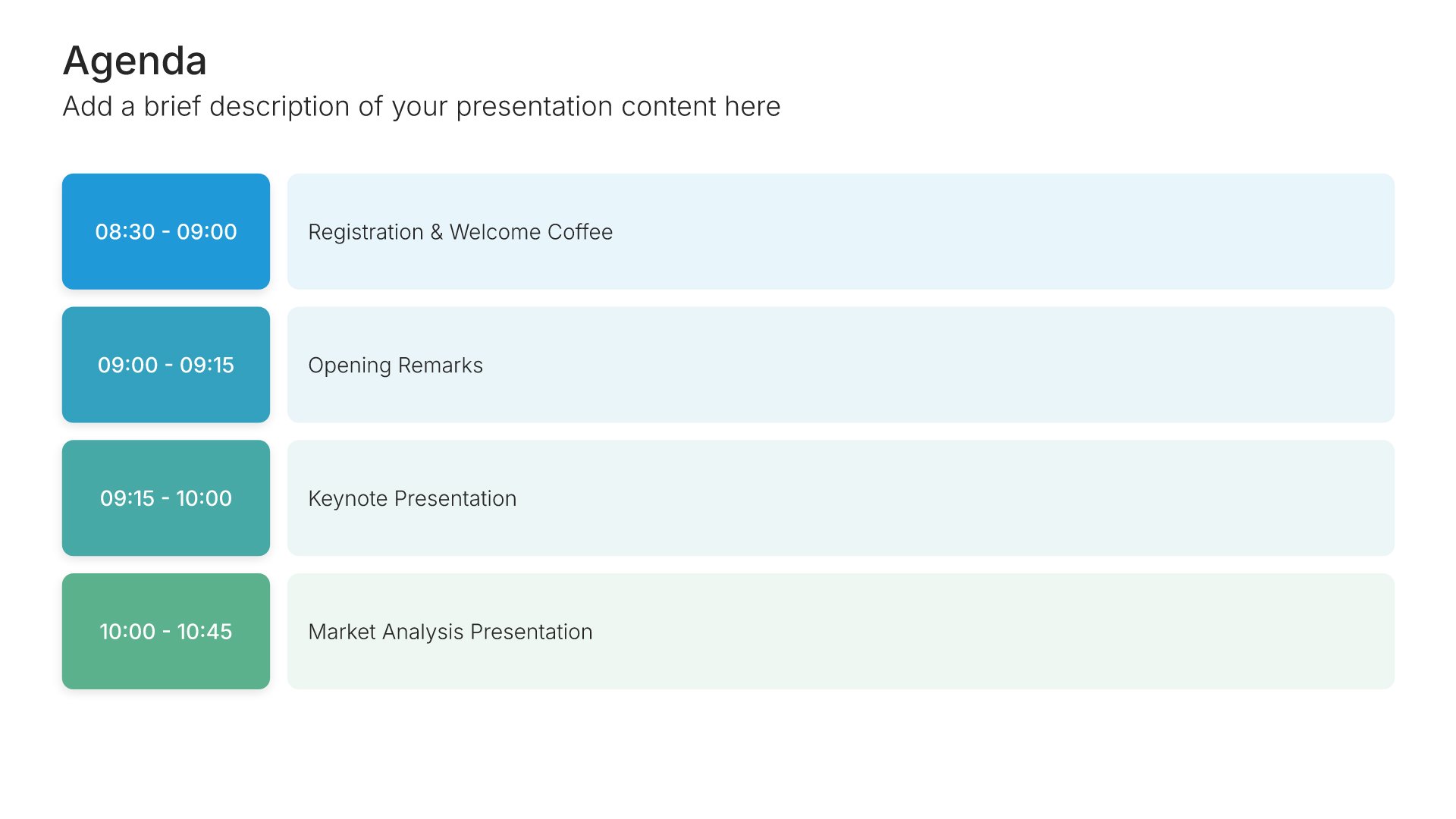
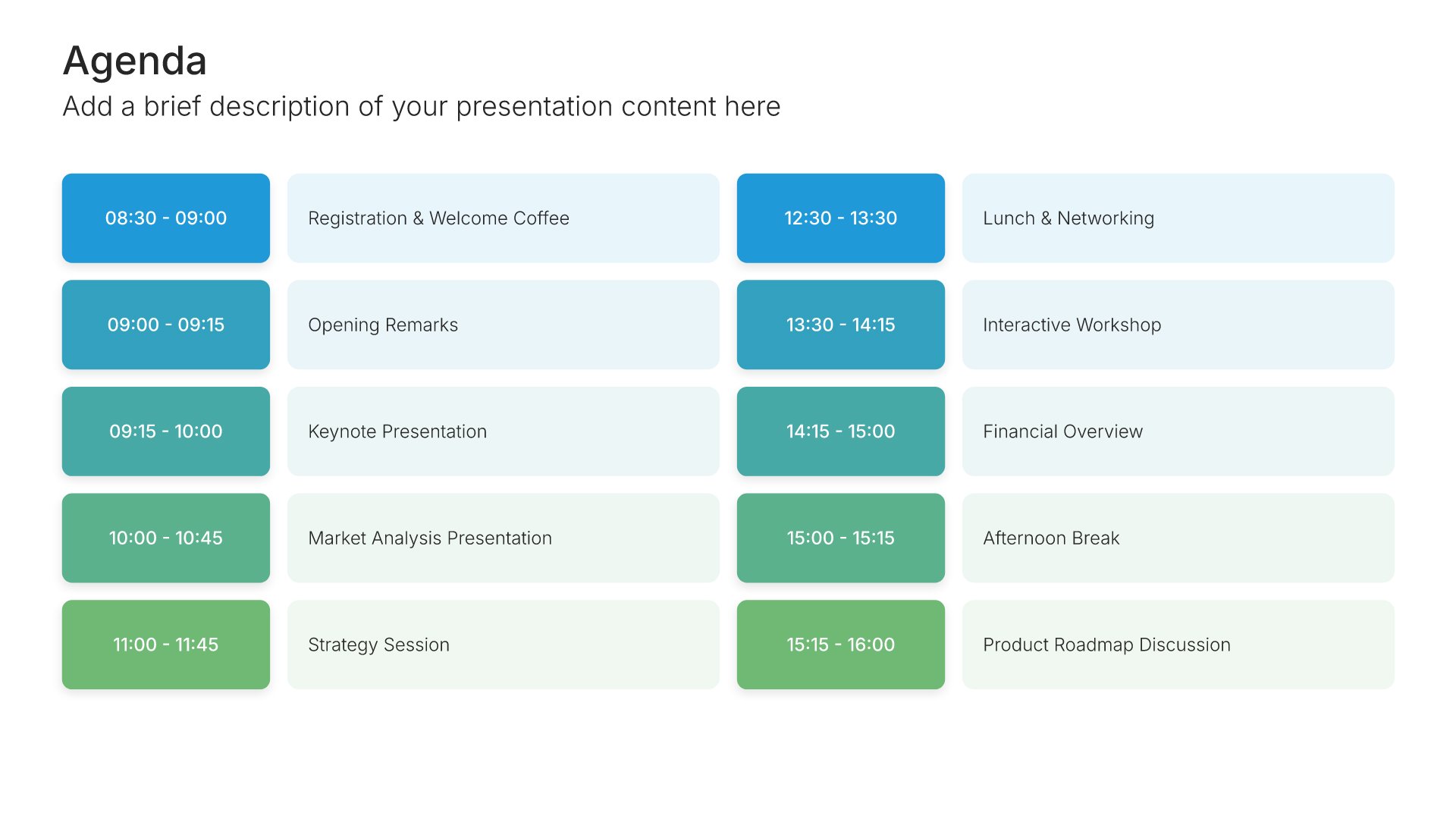
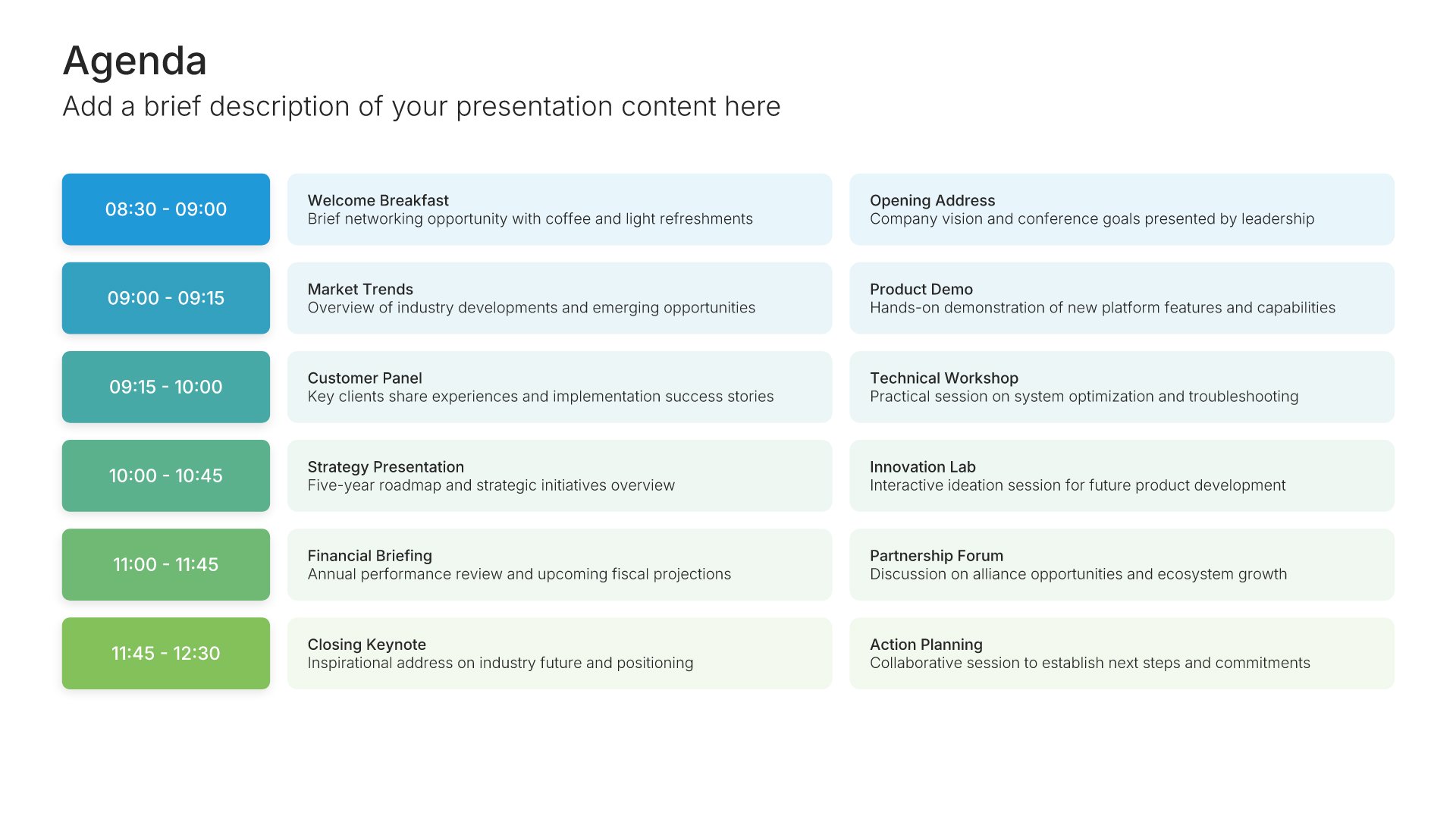
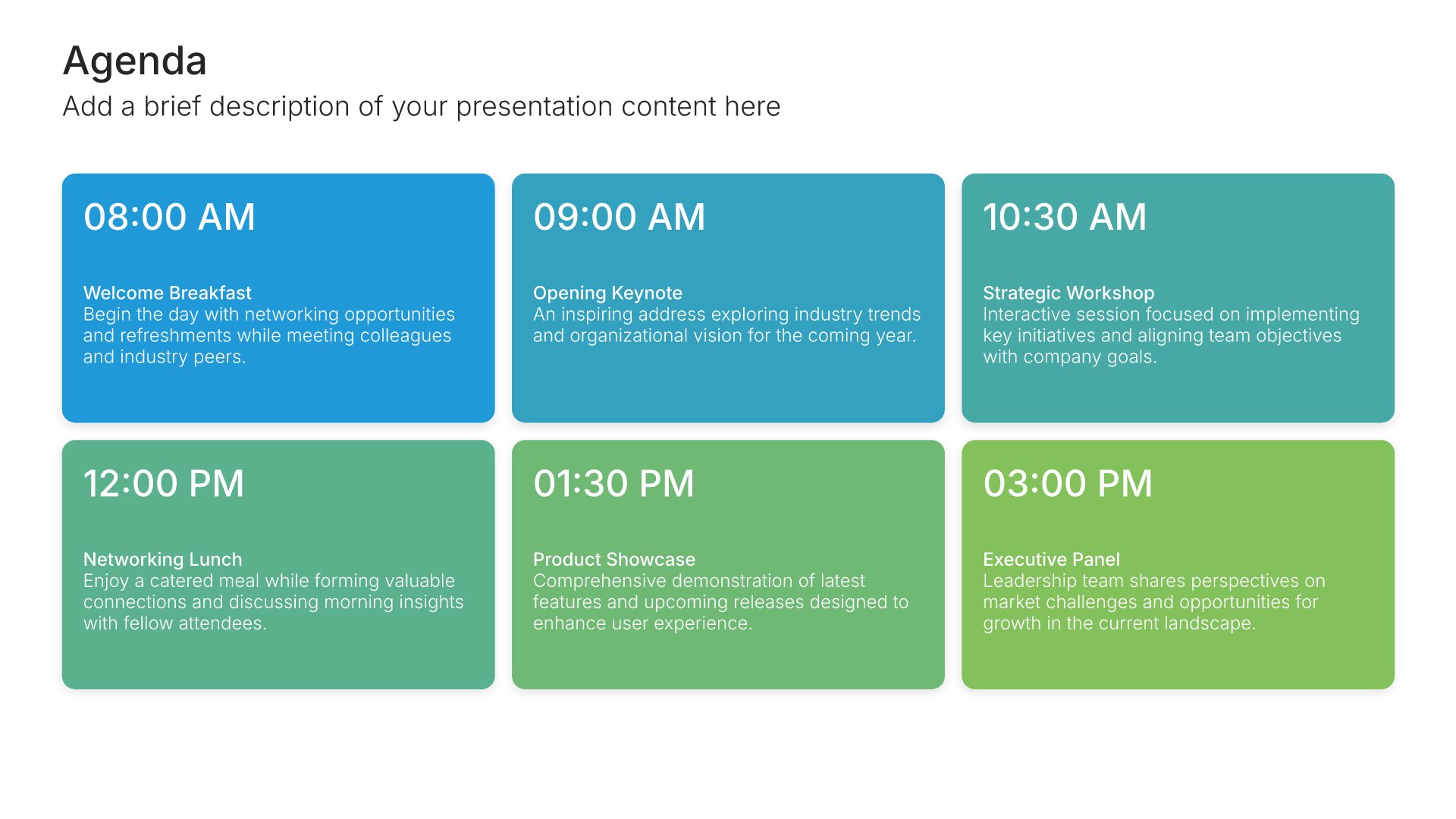
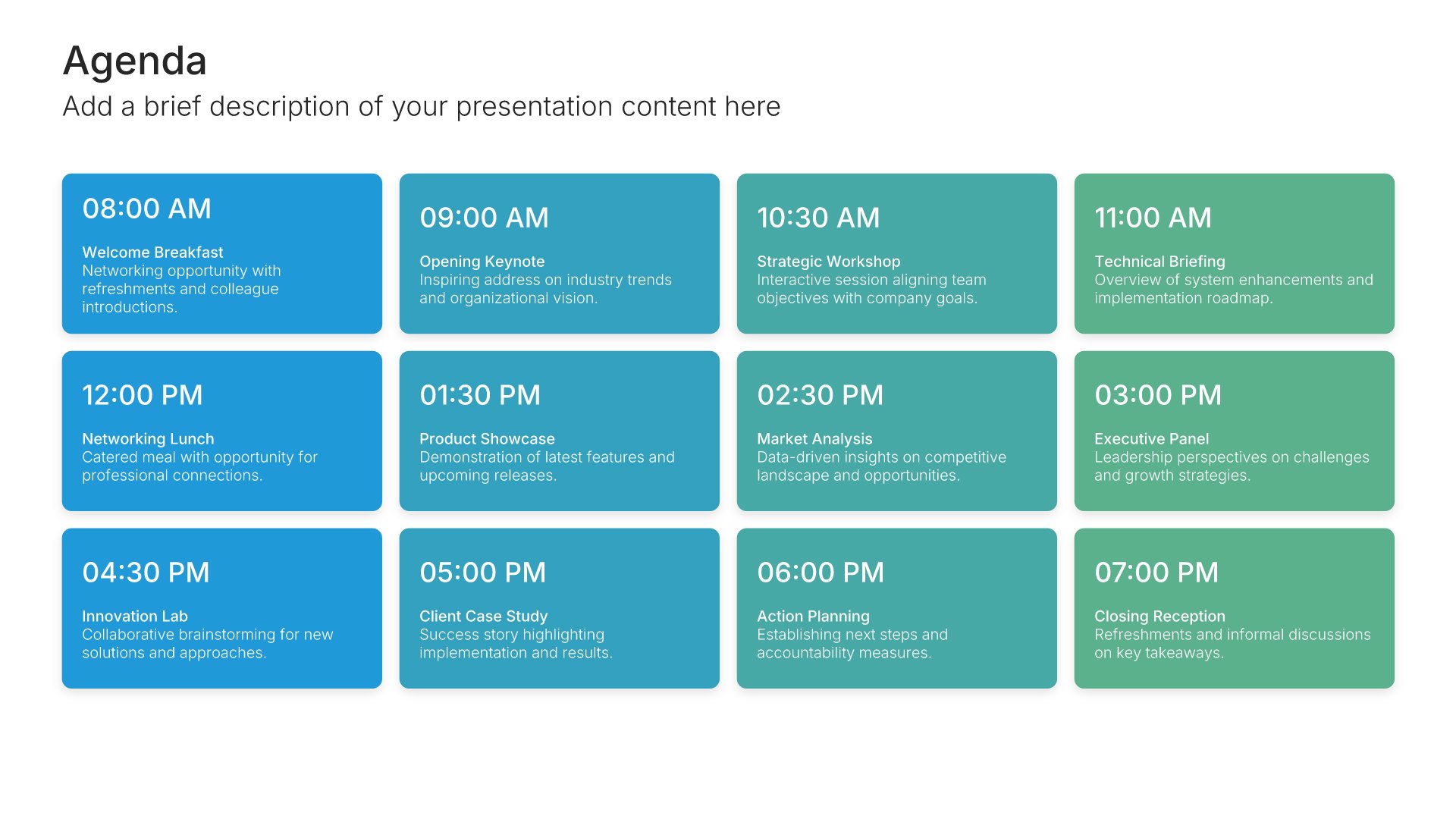
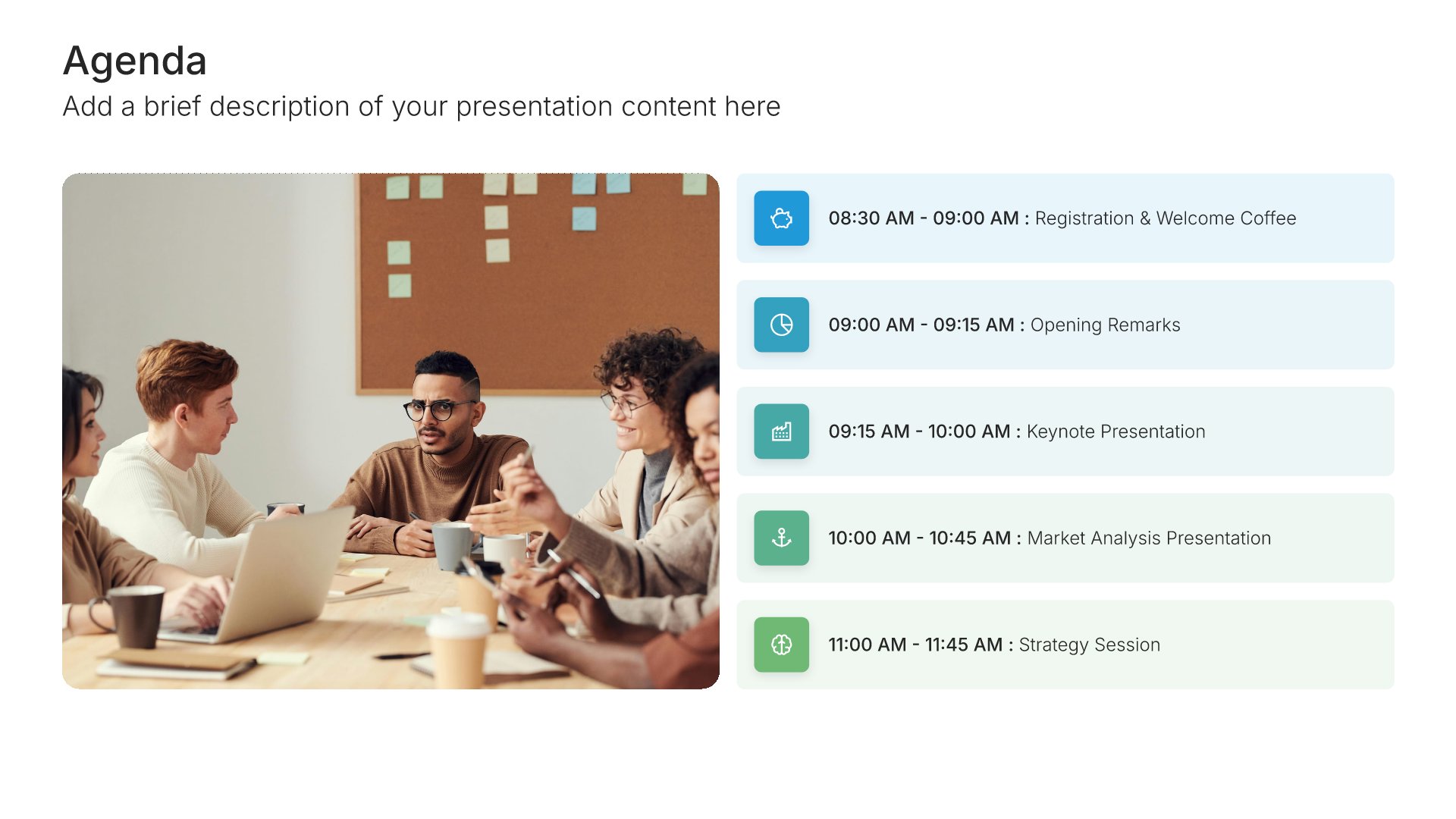
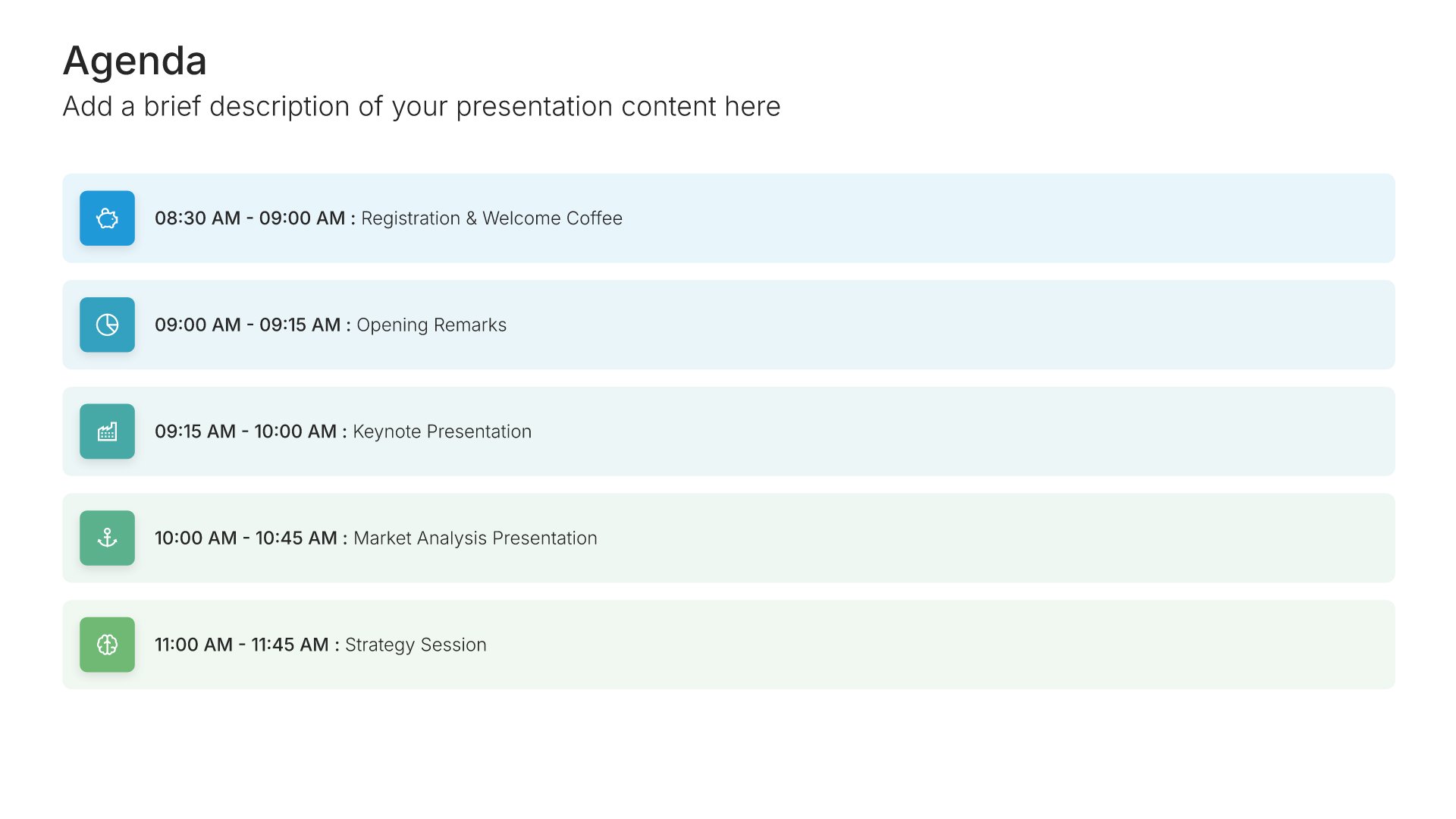
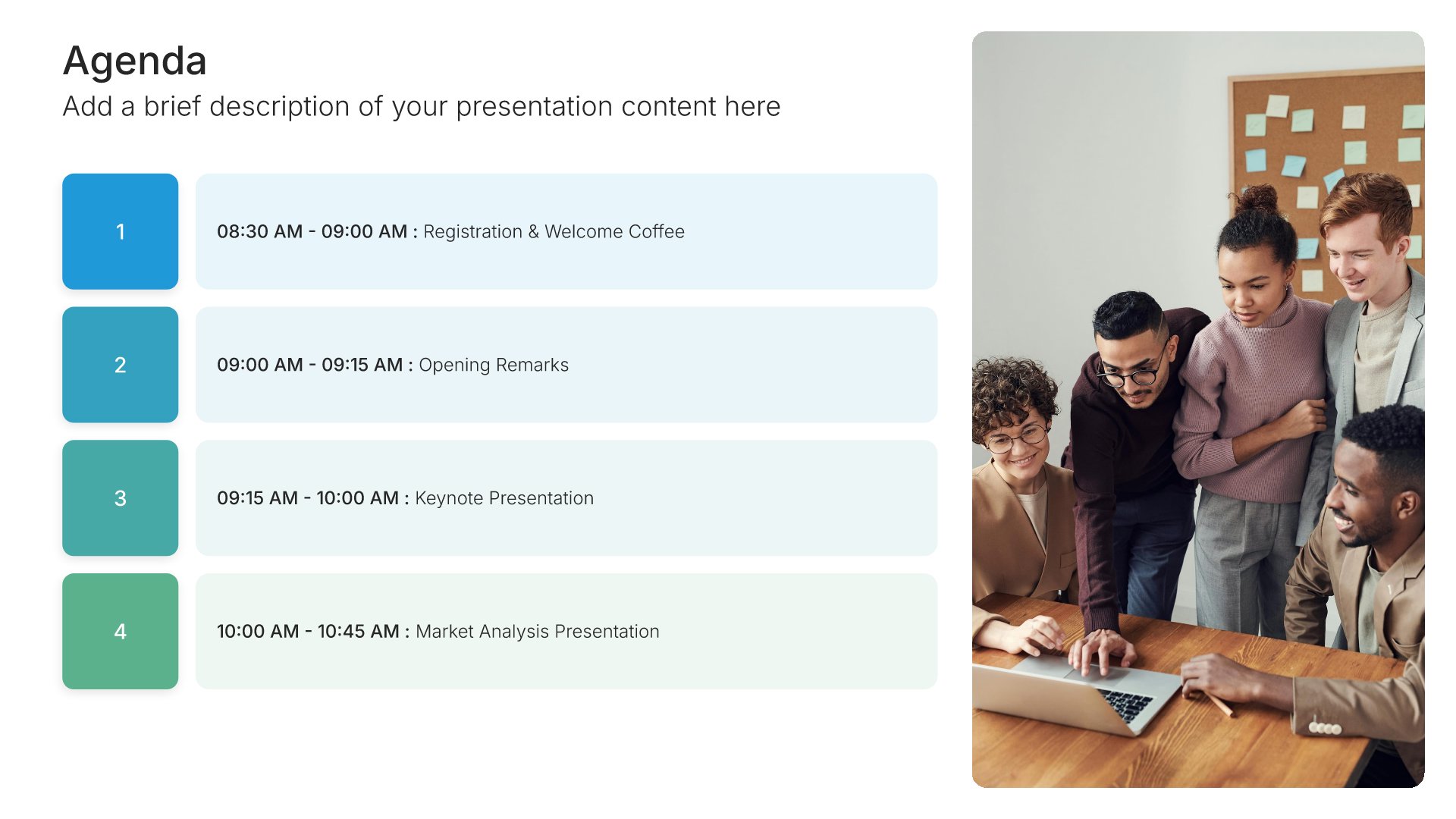
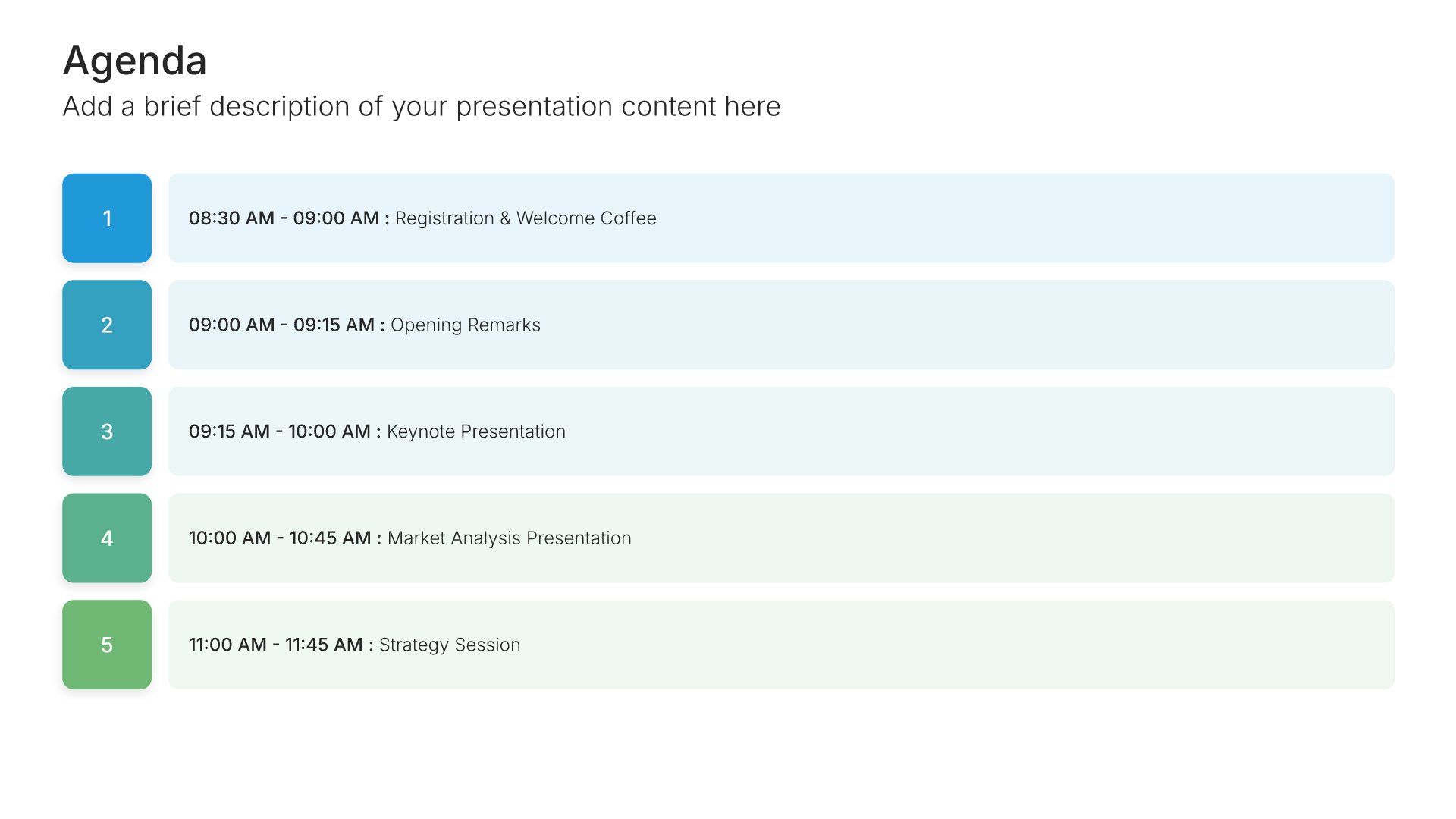
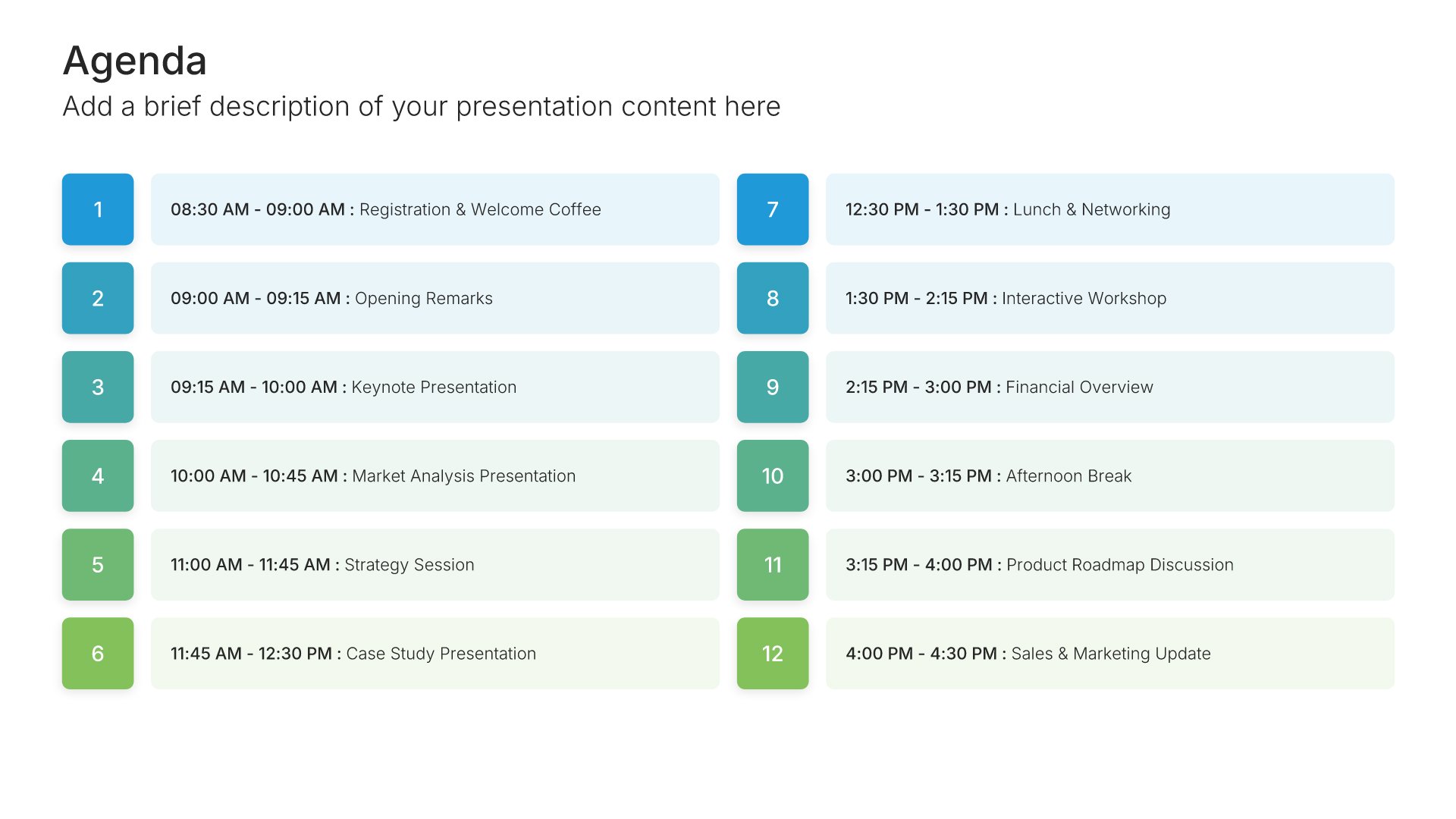
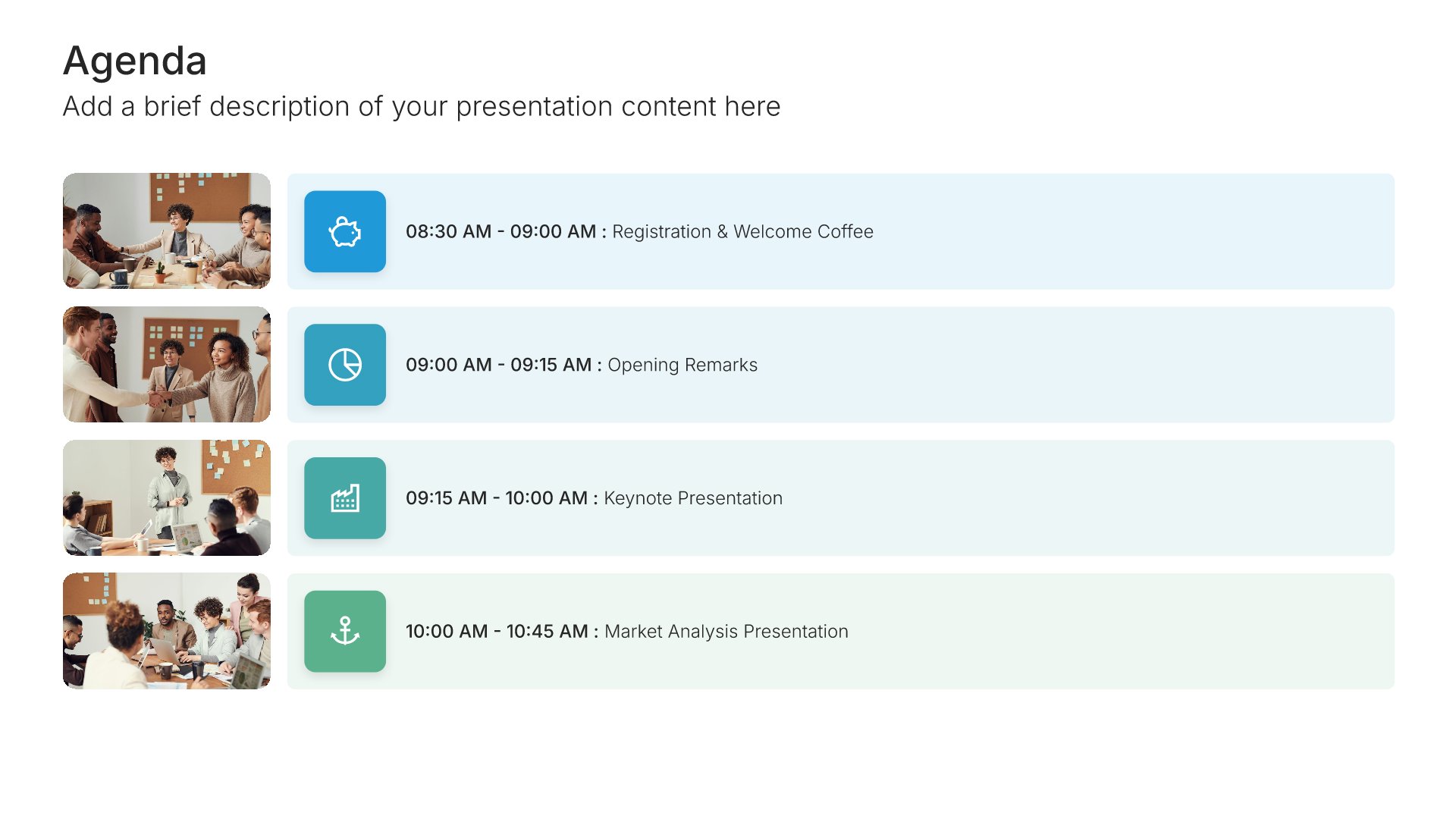
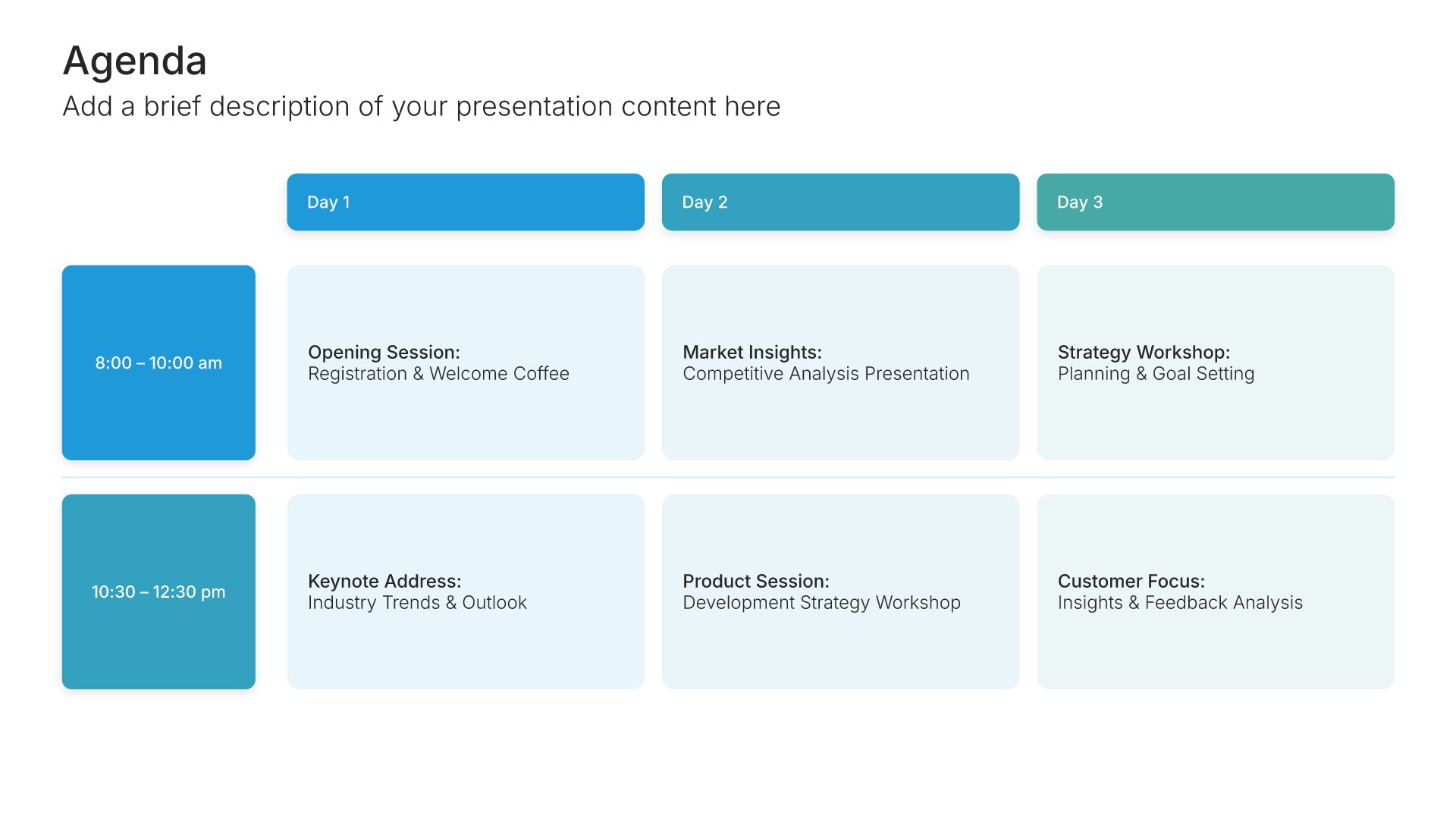
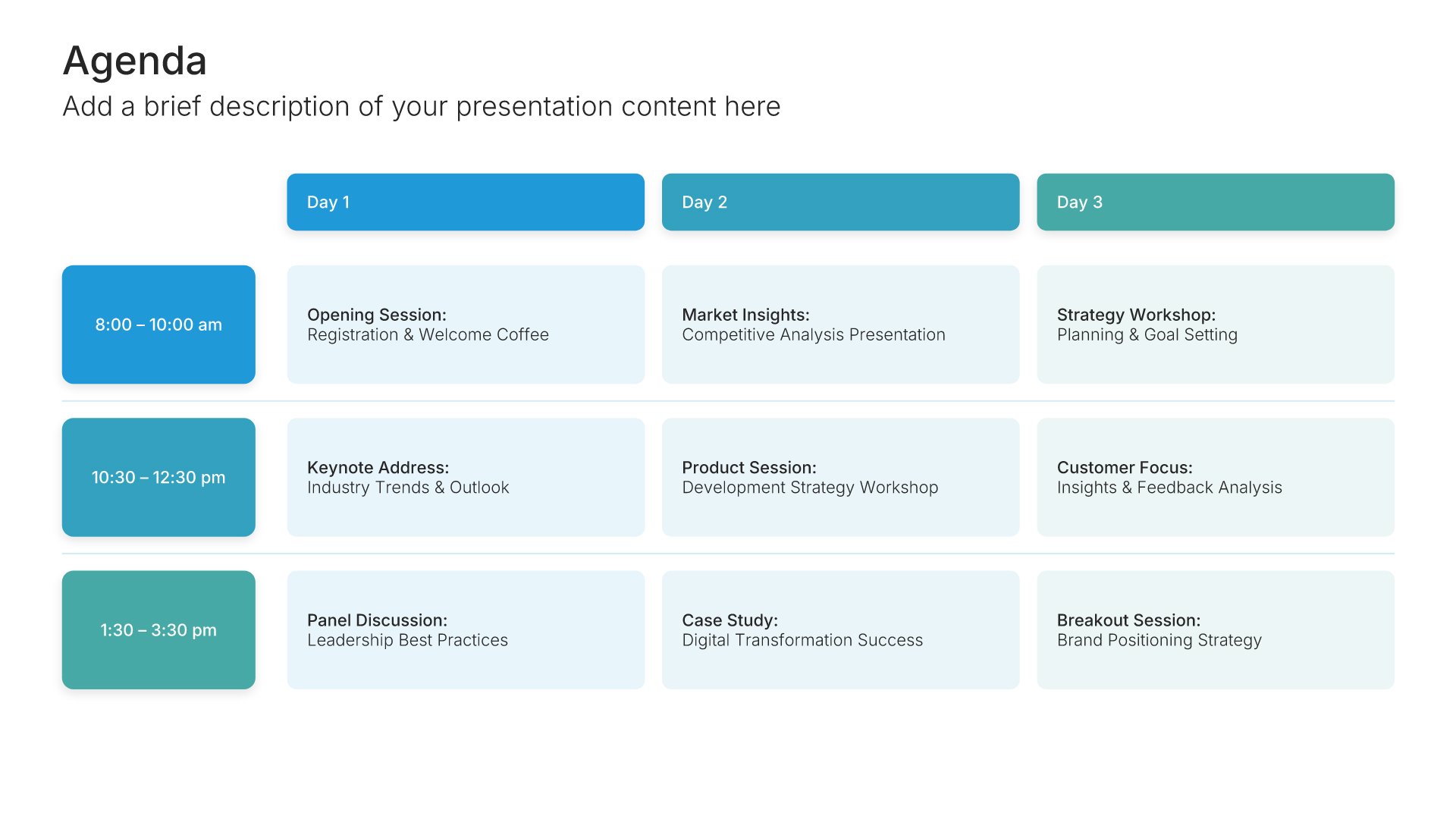
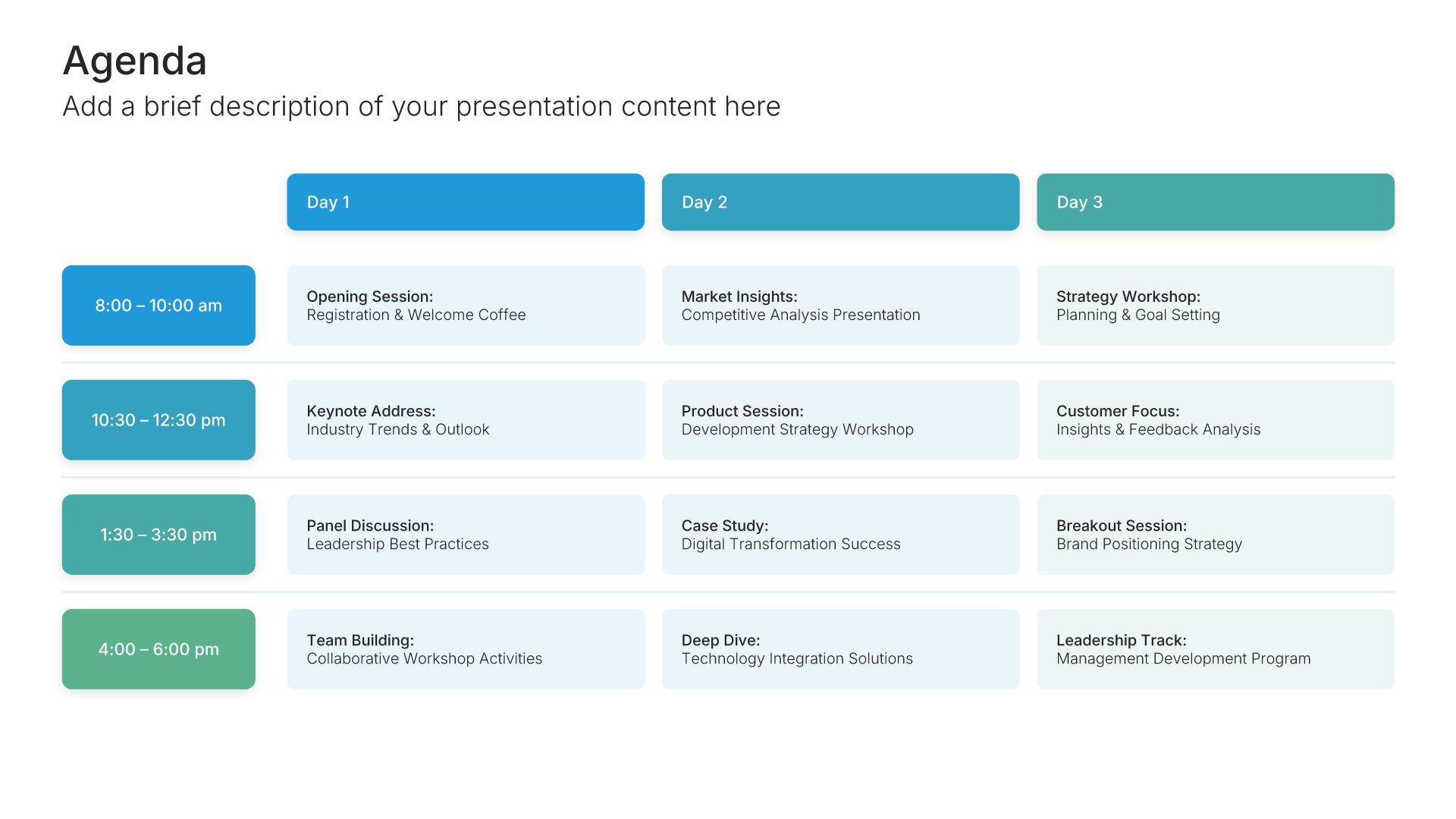
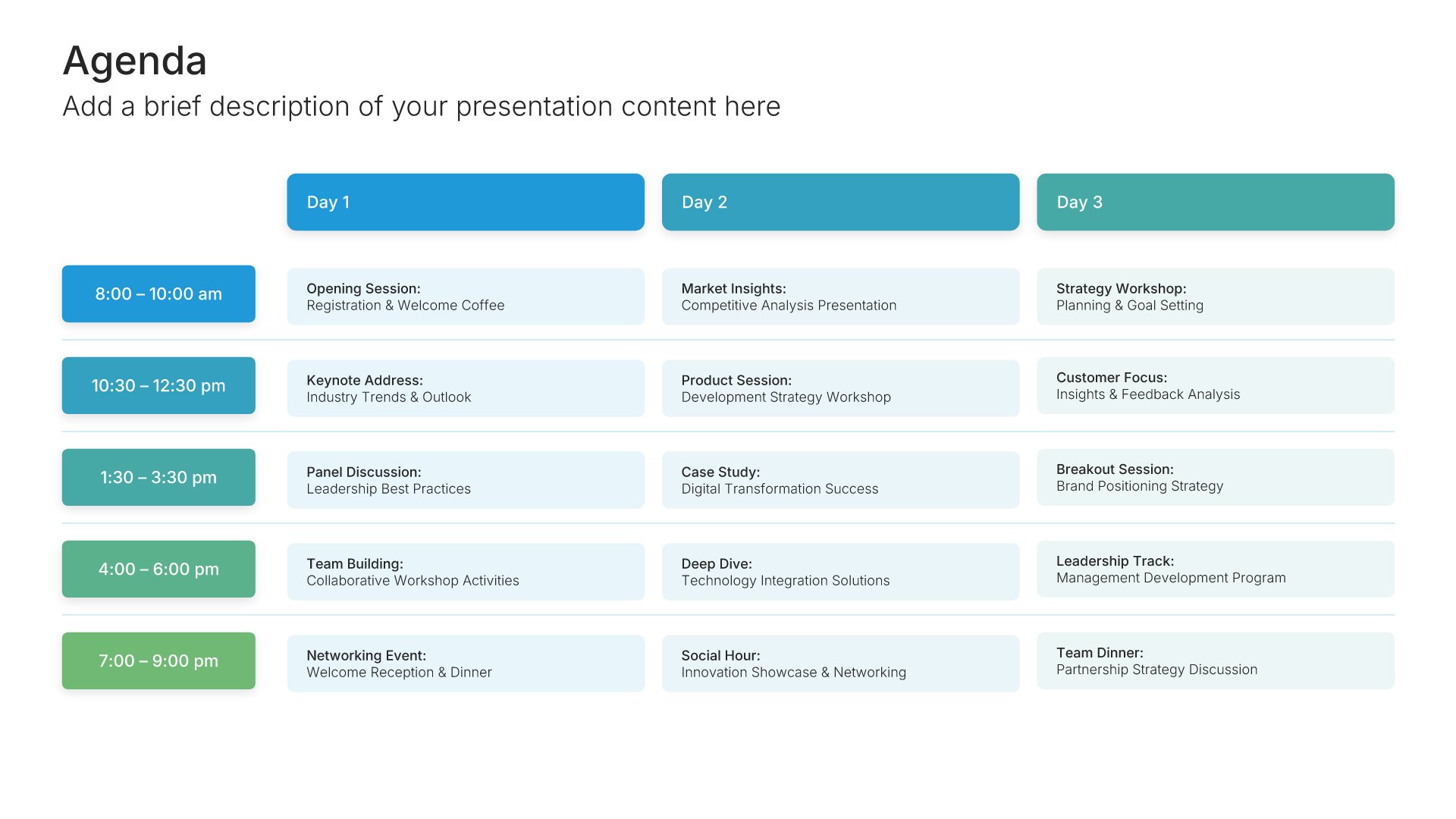
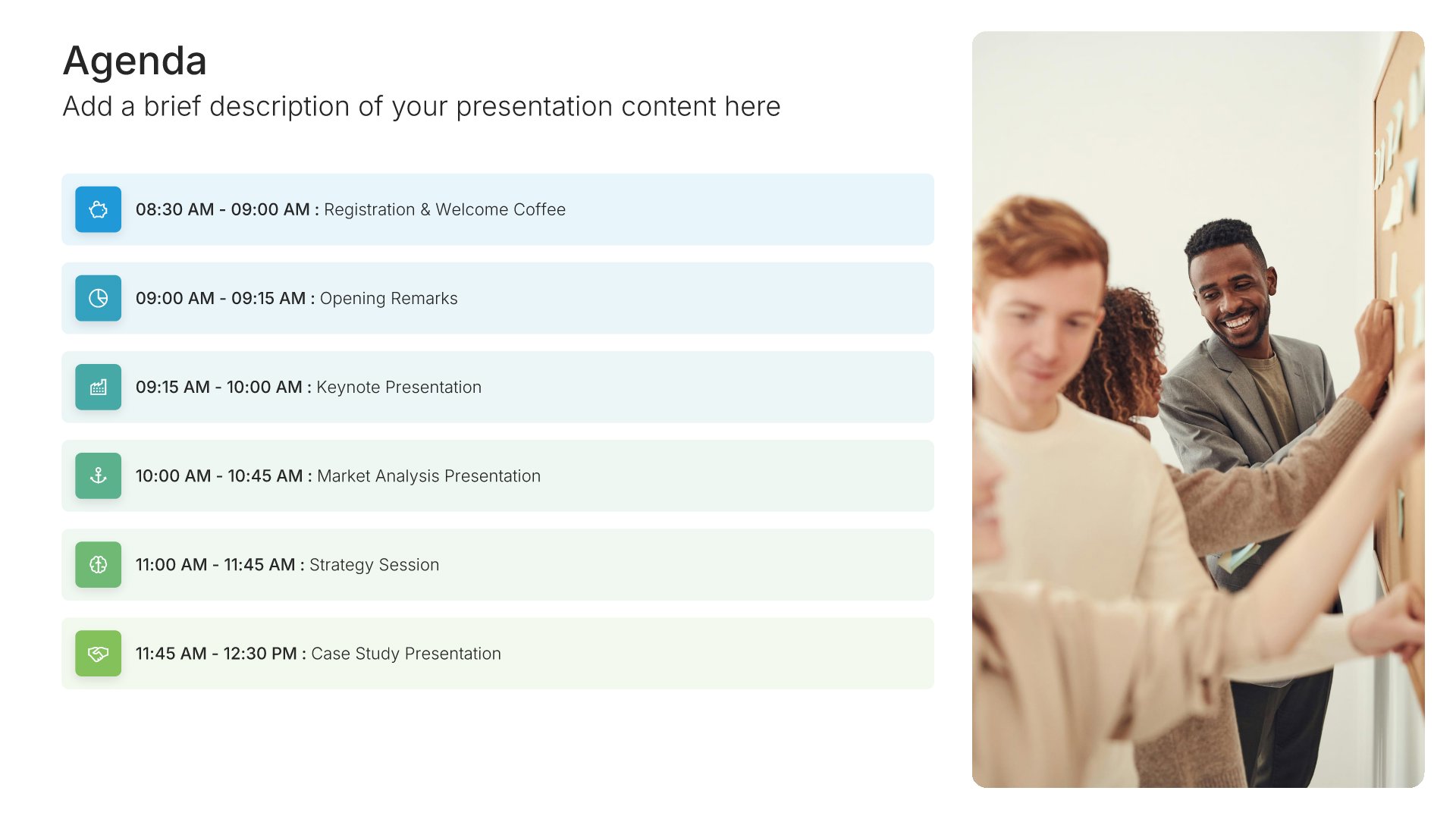
Agenda slide template, layout 04

Layout 04

Agenda slide template, layout 05

Layout 05

Agenda slide template, layout 06

Layout 06

Agenda slide template, layout 07

Layout 07

Agenda slide template, layout 08

Layout 08

Agenda slide template, layout 09

Layout 09

Agenda slide template, layout 10

Layout 10

Agenda slide template, layout 11

Layout 11

Agenda slide template, layout 12

Layout 12

Agenda slide template, layout 13

Layout 13

Agenda slide template, layout 14

Layout 14

Agenda slide template, layout 15

Layout 15

Agenda slide template, layout 16

Layout 16

Agenda slide template, layout 17

Layout 17

Agenda slide template, layout 18

Layout 18

Agenda slide template, layout 19

Layout 19

Agenda slide template, layout 20

Layout 20

Agenda slide template, layout 21

Layout 21

Agenda slide template, layout 22

Layout 22

Agenda slide template, layout 23

Layout 23

Agenda slide template, layout 24

Layout 24

Agenda slide template, layout 25

Layout 25

Agenda slide template, layout 26

Layout 26

Agenda slide template, layout 27

Layout 27

Agenda slide template, layout 28

Layout 28

Agenda slide template, layout 29

Layout 29

Agenda slide template, layout 30

Layout 30

Agenda slide template, layout 31

Layout 31

Agenda slide template, layout 32

Layout 32

Agenda slide template, layout 33

Layout 33

Agenda slide template, layout 34

Layout 34

Agenda slide template, layout 35

Layout 35

Agenda slide template, layout 36

Layout 36

Agenda slide template, layout 37

Layout 37

Agenda slide template, layout 38

Layout 38

Agenda slide template, layout 39

Layout 39

Agenda slide template, layout 40

Layout 40

Agenda slide template, layout 41

Layout 41

Agenda slide template, layout 42

Layout 42

Agenda slide template, layout 43

Layout 43

Agenda slide template, layout 44

Layout 44

Agenda slide template, layout 45

Layout 45

Agenda slide template, layout 46

Layout 46

Agenda slide template, layout 47

Layout 47

Agenda slide template, layout 48

Layout 48

Agenda slide template, layout 49

Layout 49

Agenda slide template, layout 50

Layout 50

Agenda slide template, layout 51

Layout 51

Agenda slide template, layout 52

Layout 52

Agenda slide template, layout 53

Layout 53

Agenda slide template, layout 54

Layout 54

Agenda slide template, layout 55

Layout 55

Agenda slide template, layout 56

Layout 56

Agenda slide template, layout 57

Layout 57

Agenda slide template, layout 58

Layout 58

Agenda slide template, layout 59

Layout 59

Agenda slide template, layout 60

Layout 60

Agenda slide template, layout 61

Layout 61

Agenda slide template, layout 62

Layout 62

Agenda slide template, layout 63

Layout 63

Agenda slide template, layout 64

Layout 64

Agenda slide template, layout 65

Layout 65

Agenda slide template, layout 66

Layout 66

Agenda slide template, layout 67

Layout 67

Agenda slide template, layout 68

Layout 68

Agenda slide template, layout 69

Layout 69

Agenda slide template, layout 70

Layout 70

Agenda slide template, layout 71

Layout 71

Agenda slide template, layout 72

Layout 72

Agenda slide template, layout 73

Layout 73

Agenda slide template, layout 74

Layout 74

Agenda slide template, layout 75

Layout 75

Agenda slide template, layout 76

Layout 76

Agenda slide template, layout 77

Layout 77

Agenda slide template, layout 78

Layout 78

Agenda slide template, layout 79

Layout 79

About our agenda slides

What the slide does, how to use it, your brand, and a file you can edit anywhere.

Built to set expectations before you begin

An agenda slide tells your audience what the presentation will cover and in what order, before any of it starts. It sets expectations up front, so people know what’s coming and can follow where you are as you move through it. Our agenda slides keep that simple: every part of the slide is editable, so your agenda changes as easily as your presentation does.

Why the layout matters more than the list

The same topics can read as a clear plan or a block of text, depending on how they’re laid out. Numbering, spacing, and alignment let your audience see the order at a glance without reading every line. So pick an agenda slide template by how many topics you have. Use Pointers to set the count and you get a layout designed for that number, not an extra line squeezed into a slide built for fewer.

Brand the whole presentation in one click

Add your logo, colors, fonts, and background once. It applies to the whole presentation and the entire slide library at the same time. The agenda is usually the second slide anyone sees, so it’s the first place an off-brand template would show.

Export to PowerPoint, Google Slides, or Keynote

You get a real file, not a locked link. Export it and keep editing in the tool you already use. Text, shapes, and numbering stay editable, so when the running order changes the morning of the meeting, you fix the agenda where you present without coming back to Choladeck.

How Choladeck works

From blank page to finished presentation in four steps.

STEP 01

Browse 9,000+ slides across 134+ categories, or open one of the 74 premade presentations.

STEP 02

Add your logo, colors, and fonts in one click. The whole presentation instantly matches your company.

STEP 03

Add your text, numbers, charts, and tables. Everything on the slide is editable.
STEP 04

Send it to PowerPoint, Google Slides, or Keynote, and present.

Start from a template

Need a complete presentation instead?

If you're starting from nothing rather than fixing a few slides, open one of 74+ premade presentations instead. Each one is complete and built for one purpose, from pitch decks to business plans and company profiles.

Choladeck premade templates with the Type of Presentation filter and the Consulting Company Profile deck shown larger

Questions about agenda slides

How the slides work, and how far you can change them.

Using the slides

Can I edit these slides in PowerPoint?

+

Yes. Export to PowerPoint, Google Slides, or Keynote, and every agenda item stays editable. Nothing is locked and nothing is a flat image.
How do I brand them to my company?

+

Add your logo, colors, fonts, and background once. It applies to the whole presentation and the entire slide library at the same time.
Can I mix them with other slides from the library?

+

Yes. Add an agenda slide to any premade template or to slides from any other category. Branding applies across all of them.

About agenda slides

Is an agenda slide the same as a table of contents slide?

+

Mostly. A table of contents slide lists the sections of a long presentation or report. An agenda slide does the same for a meeting or talk, and often adds timing or owners. Any layout here works for either.

How many items should an agenda slide have?

+

As many as the audience can take in at a glance. If the list starts to crowd the slide, that's usually a sign the presentation is covering too much, or that two items should be one.

Can I change the number of items?

+

Yes. Use Pointers to pick the count and the layout changes with it. Every item is a text box, so you can edit, add, or reorder topics freely.

Your next agenda slide is already designed

Pick a layout, brand it in one click, add your content, and export.

Free to start. No credit card required.