4 P's marketing mix templates
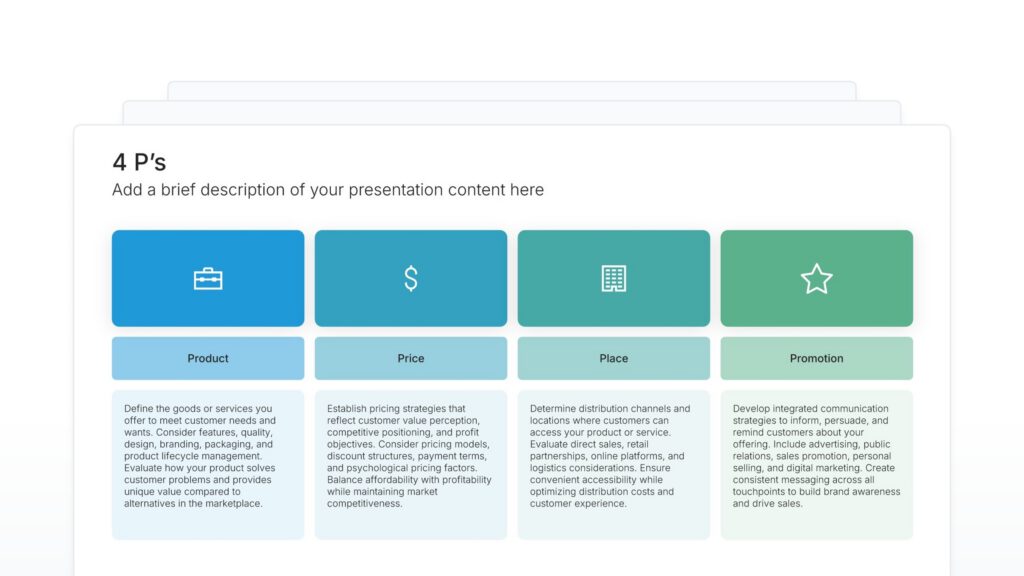
4 P's slides lay out your marketing mix: the product you sell, the price you charge, where people buy it, and how you promote it. Pick one of 11 layouts, brand it to your company in one click, fill in each P, and export to PowerPoint, Google Slides, or Keynote.
Free to start. No credit card required.
Layout 01
Layout 02
Layout 03
Layout 04
Layout 05
Layout 06
Layout 07
Layout 08
Layout 09
Layout 10
Layout 11
About our marketing mix slides
What the slide does, how to use it, your brand, and a file you can edit anywhere.
Built to give all four decisions equal weight
The 4 P’s are the four decisions behind any marketing plan, from what you sell to how people hear about it. First set out in the 1960s, the model is still the standard way to present how a product reaches its market. A marketing mix template puts all four on one slide, and our 4 P’s slides give each P equal weight, so none of the four gets skipped.
Why the four P’s work better side by side
Each P is a separate decision, but they only work as a set. Laid out together, the audience can read across them and see whether the price fits the product and the promotion fits the place. A premium price next to heavy discounting shows up as a conflict straight away. So a weak link stands out before it costs money.
Brand the whole presentation in one click
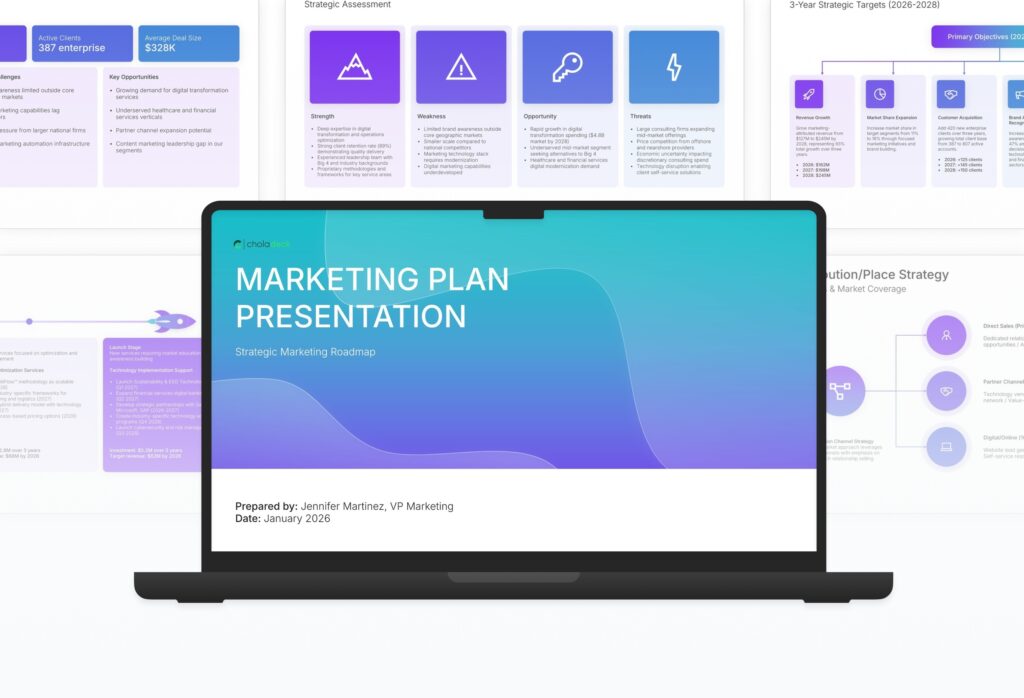
Add your logo, colors, fonts, and background once. It applies to the whole presentation and the entire slide library at the same time. A marketing mix slide usually sits inside a marketing plan, so once branded, it matches the slides around it.
Export to PowerPoint, Google Slides, or Keynote
You get a real file, not a locked link. Export it and keep editing in the tool you already use. Each P stays editable, so you can adjust the mix as pricing or channels change.
How Choladeck works
From blank page to finished presentation in four steps.
STEP 01
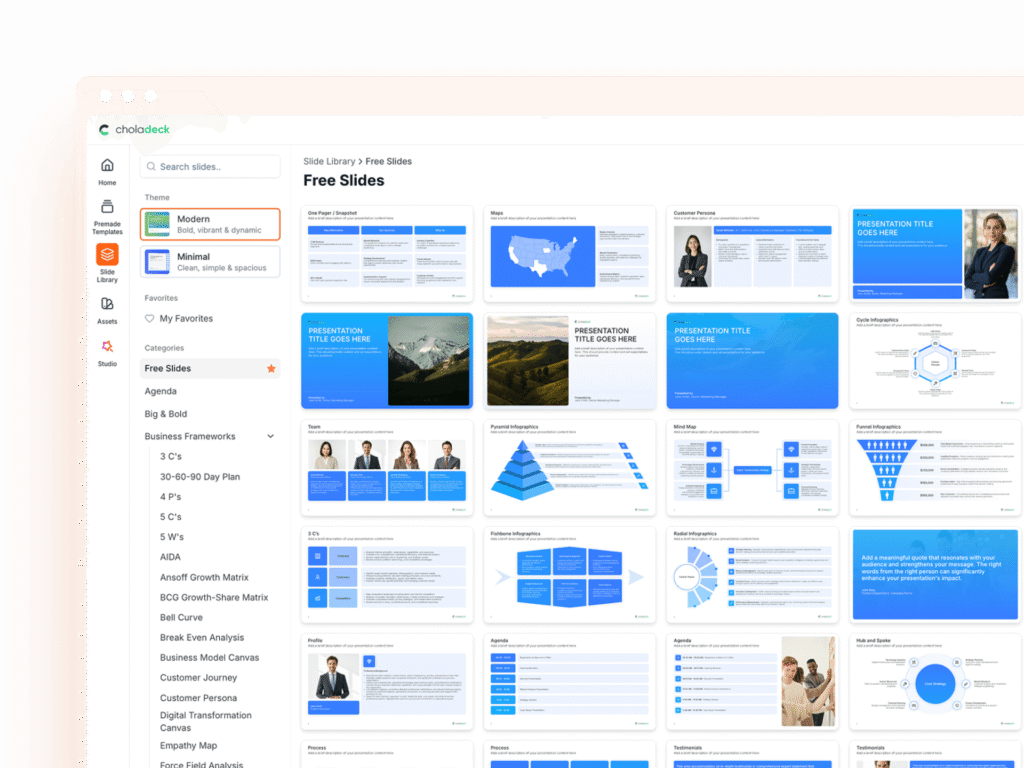
Browse 9,000+ slides across 134+ categories, or open one of the 74 premade presentations.
STEP 02
Add your logo, colors, and fonts in one click. The whole presentation instantly matches your company.
STEP 03
Add your text, numbers, charts, and tables. Everything on the slide is editable.
STEP 04
Send it to PowerPoint, Google Slides, or Keynote, and present.
Need a complete presentation instead?
If you're starting from nothing rather than fixing a few slides, open one of 74+ premade presentations instead. Each one is complete and built for one purpose, from pitch decks to business plans and company profiles.
Questions about 4 P's marketing mix slides
How the slides work, and how far you can change them.
Using the slides
Can I edit these slides in PowerPoint?
+Yes. Export to PowerPoint, Google Slides, or Keynote, and all four P's and their points stay editable. Nothing is locked and nothing is a flat image.
How do I brand them to my company?
+Add your logo, colors, fonts, and background once. It applies to the whole presentation and the entire slide library at the same time.
Can I mix them with other slides from the library?
+Yes. Add a 4 P's slide to any premade template, or pair it with AIDA or customer persona slides from the library. Branding applies across all of them.
About the 4 P's
What are the 4 P's of marketing?
+Product, price, place, and promotion. Together they're called the marketing mix.
Is the marketing mix the same as the 4 P's?
+Mostly. The 4 P's are the original marketing mix. Some versions add people, process, and physical evidence for services, making 7 P's.
Where does a 4 P's slide go in a presentation?
+After the target market and before the plan. It shows how you'll reach the customer you've just described.
Your next 4 P's marketing mix slide is already designed
Pick a layout, brand it in one click, add your content, and export.
Free to start. No credit card required.