Horizontal process slides
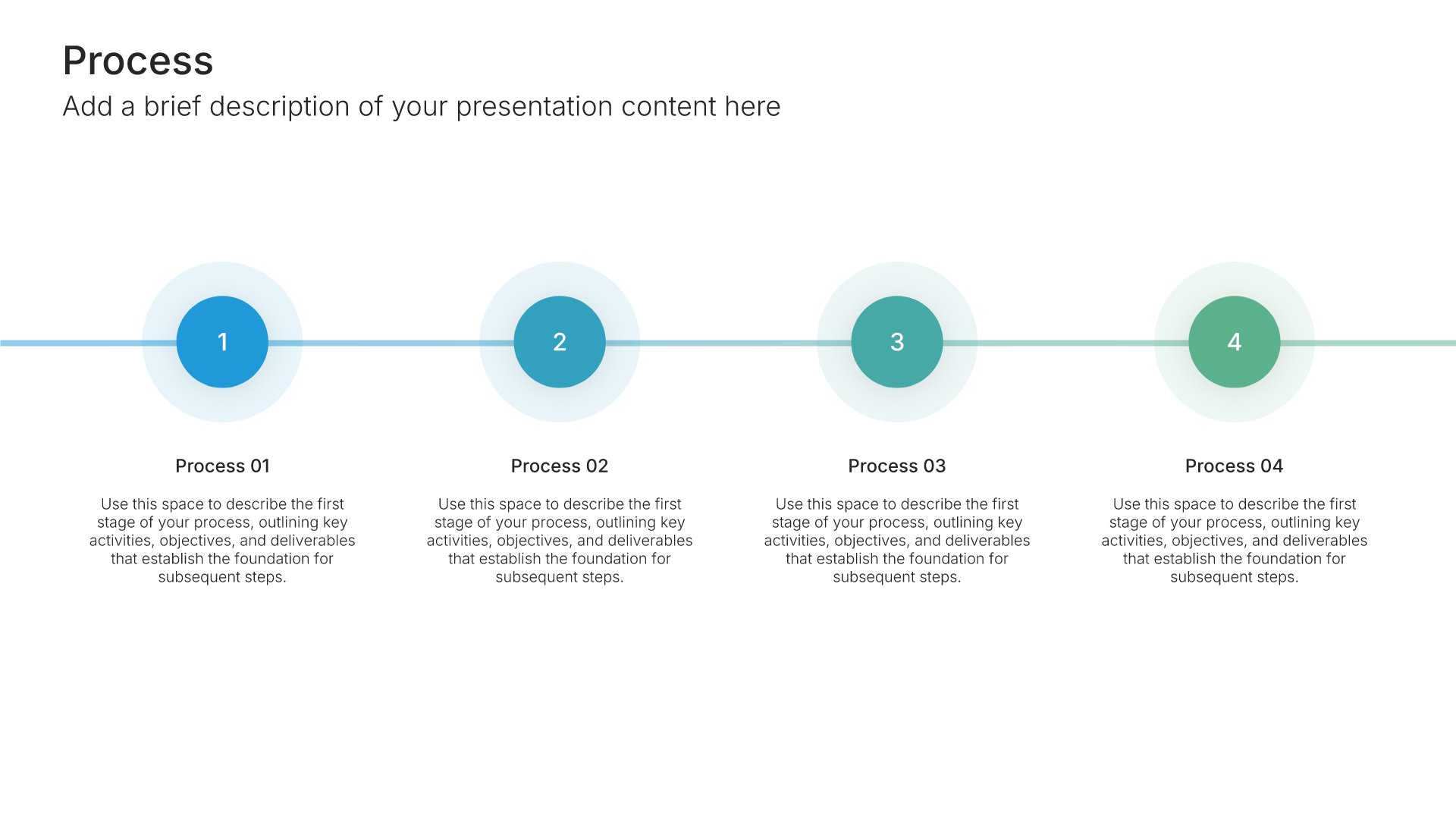
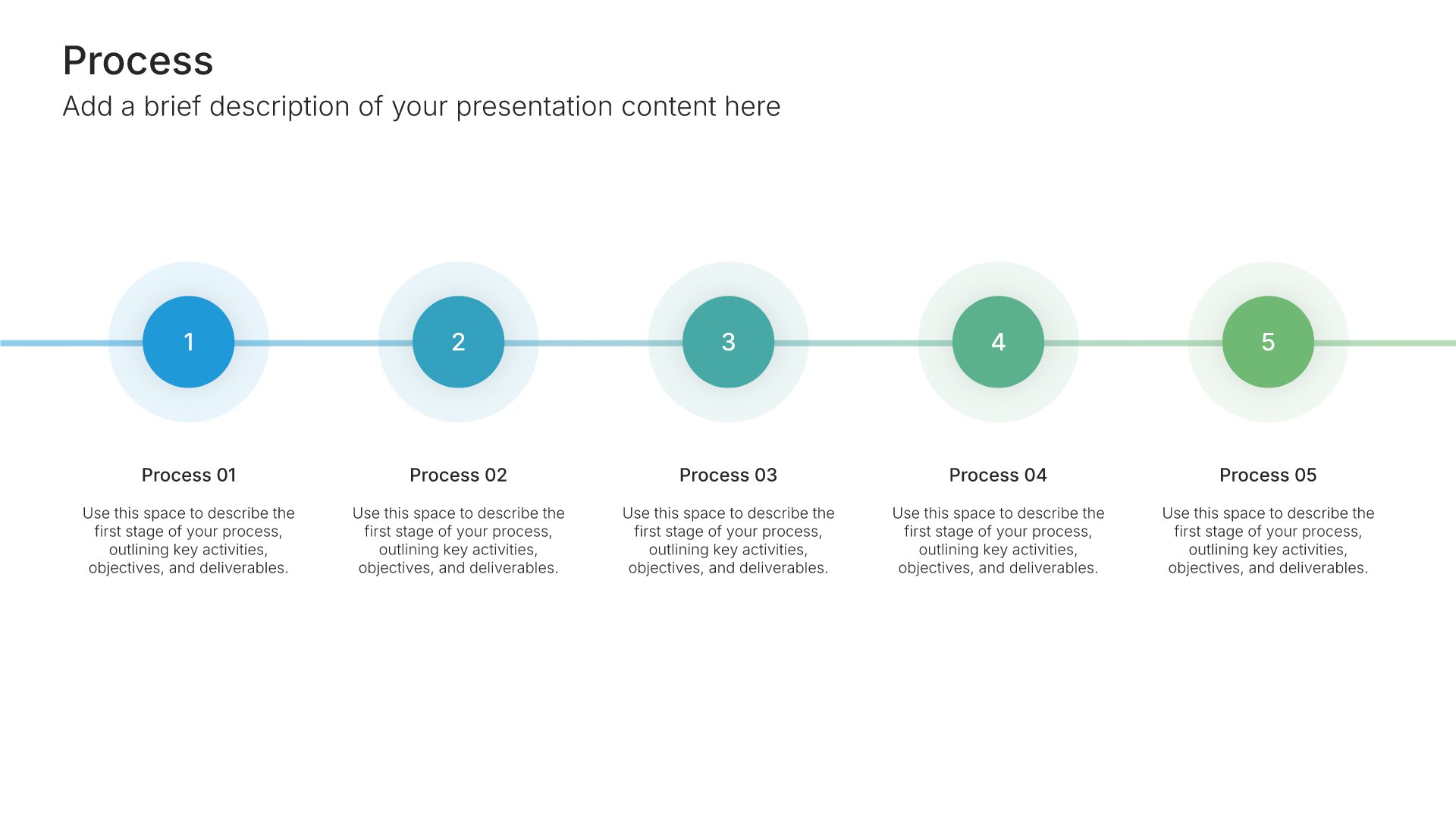
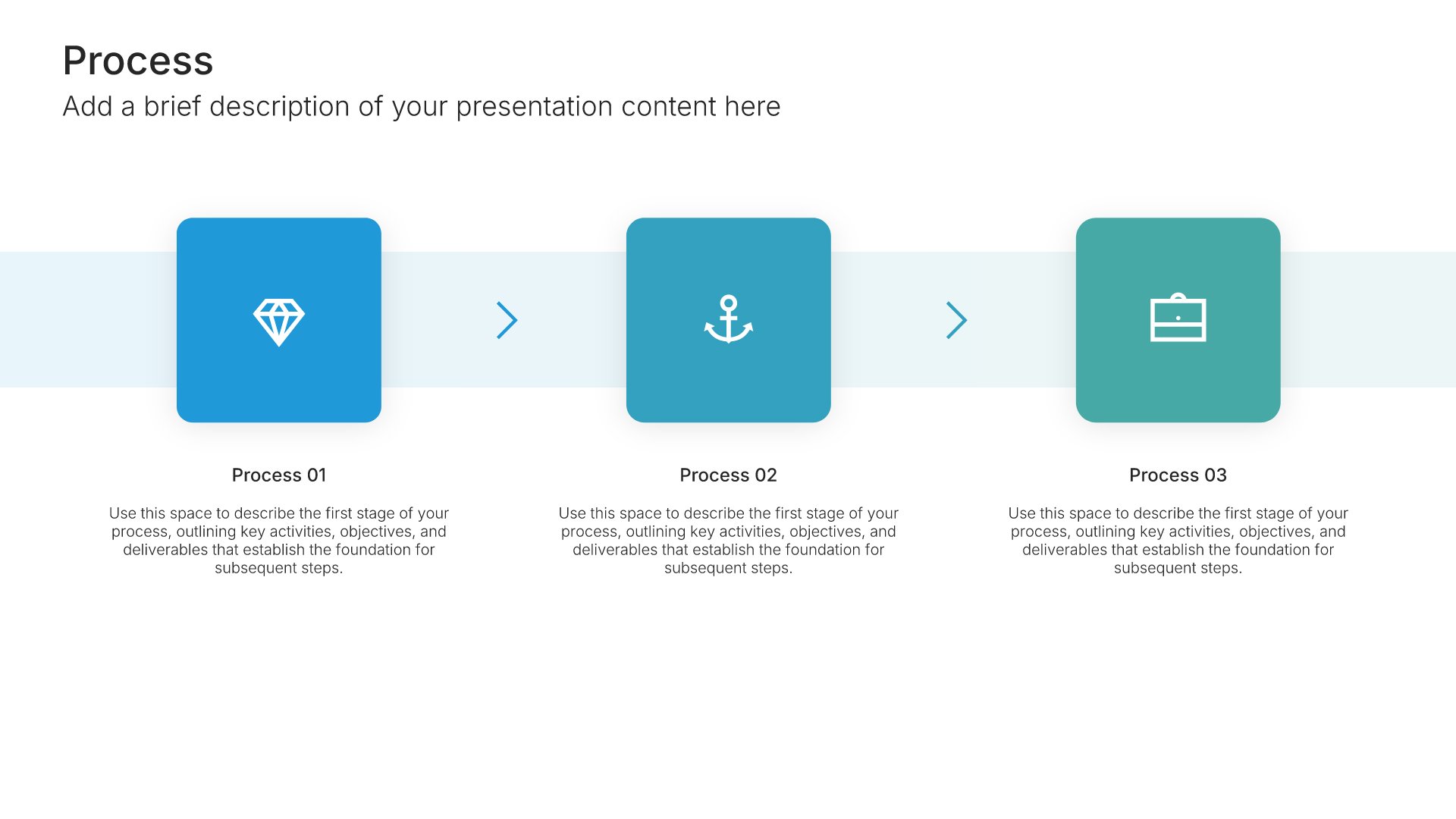
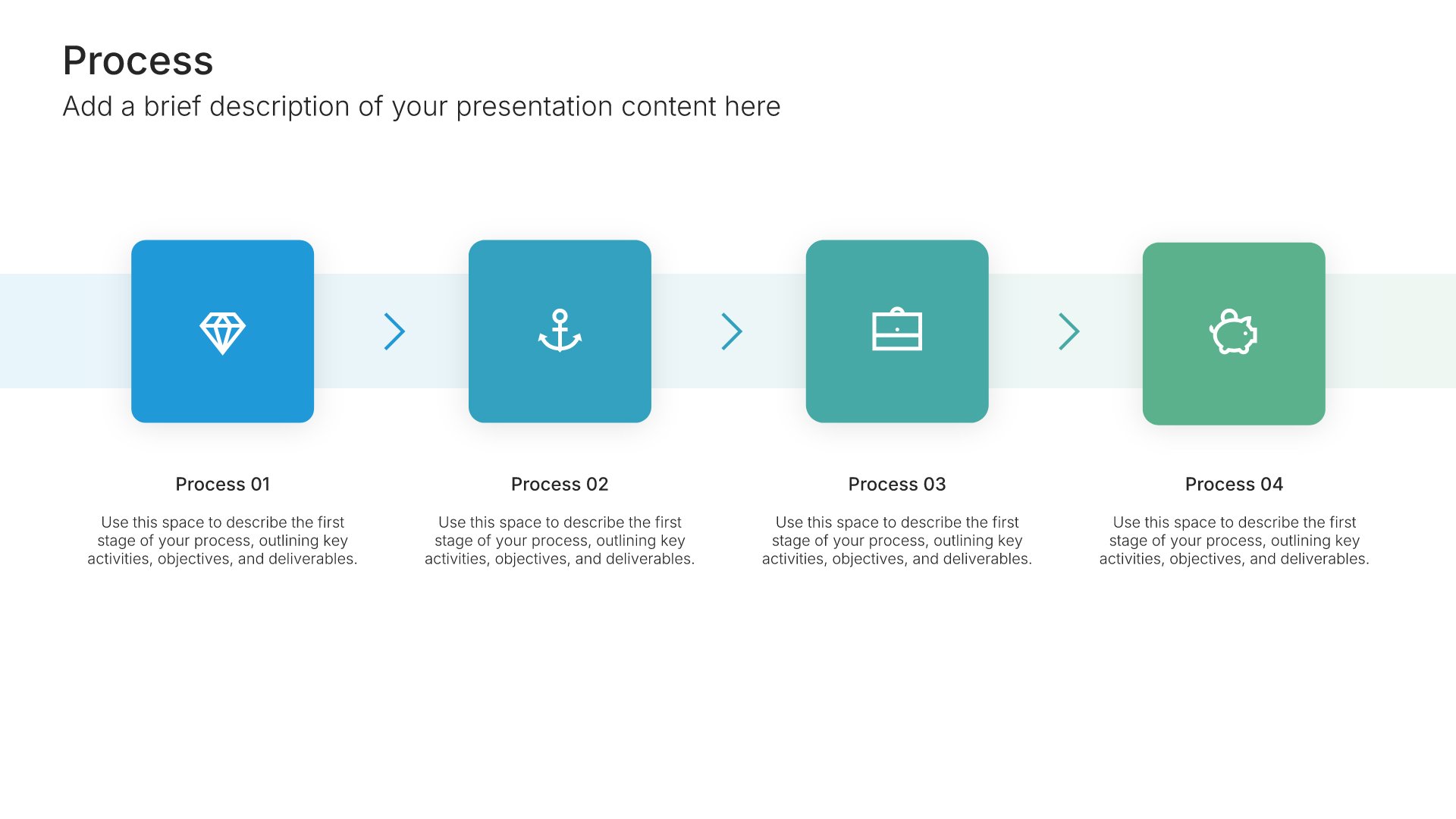
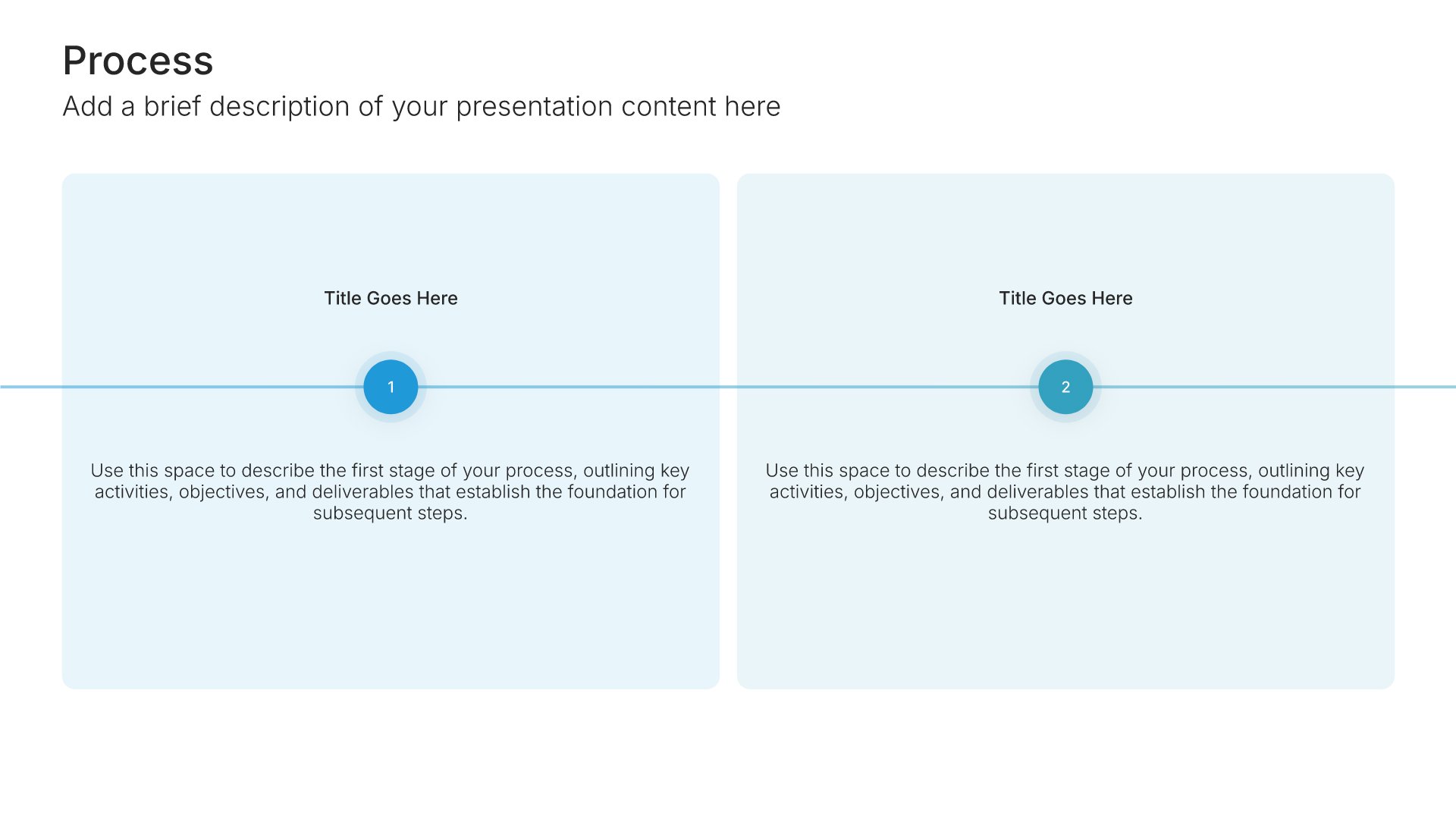
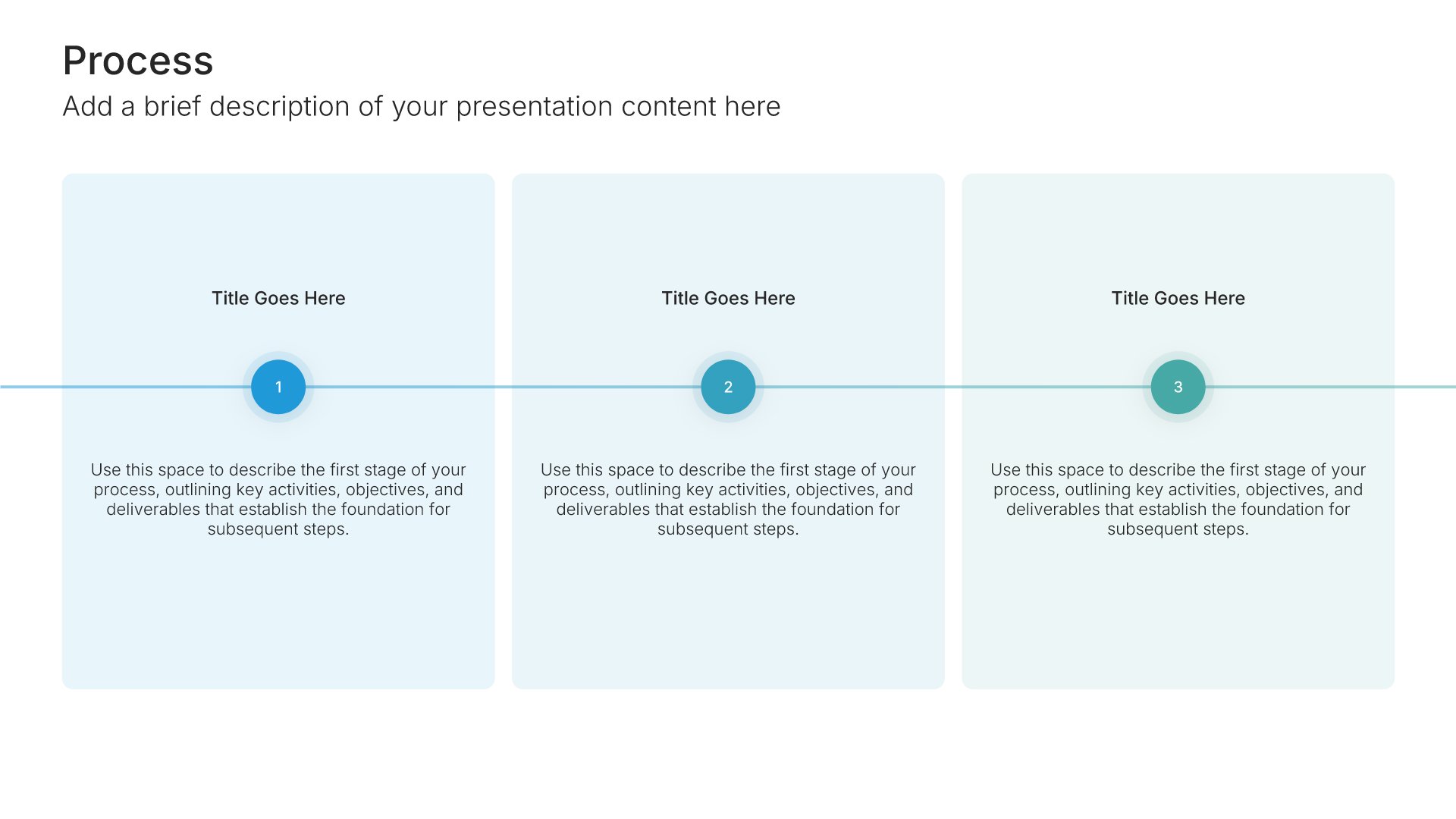
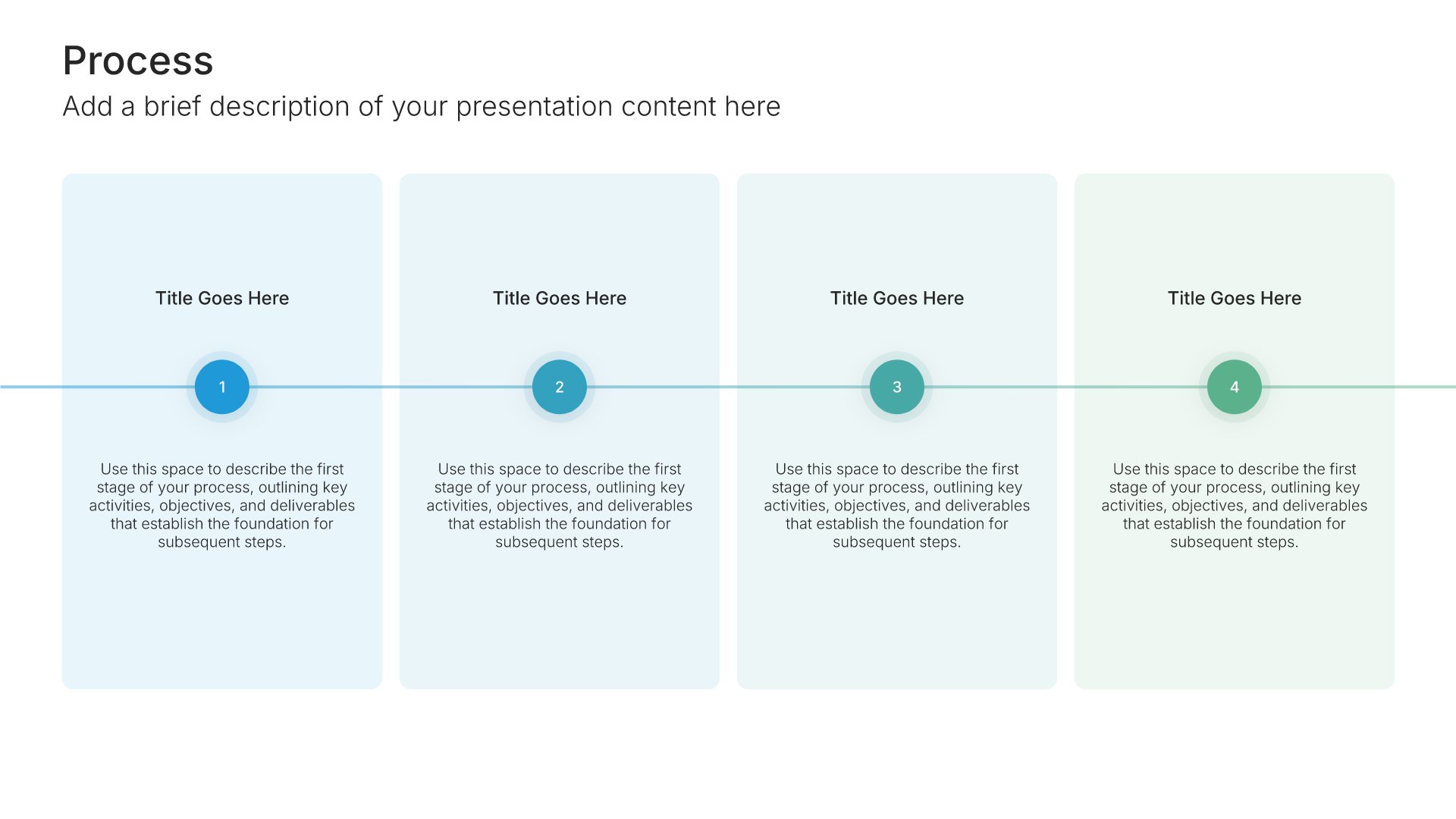
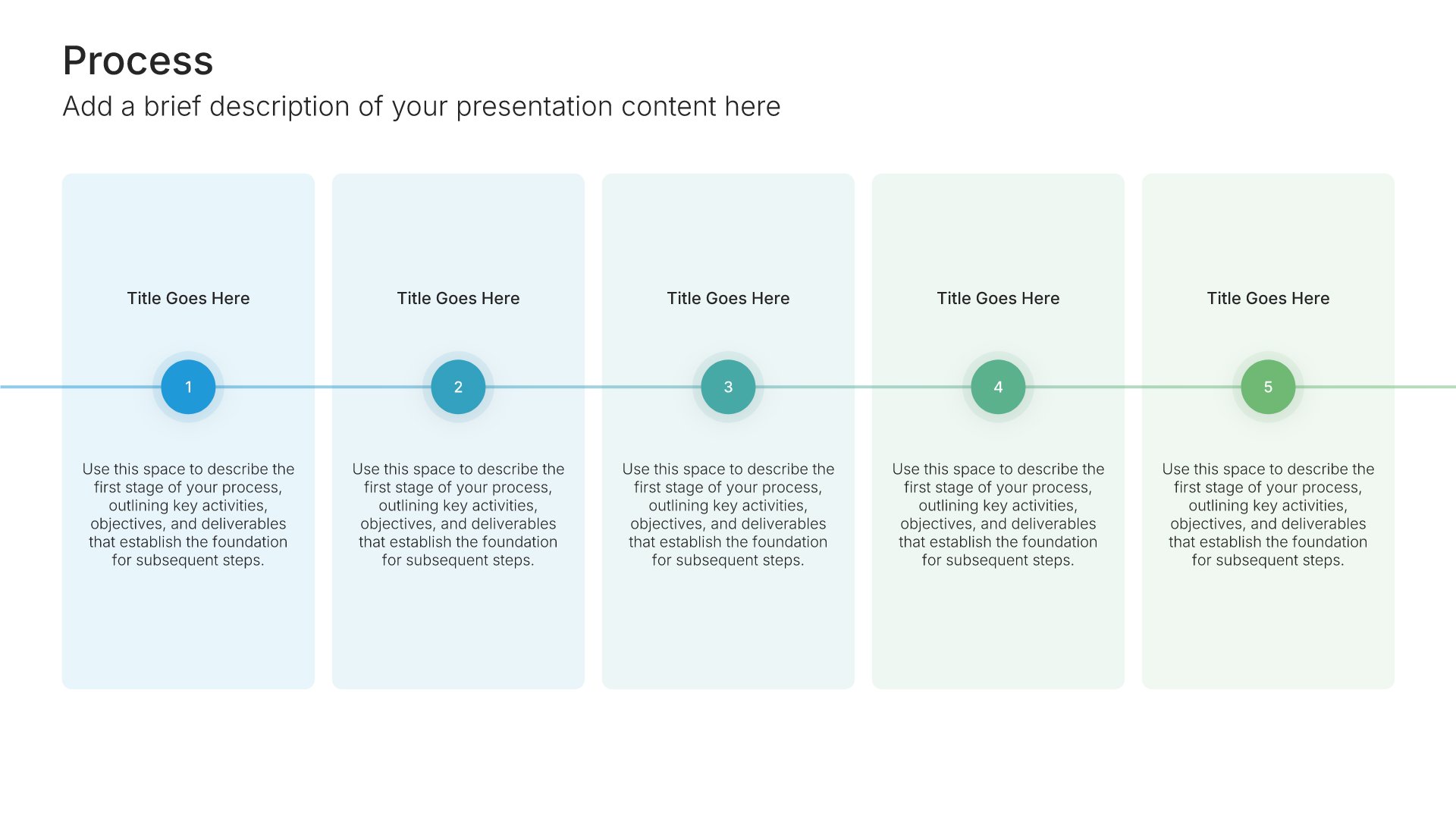
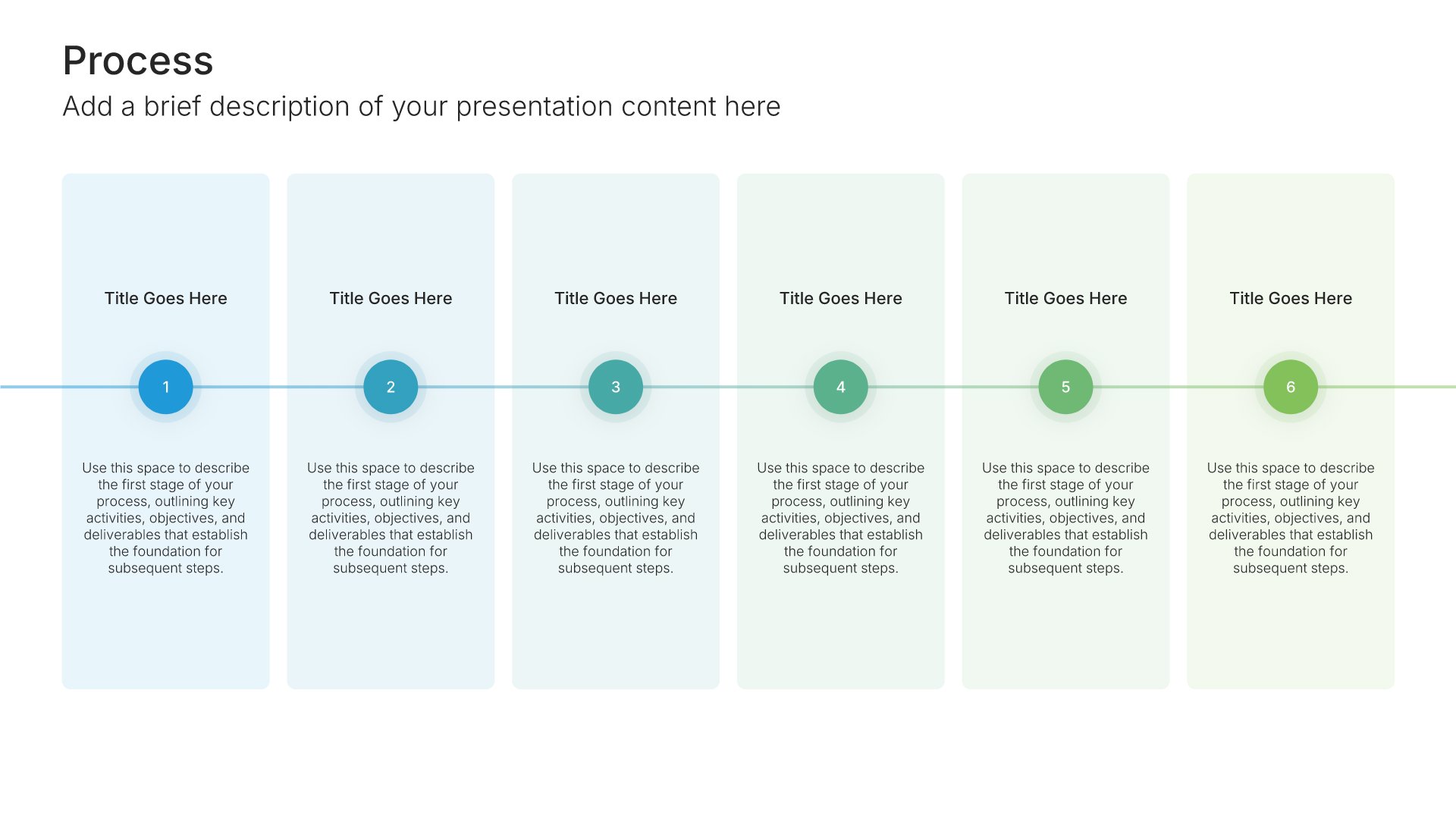
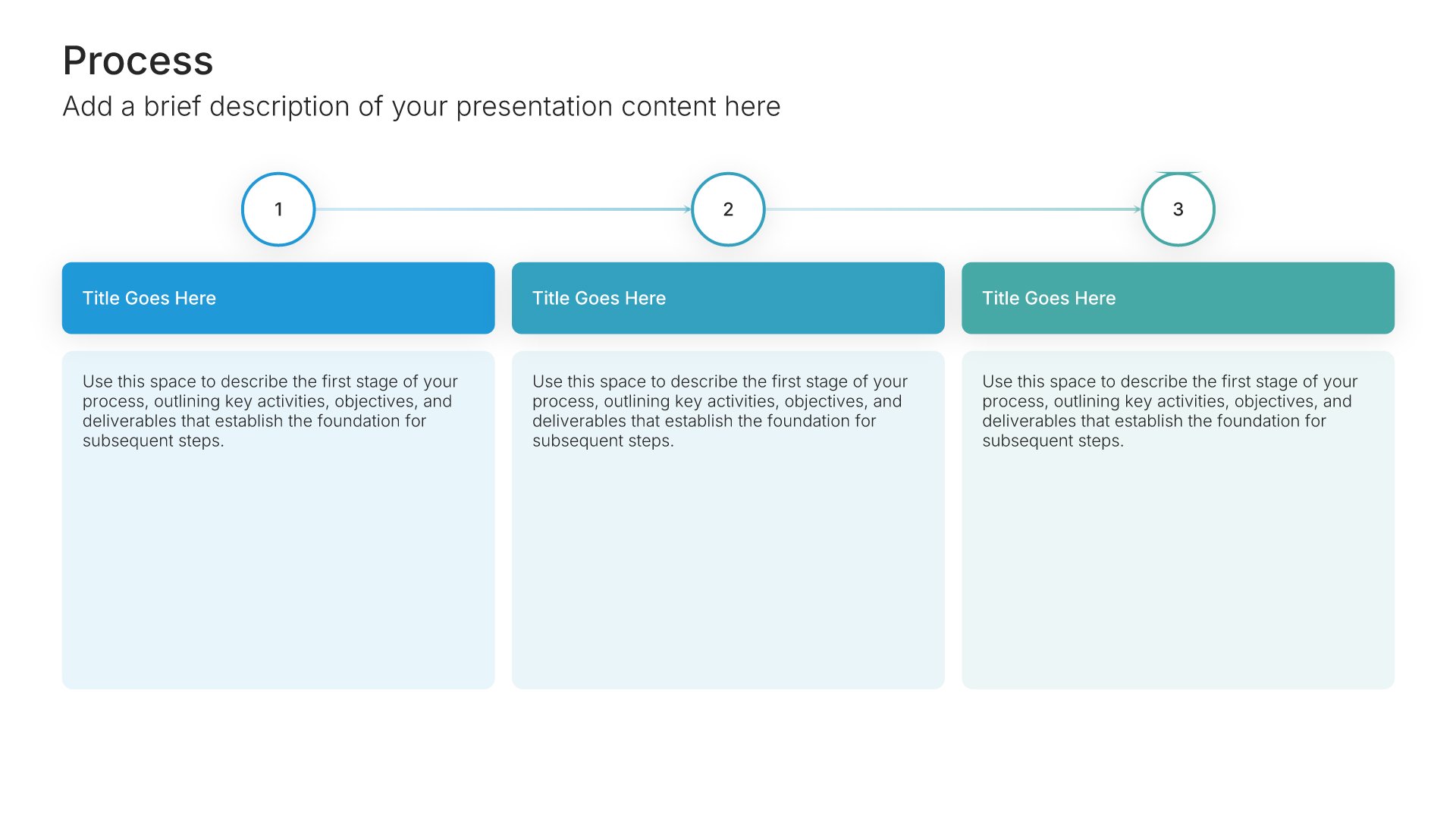
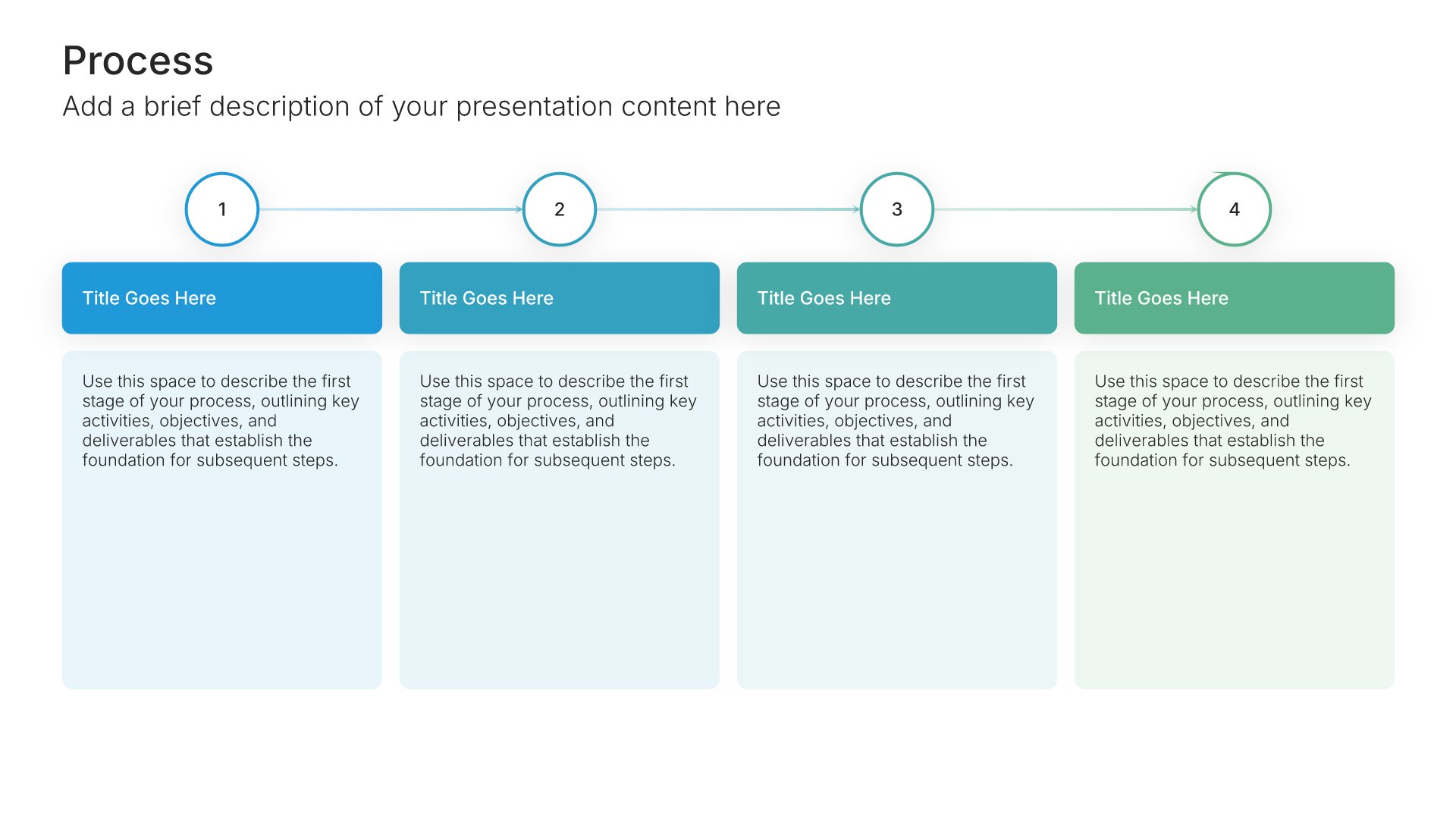
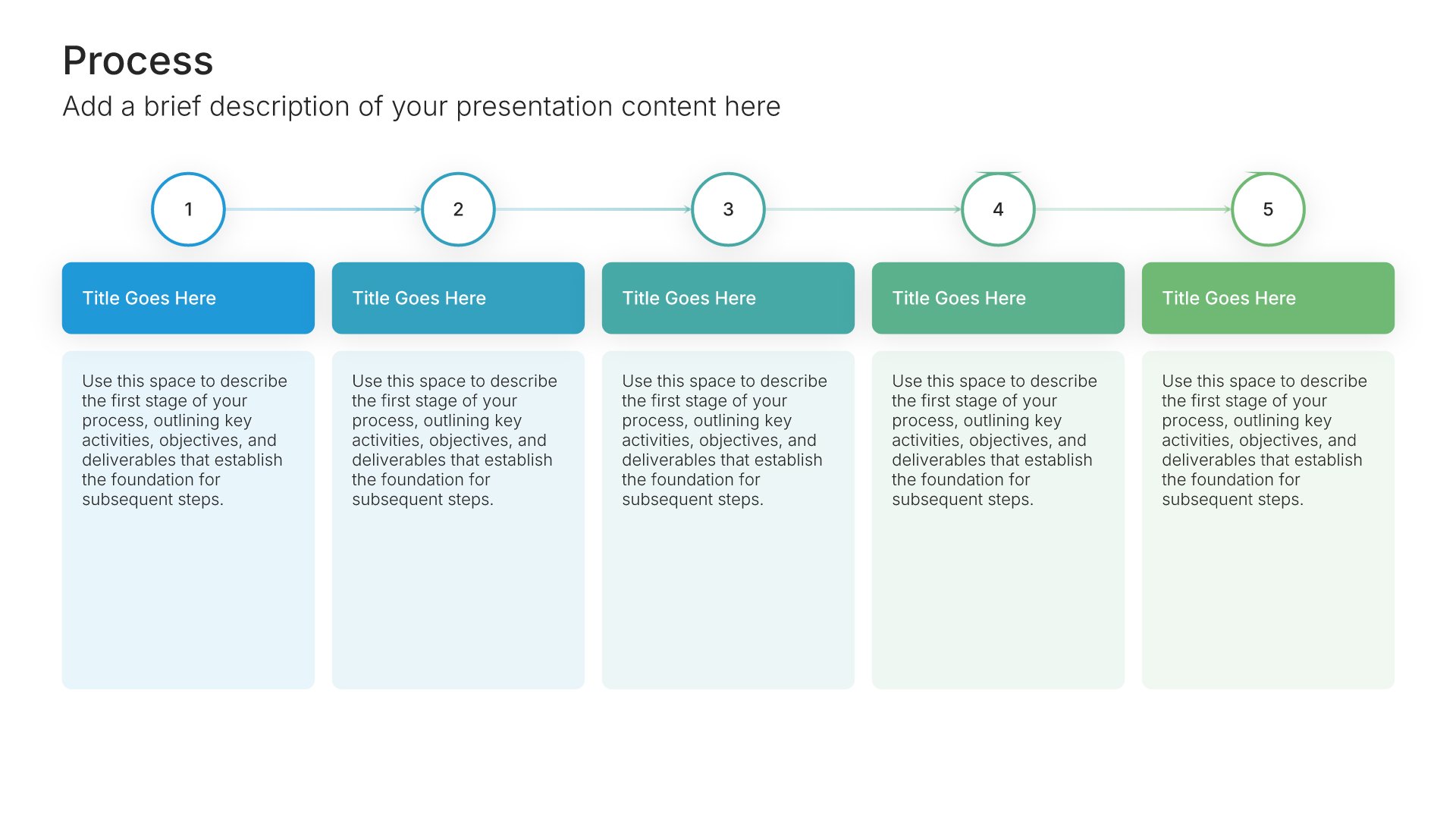
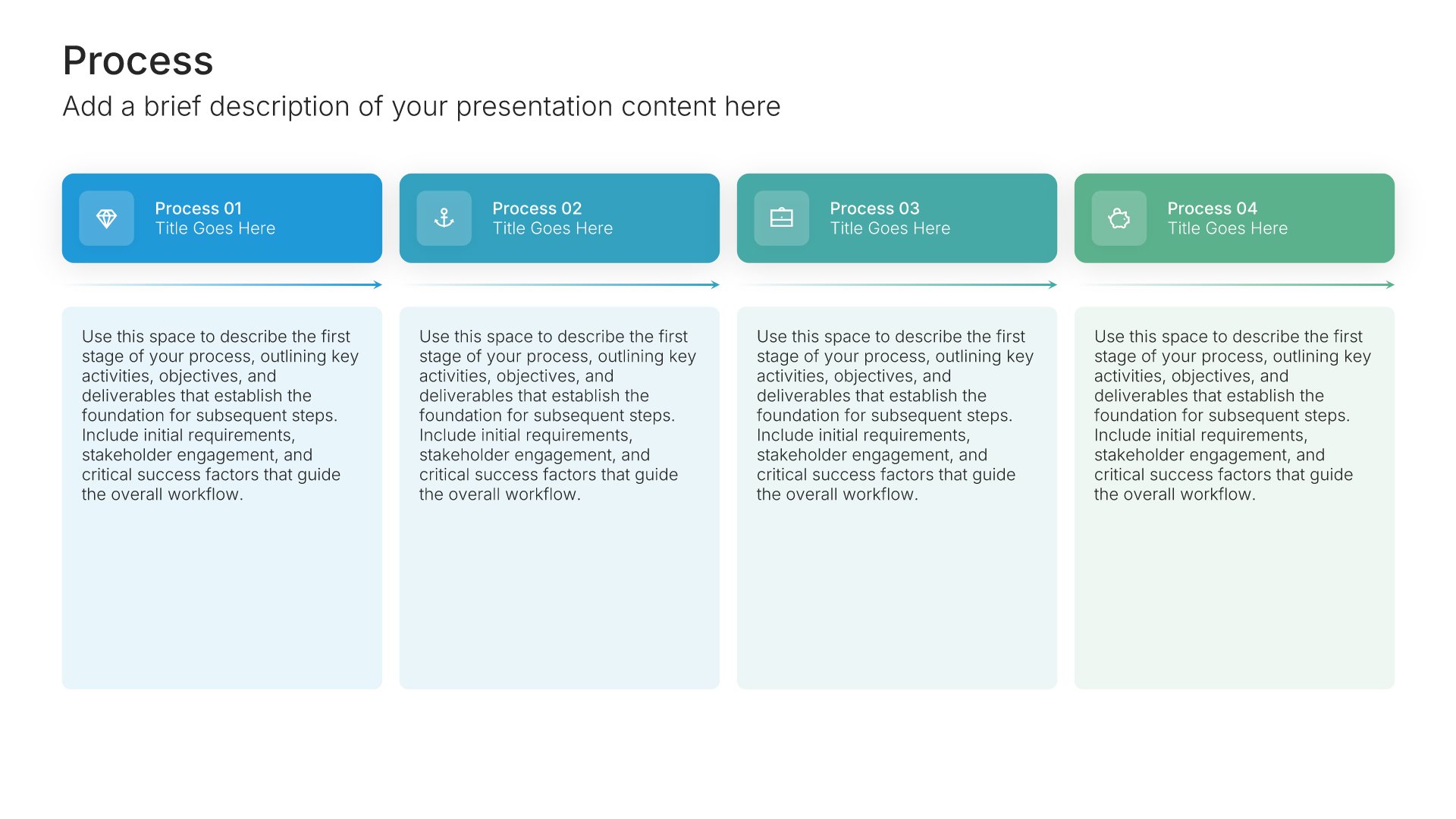
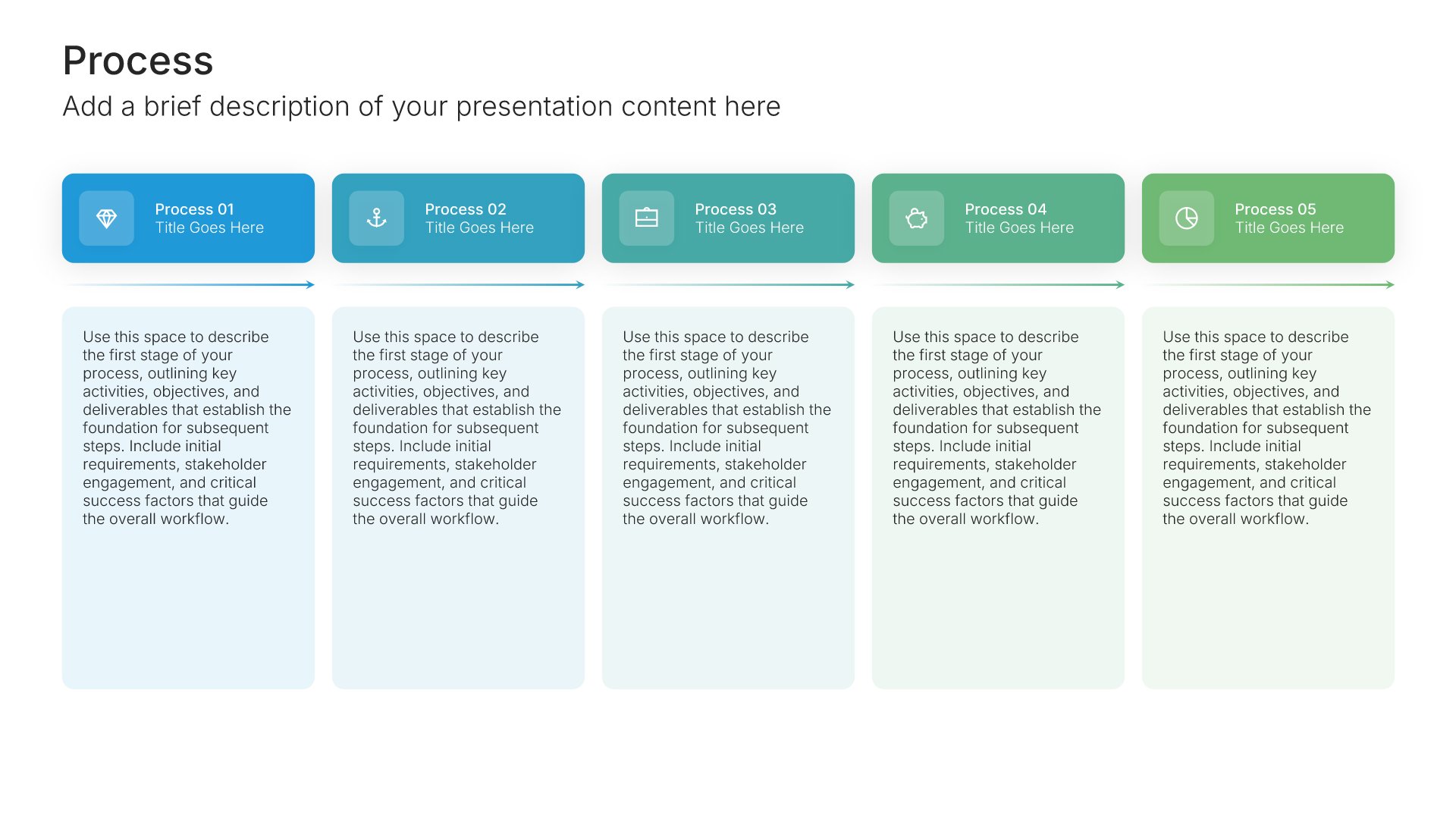
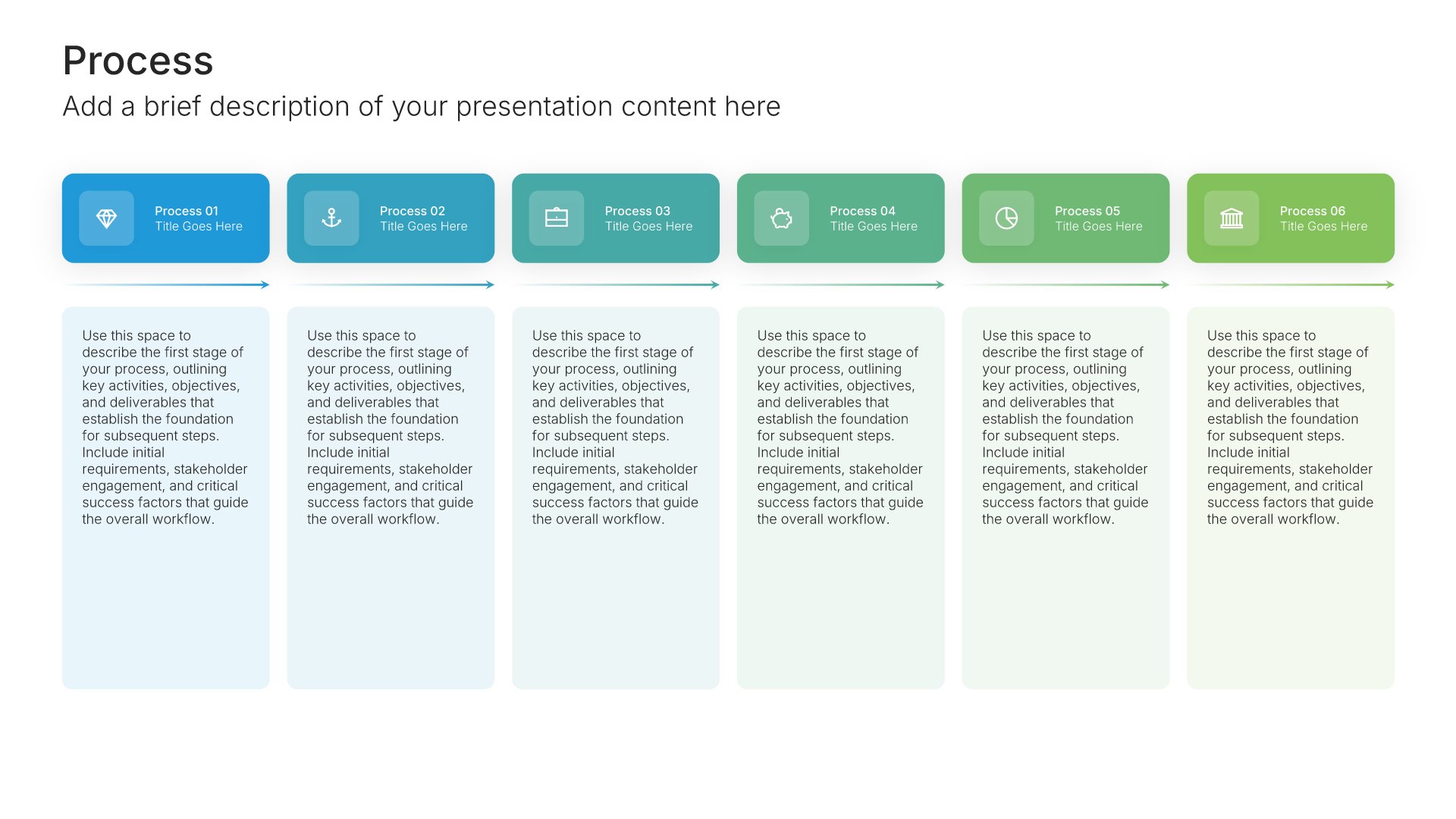
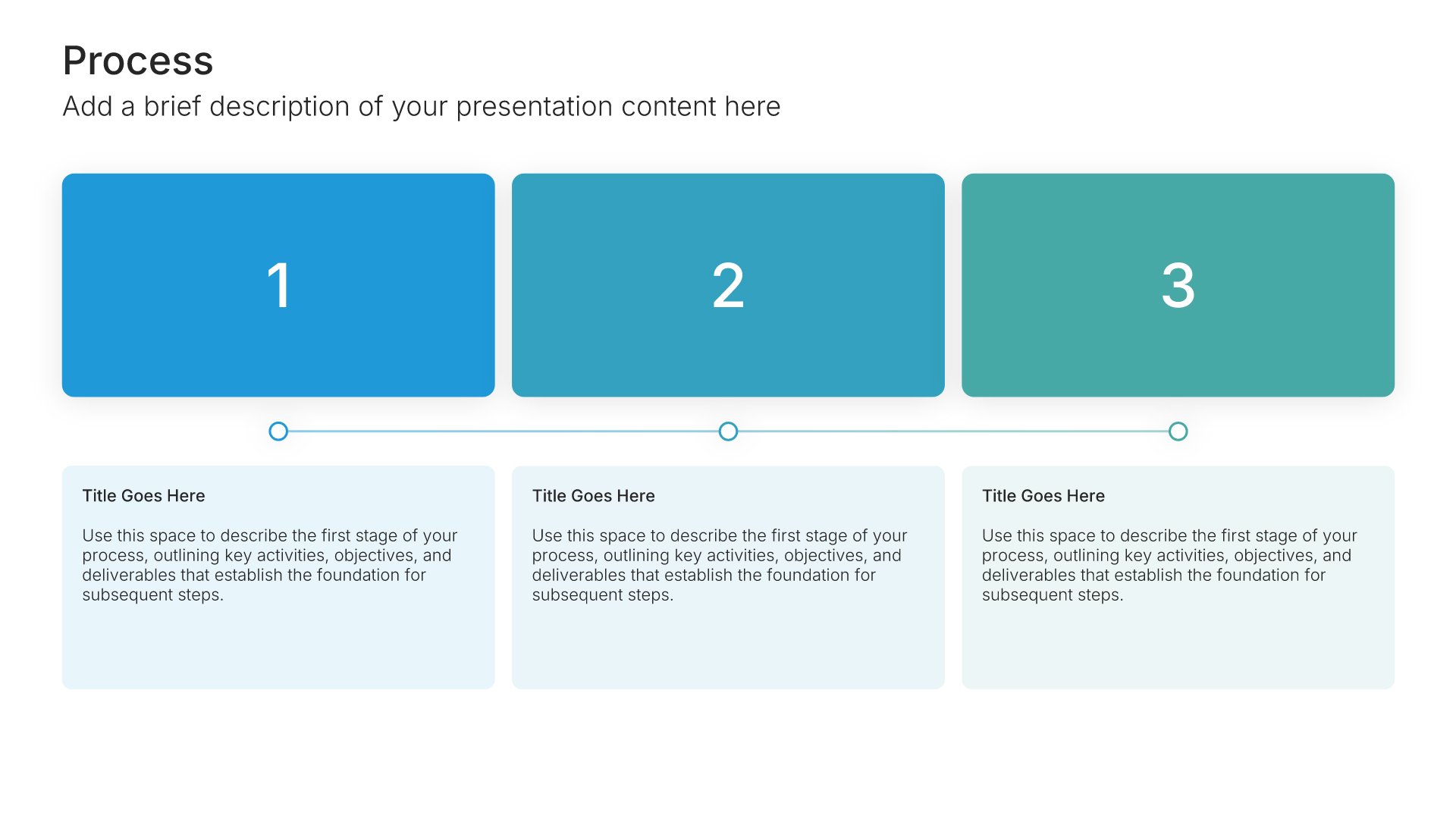
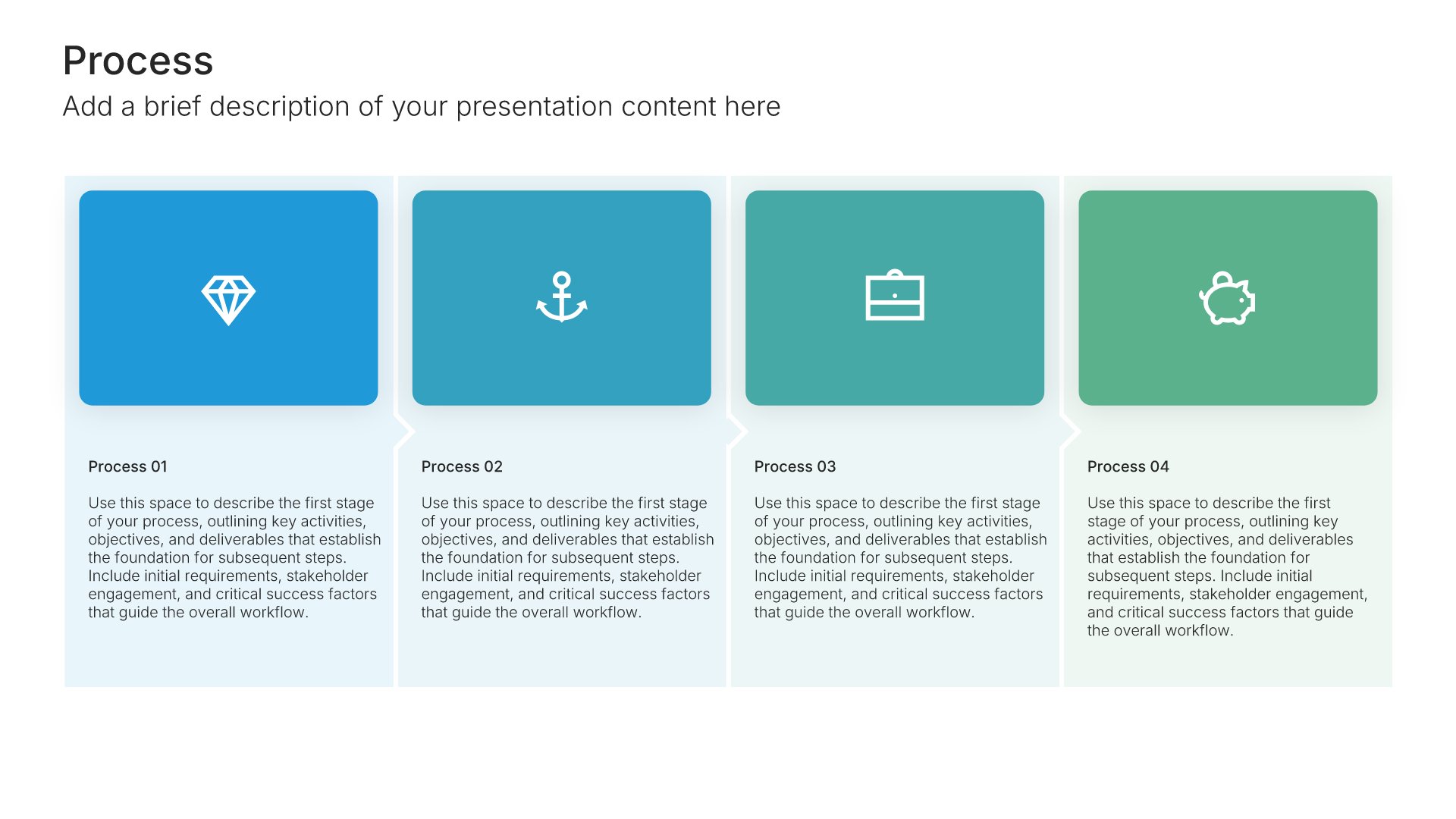
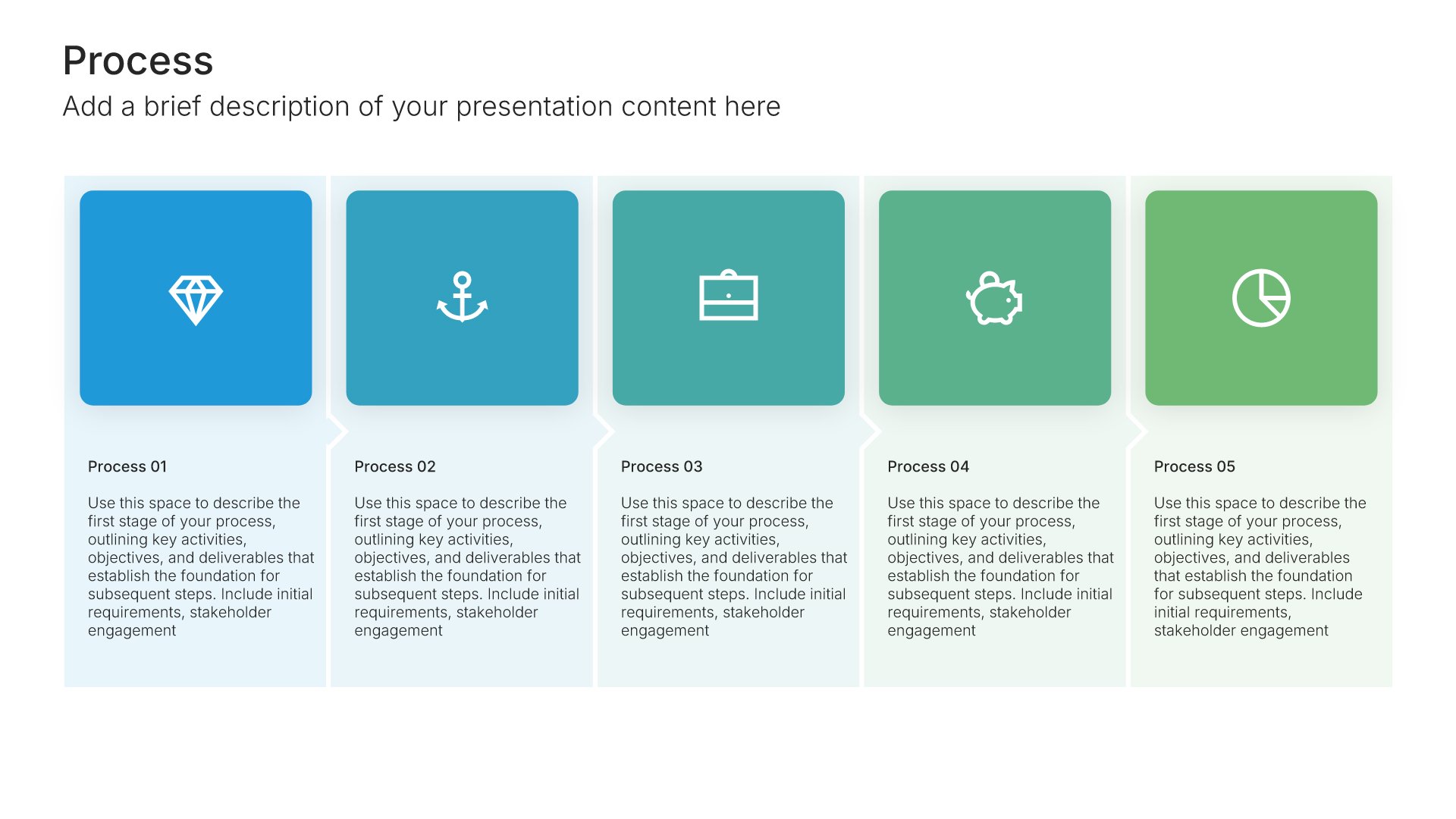
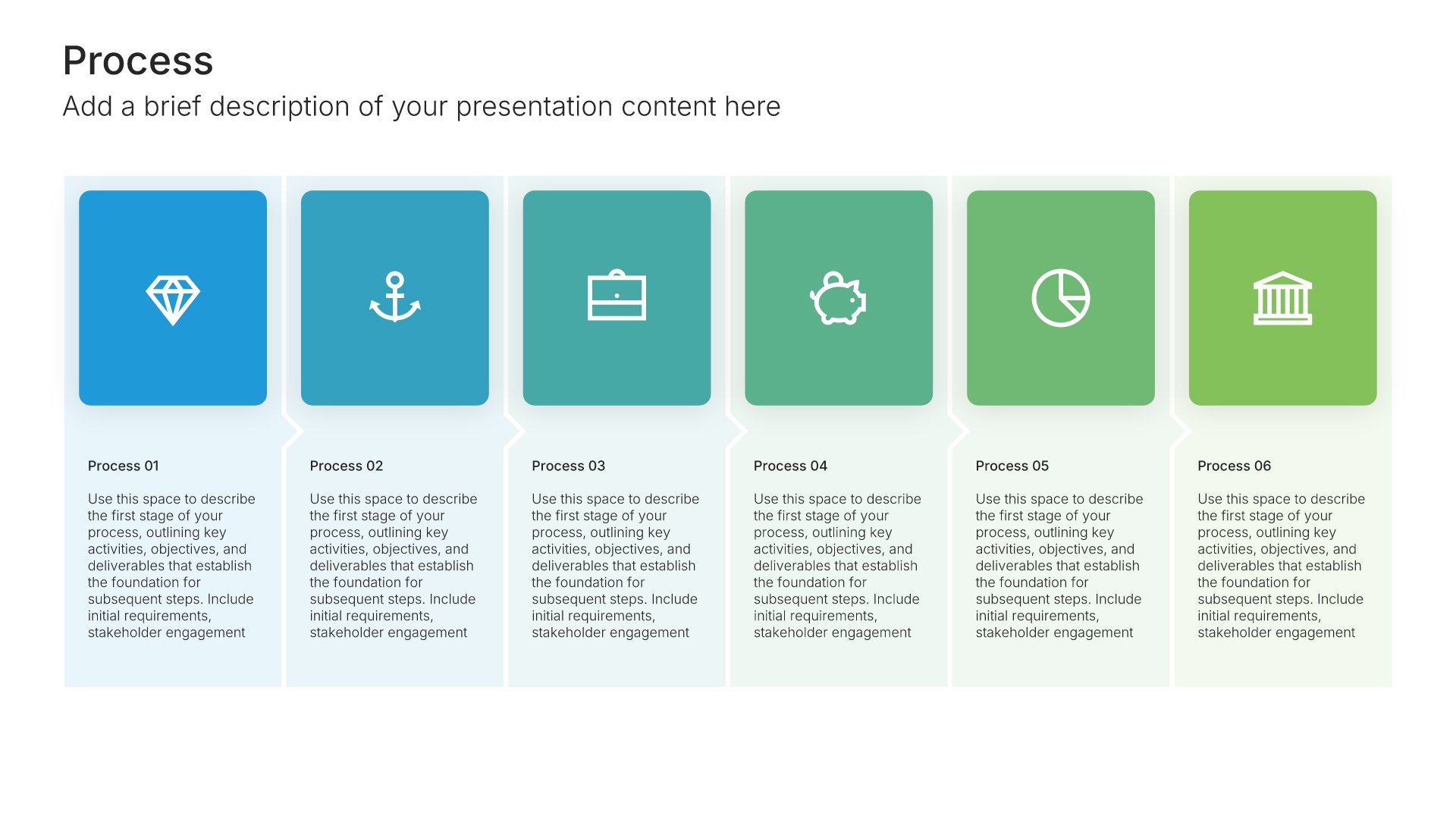
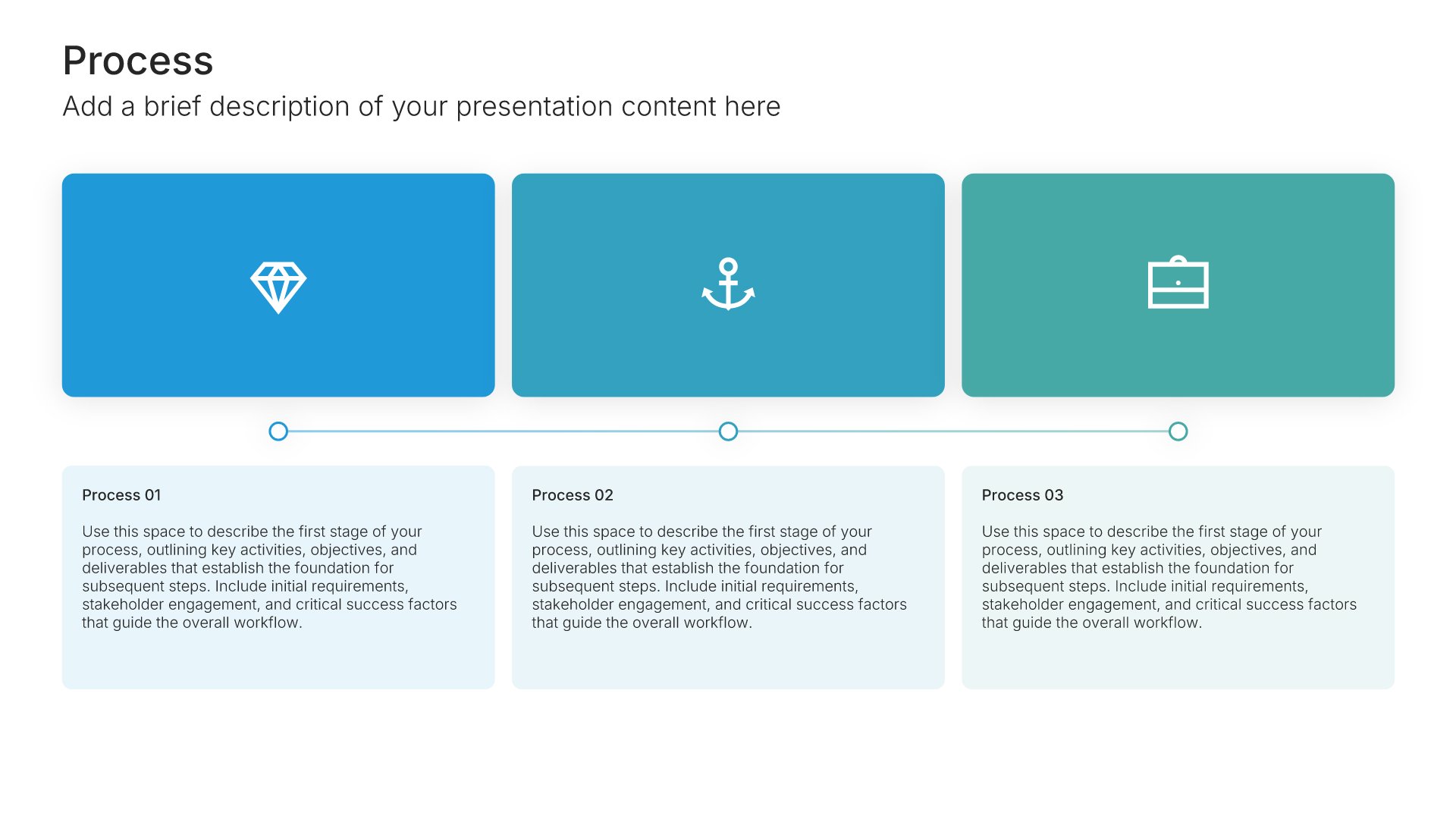
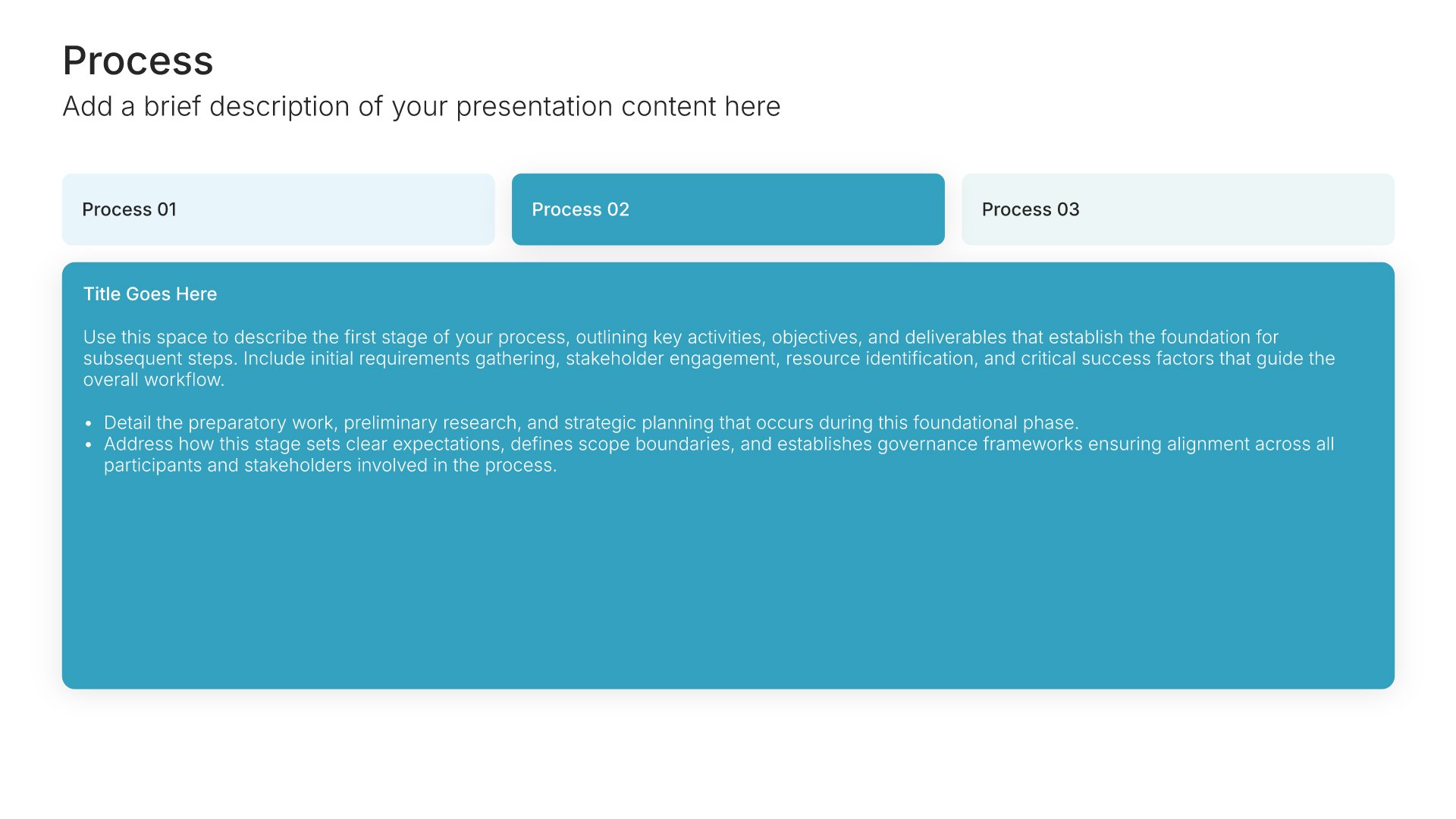
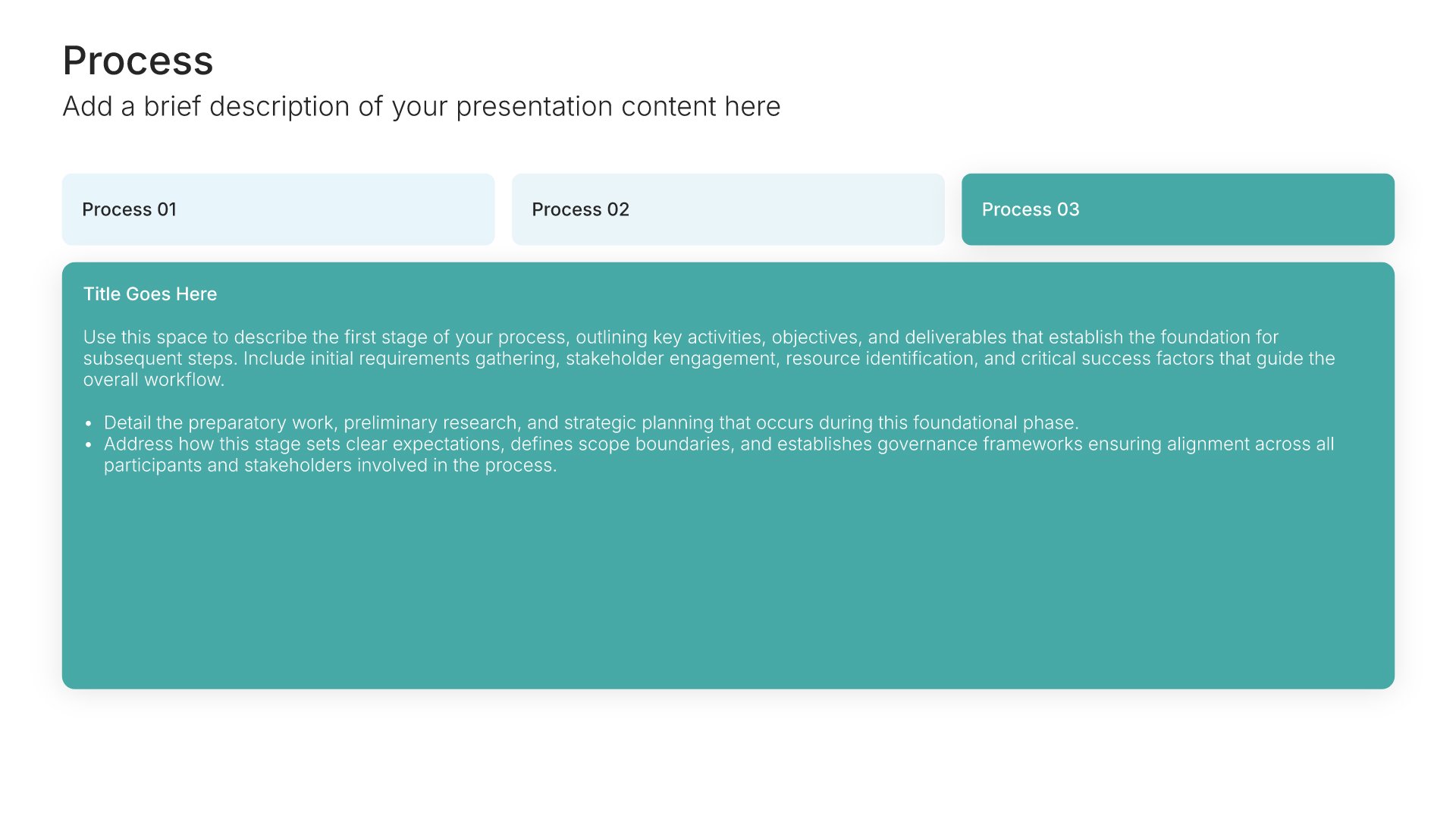
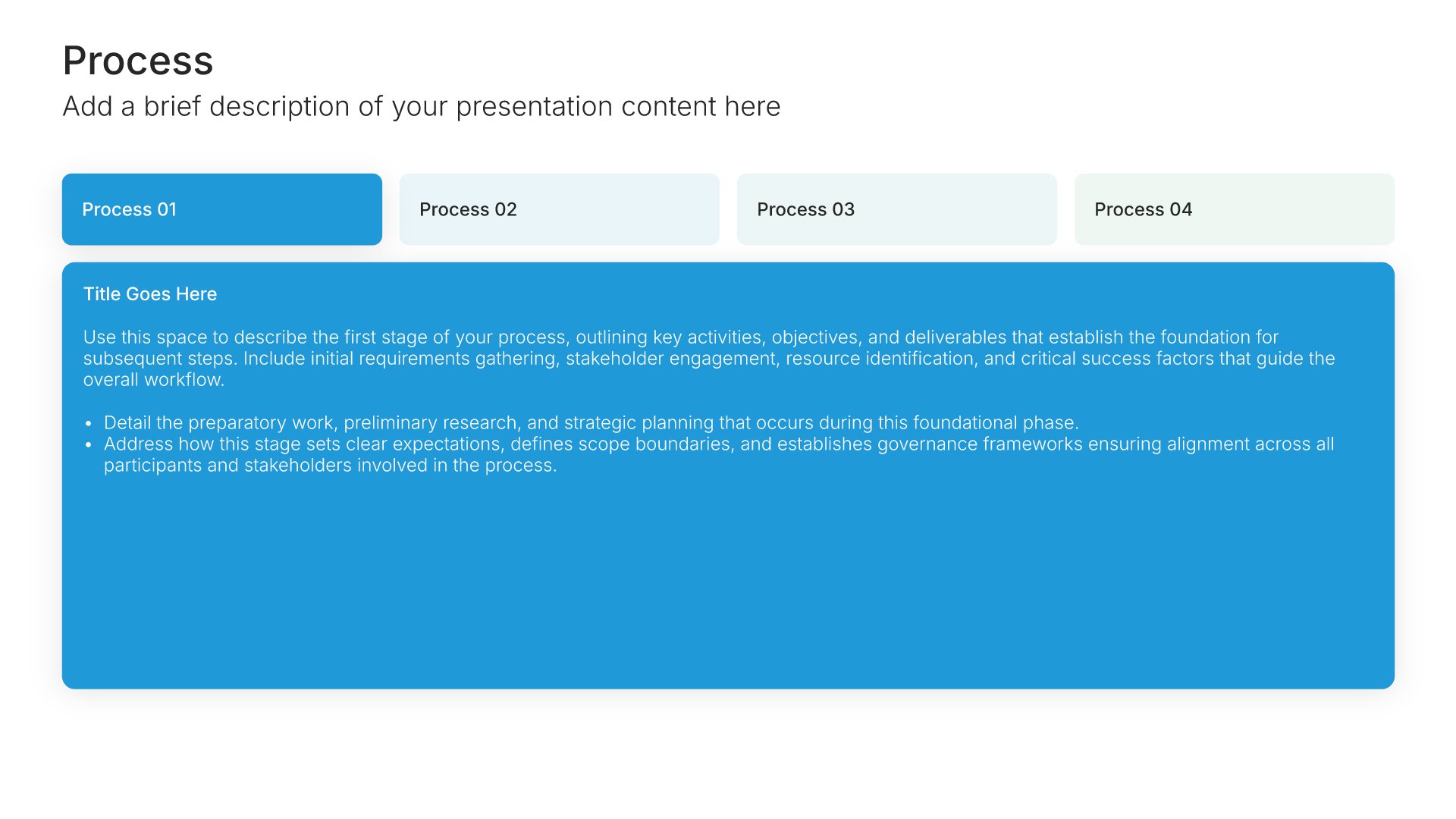
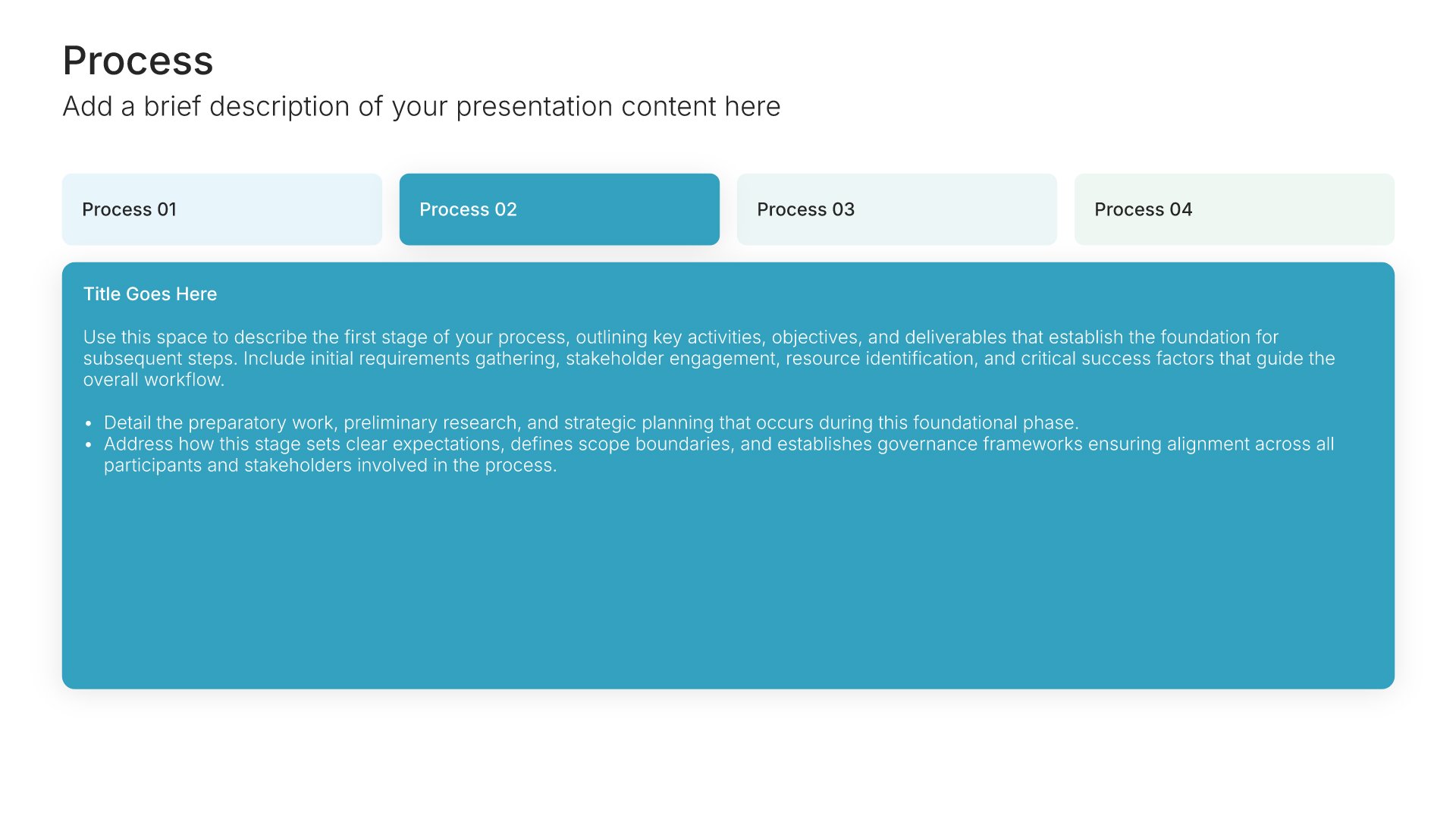
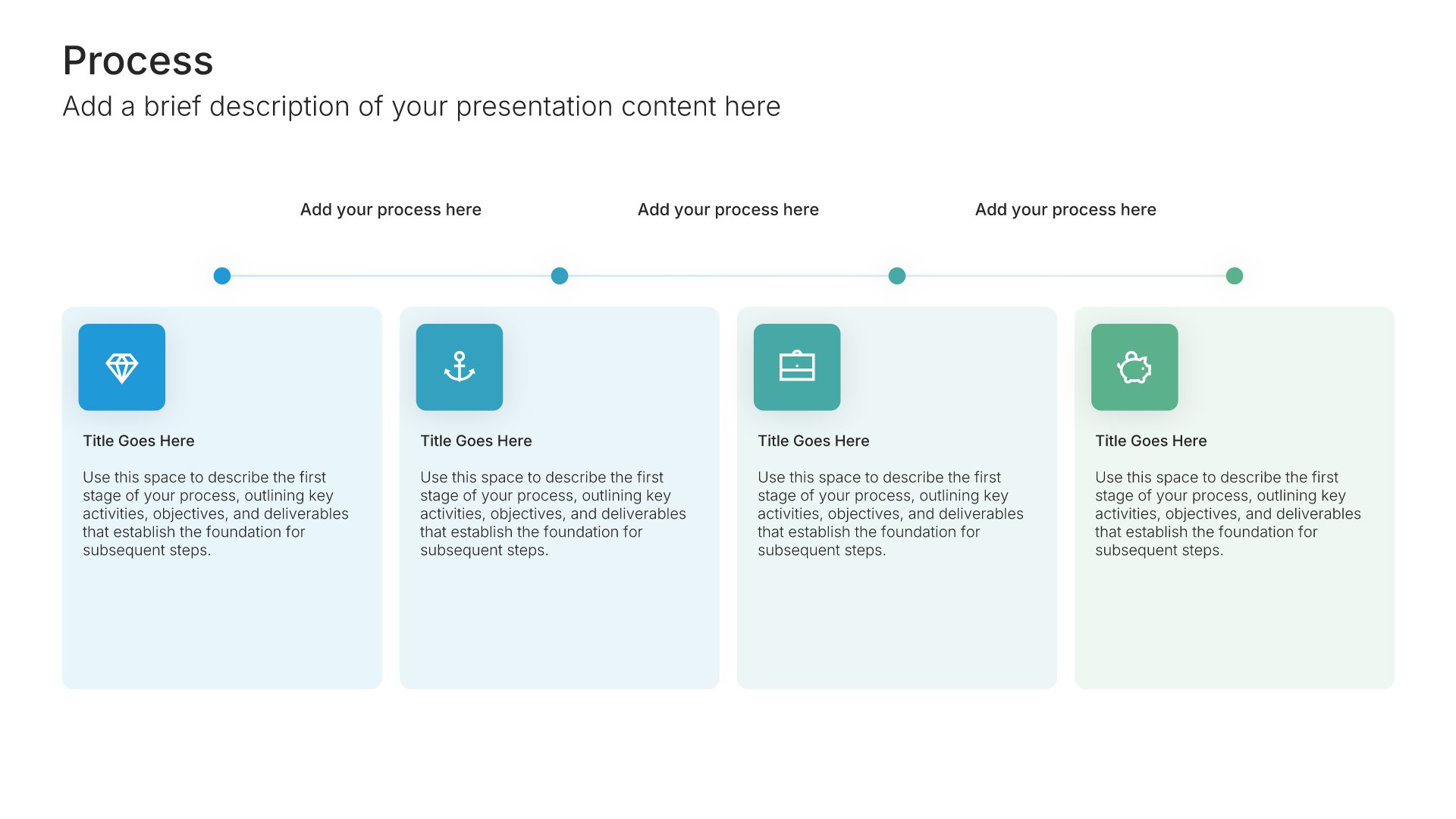
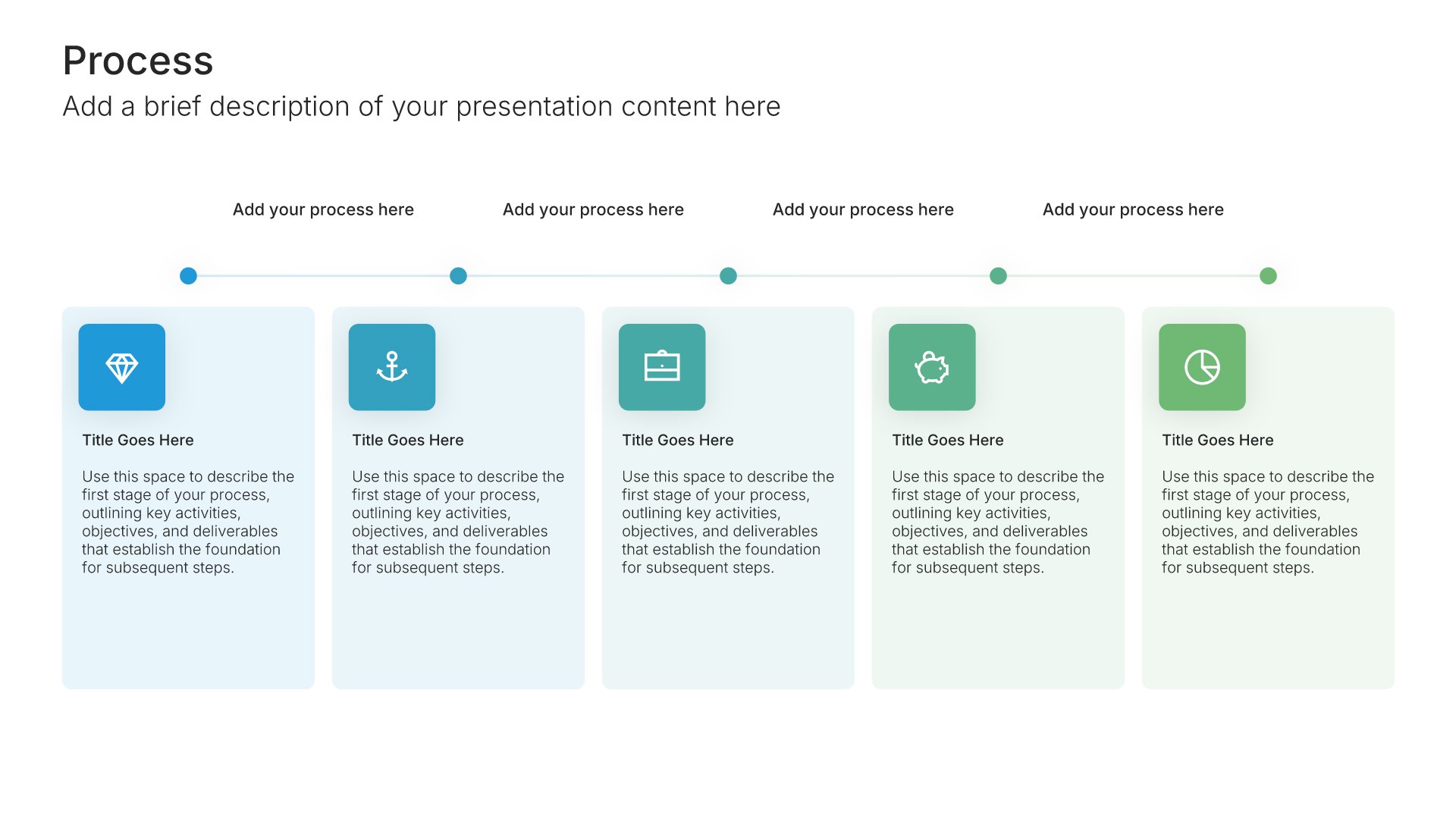
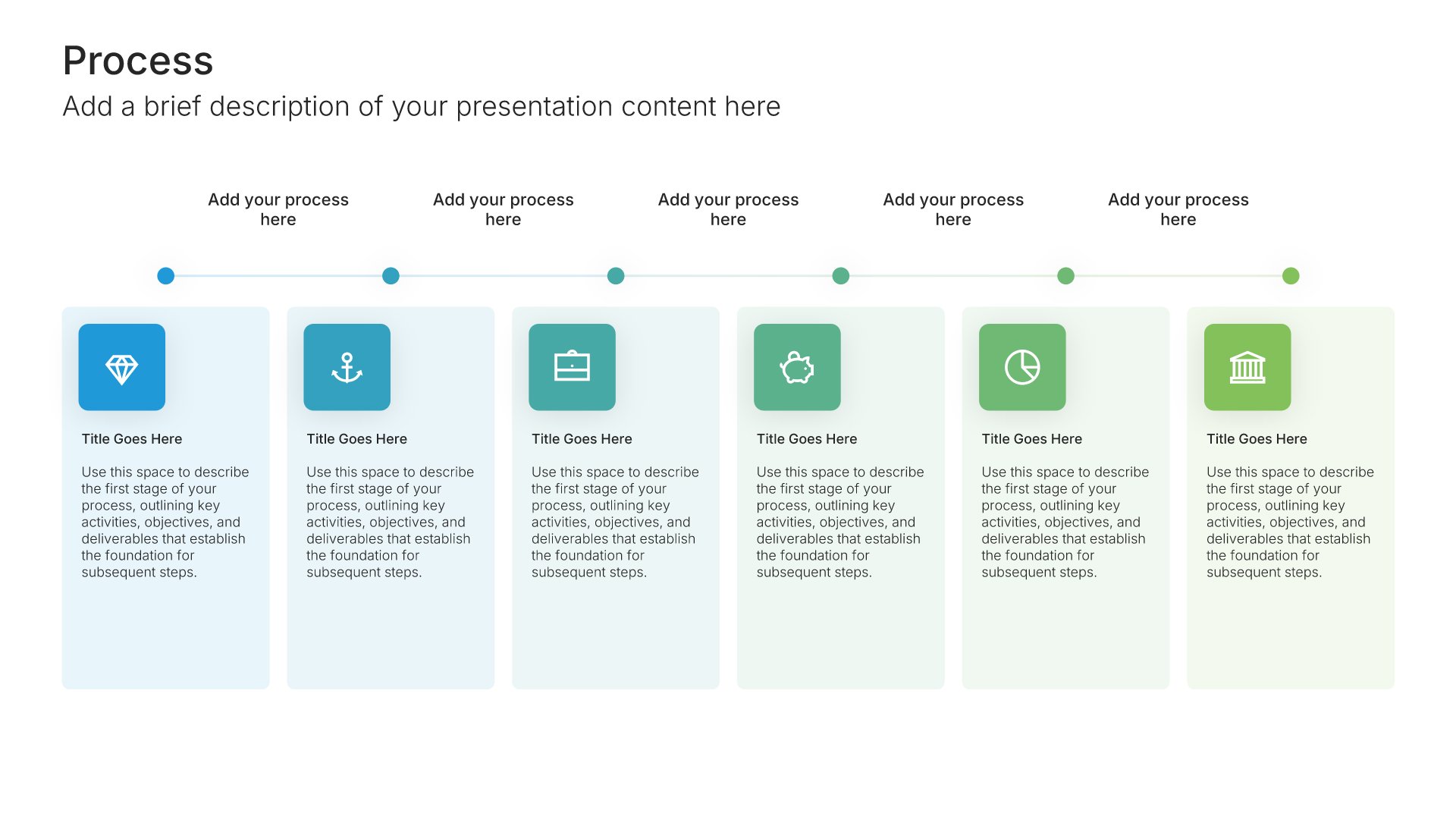
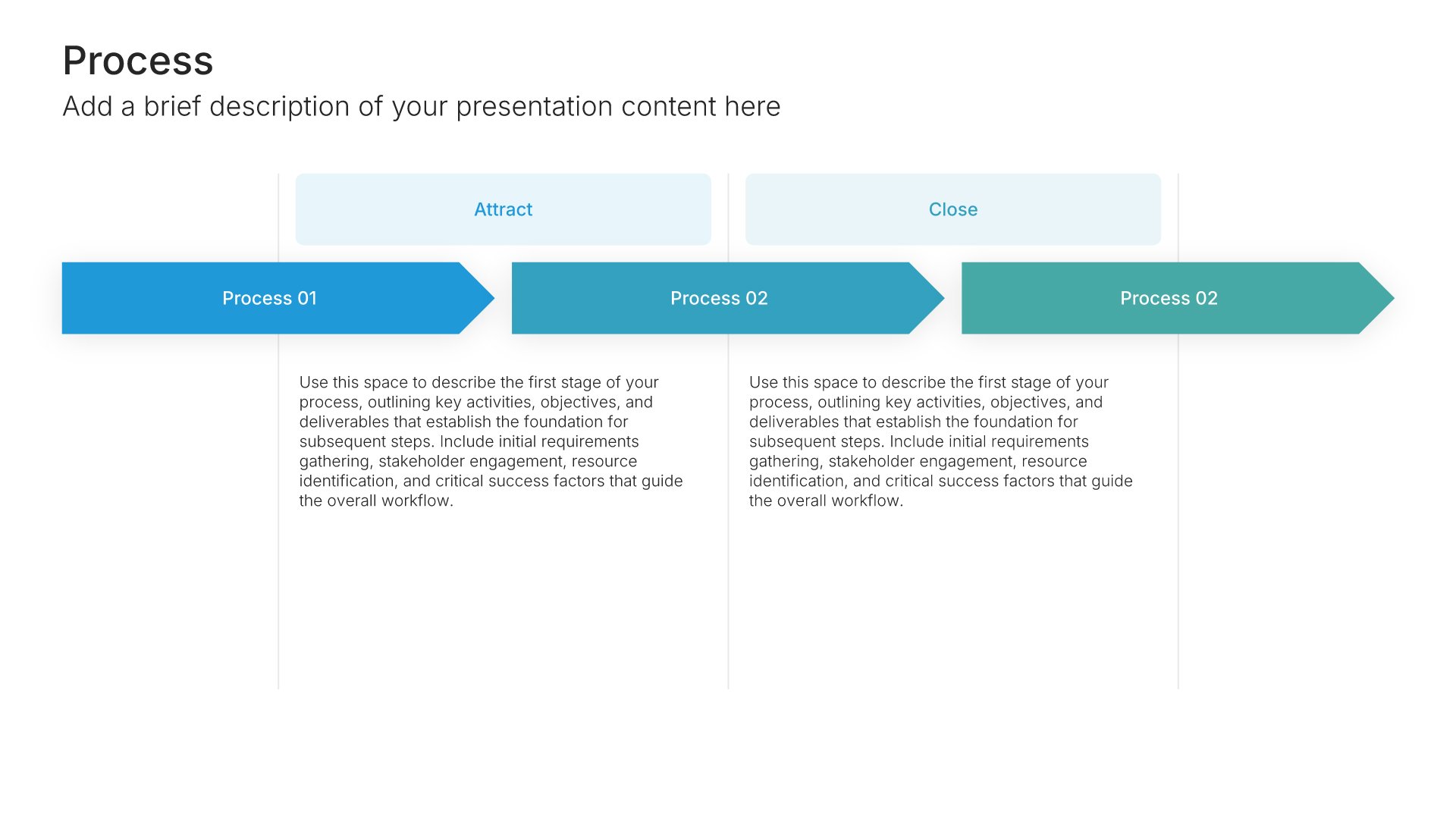
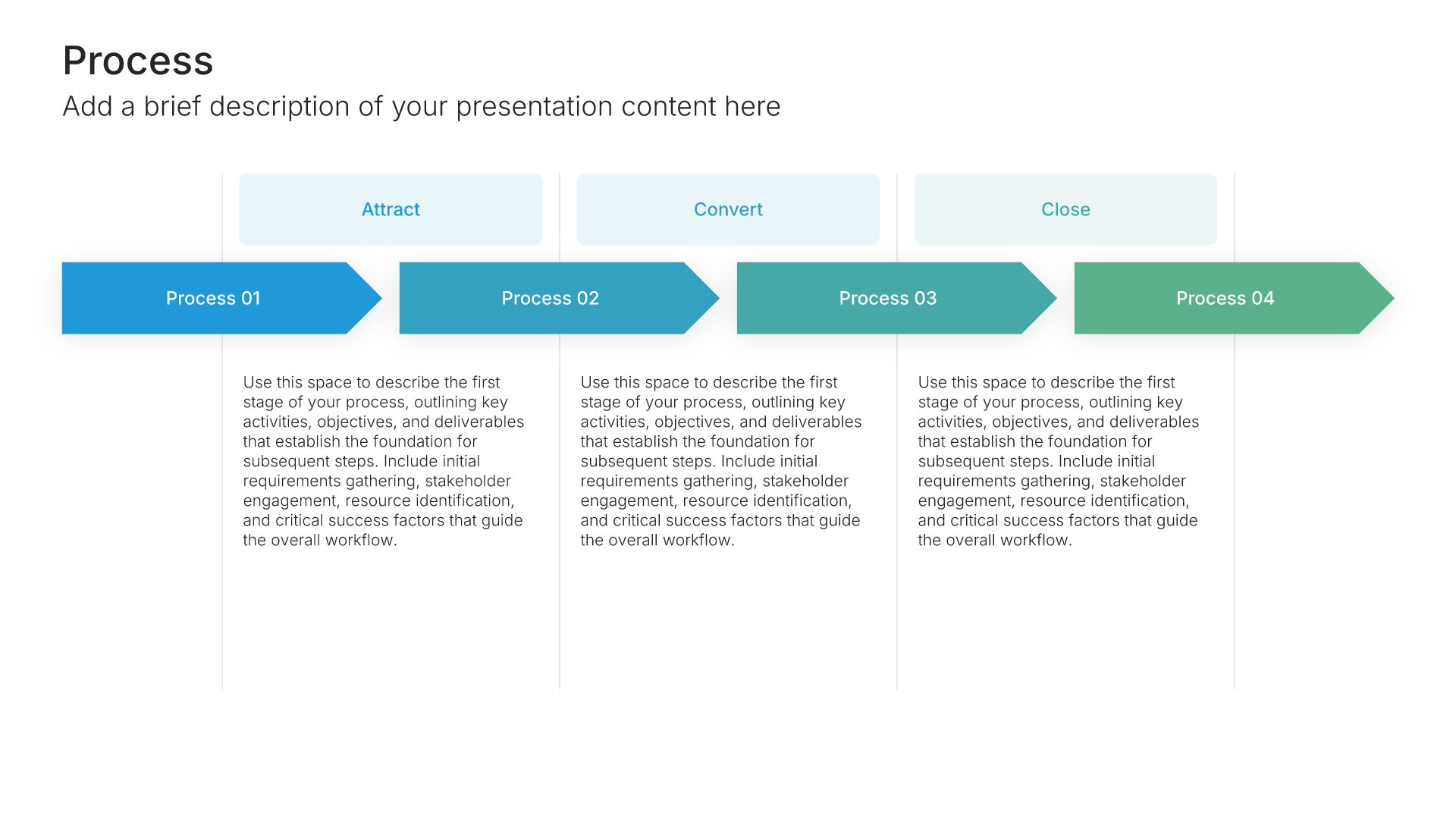
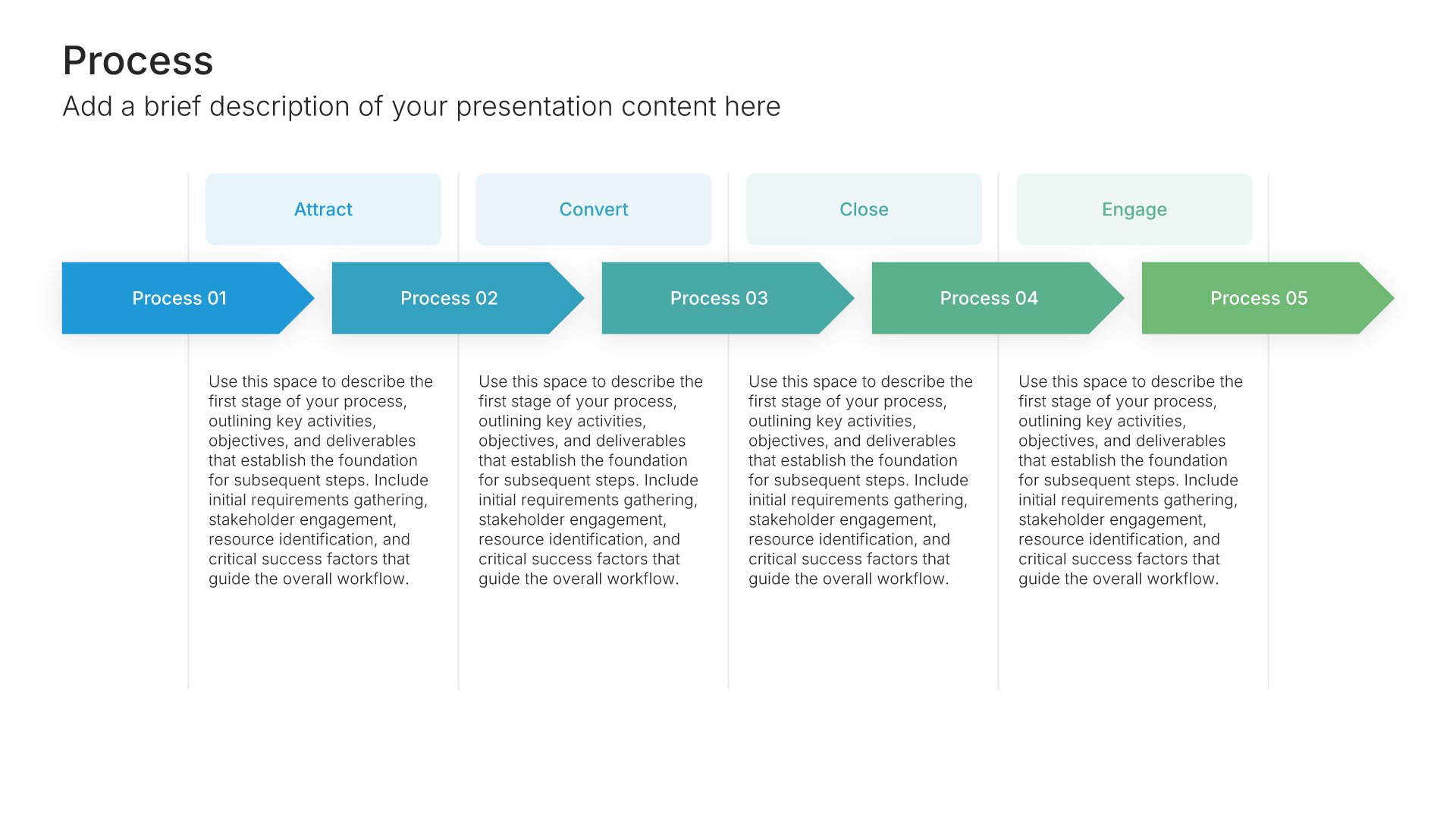
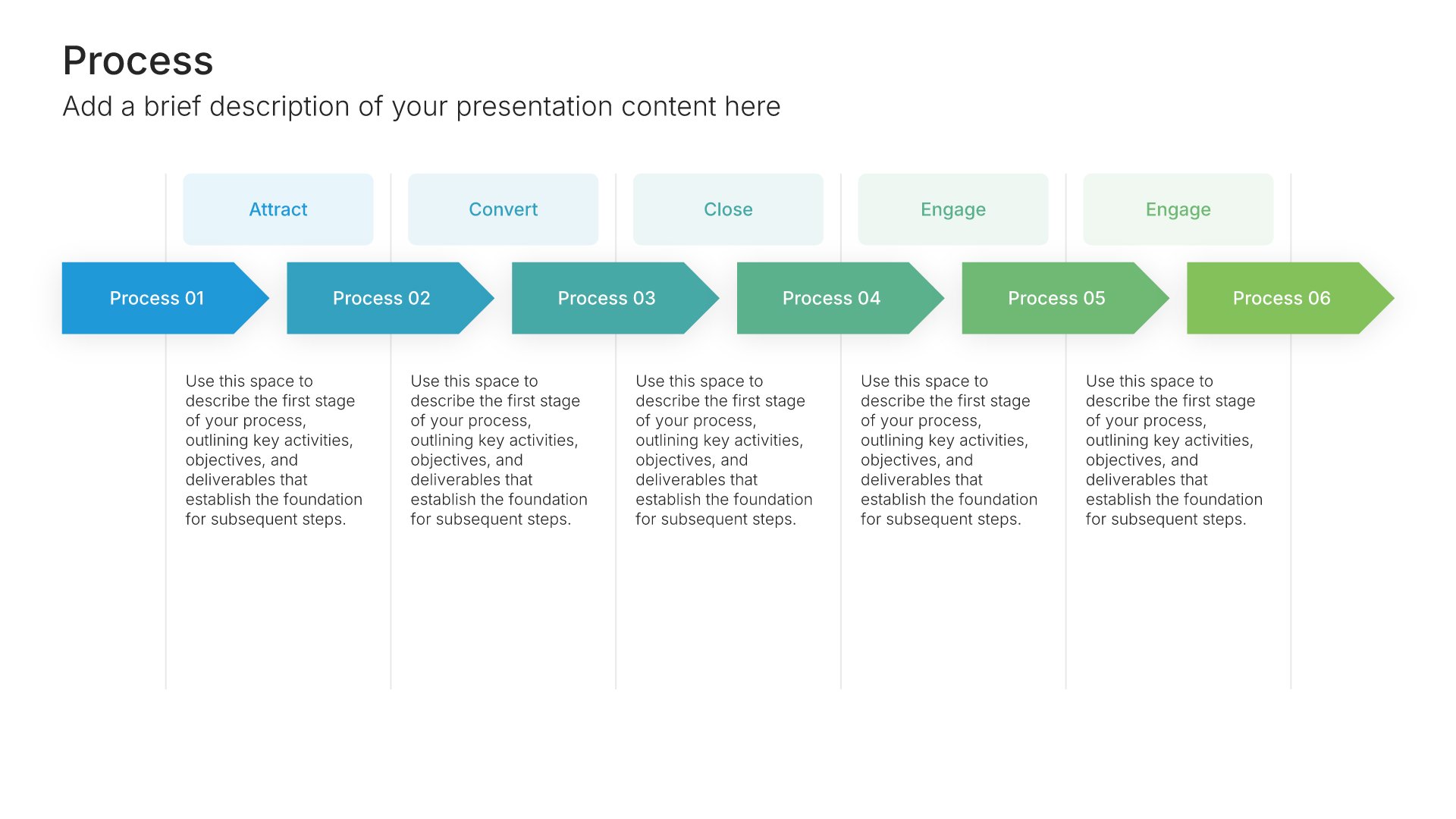
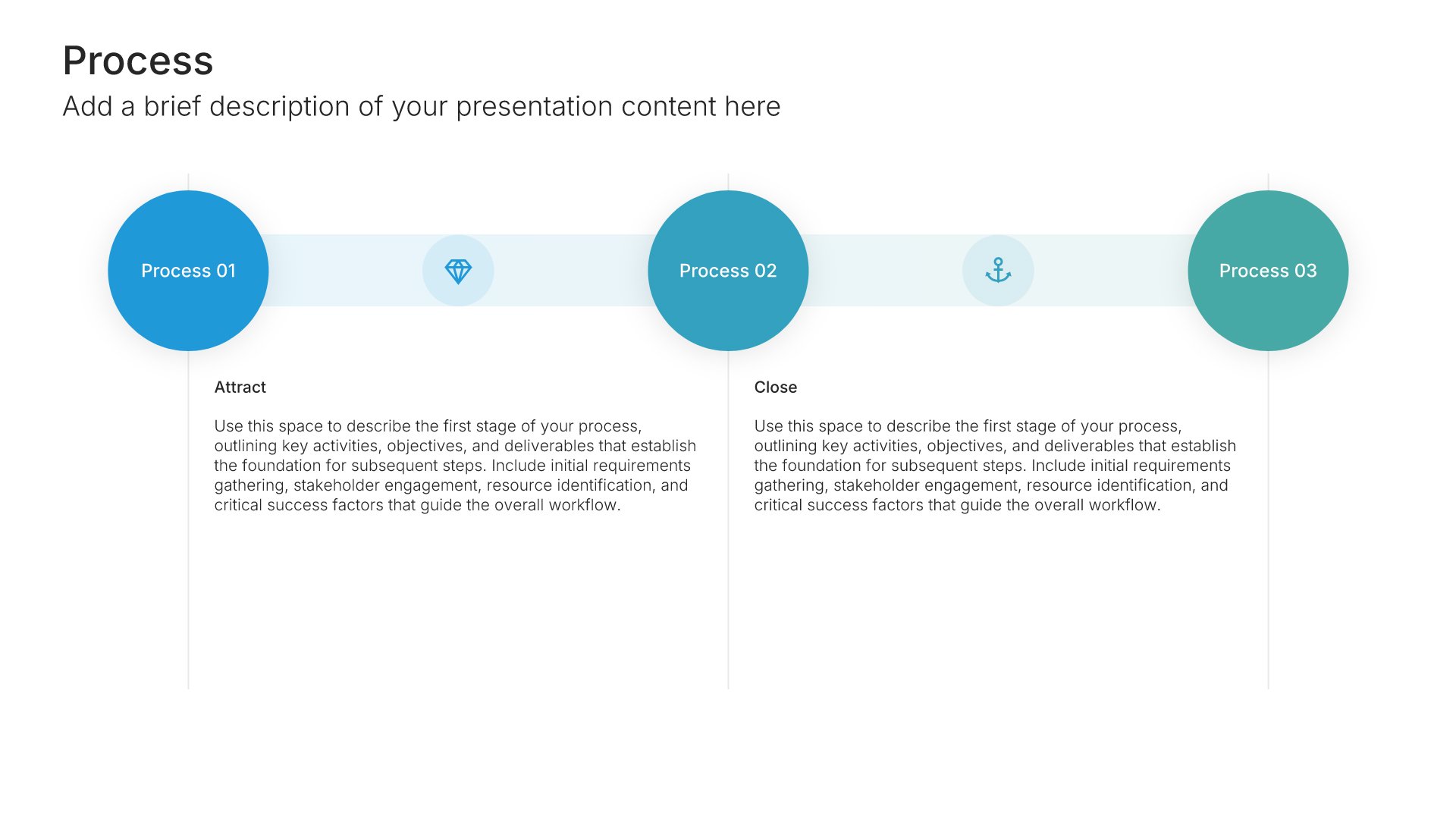
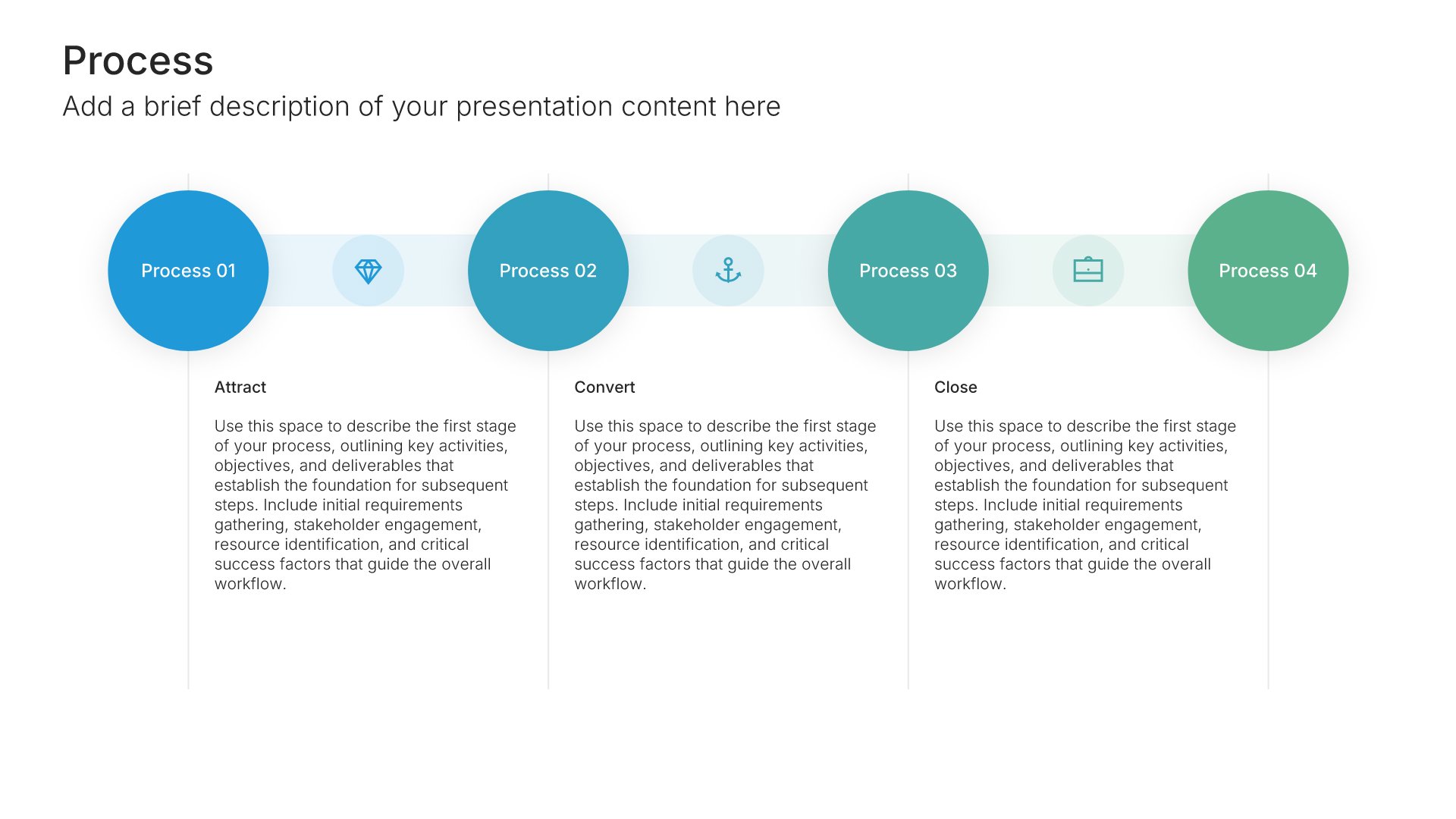
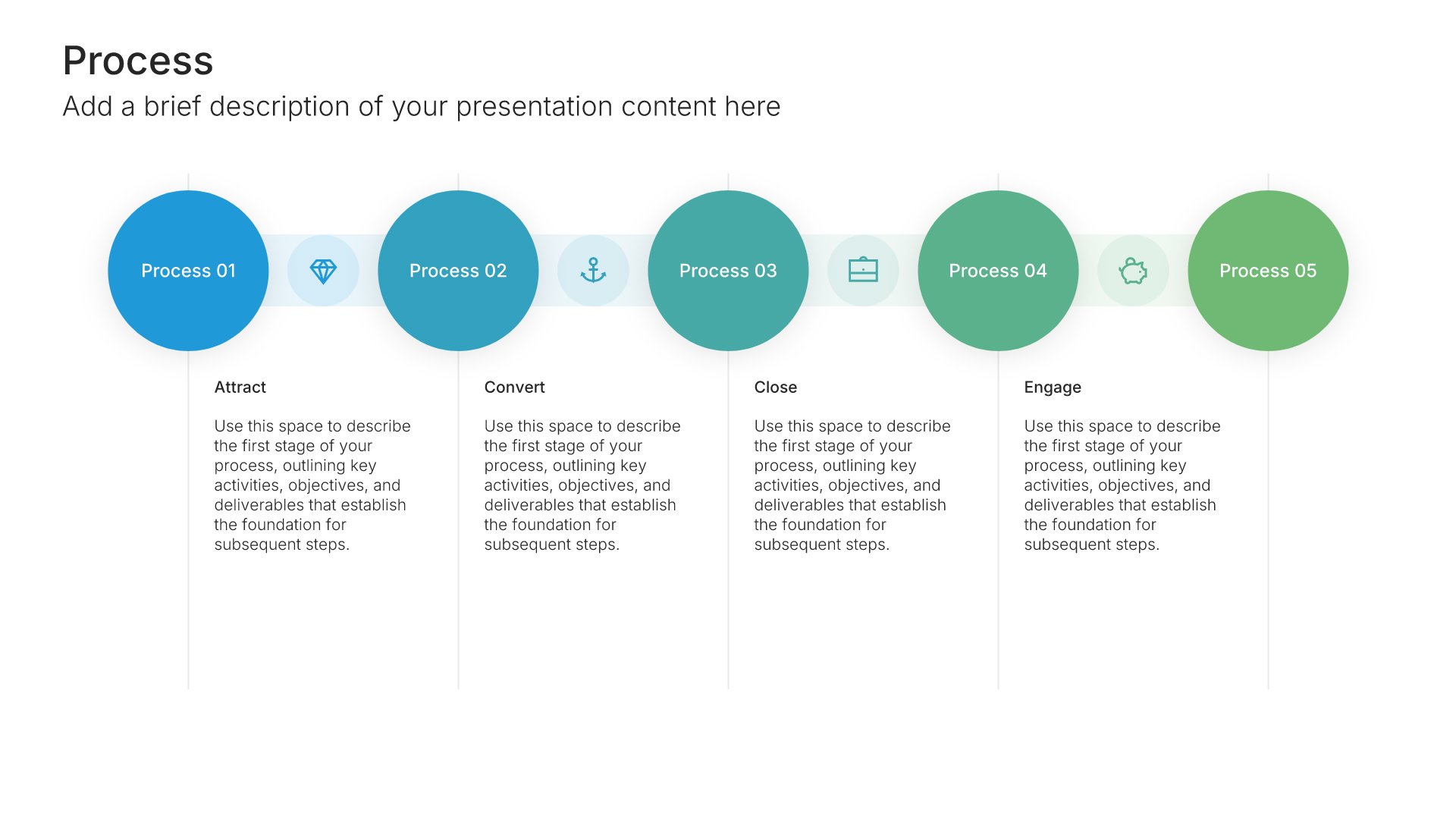
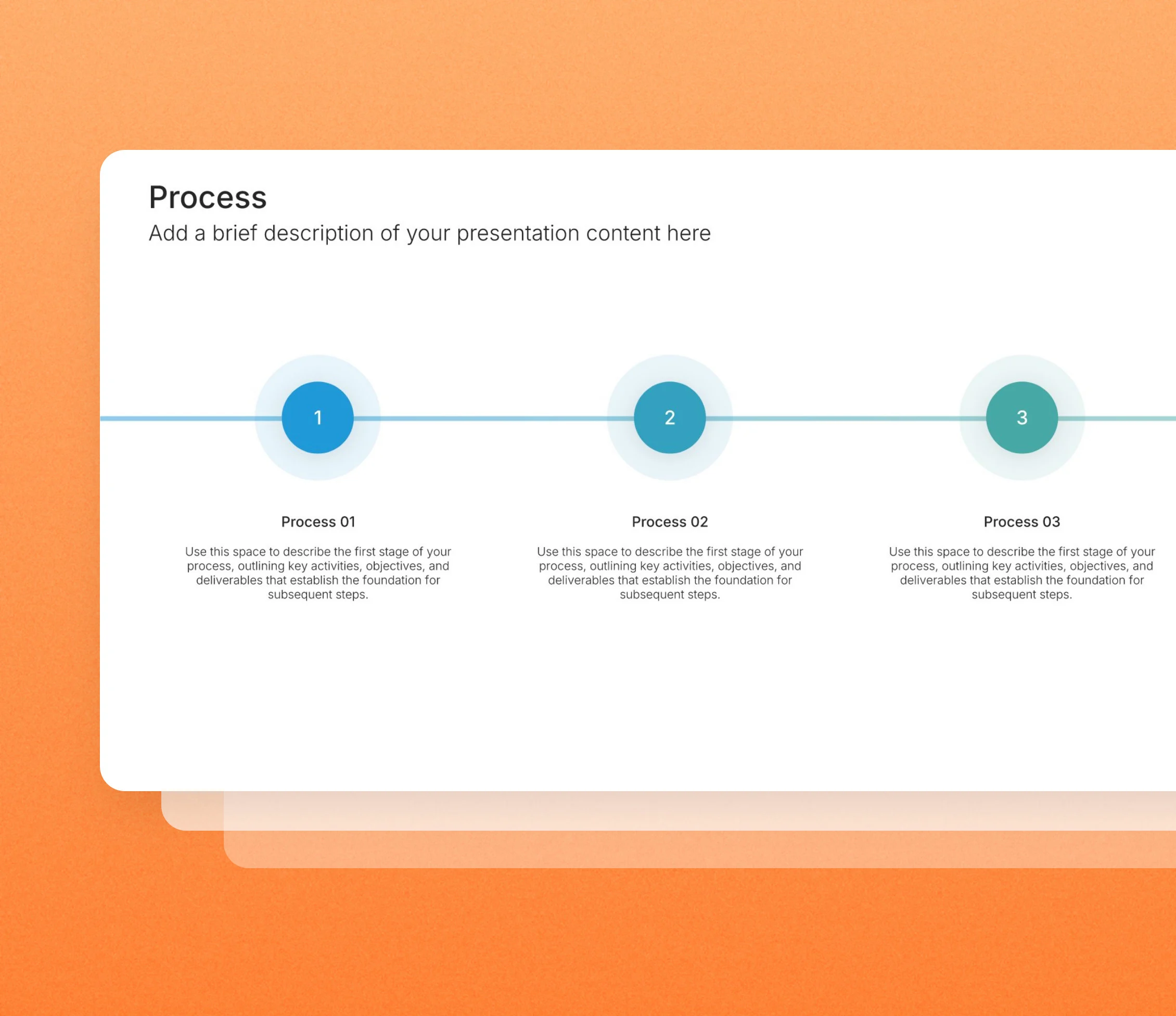
Process slides laid out horizontally run your steps from left to right, the way people naturally read, so the sequence is clear from the first glance. Pick one of 121 layouts, brand it to your company in one click, add your steps, and export to PowerPoint, Google Slides, or Keynote.
Free to start. No credit card required.
Browse horizontal process slides
121 ways to run your steps from left to right, all fully editable.
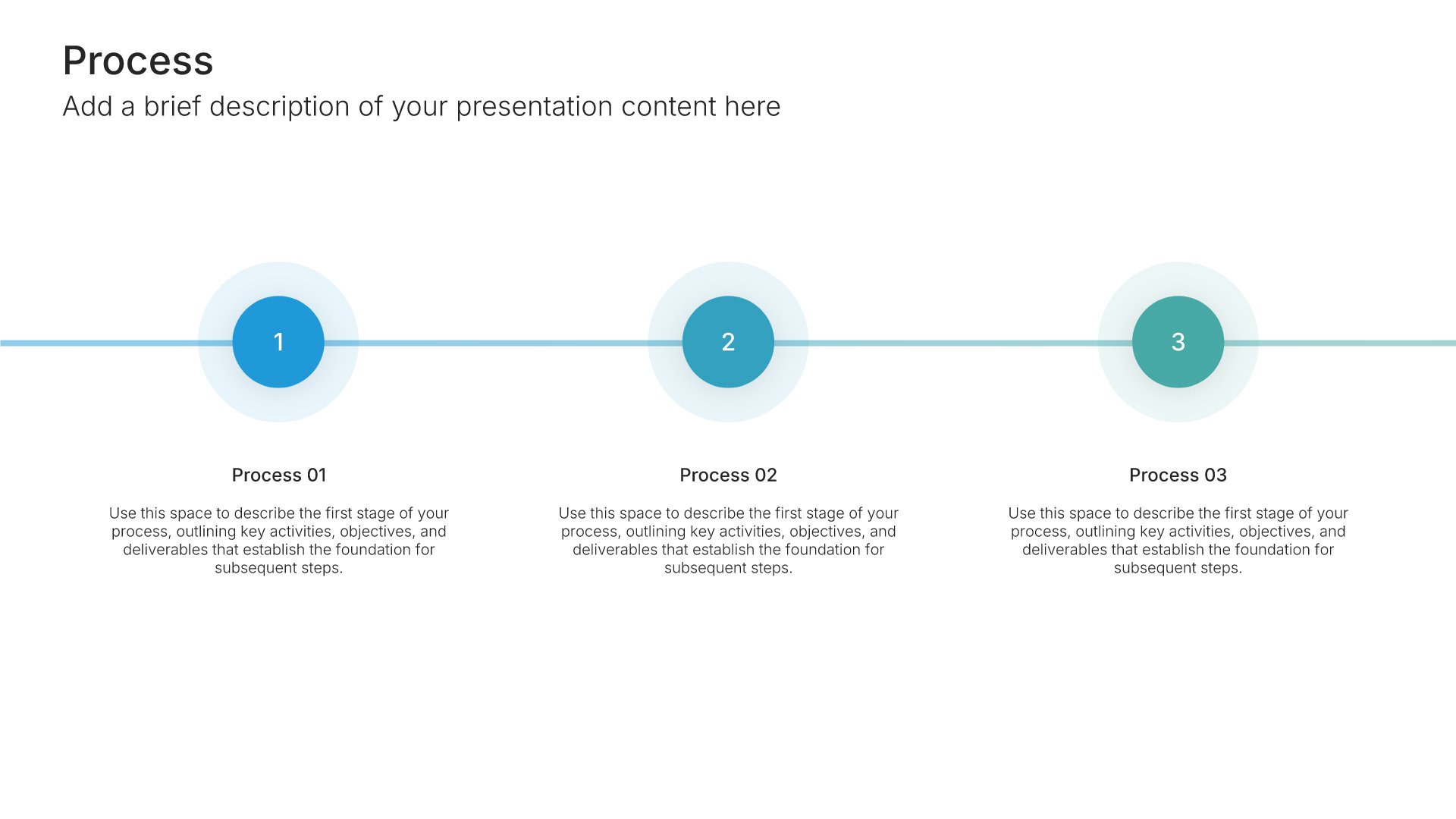
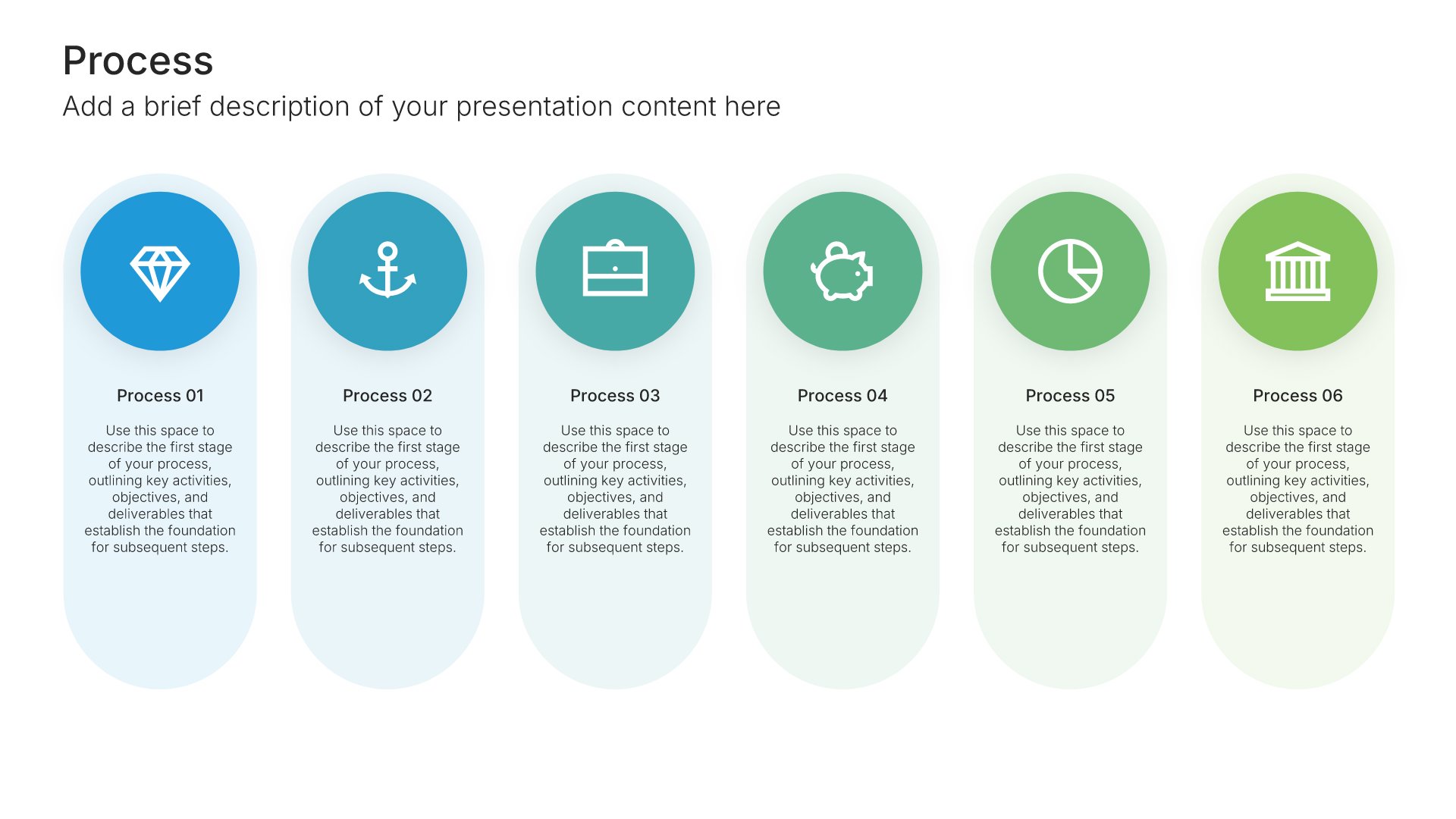
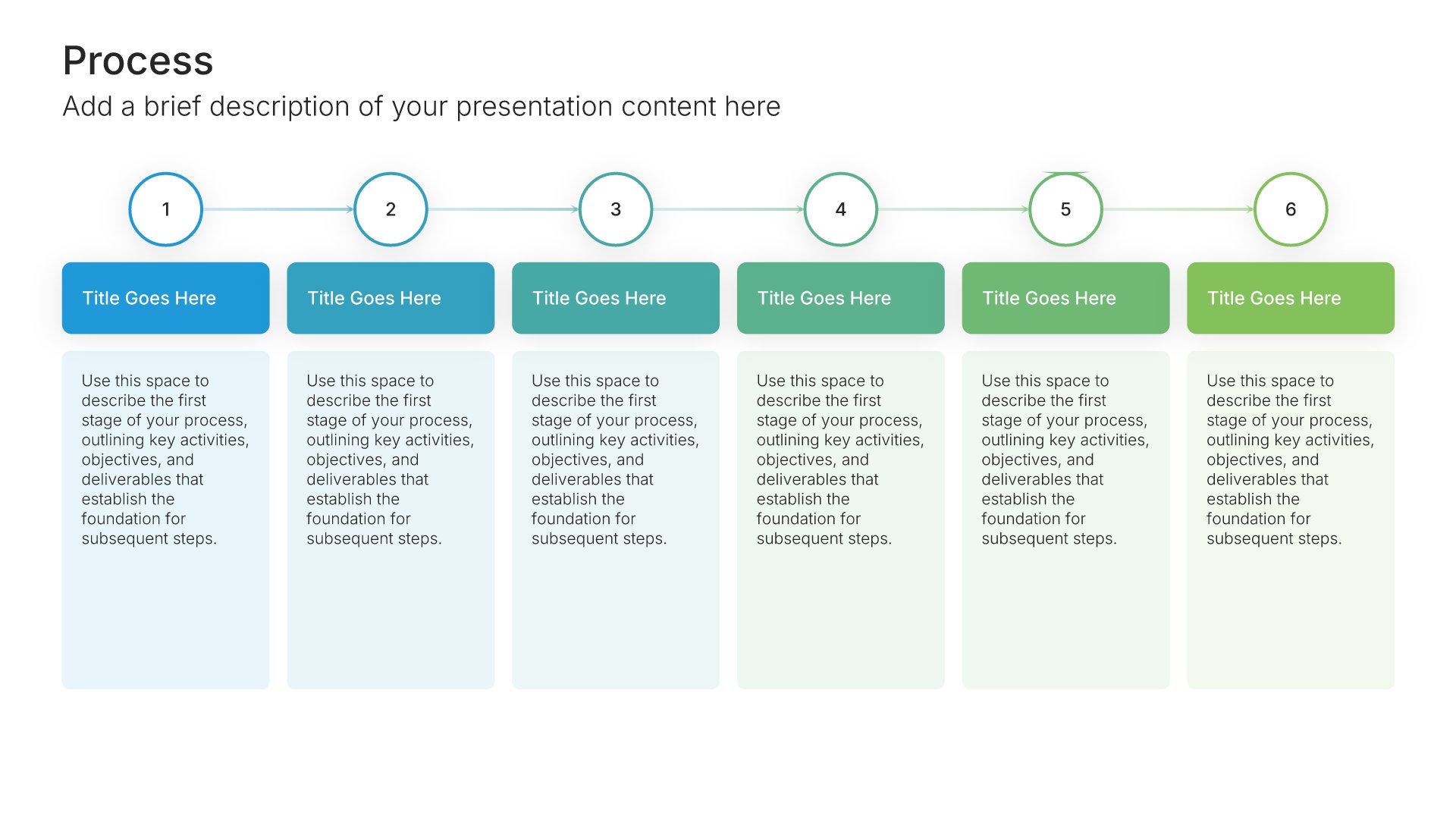
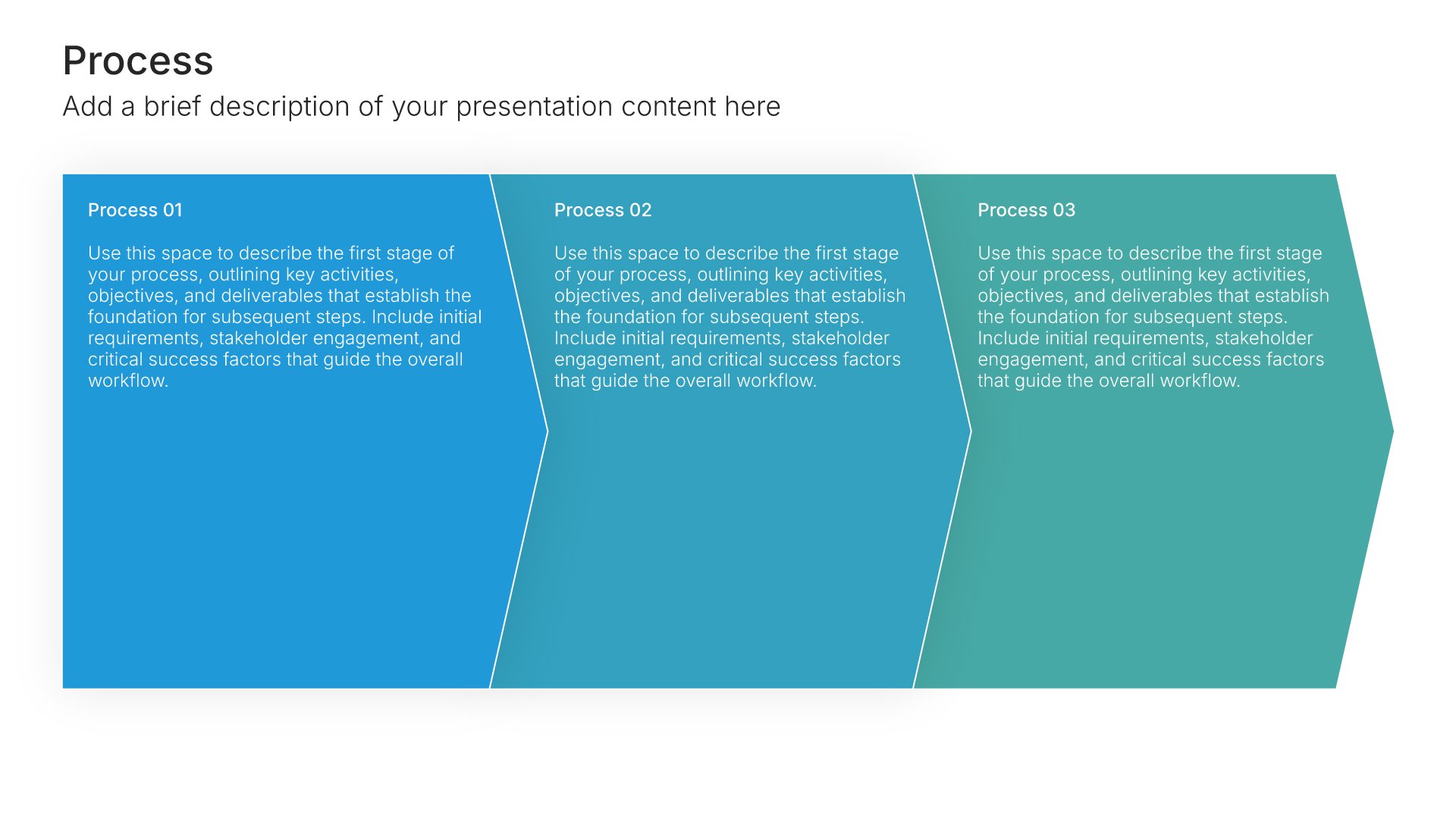
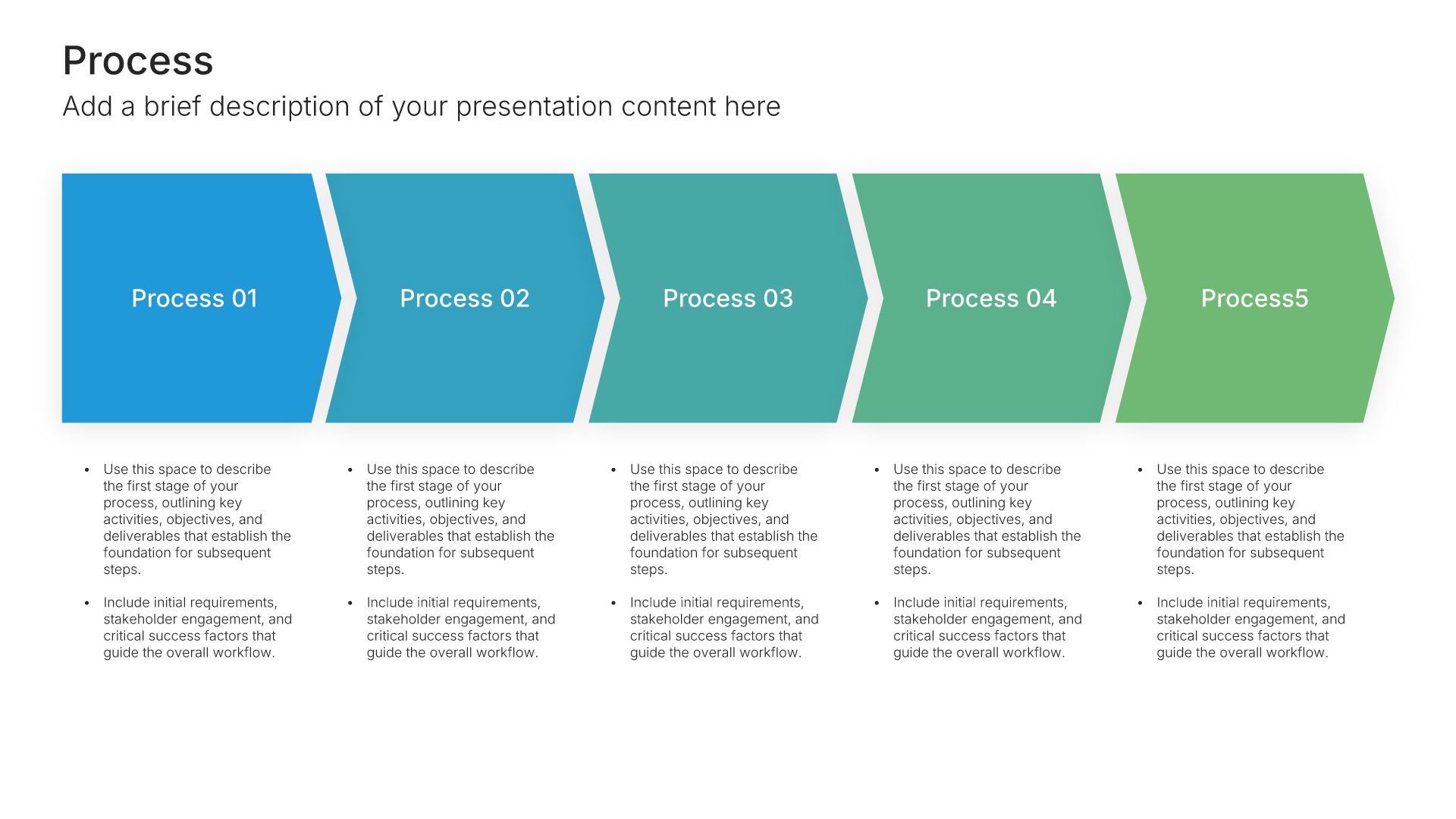
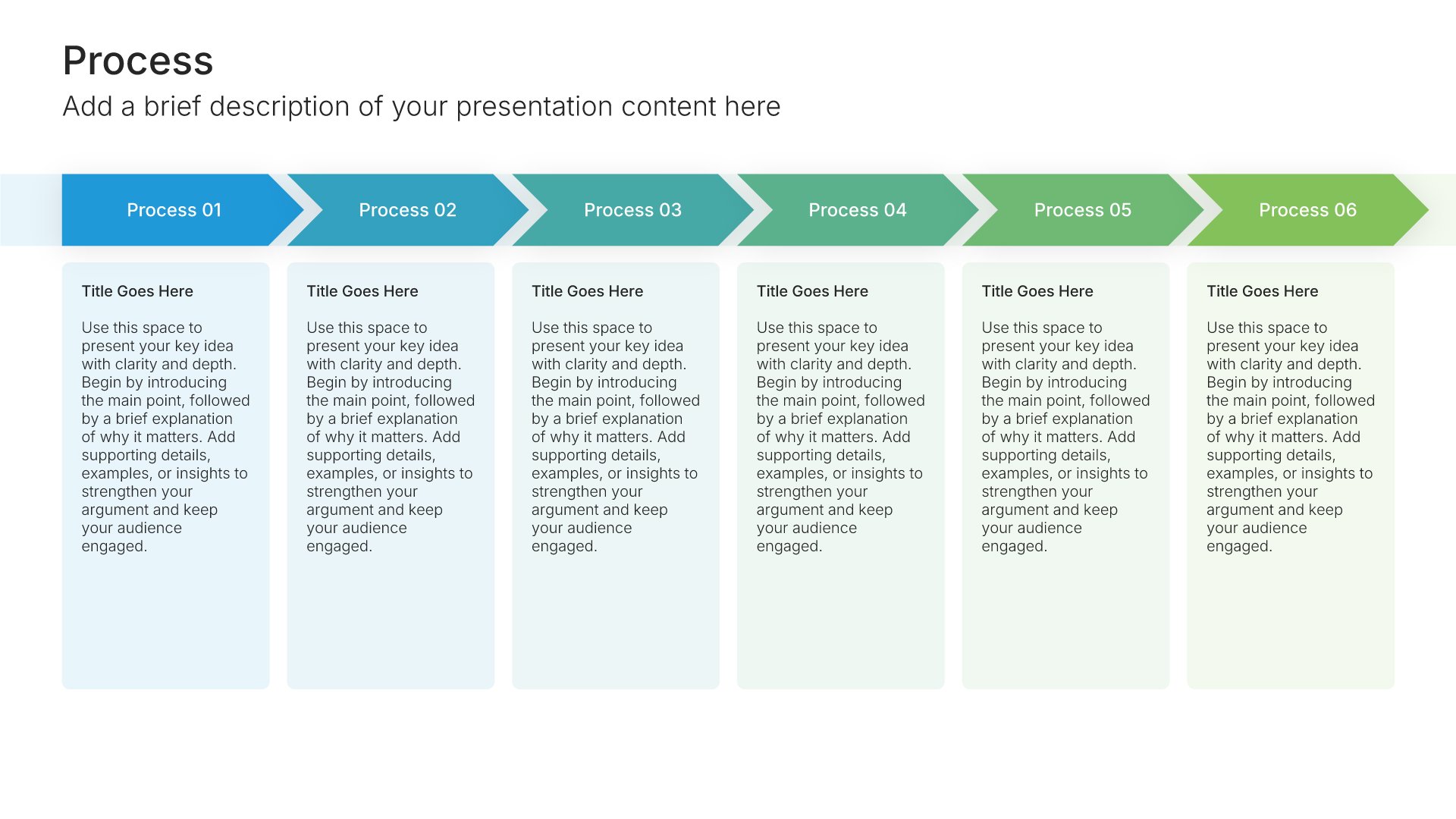
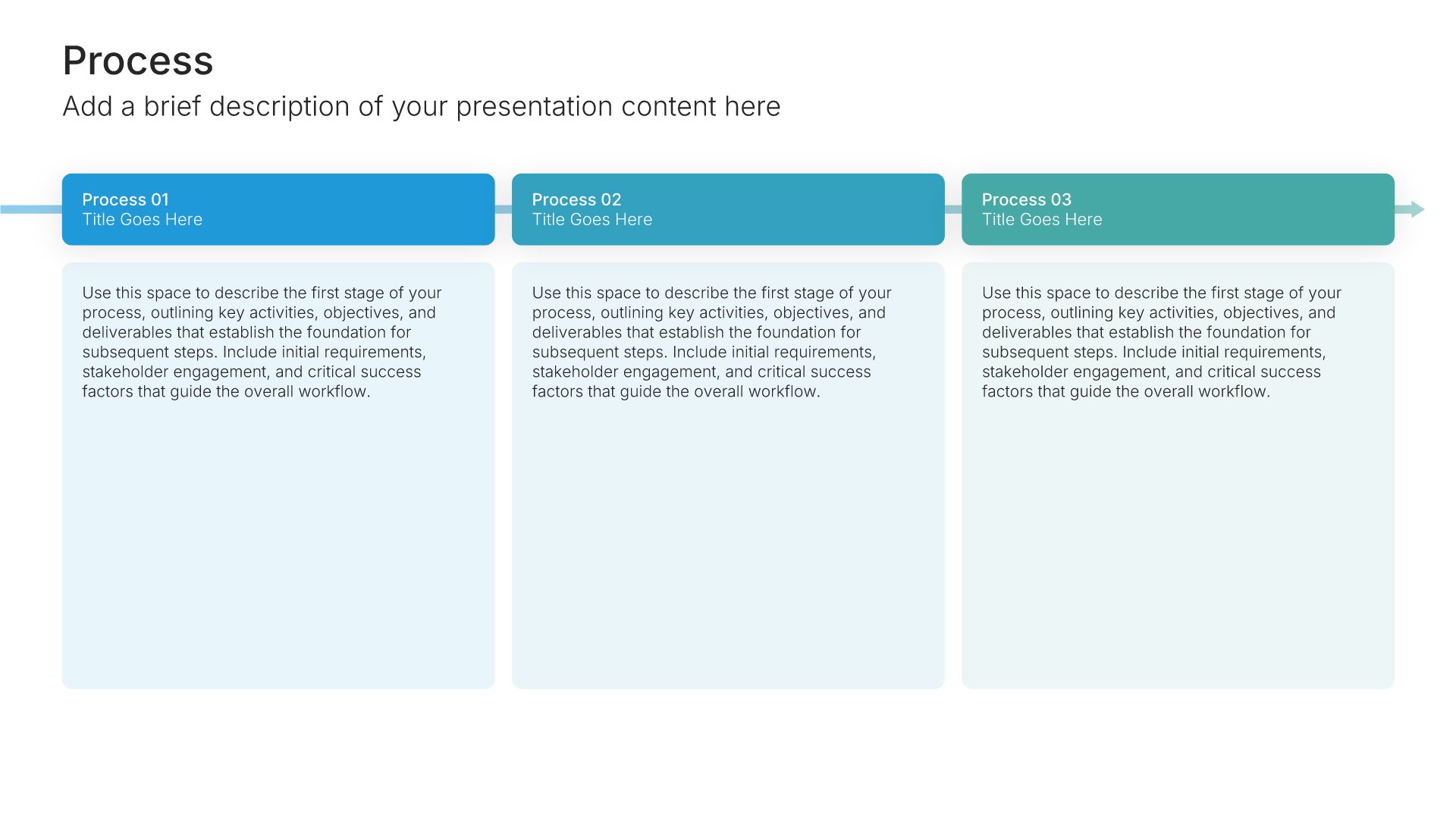
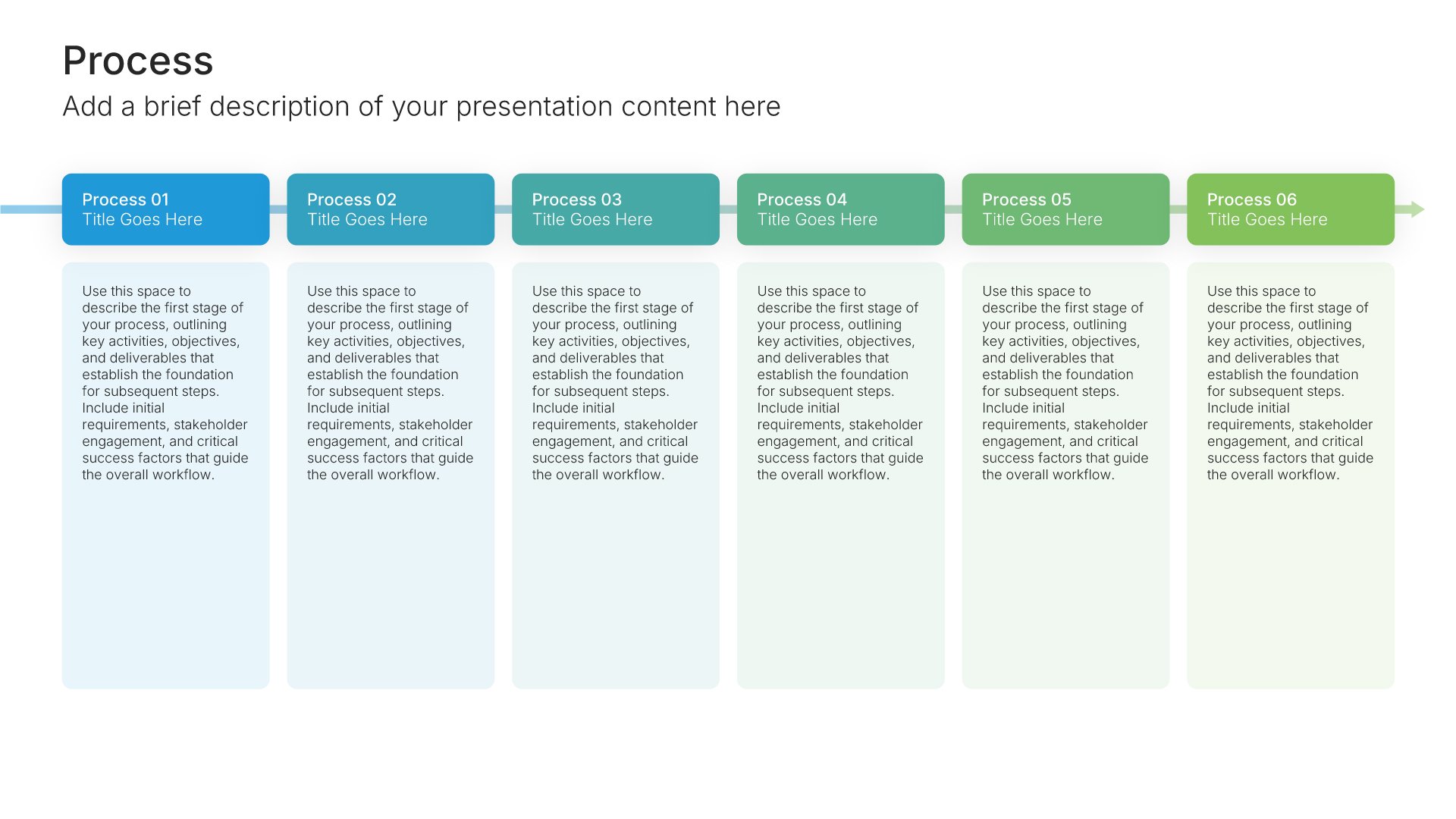
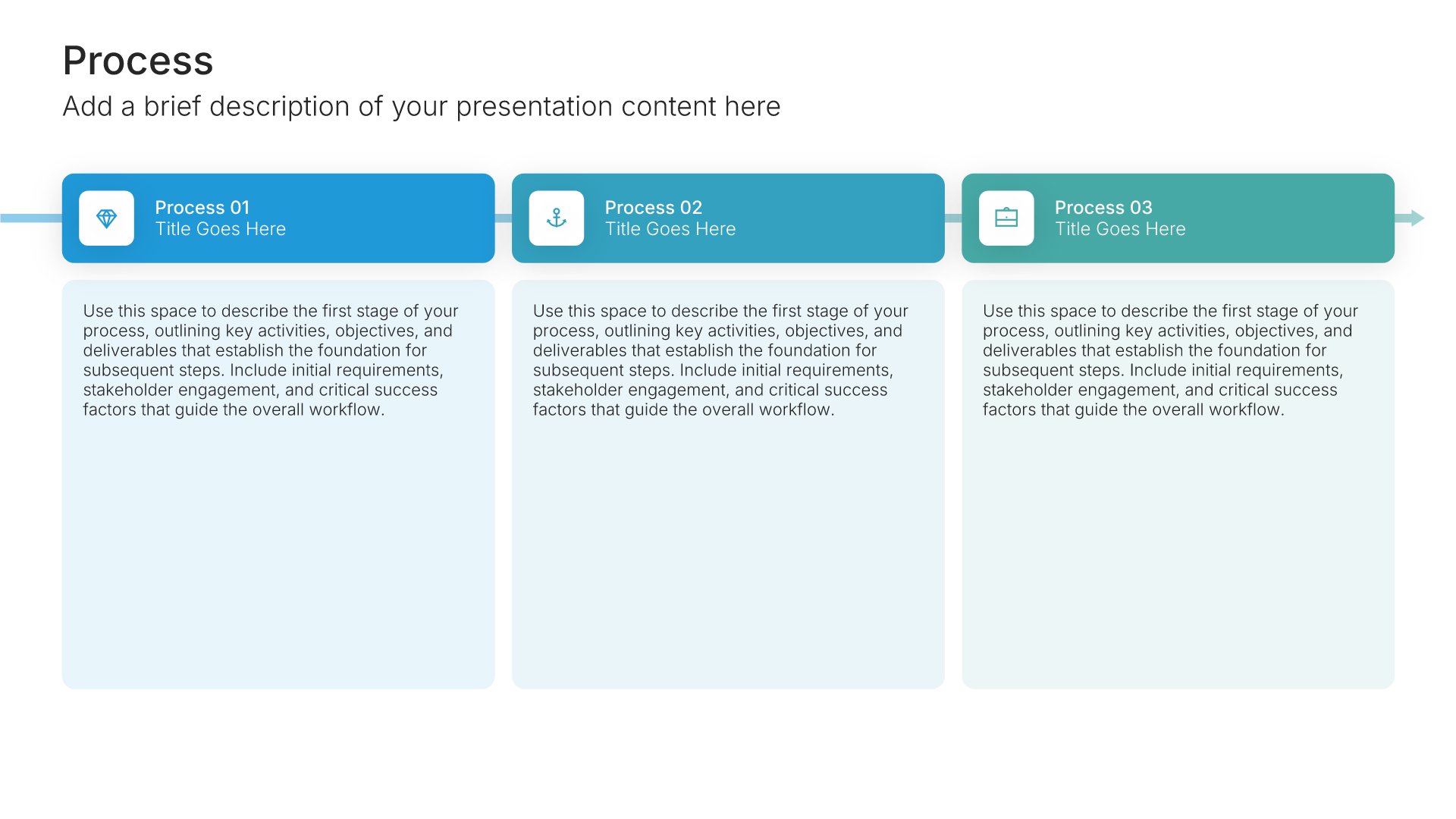
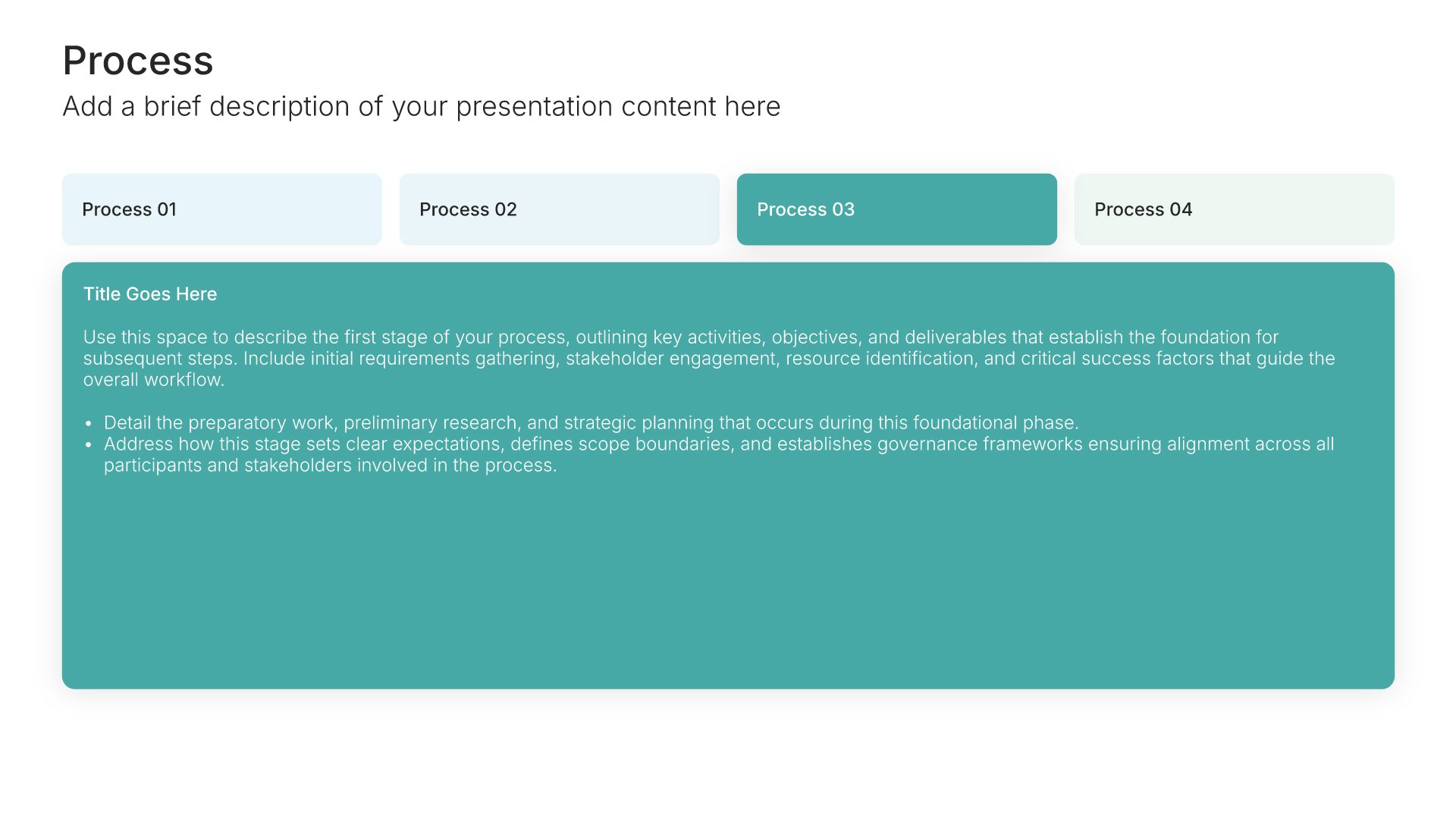
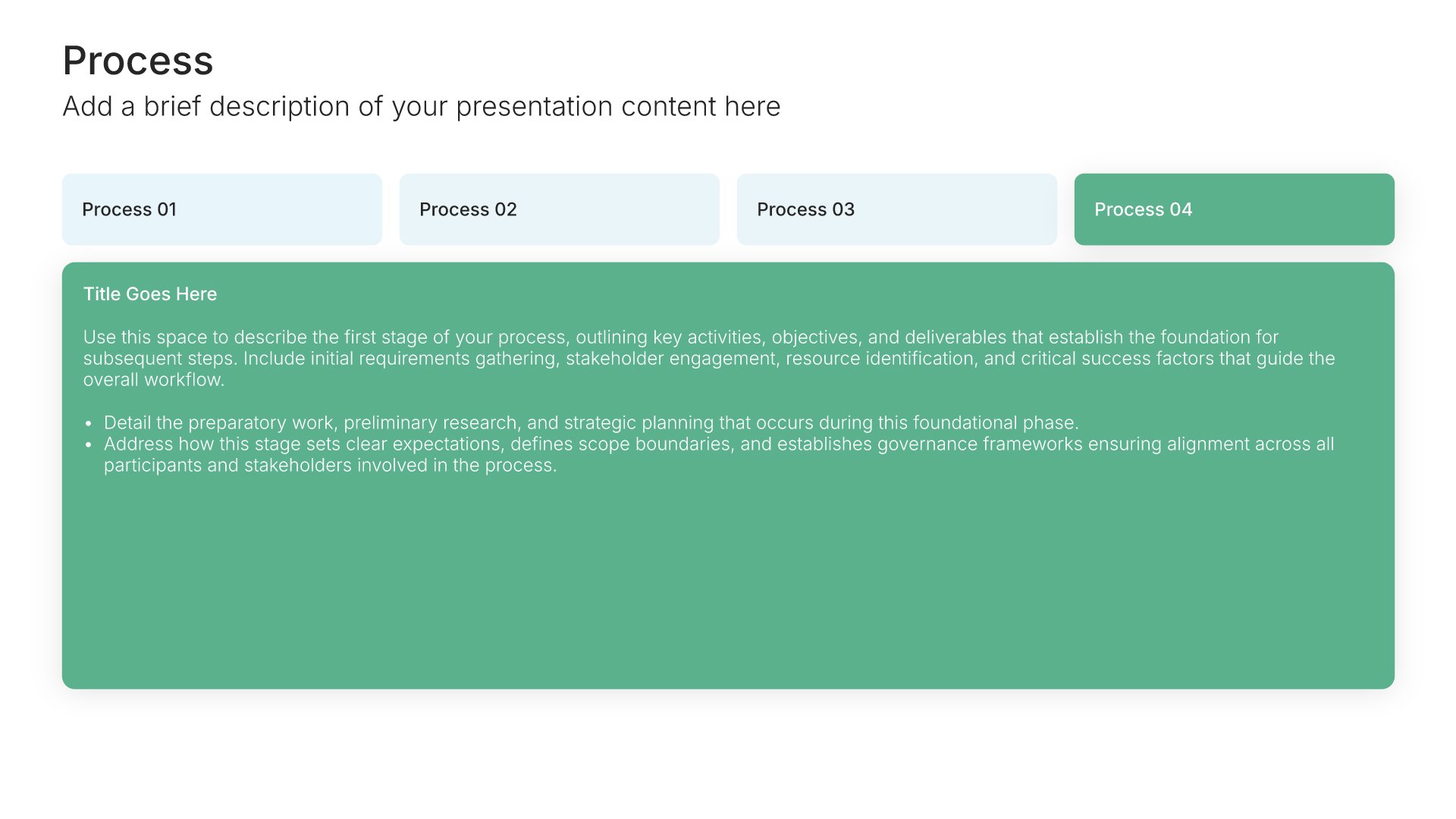
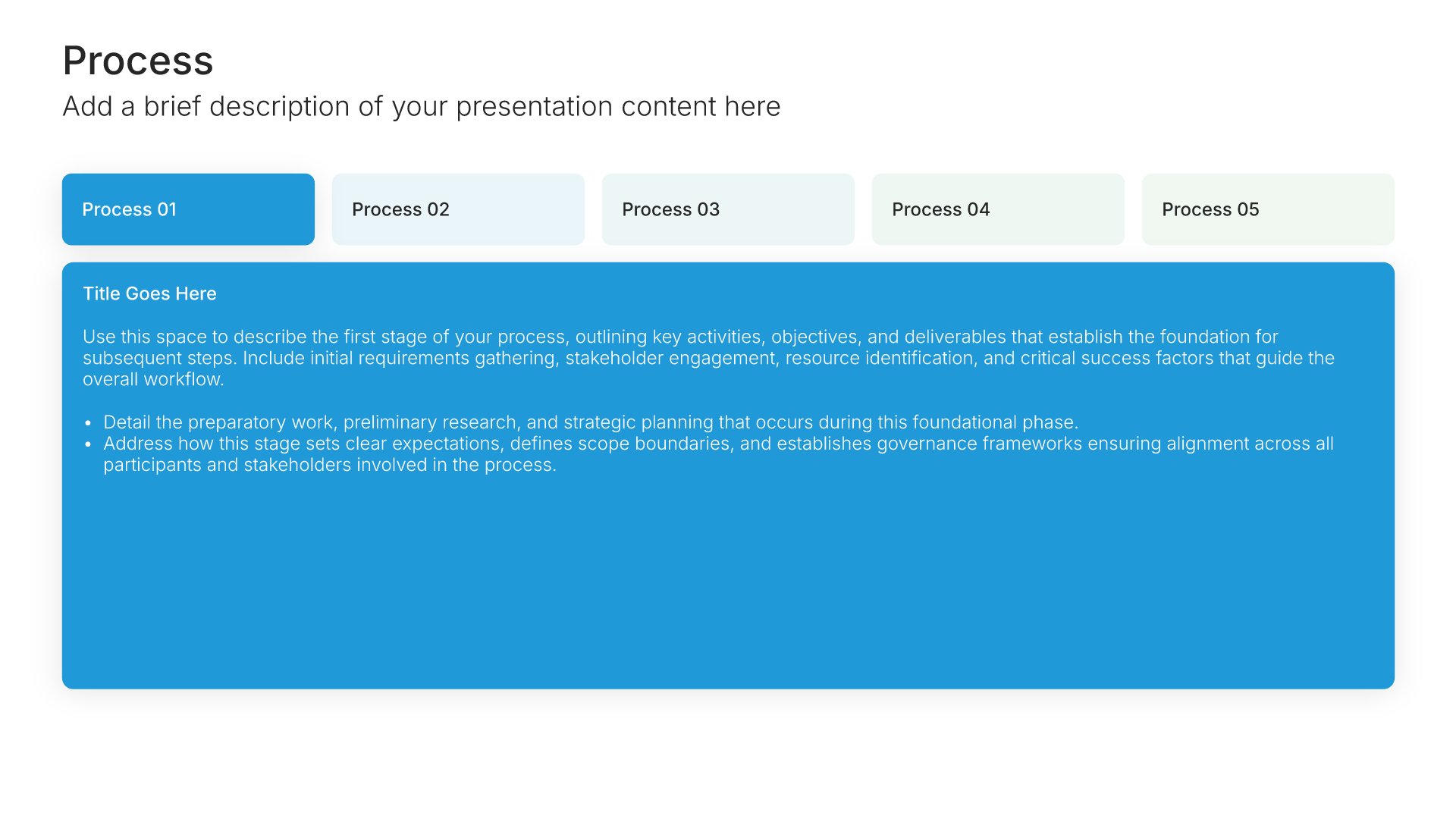
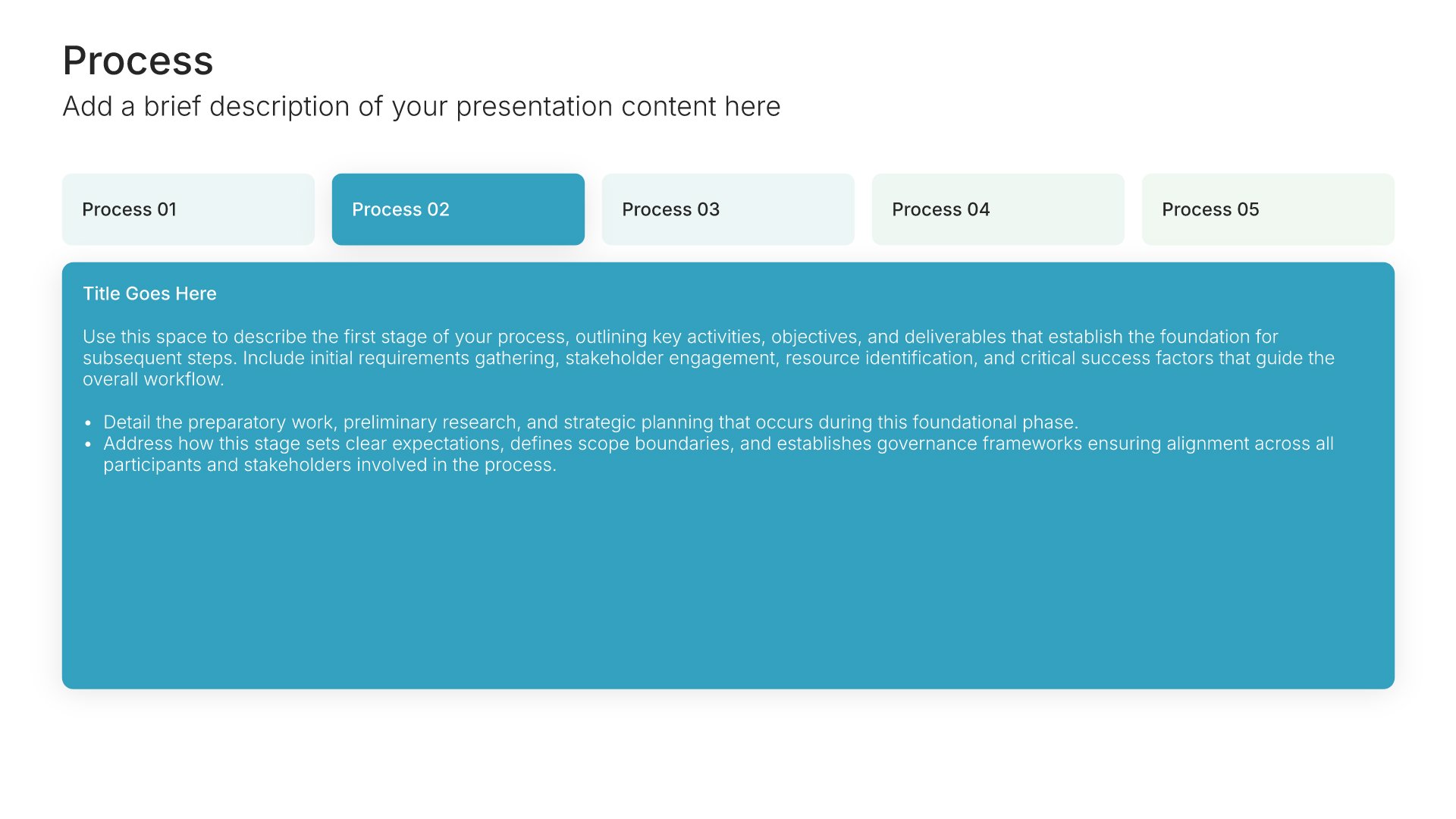
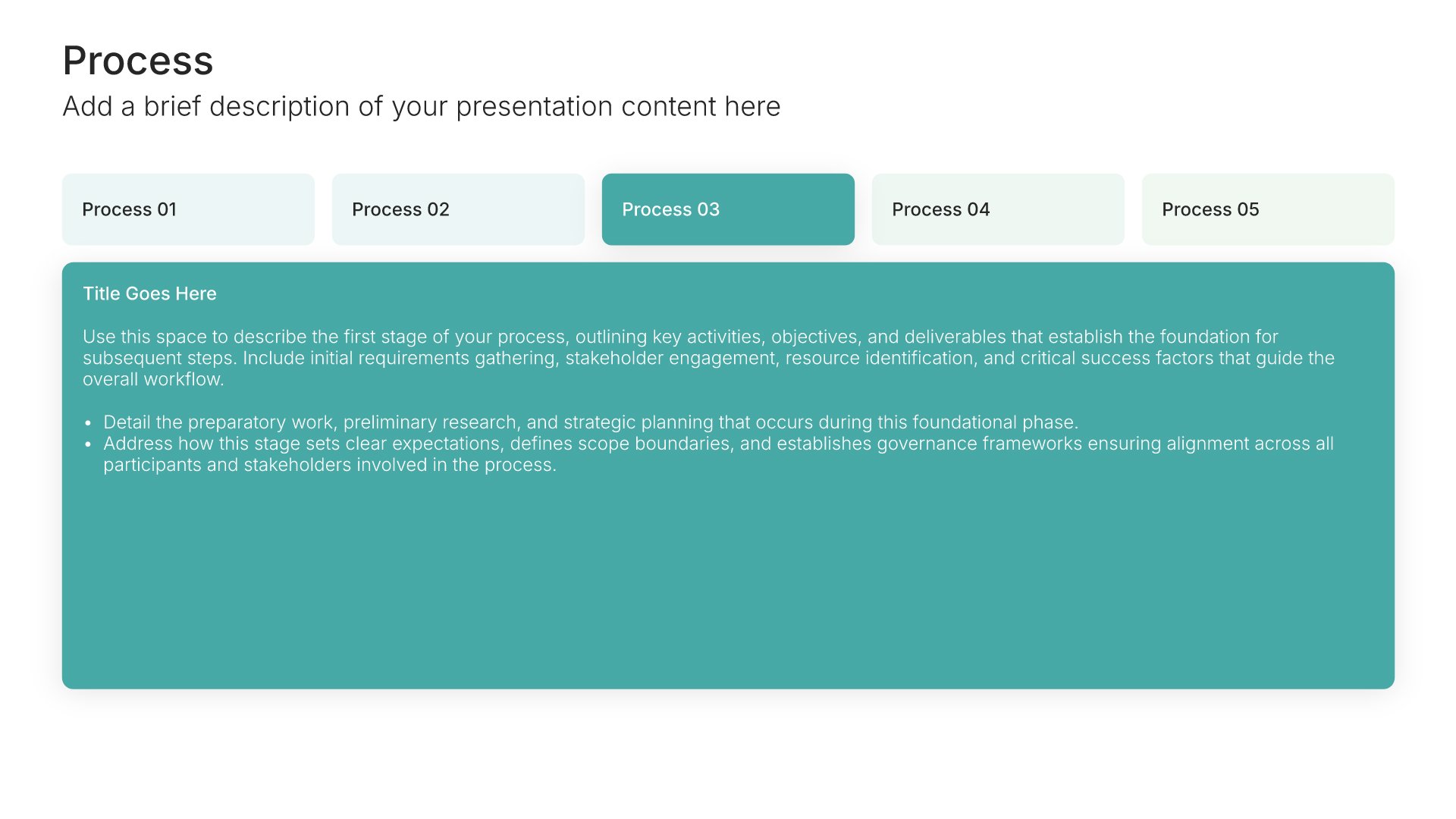
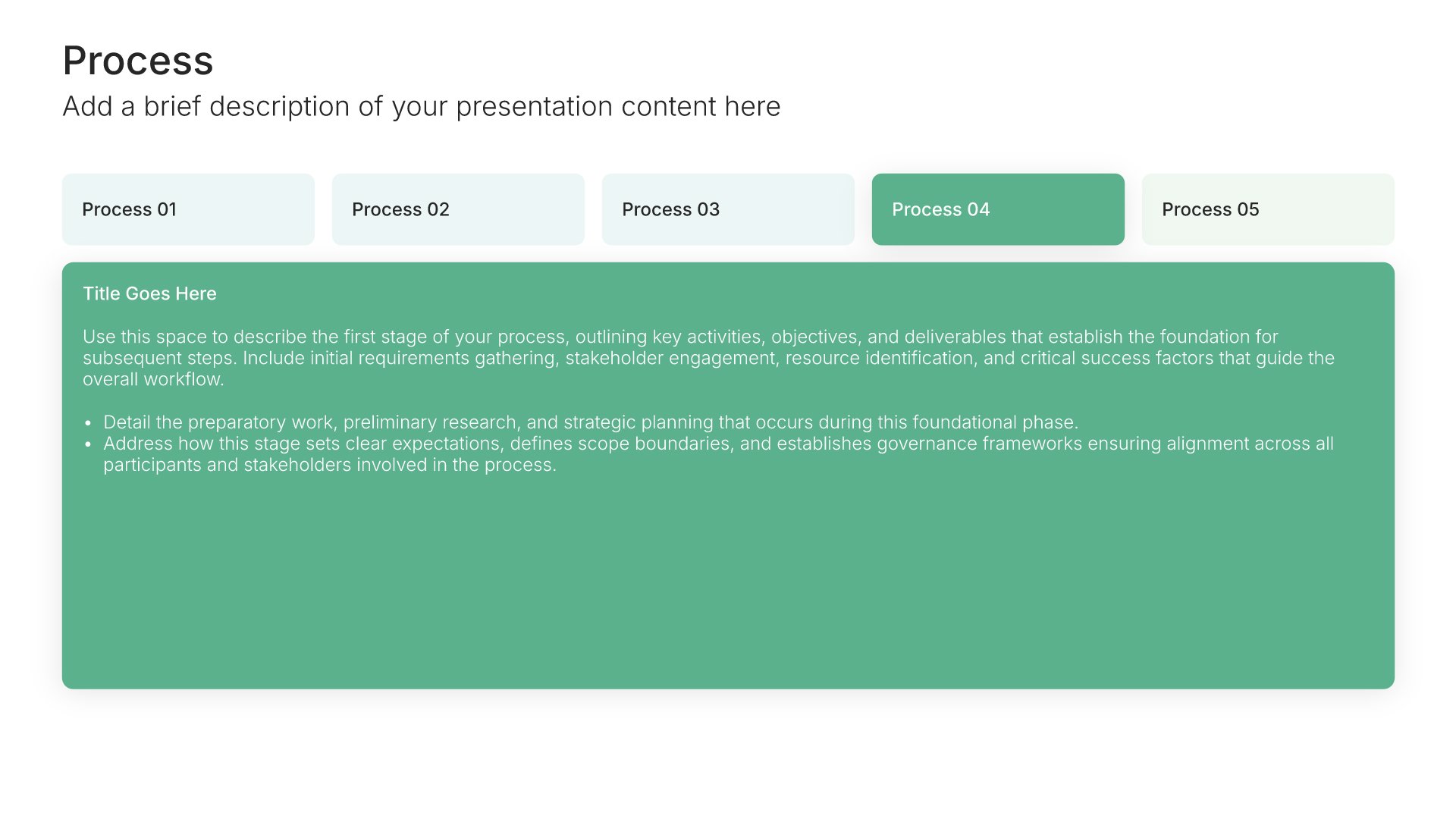
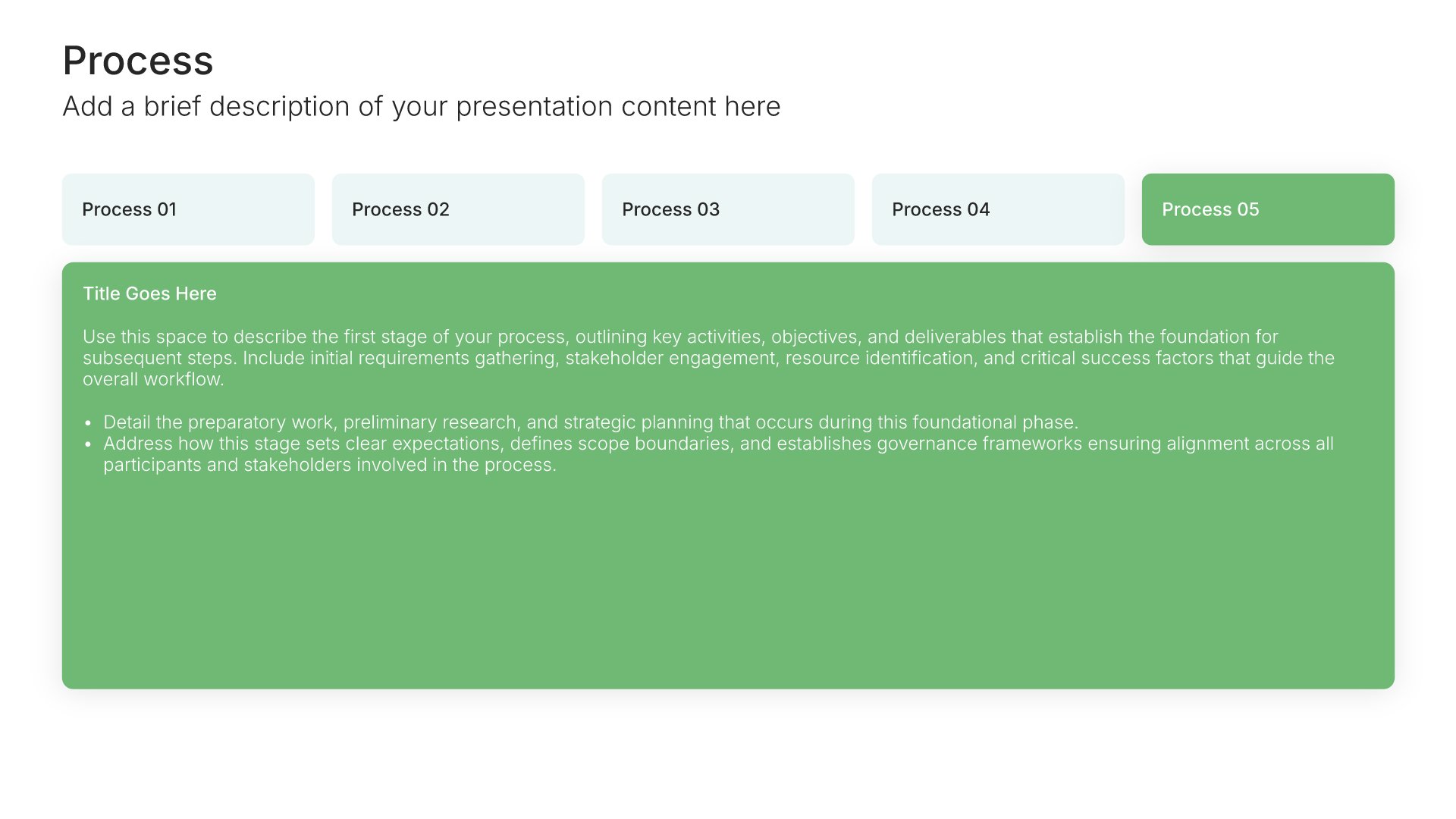
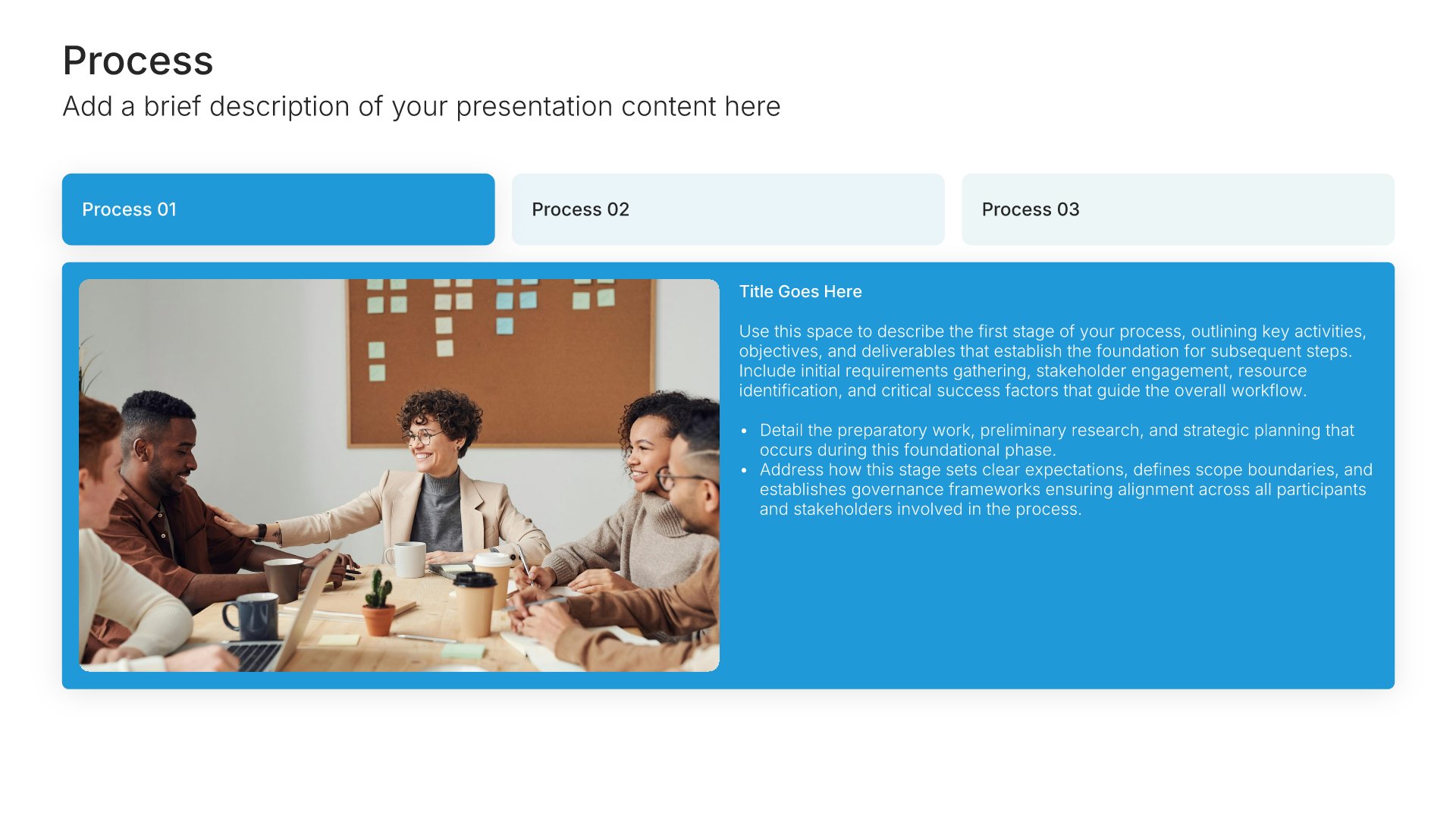
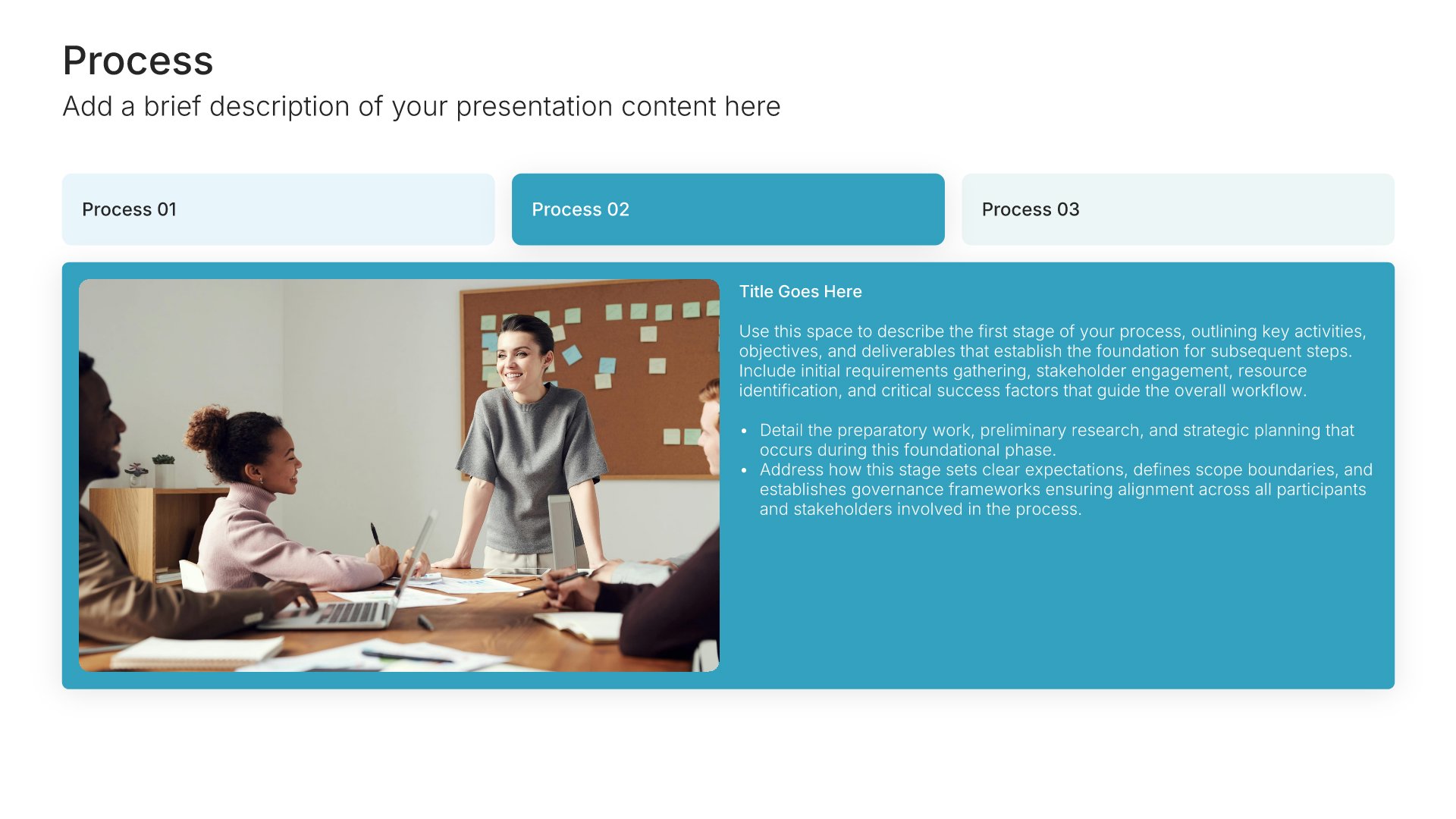
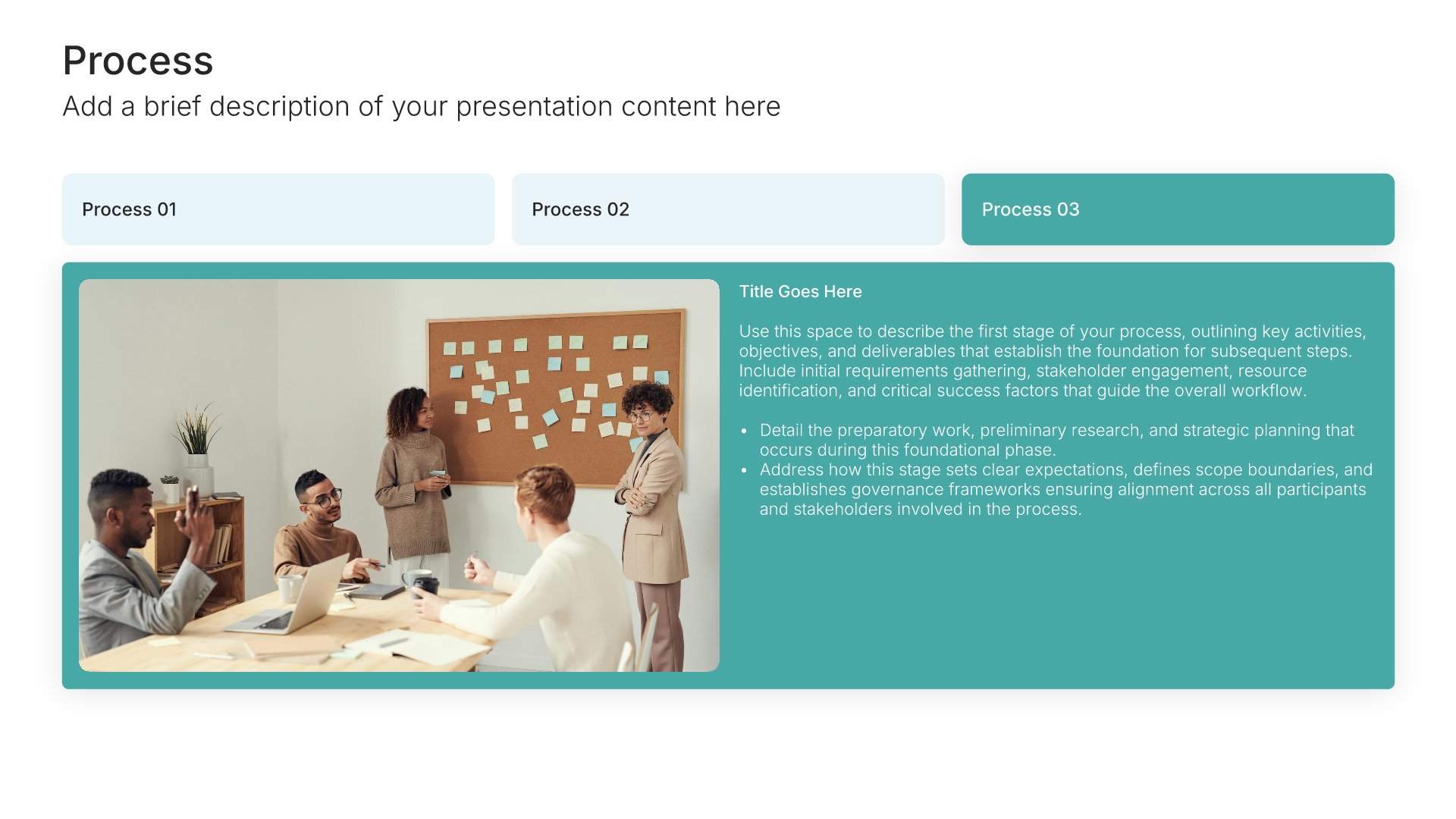
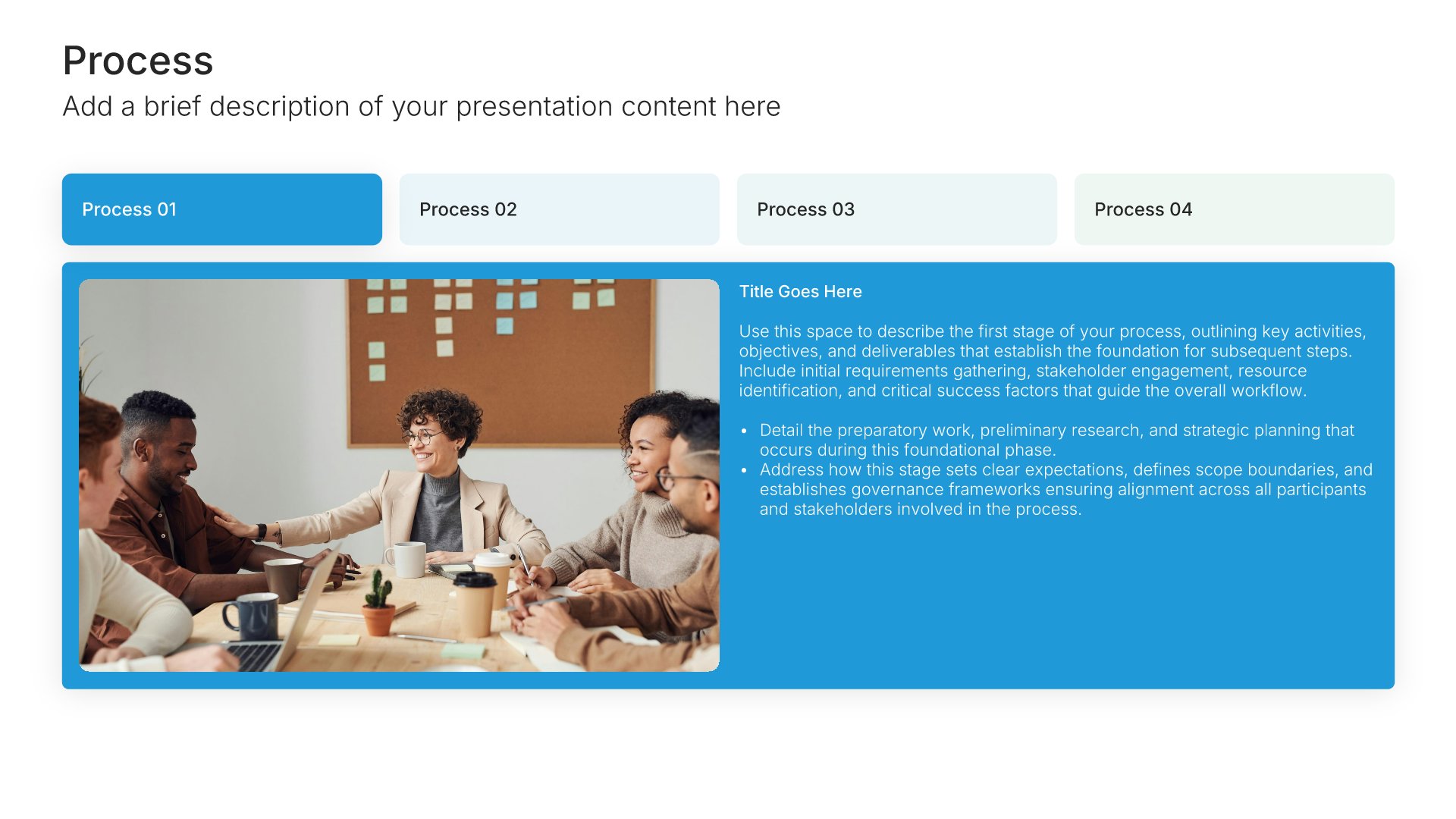
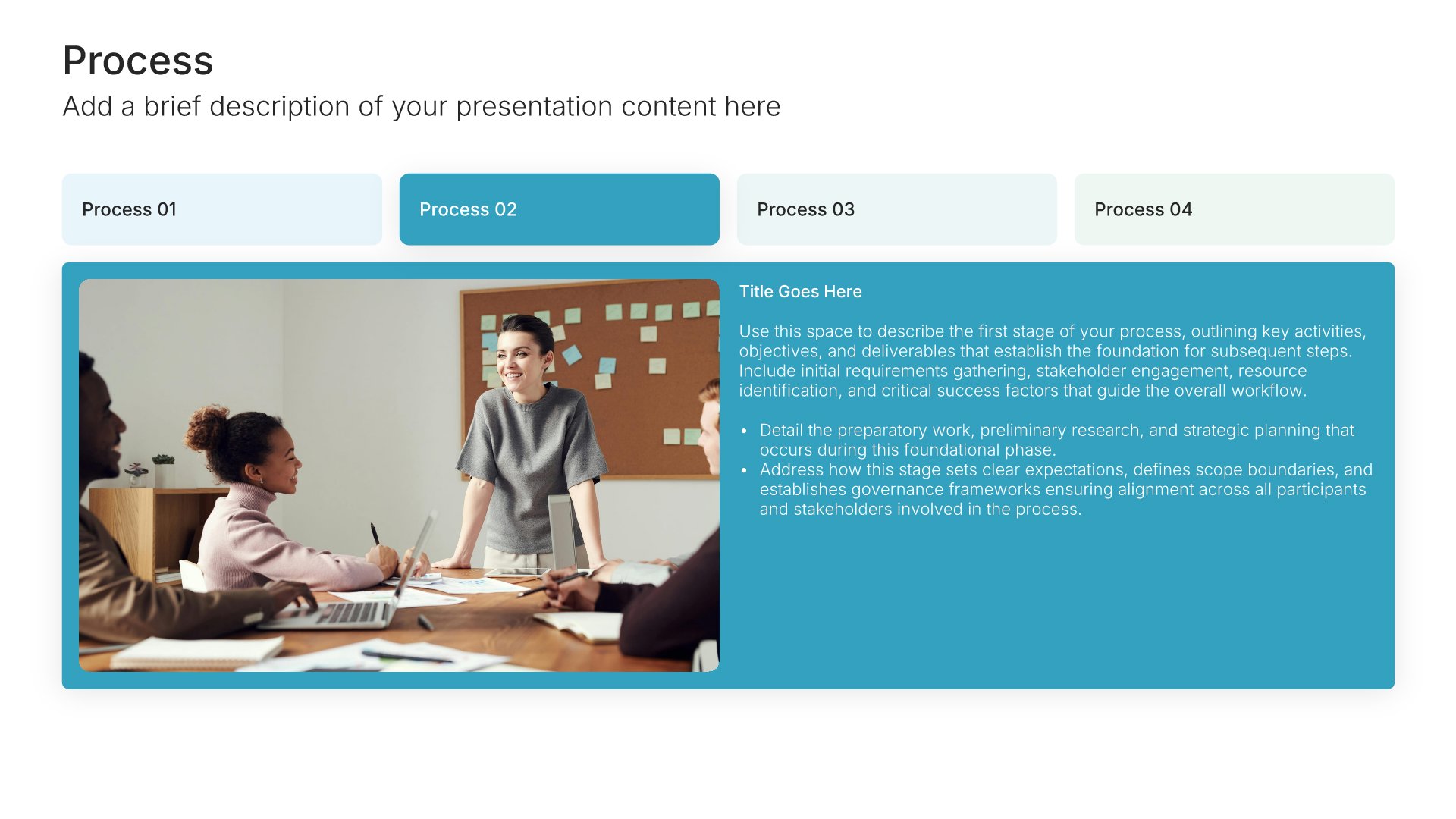
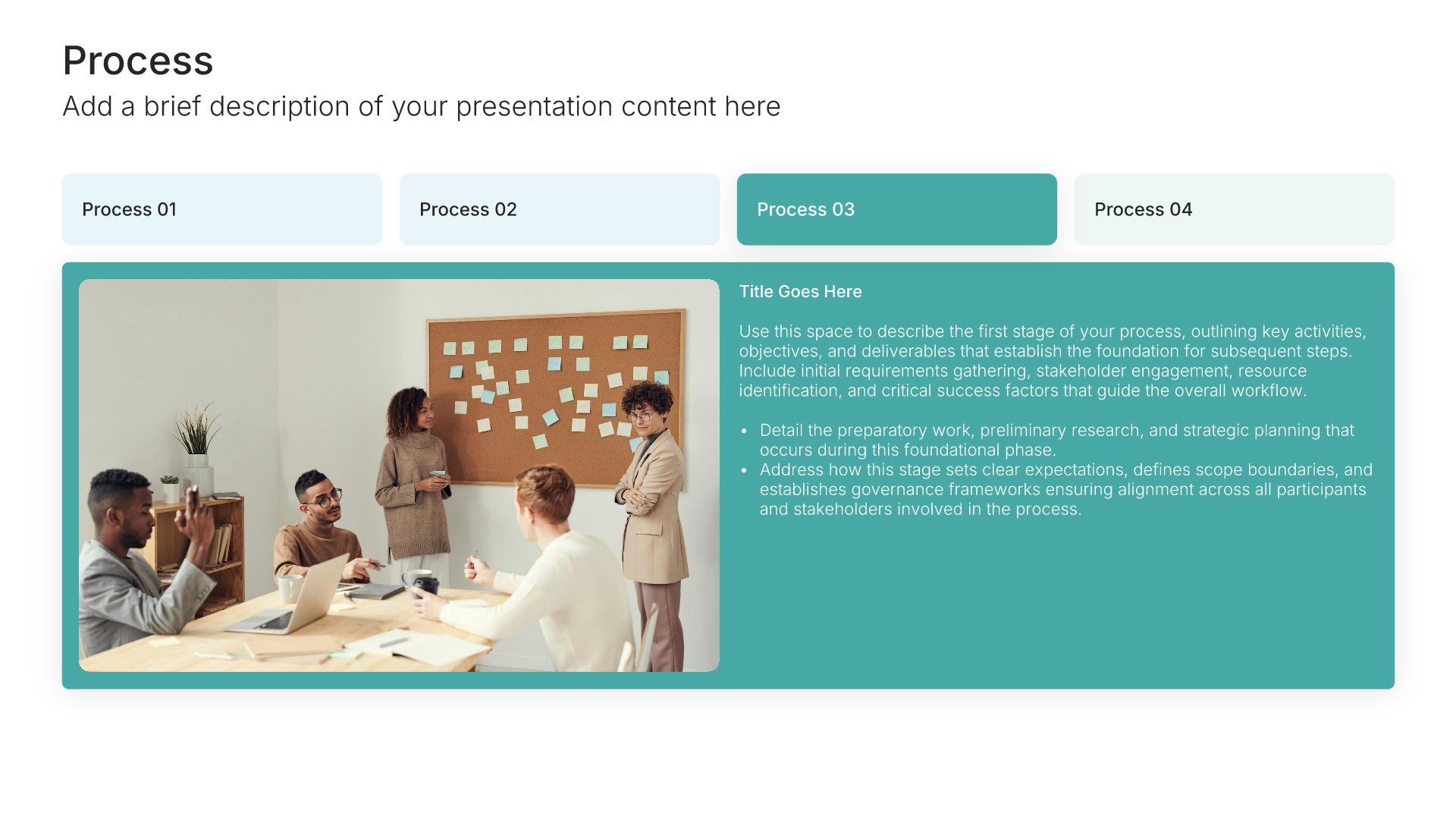
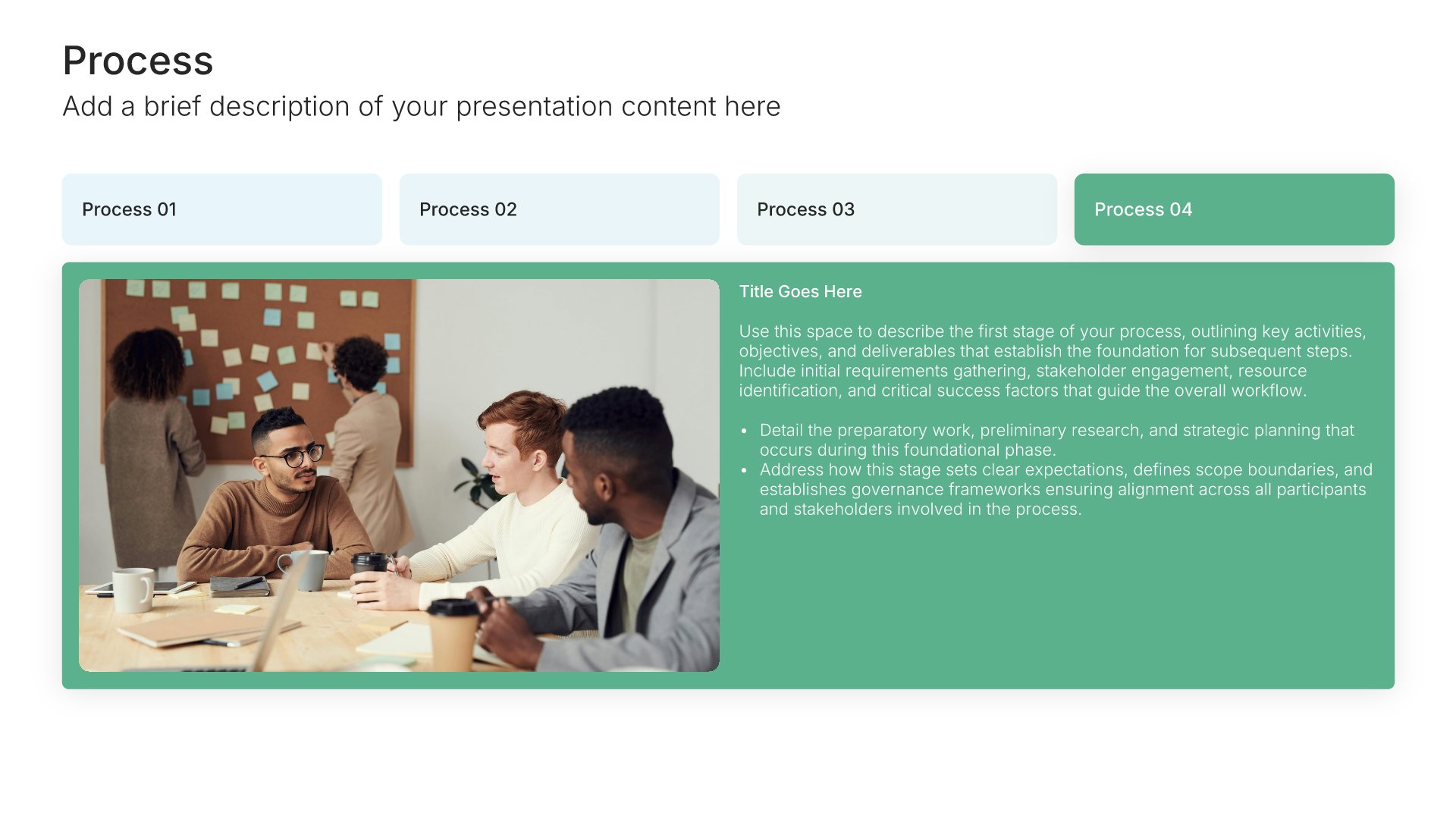
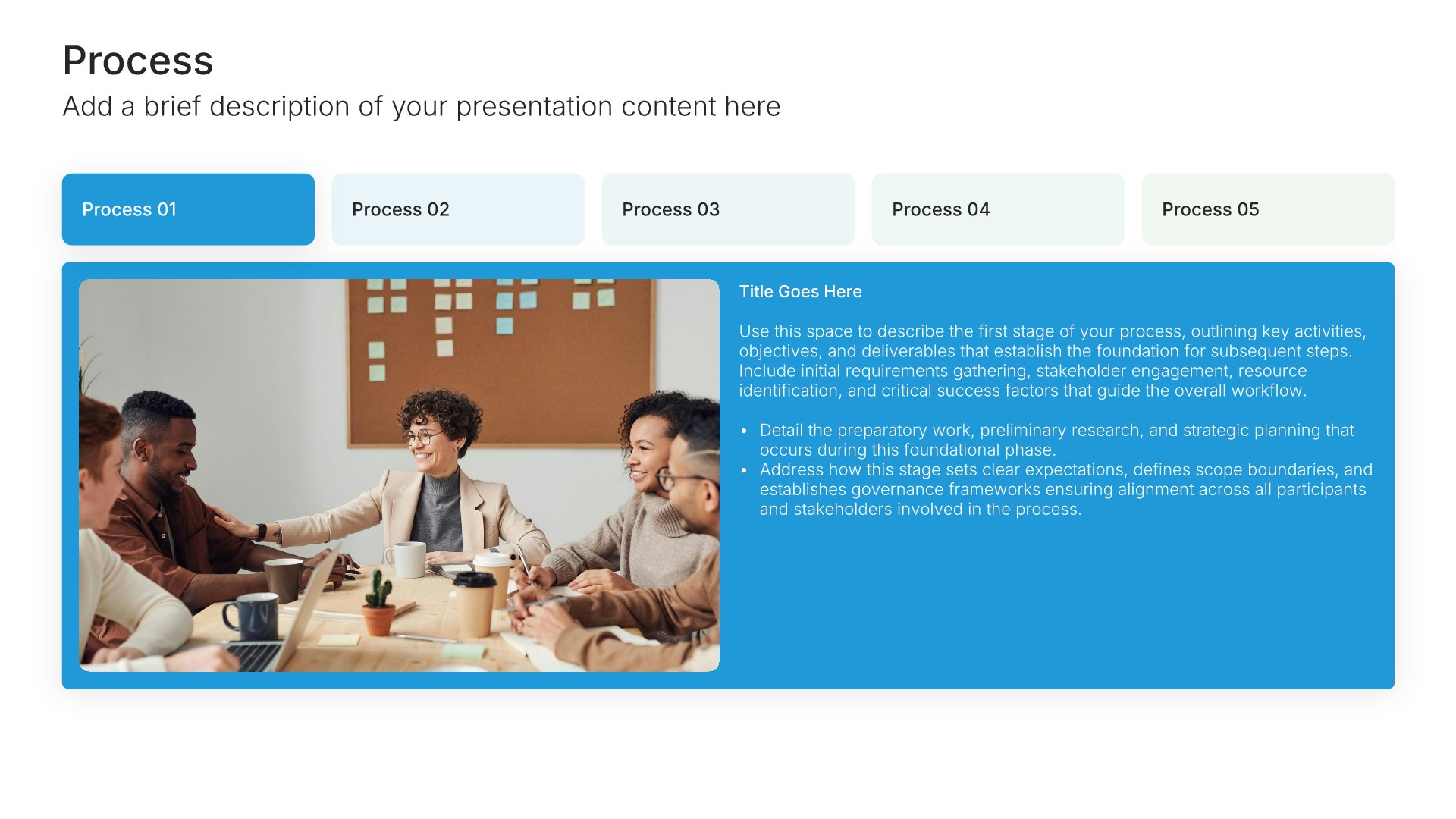
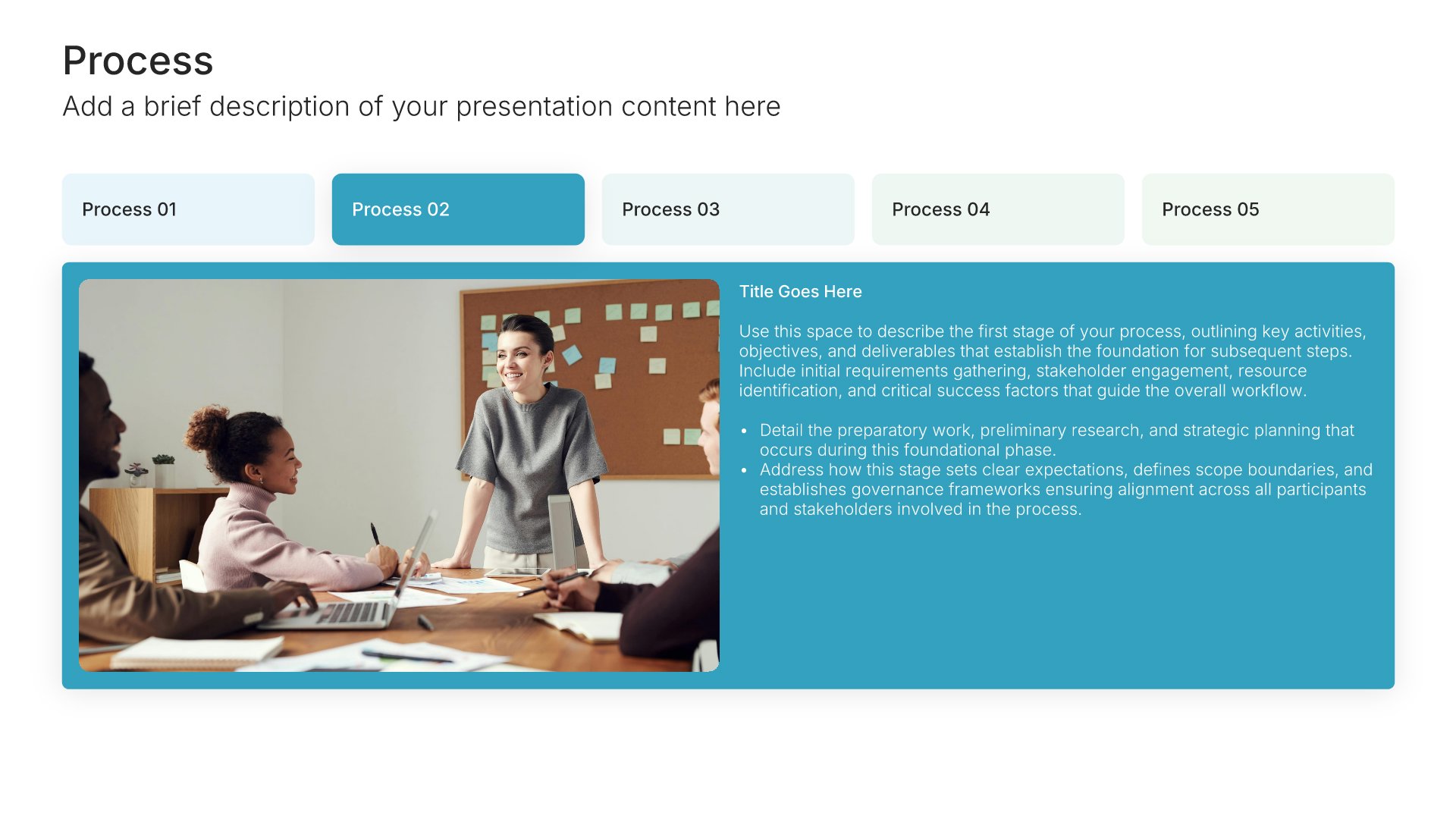
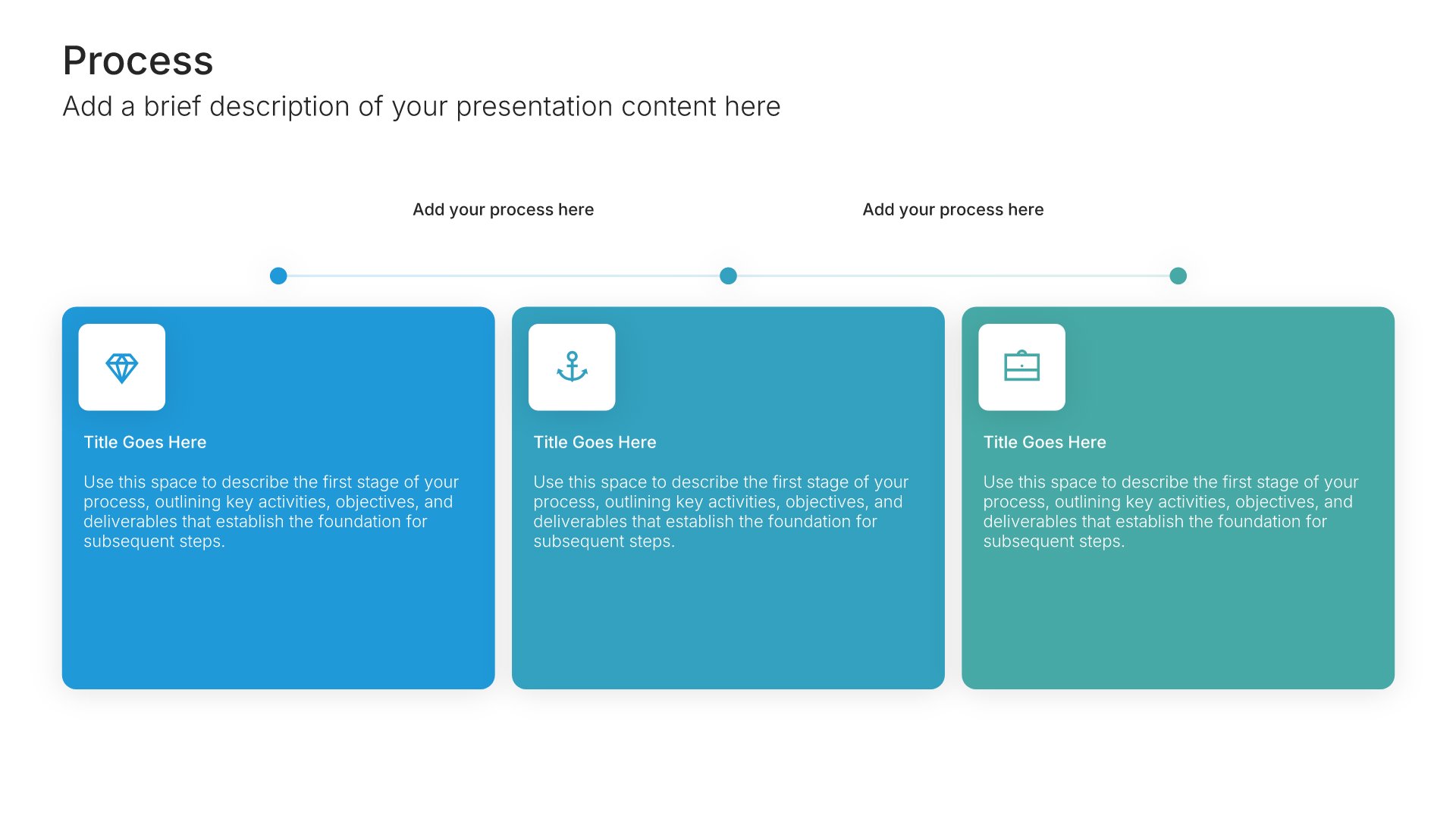
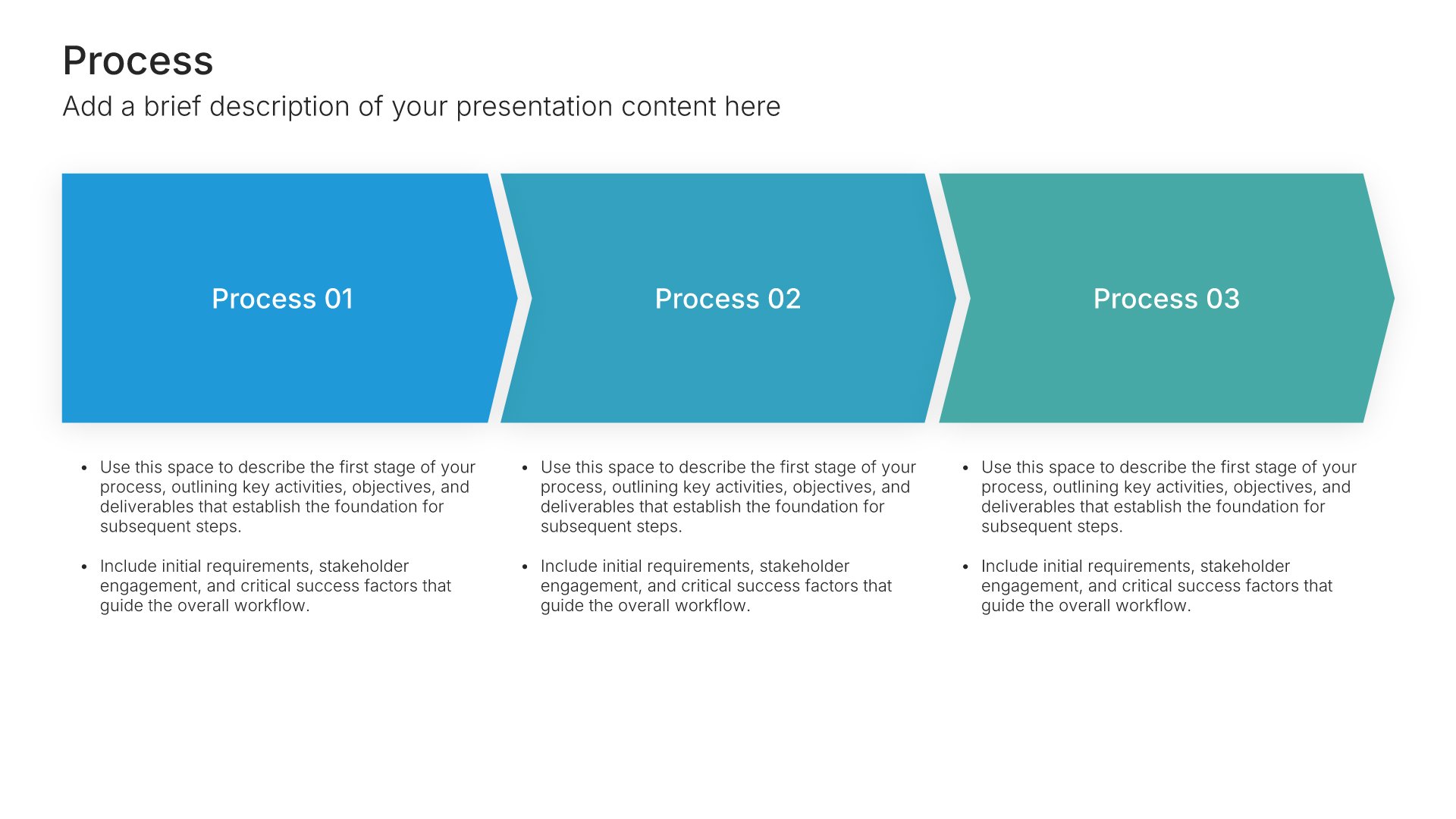
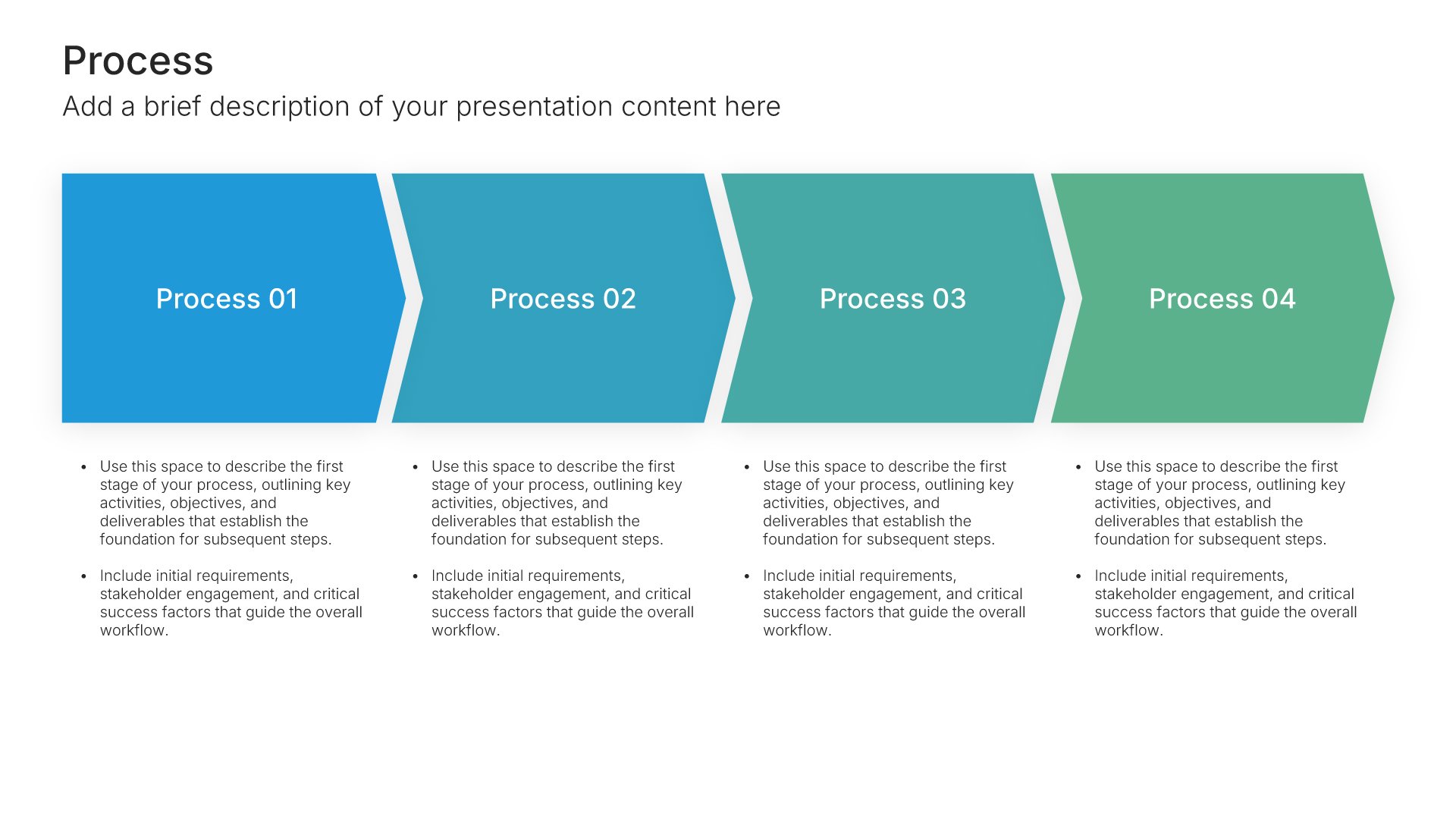
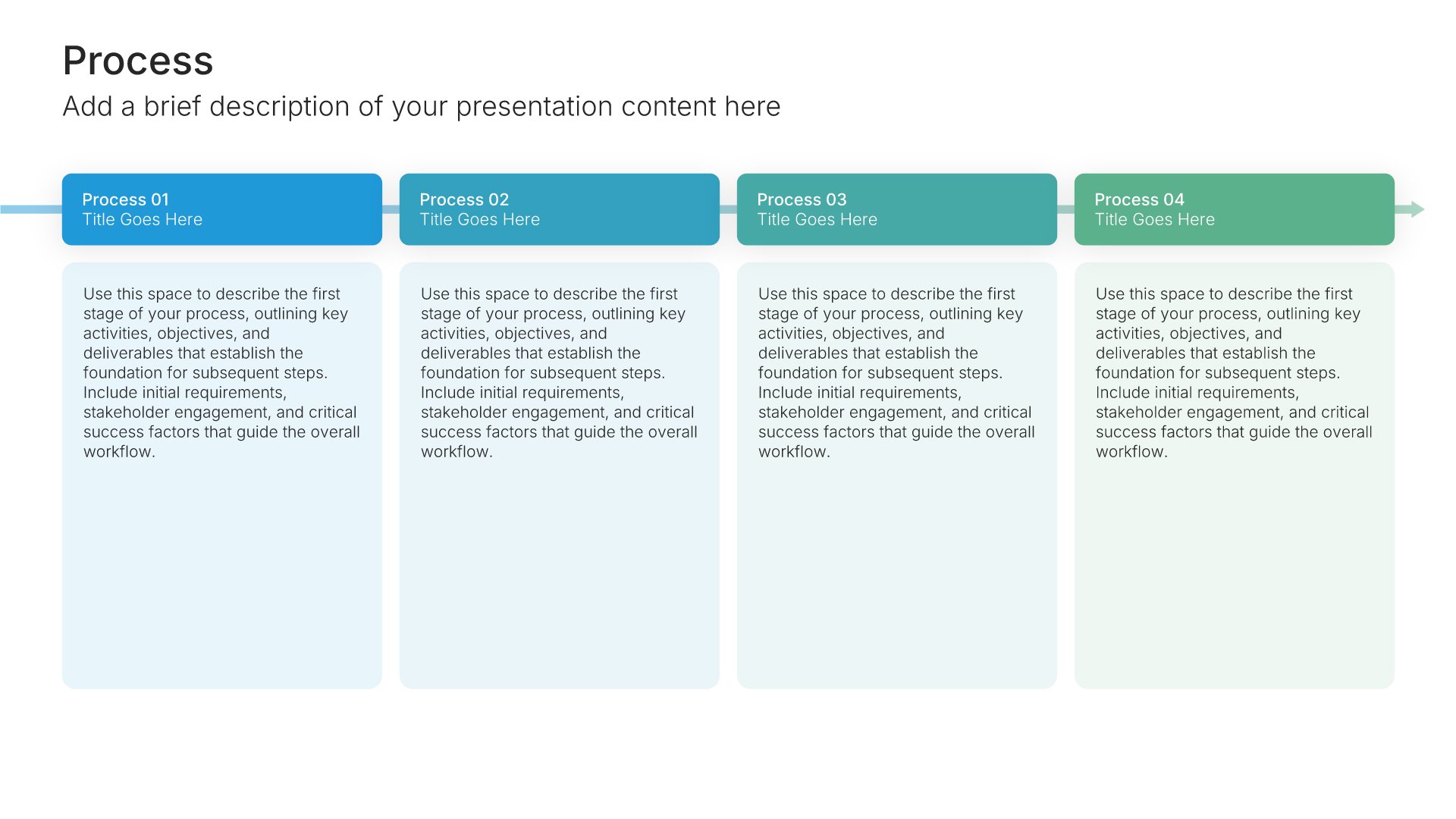
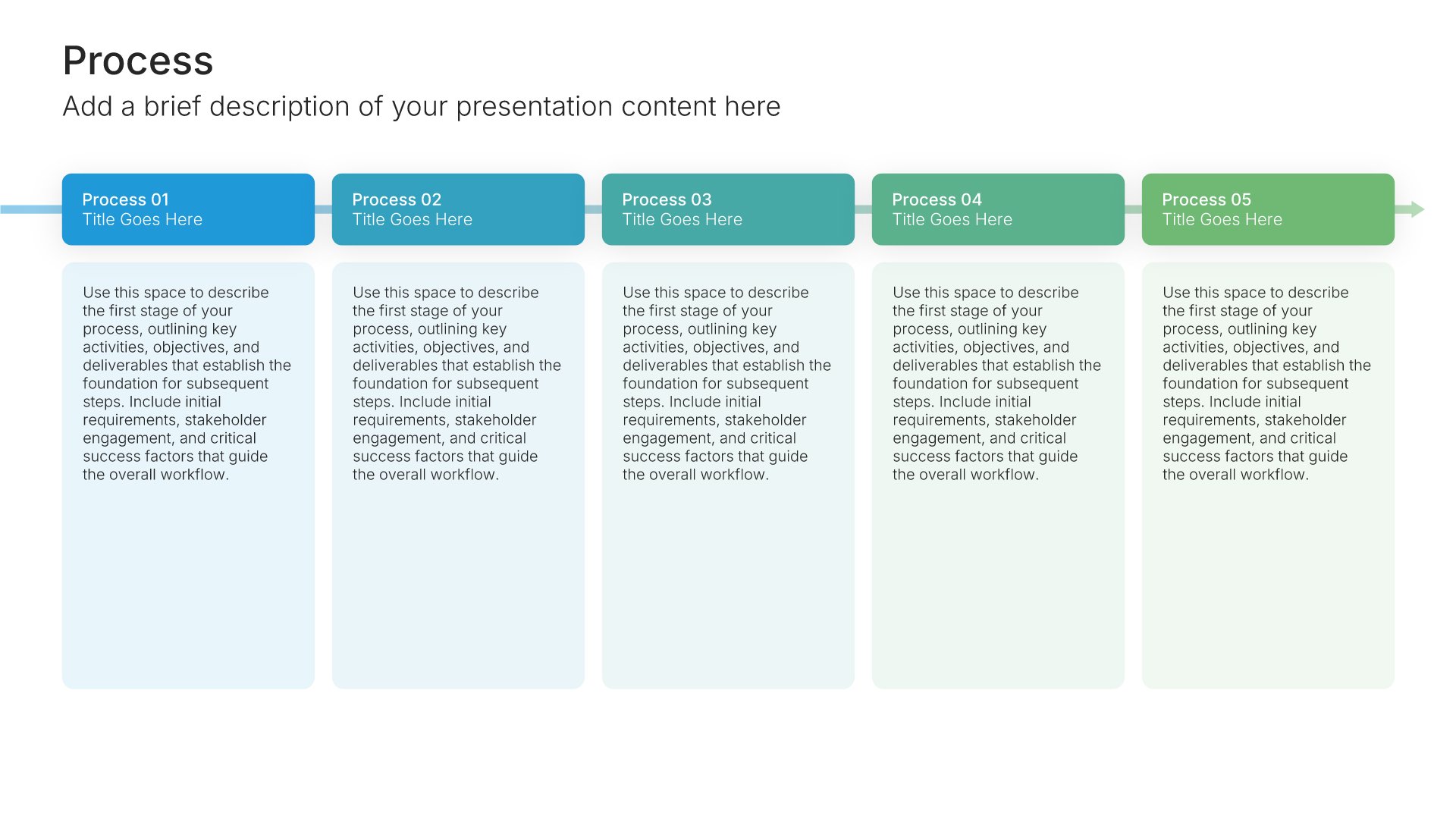
Process – Horizontal • Slide Library • Layout 001 of 121
Layout 001
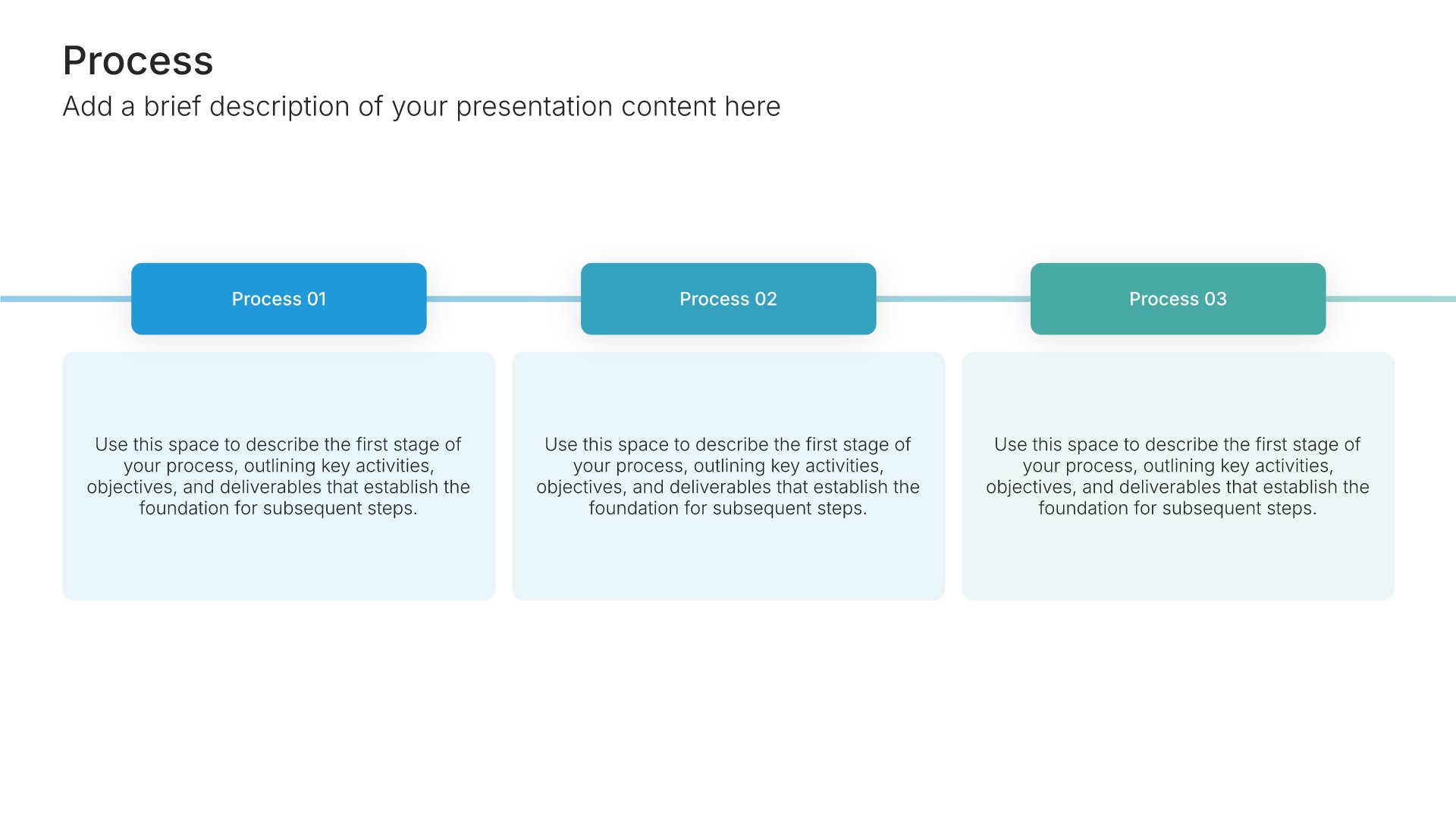
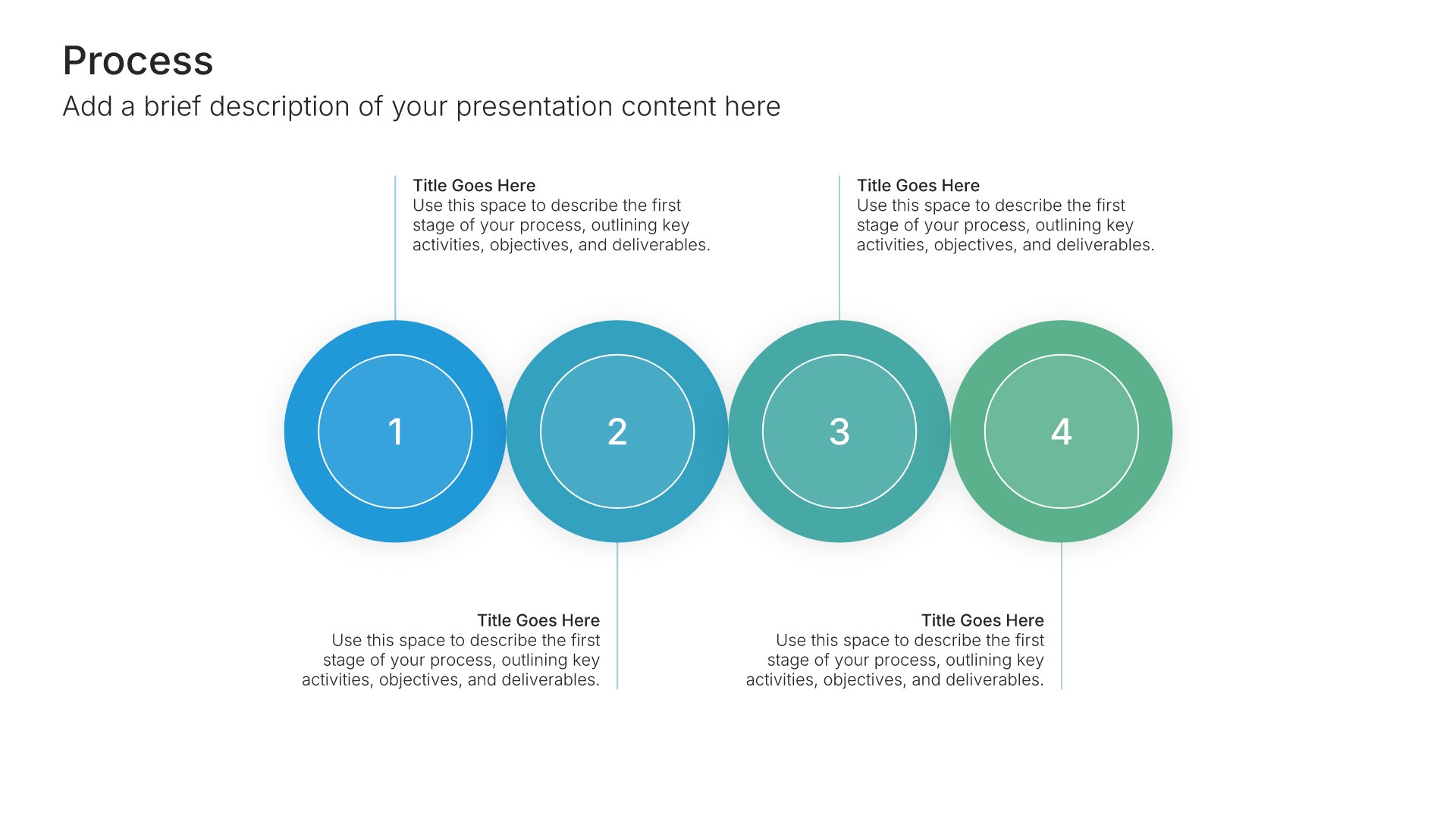
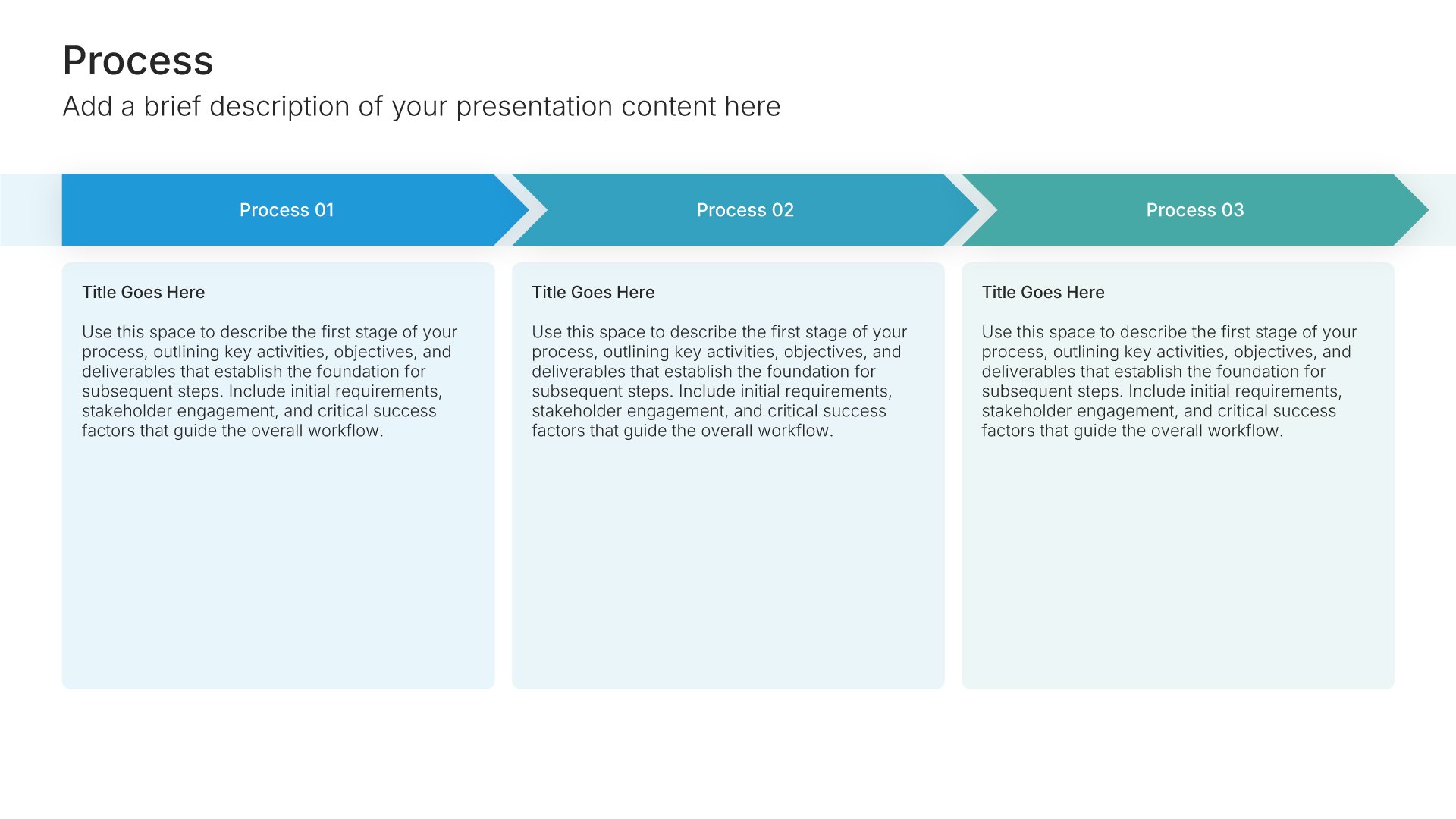
Layout 002
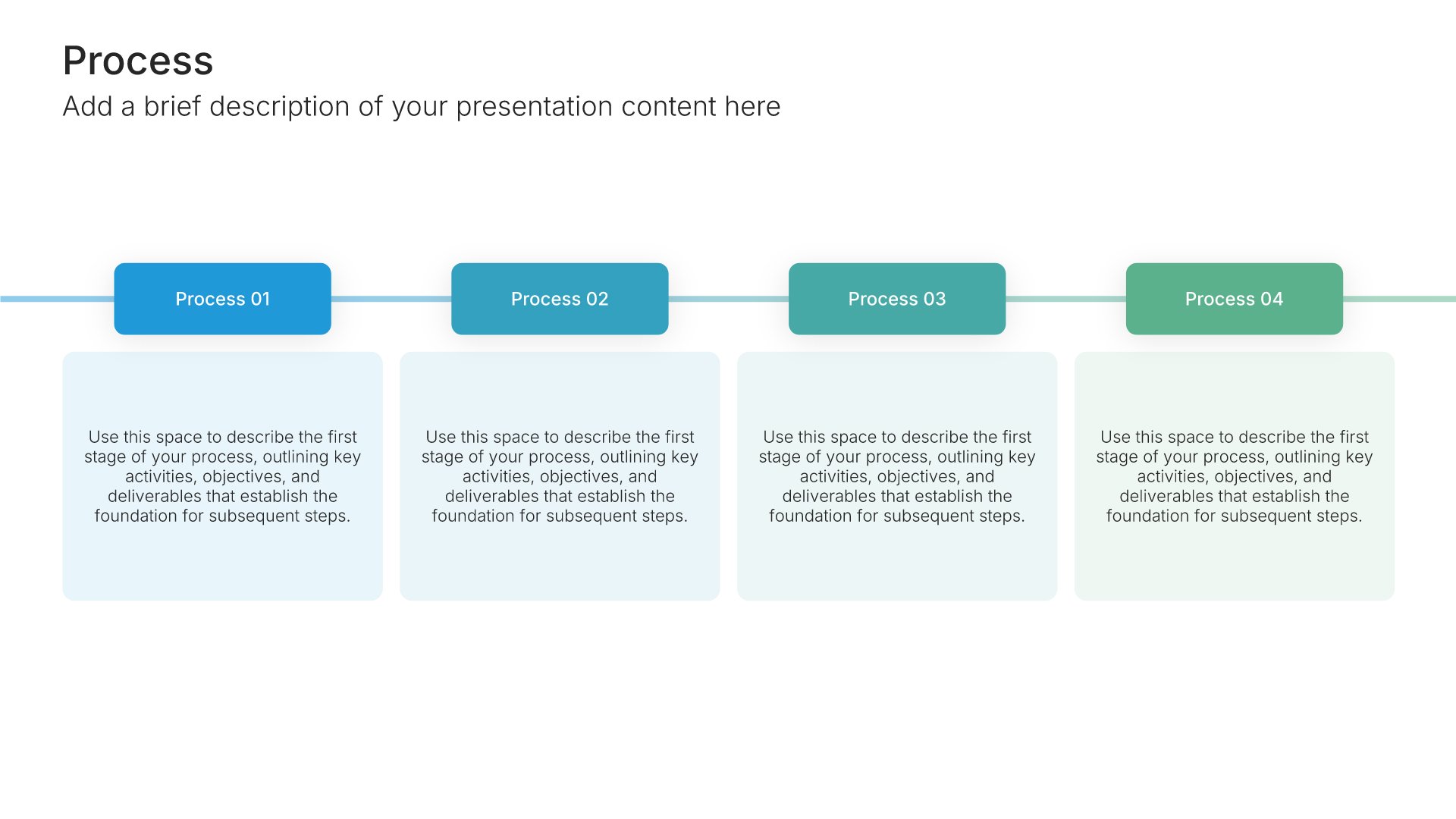
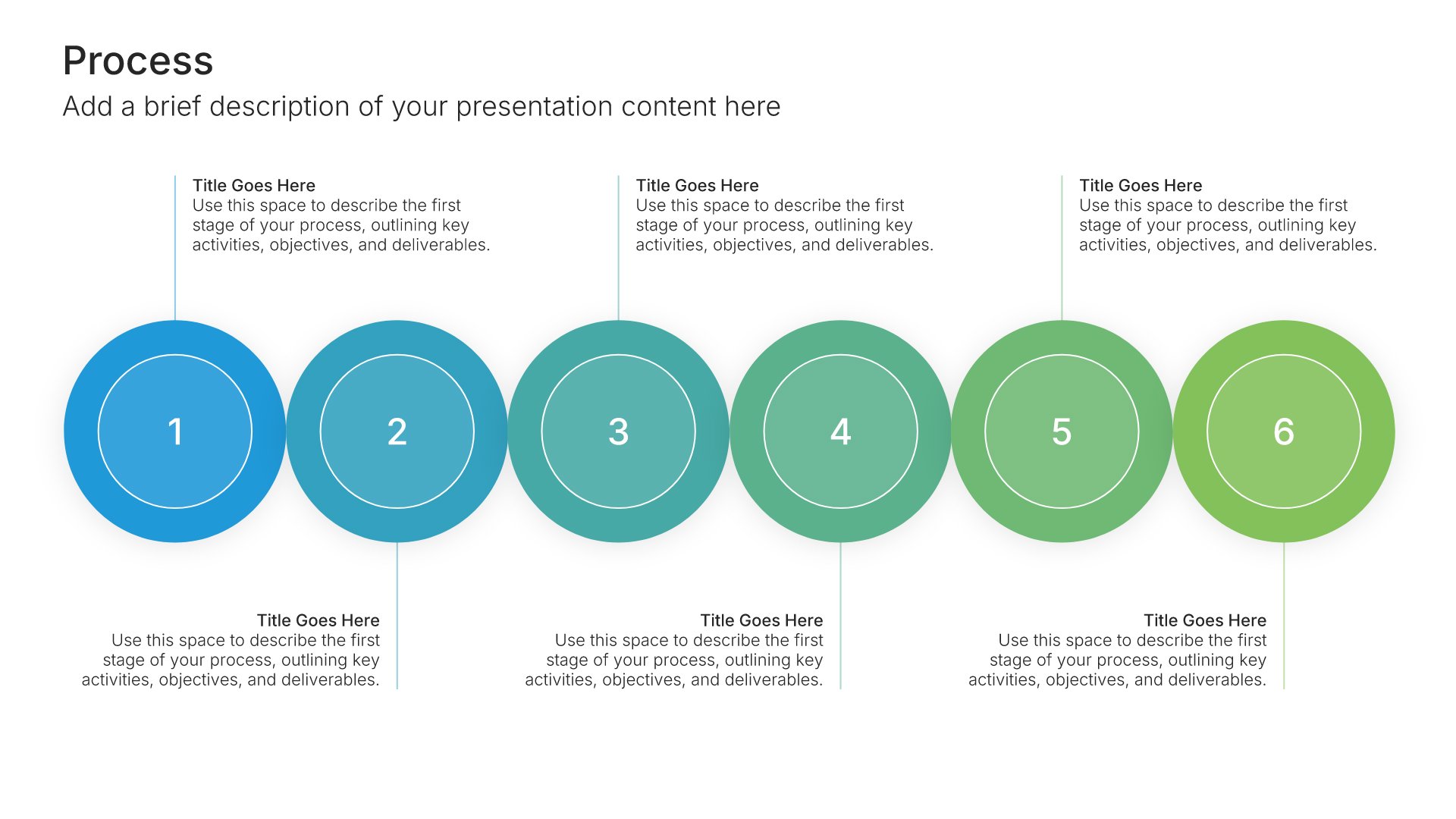
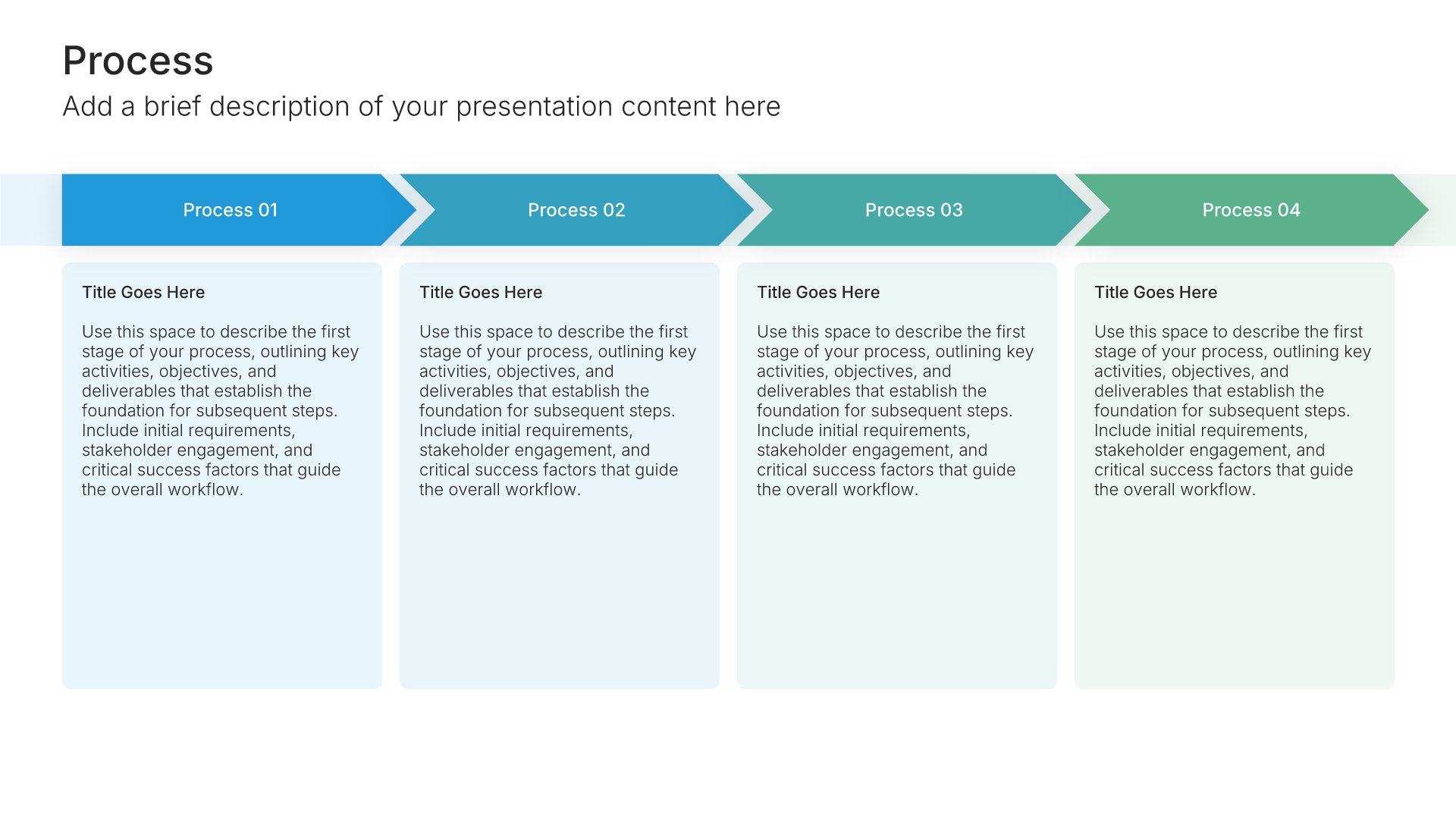
Layout 003
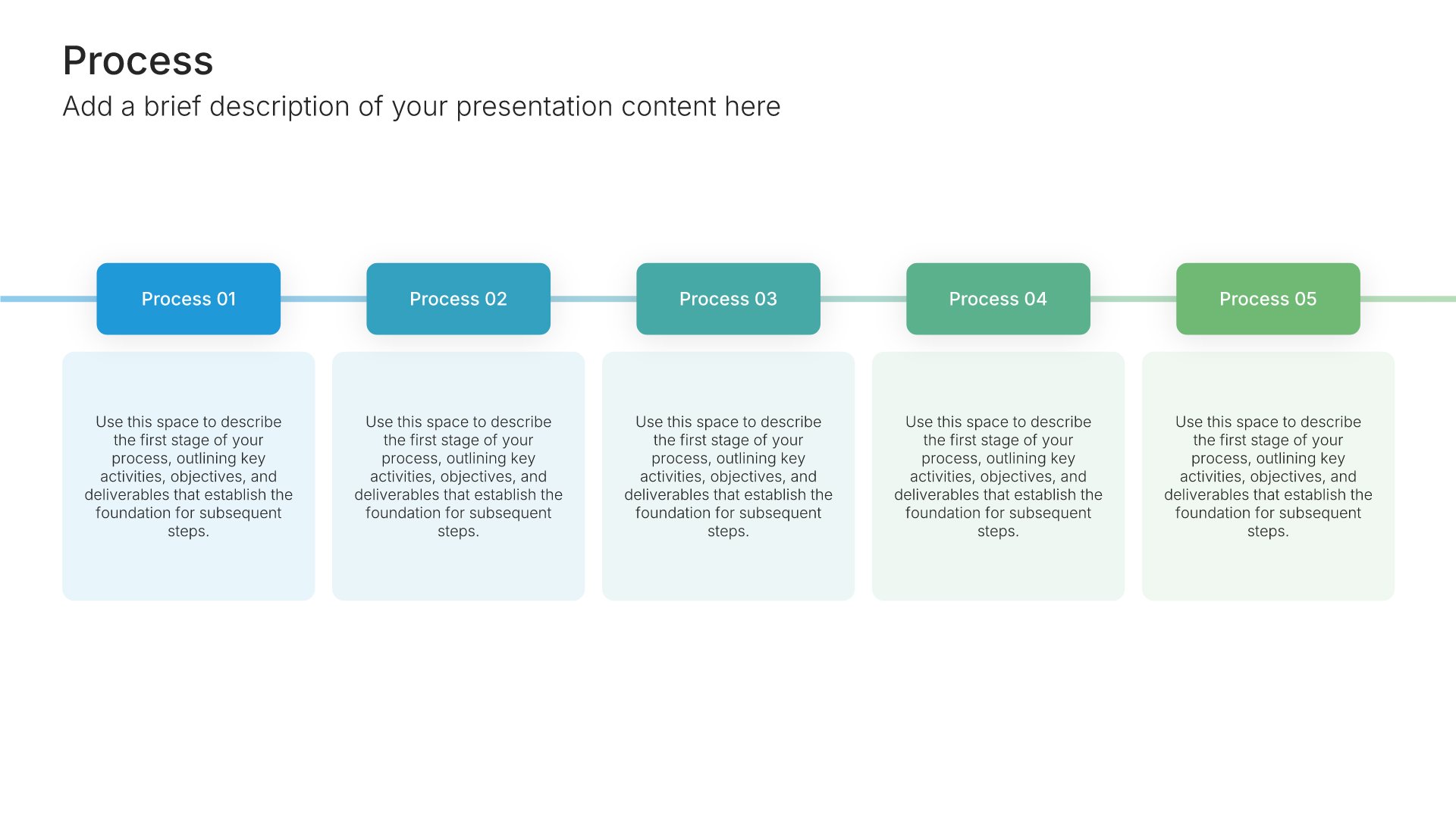
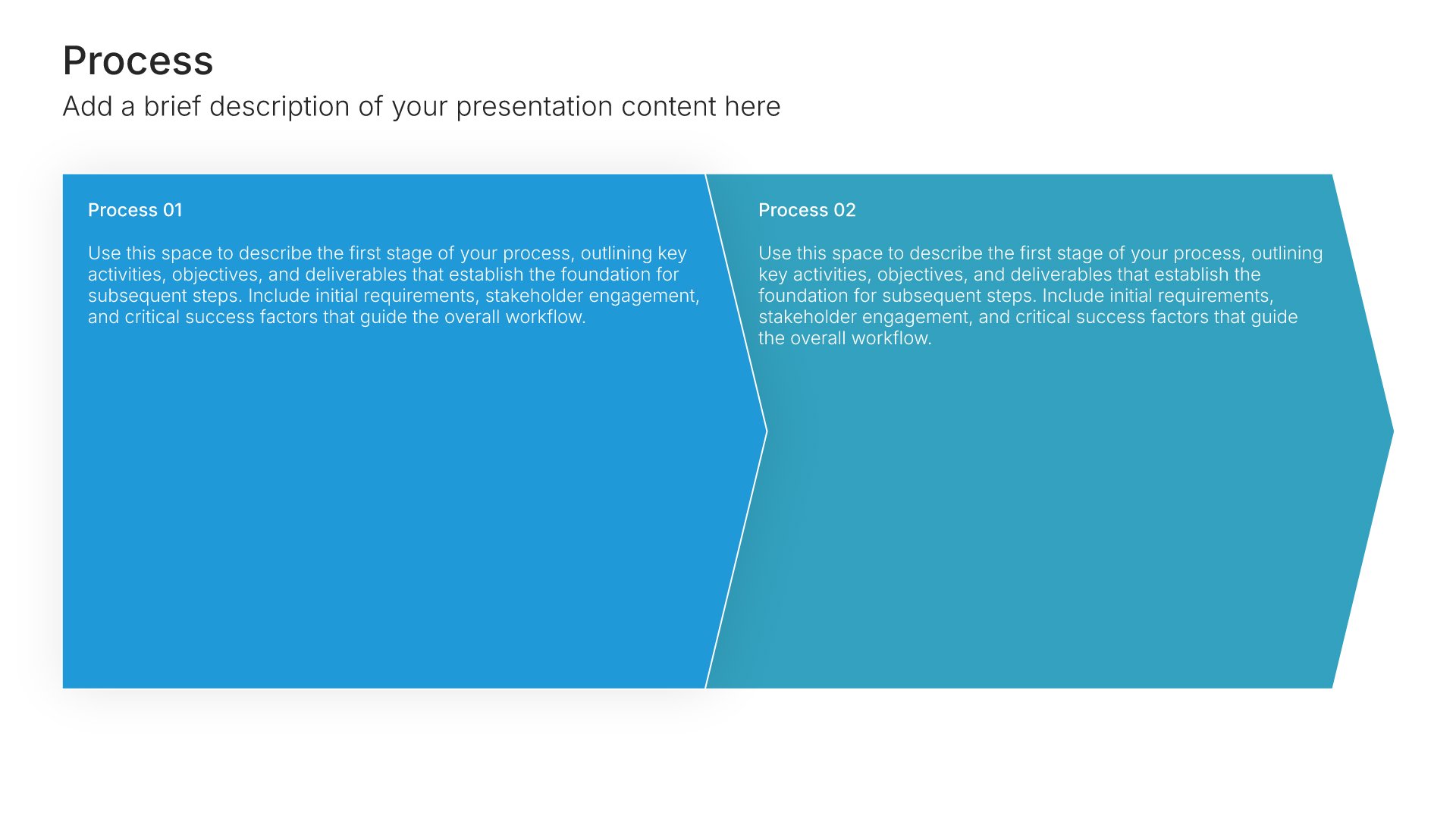
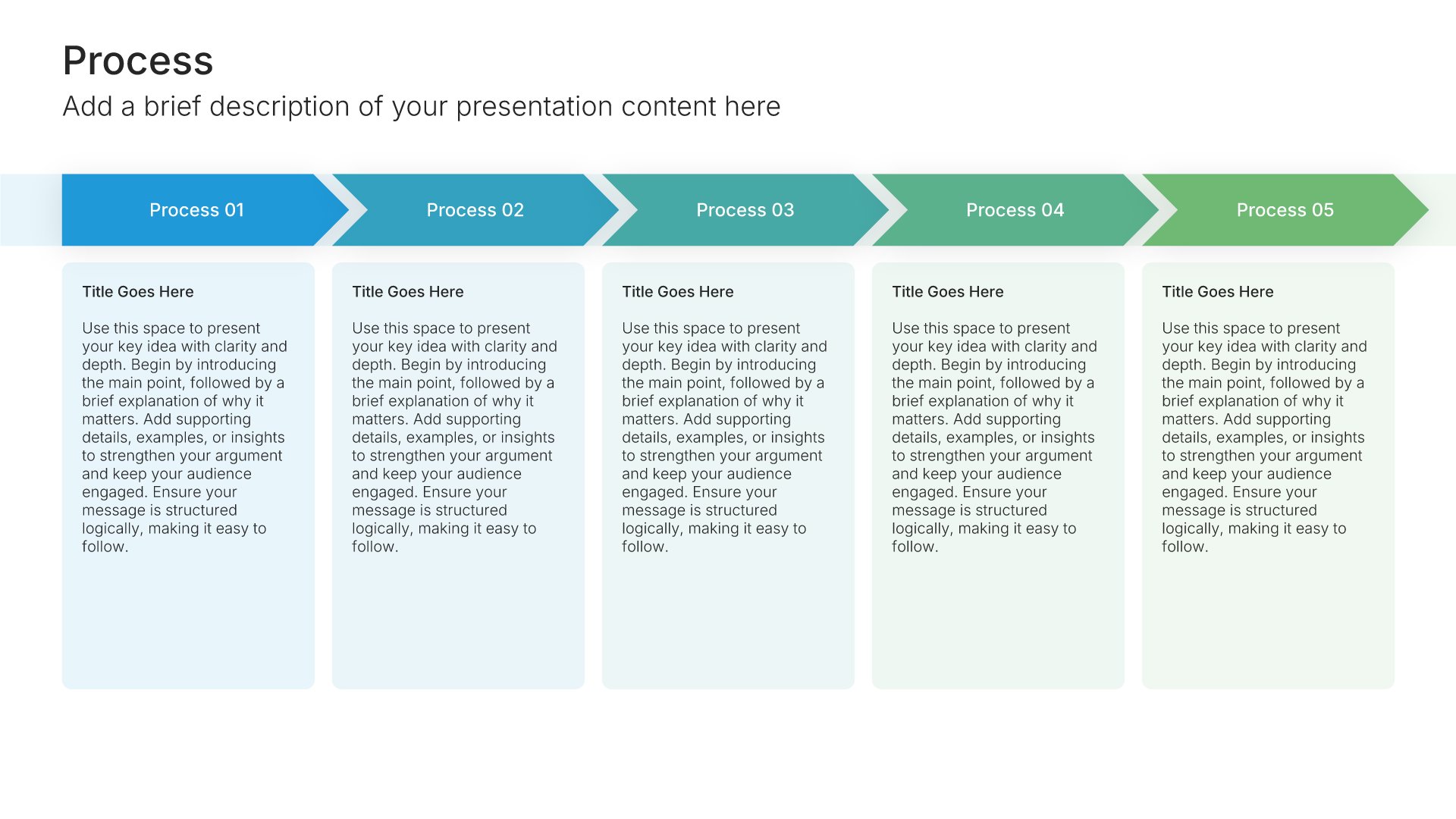
Layout 004
Layout 005
Layout 006
Layout 007
Layout 008
Layout 009
Layout 010
Layout 011
Layout 012
Layout 013
Layout 014
Layout 015
Layout 016
Layout 017
Layout 018
Layout 019
Layout 020
Layout 021
Layout 022
Layout 023
Layout 024
Layout 025
Layout 026
Layout 027
Layout 028
Layout 029
Layout 030
Layout 031
Layout 032
Layout 033
Layout 034
Layout 035
Layout 036
Layout 037
Layout 038
Layout 039
Layout 040
Layout 041
Layout 042
Layout 043
Layout 044
Layout 045
Layout 046
Layout 047
Layout 048
Layout 049
Layout 050
Layout 051
Layout 052
Layout 053
Layout 054
Layout 055
Layout 056
Layout 057
Layout 058
Layout 059
Layout 060
Layout 061
Layout 062
Layout 063
Layout 064
Layout 065
Layout 066
Layout 067
Layout 068
Layout 069
Layout 070
Layout 071
Layout 072
Layout 073
Layout 074
Layout 075
Layout 076
Layout 077
Layout 078
Layout 079
Layout 080
Layout 081
Layout 082
Layout 083
Layout 084
Layout 085
Layout 086
Layout 087
Layout 088
Layout 089
Layout 090
Layout 091
Layout 092
Layout 093
Layout 094
Layout 095
Layout 096
Layout 097
Layout 098
Layout 099
Layout 100
Layout 101
Layout 102
Layout 103
Layout 104
Layout 105
Layout 106
Layout 107
Layout 108
Layout 109
Layout 110
Layout 111
Layout 112
Layout 113
Layout 114
Layout 115
Layout 116
Layout 117
Layout 118
Layout 119
Layout 120
Layout 121
About our horizontal process slides
What the slide does, how to use it, your brand, and a file you can edit anywhere.
Built for the processes you present most often
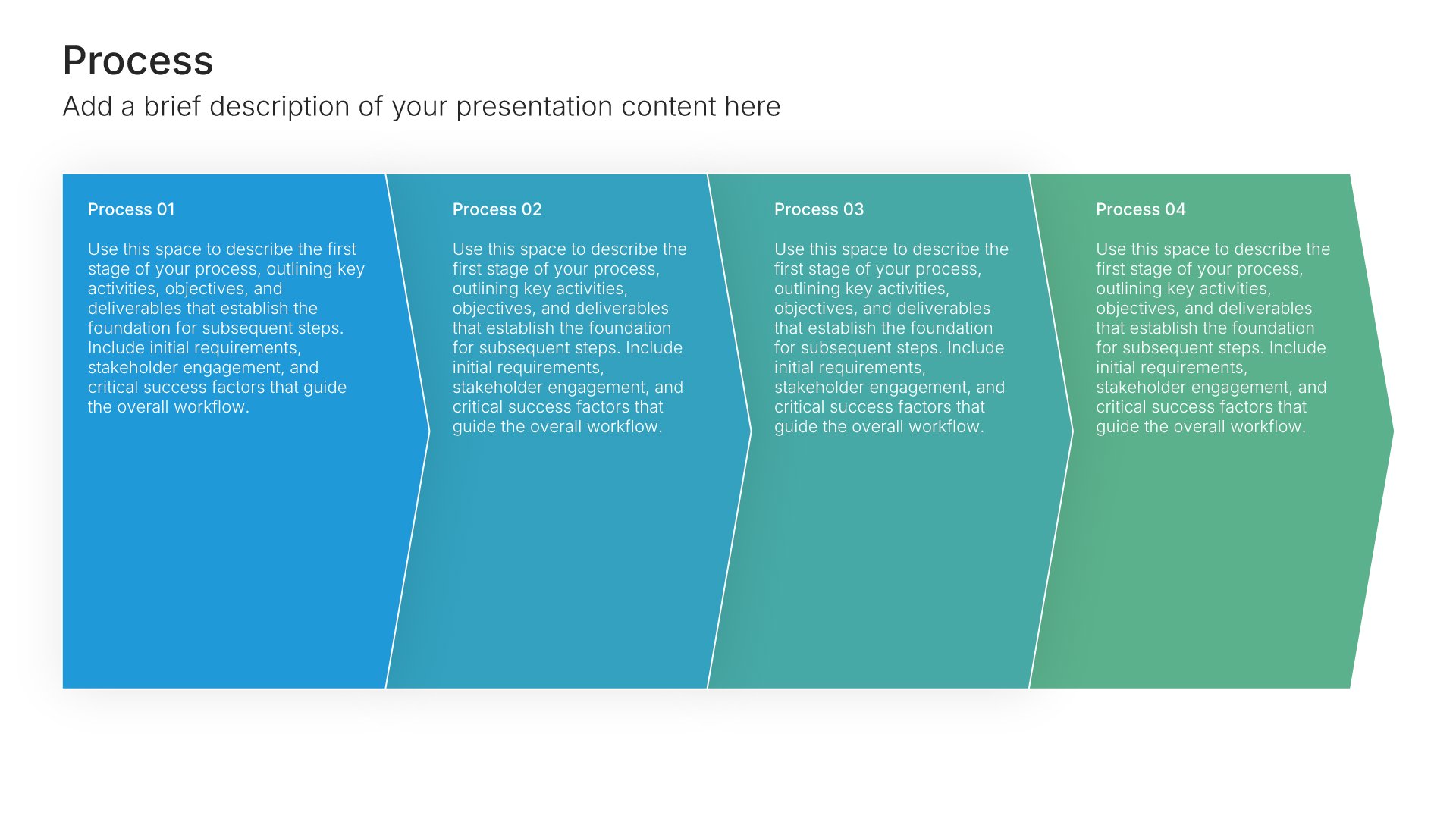
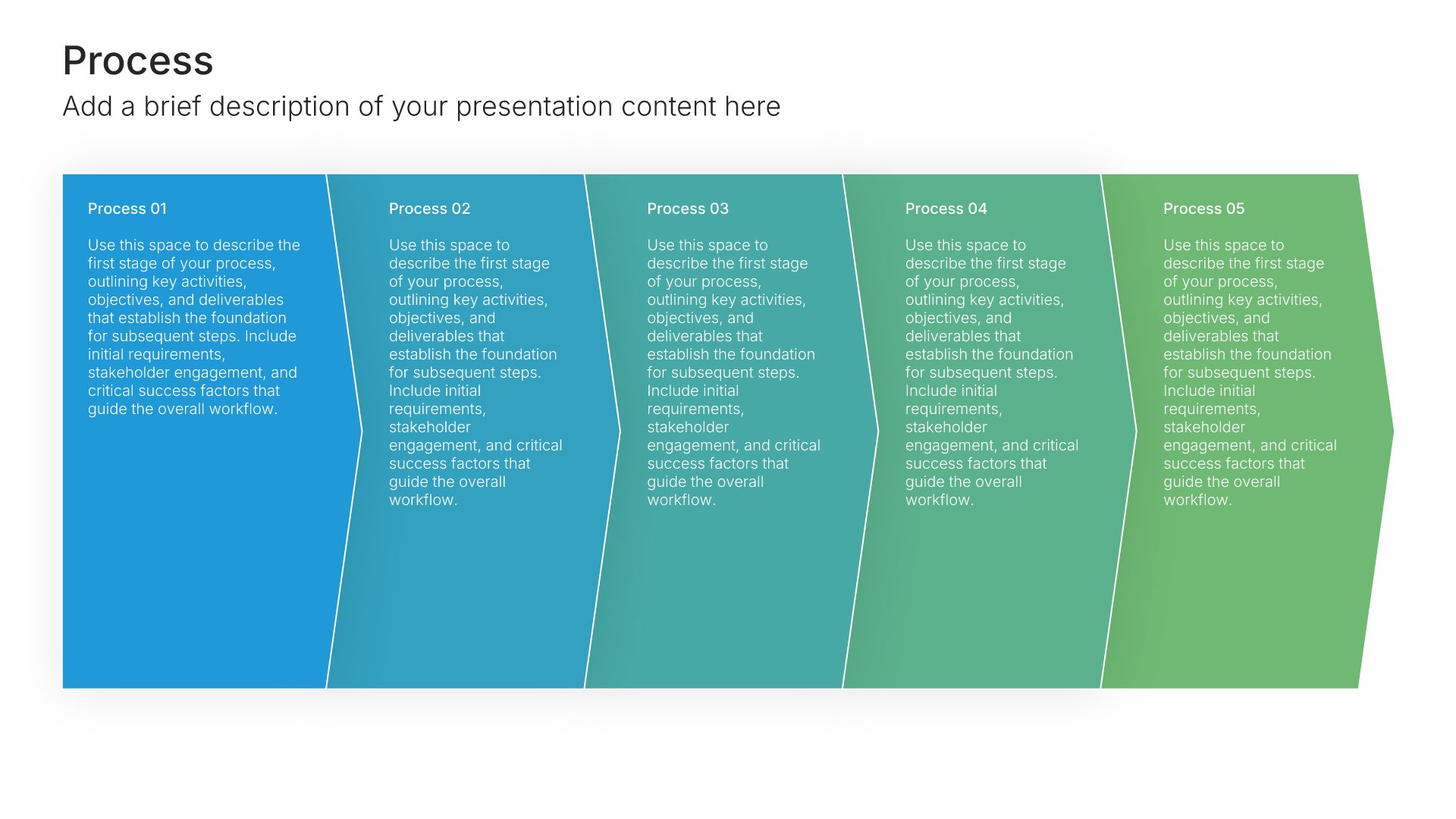
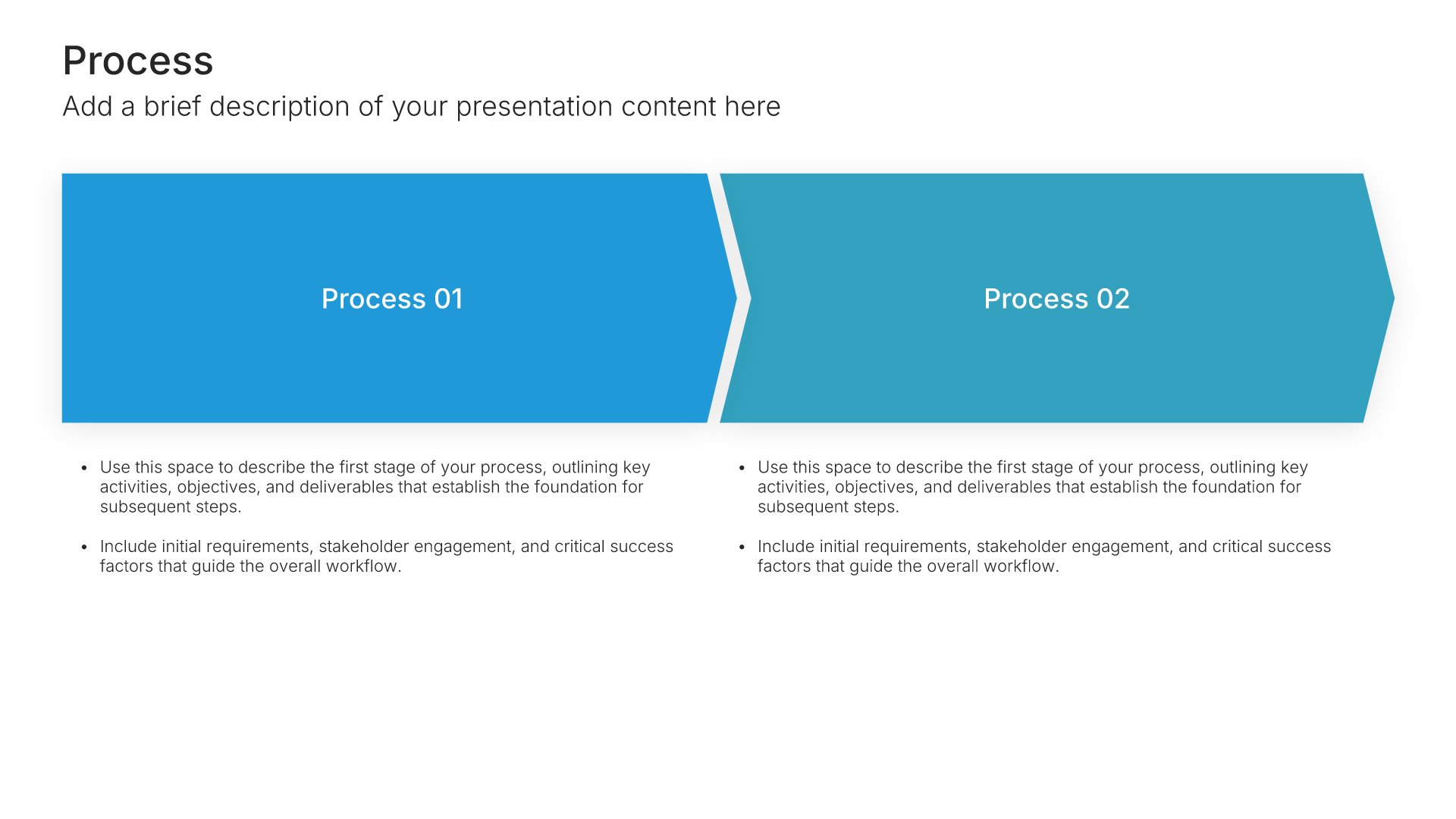
The horizontal layout is the most common process slide in business presentations. Onboarding flows, sales stages, project phases, and how-it-works explanations all fit it. Each step sits next to the one before, which makes the order obvious. It’s the process infographic most audiences can read without thinking about it.
Why left to right is the easiest order to follow
People scan a slide the same way they read a page. Putting steps in a row from left to right matches that habit, so nobody has to work out where to start or which way to go. That leaves the audience’s attention free for what happens at each step.
Brand the whole presentation in one click
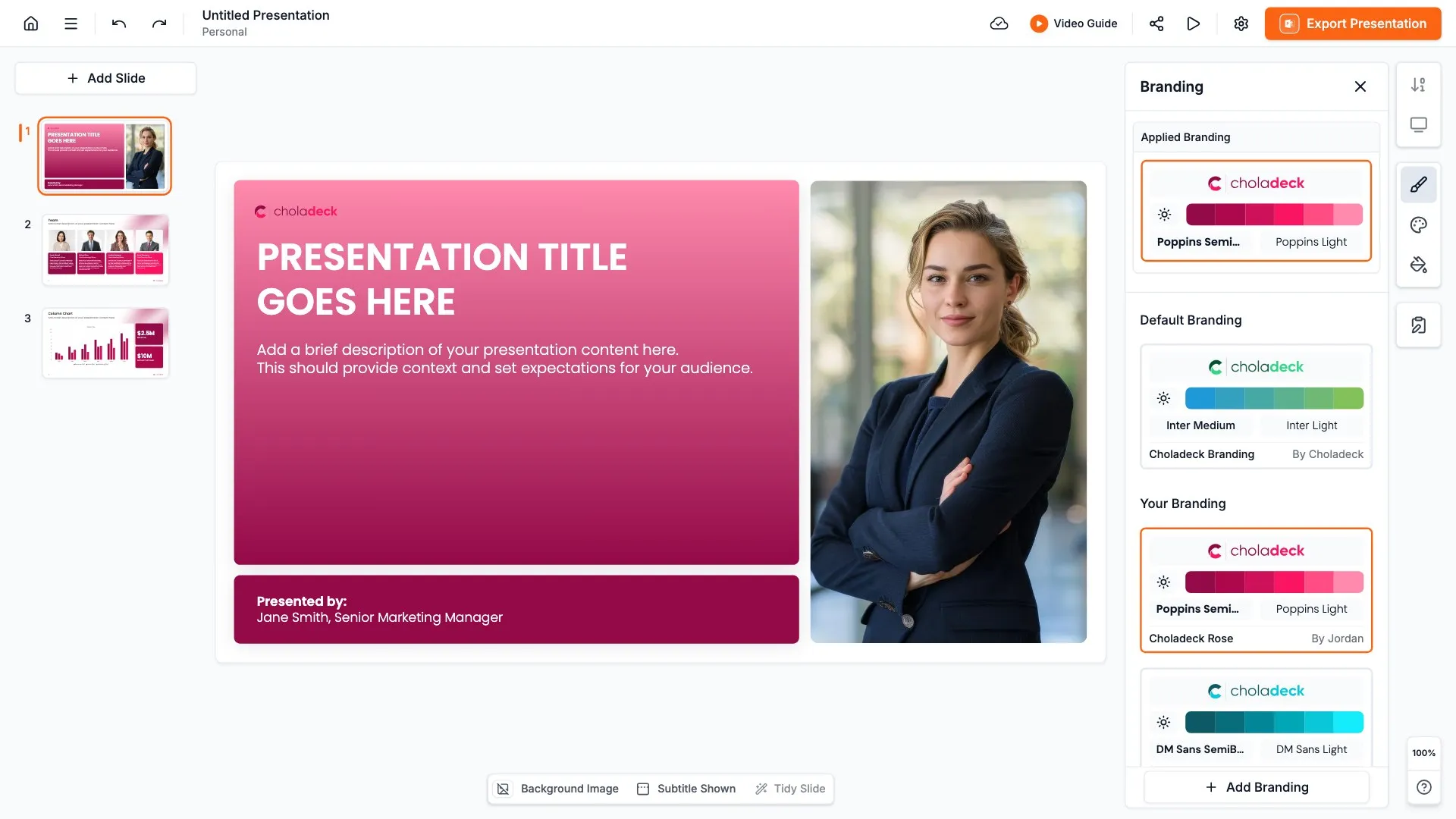
Add your logo, colors, fonts, and background once. It applies to the whole presentation and the entire slide library at the same time. Process slides show up in almost every kind of presentation, from sales pitches to training, so once branded, they match wherever you use them.
Export to PowerPoint, Google Slides, or Keynote
You get a real file, not a locked link. Export it and keep editing in the tool you already use. Steps, labels, and icons stay editable, so you can add or reorder stages as the process changes.
How Choladeck works
From blank page to finished presentation in four steps.
STEP 01
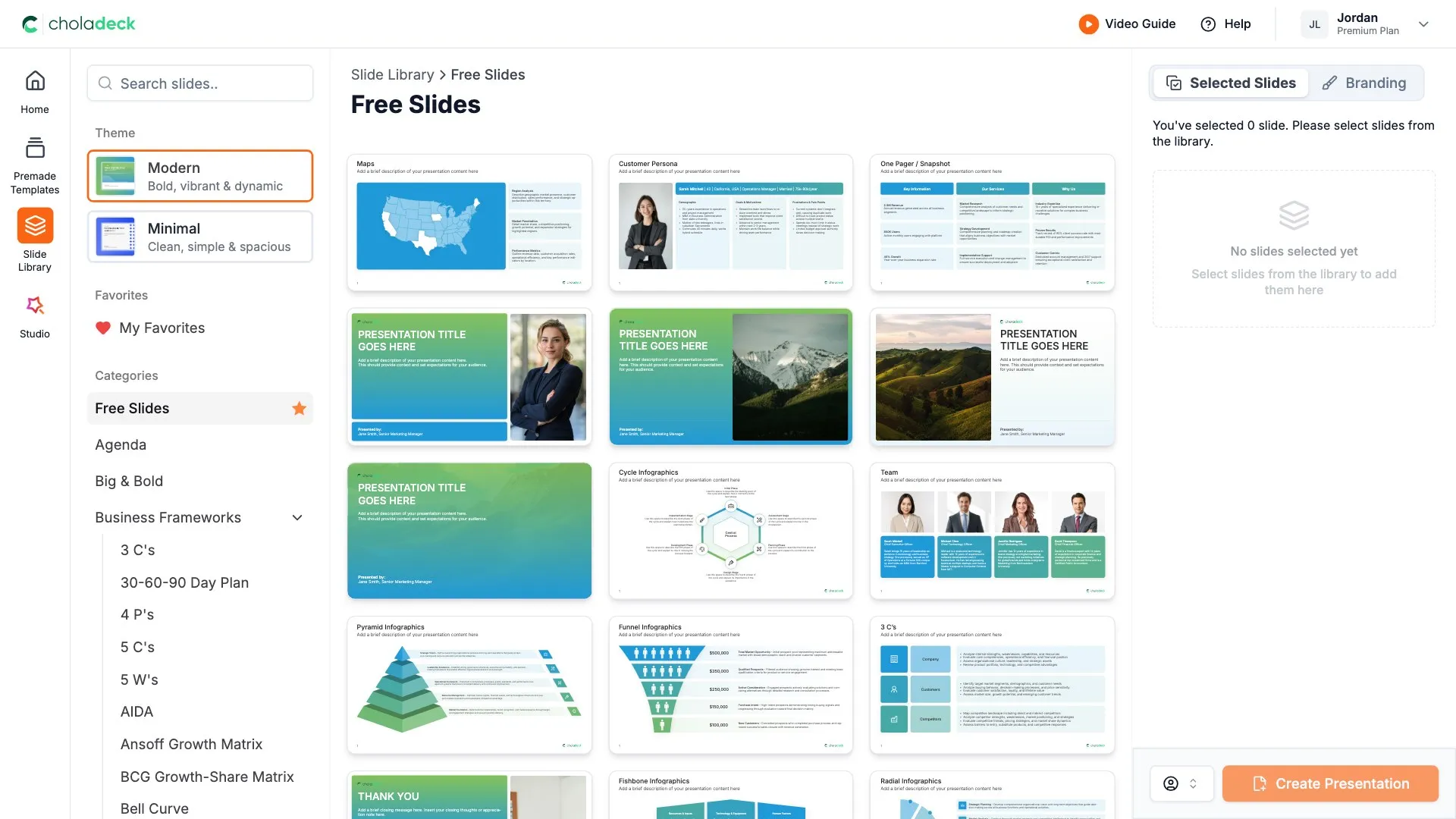
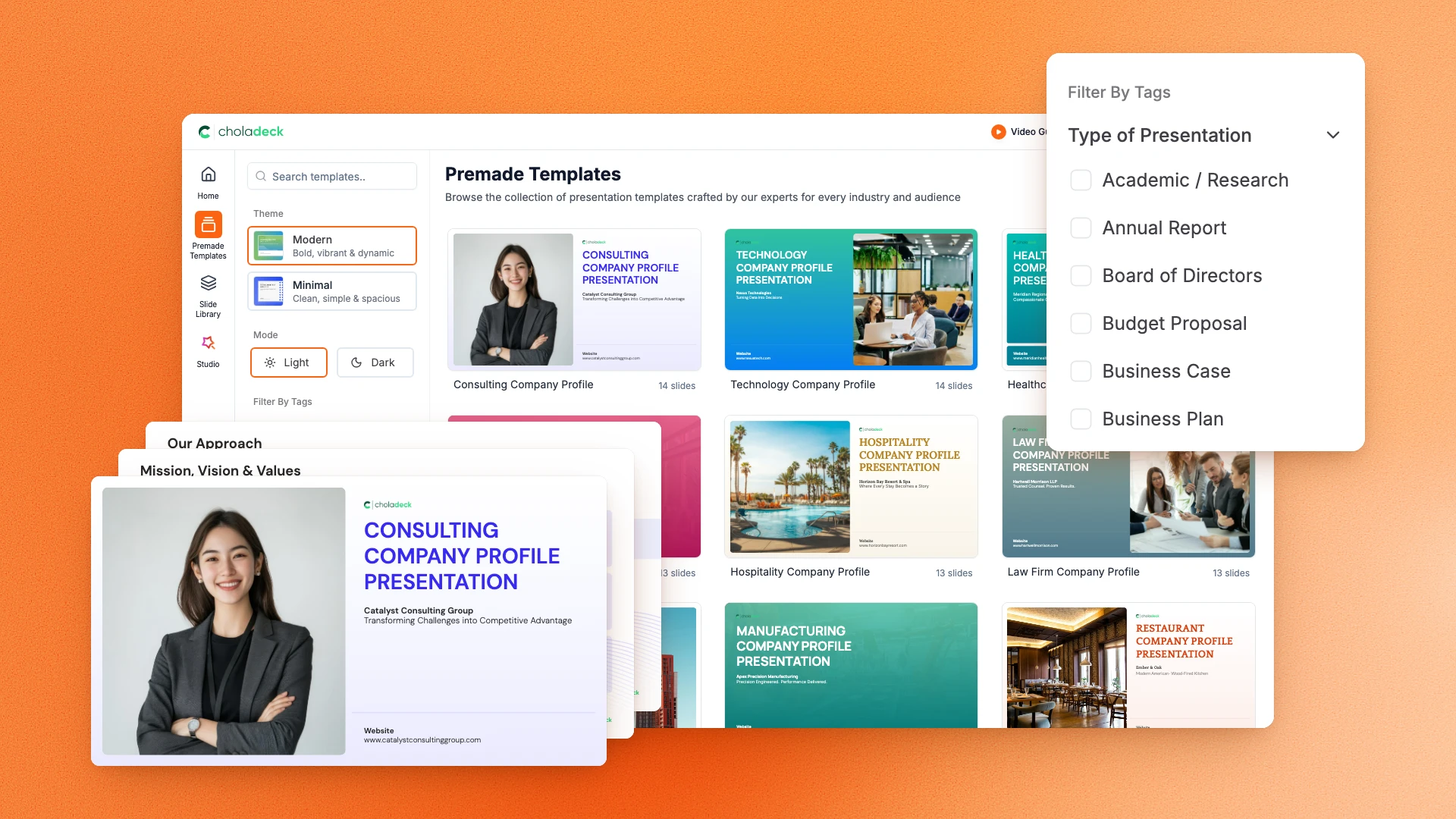
Browse 9,000+ slides across 134+ categories, or open one of the 74 premade presentations.
STEP 02
Add your logo, colors, and fonts in one click. The whole presentation instantly matches your company.
STEP 03
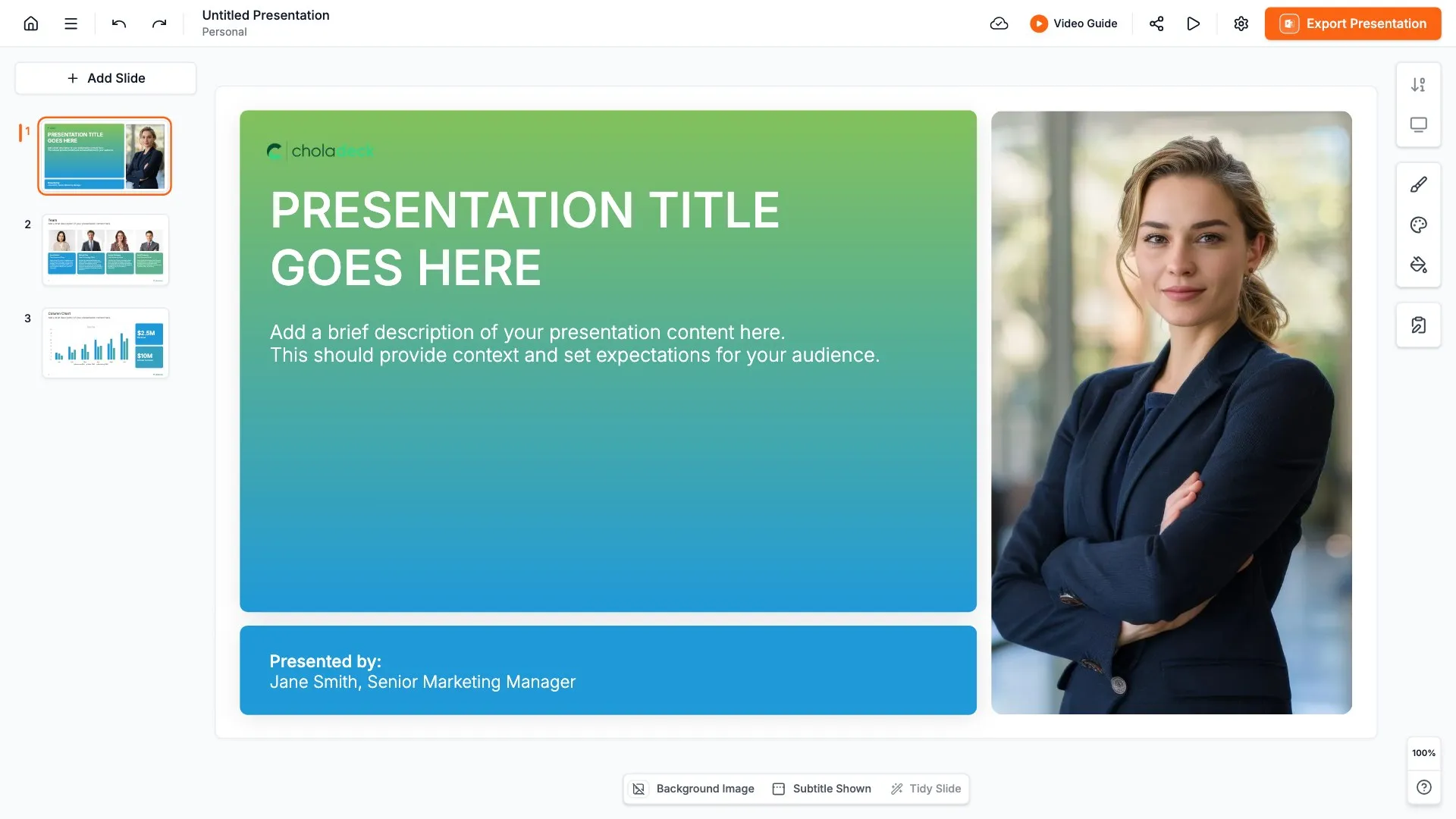
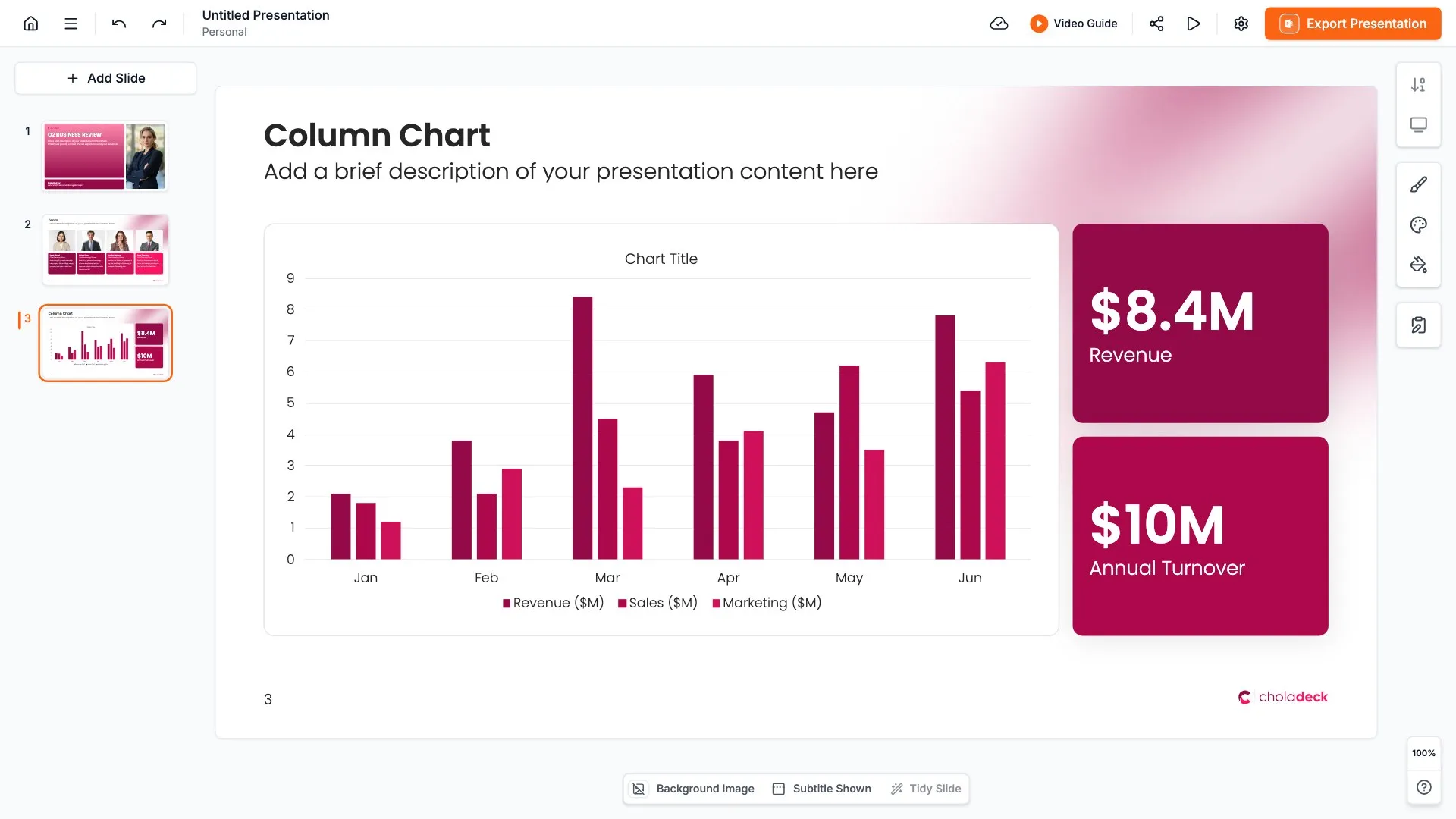
Add your text, numbers, charts, and tables. Everything on the slide is editable.
STEP 04
Send it to PowerPoint, Google Slides, or Keynote, and present.
Need a complete presentation instead?
If you're starting from nothing rather than fixing a few slides, open one of 74+ premade presentations instead. Each one is complete and built for one purpose, from pitch decks to business plans and company profiles.
Questions about horizontal process slides
How the slides work, and how far you can change them.
Using the slides
Can I edit these slides in PowerPoint?
+Yes. Export to PowerPoint, Google Slides, or Keynote, and every step, label, and icon stays editable. Nothing is locked and nothing is a flat image.
How do I brand them to my company?
+Add your logo, colors, fonts, and background once. It applies to the whole presentation and the entire slide library at the same time.
Can I mix them with other slides from the library?
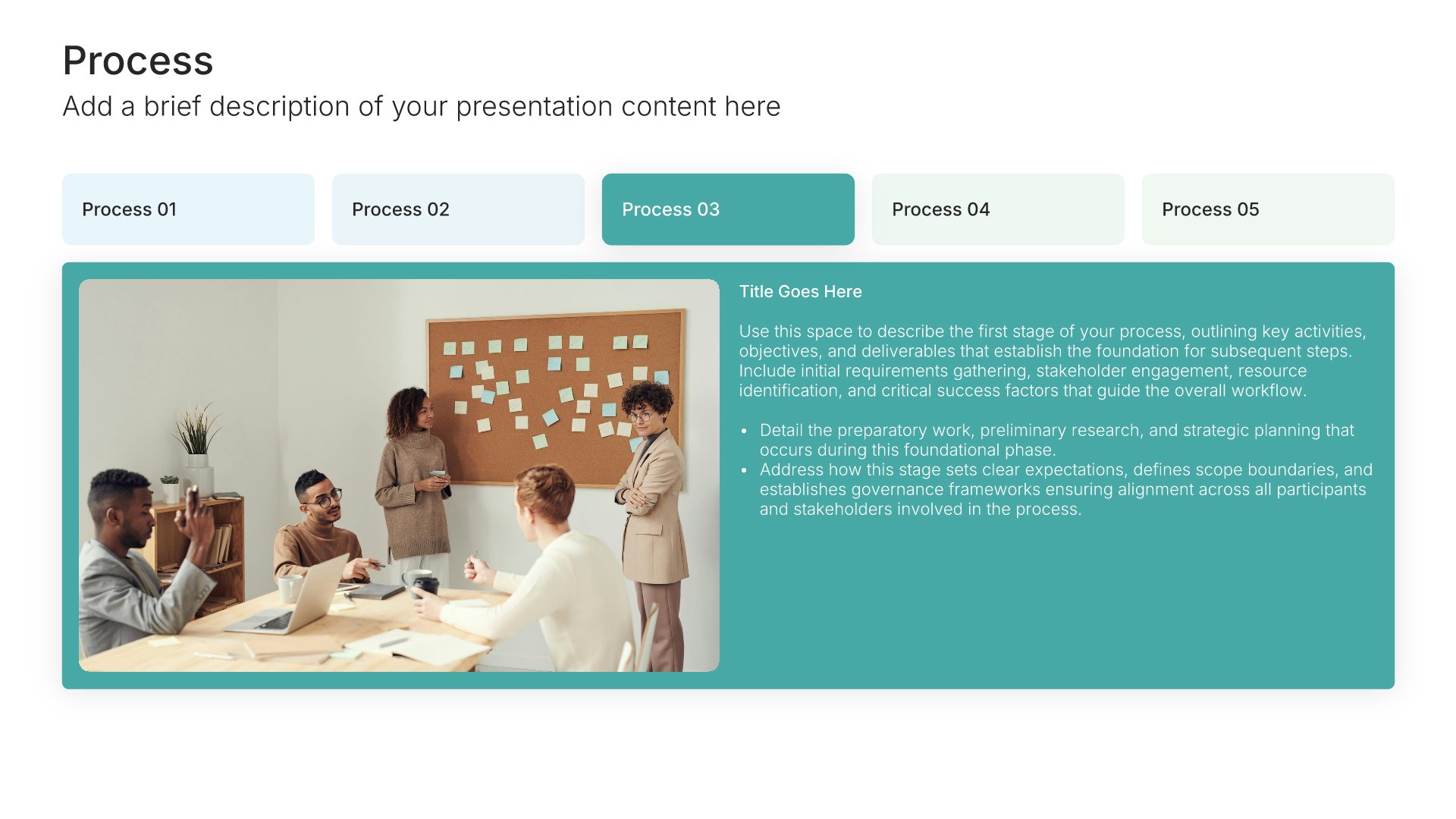
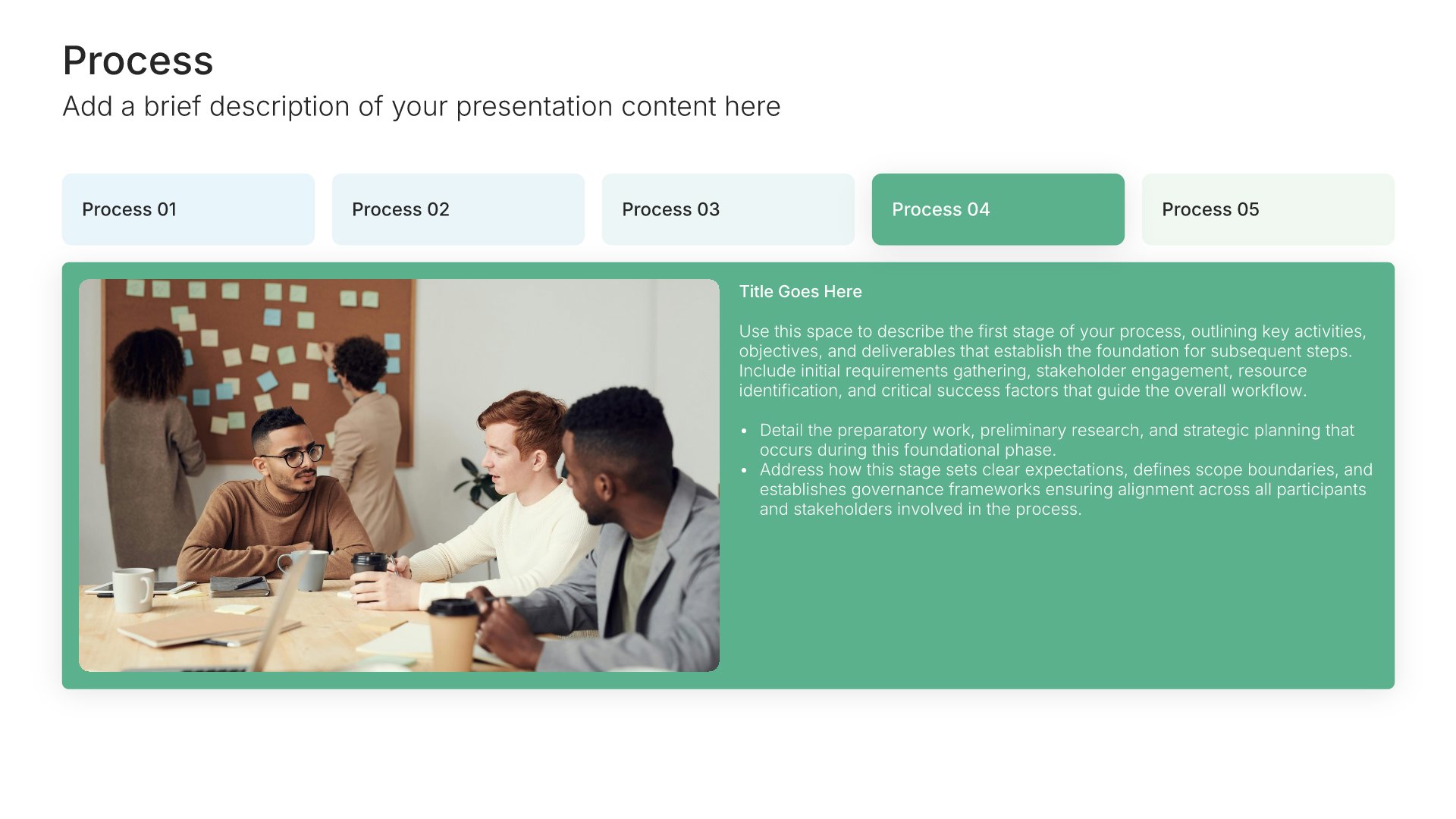
+Yes. Add a horizontal process slide to any premade template, or pair it with timeline or arrow slides from the library. Branding applies across all of them.
About horizontal process slides
How many steps fit on a horizontal process slide?
+Three to six usually works. Beyond that, the steps get narrow and the text hard to read.
When should I use a vertical process instead?
+When you have more steps, or each step needs more text. A vertical layout gives every step a full line.
What can I show with a process slide?
+Any sequence: how a service works, the stages of a project, a customer's path from first contact to purchase, or the steps in a method.
Your next horizontal process slide is already designed
Pick a layout, brand it in one click, add your content, and export.
Free to start. No credit card required.