Try Choladeck Free: Download Personalized Business Slides Today

30-60-90 Day Plan Premade Template

A comprehensive 30-60-90 day plan template designed for new hires presenting their onboarding strategy to managers and stakeholders. Built on the Classic Learn-Contribute-Lead Model, this presentation covers role understanding, phased goals across the first three months, key relationships, success metrics, and support needs. Ideal for new leadership roles.


30-60-90 Day Plan Featured Image

How to Build a 30-60-90 Day Plan Presentation

Learn how to create a compelling 30-60-90 day plan that demonstrates strategic thinking and impresses your new manager. This guide walks you through articulating your role understanding, structuring goals across learning, contributing, and leading phases, mapping key relationships, and defining the success metrics that prove early impact.

1. Title

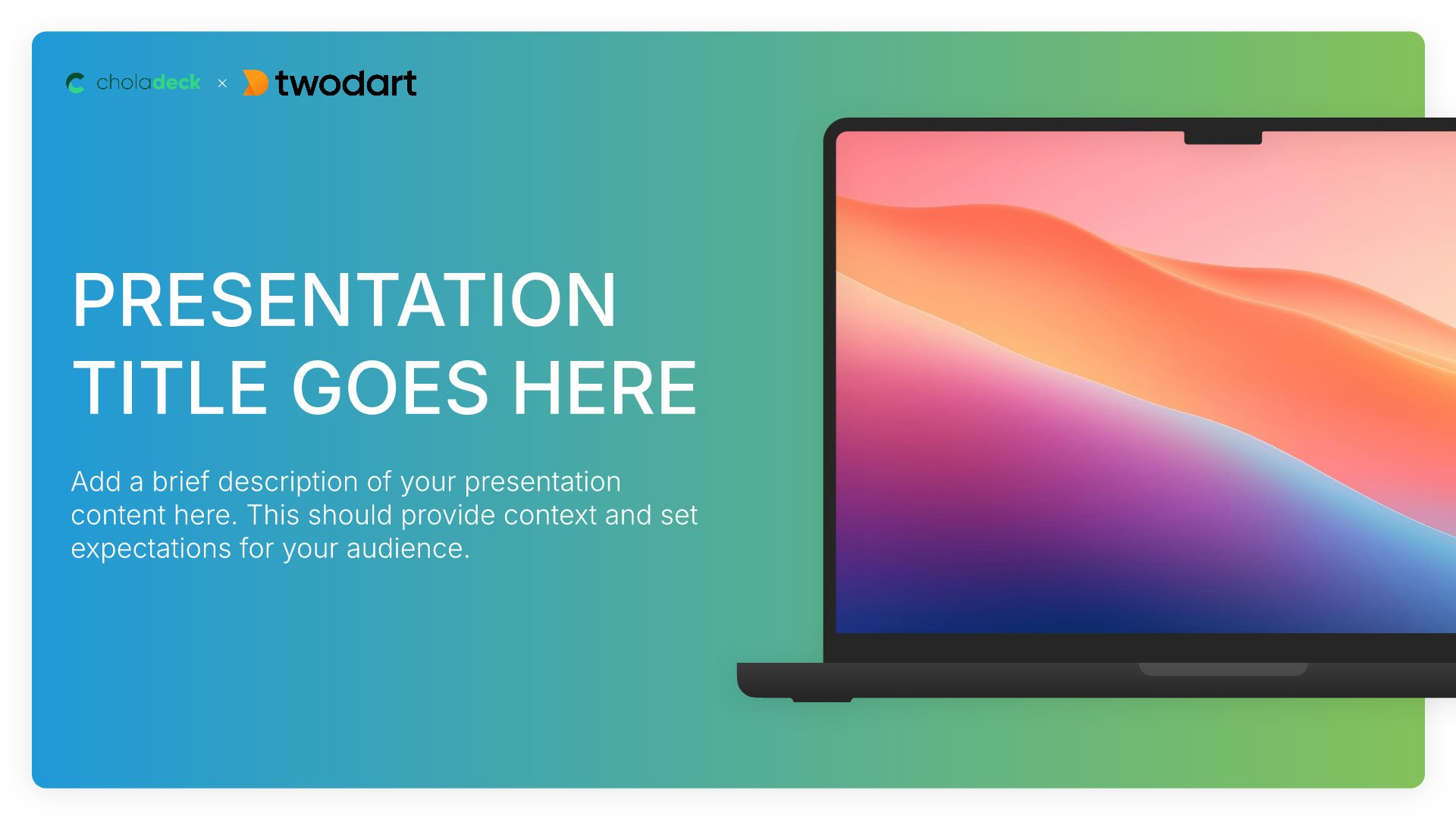
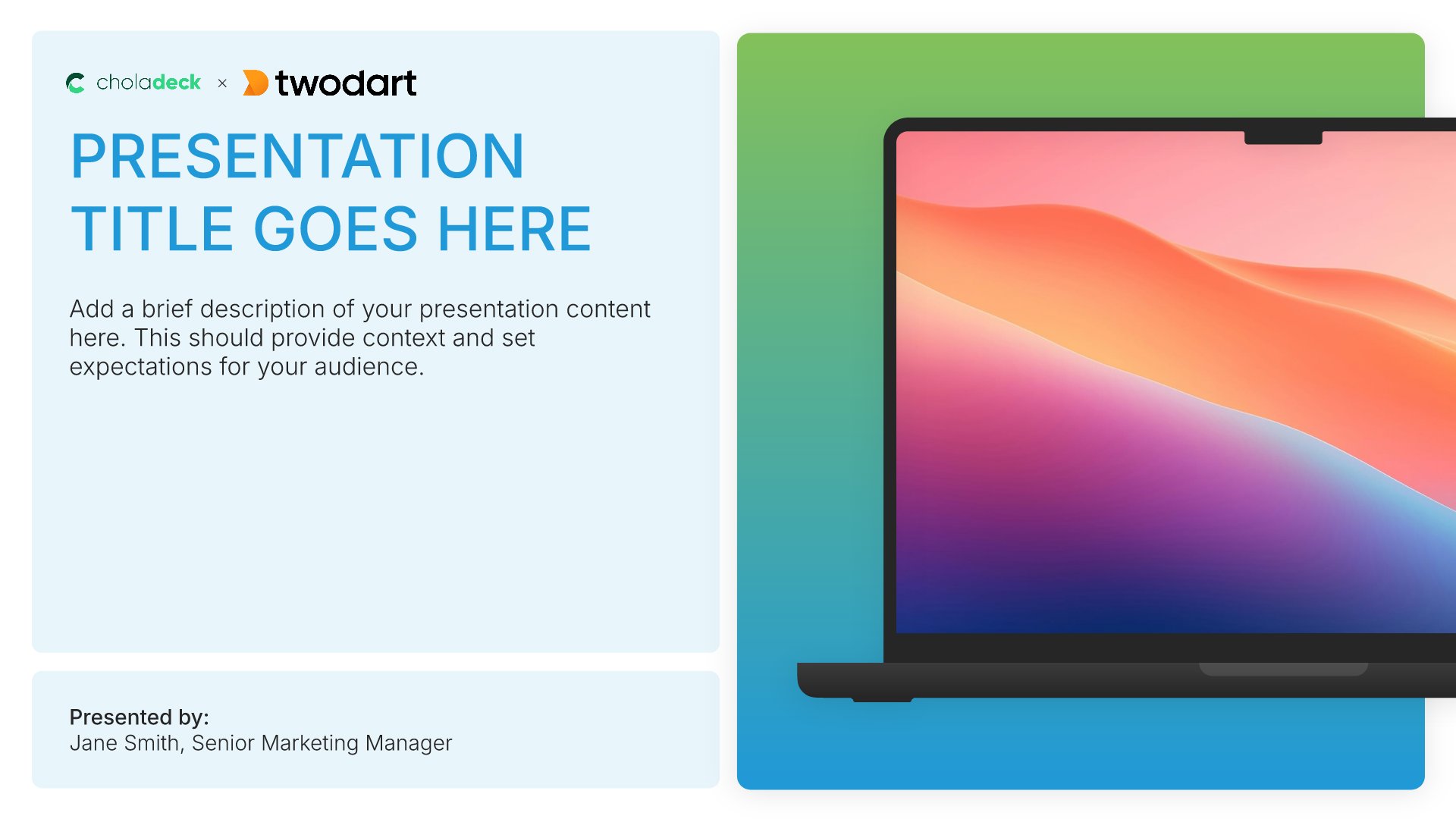
Title slides help you open presentations with impact. Use them to create strong first impressions with opening slides that set the tone, introduce your topic, and establish your brand. Ideal for any presentation where a polished, professional opening slide sets the stage for everything that follows.
Built using Title slides

2. Executive Summary

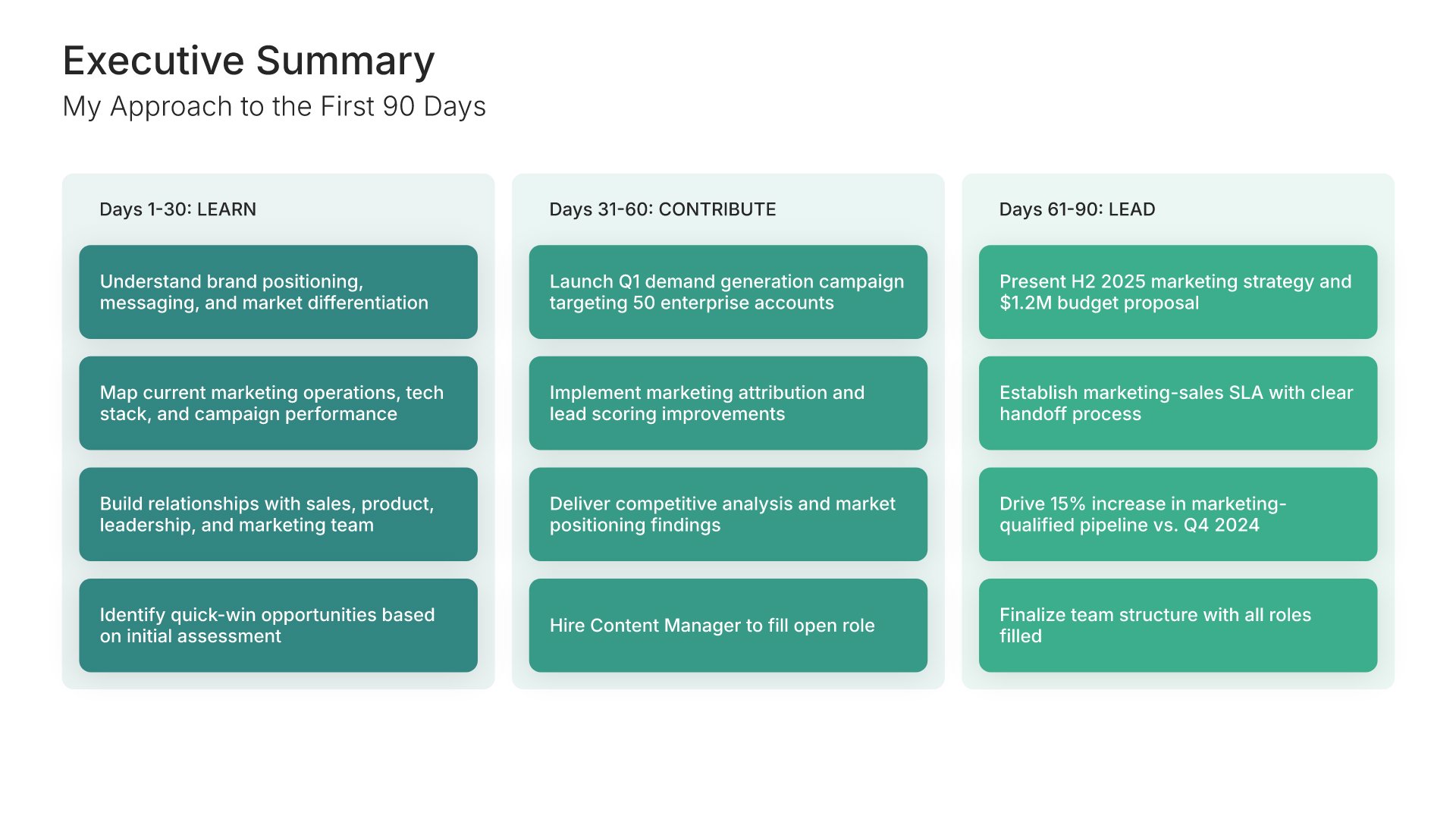
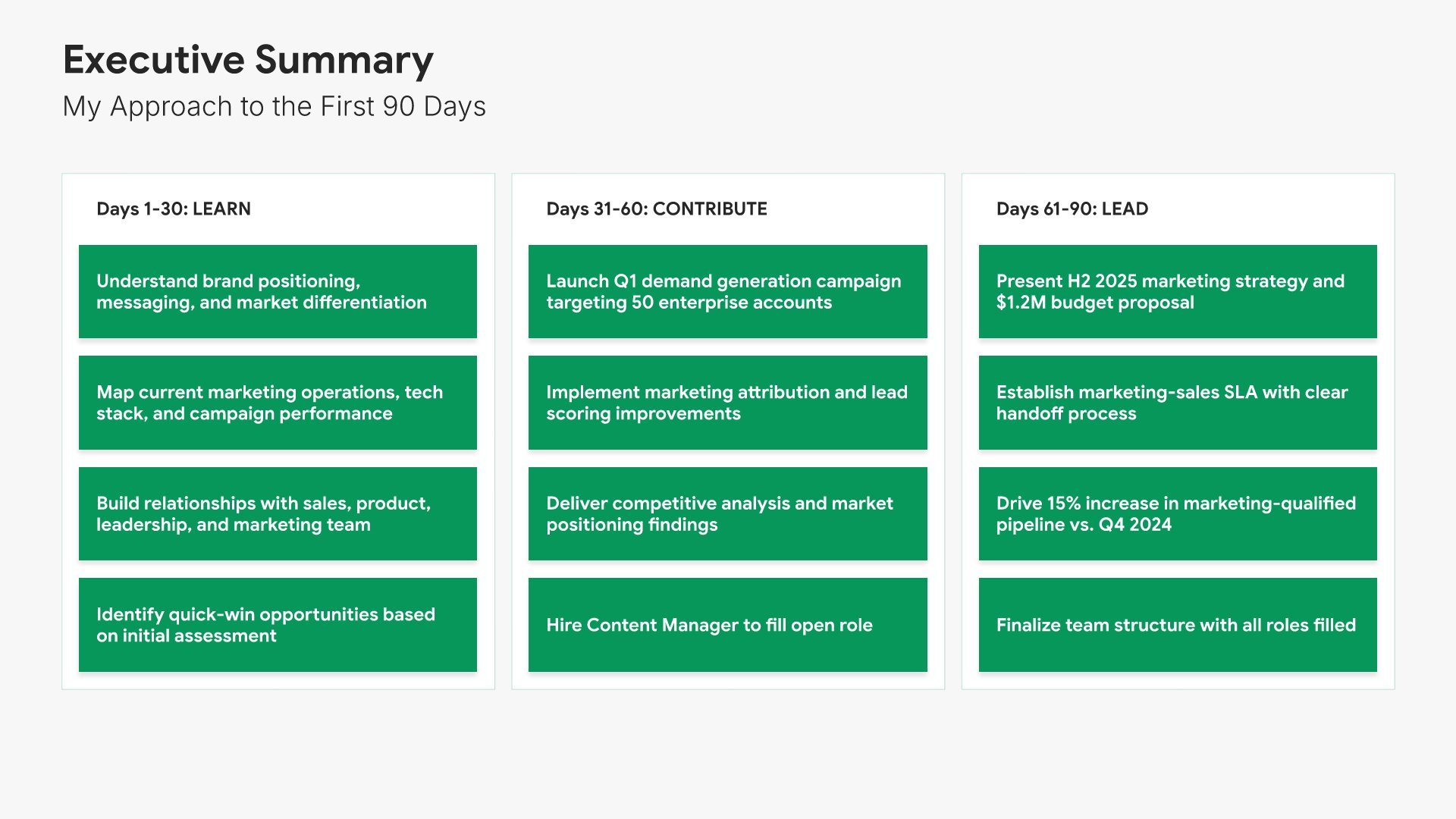
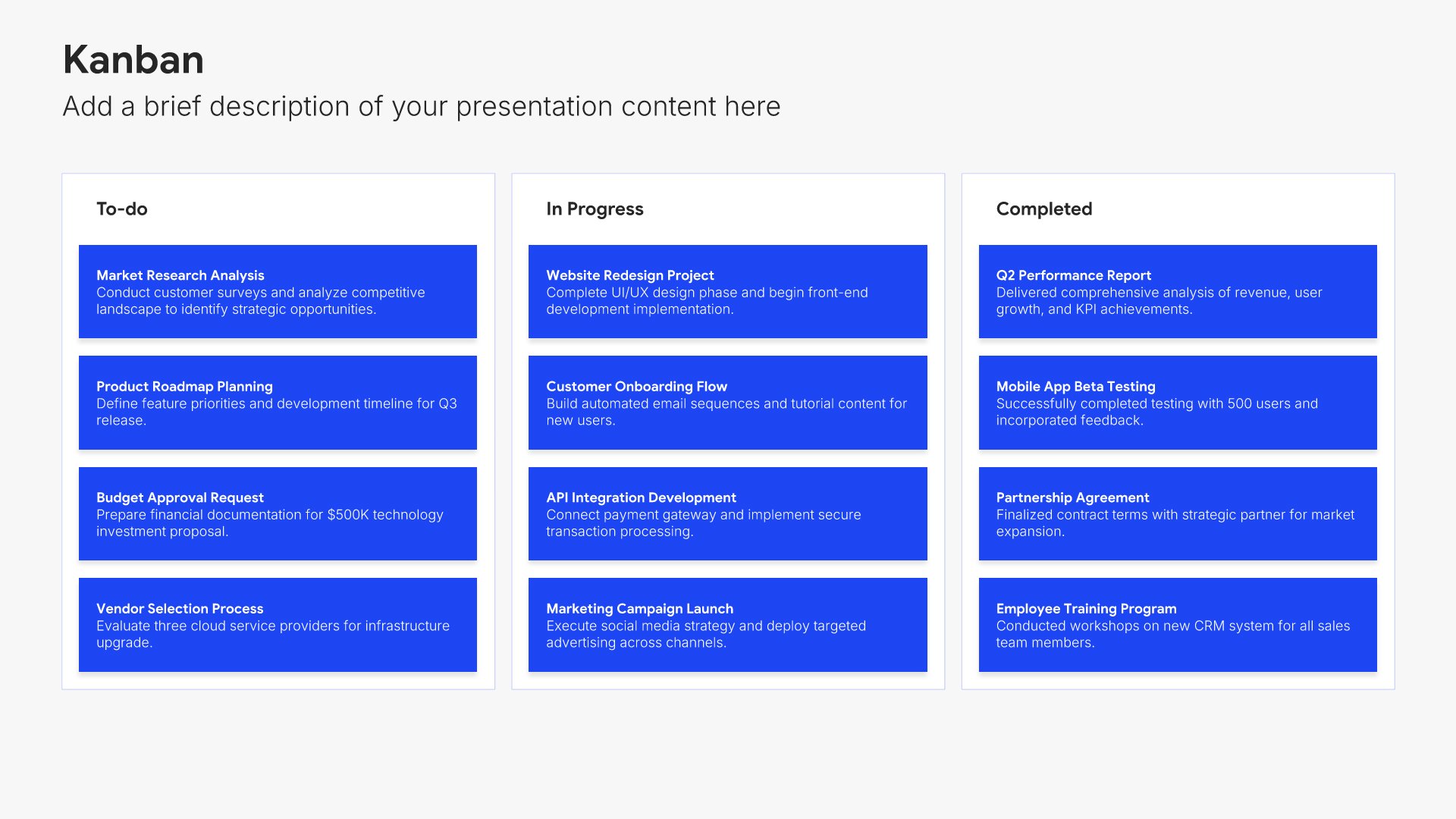
Executive summary slides help you present key points concisely for busy stakeholders. Use them to distill complex information into clear highlights, recommendations, and conclusions that can be understood at a glance. Ideal for board presentations, project updates, and any situation where decision-makers need the essential takeaways fast.
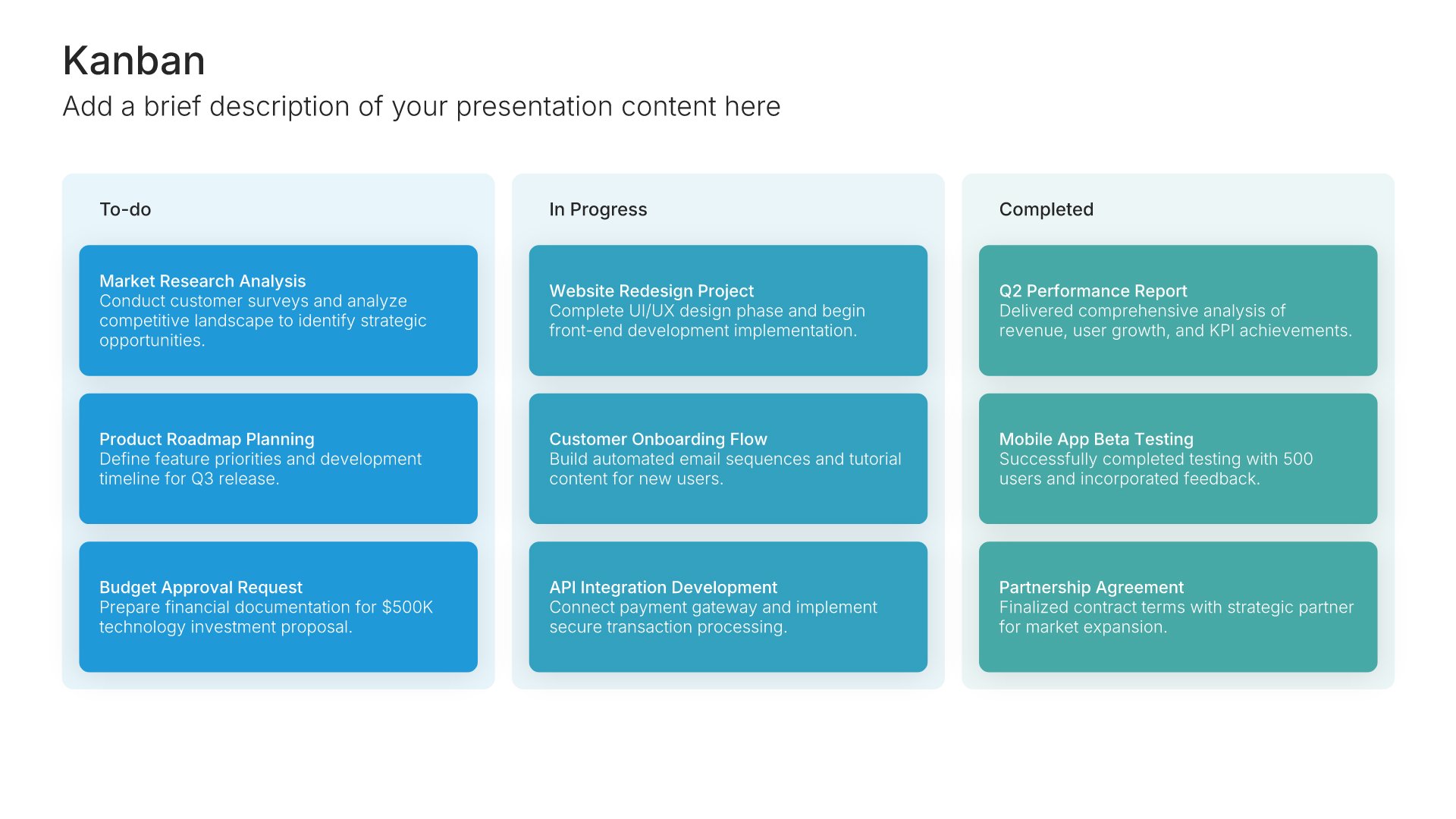
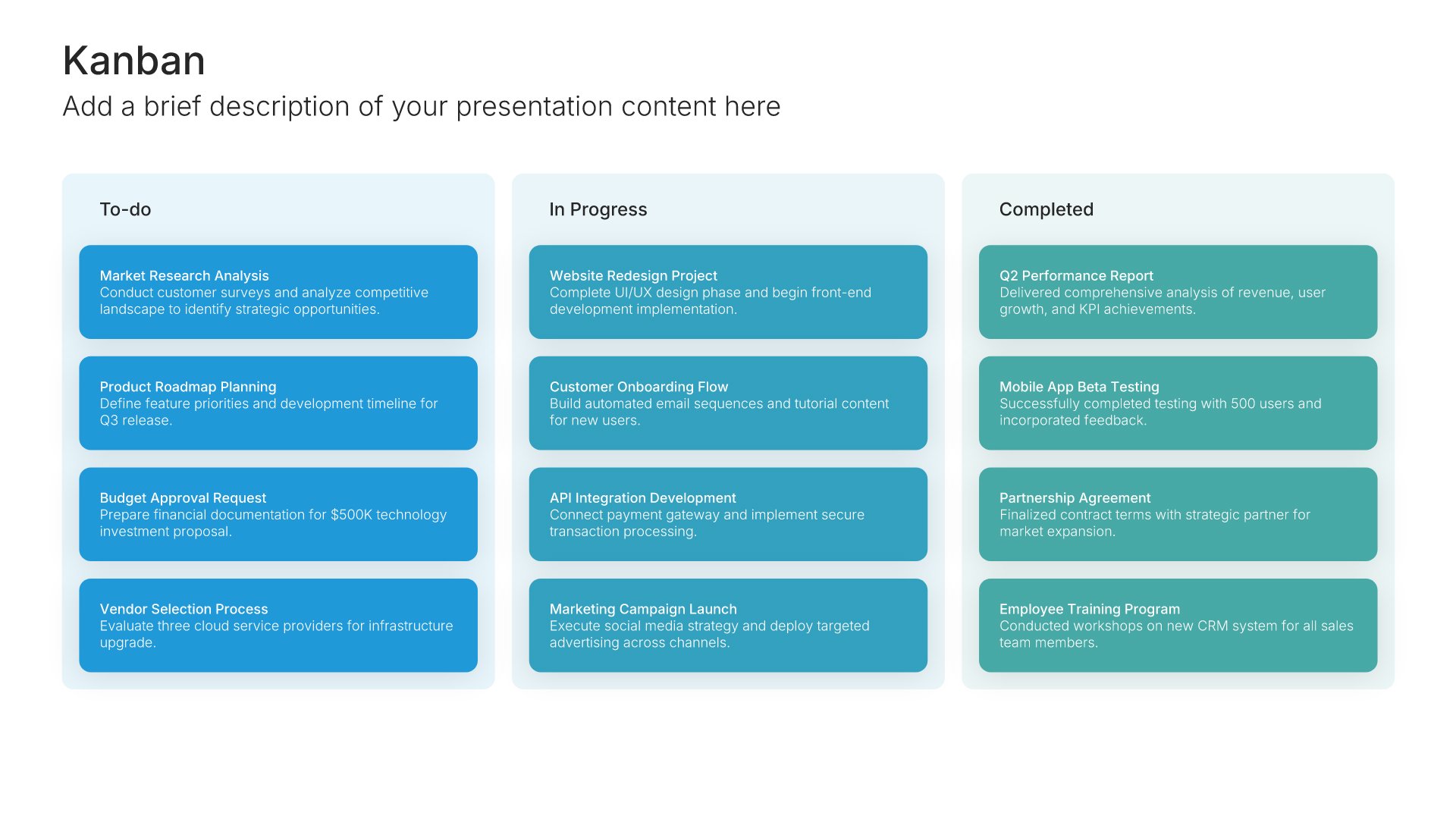
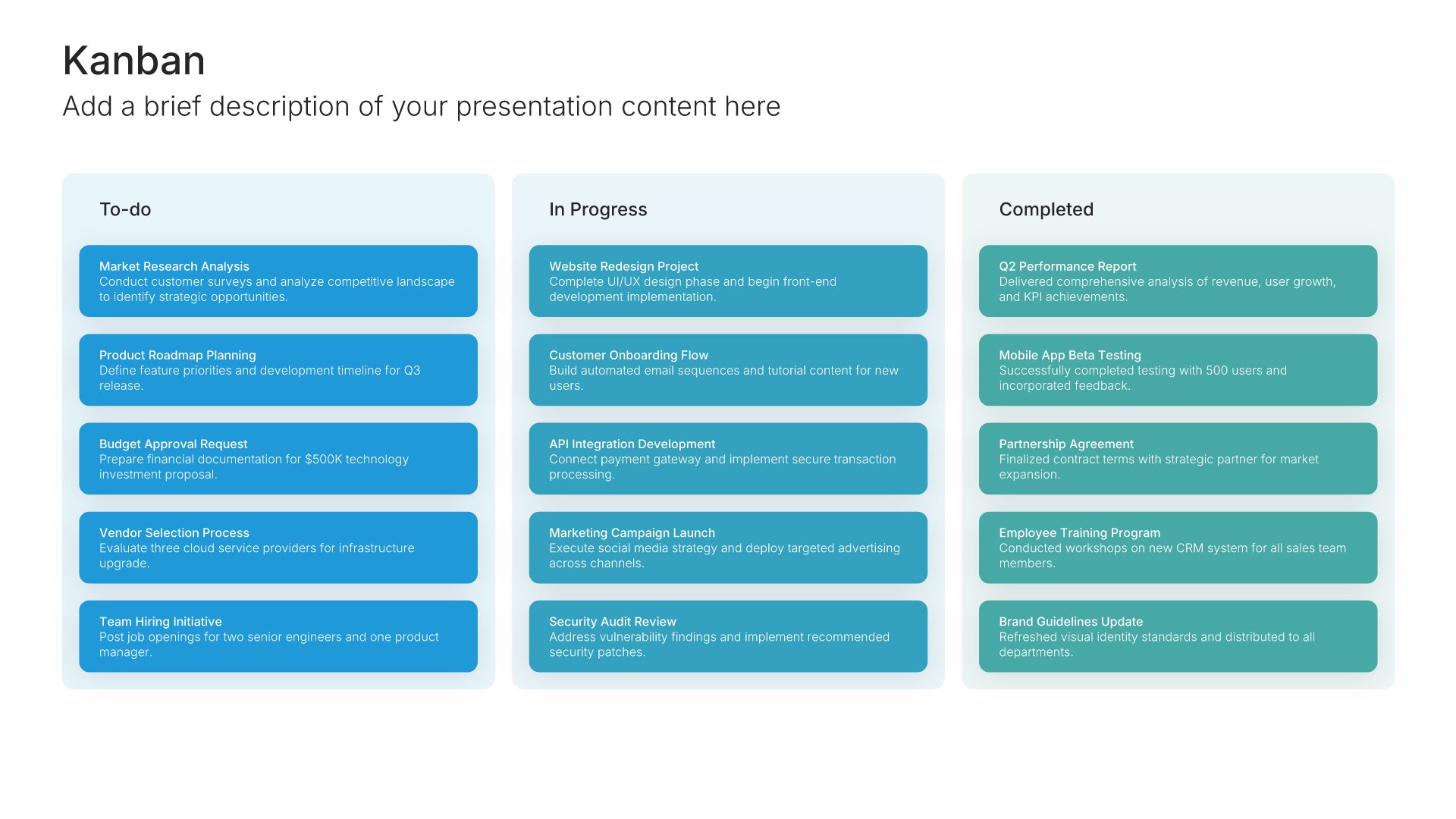
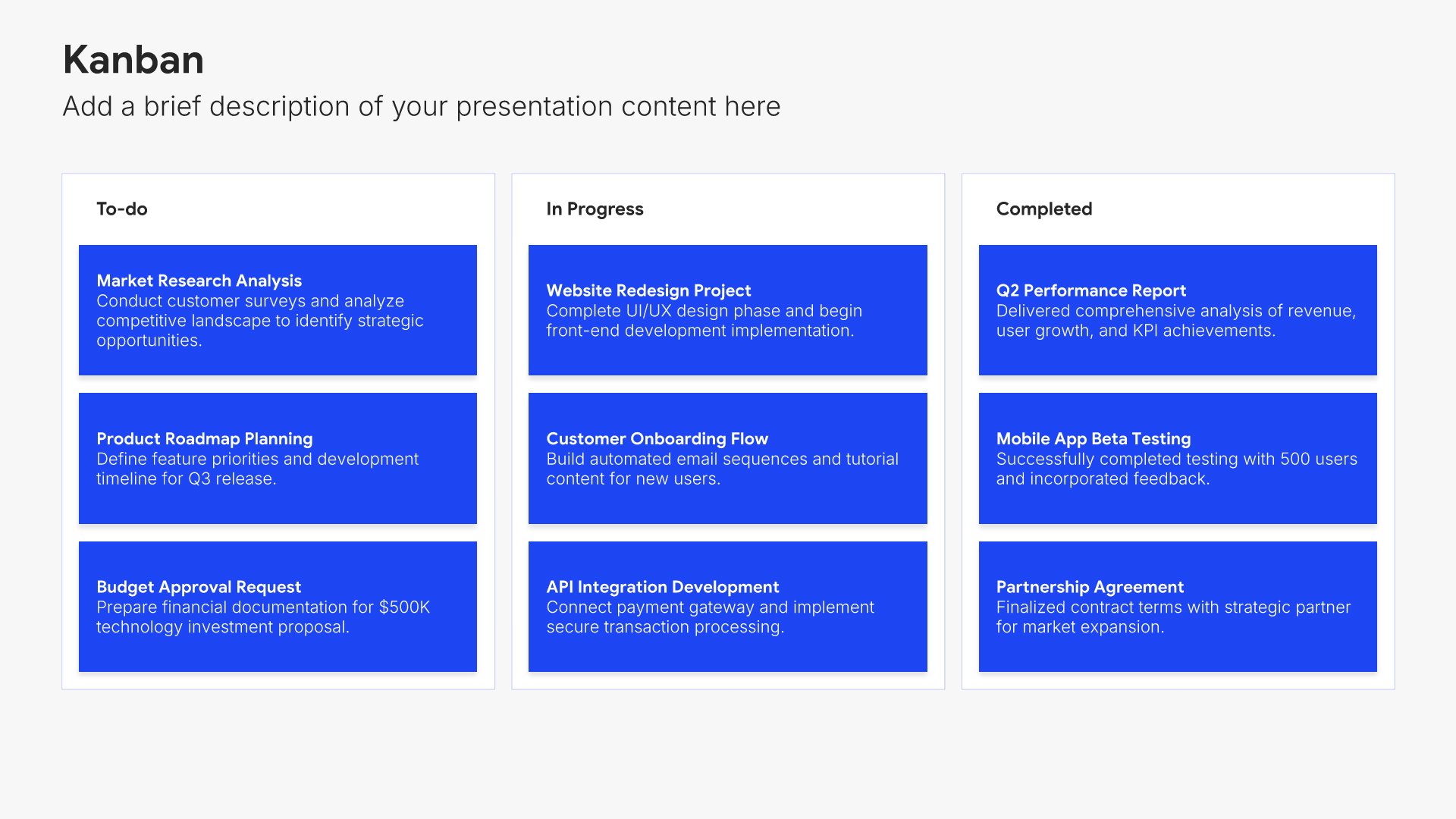
Built using Kanban slides

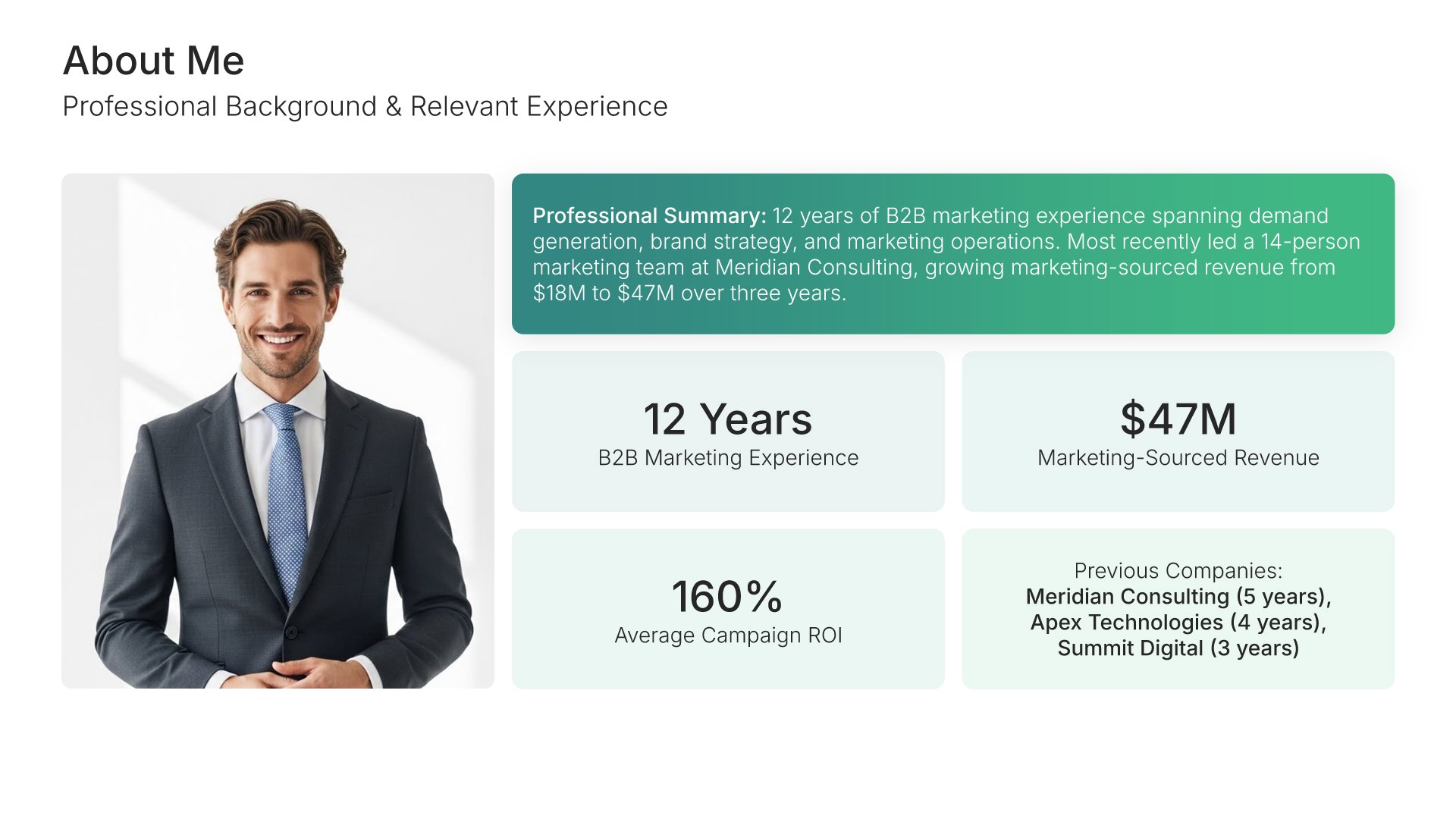
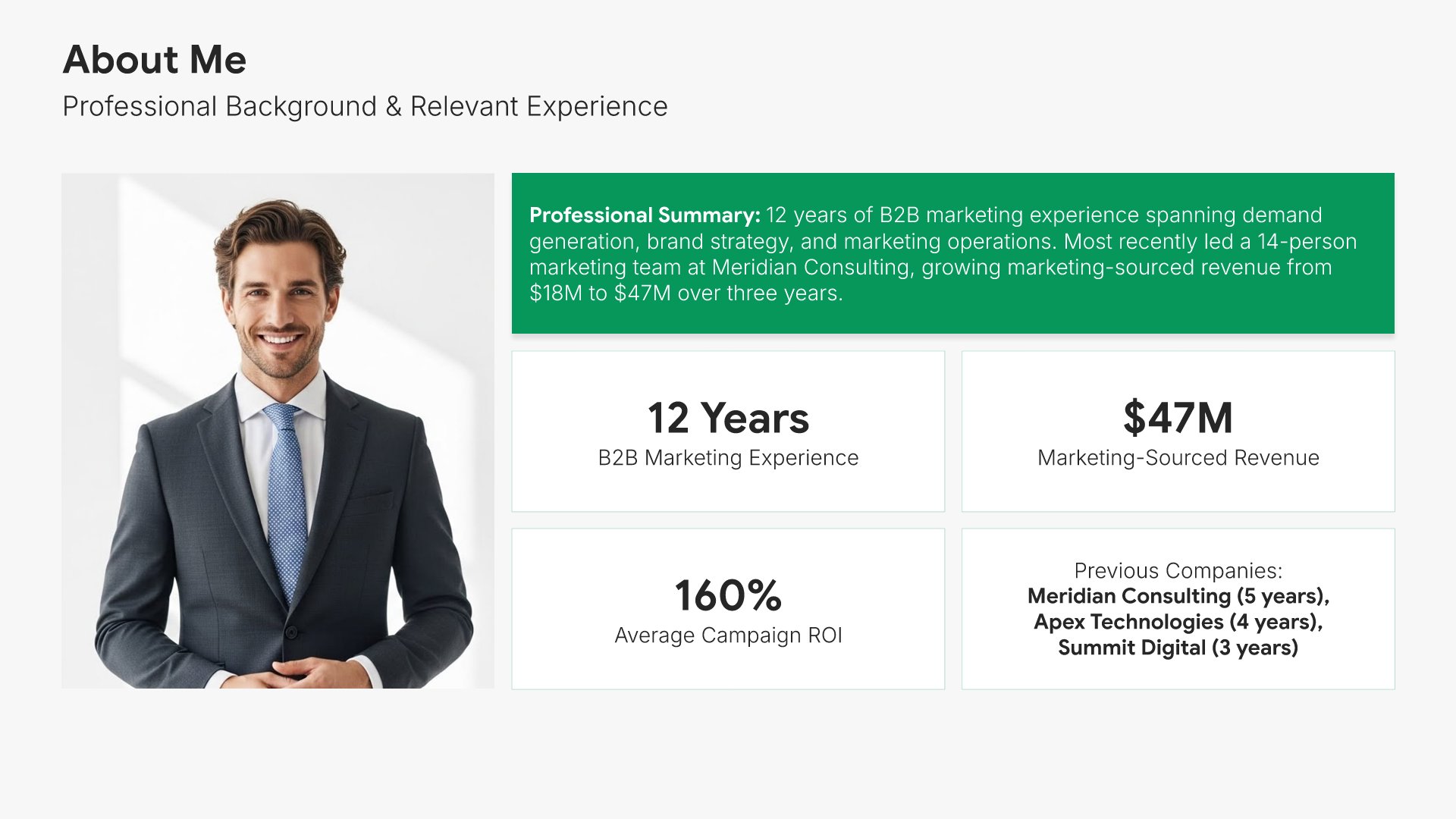
3. About Me

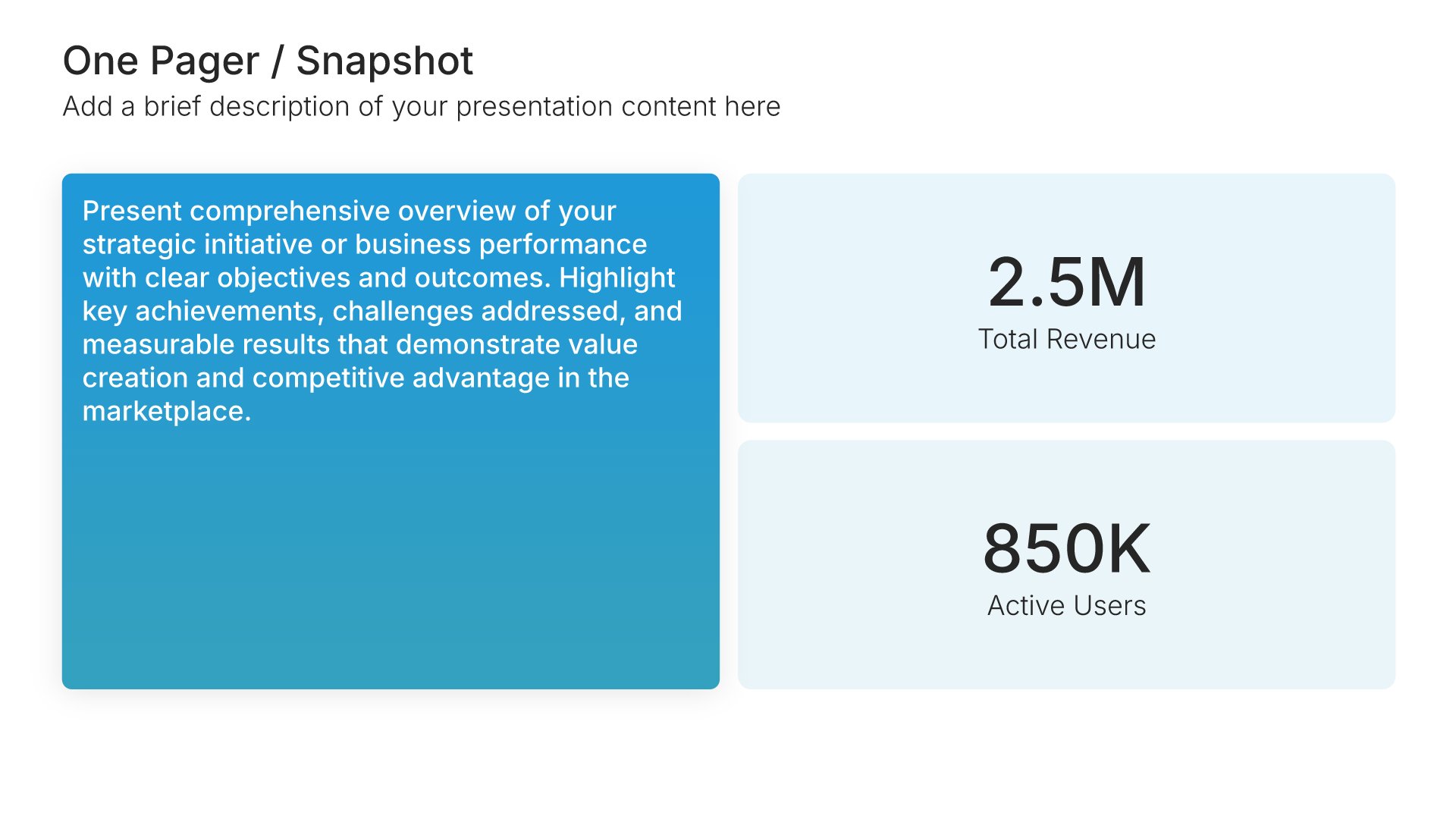
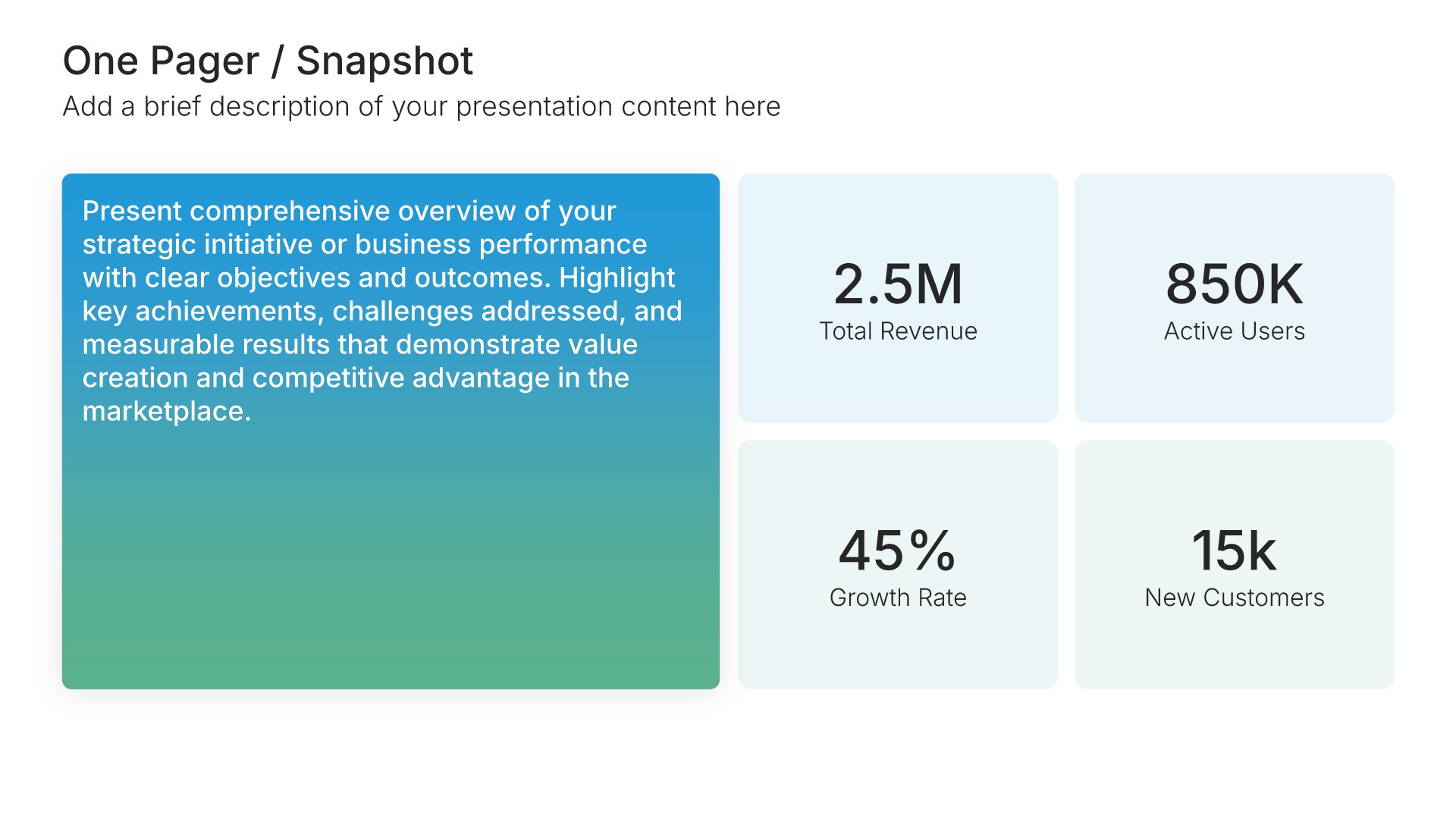
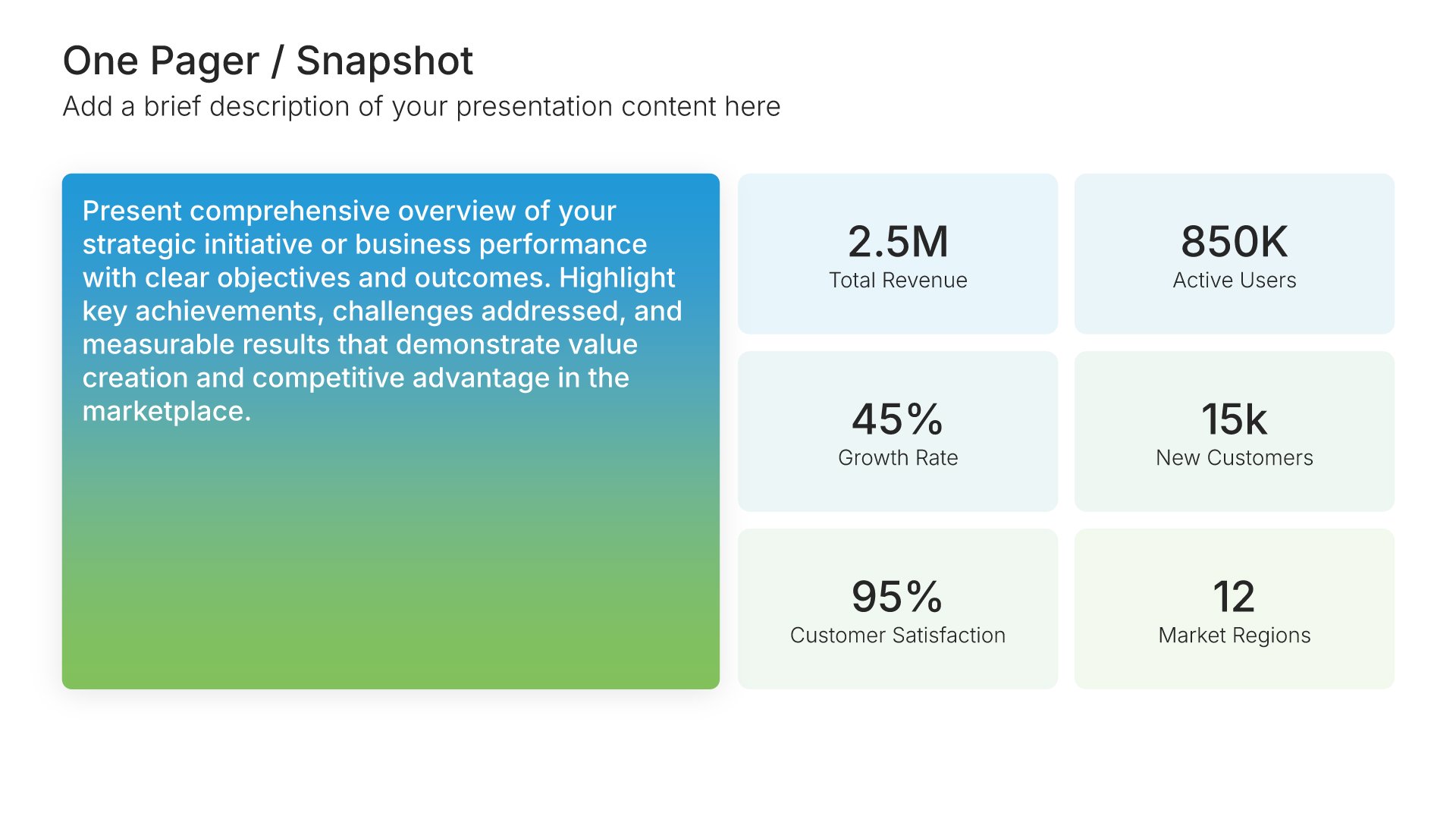
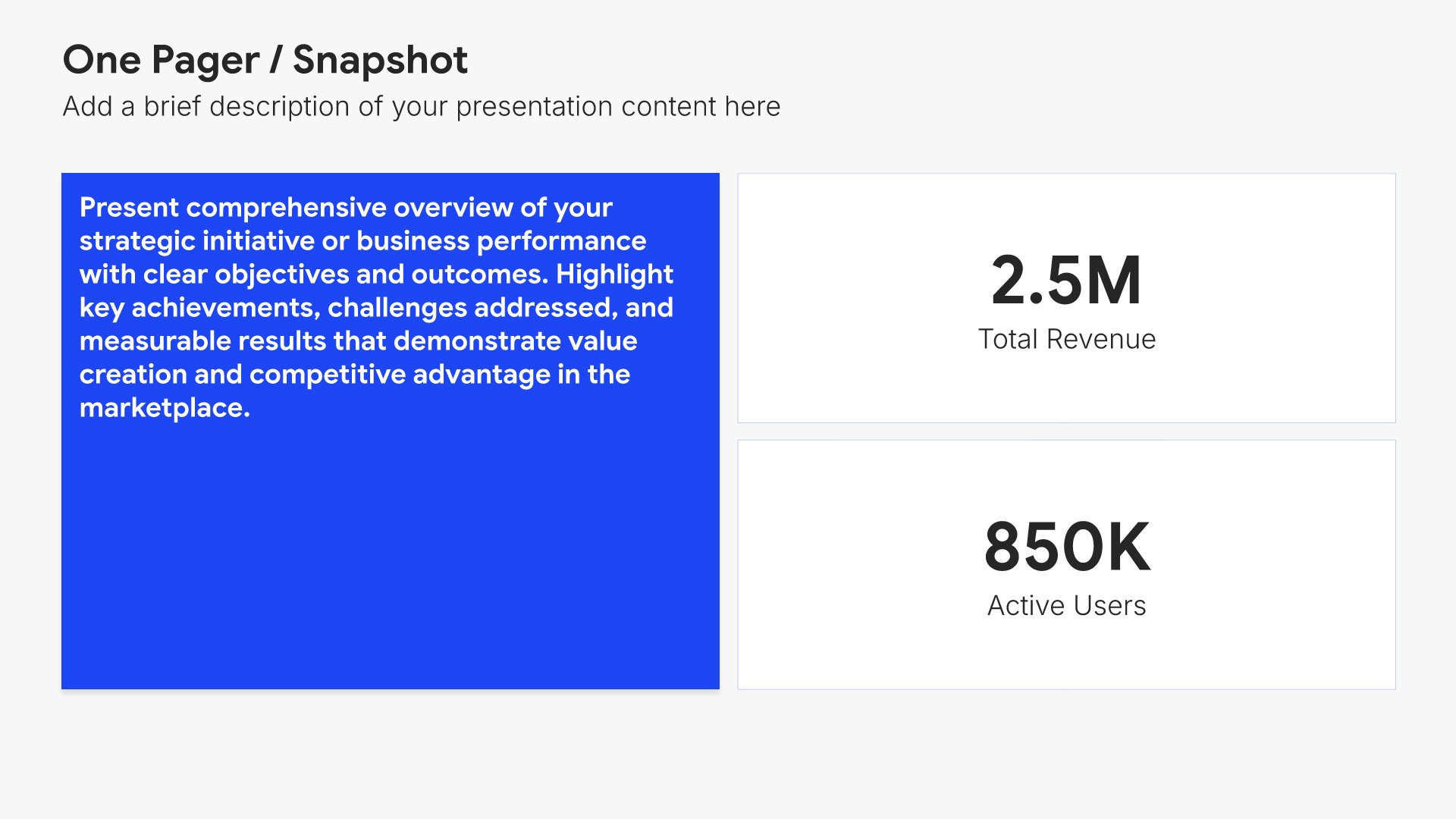
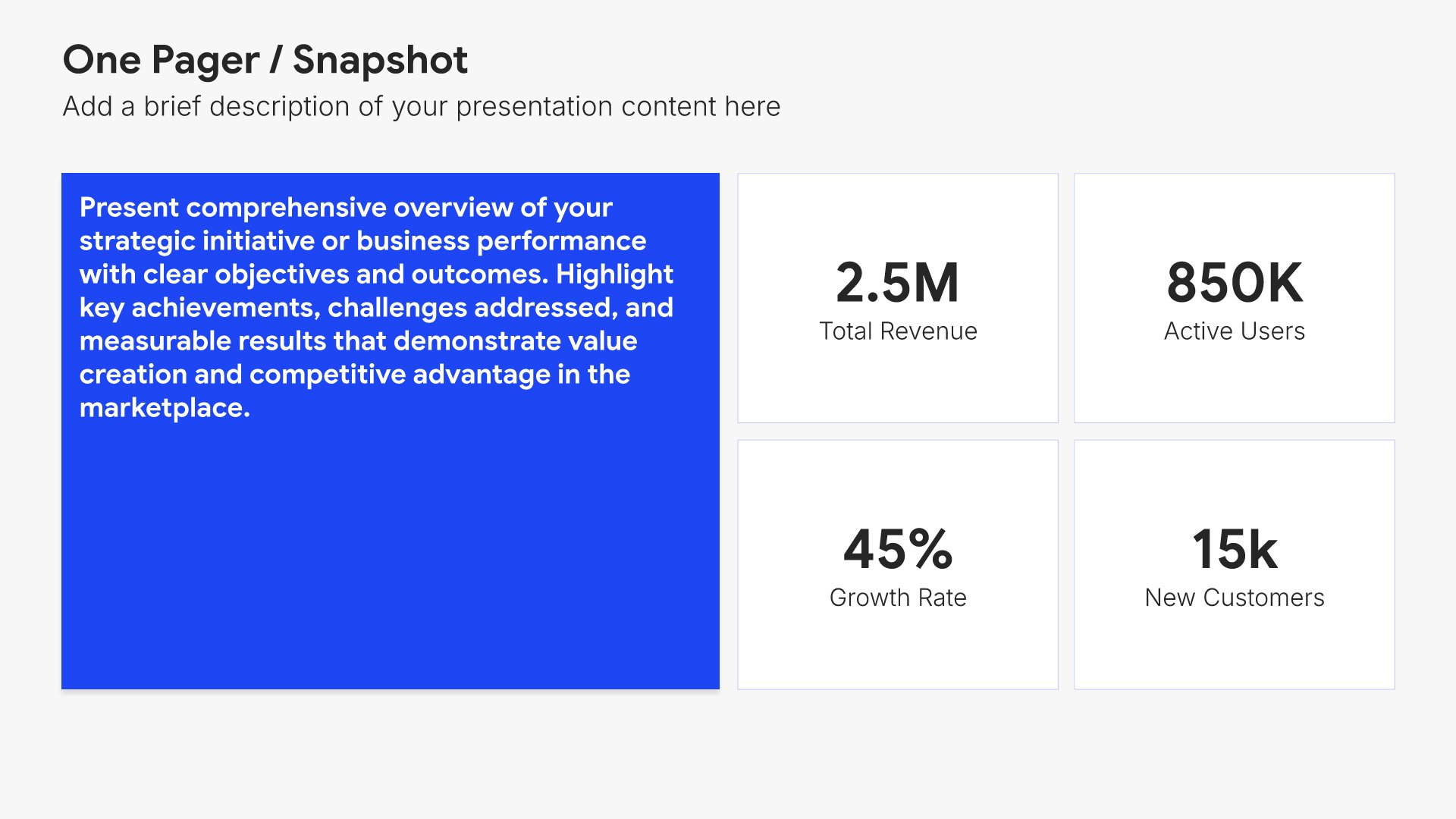
About me slides help you introduce yourself professionally to your new audience. Use them to present your background, experience, and the strengths you bring to the role. A clear about me view helps stakeholders quickly understand who you are and the perspective you bring to the team you're joining.
Built using One Pager / Snapshot slides

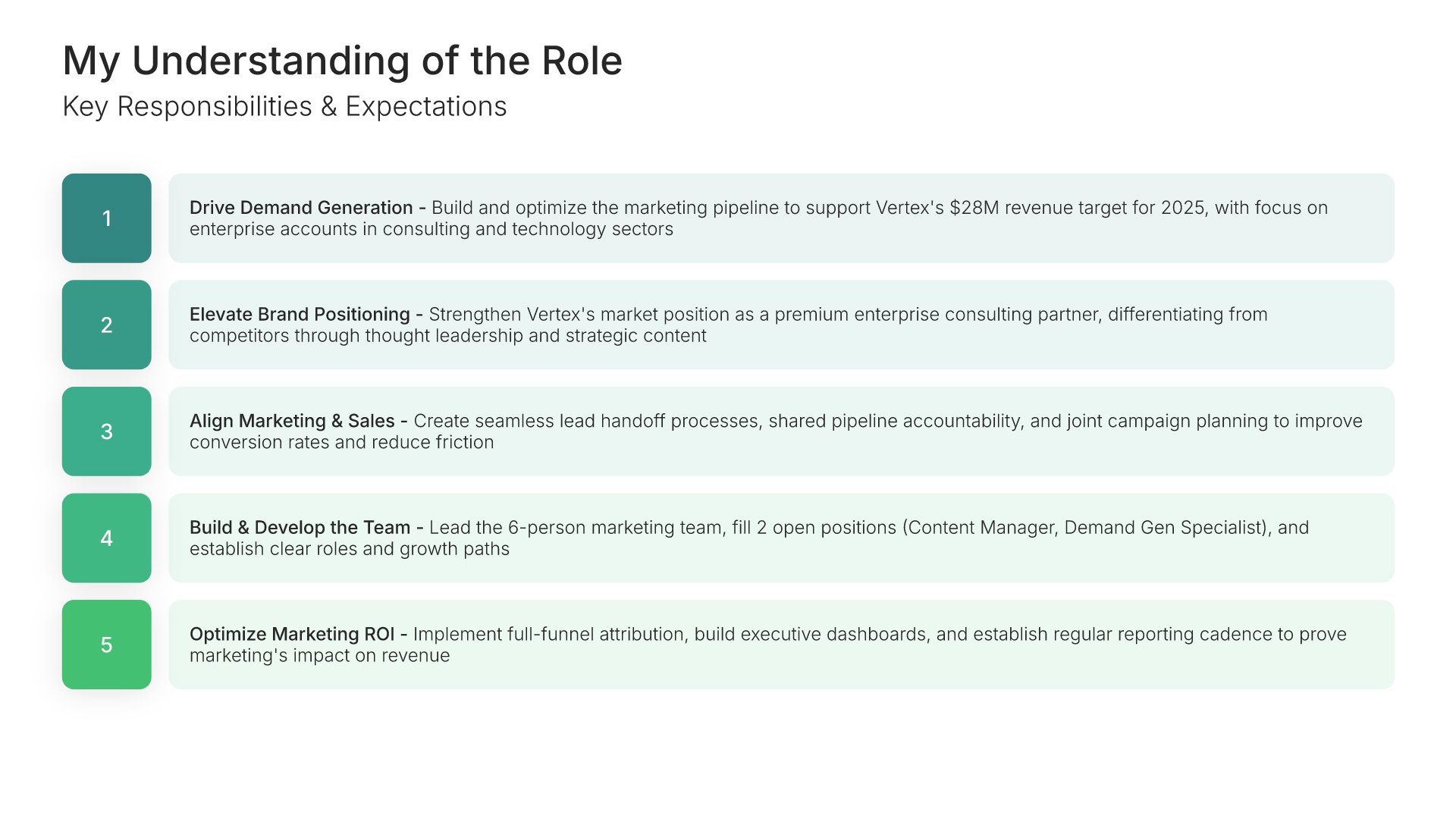
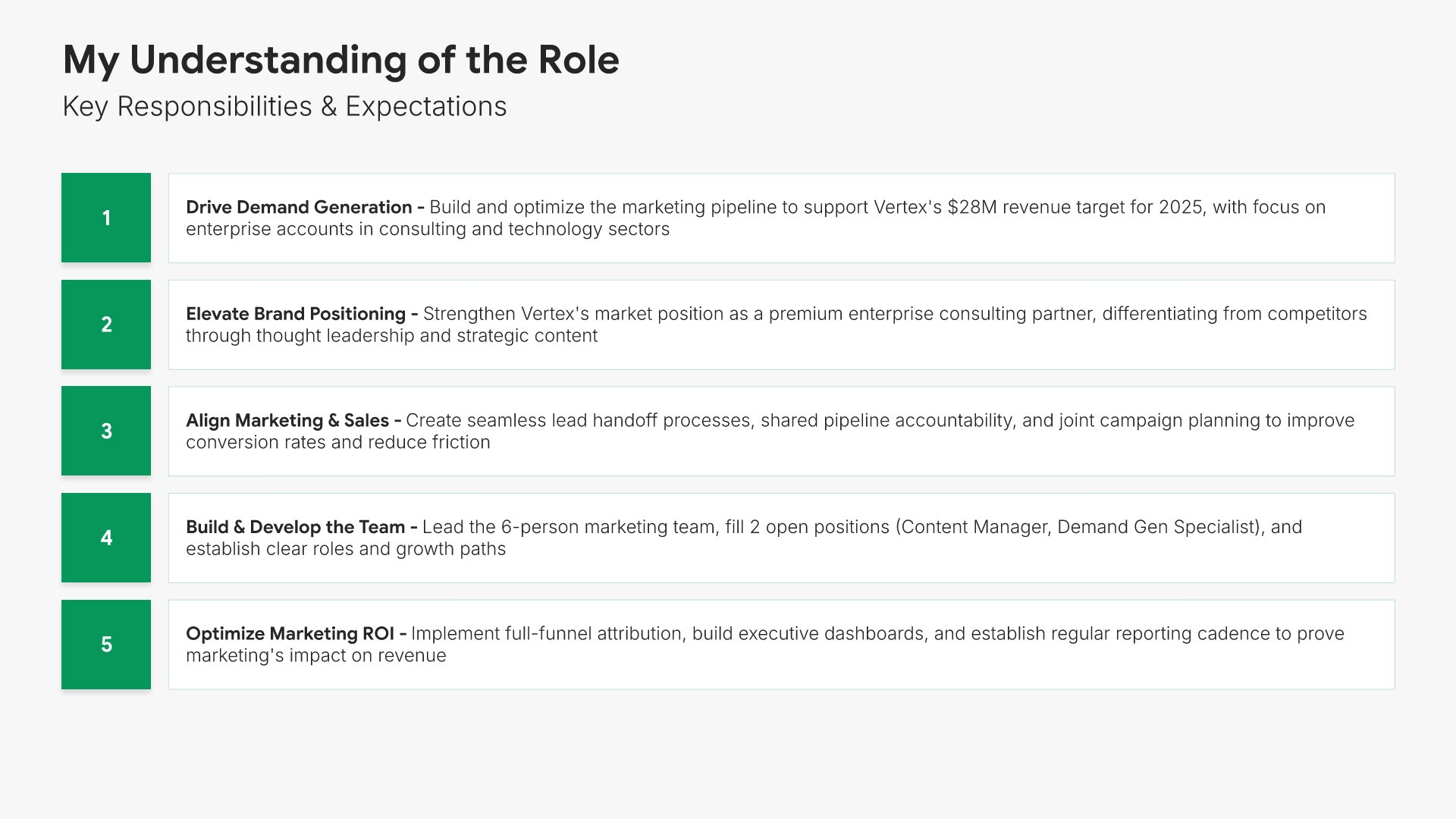
4. My Understanding of the Role

My understanding of the role slides help you demonstrate that you've internalized what your new position requires. Use them to present your view of the role's purpose, key challenges, success criteria, and stakeholder expectations. A clear understanding view shows your manager you're aligned on priorities from day one.
Built using Simple Text (with Numbers) slides

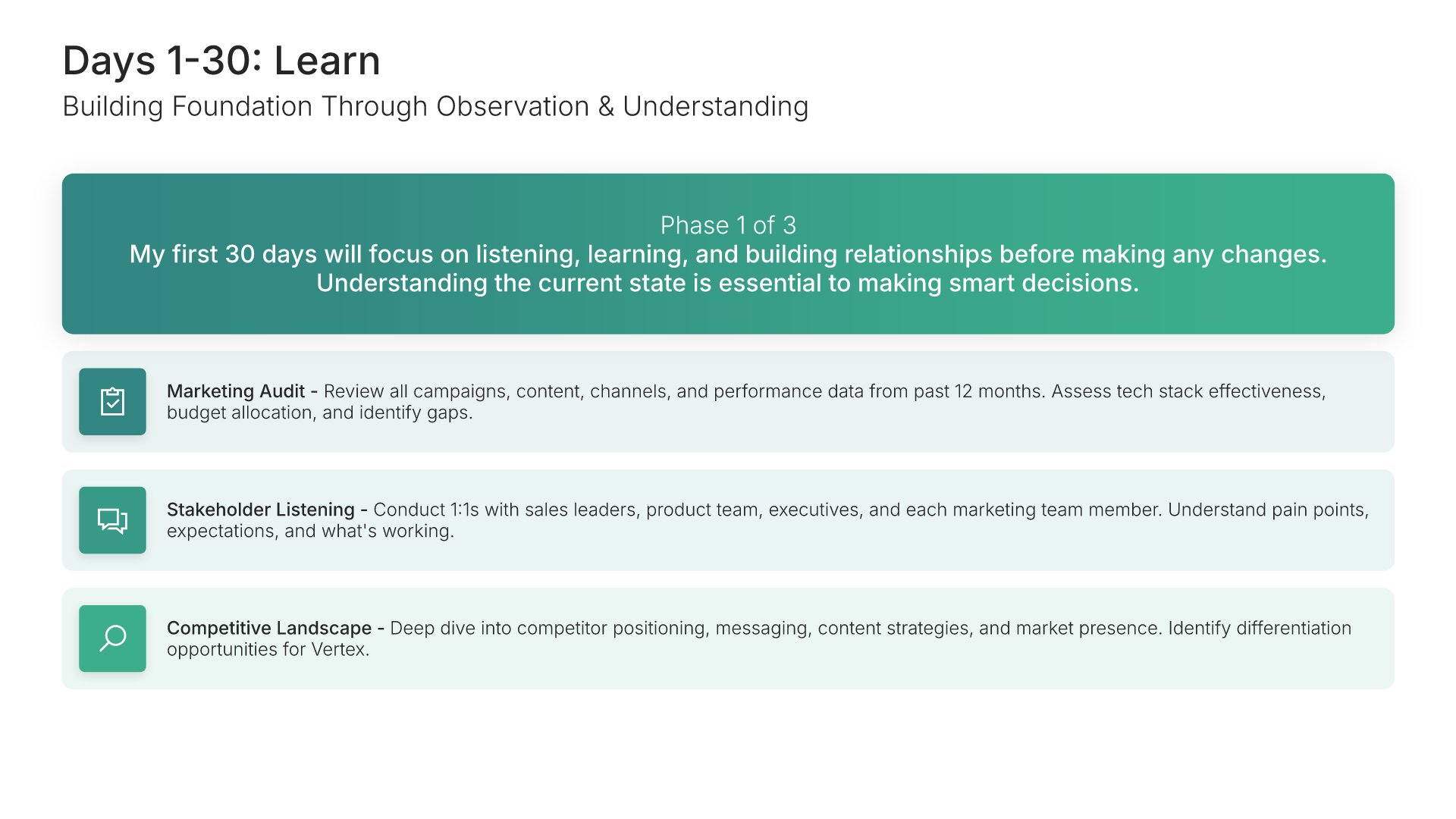
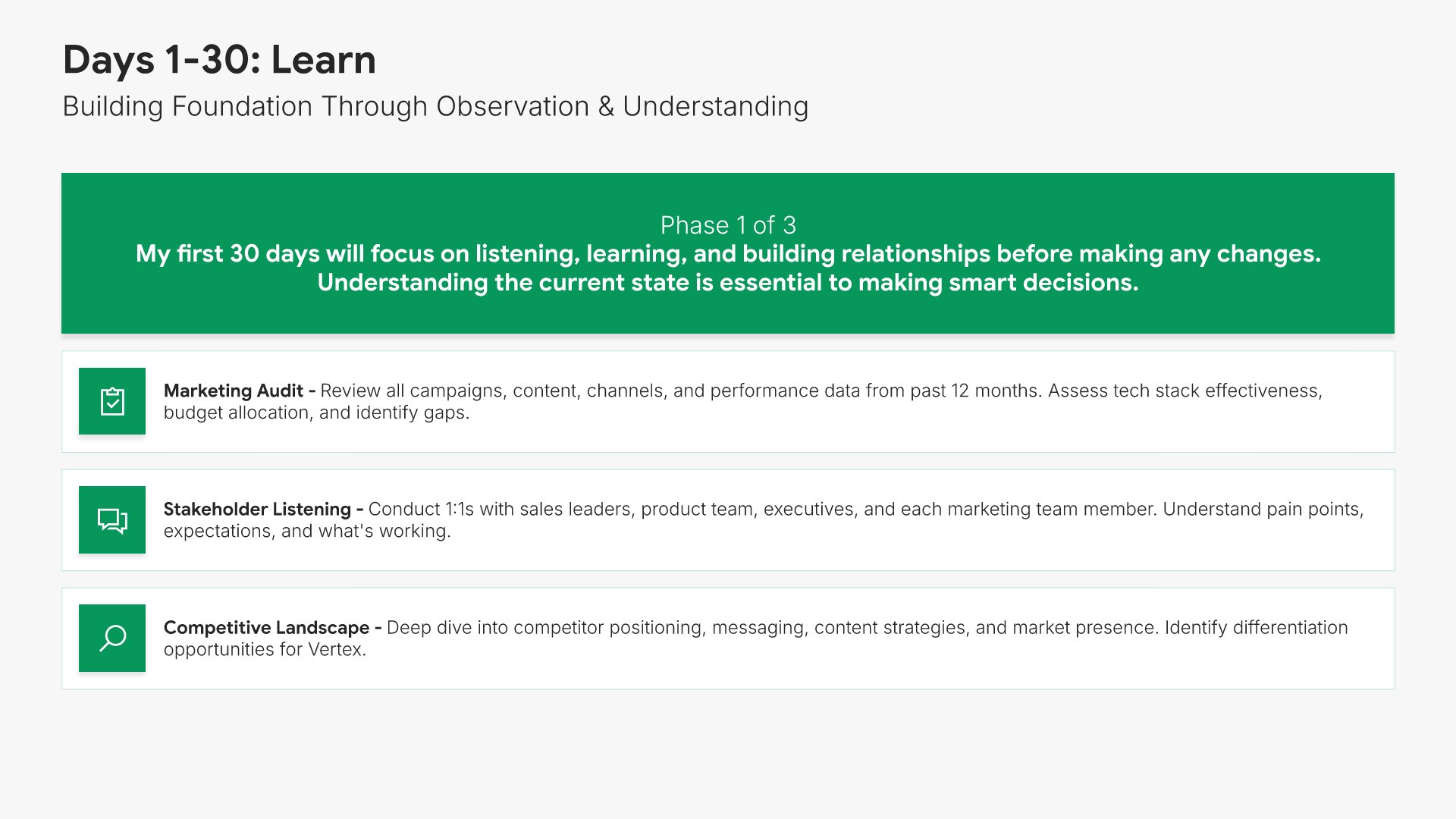
5. Days 1-30: Learn

Learn phase slides help you outline your approach to absorbing context during your first month. Use them to present priorities like meeting key stakeholders, studying the business, observing team dynamics, and listening before acting. A clear learning phase view signals humility and disciplined onboarding to managers and peers.
Built using Simple Text (with Icons) slides

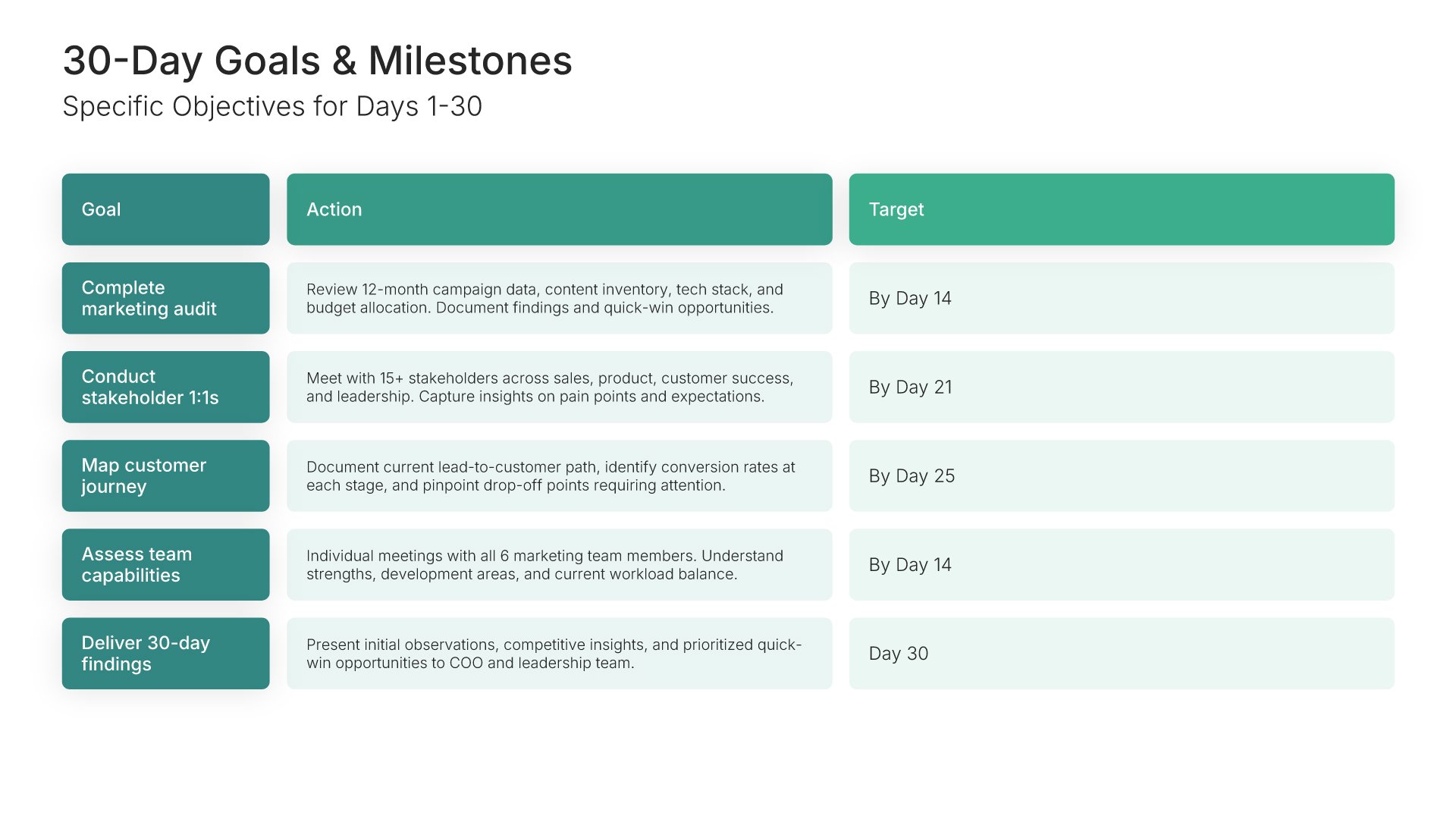
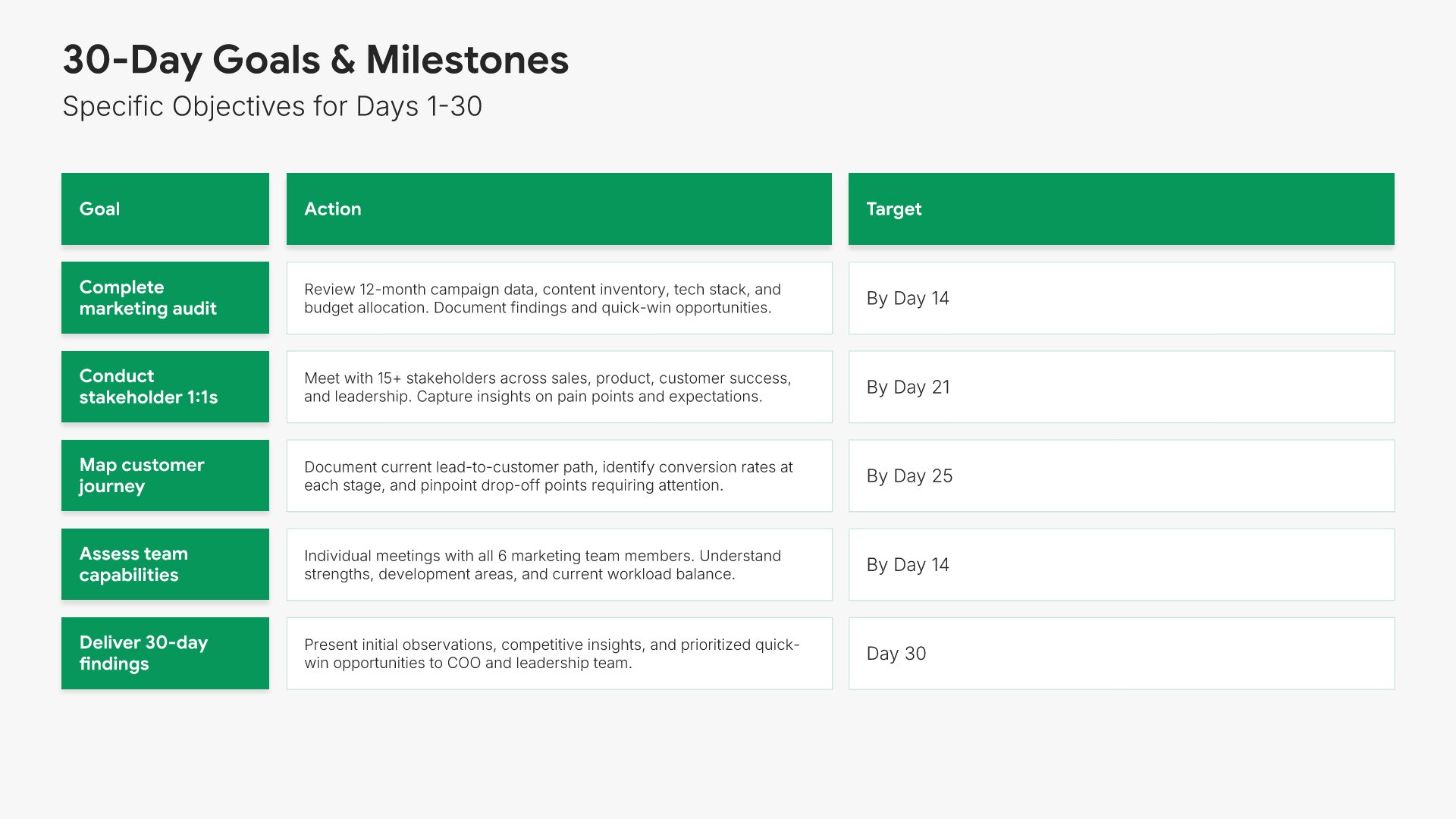
6. 30-Day Goals & Milestones

30-day goals slides help you present the specific outcomes you'll deliver in your first month. Use them to outline learning goals, relationship milestones, and the early observations you'll have completed by day 30. A clear 30-day goals view sets expectations and gives your manager a concrete view of what early progress looks like.
Built using Table slides

7. Days 31-60: Contribute

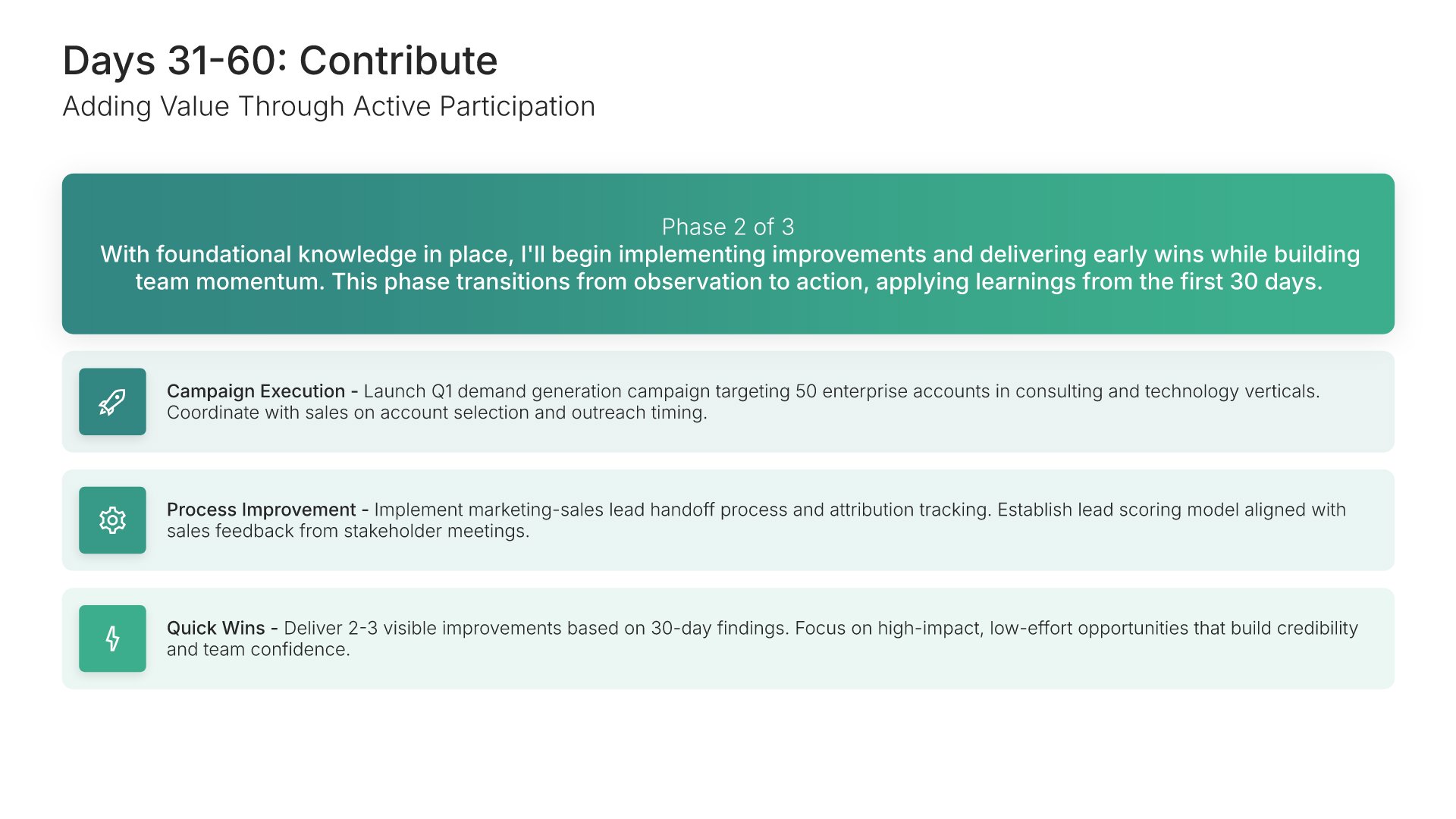
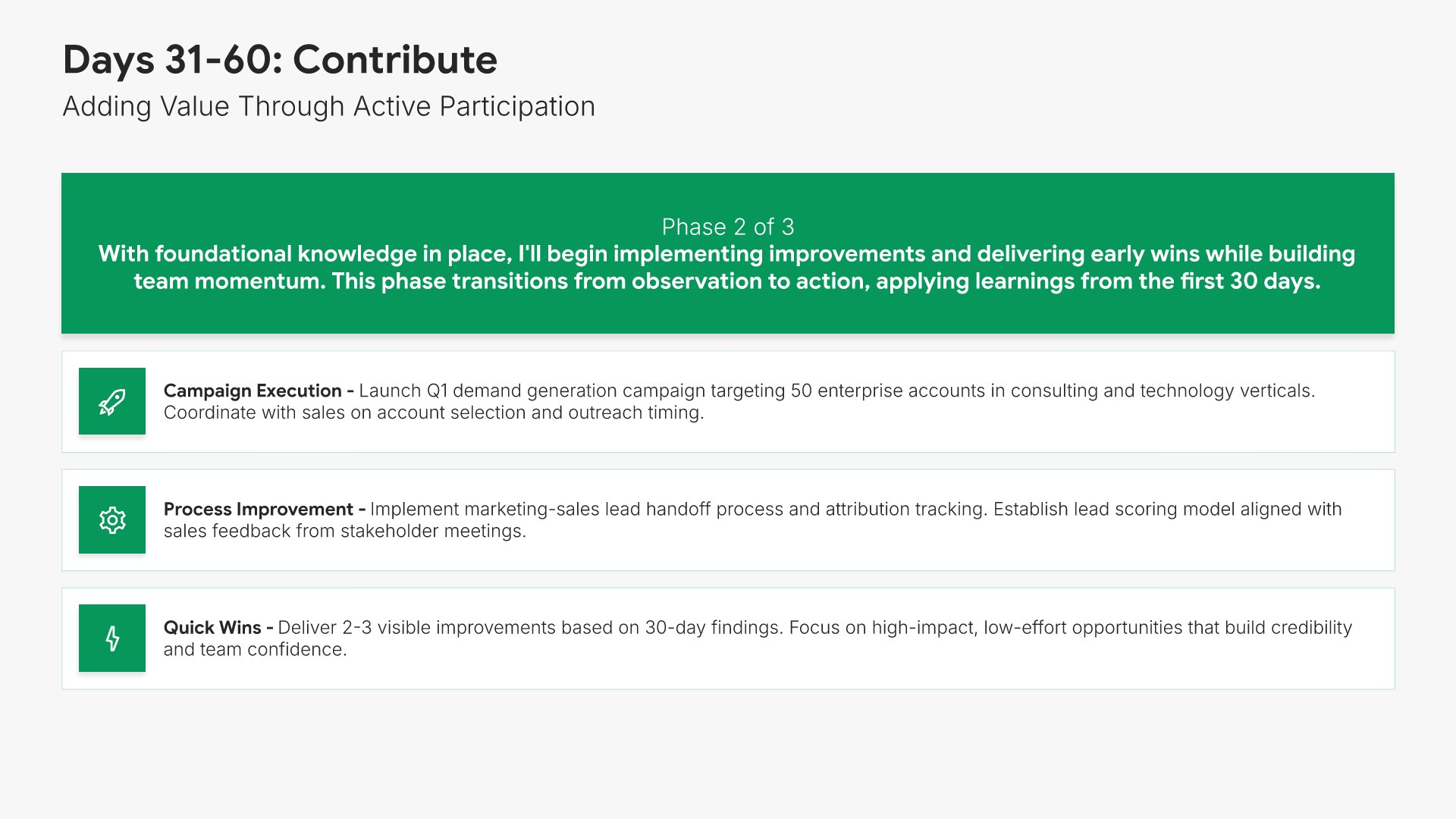
Contribute phase slides help you outline your approach to creating value during your second month. Use them to present priorities like launching initial projects, recommending improvements, and beginning to drive measurable outcomes. A clear contribute phase view signals your readiness to move from learning into meaningful action.
Built using Simple Text (with Icons) slides

8. 60-Day Goals & Milestones

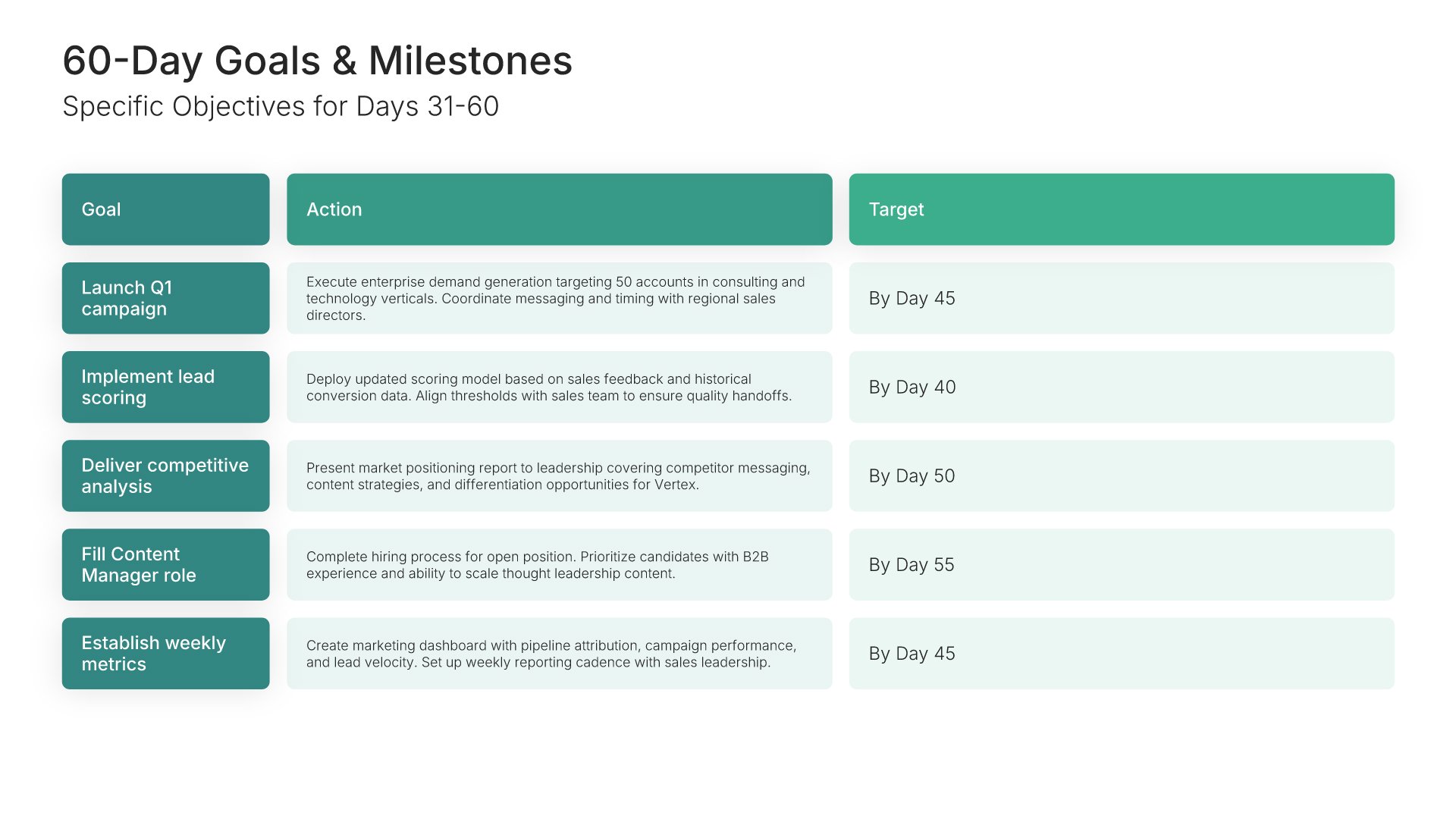
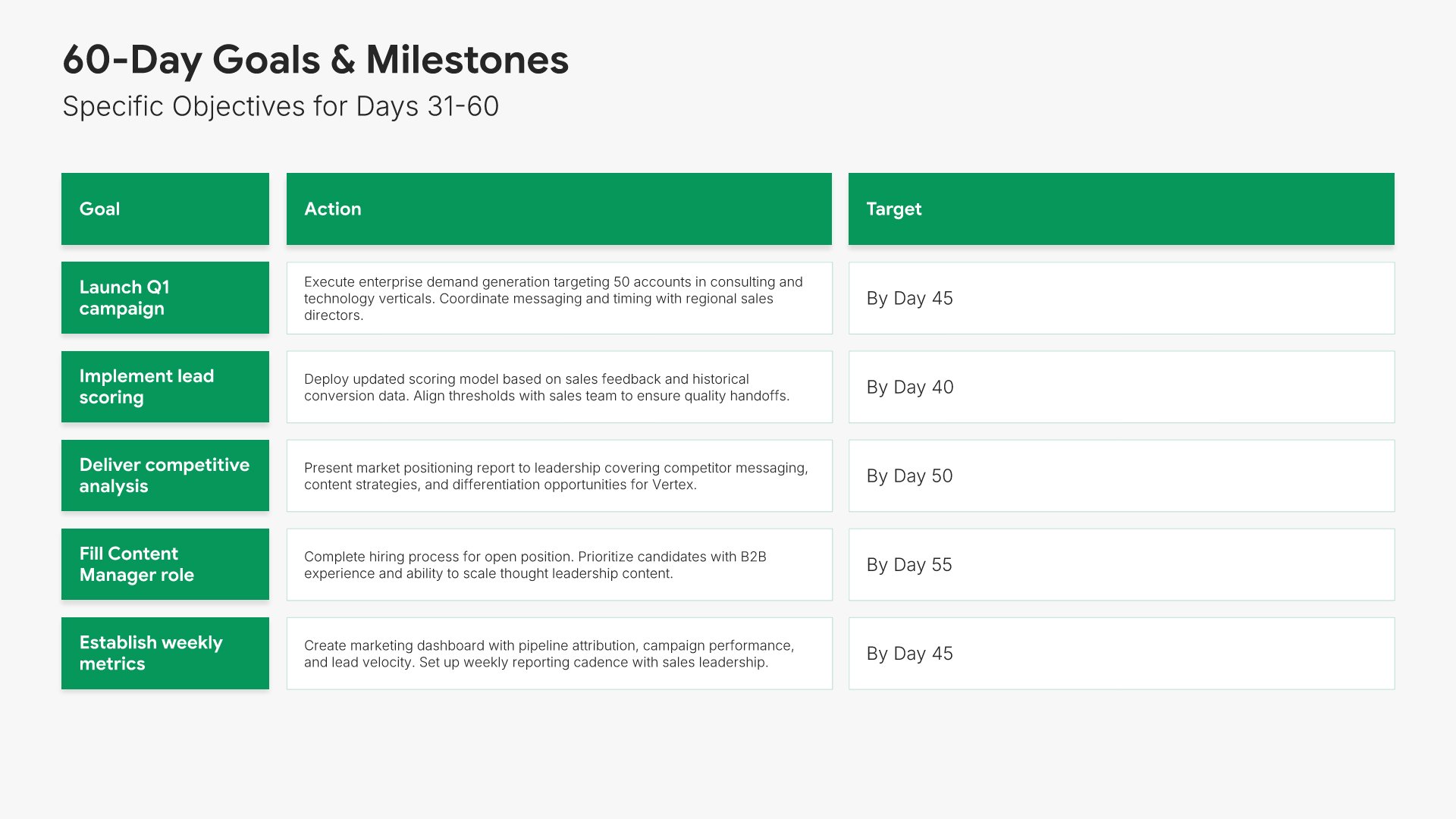
60-day goals slides help you present the specific contributions you'll deliver by the end of your second month. Use them to outline projects launched, improvements proposed, and quick wins achieved. A clear 60-day goals view shows your manager that the learning phase is translating into early business impact.
Built using Table slides

9. Days 61-90: Lead

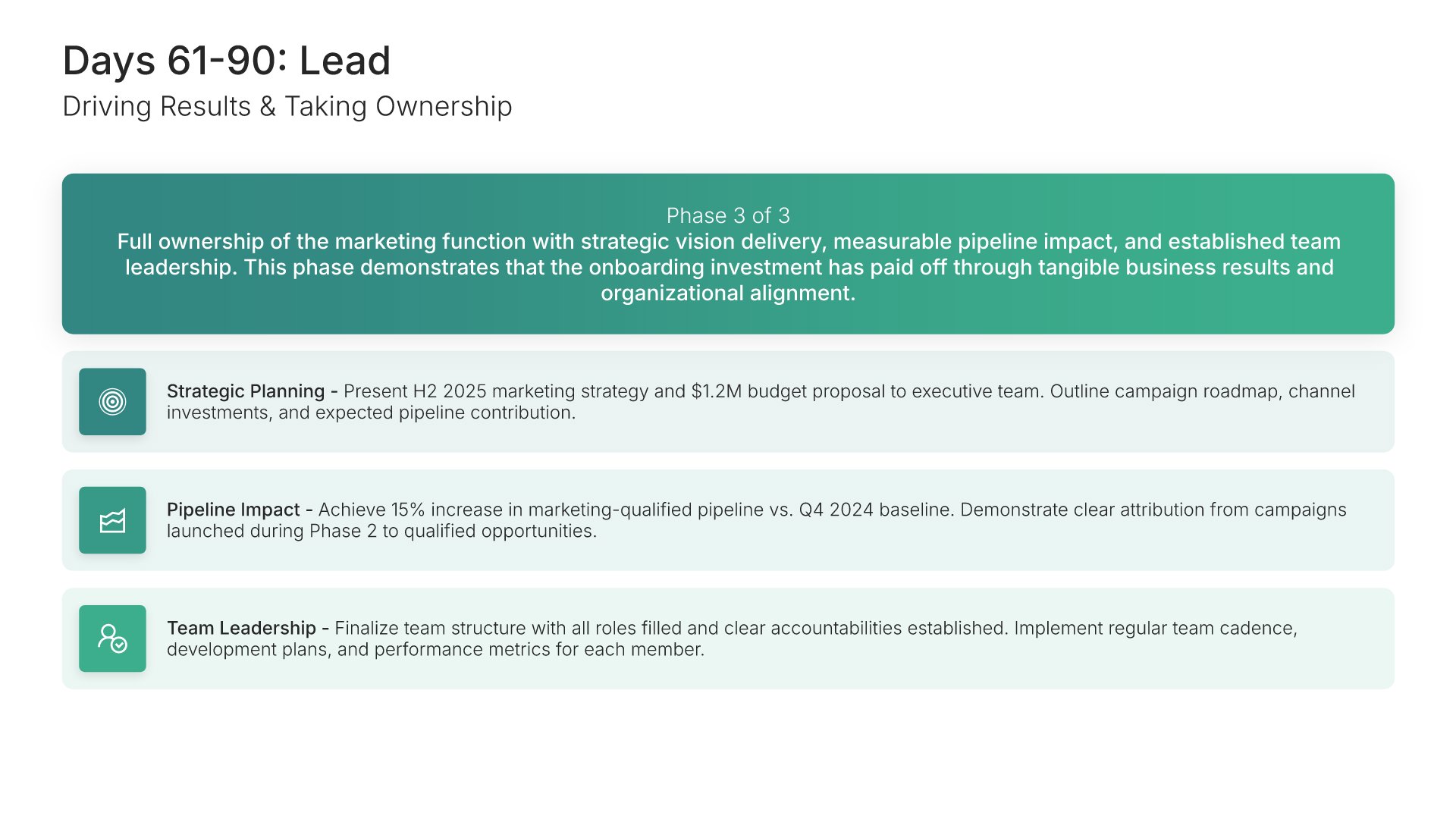
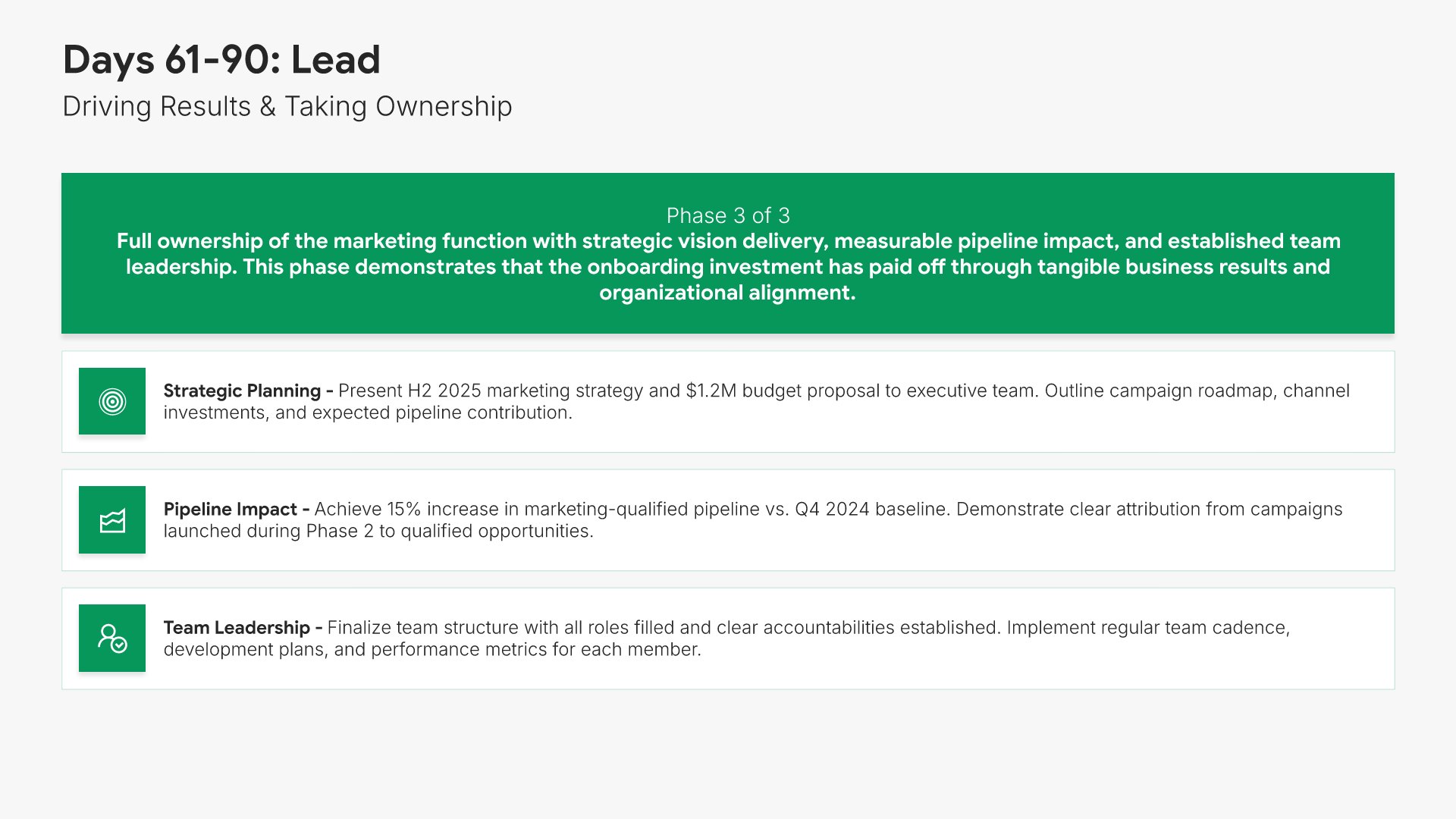
Lead phase slides help you outline how you will own your function and drive results in your third month. Use them to present priorities like setting strategy, leading initiatives, and being accountable for measurable outcomes. A clear lead phase view signals readiness to take full ownership of the role and deliver sustained impact.
Built using Simple Text (with Icons) slides

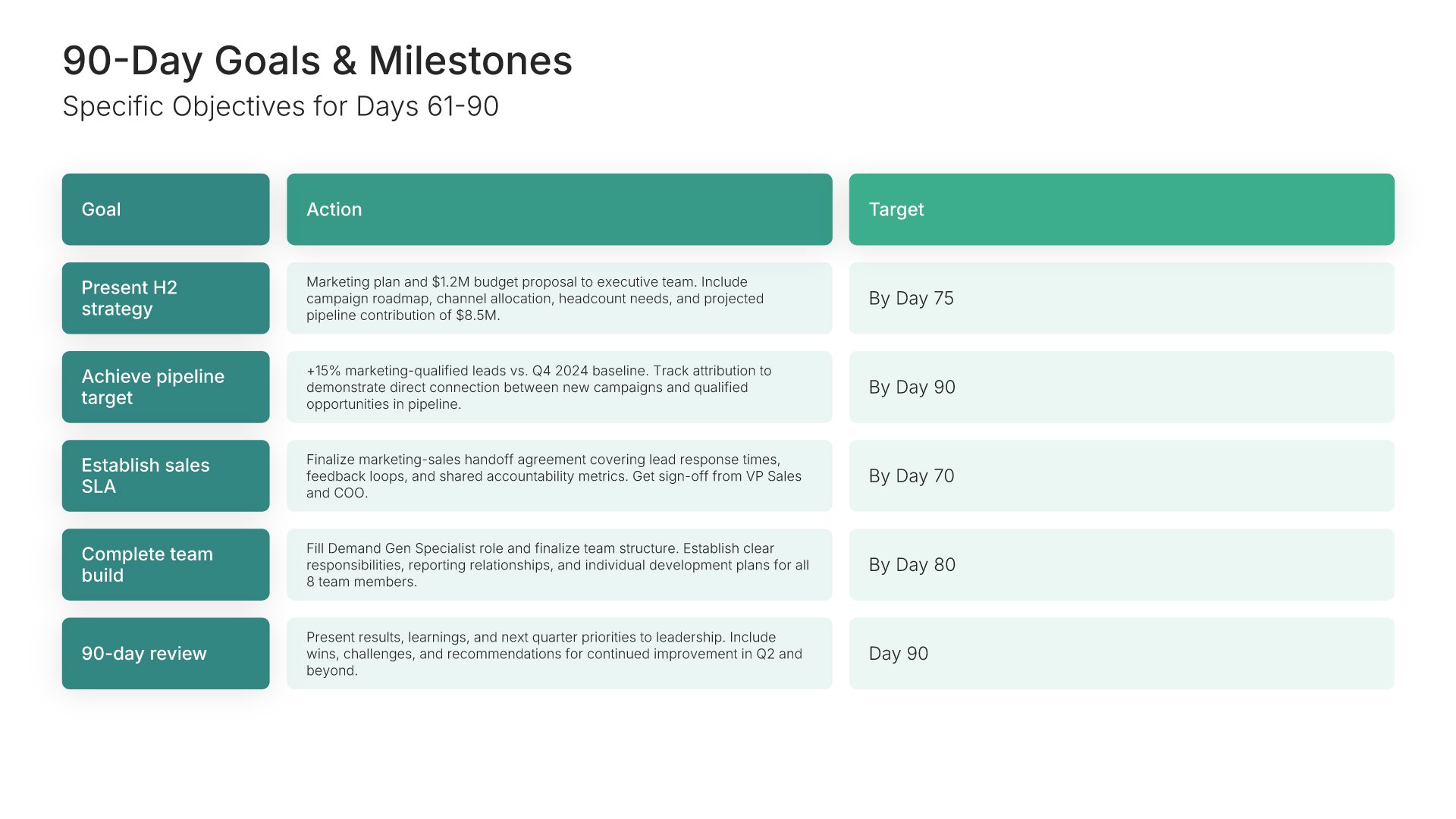
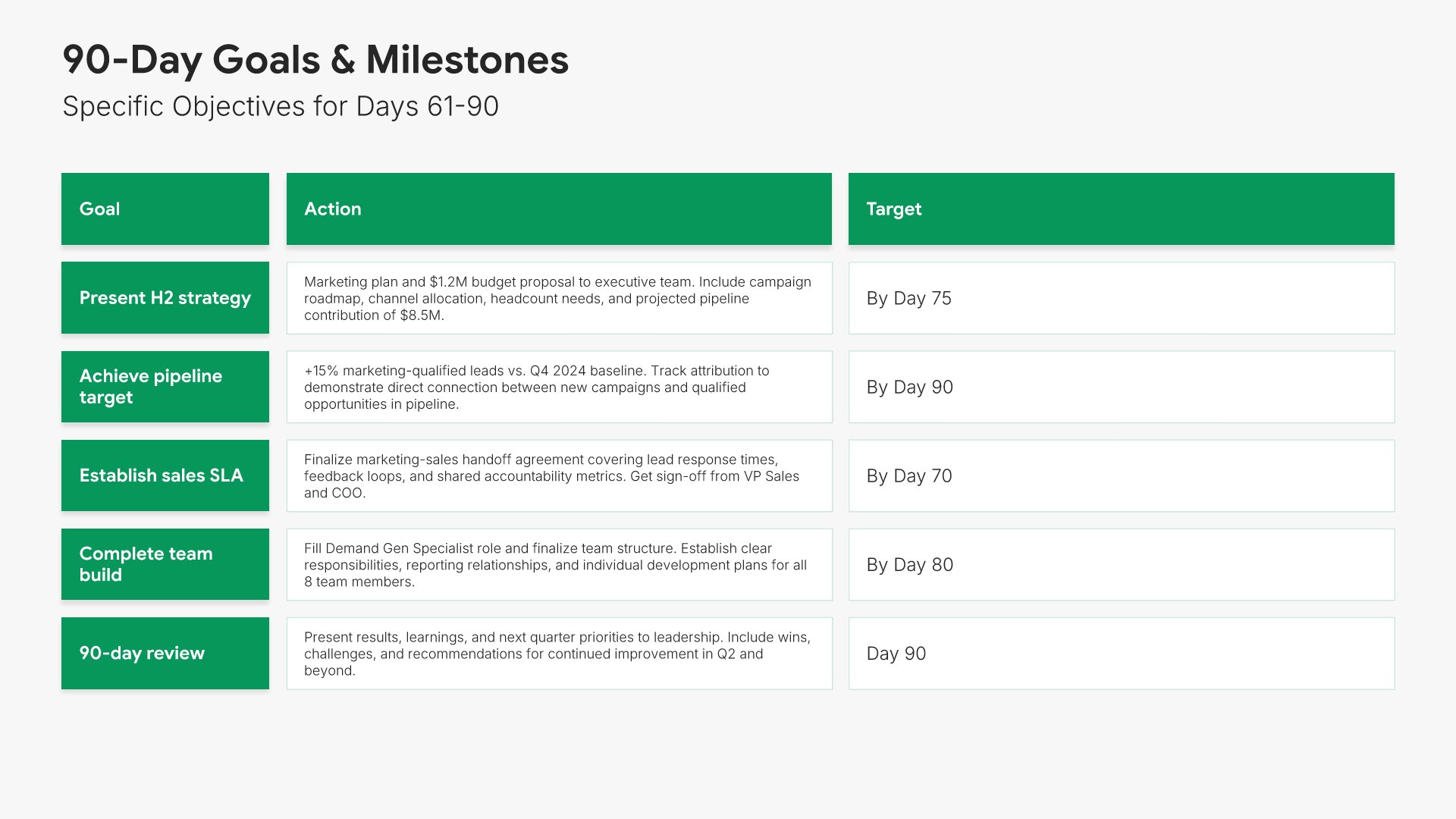
10. 90-Day Goals & Milestones

90-day goals slides help you present the specific results you'll deliver by the end of your third month. Use them to outline strategy delivered, programs launched, and measurable outcomes achieved. A clear 90-day goals view shows your manager that the onboarding has translated into tangible business value and full ownership.
Built using Table slides

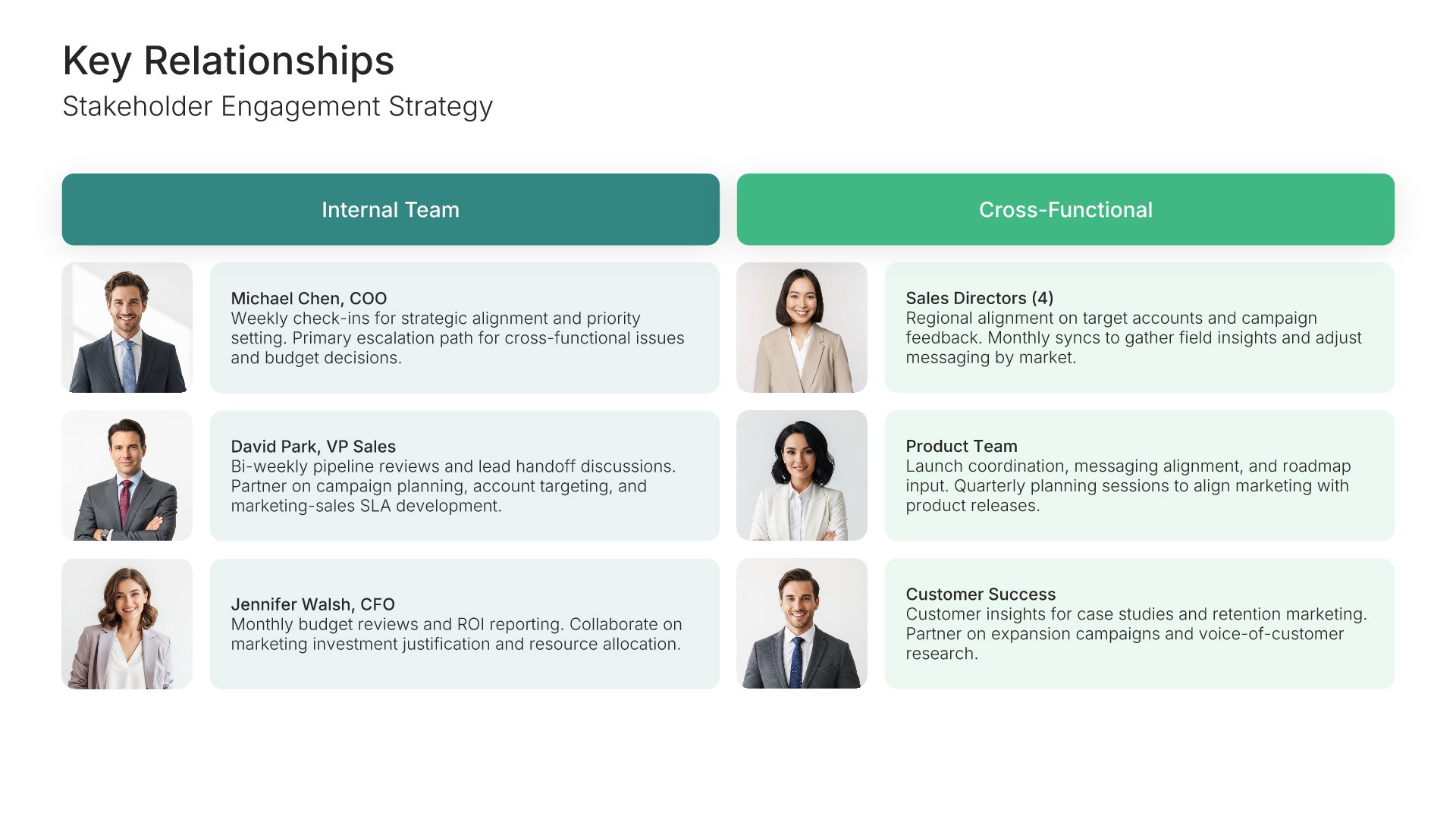
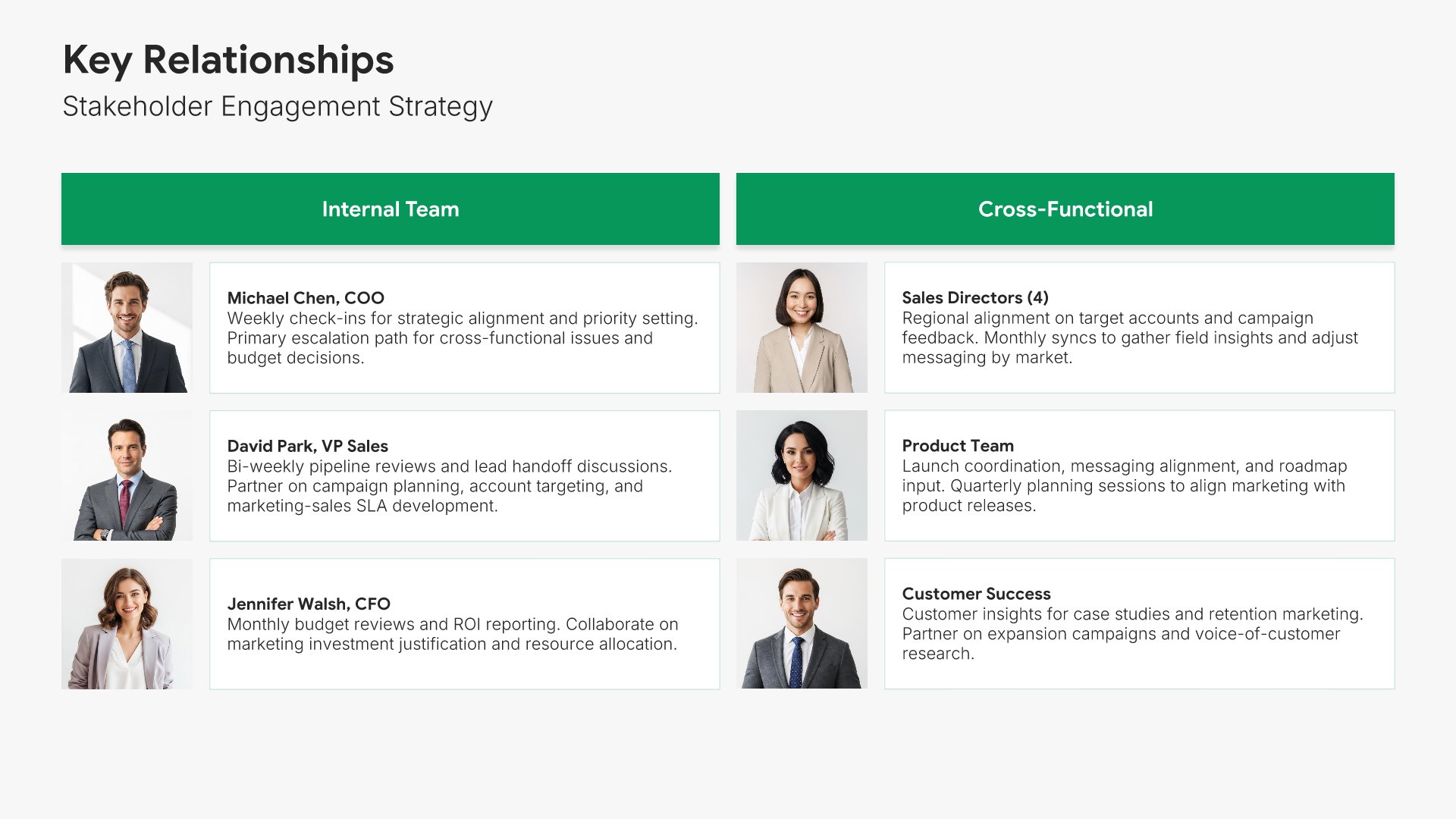
11. Key Relationships

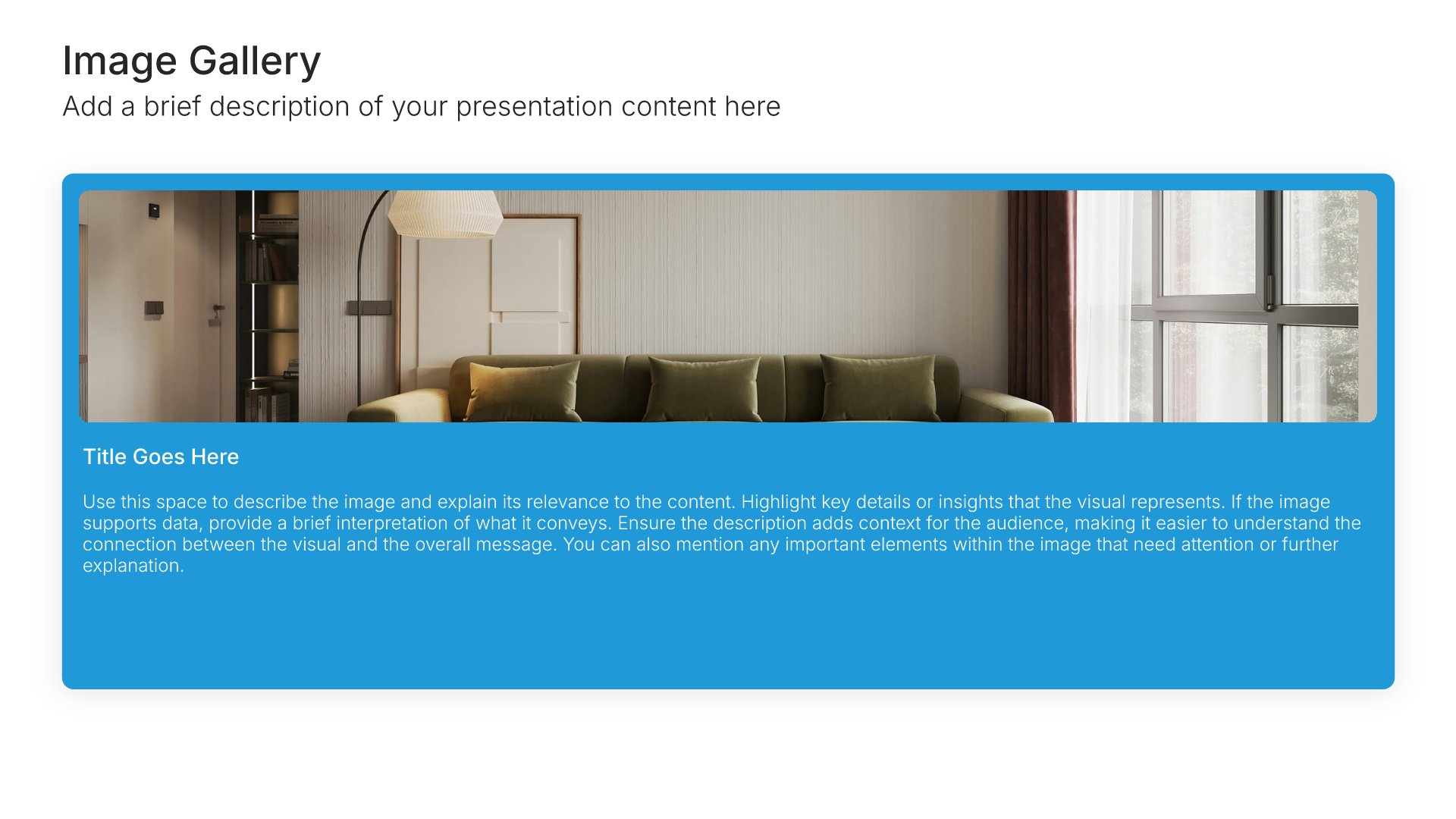
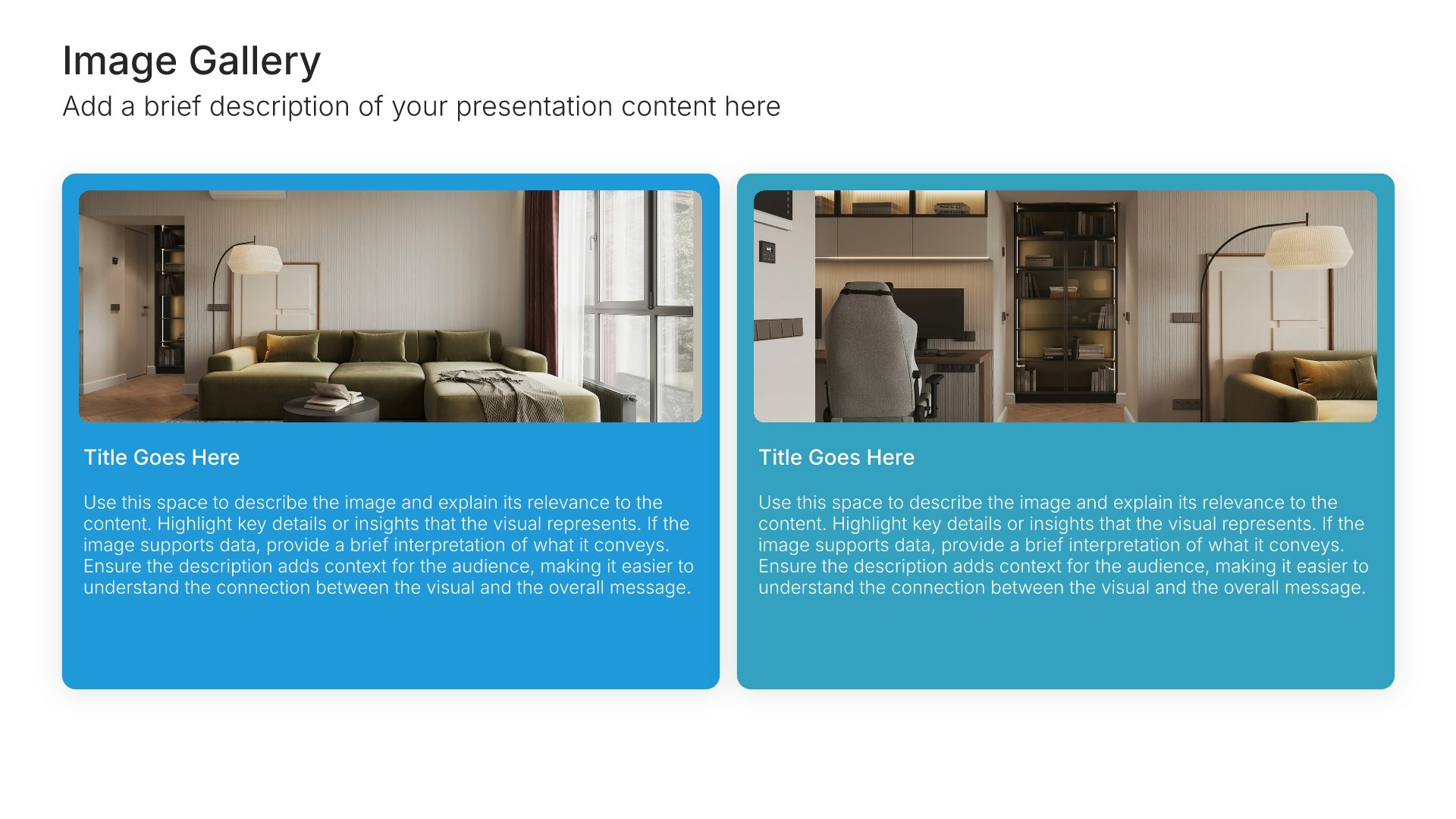
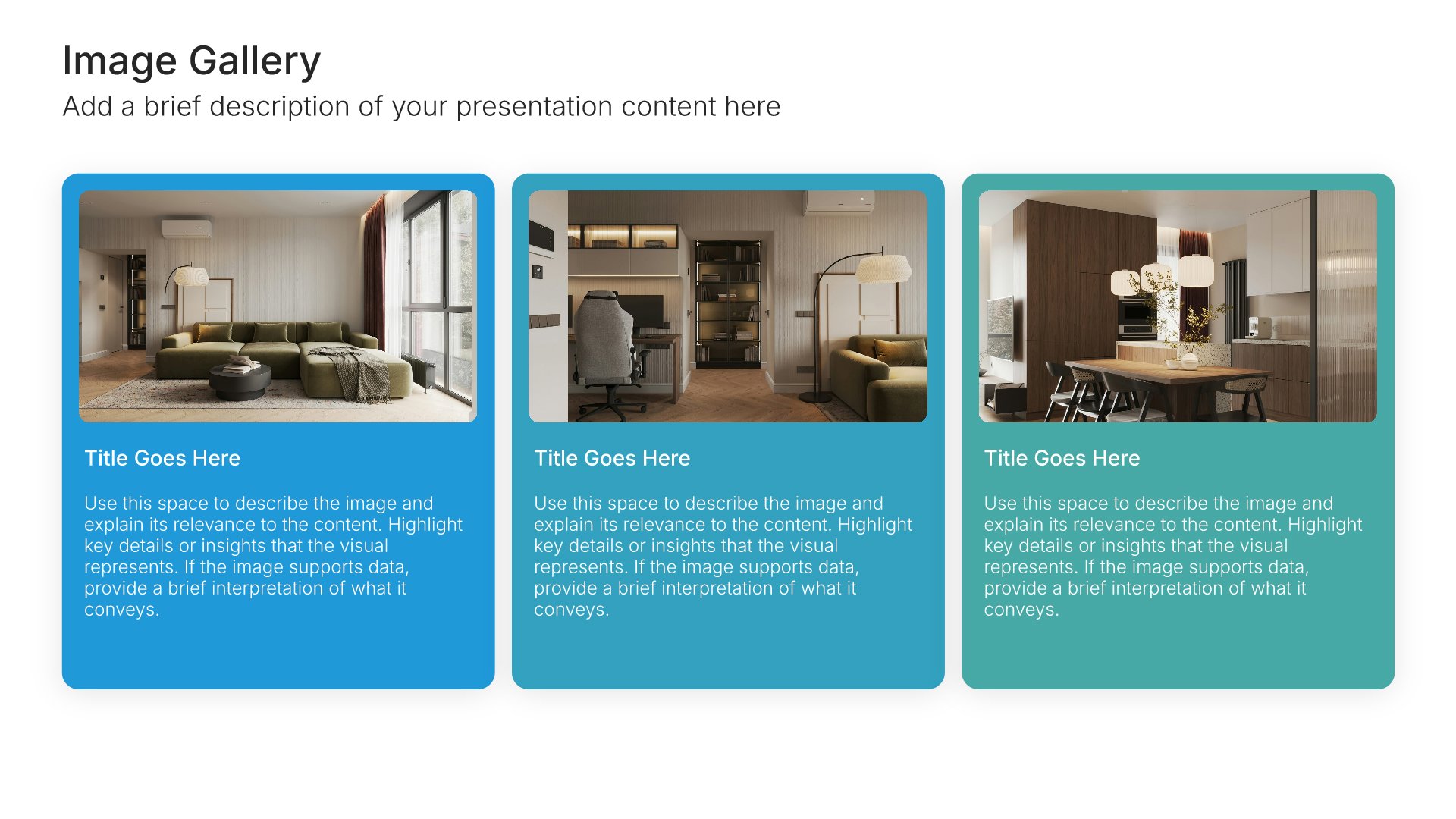
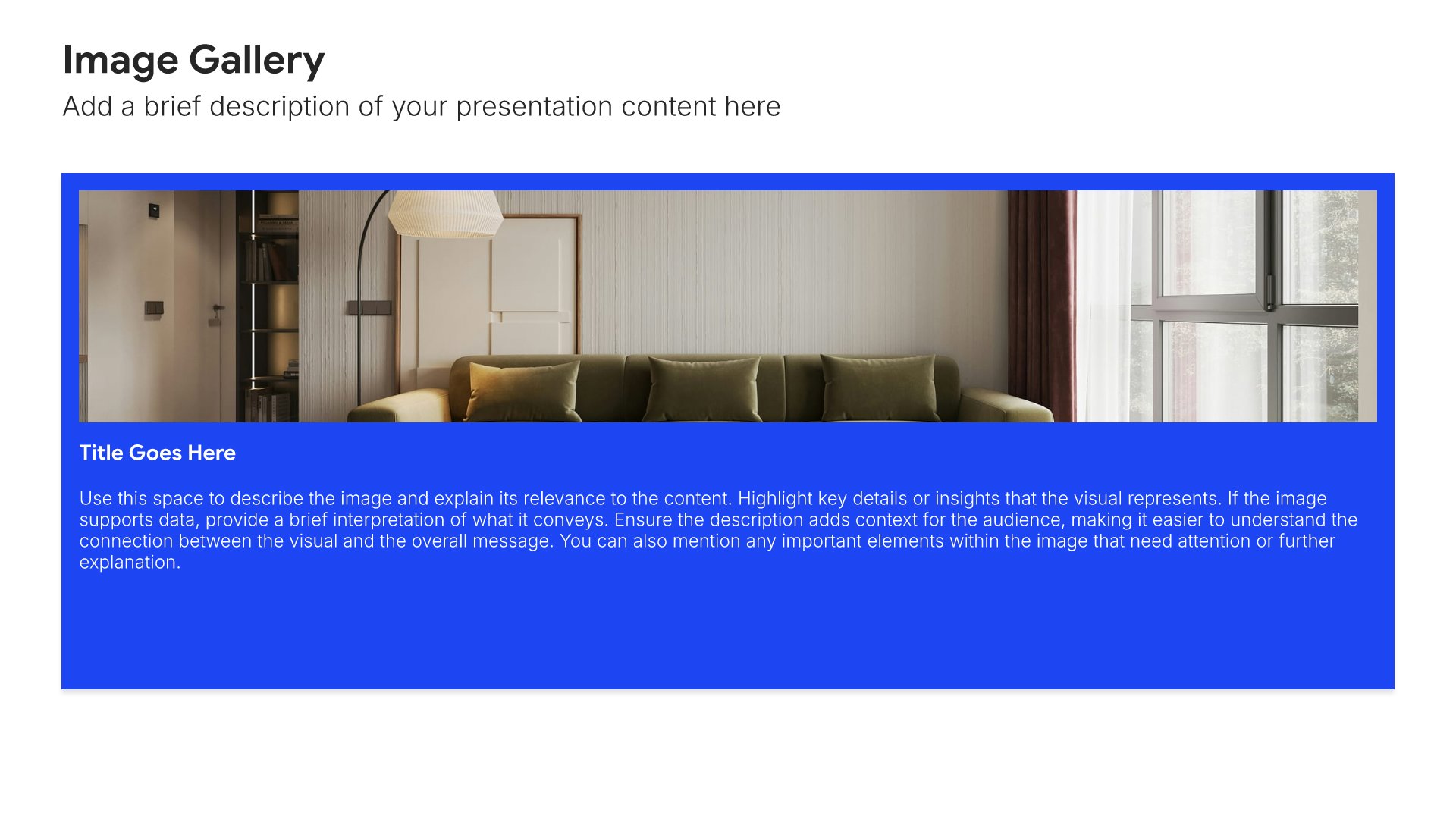
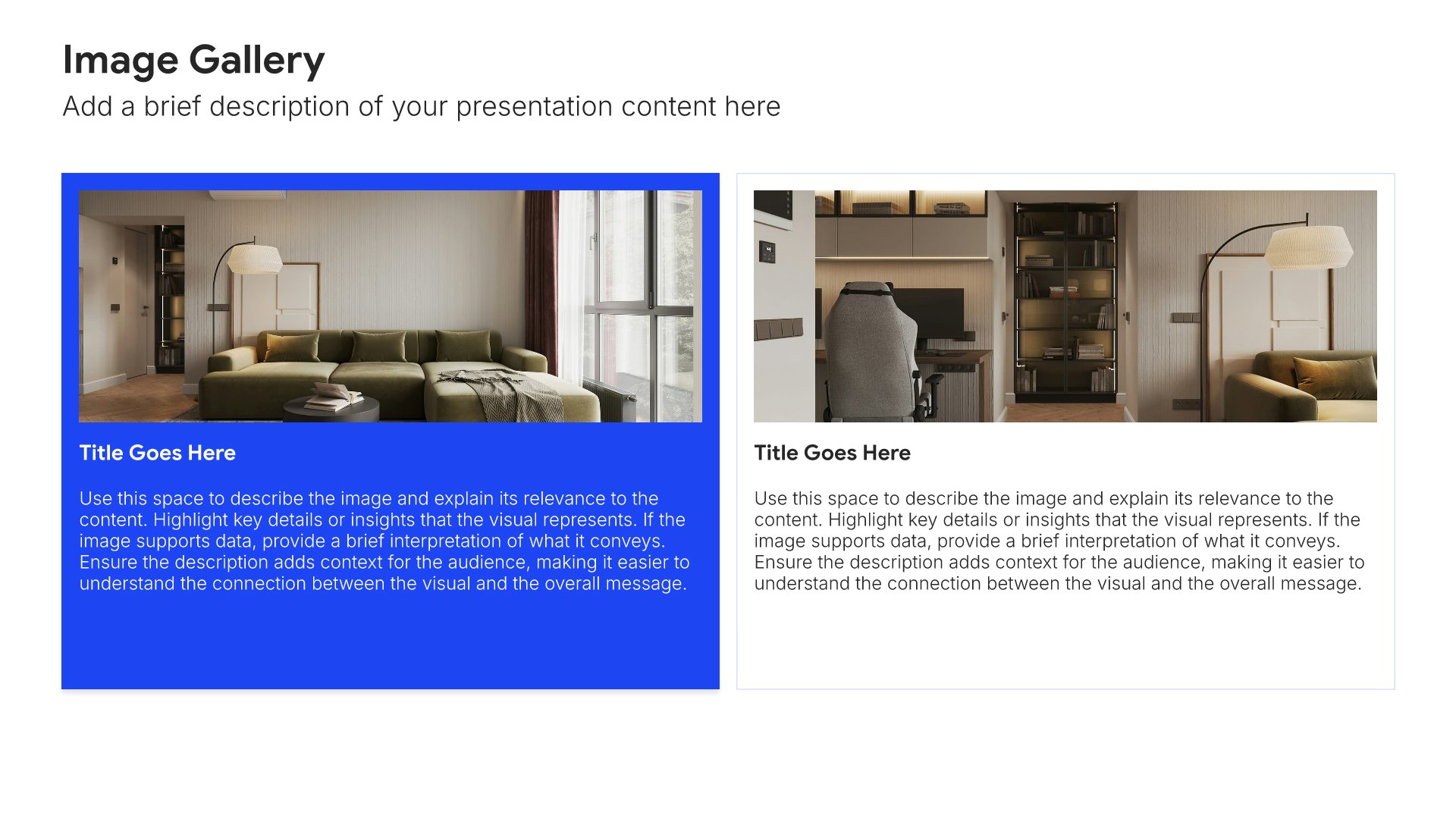
Key relationships slides help you map the people you'll partner with to succeed in your role. Use them to present internal stakeholders, cross-functional partners, and external contacts you'll build during your first 90 days. A clear relationships view shows your manager that early success depends on building strong working partnerships.
Built using Image Gallery slides

12. Success Metrics

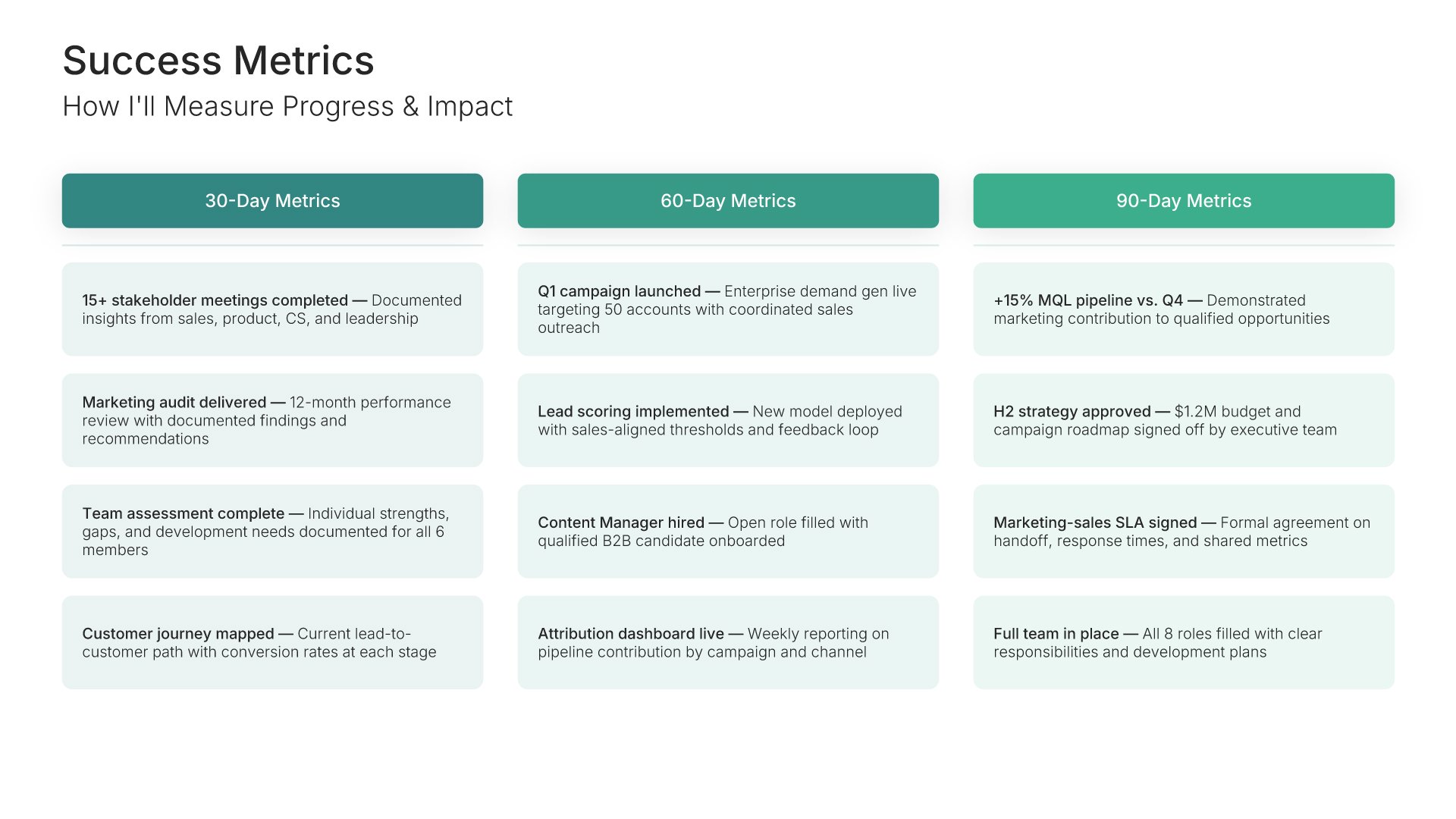
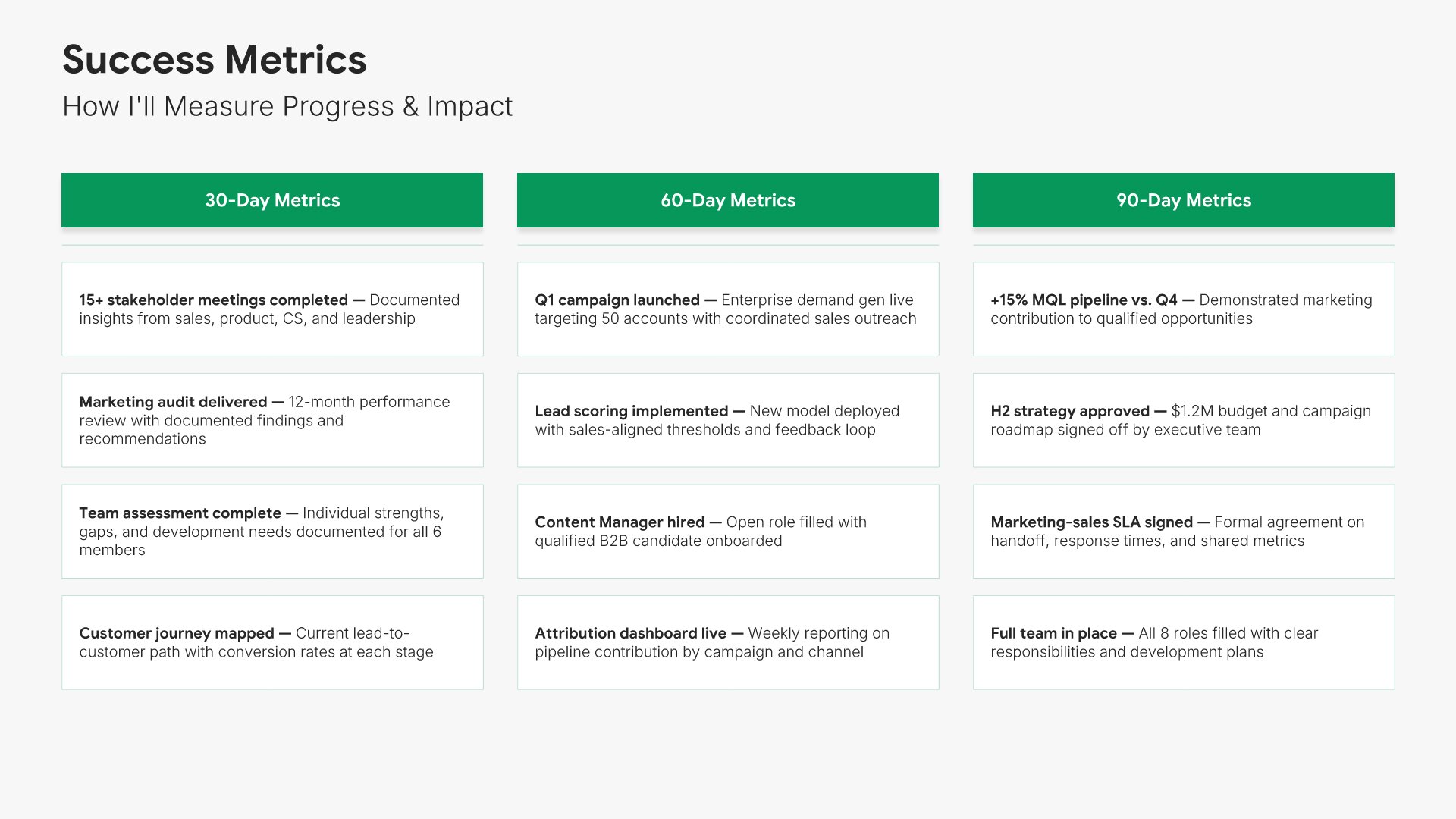
Success metrics slides help you define how project success will be measured. Use them to present KPIs, targets, and evaluation criteria that demonstrate accountability and enable objective assessment. Clear metrics show stakeholders how you will prove the project delivered expected value and justify the investment.
Built using Kanban slides

13. Support Needed

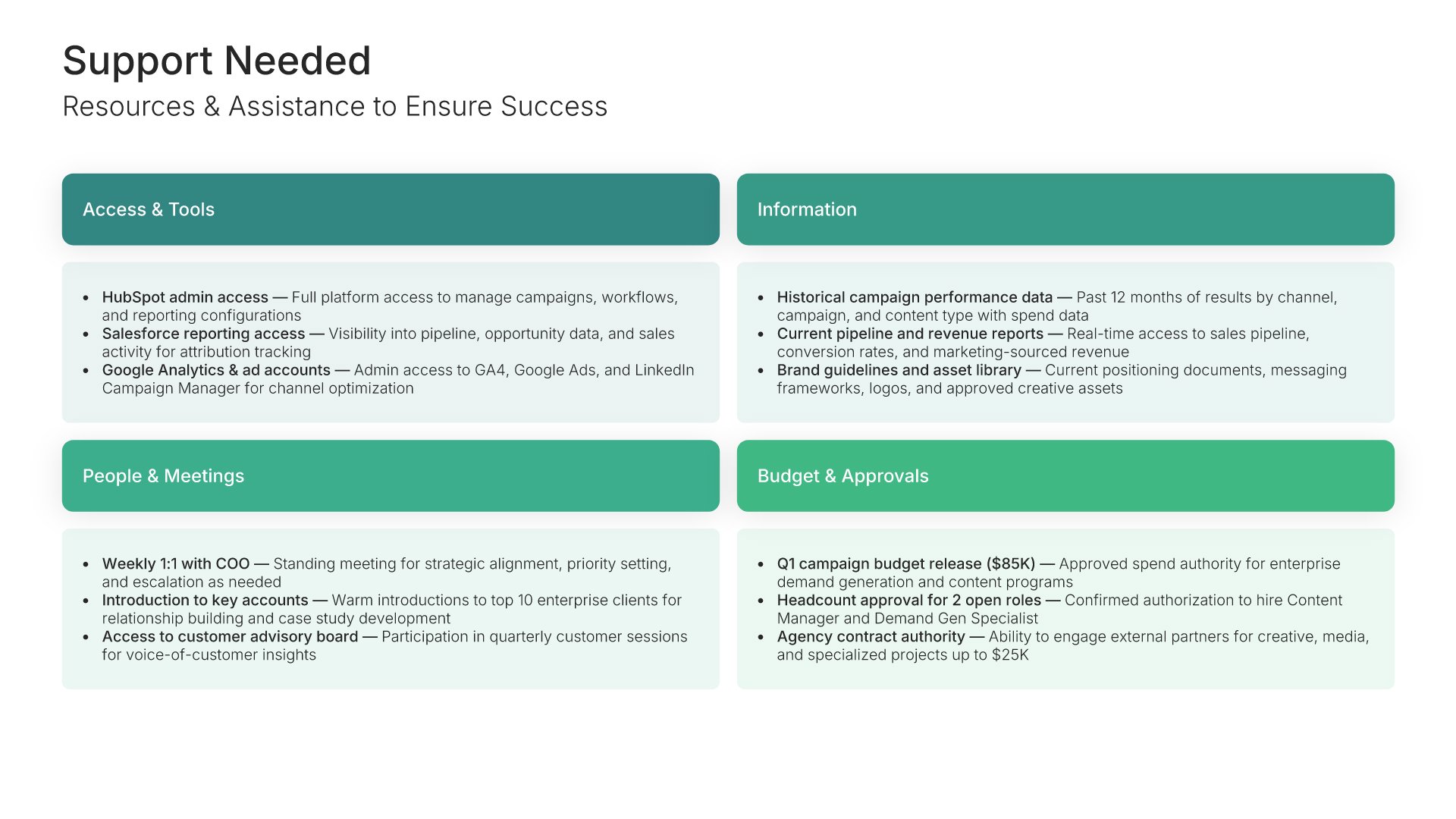
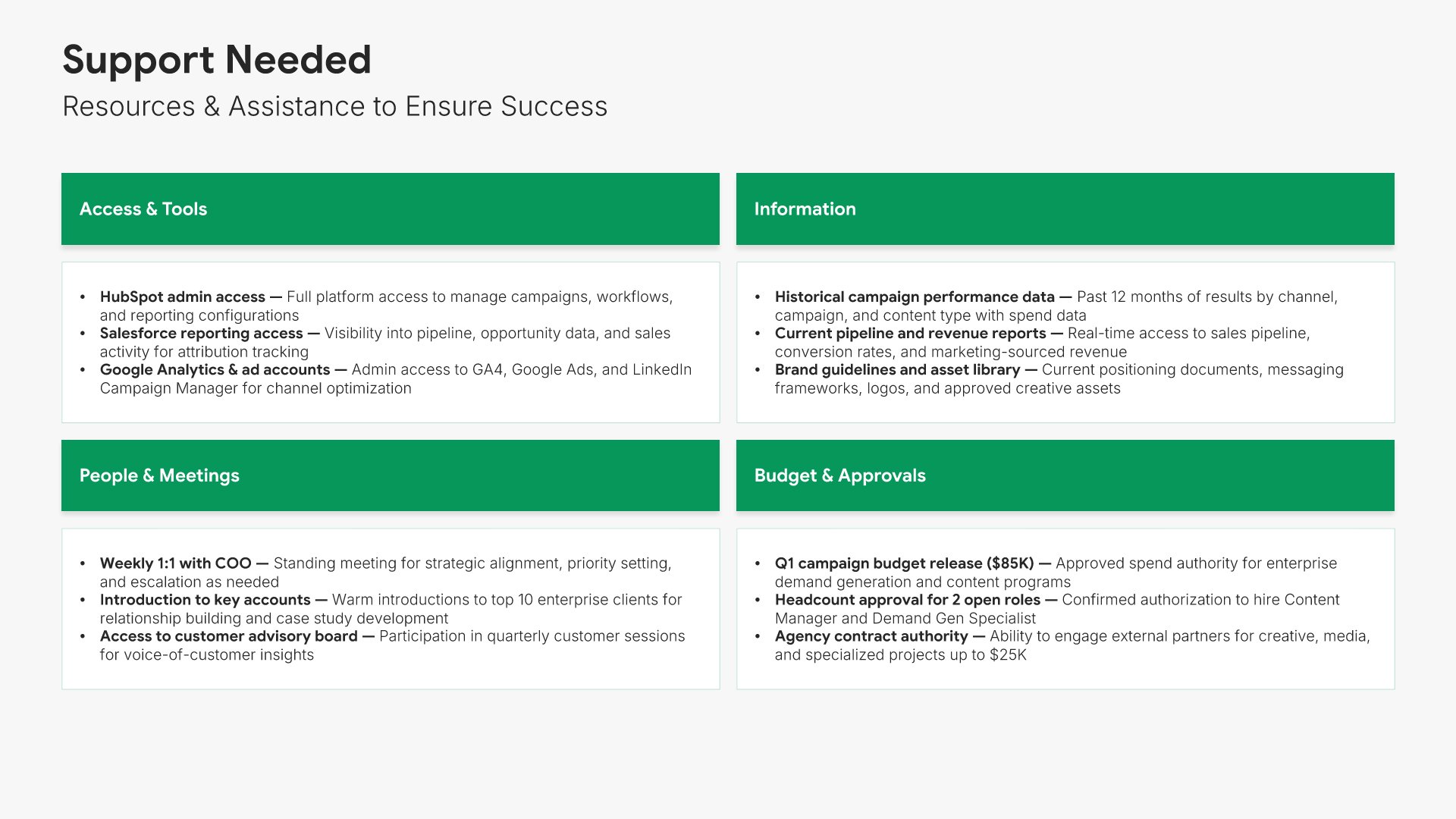
Support needed slides help you proactively articulate what you need from your manager and team to succeed. Use them to present access, introductions, resources, and decisions you'll need throughout the first 90 days. A clear support view shows you've thought through dependencies and gives your manager an actionable list to enable your success.
Built using Simple Text slides

14. Thank You

Thank you slides help you close presentations professionally. Use them to end with gratitude, provide contact information, and leave a polished final impression. Ideal for any presentation where a professional closing reinforces your message and gives your audience a clear way to follow up or stay connected.
Built using Title slides

Build your 30-60-90 Day Plan presentation with Choladeck

Transform your 30-60-90 Day Plan vision into reality with Choladeck’s user-friendly platform. Follow our step-by-step guide, harnessing our vast collection of slides and tools, to create a compelling and cohesive presentation that resonates with your audience.

Step 1

Browse & Select

Explore over 9,172+ professionally designed slides across 134 categories. Or if you want a head start, pick from 74+ premade presentation templates. Whatever you need, it's probably already here.

Step 2

Customize Your Slides

Swap icons and images instantly from our built-in libraries. Use Pointers to choose your count (2-box, 3-box, 4-box) and Variations to pick your design style. No more settling for "close enough." Get the exact slide you need.

Step 3

Brand Your Presentation

Add your logo, apply your brand colors, choose your fonts, and set custom backgrounds. One click and your entire presentation looks like it was made just for you. Because it was.

Step 4

Export Your Presentation

When you're ready, export to PowerPoint, Google Slides, or Keynote with a single click. Continue editing in your favorite tool if you want. Your workflow, your way.

Try Choladeck for free today and experience the ease of creating remarkable presentations.

No Sign-in or Credit Card Required

Wait!

Before you go, have you had the chance to experience Choladeck? If not try out – Choladeck for absolutely FREE!!

No Sign-in or Credit Card Required

Experience Choladeck Yourself!
Why just read about it when you can experience it? Dive into our presentation library – absolutely FREE!

No Sign-in or Credit Card Required