Pricing

Map slides

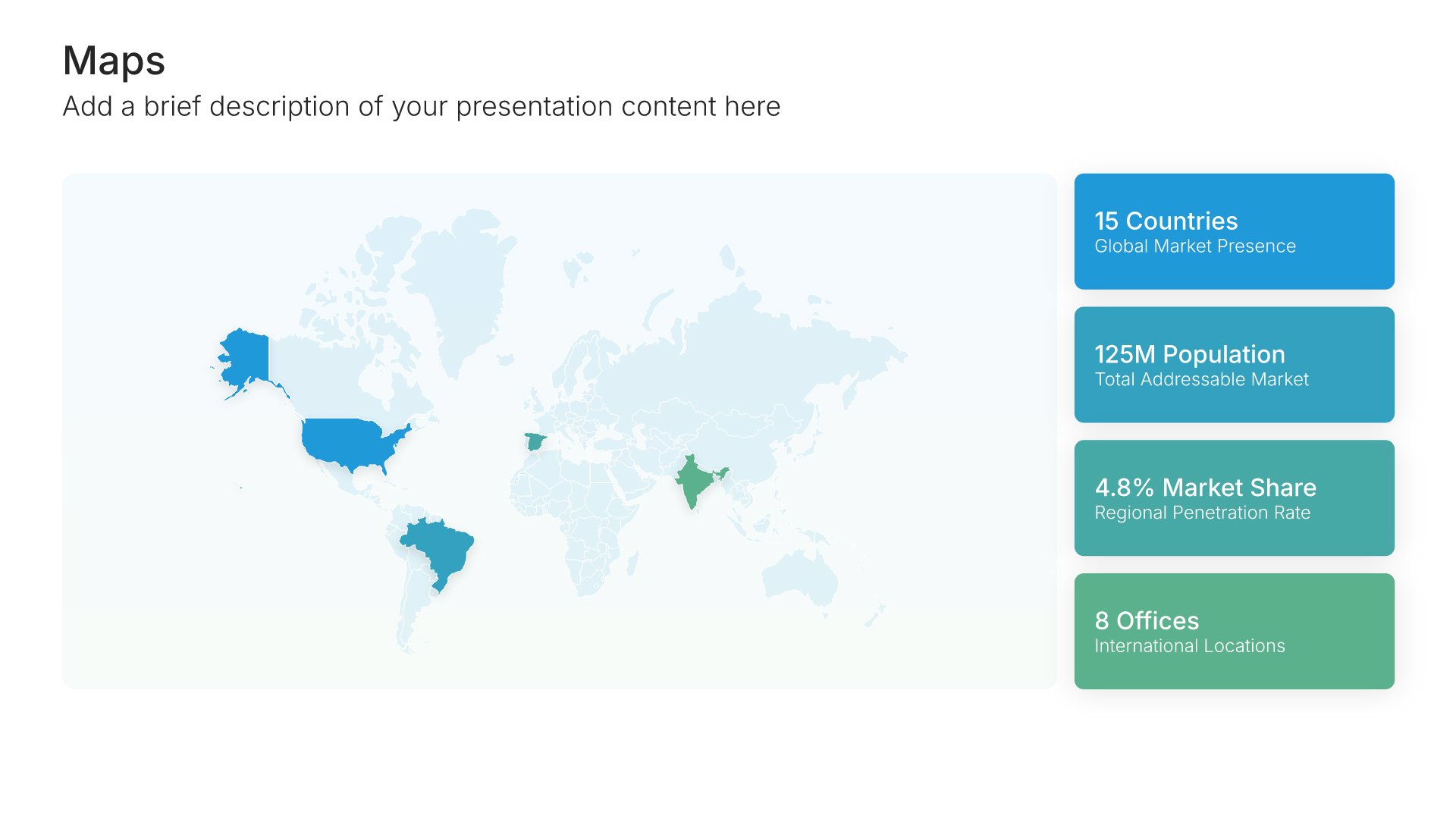
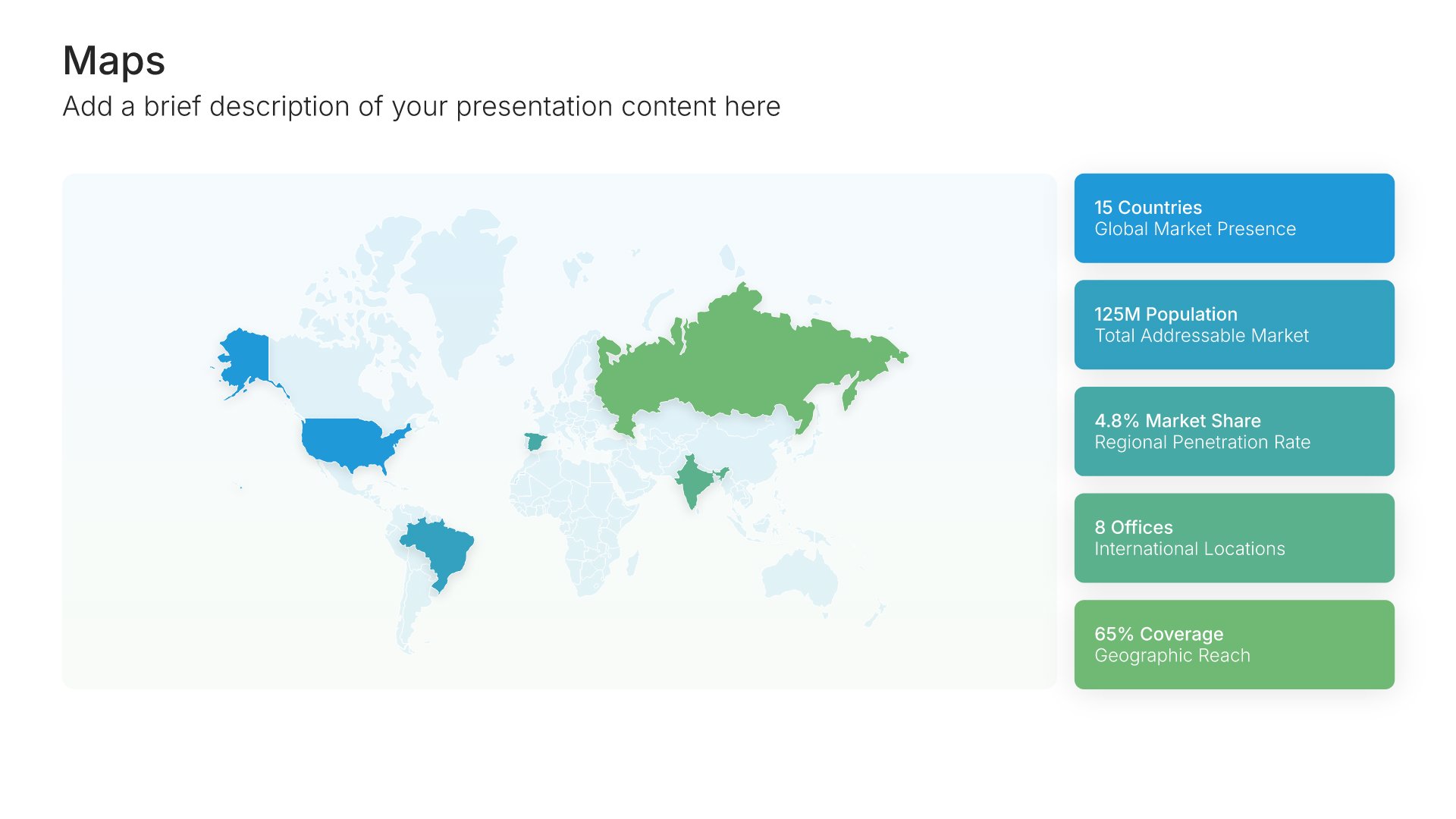
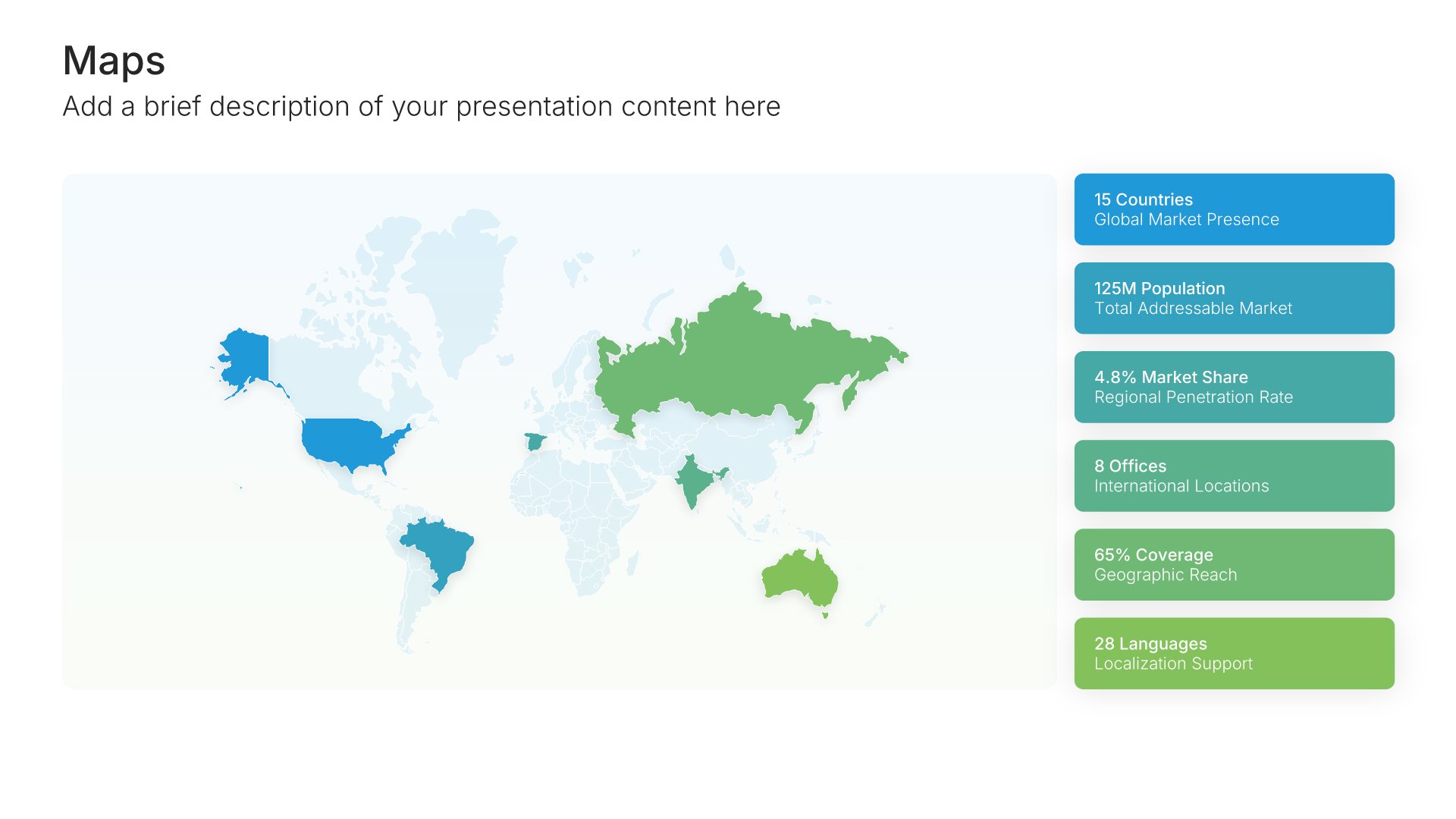
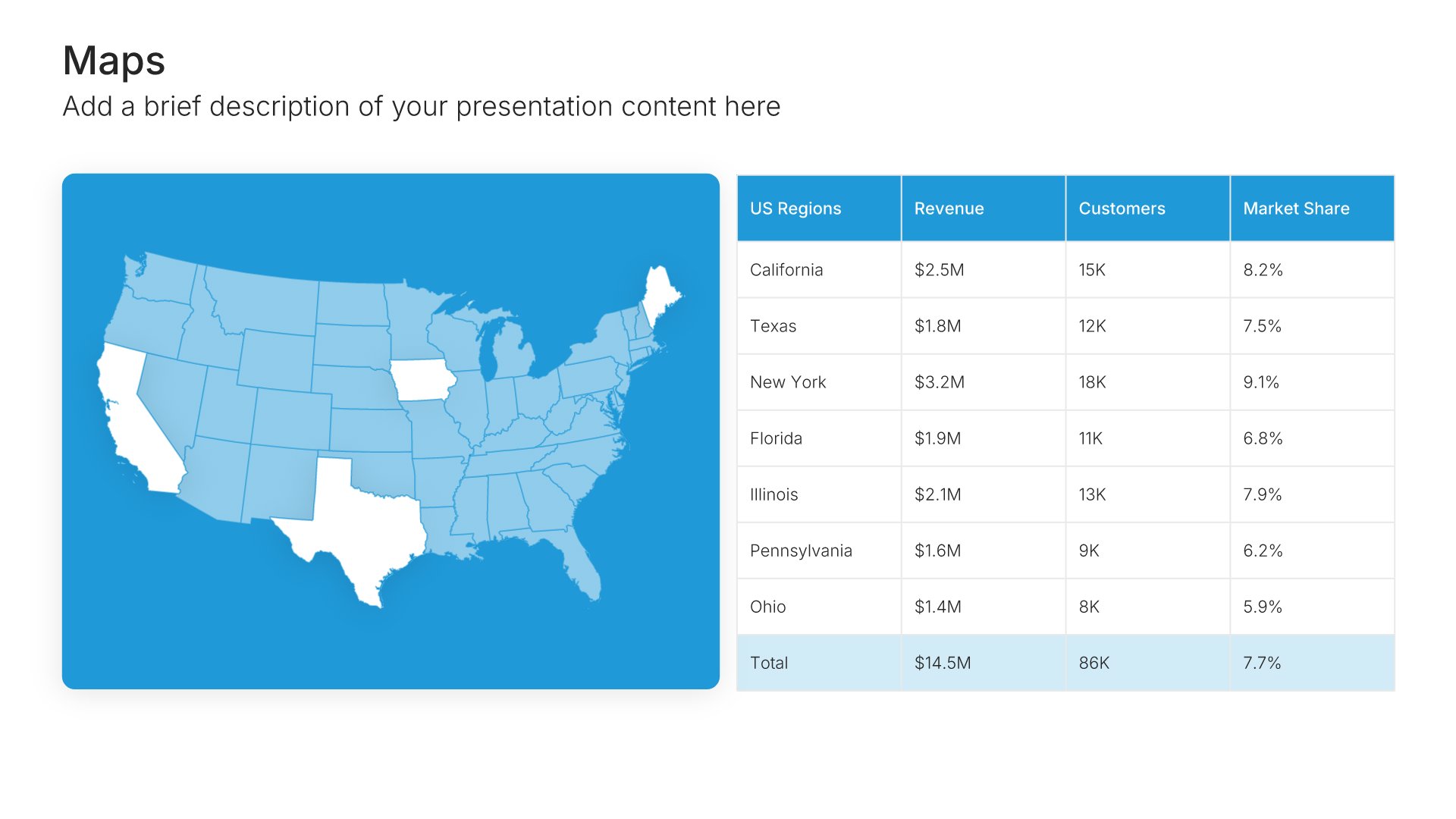
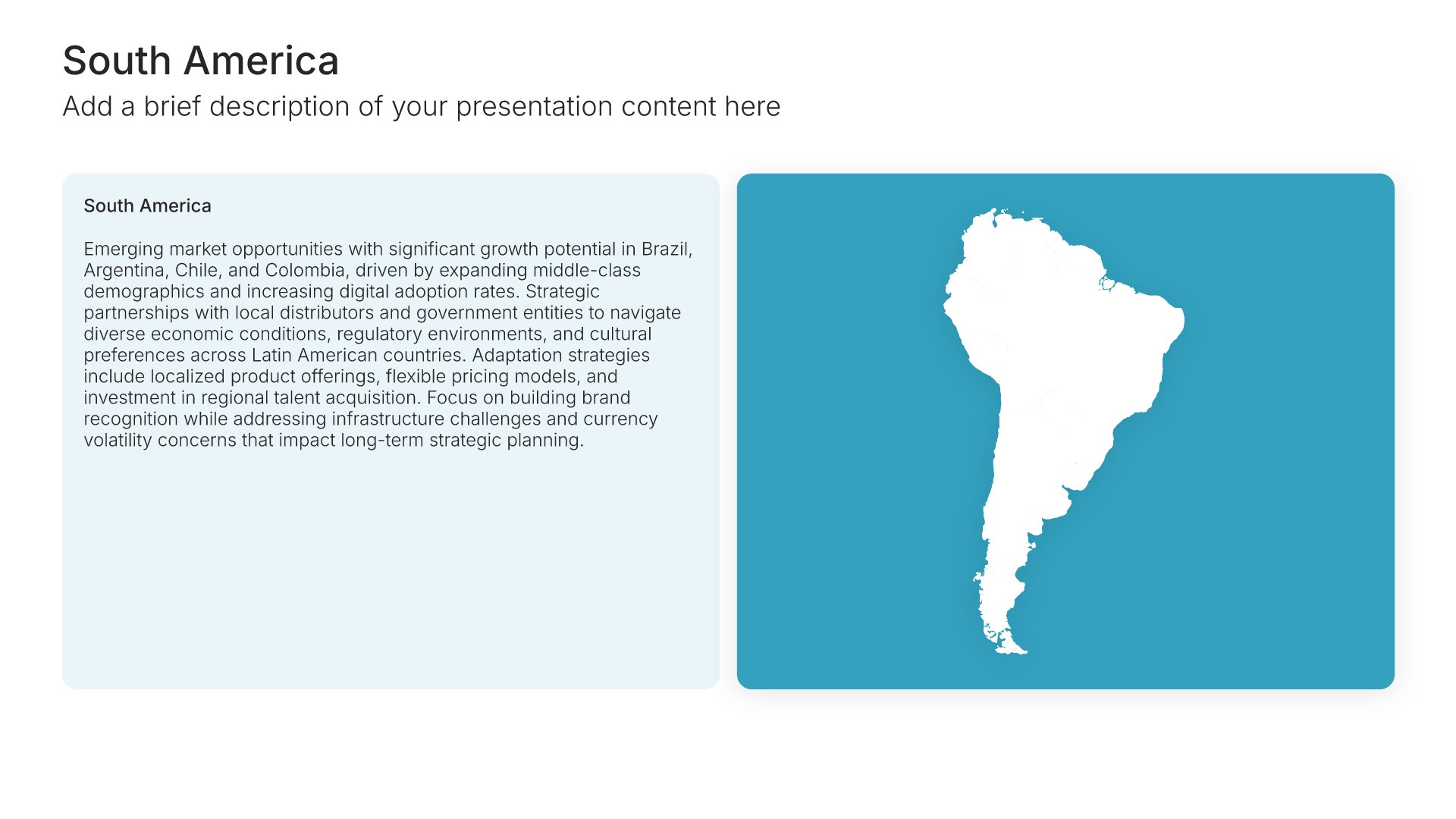
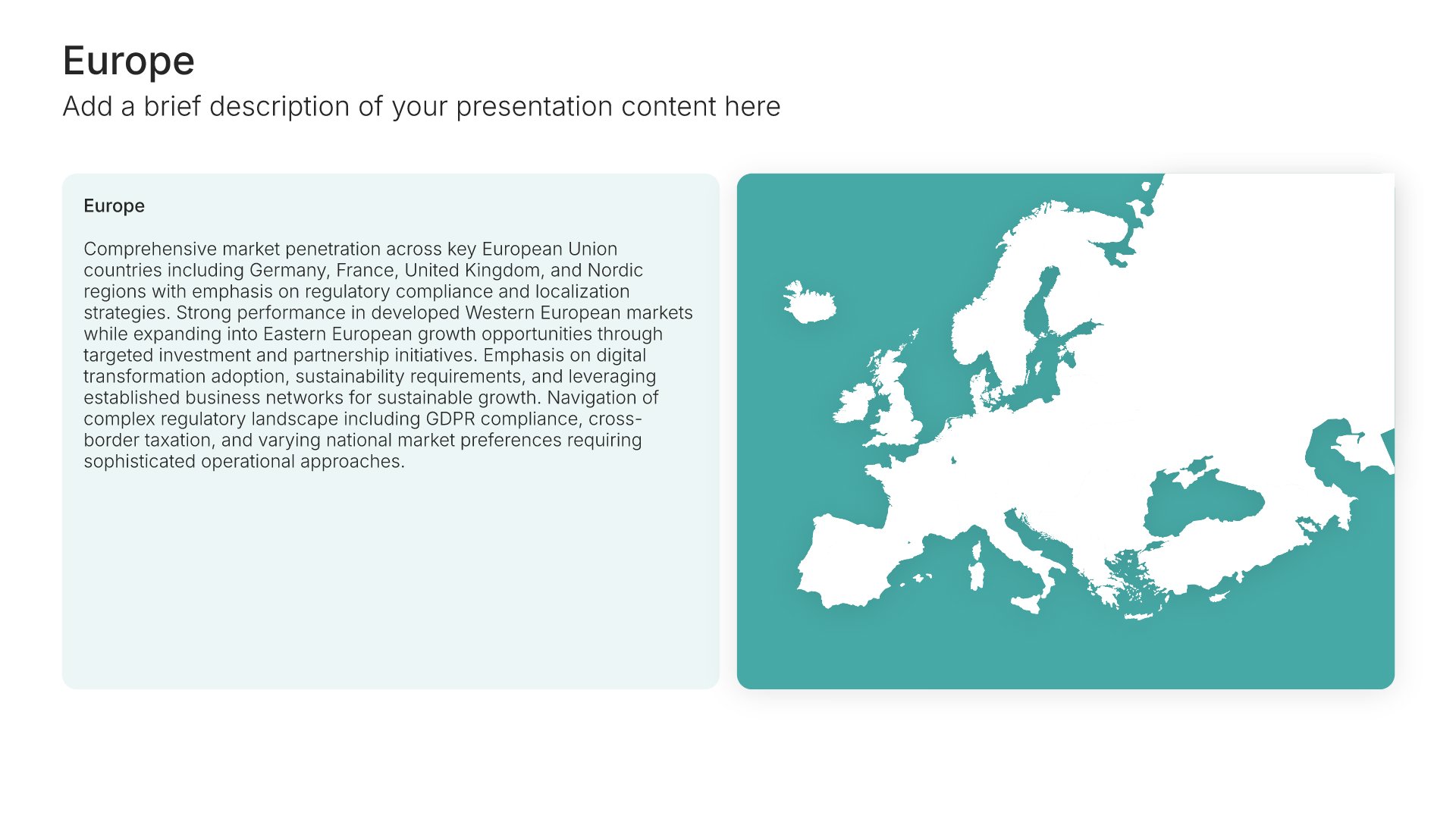
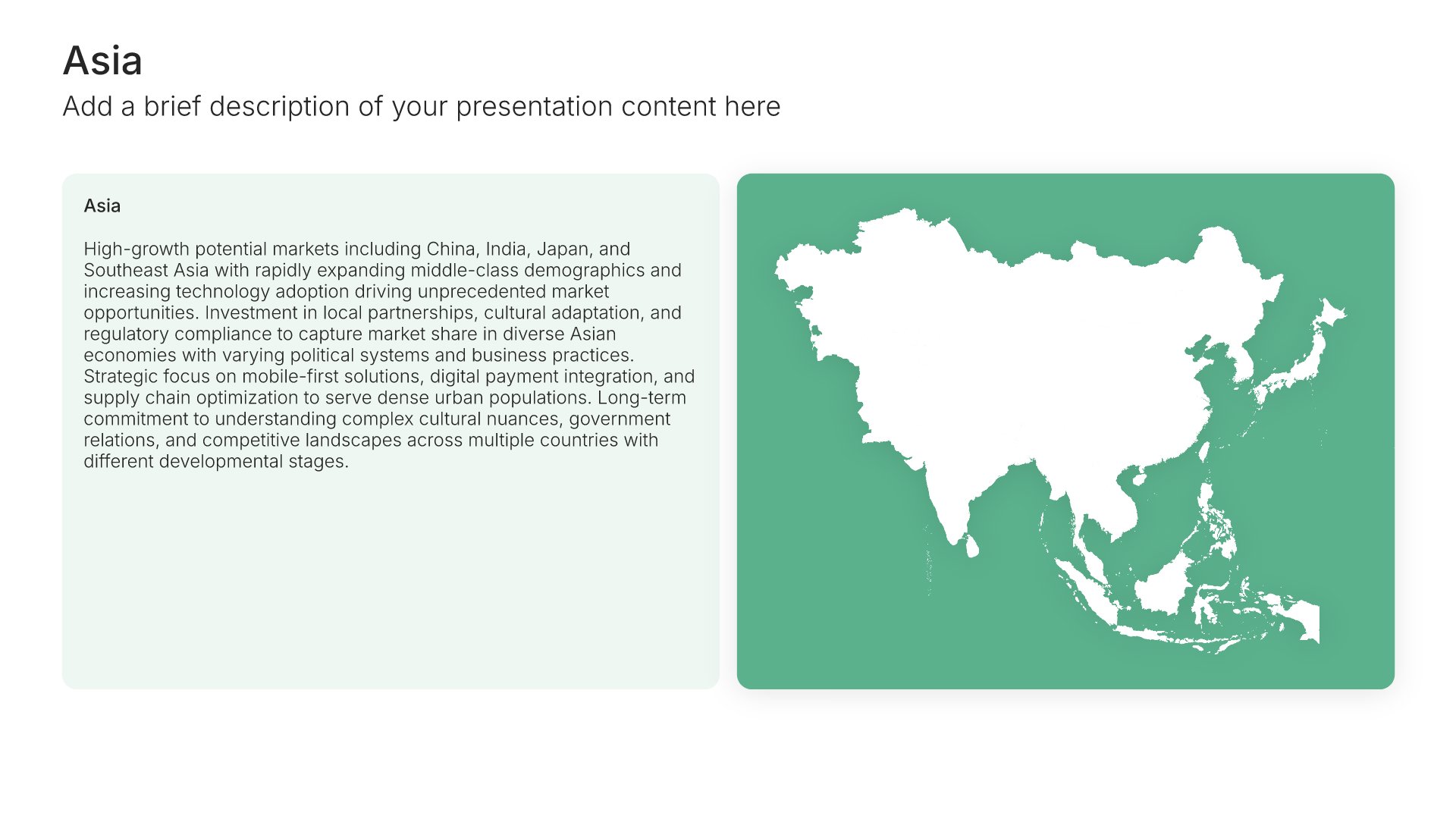
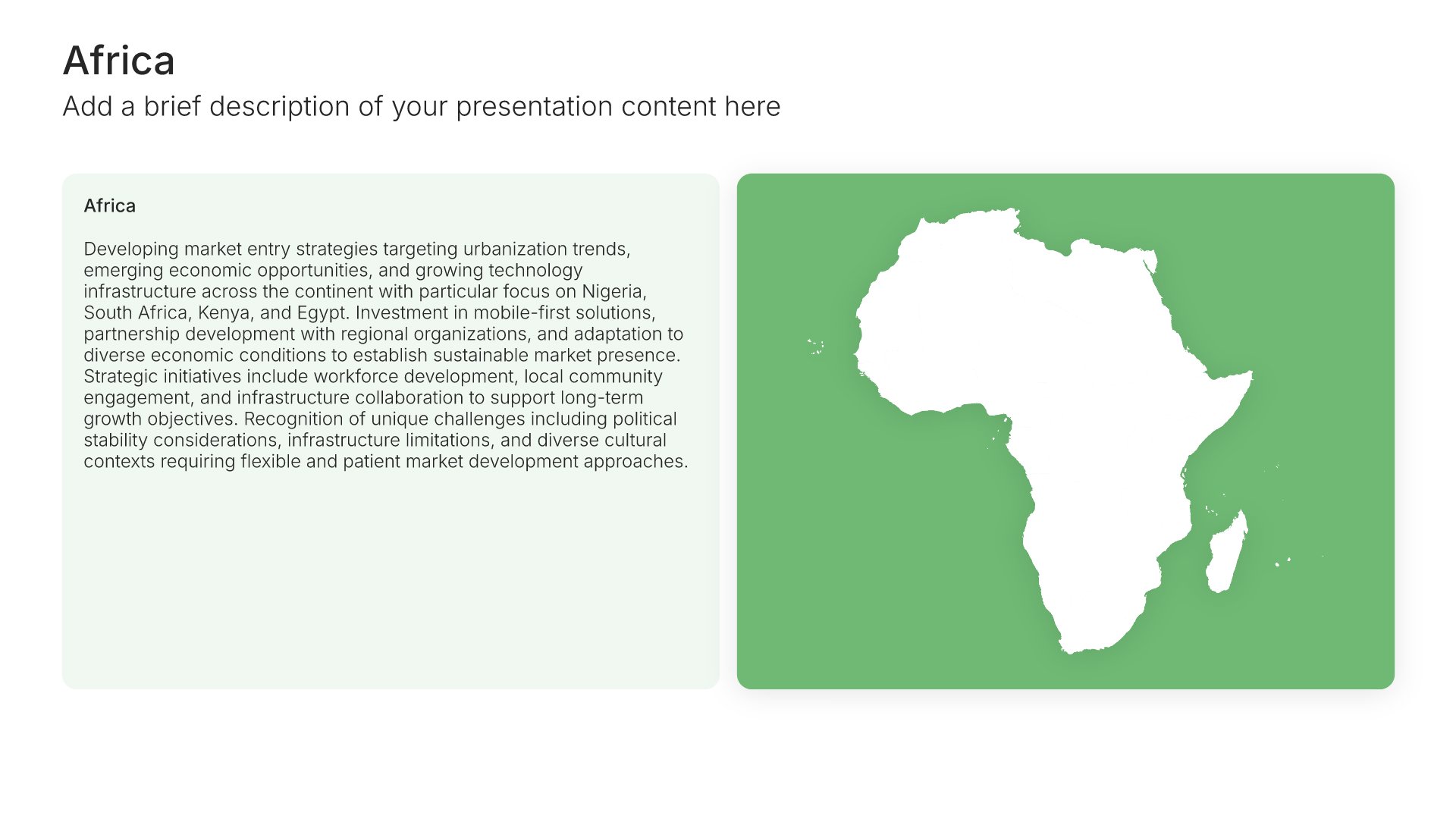
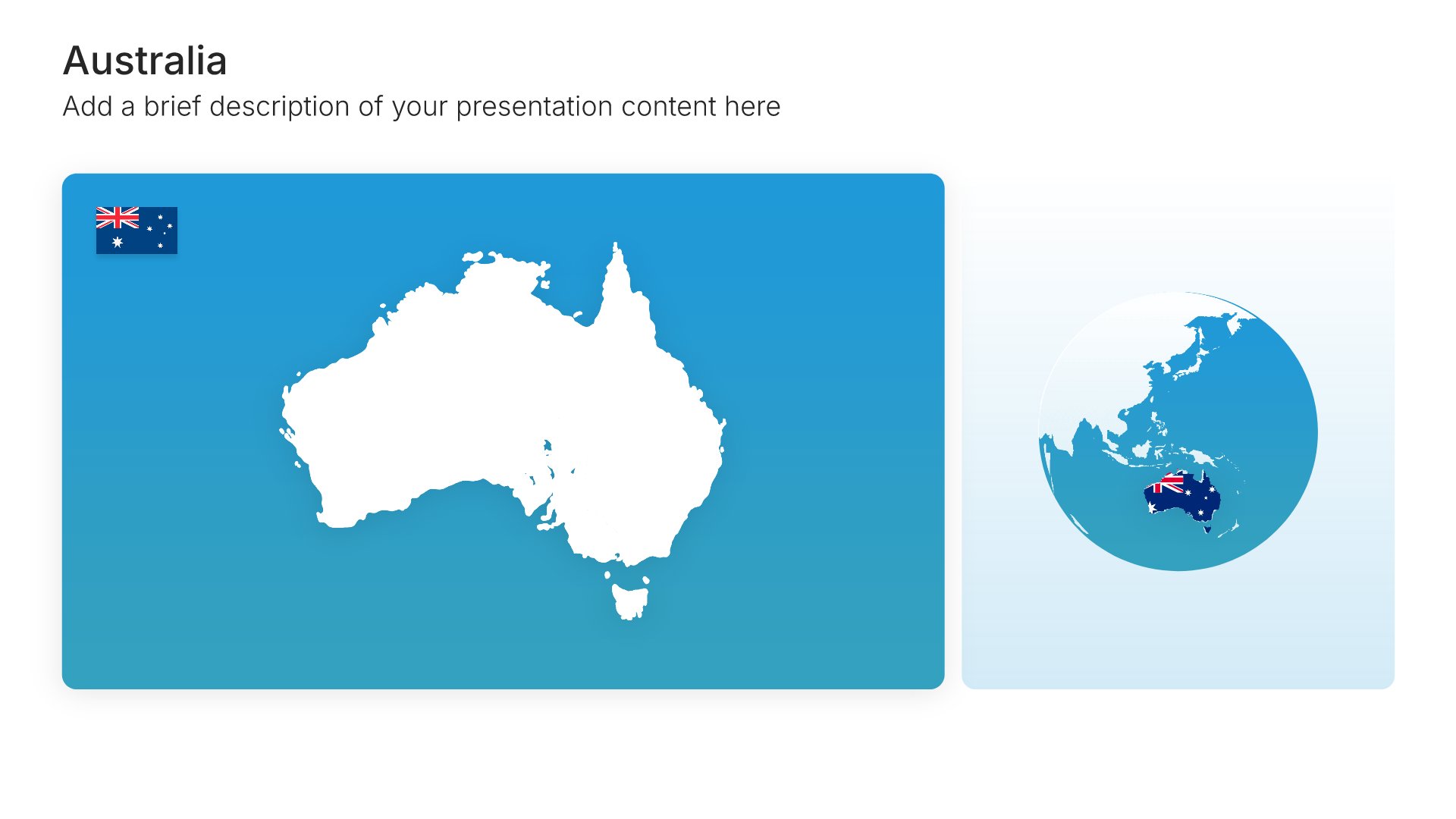
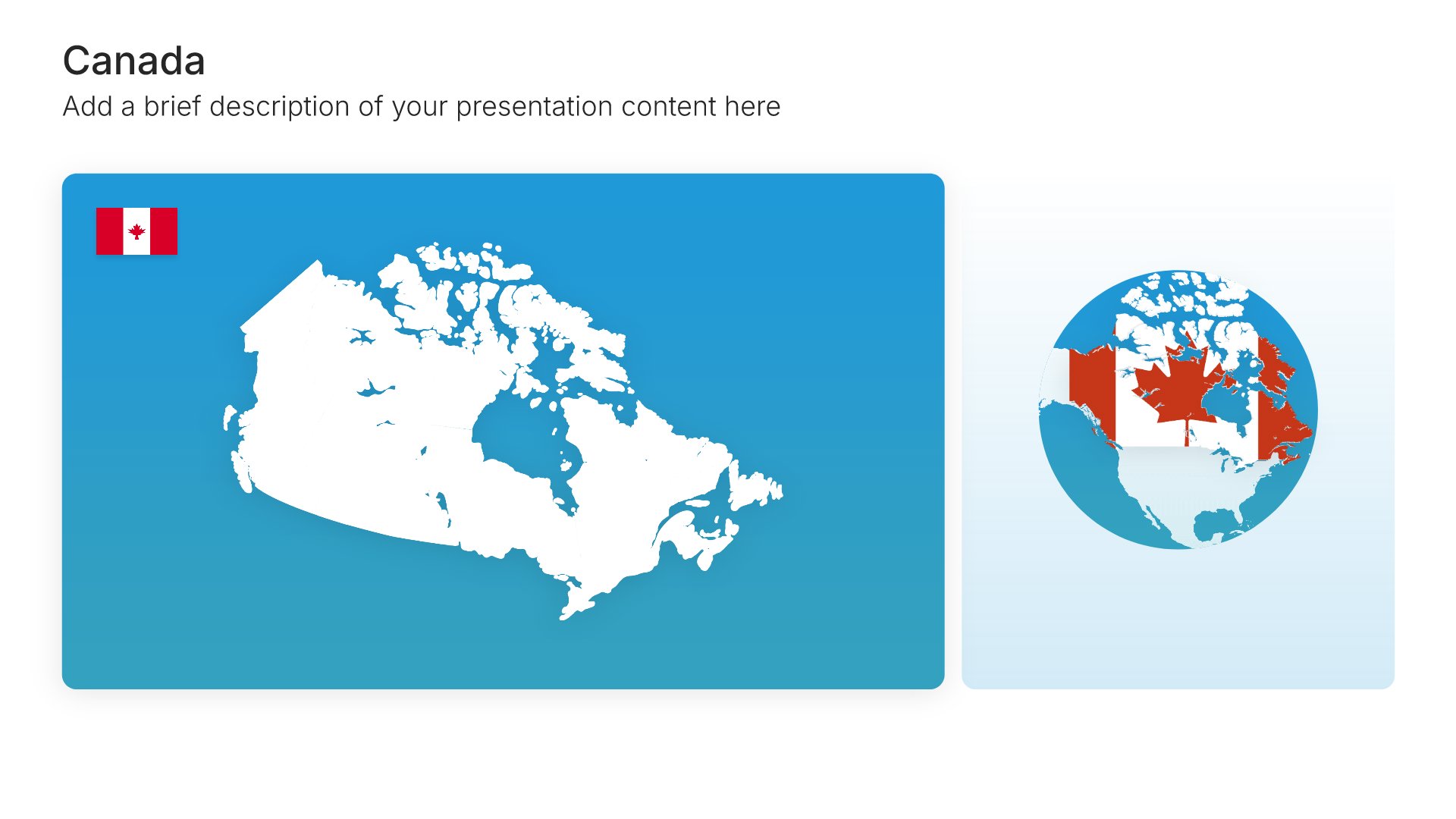
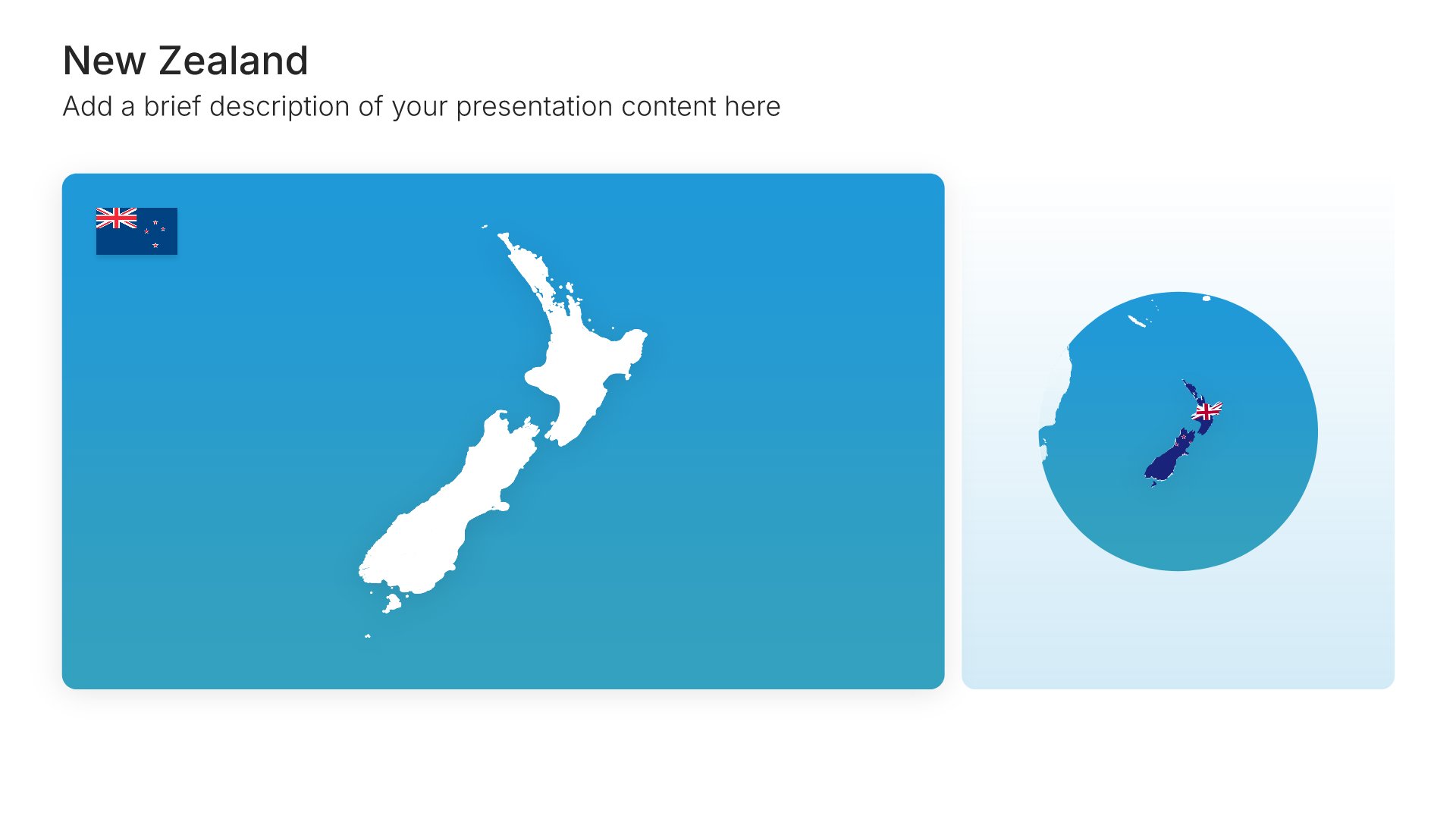
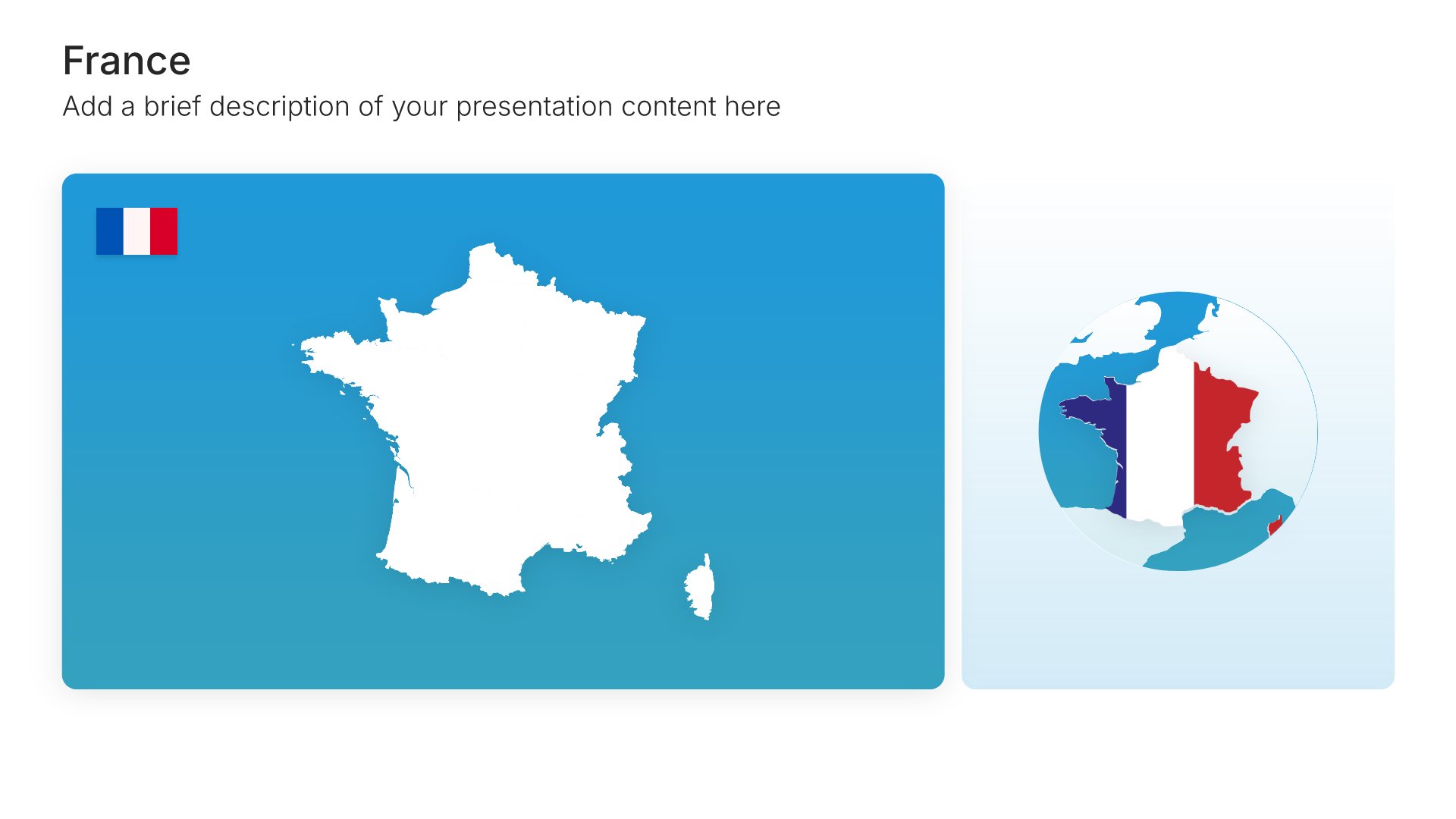
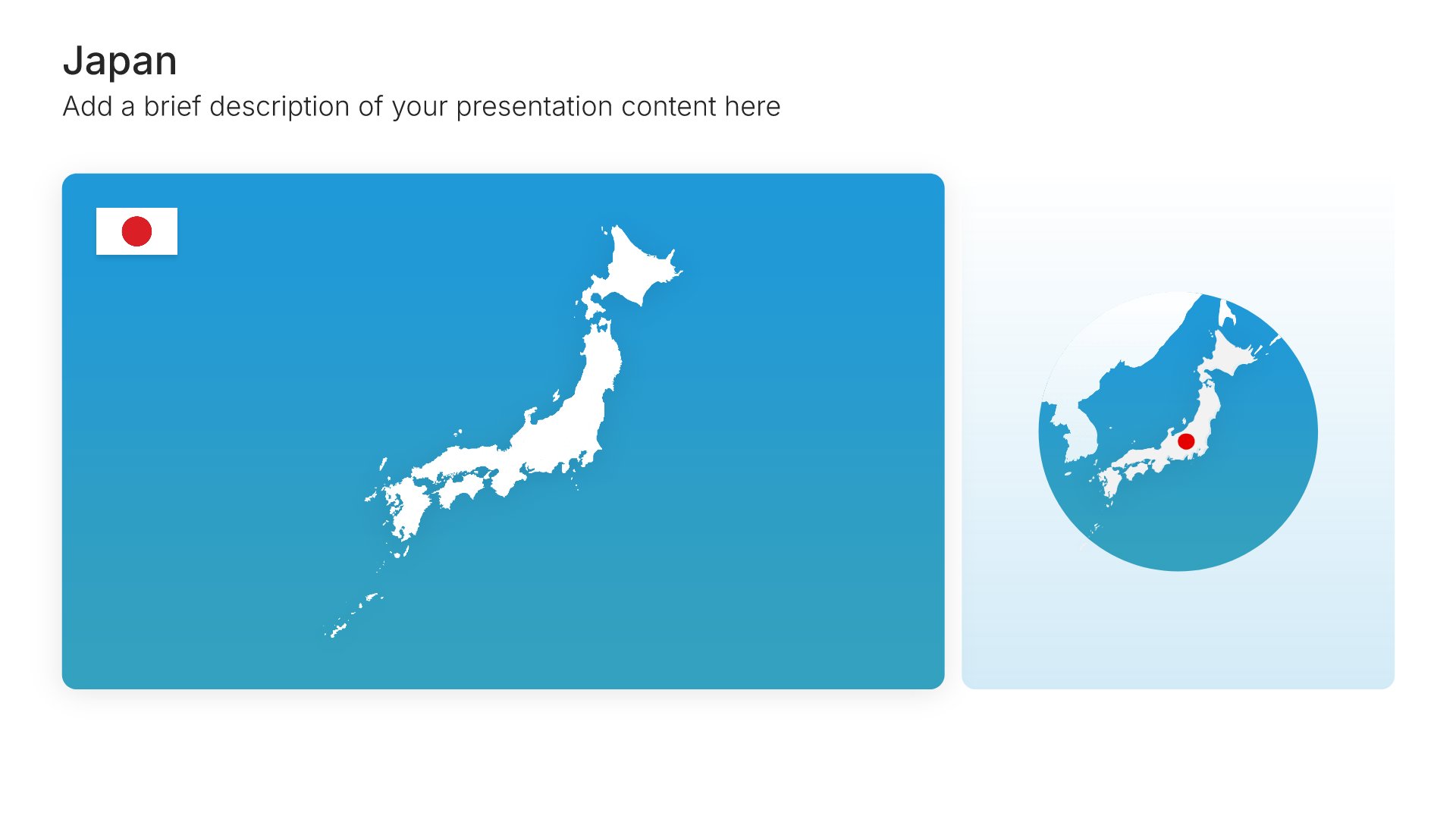
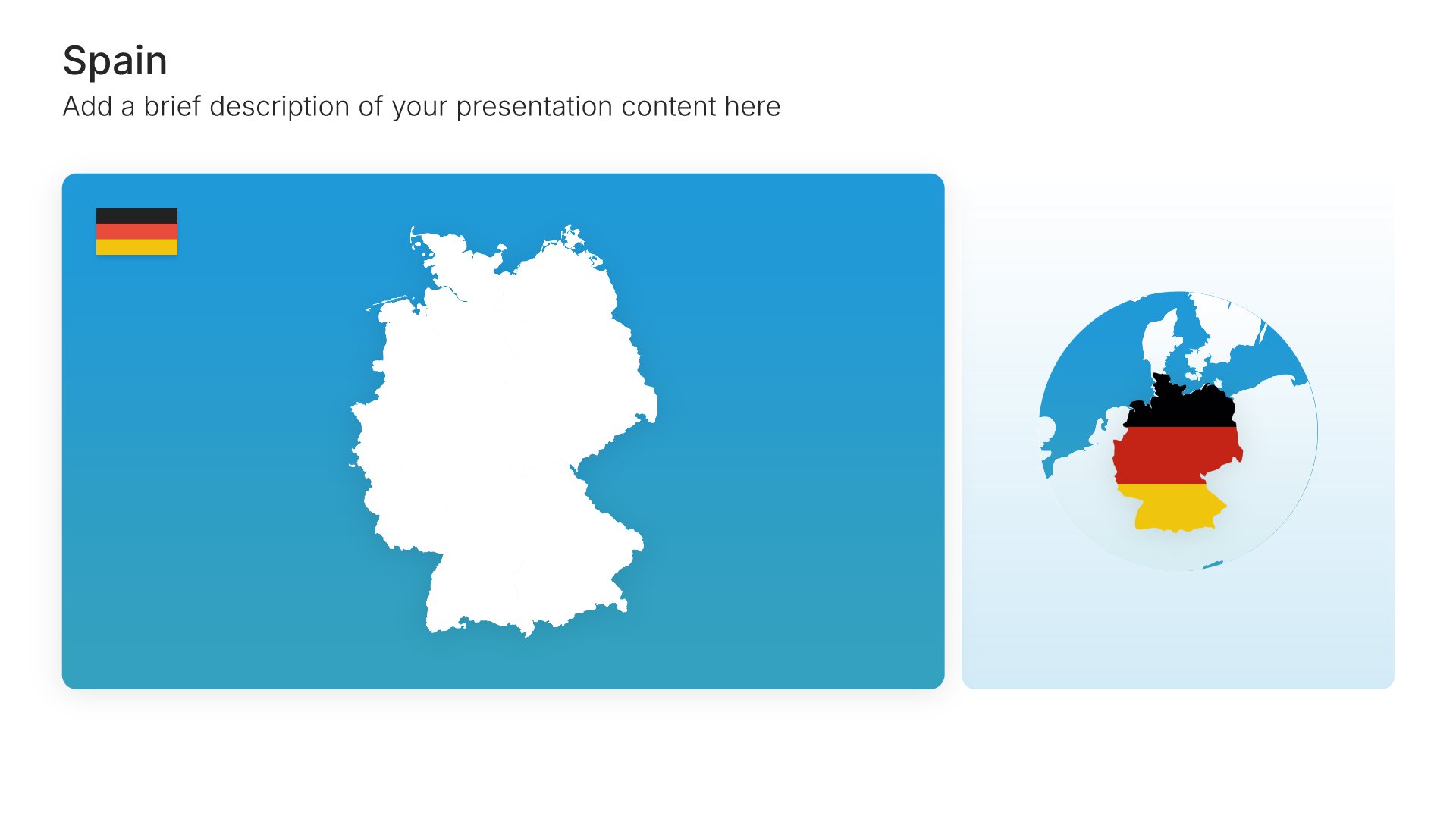
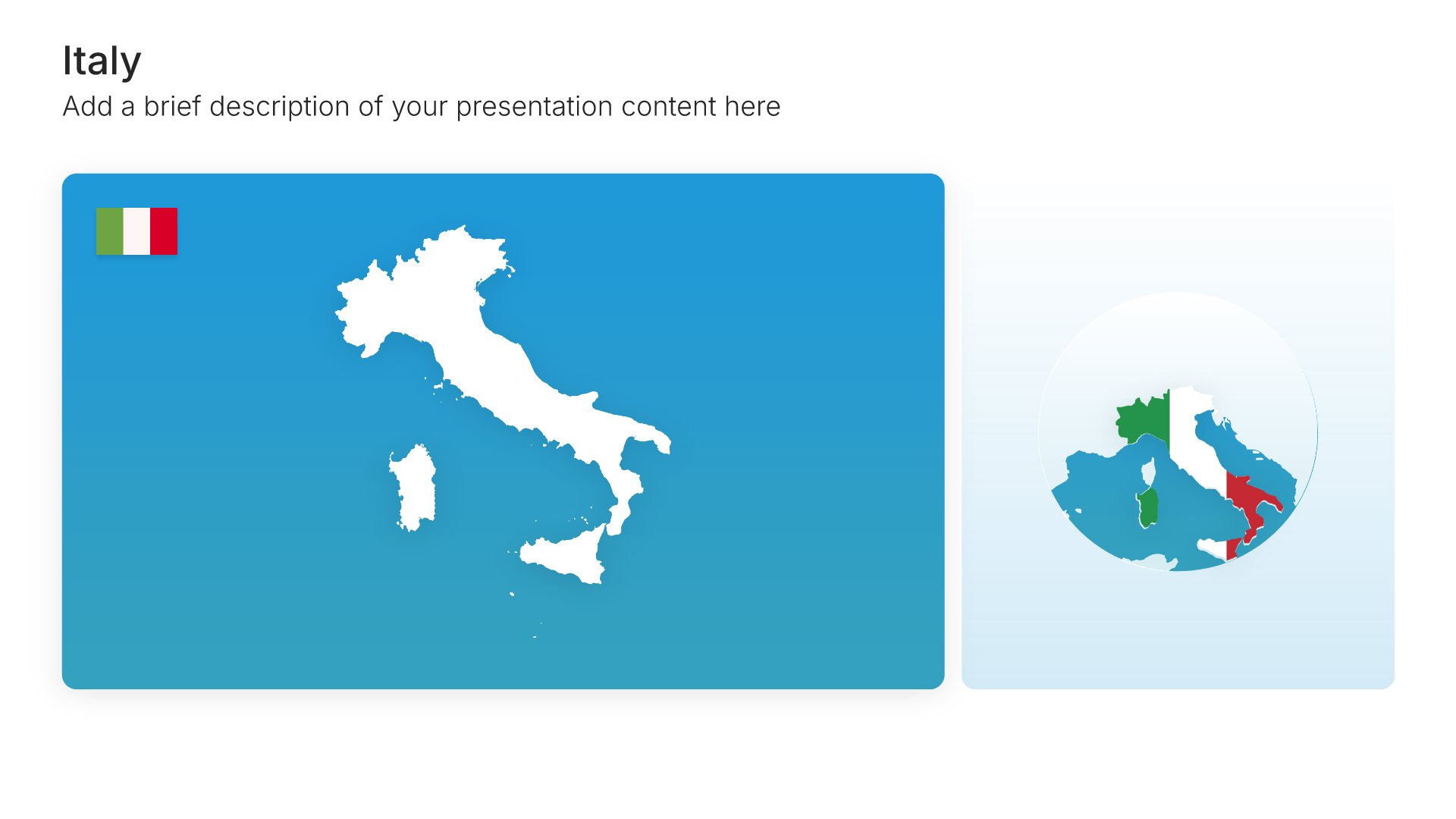
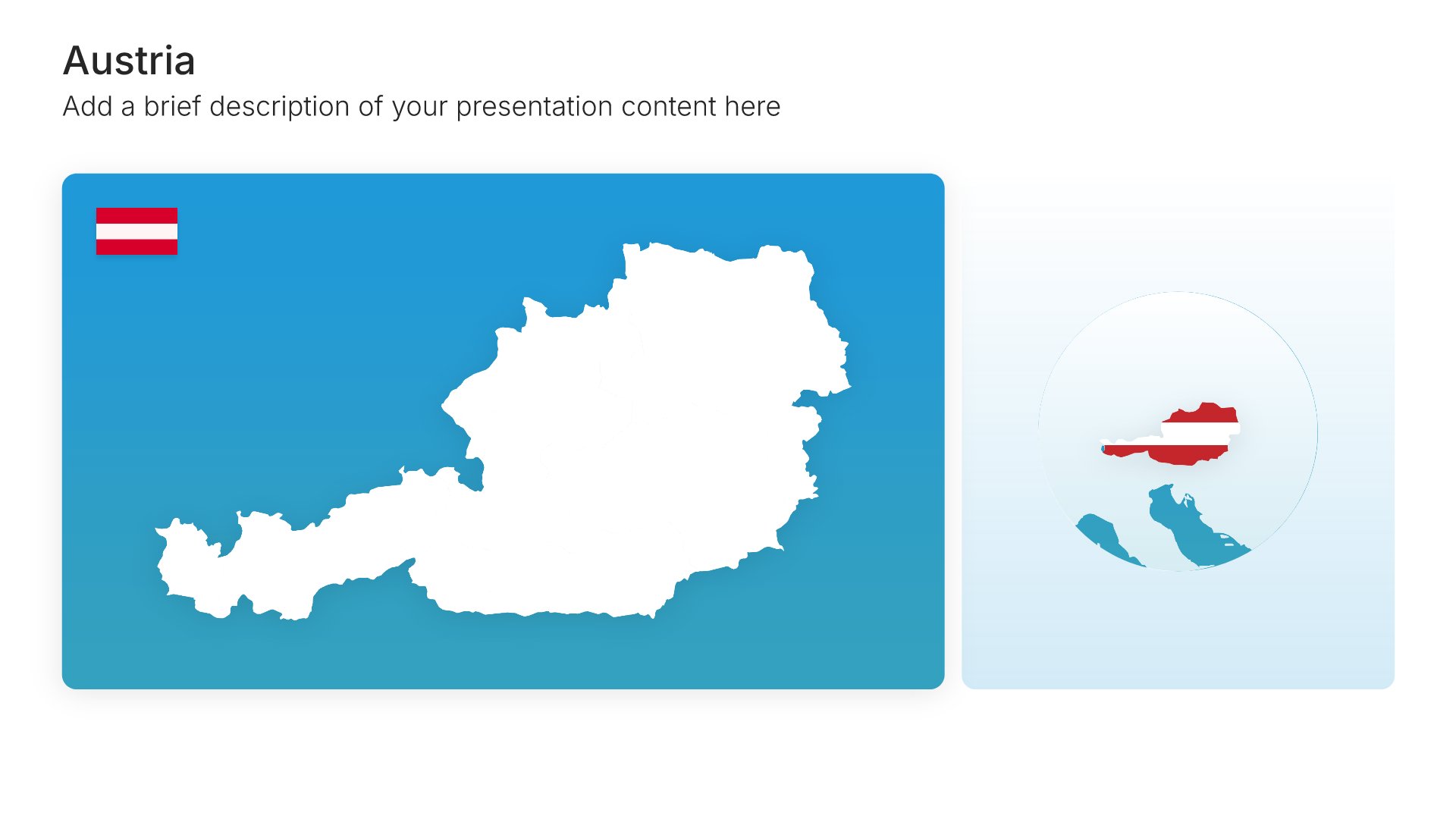
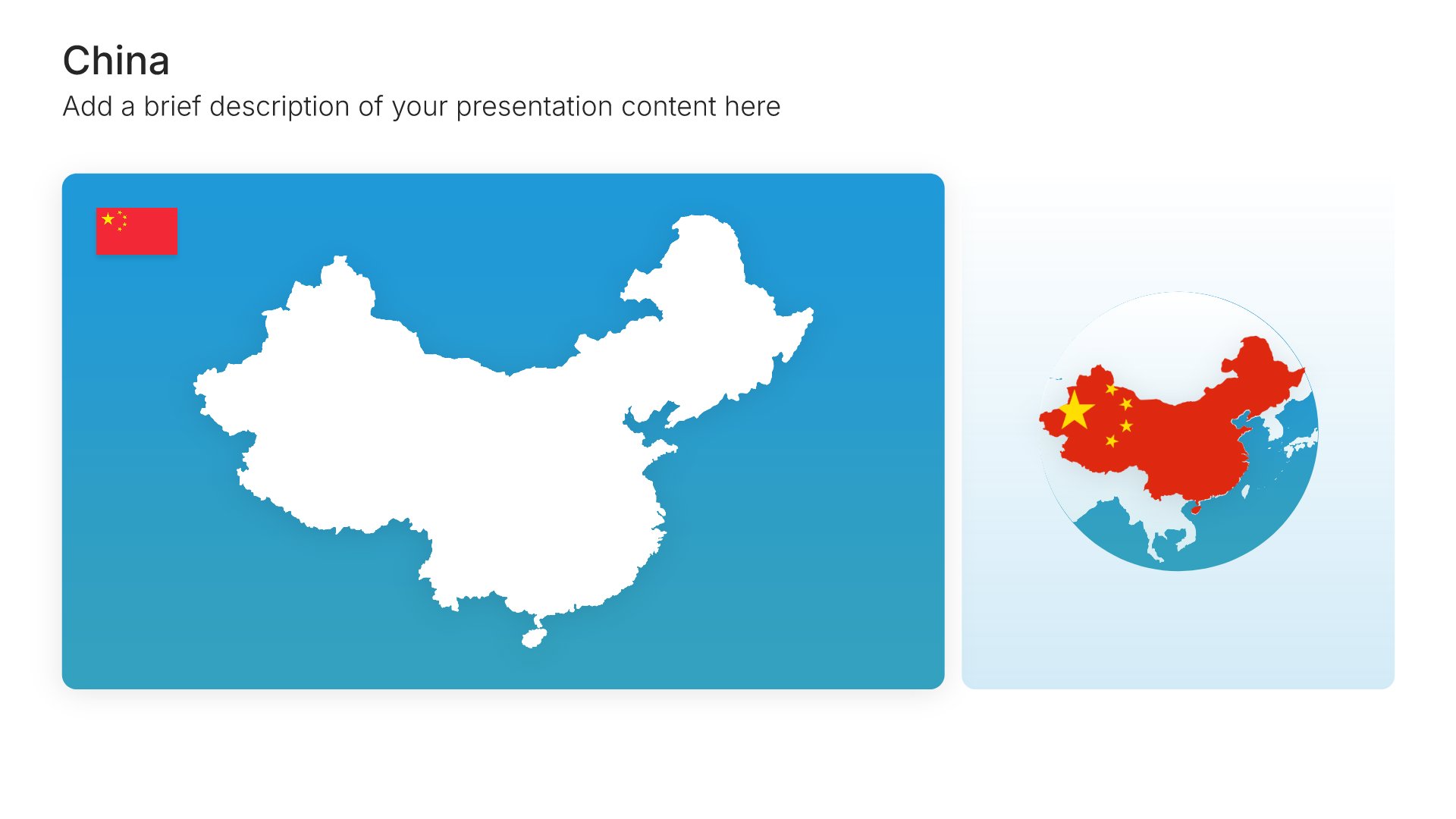
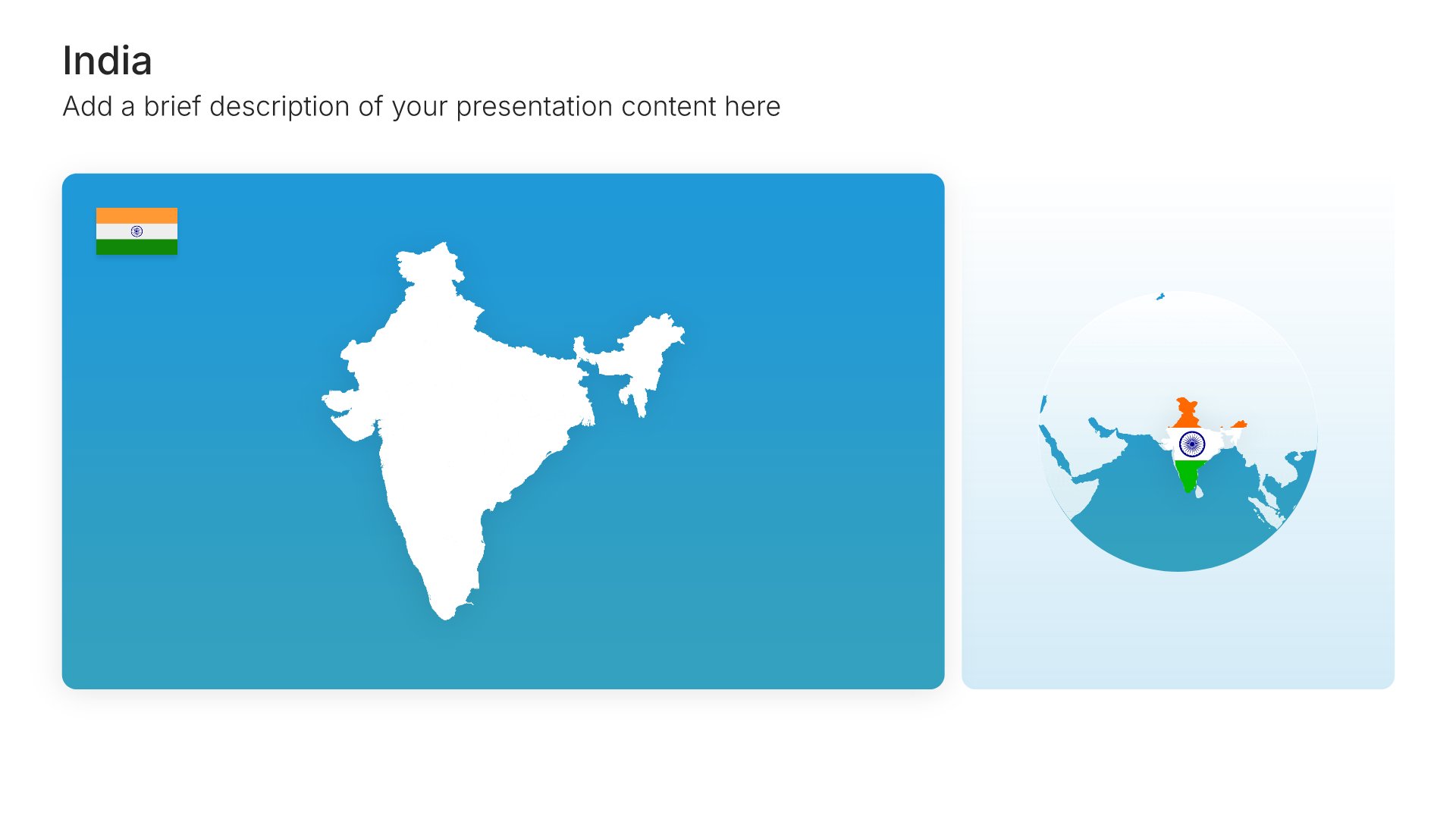
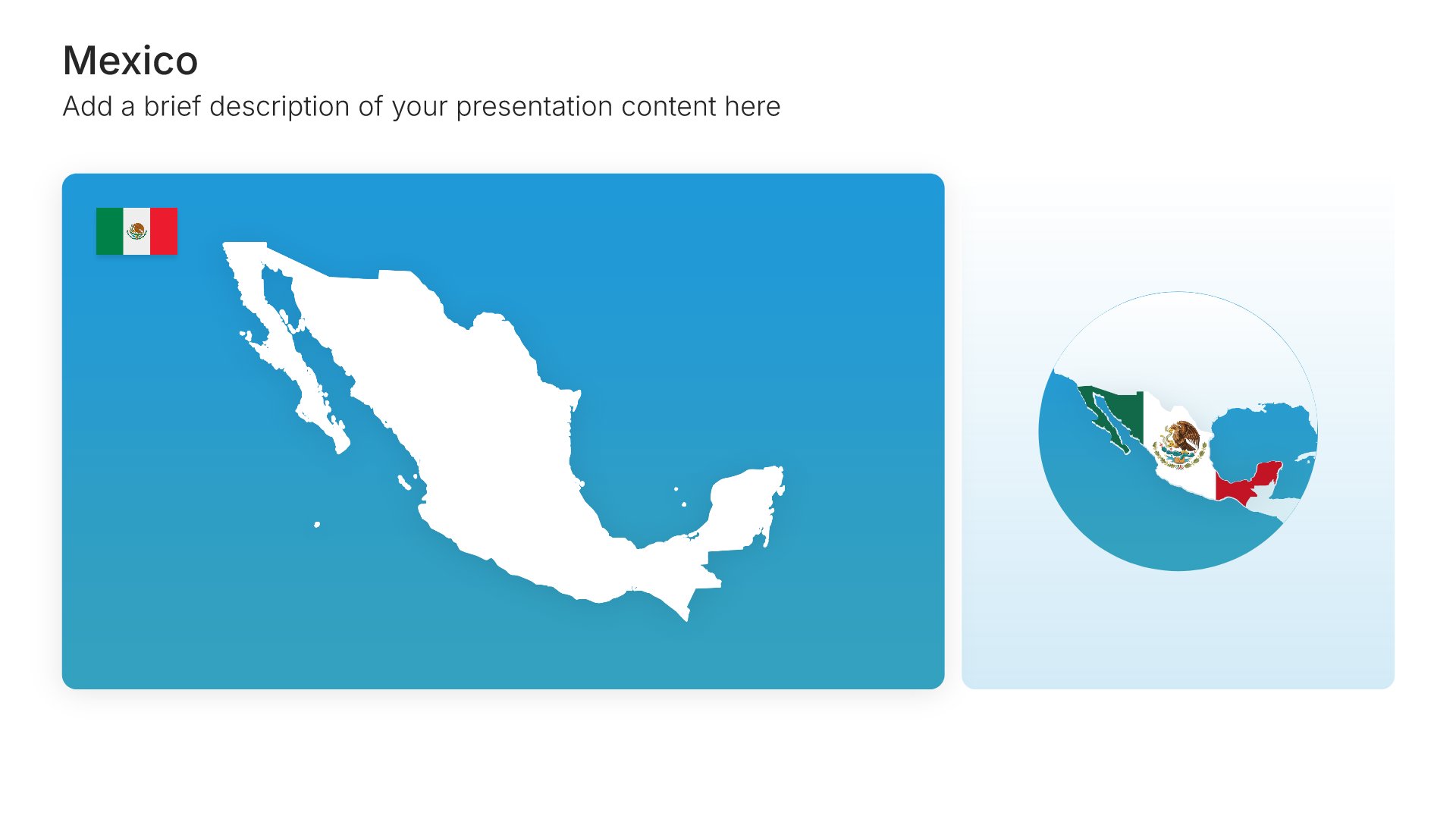
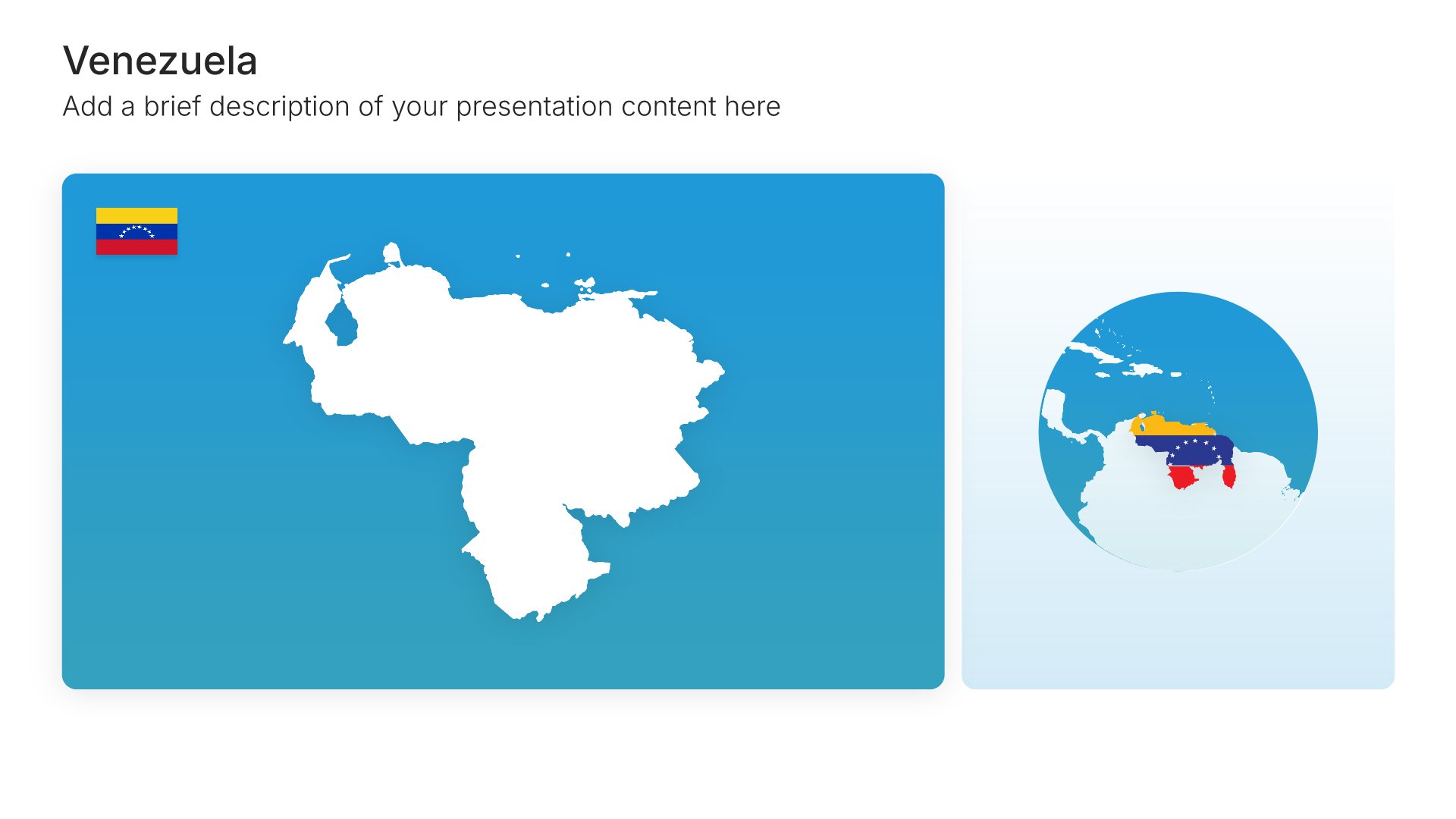
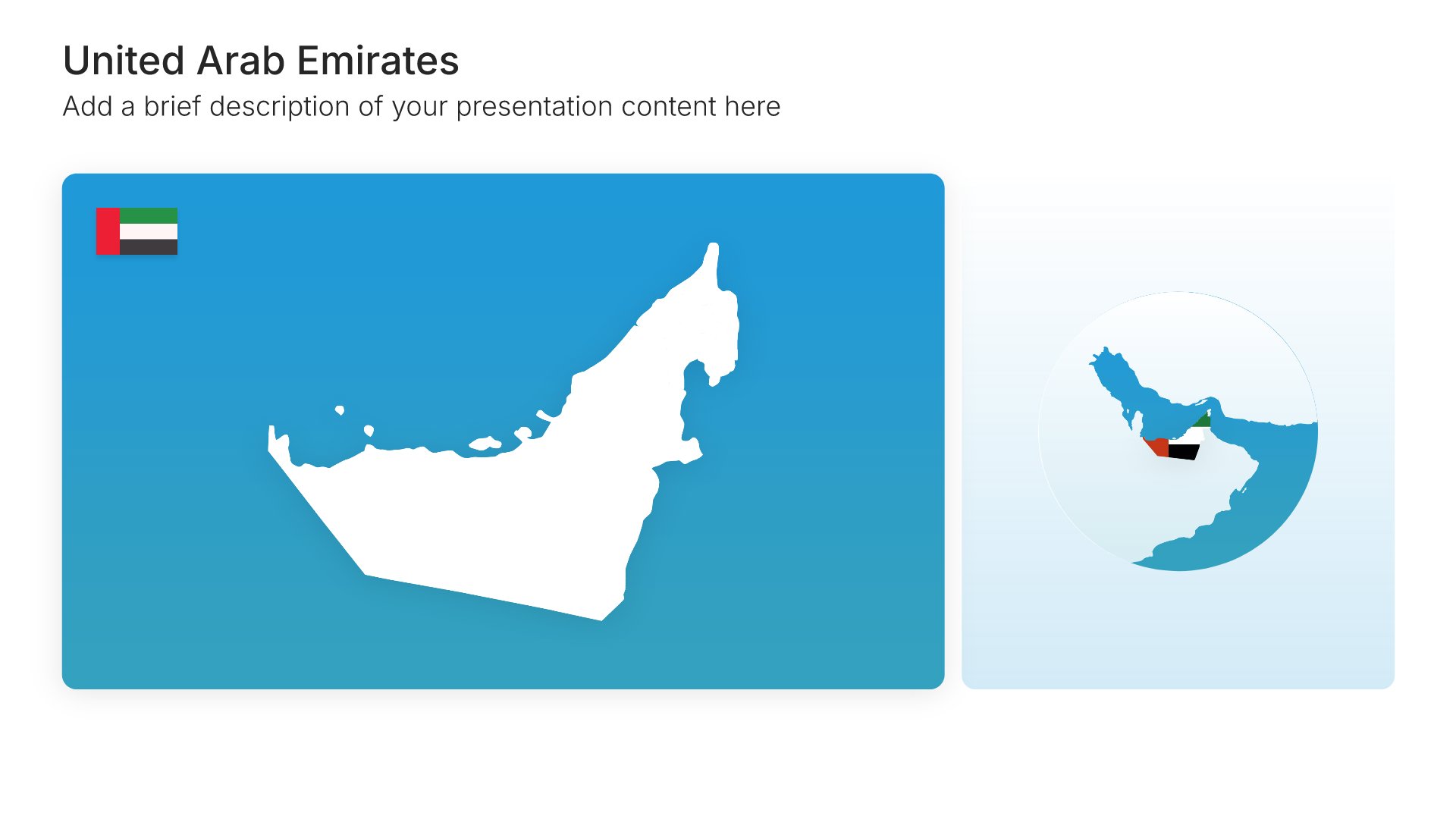
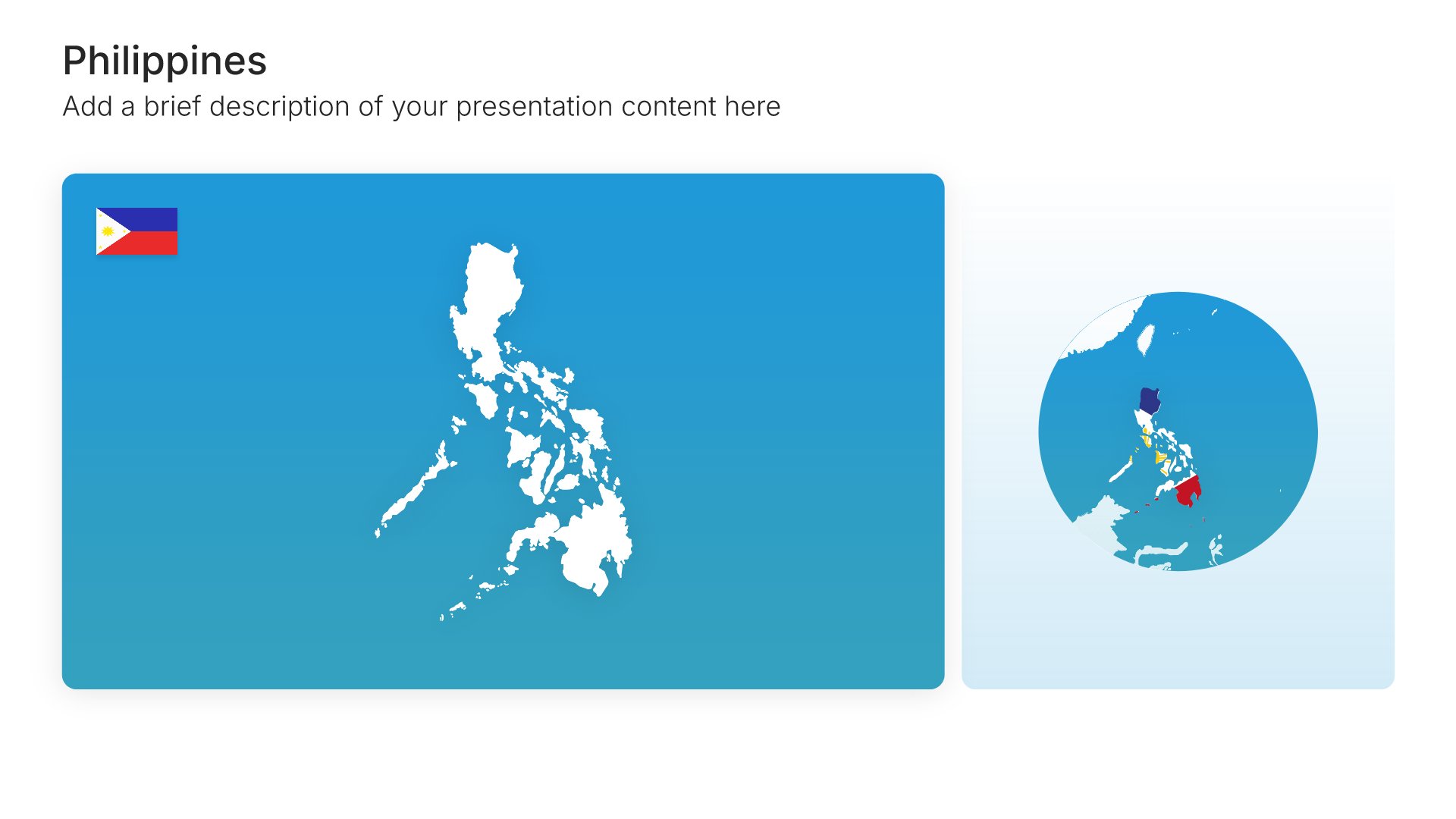
Map slides show where things happen: world, region, and country maps you can use to mark offices, markets, customers, or expansion plans. Pick one of 71 layouts, brand it to your company in one click, highlight your locations, and export to PowerPoint, Google Slides, or Keynote.

Free to start. No credit card required.

Map slides in the Choladeck slide library

Browse map slides

71 ways to put your footprint on the map, all fully editable.
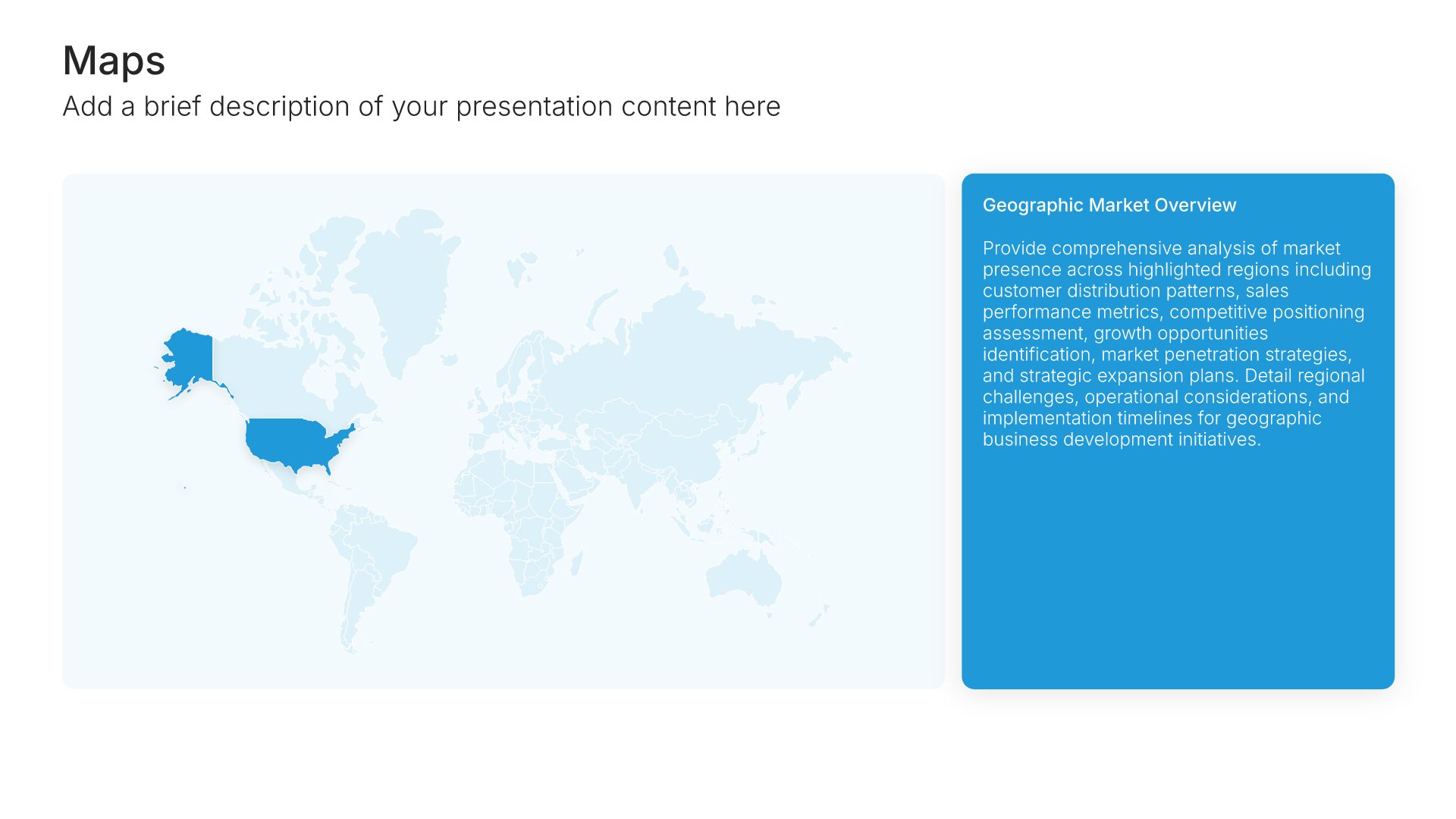
Maps • Slide Library • Layout 01 of 71

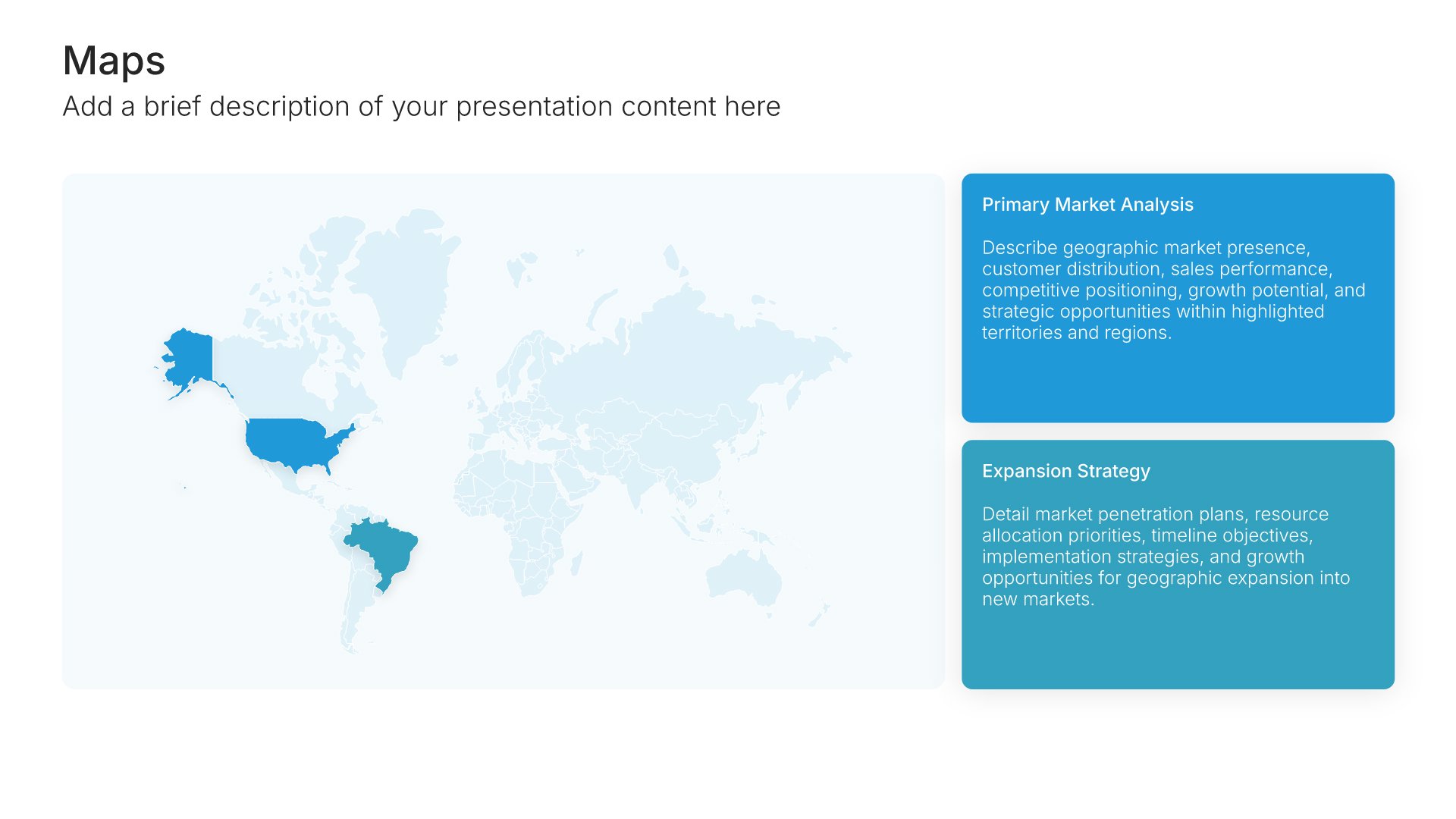
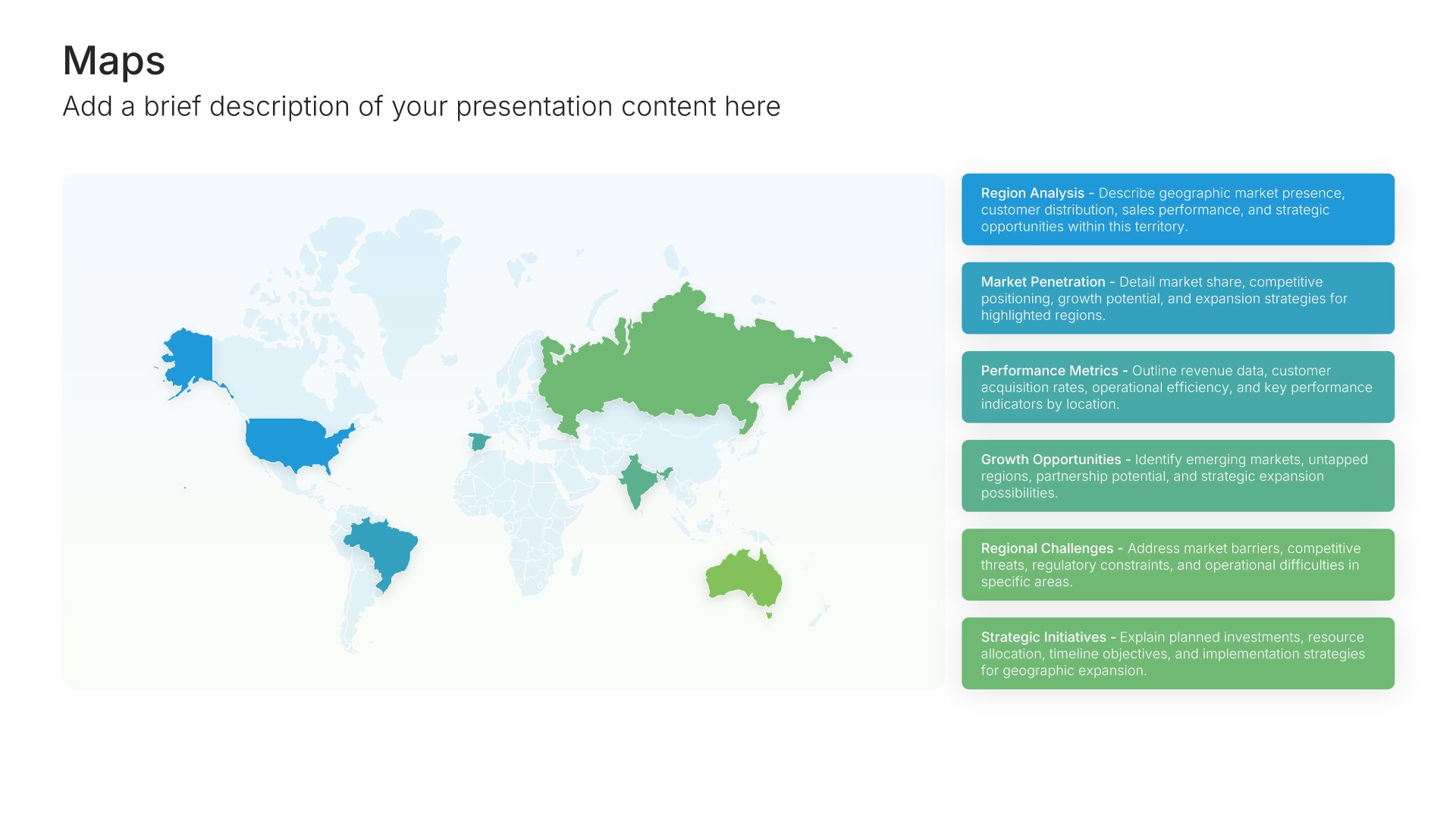
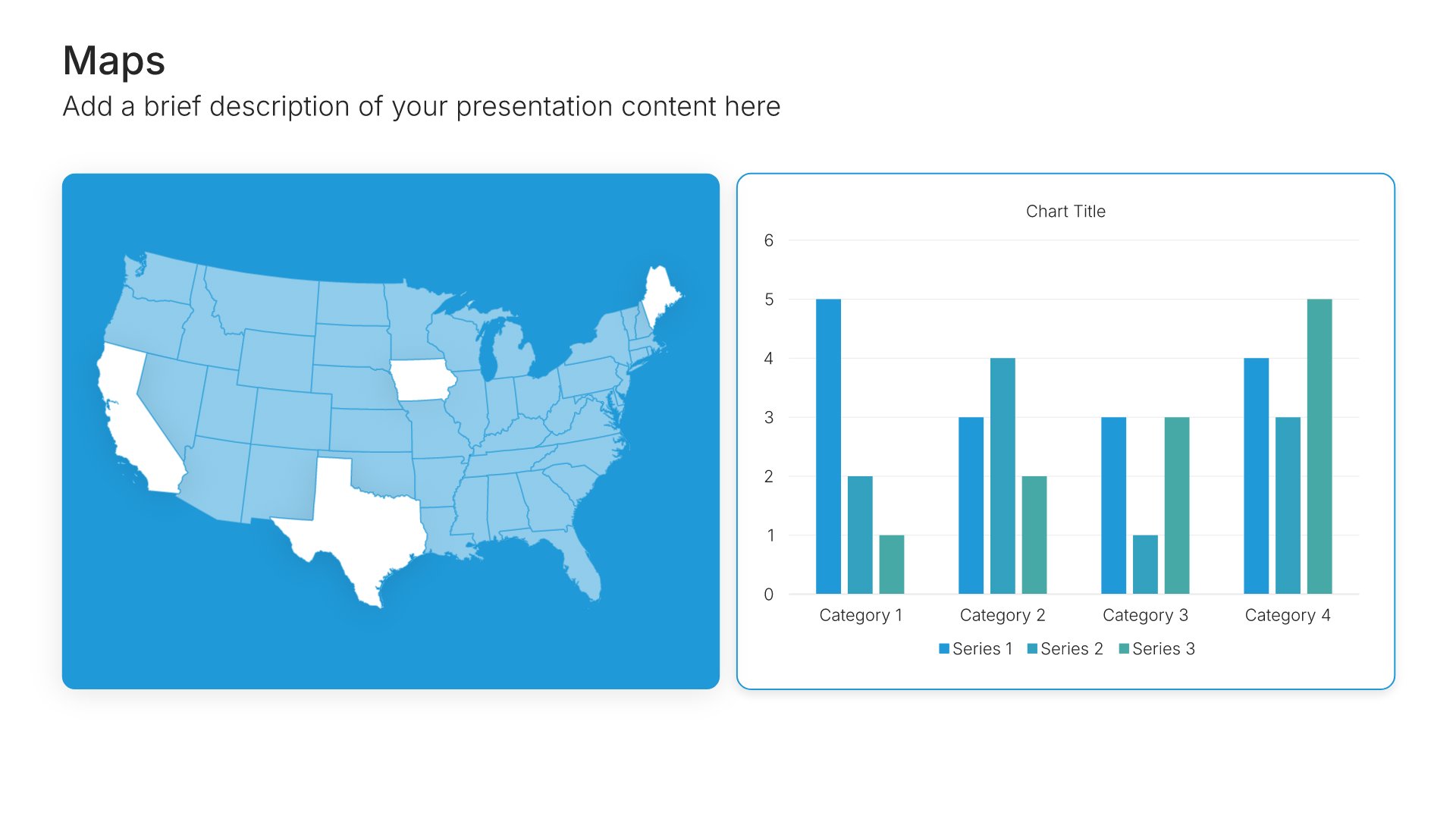
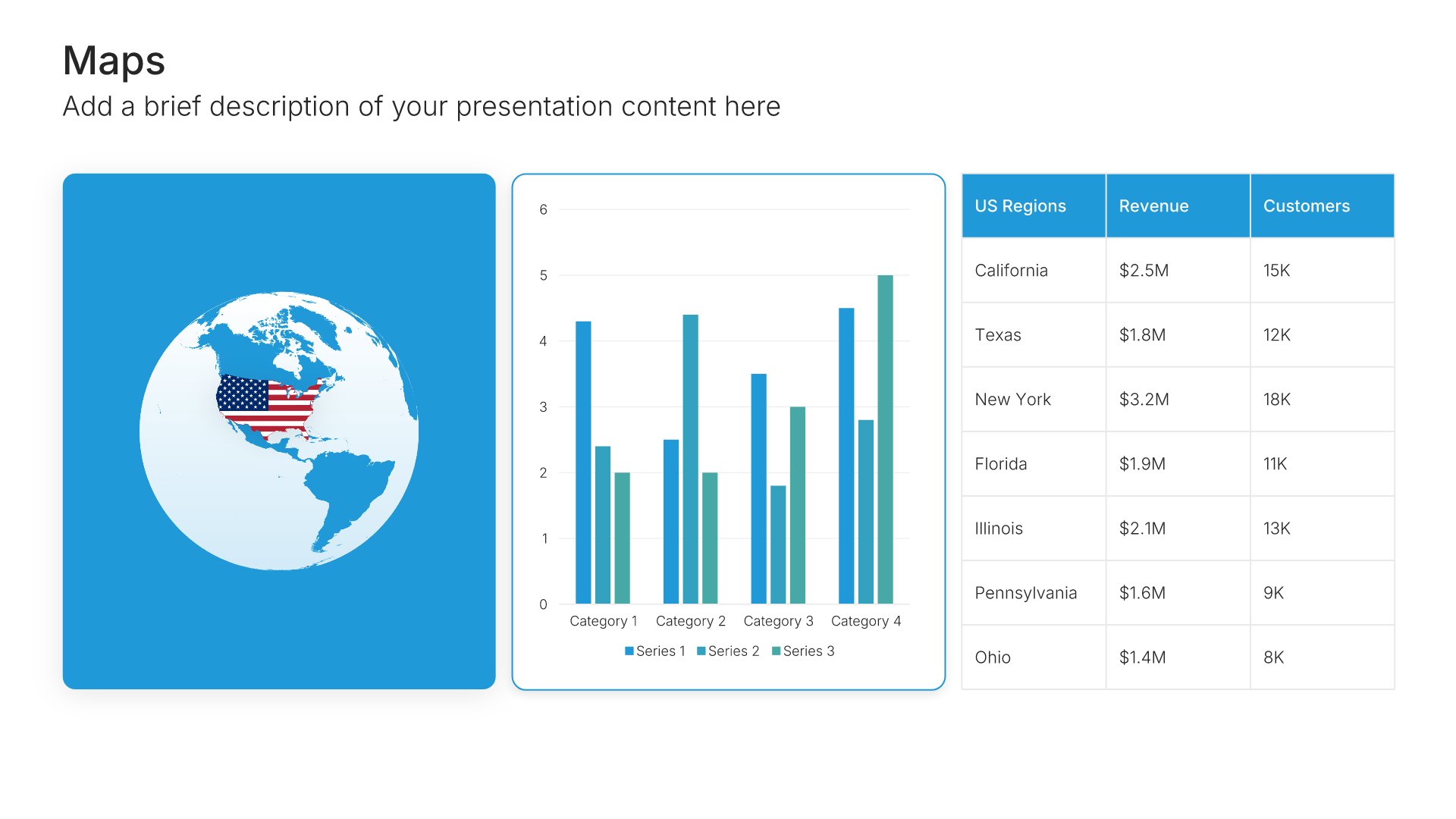
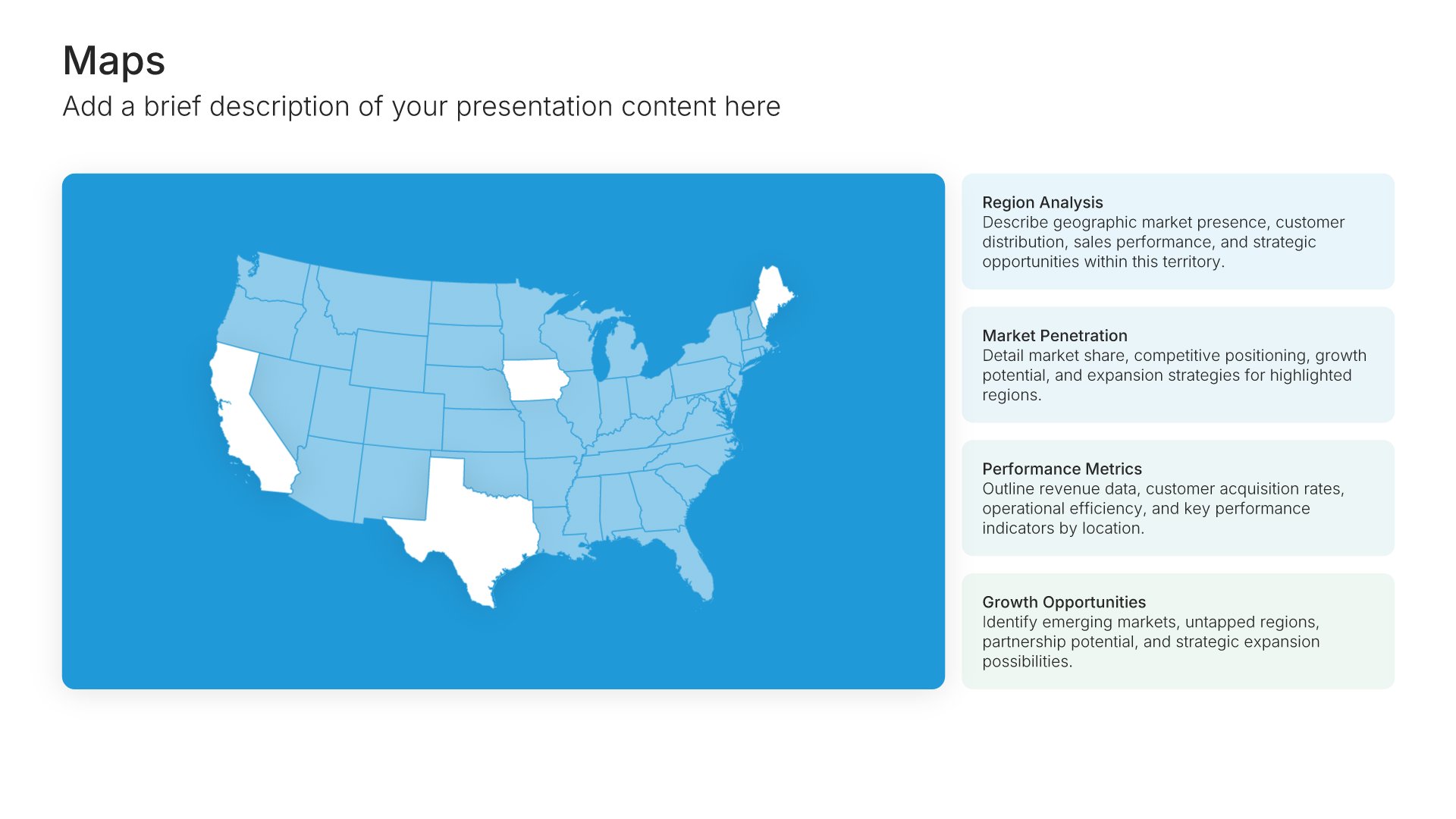
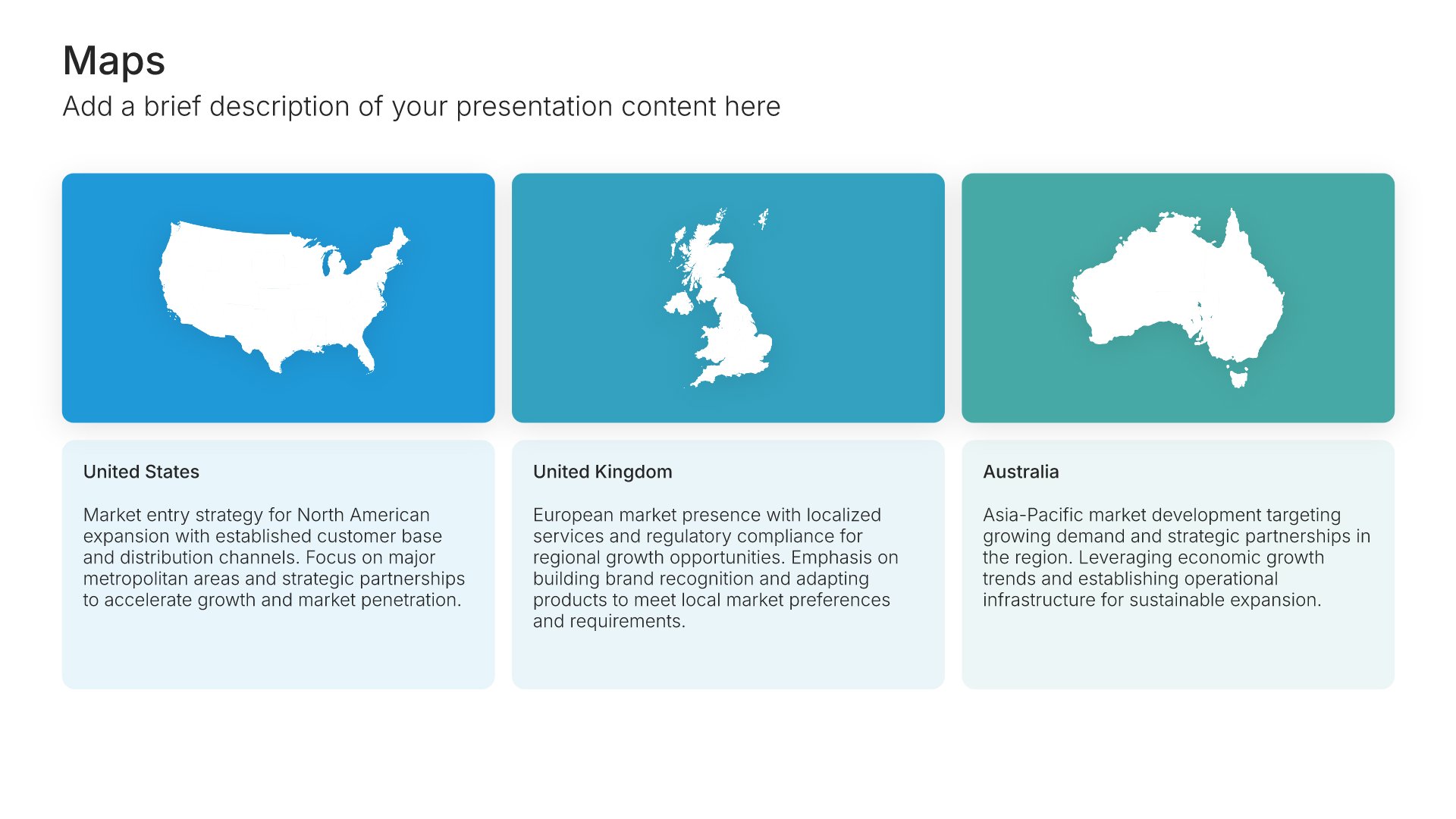
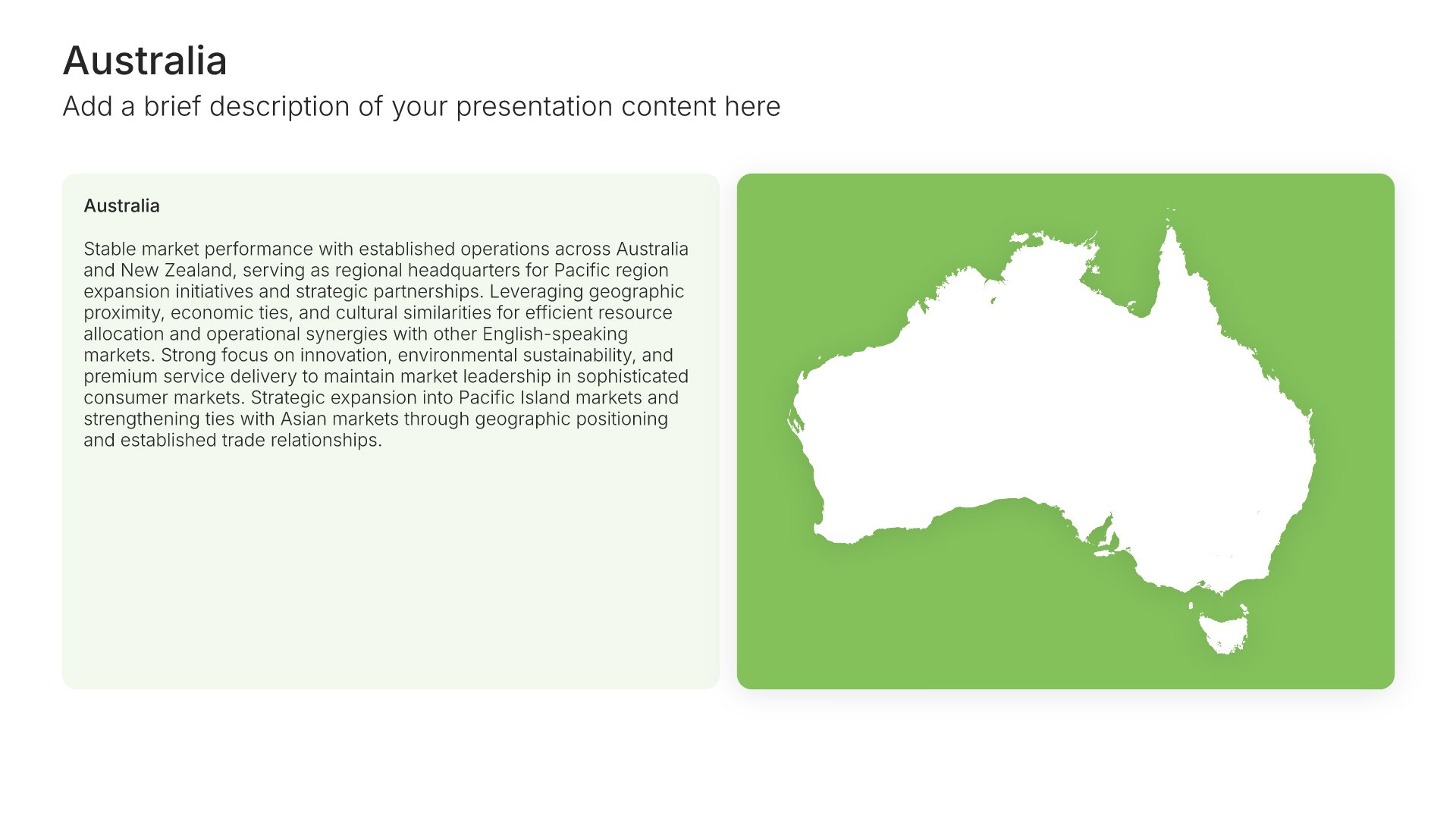
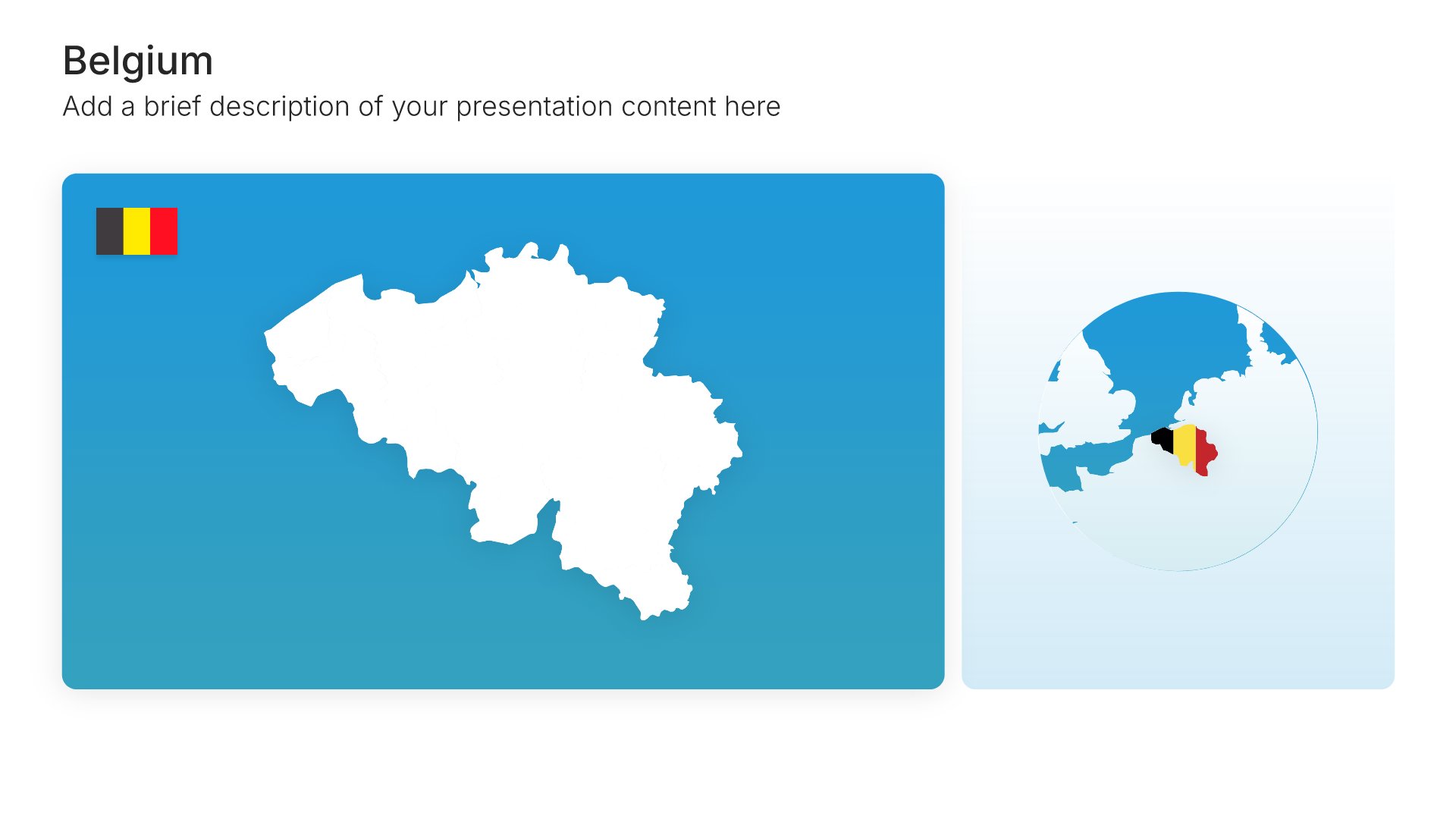
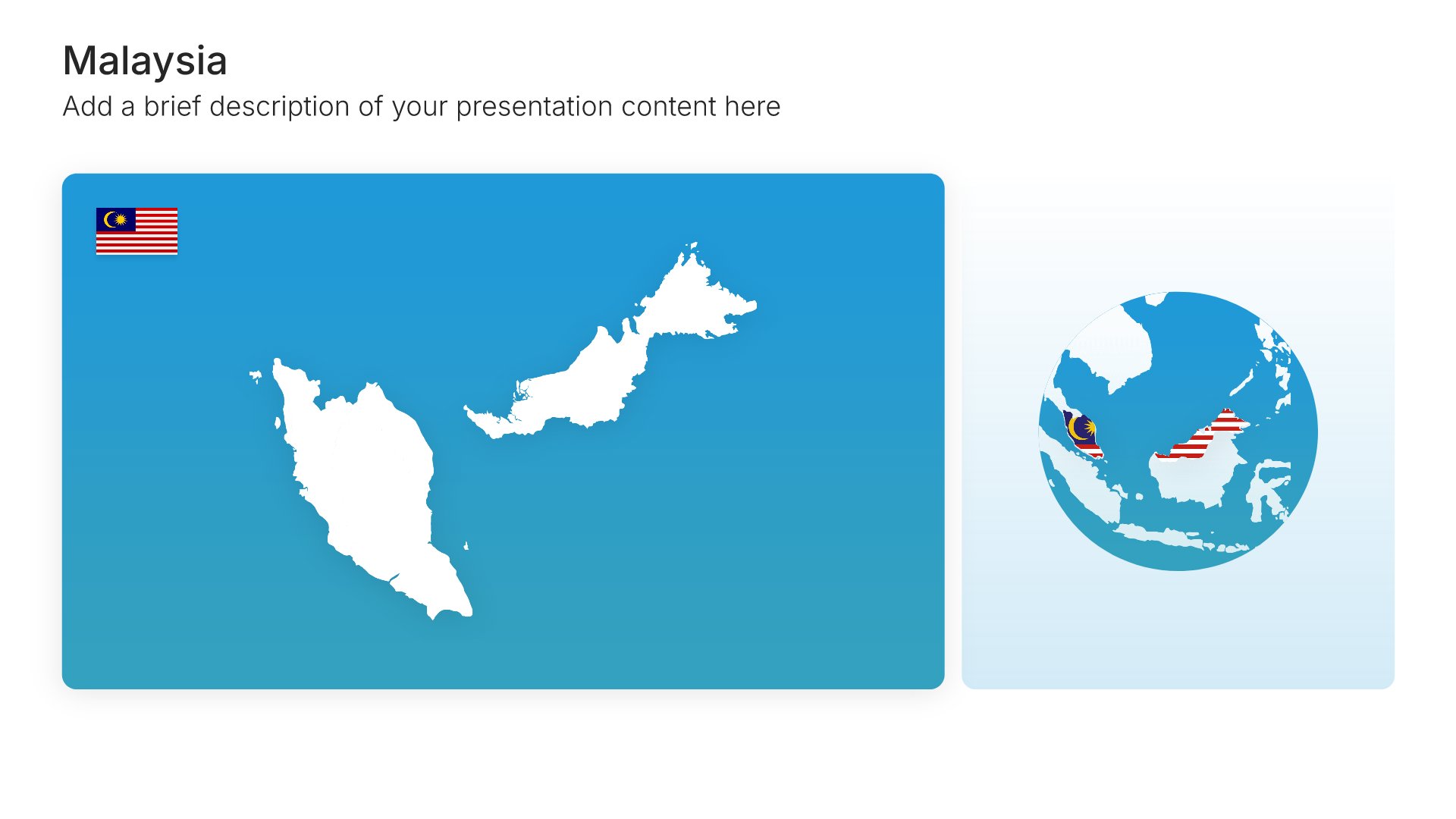
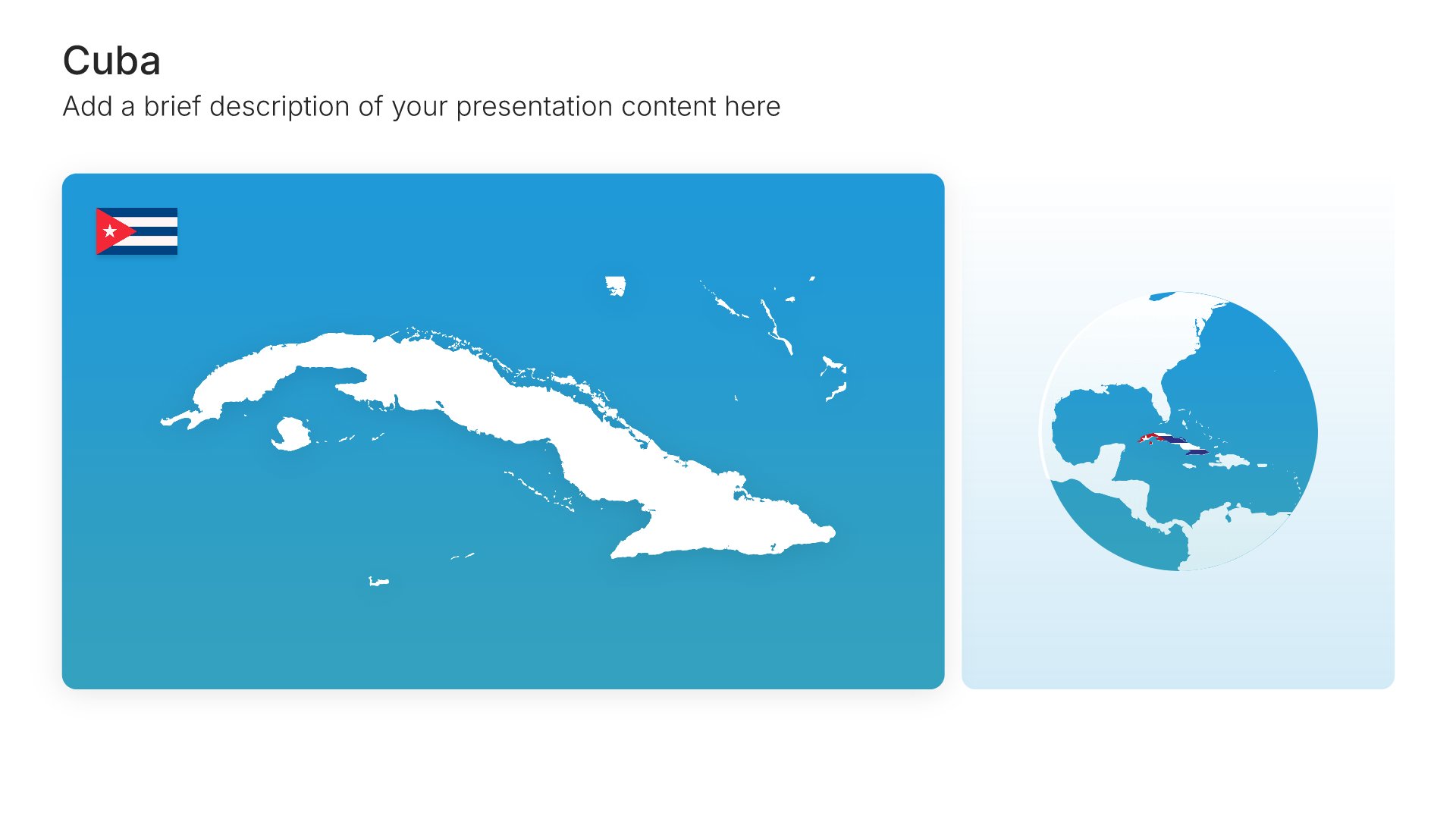
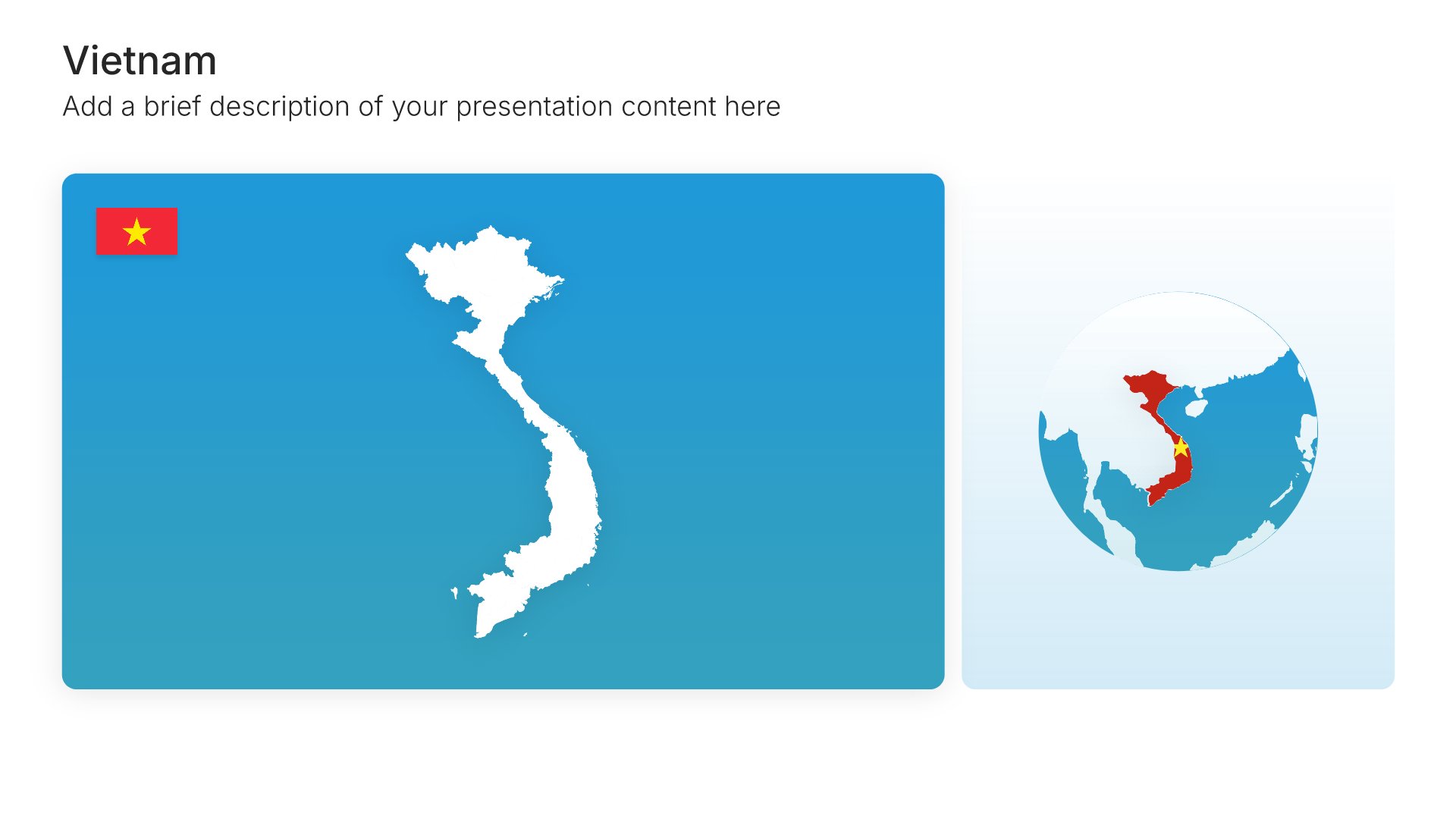
Map slide, layout 01

Layout 01

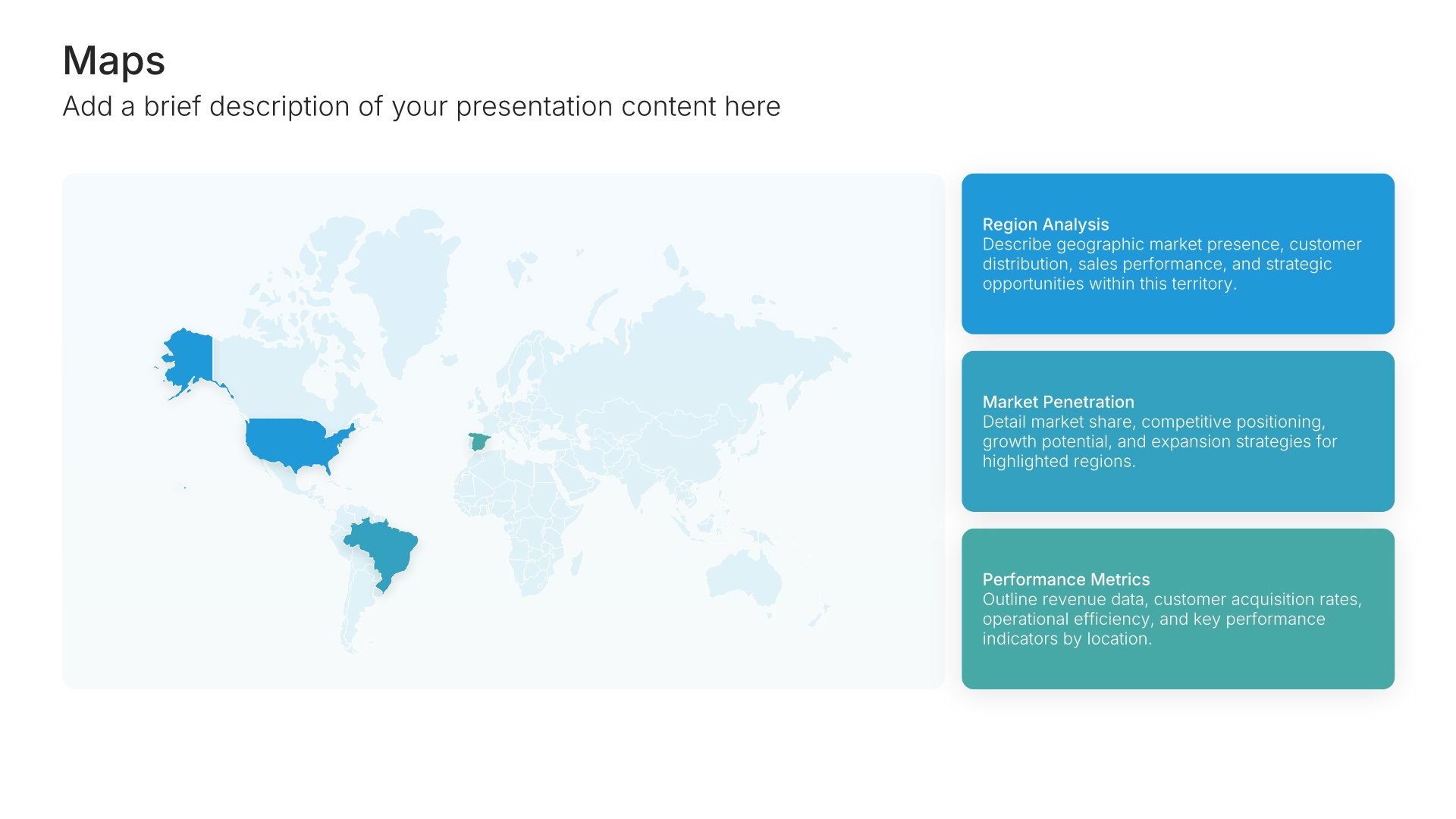
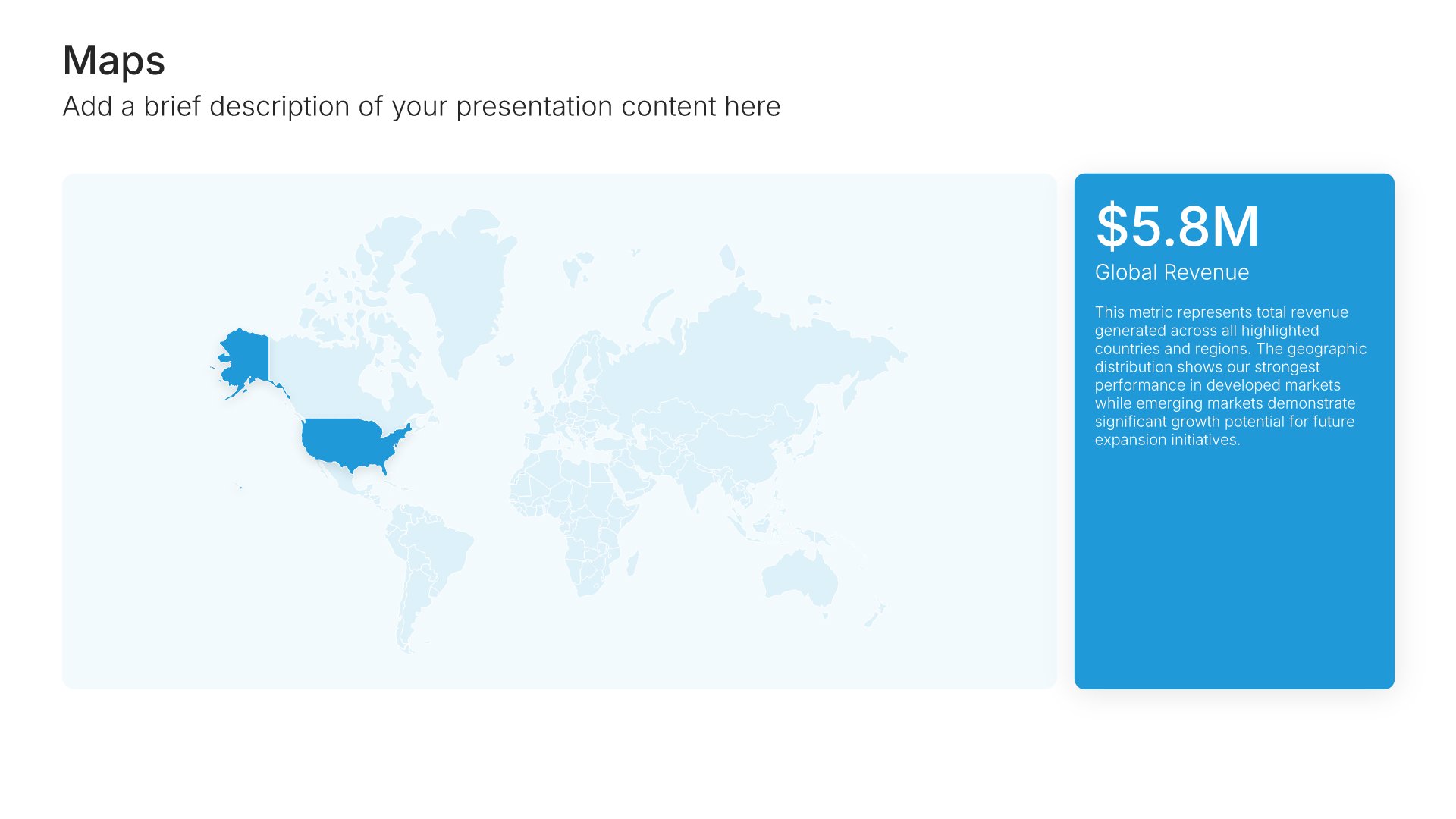
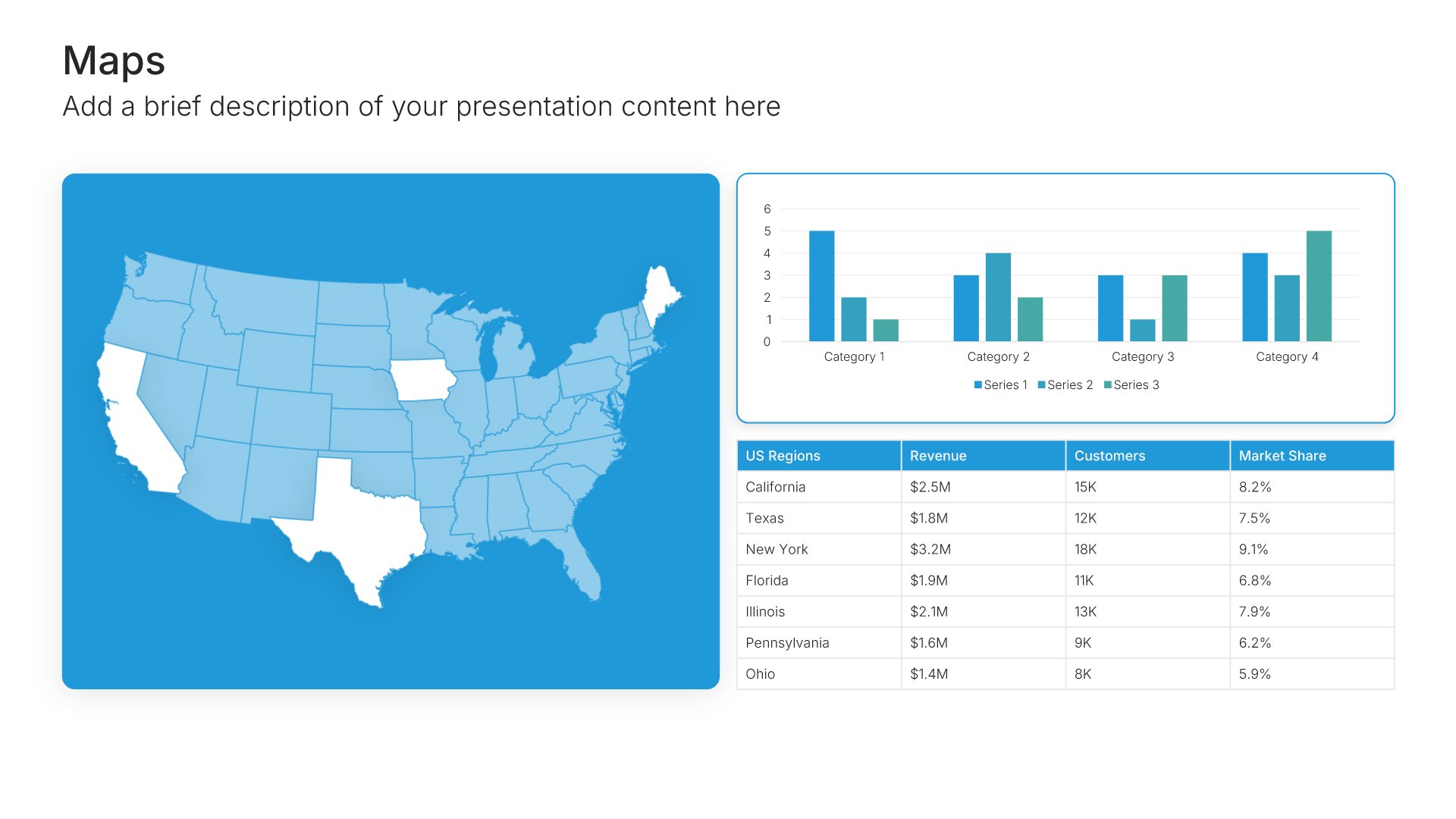
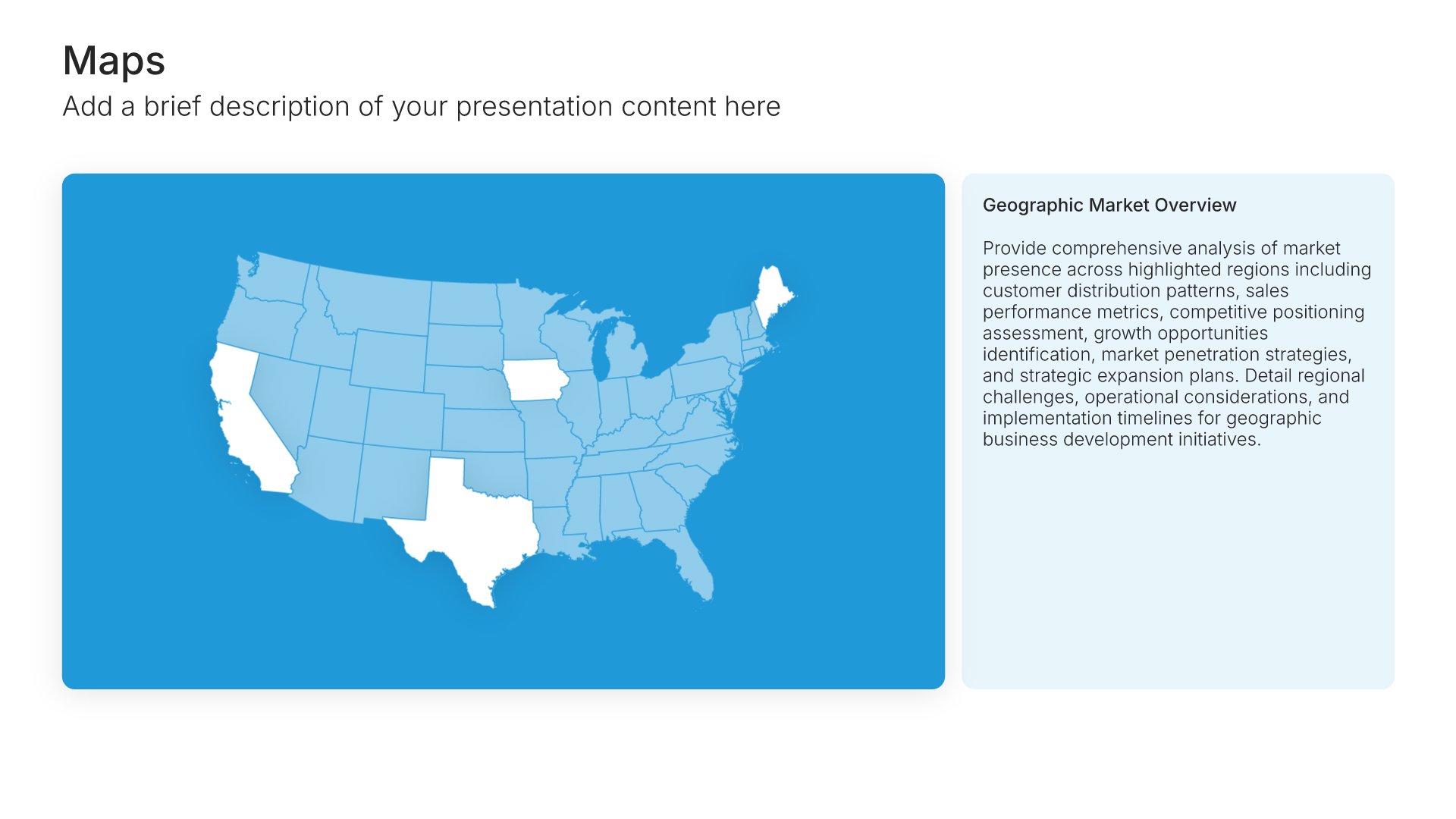
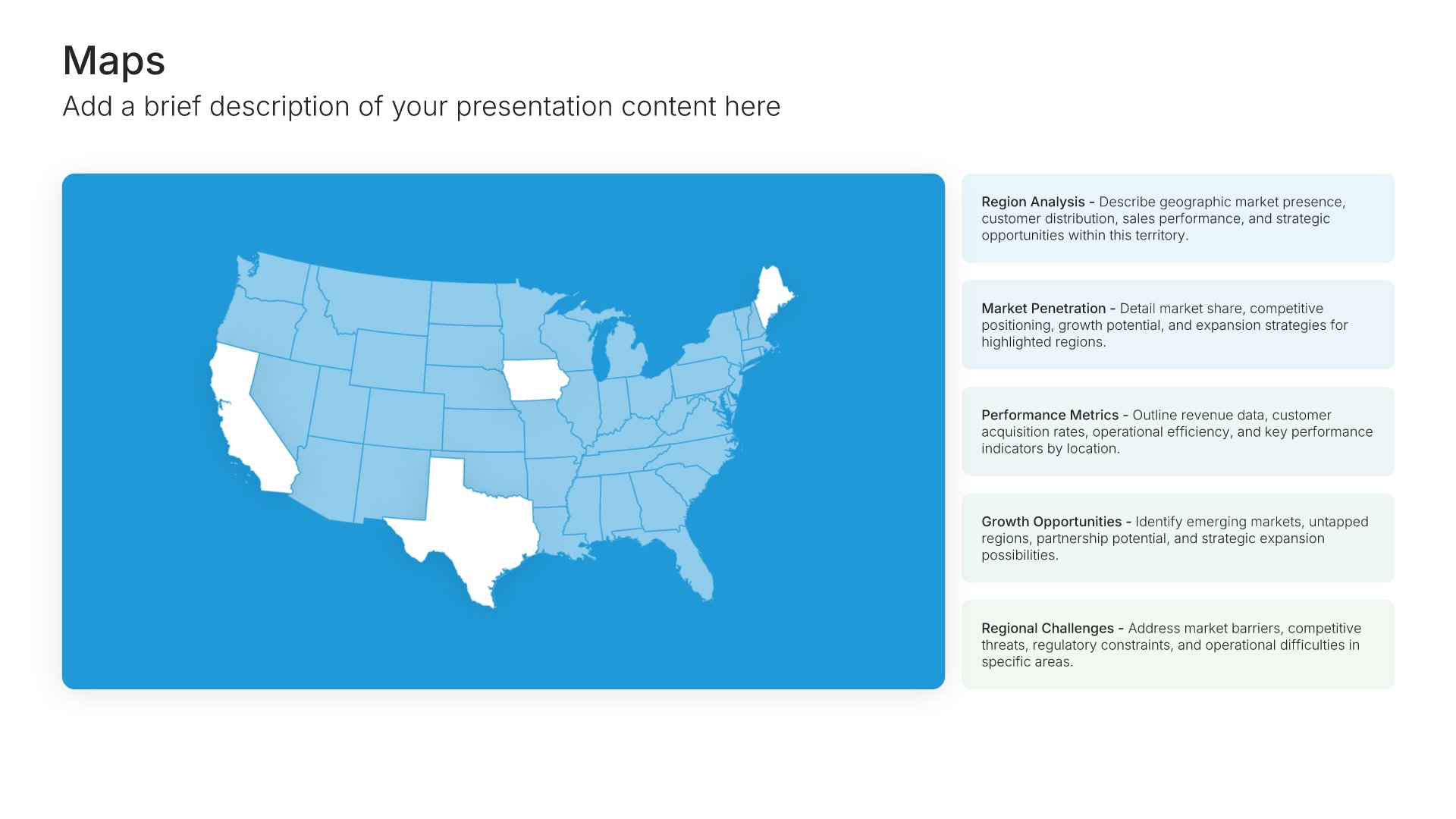
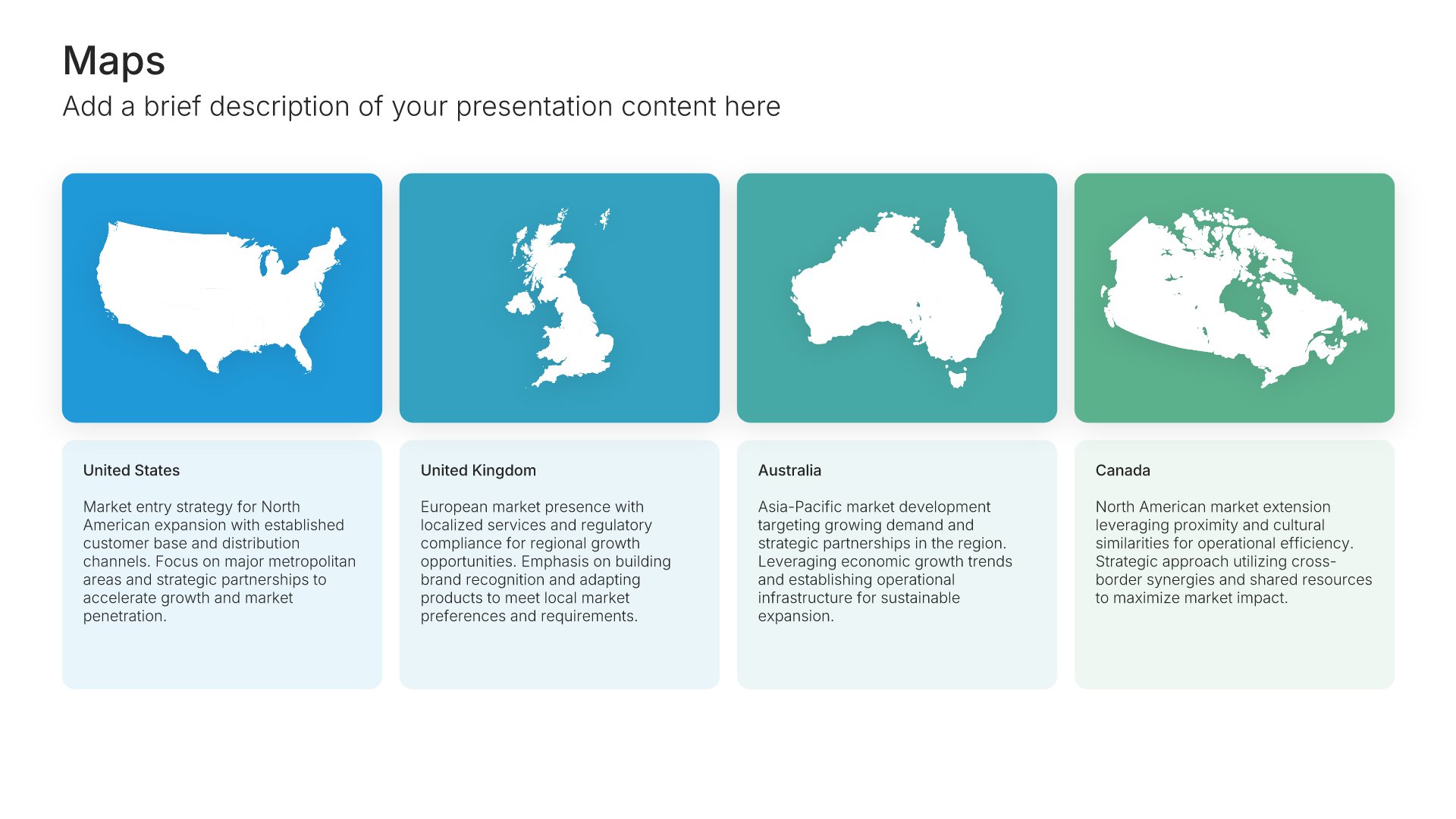
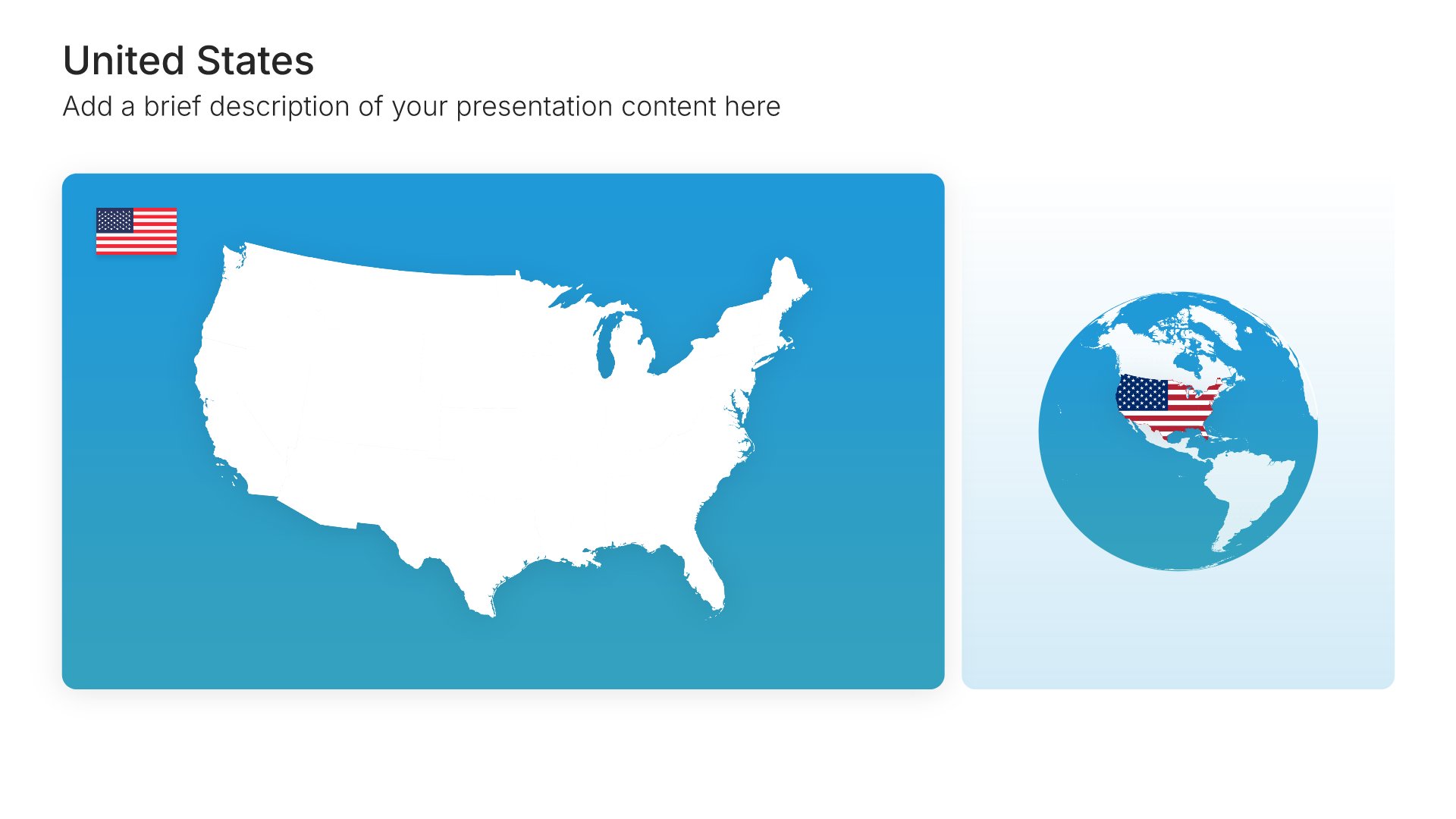
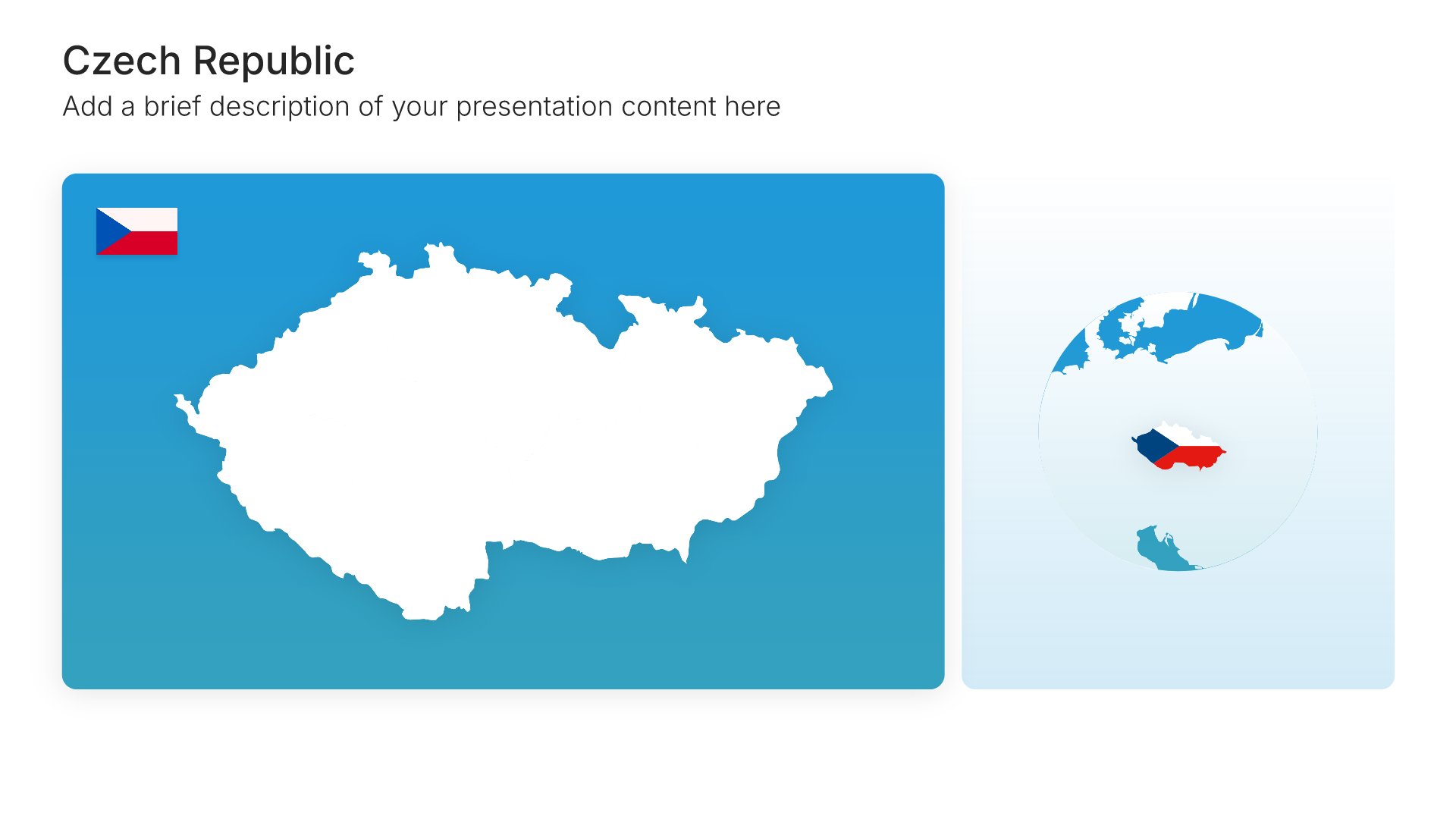
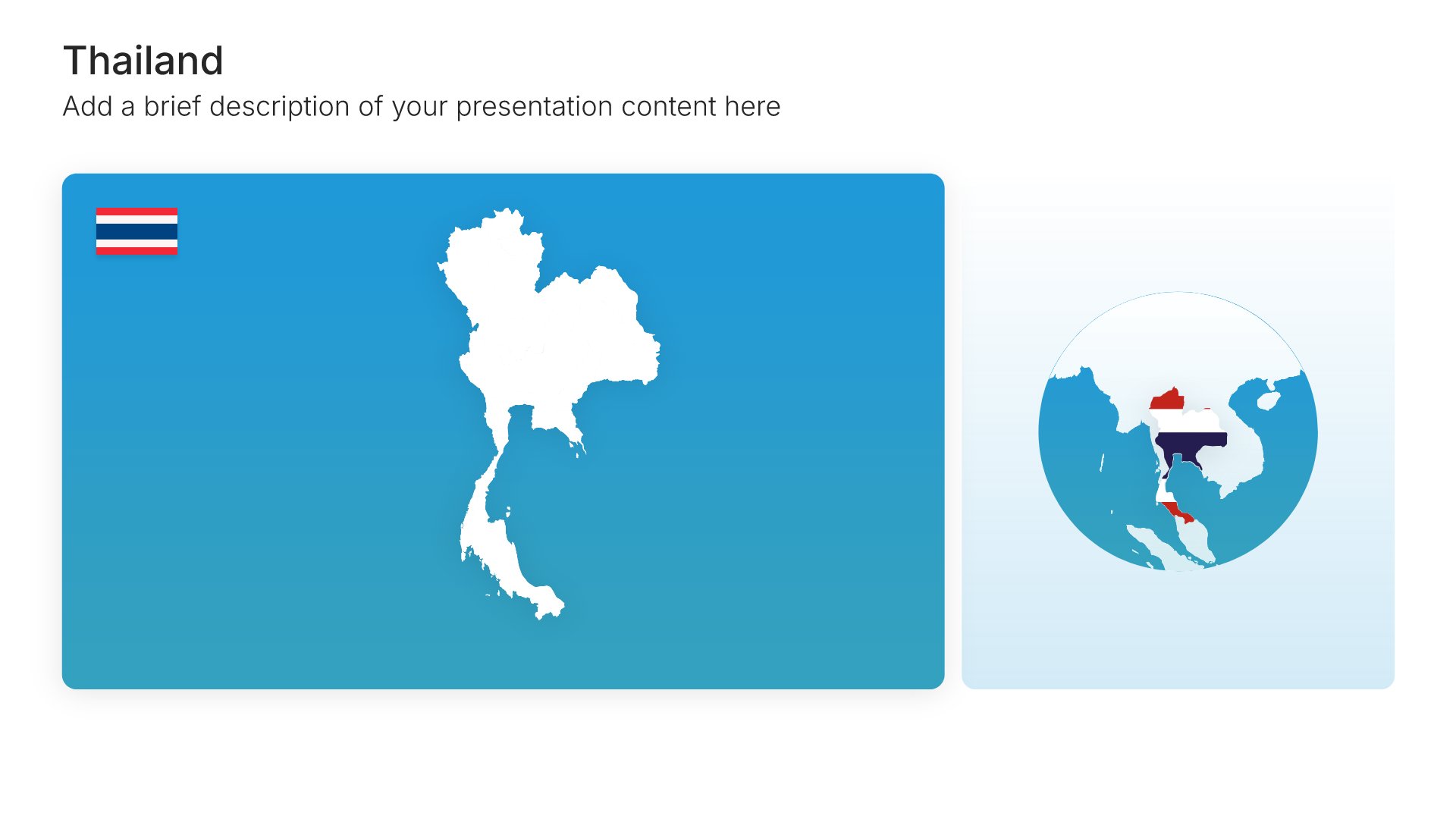
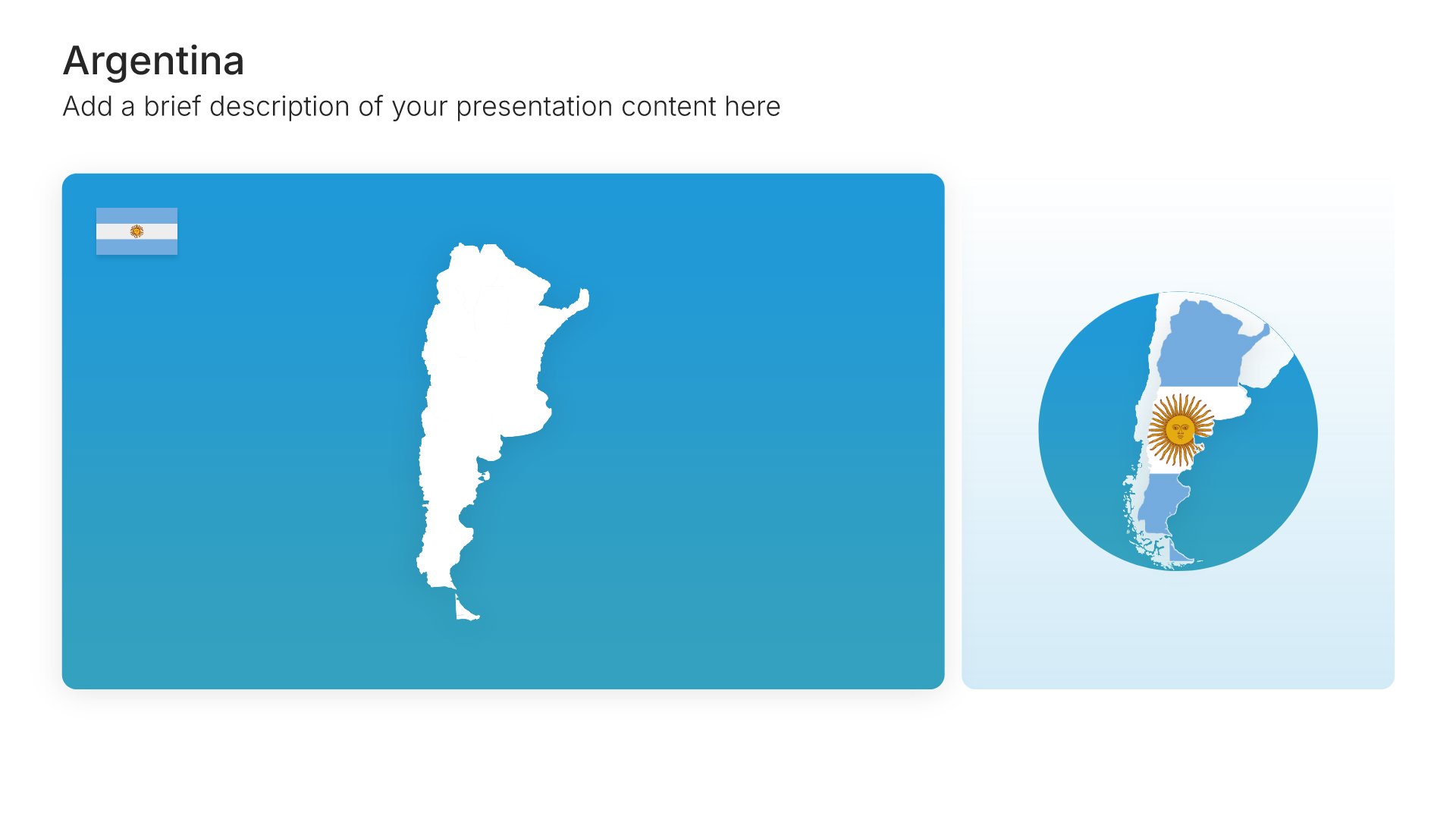
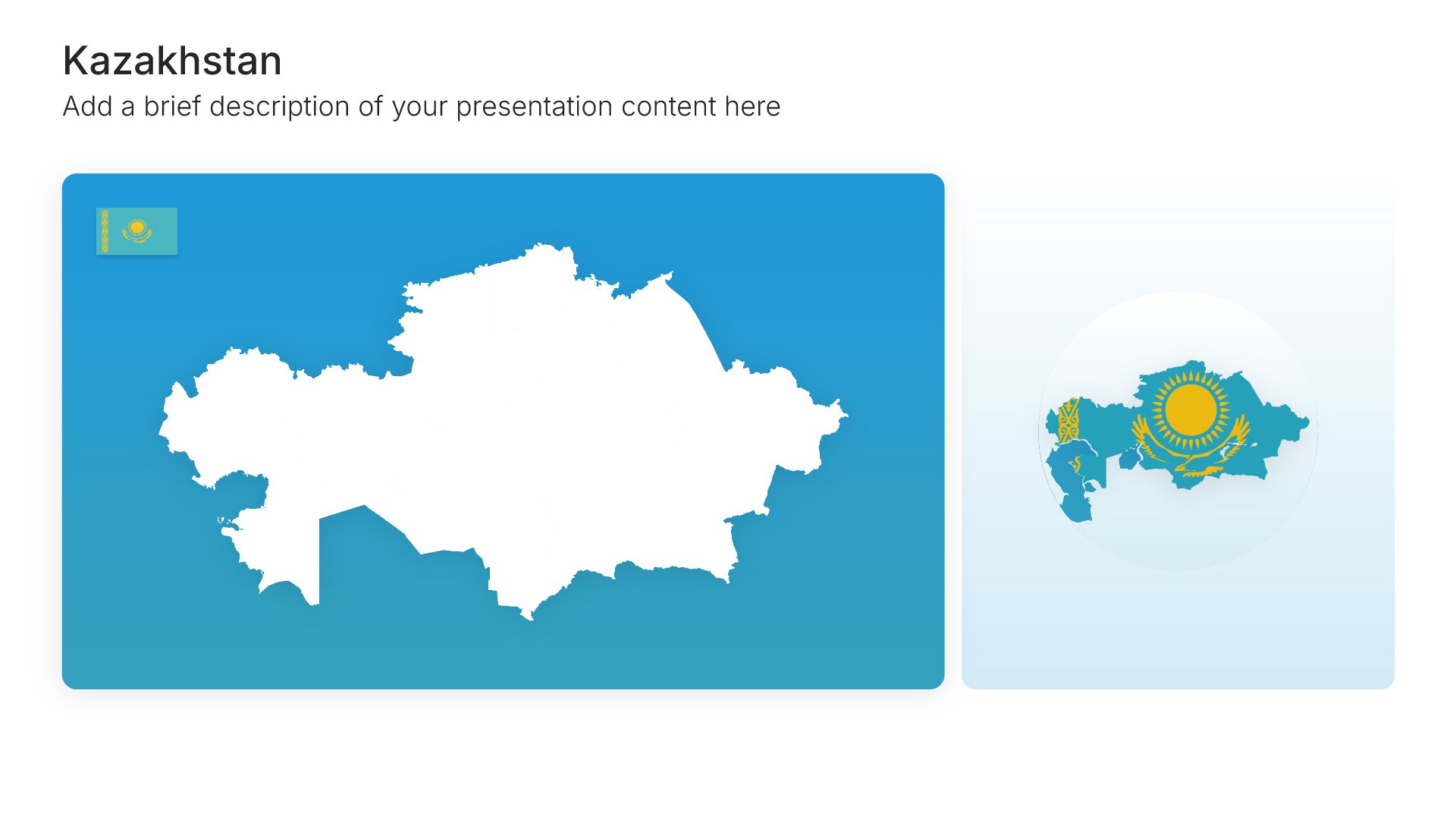
Map slide, layout 02

Layout 02

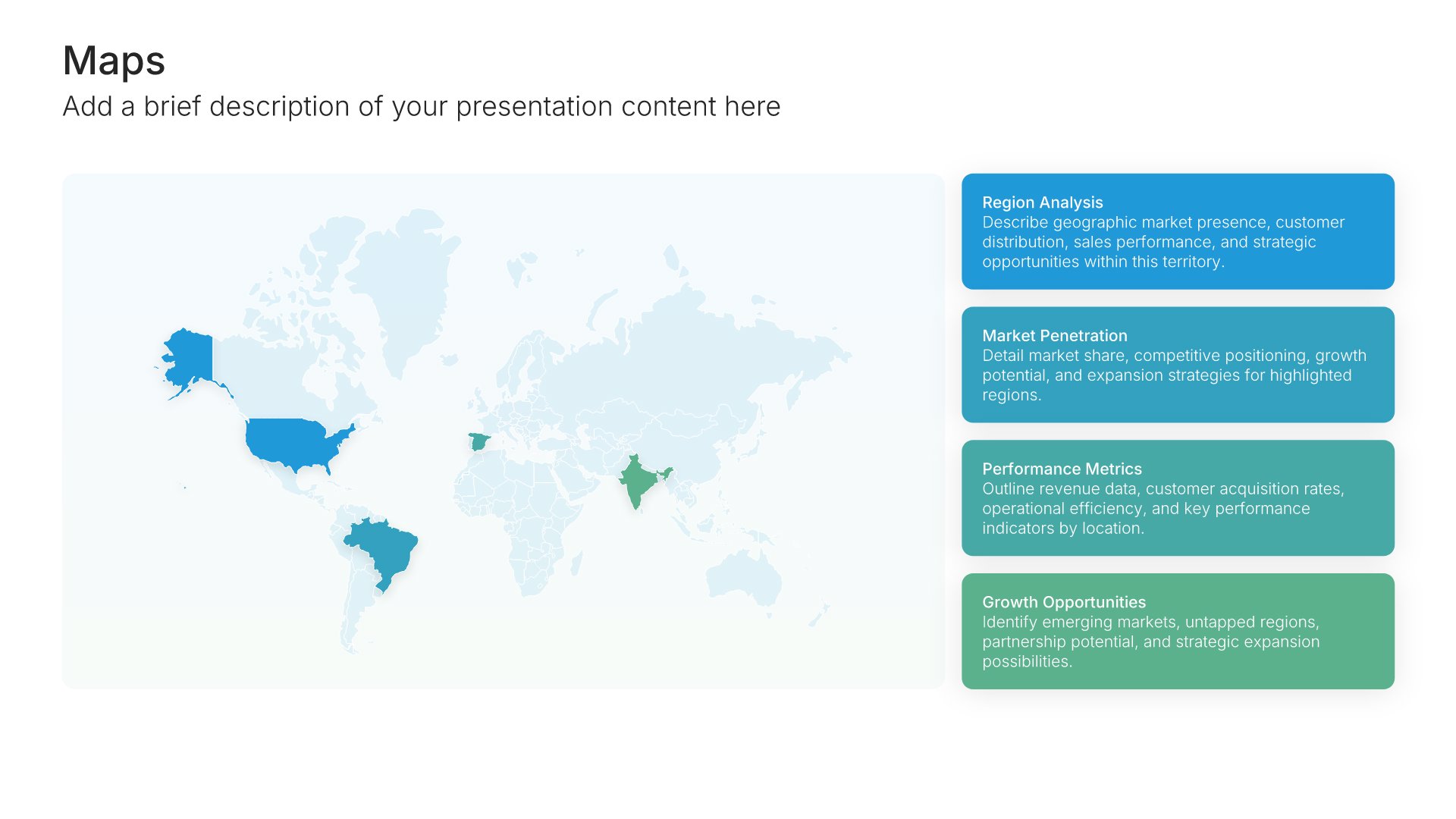
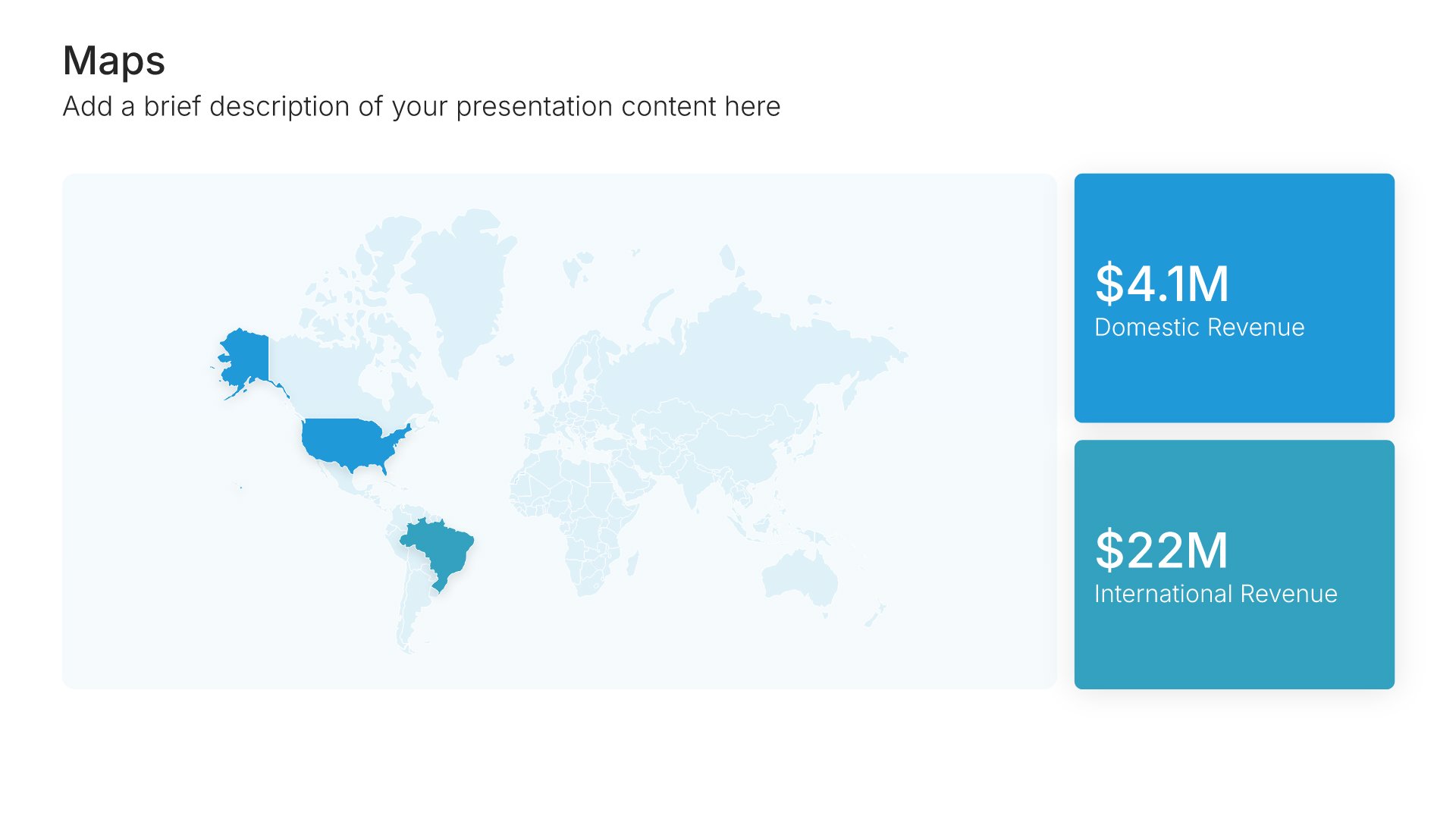
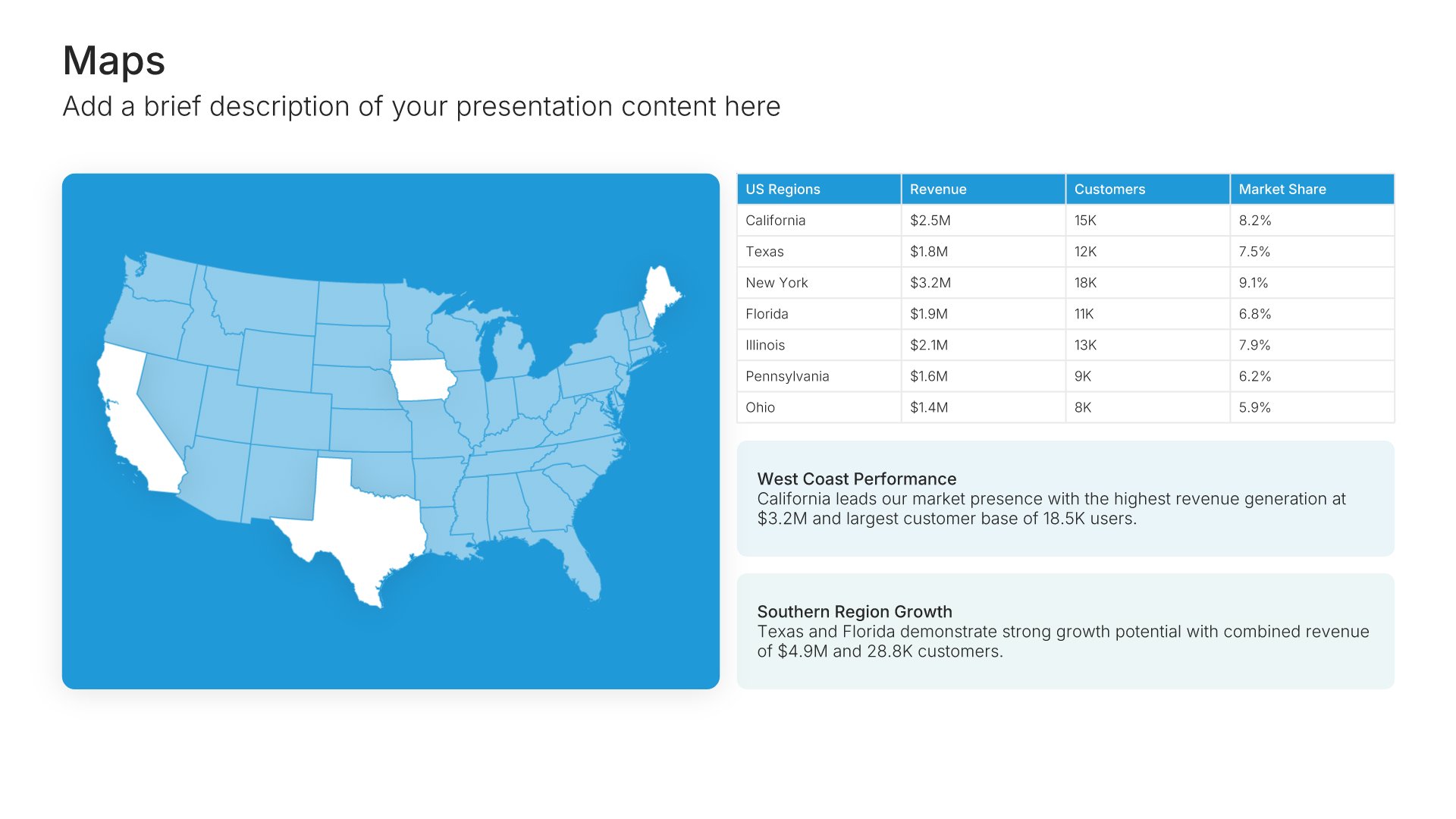
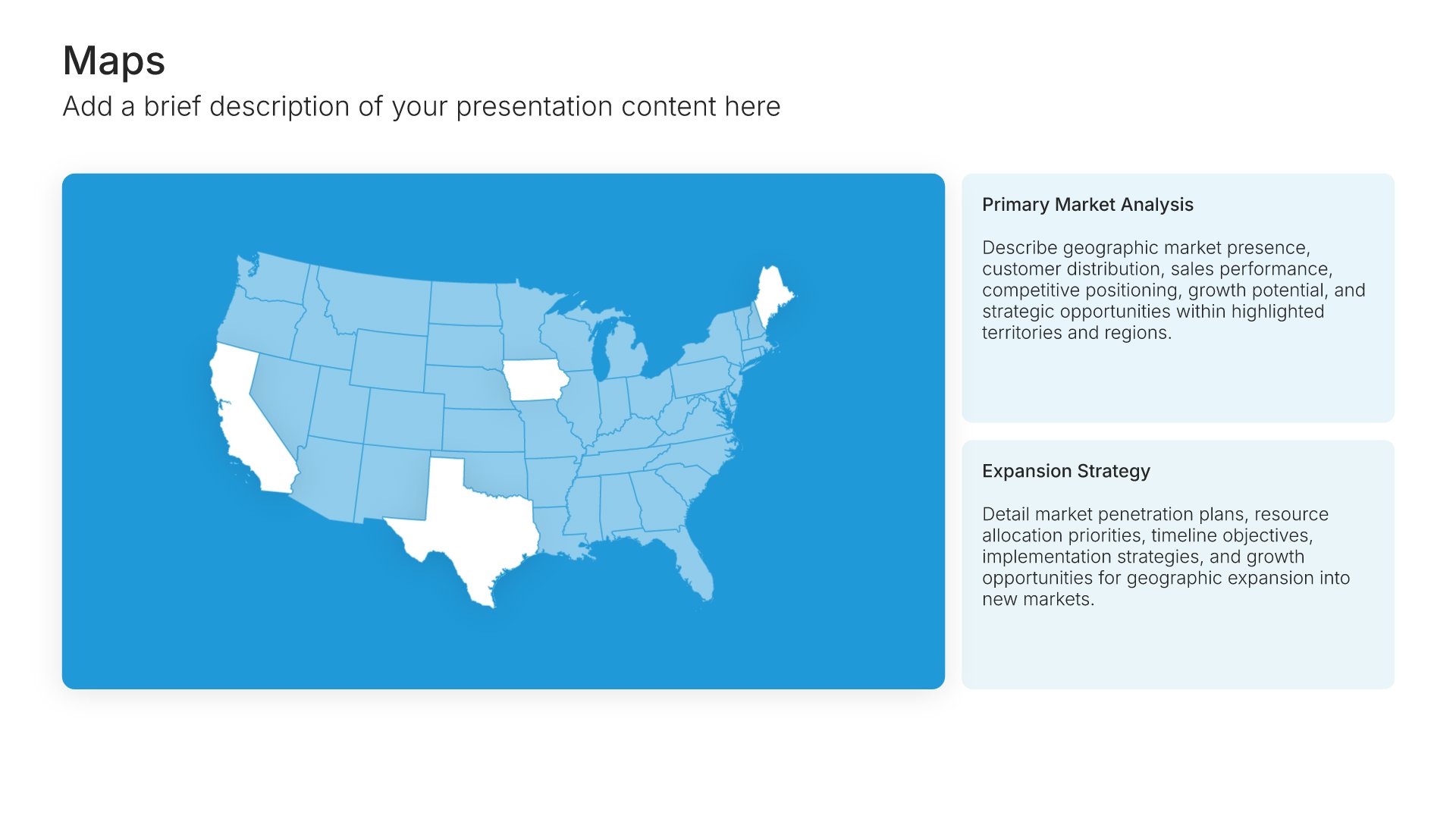
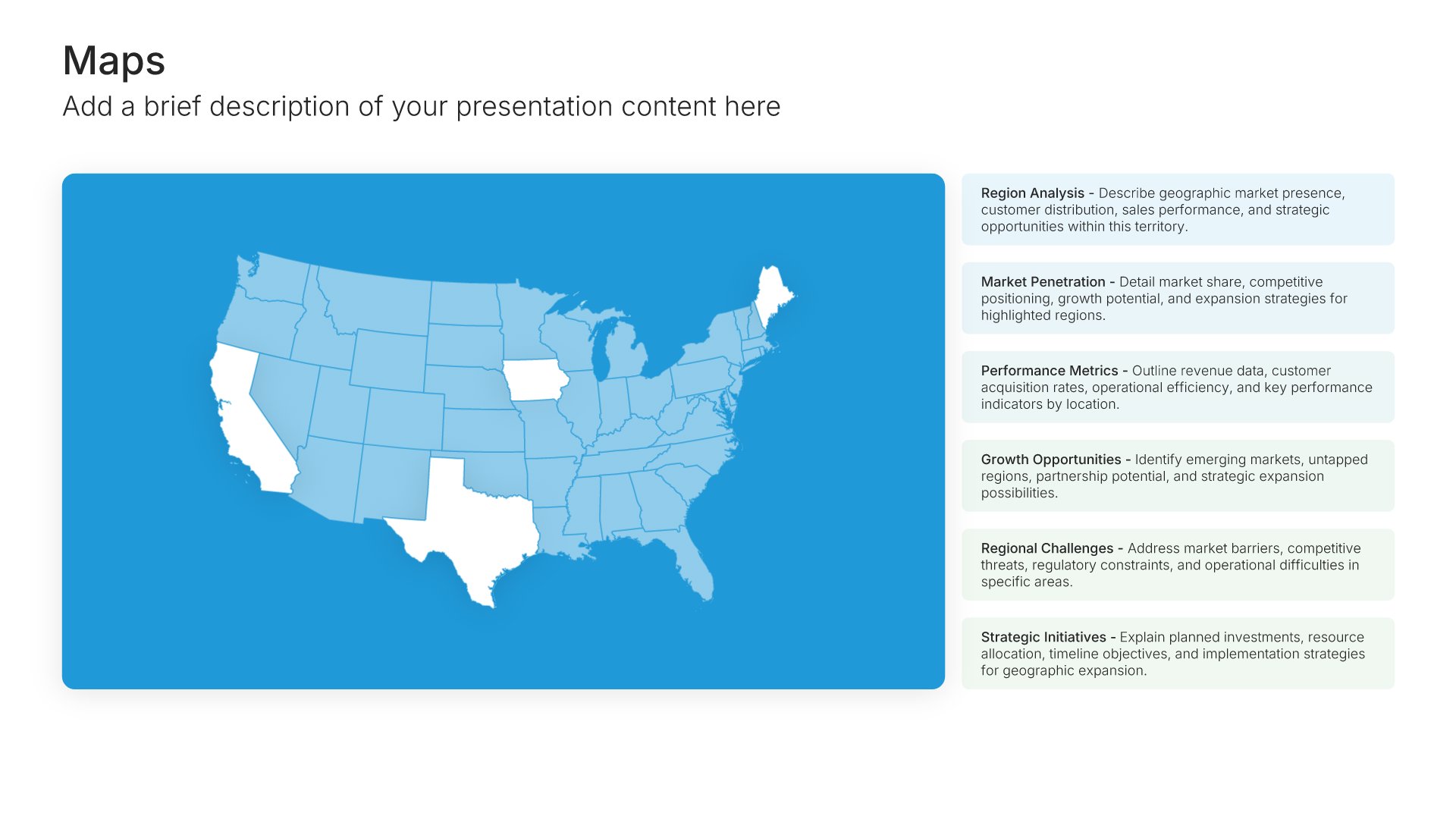
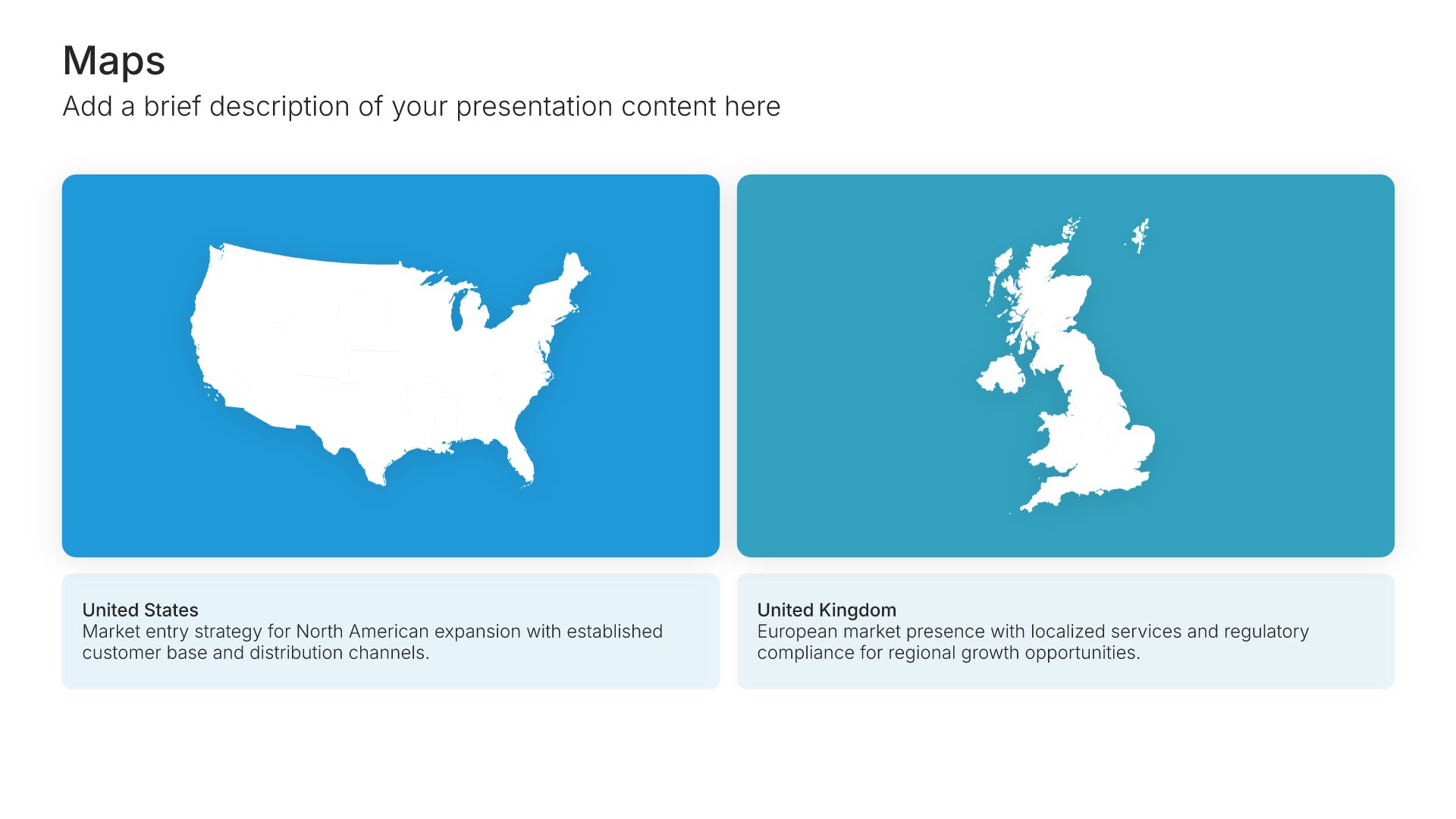
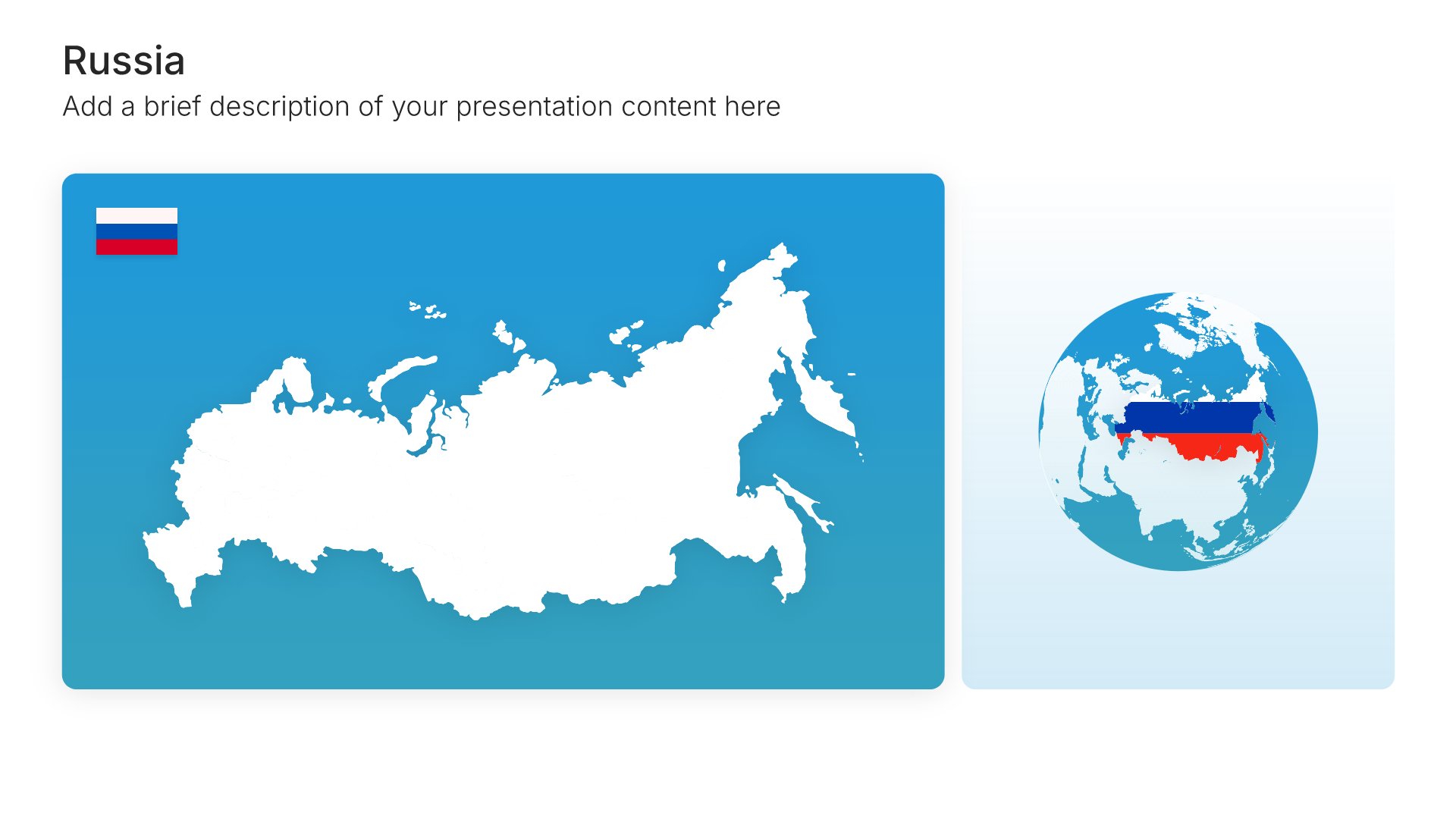
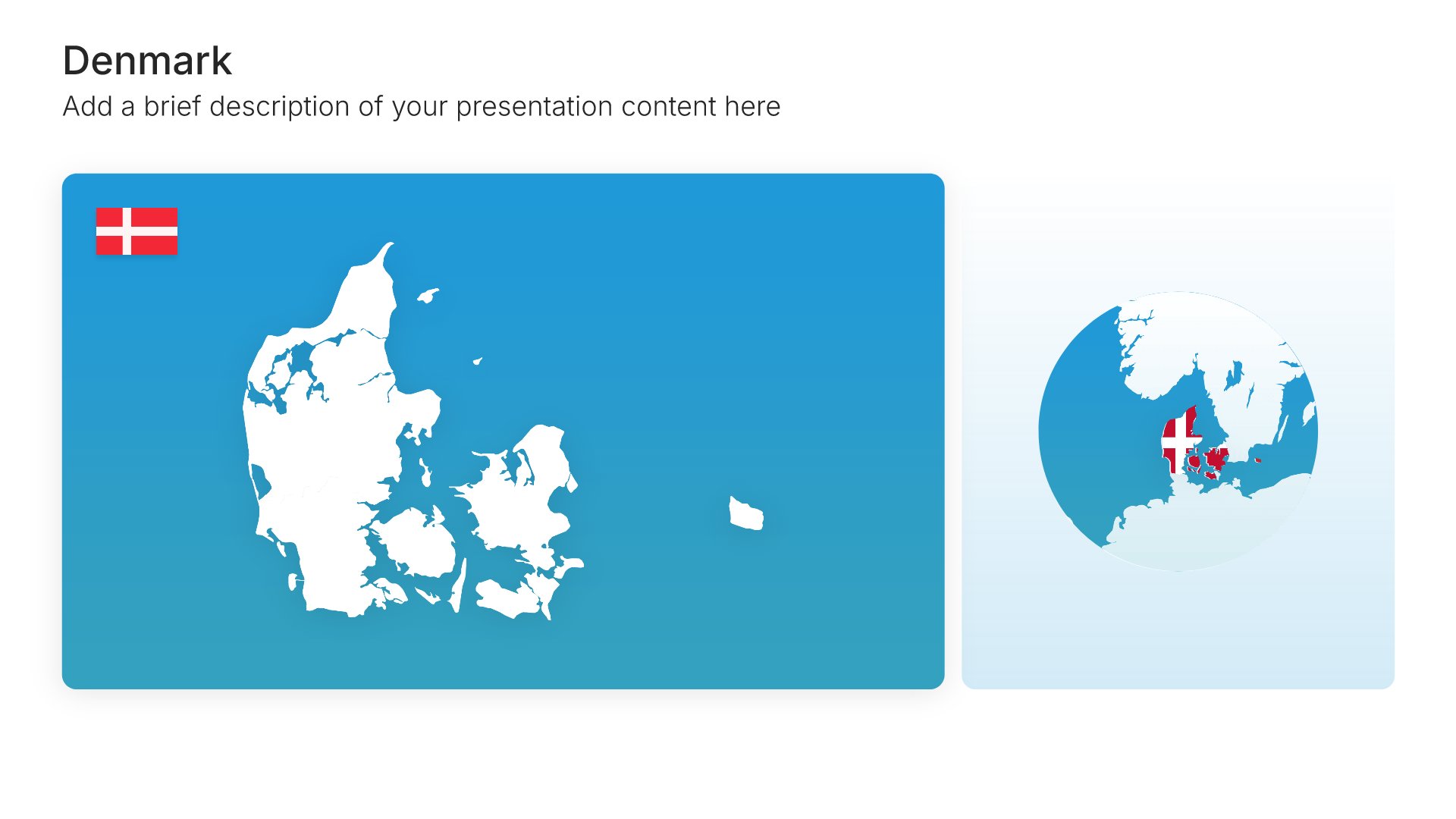
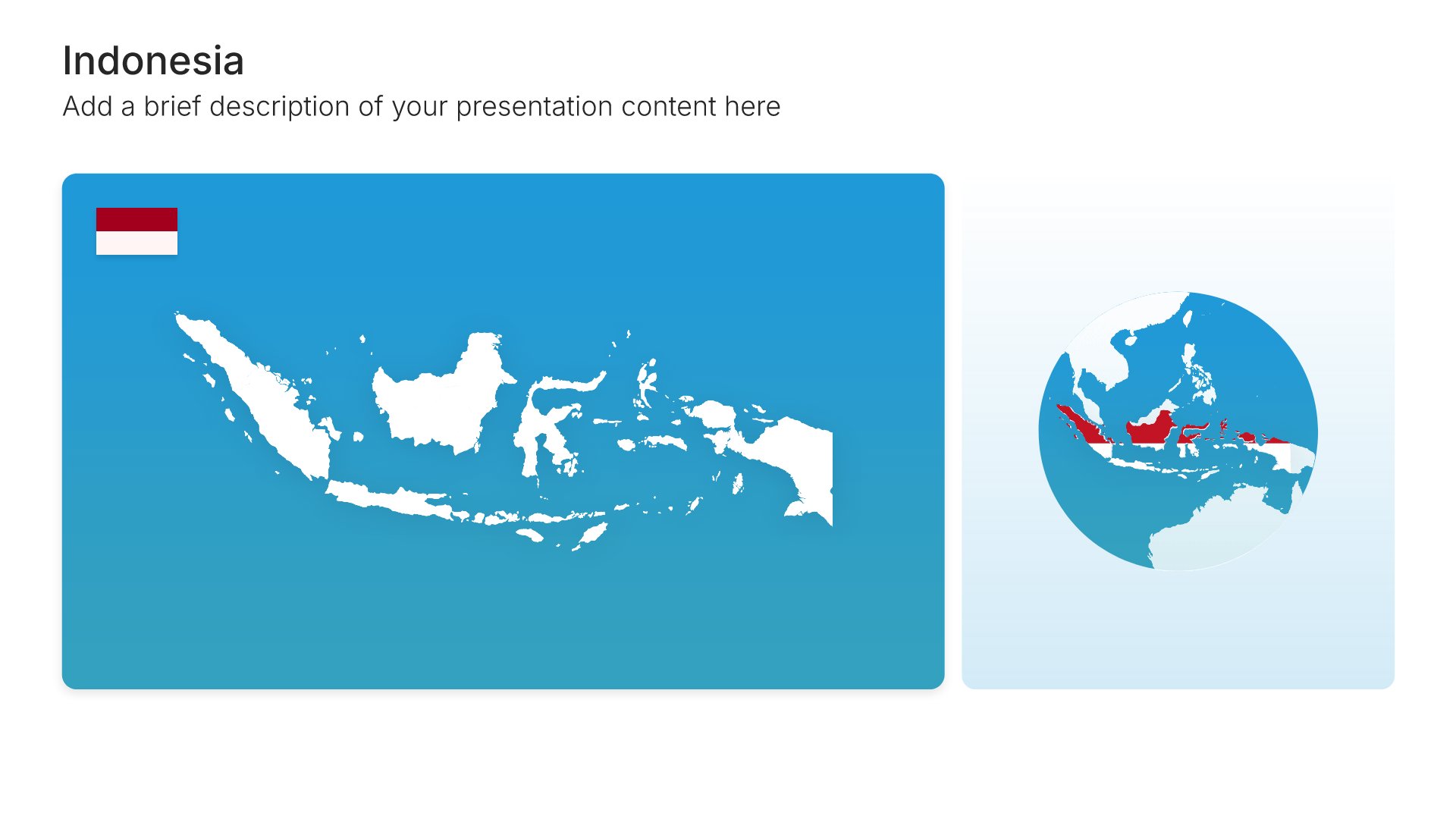
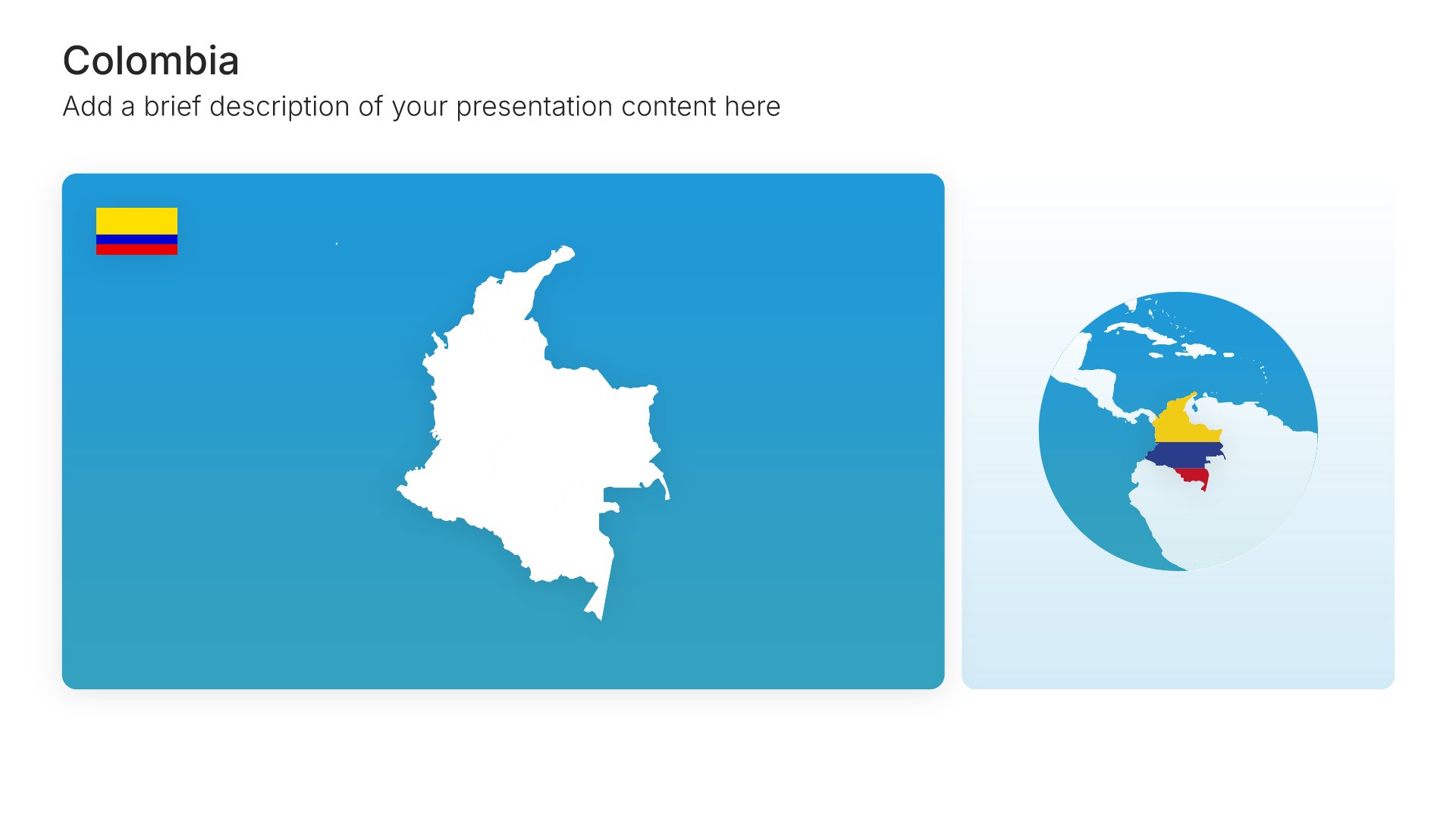
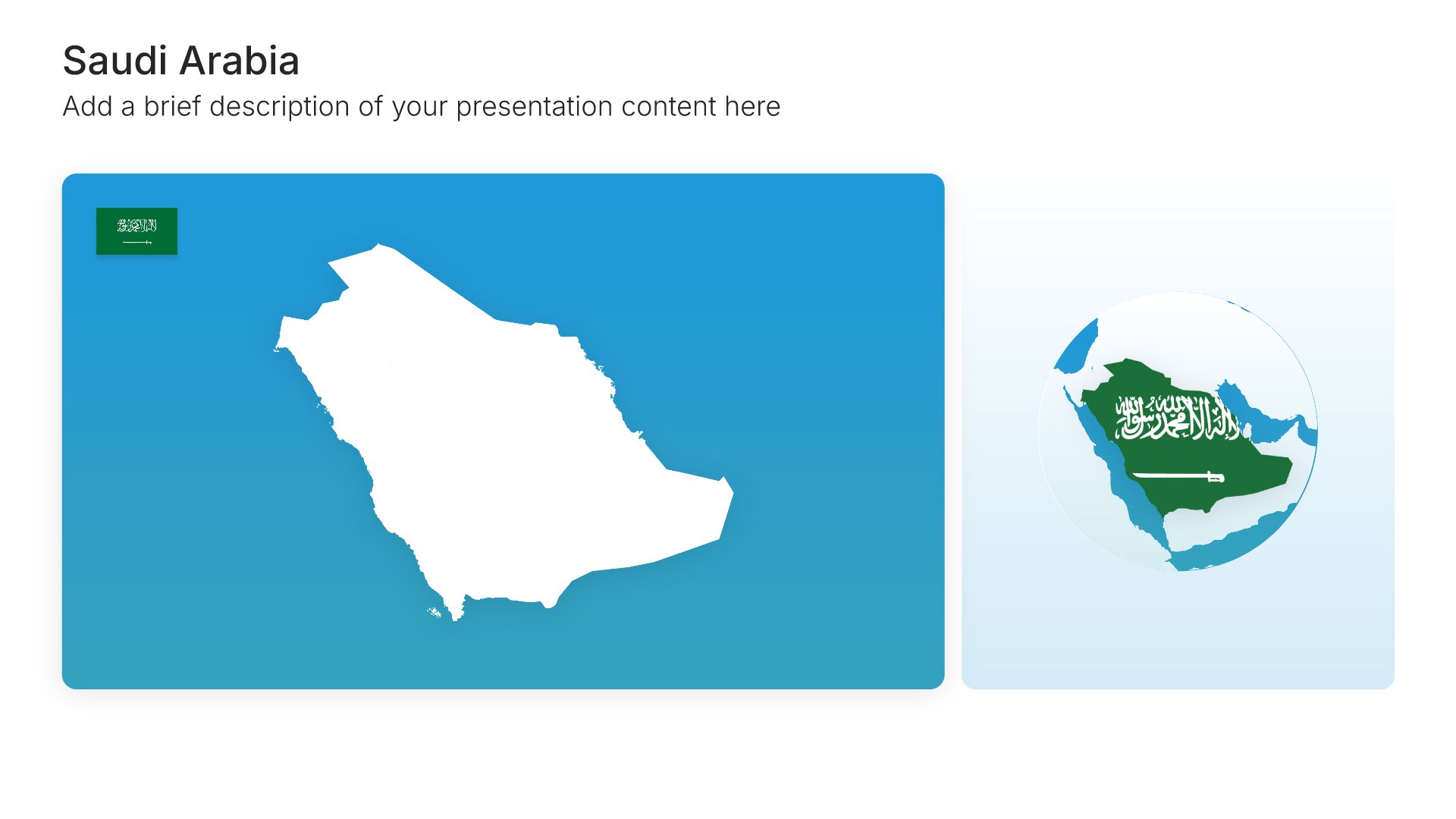
Map slide, layout 03

Layout 03

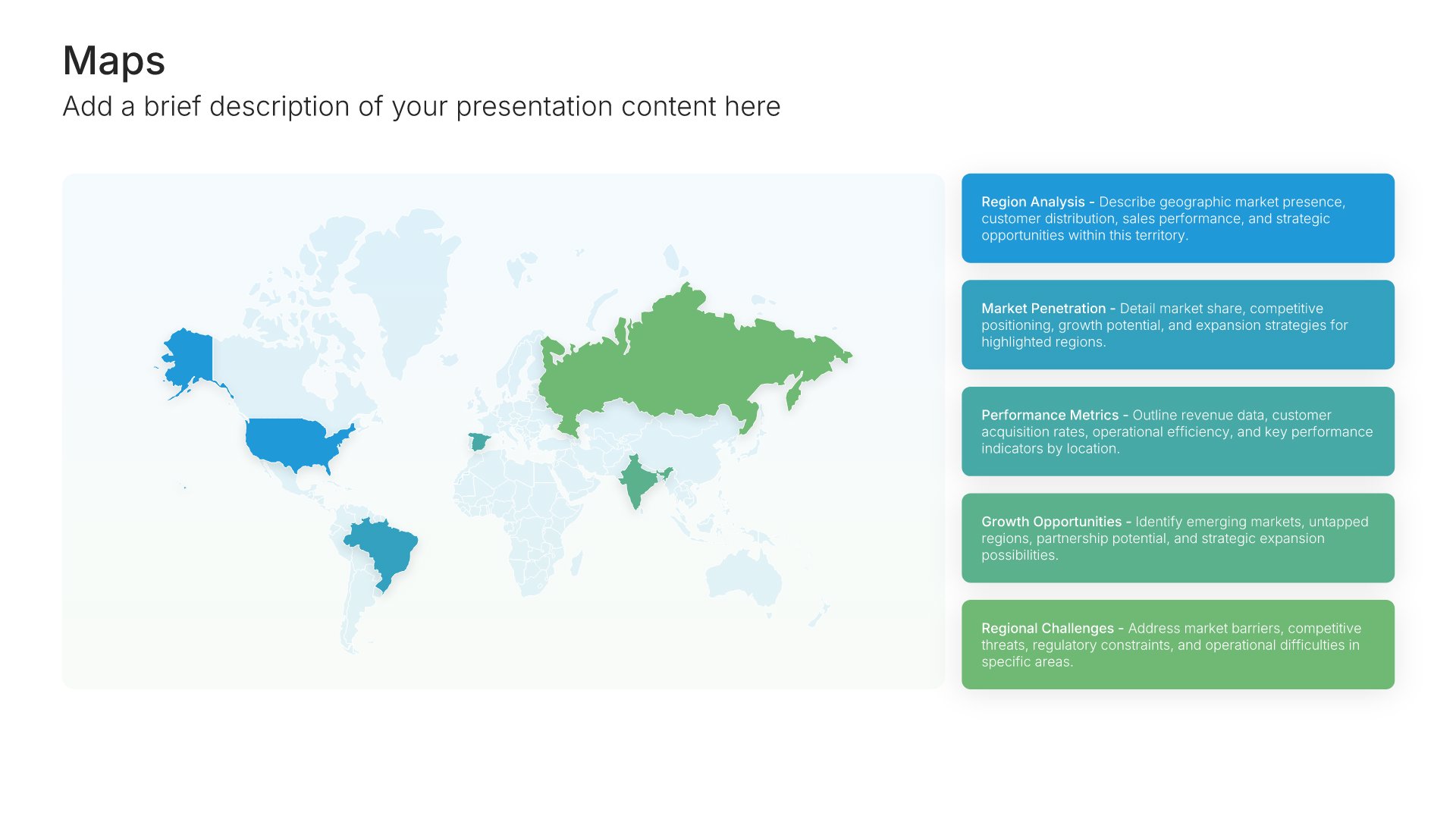
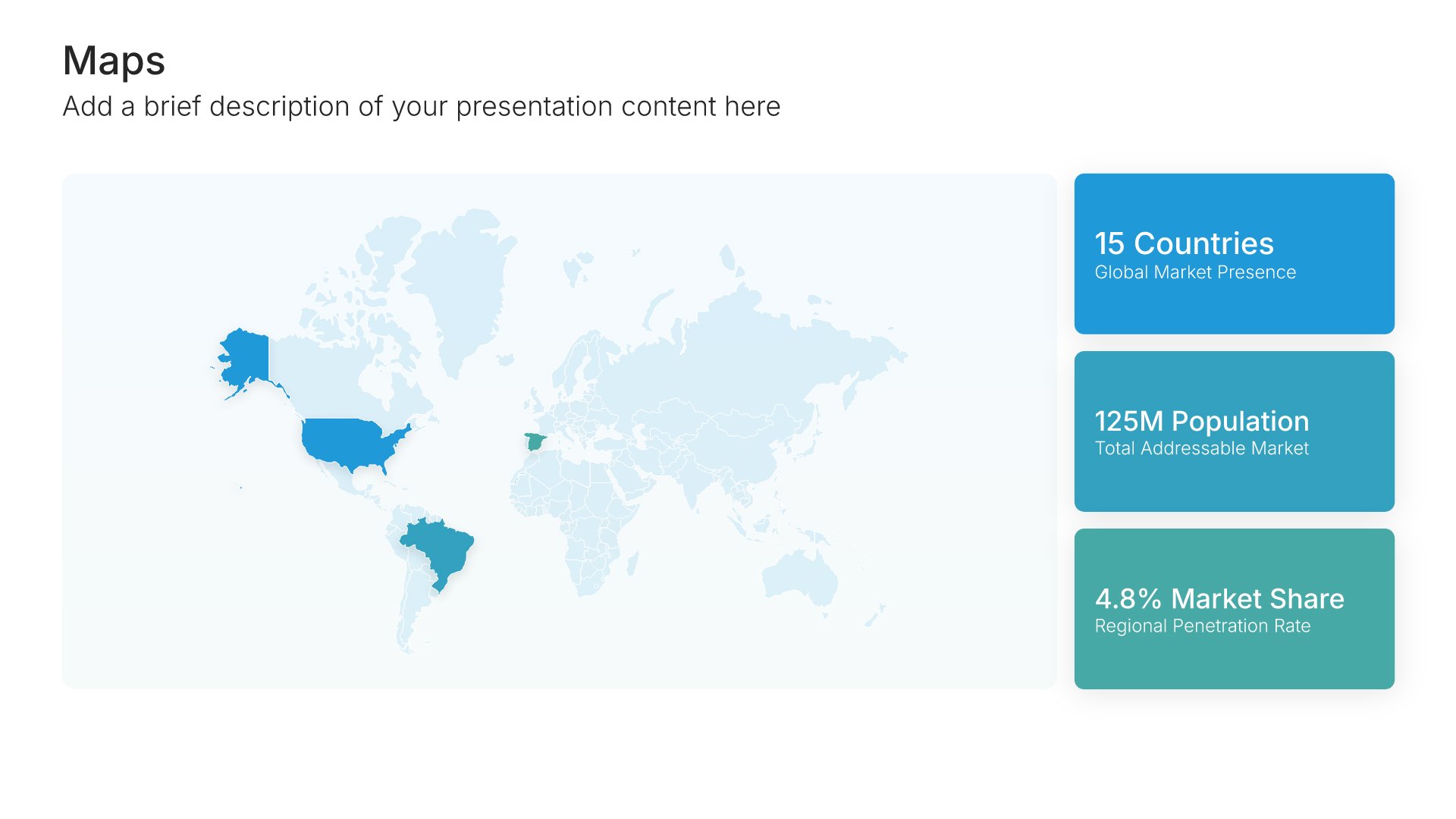
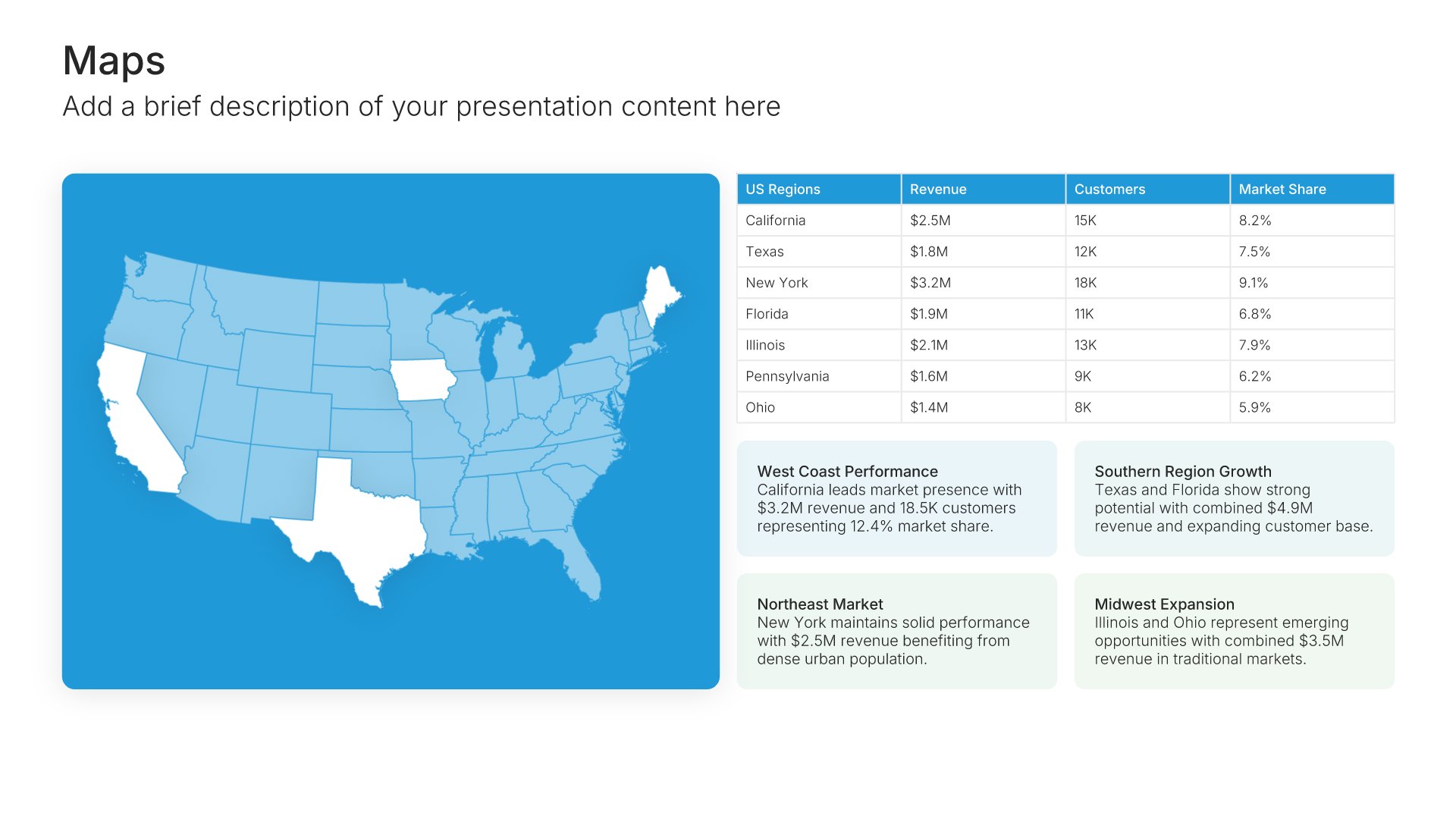
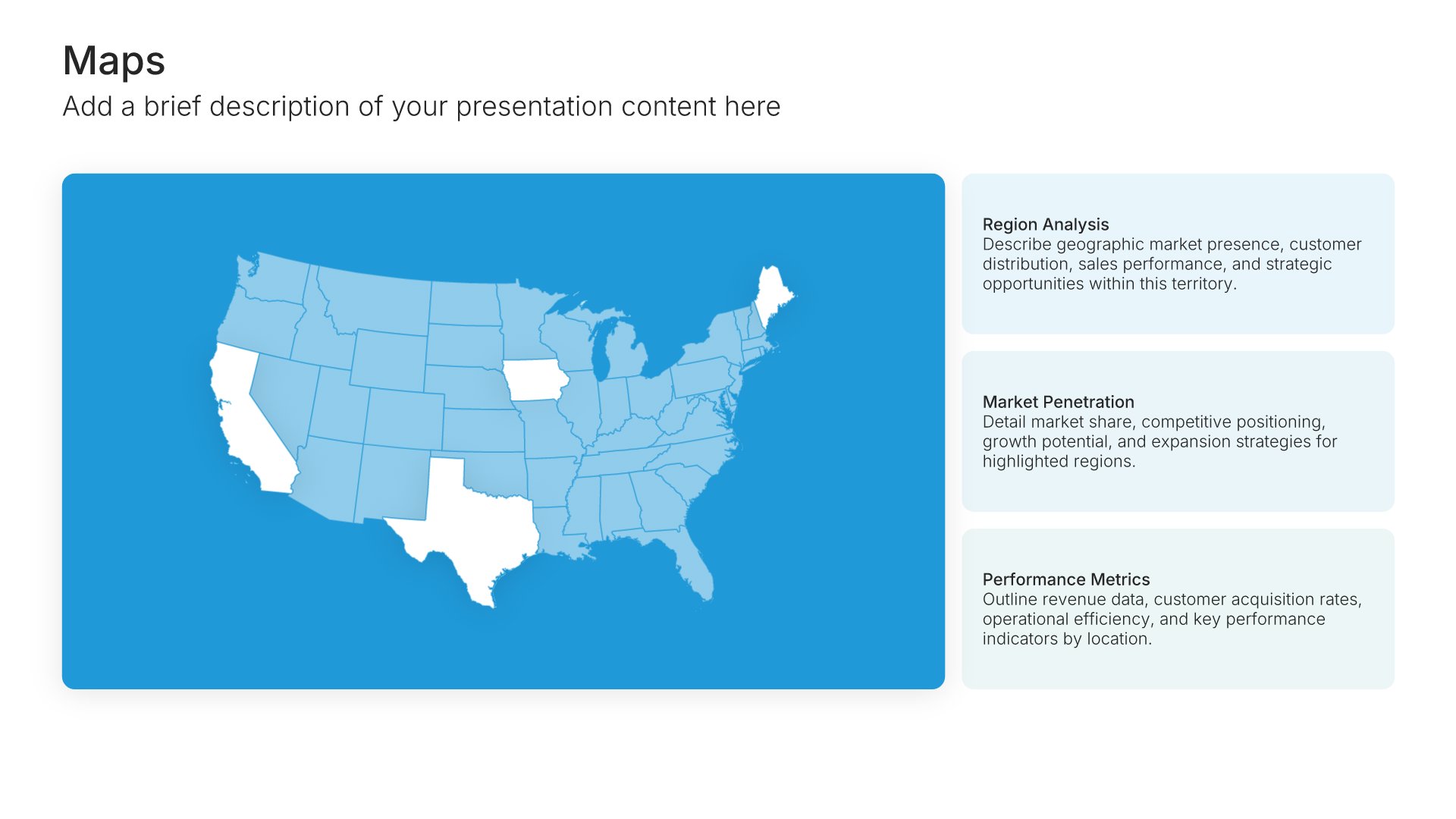
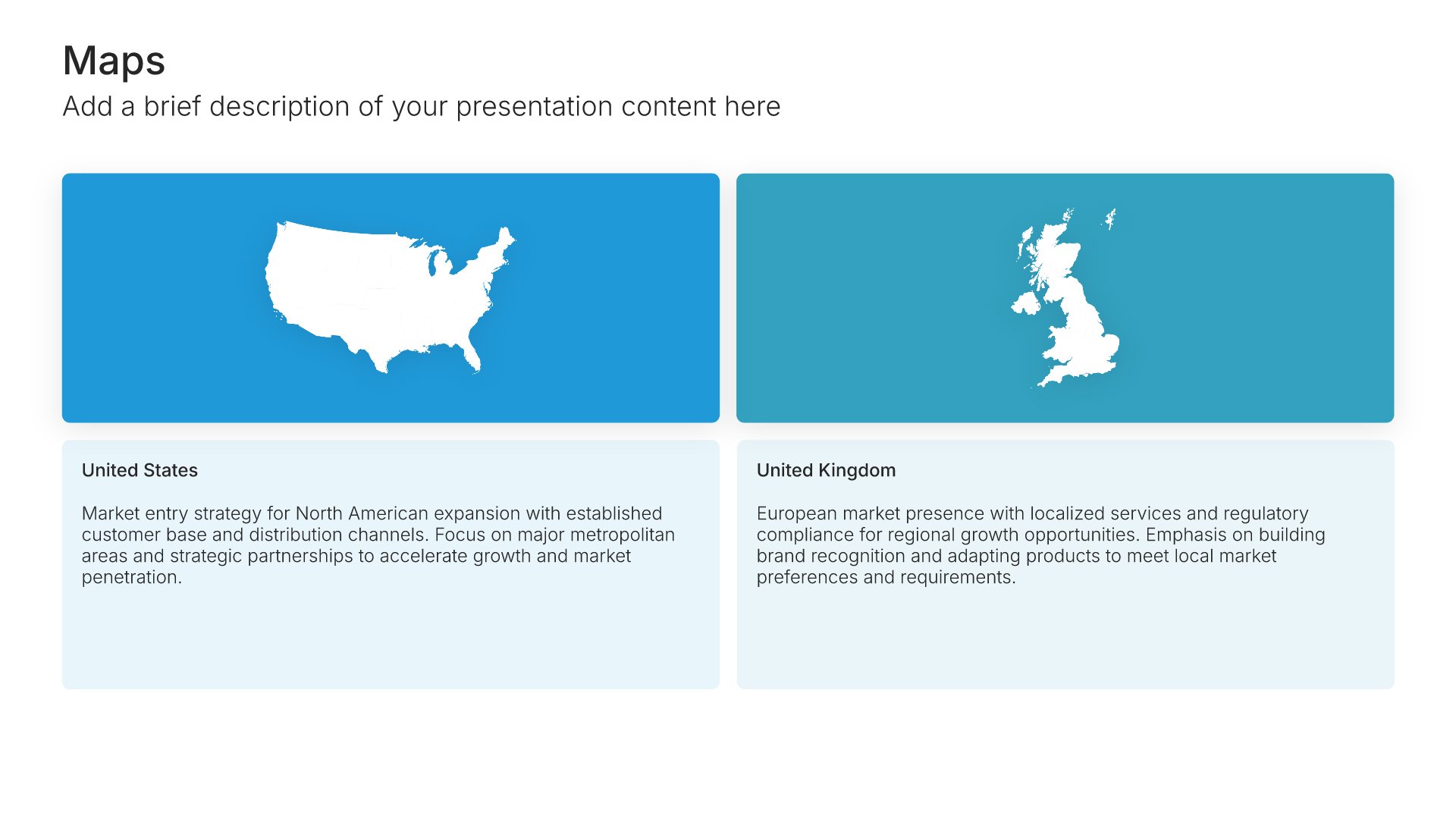
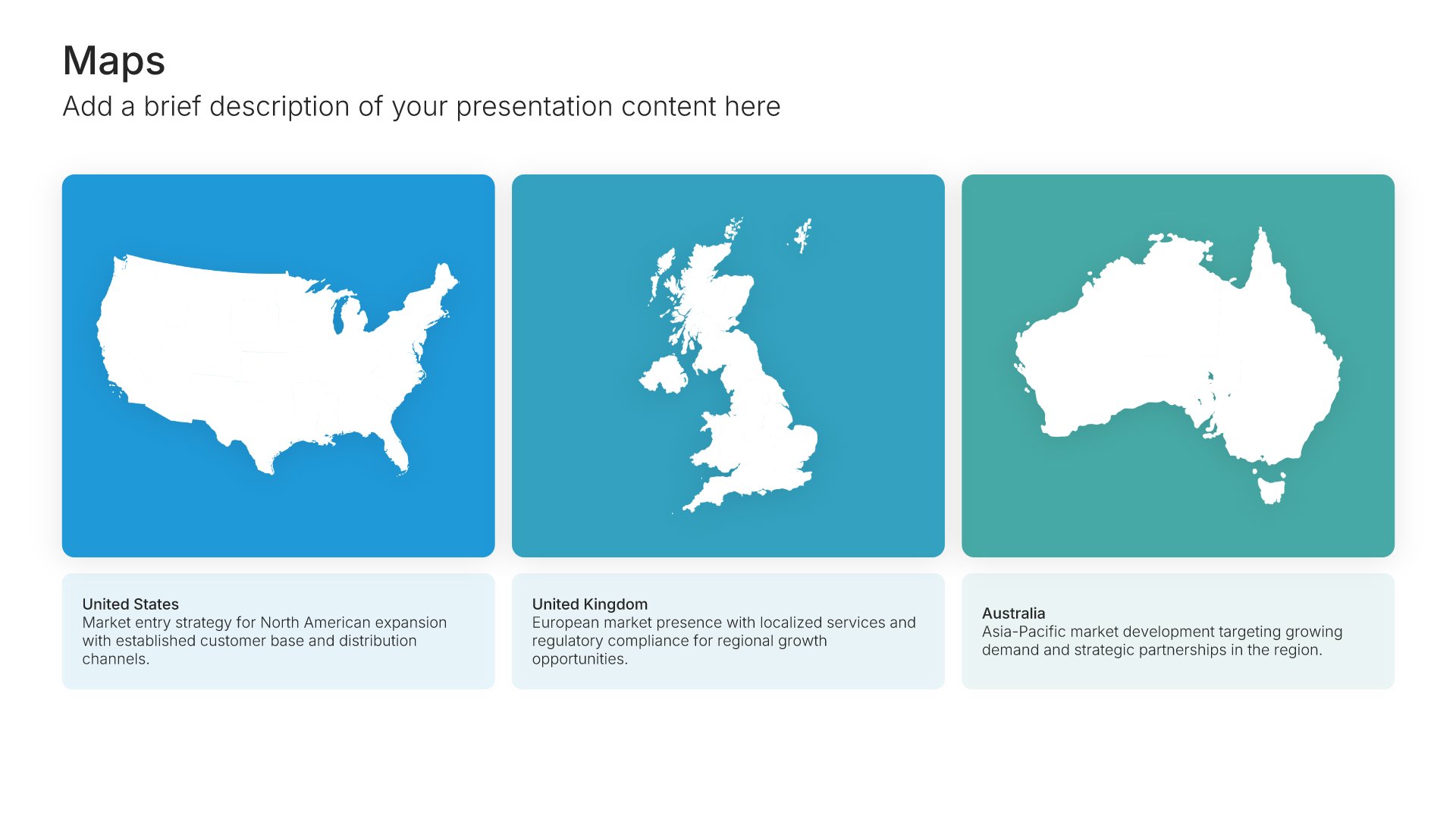
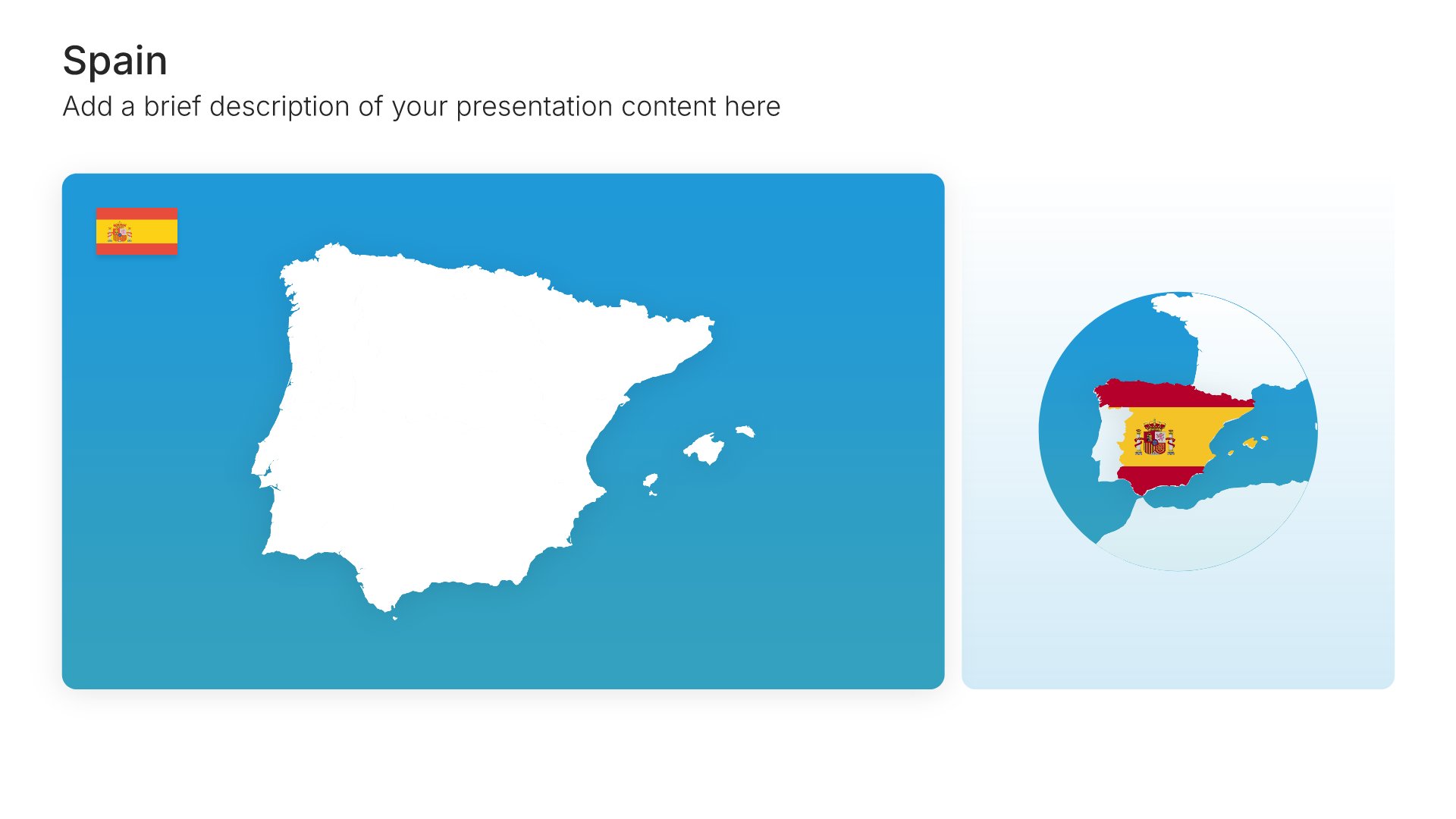
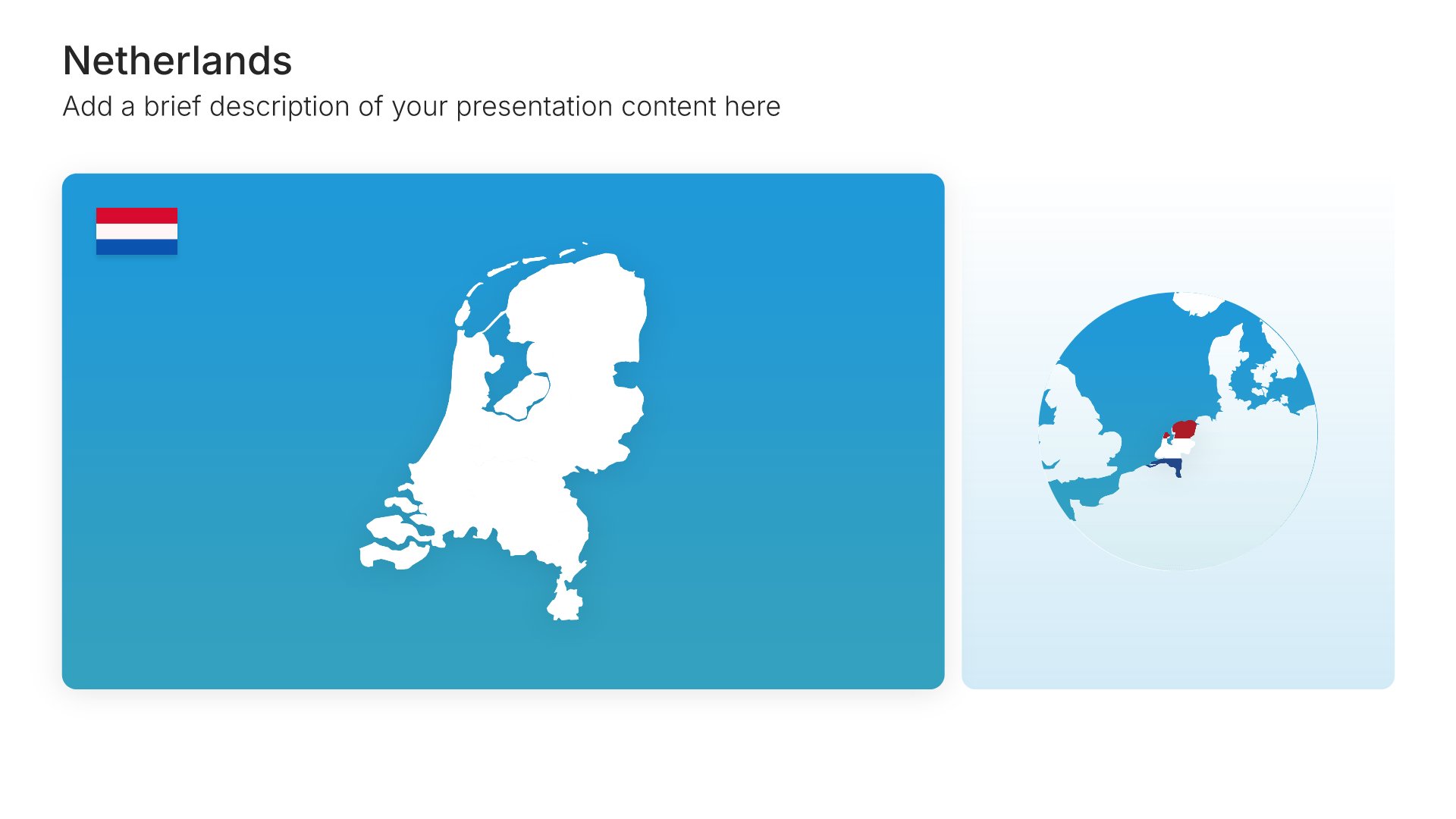
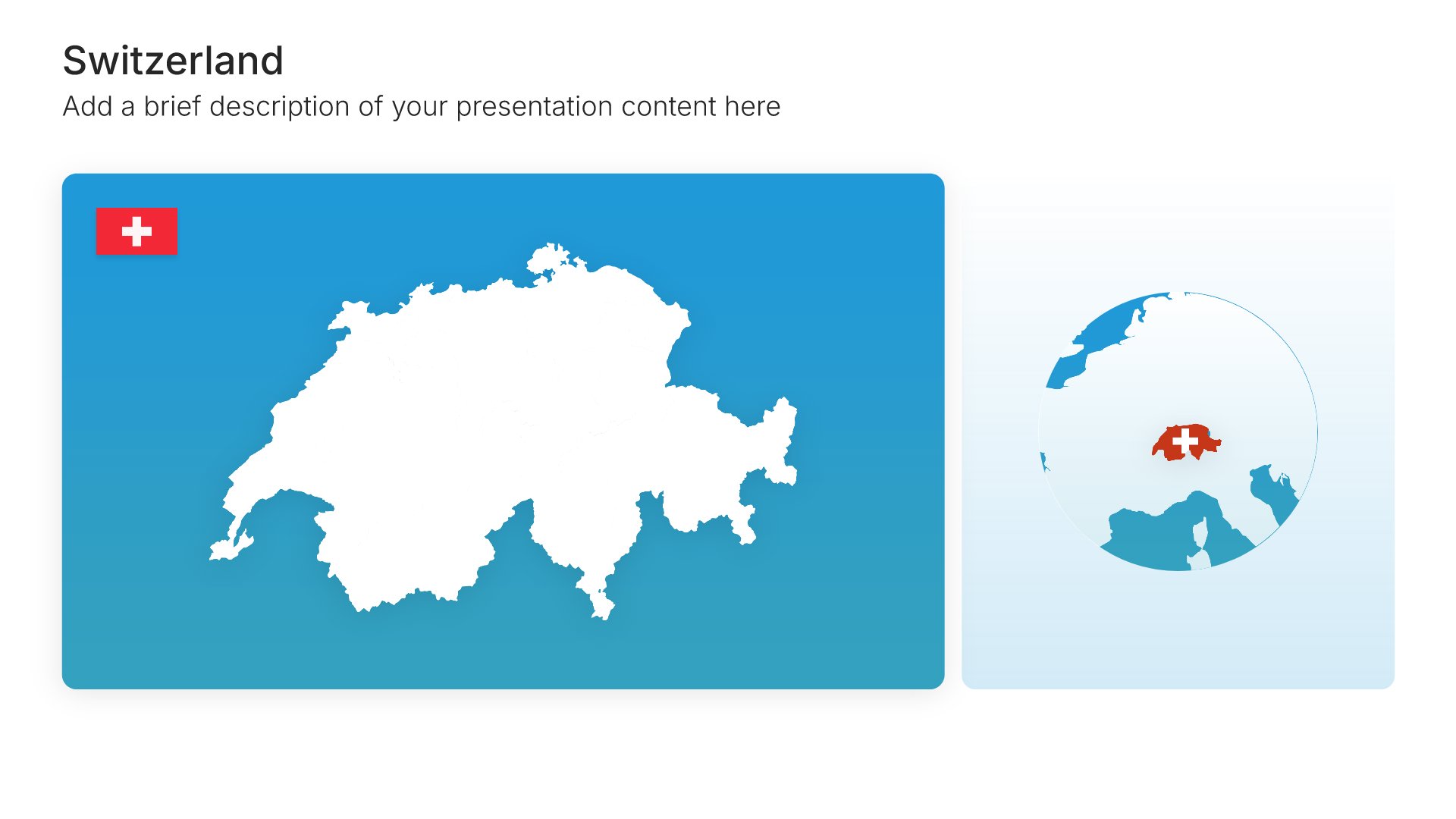
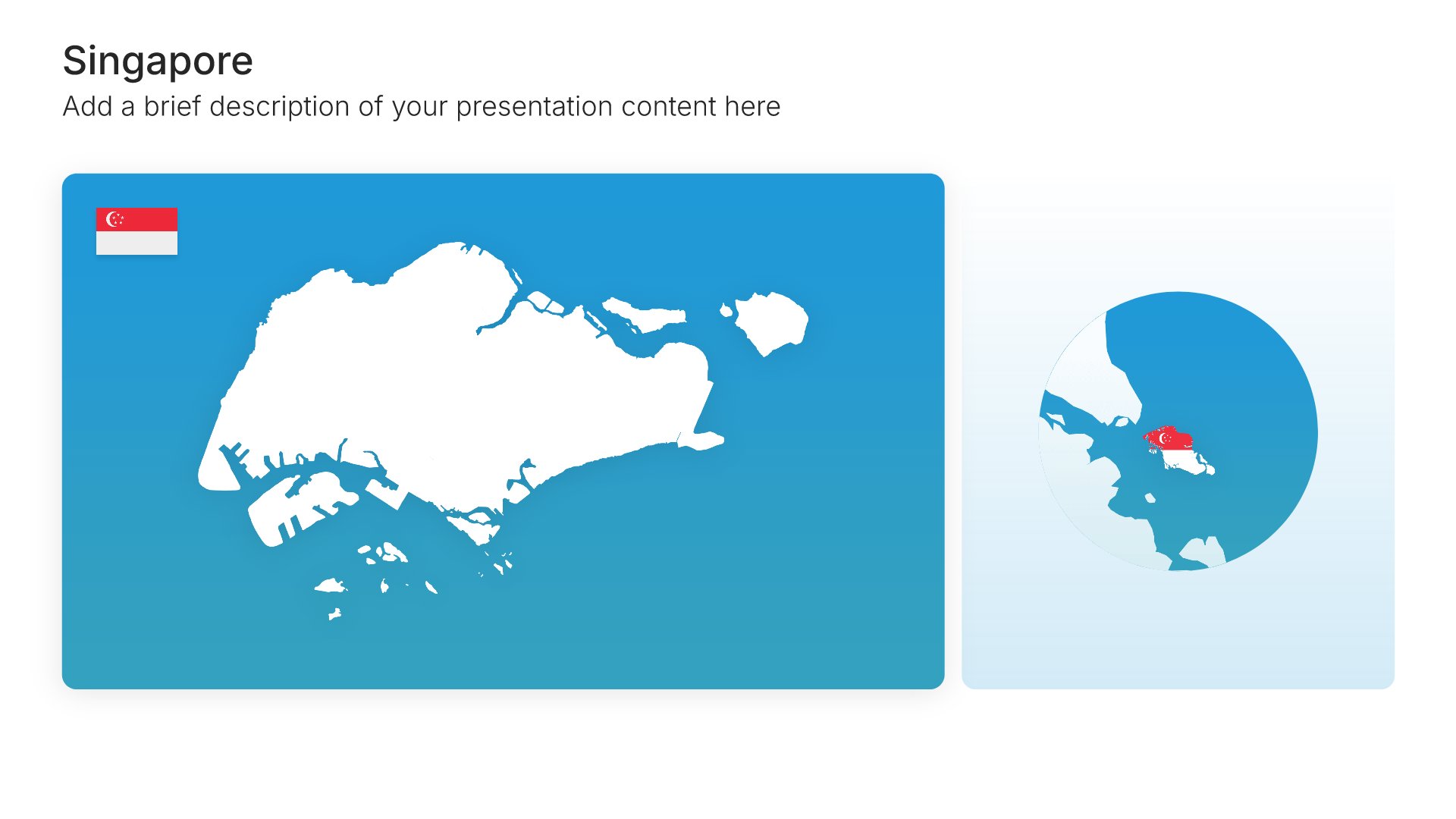
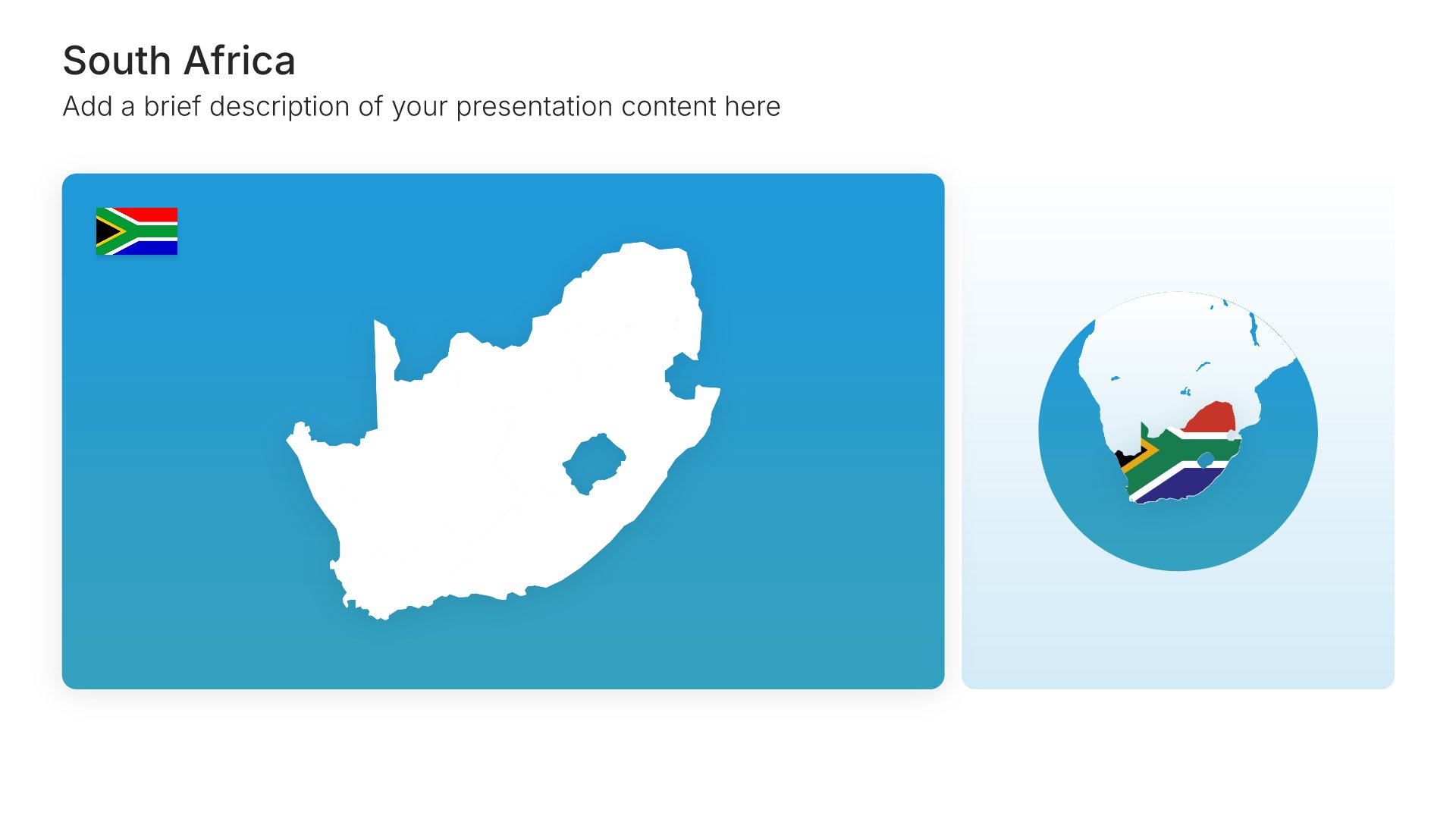
Map slide, layout 04

Layout 04

Map slide, layout 05

Layout 05

Map slide, layout 06

Layout 06

Map slide, layout 07

Layout 07

Map slide, layout 08

Layout 08

Map slide, layout 09

Layout 09

Map slide, layout 10

Layout 10

Map slide, layout 11

Layout 11

Map slide, layout 12

Layout 12

Map slide, layout 13

Layout 13

Map slide, layout 14

Layout 14

Map slide, layout 15

Layout 15

Map slide, layout 16

Layout 16

Map slide, layout 17

Layout 17

Map slide, layout 18

Layout 18

Map slide, layout 19

Layout 19

Map slide, layout 20

Layout 20

Map slide, layout 21

Layout 21

Map slide, layout 22

Layout 22

Map slide, layout 23

Layout 23

Map slide, layout 24

Layout 24

Map slide, layout 25

Layout 25

Map slide, layout 26

Layout 26

Map slide, layout 27

Layout 27

Map slide, layout 28

Layout 28

Map slide, layout 29

Layout 29

Map slide, layout 30

Layout 30

Map slide, layout 31

Layout 31

Map slide, layout 32

Layout 32

Map slide, layout 33

Layout 33

Map slide, layout 34

Layout 34

Map slide, layout 35

Layout 35

Map slide, layout 36

Layout 36

Map slide, layout 37

Layout 37

Map slide, layout 38

Layout 38

Map slide, layout 39

Layout 39

Map slide, layout 40

Layout 40

Map slide, layout 41

Layout 41

Map slide, layout 42

Layout 42

Map slide, layout 43

Layout 43

Map slide, layout 44

Layout 44

Map slide, layout 45

Layout 45

Map slide, layout 46

Layout 46

Map slide, layout 47

Layout 47

Map slide, layout 48

Layout 48

Map slide, layout 49

Layout 49

Map slide, layout 50

Layout 50

Map slide, layout 51

Layout 51

Map slide, layout 52

Layout 52

Map slide, layout 53

Layout 53

Map slide, layout 54

Layout 54

Map slide, layout 55

Layout 55

Map slide, layout 56

Layout 56

Map slide, layout 57

Layout 57

Map slide, layout 58

Layout 58

Map slide, layout 59

Layout 59

Map slide, layout 60

Layout 60

Map slide, layout 61

Layout 61

Map slide, layout 62

Layout 62

Map slide, layout 63

Layout 63

Map slide, layout 64

Layout 64

Map slide, layout 65

Layout 65

Map slide, layout 66

Layout 66

Map slide, layout 67

Layout 67

Map slide, layout 68

Layout 68

Map slide, layout 69

Layout 69

Map slide, layout 70

Layout 70

Map slide, layout 71

Layout 71

About our map slides

What the slide does, how to use it, your brand, and a file you can edit anywhere.

Built to show reach and distance at a glance

Some information only makes sense on a map: where your customers are, which markets you serve, where the team is based, and where you’re heading next. Map slides put it in geographic context, so the audience understands reach and distance at a glance. Our map slides cover world, regional, and country views, ready for your own markers and labels.

Why geography is faster to read than a list

A list of twelve countries takes time to read and means little on its own. The same twelve highlighted on a map instantly shows spread, clusters, and gaps. So the audience understands your footprint in a second and remembers it afterward.

Brand the whole presentation in one click

Add your logo, colors, fonts, and background once. It applies to the whole presentation and the entire slide library at the same time. Map slides often show your company’s reach, so once branded, the highlighted regions carry your brand colors and match the rest of your presentation.

Export to PowerPoint, Google Slides, or Keynote

You get a real file, not a locked link. Export it and keep editing in the tool you already use. Regions, colors, markers, and labels stay editable, so you can update your footprint as it grows.

How Choladeck works

From blank page to finished presentation in four steps.

STEP 01

Browse 9,000+ slides across 134+ categories, or open one of the 74 premade presentations.

STEP 02

Add your logo, colors, and fonts in one click. The whole presentation instantly matches your company.

STEP 03

Add your text, numbers, charts, and tables. Everything on the slide is editable.
STEP 04

Send it to PowerPoint, Google Slides, or Keynote, and present.

Start from a template

Need a complete presentation instead?

If you're starting from nothing rather than fixing a few slides, open one of 74+ premade presentations instead. Each one is complete and built for one purpose, from pitch decks to business plans and company profiles.

Choladeck premade templates with the Type of Presentation filter and the Consulting Company Profile deck shown larger

Questions about map slides

How the slides work, and how far you can change them.

Using the slides

Can I edit these slides in PowerPoint?

+

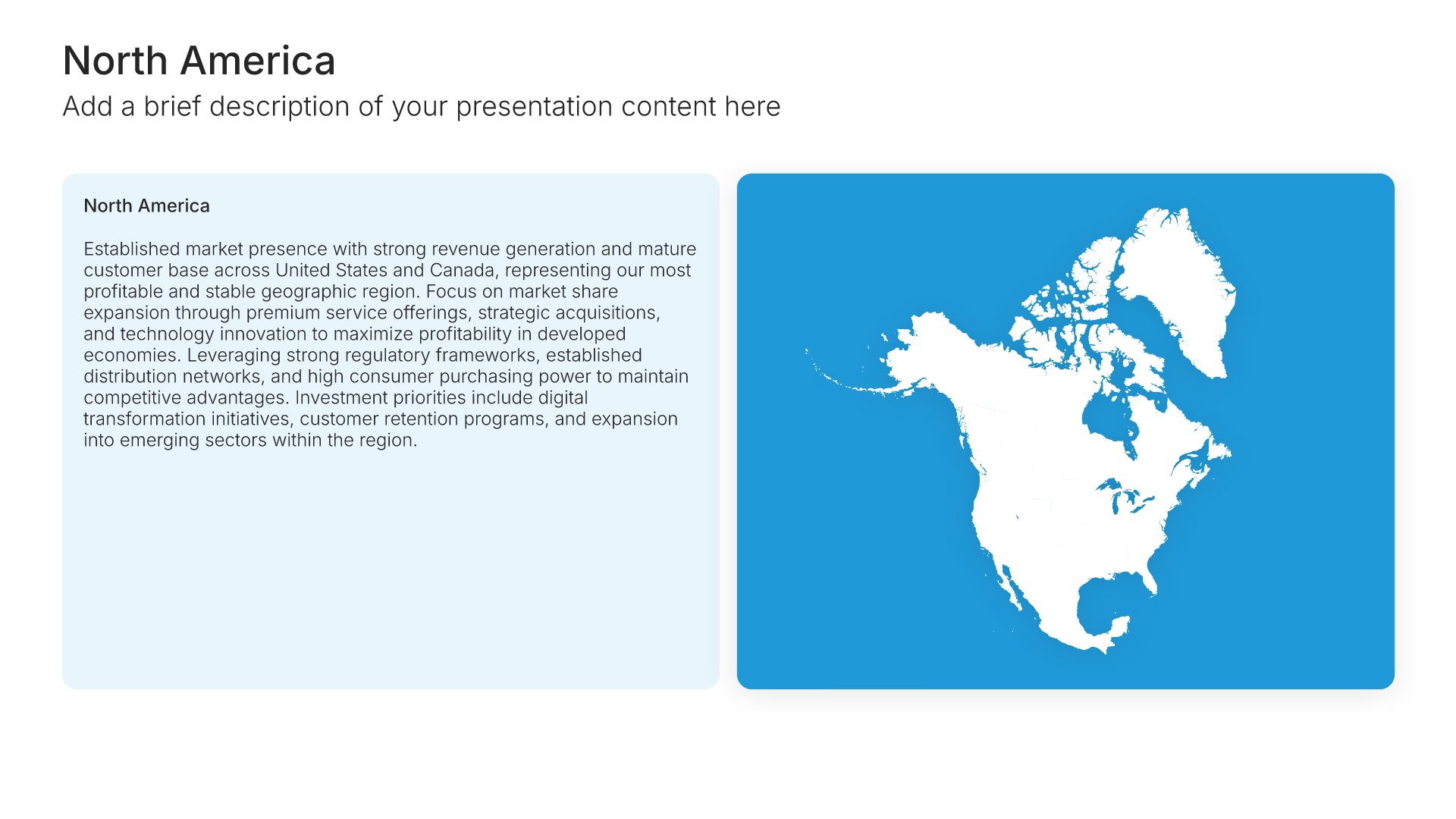
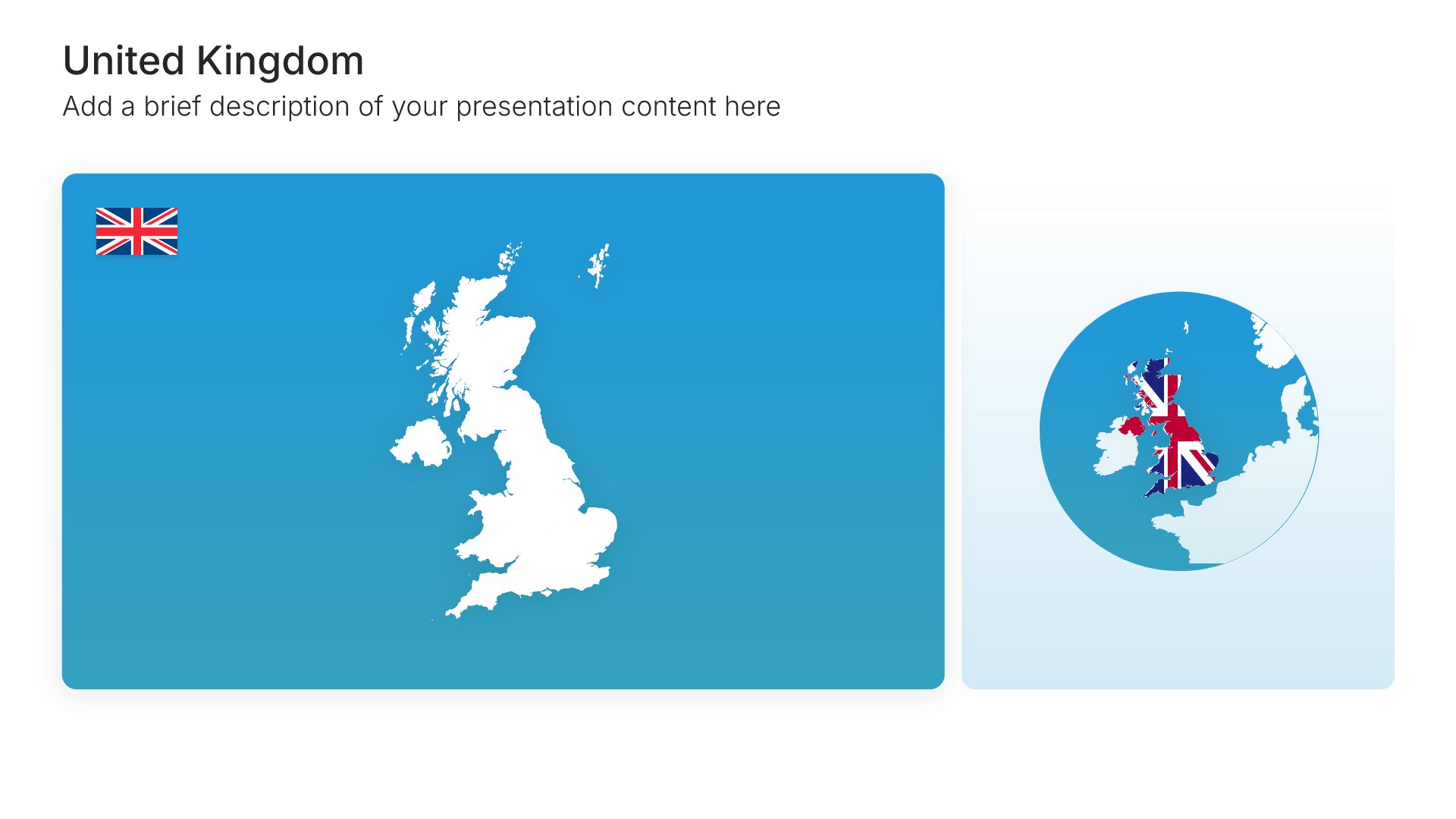
Yes. Export to PowerPoint, Google Slides, or Keynote, and each region, marker, and label stays editable. Nothing is locked and nothing is a flat image.
How do I brand them to my company?

+

Add your logo, colors, fonts, and background once. It applies to the whole presentation and the entire slide library at the same time.
Can I mix them with other slides from the library?

+

Yes. Add a map slide to any premade template, or pair it with market expansion or demographics slides from the library. Branding applies across all of them.

About map slides

Which maps are included?

+

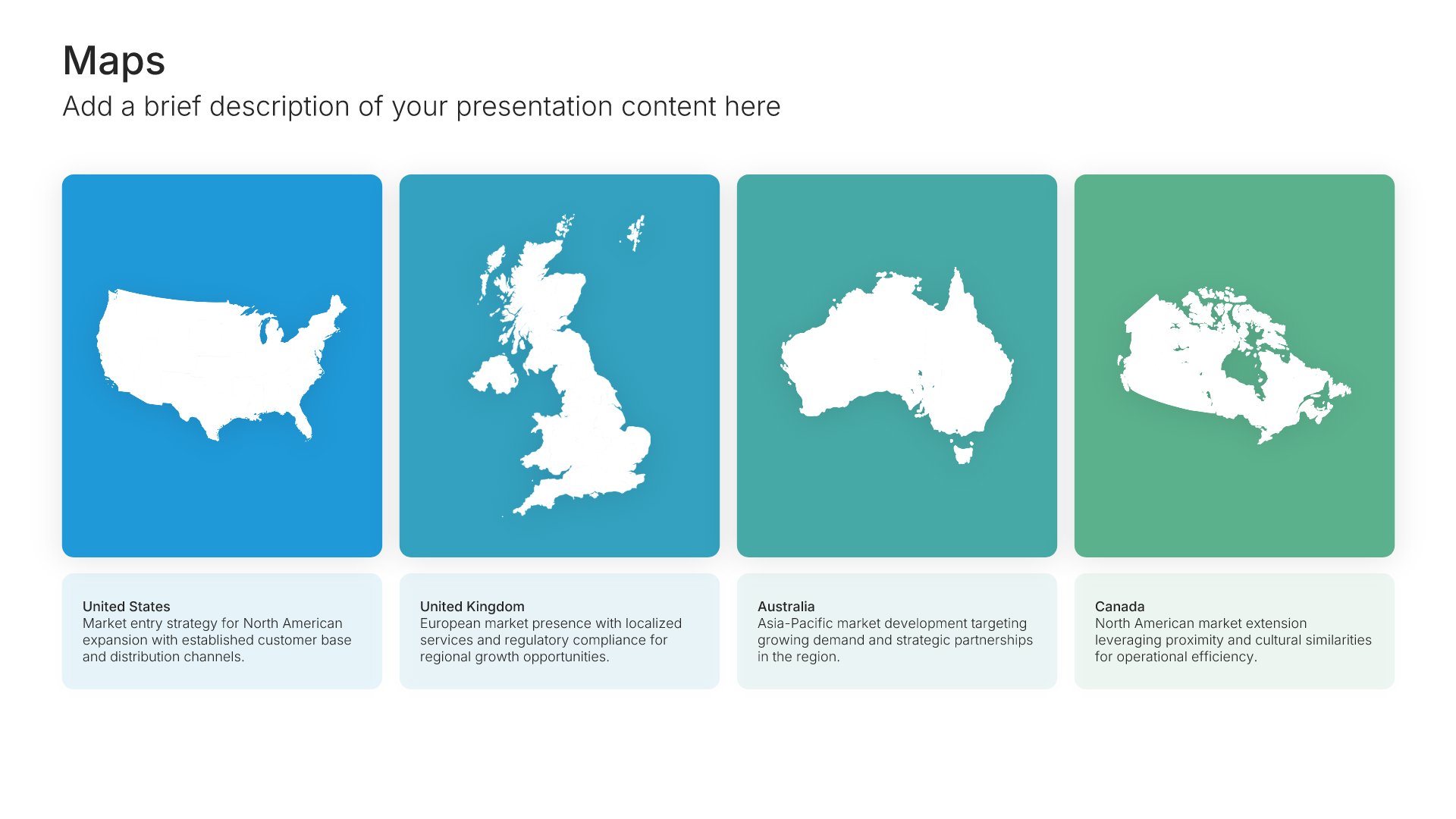
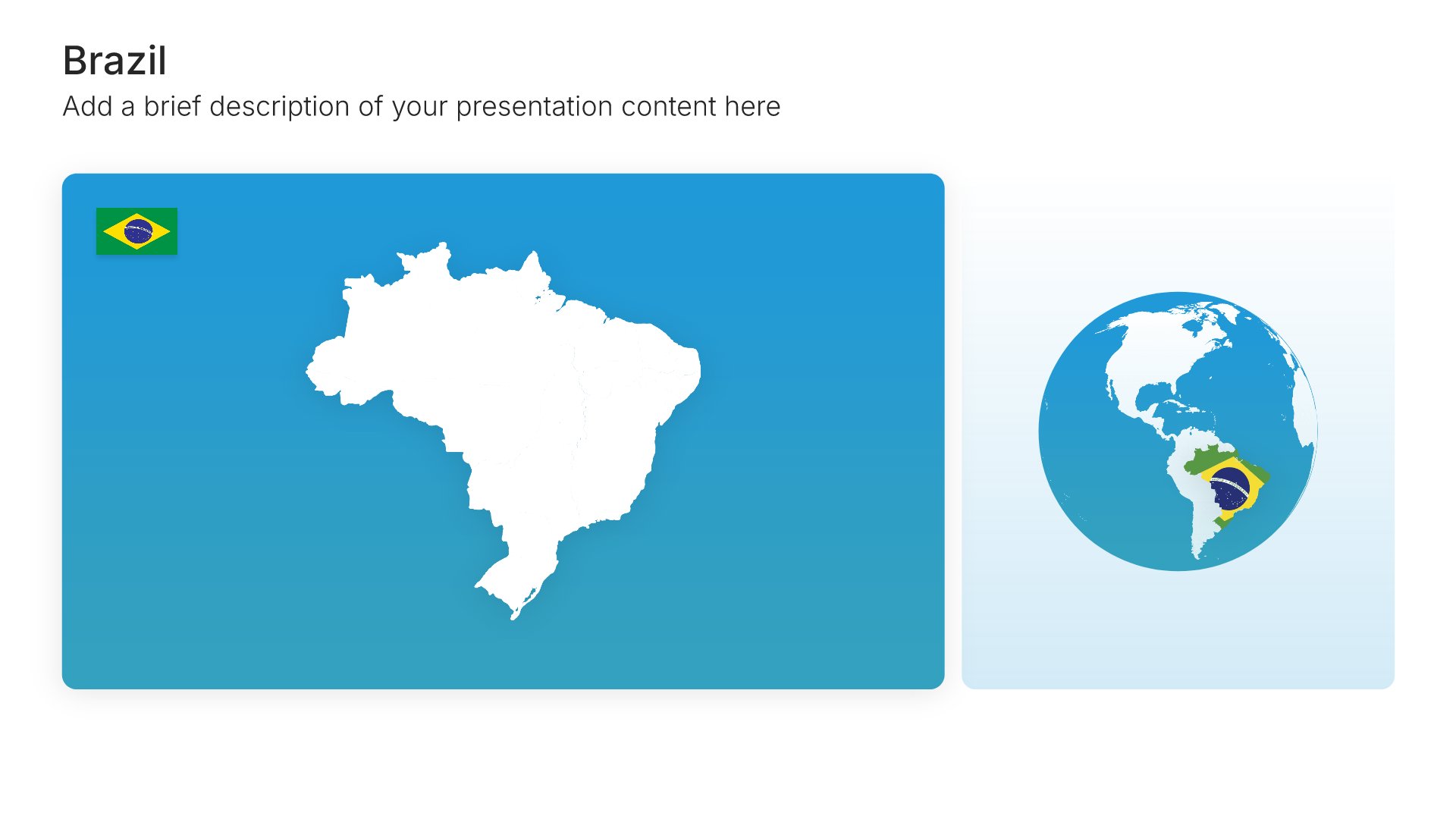
World, regional, and country maps, so you can show anything from a global footprint to locations within one country.

Can I highlight specific countries or regions?

+

Yes. The regions are editable, so you can change colors, add markers, and label locations.

What are map slides used for?

+

Showing office locations, customer distribution, market coverage, expansion plans, or supply chains.

Your next map slide is already designed

Pick a layout, brand it in one click, add your content, and export.

Free to start. No credit card required.