Pricing

2x2 matrix slides

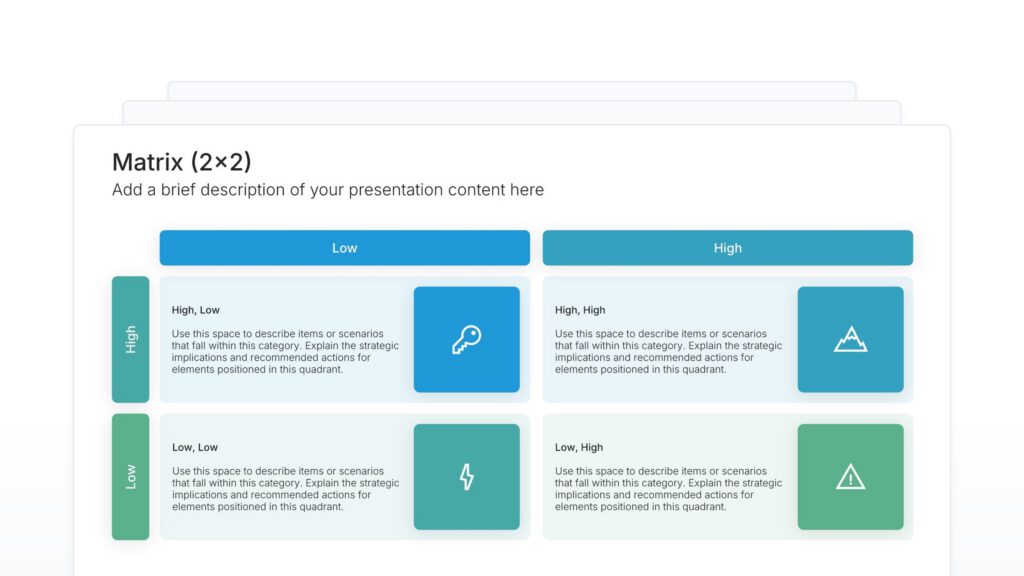
2x2 matrix slides sort ideas, options, or products into four quadrants using two criteria, such as effort and impact or cost and value. Pick one of 46 layouts, brand it to your company in one click, place each item in its quadrant, and export to PowerPoint, Google Slides, or Keynote.

Free to start. No credit card required.

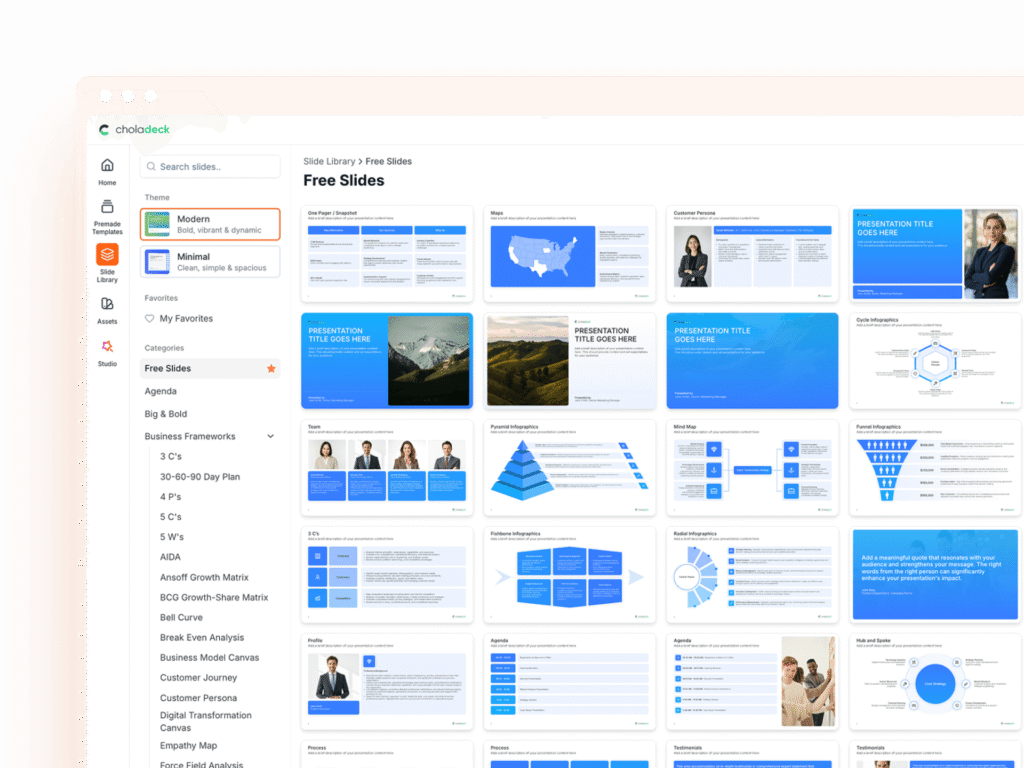
2x2 matrix slides in the Choladeck slide library

Browse 2x2 matrix slides

46 ways to sort your options into four quadrants, all fully editable.

2x2 matrix slide, layout 01

Layout 01

2x2 matrix slide, layout 02

Layout 02

2x2 matrix slide, layout 03

Layout 03

2x2 matrix slide, layout 04

Layout 04

2x2 matrix slide, layout 05

Layout 05

2x2 matrix slide, layout 06

Layout 06

2x2 matrix slide, layout 07

Layout 07

2x2 matrix slide, layout 08

Layout 08

2x2 matrix slide, layout 09

Layout 09

2x2 matrix slide, layout 10

Layout 10

2x2 matrix slide, layout 11

Layout 11

2x2 matrix slide, layout 12

Layout 12

2x2 matrix slide, layout 13

Layout 13

2x2 matrix slide, layout 14

Layout 14

2x2 matrix slide, layout 15

Layout 15

2x2 matrix slide, layout 16

Layout 16

2x2 matrix slide, layout 17

Layout 17

2x2 matrix slide, layout 18

Layout 18

2x2 matrix slide, layout 19

Layout 19

2x2 matrix slide, layout 20

Layout 20

2x2 matrix slide, layout 21

Layout 21

2x2 matrix slide, layout 22

Layout 22

2x2 matrix slide, layout 23

Layout 23

2x2 matrix slide, layout 24

Layout 24

2x2 matrix slide, layout 25

Layout 25

2x2 matrix slide, layout 26

Layout 26

2x2 matrix slide, layout 27

Layout 27

2x2 matrix slide, layout 28

Layout 28

2x2 matrix slide, layout 29

Layout 29

2x2 matrix slide, layout 30

Layout 30

2x2 matrix slide, layout 31

Layout 31

2x2 matrix slide, layout 32

Layout 32

2x2 matrix slide, layout 33

Layout 33

2x2 matrix slide, layout 34

Layout 34

2x2 matrix slide, layout 35

Layout 35

2x2 matrix slide, layout 36

Layout 36

2x2 matrix slide, layout 37

Layout 37

2x2 matrix slide, layout 38

Layout 38

2x2 matrix slide, layout 39

Layout 39

2x2 matrix slide, layout 40

Layout 40

2x2 matrix slide, layout 41

Layout 41

2x2 matrix slide, layout 42

Layout 42

2x2 matrix slide, layout 43

Layout 43

2x2 matrix slide, layout 44

Layout 44

2x2 matrix slide, layout 45

Layout 45

2x2 matrix slide, layout 46

Layout 46

About our 2x2 matrix slides

What the slide does, how to use it, your brand, and a file you can edit anywhere.

Built to compare many options on two measures at once

The 2×2 matrix is the simplest way to compare many things on two measures at once. Each axis splits into high and low, which gives four quadrants, and every item lands in one of them. Well-known frameworks such as the BCG matrix and the Eisenhower matrix are built on it. 2×2 matrix slides give you that structure ready to use, with your own axes and labels.

Why four quadrants make choices easier

A long list of options is hard to rank. Plotted on two axes, the options sort themselves: the ones worth doing first sit in one corner, and the ones to drop sit in the opposite one. So a prioritization debate turns into a quick look at where each item landed, and the team can agree on what comes first.

Brand the whole presentation in one click

Add your logo, colors, fonts, and background once. It applies to the whole presentation and the entire slide library at the same time. 2×2 matrices often go into strategy and planning sessions with leadership, so once branded, they match the rest of your presentation.

Export to PowerPoint, Google Slides, or Keynote

You get a real file, not a locked link. Export it and keep editing in the tool you already use. Axes, quadrant labels, and items stay editable, so you can move items as priorities change.

How Choladeck works

From blank page to finished presentation in four steps.

STEP 01

Browse 9,000+ slides across 134+ categories, or open one of the 74 premade presentations.

STEP 02

Add your logo, colors, and fonts in one click. The whole presentation instantly matches your company.

STEP 03

Add your text, numbers, charts, and tables. Everything on the slide is editable.

STEP 04

Send it to PowerPoint, Google Slides, or Keynote, and present.

Start from a template

Need a complete presentation instead?

If you're starting from nothing rather than fixing a few slides, open one of 74+ premade presentations instead. Each one is complete and built for one purpose, from pitch decks to business plans and company profiles.

Choladeck premade templates with the Type of Presentation filter and the Consulting Company Profile deck shown larger

Questions about 2x2 matrix slides

How the slides work, and how far you can change them.

Using the slides

Can I edit these slides in PowerPoint?

+

Yes. Export to PowerPoint, Google Slides, or Keynote, and every axis, quadrant label, and item stays editable. Nothing is locked and nothing is a flat image.

How do I brand them to my company?

+

Add your logo, colors, fonts, and background once. It applies to the whole presentation and the entire slide library at the same time.

Can I mix them with other slides from the library?

+

Yes. Add a 2x2 matrix slide to any premade template, or pair it with BCG matrix or SWOT slides from the library. Branding applies across all of them.

About the 2x2 matrix

What is a 2x2 matrix used for?

+

Prioritizing and comparing: ranking projects by effort and impact, products by cost and value, or any set of options on two criteria.

How do I choose the two axes?

+

Pick the two criteria that matter most to the decision. If a third criterion matters just as much, a single 2x2 will oversimplify it.

How is a 2x2 different from a 3x3 matrix?

+

A 2x2 splits each axis into high and low. A 3x3 adds a middle level, so items that sit between the extremes get their own place.

Your next 2x2 matrix slide is already designed

Pick a layout, brand it in one click, add your content, and export.

Free to start. No credit card required.