Try Twodart Free: Download Personalized Business Slides Today

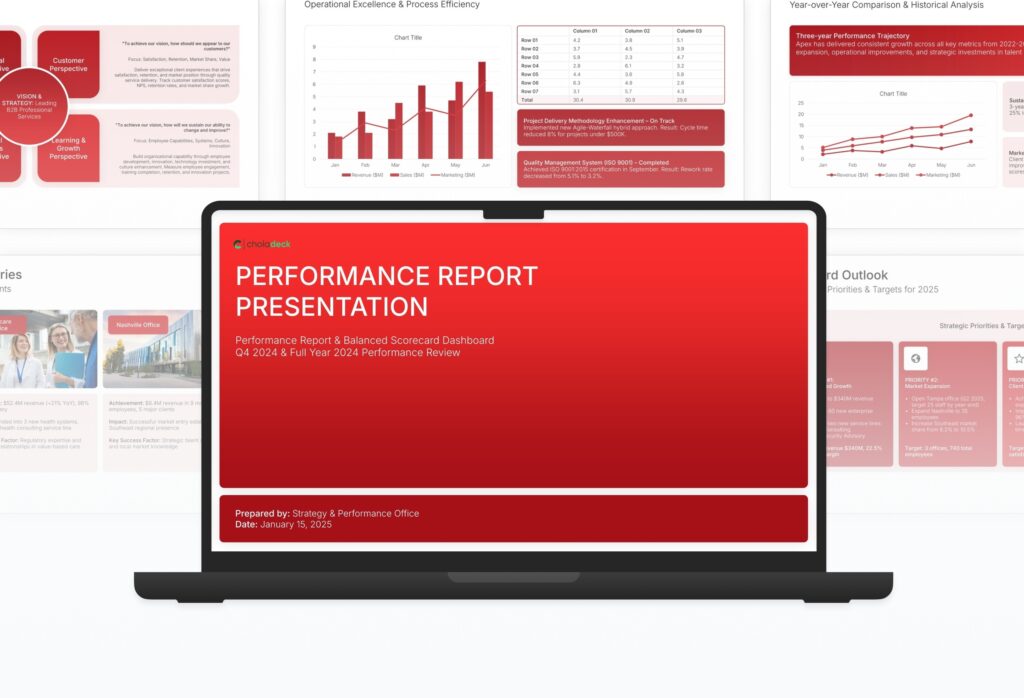
Performance Report Premade Template

A comprehensive performance report template designed for organizations tracking strategic execution and KPIs. Built on the Classic Balanced Scorecard Framework, this presentation covers financial, customer, process, and learning perspectives with trend analysis, goal achievement tracking, and action planning. Ideal for quarterly and annual reviews.
Performance Report Featured Image

How to Build a Performance Report Presentation

Learn how to create a compelling performance report that drives accountability and action. This comprehensive guide walks you through presenting metrics across financial, customer, process, and growth perspectives, analyzing trends, highlighting achievements, addressing gaps, and setting targets that keep your organization on track.

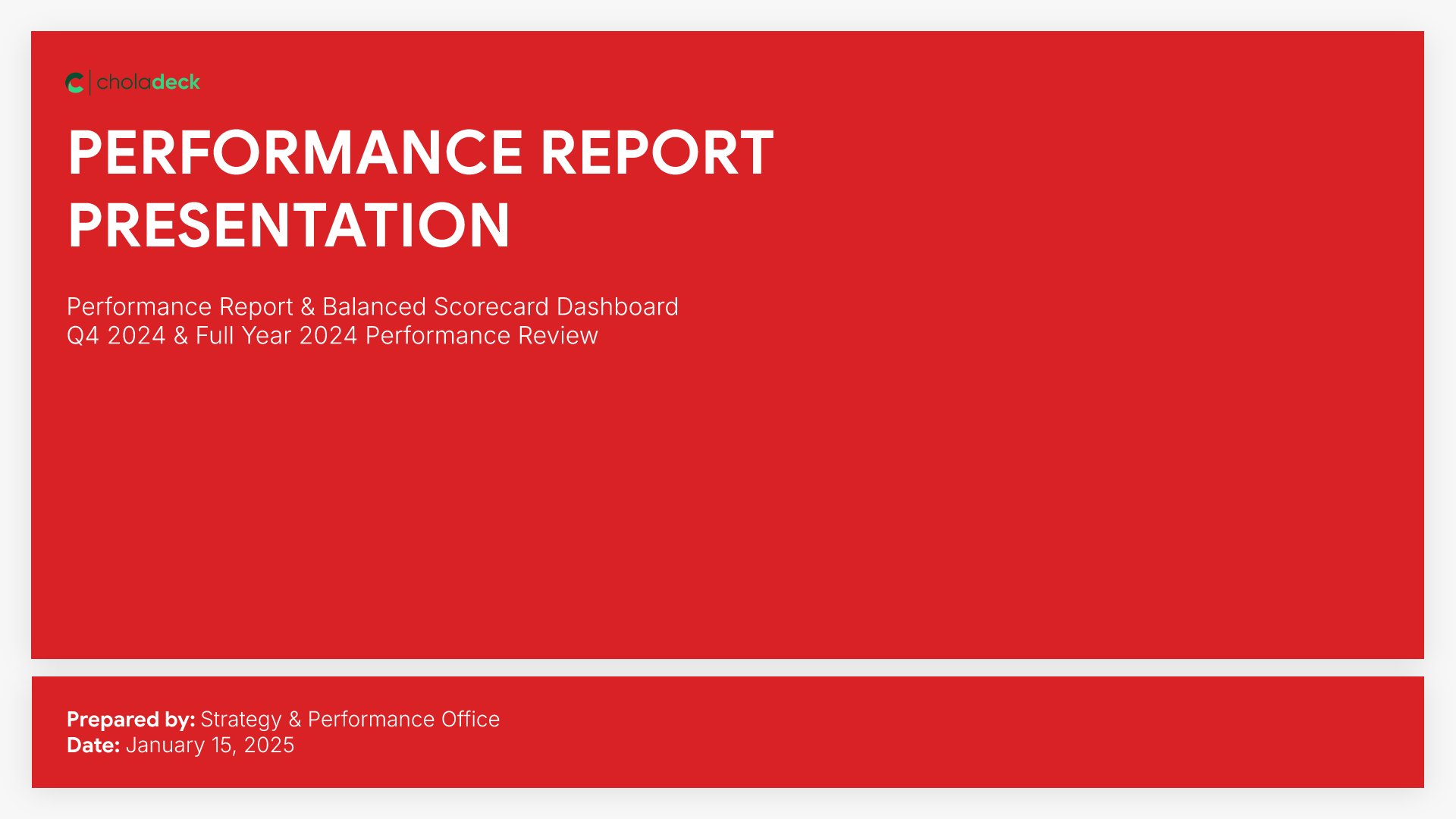
1. Title

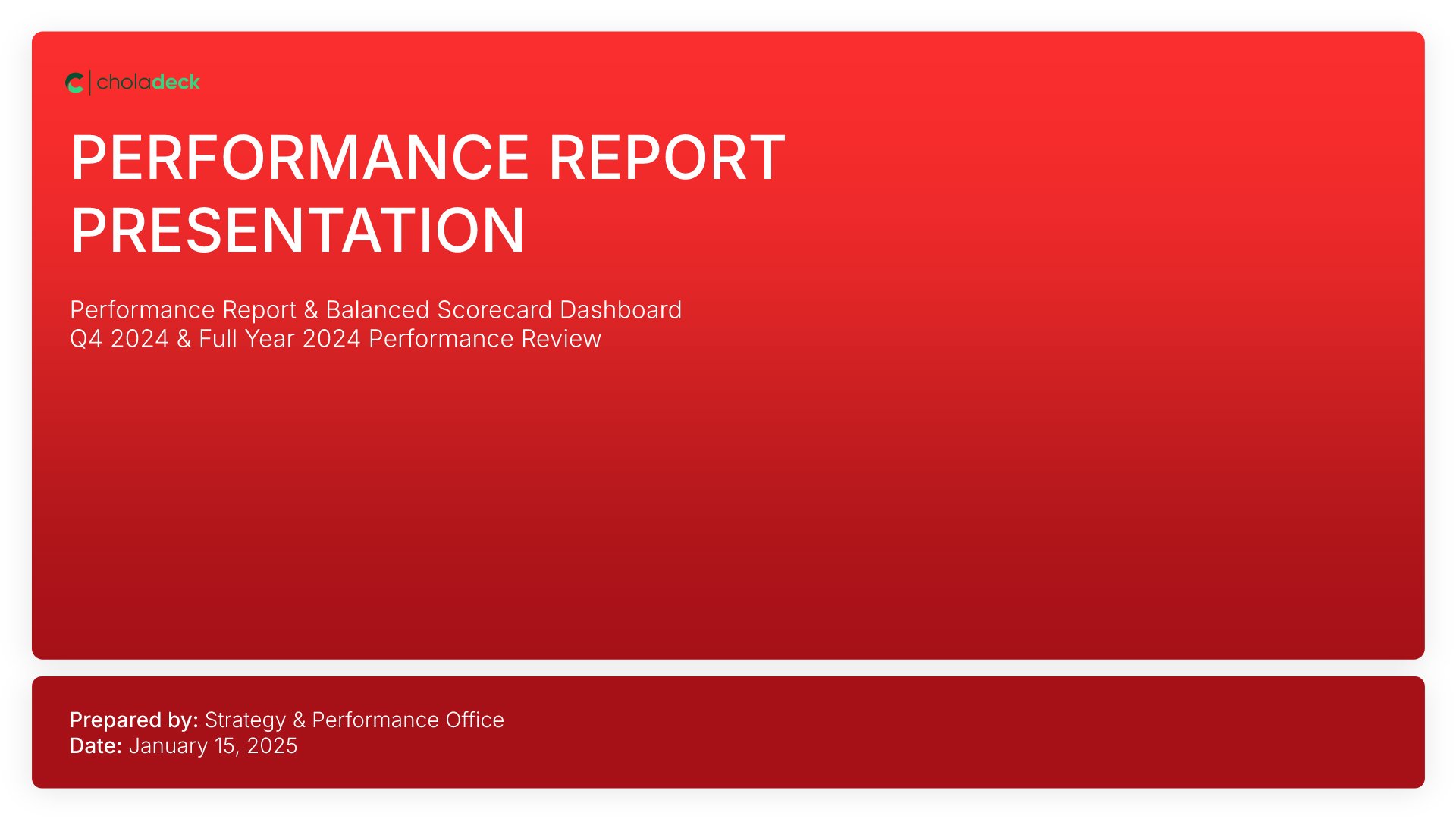
Title slides help you open presentations with impact. Use them to create strong first impressions with opening slides that set the tone, introduce your topic, and establish your brand. Ideal for any presentation where a polished, professional opening slide sets the stage for everything that follows.
Built using Title slides

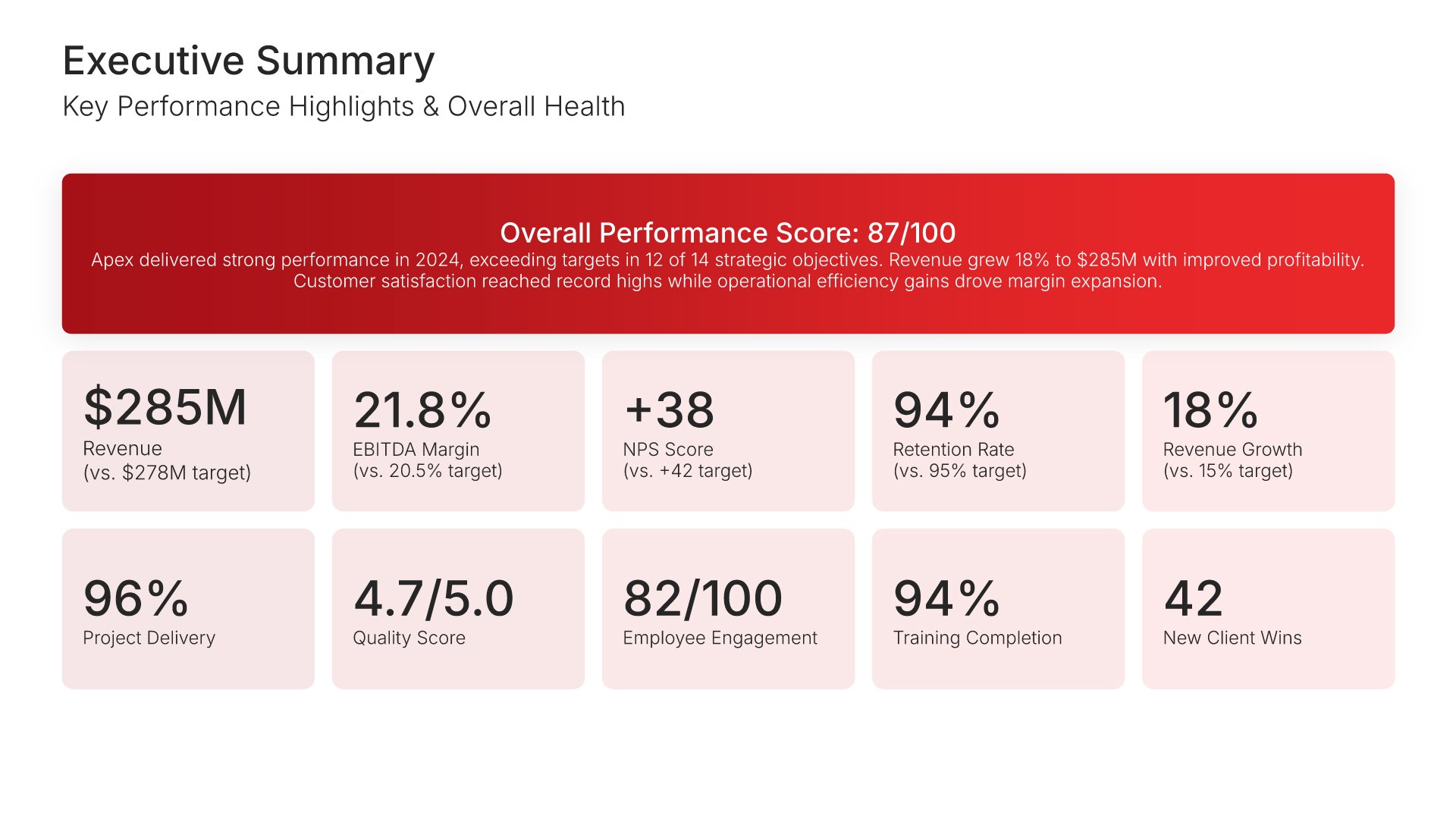
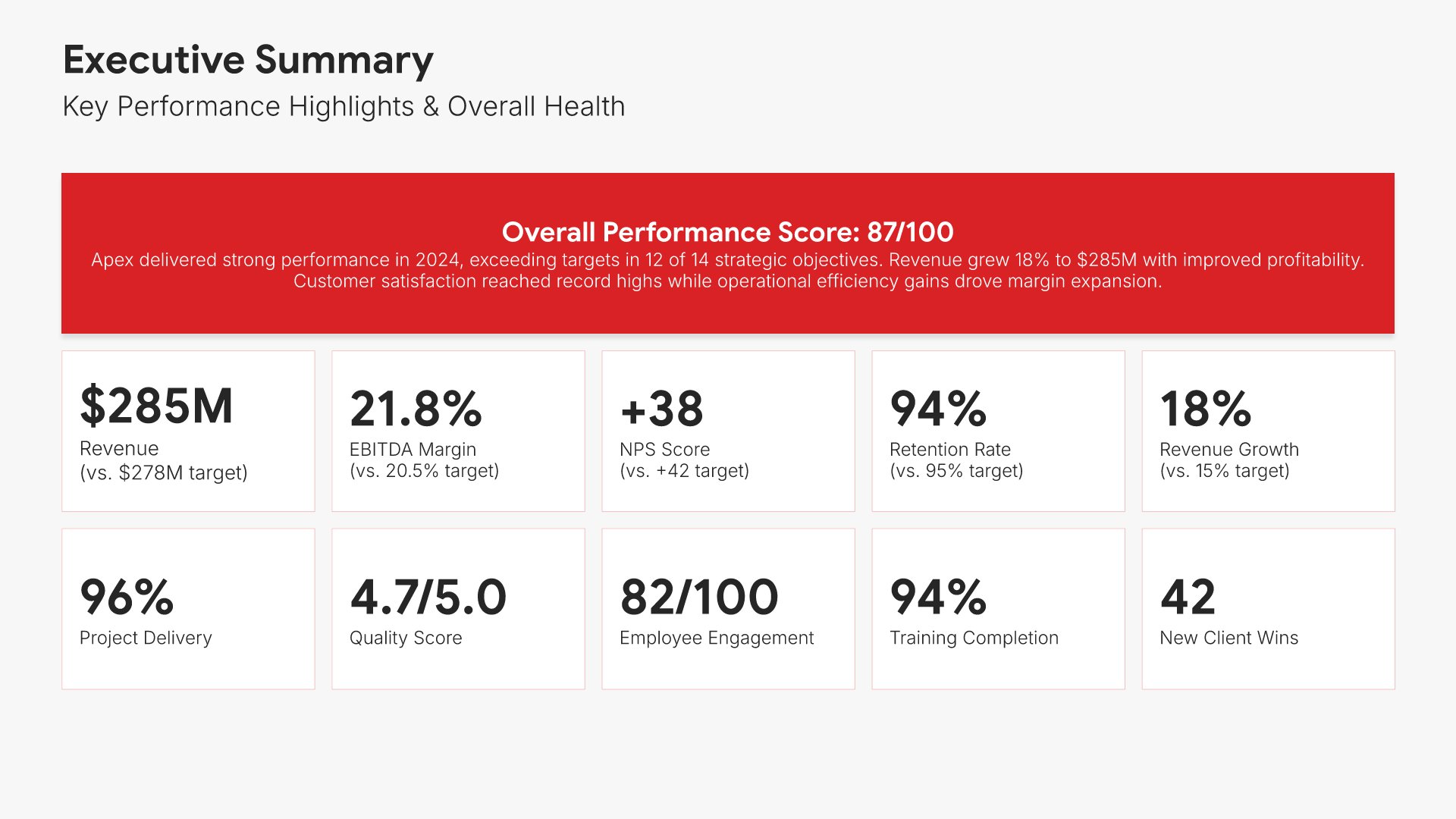
2. Executive Summary

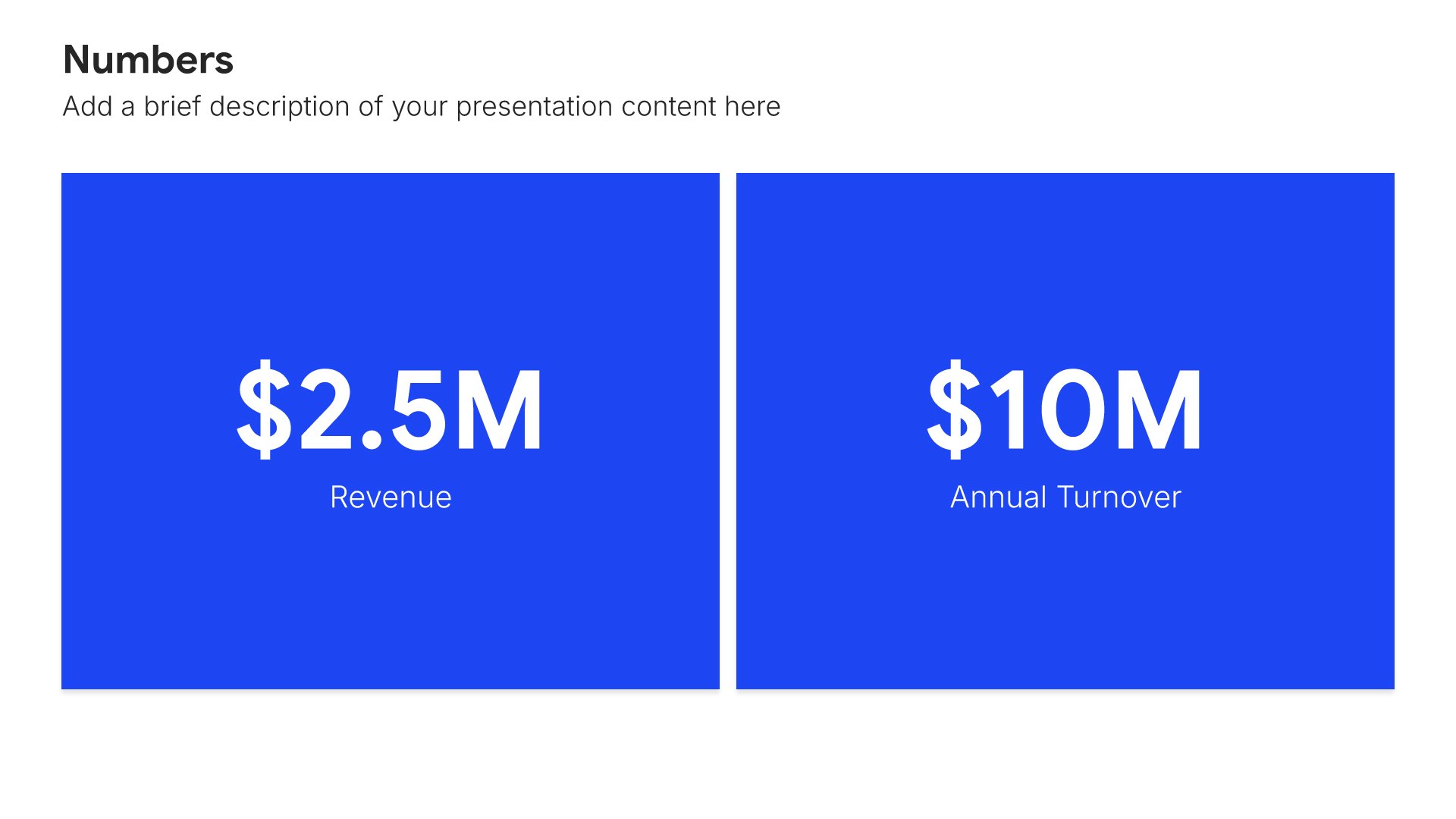
Executive summary slides help you present key points concisely for busy stakeholders. Use them to distill complex information into clear highlights, recommendations, and conclusions that can be understood at a glance. Ideal for board presentations, project updates, and any situation where decision-makers need the essential takeaways fast.
Built using Simple Numbers slides

3. Balanced Scorecard Overview

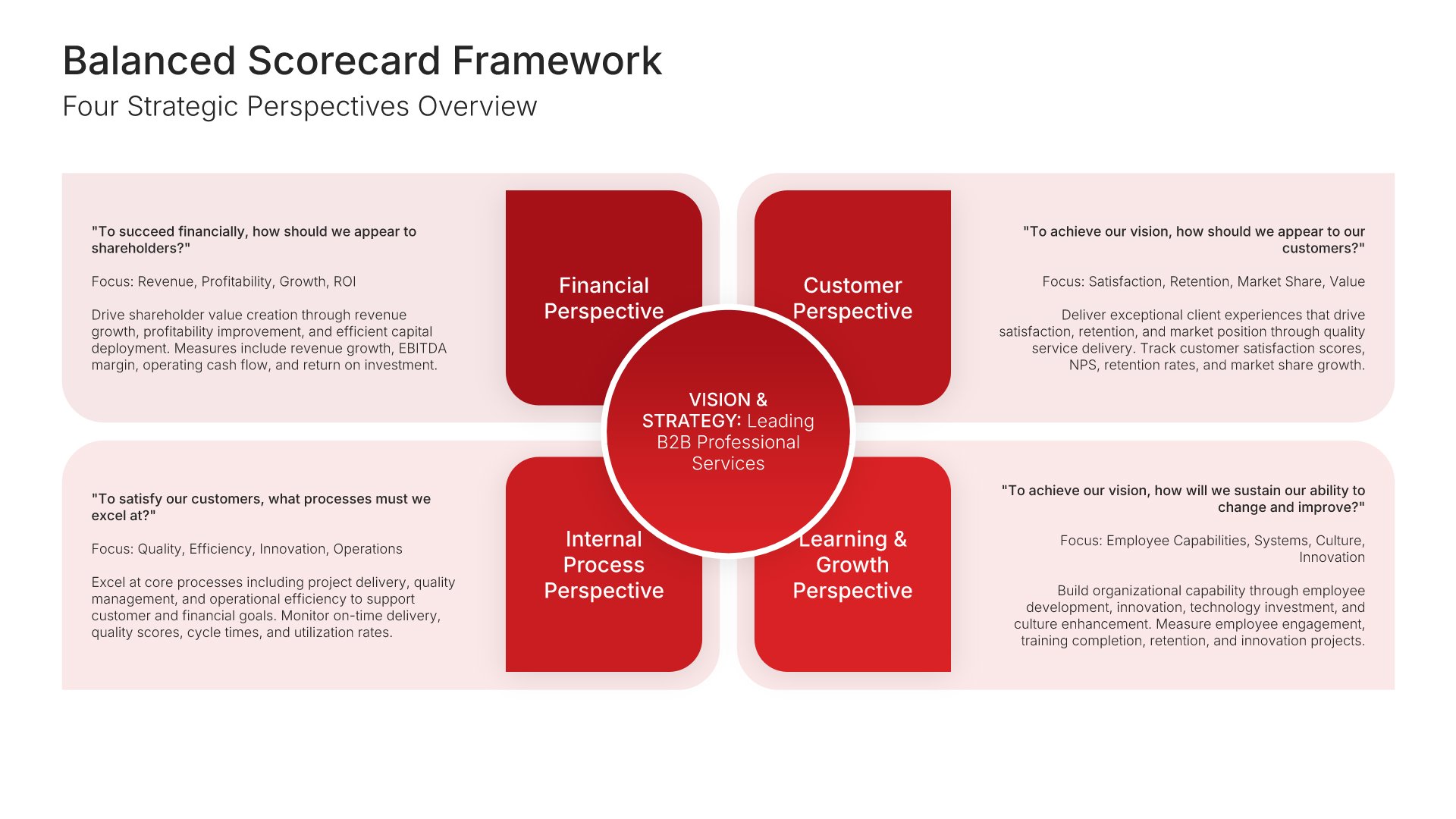
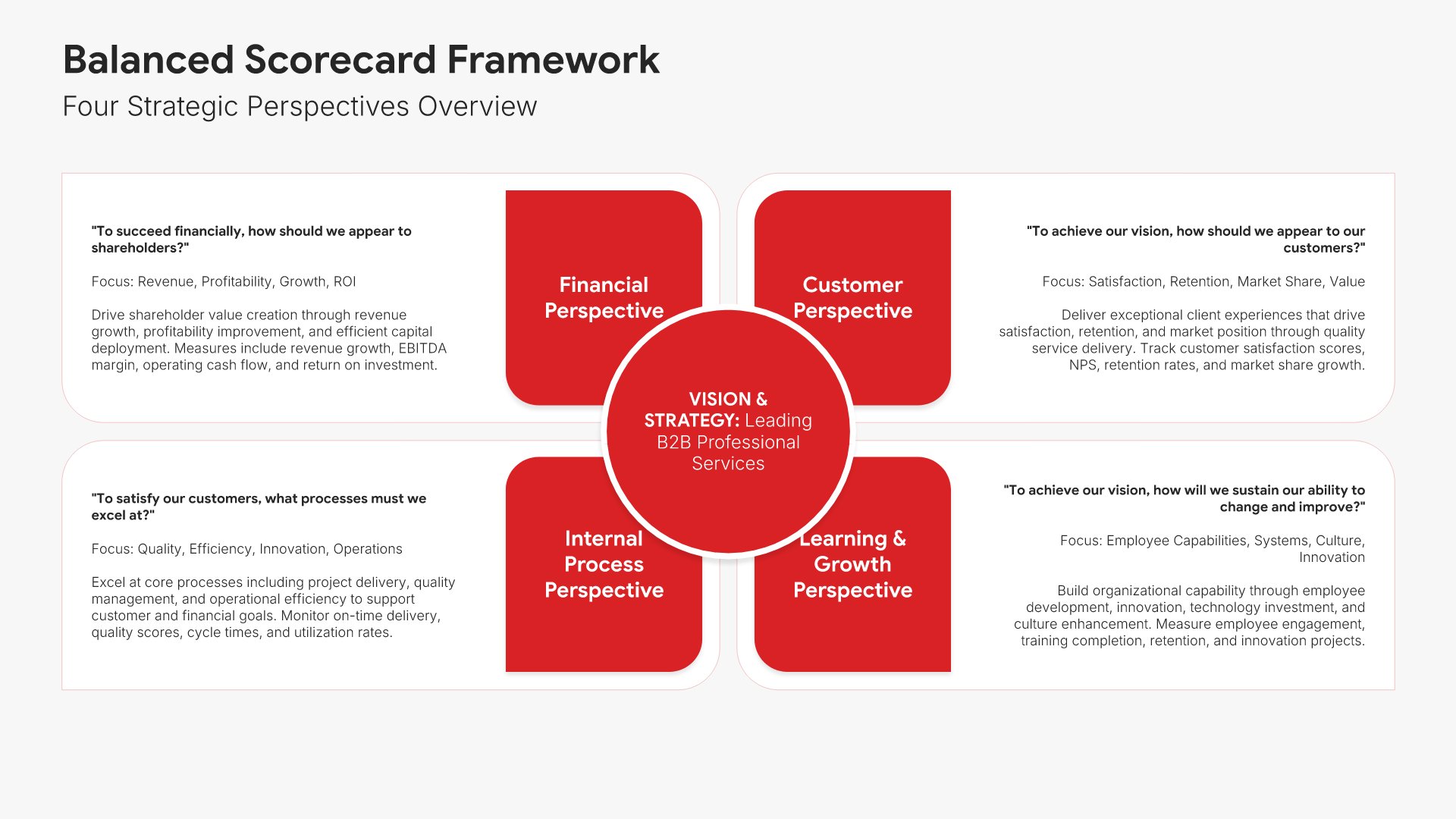
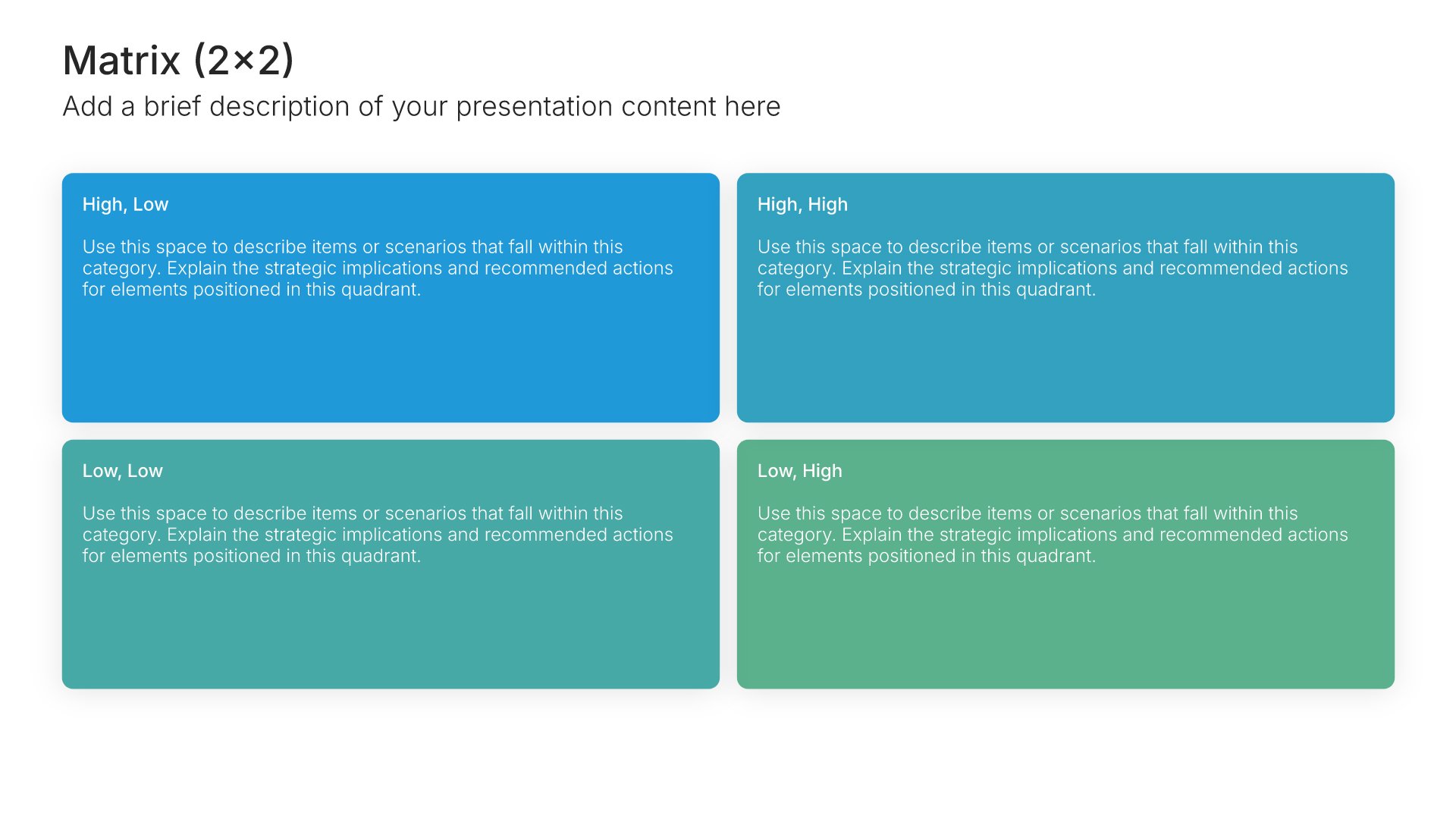
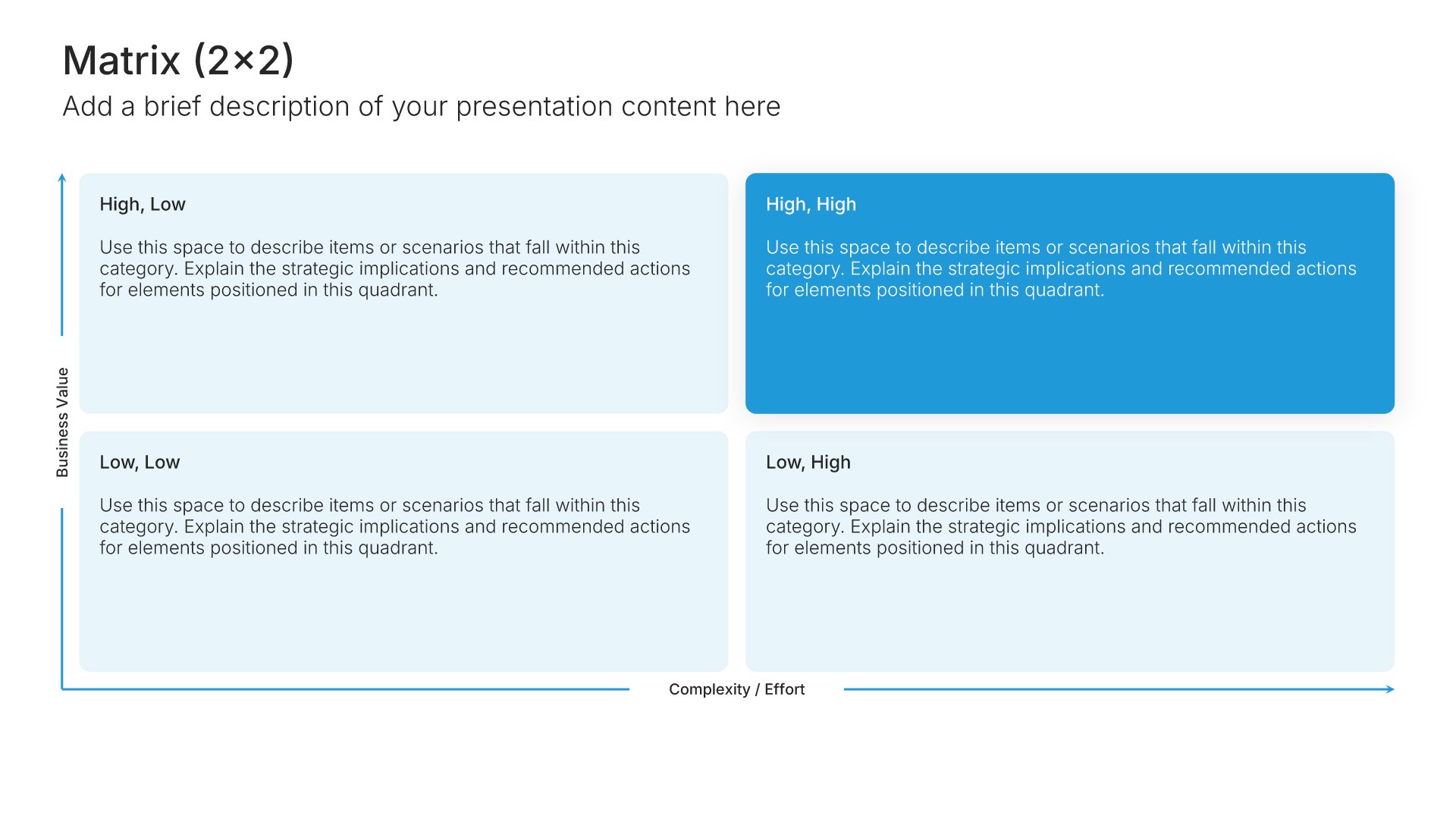
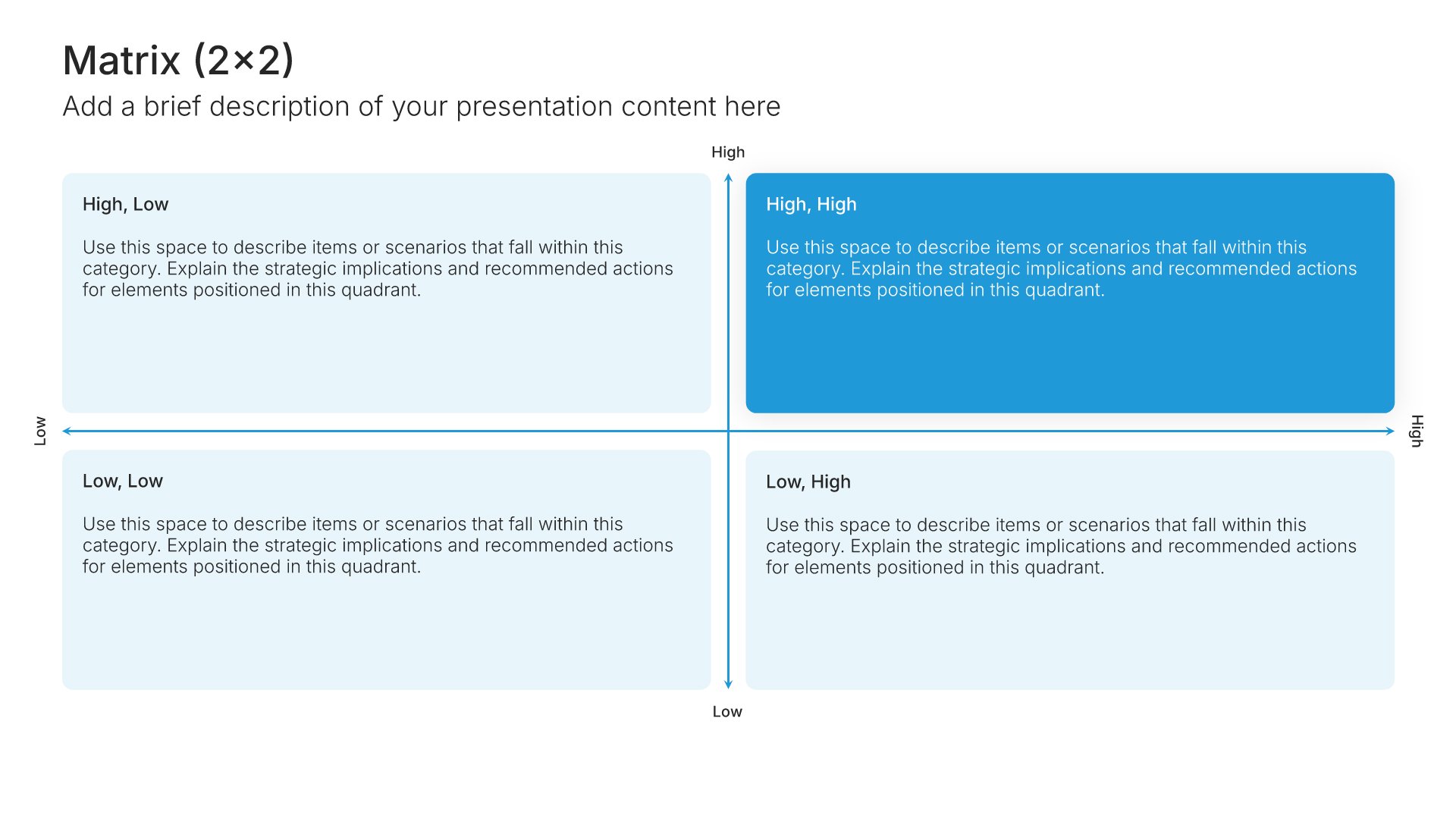
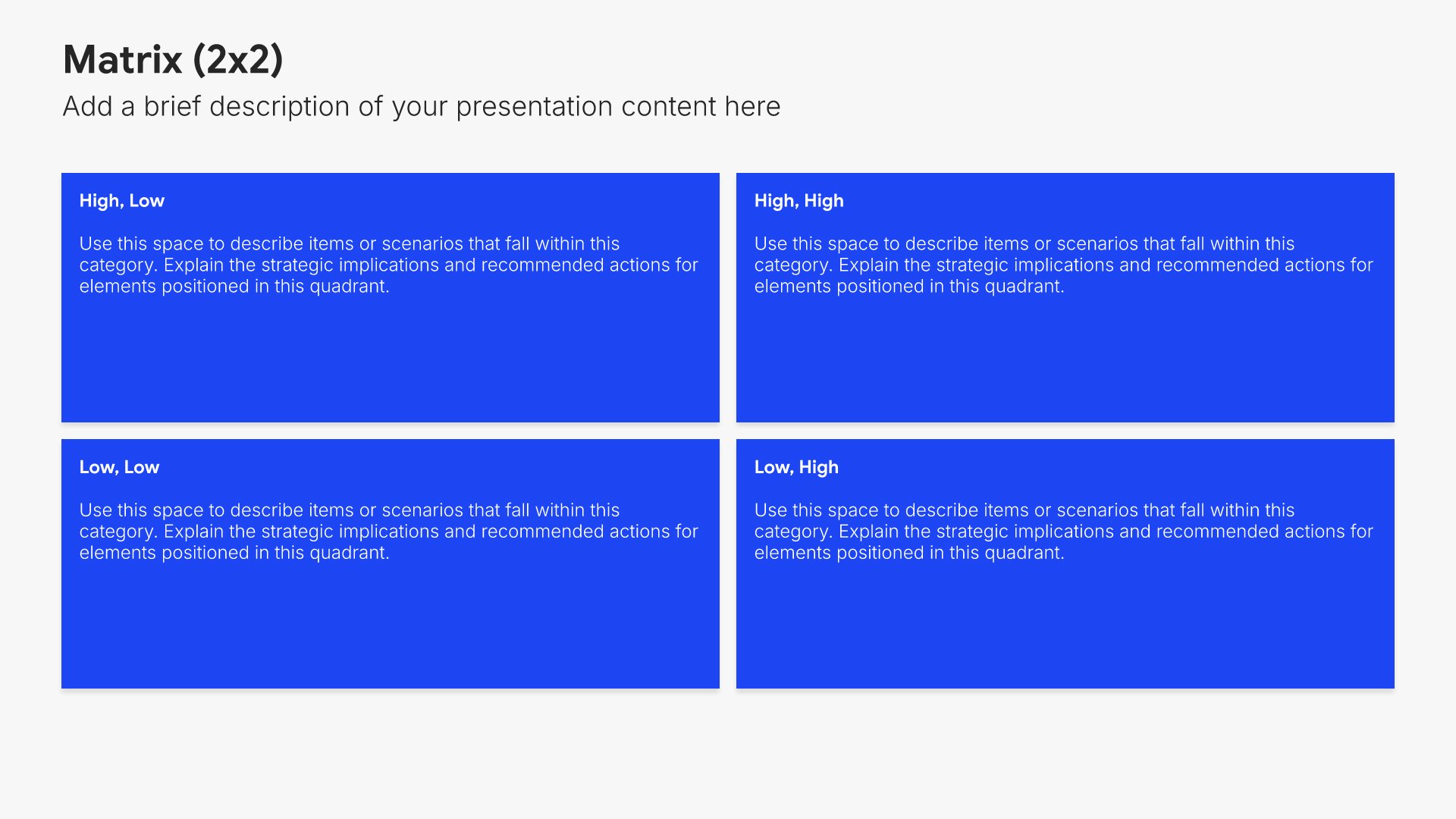
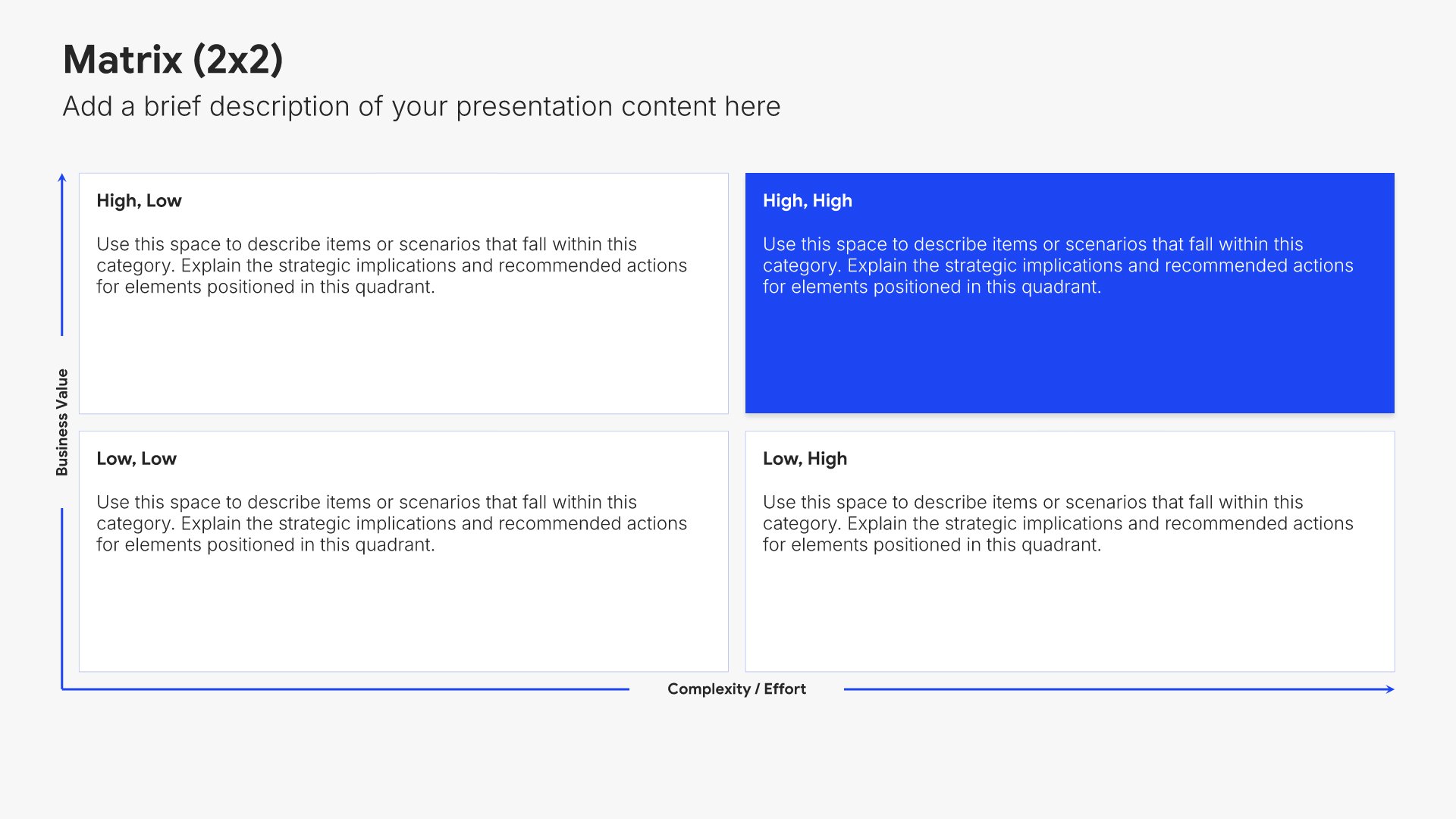
Balanced scorecard overview slides help you present your performance framework at a glance. Use them to display the four strategic perspectives and how they connect to organizational objectives. Ideal for performance reports where establishing the measurement framework helps stakeholders understand how success is defined and tracked.
Built using Matrix (2×2) slides

4. Financial Perspective

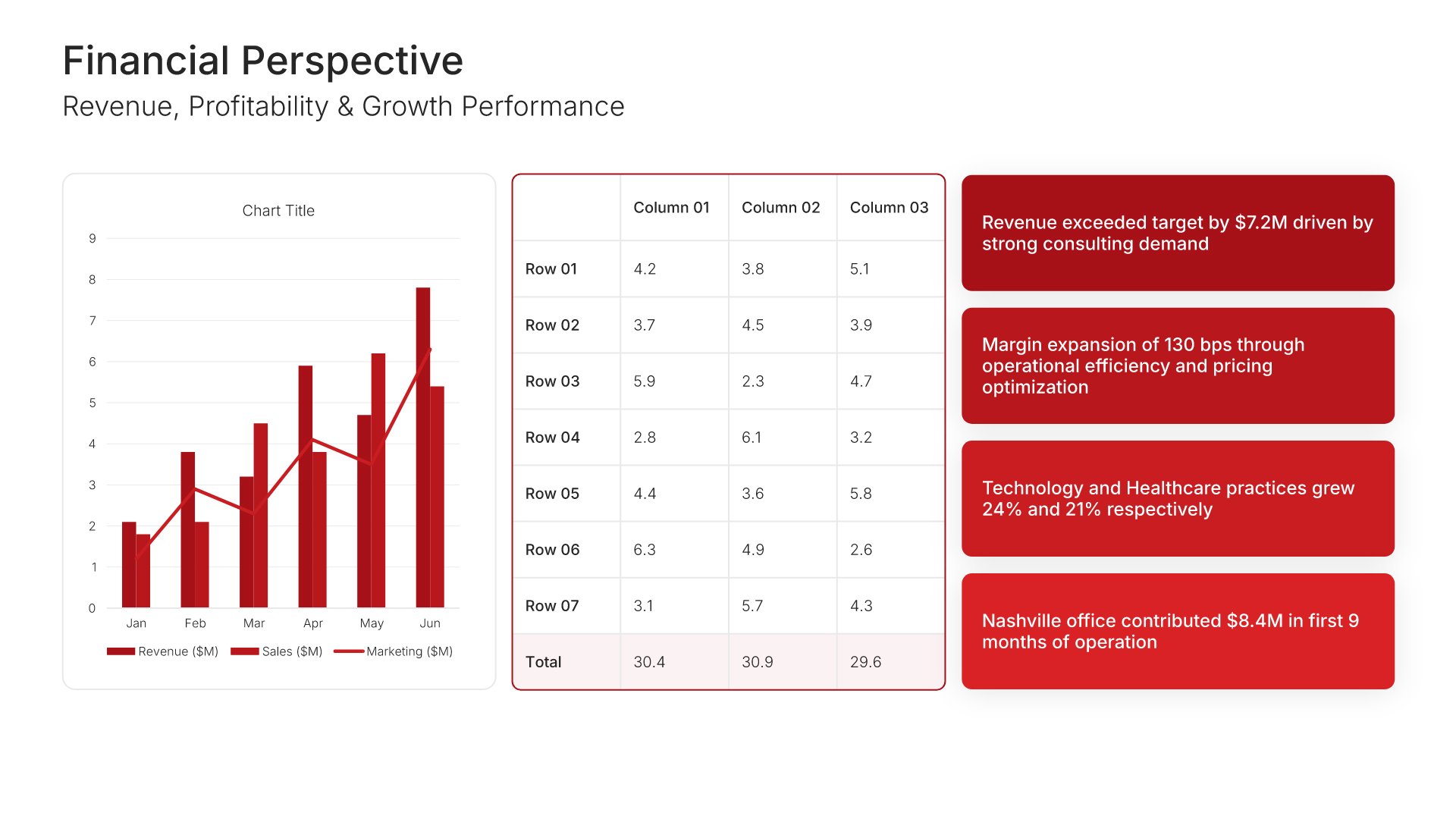
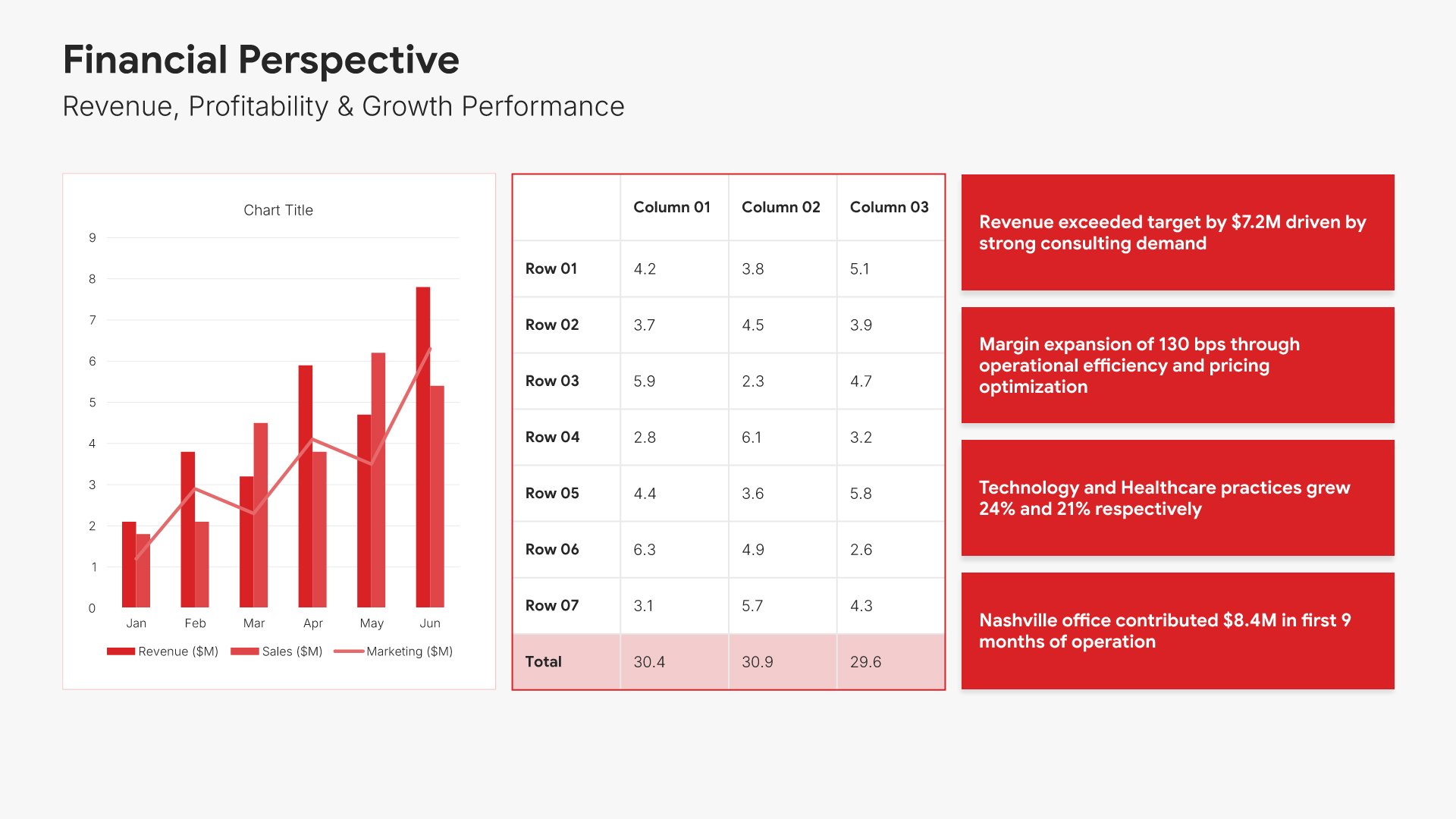
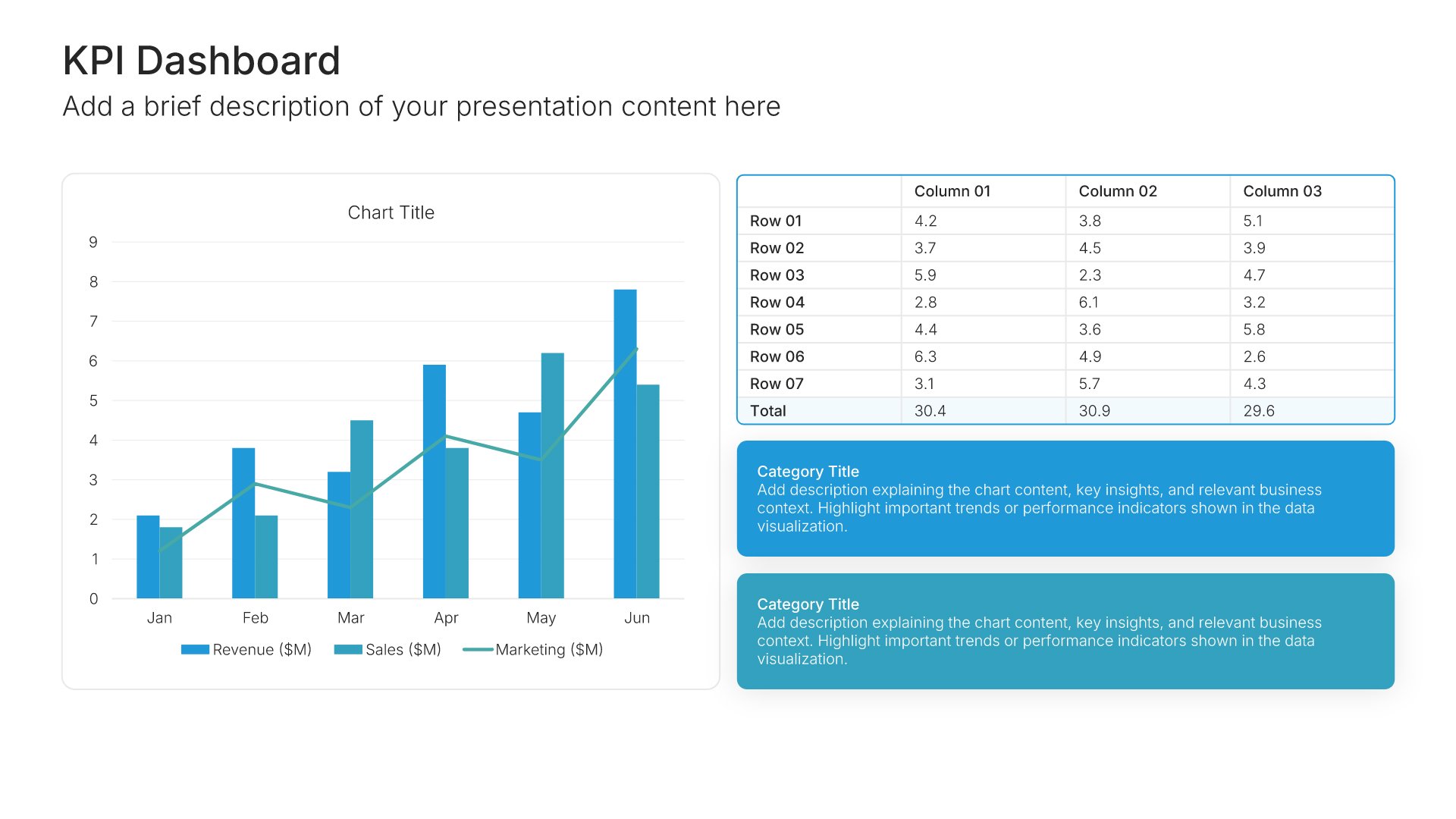
Financial perspective slides help you present performance against monetary objectives. Use them to display revenue, profitability, cost efficiency, and ROI metrics with targets and variances. Ideal for performance reports where demonstrating financial health and value creation matters to stakeholders and leadership.
Built using KPI Dashboard slides

5. Customer Perspective

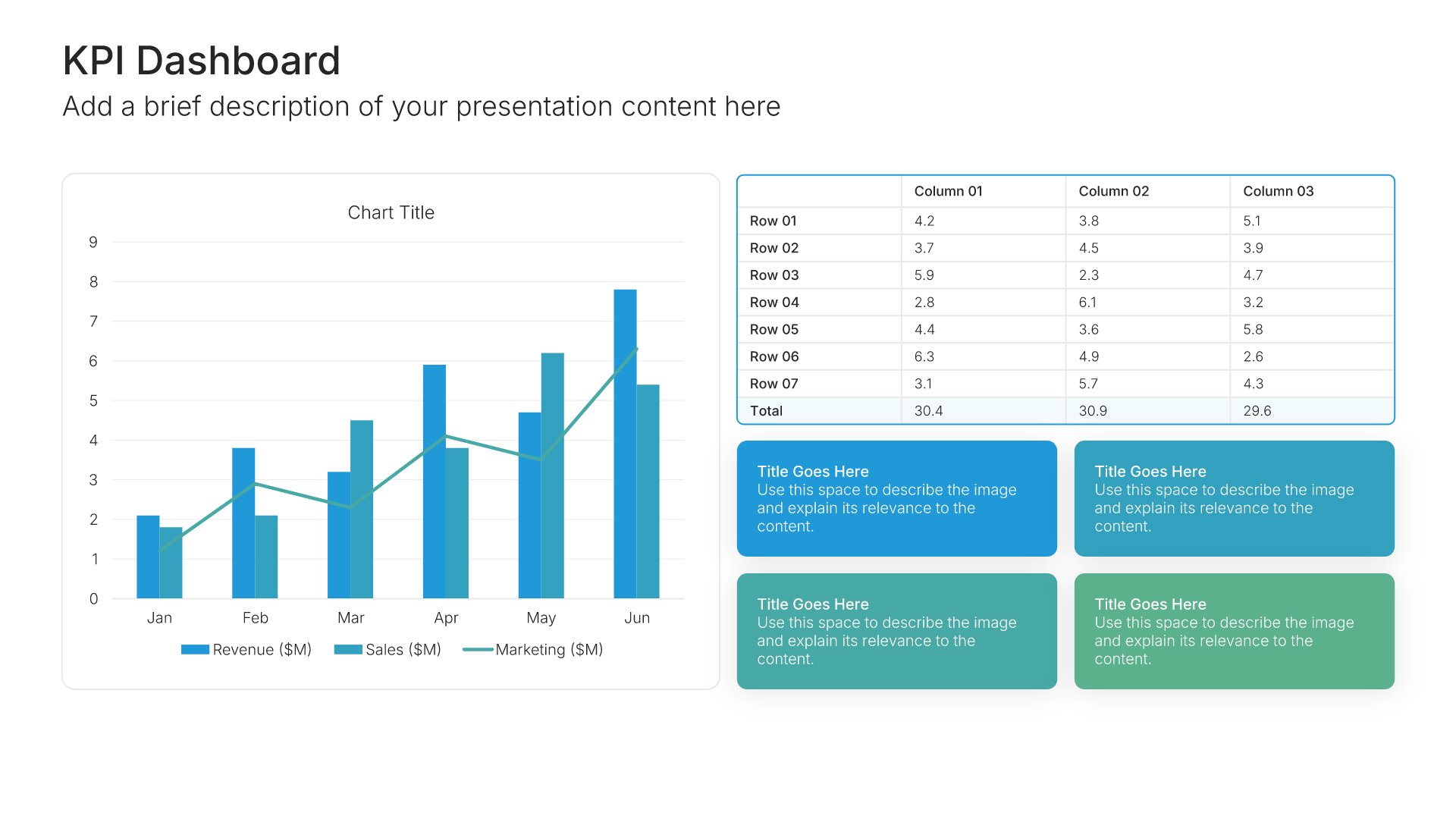
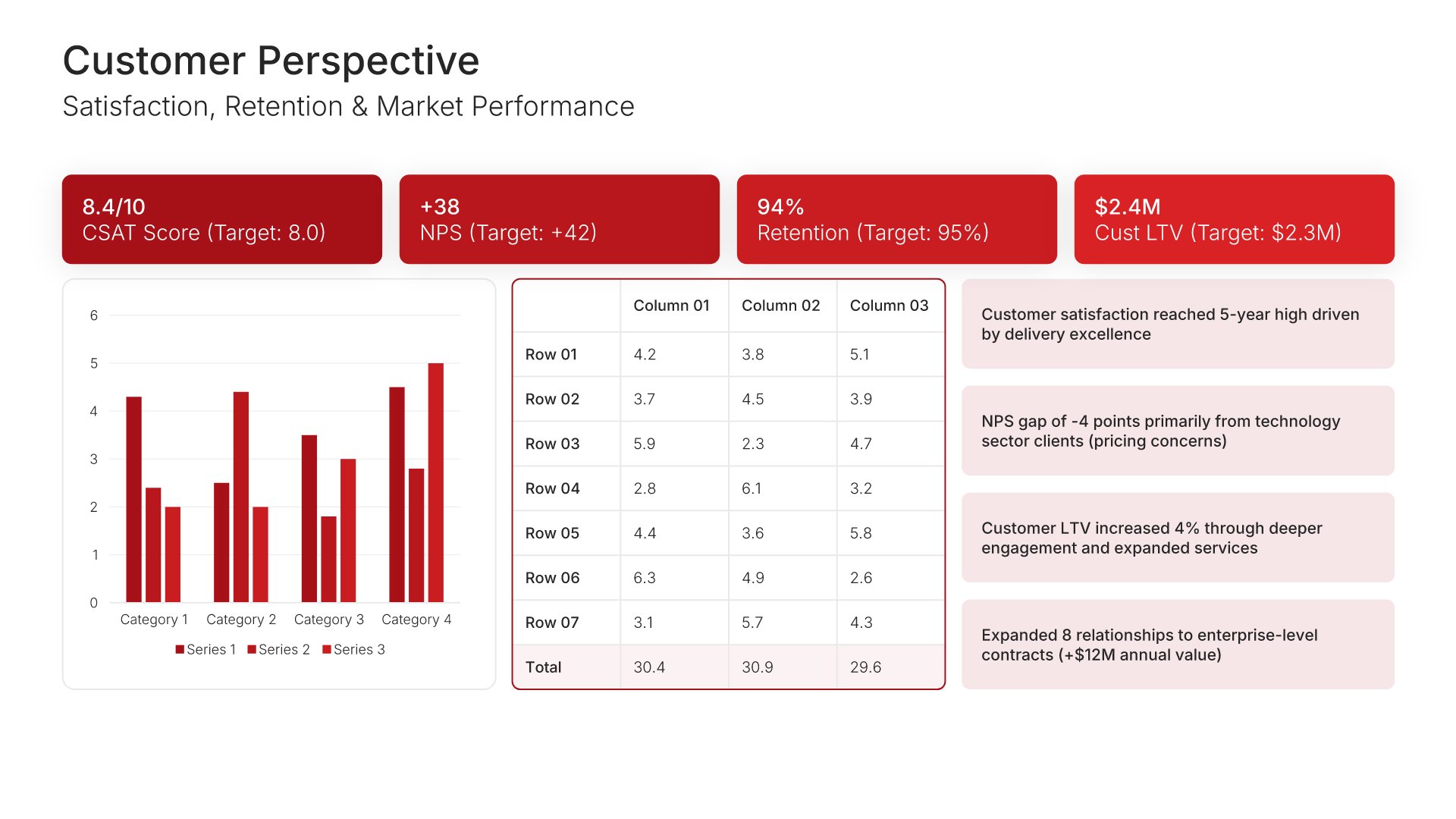
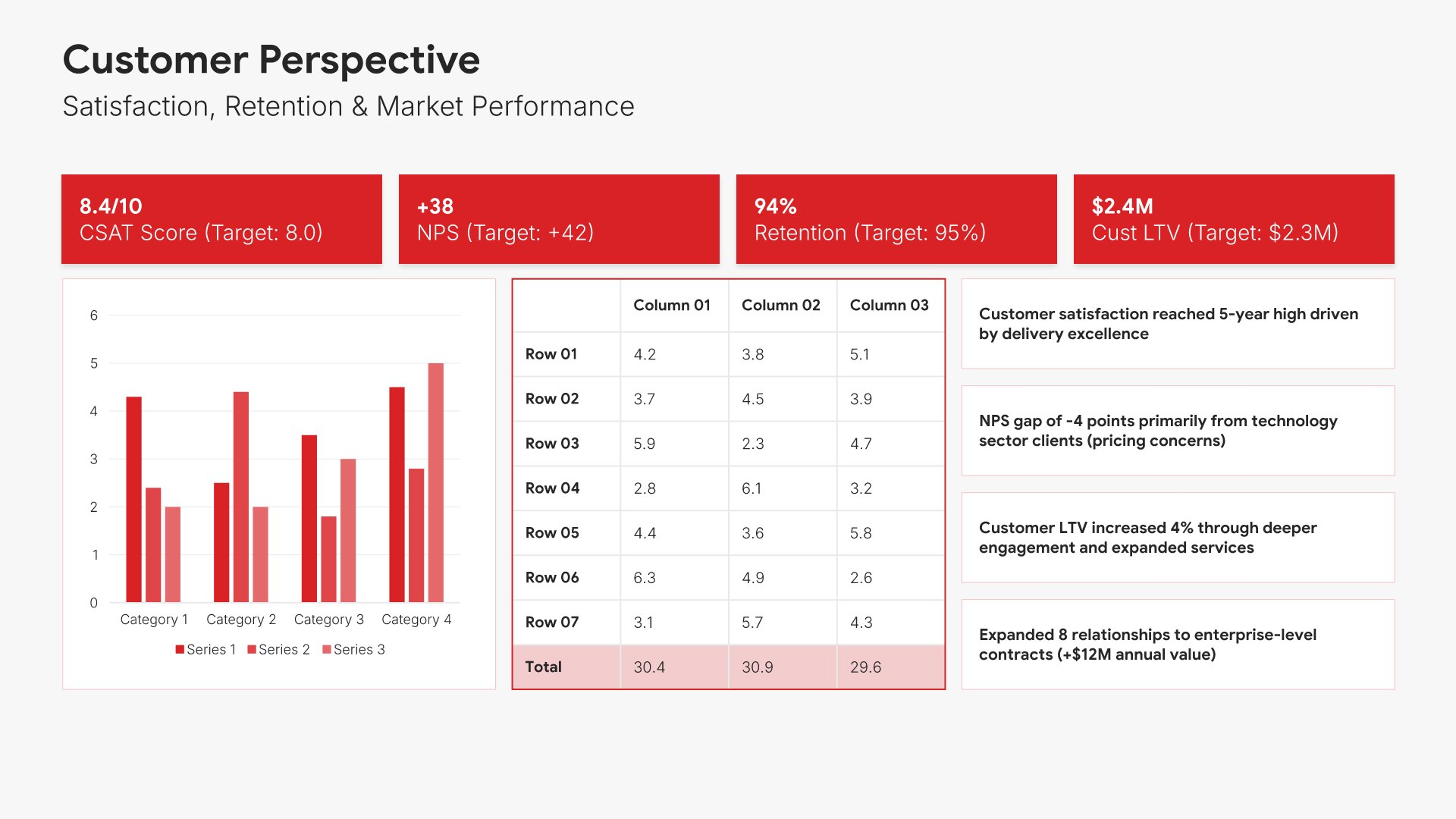
Customer perspective slides help you present performance in serving your market. Use them to display satisfaction scores, retention rates, NPS, and acquisition metrics. Ideal for performance reports where demonstrating customer value and relationship strength shows how well the organization delivers on its market promise.
Built using KPI Dashboard slides

6. Internal Process Perspective

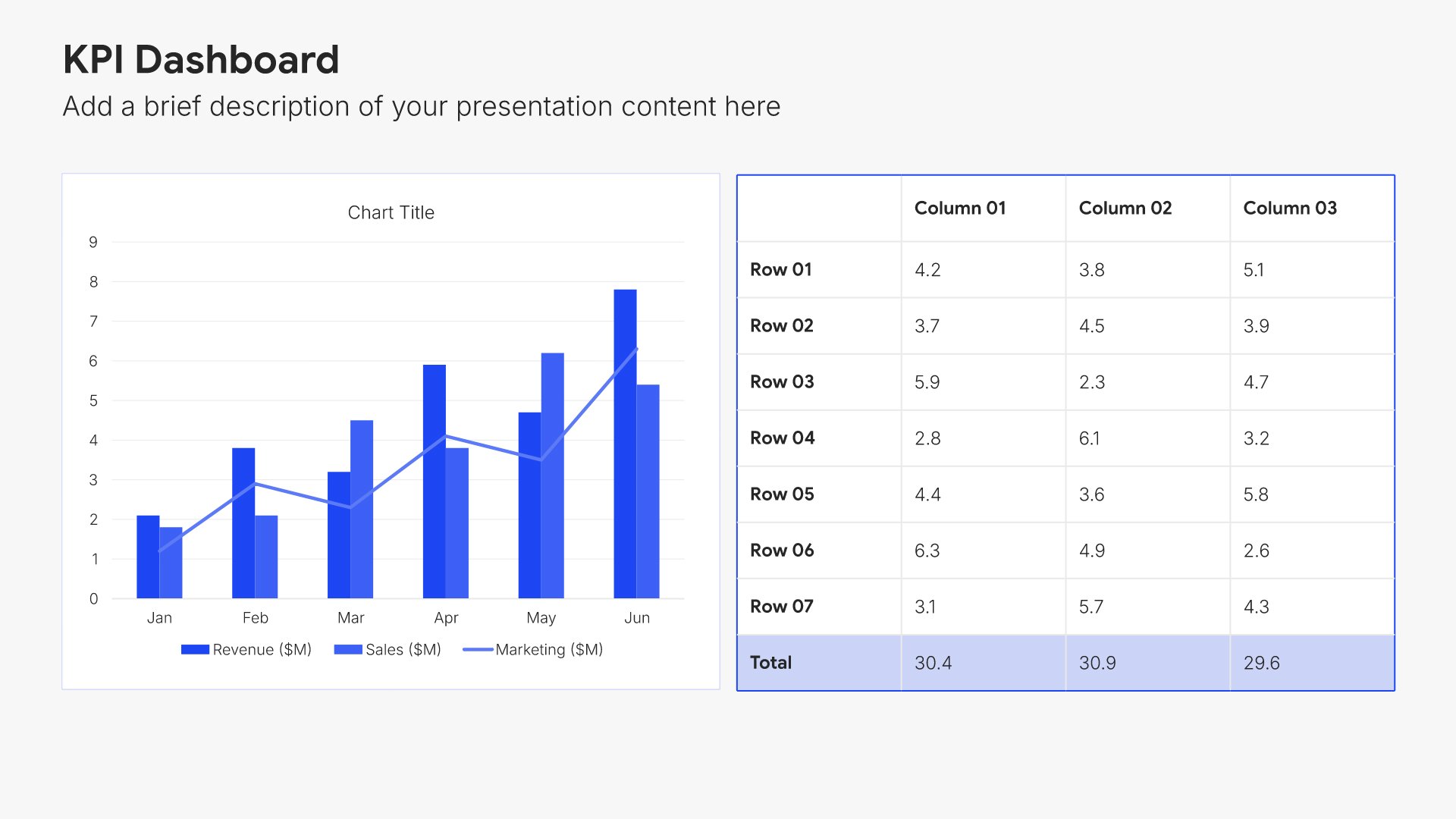
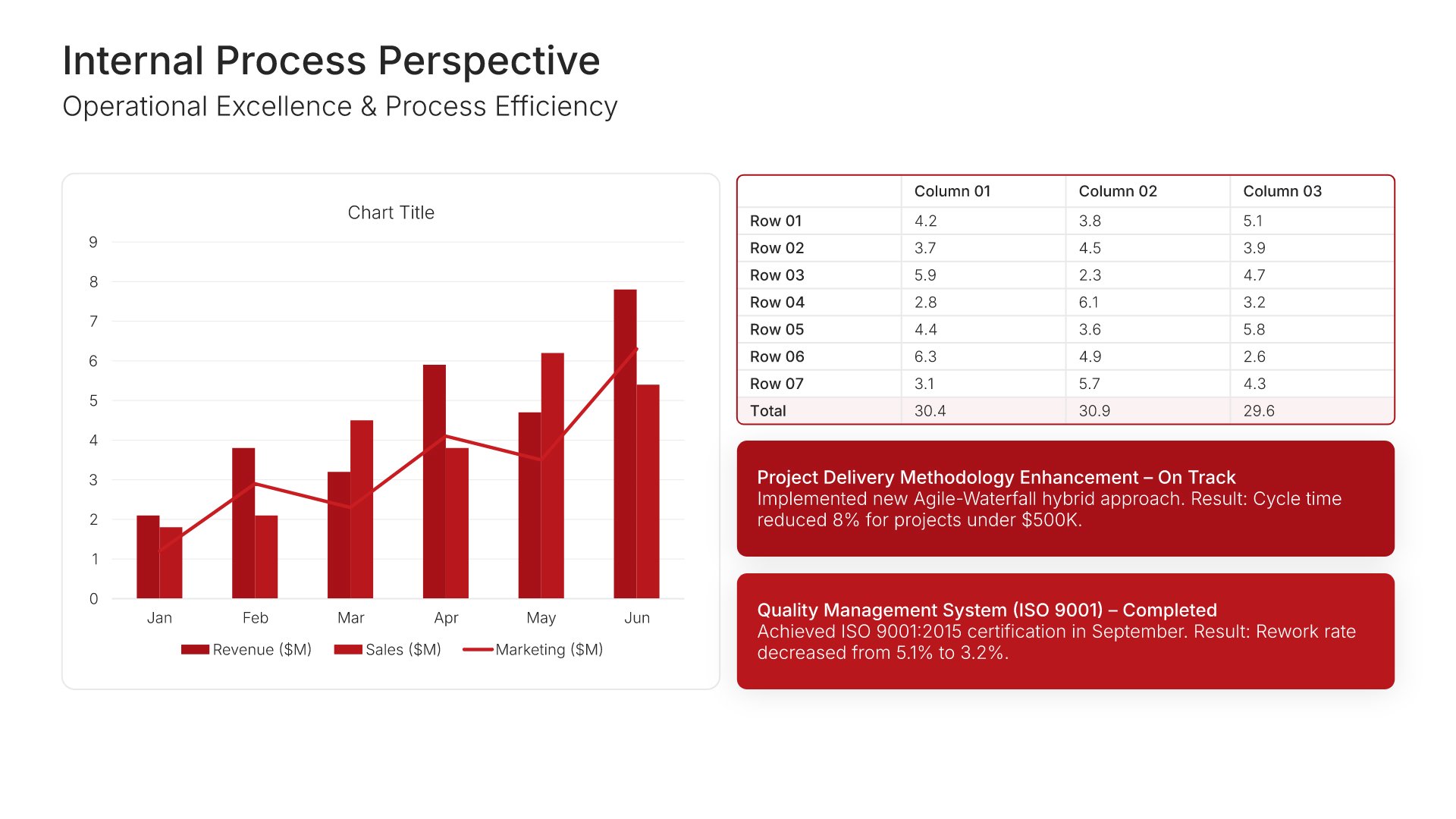
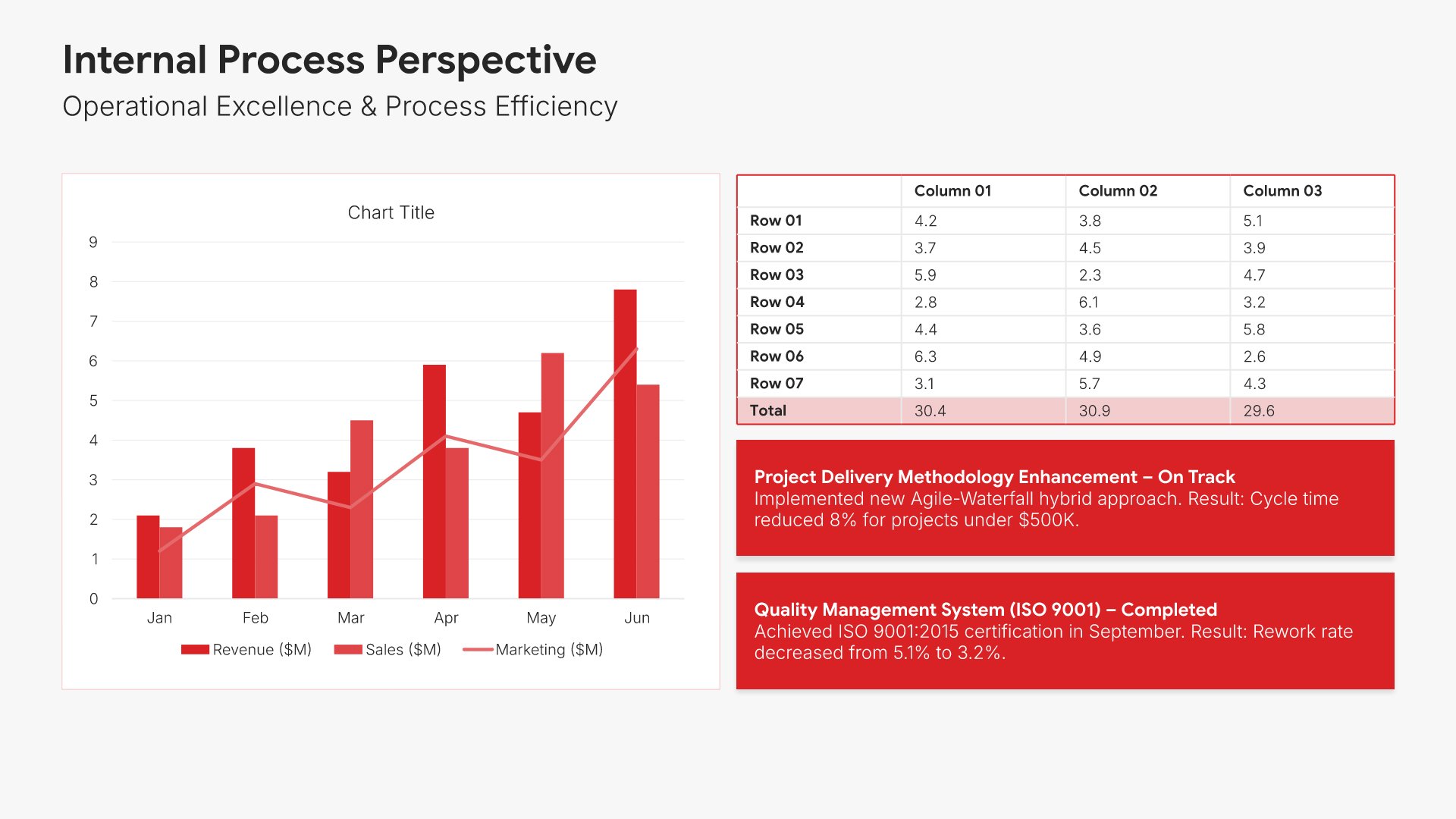
Internal process perspective slides help you present operational efficiency and effectiveness. Use them to display quality, productivity, cycle time, and utilization metrics. Ideal for performance reports where demonstrating process excellence shows how well the organization executes and delivers value to customers.
Built using KPI Dashboard slides

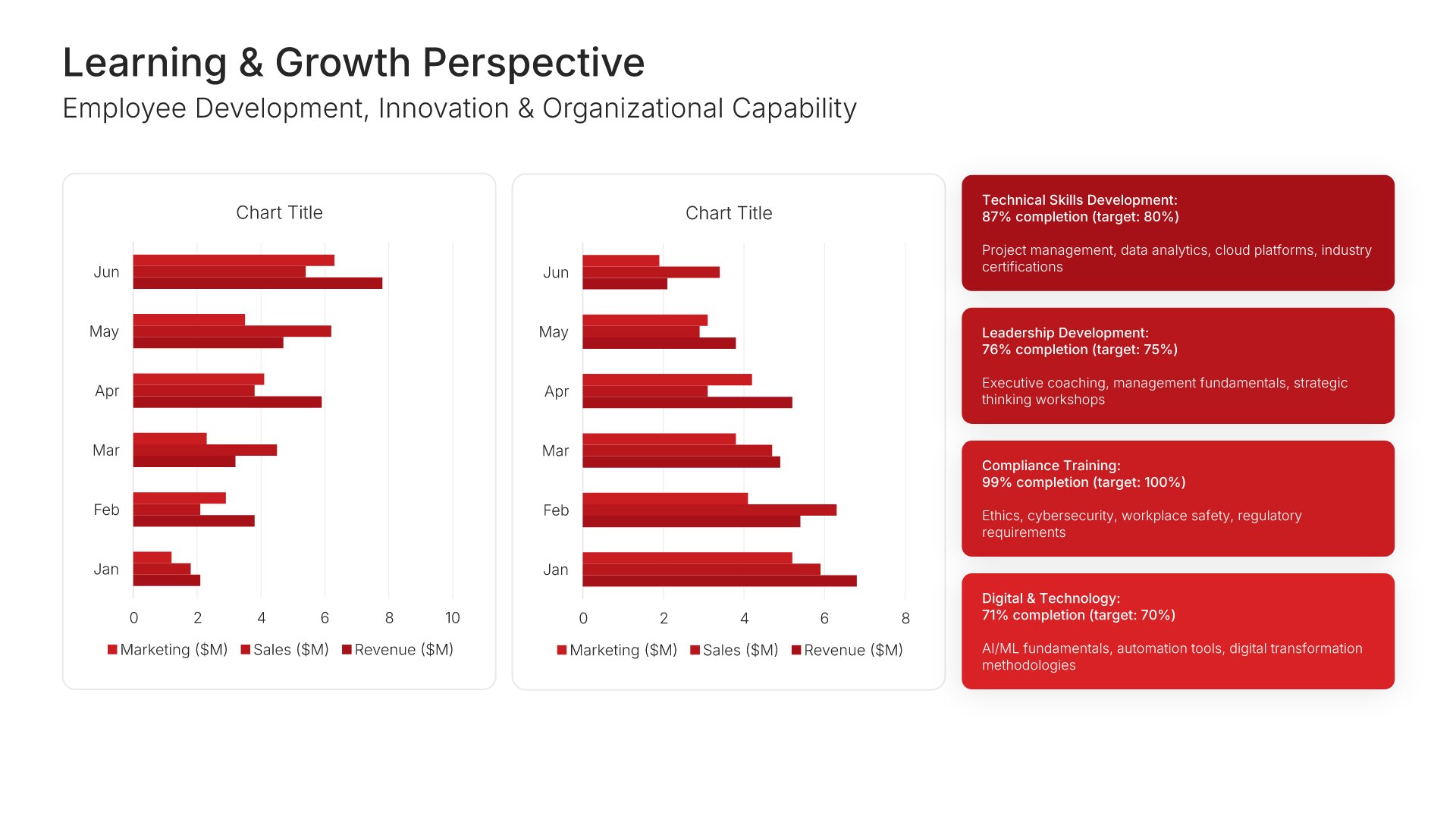
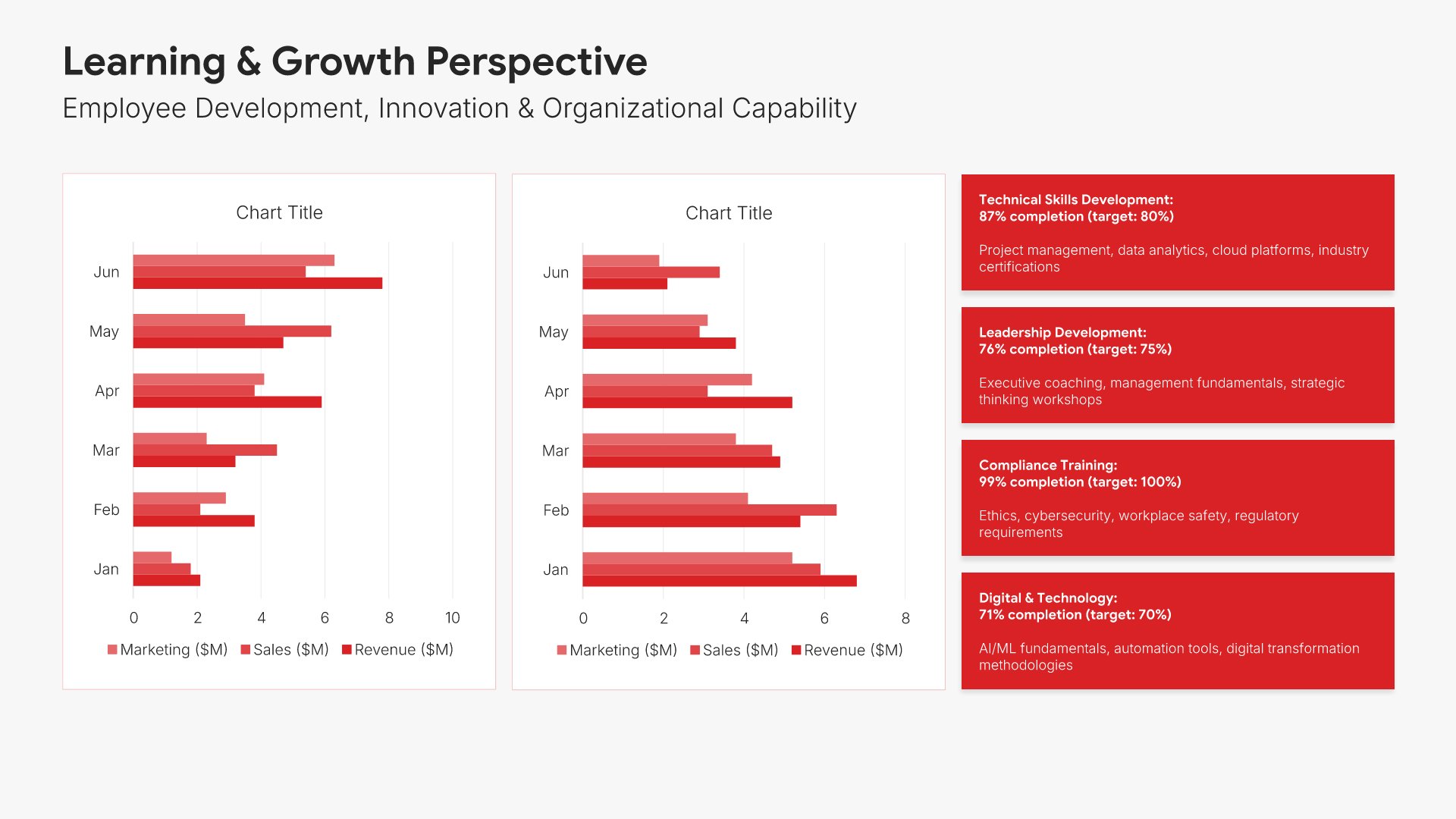
7. Learning & Growth Perspective

Learning and growth perspective slides help you present organizational capability development. Use them to display employee engagement, training completion, skill development, and innovation metrics. Ideal for performance reports where demonstrating investment in people and capabilities shows readiness for future success.
Built using Charts slides

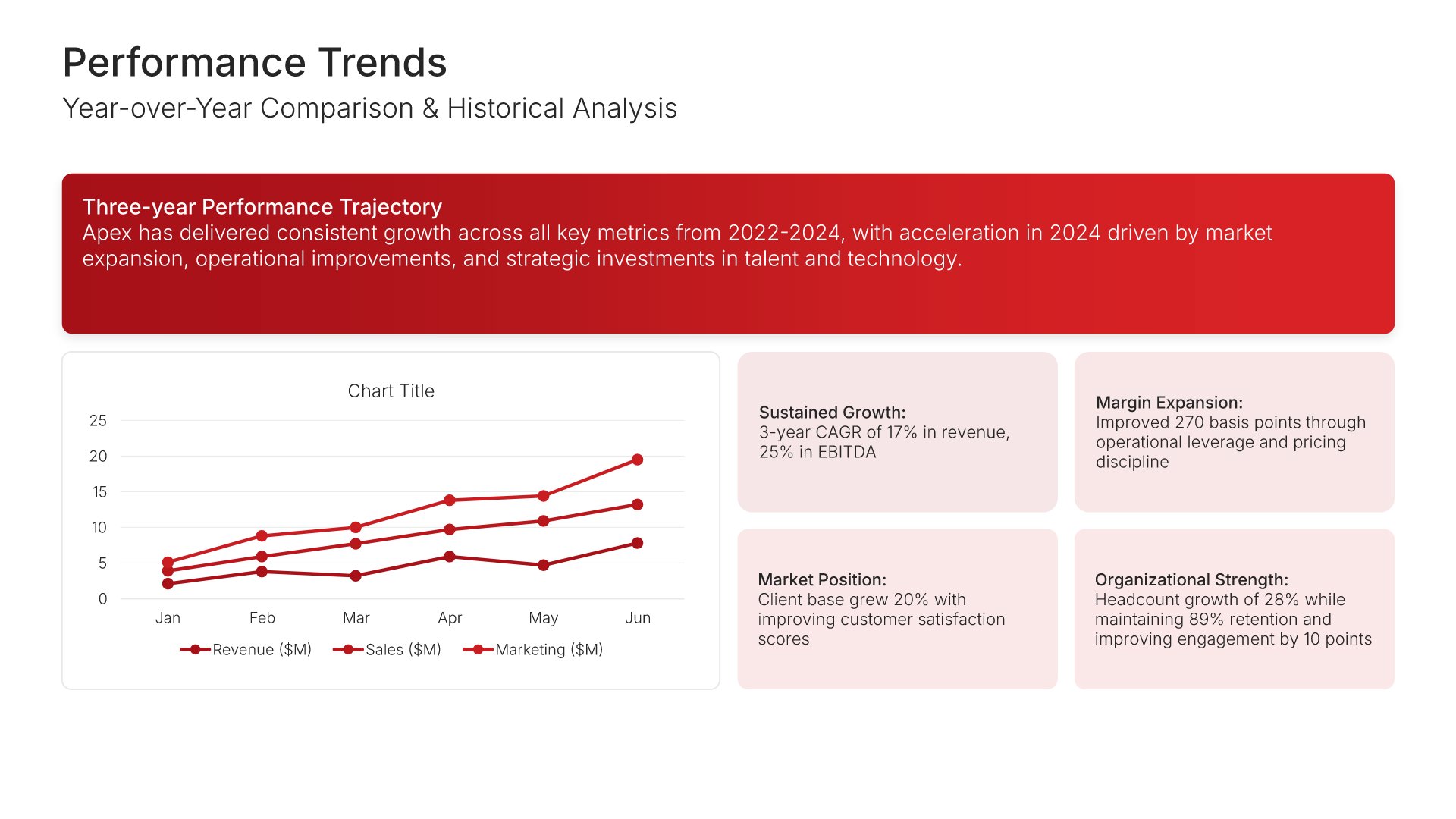
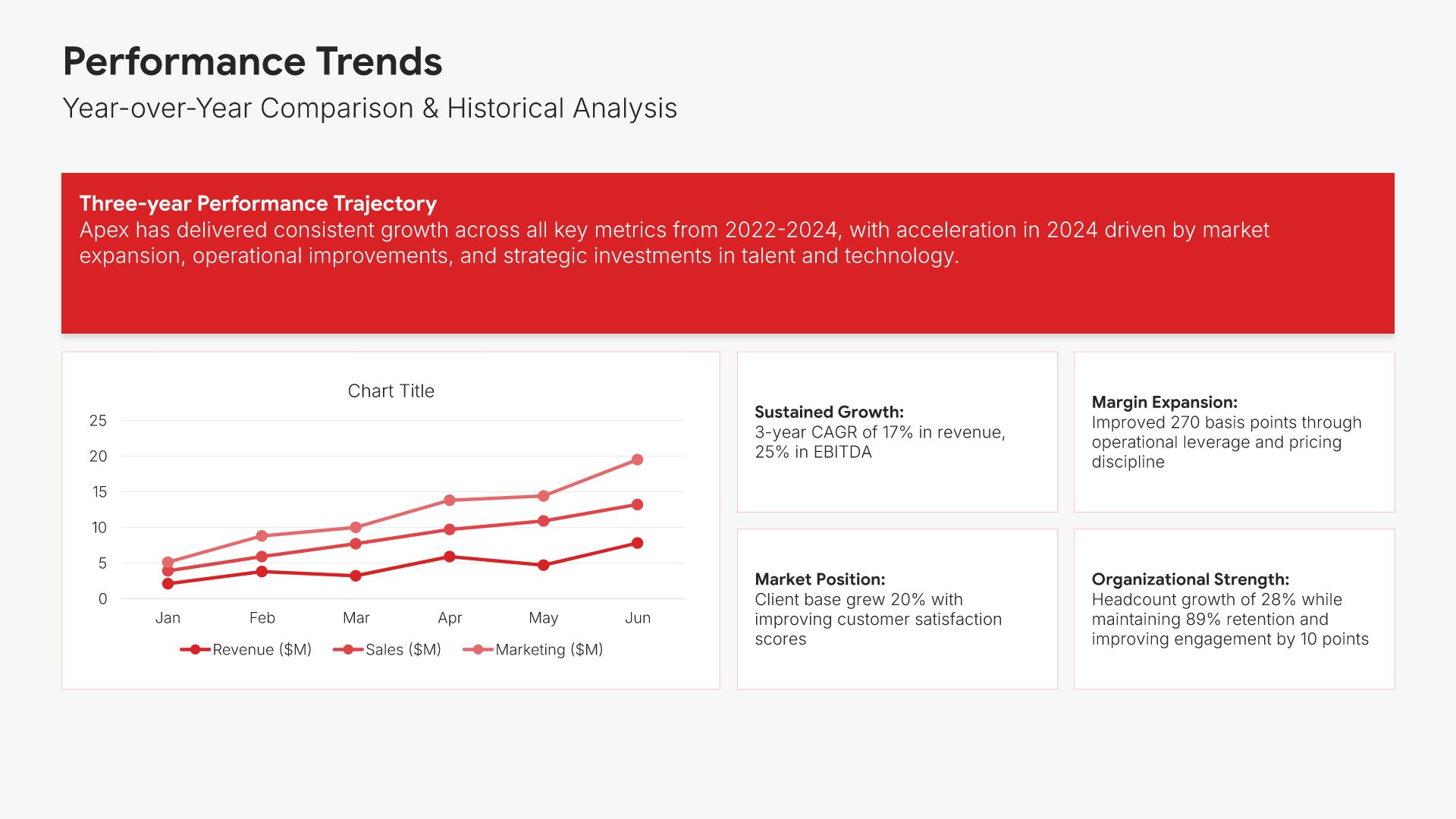
8. Performance Trends

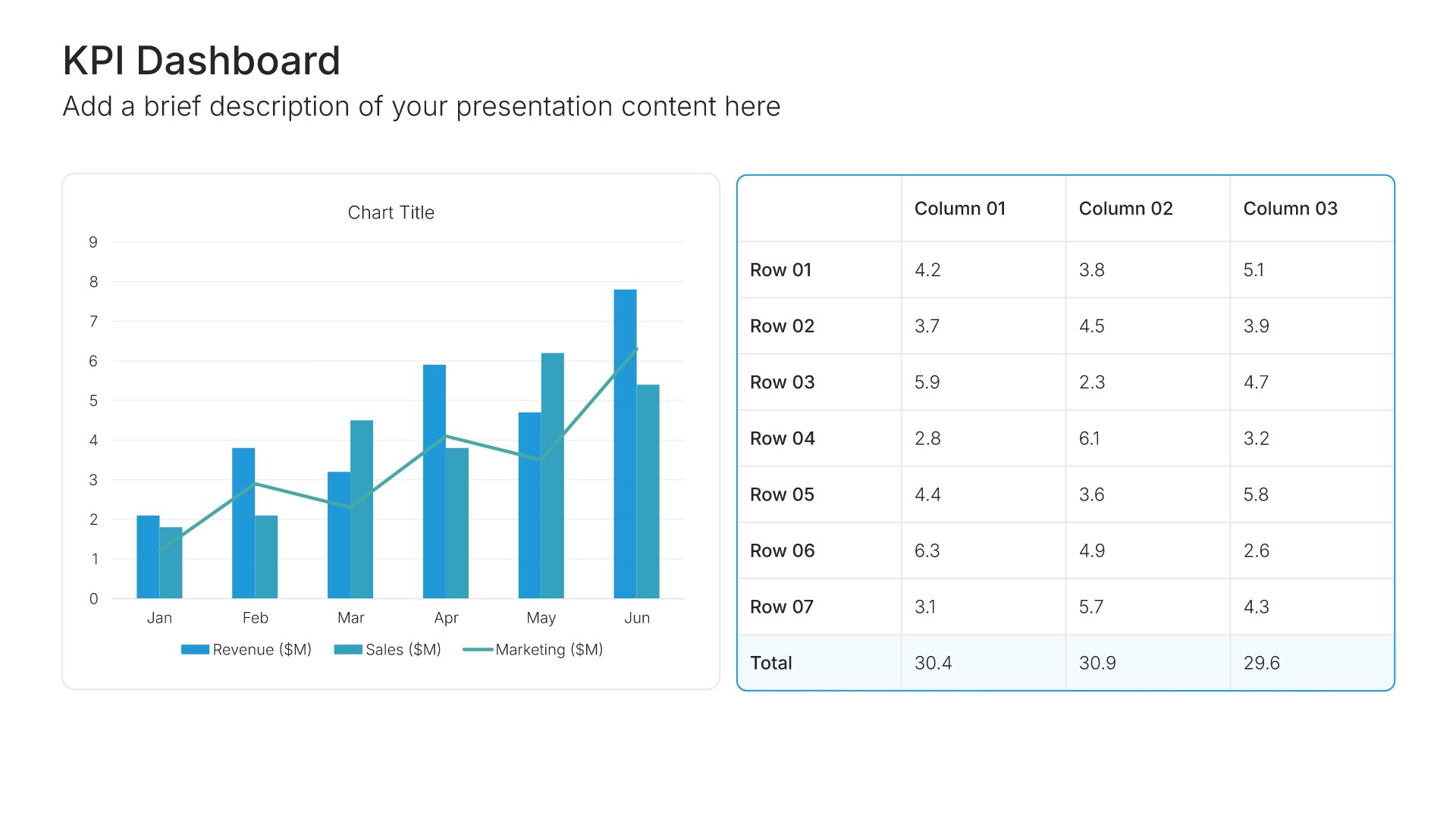
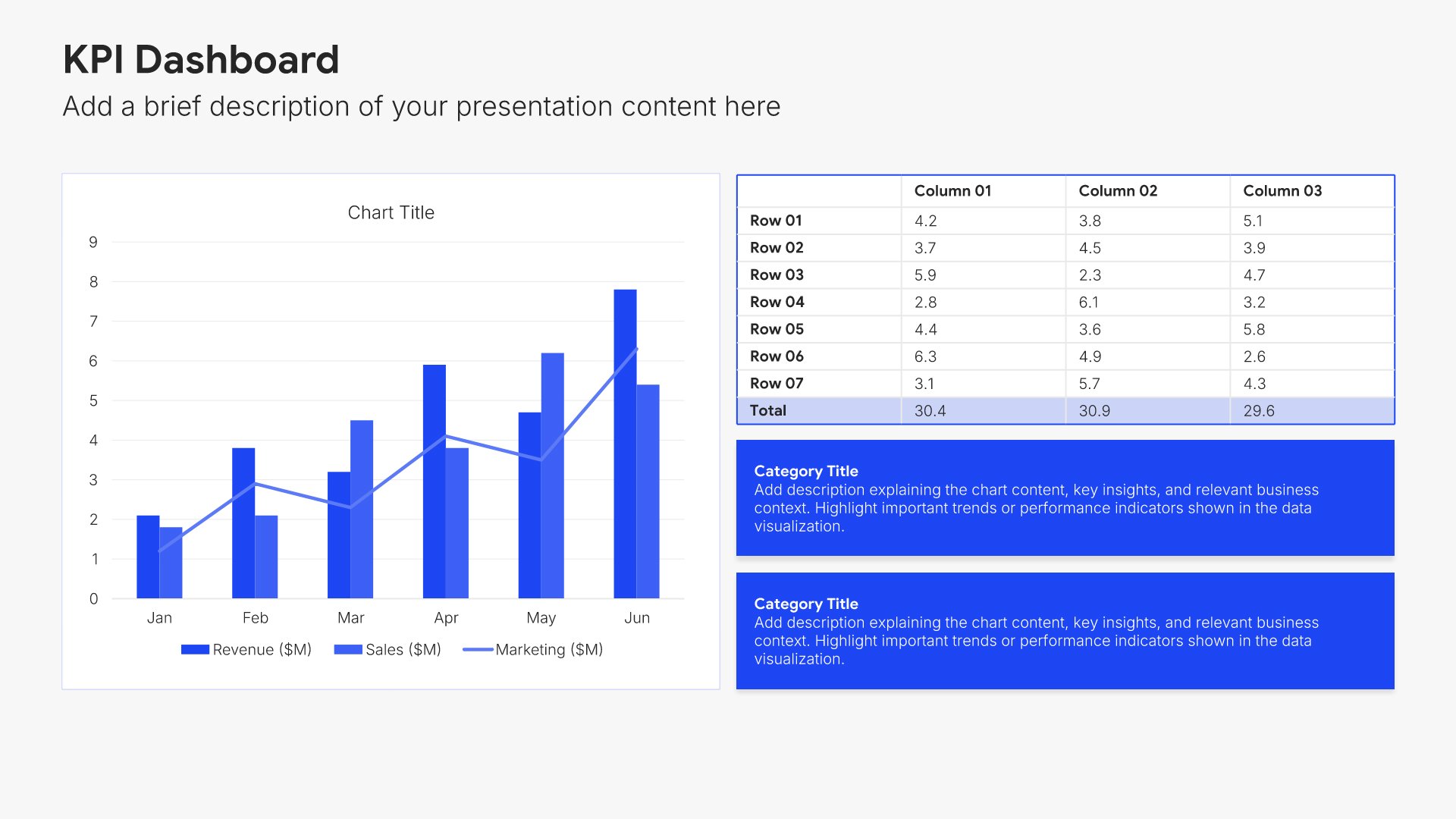
Performance trends slides help you show how metrics have changed over time. Use them to display multi-period comparisons, trajectory patterns, and momentum indicators. Ideal for performance reports where demonstrating improvement or identifying concerning patterns helps stakeholders understand organizational direction.
Built using KPI Dashboard slides

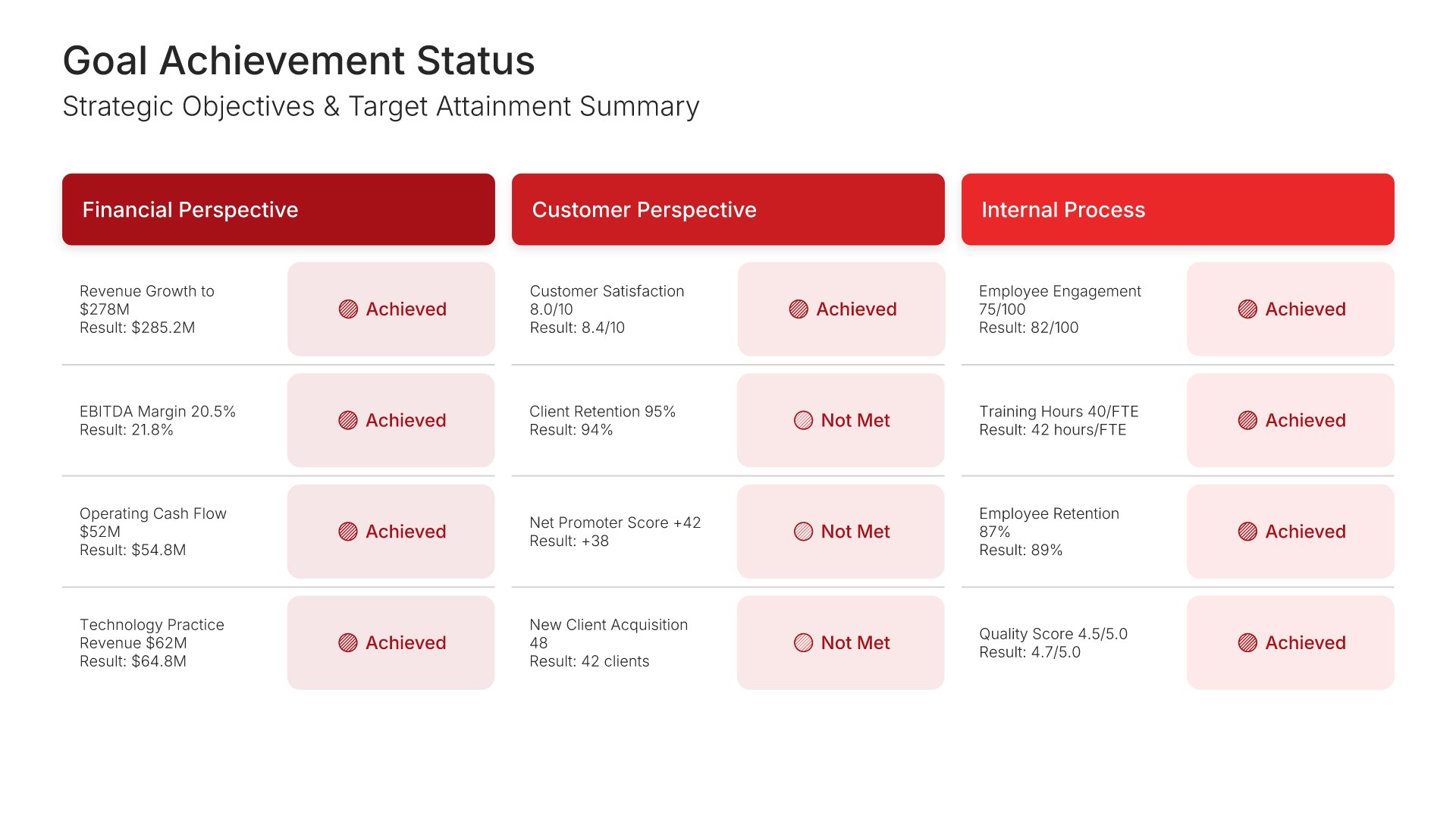
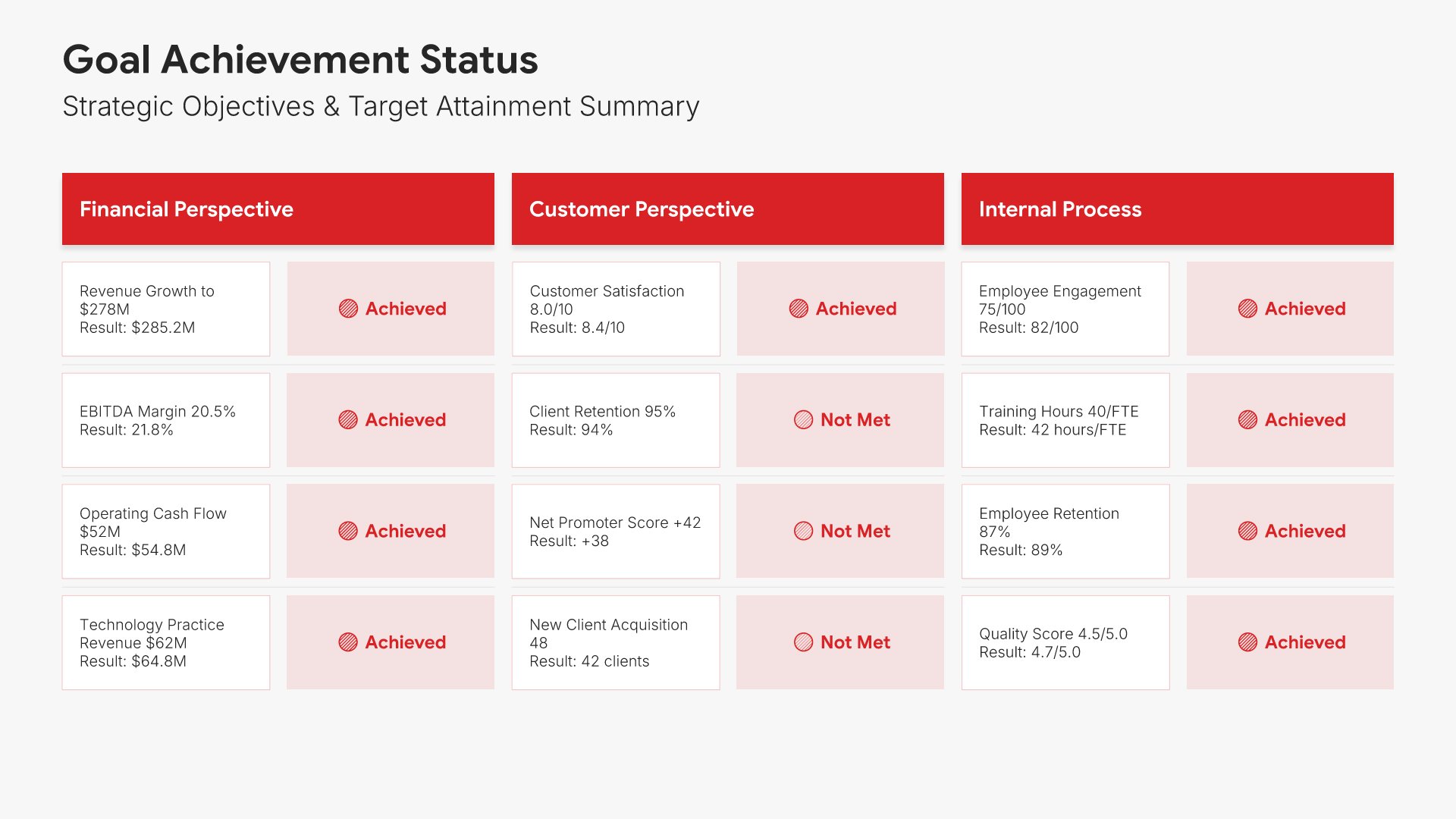
9. Goal Achievement Status

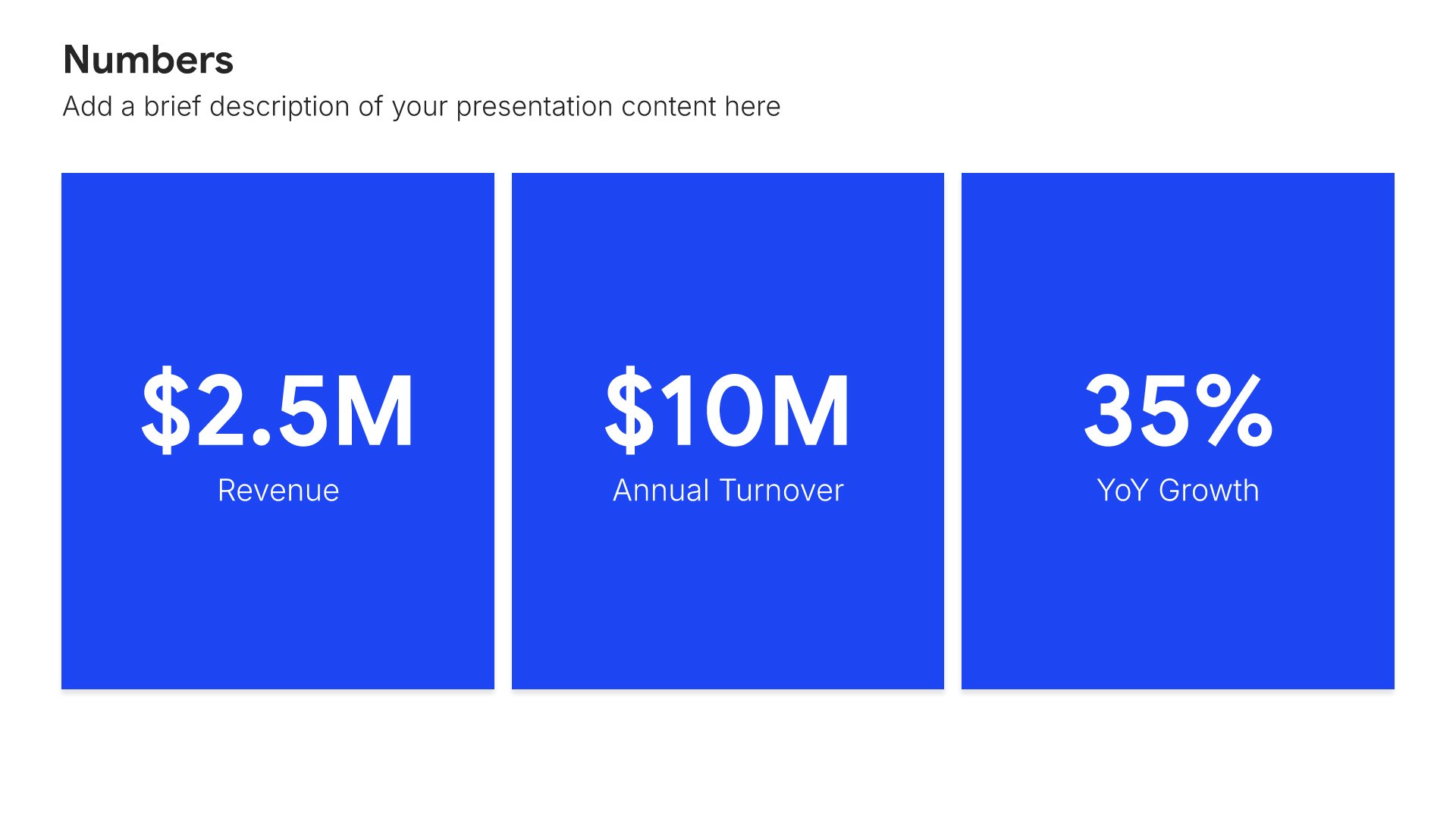
Goal achievement slides help you show progress against strategic objectives. Use them to display targets, actuals, and achievement status across all scorecard perspectives in a consolidated view. Ideal for performance reports where a clear summary of what was achieved versus planned drives accountability and focus.
Built using Simple Numbers slides

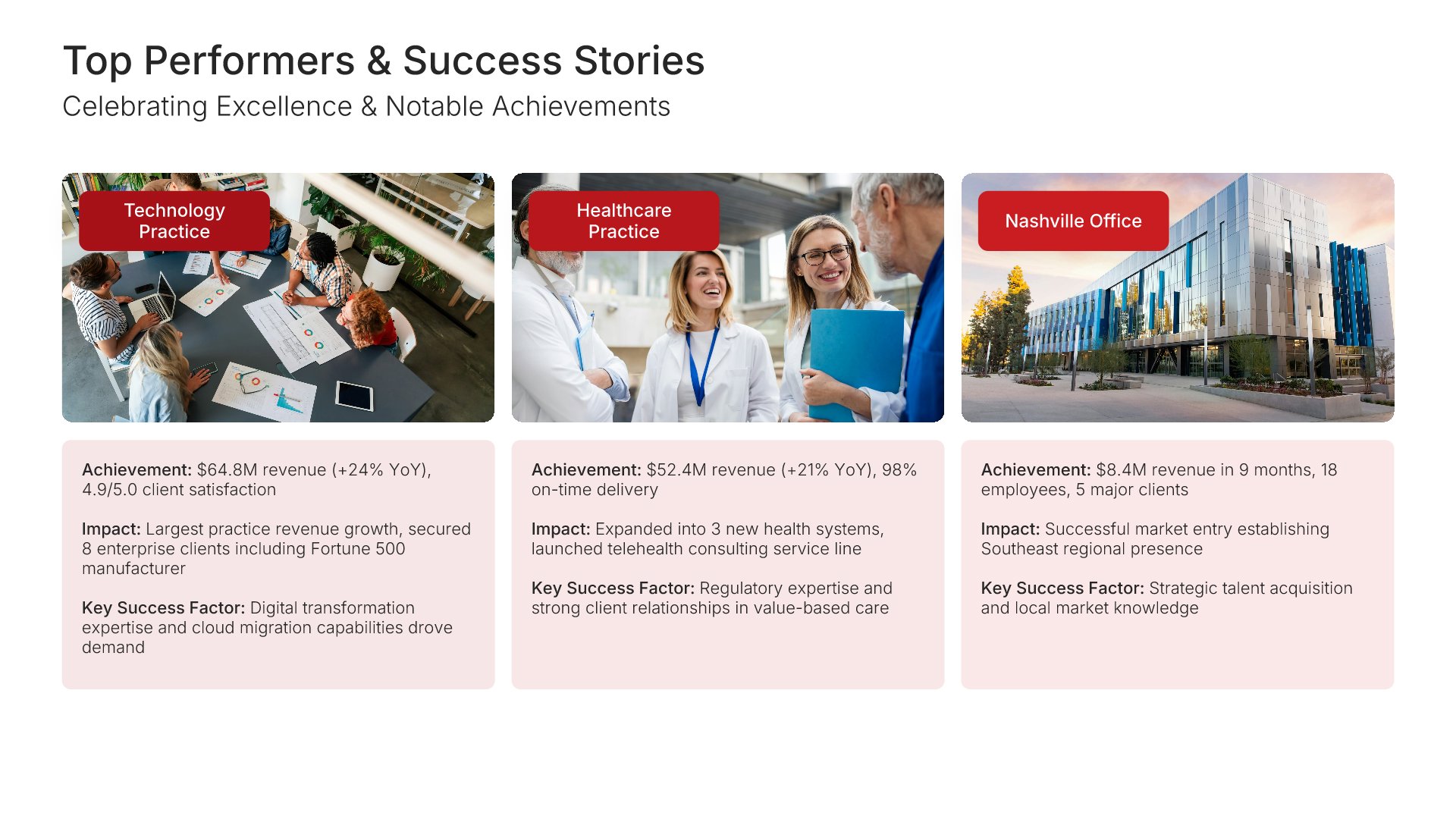
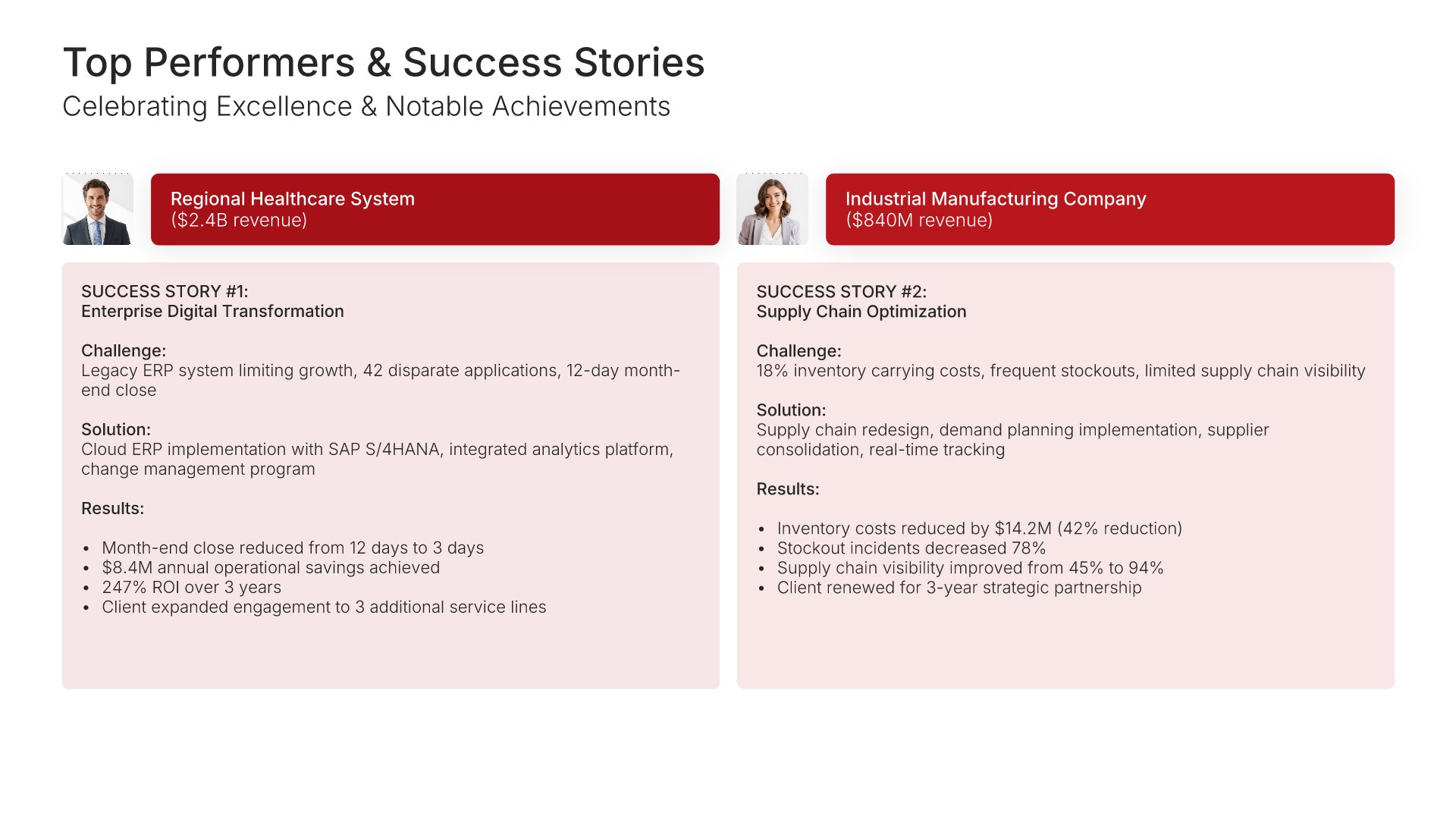
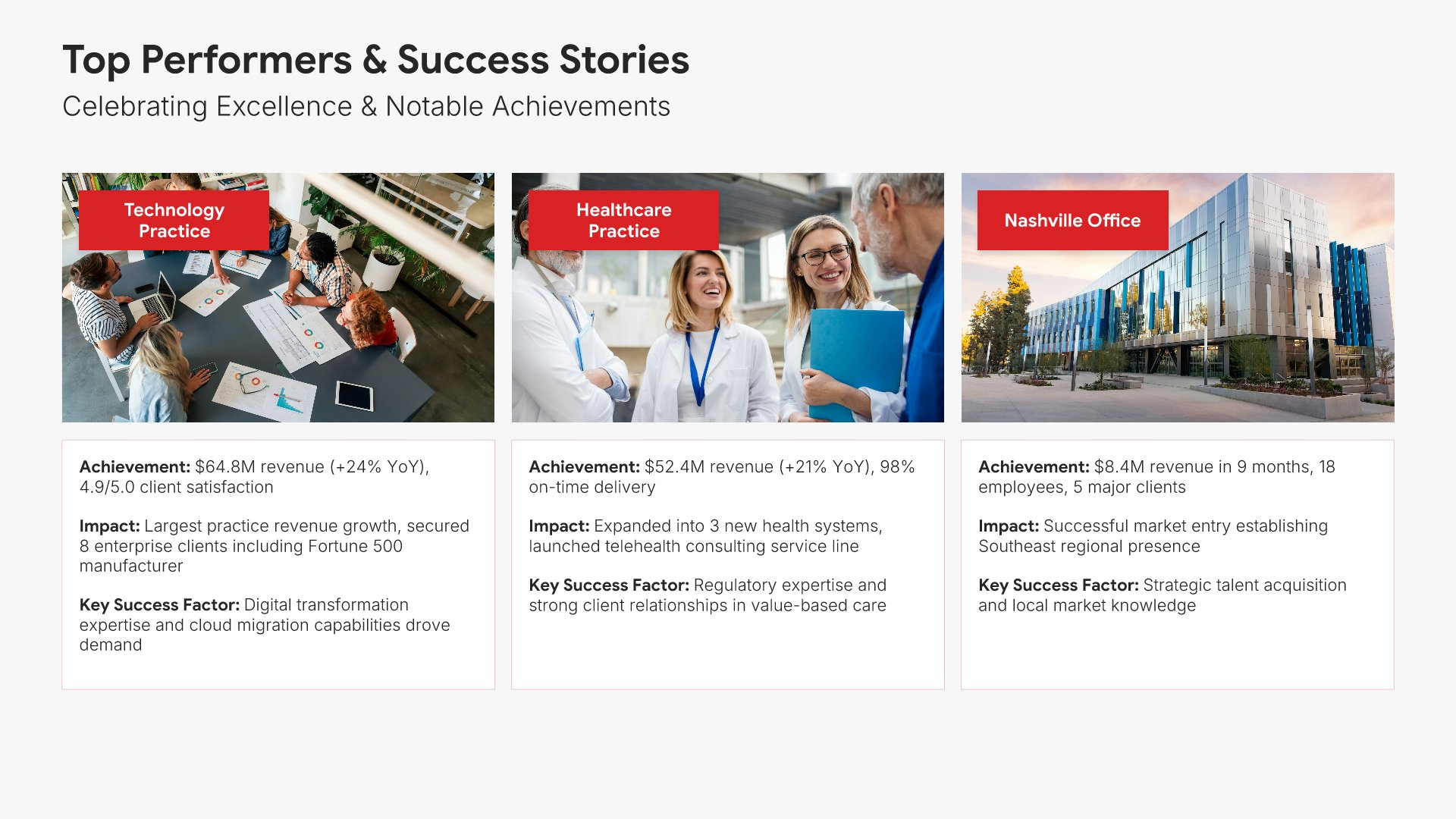
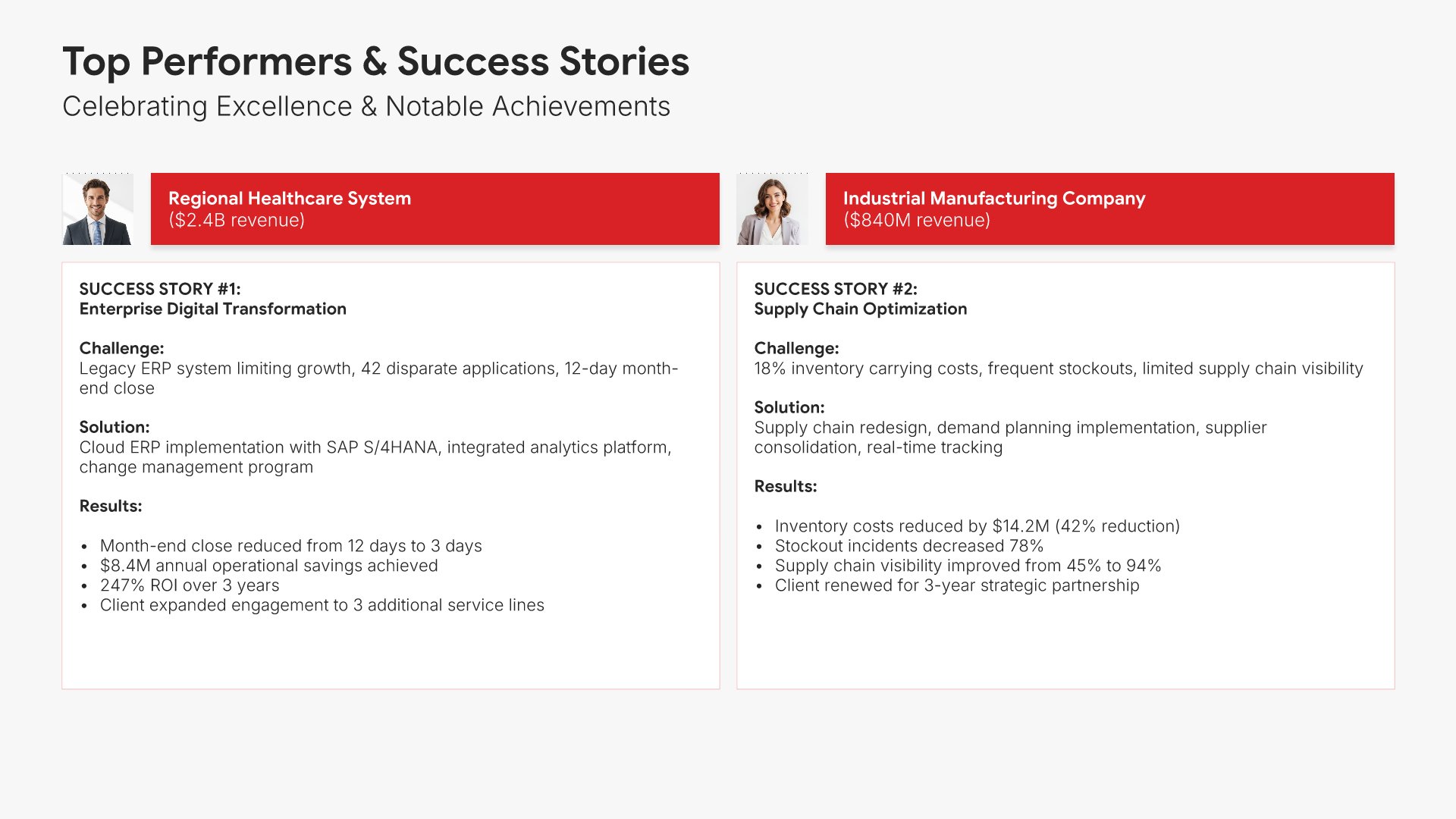
10. Top Performers & Success Stories

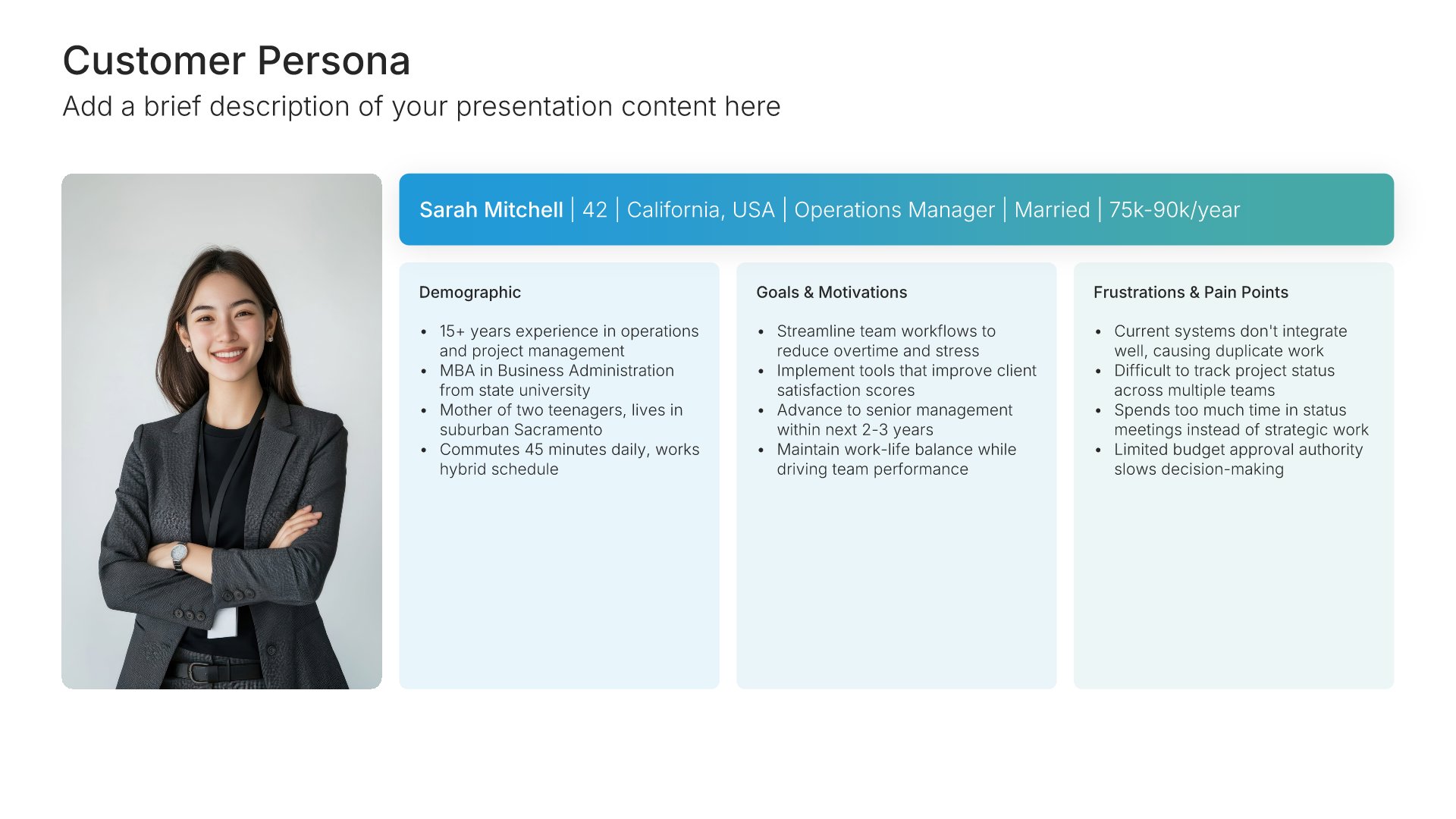
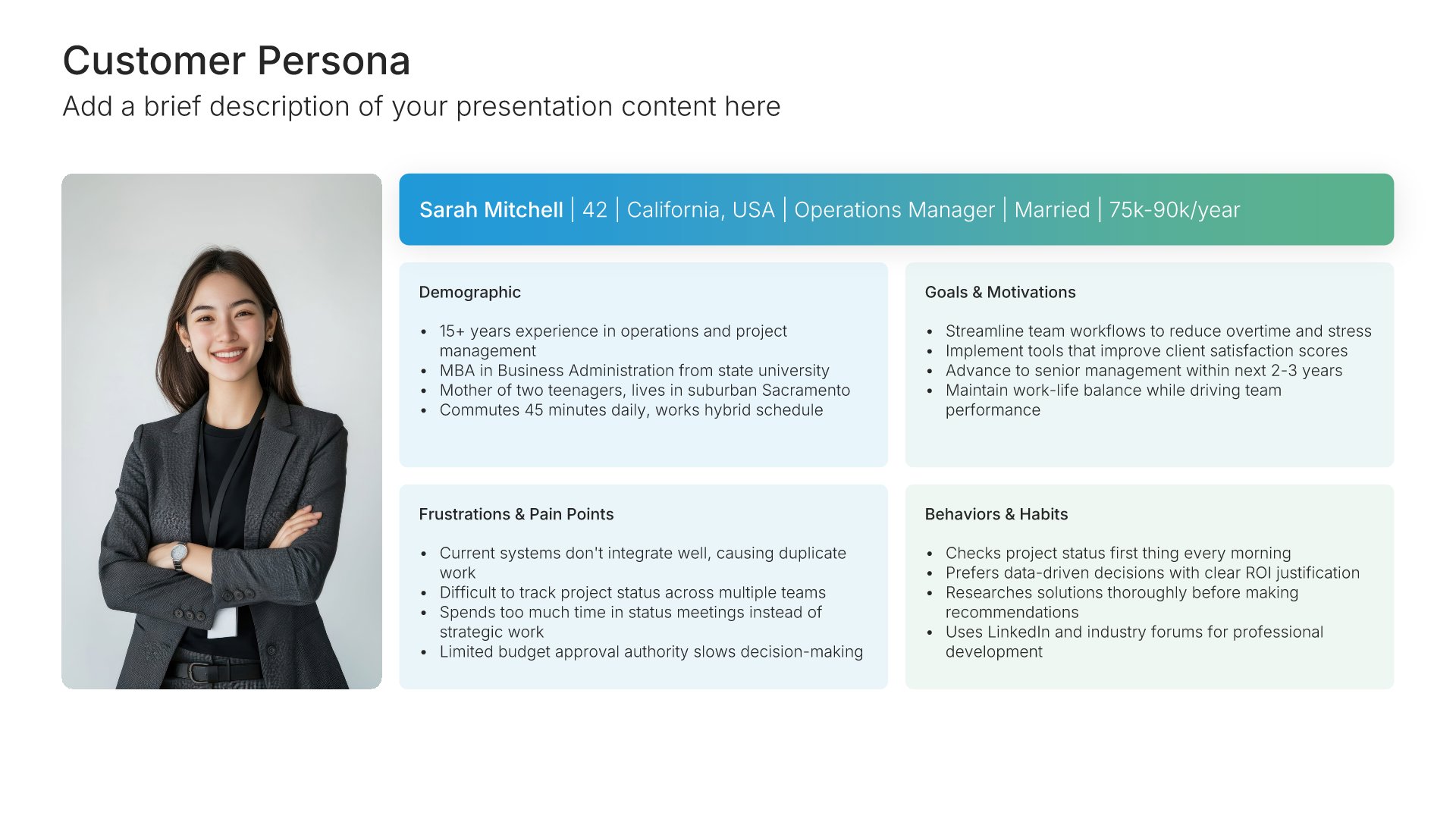
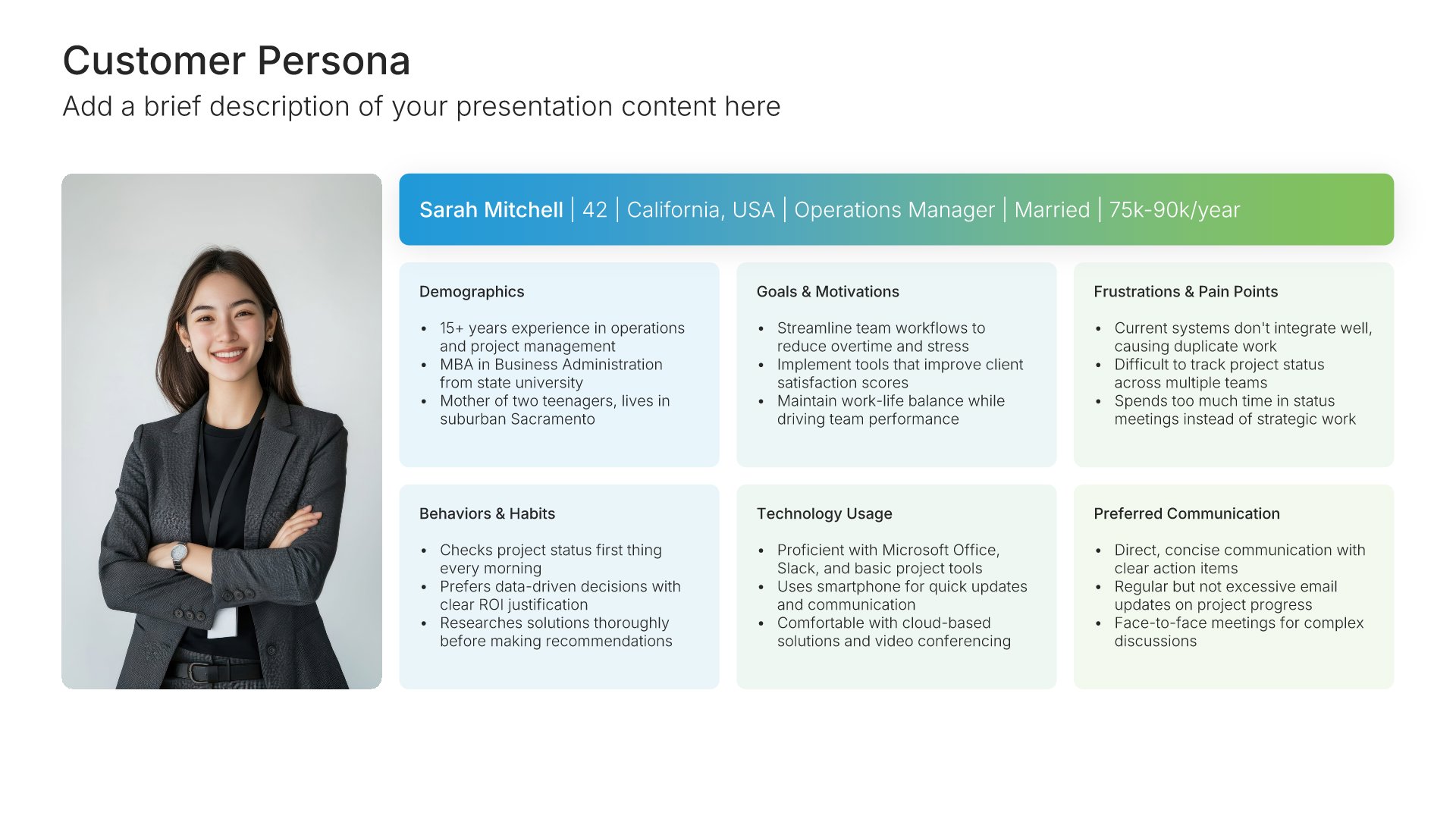
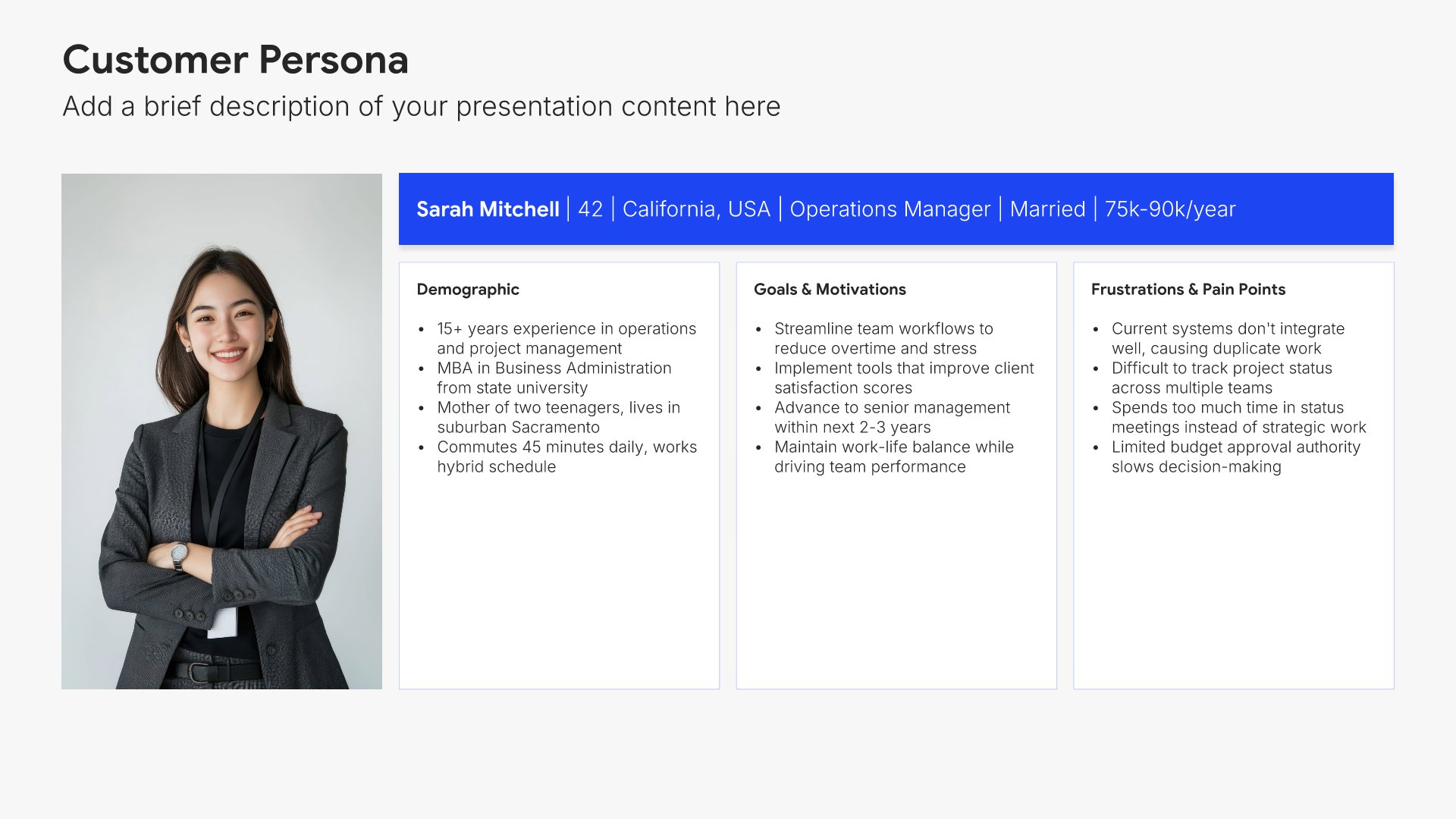
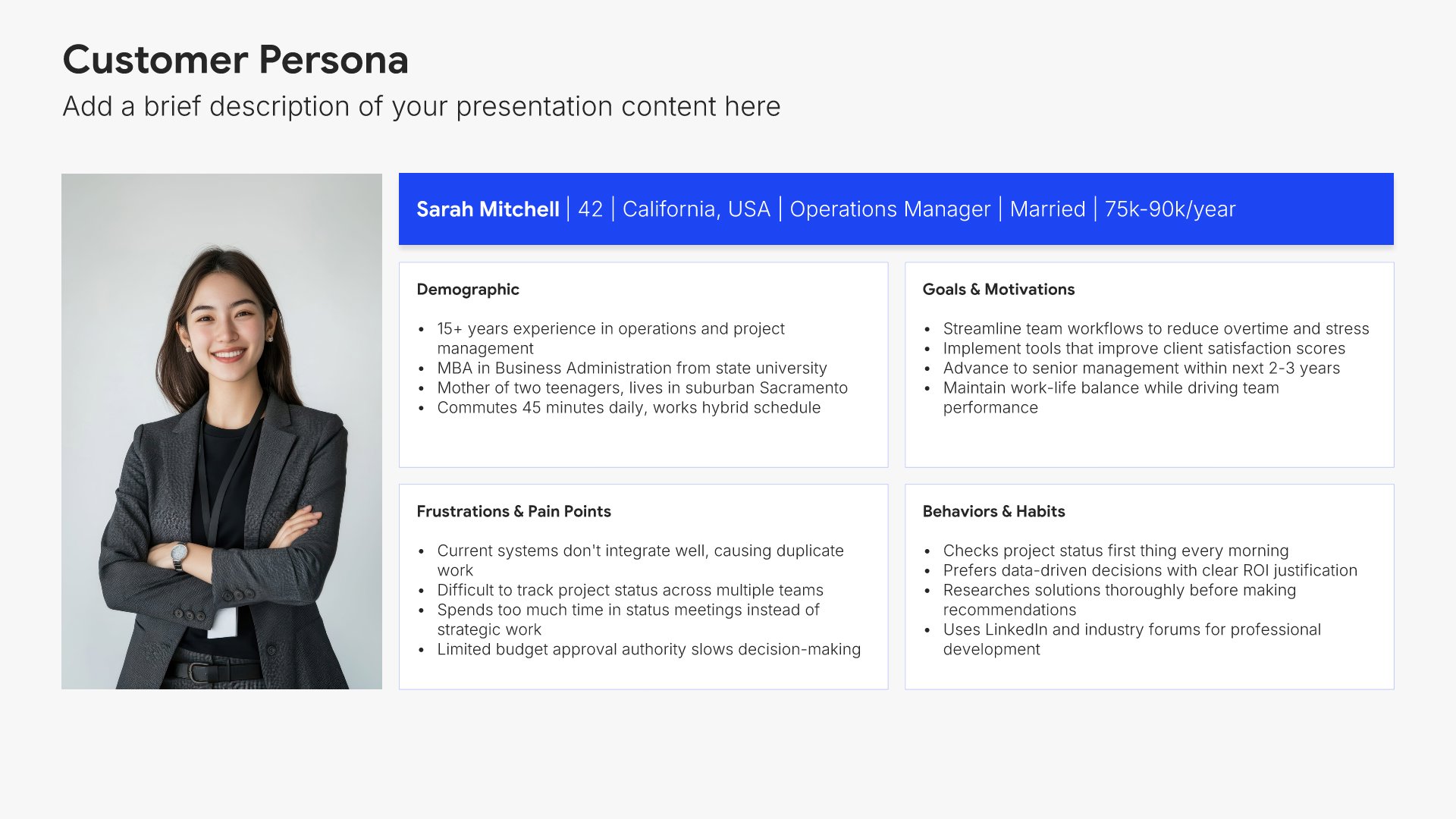
Top performers slides help you recognize achievements and highlight what's working well. Use them to showcase standout results, successful initiatives, and individuals or teams exceeding expectations. Ideal for performance reports where celebrating wins motivates continued excellence and identifies best practices worth replicating across the organization.
Built using Customer Persona slides

11. Areas Requiring Attention

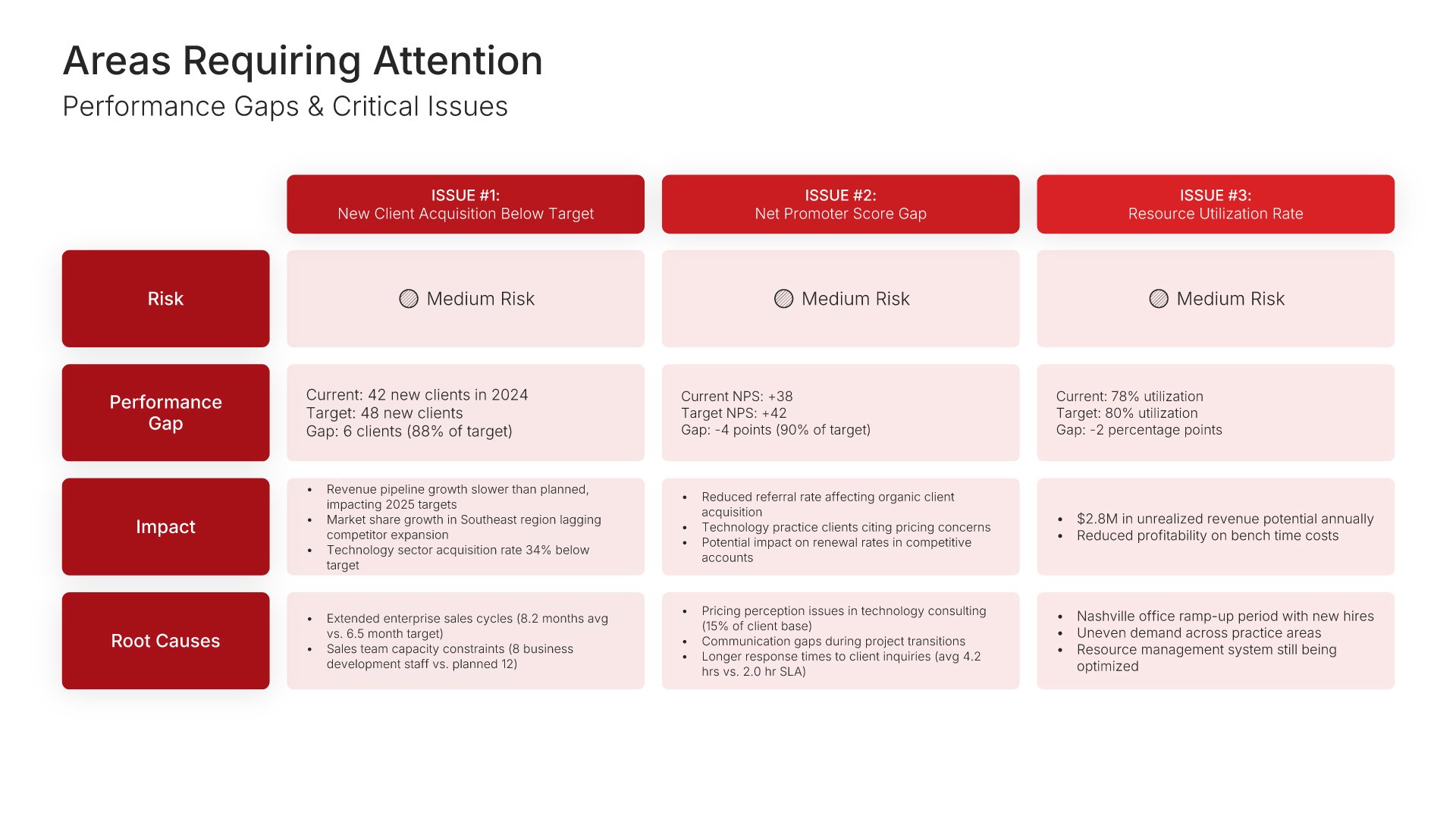
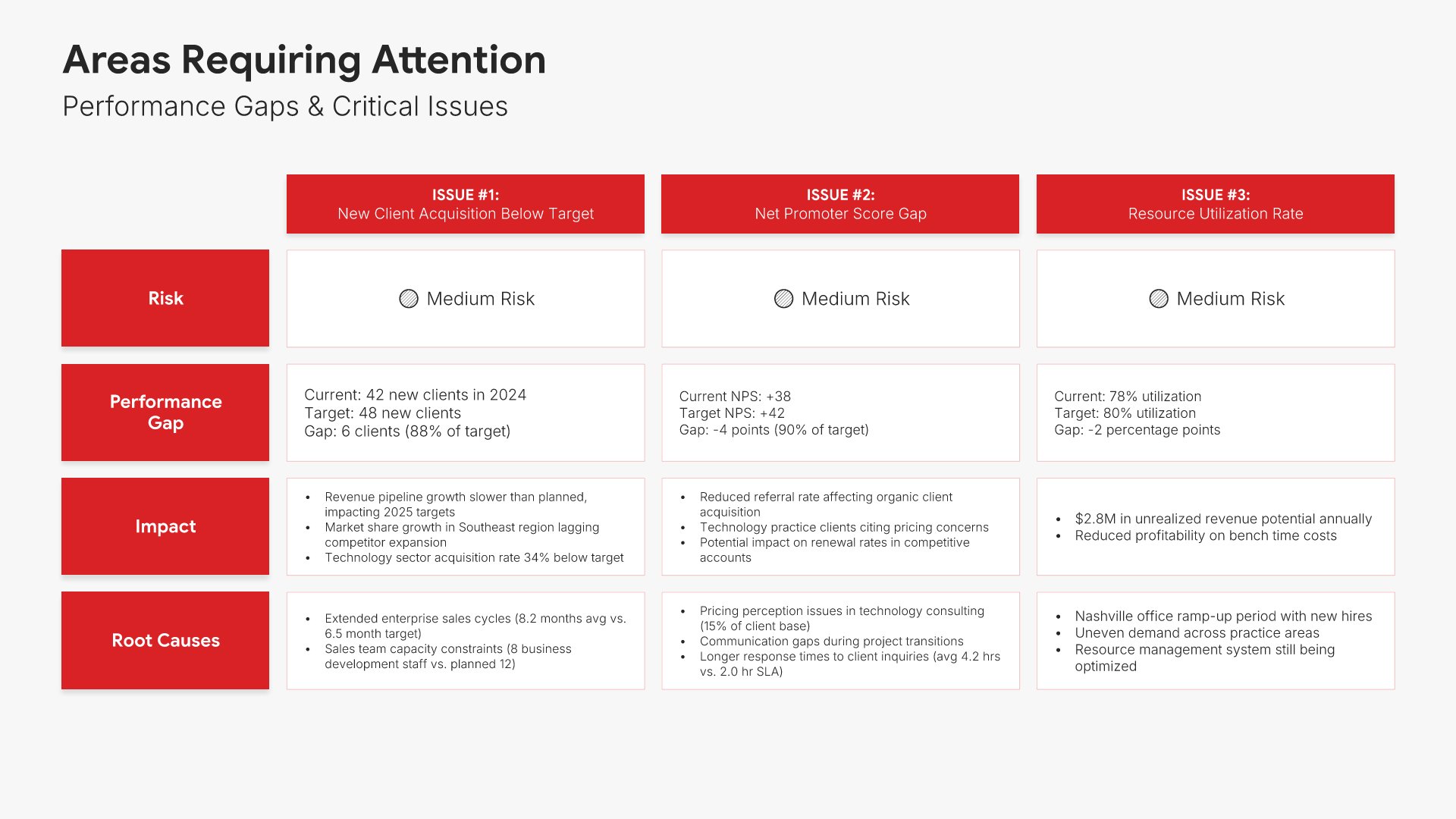
Areas requiring attention slides help you flag metrics and initiatives that need focus. Use them to present underperforming KPIs, missed targets, and emerging risks with root cause analysis. Ideal for performance reports where transparent discussion of gaps enables leadership to prioritize resources and drive corrective action.
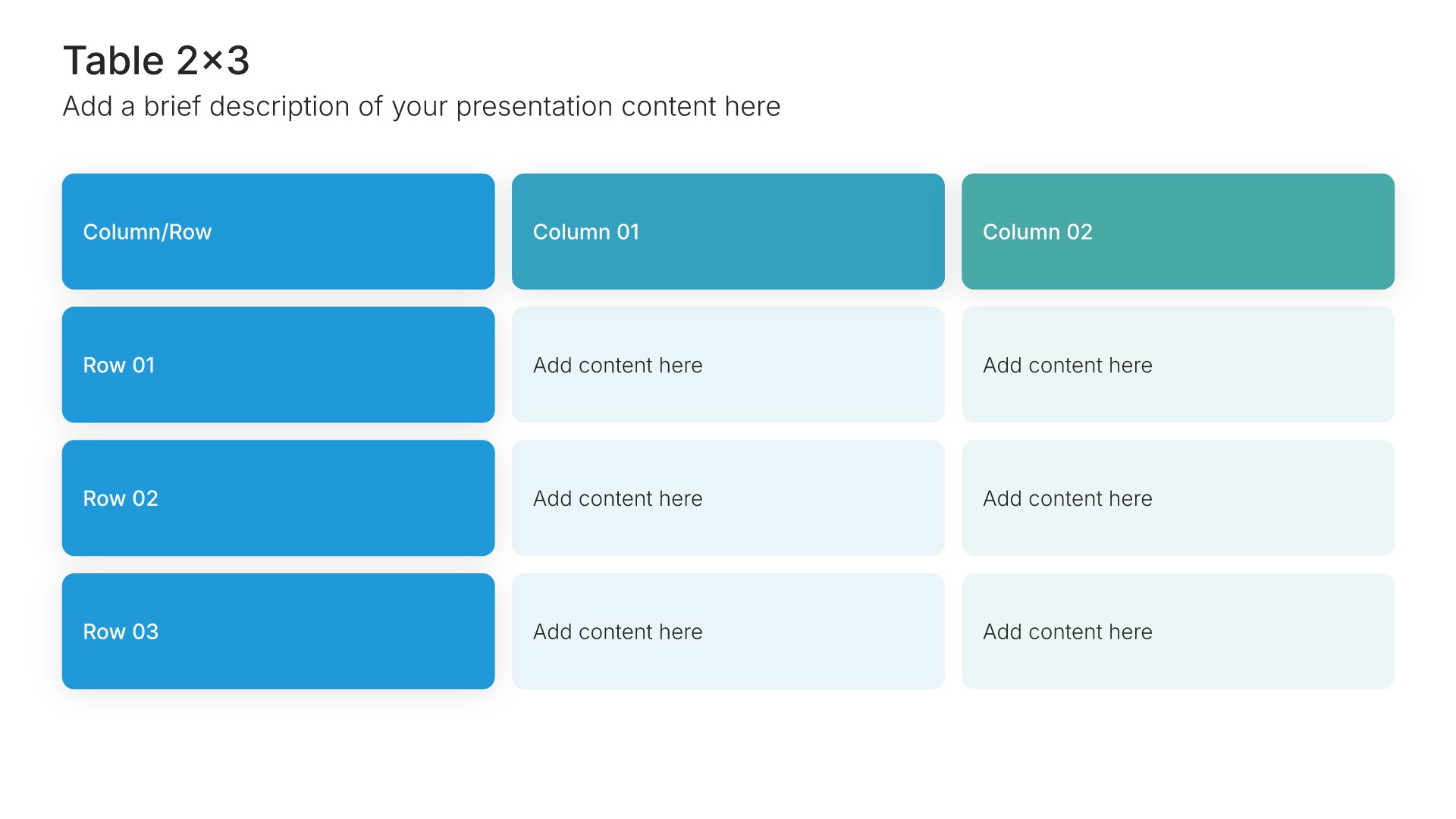
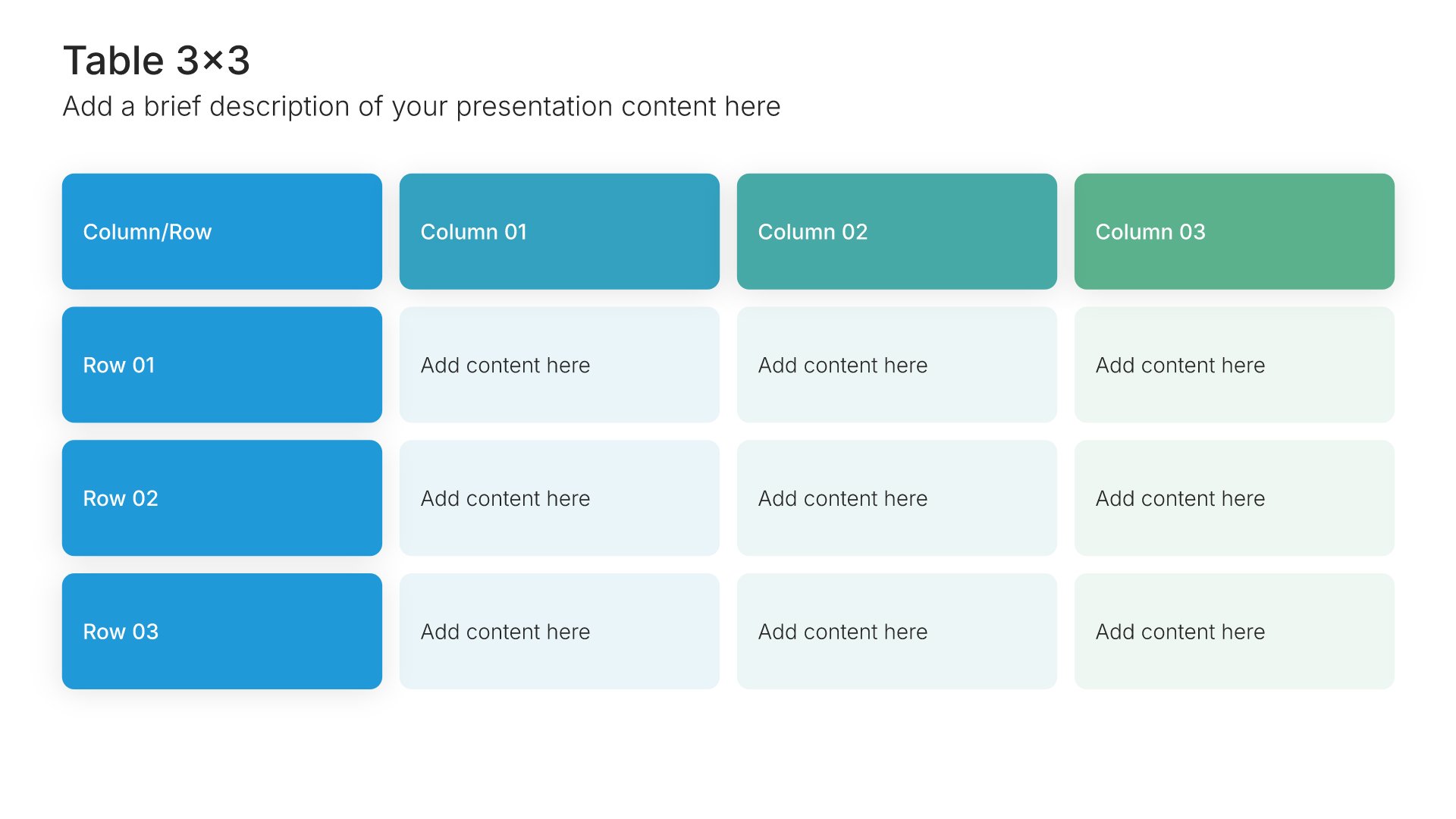
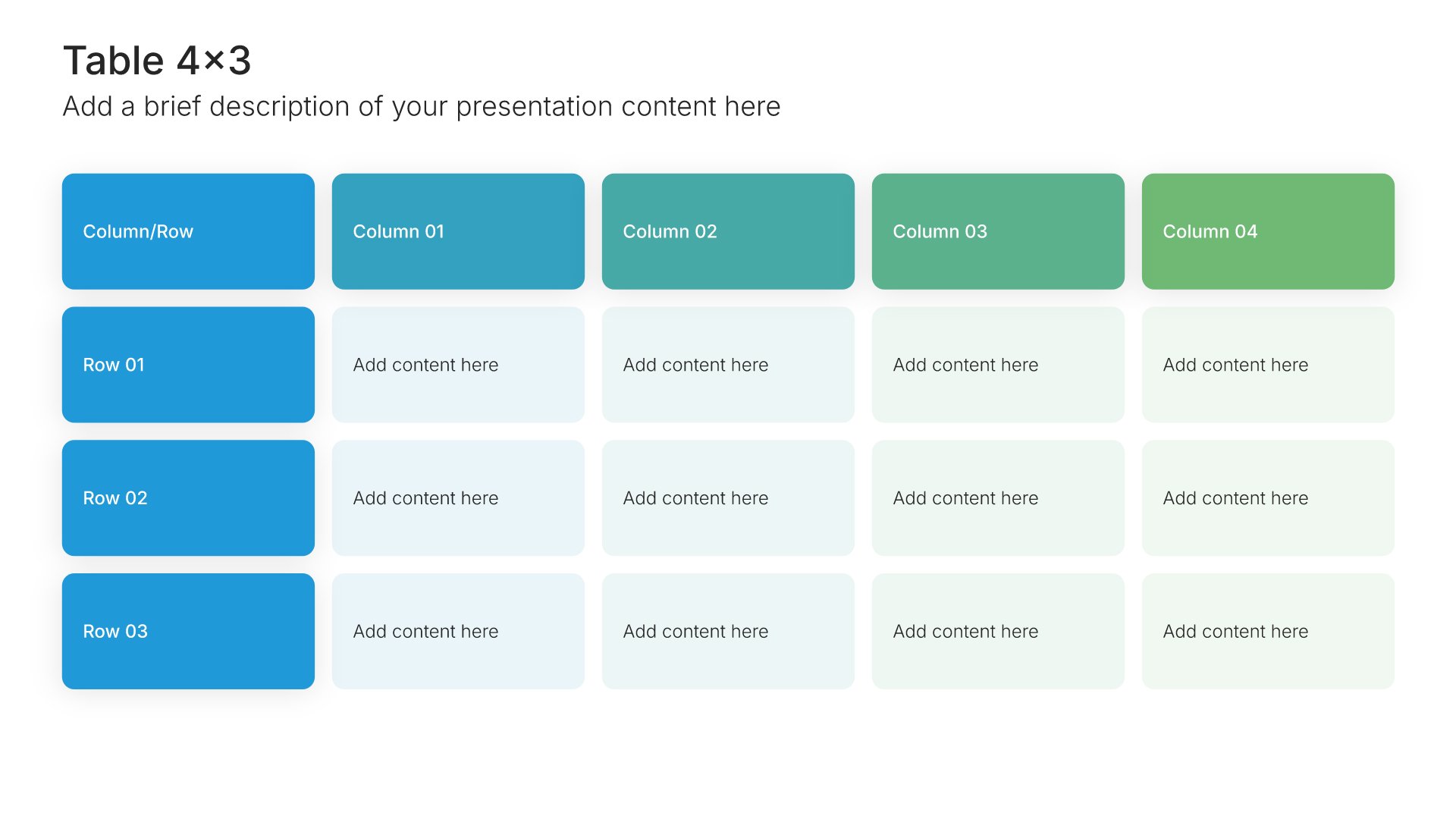
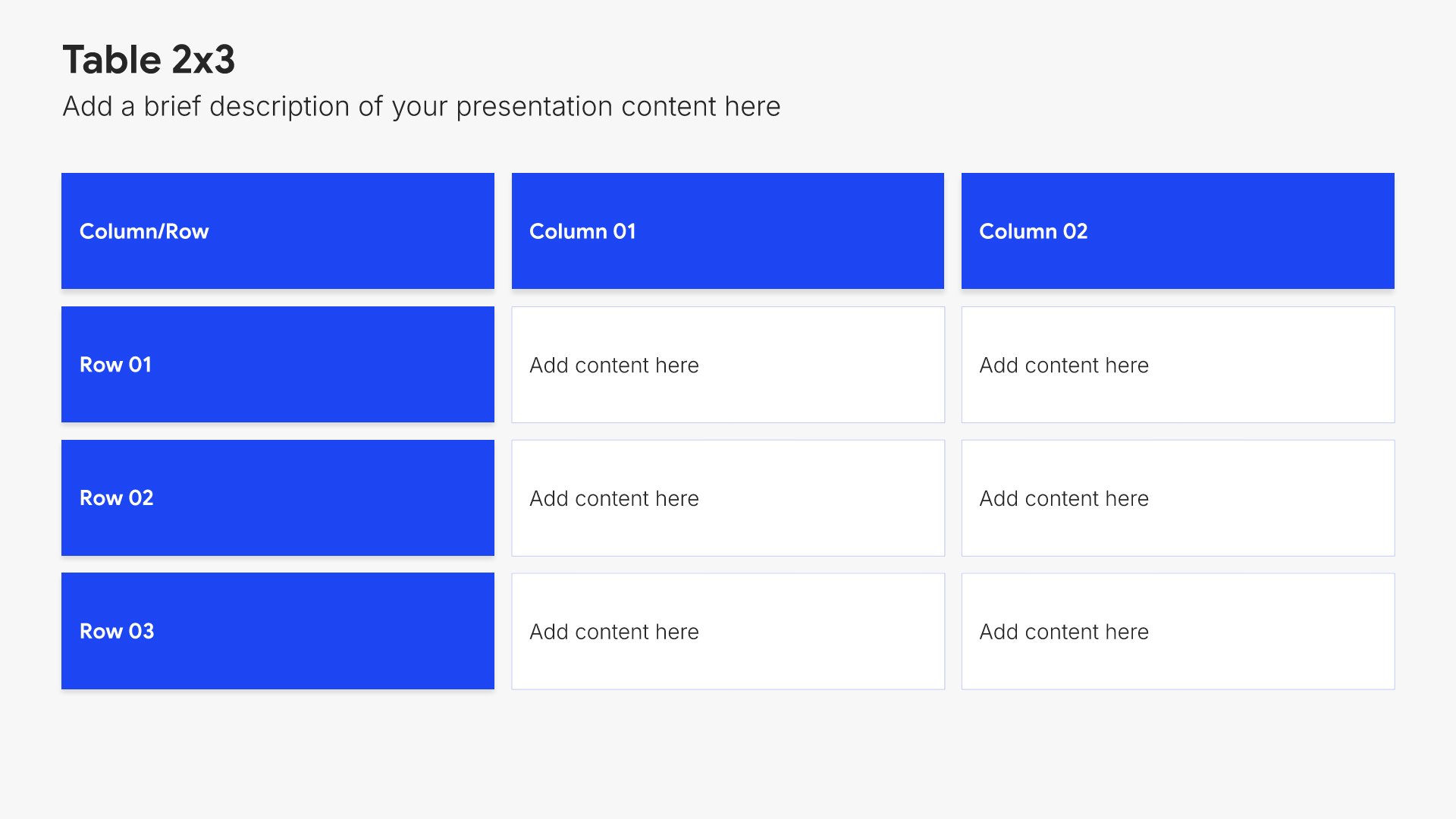
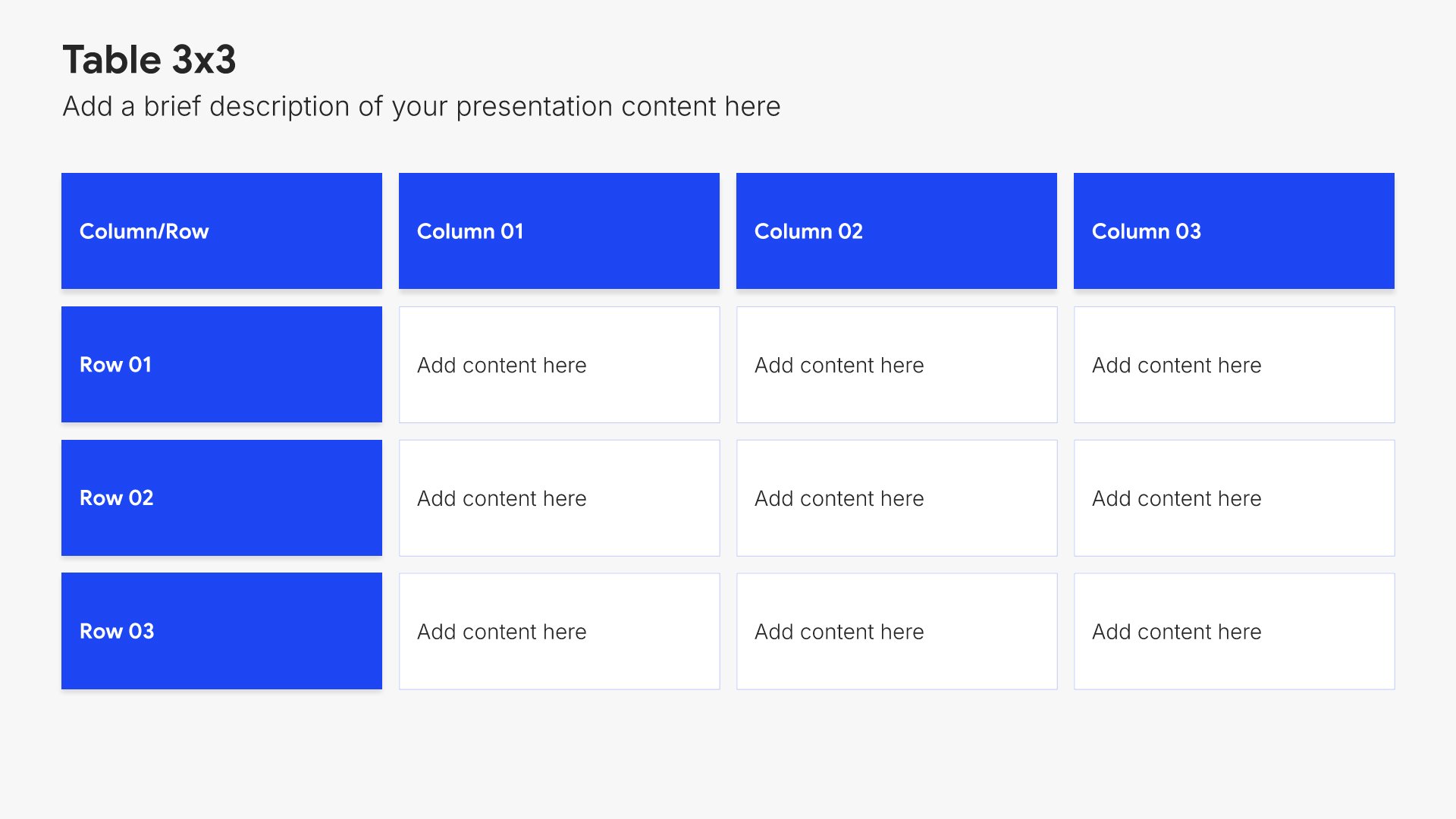
Built using Table slides

12. Action Items

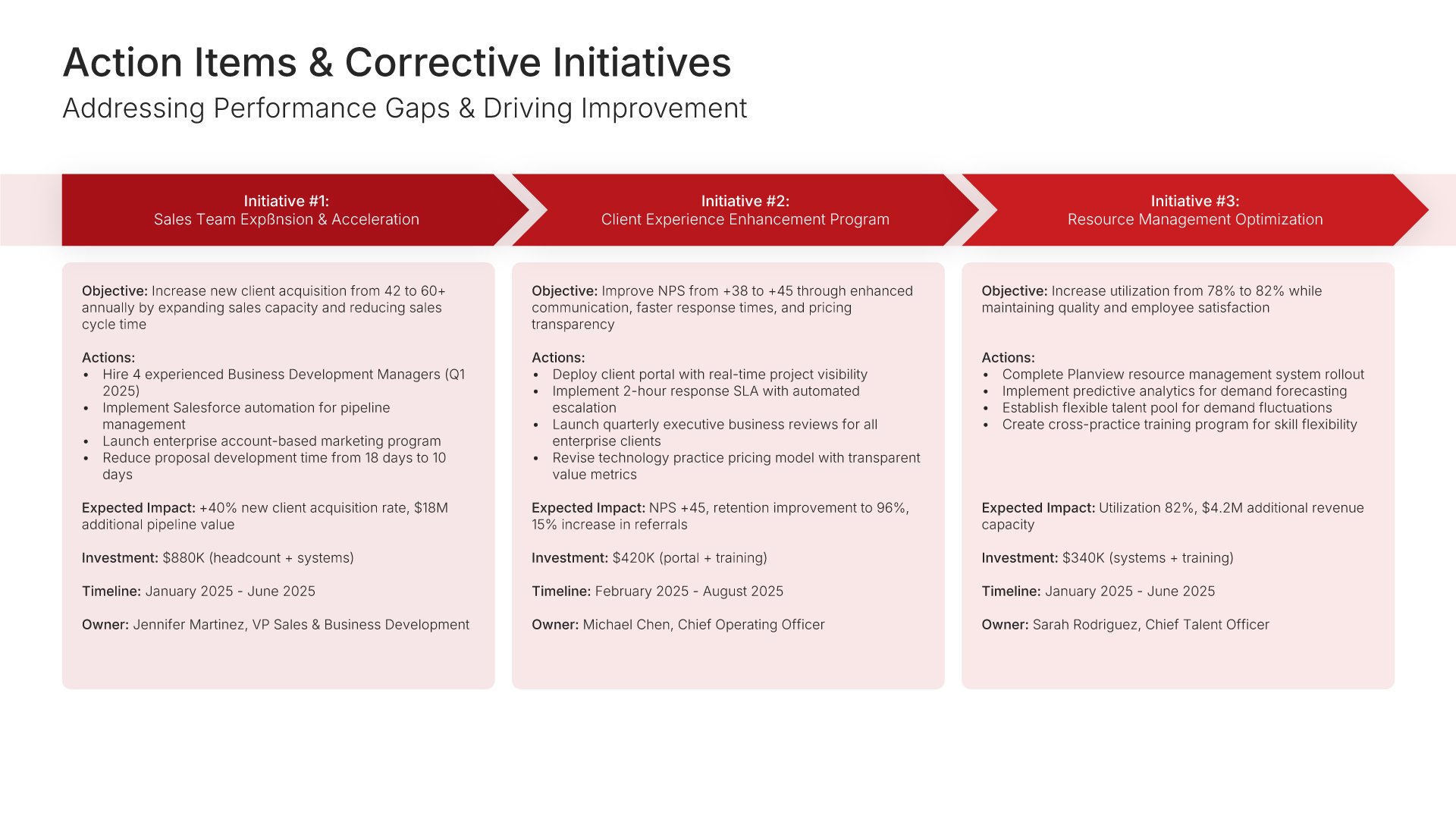
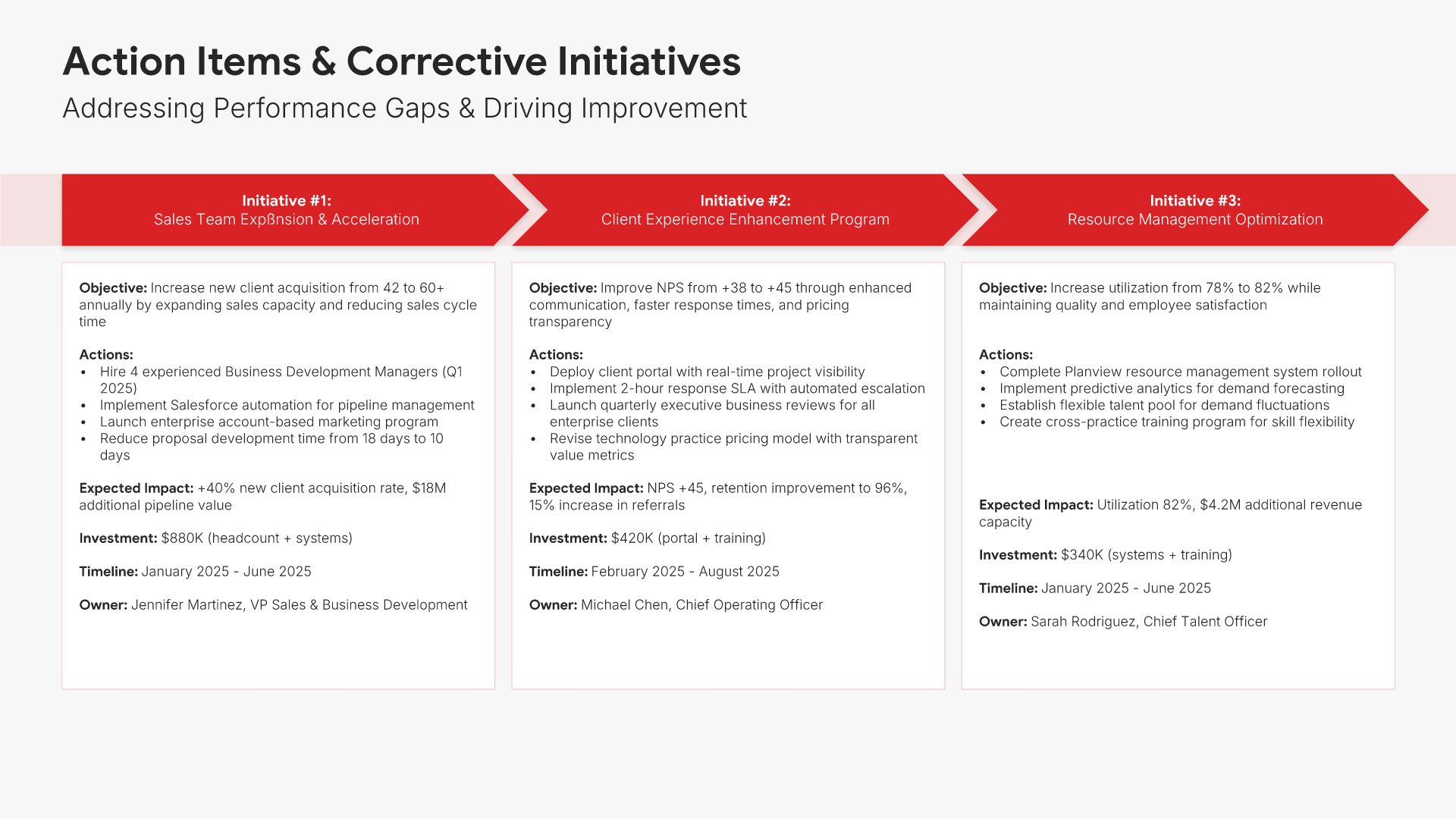
Action items slides help you document commitments and assign accountability. Use them to list specific tasks, owners, deadlines, and status so everyone leaves aligned on who does what by when. Ideal for QBRs, project meetings, and any presentation where clear follow-through ensures progress happens after the meeting ends.
Built using Process – Horizontal slides

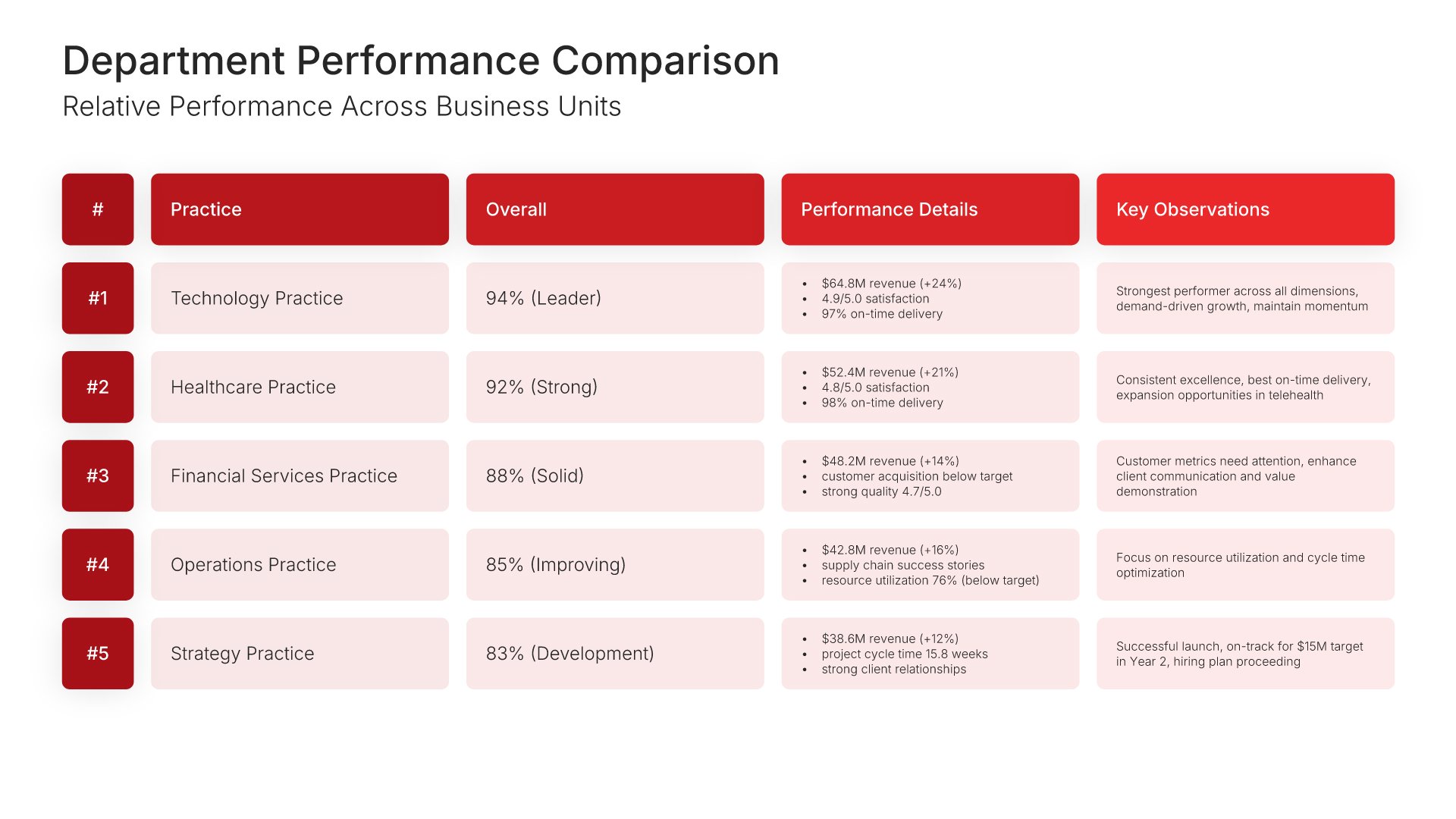
13. Department/Division Performance Comparison

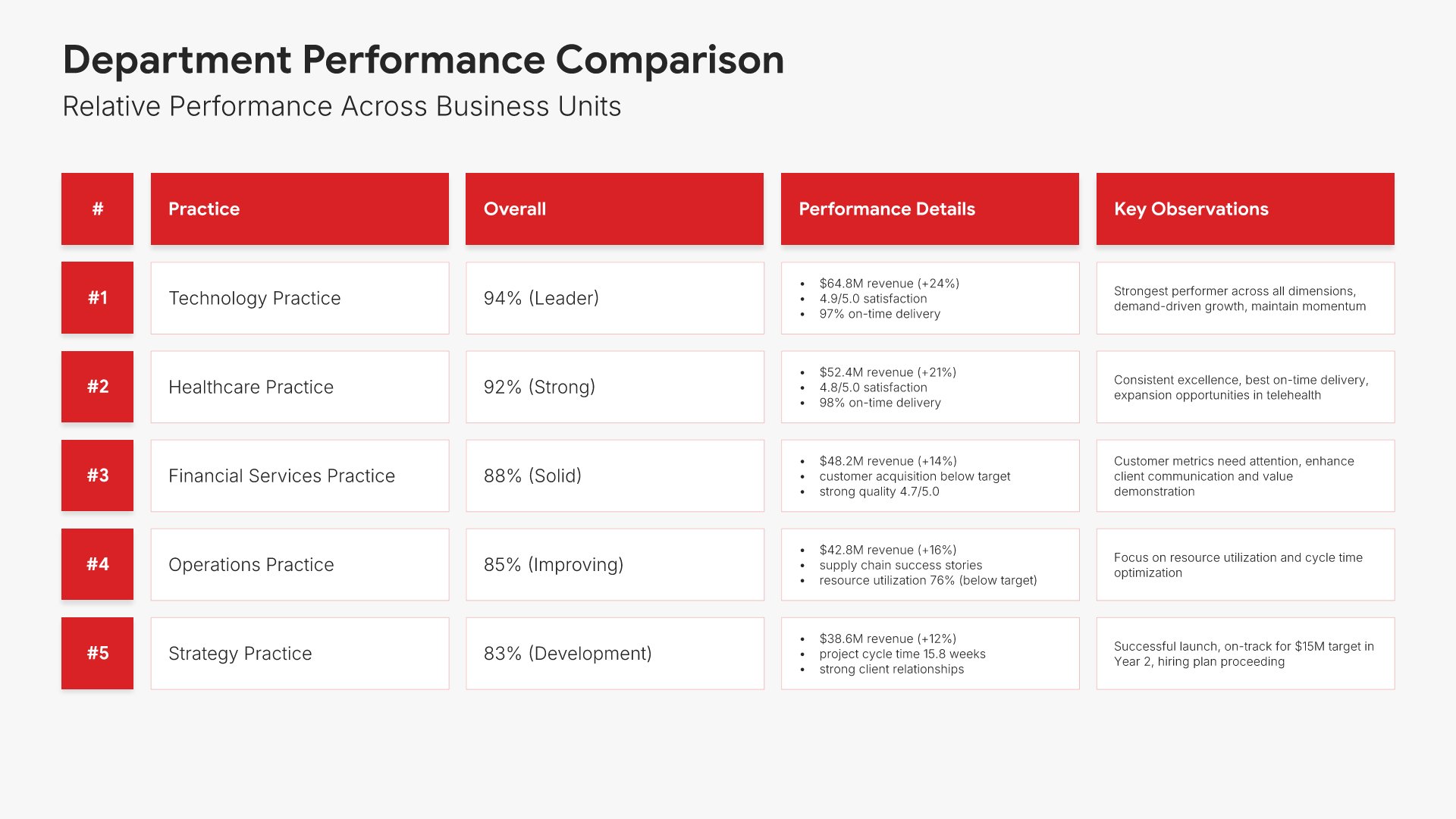
Department comparison slides help you show performance across organizational units. Use them to display relative performance, rankings, and benchmarks that highlight top performers and areas needing support. Ideal for performance reports where comparing divisions drives healthy competition and identifies best practices to share.
Built using Table slides

14. Forward Outlook

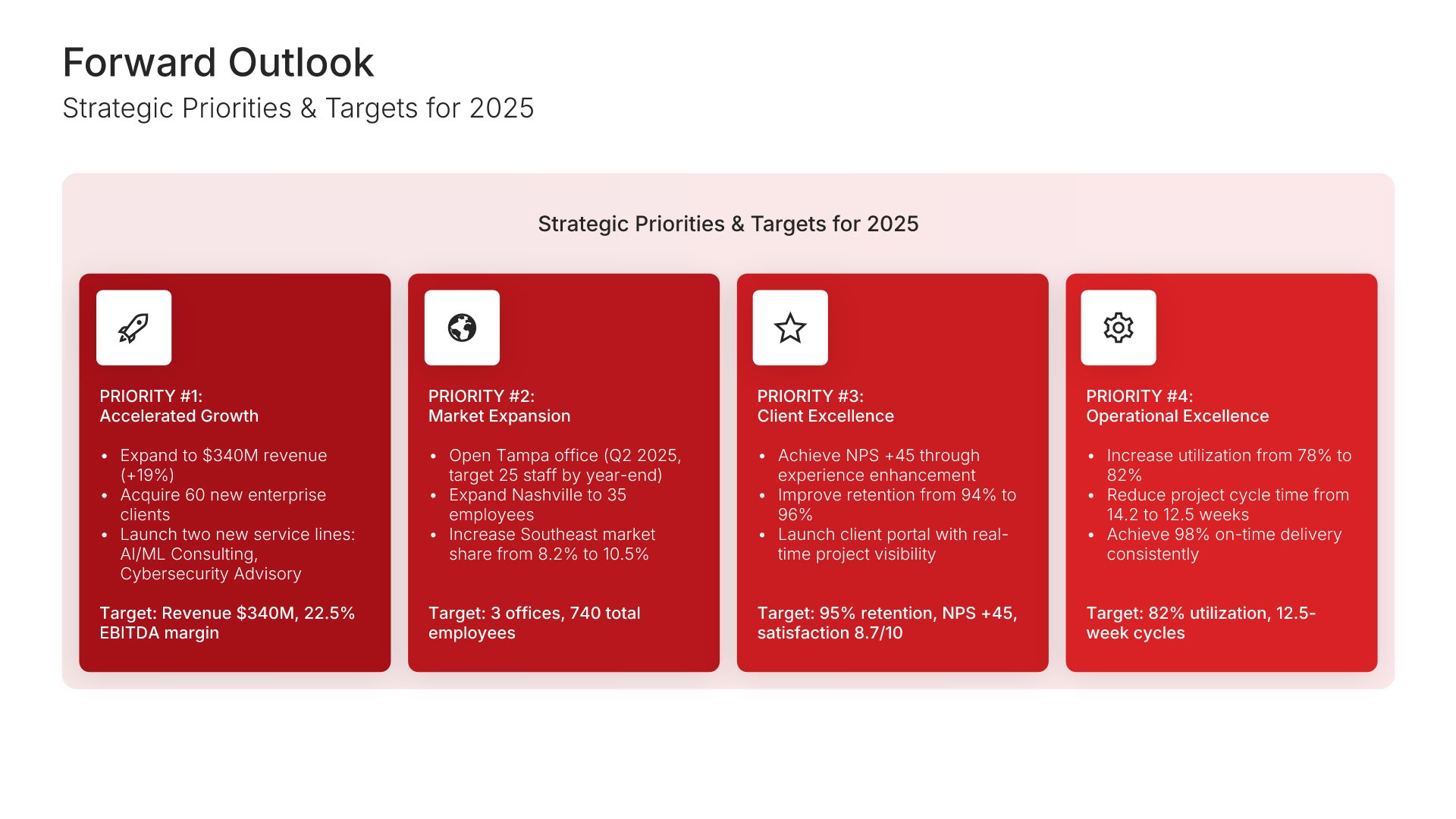
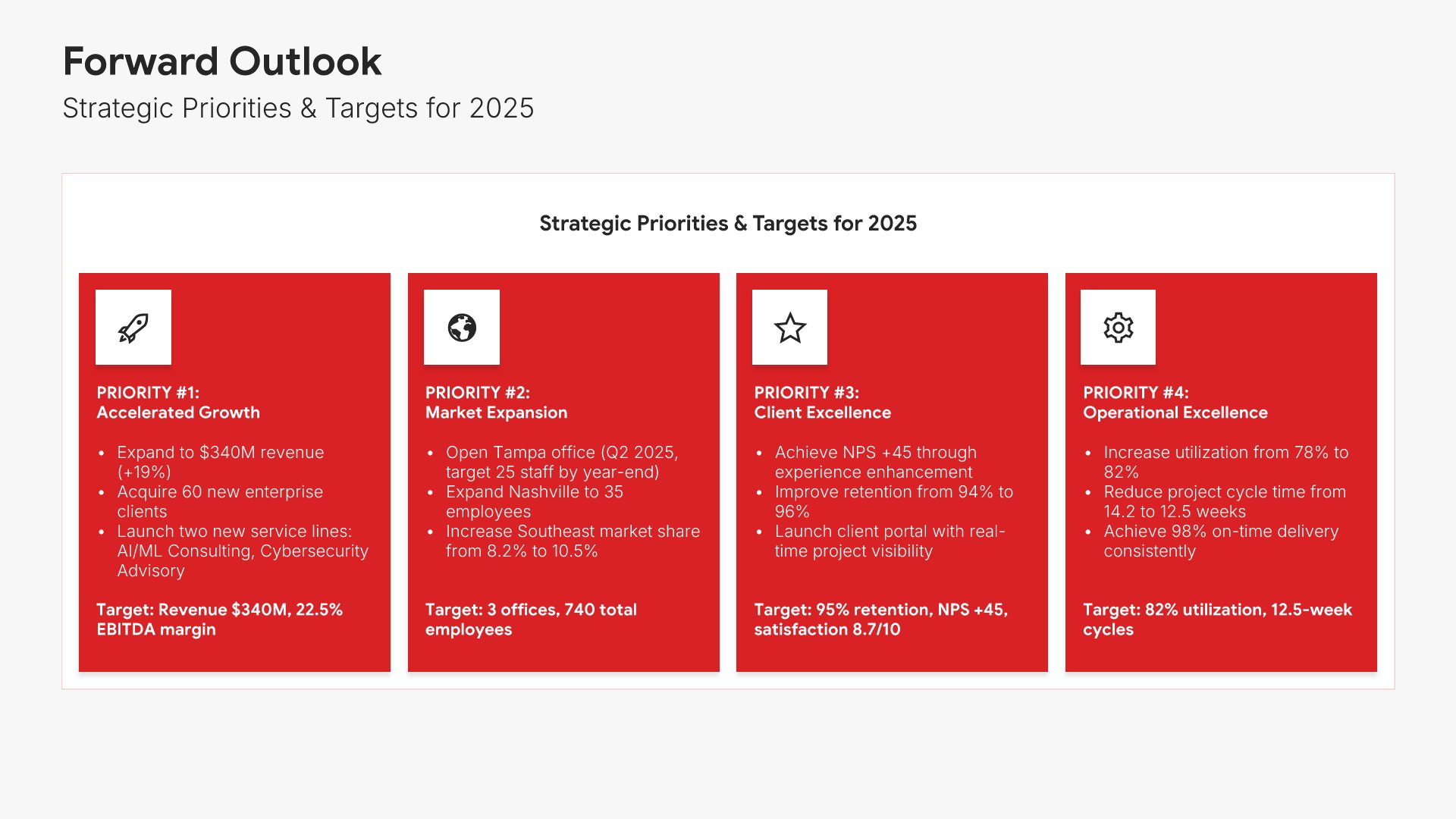
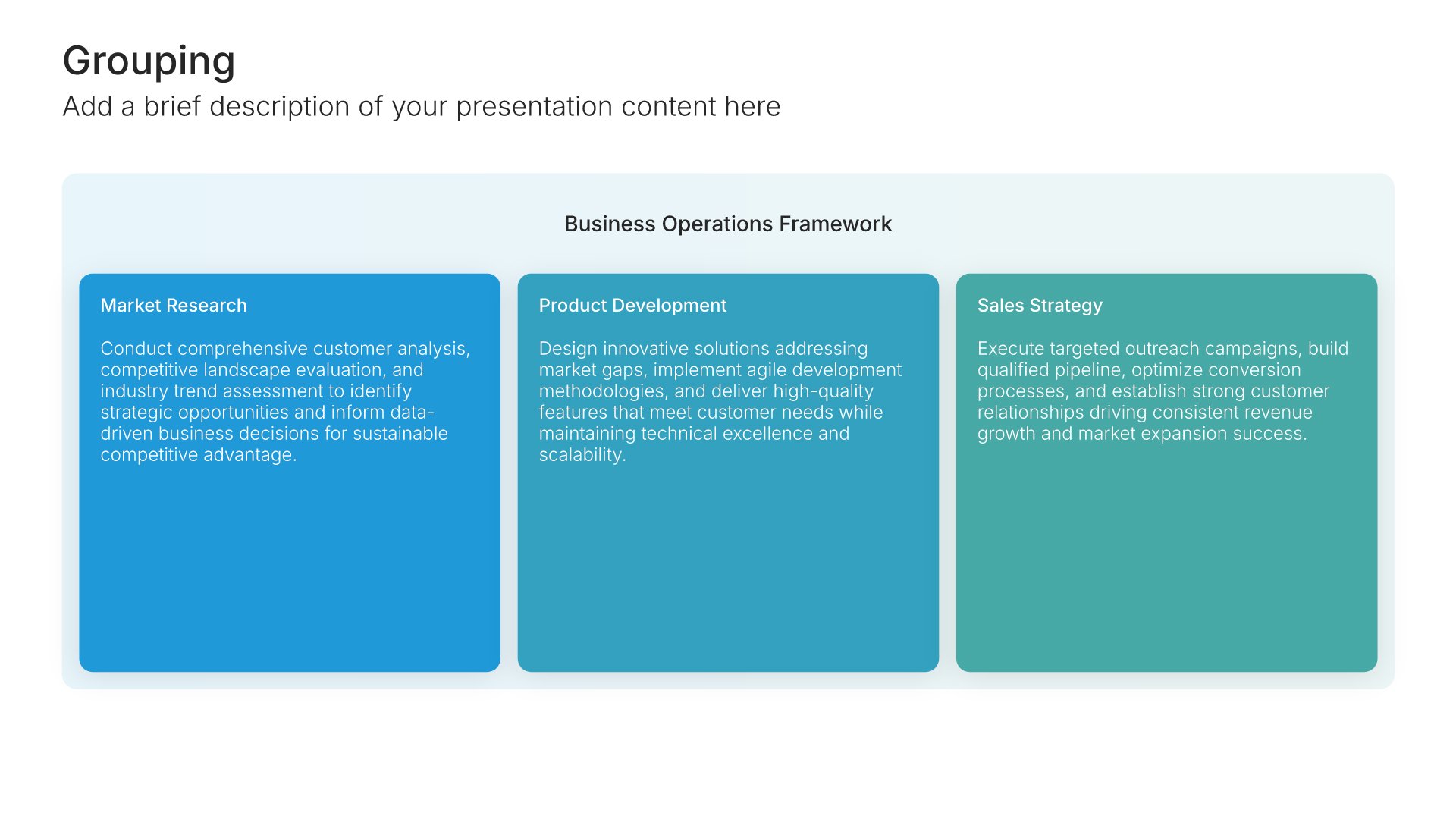
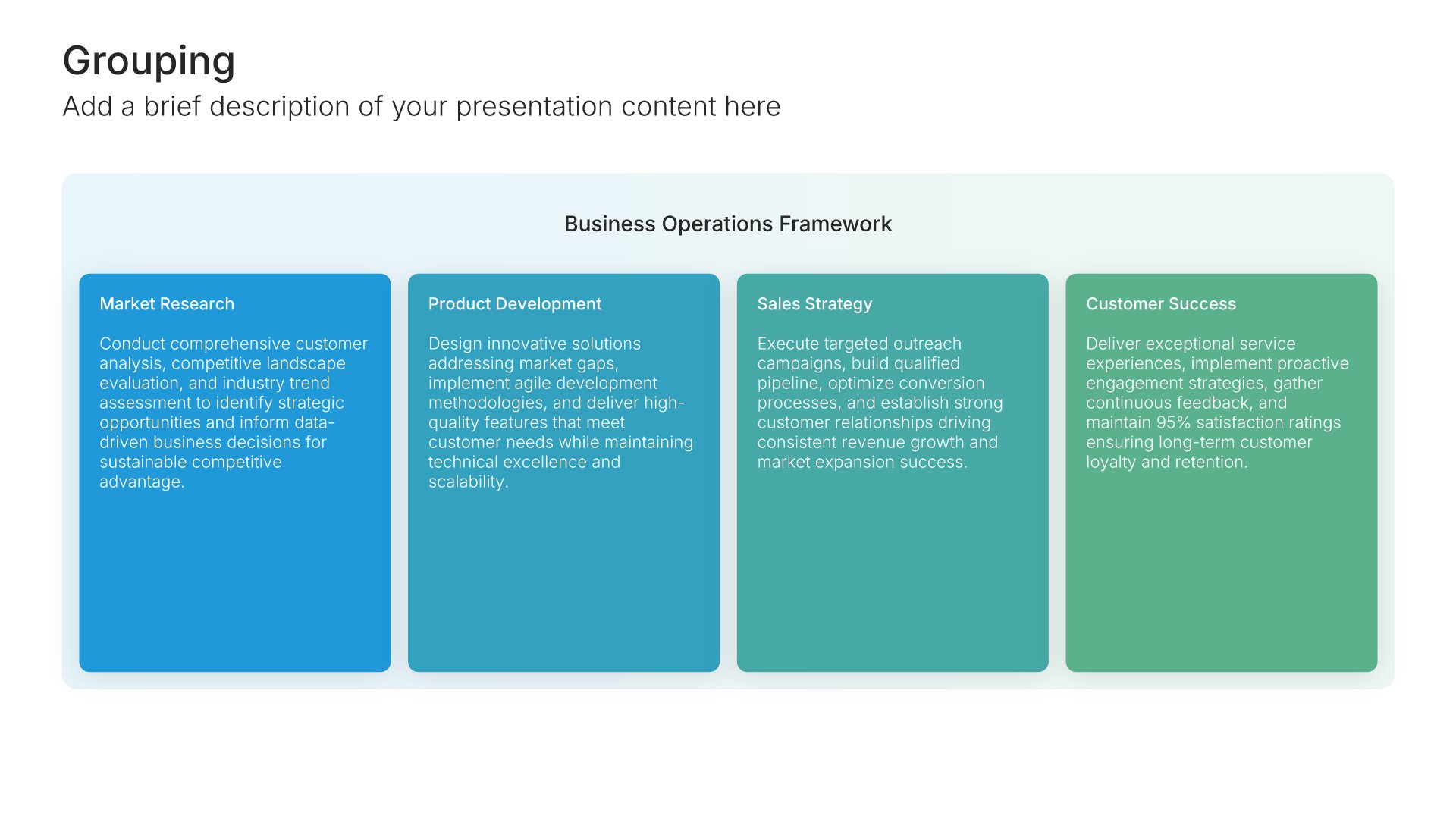
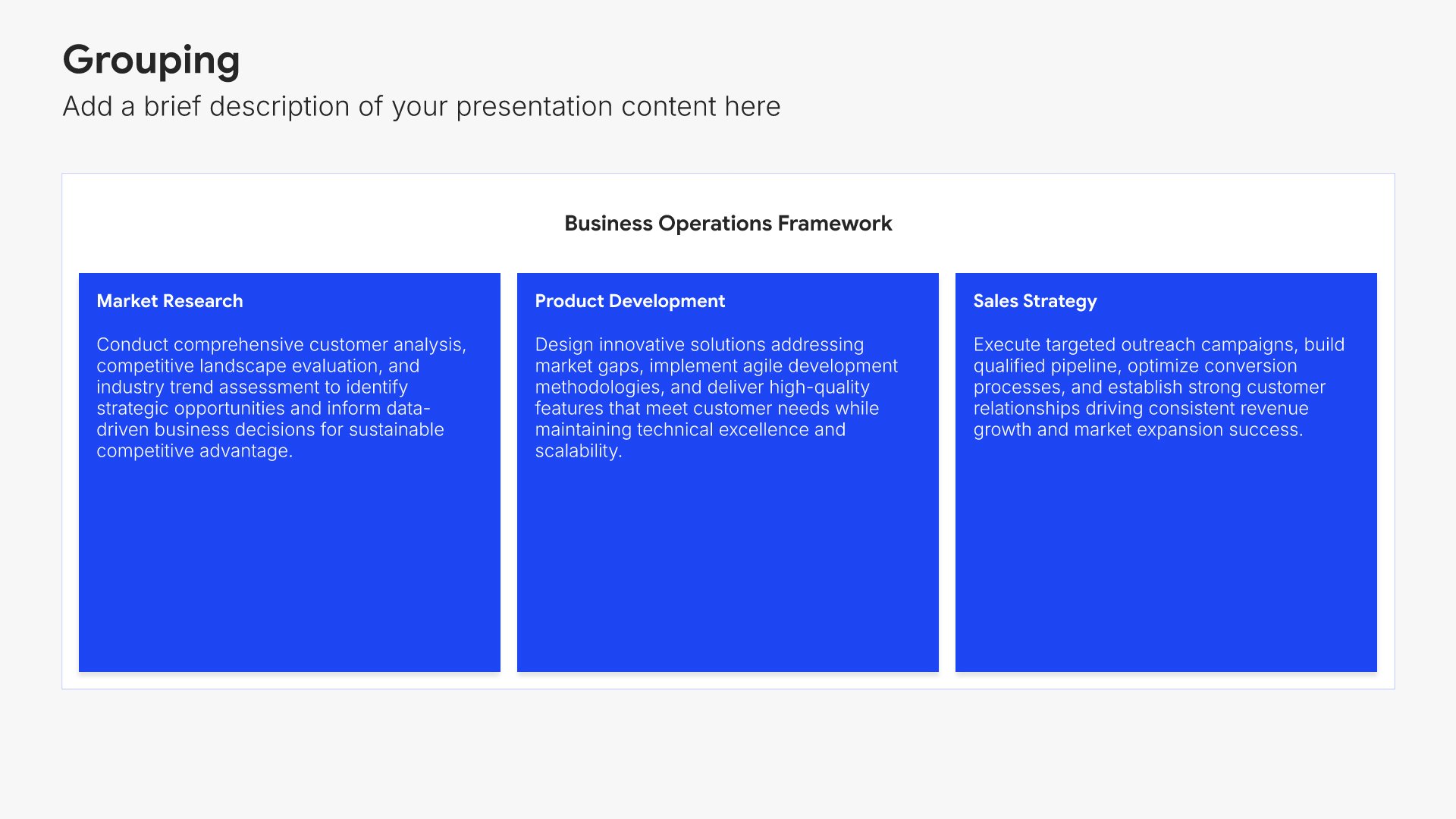
Forward outlook slides help you set expectations for the upcoming period. Use them to present targets, priorities, and key initiatives that will drive performance improvement. Ideal for performance reports where establishing clear goals for the next period maintains momentum and aligns the organization on what matters next.
Built using Grouping slides

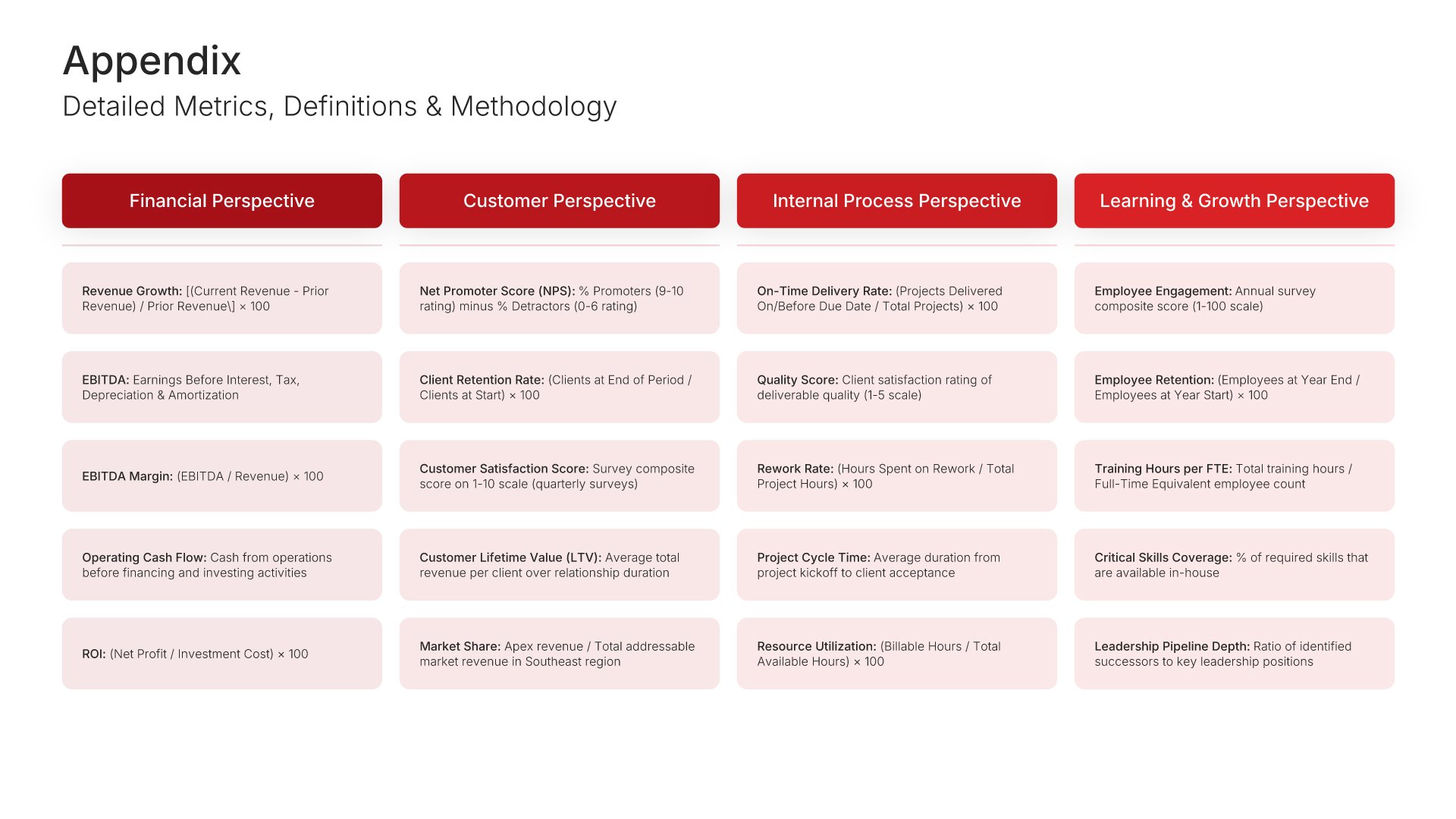
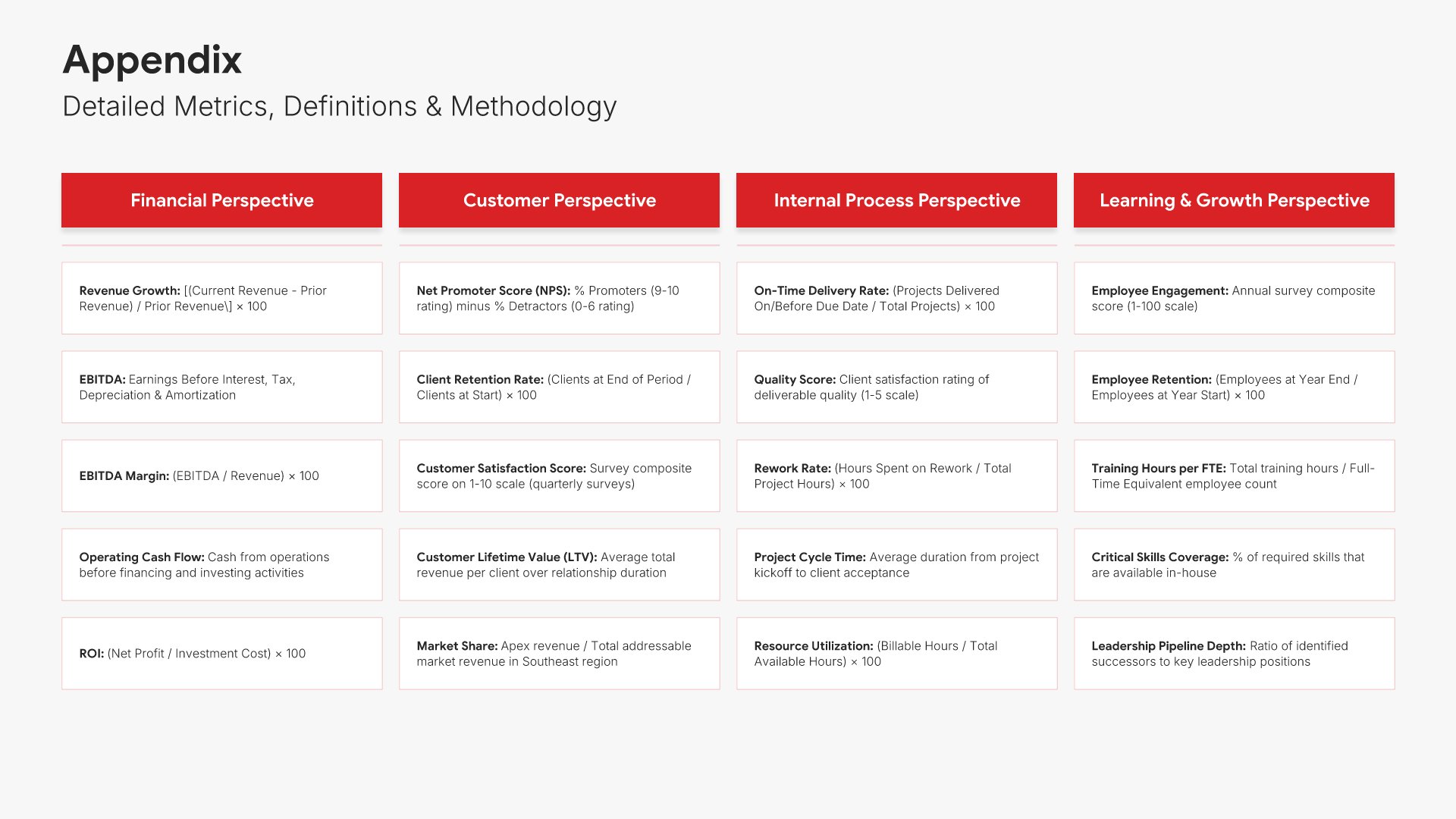
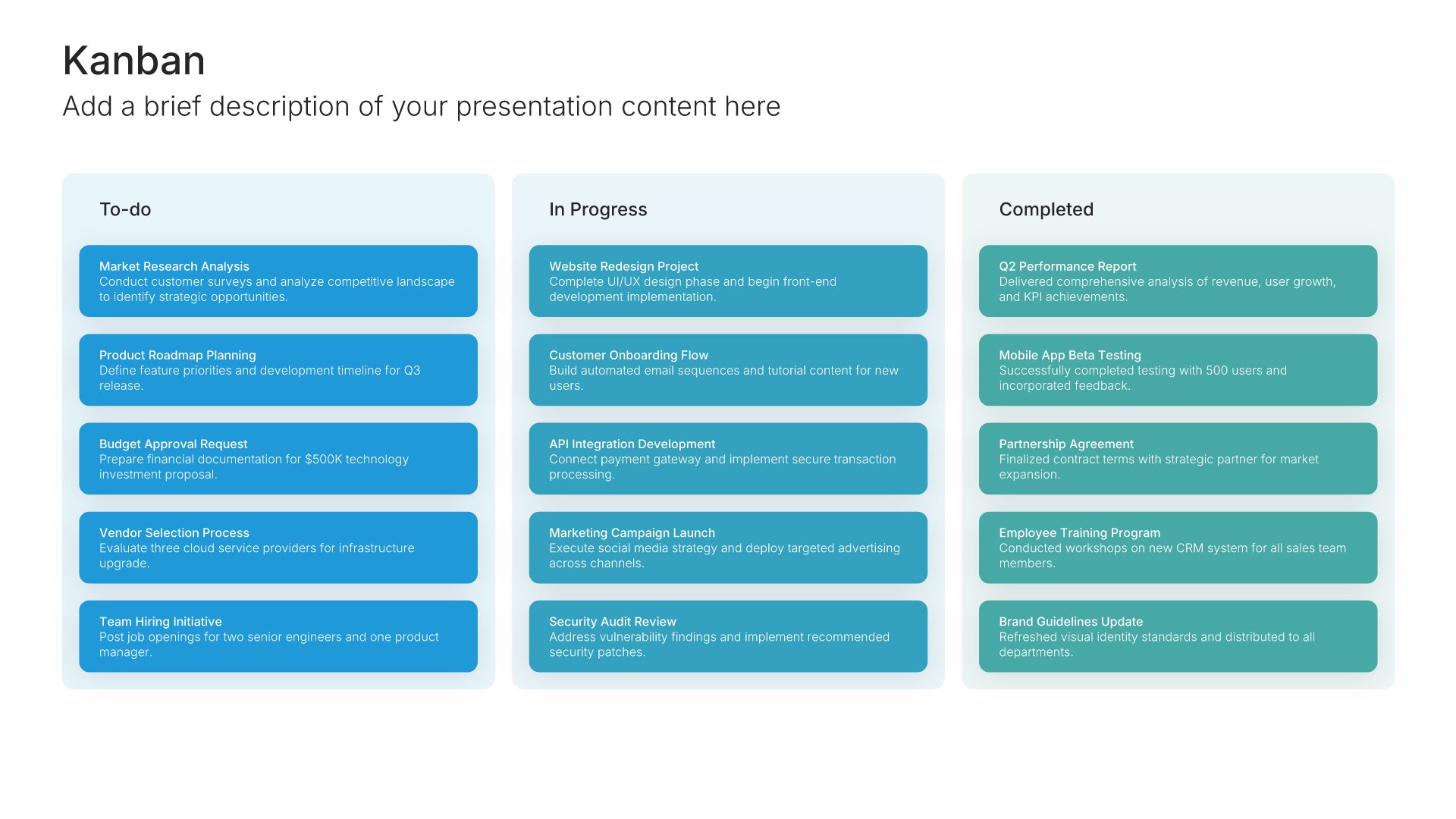
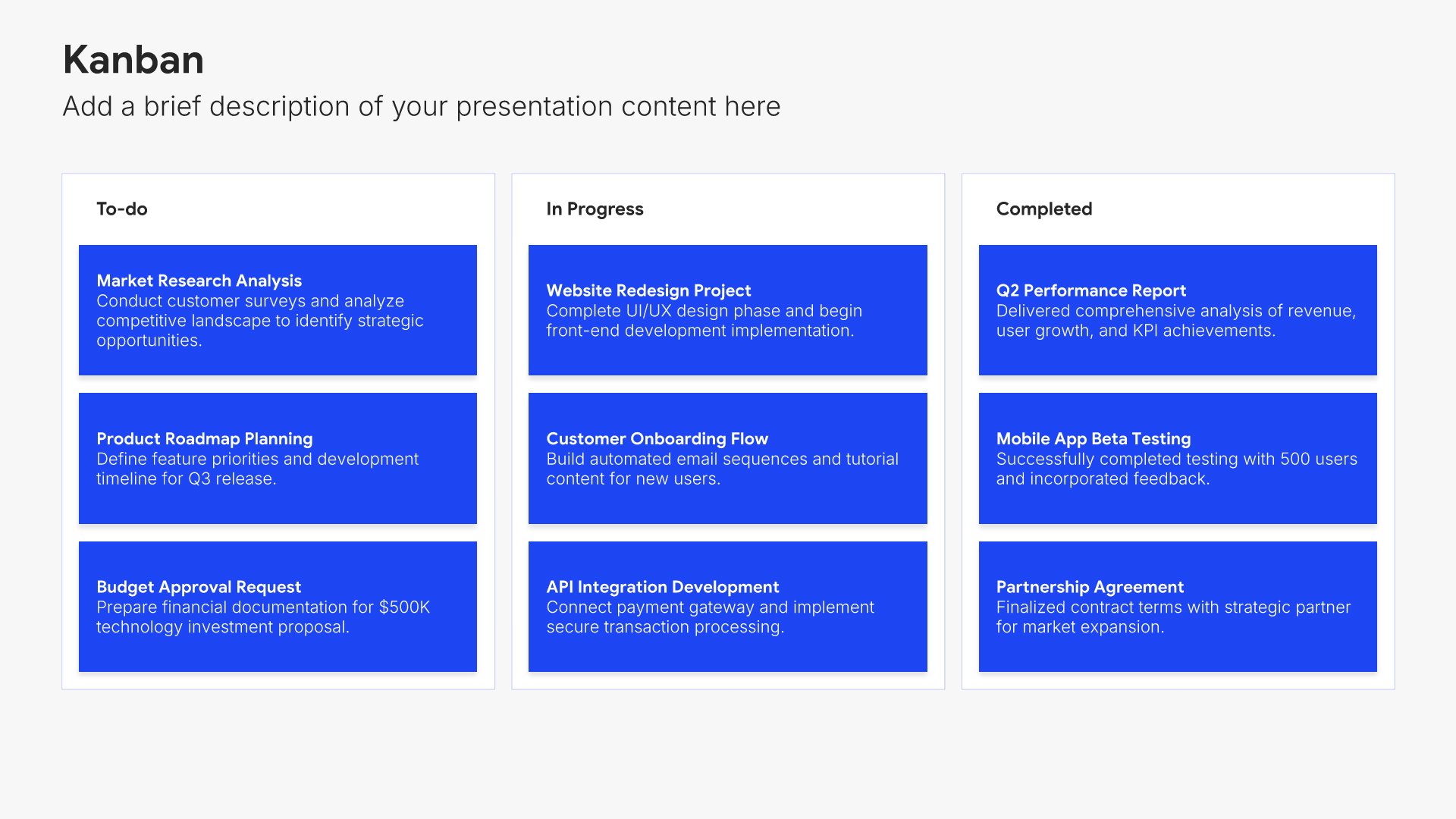
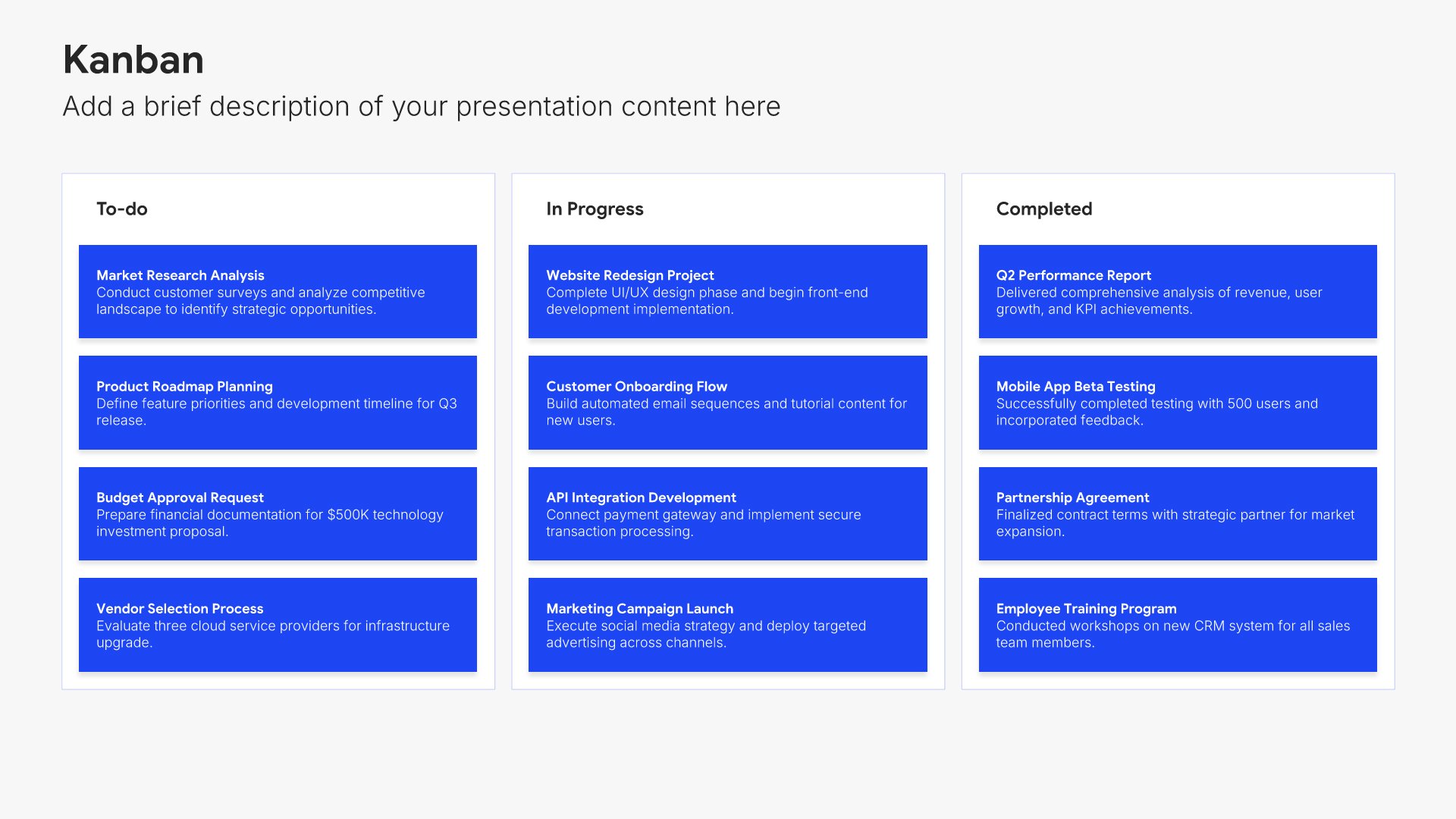
15. Appendix

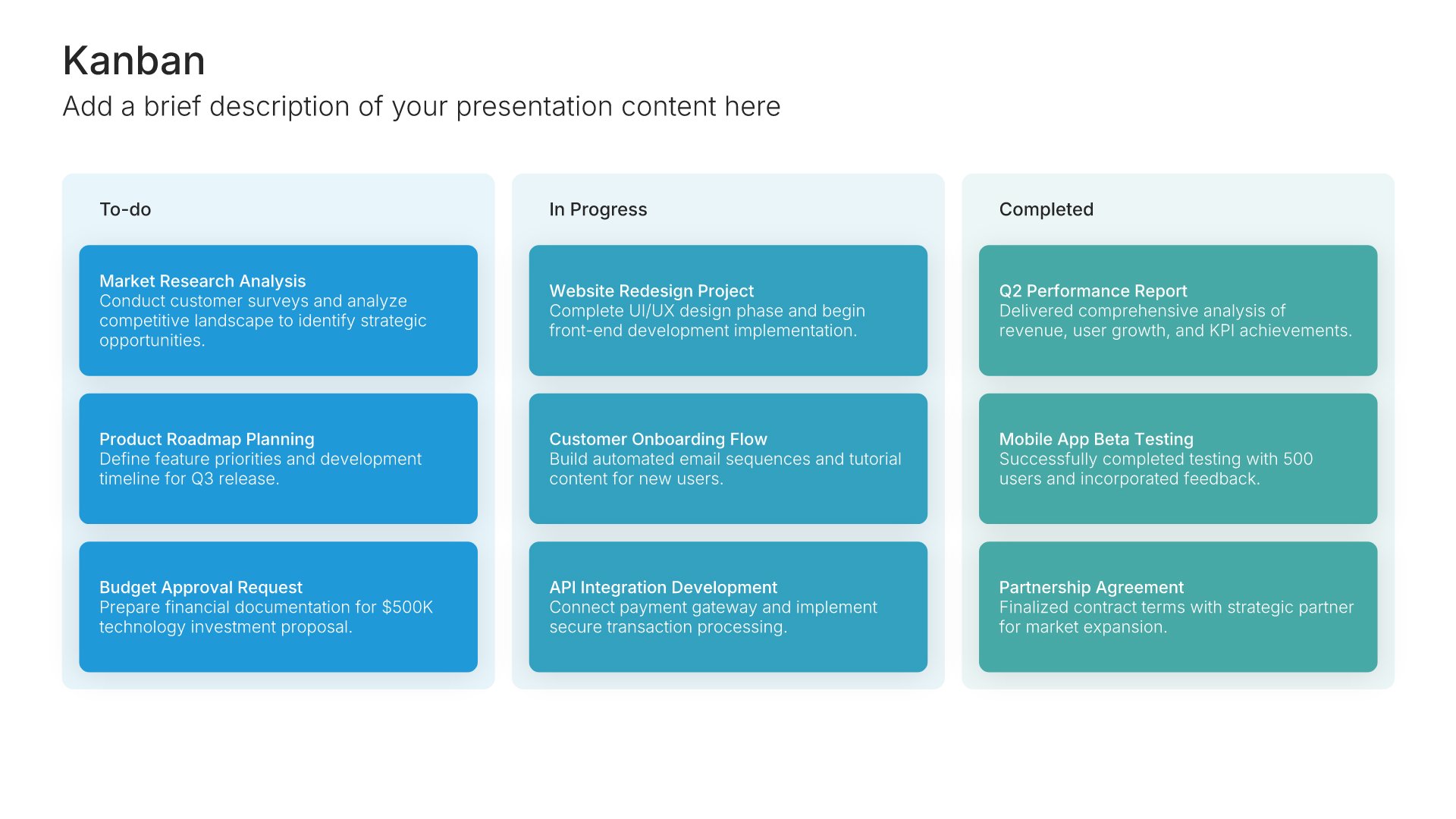
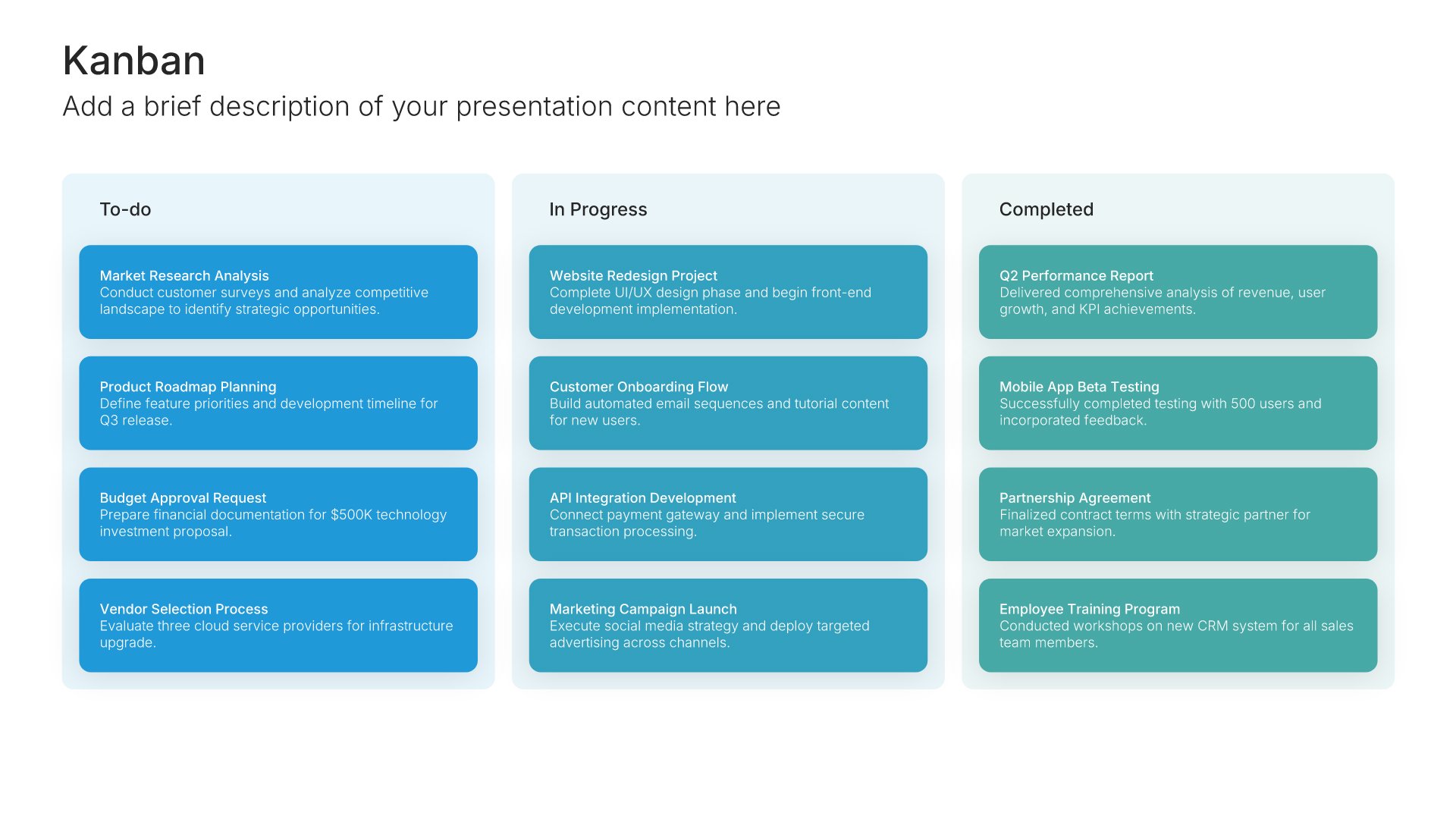
Appendix slides help you provide supporting details without cluttering your main presentation. Use them to include backup data, detailed calculations, additional charts, and reference materials. Ideal for any presentation where stakeholders may want to dig deeper into the specifics behind your key points.
Built using Kanban slides

16. Thank You

Thank you slides help you close presentations professionally. Use them to end with gratitude, provide contact information, and leave a polished final impression. Ideal for any presentation where a professional closing reinforces your message and gives your audience a clear way to follow up or stay connected.
Built using Thank You slides

Build your Performance Report presentation with Twodart

Transform your Performance Report vision into reality with Twodart’s user-friendly platform. Follow our step-by-step guide, harnessing our vast collection of slides and tools, to create a compelling and cohesive presentation that resonates with your audience.

Step 1

Browse and Select Your Slides​

Discover from over 9,172 unique slides in 134 categories or kickstart with 31 premade presentation templates. Design skills? Not needed.

Step 2

Brand Your Presentation

Add your logo and easily customize theme colors to align with your brand. 30+ preset colors, or explore unlimited color options for perfect match.

Step 3

Export Presentation Seamlessly​

With a single click, export your slides to Powerpoint, Google Slides, or Keynote. Enjoy unlimited exports with no restrictions or limitations.

Step 4

Personalize Your Content​

Replace text and image placeholders with your content effortlessly. Customize using tools like Powerpoint, Google Slides, or Keynote and present proudly.

Try Twodart for free today and experience the ease of creating remarkable presentations.

No Sign-in or Credit Card Required

Wait!
Before you go, have you had the chance to experience Twodart? If not try out – Twodart for absolutely FREE!!

No Sign-in or Credit Card Required

Experience Twodart Yourself!
Why just read about it when you can experience it? Dive into our presentation library – absolutely FREE!

No Sign-in or Credit Card Required