Pricing

Org chart slide templates

Org chart slides show how a company is organized: who leads, who reports to whom, and how teams fit together. Pick one of 24 layouts, brand it to your company in one click, add your names and roles, and export to PowerPoint, Google Slides, or Keynote.

Free to start. No credit card required.
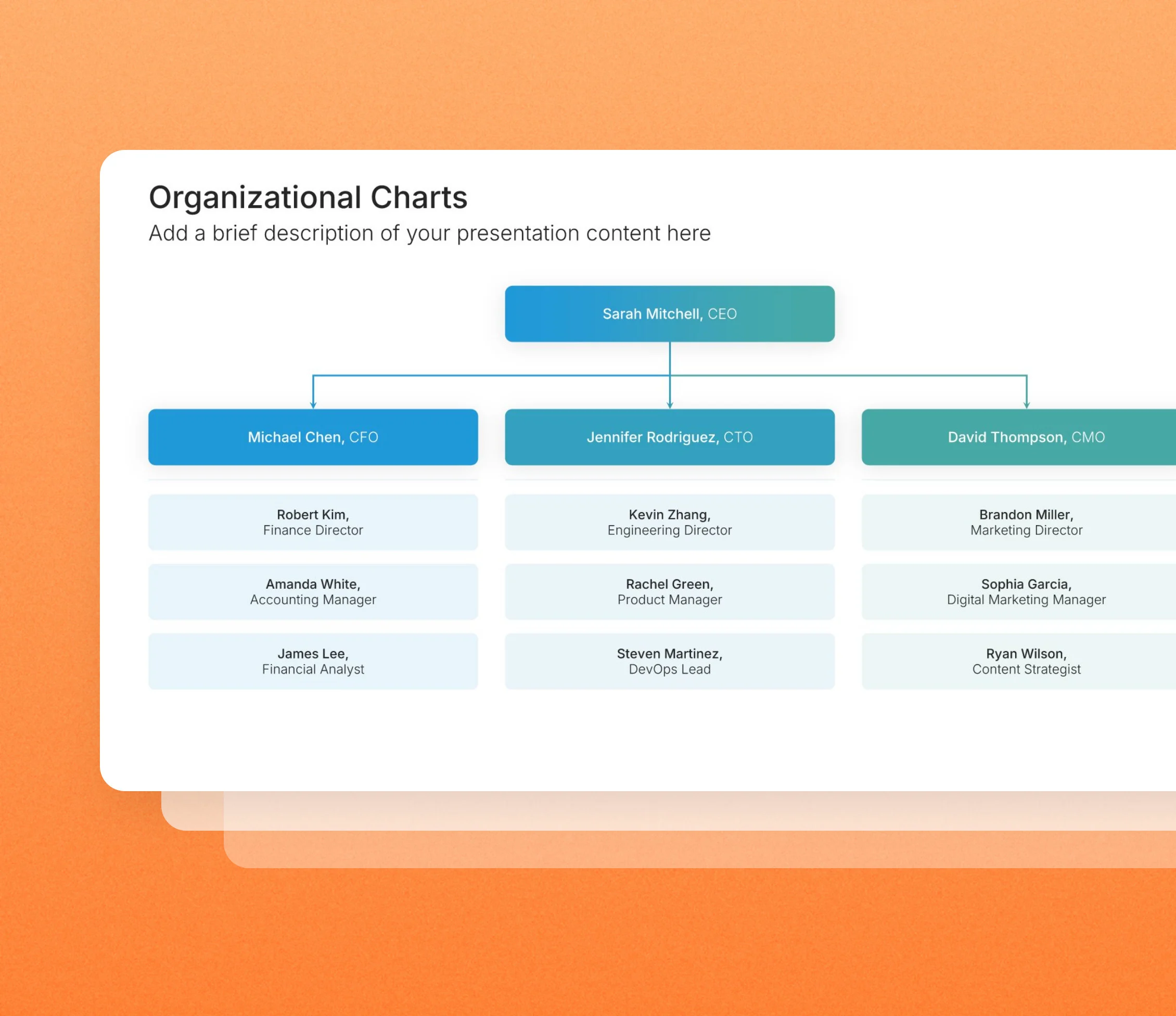
Org chart slide templates in the Choladeck slide library

Browse org chart slides

24 ways to map who reports to whom, all fully editable.
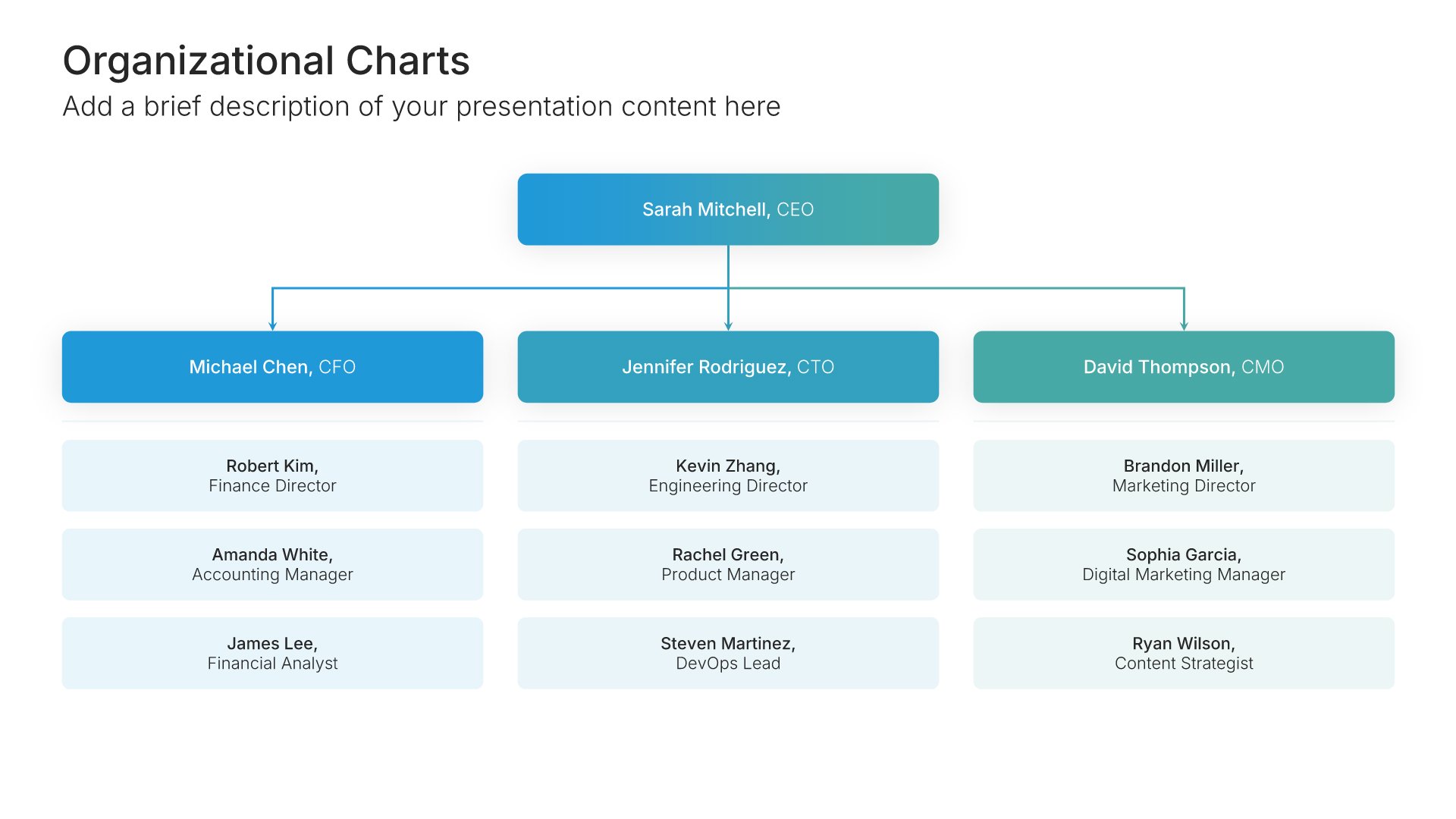
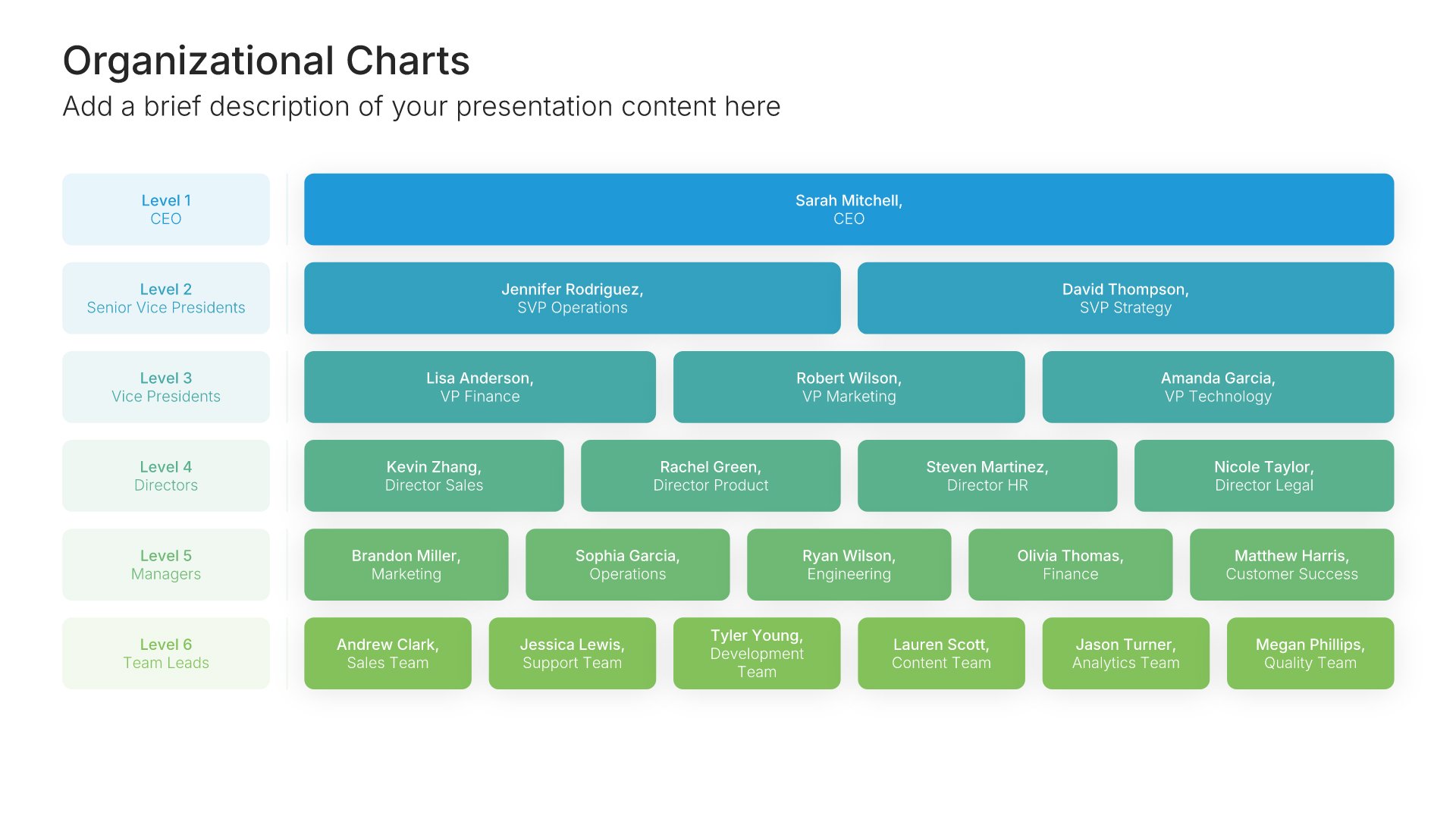
Organizational Charts • Slide Library • Layout 01 of 24

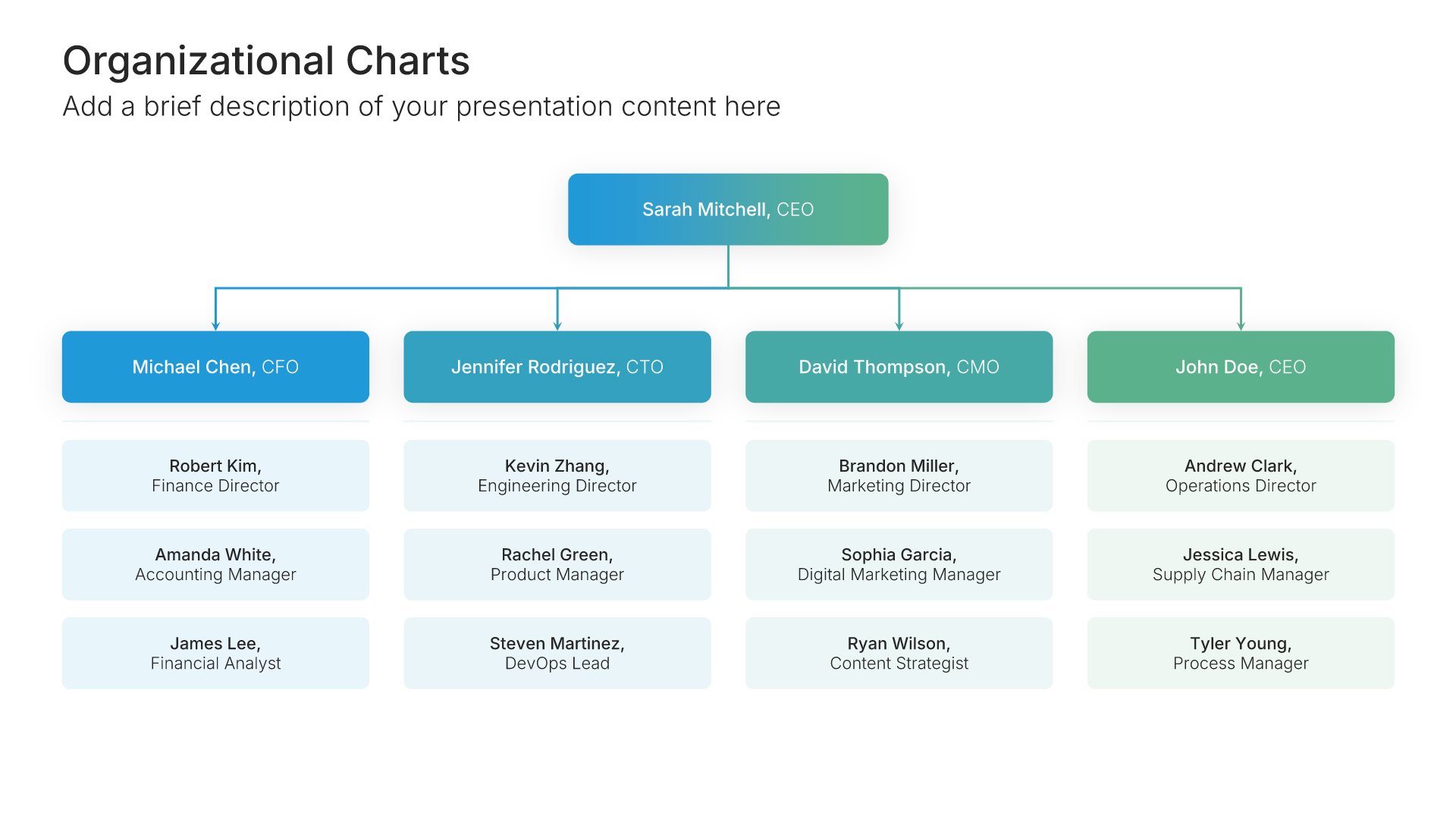
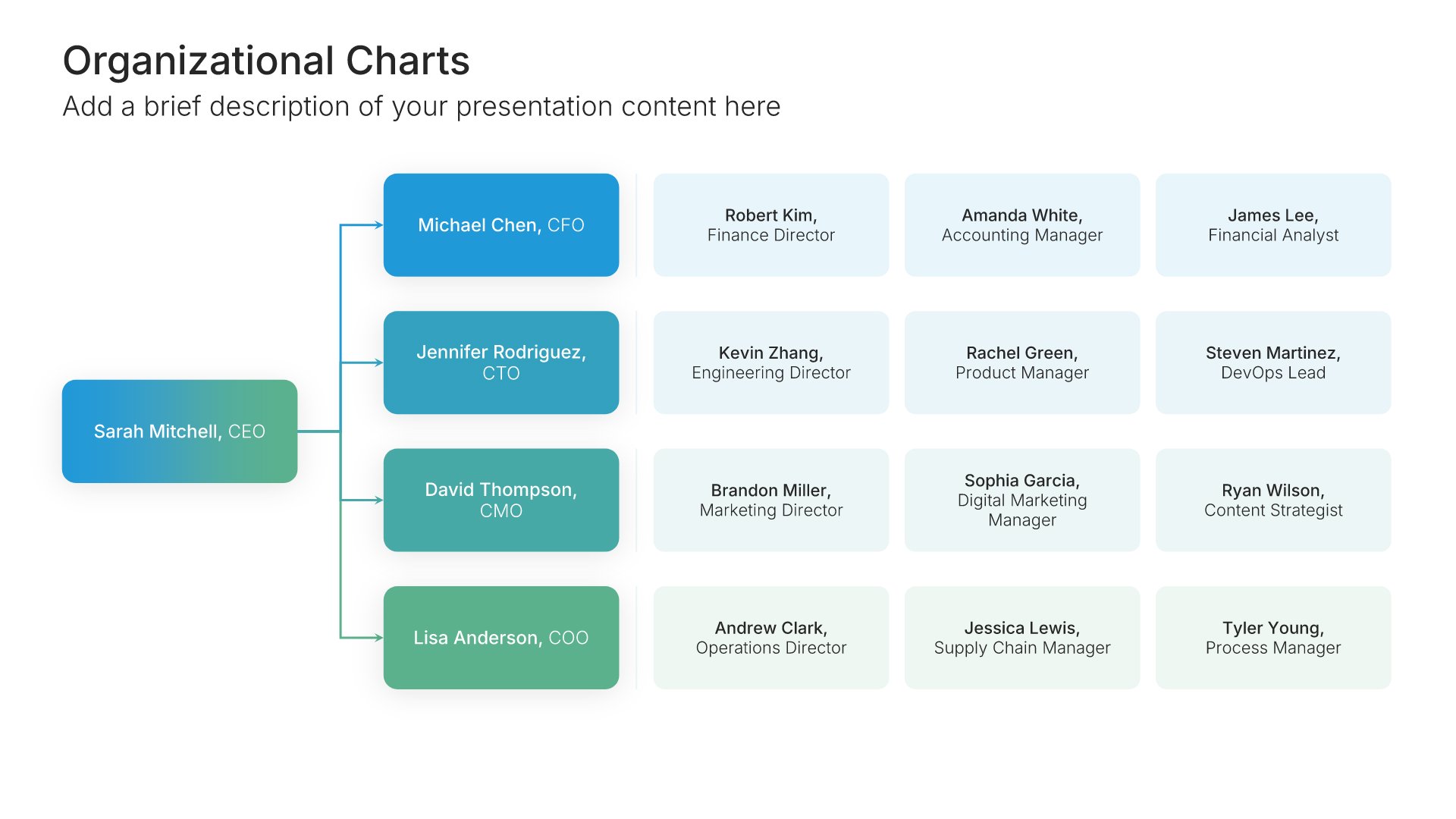
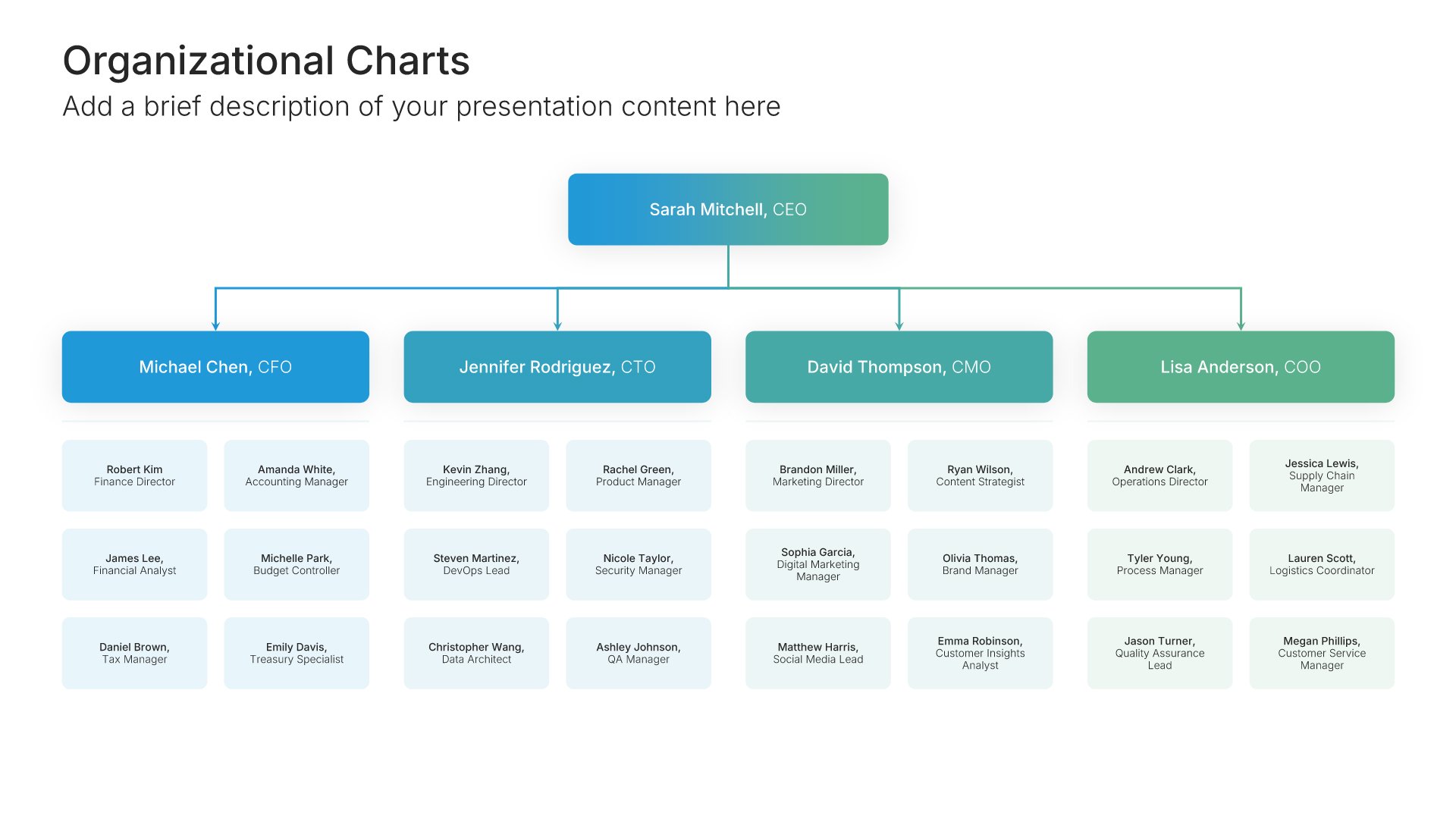
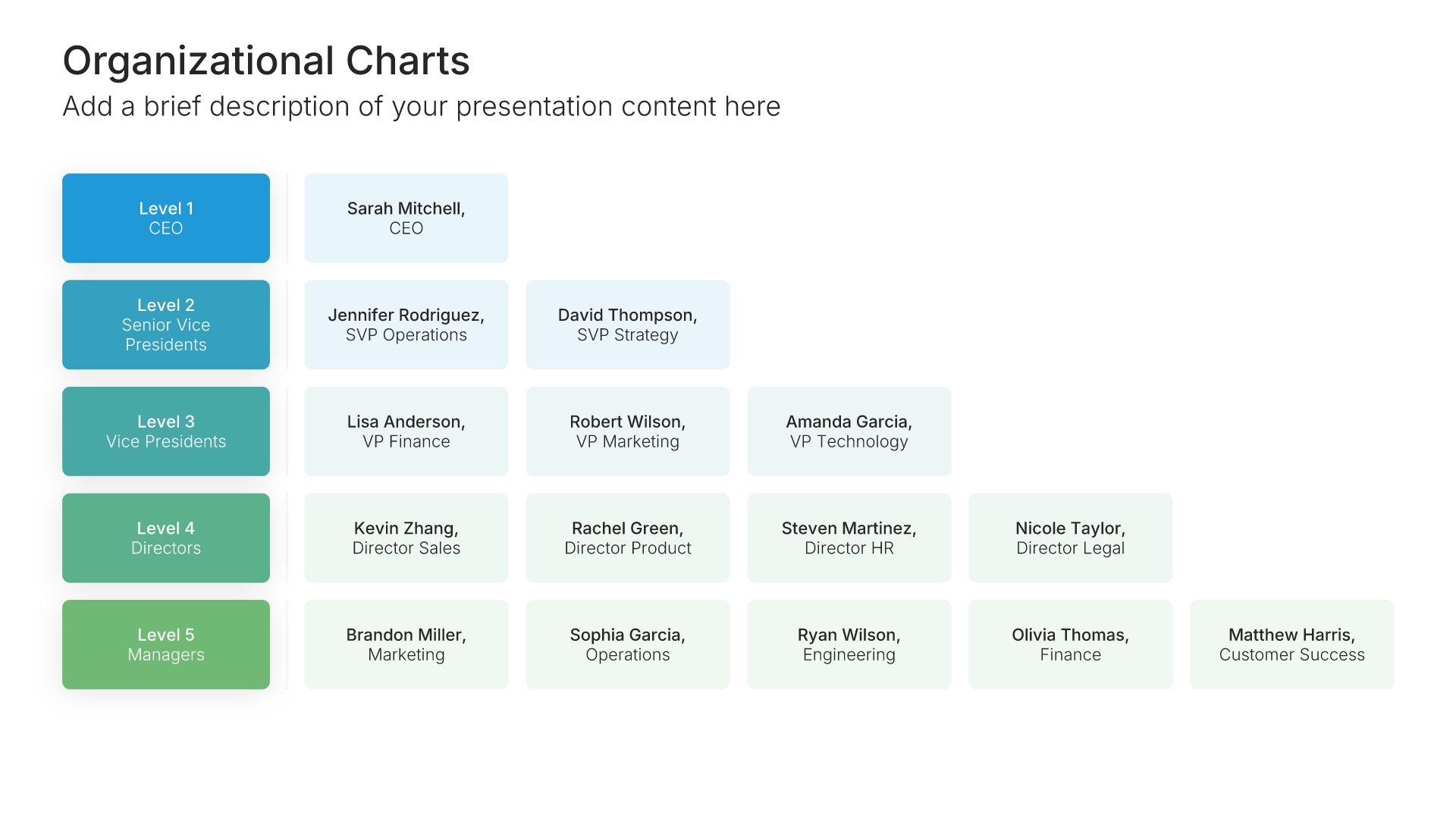
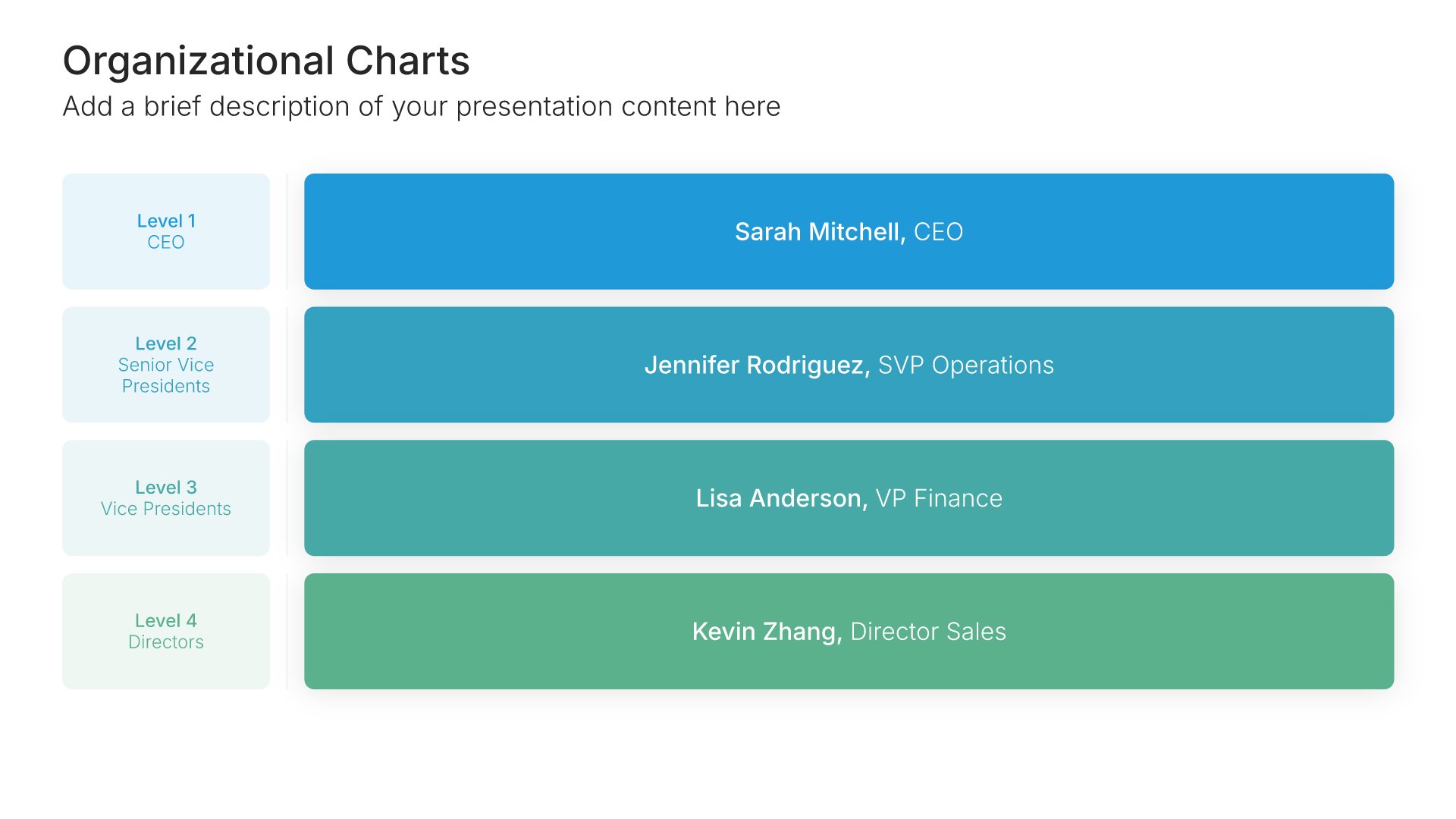
Org chart slide template, layout 01

Layout 01

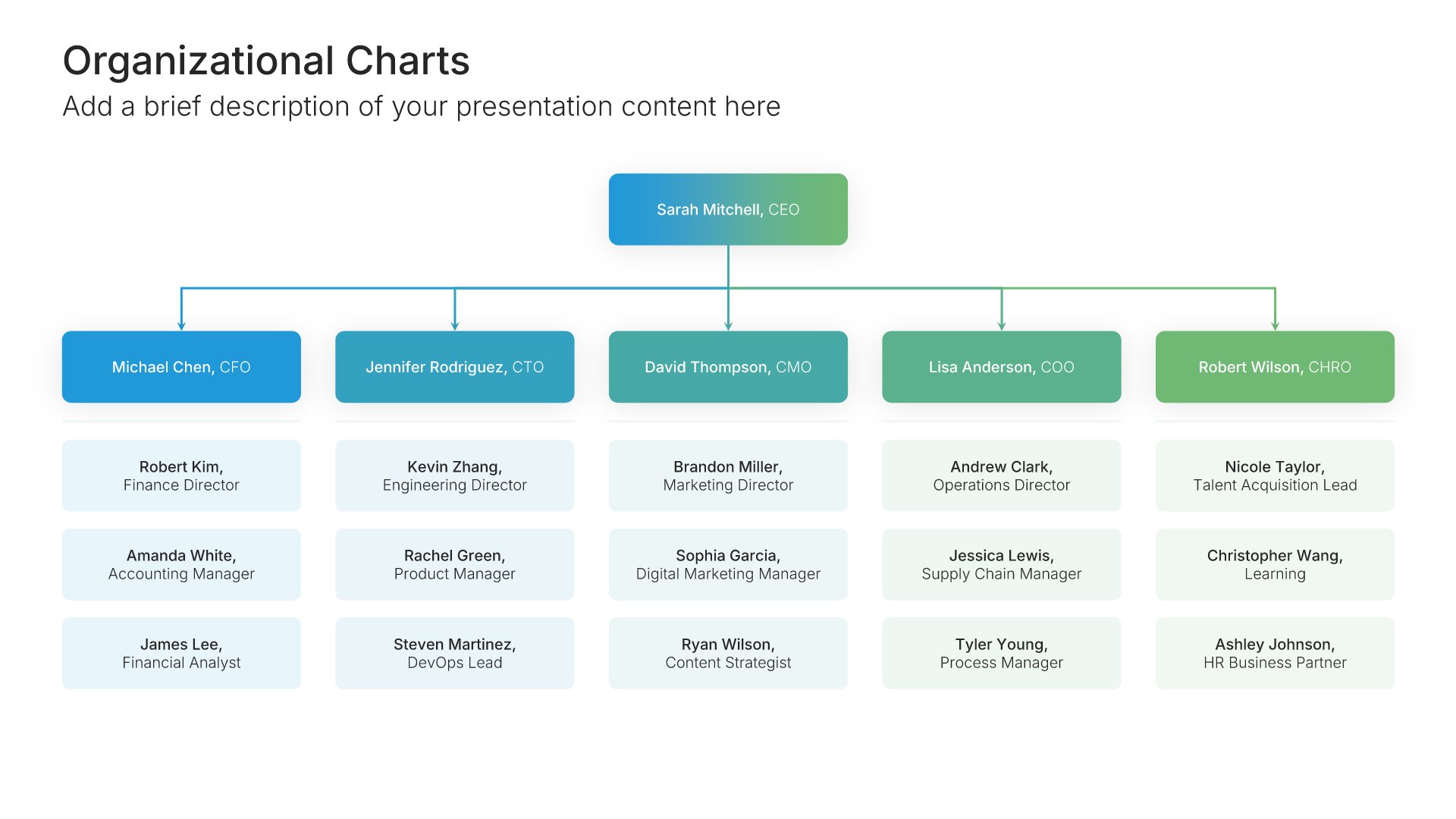
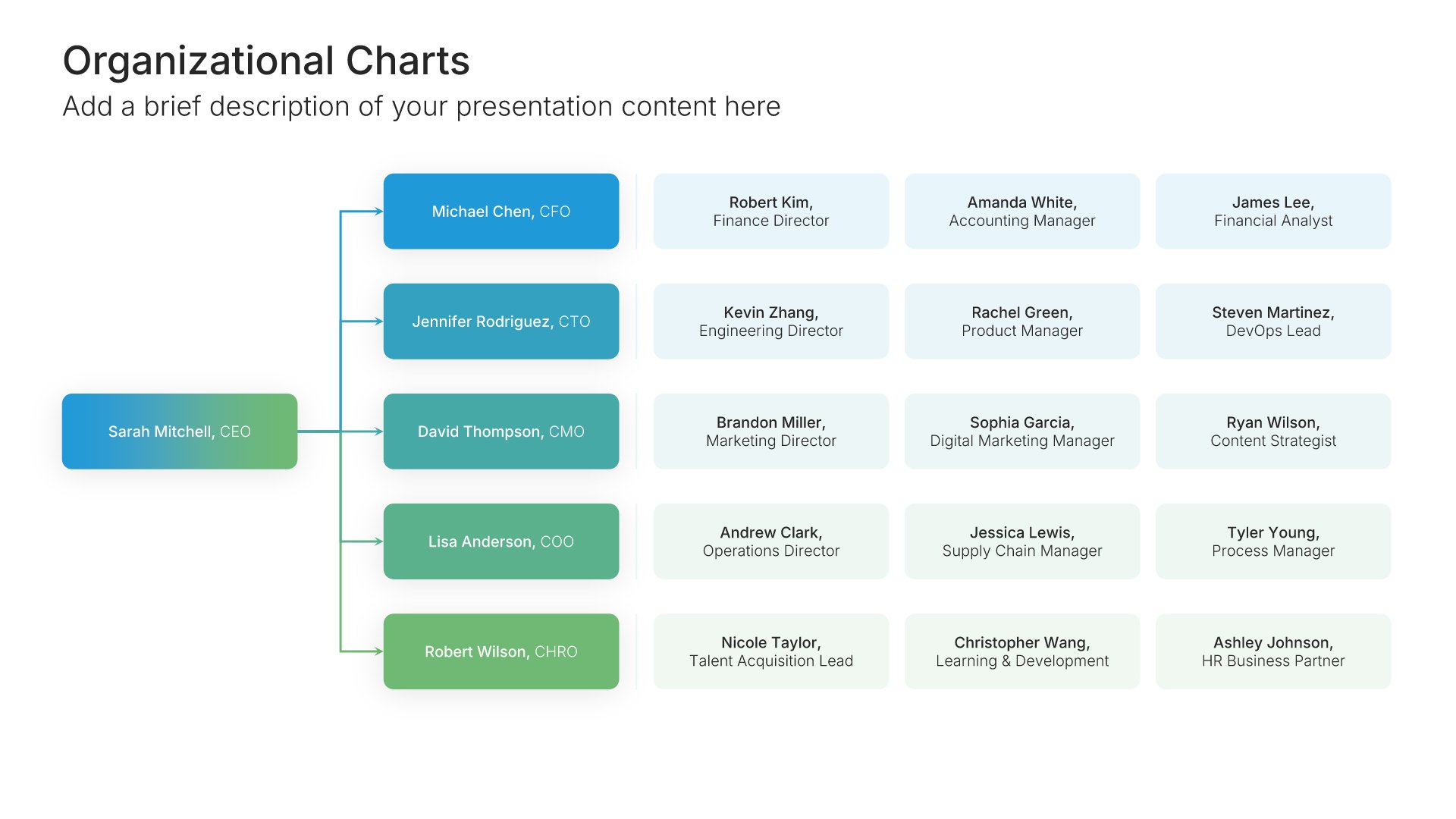
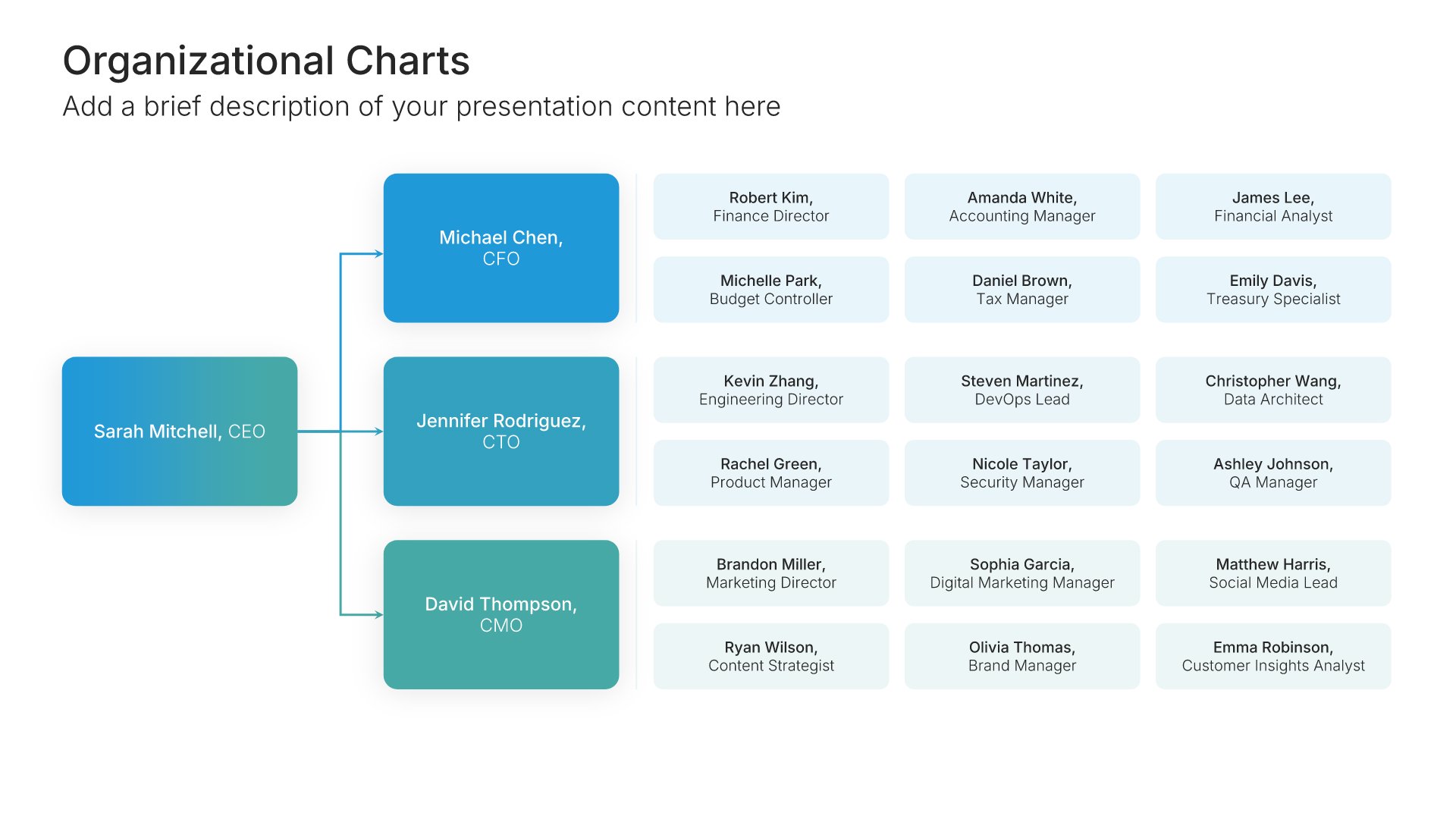
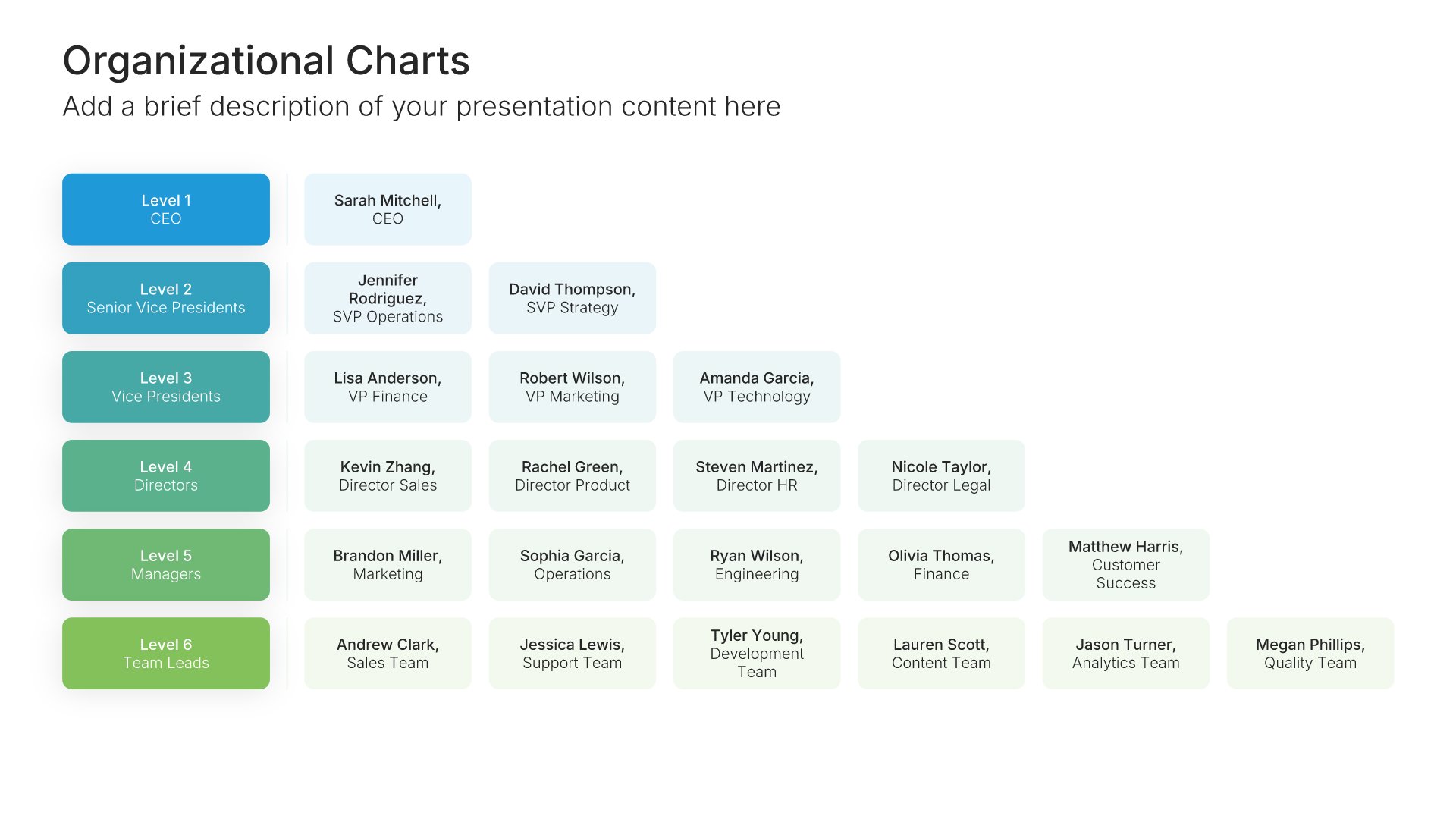
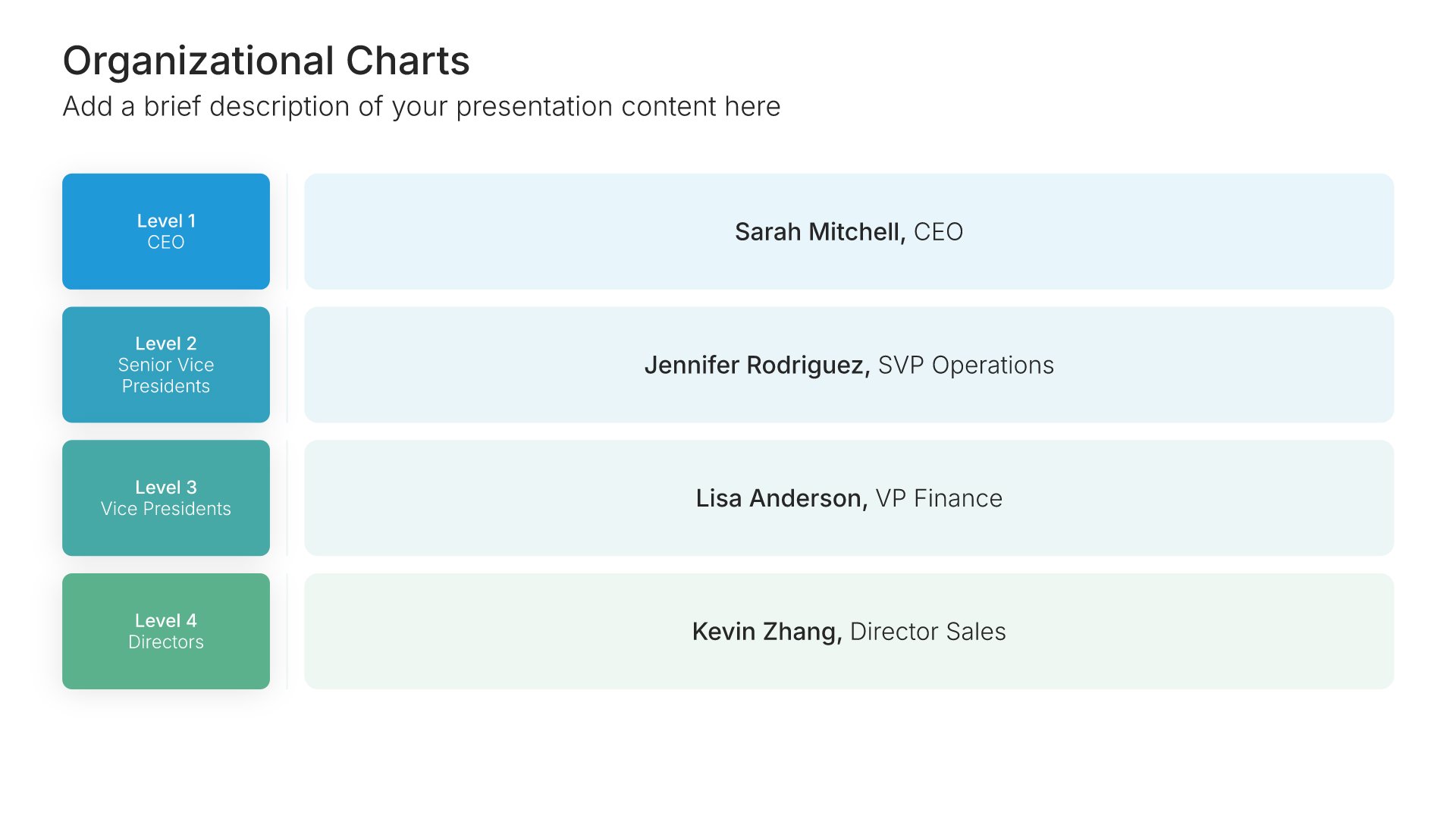
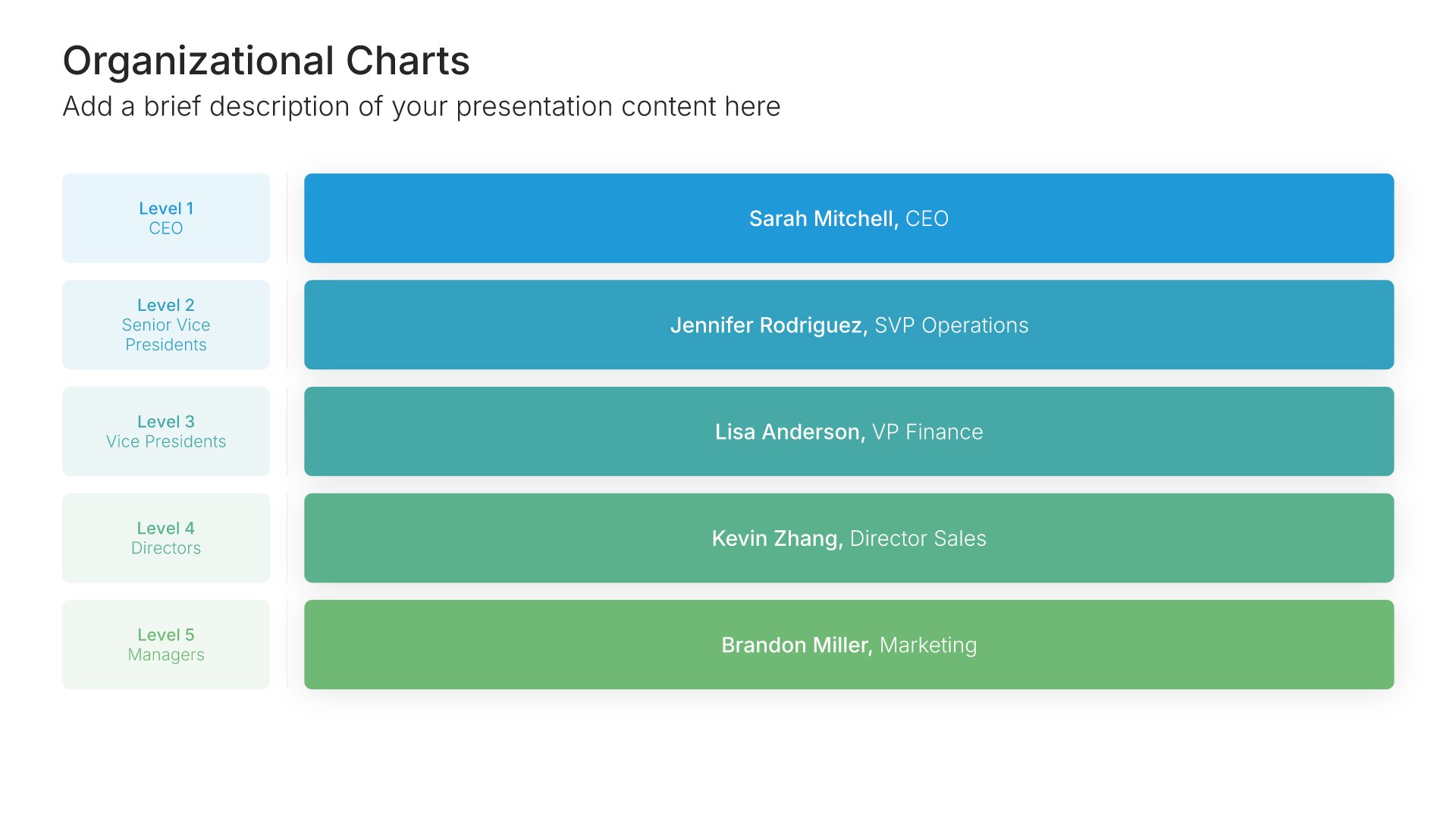
Org chart slide template, layout 02

Layout 02

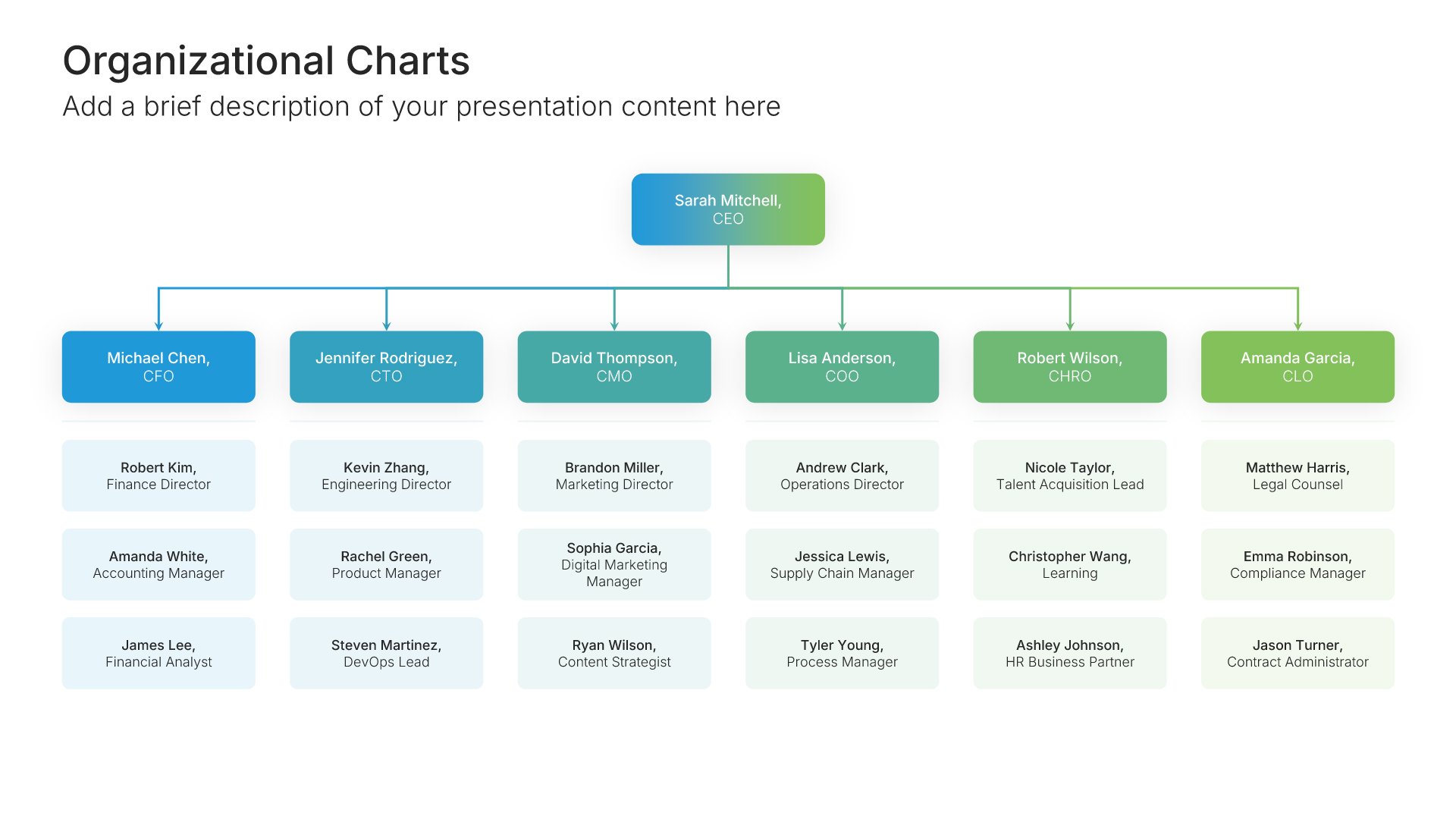
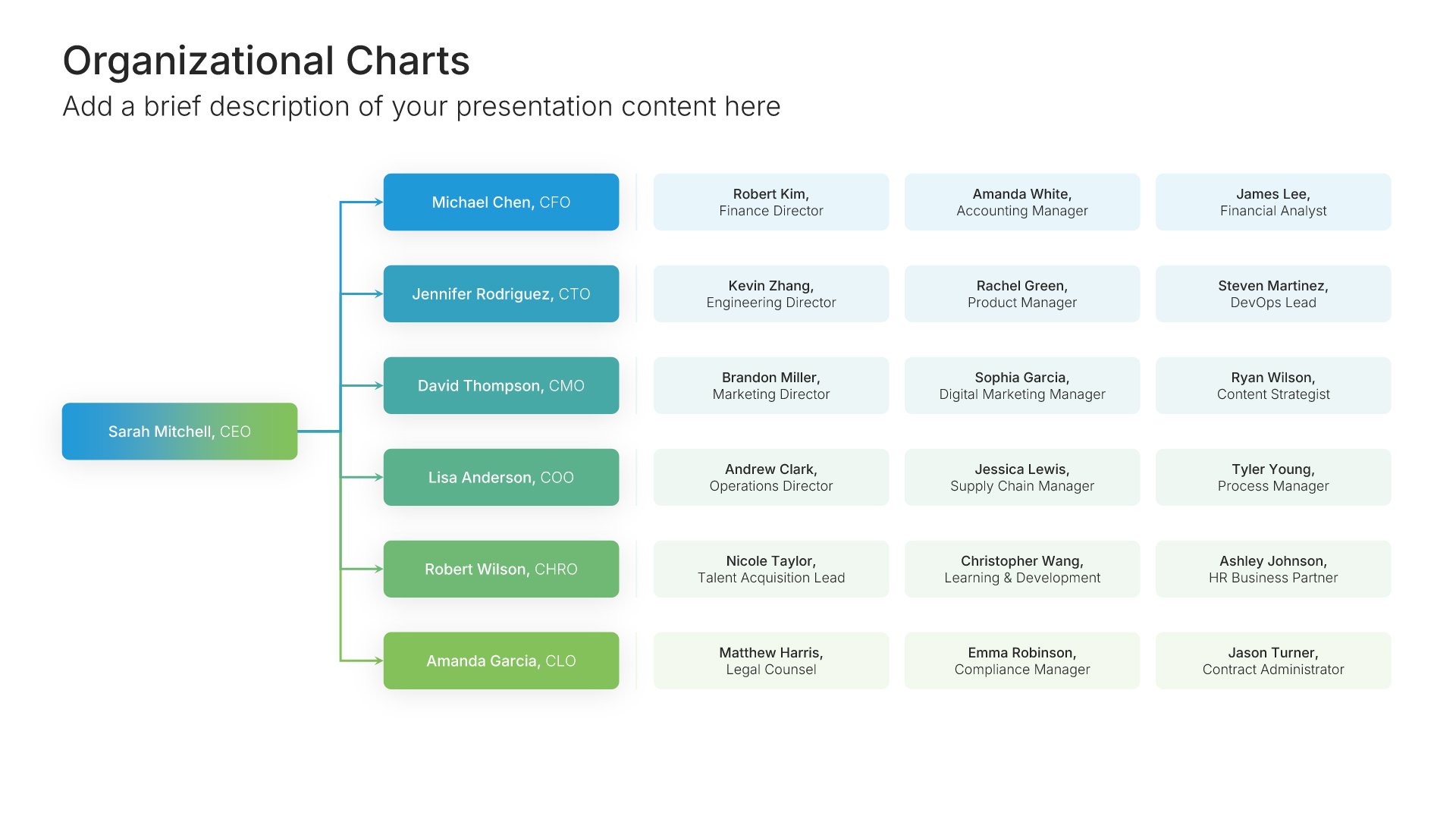
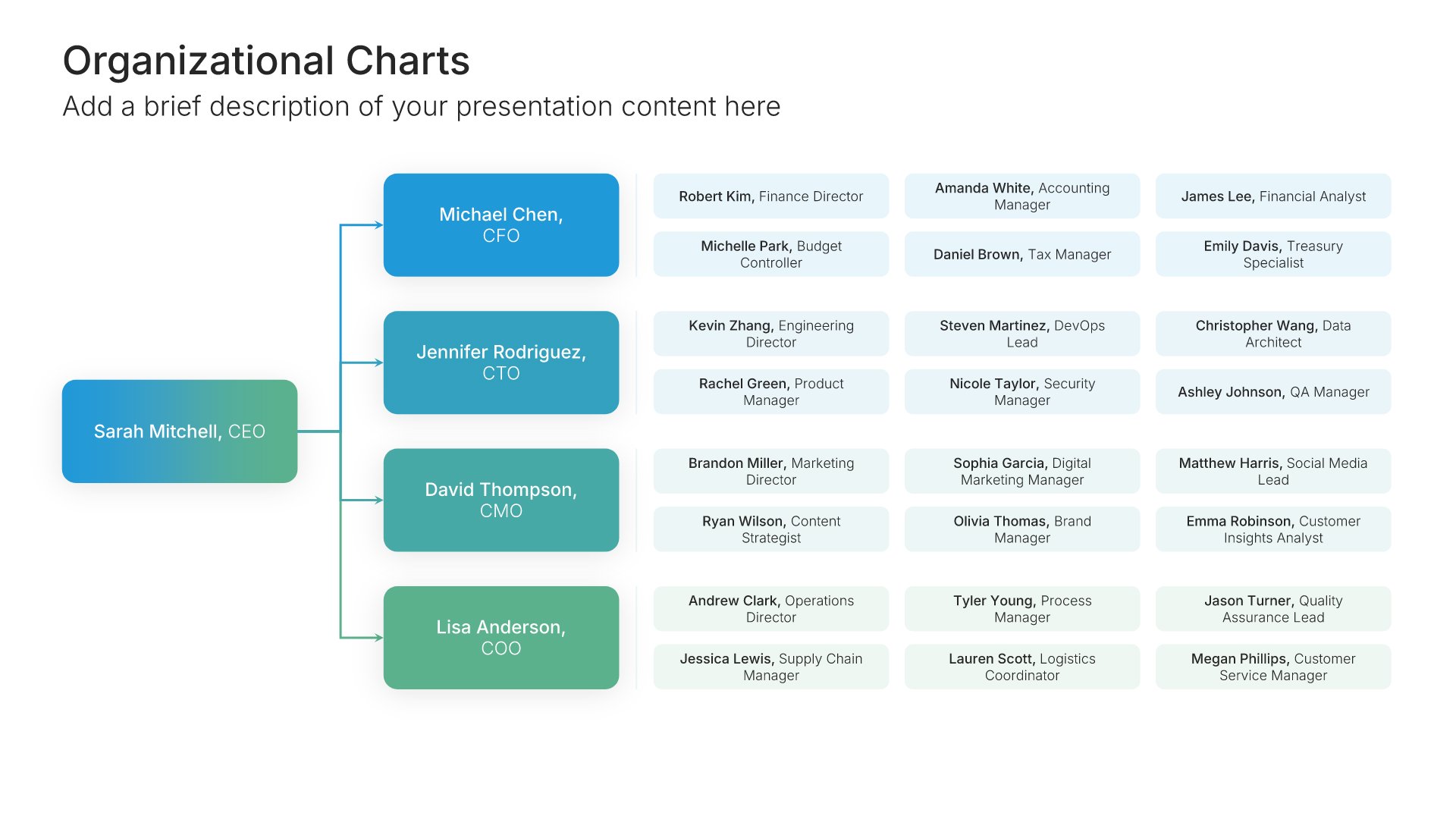
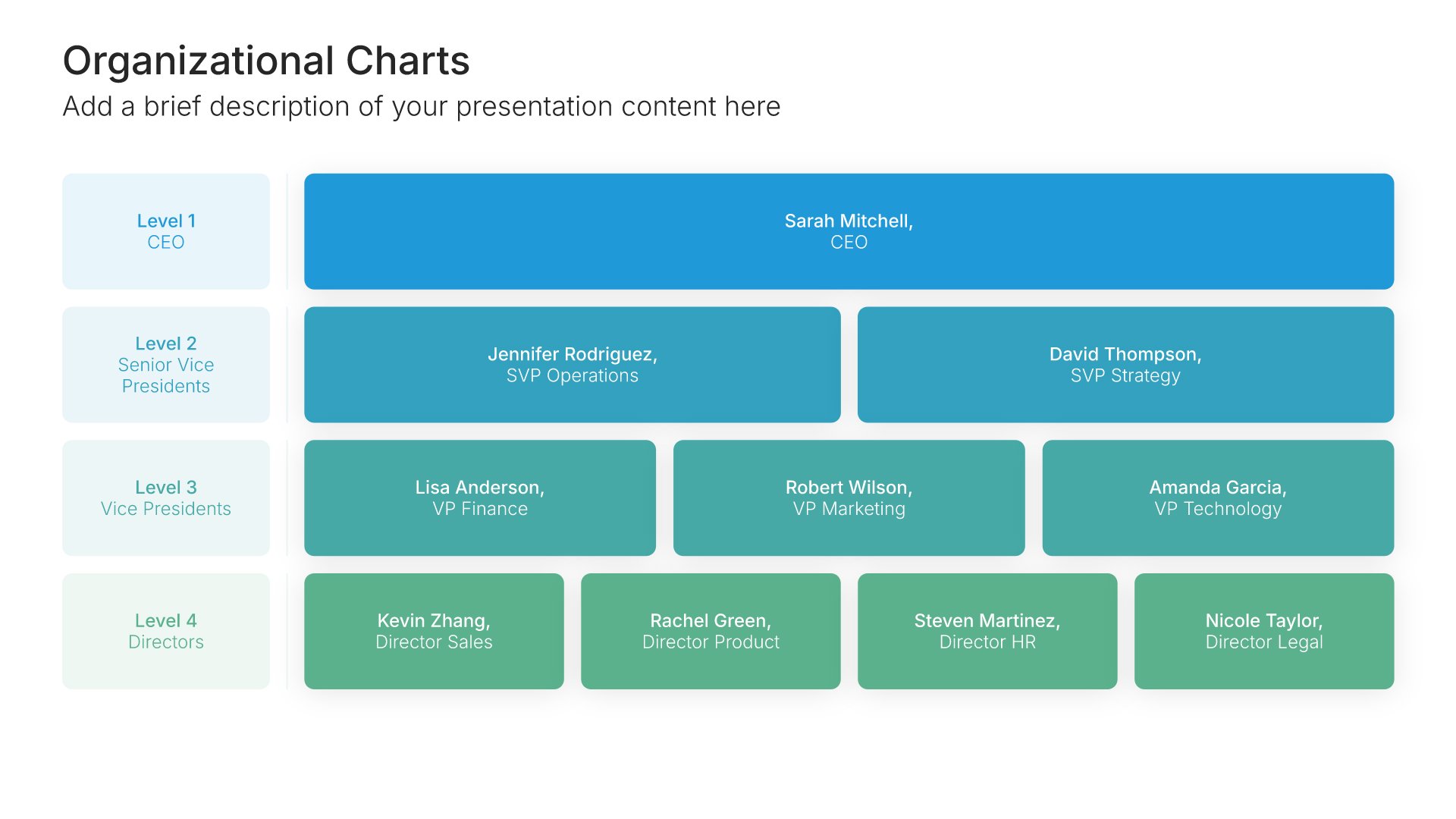
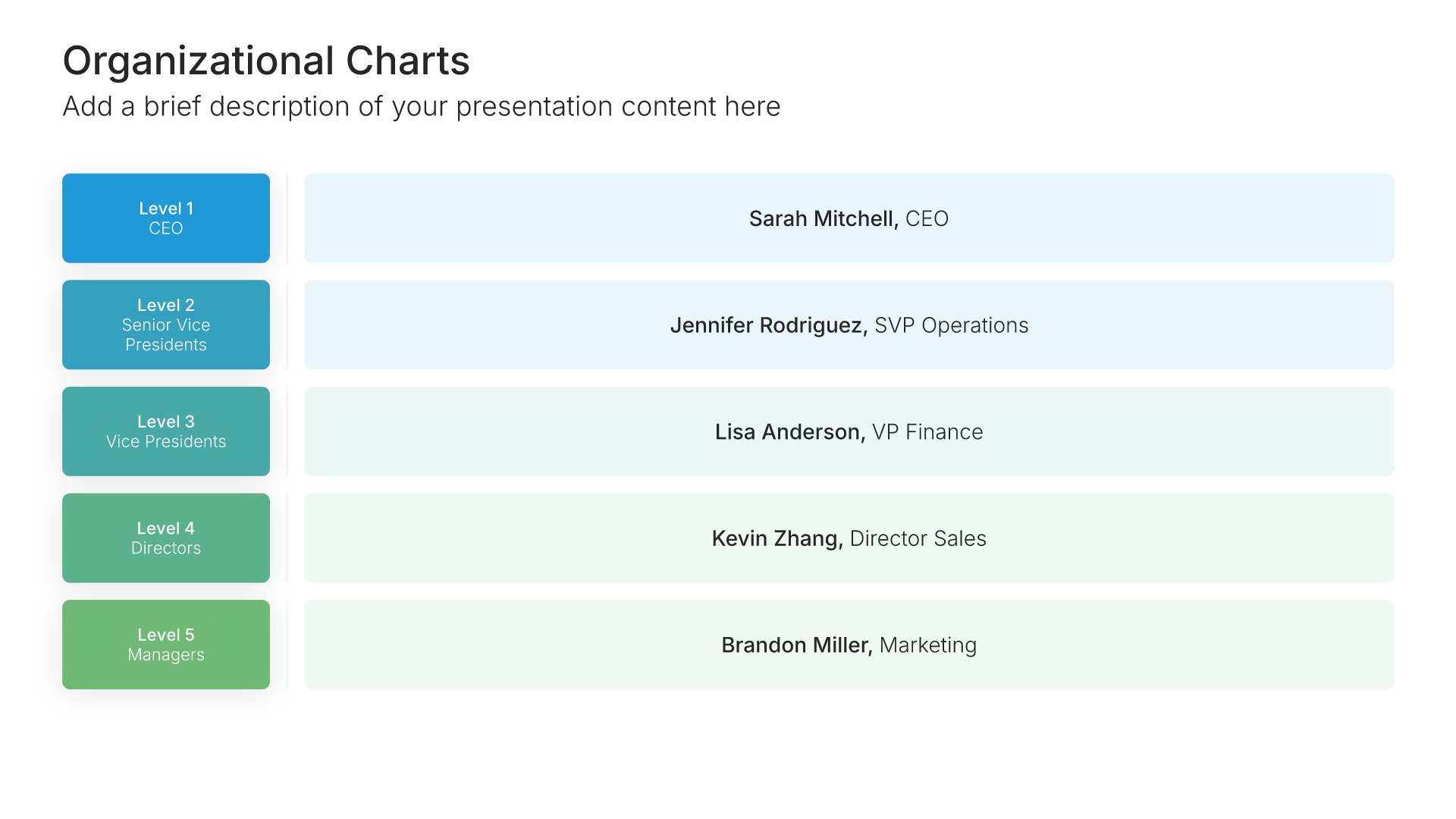
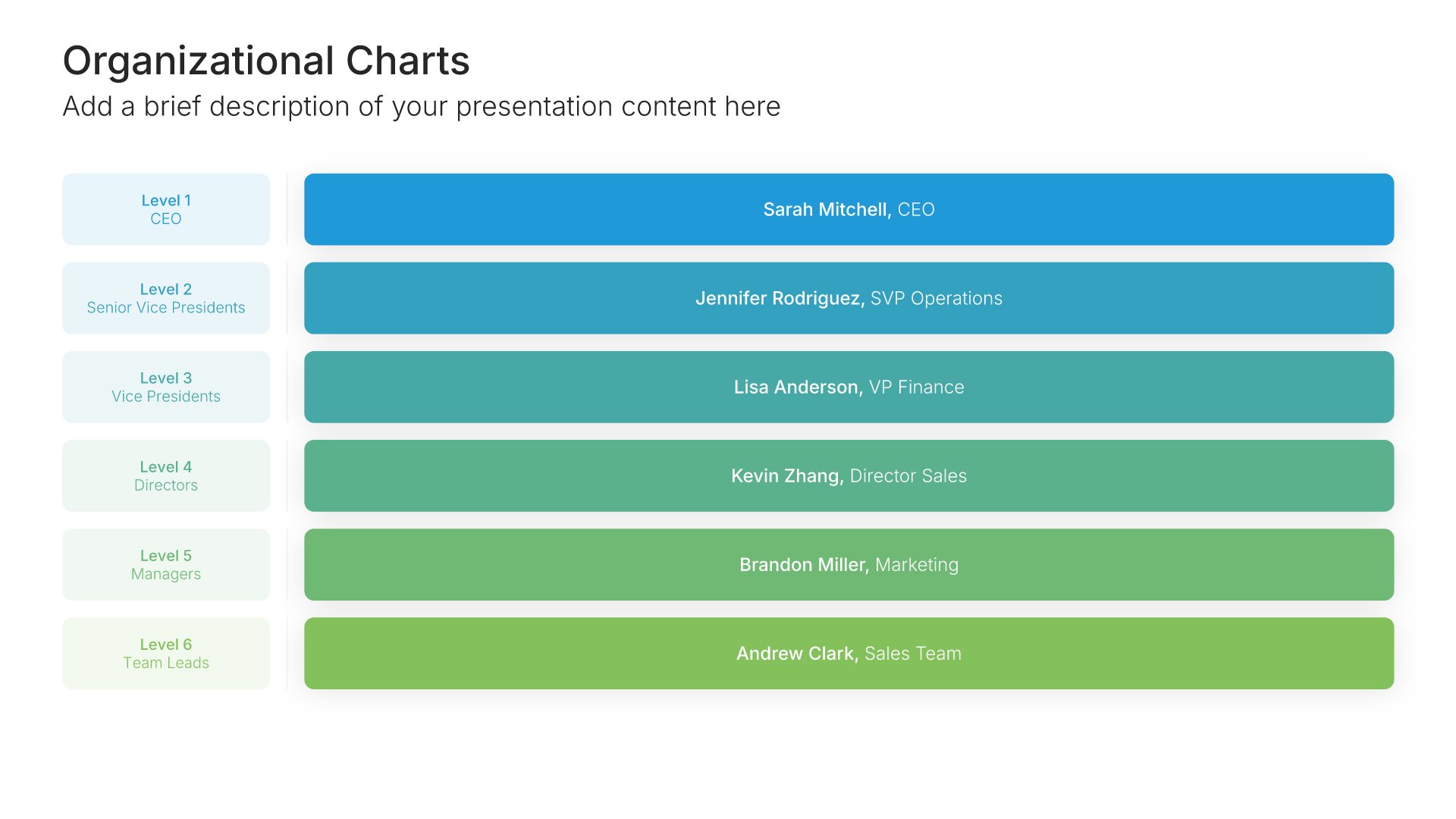
Org chart slide template, layout 03

Layout 03

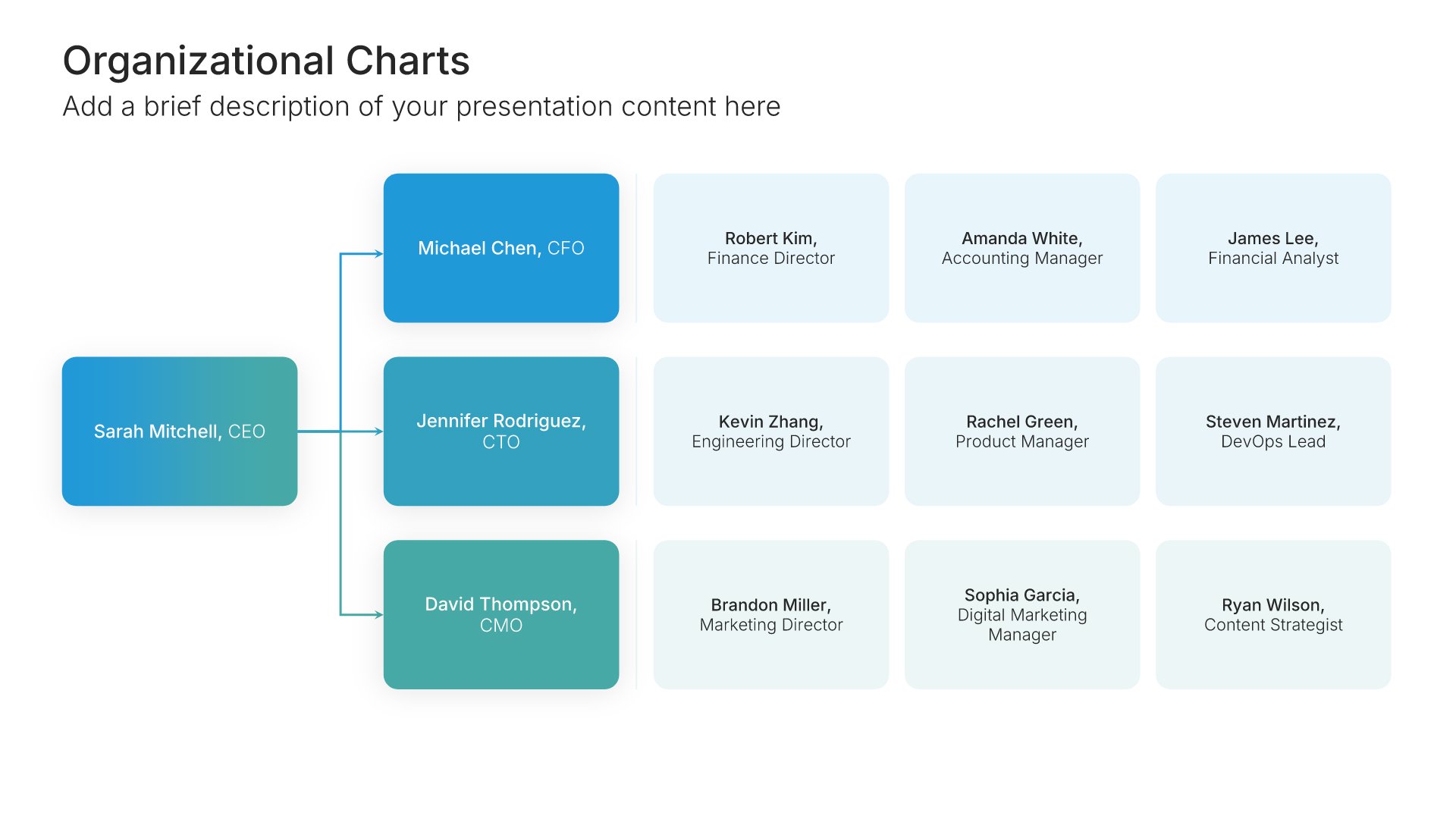
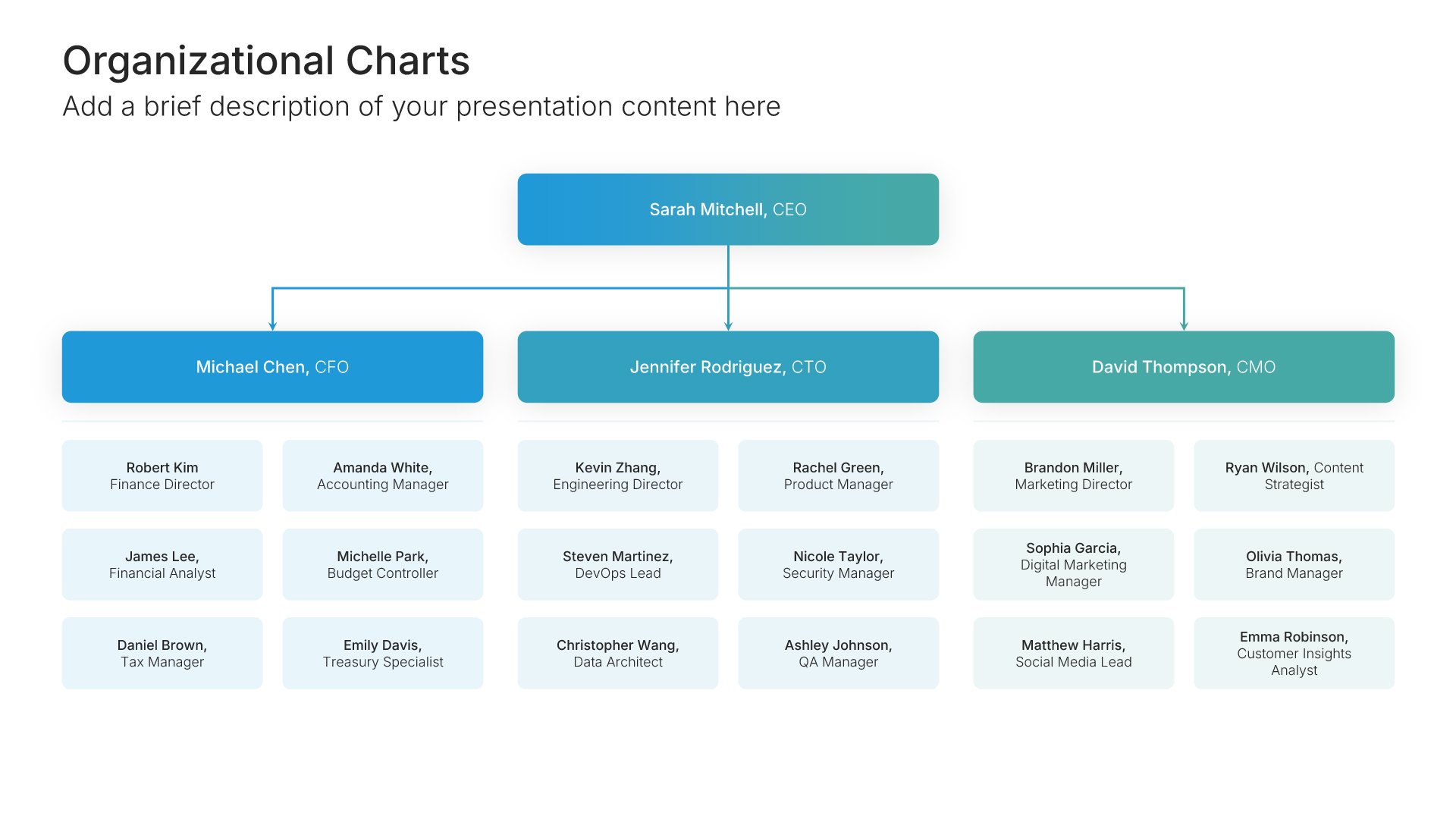
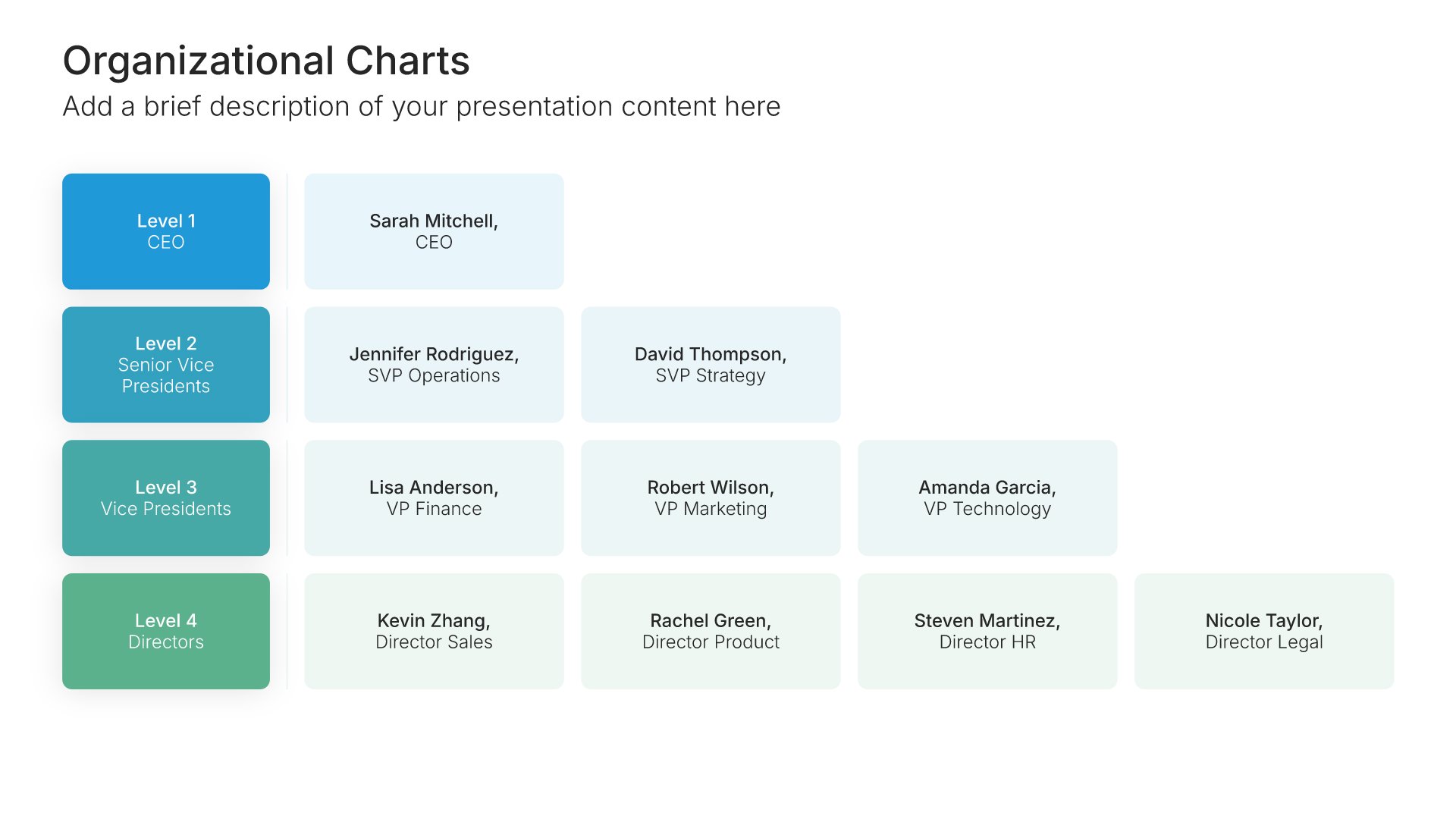
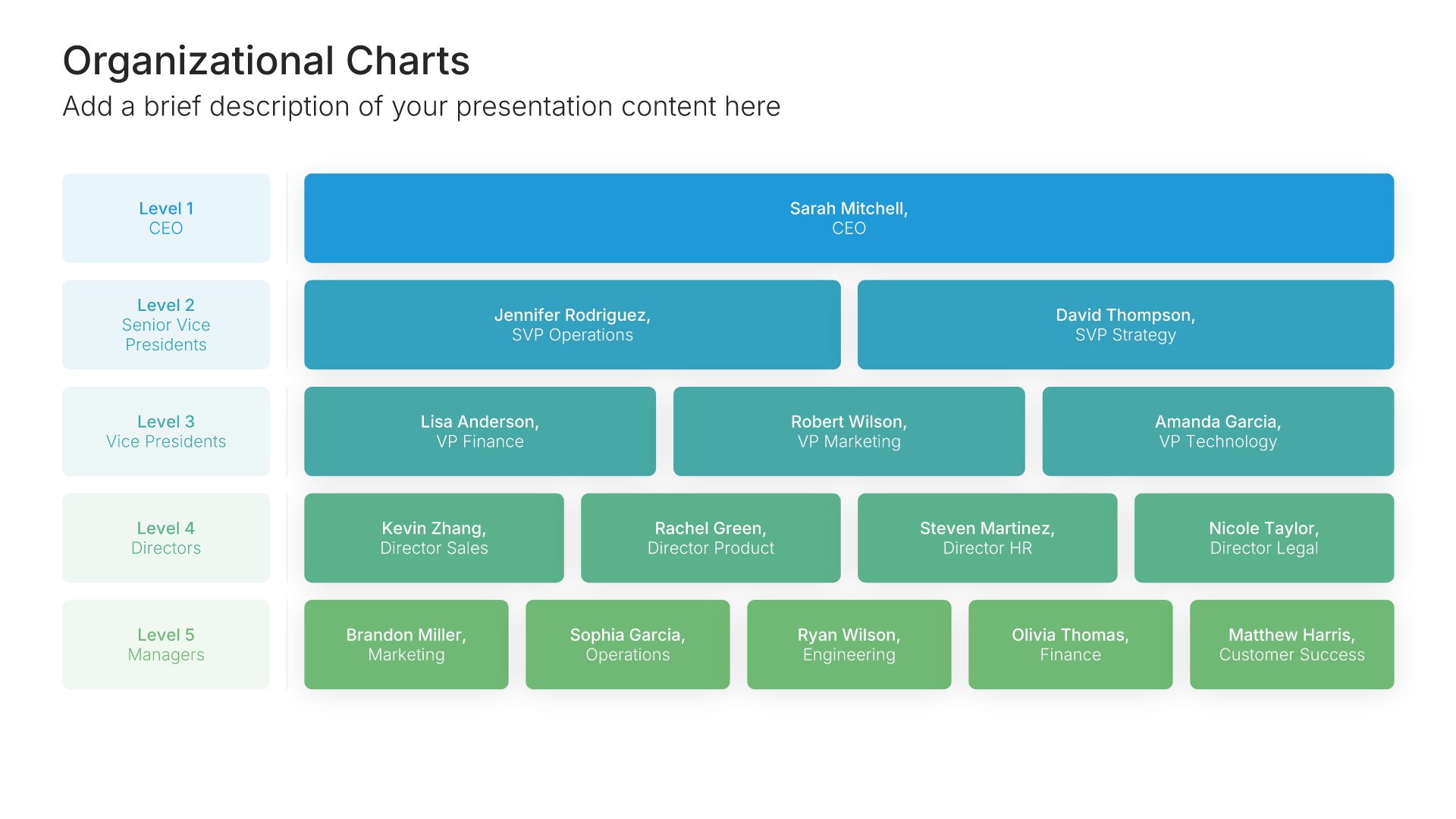
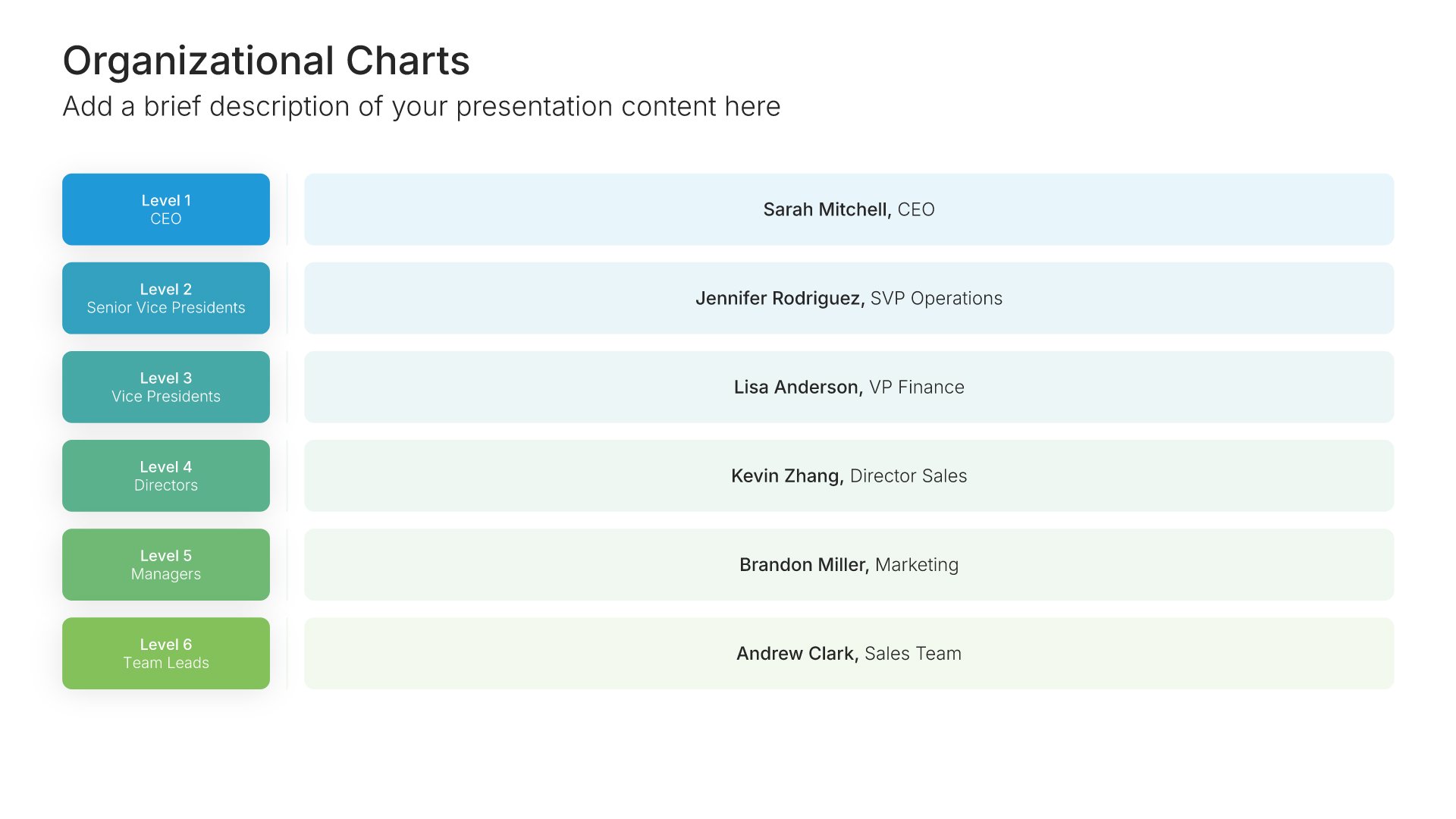
Org chart slide template, layout 04

Layout 04

Org chart slide template, layout 05

Layout 05

Org chart slide template, layout 06

Layout 06

Org chart slide template, layout 07

Layout 07

Org chart slide template, layout 08

Layout 08

Org chart slide template, layout 09

Layout 09

Org chart slide template, layout 10

Layout 10

Org chart slide template, layout 11

Layout 11

Org chart slide template, layout 12

Layout 12

Org chart slide template, layout 13

Layout 13

Org chart slide template, layout 14

Layout 14

Org chart slide template, layout 15

Layout 15

Org chart slide template, layout 16

Layout 16

Org chart slide template, layout 17

Layout 17

Org chart slide template, layout 18

Layout 18

Org chart slide template, layout 19

Layout 19

Org chart slide template, layout 20

Layout 20

Org chart slide template, layout 21

Layout 21

Org chart slide template, layout 22

Layout 22

Org chart slide template, layout 23

Layout 23

Org chart slide template, layout 24

Layout 24

About our organizational chart slides

What the slide does, how to use it, your brand, and a file you can edit anywhere.

Built to answer who does what at a glance

Investors, new hires, and clients all want to know the same thing about a team: who does what. An org chart slide answers it at a glance, with reporting lines that make structure obvious. It’s a standard slide in company profiles, pitch decks, and restructuring plans.

Why reporting lines matter more than headcount

A list of names shows who’s on the team. An org chart shows how decisions flow through it. So the audience can see where accountability sits, which teams are stretched, and who they’d need to talk to, without asking.

Brand the whole presentation in one click

Add your logo, colors, fonts, and background once. It applies to the whole presentation and the entire slide library at the same time. Org charts get shared with new hires, partners, and investors, and often outlast the presentation they were made for, so once branded, they look like an official company document.

Export to PowerPoint, Google Slides, or Keynote

You get a real file, not a locked link. Export it and keep editing in the tool you already use. Names, titles, photos, and boxes stay editable, so you can update the chart every time the team changes.

How Choladeck works

From blank page to finished presentation in four steps.

STEP 01

Browse 9,000+ slides across 134+ categories, or open one of the 74 premade presentations.

STEP 02

Add your logo, colors, and fonts in one click. The whole presentation instantly matches your company.

STEP 03

Add your text, numbers, charts, and tables. Everything on the slide is editable.

STEP 04

Send it to PowerPoint, Google Slides, or Keynote, and present.
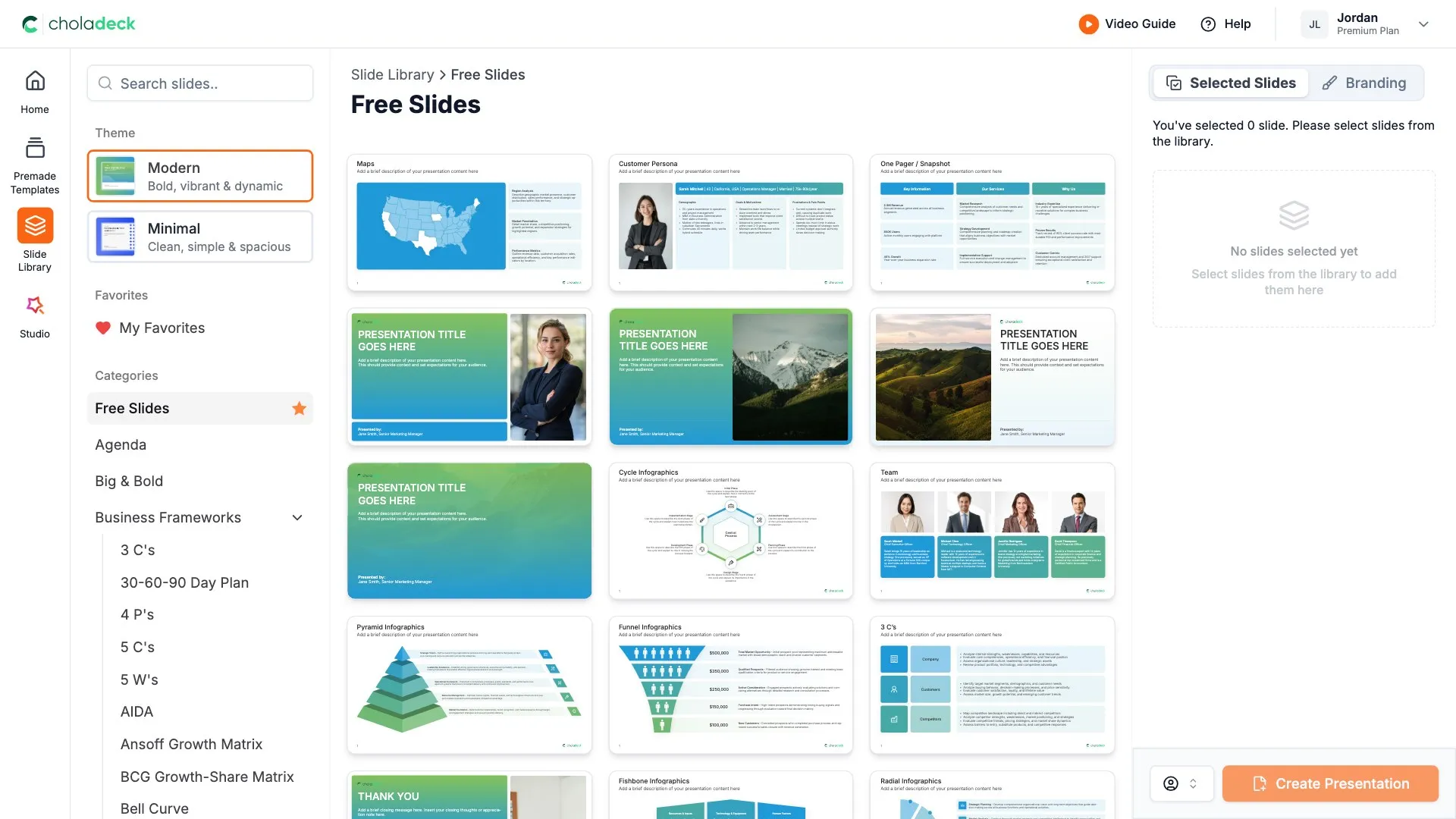
Start from a template

Need a complete presentation instead?

If you're starting from nothing rather than fixing a few slides, open one of 74+ premade presentations instead. Each one is complete and built for one purpose, from pitch decks to business plans and company profiles.

Choladeck premade templates with the Type of Presentation filter and the Consulting Company Profile deck shown larger

Questions about org chart slides

How the slides work, and how far you can change them.

Using the slides

Can I edit these slides in PowerPoint?

+

Yes. Export to PowerPoint, Google Slides, or Keynote, and each name, title, and box stays editable. Nothing is locked and nothing is a flat image.

How do I brand them to my company?

+

Add your logo, colors, fonts, and background once. It applies to the whole presentation and the entire slide library at the same time.

Can I mix them with other slides from the library?

+

Yes. Add an org chart slide to any premade template, or pair it with team or profile slides from the library. Branding applies across all of them.

About org charts

What should an org chart slide include?

+

Names, job titles, and reporting lines. Photos help when the audience will meet the team, but keep them consistent in size and style.

How do I fit a large organization on one slide?

+

Show leadership and department heads on the main slide, then give each department its own slide for the detail.

How is an org chart different from a team slide?

+

An org chart shows structure and reporting lines. A team slide introduces people, usually with photos and short bios.

Your next org chart slide is already designed

Pick a layout, brand it in one click, add your content, and export.

Free to start. No credit card required.