Pricing

Title slide templates

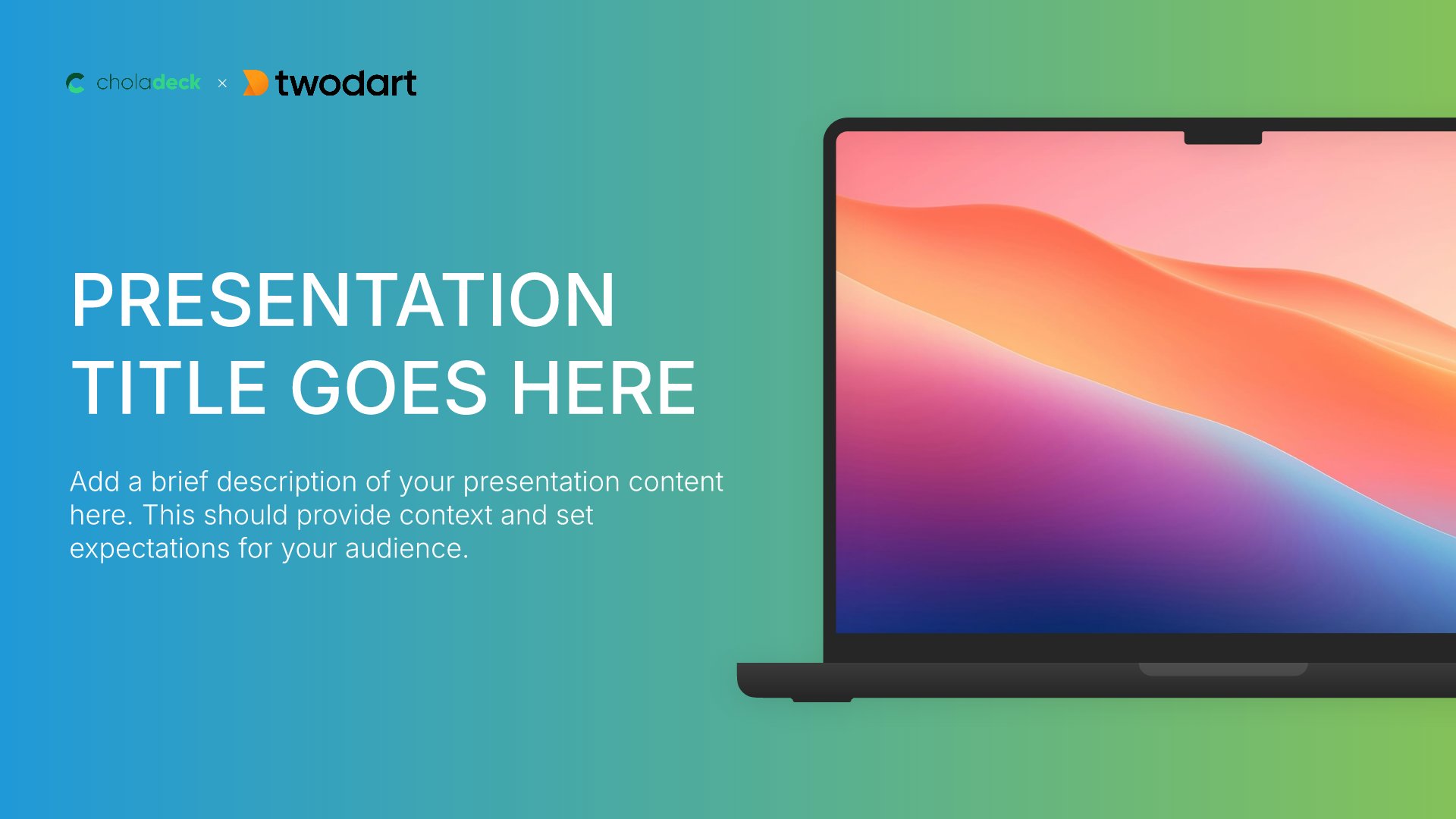
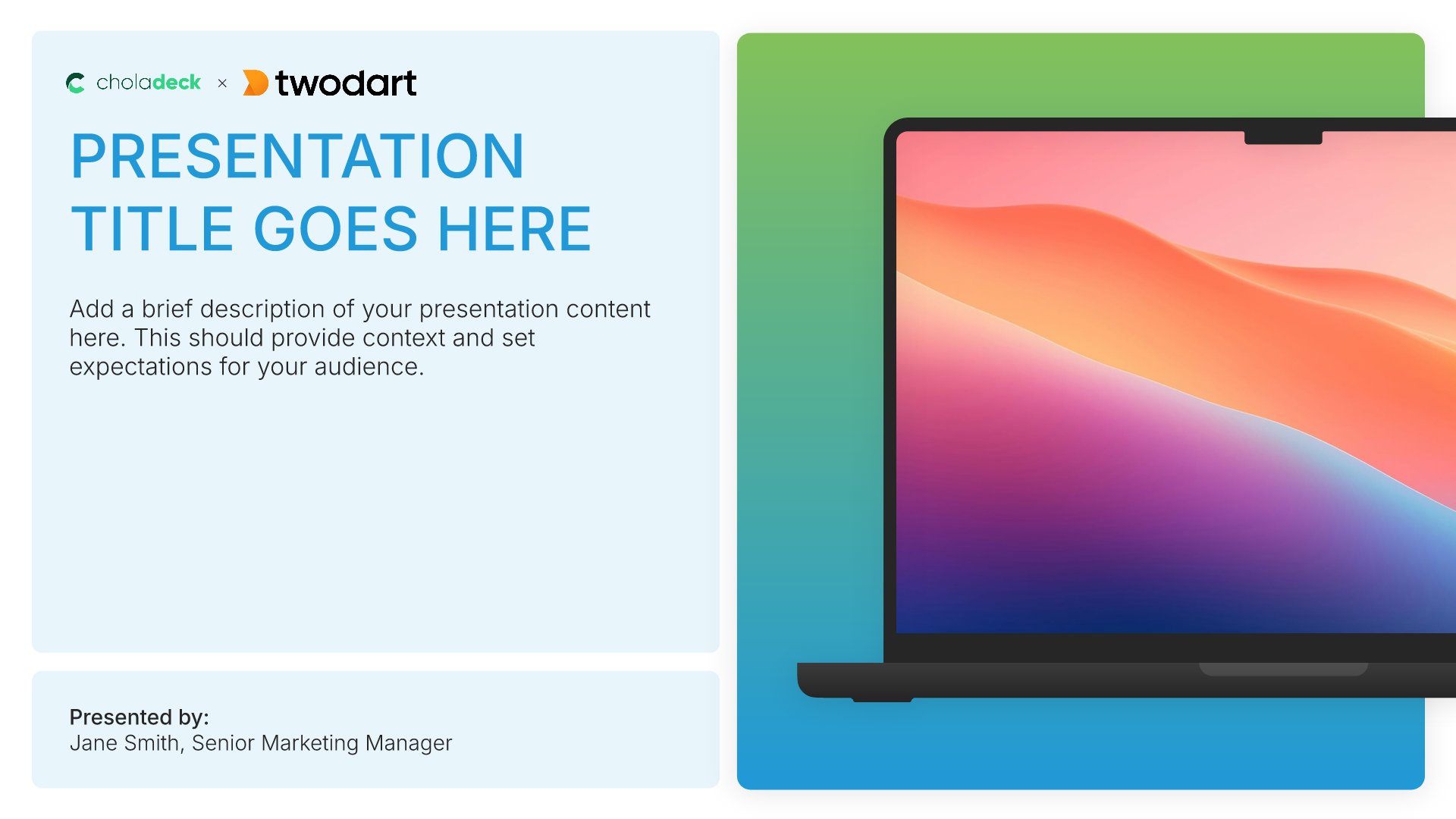
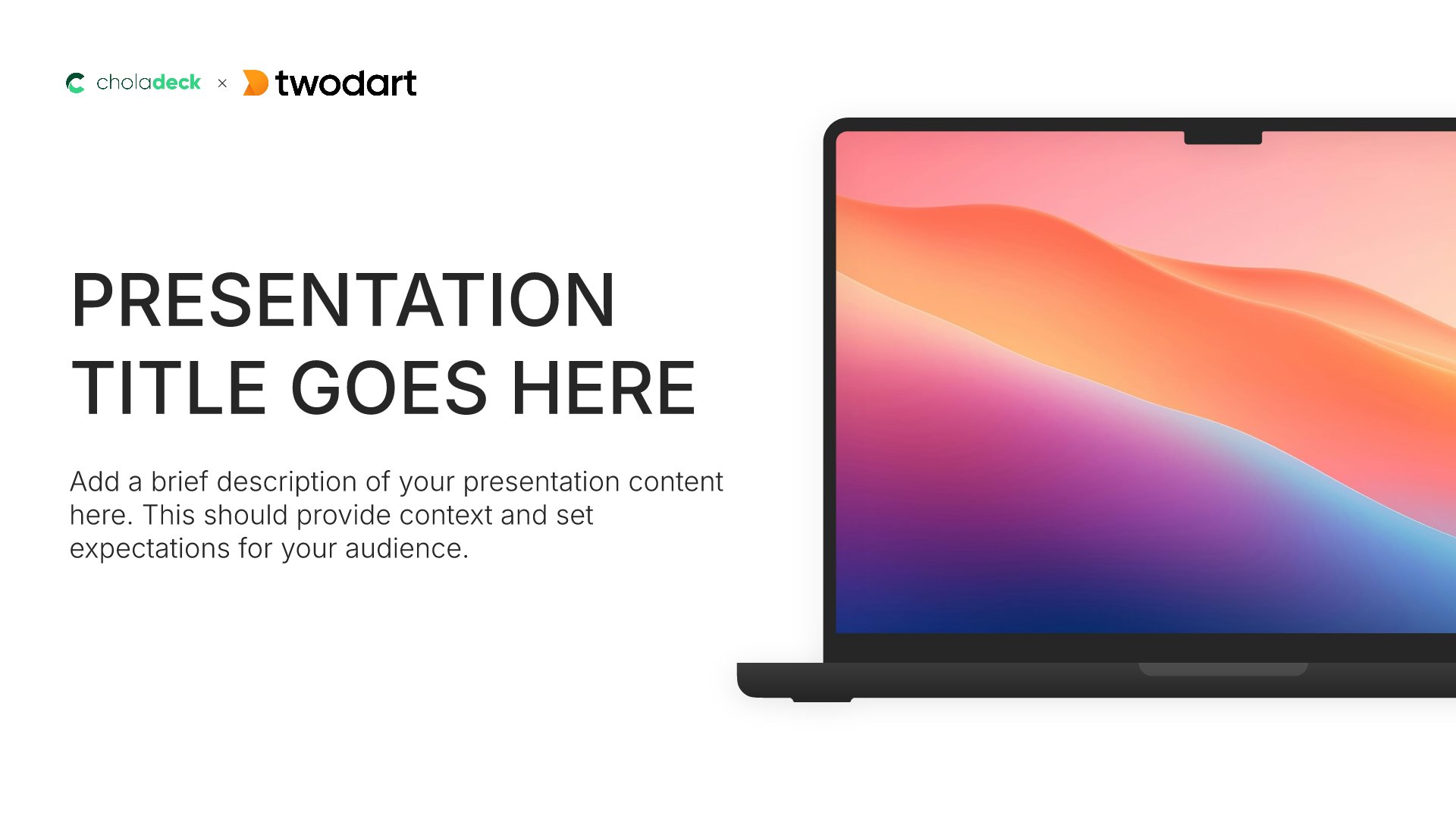
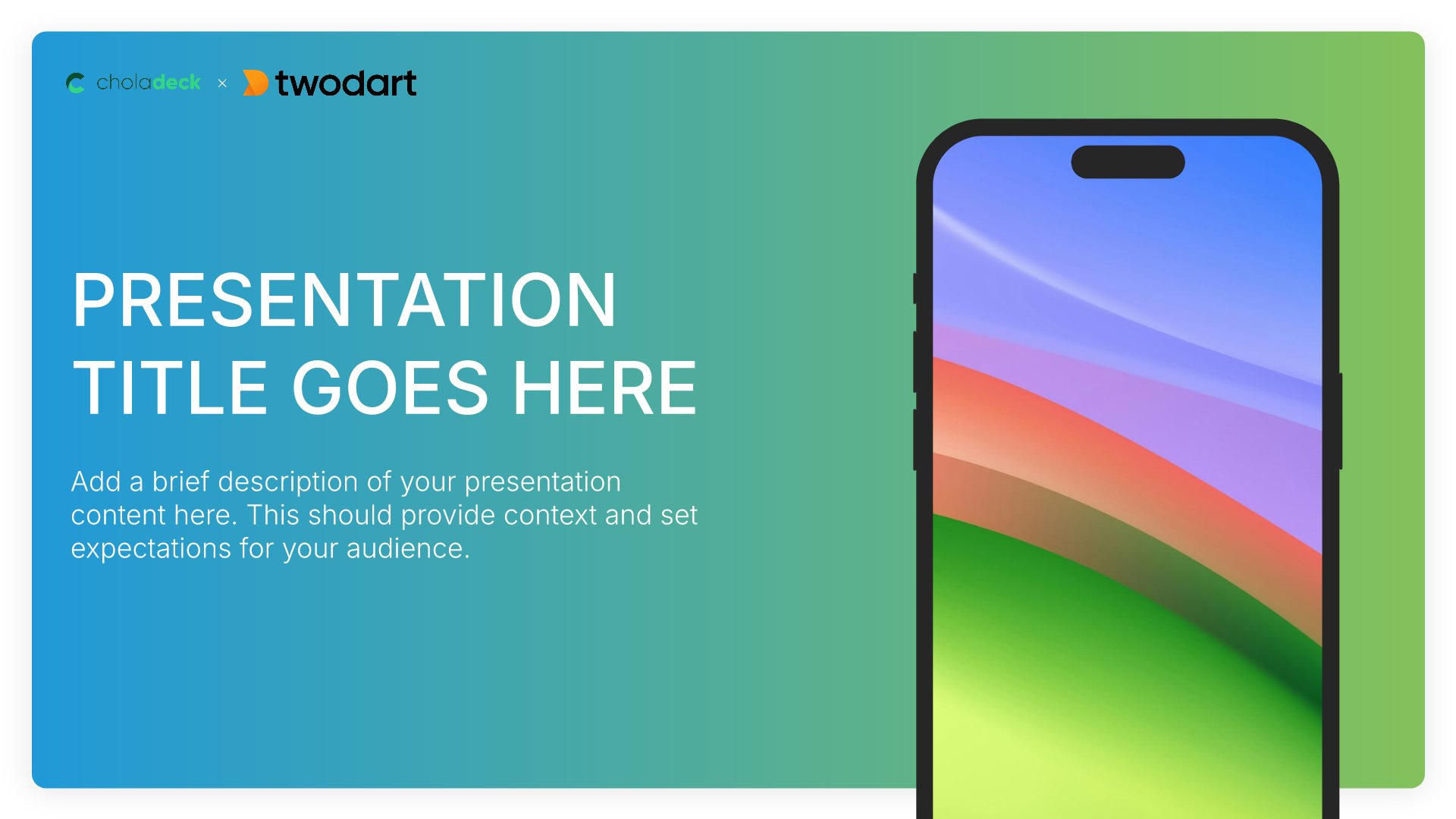
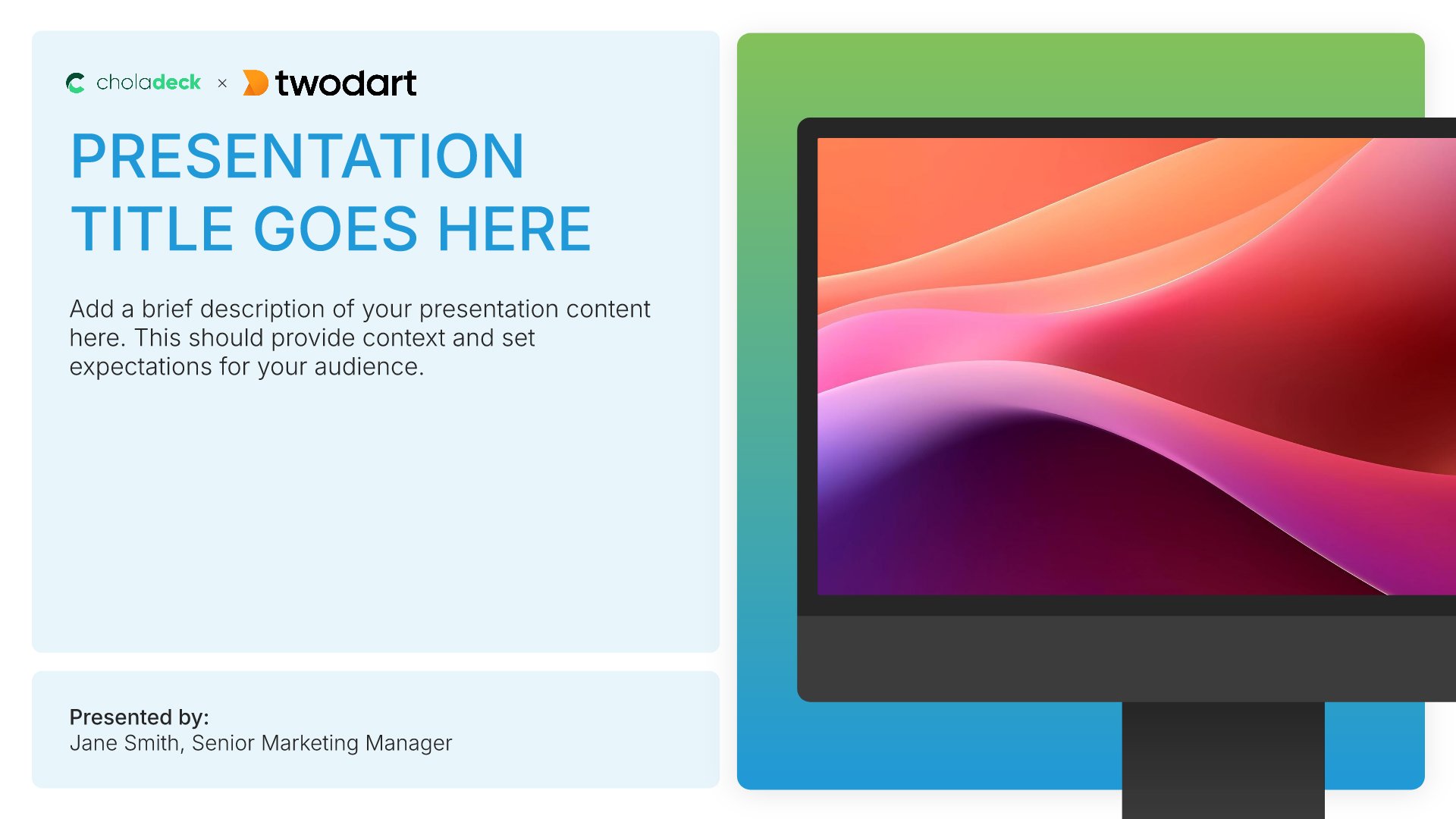
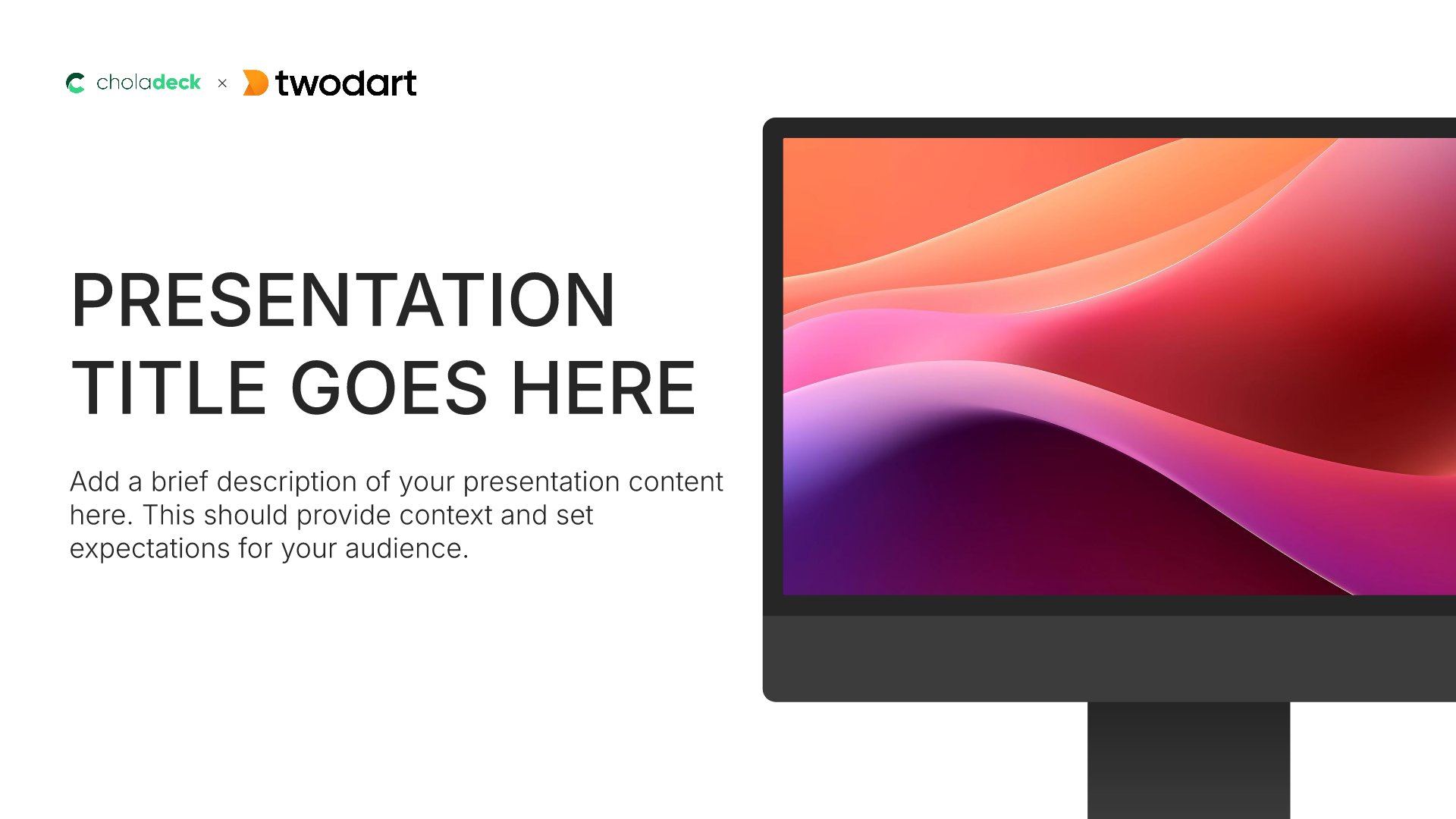
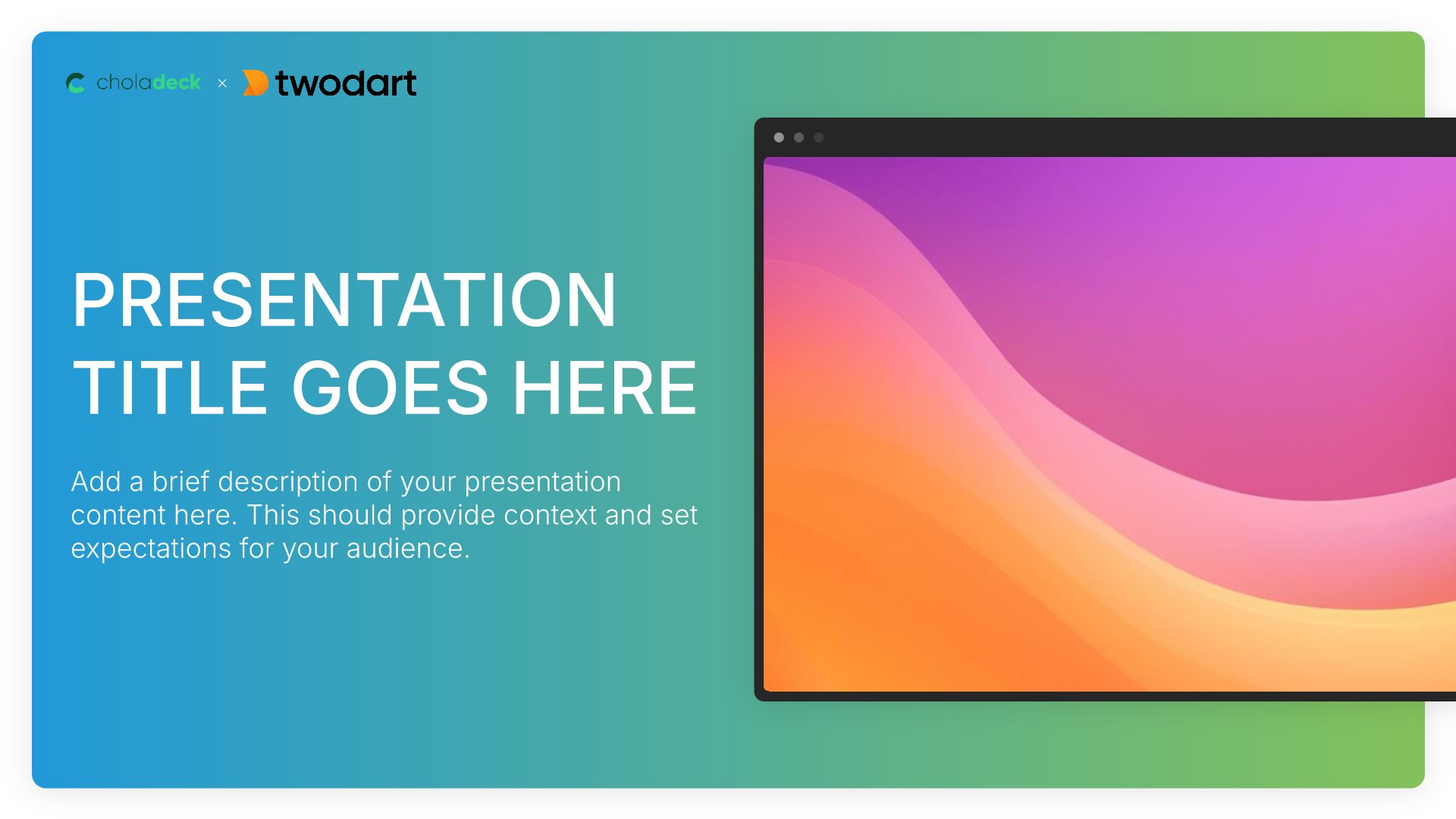
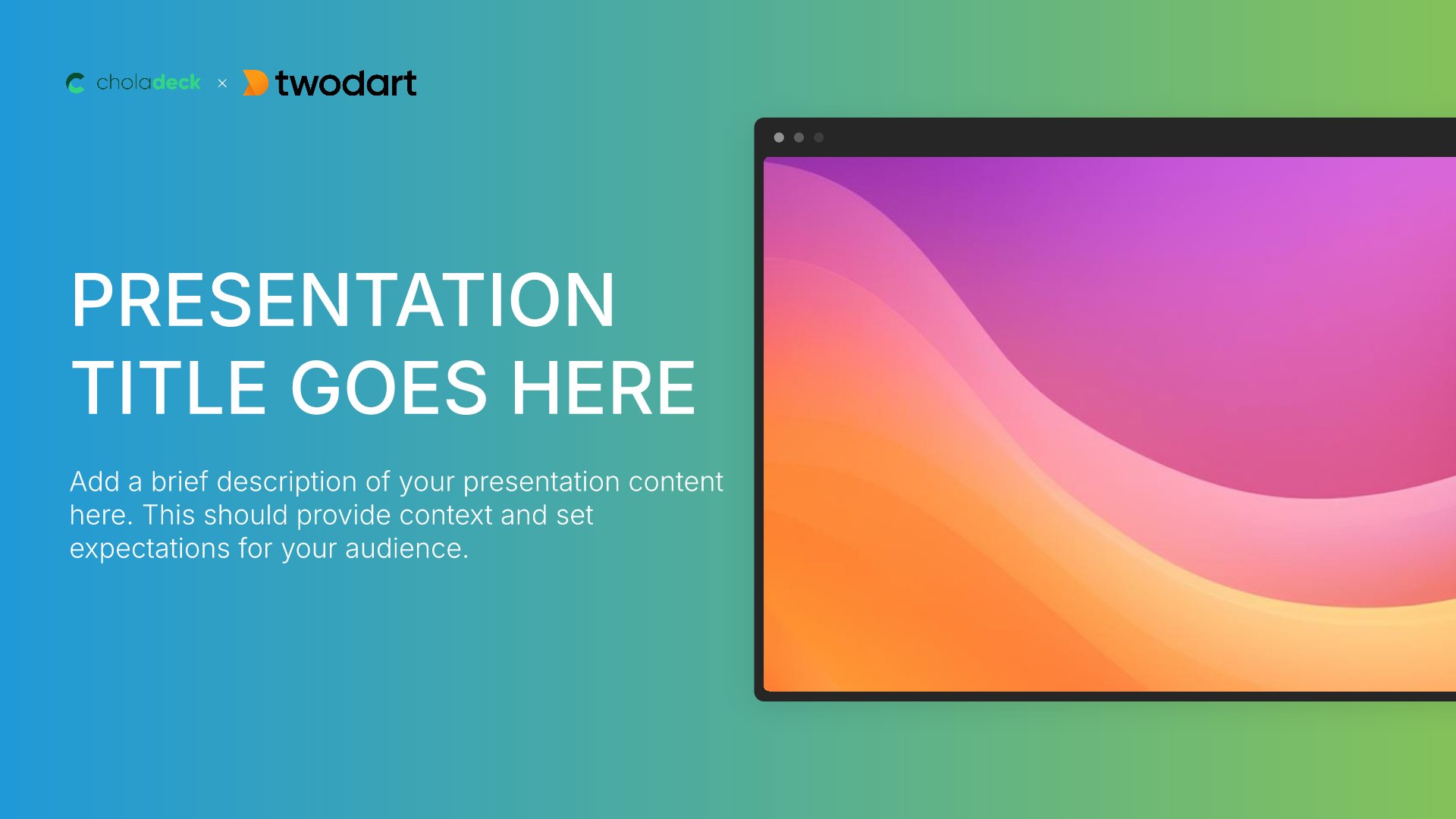
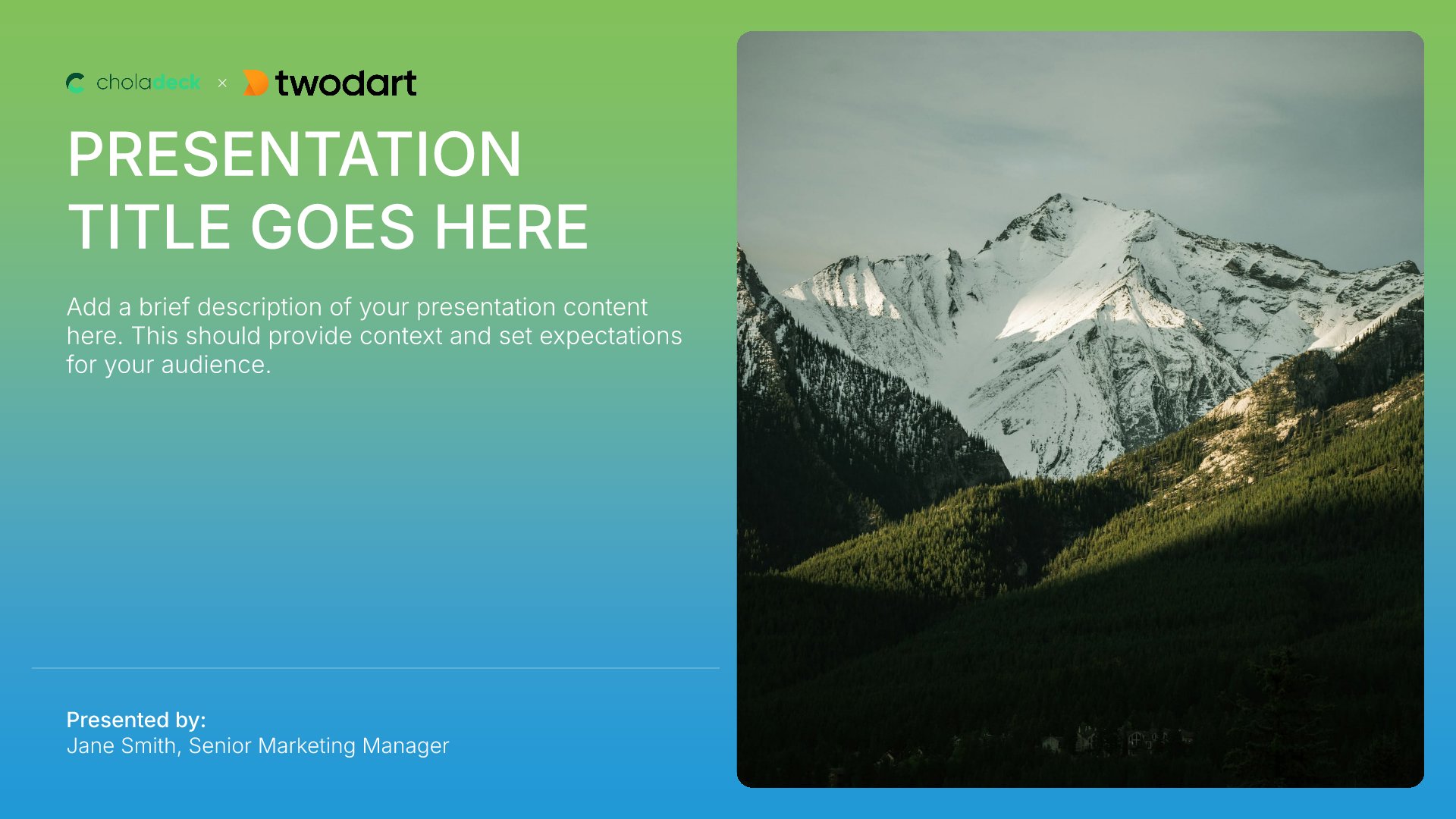
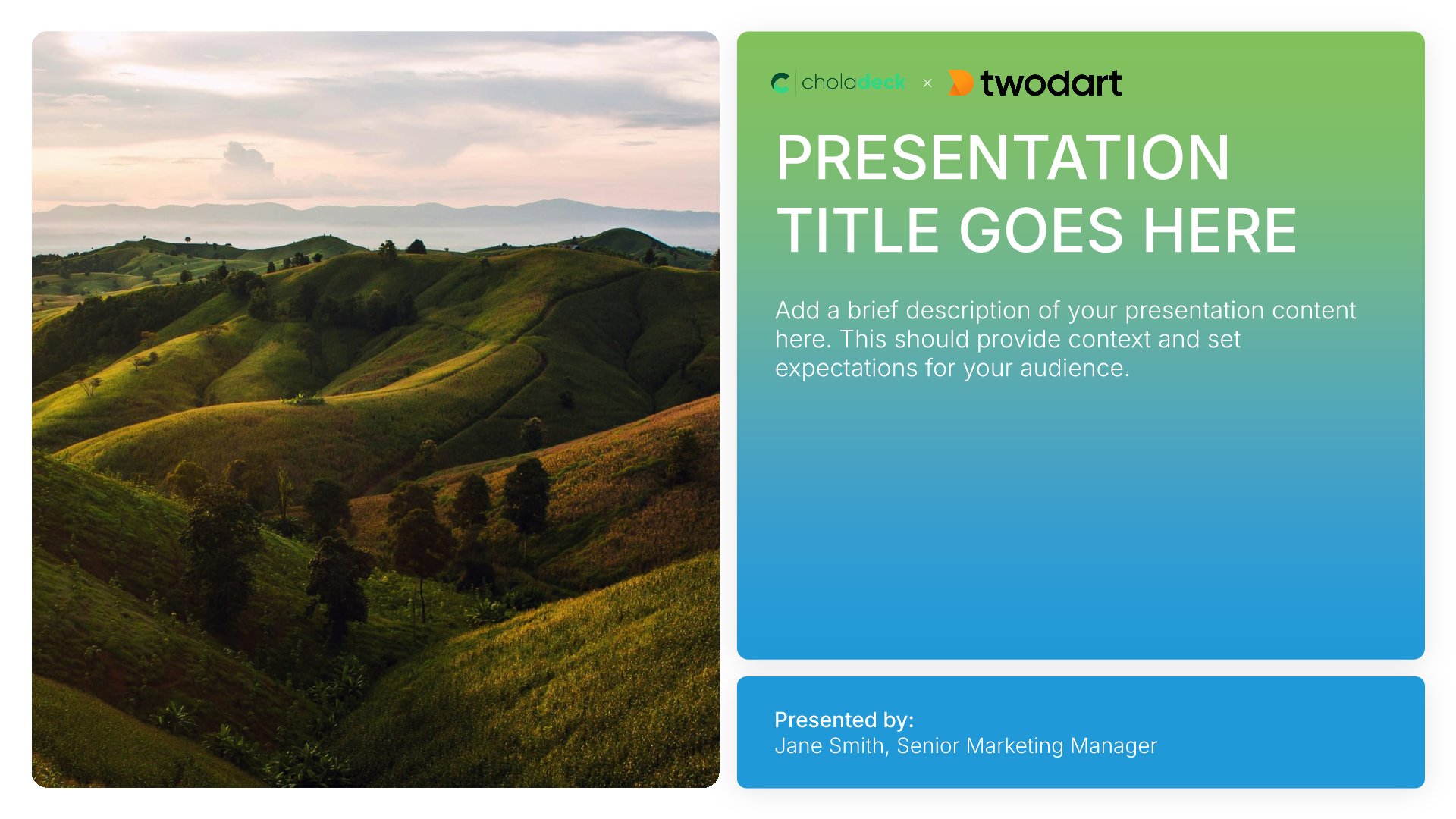
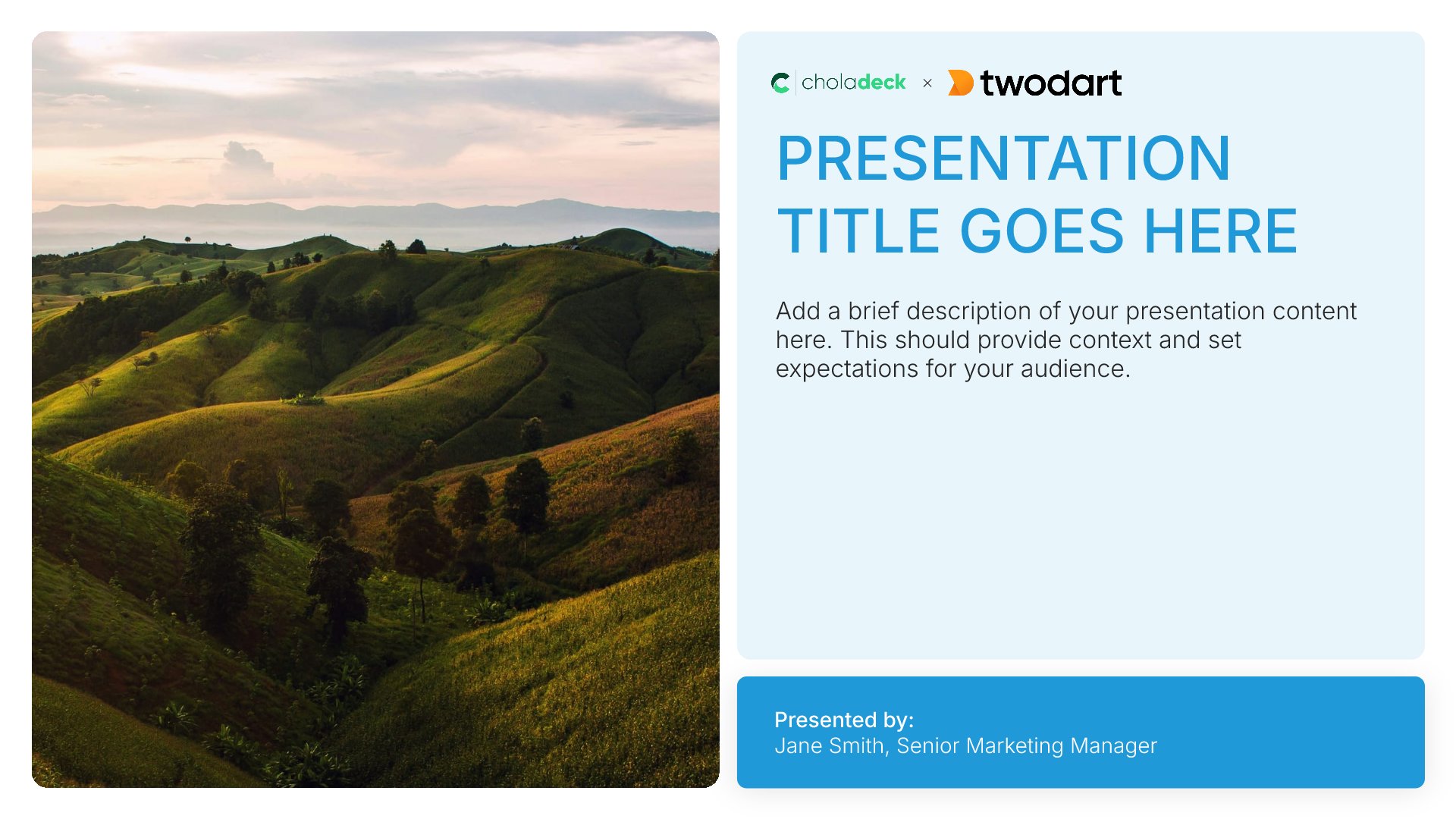
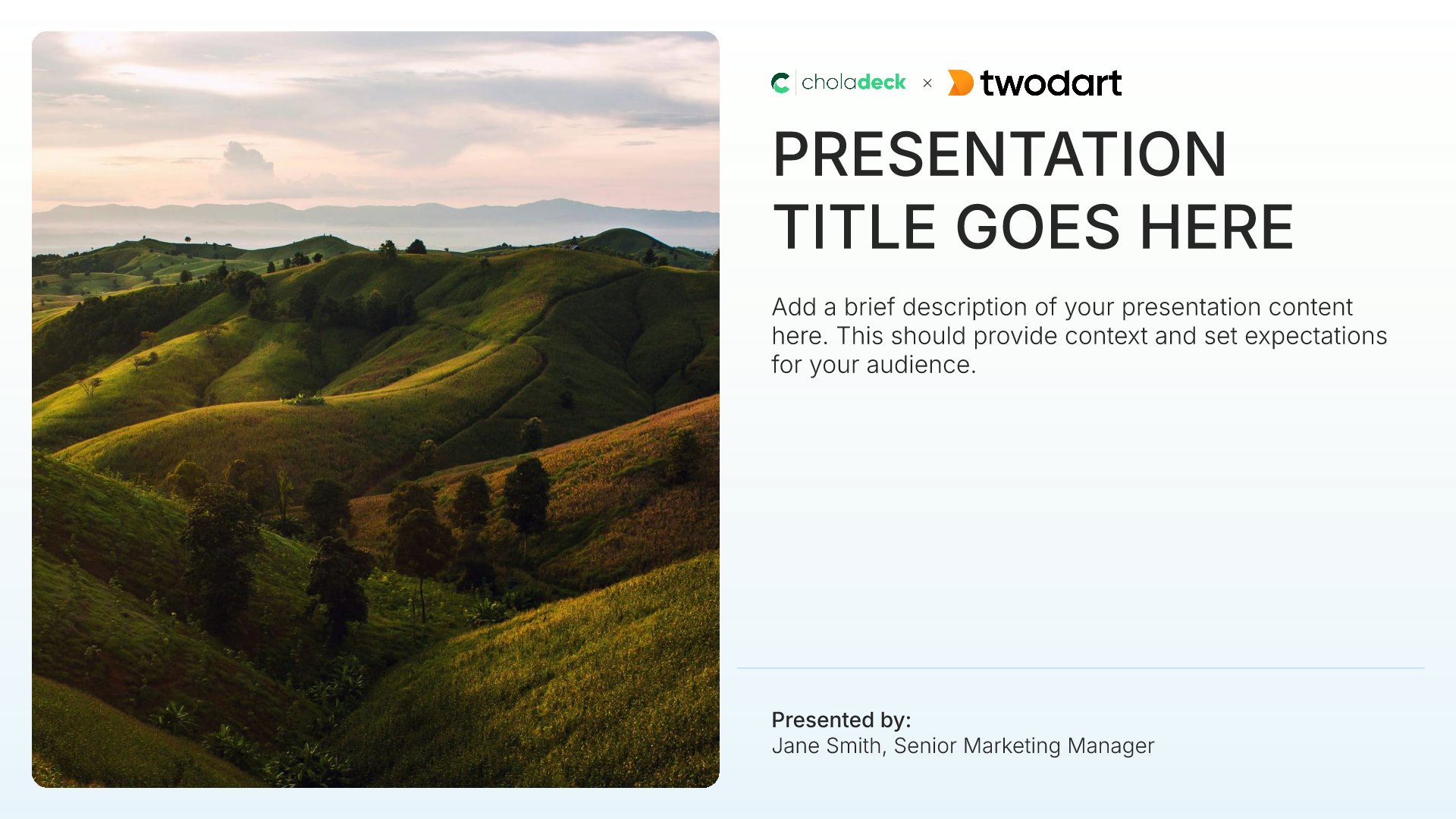
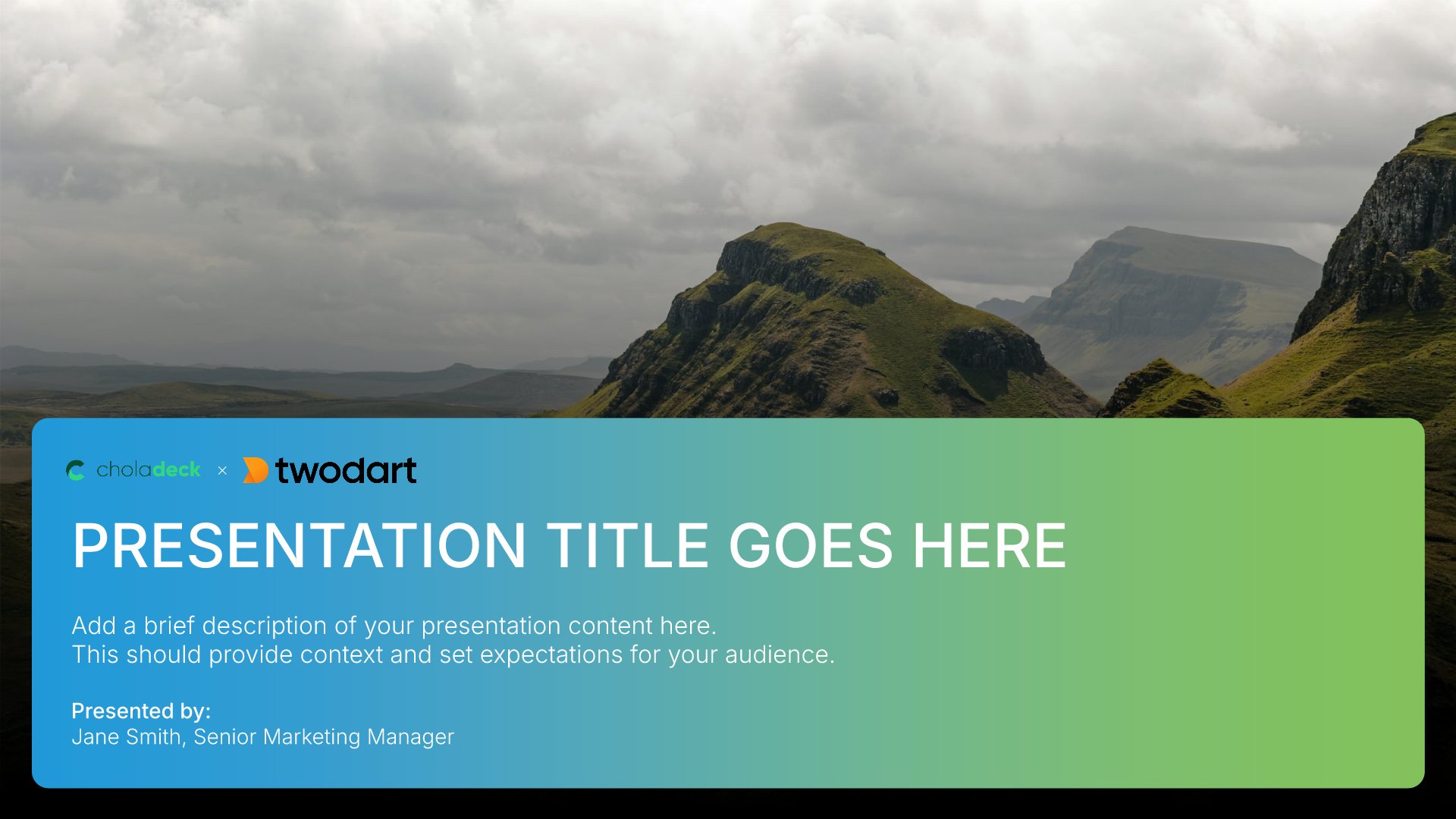
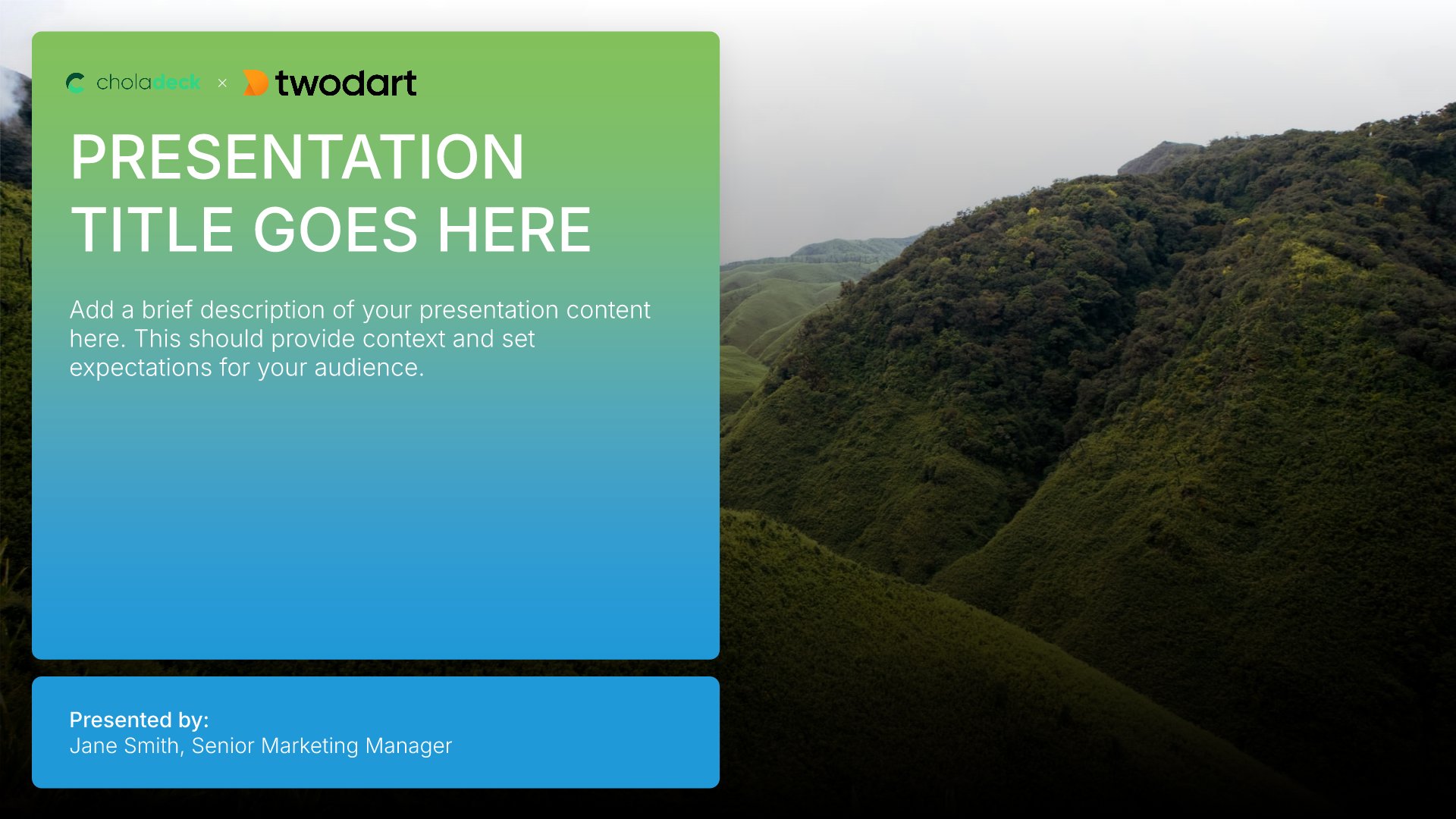
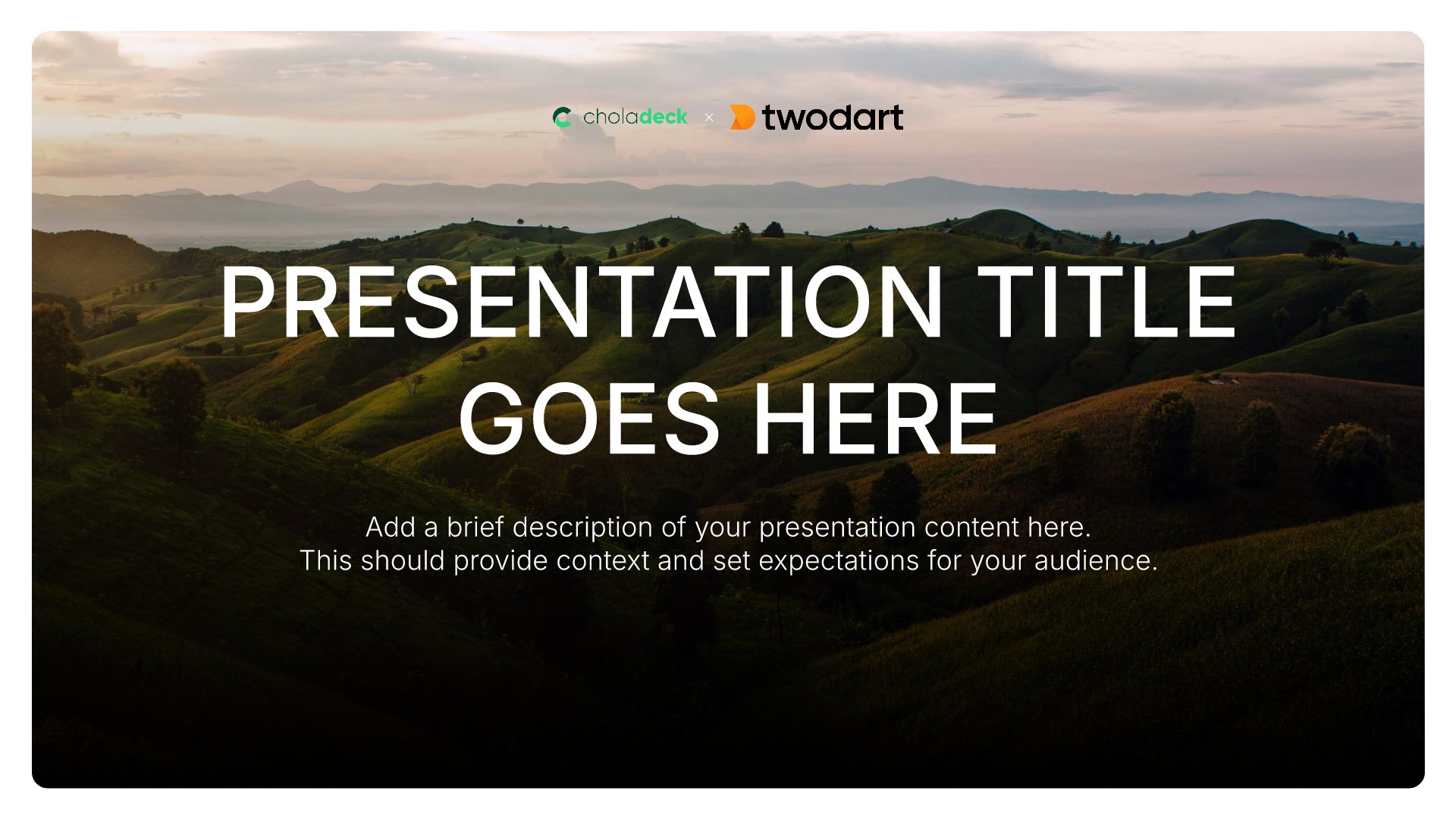
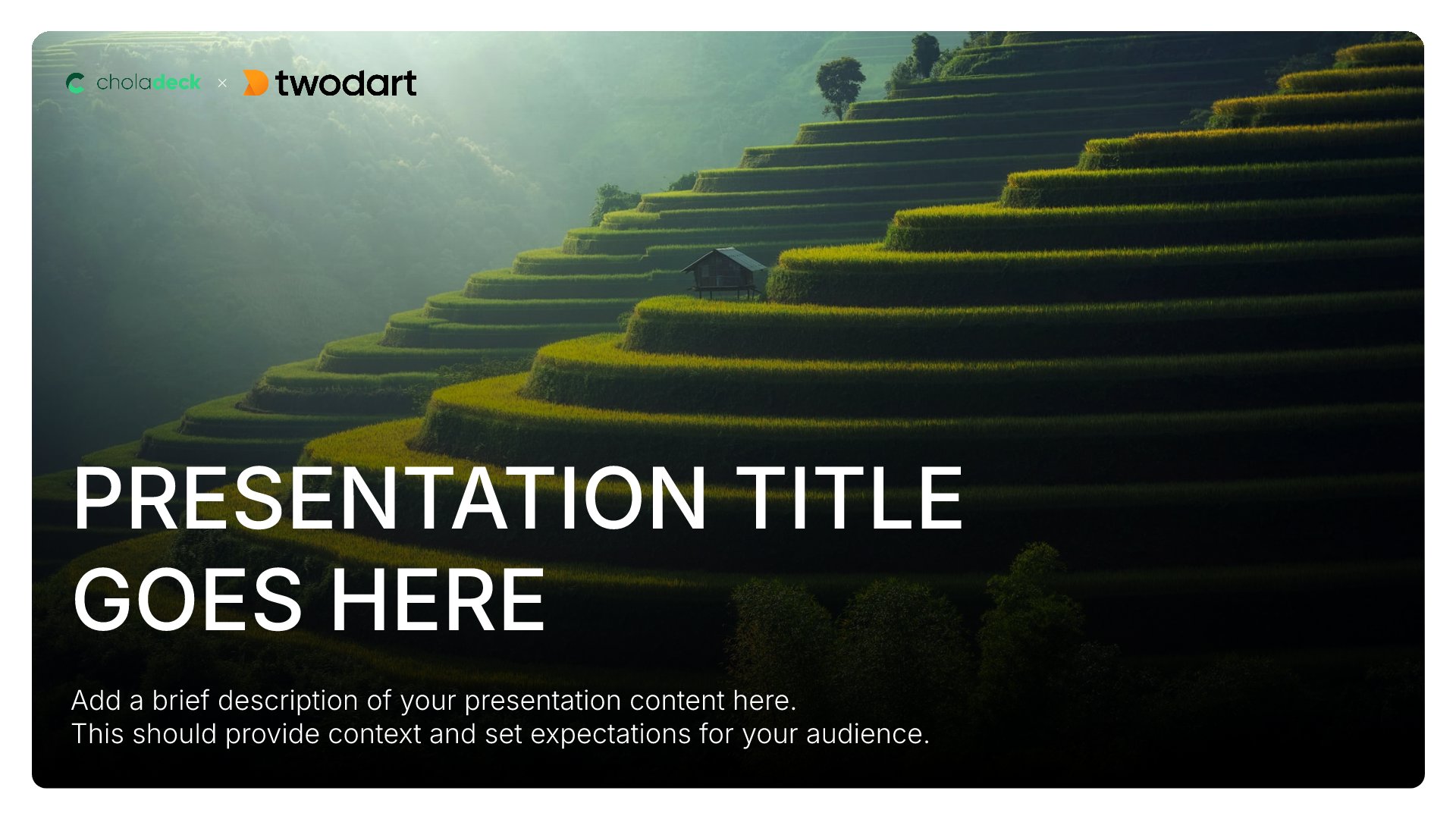
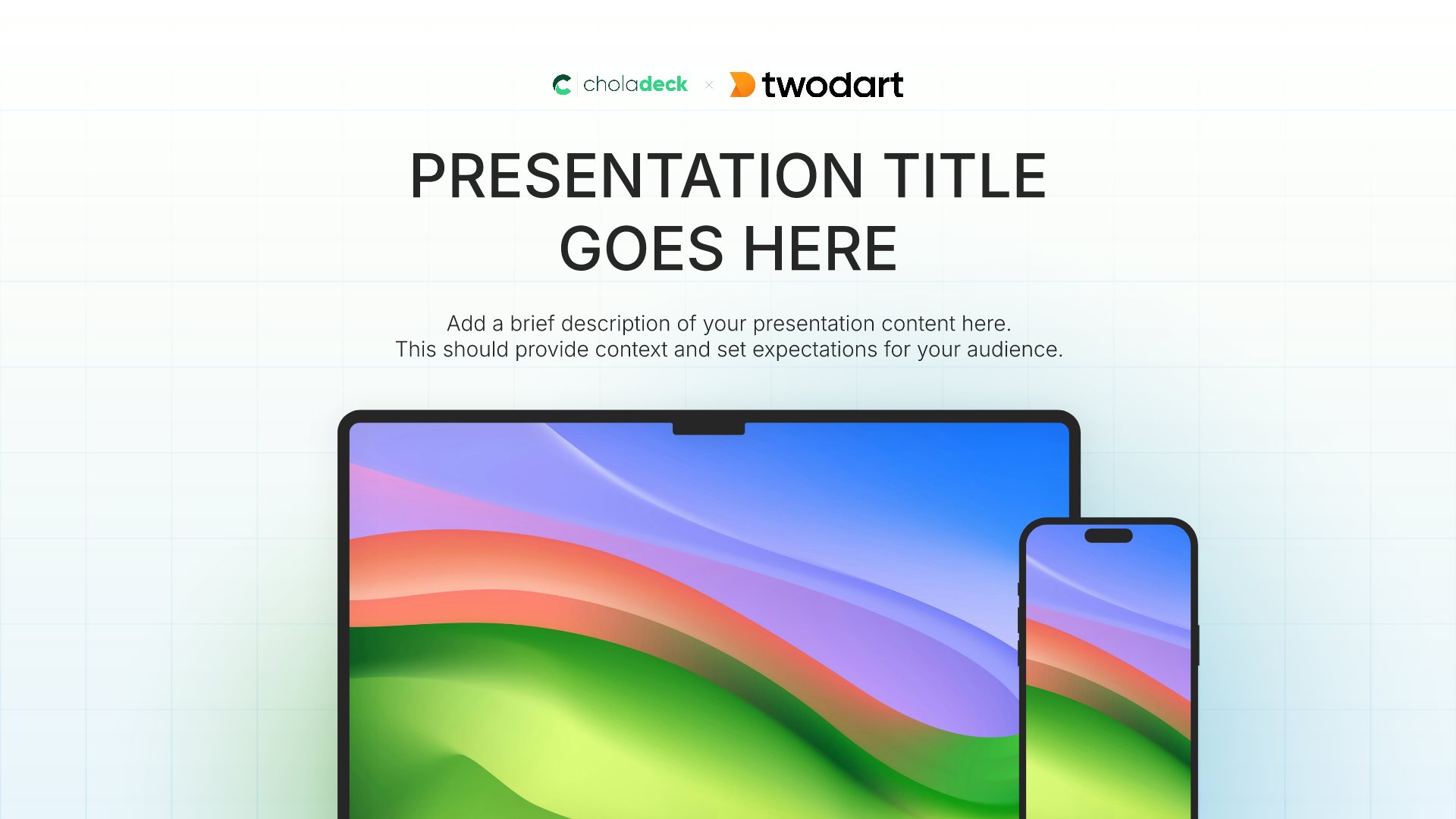
Title slides open your presentation: the name of the talk, a short subtitle, and who's presenting. Pick one of 135 layouts, brand it to your company in one click, add your title, and export to PowerPoint, Google Slides, or Keynote.

Free to start. No credit card required.
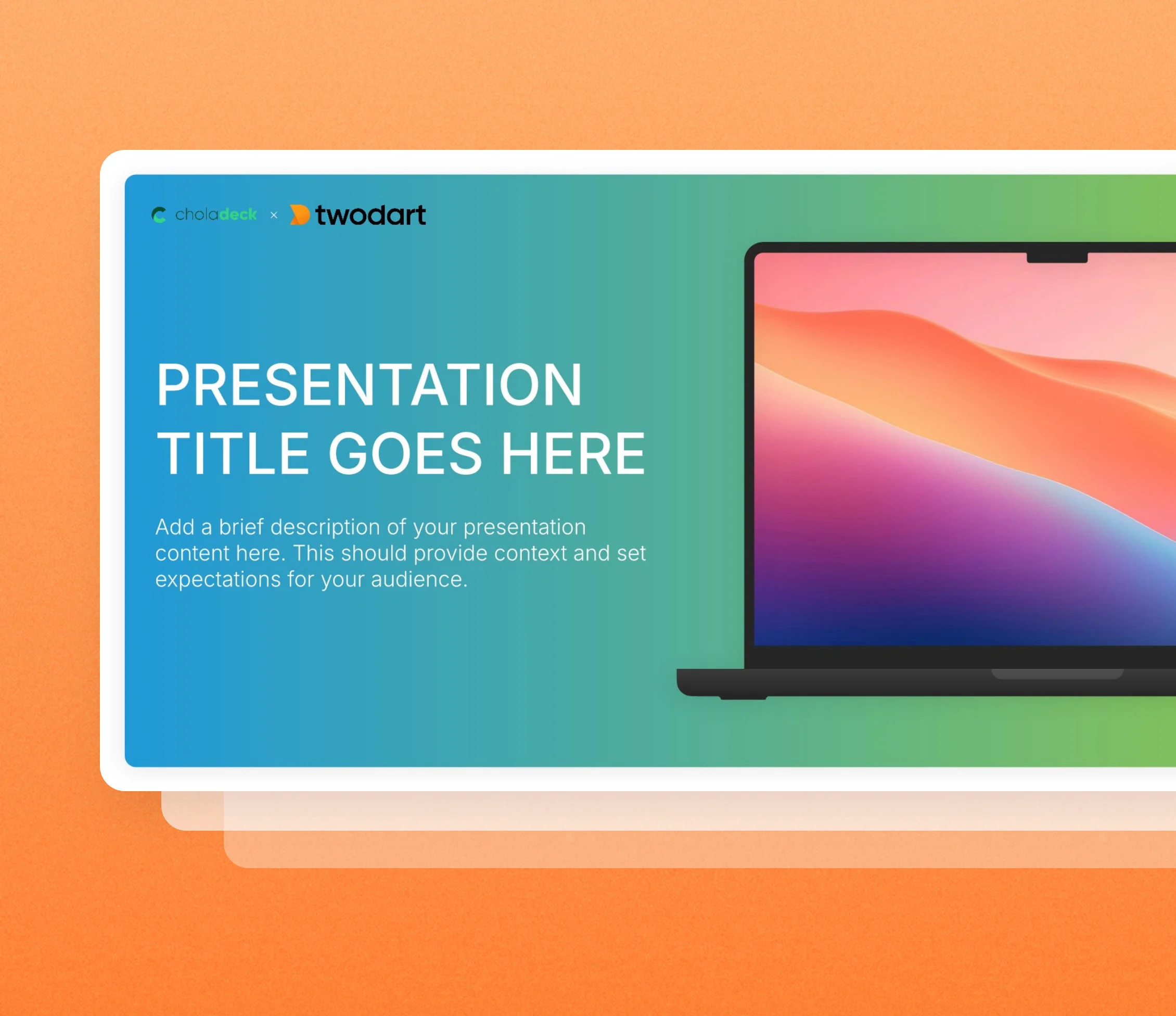
Title slide templates in the Choladeck slide library

Browse title slides

135 ways to open your presentation with a strong first impression, all fully editable.
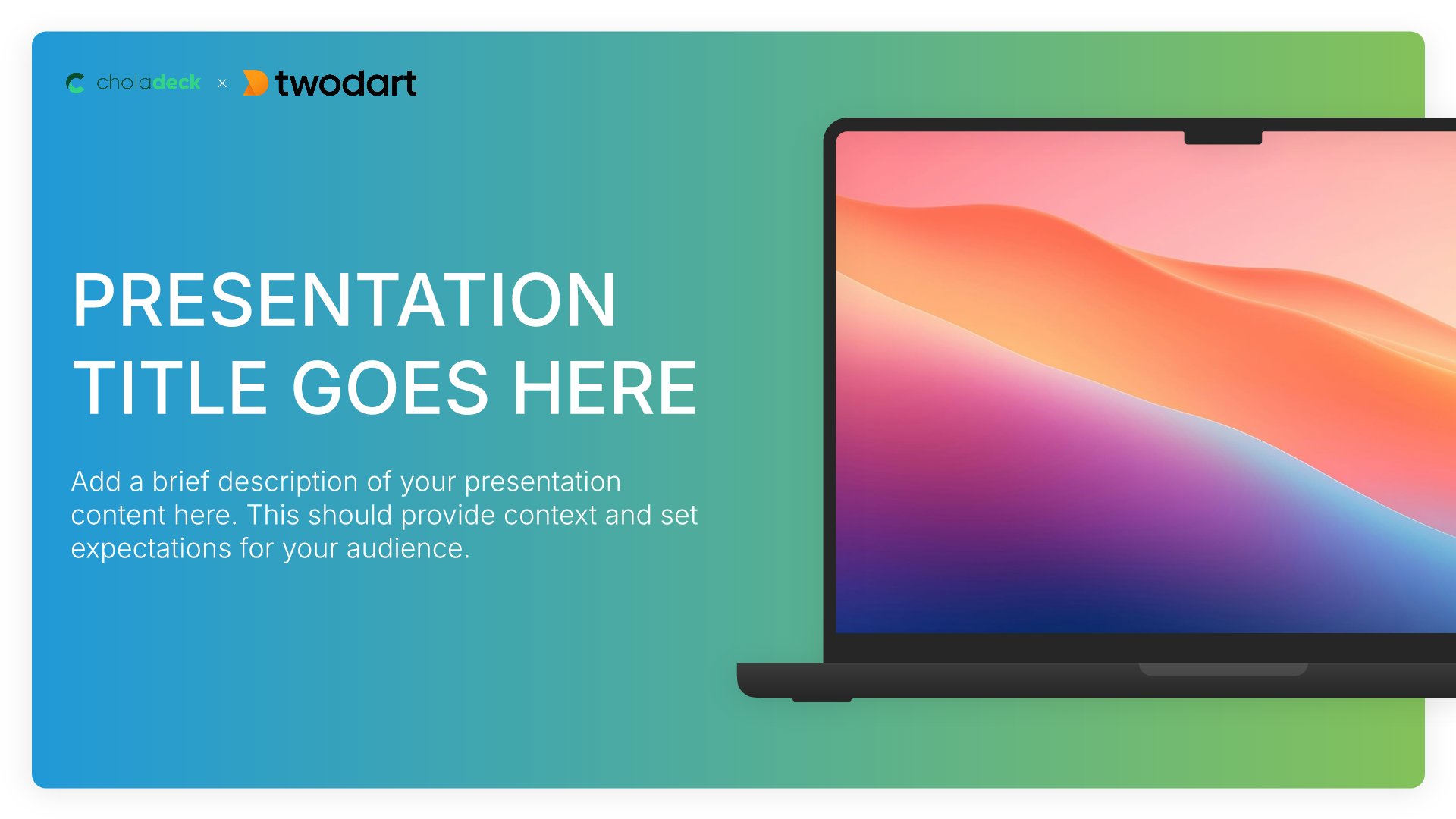
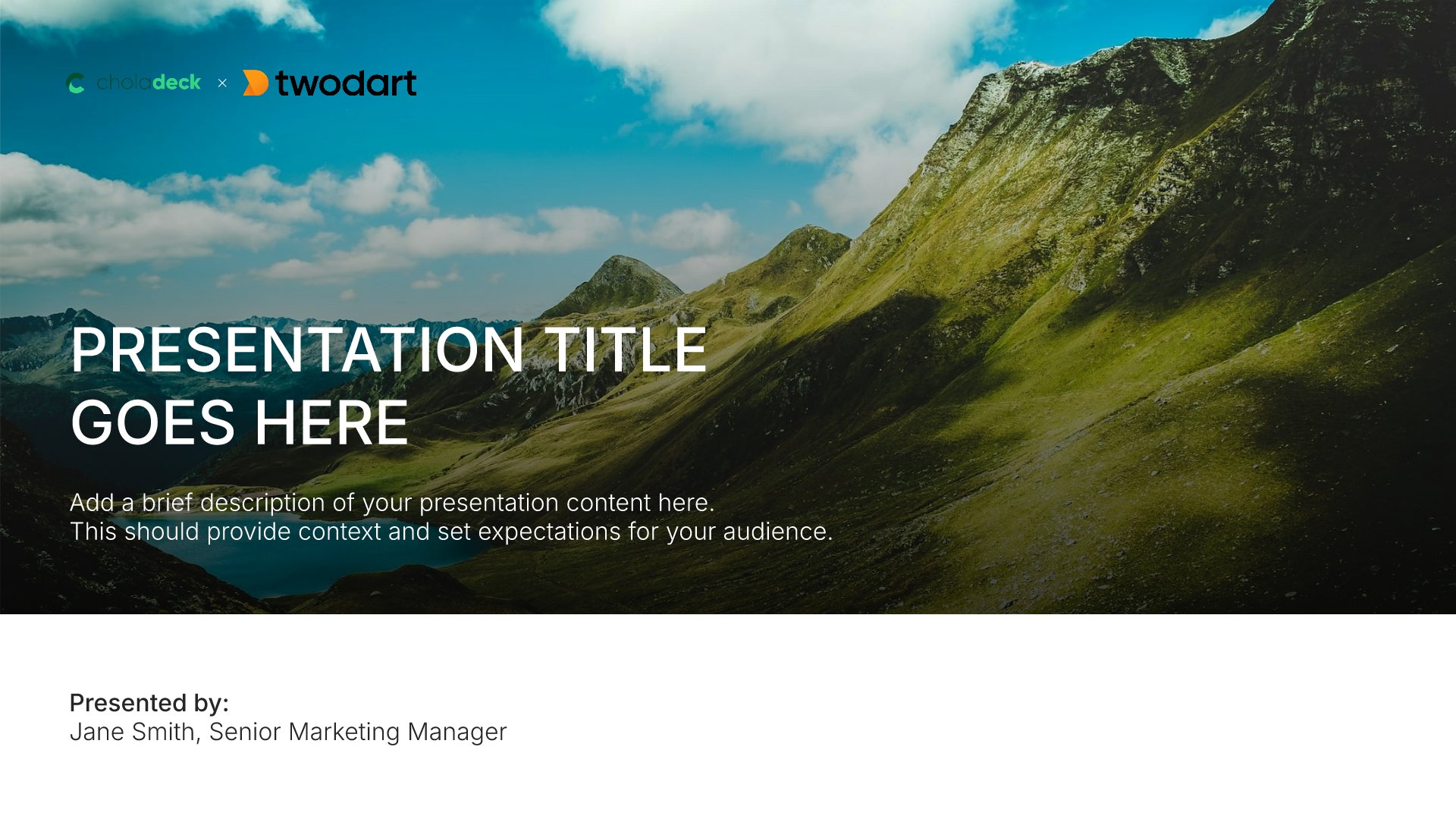
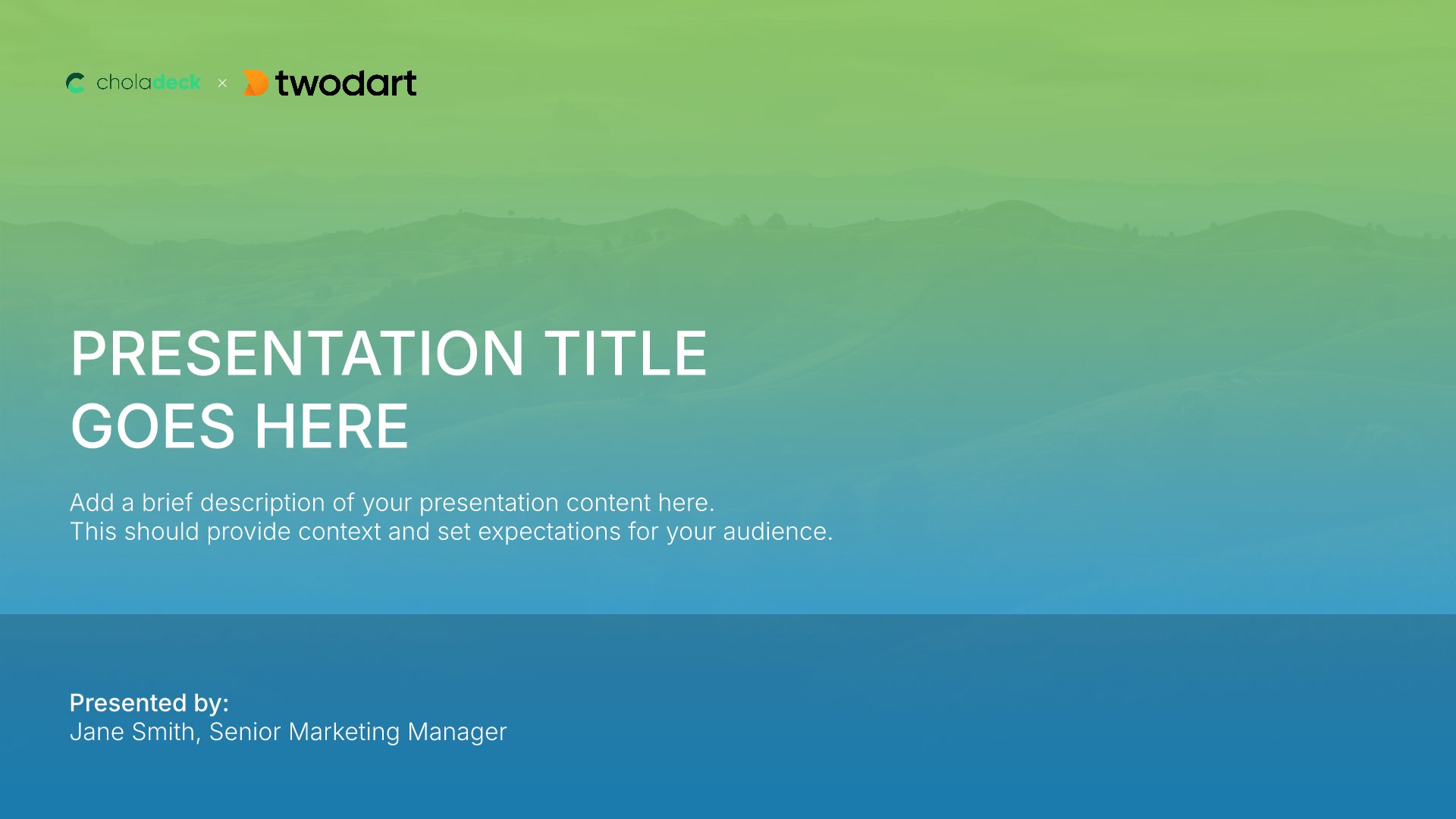
Title • Slide Library • Layout 001 of 135

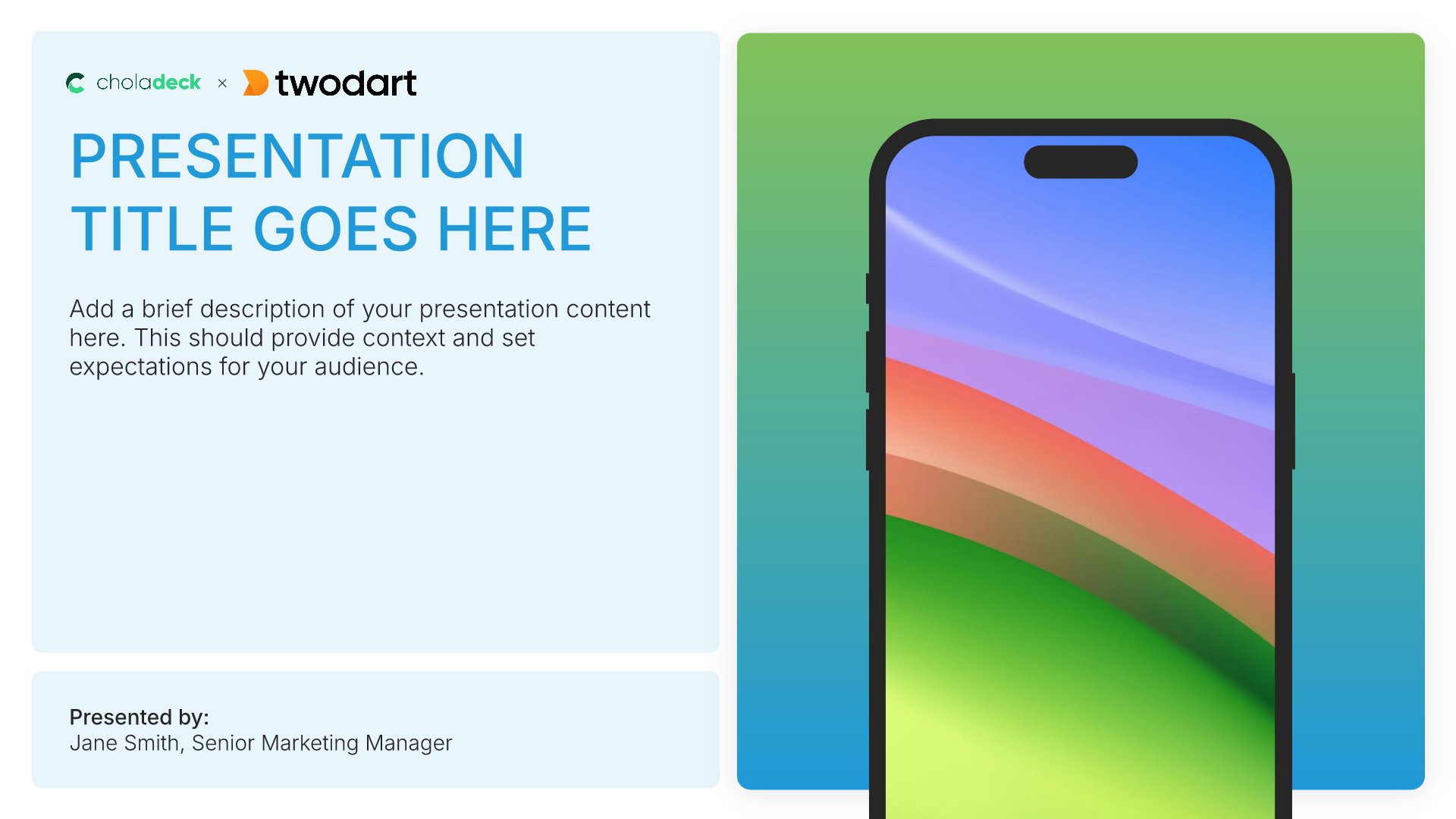
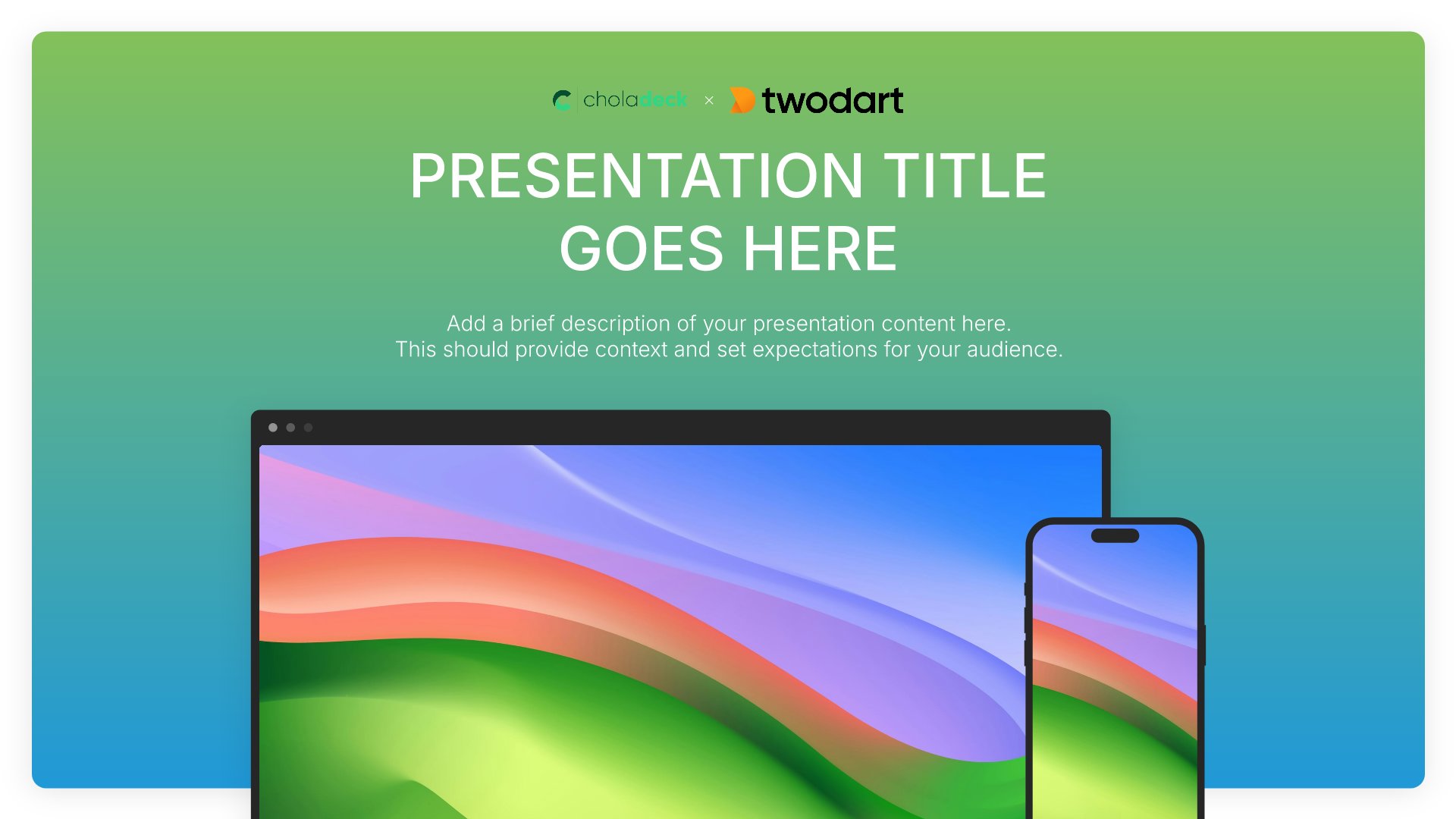
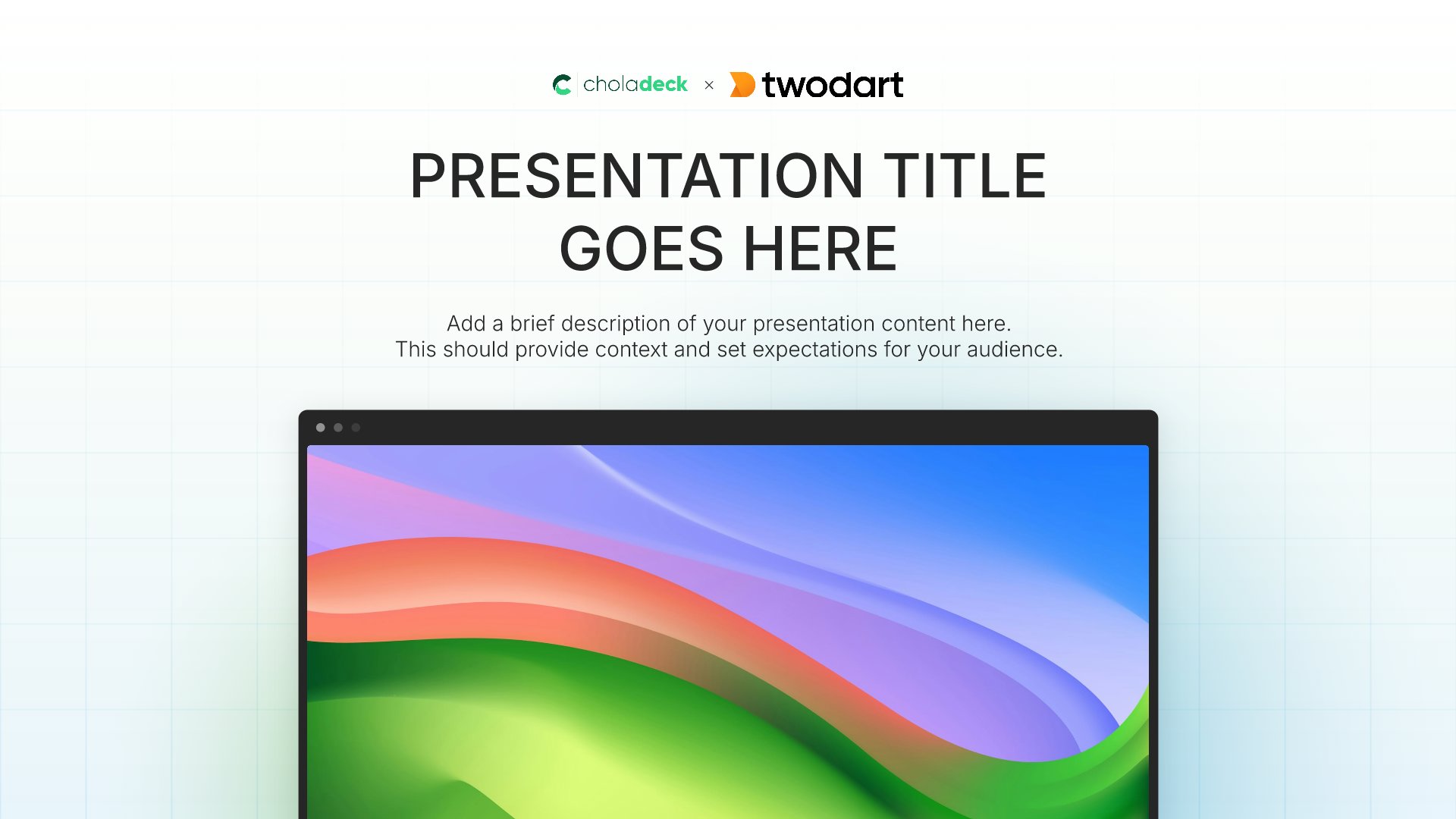
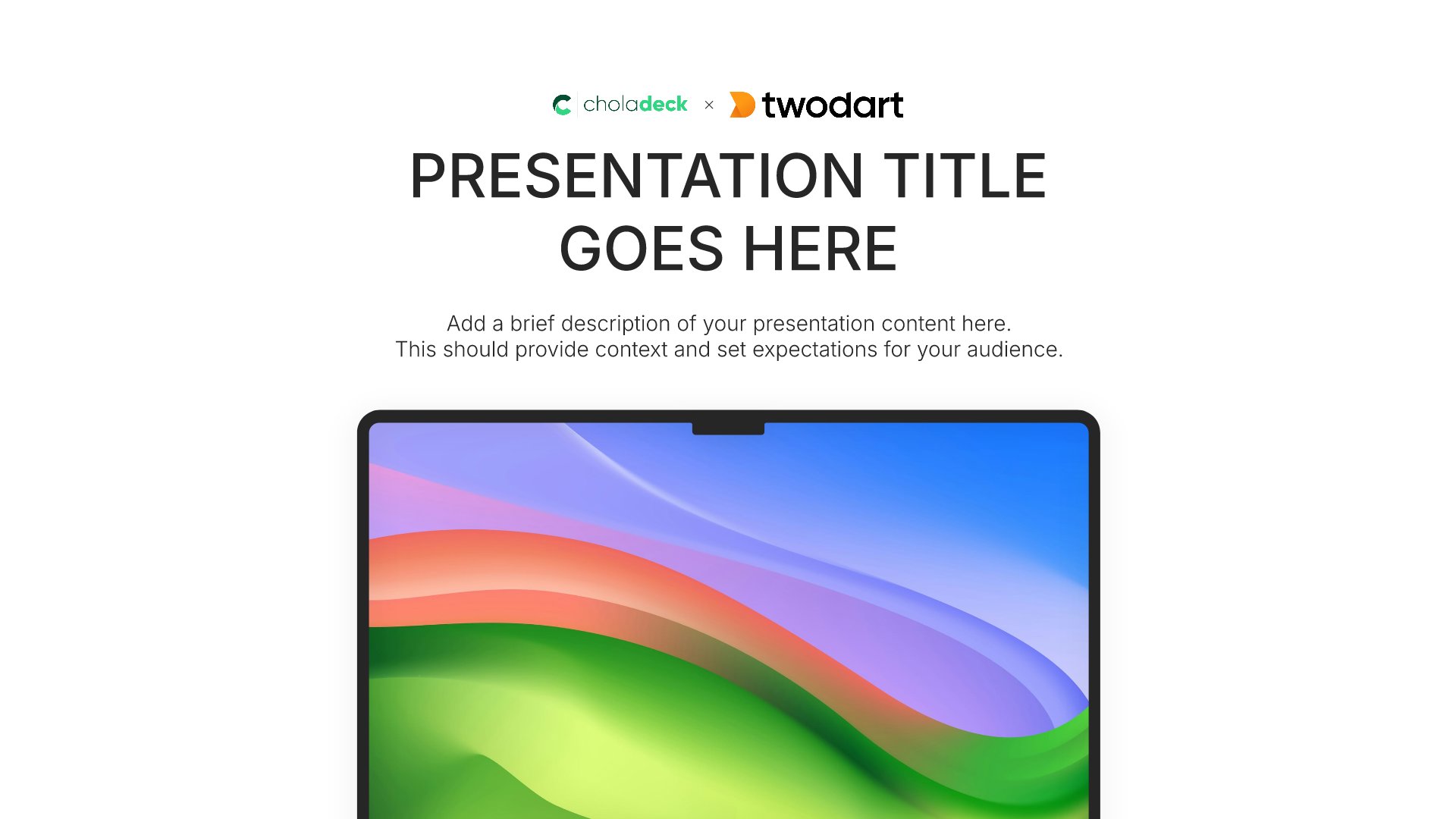
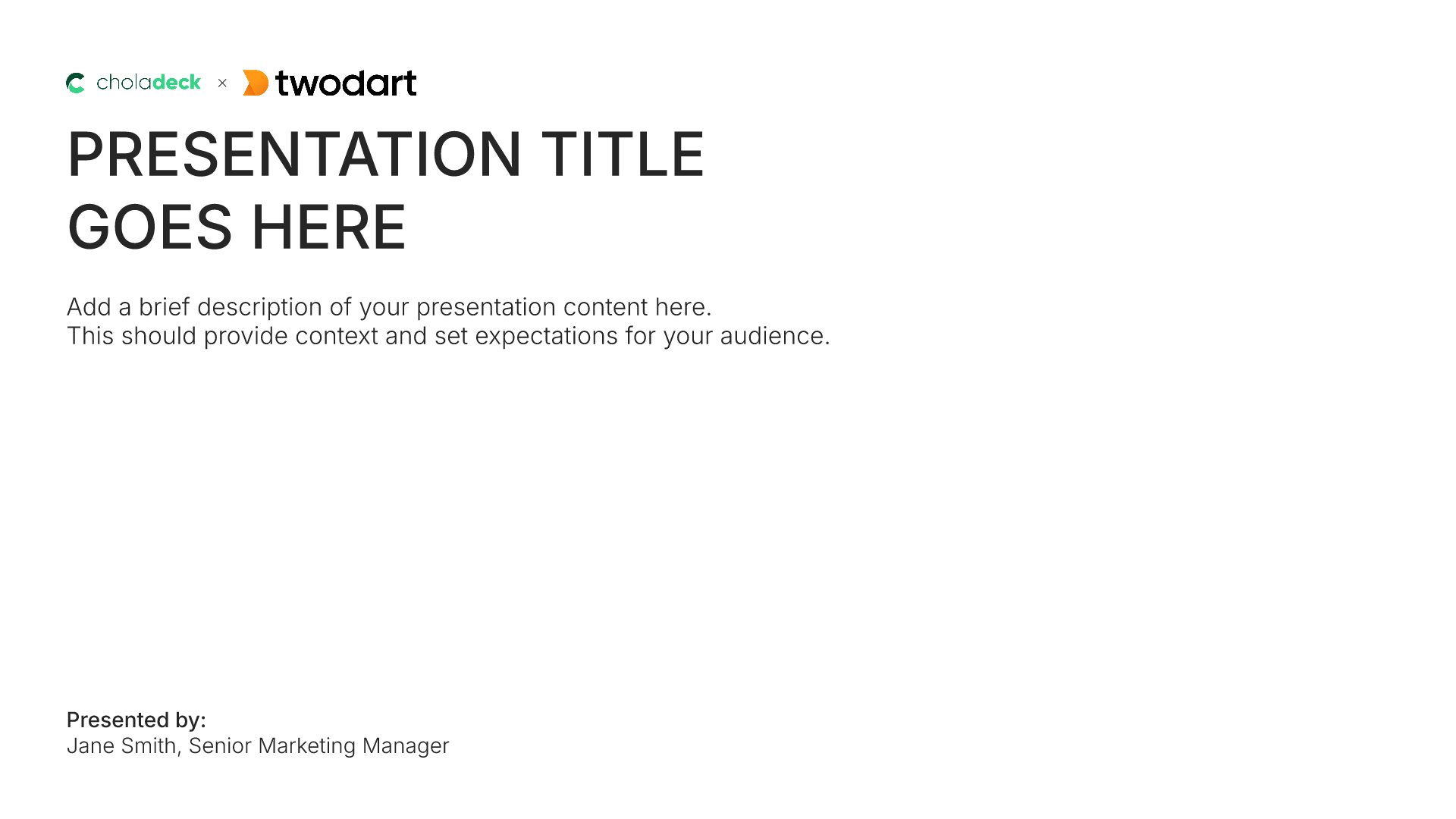
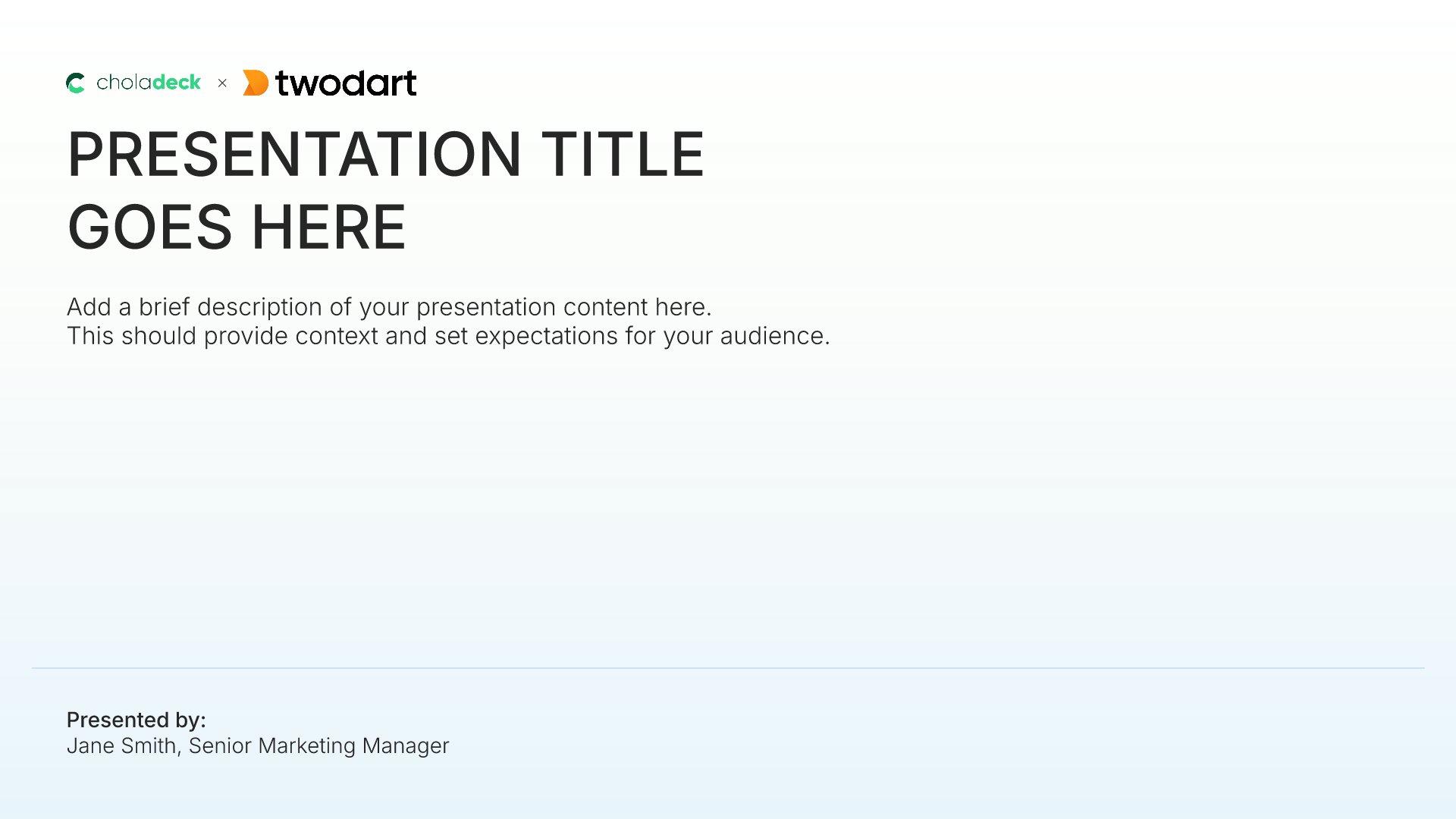
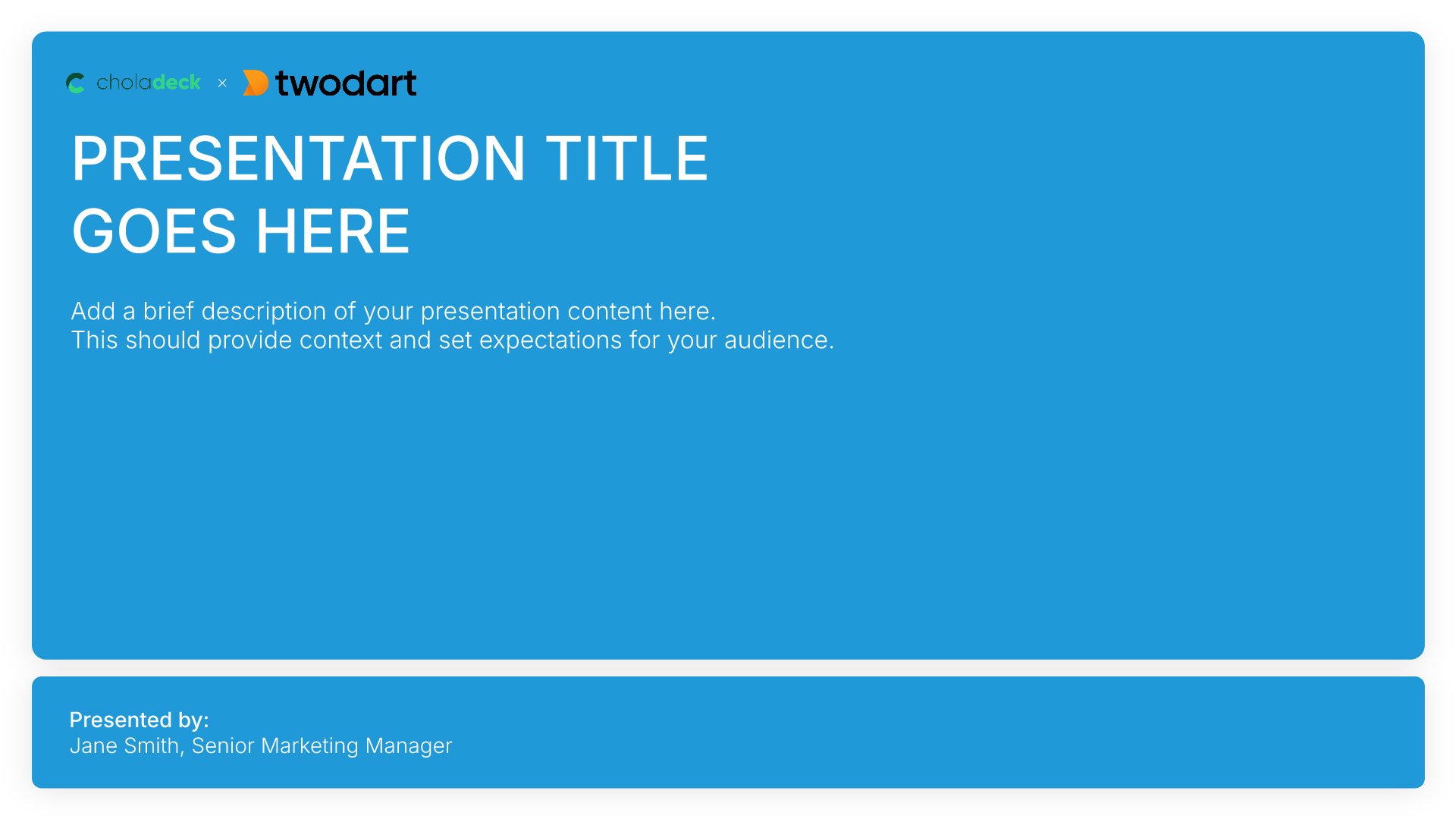
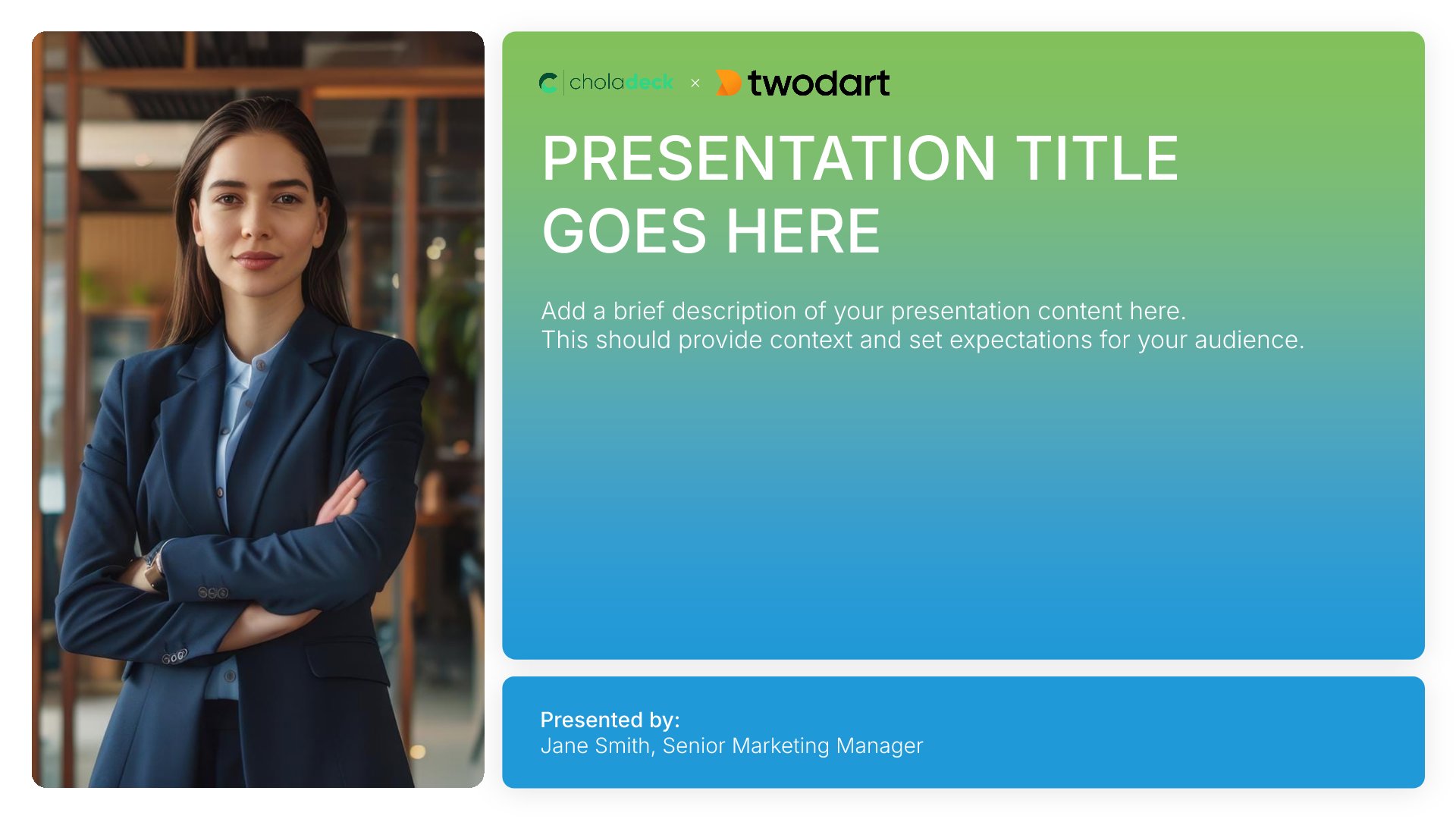
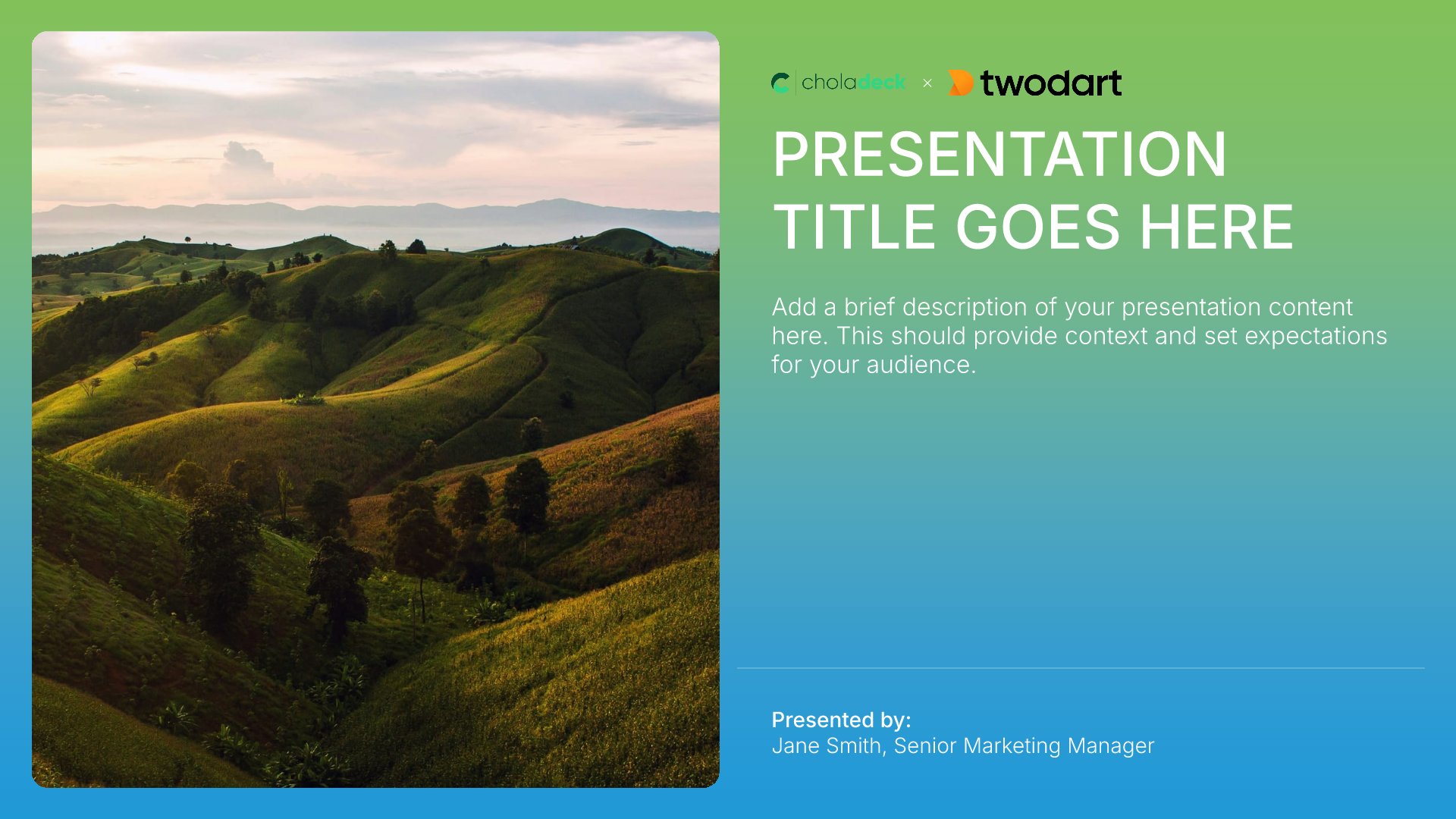
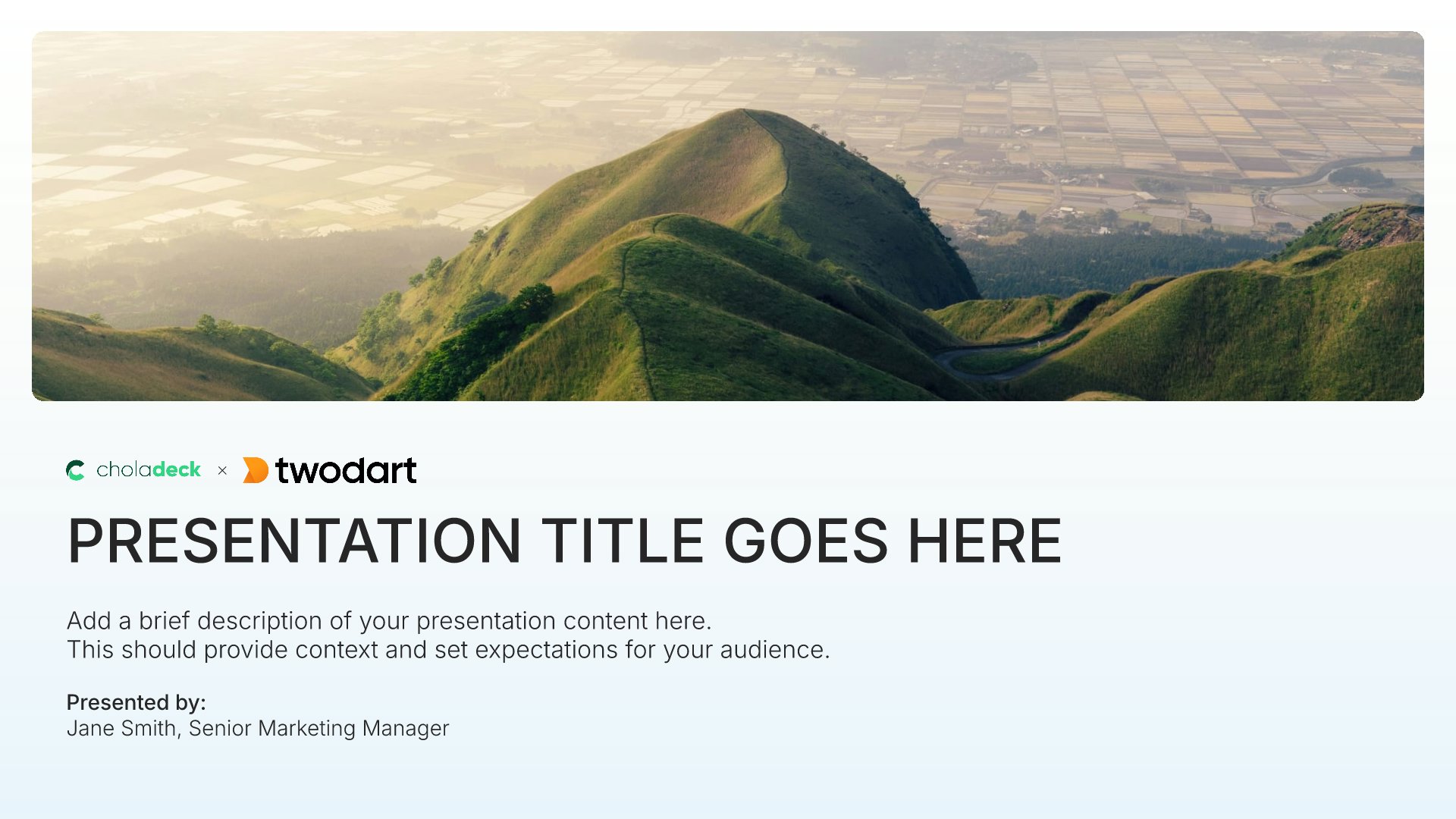
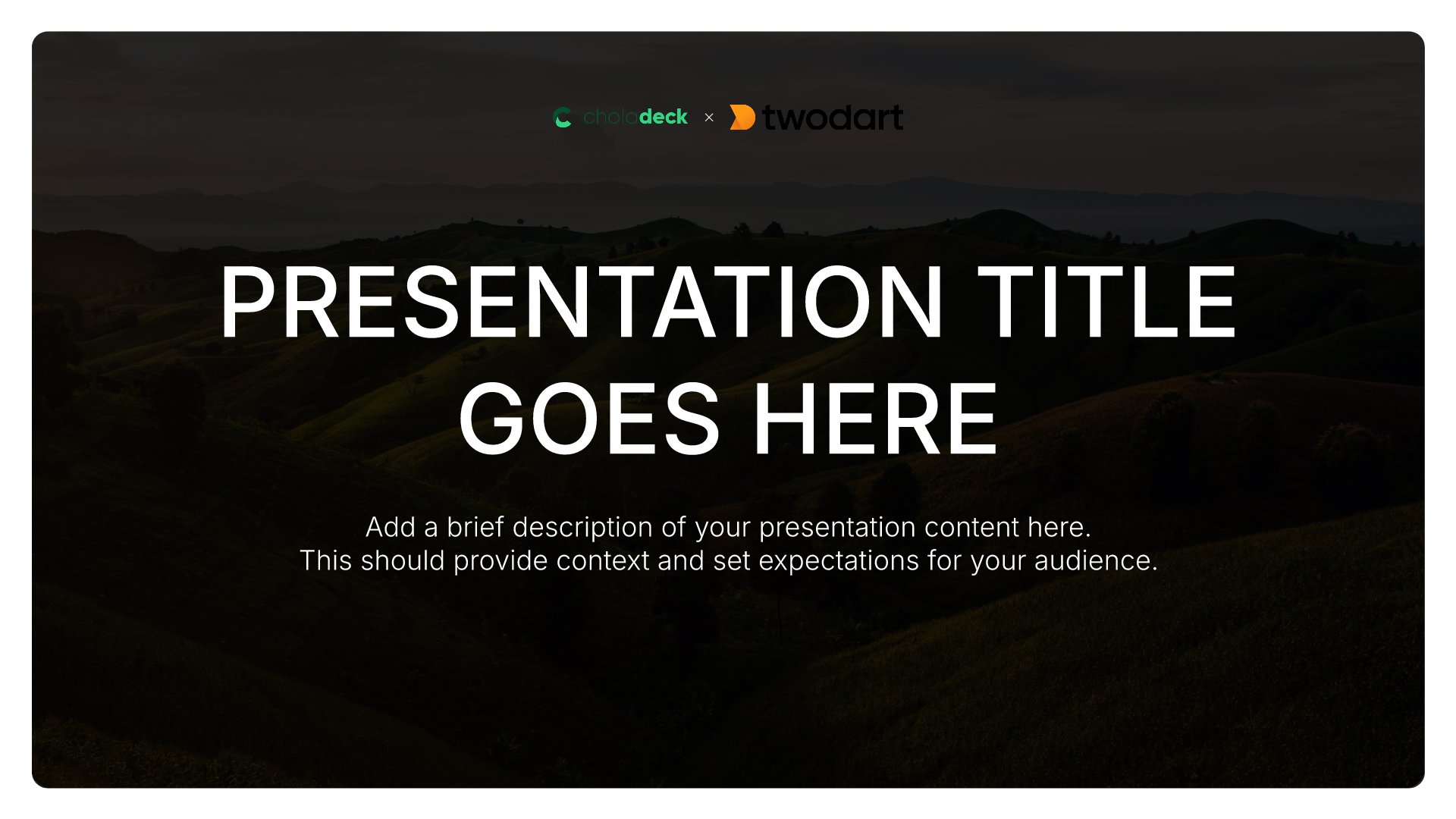
Title slide template, layout 001

Layout 001

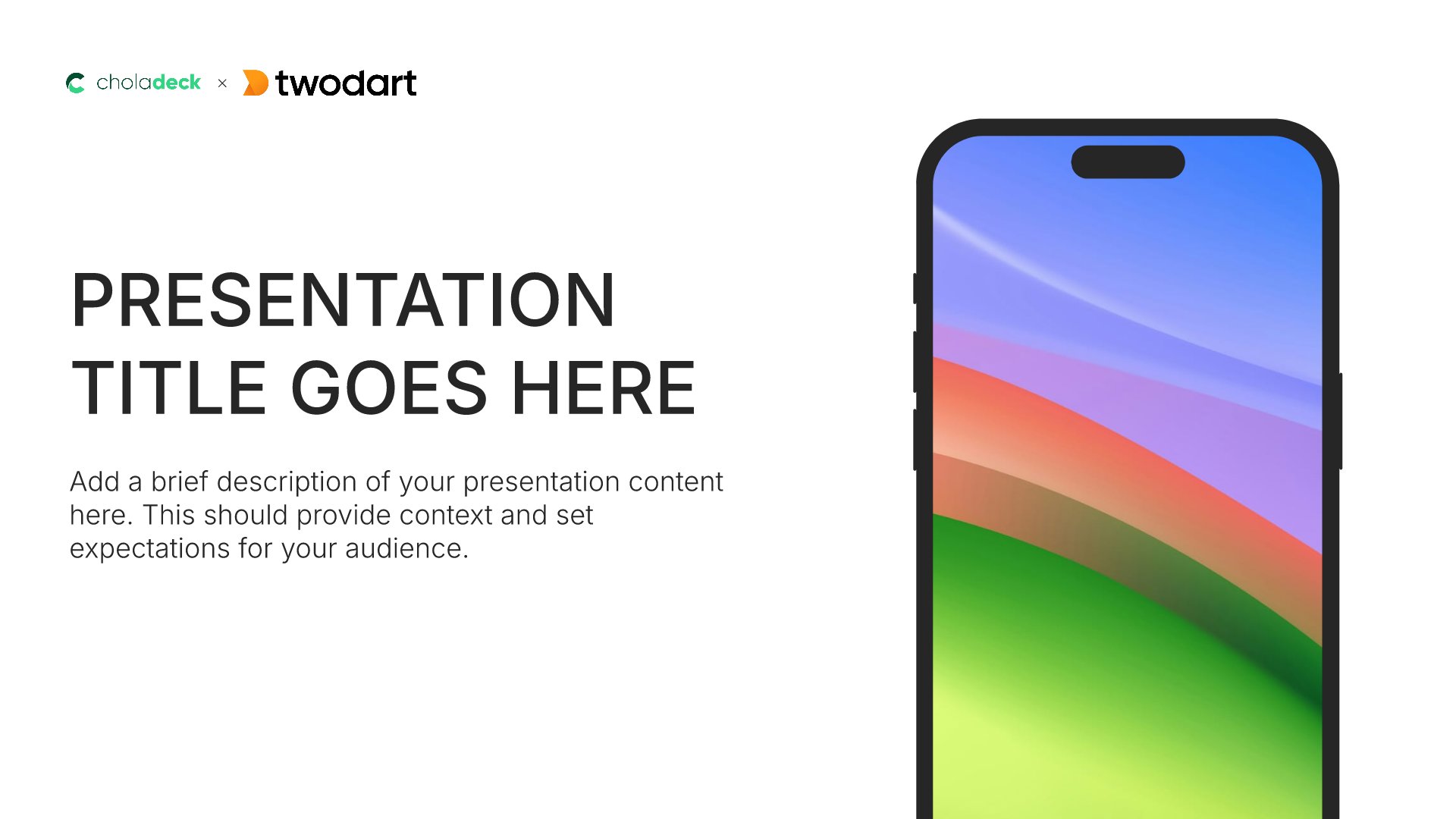
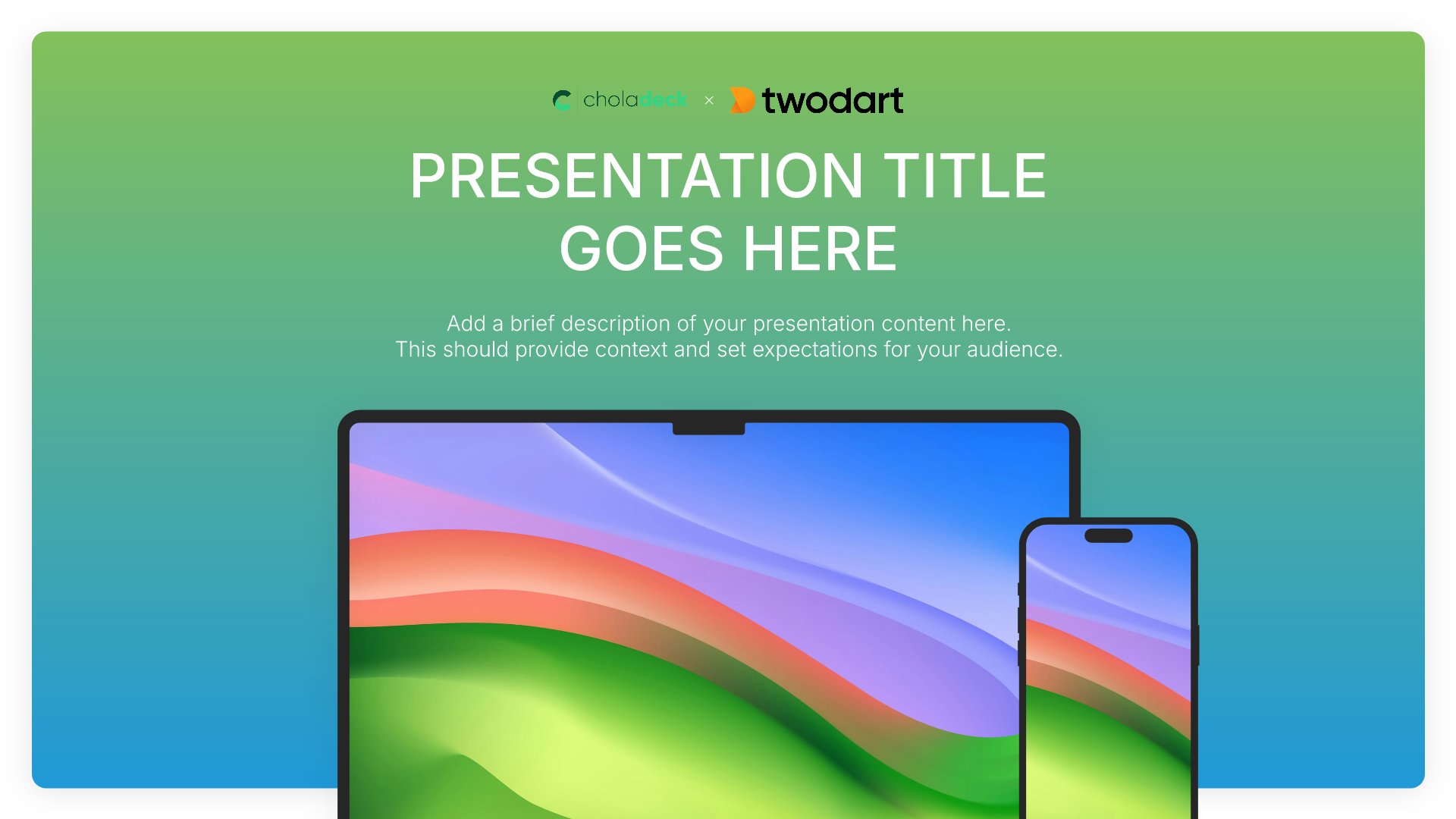
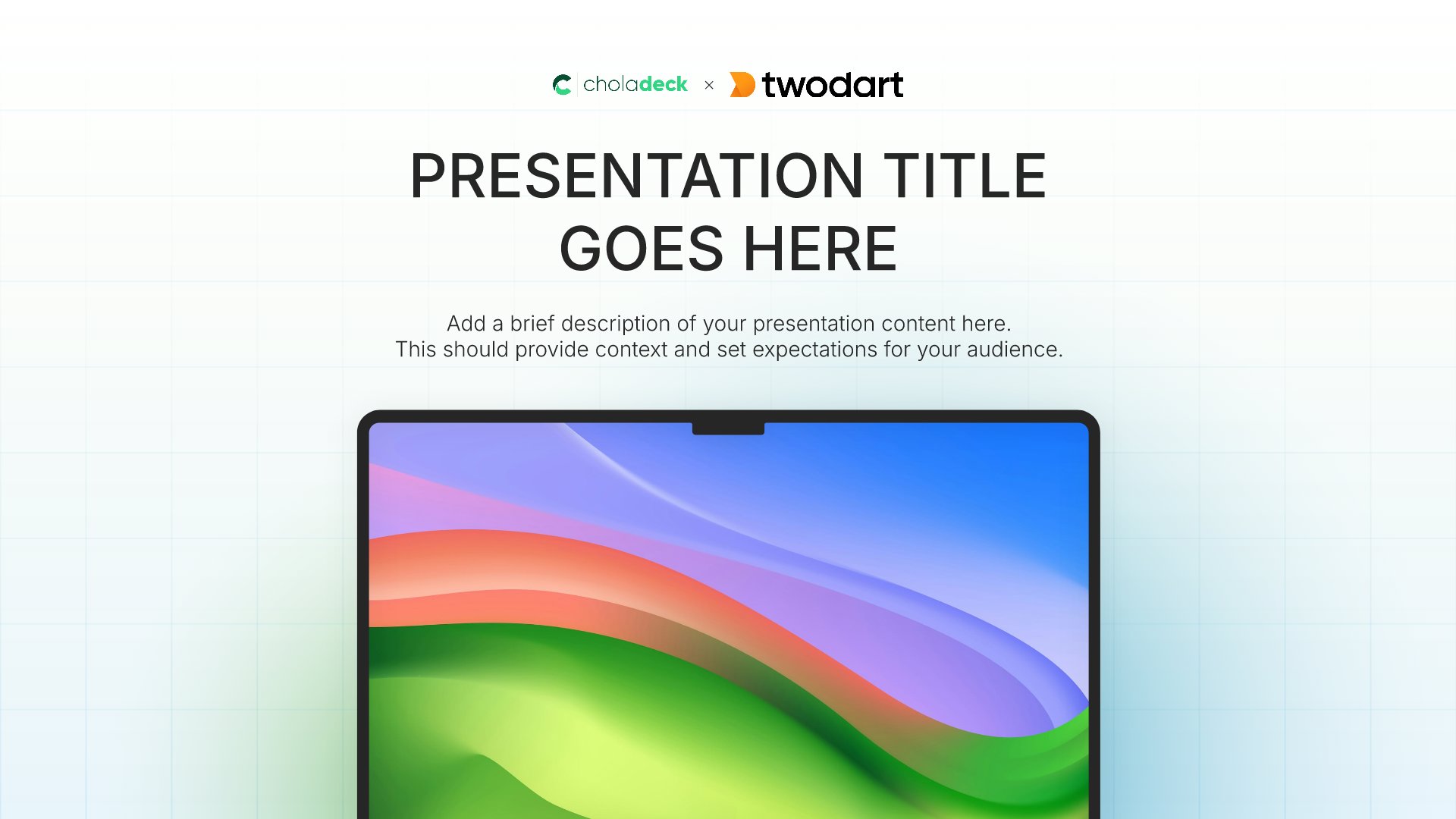
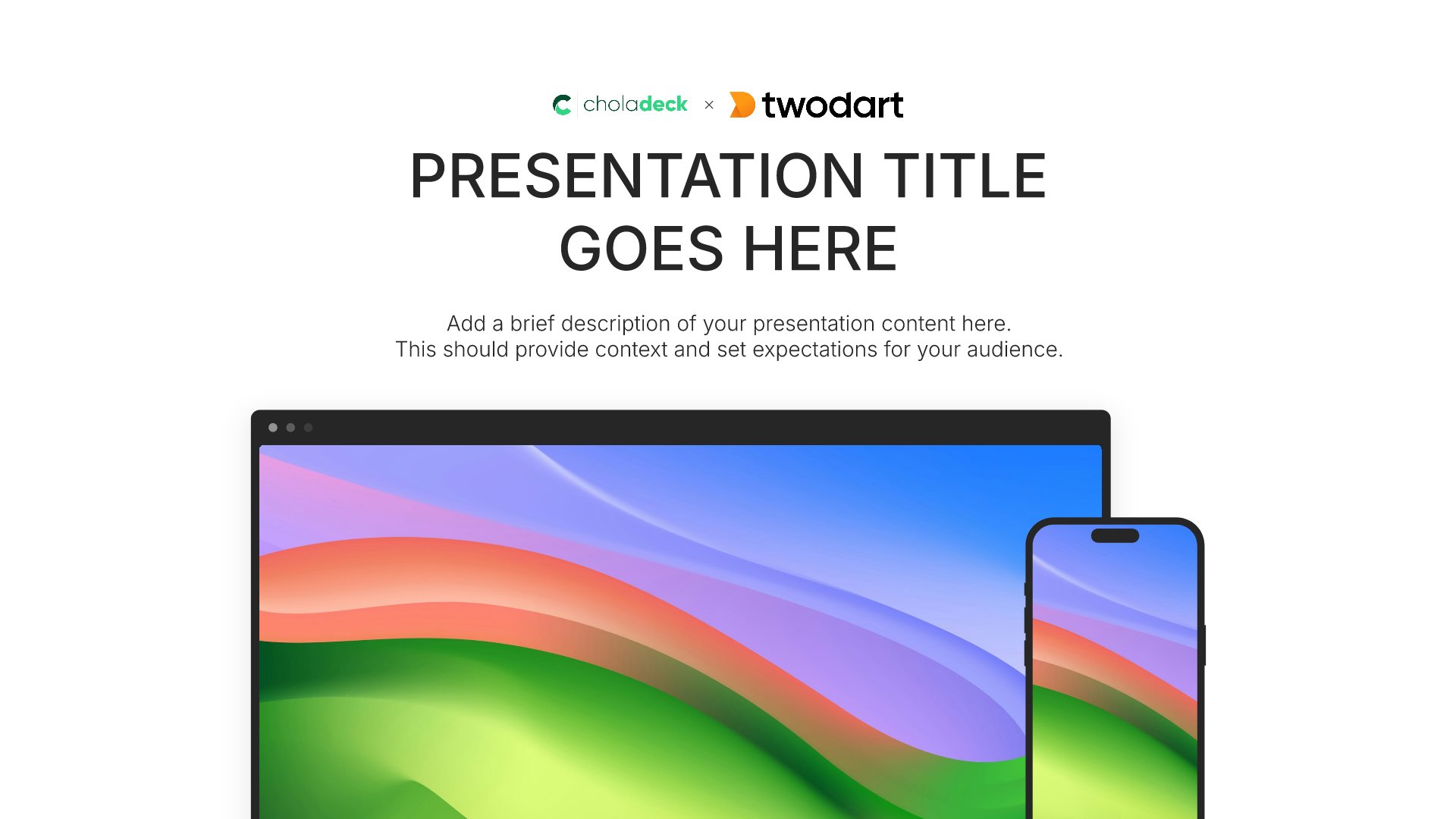
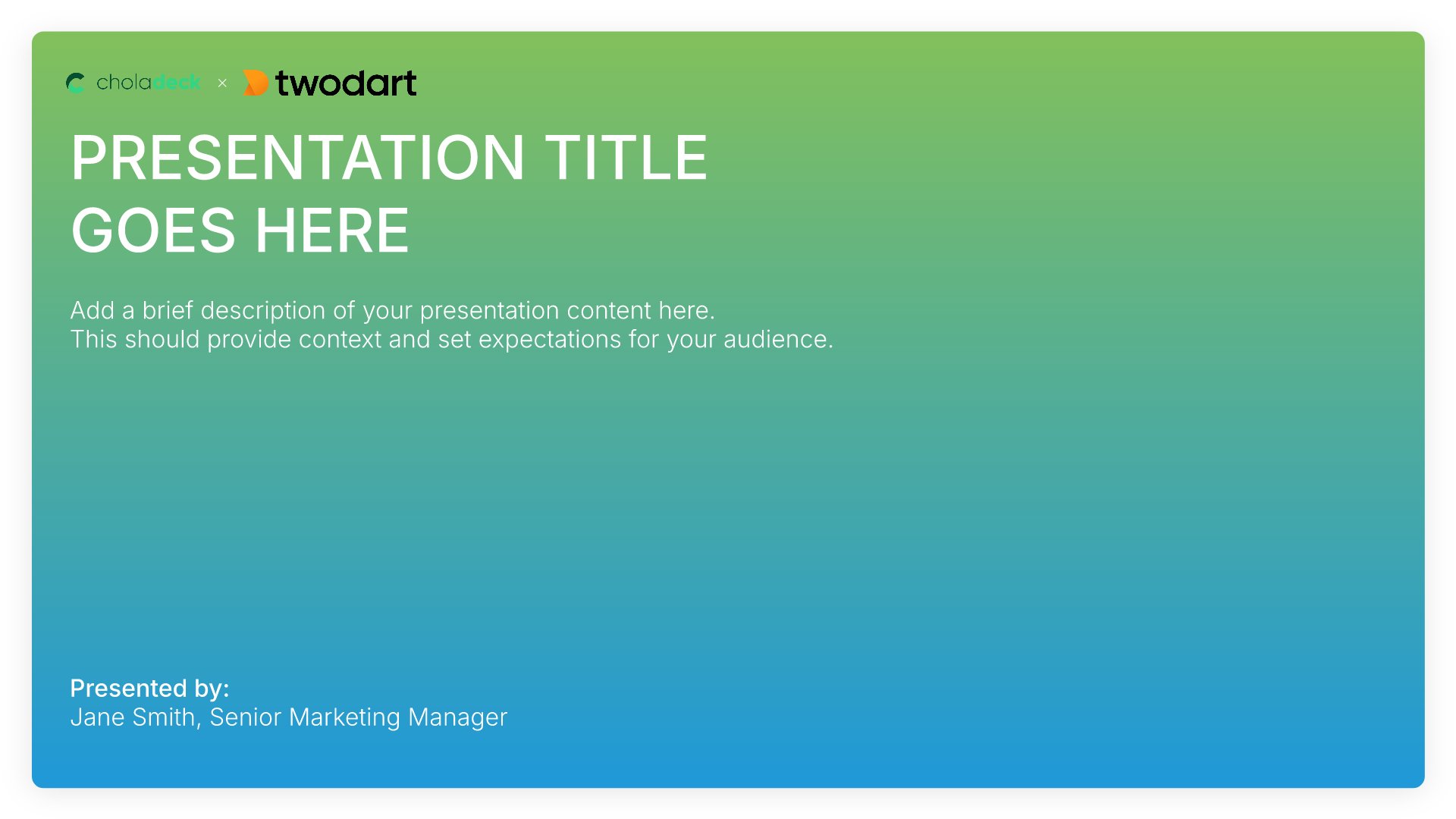
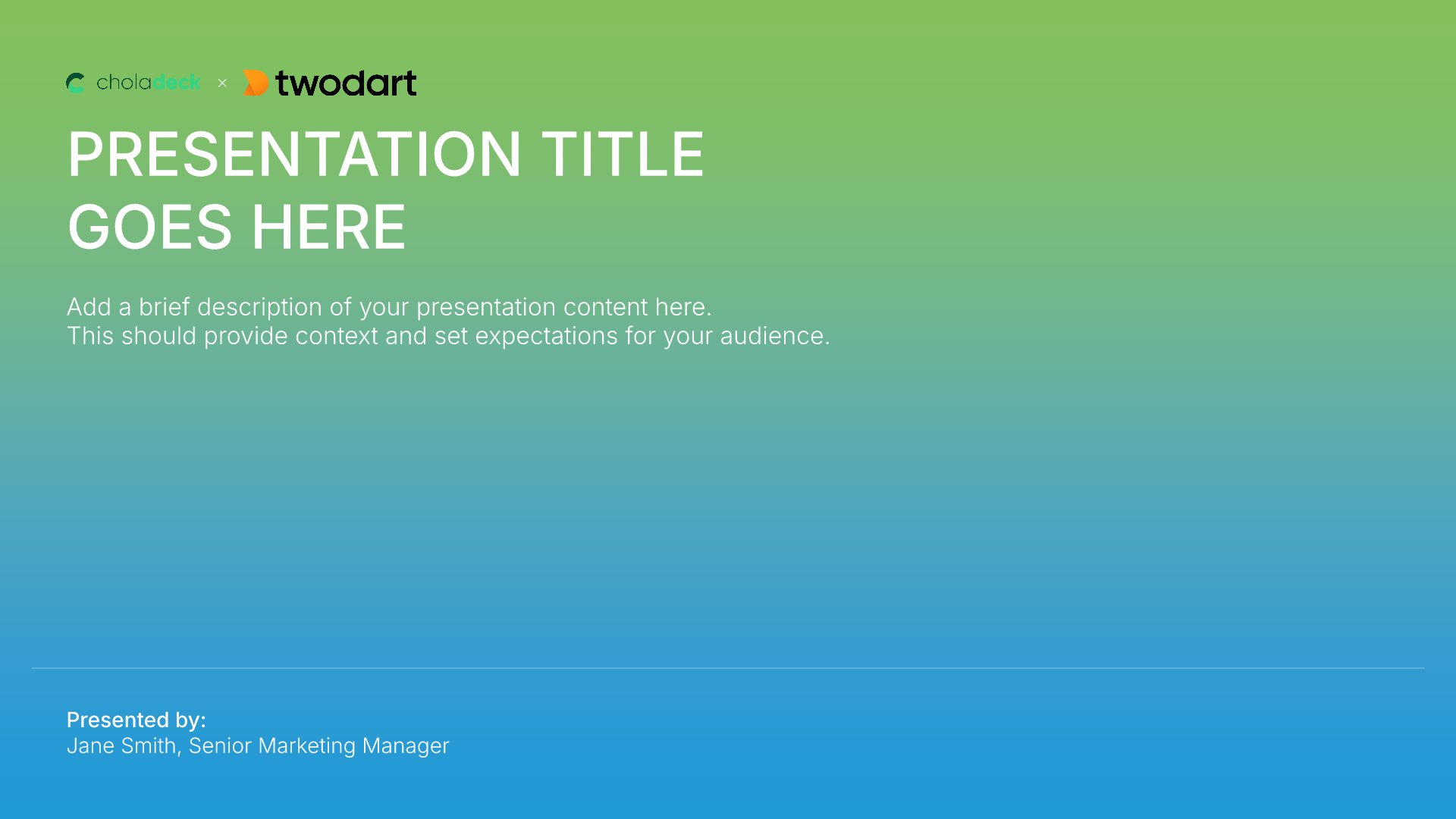
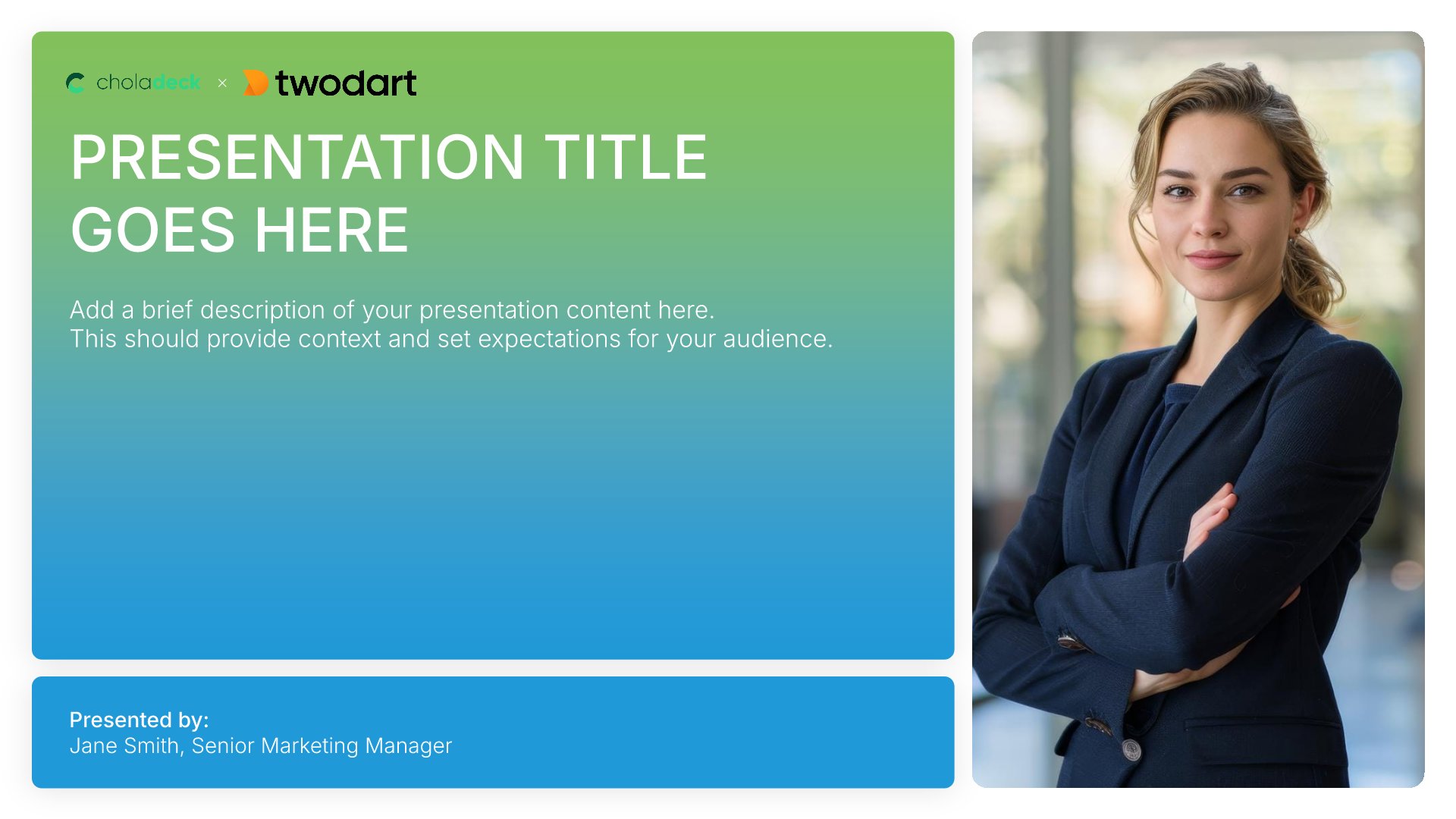
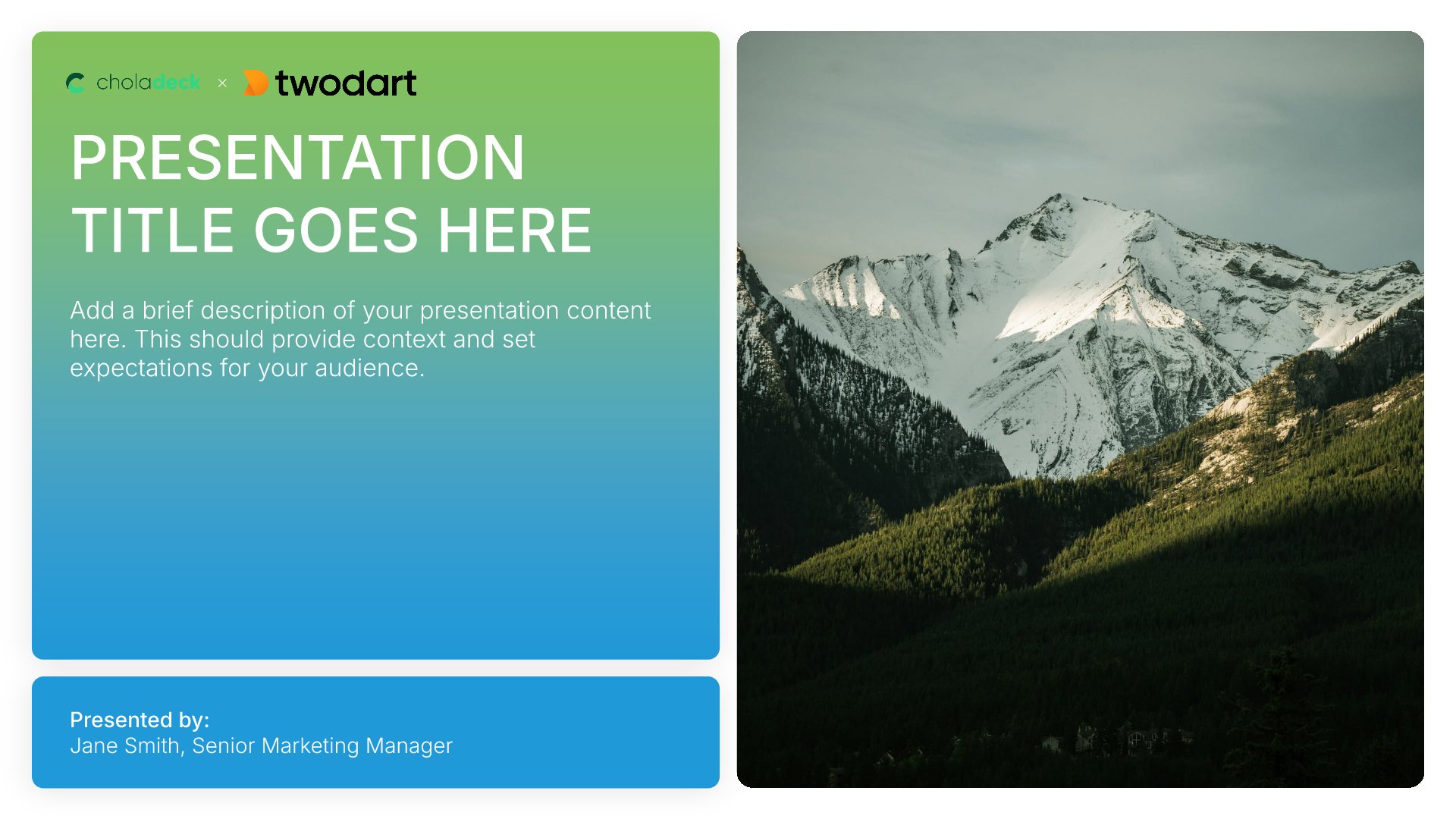
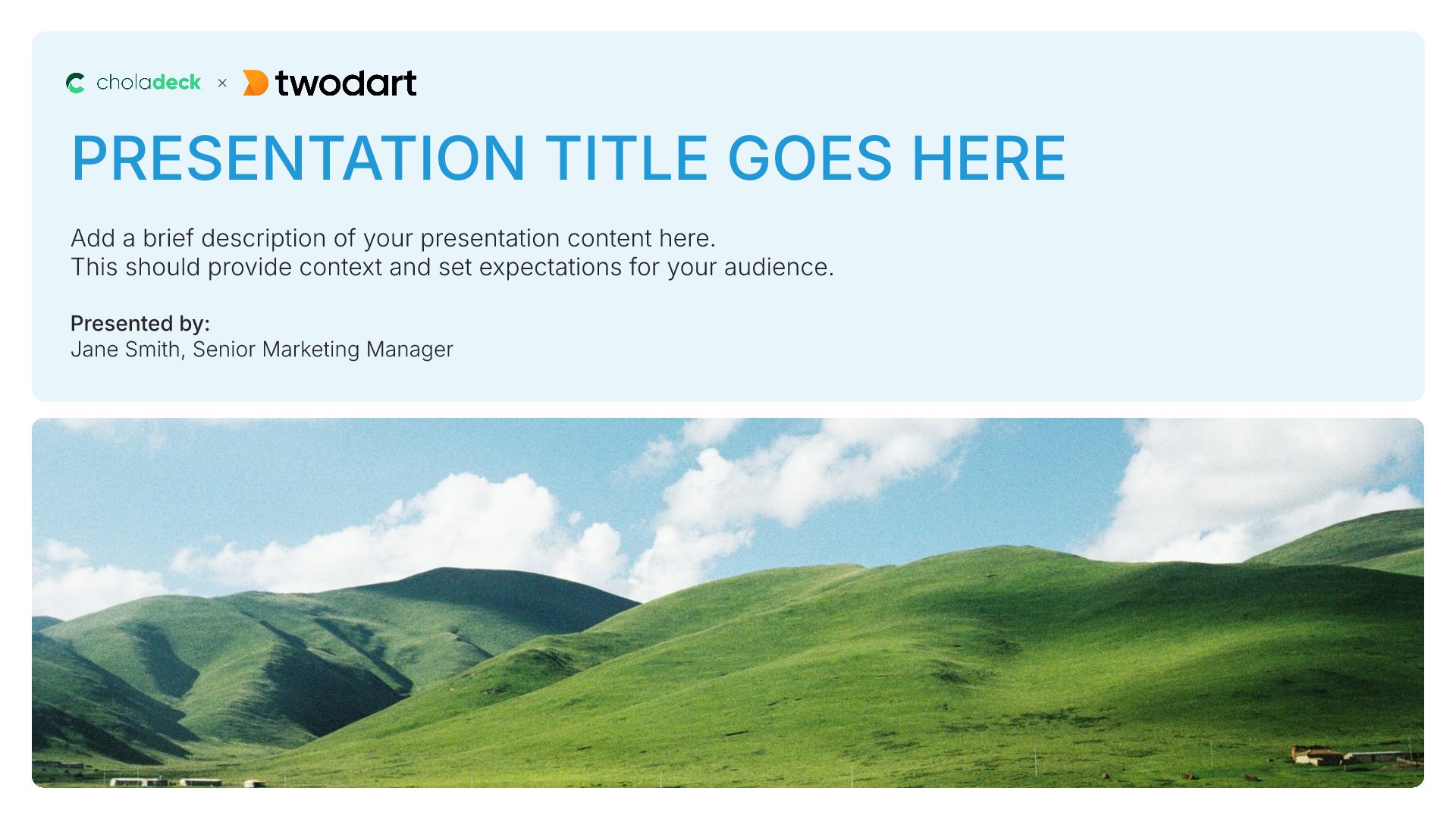
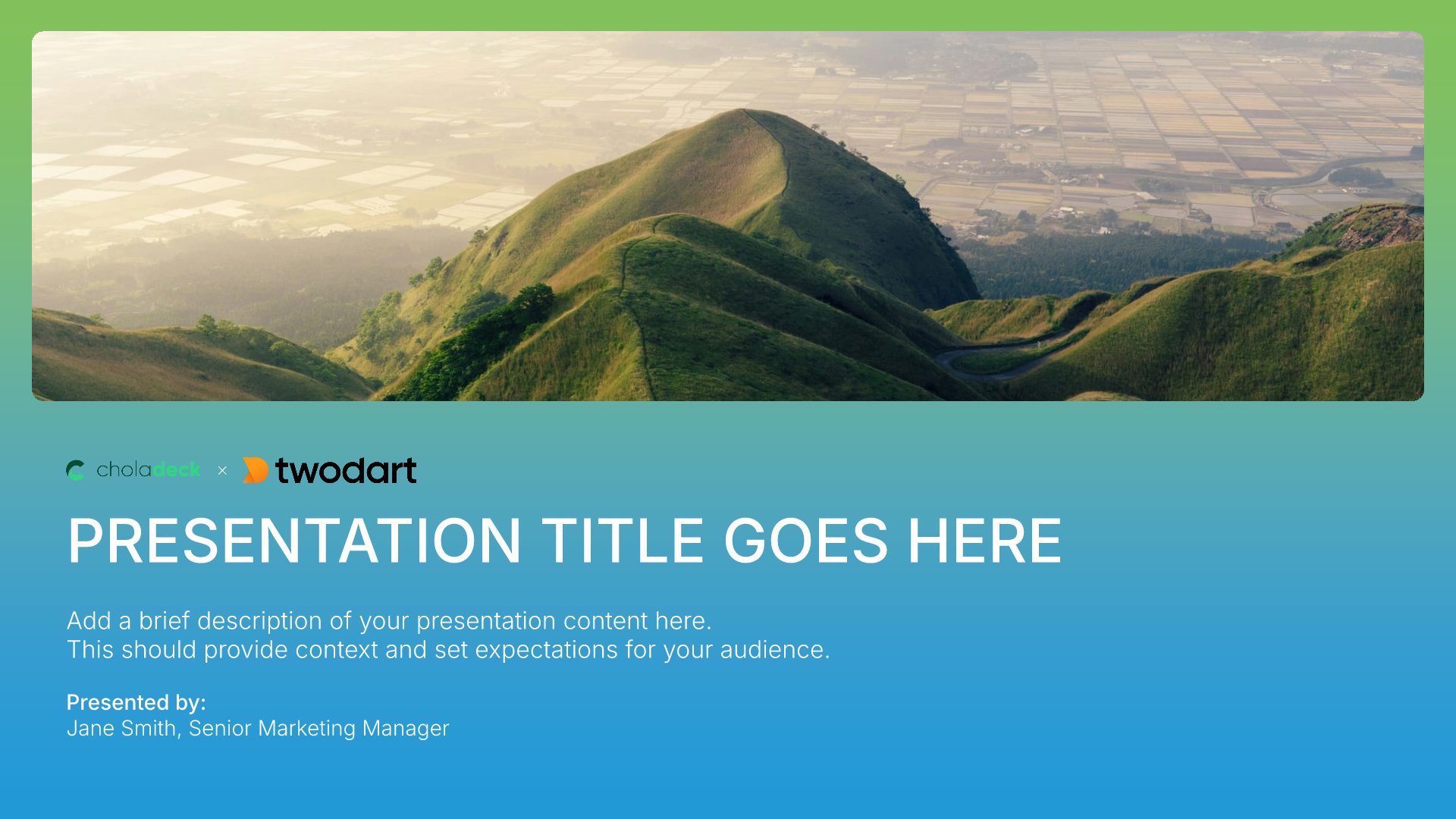
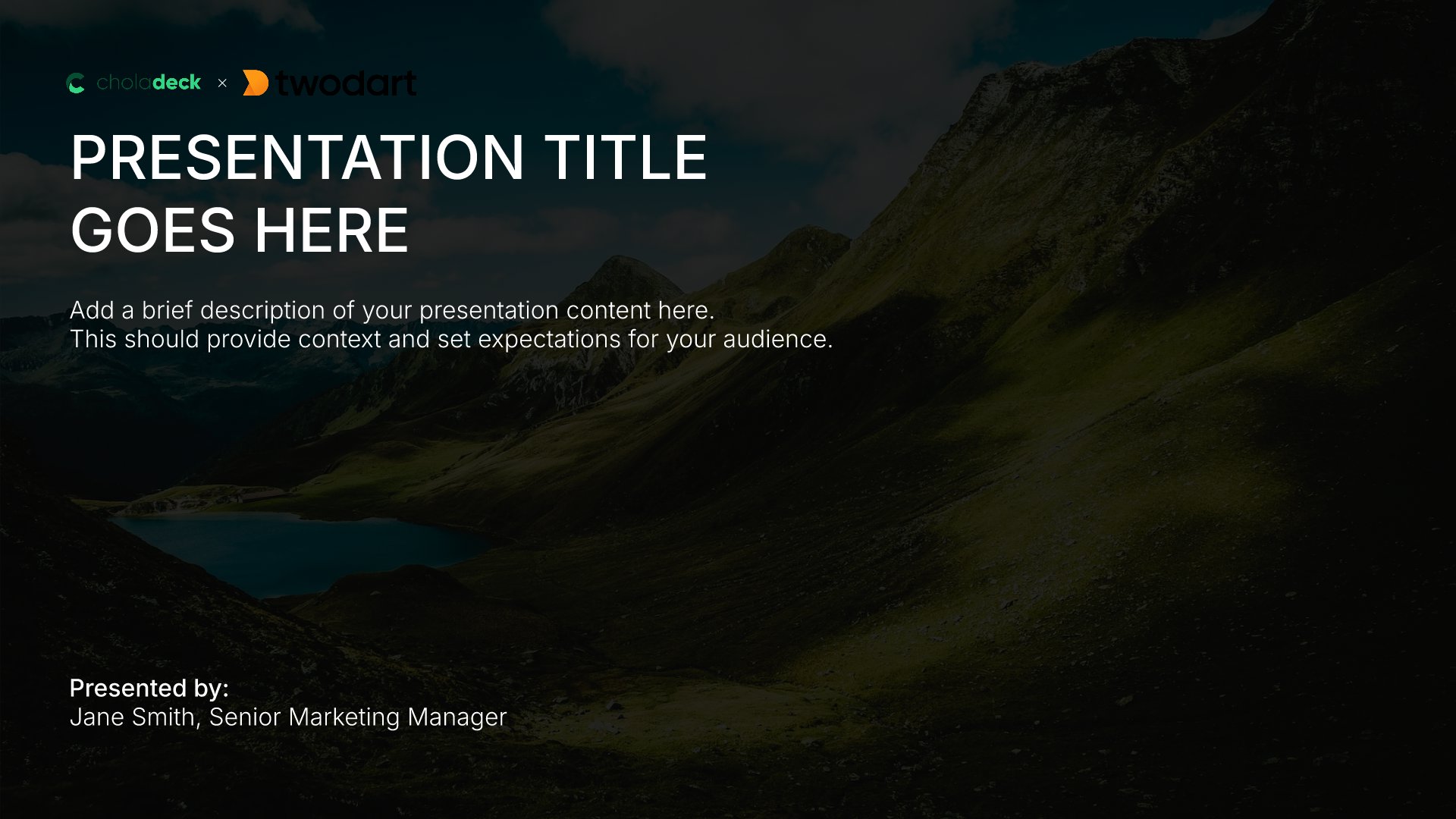
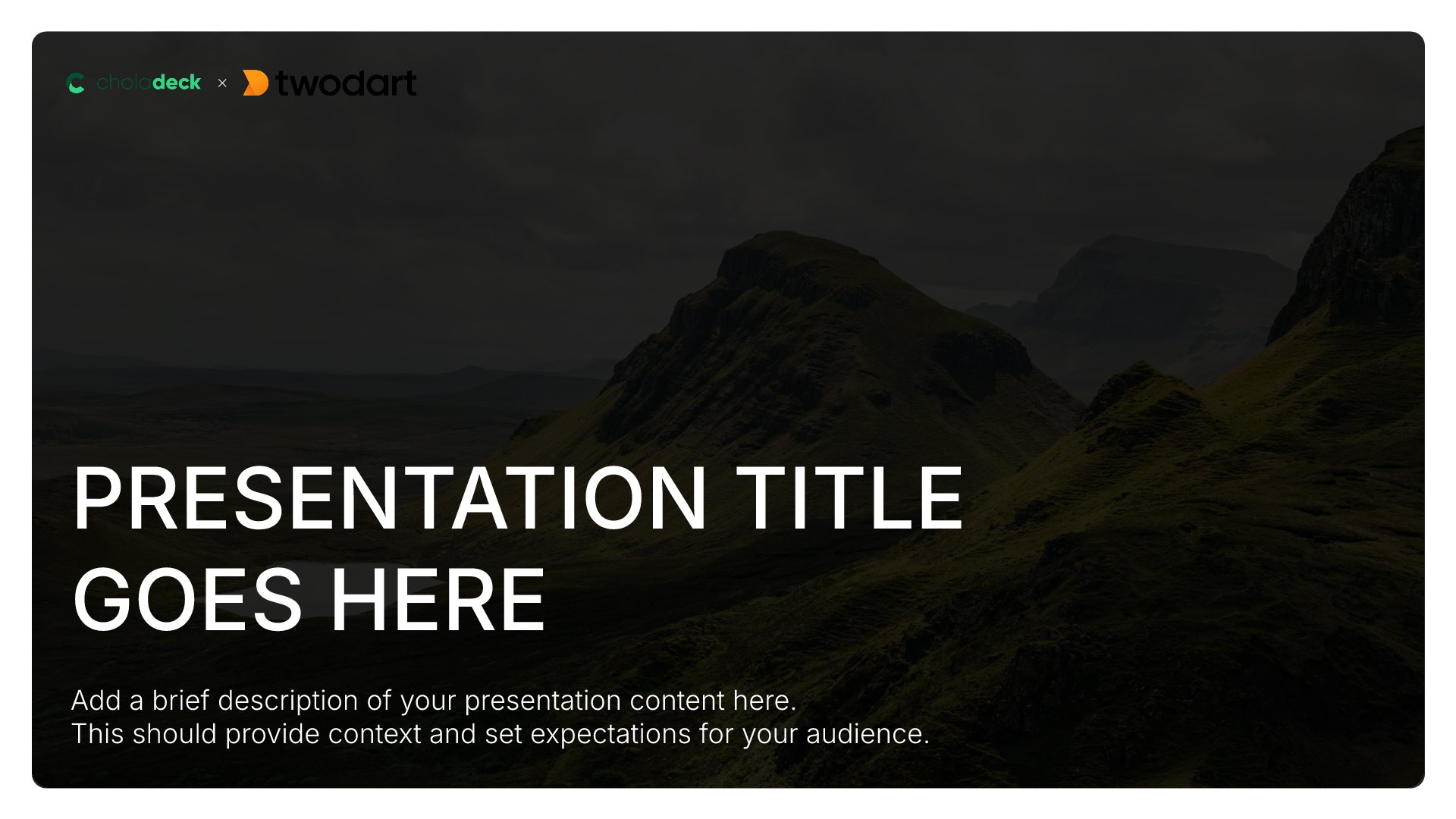
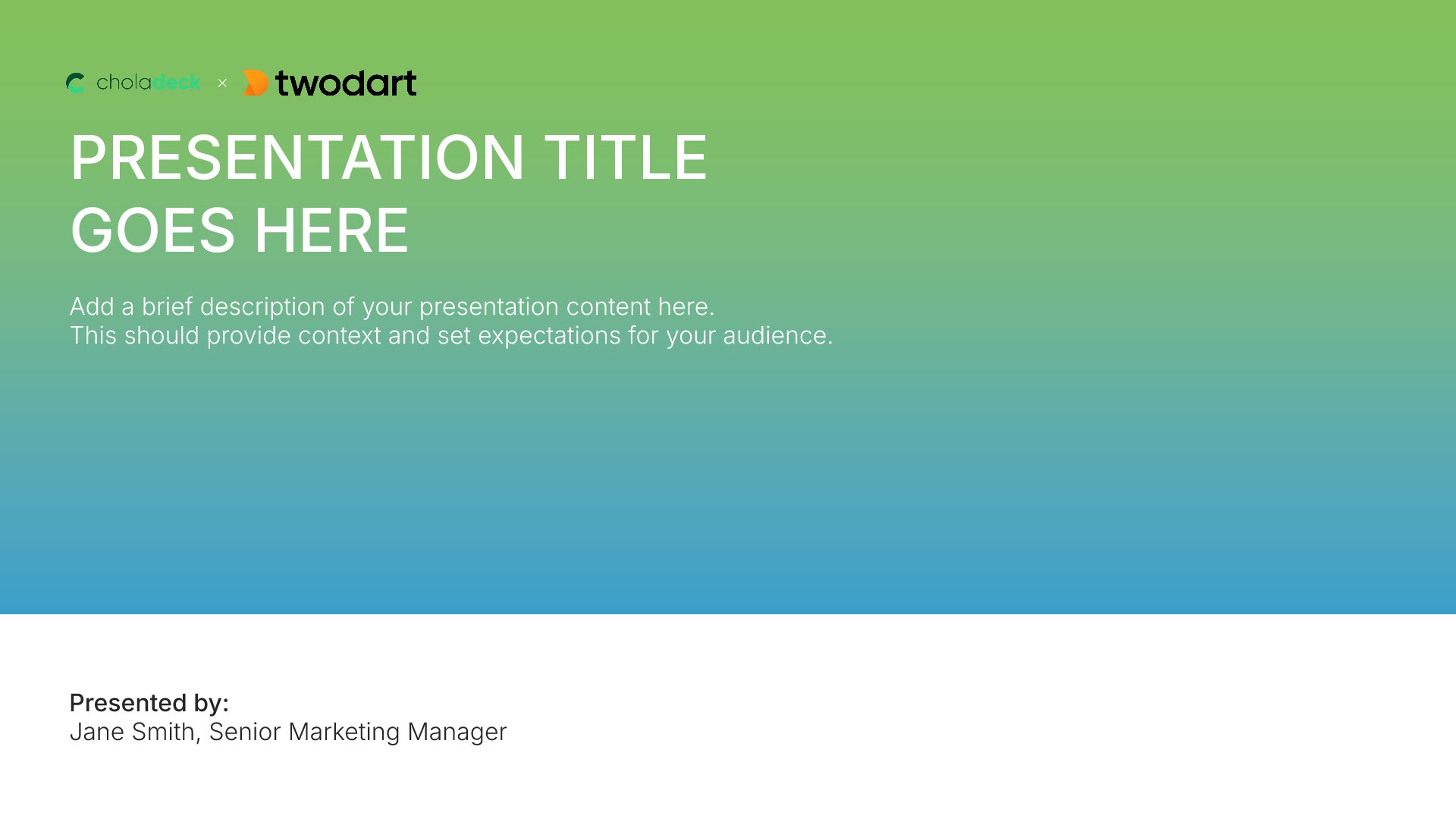
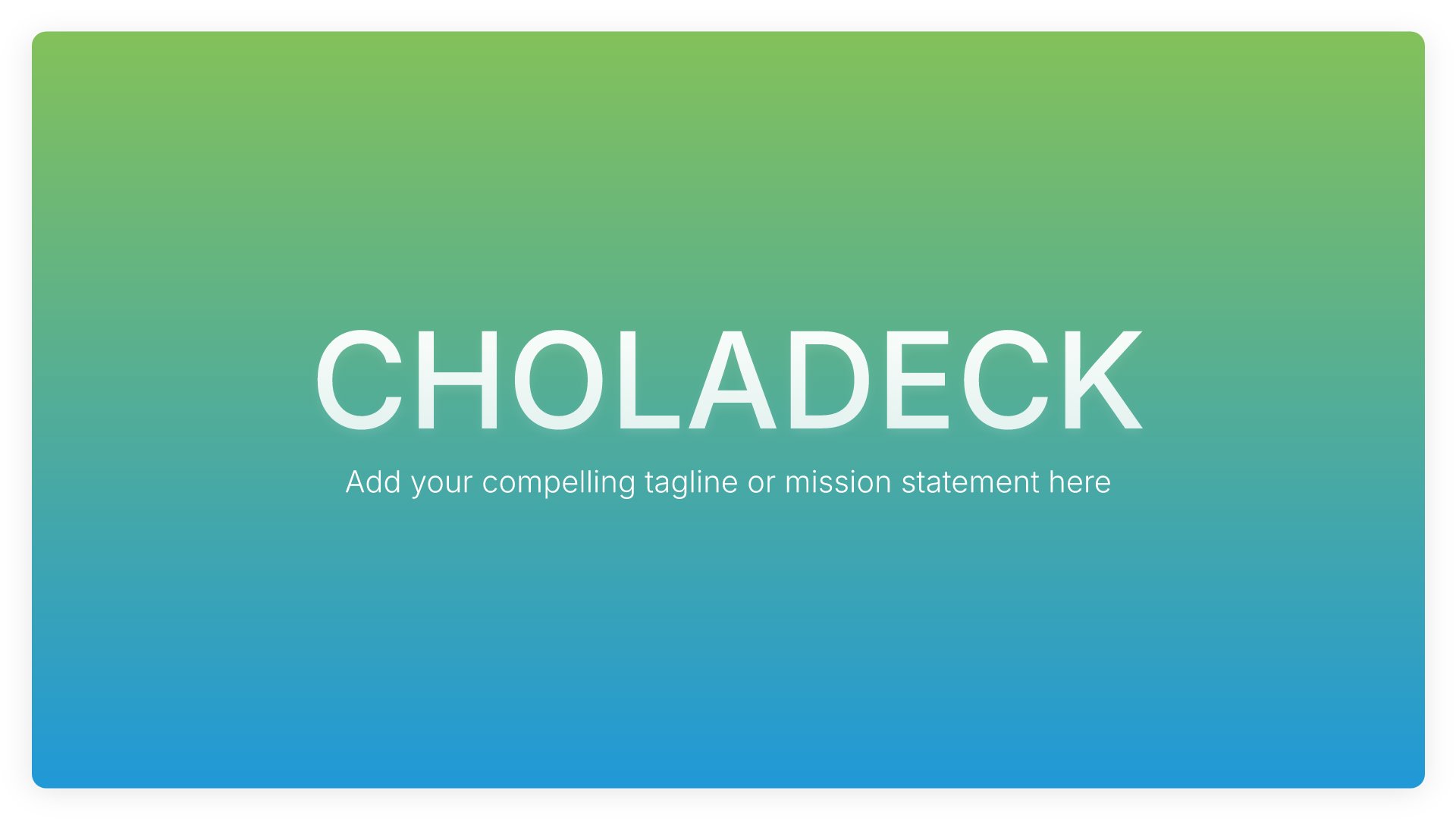
Title slide template, layout 002

Layout 002

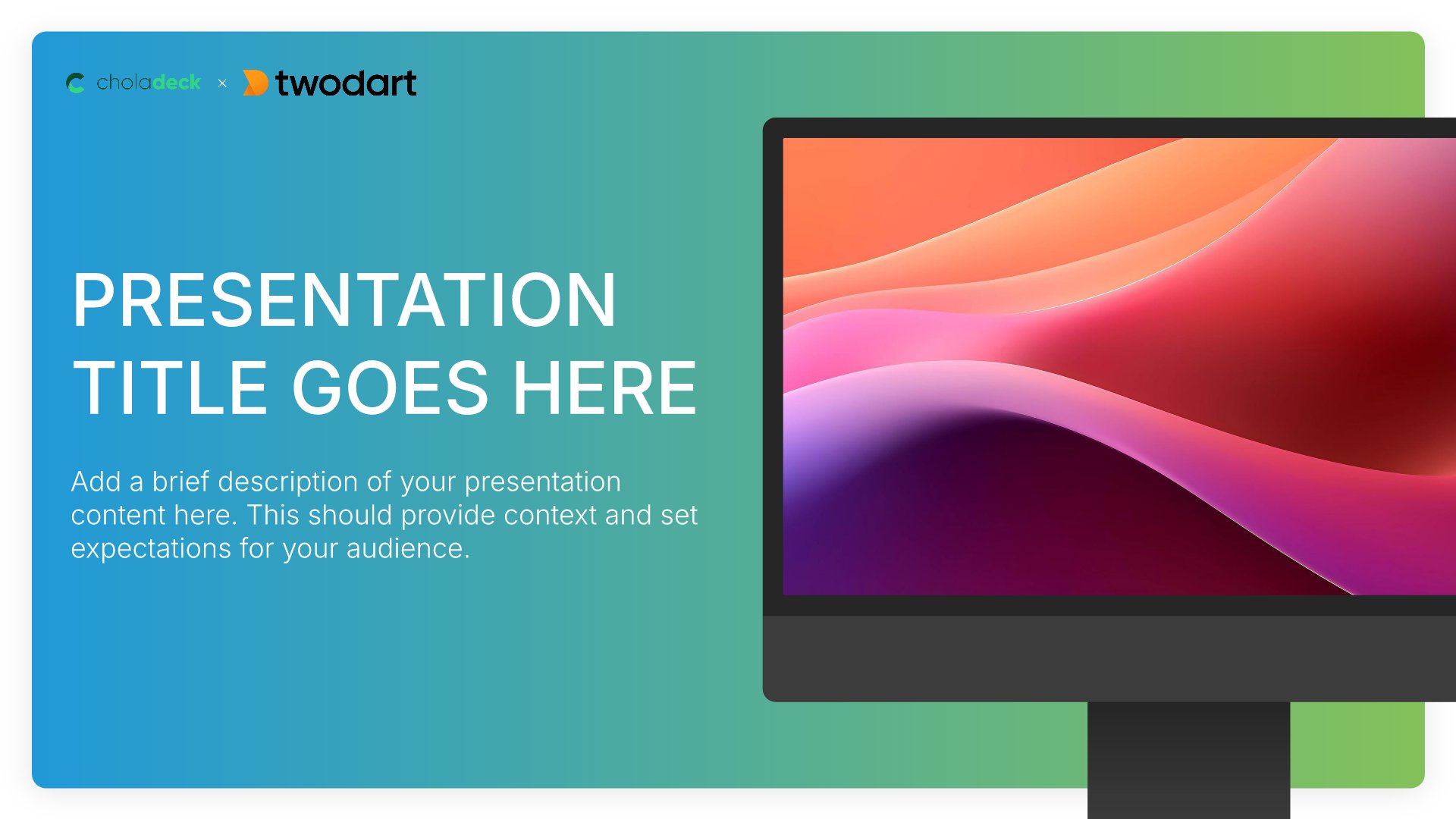
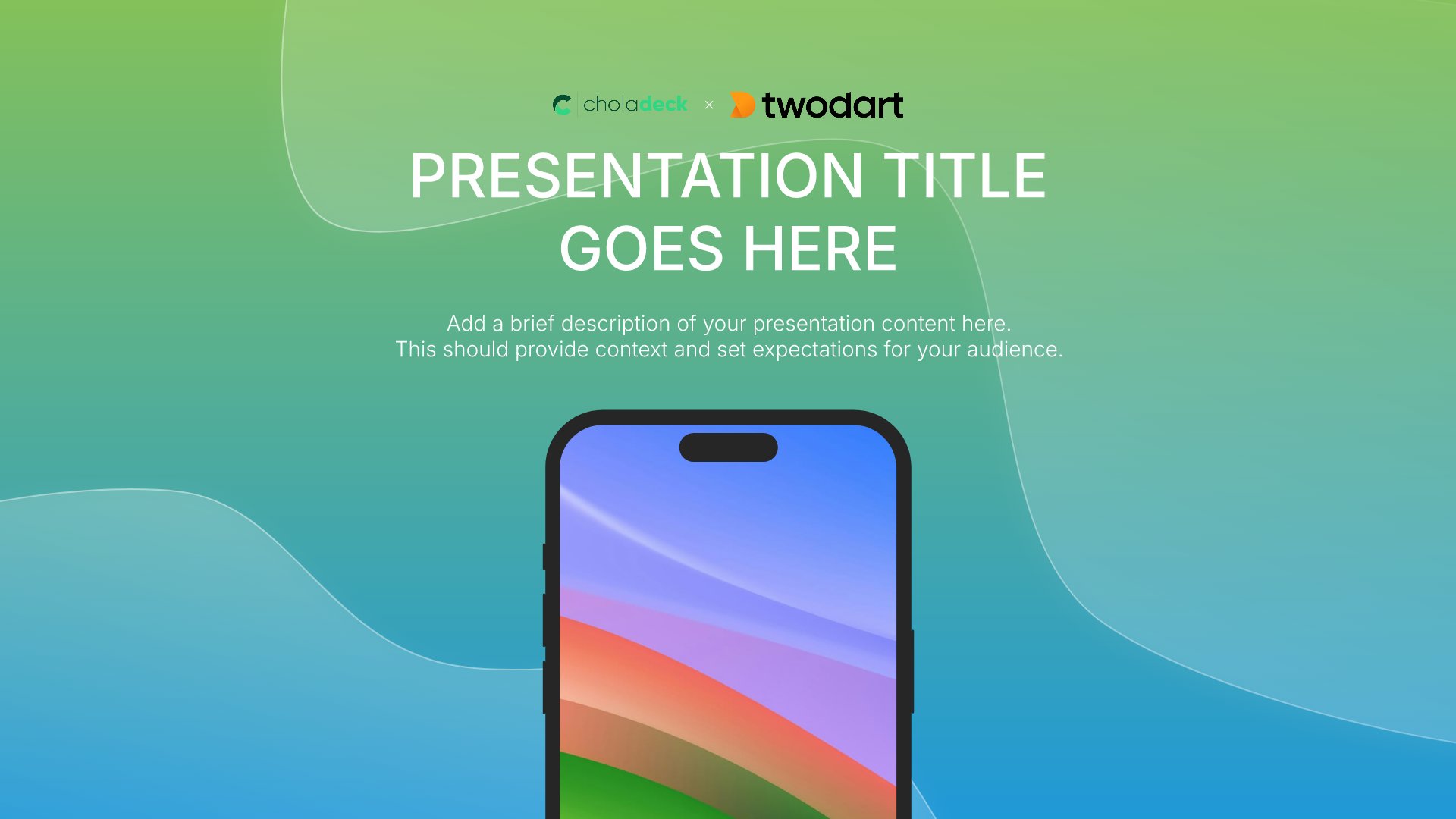
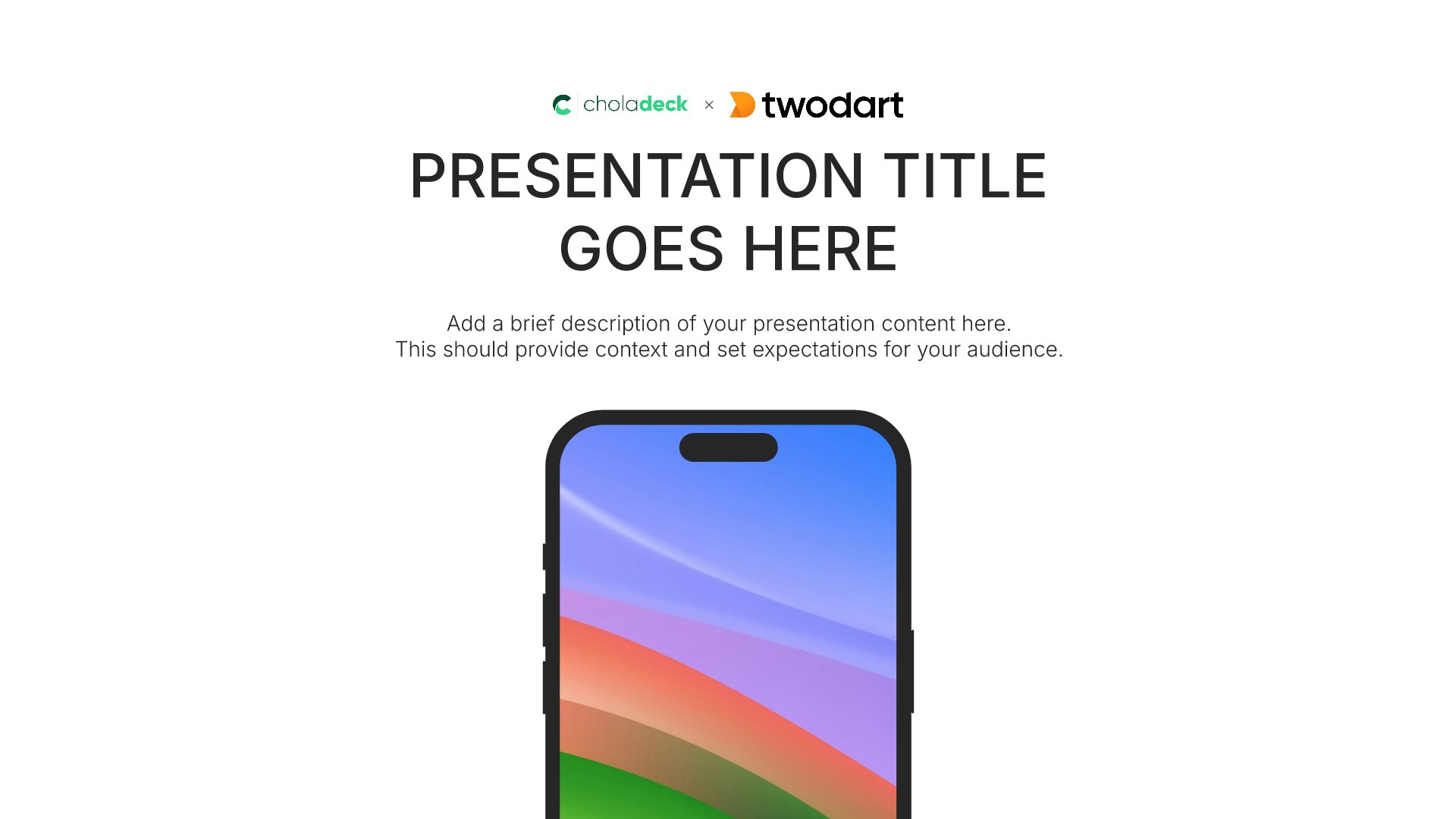
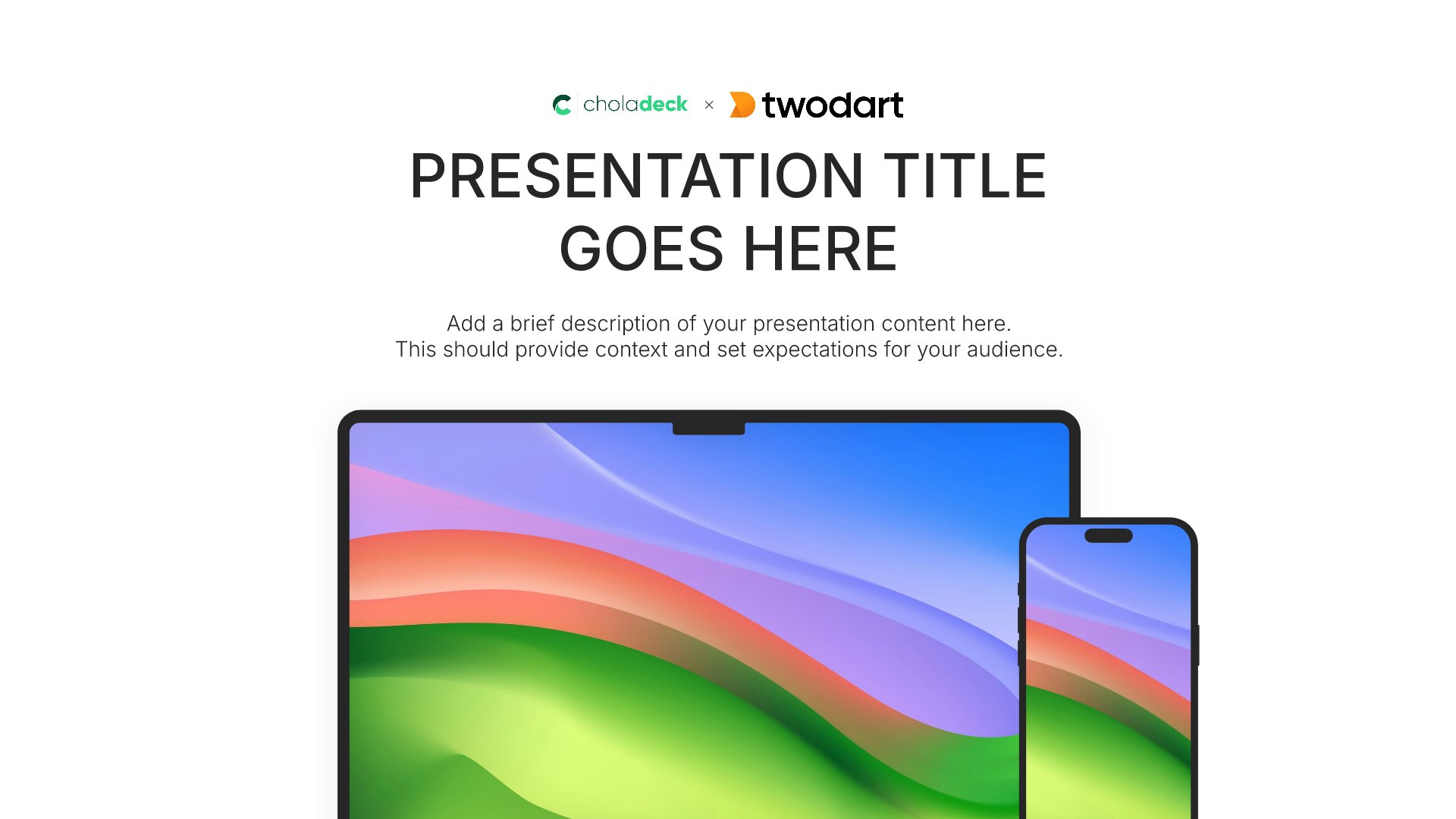
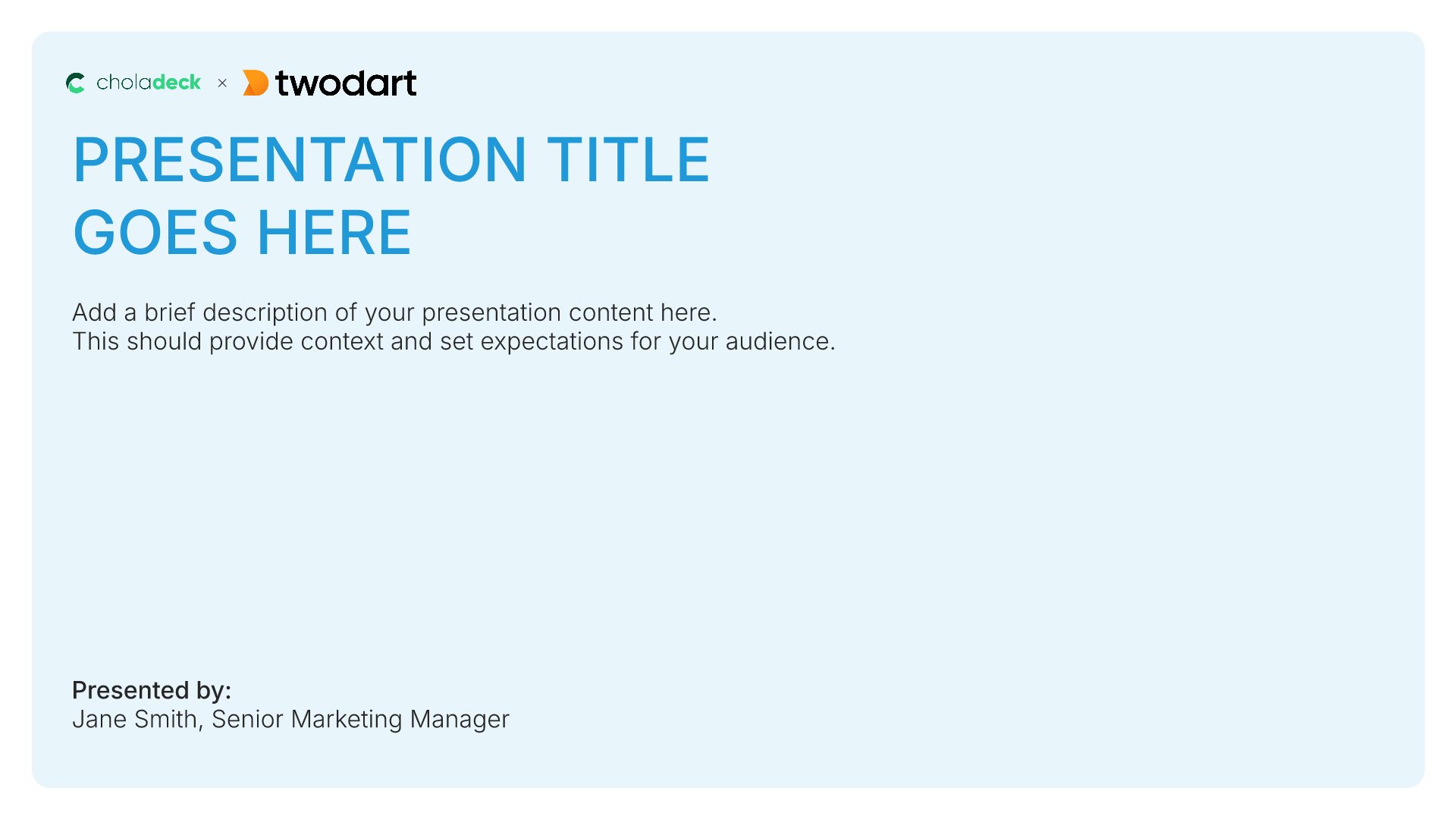
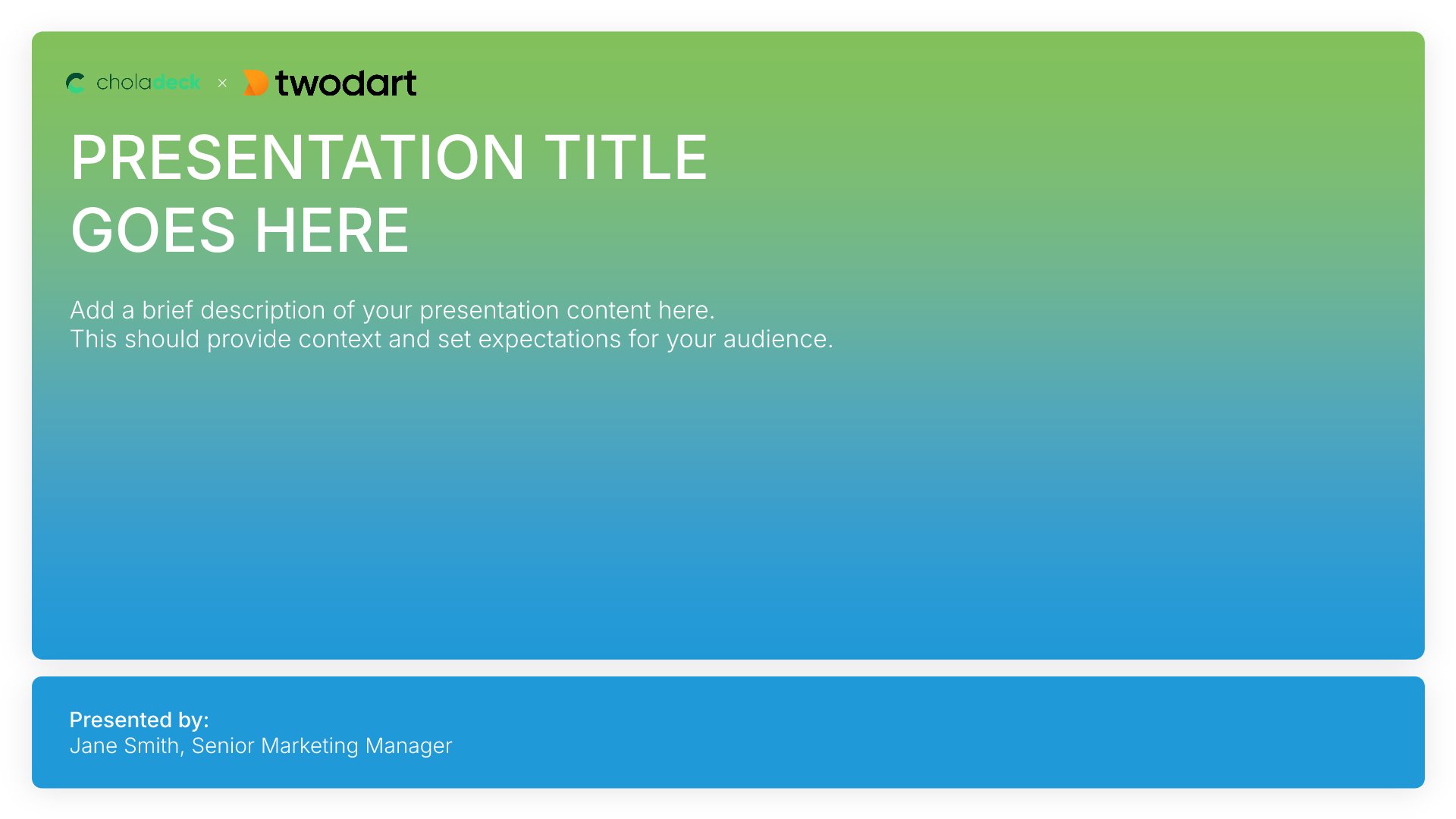
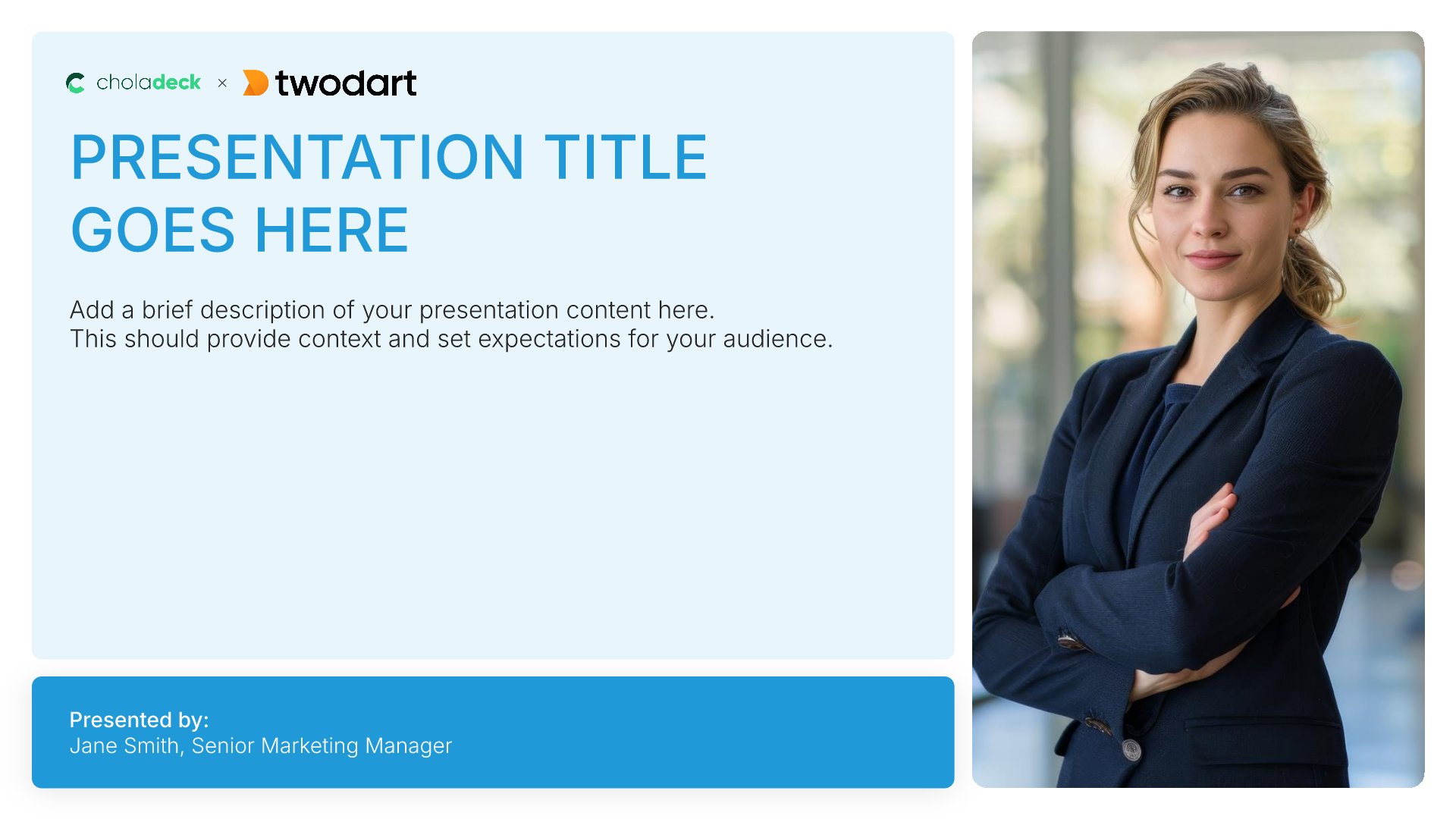
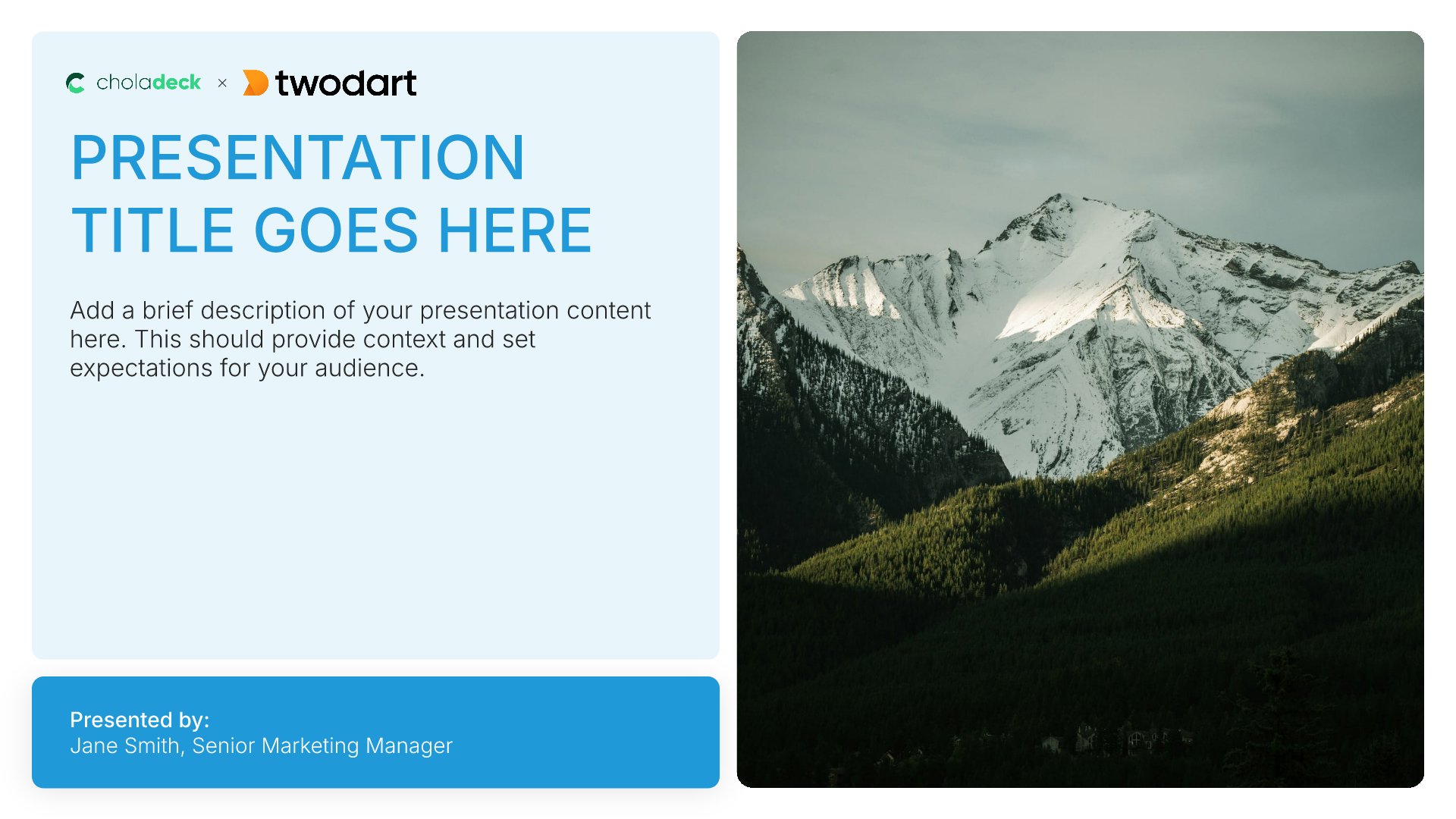
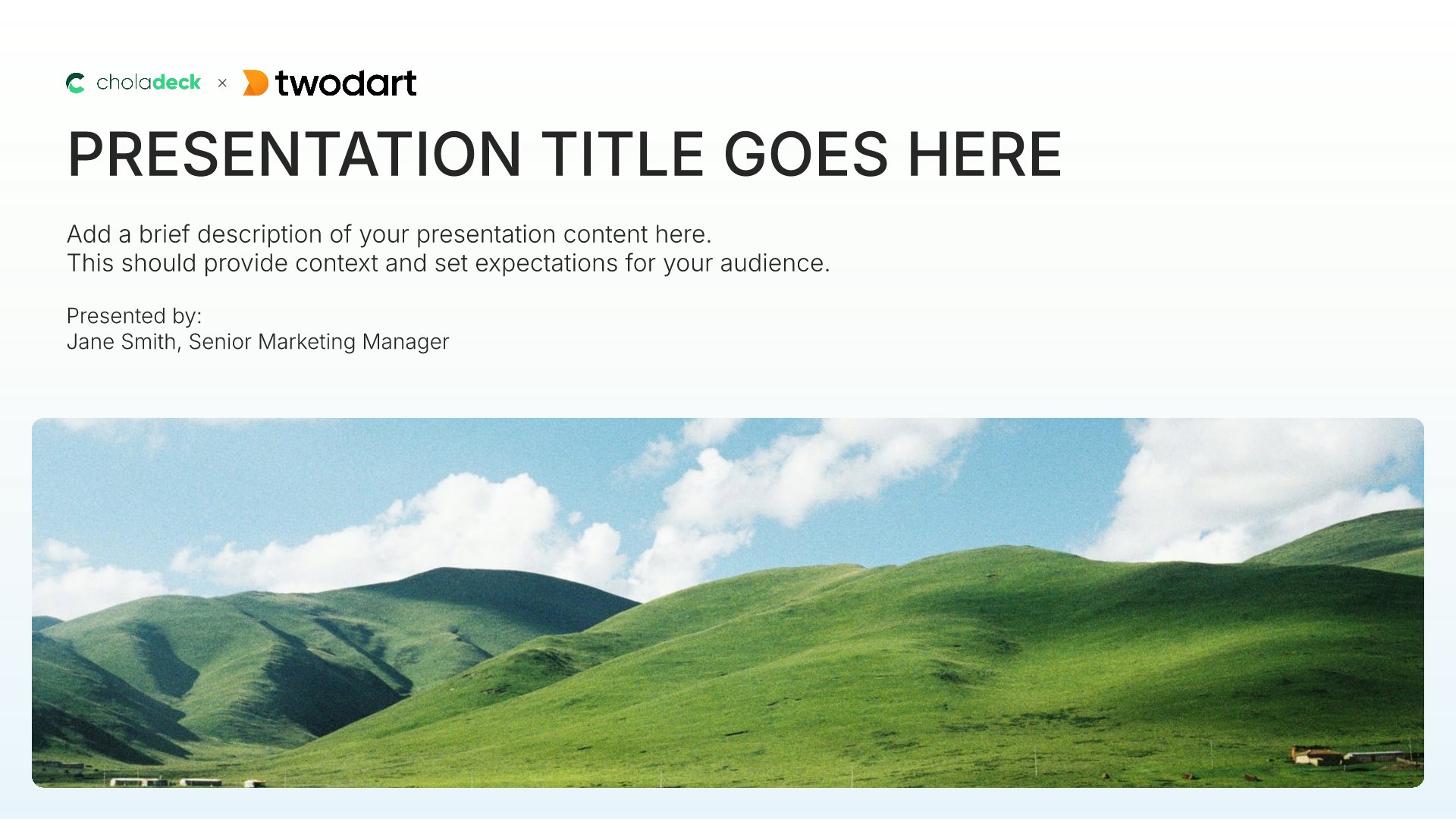
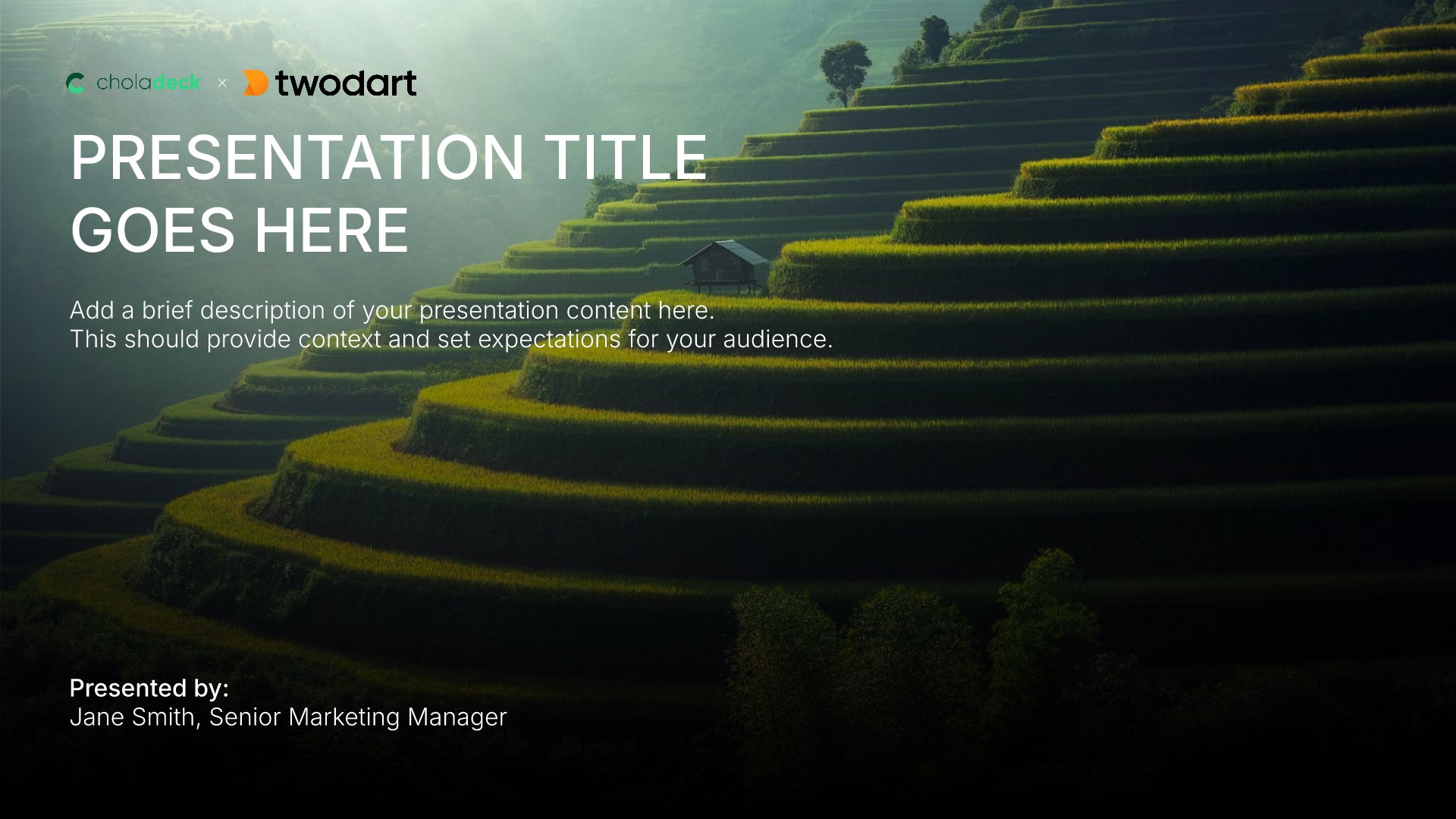
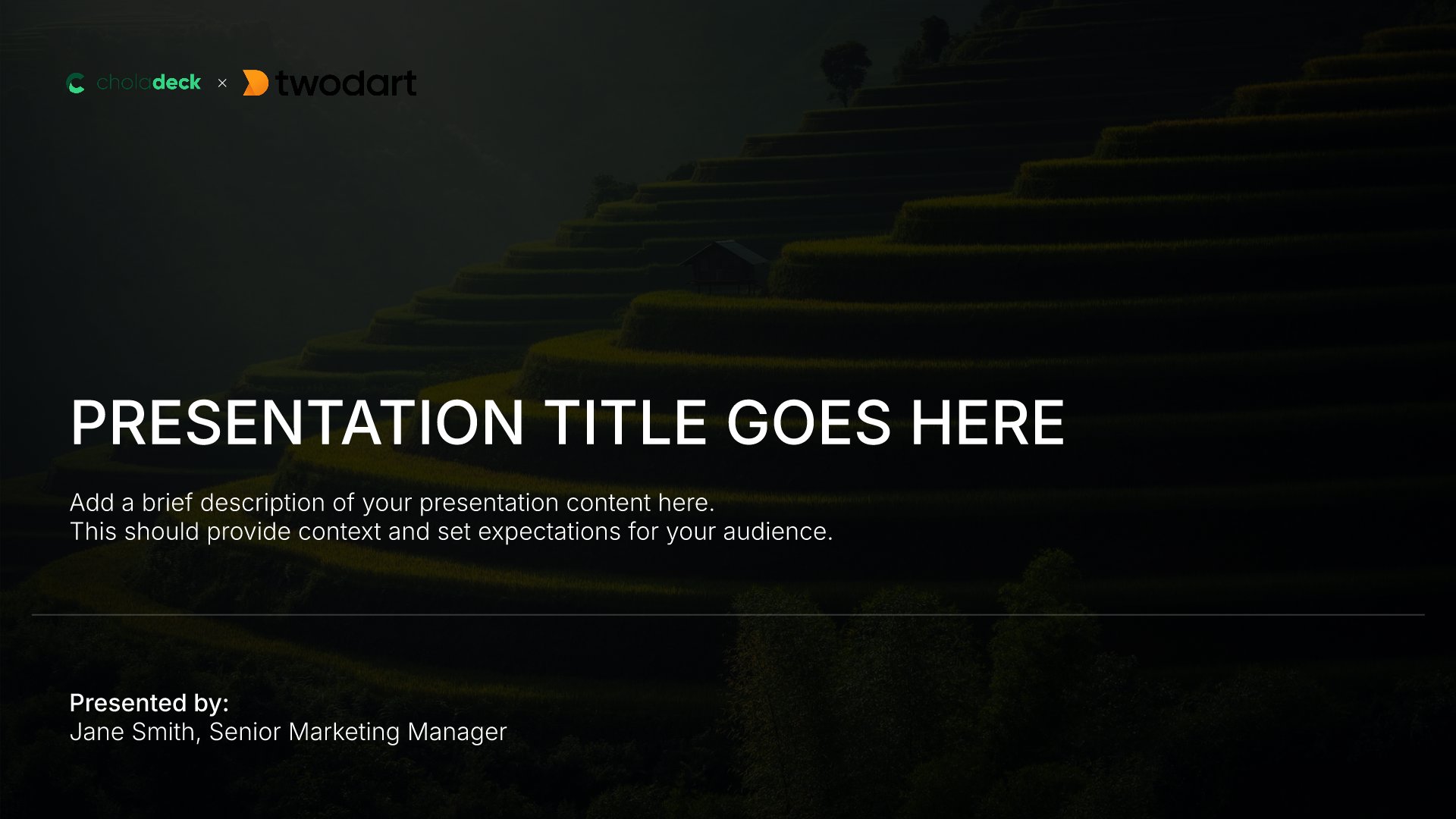
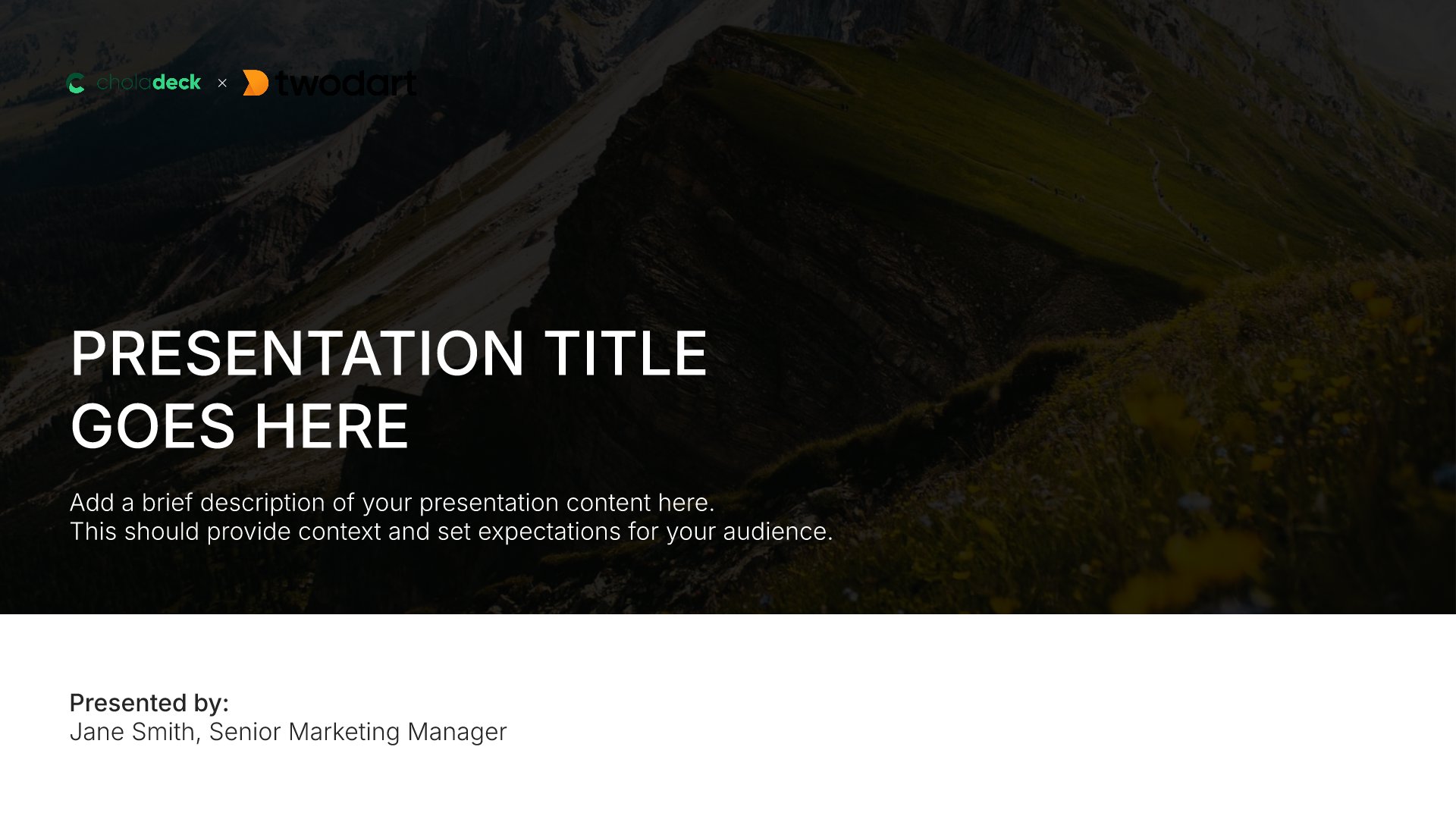
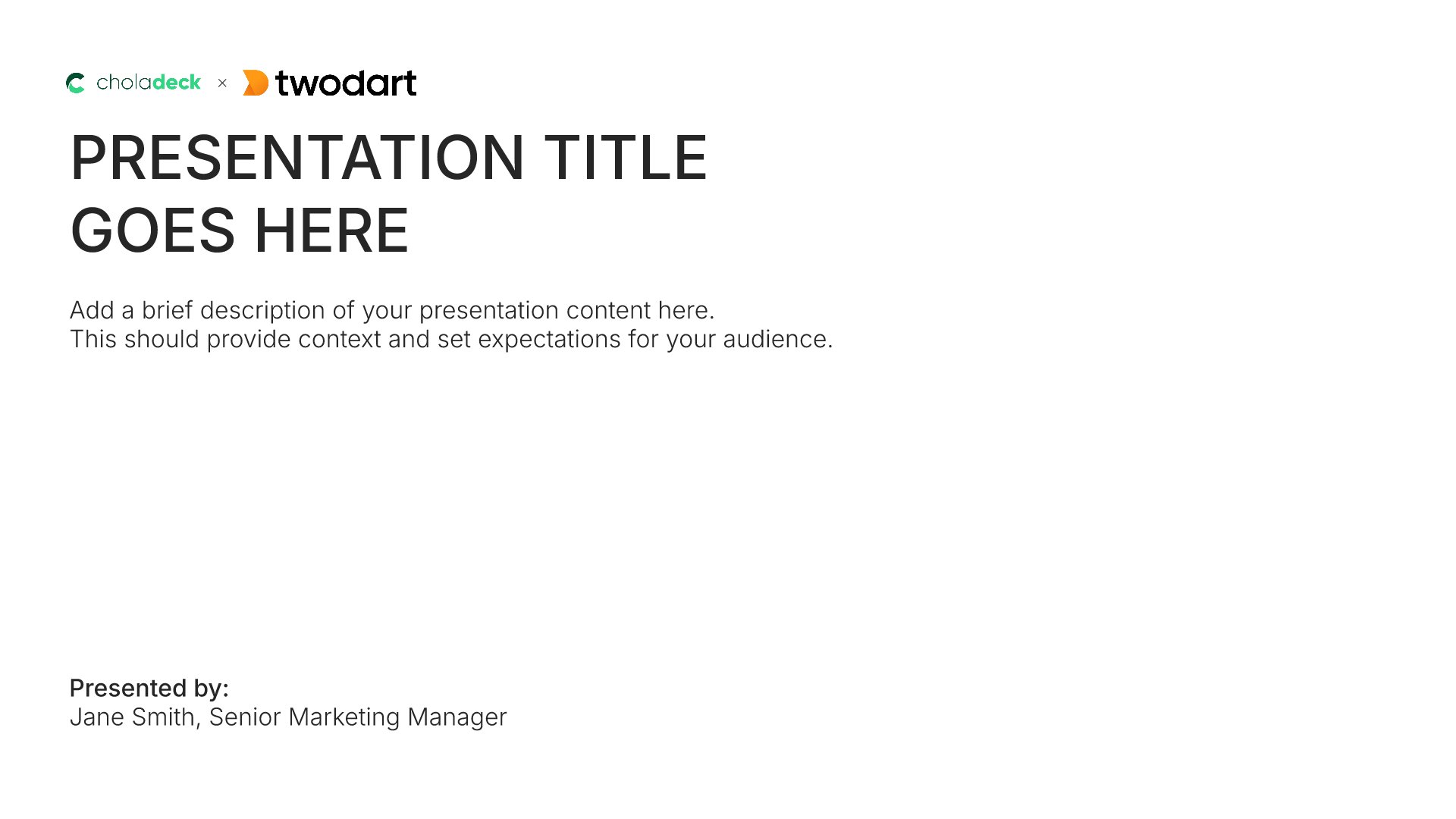
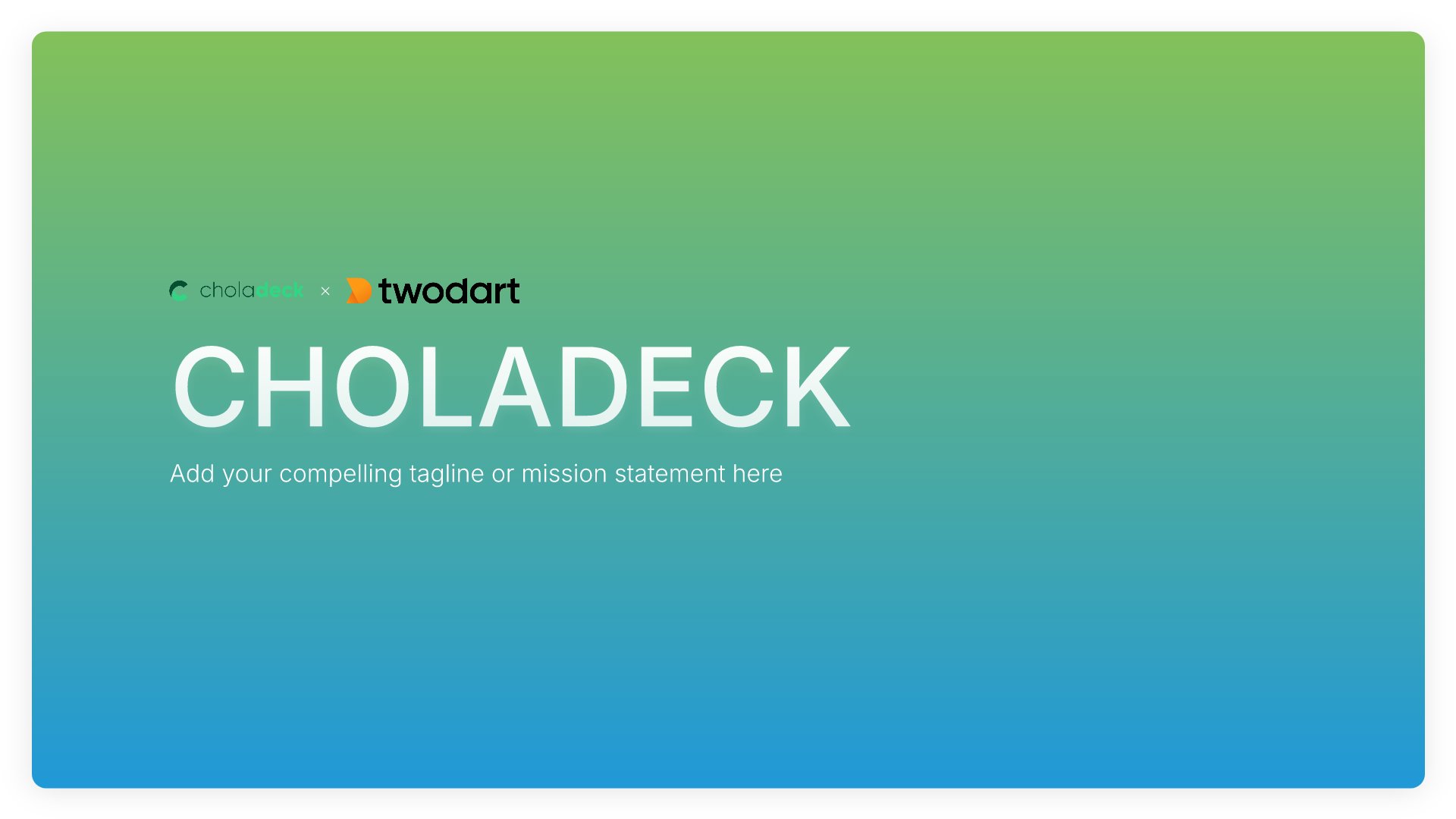
Title slide template, layout 003

Layout 003

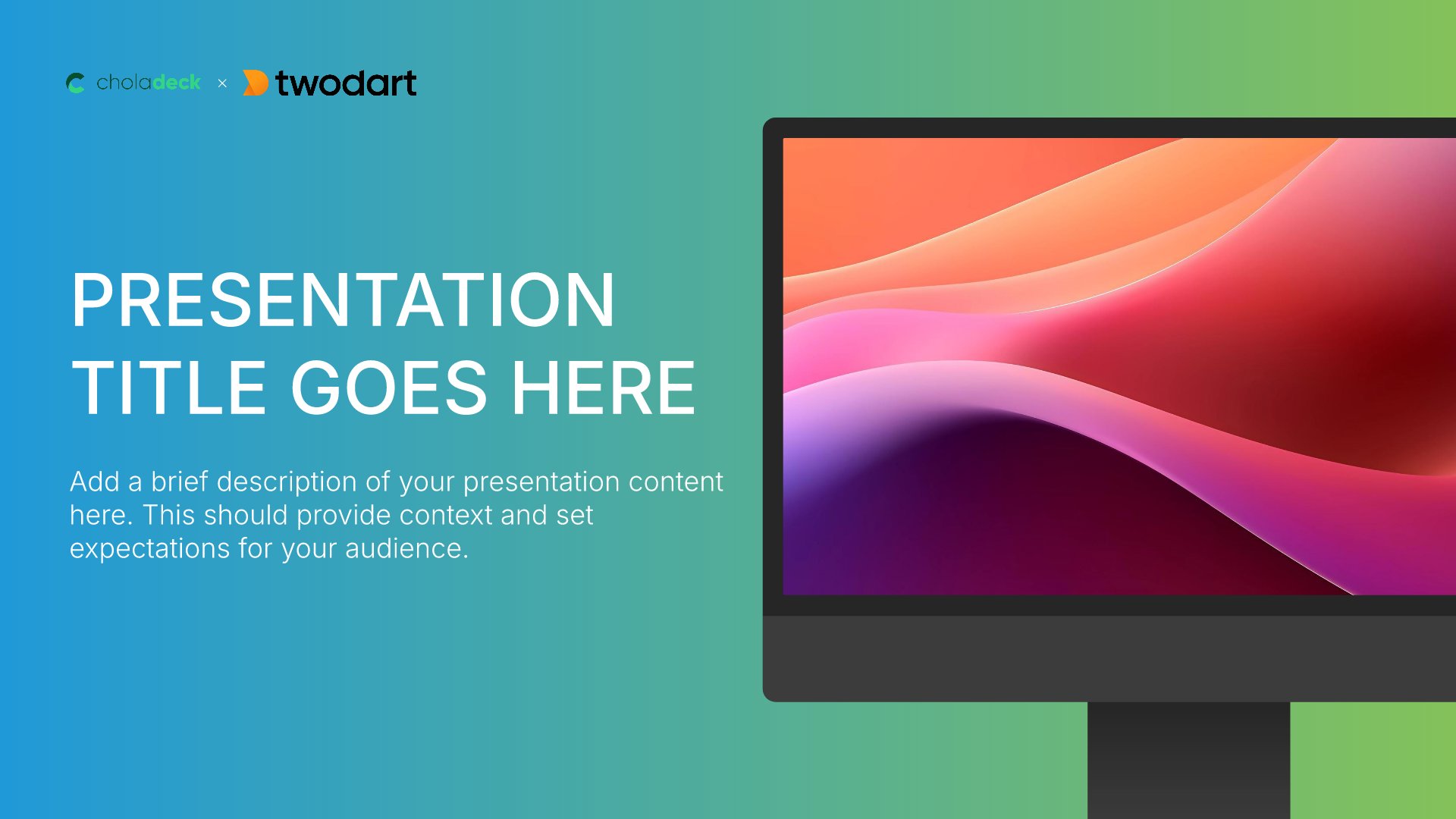
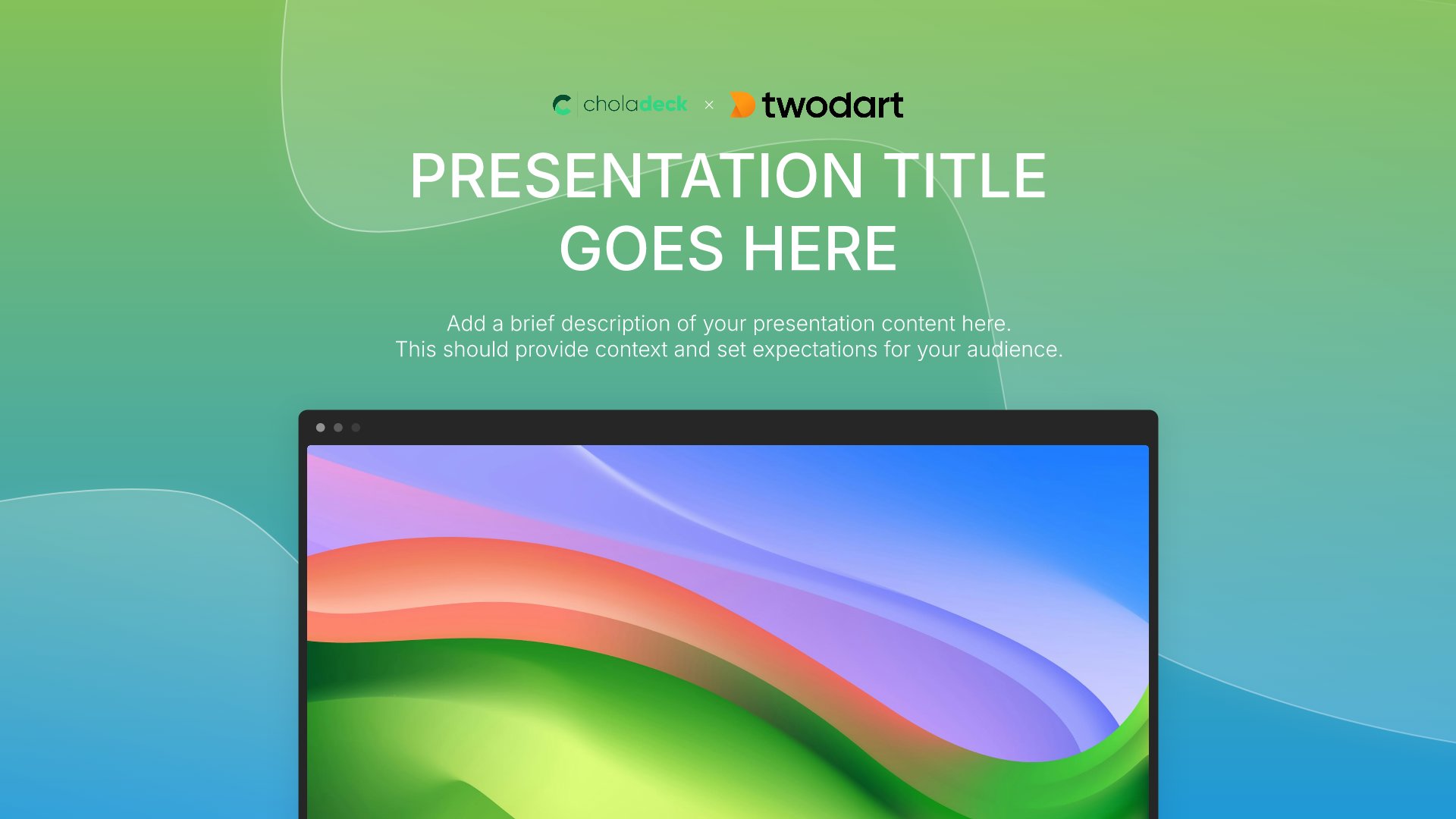
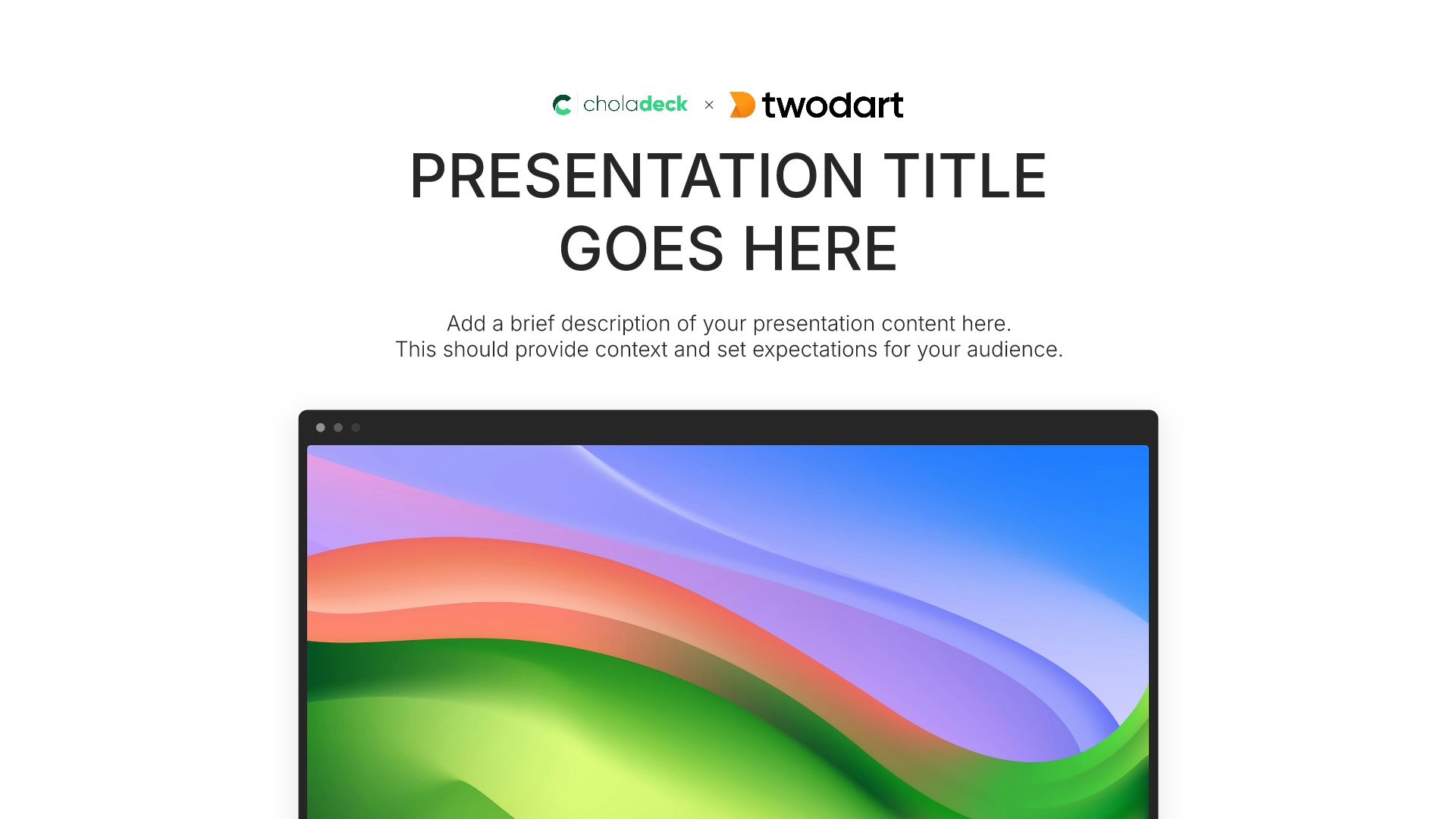
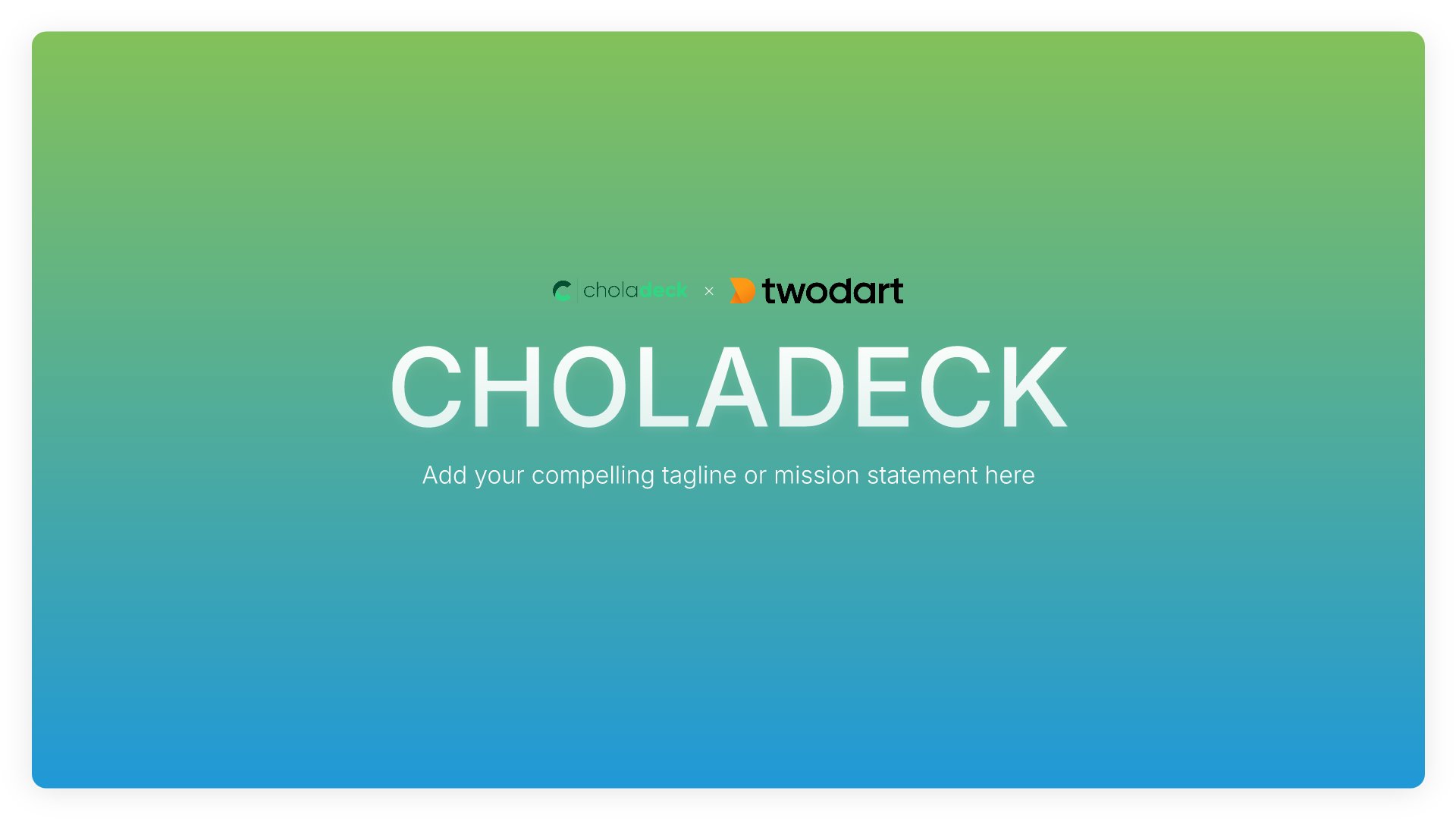
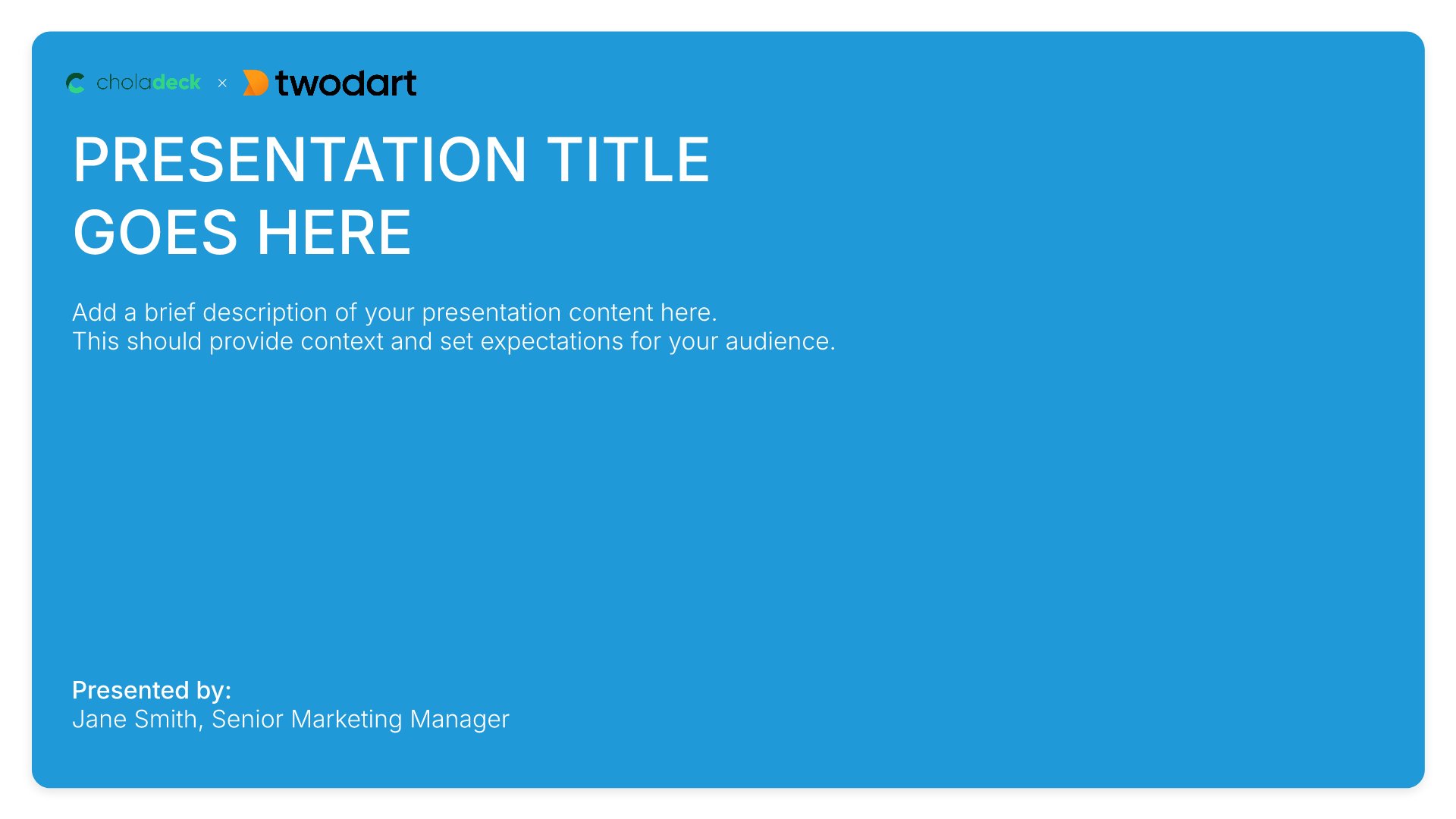
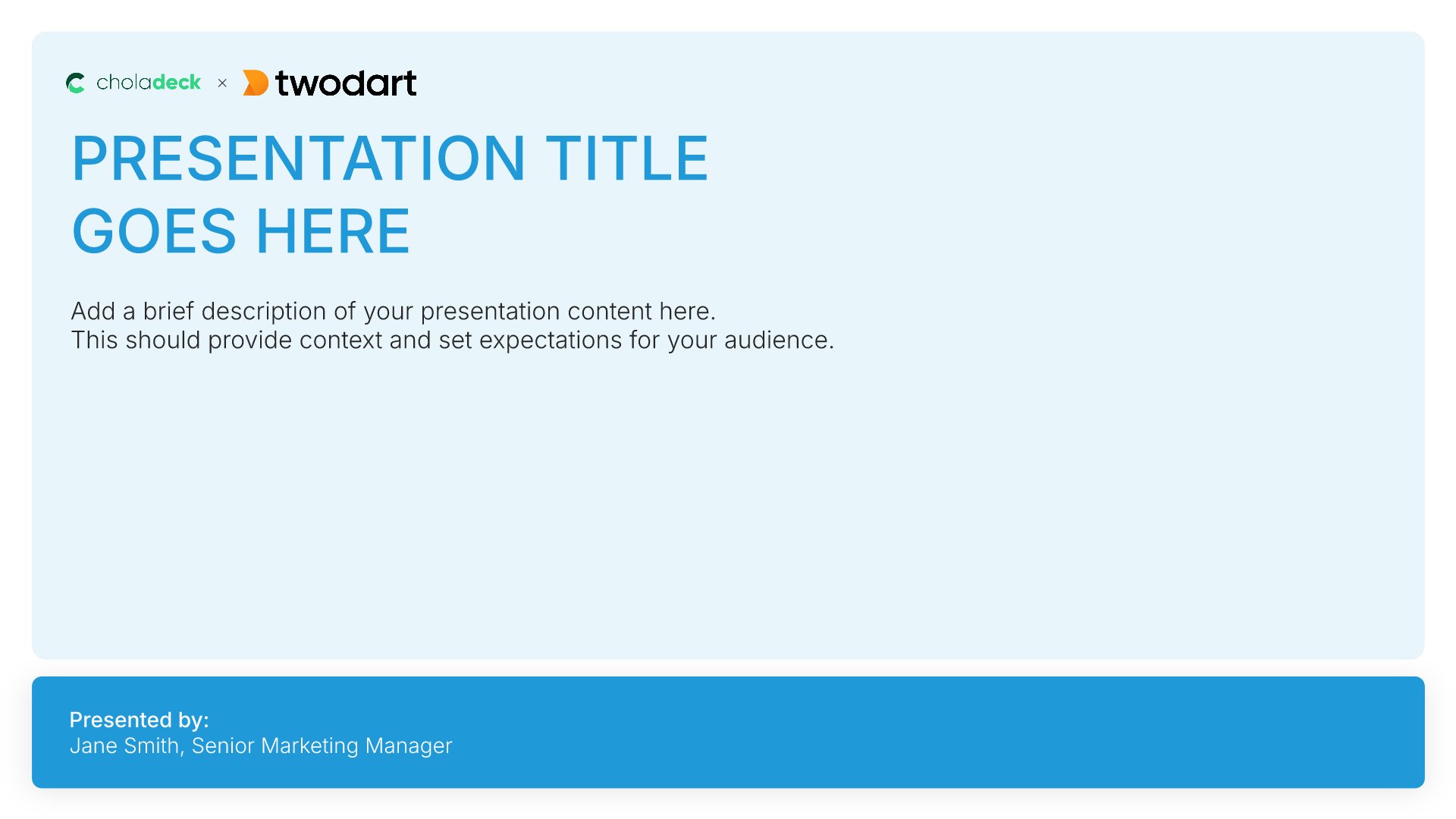
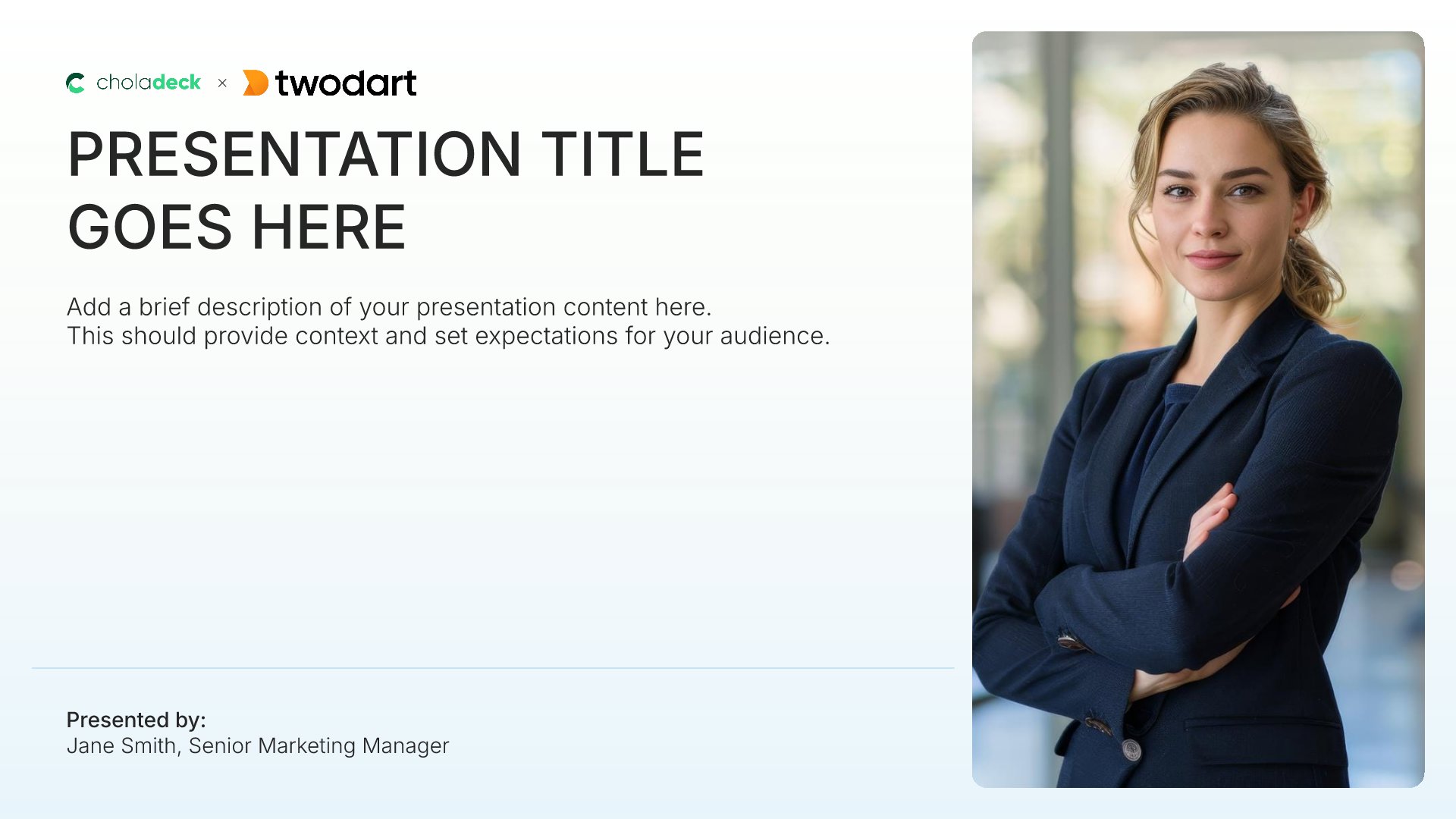
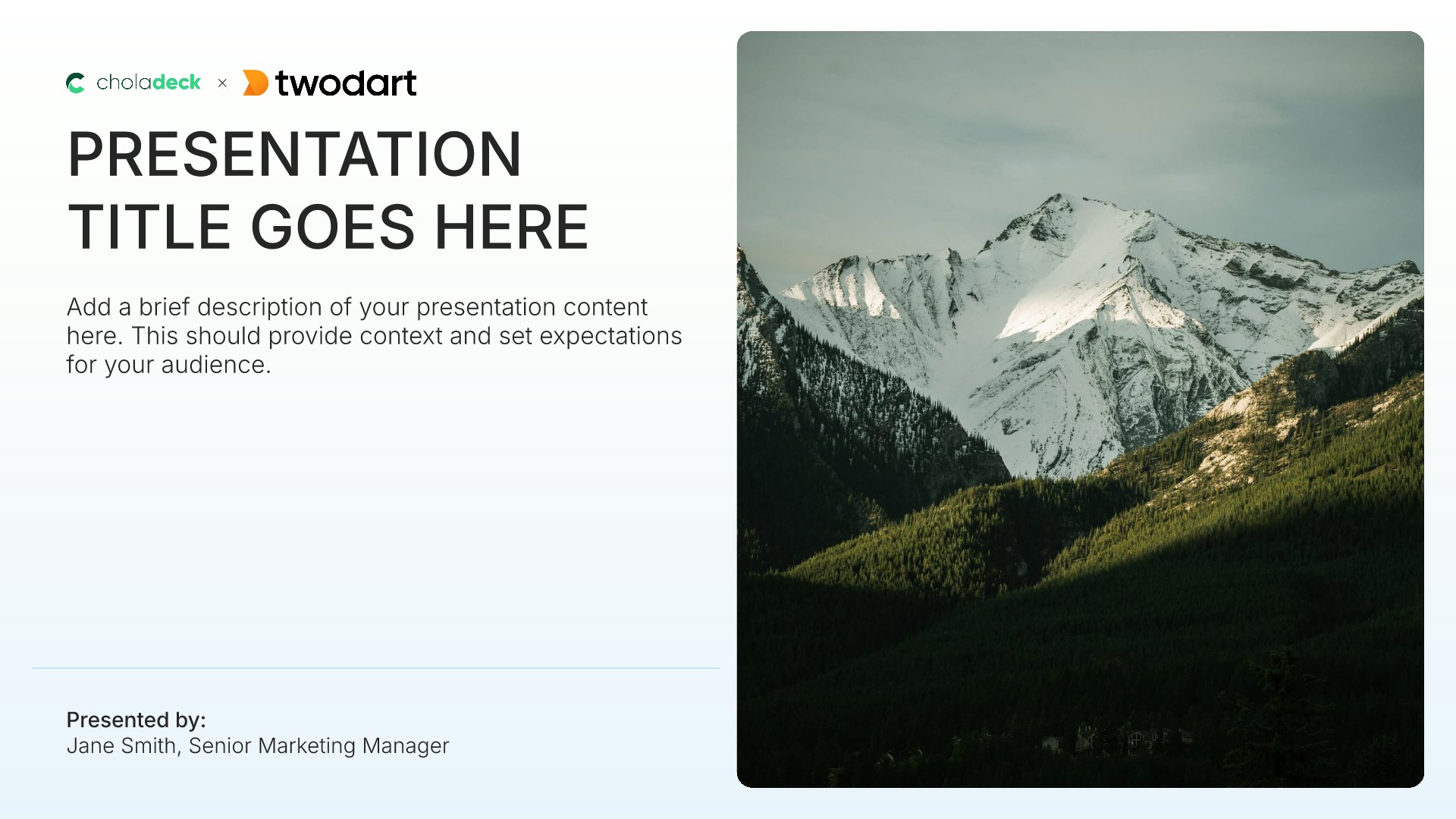
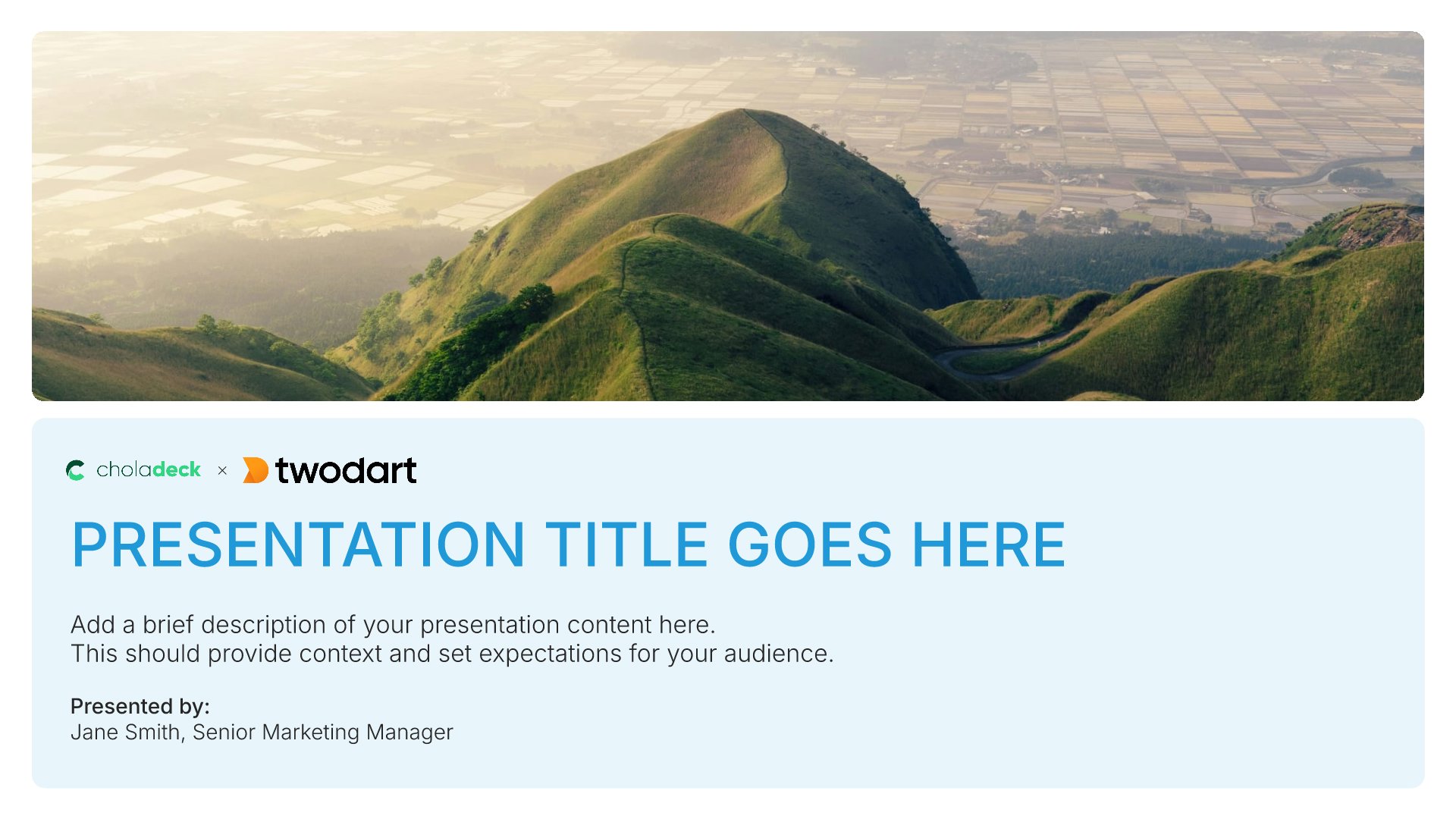
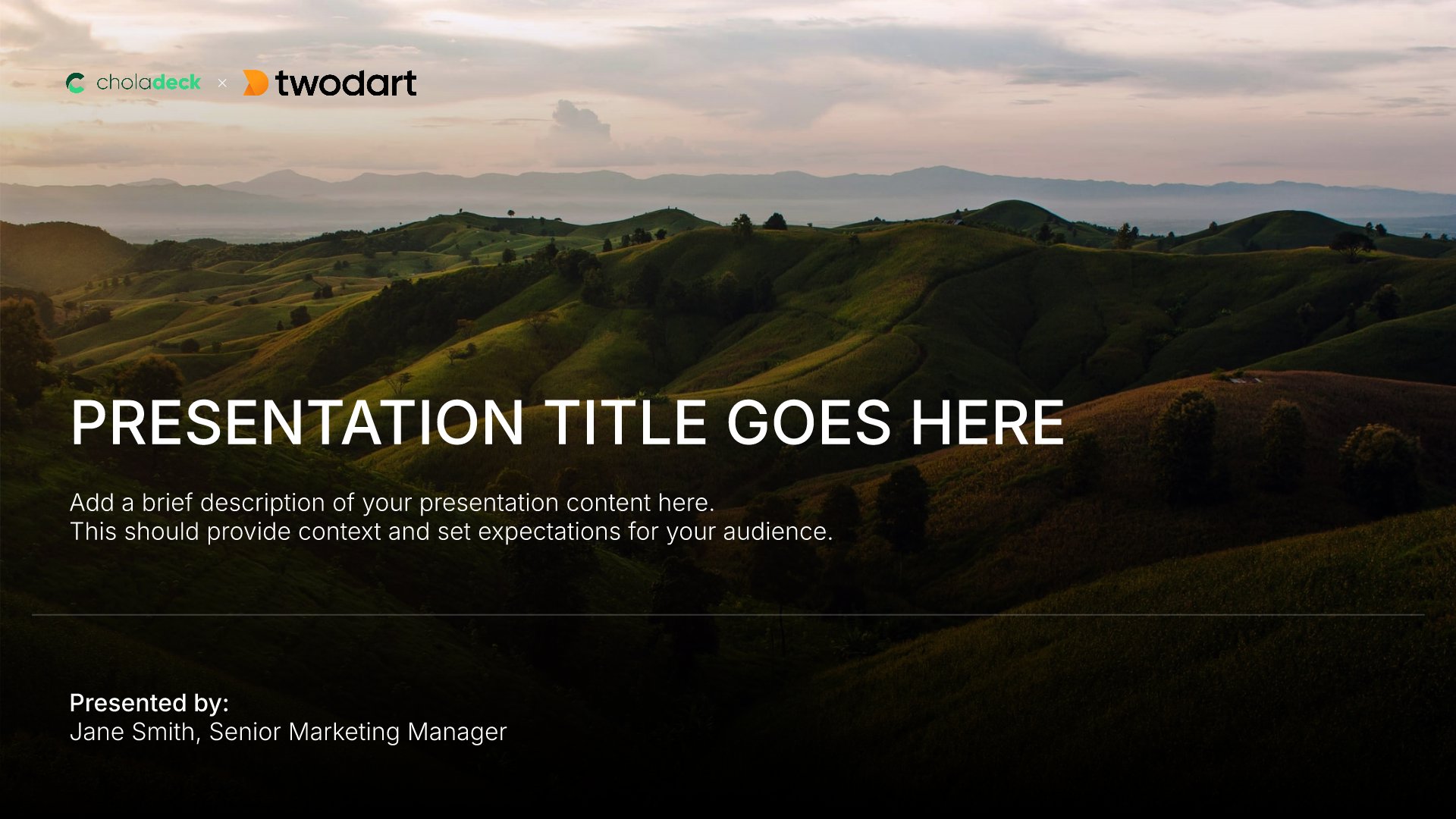
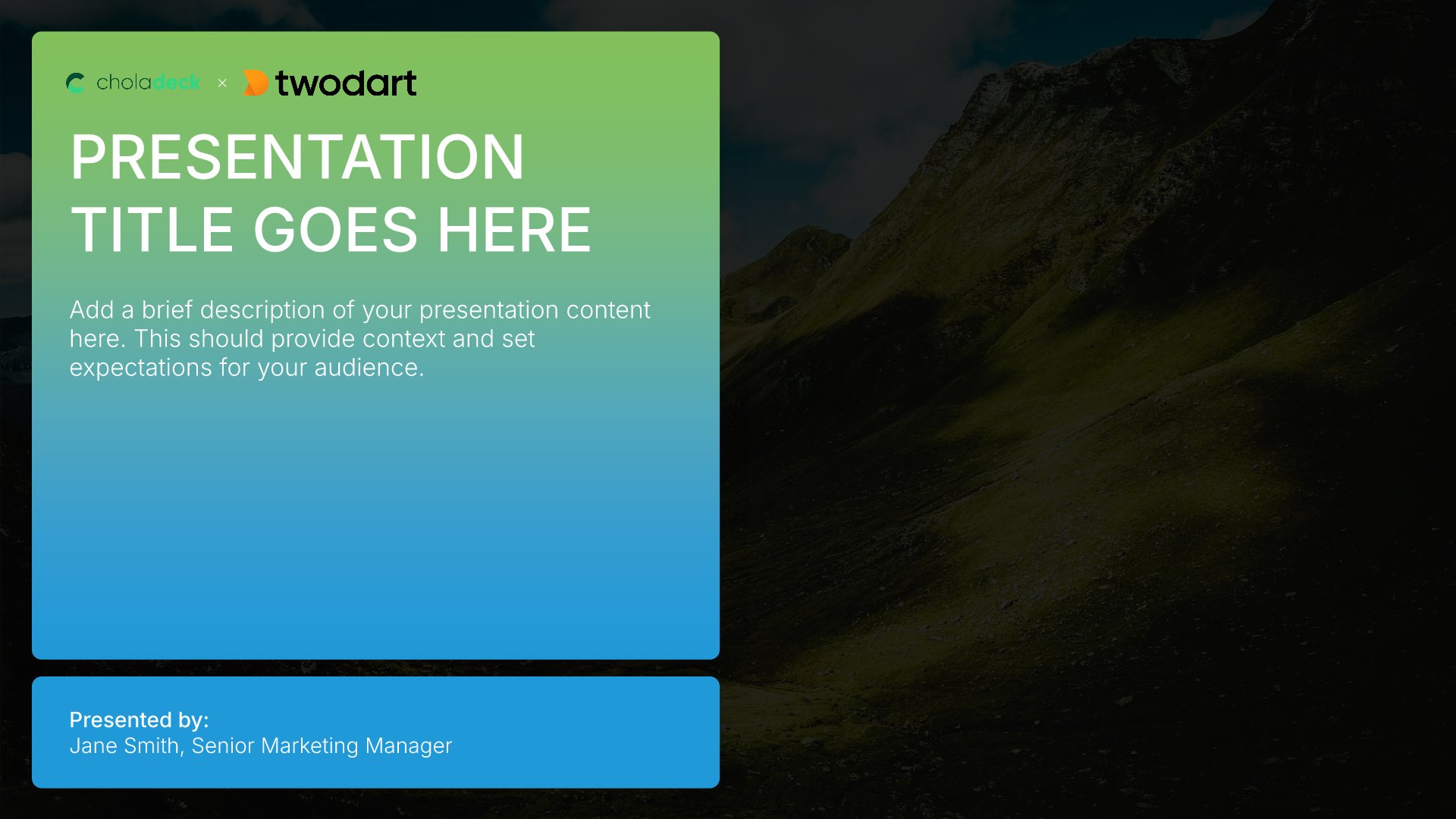
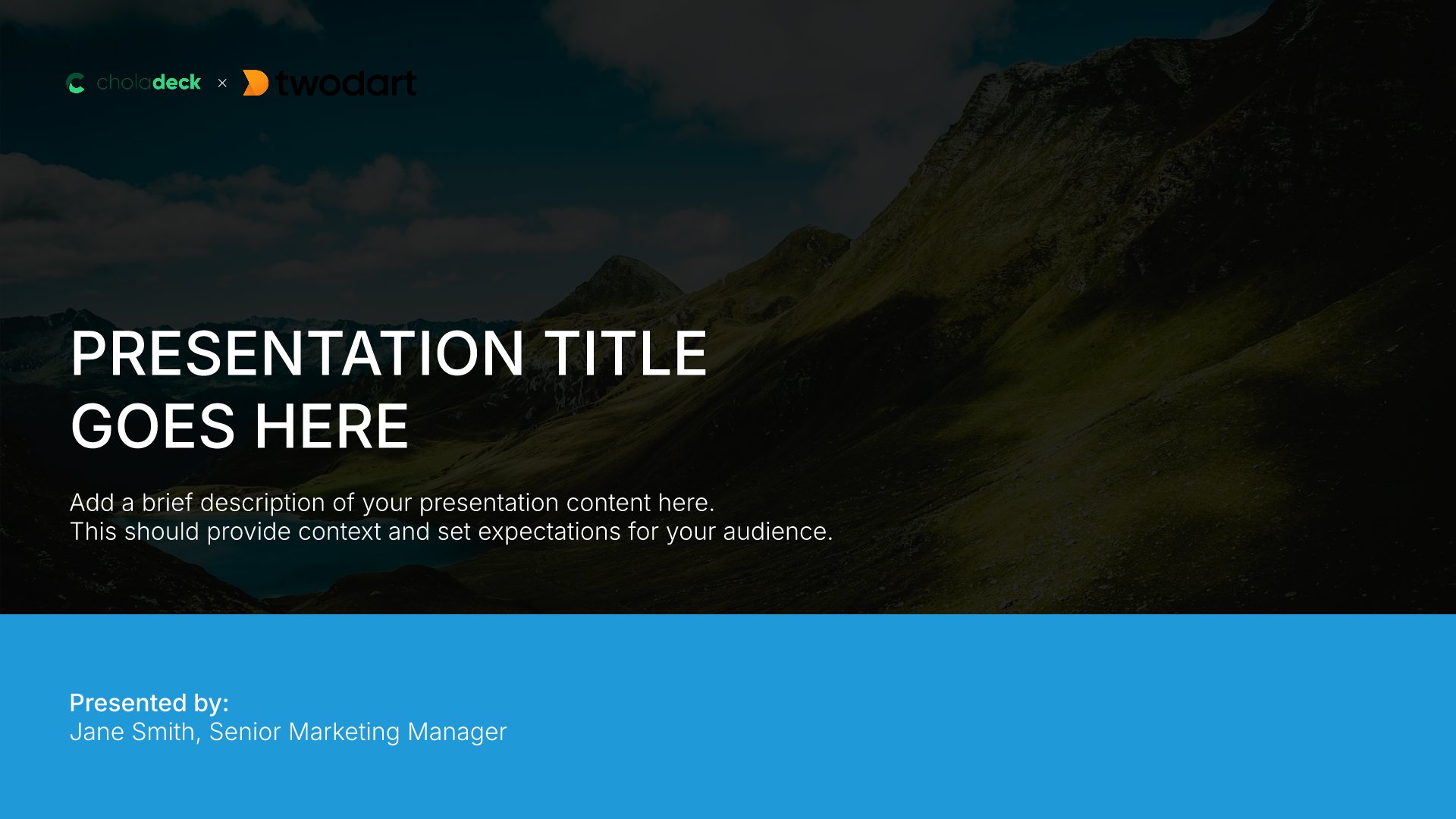
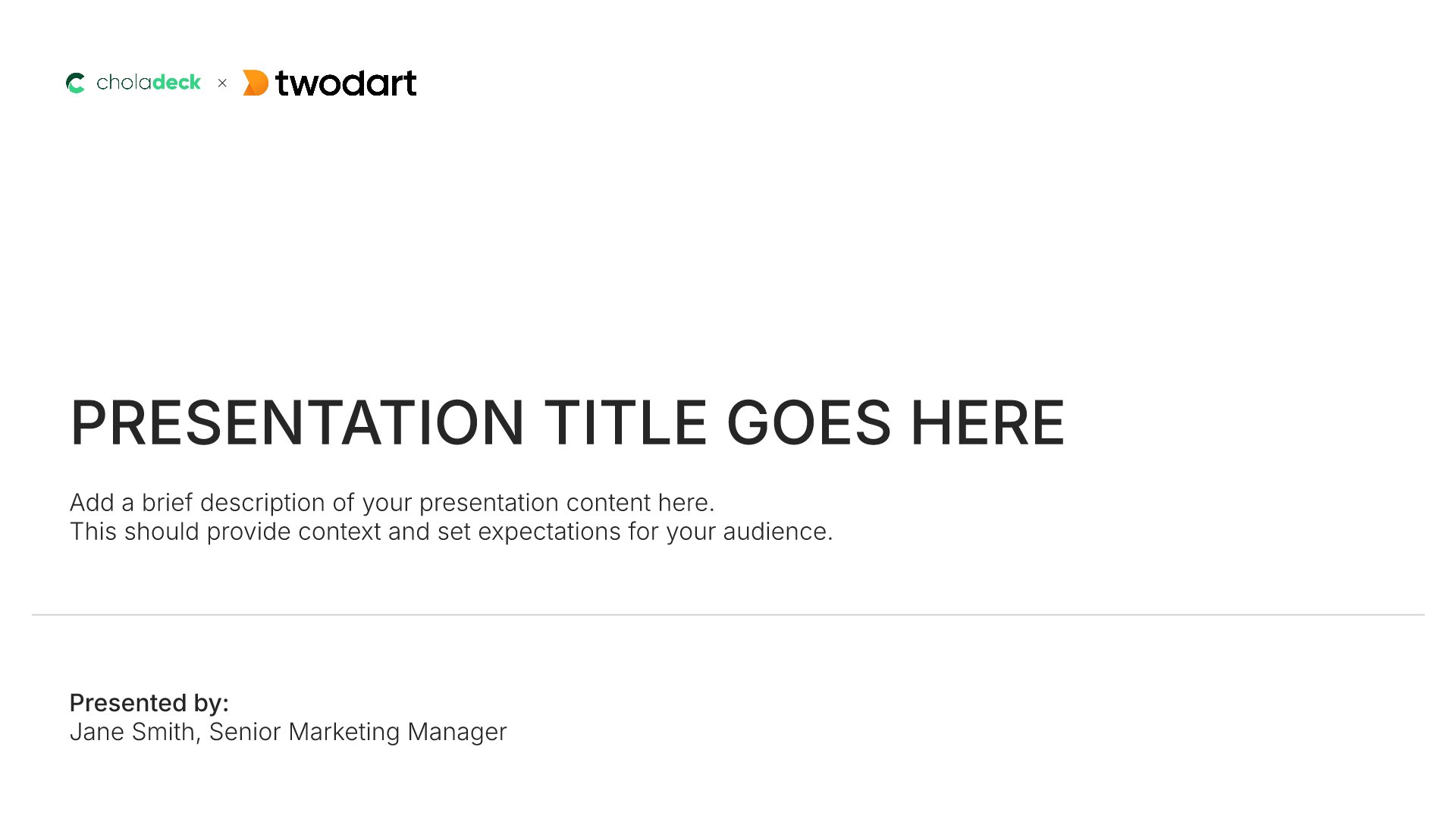
Title slide template, layout 004

Layout 004

Title slide template, layout 005

Layout 005

Title slide template, layout 006

Layout 006

Title slide template, layout 007

Layout 007

Title slide template, layout 008

Layout 008

Title slide template, layout 009

Layout 009

Title slide template, layout 010

Layout 010

Title slide template, layout 011

Layout 011

Title slide template, layout 012

Layout 012

Title slide template, layout 013

Layout 013

Title slide template, layout 014

Layout 014

Title slide template, layout 015

Layout 015

Title slide template, layout 016

Layout 016

Title slide template, layout 017

Layout 017

Title slide template, layout 018

Layout 018

Title slide template, layout 019

Layout 019

Title slide template, layout 020

Layout 020

Title slide template, layout 021

Layout 021

Title slide template, layout 022

Layout 022

Title slide template, layout 023

Layout 023

Title slide template, layout 024

Layout 024

Title slide template, layout 025

Layout 025

Title slide template, layout 026

Layout 026

Title slide template, layout 027

Layout 027

Title slide template, layout 028

Layout 028

Title slide template, layout 029

Layout 029

Title slide template, layout 030

Layout 030

Title slide template, layout 031

Layout 031

Title slide template, layout 032

Layout 032

Title slide template, layout 033

Layout 033

Title slide template, layout 034

Layout 034

Title slide template, layout 035

Layout 035

Title slide template, layout 036

Layout 036

Title slide template, layout 037

Layout 037

Title slide template, layout 038

Layout 038

Title slide template, layout 039

Layout 039

Title slide template, layout 040

Layout 040

Title slide template, layout 041

Layout 041

Title slide template, layout 042

Layout 042

Title slide template, layout 043

Layout 043

Title slide template, layout 044

Layout 044

Title slide template, layout 045

Layout 045

Title slide template, layout 046

Layout 046

Title slide template, layout 047

Layout 047

Title slide template, layout 048

Layout 048

Title slide template, layout 049

Layout 049

Title slide template, layout 050

Layout 050

Title slide template, layout 051

Layout 051

Title slide template, layout 052

Layout 052

Title slide template, layout 053

Layout 053

Title slide template, layout 054

Layout 054

Title slide template, layout 055

Layout 055

Title slide template, layout 056

Layout 056

Title slide template, layout 057

Layout 057

Title slide template, layout 058

Layout 058

Title slide template, layout 059

Layout 059

Title slide template, layout 060

Layout 060

Title slide template, layout 061

Layout 061

Title slide template, layout 062

Layout 062

Title slide template, layout 063

Layout 063

Title slide template, layout 064

Layout 064

Title slide template, layout 065

Layout 065

Title slide template, layout 066

Layout 066

Title slide template, layout 067

Layout 067

Title slide template, layout 068

Layout 068

Title slide template, layout 069

Layout 069

Title slide template, layout 070

Layout 070

Title slide template, layout 071

Layout 071

Title slide template, layout 072

Layout 072

Title slide template, layout 073

Layout 073

Title slide template, layout 074

Layout 074

Title slide template, layout 075

Layout 075

Title slide template, layout 076

Layout 076

Title slide template, layout 077

Layout 077

Title slide template, layout 078

Layout 078

Title slide template, layout 079

Layout 079

Title slide template, layout 080

Layout 080

Title slide template, layout 081

Layout 081

Title slide template, layout 082

Layout 082

Title slide template, layout 083

Layout 083

Title slide template, layout 084

Layout 084

Title slide template, layout 085

Layout 085

Title slide template, layout 086

Layout 086

Title slide template, layout 087

Layout 087

Title slide template, layout 088

Layout 088

Title slide template, layout 089

Layout 089

Title slide template, layout 090

Layout 090

Title slide template, layout 091

Layout 091

Title slide template, layout 092

Layout 092

Title slide template, layout 093

Layout 093

Title slide template, layout 094

Layout 094

Title slide template, layout 095

Layout 095

Title slide template, layout 096

Layout 096

Title slide template, layout 097

Layout 097

Title slide template, layout 098

Layout 098

Title slide template, layout 099

Layout 099

Title slide template, layout 100

Layout 100

Title slide template, layout 101

Layout 101

Title slide template, layout 102

Layout 102

Title slide template, layout 103

Layout 103

Title slide template, layout 104

Layout 104

Title slide template, layout 105

Layout 105

Title slide template, layout 106

Layout 106

Title slide template, layout 107

Layout 107

Title slide template, layout 108

Layout 108

Title slide template, layout 109

Layout 109

Title slide template, layout 110

Layout 110

Title slide template, layout 111

Layout 111

Title slide template, layout 112

Layout 112

Title slide template, layout 113

Layout 113

Title slide template, layout 114

Layout 114

Title slide template, layout 115

Layout 115

Title slide template, layout 116

Layout 116

Title slide template, layout 117

Layout 117

Title slide template, layout 118

Layout 118

Title slide template, layout 119

Layout 119

Title slide template, layout 120

Layout 120

Title slide template, layout 121

Layout 121

Title slide template, layout 122

Layout 122

Title slide template, layout 123

Layout 123

Title slide template, layout 124

Layout 124

Title slide template, layout 125

Layout 125

Title slide template, layout 126

Layout 126

Title slide template, layout 127

Layout 127

Title slide template, layout 128

Layout 128

Title slide template, layout 129

Layout 129

Title slide template, layout 130

Layout 130

Title slide template, layout 131

Layout 131

Title slide template, layout 132

Layout 132

Title slide template, layout 133

Layout 133

Title slide template, layout 134

Layout 134

Title slide template, layout 135

Layout 135

About our title slides

What the slide does, how to use it, your brand, and a file you can edit anywhere.

Built to set expectations before you say a word

The first slide is on screen while people settle in, often for longer than any other slide except the last. A title slide sets expectations in that time: what the talk is about, who it’s from, and how seriously to take it. A clear title and a polished design tell the audience the rest will be worth their attention.

Why a clear title does more than a clever one

A clever title can be memorable, but if the audience can’t tell the topic, it’s working against you. A plain title with a subtitle that states the point gives people a reason to listen from the first minute. So the opening slide starts building the argument, not just decorating the room.

Brand the whole presentation in one click

Add your logo, colors, fonts, and background once. It applies to the whole presentation and the entire slide library at the same time. The title slide is the first thing anyone sees, including everyone who opens the file later, so once branded, it introduces your company properly.

Export to PowerPoint, Google Slides, or Keynote

You get a real file, not a locked link. Export it and keep editing in the tool you already use. Titles, subtitles, names, and images stay editable, so you can reuse the layout for each new presentation.

How Choladeck works

From blank page to finished presentation in four steps.

STEP 01

Browse 9,000+ slides across 134+ categories, or open one of the 74 premade presentations.

STEP 02

Add your logo, colors, and fonts in one click. The whole presentation instantly matches your company.

STEP 03

Add your text, numbers, charts, and tables. Everything on the slide is editable.
STEP 04

Send it to PowerPoint, Google Slides, or Keynote, and present.

Start from a template

Need a complete presentation instead?

If you're starting from nothing rather than fixing a few slides, open one of 74+ premade presentations instead. Each one is complete and built for one purpose, from pitch decks to business plans and company profiles.

Choladeck premade templates with the Type of Presentation filter and the Consulting Company Profile deck shown larger

Questions about title slides

How the slides work, and how far you can change them.

Using the slides

Can I edit these slides in PowerPoint?

+

Yes. Export to PowerPoint, Google Slides, or Keynote, and every title, subtitle, and name stays editable. Nothing is locked and nothing is a flat image.
How do I brand them to my company?

+

Add your logo, colors, fonts, and background once. It applies to the whole presentation and the entire slide library at the same time.

Can I mix them with other slides from the library?

+

Yes. Add a title slide to any premade template, or pair it with agenda or section divider slides from the library. Branding applies across all of them.

About title slides

What should a title slide include?

+

The presentation title, a short subtitle, the presenter's name, and the date or event. Add your logo if the presentation will be shared.

How long should the title be?

+

Short enough to read in a glance, usually under ten words. Put the detail in the subtitle.
How is a title slide different from a section divider slide?

+

A title slide opens the whole presentation. Section divider slides mark the start of each part within it.

Your next title slide is already designed

Pick a layout, brand it in one click, add your content, and export.

Free to start. No credit card required.