Pricing

Financial report templates for the whole reporting cycle

Complete financial reports, one for every reporting need. Each one is built around what boards, lenders, and investors need to see, so the order is right before you start. Pick yours, brand it to your organization in one click, add your figures, and export to PowerPoint, Google Slides, or Keynote.

New templates added every month

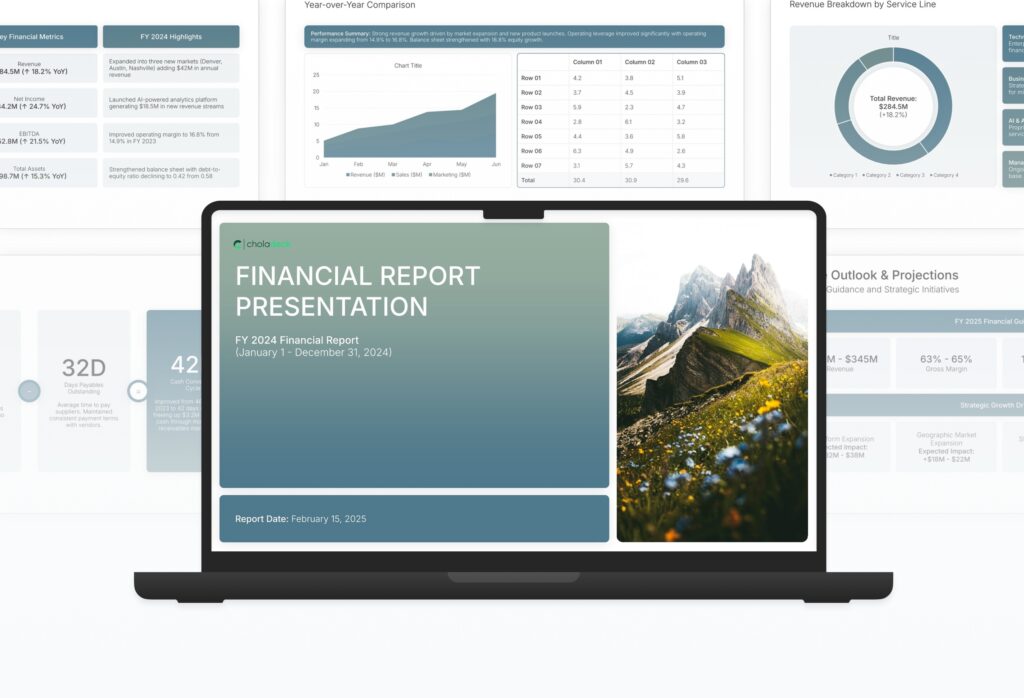
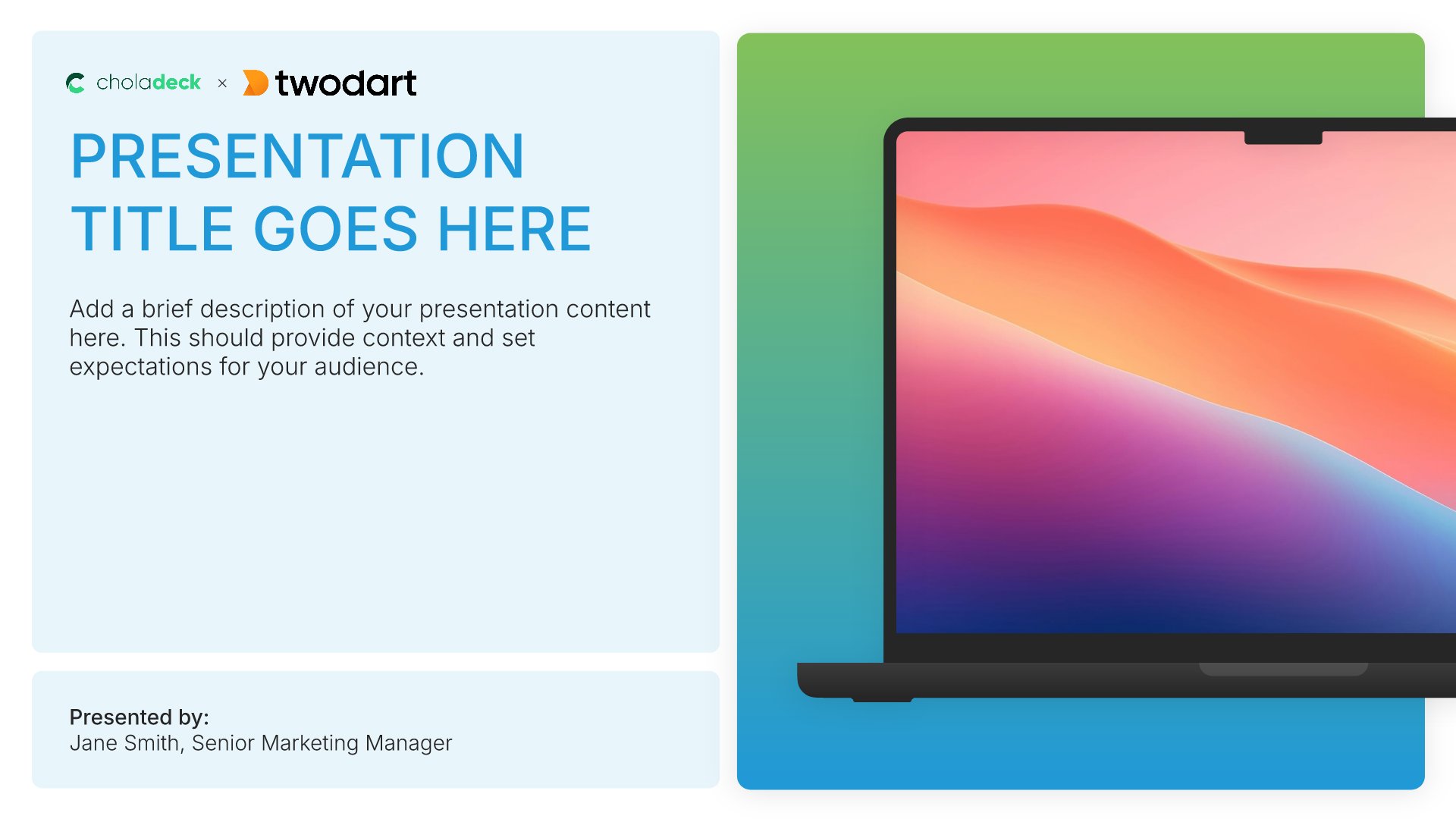
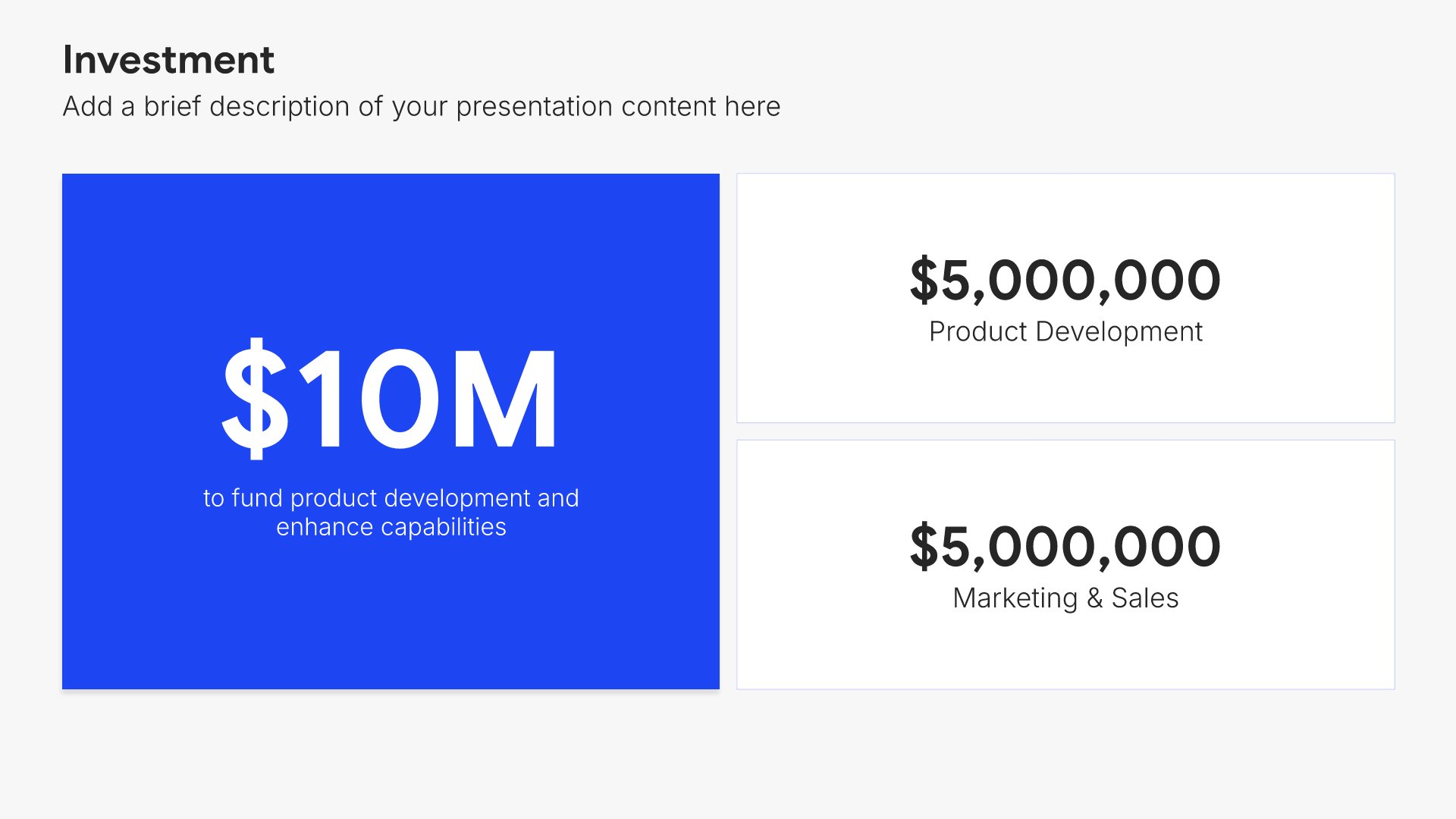
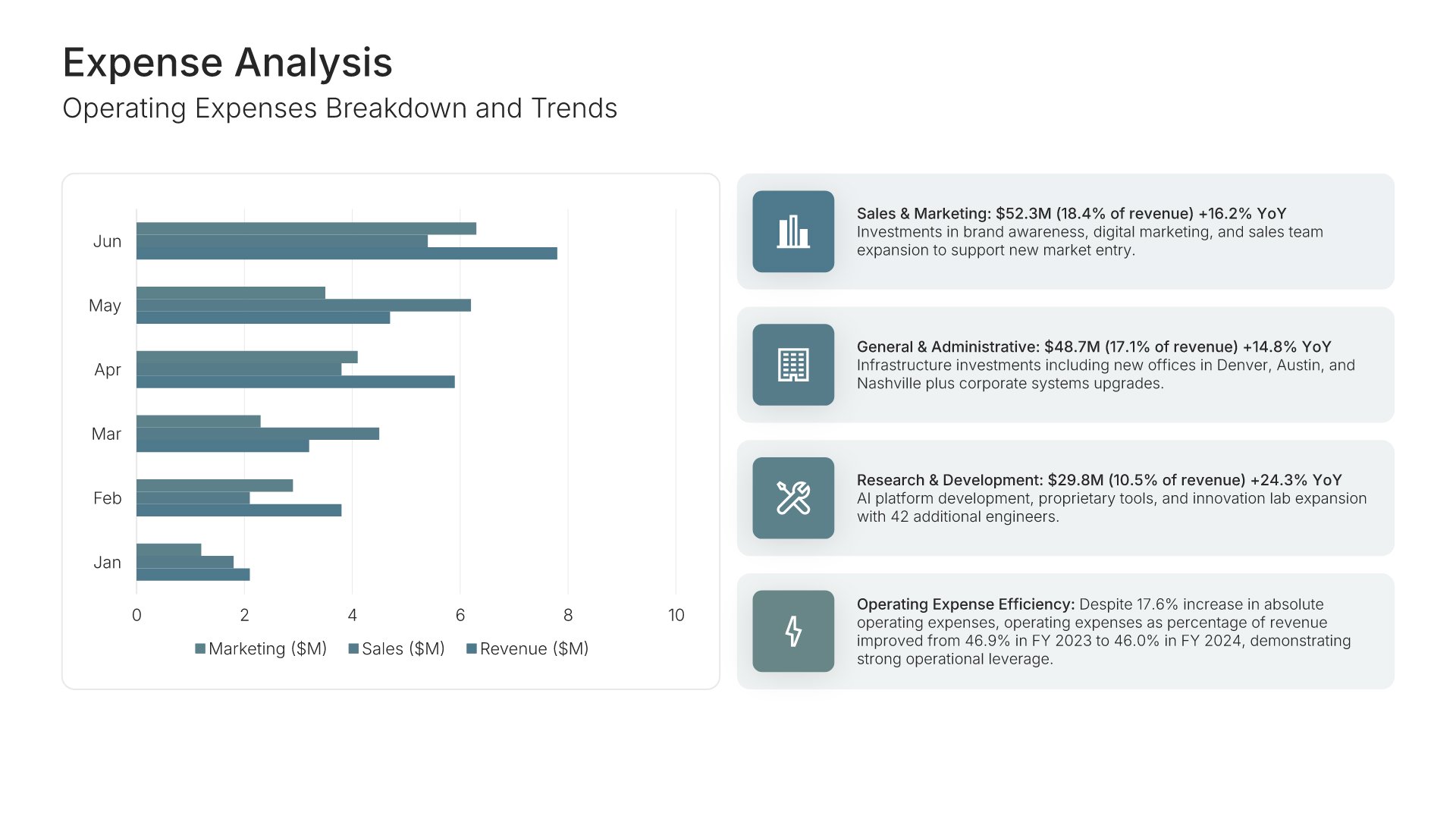
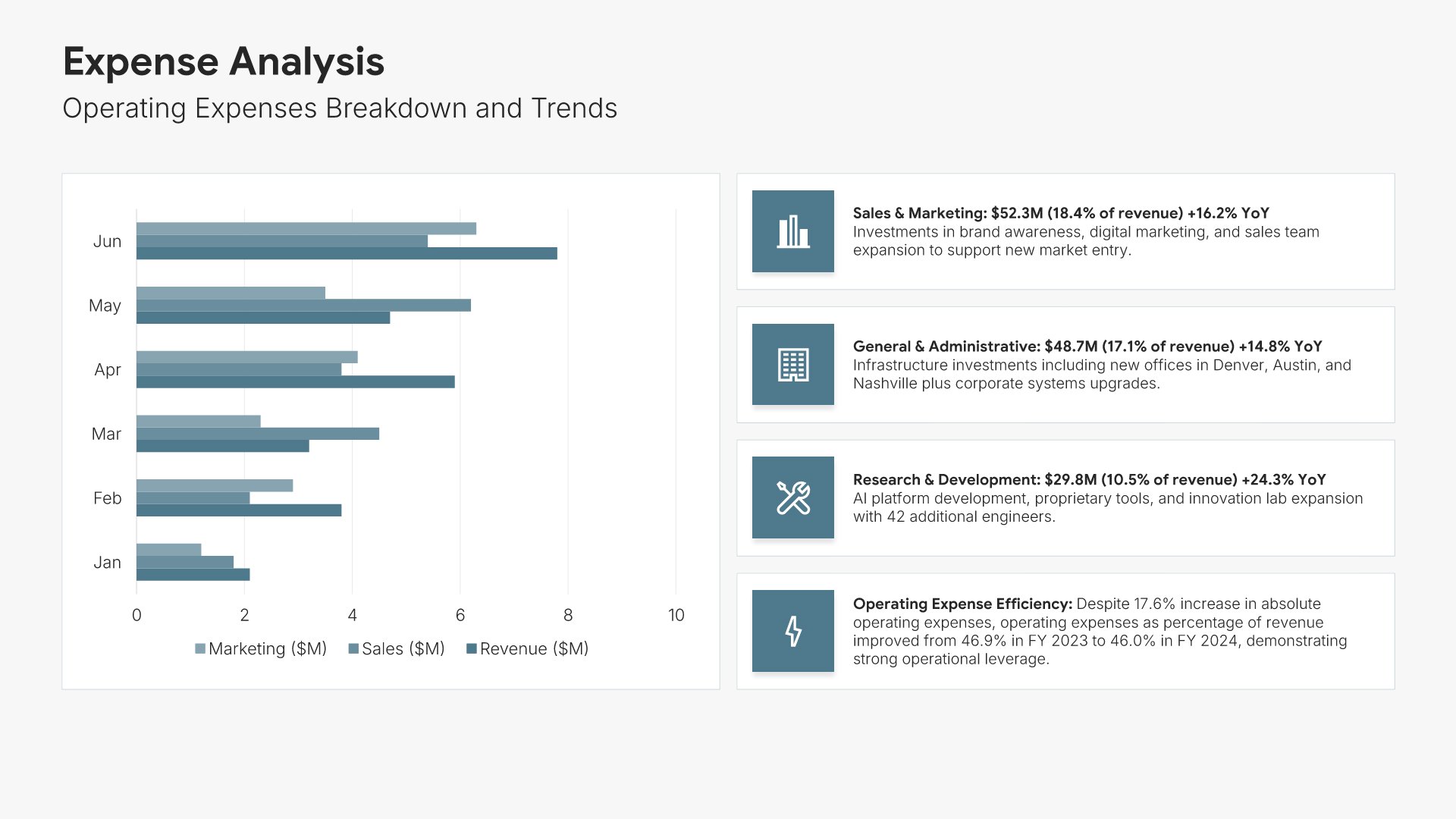
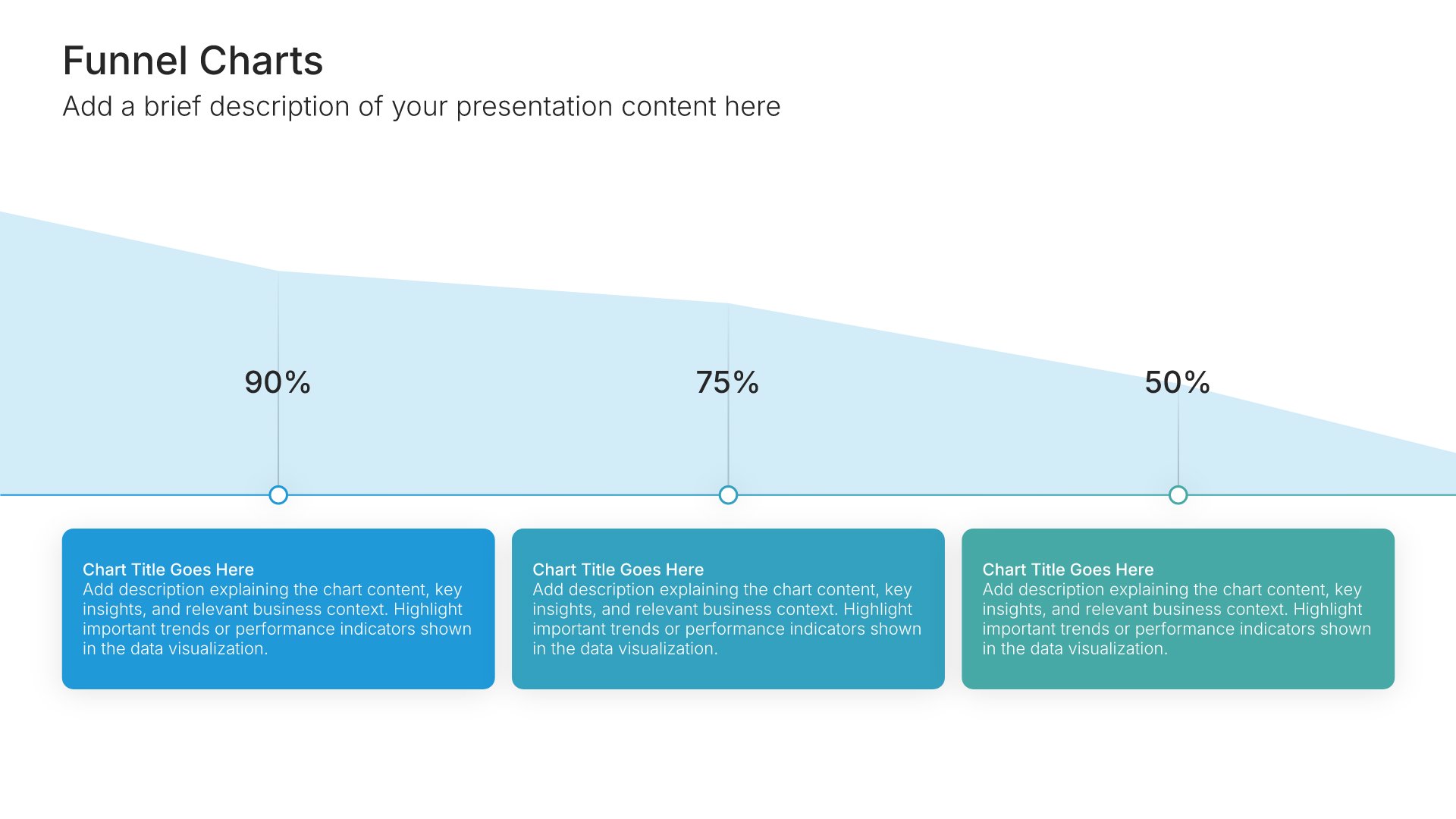
Business financial report template: the title slide in front of other slides from the 17-slide deck

All financial report templates

3 complete financial reports, one for each reporting need.

What you get with every financial report template

The structure, the slides, your brand, and a file you can edit anywhere.

Built for readers checking whether the numbers hold together

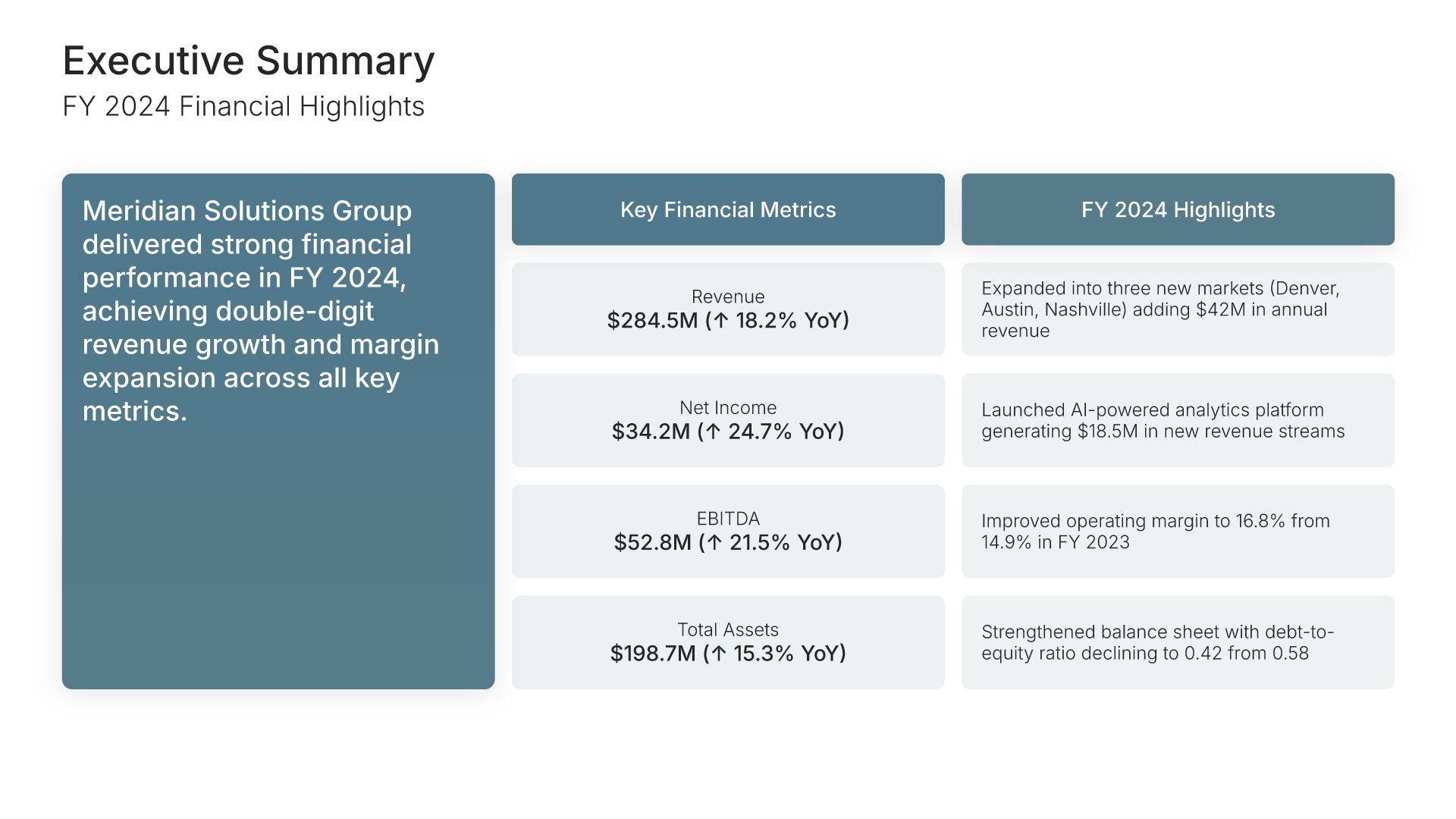
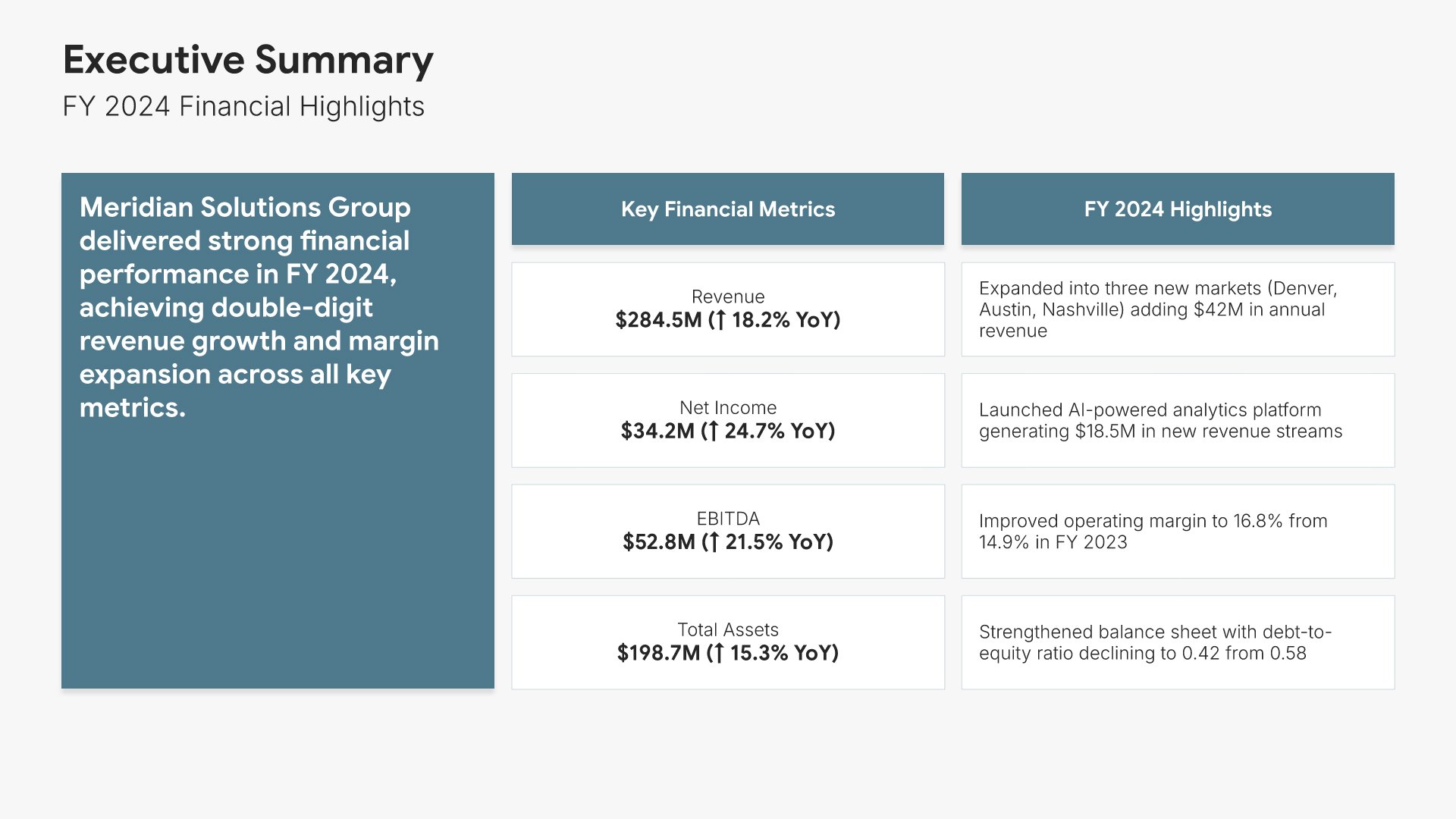
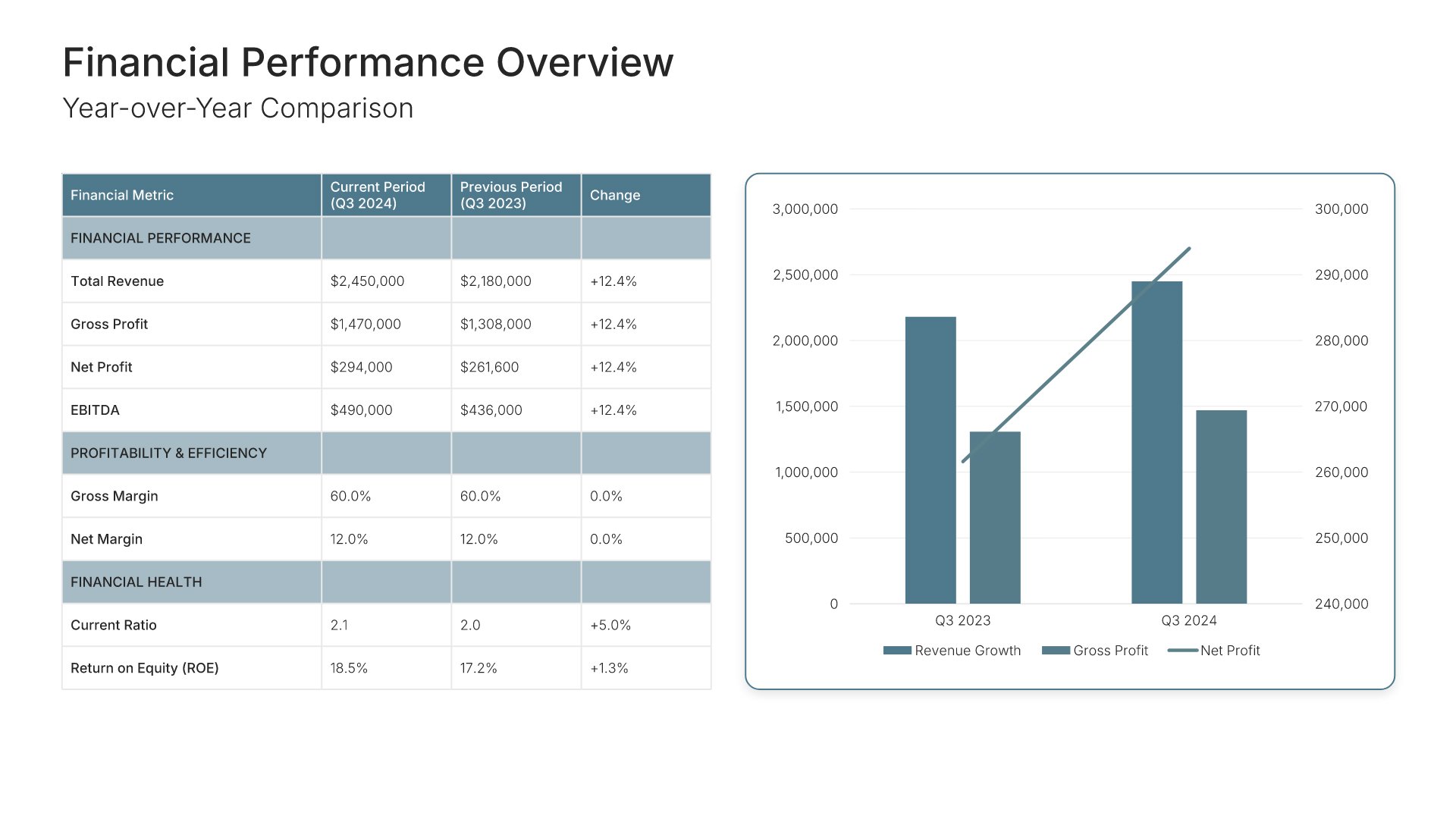
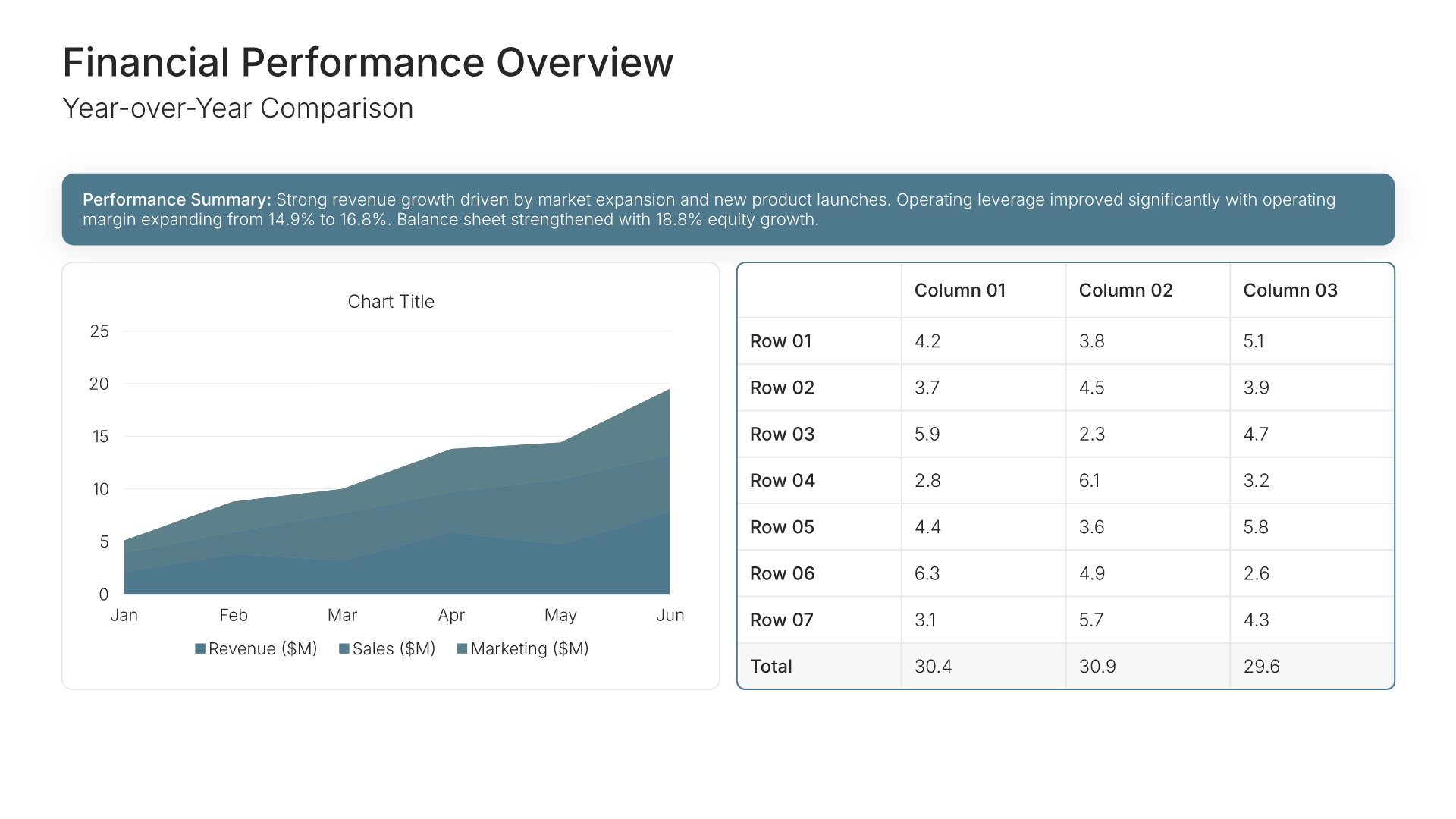
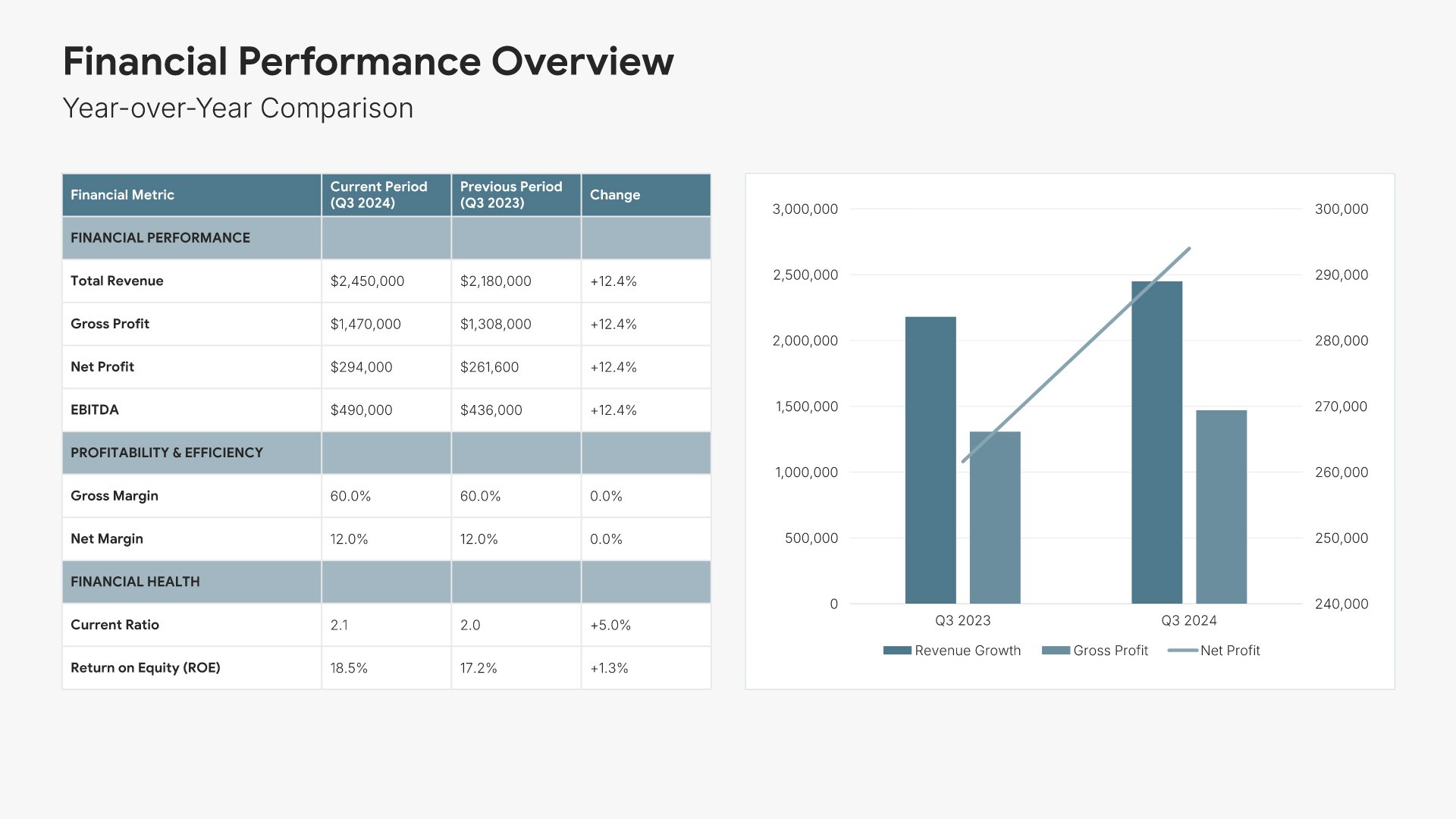
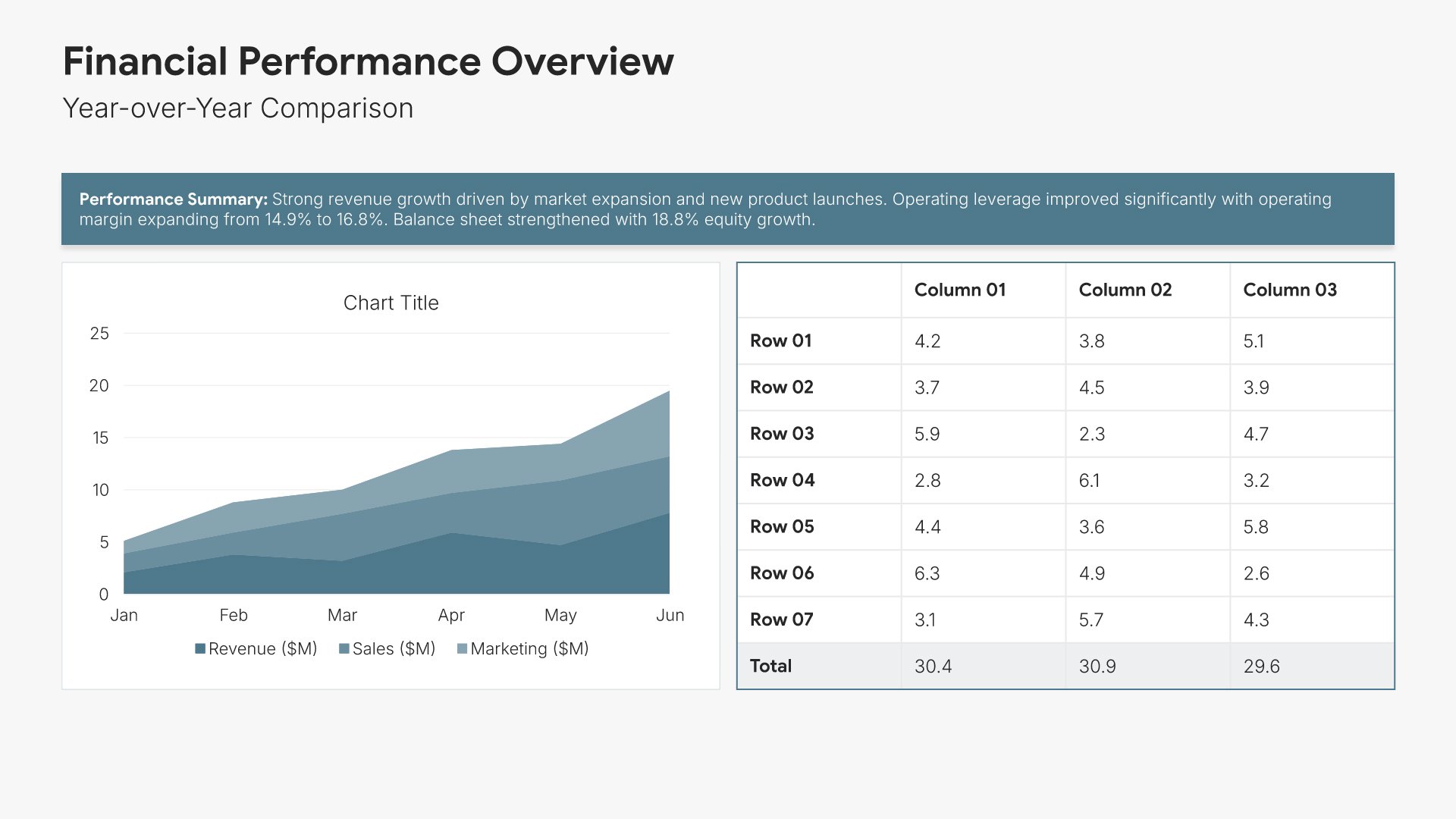
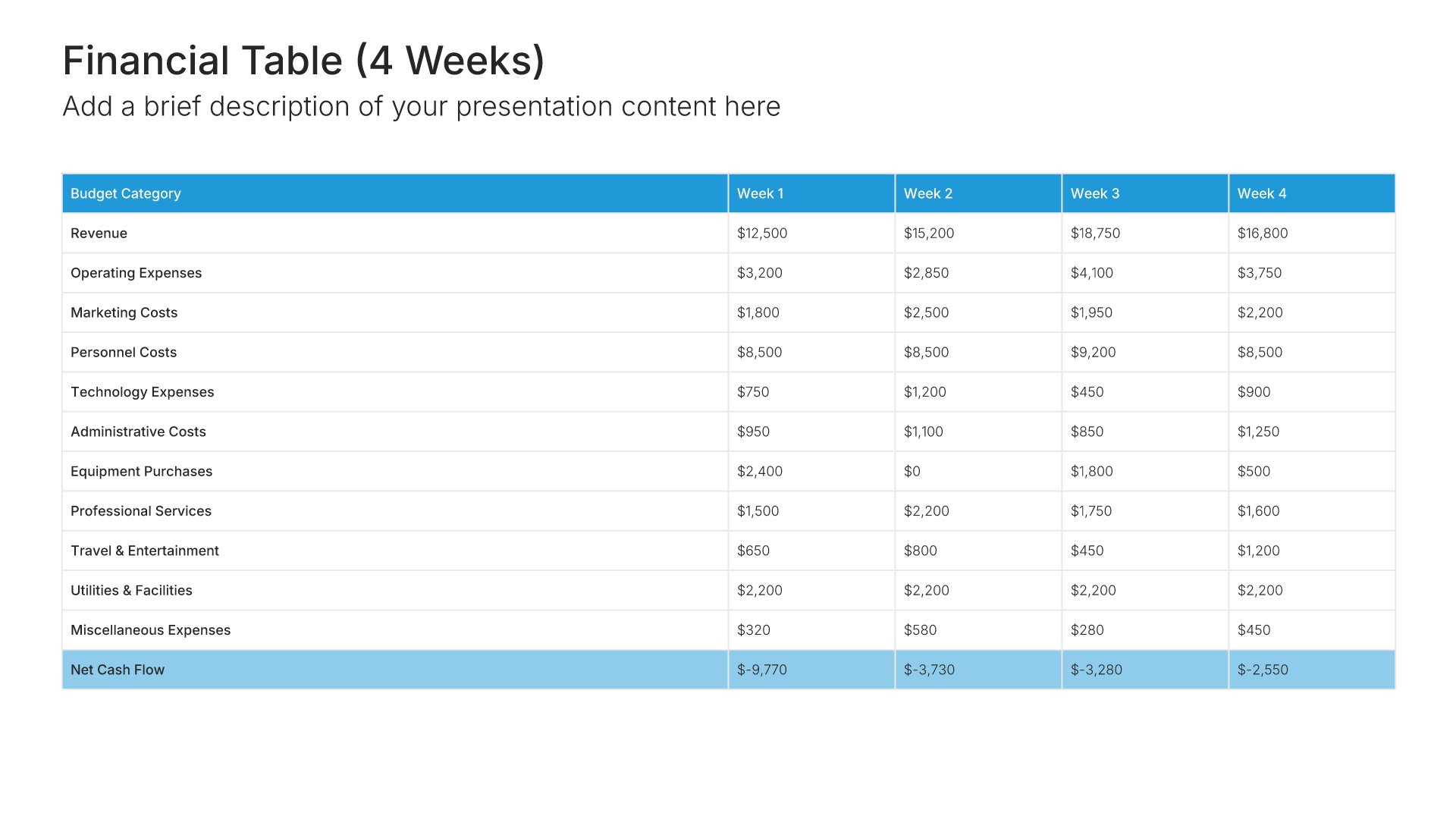
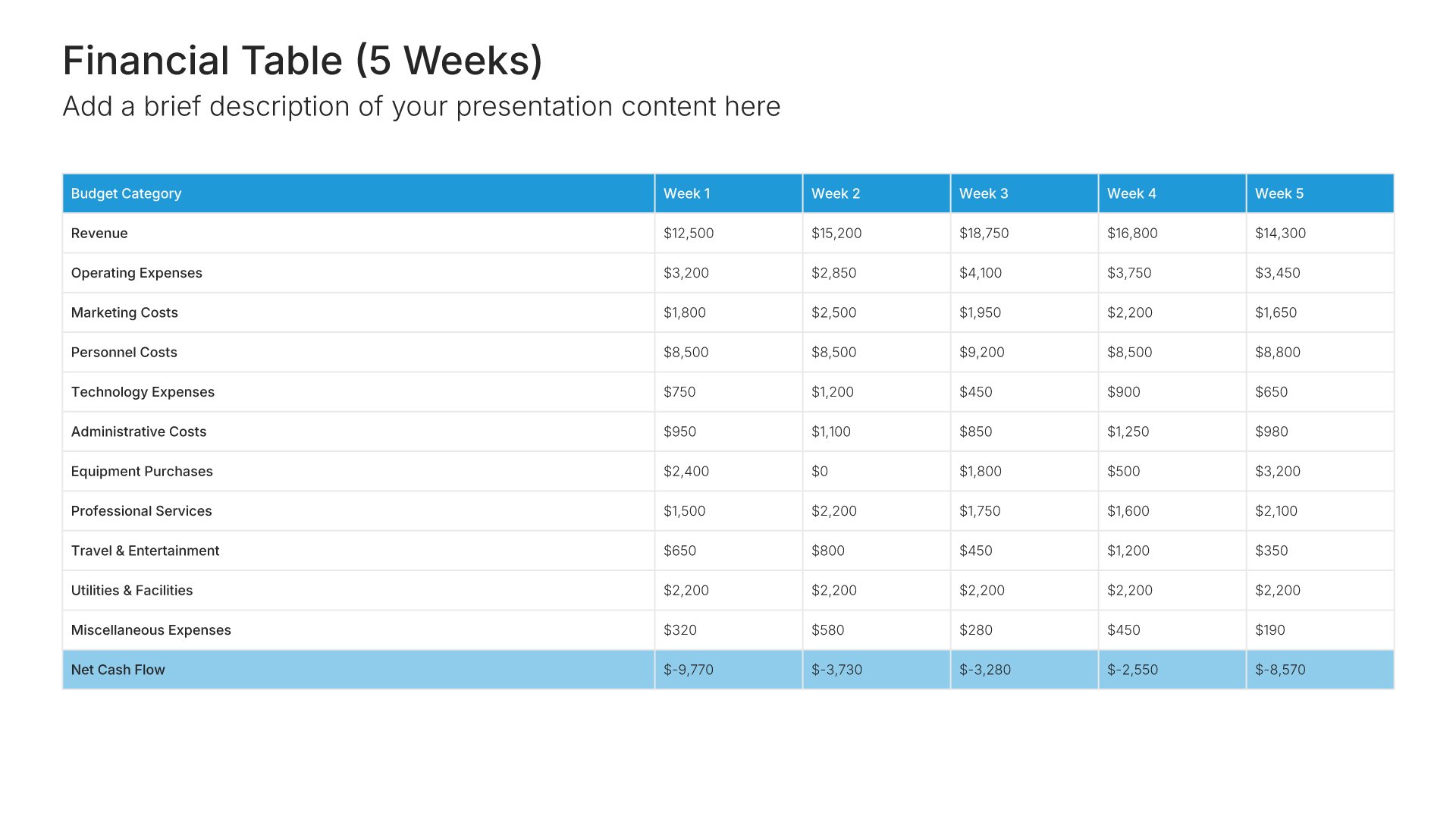
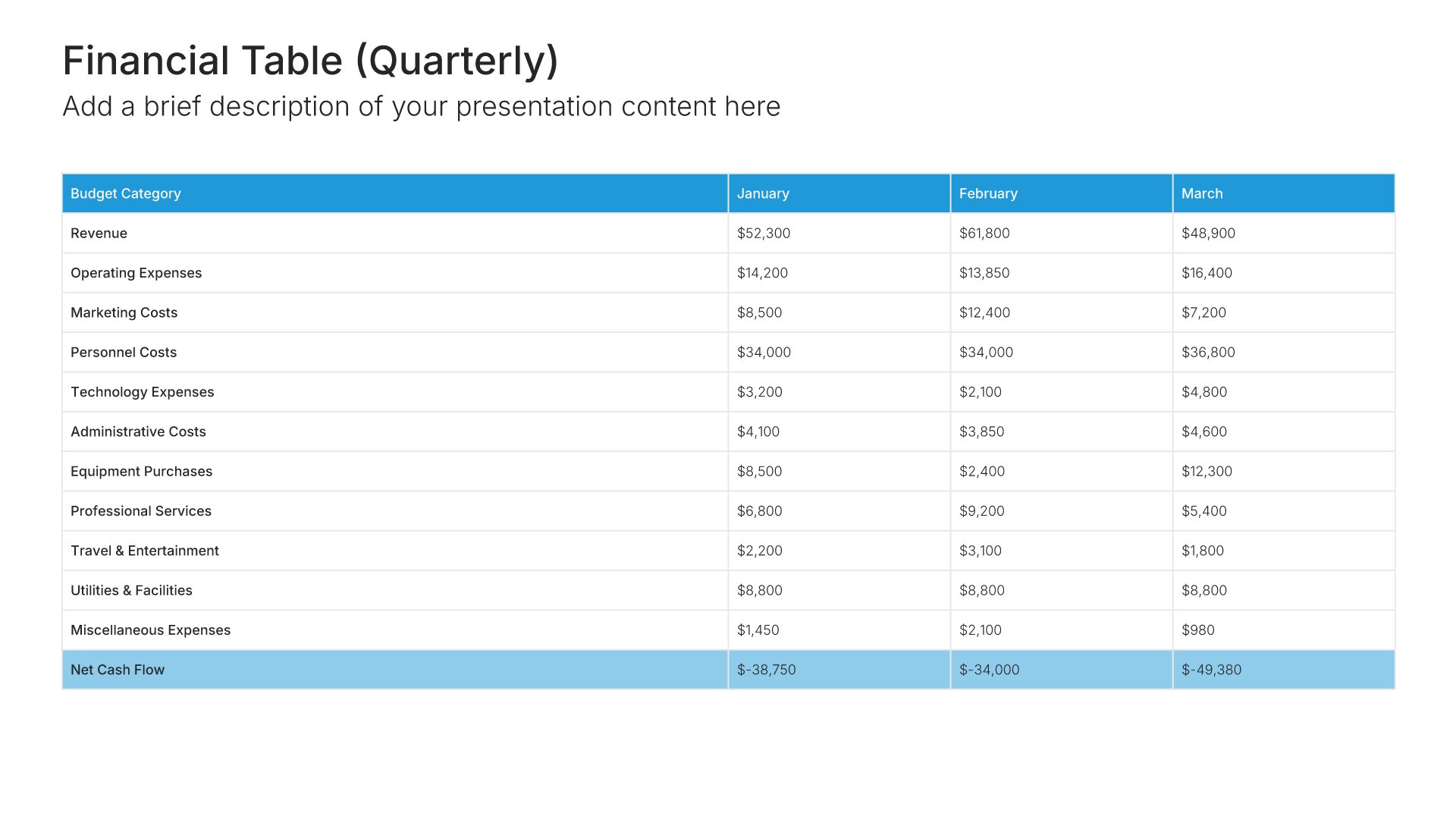
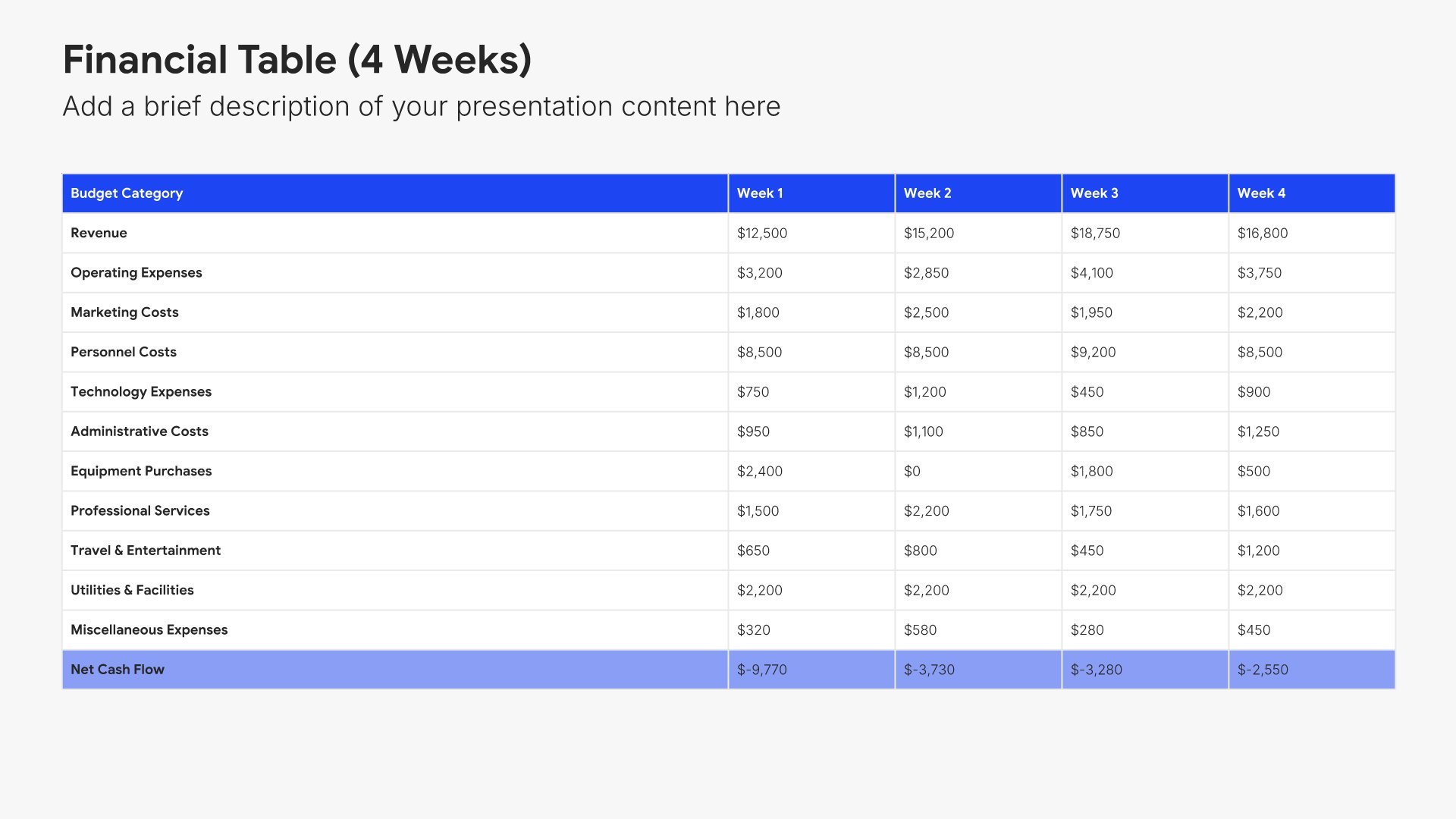
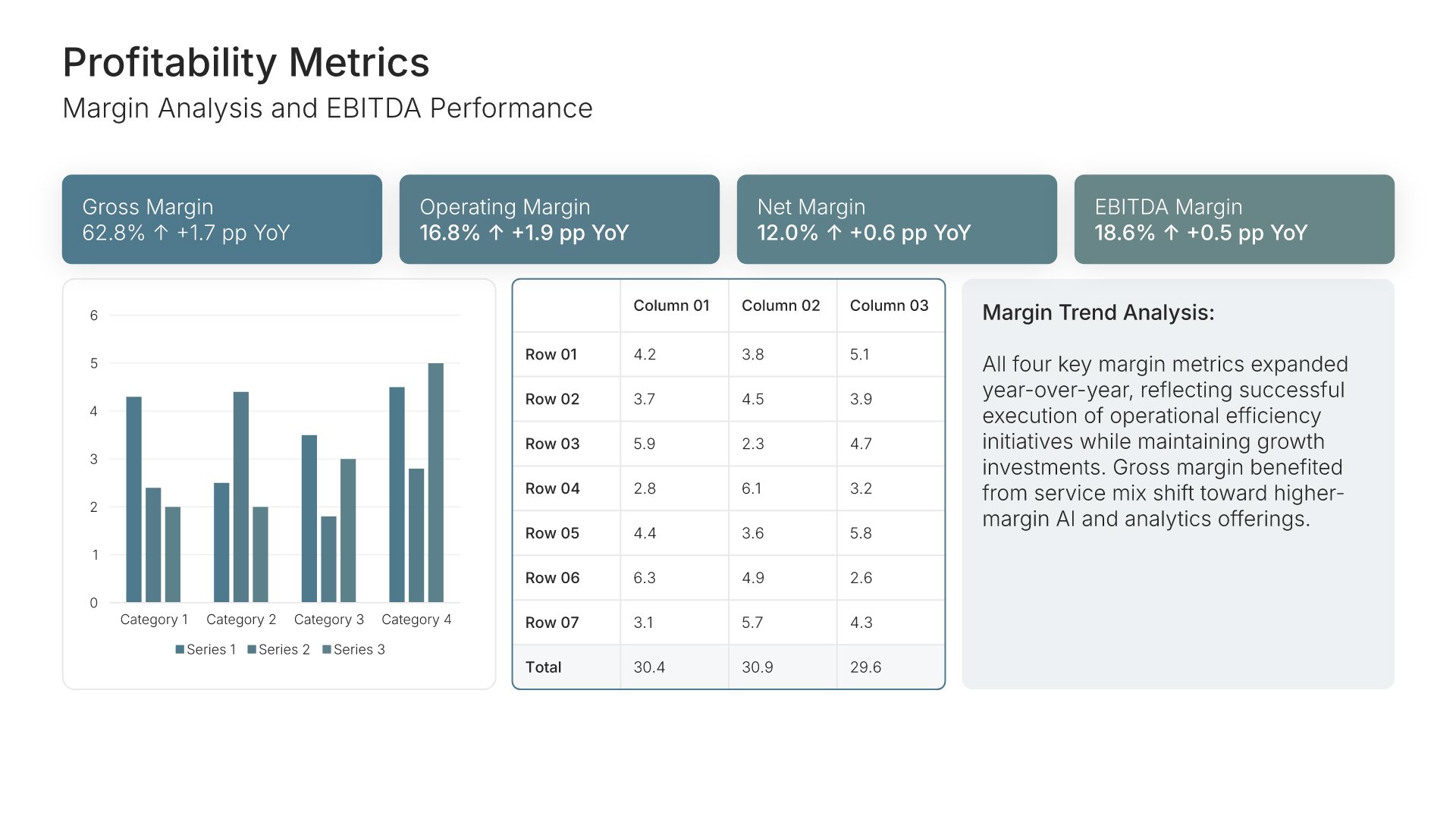
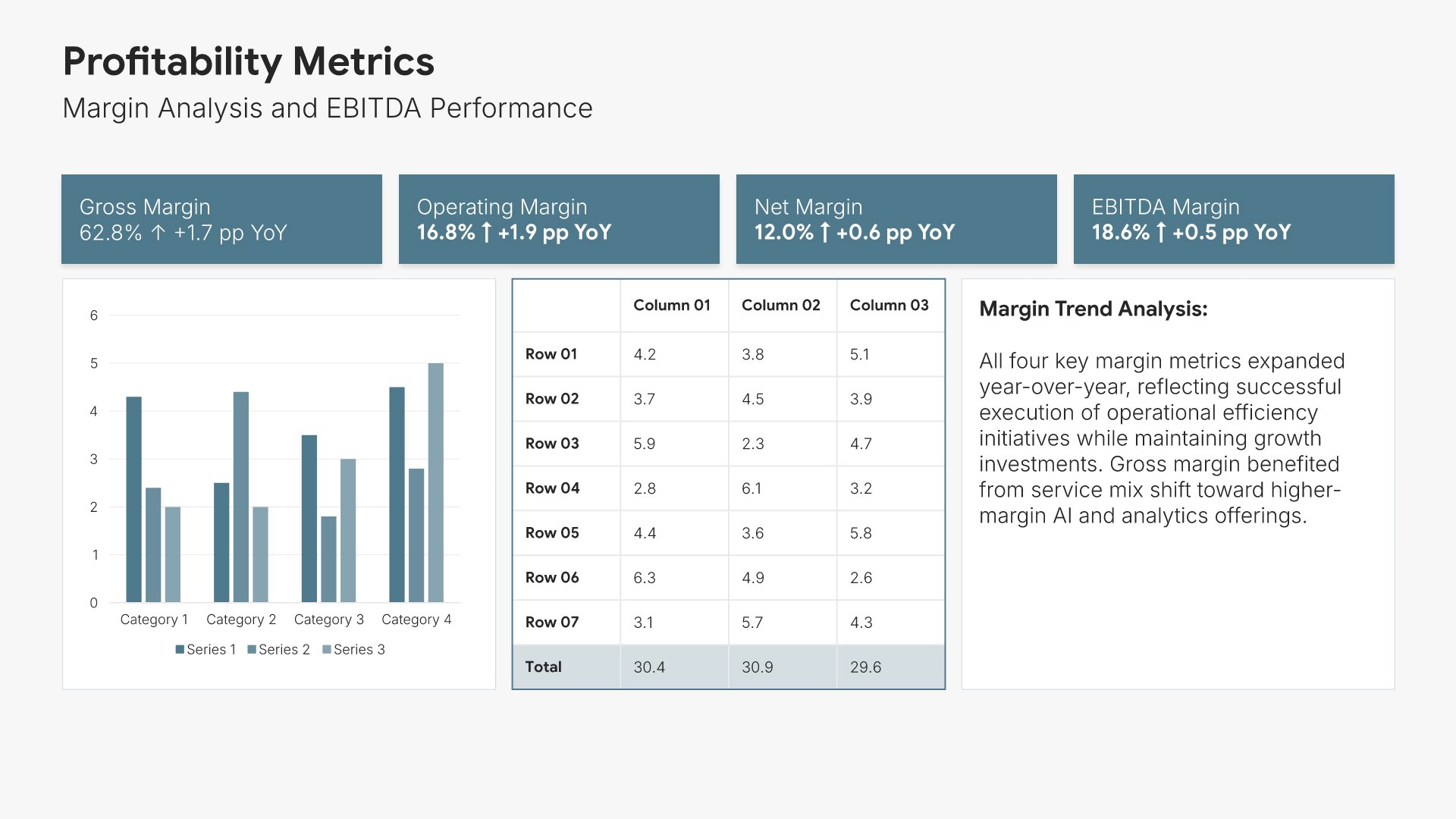
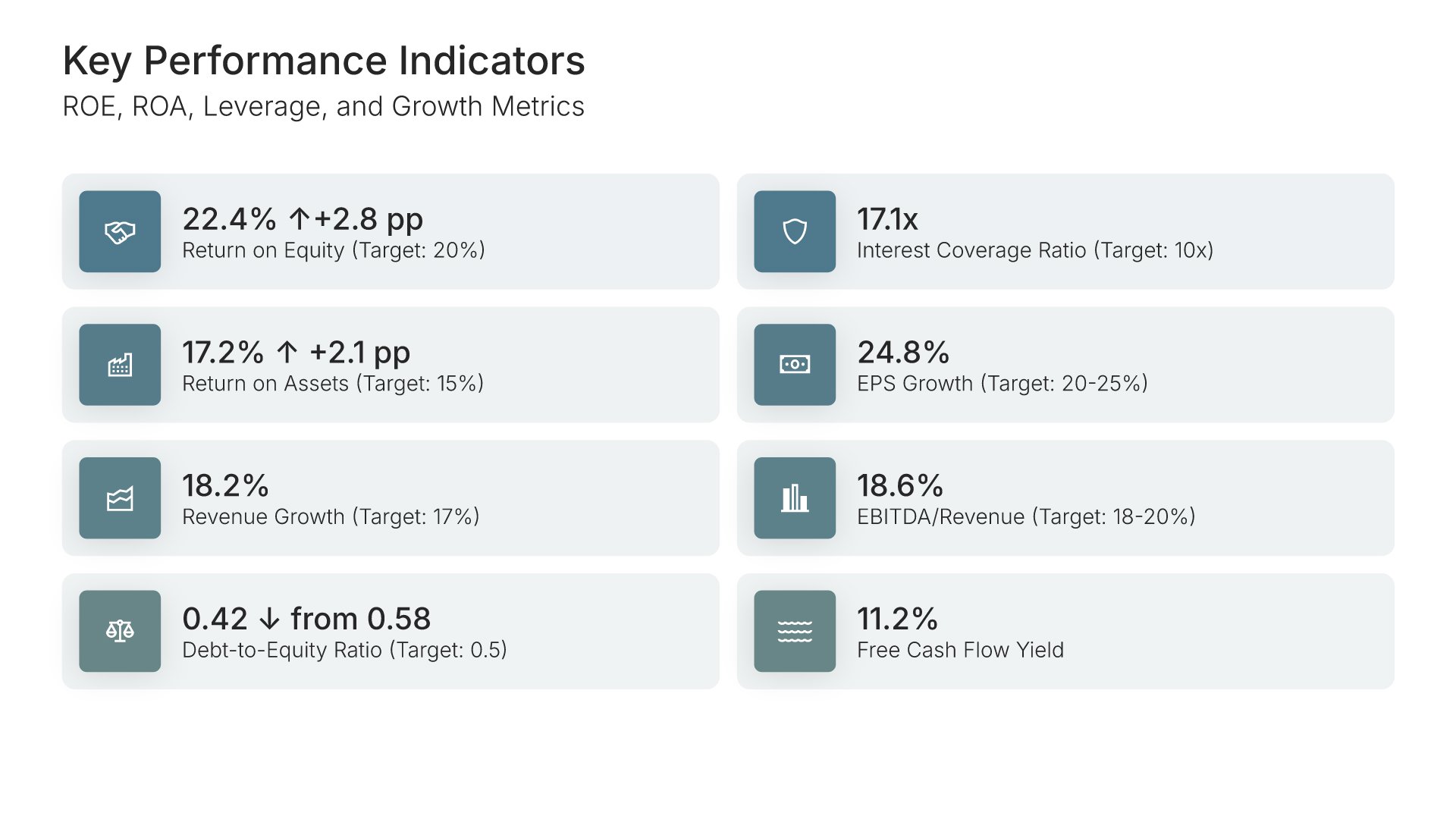
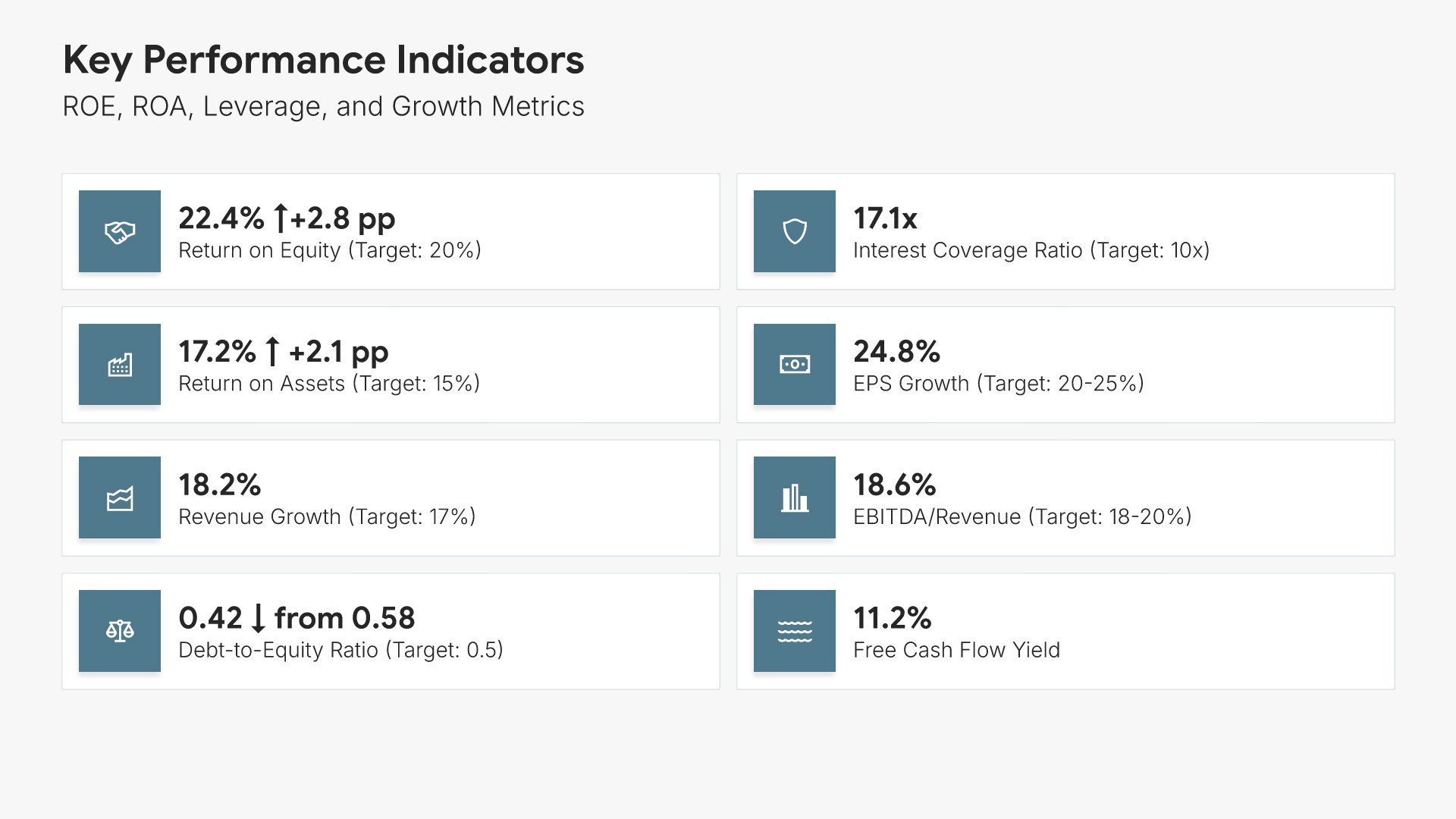
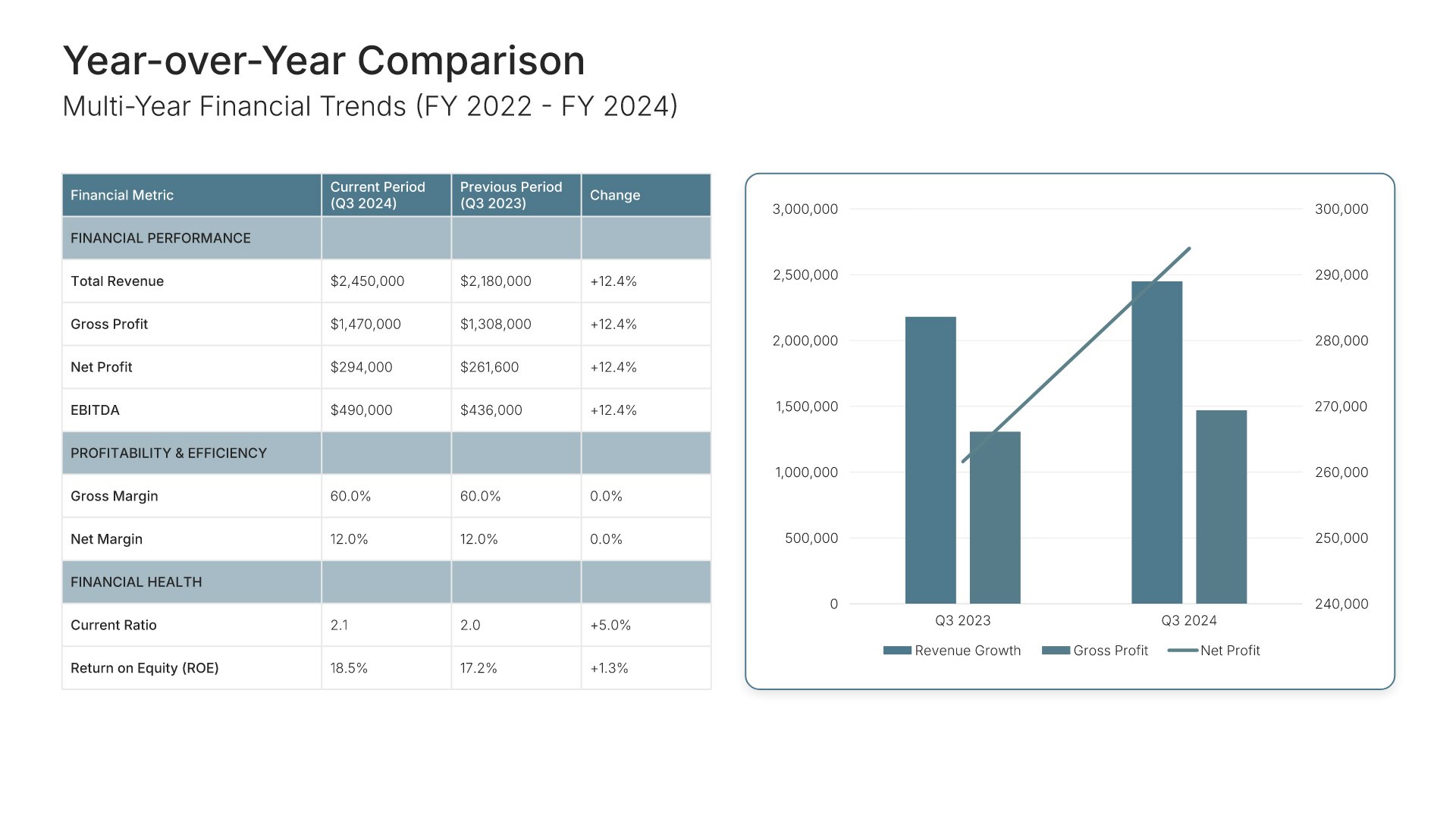
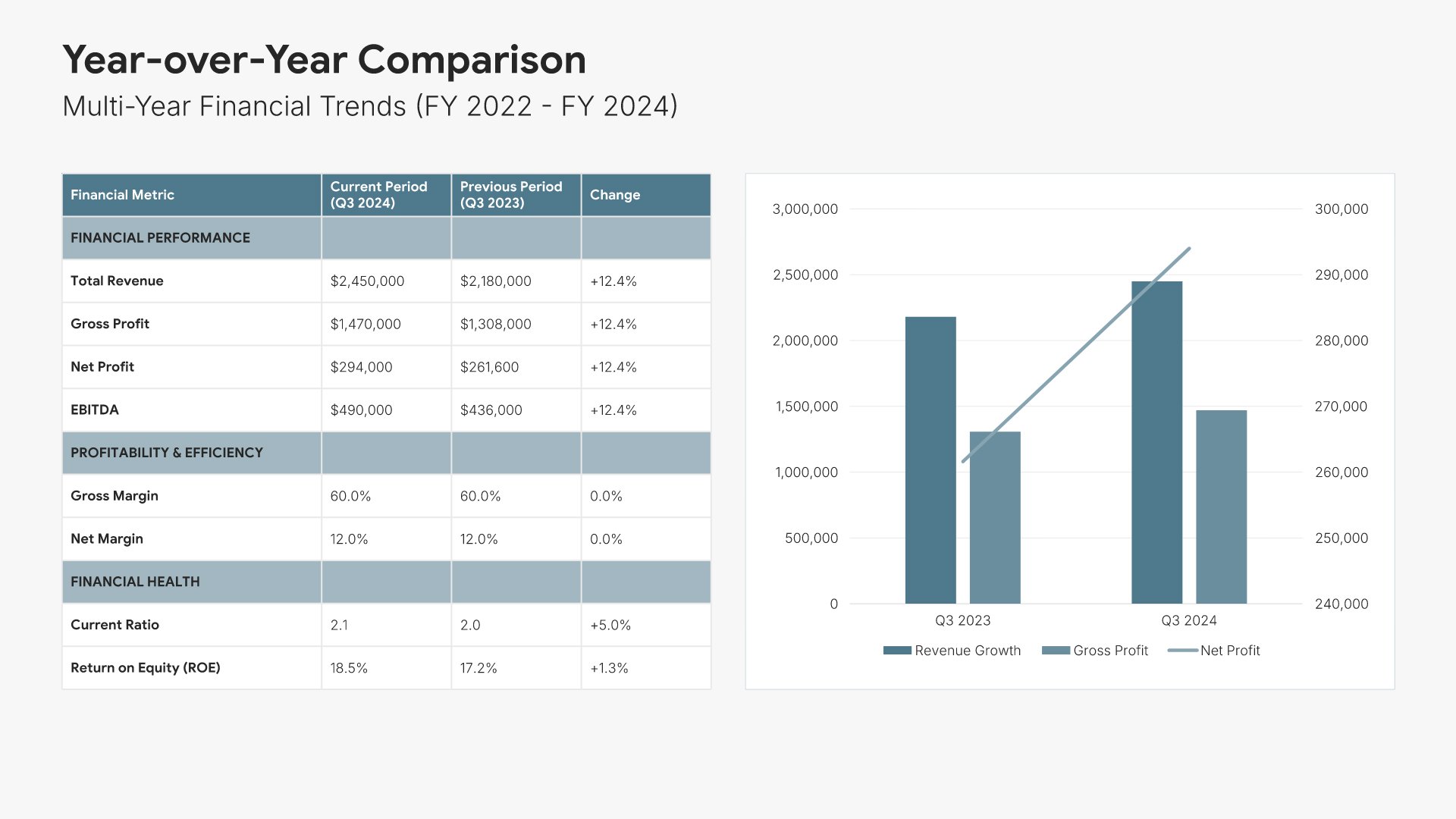
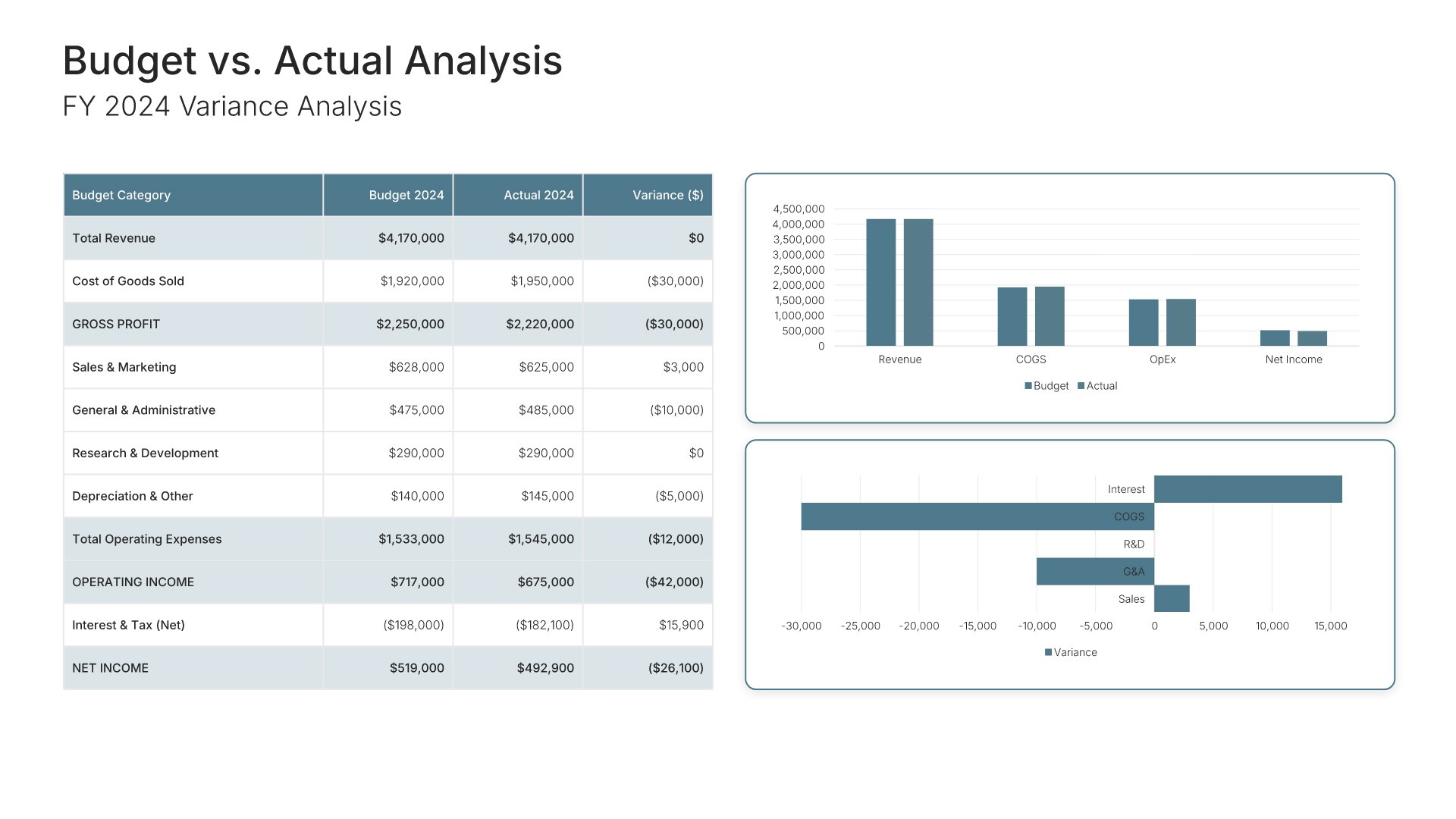
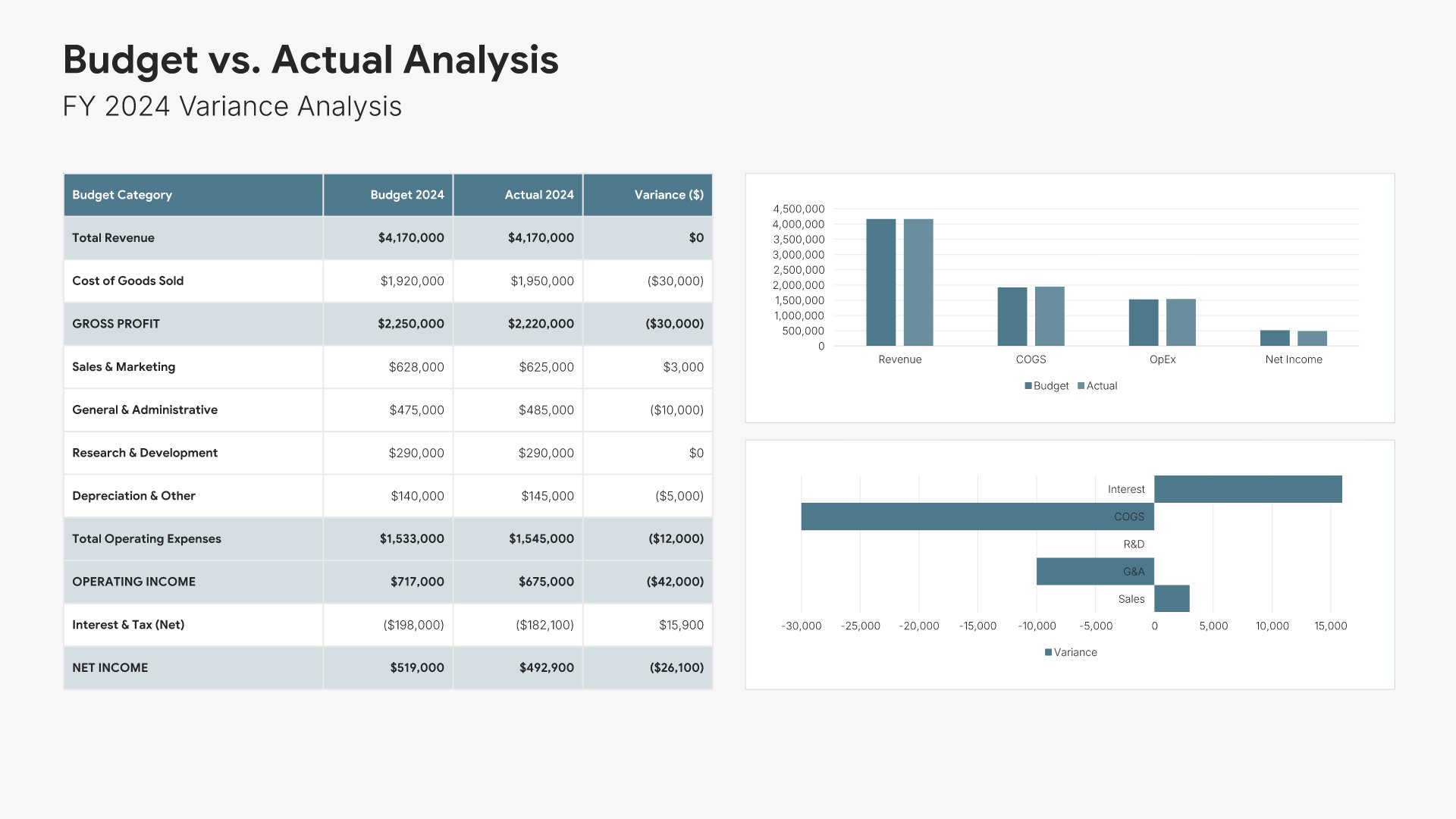
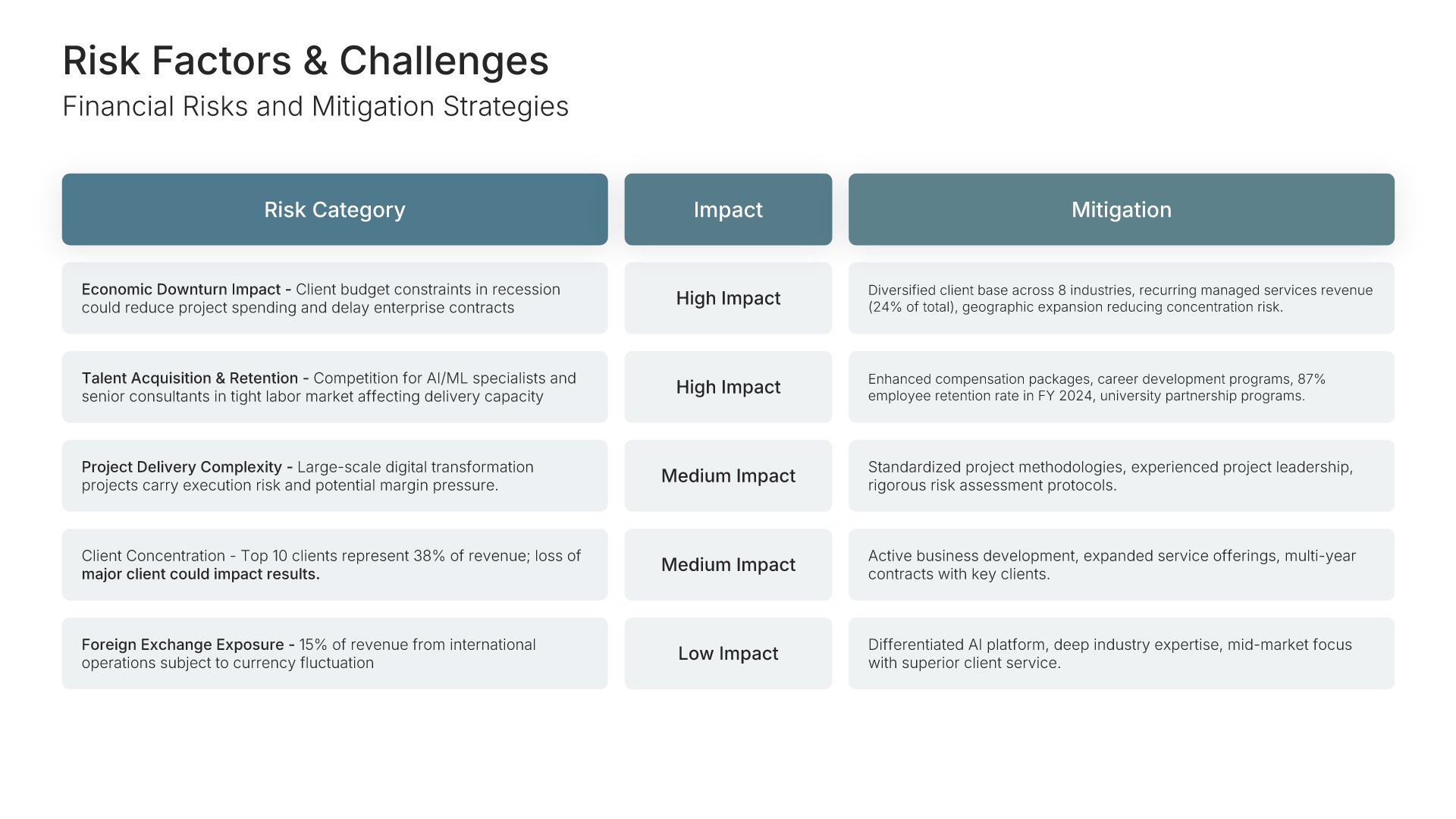
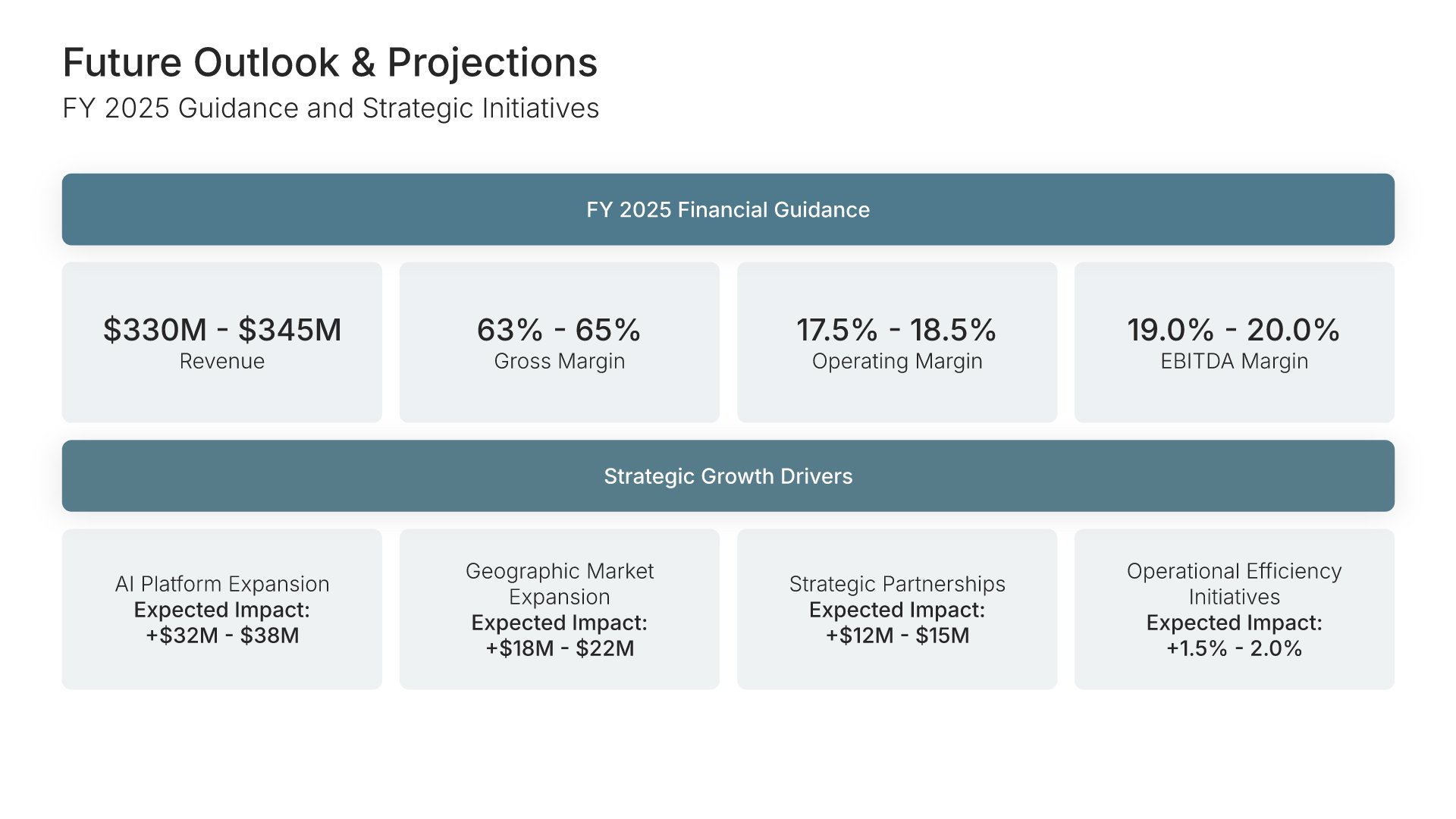
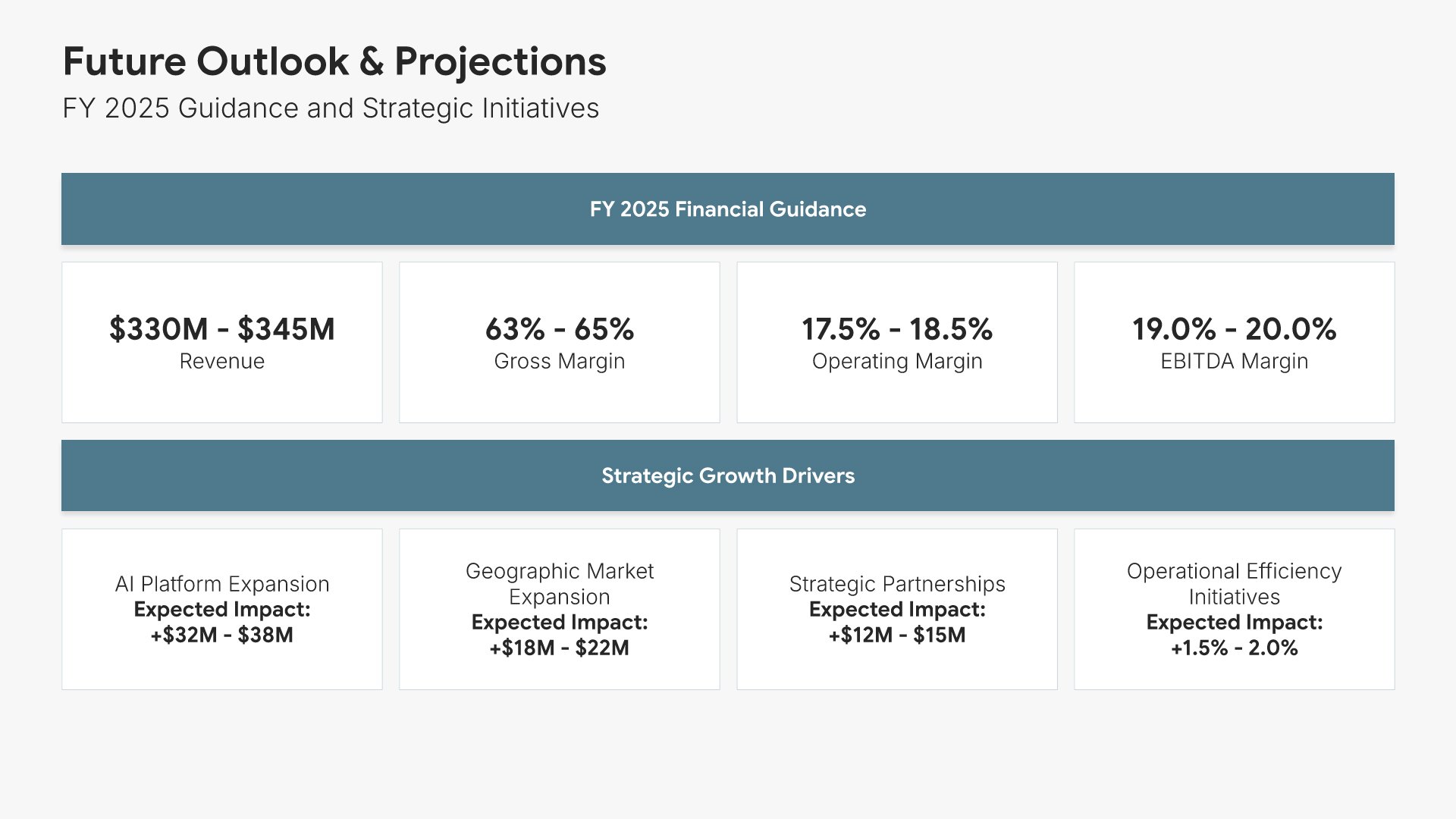
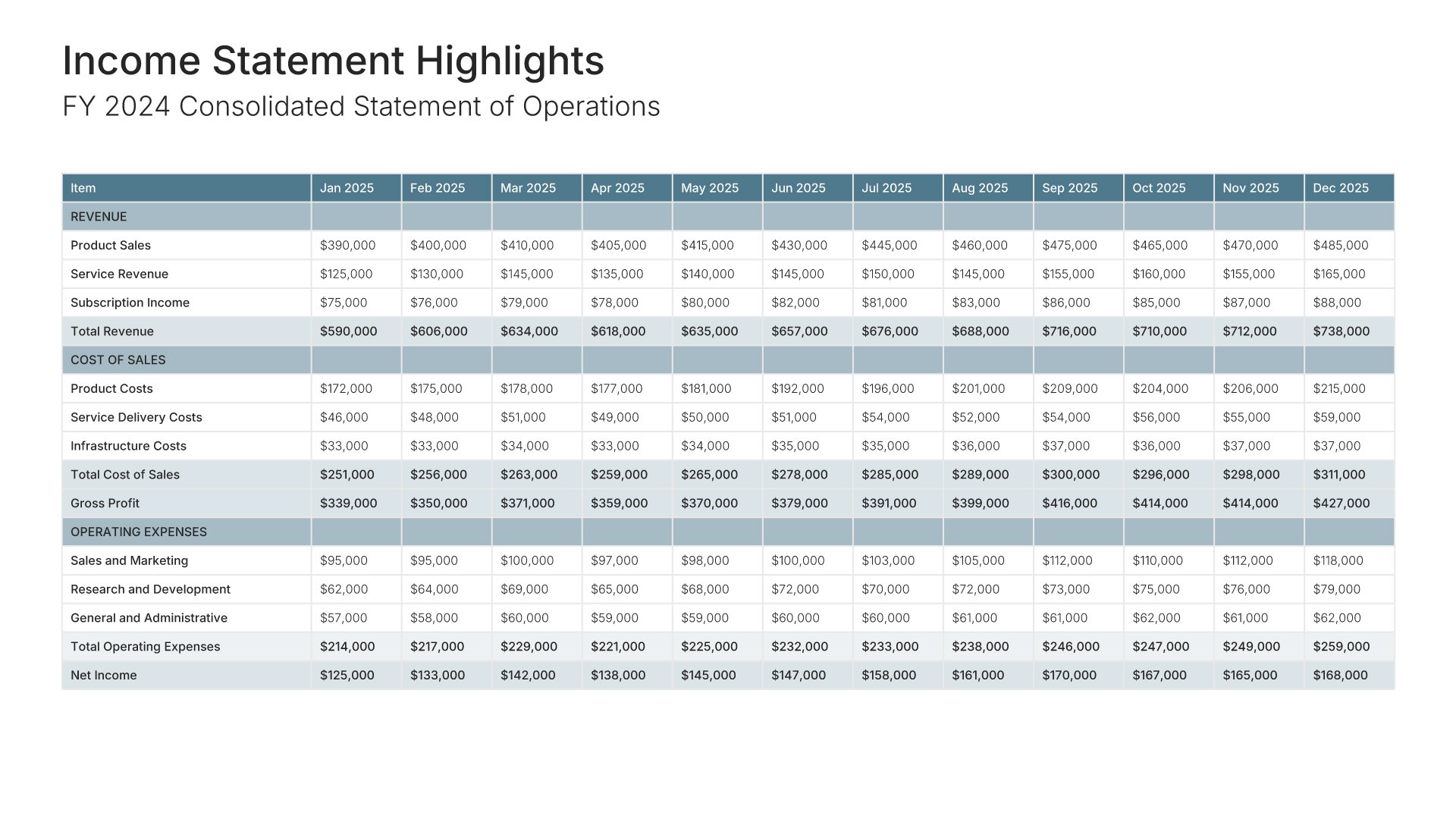
A financial report is read by people who already know the numbers exist and want to see whether they hold together. That means the statements, the ratios that explain them, and an honest variance against what was planned. Every template here puts that variance next to the results, with the figures as live tables and charts rather than a flattened layout.

Built from 9,000+ slides across 134+ categories

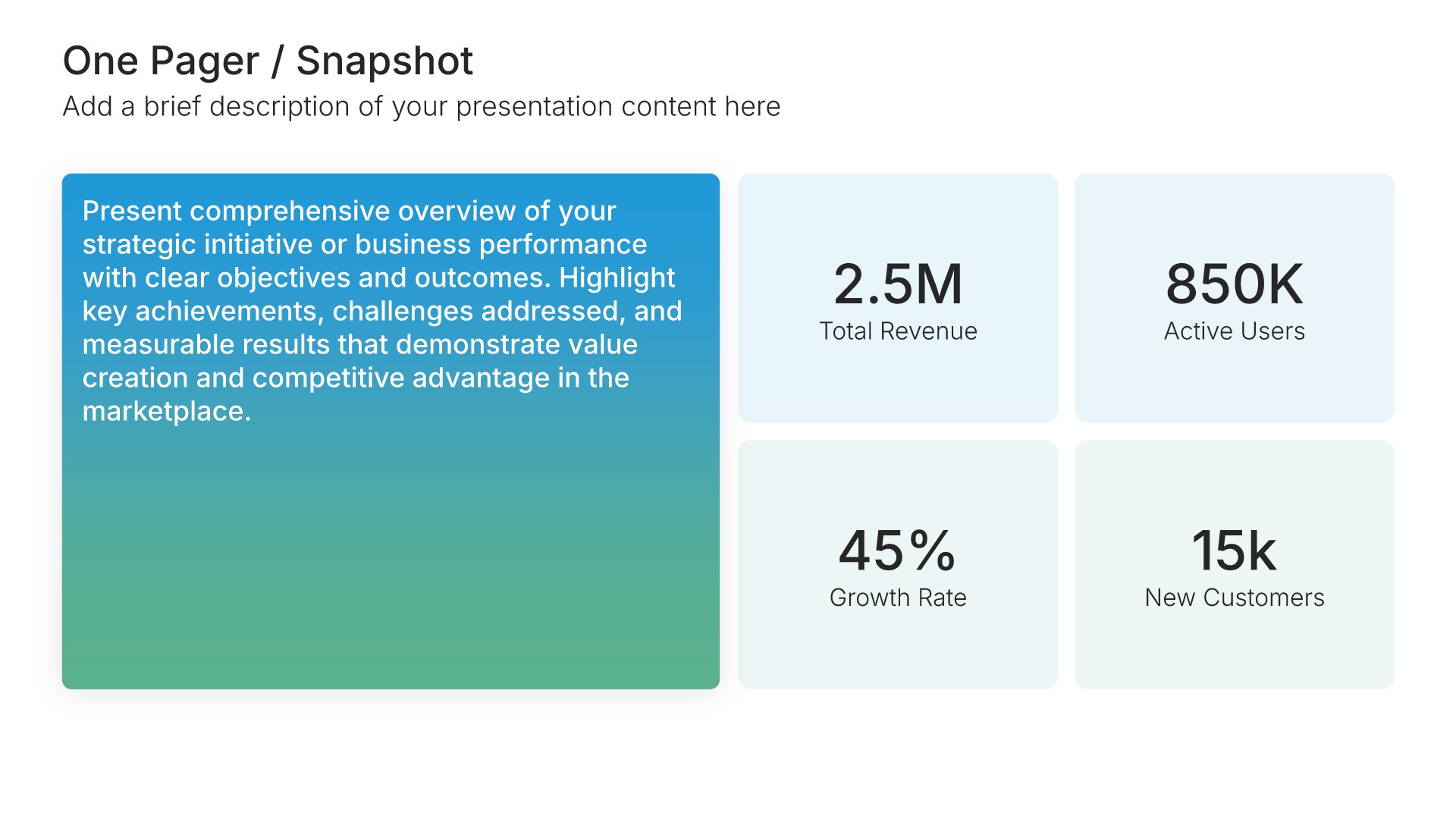
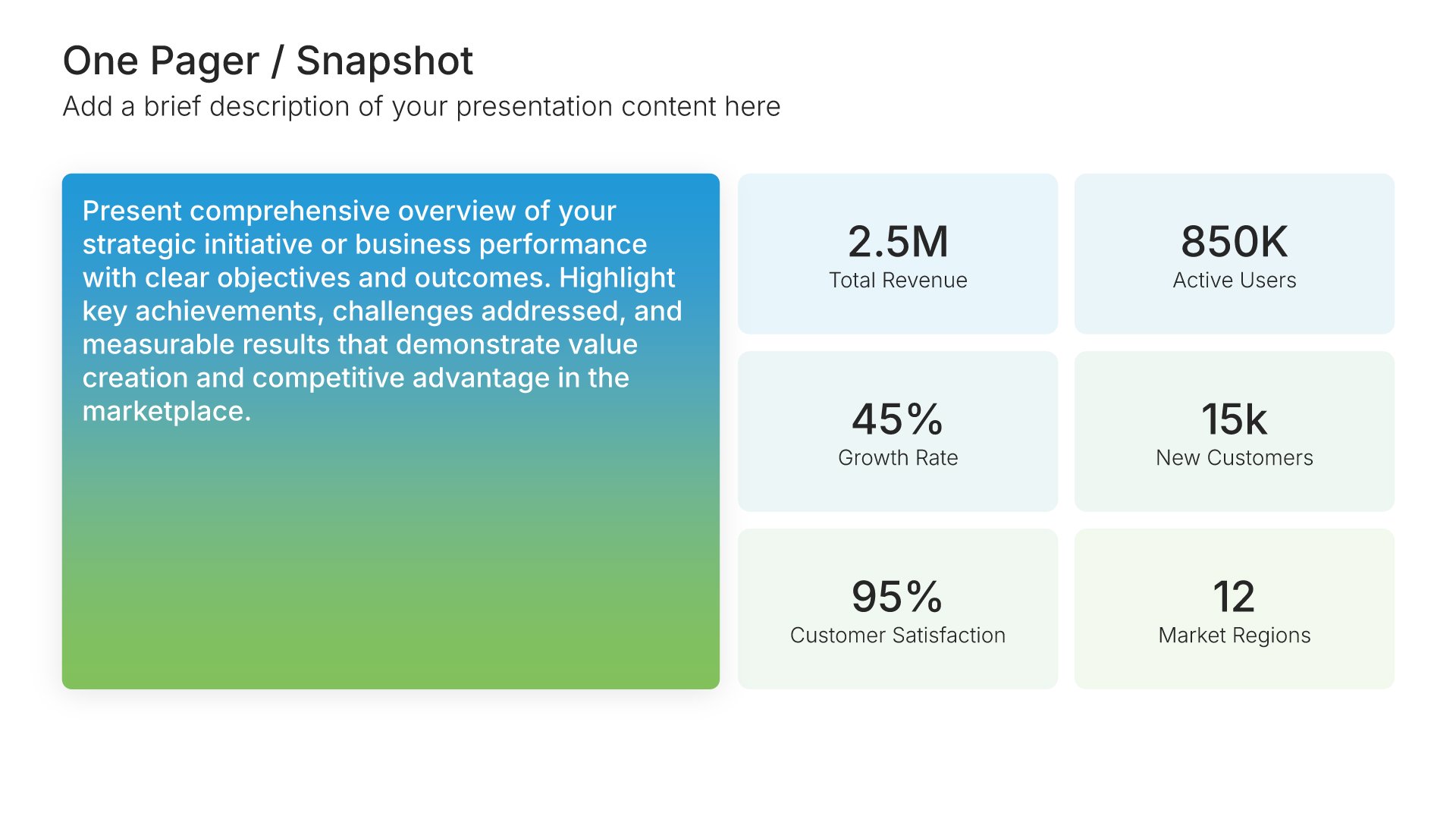
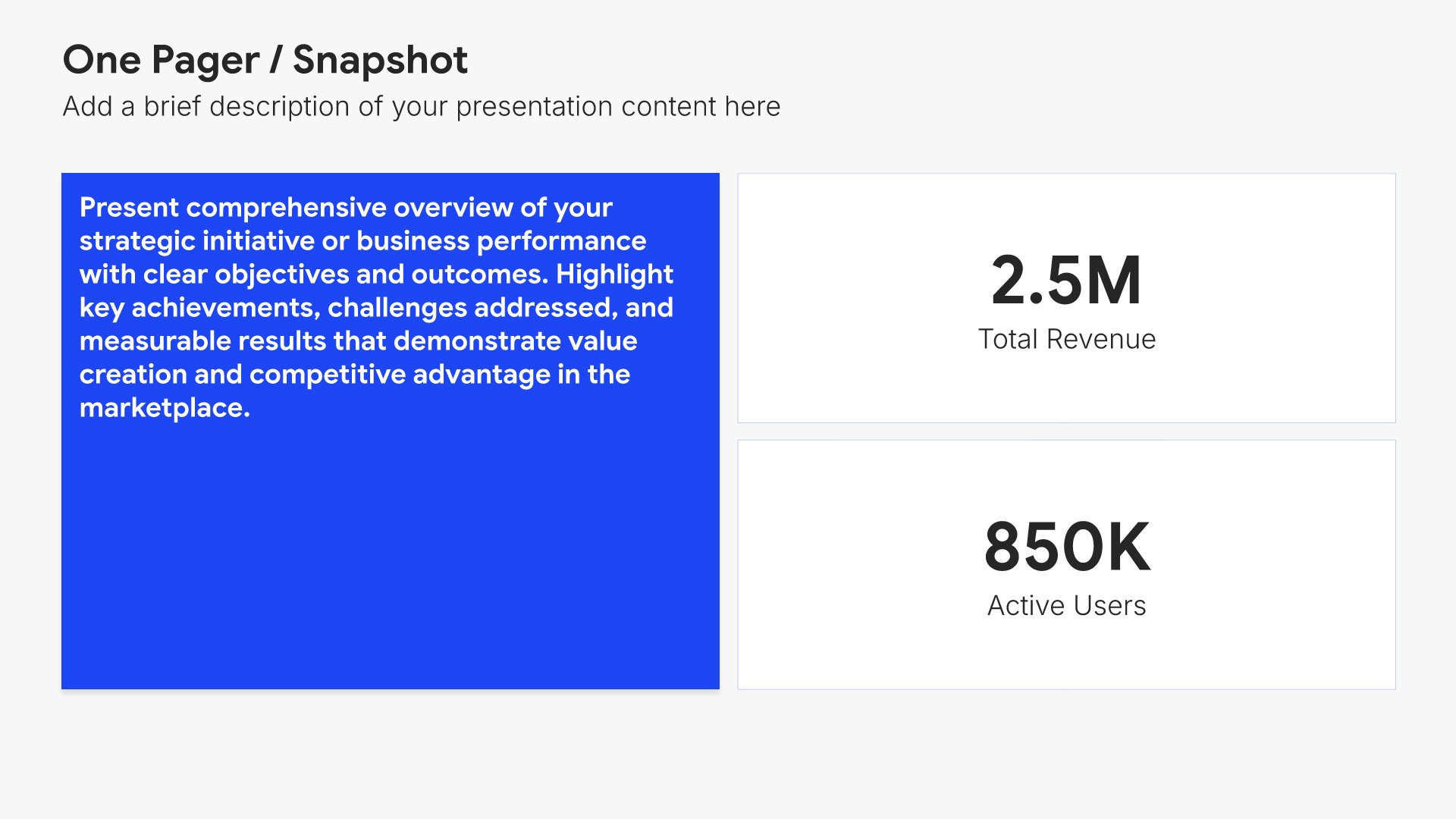
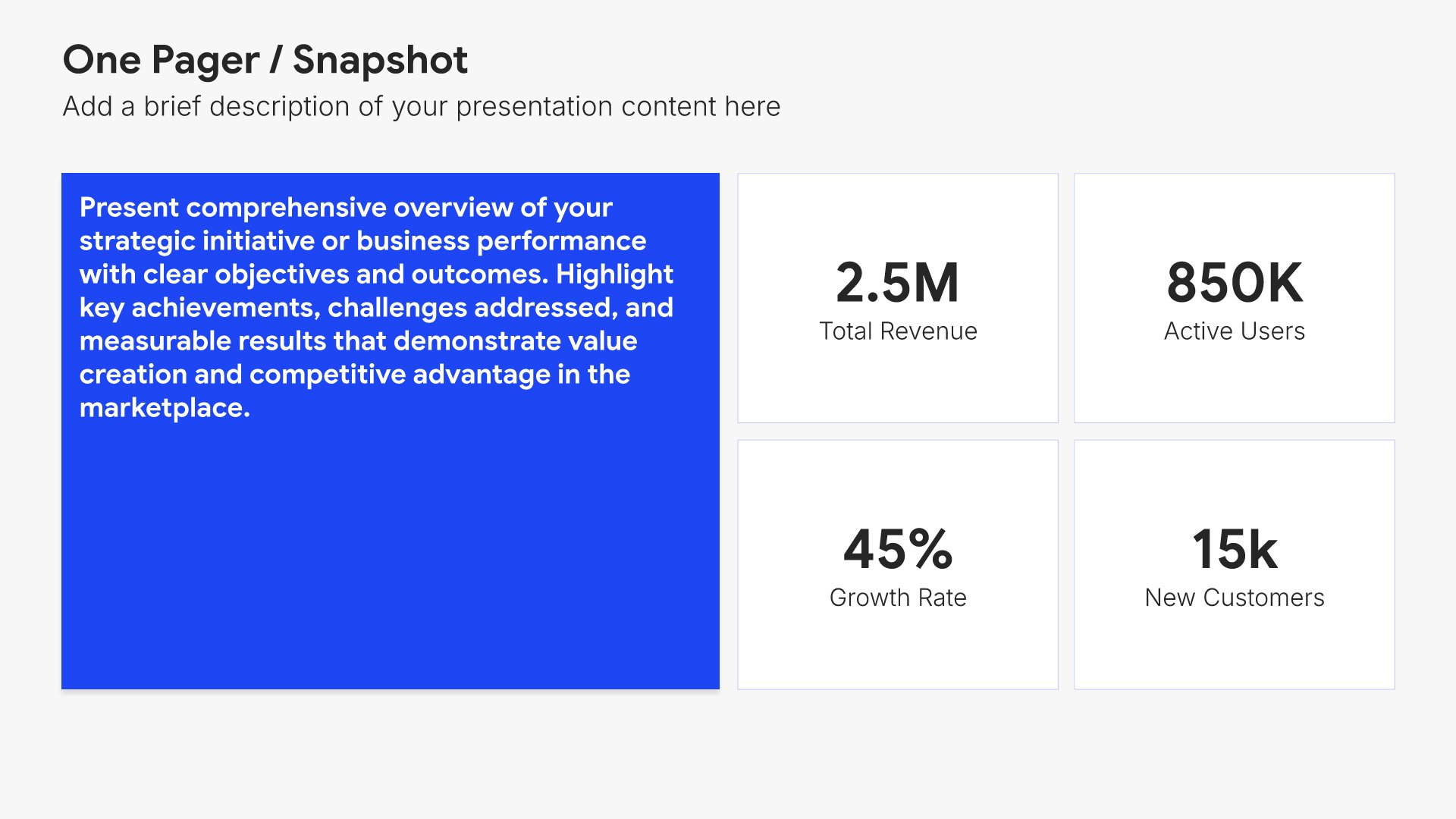
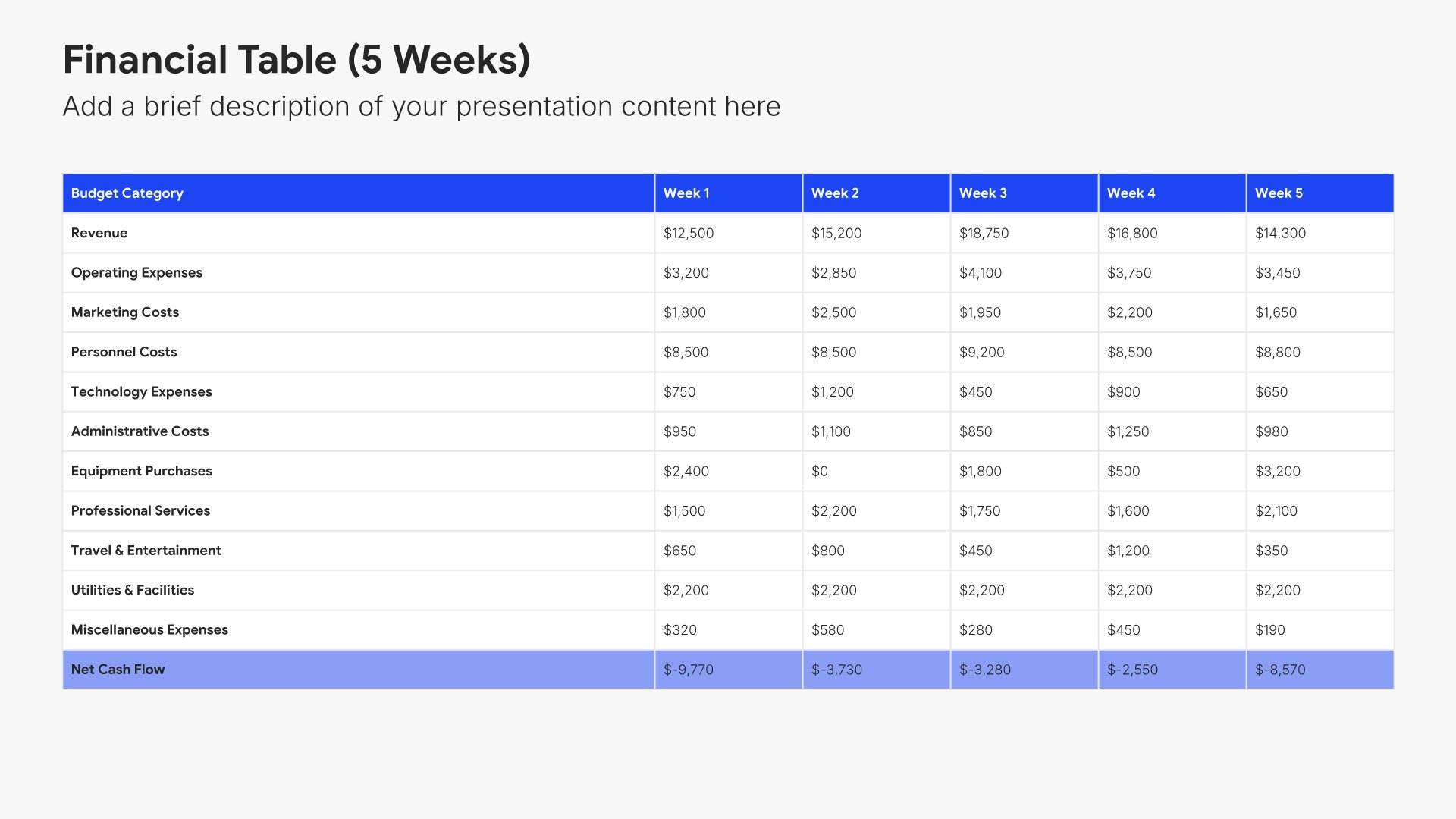
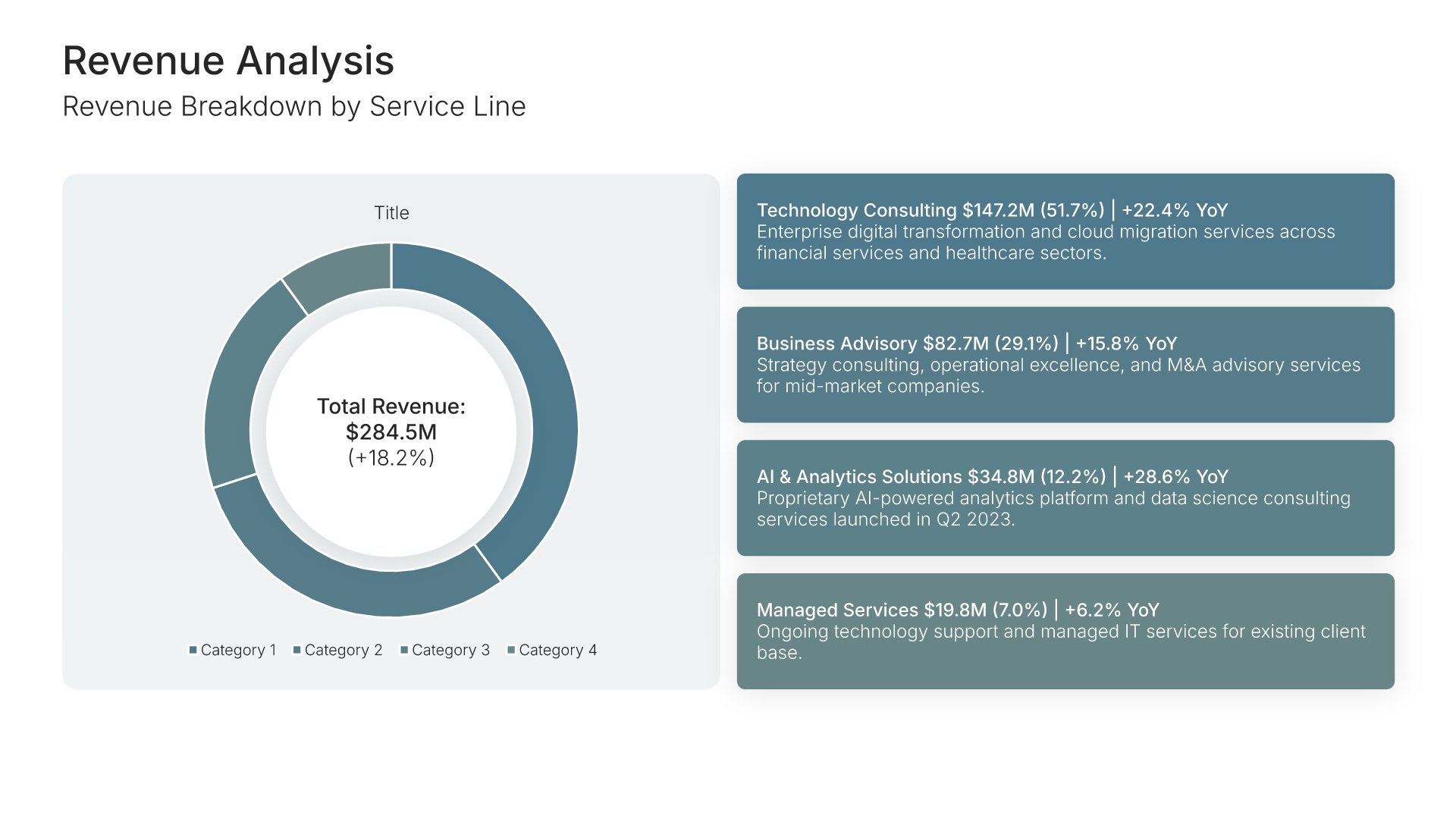
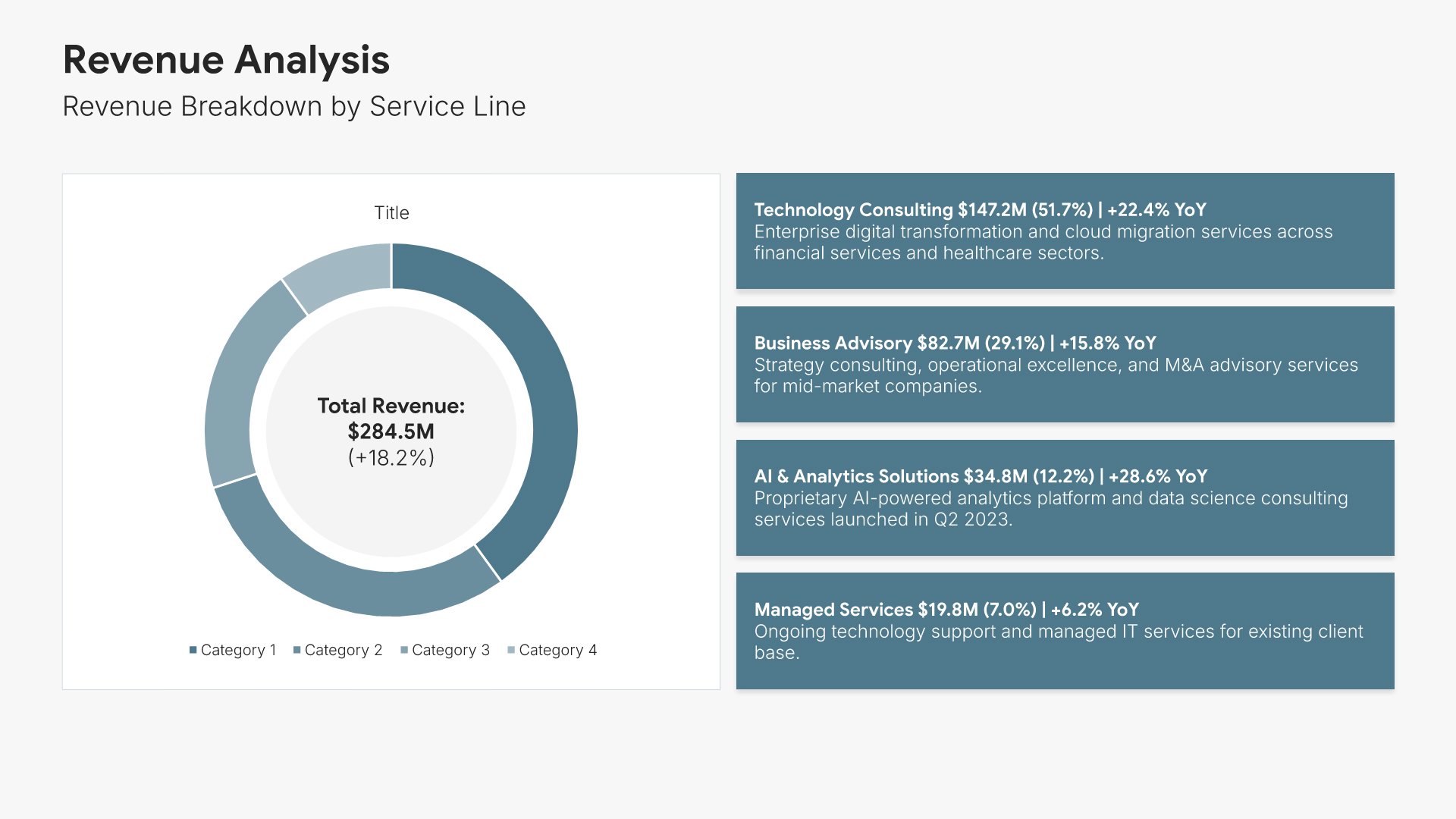
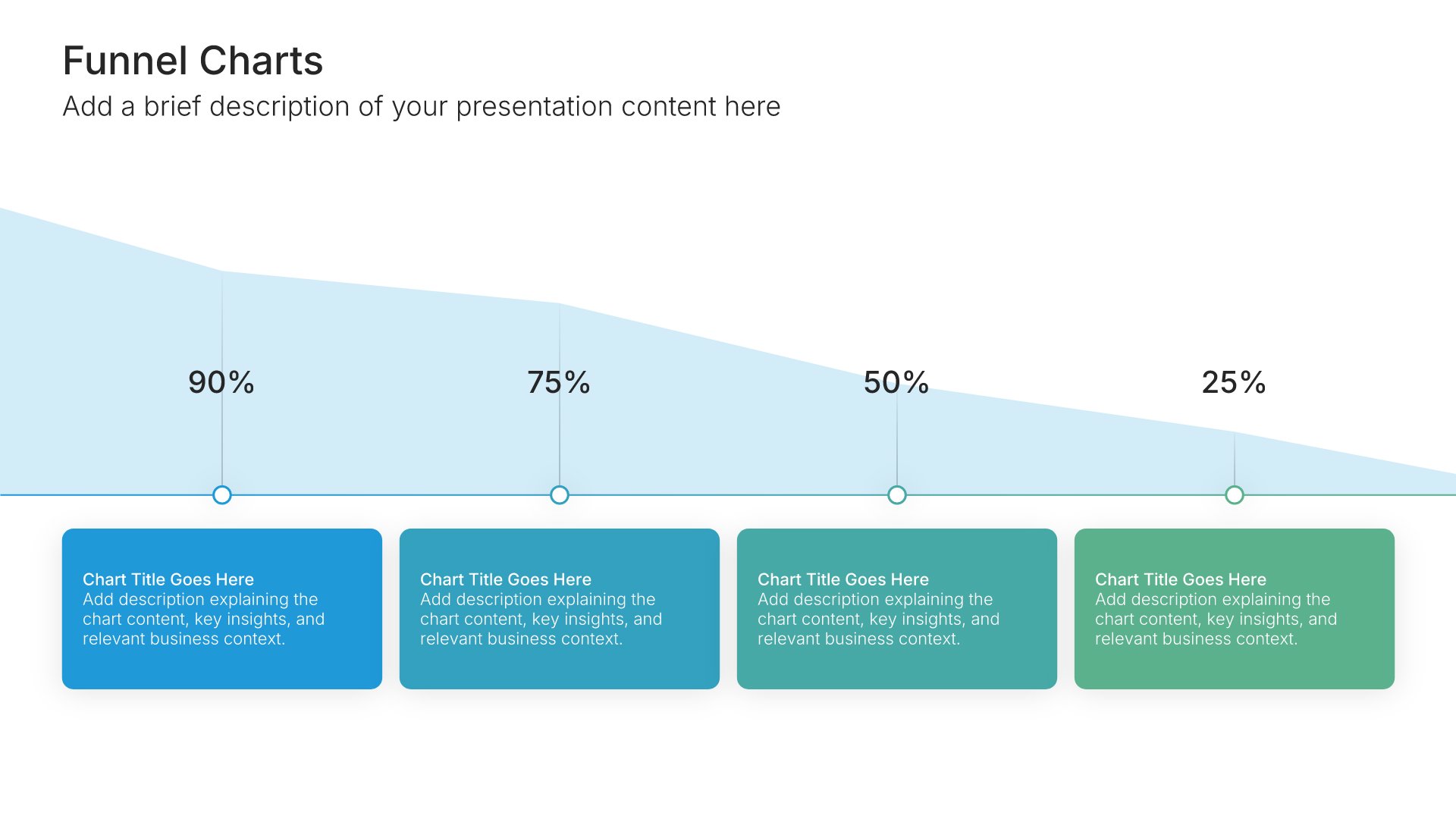
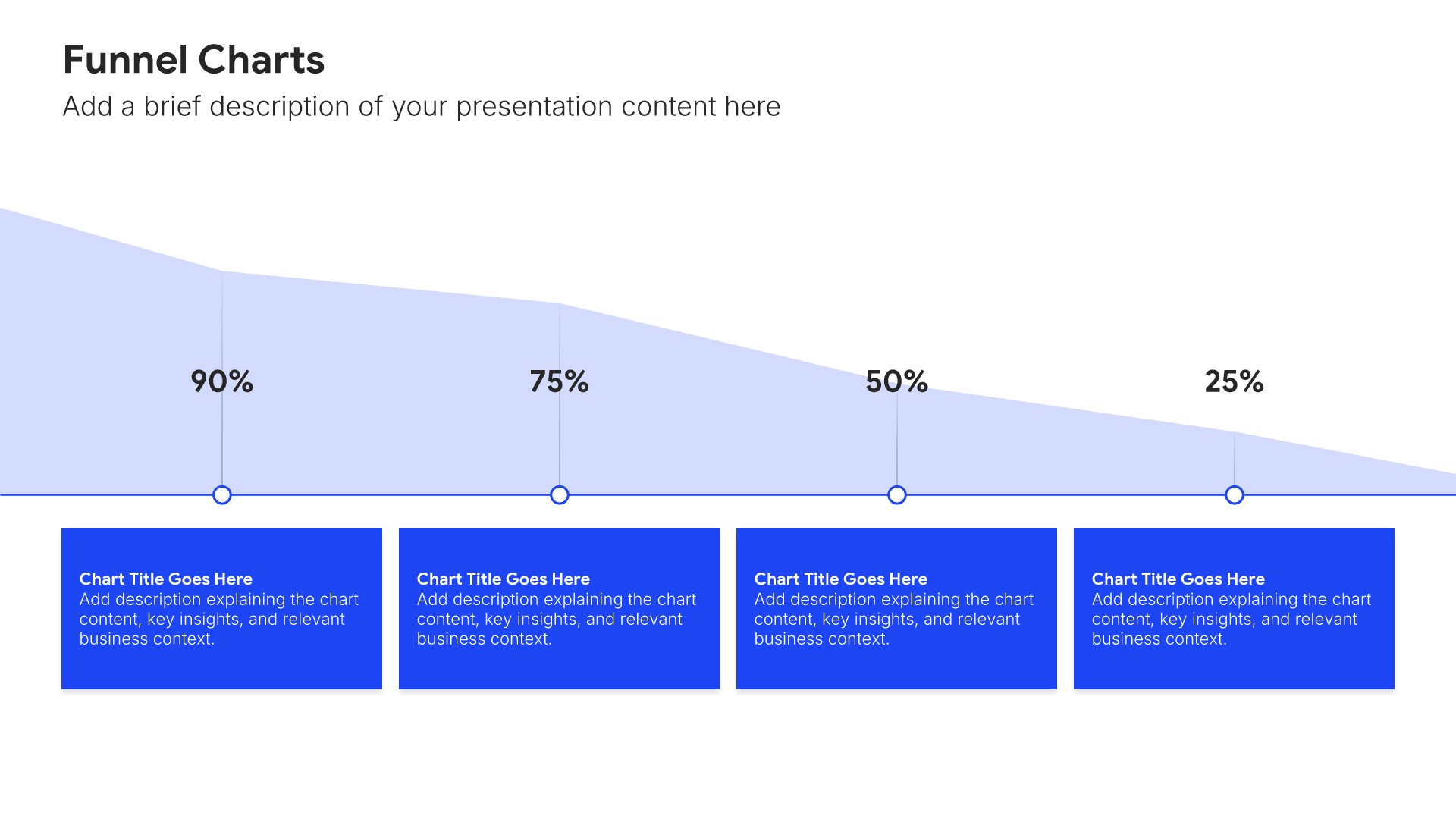
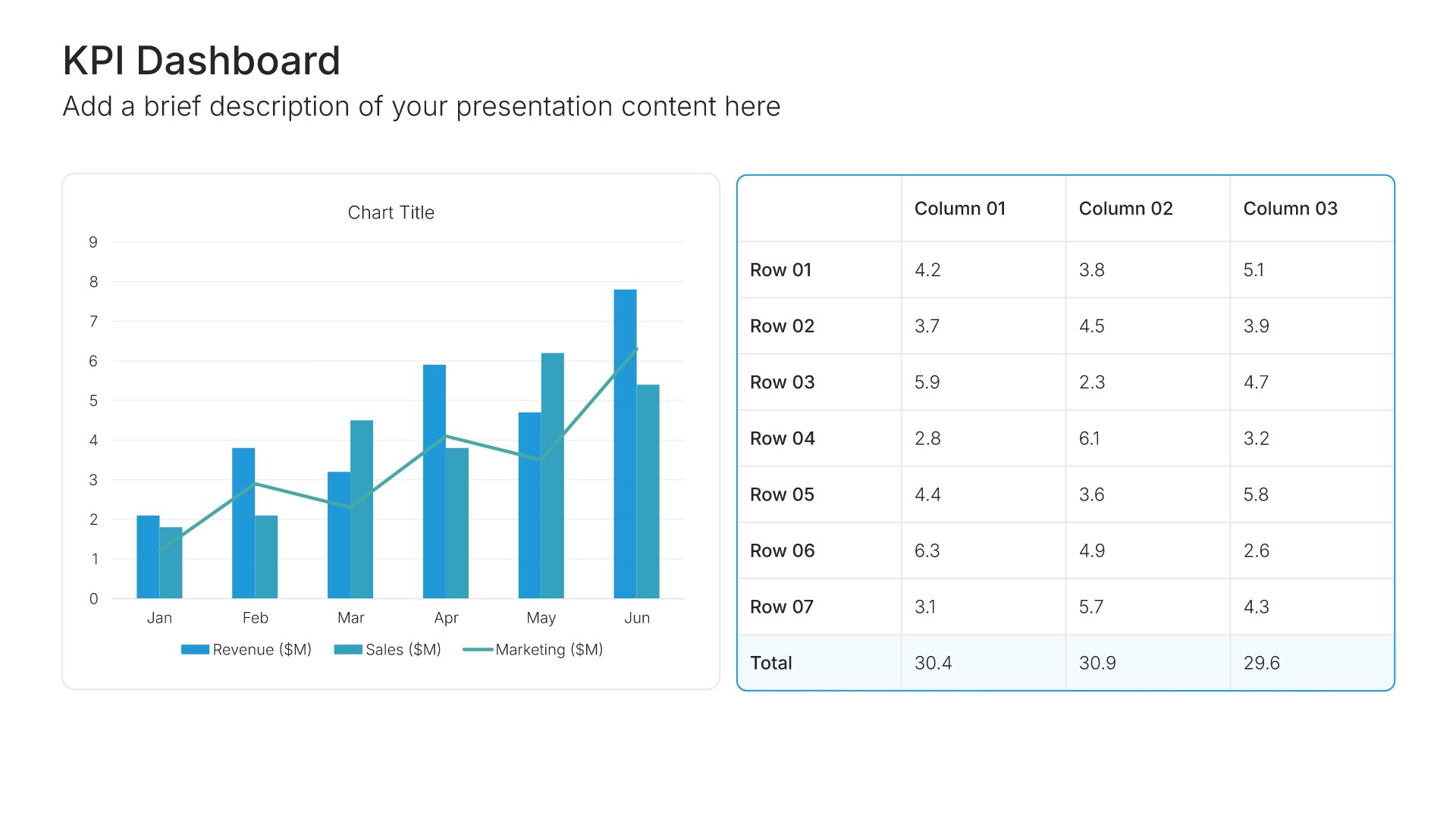
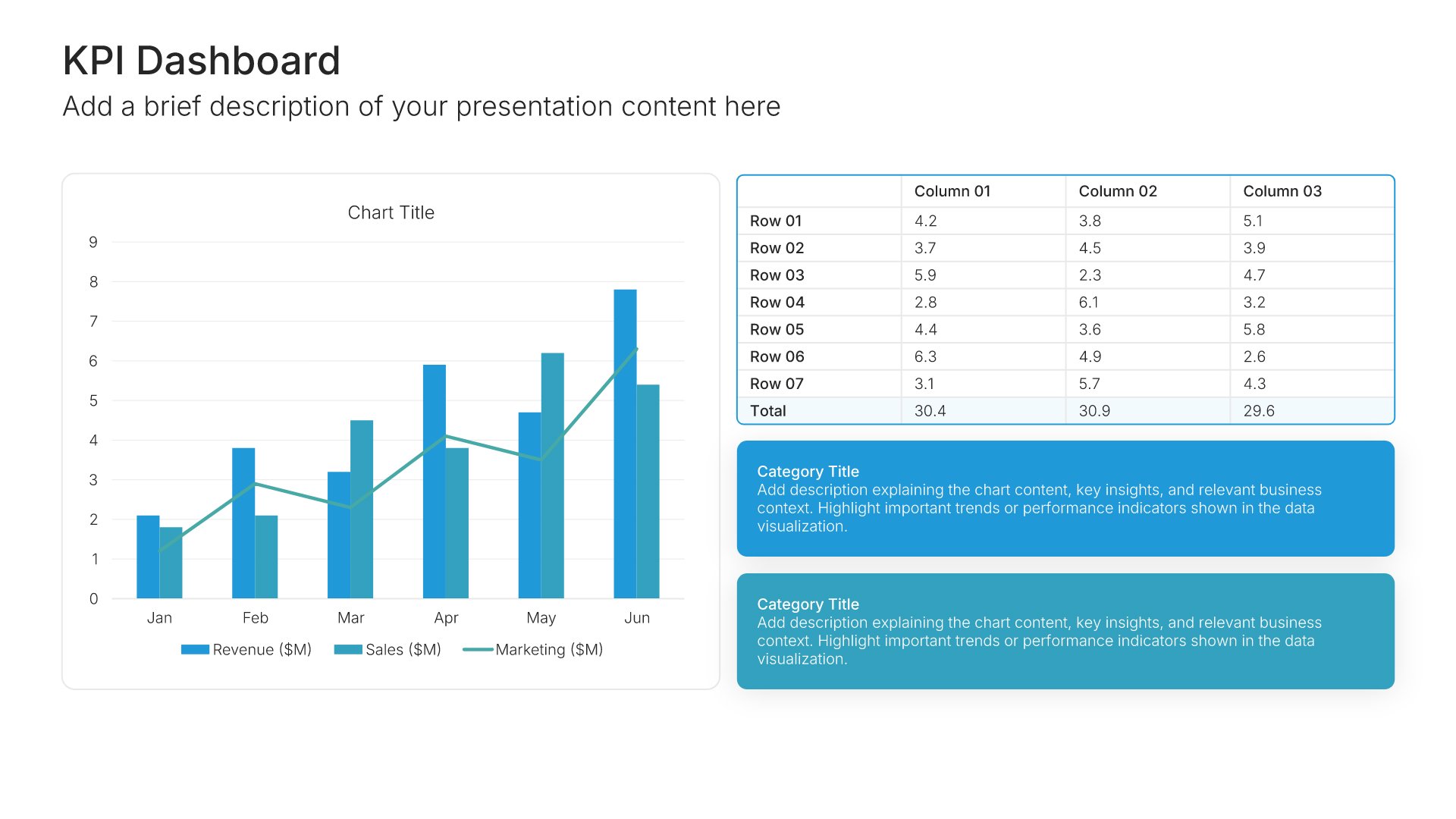
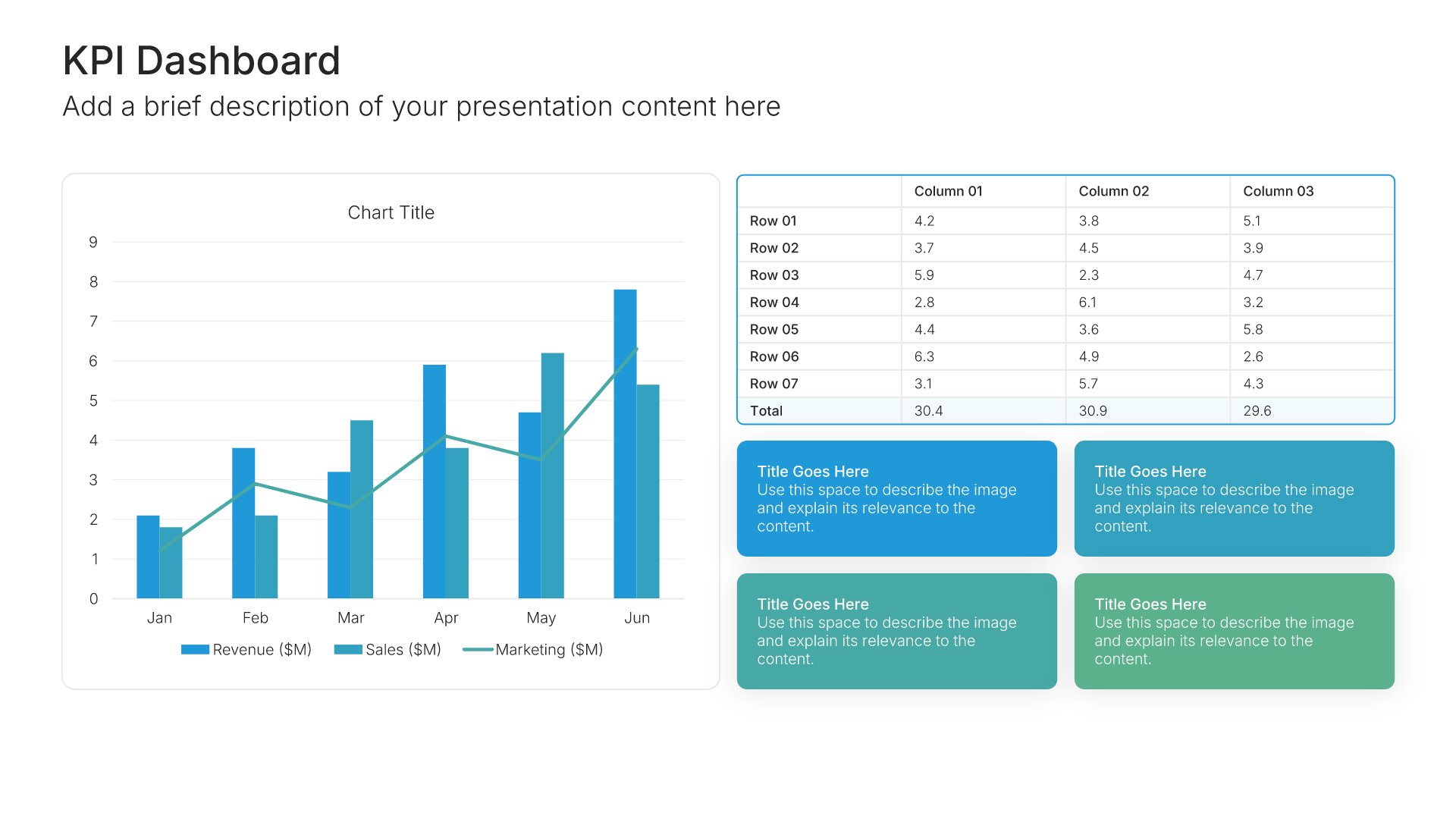
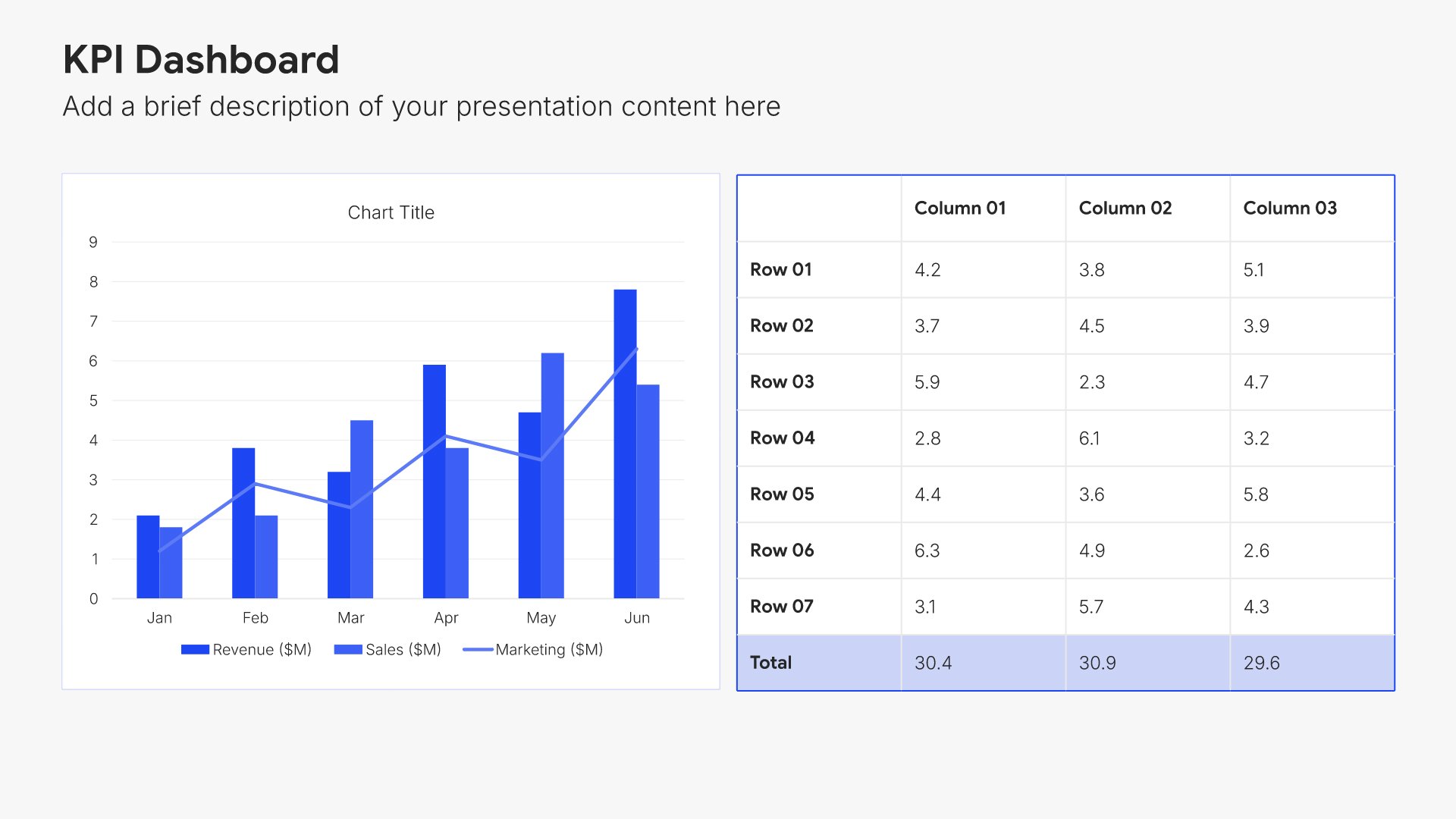
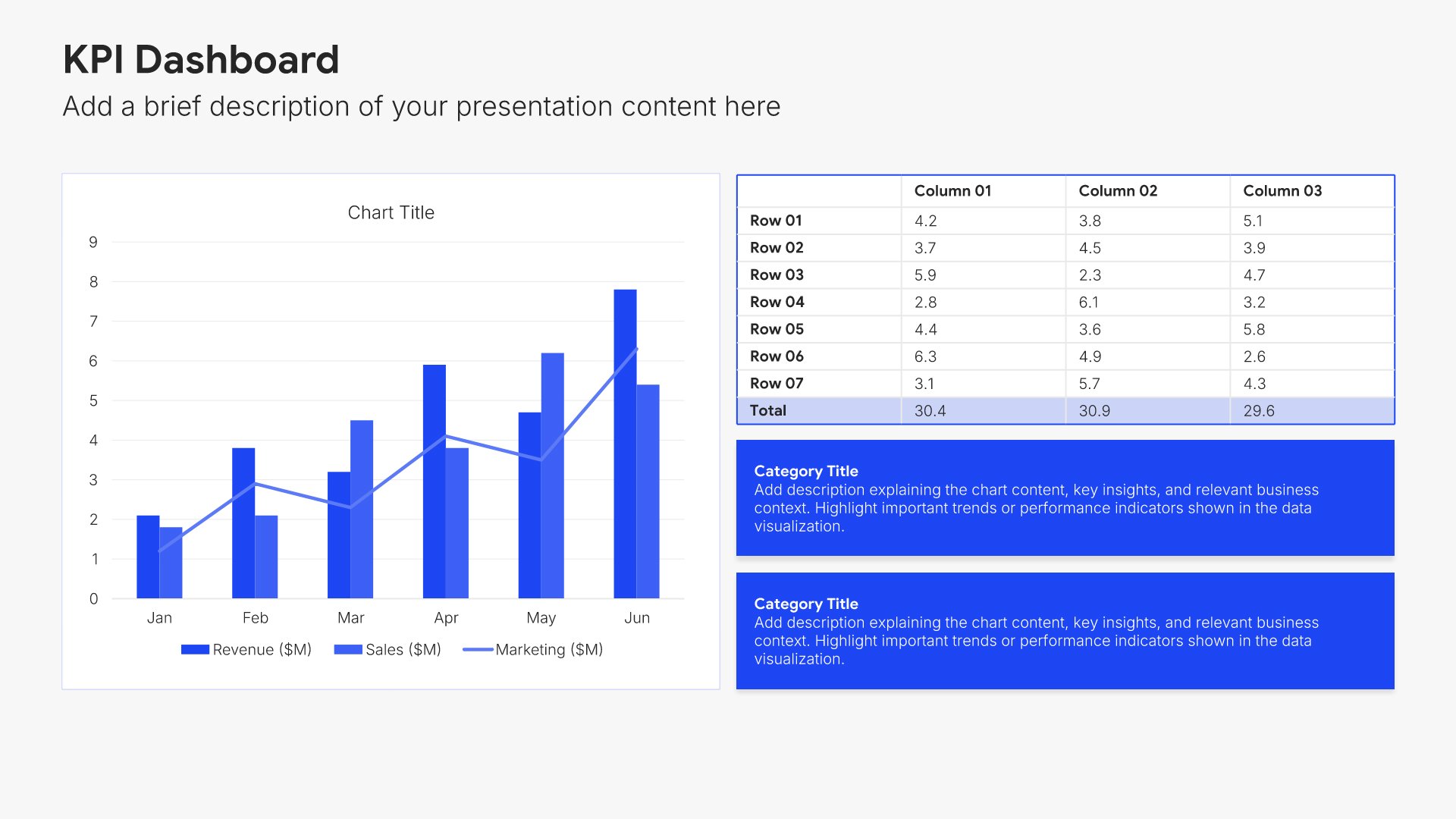
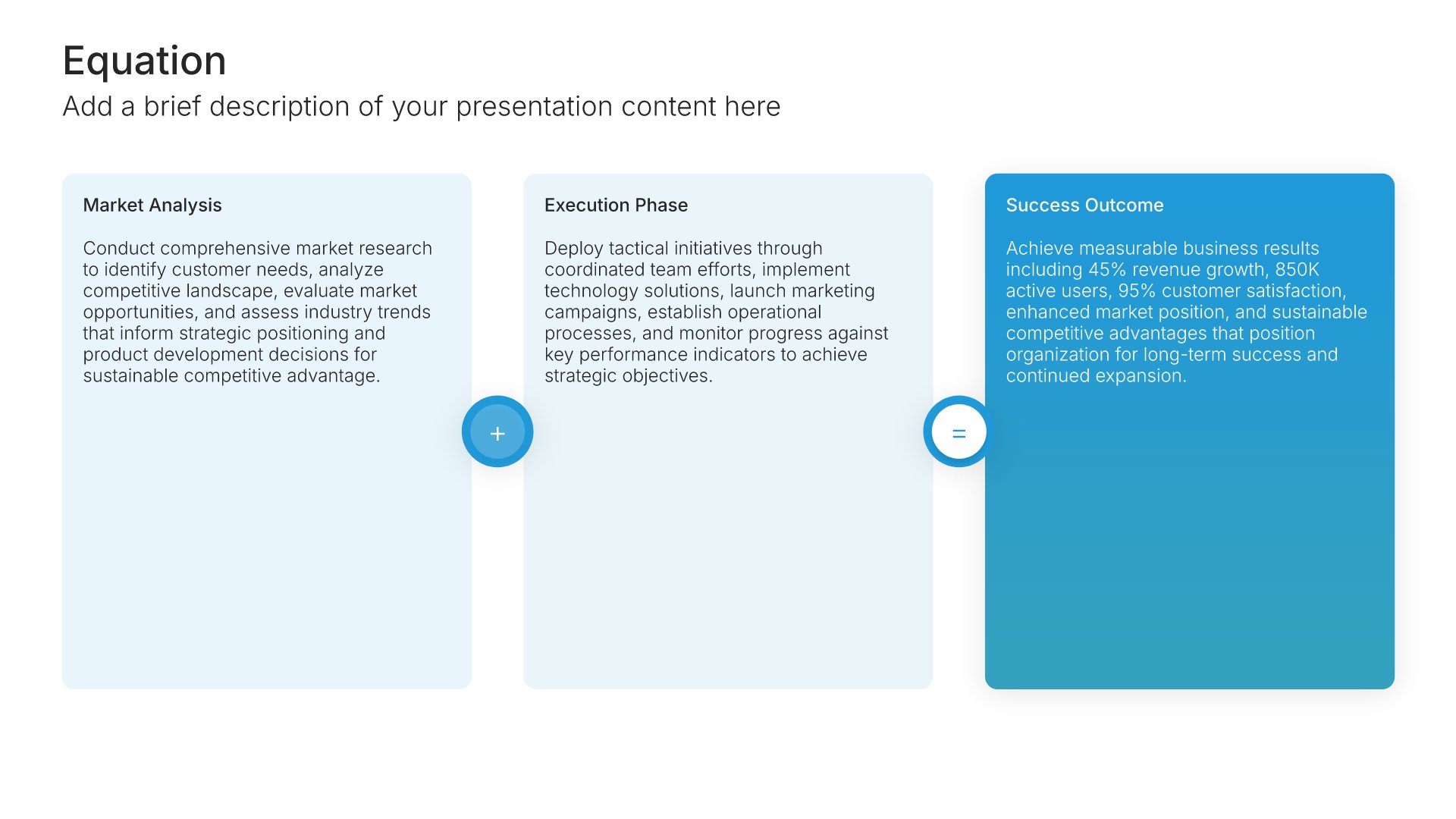
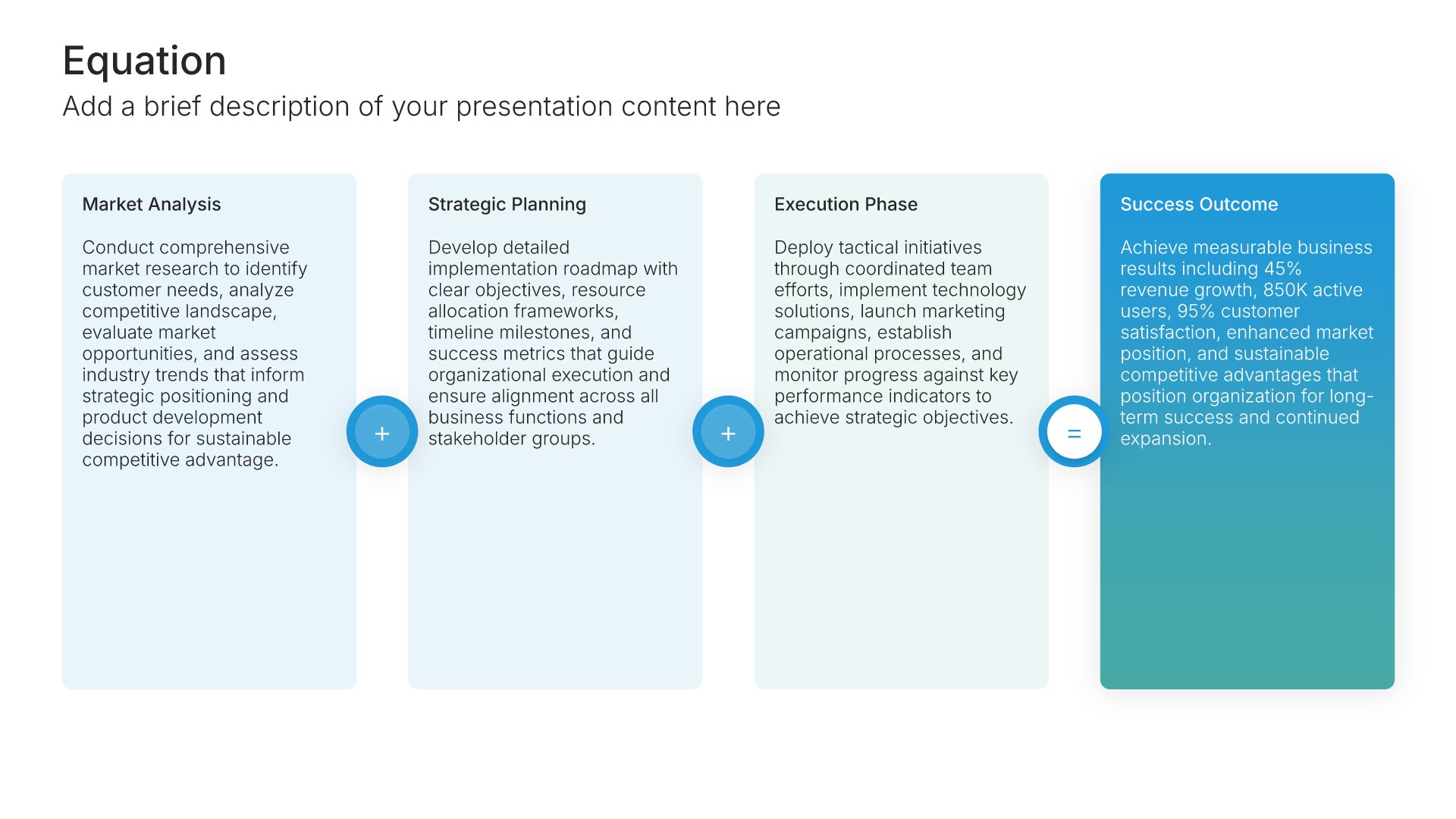
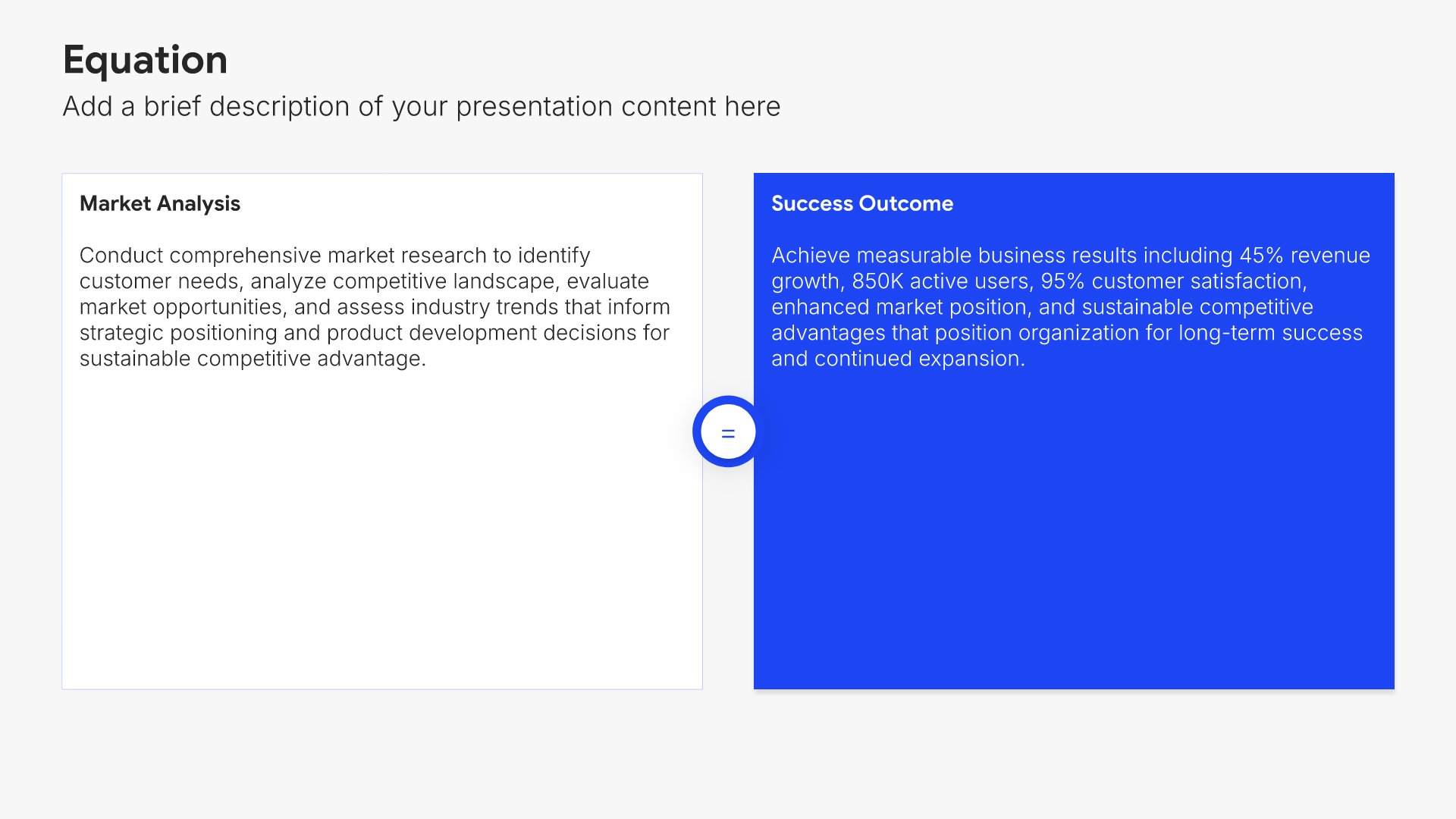
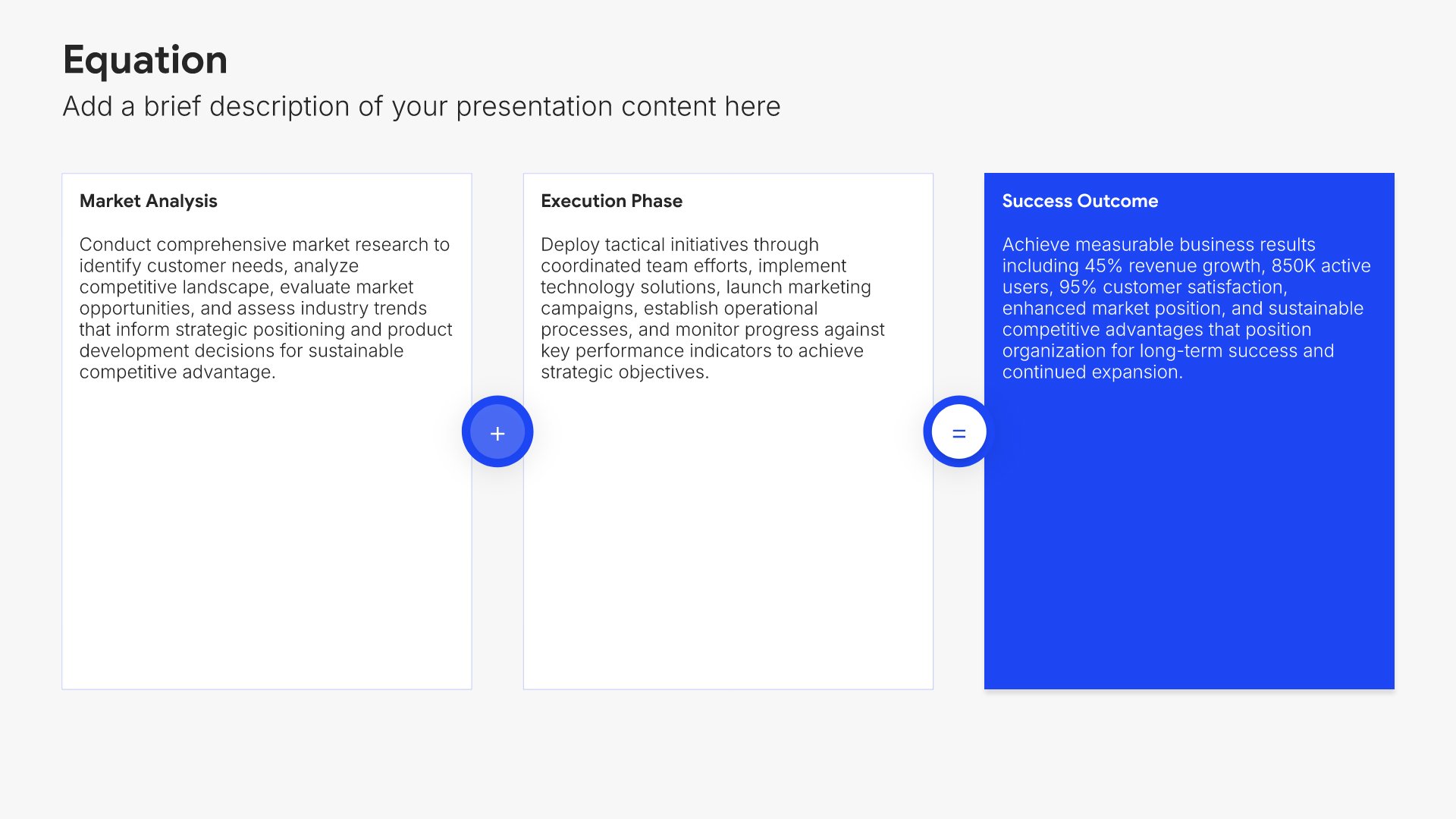
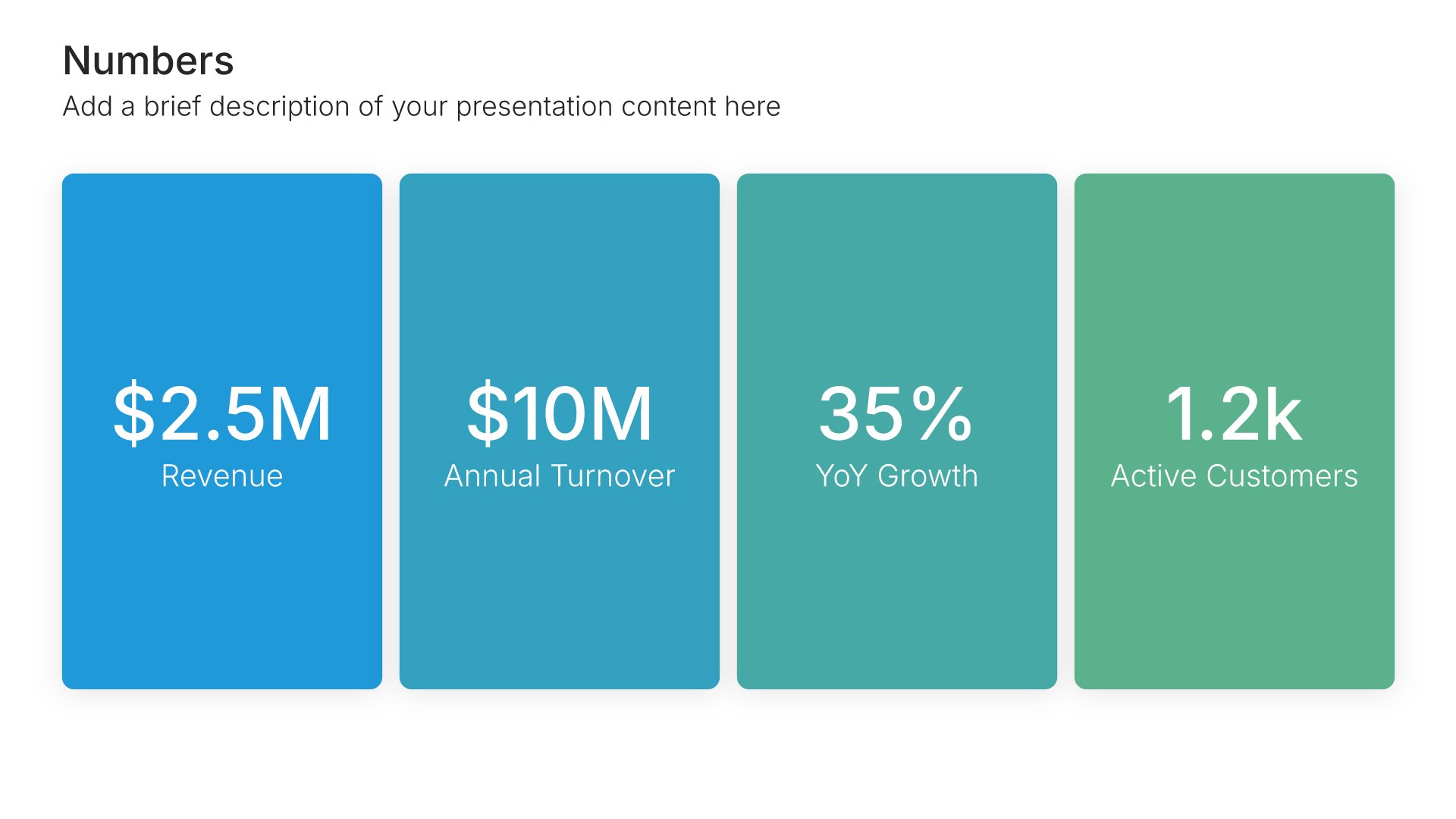
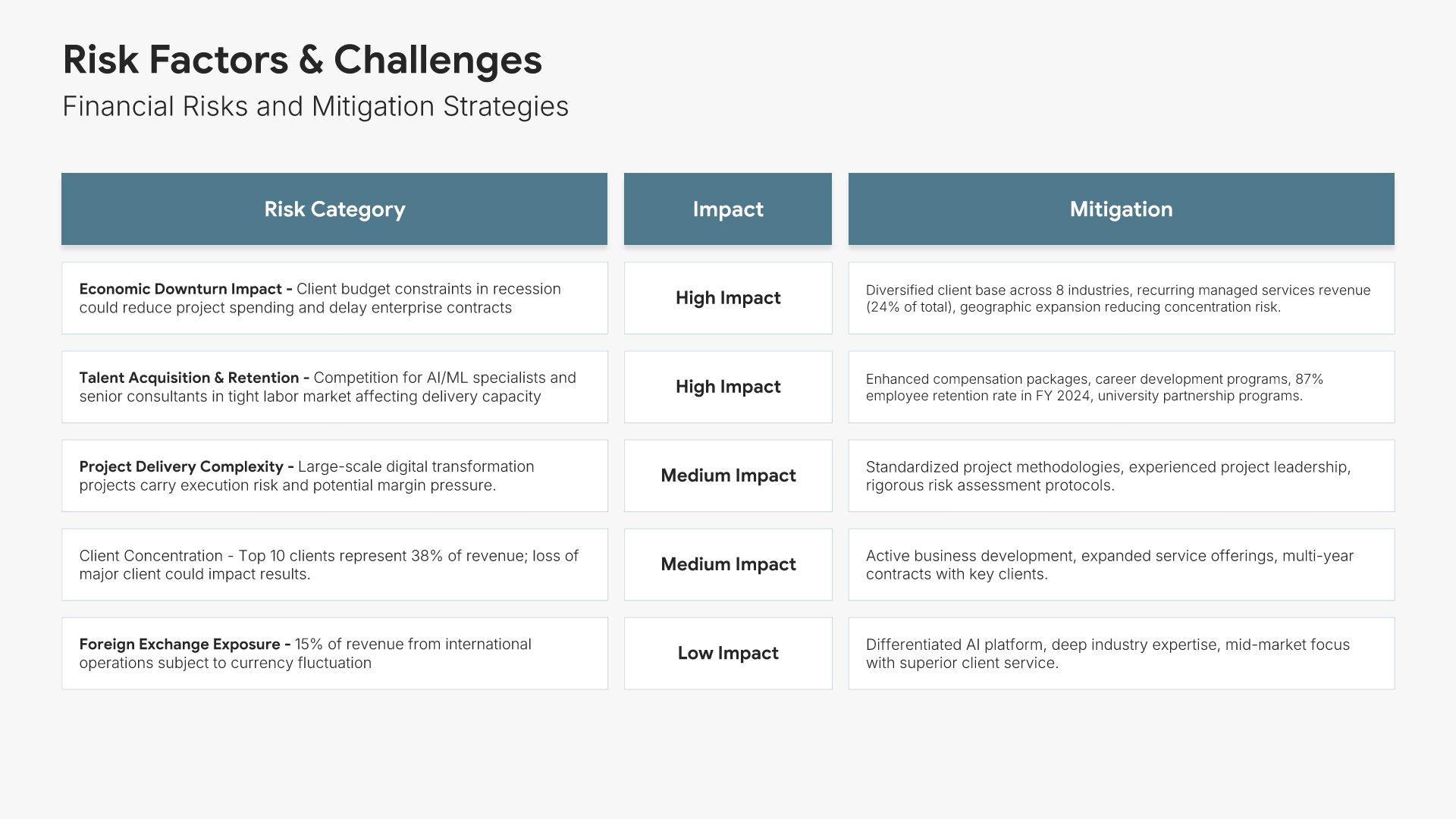
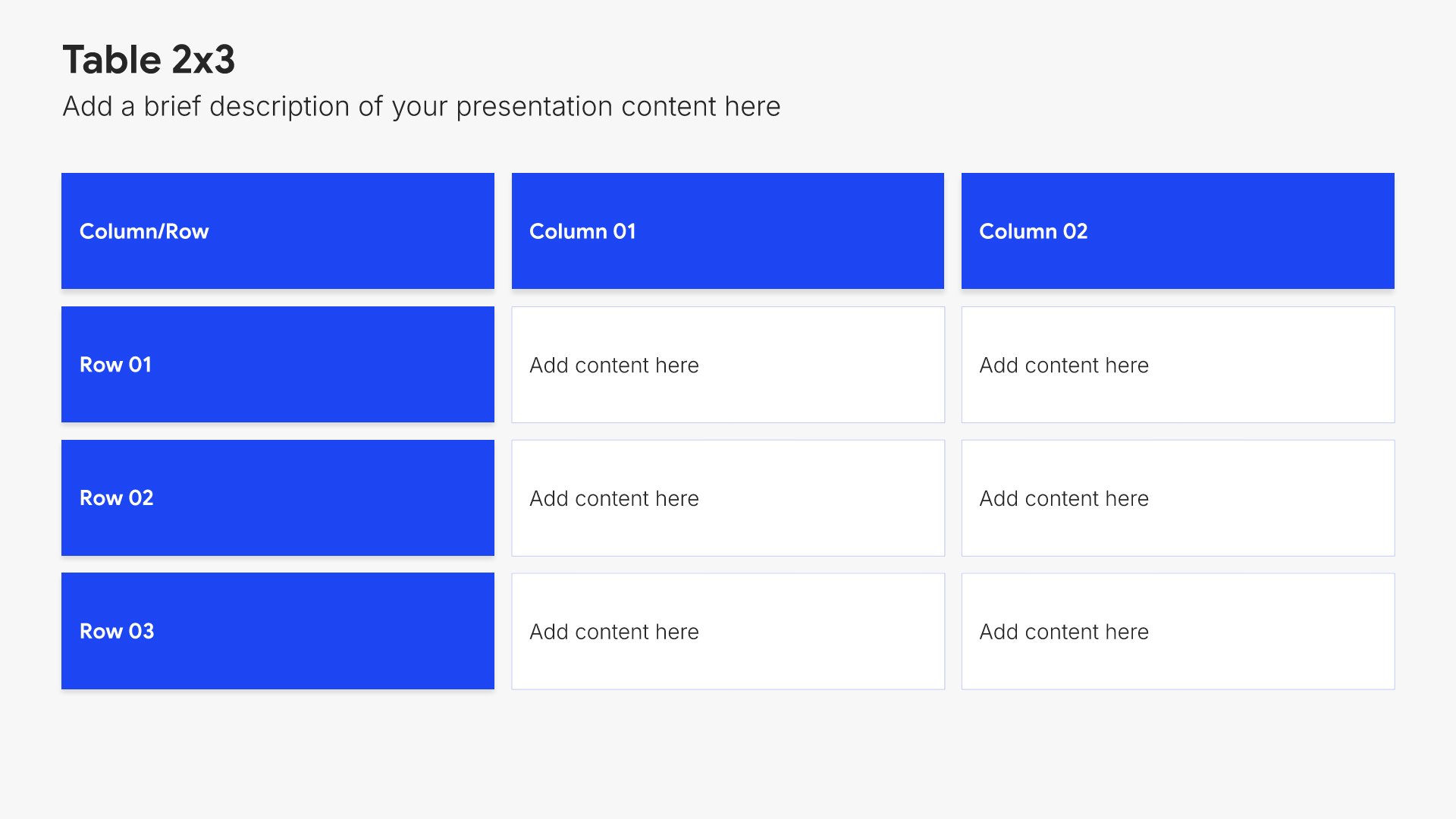
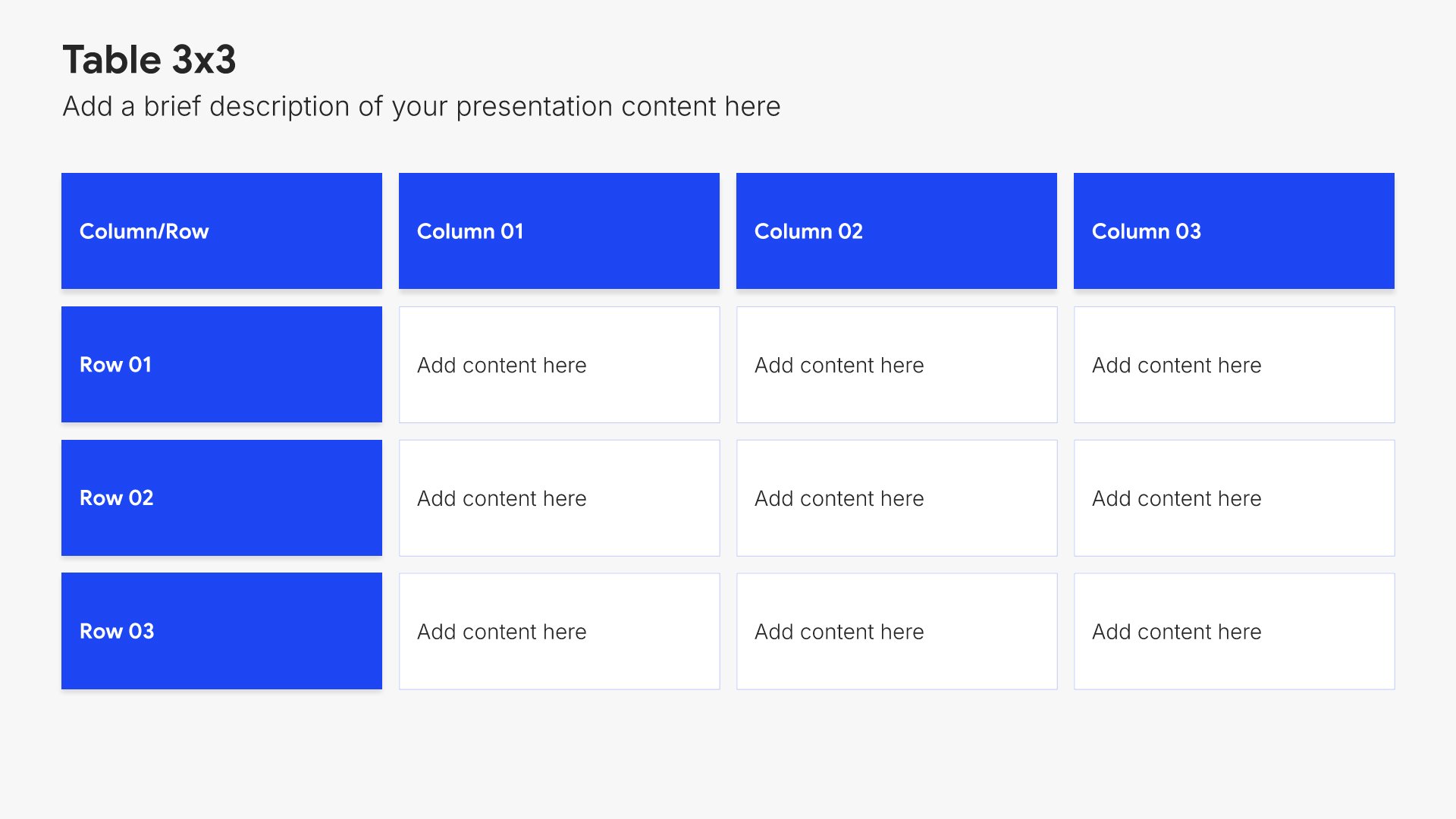
Every financial report is assembled from the same library. Financial tables, waterfall charts, KPI dashboards, and comparison layouts are already in it, so adding a second segment or another year of comparatives takes a minute. Everything sits on the same grid, so the layout still holds.

Brand the whole presentation in one click

Add your logo, colors, fonts, and background once. It applies to the whole presentation and the entire slide library at the same time. Your financial reports, board updates, and investor materials all look like they came from one organization.

Export to PowerPoint, Google Slides, or Keynote

You get a real file, not a locked link. Every table and chart stays editable after export, so when the audited numbers land, you change them in the tool you already use.

How Choladeck works

From blank page to finished presentation in four steps.

STEP 01

Browse 9,000+ slides across 134+ categories, or open one of the 74 premade presentations.
STEP 02

Add your logo, colors, and fonts in one click. The whole presentation instantly matches your company.

STEP 03

Add your text, numbers, charts, and tables. Everything on the slide is editable.
STEP 04

Send it to PowerPoint, Google Slides, or Keynote, and present.

Build your own

Nothing here fits? Build your own financial report

Every financial report is assembled from the same 9,000+ slides. Pick the slides you need, drop them into one file, and brand the whole thing in one click.

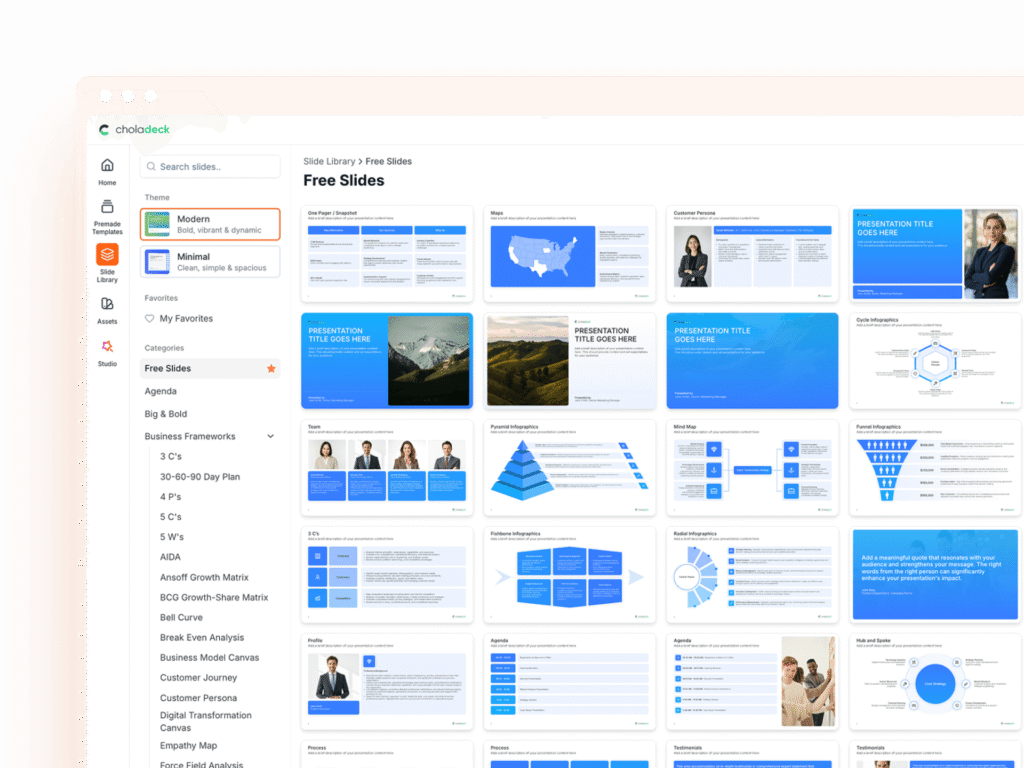
Choladeck slide library on Free Slides, with its category list and the 3 C’s slide shown larger

Questions about our financial report templates

What's inside the templates, and how far you can change them.

Using the templates

Are the templates fully editable?

+

Yes. Text, tables, charts, icons, and colors on every slide are yours to change. Nothing is locked and nothing is a flat image.

How do I brand a financial report to my organization?

+

Add your logo, colors, fonts, and background once. It applies to the whole presentation and the entire slide library at the same time.

Can I add slides from the slide library?

+

Yes. Add any slide from the library into a template, or swap out one that doesn't fit. Everything works together.

What's included

Are all three statements covered?

+

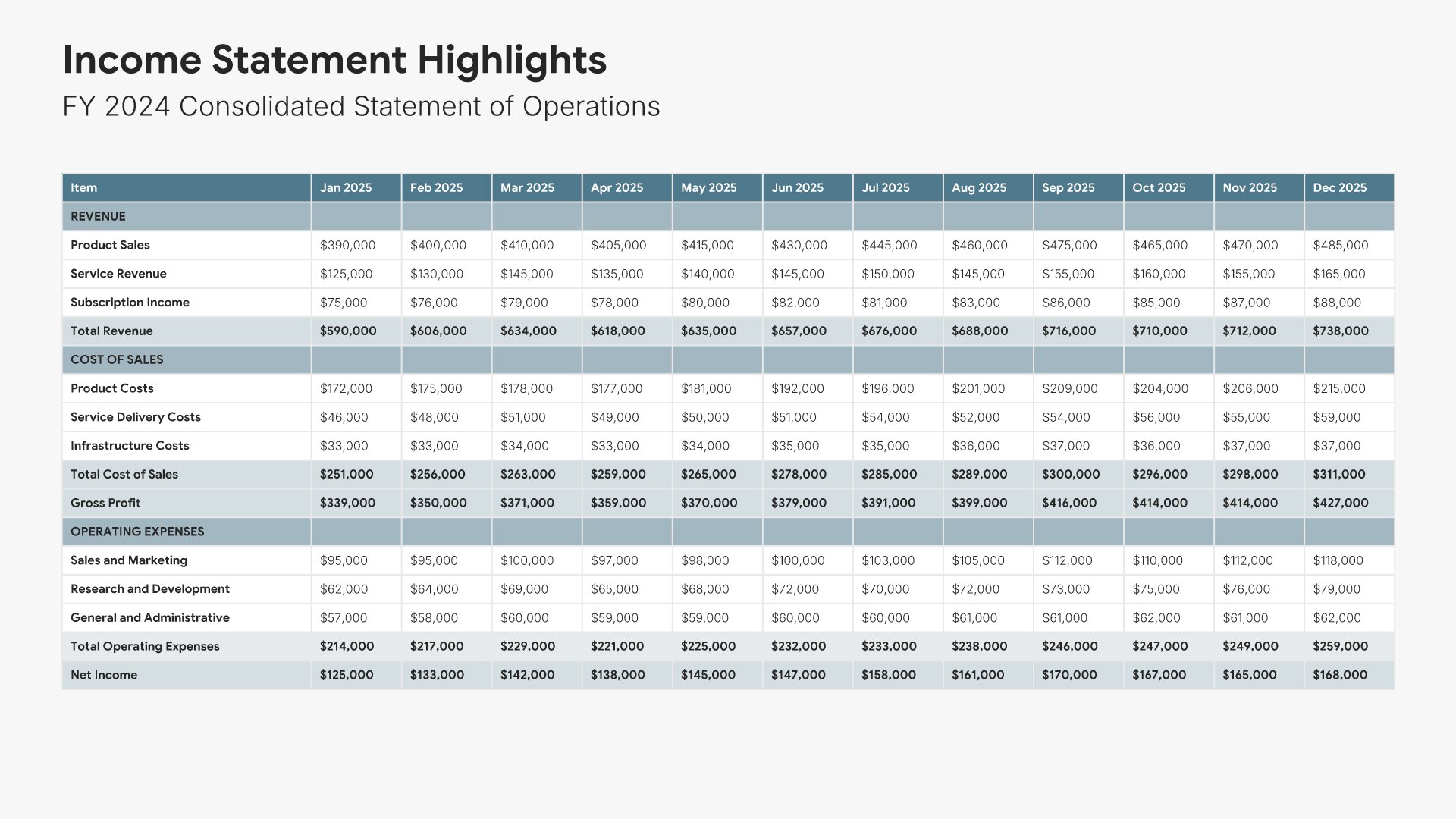
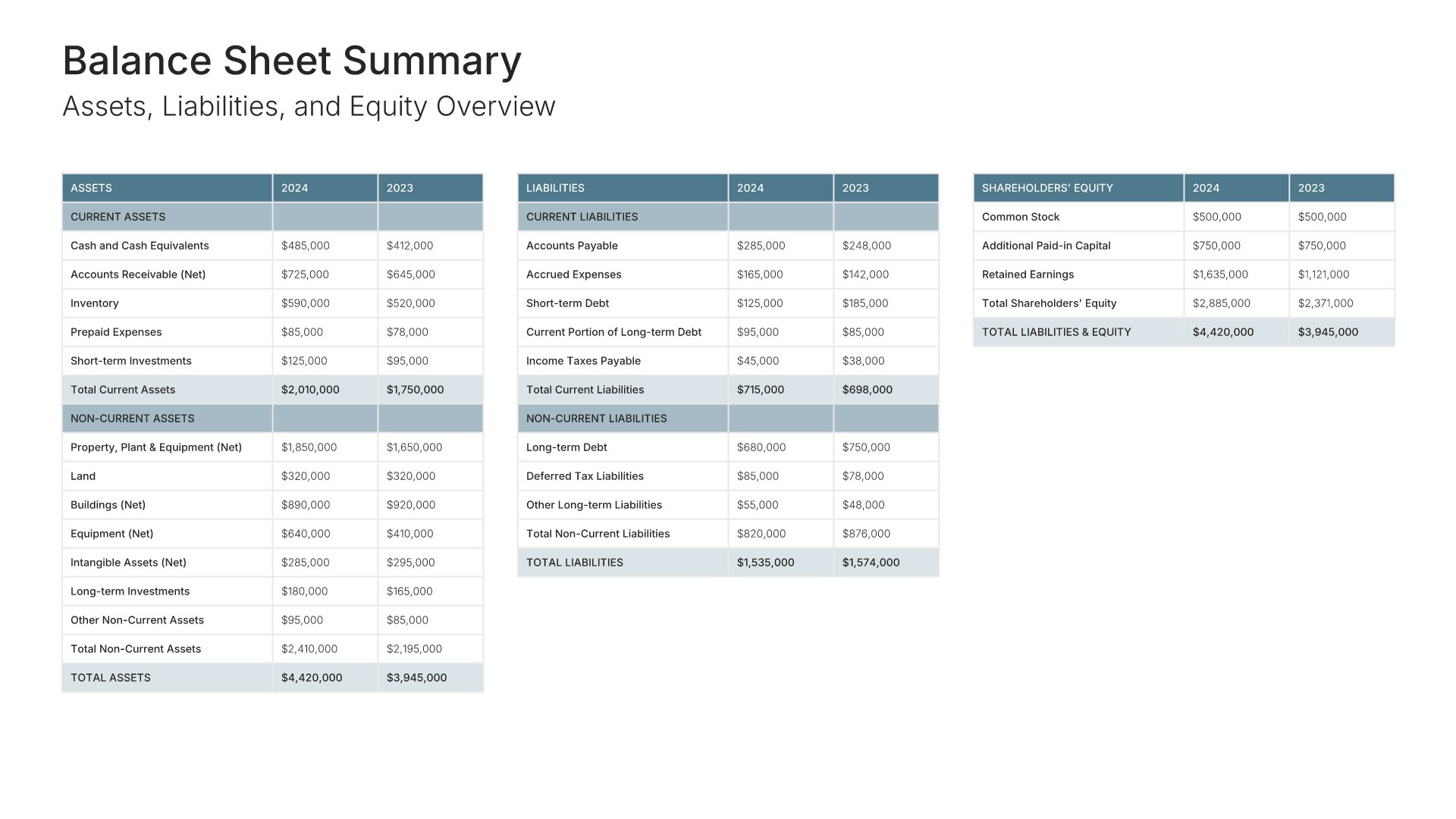
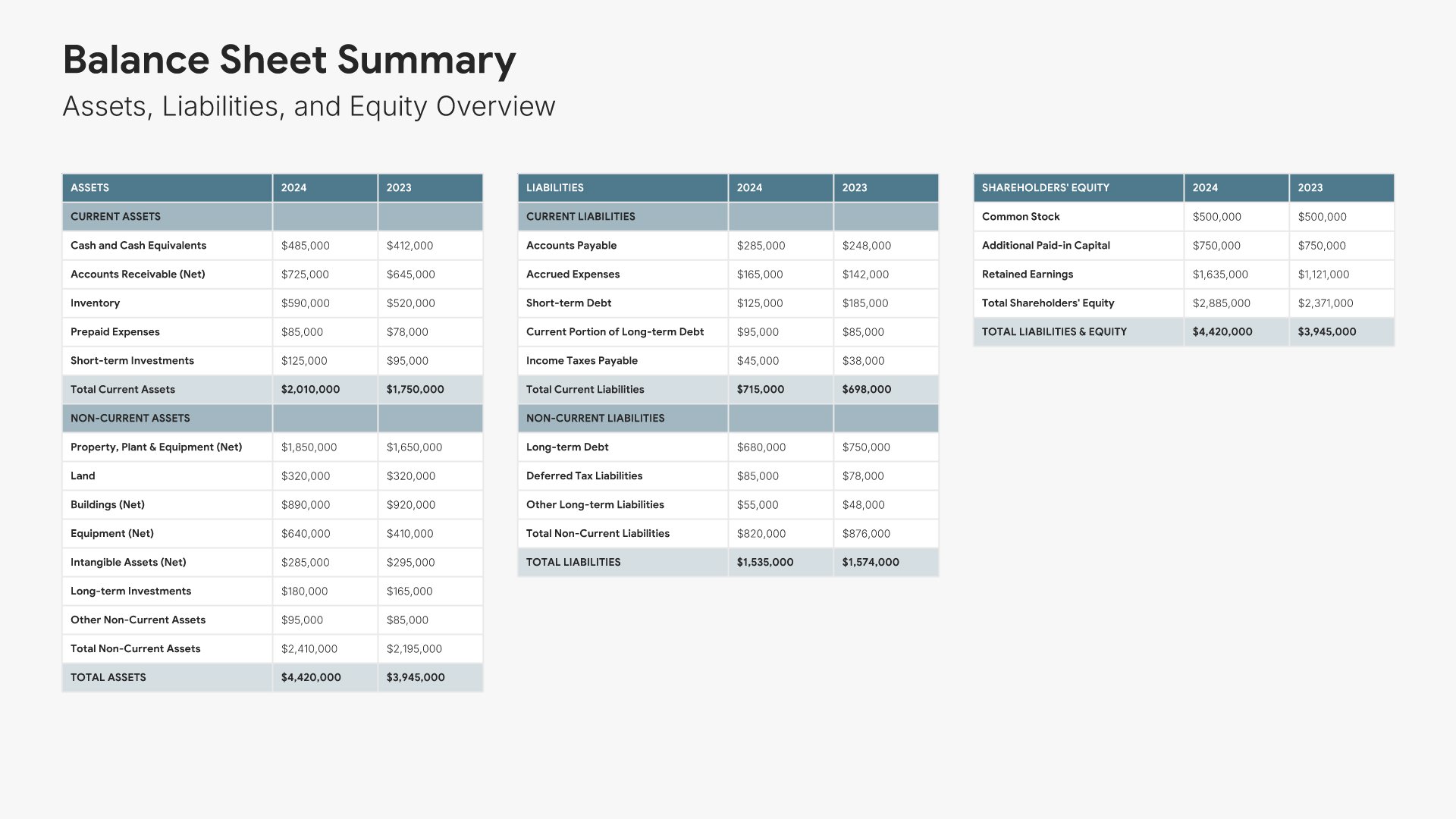
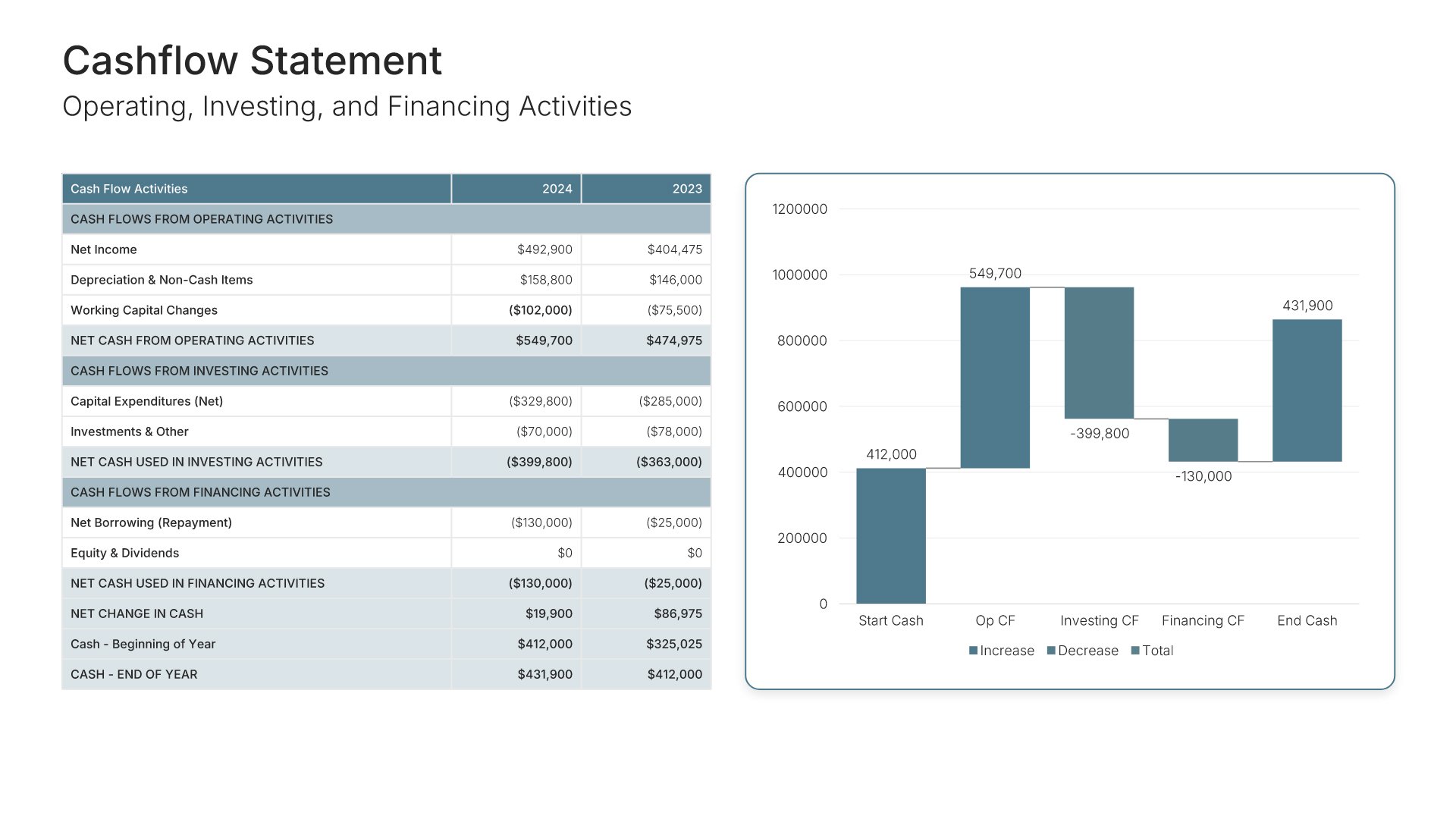
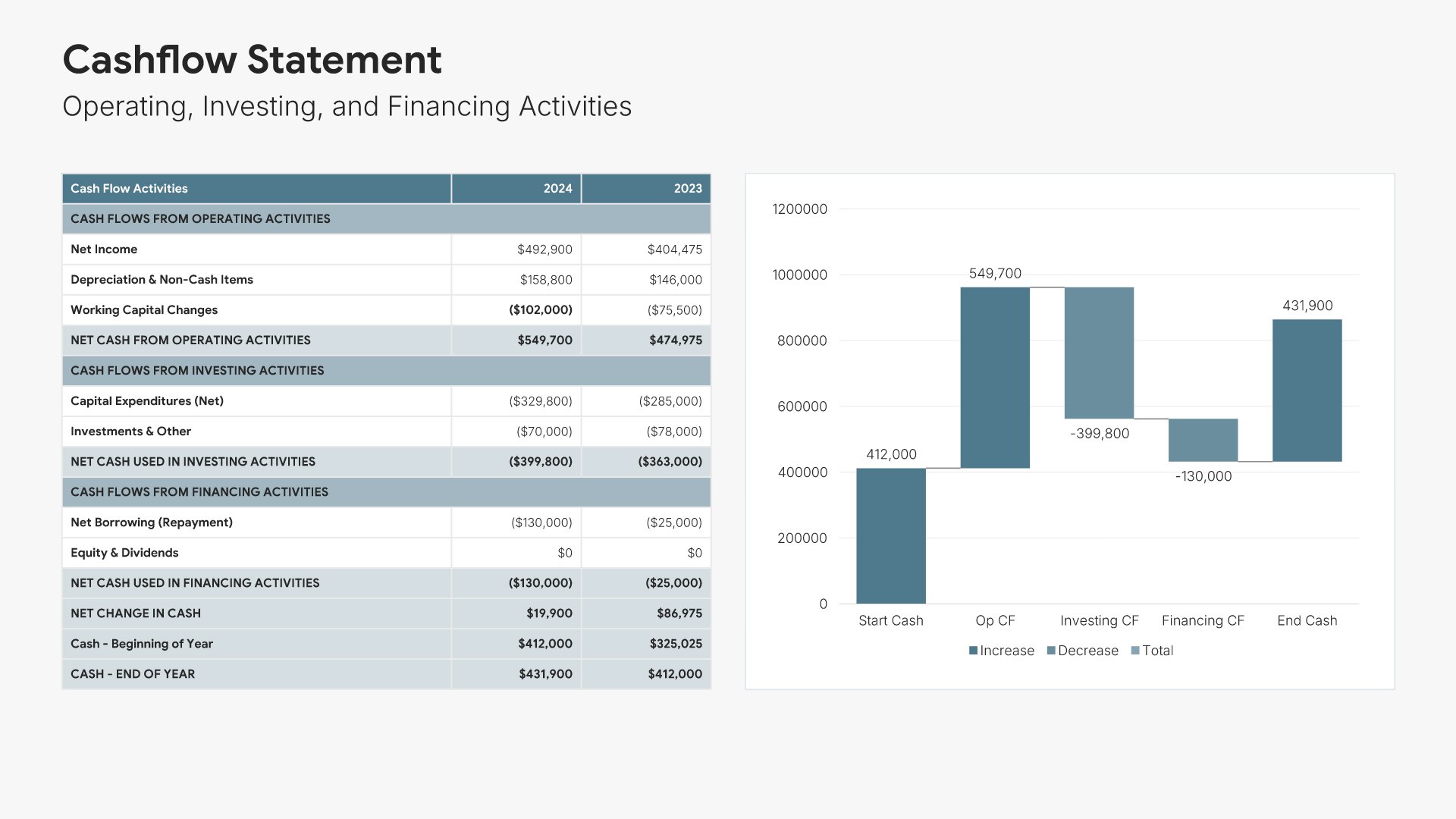
Most do, with the income statement, balance sheet, and cash flow each on its own slide and the figures tabled. If yours doesn't, add them from the slide library in a few clicks.

Is placeholder content included?

+

Yes. Every slide comes with realistic text, sample figures, and filled-in charts, so you can see how the financial report reads before you put your own numbers in.

Do you add new templates?

+

We add new templates every month.

Start your next financial report
from one that's already done

Pick a template, brand it, add your content, and export.

Free to start. No credit card required.