Try Twodart Free: Download Personalized Business Slides Today

Financial Forecast Premade Template

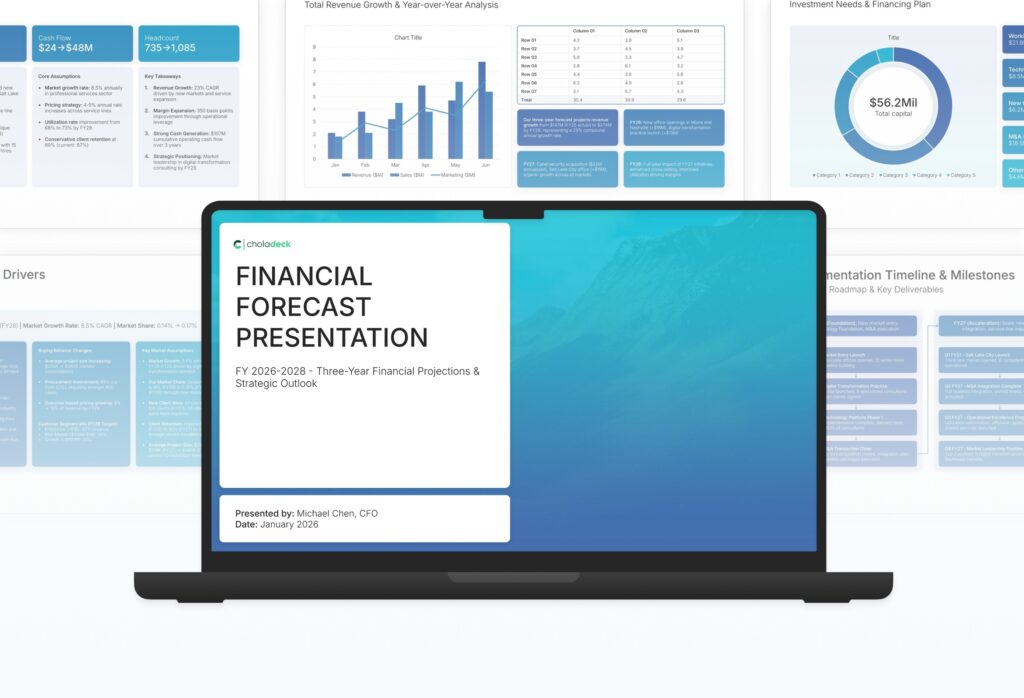
A comprehensive financial forecast template designed for organizations presenting multi-year projections to boards and investors. Built on the Classic CFO Financial Planning Model, this presentation covers revenue projections, cost analysis, profitability, cash flow, scenario planning, and risk assessment. Ideal for strategic planning cycles.
Financial Forecast Featured Image

How to Build a Financial Forecast Presentation

Learn how to create a compelling financial forecast that communicates your organization’s future trajectory to stakeholders. This comprehensive guide walks you through building credible projections, analyzing scenarios, and presenting assumptions with the clarity and rigor that boards and investors expect from leadership.

1. Title

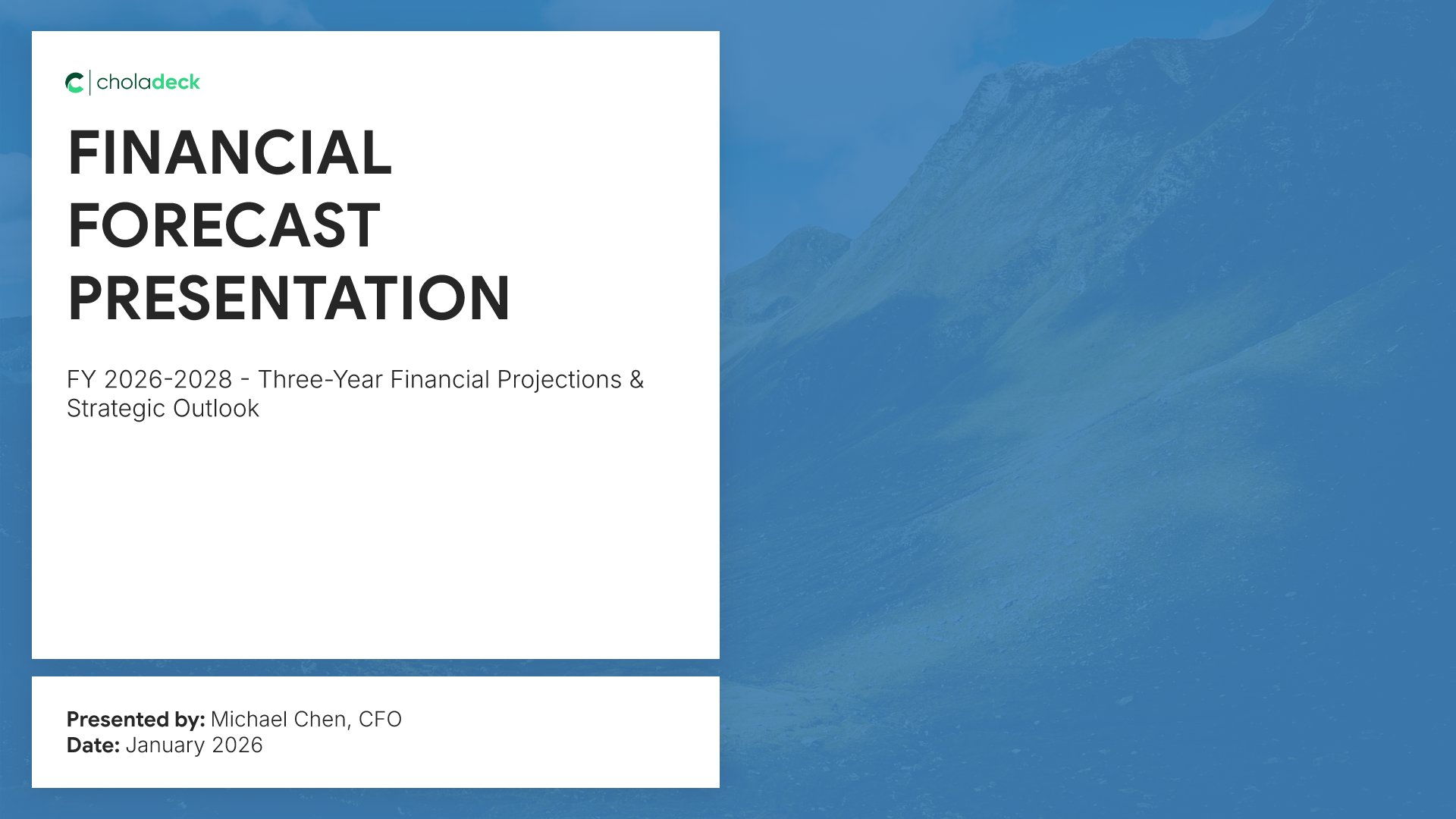
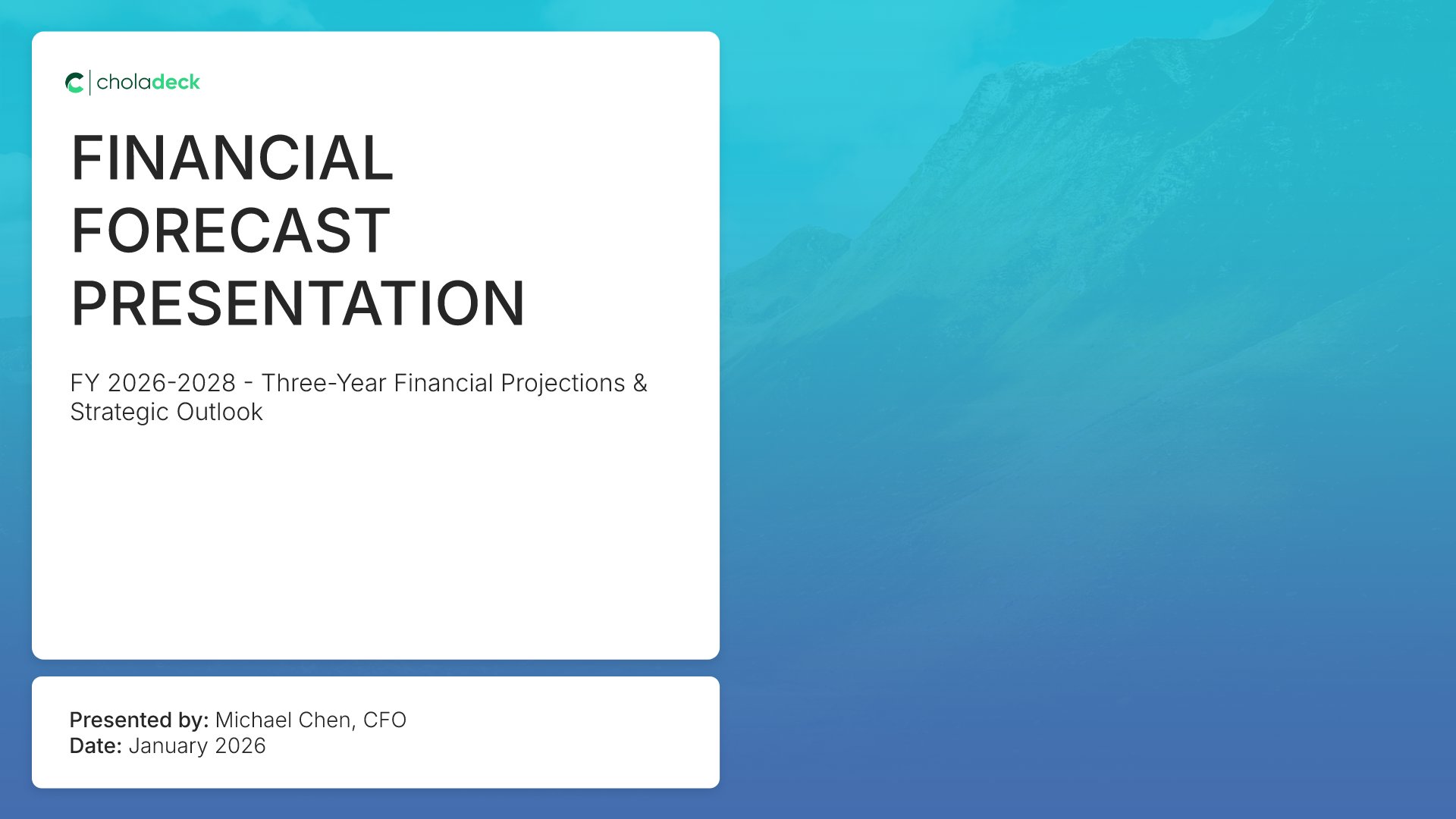
Title slides help you open presentations with impact. Use them to create strong first impressions with opening slides that set the tone, introduce your topic, and establish your brand. Ideal for any presentation where a polished, professional opening slide sets the stage for everything that follows.
Built using Title slides

2. Executive Summary

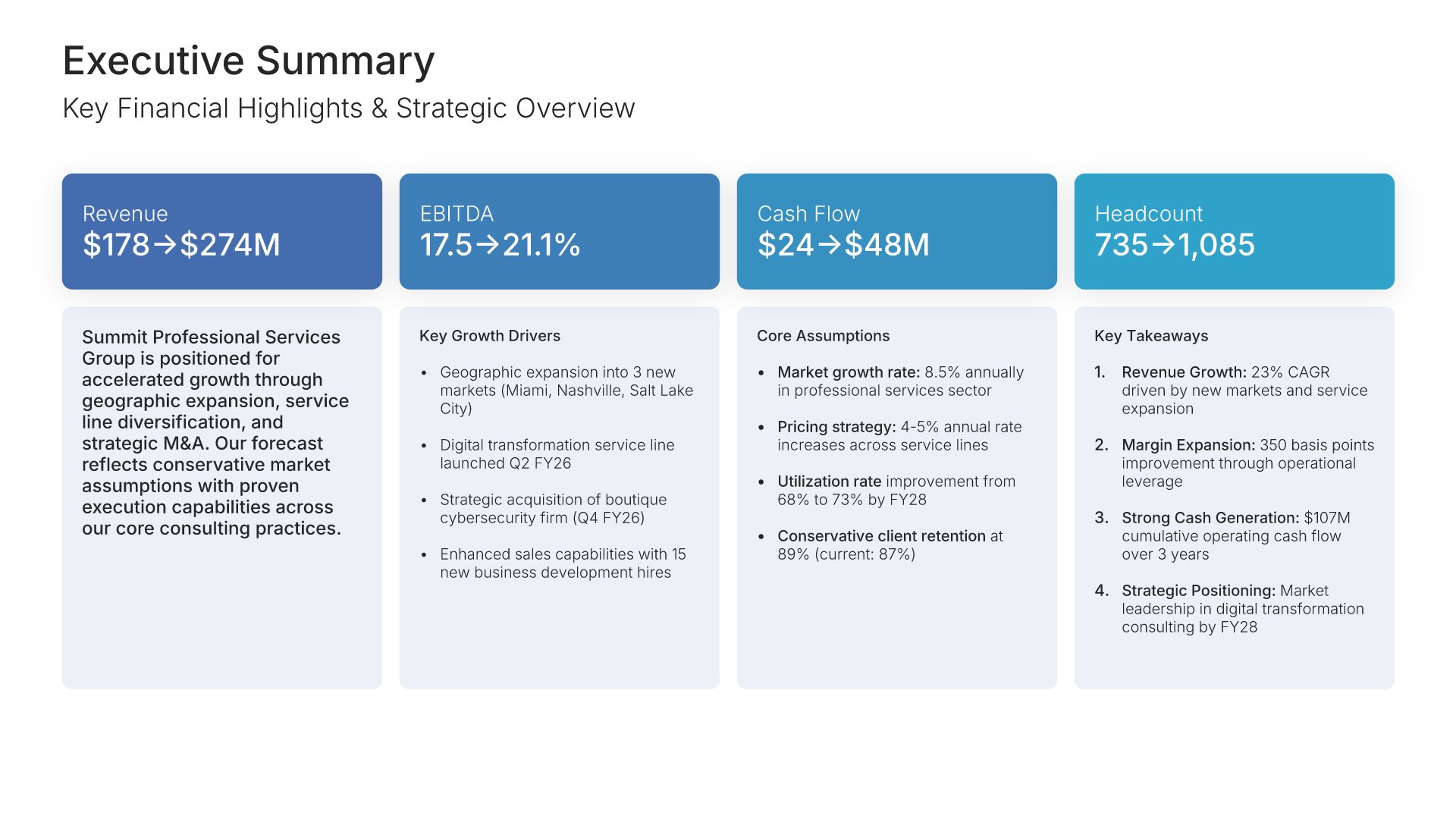
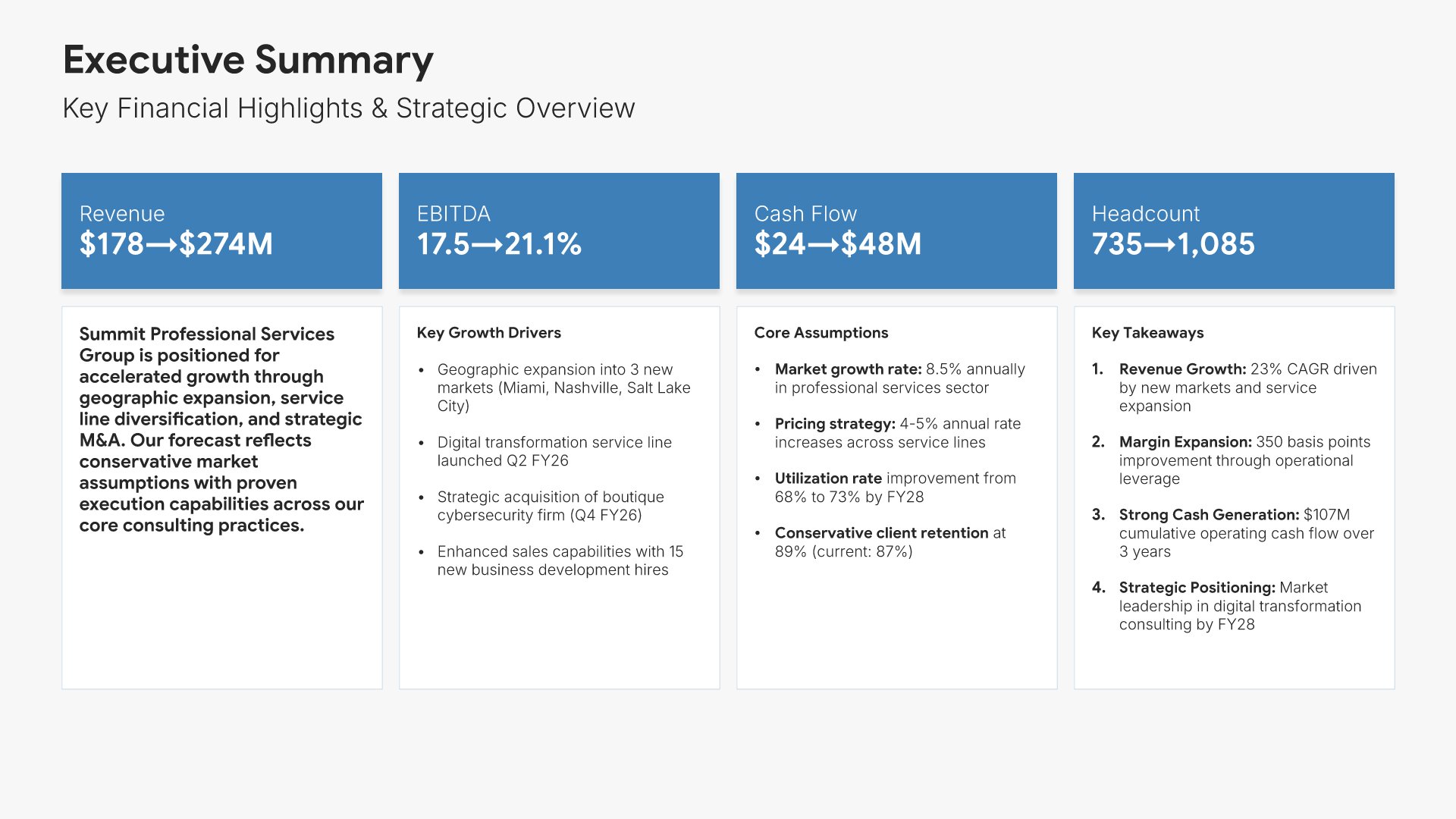
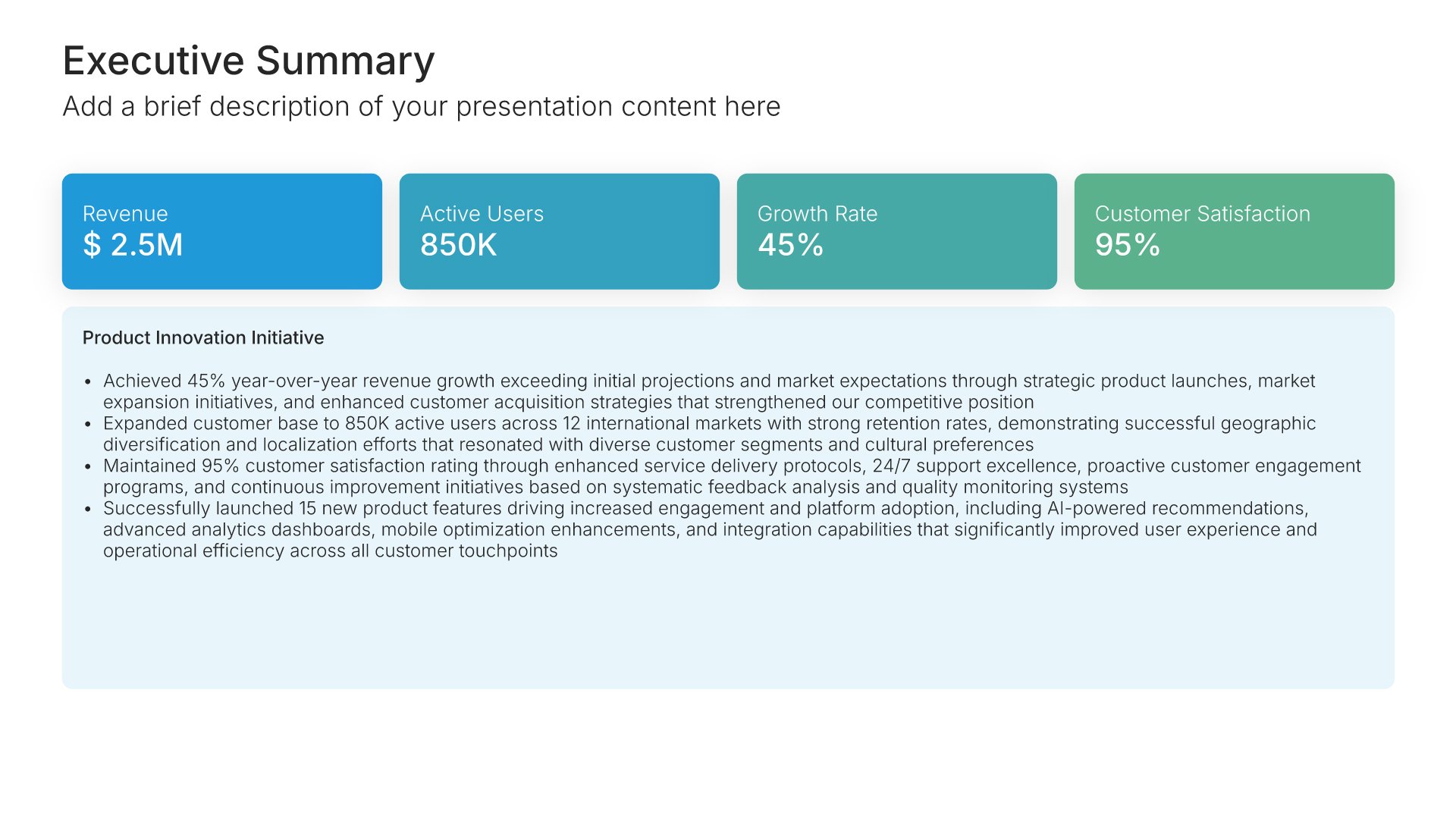
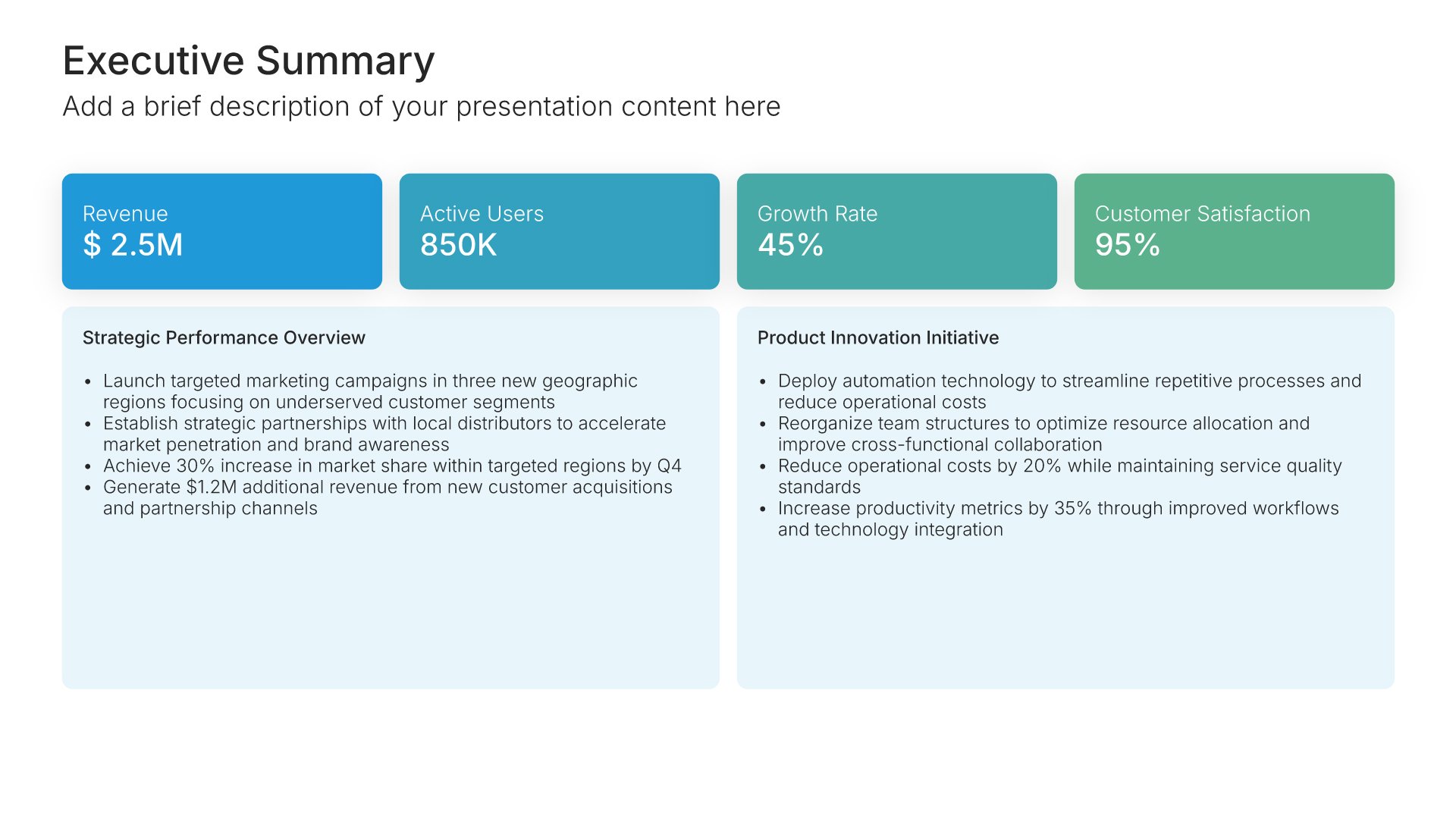
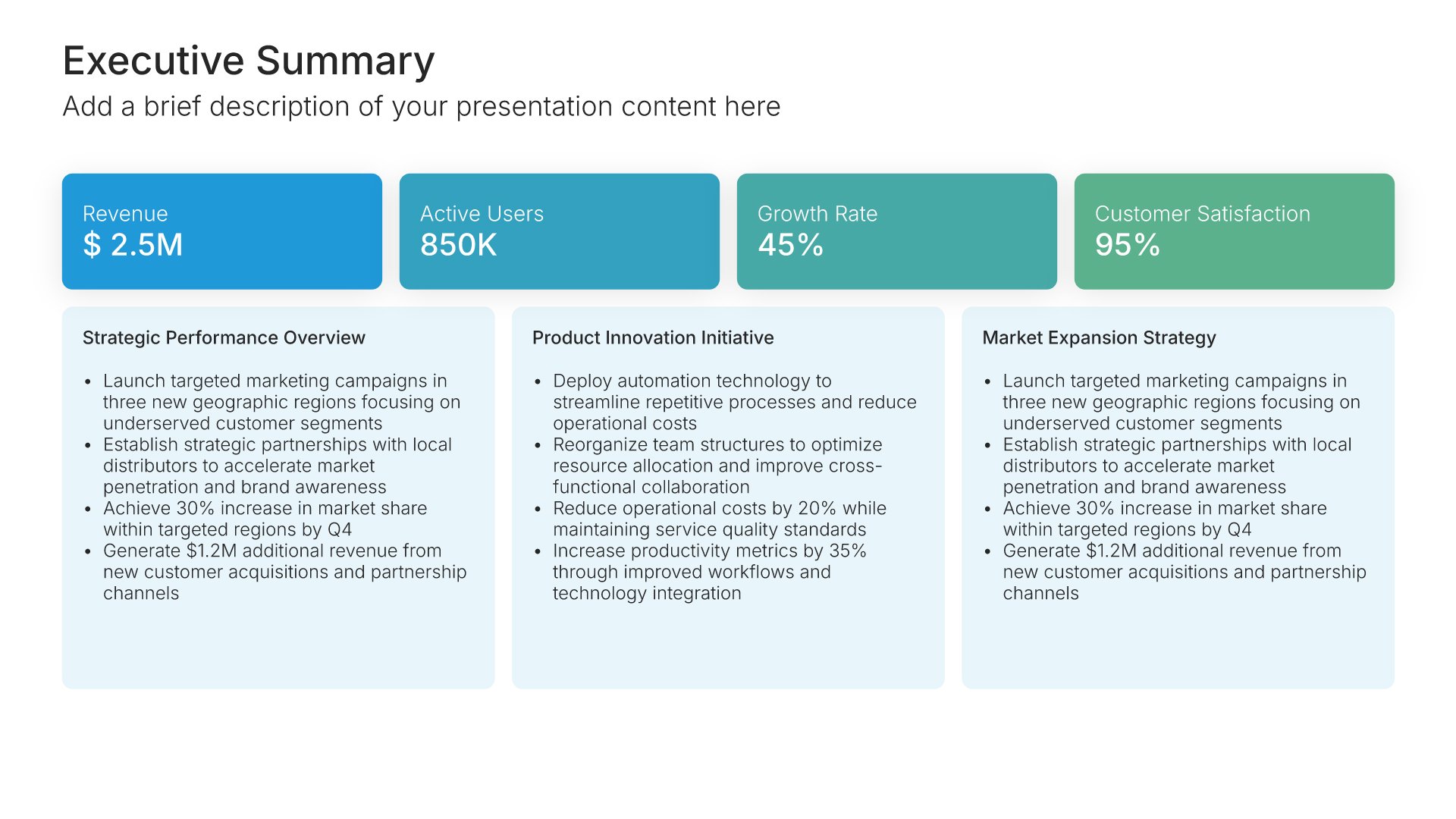
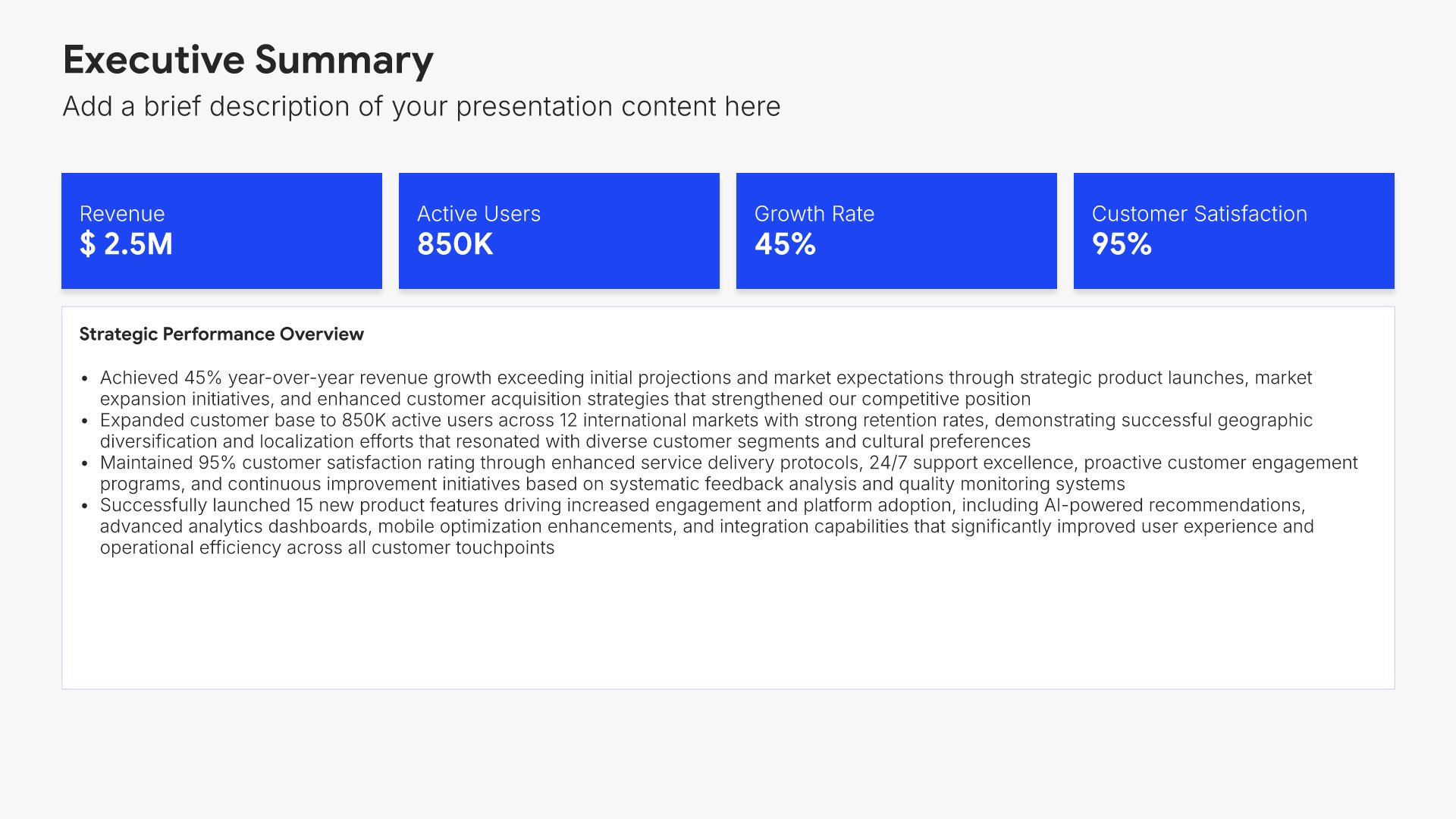
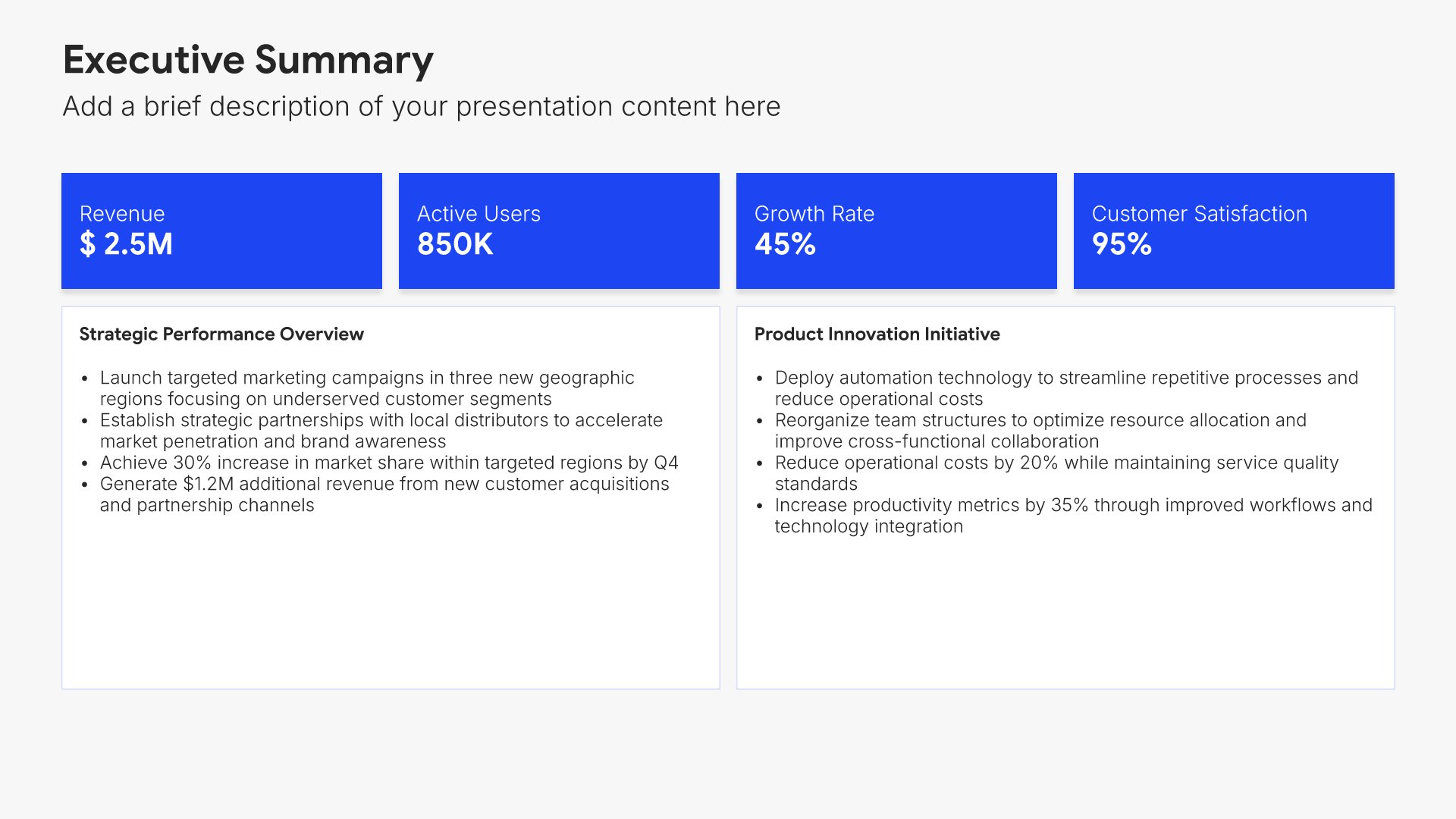
Executive summary slides help you present key points concisely for busy stakeholders. Use them to distill complex information into clear highlights, recommendations, and conclusions that can be understood at a glance. Ideal for board presentations, project updates, and any situation where decision-makers need the essential takeaways fast.
Built using Executive Summary slides

3. Forecast Overview & Assumptions

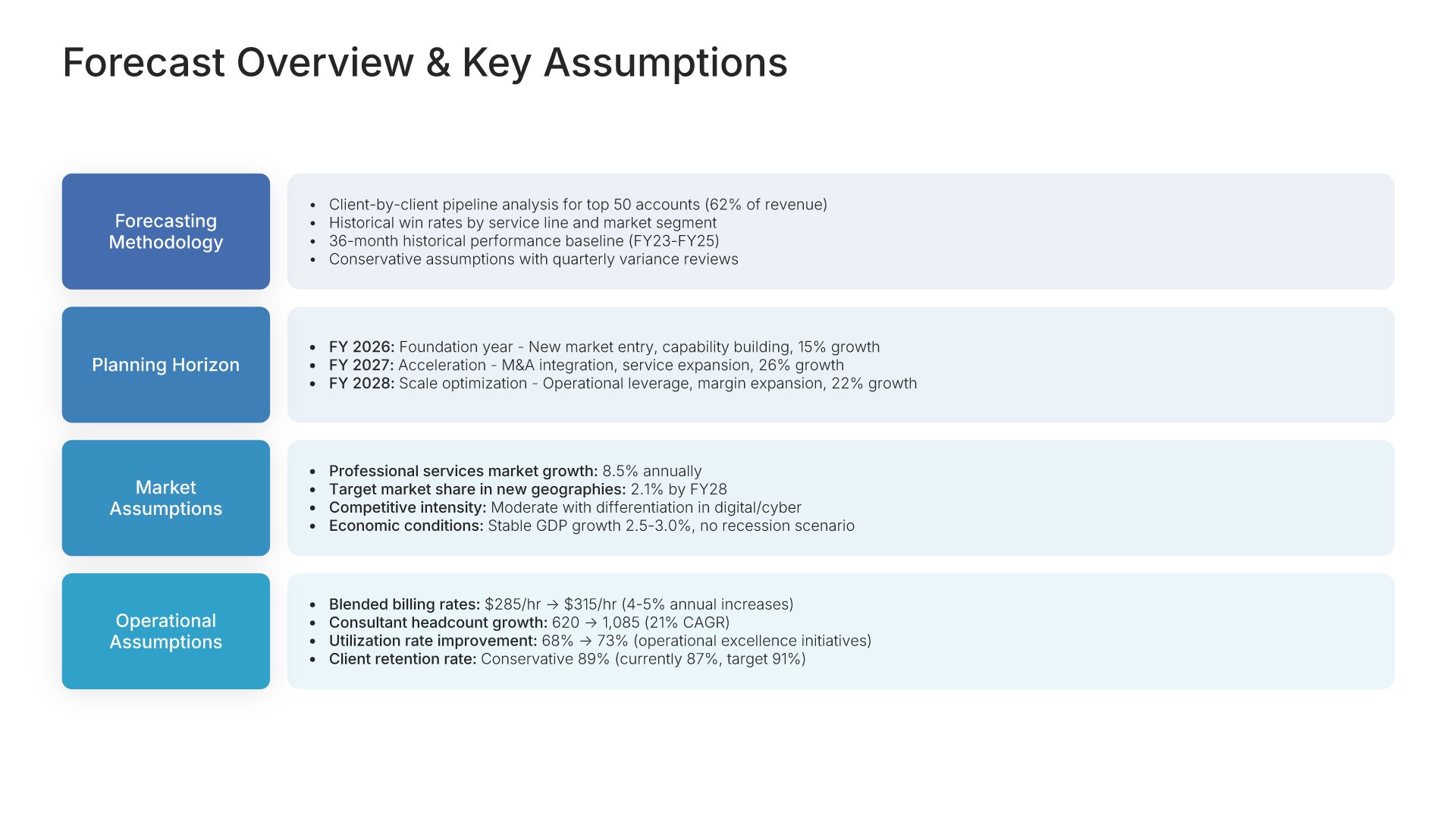
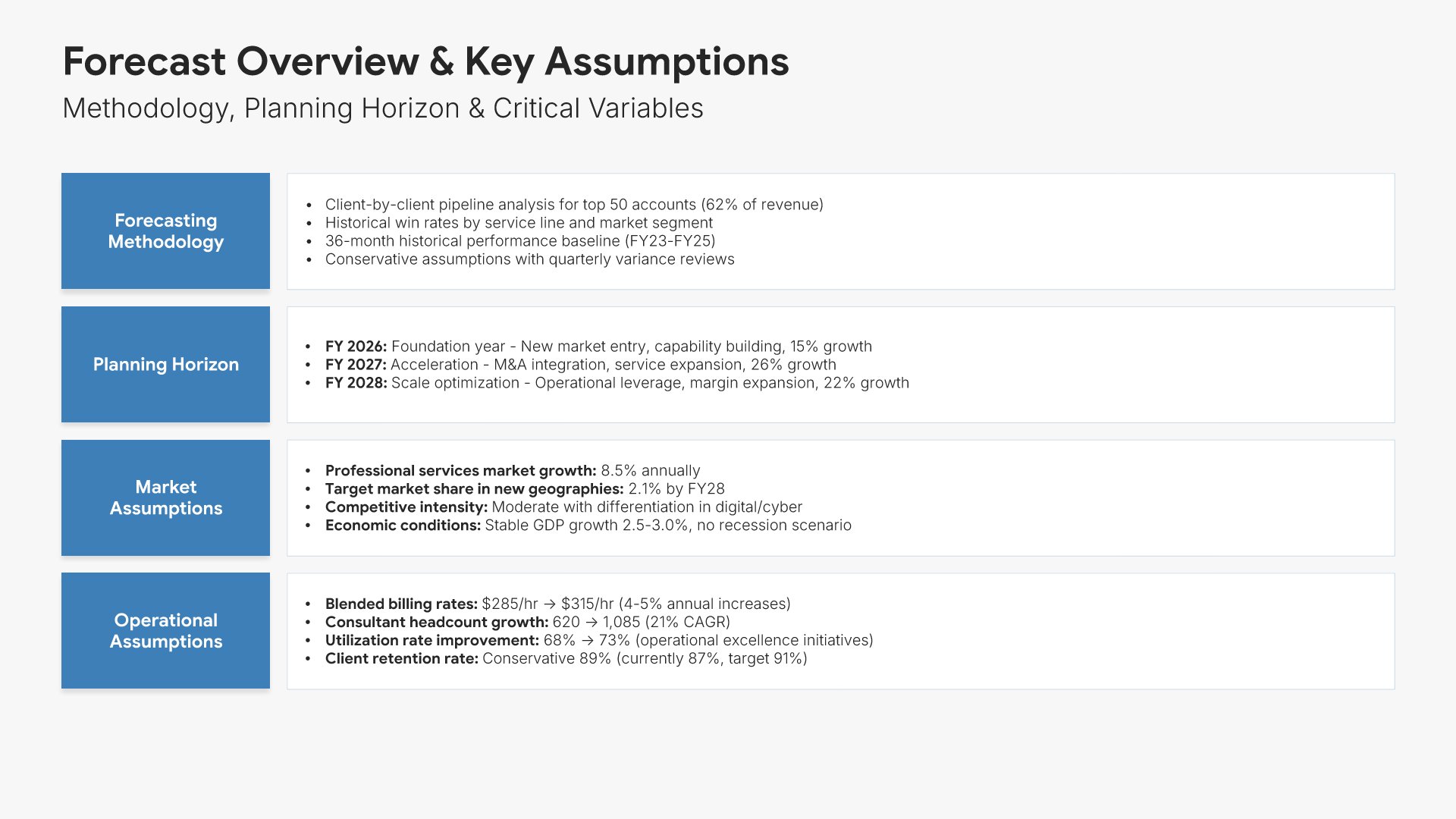
Forecast assumptions slides help you establish the foundation for your financial projections. Use them to present key planning assumptions, methodology, and the drivers behind your numbers. Ideal for financial forecasts and budget presentations where stakeholders need to understand the logic and credibility behind your projections.
Built using Simple Text slides

4. Revenue Forecast

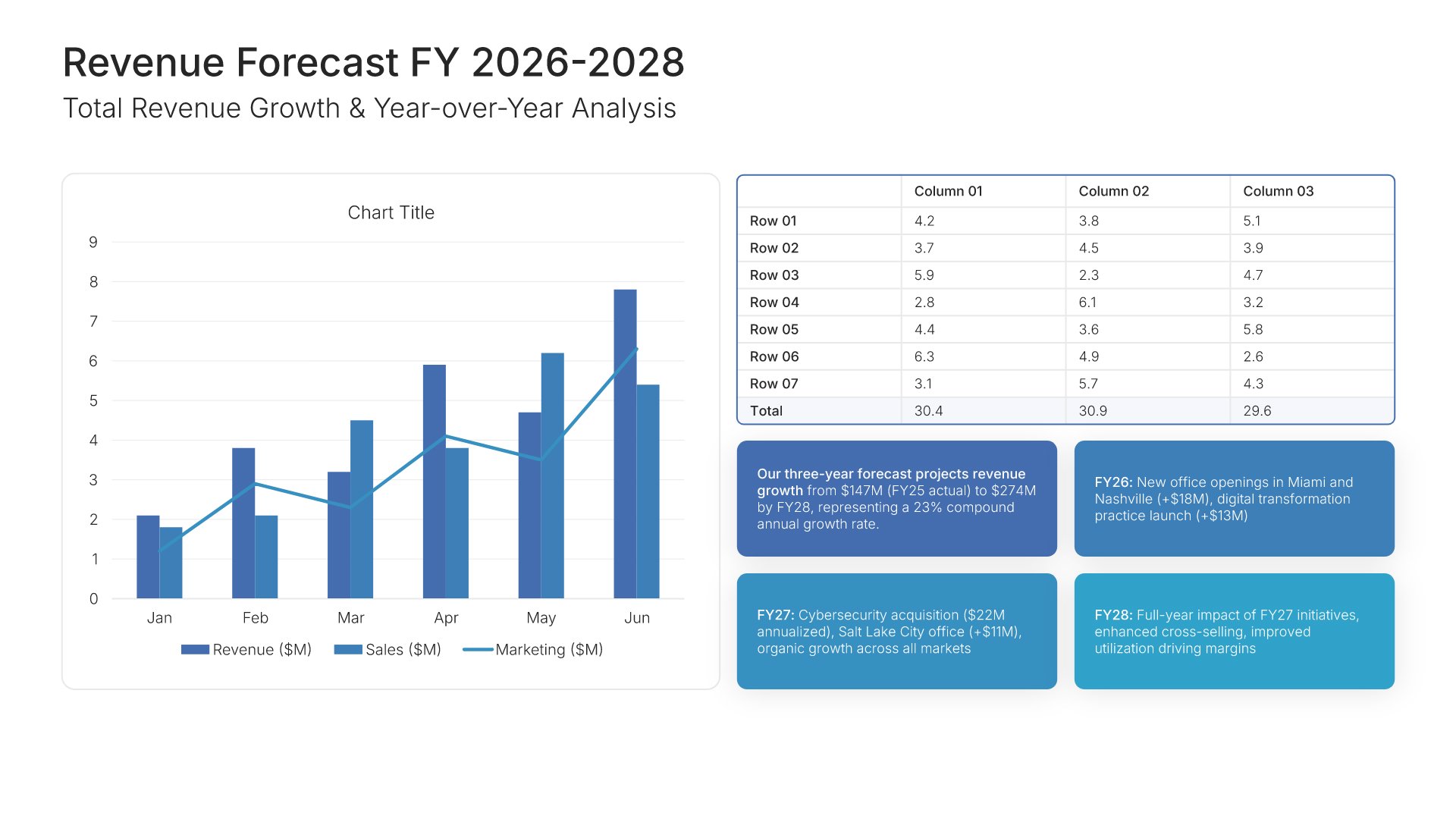
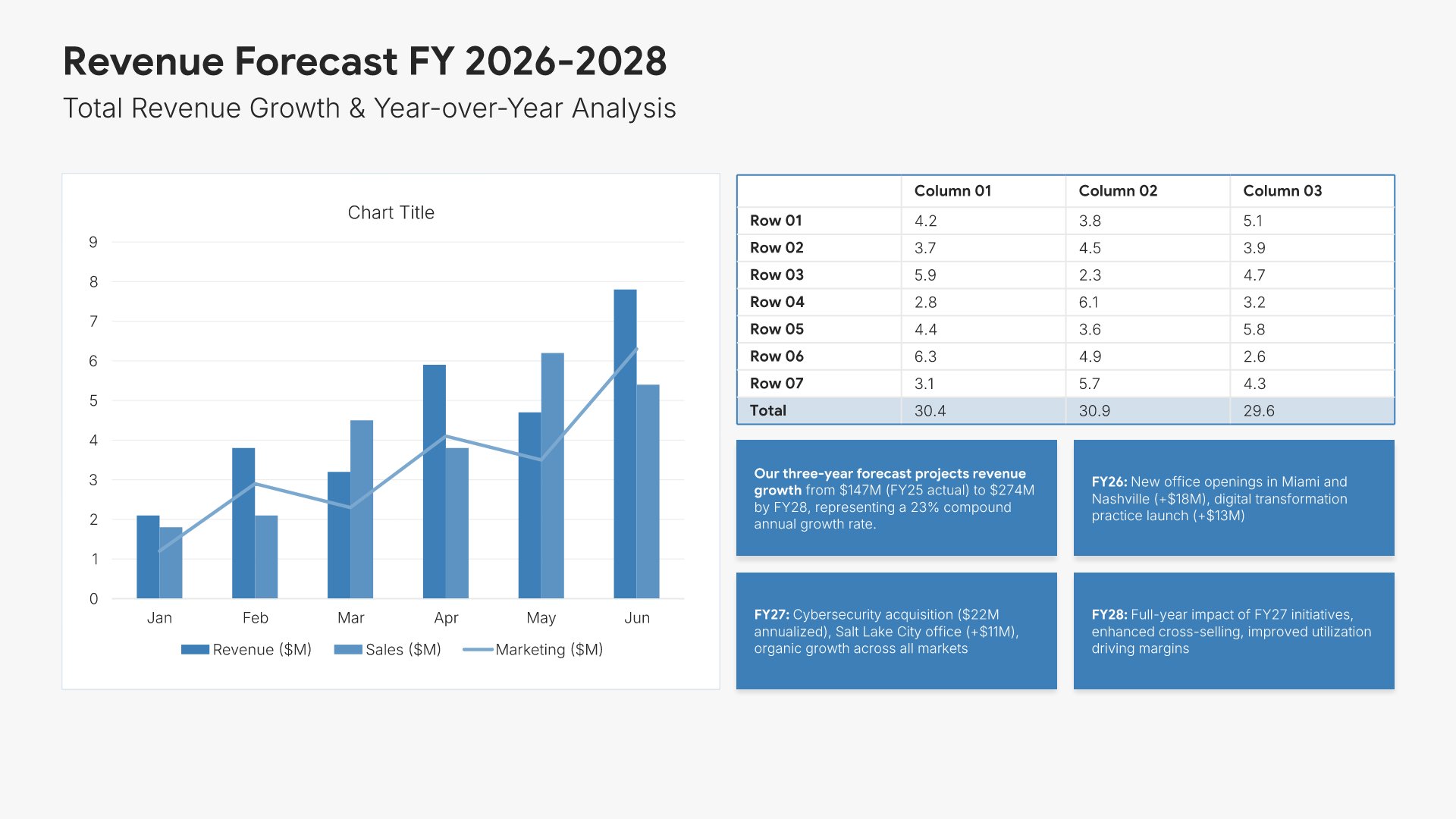
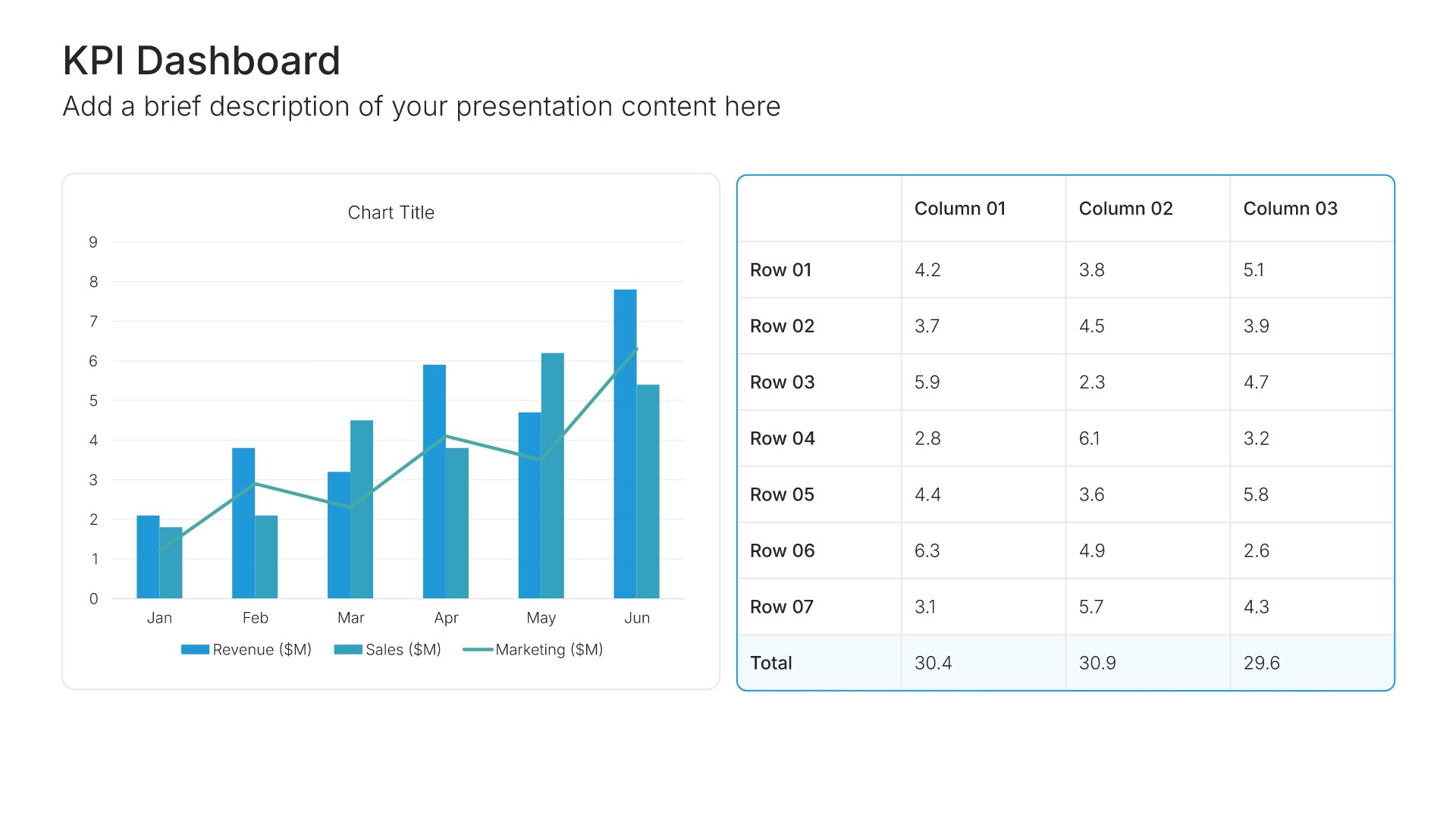
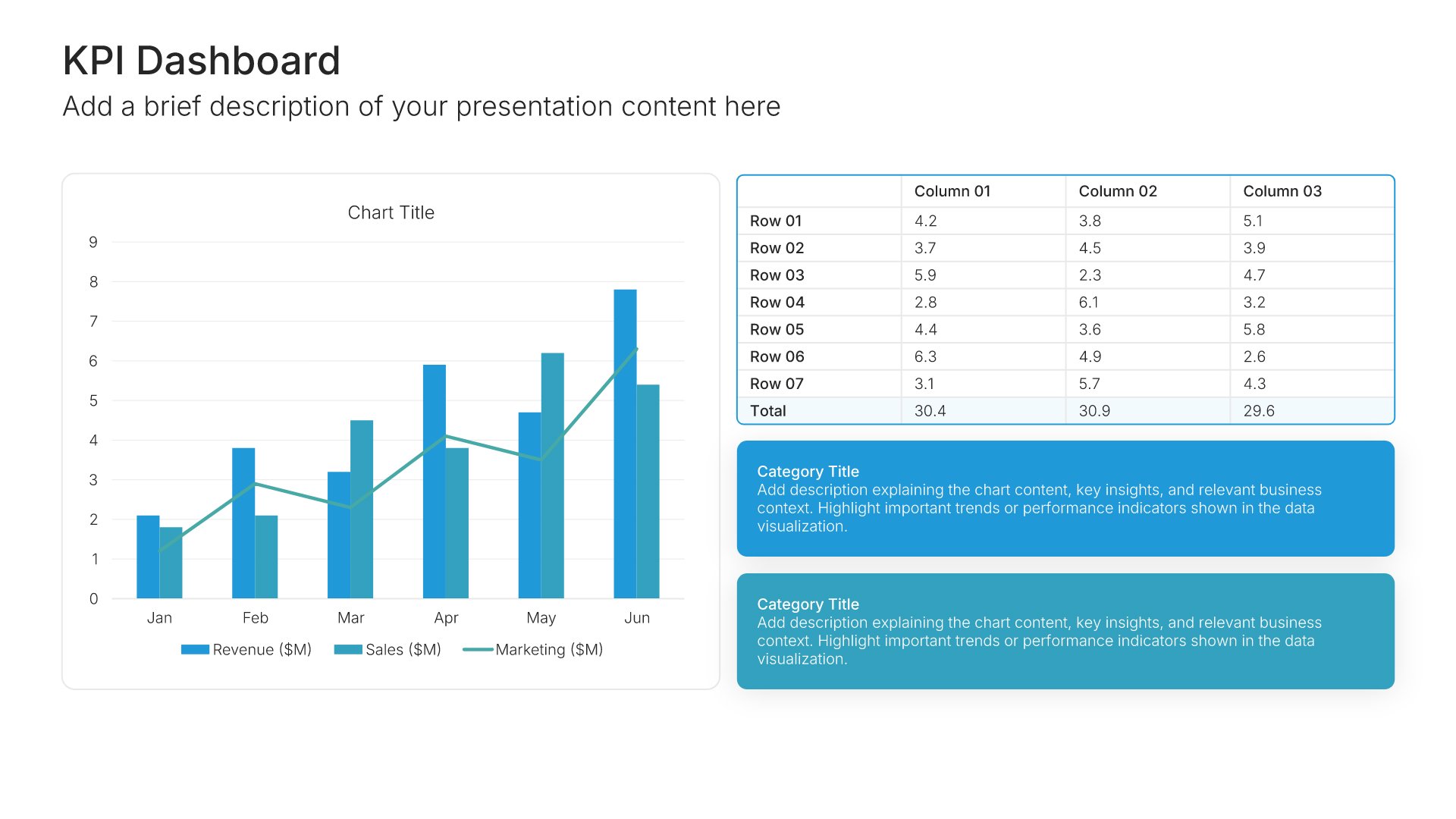
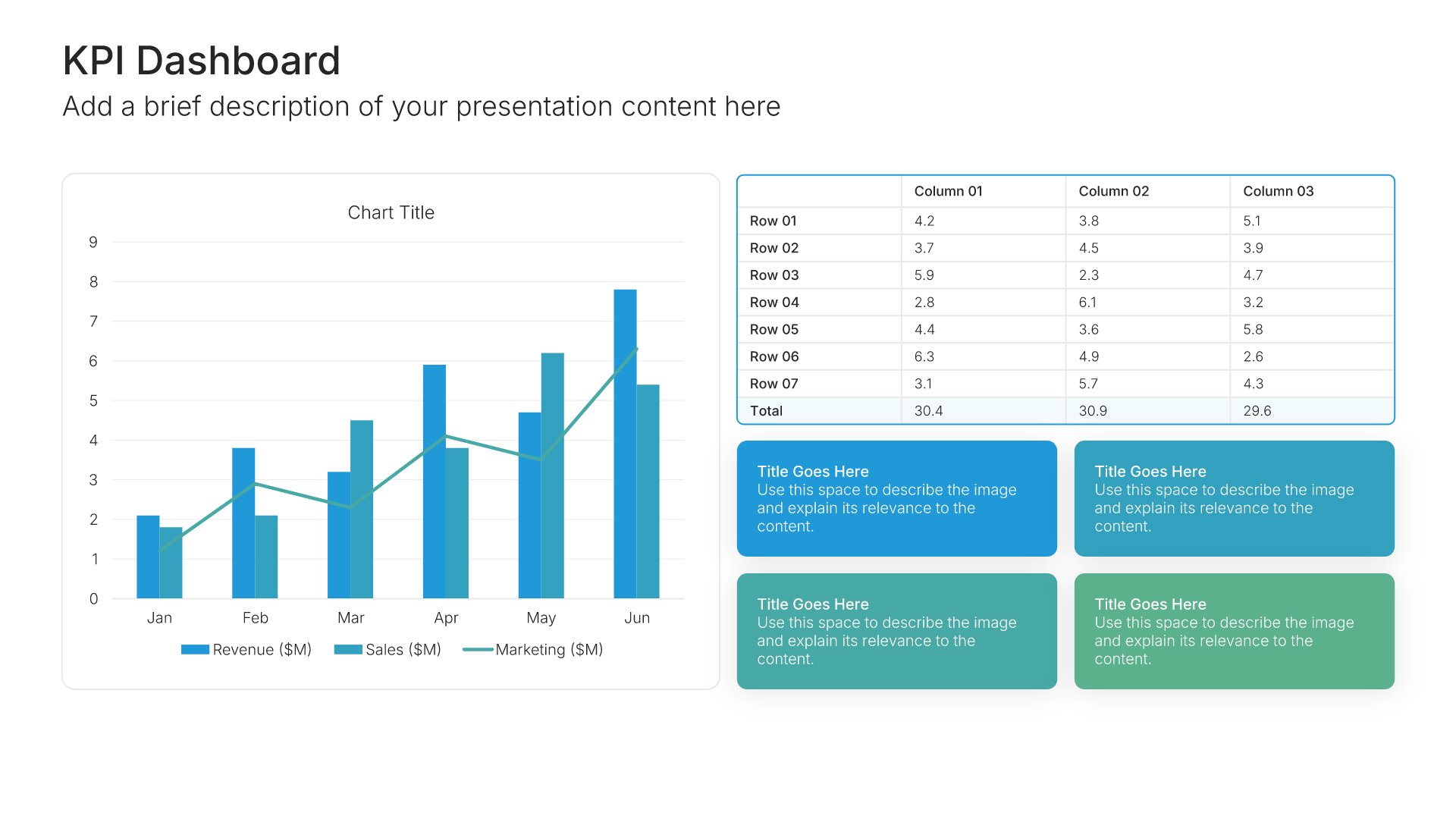
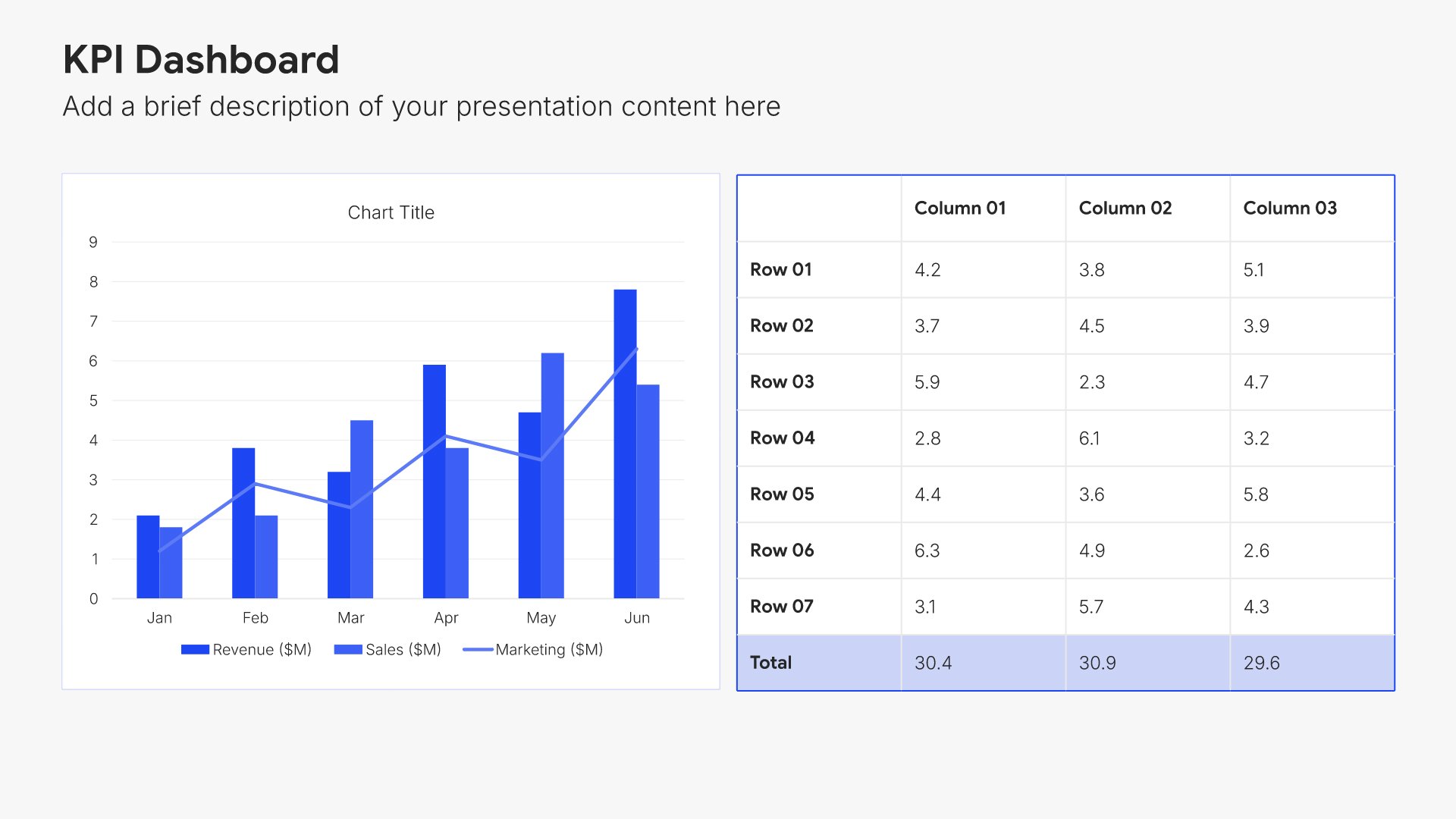
Revenue forecast slides help you present projected income growth over multiple years. Use them to display revenue projections by segment, product, or geography with growth rates and key drivers. Ideal for financial forecasts and strategic plans where stakeholders need to understand your top-line trajectory and growth assumptions.
Built using KPI Dashboard slides

5. Cost of Goods Sold Forecast

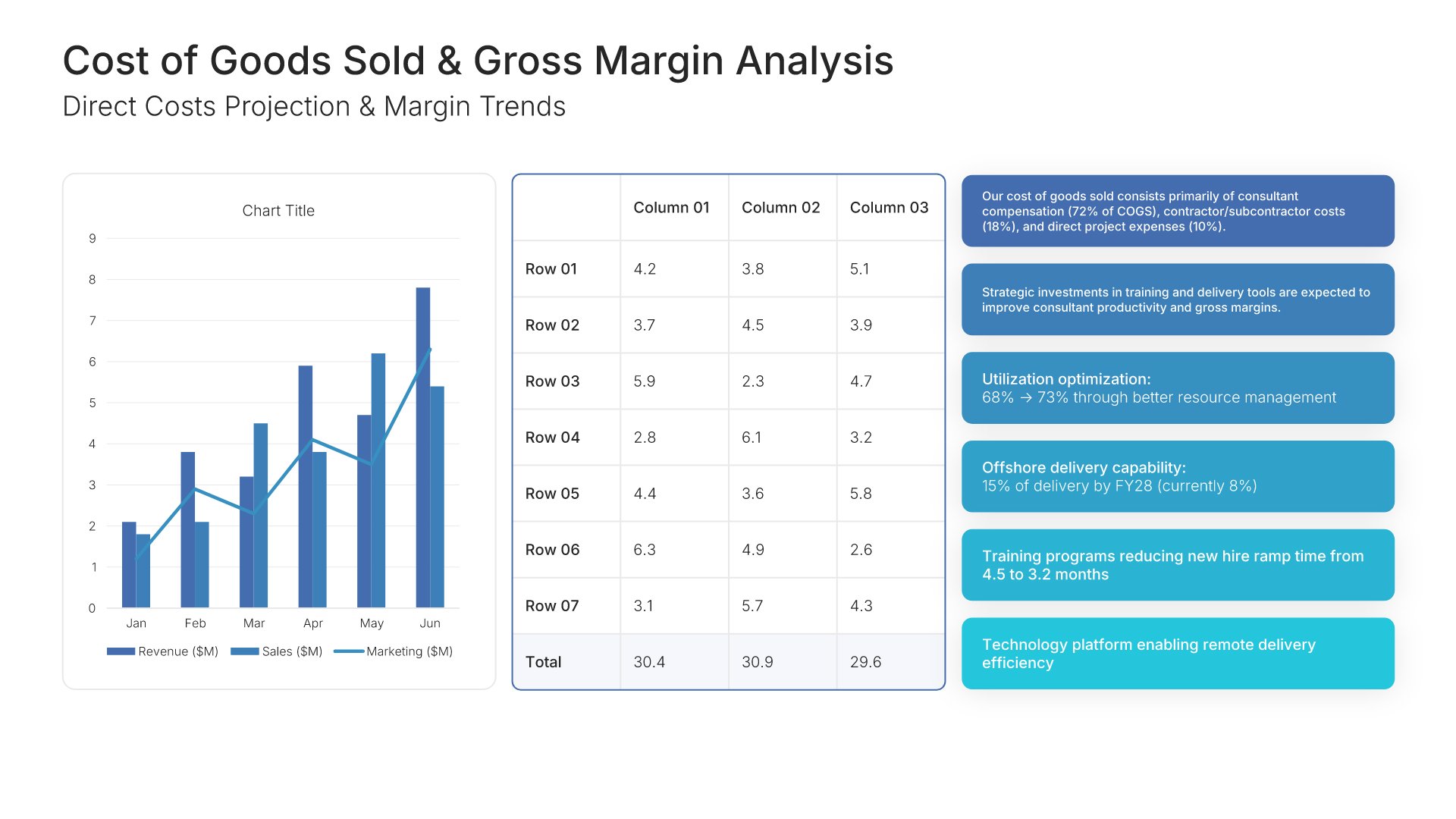
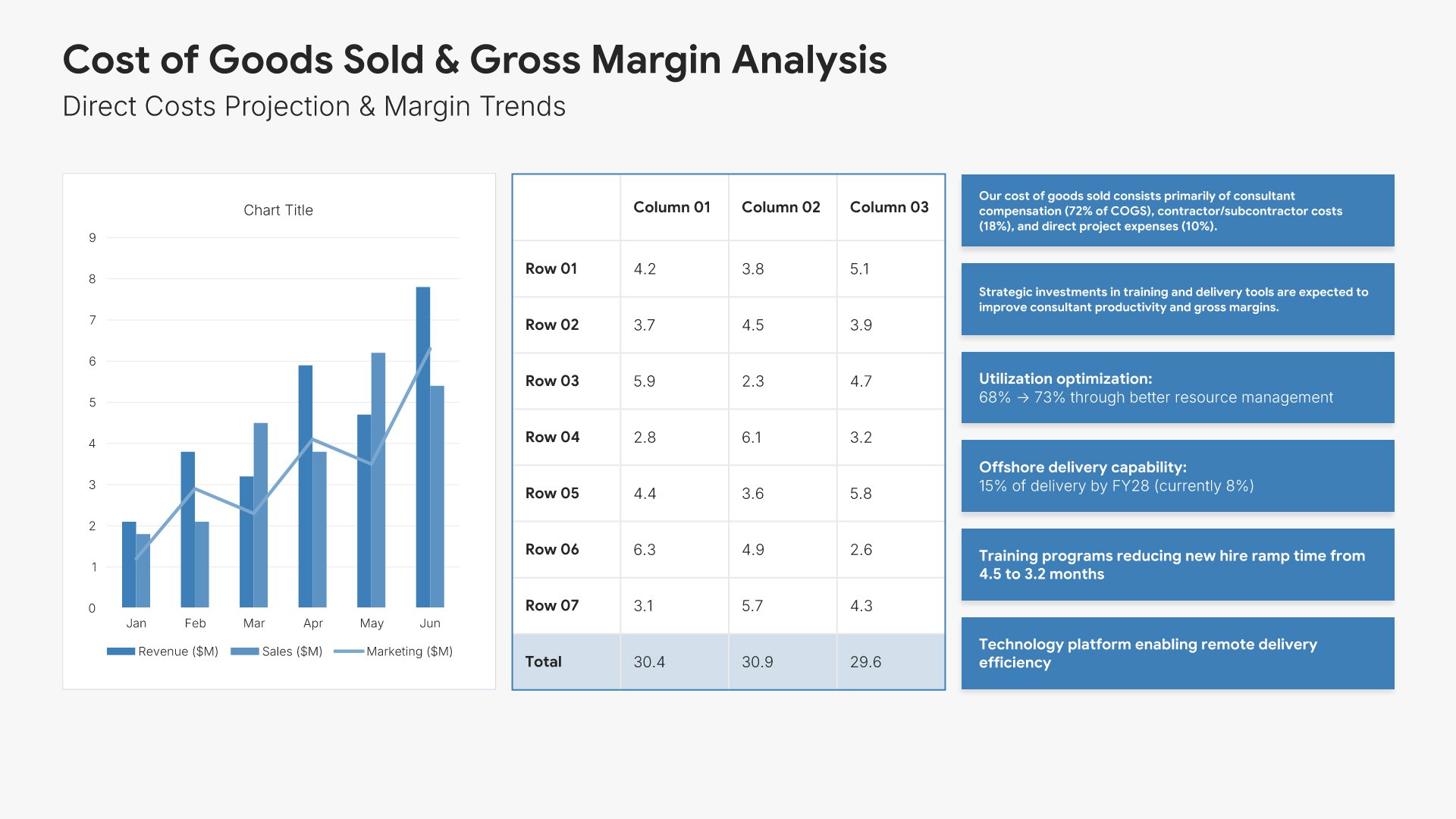
Cost of goods sold forecast slides help you project direct costs tied to revenue. Use them to present COGS projections, gross margin trends, and cost efficiency improvements over time. Ideal for financial forecasts where stakeholders need to understand how costs scale with revenue and impact profitability.
Built using KPI Dashboard slides

6. Operating Expense Forecast

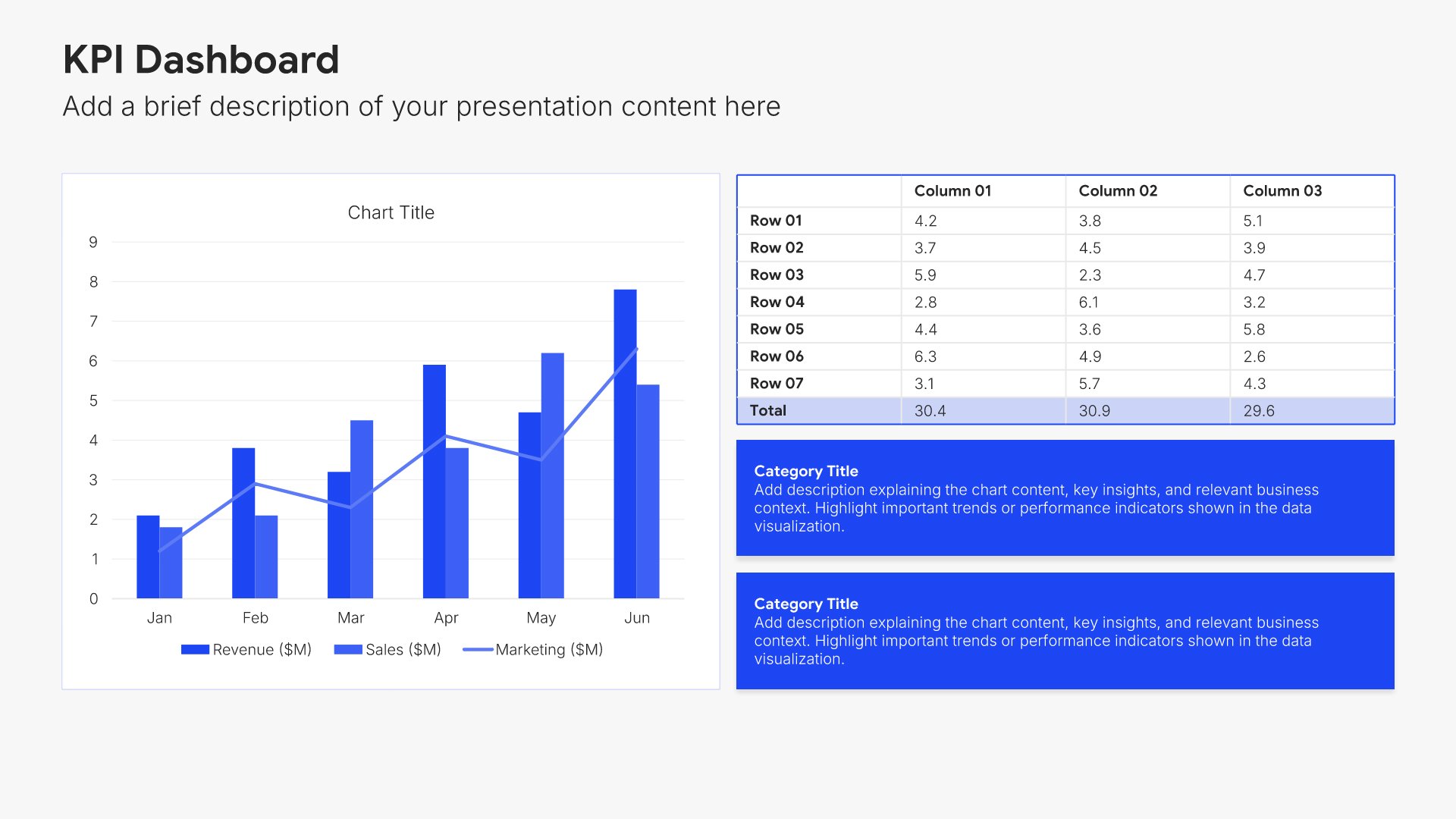
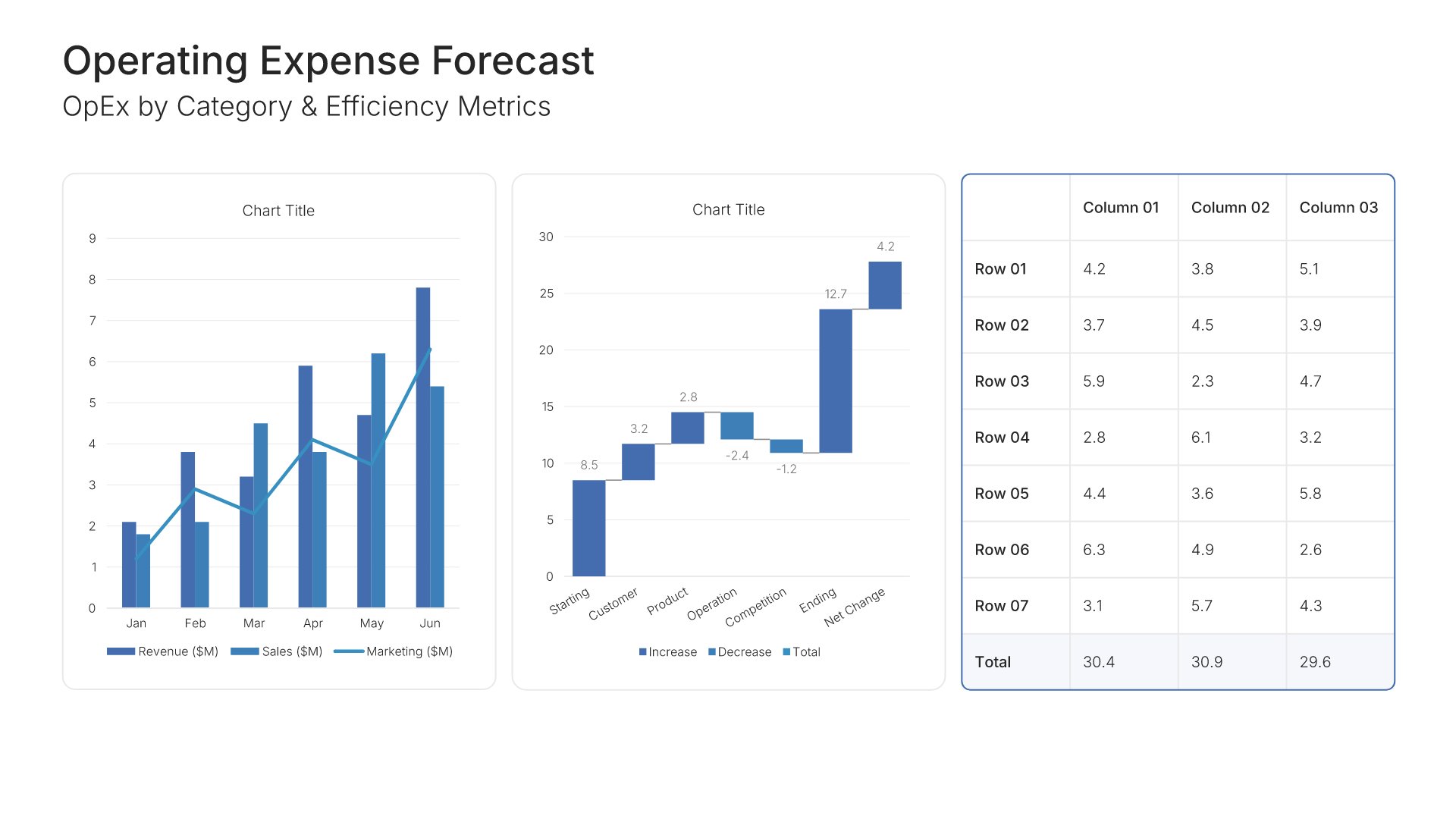
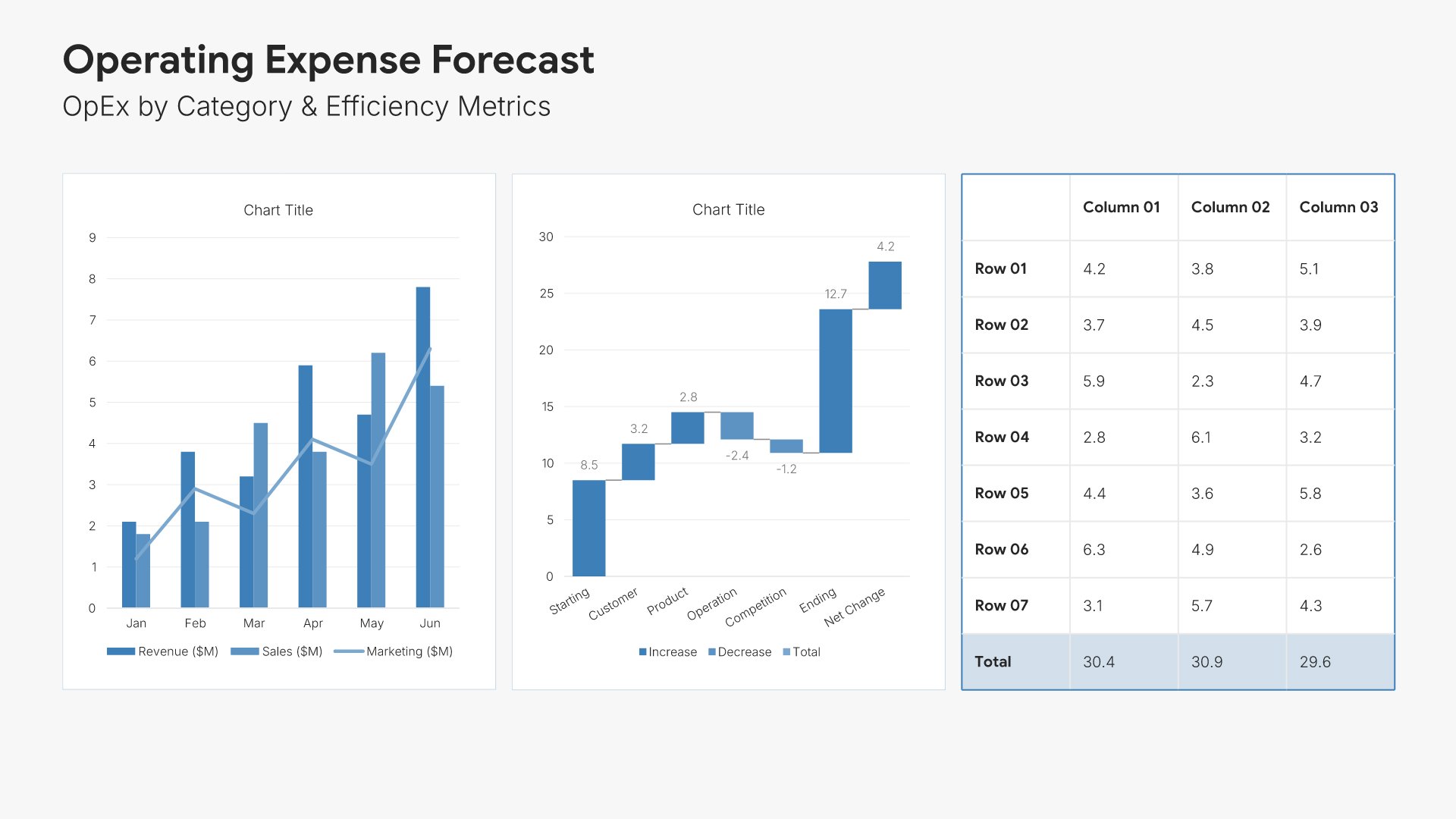
Operating expense forecast slides help you project overhead and operational costs. Use them to present OpEx by category with growth assumptions, efficiency targets, and investment priorities. Ideal for financial forecasts and budget presentations where stakeholders need visibility into spending plans and cost management.
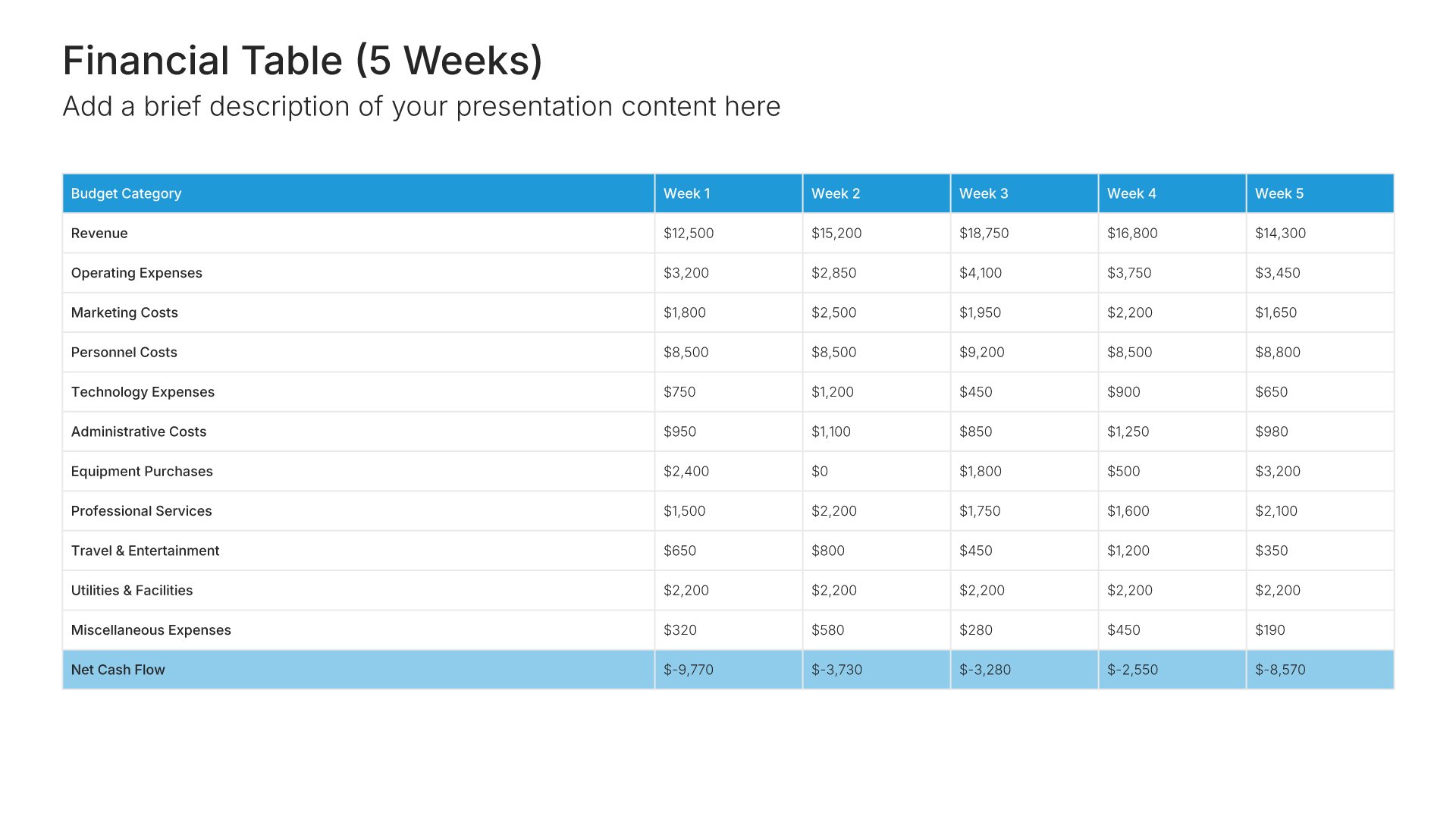
Built using KPI Dashboard slides

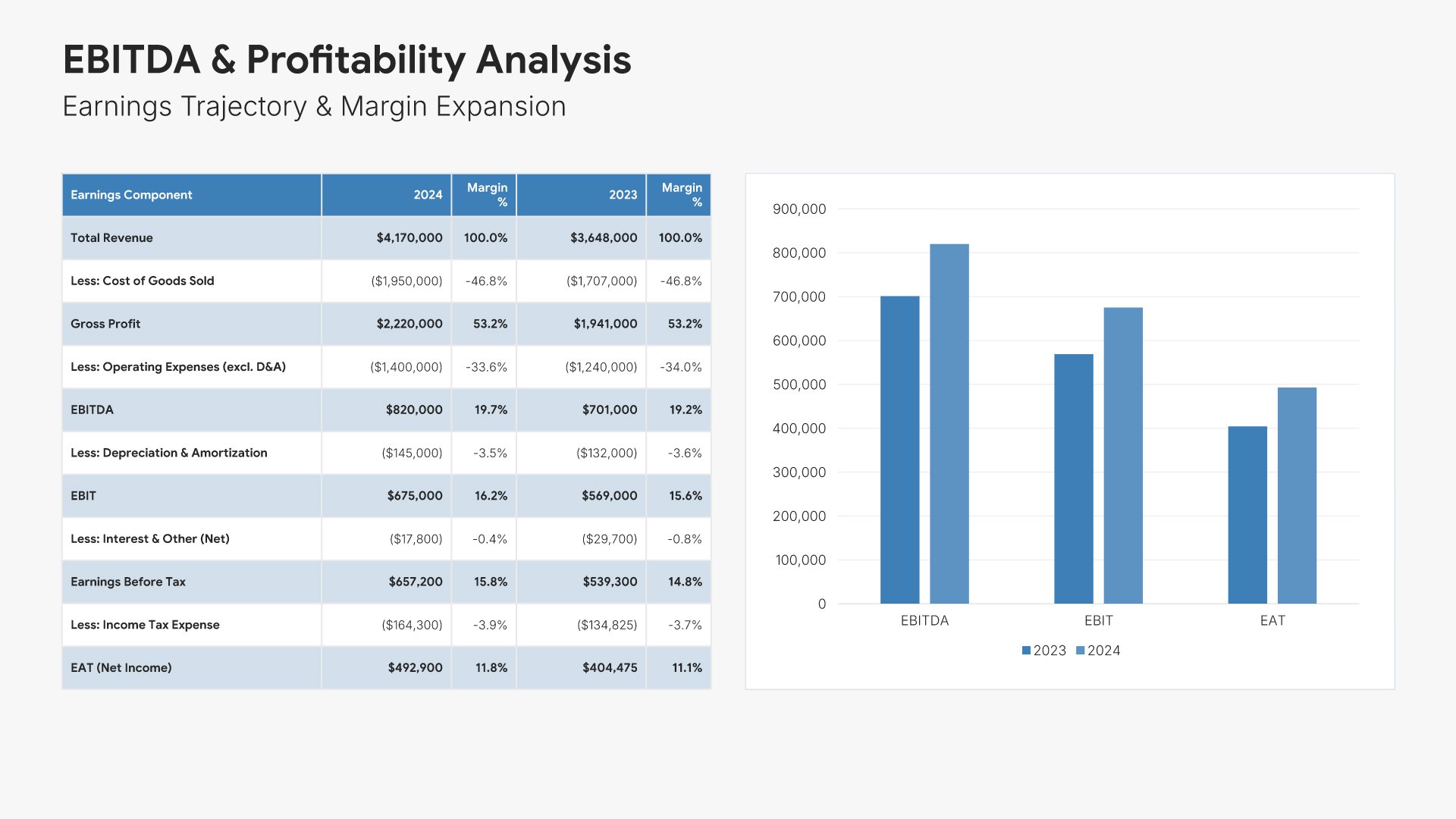
7. Profitability Projection

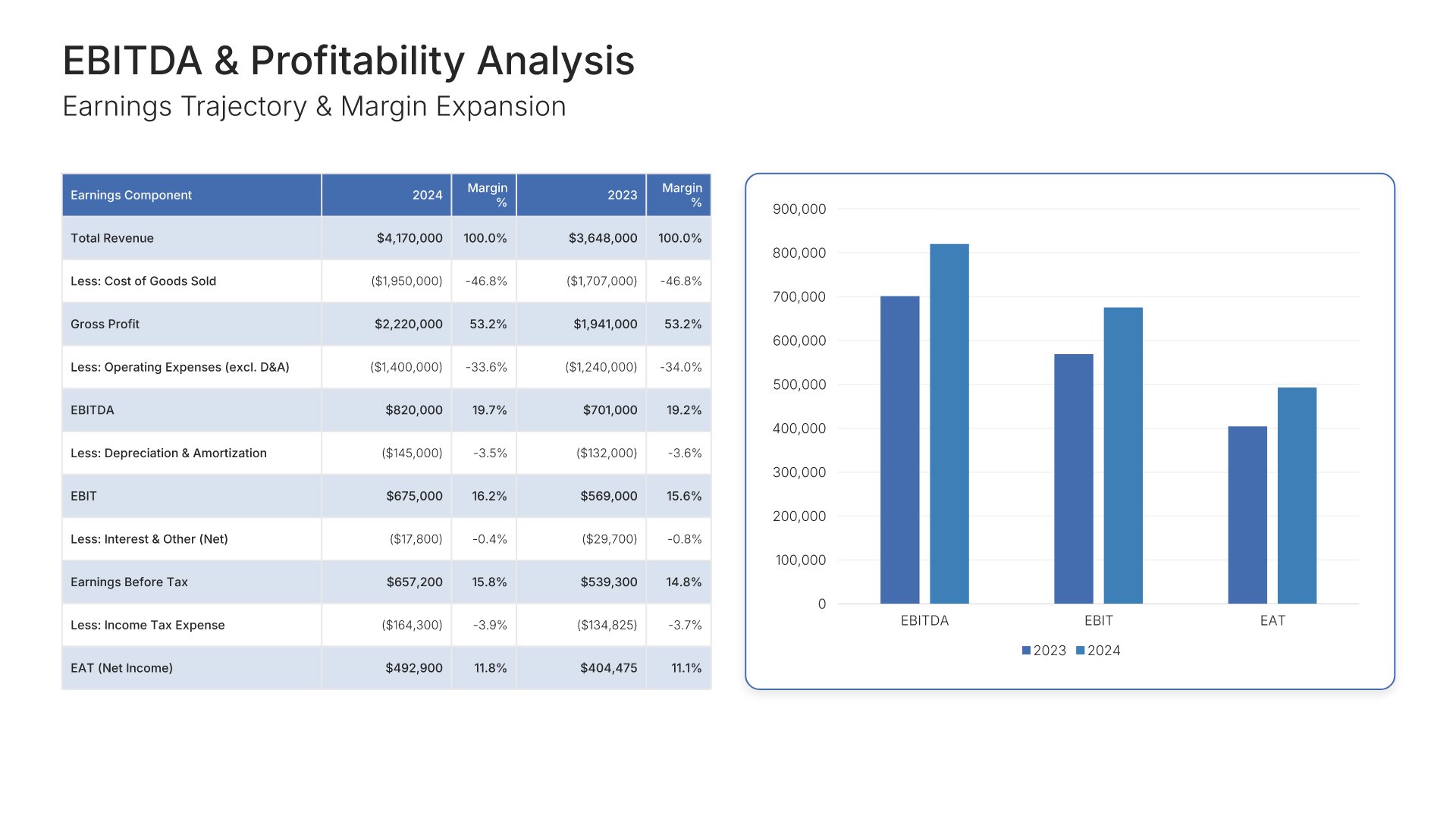
Profitability projection slides help you show the path to improved margins and earnings. Use them to present EBITDA, operating income, and net margin trajectories over your forecast period. Ideal for financial forecasts and investor presentations where demonstrating profitability improvement builds stakeholder confidence.
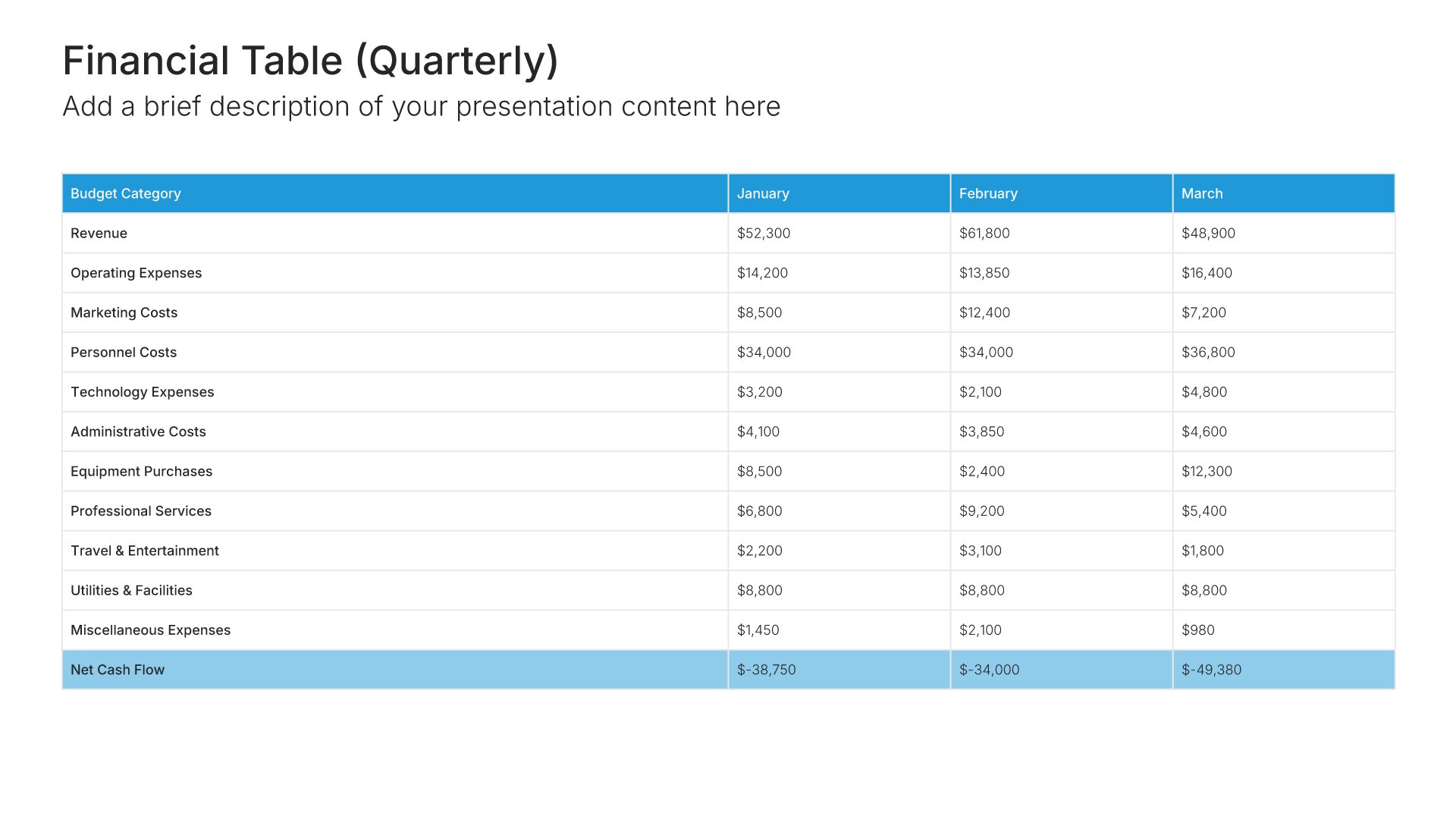
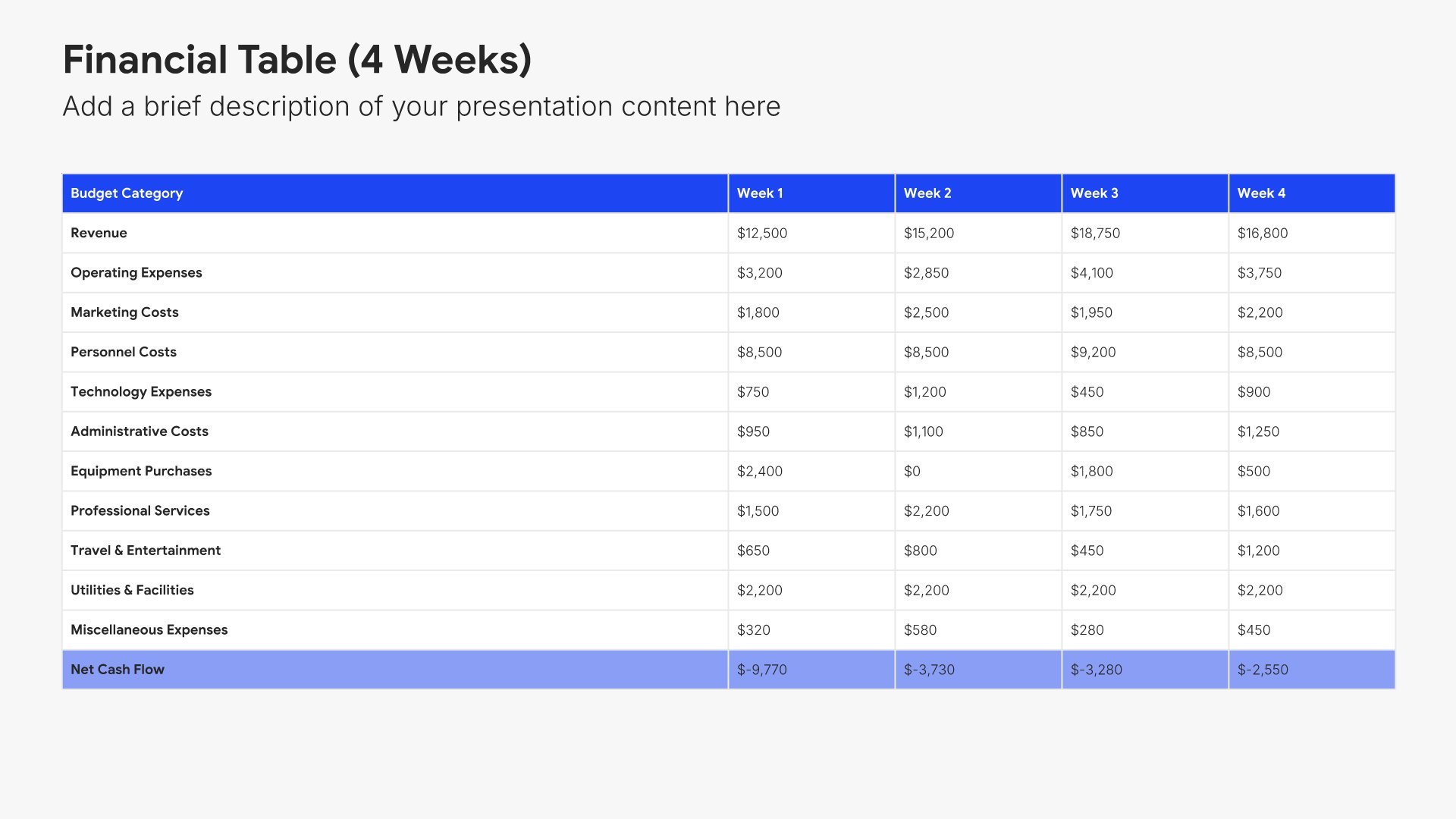
Built using Financial Table slides

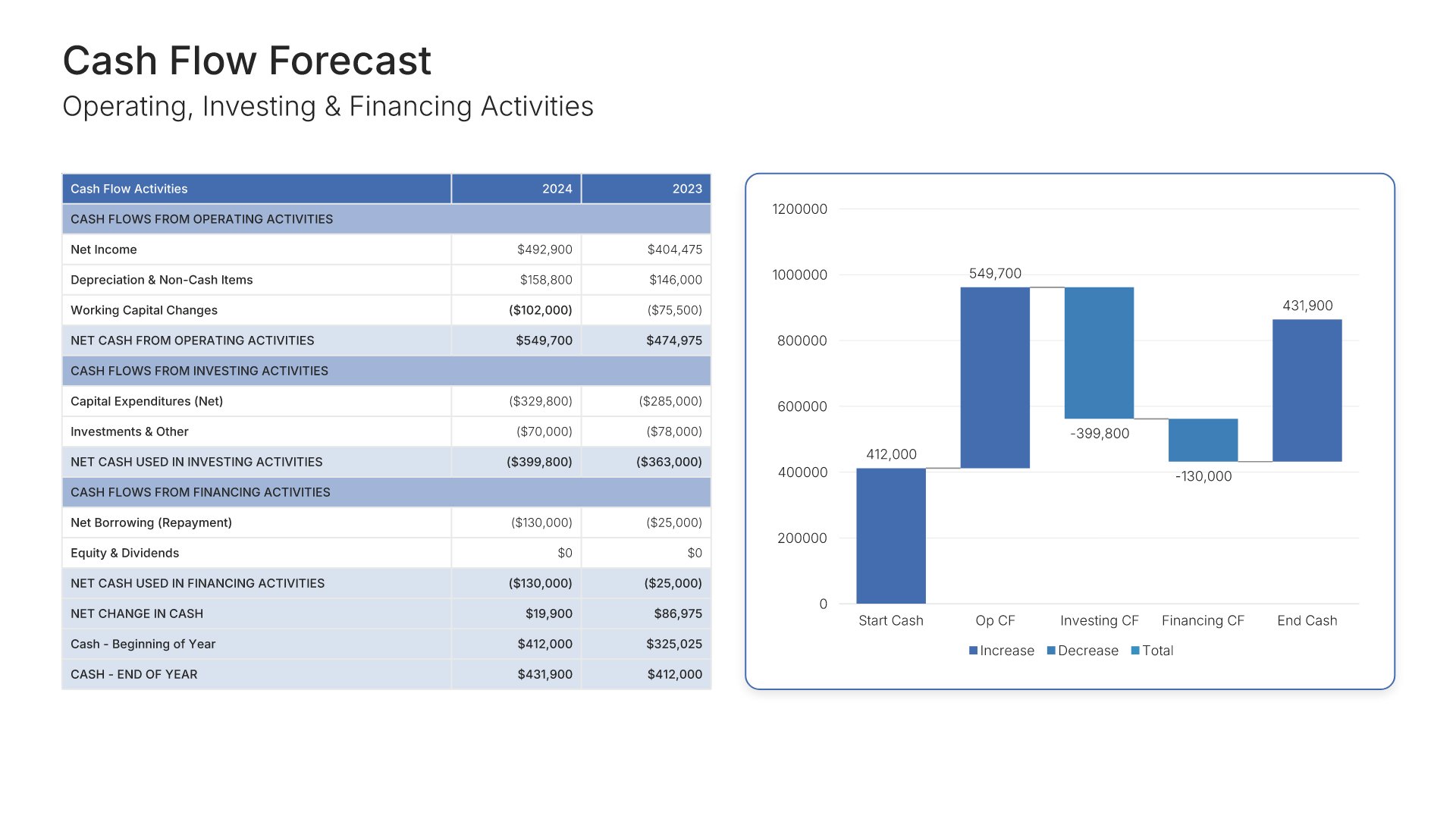
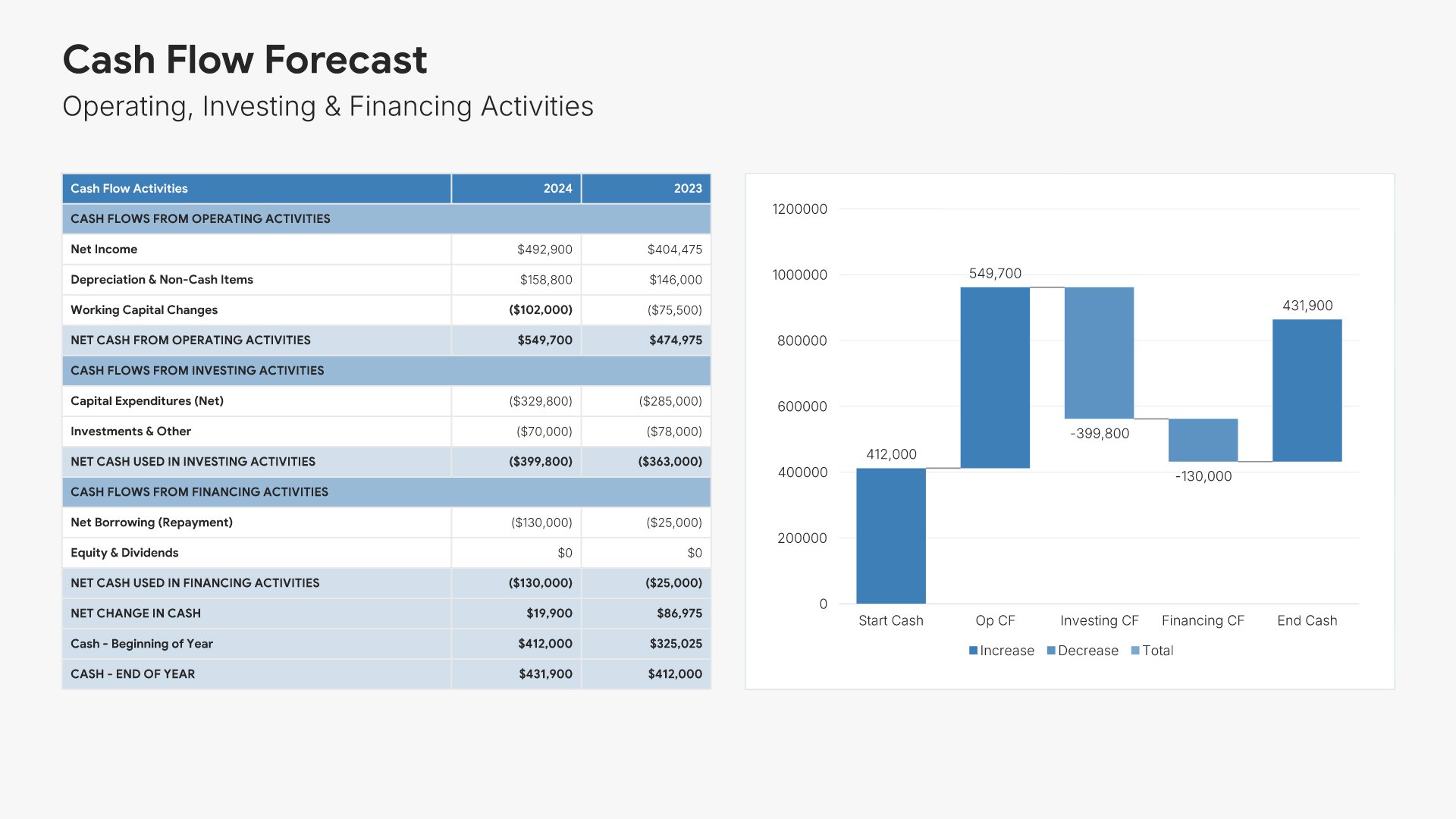
8. Cash Flow Forecast

Cash flow forecast slides help you project how money will move through your organization. Use them to present operating, investing, and financing cash flows over multiple periods. Ideal for financial forecasts and board presentations where demonstrating liquidity management and cash generation matters to stakeholders.
Built using Financial Table slides

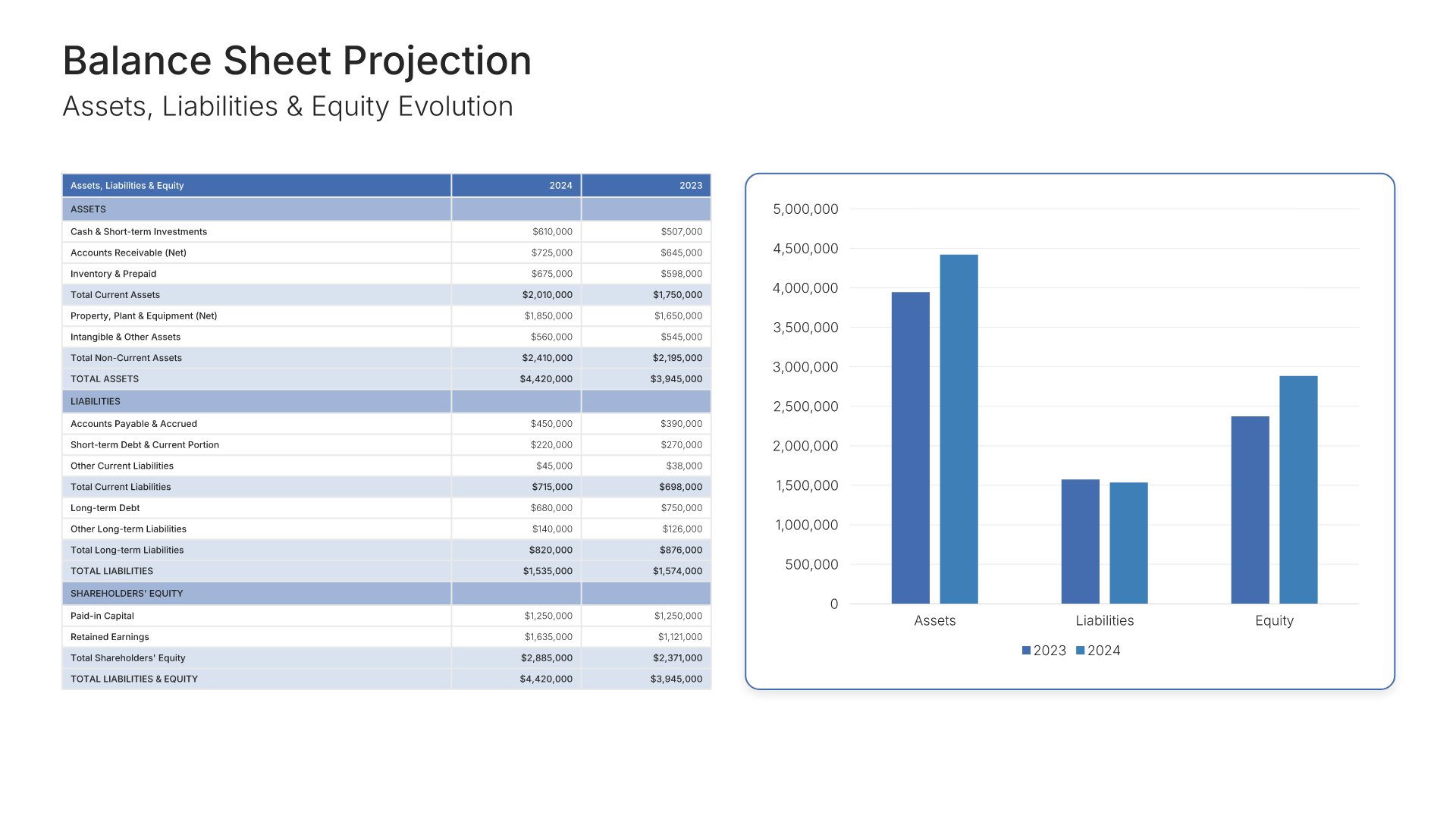
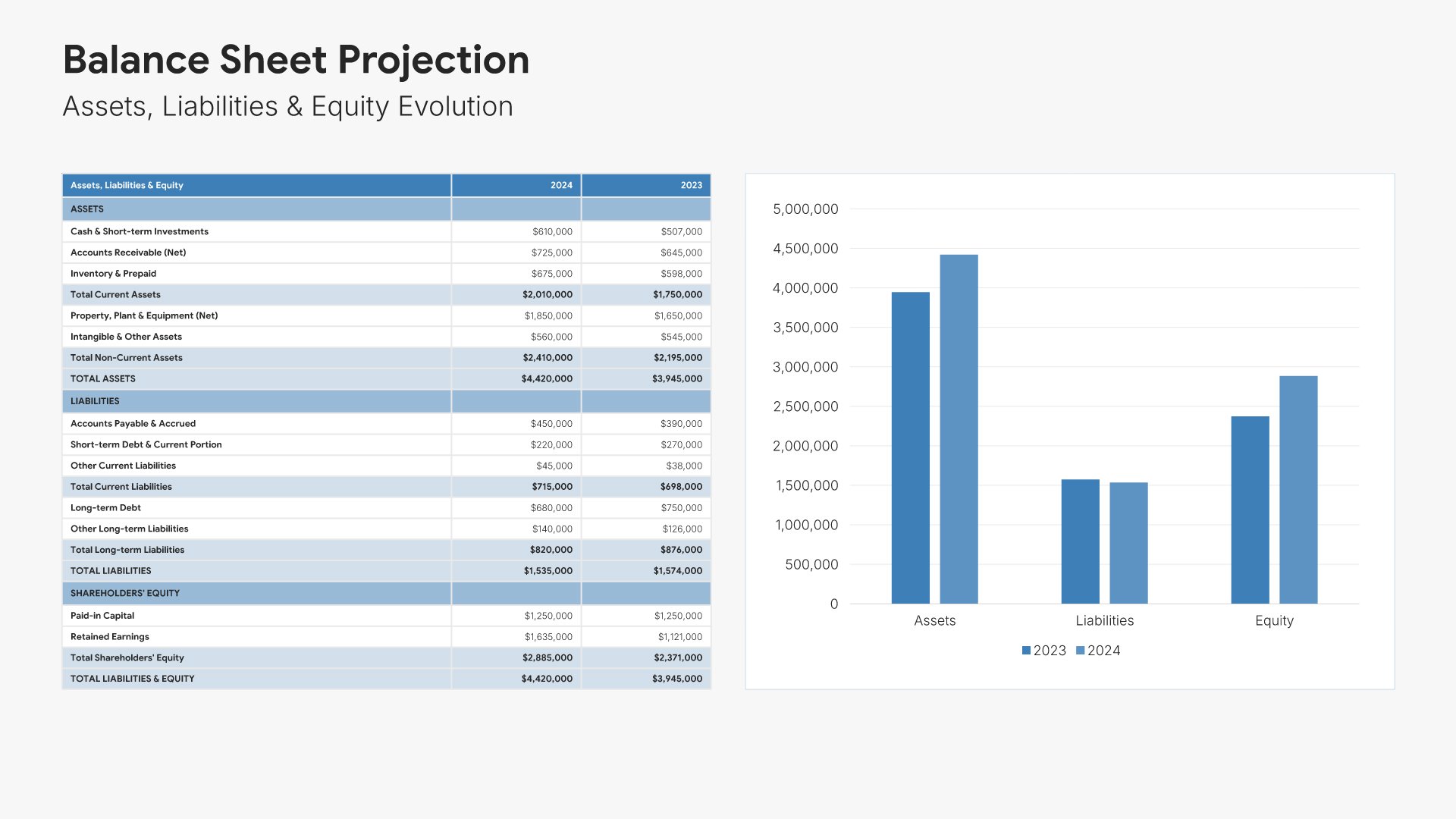
9. Balance Sheet Projection

Balance sheet projection slides help you forecast your future financial position. Use them to present projected assets, liabilities, and equity over your planning horizon. Ideal for financial forecasts and investor presentations where stakeholders need to understand how your capital structure will evolve over time.
Built using Financial Table slides

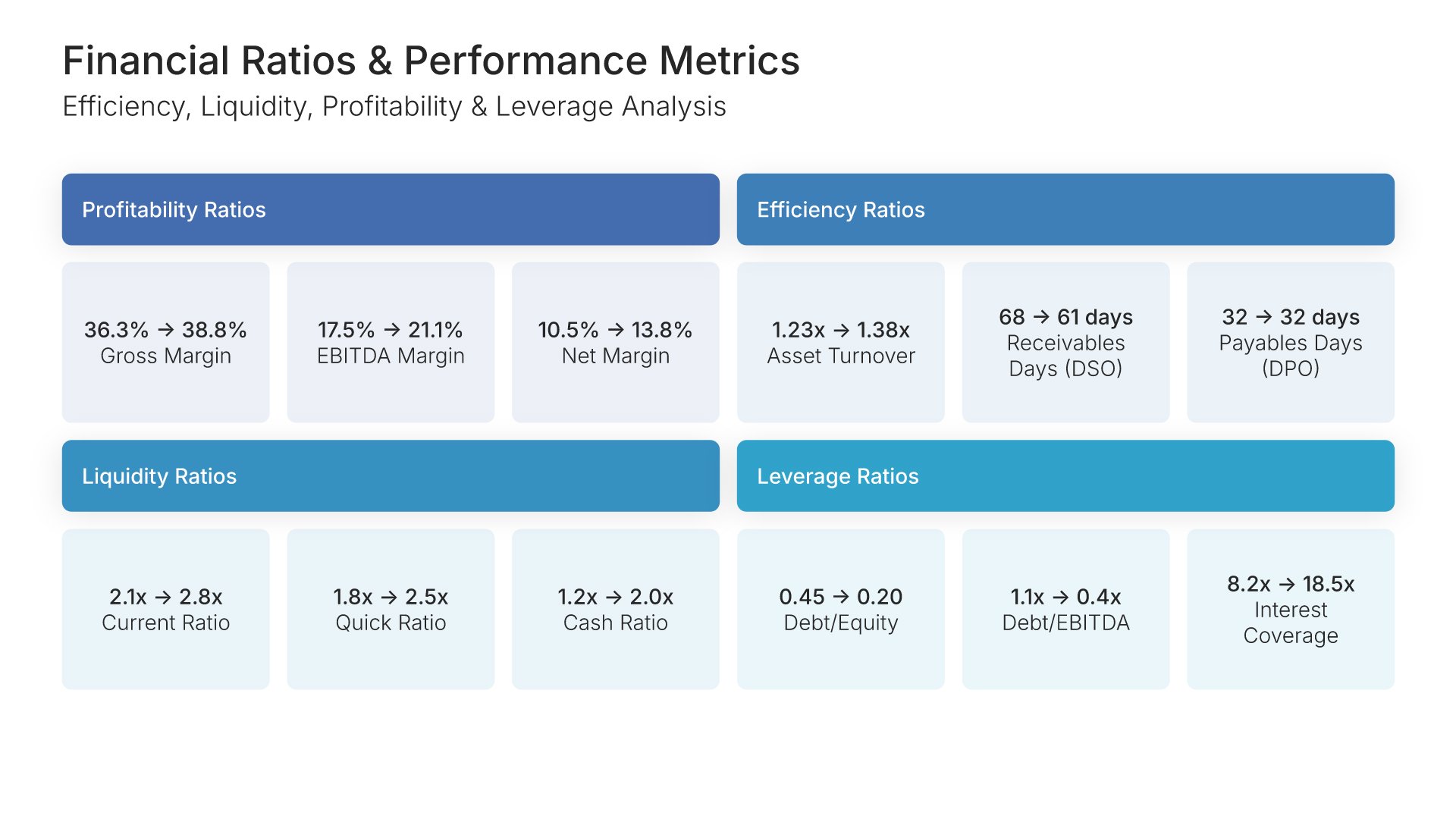
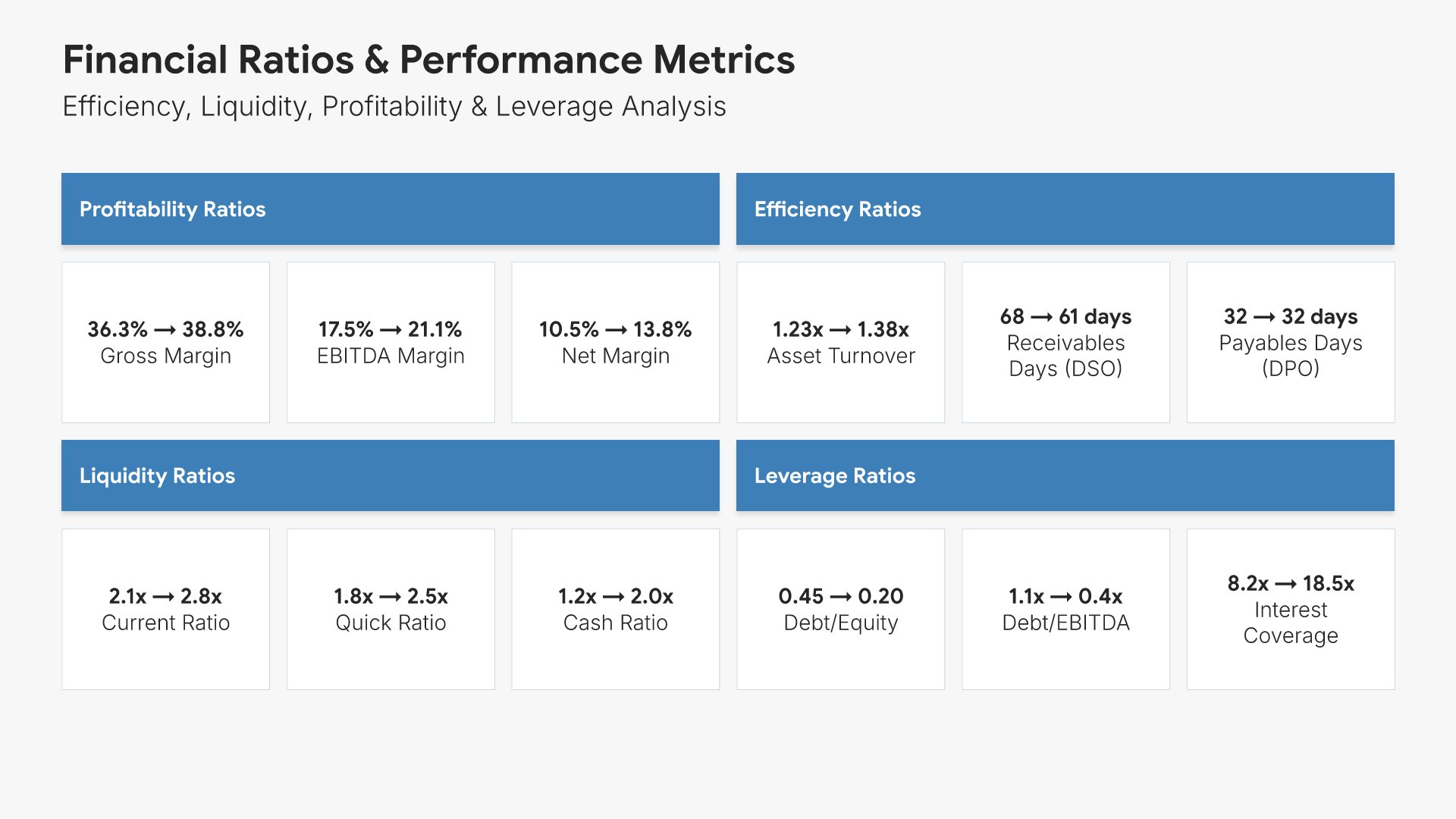
10. Key Financial Ratios & Metrics

Financial ratios slides help you present key performance indicators that measure financial health. Use them to display liquidity, profitability, efficiency, and leverage ratios with trends and benchmarks. Ideal for financial forecasts and board presentations where demonstrating strong financial fundamentals builds confidence.
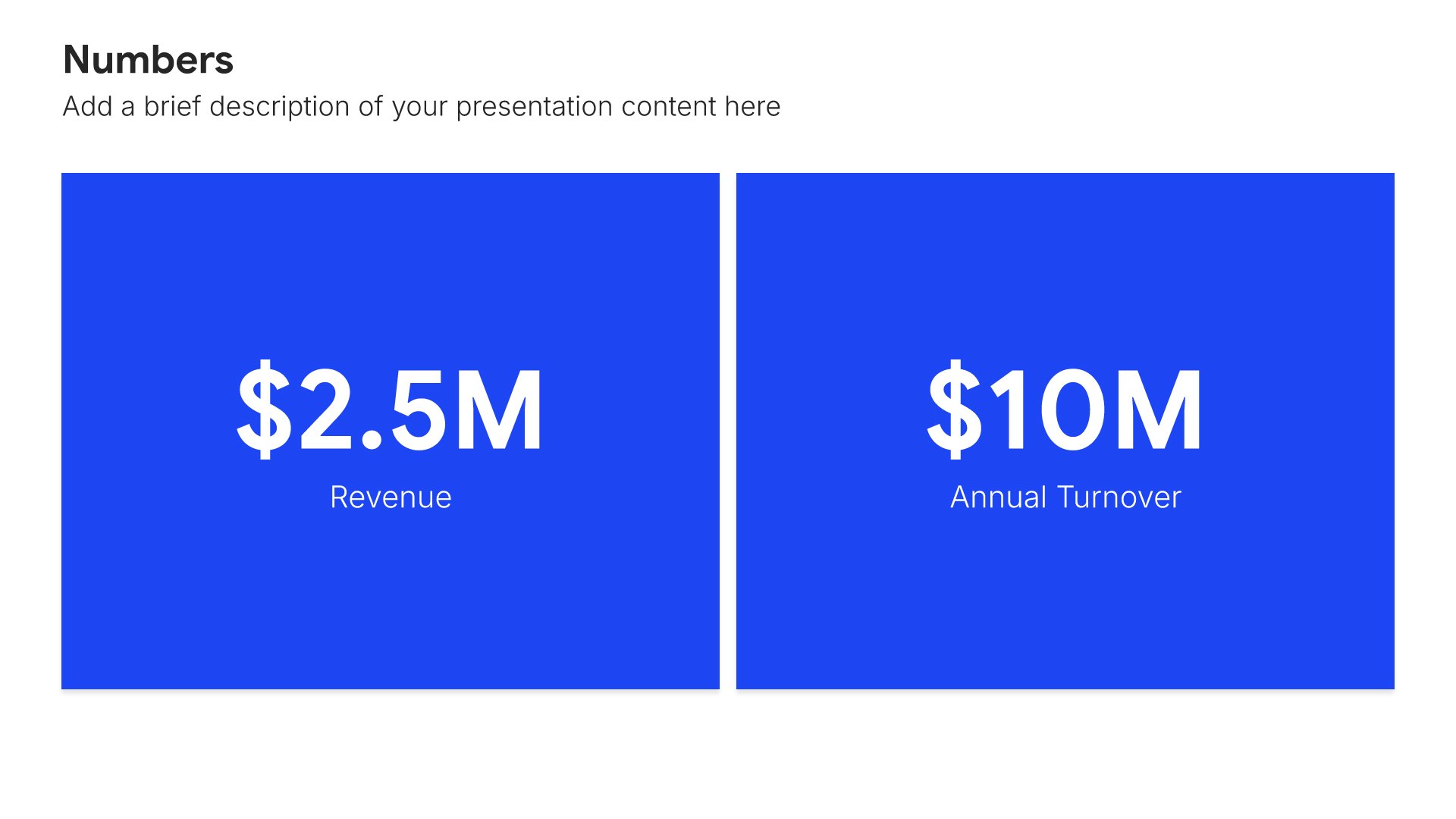
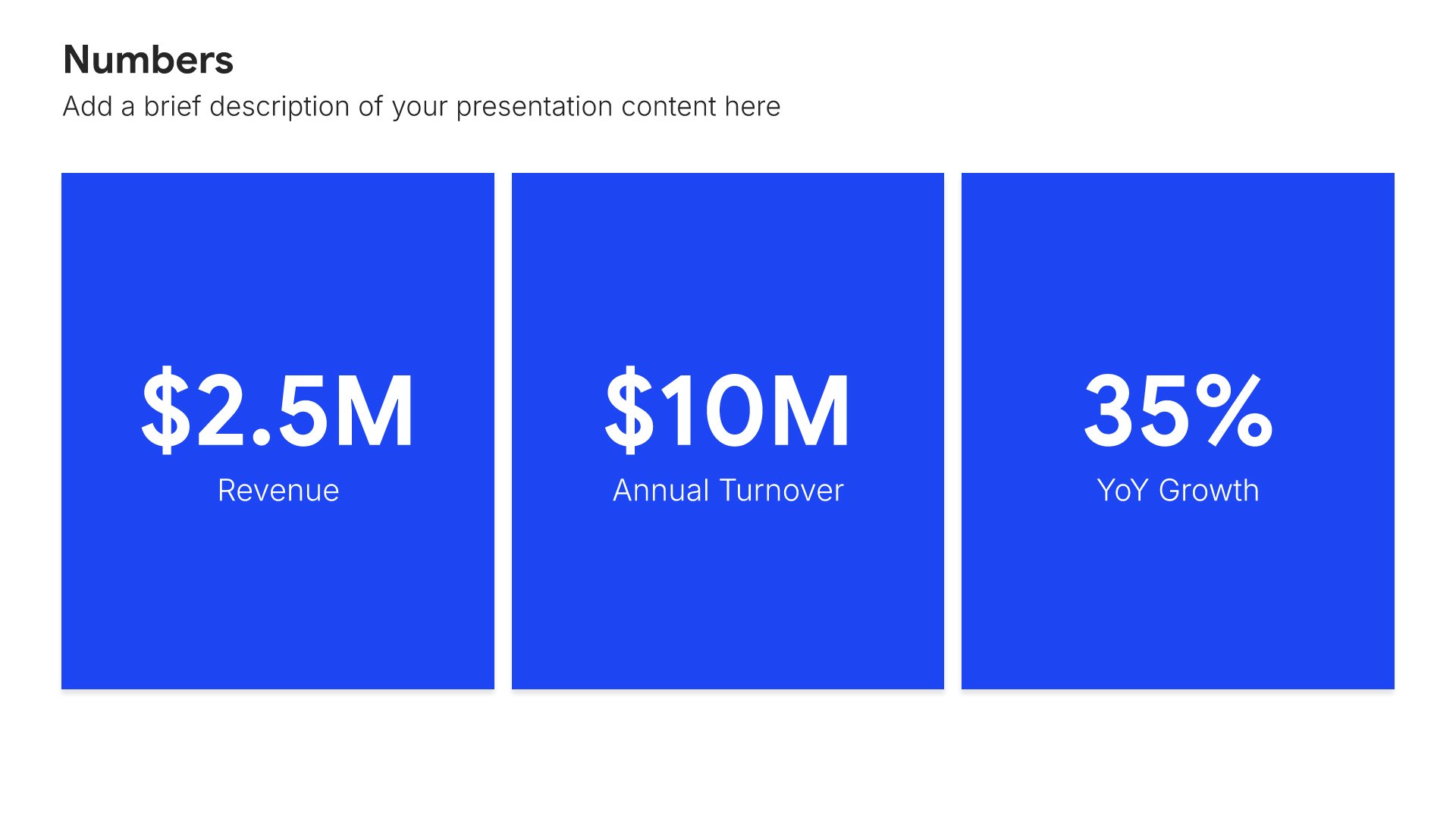
Built using Simple Numbers slides

11. Scenario Analysis

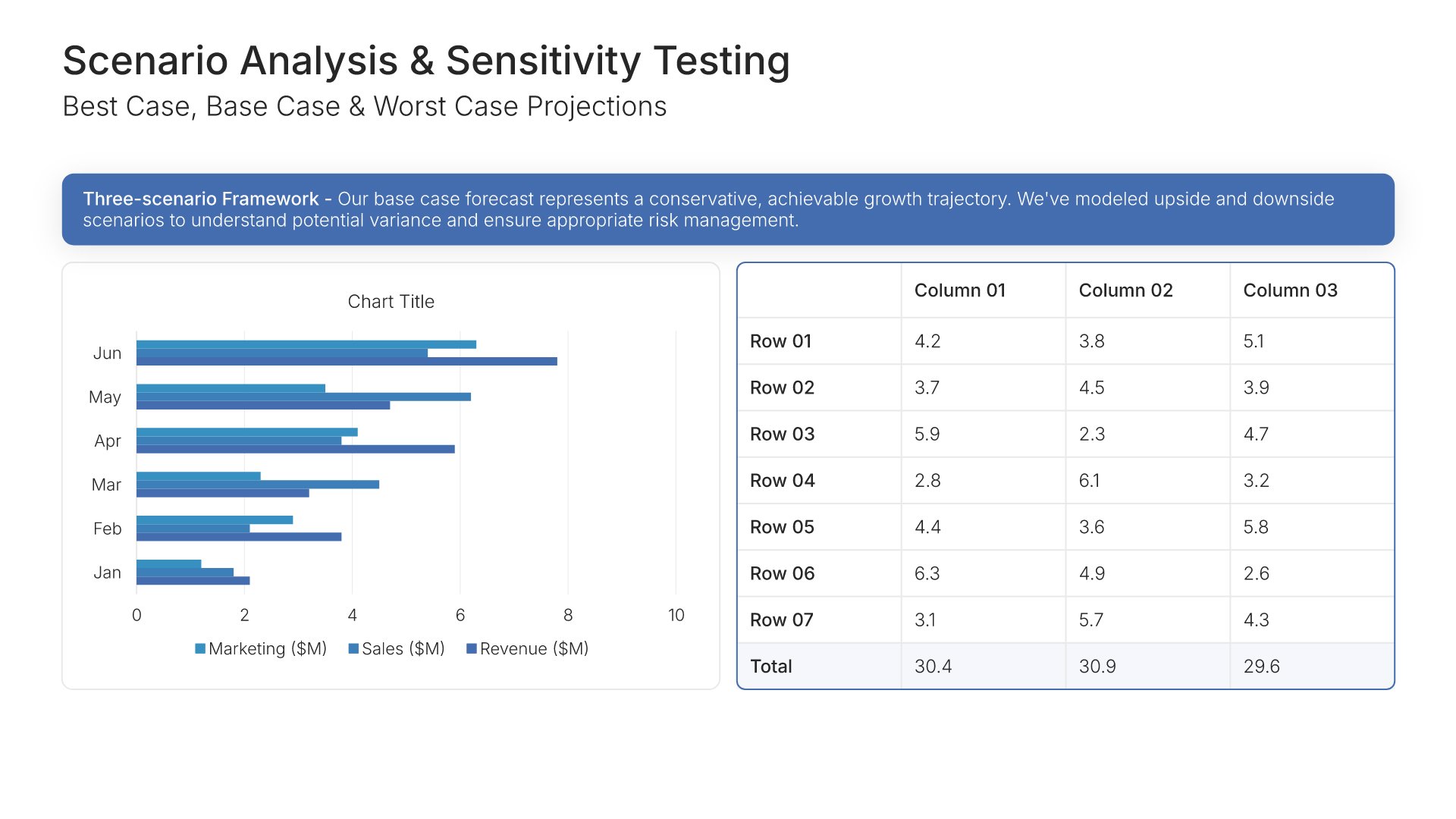
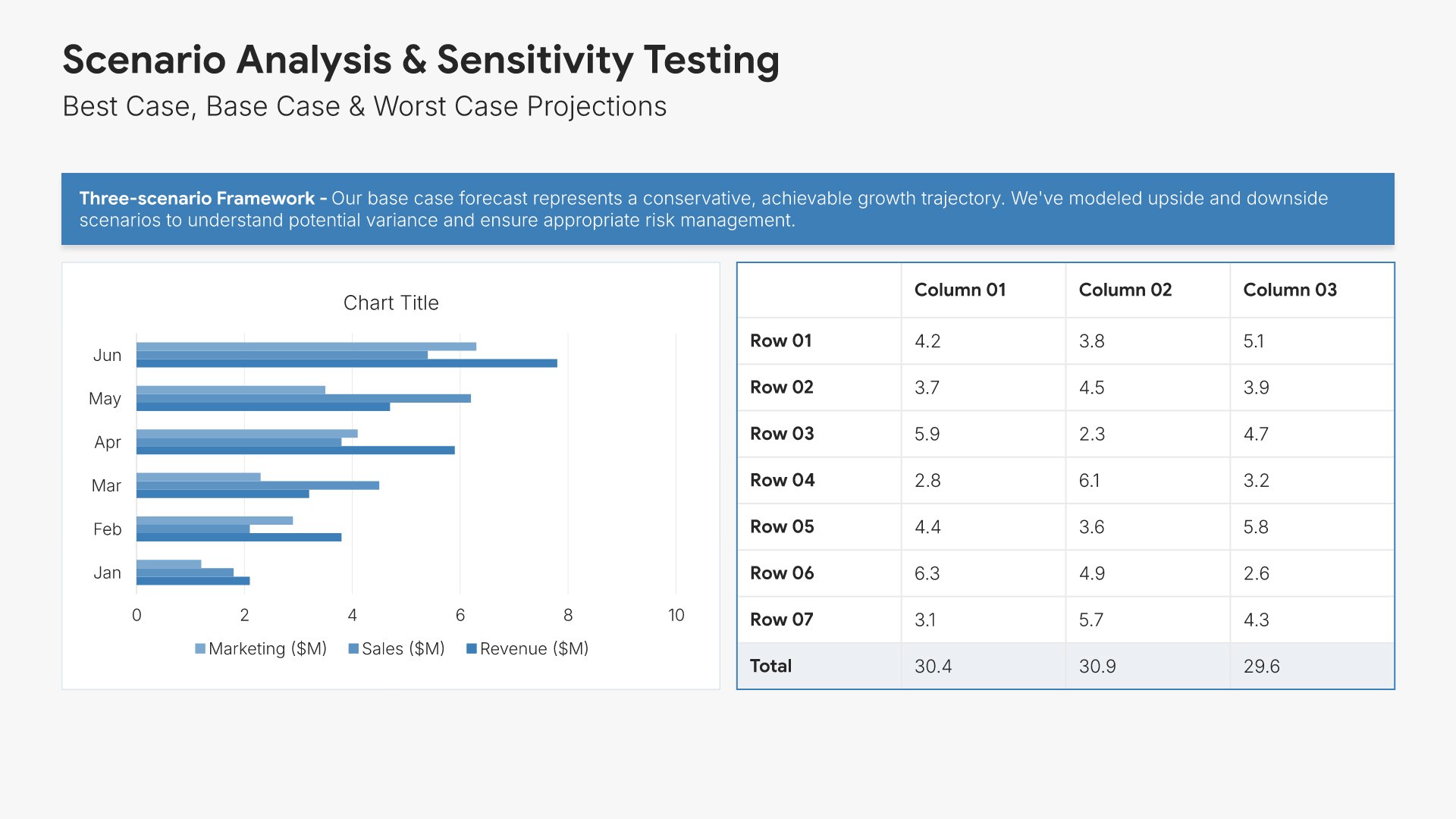
Scenario analysis slides help you present multiple potential outcomes for your forecast. Use them to display best case, base case, and worst case projections with key variables and assumptions. Ideal for financial forecasts and investor presentations where demonstrating planning rigor and risk awareness builds credibility.
Built using Charts slides

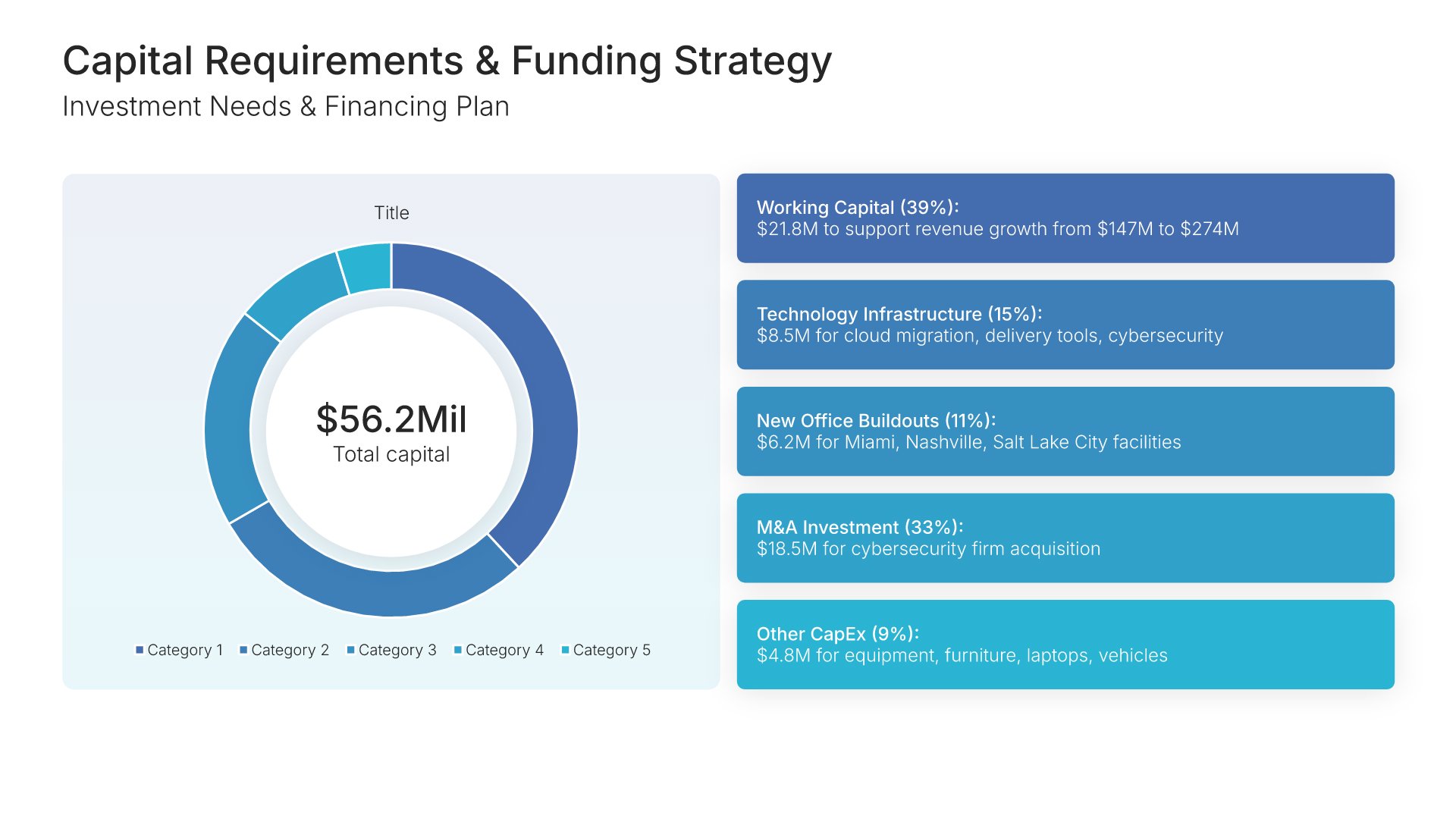
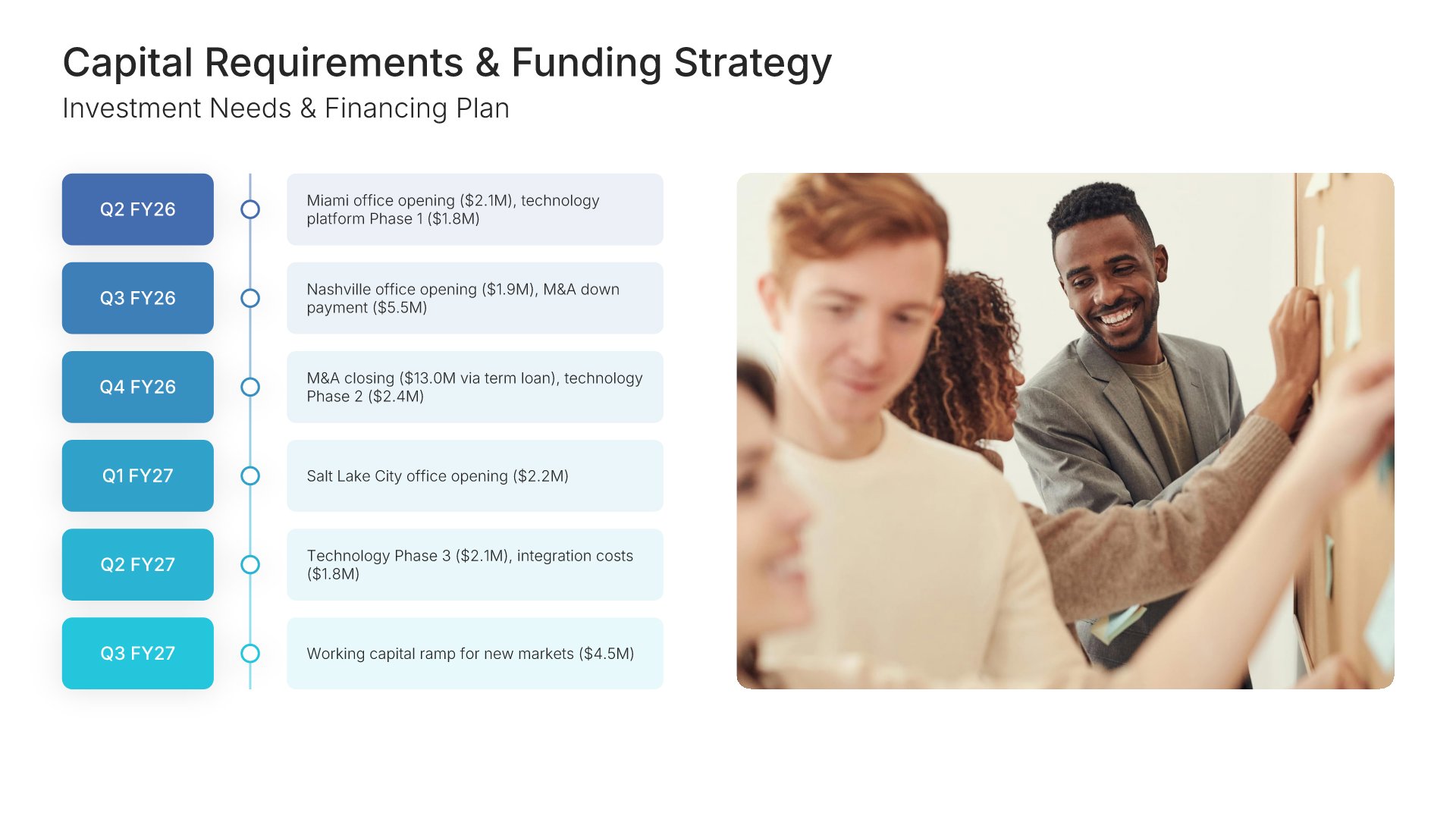
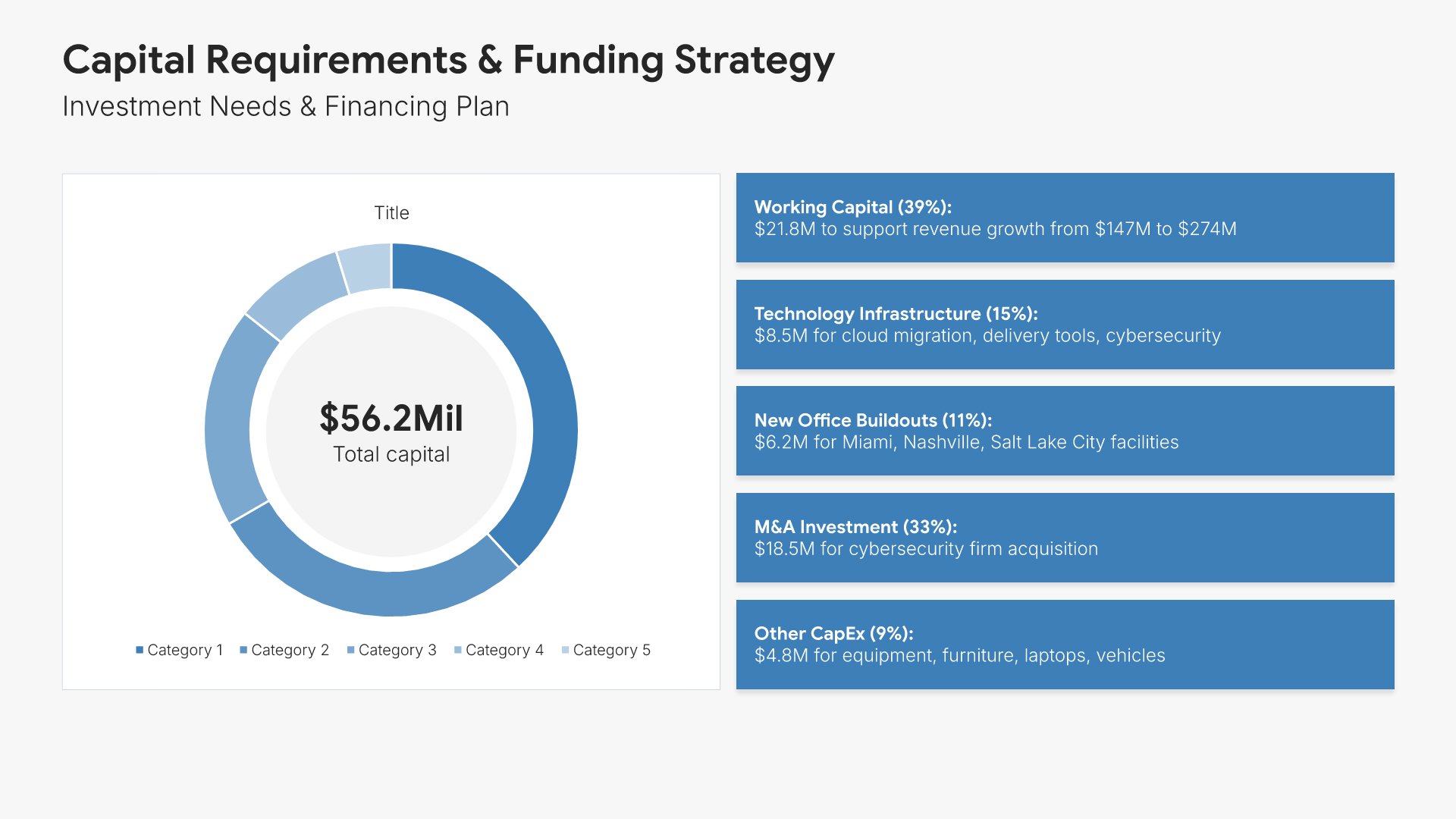
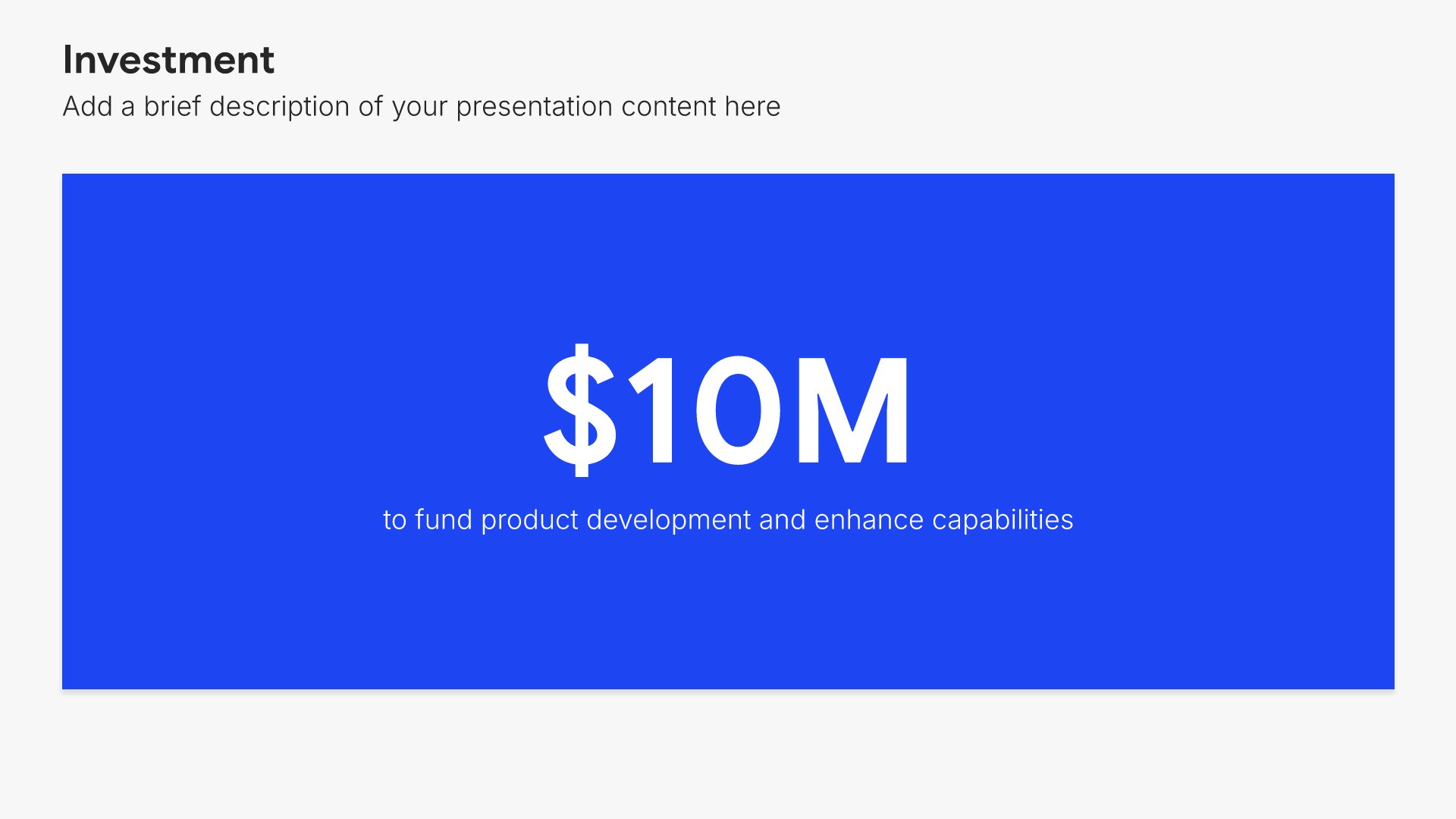
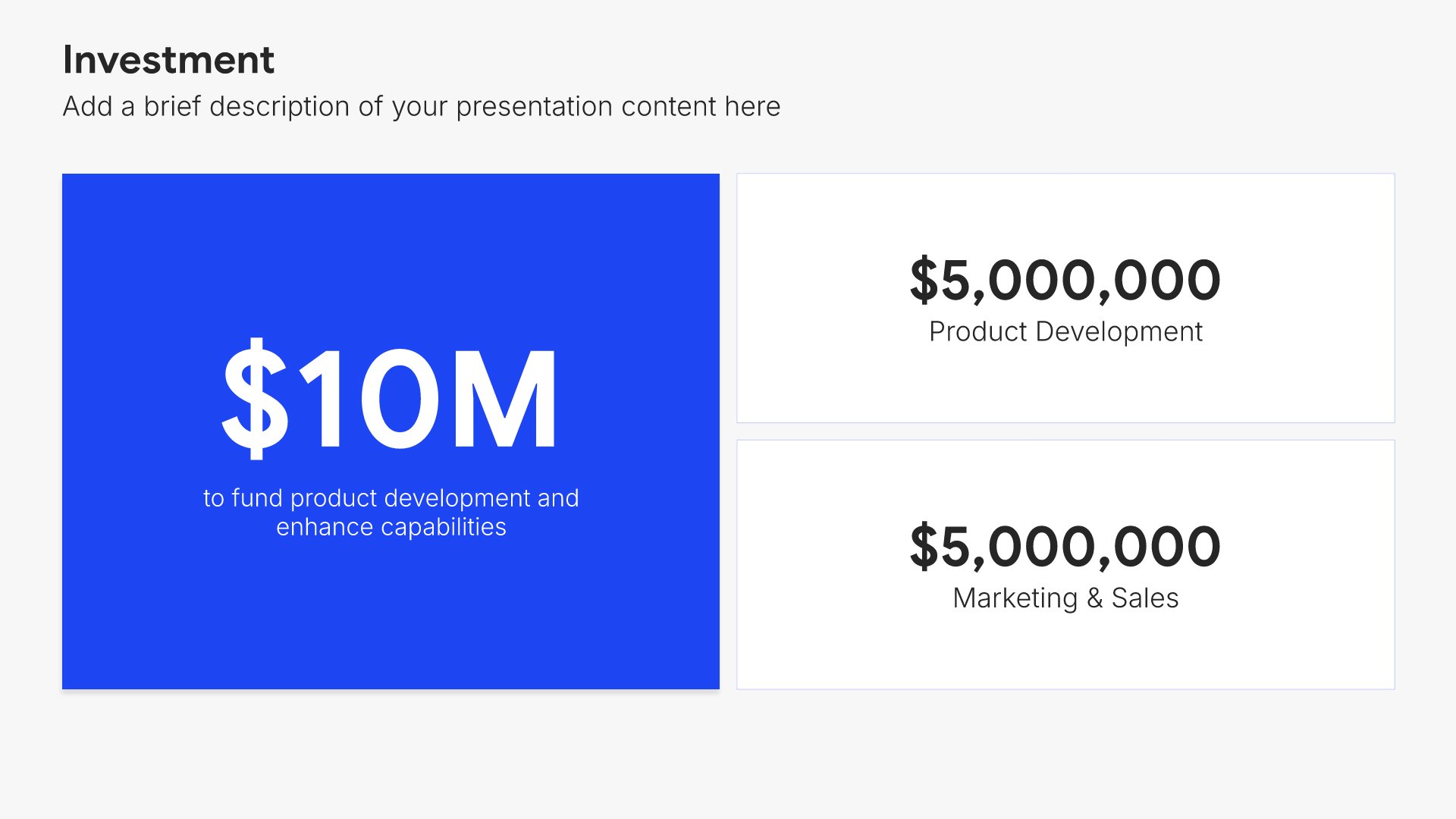
12. Capital Requirements & Funding

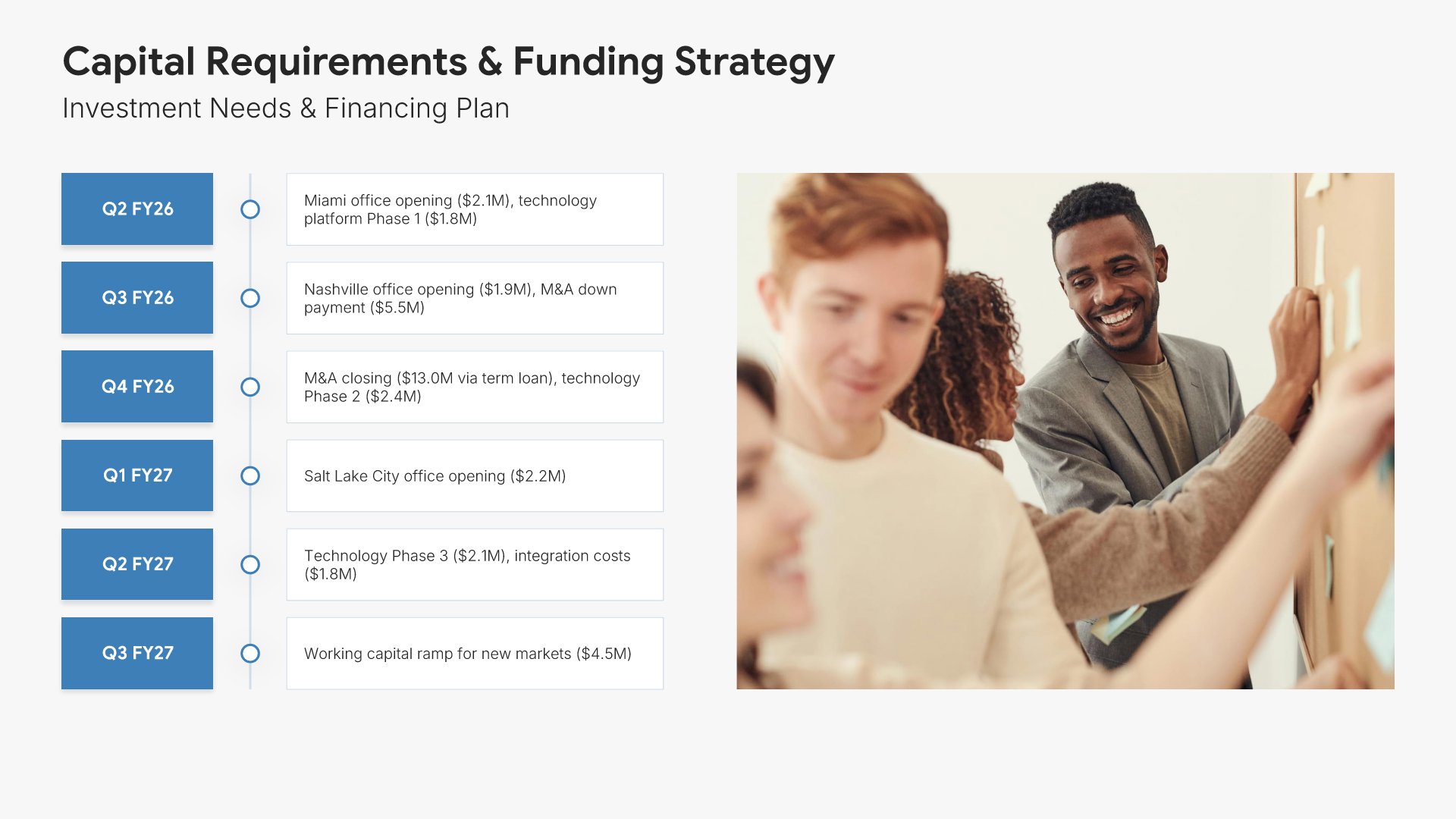
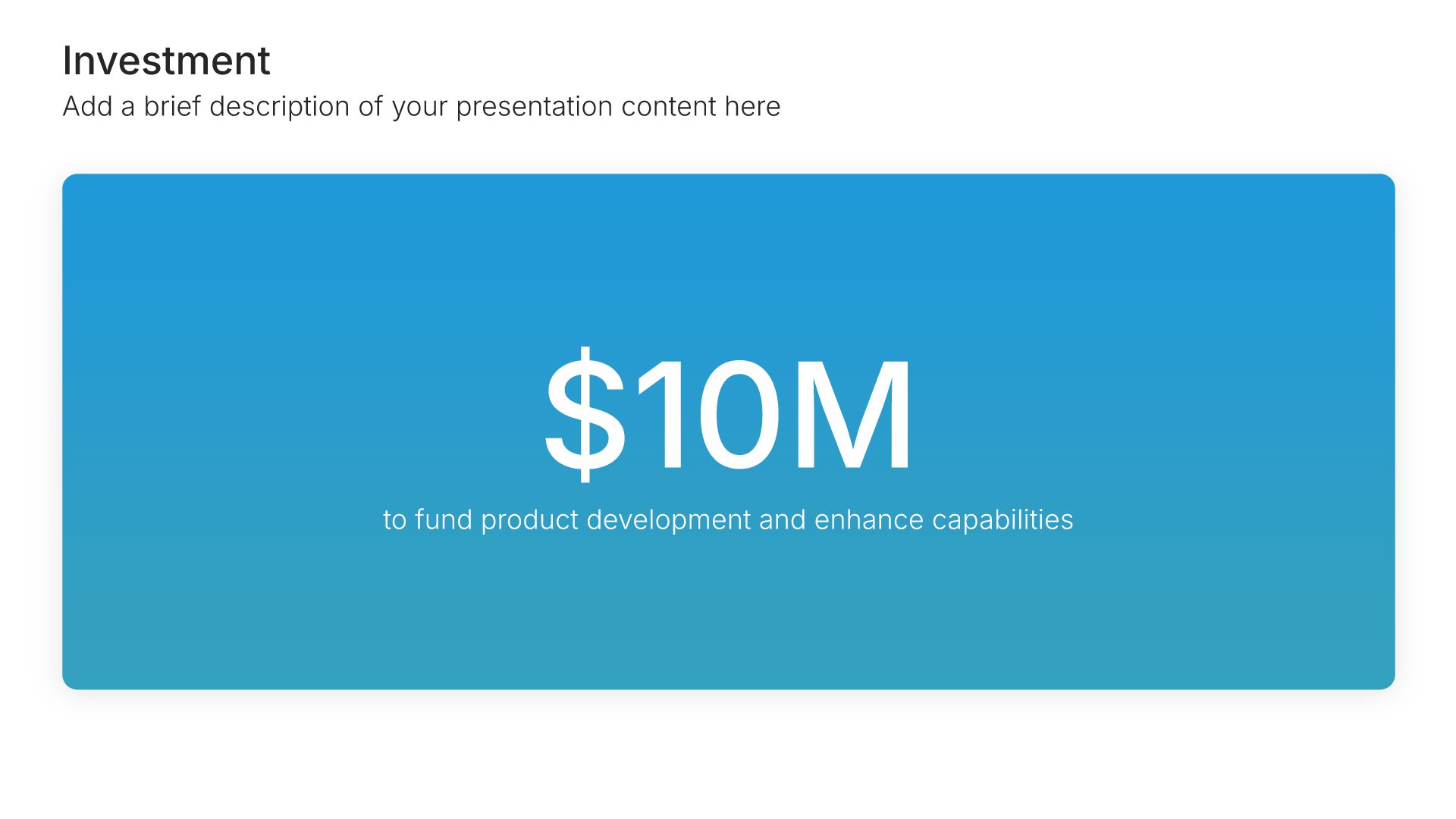
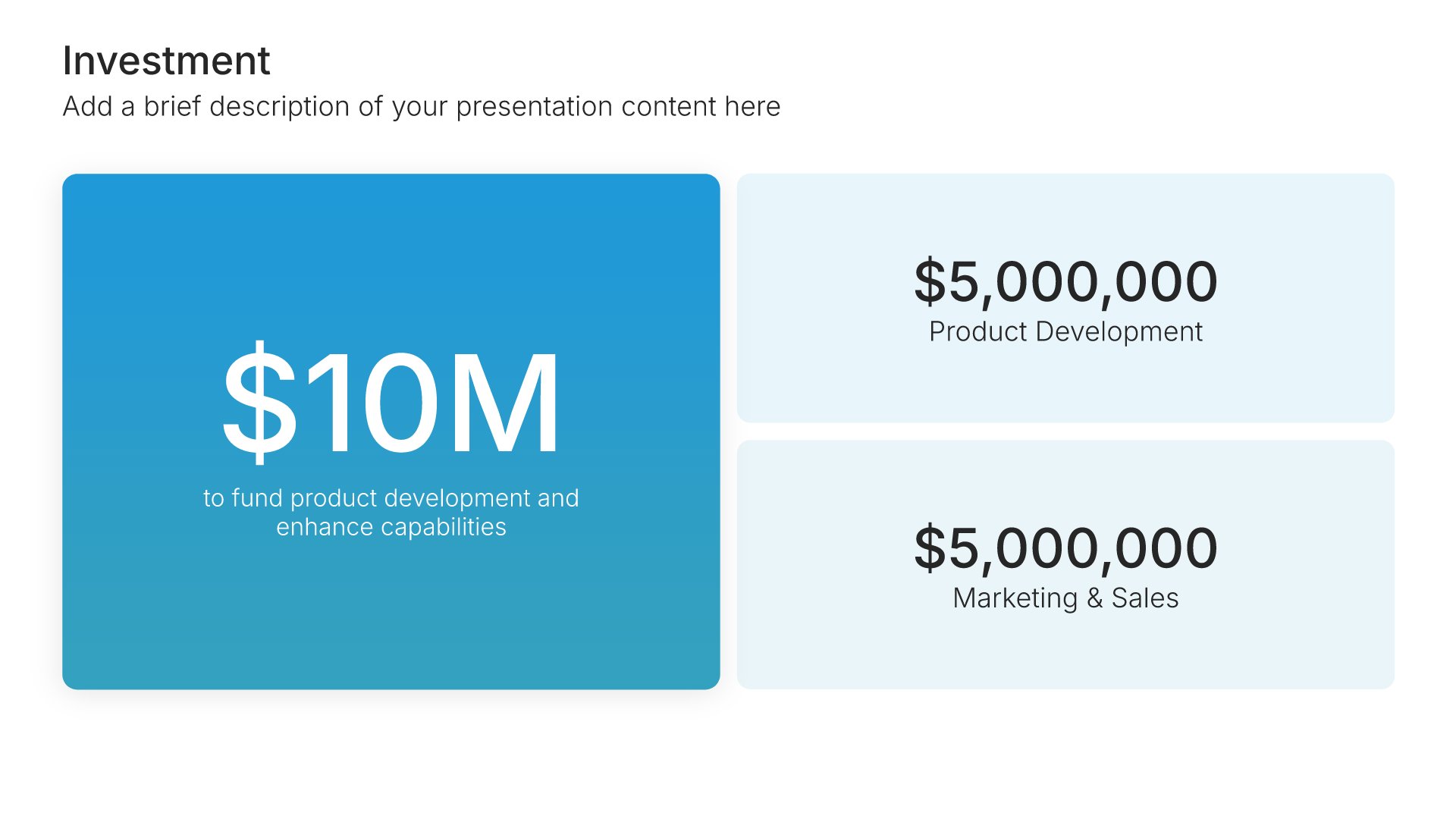
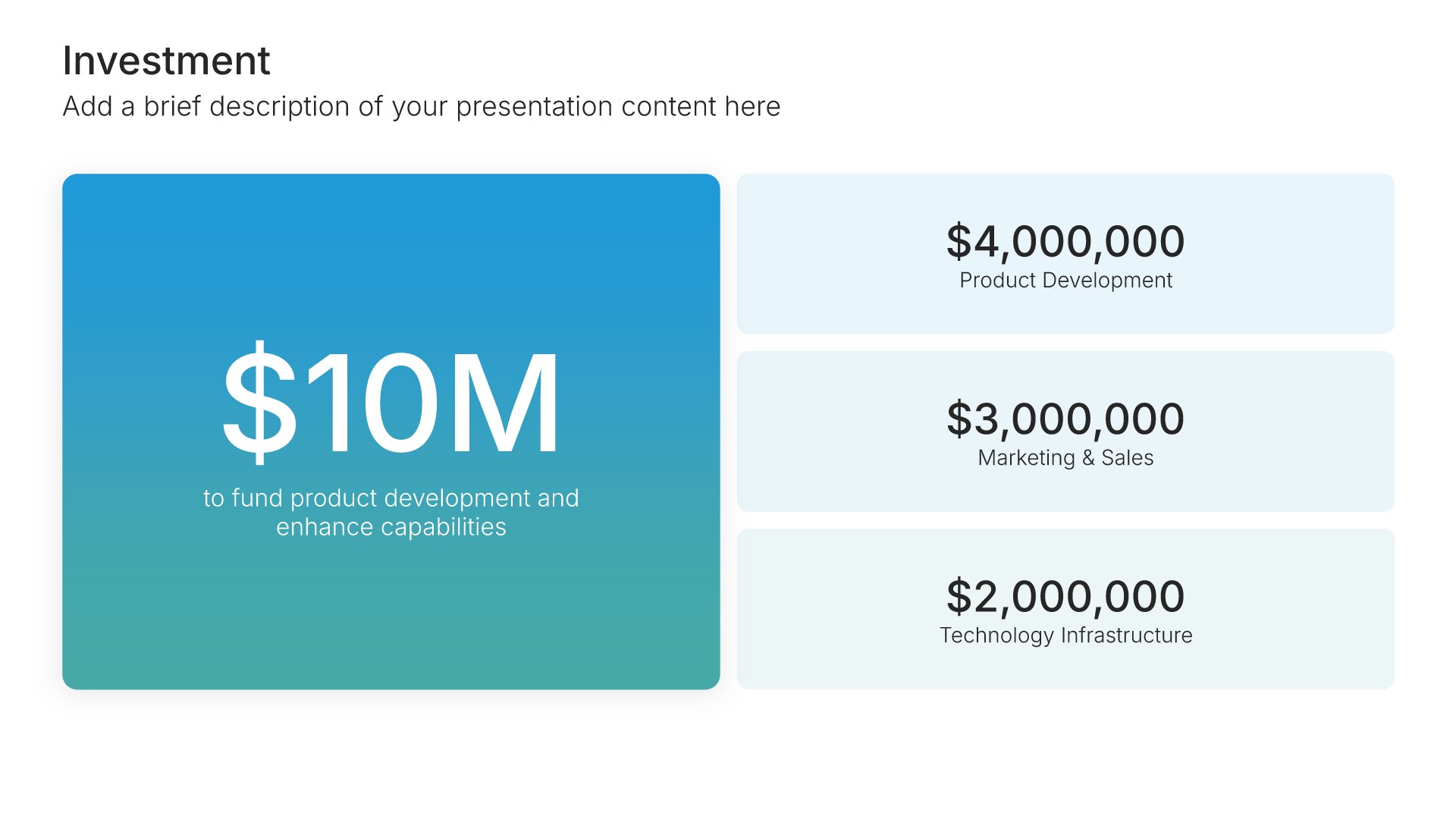
Capital requirements slides help you outline funding needs to achieve your projections. Use them to present investment requirements, funding sources, and use of proceeds over your planning period. Ideal for financial forecasts and investor presentations where stakeholders need clarity on capital allocation and funding strategy.
Built using Investment slides

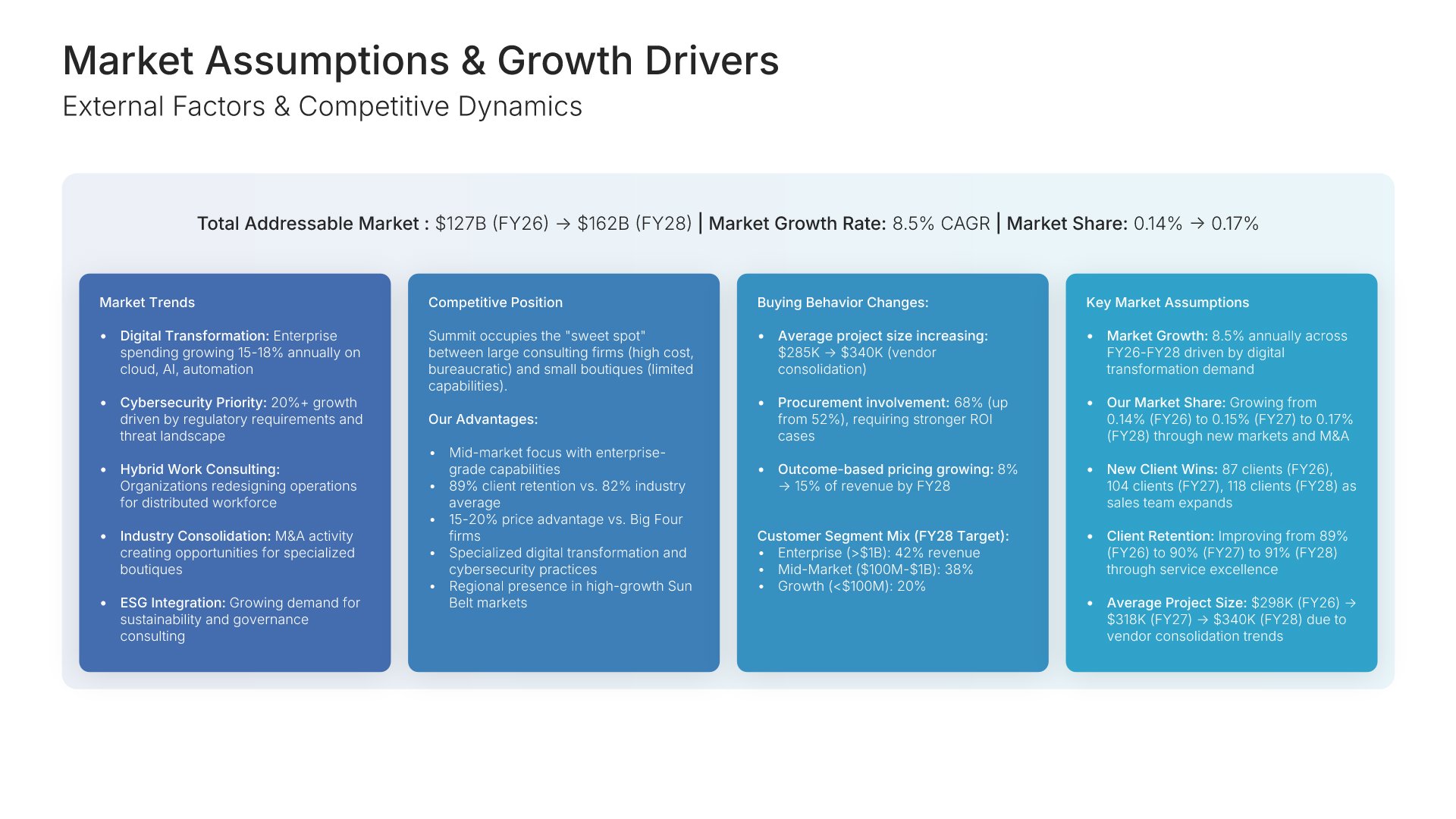
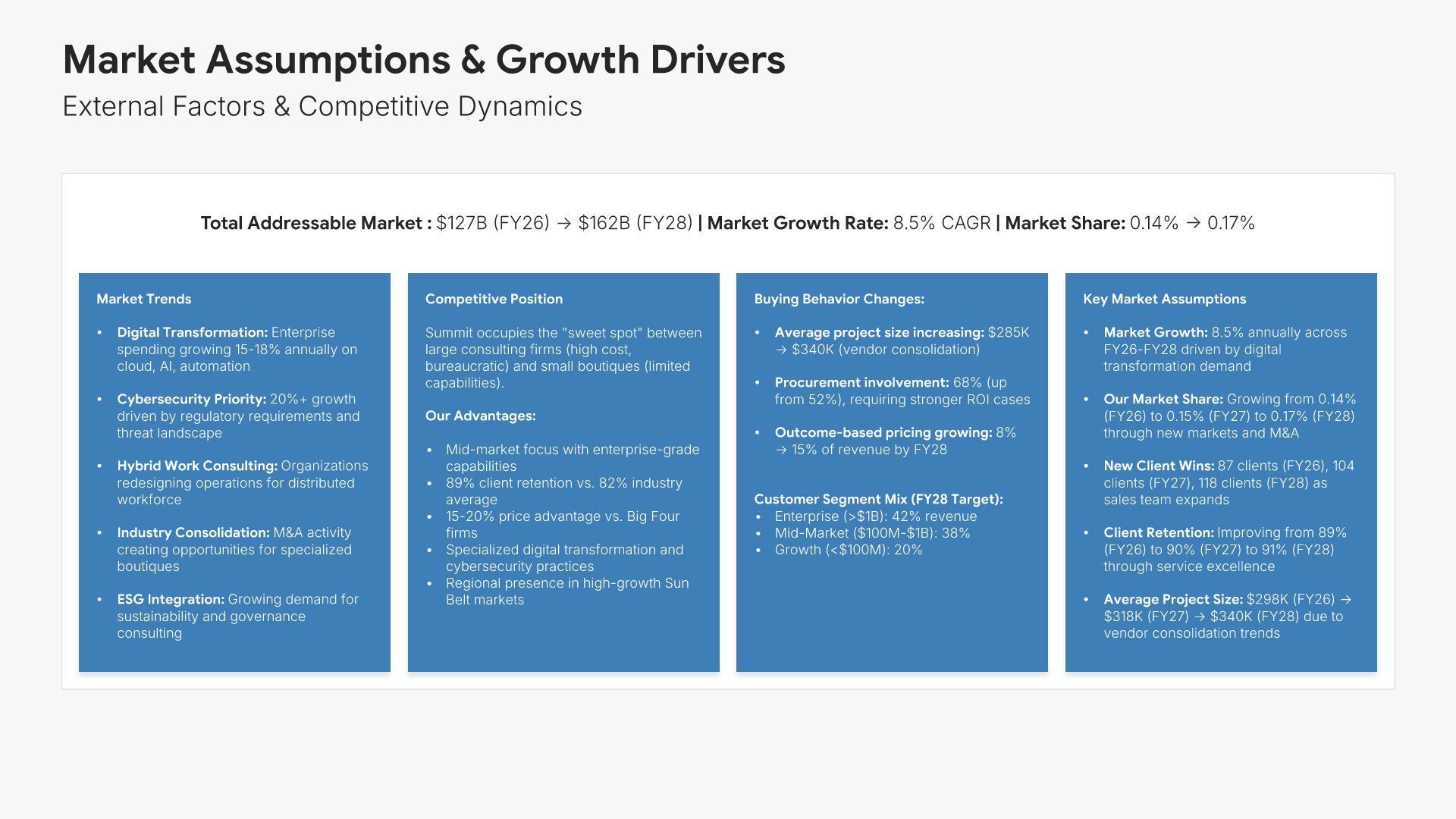
13. Market Assumptions & Drivers

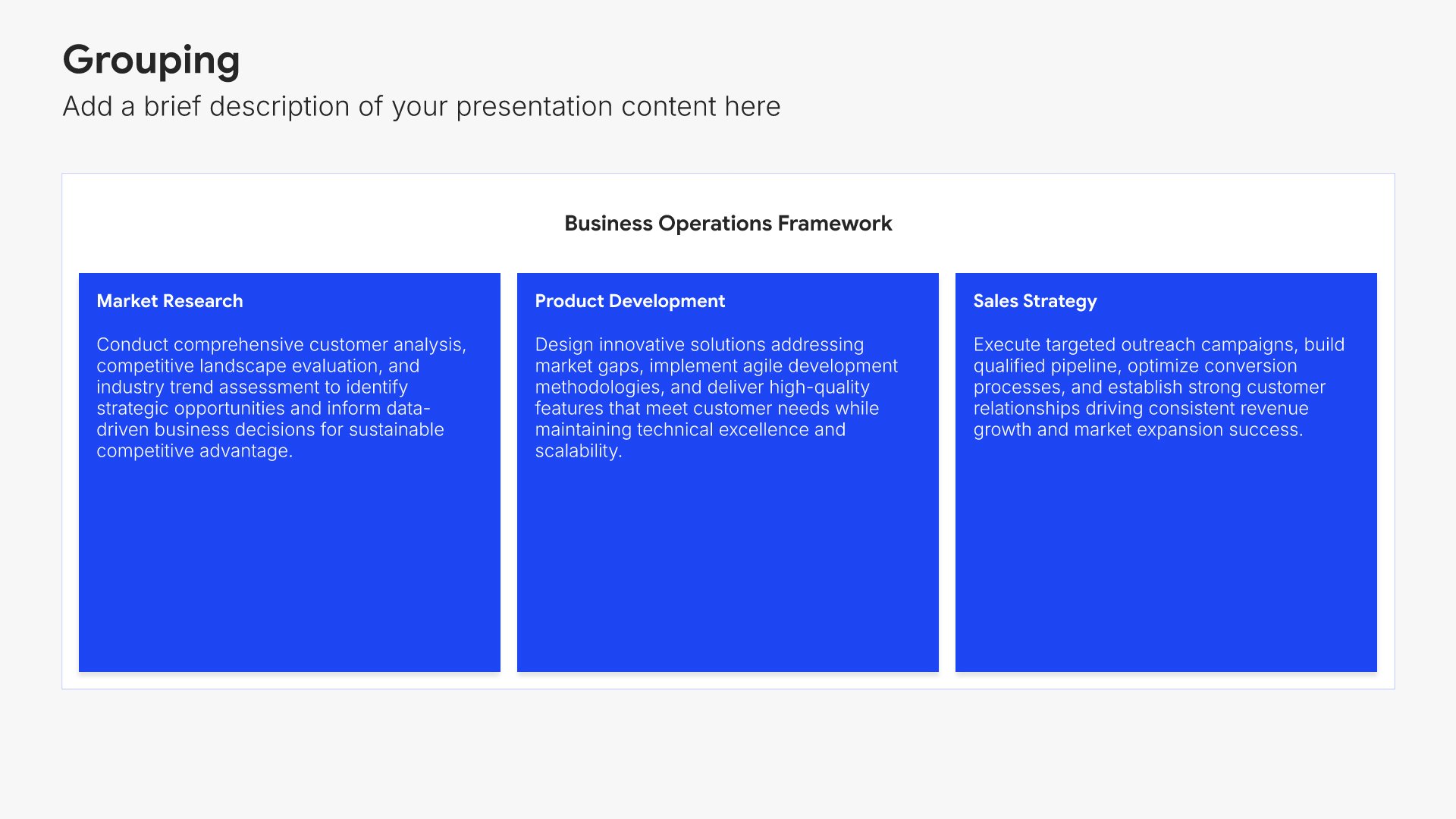
Market assumptions slides help you connect your forecast to external conditions and trends. Use them to present market growth rates, competitive dynamics, and economic factors underlying your projections. Ideal for financial forecasts where stakeholders need to understand how market conditions influence your numbers.
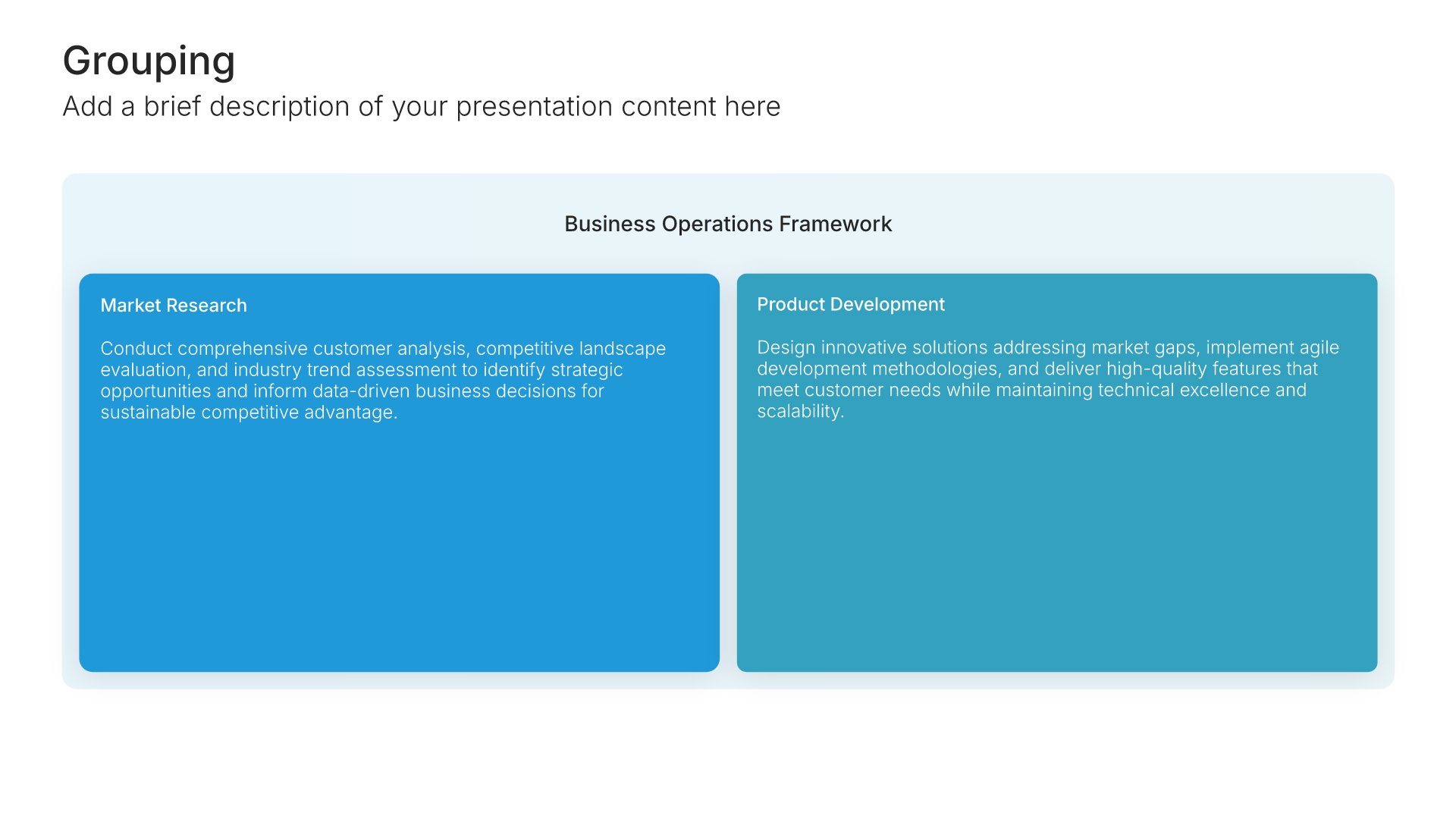
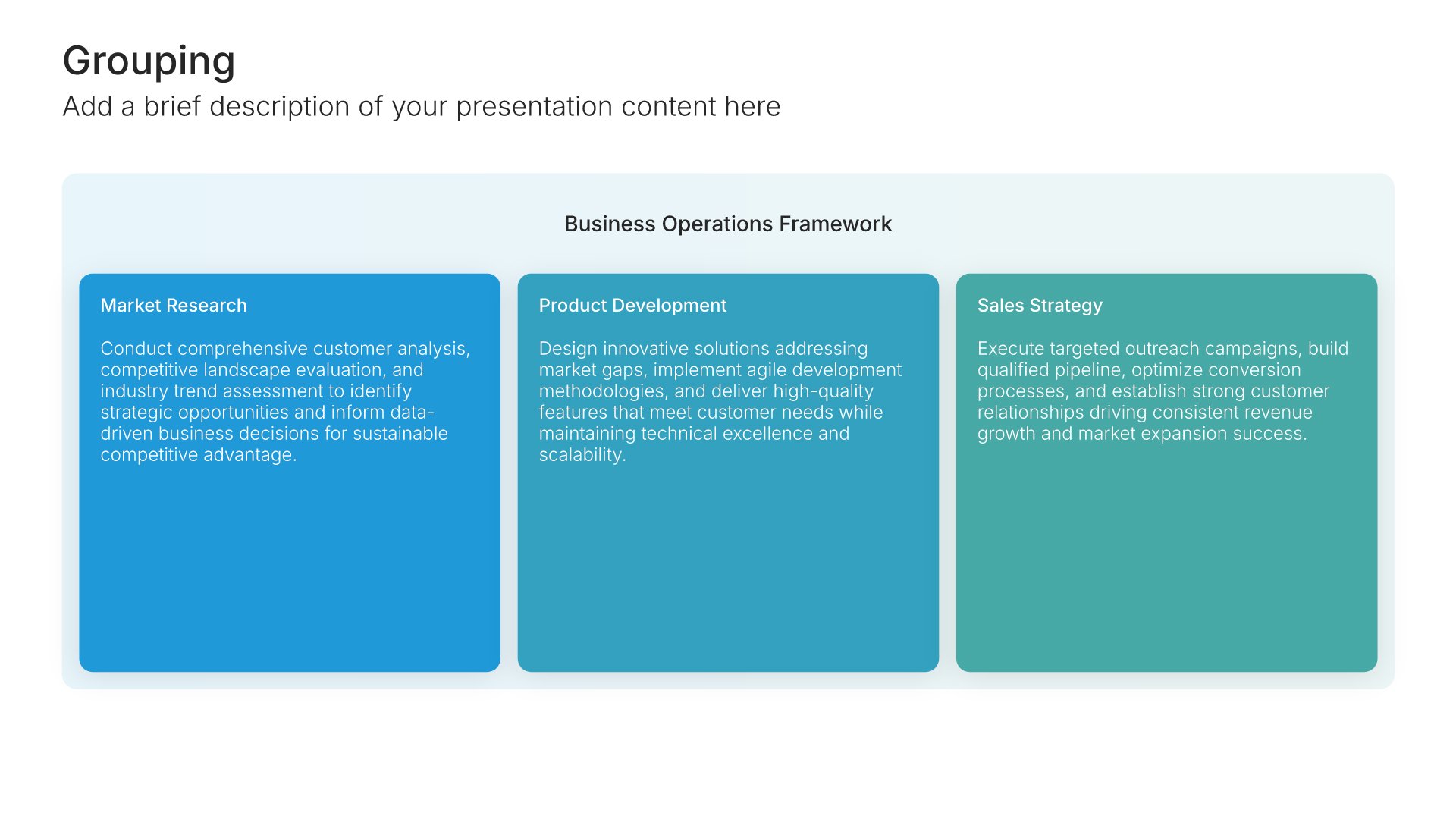
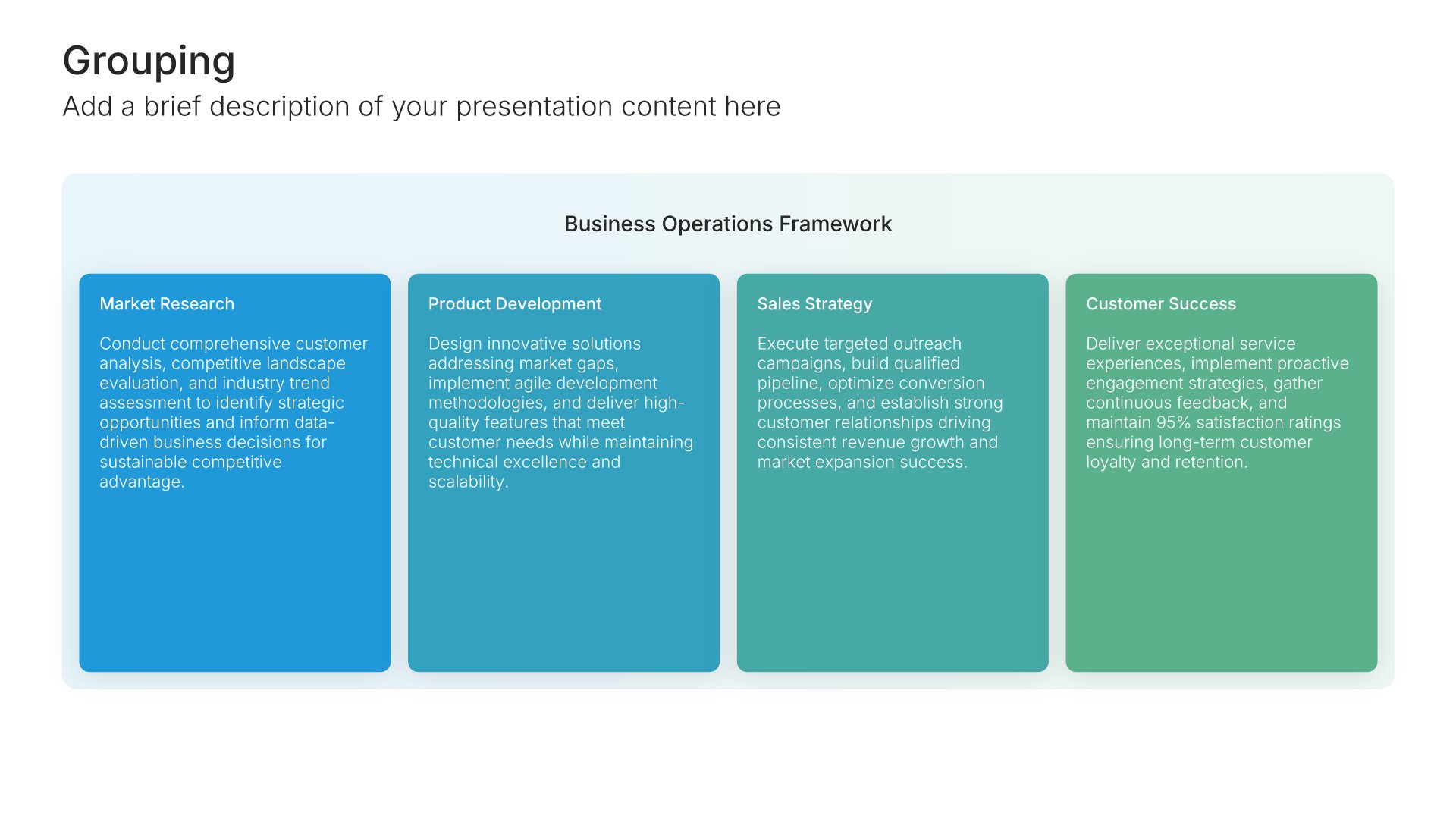
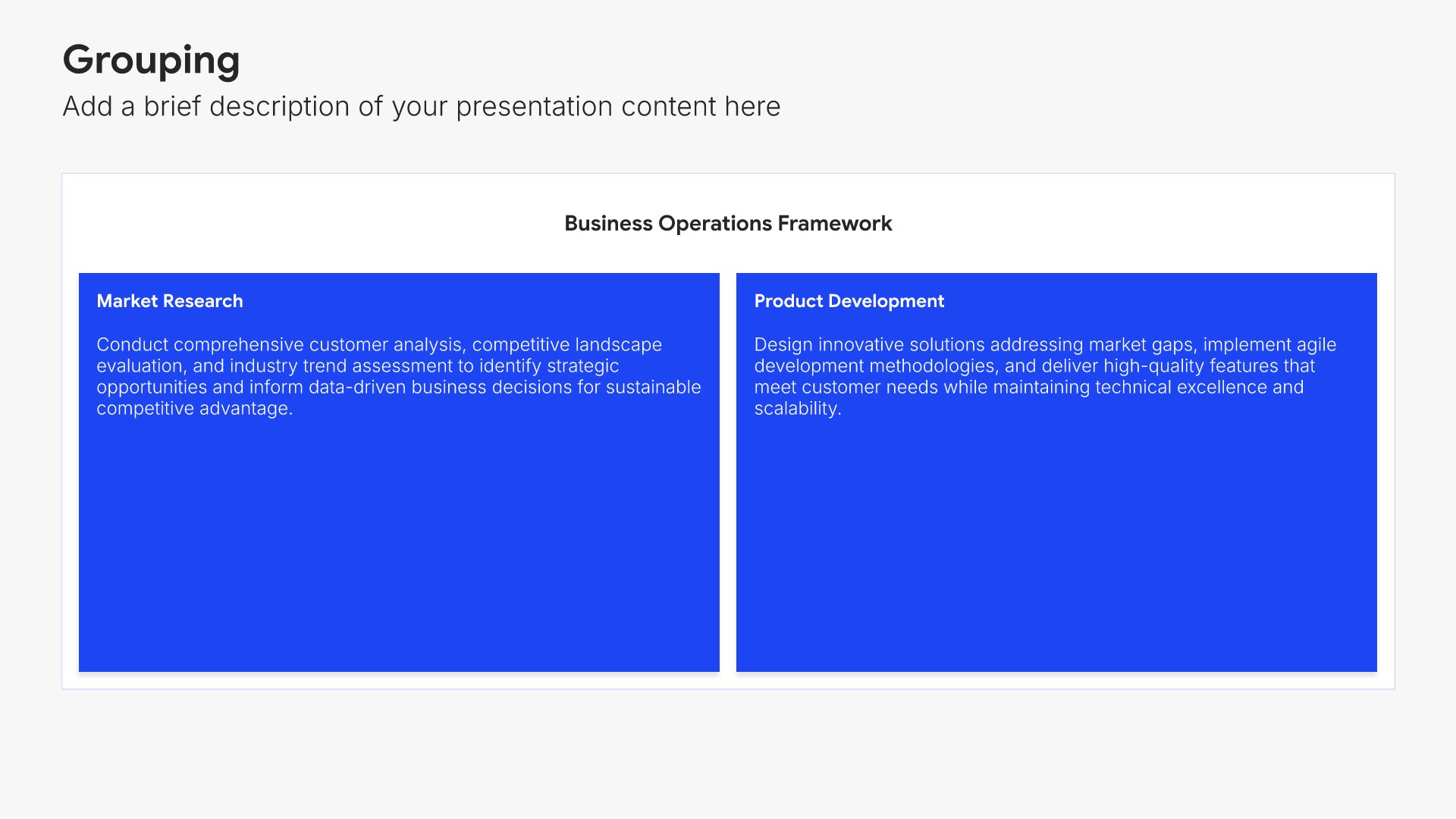
Built using Grouping slides

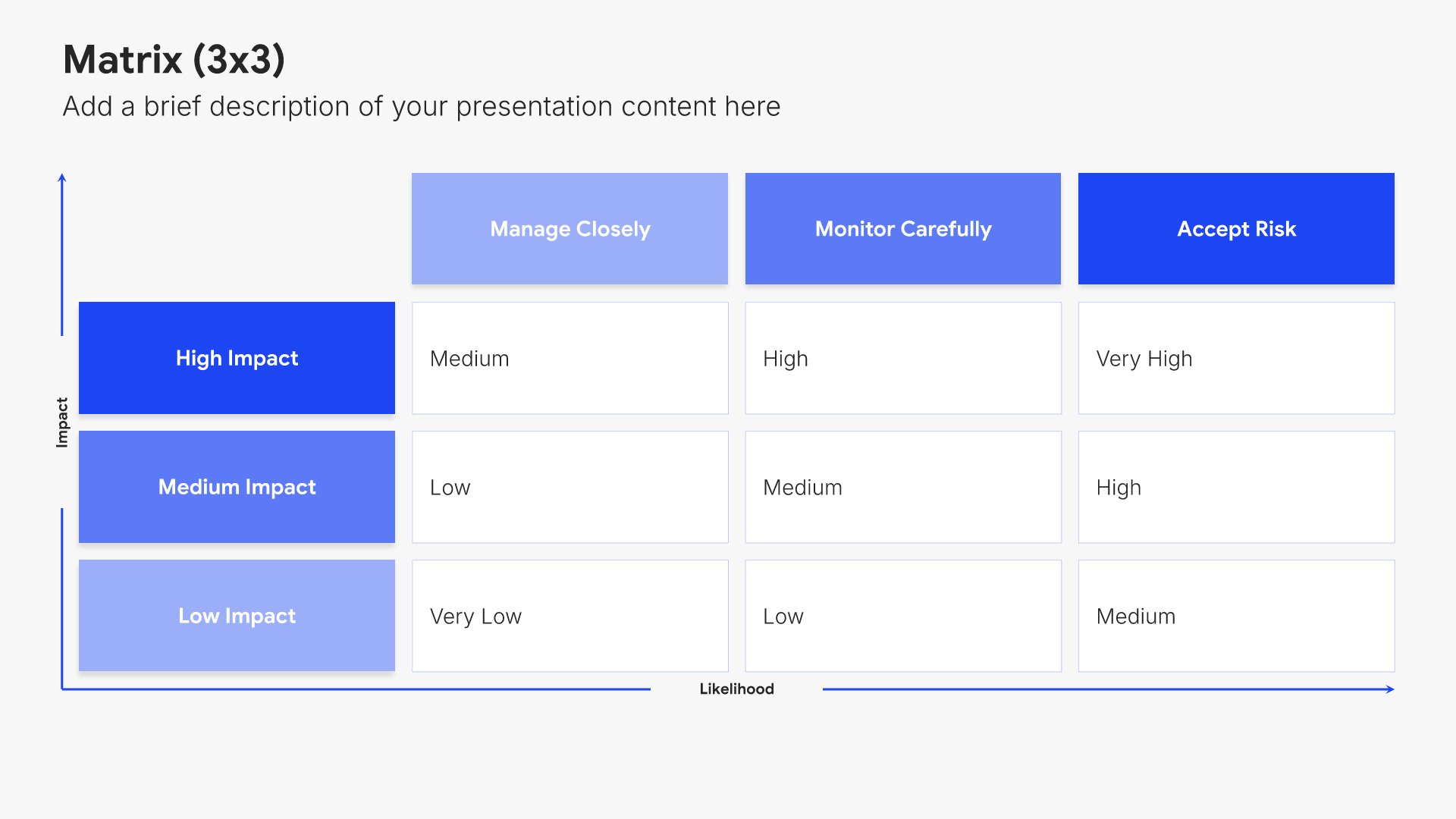
14. Risk Assessment

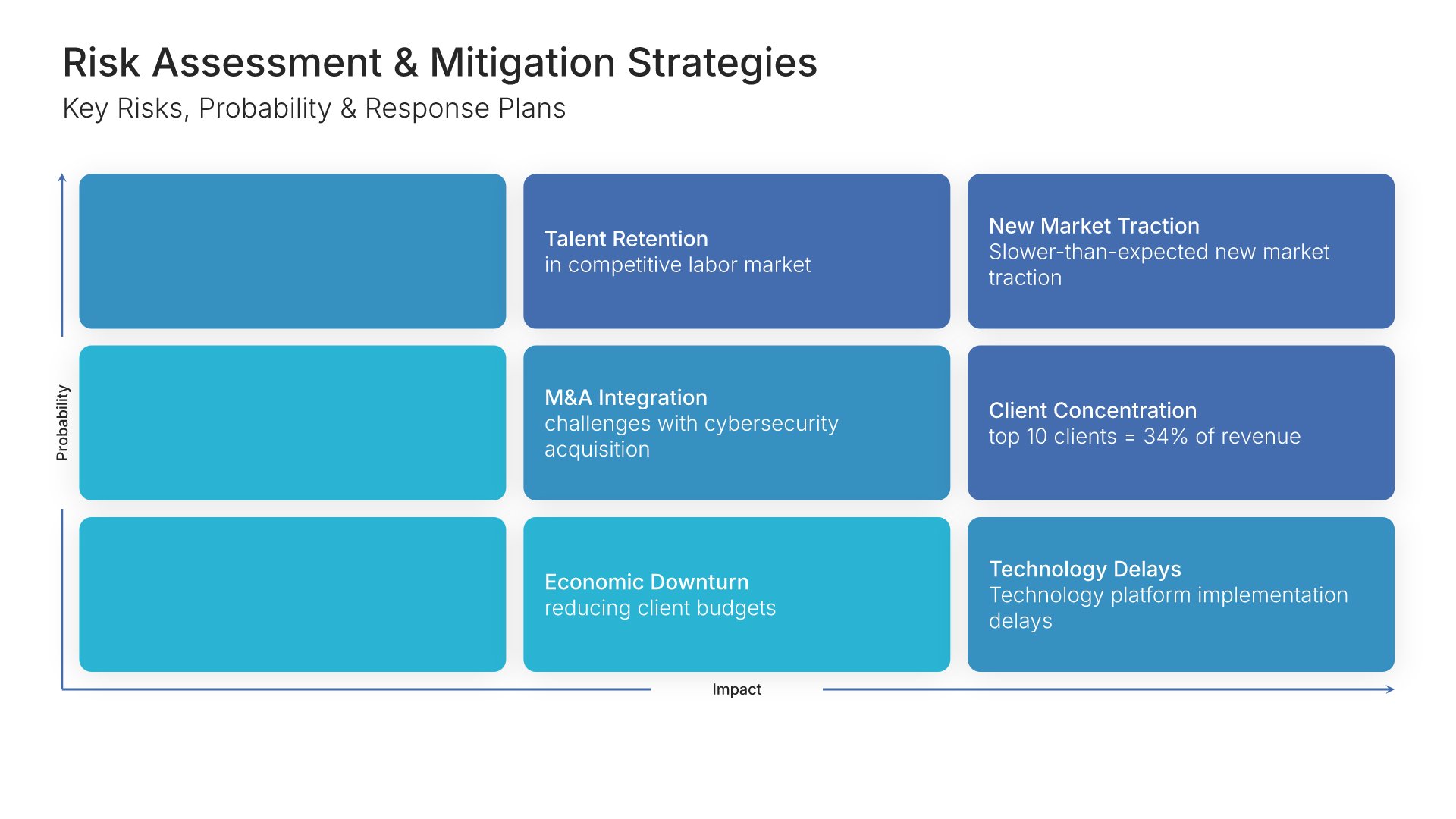
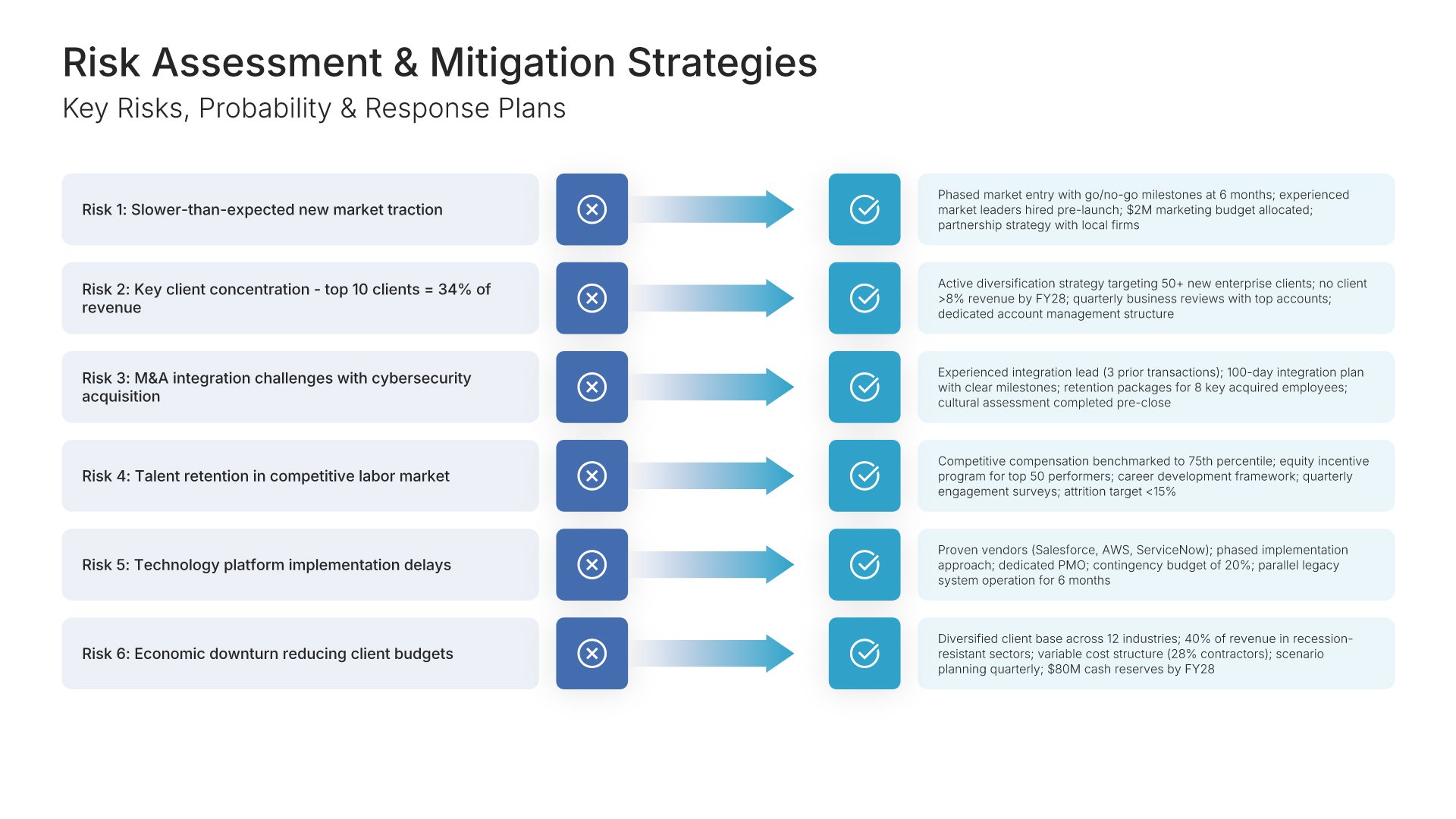
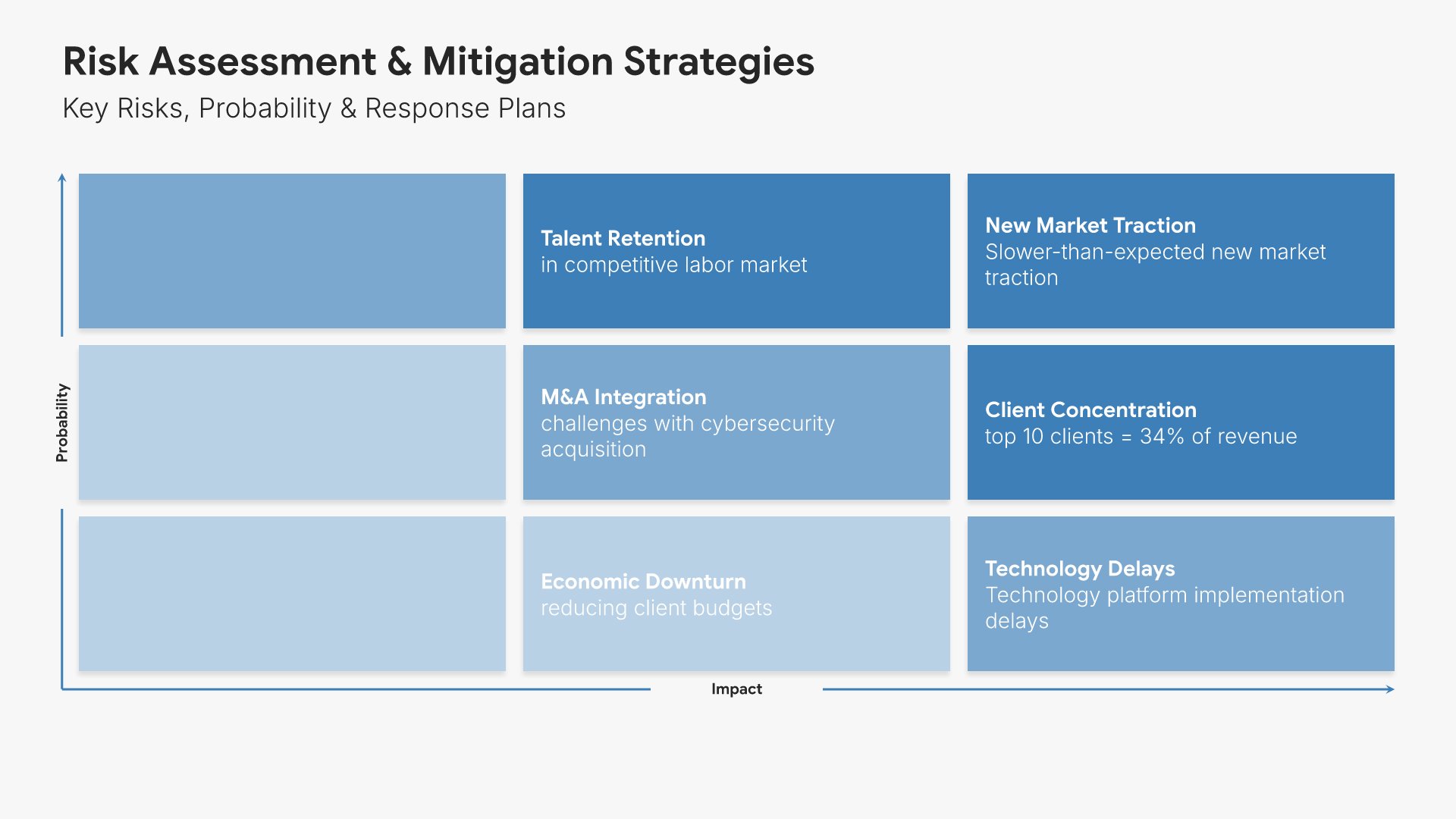
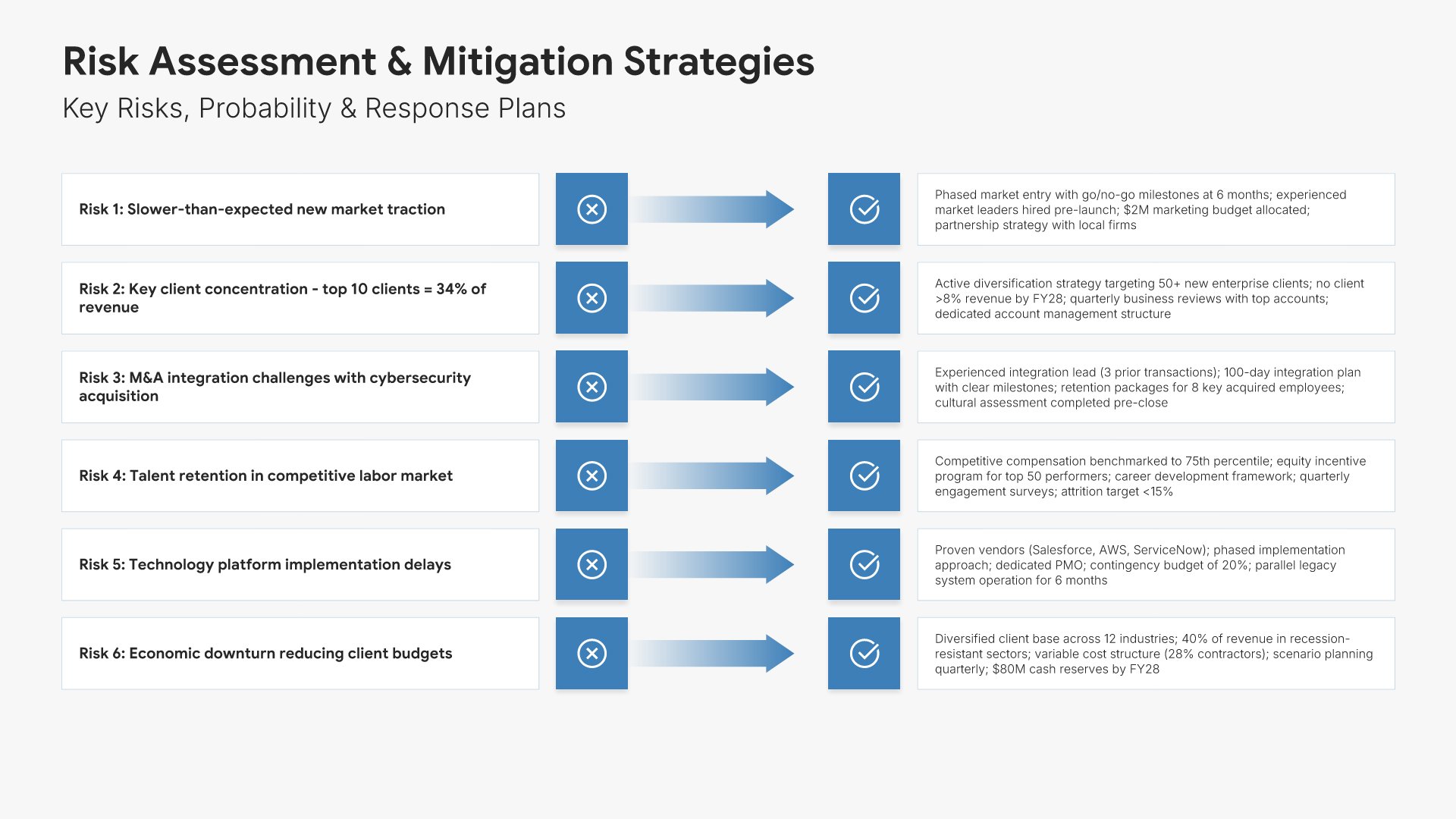
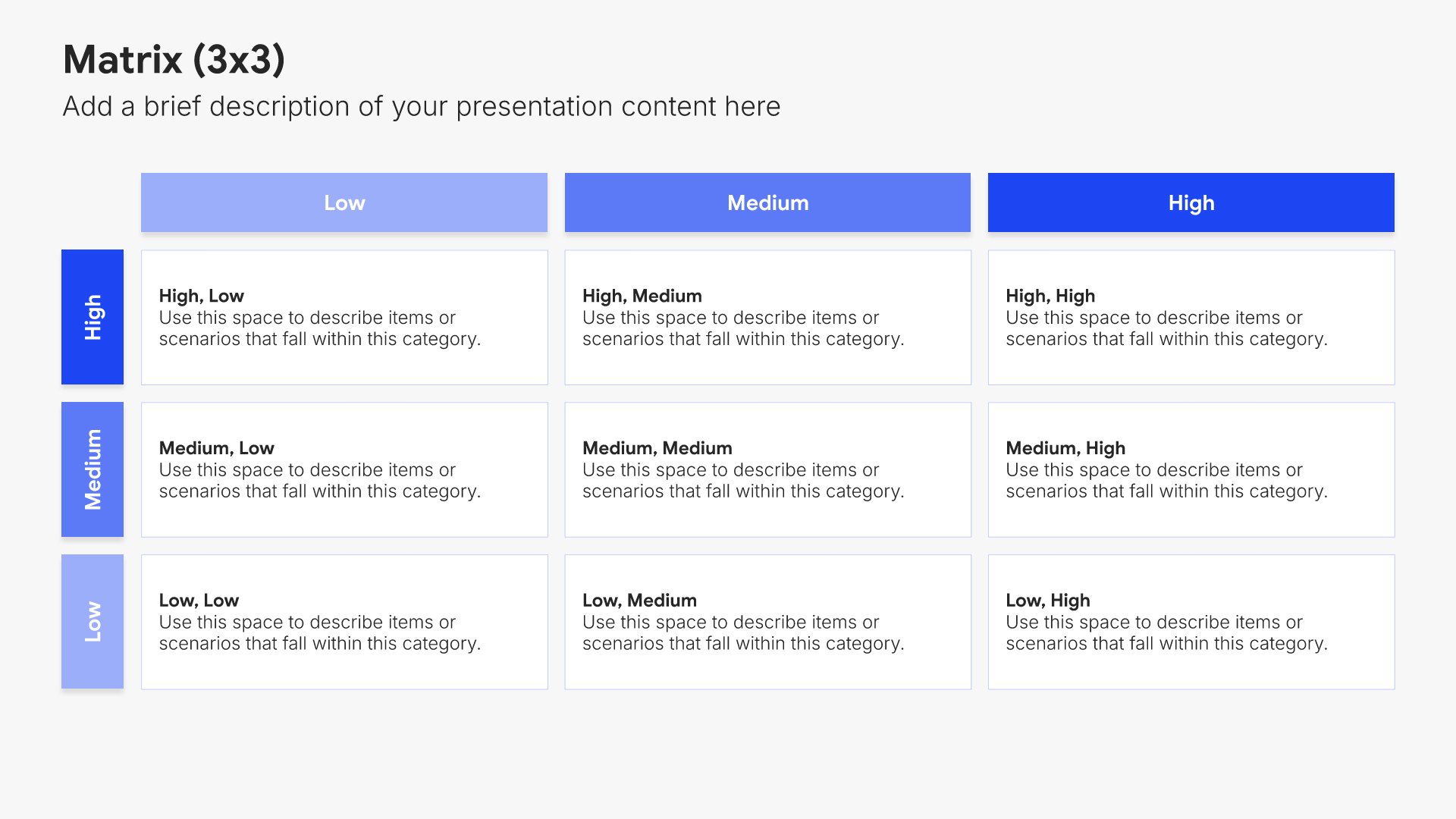
Risk assessment slides help you identify potential challenges and mitigation strategies. Use them to present risks that could impact your budget, along with contingency plans and safeguards. Ideal for budget proposals and business cases where acknowledging risks and showing preparedness builds stakeholder confidence.
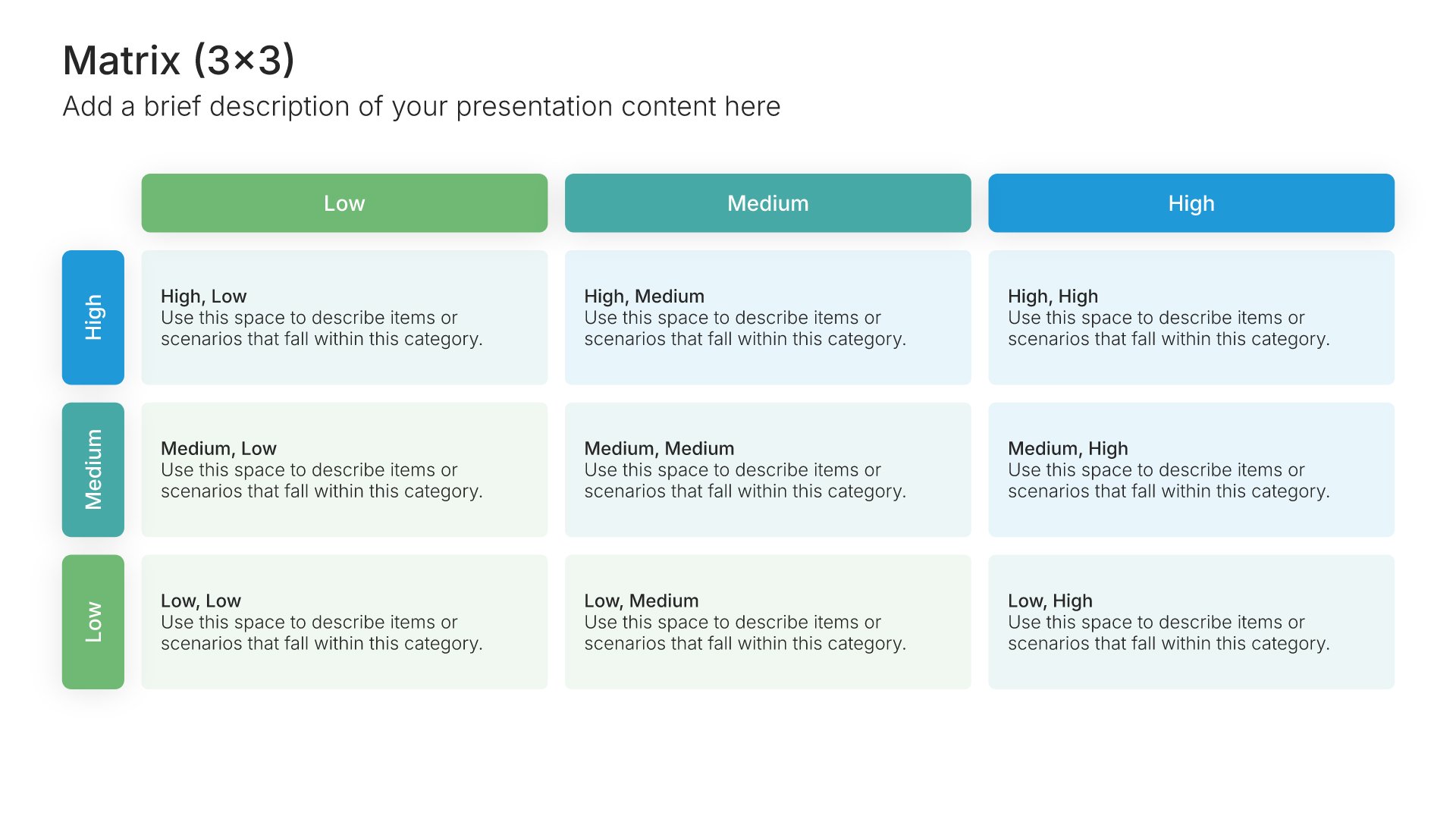
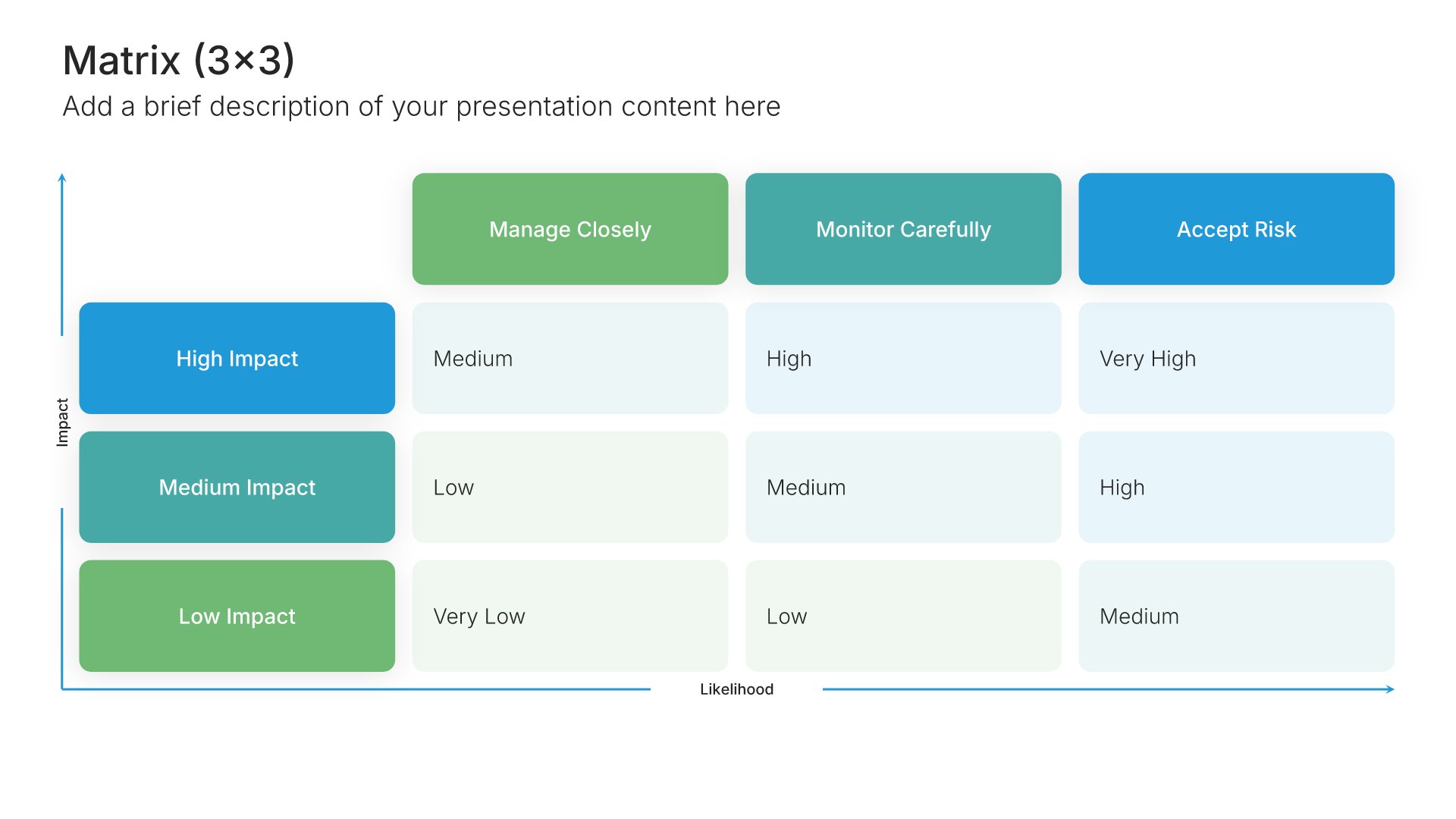
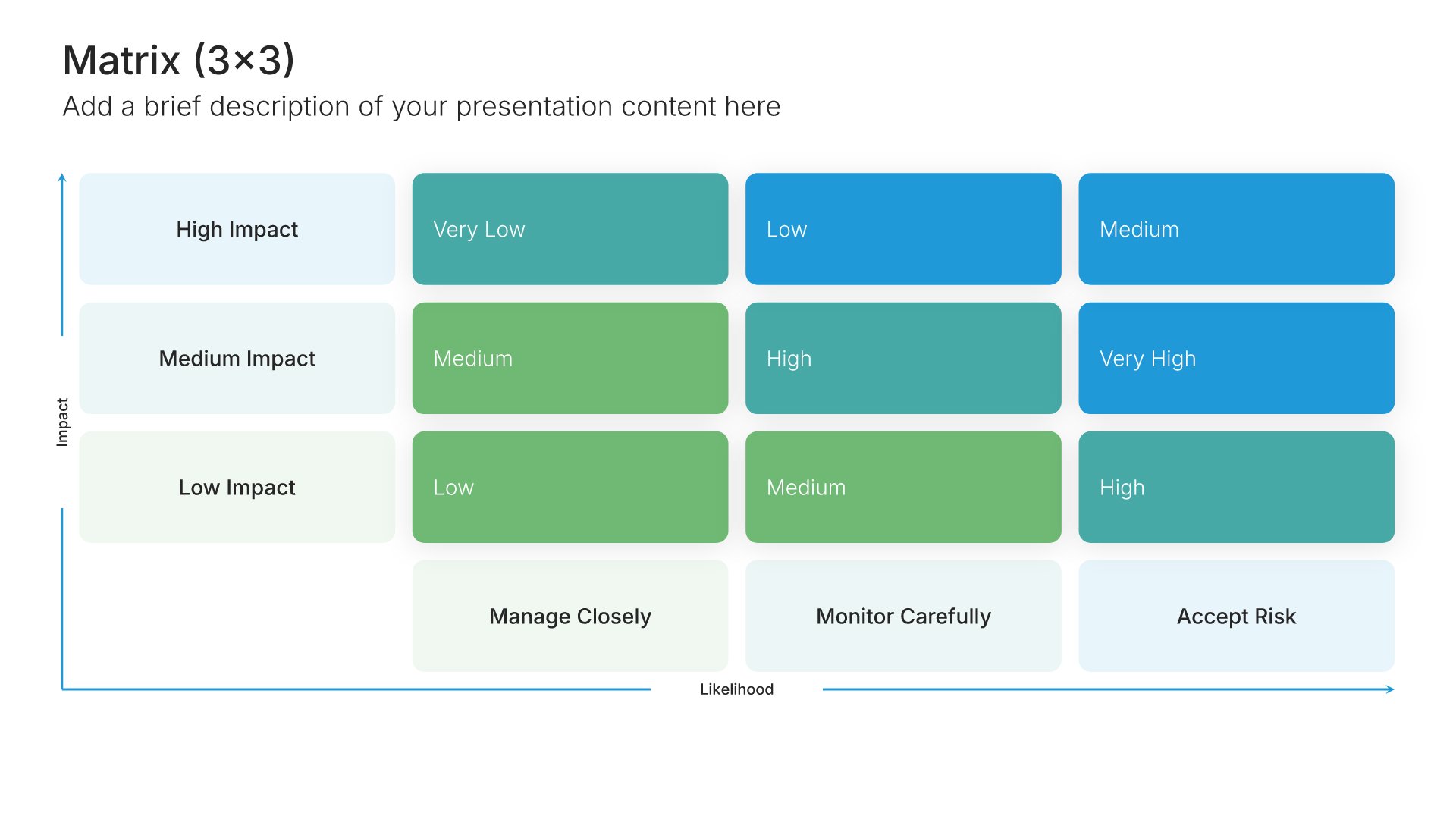
Built using Matrix (3×3) slides

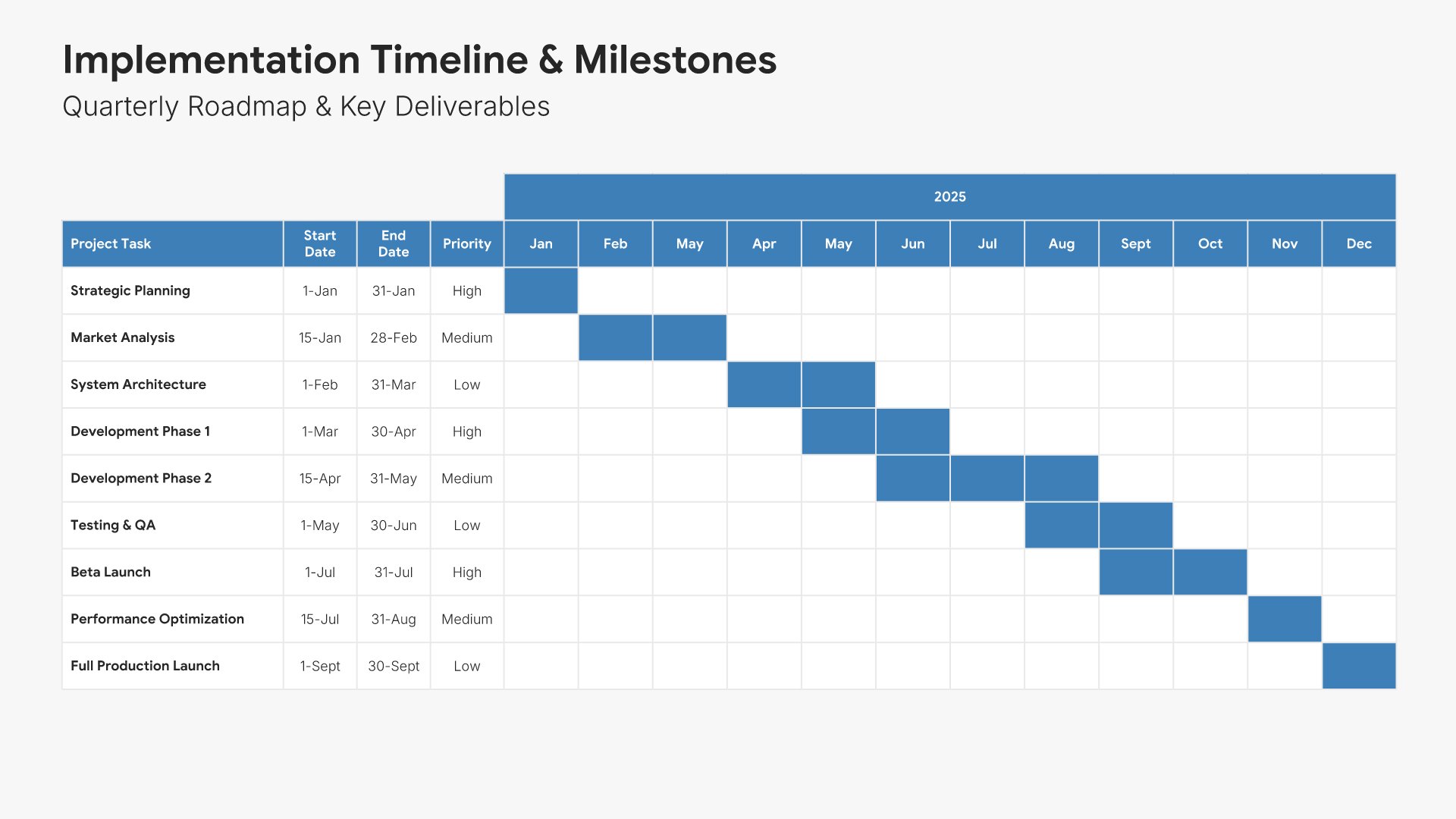
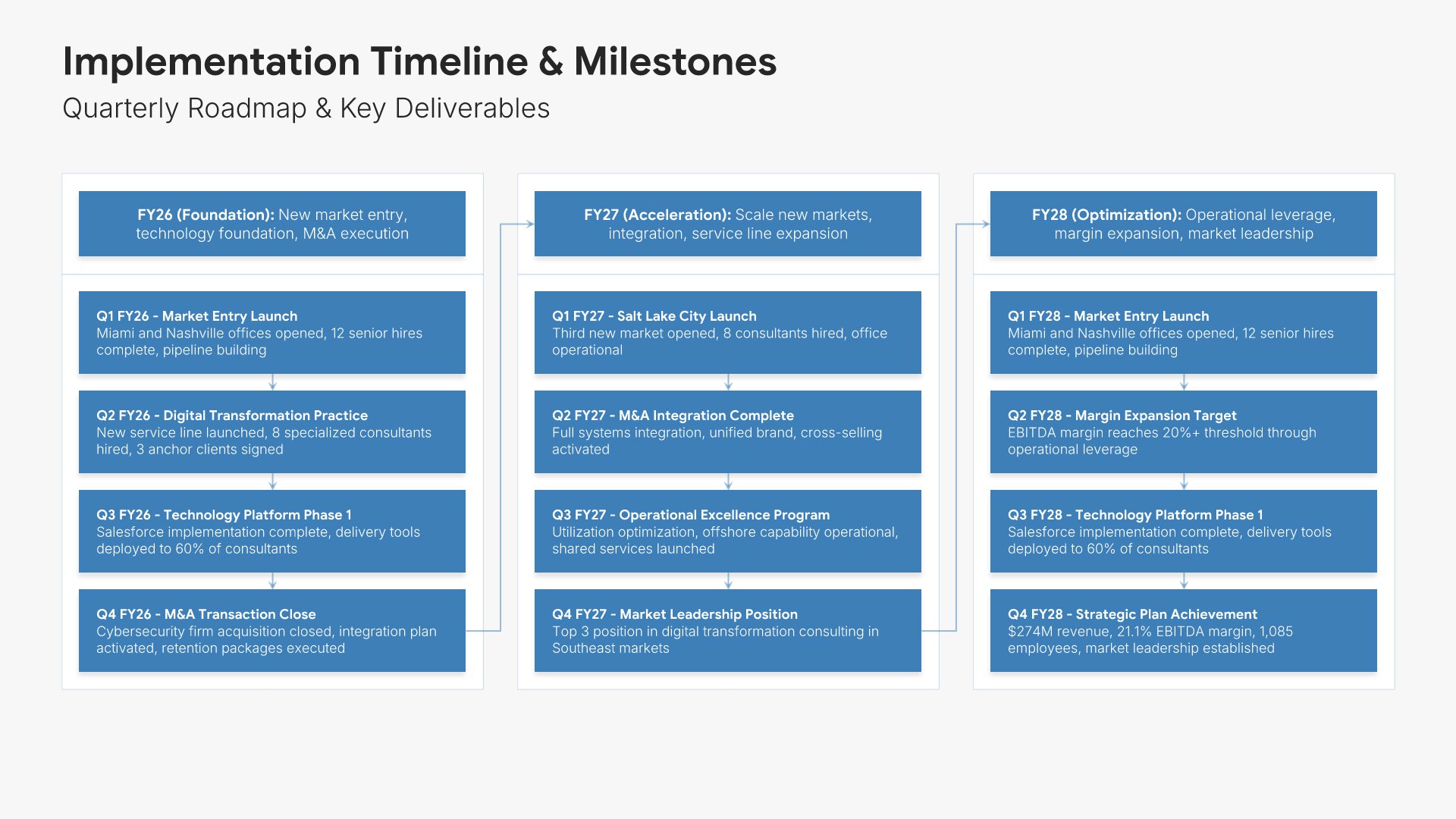
15. Implementation Timeline

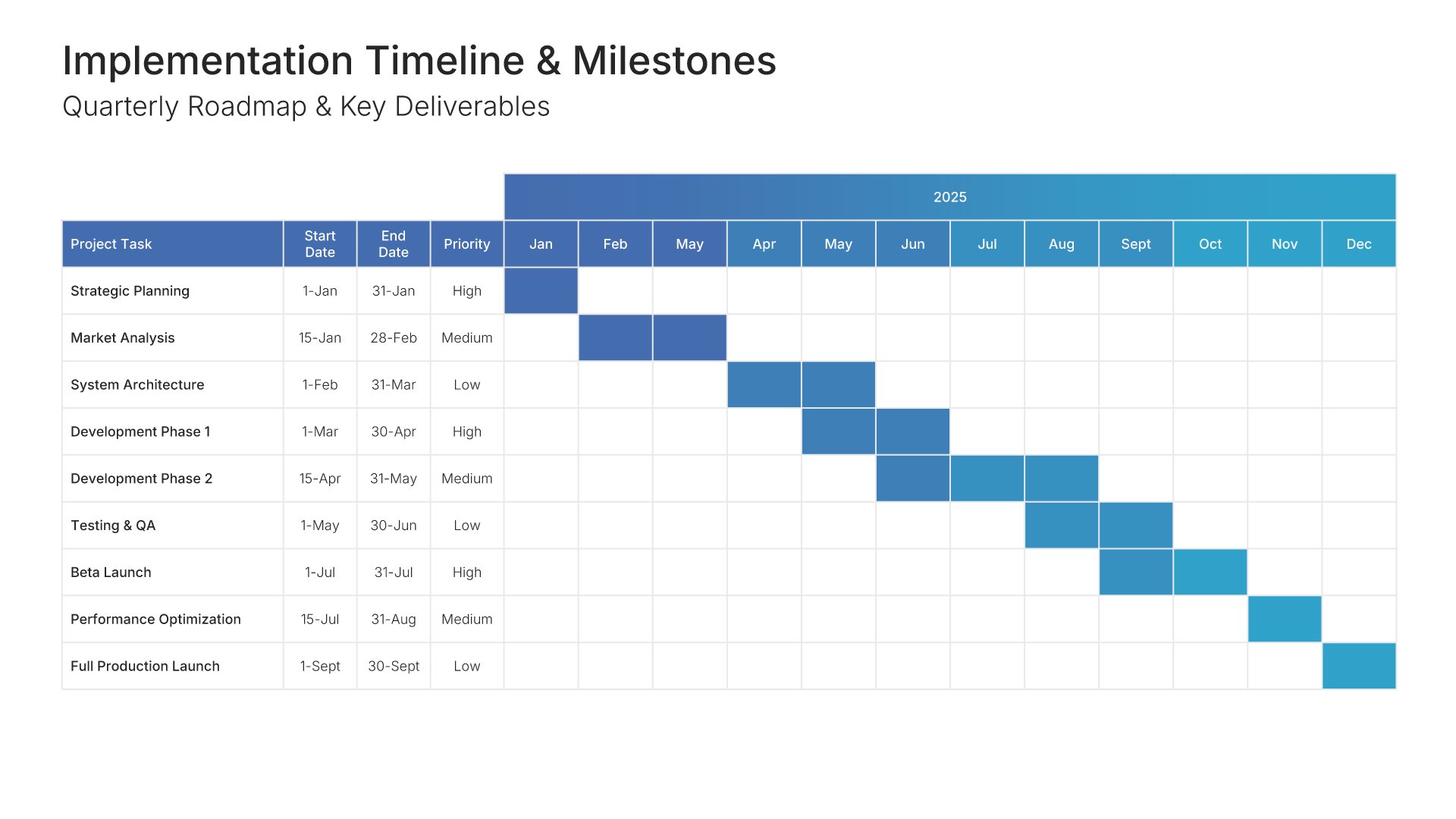
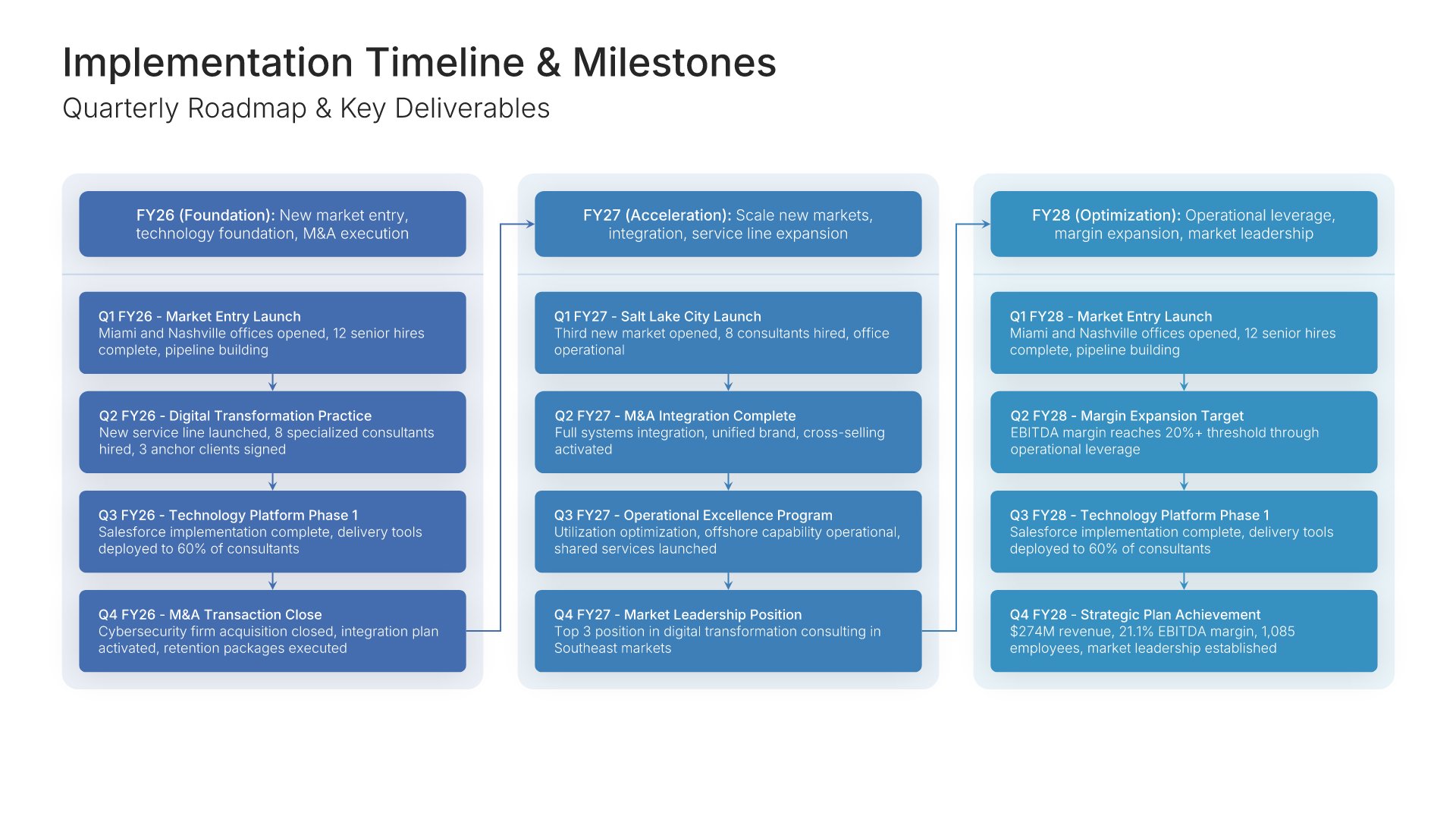
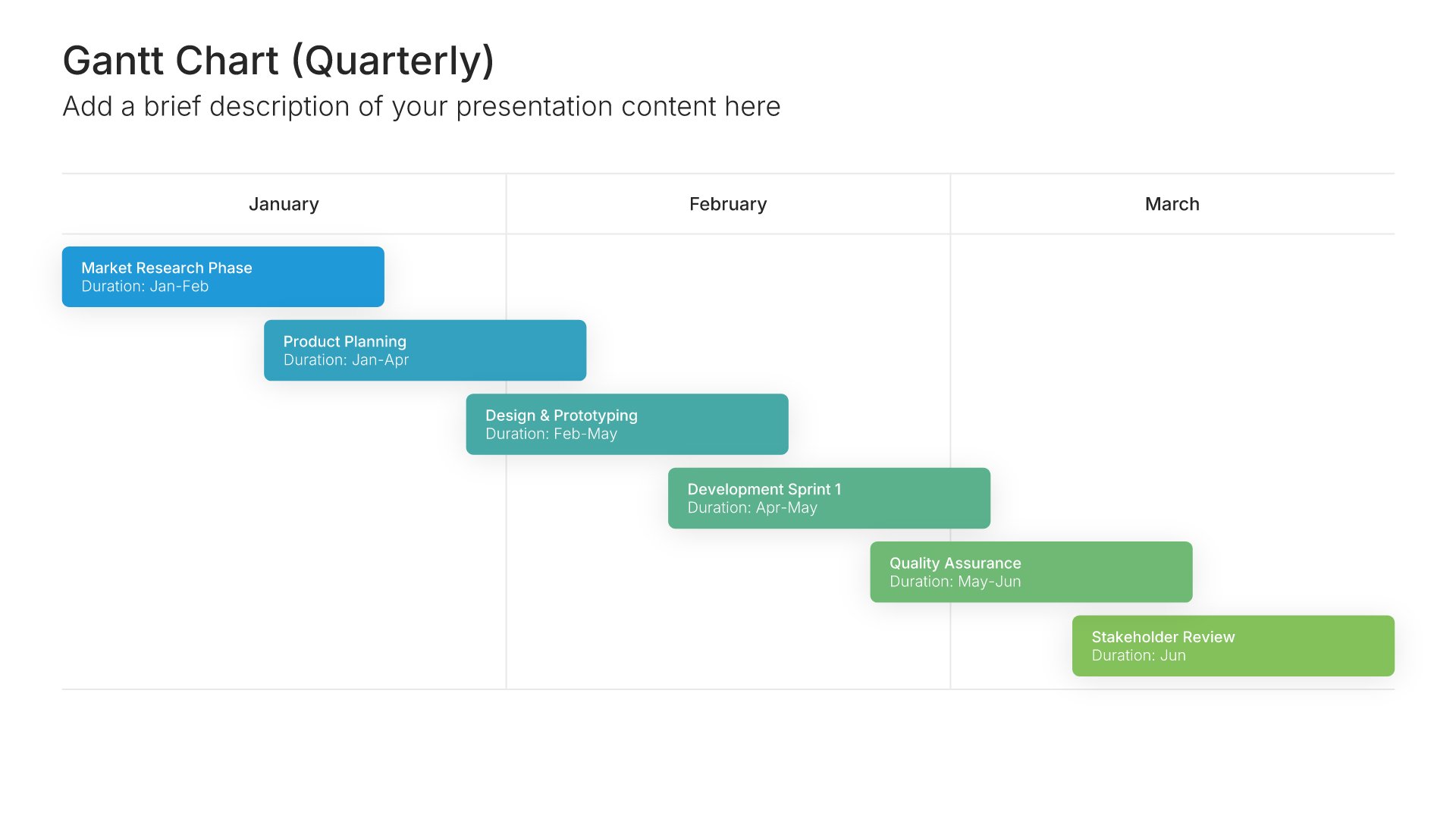
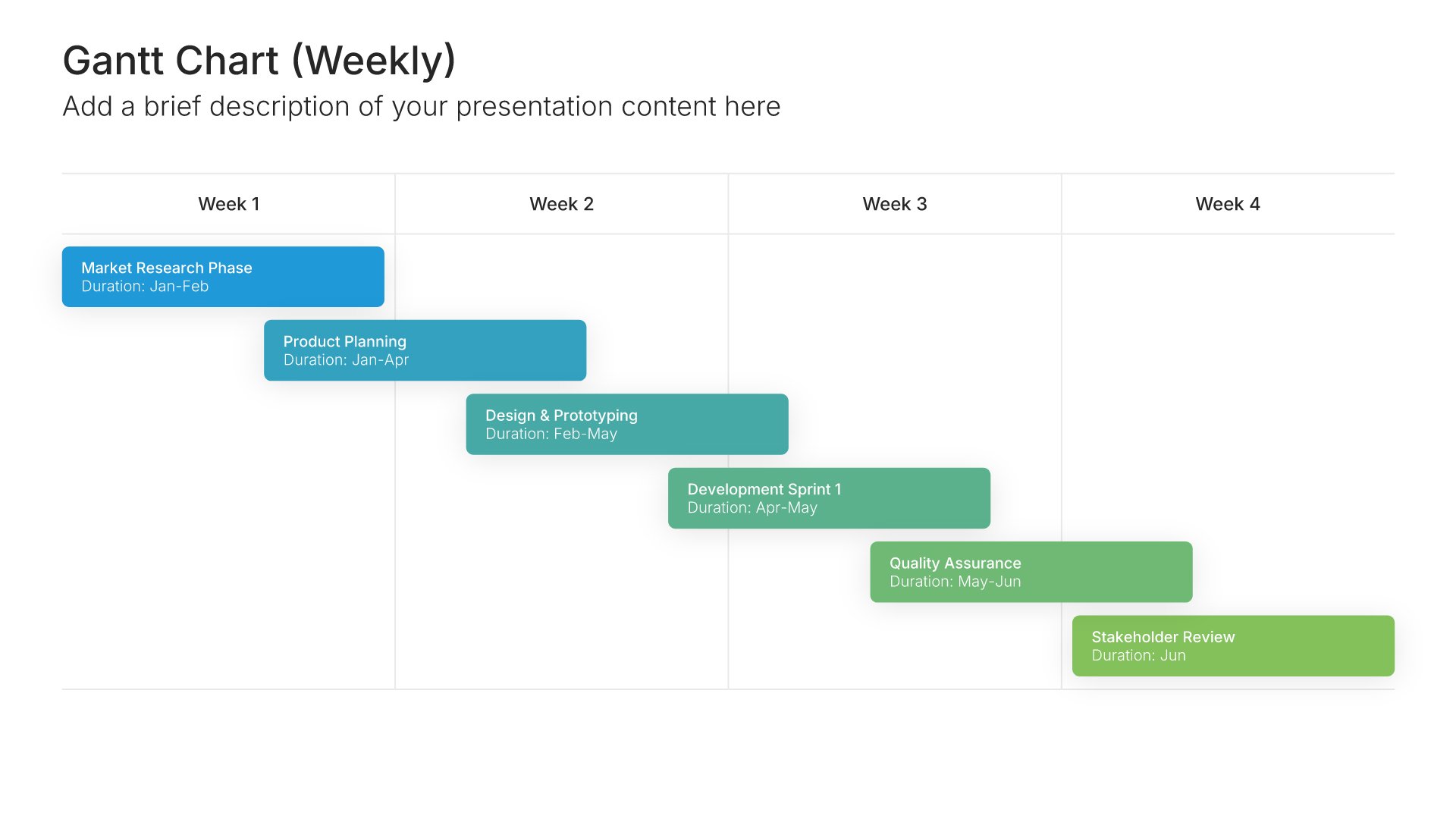
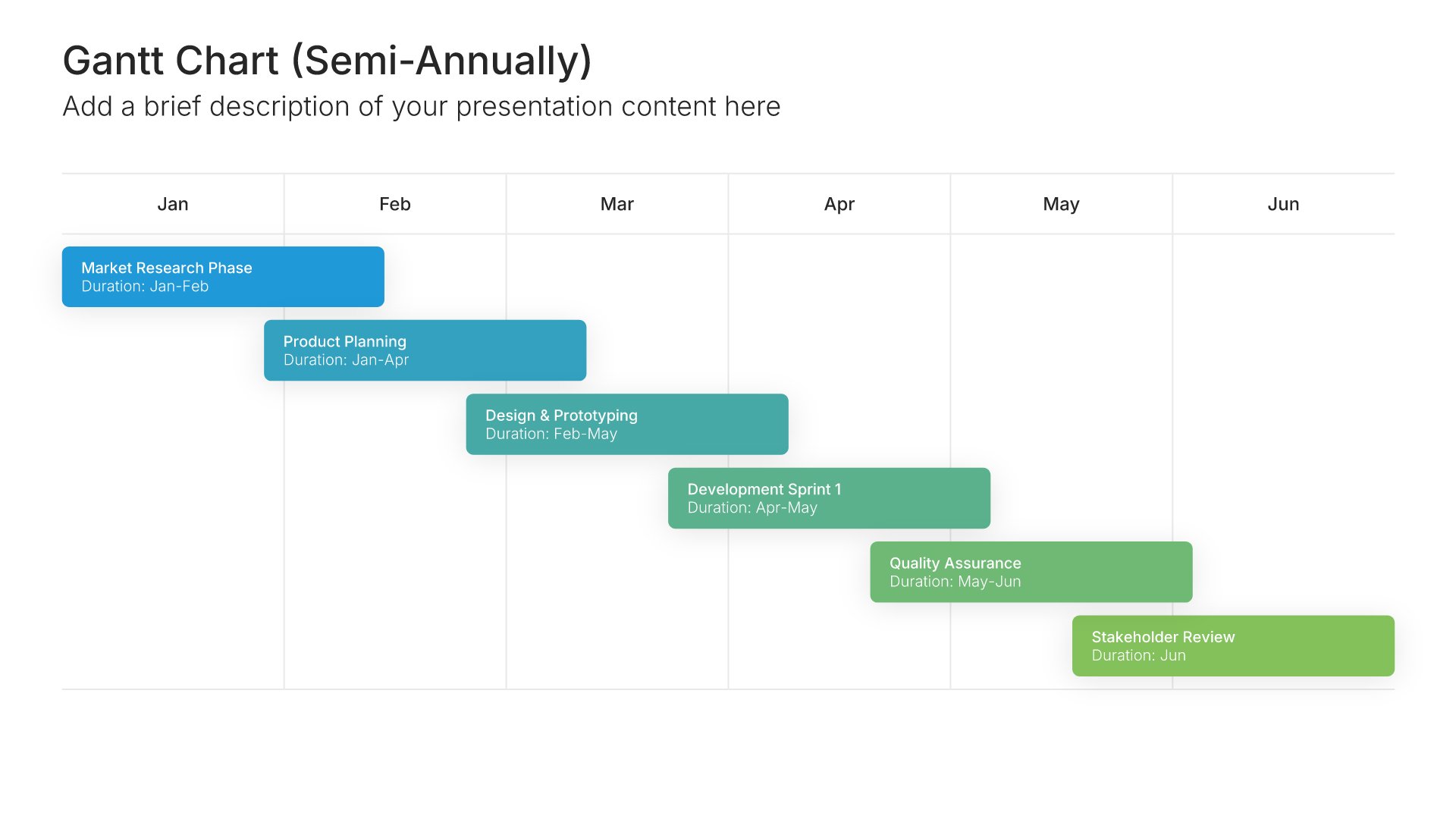
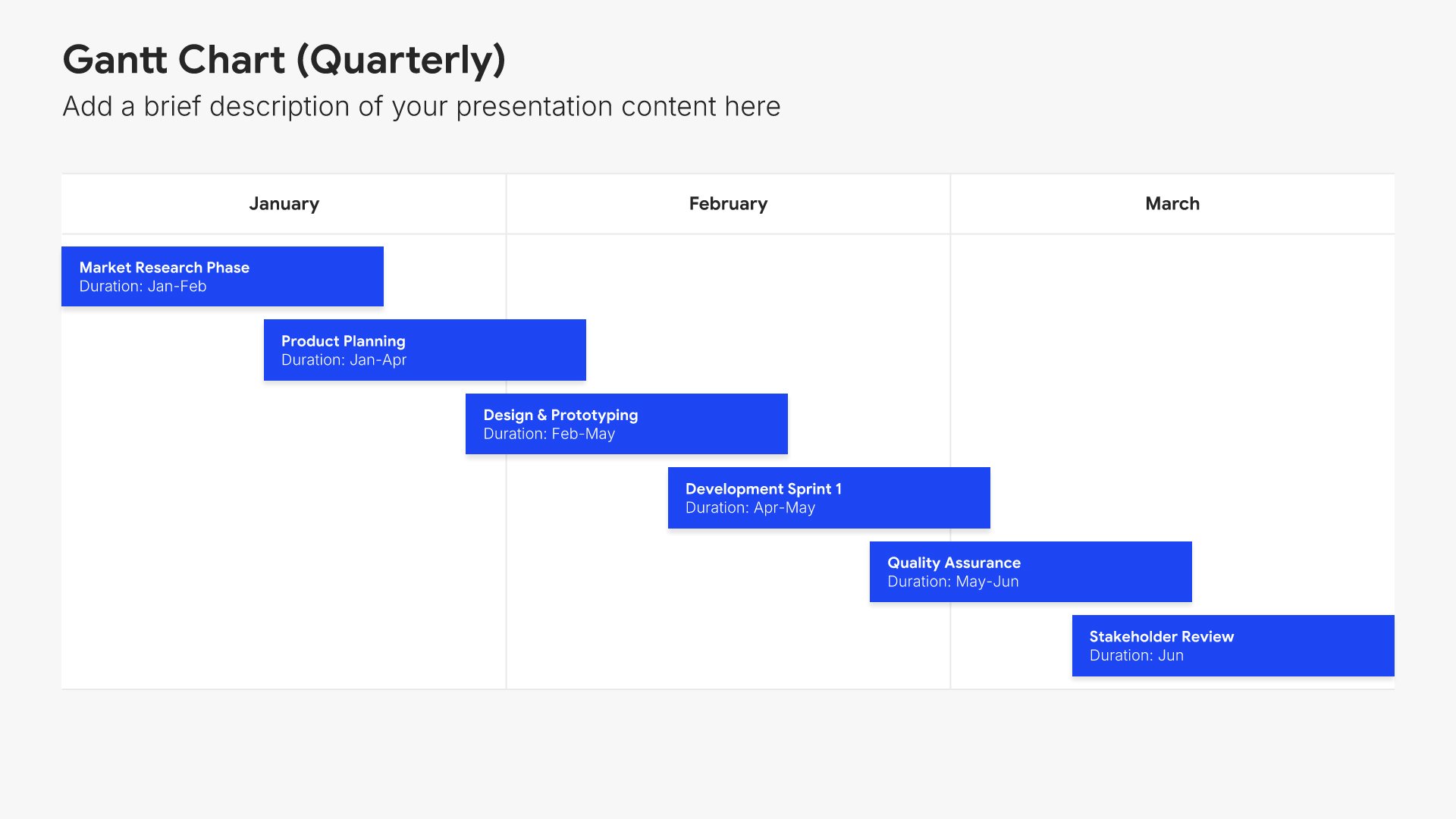
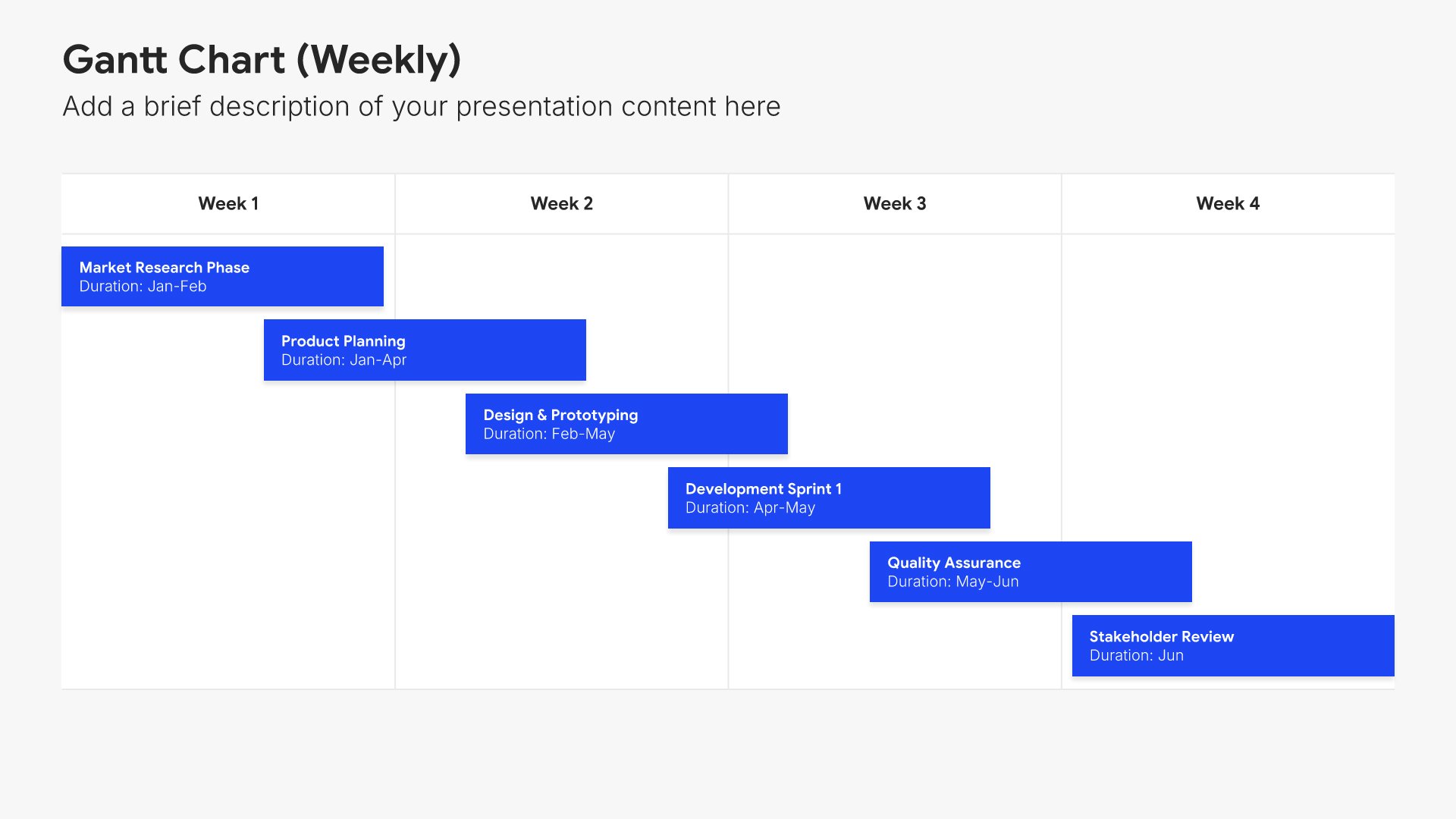
Timeline slides help you show events and milestones over time in clear chronological formats. Use them to display project phases, company history, product roadmaps, and key dates. Ideal for project planning, historical overviews, and any presentation where showing how things unfold over time tells a compelling story.
Built using Gantt Chart slides

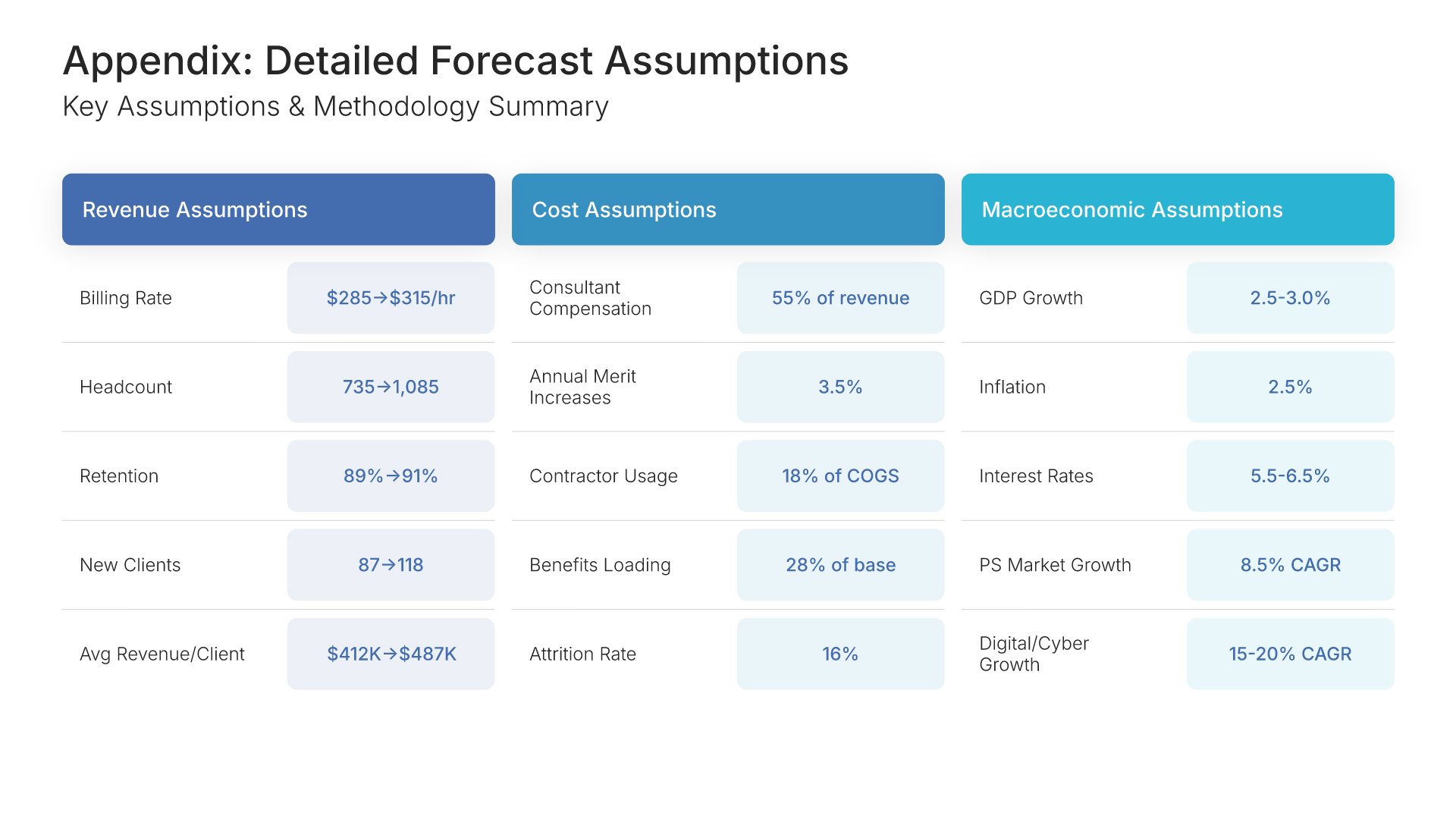
16. Appendix

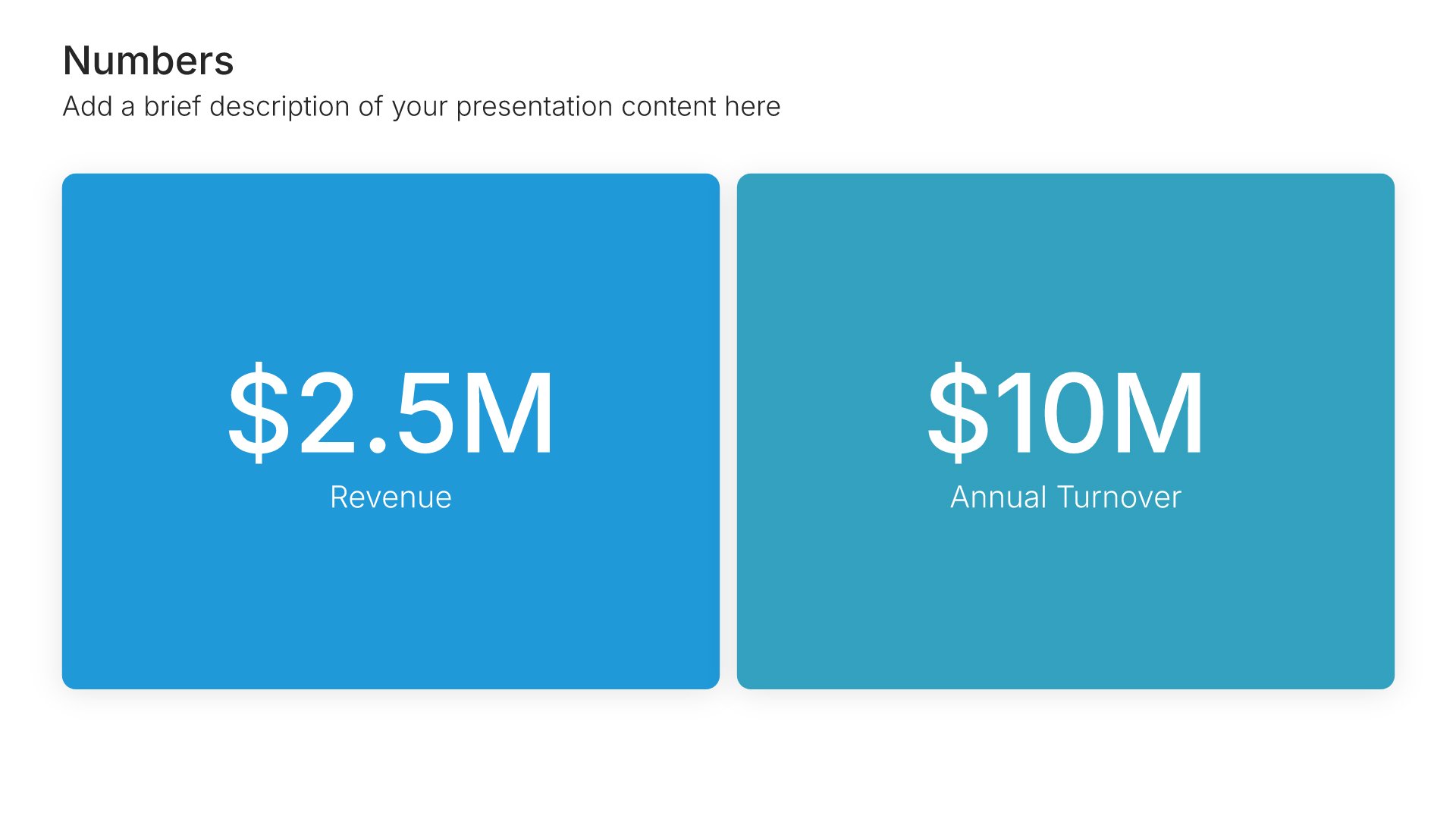
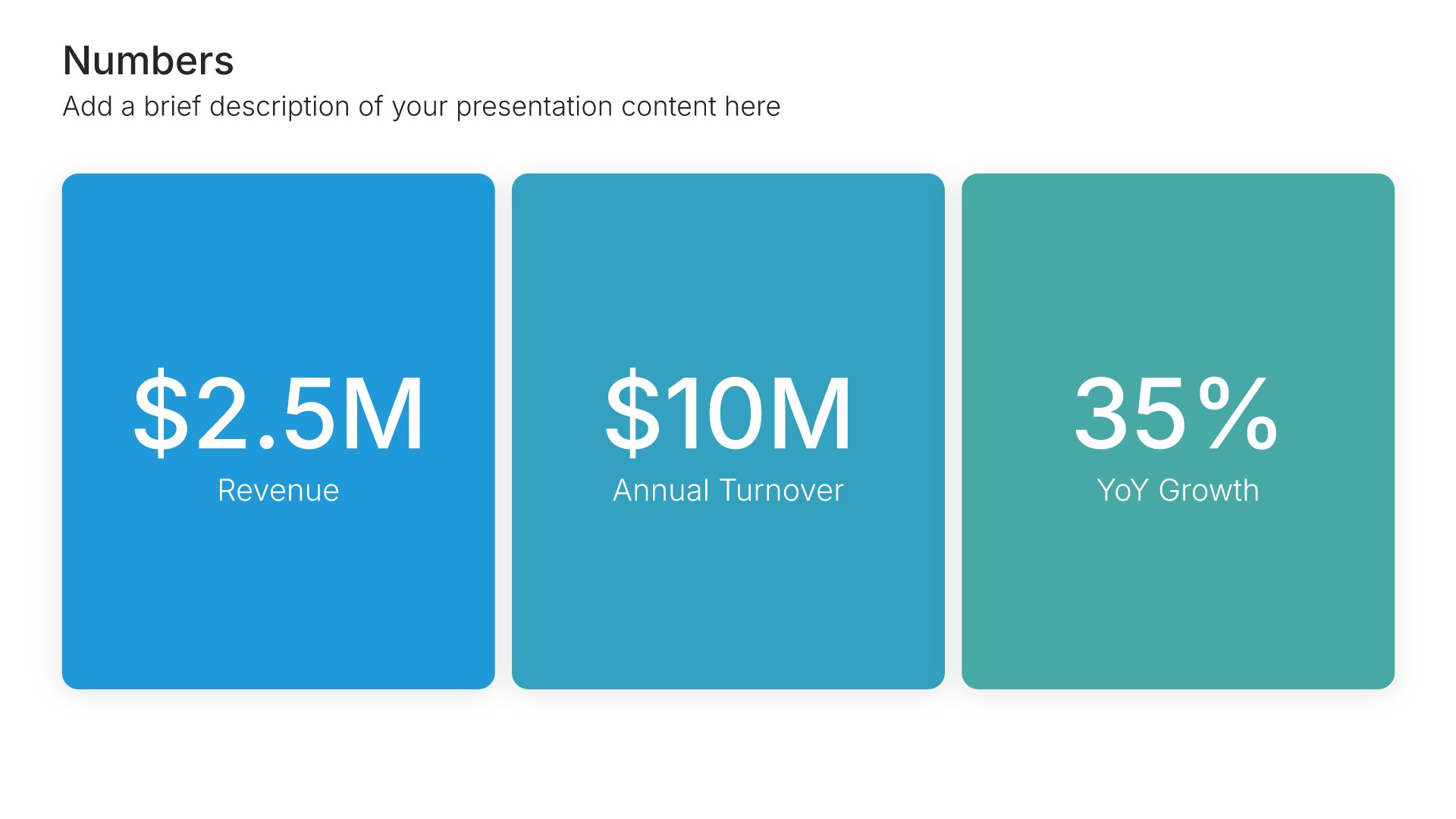
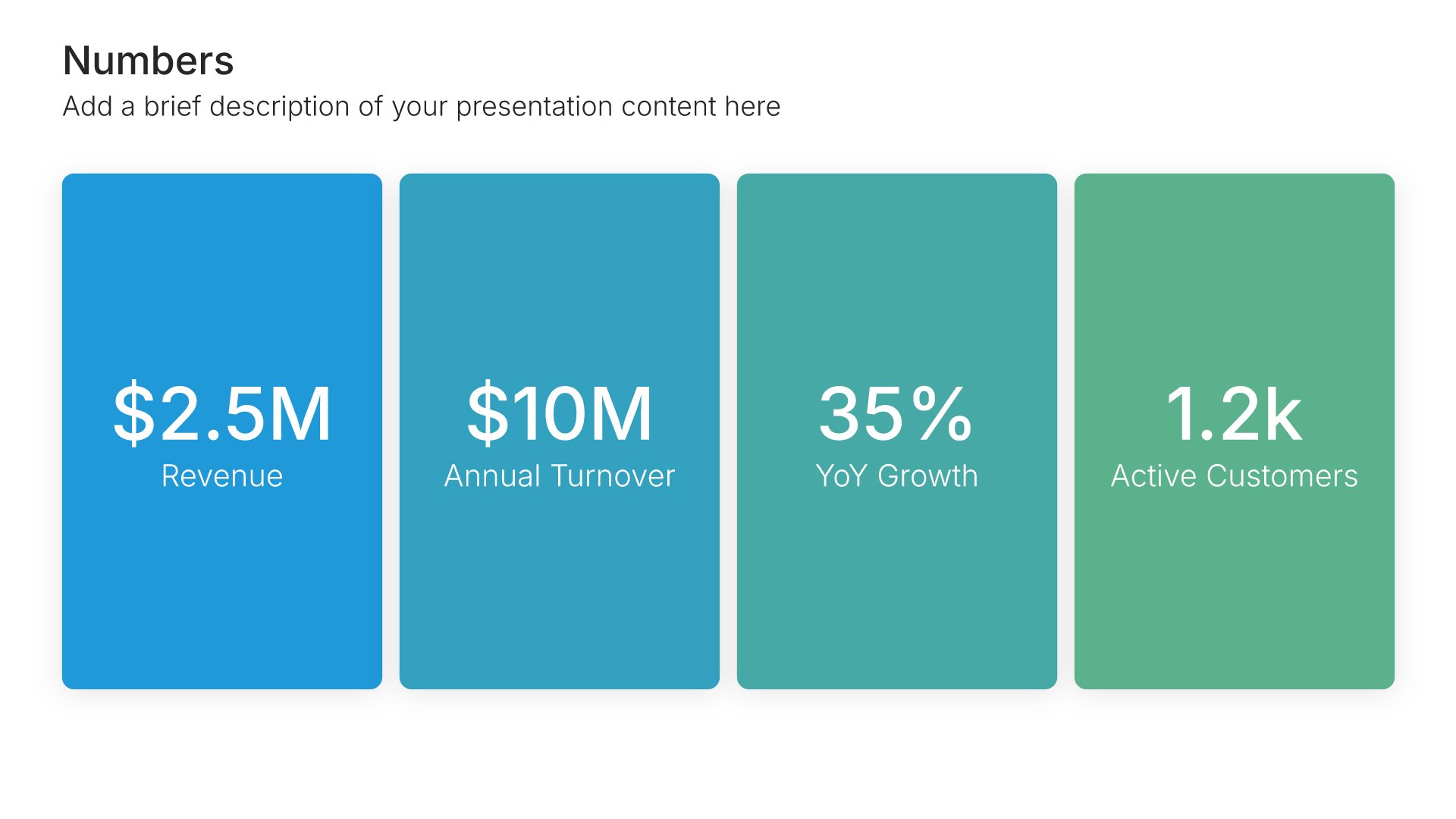
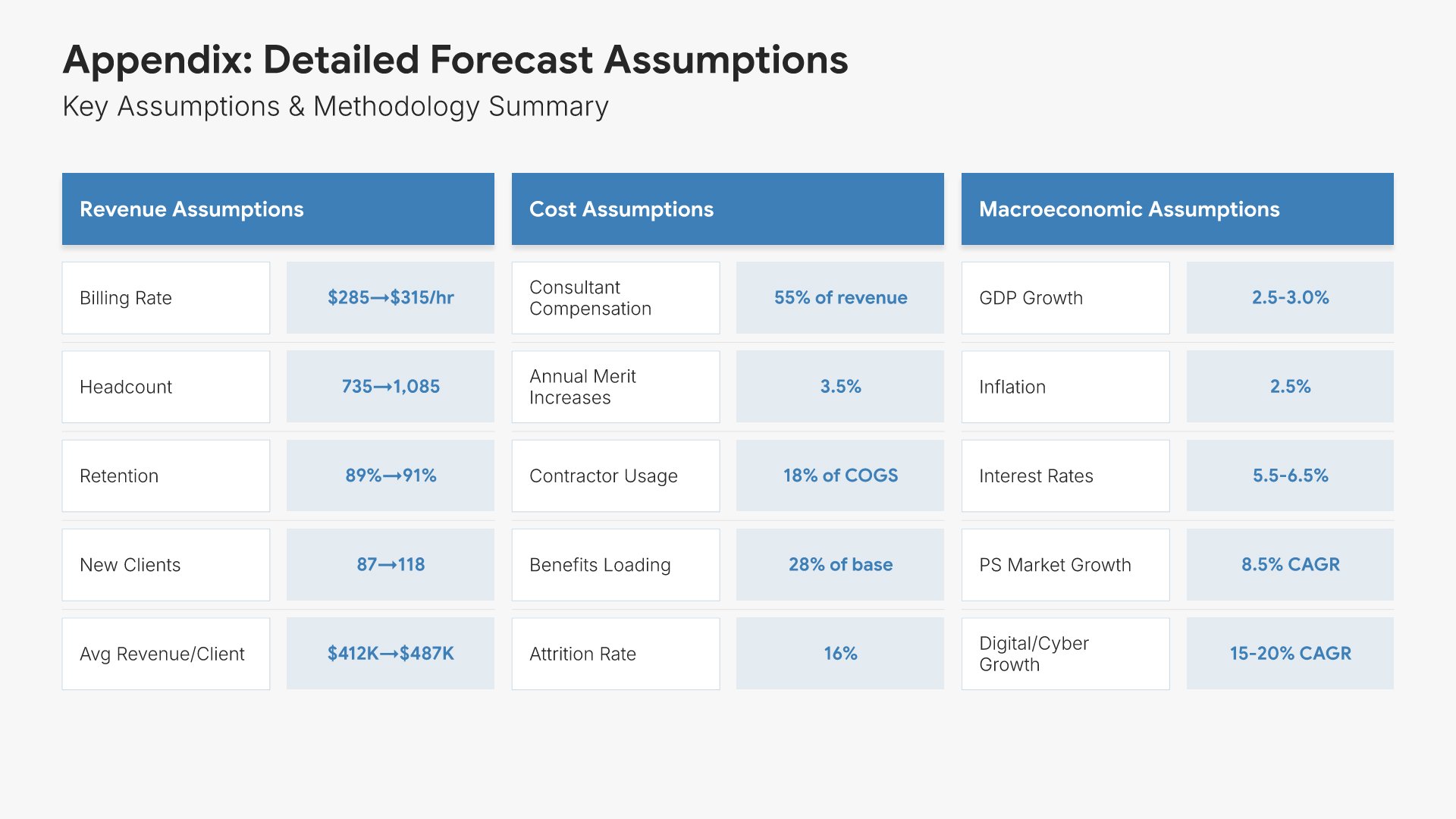
Appendix slides help you provide supporting details without cluttering your main presentation. Use them to include backup data, detailed calculations, additional charts, and reference materials. Ideal for any presentation where stakeholders may want to dig deeper into the specifics behind your key points.
Built using Simple Numbers slides

17. Thank You

Thank you slides help you close presentations professionally. Use them to end with gratitude, provide contact information, and leave a polished final impression. Ideal for any presentation where a professional closing reinforces your message and gives your audience a clear way to follow up or stay connected.
Built using Title slides

Build your Financial Forecast presentation with Twodart

Transform your Financial Forecast vision into reality with Twodart’s user-friendly platform. Follow our step-by-step guide, harnessing our vast collection of slides and tools, to create a compelling and cohesive presentation that resonates with your audience.

Step 1

Browse and Select Your Slides​

Discover from over 9,172 unique slides in 134 categories or kickstart with 31 premade presentation templates. Design skills? Not needed.

Step 2

Brand Your Presentation

Add your logo and easily customize theme colors to align with your brand. 30+ preset colors, or explore unlimited color options for perfect match.

Step 3

Export Presentation Seamlessly​

With a single click, export your slides to Powerpoint, Google Slides, or Keynote. Enjoy unlimited exports with no restrictions or limitations.

Step 4

Personalize Your Content​

Replace text and image placeholders with your content effortlessly. Customize using tools like Powerpoint, Google Slides, or Keynote and present proudly.

Try Twodart for free today and experience the ease of creating remarkable presentations.

No Sign-in or Credit Card Required

Wait!
Before you go, have you had the chance to experience Twodart? If not try out – Twodart for absolutely FREE!!

No Sign-in or Credit Card Required

Experience Twodart Yourself!
Why just read about it when you can experience it? Dive into our presentation library – absolutely FREE!

No Sign-in or Credit Card Required