Try Twodart Free: Download Personalized Business Slides Today

Board of Directors Premade Template

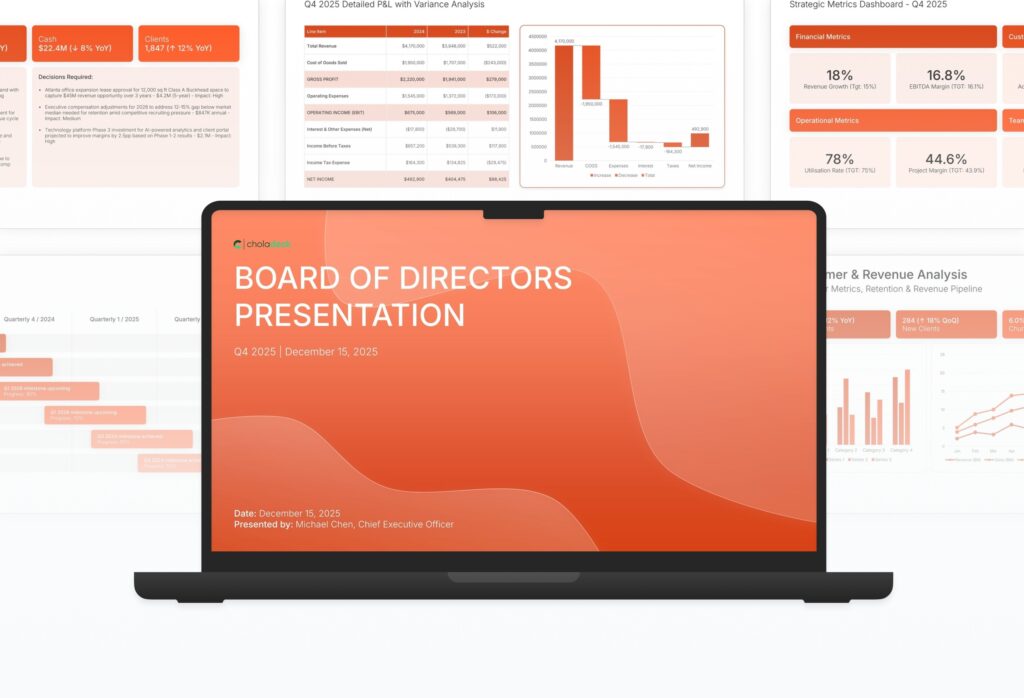
A comprehensive board of directors presentation template designed for organizations conducting quarterly or annual board meetings. Built on the Classic Board Report framework, this presentation covers financial performance, strategic initiatives, risk assessment, and governance matters. Ideal for executive teams reporting to independent directors.

Board of Directors Featured Image

How to Build a Board of Directors Presentation

Learn how to create a compelling board presentation that informs and engages your directors. This comprehensive guide walks you through financial reporting, strategic updates, risk assessment, and governance matters that boards need for effective oversight, informed decision-making, and confident approval of key initiatives.
1. Title

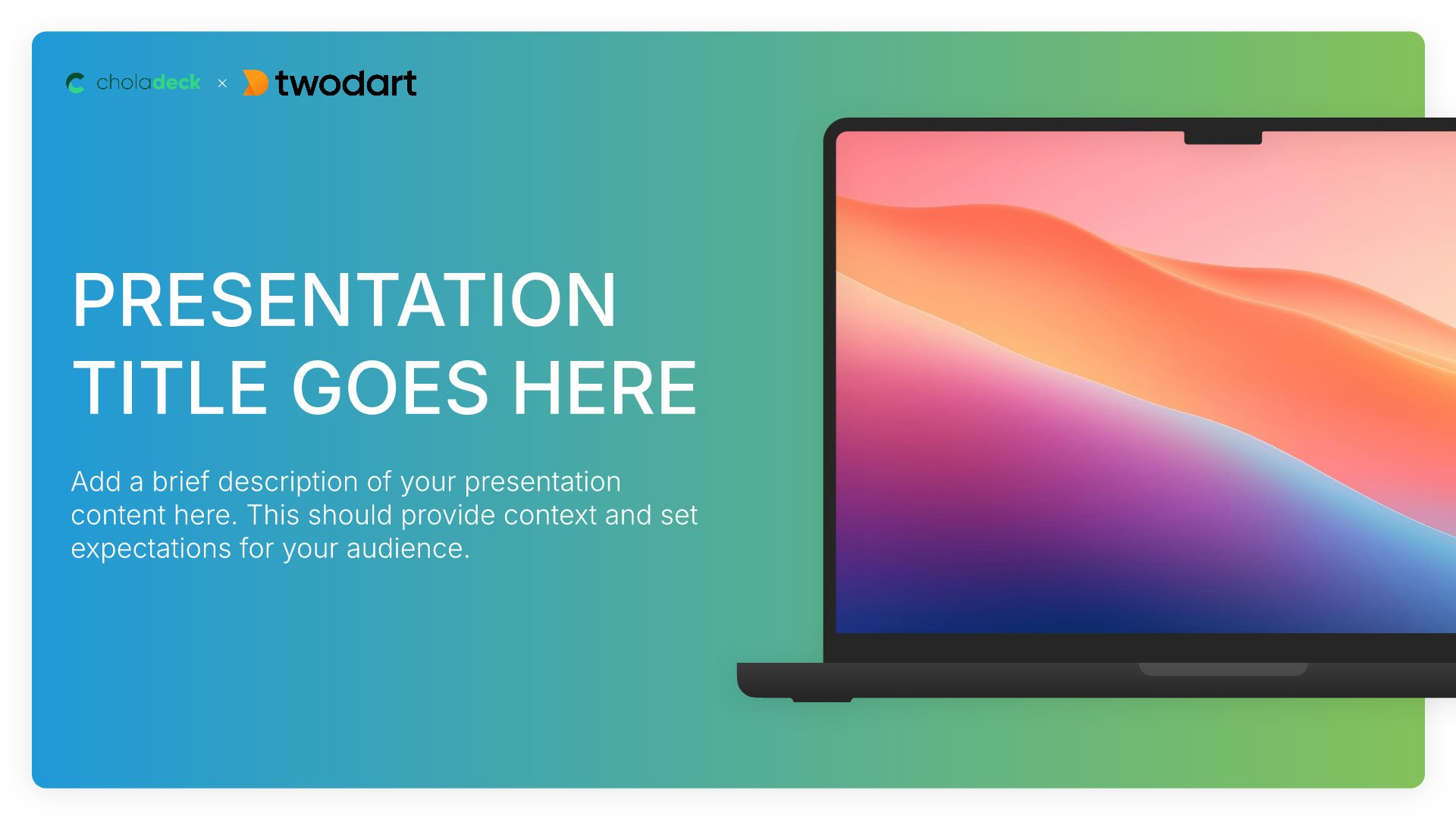
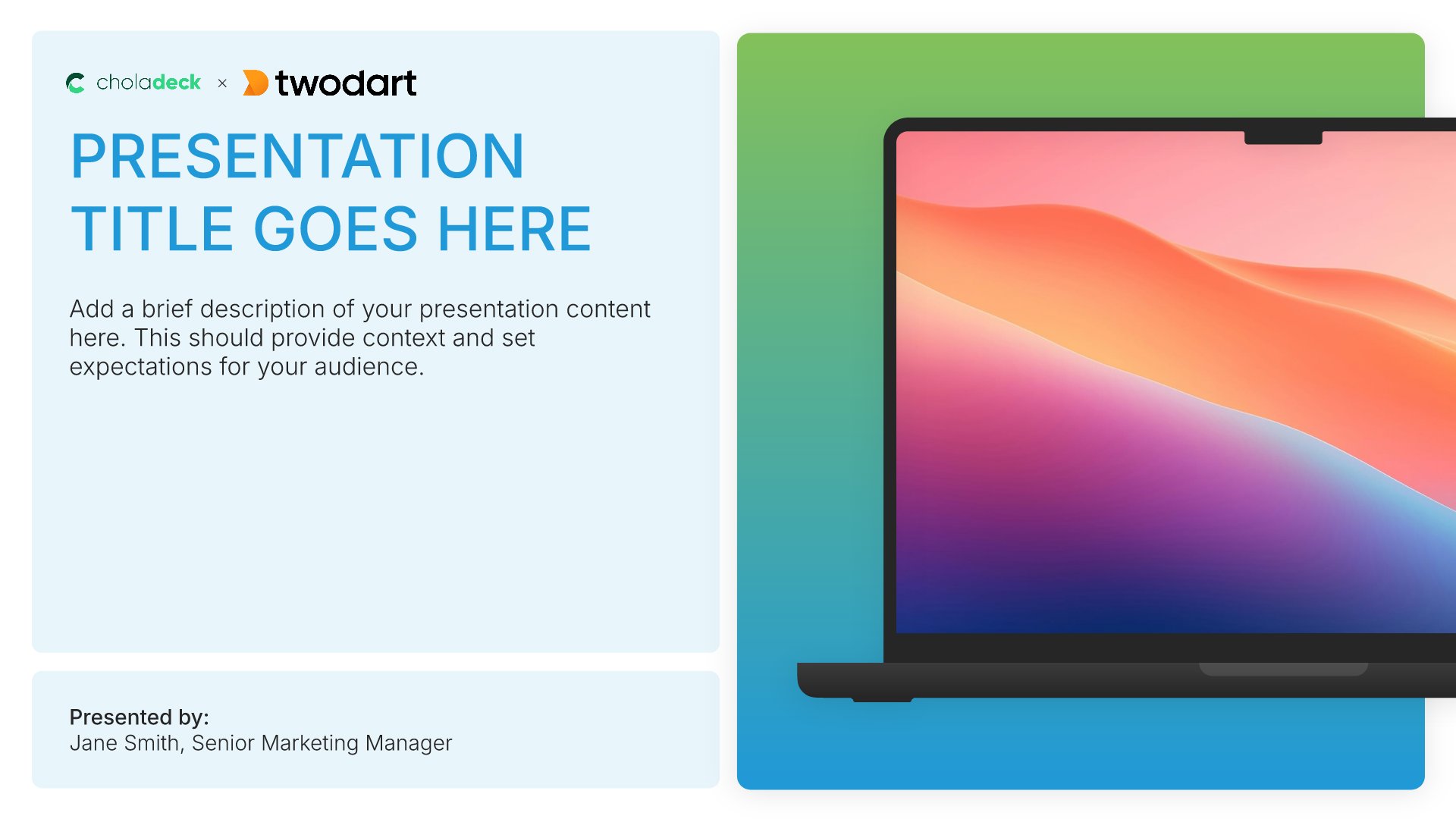
Title slides help you open presentations with impact. Use them to create strong first impressions with opening slides that set the tone, introduce your topic, and establish your brand. Ideal for any presentation where a polished, professional opening slide sets the stage for everything that follows.
Built using Title slides

2. Executive Summary

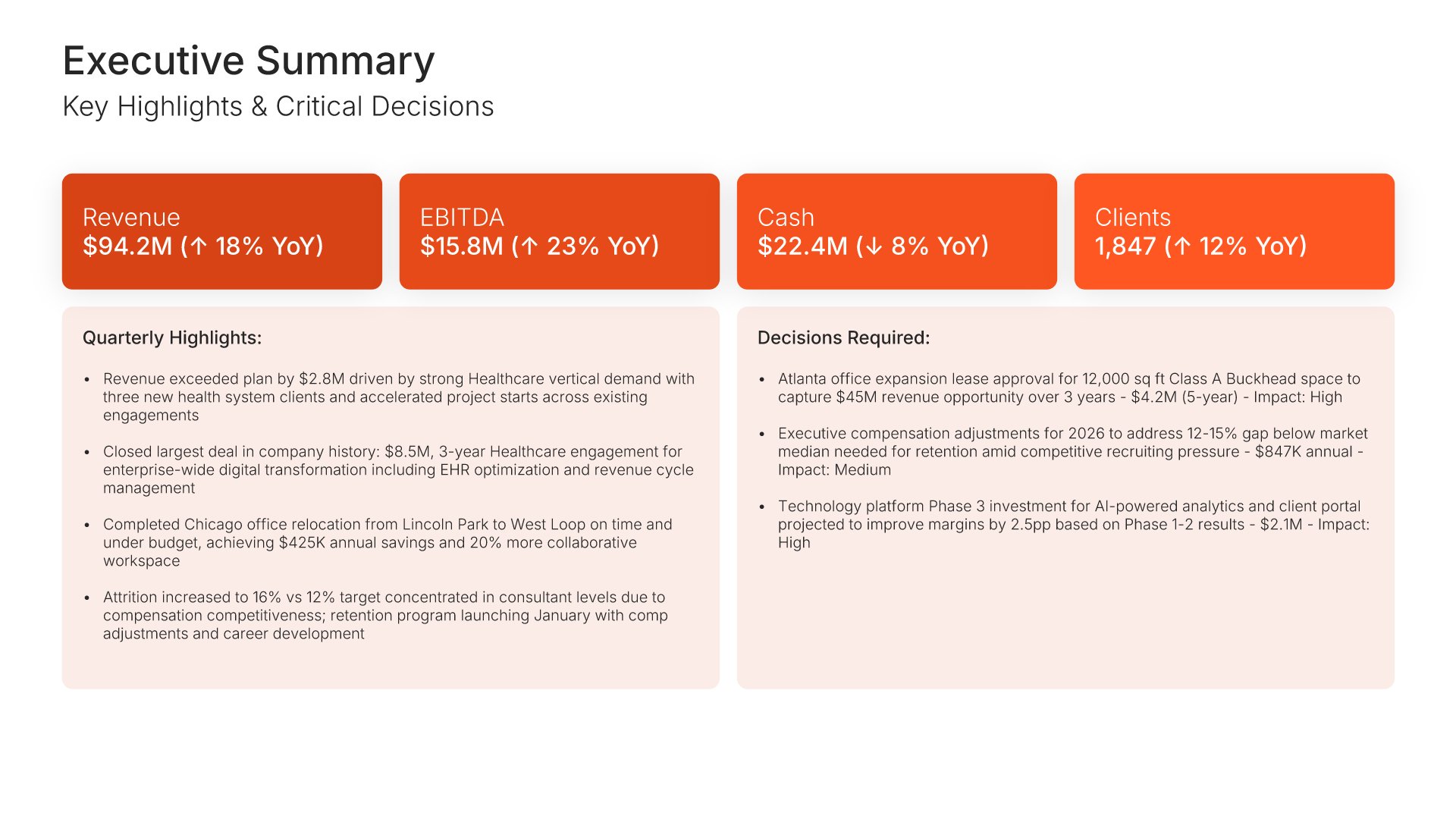
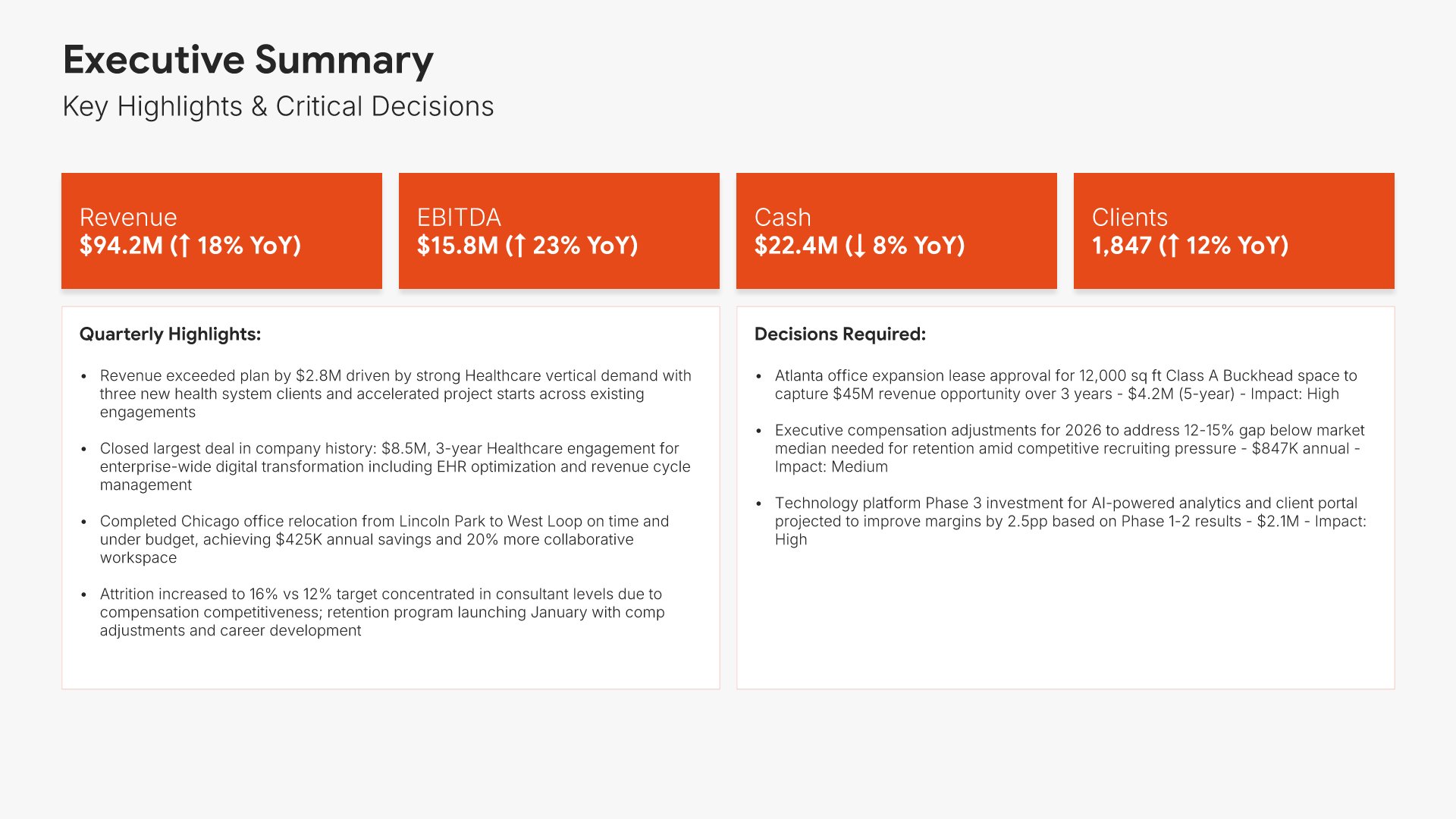
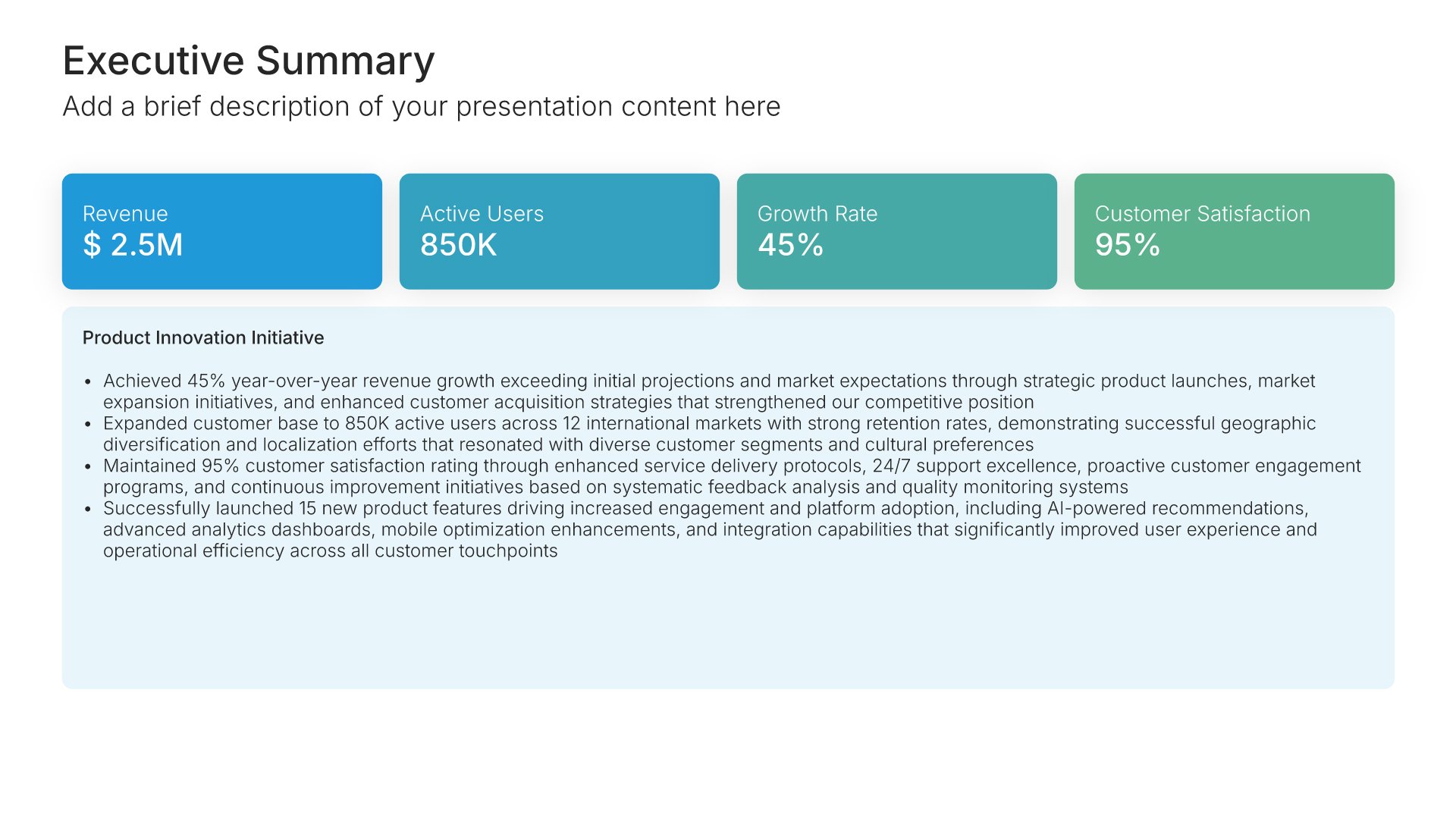
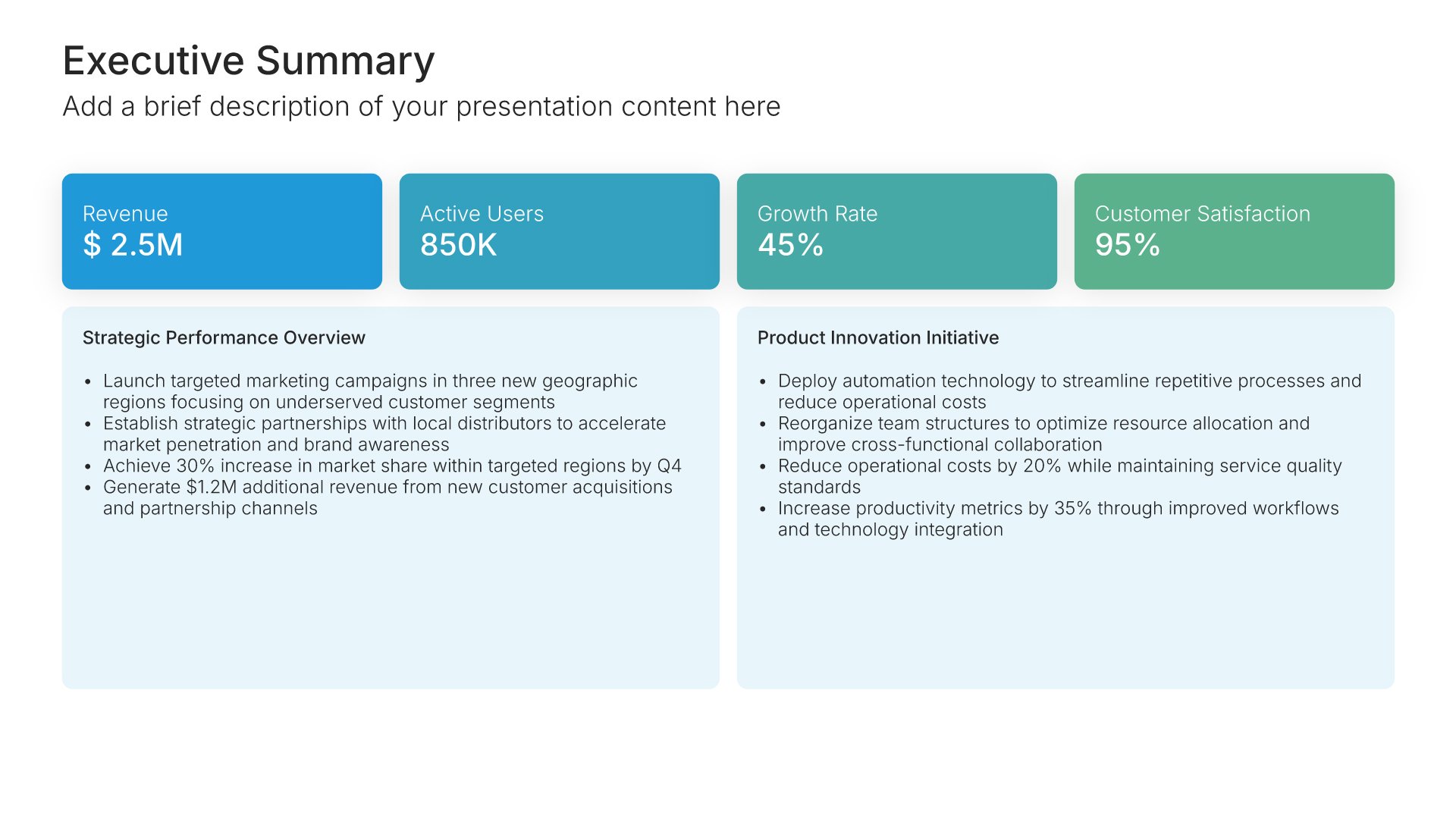
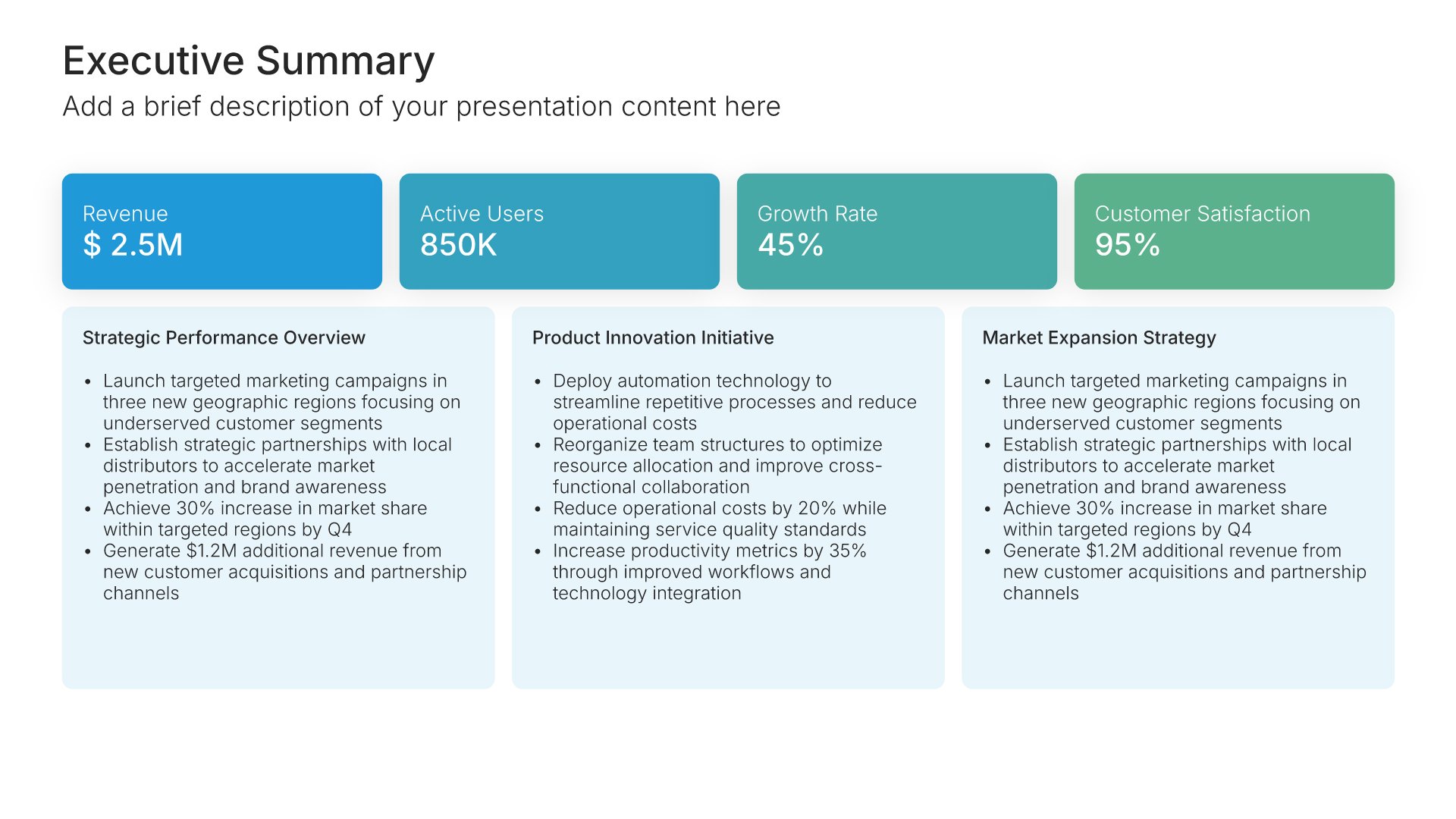
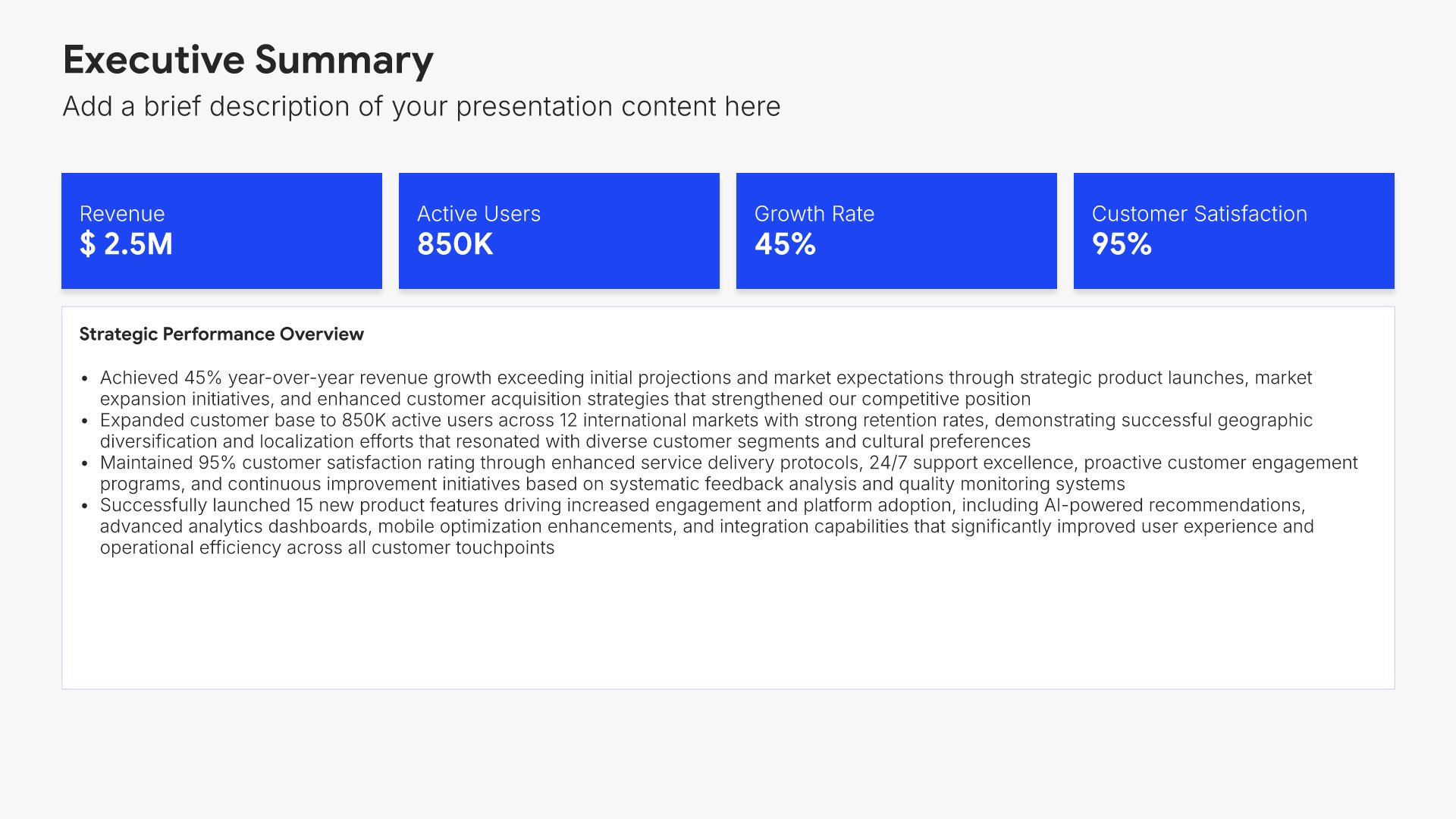
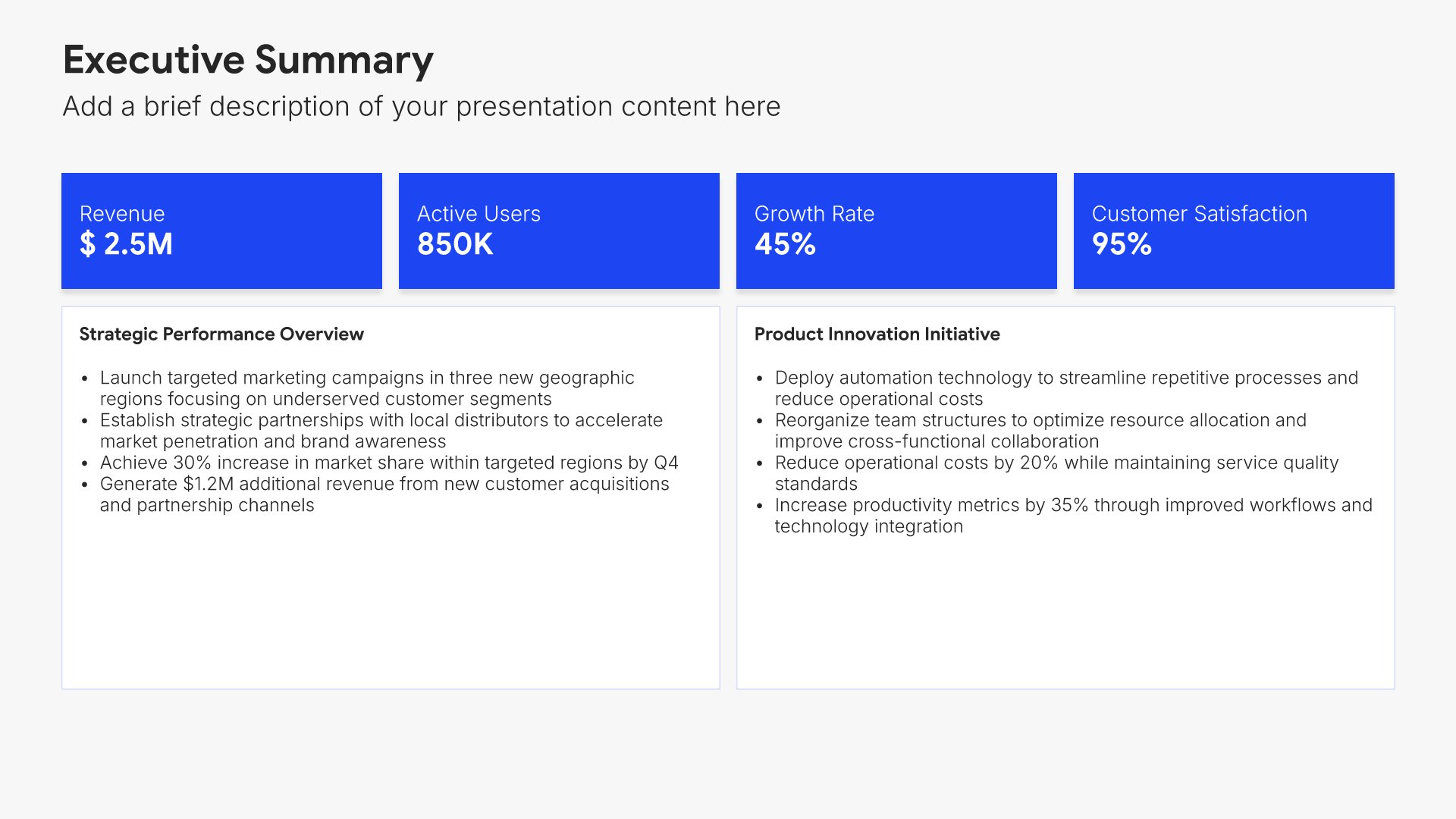
Executive summary slides help you present key points concisely for busy stakeholders. Use them to distill complex information into clear highlights, recommendations, and conclusions that can be understood at a glance. Ideal for board presentations, project updates, and any situation where decision-makers need the essential takeaways fast.
Built using Executive Summary slides

3. Financial Performance Overview

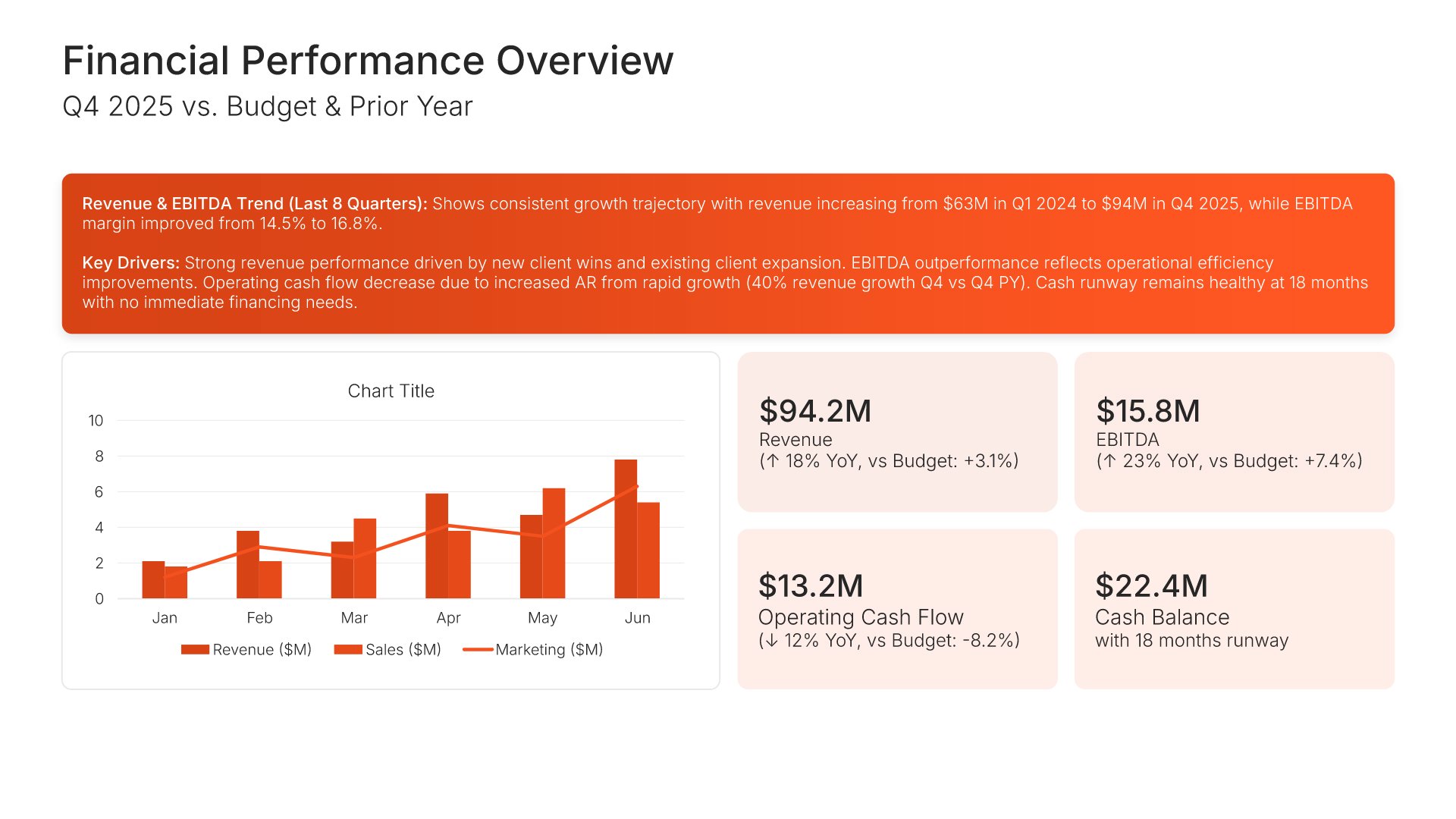
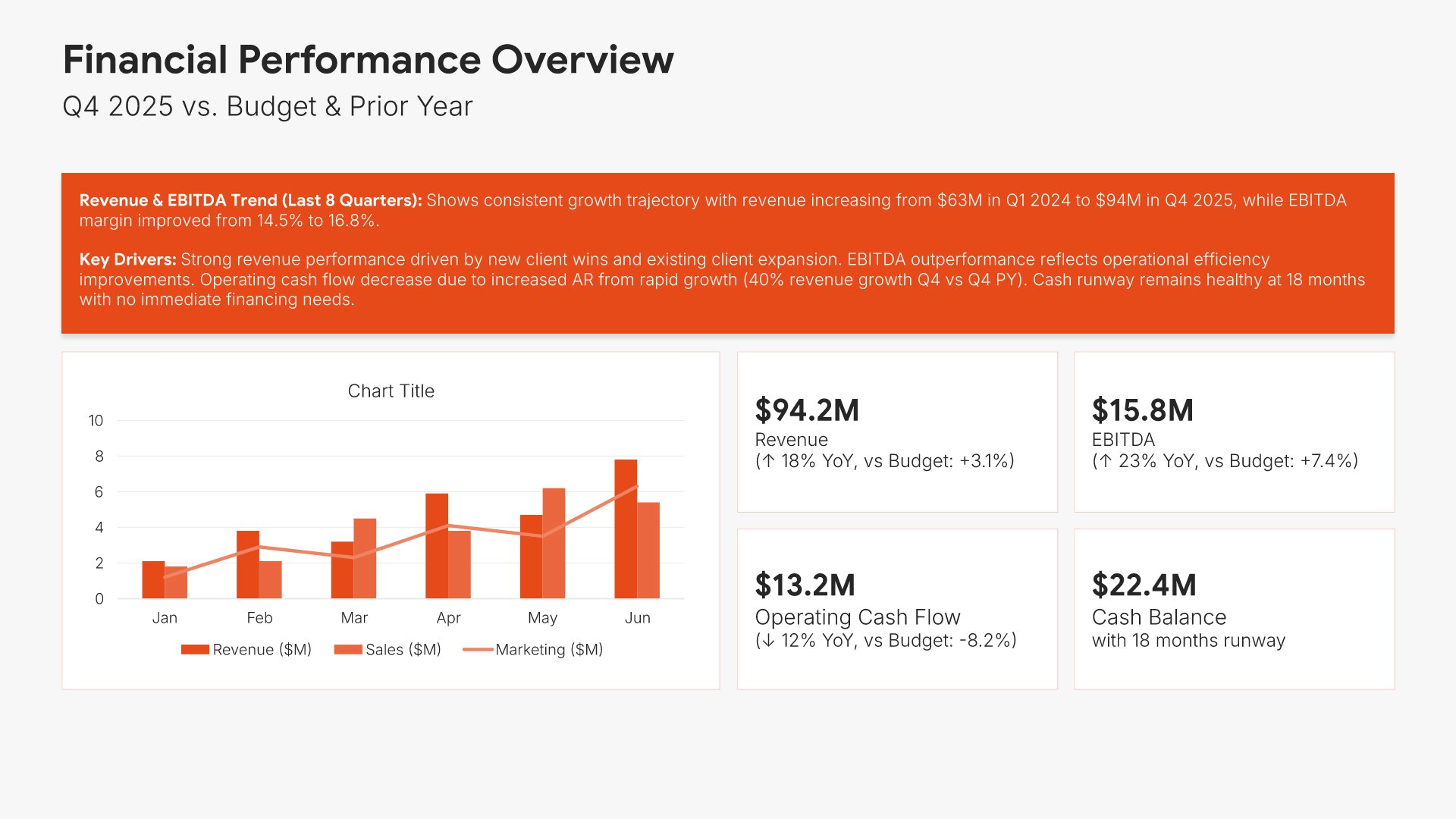
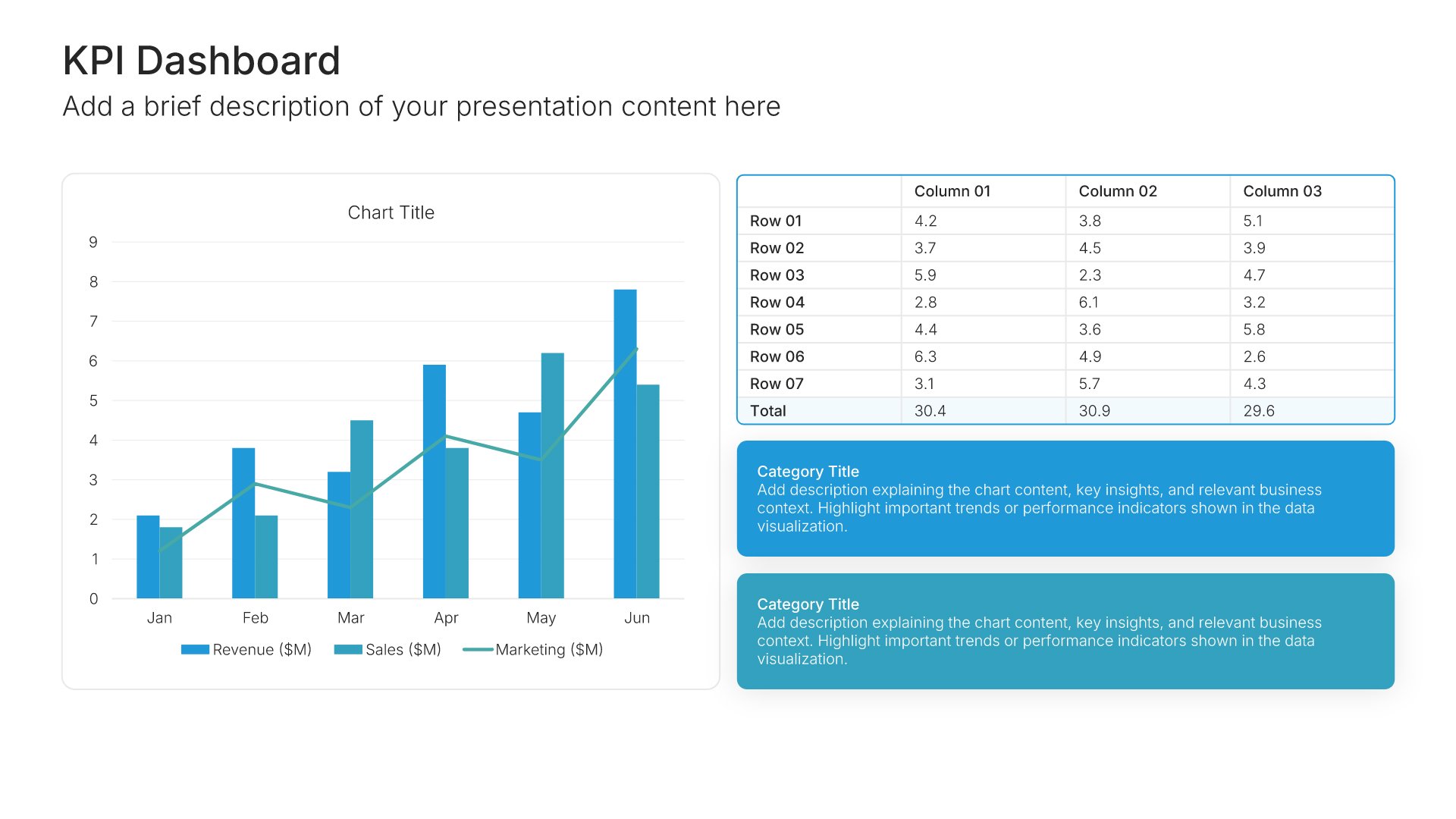
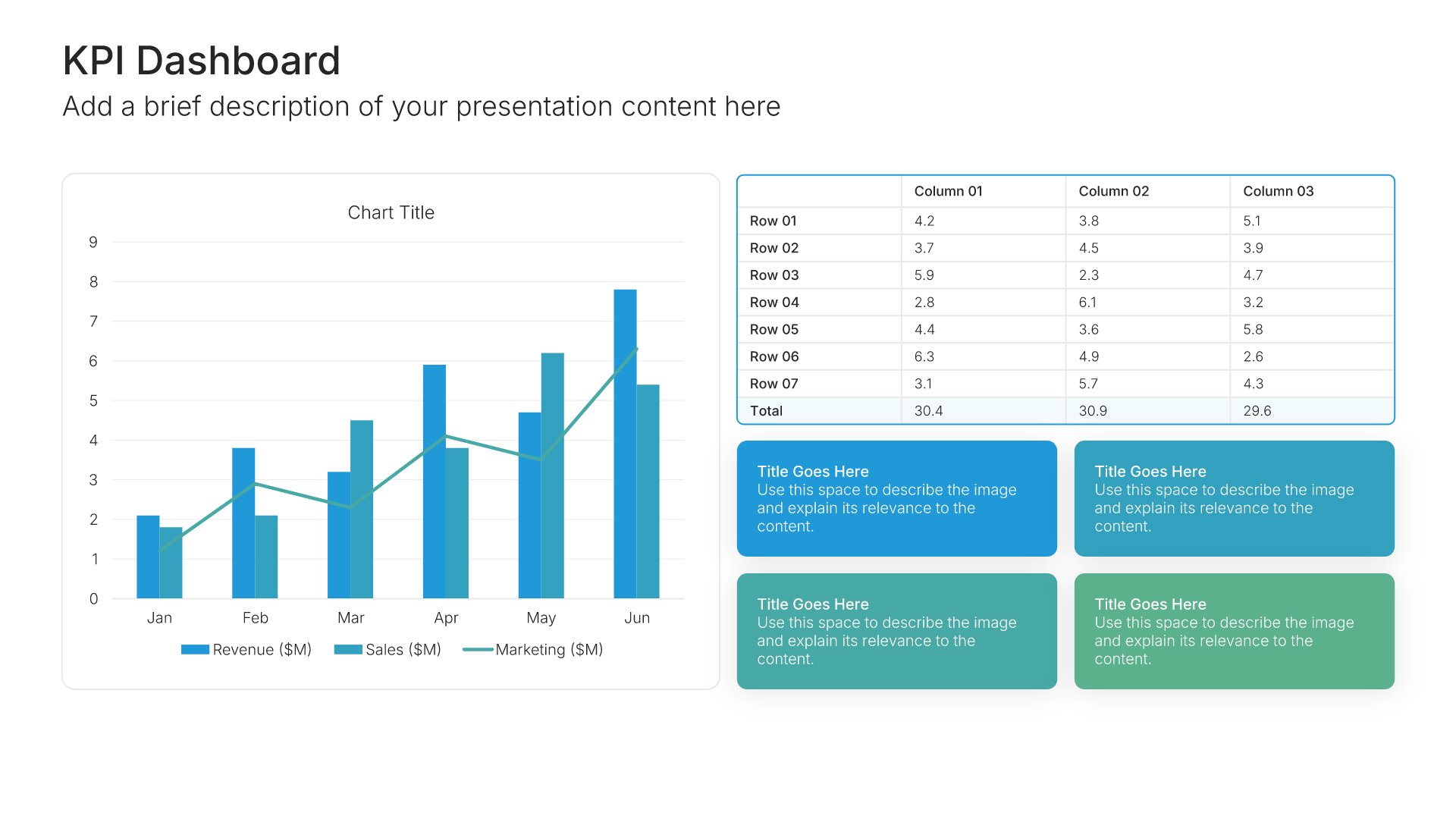
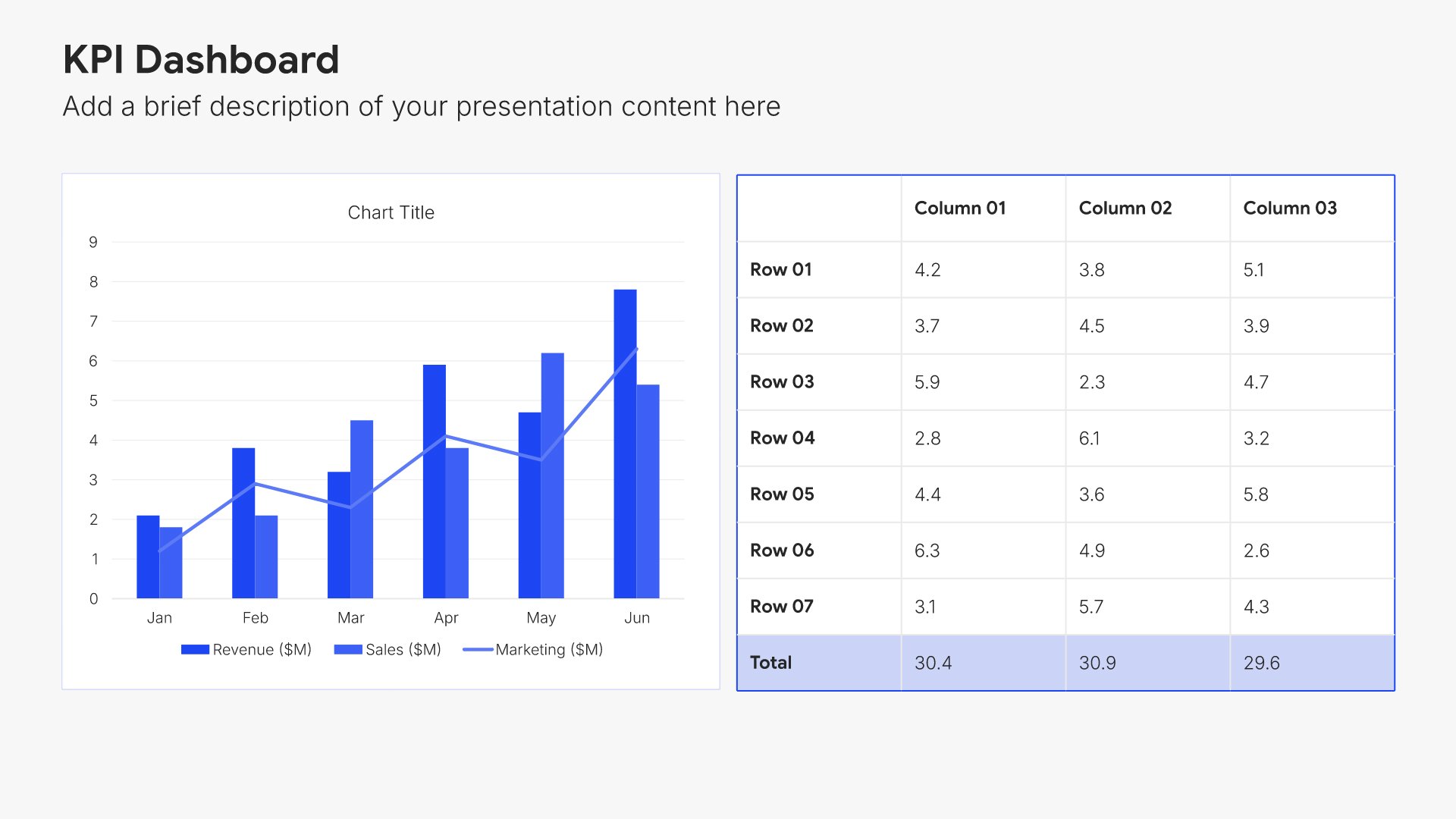
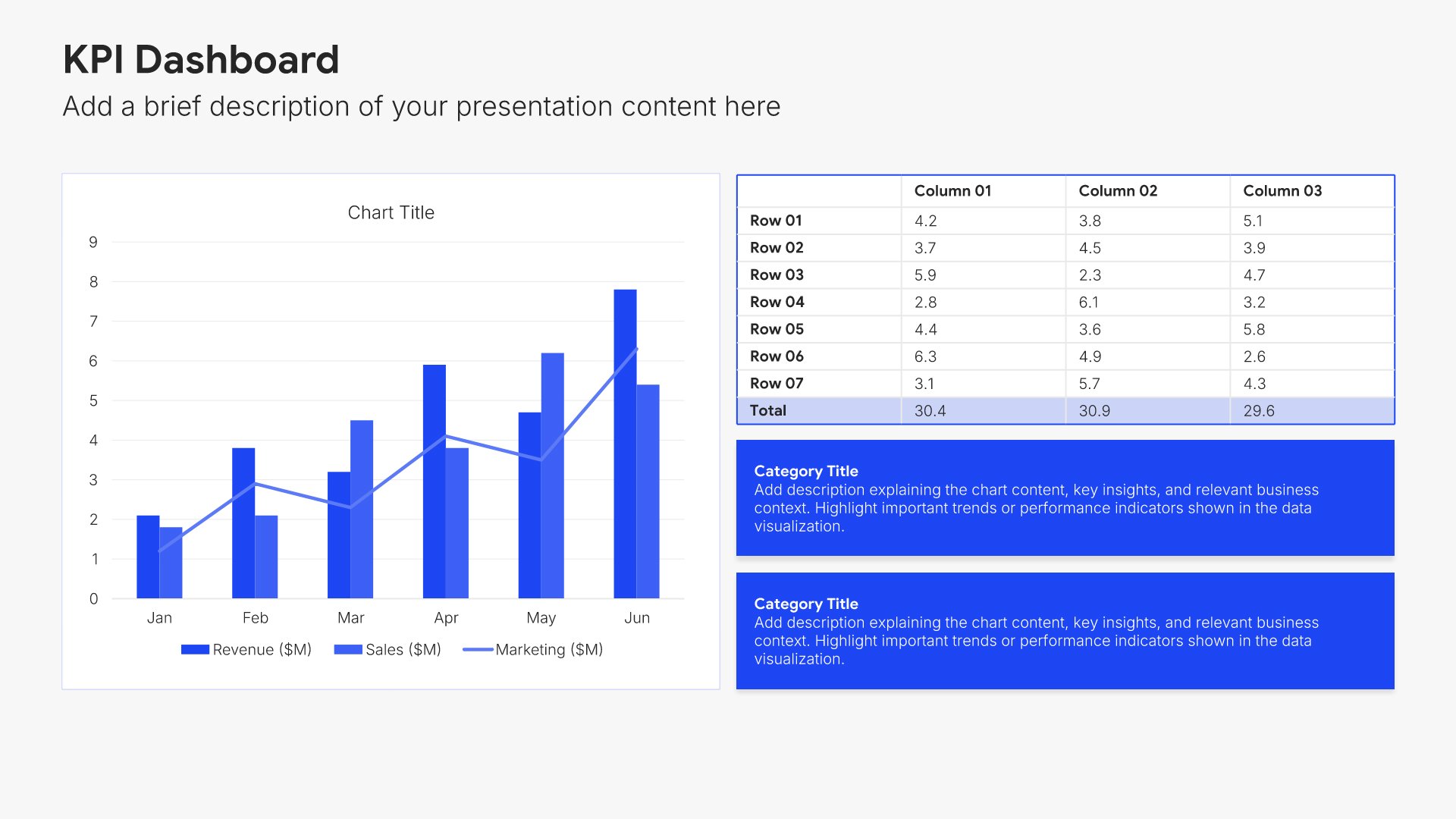
Financial performance overview slides help you summarize key financial results at a glance. Use them to present top-line metrics like revenue, profit, and growth in a clear dashboard format. Ideal for annual reports and investor presentations where stakeholders need a quick snapshot of financial health.
Built using KPI Dashboard slides

4. Income Statement

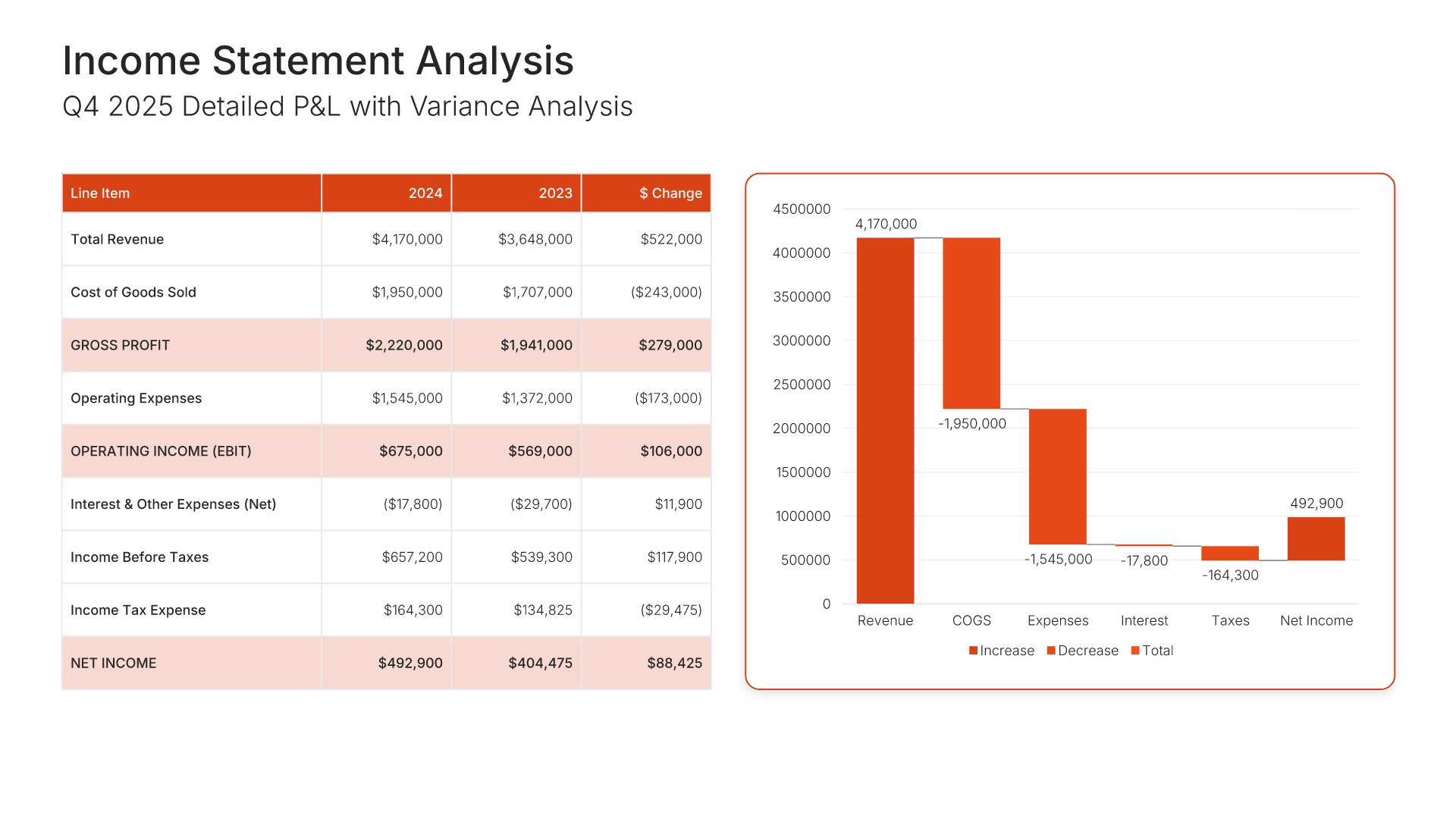
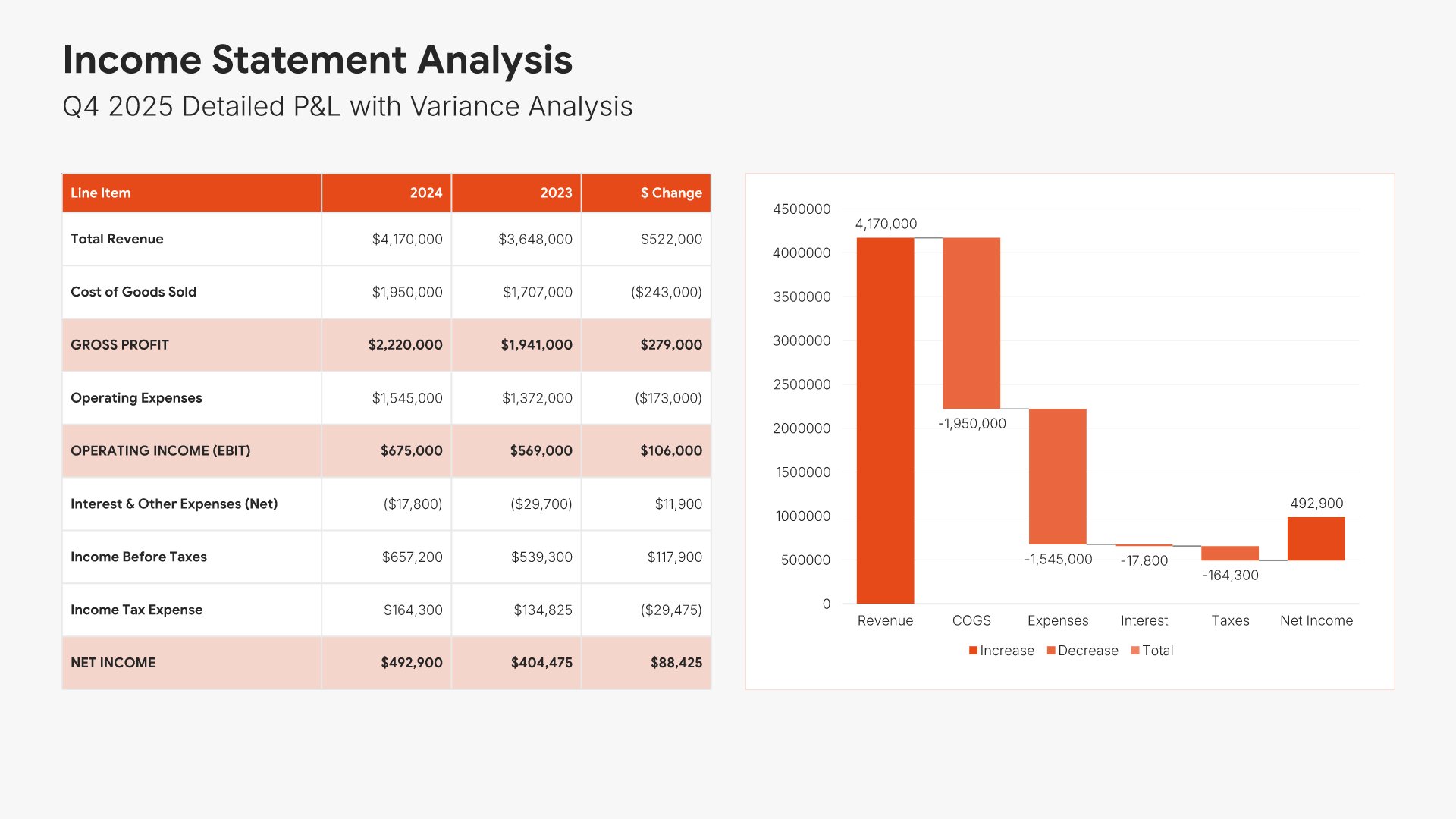
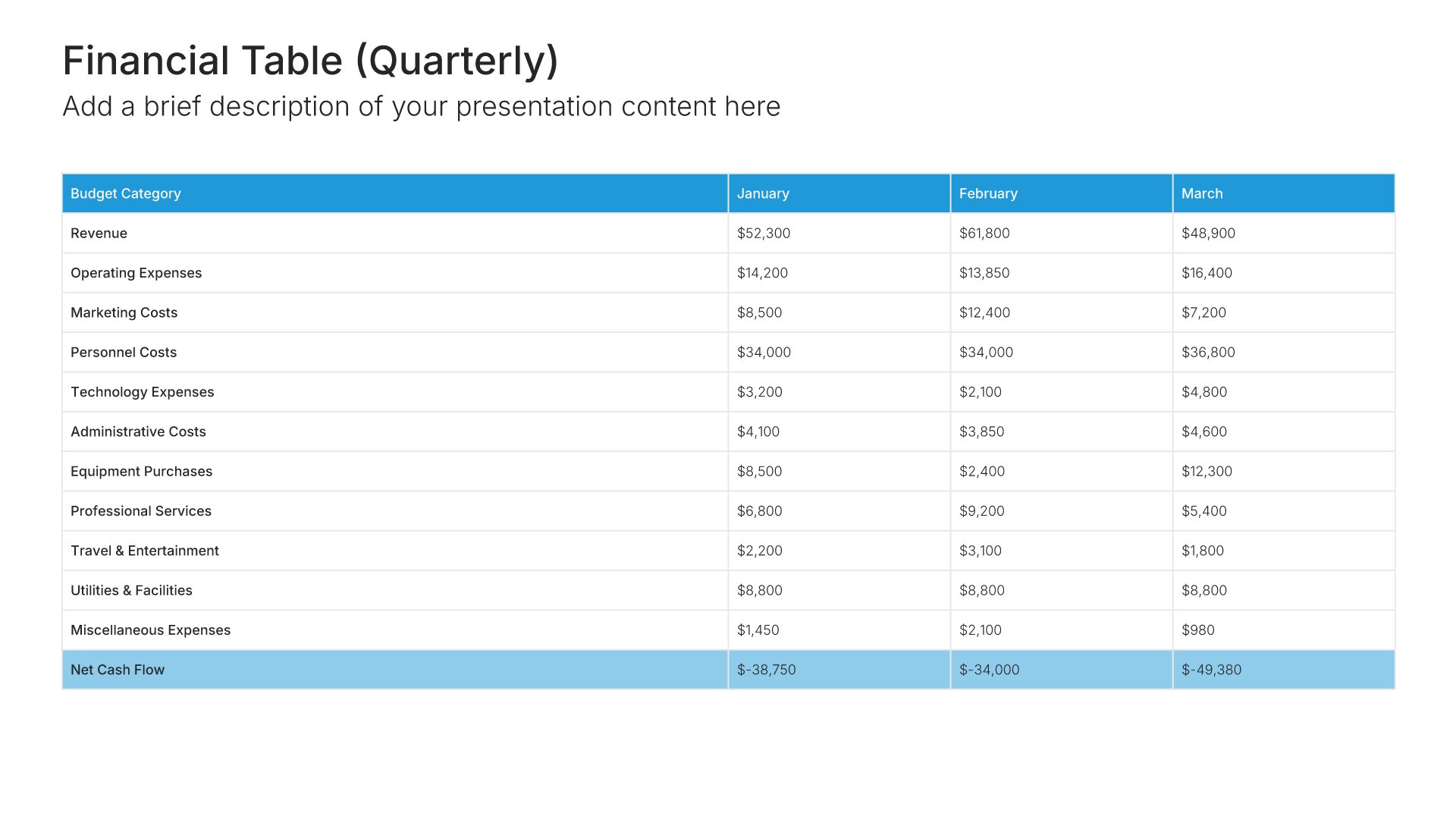
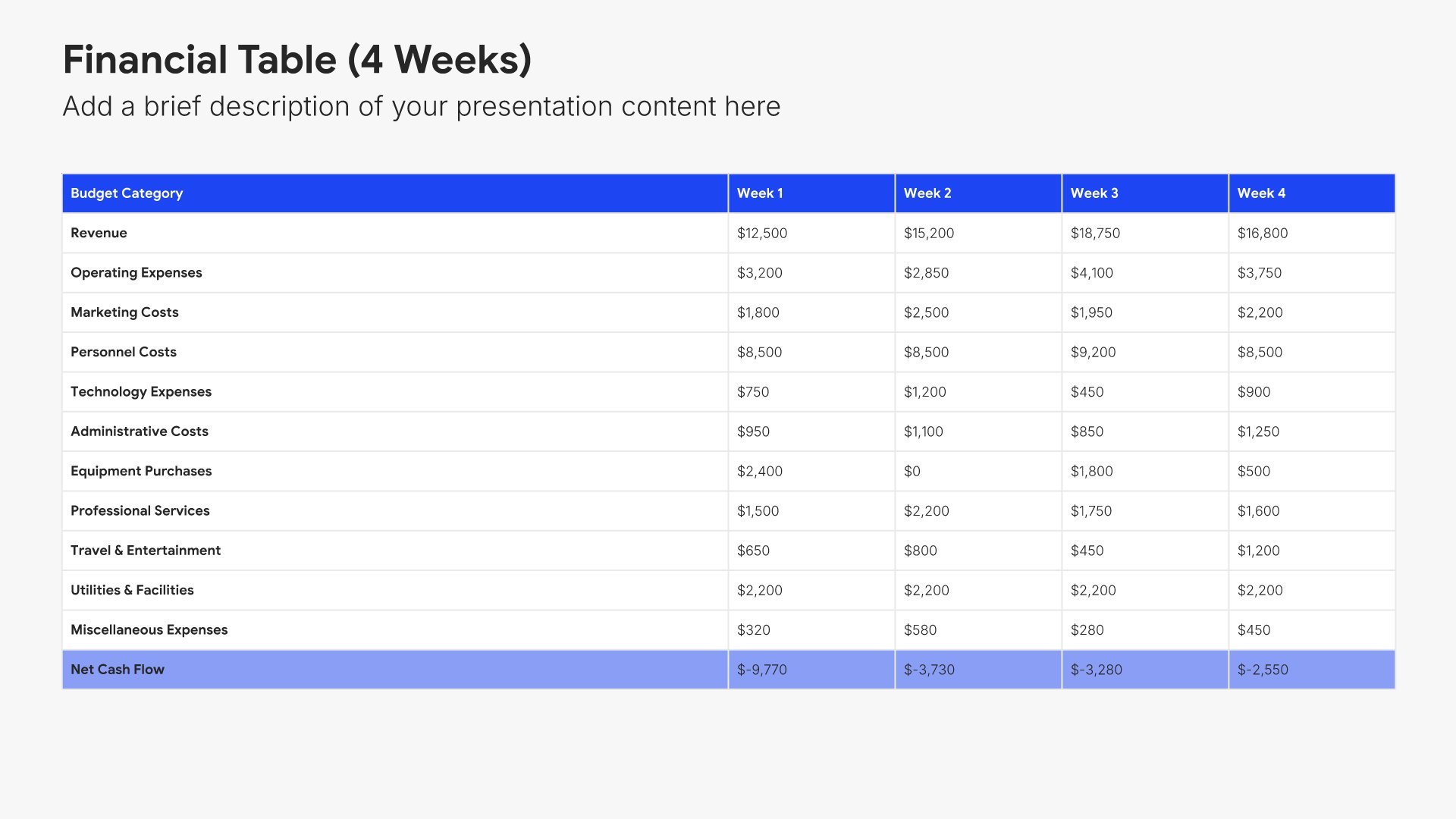
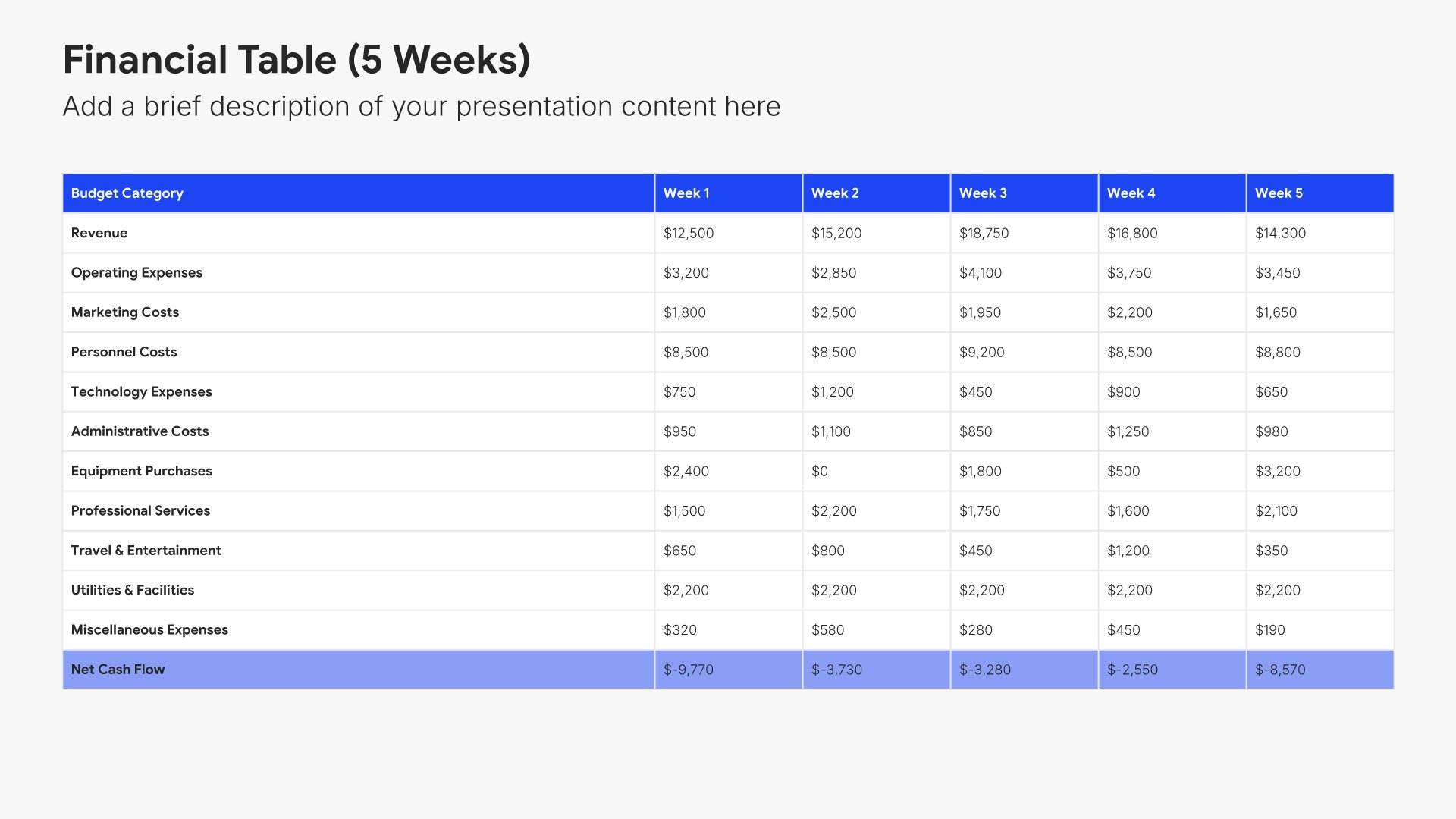
Income statement slides help you present revenue, expenses, and profitability in a clear format. Use them to display your profit and loss summary with key line items and period comparisons. Ideal for financial reports and earnings presentations where stakeholders need to understand how the business performed during the period.
Built using Financial Table slides

5. Balance Sheet

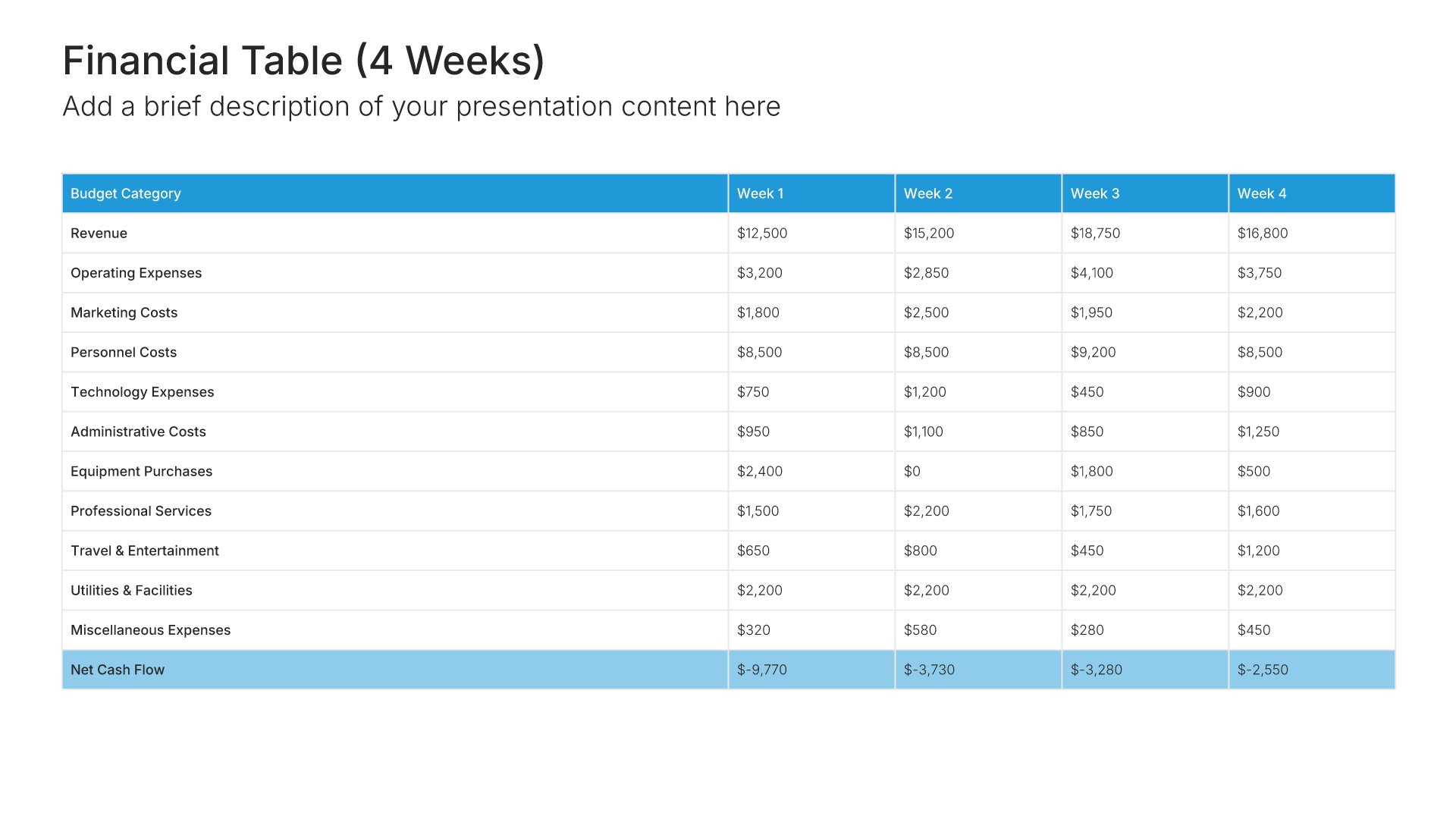
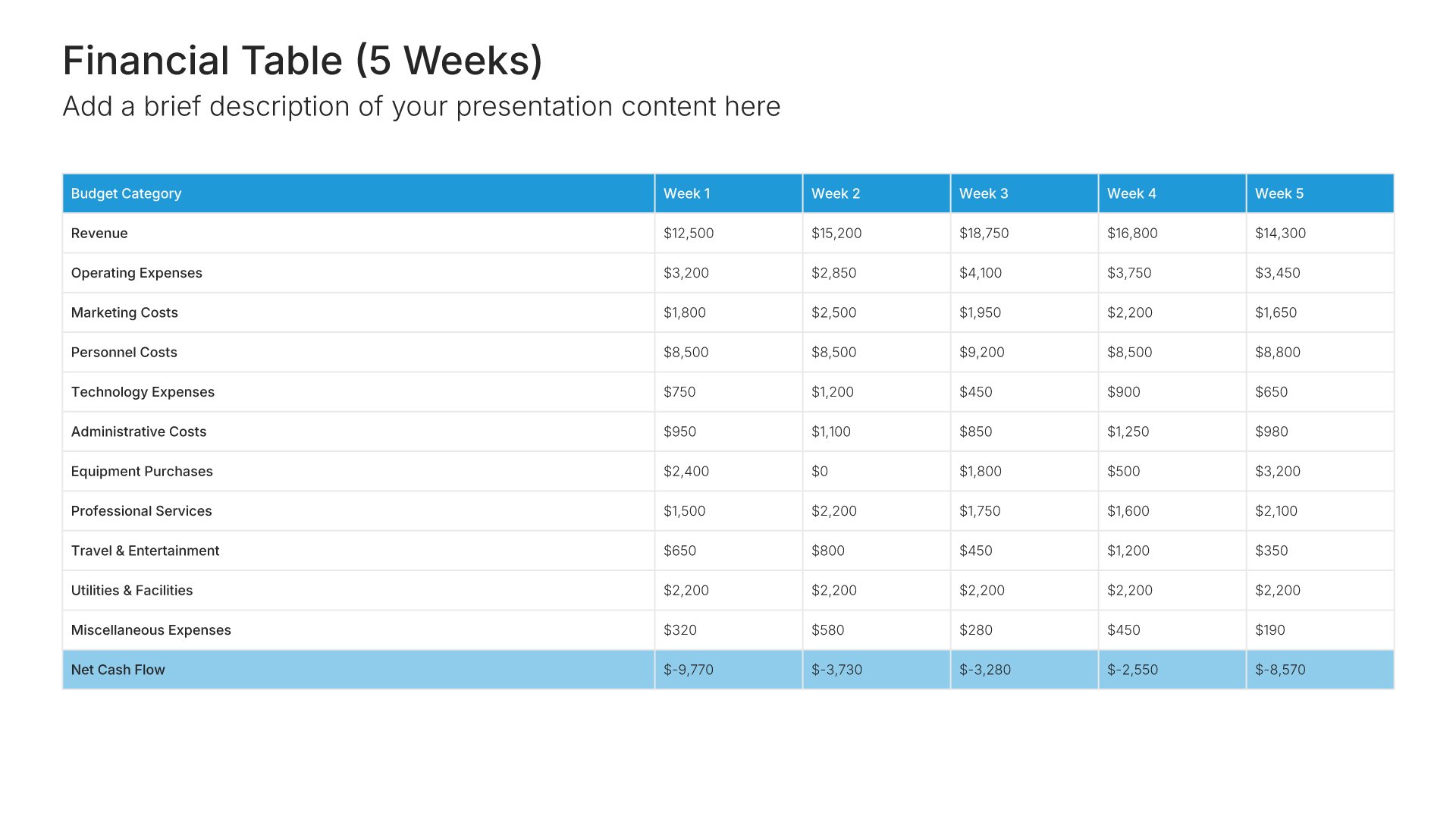
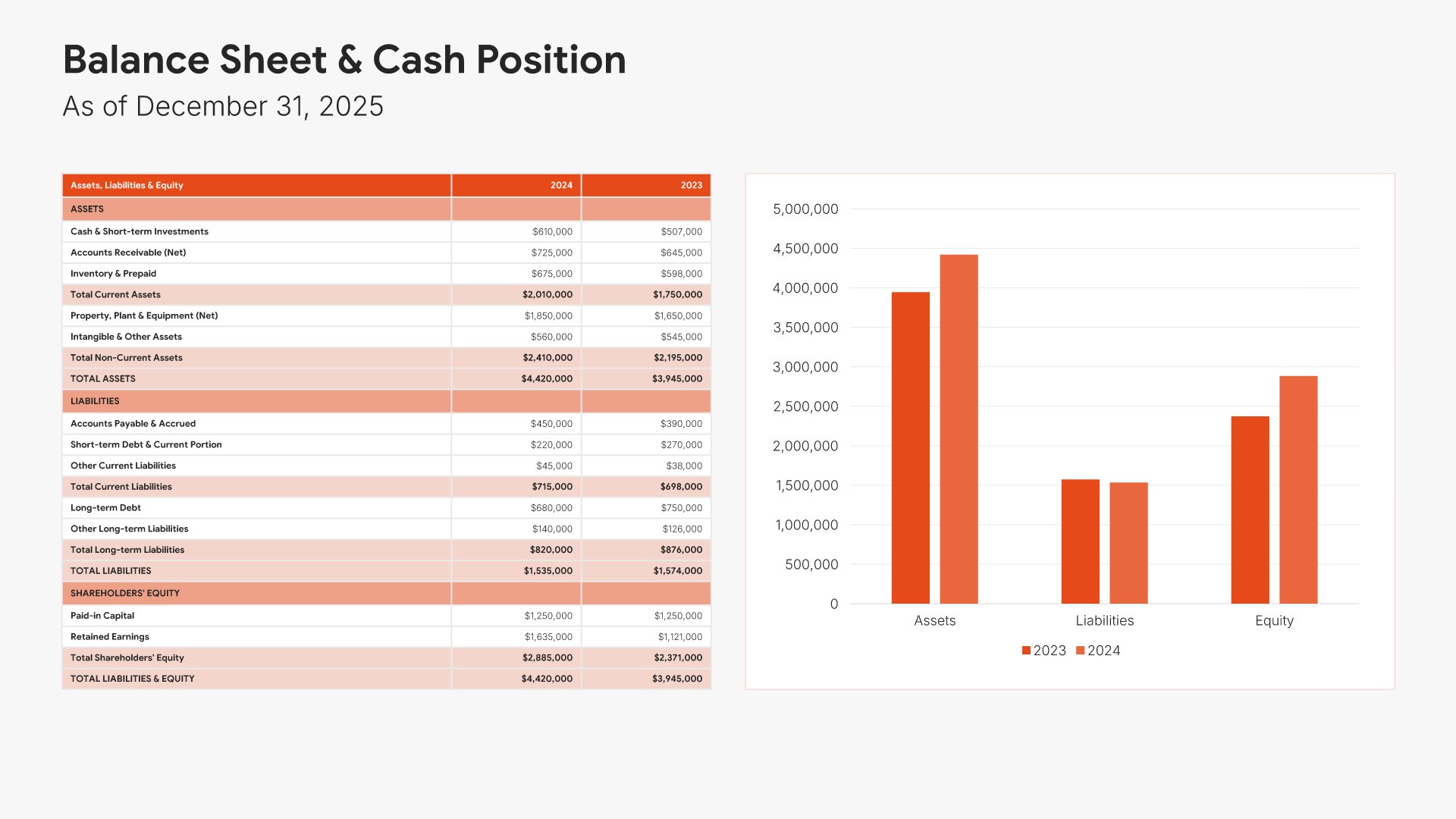
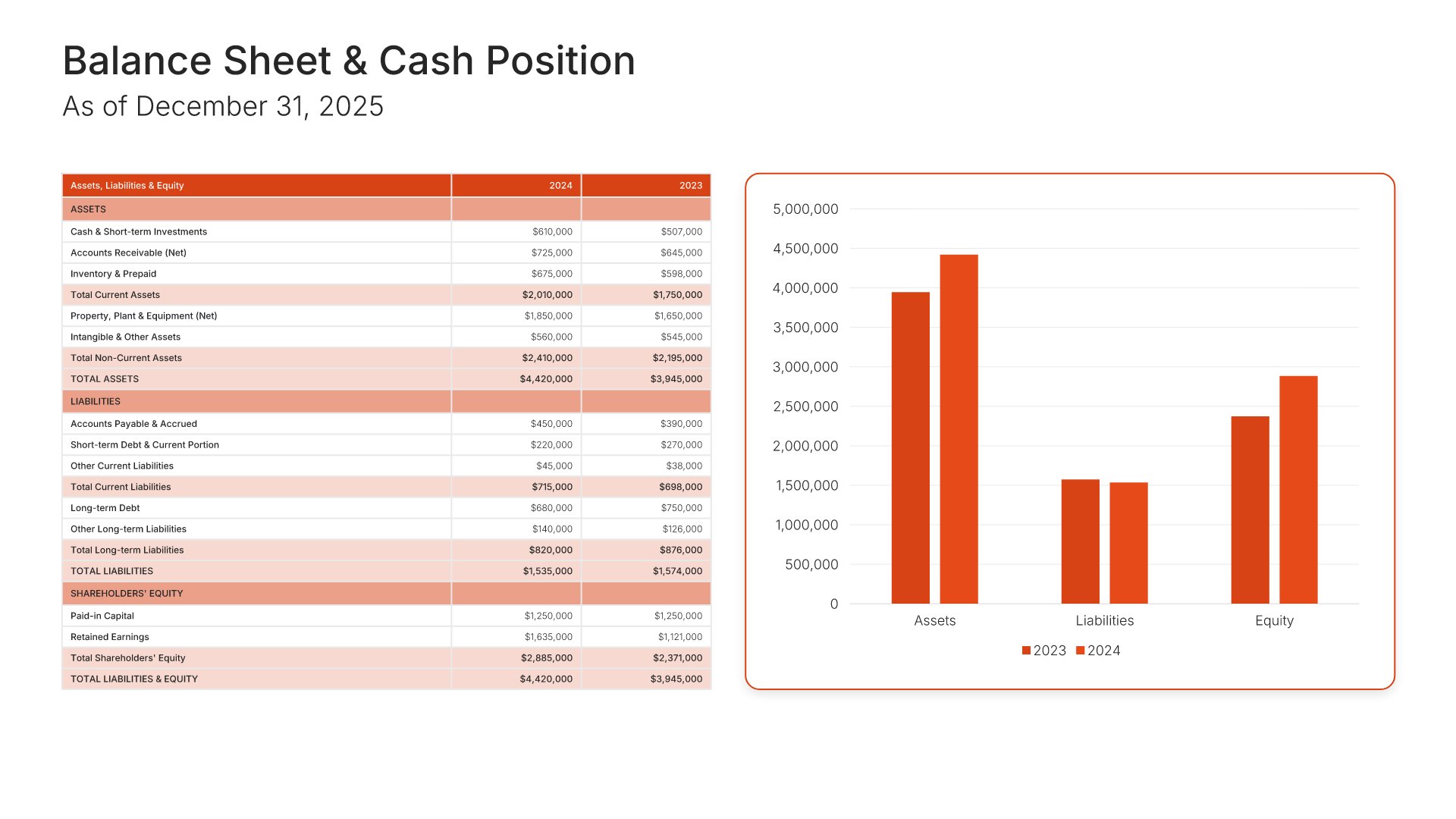
Balance sheet slides help you present your organization's financial position at a point in time. Use them to display assets, liabilities, and shareholders' equity in a clear, organized format. Ideal for financial reports, investor presentations, and board meetings where stakeholders need to understand your financial standing and capital structure.
Built using Financial Table slides

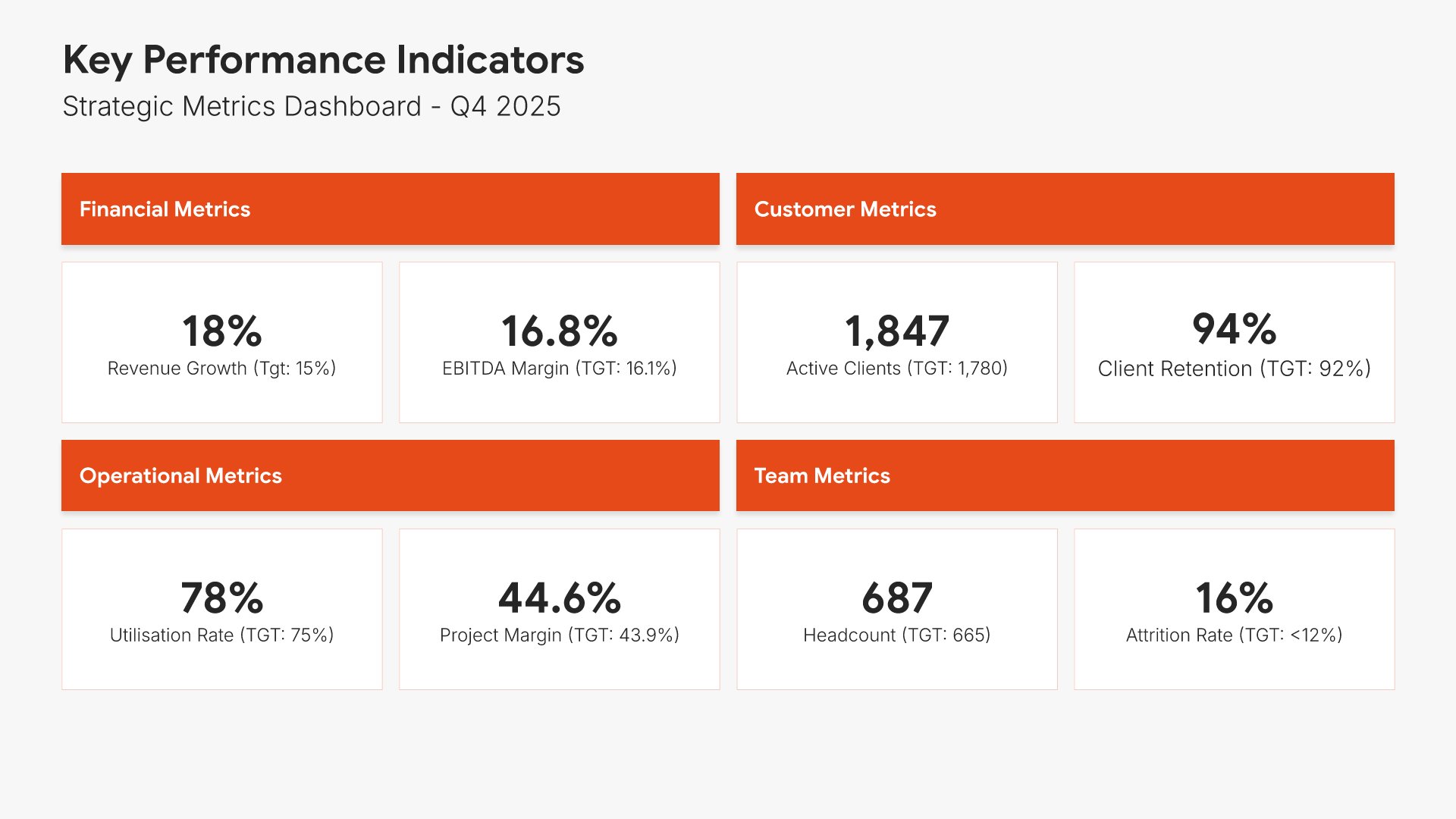
6. Key Performance Indicators

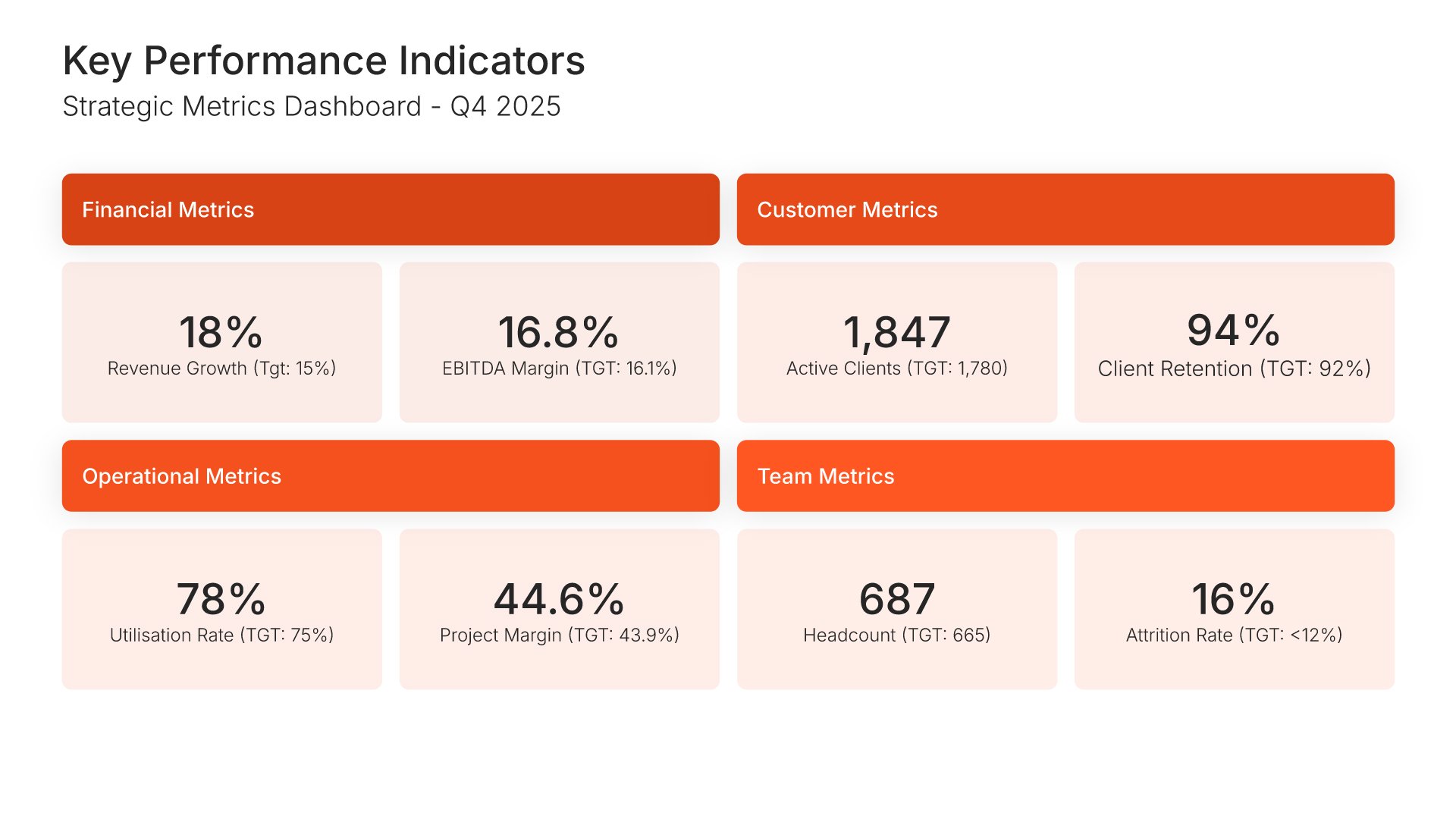
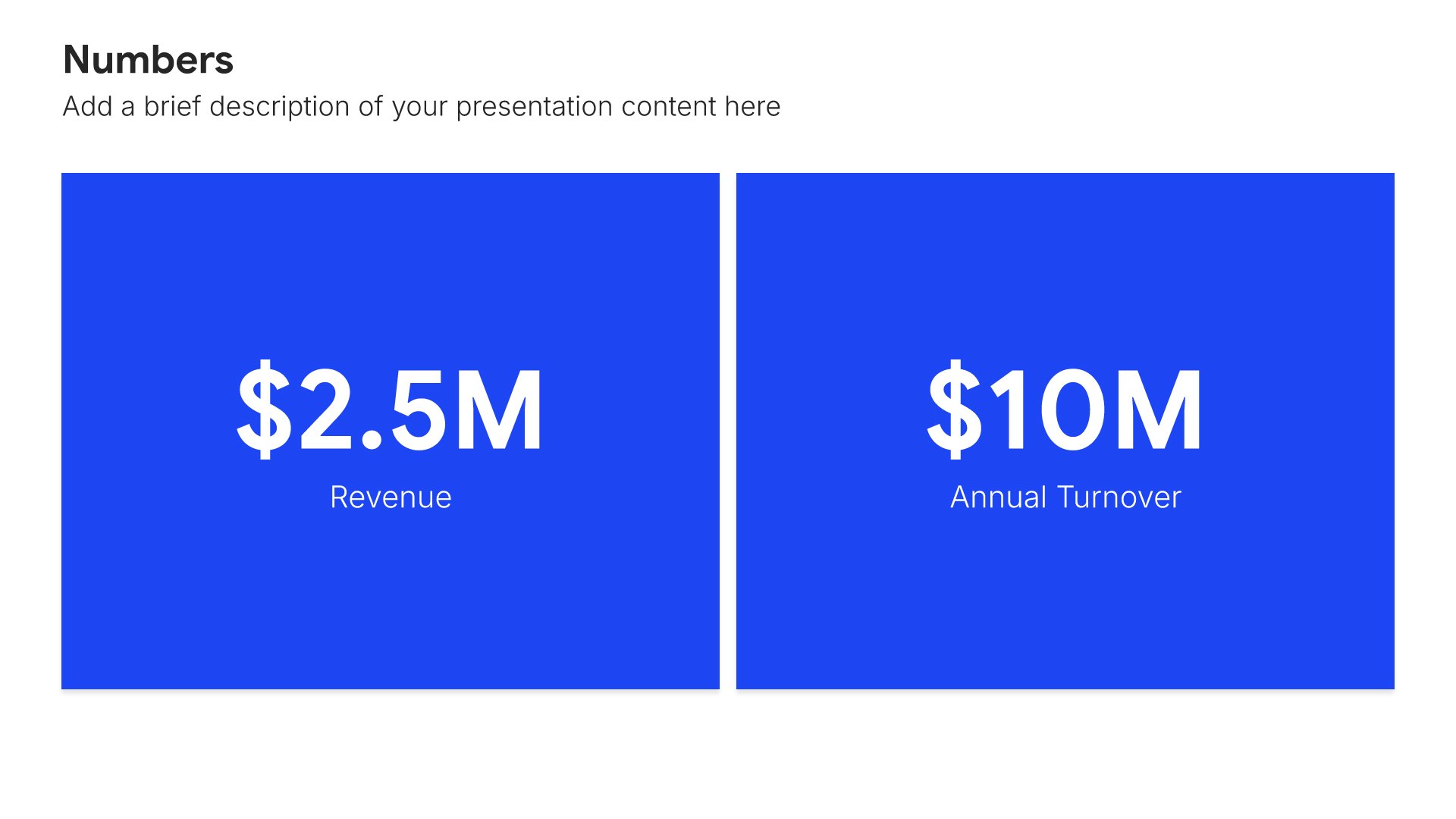
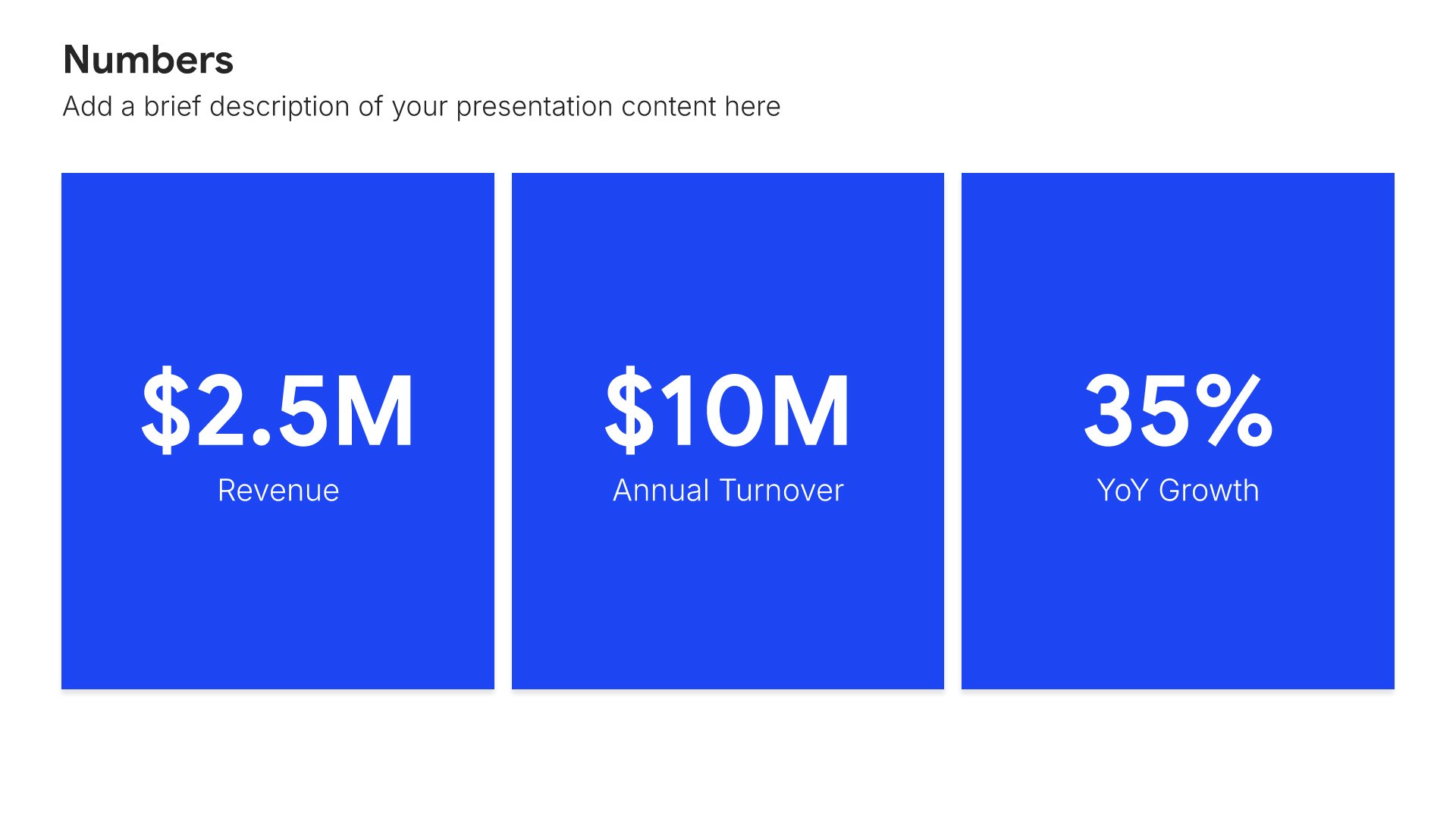
Key performance indicators slides help you define the metrics that measure success. Use them to present the KPIs that track progress toward your strategic goals, including targets, benchmarks, and measurement frequency. Ideal for strategic plans and business reviews where clear metrics ensure accountability and keep execution on track.
Built using Simple Numbers slides

7. Strategic Initiatives Progress

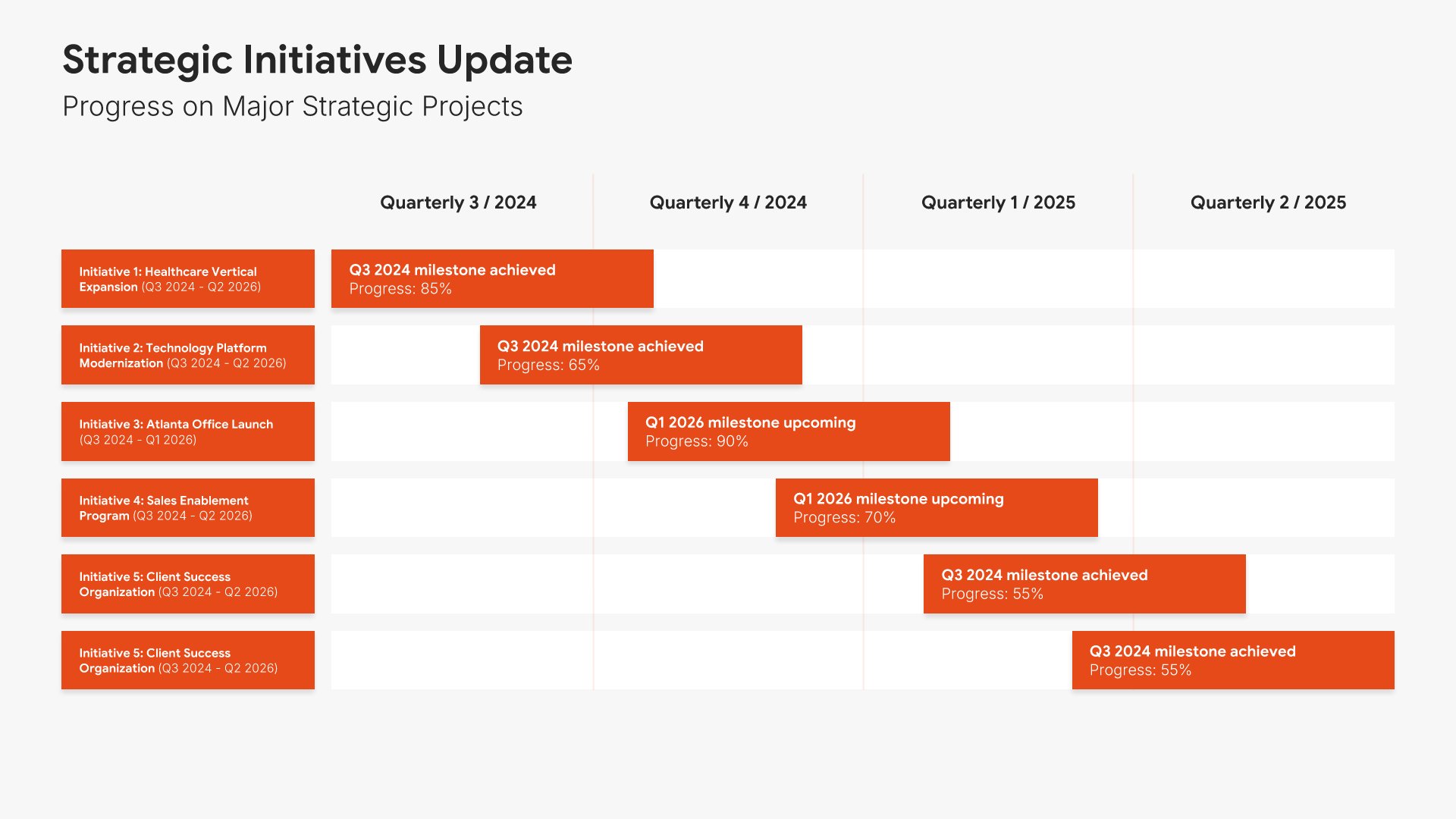
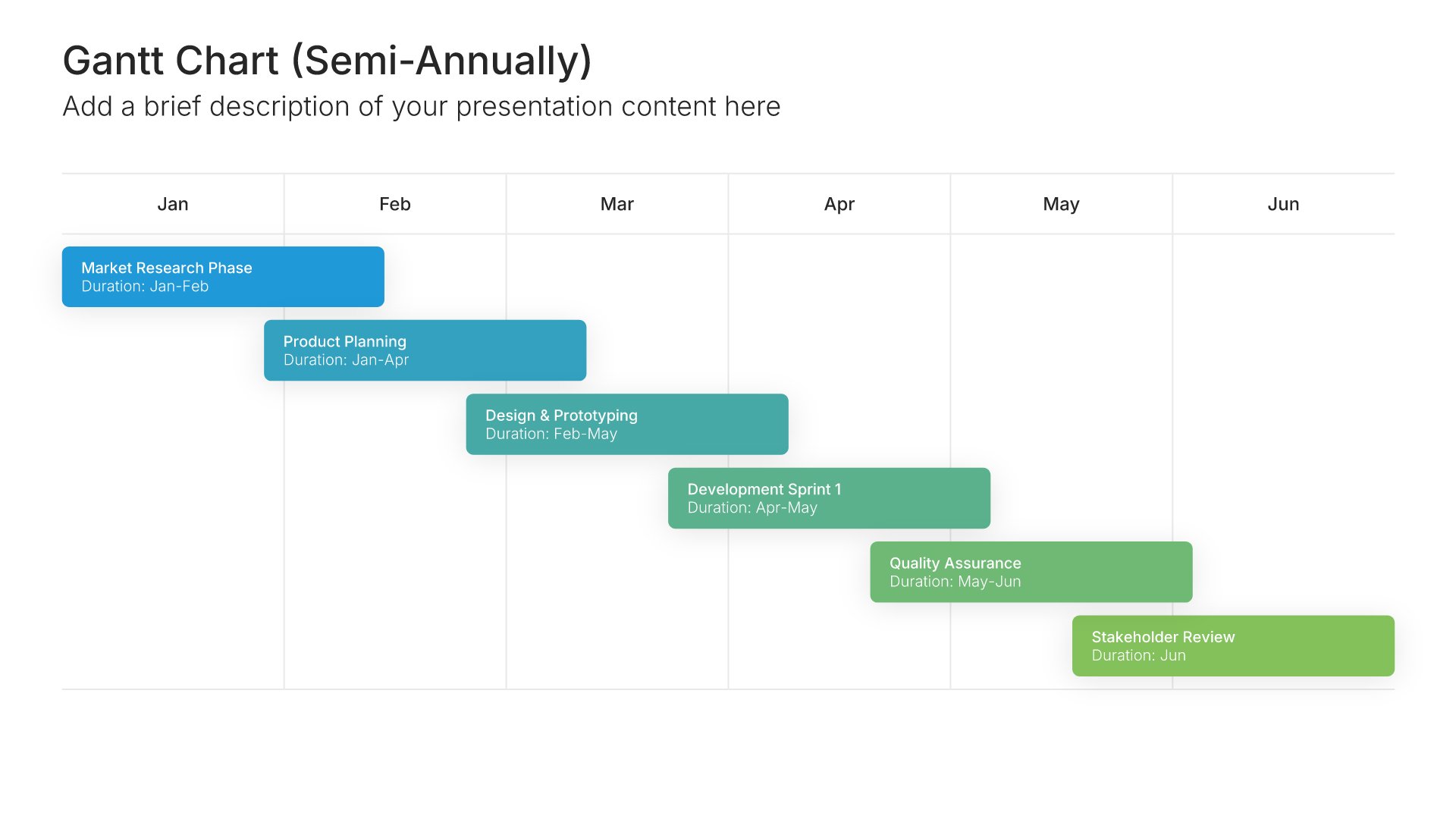
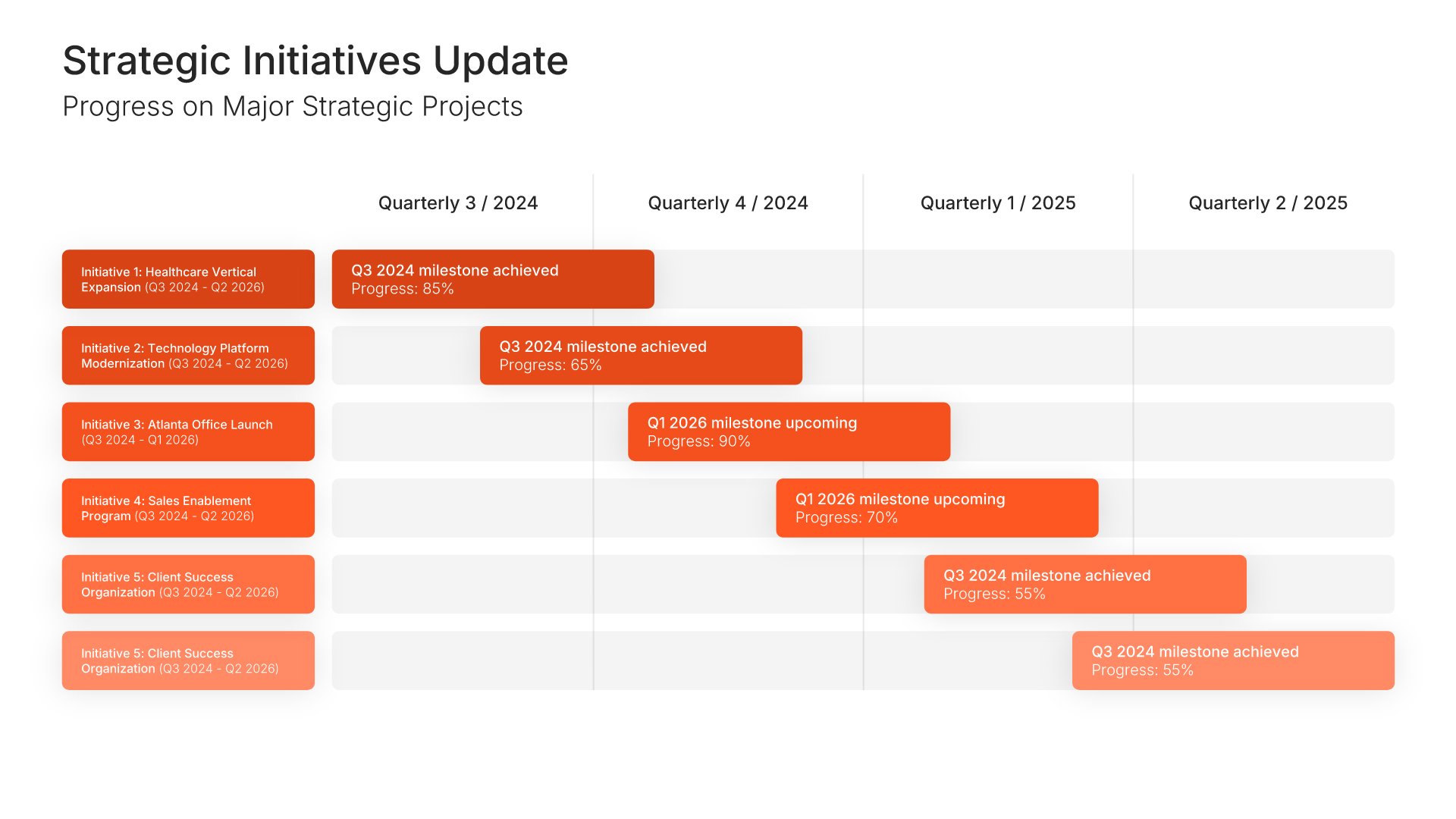
Strategic initiatives progress slides help you report on major projects and transformations. Use them to present status updates, milestones achieved, and next steps for key initiatives. Ideal for annual reports and board presentations where demonstrating execution against strategic priorities shows organizational momentum.
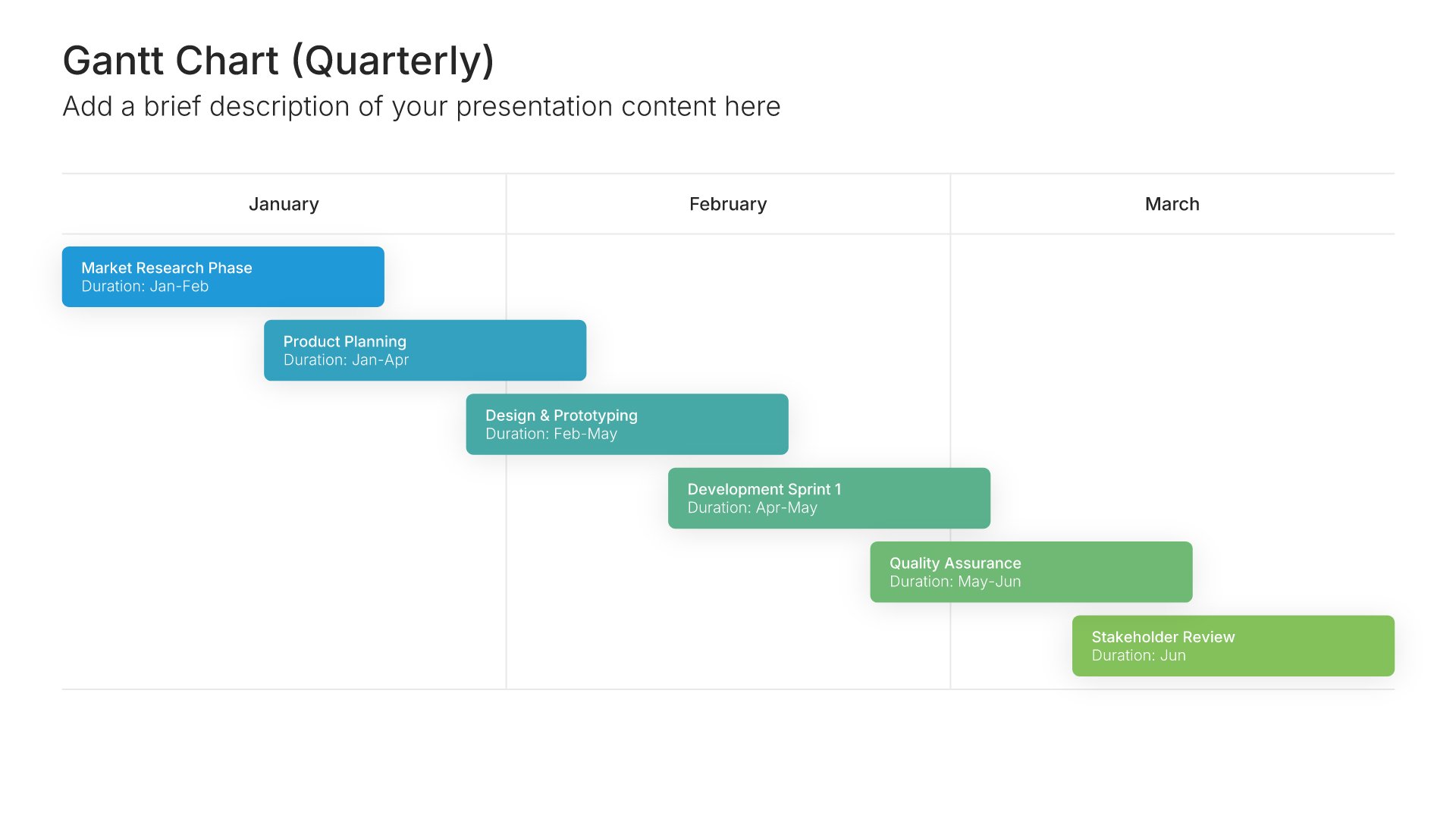
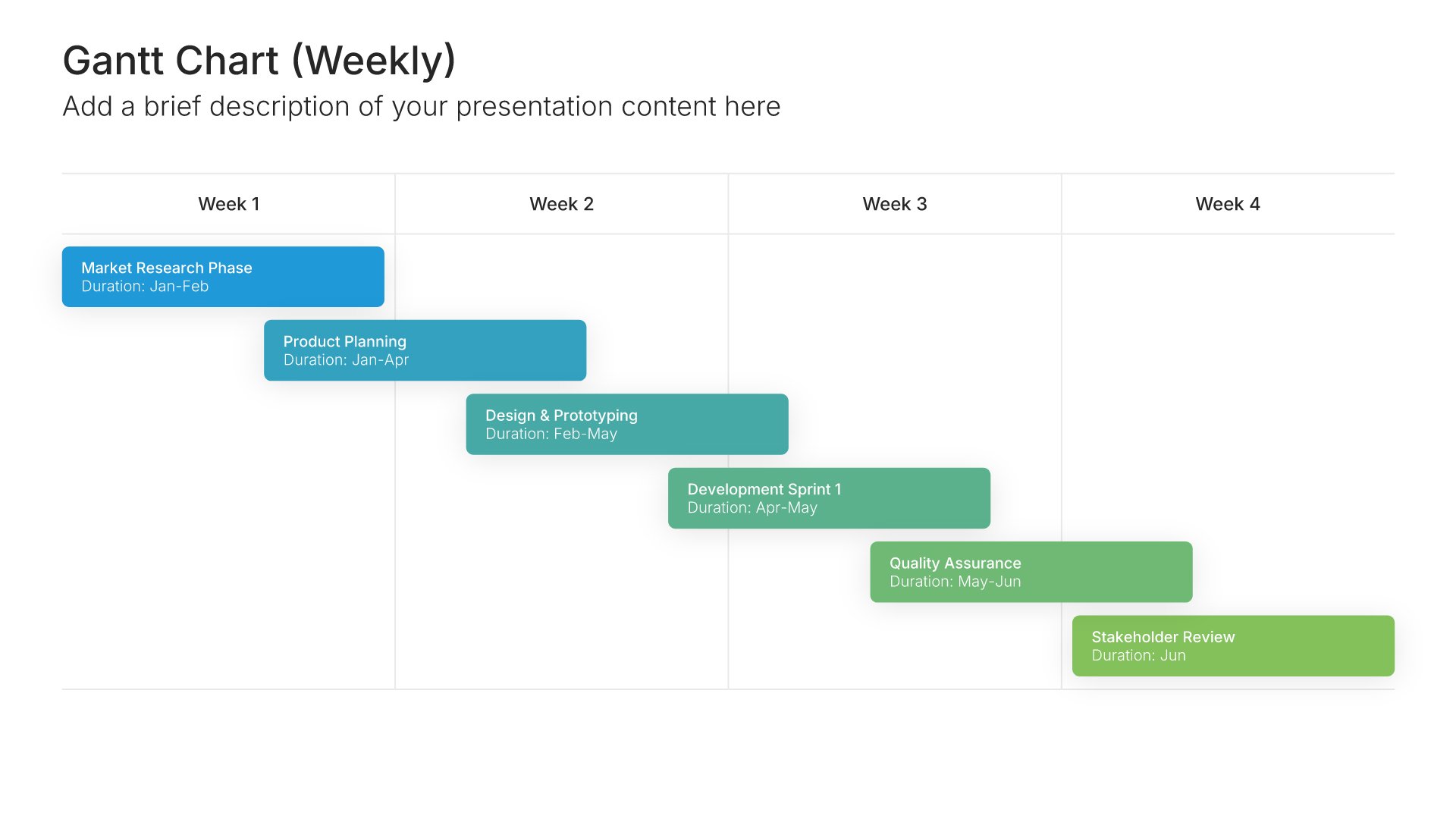
Built using Gantt Chart slides

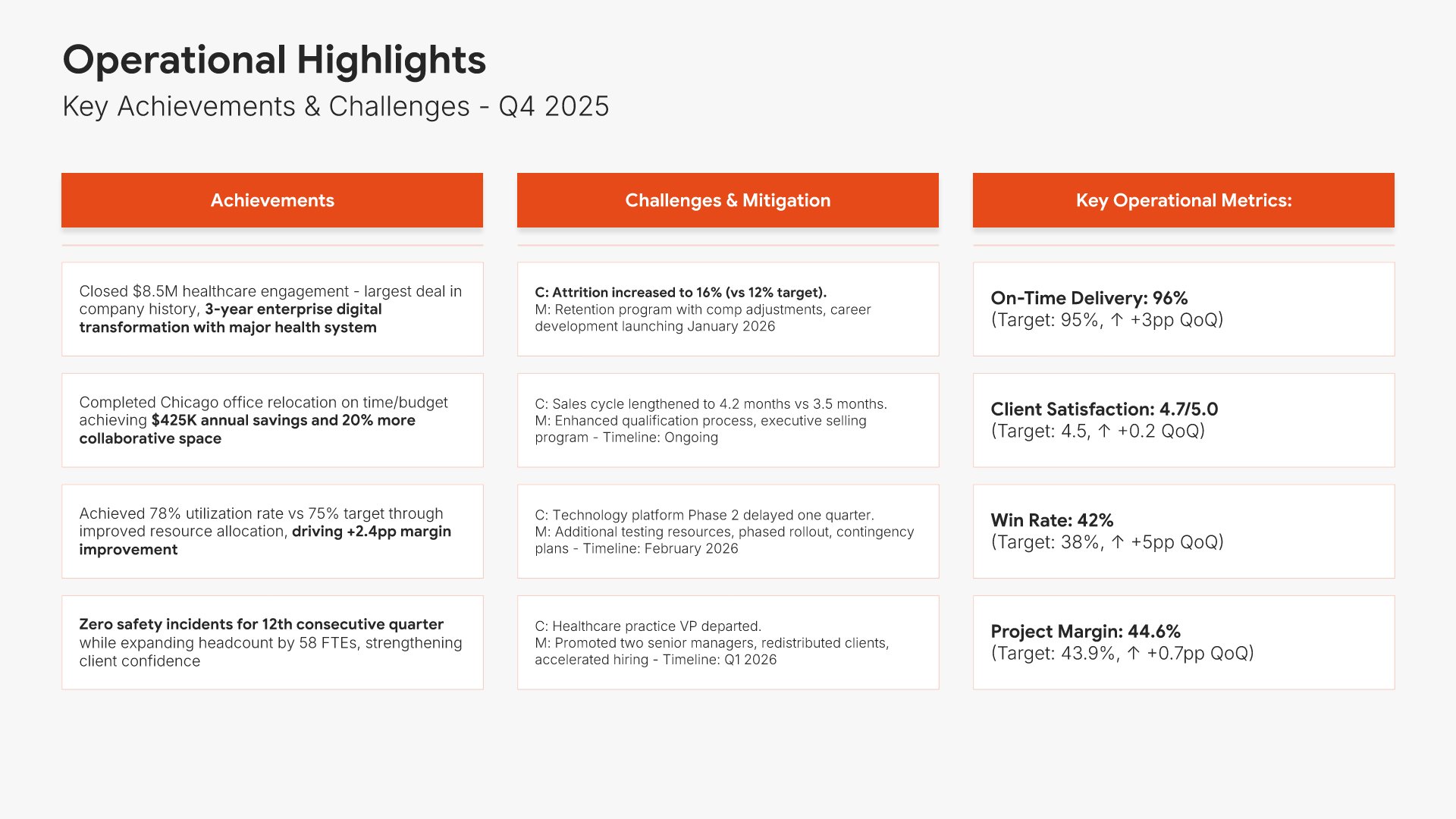
8. Operational Highlights

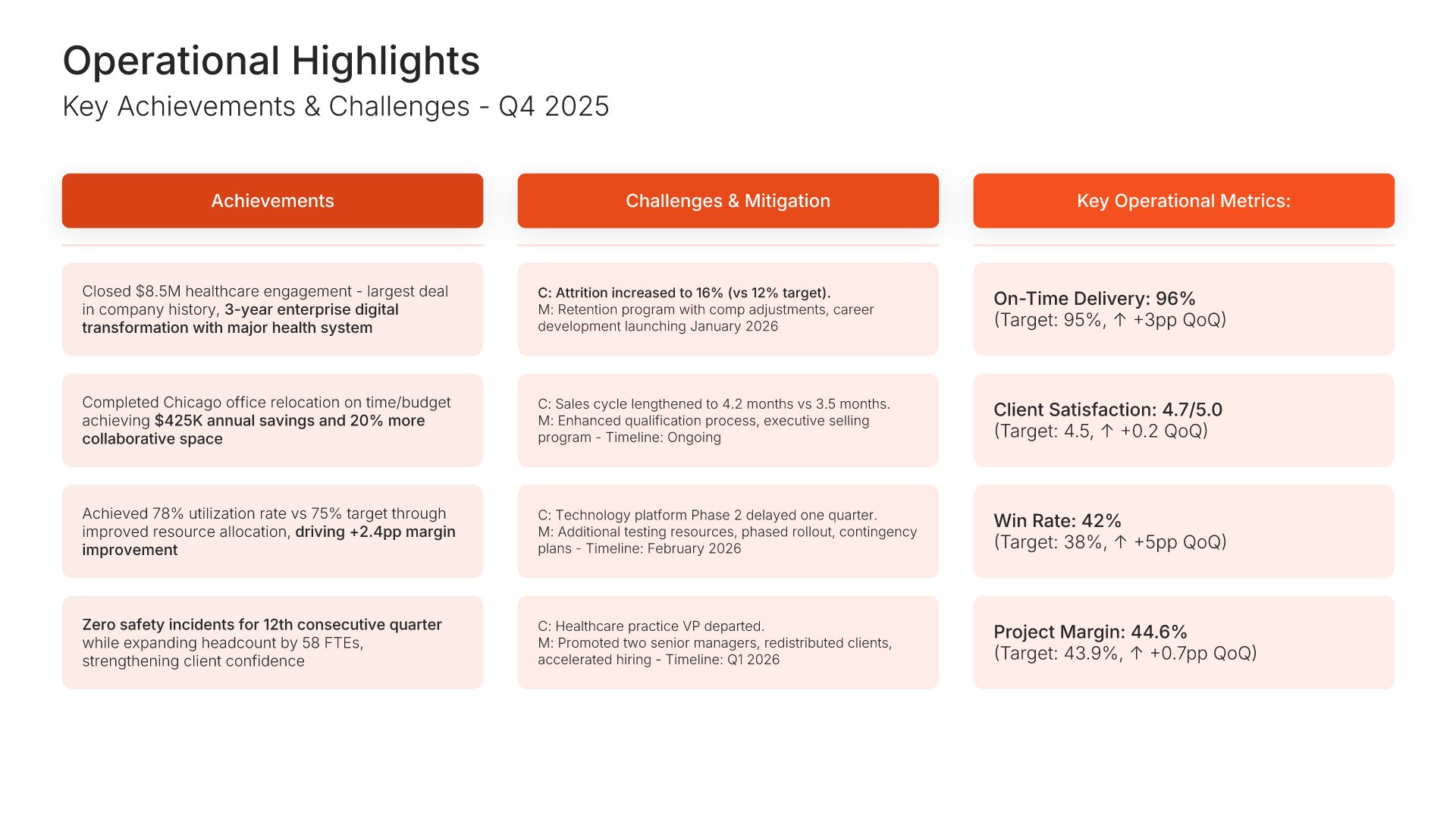
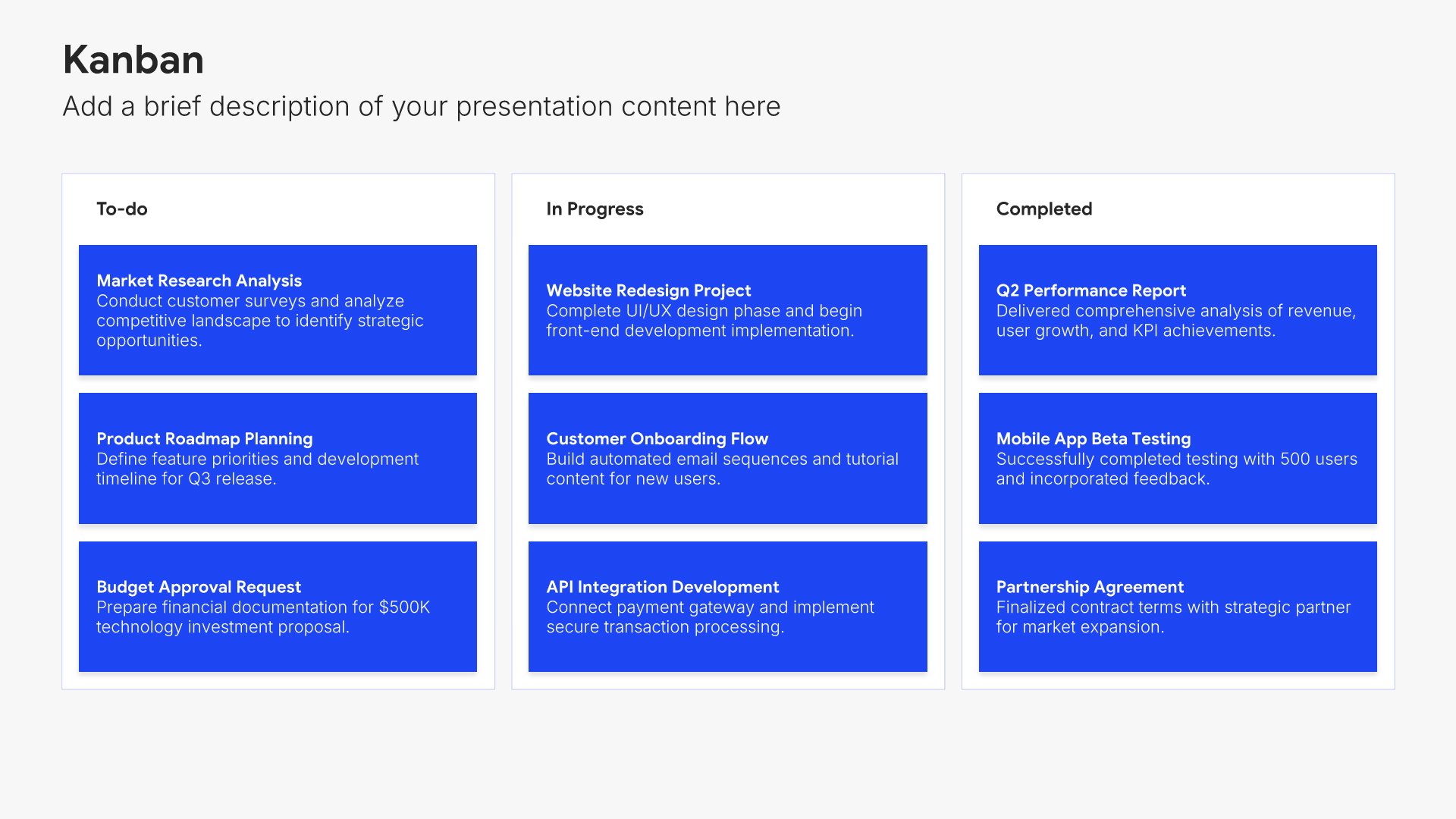
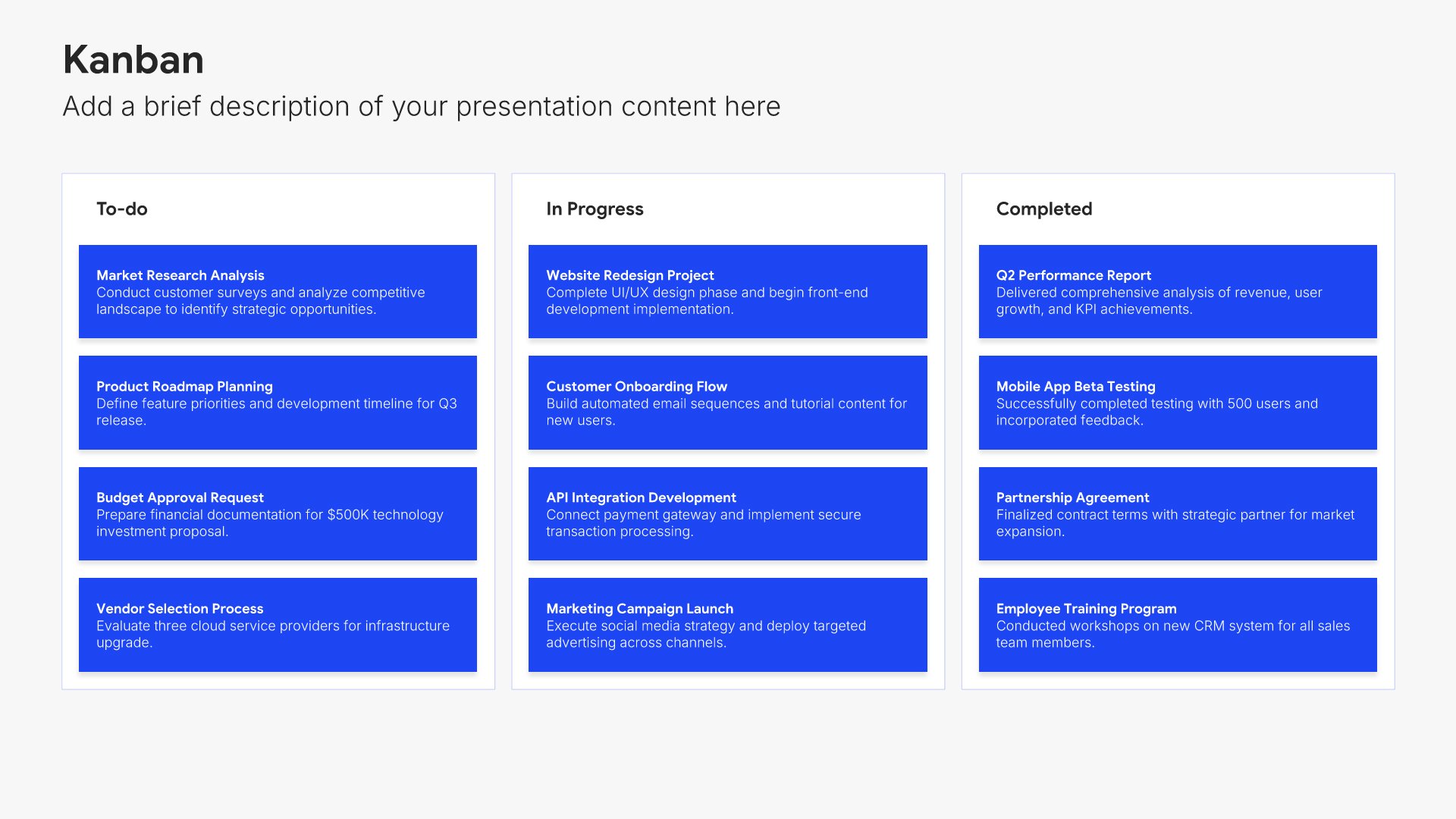
Operational highlights slides help you showcase key achievements and developments in your business operations. Use them to present accomplishments, efficiency improvements, and notable developments from the reporting period. Ideal for board presentations where demonstrating operational excellence complements financial results.
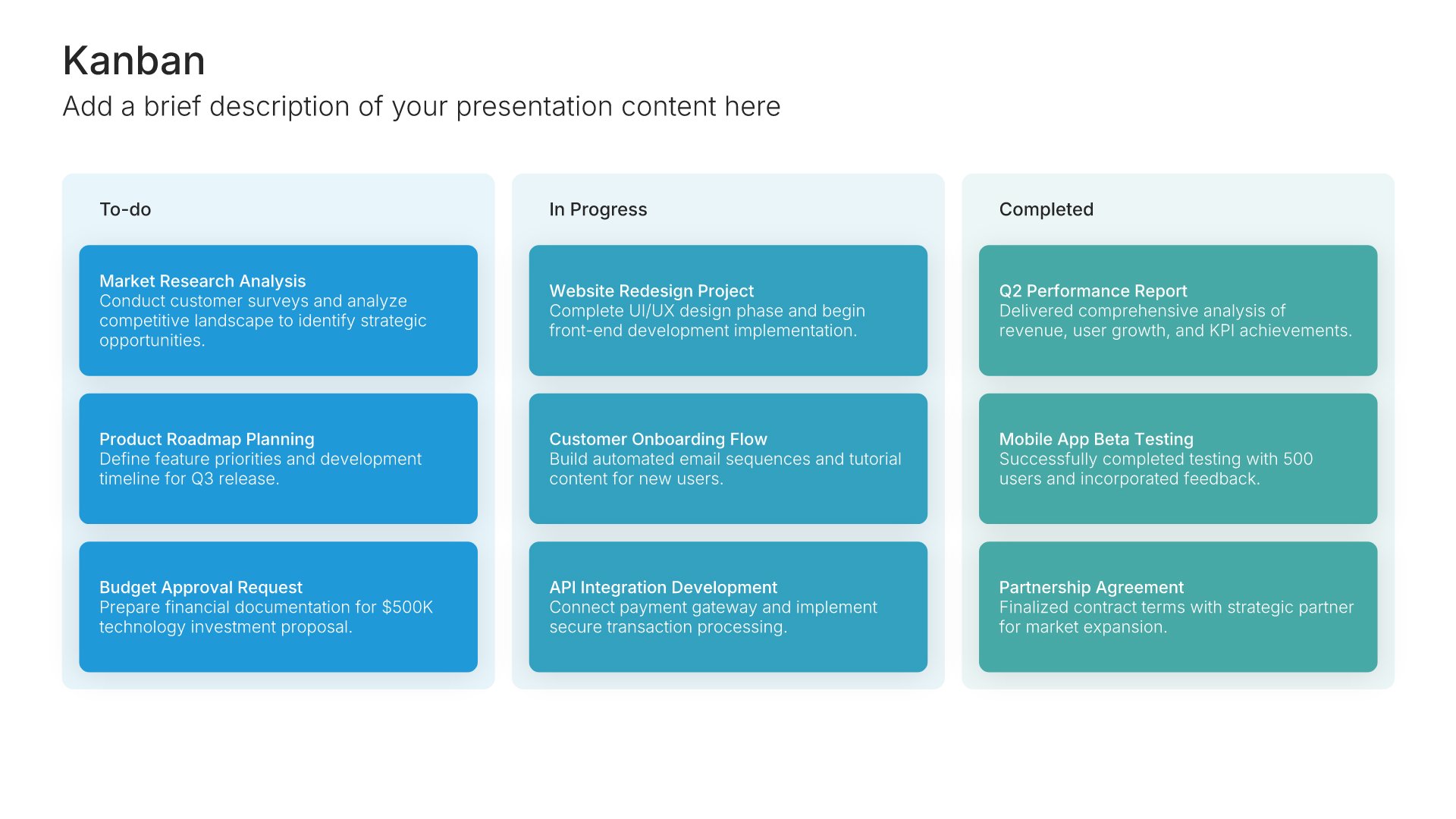
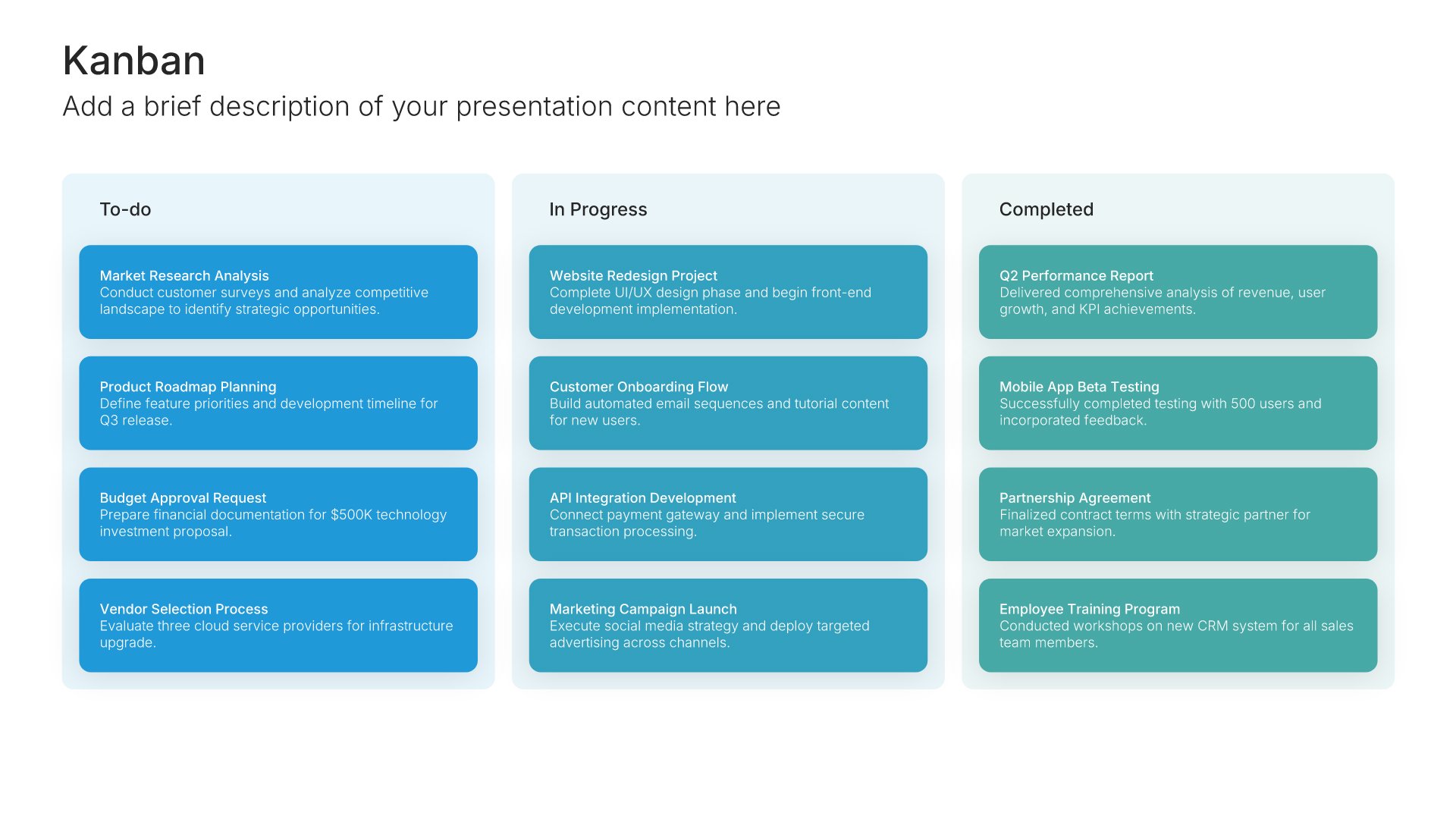
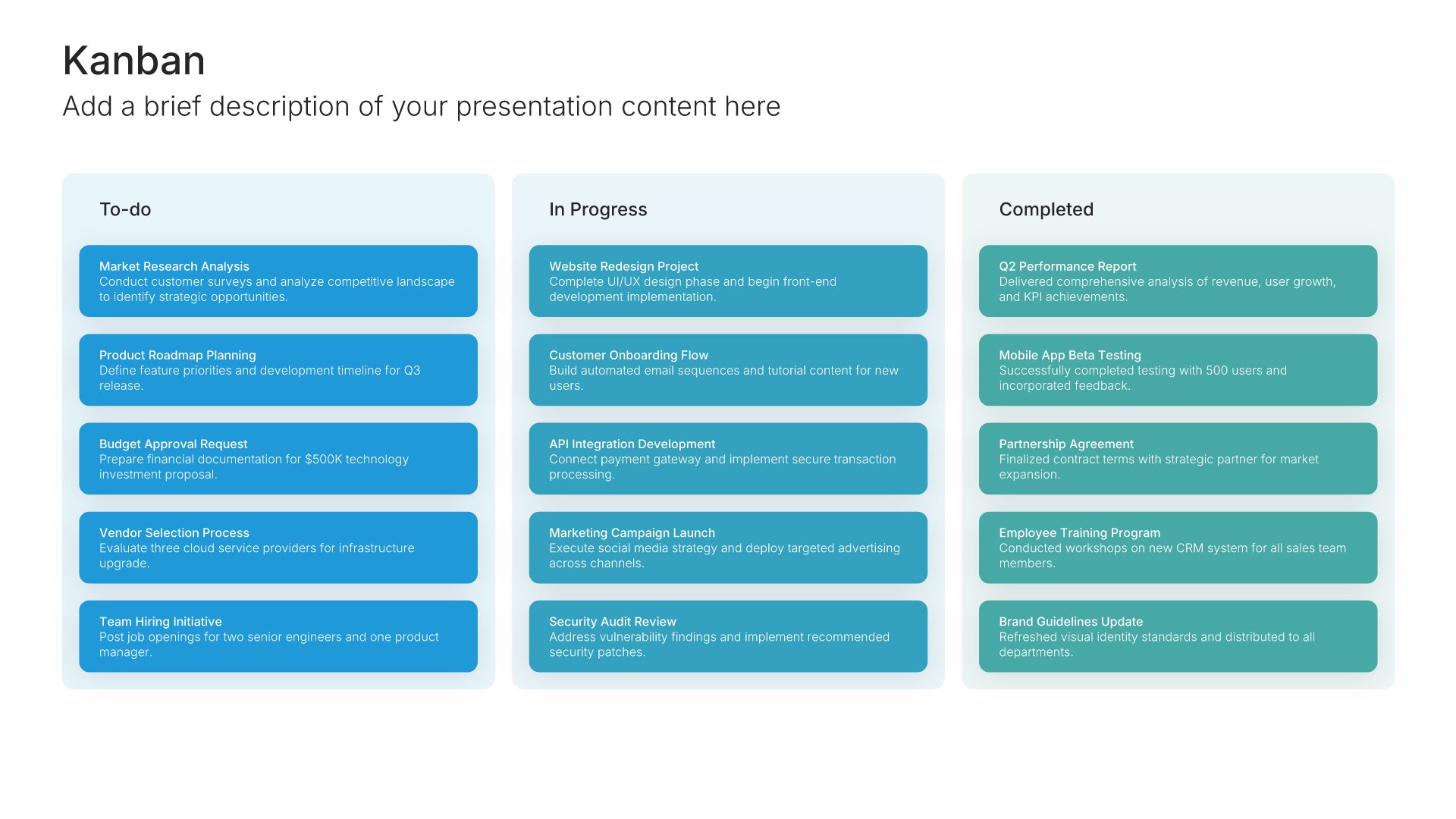
Built using Kanban slides

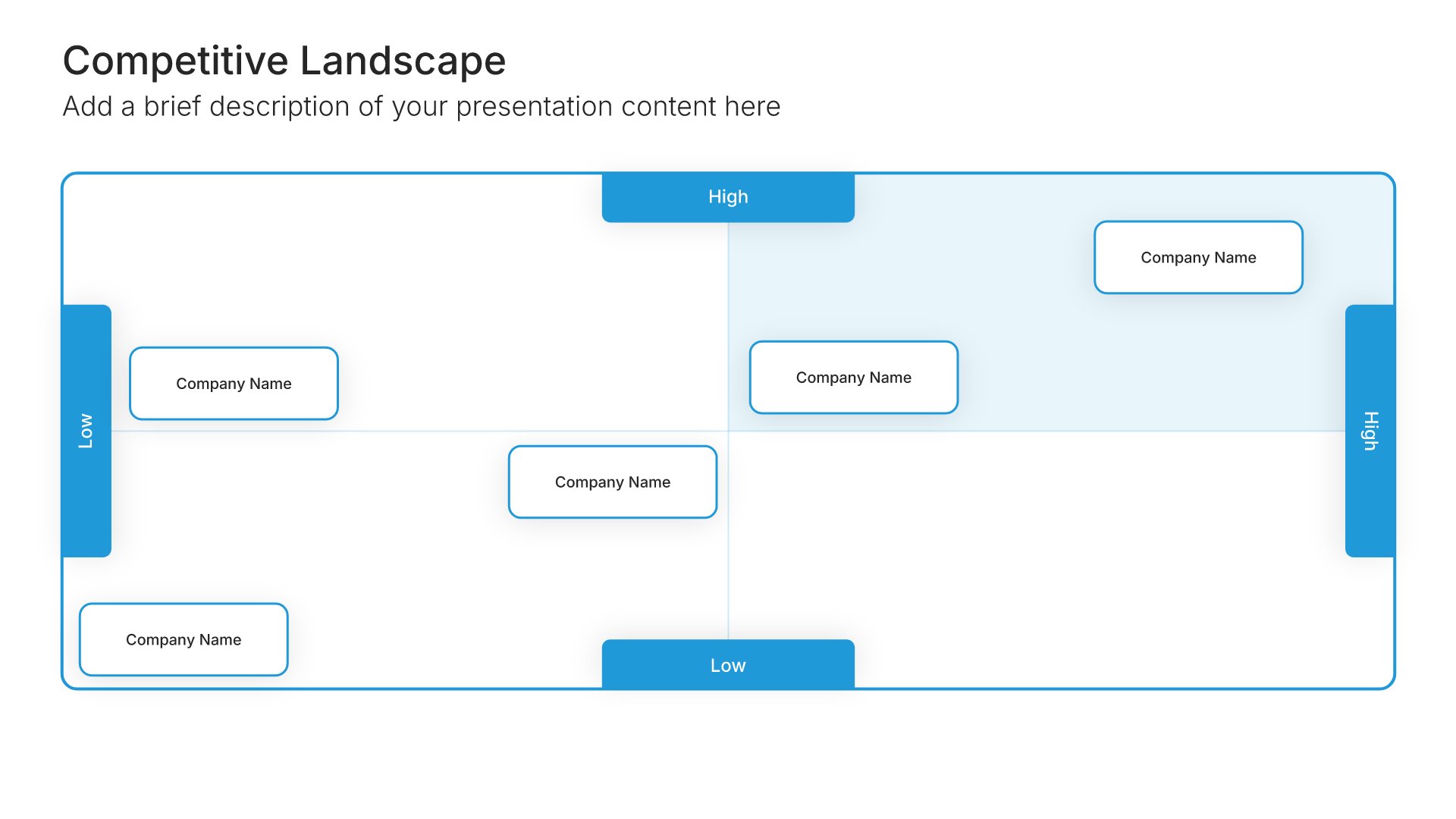
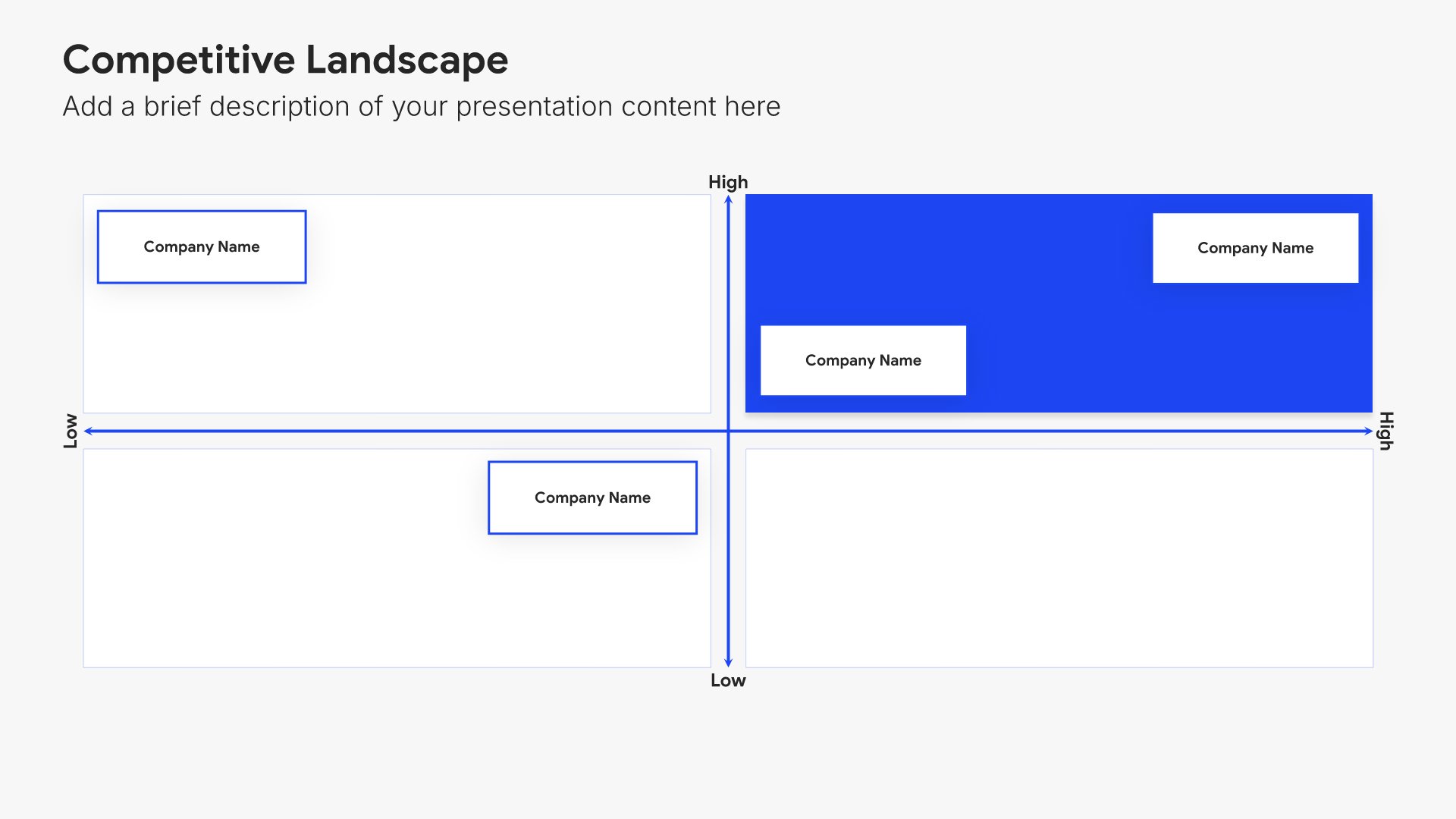
9. Competitive Landscape

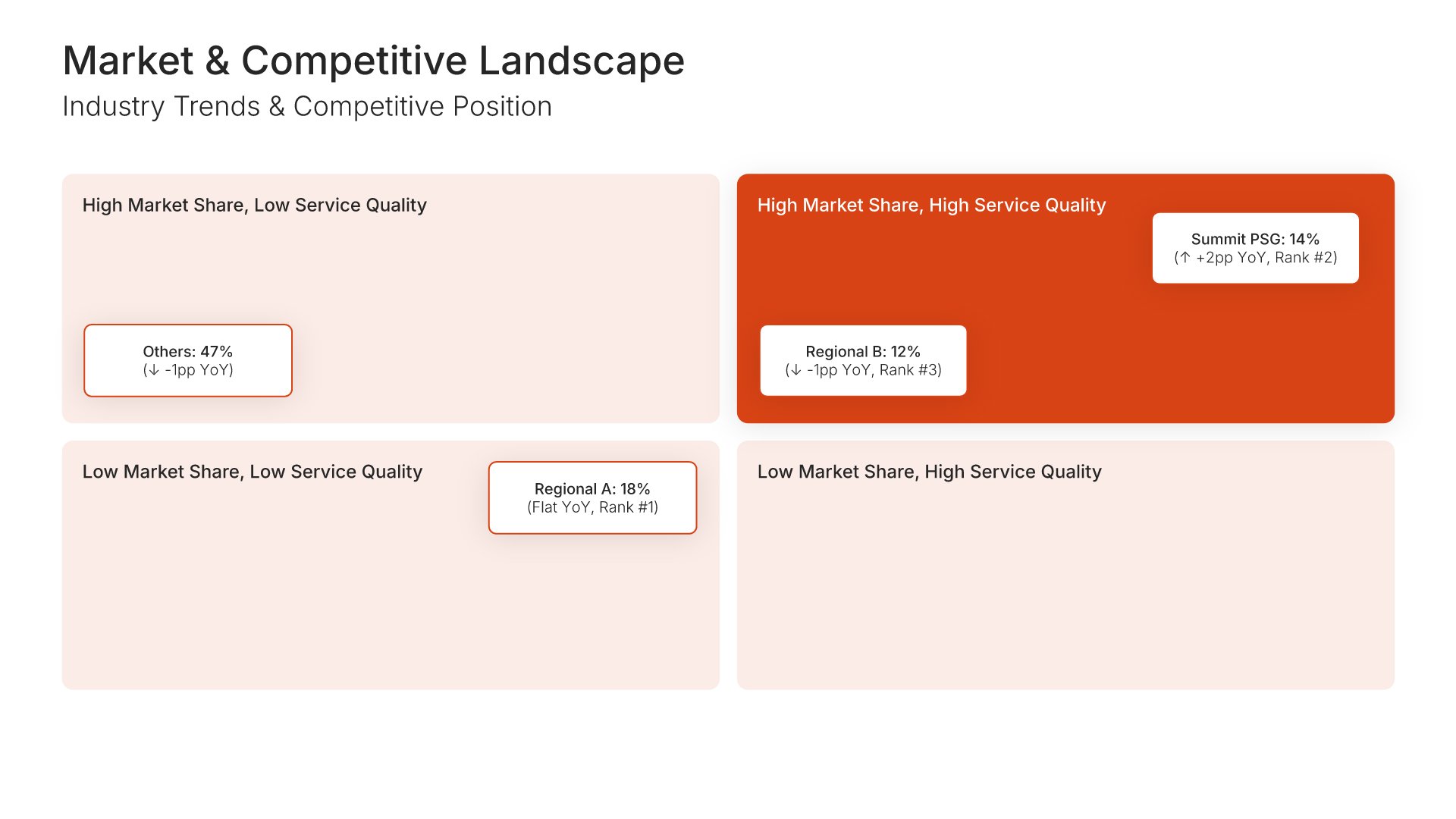
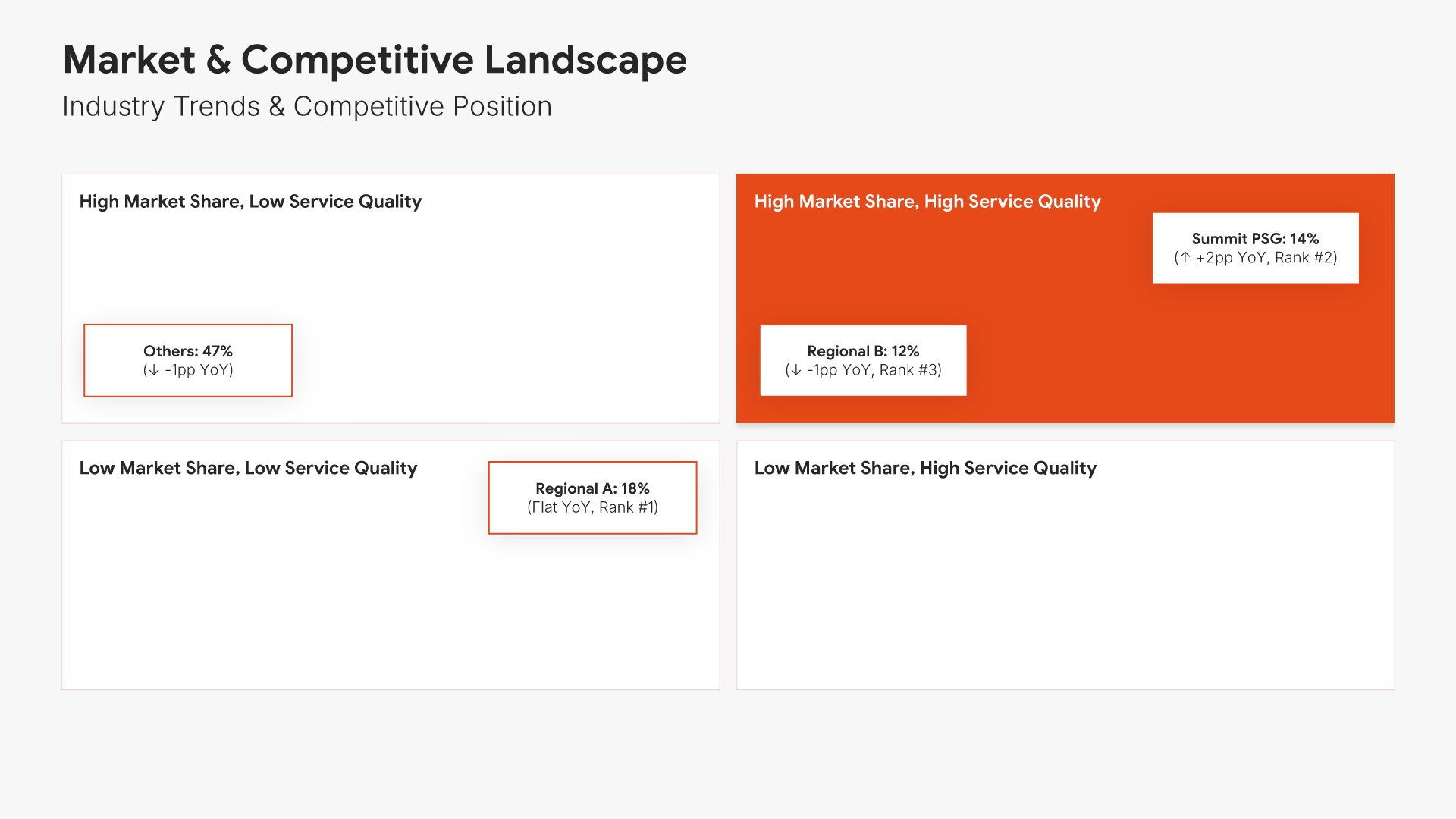
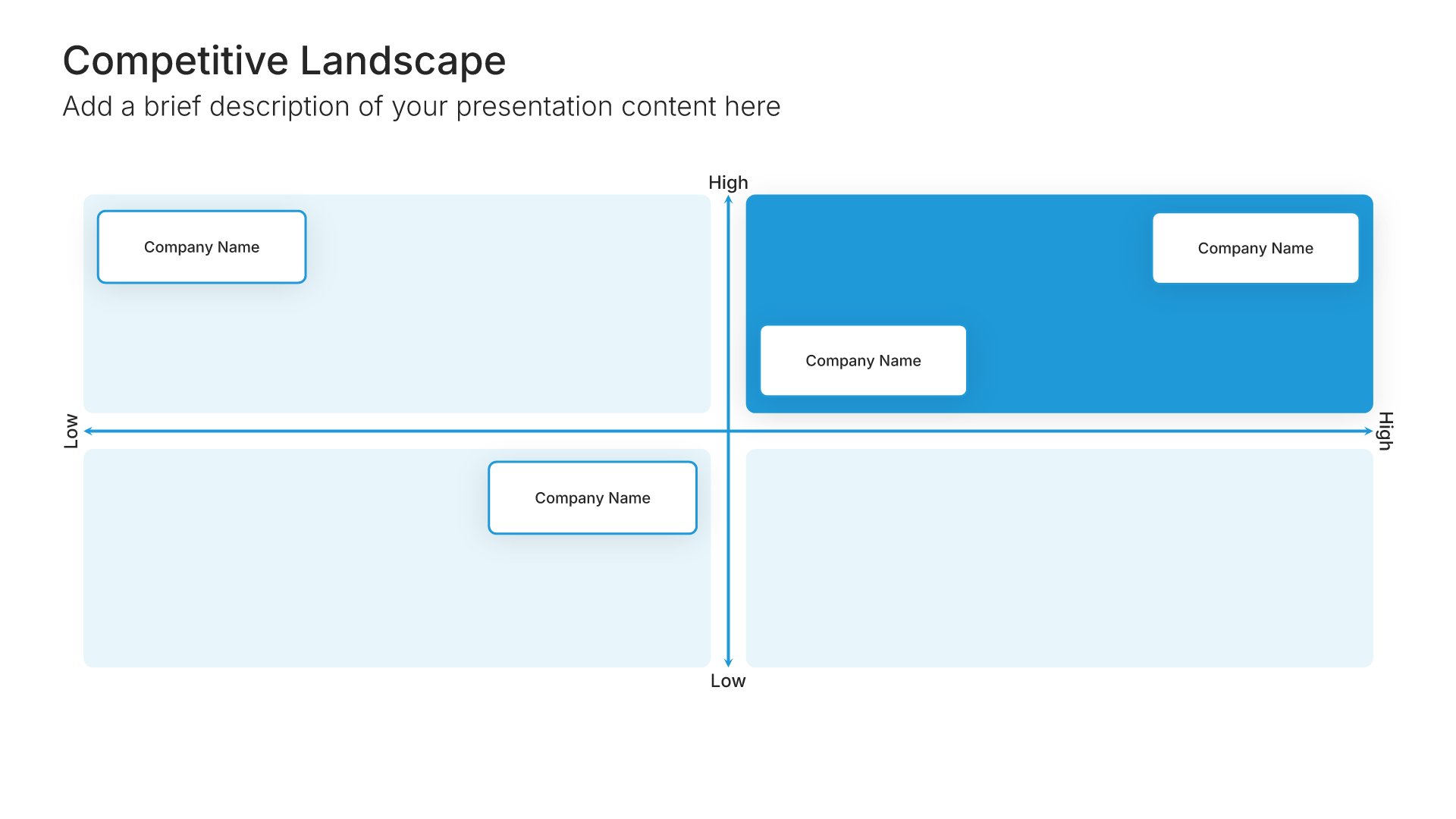
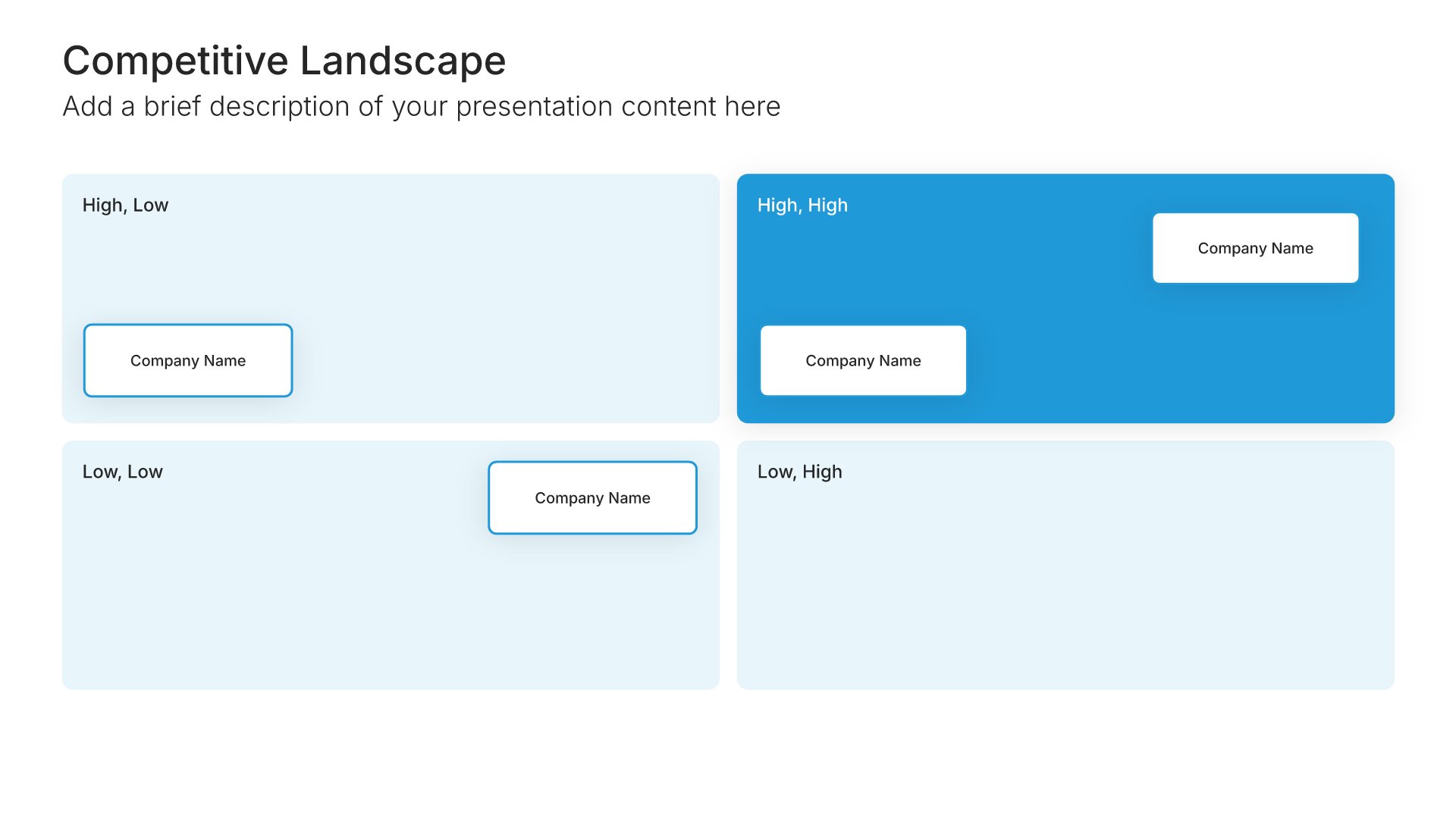
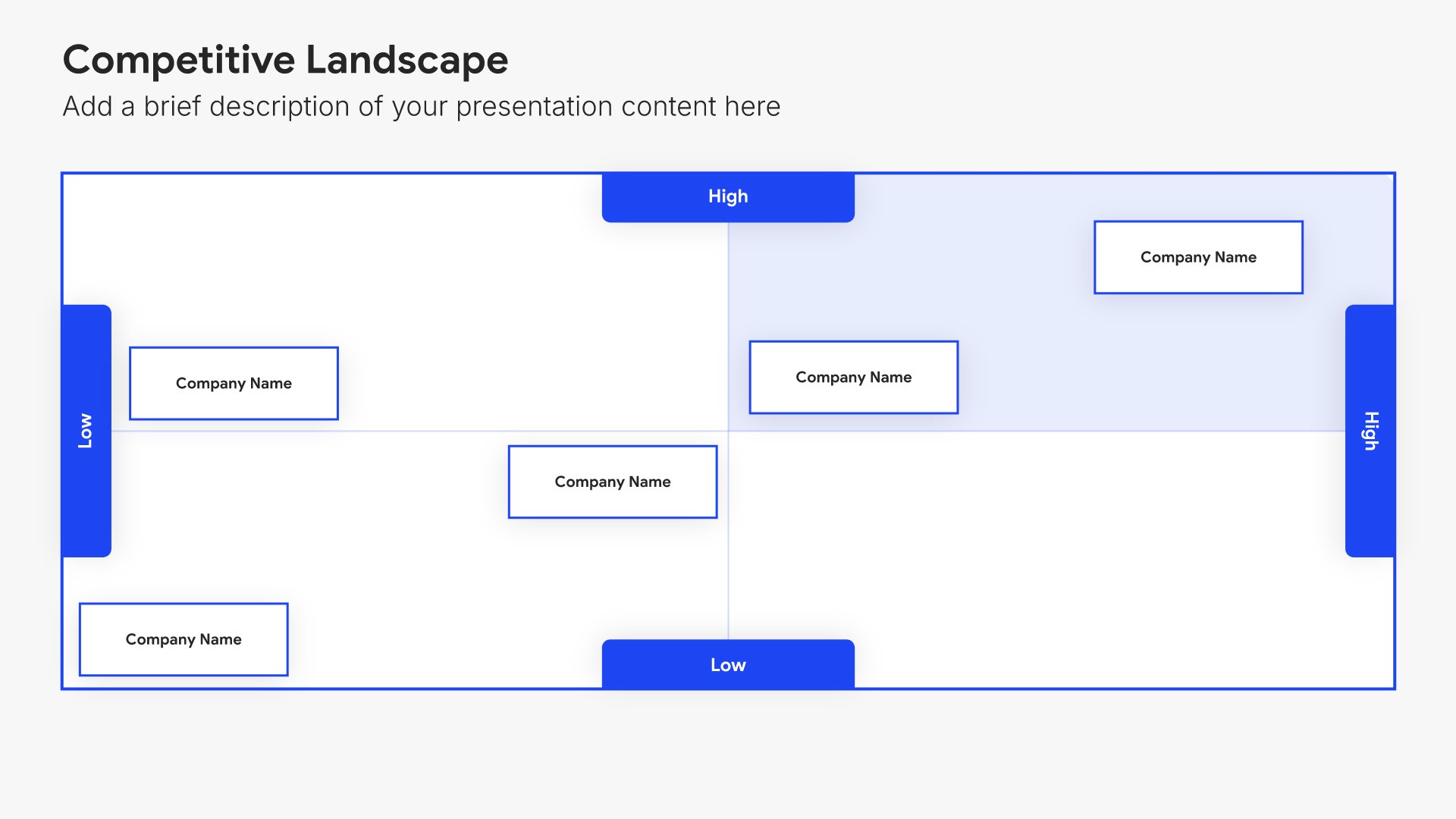
Competitive landscape slides help you map your market position visually. Use them to show where you and your competitors stand across key dimensions, making your strategic positioning clear. Ideal for investor presentations, strategic planning, and any pitch where demonstrating how you fit in the competitive market matters.
Built using Competitive Landscape slides

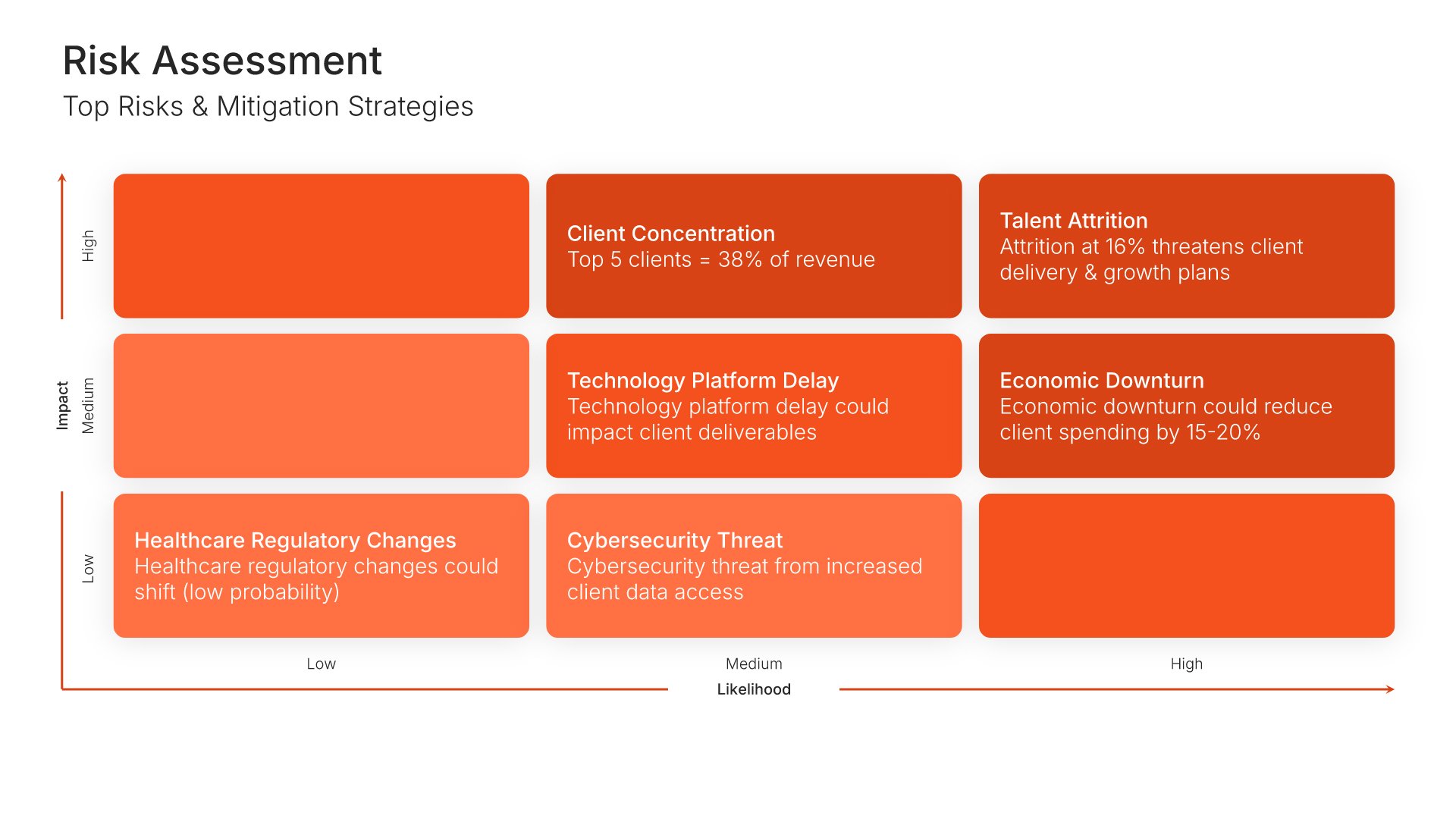
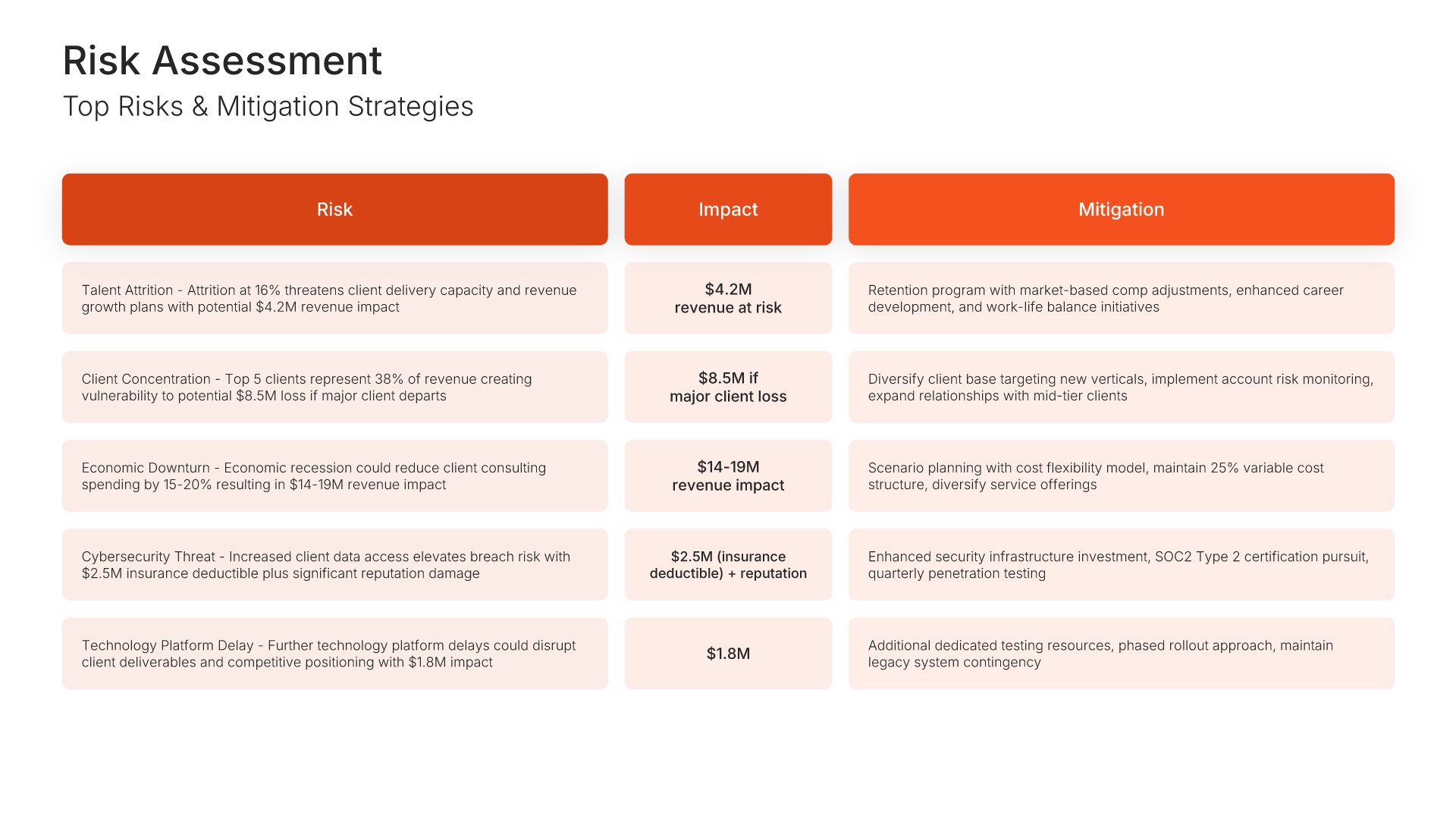
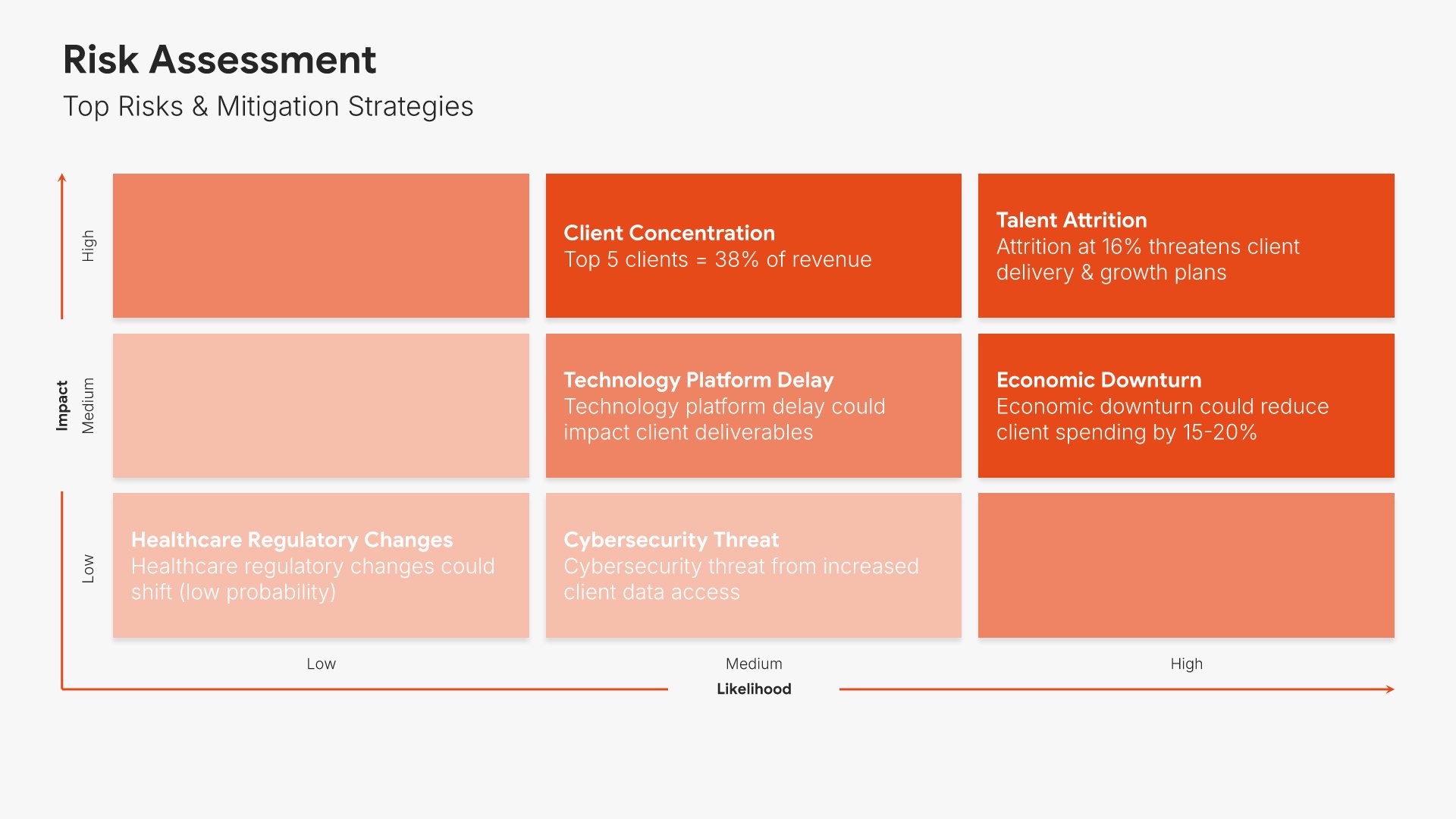
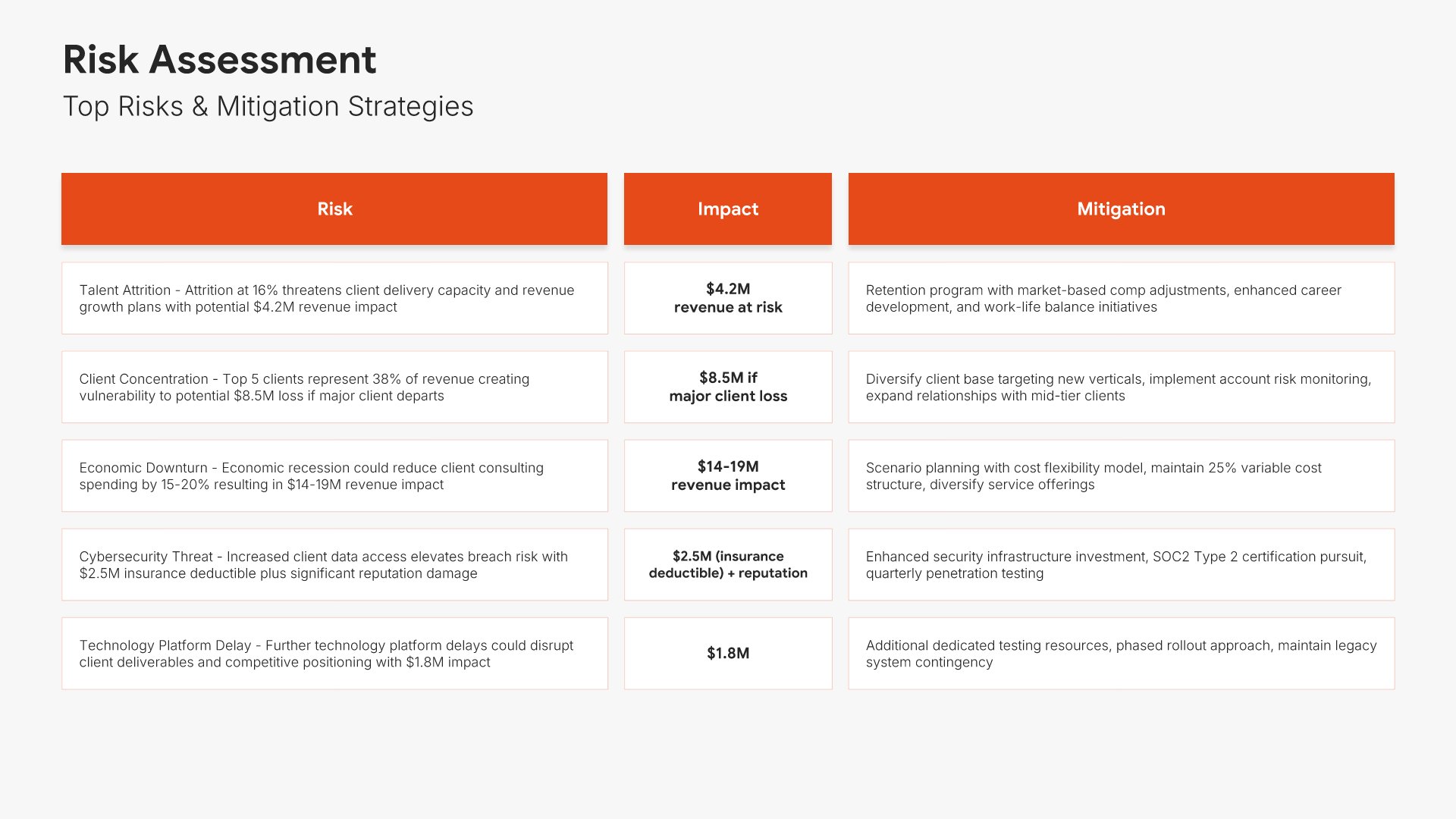
10. Risk Assessment

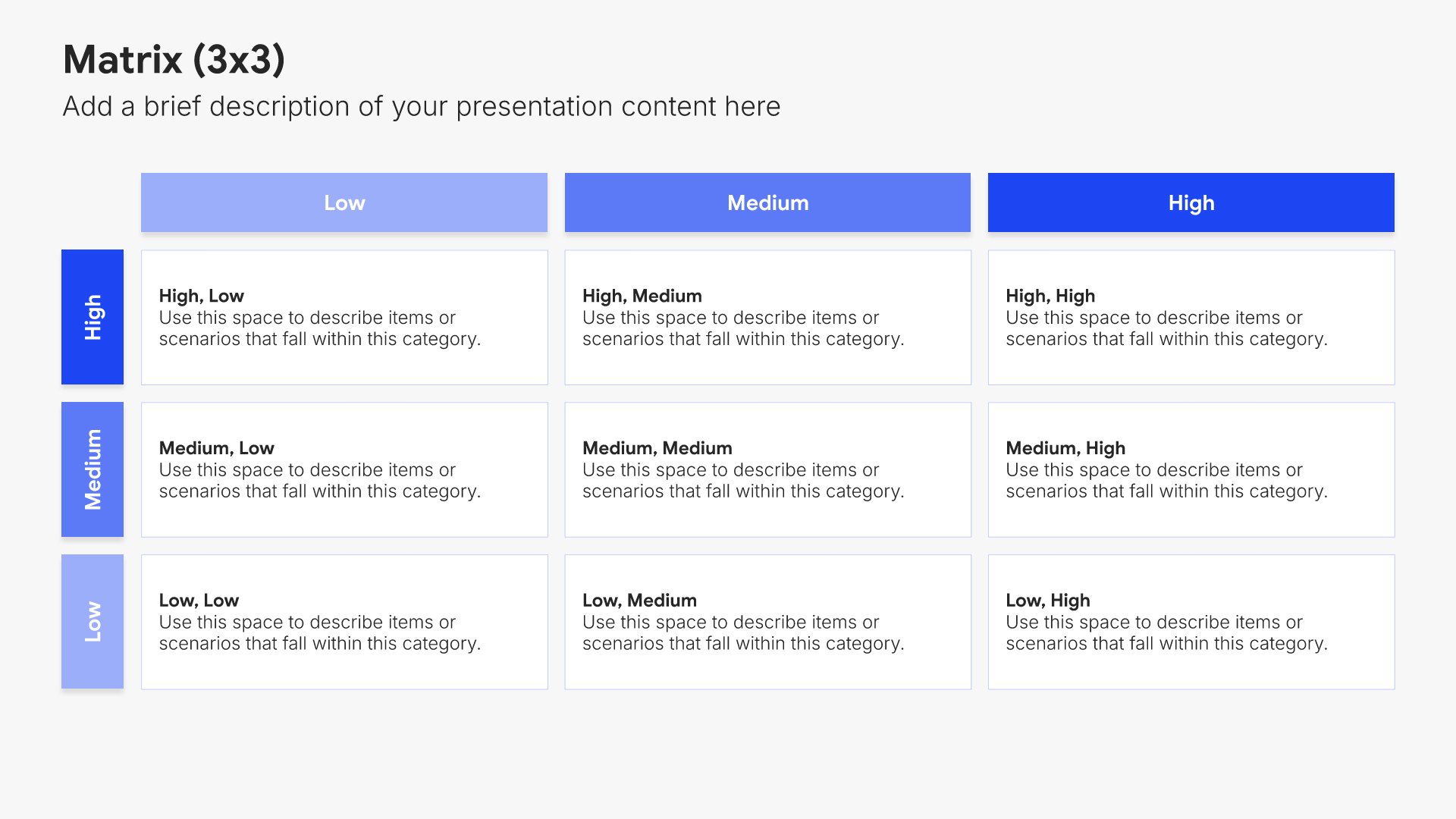
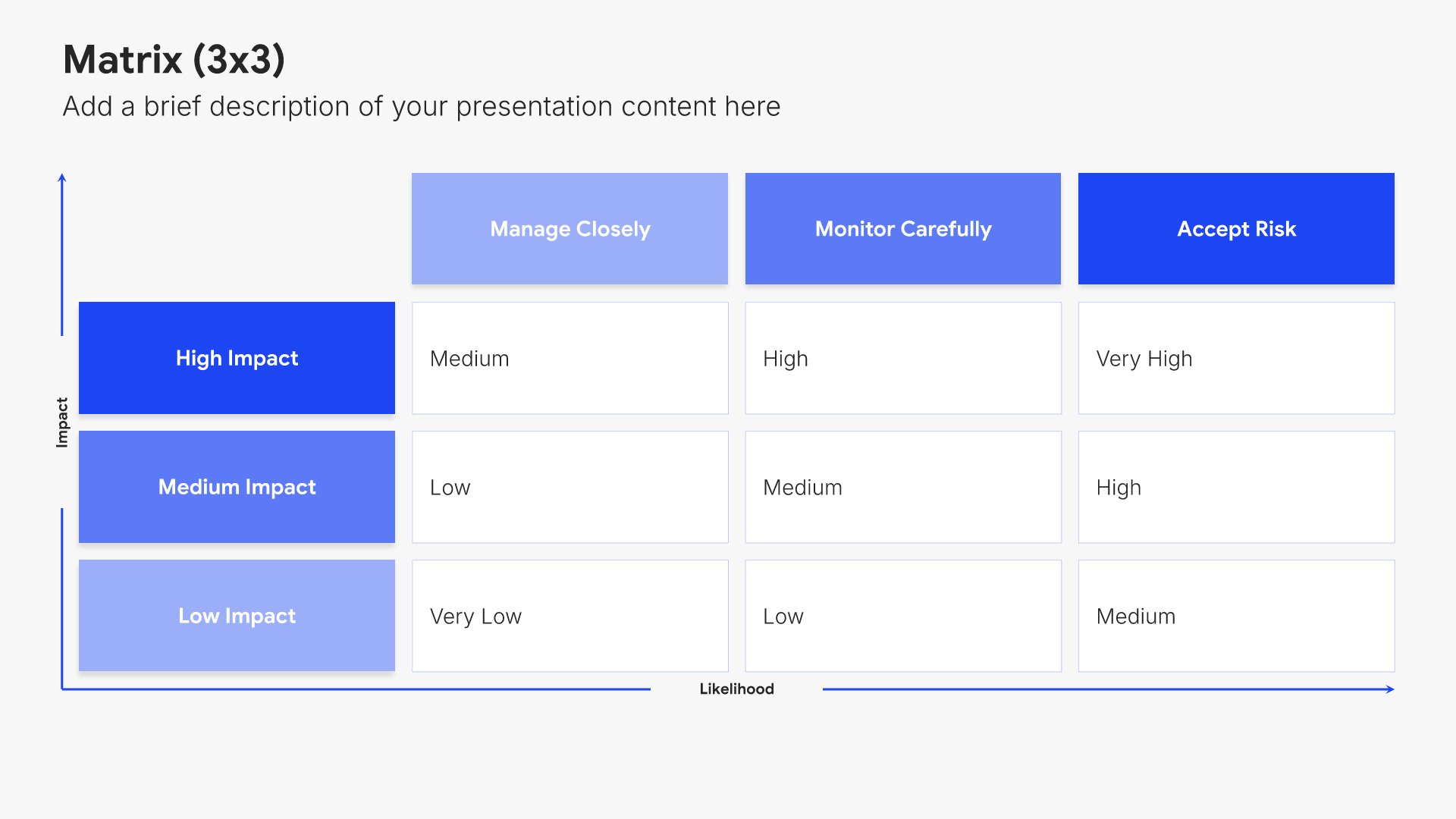
Risk assessment slides help you identify potential challenges and mitigation strategies. Use them to present risks that could impact your budget, along with contingency plans and safeguards. Ideal for budget proposals and business cases where acknowledging risks and showing preparedness builds stakeholder confidence.
Built using Matrix (3×3) slides

11. Customer & Revenue Analysis

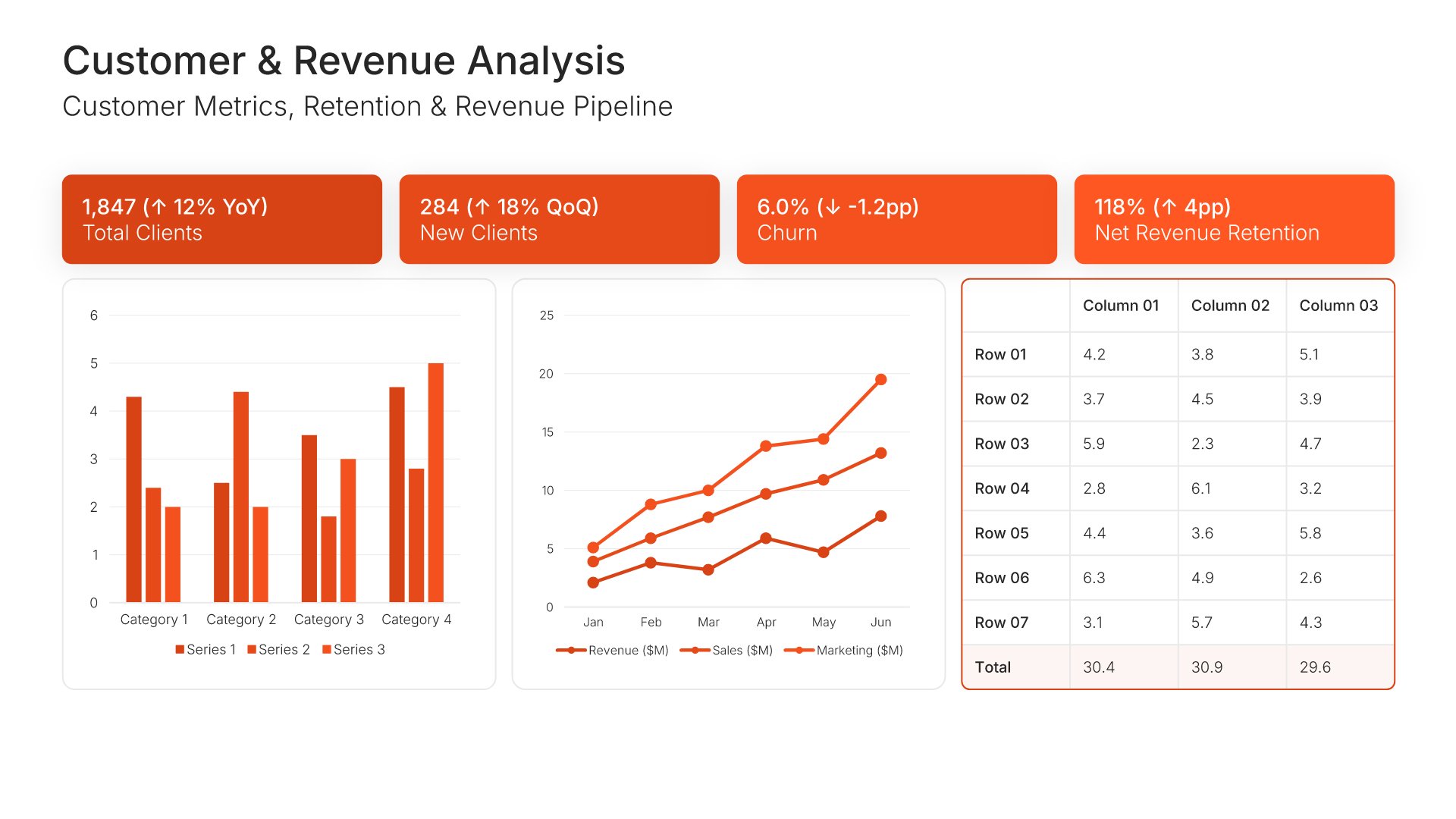
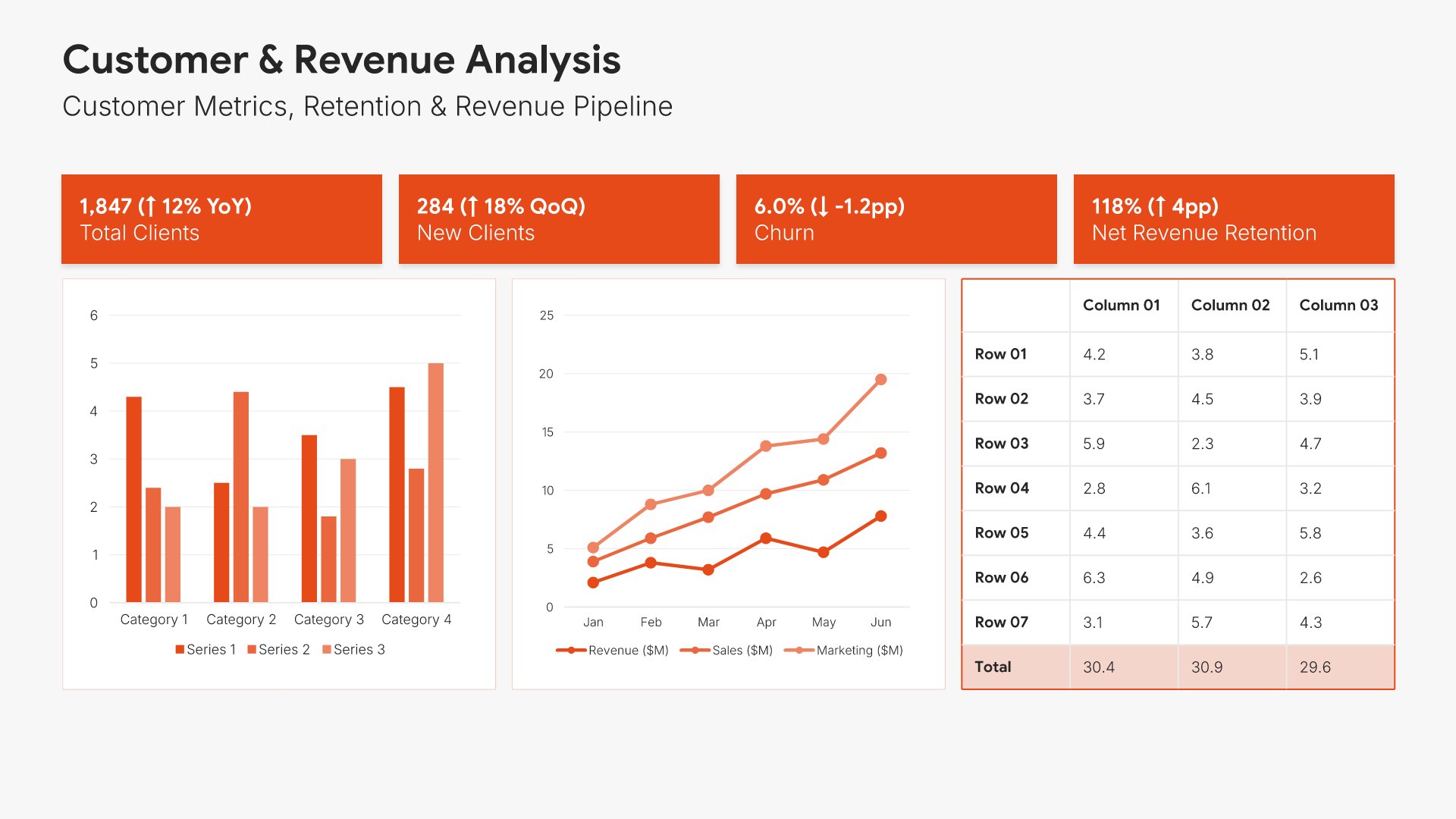
Customer and revenue analysis slides help you present insights about your customer base and revenue drivers. Use them to display customer metrics, retention rates, revenue concentration, and growth trends by segment. Ideal for board presentations where understanding customer health provides context for financial performance.
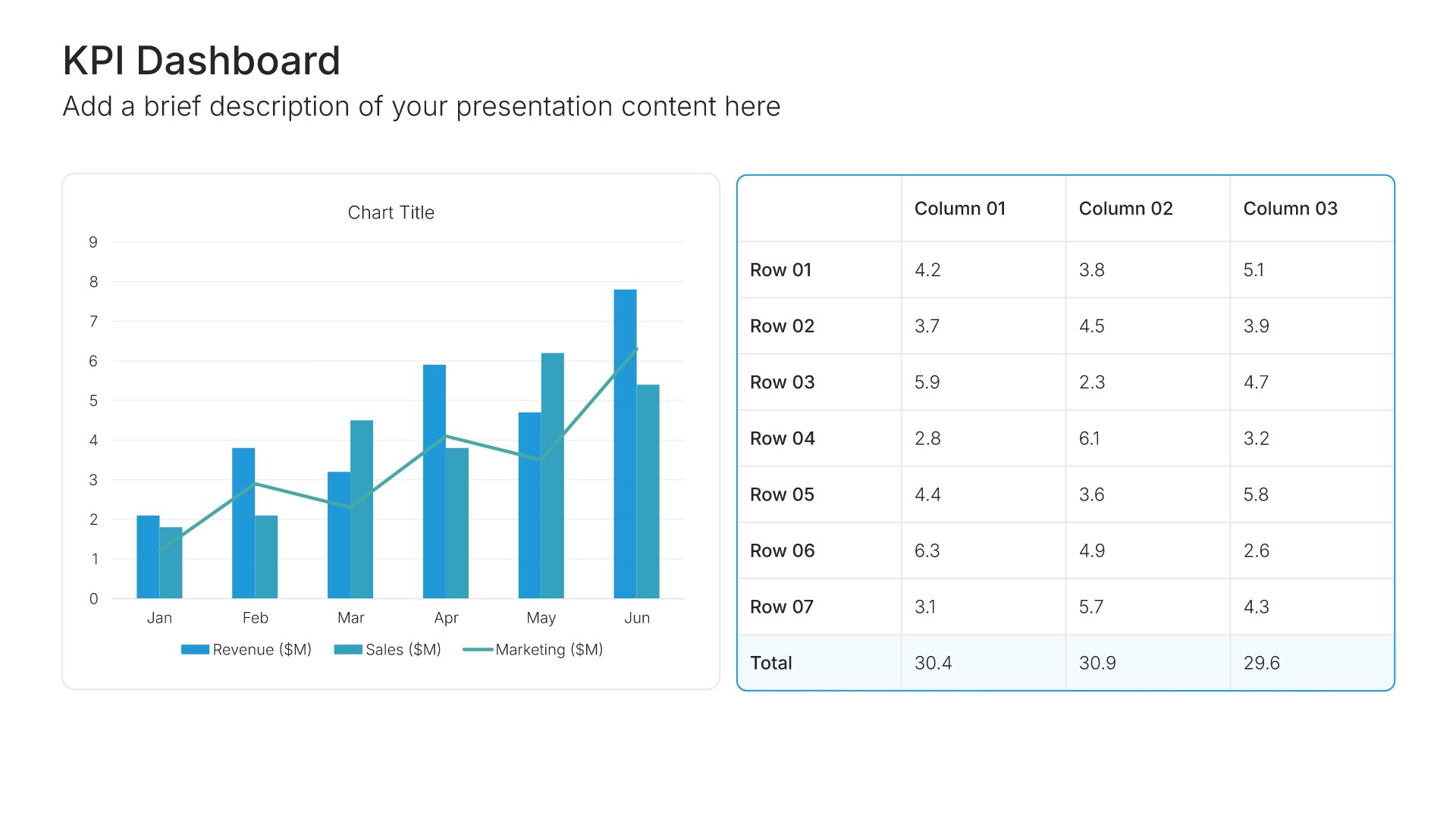
Built using KPI Dashboard slides

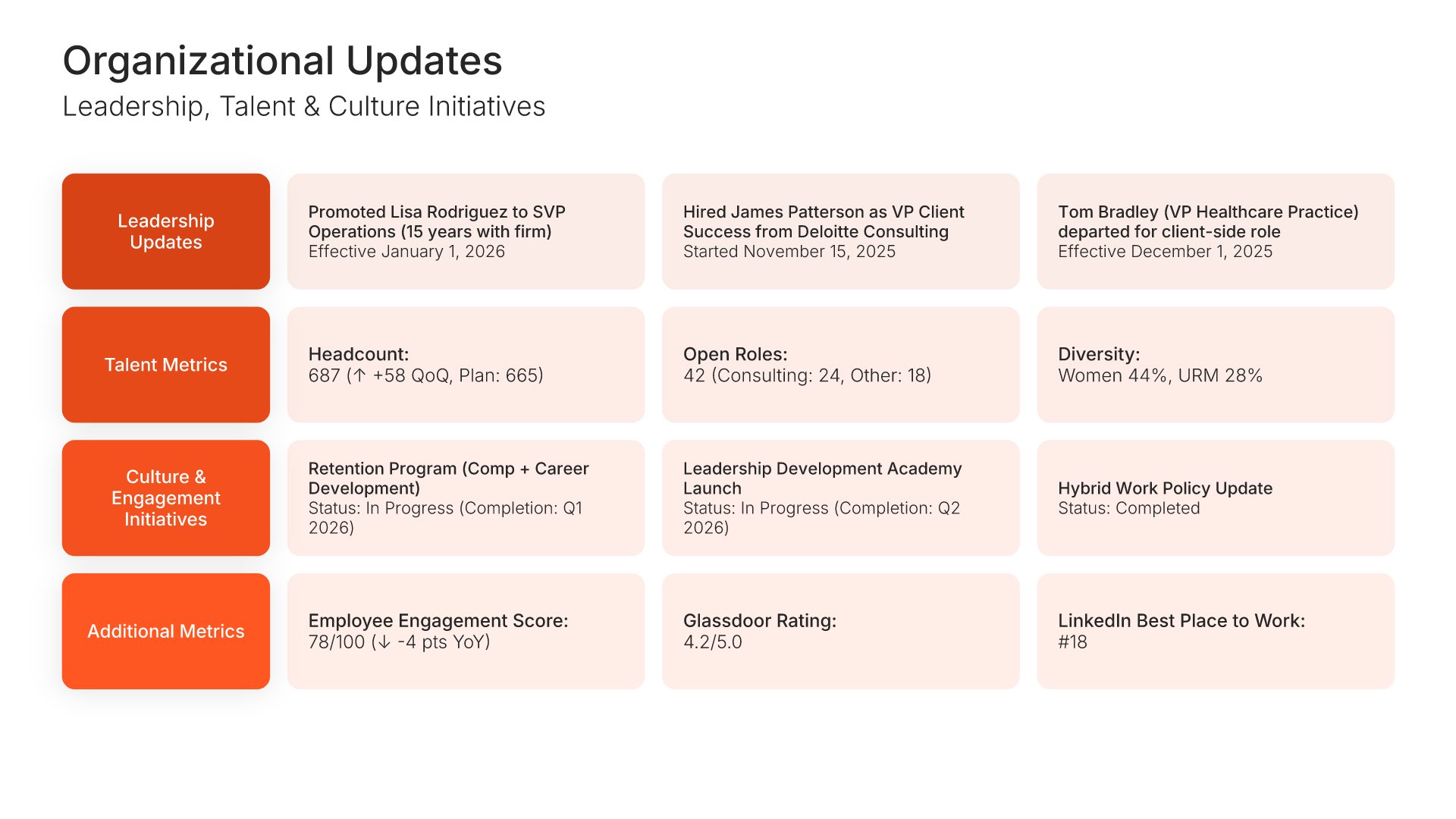
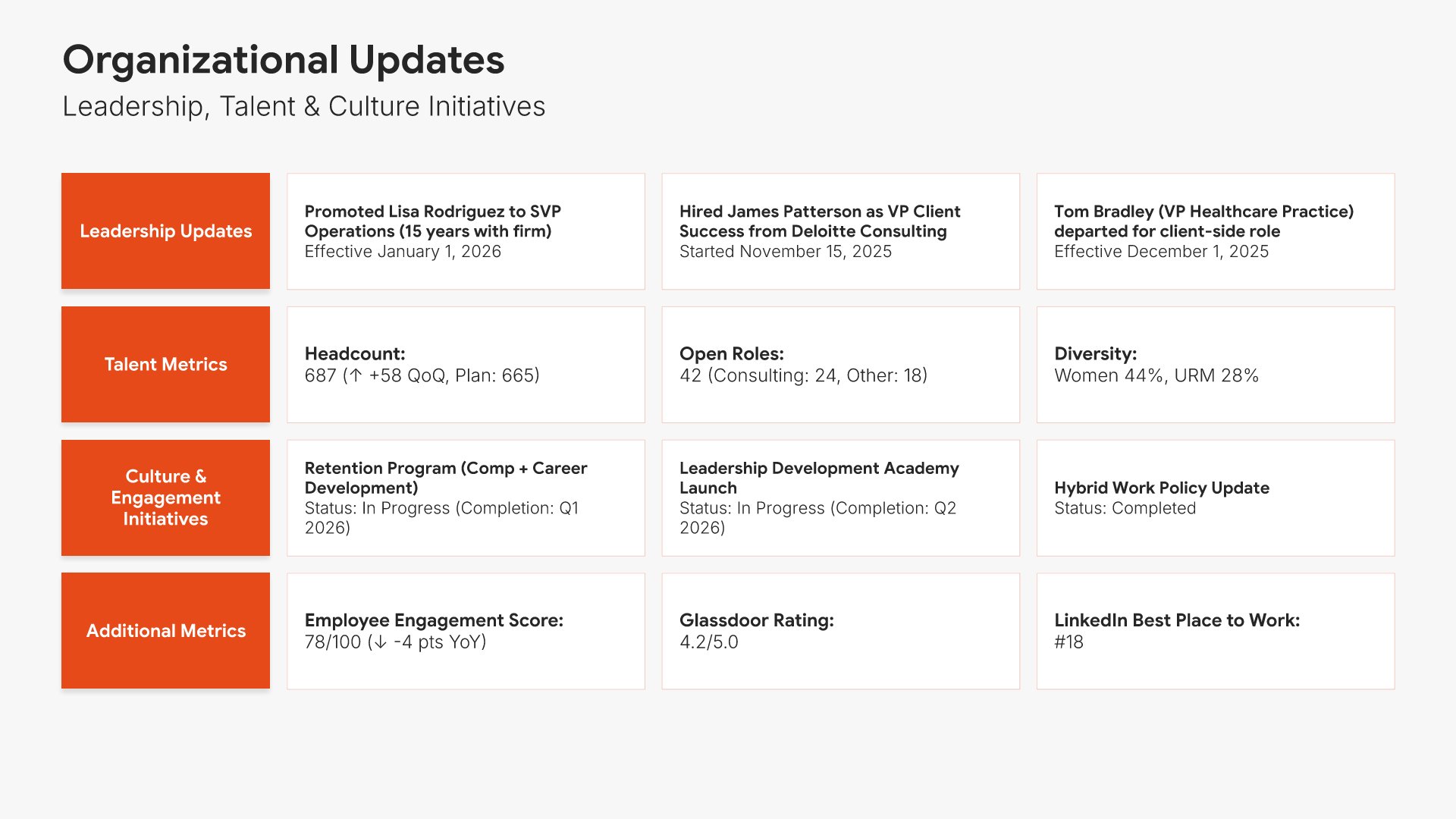
12. Organizational Updates

Organizational updates slides help you report on people, structure, and culture developments. Use them to present leadership changes, hiring progress, talent initiatives, and organizational health metrics. Ideal for board presentations where keeping directors informed about human capital matters supports effective governance oversight.
Built using Simple Text slides

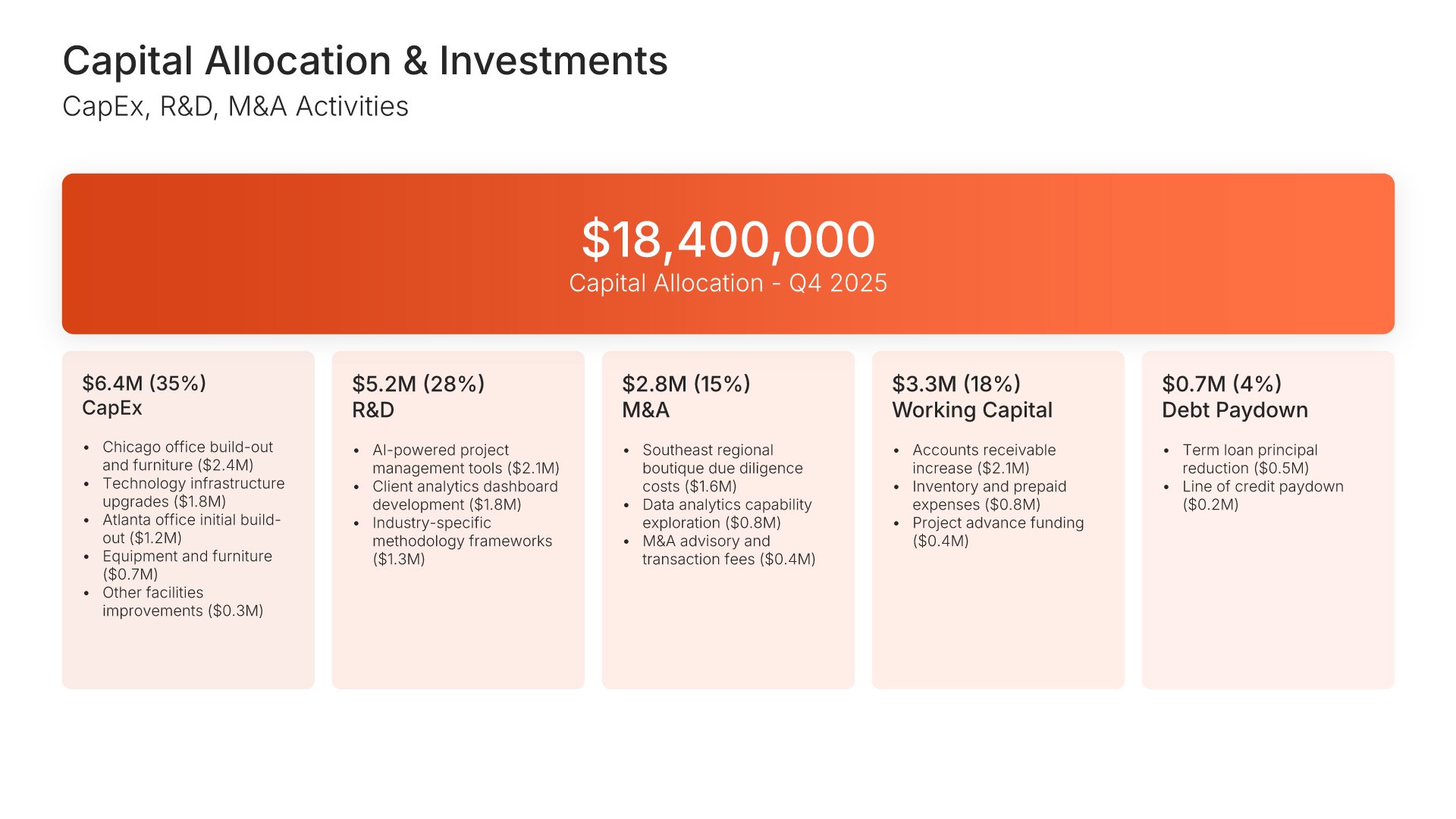
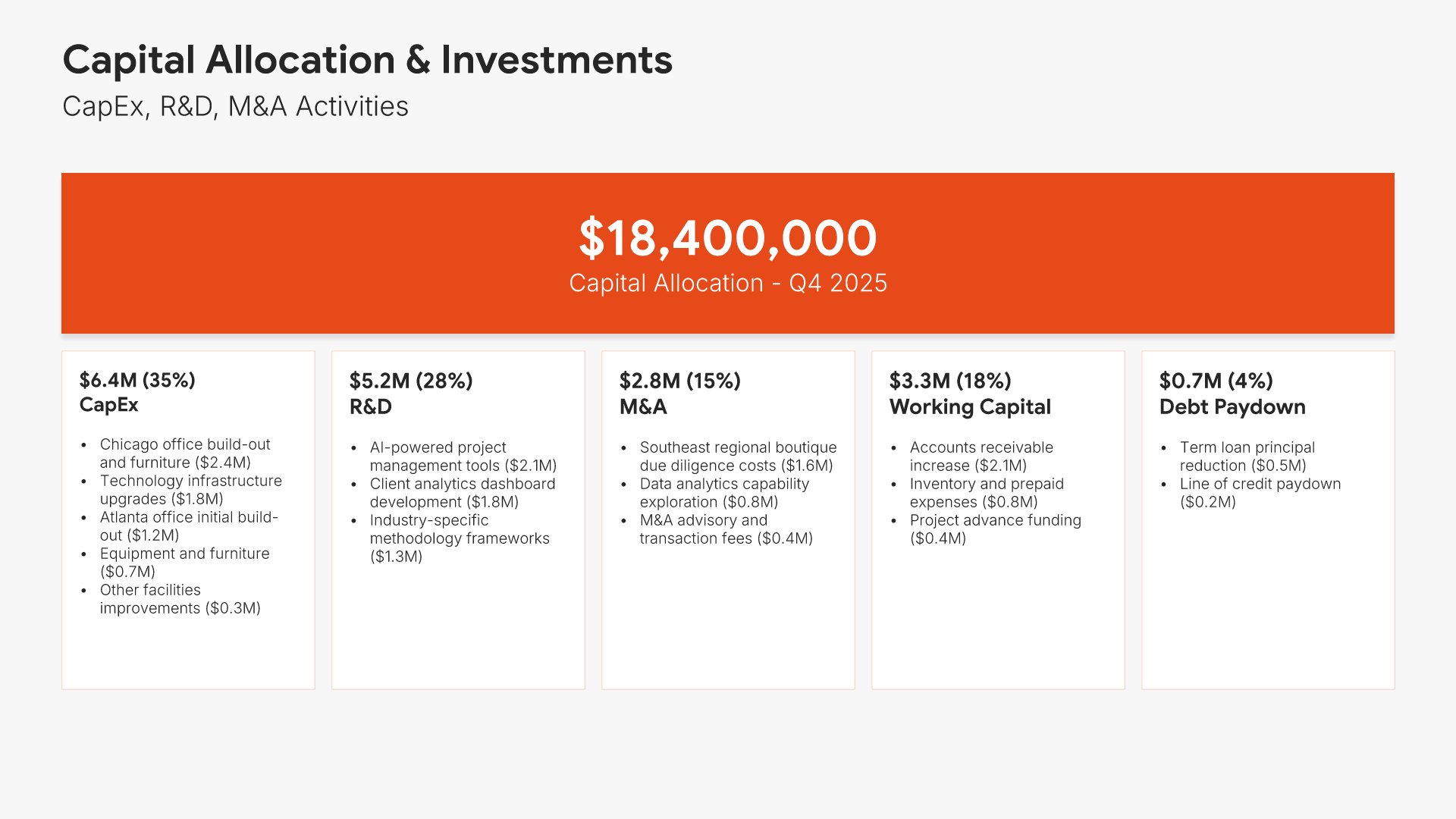
13. Capital Allocation & Investments

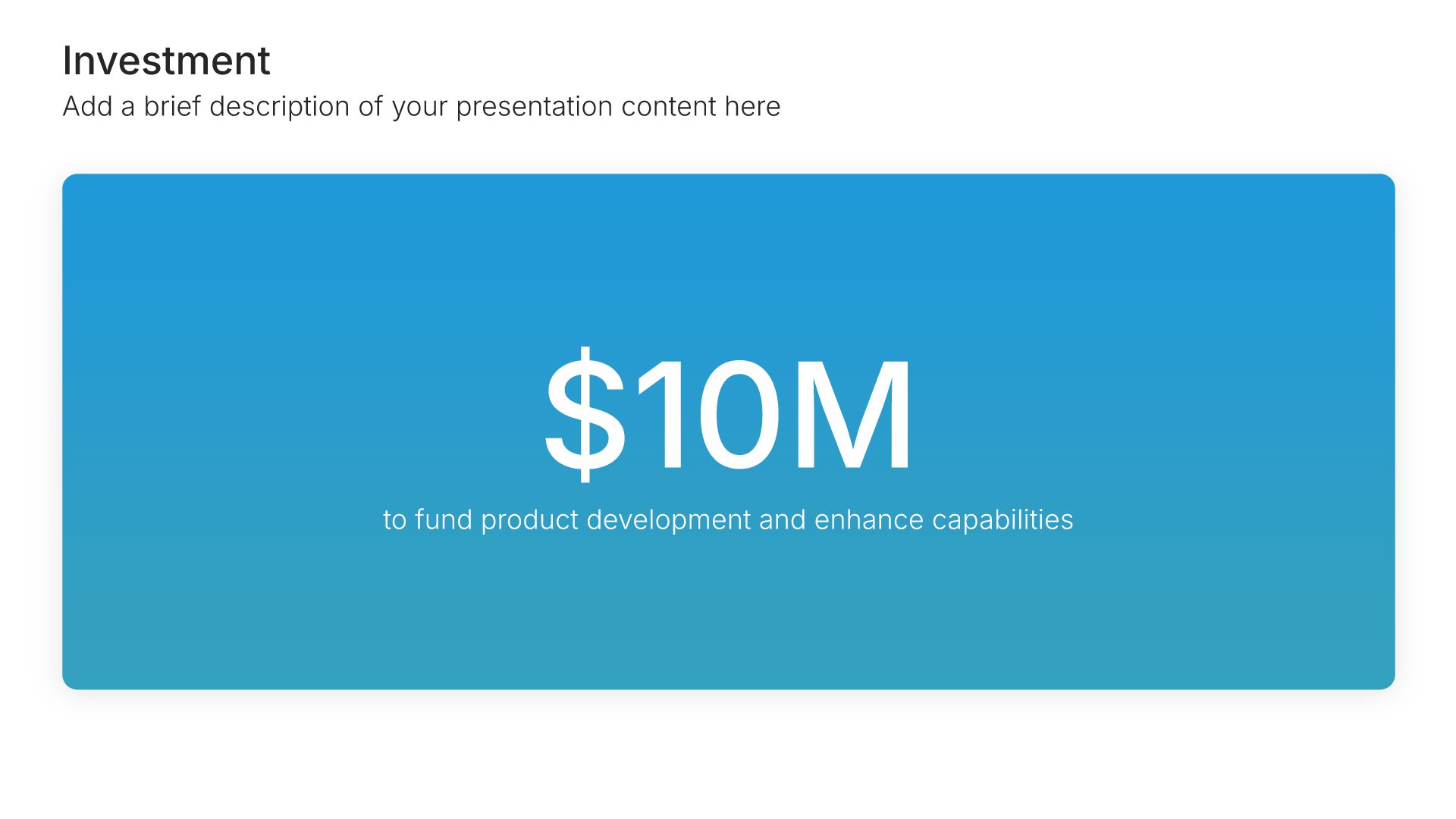
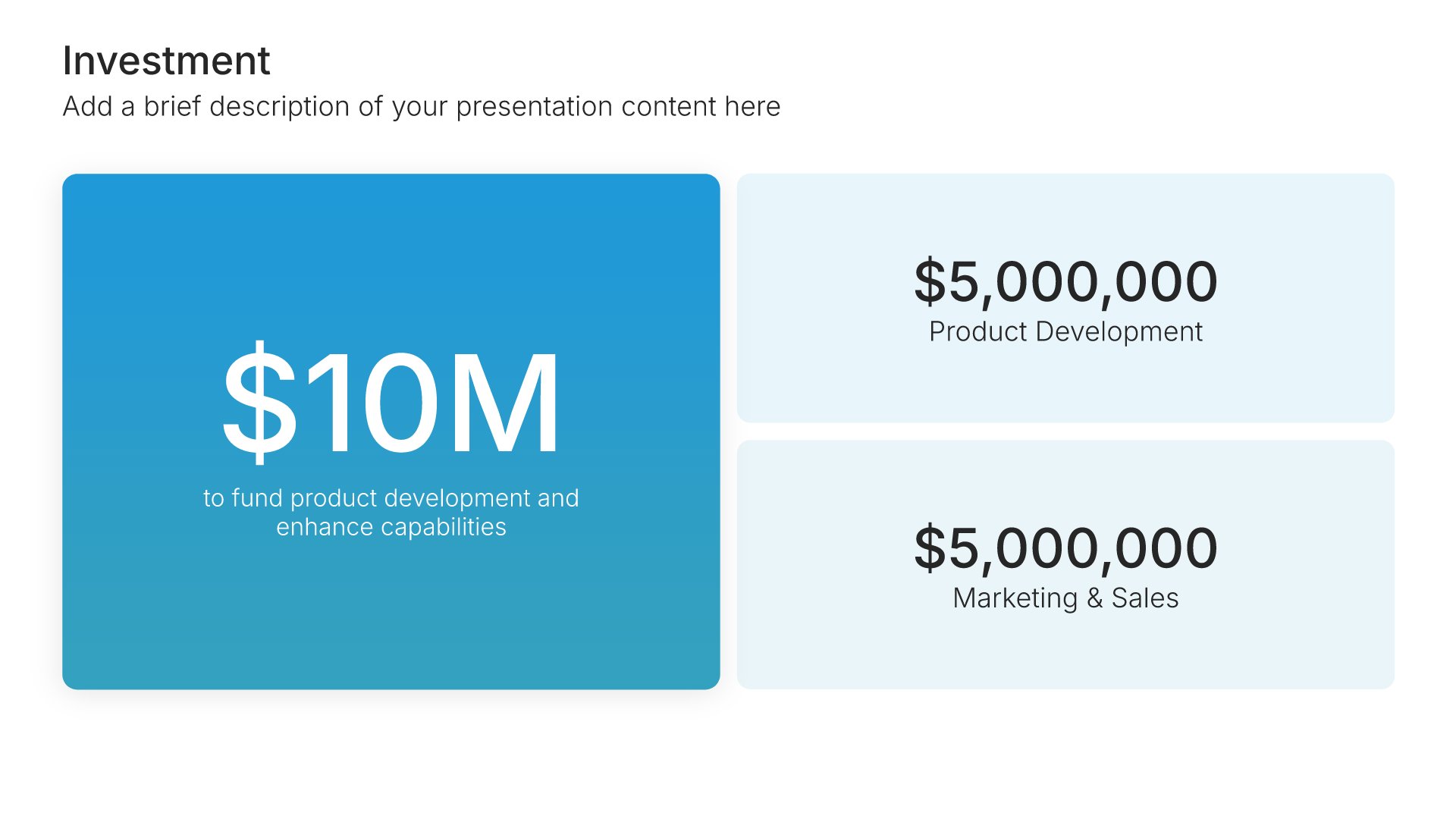
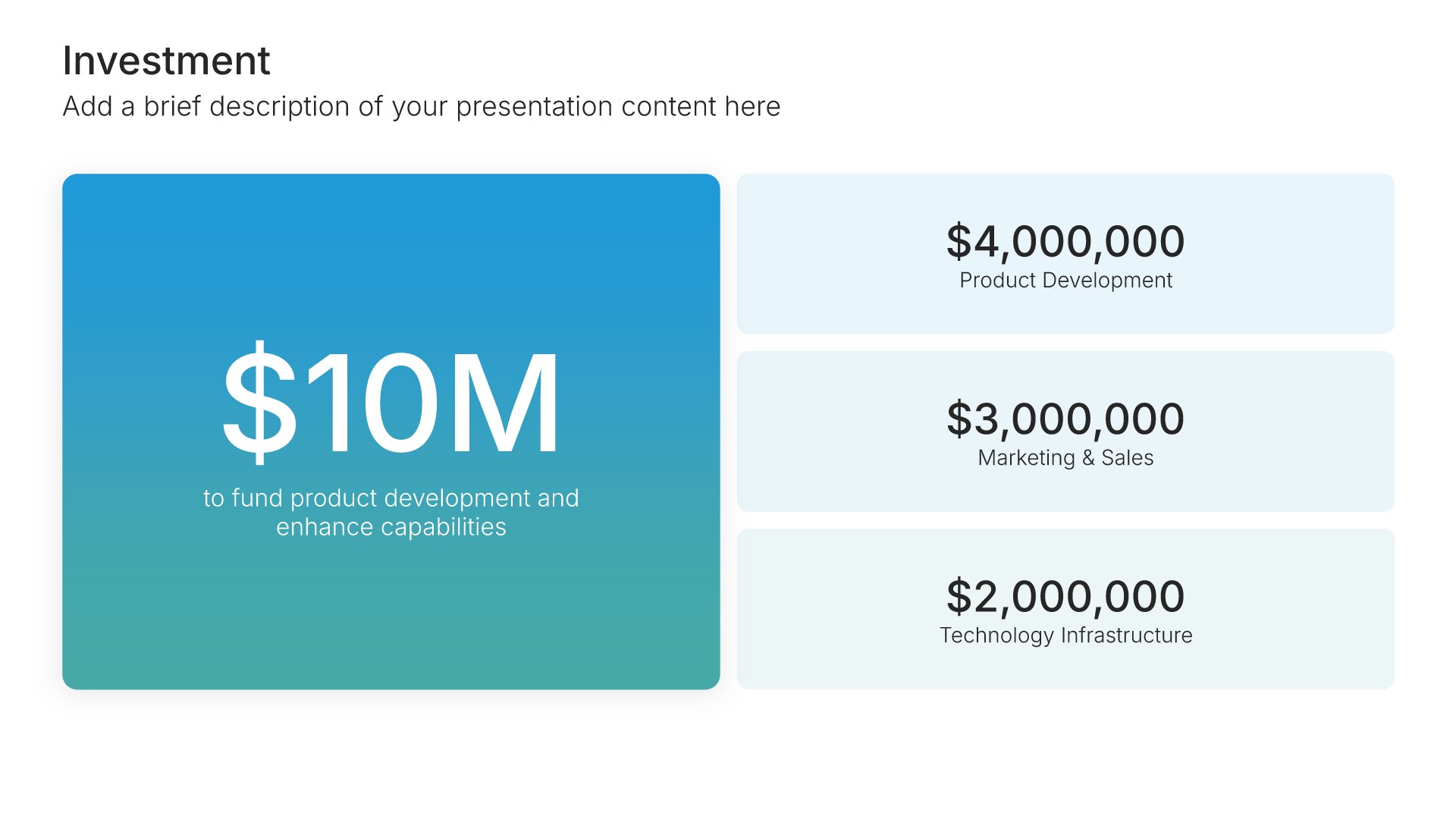
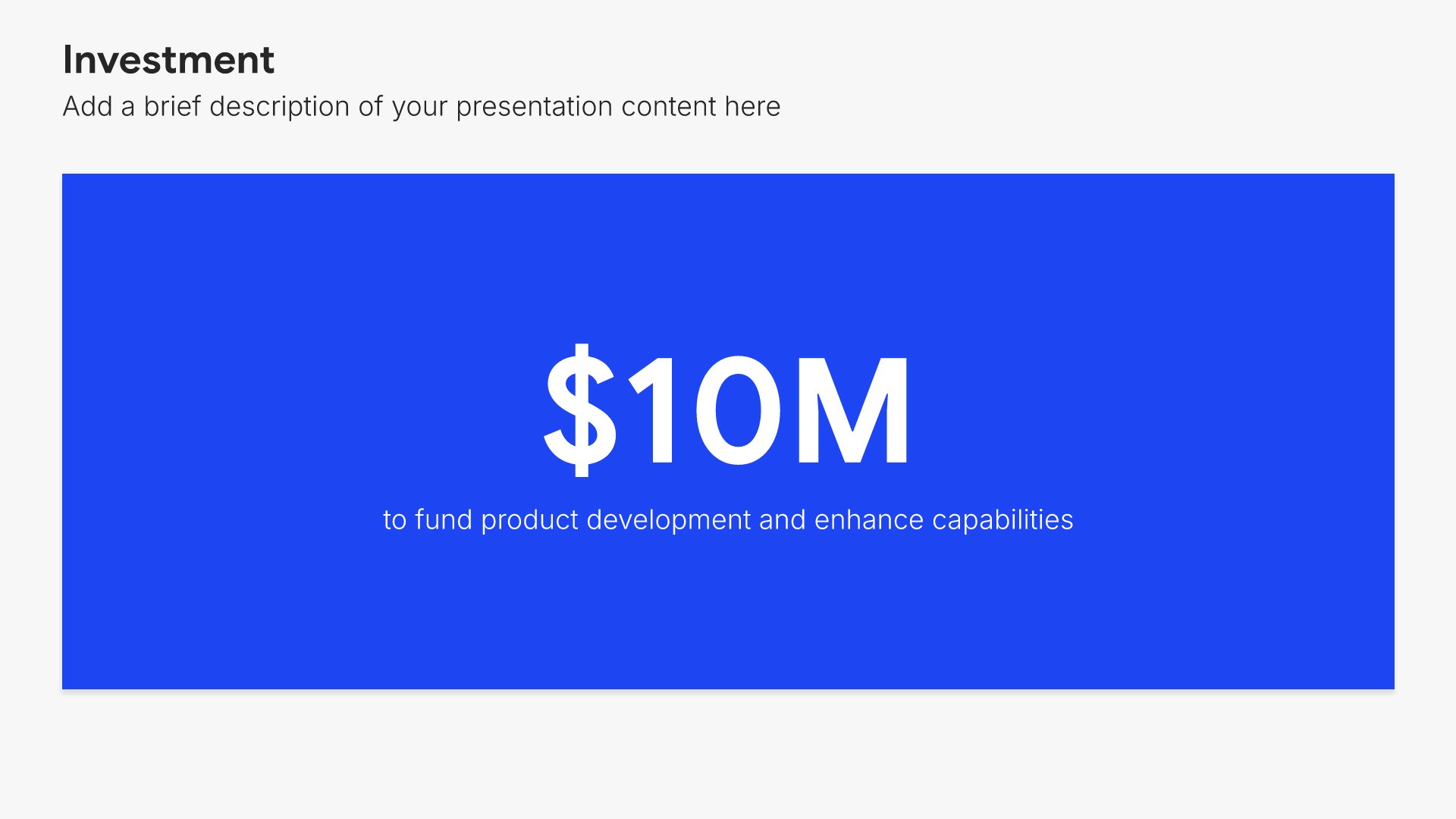
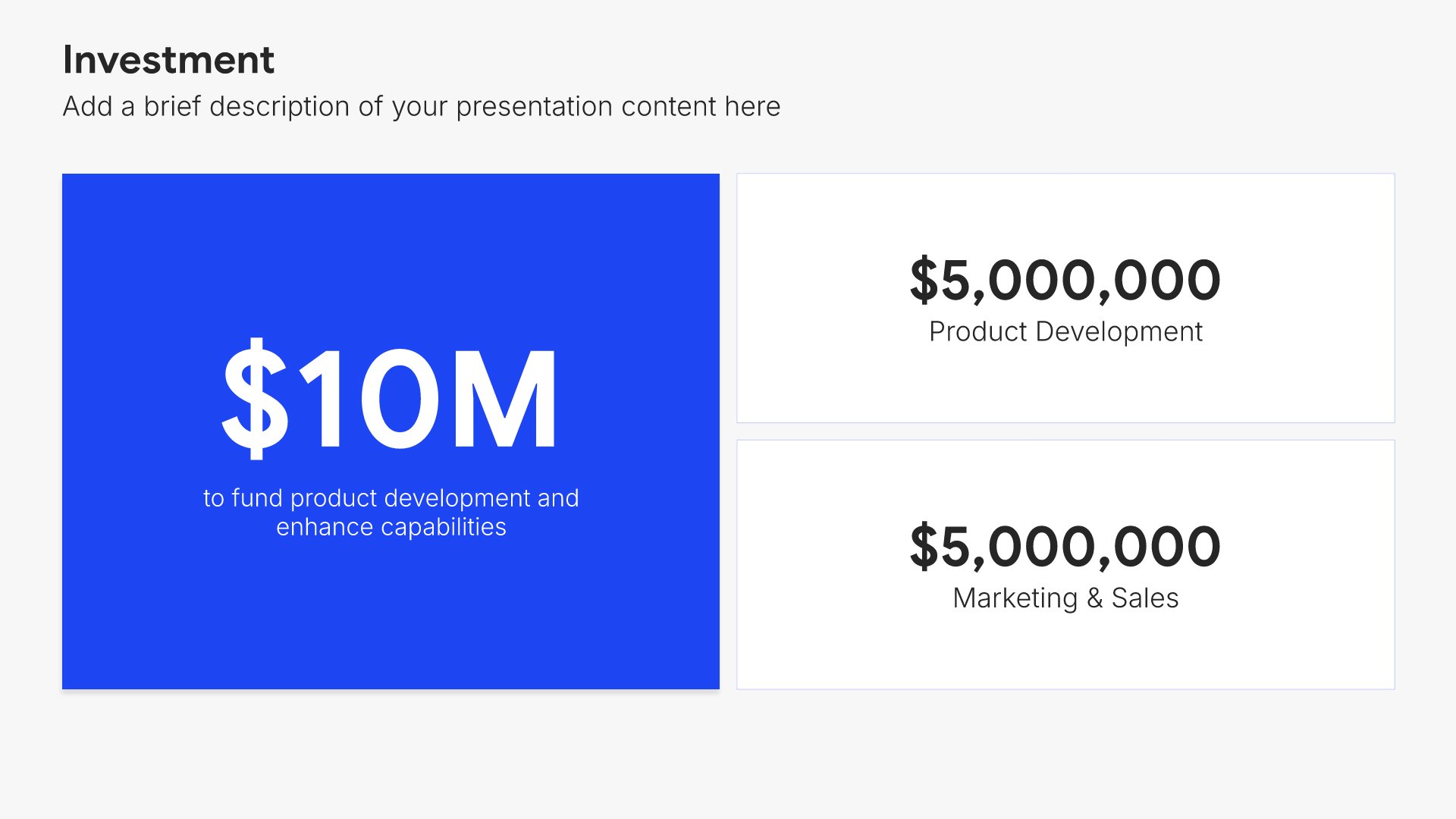
Capital allocation slides help you present how resources are being deployed across the organization. Use them to display capital expenditures, investment priorities, M&A activity, and returns on deployed capital. Ideal for board presentations where demonstrating disciplined capital management builds confidence in financial stewardship.
Built using Investment slides

14. Outlook & Guidance

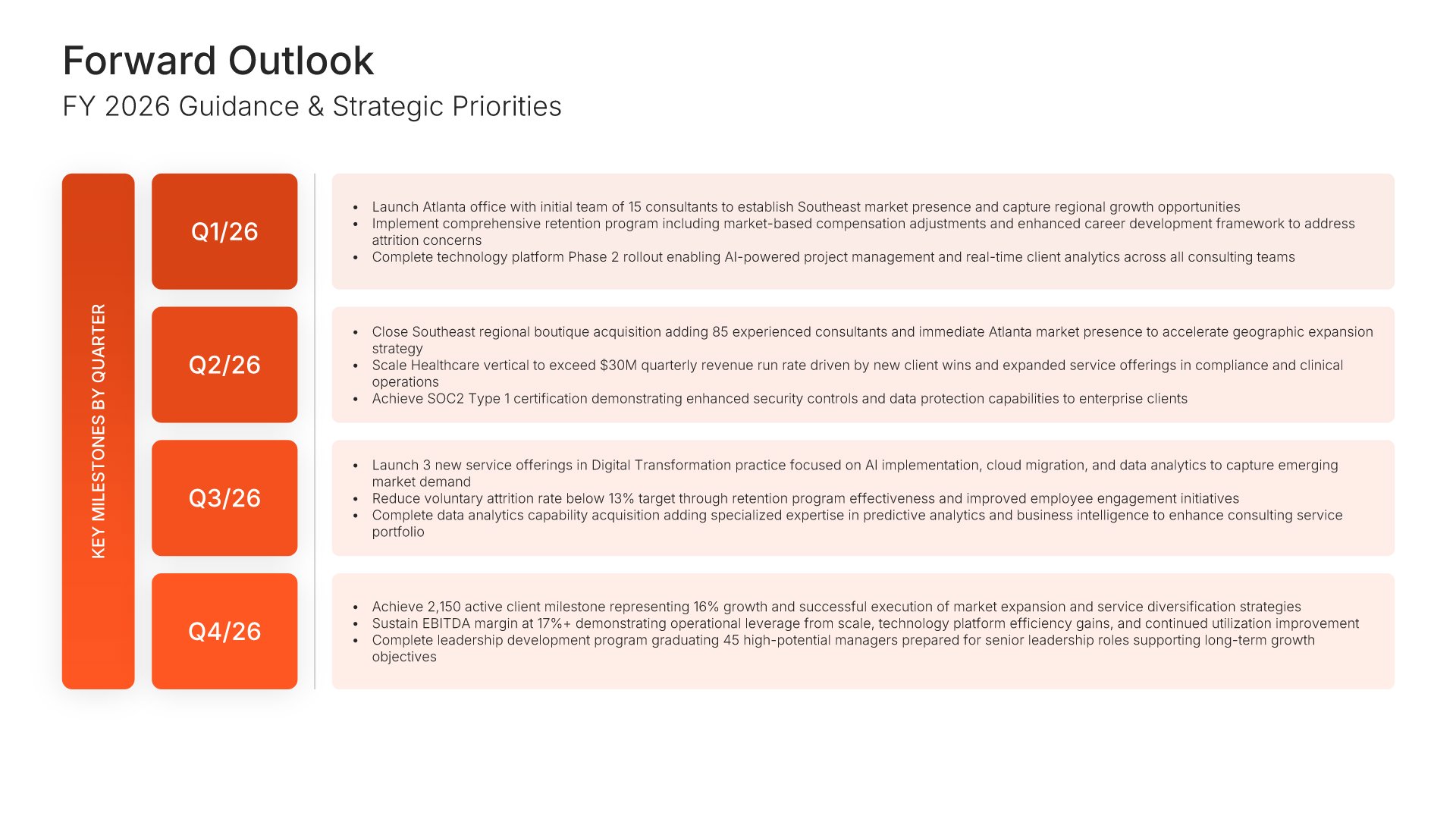
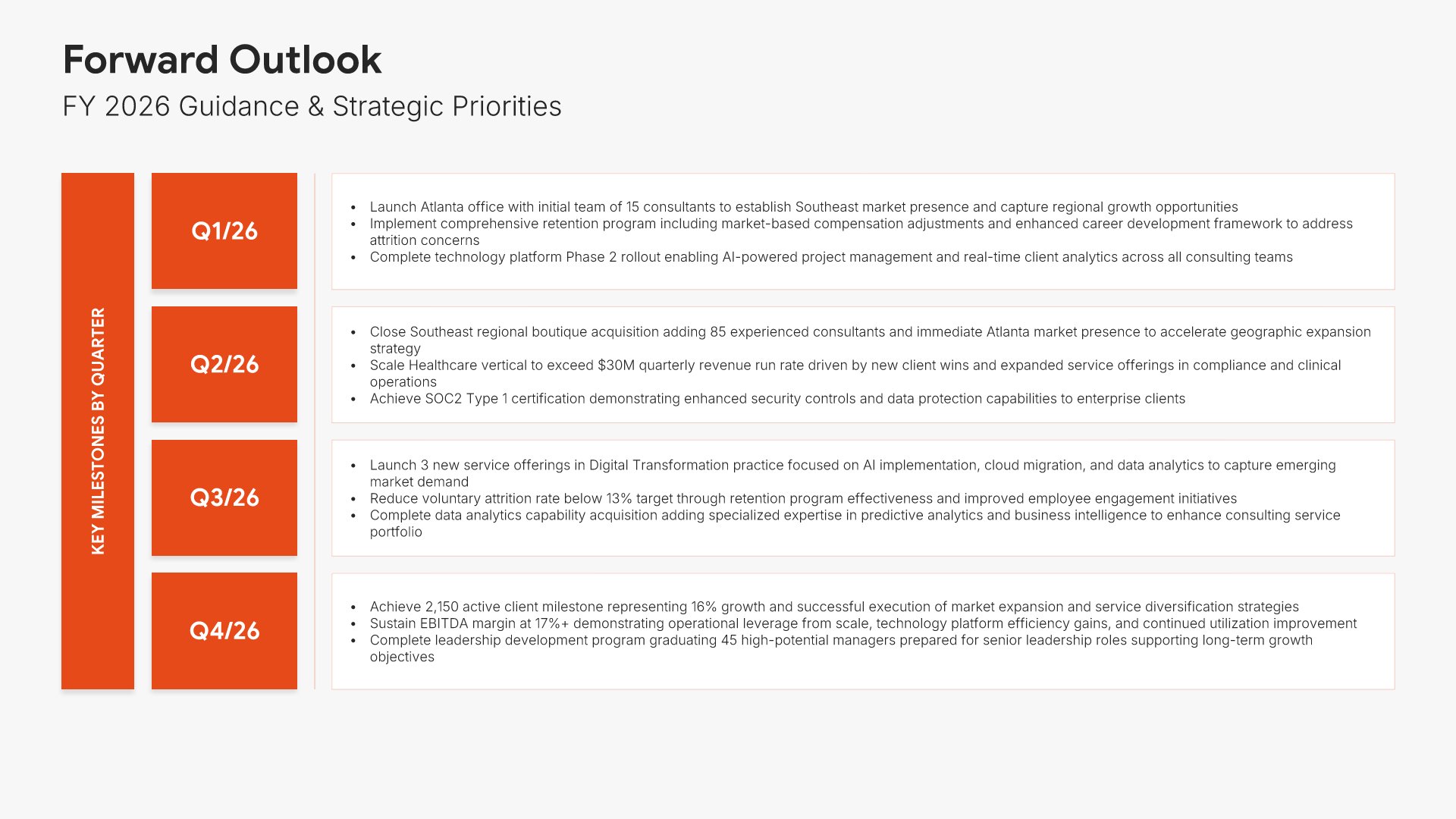
Outlook and guidance slides help you share your expectations for the future. Use them to present forecasts, targets, strategic priorities, and assumptions for the coming period. Ideal for annual reports and investor presentations where forward-looking statements help stakeholders understand your trajectory.
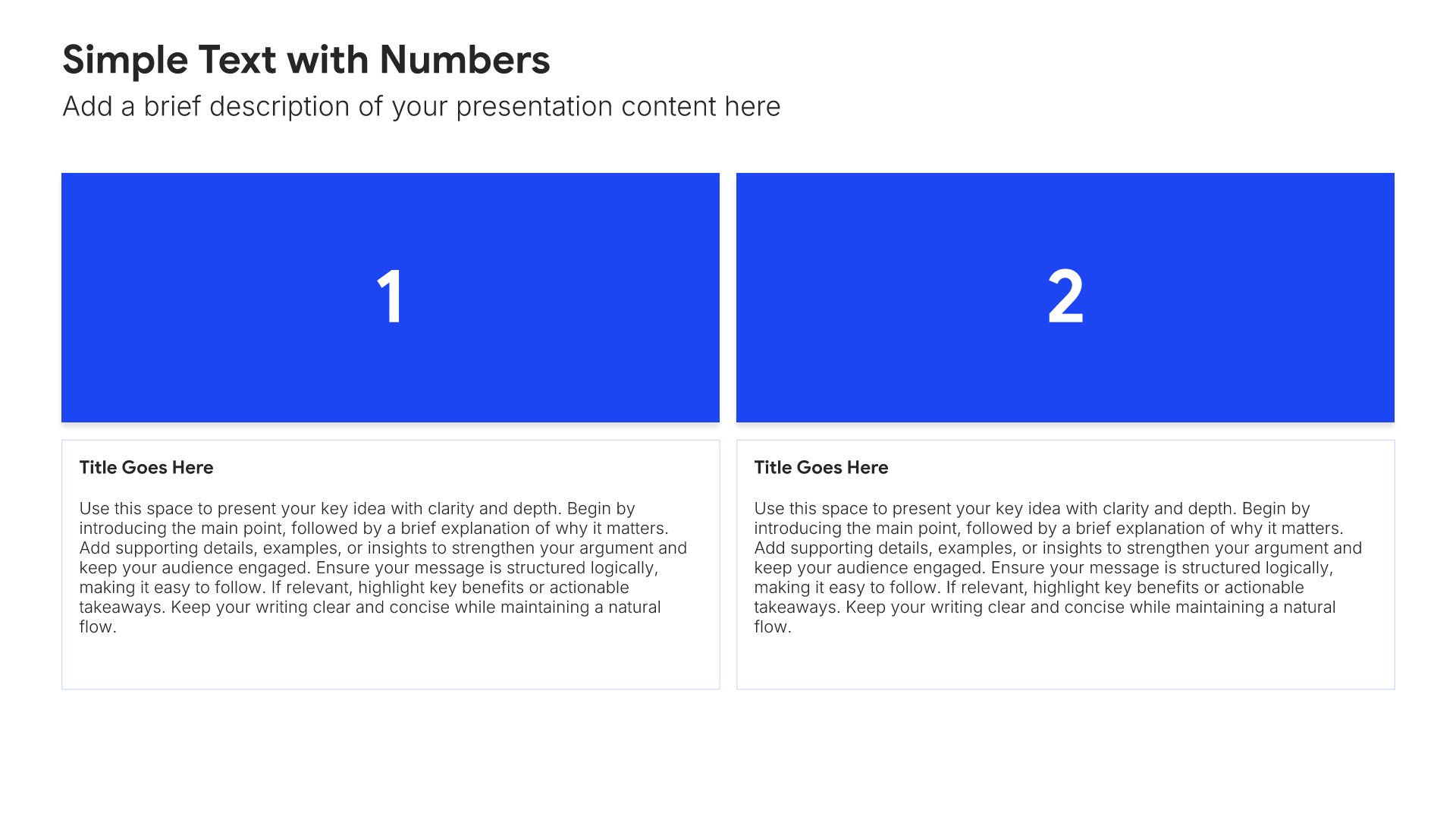
Built using Simple Text (with Numbers) slides

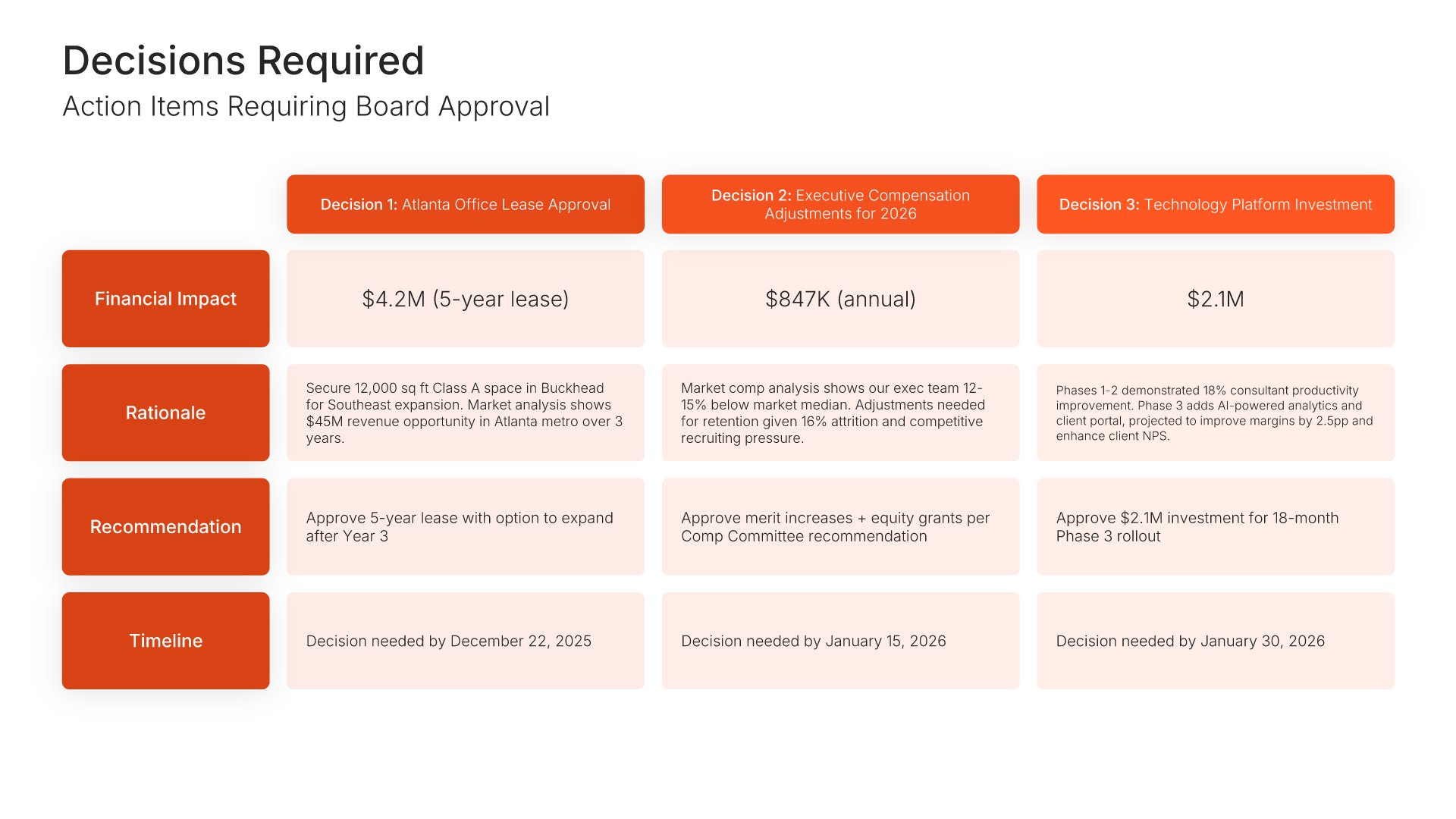
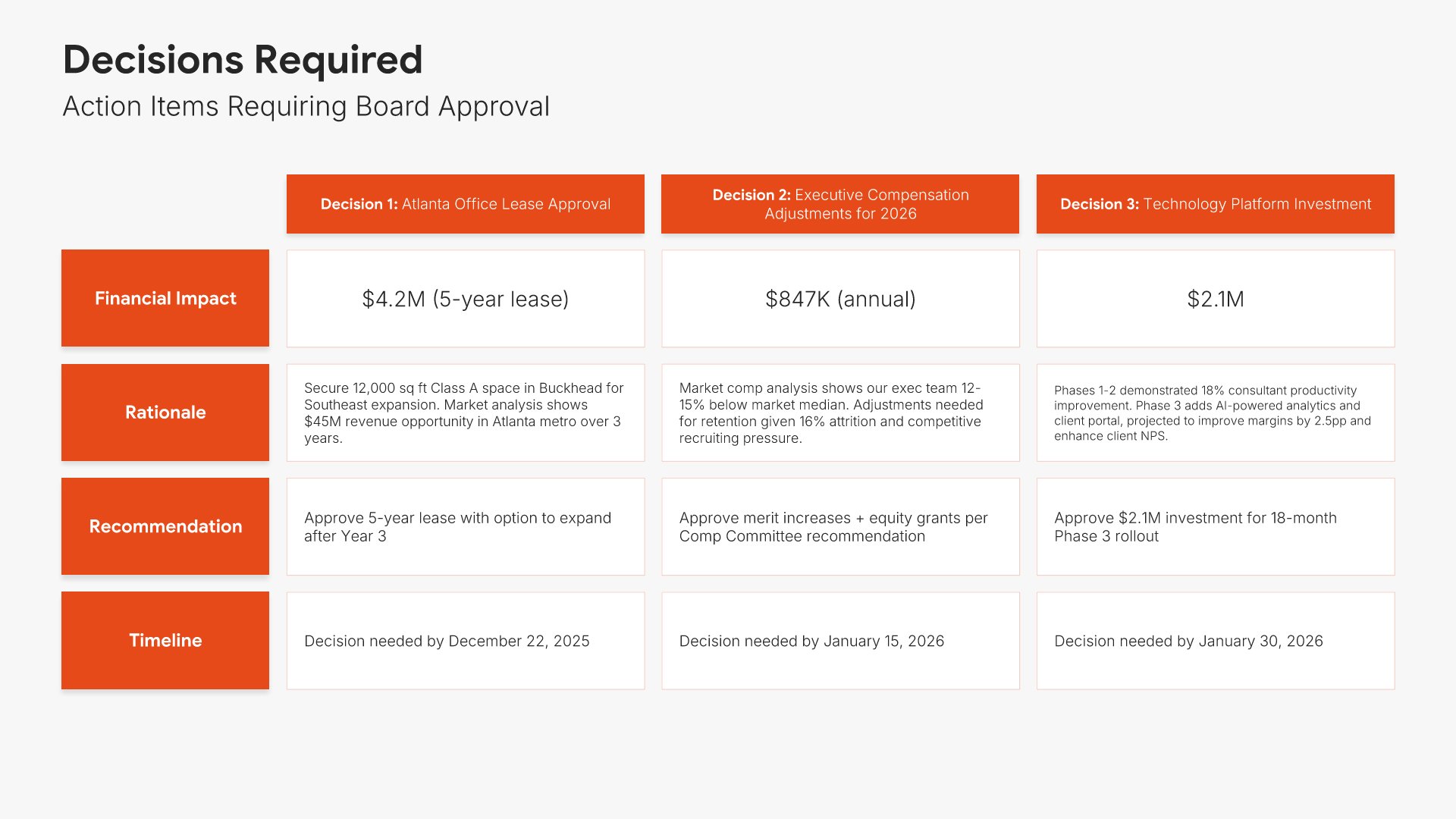
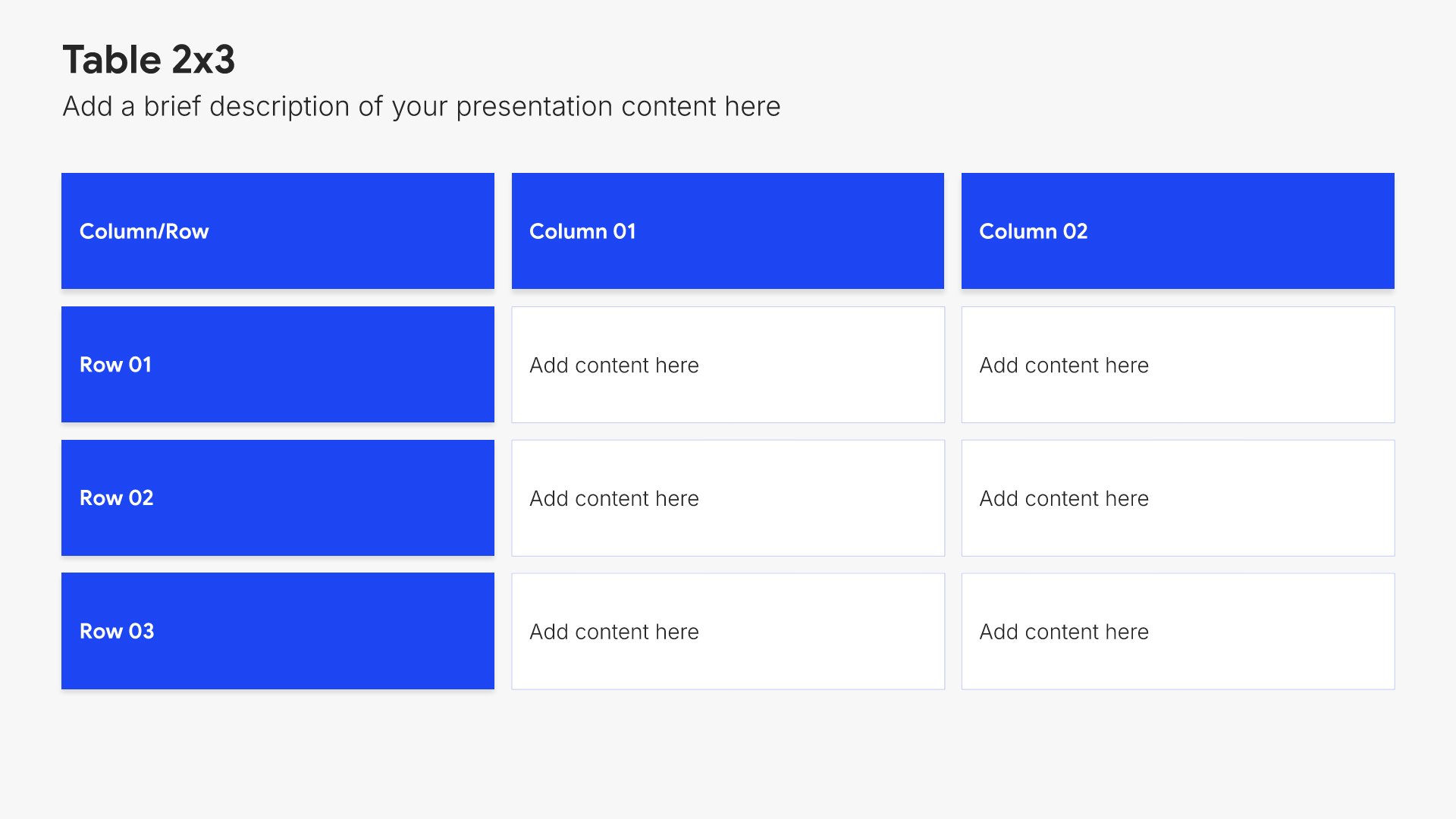
15. Decisions Required

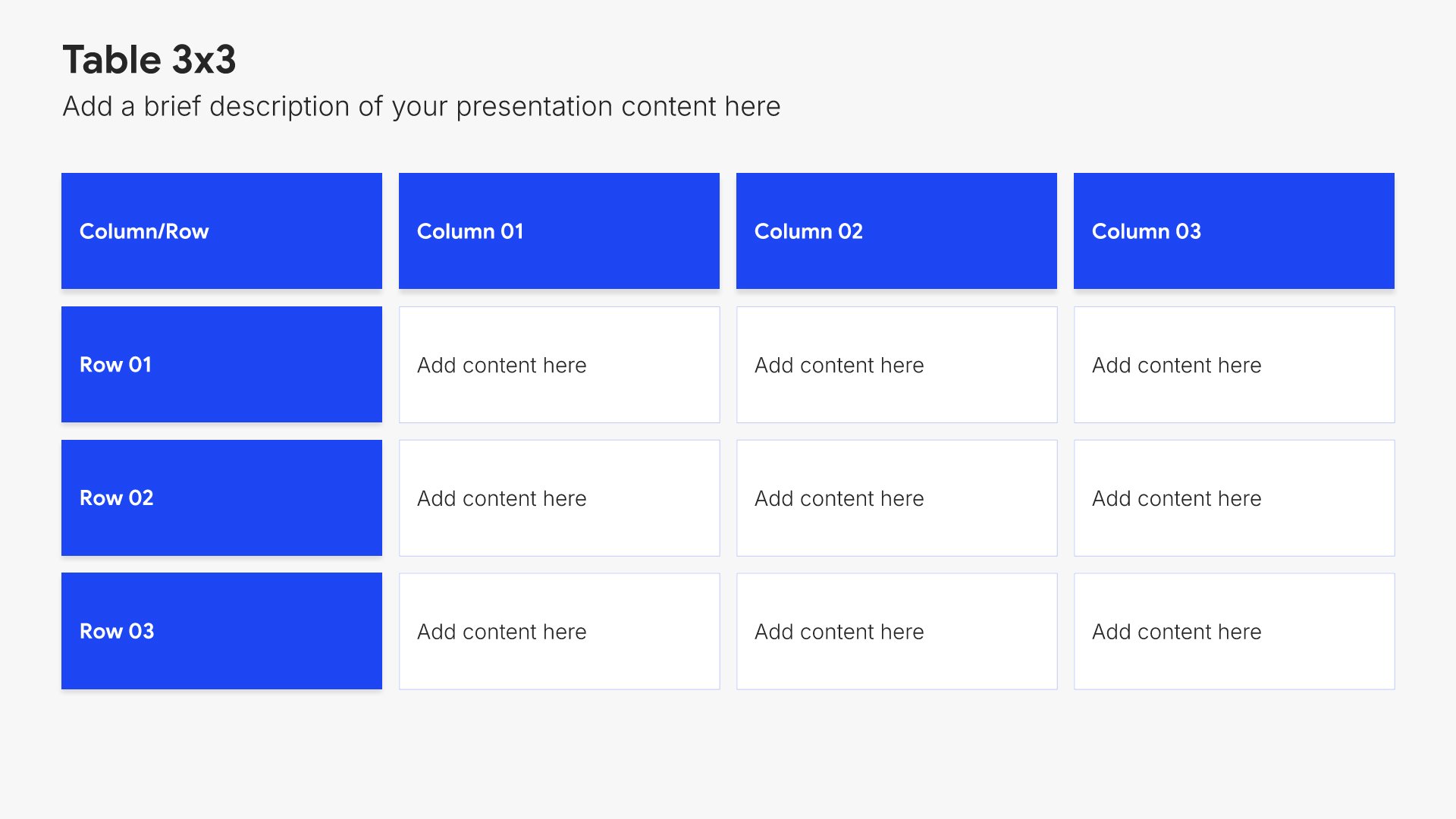
Decisions required slides help you present items needing board approval or action. Use them to outline specific resolutions, recommendations, and votes required from directors. Ideal for board presentations where clearly articulating what you need from the board ensures governance matters are addressed efficiently.
Built using Table slides

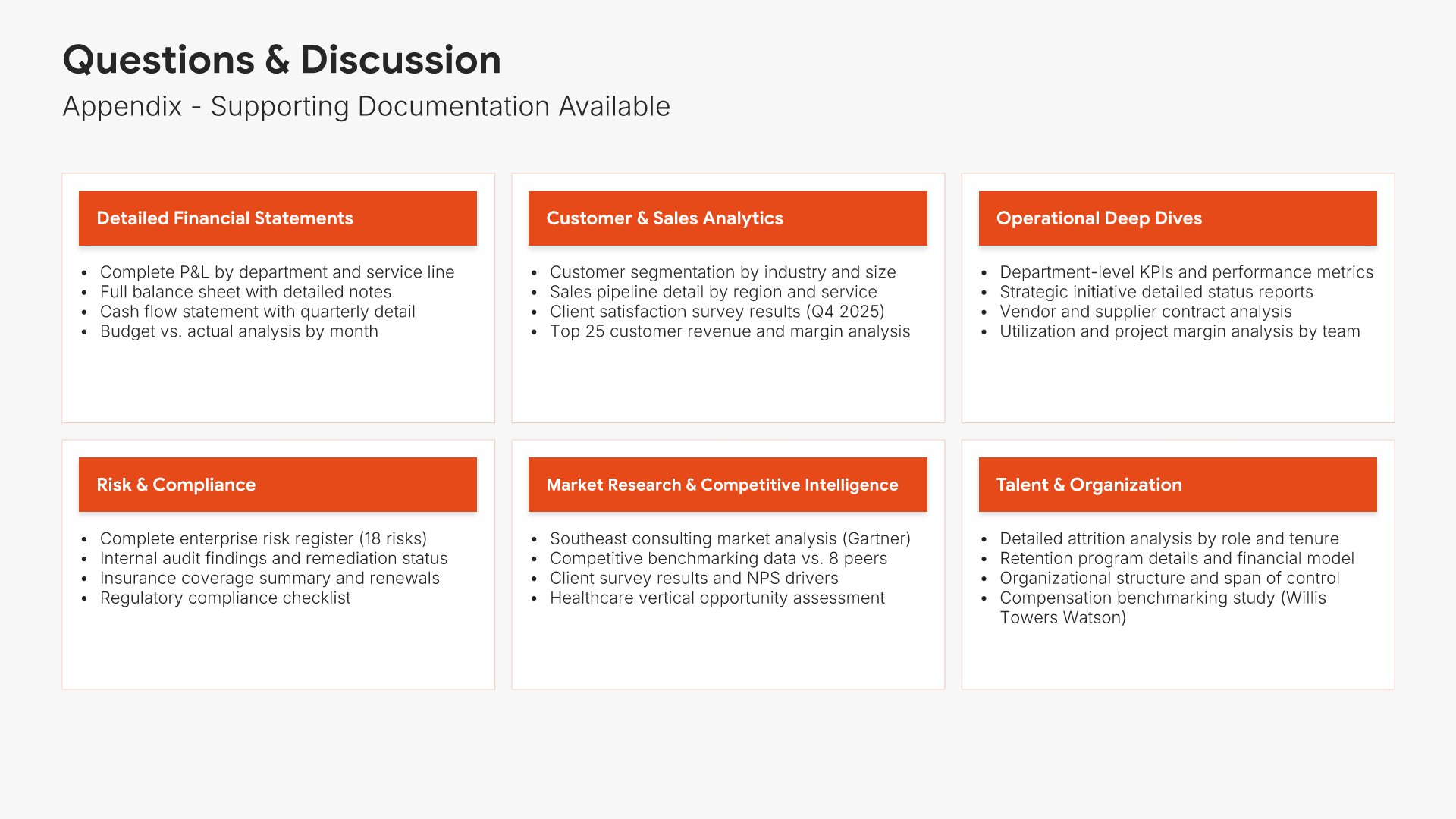
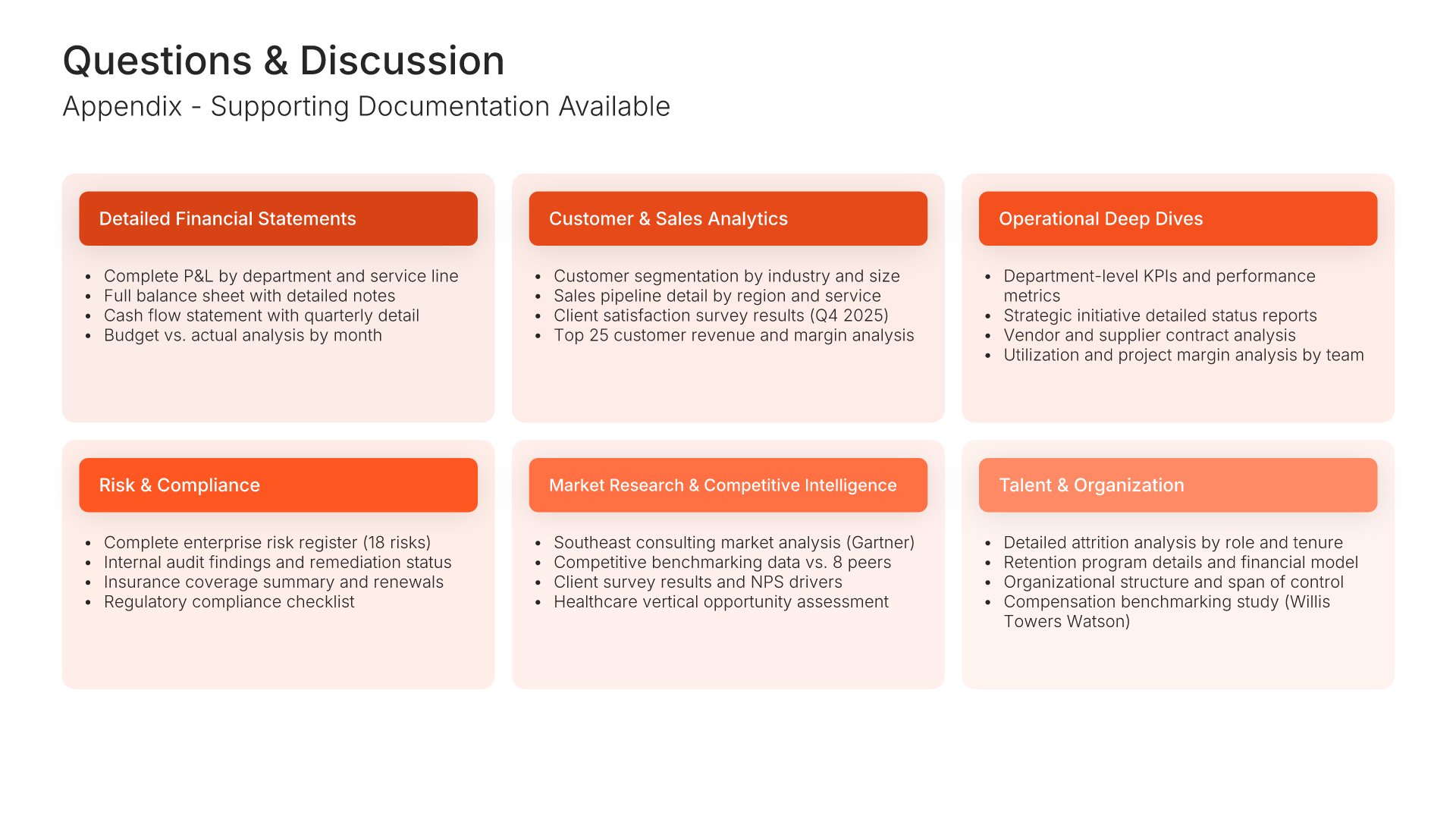
16. Questions & Discussion

Questions and discussion slides help you transition from presentation to dialogue with your audience. Use them to invite questions, facilitate discussion, and signal openness to board input. Ideal for board presentations where engaging directors in conversation strengthens governance and surfaces important perspectives.
Built using Simple Text slides

17. Thank You
Thank you slides help you close presentations professionally. Use them to end with gratitude, provide contact information, and leave a polished final impression. Ideal for any presentation where a professional closing reinforces your message and gives your audience a clear way to follow up or stay connected.
Built using Thank You slides

Build your Board of Directors presentation with Twodart

Transform your Board of Directors vision into reality with Twodart’s user-friendly platform. Follow our step-by-step guide, harnessing our vast collection of slides and tools, to create a compelling and cohesive presentation that resonates with your audience.

Step 1

Browse and Select Your Slides​

Discover from over 9,172 unique slides in 134 categories or kickstart with 31 premade presentation templates. Design skills? Not needed.
Step 2

Brand Your Presentation

Add your logo and easily customize theme colors to align with your brand. 30+ preset colors, or explore unlimited color options for perfect match.

Step 3

Export Presentation Seamlessly​

With a single click, export your slides to Powerpoint, Google Slides, or Keynote. Enjoy unlimited exports with no restrictions or limitations.

Step 4

Personalize Your Content​

Replace text and image placeholders with your content effortlessly. Customize using tools like Powerpoint, Google Slides, or Keynote and present proudly.

Try Twodart for free today and experience the ease of creating remarkable presentations.

No Sign-in or Credit Card Required

Wait!
Before you go, have you had the chance to experience Twodart? If not try out – Twodart for absolutely FREE!!

No Sign-in or Credit Card Required

Experience Twodart Yourself!
Why just read about it when you can experience it? Dive into our presentation library – absolutely FREE!

No Sign-in or Credit Card Required