Try Choladeck Free: Download Personalized Business Slides Today
Try Choladeck Free: Download Personalized Business Slides Today
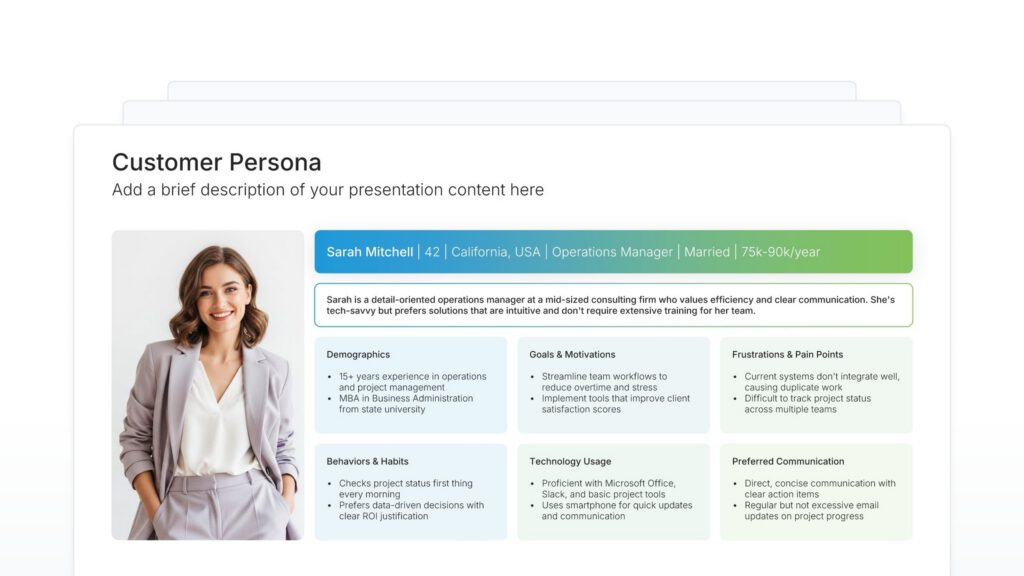
Customer persona slides help you bring your target audience to life. Use them to define demographics, behaviors, goals, motivations, and pain points that characterize your ideal customers. Ideal for marketing strategy, product design, and ensuring your team has a shared understanding of who you’re building for.
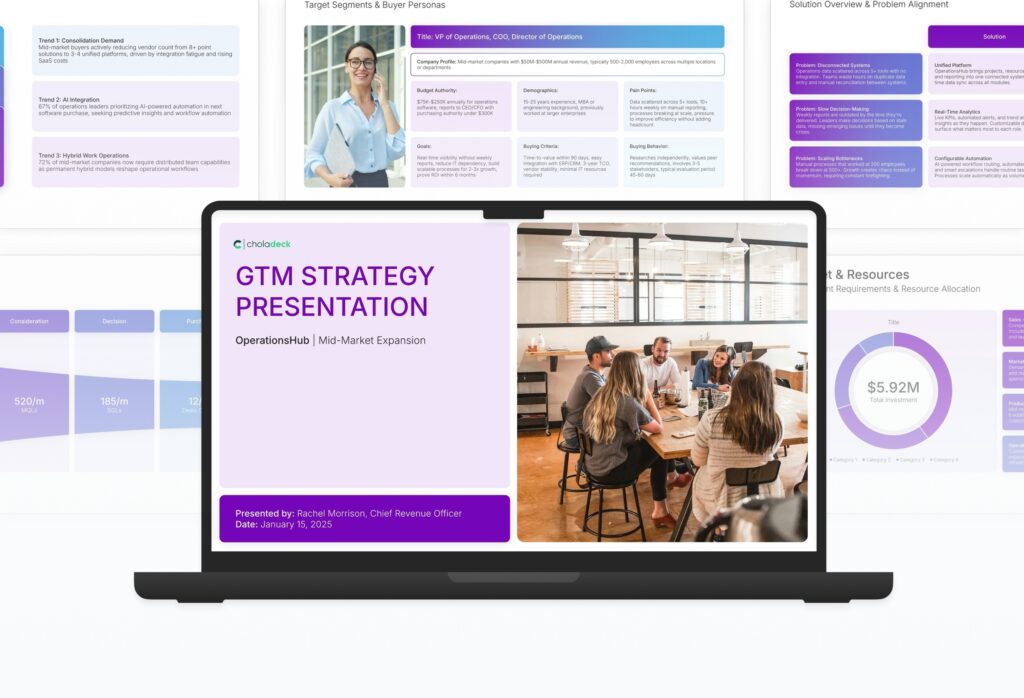
A comprehensive go-to-market strategy presentation following the Classic McKinsey GTM Model, the industry-standard framework for product launches and market expansion. Built for organizations entering new markets or launching new products. Covers market opportunity, customer segmentation, competitive analysis, pricing, sales, and marketing.

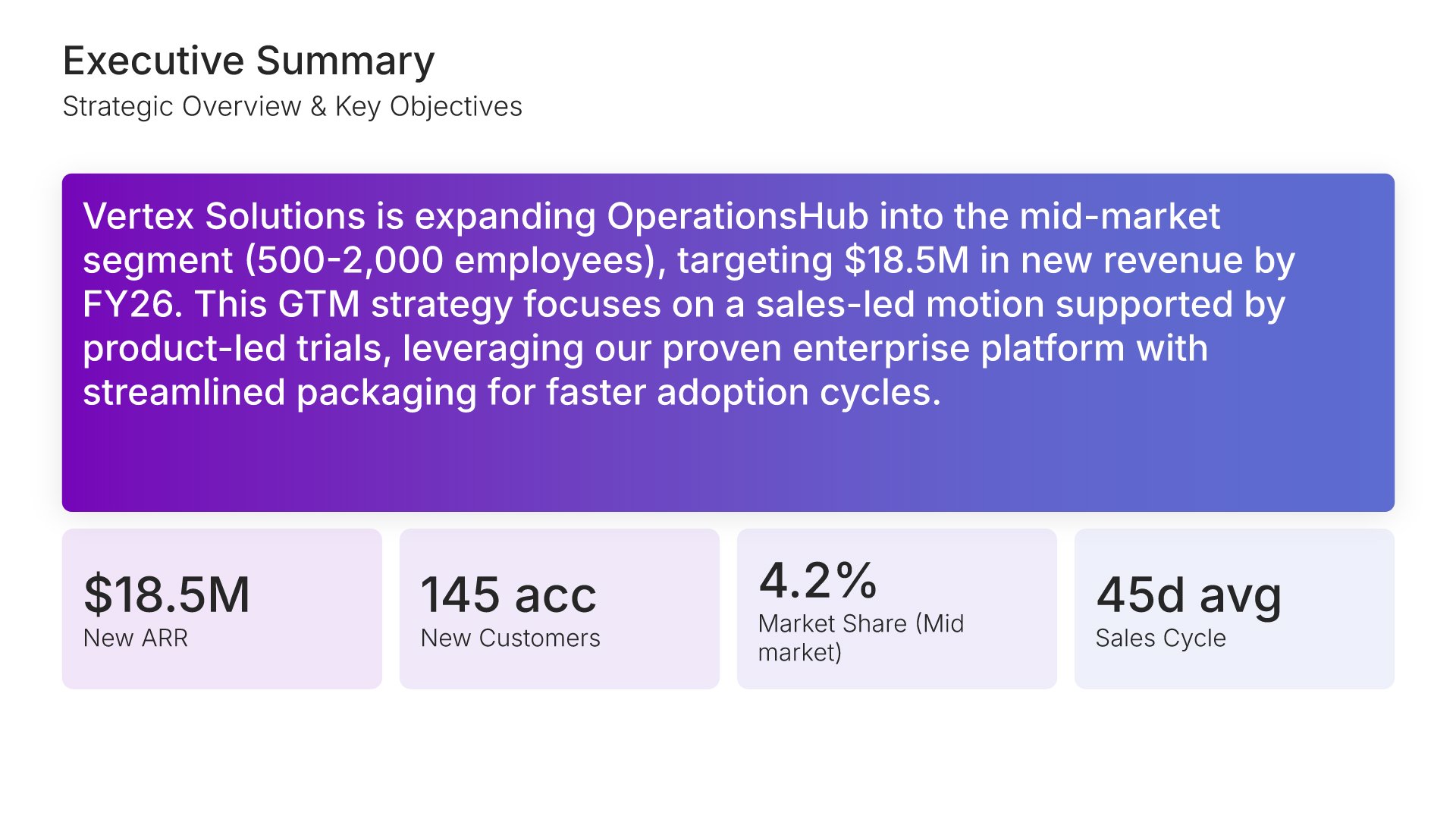
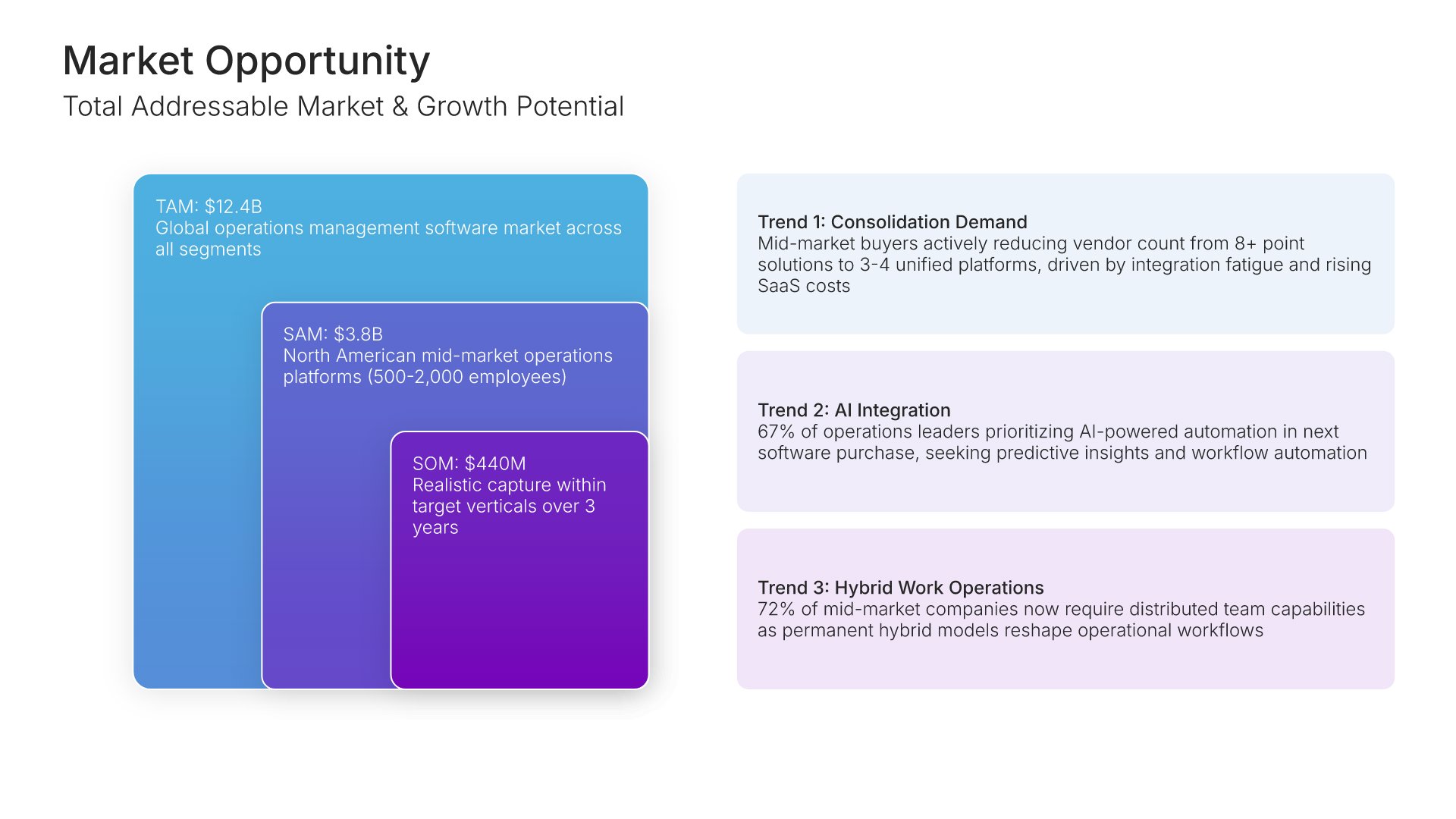
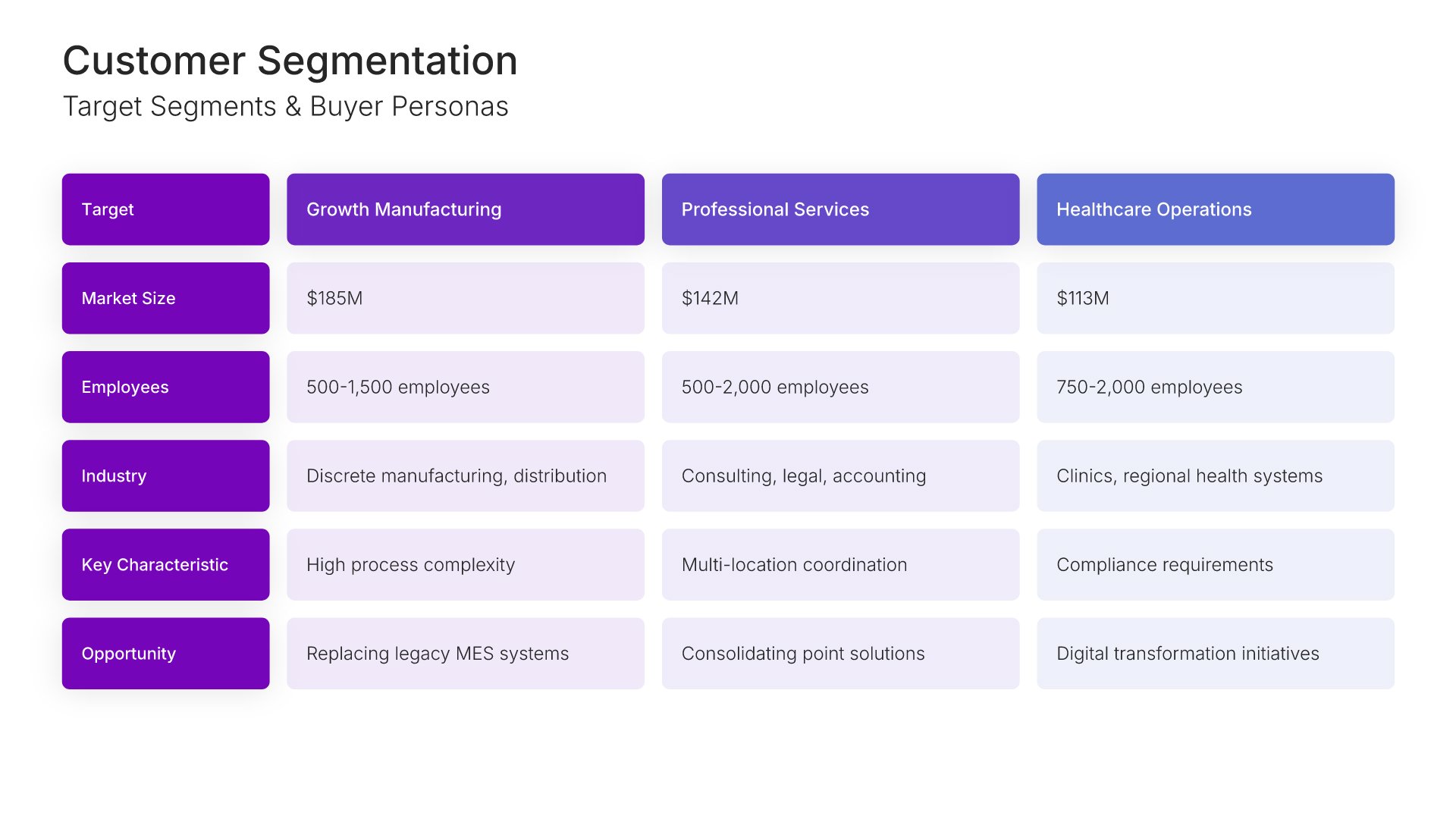
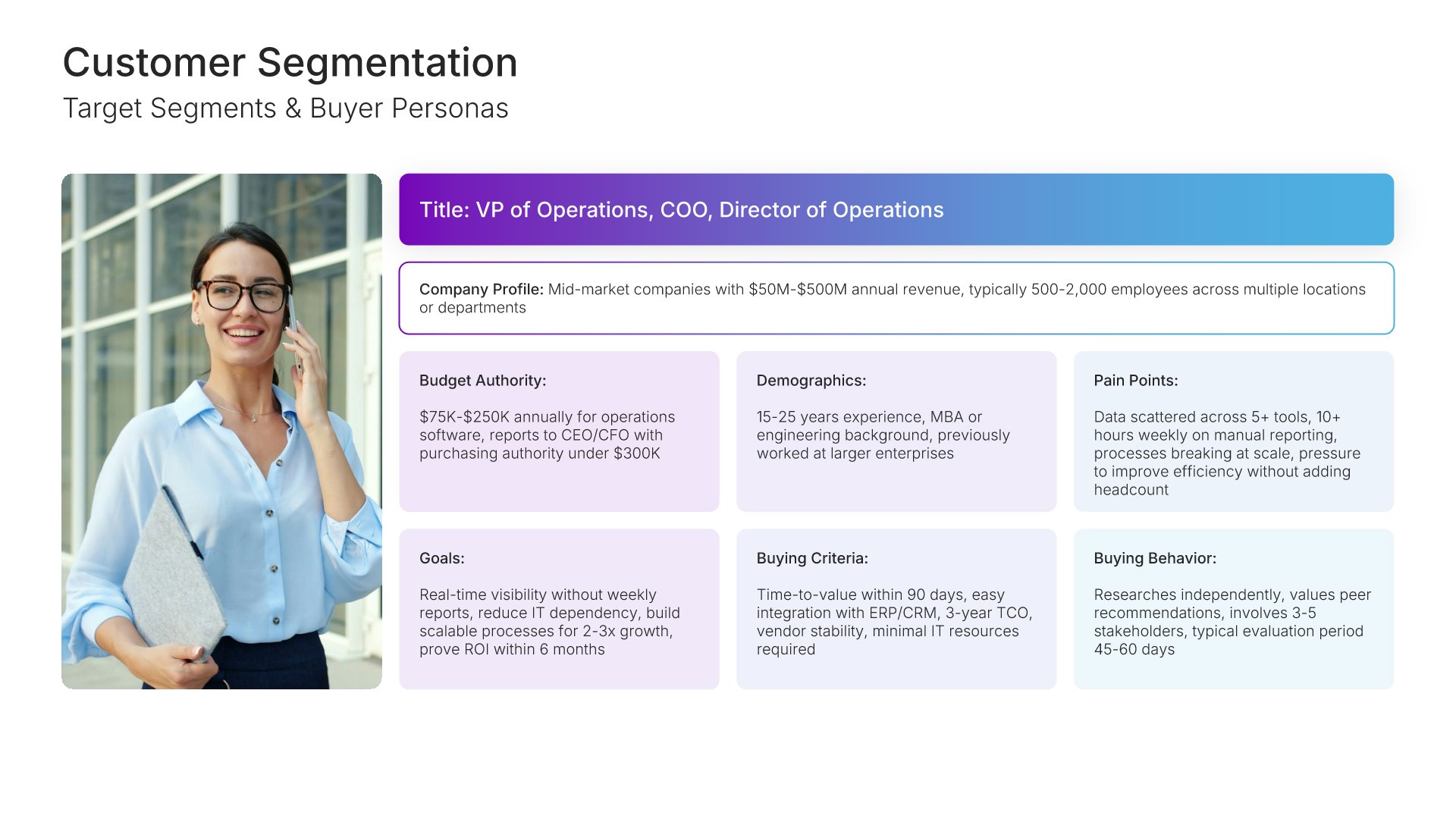
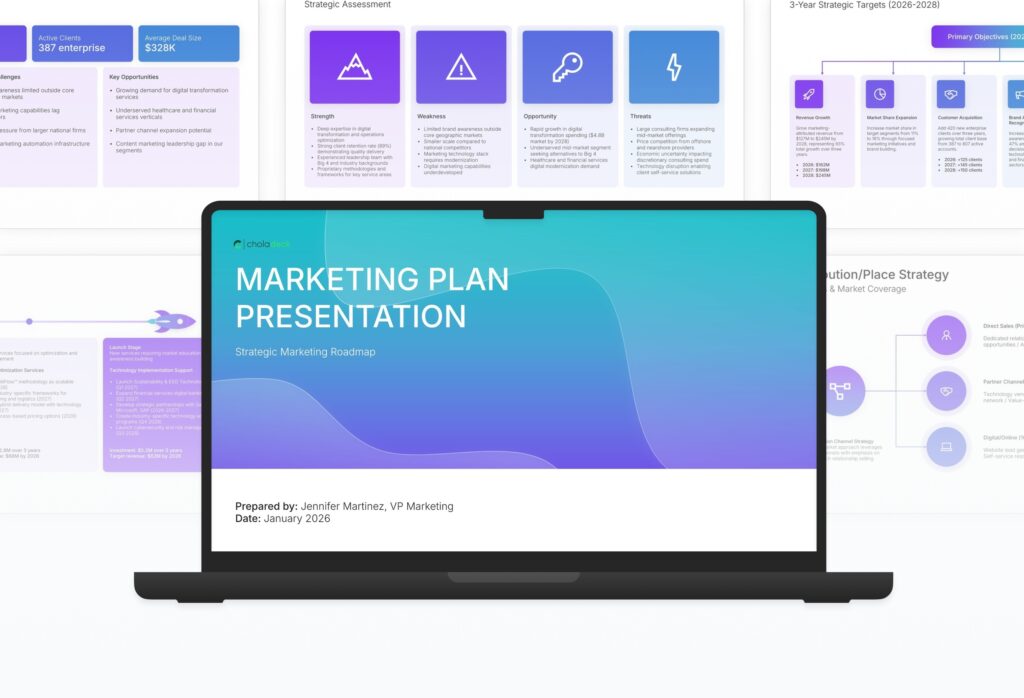
A comprehensive marketing plan template designed for organizations developing strategic marketing initiatives. Built on the Classic Philip Kotler Framework, this presentation covers market analysis, customer segmentation, competitive positioning, marketing mix strategy, budget allocation, and performance measurement. Ideal for annual planning.

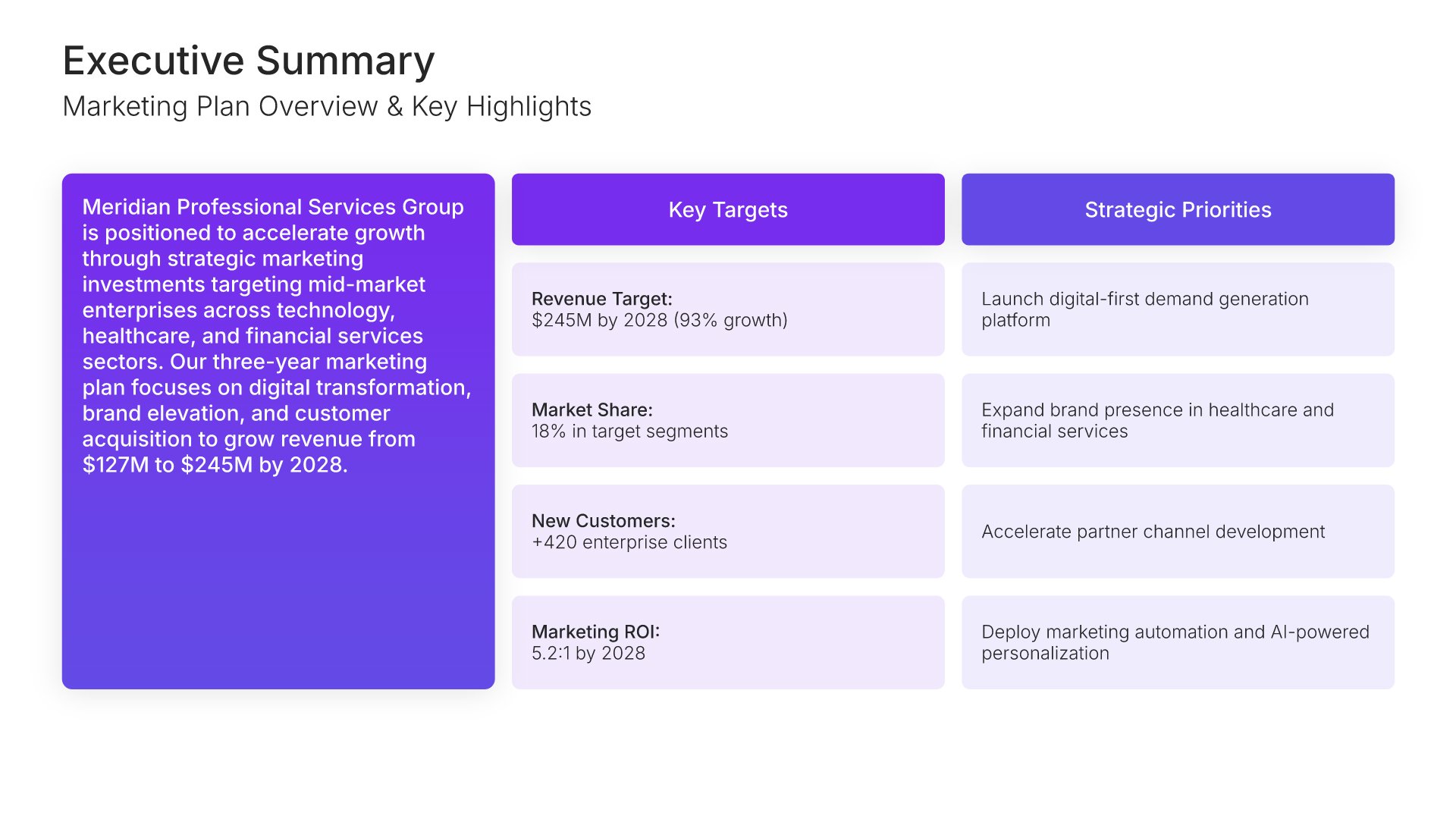
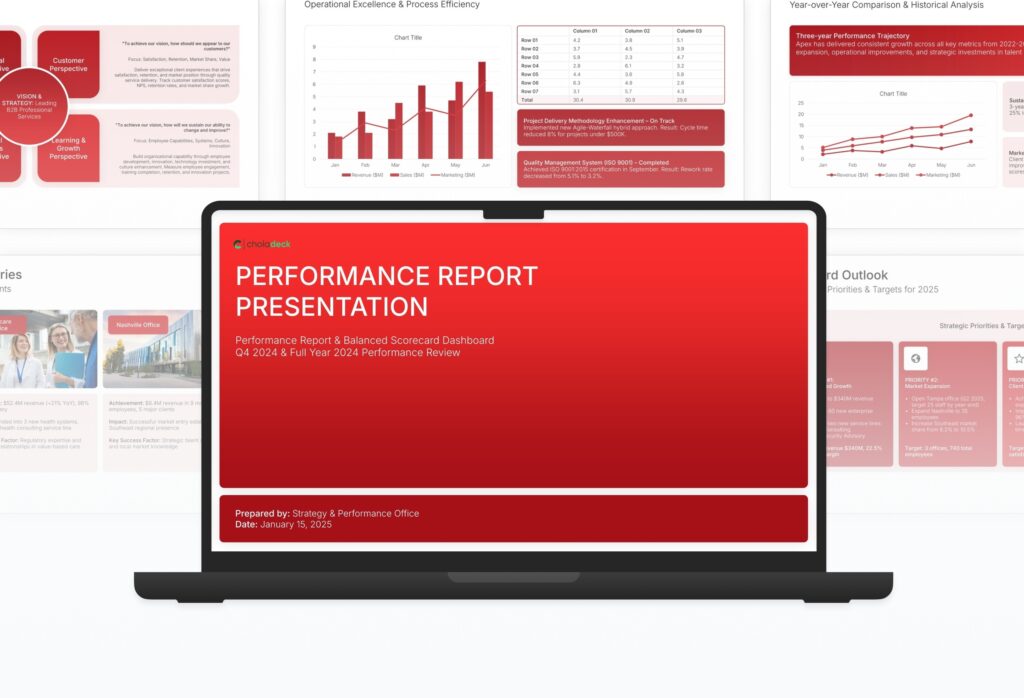
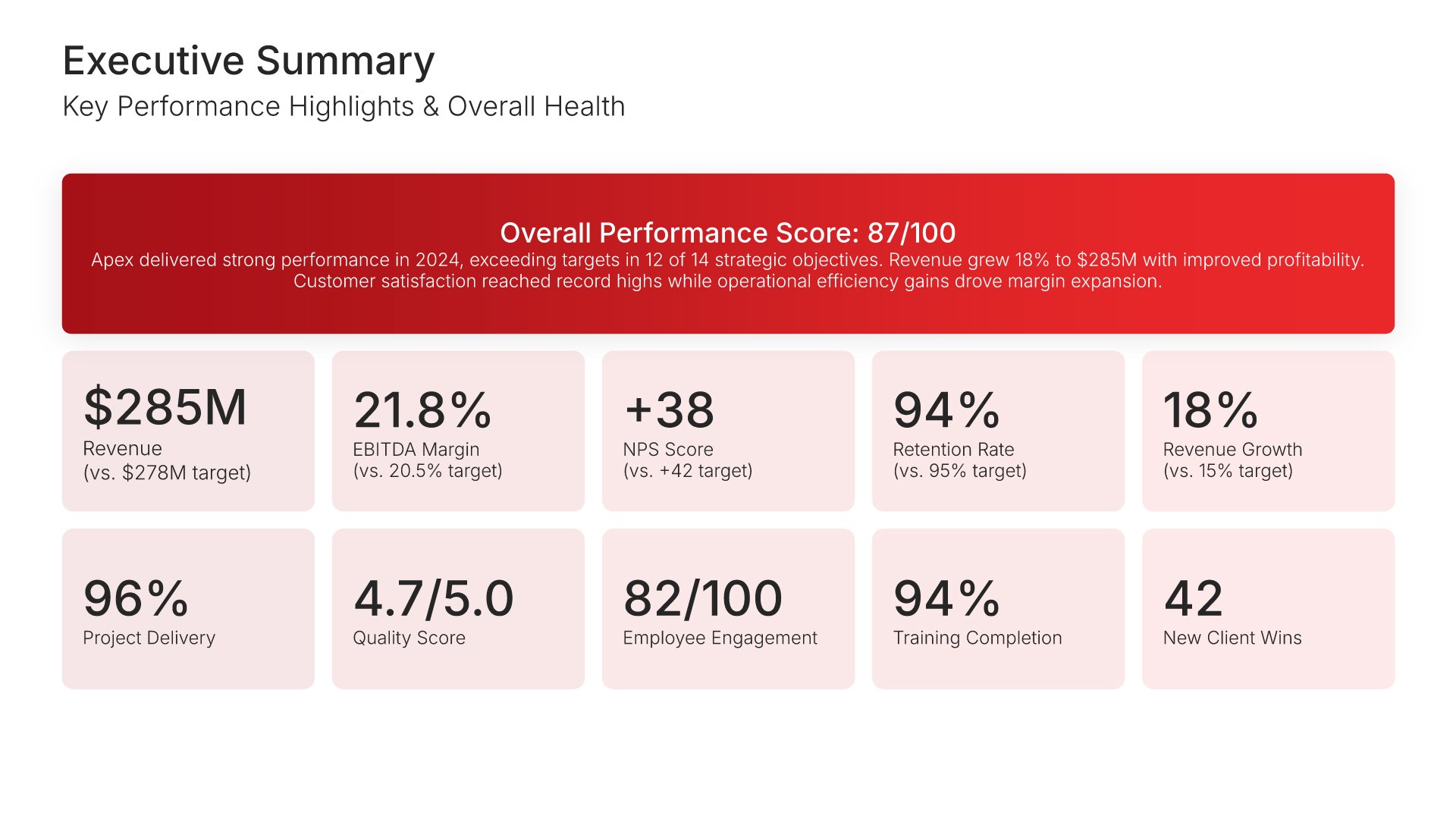
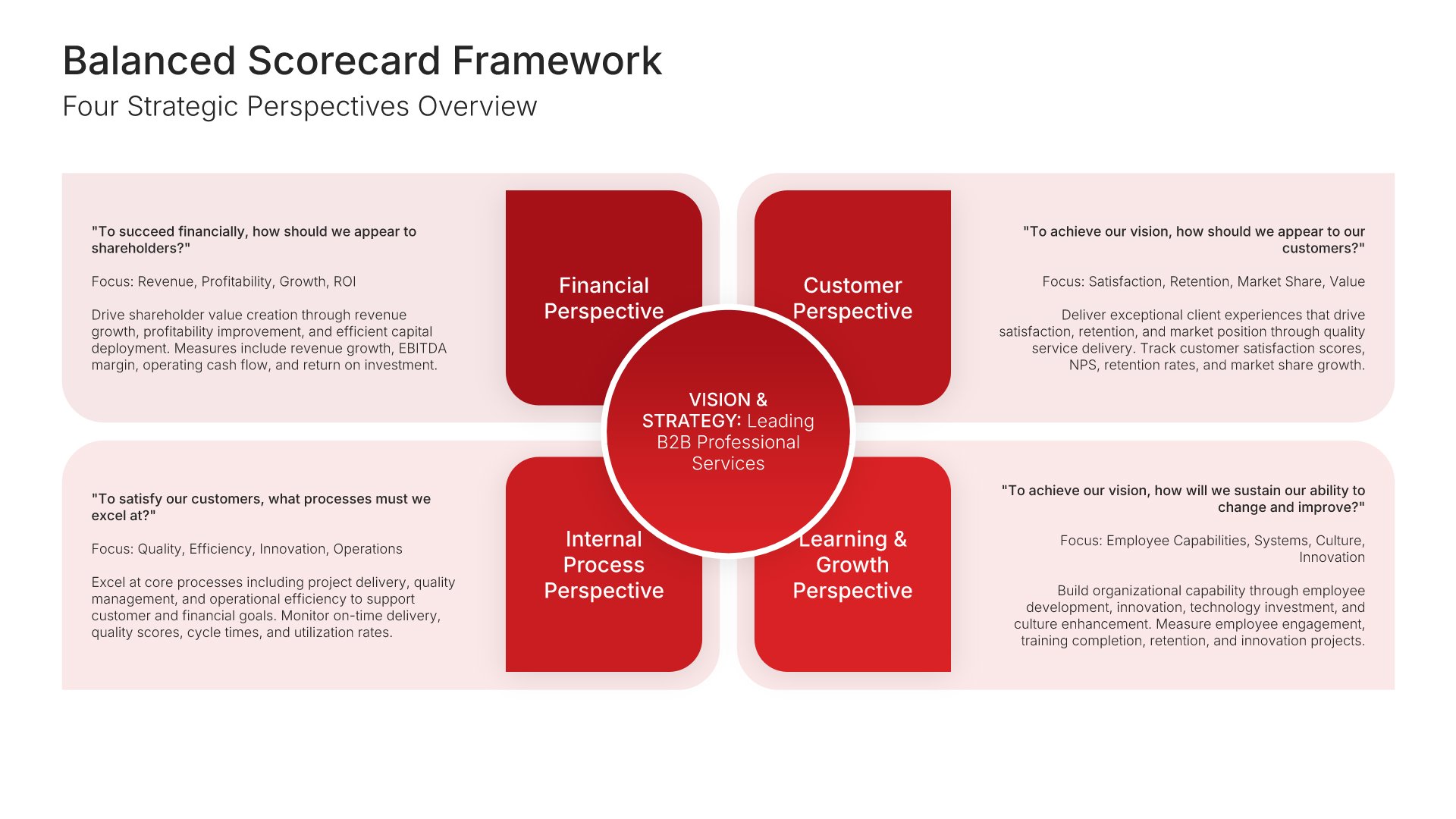
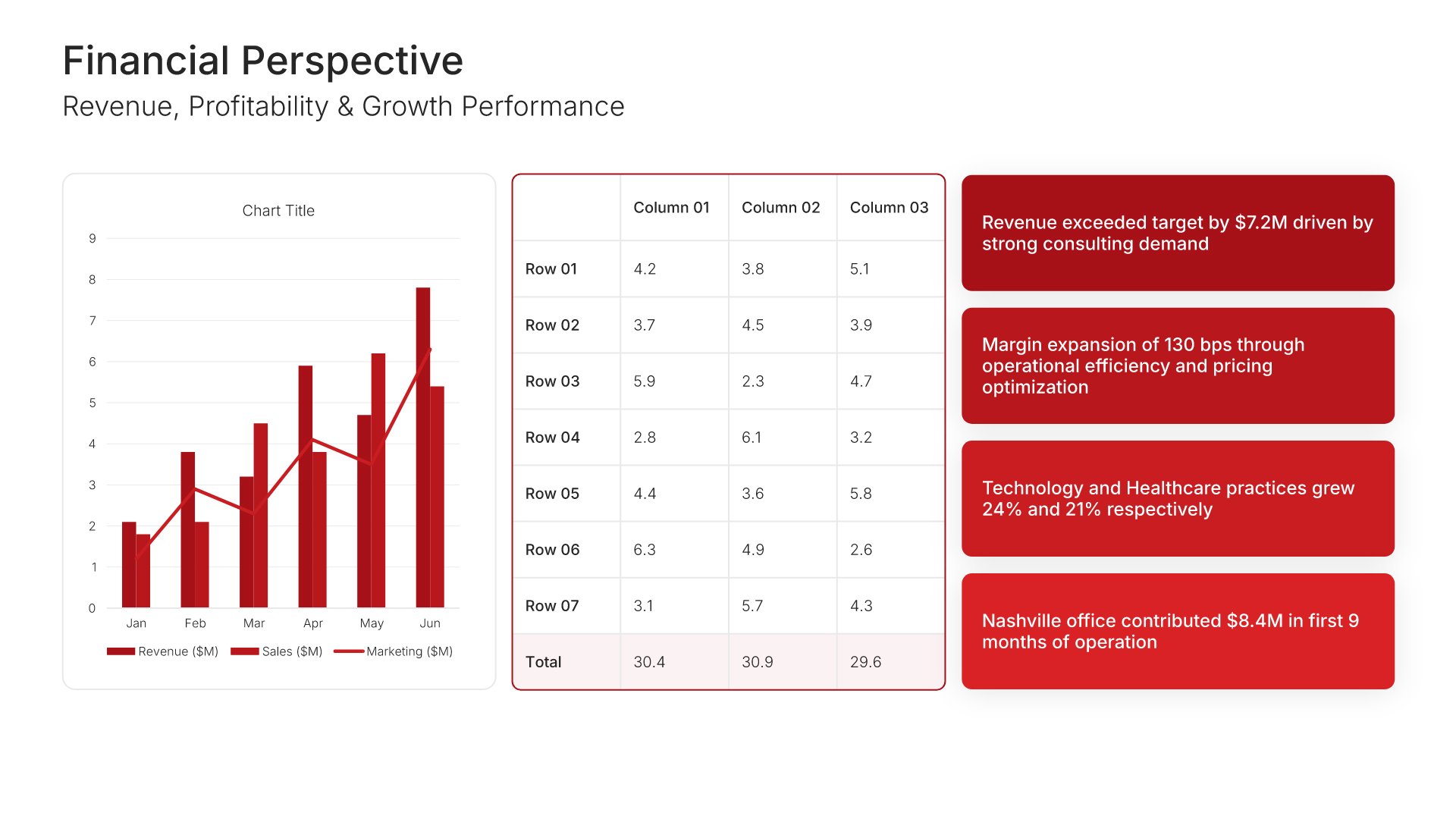
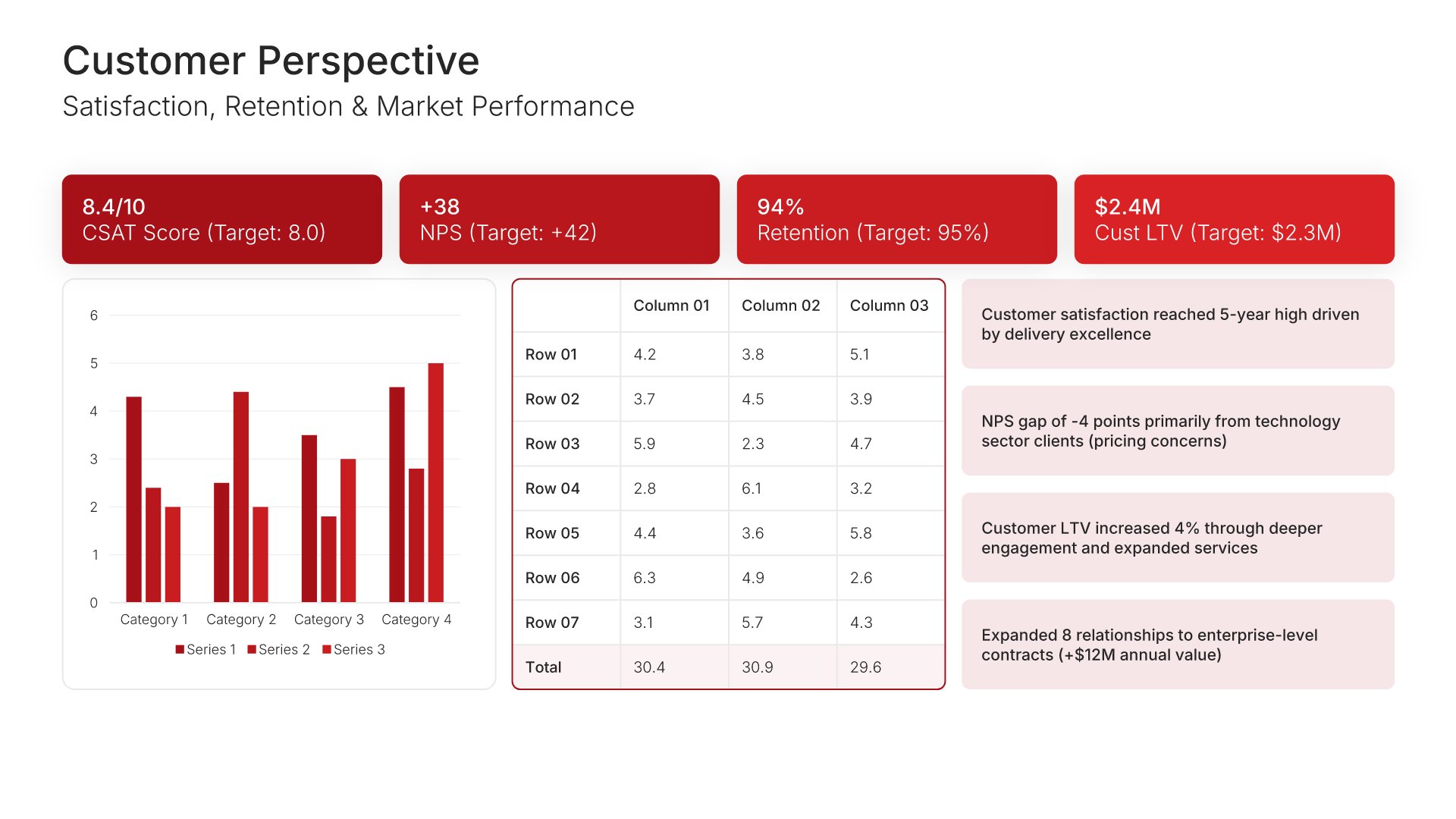
A comprehensive performance report template designed for organizations tracking strategic execution and KPIs. Built on the Classic Balanced Scorecard Framework, this presentation covers financial, customer, process, and learning perspectives with trend analysis, goal achievement tracking, and action planning. Ideal for quarterly and annual reviews.
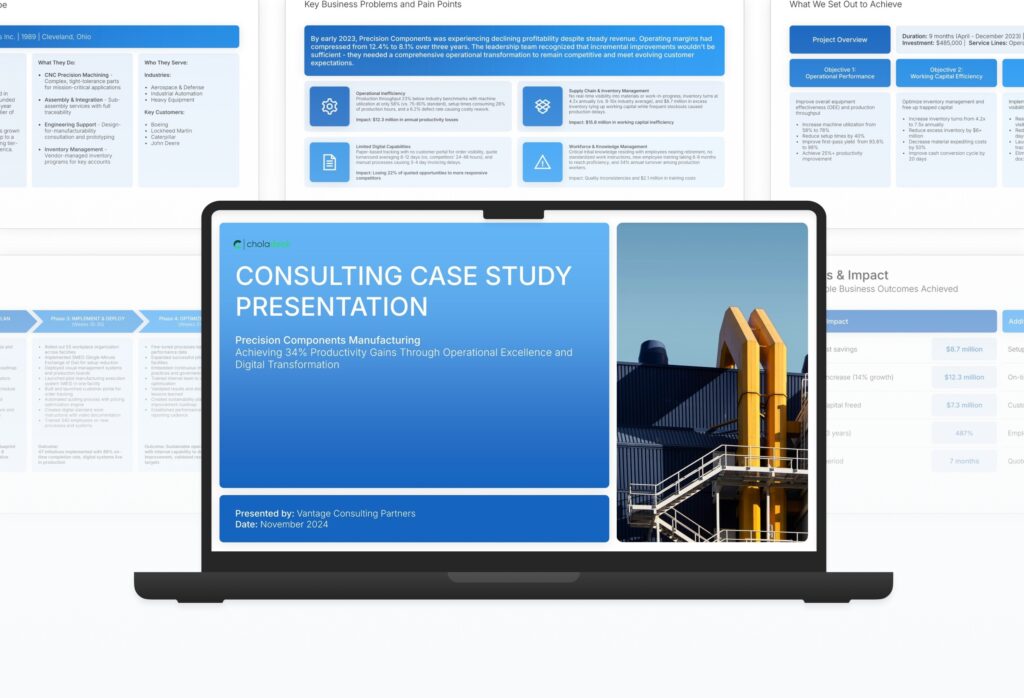
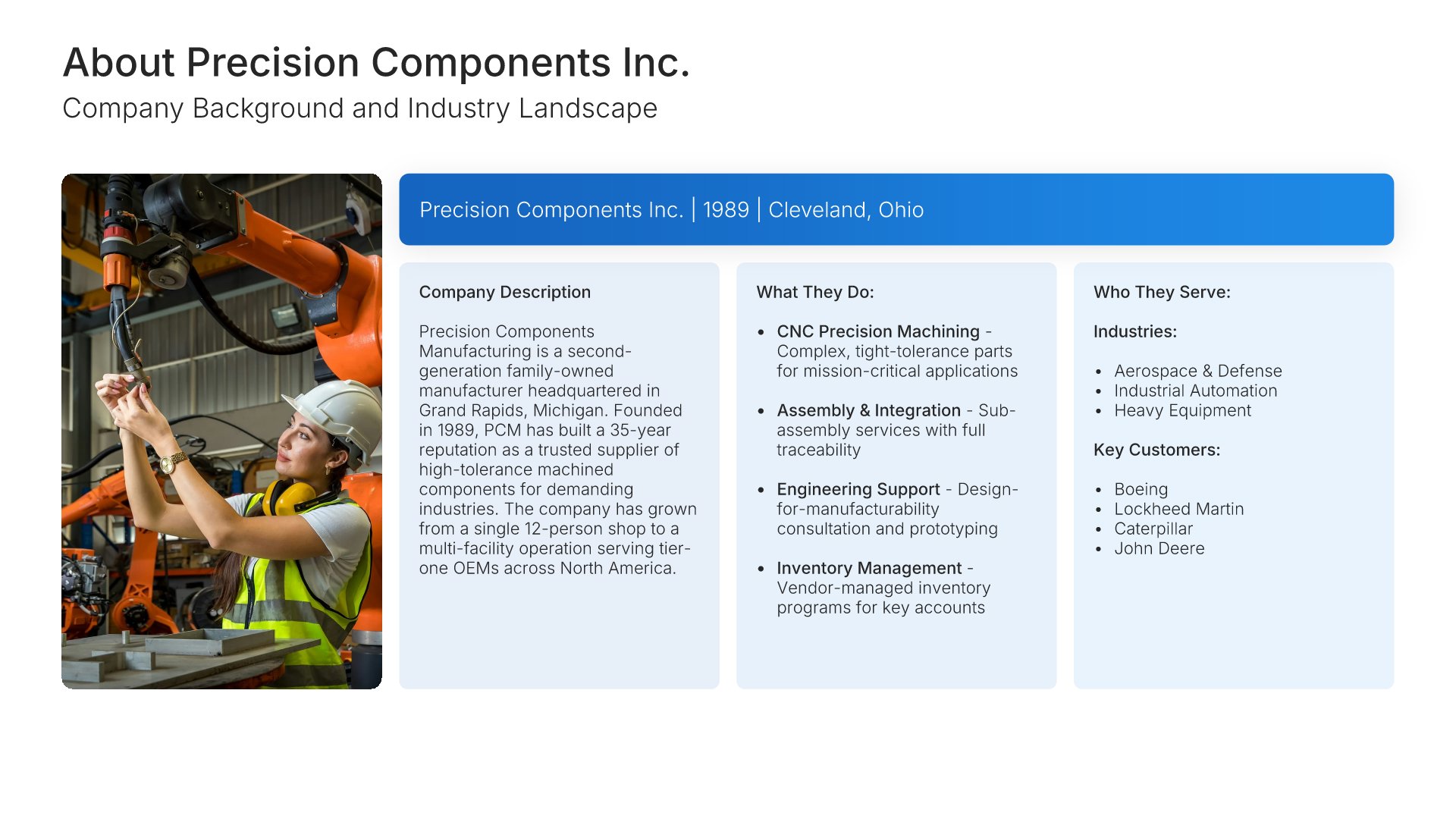
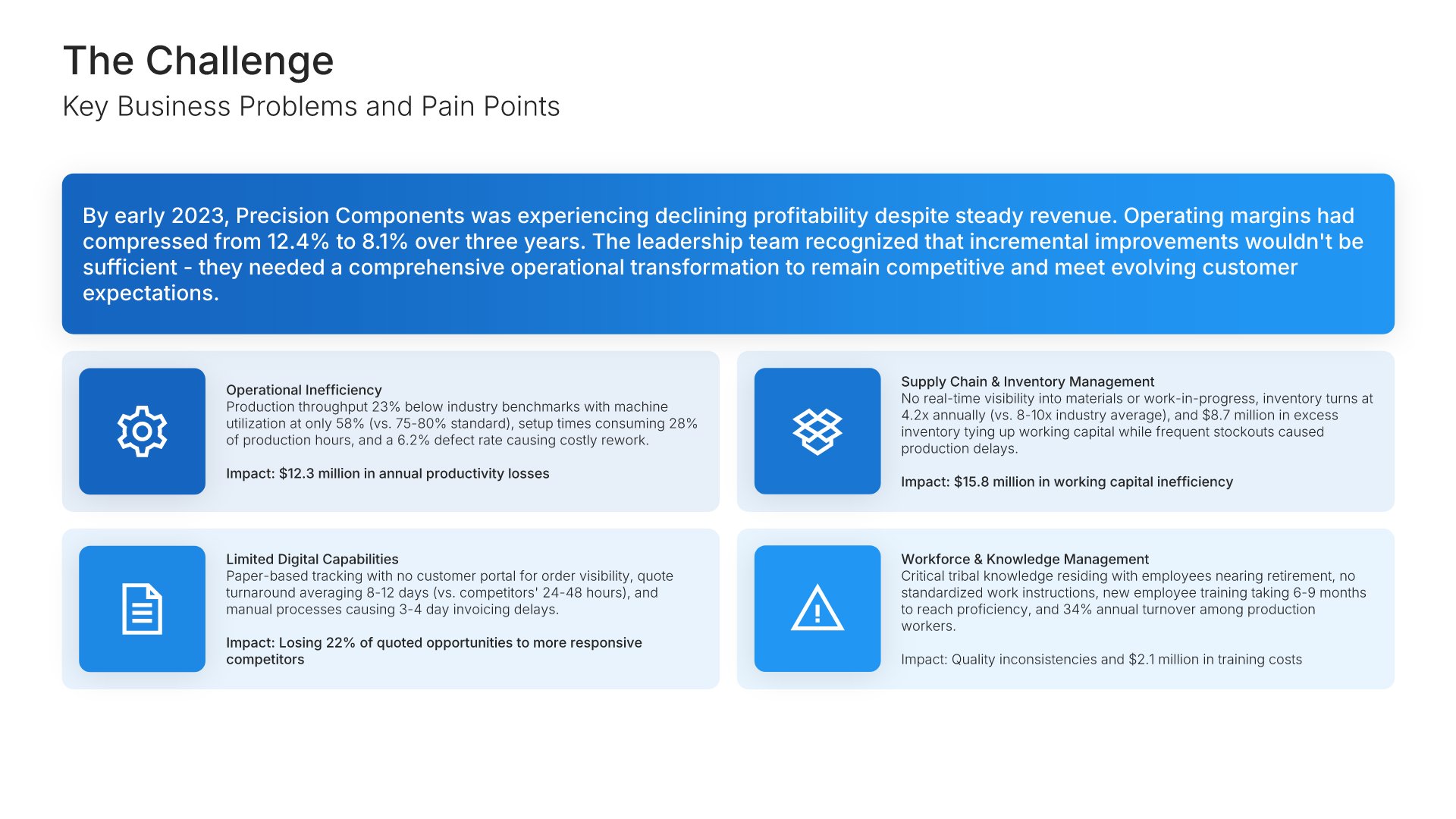
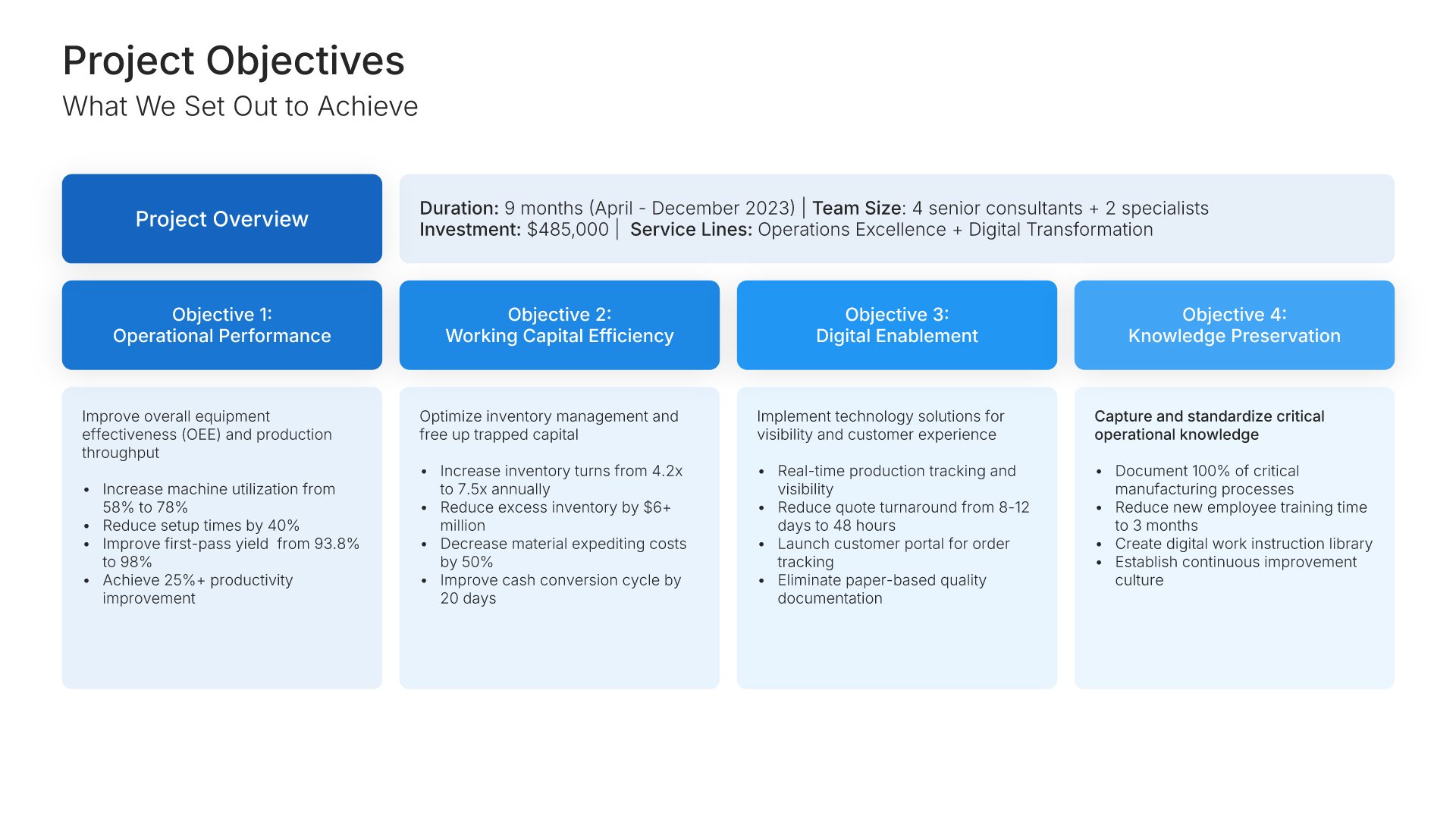
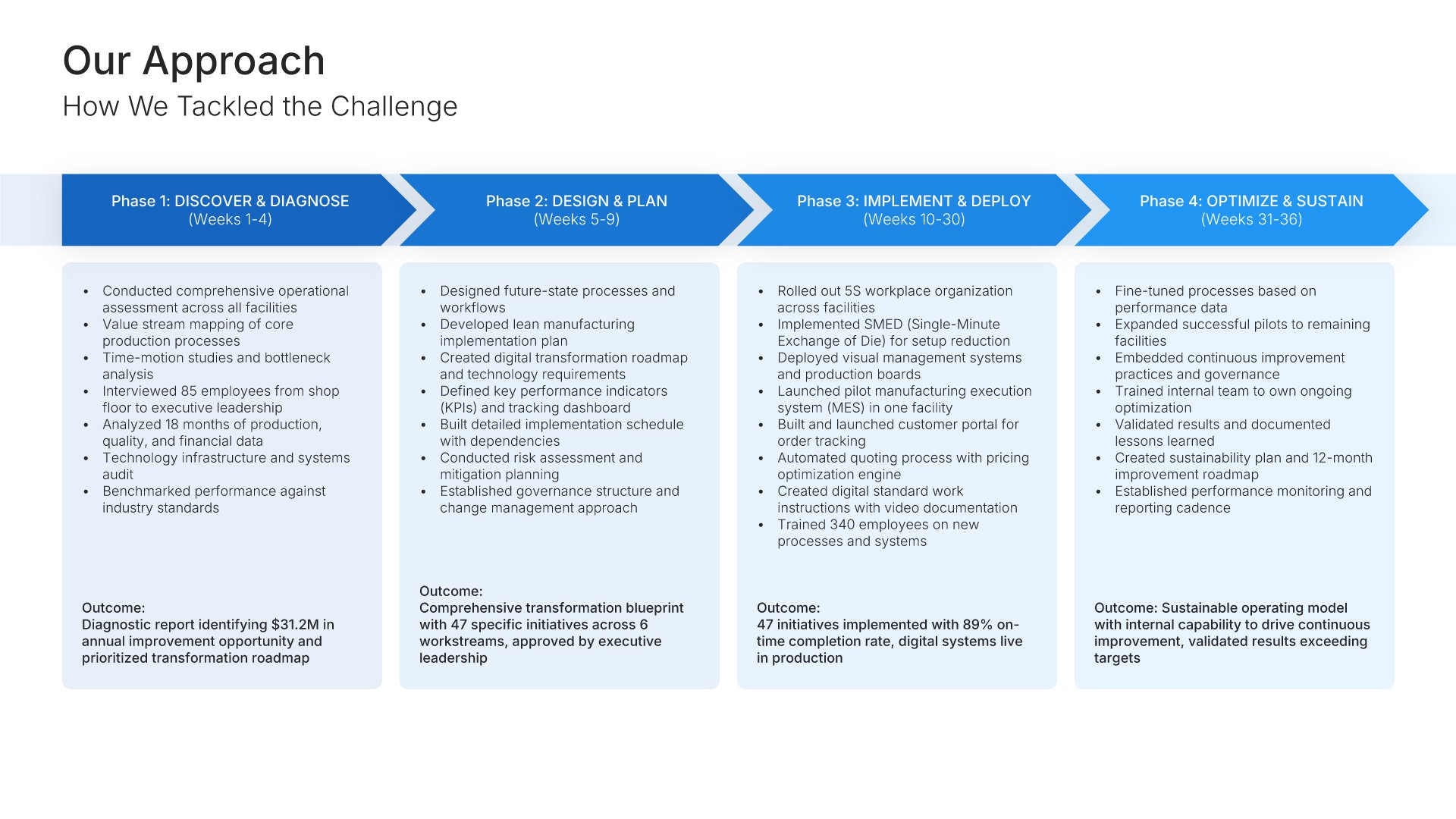
A professionally structured consulting case study template following the classic STAR framework (Situation-Task-Action-Result), the gold standard for demonstrating consulting impact. Built for consulting firms showcasing client transformations. Covers client background, challenges, methodology, solution, deliverables, results, and testimonial.

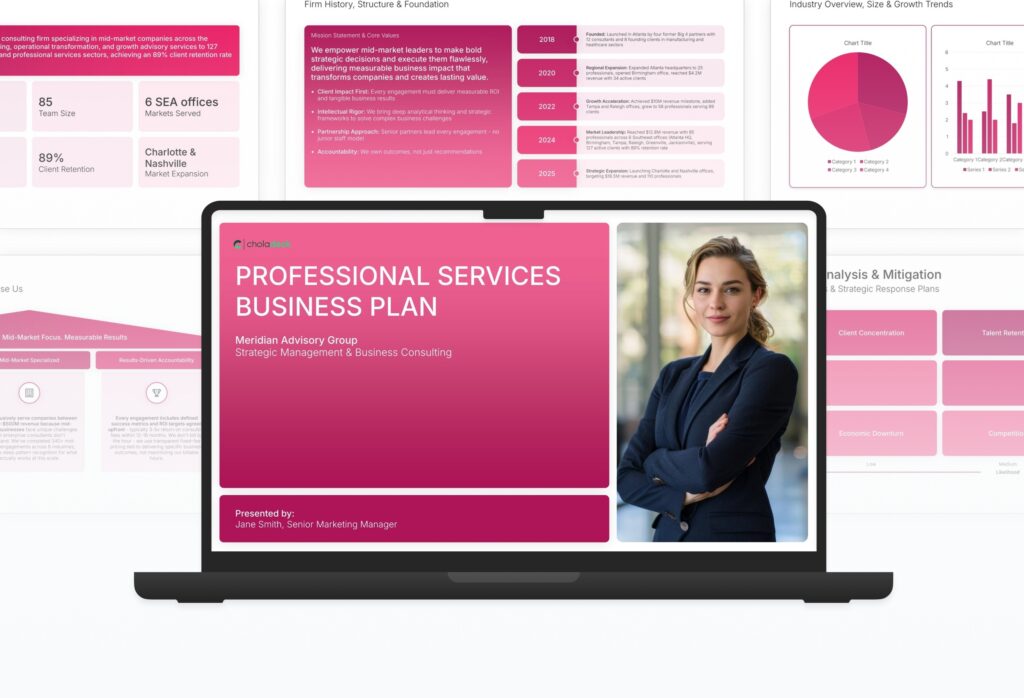
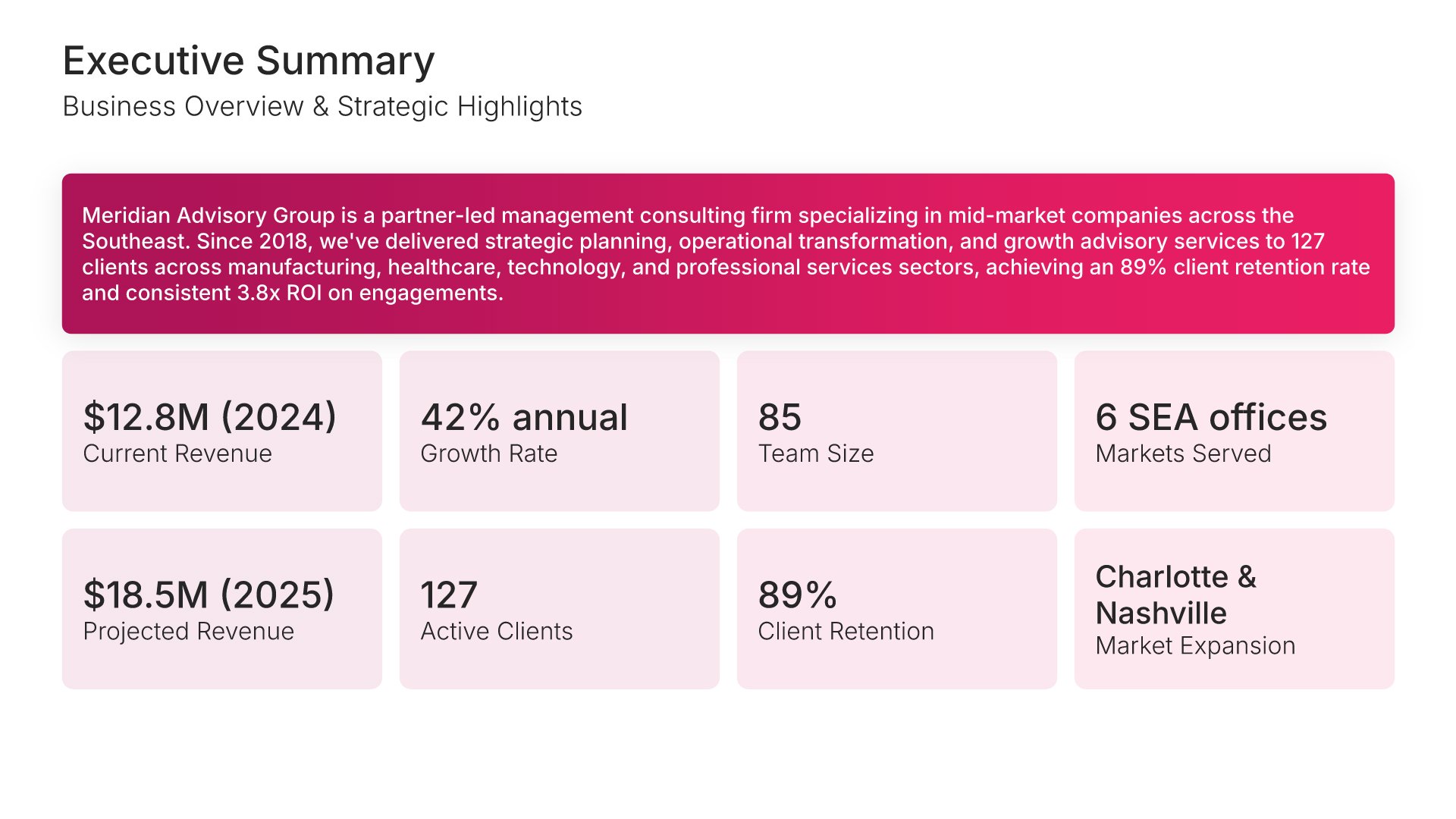
A comprehensive professional services business plan template designed for consulting, advisory, and specialized service firms seeking financing or strategic growth. Built on the Classic SBA Model, this presentation covers service offerings, market analysis, client targeting, business model, operations, and financial projections. Ideal for any professional services firm.

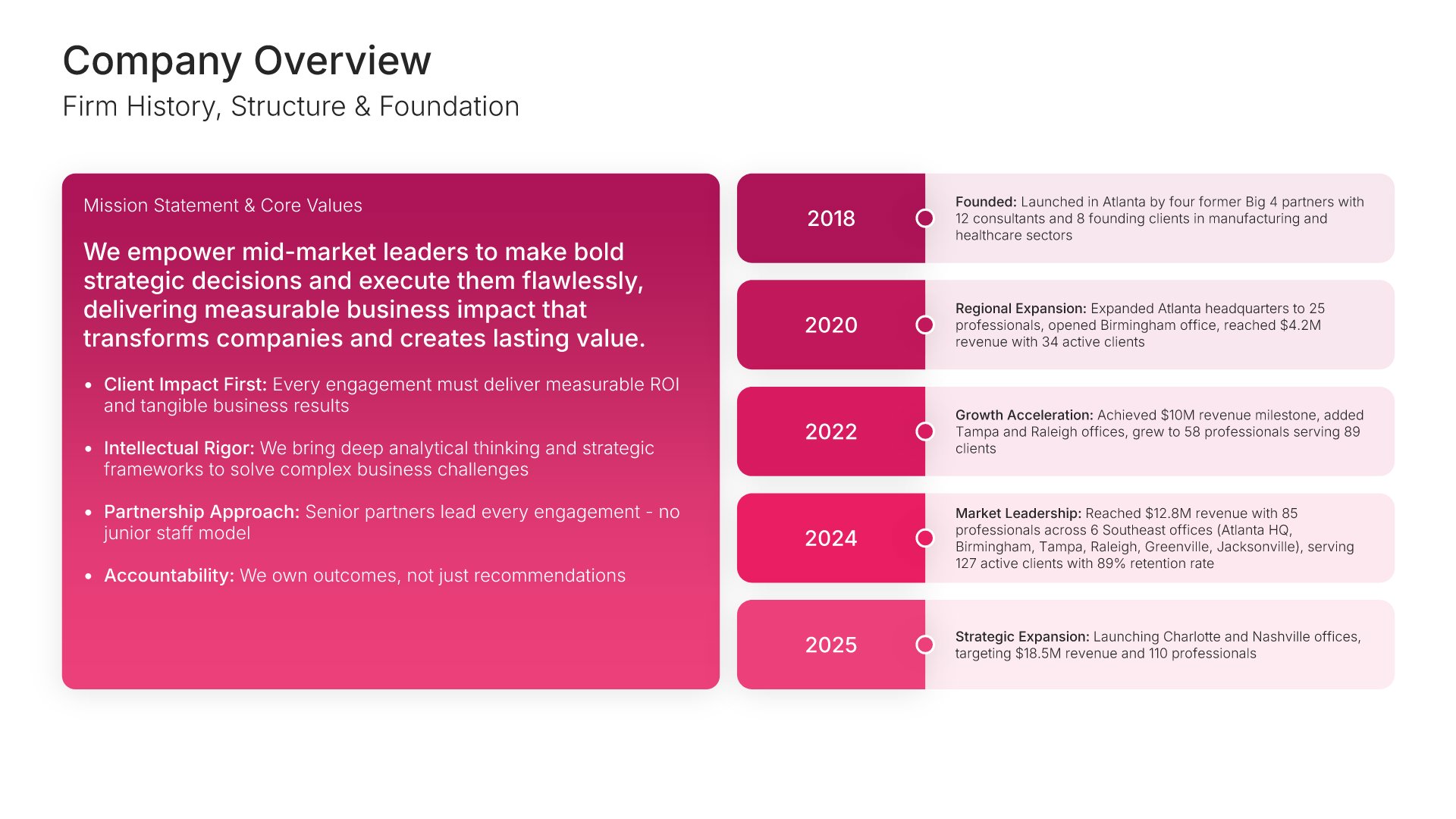
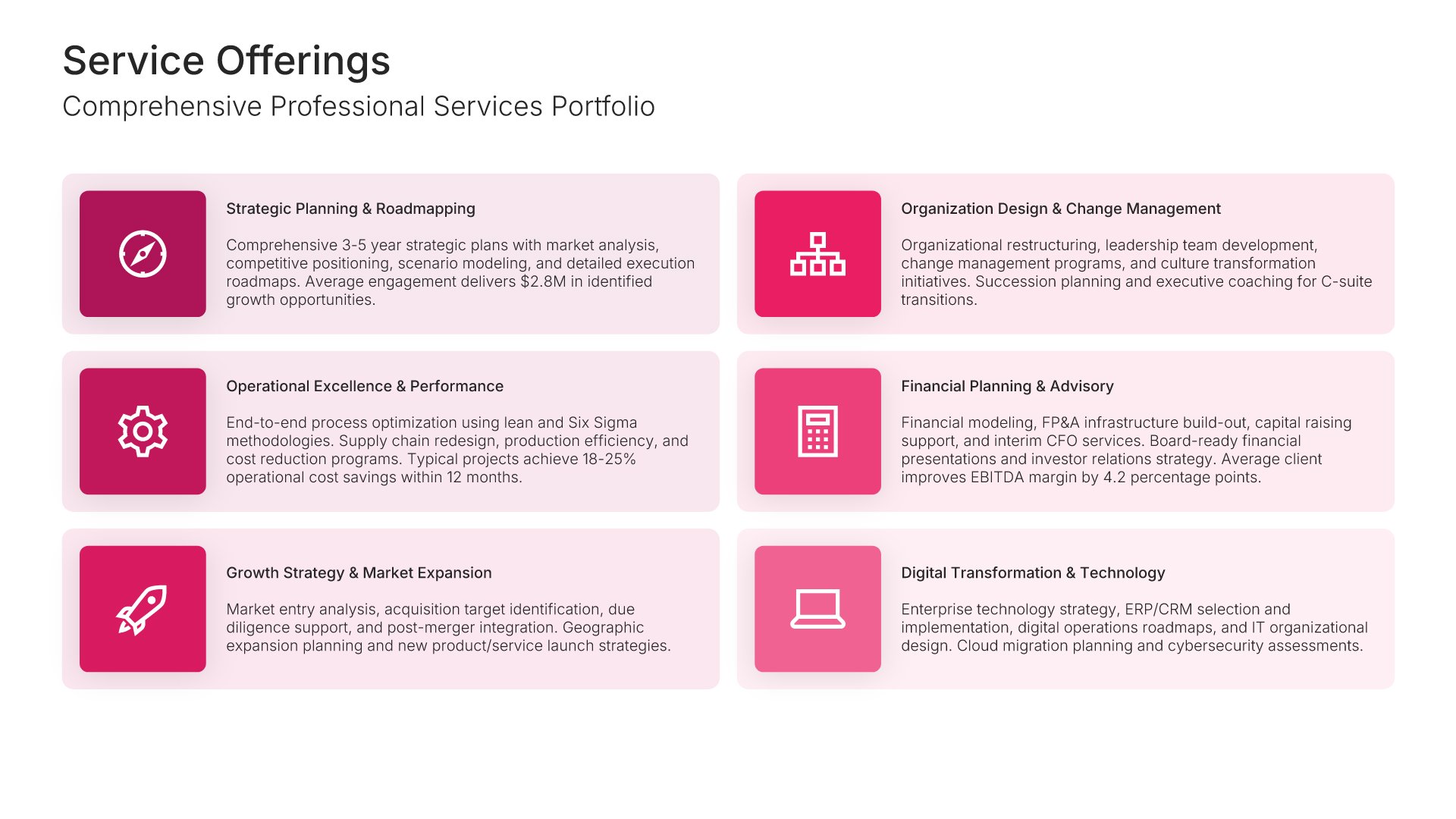
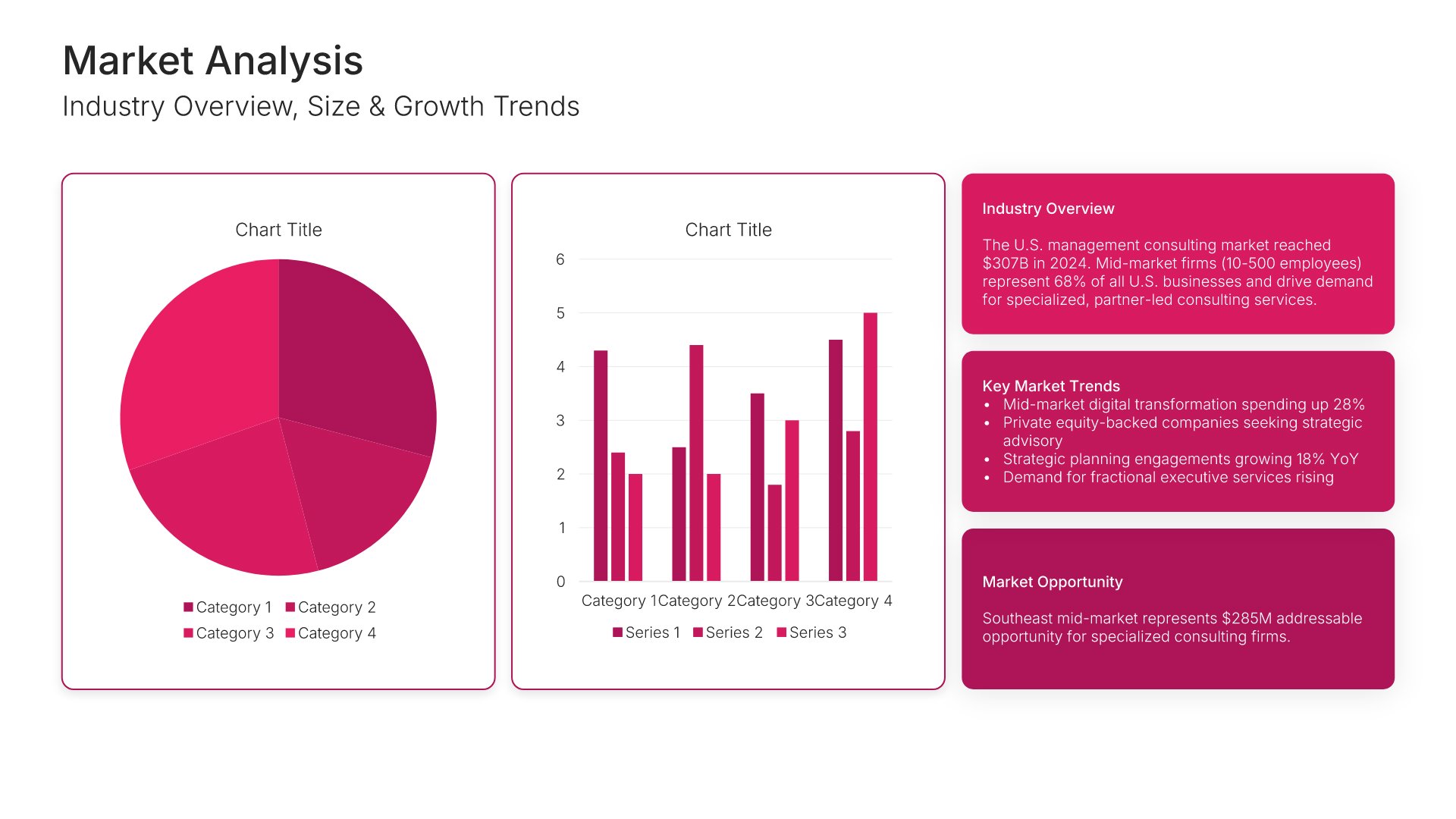
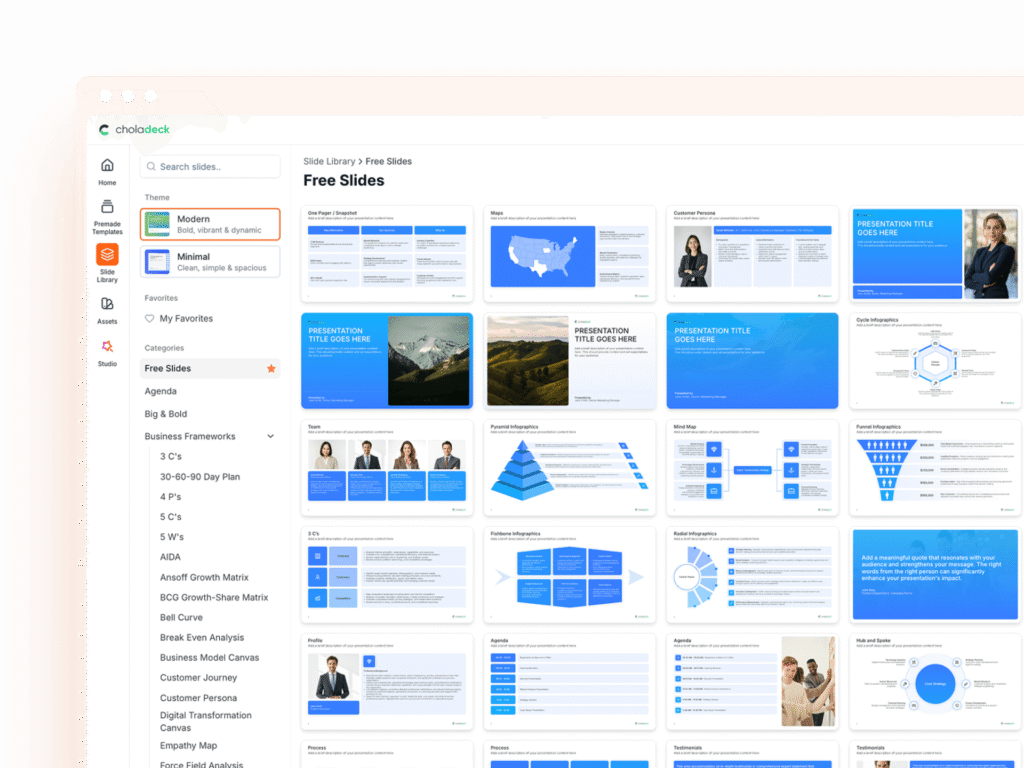
Explore over 9,172+ professionally designed slides across 134 categories. Or if you want a head start, pick from 74+ premade presentation templates. Whatever you need, it's probably already here.
Swap icons and images instantly from our built-in libraries. Use Pointers to choose your count (2-box, 3-box, 4-box) and Variations to pick your design style. No more settling for "close enough." Get the exact slide you need.
Add your logo, apply your brand colors, choose your fonts, and set custom backgrounds. One click and your entire presentation looks like it was made just for you. Because it was.
When you're ready, export to PowerPoint, Google Slides, or Keynote with a single click. Continue editing in your favorite tool if you want. Your workflow, your way.
No Sign-in or Credit Card Required
Before you go, have you had the chance to experience Choladeck? If not try out – Choladeck for absolutely FREE!!
No Sign-in or Credit Card Required
No Sign-in or Credit Card Required
