Pricing

Branded presentation slides in one click

Add your logo, colors, fonts, and background once, and the entire 9,000+ slide library switches to your brand. Every presentation you build looks consistent, professional, and unmistakably yours.

Free to start. No credit card required.
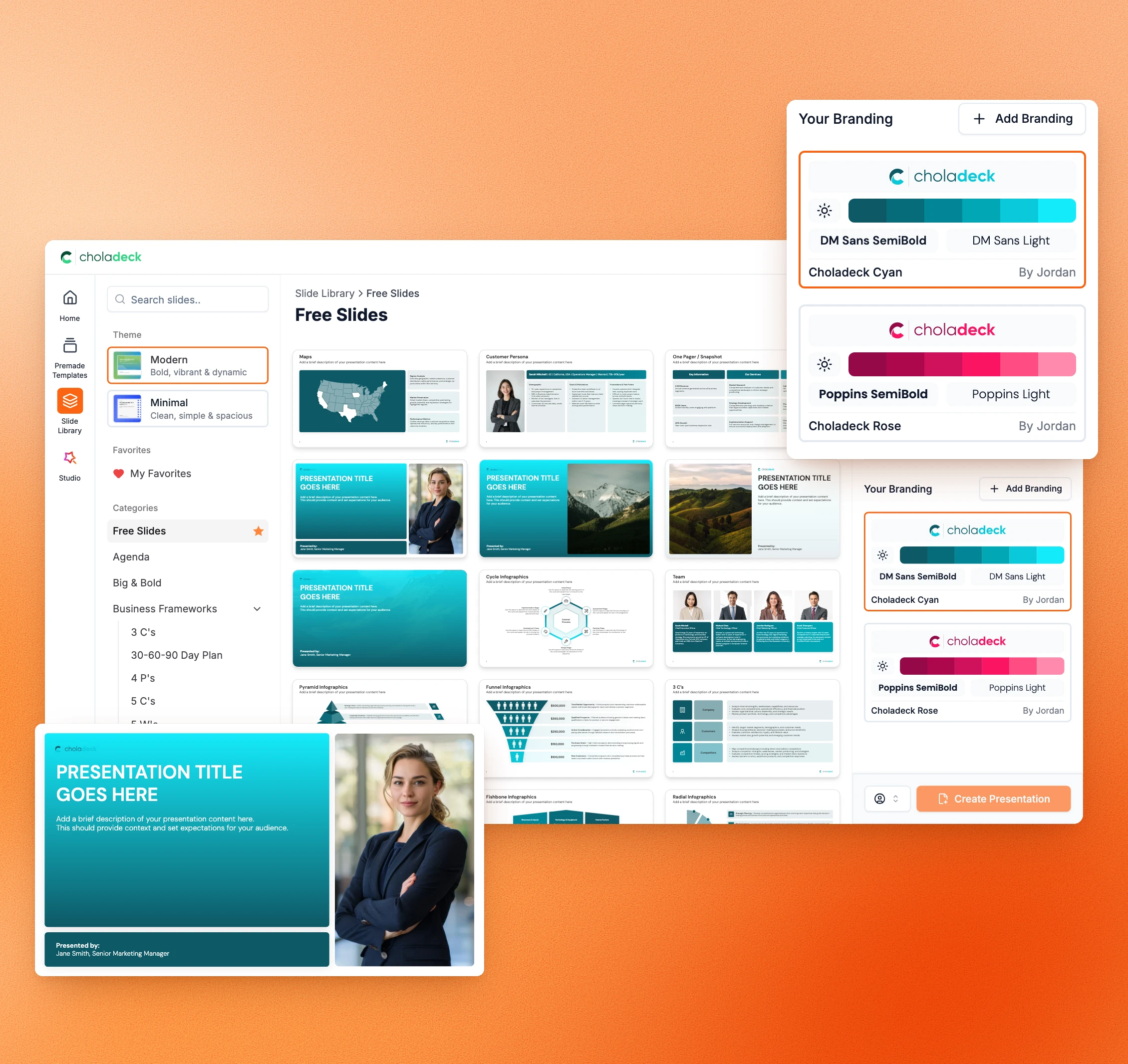
Choladeck Slide Library in a brand’s colors, with saved brands in the Branding panel and a branded title slide

Trusted by thousands of professionals and teams worldwide

TCS Standard Chartered Samsung Oracle Walmart KPMG JP Morgan ExxonMobil Deloitte Accenture TCS Standard Chartered Samsung Oracle Walmart KPMG JP Morgan ExxonMobil Deloitte Accenture

When your slides aren't on brand, it shows

Even good work looks unprofessional when the slides don't match your brand.

Your presentations look inconsistent.

Colors, fonts, and logos are slightly off on every slide. So people judge your work before you even start talking.

Fixing it takes time on every presentation.

You finish the content, then spend hours getting the colors, fonts, and logos right. Time that should have gone into the work itself.

It starts over every time.

None of that work carries forward. So you either redo it from scratch or reuse an old presentation and carry its mistakes into the new one.

Everyone on your team does it differently.

There's no shared standard, so everyone builds their own version of the brand. Nothing looks like it came from one company.

Your brand, applied across
every slide at once

Set it once, and every presentation you build from now on starts on brand.

One-click branding

Your entire library, branded in one click

One-click branding applies your logo, colors, fonts, and background across all 9,000+ slides. Set it once and it stays set. Every new presentation you start is already on brand, and so is every presentation your team builds. Not a template that's close to your colors. Your actual brand, on every slide.

Try Choladeck free
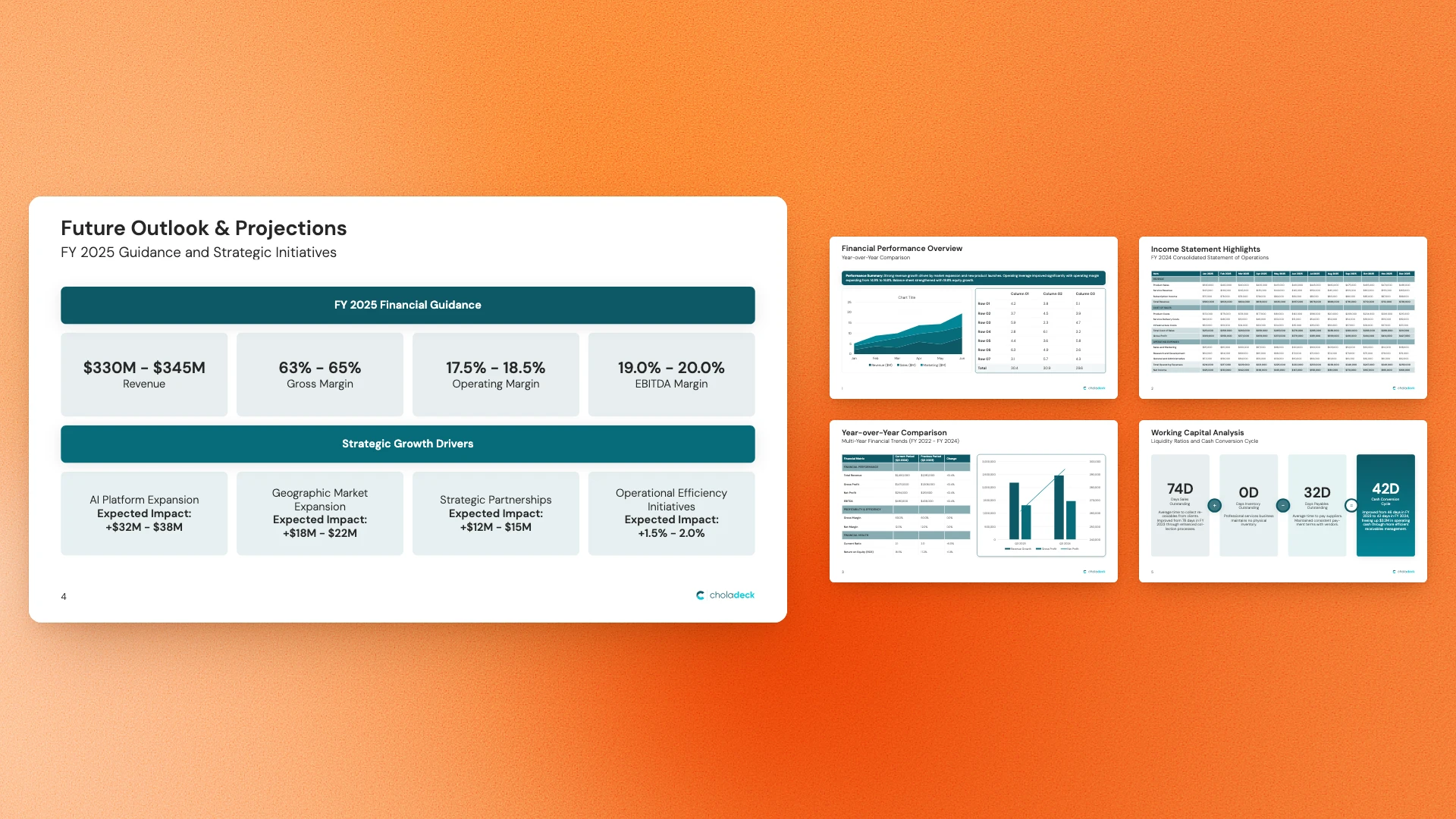
A branded finance presentation: the Future Outlook slide and four more slides in the same brand

Your presentations are always on brand.

Every presentation looks like it came from your company, because the whole library is already in your brand.
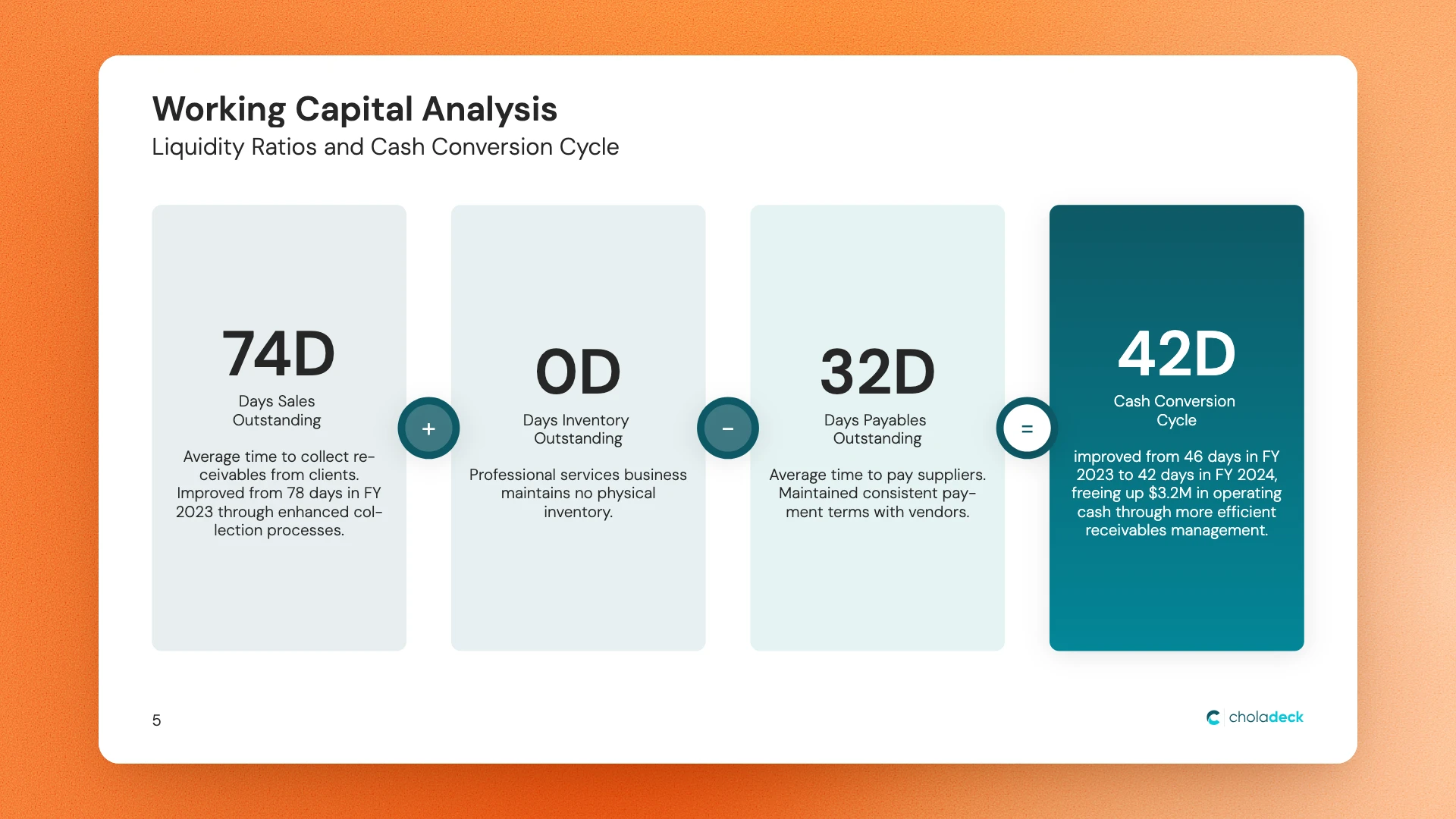
Working Capital Analysis slide with four KPI panels, designed in Choladeck

Your slides always look professional.

No off-brand colors and no mismatched fonts, so every slide in your presentation meets the same standard.

Stacks of finance, team and numbers slides that share one brand

Your whole team stays consistent.

Everyone builds from the same branded library, so presentations match no matter who on your team makes them.
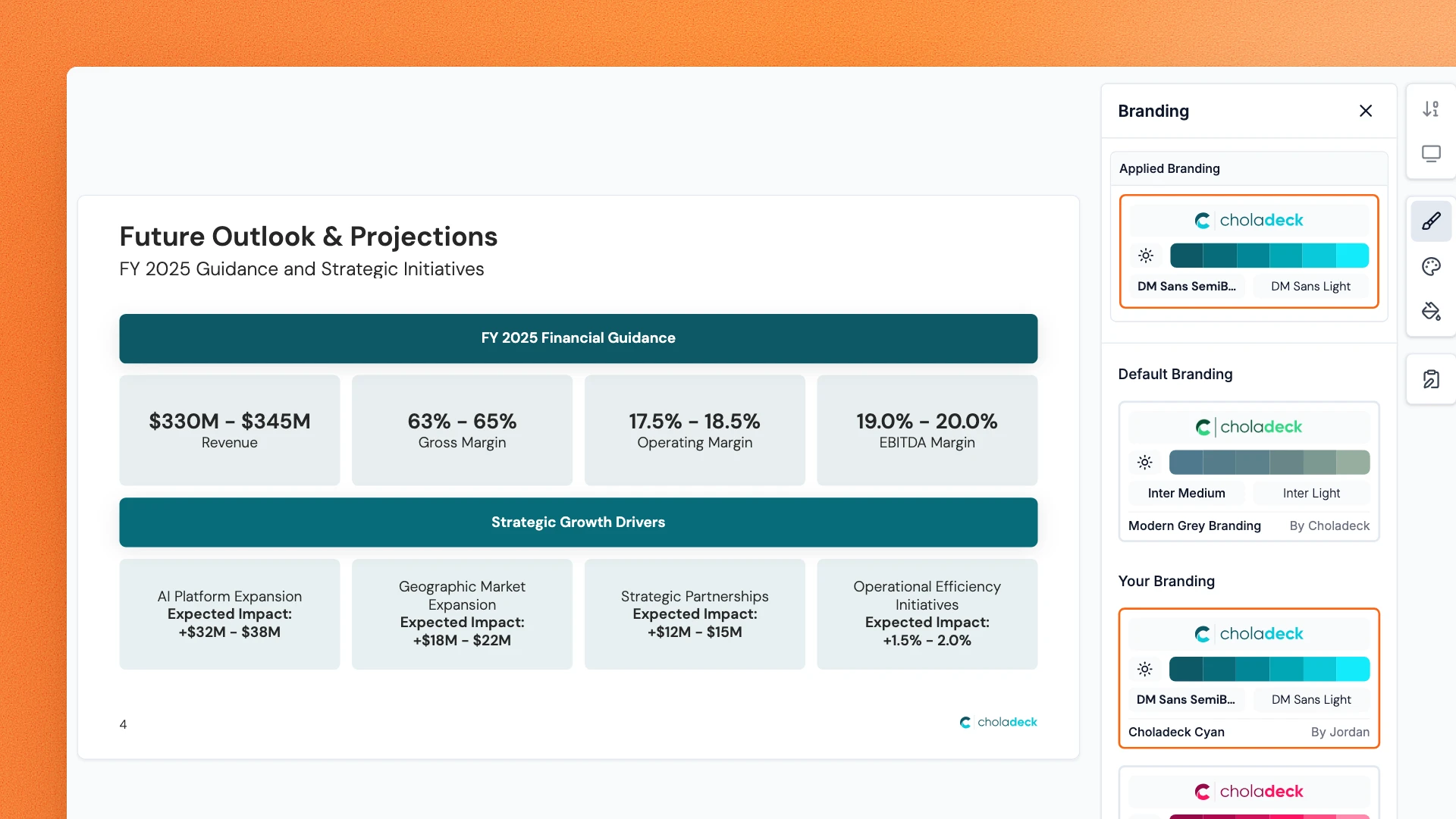
Future Outlook slide in the Choladeck editor with the Branding panel open and a brand applied

You save hours on every presentation.

The branding work that used to take hours is already done, on every slide you open.

Set your brand in four steps

You only do this once.

STEP 01

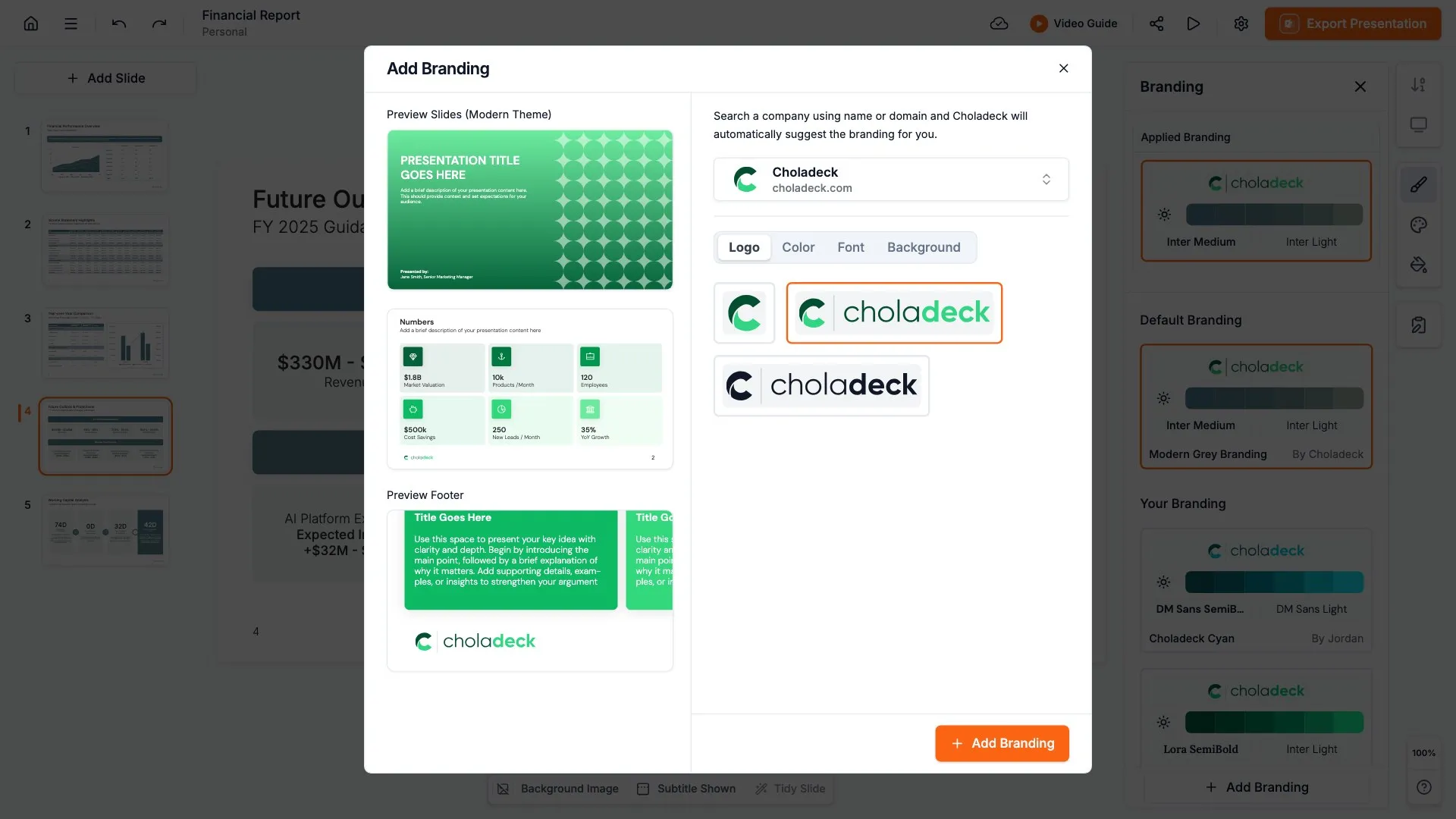
Search your company name and Choladeck pulls your logo automatically, or upload your own.

STEP 02

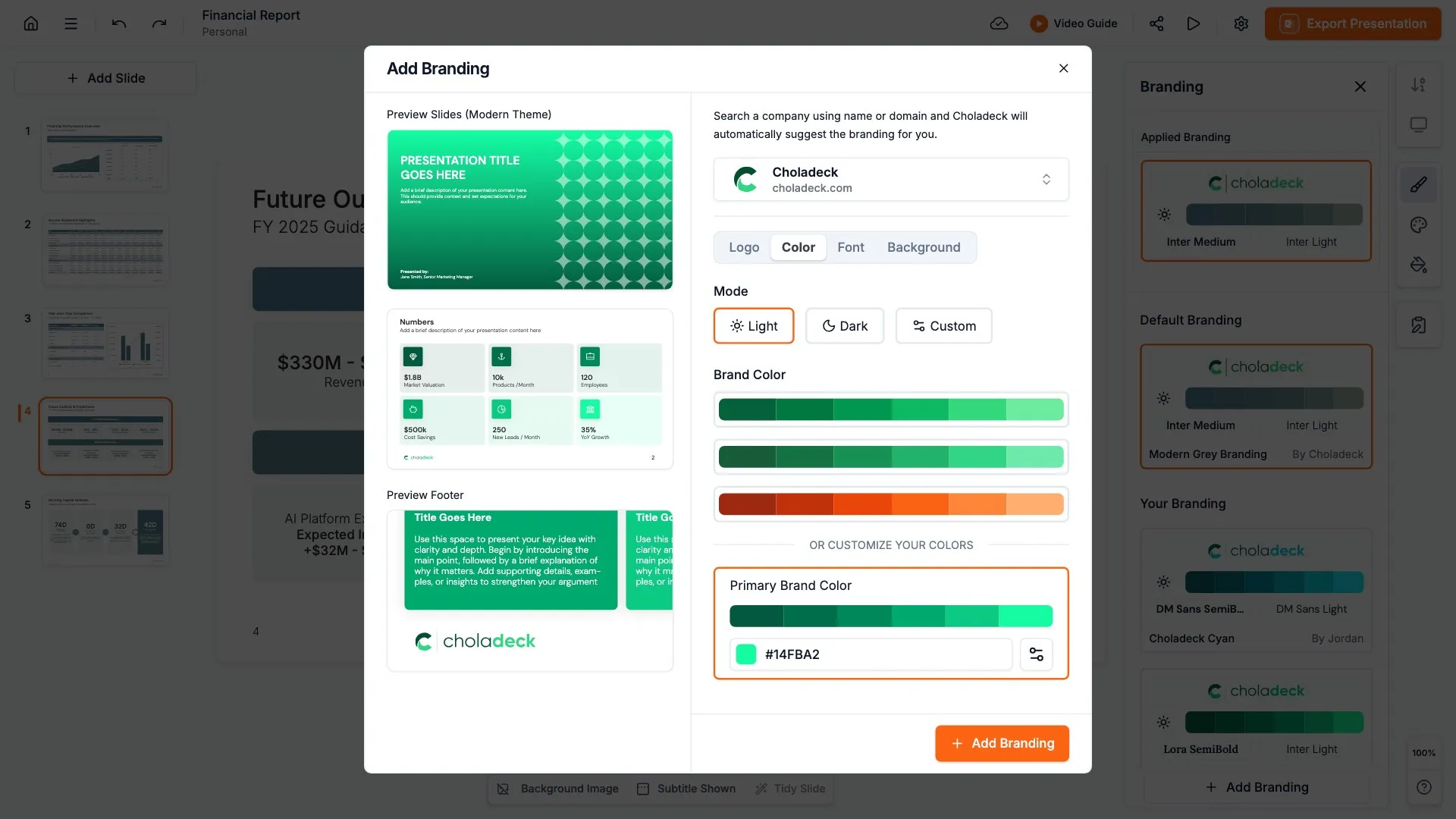
Pick a palette or enter your exact brand colors. Every slide adjusts to them.

STEP 03

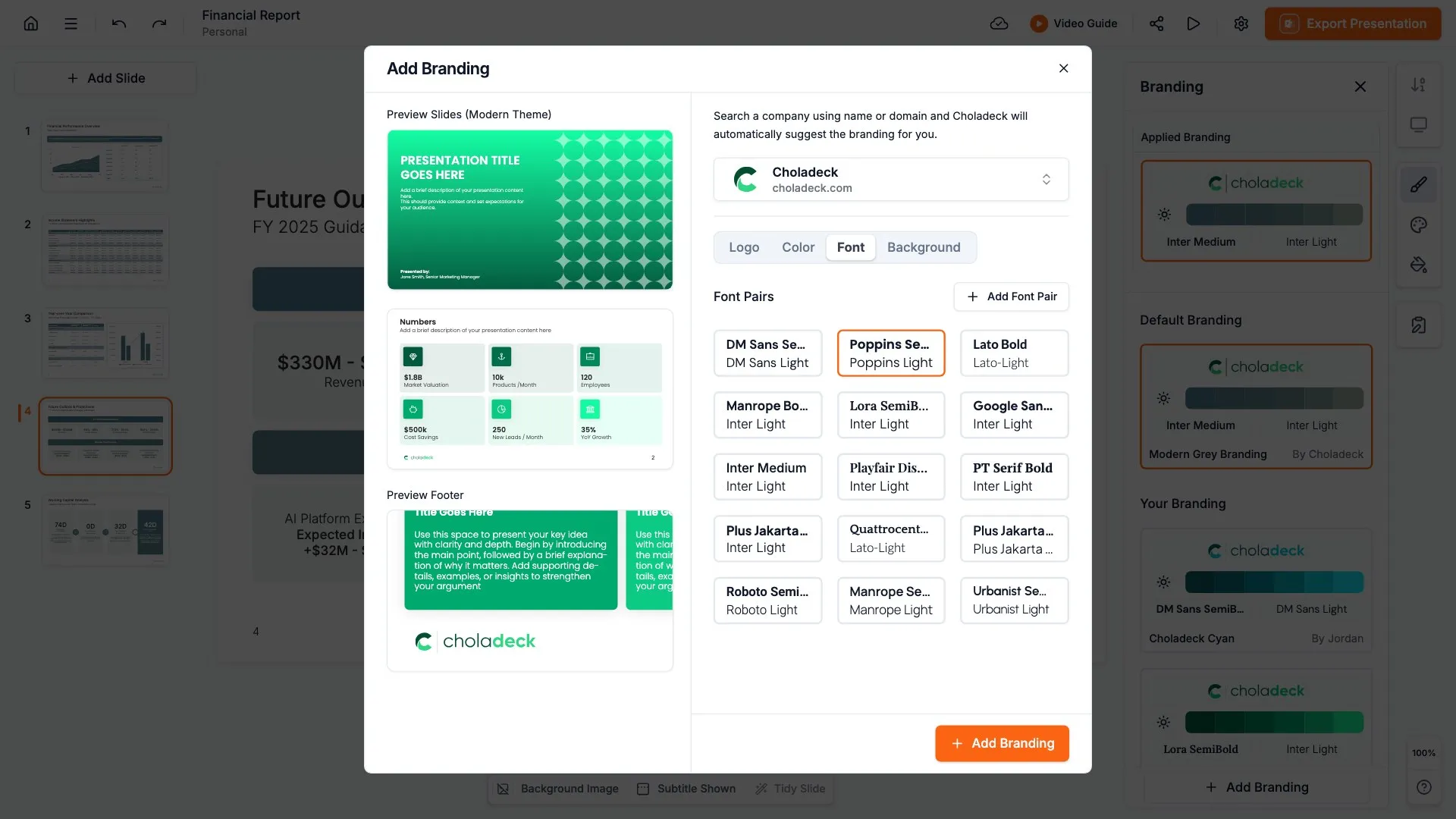
Upload your brand fonts, or pick from the ones built in.

STEP 04

Use your own image or pick from the built-in patterns.
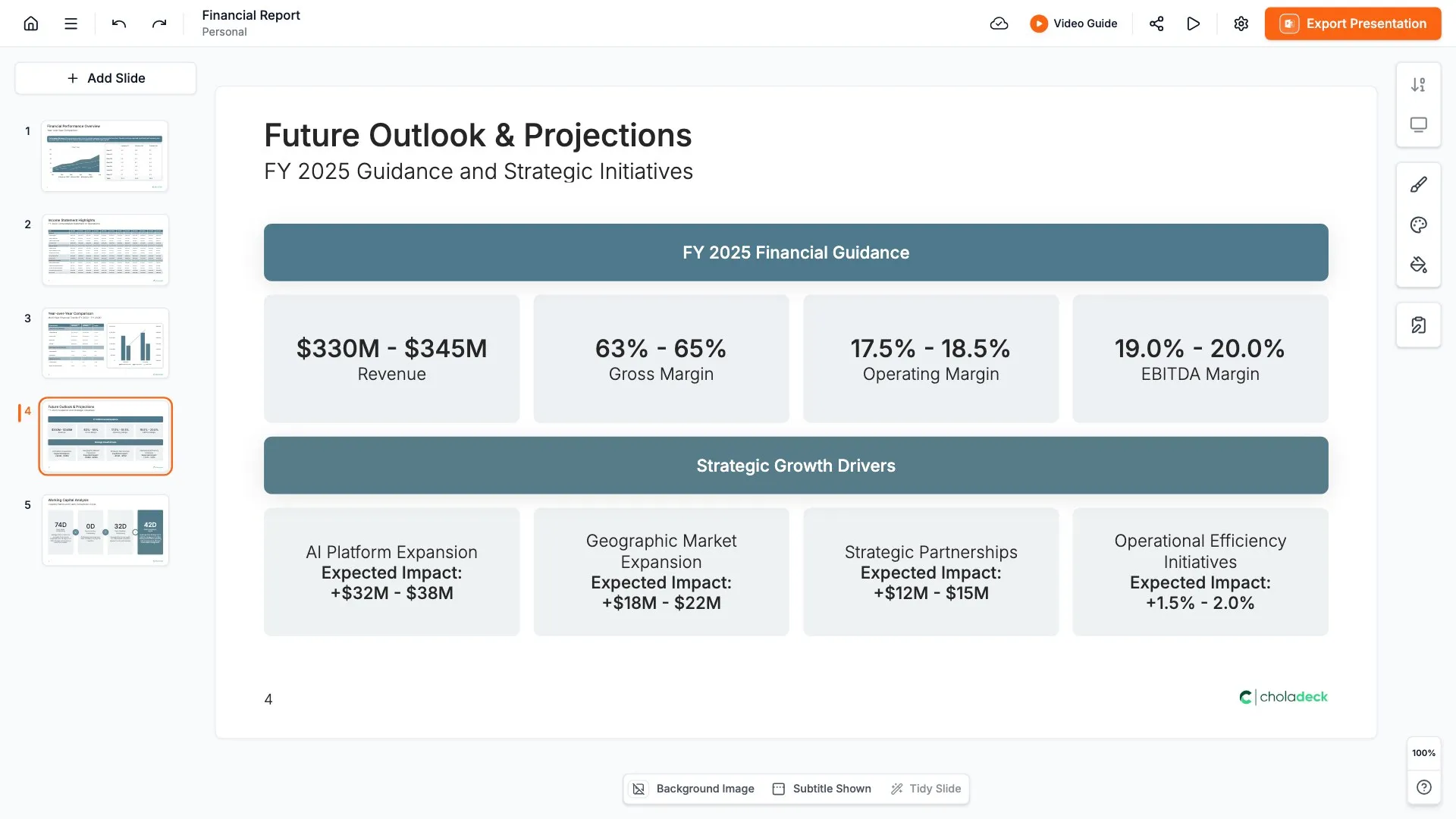
That's it. Every one of the 9,000+ slides is now in your brand, ready to build with.

With one-click branding vs without it

The difference one-click branding makes to your presentations and your time.


WITH CHOLADECK

WITHOUT IT

Brand consistency

Every slide on brand

Every presentation looks a little different

Presentation quality

Professional and polished every time

Presentations look unpolished and inconsistent

Company image

Everything looks like it came from the same company

Presentations look like different companies made them

Time spent on branding

One click, across every slide

Hours fixing colors, fonts, and logos

Every new presentation

Already on brand before you begin

Start over from scratch each time

Keeping a team on brand

Everyone builds from the same branded library

Nearly impossible to enforce

Rebranding

Update once and the whole library changes

Redo every presentation by hand

Frequently asked questions

Everything you need to know about branding your library.

How does one-click branding work?

+

You add your logo, colors, fonts, and background once, and Choladeck applies them across all 9,000+ slides instantly. Every slide you open is already in your brand.

What can I customize?

+

Your logo, brand colors, fonts, and background. Pull your logo by searching your company name or upload it, use a preset palette or your own colors, use built-in fonts or upload your own, and choose from our backgrounds and patterns or add your own.

Do I have to brand each slide myself?

+

No. You set your brand once and it applies to every slide at the same time.

Can I change my branding later?

+

Yes. Update your logo, colors, fonts, or background anytime, and the whole library updates in one click.

Can I set up more than one brand?

+

Yes. You can save more than one brand and switch between them, so if you present for different companies or clients, each presentation comes out in the right one.

Does my branding stay when I export?

+

Yes. Your brand holds when you export to PowerPoint, Google Slides, or Keynote, and your charts and tables stay editable.

Does it work with premade presentations?

+

Yes. Open any of the 74+ premade presentations and it's already in your brand, ready to fill in.

Brand your whole slide
library in one click

Add your logo, colors, and fonts once. Every presentation you build starts on brand.

Free to start. No credit card required.