Pricing

Export presentations to PowerPoint, Google Slides, or Keynote

Build your presentation in Choladeck and export a real, editable file to the tool you already use. Your formatting holds, your charts stay editable, and the presentation is yours to present, edit, and share anywhere.

Free to start. No credit card required.
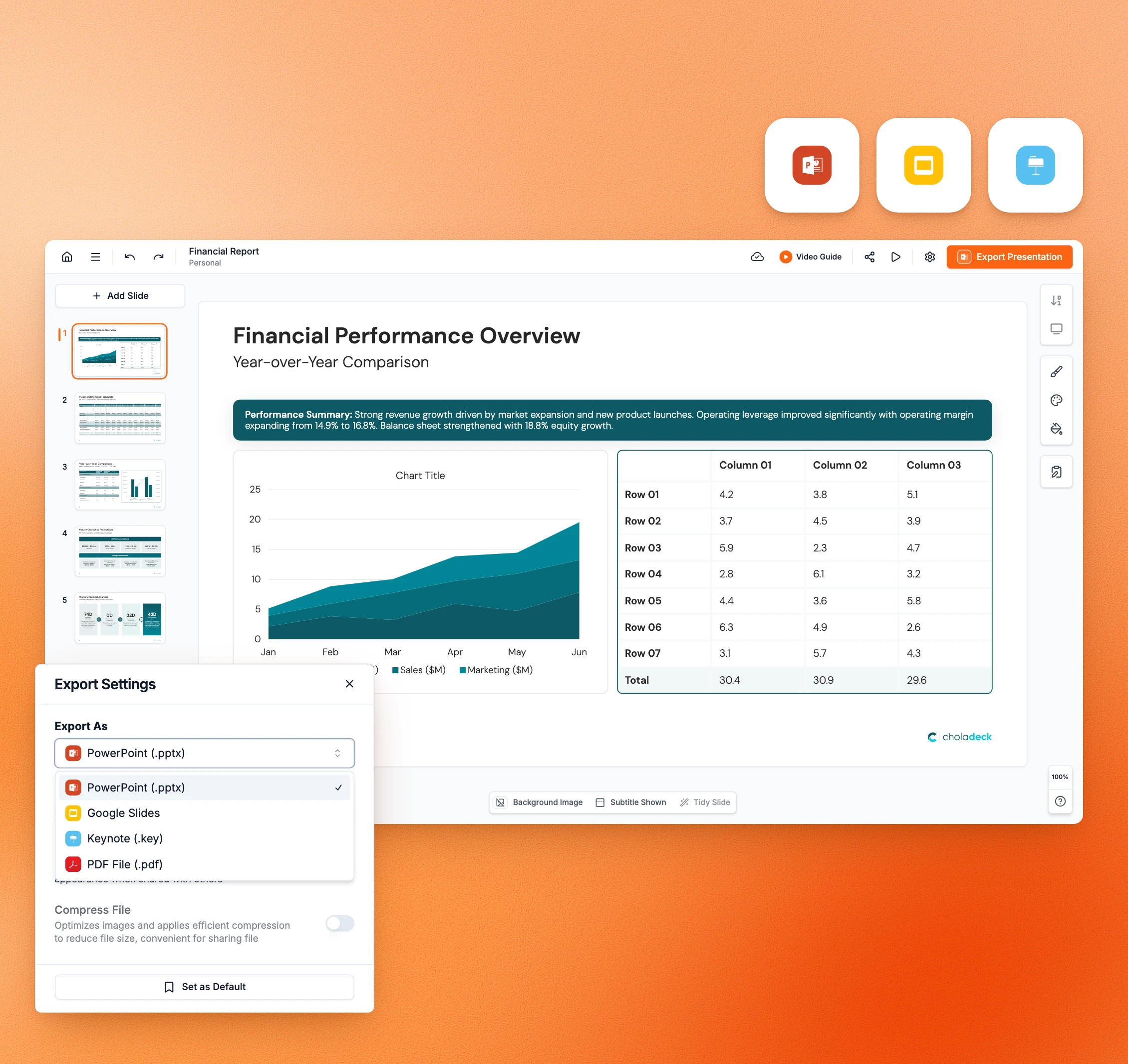
Finance deck in the Choladeck editor with Export Settings open: PowerPoint, Google Slides, Keynote and PDF

Trusted by thousands of professionals and teams worldwide

TCS Standard Chartered Samsung Oracle Walmart KPMG JP Morgan ExxonMobil Deloitte Accenture TCS Standard Chartered Samsung Oracle Walmart KPMG JP Morgan ExxonMobil Deloitte Accenture

Most tools trap your presentation
or break it on the way out

You build something good, then lose it the moment you export.

The formatting falls apart.

Layouts shift, spacing breaks, and the presentation that looked right online arrives a mess. So you rebuild it in PowerPoint anyway.

Charts turn into flat images.

The data is gone, so you can't edit them anymore, and neither can anyone you send the file to.

You're locked into the tool you built it in.

The presentation lives online in that tool, not in a file you own. So your work is only there as long as you keep the account.

It won't open where you need it.

You built it in one place, but your team, your client, or your boss works somewhere else. So they get a flat copy they can't change.

Your presentation, in the tool you already use

A real, editable file, wherever you need to present.

Export anywhere

Export a real file that works anywhere

Choladeck exports to PowerPoint, Google Slides, and Keynote, so your presentation works in the tool you and everyone around you already use. What comes out is a normal file, not a link and not a flattened copy. It opens and edits like any other presentation, and works whether or not the person opening it has heard of Choladeck.

Try Choladeck free
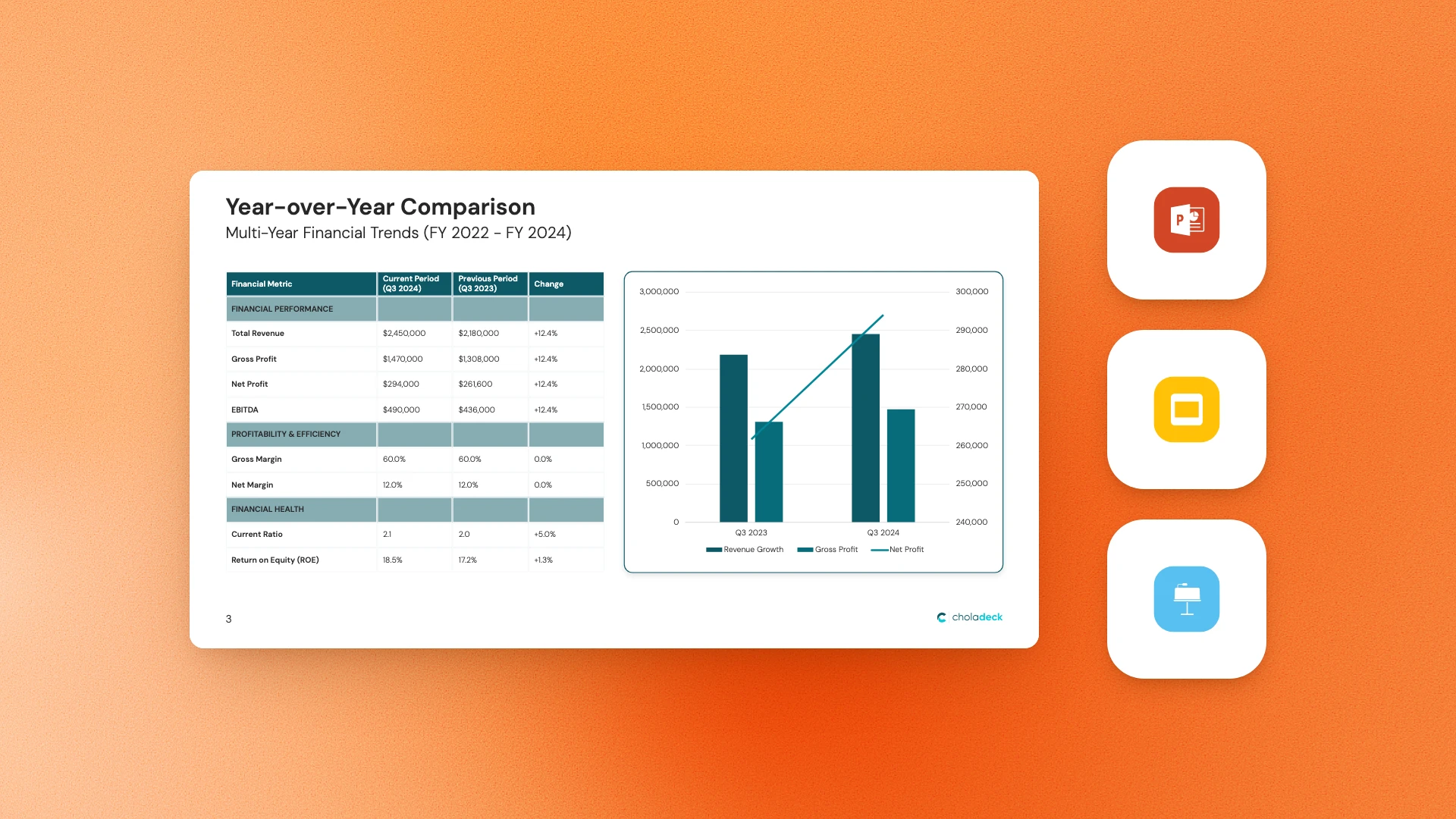
Year-over-Year Comparison slide beside the PowerPoint, Google Slides and Keynote app icons

Export to PowerPoint, Google Slides, or Keynote.

Build once and take your presentation to whichever tool you work in.
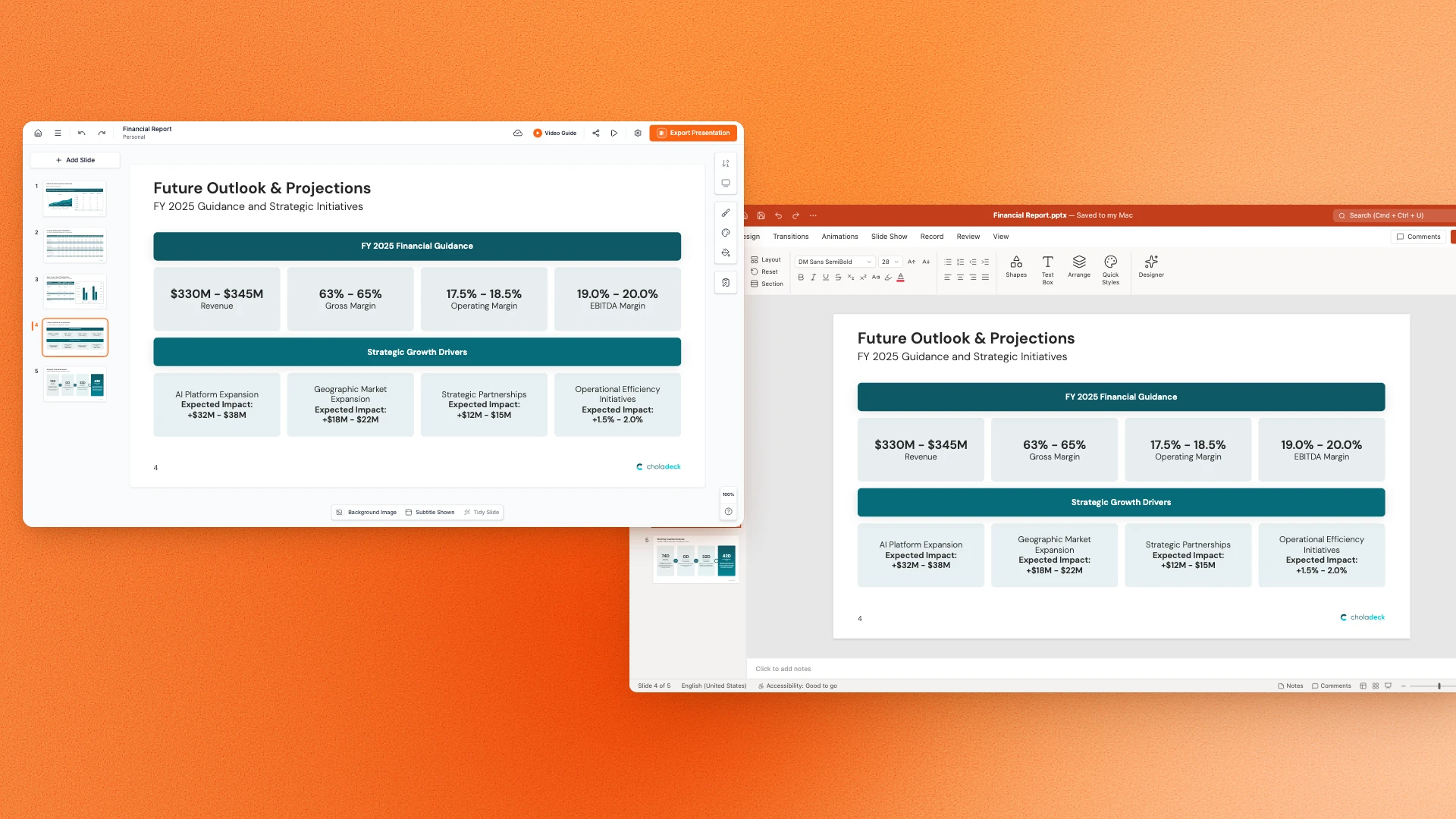
A Choladeck slide and the same slide opened in PowerPoint, with its formatting unchanged

Your formatting holds.

Layouts, spacing, fonts, and branding all stay intact, so the presentation looks exactly as you built it.
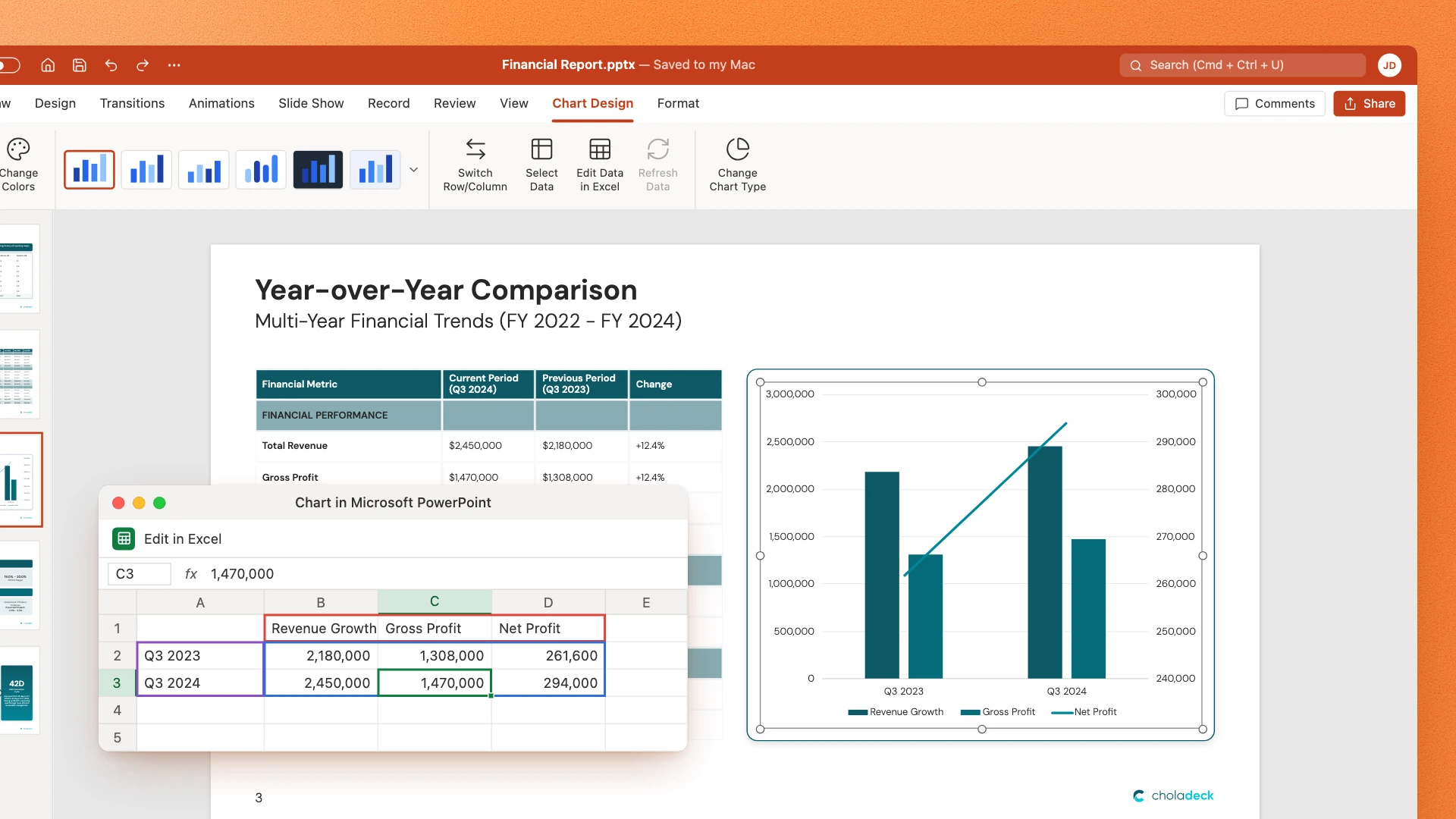
An exported chart in PowerPoint with its data open in Edit in Excel

Charts and tables stay editable.

They export as real objects, so you can still change a number long after the presentation leaves Choladeck.
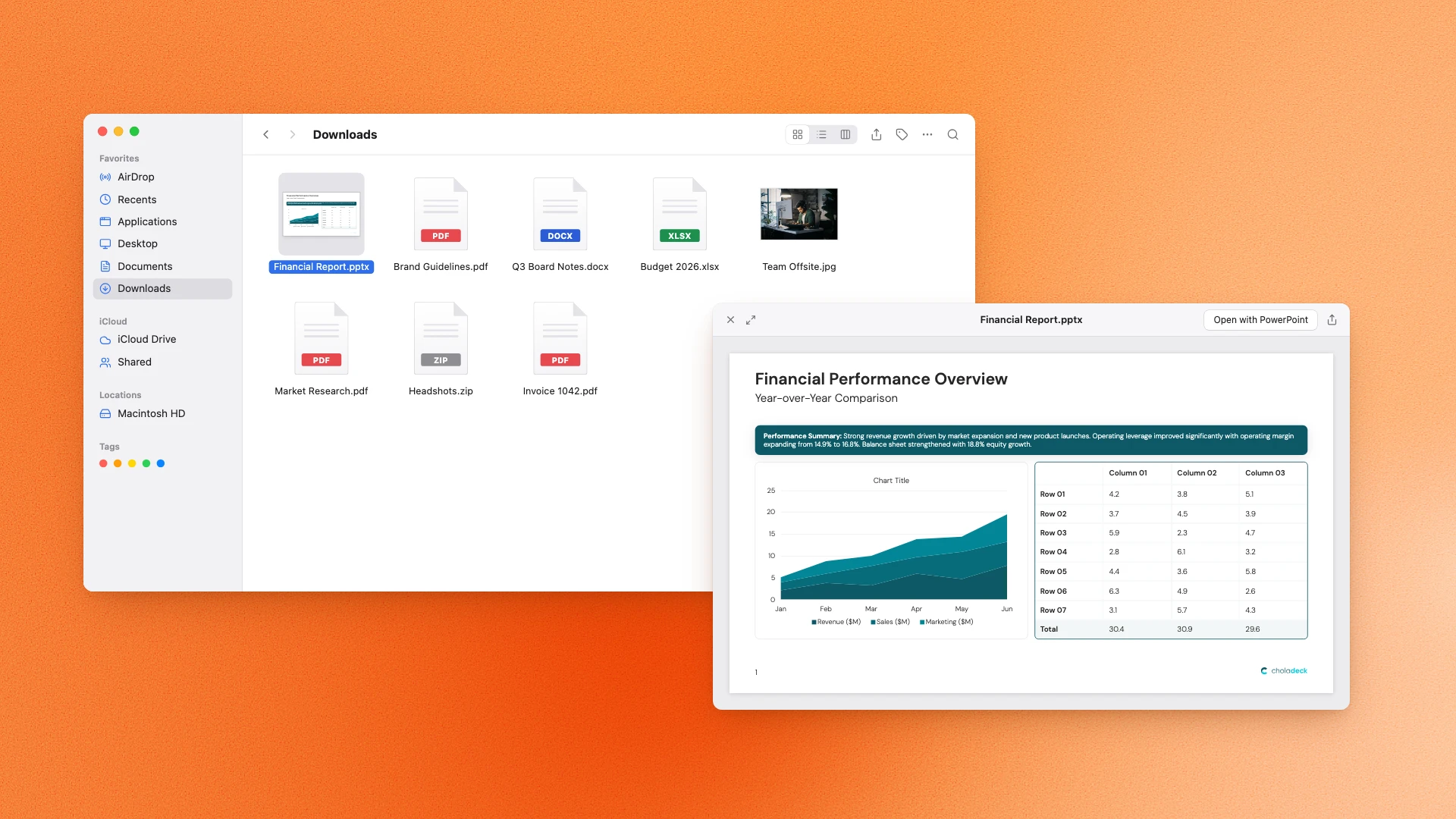
The exported Financial Report.pptx in the Downloads folder, with a preview of its first slide

A real file you own.

Your presentation isn't trapped online. It's a file you keep, edit, and share, with or without a Choladeck account.

From Choladeck to any tool in three steps

Build it, export it, and present it wherever you work.

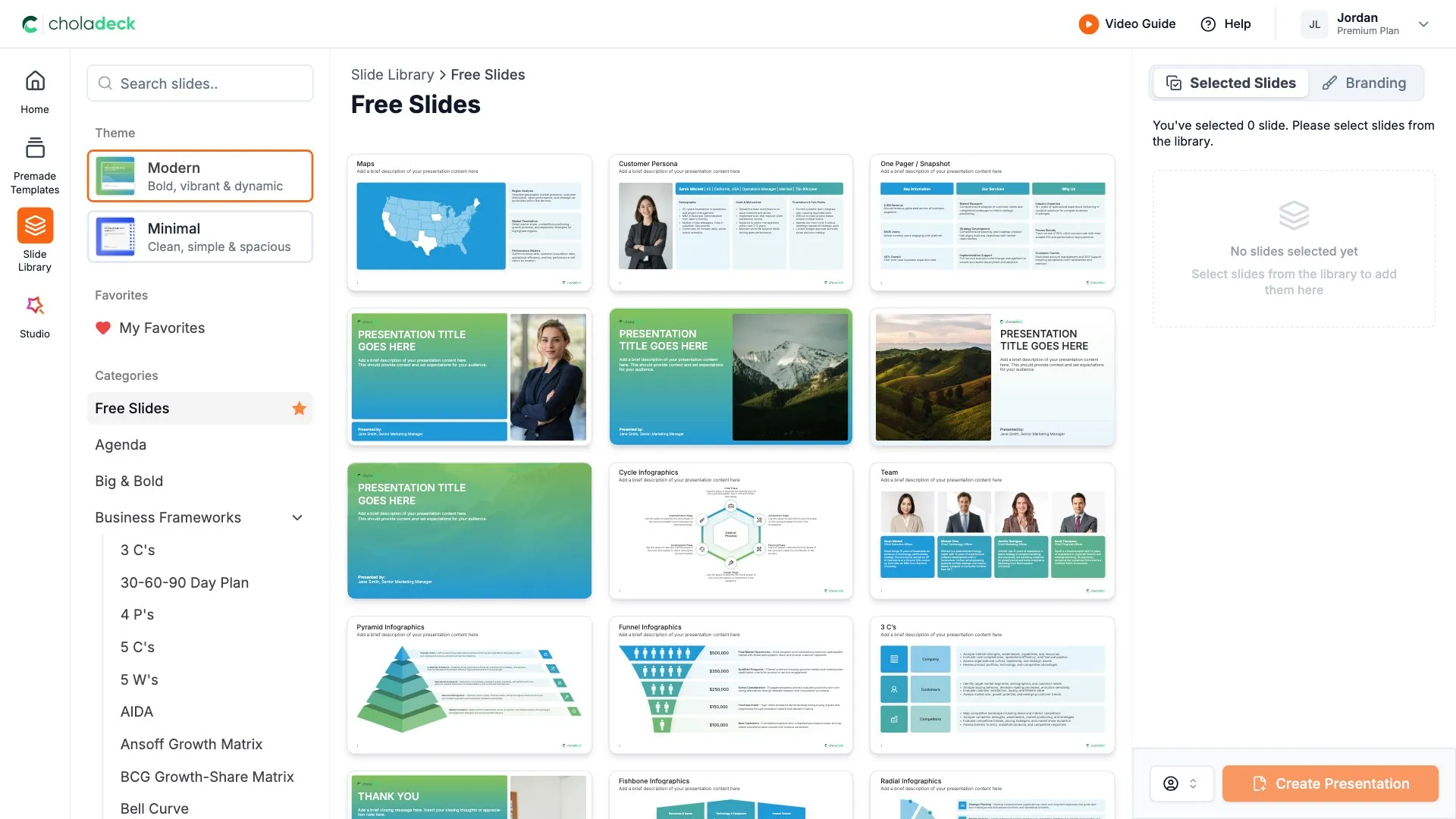
STEP 01

Pick your slides, brand them, and add your content in Choladeck.

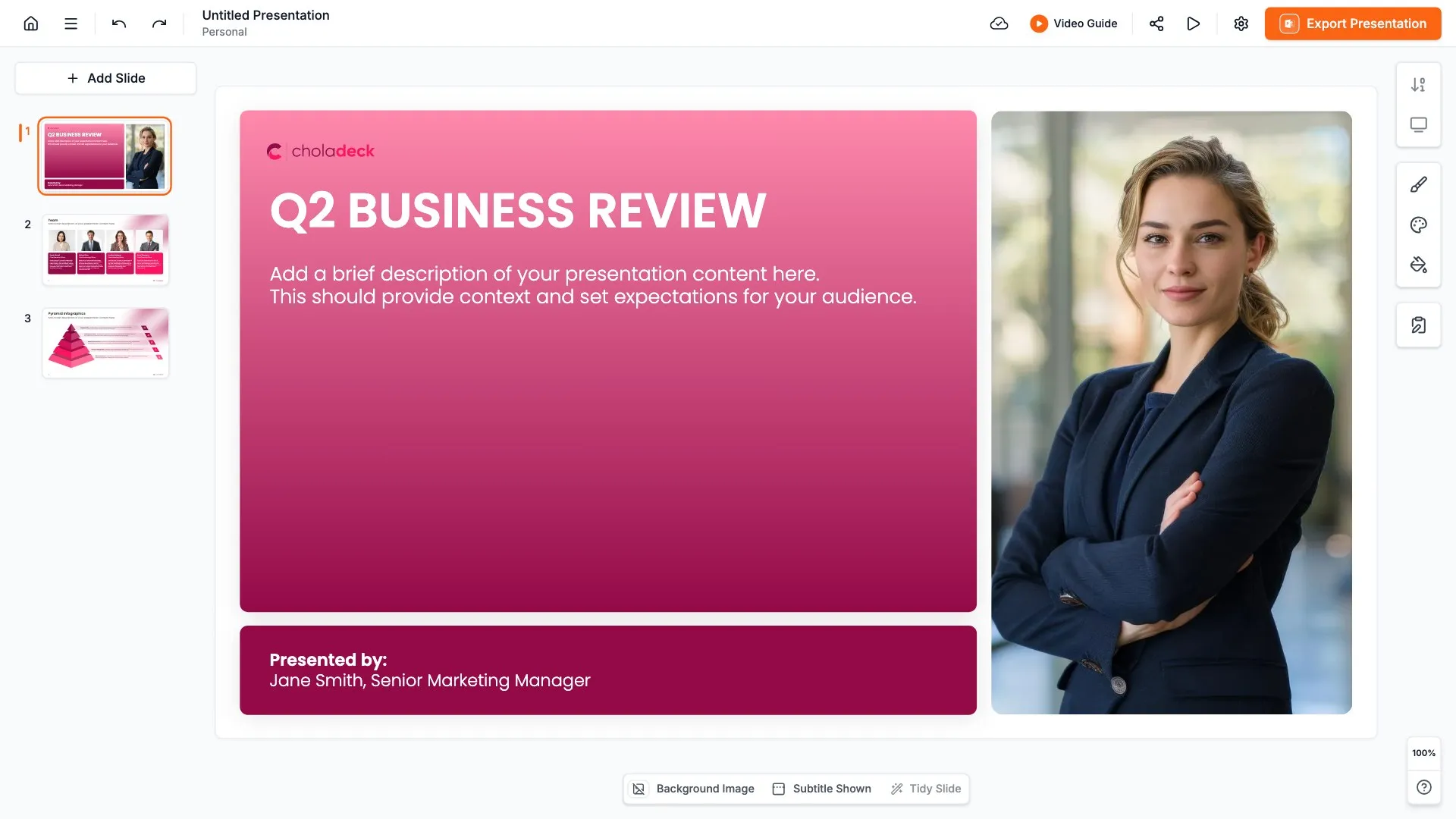
STEP 02

Export to PowerPoint, Google Slides, or Keynote, whichever you use.

STEP 03

Your presentation arrives as a real, editable file, clean and intact. Open it, present it, or send it to anyone, in the tool they already have.
A real file vs a locked link

What you actually get when you export, with Choladeck and without it.


WITH CHOLADECK

OTHER TOOLS

Formatting on export

Holds exactly as you built it

Layouts shift and spacing breaks

Fonts

Stay exactly as you set them

Swapped for something close

Charts and tables

Stay real and editable

Flatten into images

Sending it to someone else

They can open and edit it like any other presentation

They get a flat copy they can't change

Where it works

PowerPoint, Google Slides, or Keynote

Trapped in their platform

Owning your presentation

A real file that's yours to keep

A link you have to keep paying for

Frequently asked questions

Everything you need to know about exporting your presentation.

What can I export to?

+

PowerPoint, Google Slides, and Keynote. Build your presentation once and take it to whichever tool you use.

Does my formatting stay intact?

+

Yes. Layouts, spacing, fonts, and branding all stay intact, so the presentation looks exactly as you built it.

Do charts and tables stay editable after export?

+

Yes. Charts and tables export as real objects with the data attached, so you can still edit them after export. Change a number in PowerPoint and the chart updates.

Do I need PowerPoint or Keynote installed?

+

Not to build. Everything happens in your browser. You only need PowerPoint or Keynote to open the exported file, and if you use Google Slides, you can stay online the whole way.

Is the exported presentation mine to keep?

+

Yes. You get a real file you own. It stays yours to edit and share, whether or not you keep your Choladeck account.

Can I send the presentation to someone who doesn't use Choladeck?

+

Yes. It's a normal PowerPoint, Google Slides, or Keynote file, so anyone can open, edit, and present it in the tool they already have.

How many slides can I export?

+

It depends on your plan. The free plan lets you export its 50 free slides. Personal monthly includes 100 slide exports a month, and Team monthly includes 200 a month shared across the team. Annual plans have unlimited exports.

Build your presentation once
and use it in any tool

Make it in Choladeck, export it, and present it in the tool you already use.

Free to start. No credit card required.