Pricing

OKR template, built as a presentation

Twelve slides for the quarterly planning session where objectives get agreed rather than filed: last quarter scored, the strategy the new goals hang off, three objectives with their key results and owners, what you depend on, and how progress gets checked. Select it, brand it to your company in one click, add your objectives, and export to PowerPoint, Google Slides, or Keynote.

Free to start. No credit card required.
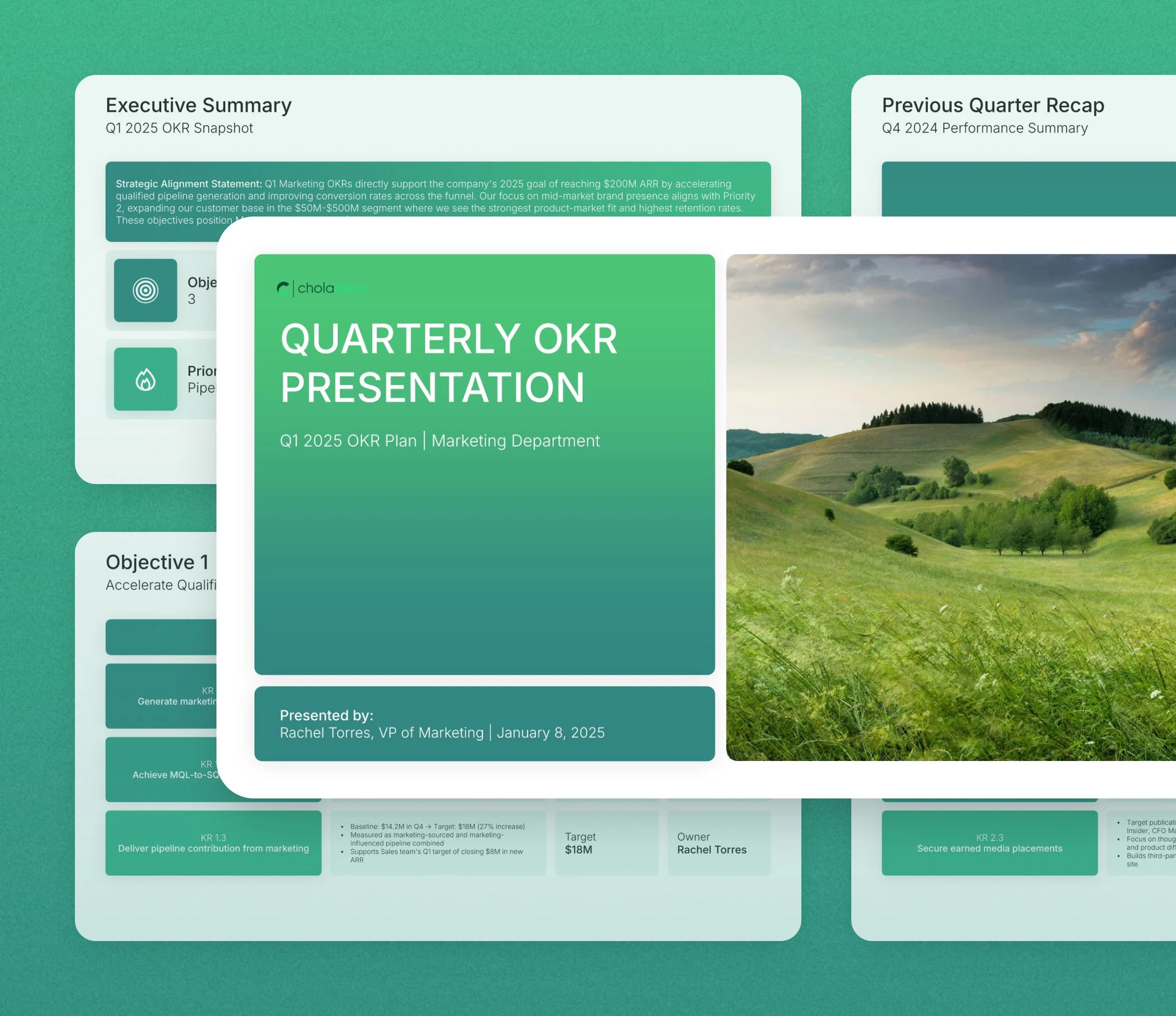
OKR template: the title slide in front of other slides from the 12-slide deck

Every slide in the OKR template

Twelve slides, in the order you present them.

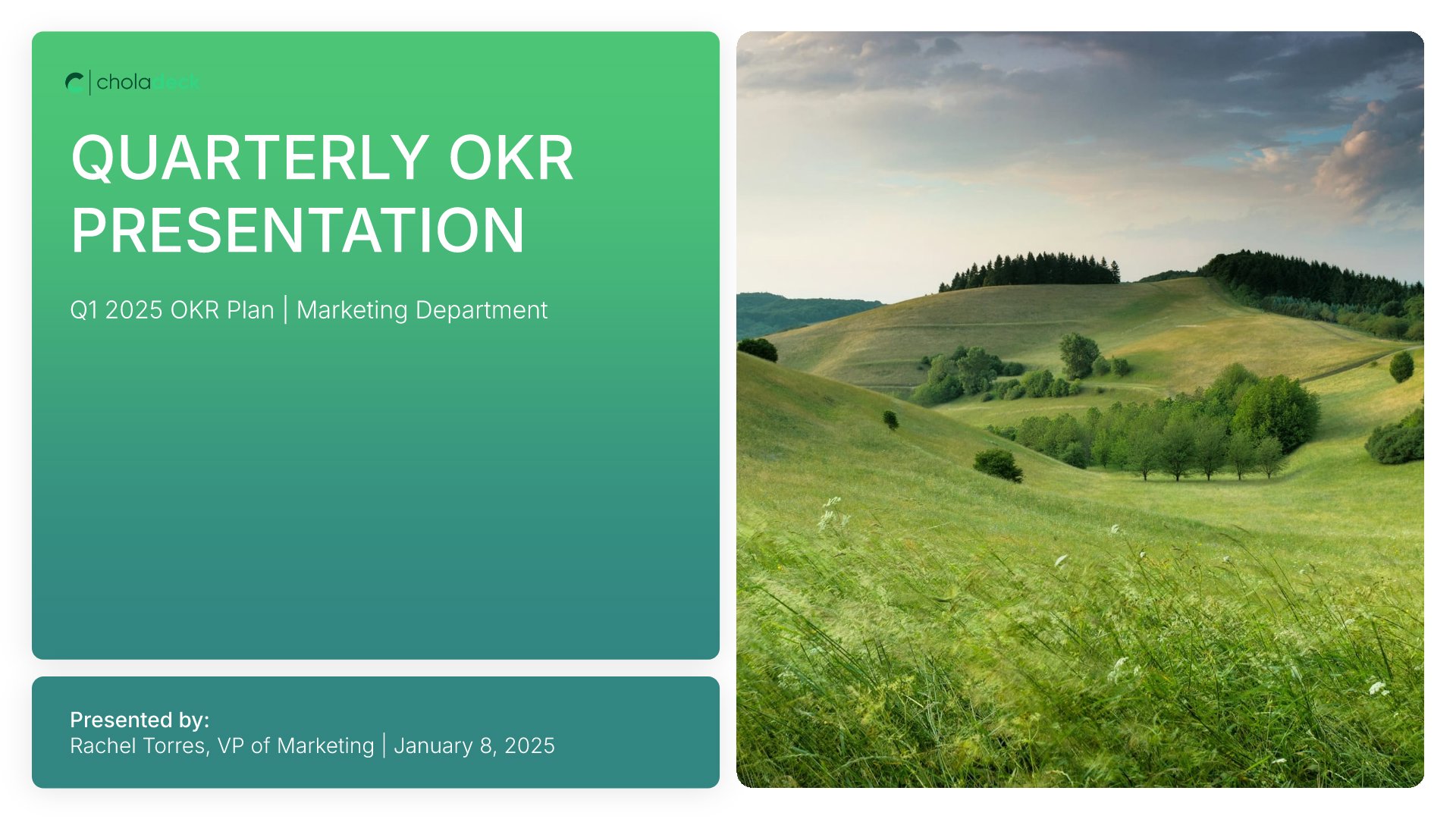
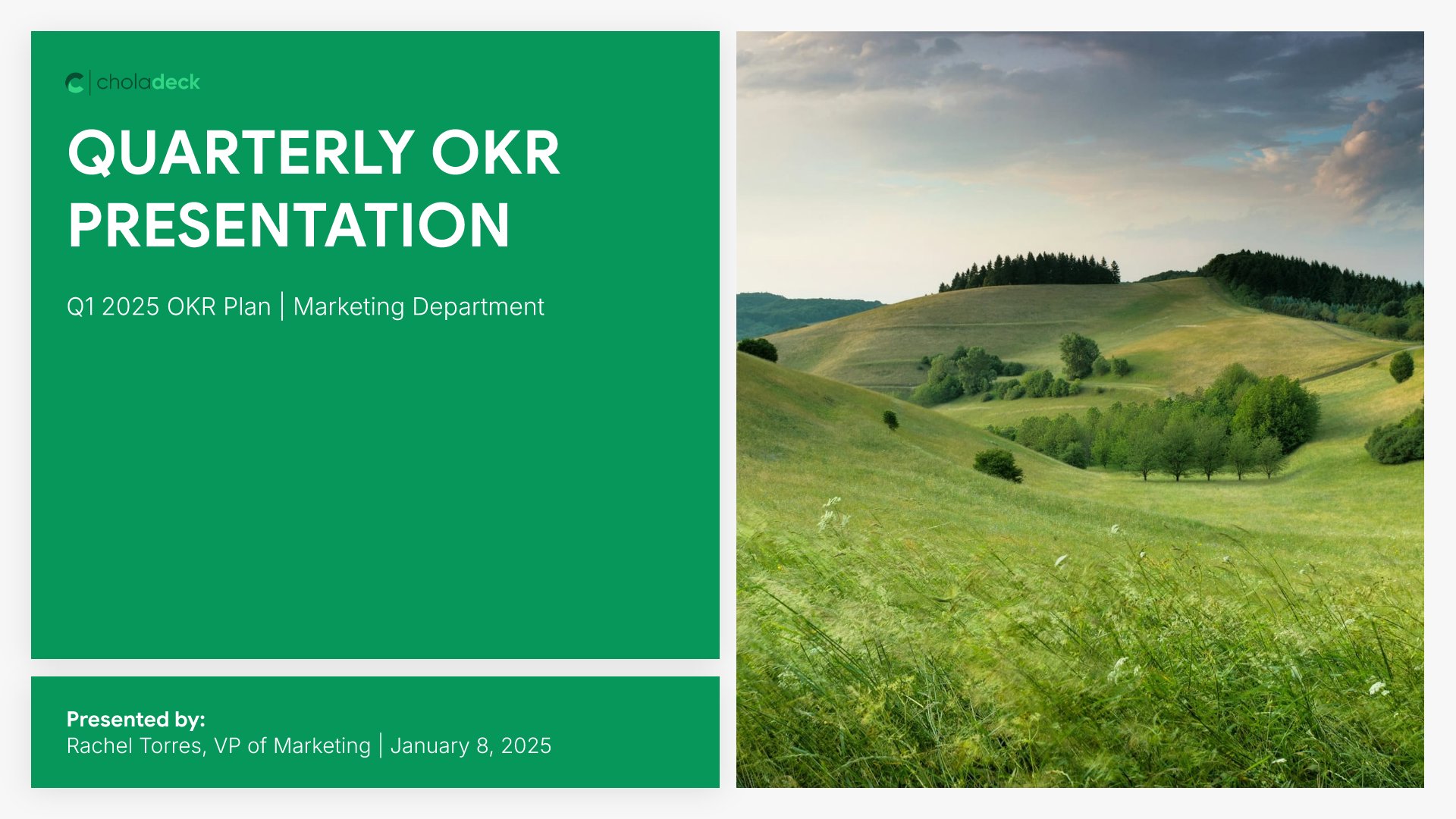
Title slide, OKR template, quarter, team, and presenter

Slide 01

Title

The quarter, the team, and who's presenting the plan.

Built using “Title” slide
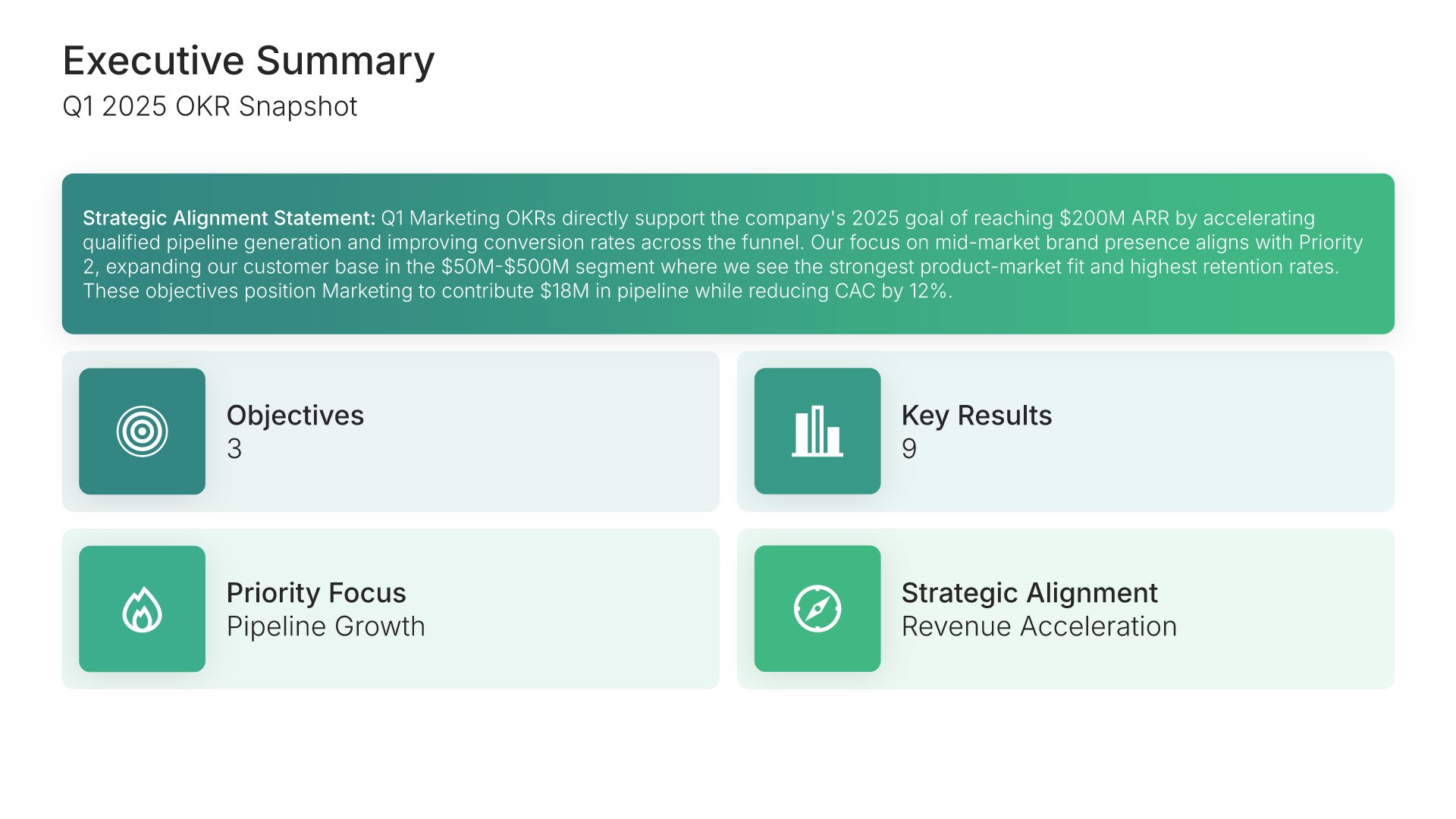
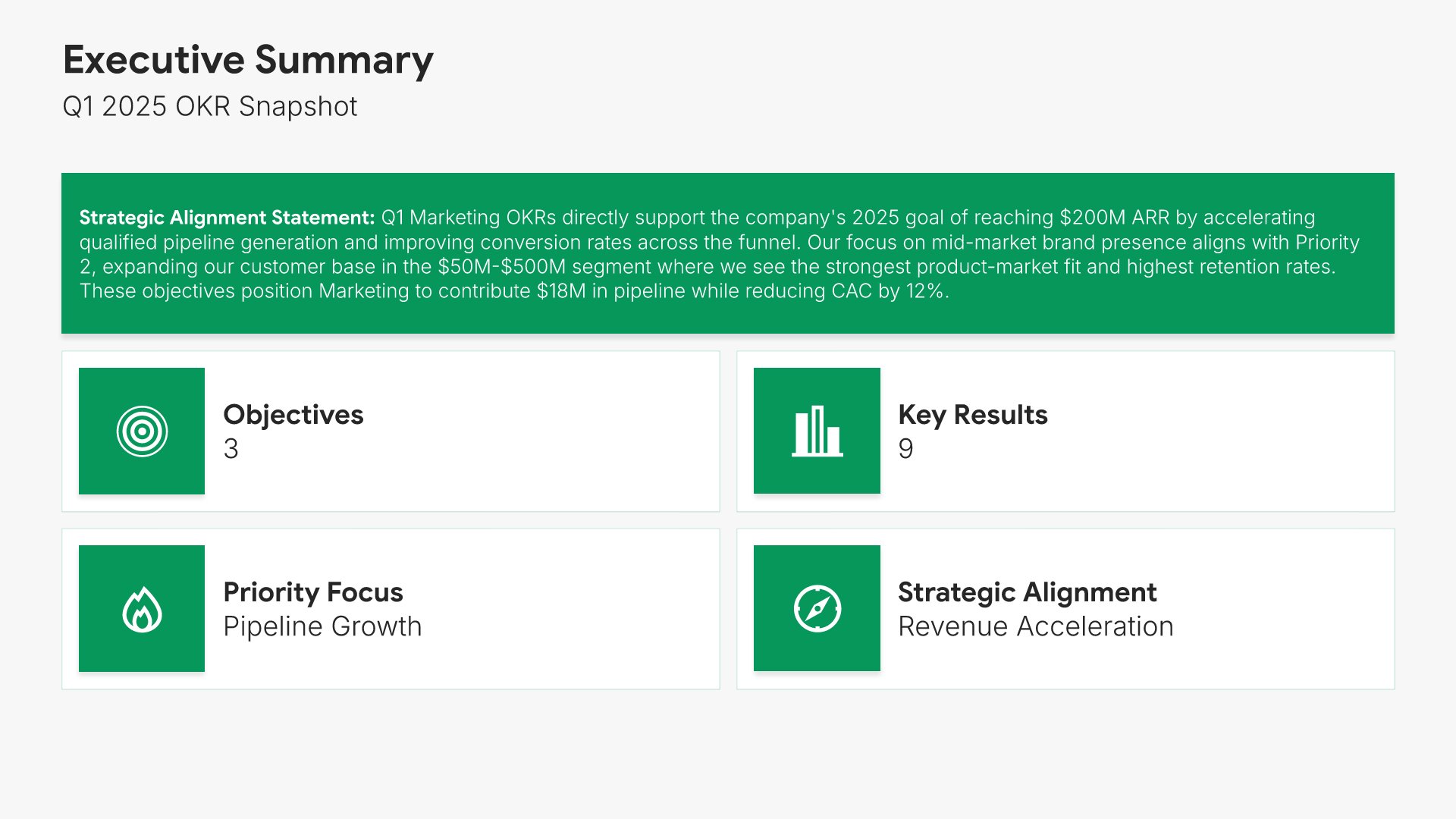
Executive summary slide, OKR template, objectives, key results, and priority focus

Slide 02

Executive Summary

The quarter's objectives, key results, priority focus, and strategic alignment on one screen.

Built using “Simple Text (with Icons)” slide
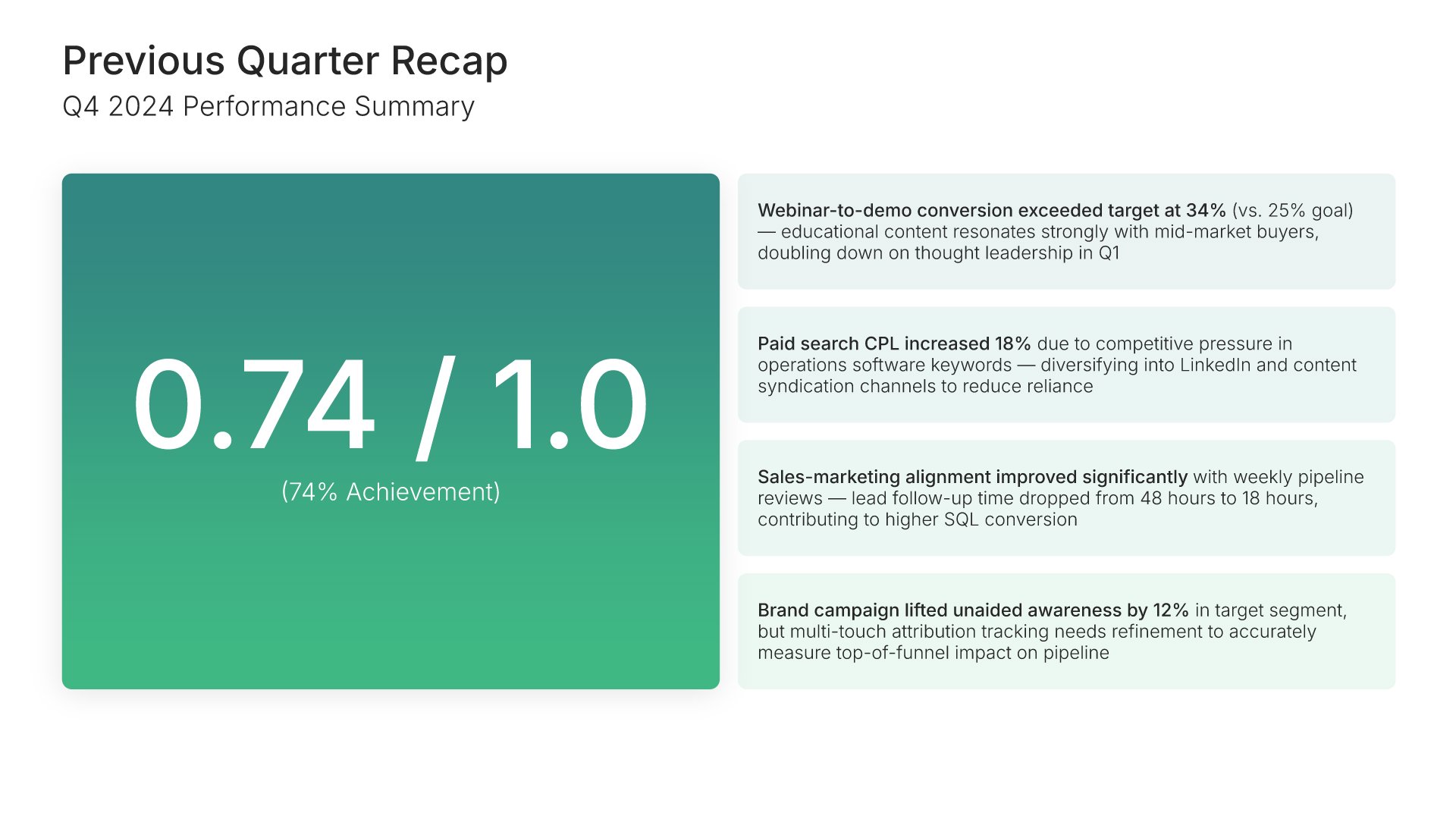
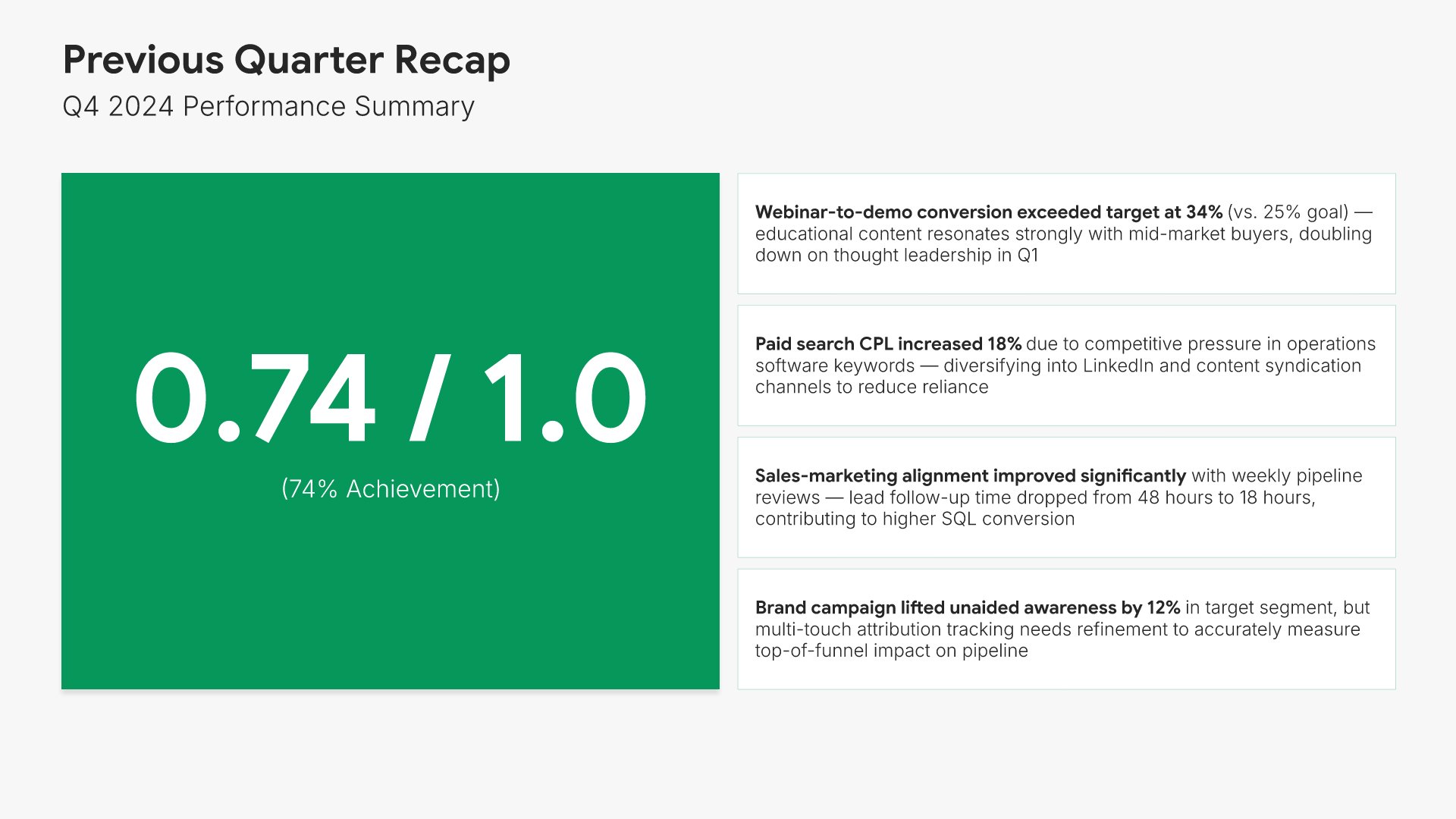
Previous quarter recap slide, OKR template, last quarter scored out of 1.0

Slide 03

Previous Quarter Recap

Last quarter scored out of 1.0, with what was achieved and what was learned.

Built using “One Pager / Snapshot” slide
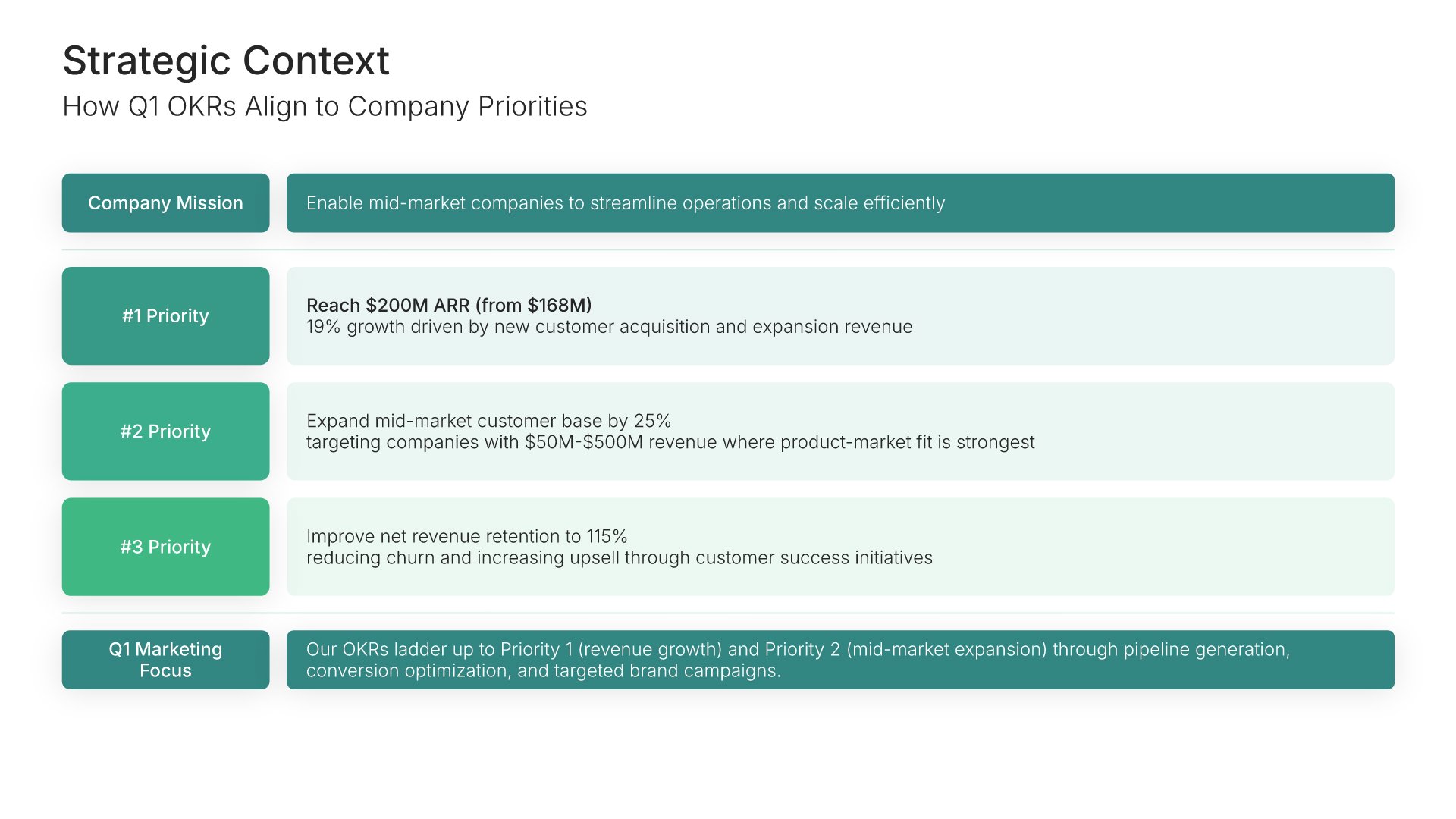
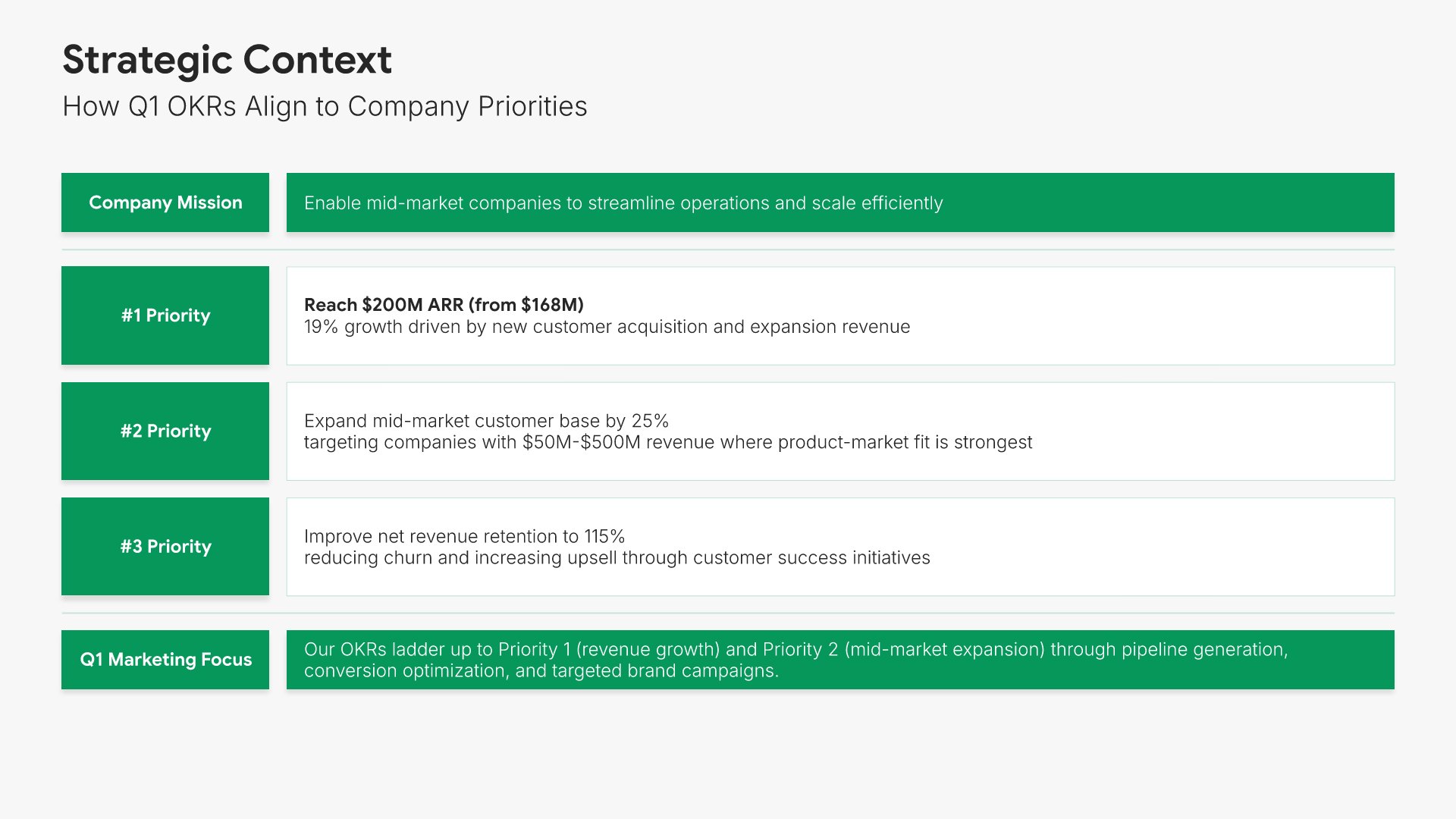
Strategic context slide, OKR template, company priorities against team objectives

Slide 04

Strategic Context

Each company priority against what this team's objectives contribute to it.

Built using “Root Cause Analysis” slide
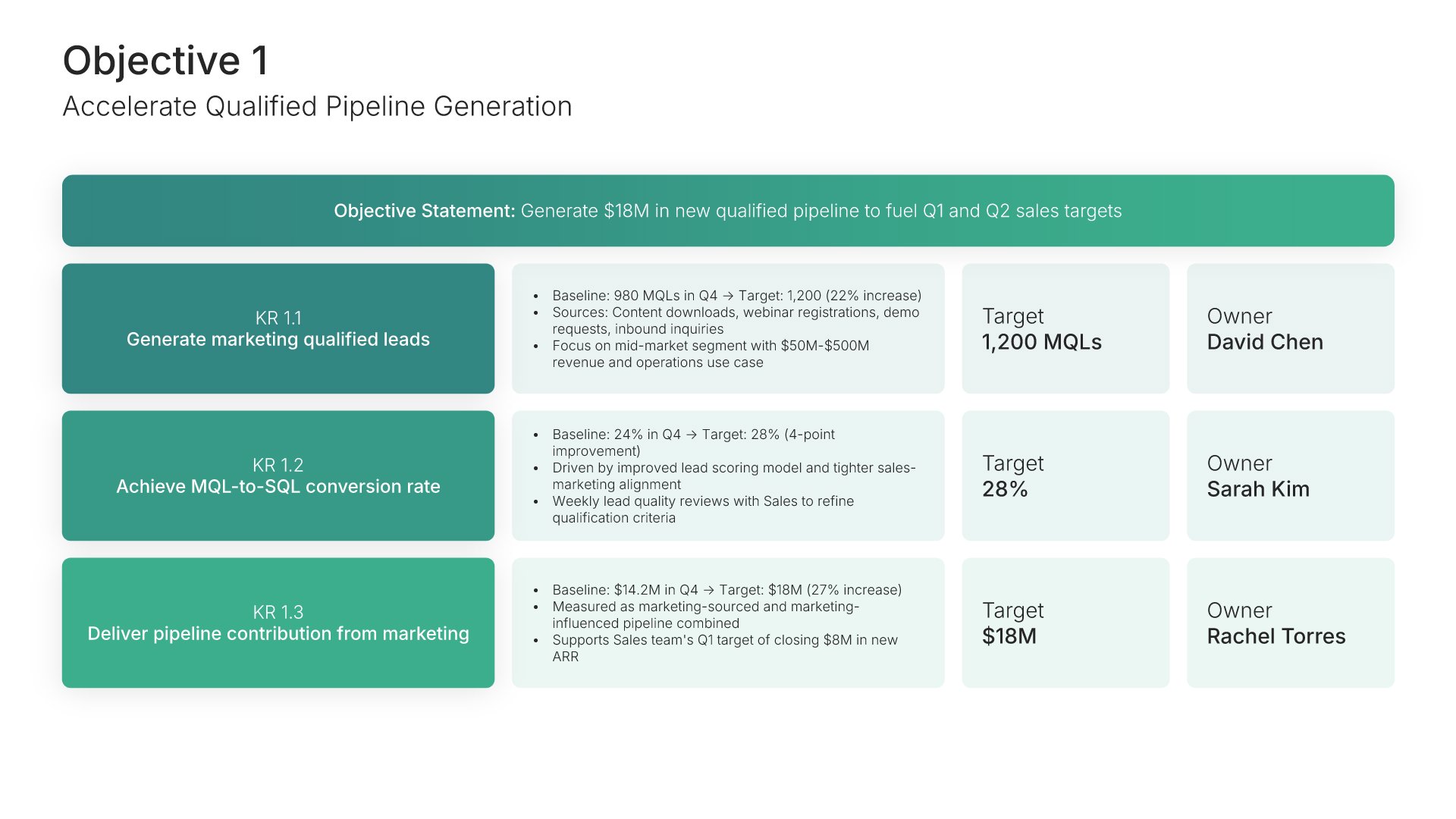
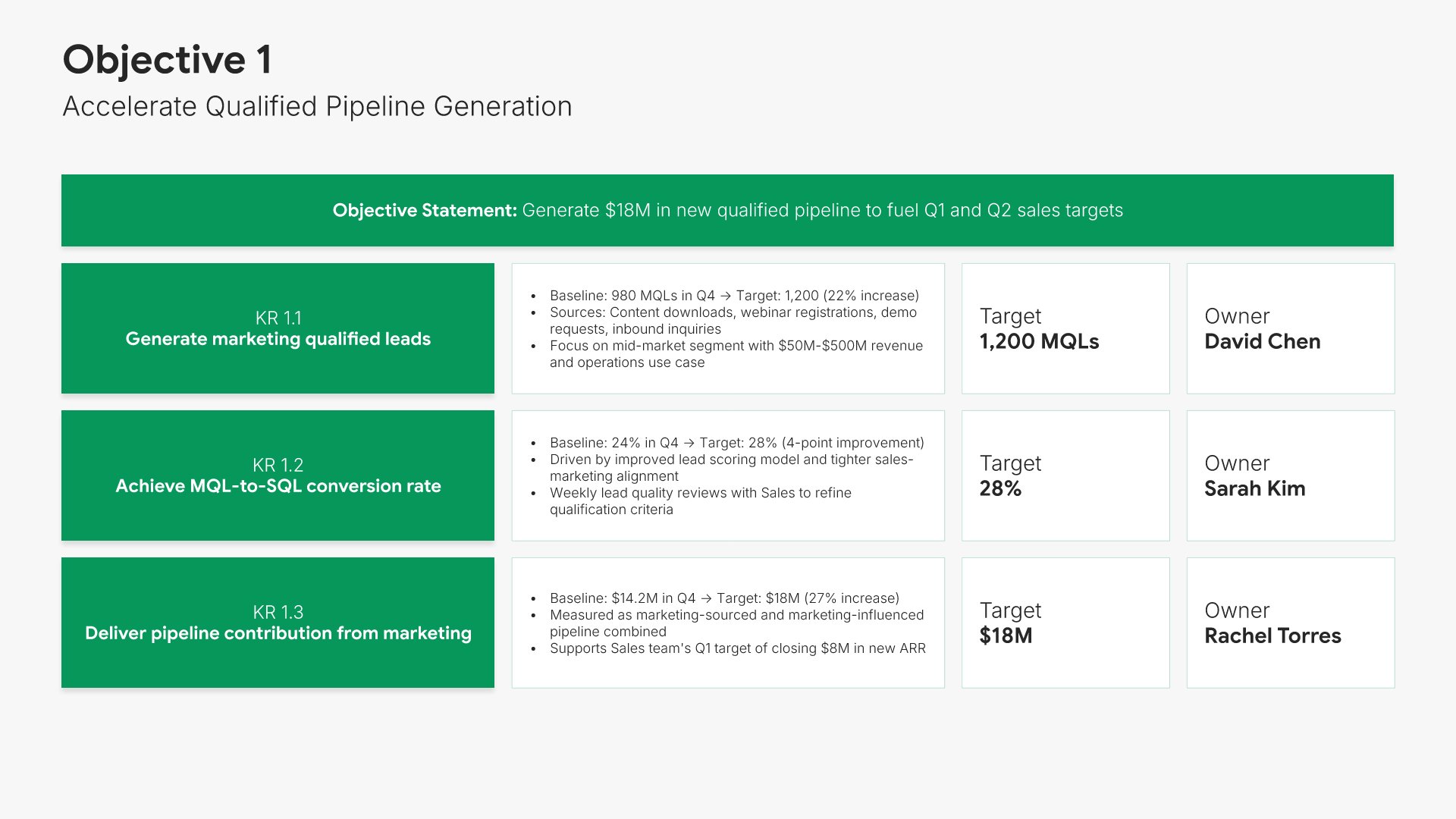
Objective overview slide, OKR template, first objective with targets and owners

Slide 05

Objective Overview

The first objective in full: the key results underneath it, each with target and owner.

Built using “Objectives and Key Results” slide
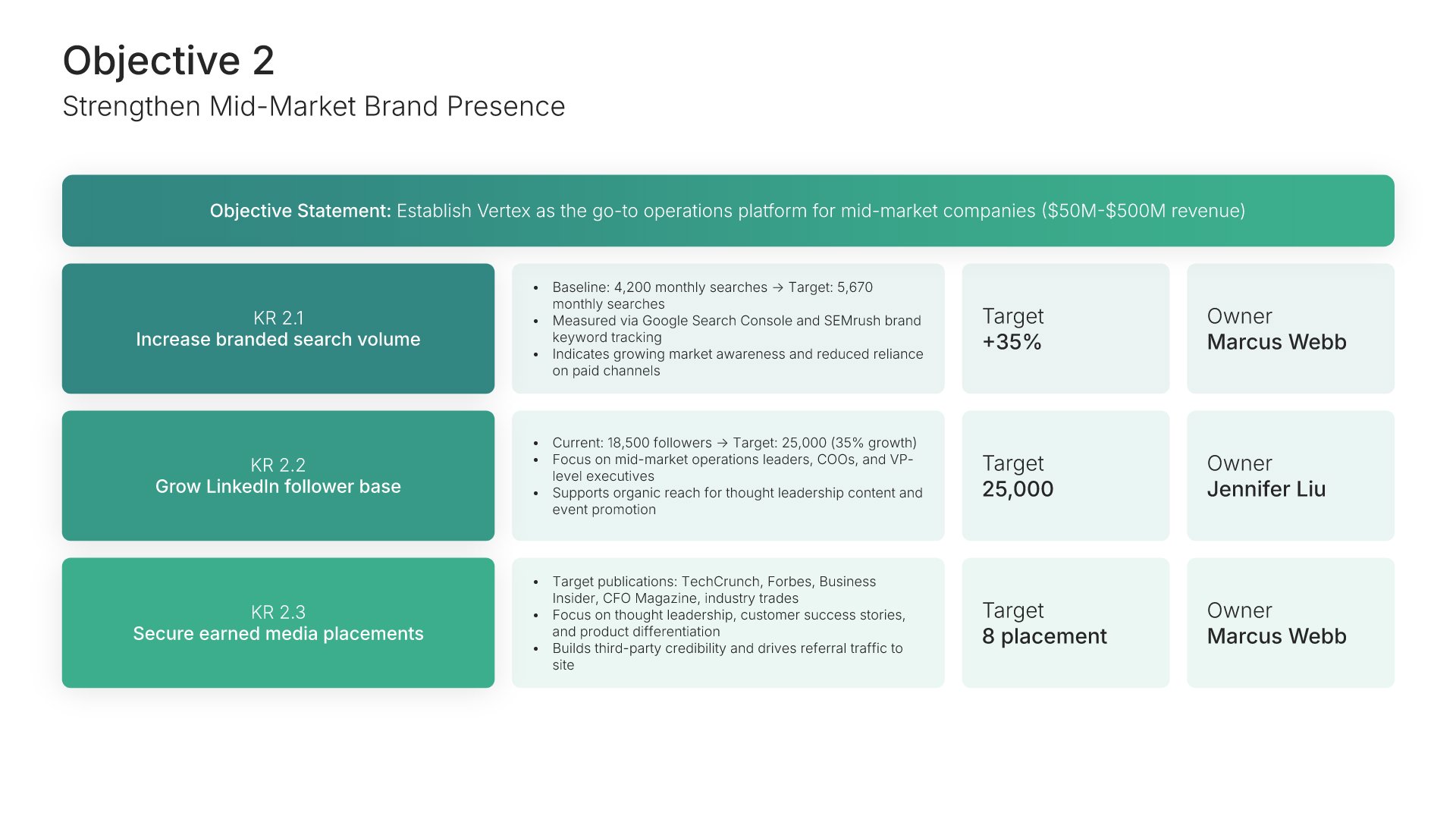
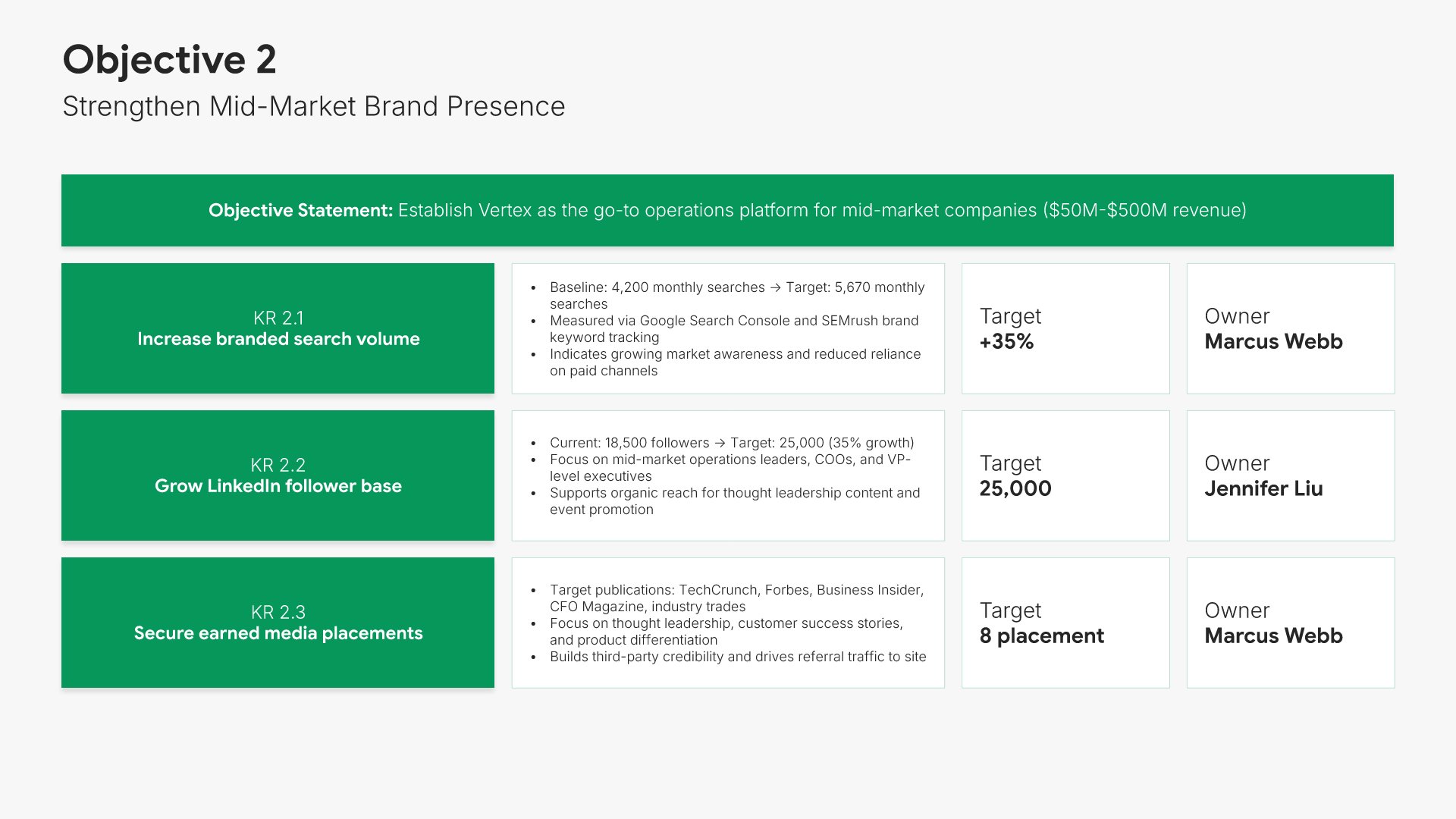
Objective overview slide, OKR template, second objective and its key results

Slide 06

Objective Overview

The second objective, same format.

Built using “Objectives and Key Results” slide
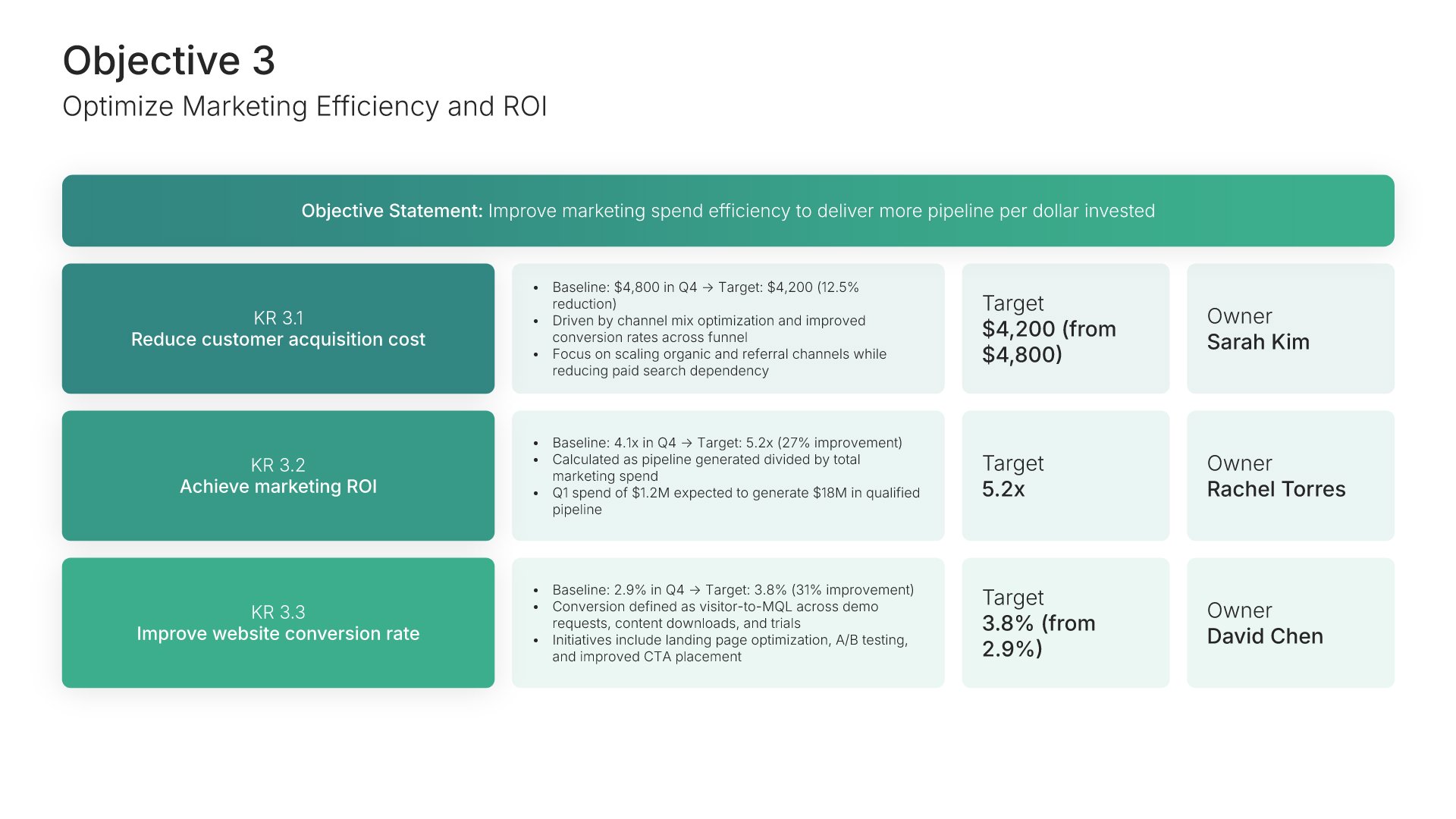
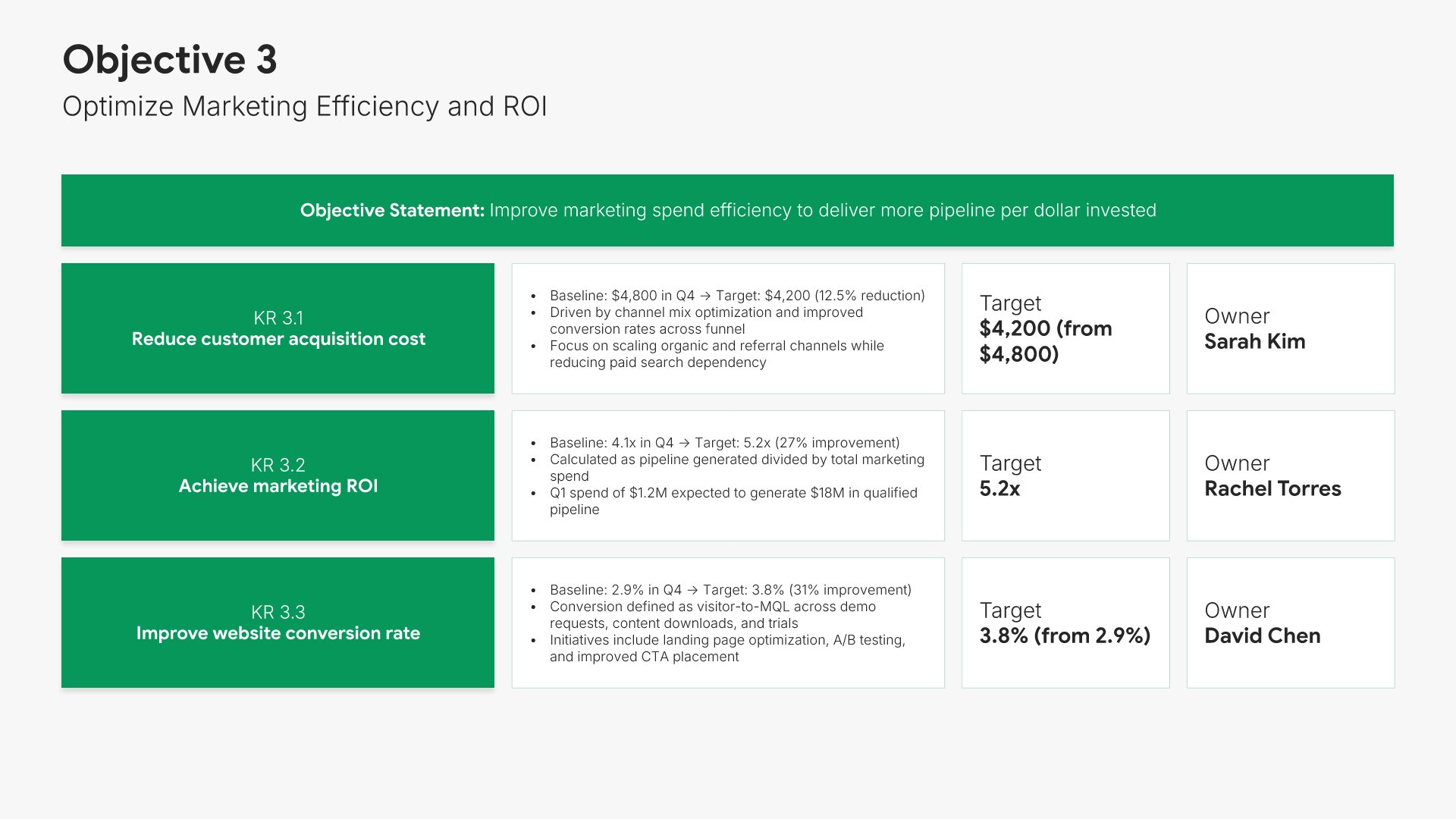
Objective overview slide, OKR template, third objective and its key results

Slide 07

Objective Overview

The third objective, same format.

Built using “Objectives and Key Results” slide
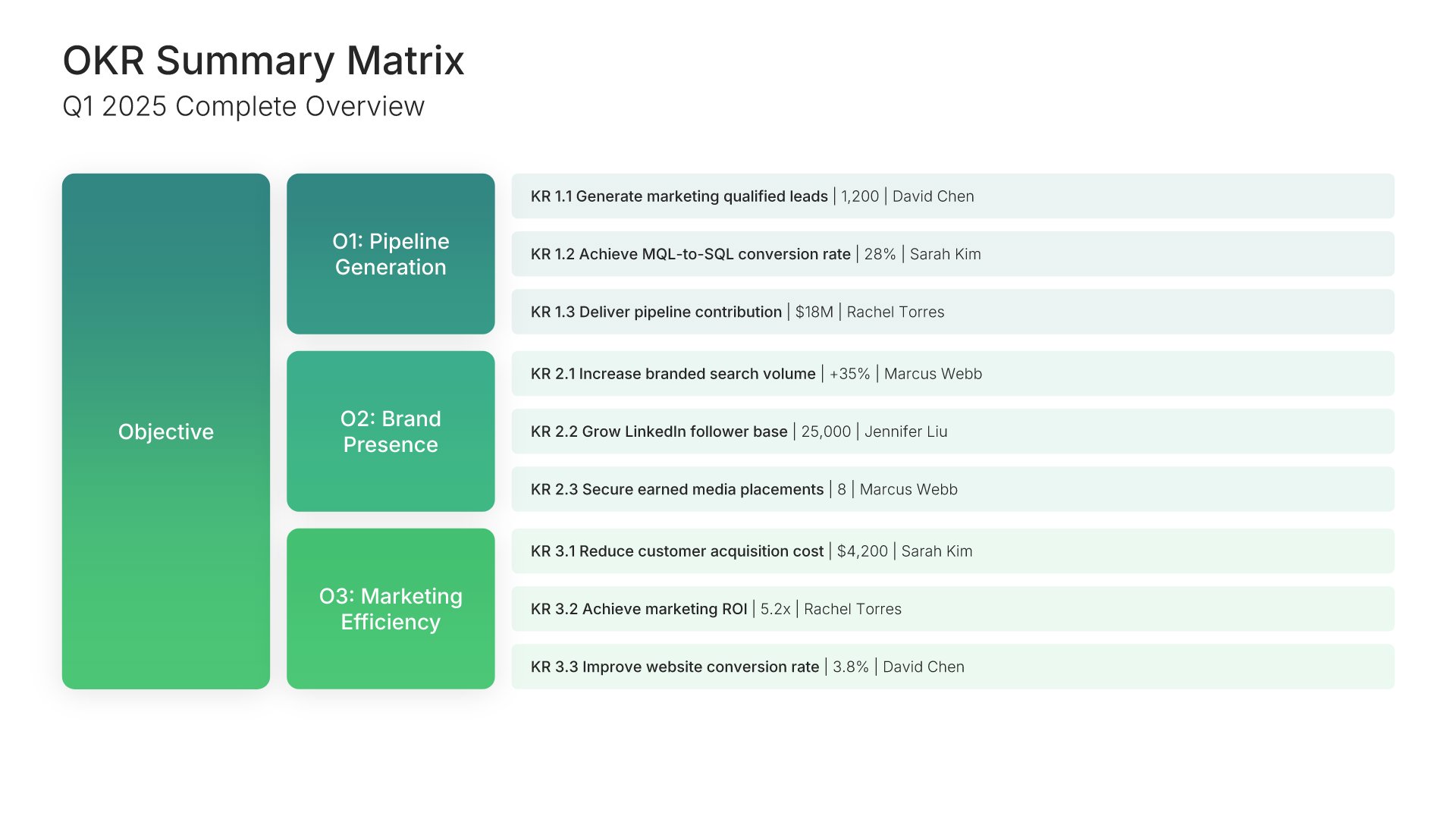
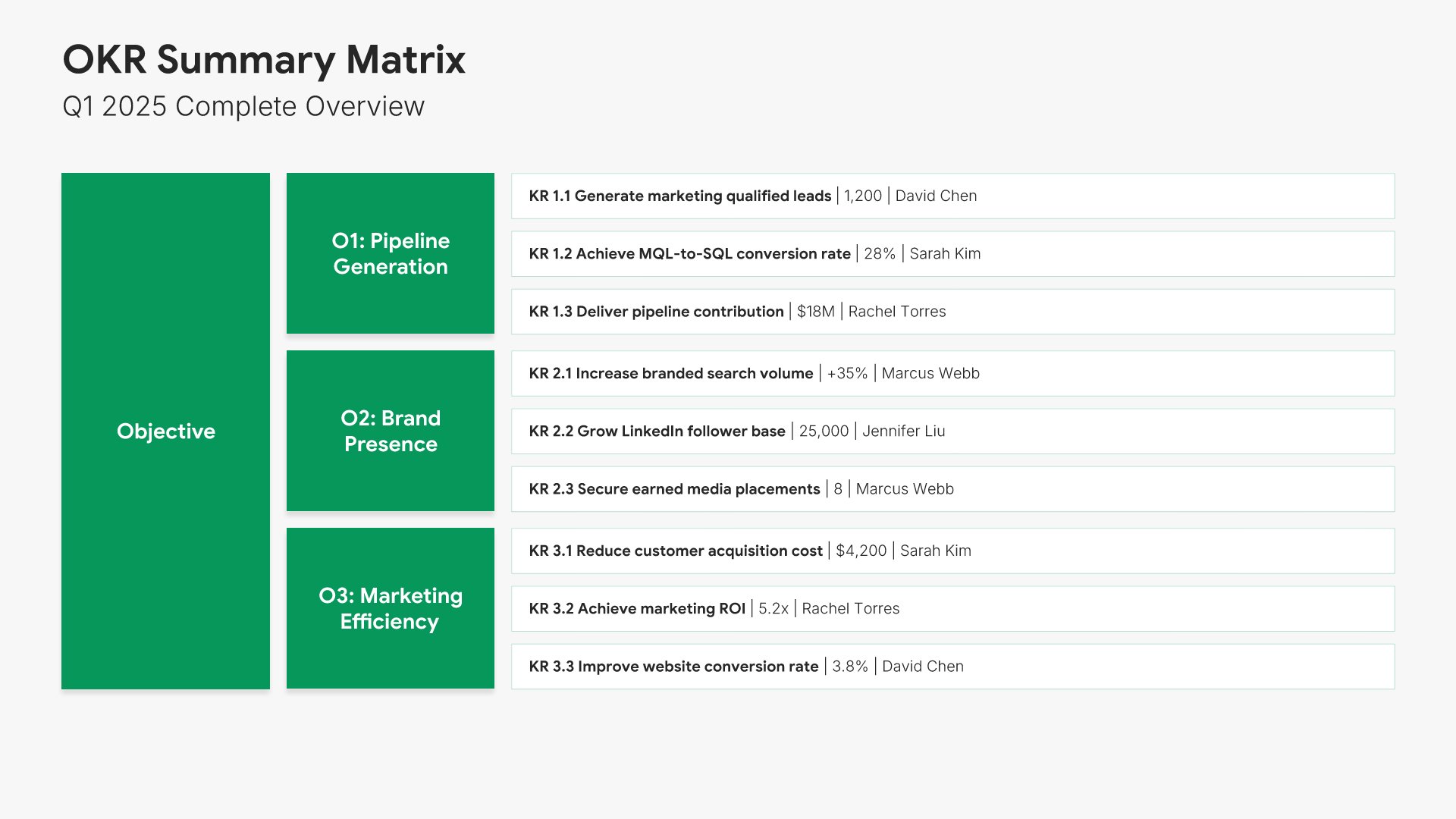
Objectives and key results slide, OKR template, all objectives in one summary matrix

Slide 08

Objectives and Key Results

All three objectives and every key result in one summary matrix.

Built using “Simple Text” slide
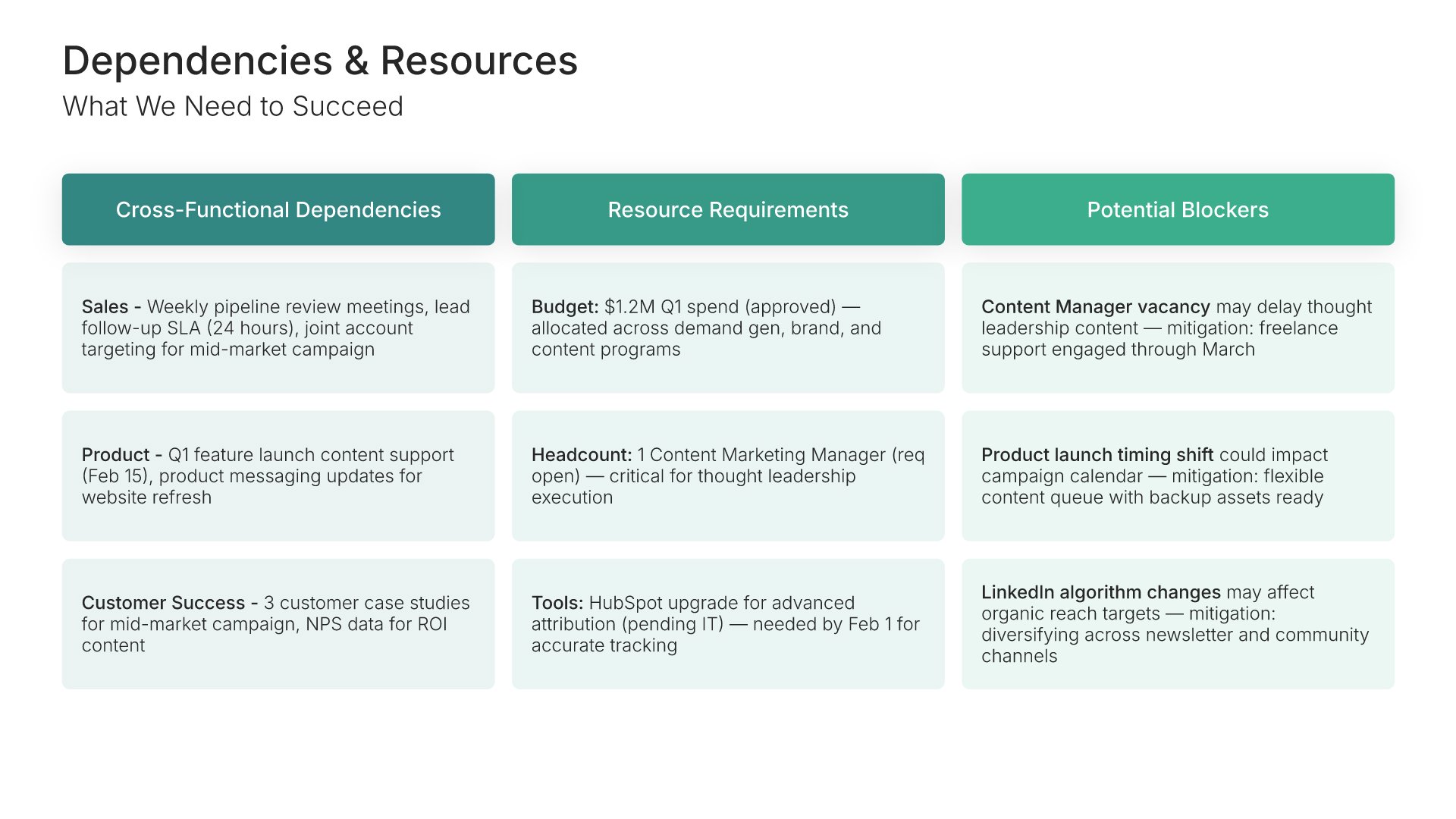
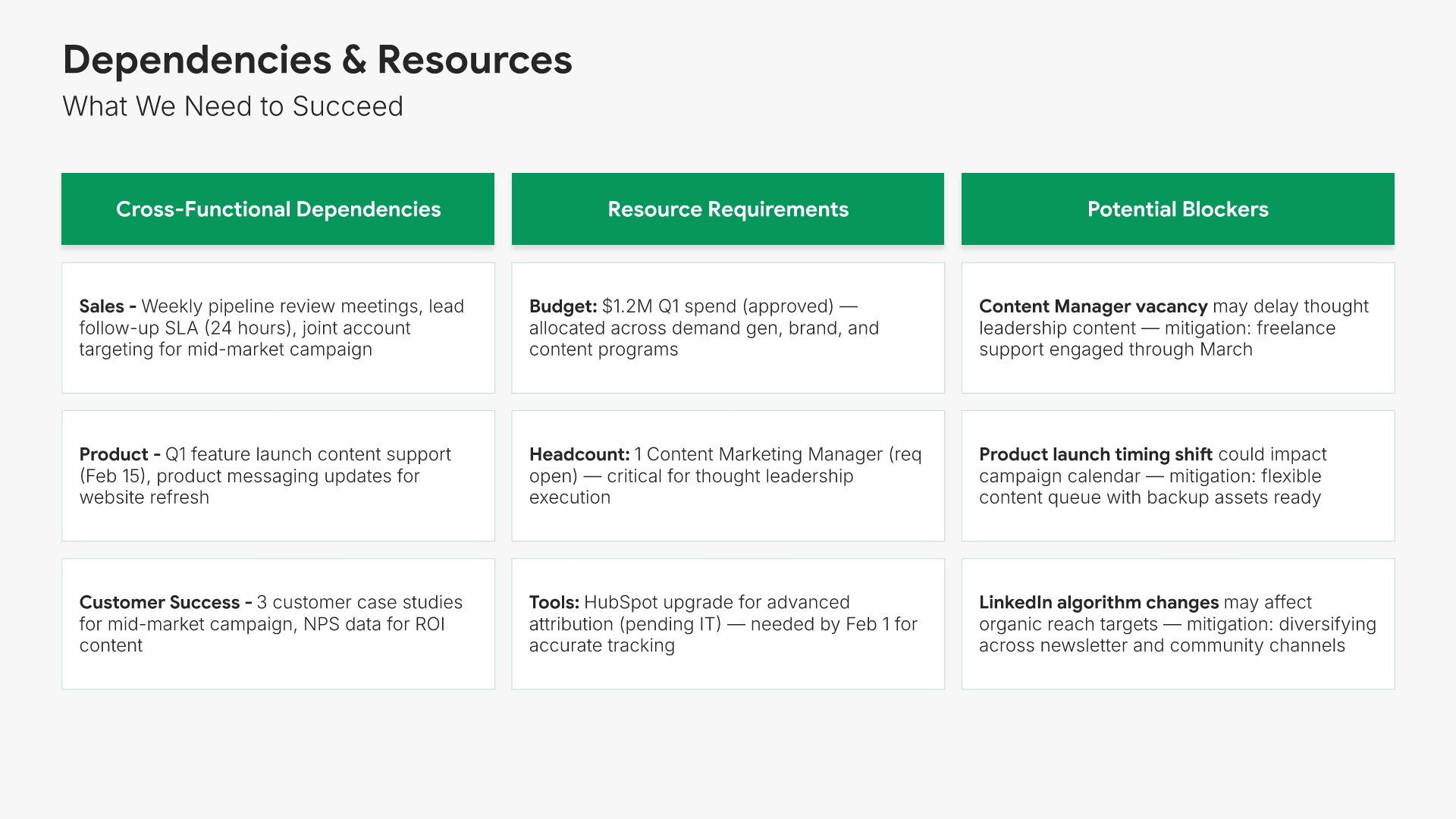
Dependencies and resources slide, OKR template, dependencies, headcount, and budget

Slide 09

Dependencies & Resources

Cross-functional dependencies, headcount, and budget needed, with the blockers named.

Built using “One Pager / Snapshot” slide
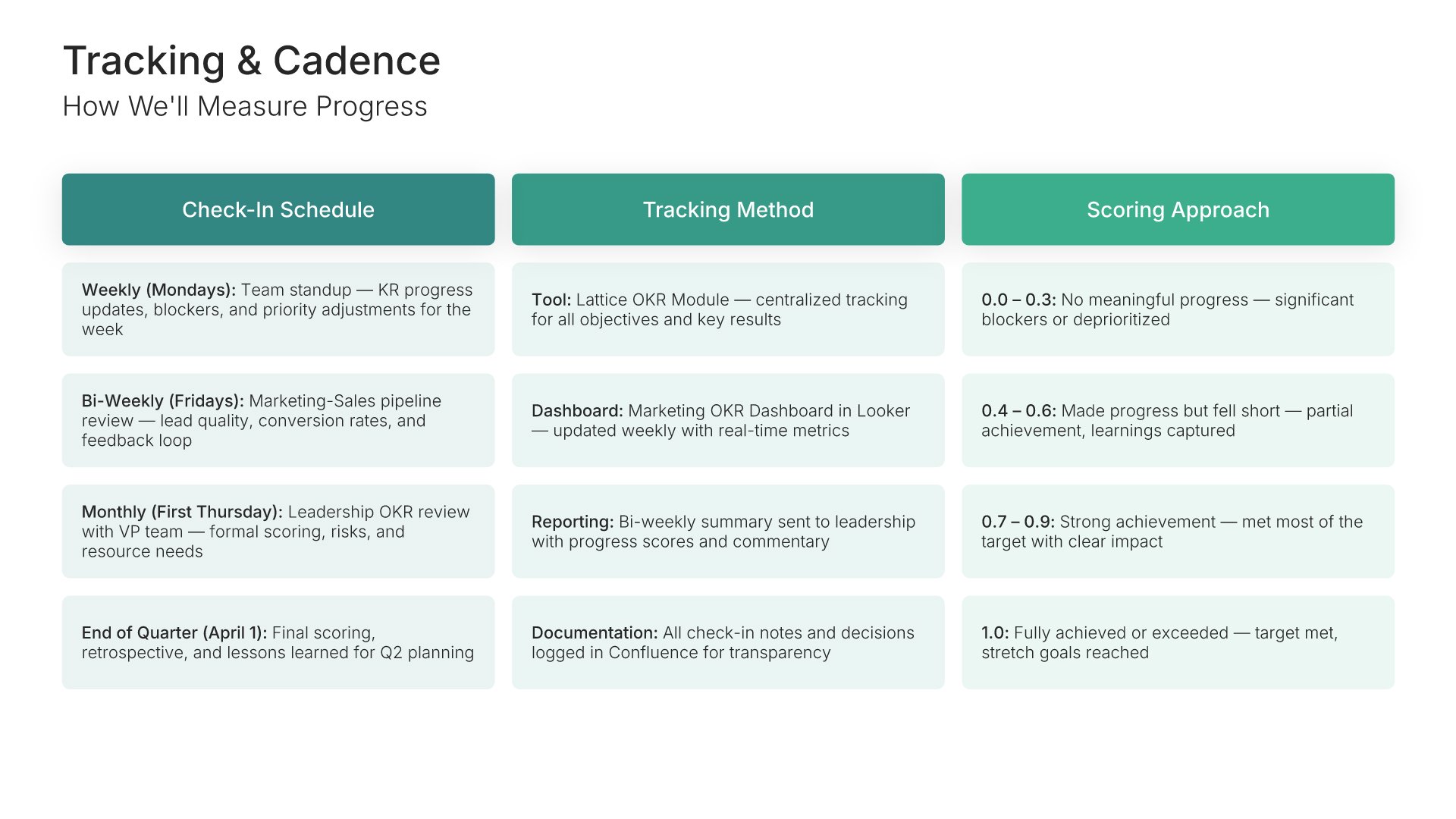
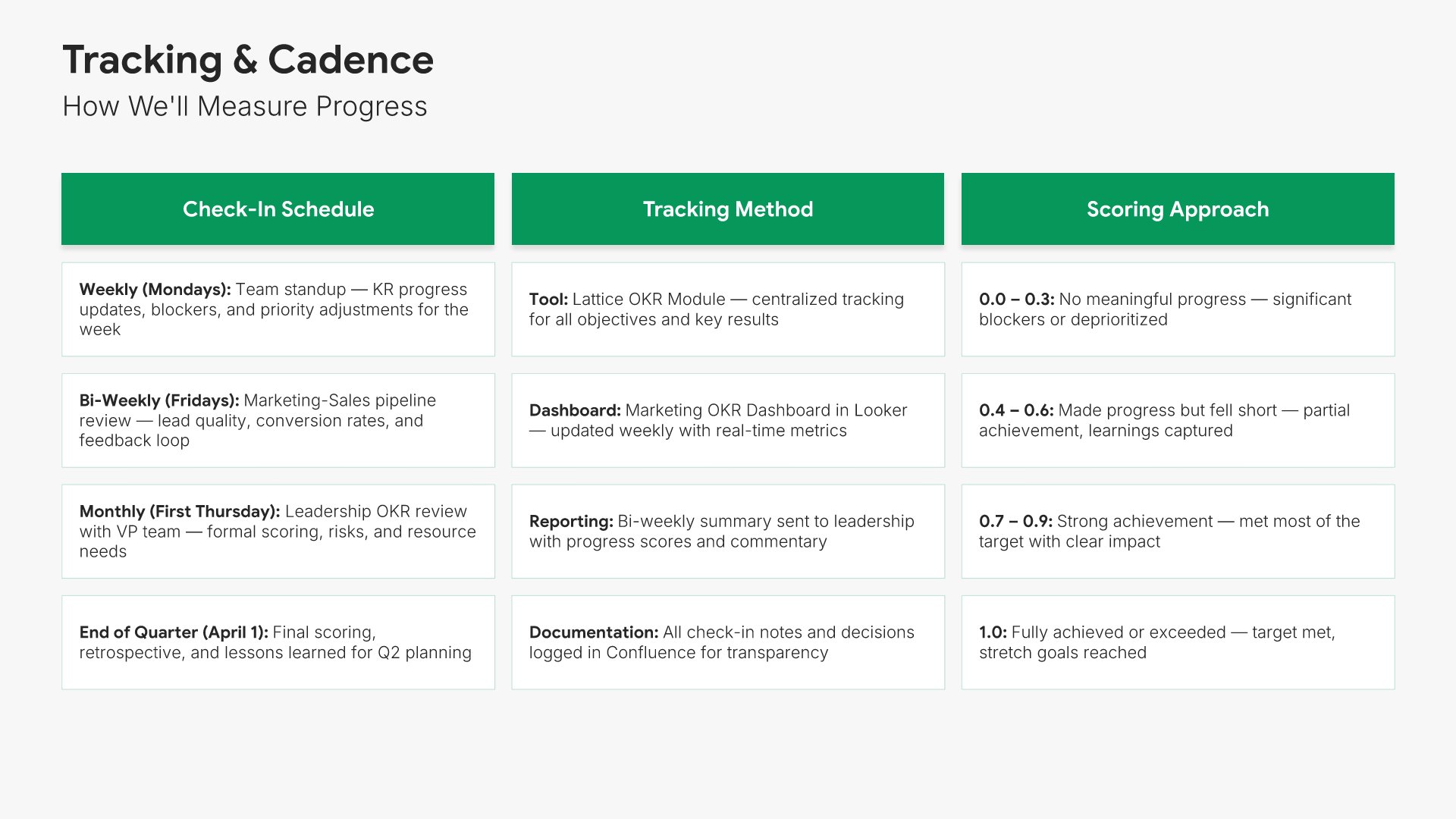
Tracking and cadence slide, OKR template, check-ins, scoring, and reporting rhythm

Slide 10

Tracking & Cadence

Check-in frequency, scoring method, and the reporting rhythm for the quarter.

Built using “One Pager / Snapshot” slide
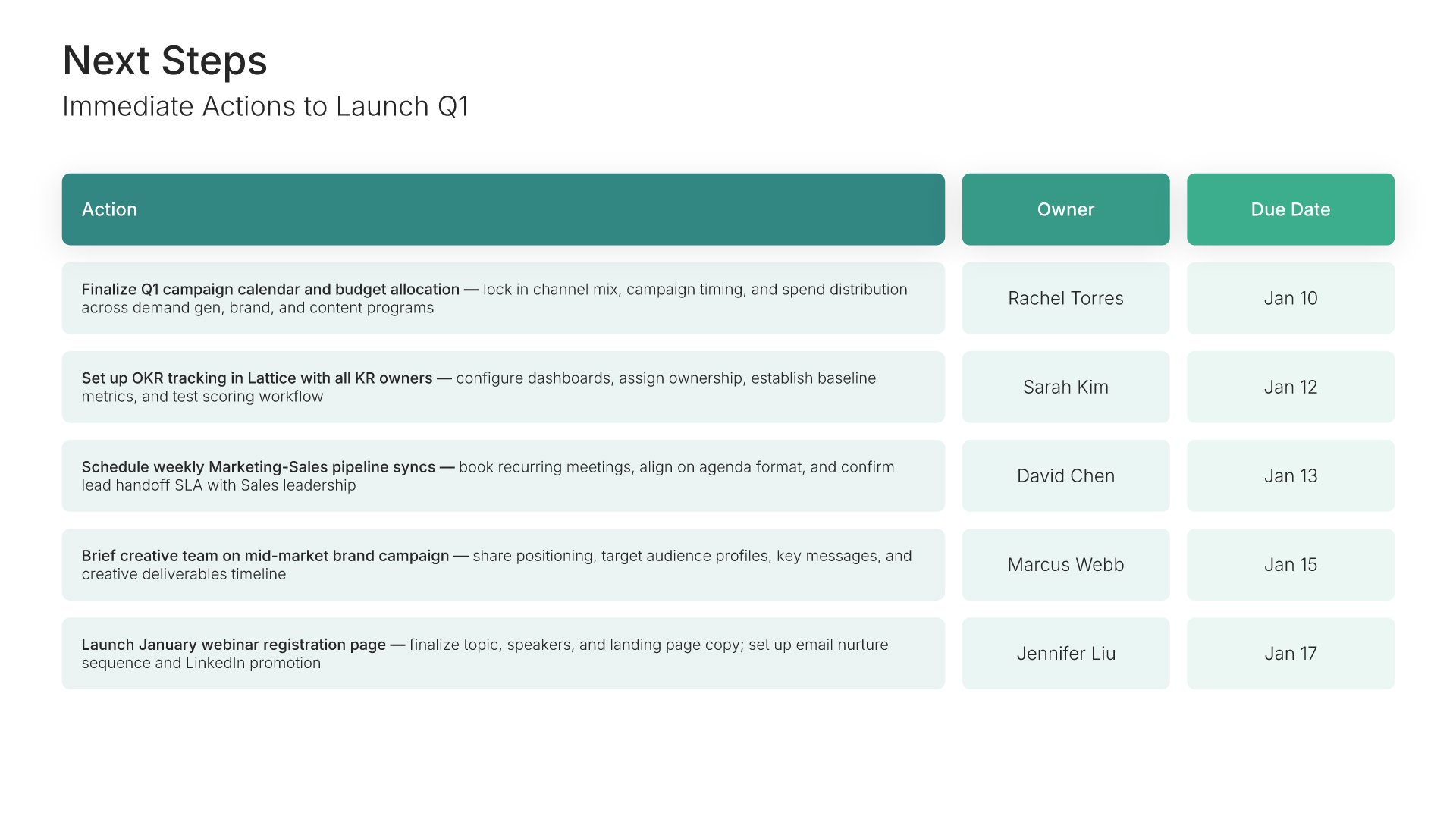
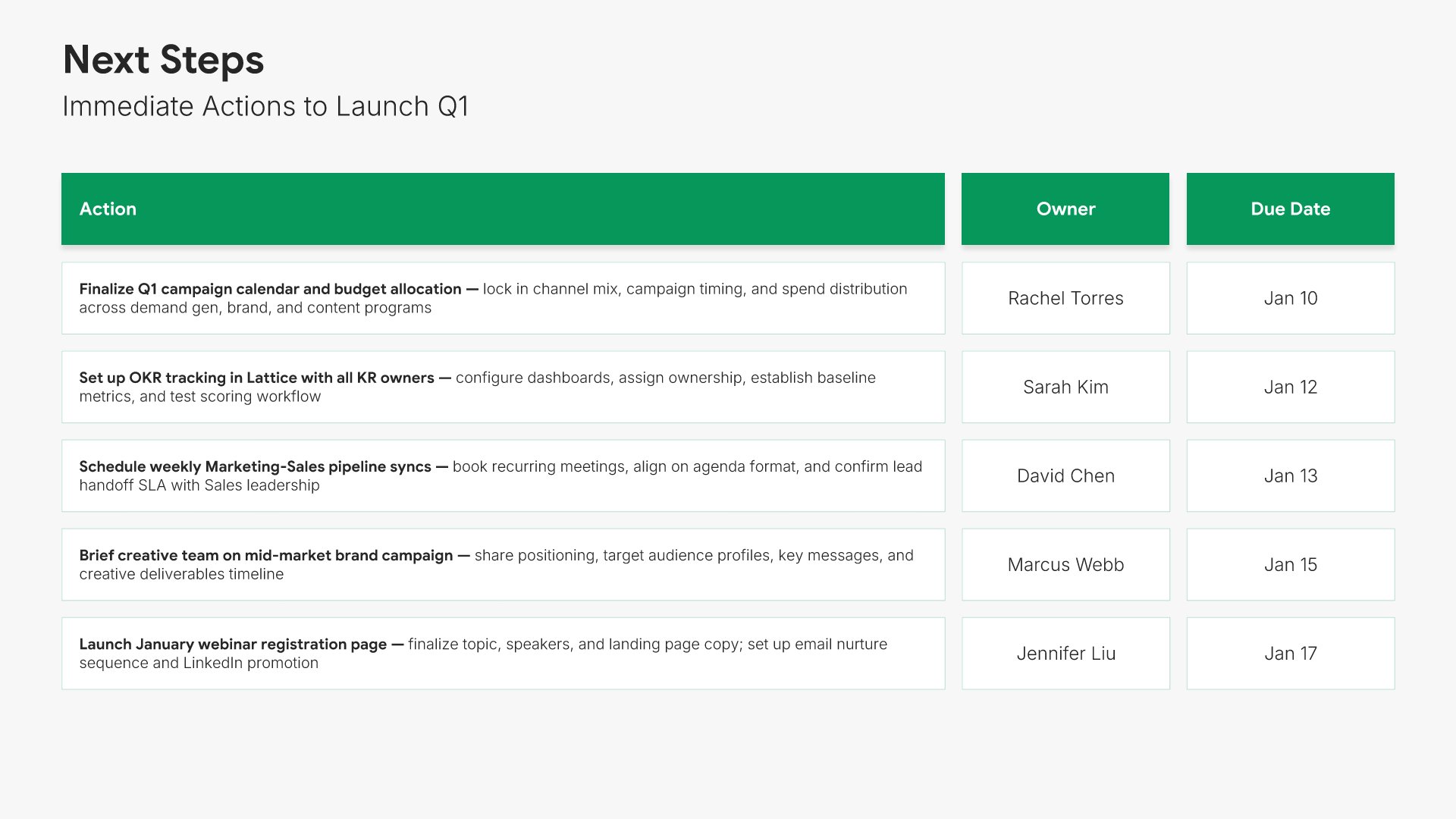
Next steps slide, OKR template, launch actions with owners and dates

Slide 11

Next Steps

Immediate actions to launch the quarter, with an owner and a date on each.

Built using “Table” slide
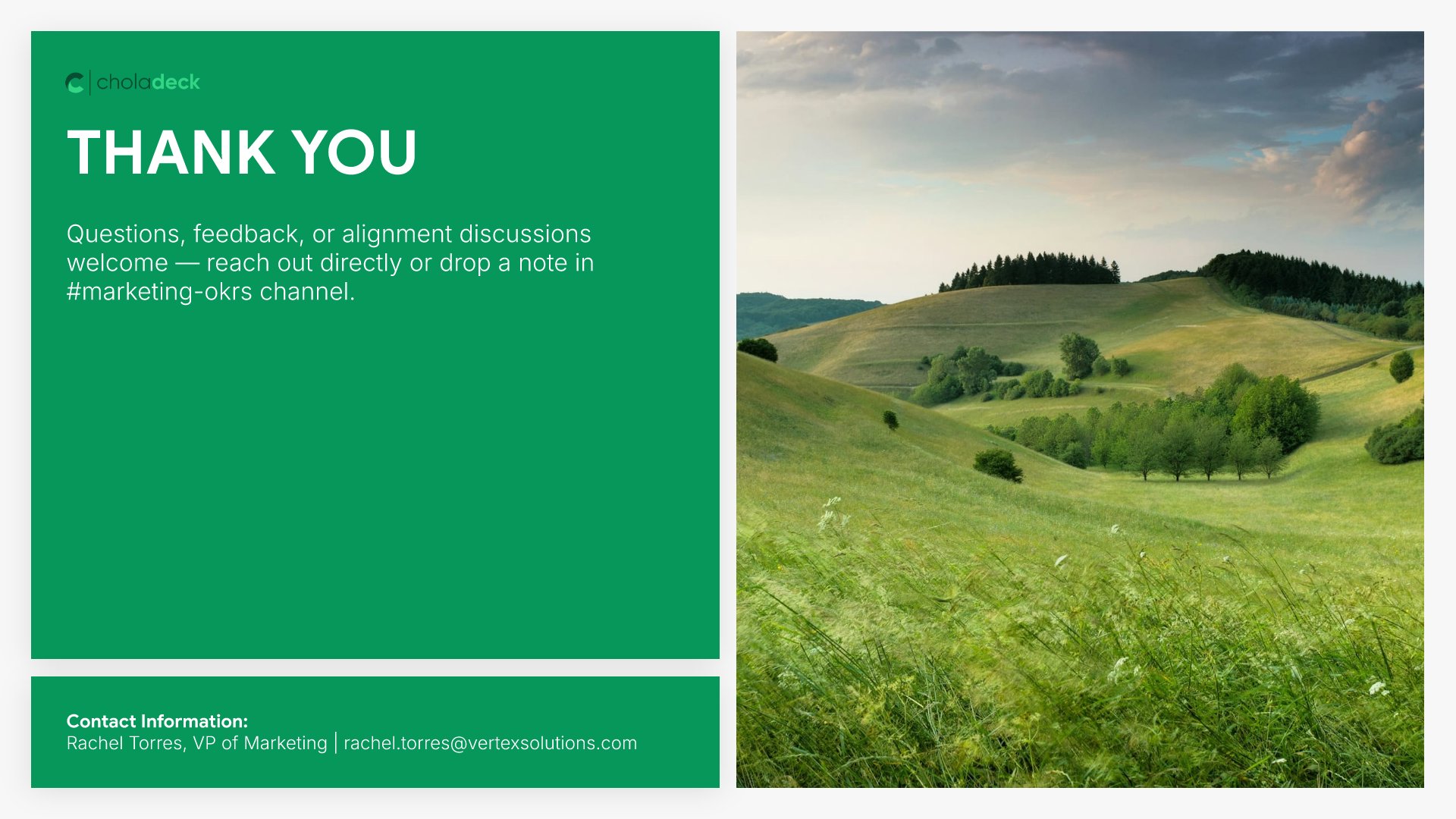
Thank you slide, OKR template, contacts for questions on the plan

Slide 12

Thank You

The close, with contacts for questions on the plan.

Built using “Title” slide

About the OKR template

The structure, the slides, your brand, and a file you can edit anywhere.

Built for the gap between planning and the first check-in

OKRs fail between the planning session and the first check-in. Everyone agrees on the objectives. Nobody agrees who owns the third key result, or what happens if marketing doesn’t ship. This template puts an owner on every key result, names the dependencies out loud, and sets the check-in cadence, so the quarter starts with the arguments already had.

Built from 9,000+ slides across 134+ categories

Every slide here comes from the same library. OKR layouts, summary matrices, dependency grids, and action tables are already in it, so adding a fourth objective or a second team’s goals takes a minute. Everything sits on the same grid, so the layout still holds.

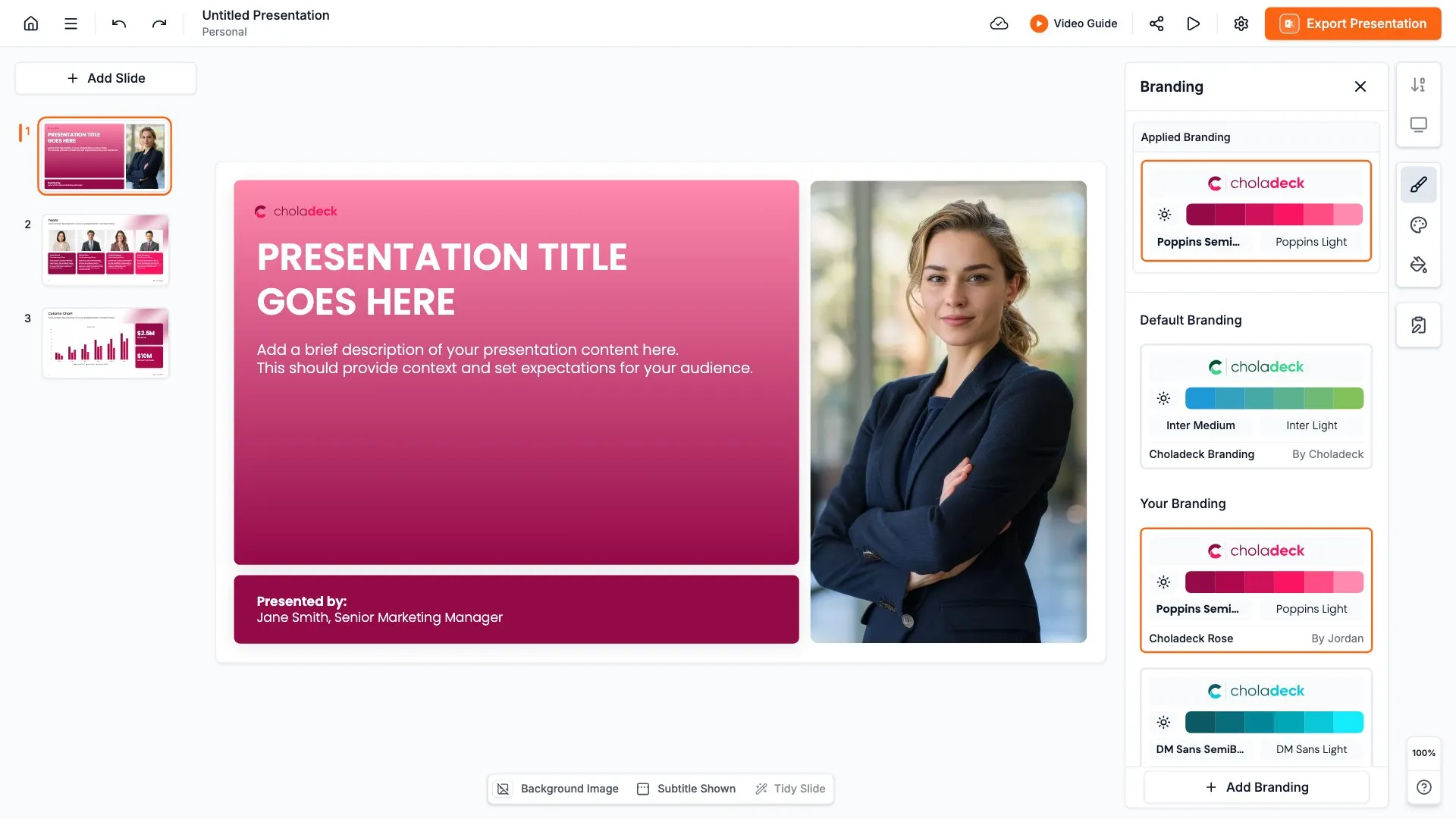
Brand the whole presentation in one click

Add your logo, colors, fonts, and background once. It applies to the whole presentation and the entire slide library at the same time. Every team presents its quarter in the same format, which is what makes them comparable.

Export to PowerPoint, Google Slides, or Keynote

You get a real file, not a locked link. Export it and keep editing in the tool you already use. Every table stays editable, so the same presentation can be updated at each check-in rather than rebuilt at quarter end.

How Choladeck works

From blank page to finished presentation in four steps.

STEP 01

Browse 9,000+ slides across 134+ categories, or open one of the 74 premade presentations.

STEP 02

Add your logo, colors, and fonts in one click. The whole presentation instantly matches your company.

STEP 03

Add your text, numbers, charts, and tables. Everything on the slide is editable.

STEP 04

Send it to PowerPoint, Google Slides, or Keynote, and present.
Build your own

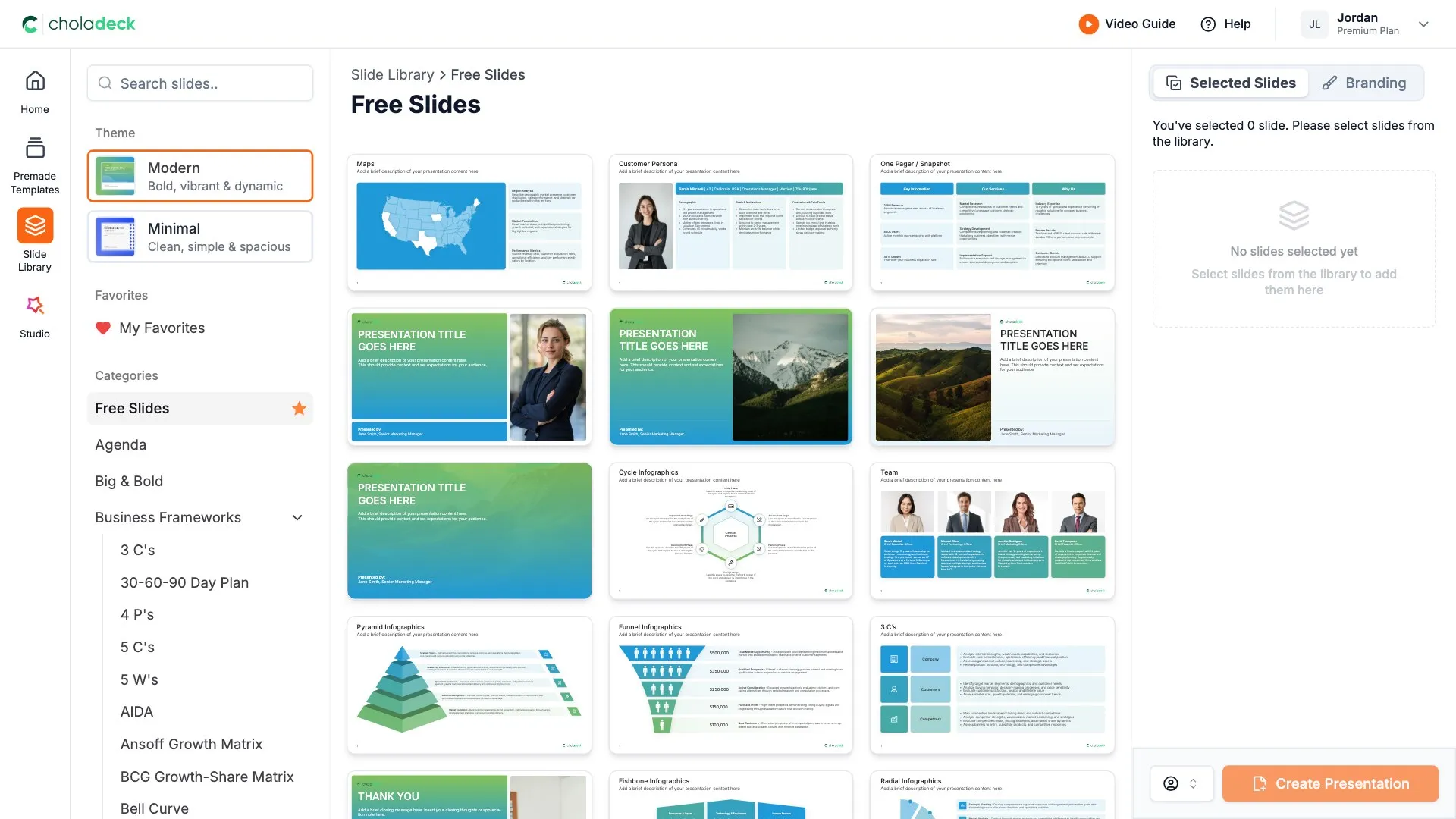
Nothing here fits? Build your own OKR presentation

This template is assembled from the same 9,000+ slides. Pick the slides you need, drop them into one file, and brand the whole thing in one click.
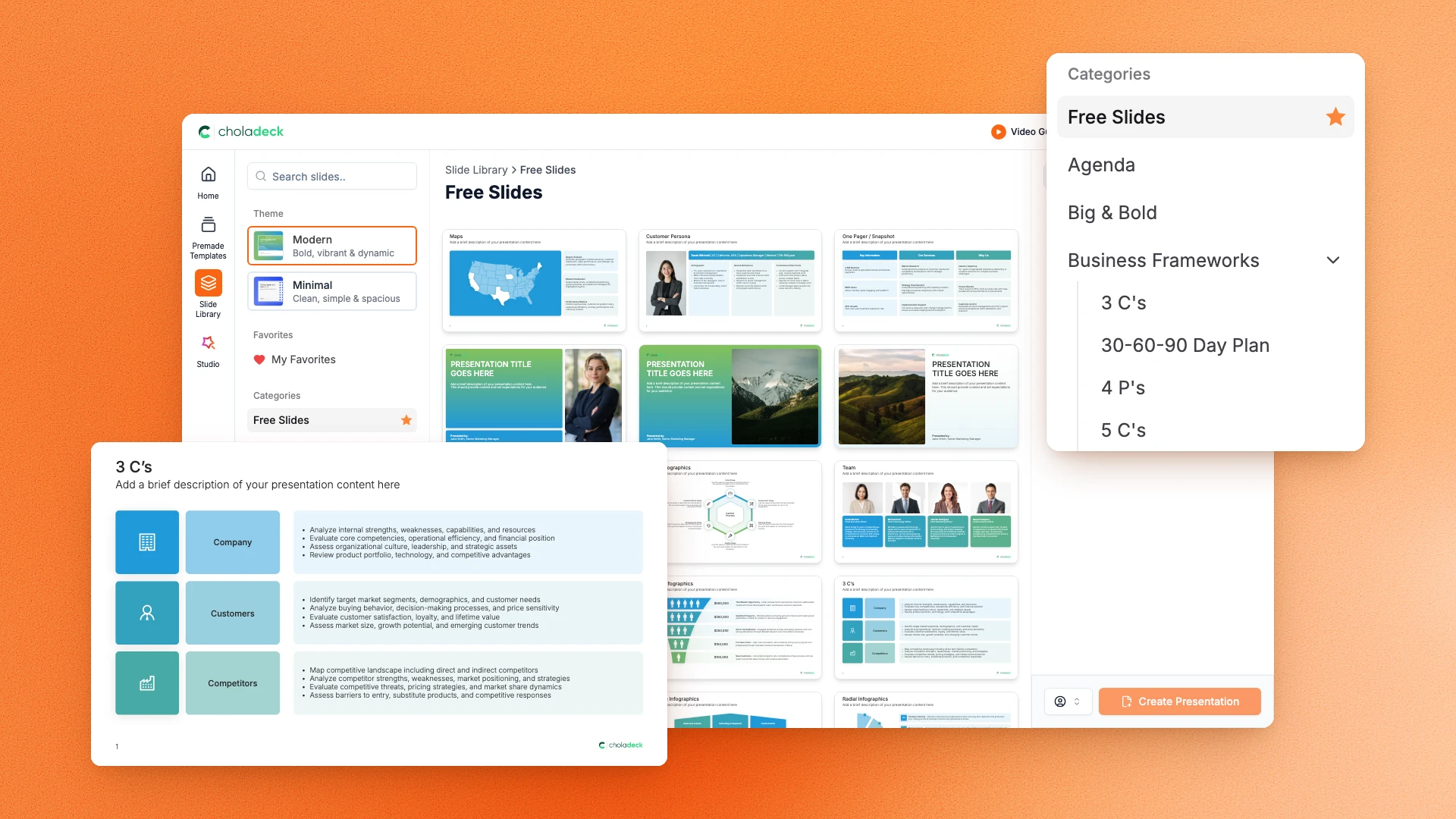
Choladeck slide library on Free Slides, with its category list and the 3 C’s slide shown larger

Questions about the OKR template

What's inside the template, and how far you can change it.

Using the template

Is the template fully editable?

+

Yes. Text, tables, charts, icons, and colors on every slide are yours to change. Nothing is locked and nothing is a flat image.

How do I brand it to my company?

+

Add your logo, colors, fonts, and background once. It applies to the whole presentation and the entire slide library at the same time.

Can I add slides from the slide library?

+

Yes. Add any slide from the library into this one, or swap out one that doesn't fit. Everything works together.

What's included

How many objectives does it hold?

+

Three, each with a full slide covering its key results, targets, and owners, plus a summary matrix showing all three together. Duplicate an objective slide if you run more.

Is this a tracker or a presentation?

+

A presentation. It's built for the planning session and the quarterly review, with the summary matrix carrying what a tracker would hold. For day-to-day progress updates, most teams keep a spreadsheet alongside it.

Is placeholder content included?

+

Yes. Every slide comes with realistic text, sample figures, and filled-in charts, so you can see how the OKR presentation reads before you put your own numbers in.

Start your OKR presentation
from one that's already done

Pick it, brand it, add your content, and export.

Free to start. No credit card required.