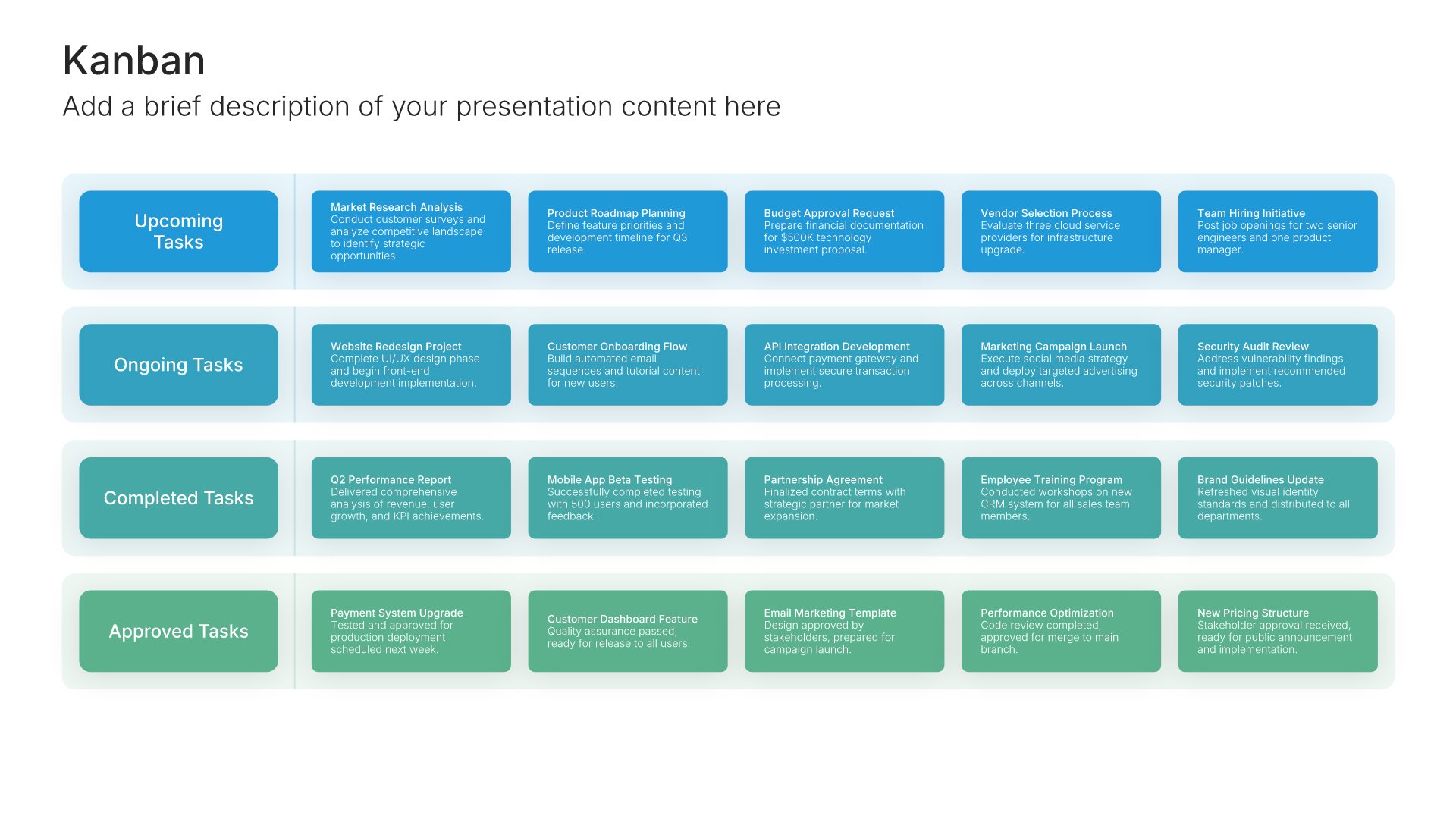
Kanban board slides
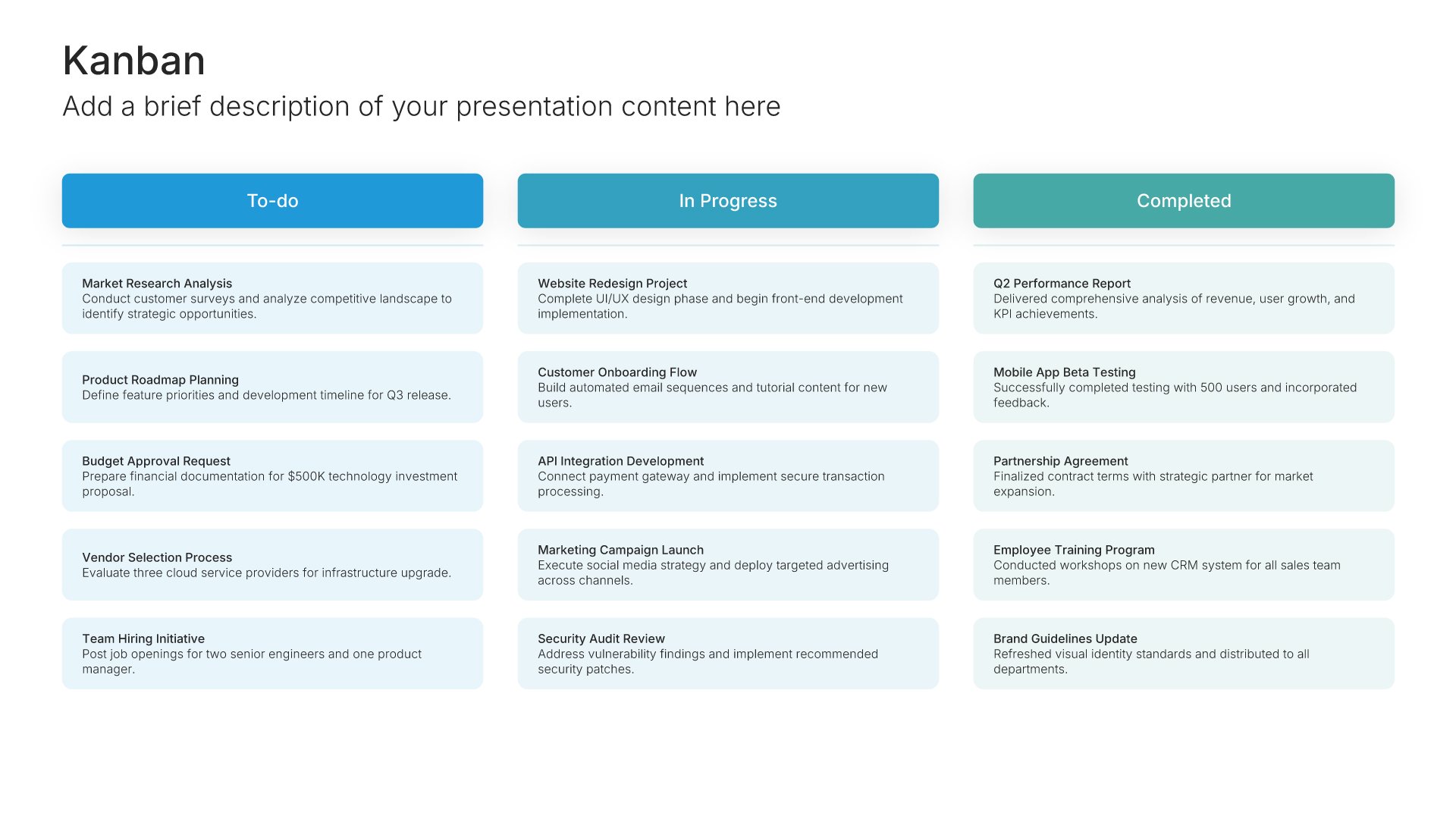
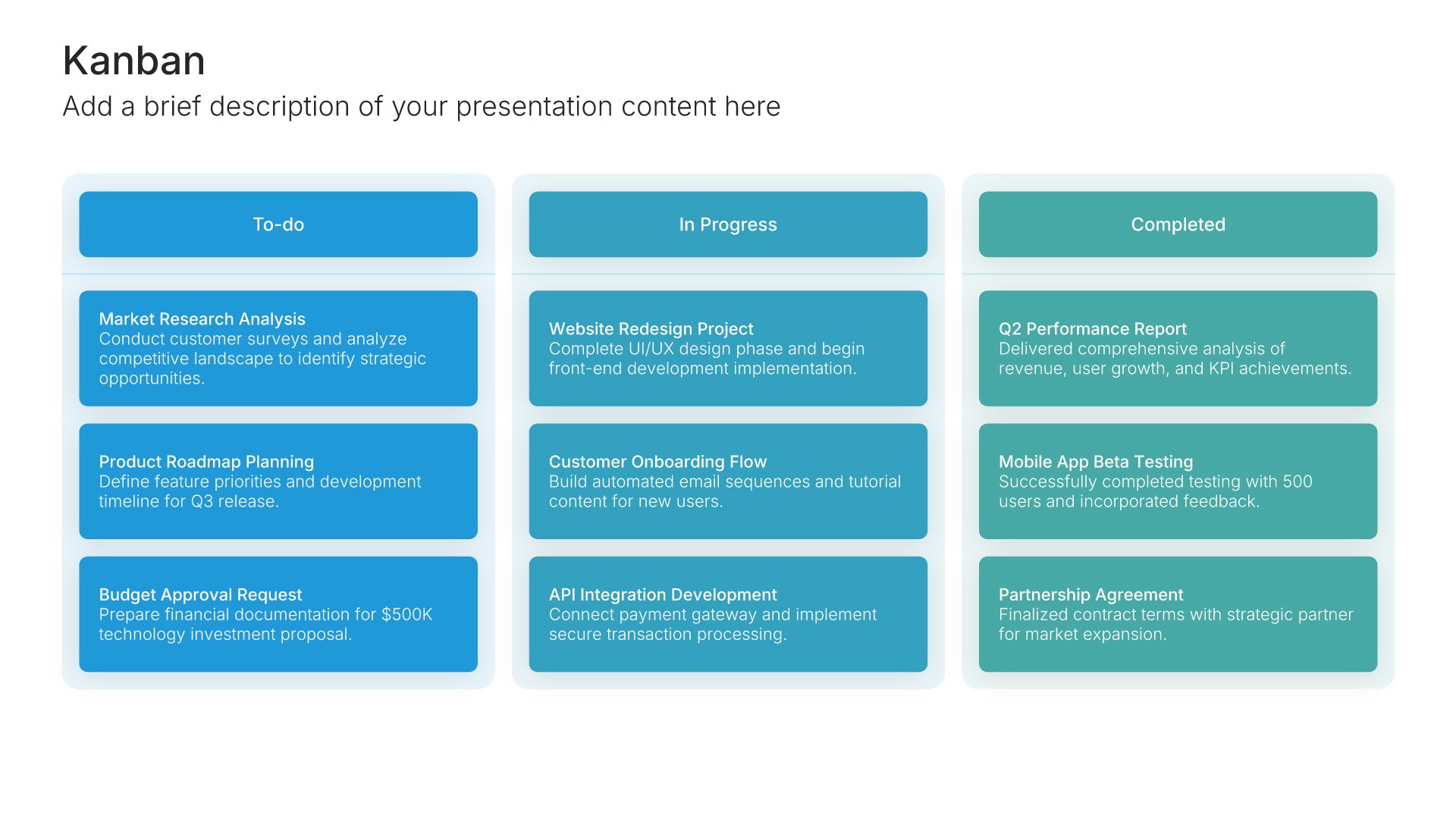
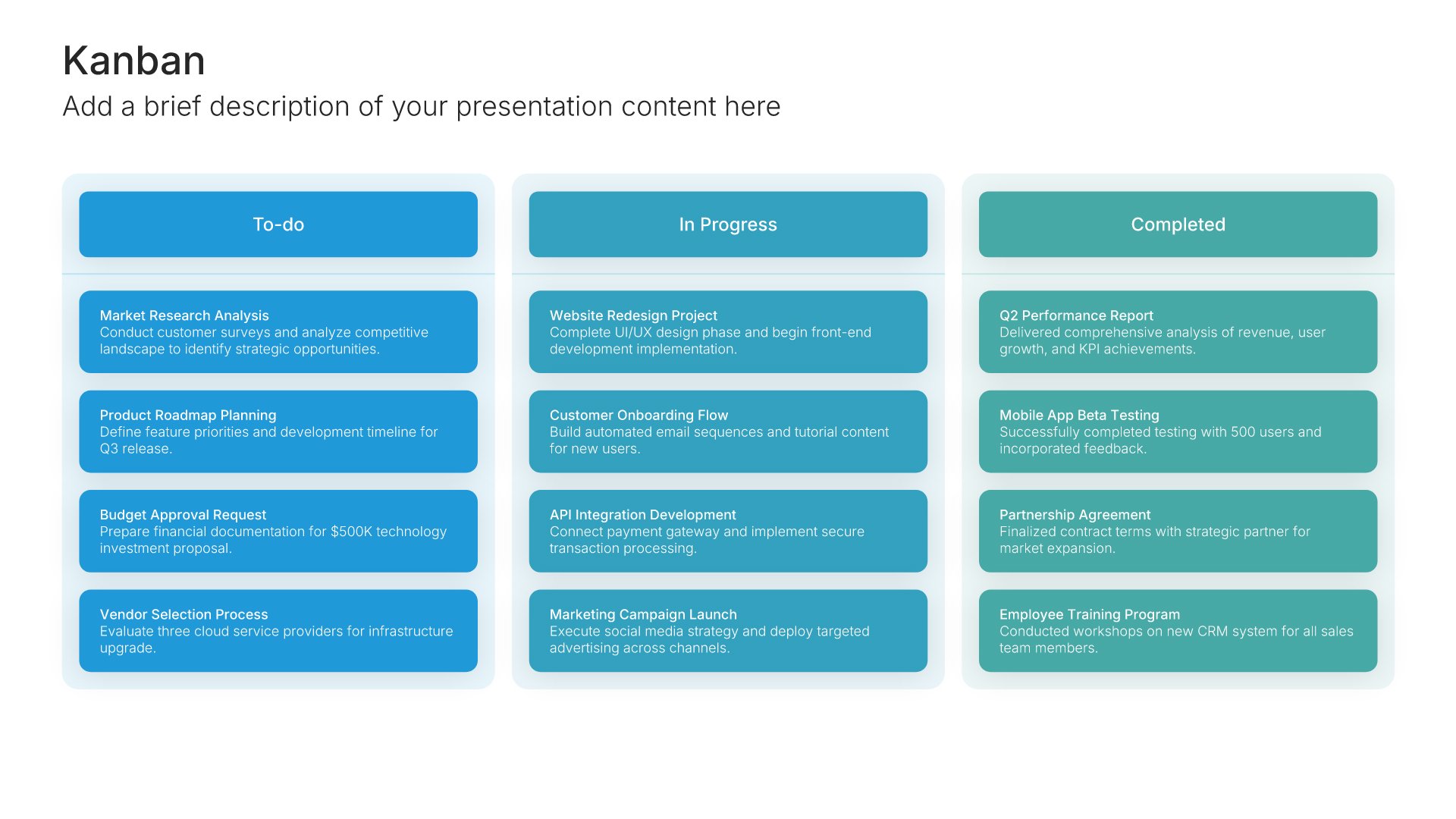
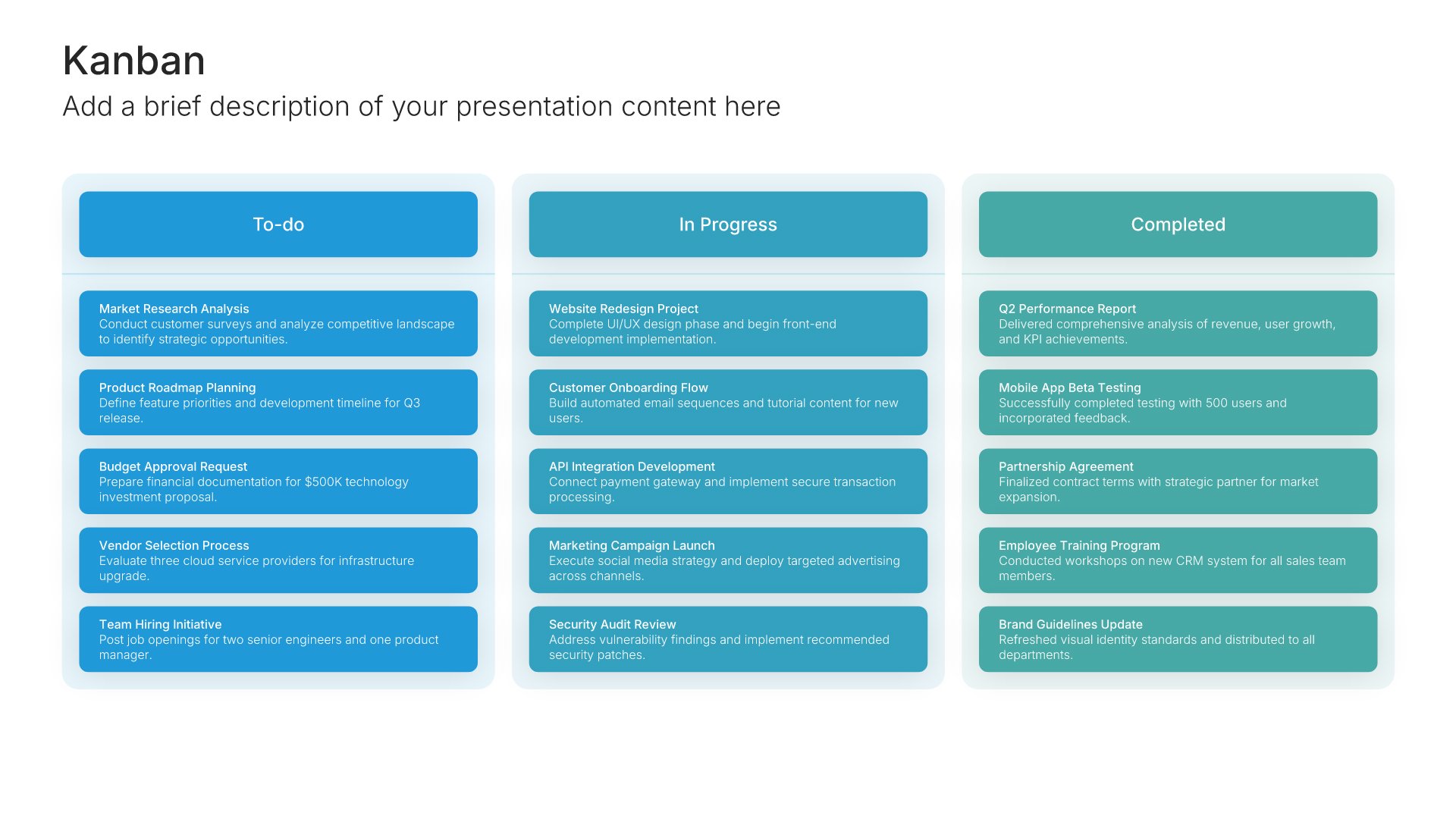
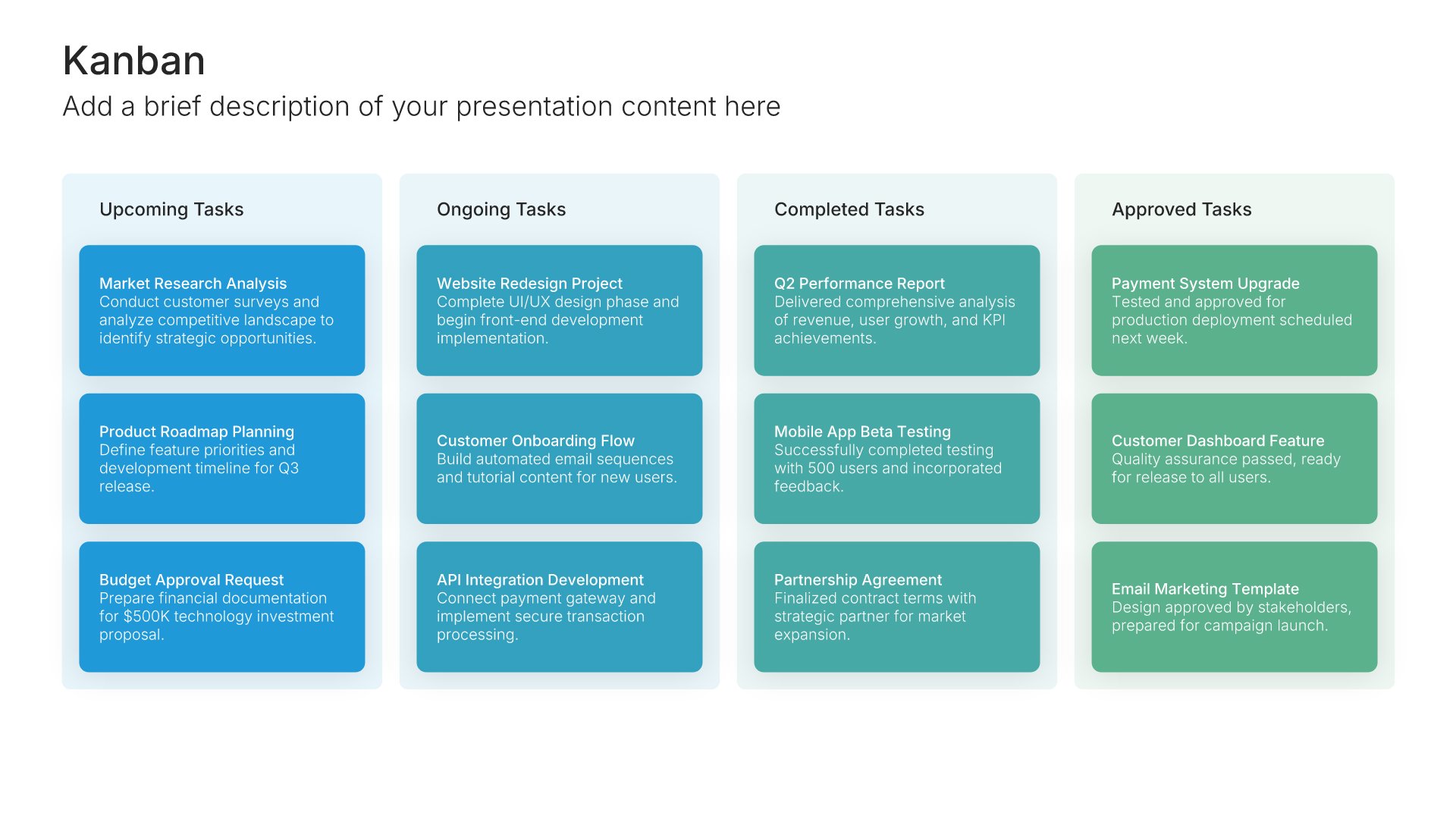
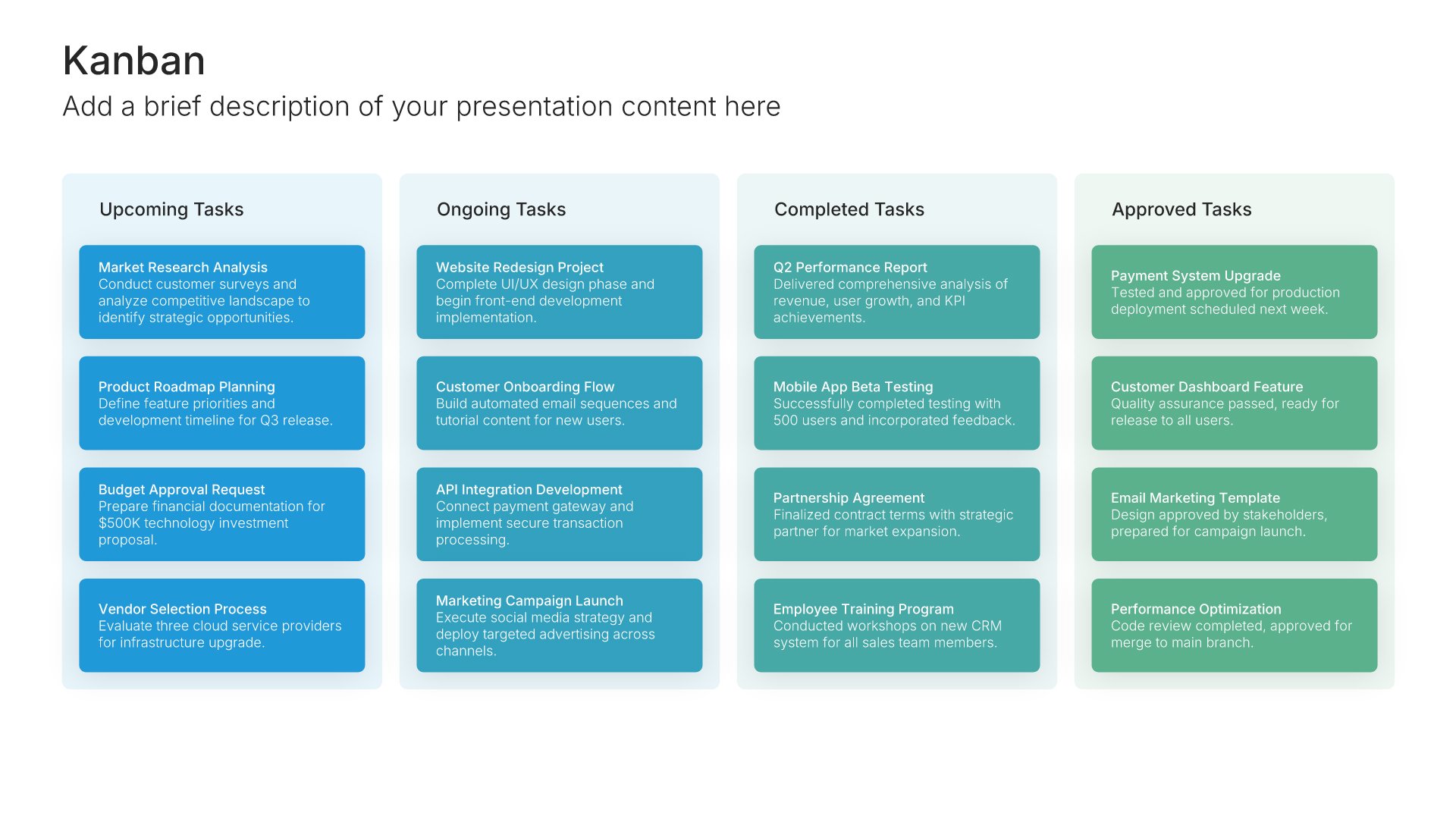
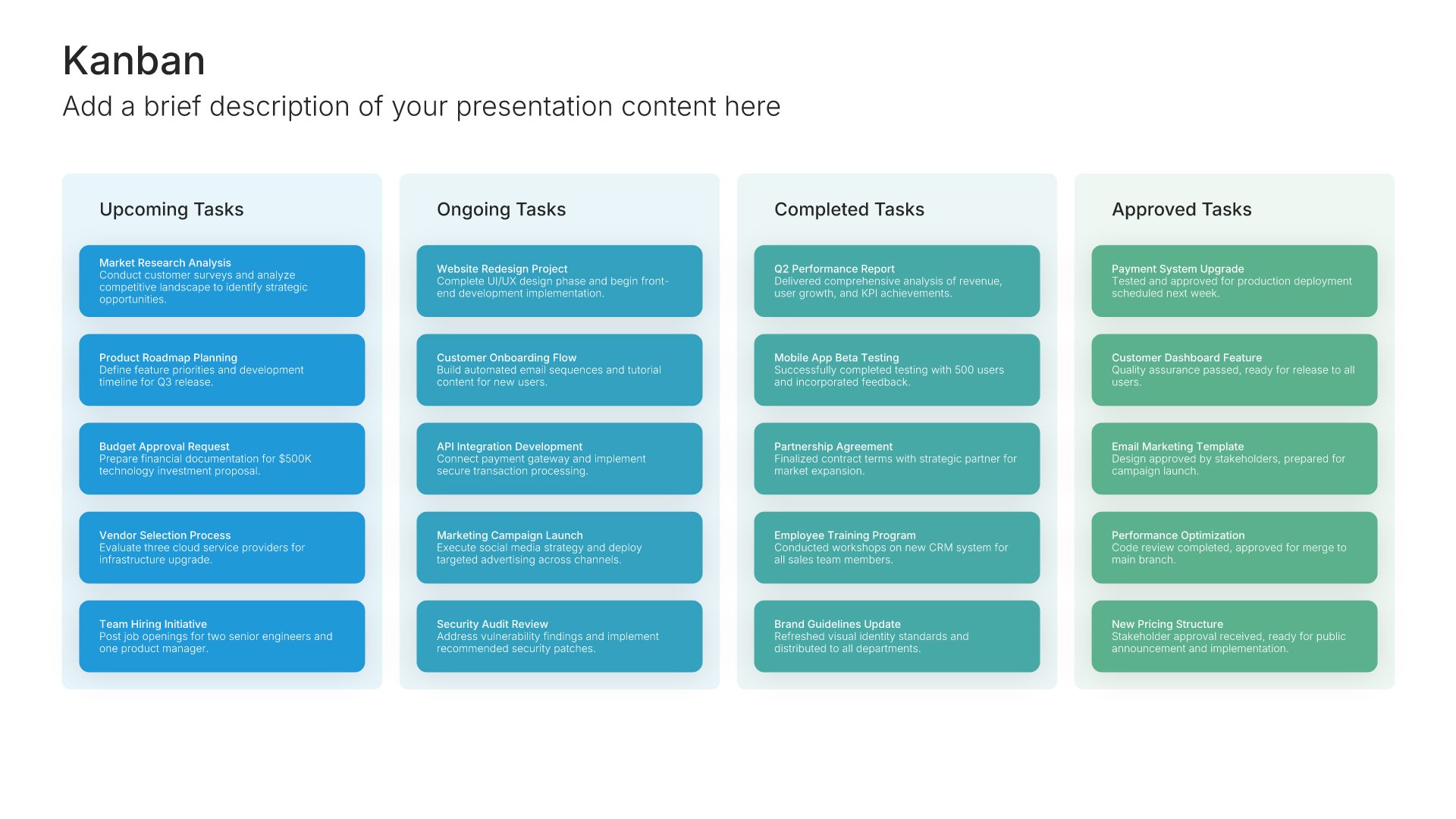
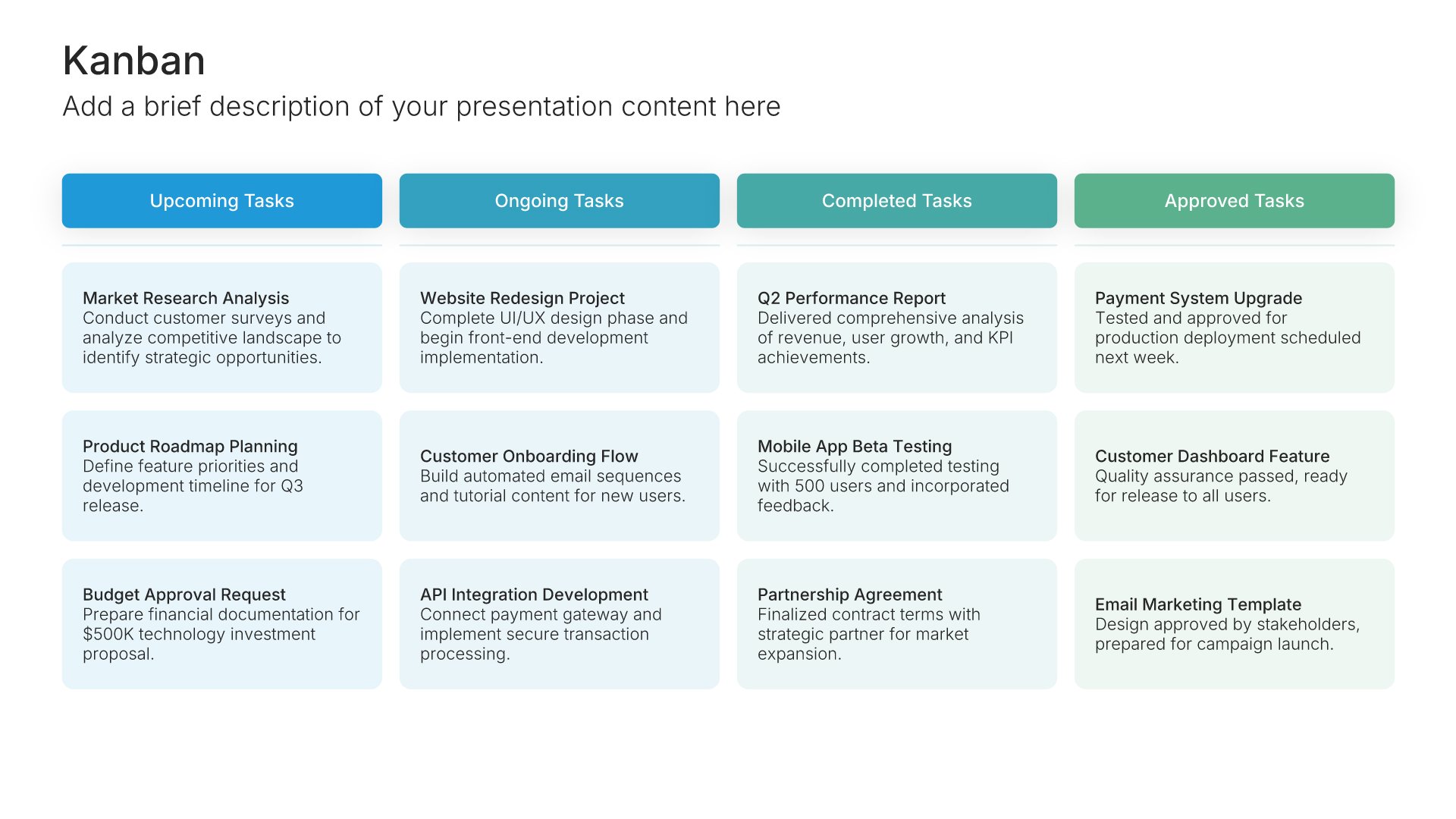
Kanban board slides show work as it moves across the board: what's waiting, what's in progress, and what's done. Pick one of 42 layouts, brand it to your company in one click, add your tasks, and export to PowerPoint, Google Slides, or Keynote.
Free to start. No credit card required.
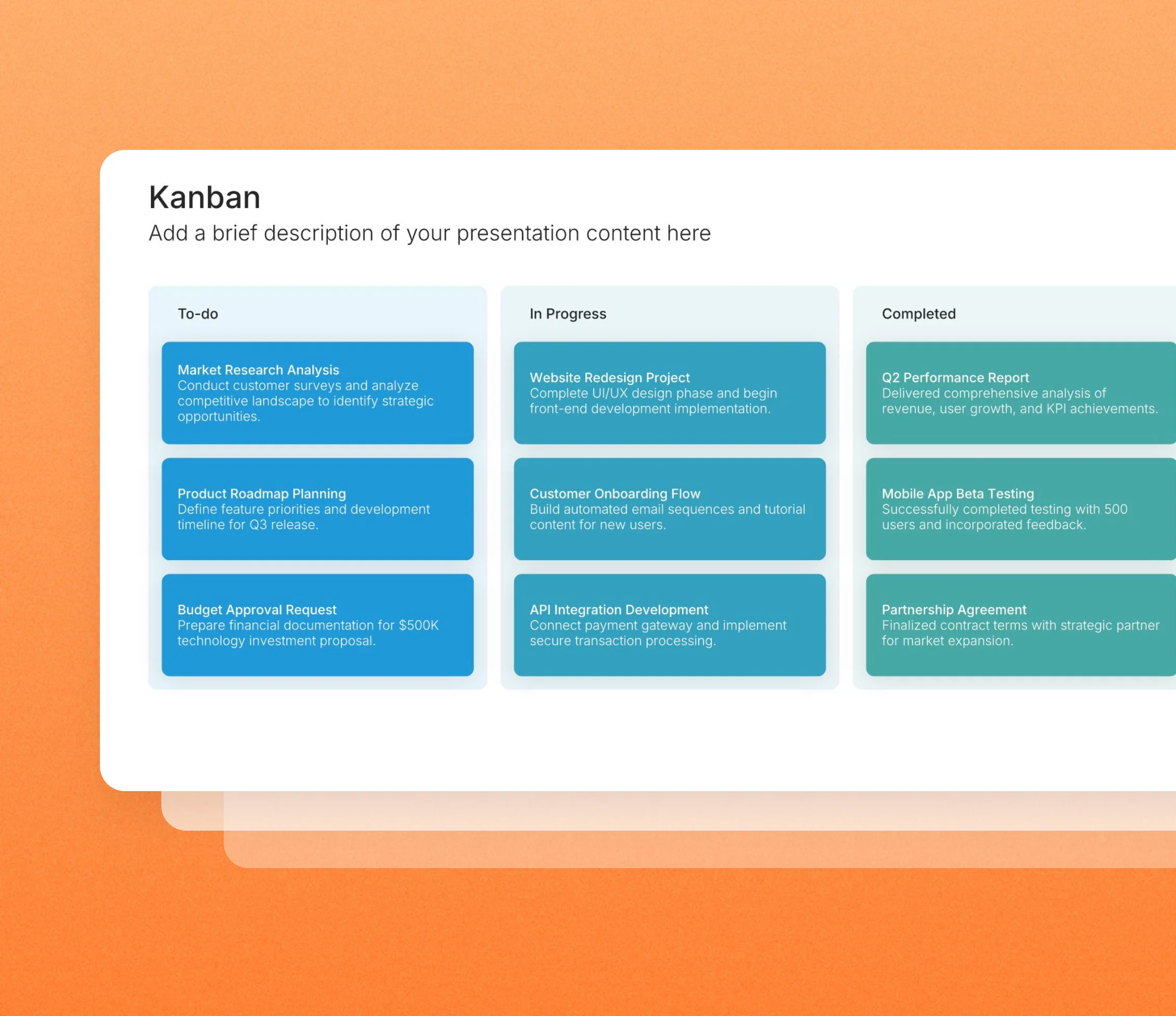
Browse kanban board slides
42 ways to show where your work stands, all fully editable.
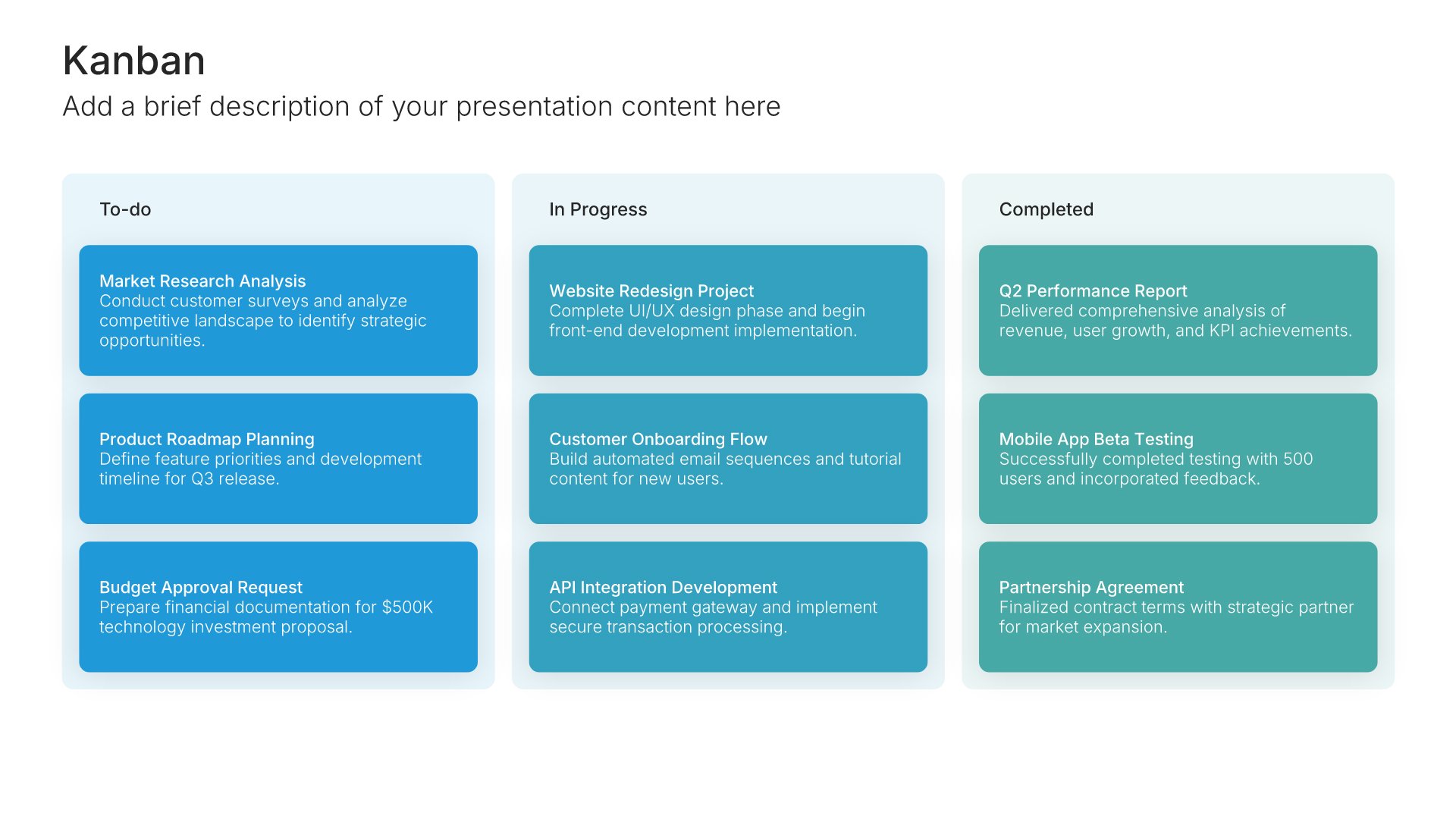
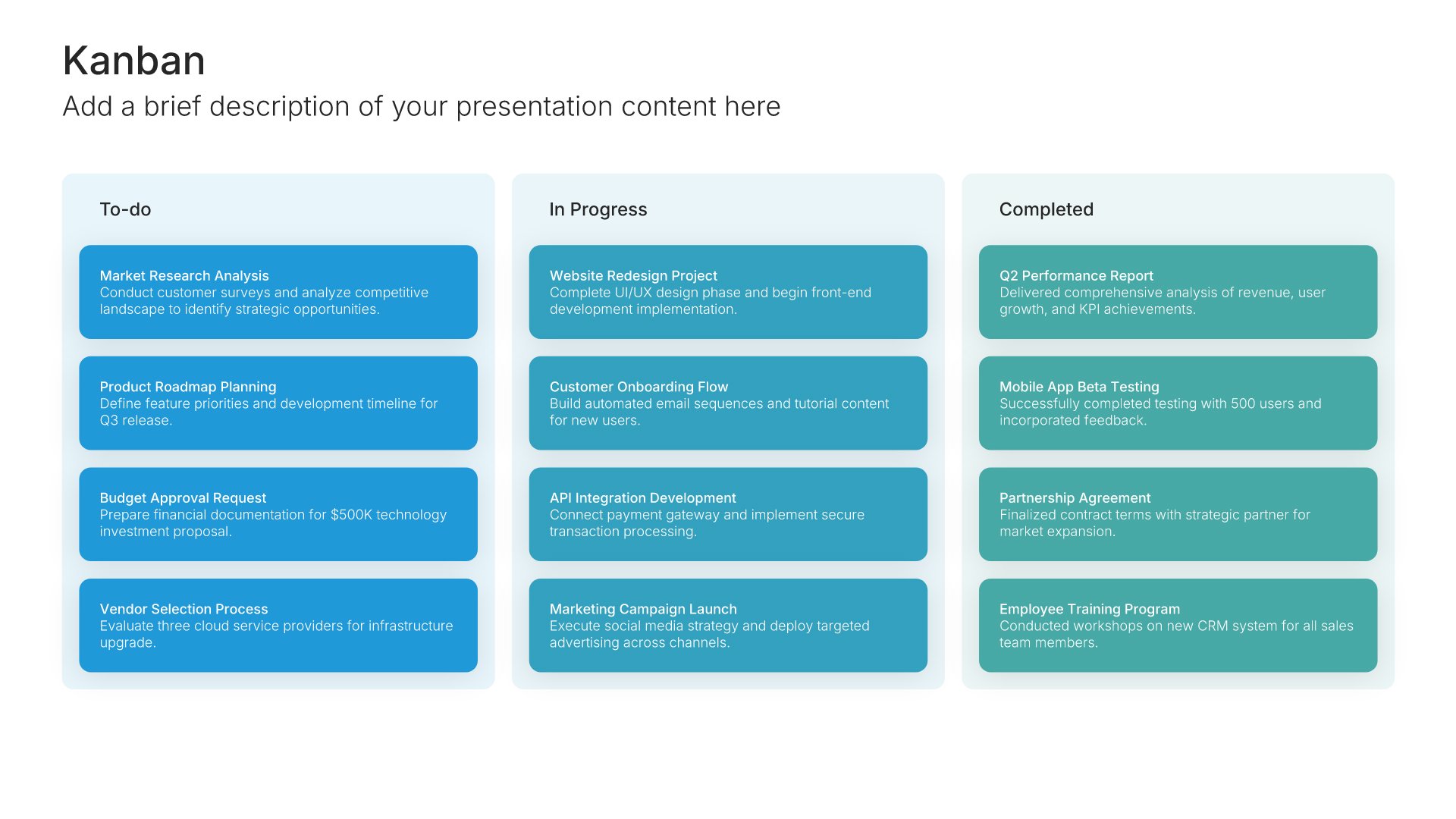
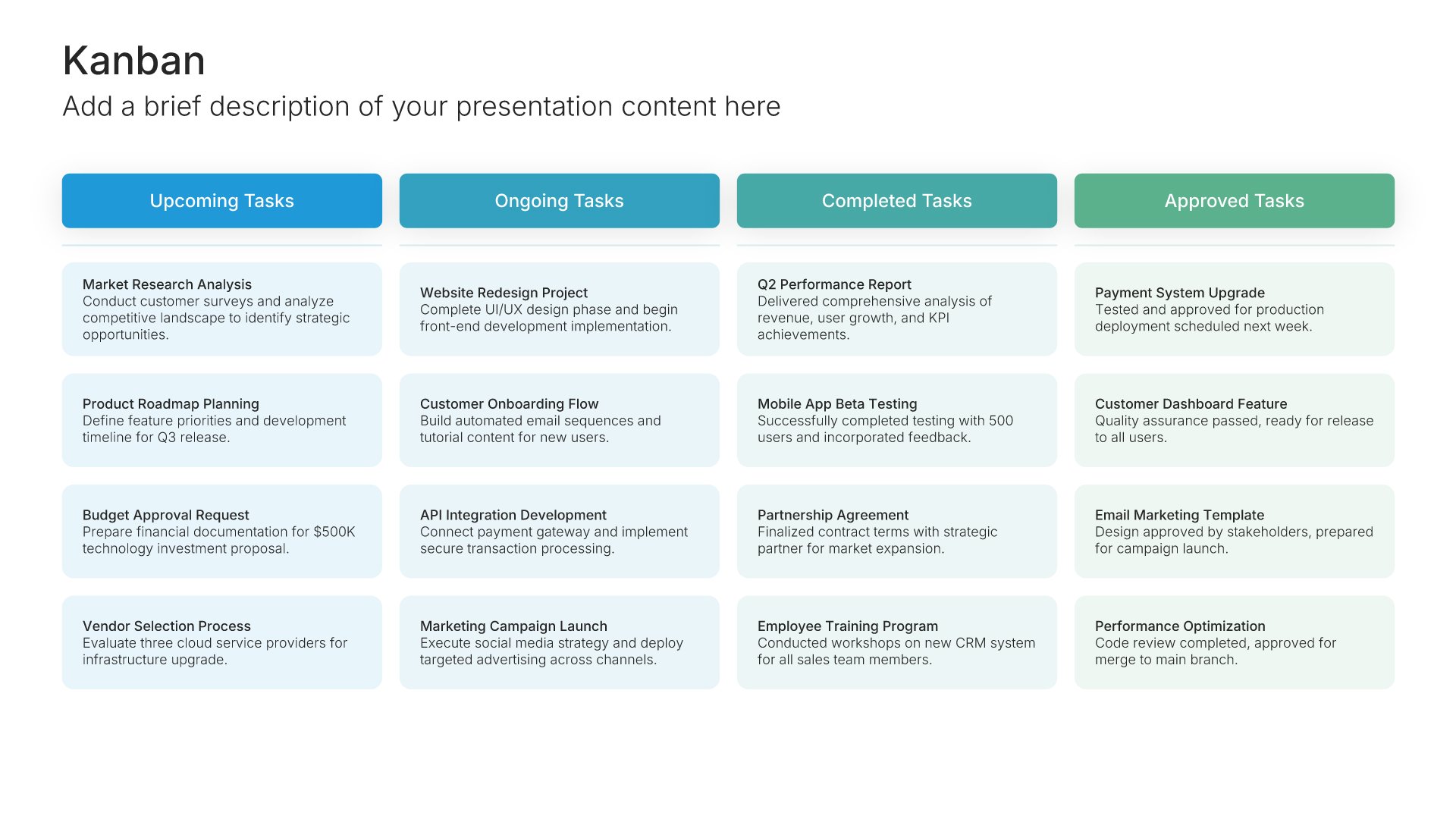
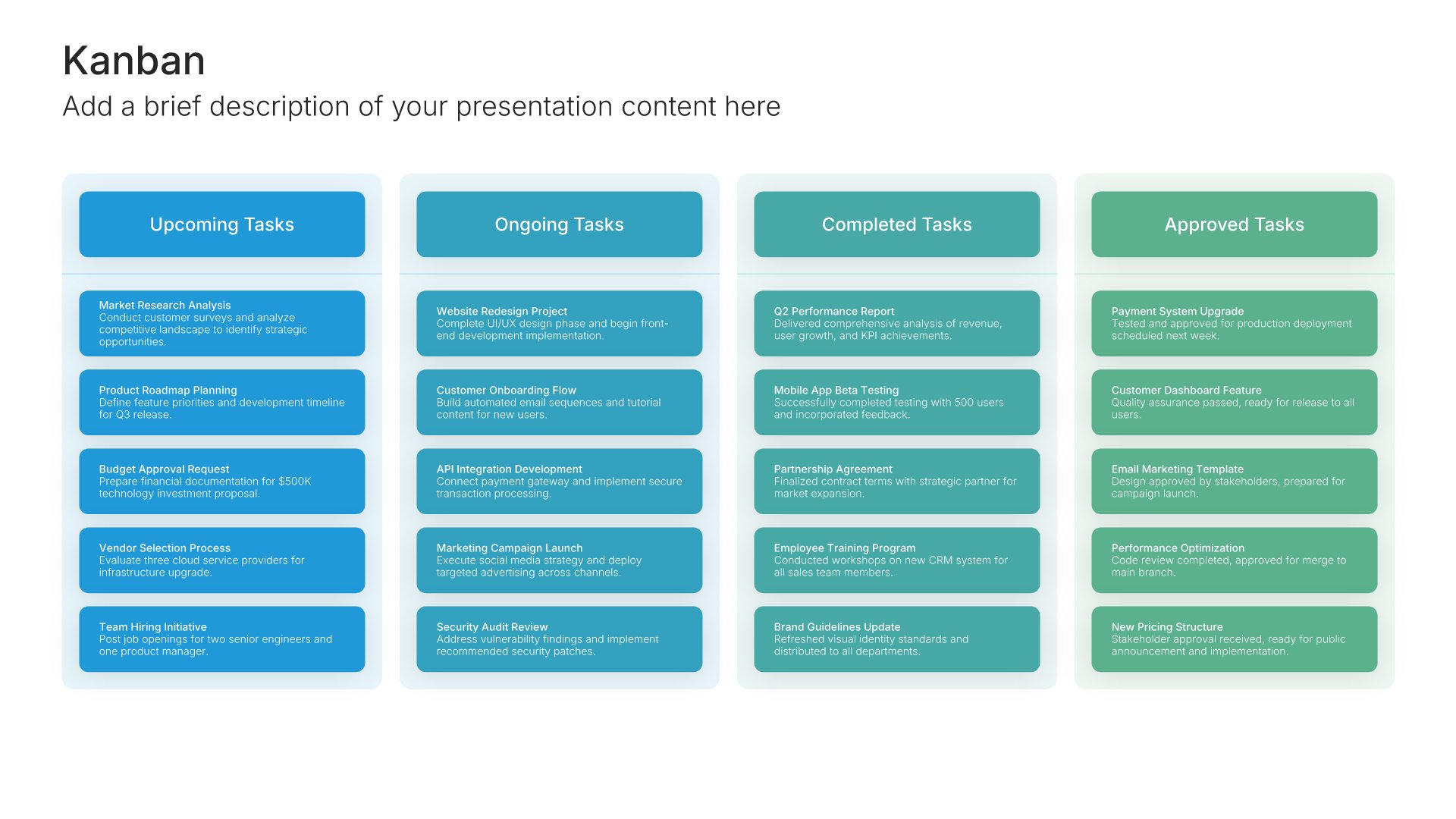
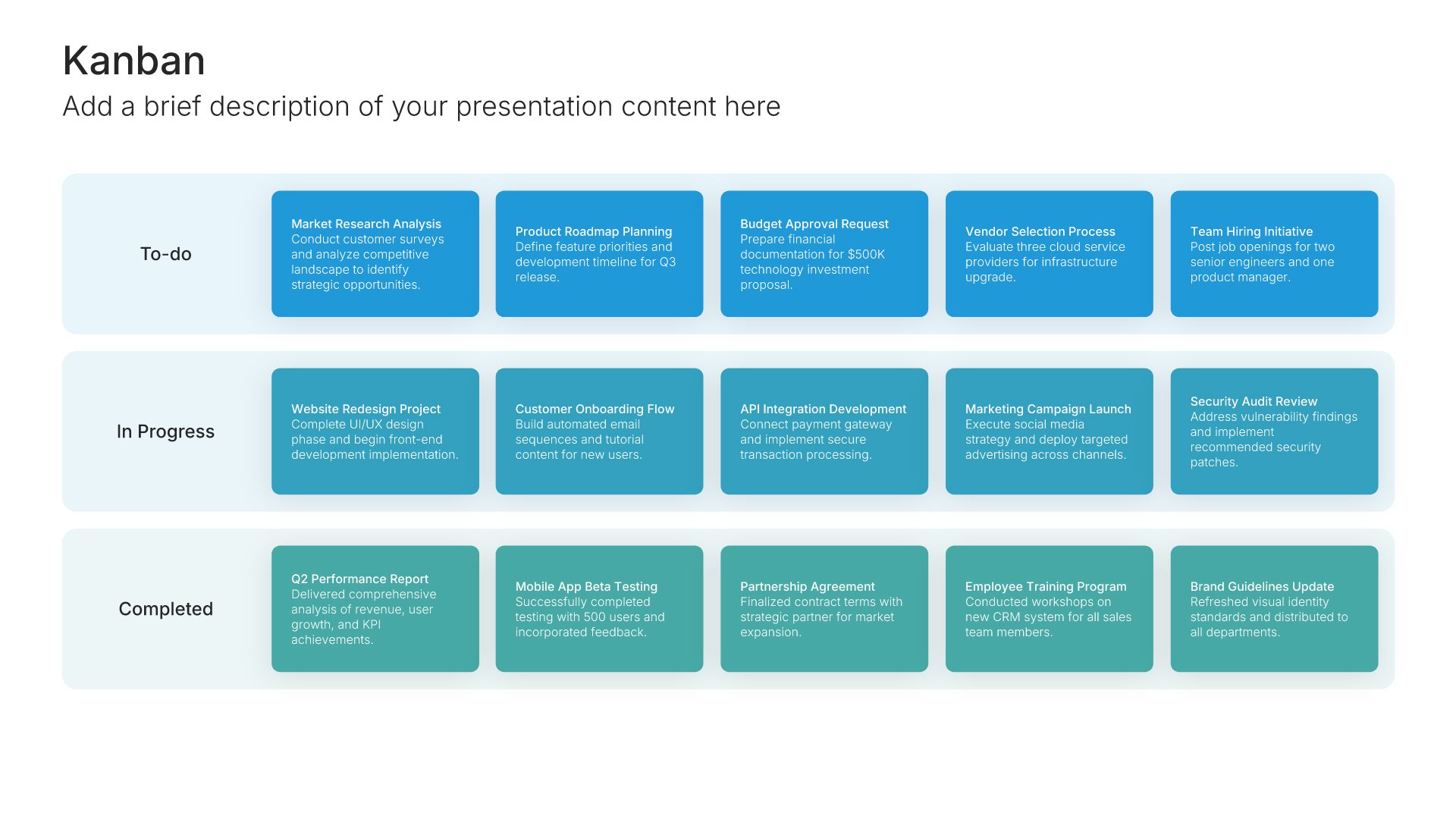
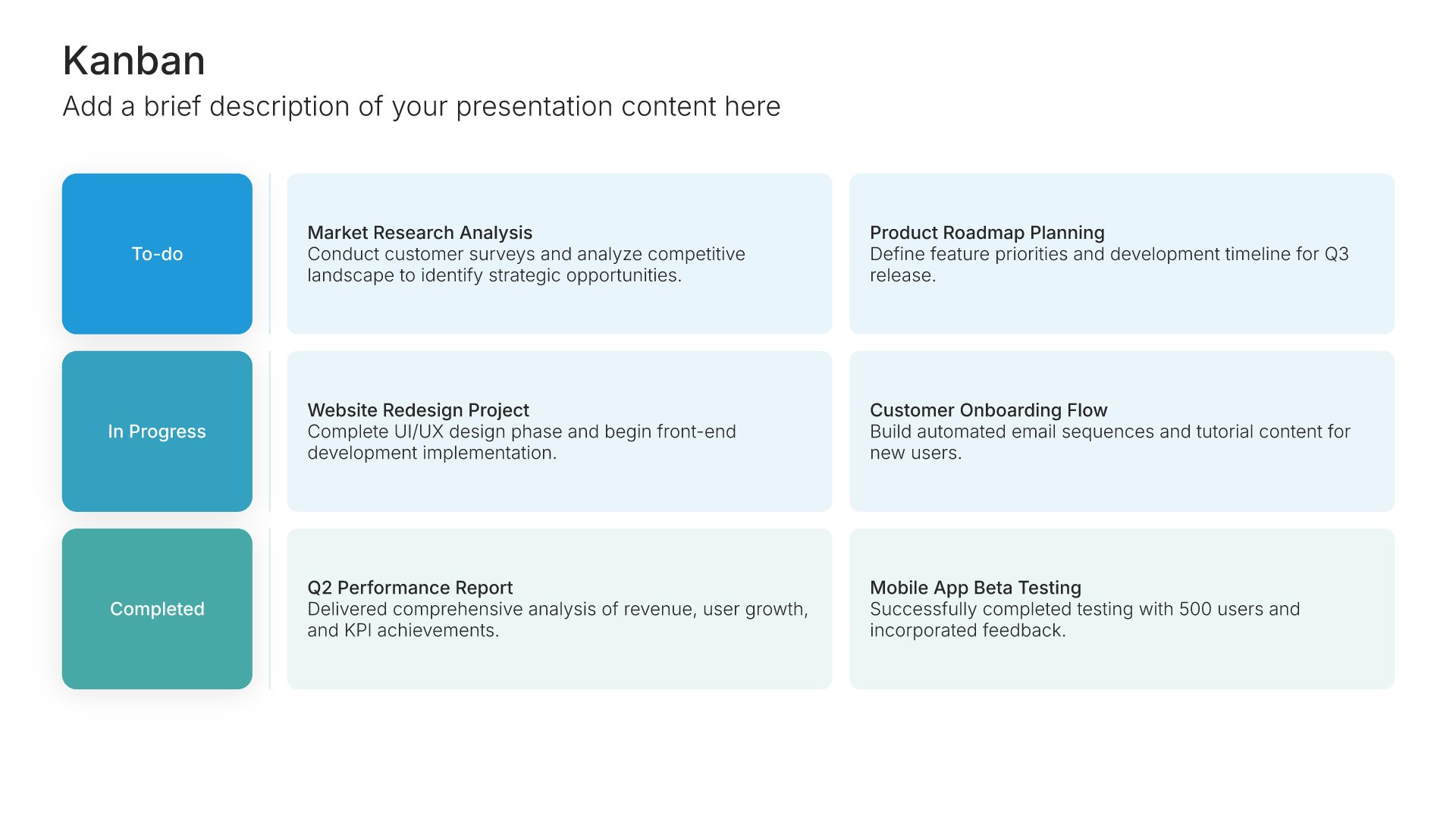
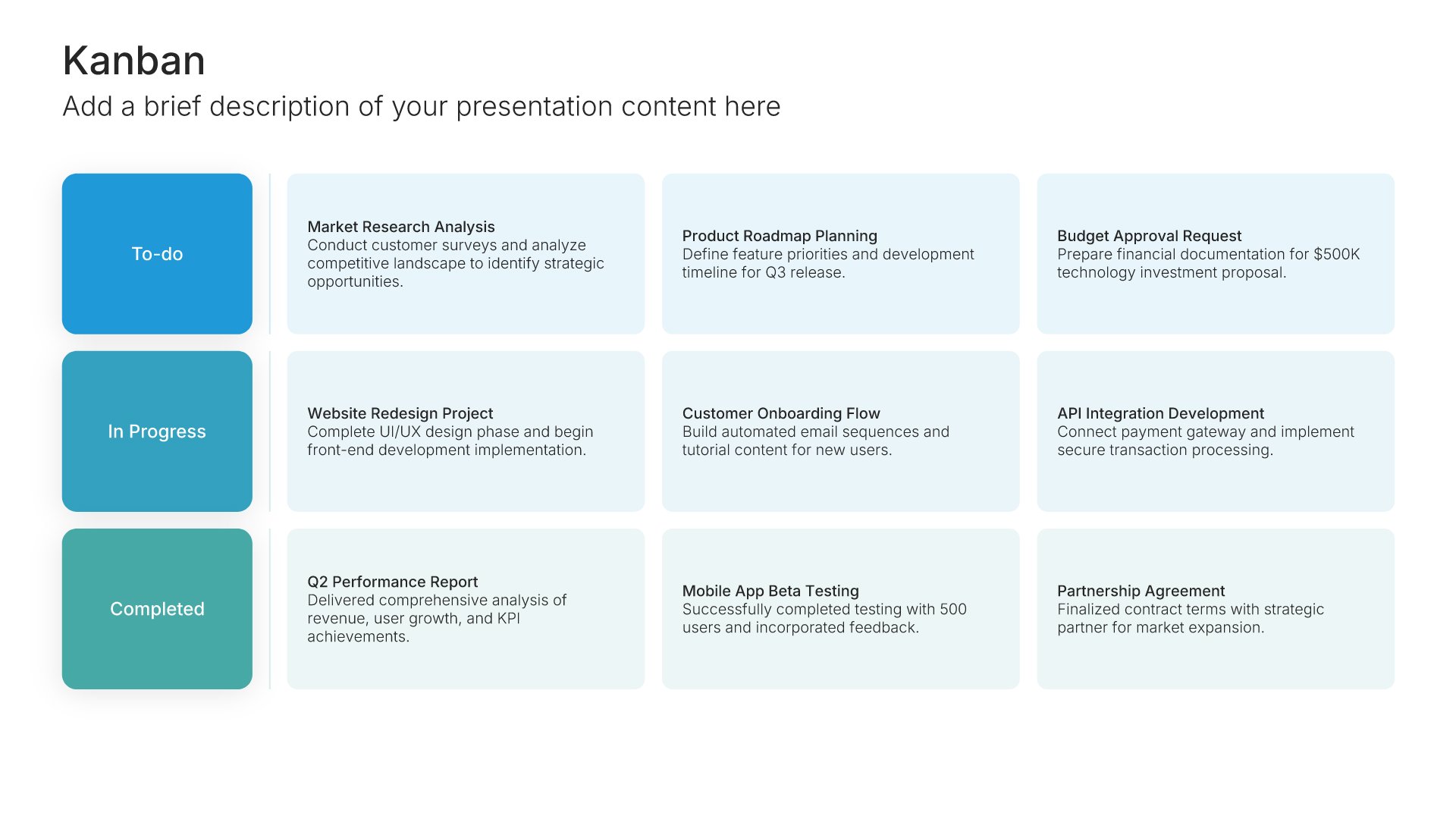
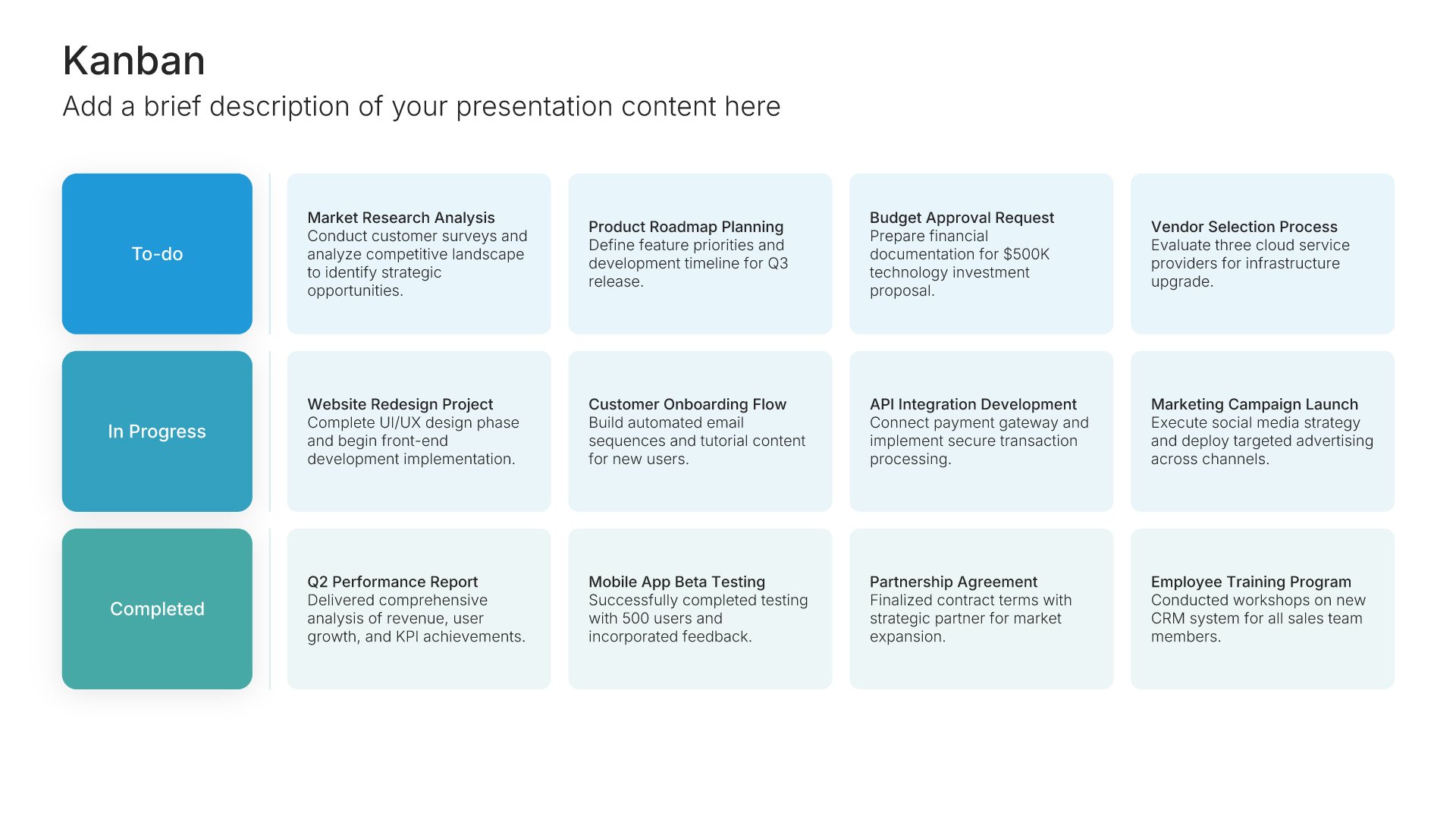
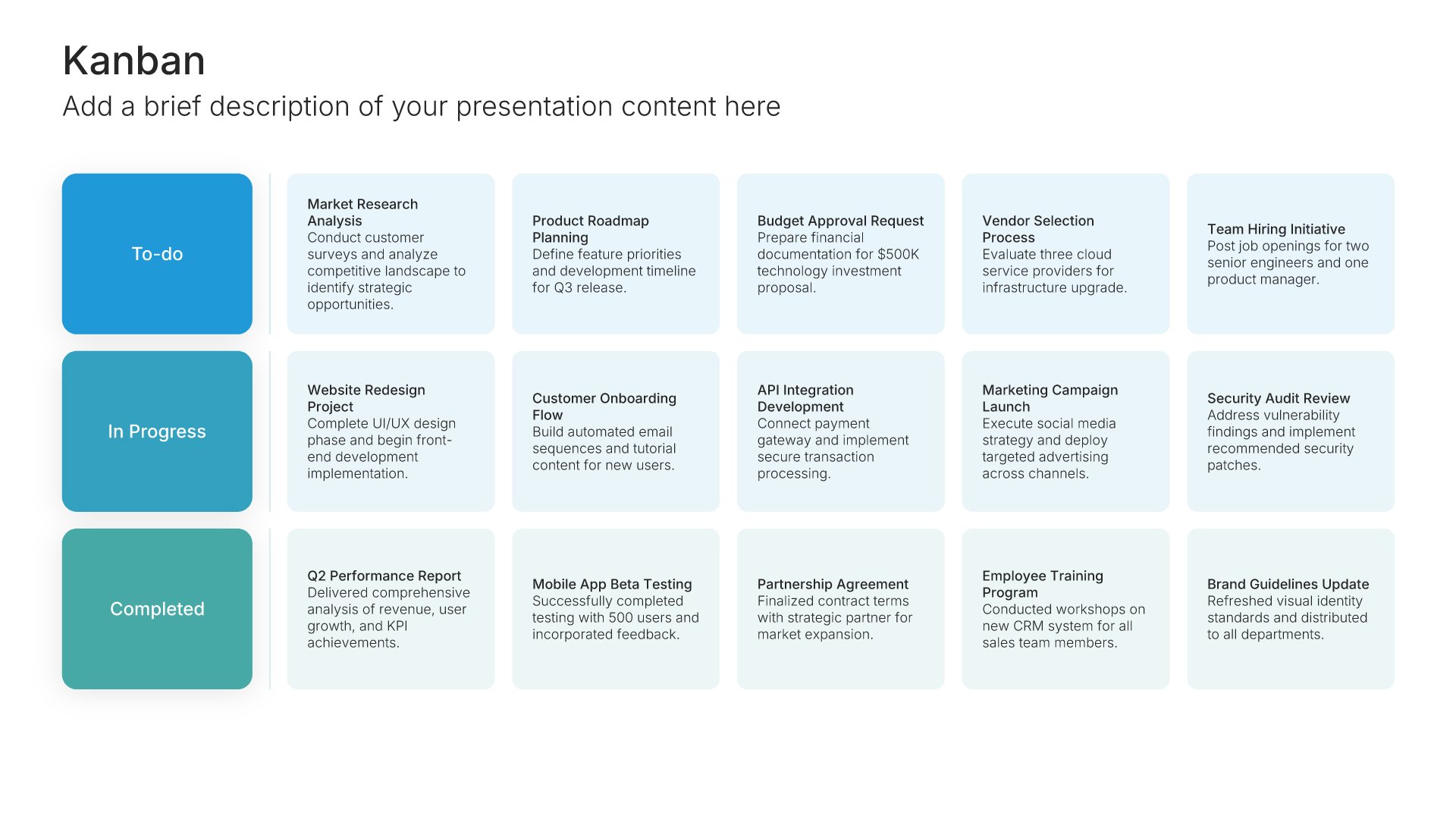
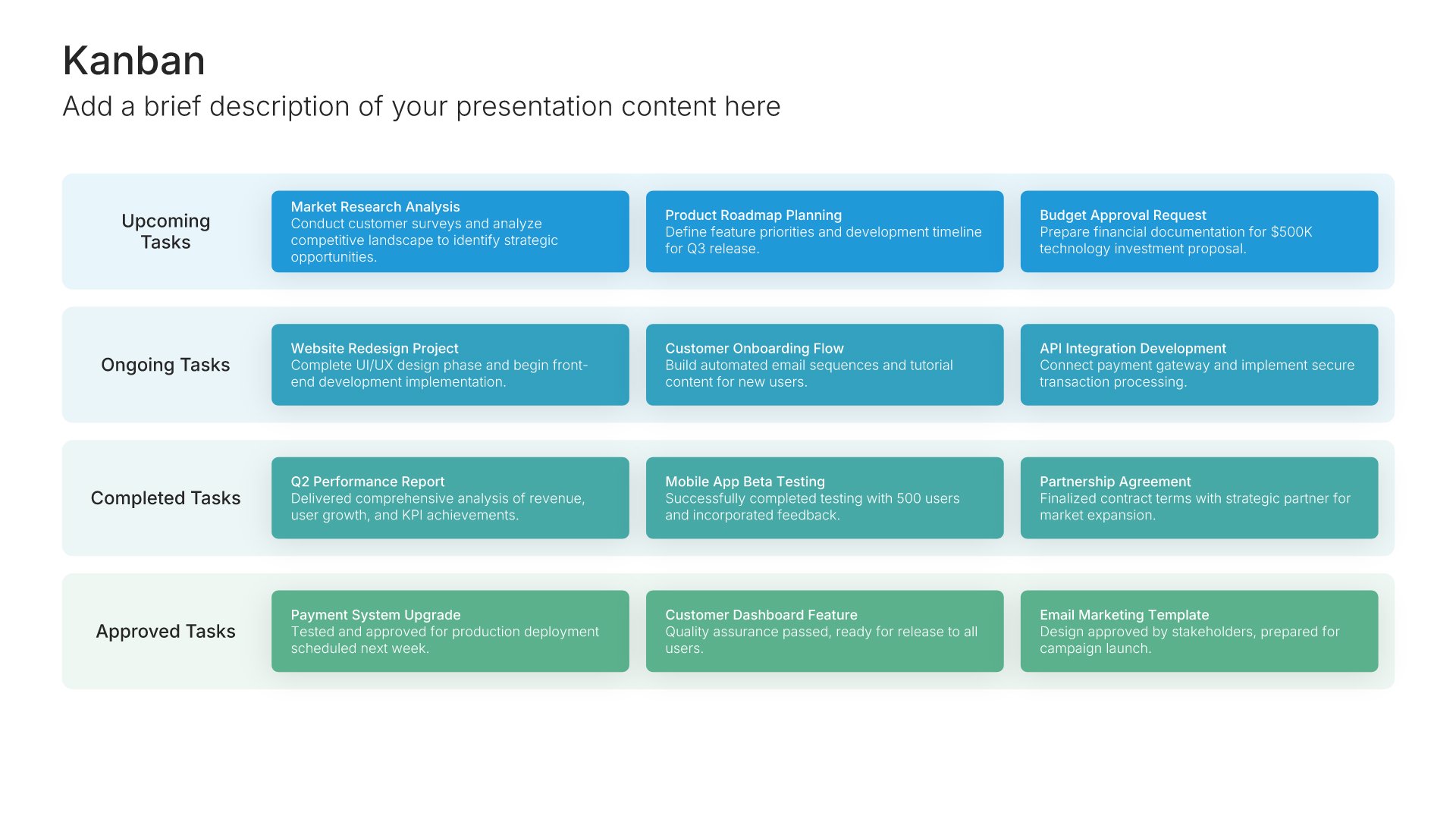
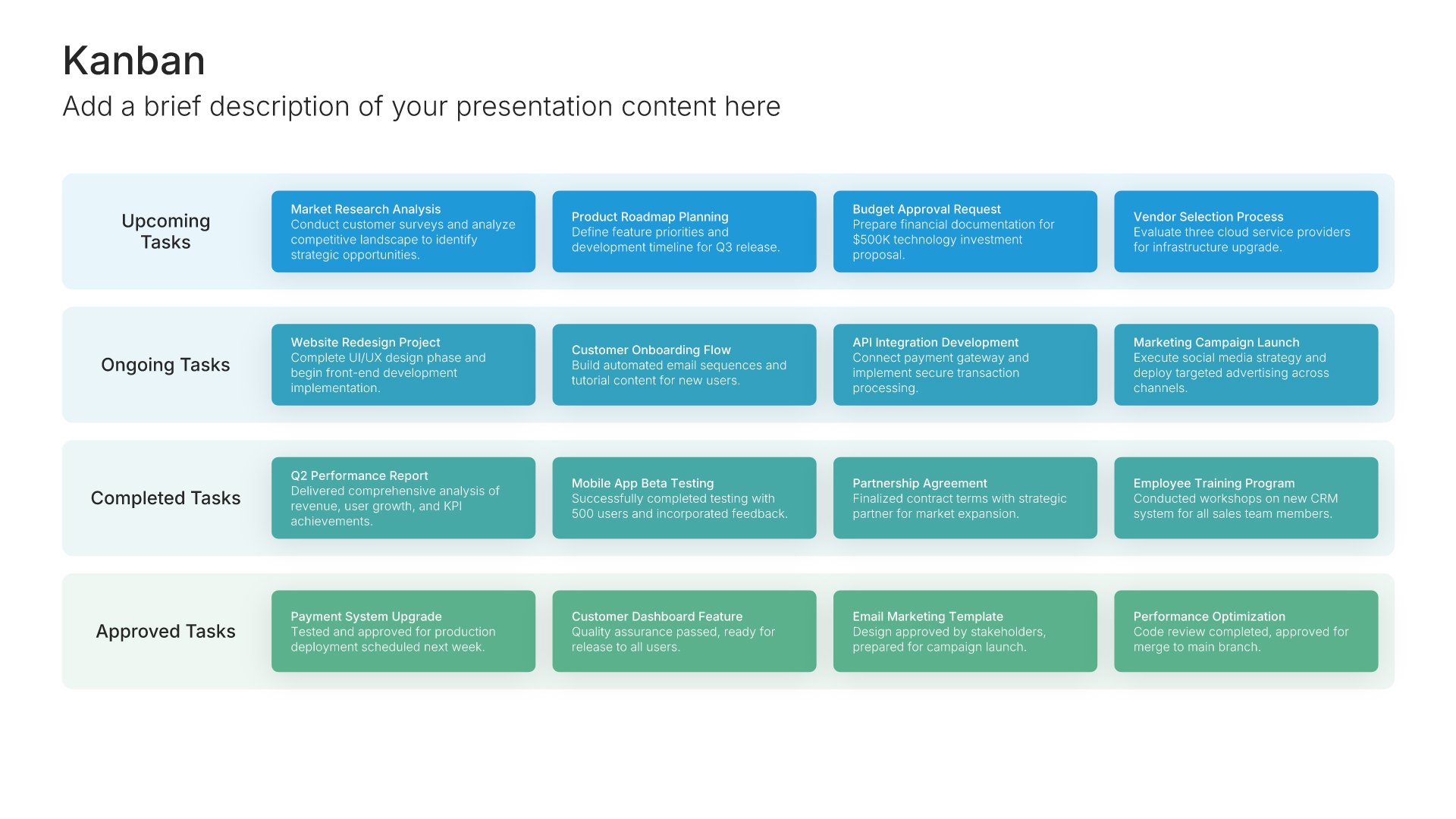
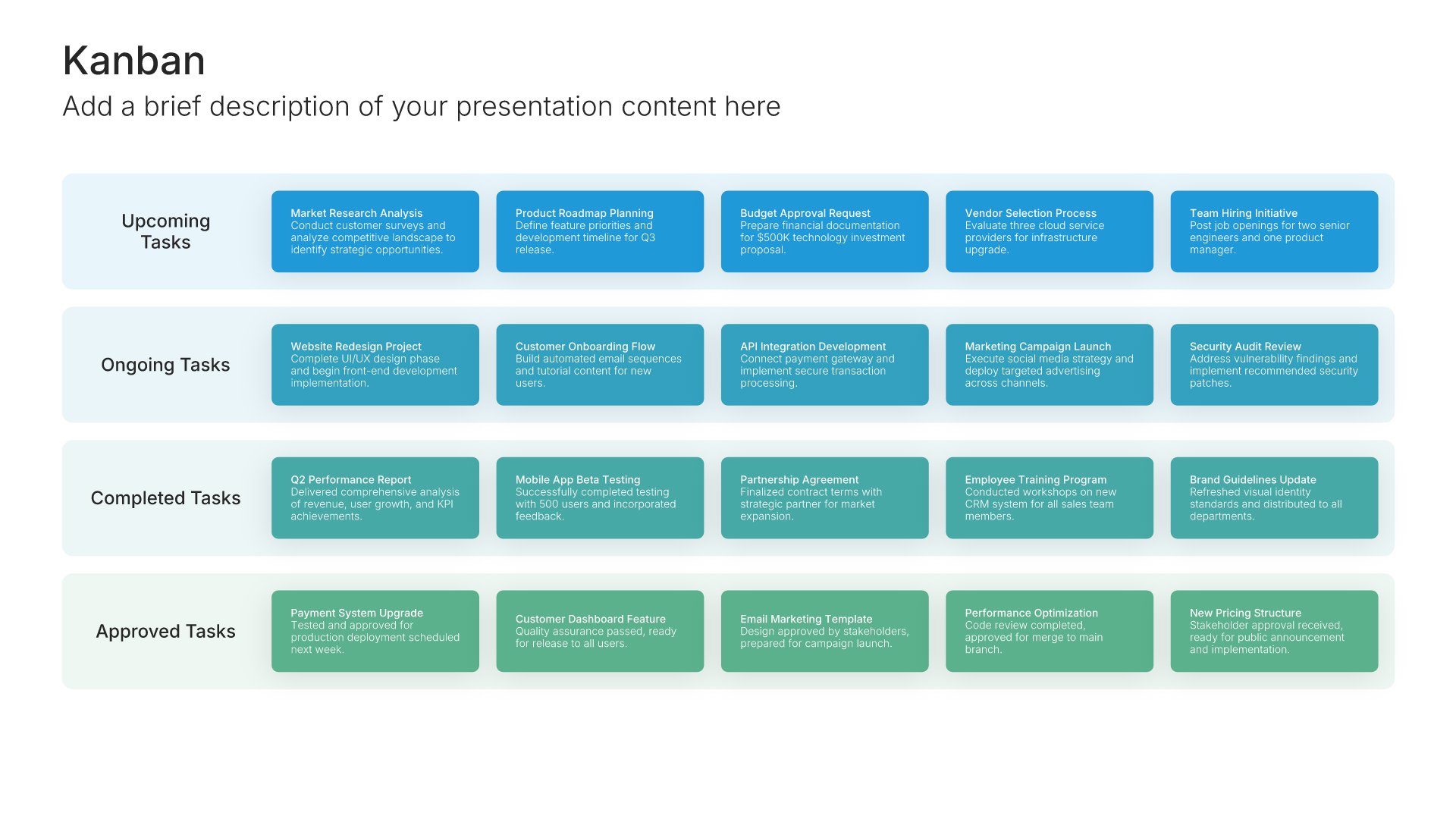
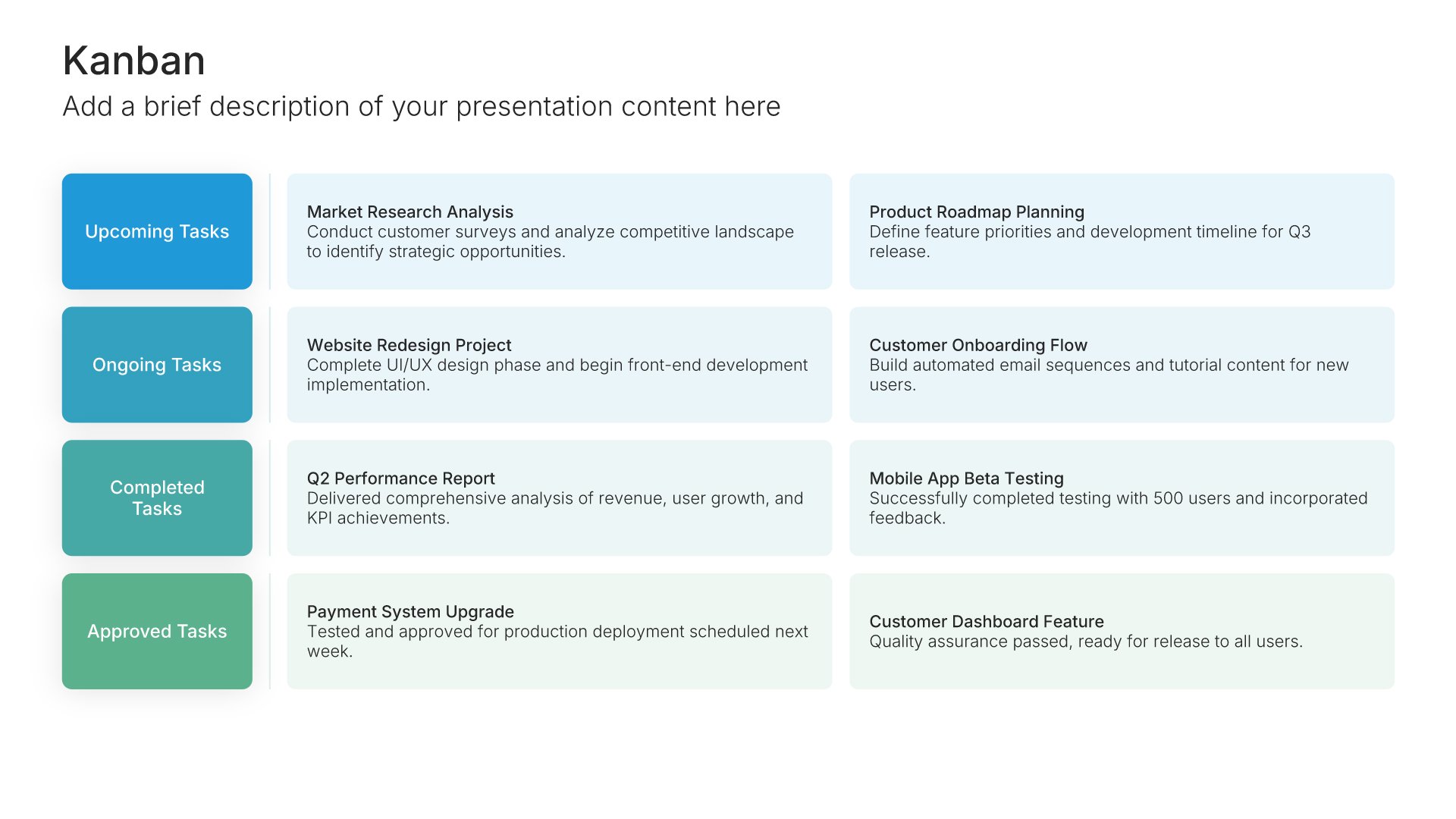
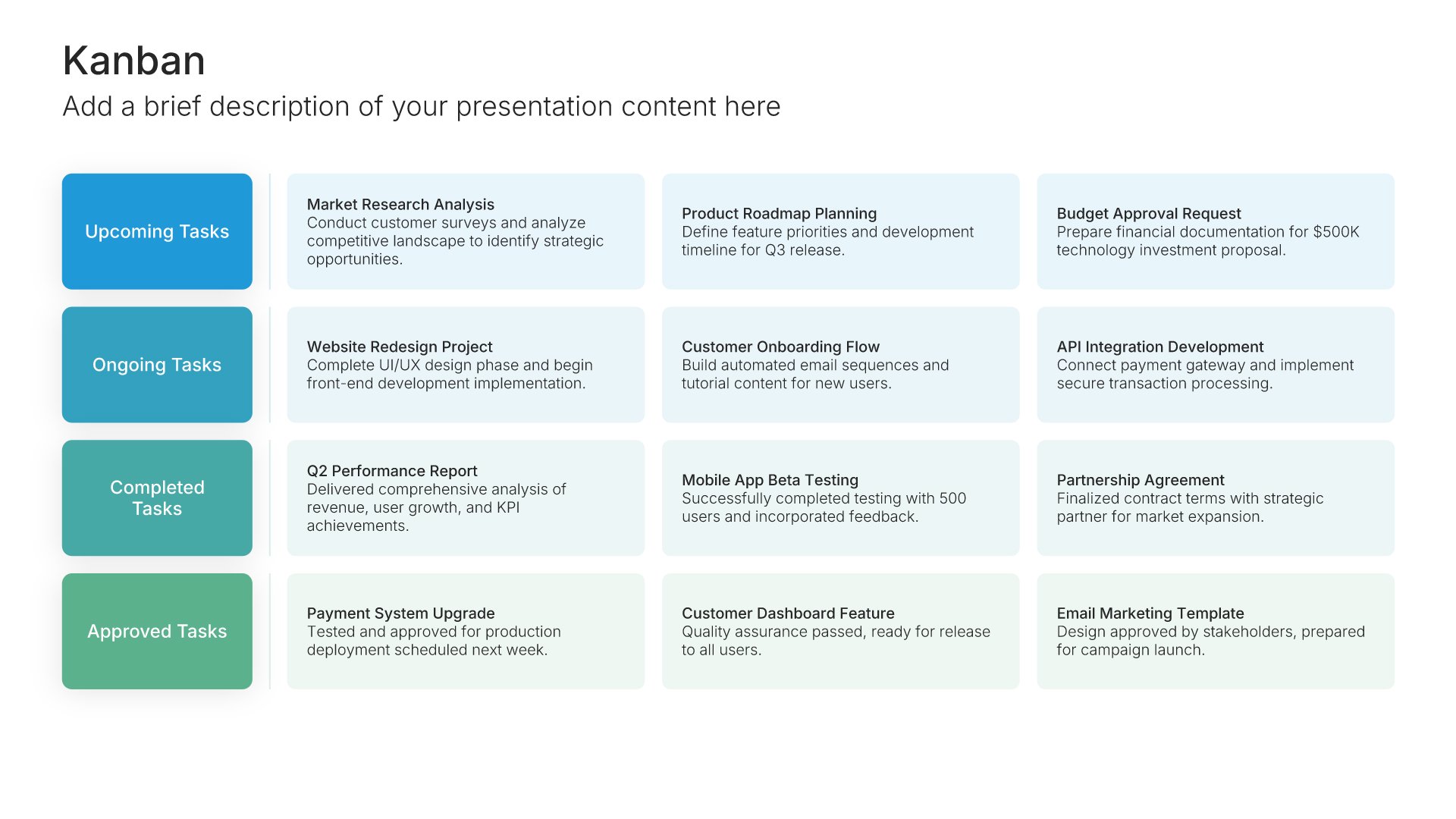
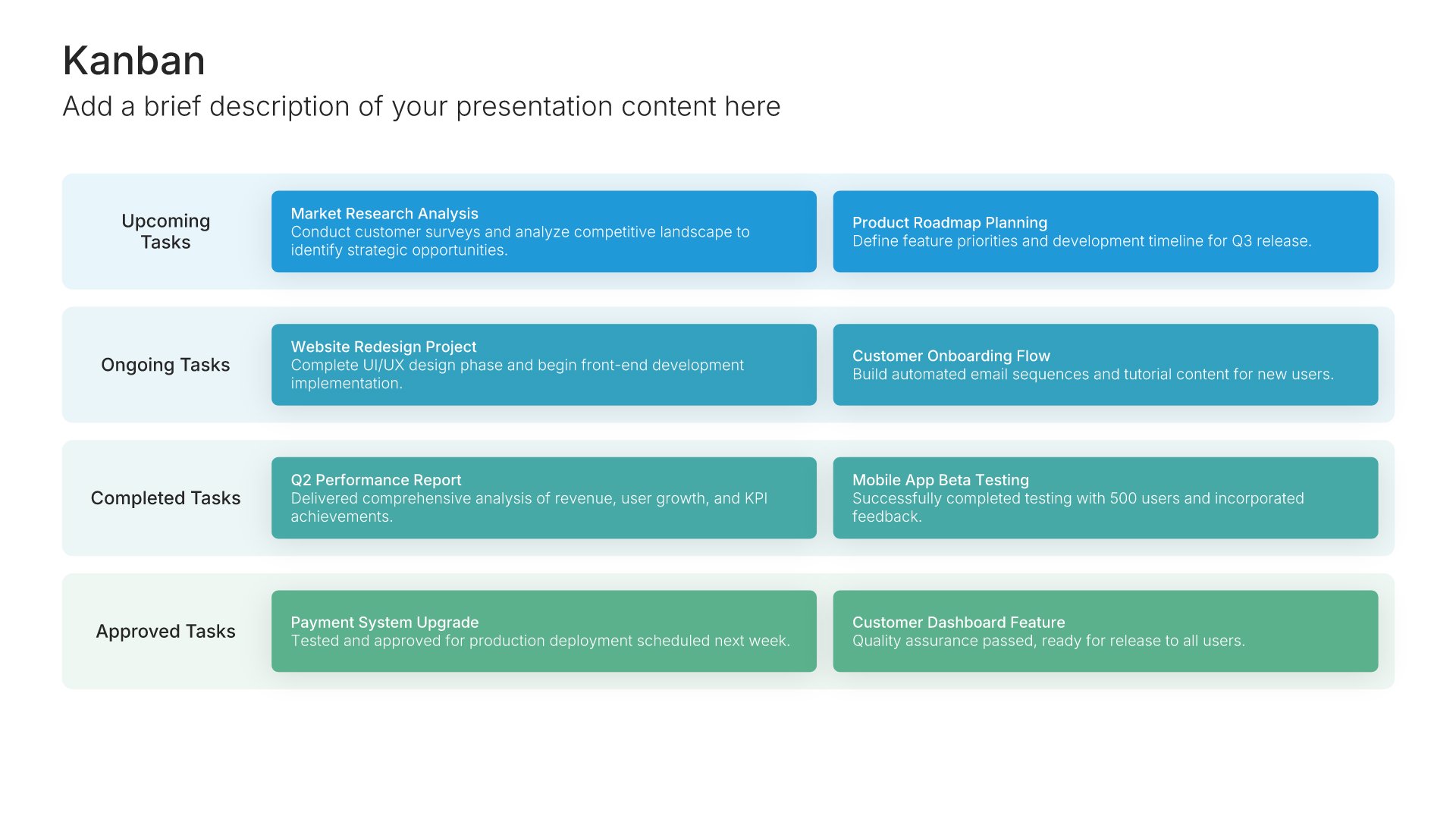
Kanban • Slide Library • Layout 01 of 42
Layout 01
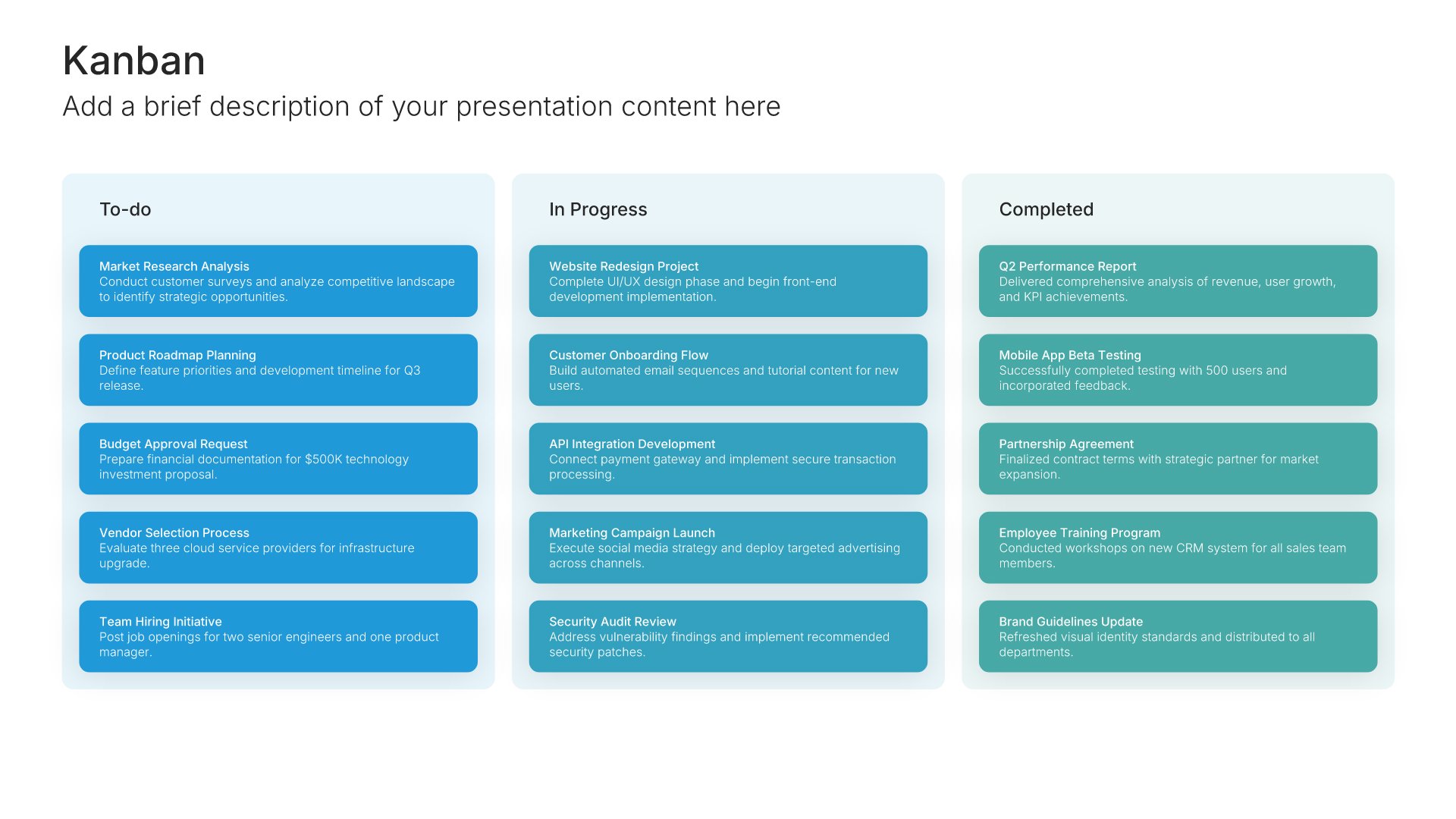
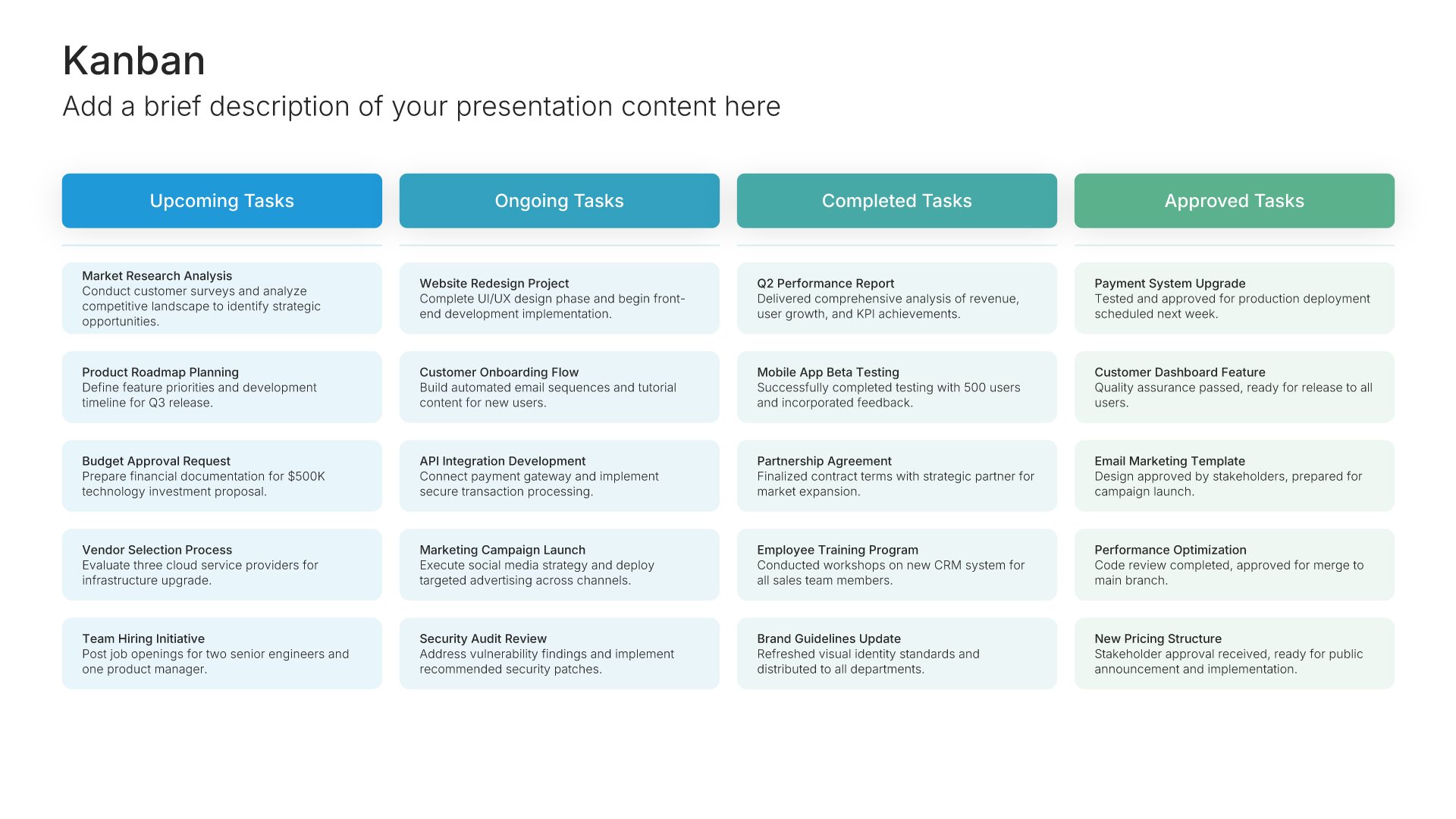
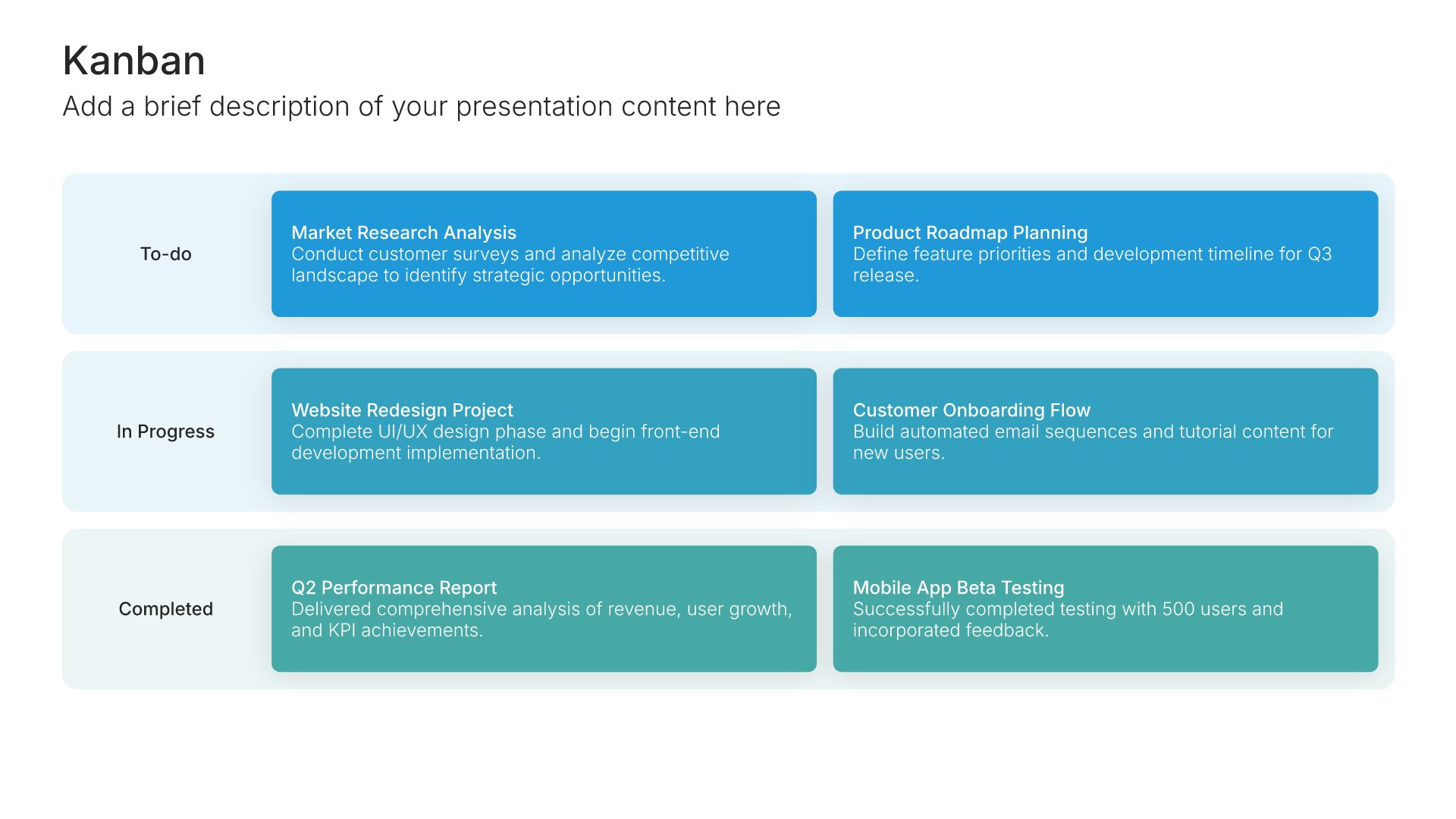
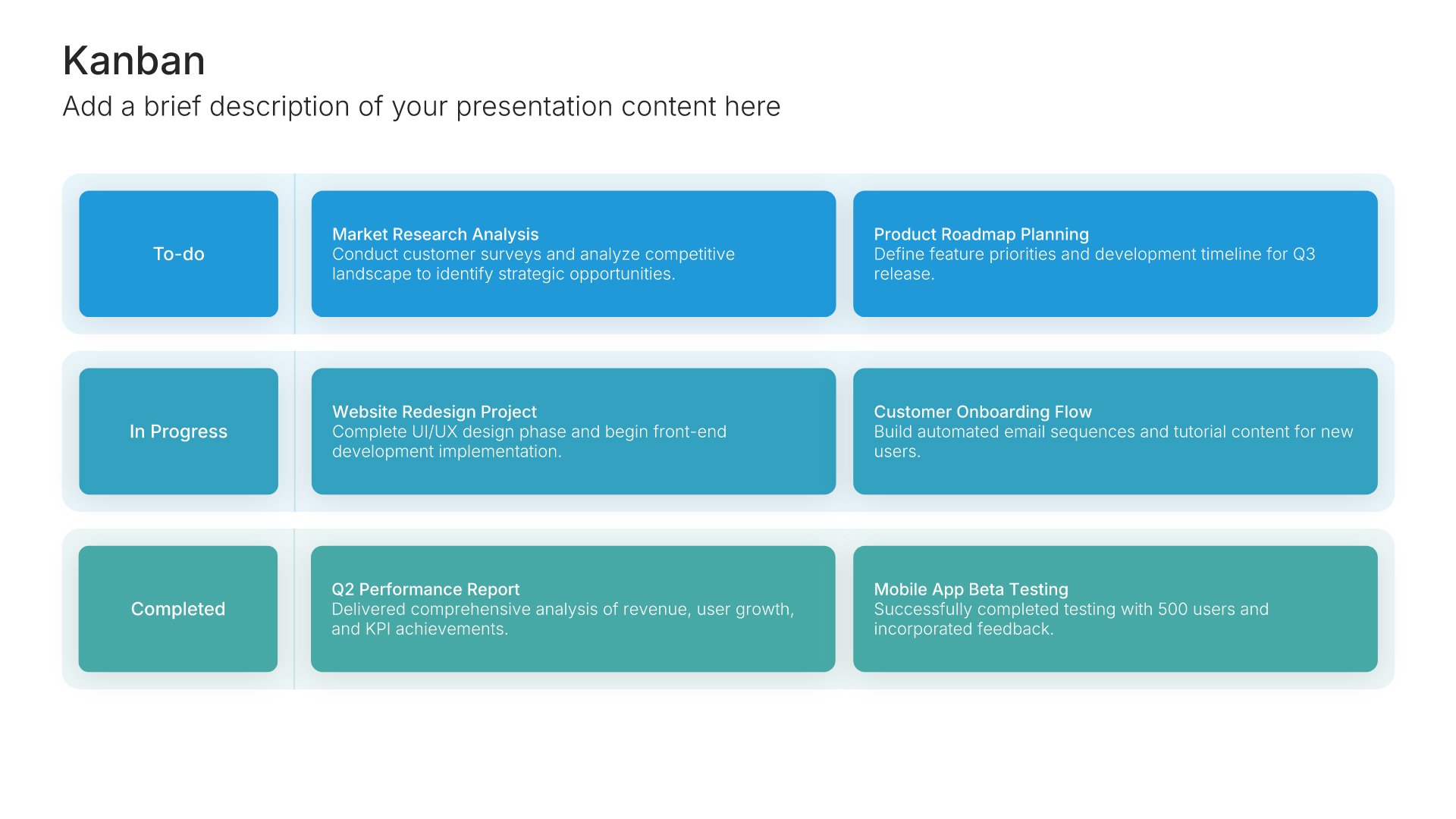
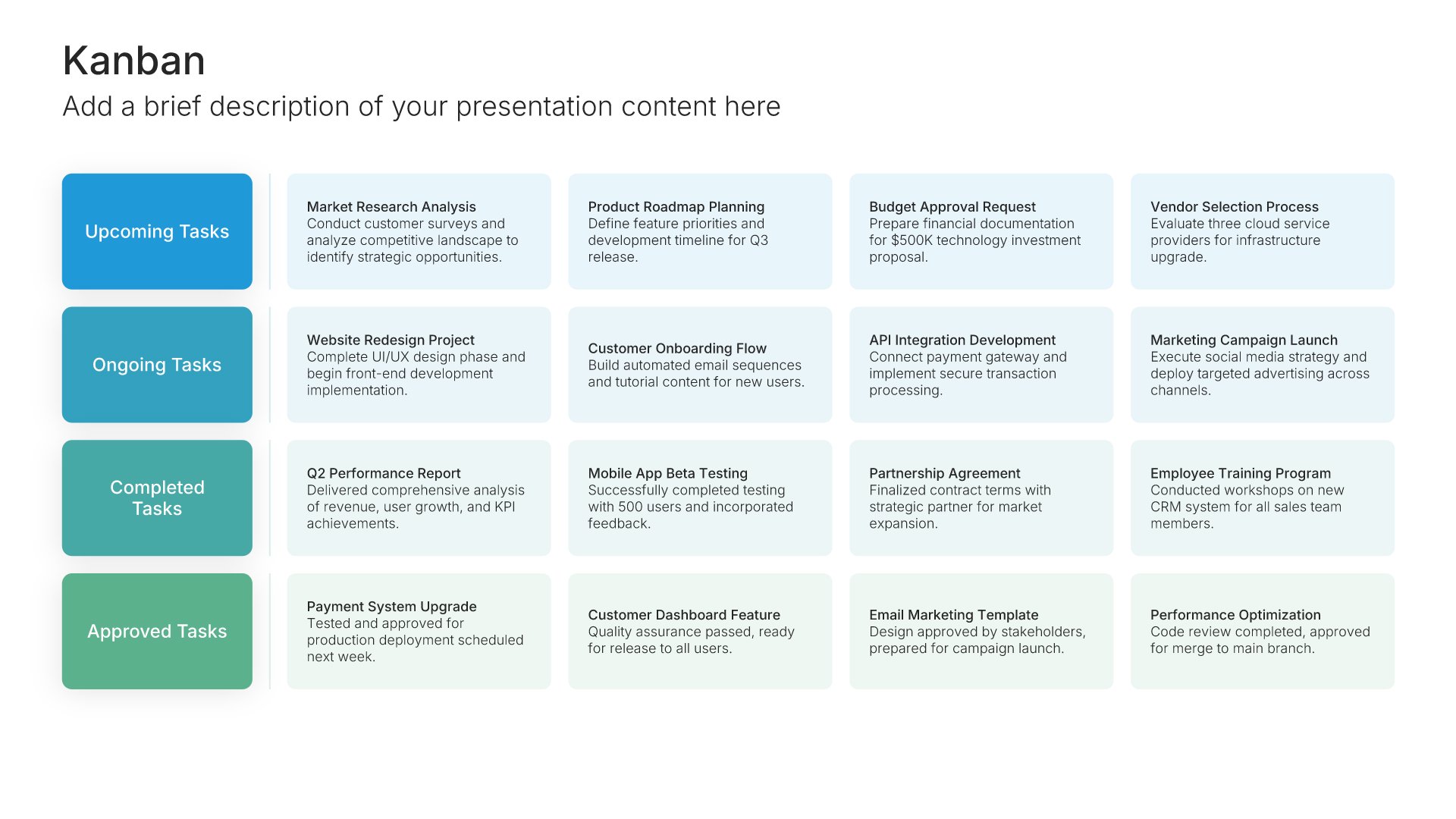
Layout 02
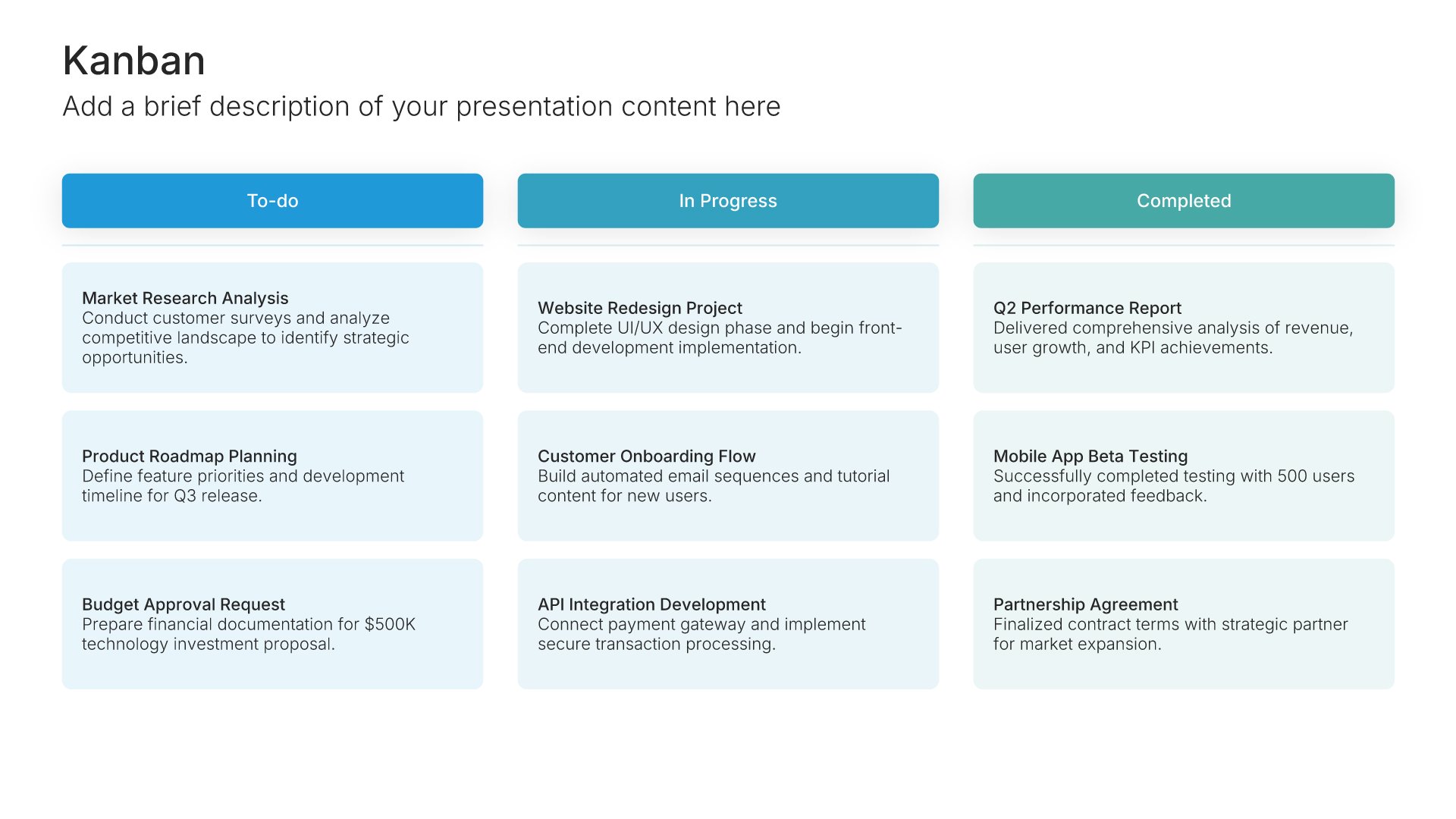
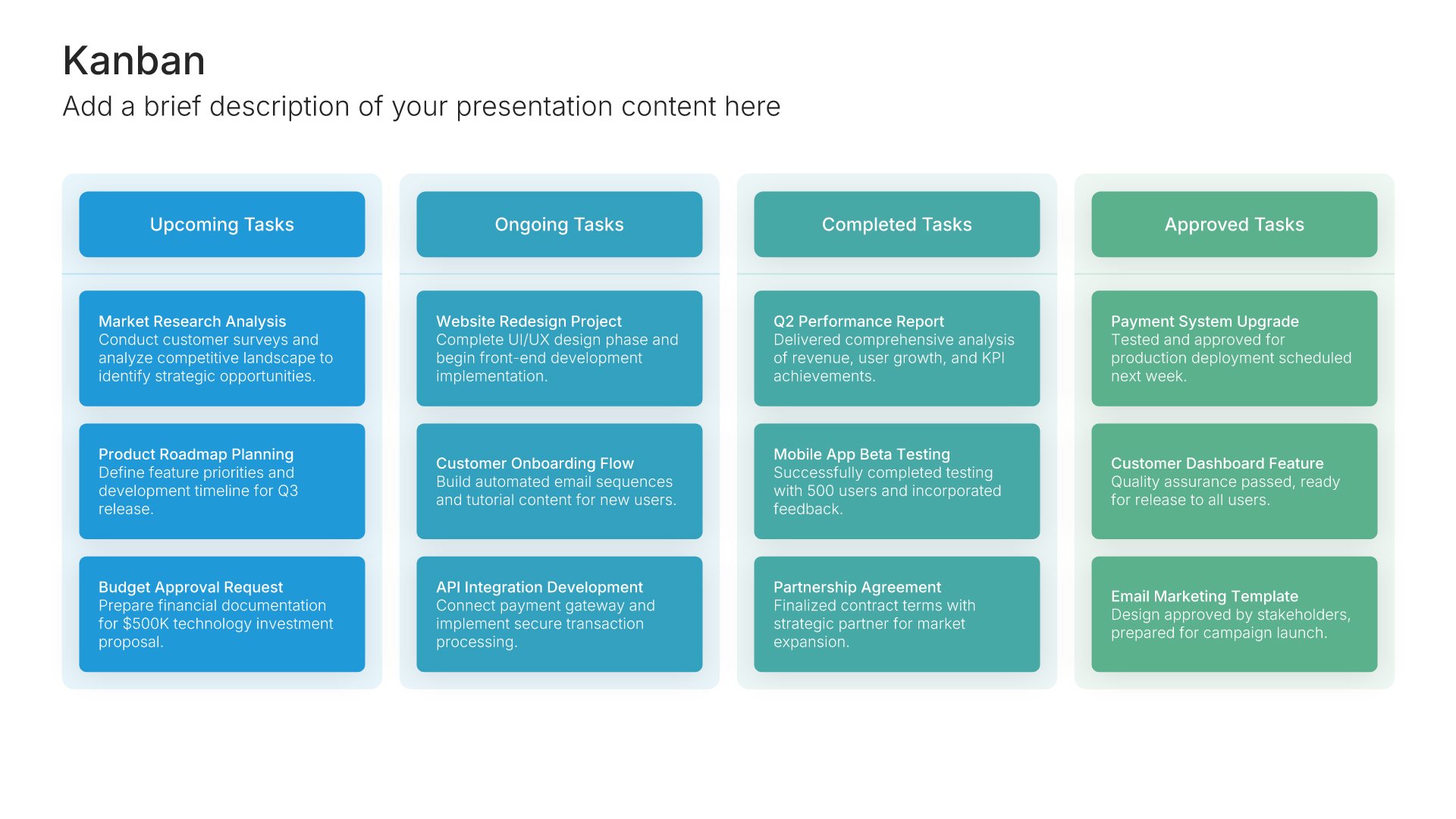
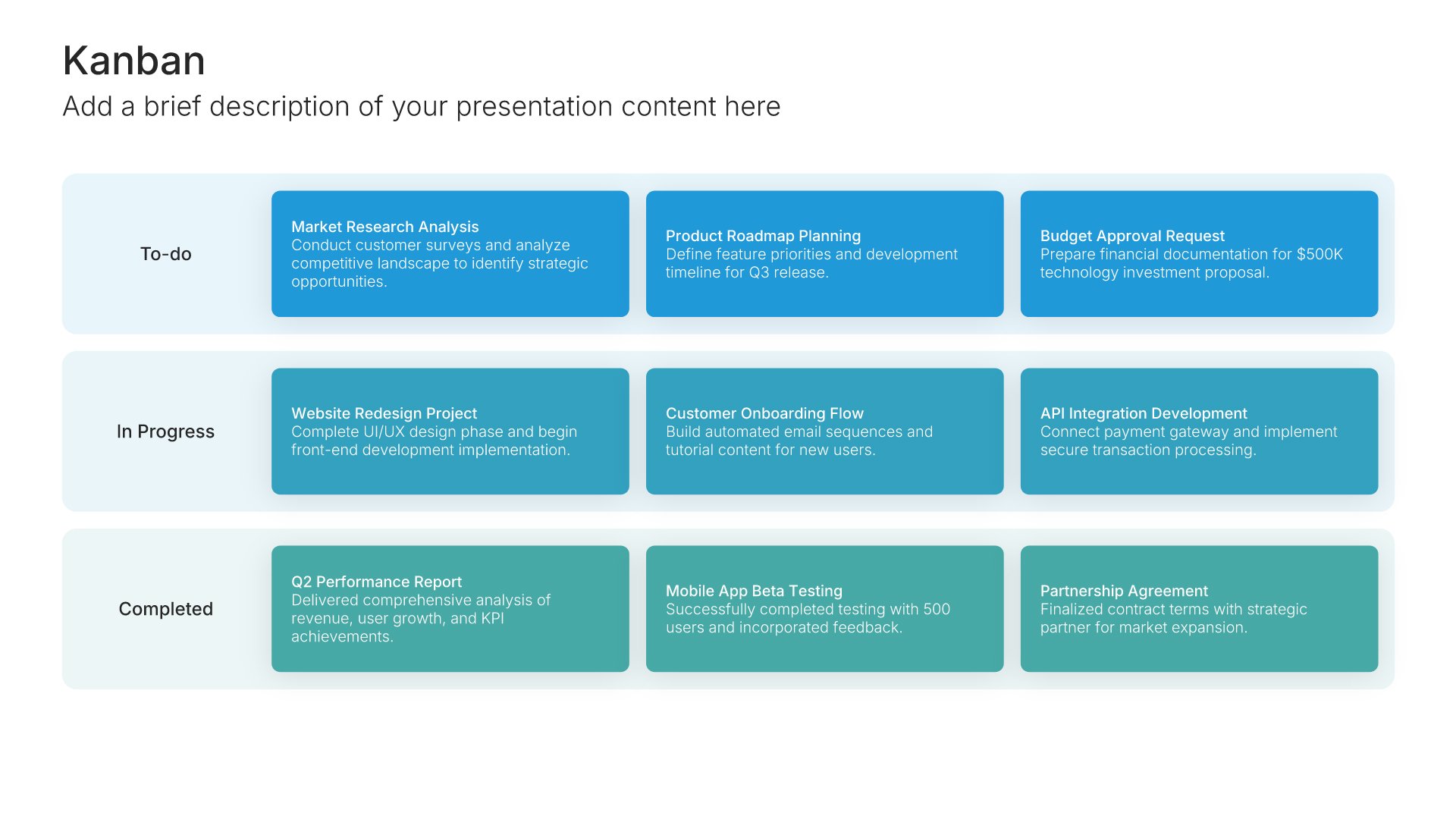
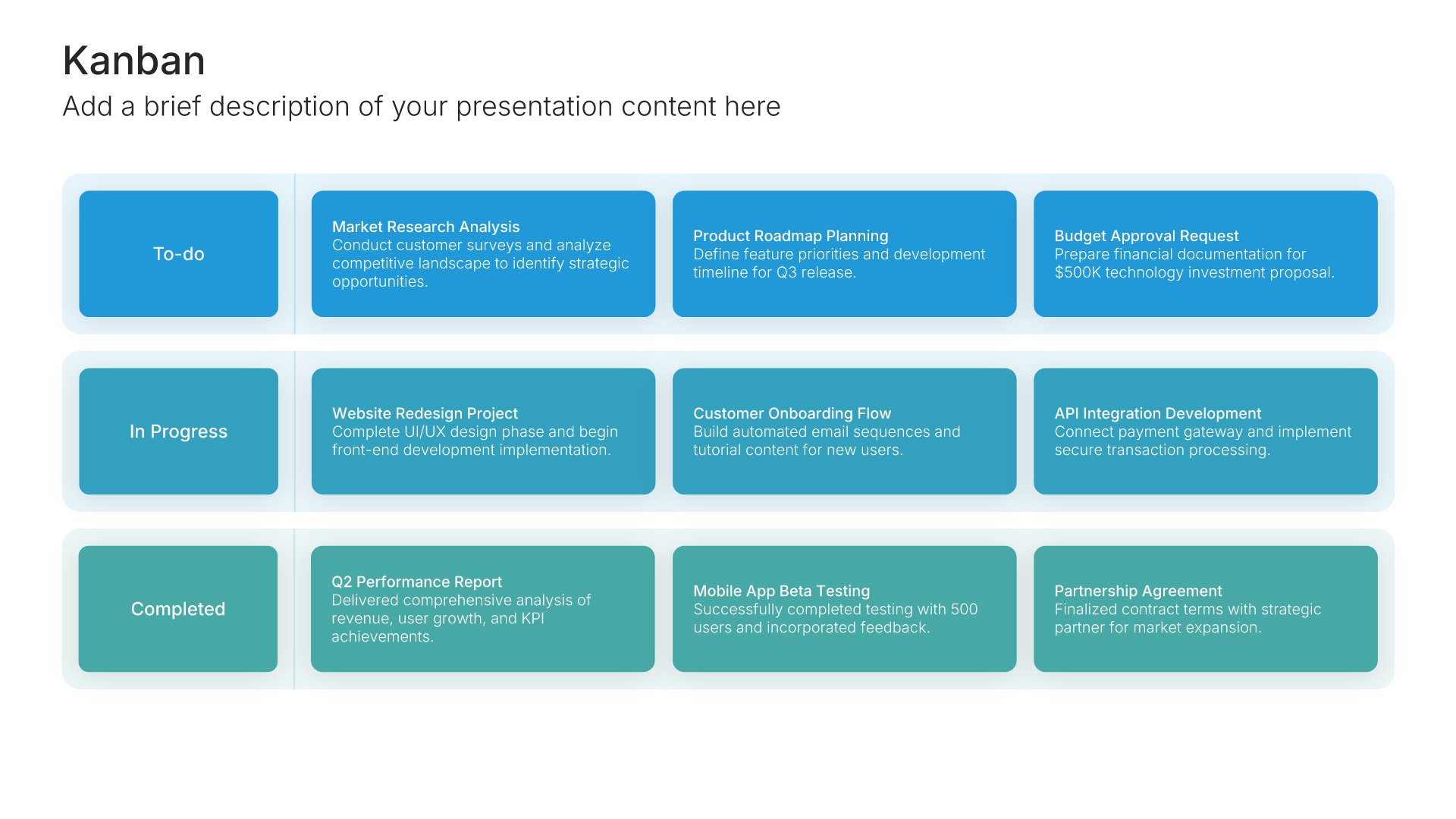
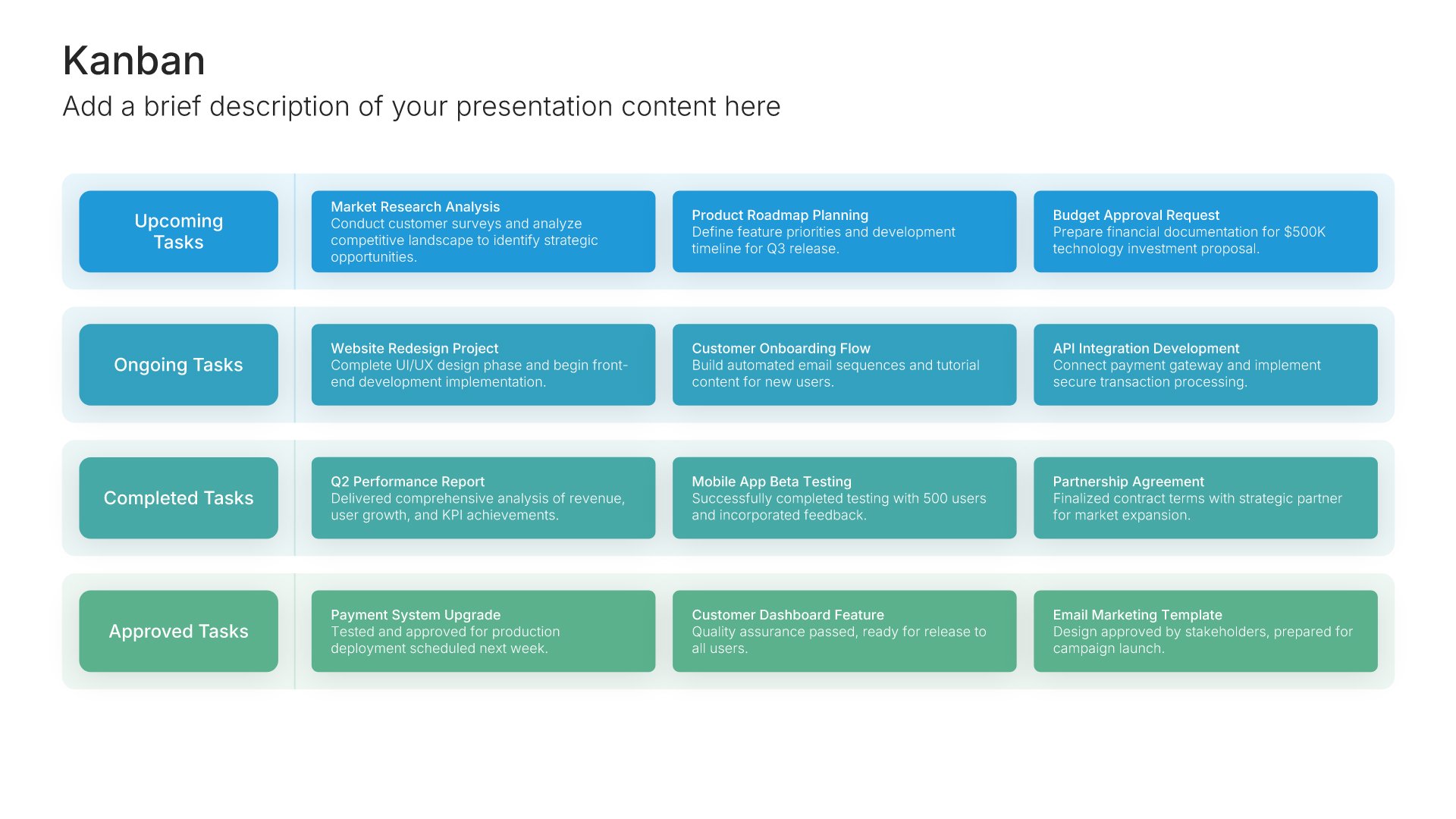
Layout 03
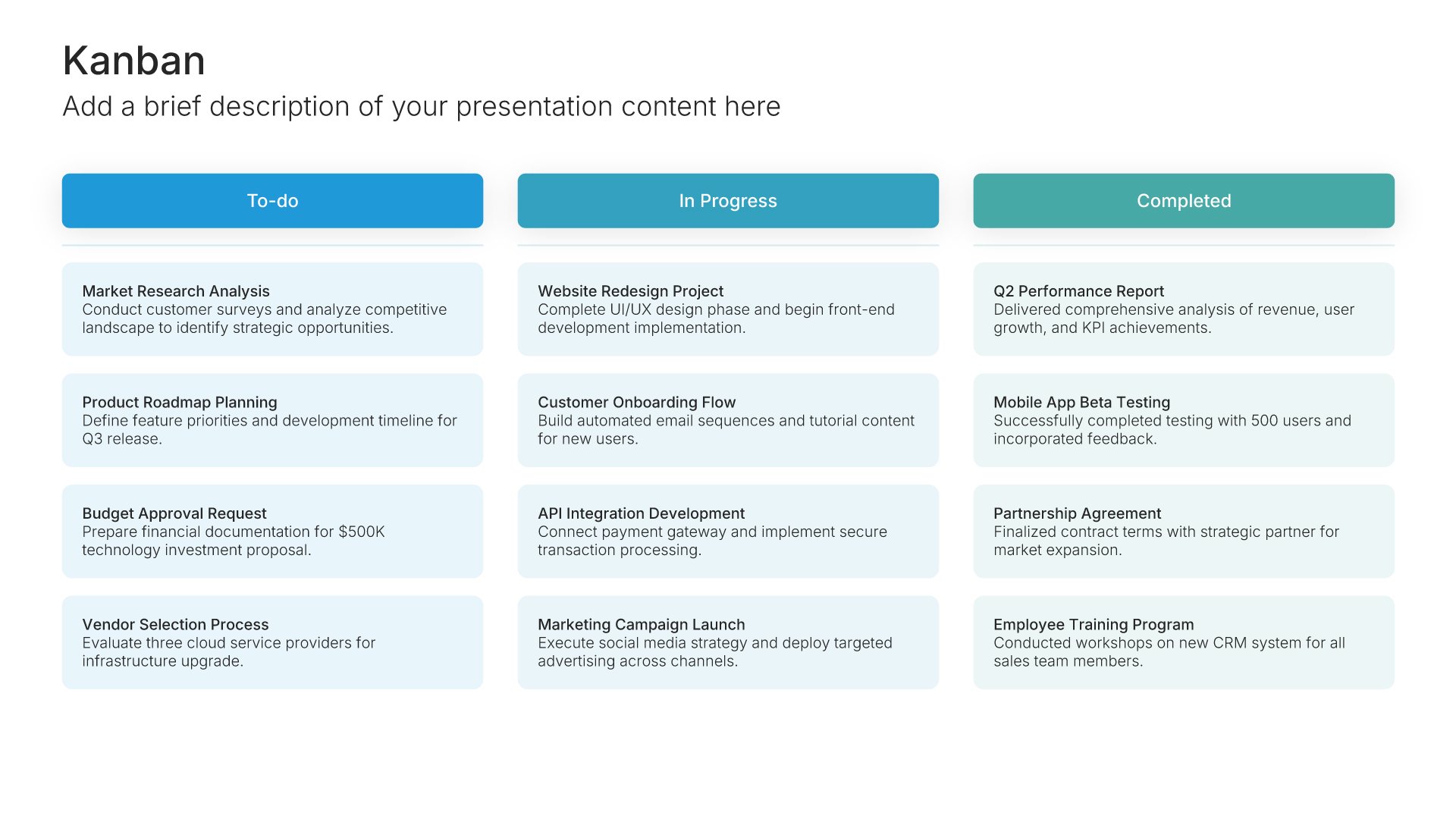
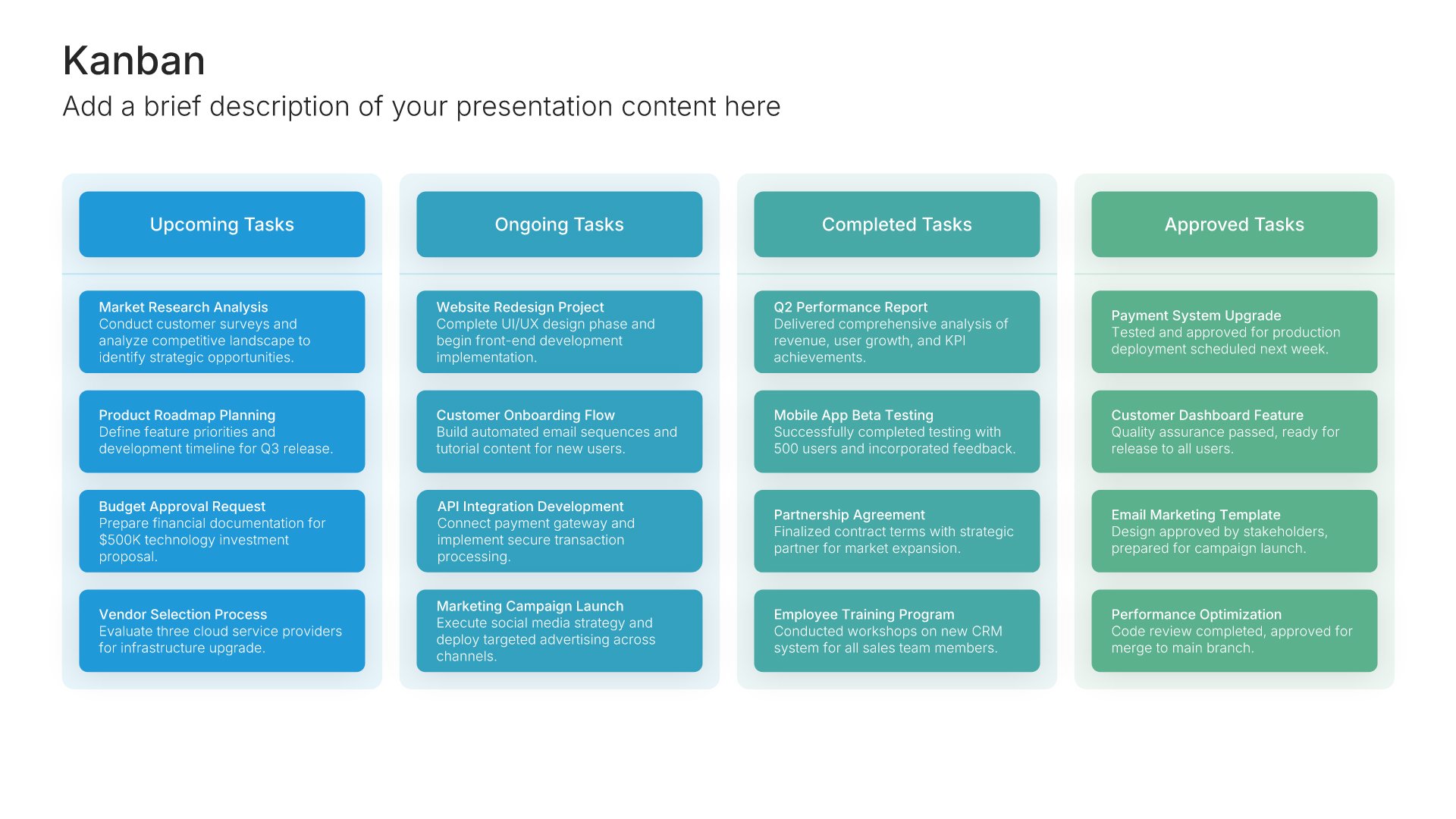
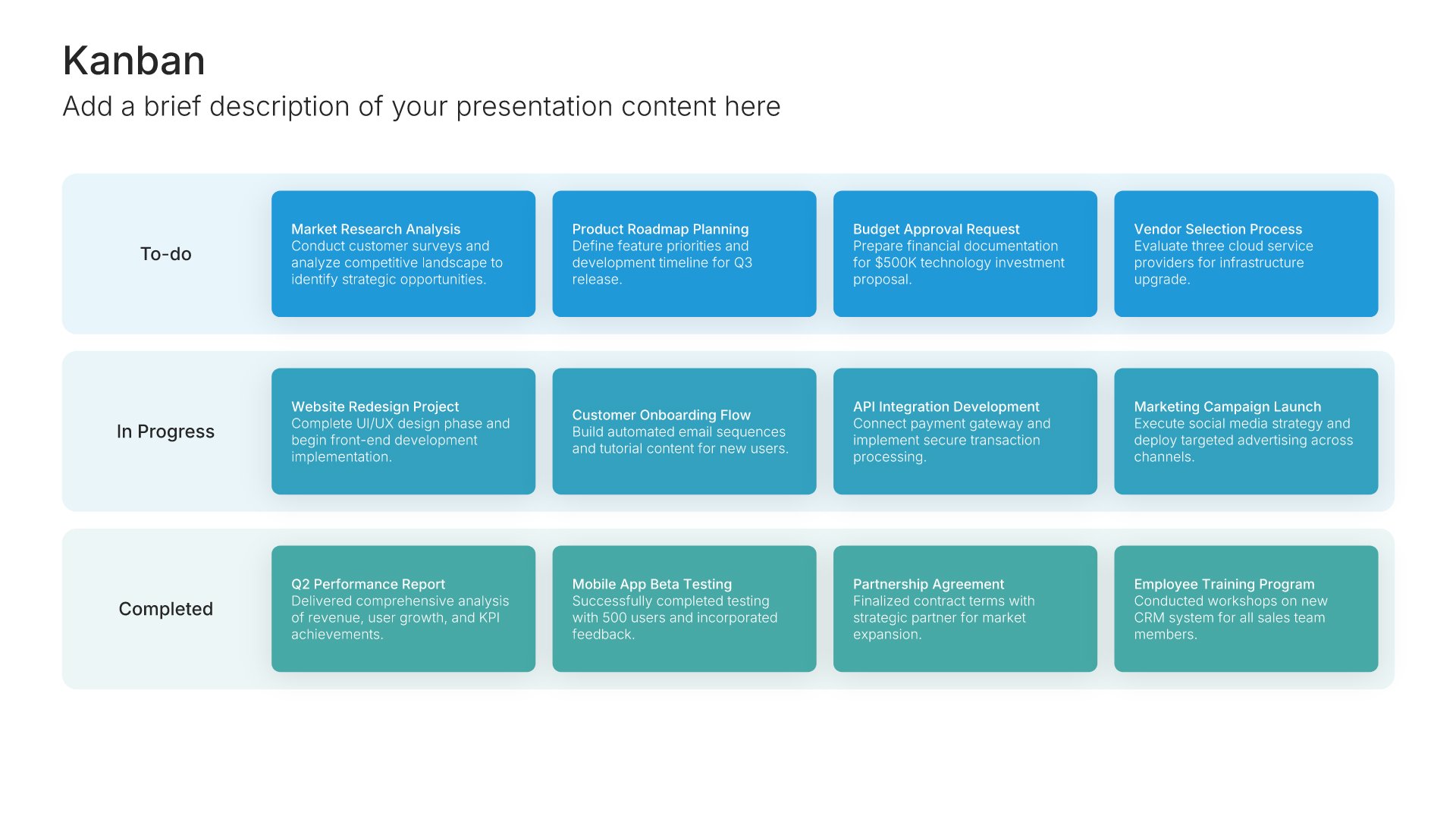
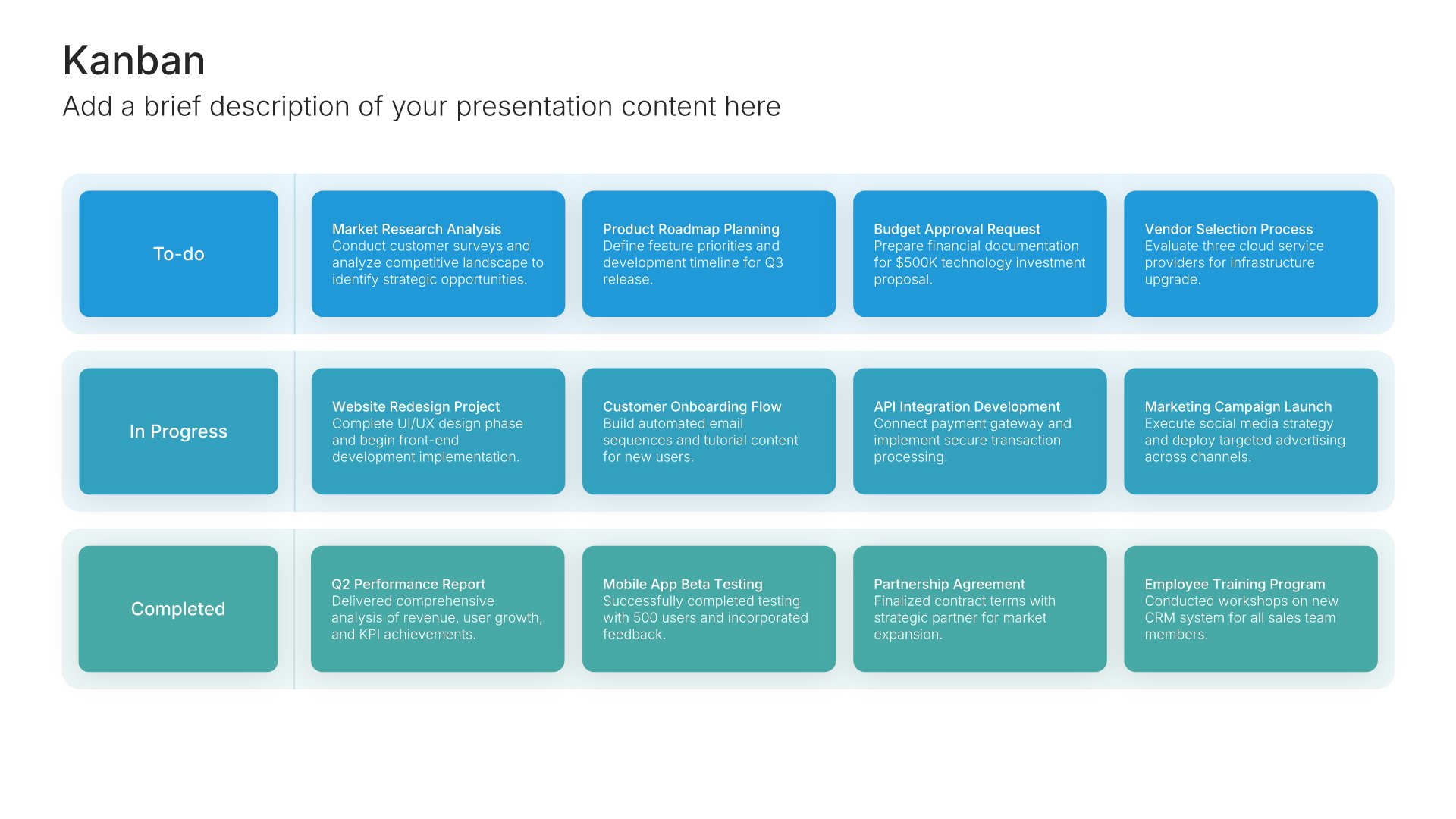
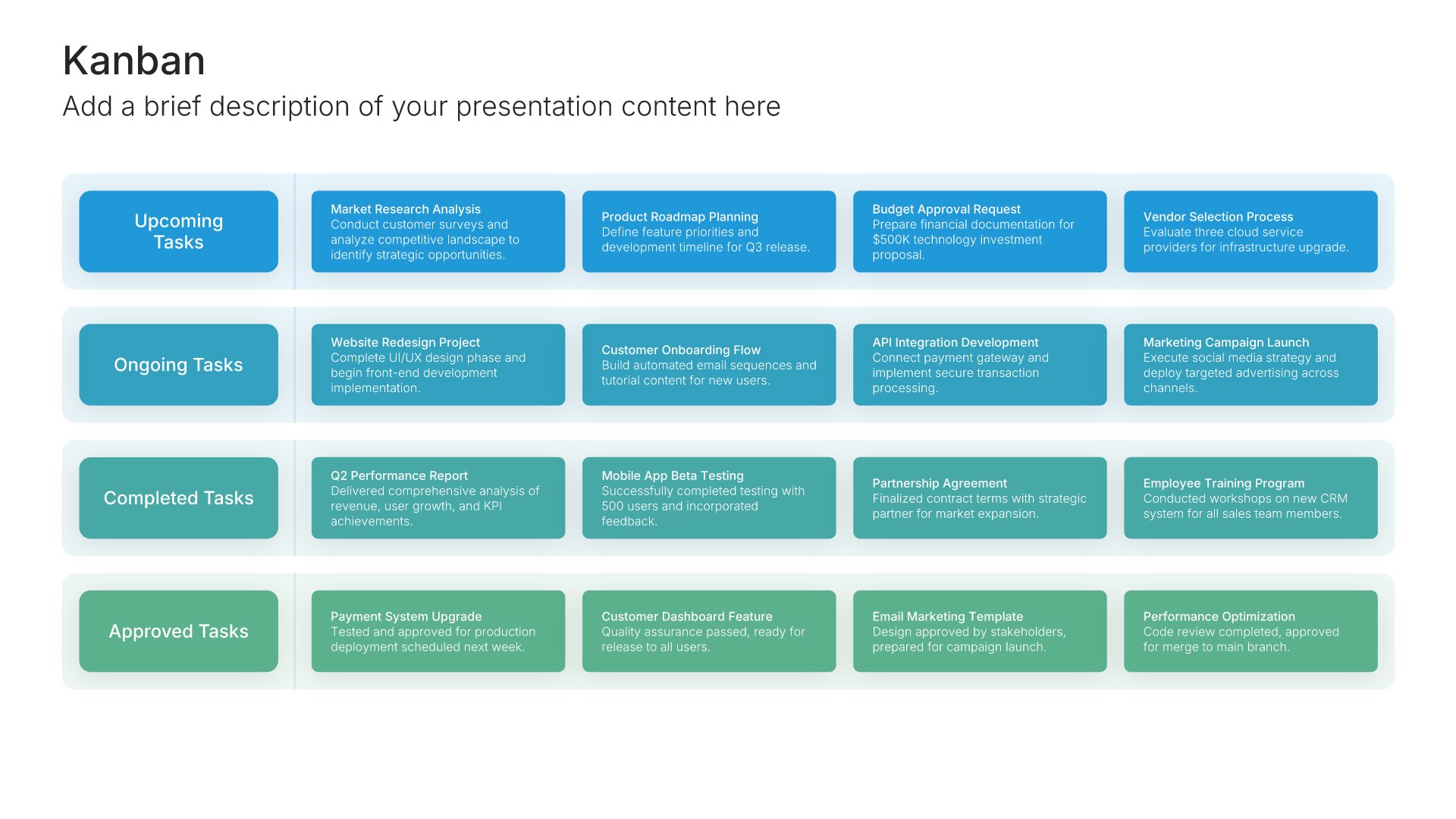
Layout 04
Layout 05
Layout 06
Layout 07
Layout 08
Layout 09
Layout 10
Layout 11
Layout 12
Layout 13
Layout 14
Layout 15
Layout 16
Layout 17
Layout 18
Layout 19
Layout 20
Layout 21
Layout 22
Layout 23
Layout 24
Layout 25
Layout 26
Layout 27
Layout 28
Layout 29
Layout 30
Layout 31
Layout 32
Layout 33
Layout 34
Layout 35
Layout 36
Layout 37
Layout 38
Layout 39
Layout 40
Layout 41
Layout 42
About our kanban slides
What the slide does, how to use it, your brand, and a file you can edit anywhere.
Built to make work visible in a status update
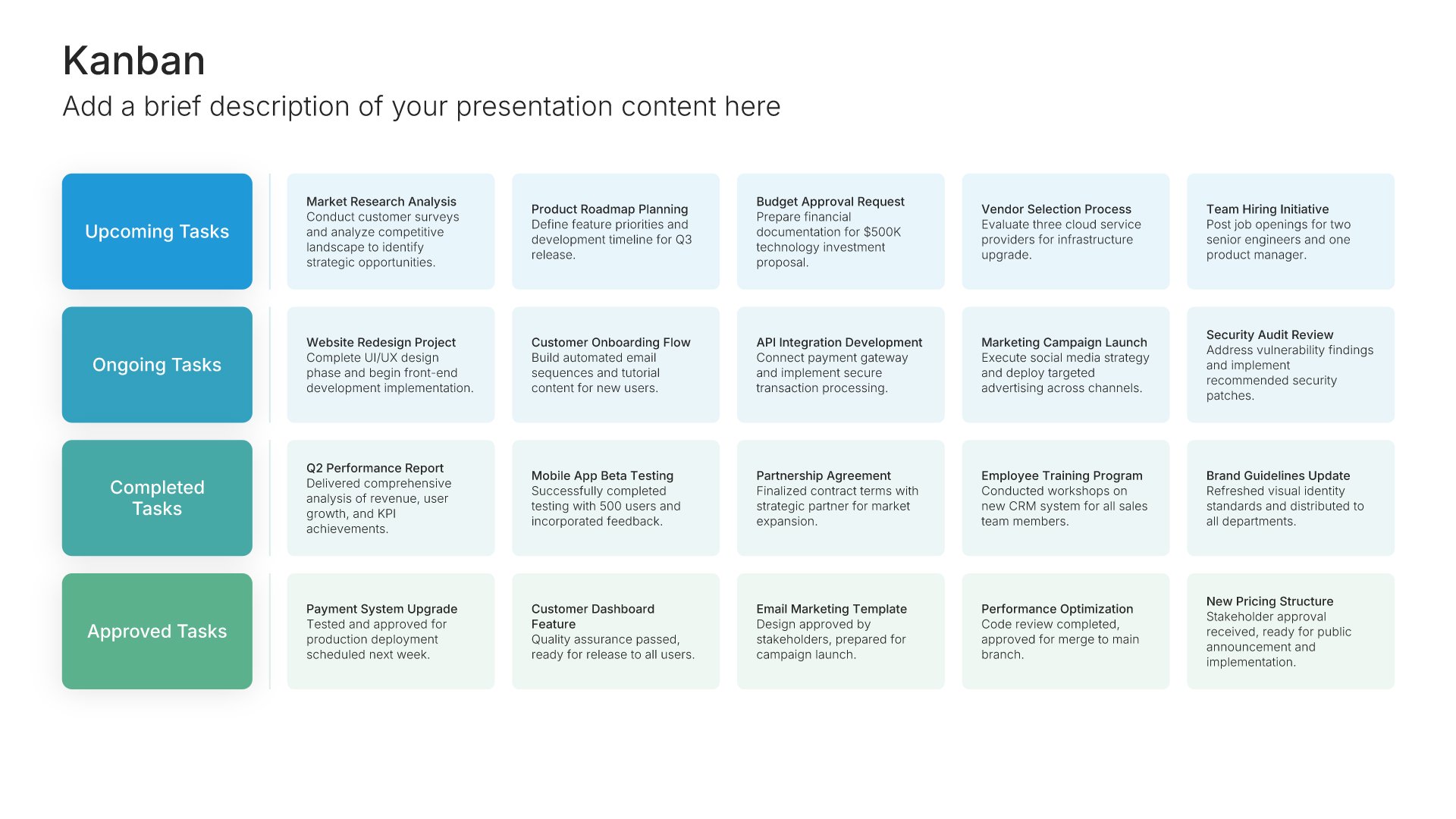
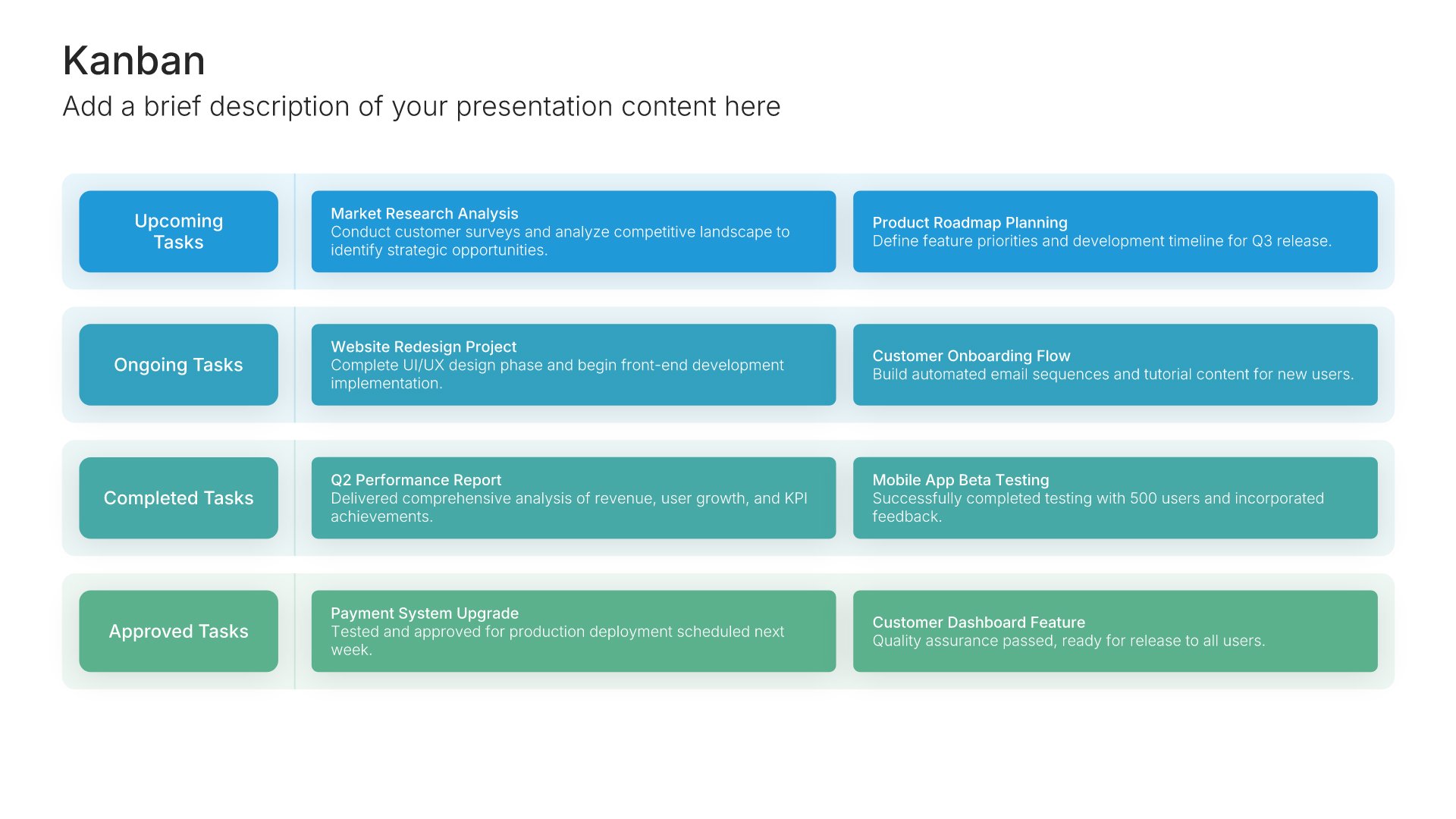
Kanban started in manufacturing as a way to make work visible, and teams now use it to manage everything from software to marketing. Kanban board slides bring that view into a presentation, so a status update shows exactly where every piece of work stands. Our kanban slides keep the columns clear and the cards readable, even from across the room.
Why columns make progress obvious
A status update written as a list makes people read every line to find out what’s stuck. A board shows it at a glance: a crowded in-progress column means too much is being worked on at once. So the audience sees bottlenecks without being told, and the discussion goes straight to fixing them.
Brand the whole presentation in one click
Add your logo, colors, fonts, and background once. It applies to the whole presentation and the entire slide library at the same time. Kanban slides show up in team updates and client reports week after week, so once branded, they look consistent every time.
Export to PowerPoint, Google Slides, or Keynote
You get a real file, not a locked link. Export it and keep editing in the tool you already use. Columns, cards, and labels stay editable, so you can move work across the board before each update.
How Choladeck works
From blank page to finished presentation in four steps.
STEP 01
Browse 9,000+ slides across 134+ categories, or open one of the 74 premade presentations.
STEP 02
Add your logo, colors, and fonts in one click. The whole presentation instantly matches your company.
STEP 03
Add your text, numbers, charts, and tables. Everything on the slide is editable.
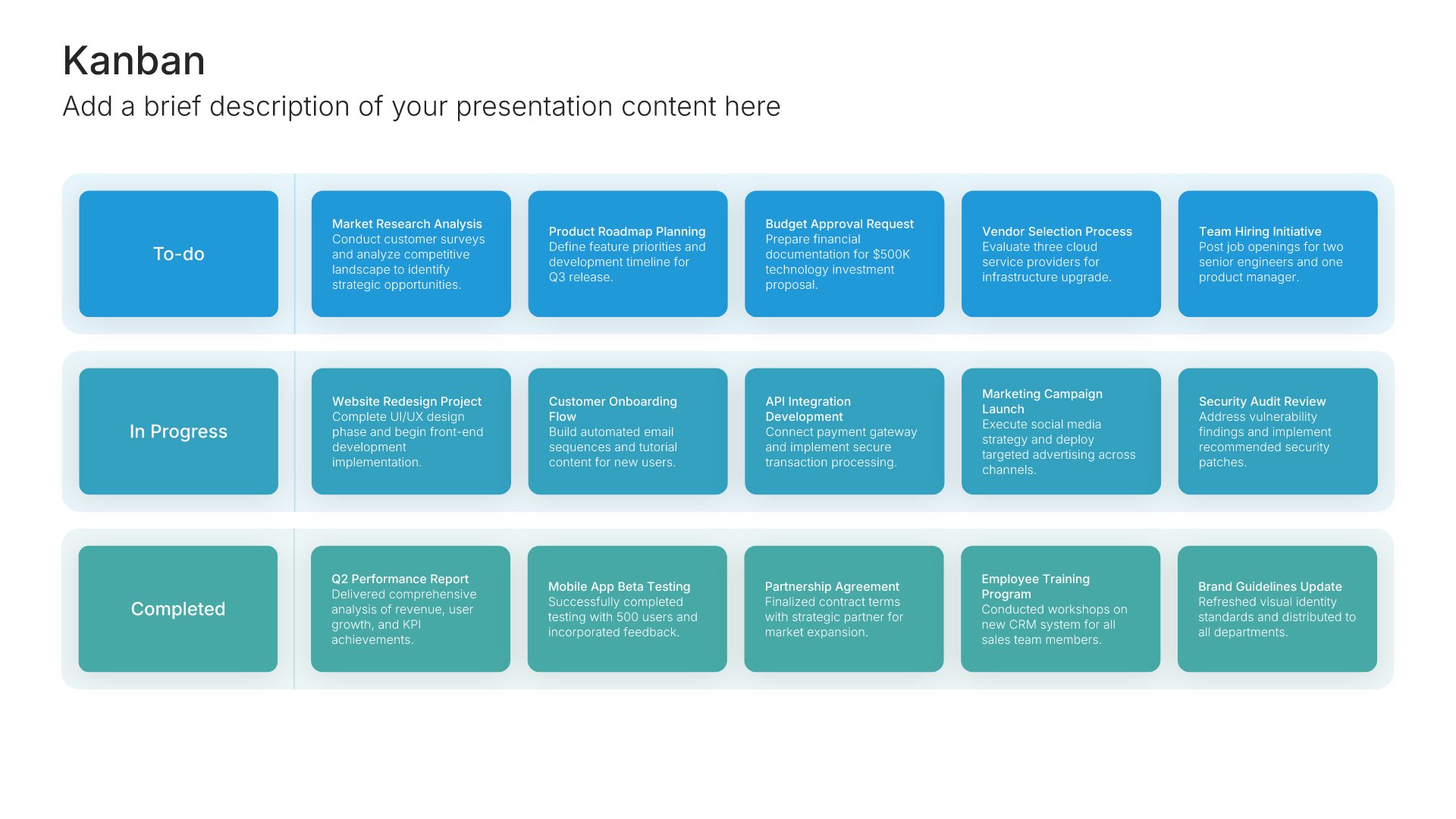
STEP 04
Send it to PowerPoint, Google Slides, or Keynote, and present.
Need a complete presentation instead?
If you're starting from nothing rather than fixing a few slides, open one of 74+ premade presentations instead. Each one is complete and built for one purpose, from pitch decks to business plans and company profiles.
Questions about kanban board slides
How the slides work, and how far you can change them.
Using the slides
Can I edit these slides in PowerPoint?
+Yes. Export to PowerPoint, Google Slides, or Keynote, and every card stays editable. Nothing is locked and nothing is a flat image.
How do I brand them to my company?
+Add your logo, colors, fonts, and background once. It applies to the whole presentation and the entire slide library at the same time.
Can I mix them with other slides from the library?
+Yes. Add a kanban slide to any premade template, or pair it with Gantt chart or checklist slides from the library. Branding applies across all of them.
About kanban boards
What columns does a kanban board have?
+The simplest version is to do, in progress, and done. Teams often add columns such as review or blocked to match how they work.
Why use a kanban slide instead of my project tool?
+Your tool is for managing work. A slide is for presenting it, so you can show only what the audience needs and keep it on brand.
How many cards should a kanban slide show?
+Enough to show the state of the work. For big projects, show the main items and leave the full board in your tool.
Your next kanban board slide is already designed
Pick a layout, brand it in one click, add your content, and export.
Free to start. No credit card required.