Try Choladeck Free: Download Personalized Business Slides Today

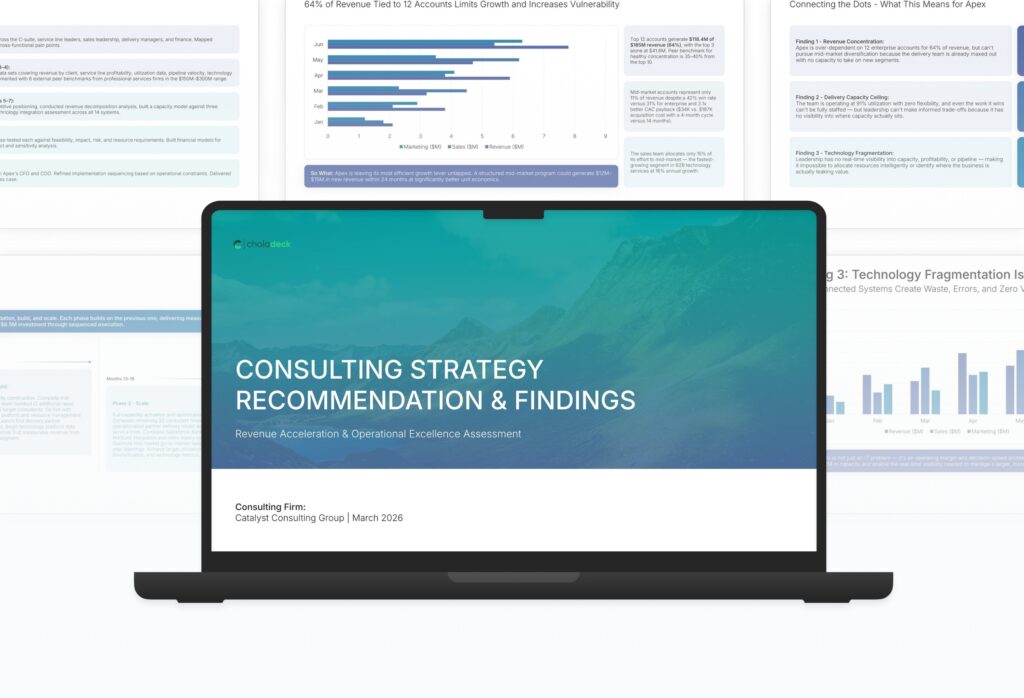
Consulting Strategy Recommendation & Findings Premade Template

A comprehensive consulting strategy recommendation template designed for consultants presenting findings to clients. Built on the McKinsey Pyramid Principle Model, this presentation covers engagement recap, methodology, key findings, strategic options, recommended strategy, implementation roadmap, and financial impact. Ideal for engagement deliverables.
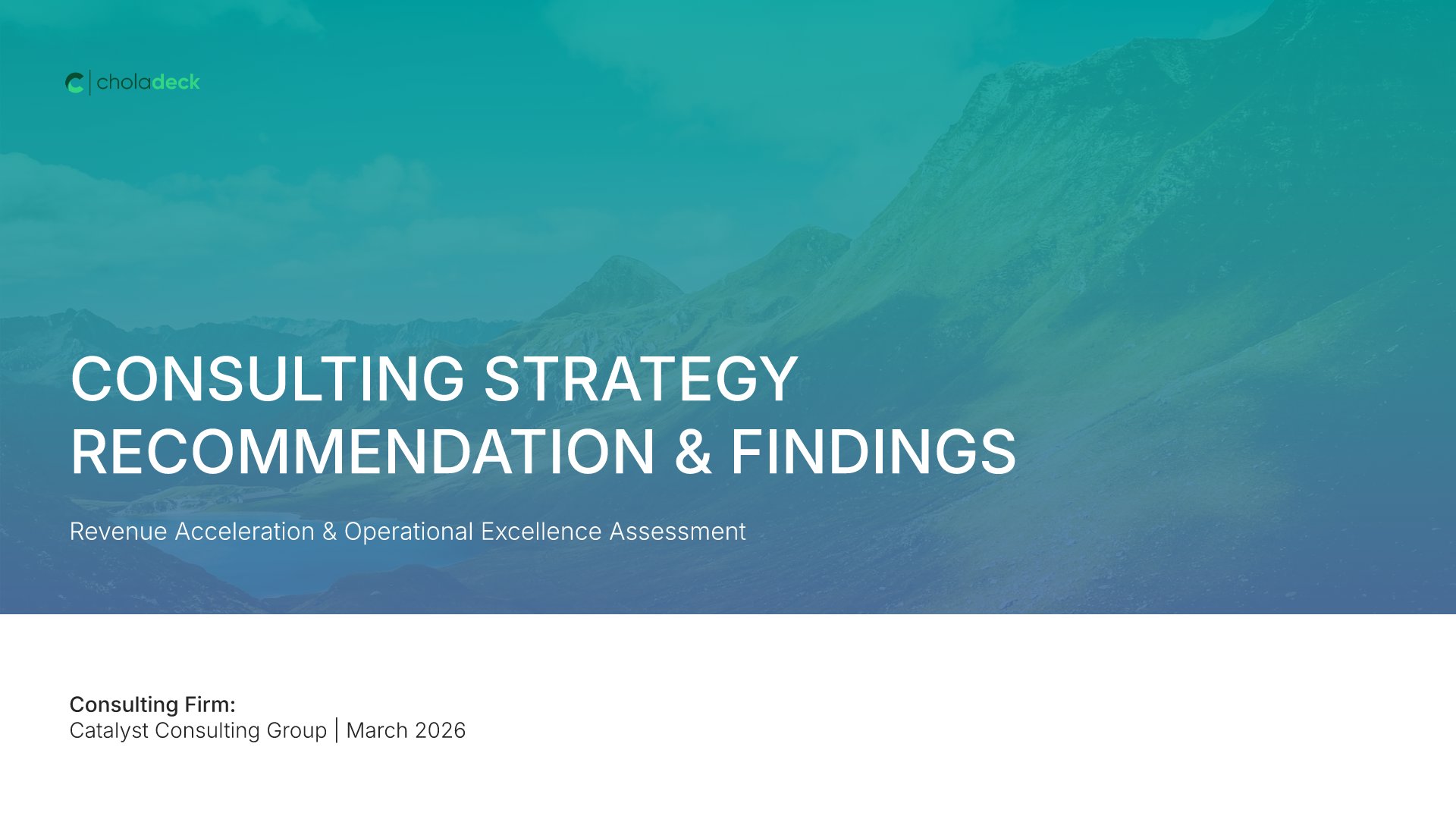
Consulting Strategy Recommendation & Findings Featured Image

How to Build a Consulting Strategy Recommendation & Findings Presentation

Learn how to create a compelling strategy recommendation deck that lands findings and drives client action. This guide walks you through structuring the recap, presenting key findings, evaluating strategic options, articulating your recommendation, and outlining the implementation roadmap that turns analysis into measurable client impact.

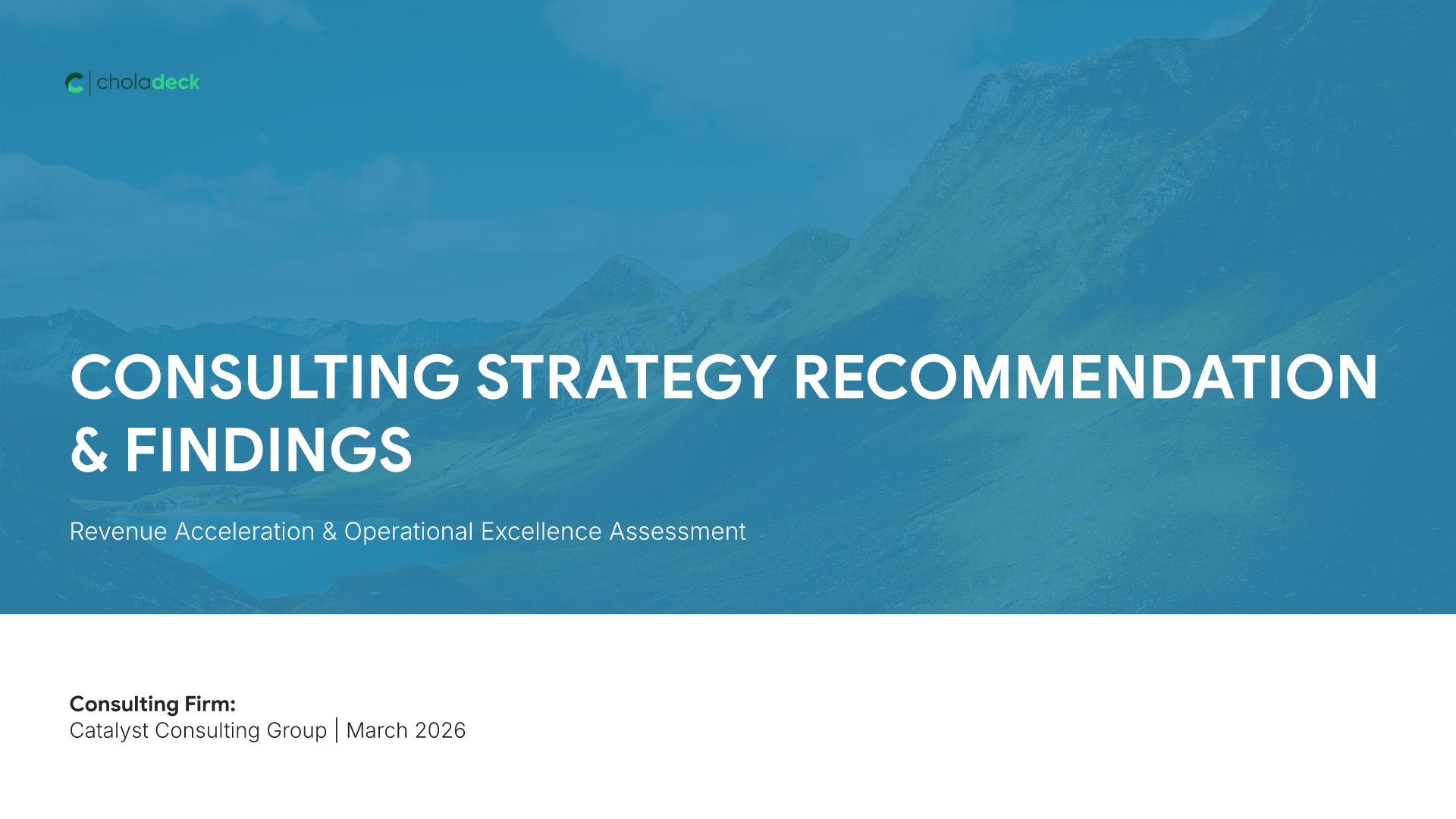
1. Title

Title slides help you open presentations with impact. Use them to create strong first impressions with opening slides that set the tone, introduce your topic, and establish your brand. Ideal for any presentation where a polished, professional opening slide sets the stage for everything that follows.
Built using Thank You slides

2. Executive Summary

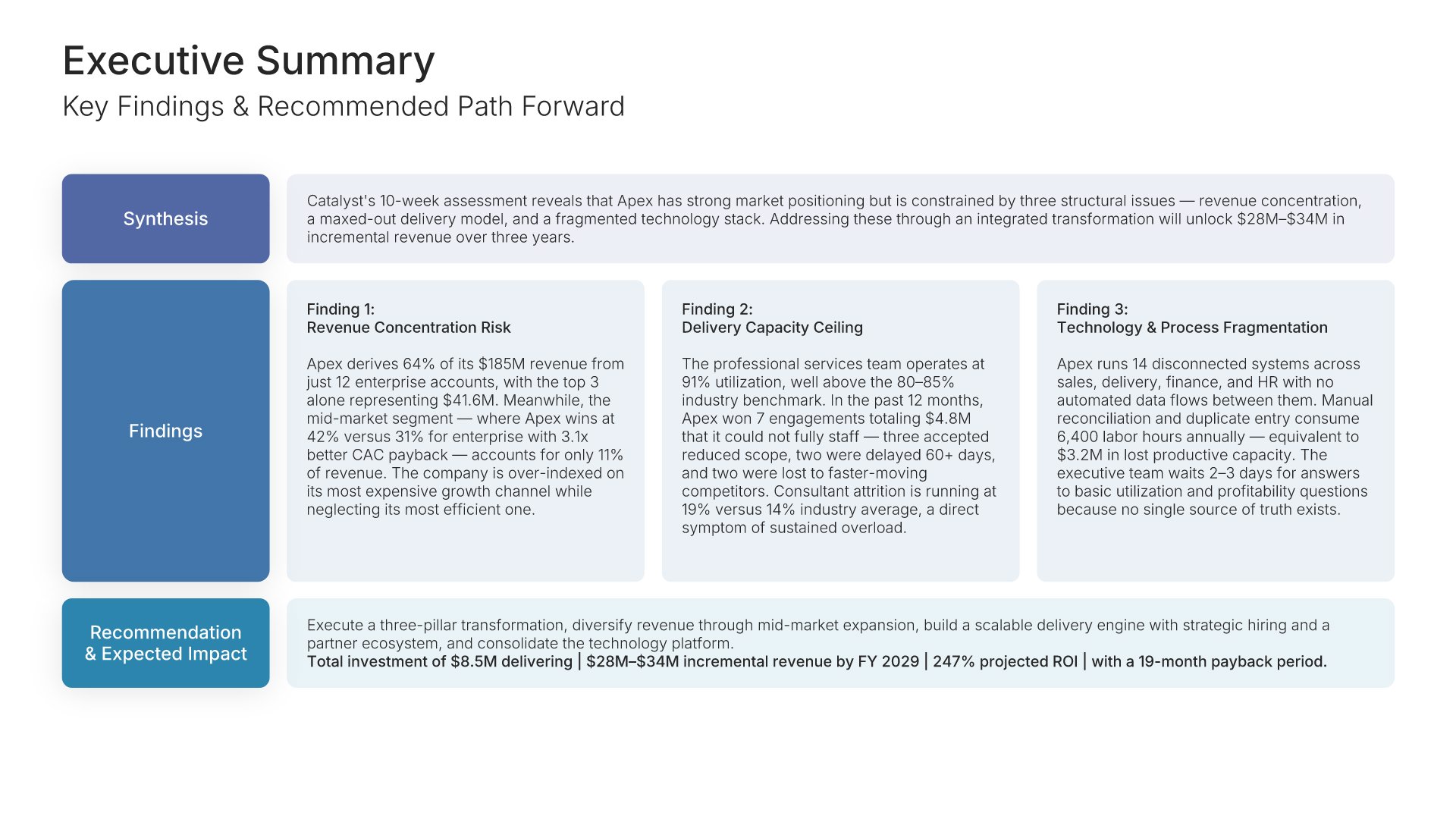
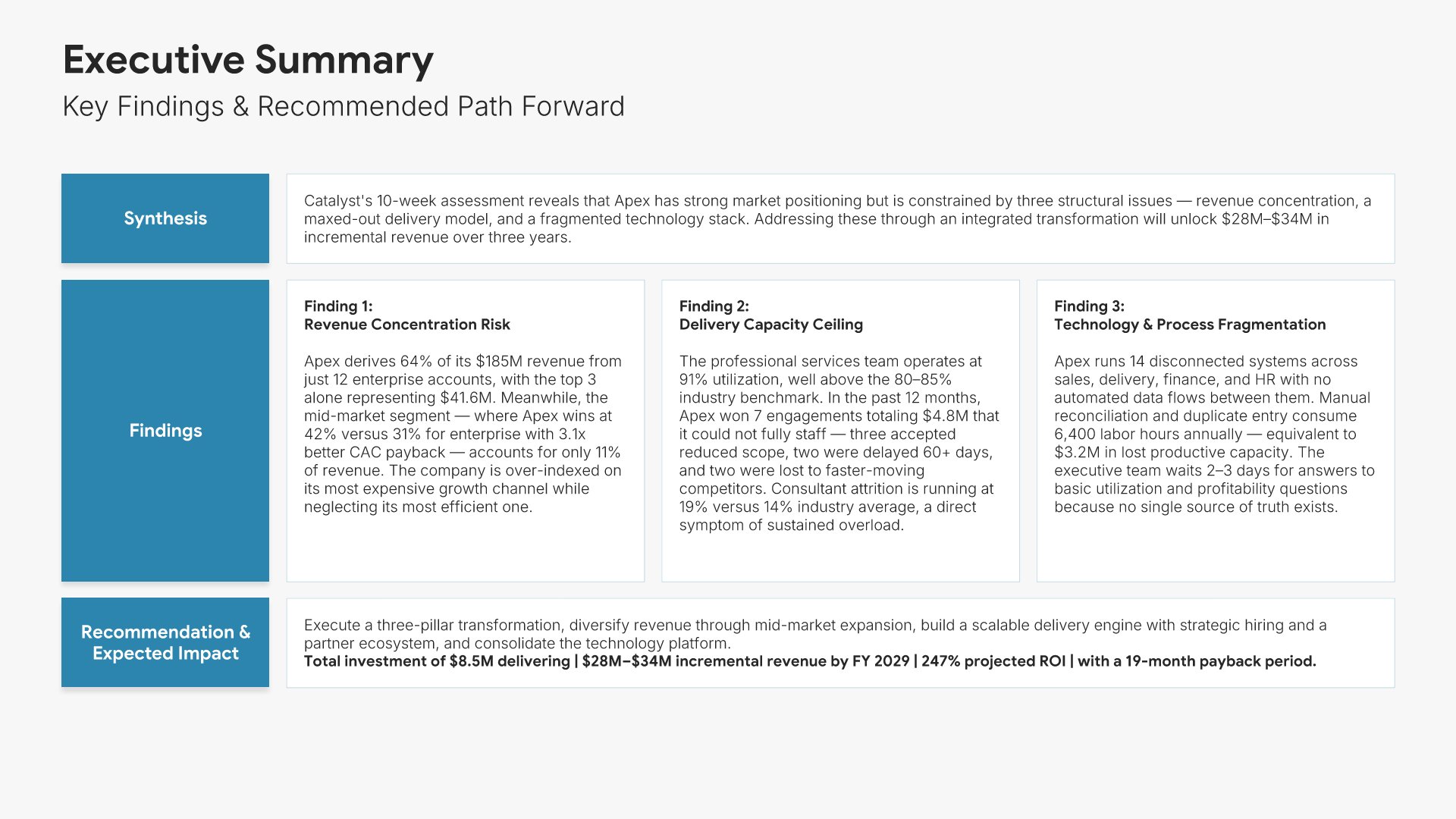
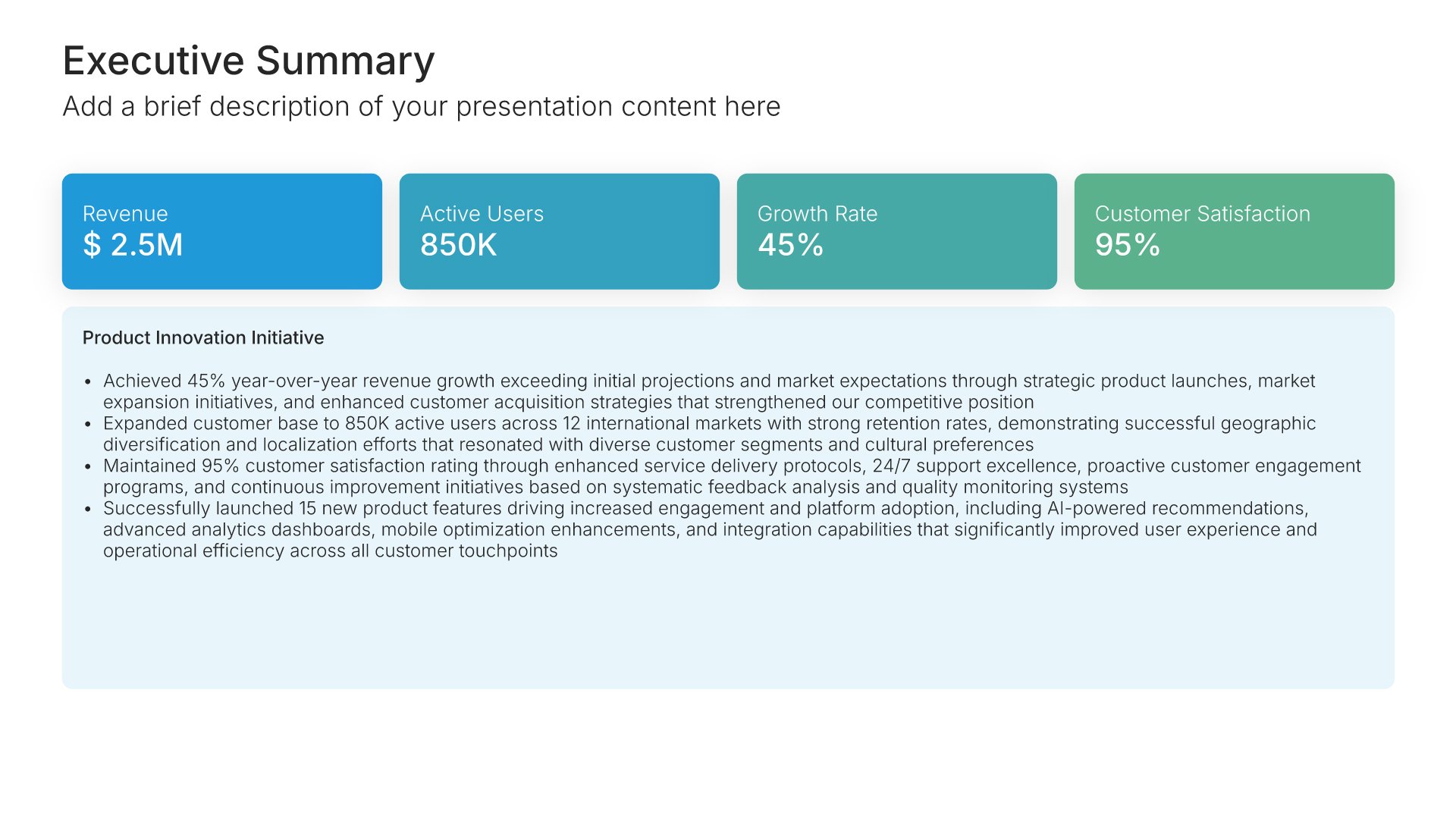
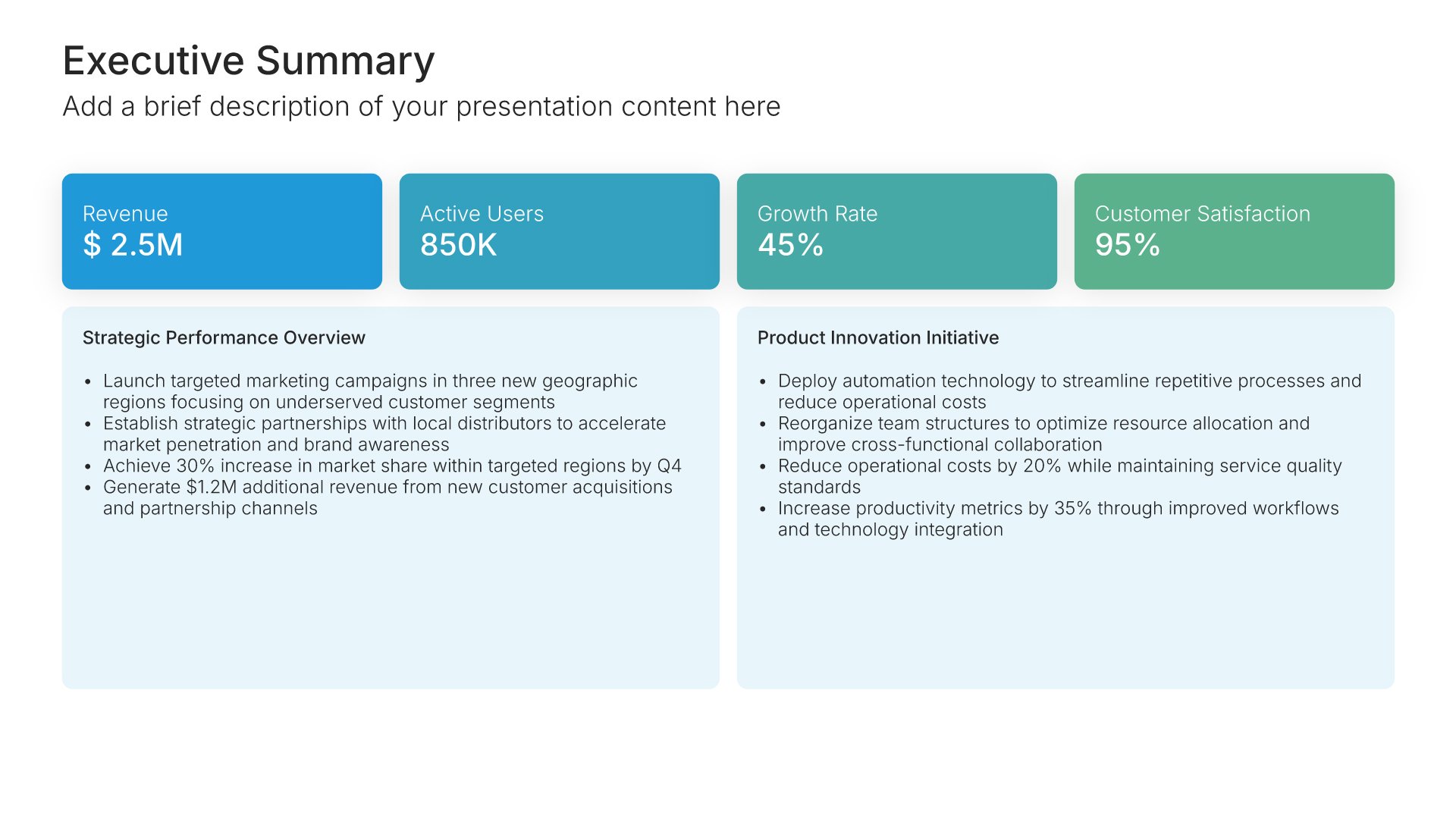
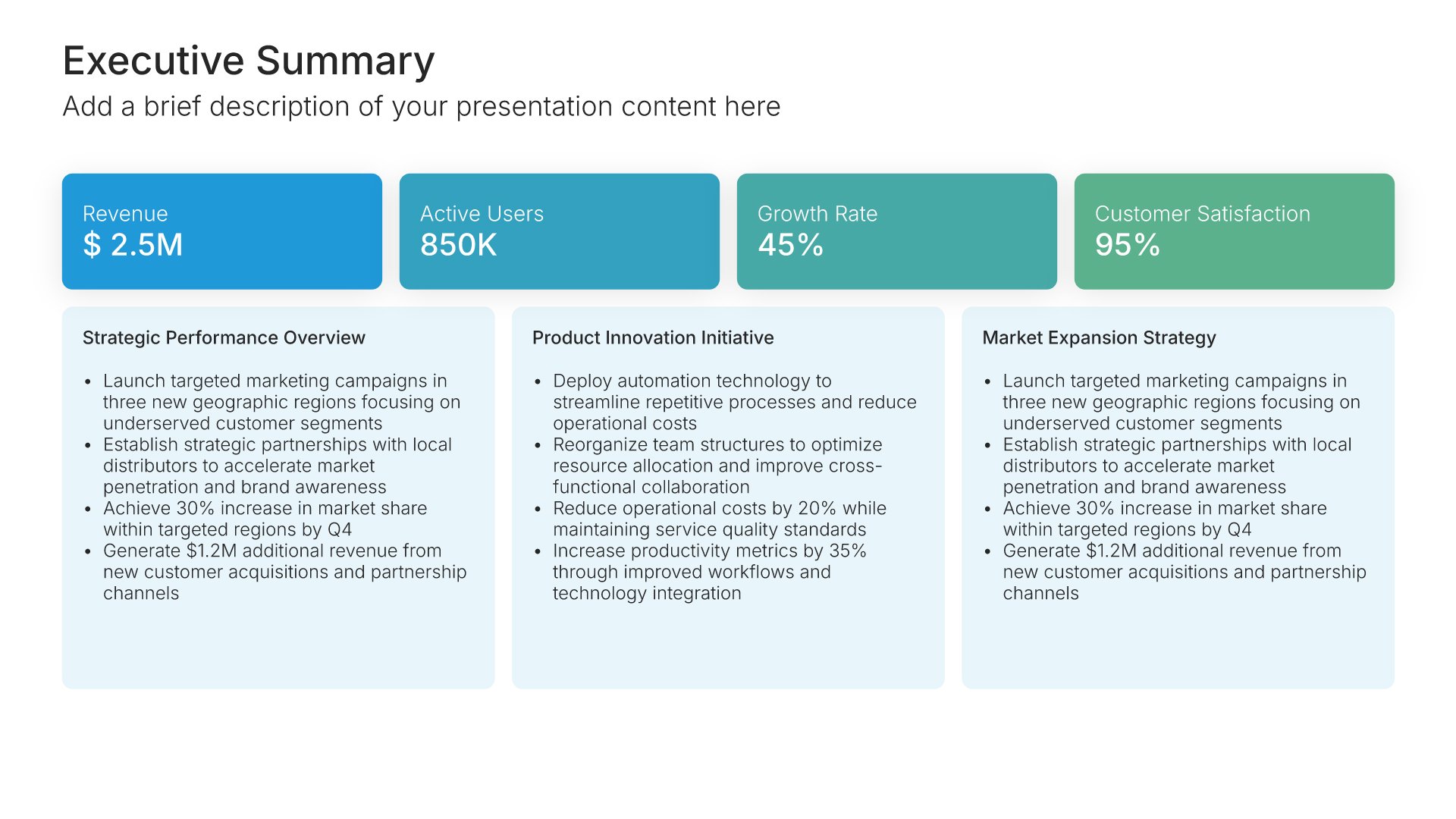
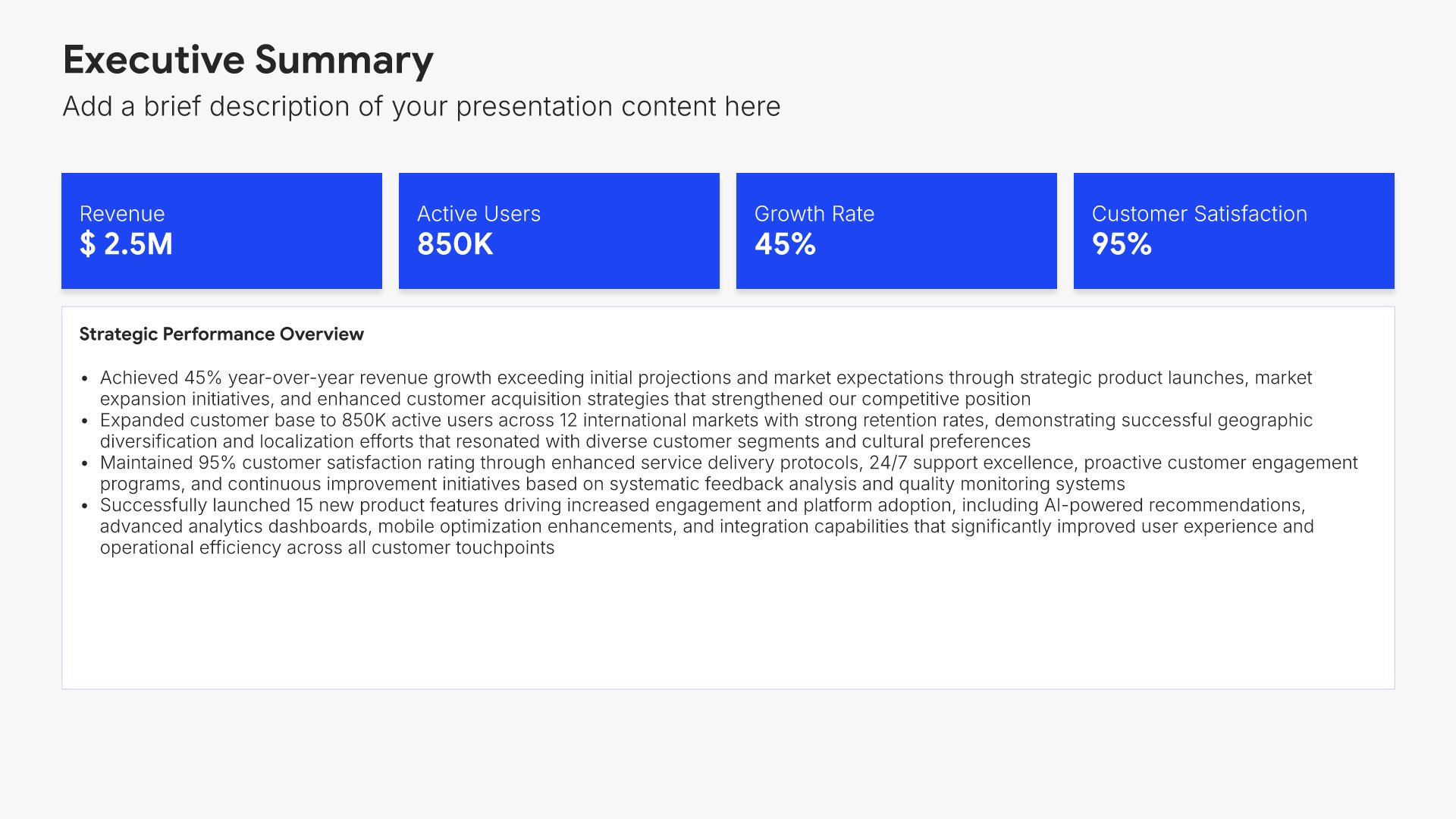
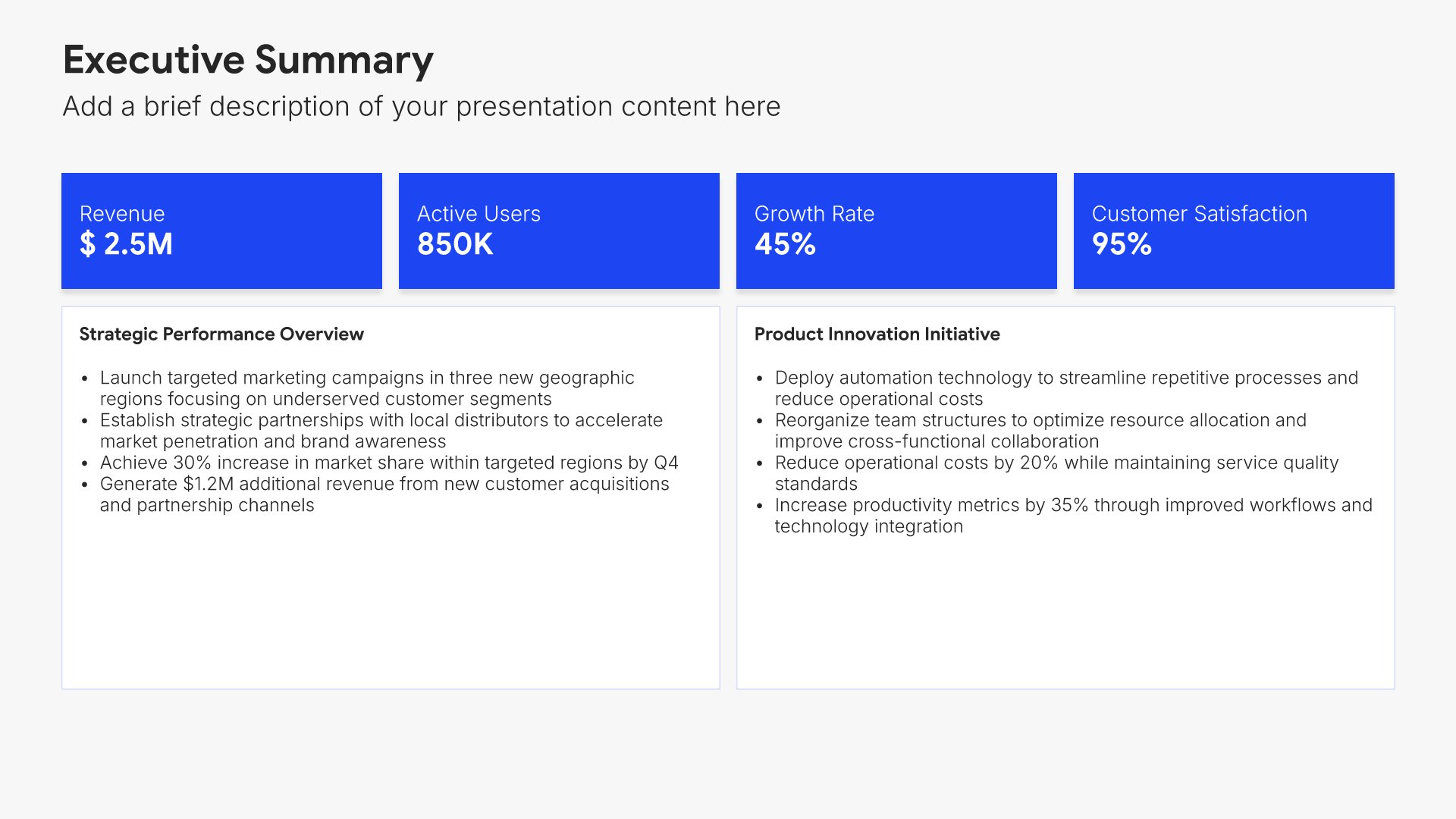
Executive summary slides help you present key points concisely for busy stakeholders. Use them to distill complex information into clear highlights, recommendations, and conclusions that can be understood at a glance. Ideal for board presentations, project updates, and any situation where decision-makers need the essential takeaways fast.
Built using Executive Summary slides

3. Engagement Recap

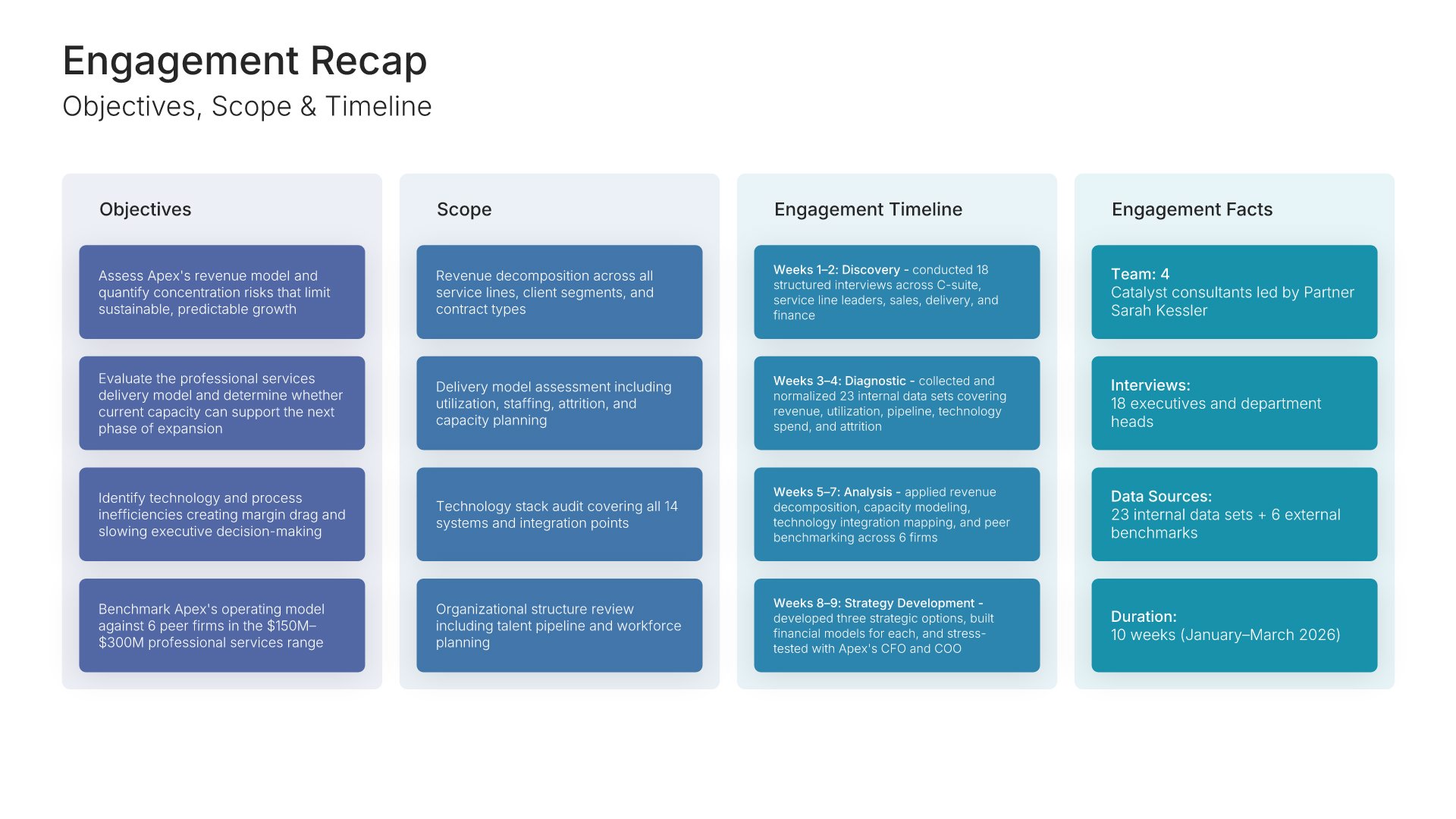
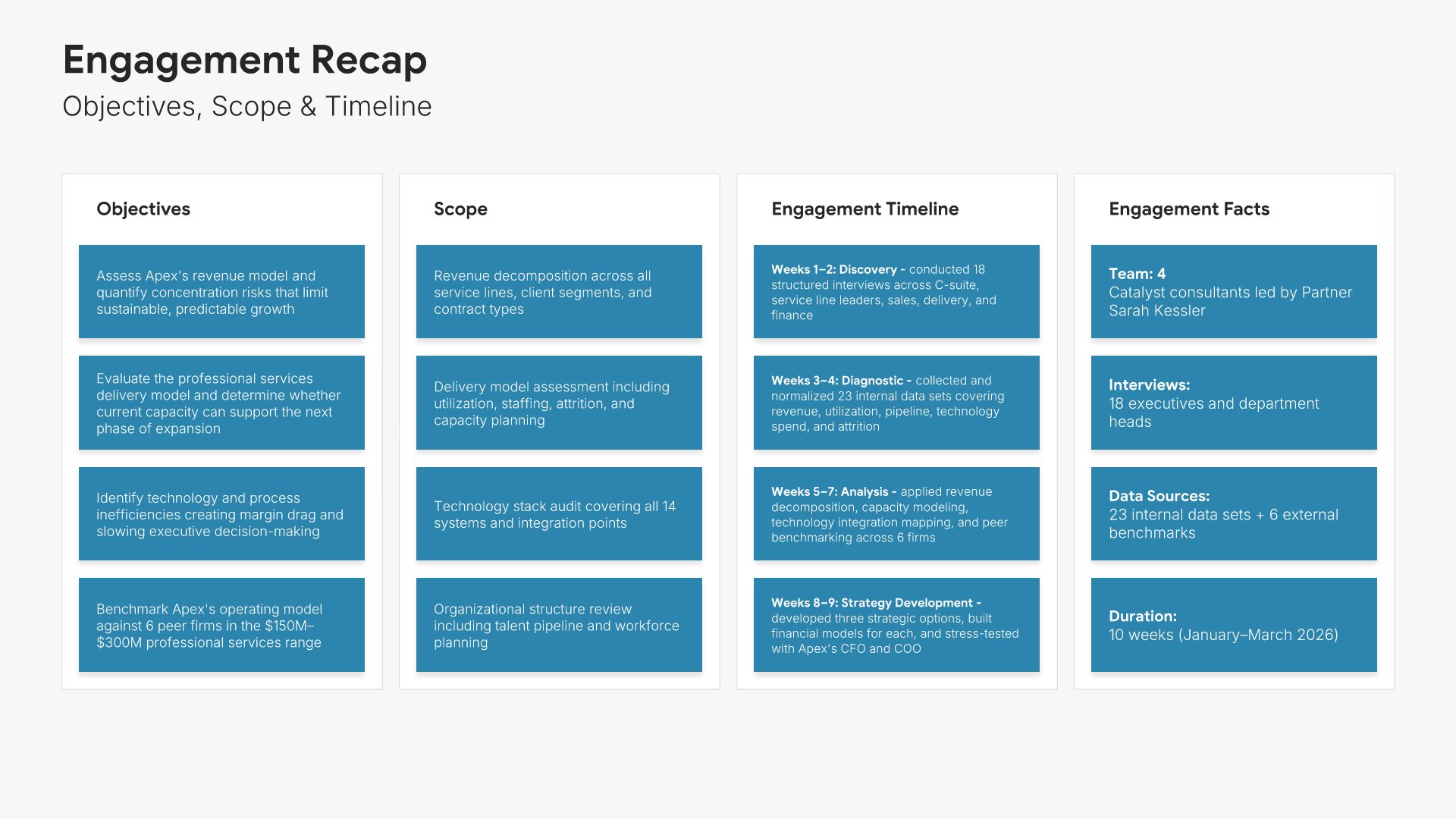
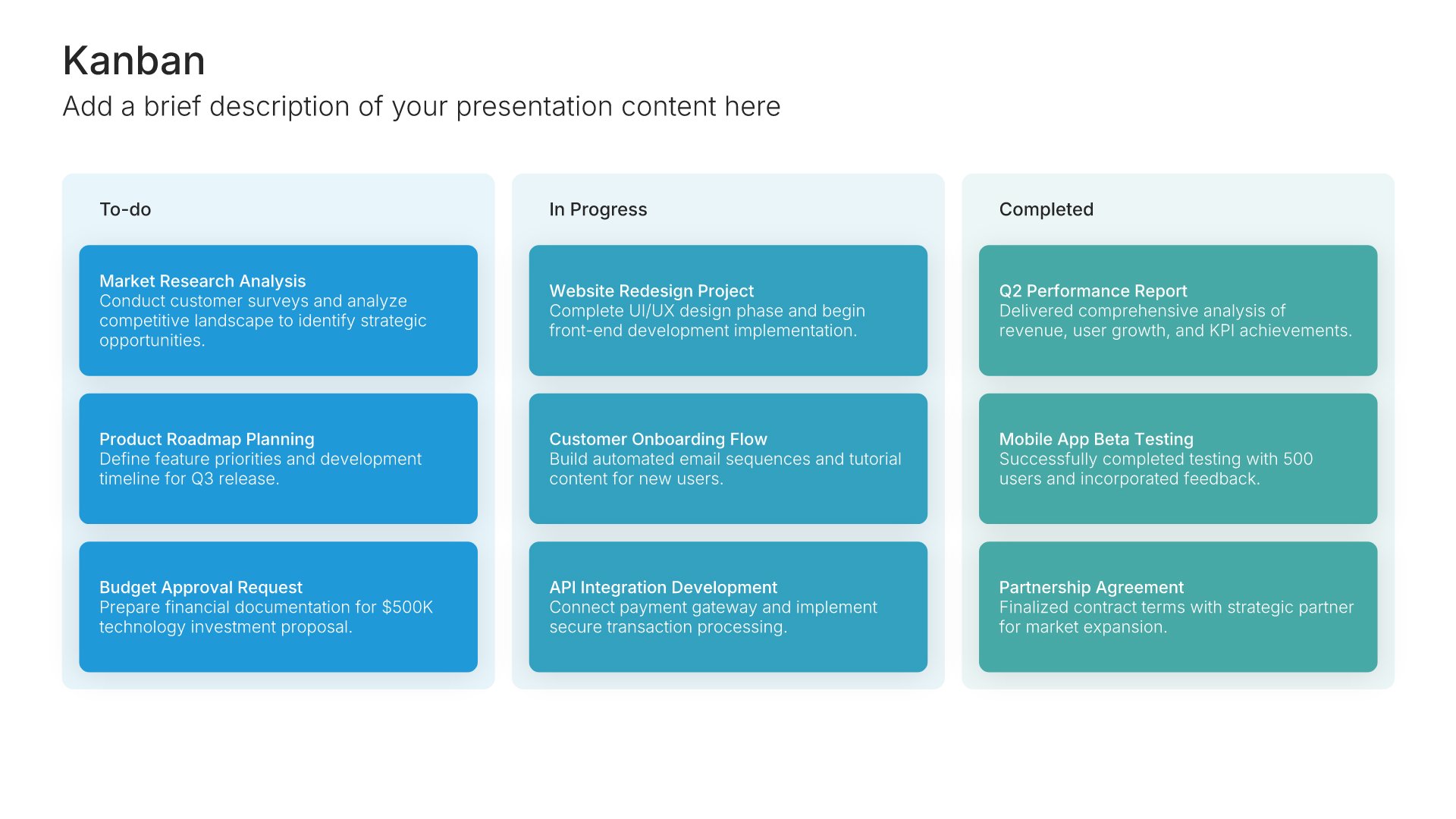
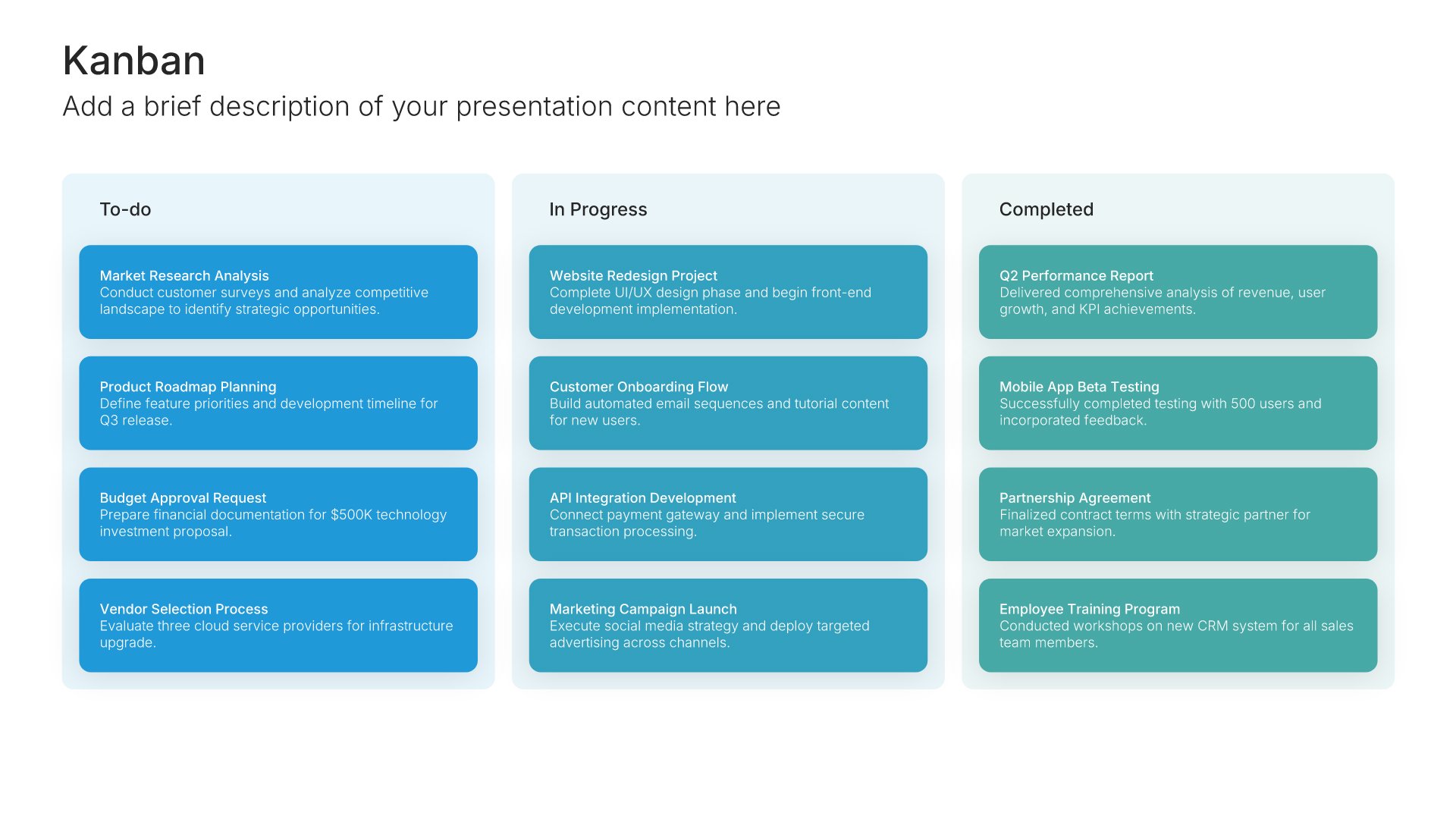
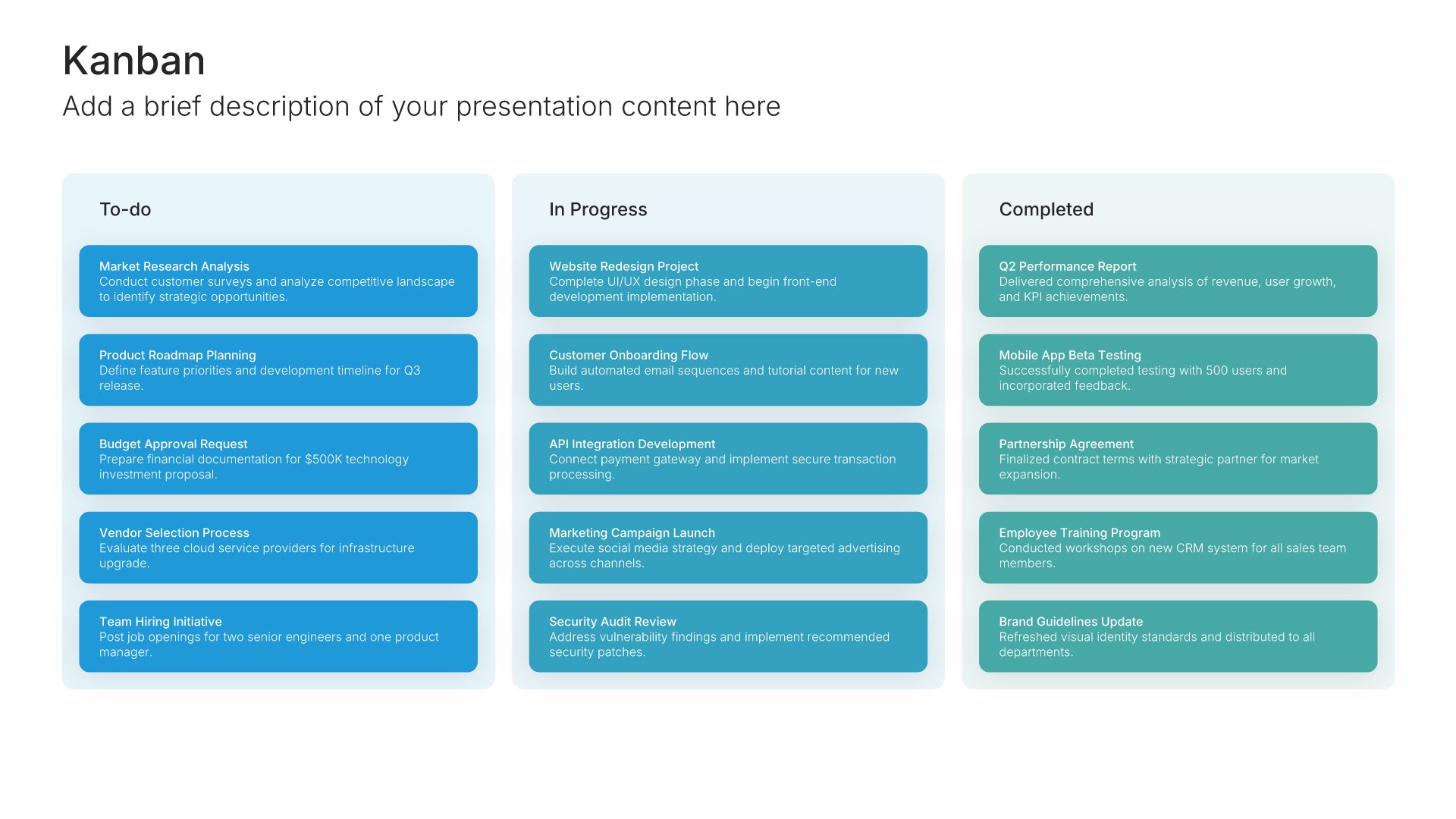
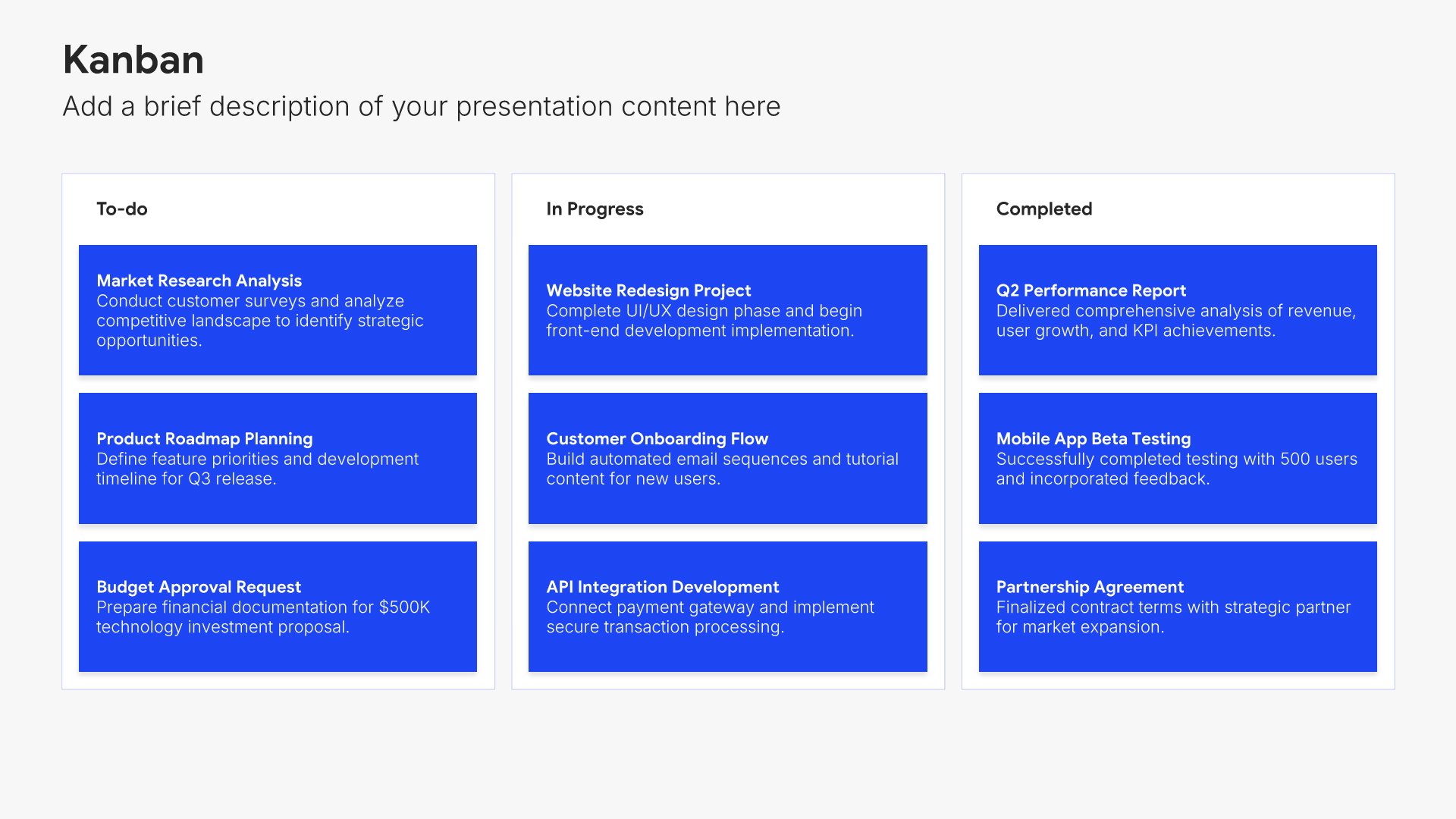
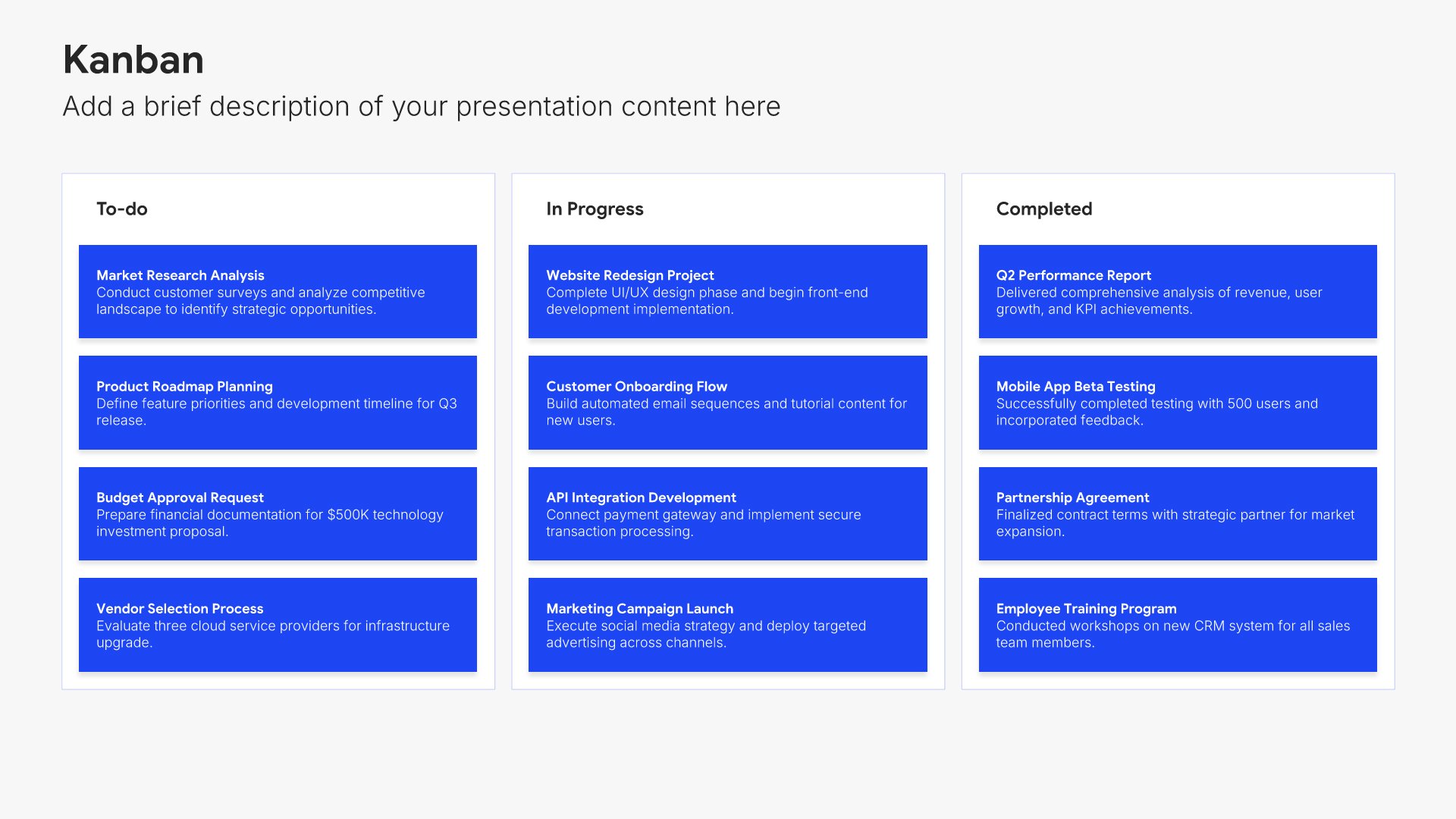
Engagement recap slides help you remind the audience of the original objectives, scope, and approach of the work. Use them to summarize what was commissioned, the timeline, and the workstreams involved. A clear recap grounds the audience in shared context before findings and recommendations follow and connects the deliverable to the original brief.
Built using Kanban slides

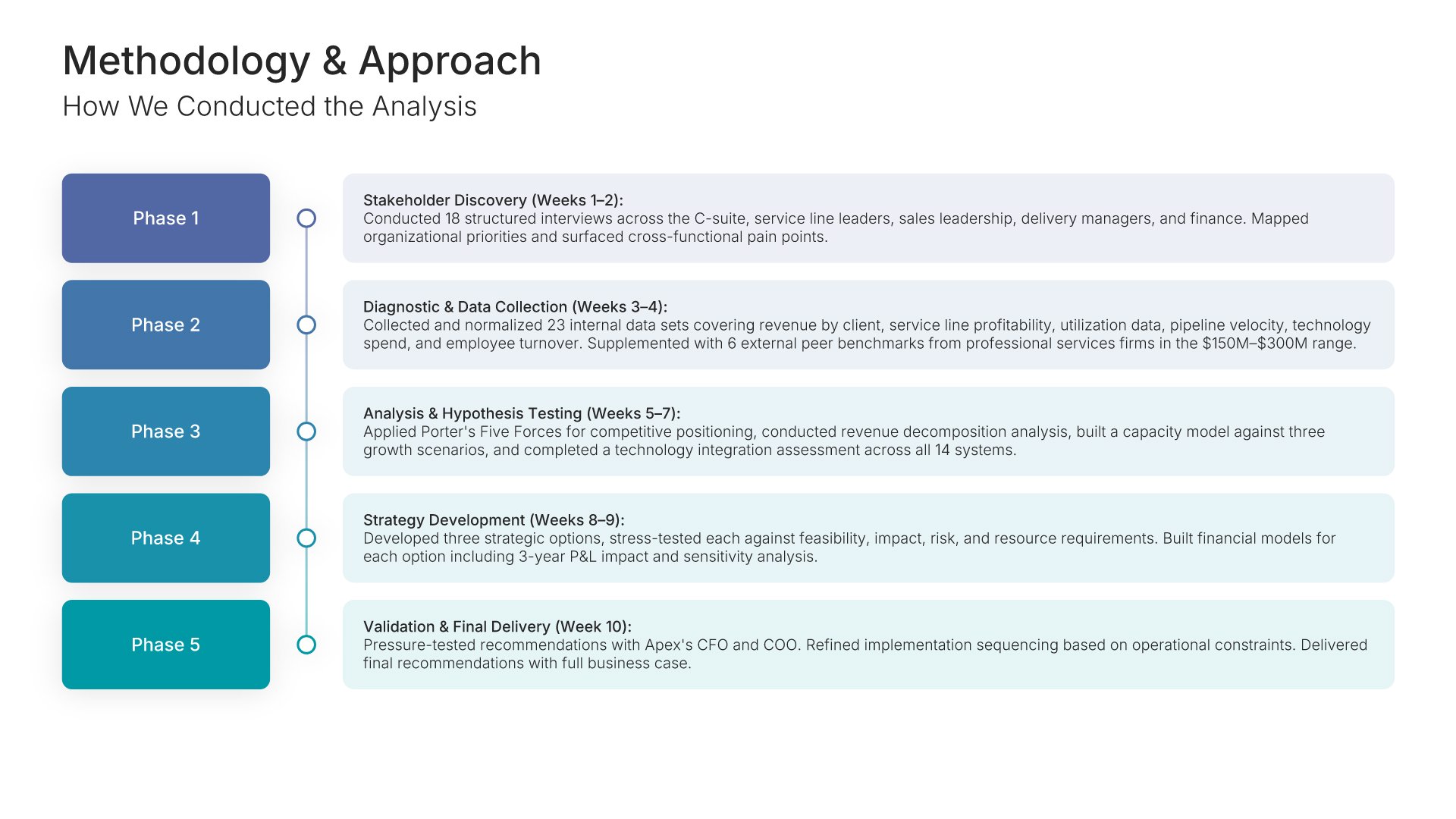
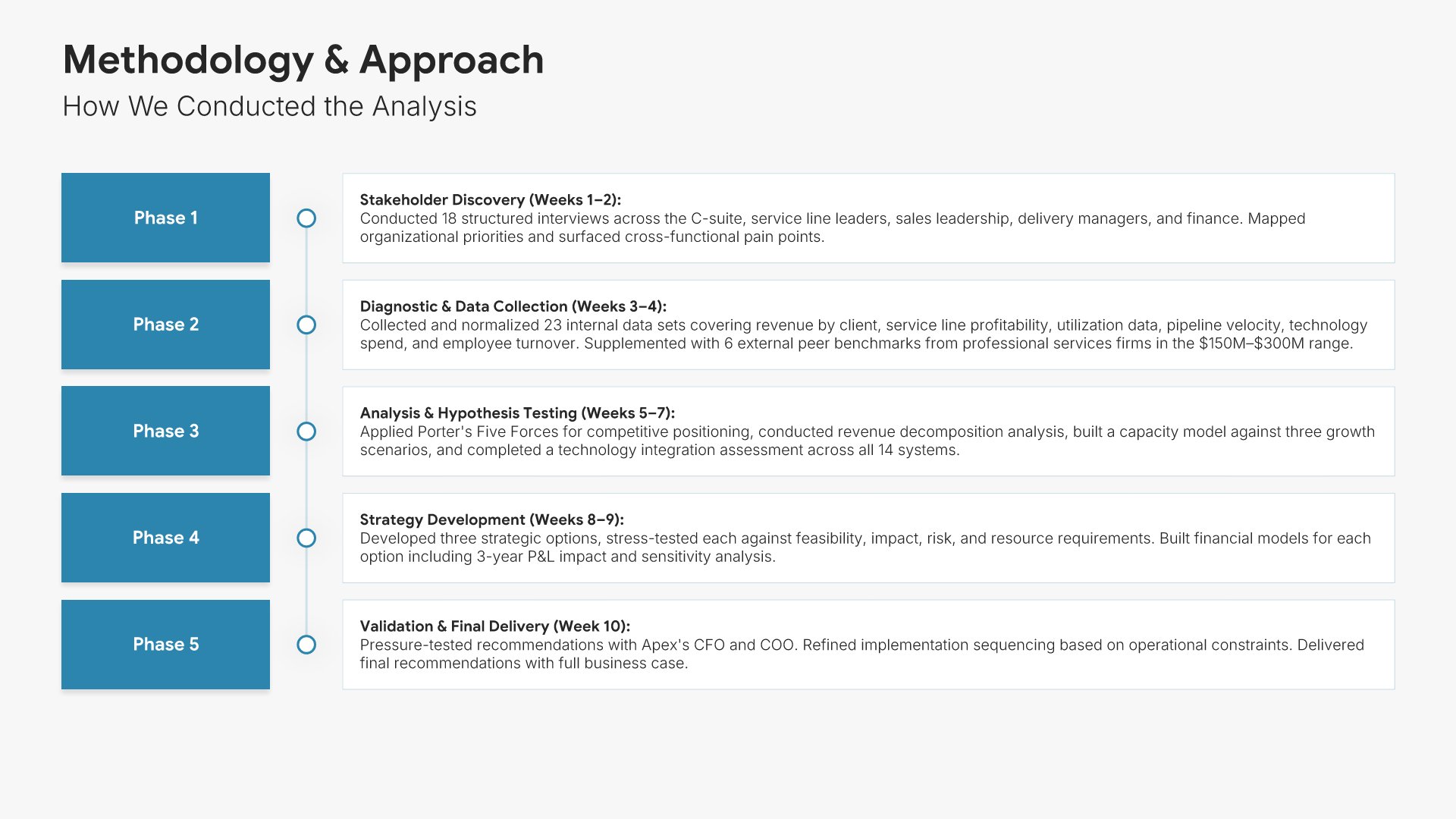
4. Methodology & Approach

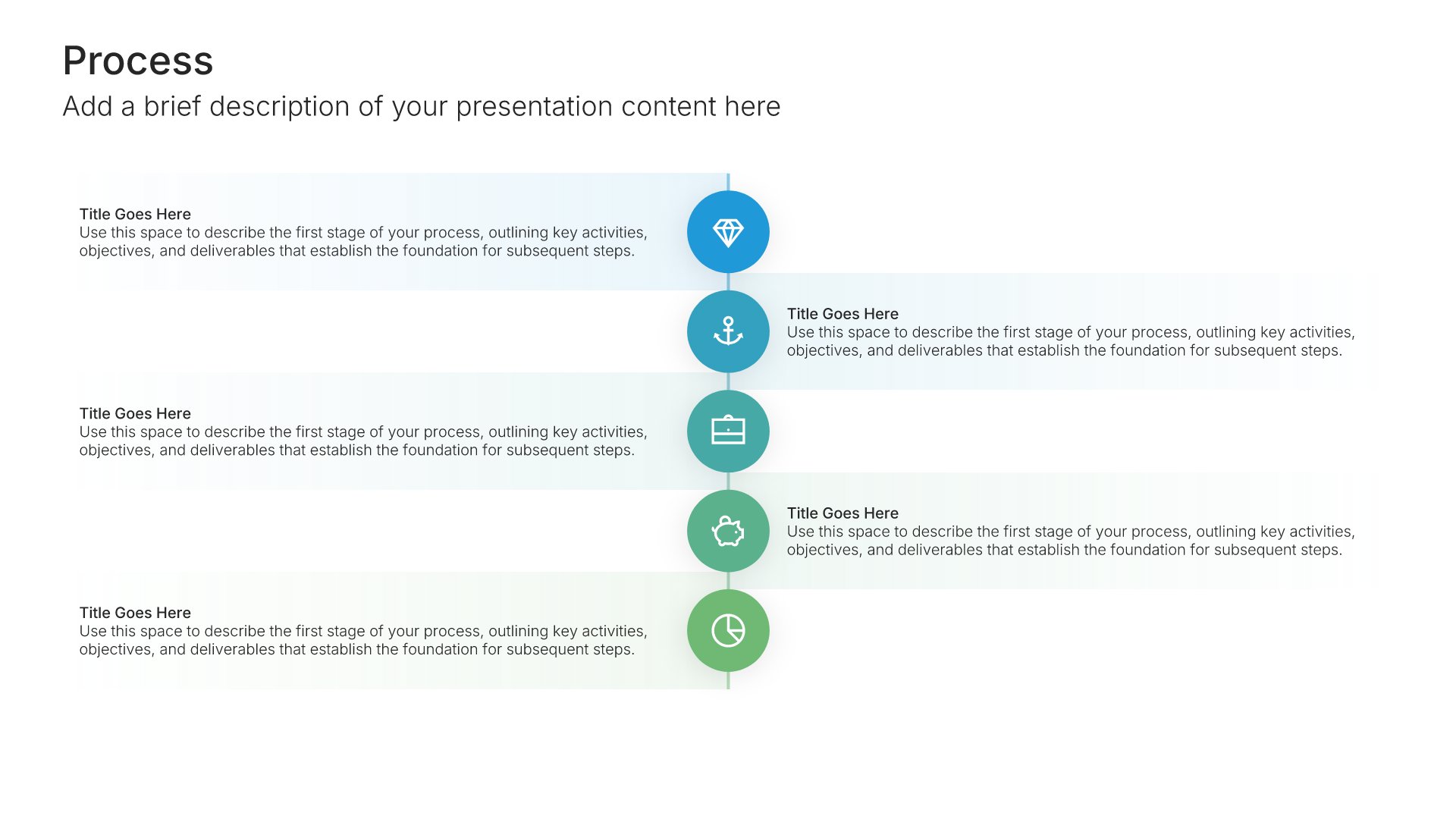
Methodology slides help you explain how your project will be executed. Use them to present the approach, phases, processes, and frameworks that guide delivery. Demonstrating a structured, proven methodology builds stakeholder confidence in your ability to deliver results successfully and manage complex initiatives.
Built using Process – Vertical slides

5. Current State Analysis

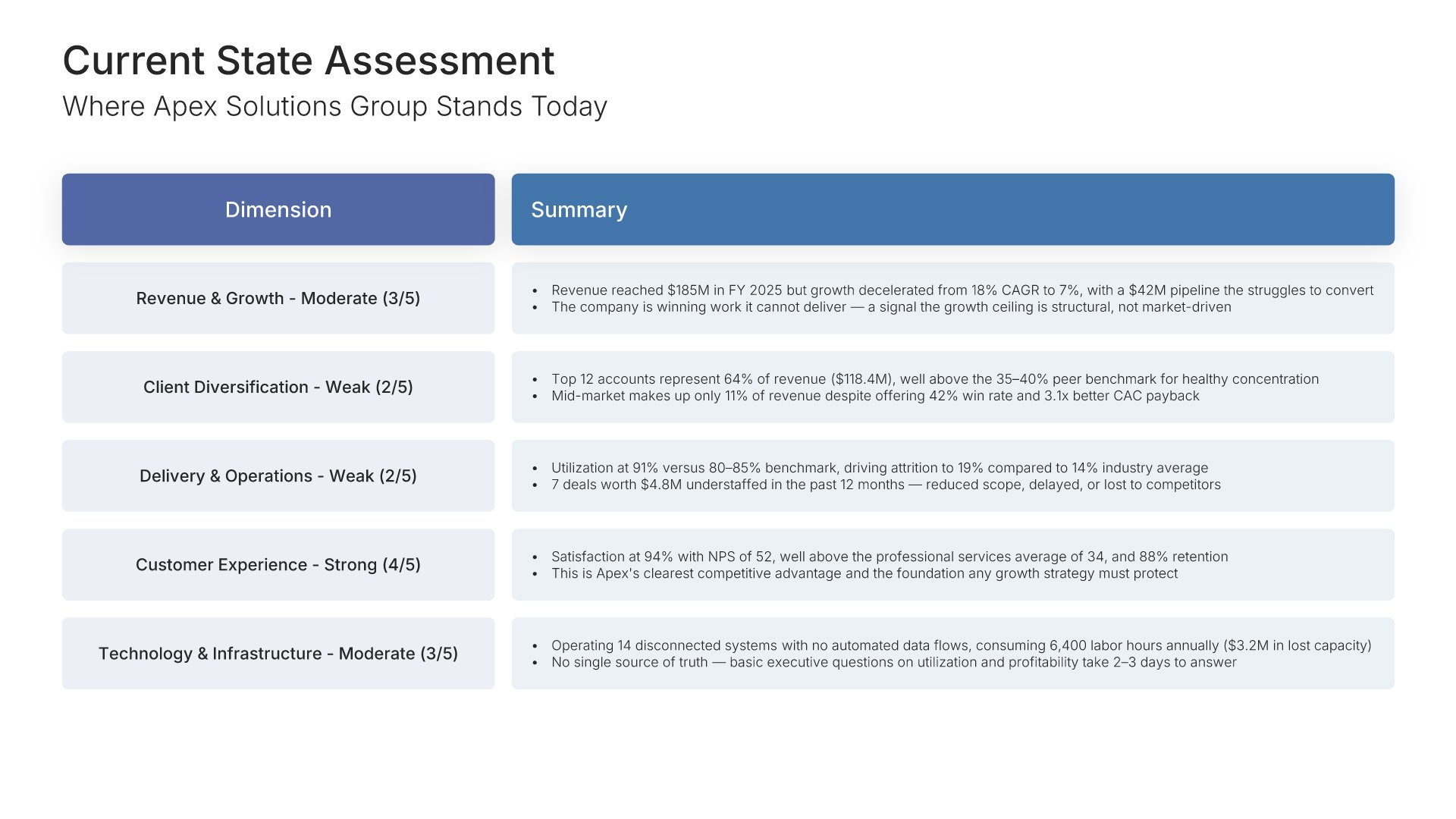
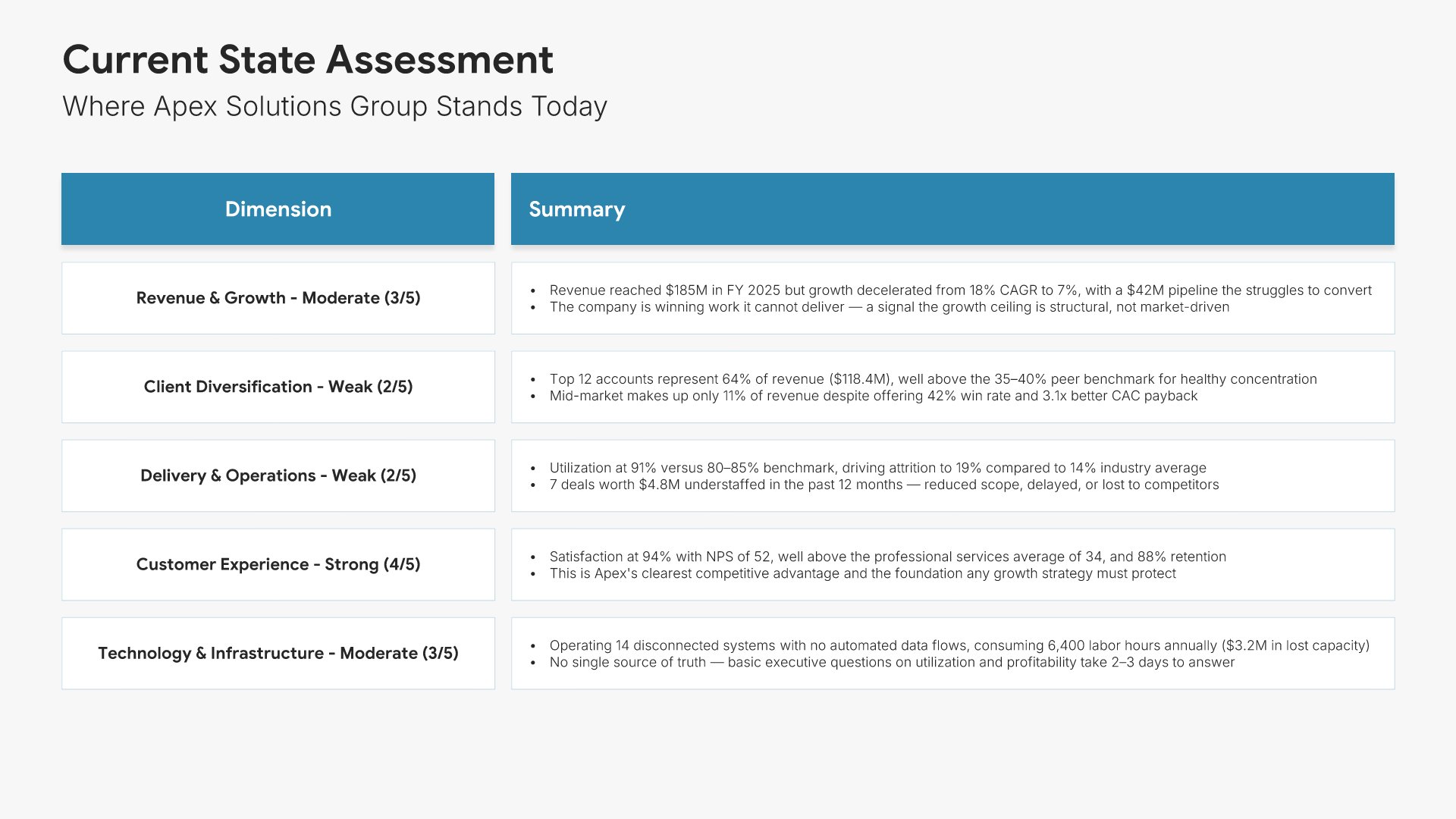
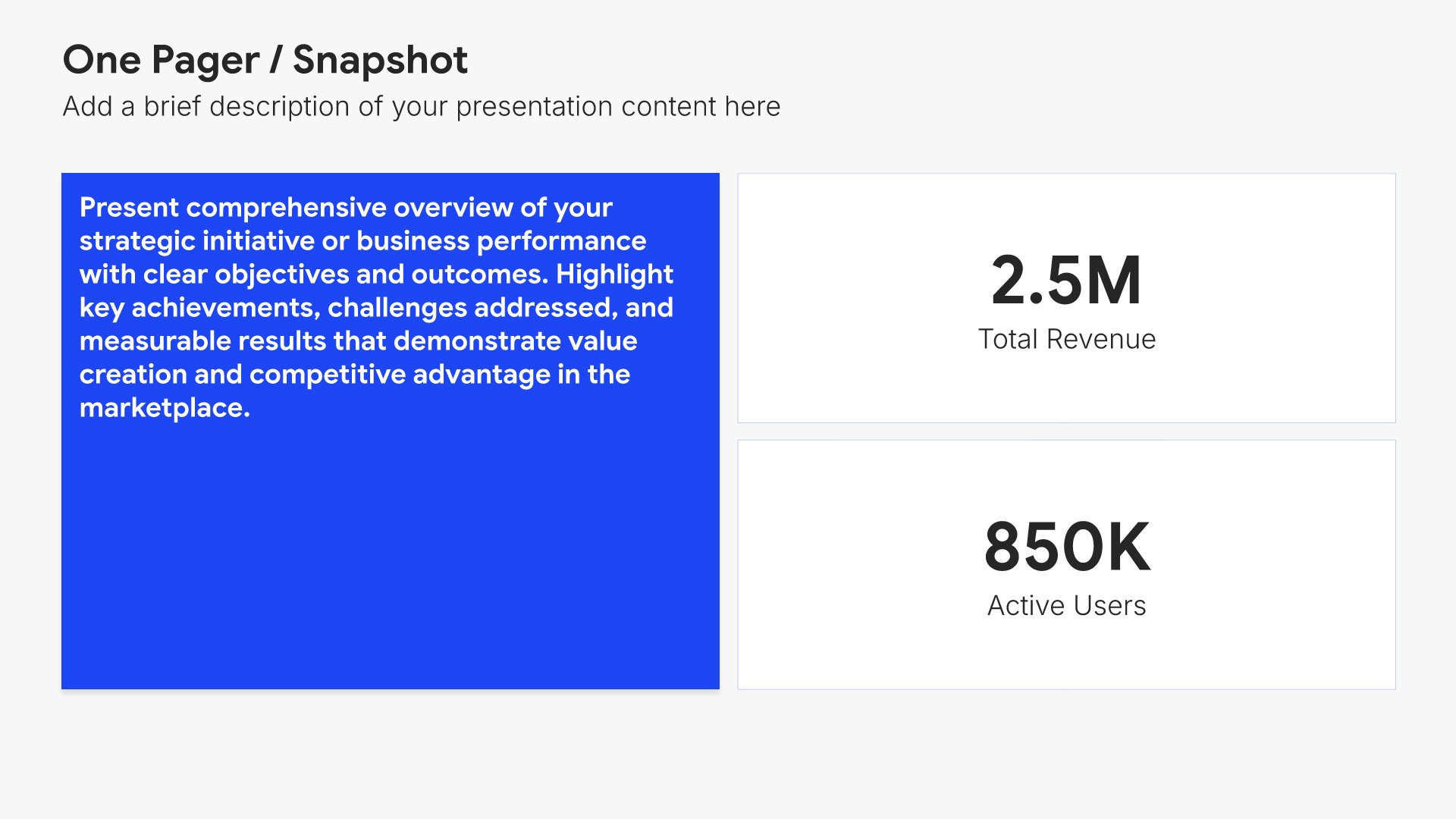
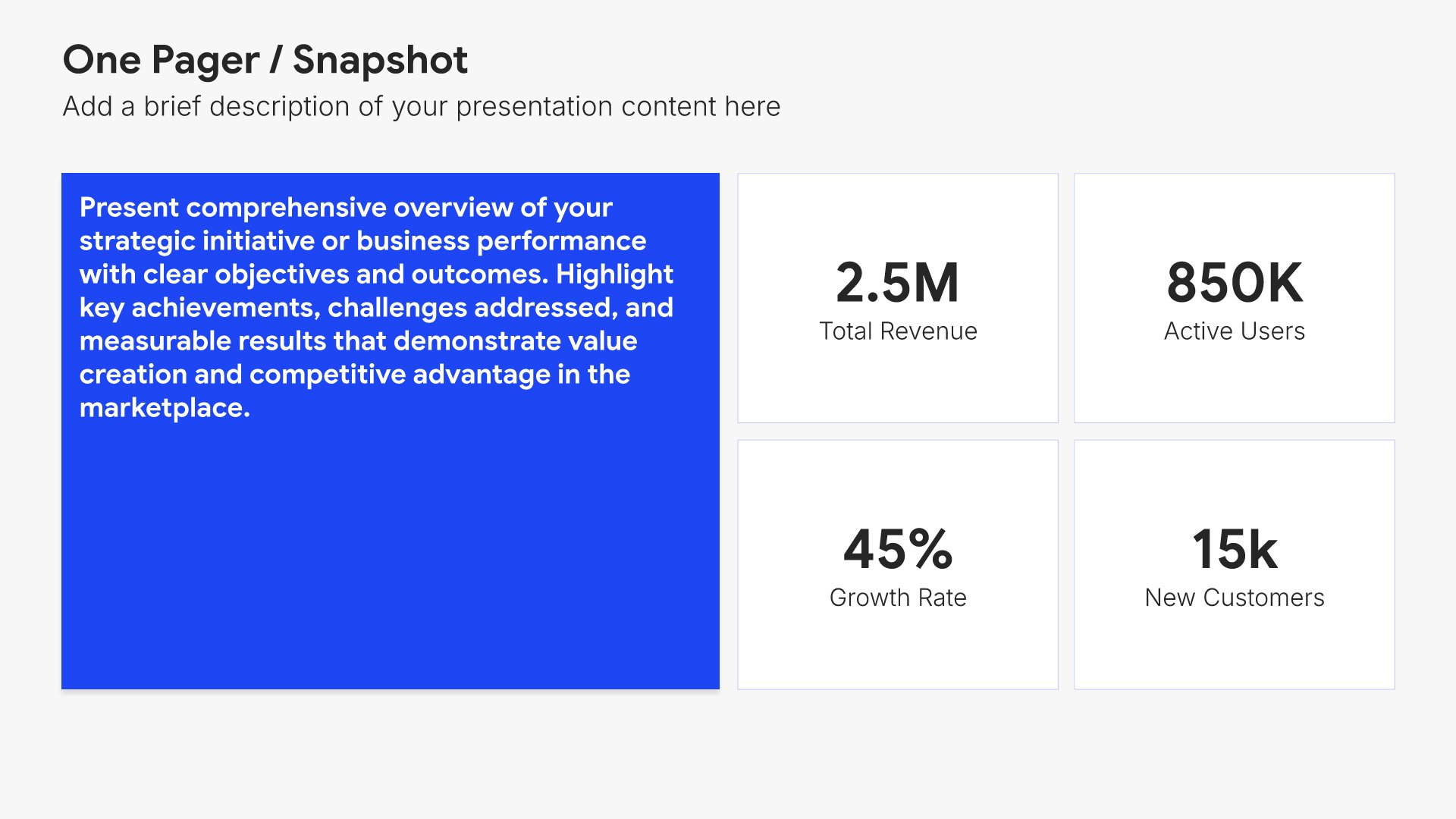
Current state analysis slides help you establish the baseline before proposing change. Use them to present existing processes, costs, performance metrics, and pain points that quantify the problem. Ideal for business cases where demonstrating a clear understanding of today's situation builds credibility for your proposed solution.
Built using One Pager / Snapshot slides

6. Key Finding

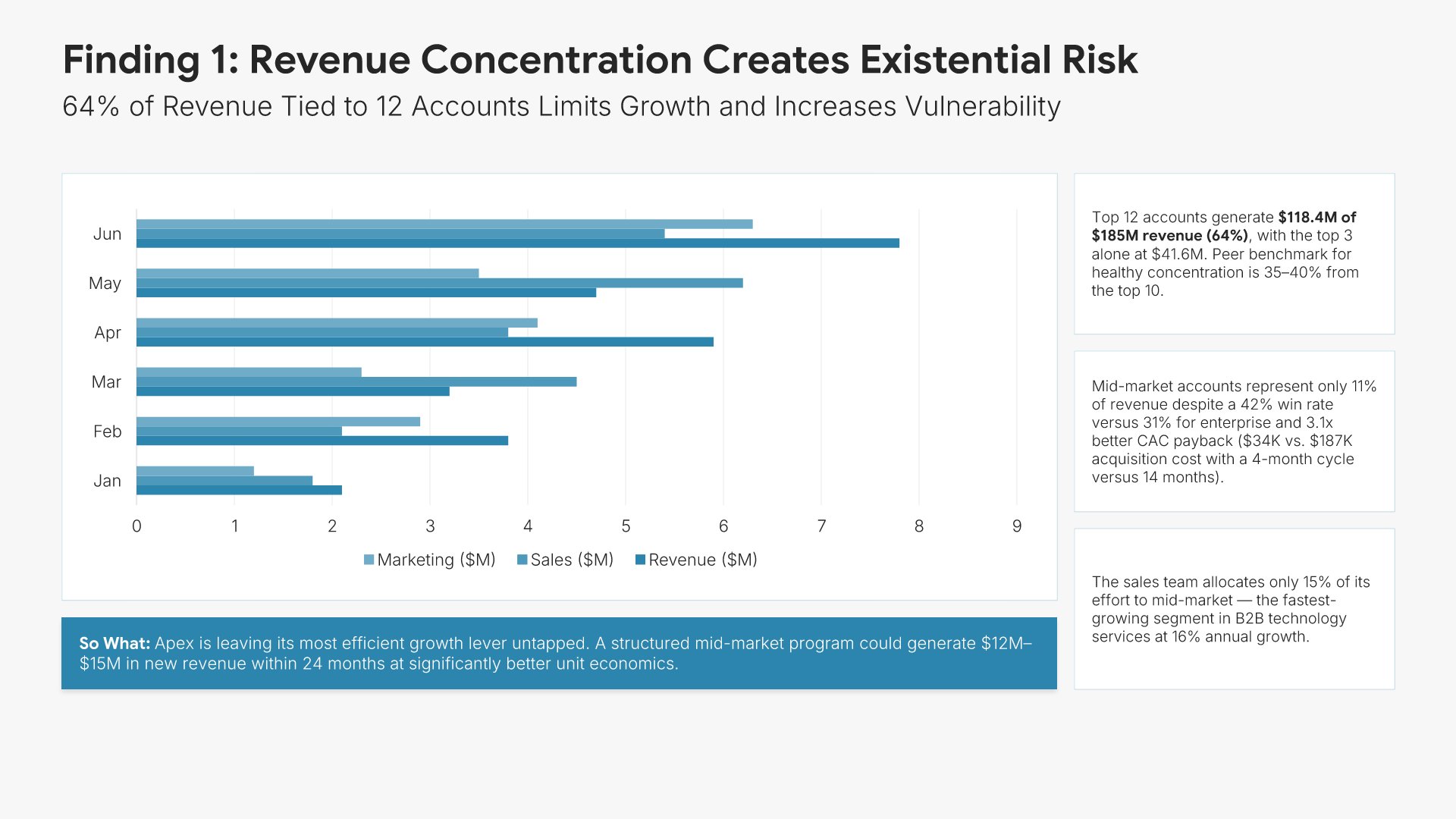
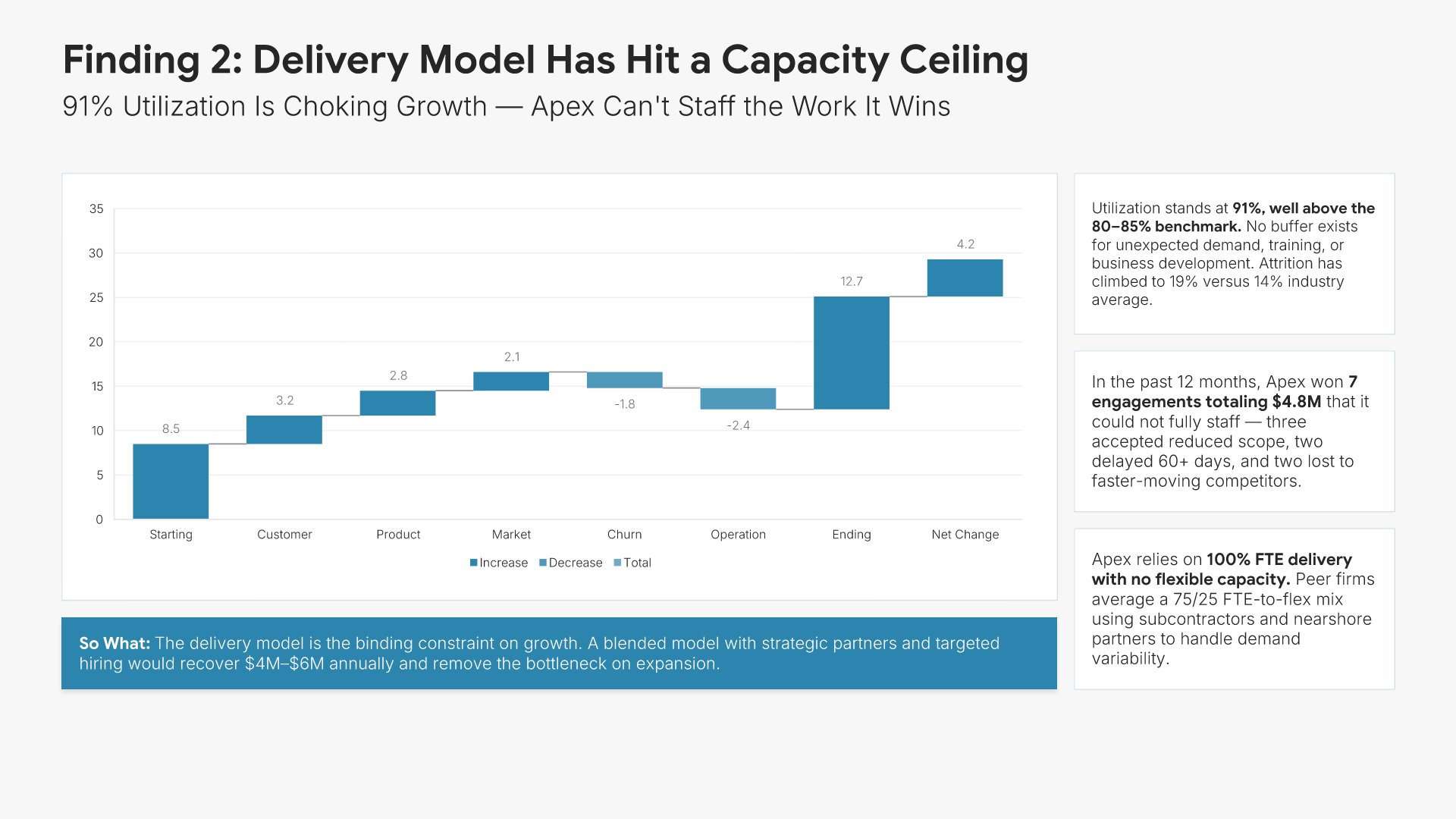
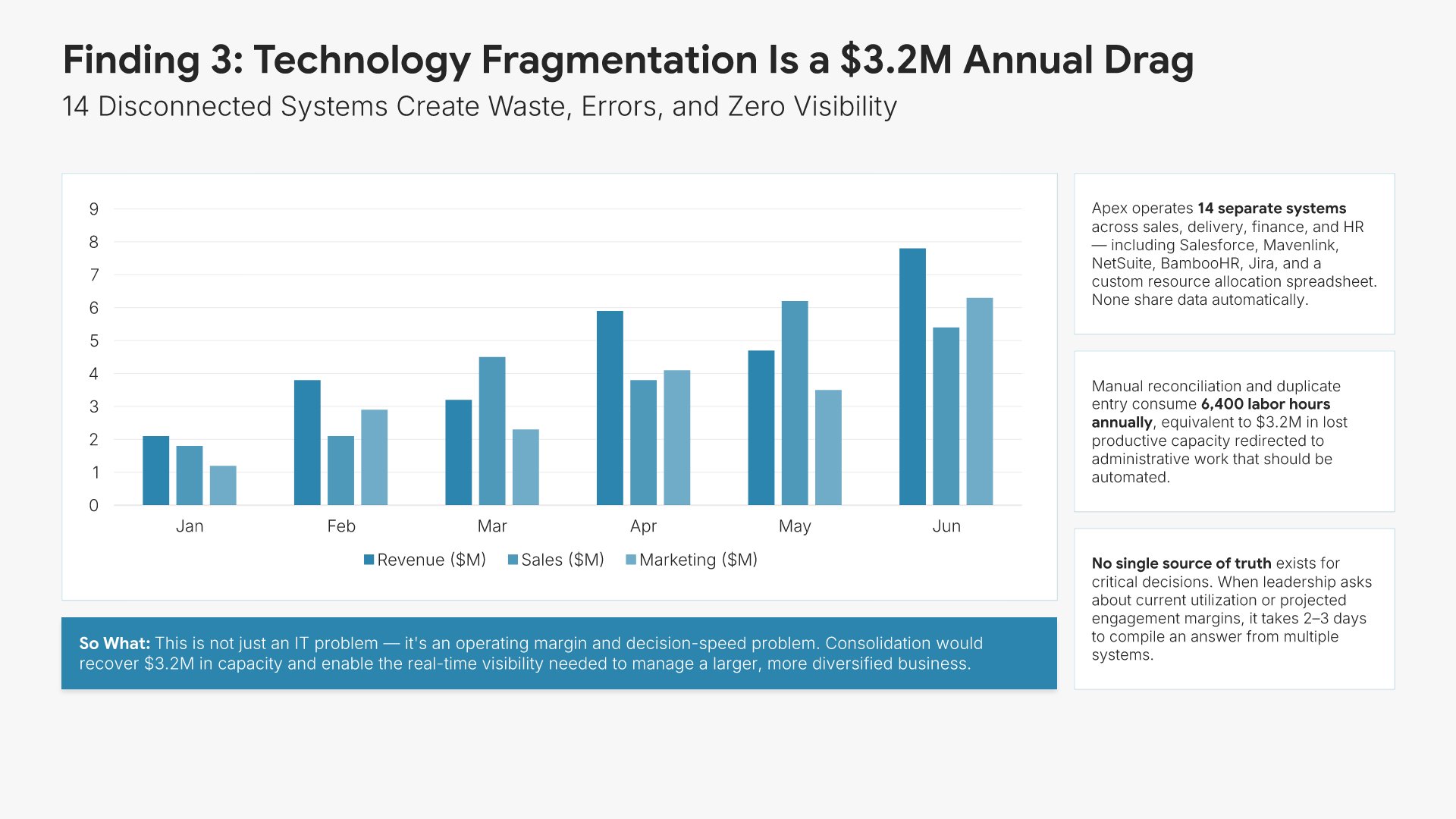
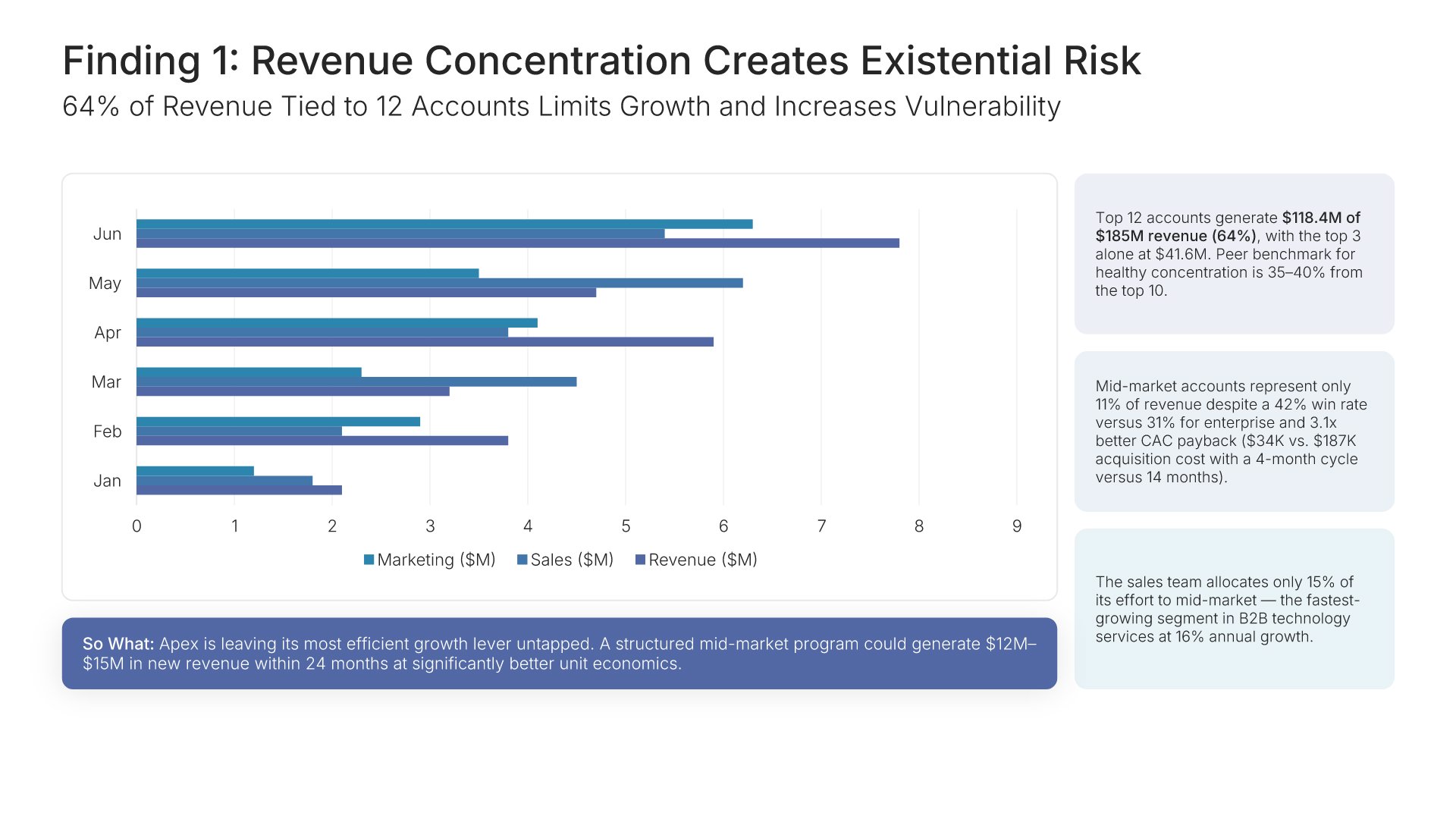
Key finding slides help you present a single insight uncovered through your analysis. Use them to articulate the finding, supporting evidence, root causes, and implications for the client. A clear finding view ensures each insight gets the attention it deserves and builds the case for the recommendations that follow in the presentation.
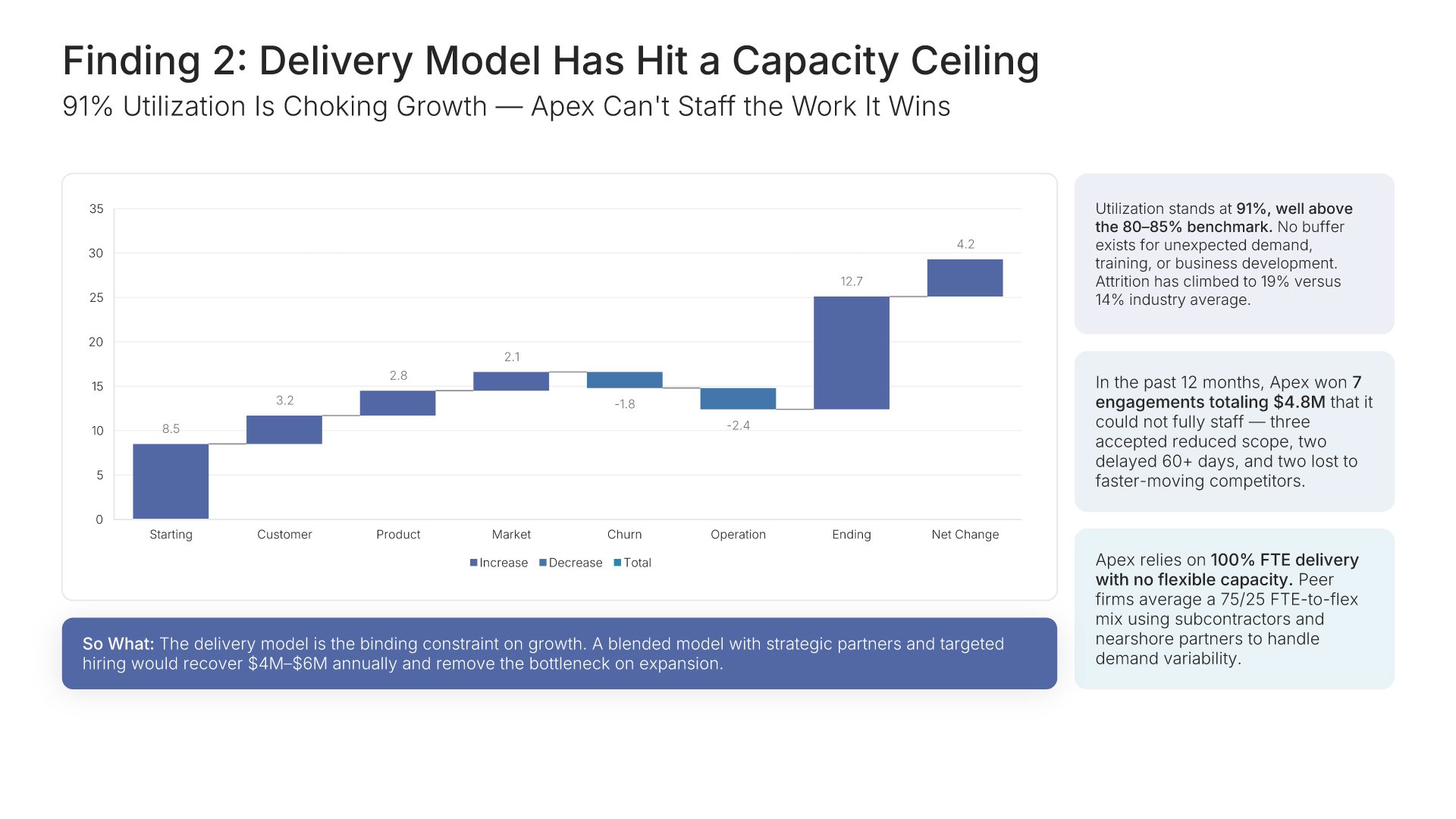
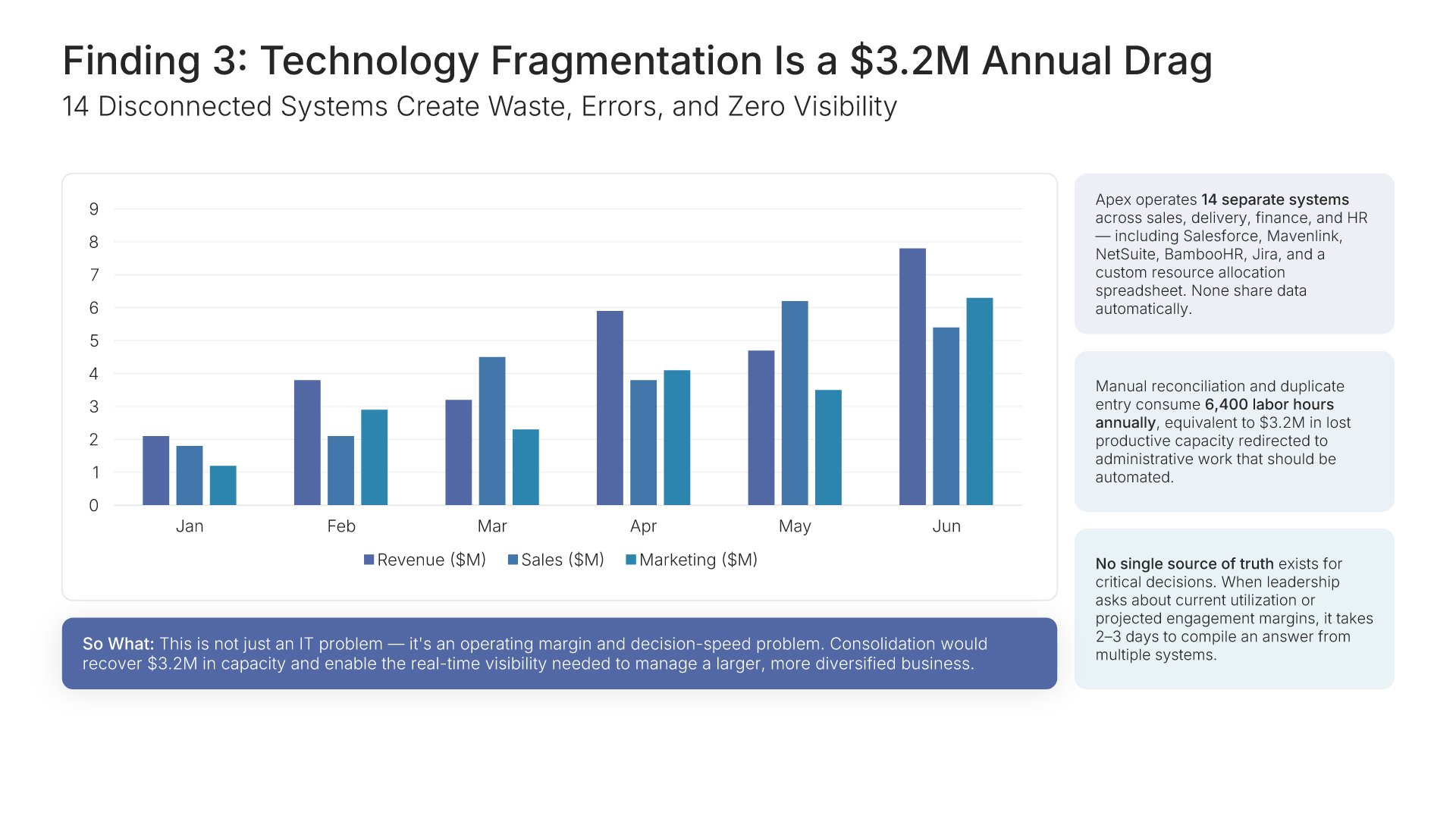
Built using Charts slides

7. Synthesis of Findings

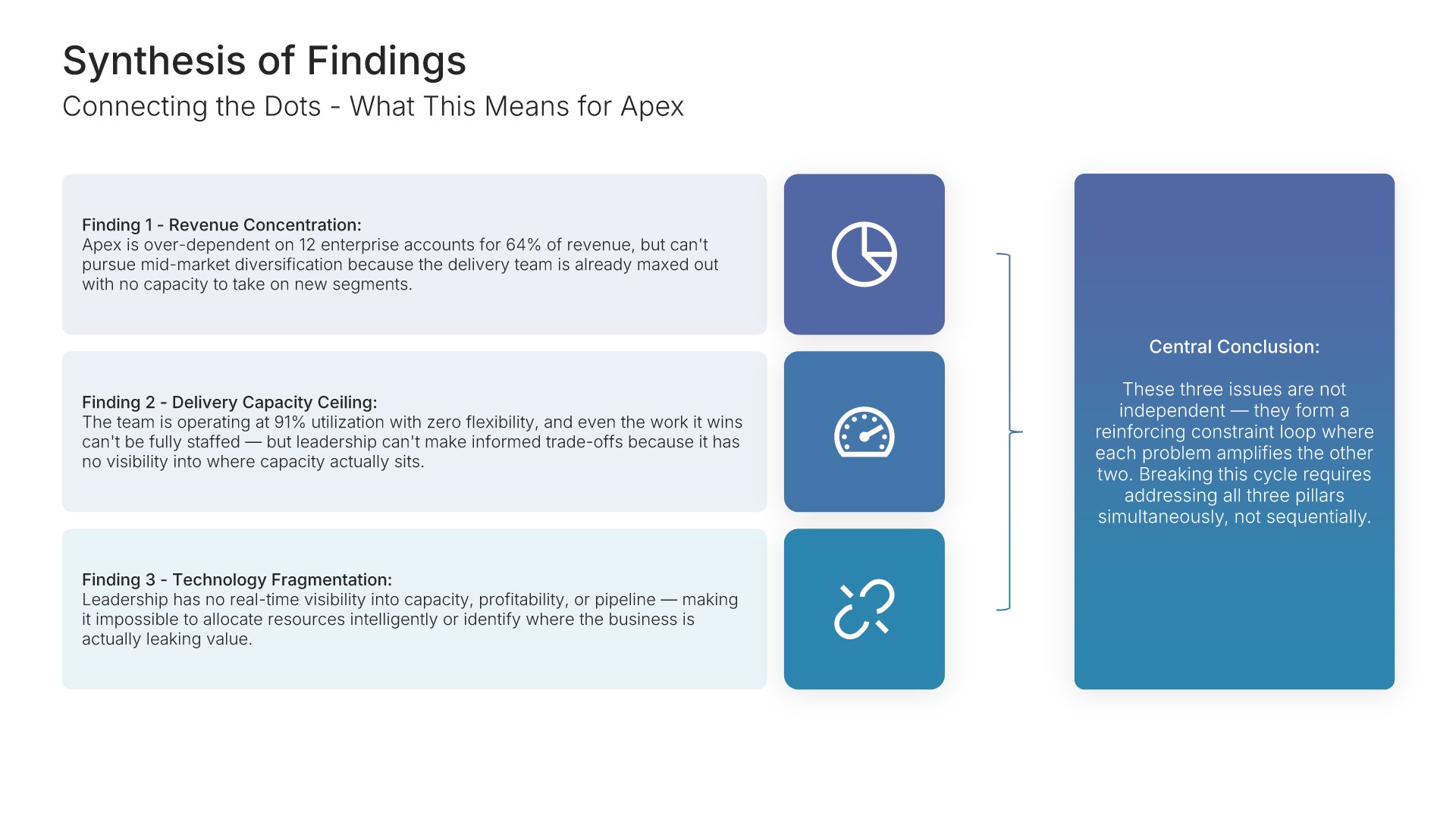
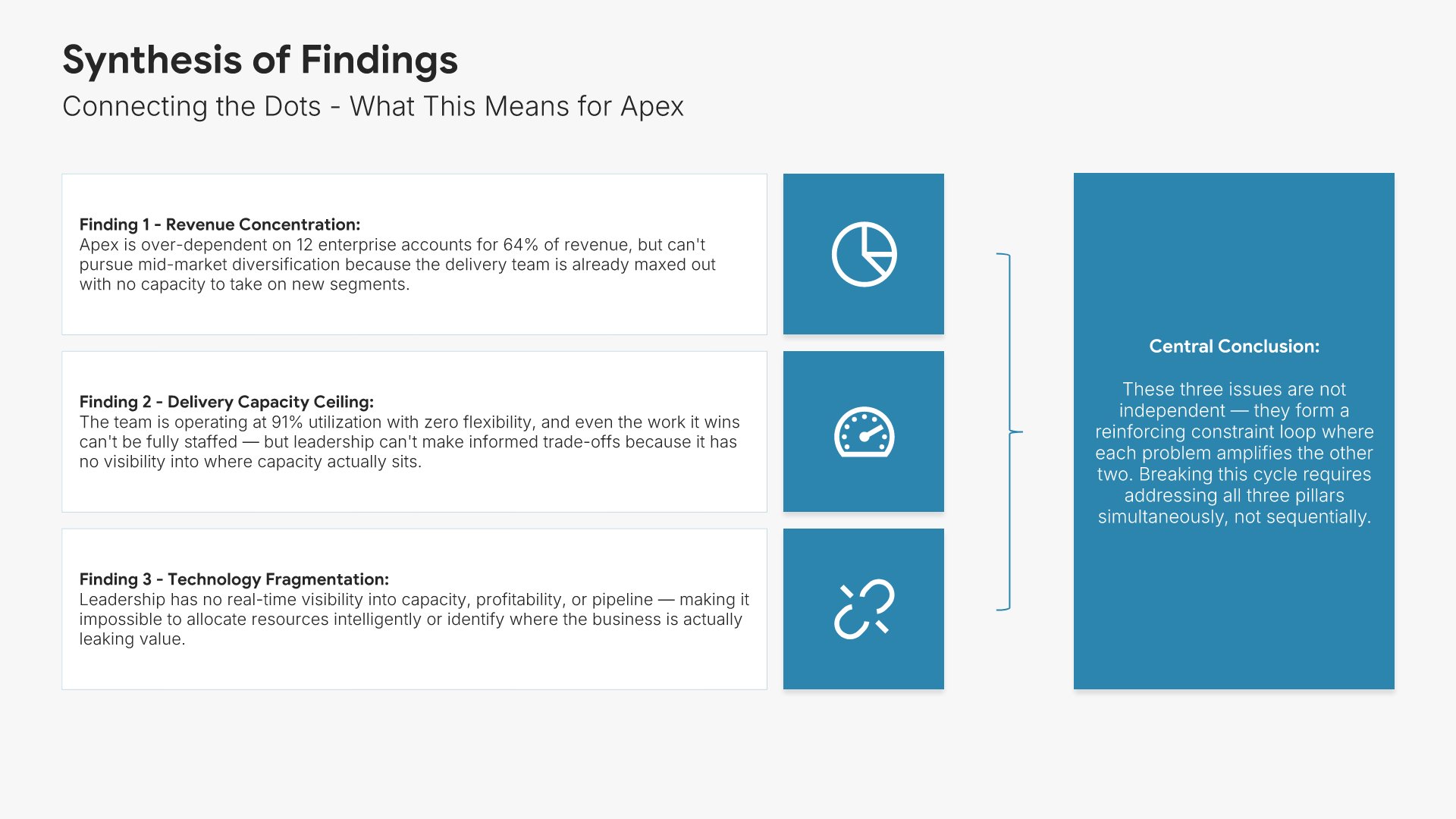
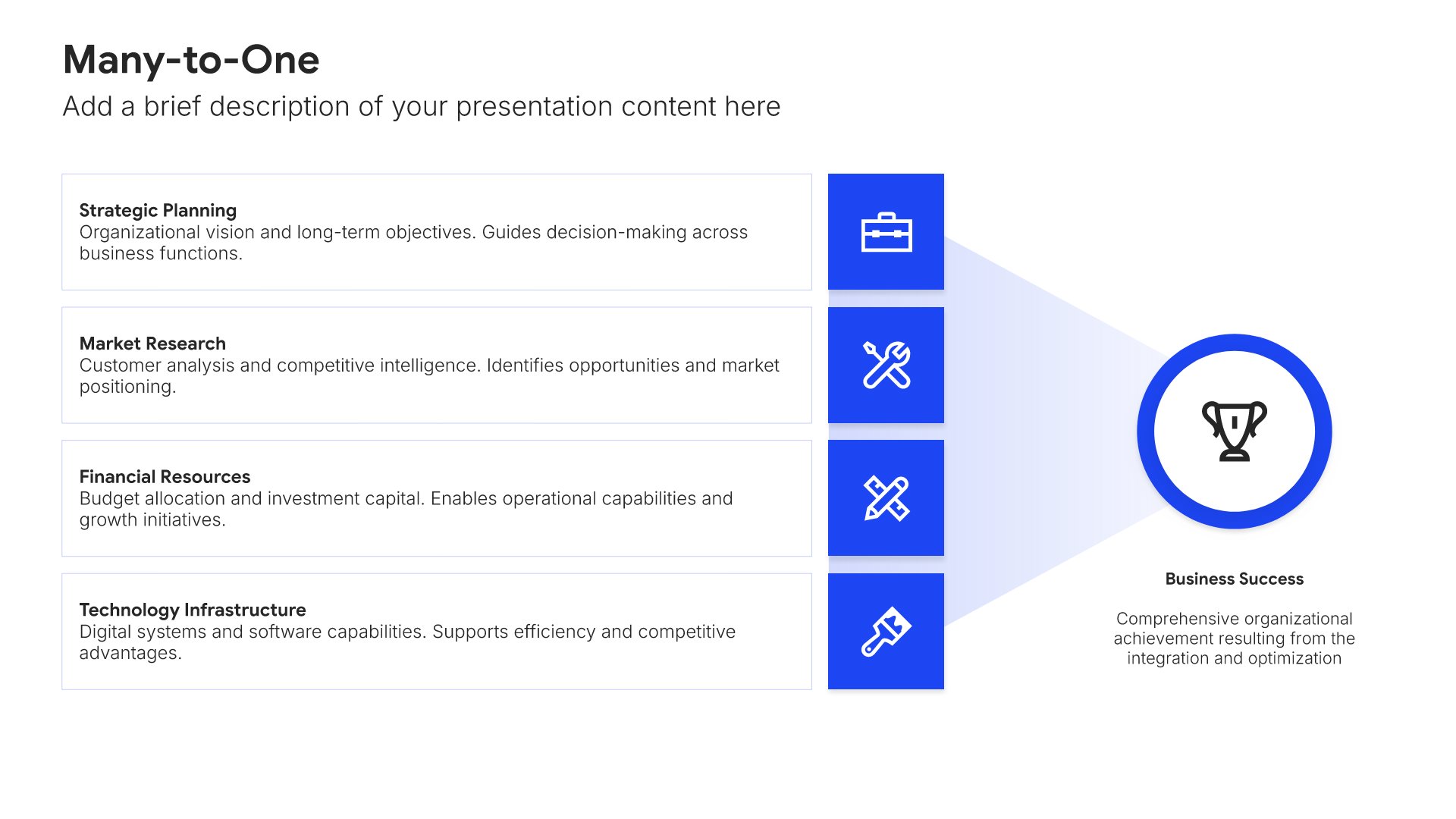
Synthesis of findings slides help you connect the dots across individual insights. Use them to show how findings interrelate, the underlying themes that emerged, and what they collectively mean for the client. A clear synthesis transforms a list of observations into integrated understanding and sets up the strategic options that follow.
Built using Many-to-One slides

8. Strategic Options Evaluated

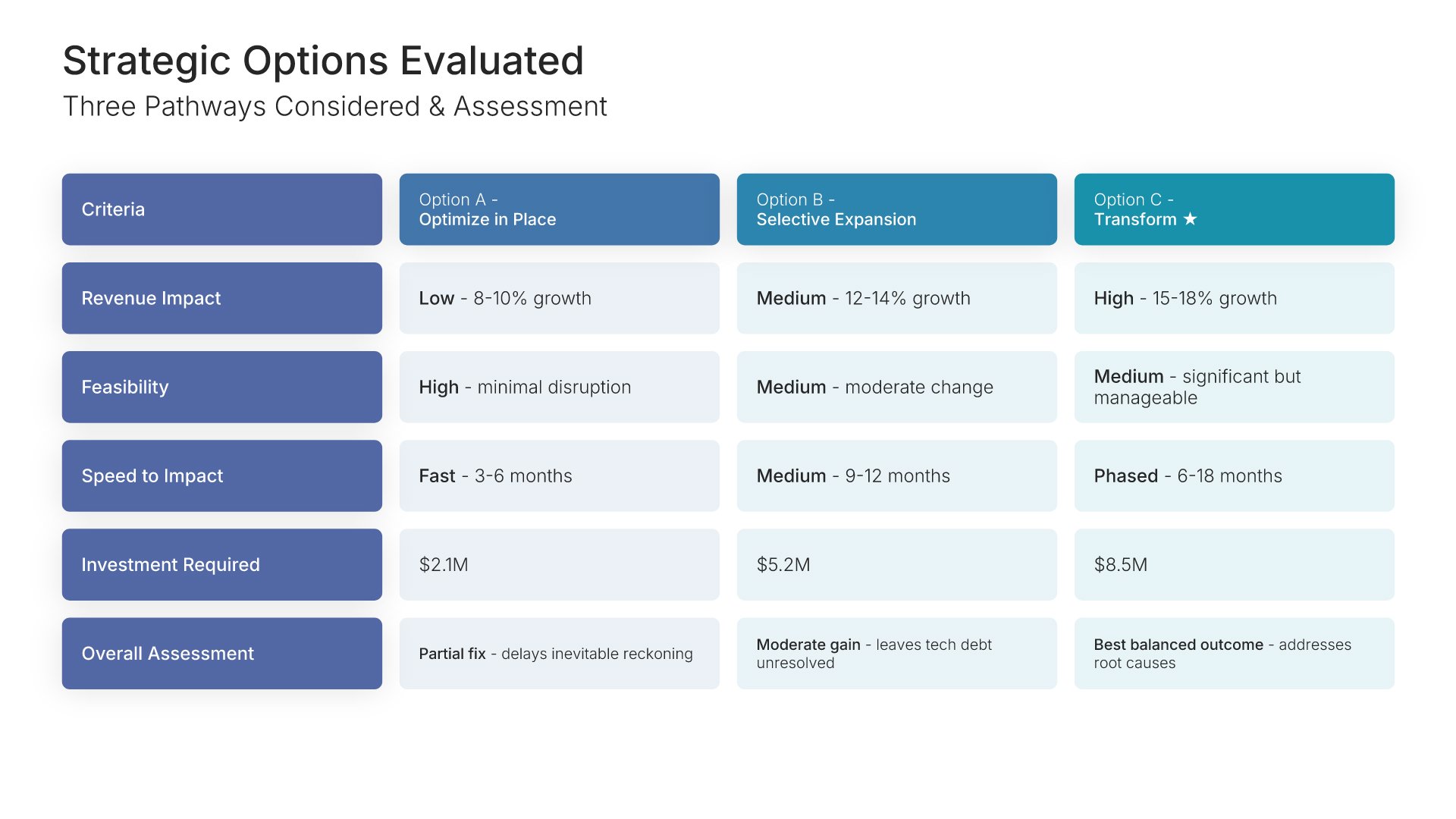
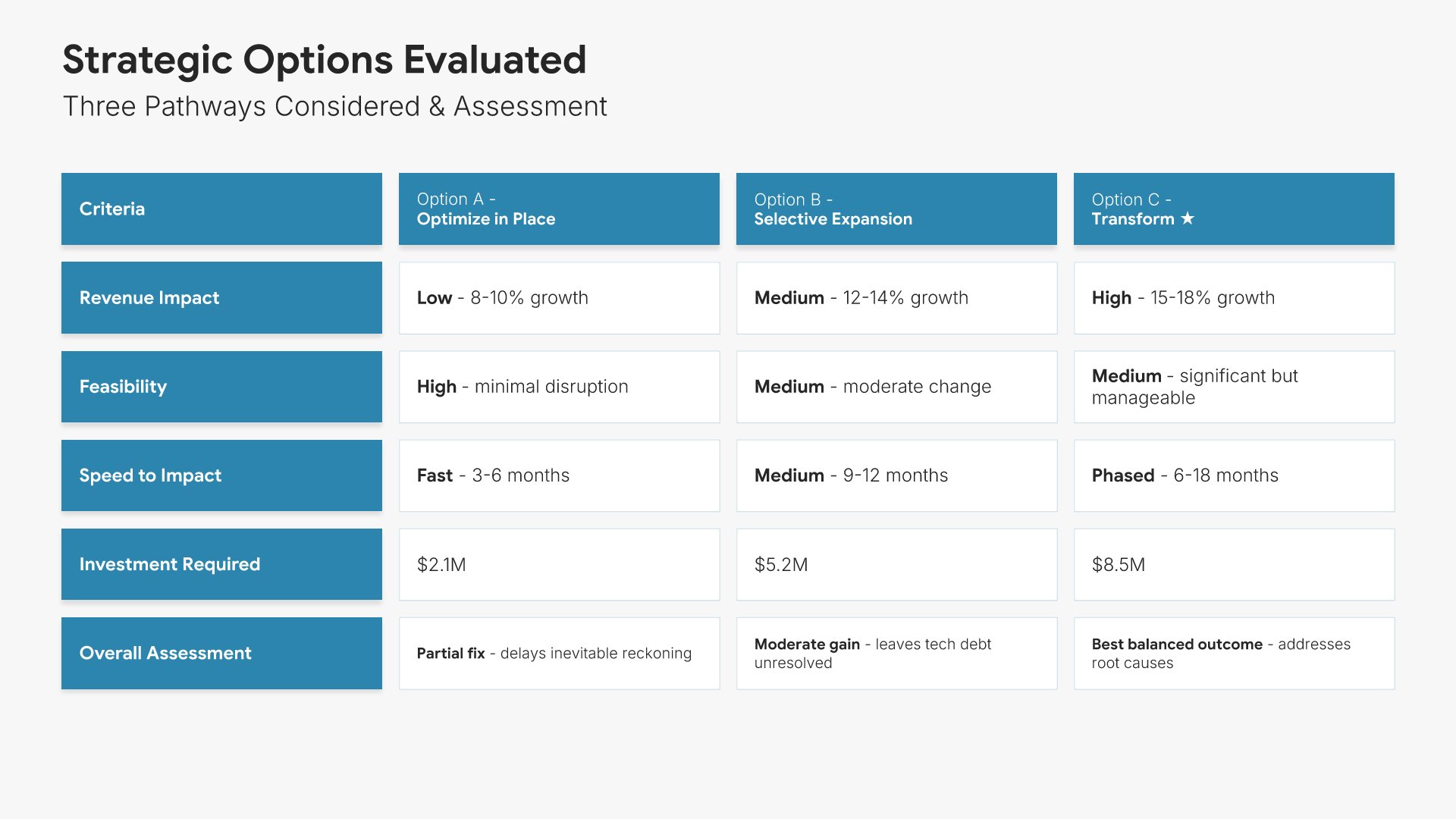
Strategic options evaluated slides help you present the alternatives considered and the rationale for the chosen path. Use them to display each option alongside evaluation criteria and trade-offs in a clear comparison format. A clear options view shows analytical rigor and demonstrates that the recommendation was selected after thorough consideration.
Built using Table slides

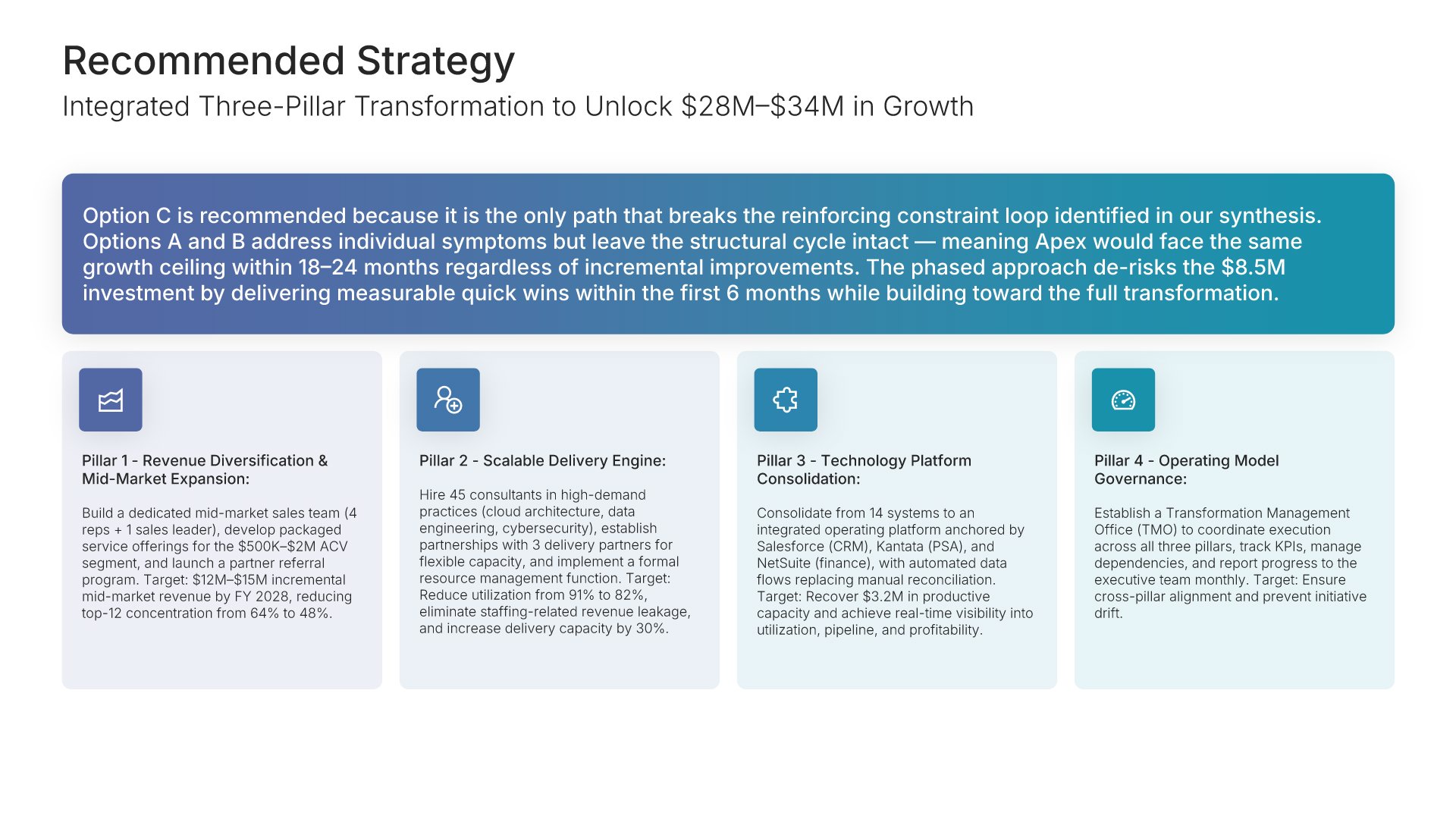
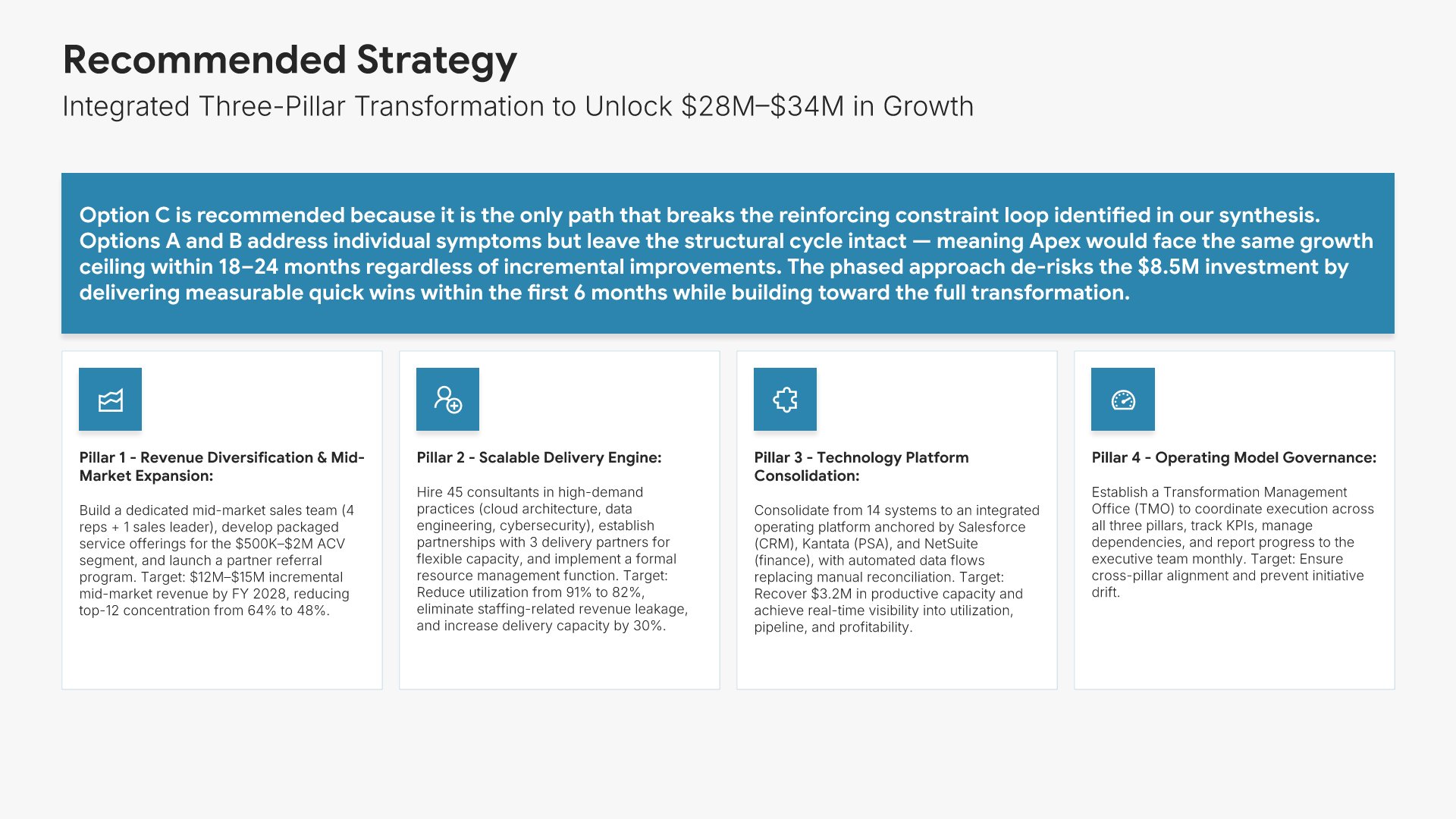
9. Recommended Strategy

Recommended strategy slides help you articulate your primary recommendation with clear rationale. Use them to state the recommendation, explain why it's the right path, and connect it to the findings that support the choice. A clear recommendation view gives the client the answer they came for and the reasoning needed to act on it confidently.
Built using Simple Text (with Icons) slides

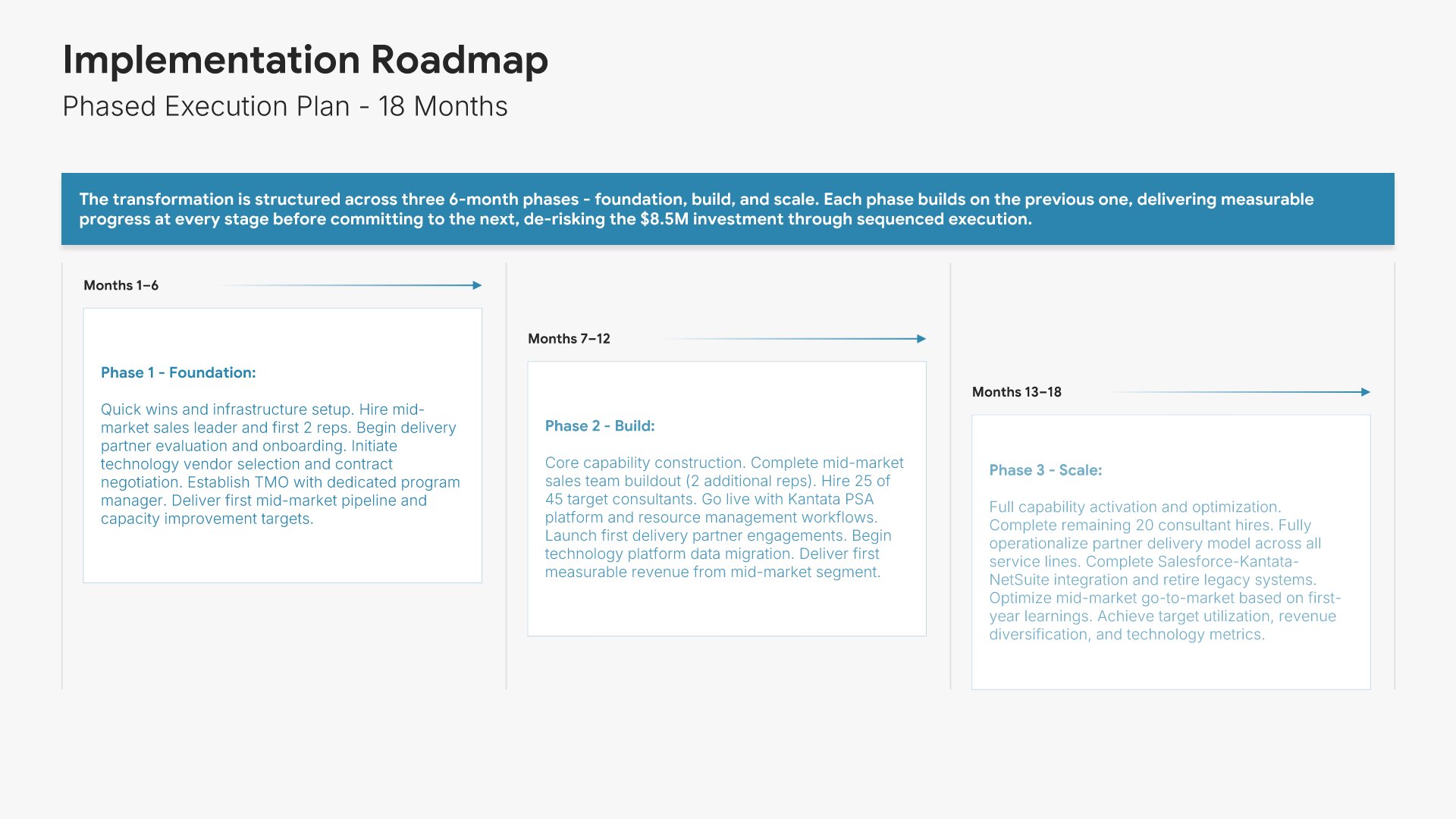
10. Implementation Timeline

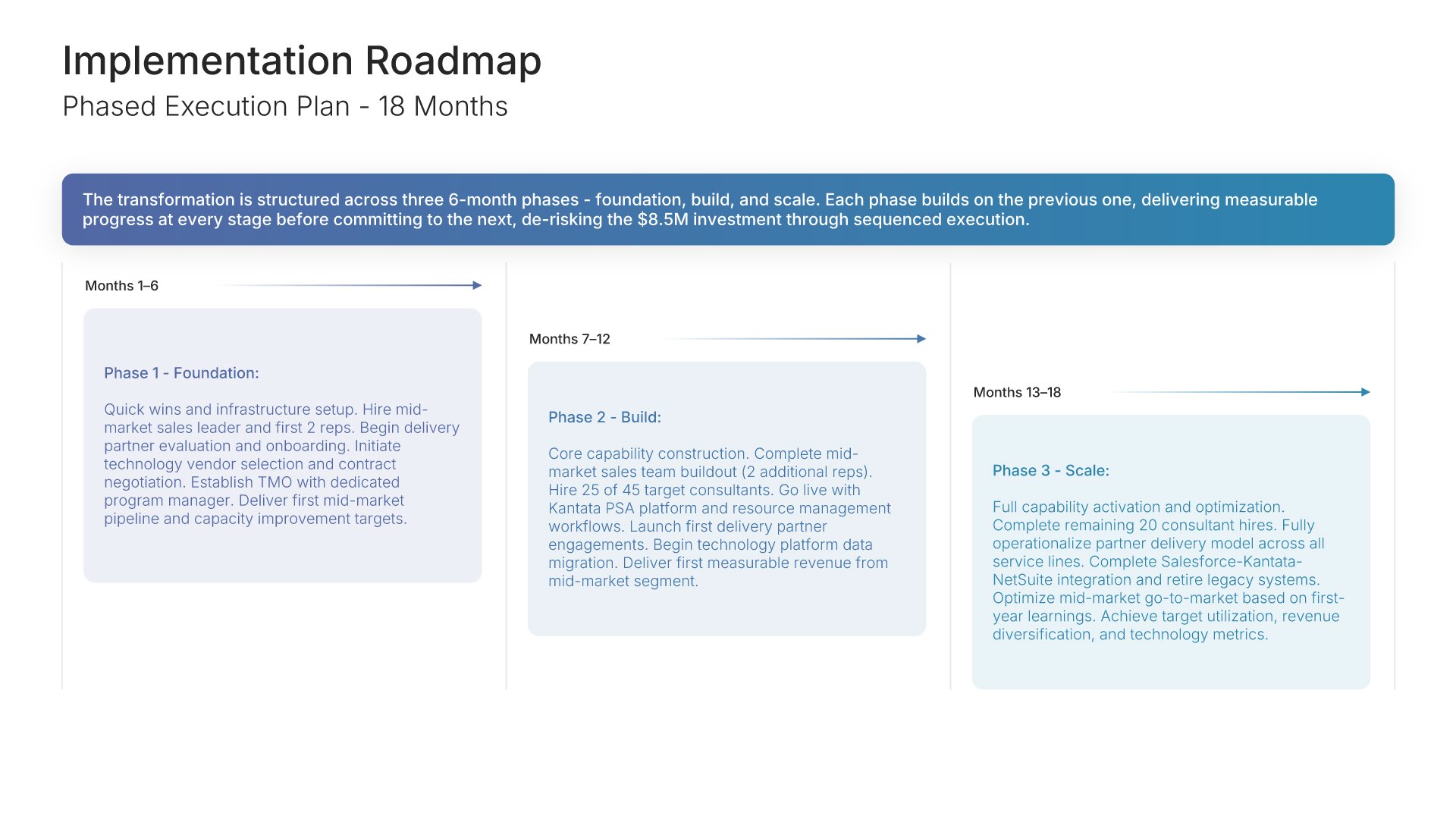
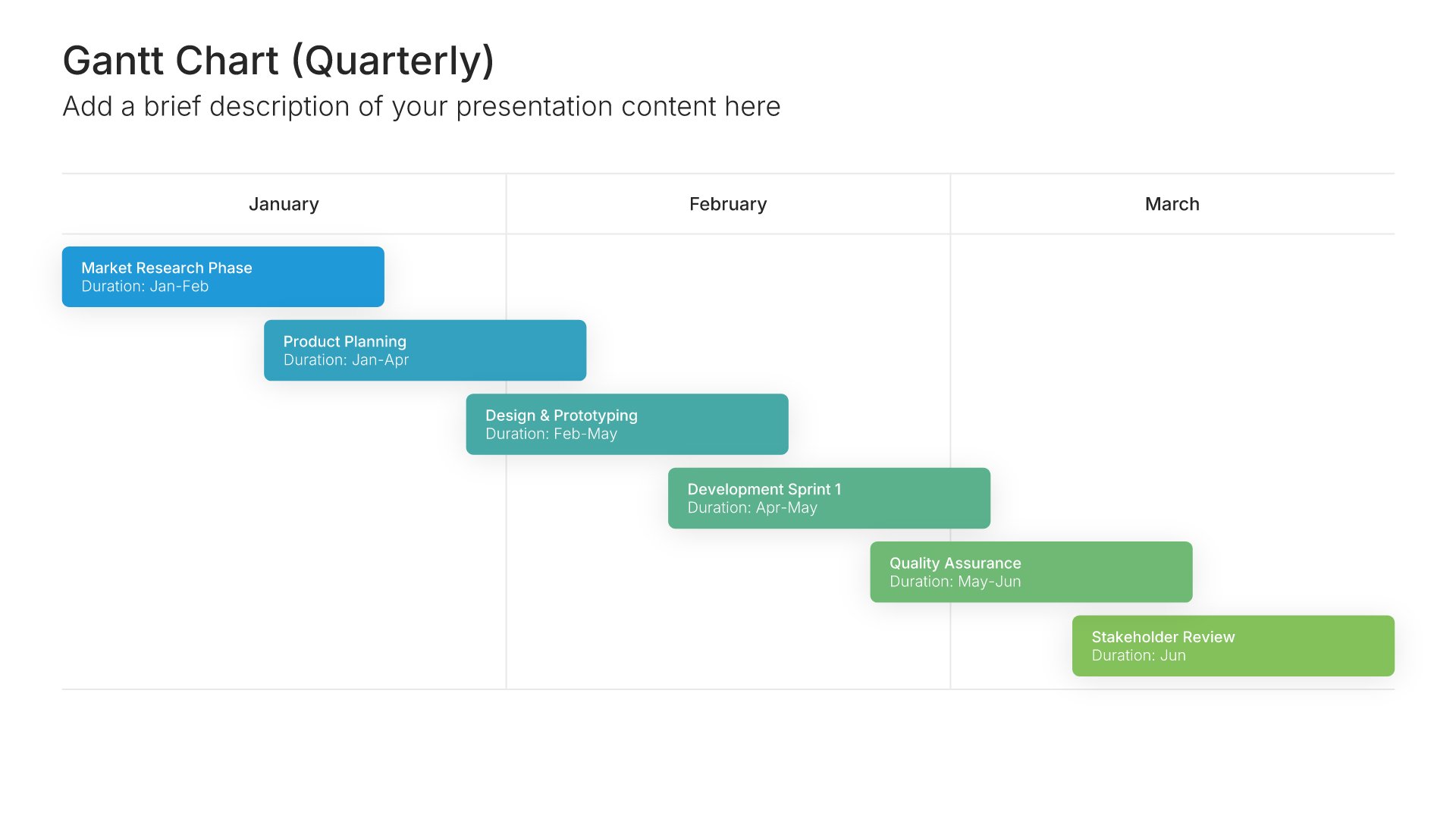
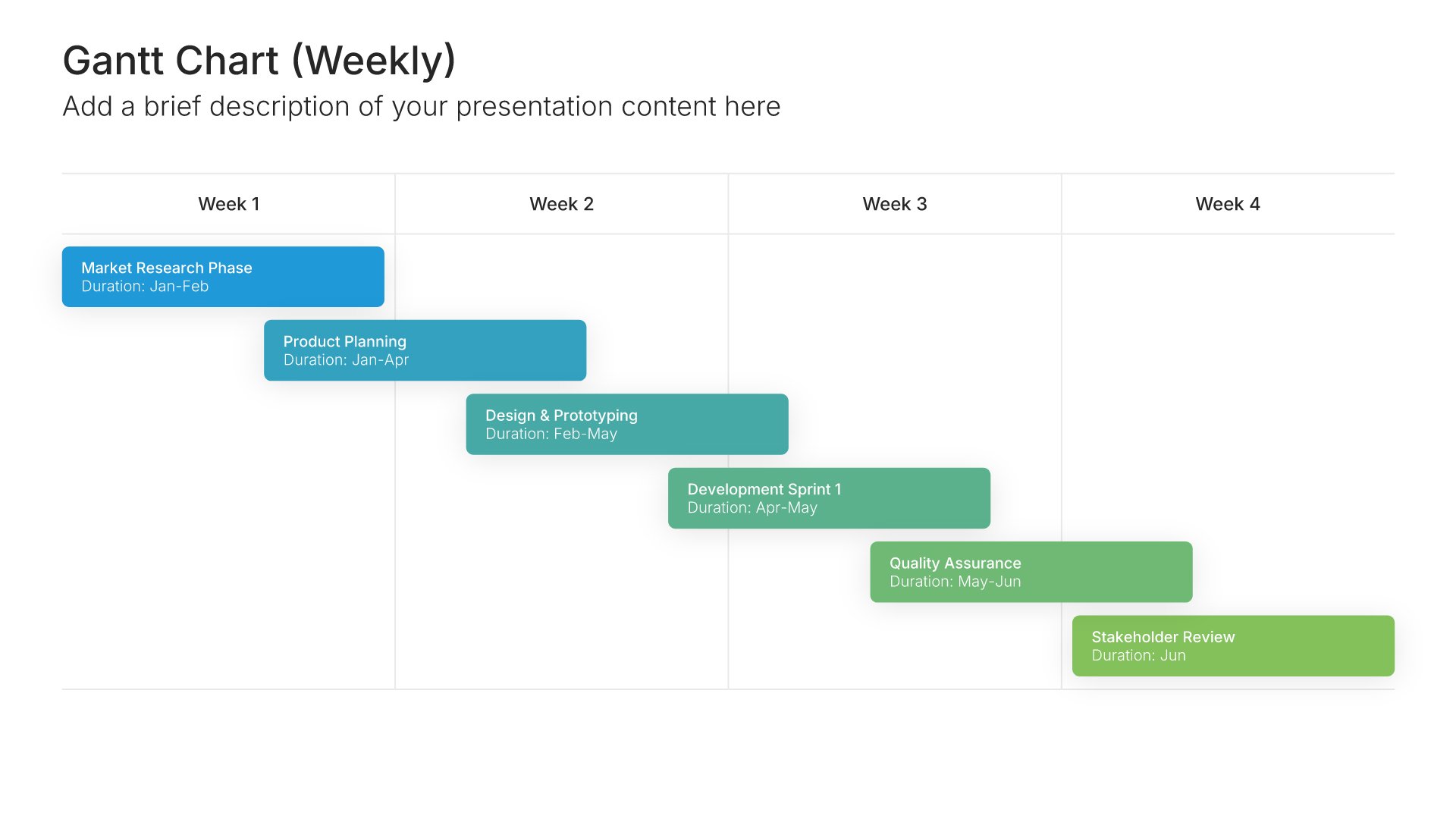
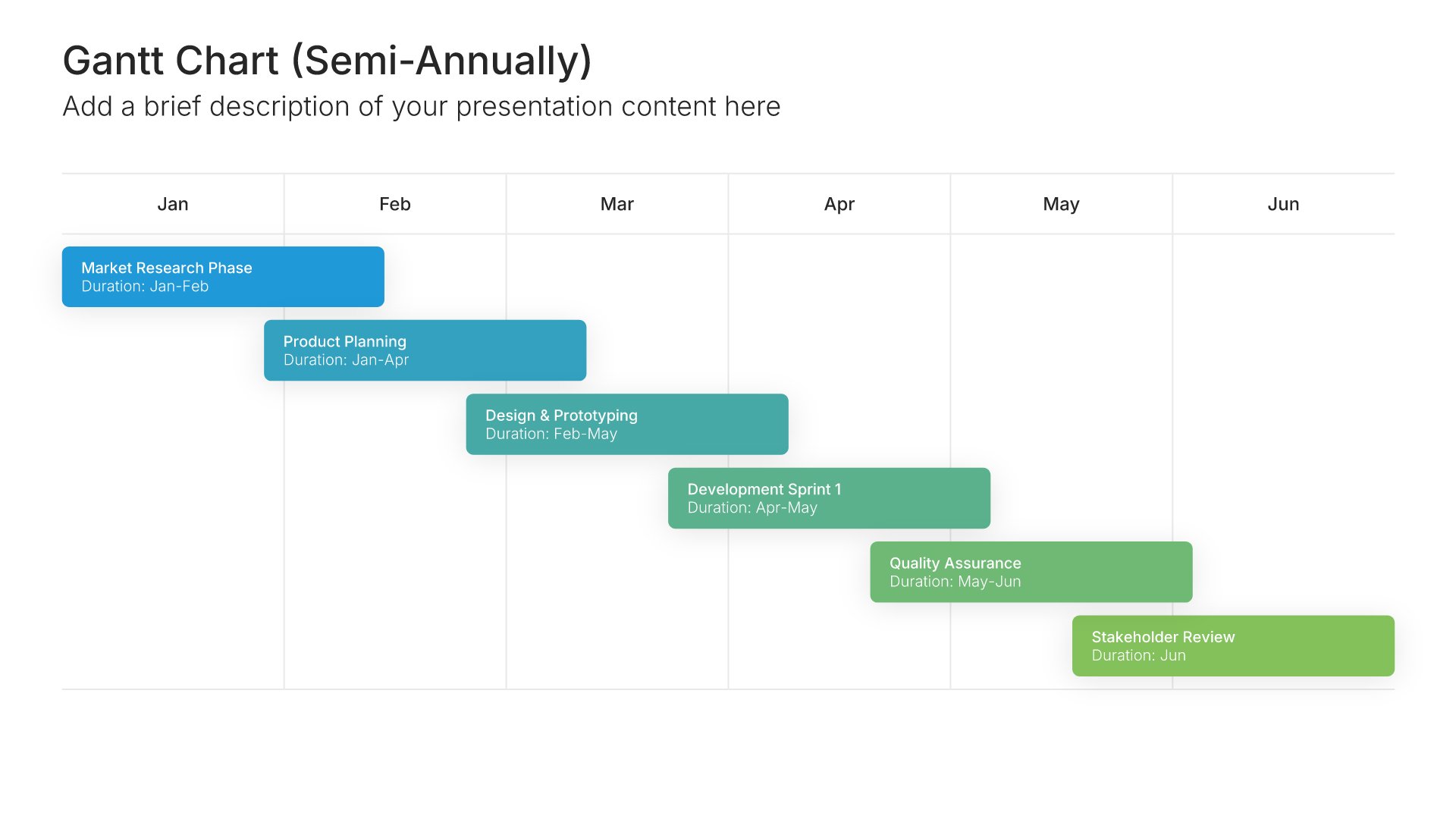
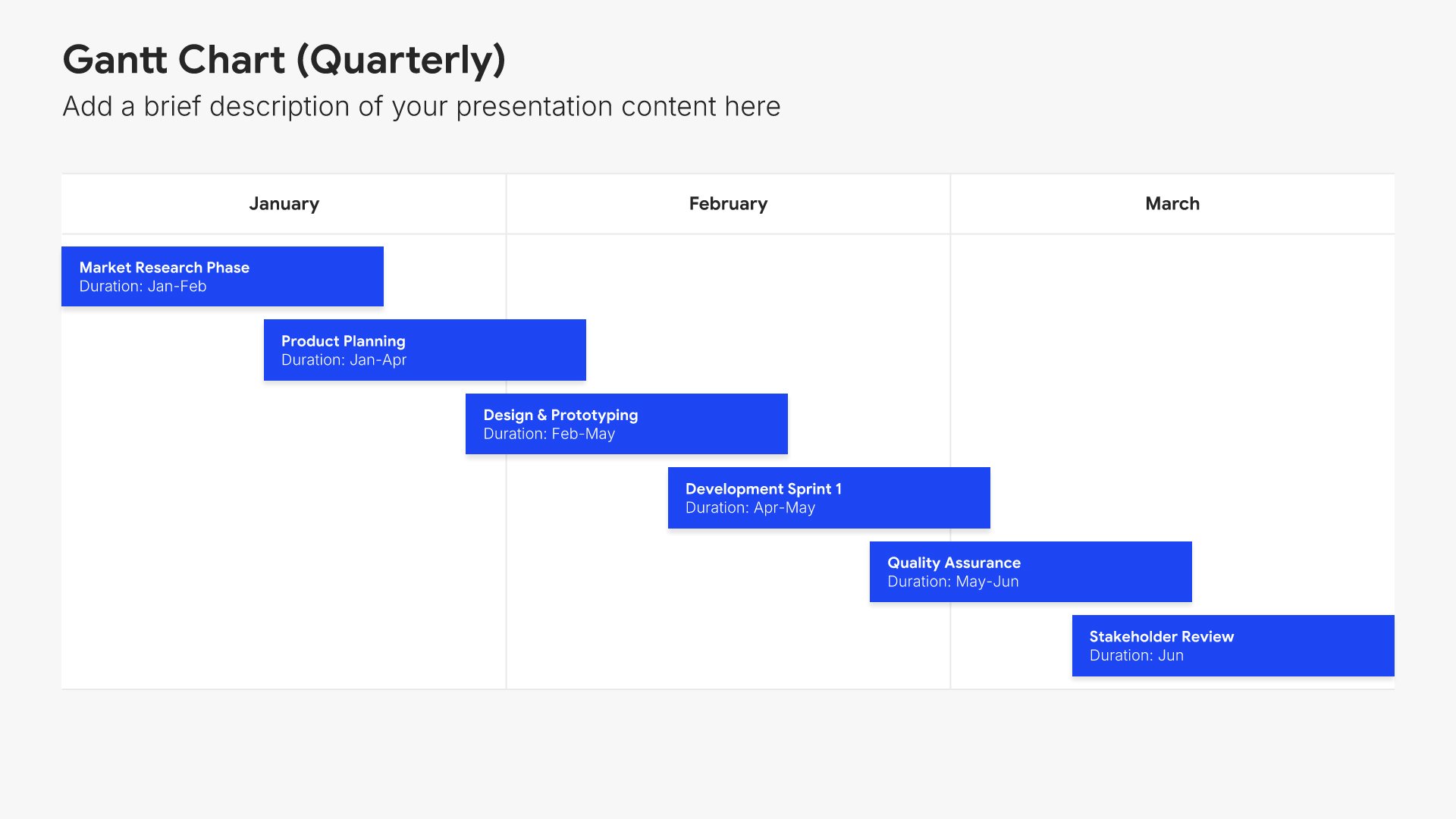
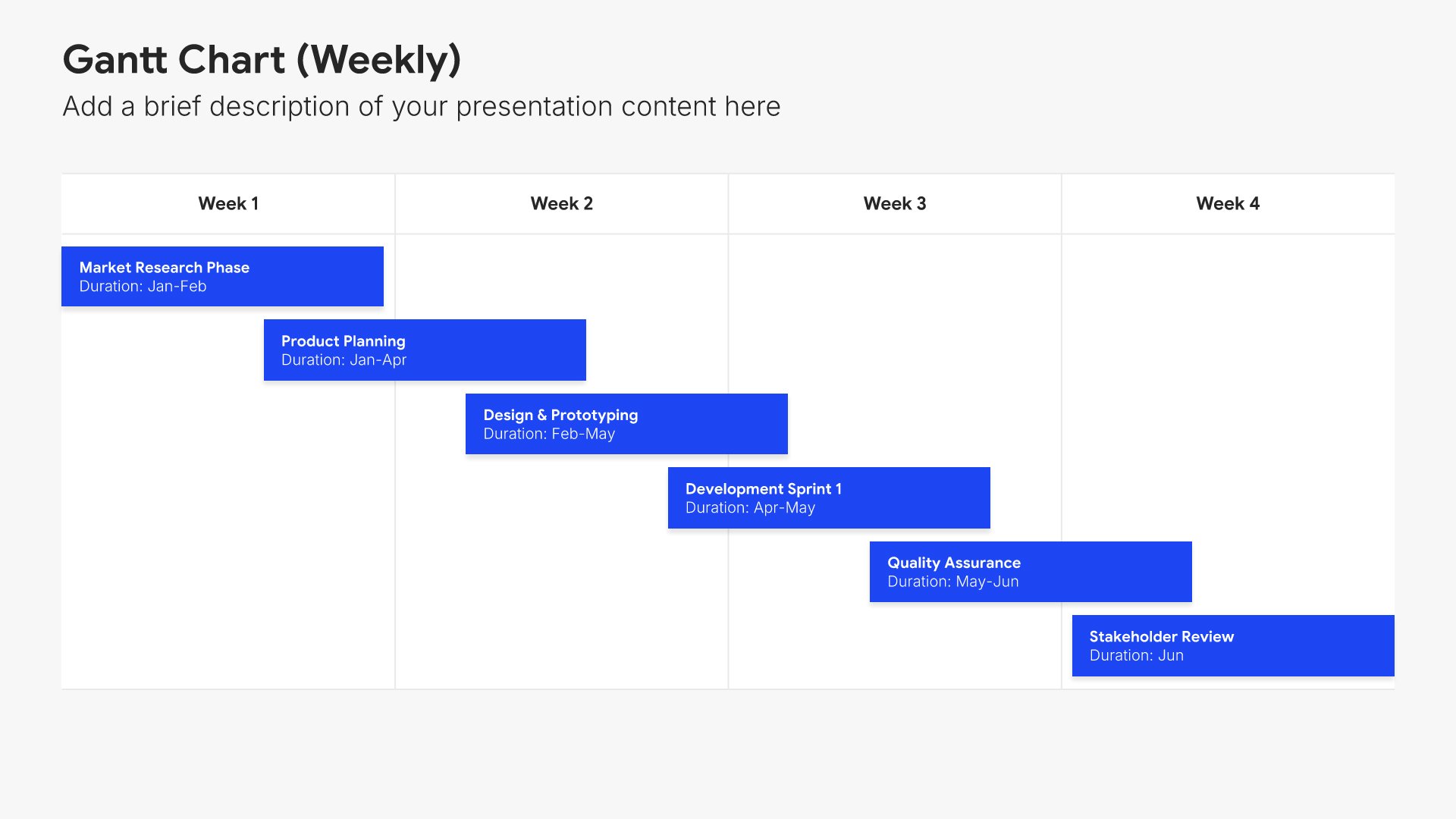
Timeline slides help you show events and milestones over time in clear chronological formats. Use them to display project phases, company history, product roadmaps, and key dates. Ideal for project planning, historical overviews, and any presentation where showing how things unfold over time tells a compelling story.
Built using Gantt Chart slides

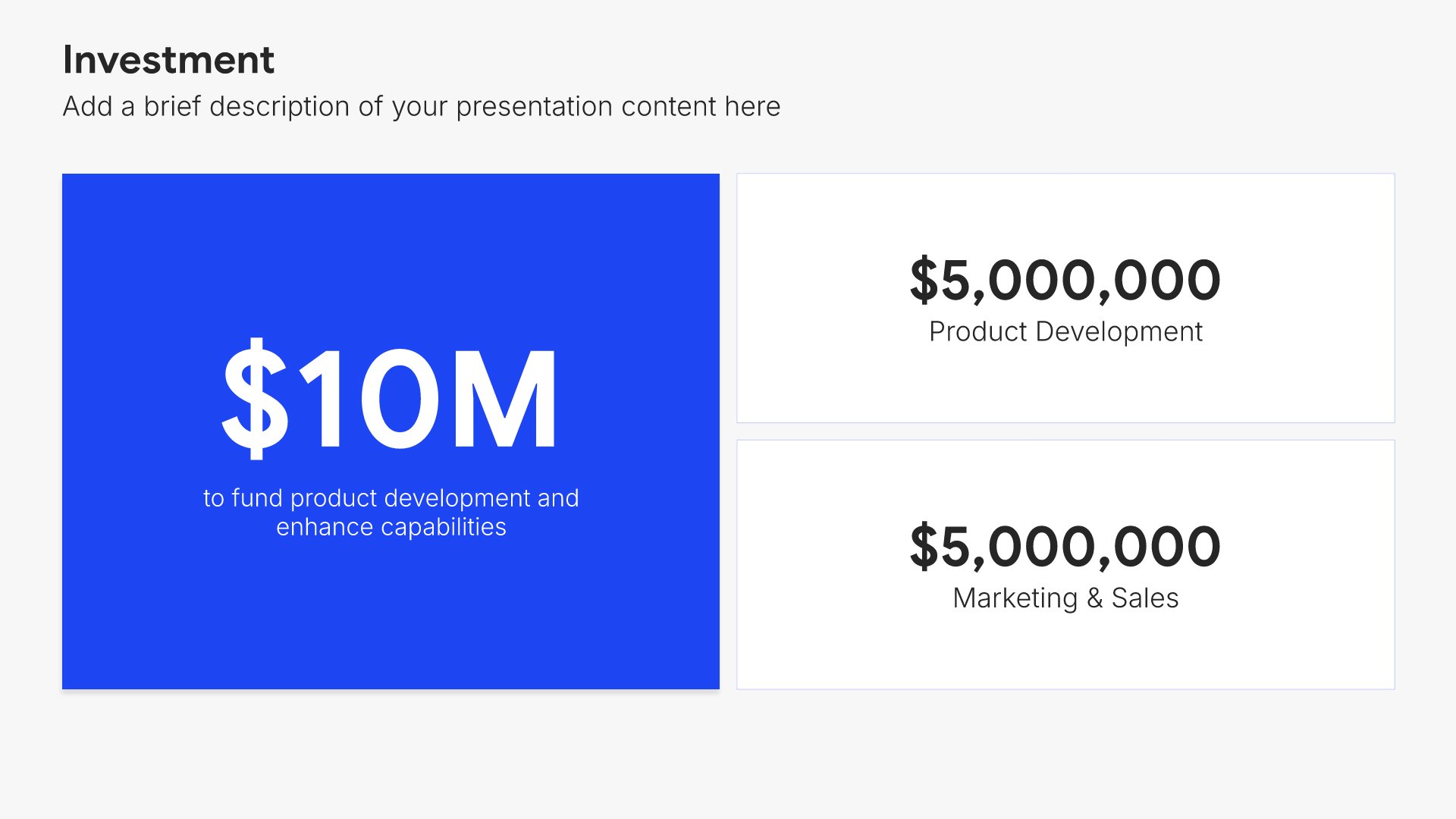
11. Investment

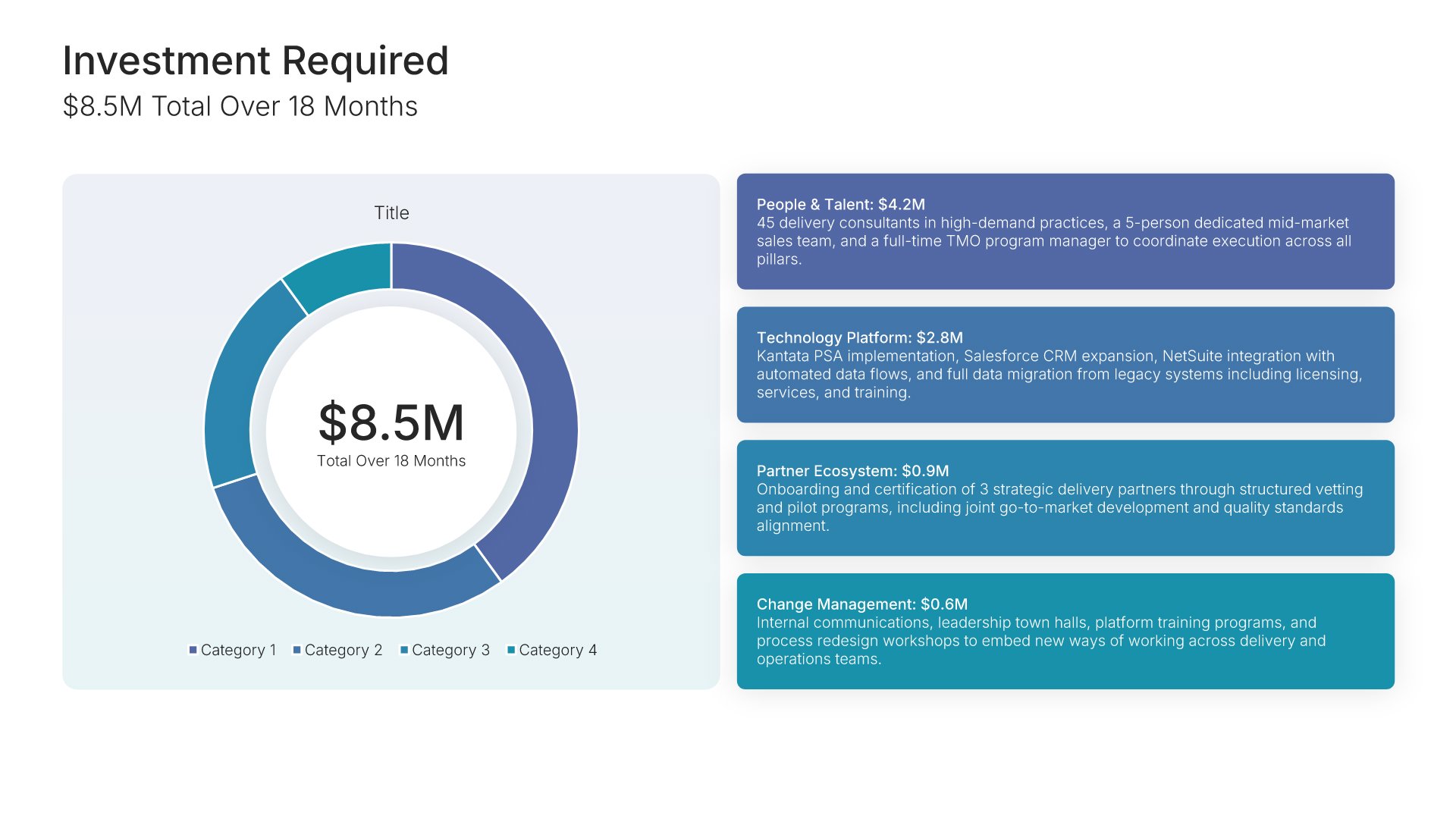
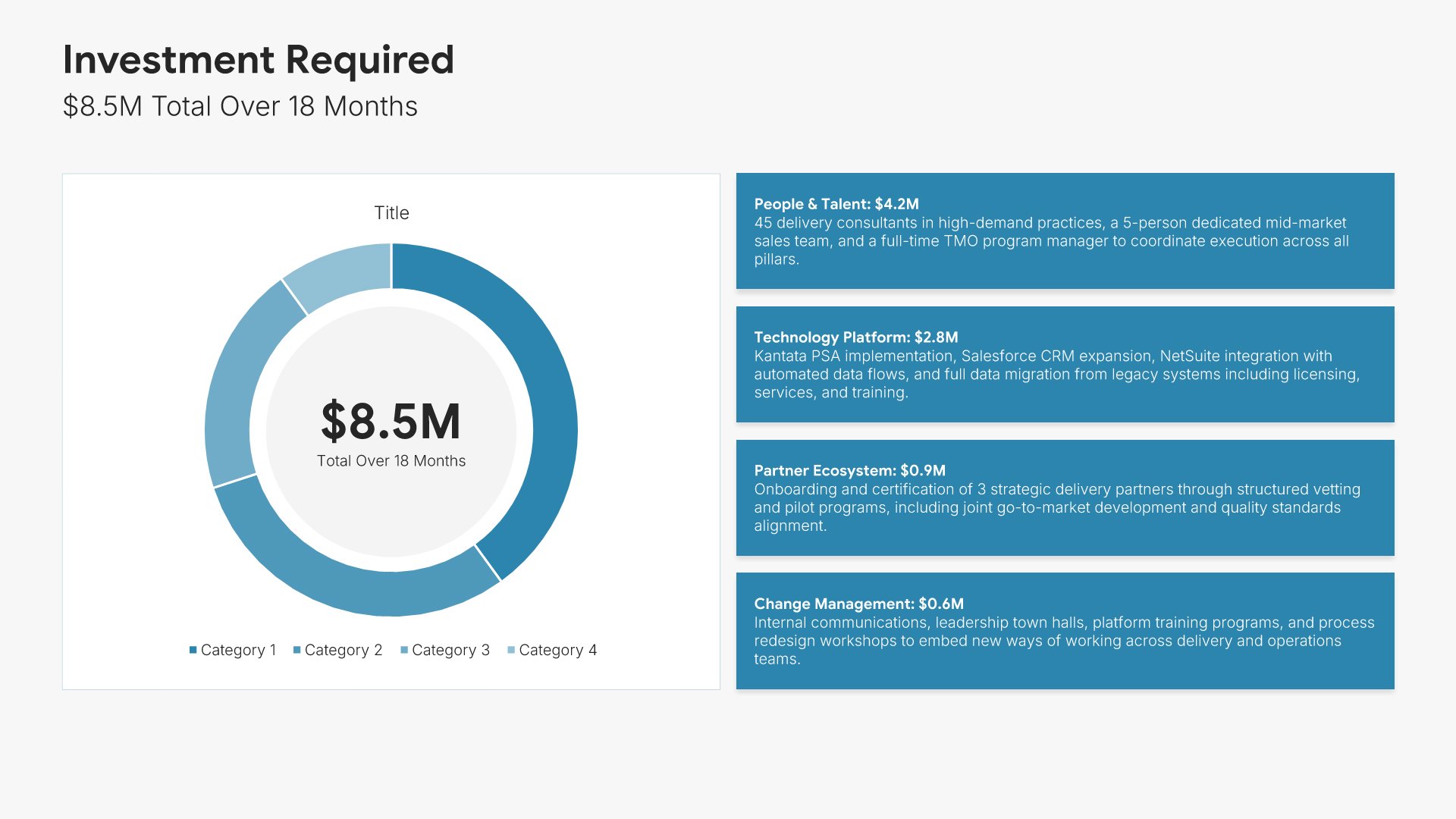
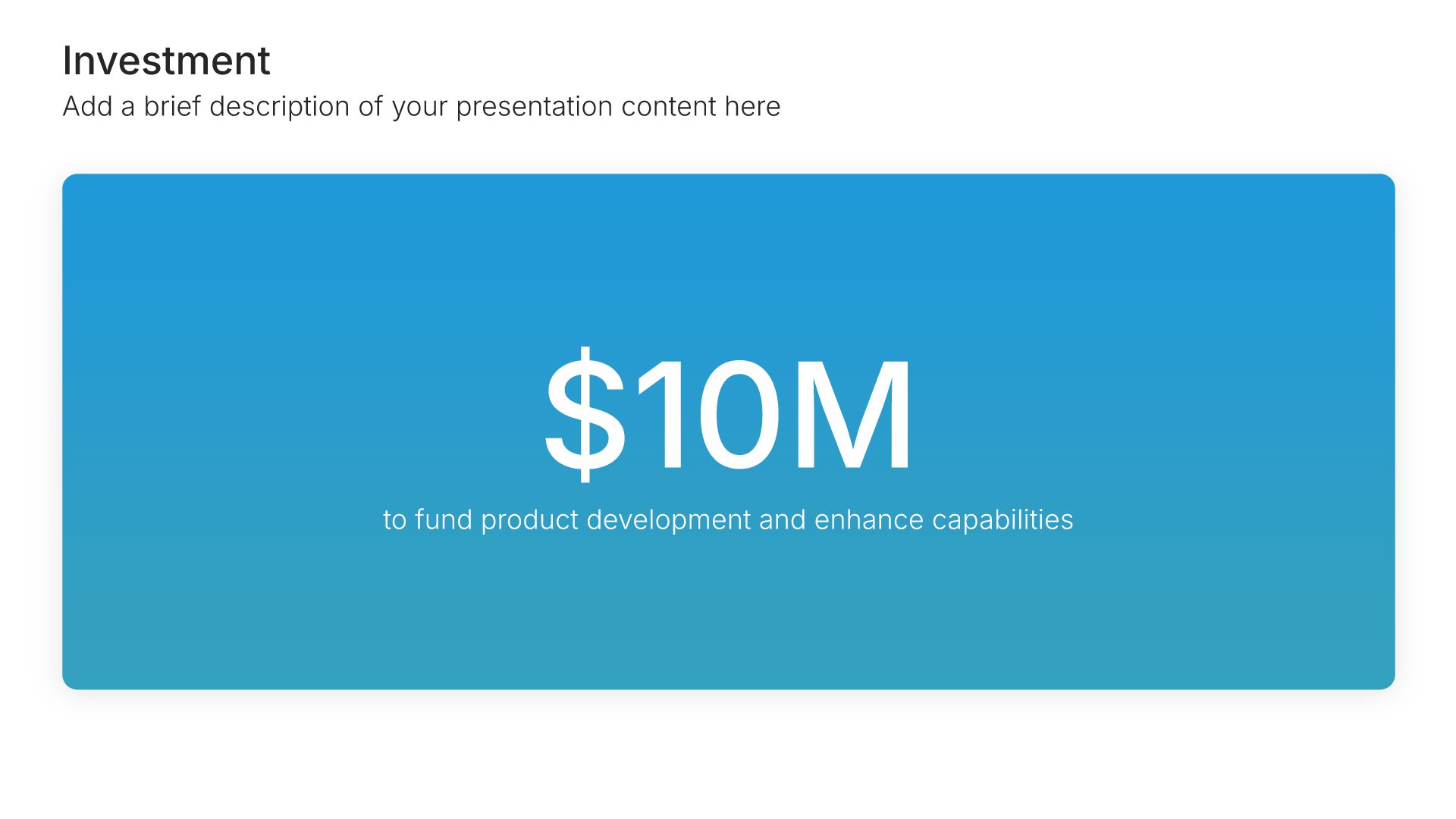
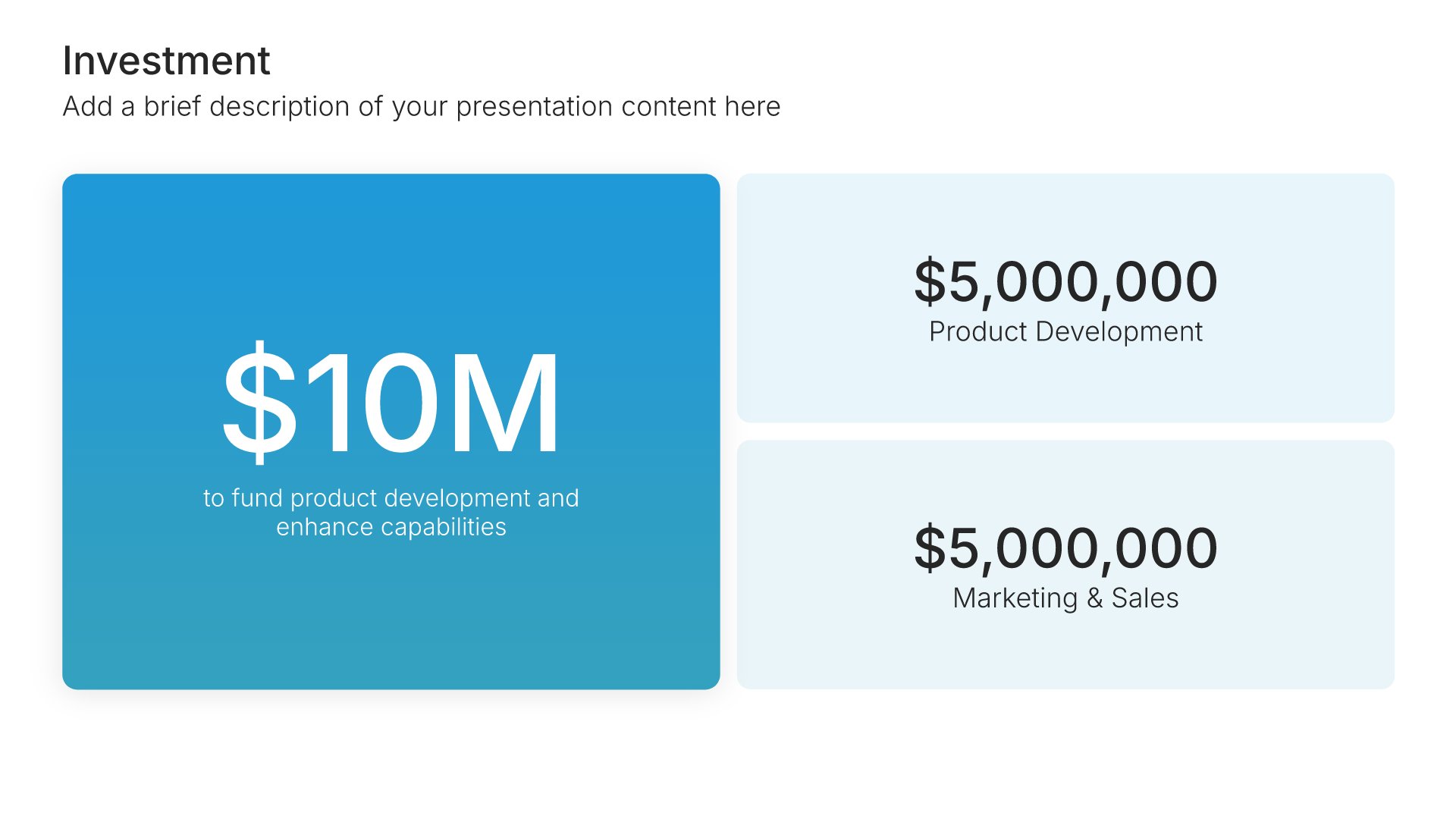
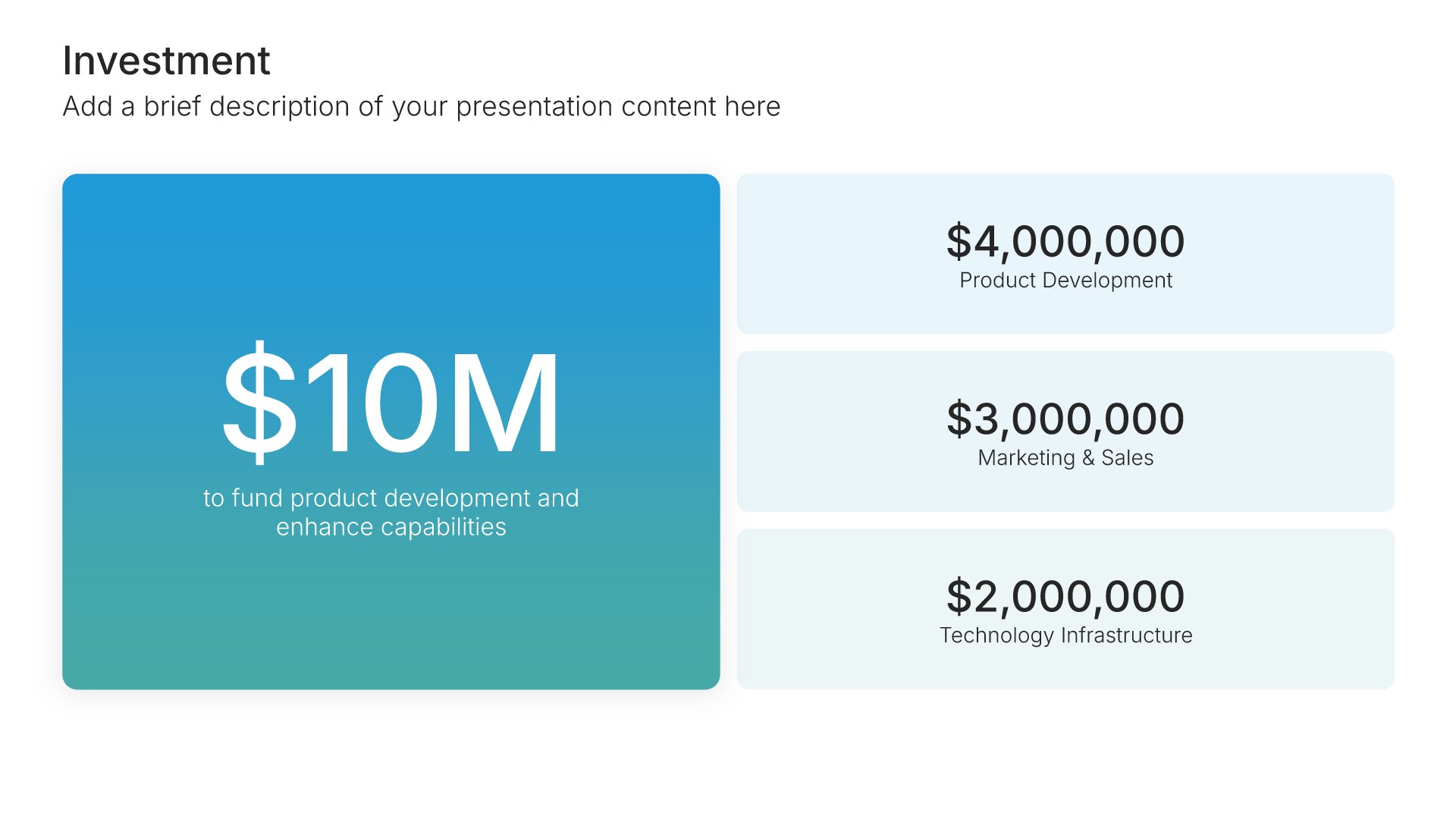
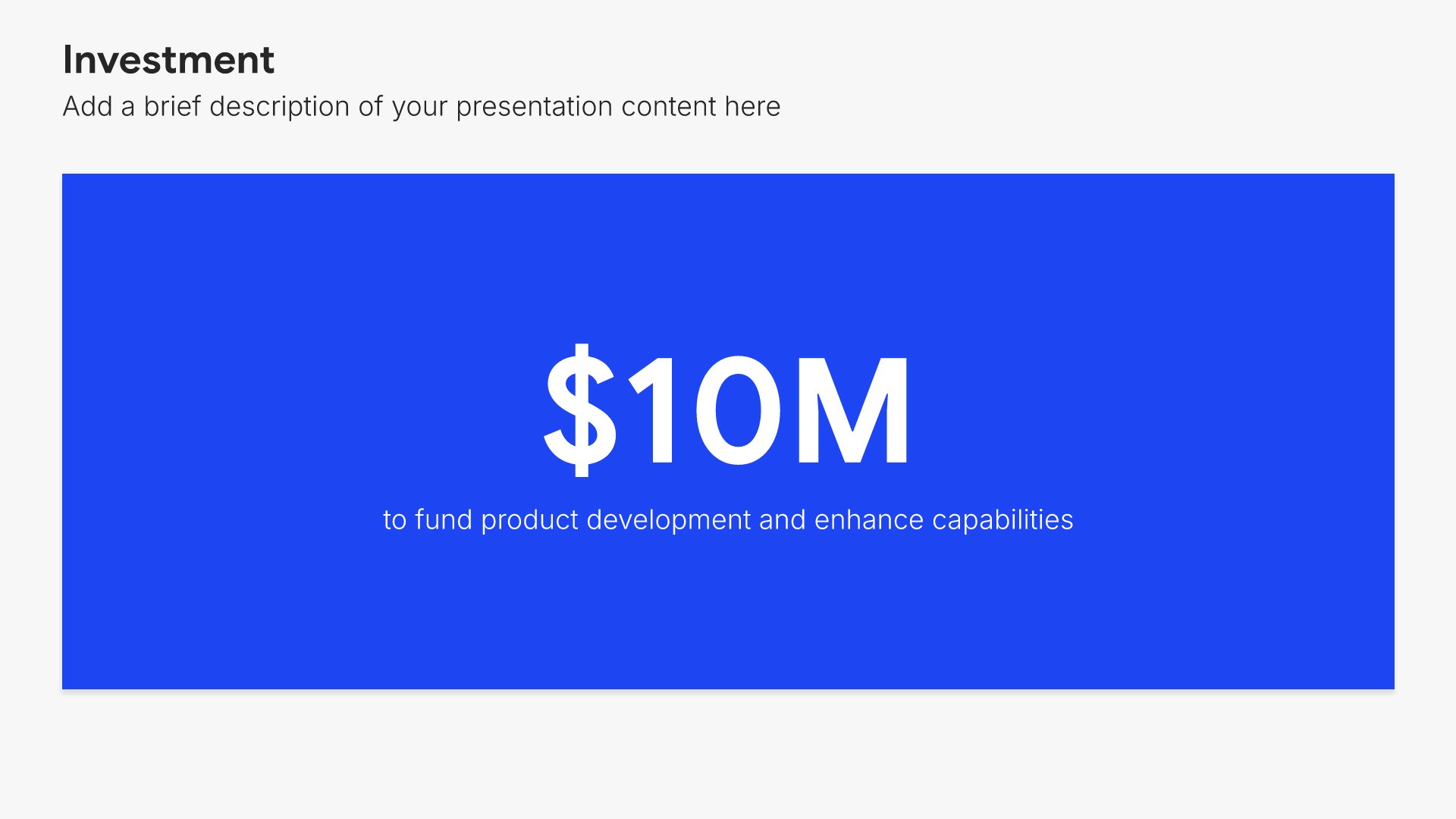
Investment slides help you show funding allocation and breakdown clearly. Use them to display total investment amounts with detailed breakdowns by category, department, or initiative. Ideal for funding requests, budget presentations, and any pitch where showing how capital will be deployed builds investor and stakeholder confidence.
Built using Investment slides

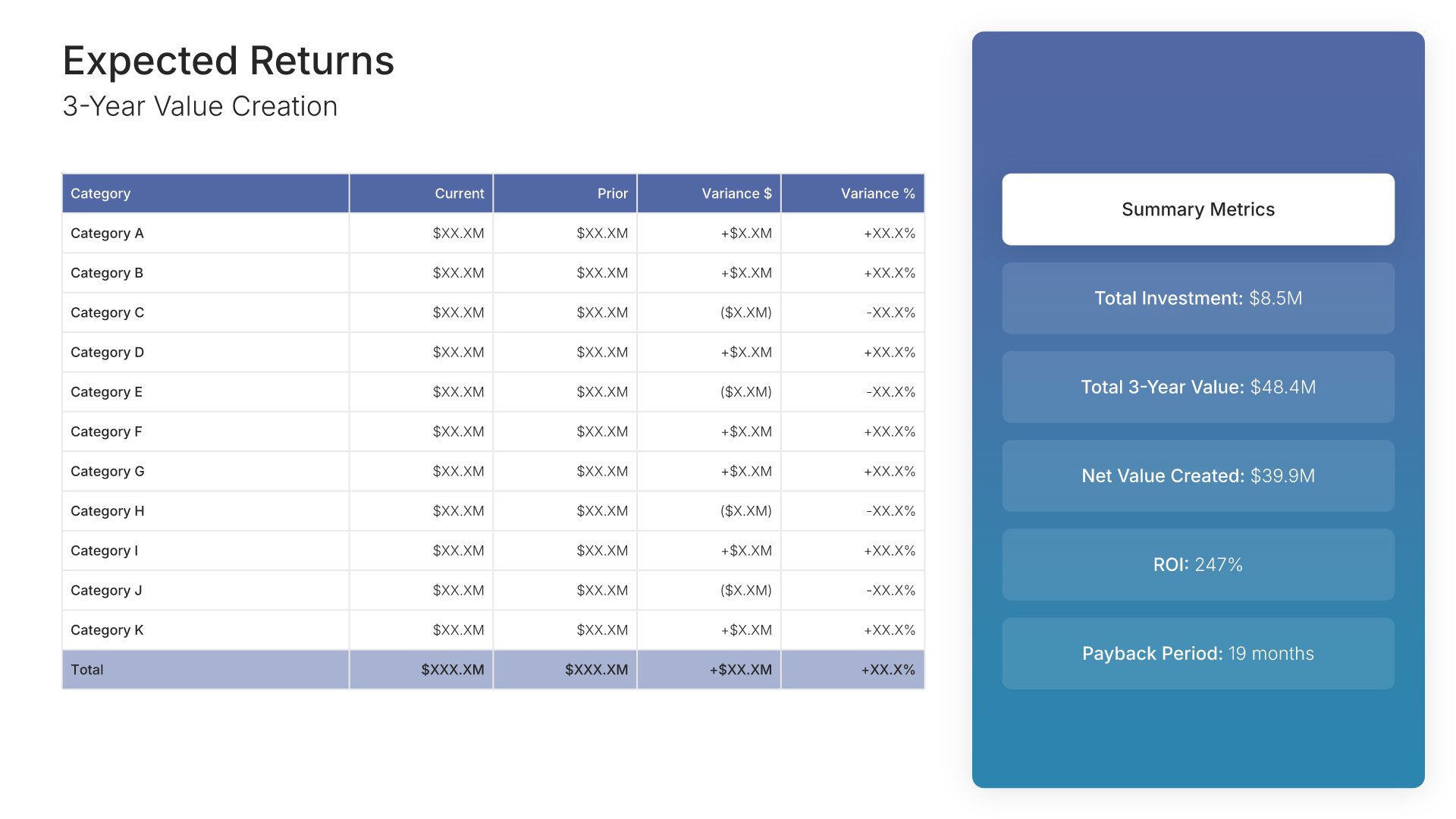
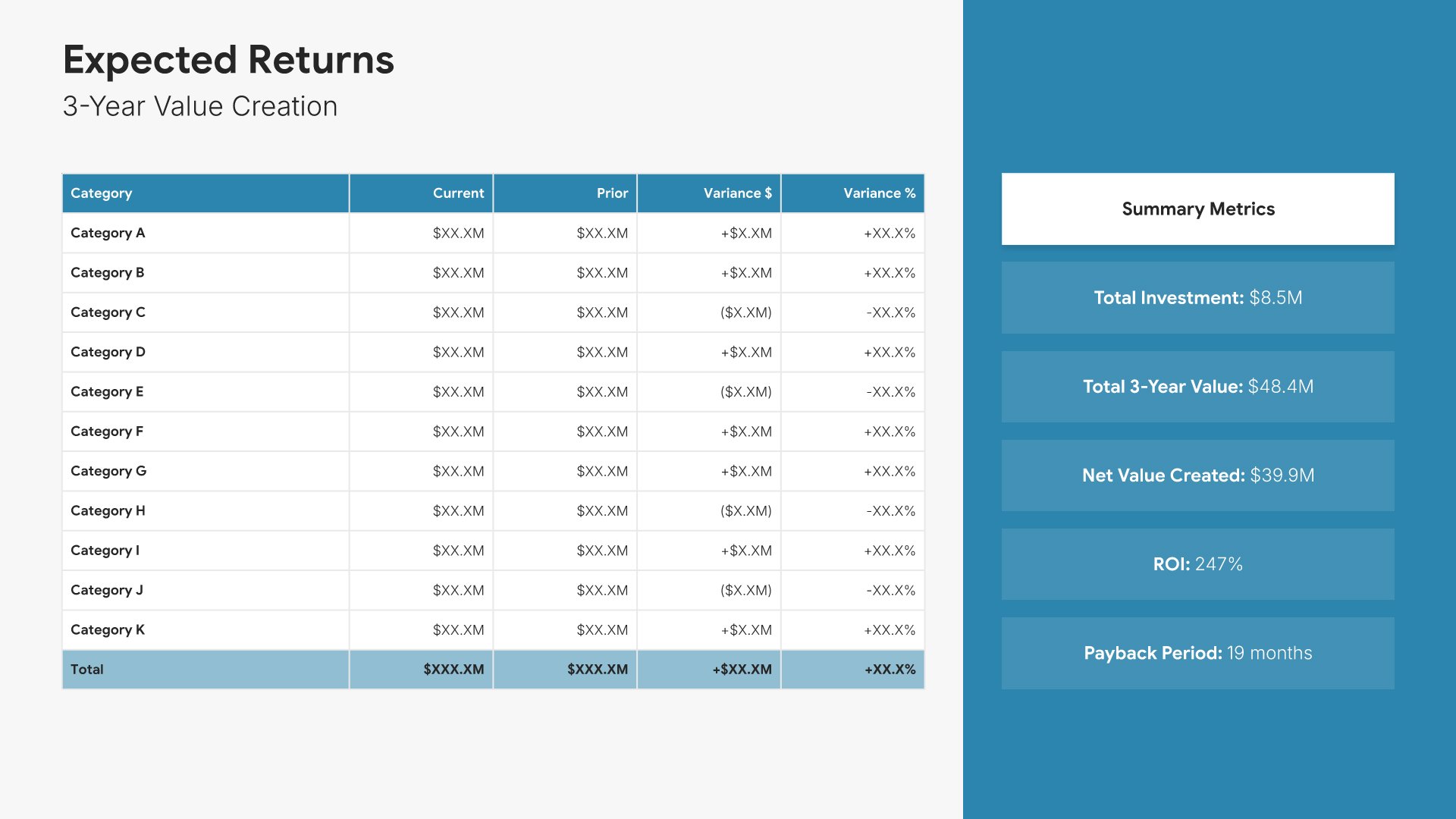
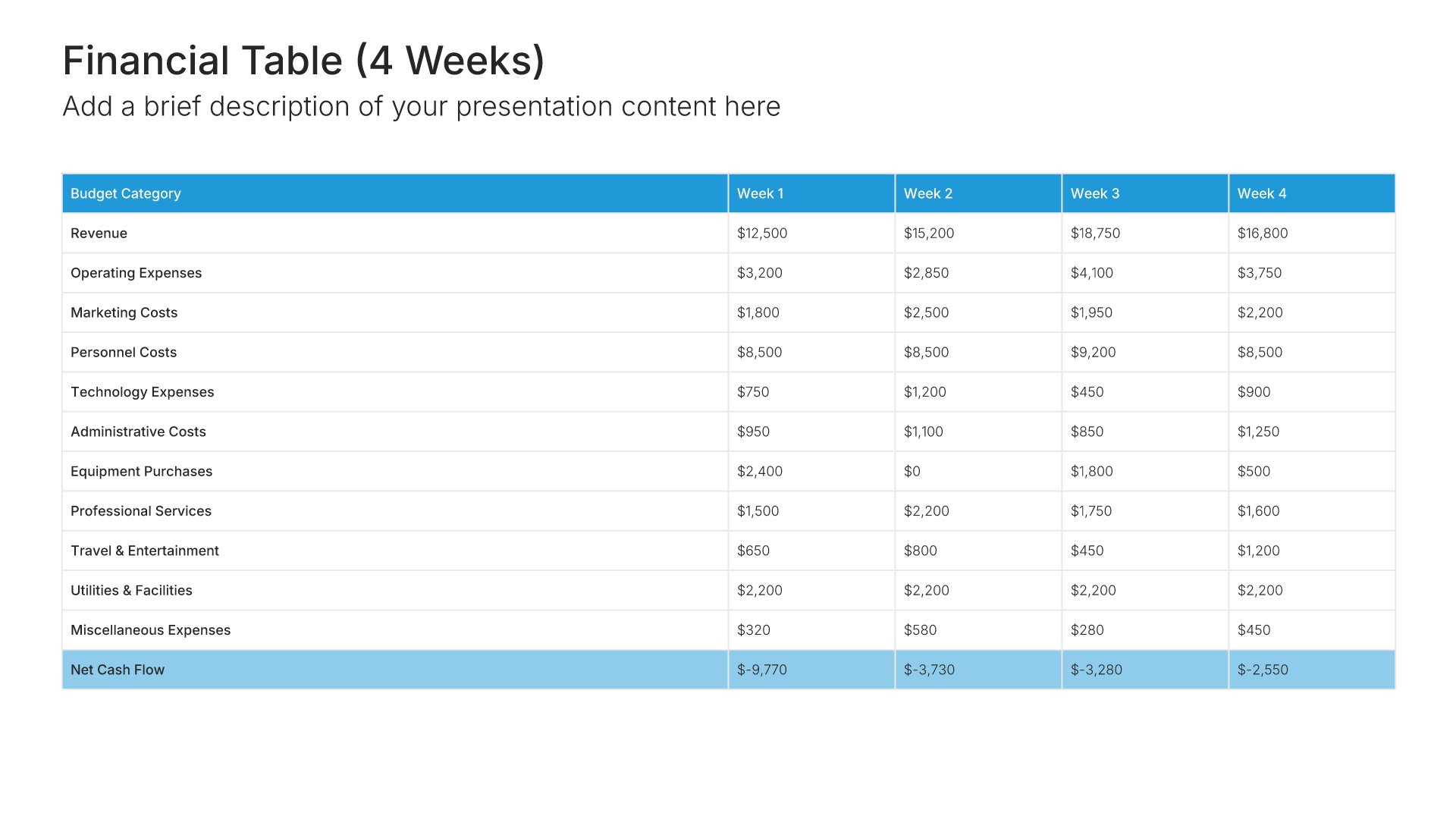
12. Cost-Benefit Analysis

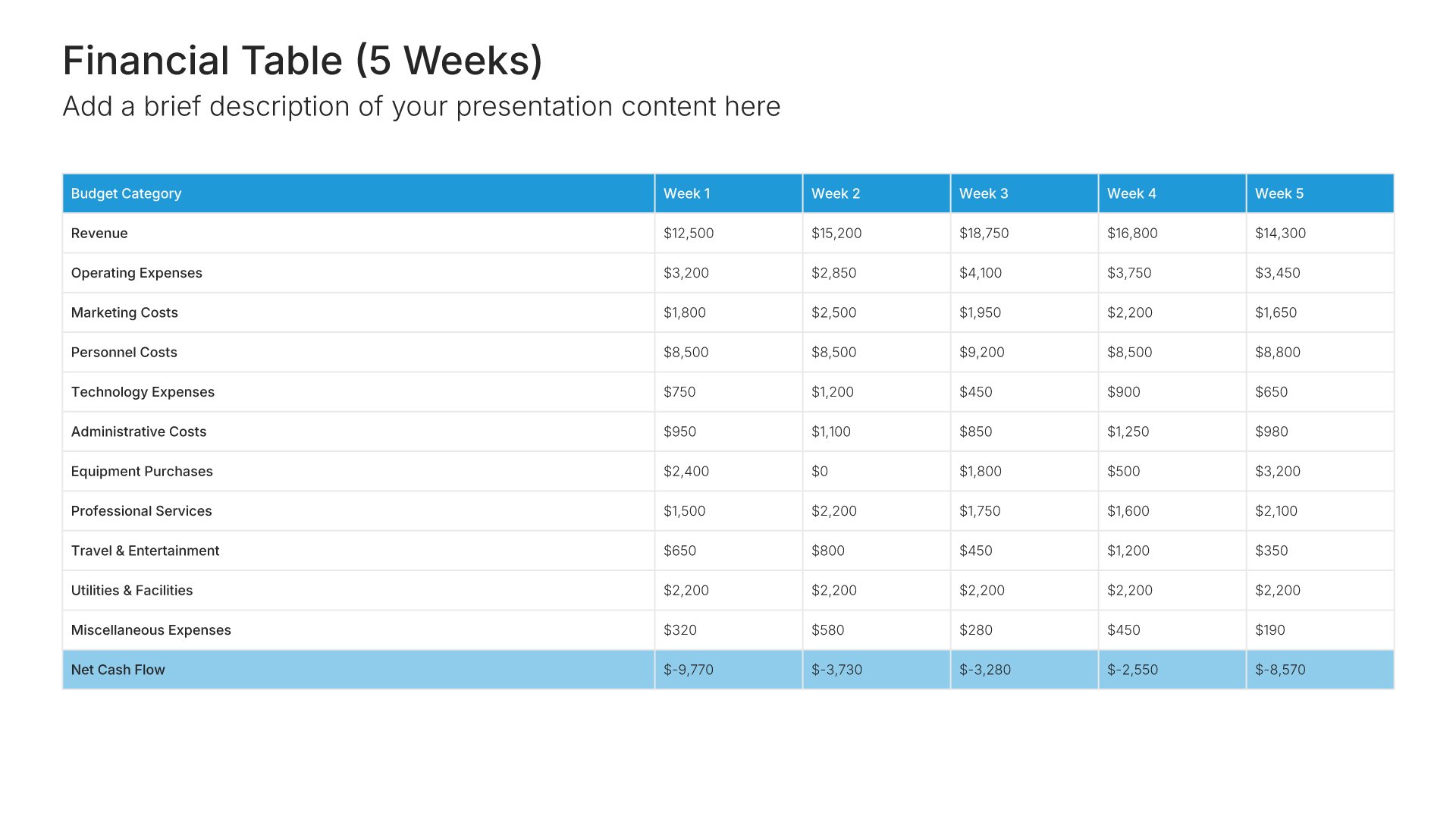
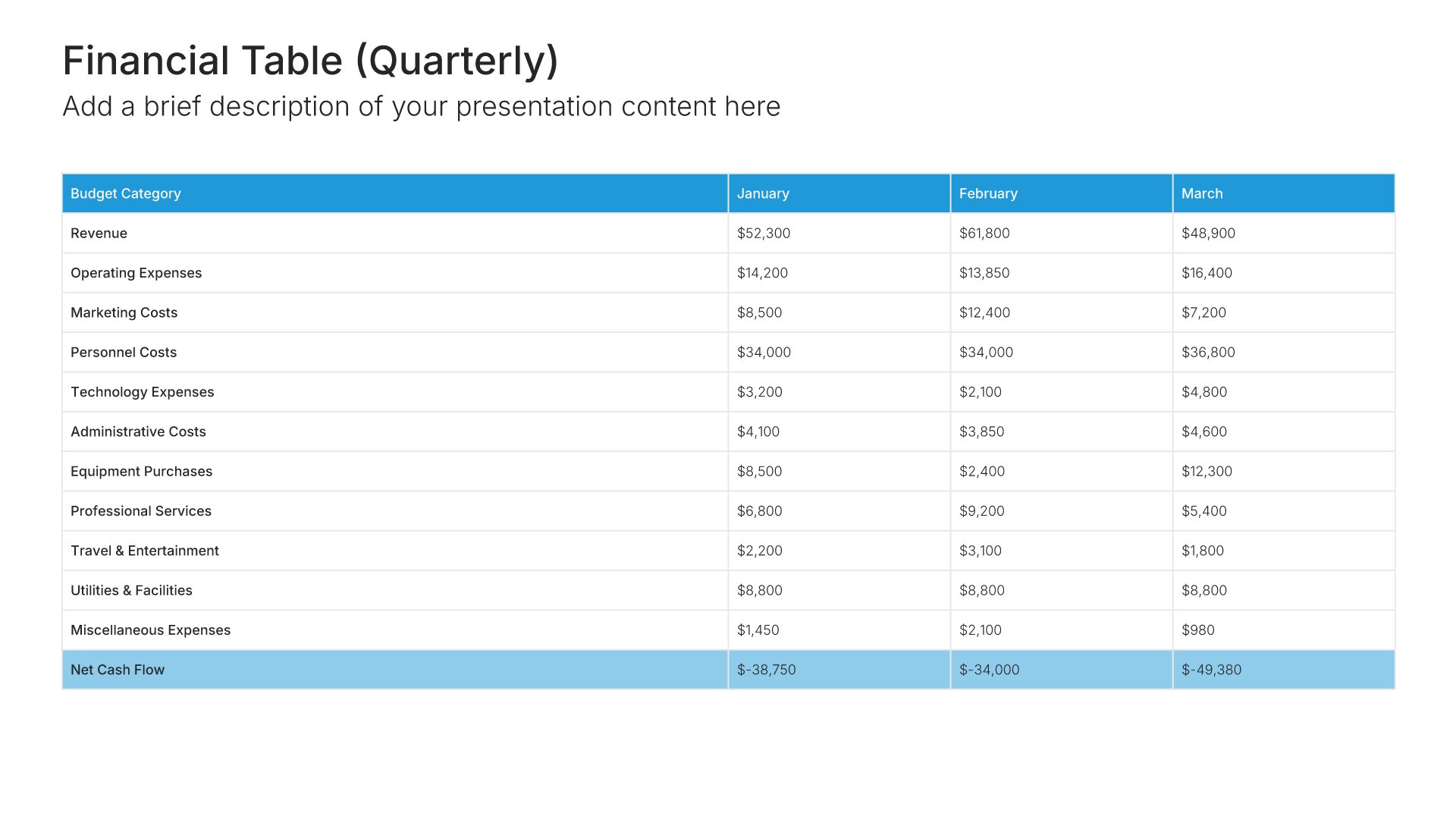
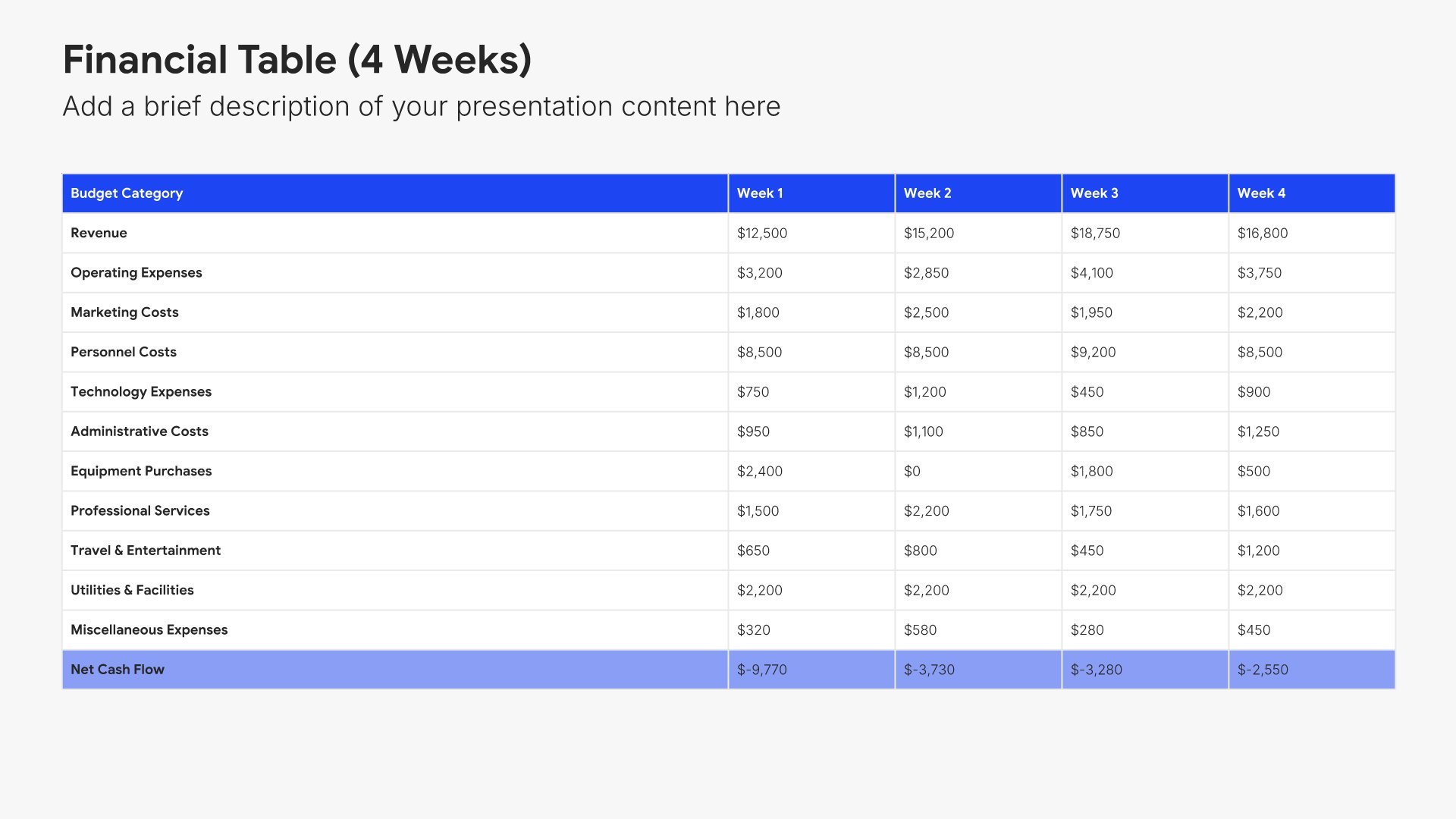
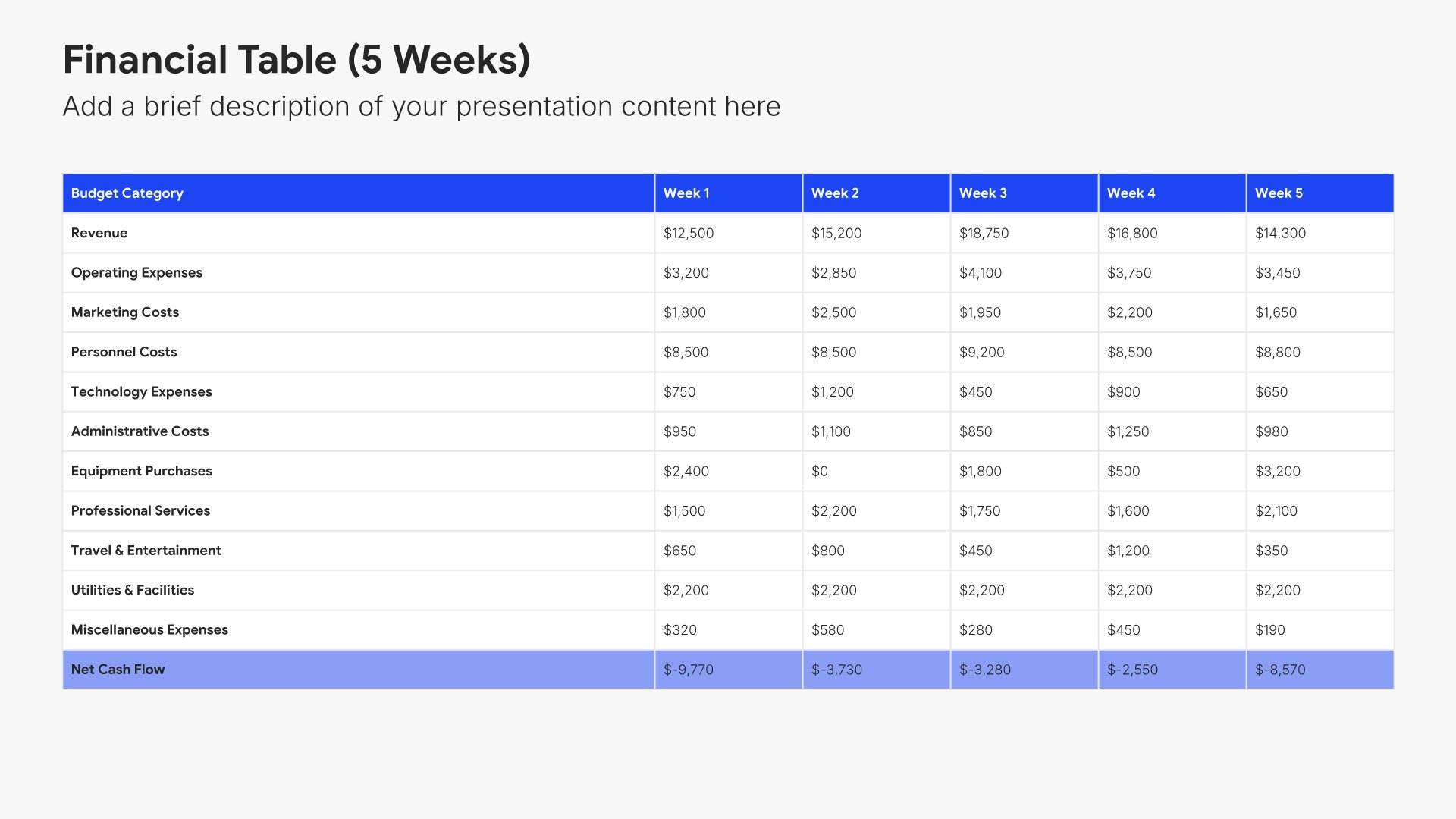
Cost-benefit analysis slides help you present the value your budget request will deliver. Use them to compare costs against expected returns, savings, or strategic benefits. Ideal for budget proposals and business cases where demonstrating positive ROI or clear value justifies the investment you're requesting.
Built using Financial Table slides

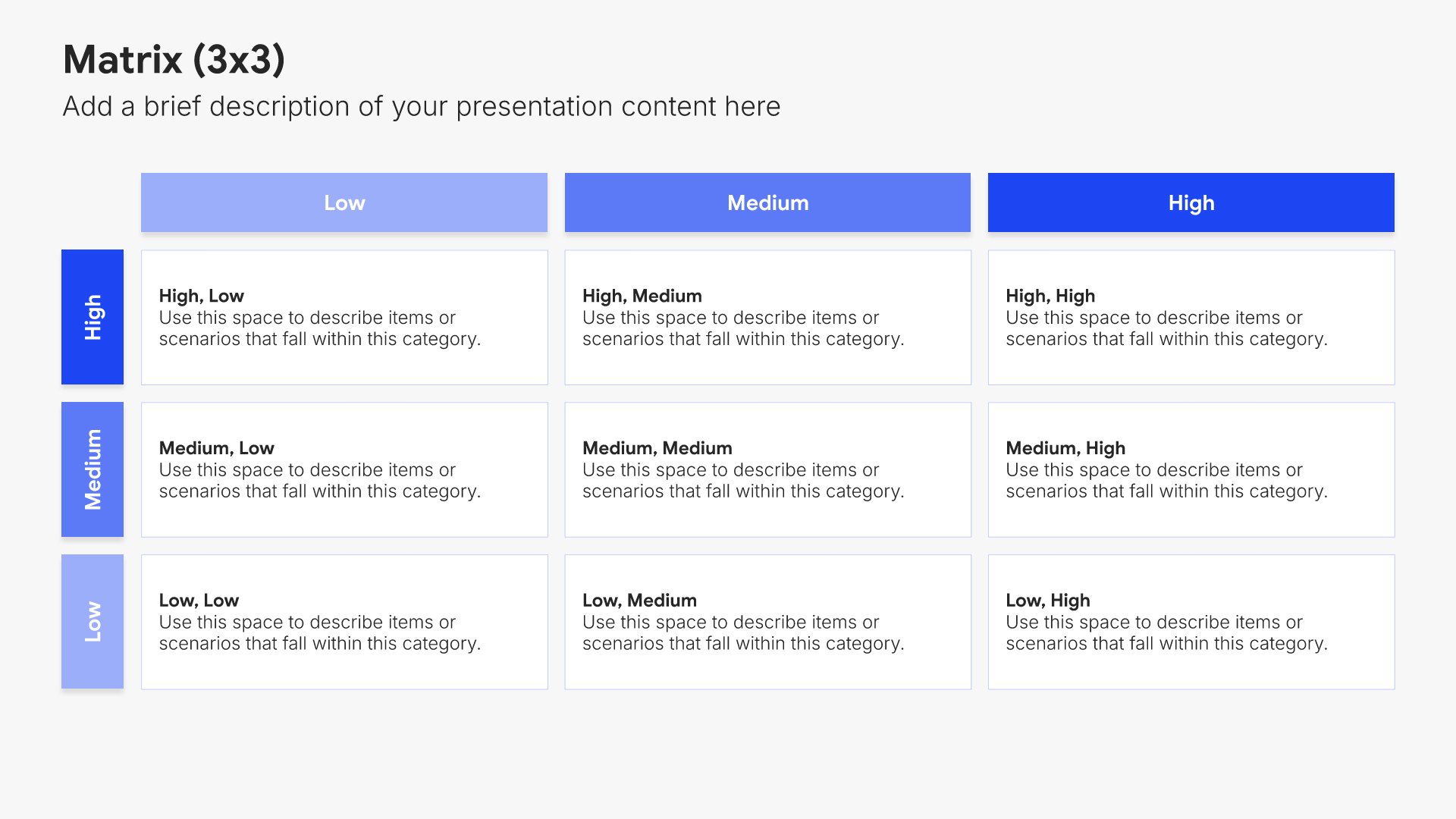
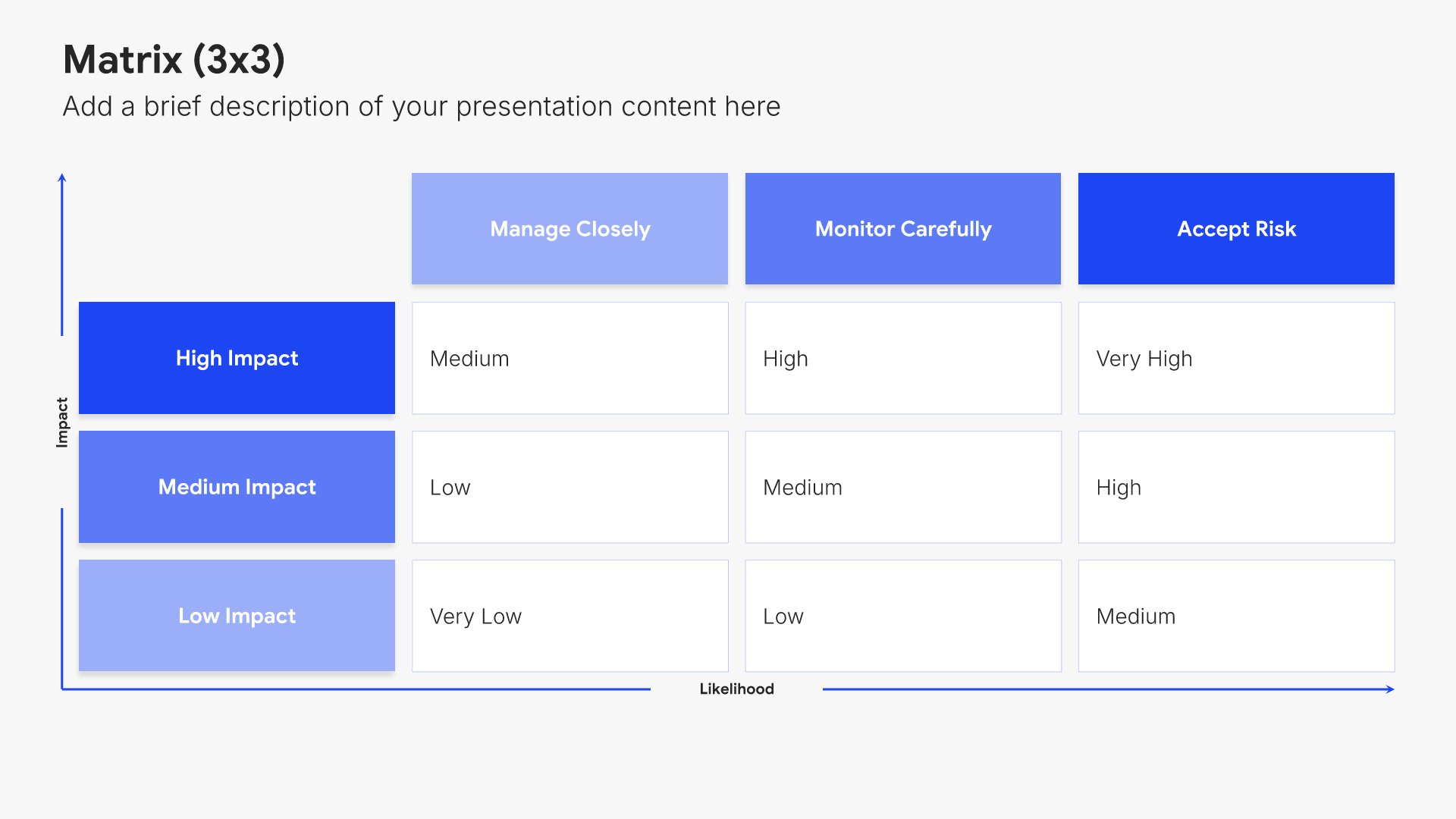
13. Risk Assessment

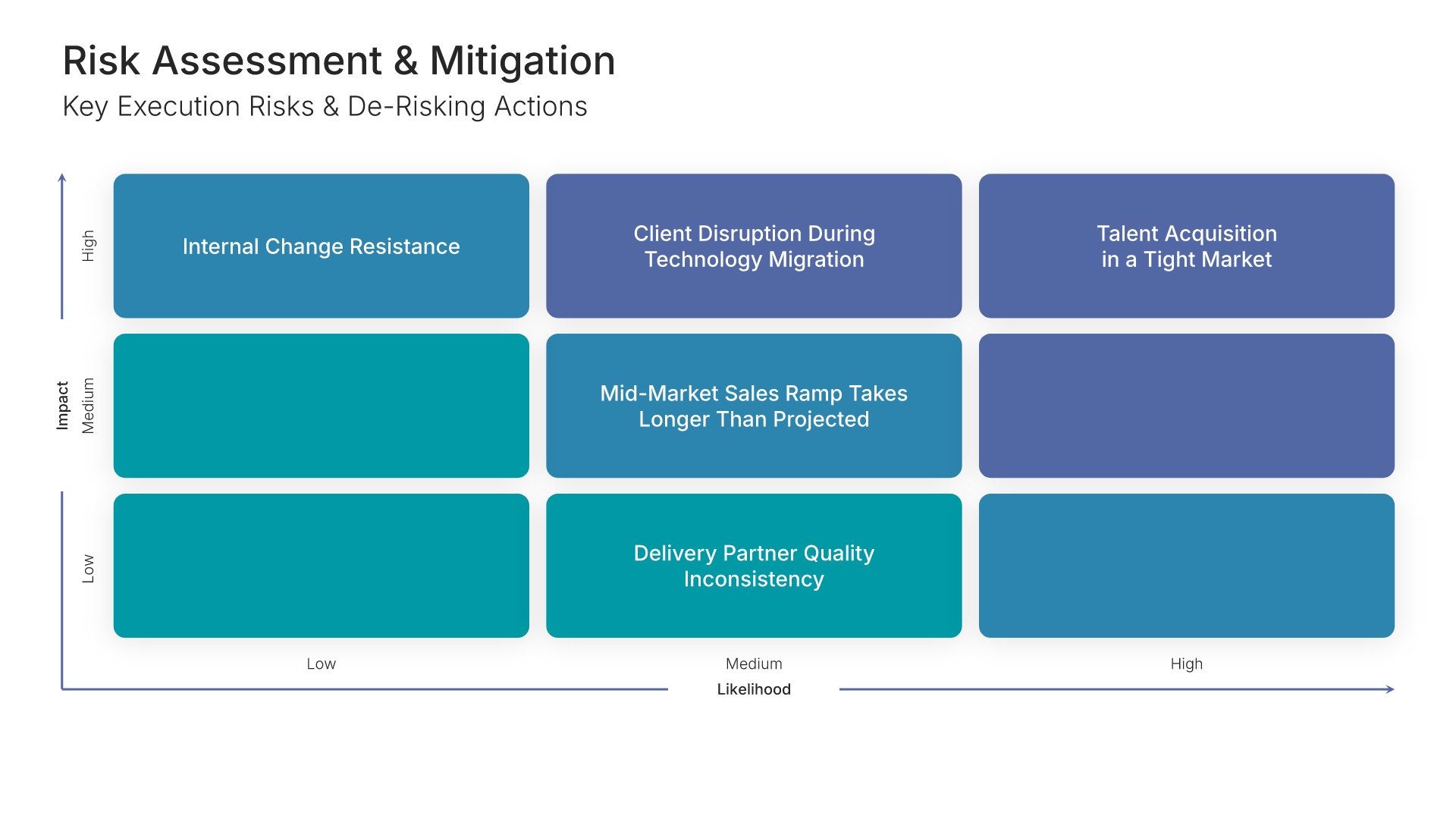
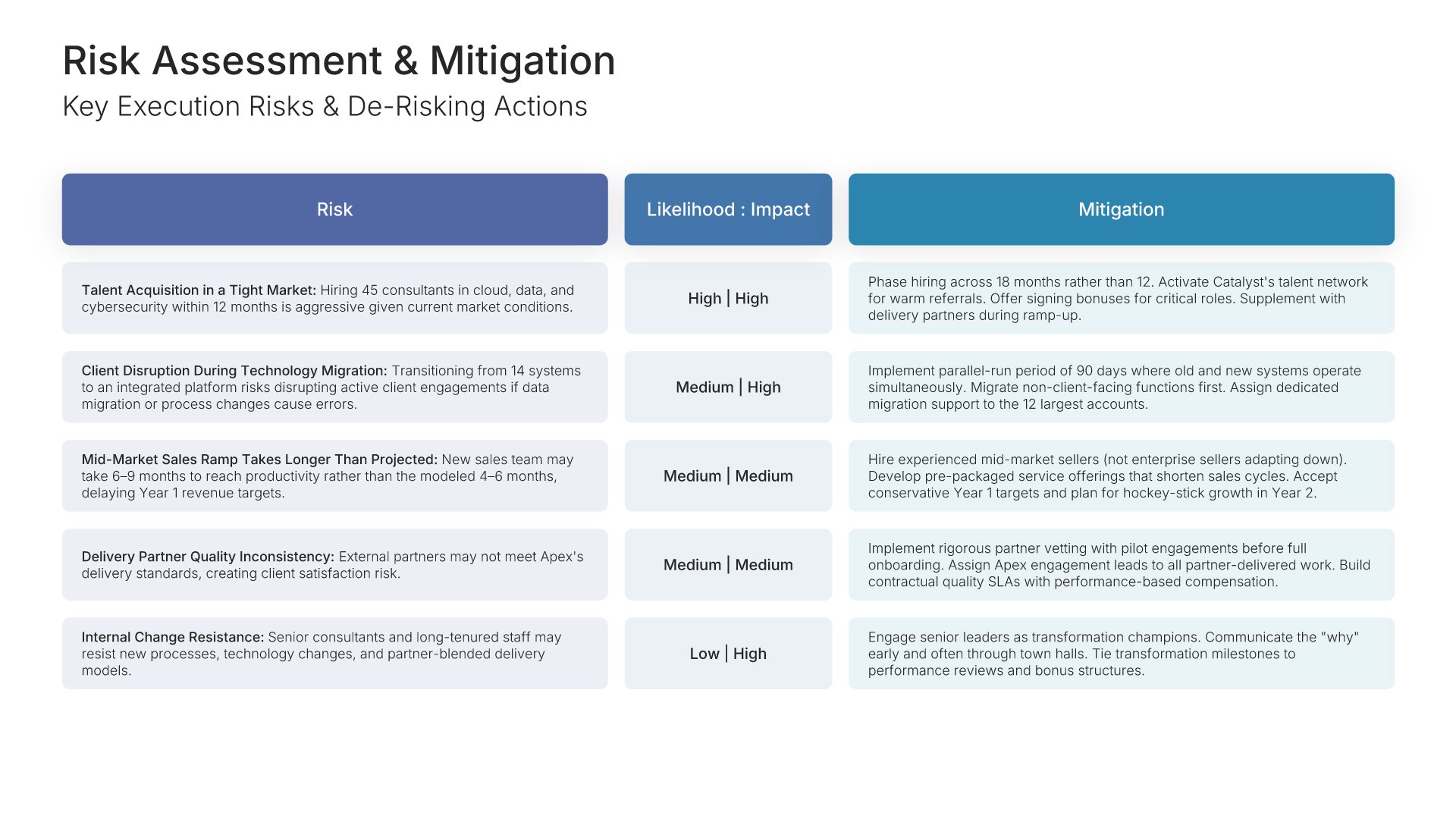
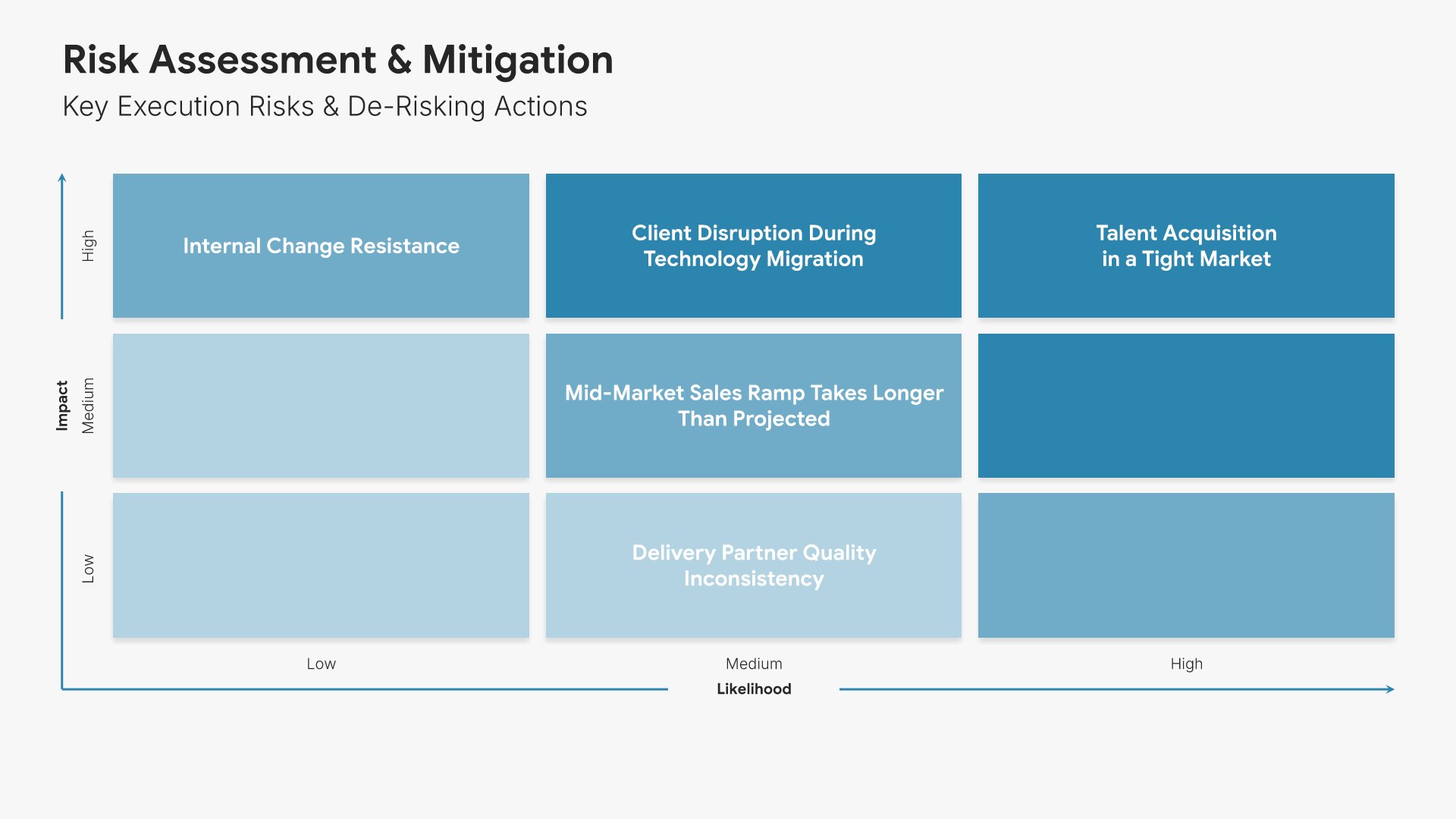
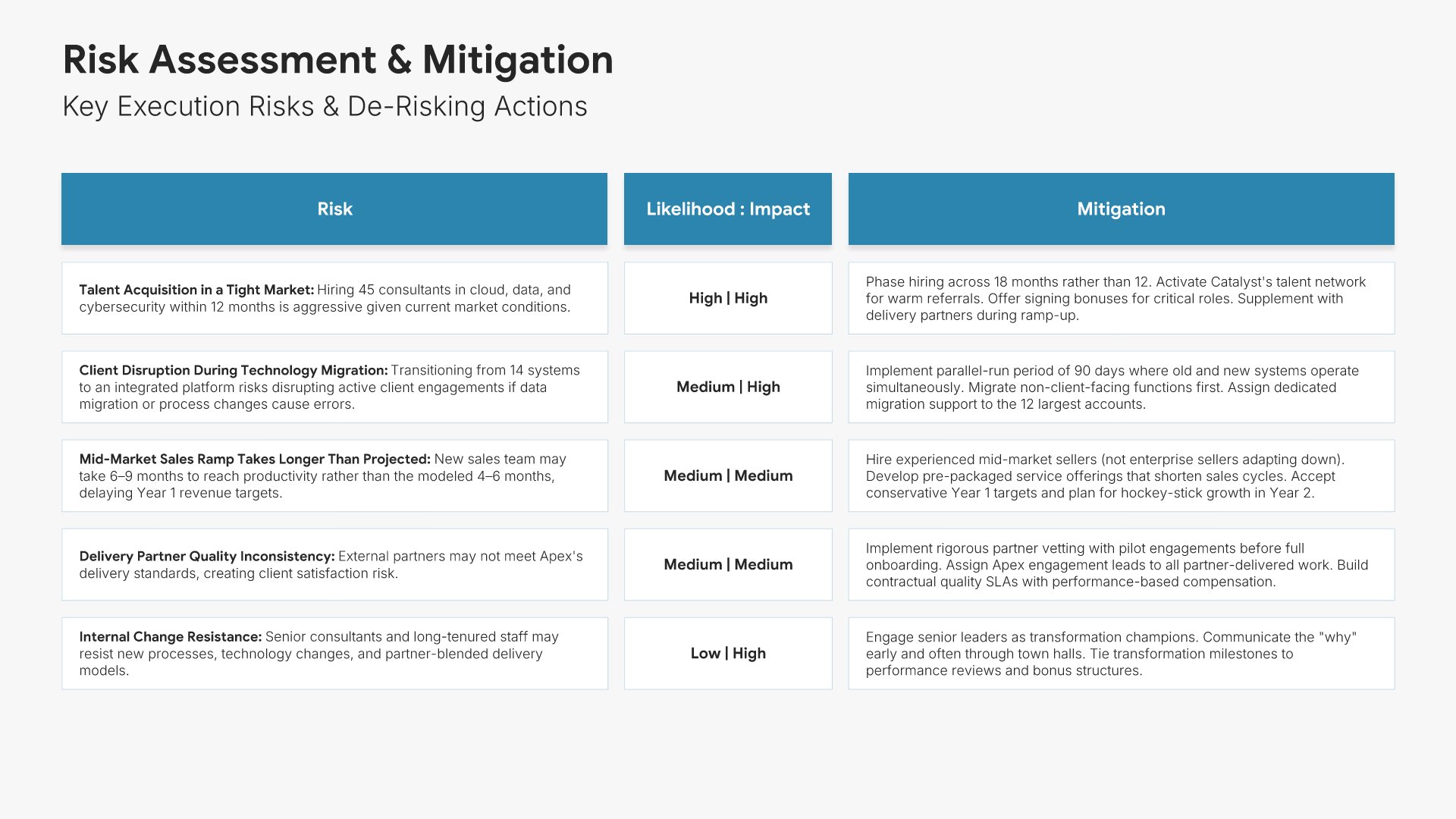
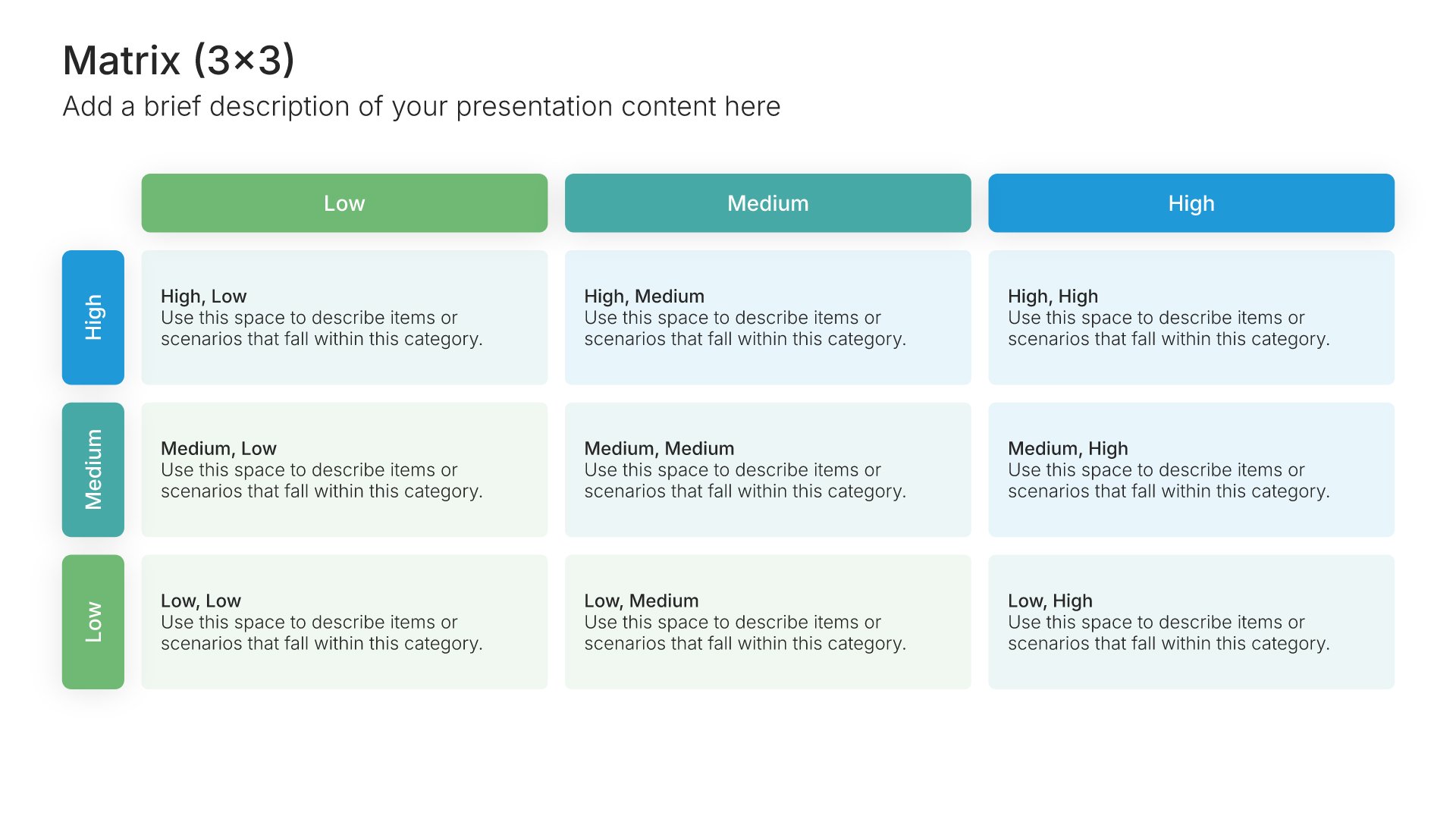
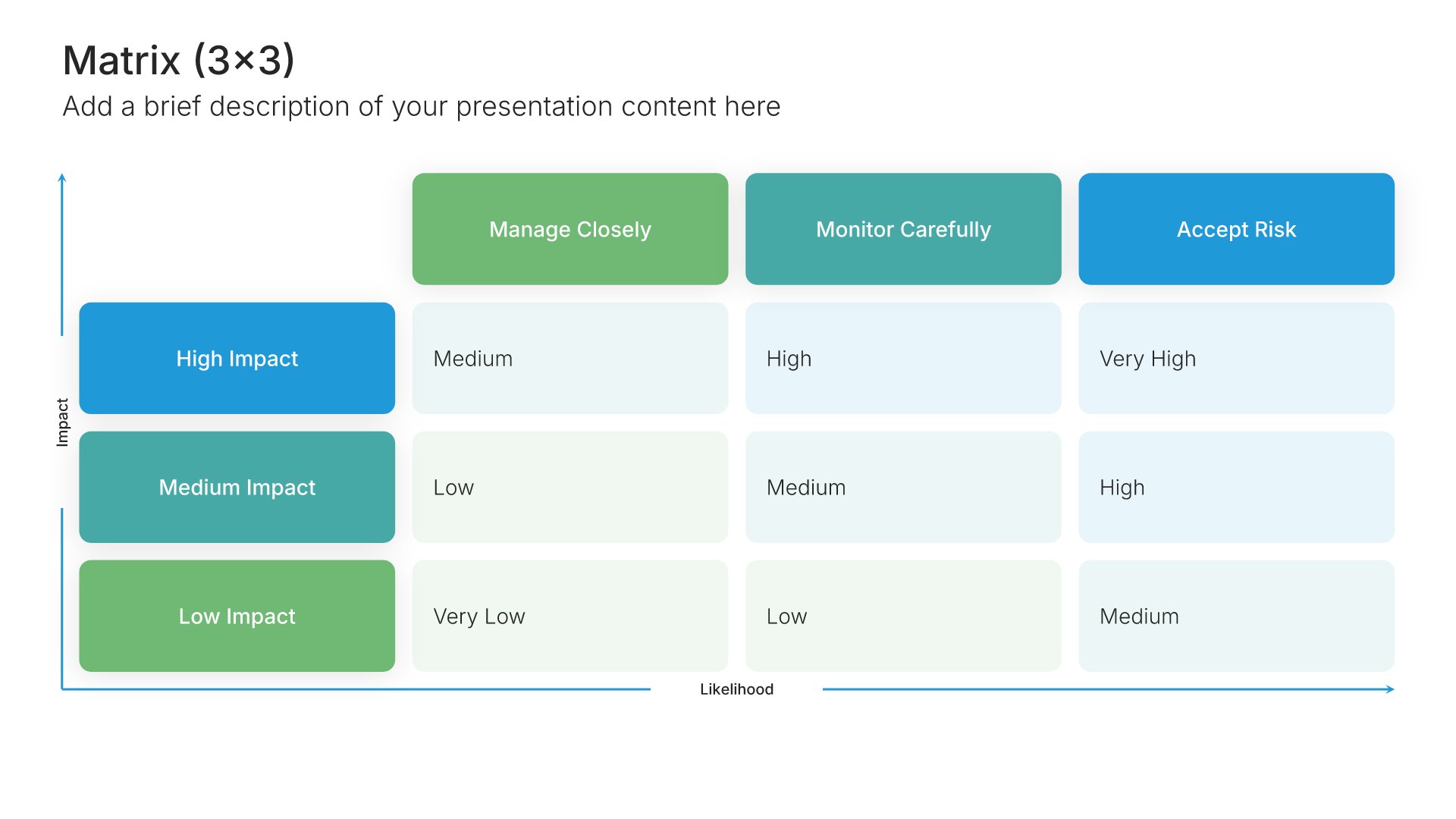
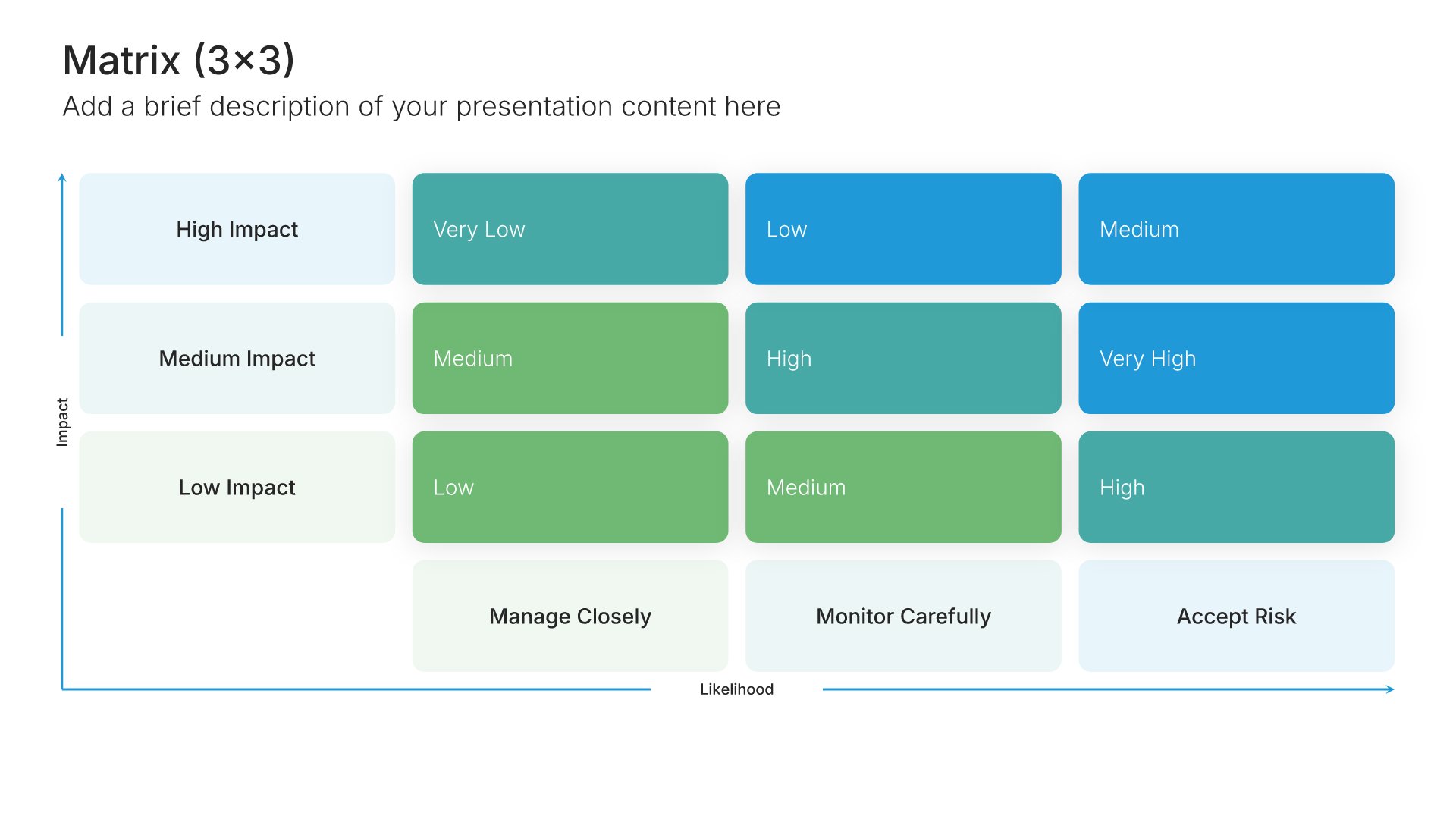
Risk assessment slides help you identify potential challenges and mitigation strategies. Use them to present risks that could impact your budget, along with contingency plans and safeguards. Ideal for budget proposals and business cases where acknowledging risks and showing preparedness builds stakeholder confidence.
Built using Matrix (3×3) slides

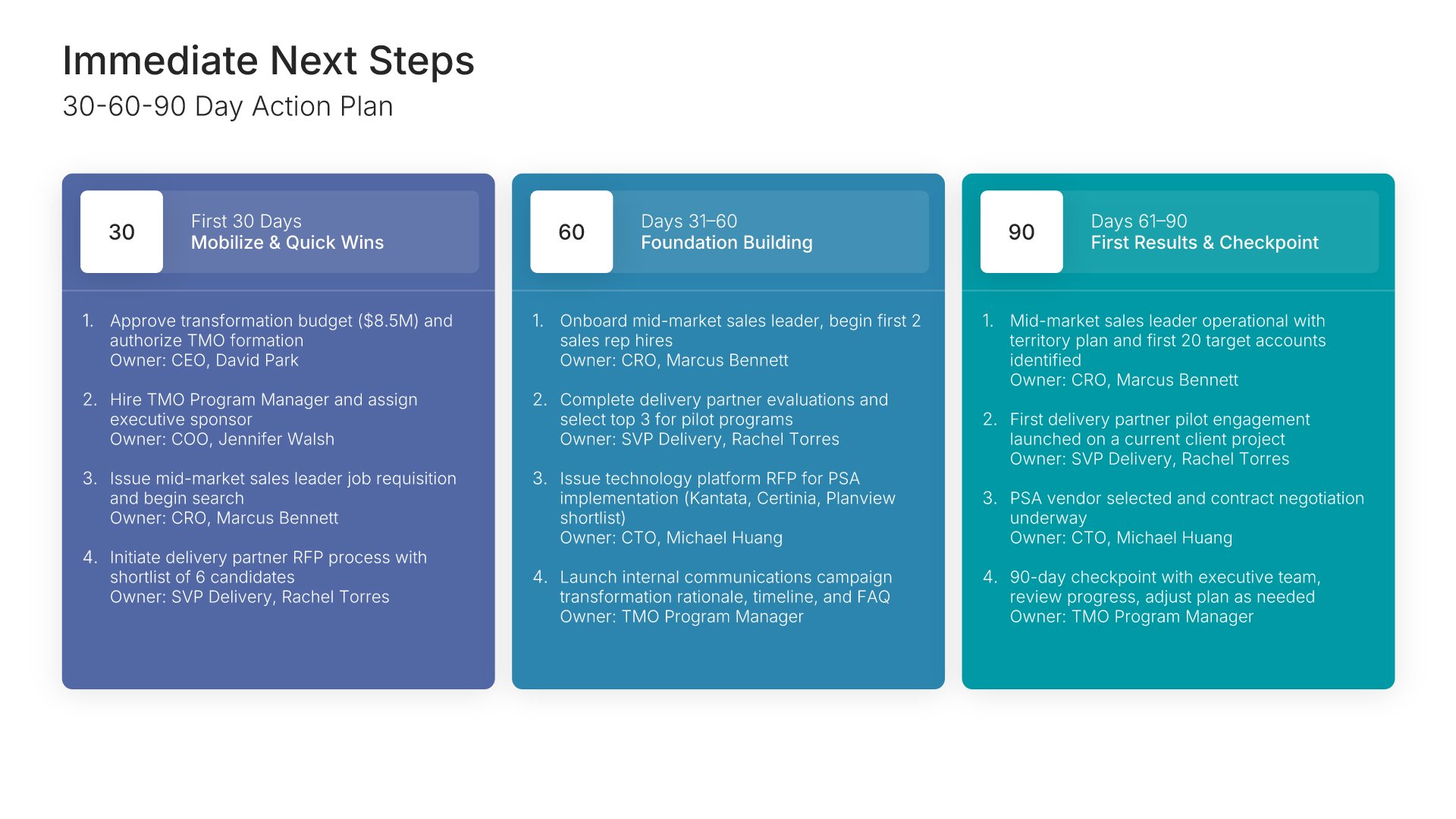
14. Next Steps

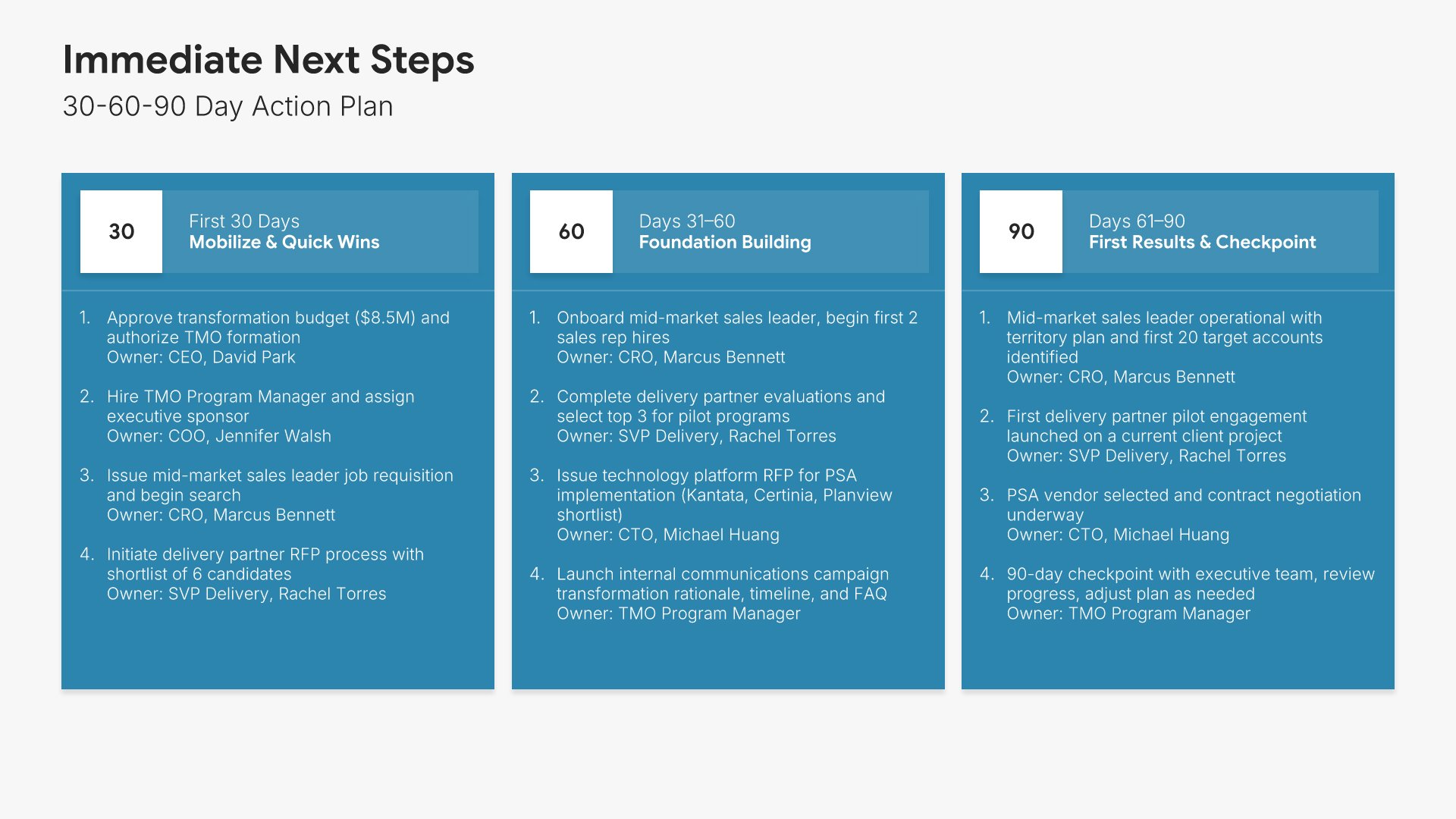
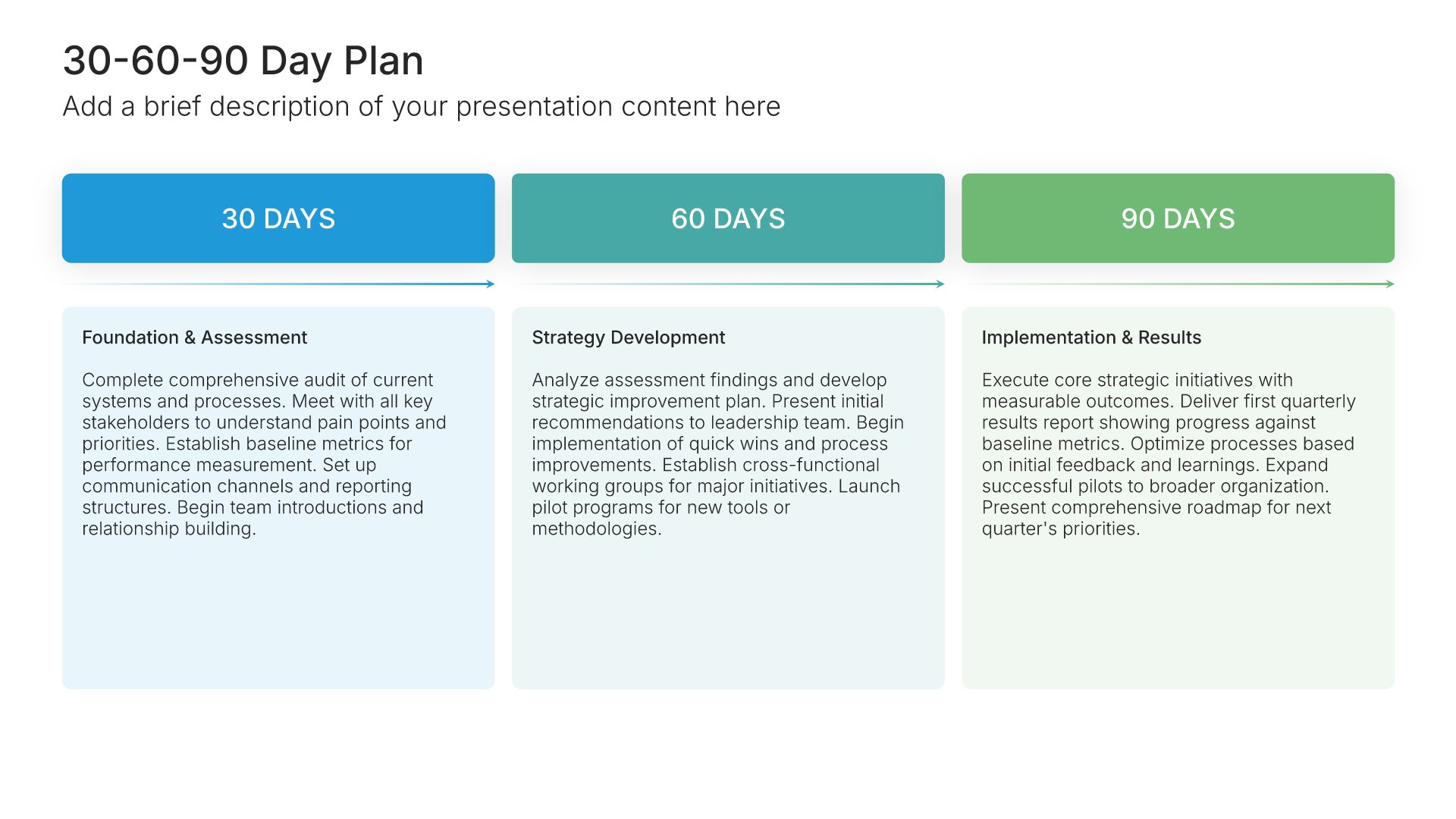
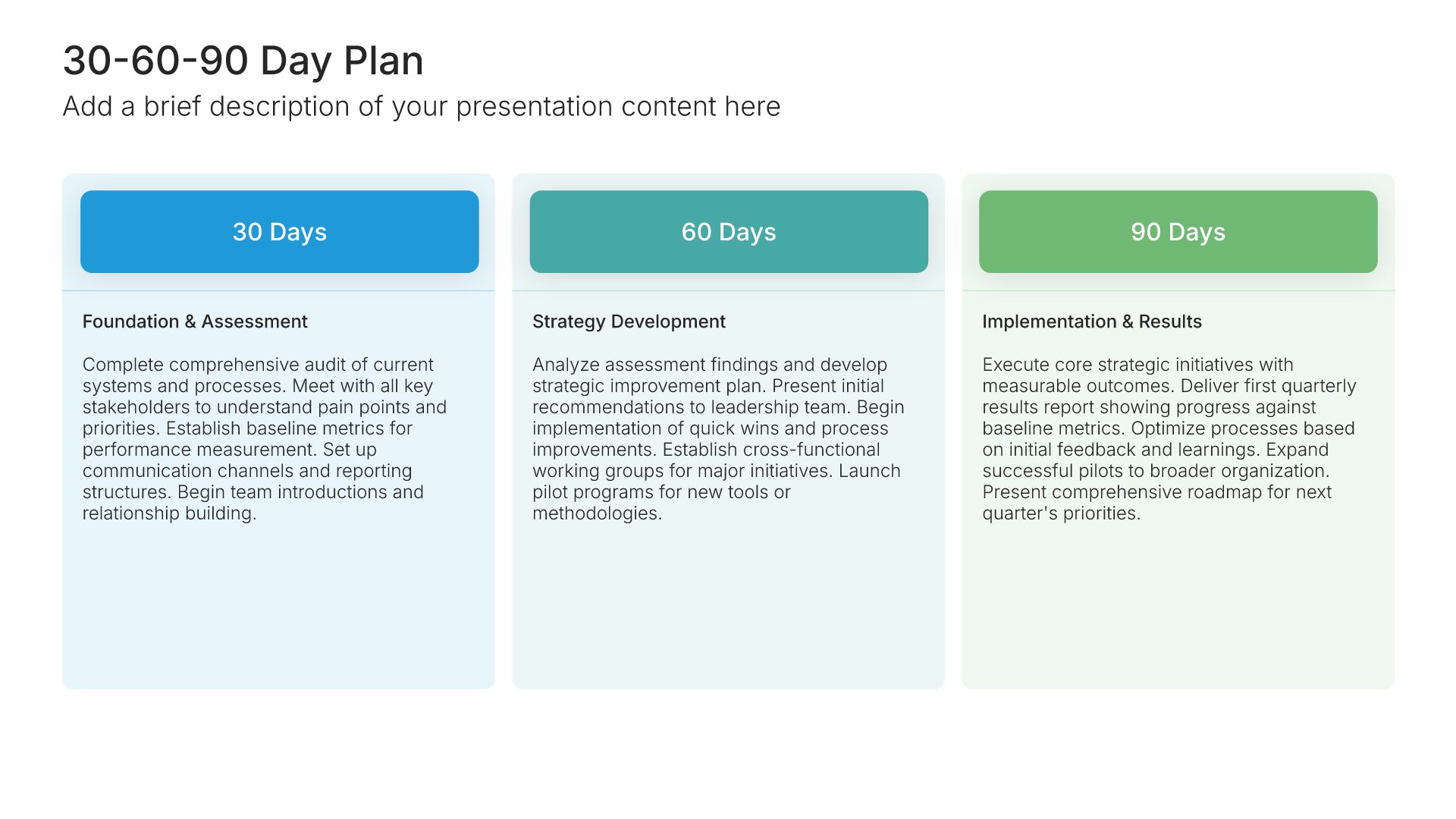
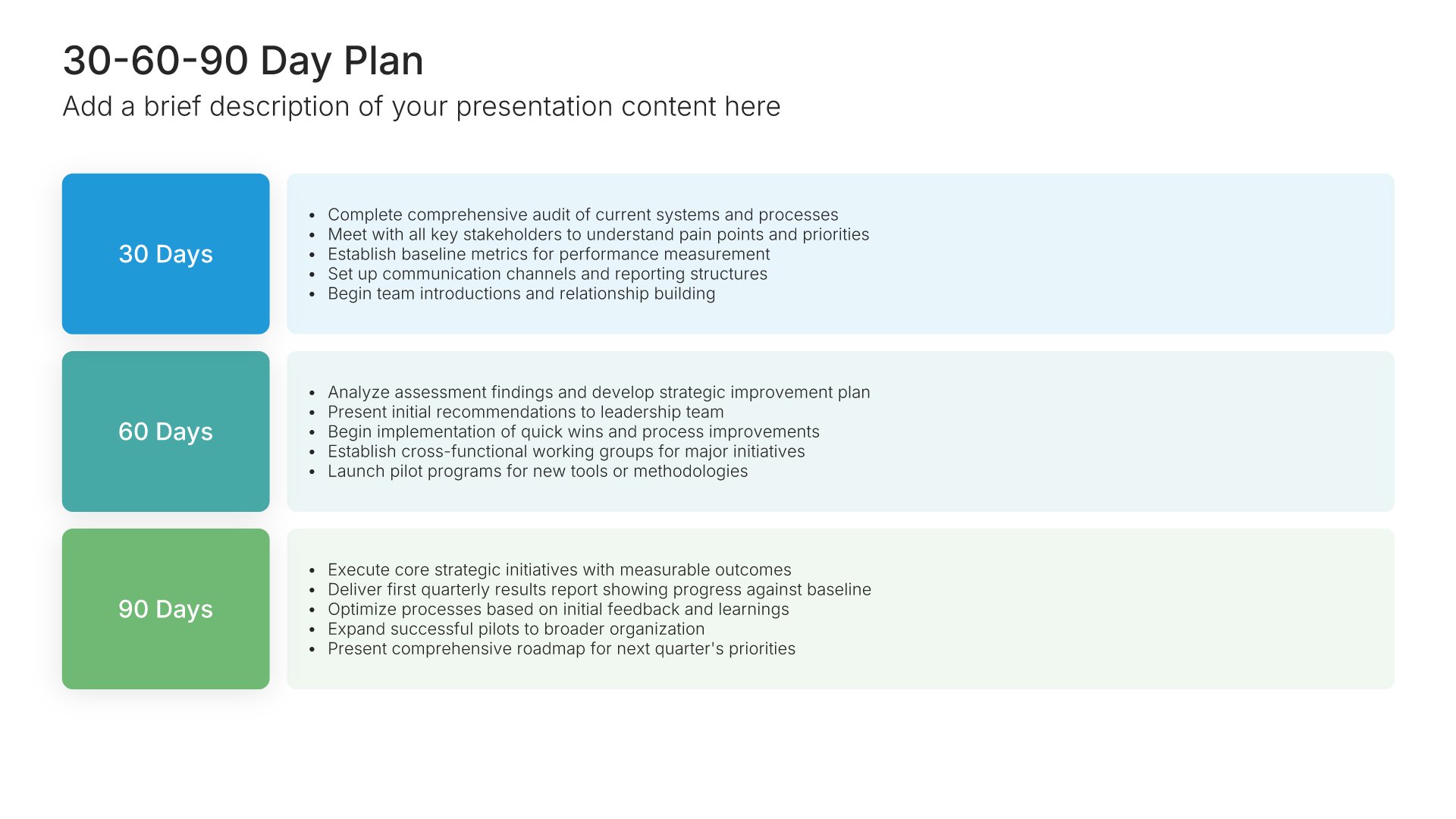
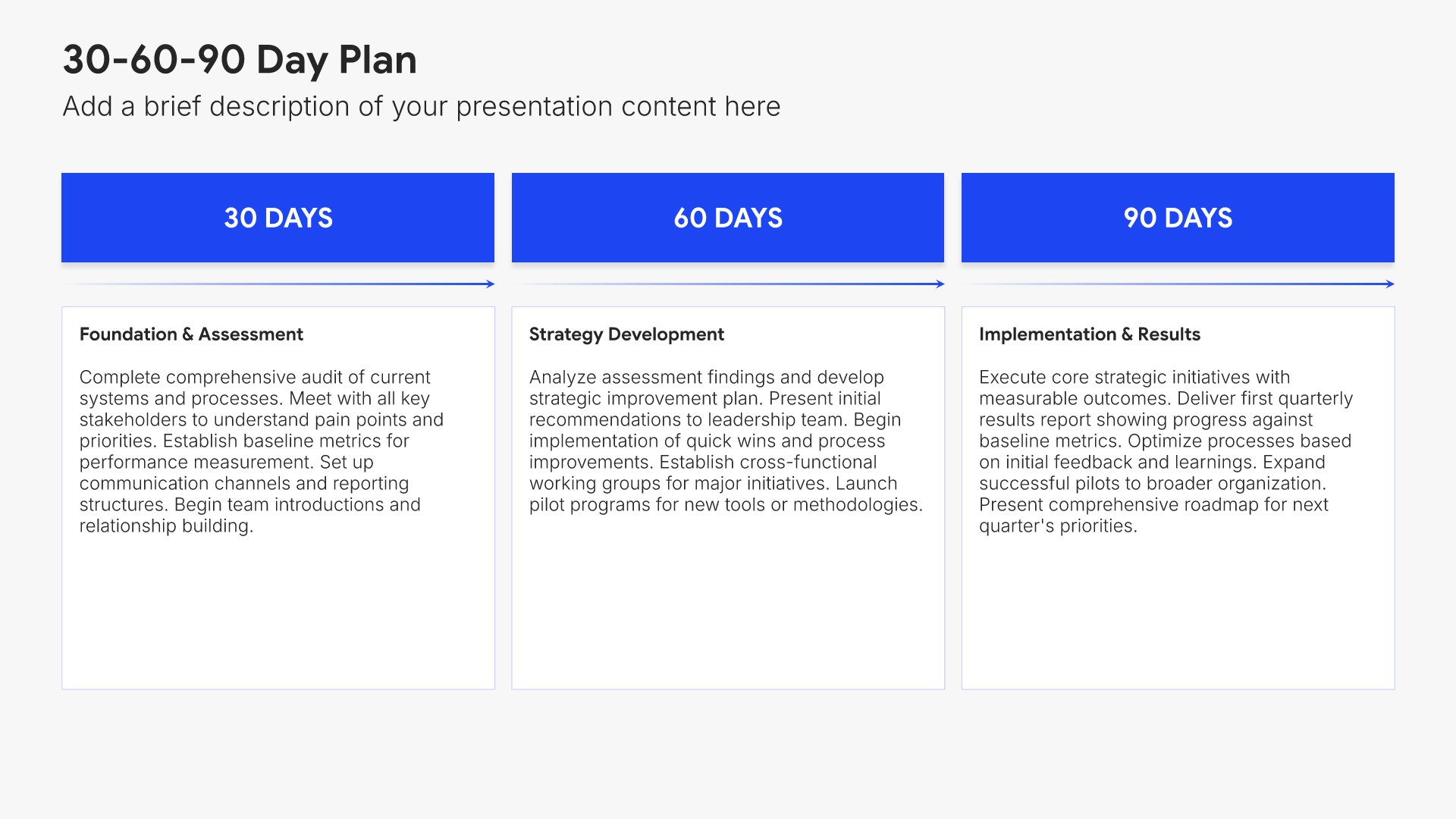
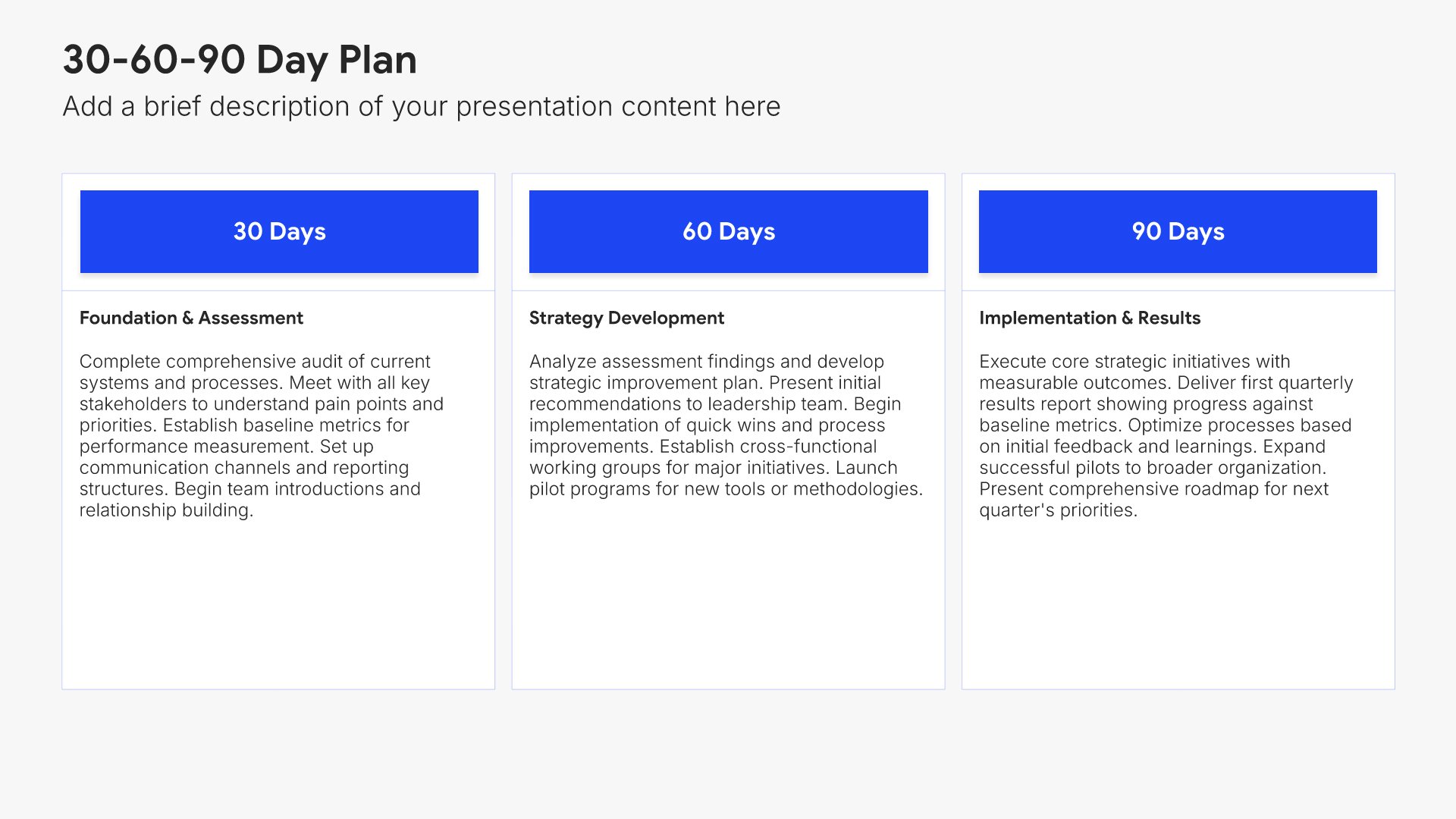
Next steps slides help you guide your audience toward action after your presentation. Use them to outline the specific actions, timeline, and commitments needed to move forward. Ideal for sales decks, proposals, and pitches where providing clear next steps keeps momentum going and advances the deal.
Built using 30-60-90 Day Plan slides

15. Thank You

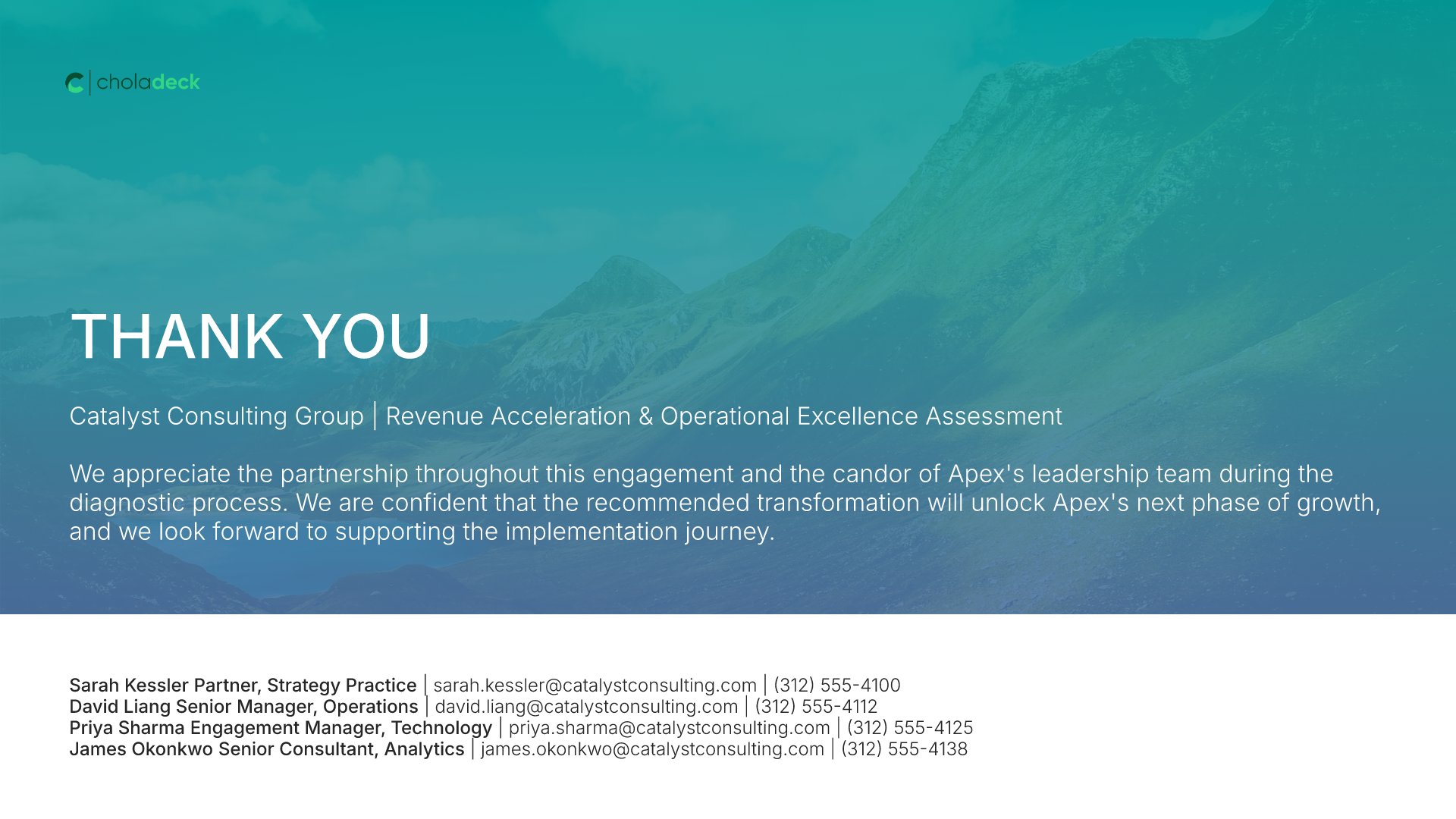
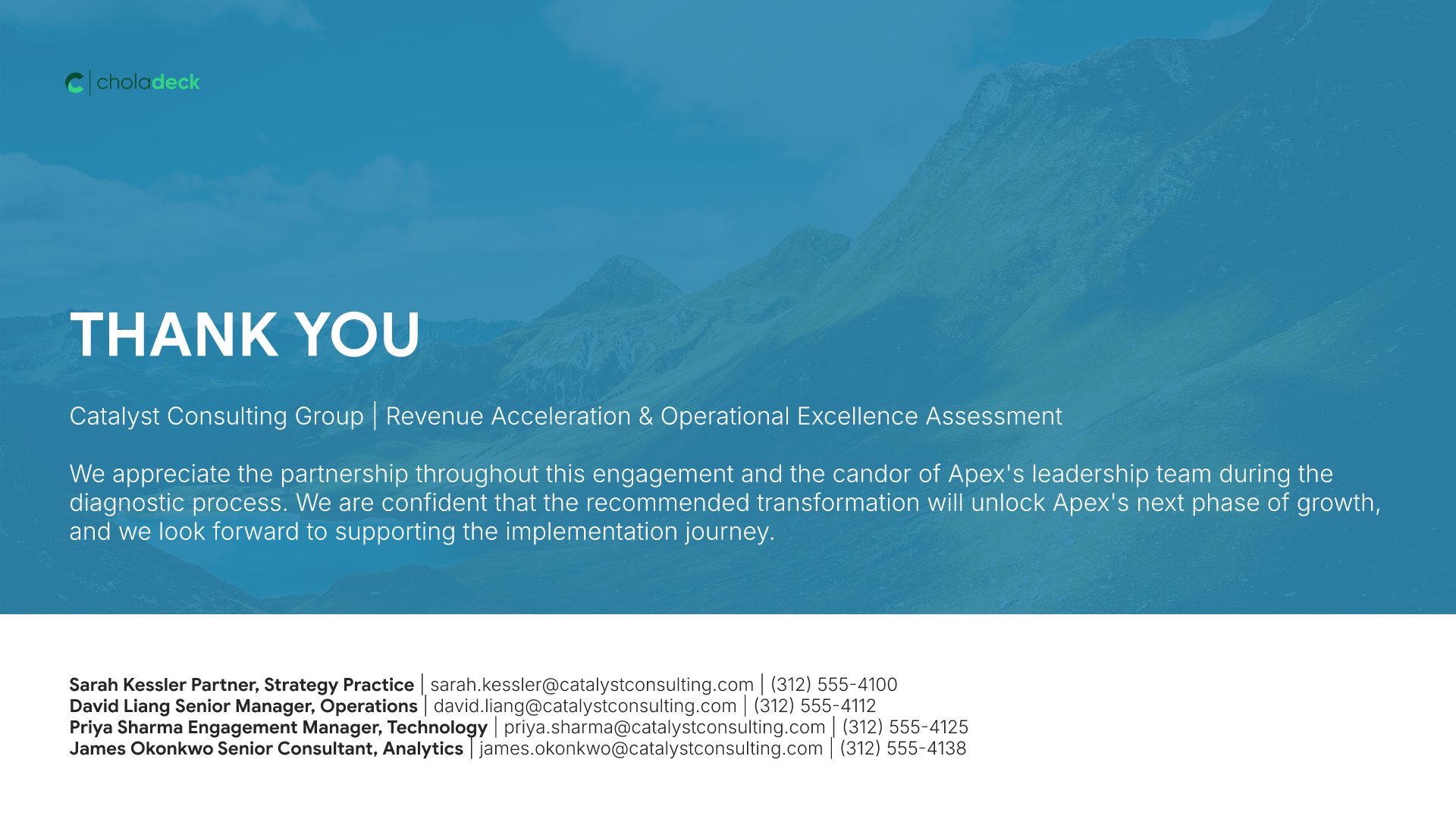
Thank you slides help you close presentations professionally. Use them to end with gratitude, provide contact information, and leave a polished final impression. Ideal for any presentation where a professional closing reinforces your message and gives your audience a clear way to follow up or stay connected.
Built using Thank You slides

Build your Consulting Strategy Recommendation & Findings presentation with Choladeck

Transform your Consulting Strategy Recommendation & Findings vision into reality with Choladeck’s user-friendly platform. Follow our step-by-step guide, harnessing our vast collection of slides and tools, to create a compelling and cohesive presentation that resonates with your audience.

Step 1

Browse & Select

Explore over 9,172+ professionally designed slides across 134 categories. Or if you want a head start, pick from 74+ premade presentation templates. Whatever you need, it's probably already here.

Step 2

Customize Your Slides

Swap icons and images instantly from our built-in libraries. Use Pointers to choose your count (2-box, 3-box, 4-box) and Variations to pick your design style. No more settling for "close enough." Get the exact slide you need.

Step 3

Brand Your Presentation

Add your logo, apply your brand colors, choose your fonts, and set custom backgrounds. One click and your entire presentation looks like it was made just for you. Because it was.

Step 4

Export Your Presentation

When you're ready, export to PowerPoint, Google Slides, or Keynote with a single click. Continue editing in your favorite tool if you want. Your workflow, your way.

Try Choladeck for free today and experience the ease of creating remarkable presentations.

No Sign-in or Credit Card Required

Wait!

Before you go, have you had the chance to experience Choladeck? If not try out – Choladeck for absolutely FREE!!

No Sign-in or Credit Card Required

Experience Choladeck Yourself!
Why just read about it when you can experience it? Dive into our presentation library – absolutely FREE!

No Sign-in or Credit Card Required