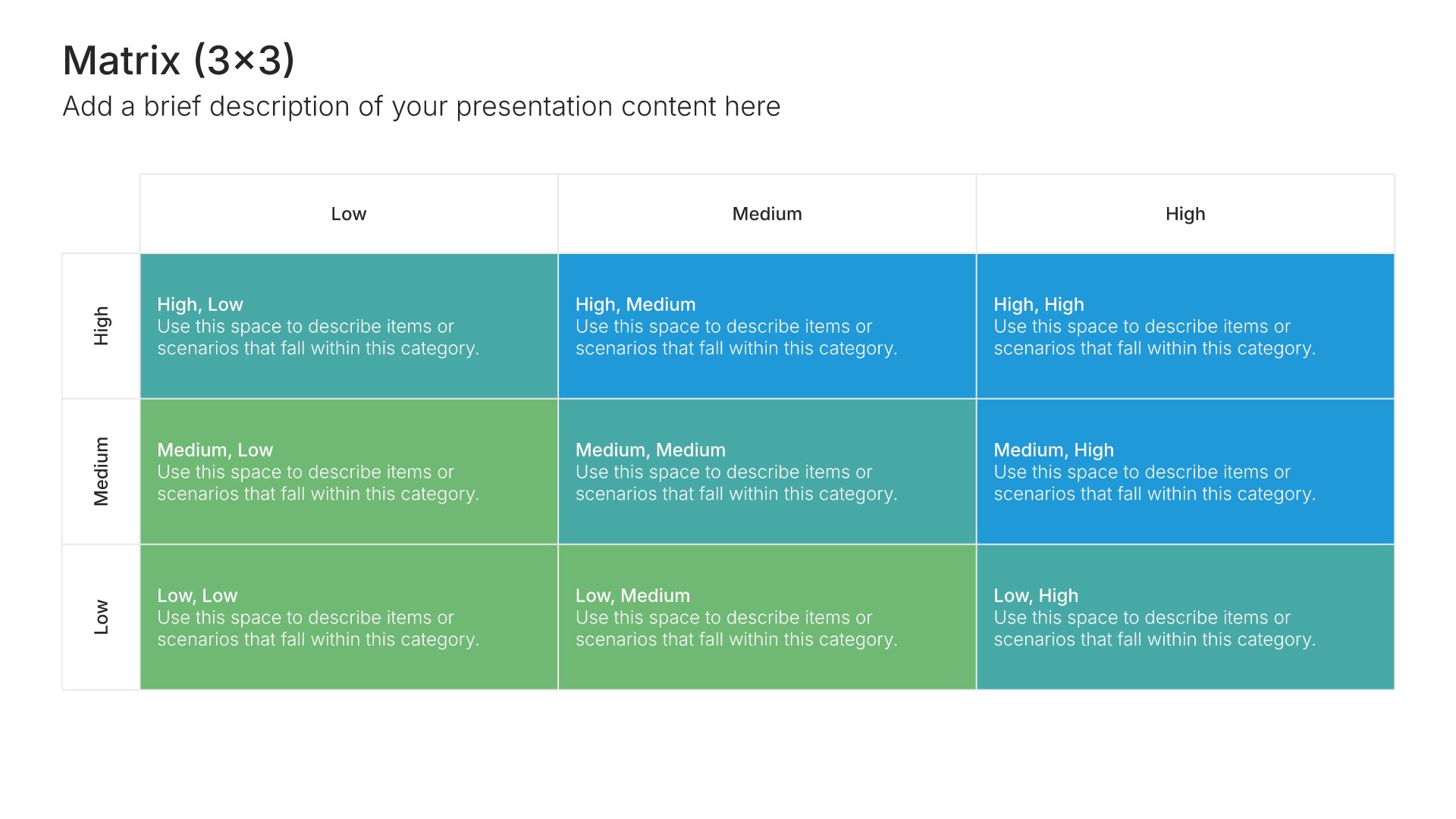
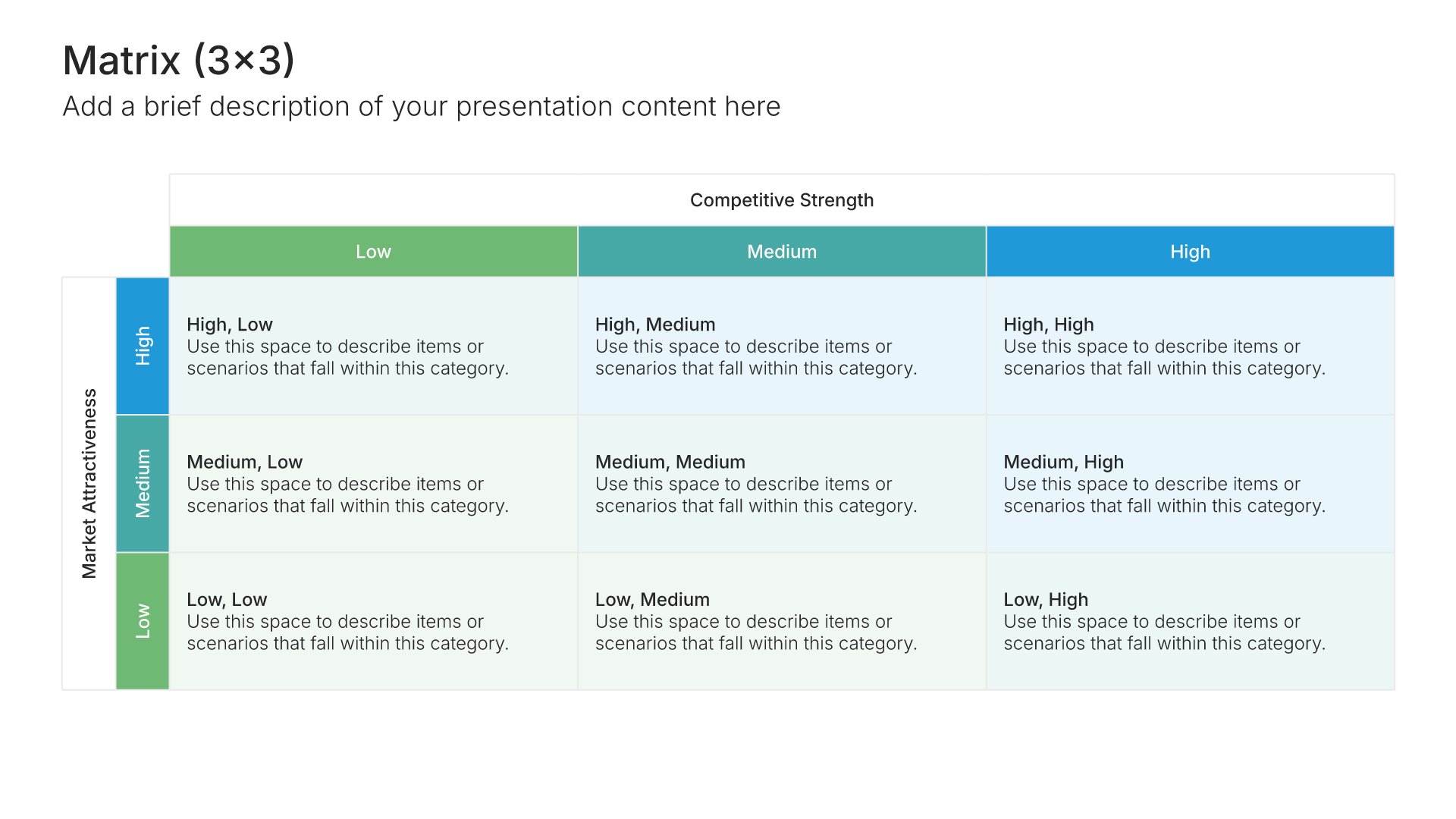
3x3 matrix slides
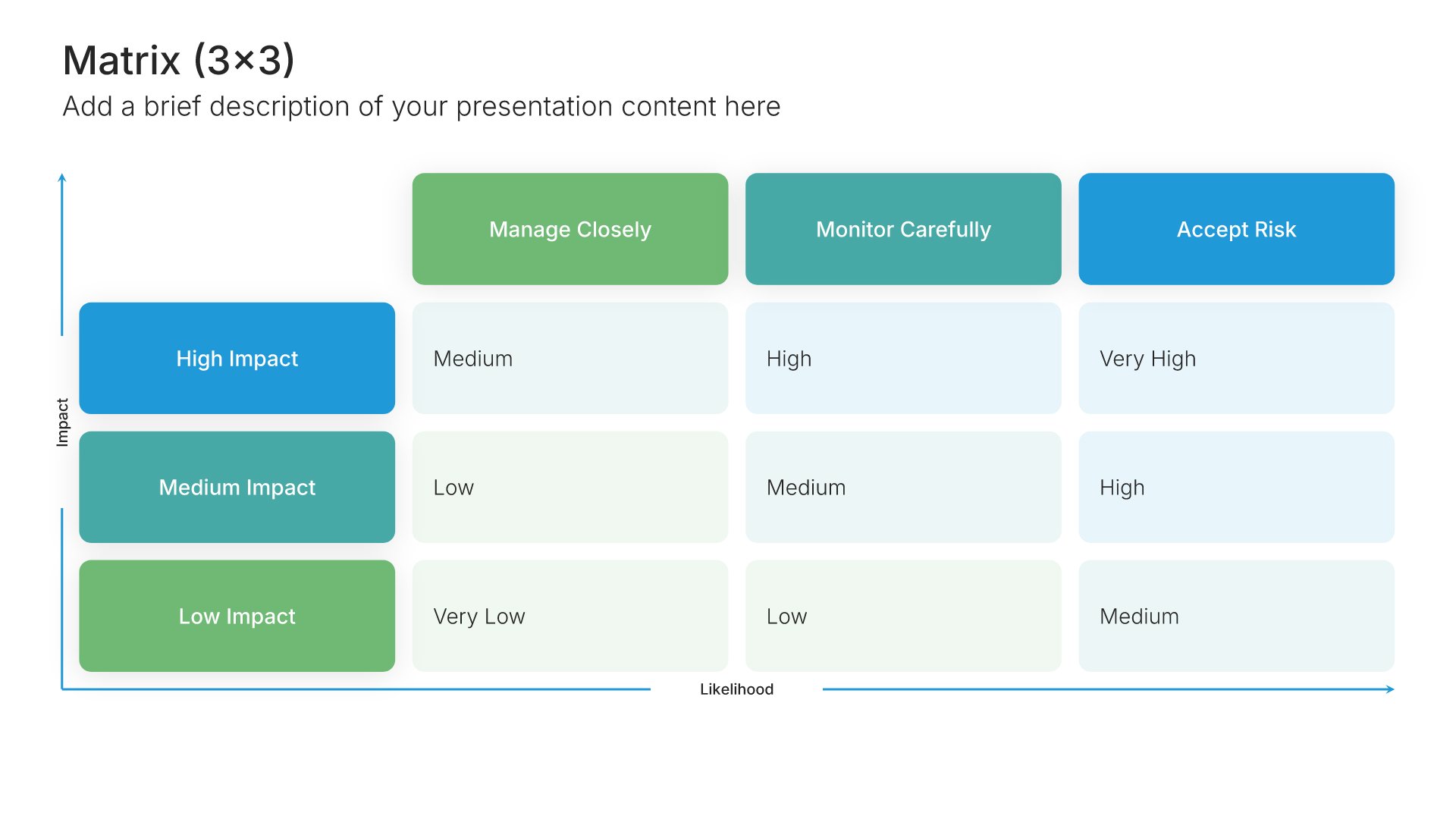
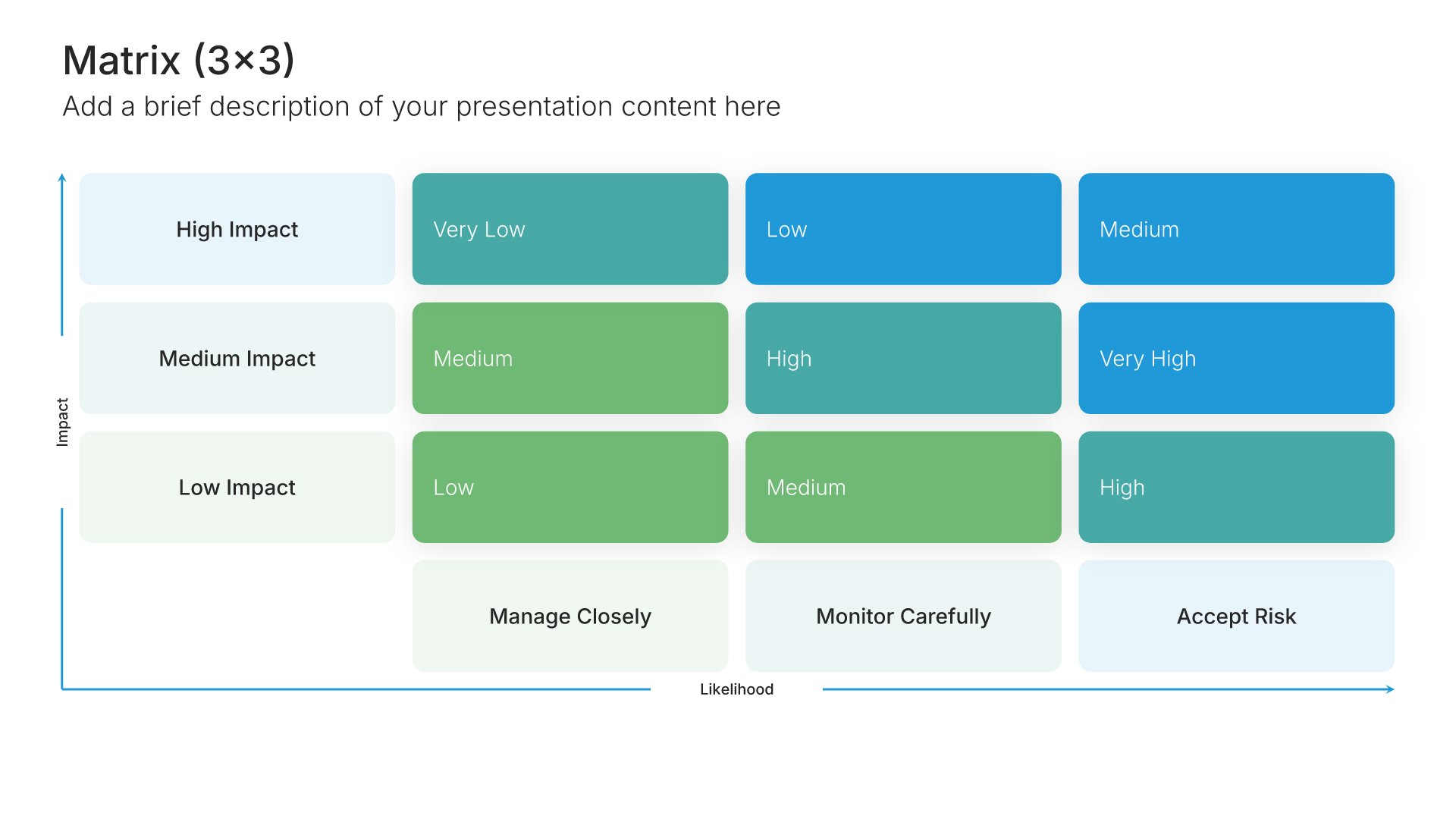
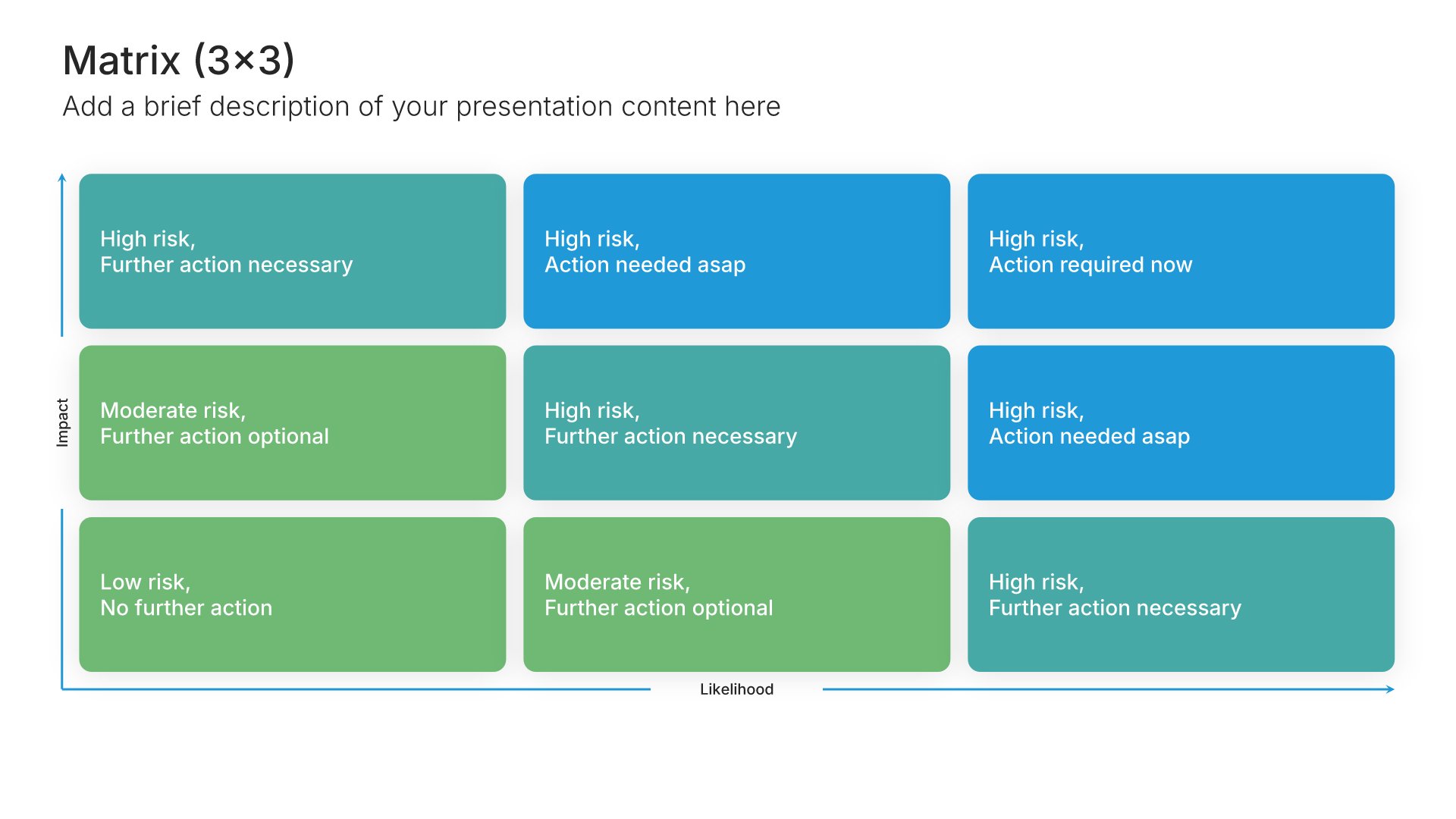
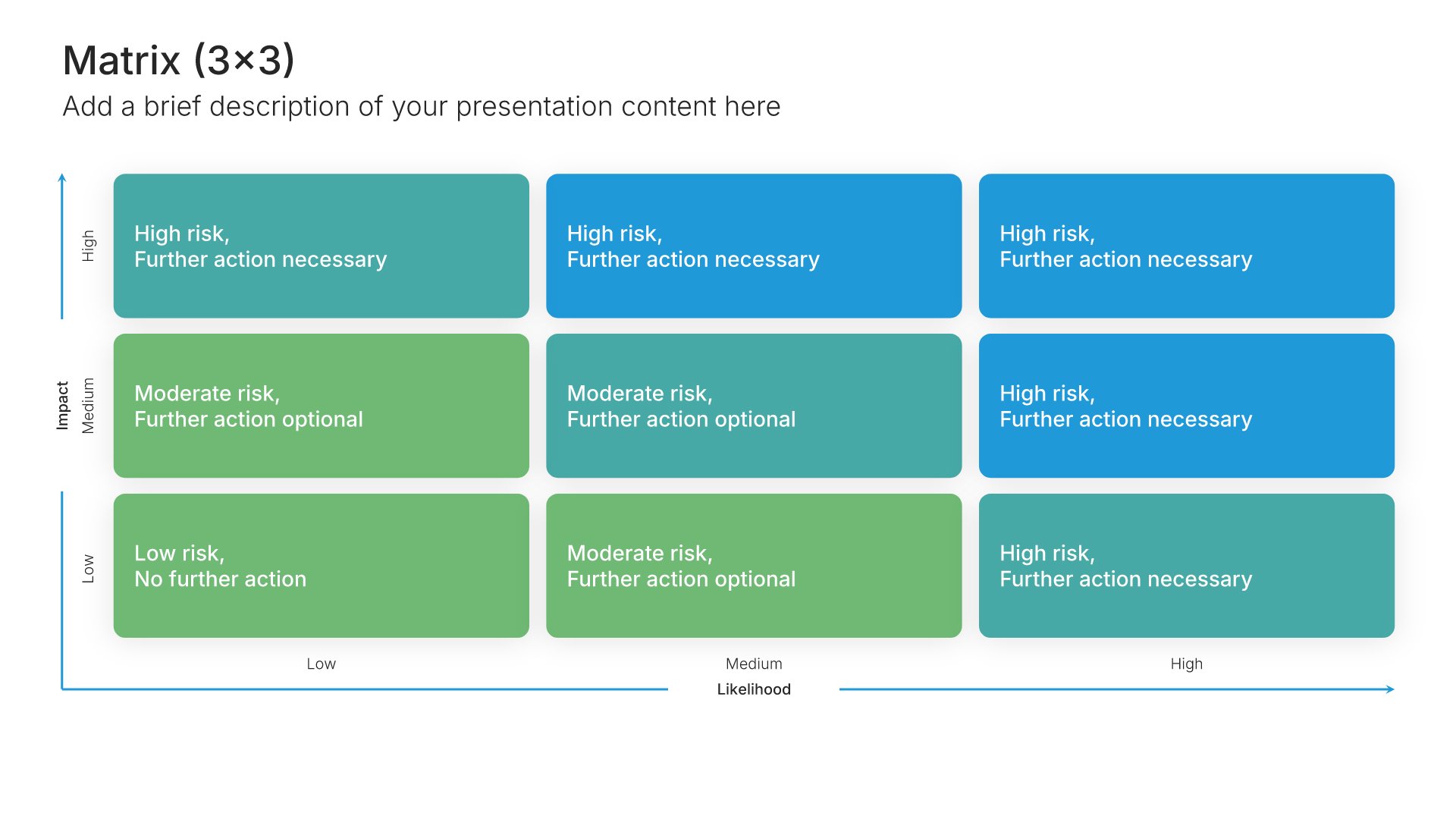
3x3 matrix slides rate items on two criteria at three levels each: low, medium, and high. That gives nine cells instead of four. Pick one of 7 layouts, brand it to your company in one click, rate each item on both axes, and export to PowerPoint, Google Slides, or Keynote.
Free to start. No credit card required.
Browse 3x3 matrix slides
7 ways to rate items across nine cells, all fully editable.
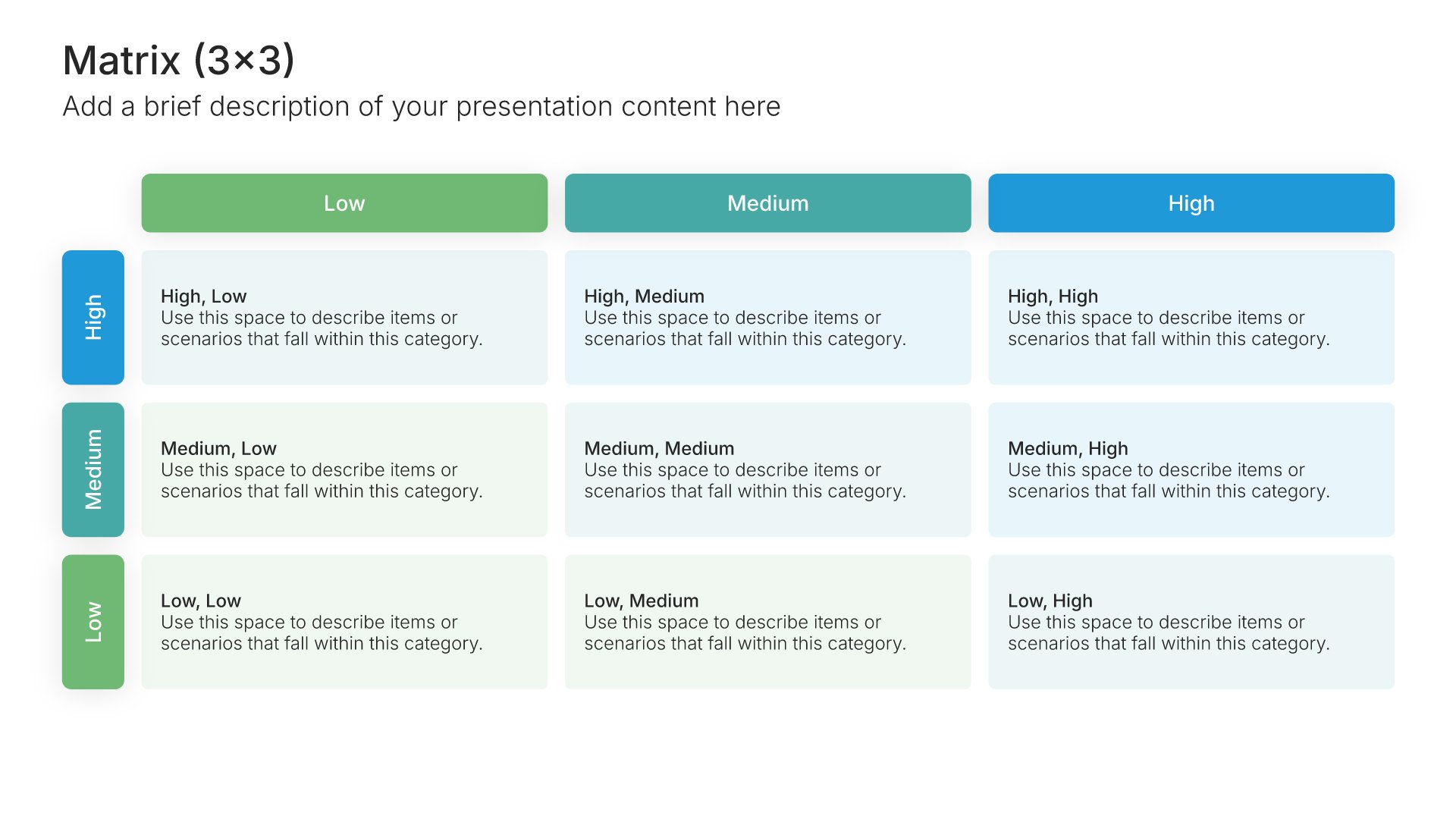
Matrix (3×3) • Slide Library • Layout 01 of 7
Layout 01
Layout 02
Layout 03
Layout 04
Layout 05
Layout 06
Layout 07
About our 3x3 matrix slides
What the slide does, how to use it, your brand, and a file you can edit anywhere.
Built for assessments where the middle ground matters
Real options rarely split cleanly into high and low. 3×3 matrix slides add a middle level on each axis, so items that are solid but not outstanding get a place of their own. The 3×3 grid is the structure behind the GE-McKinsey matrix and the talent nine-box, and it works for any assessment where the middle ground matters.
Why a middle level keeps the ratings honest
Forcing every item into high or low exaggerates the differences between them. A middle row and column let you be honest about items that are average on one criterion and strong on the other. So the grid shows real distinctions, and the decisions that follow are easier to defend.
Brand the whole presentation in one click
Add your logo, colors, fonts, and background once. It applies to the whole presentation and the entire slide library at the same time. 3×3 matrices usually support assessments that go to leadership or clients, so once branded, they match the rest of your analysis.
Export to PowerPoint, Google Slides, or Keynote
You get a real file, not a locked link. Export it and keep editing in the tool you already use. Axes, cell labels, and items stay editable, so you can reposition items as scores change.
How Choladeck works
From blank page to finished presentation in four steps.
STEP 01
Browse 9,000+ slides across 134+ categories, or open one of the 74 premade presentations.
STEP 02
Add your logo, colors, and fonts in one click. The whole presentation instantly matches your company.
STEP 03
Add your text, numbers, charts, and tables. Everything on the slide is editable.
STEP 04
Send it to PowerPoint, Google Slides, or Keynote, and present.

Need a complete presentation instead?
If you're starting from nothing rather than fixing a few slides, open one of 74+ premade presentations instead. Each one is complete and built for one purpose, from pitch decks to business plans and company profiles.

Questions about 3x3 matrix slides
How the slides work, and how far you can change them.
Using the slides
Can I edit these slides in PowerPoint?
+Yes. Export to PowerPoint, Google Slides, or Keynote, and each of the nine cells, its label, and the items in it stay editable. Nothing is locked and nothing is a flat image.
How do I brand them to my company?
+Add your logo, colors, fonts, and background once. It applies to the whole presentation and the entire slide library at the same time.
Can I mix them with other slides from the library?
+Yes. Add a 3x3 matrix slide to any premade template, or pair it with GE-McKinsey matrix or 2x2 matrix slides from the library. Branding applies across all of them.
About the 3x3 matrix
What kinds of reviews use a 3x3 matrix?
+Any assessment that rates items at three levels on two criteria, such as portfolio reviews, talent reviews, or supplier ratings.
How do the nine cells group together?
+Most 3x3 grids fall into three zones along the diagonal: strong on both, mixed, and weak on both. Each zone usually gets its own action.
When should I move up to a 4x4 matrix?
+When three levels aren't enough to separate your items, for example when many of them cluster in the center cell.
Your next 3x3 matrix slide is already designed
Pick a layout, brand it in one click, add your content, and export.
Free to start. No credit card required.