Many-to-one slides
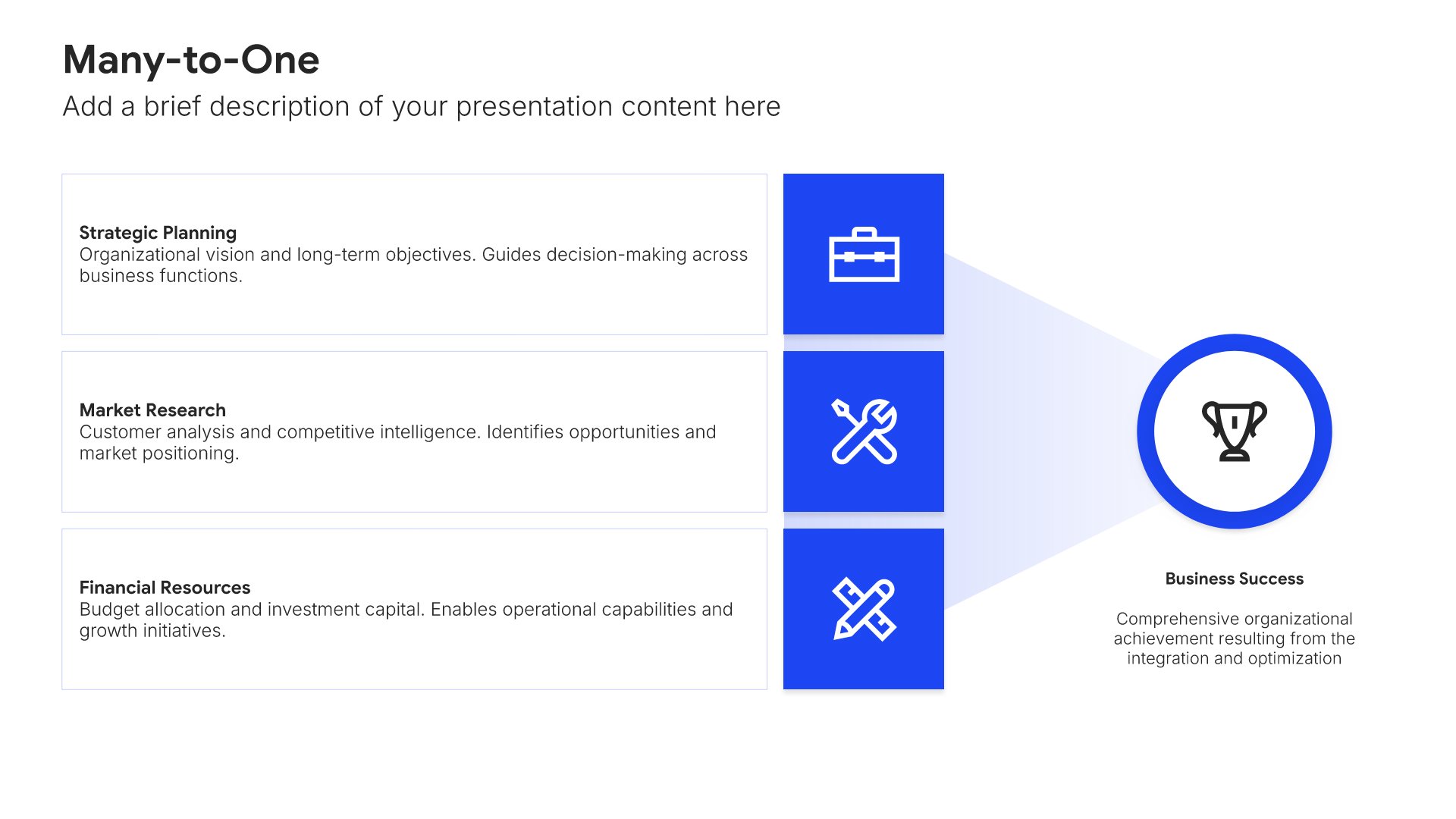
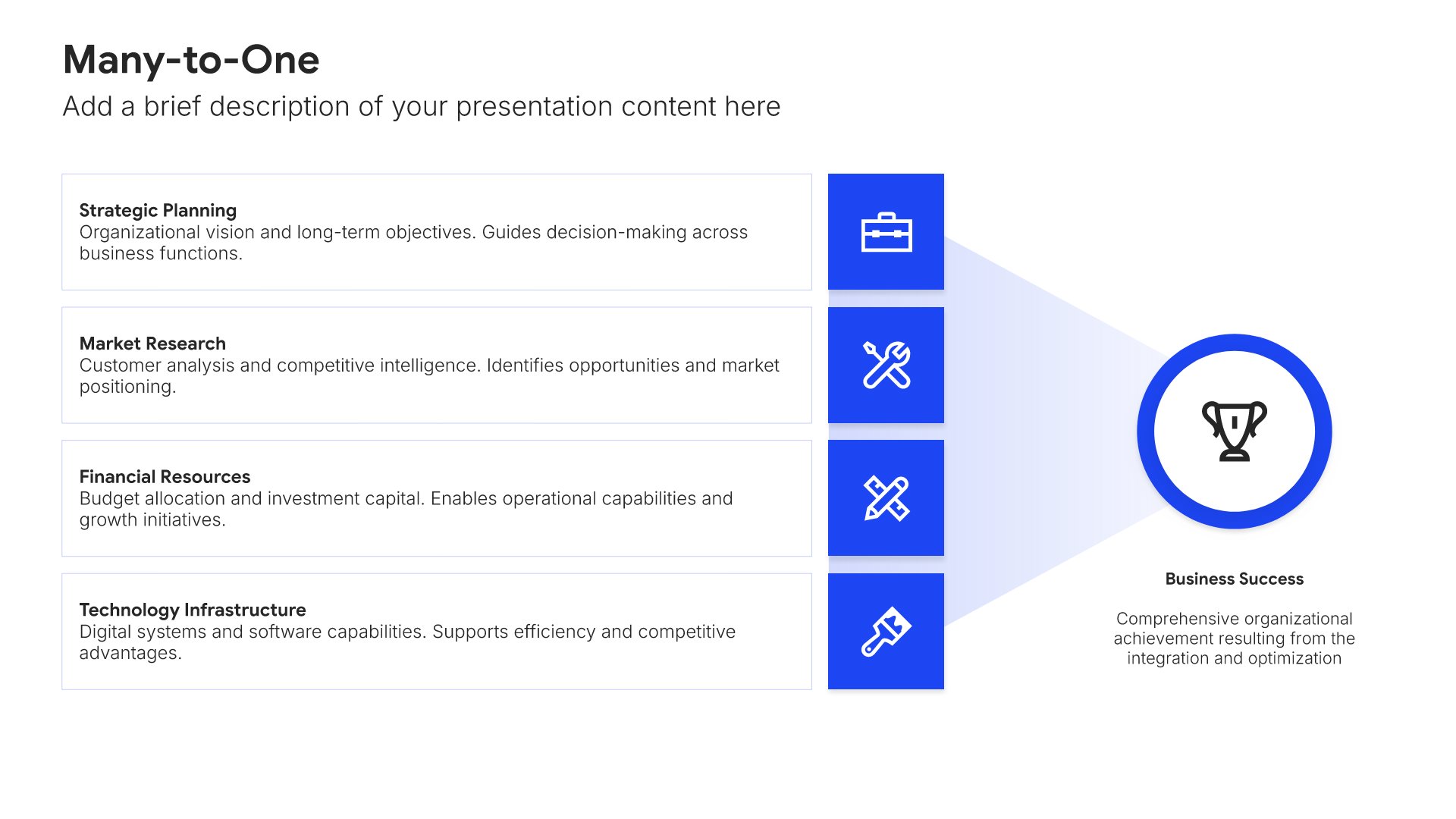
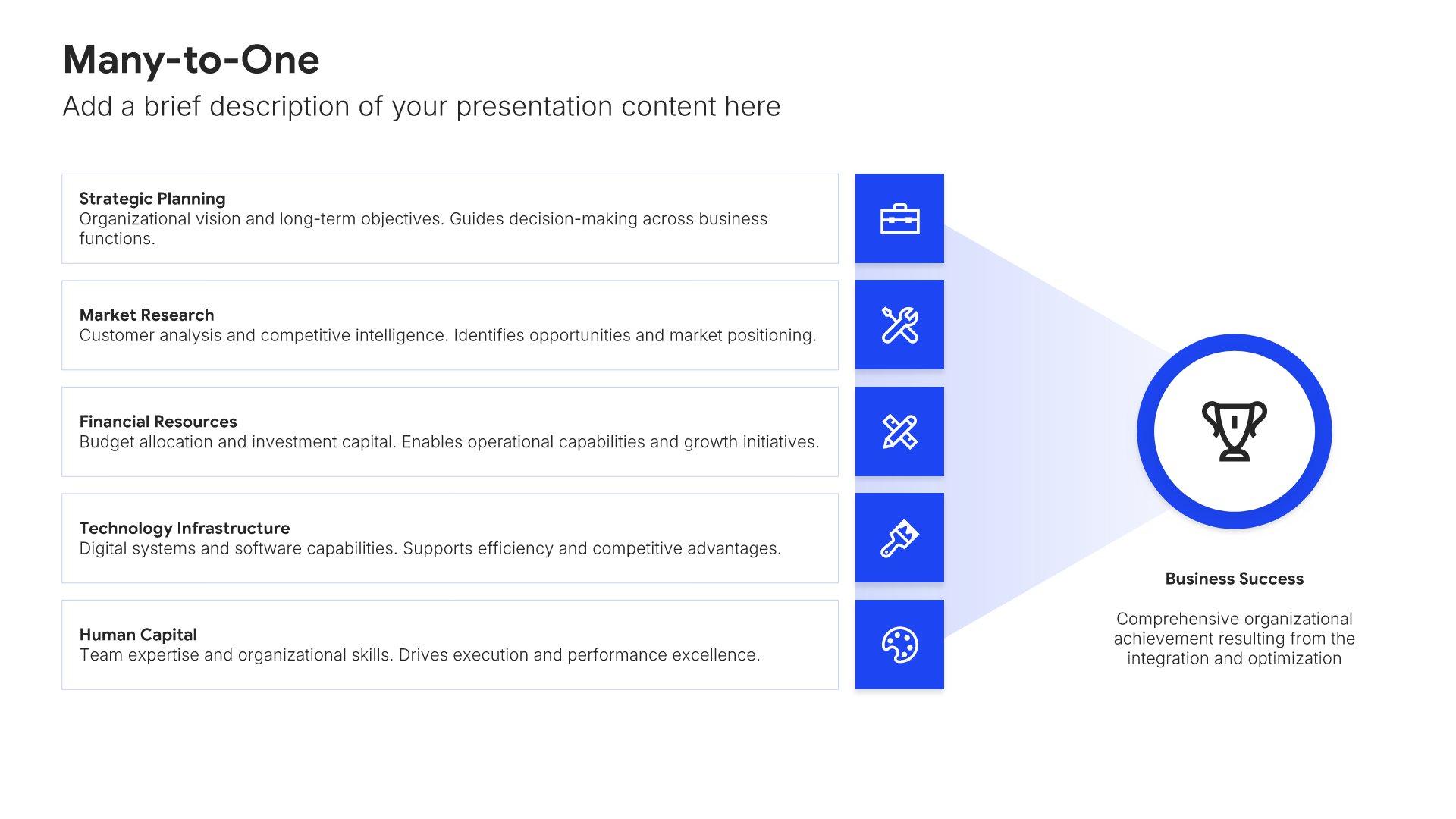
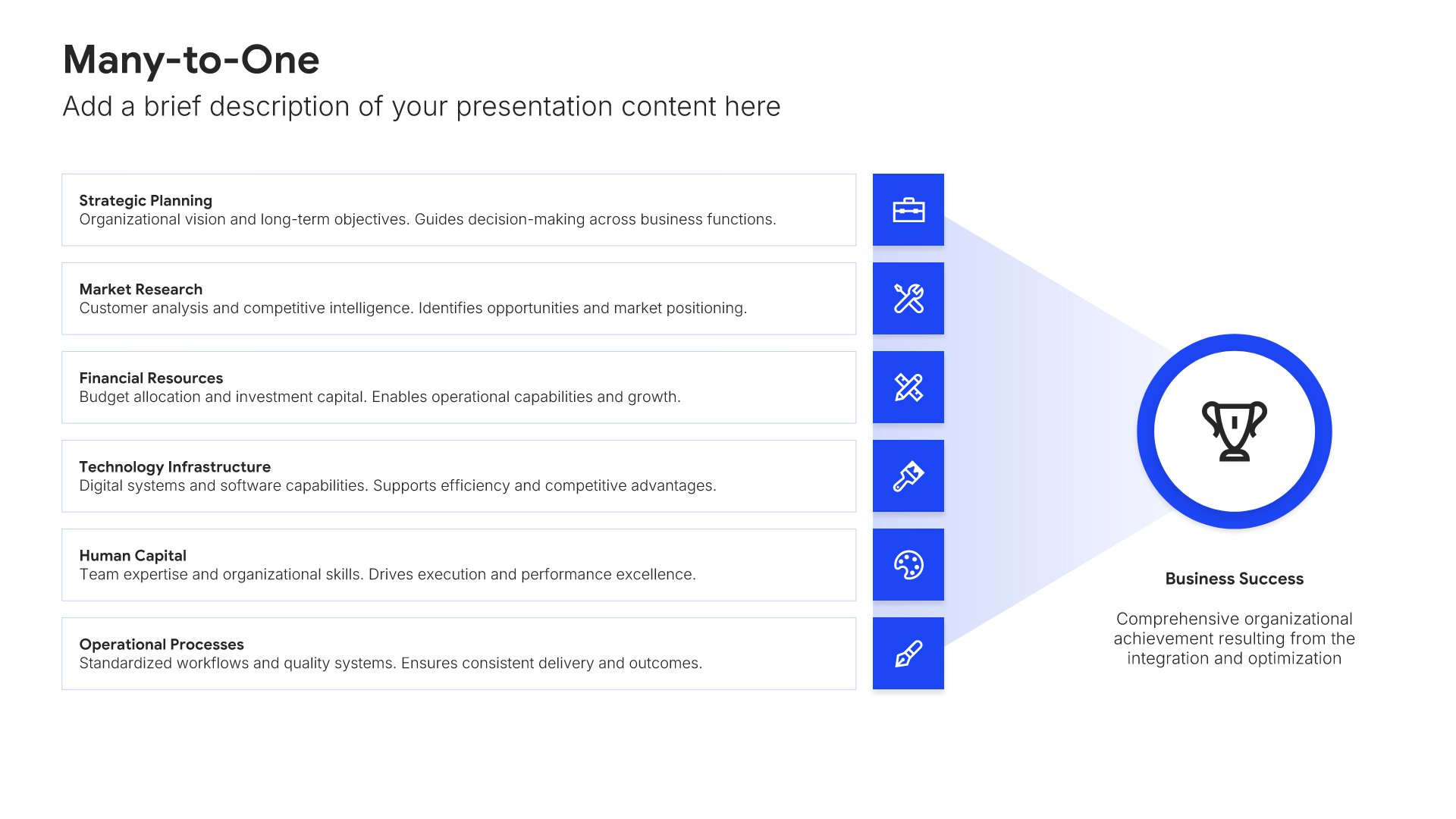
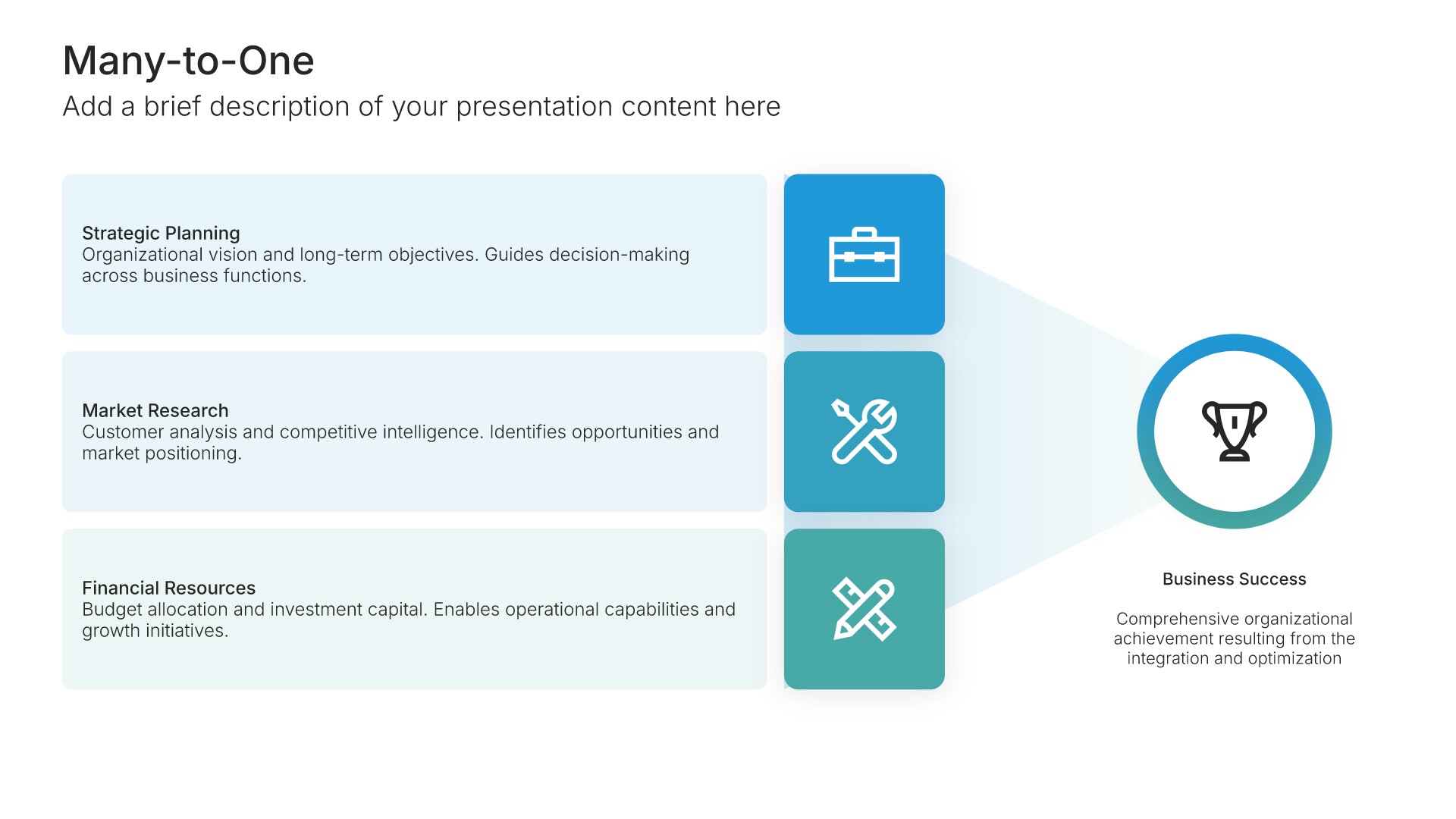
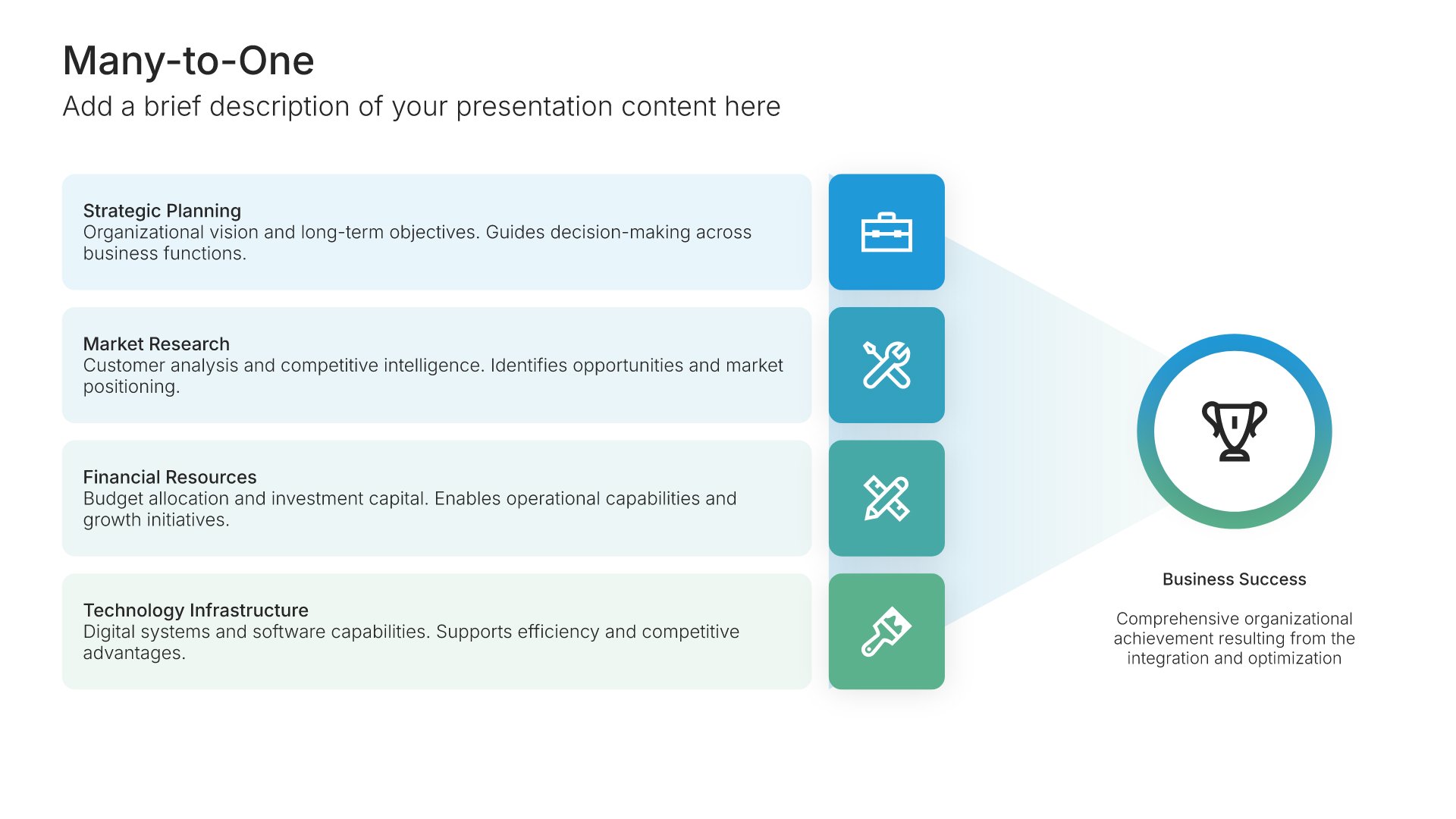
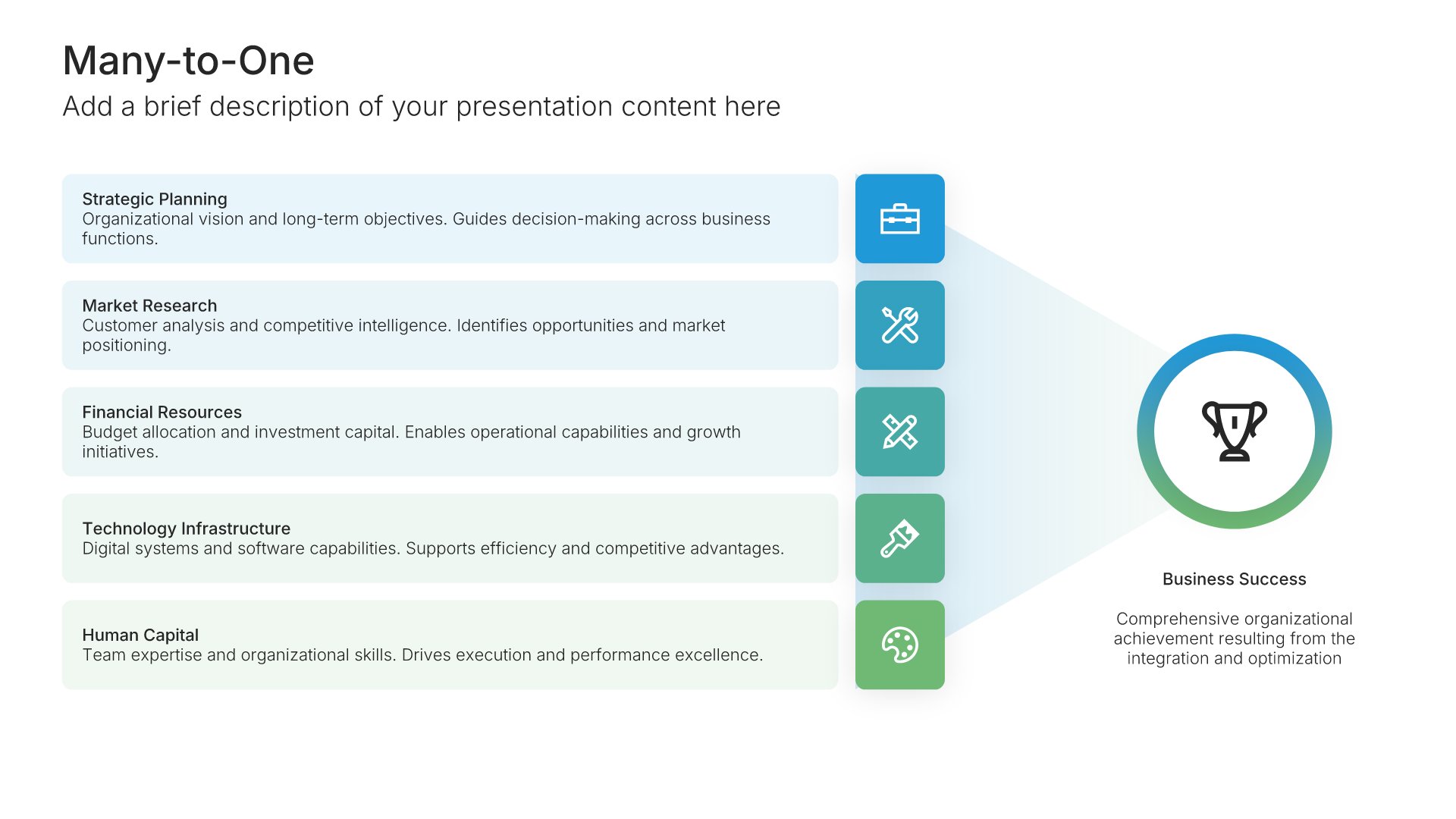
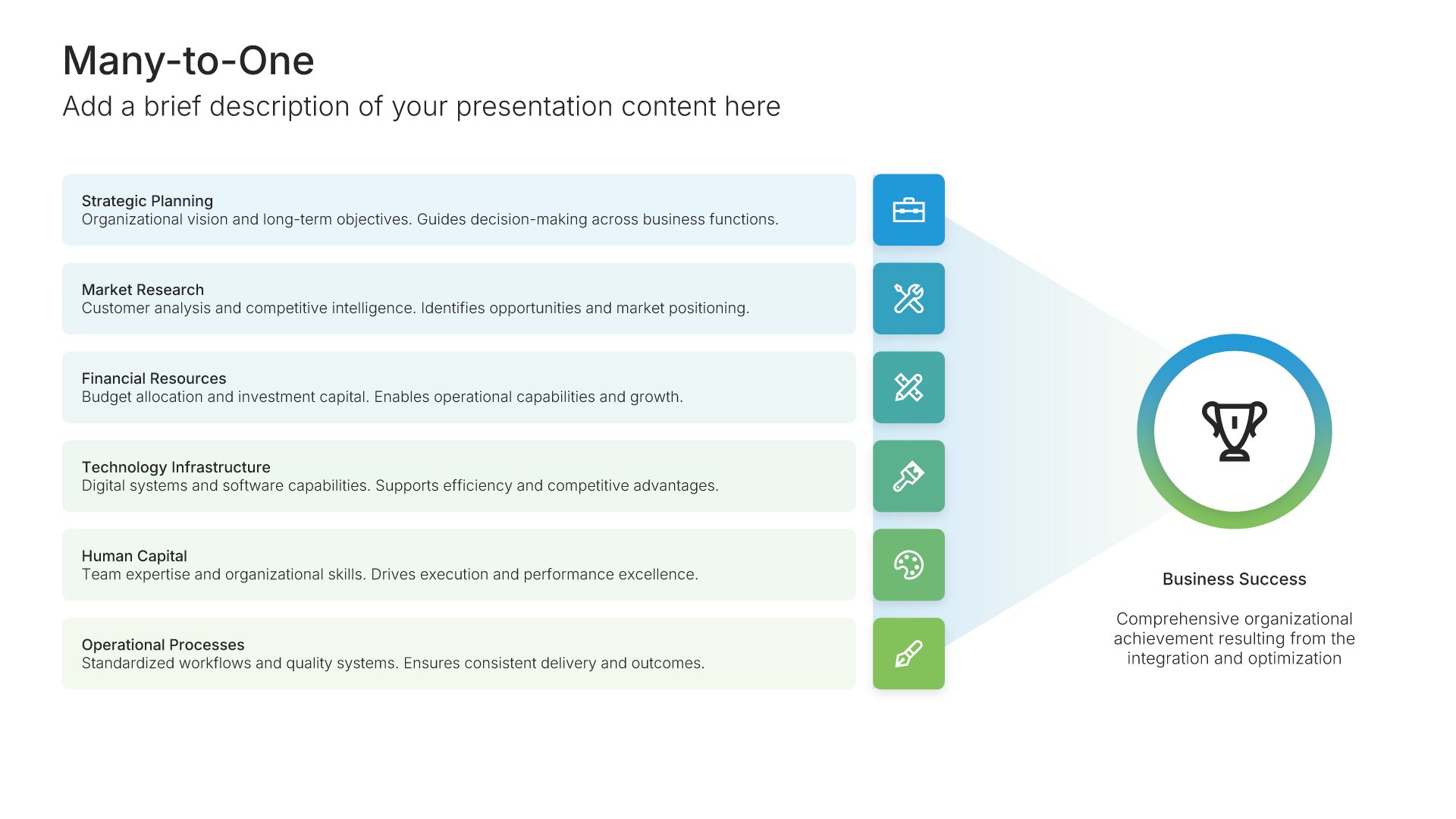
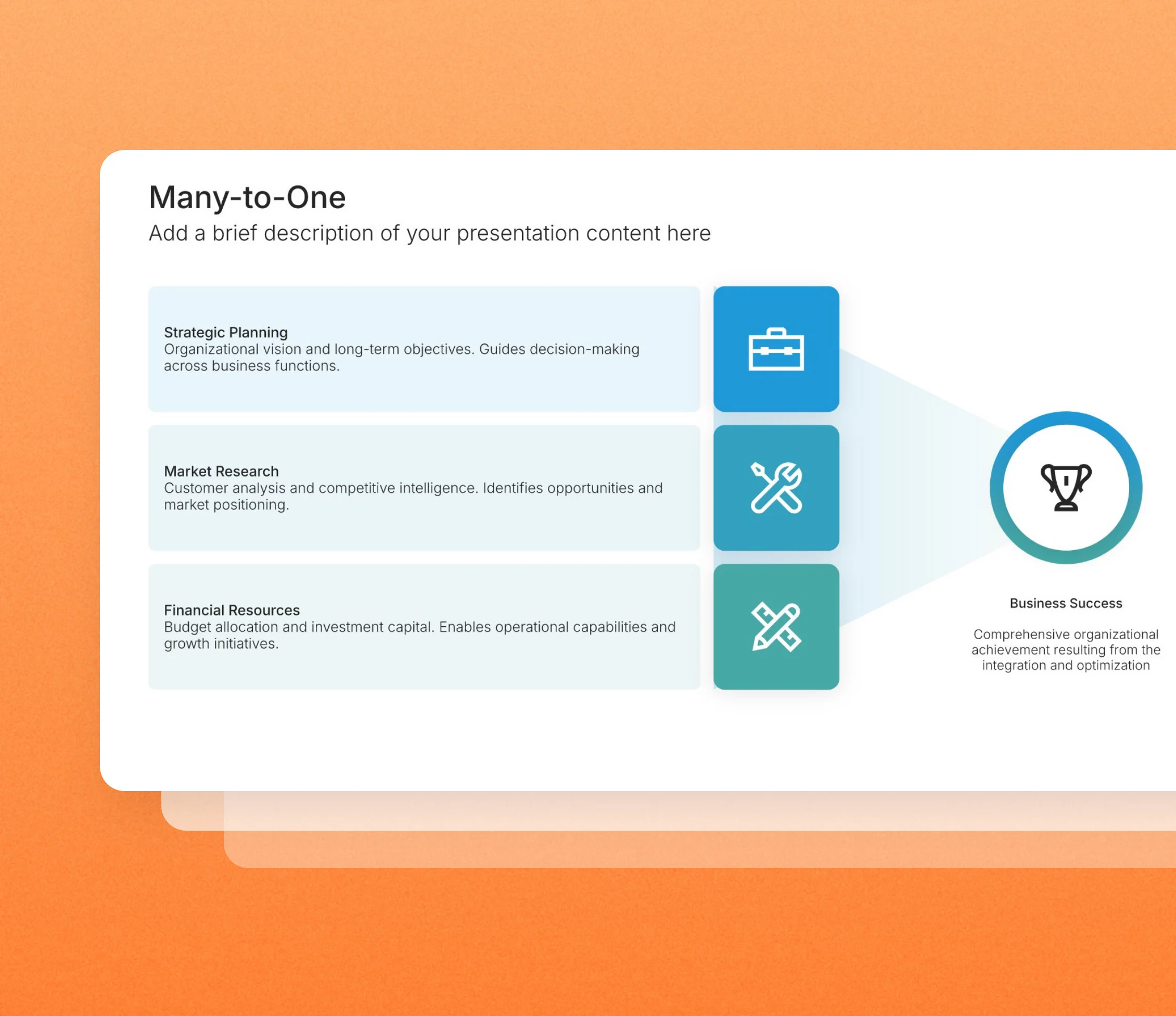
Many-to-one slides show several inputs coming together into a single result: channels feeding one goal, teams delivering one launch, and factors driving one outcome. Pick one of 4 layouts, brand it to your company in one click, add your inputs, and export to PowerPoint, Google Slides, or Keynote.
Free to start. No credit card required.
Layout 01
Layout 02
Layout 03
Layout 04
About our many-to-one slides
What the slide does, how to use it, your brand, and a file you can edit anywhere.
Built to show one result resting on many contributors
Big results usually have several contributors. Many-to-one slides draw them converging on a single point, so the audience understands that the outcome depends on all of them together. Our many-to-one slides keep each input clearly labeled and the result at the center of attention.
Why convergence makes the outcome feel earned
Presenting a result on its own can make it look simple. Showing everything that feeds into it explains why it worked, or what it will take to work. So the audience sees both the goal and the contributions each part has to make.
Brand the whole presentation in one click
Add your logo, colors, fonts, and background once. It applies to the whole presentation and the entire slide library at the same time. Many-to-one slides often summarize a strategy or plan for leadership and investors, so once branded, they match the rest of your presentation.
Export to PowerPoint, Google Slides, or Keynote
You get a real file, not a locked link. Export it and keep editing in the tool you already use. Inputs, the result, and every label stay editable, so you can add or change contributors as needed.
How Choladeck works
From blank page to finished presentation in four steps.
STEP 01
Browse 9,000+ slides across 134+ categories, or open one of the 74 premade presentations.
STEP 02
Add your logo, colors, and fonts in one click. The whole presentation instantly matches your company.
STEP 03
Add your text, numbers, charts, and tables. Everything on the slide is editable.
STEP 04
Send it to PowerPoint, Google Slides, or Keynote, and present.
Need a complete presentation instead?
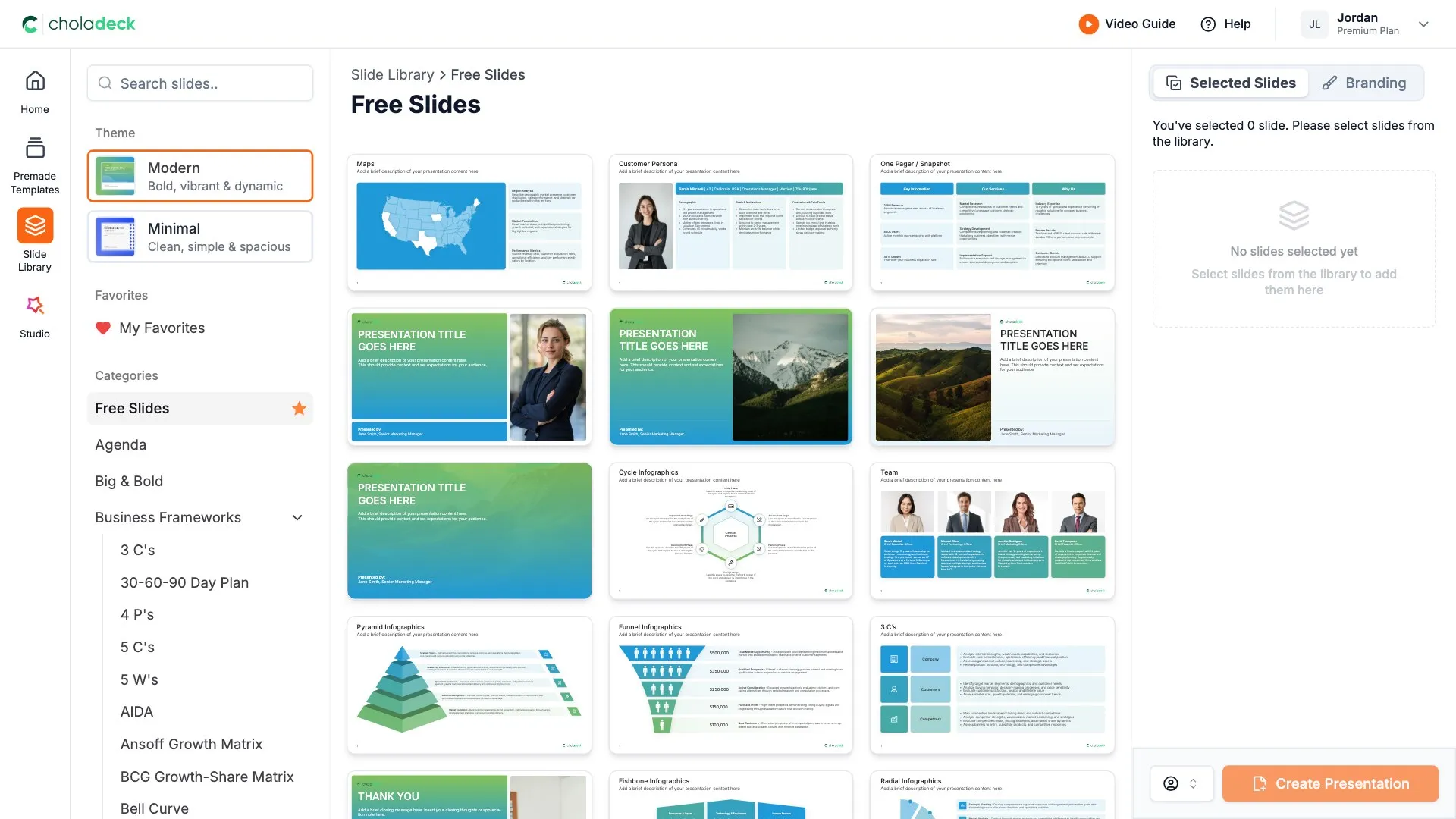
If you're starting from nothing rather than fixing a few slides, open one of 74+ premade presentations instead. Each one is complete and built for one purpose, from pitch decks to business plans and company profiles.

Questions about many-to-one slides
How the slides work, and how far you can change them.
Using the slides
Can I edit these slides in PowerPoint?
+Yes. Export to PowerPoint, Google Slides, or Keynote, and each input, the result, and every label stay editable. Nothing is locked and nothing is a flat image.
How do I brand them to my company?
+Add your logo, colors, fonts, and background once. It applies to the whole presentation and the entire slide library at the same time.
Can I mix them with other slides from the library?
+Yes. Add a many-to-one slide to any premade template, or pair it with one-to-many or many-to-many slides from the library. Branding applies across all of them.
About many-to-one slides
When should I use a many-to-one slide?
+When several things combine to produce one outcome, such as channels driving revenue or workstreams delivering a launch.
How is it different from a one-to-many slide?
+Many-to-one shows inputs converging on a single result. One-to-many shows a single source spreading out to several outcomes.
How many inputs should the slide show?
+Three to six usually works. Enough to show the range of contributors without crowding the result.
Your next many-to-one slide is already designed
Pick a layout, brand it in one click, add your content, and export.
Free to start. No credit card required.