Pricing

Simple text slides with numbers

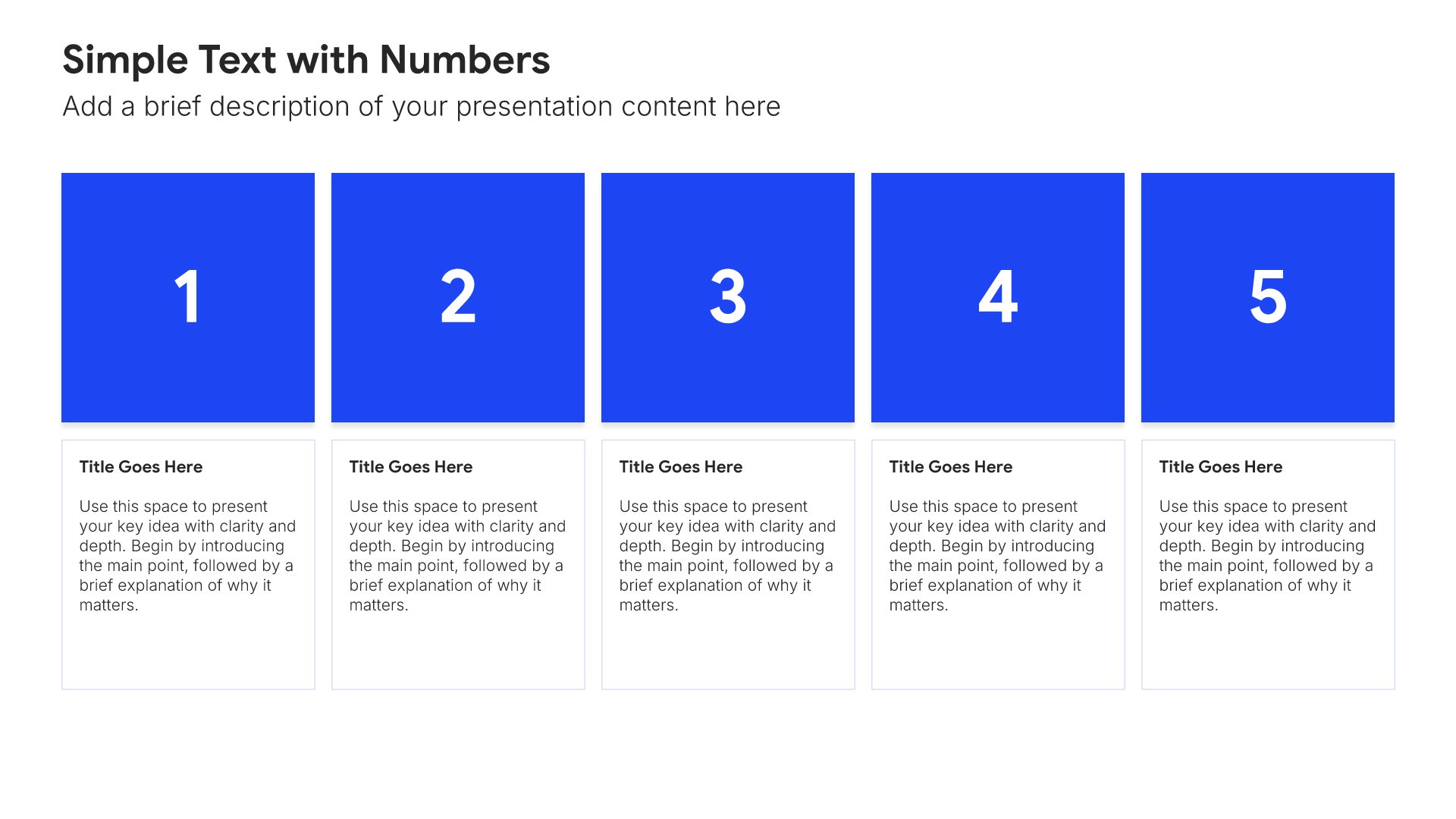
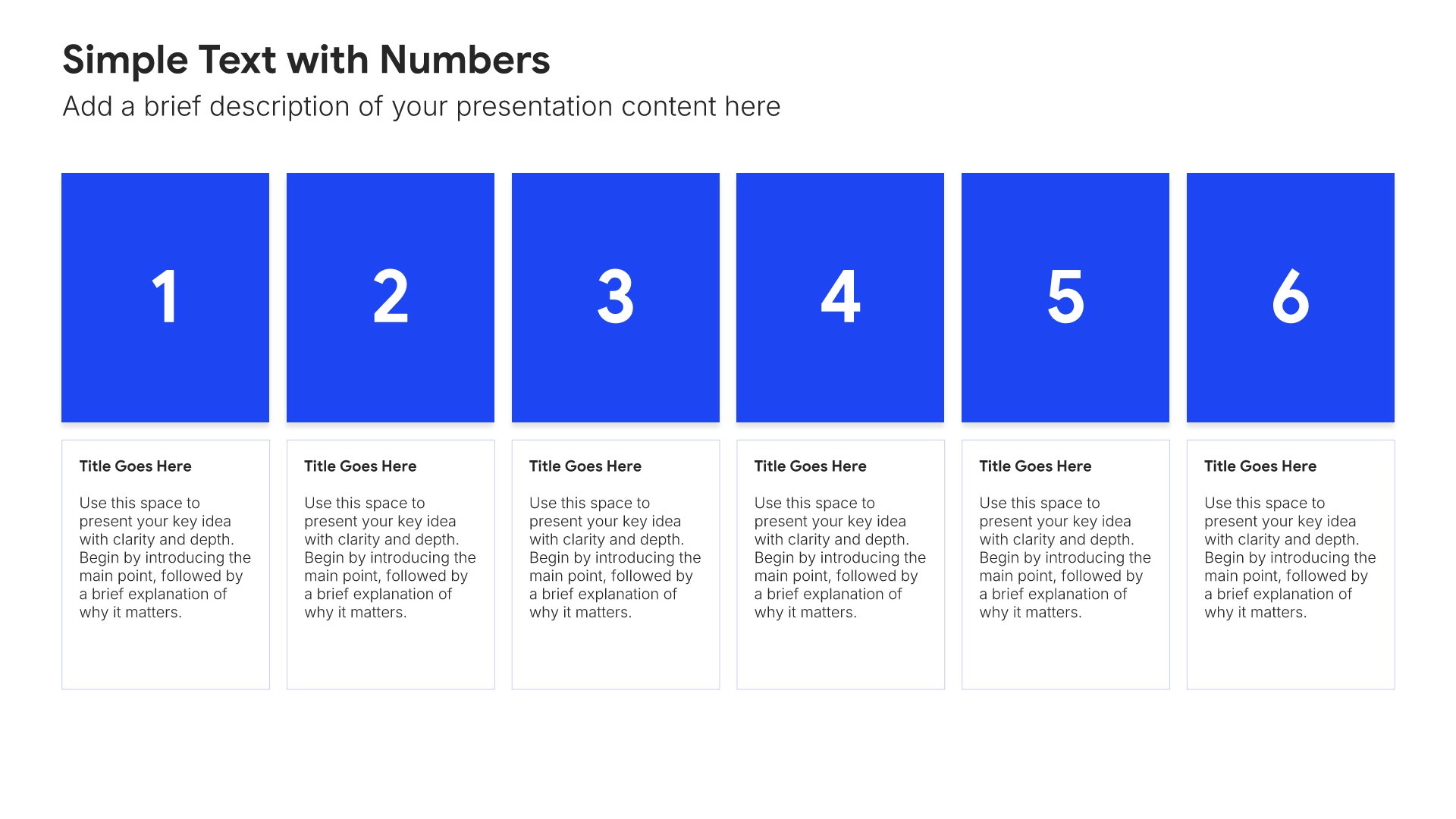
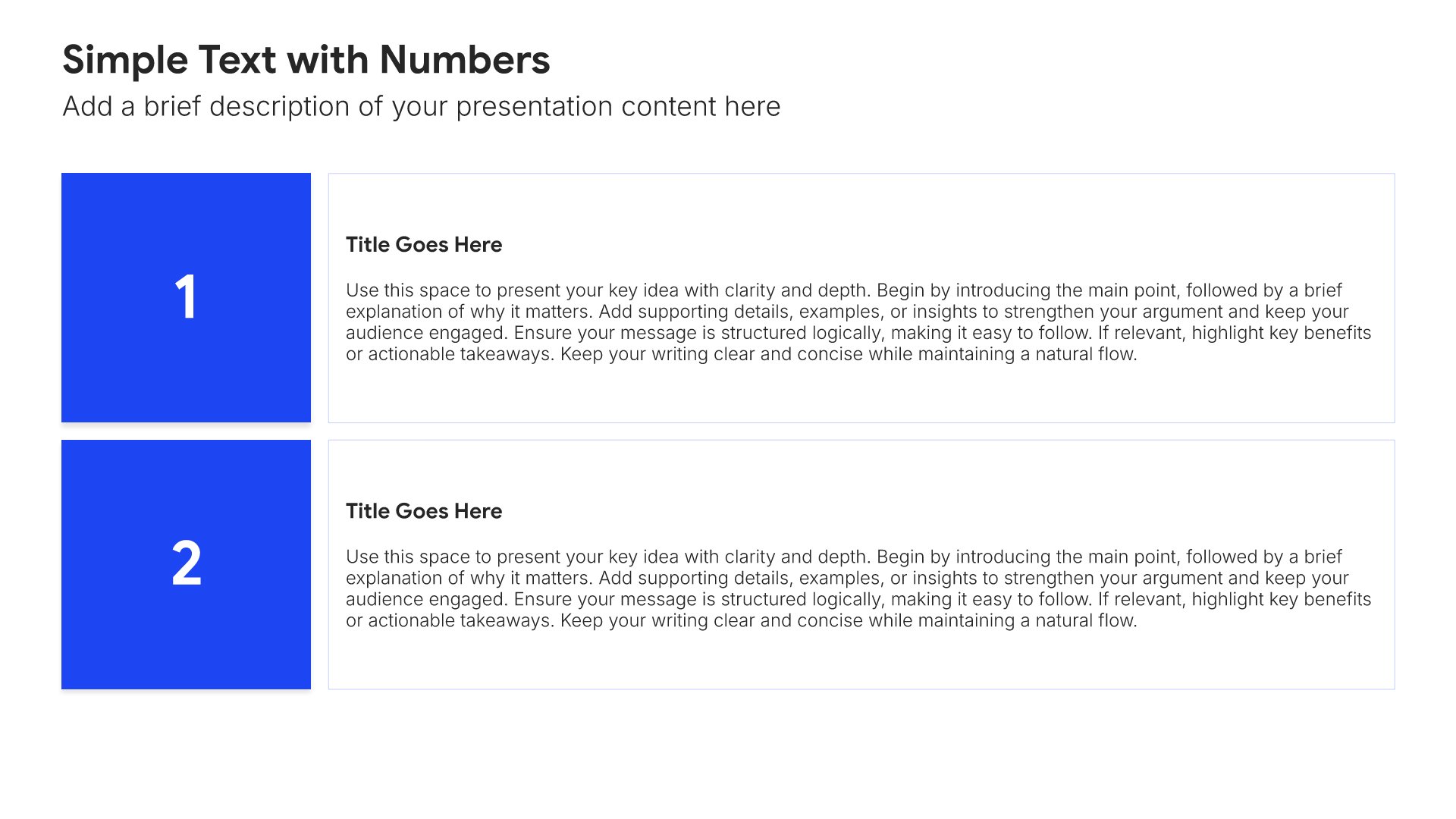
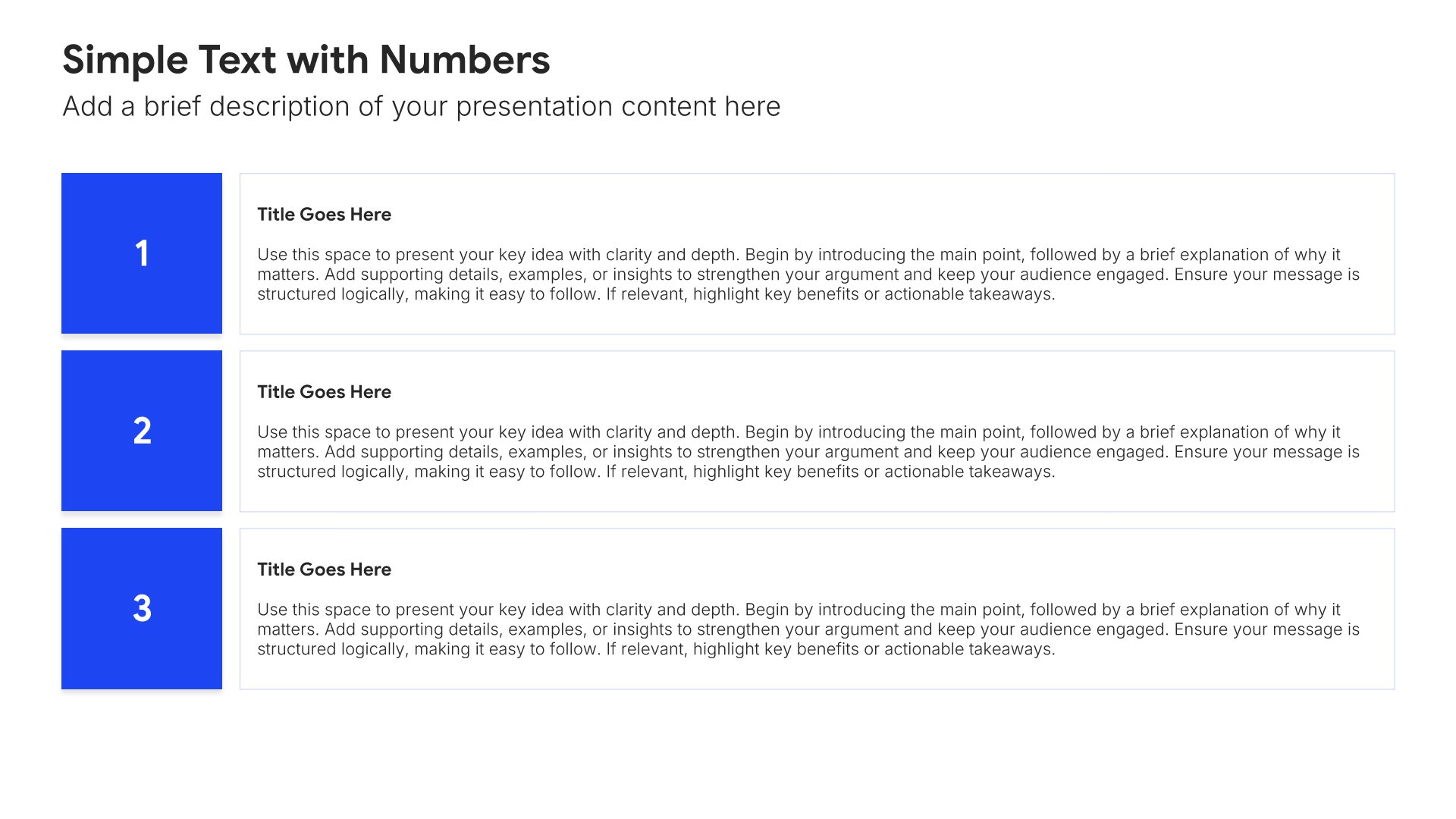
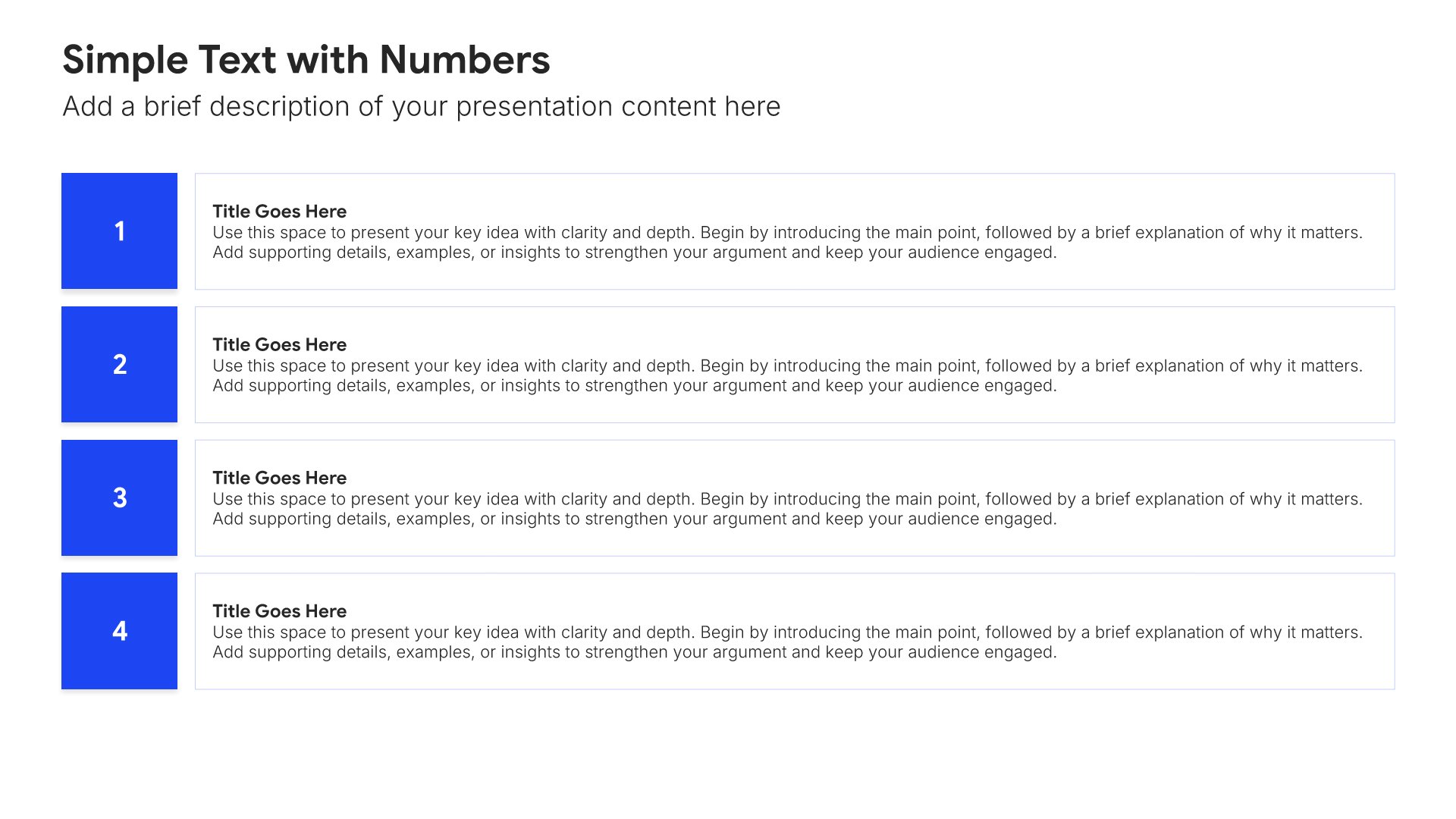
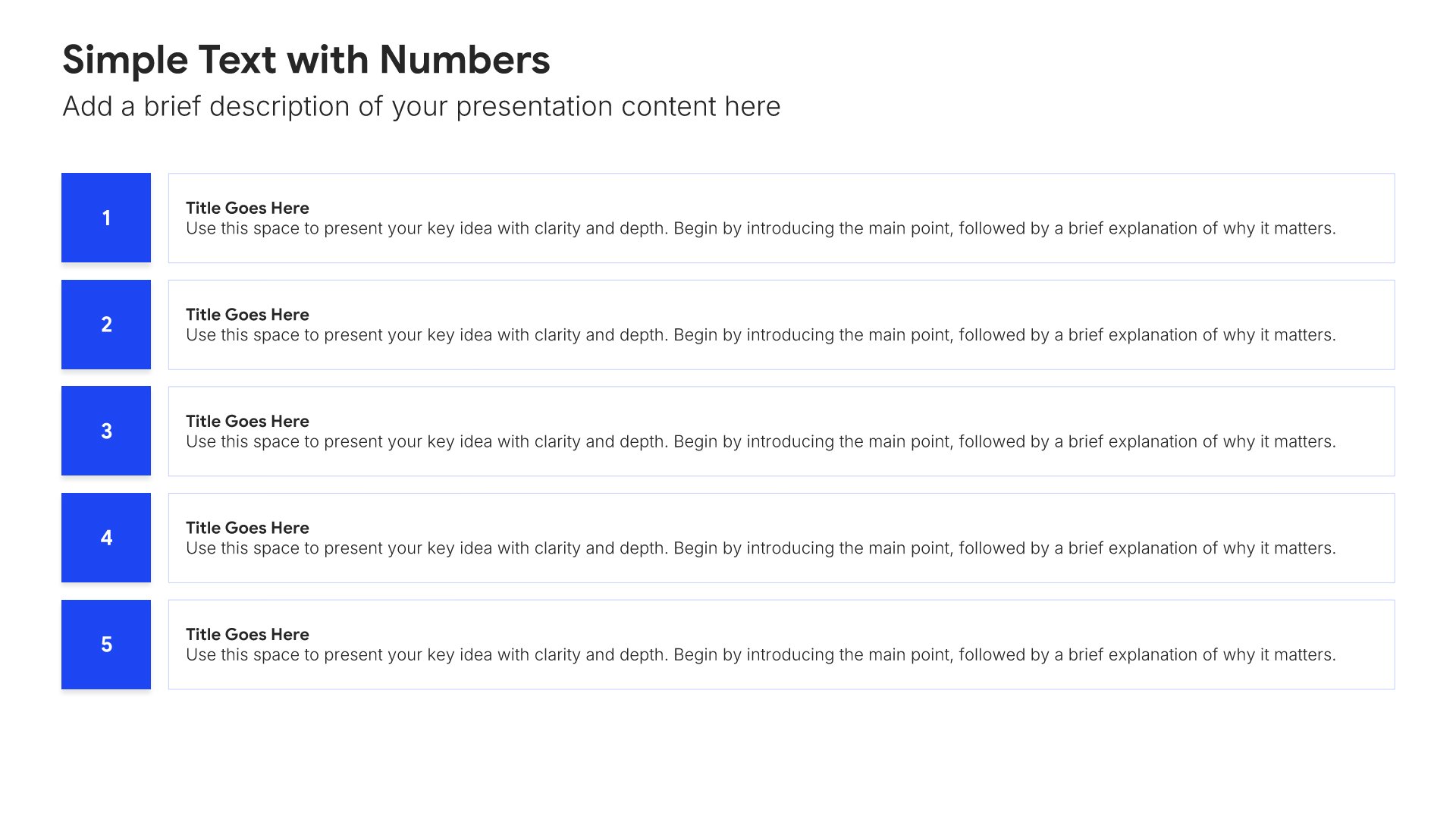
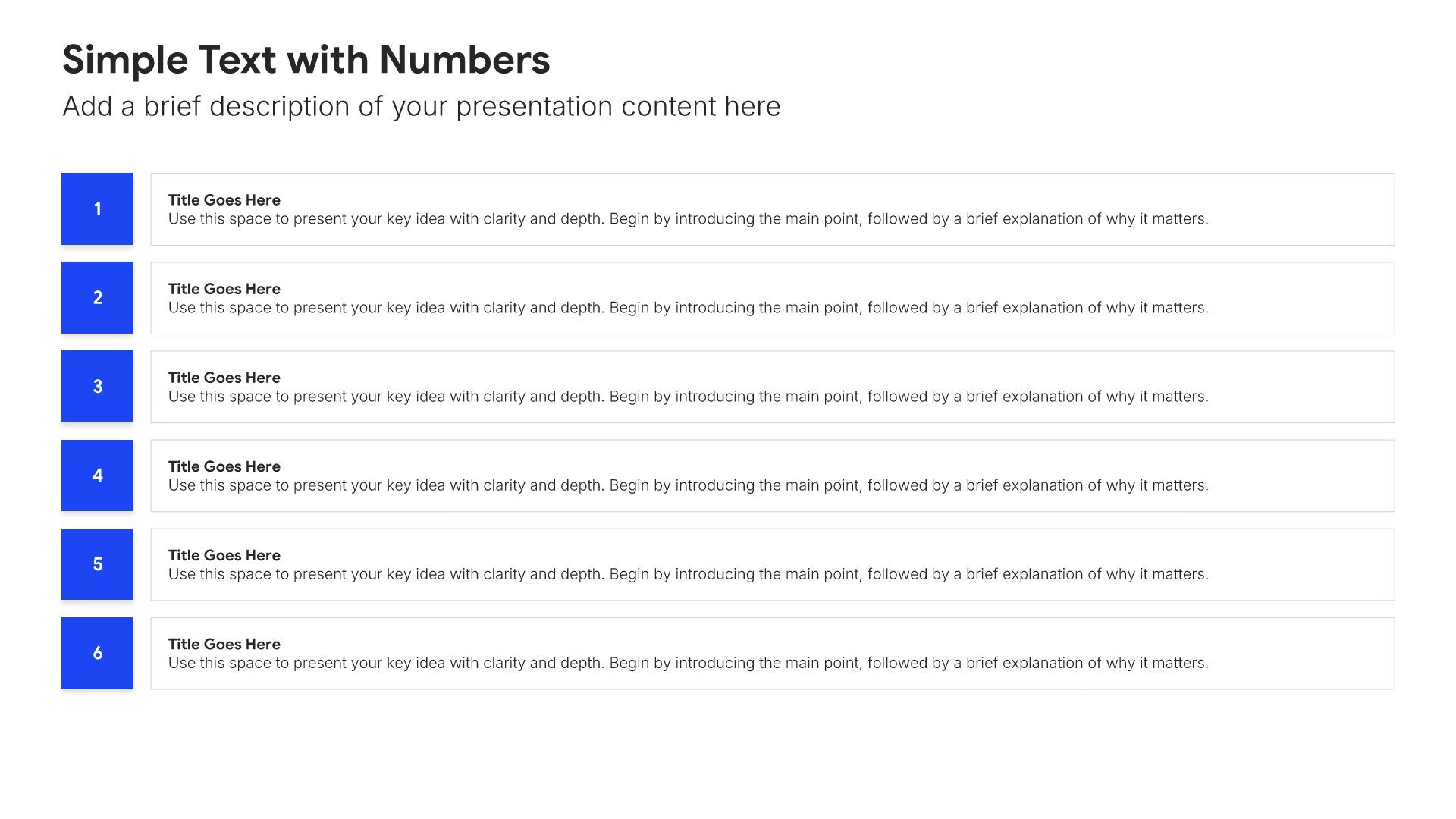
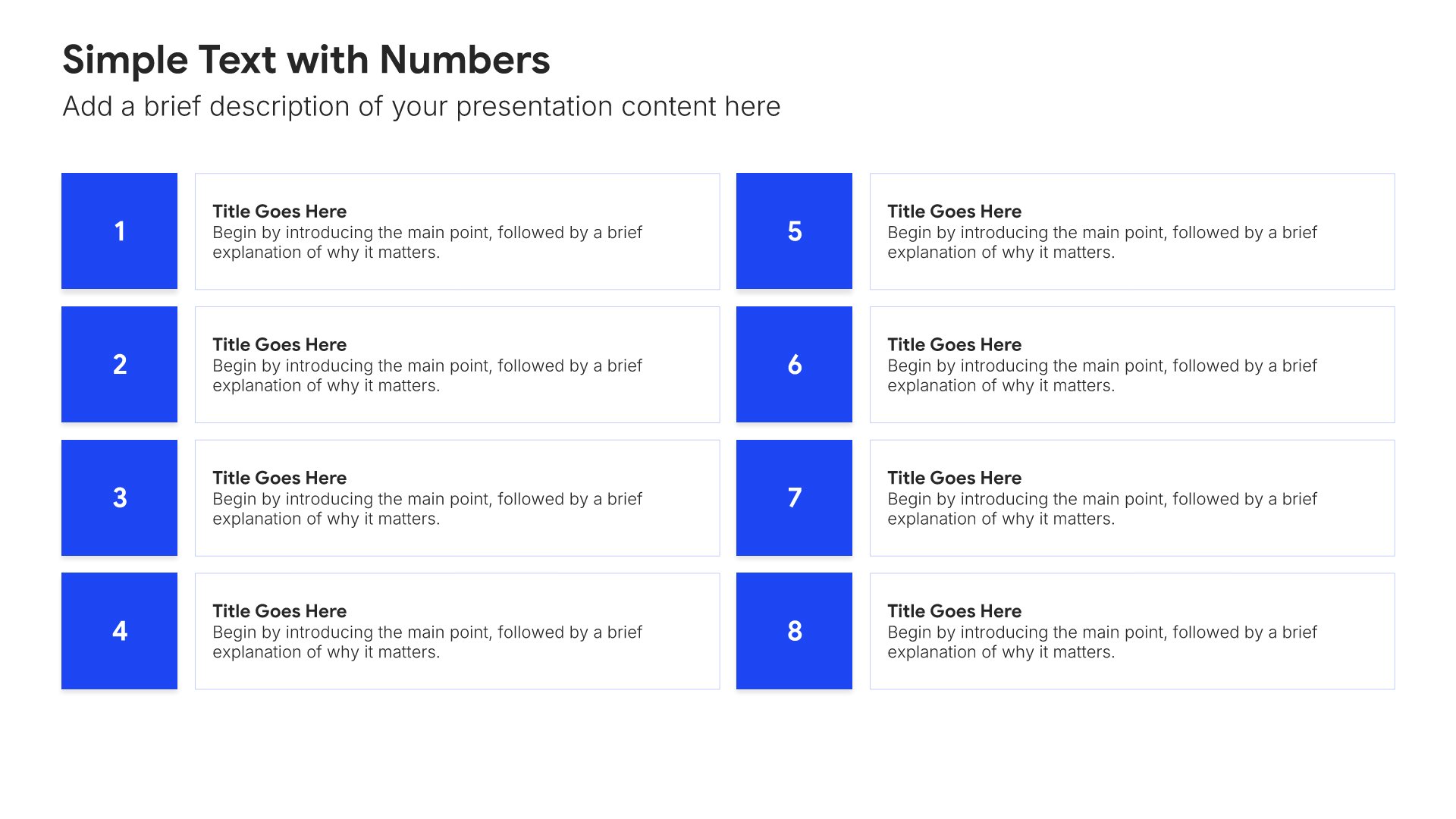
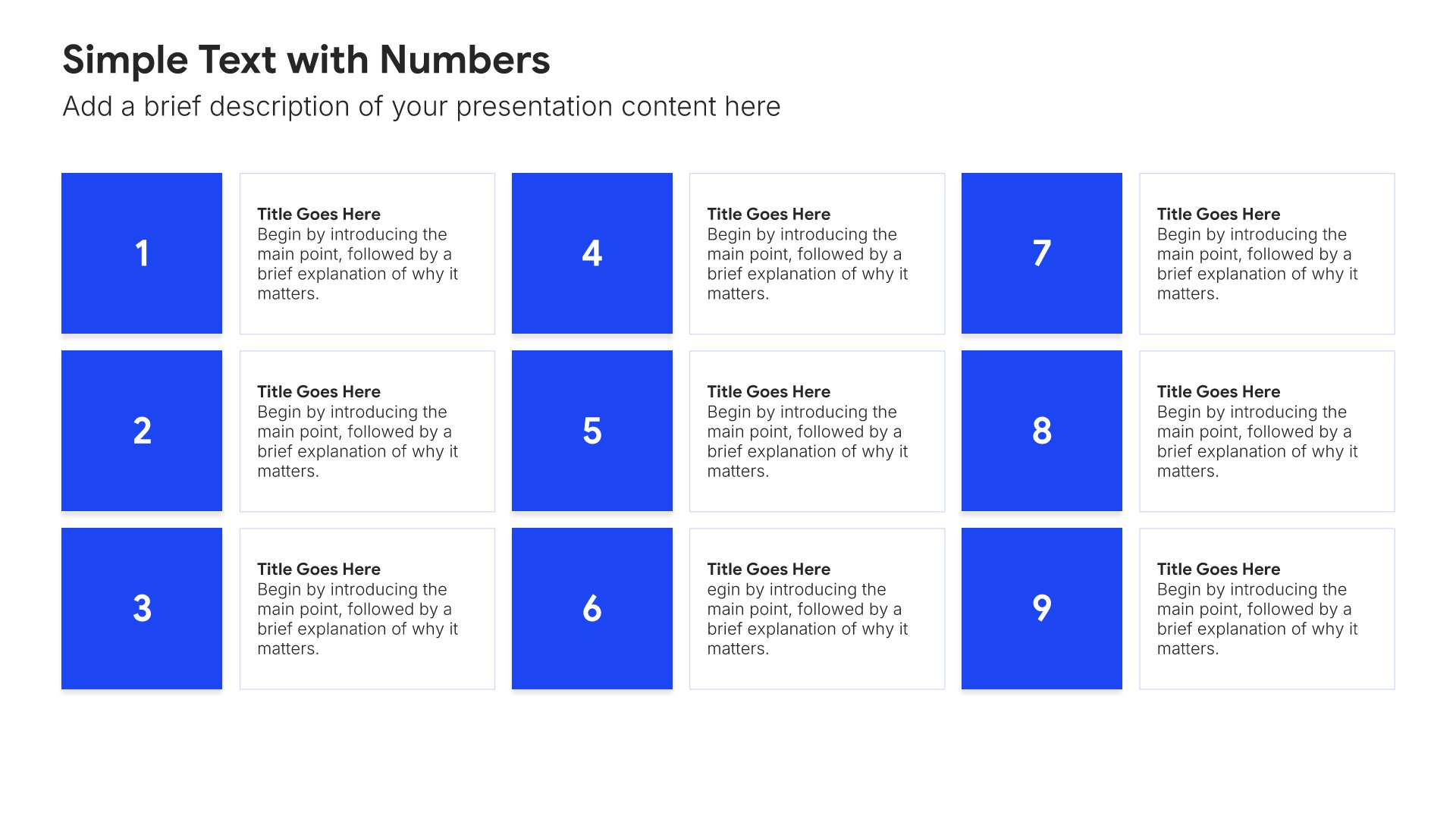
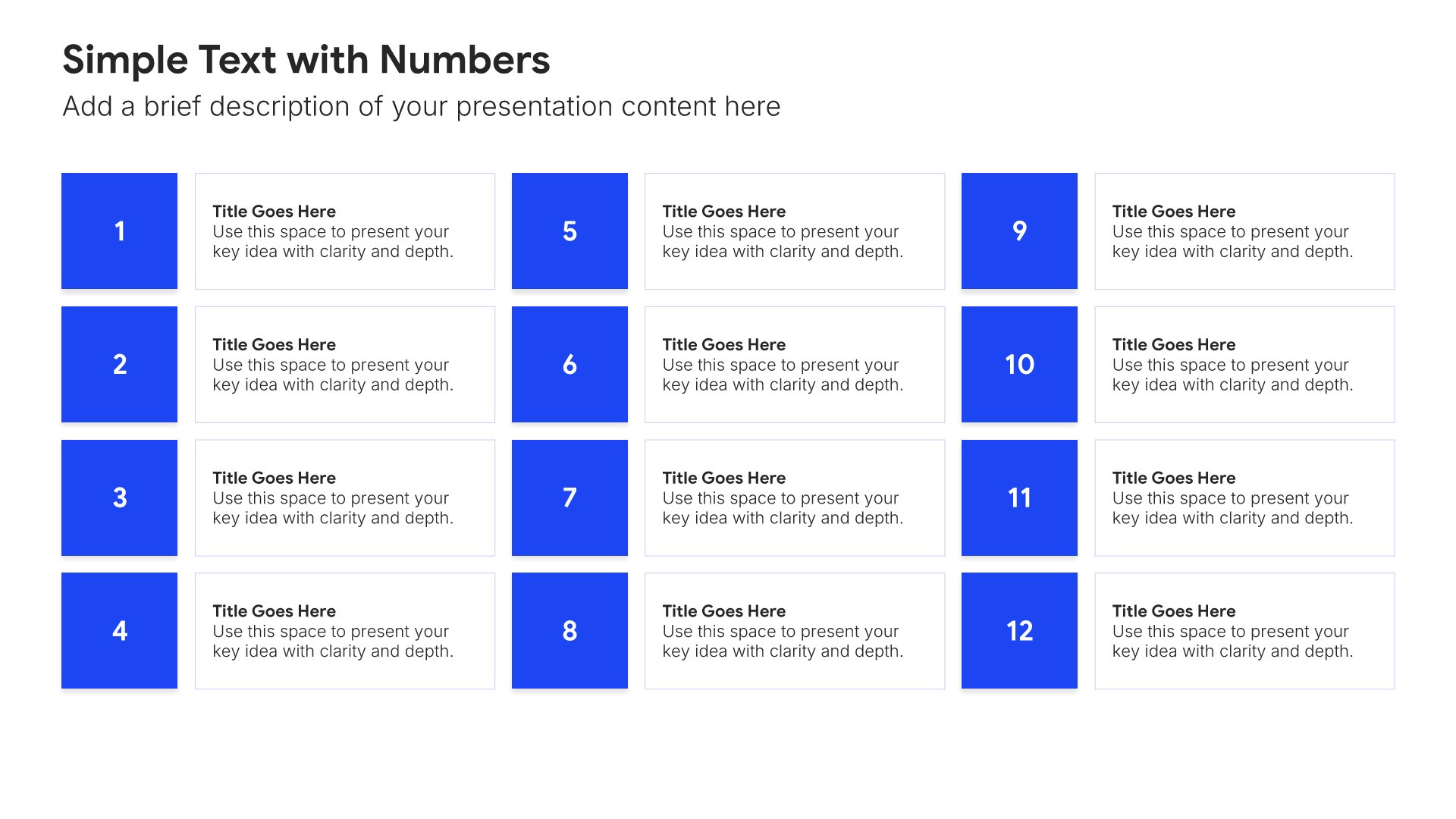
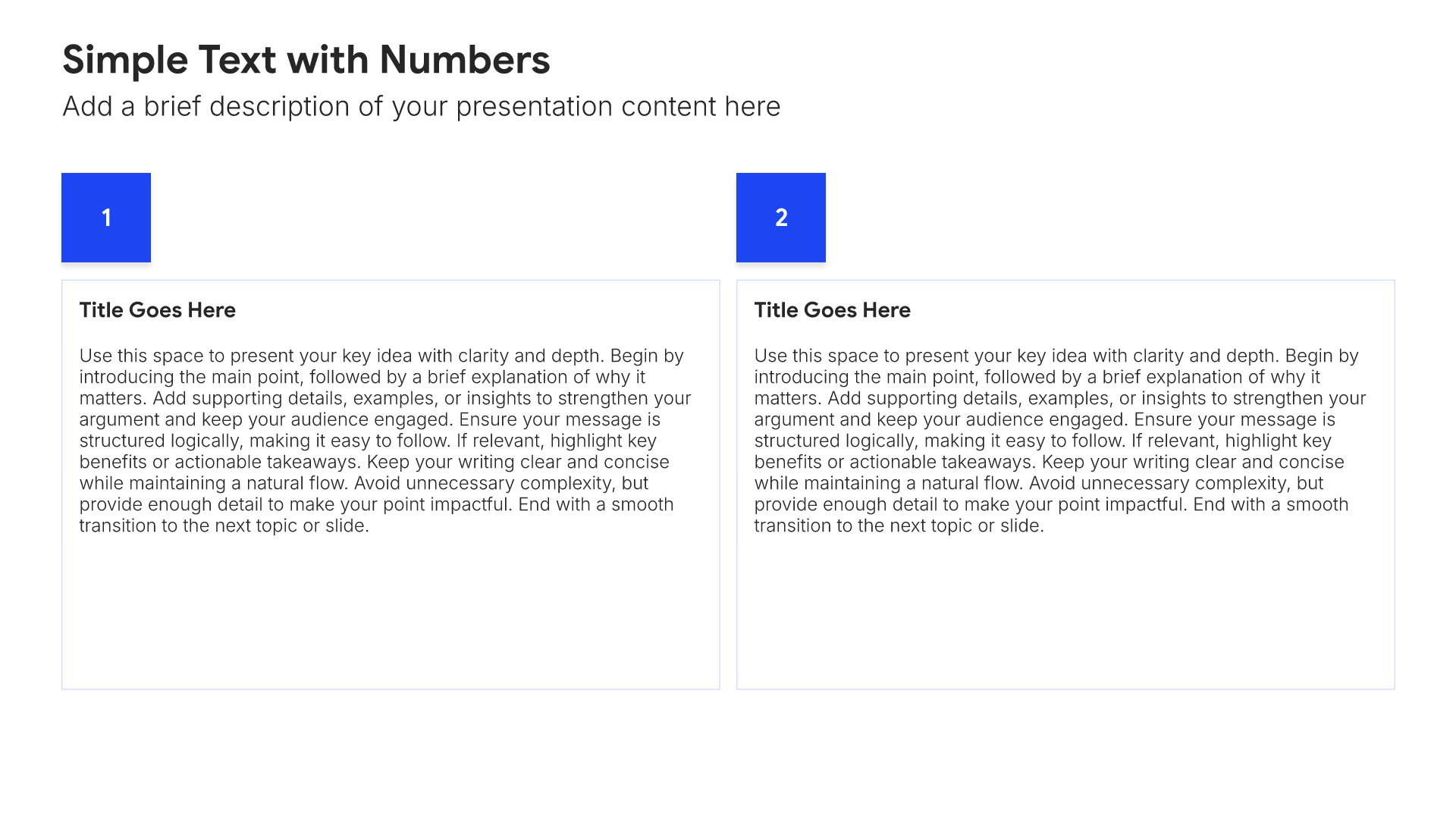
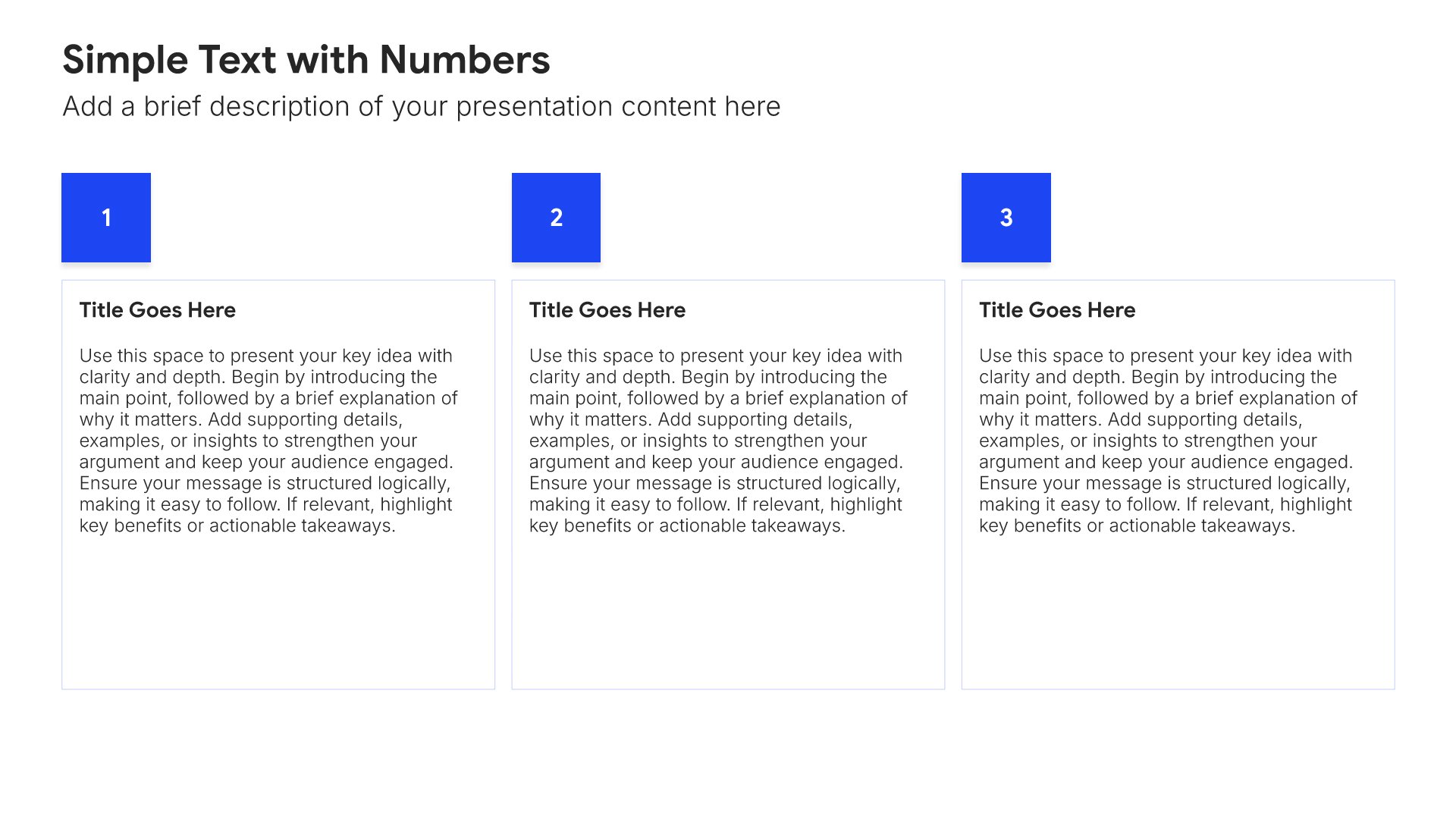
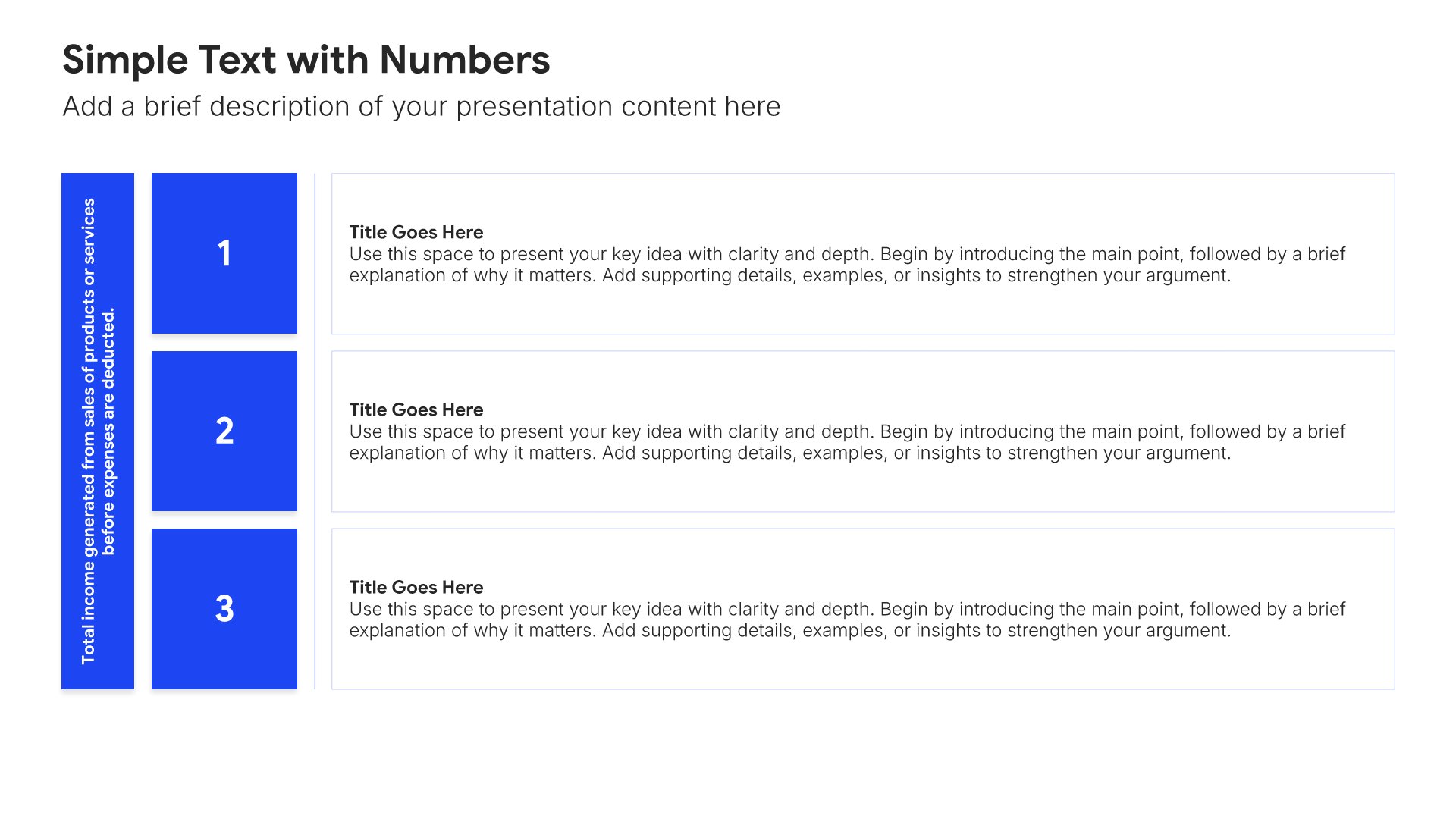
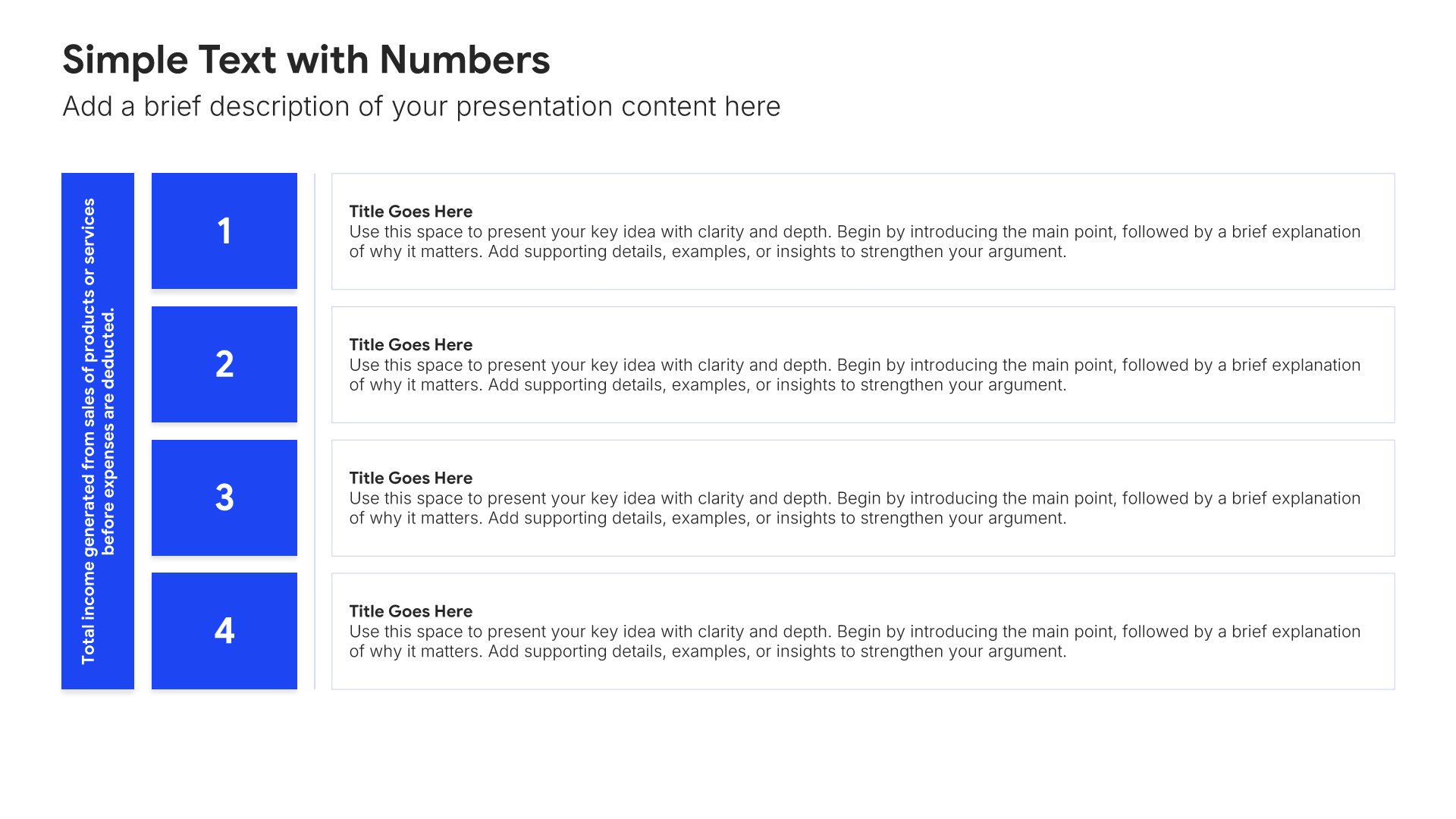
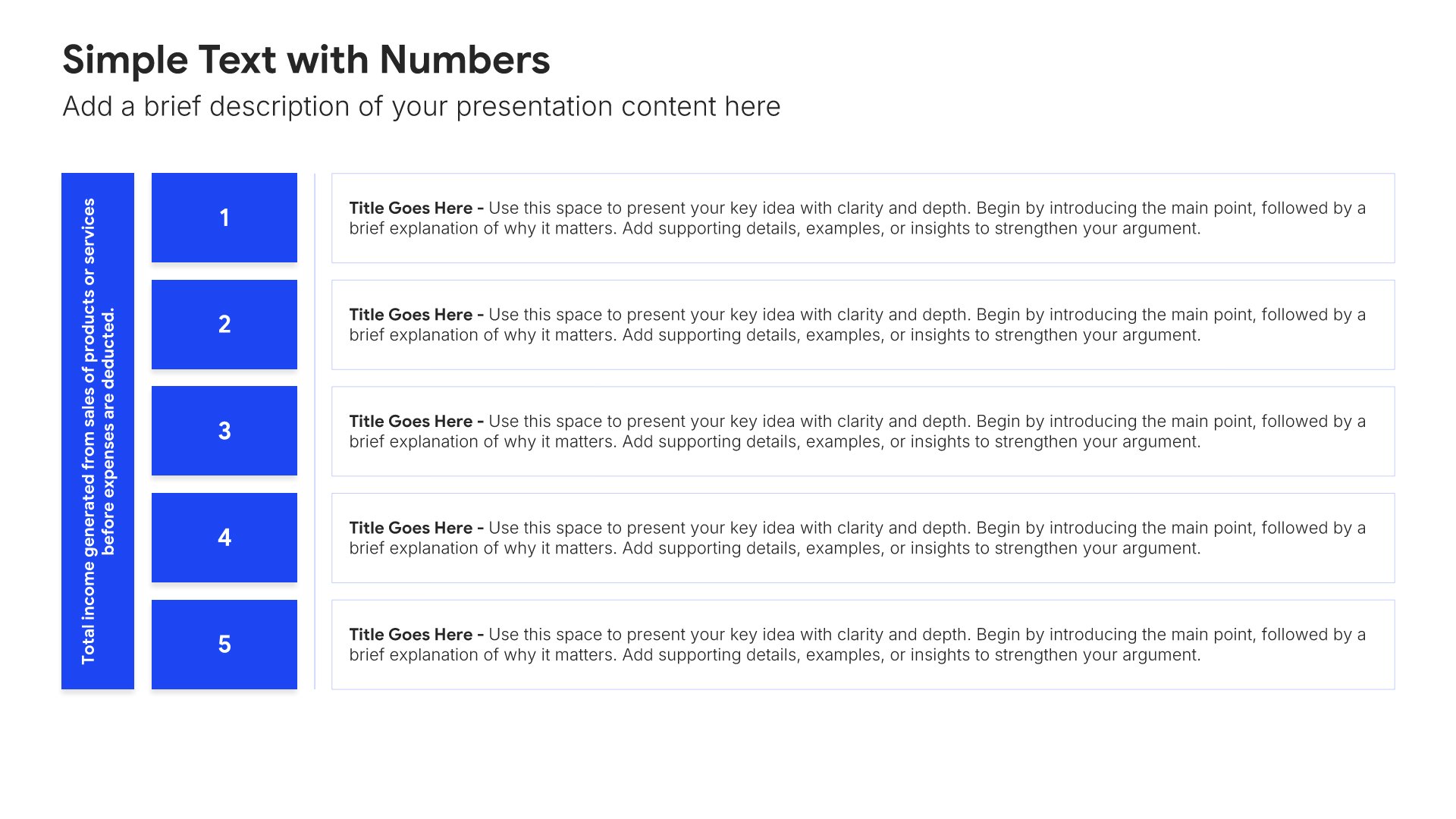
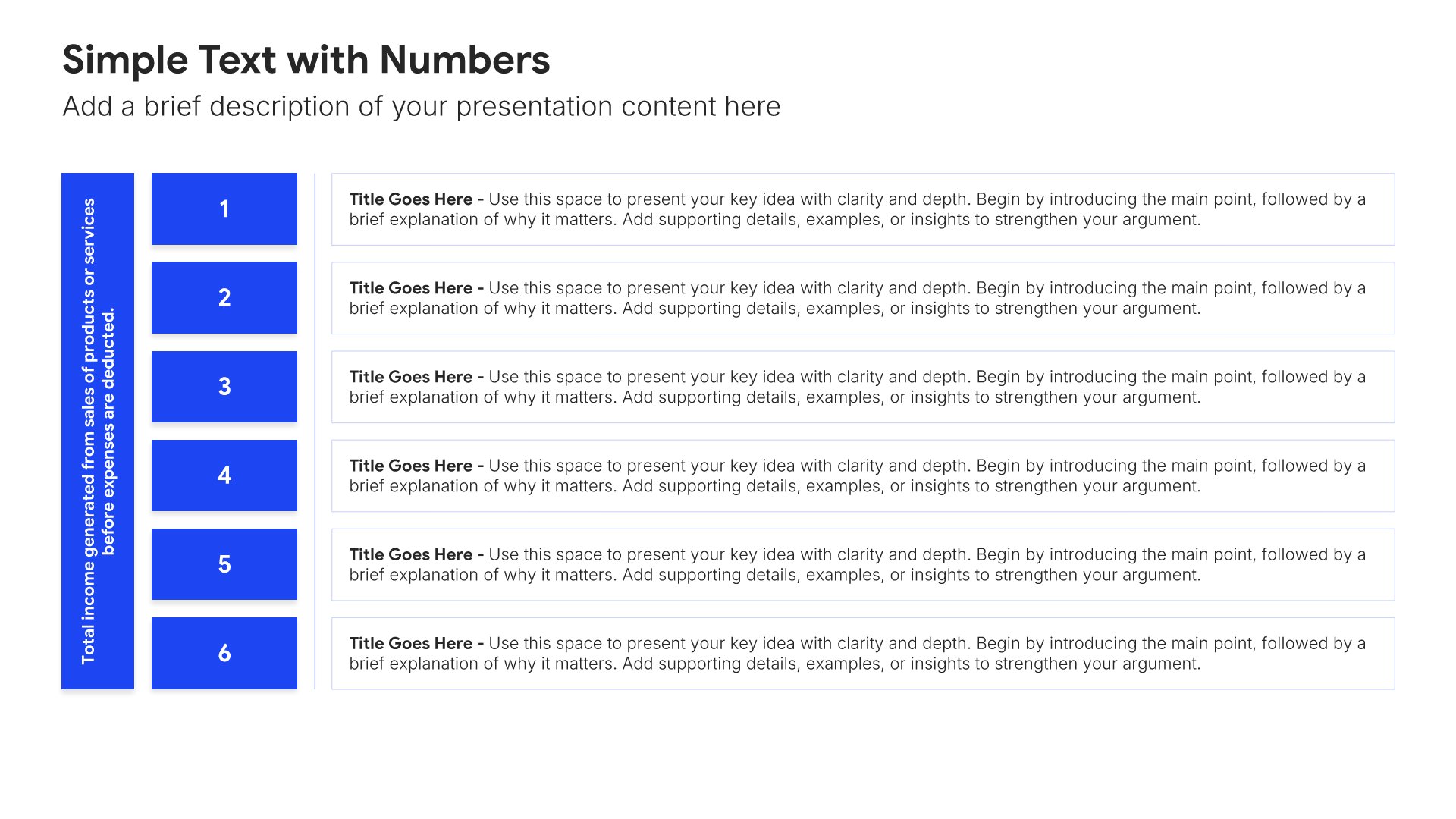
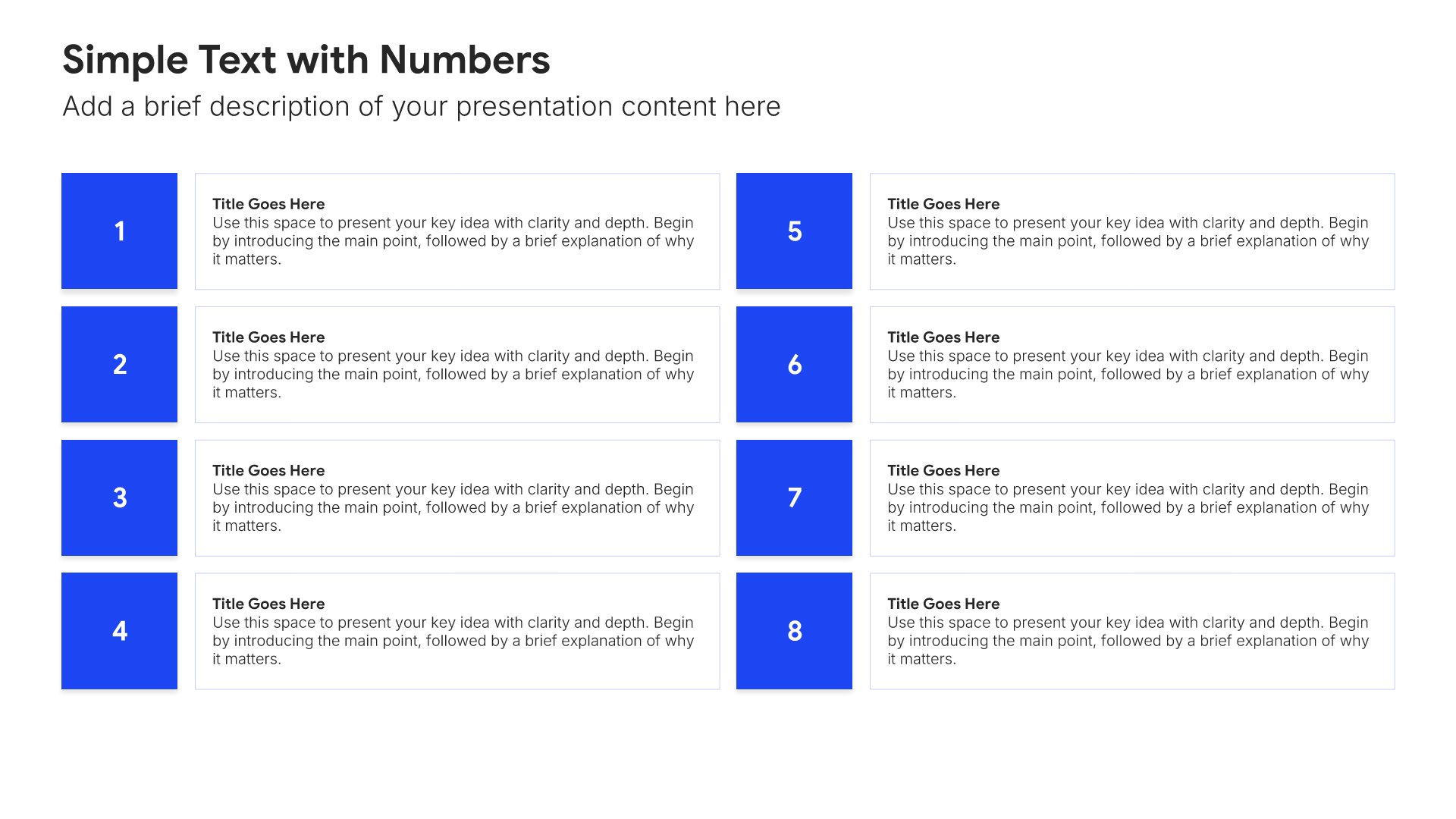
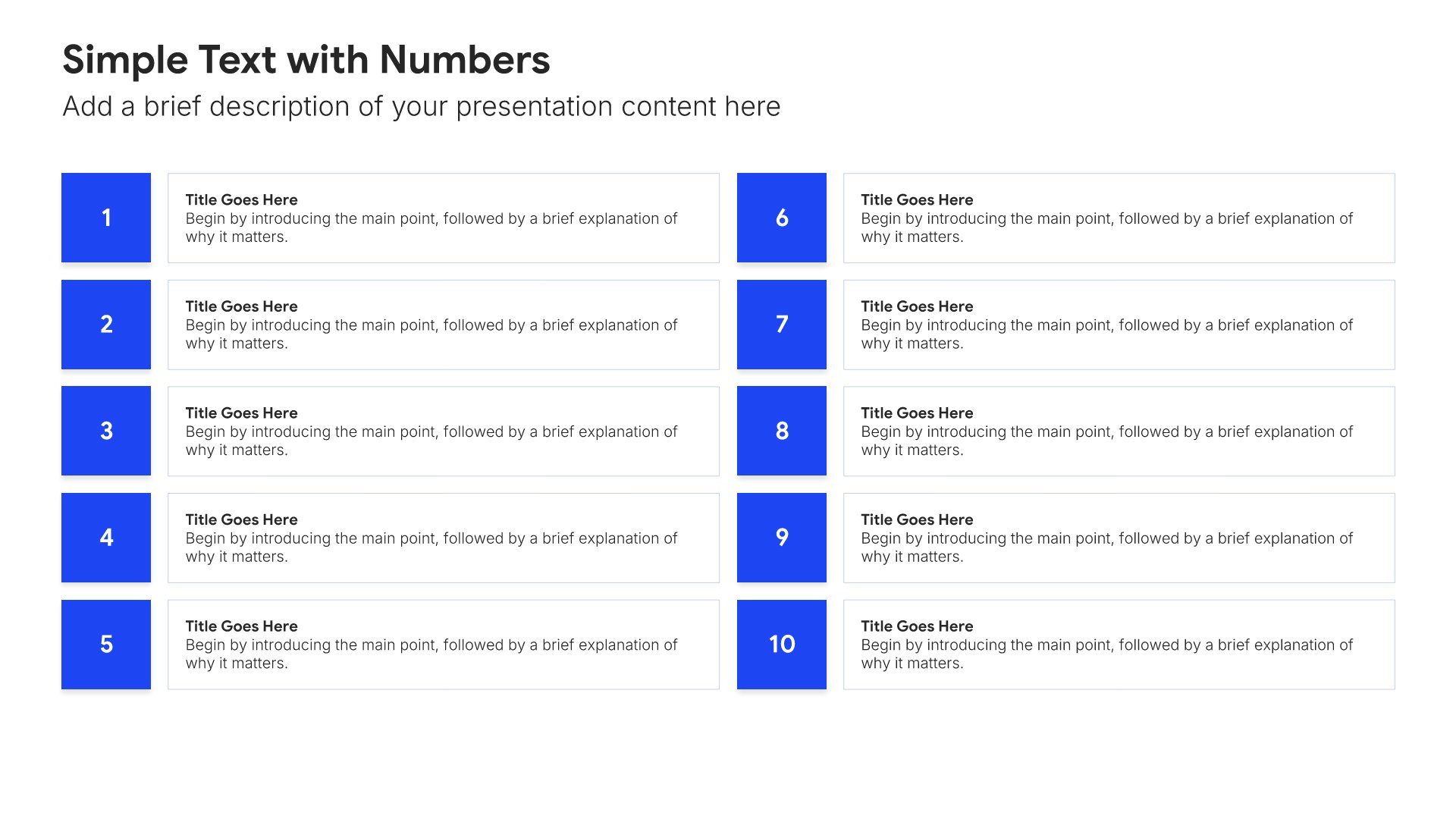
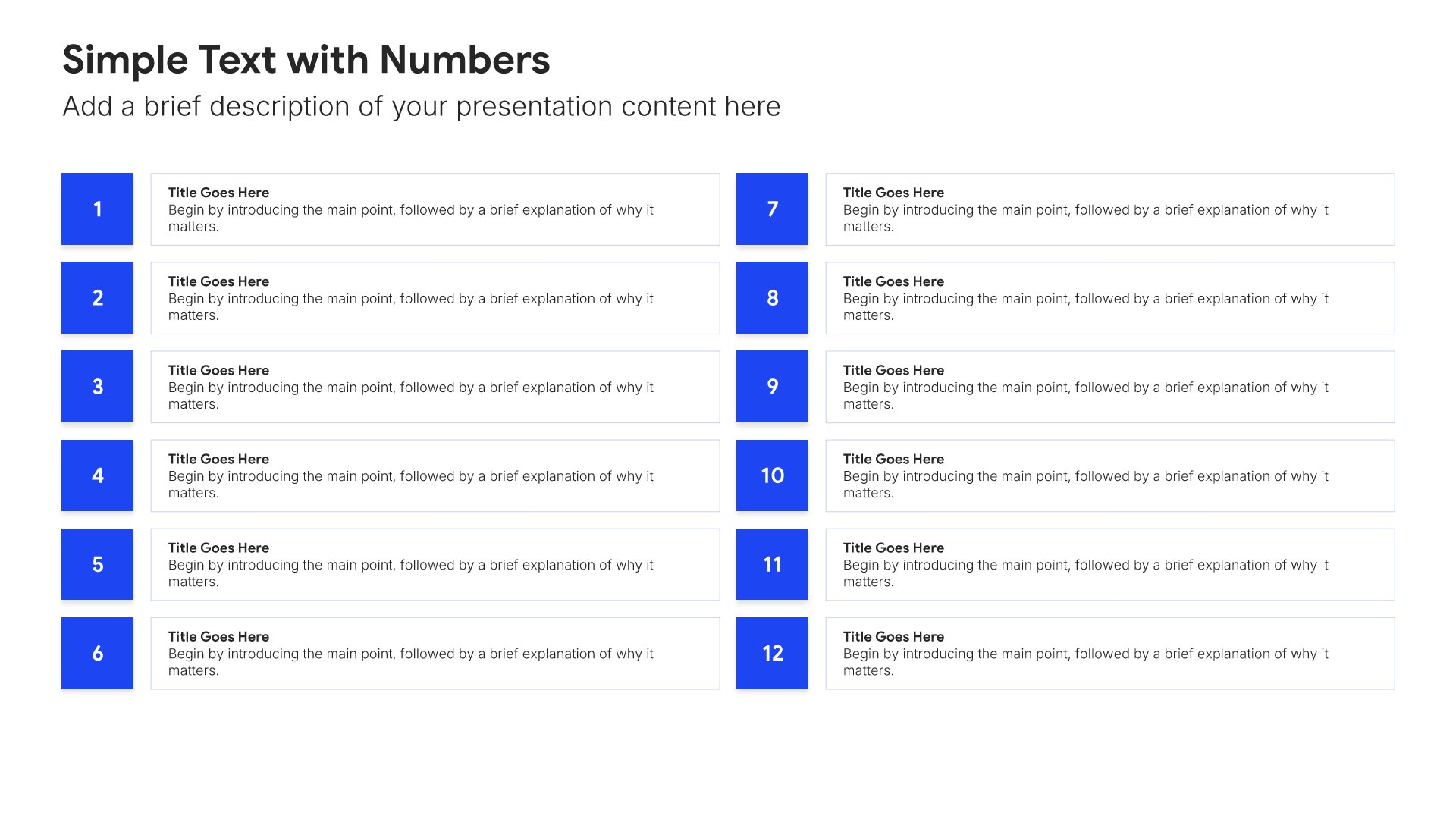
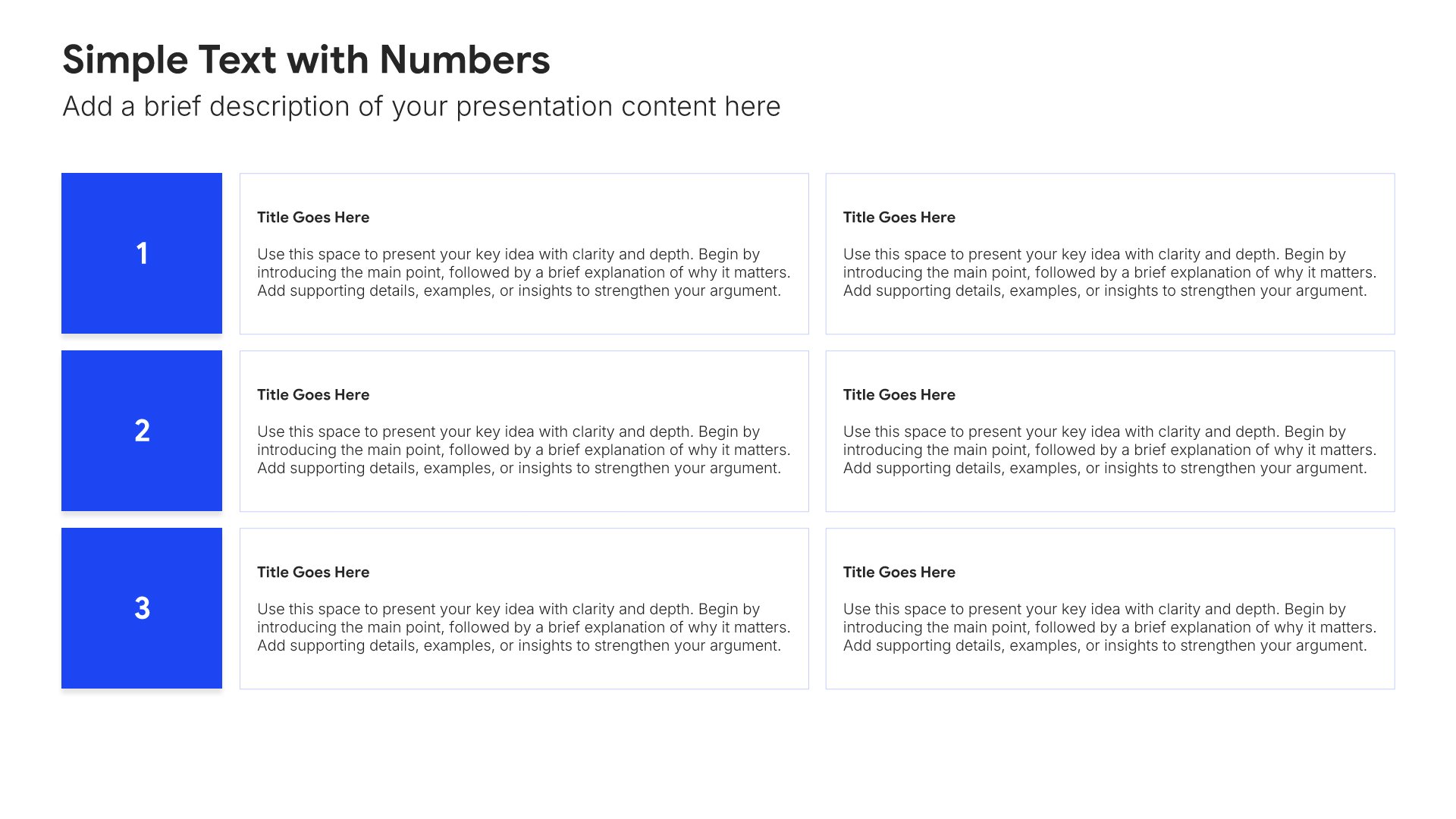
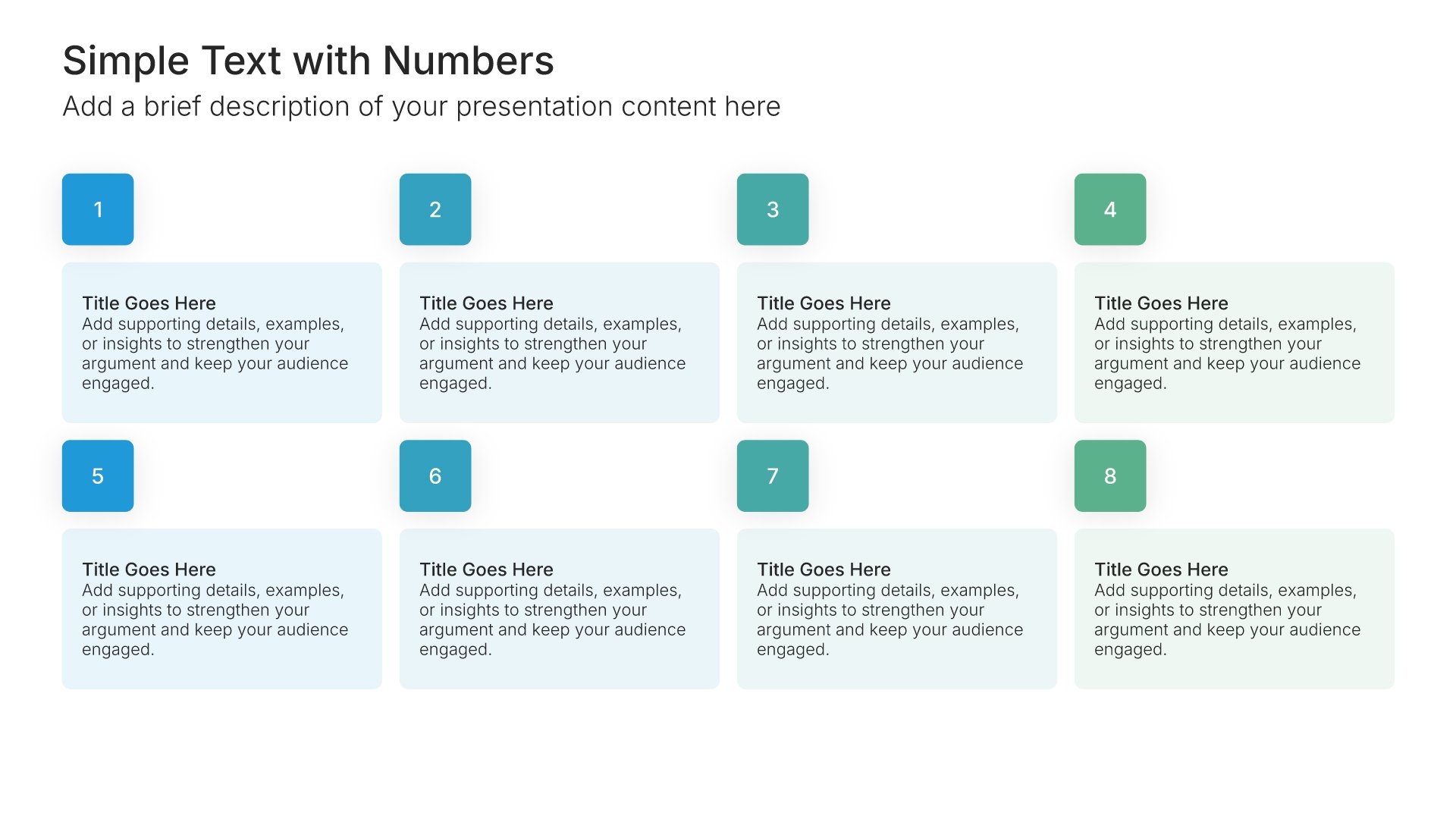
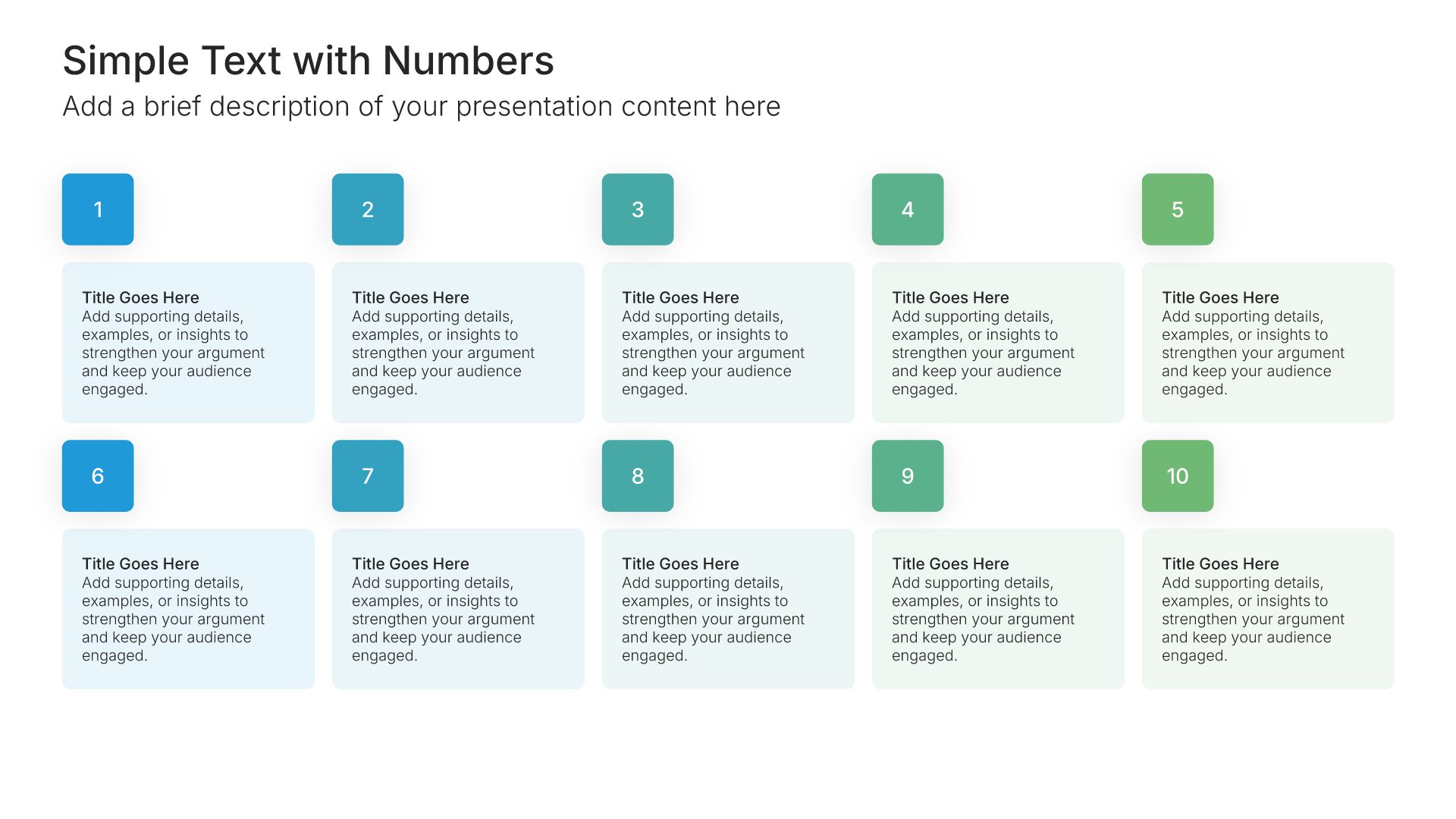
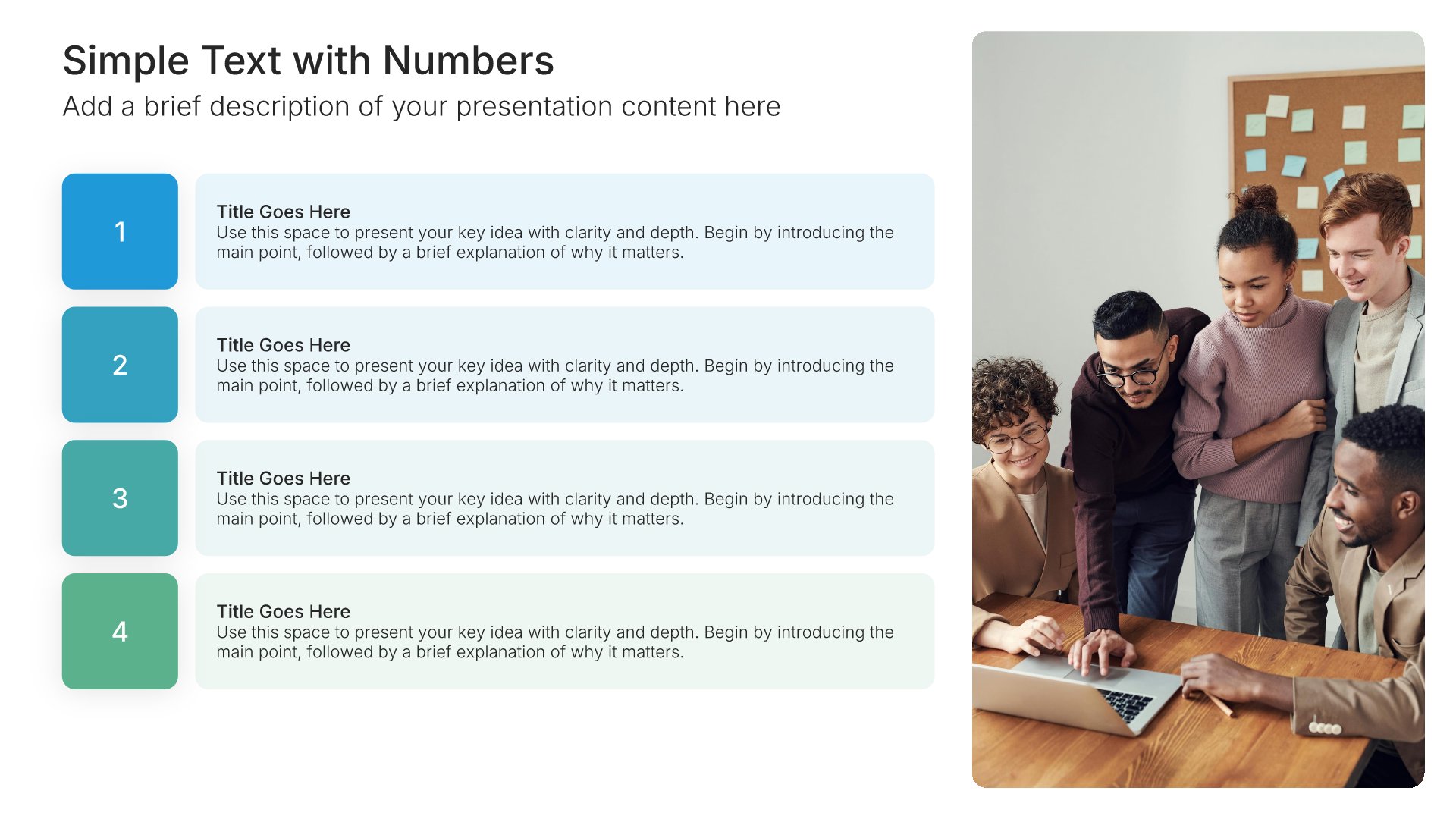
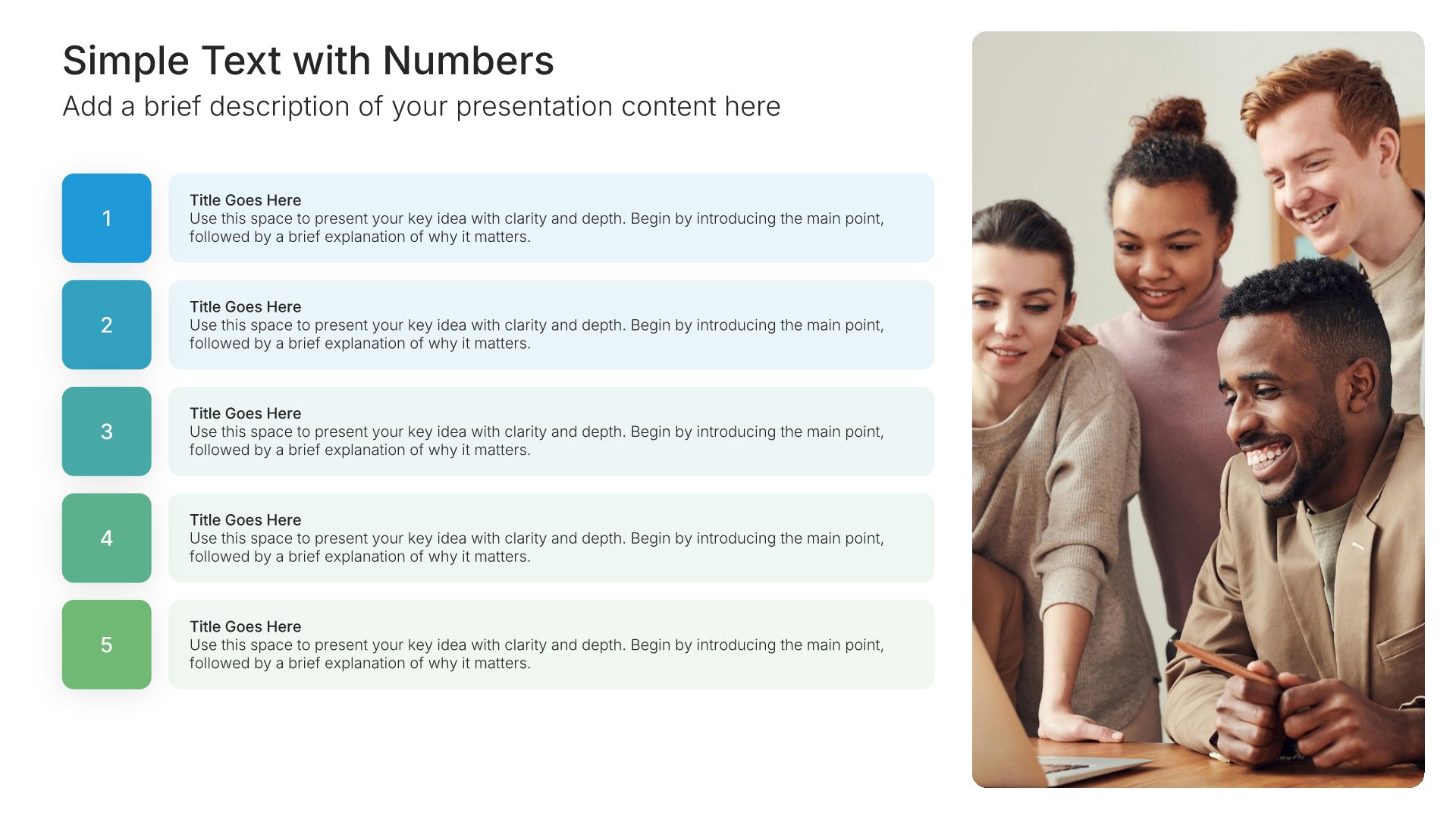
Simple text slides with numbers set out points in order, one to however many you need, so the audience always knows where they are in the list. Pick one of 66 layouts, brand it to your company in one click, add your points, and export to PowerPoint, Google Slides, or Keynote.

Free to start. No credit card required.
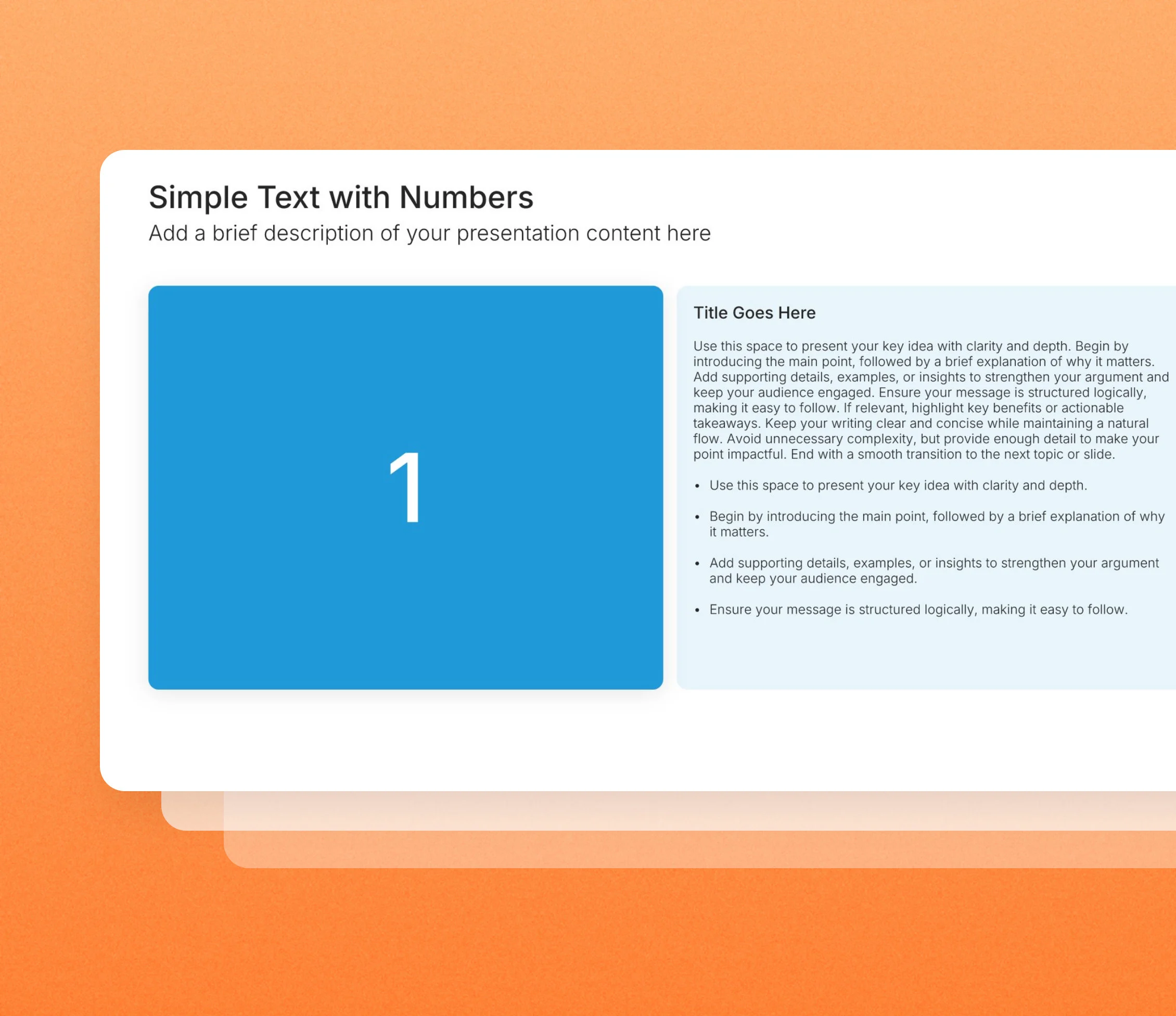
Simple text slides with numbers in the Choladeck slide library

Browse simple text slides with numbers

66 ways to set out your points in order, all fully editable.

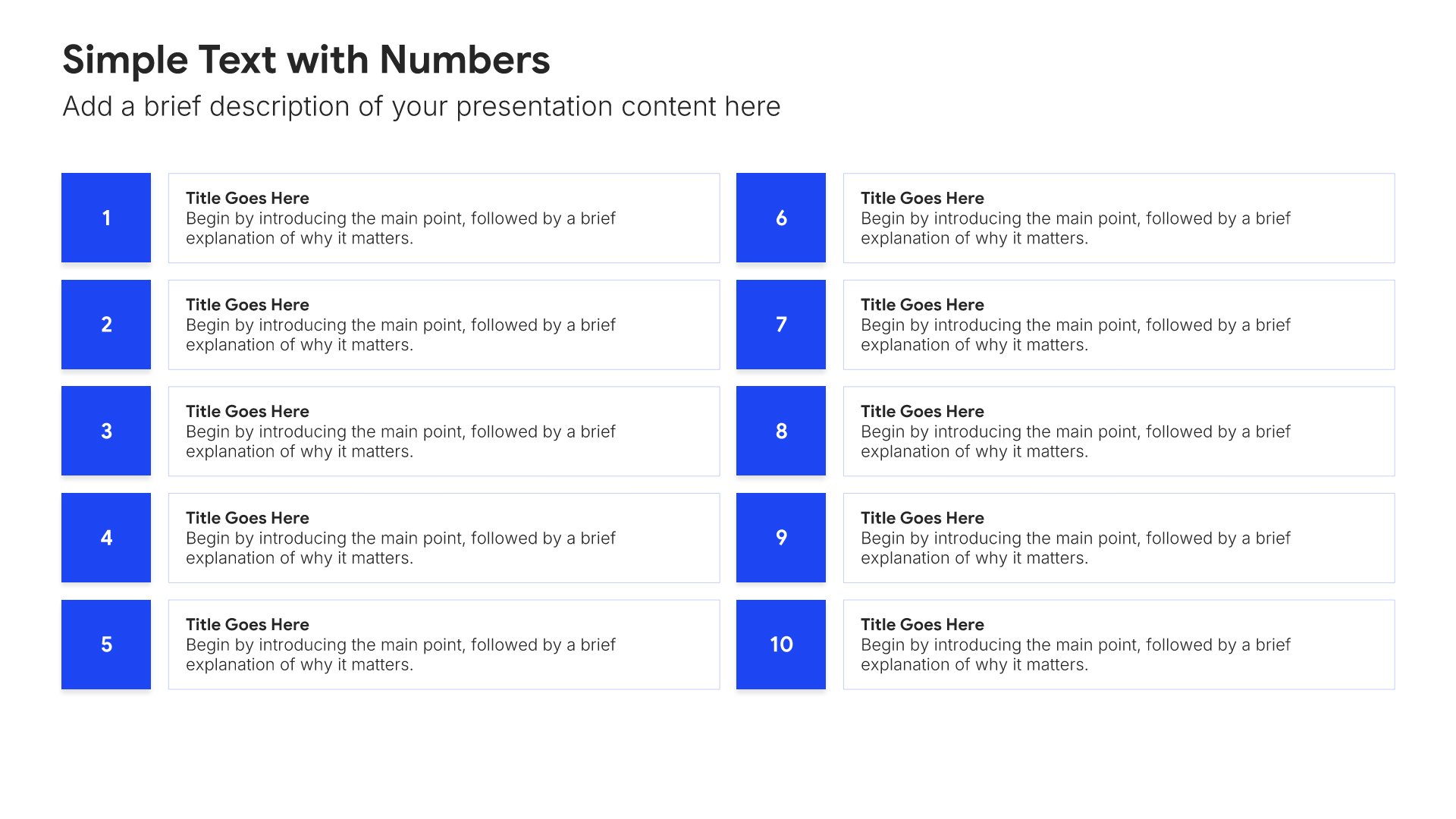
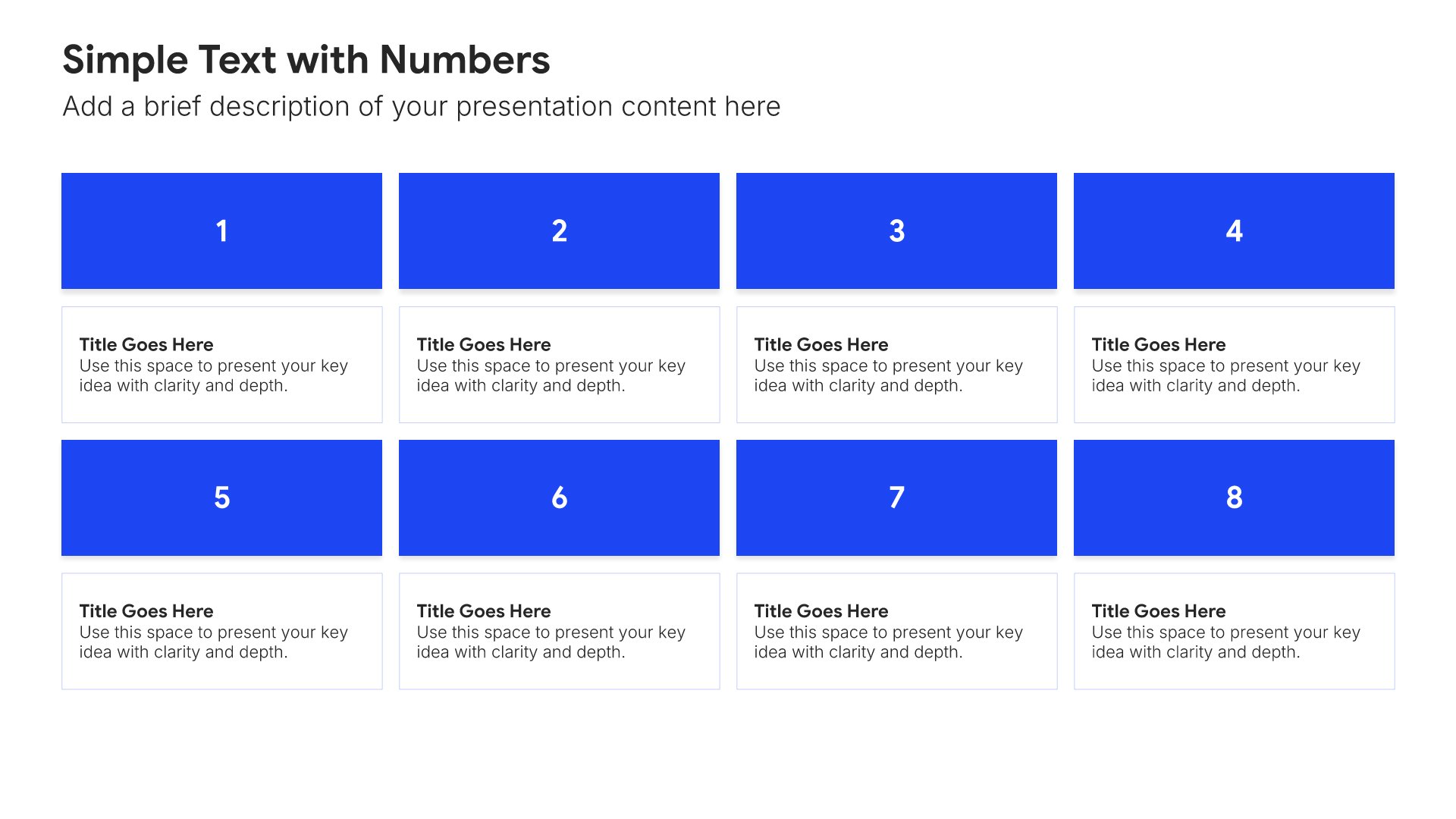
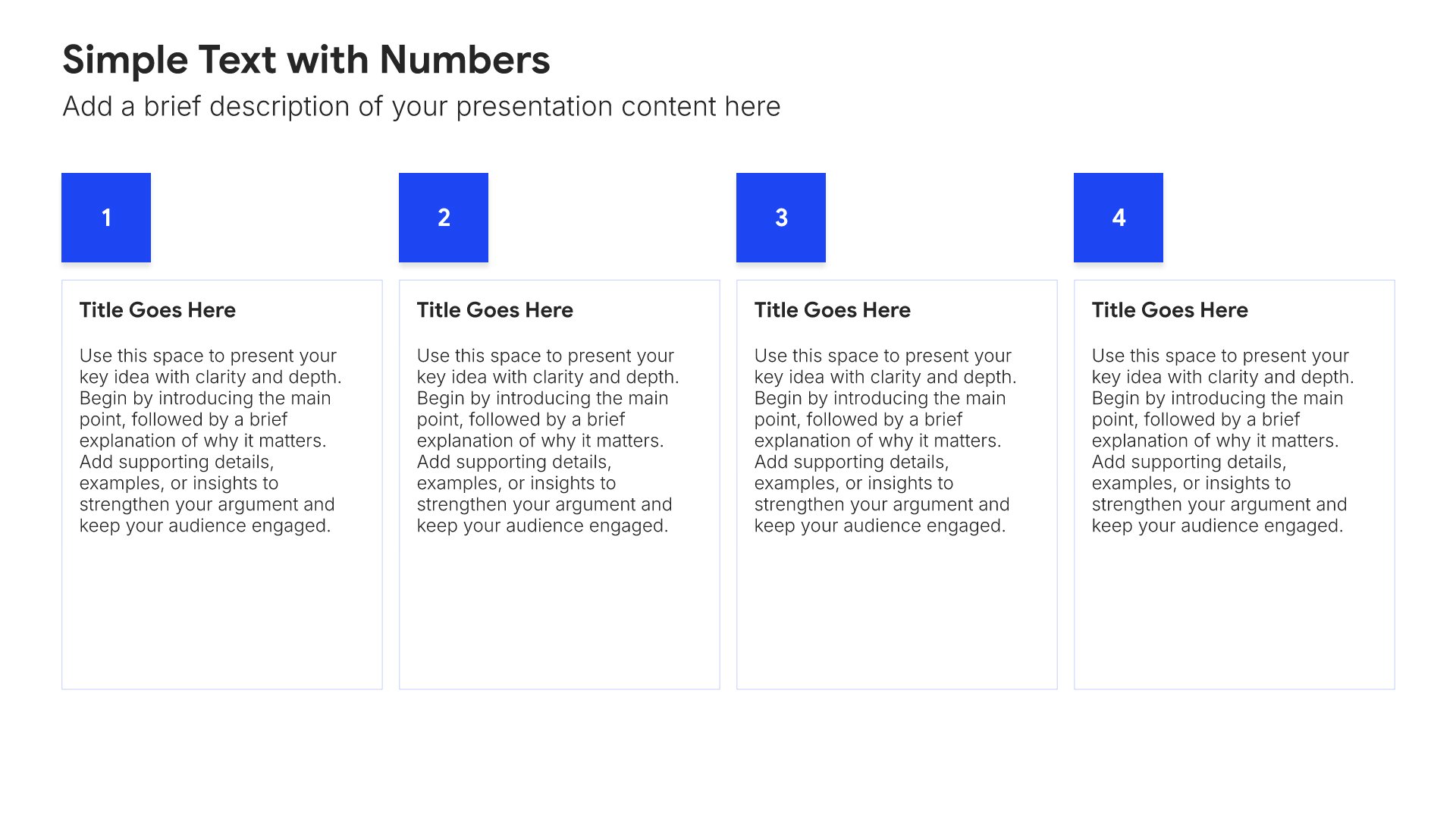
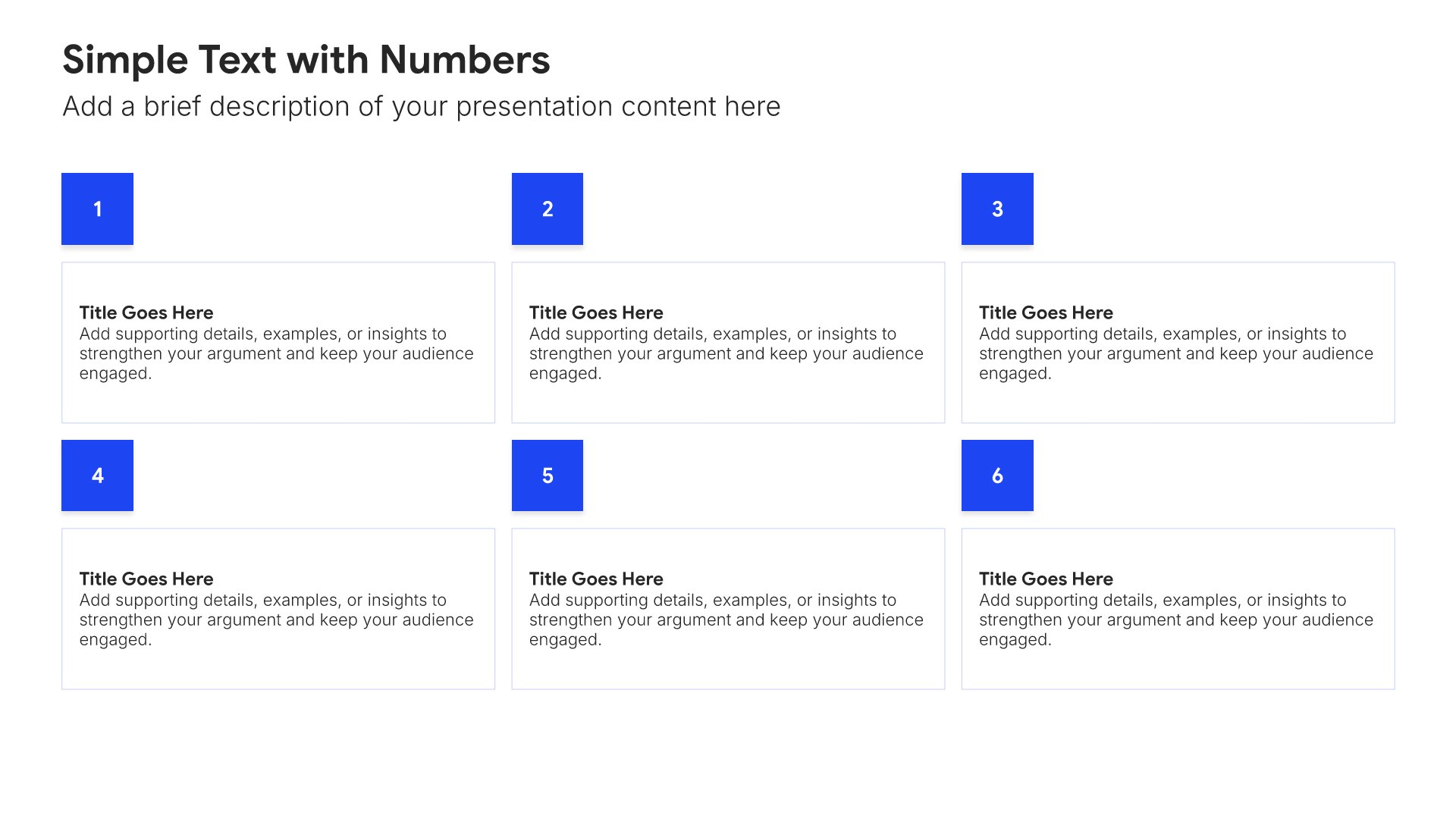
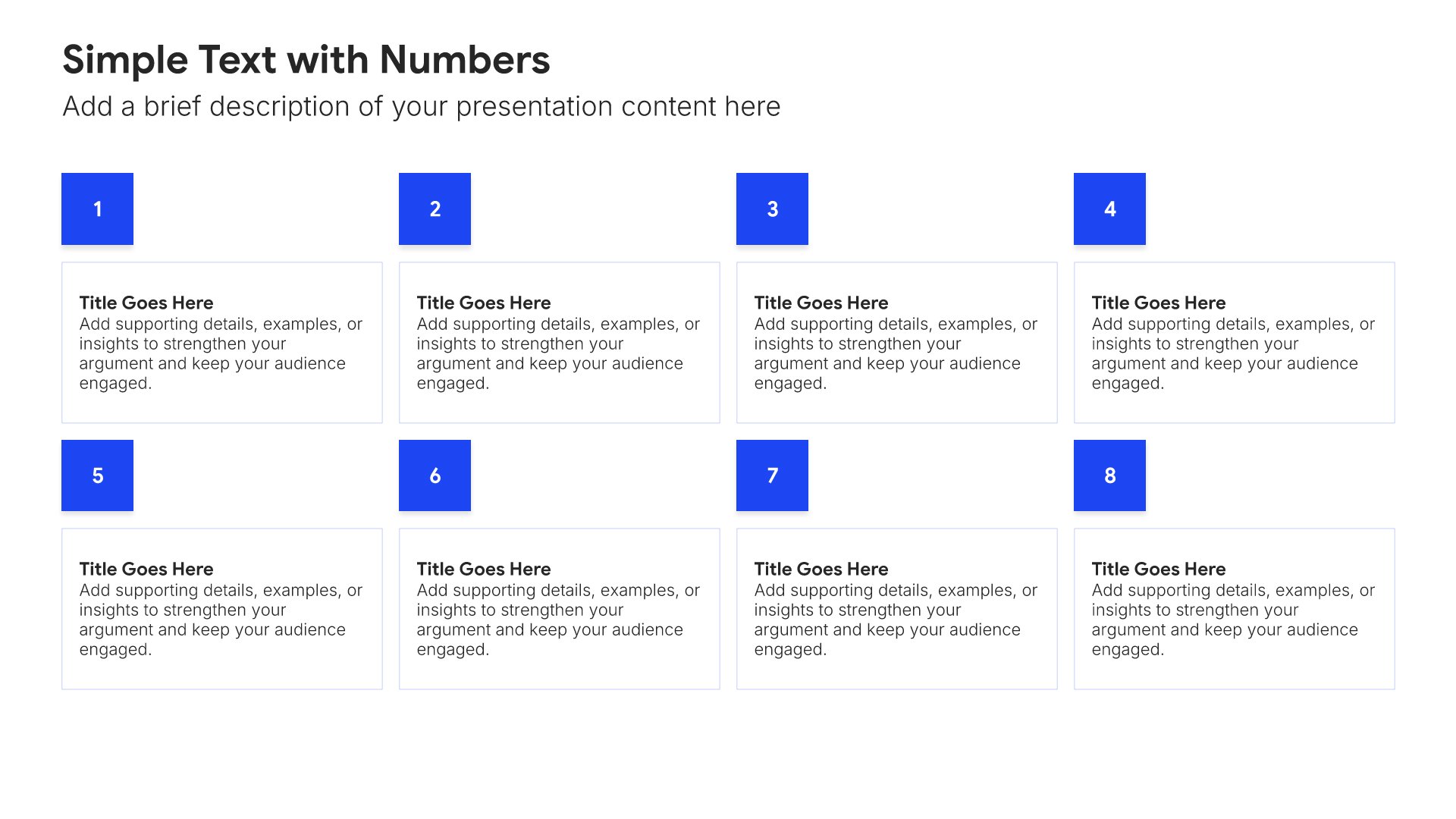
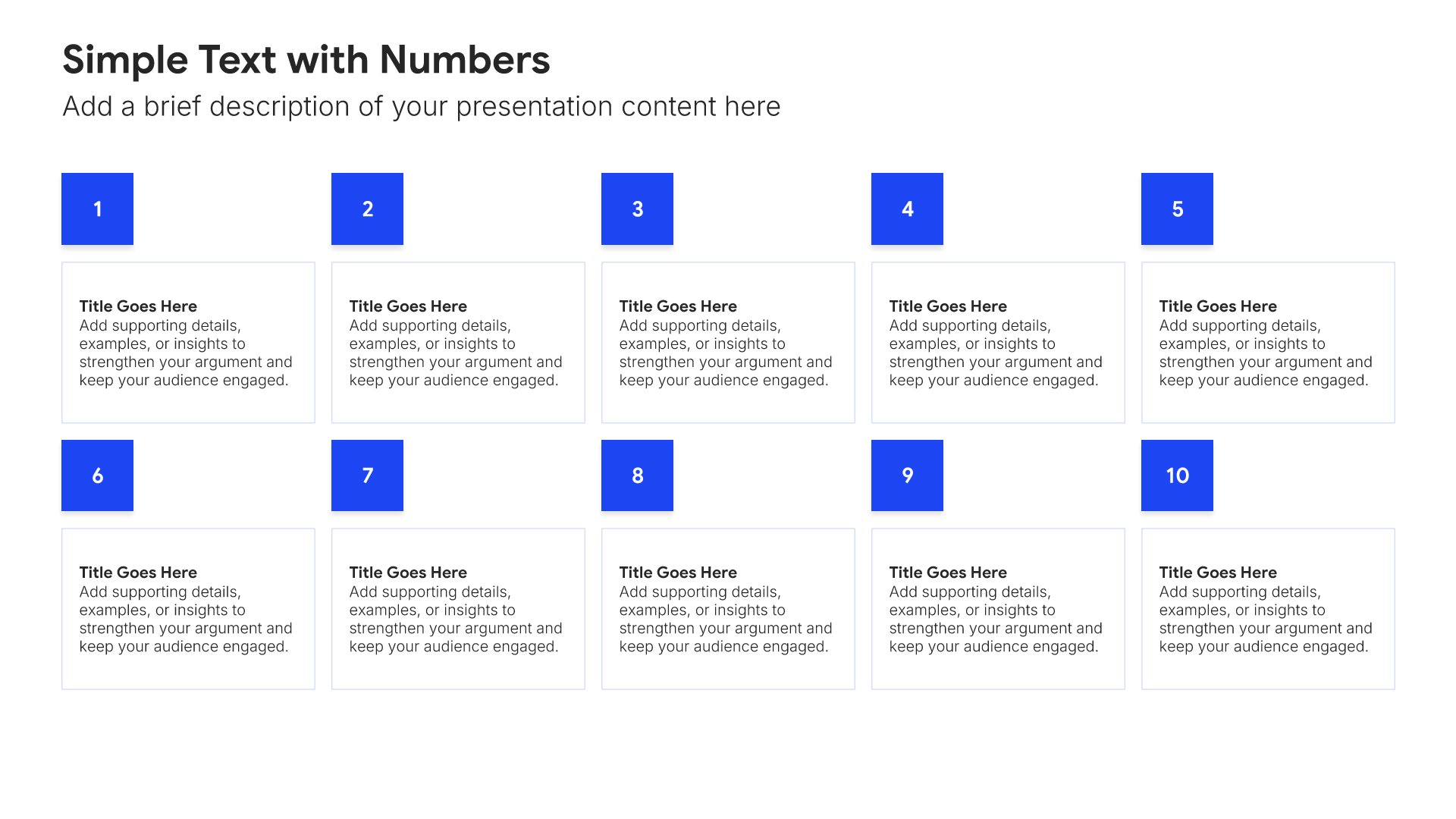
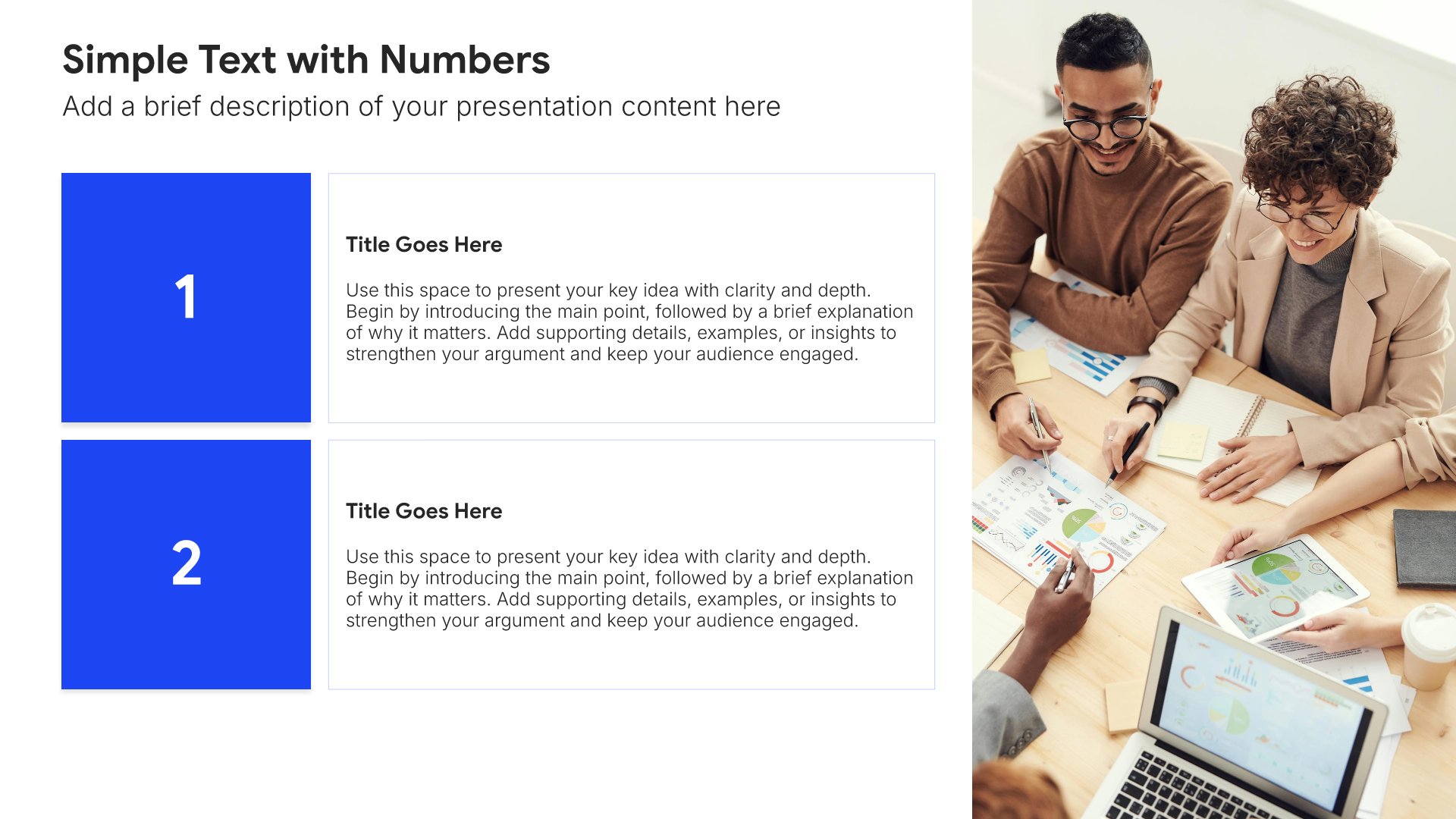
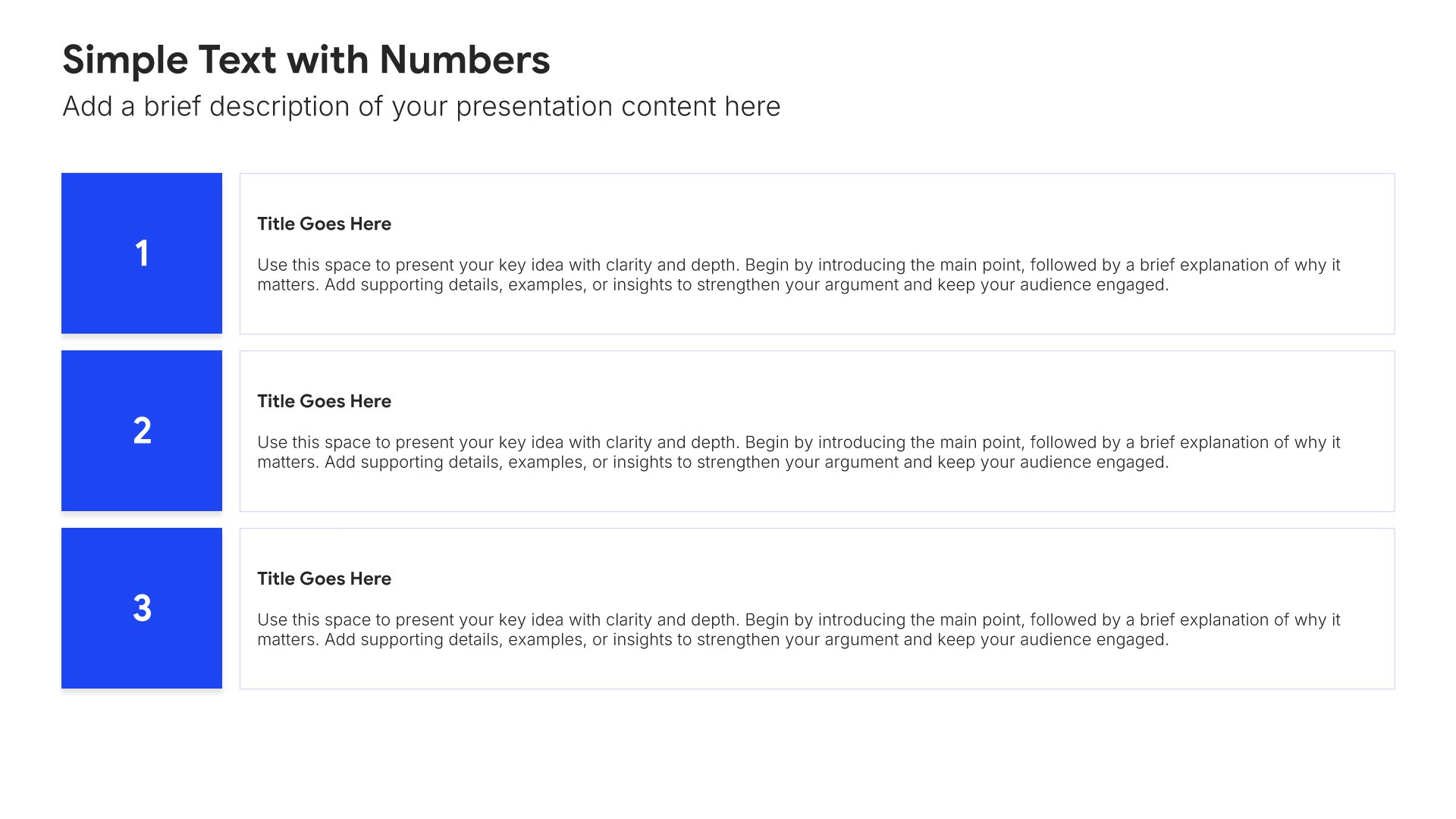
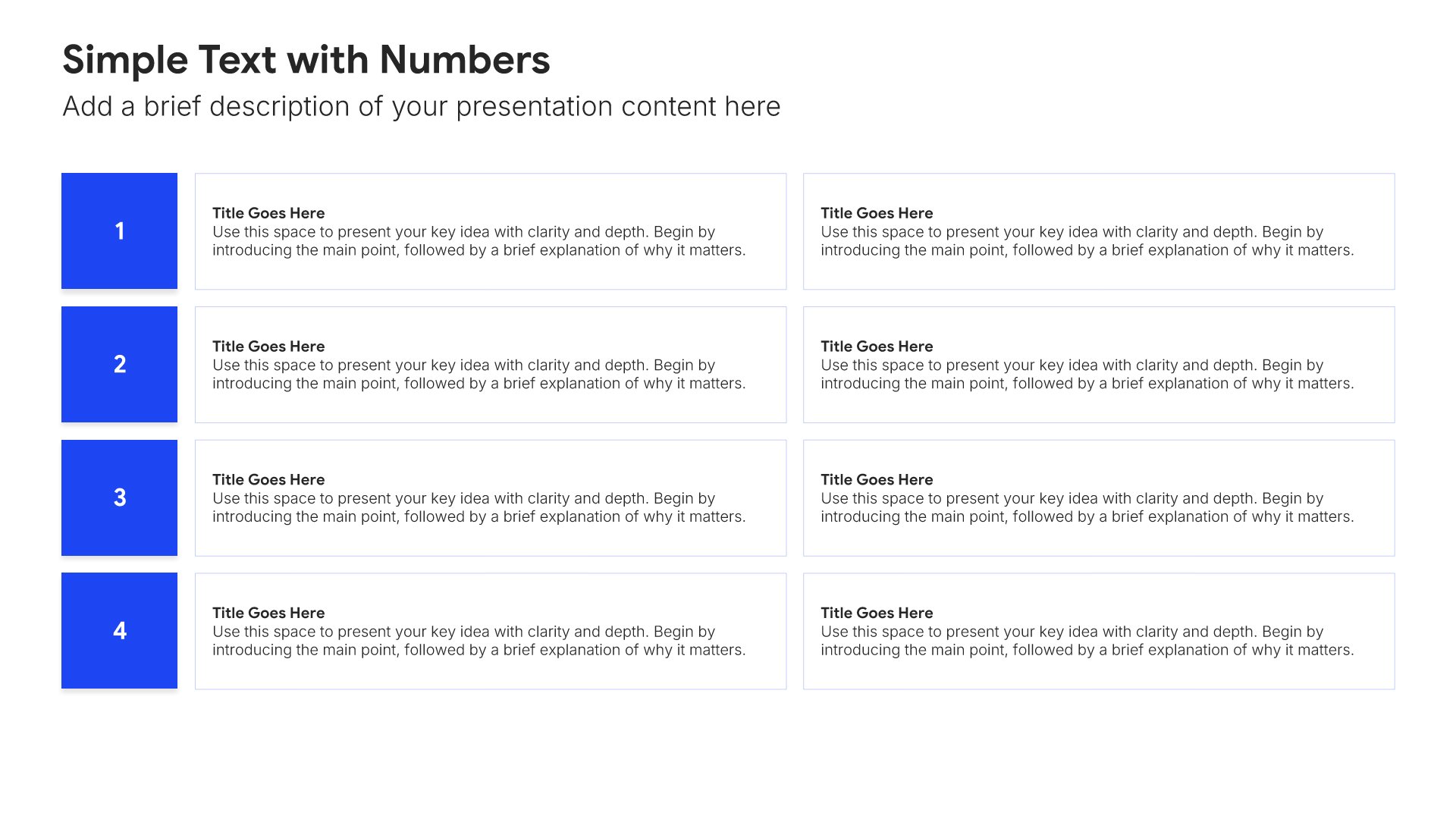
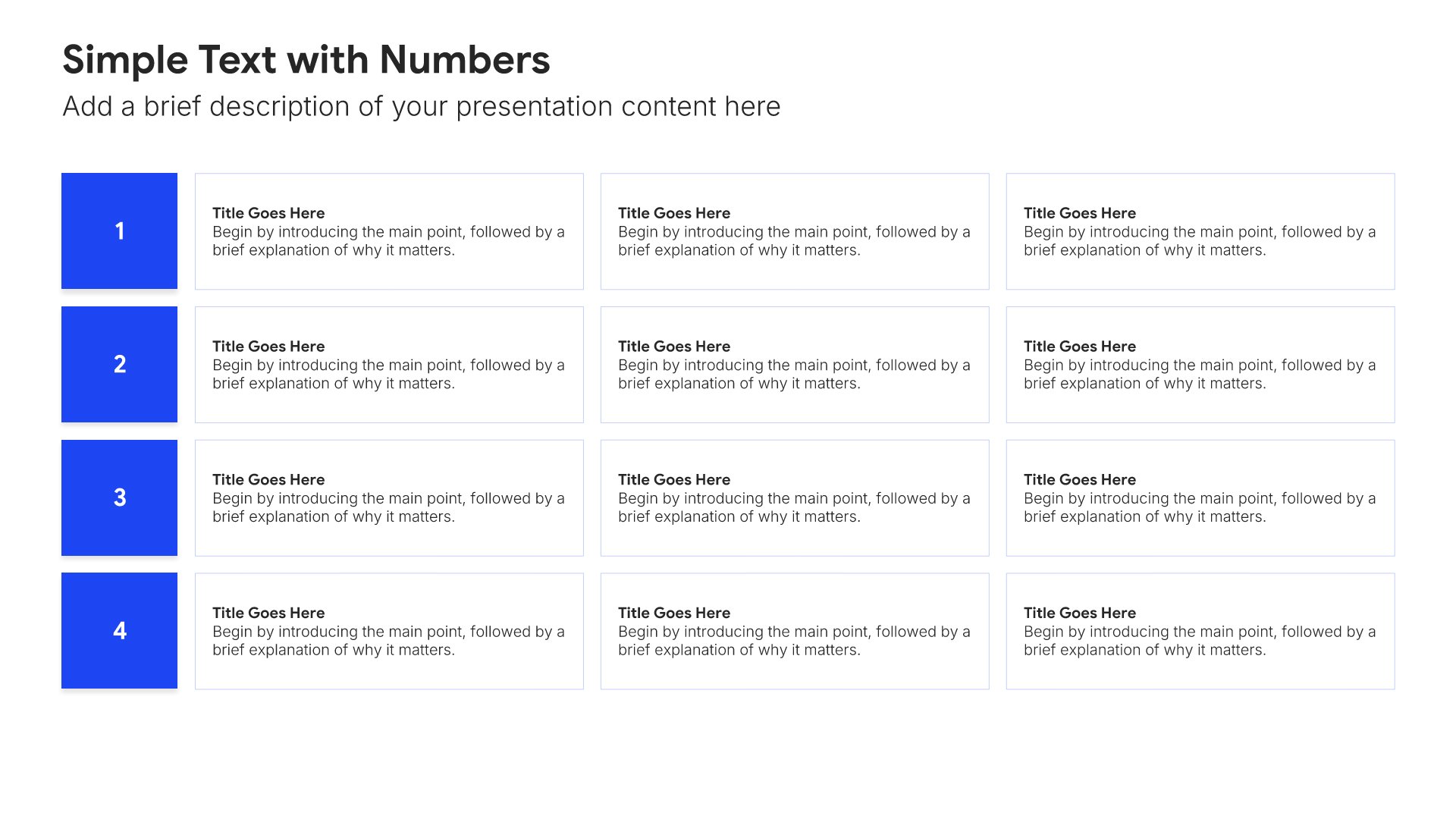
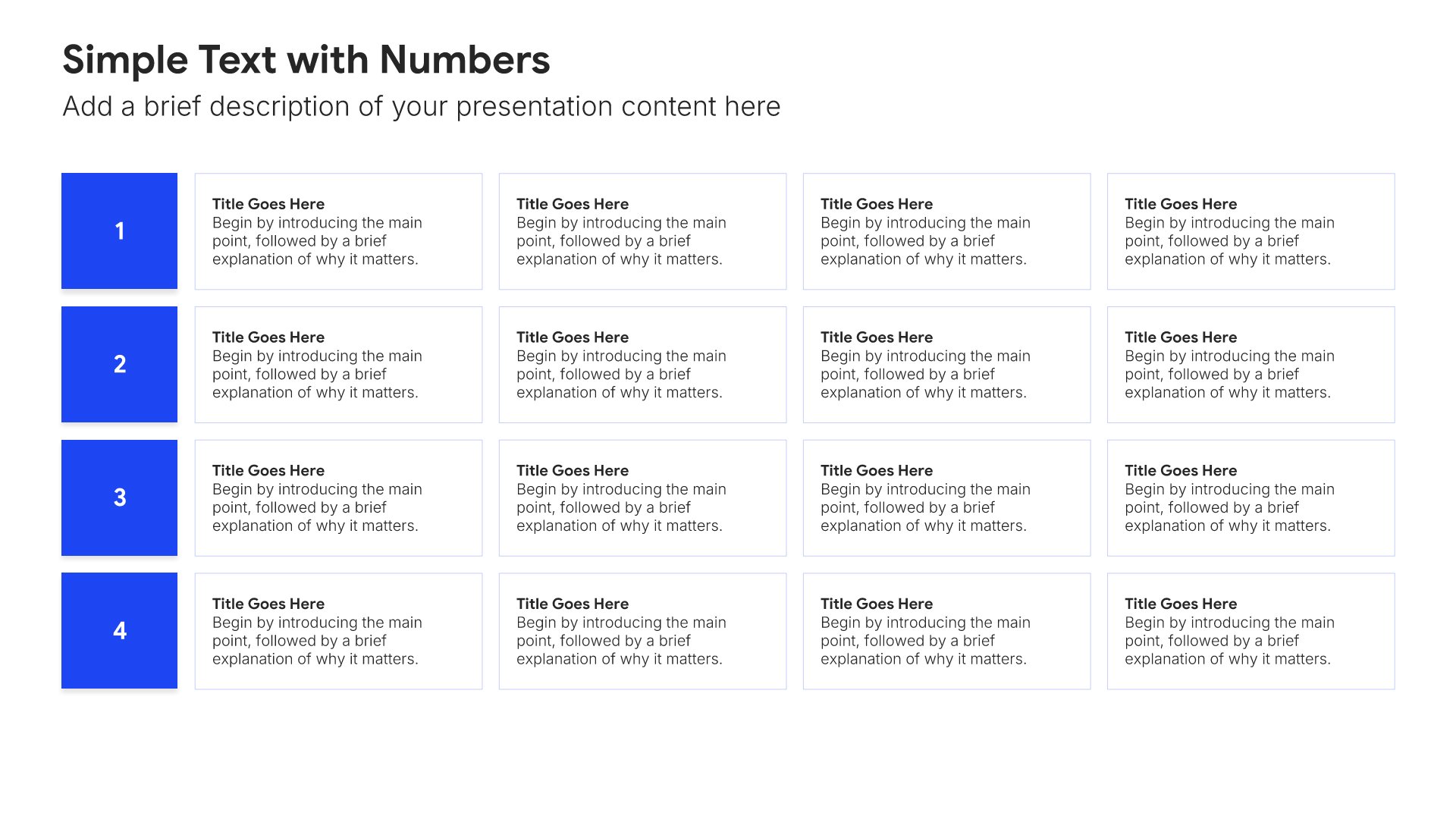
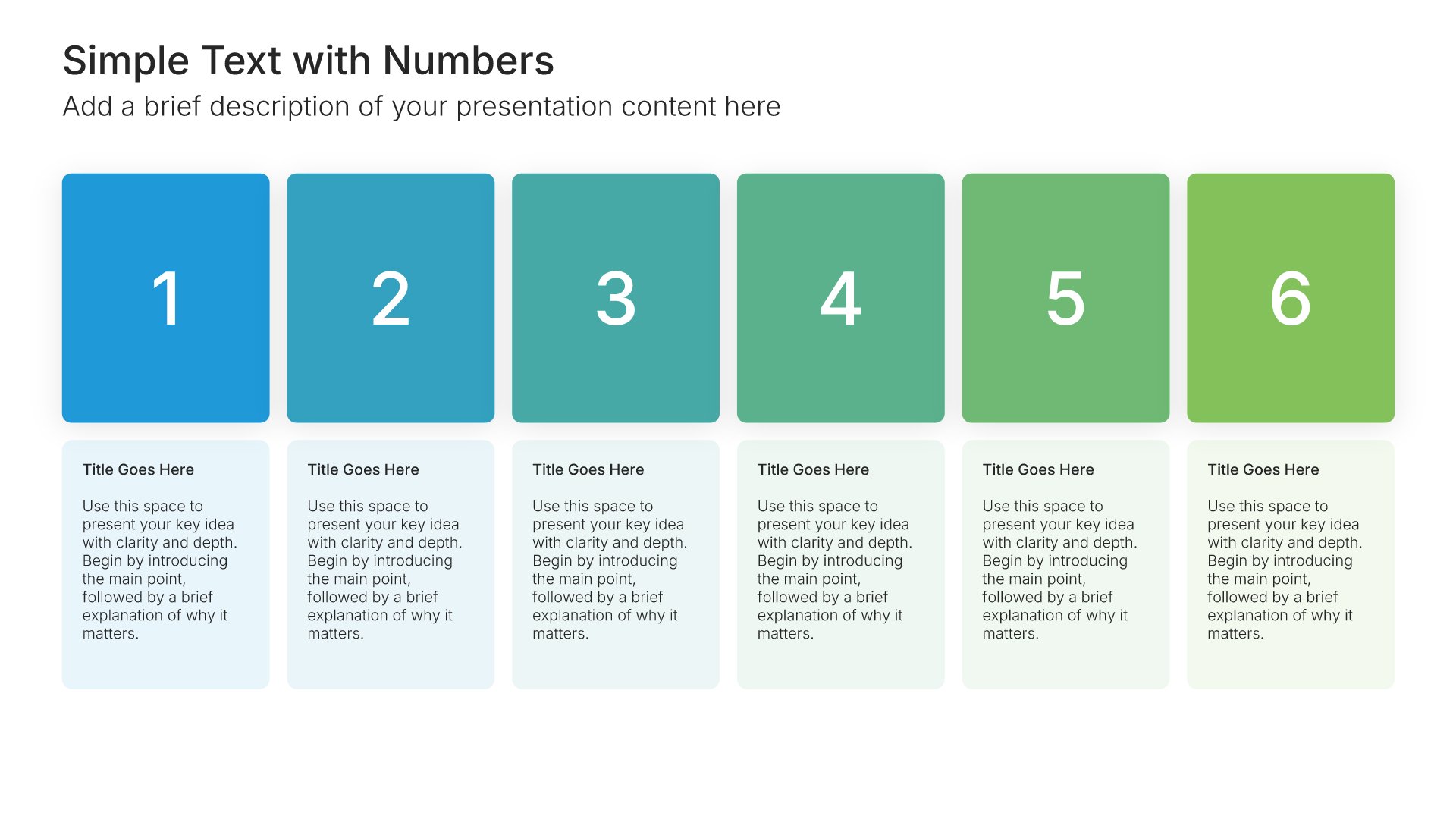
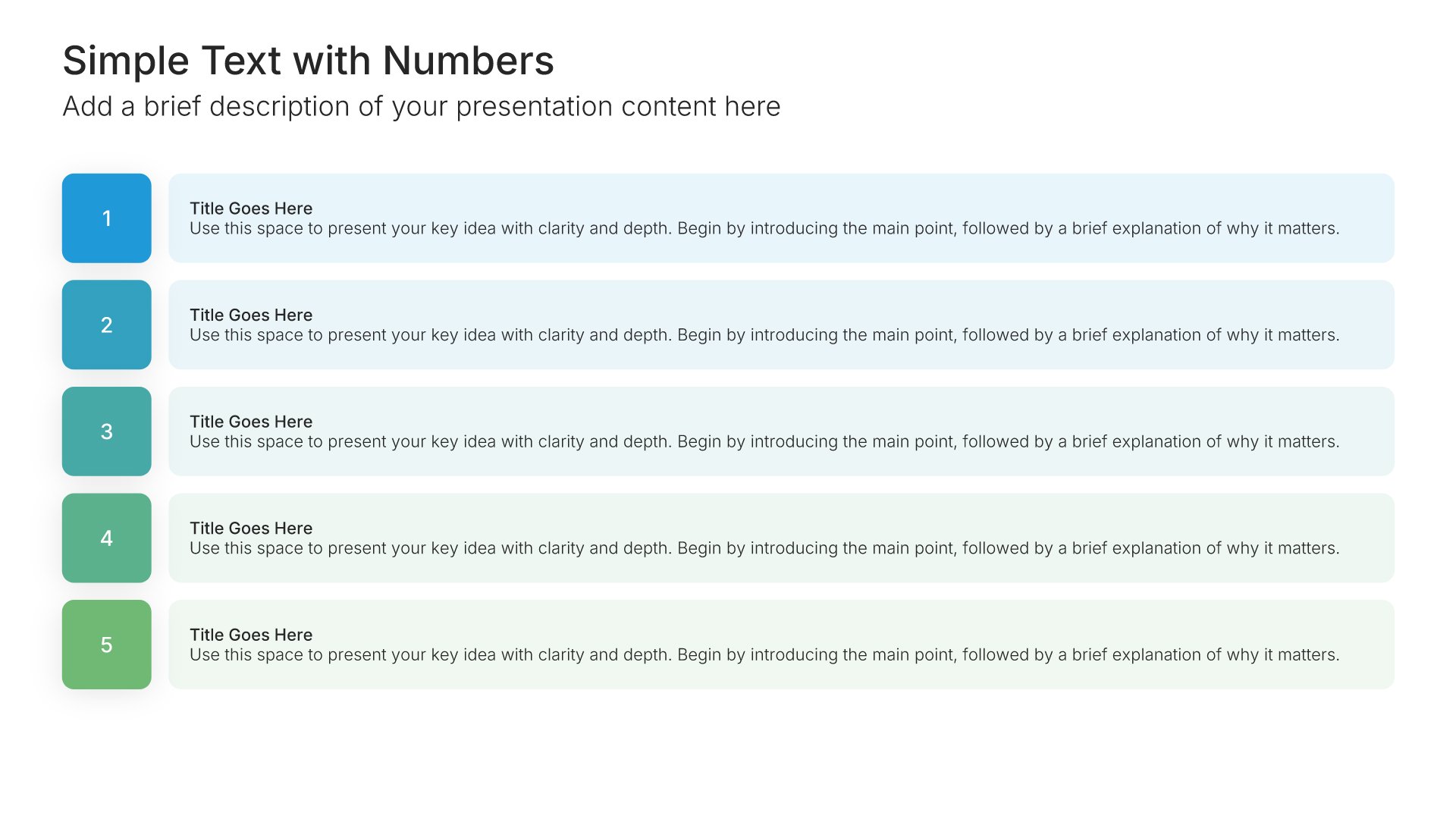
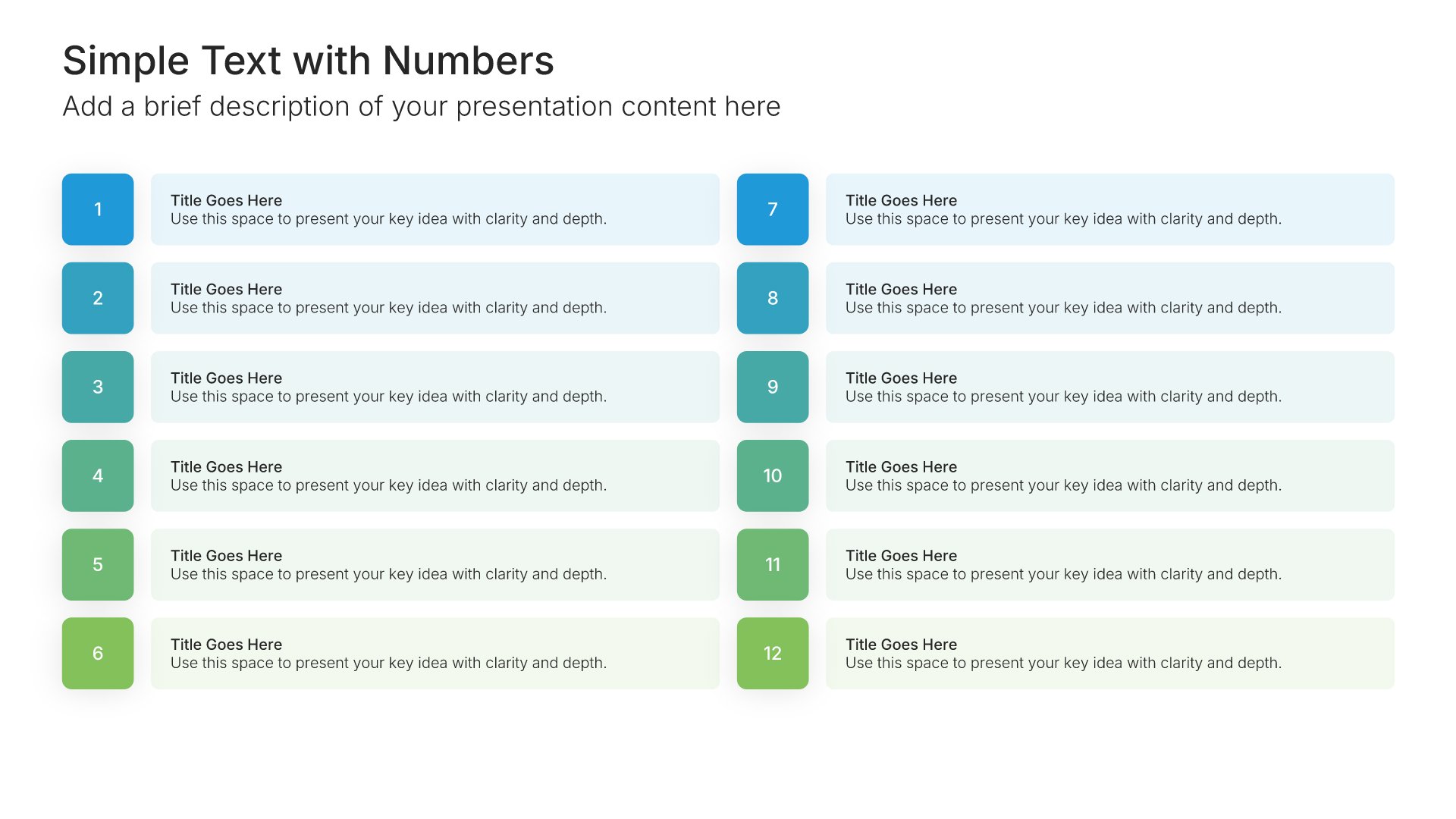
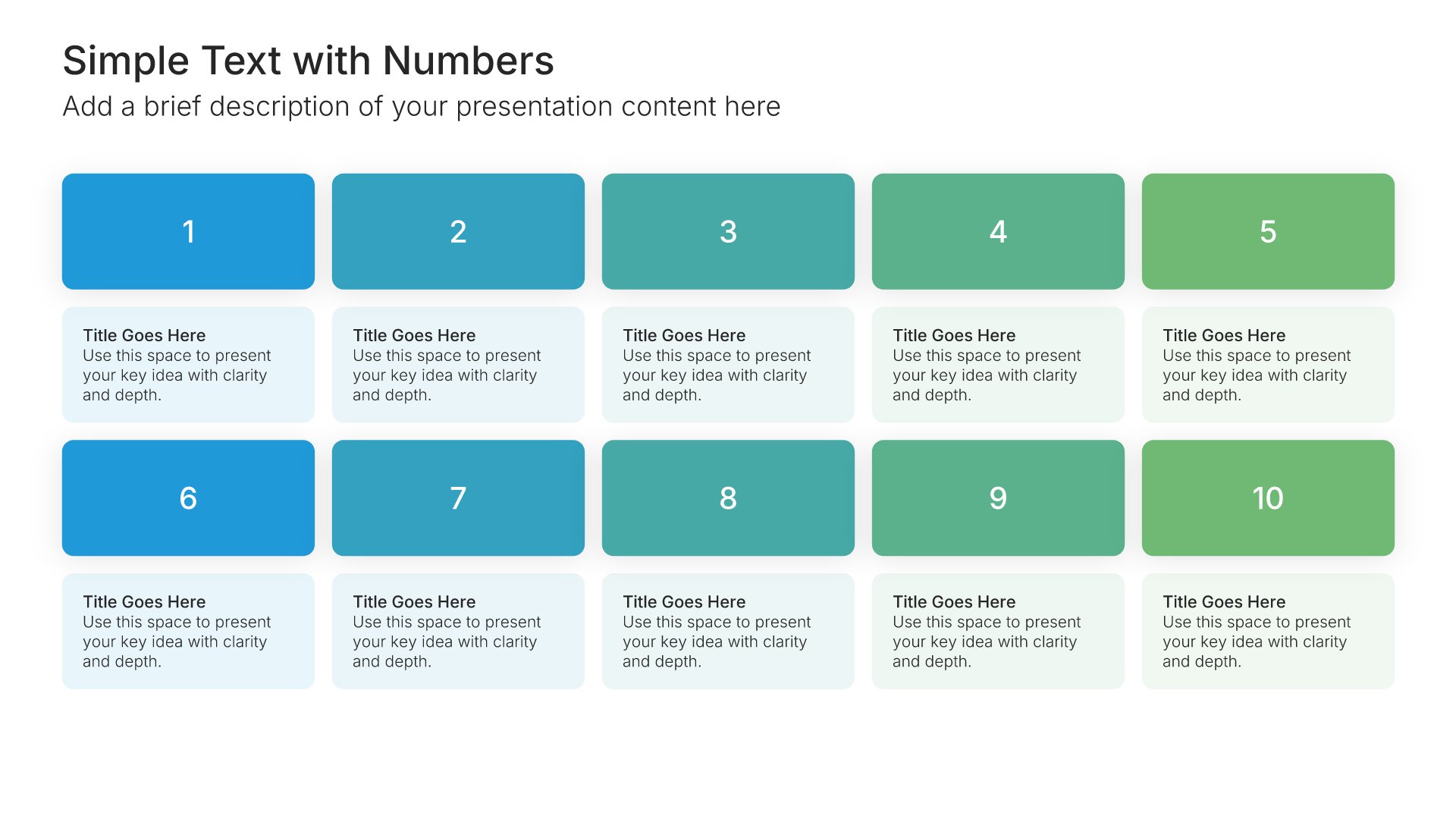
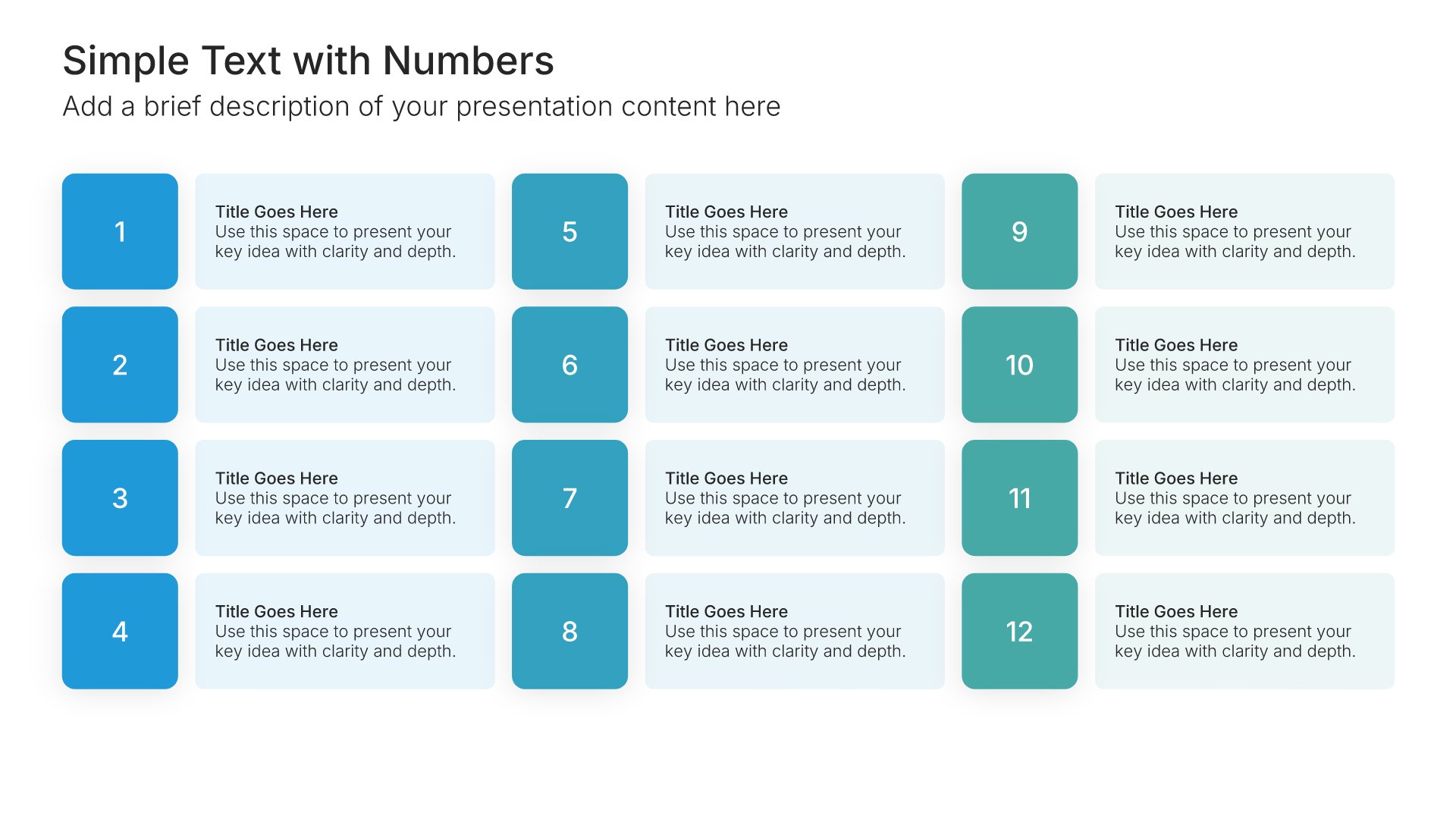
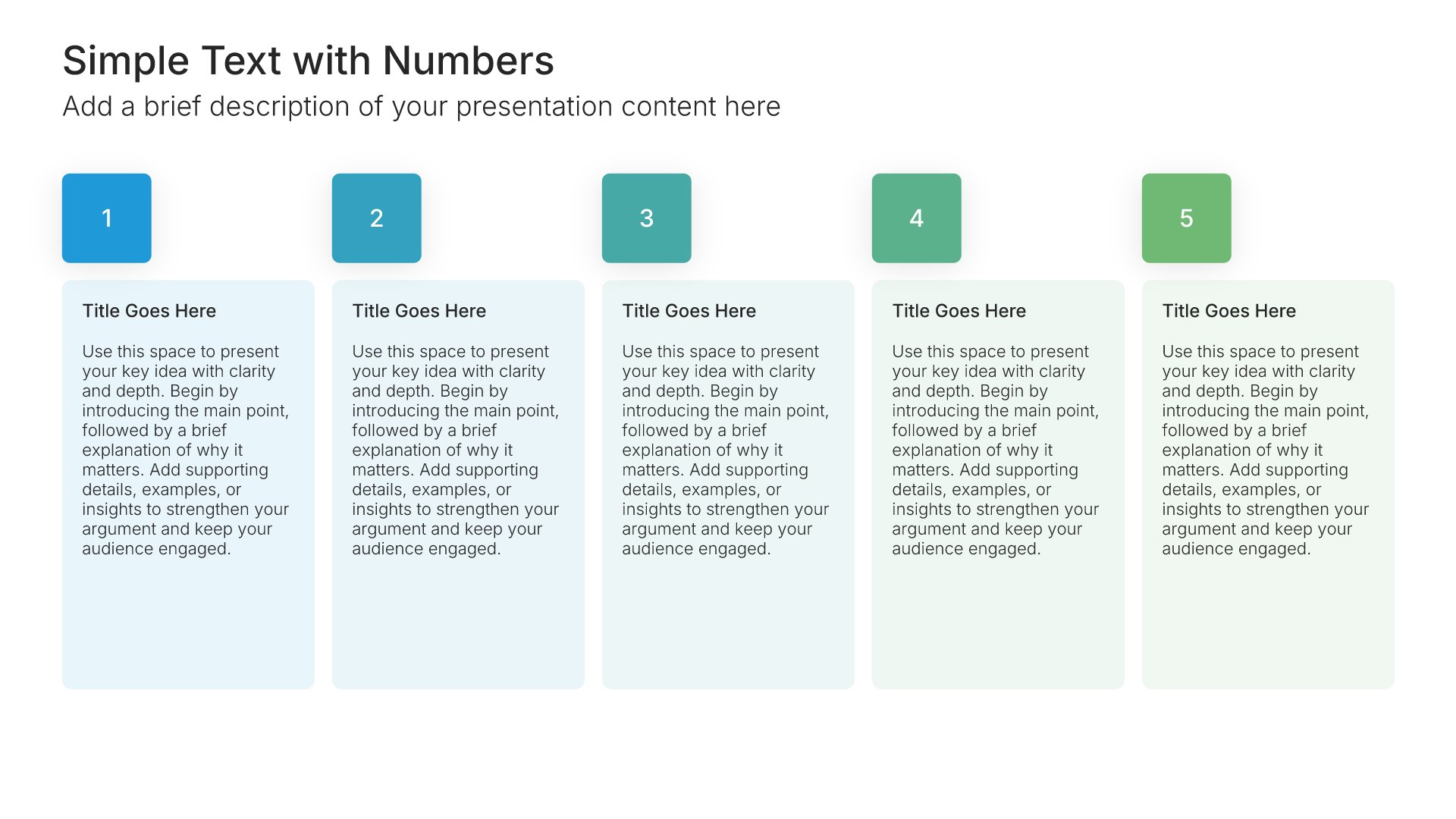
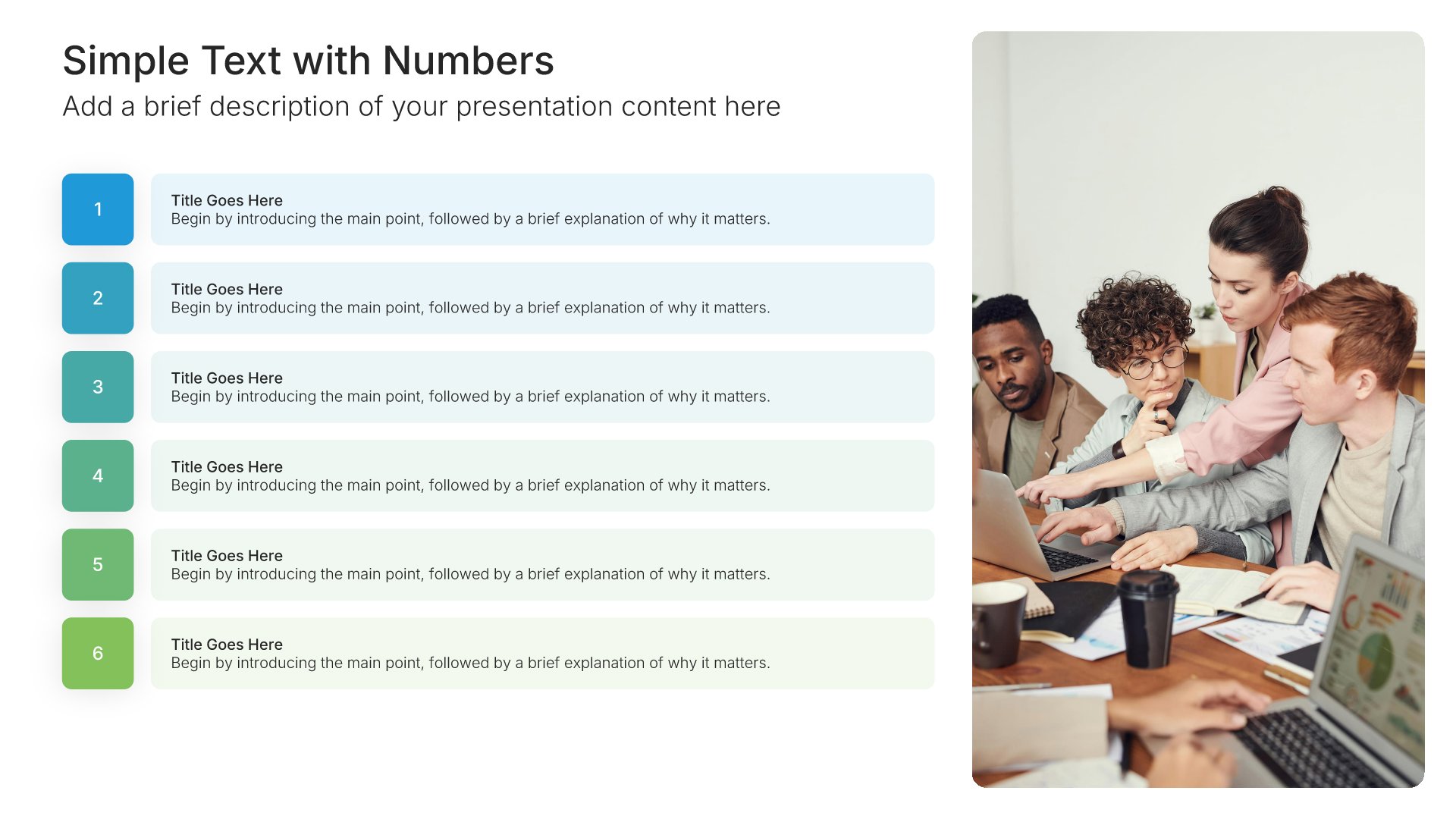
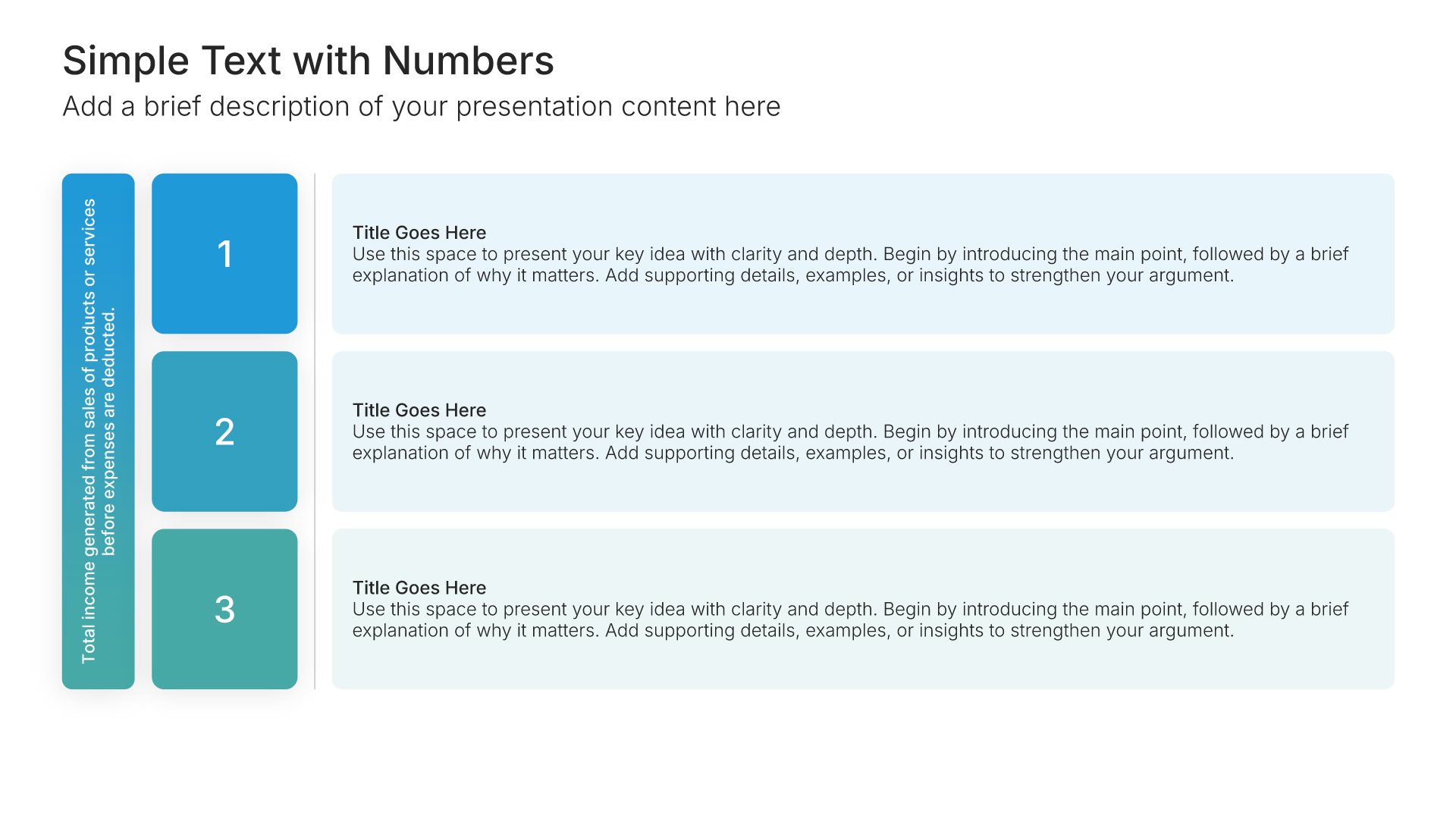
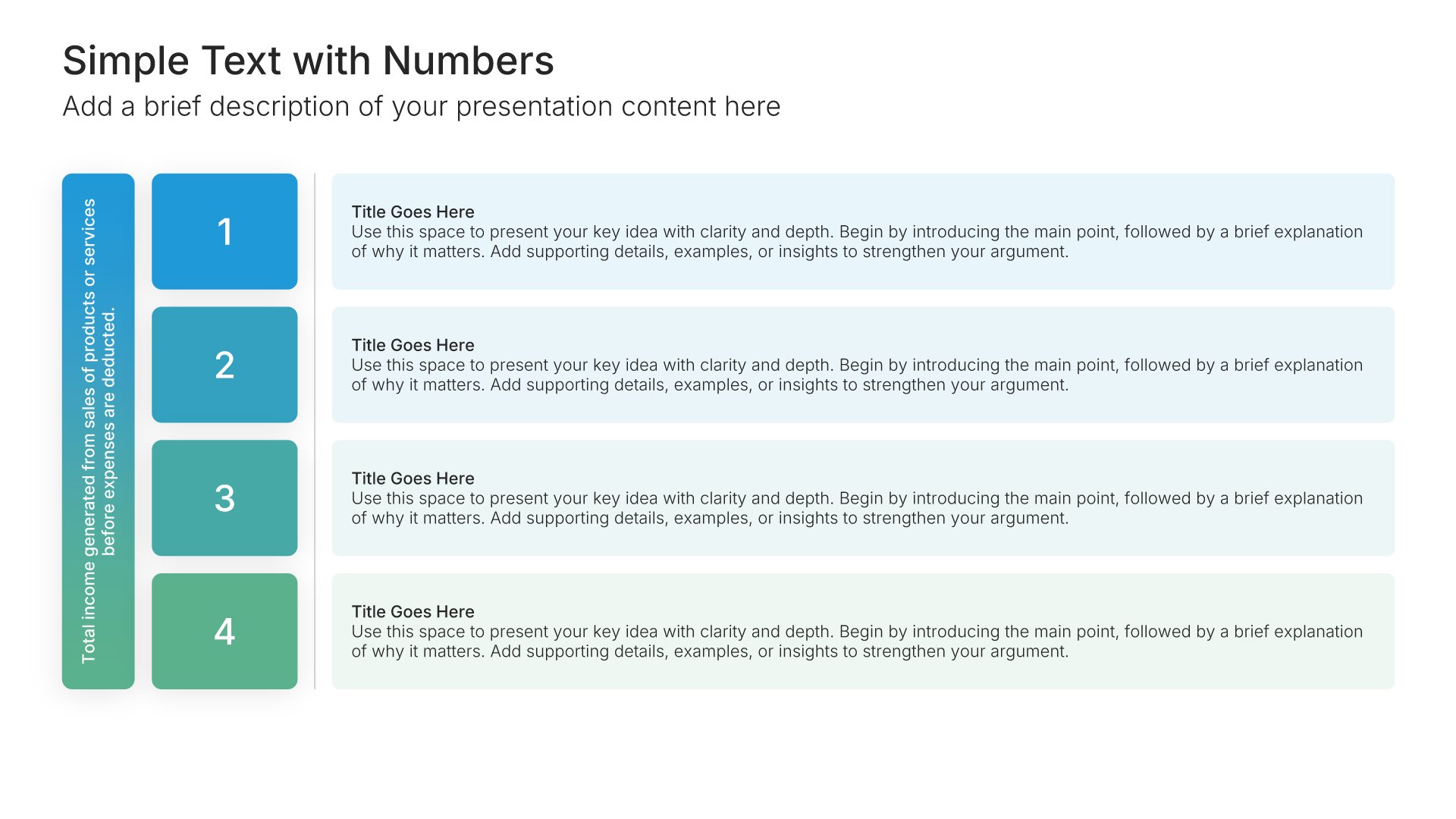
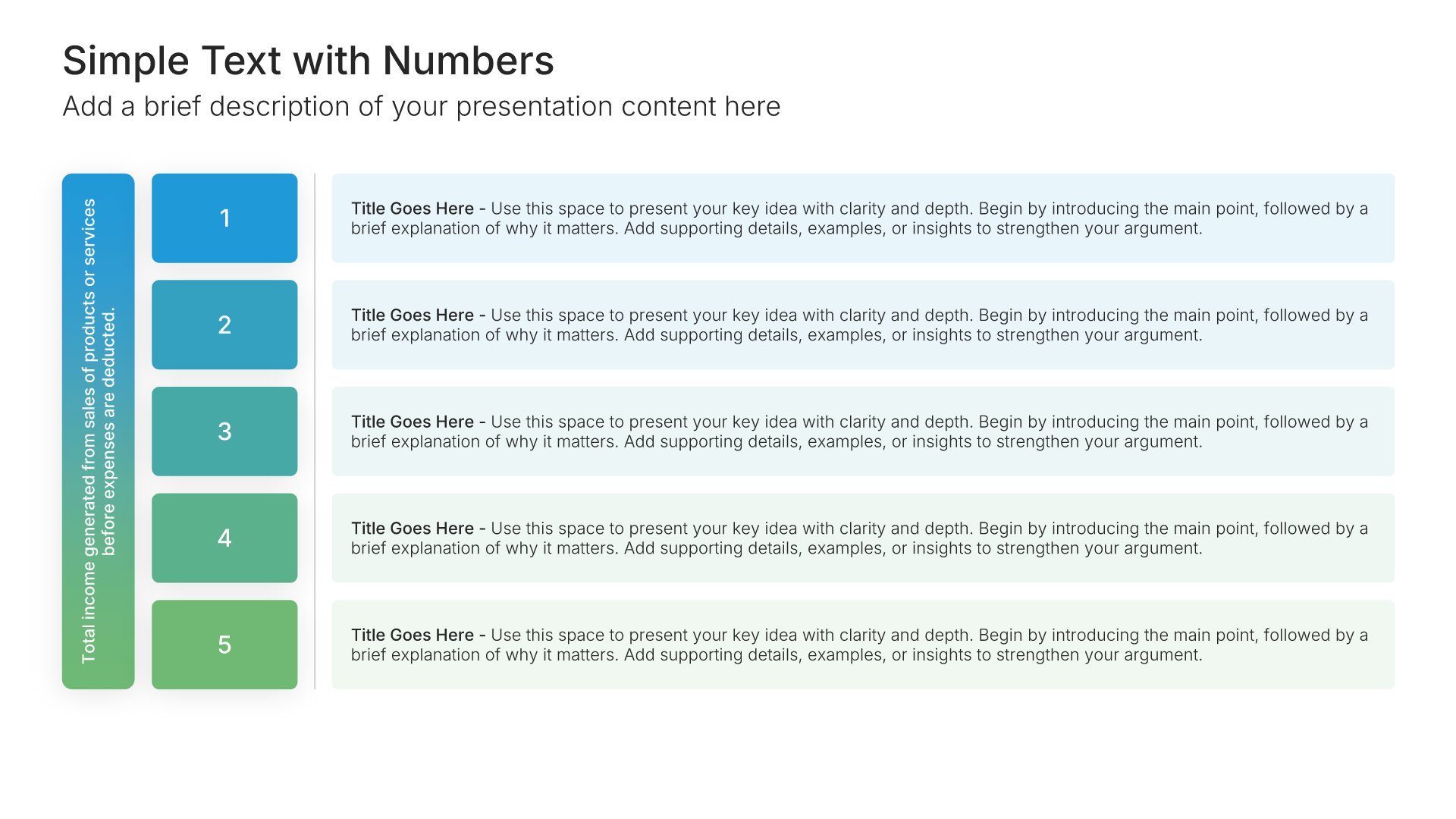
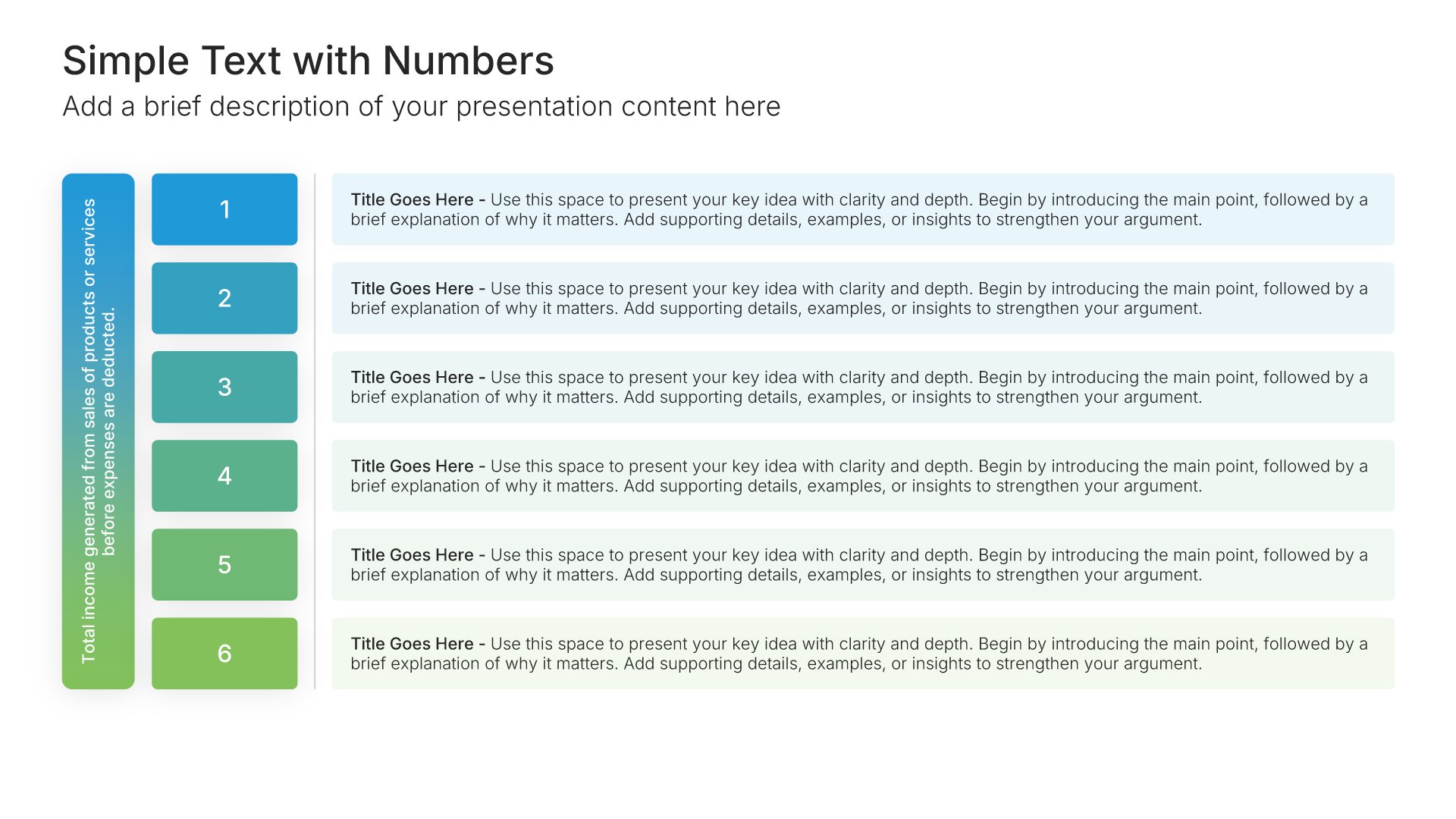
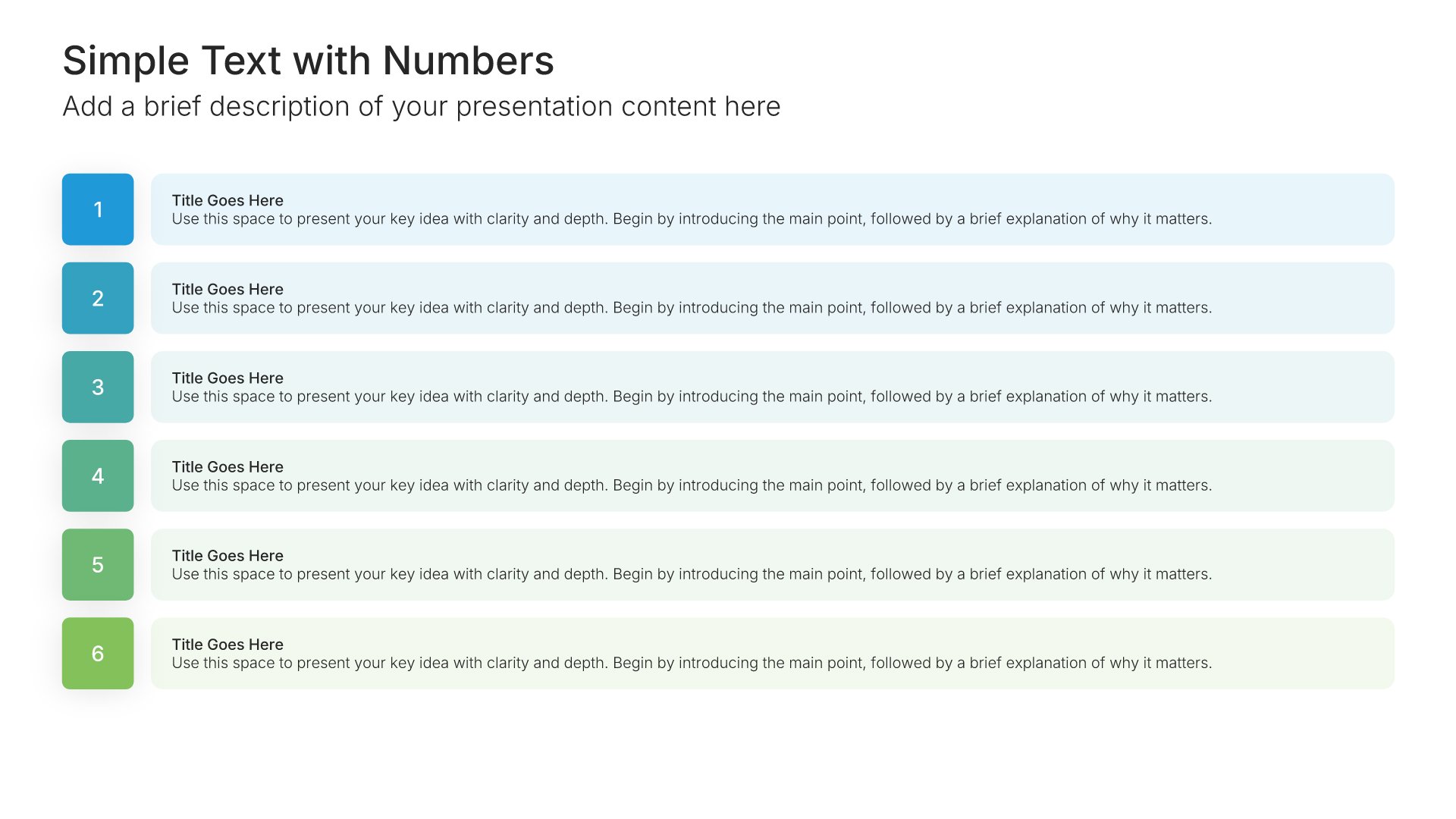
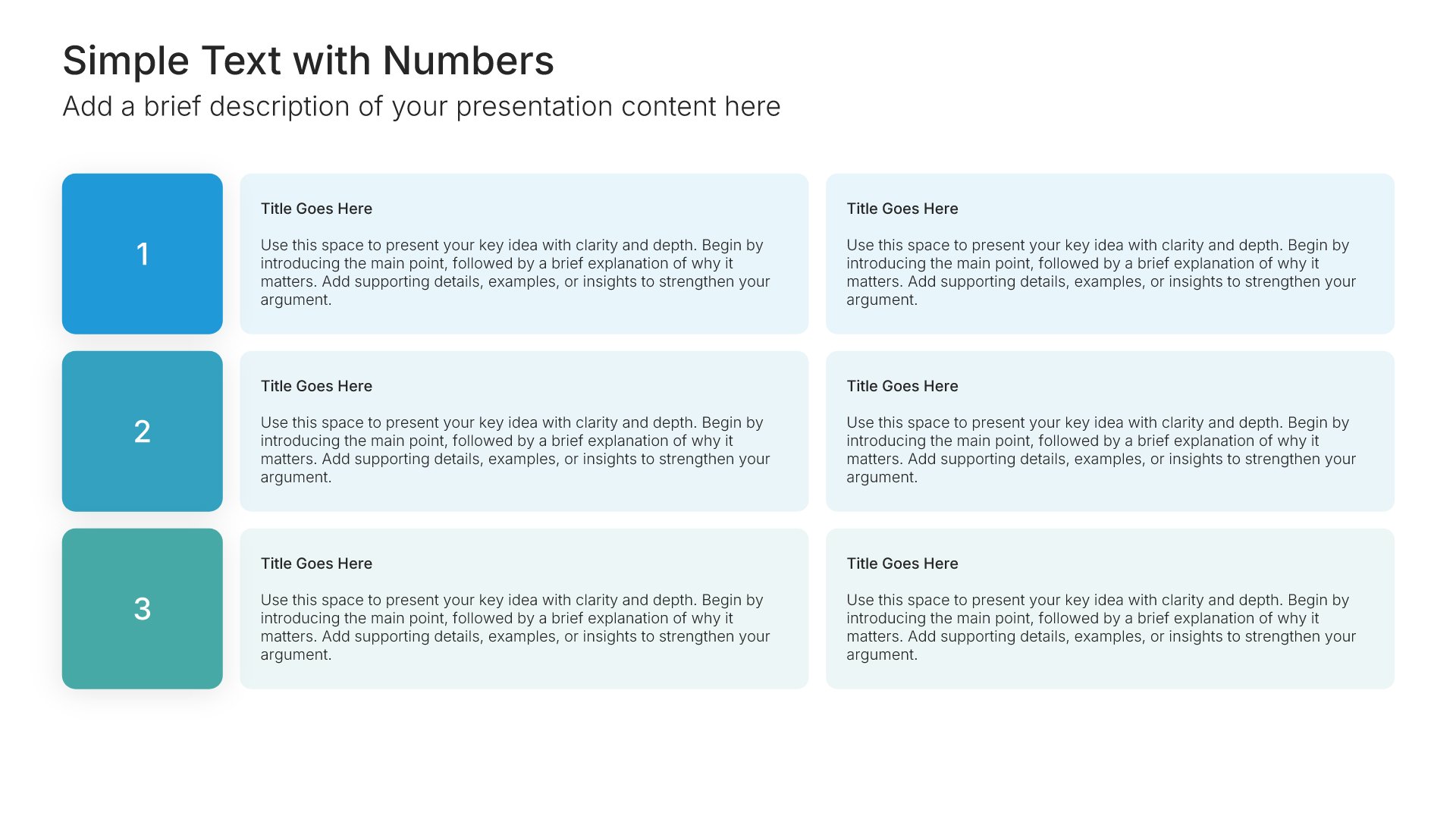
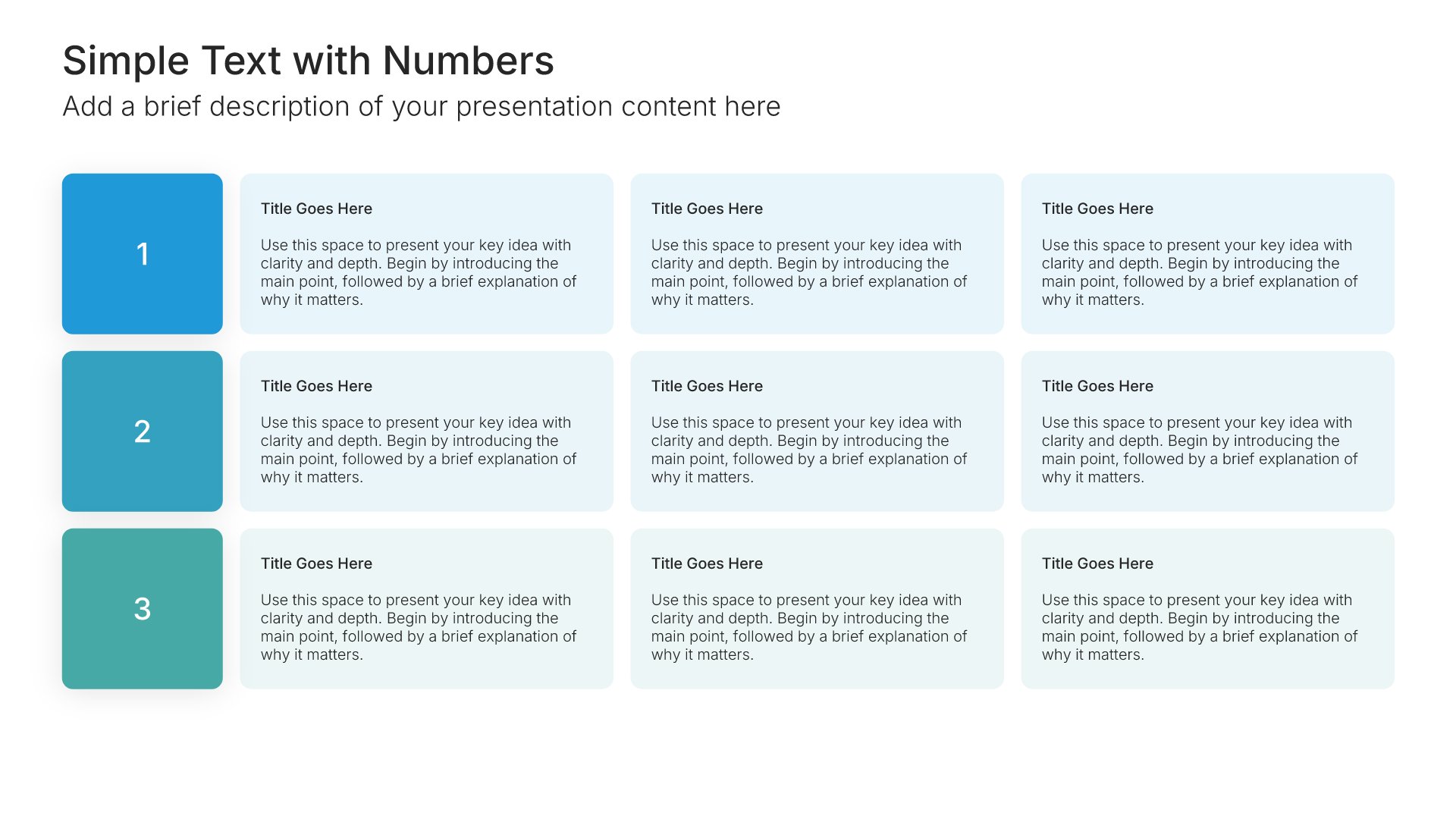
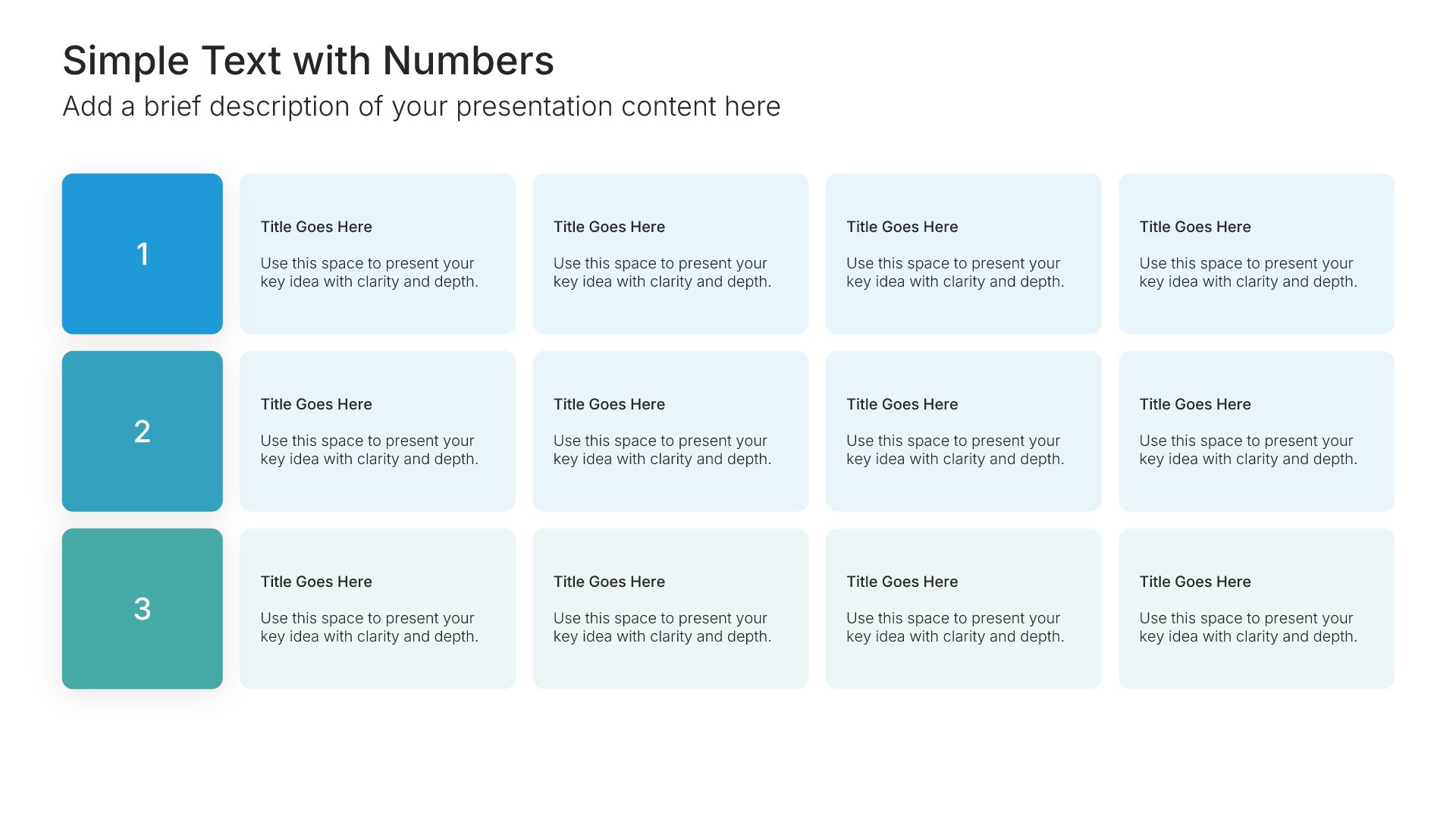
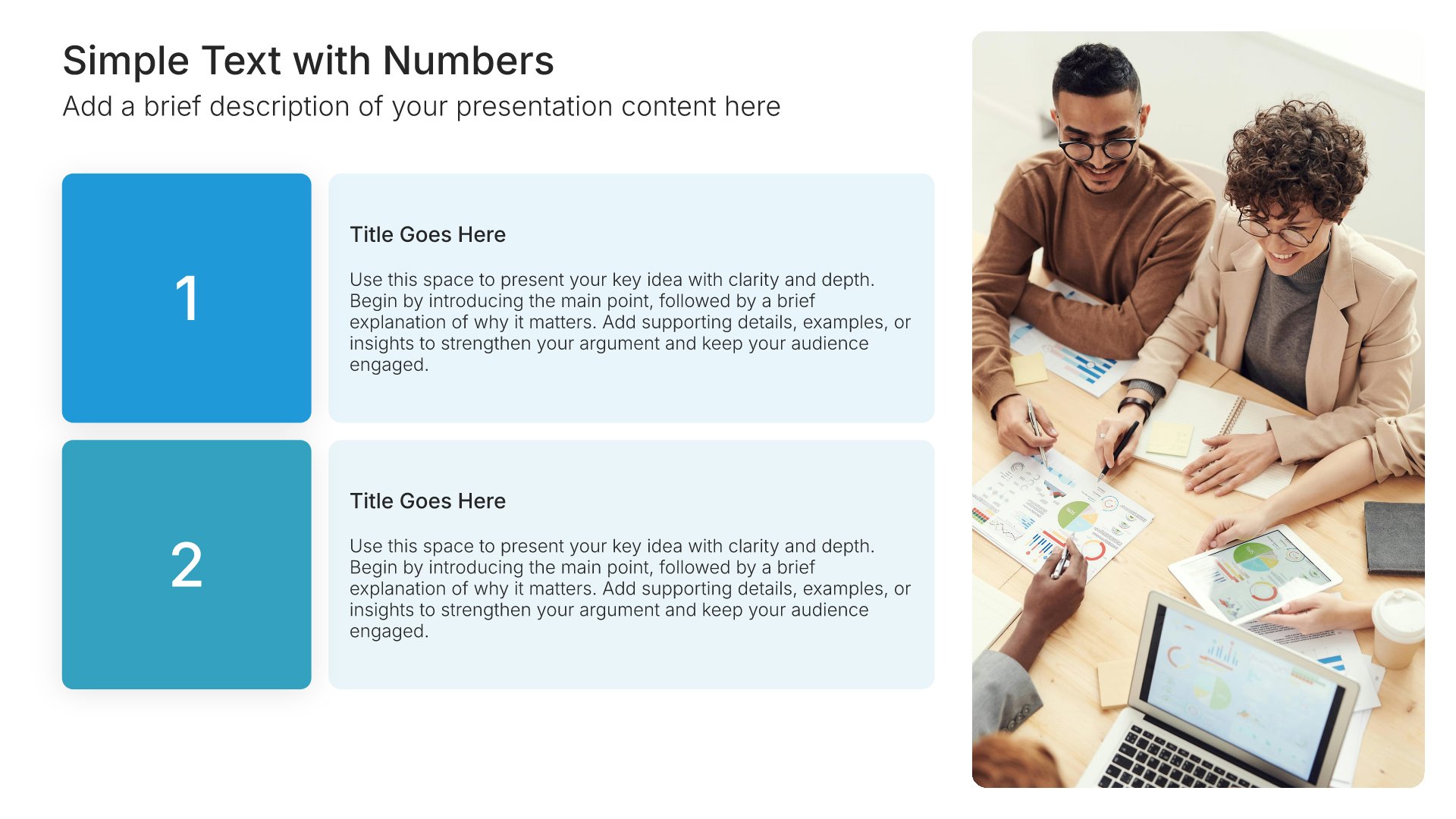
Simple text slide with numbers, layout 01

Layout 01

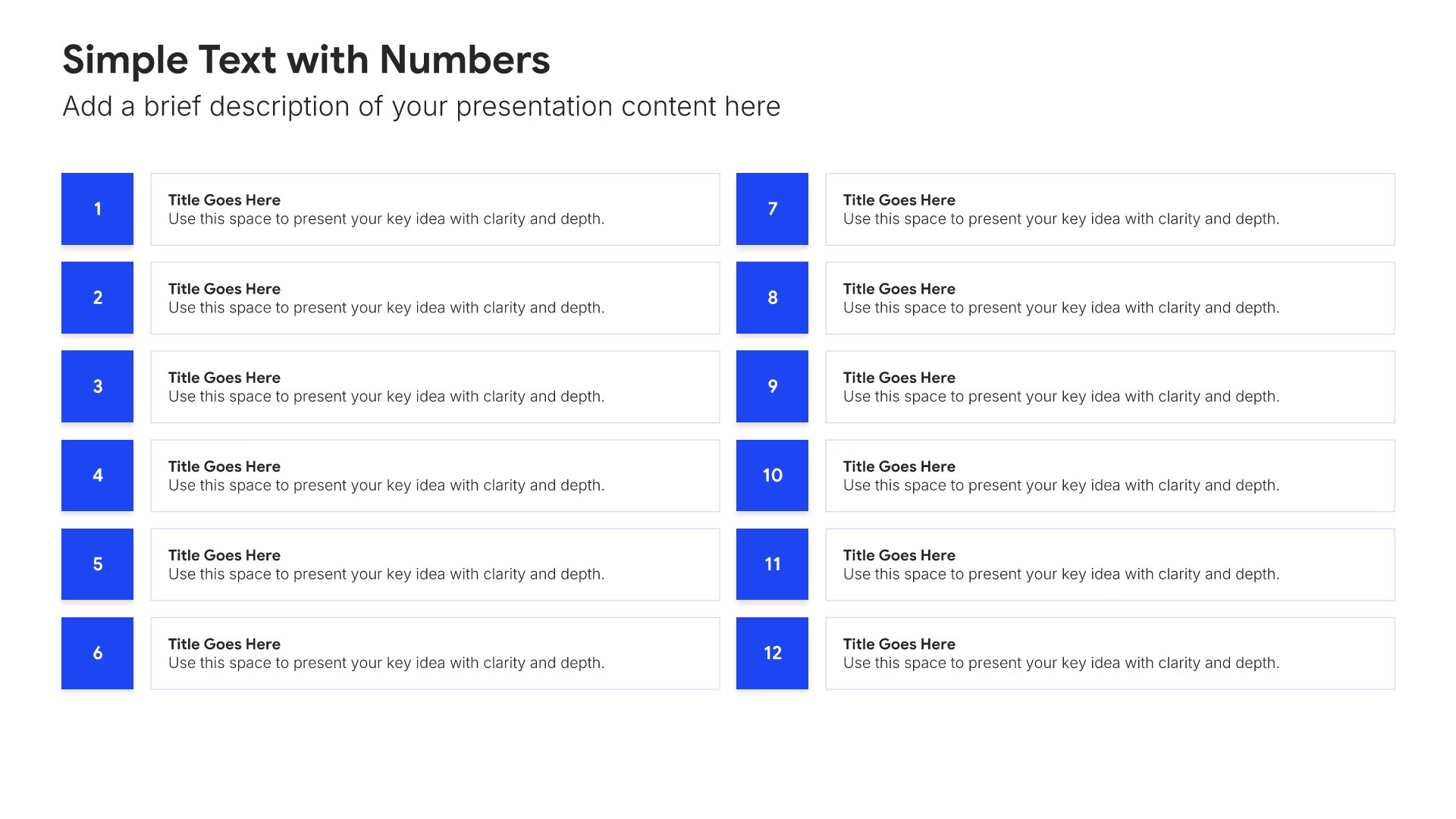
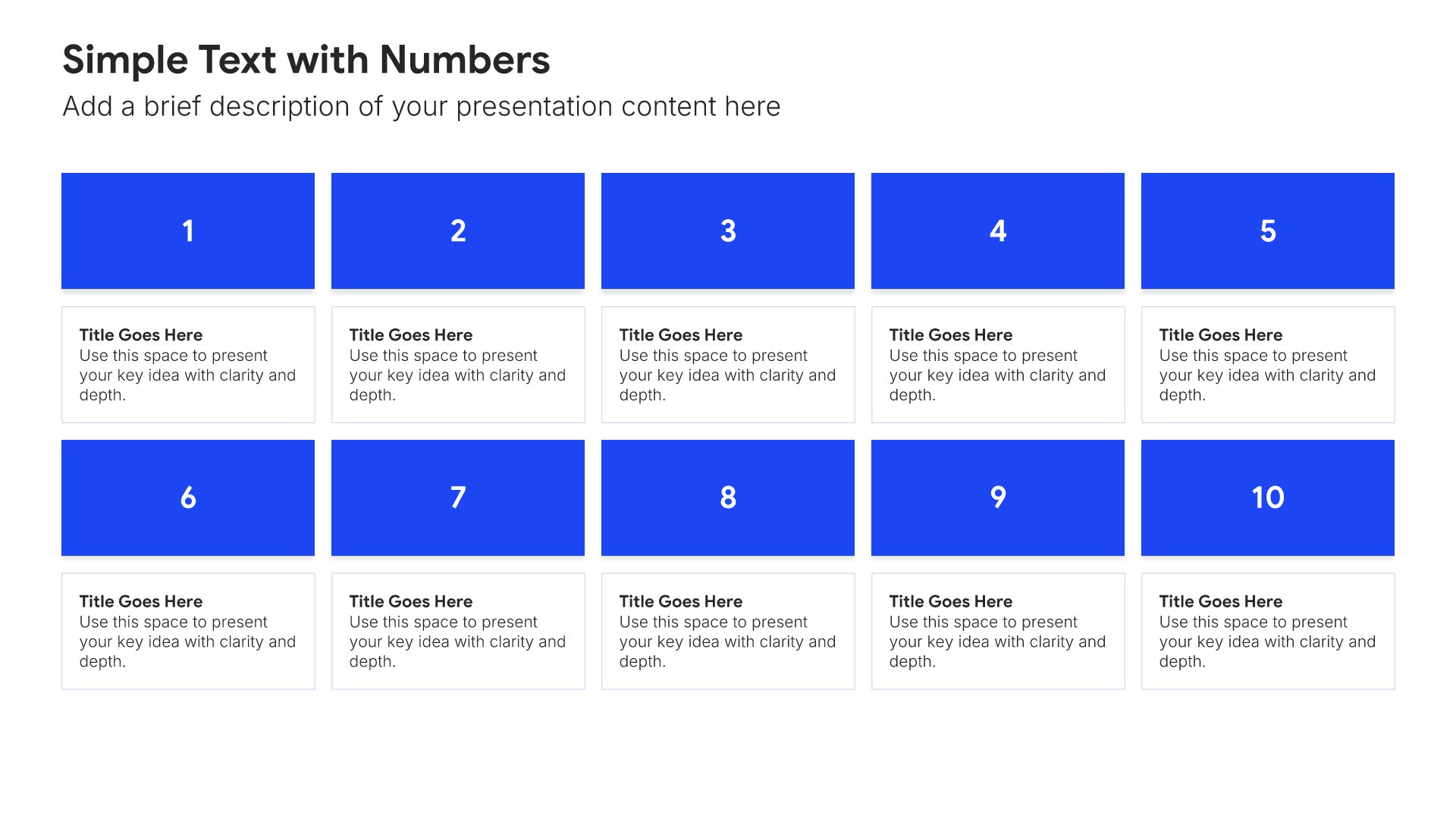
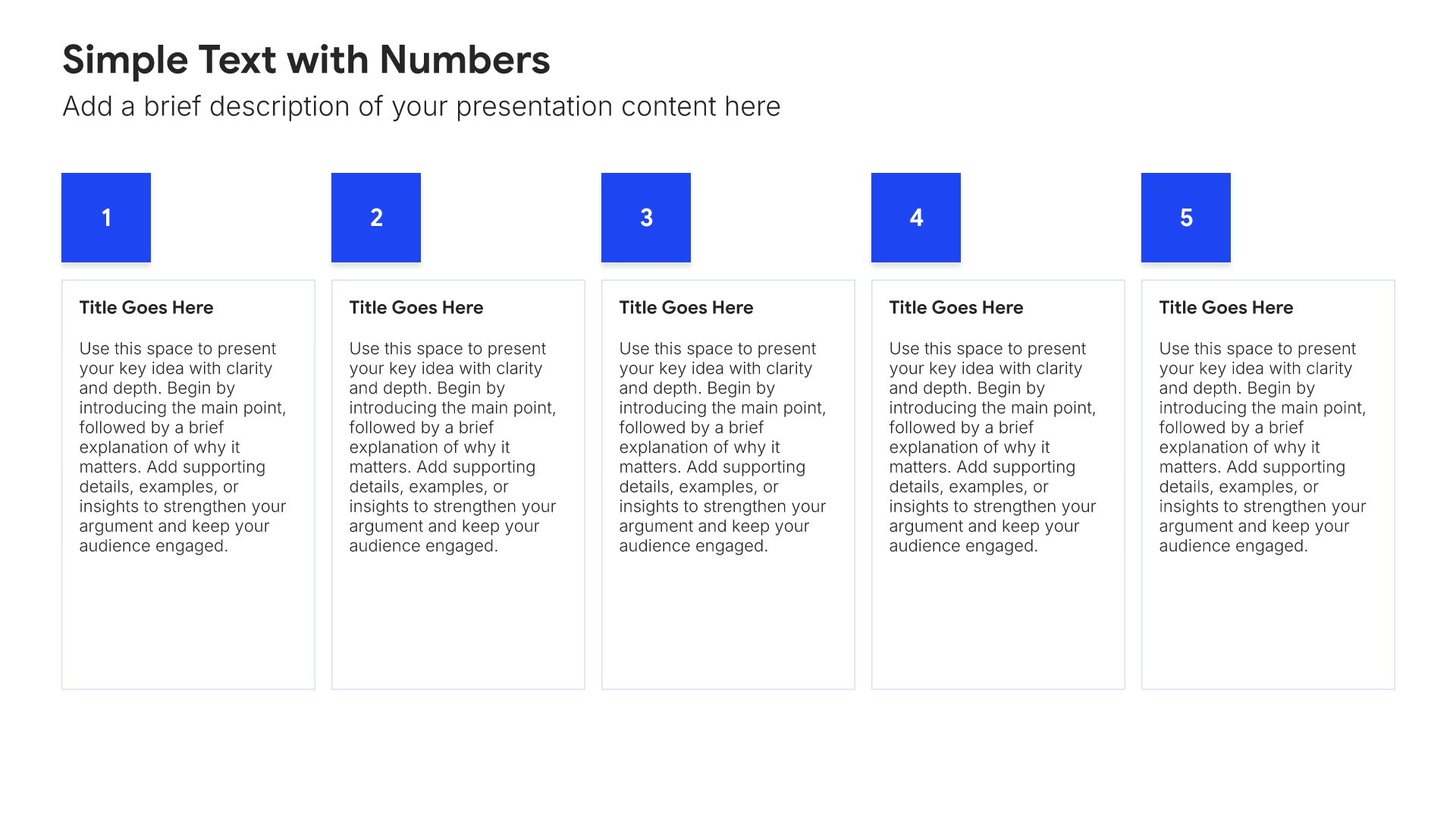
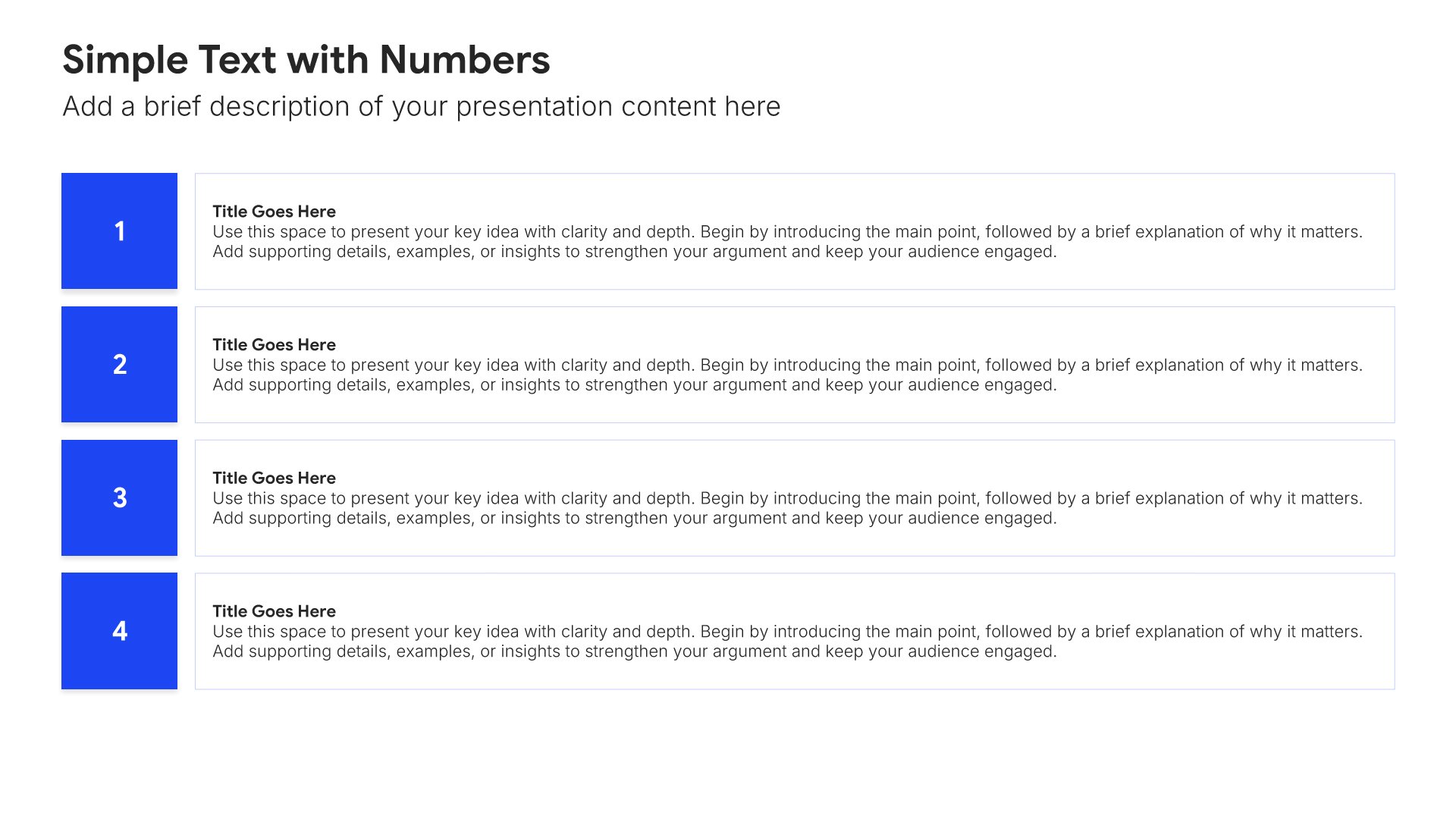
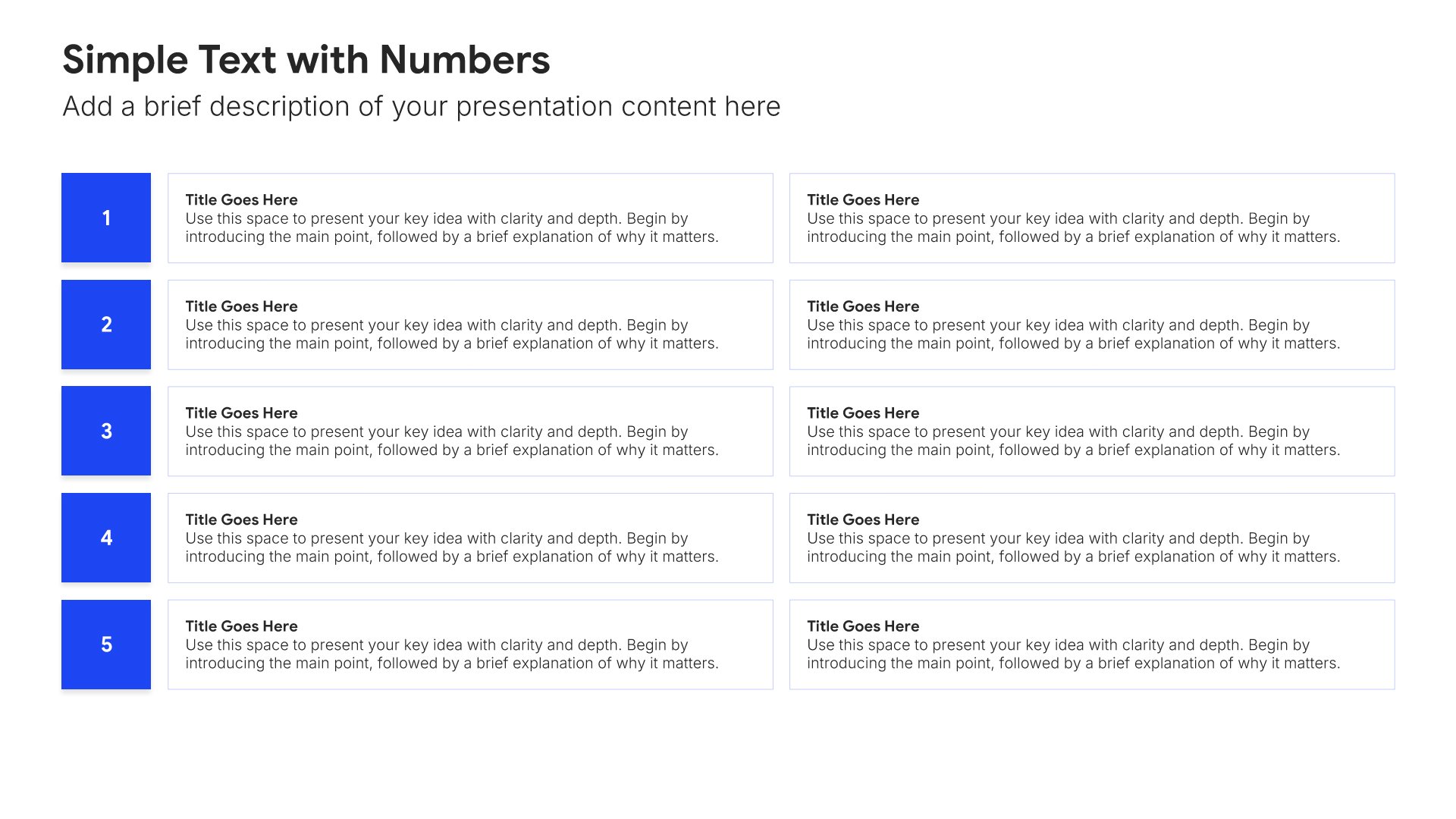
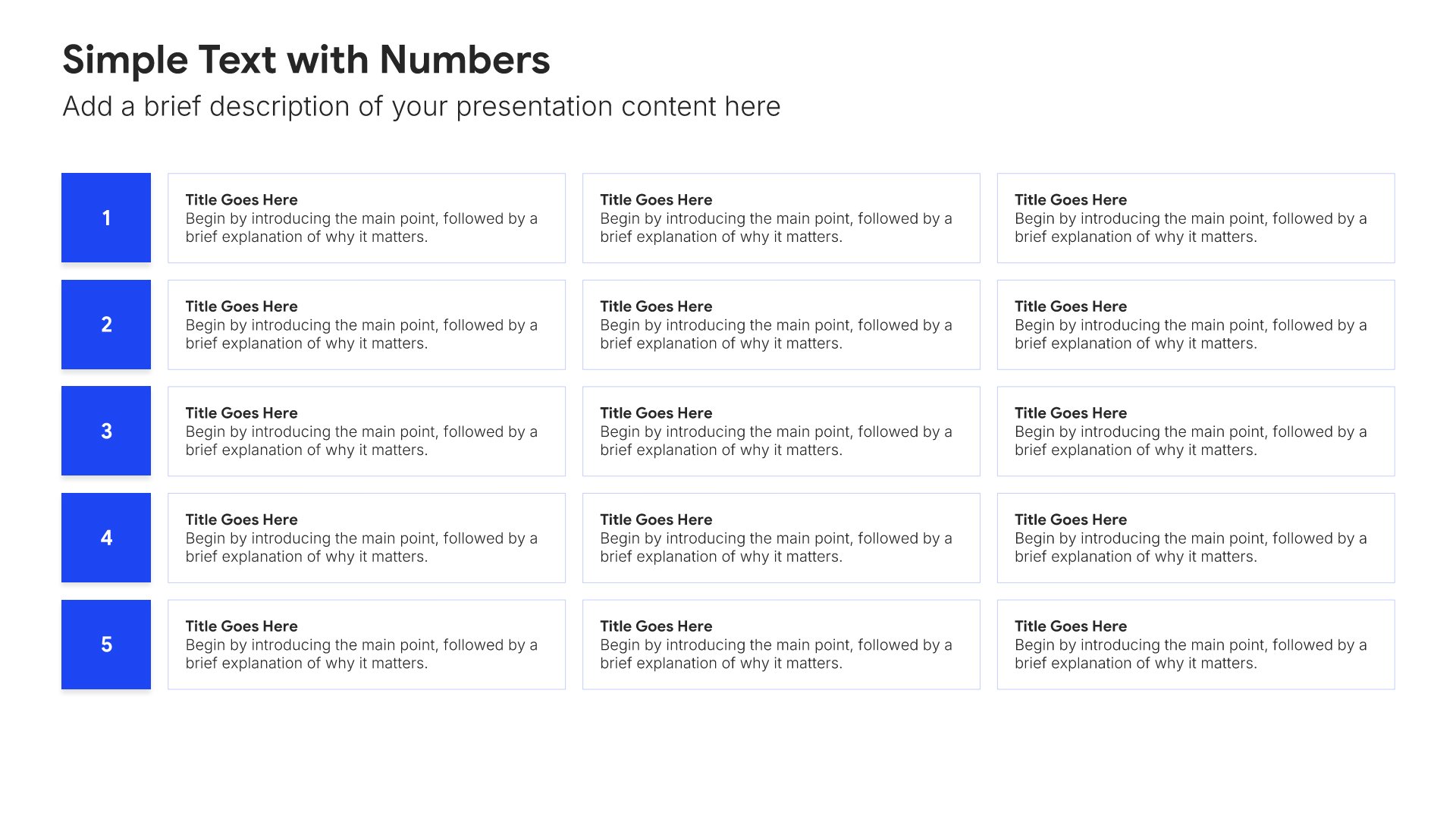
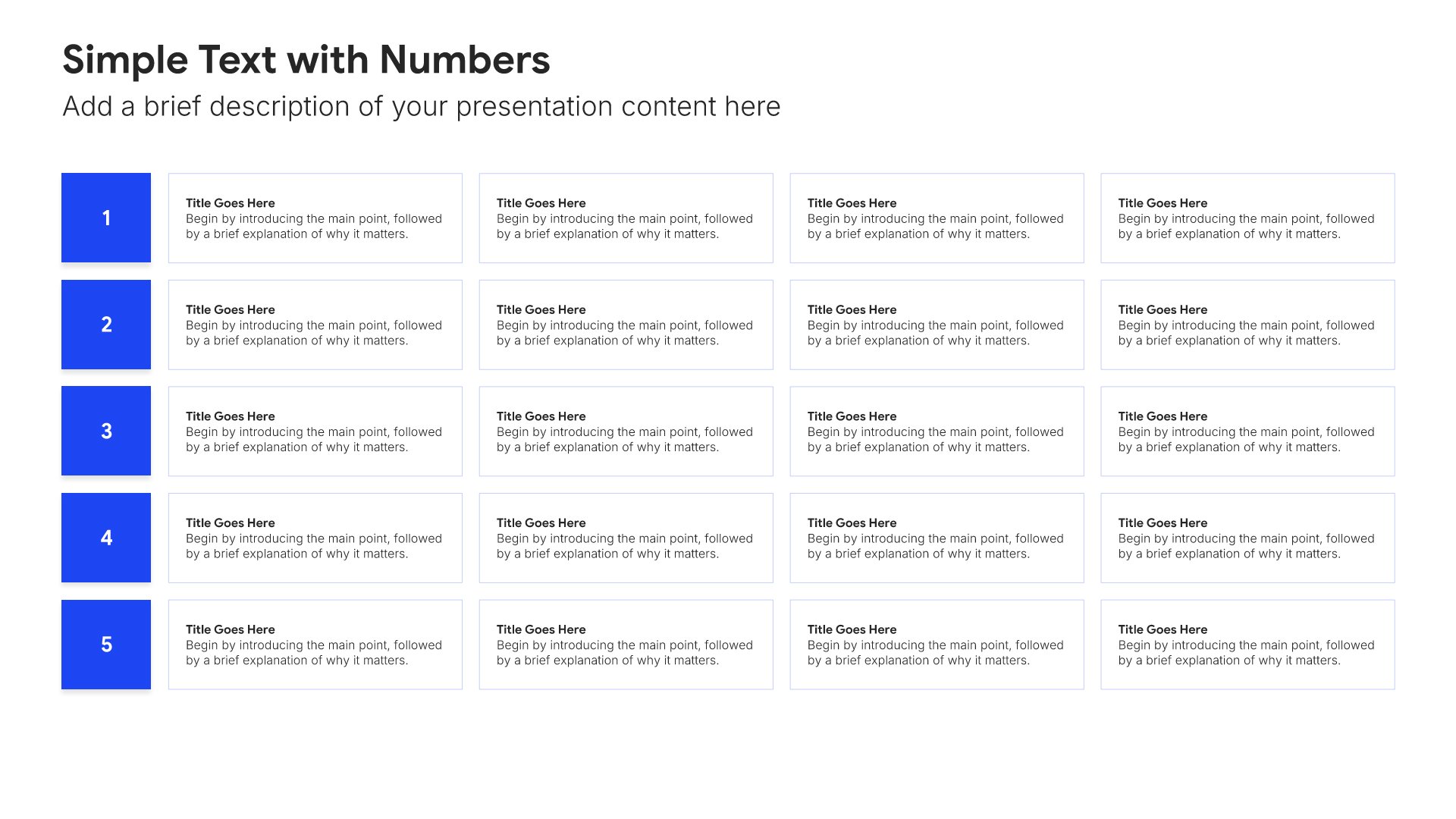
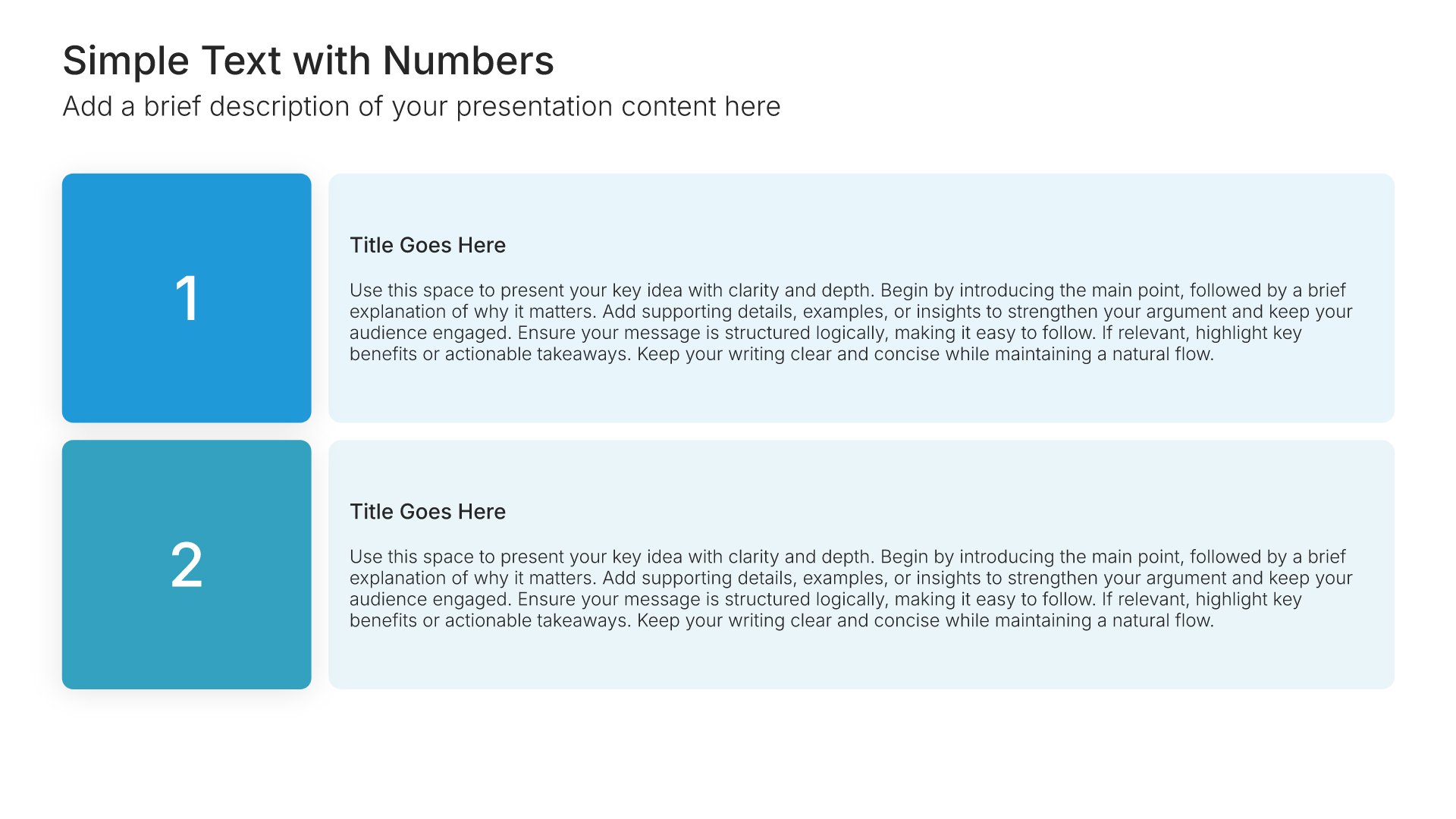
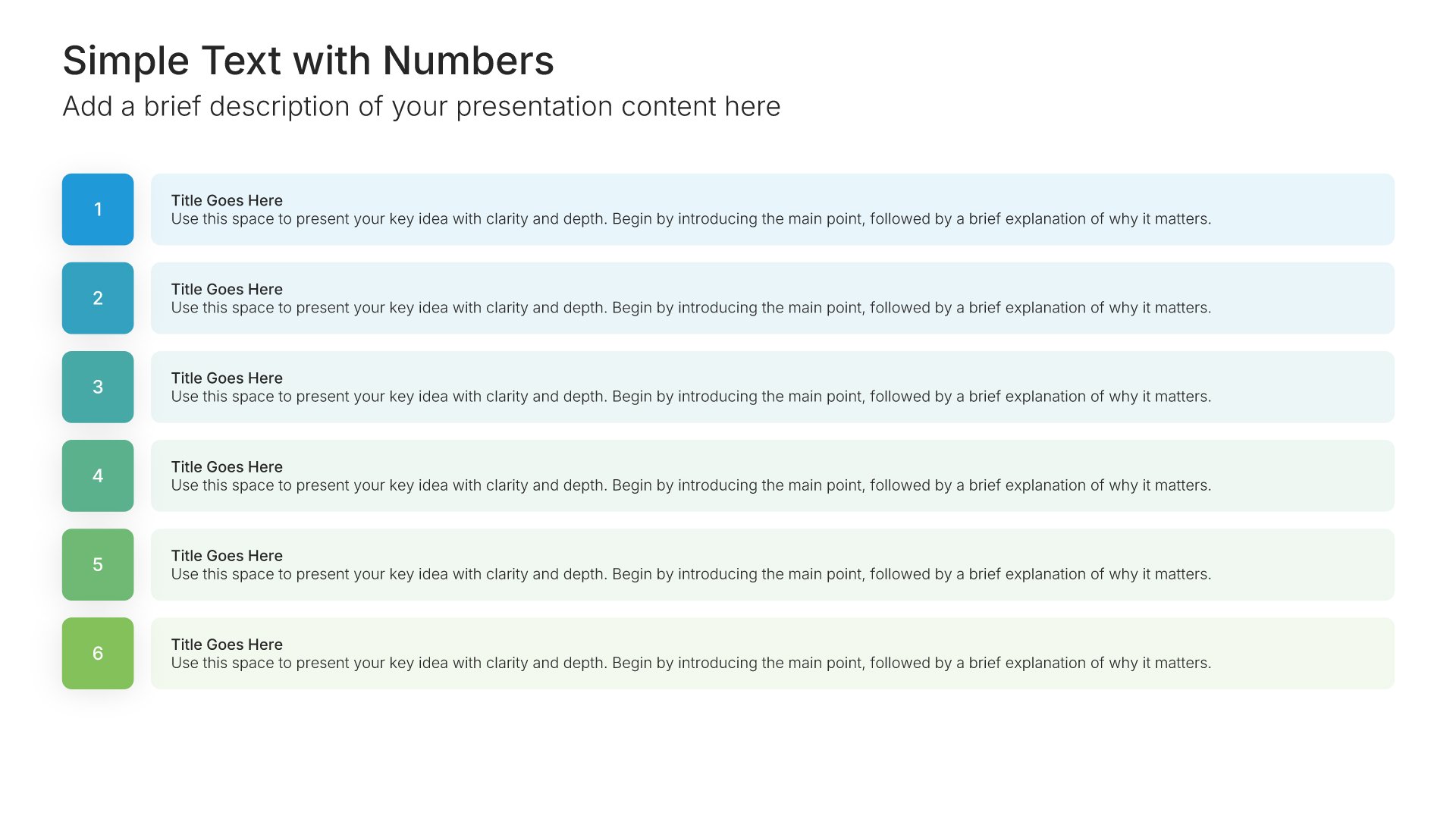
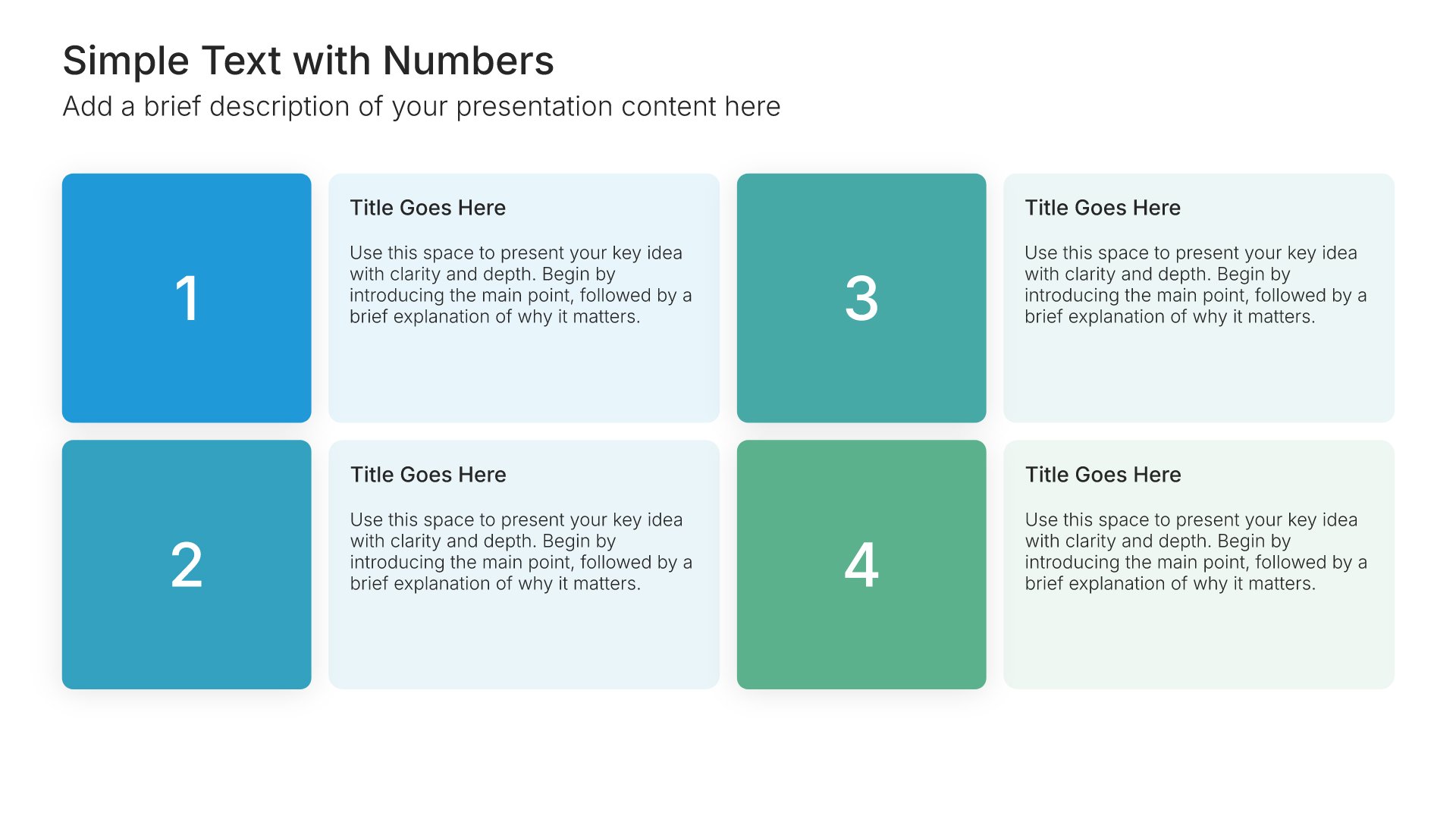
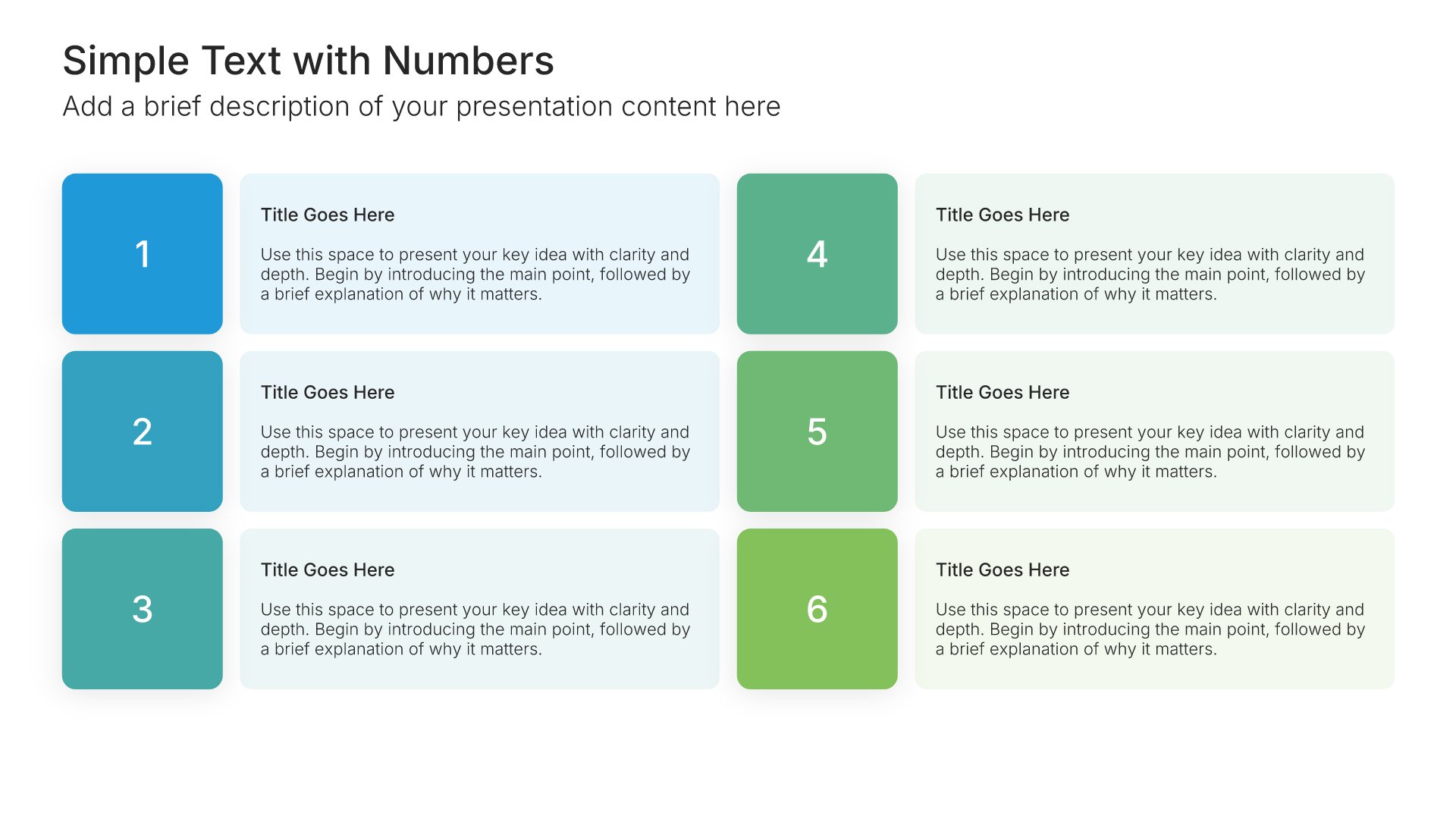
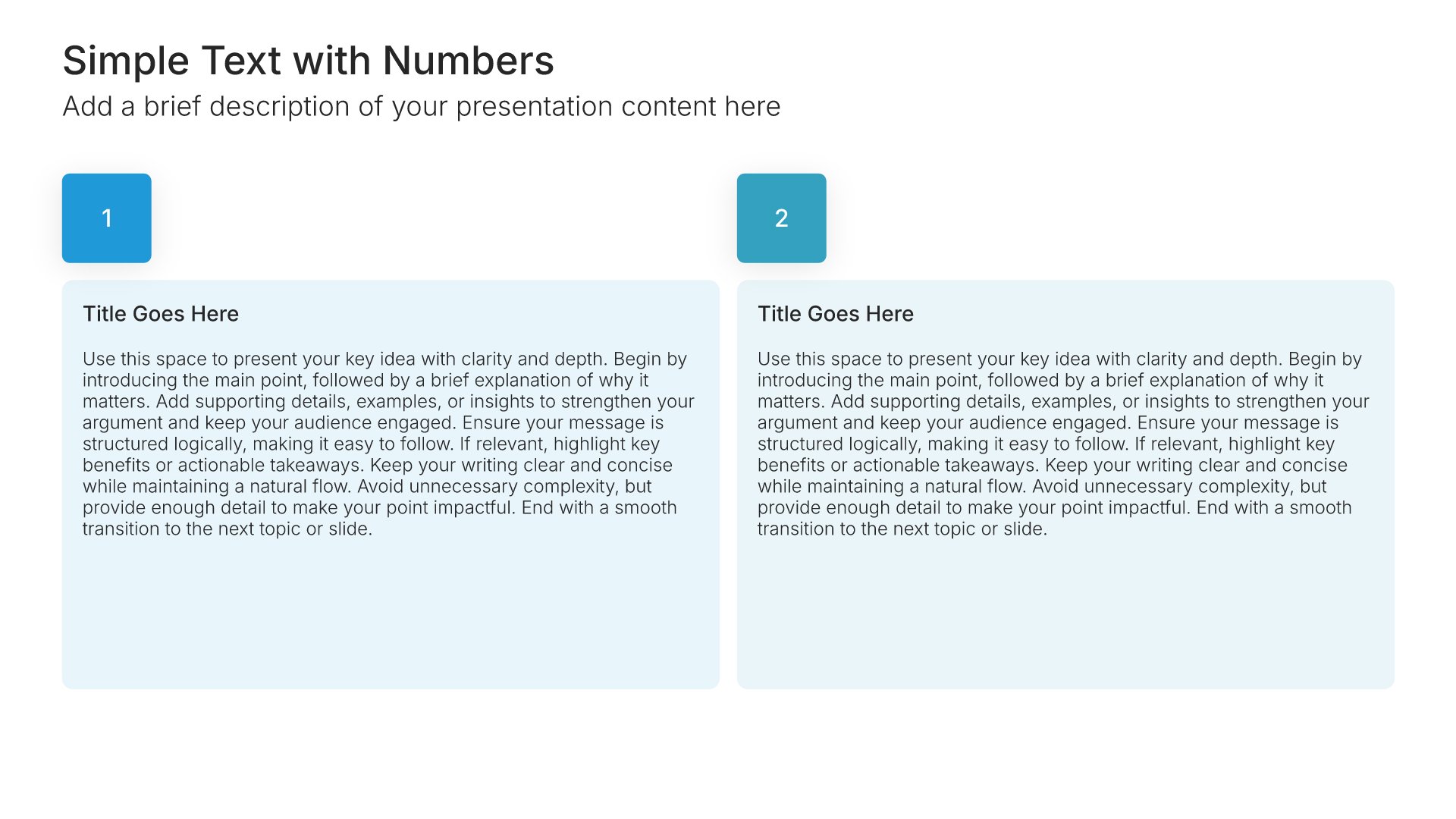
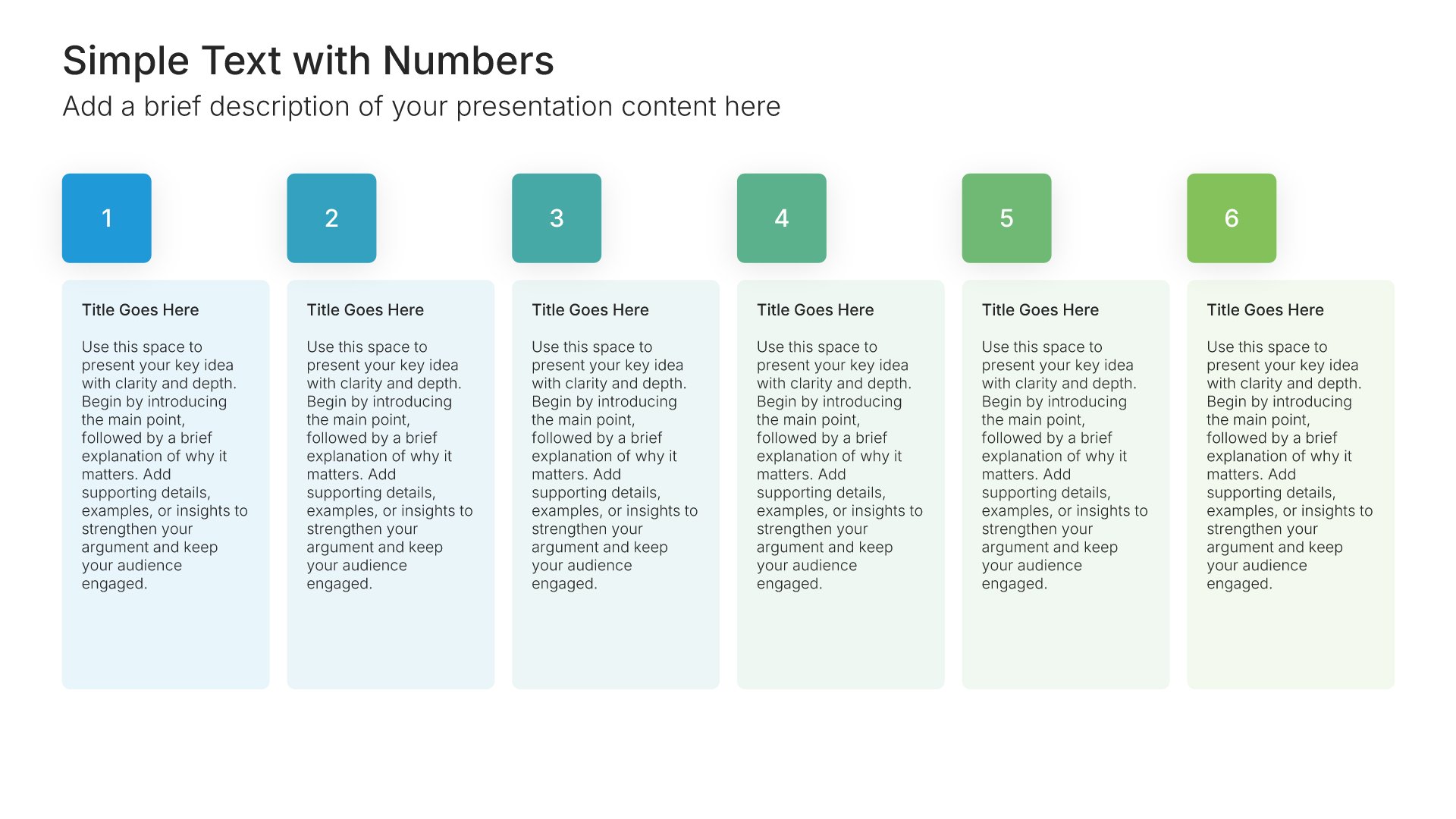
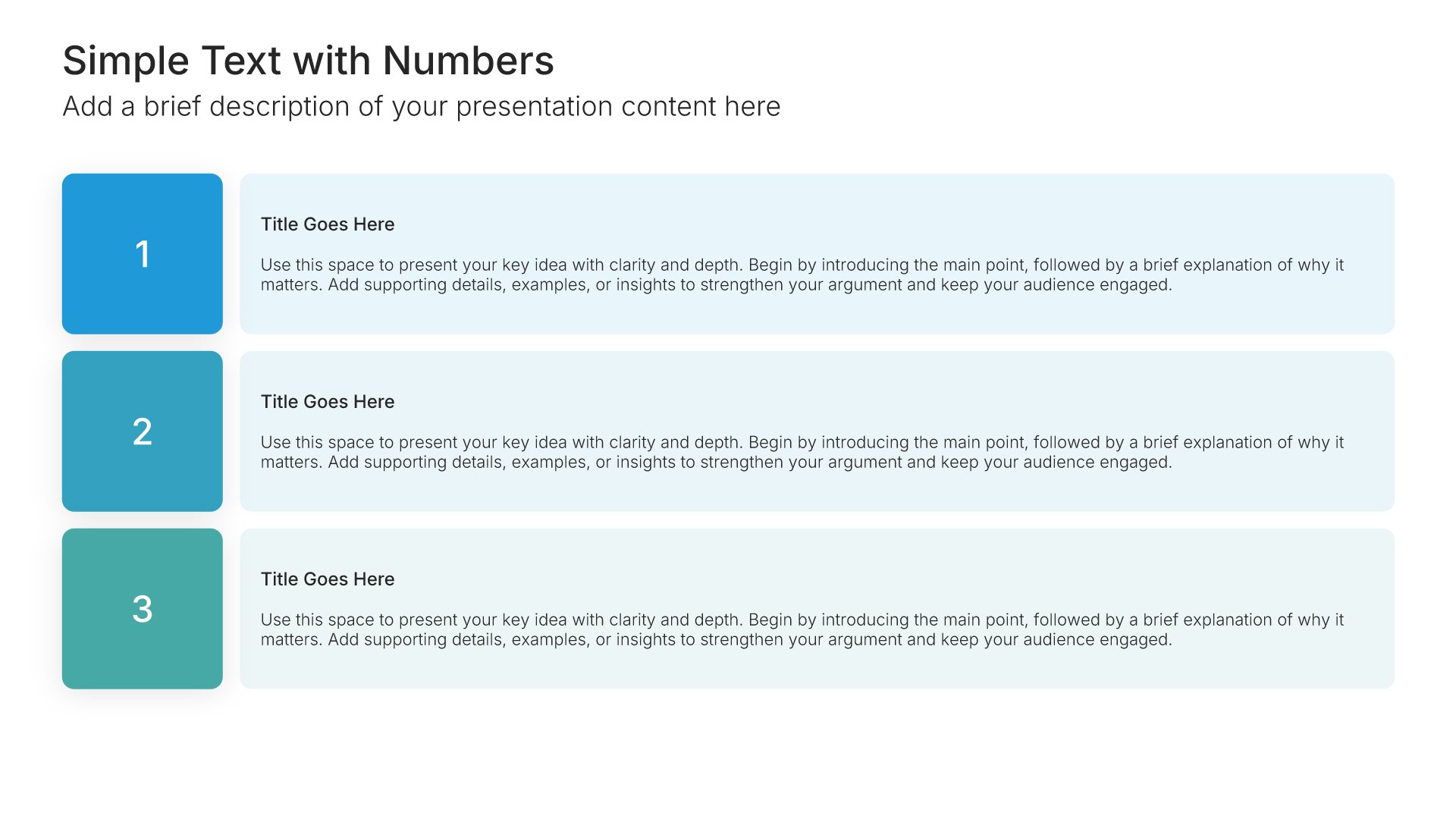
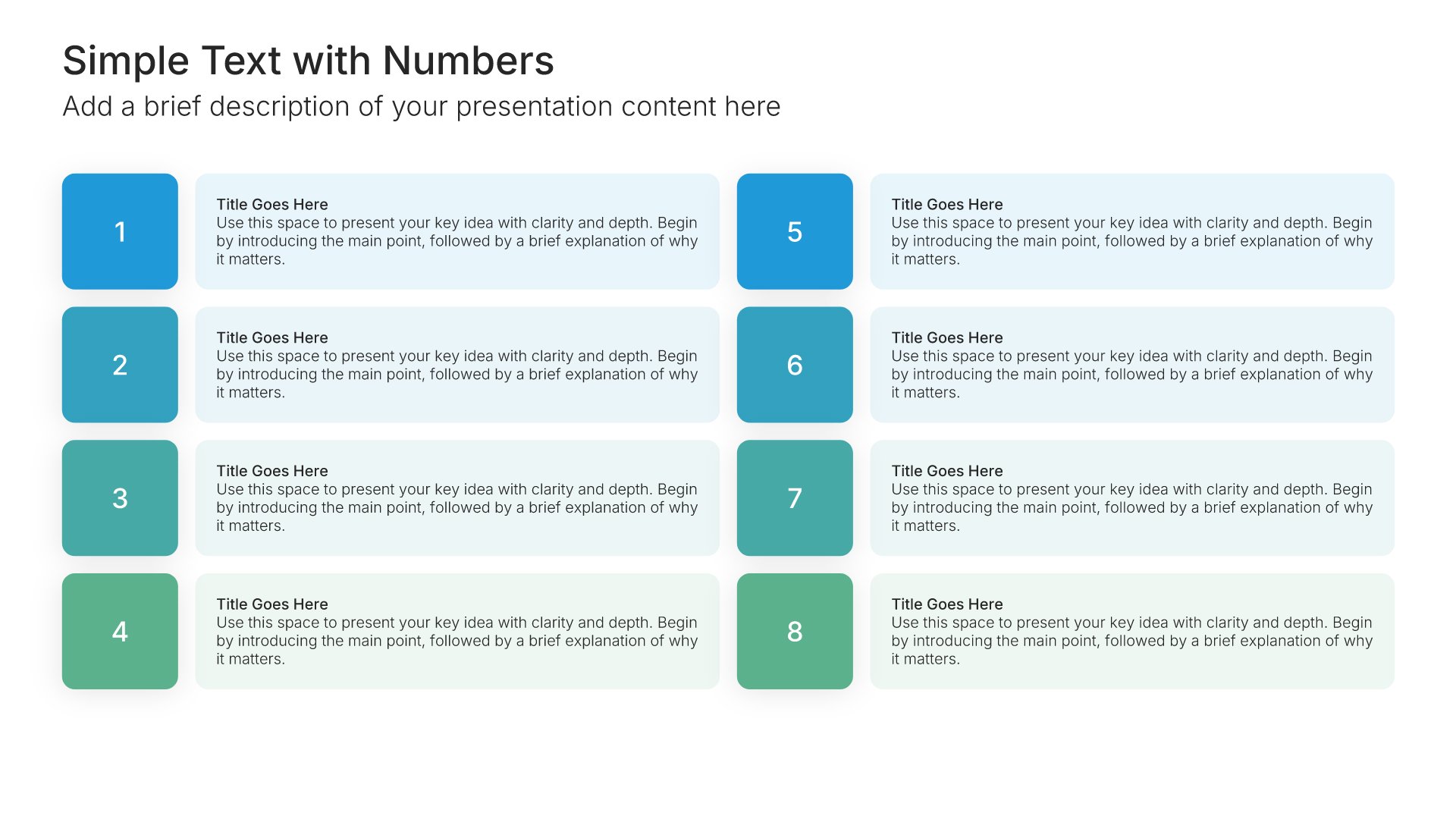
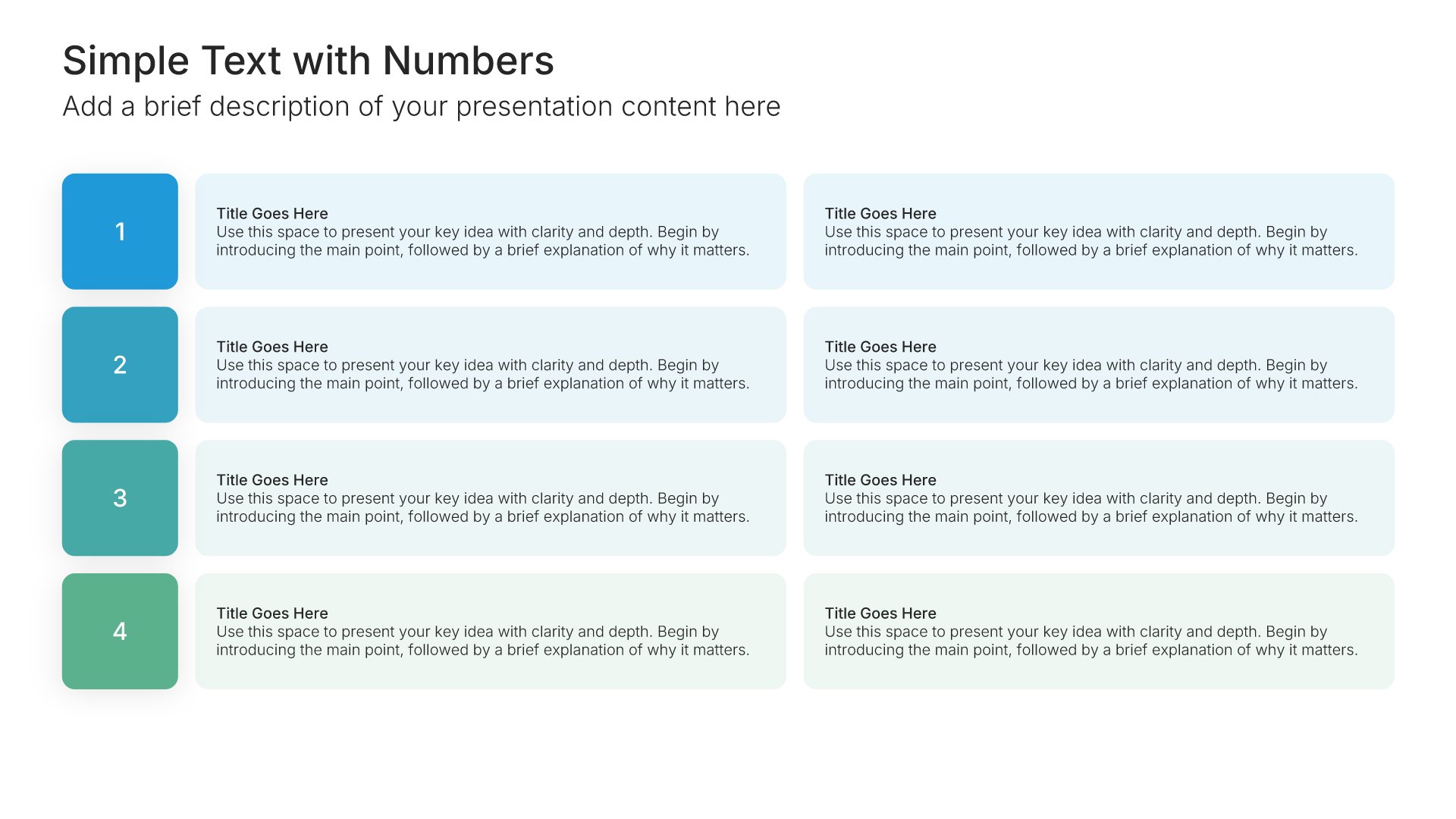
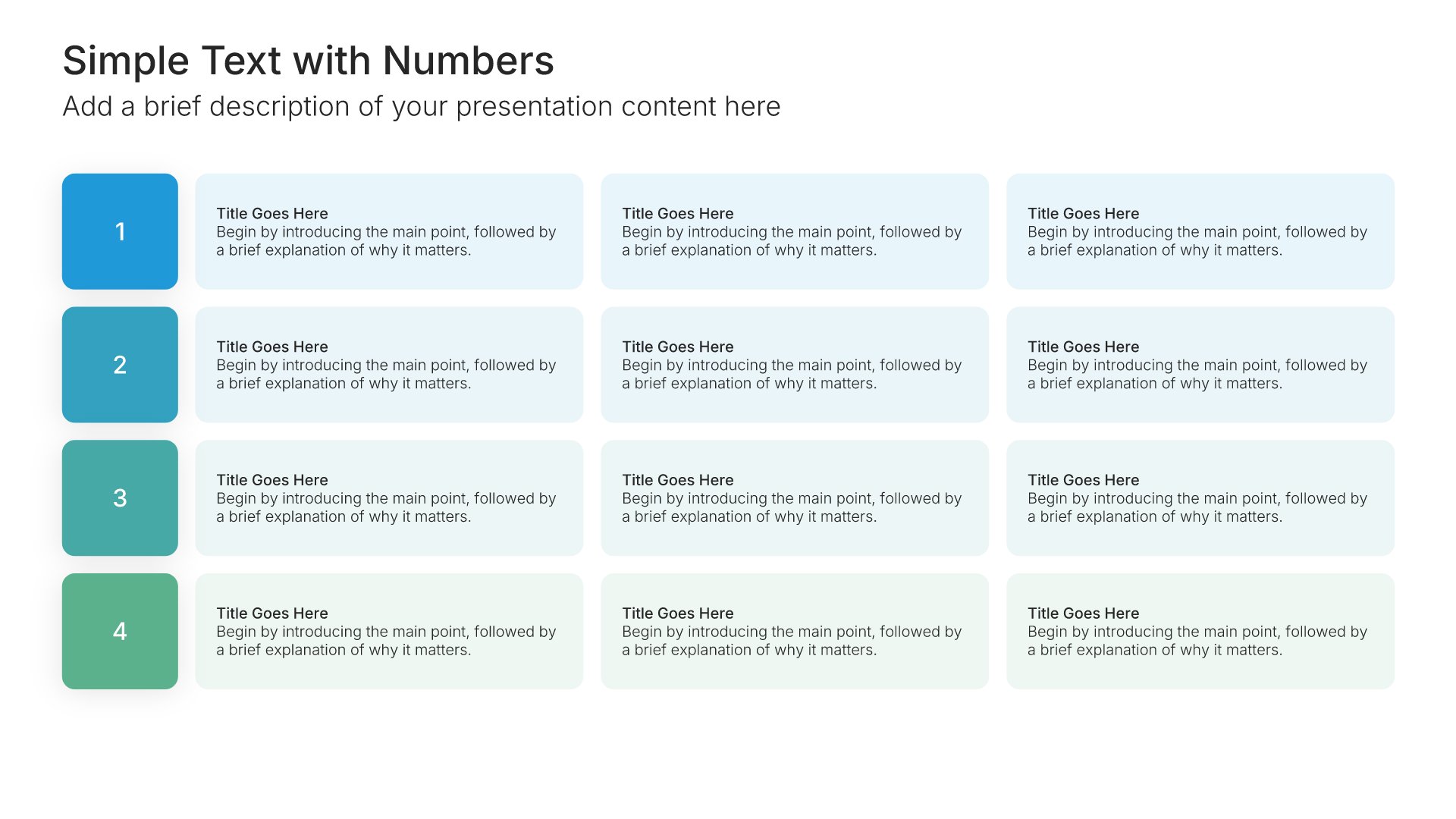
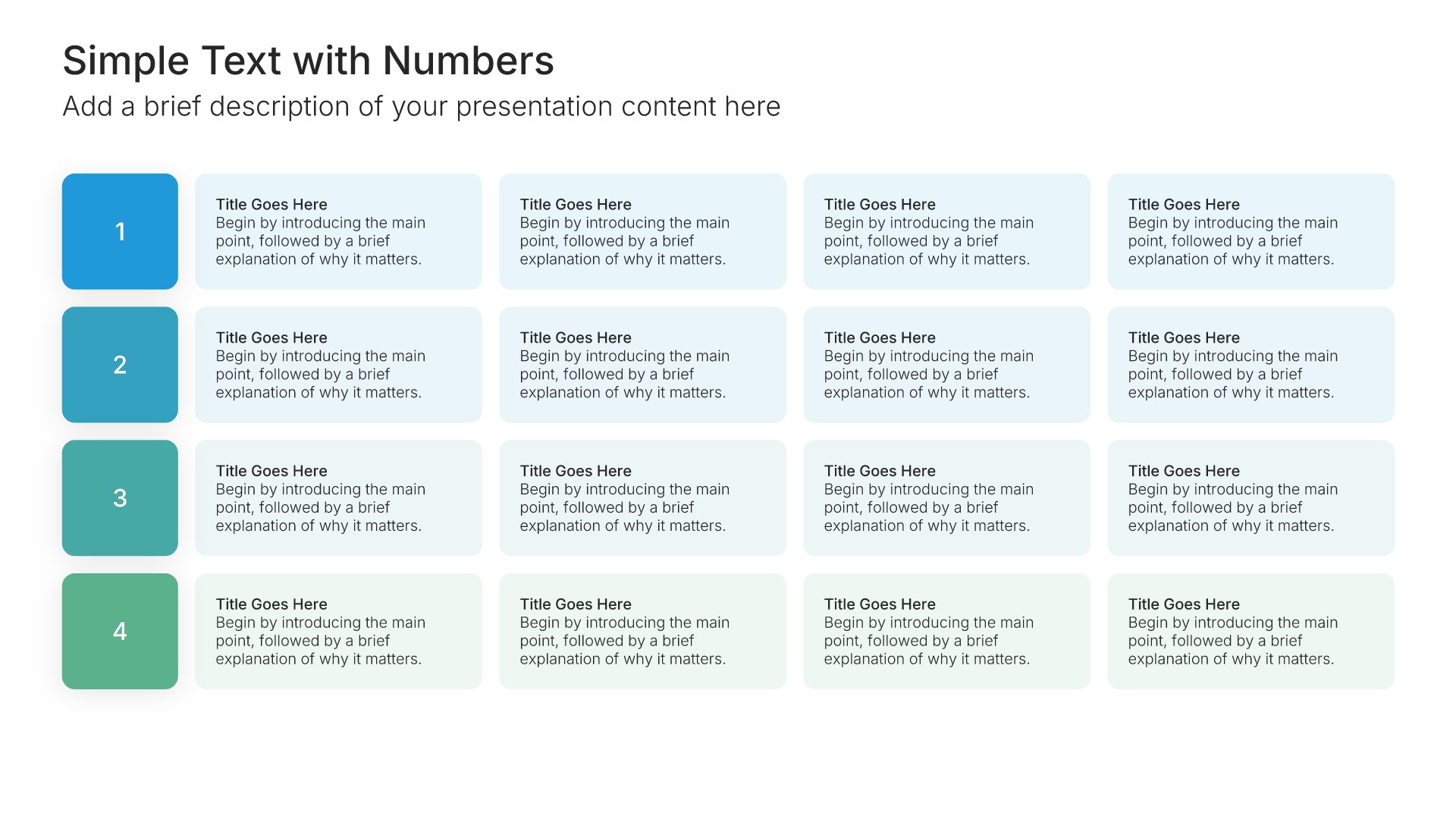
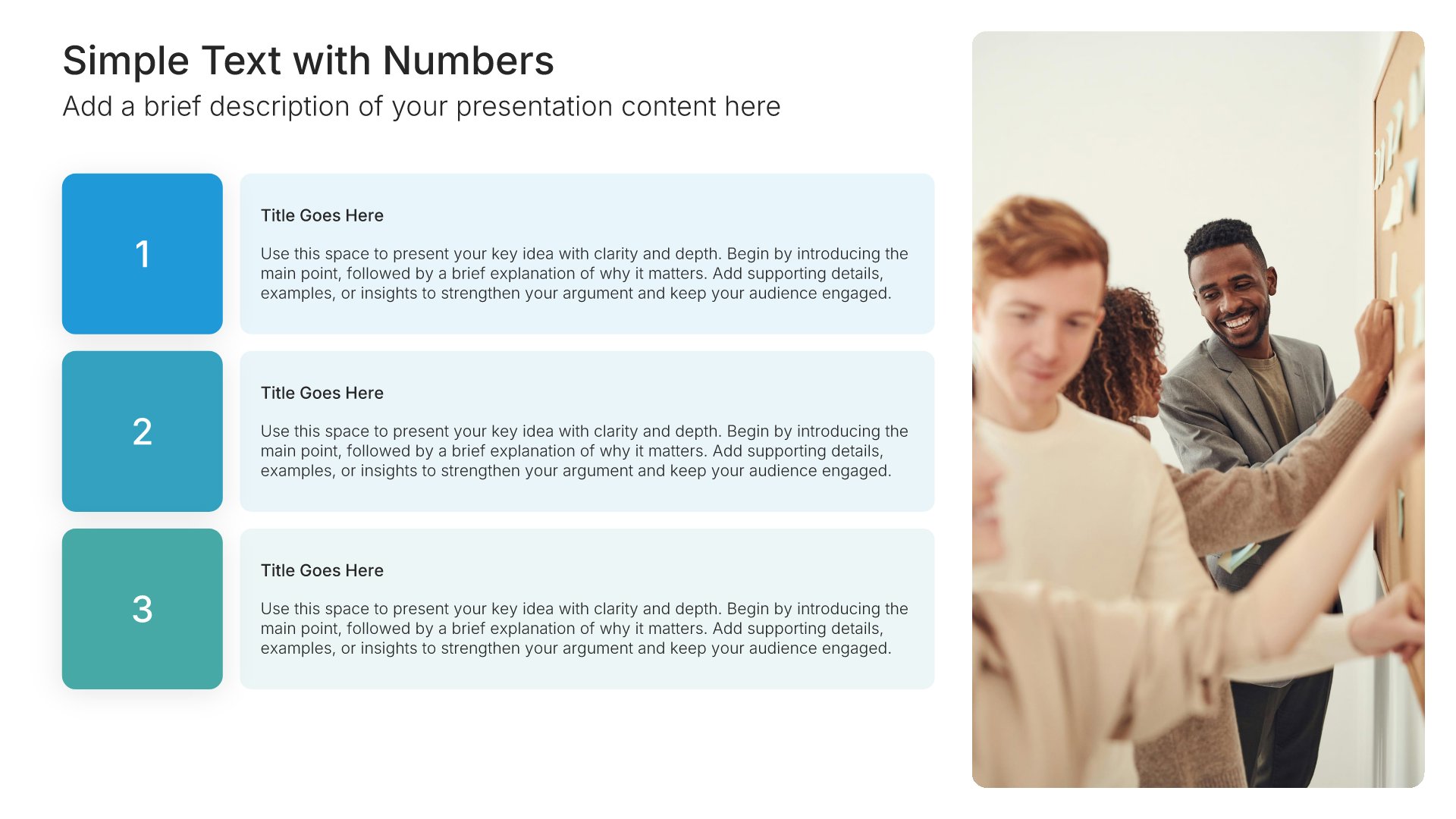
Simple text slide with numbers, layout 02

Layout 02

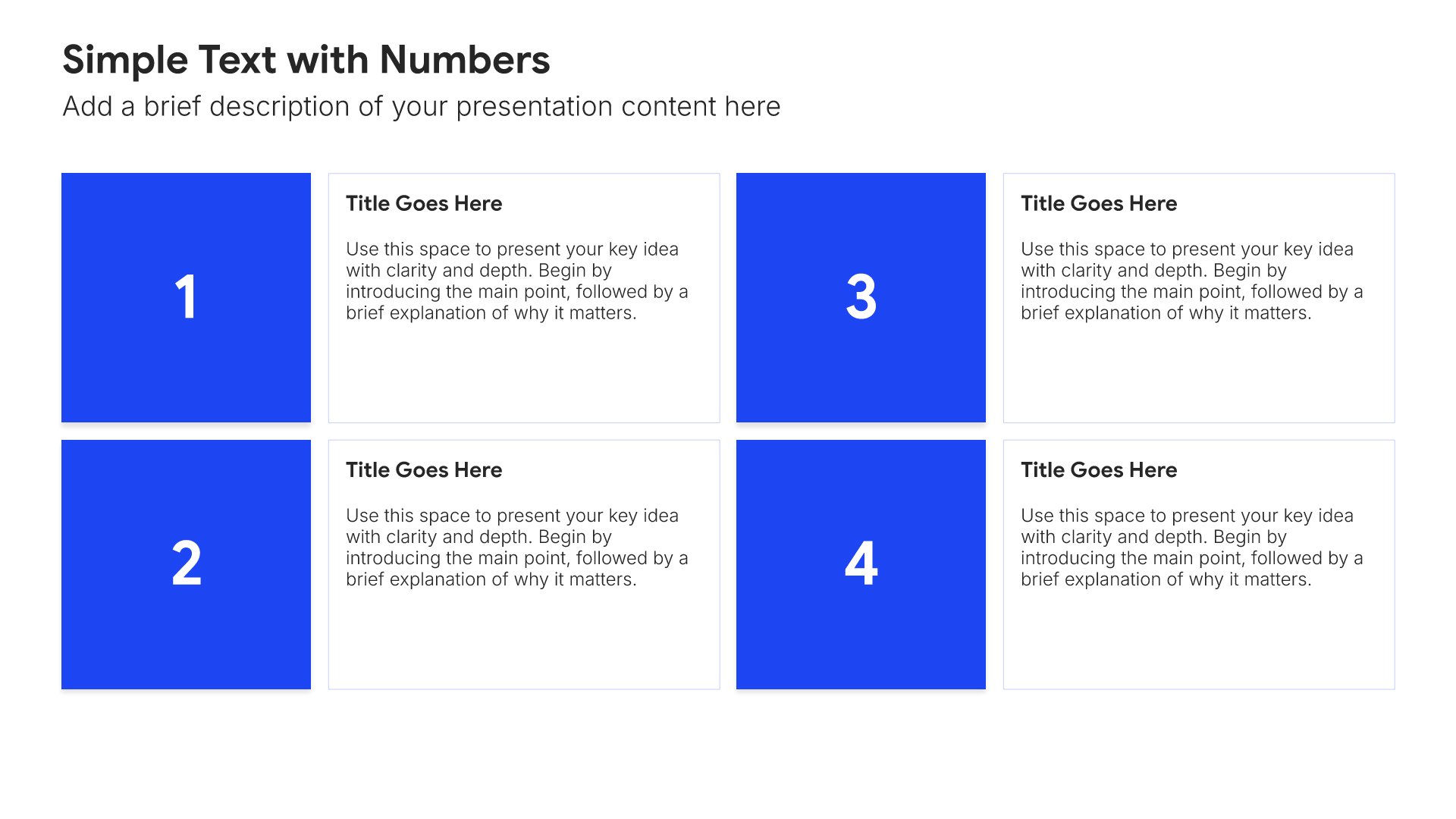
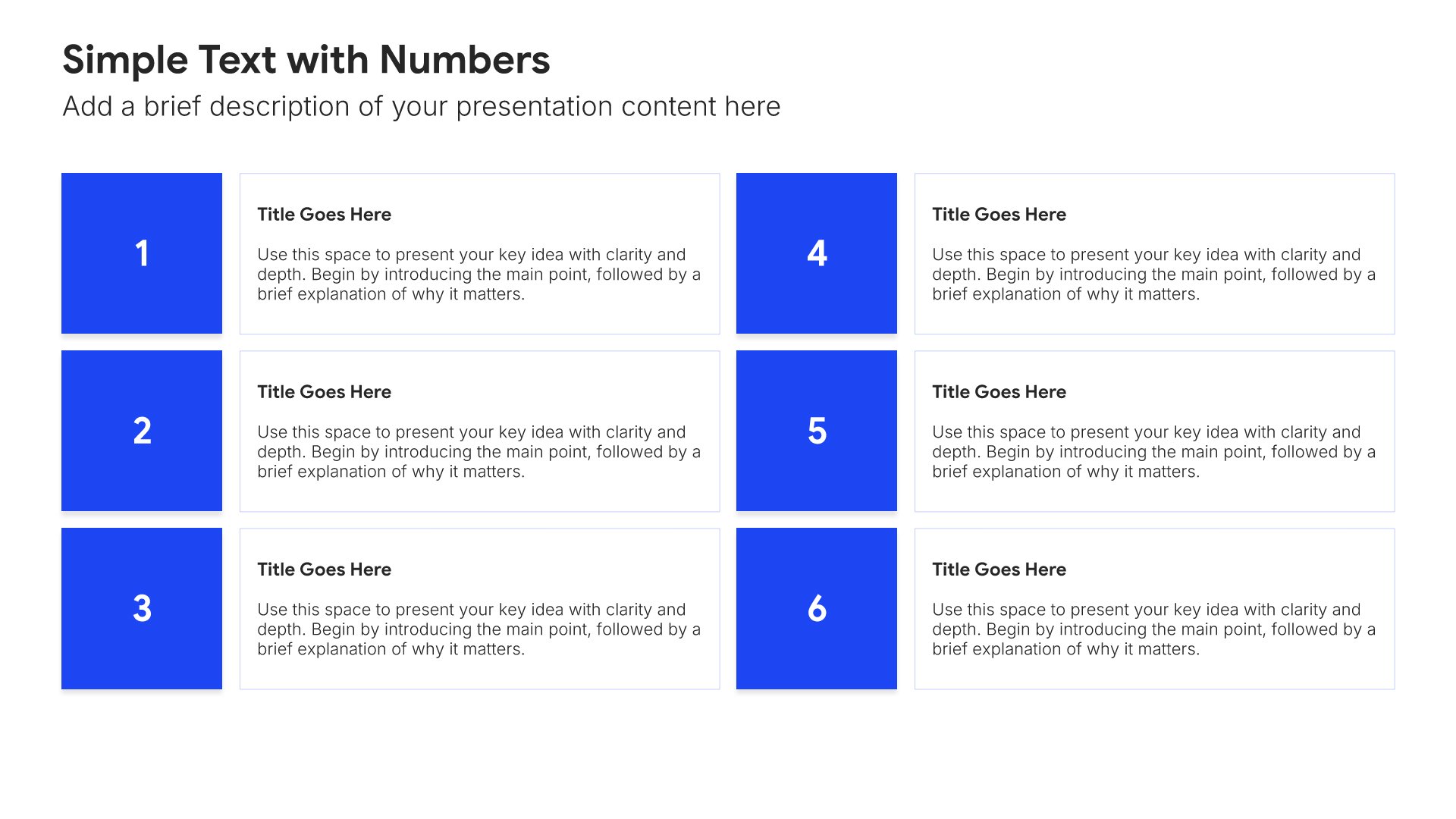
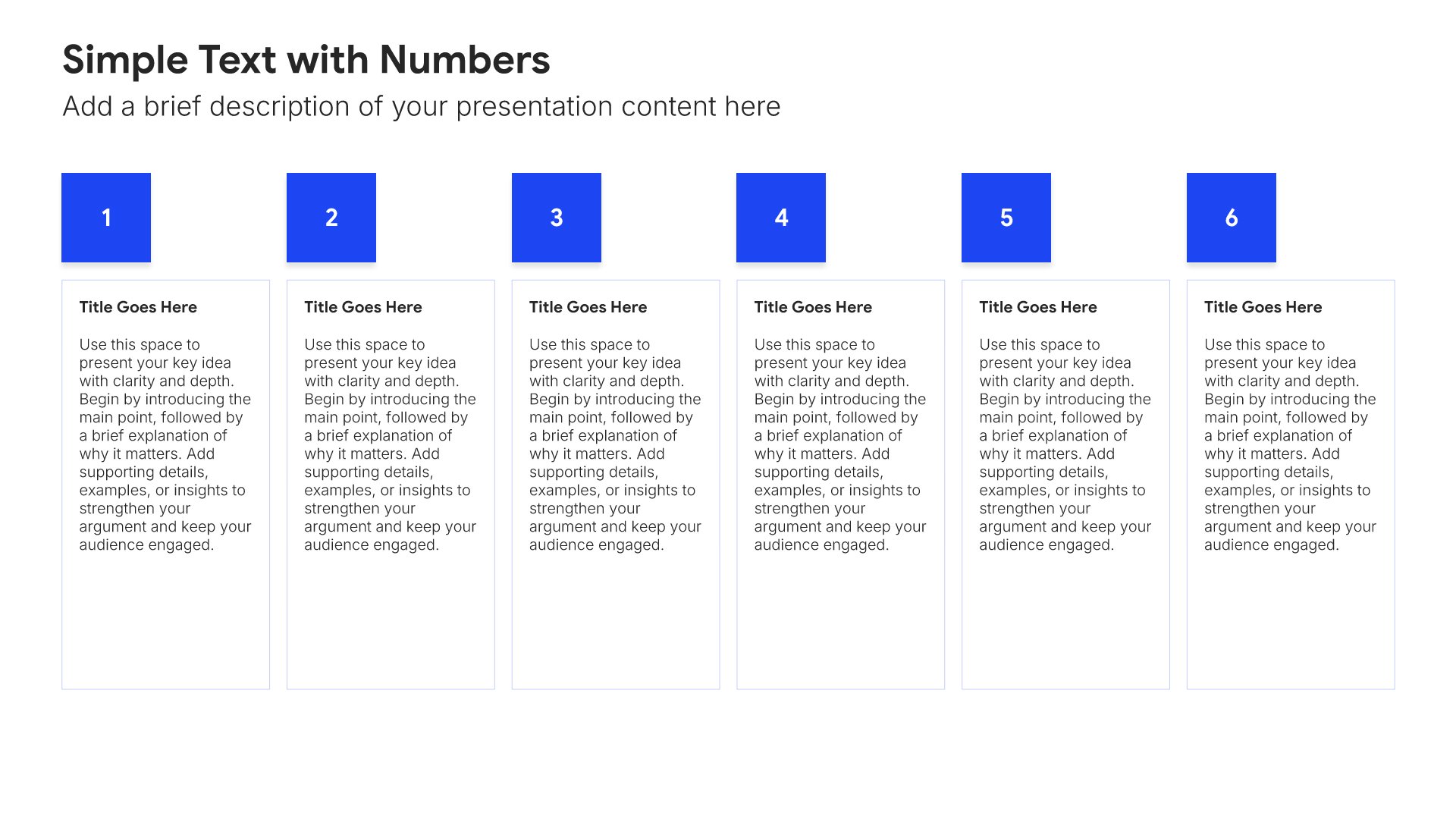
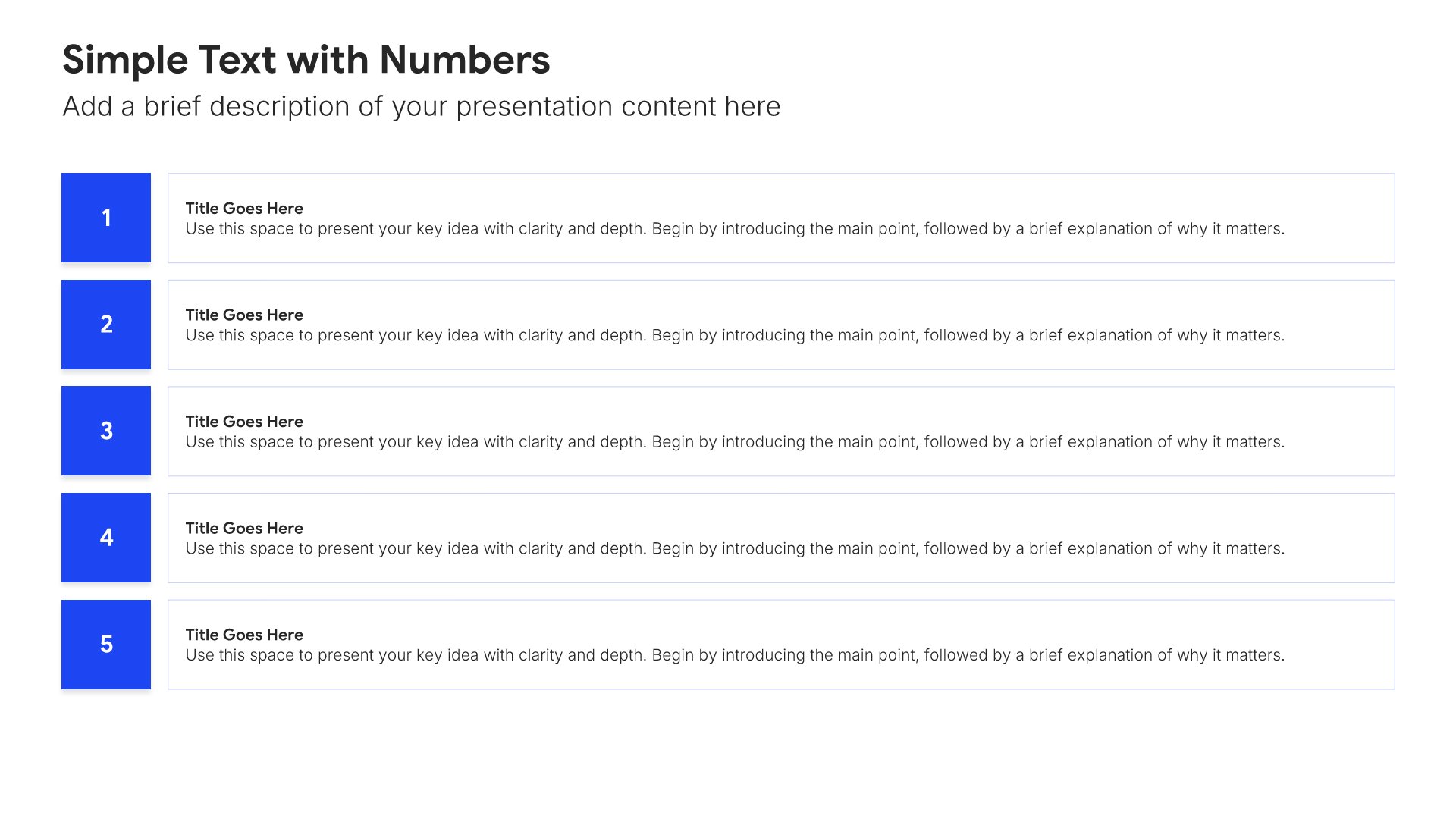
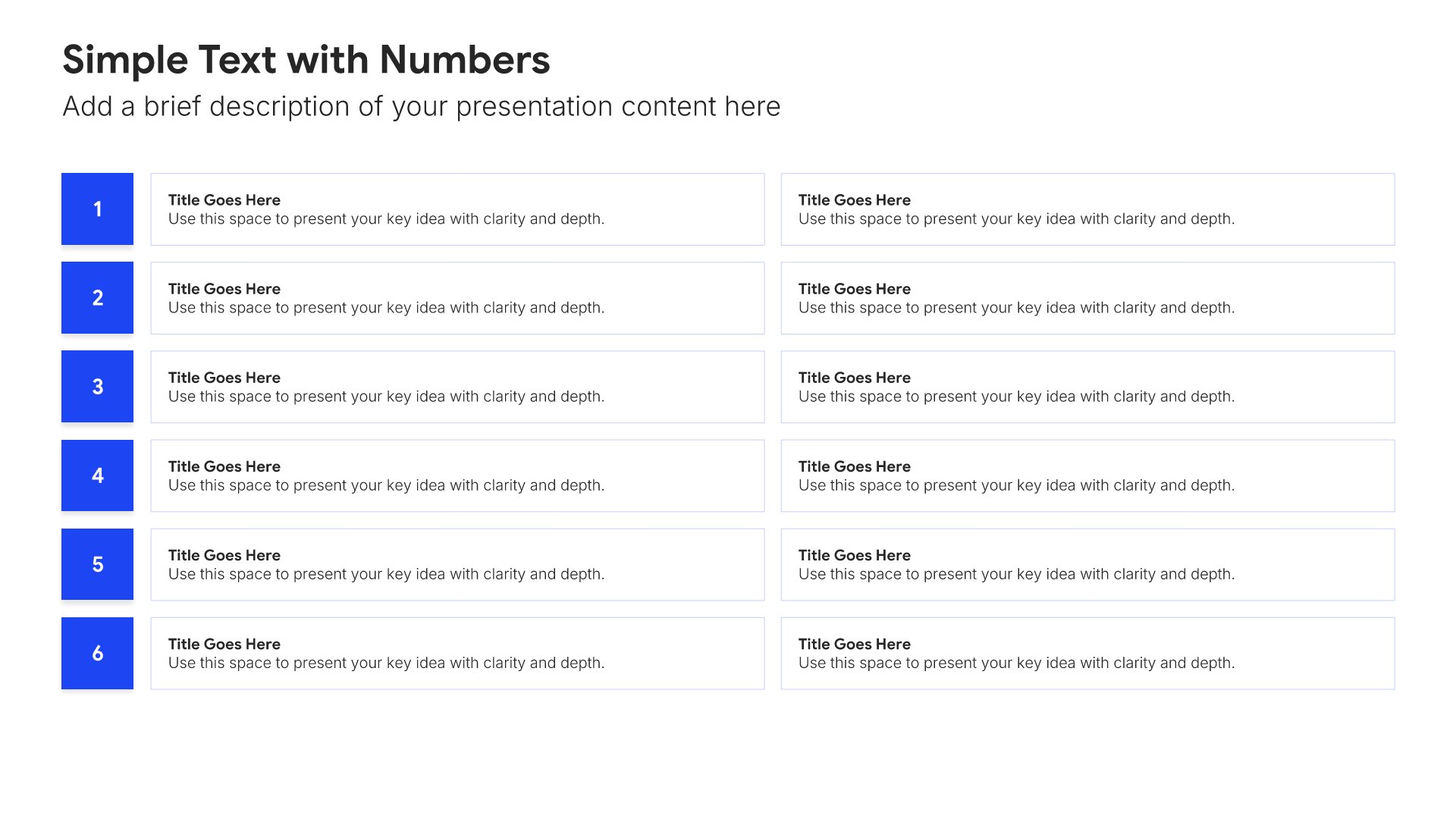
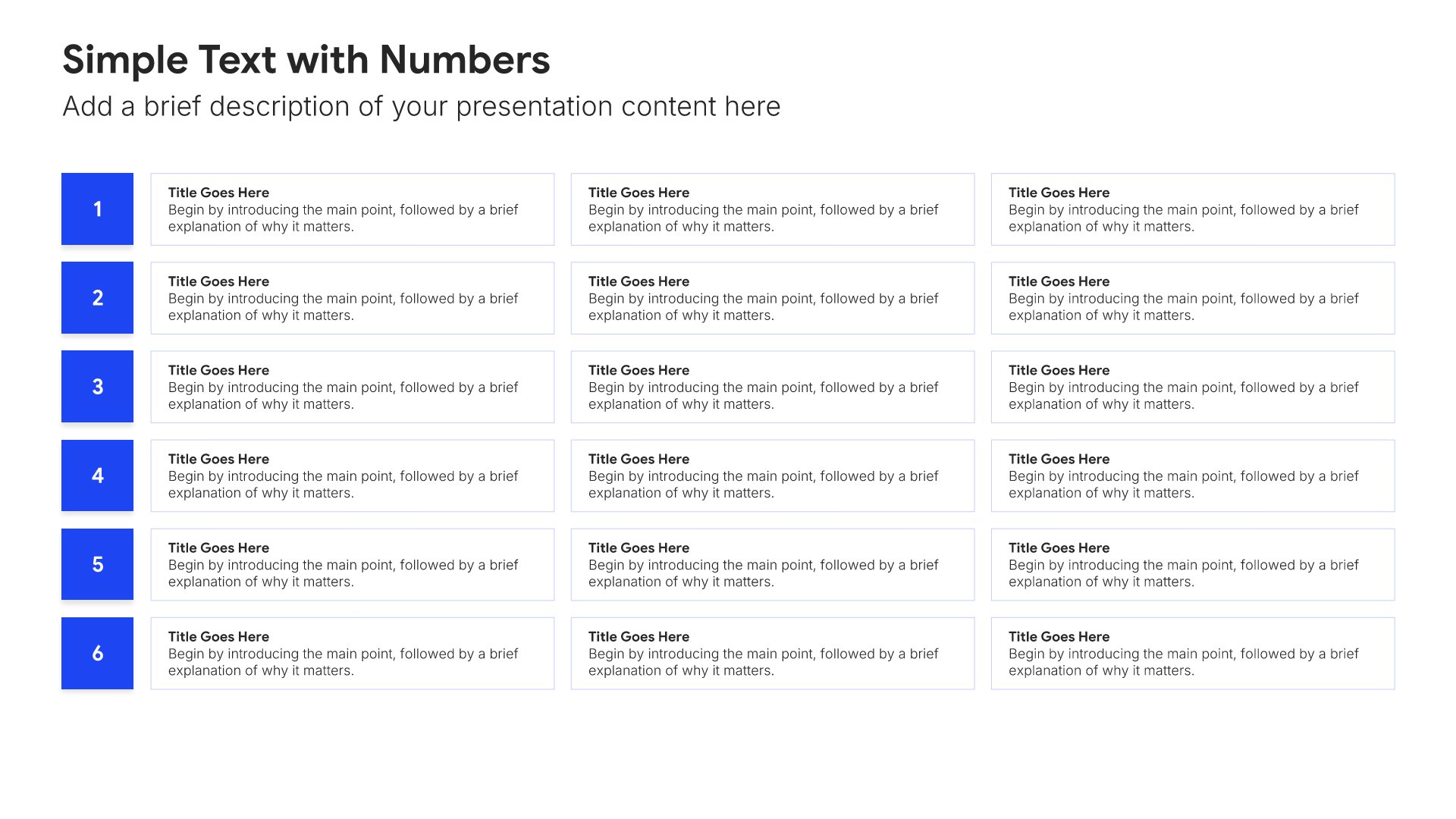
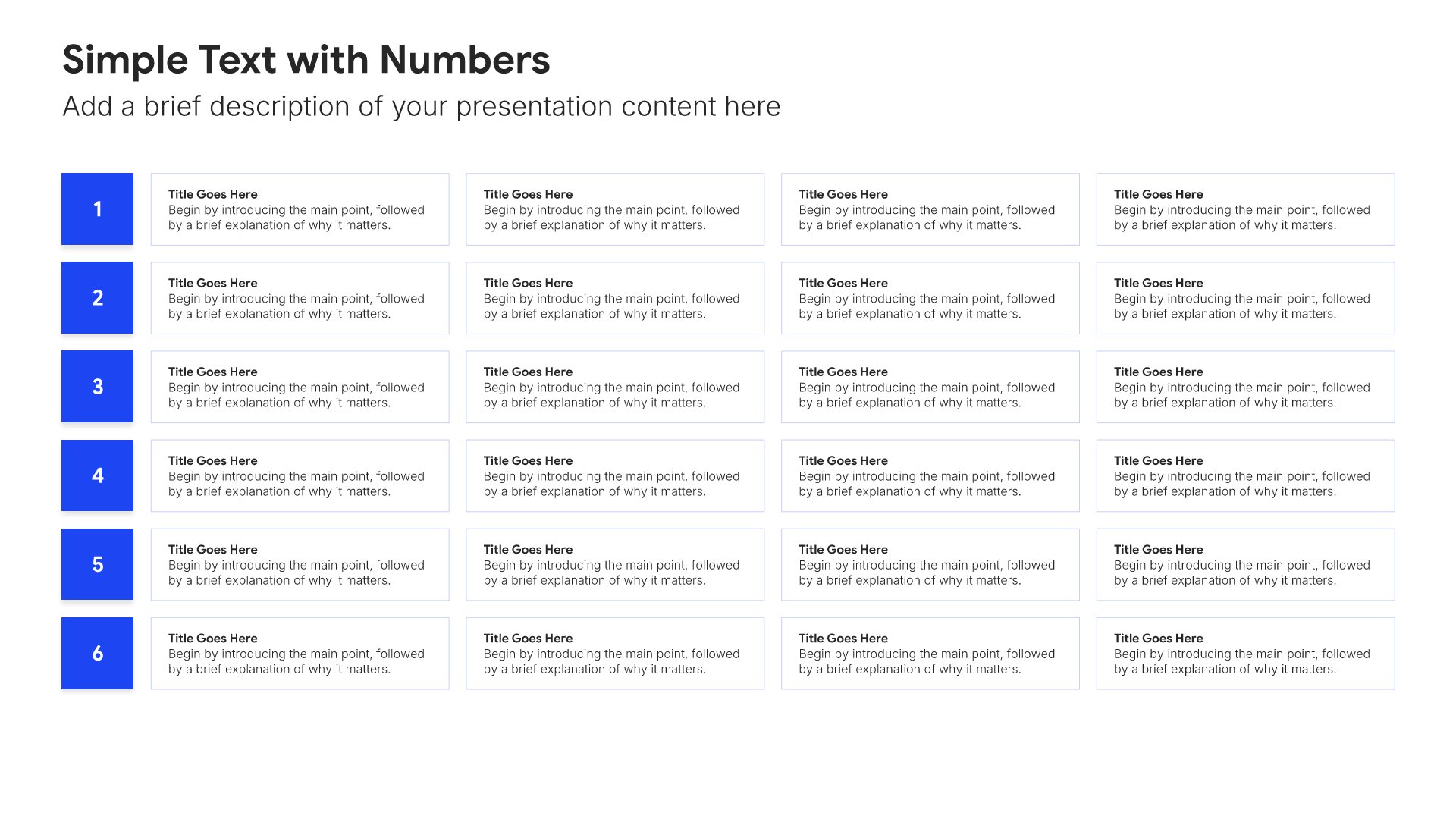
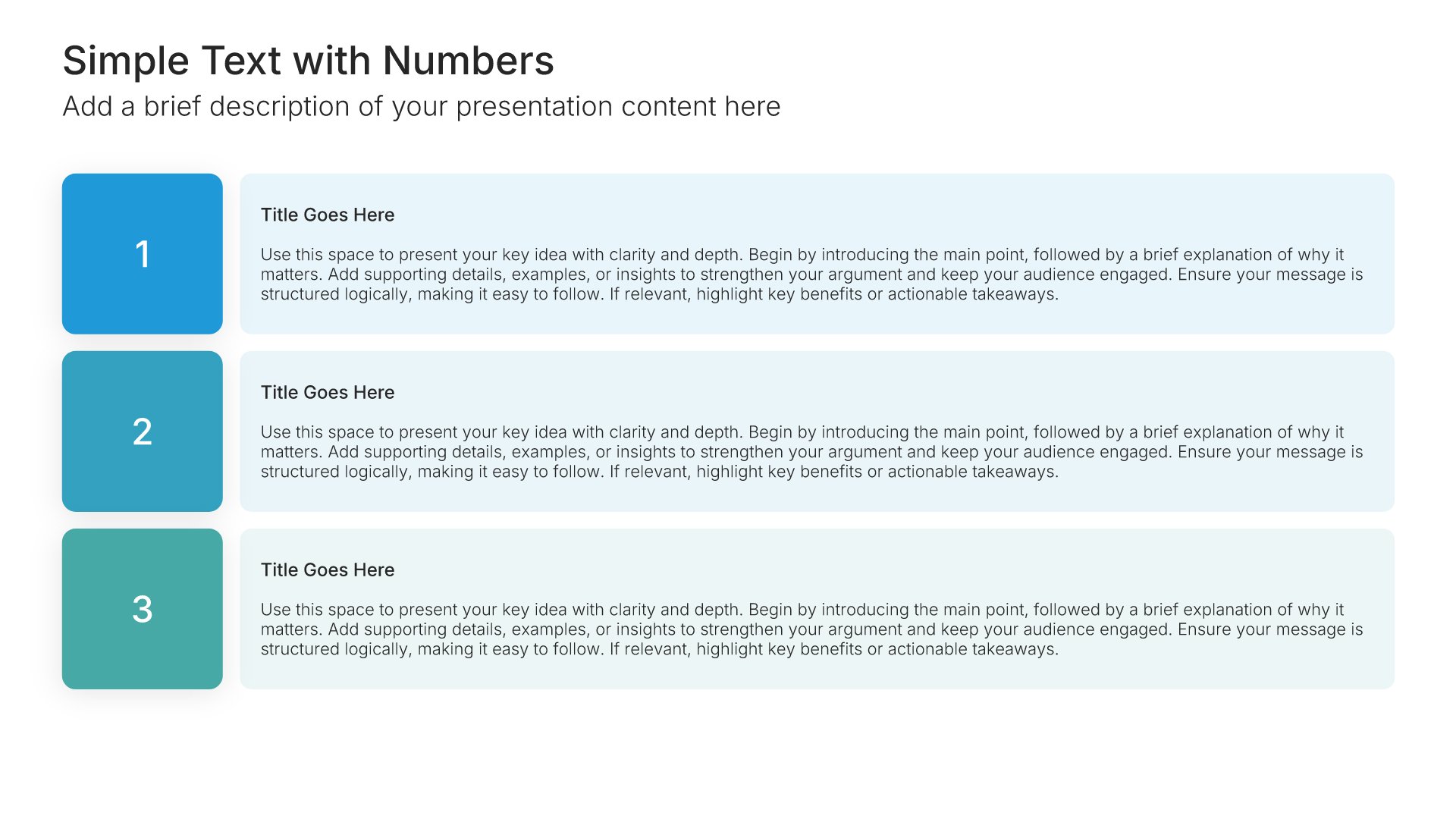
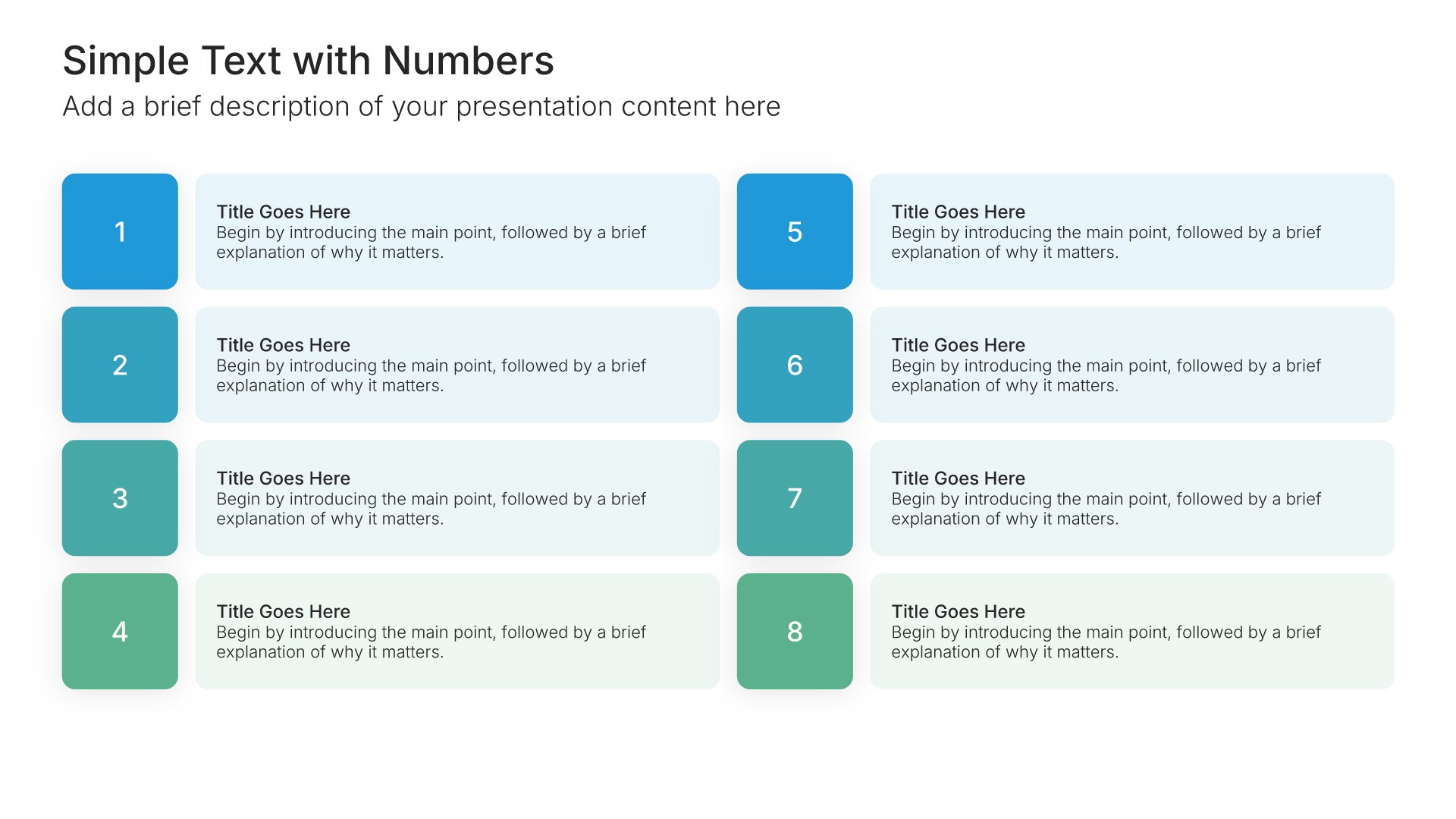
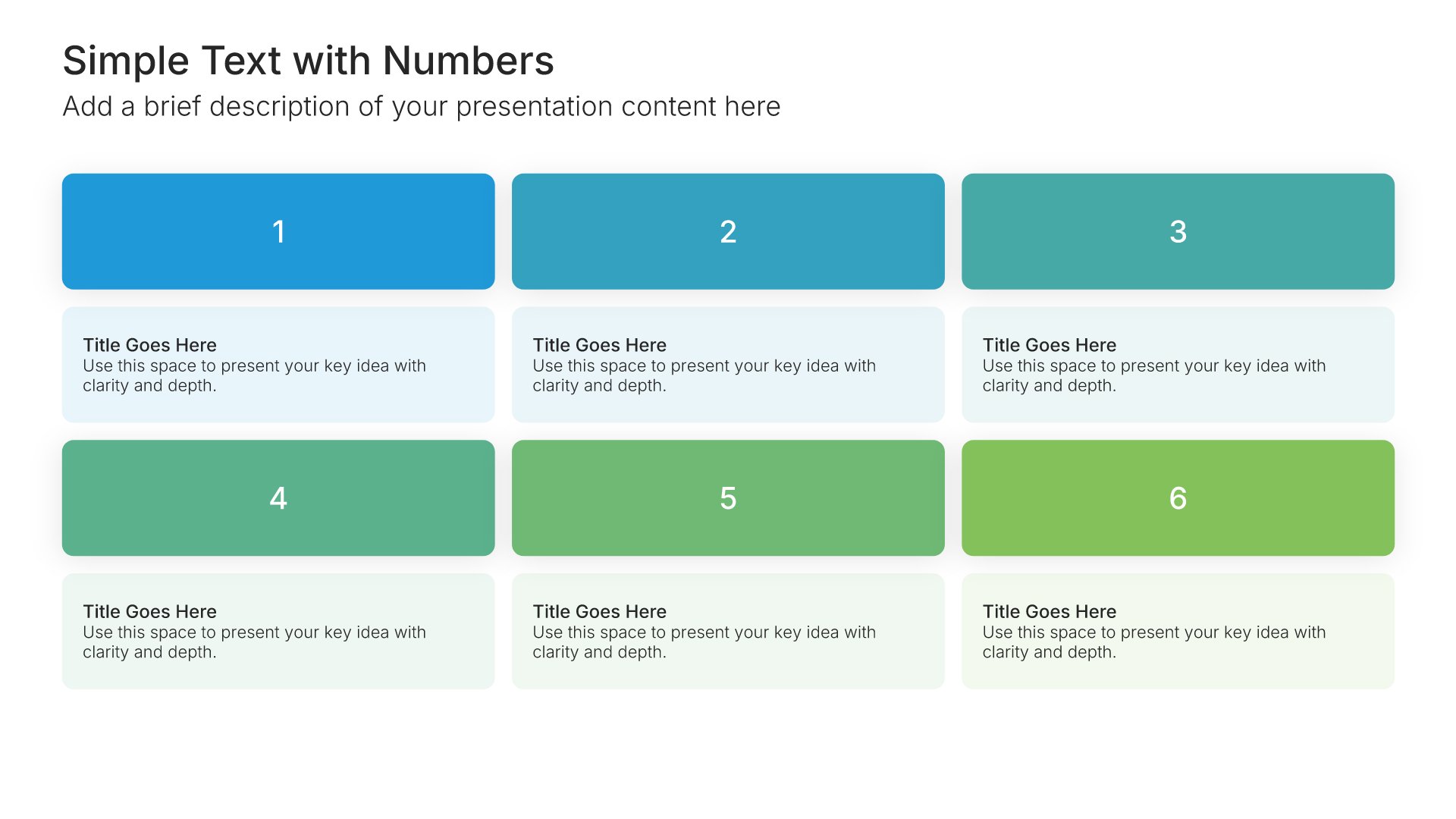
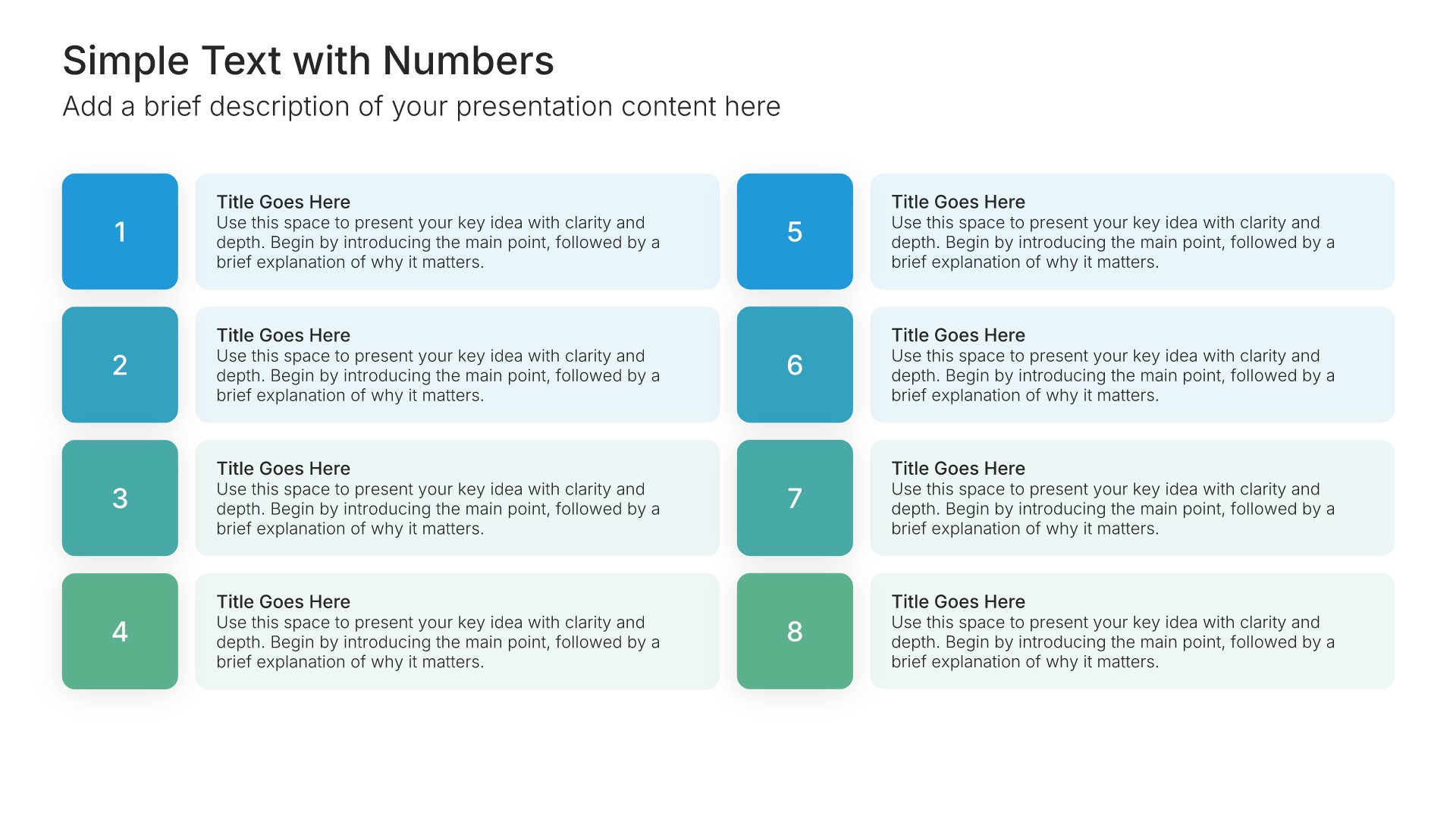
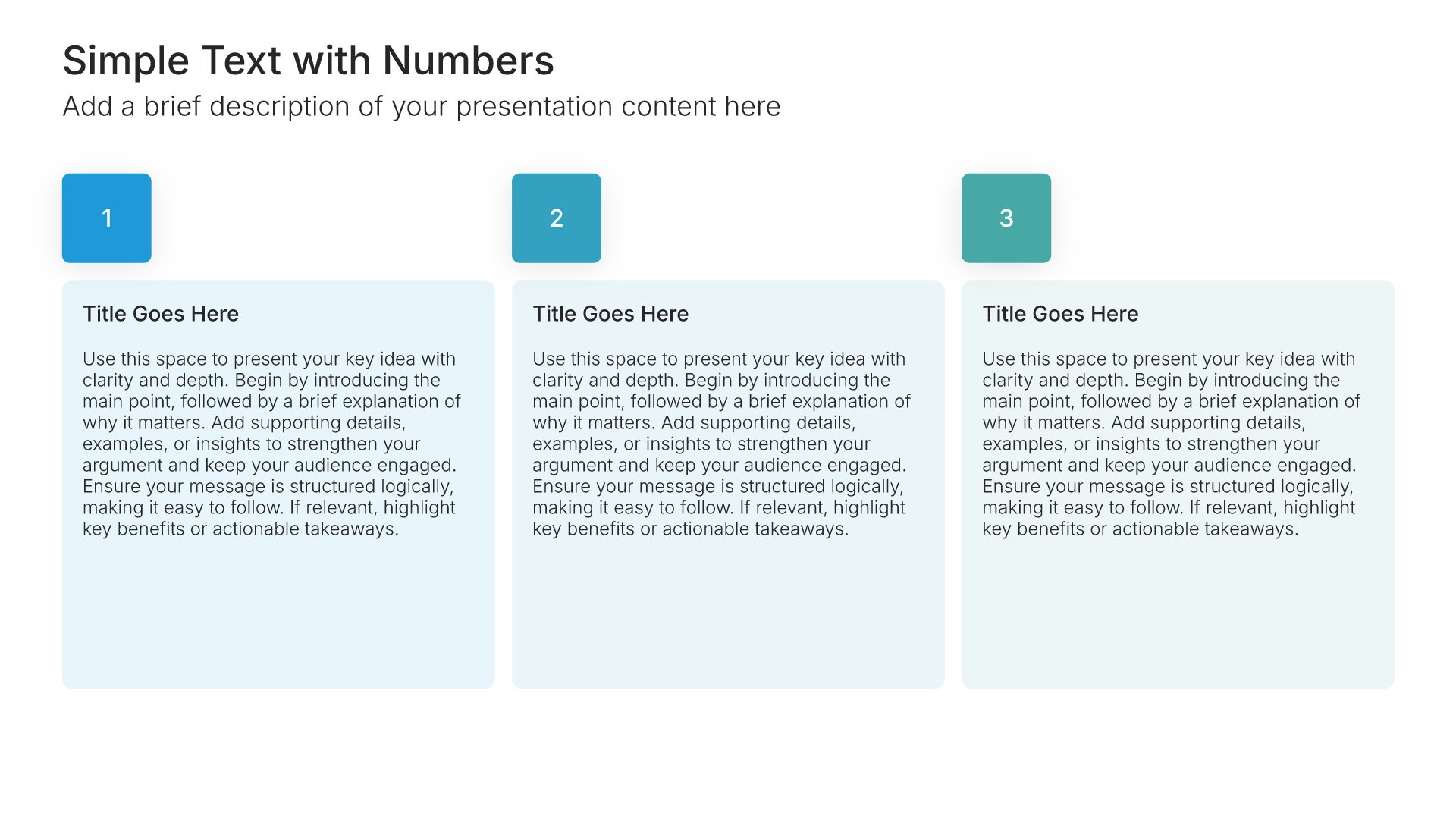
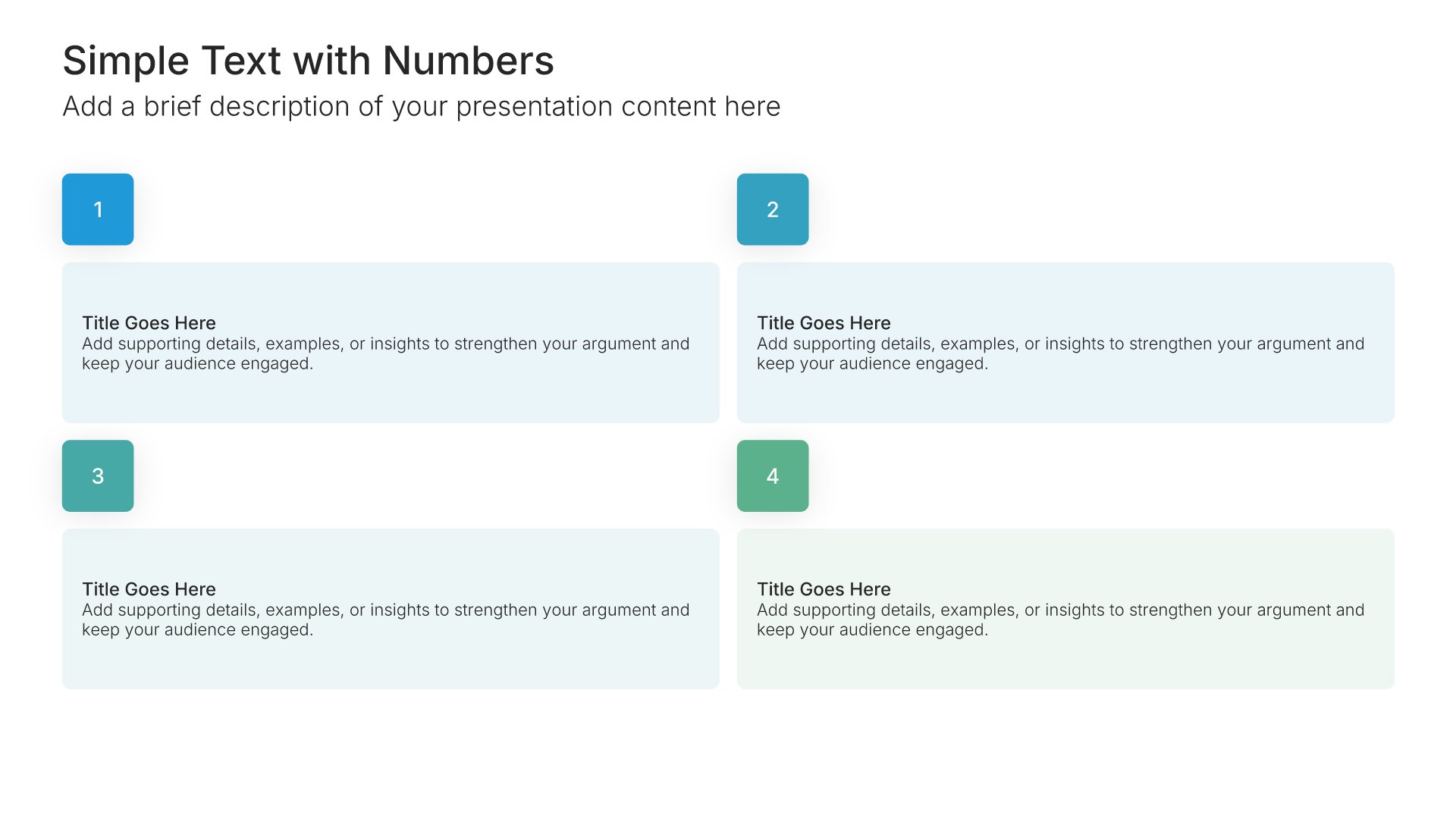
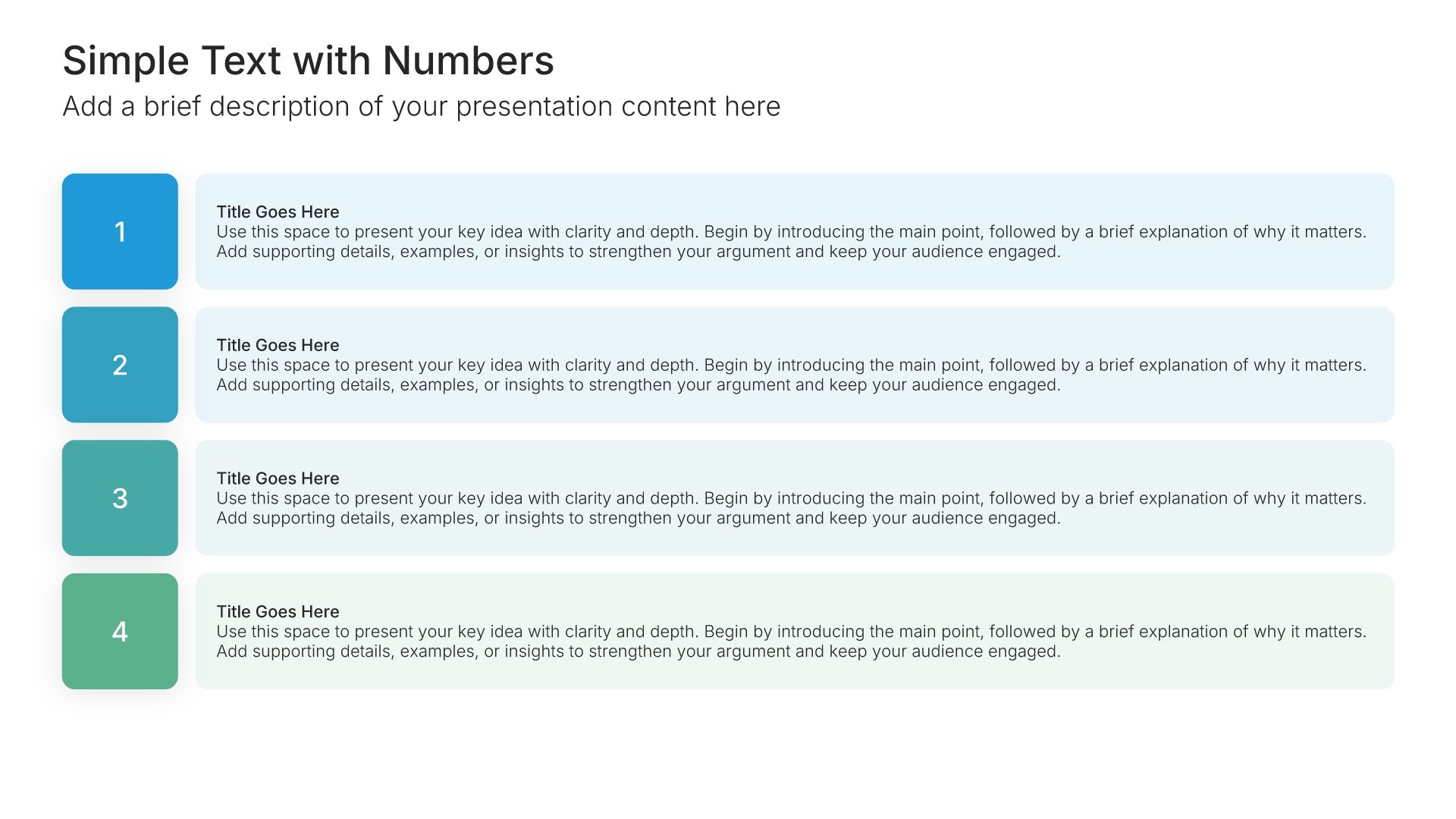
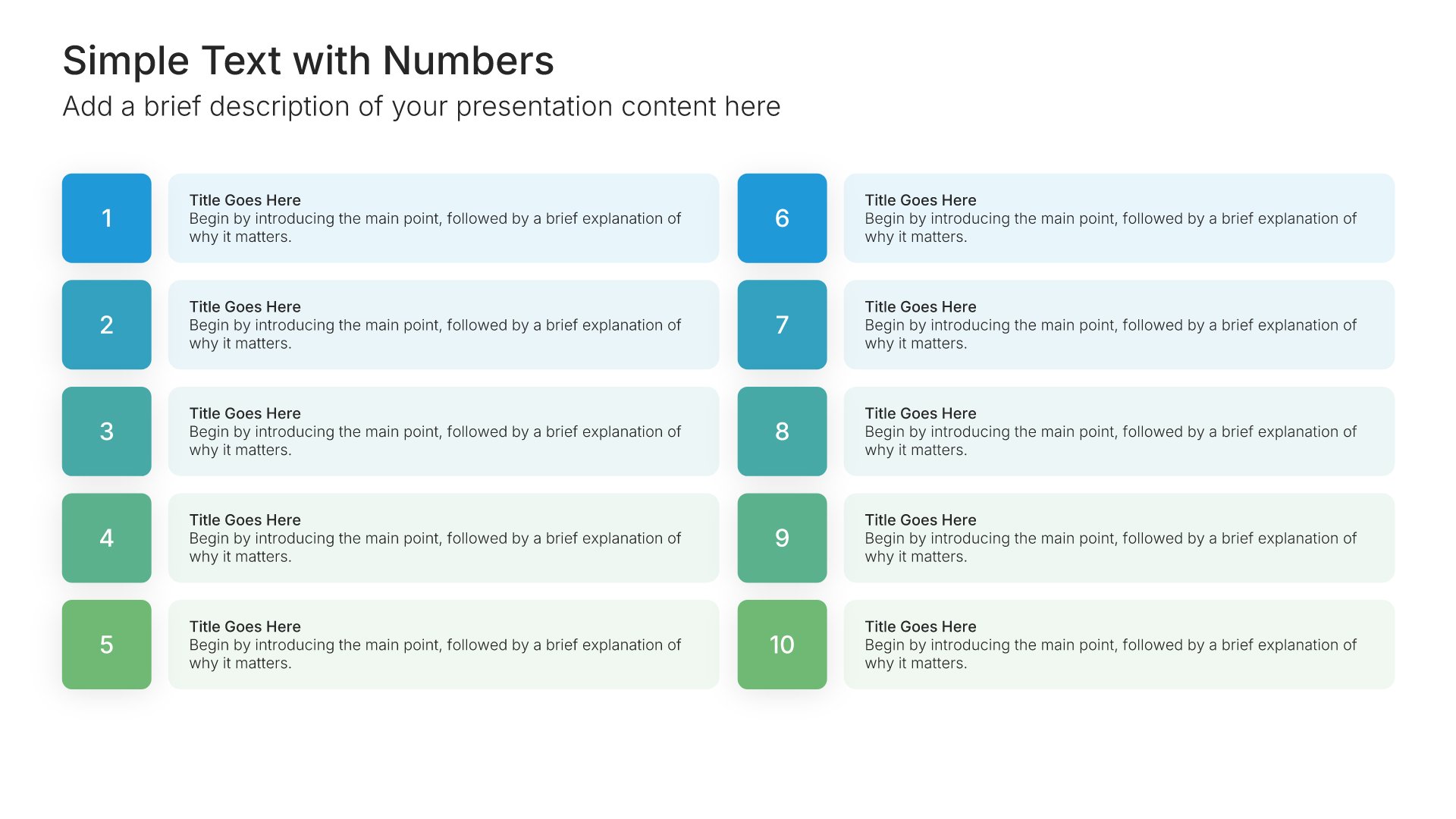
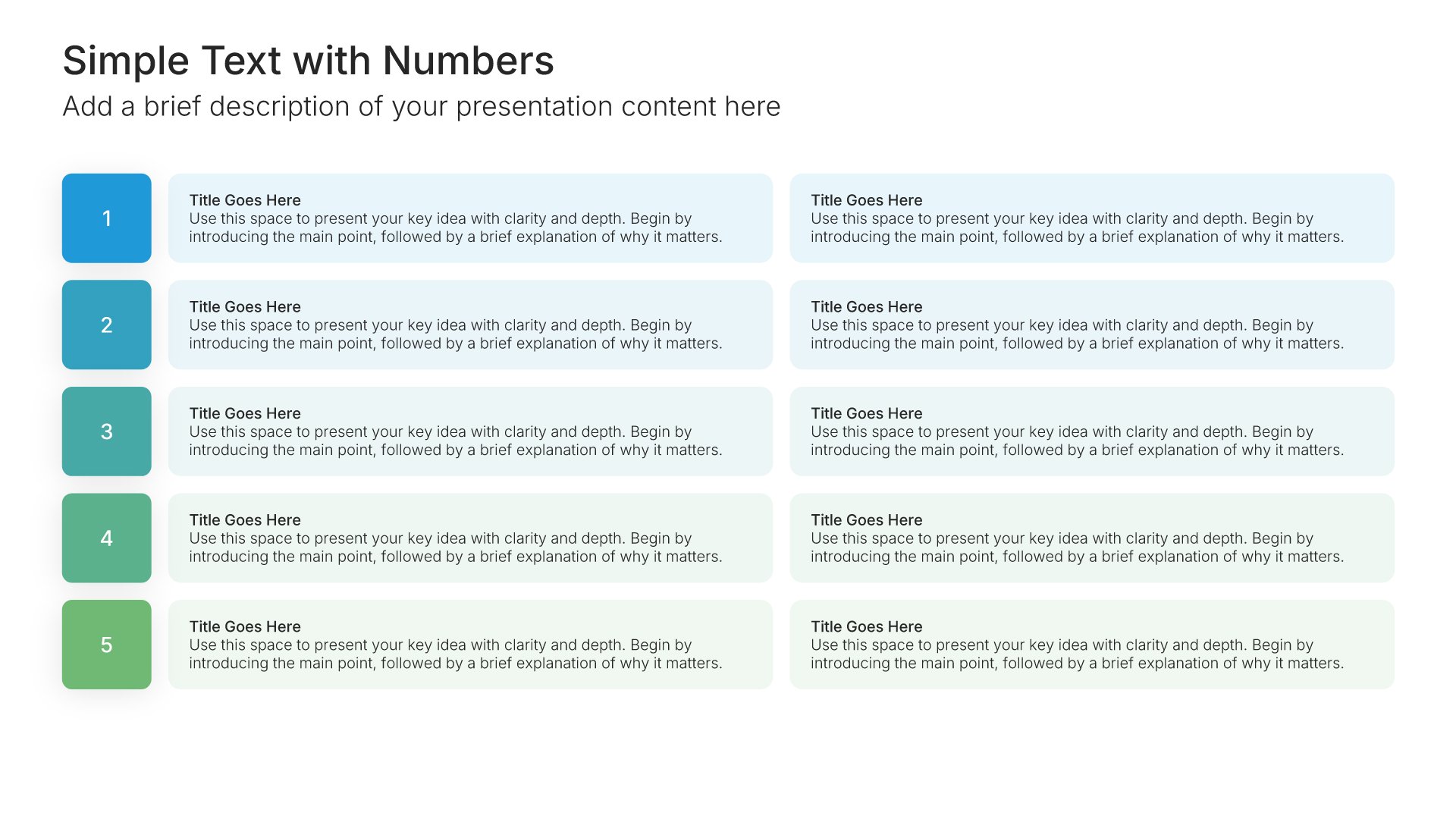
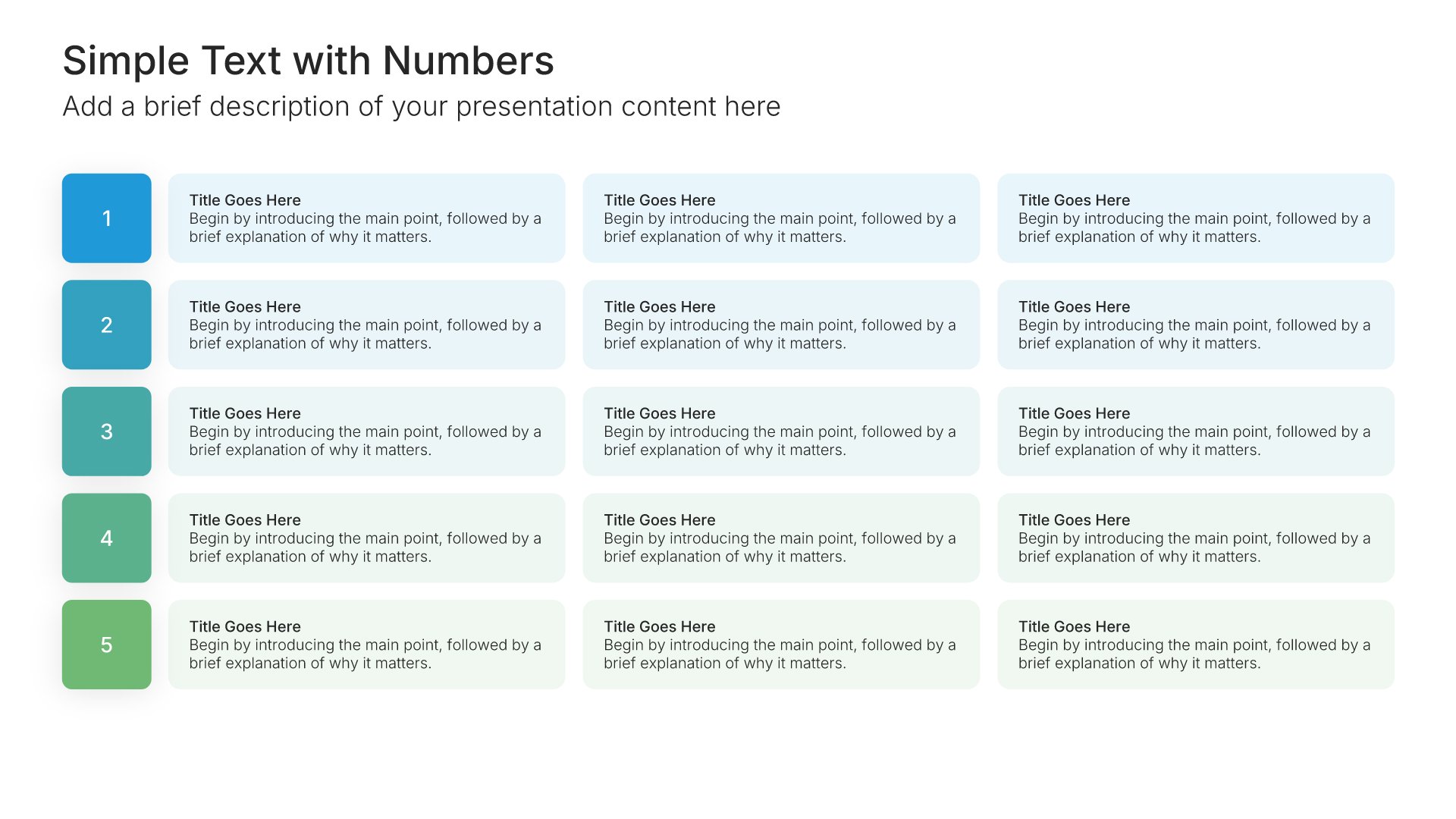
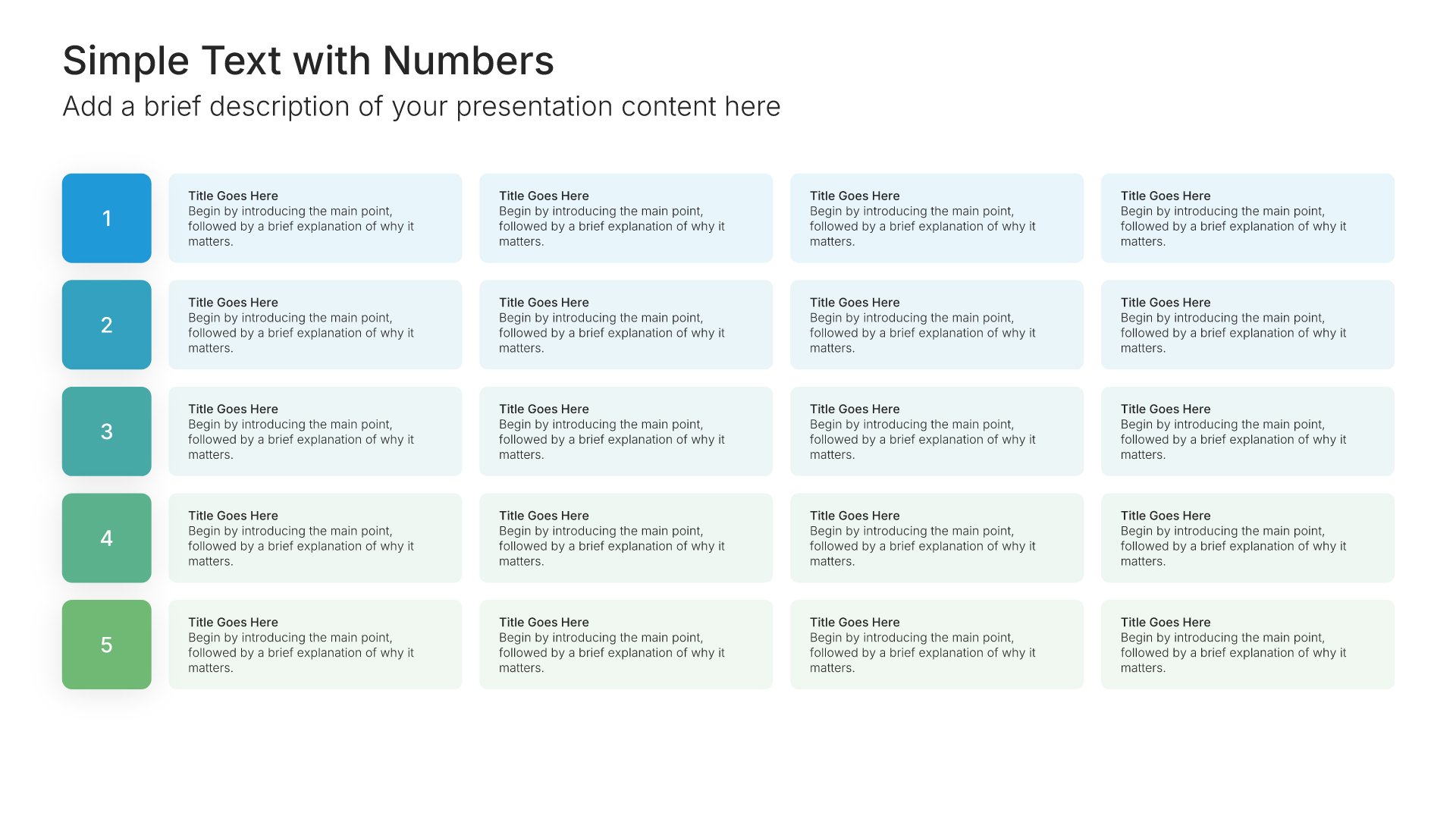
Simple text slide with numbers, layout 03

Layout 03

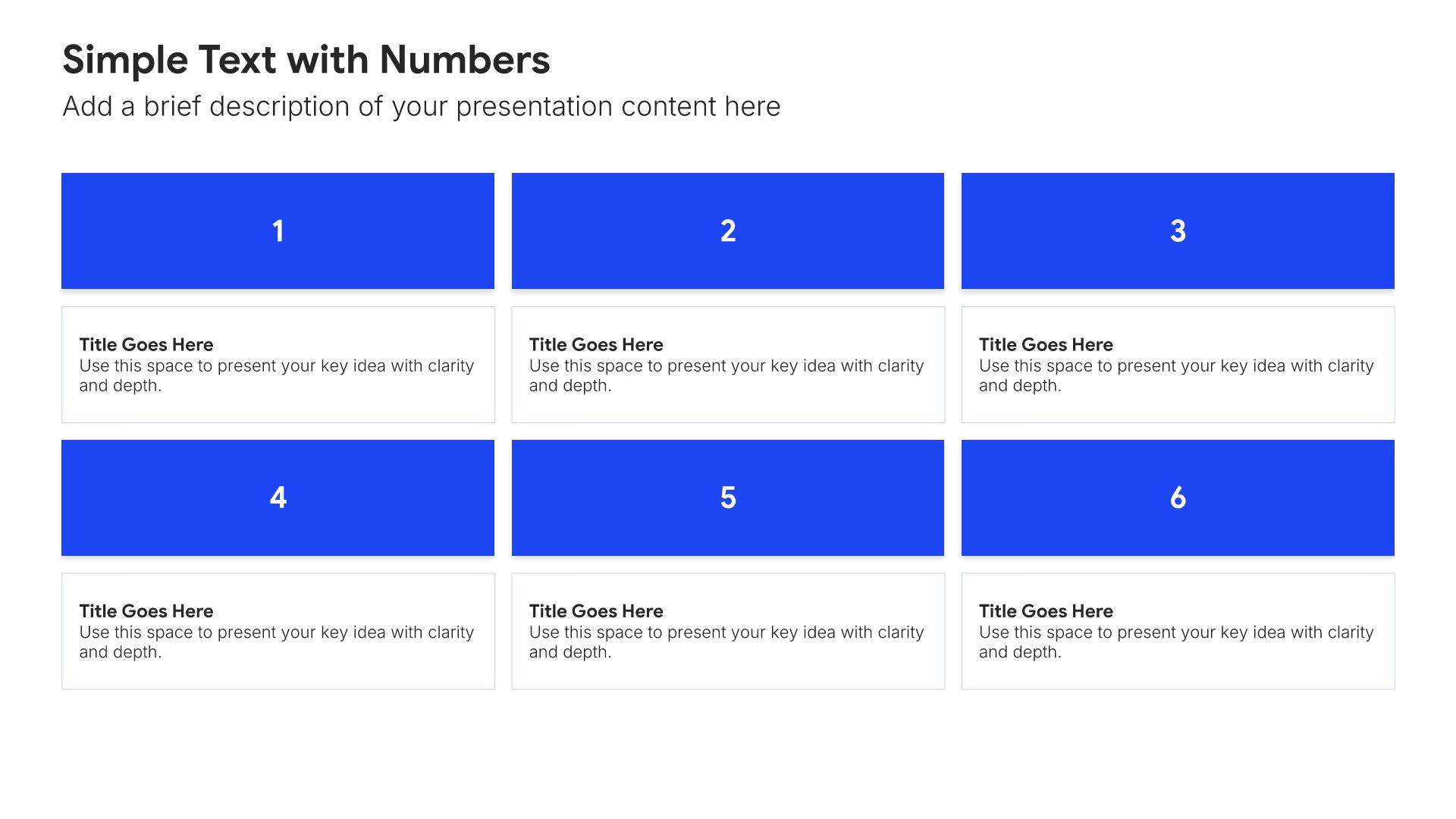
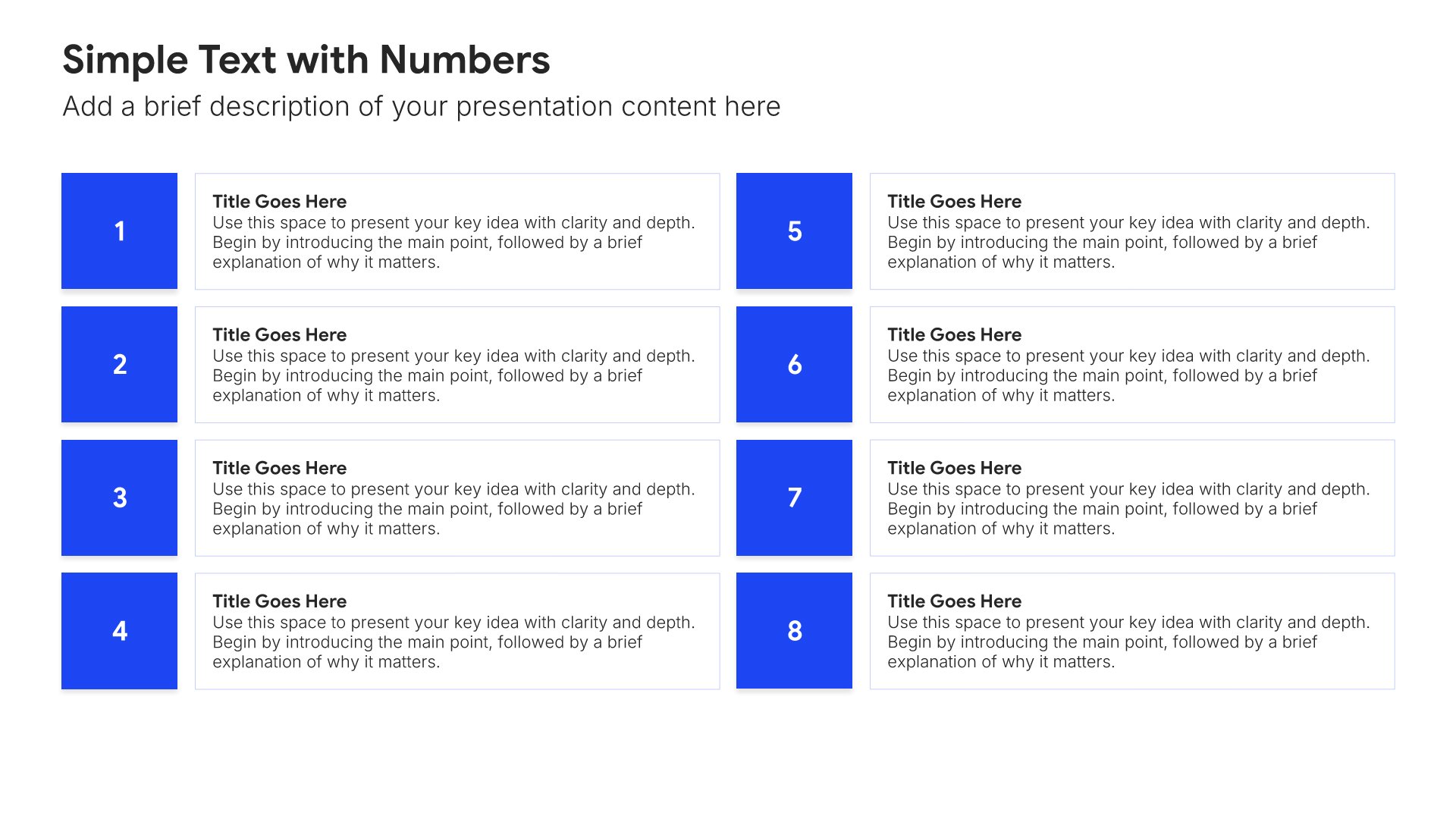
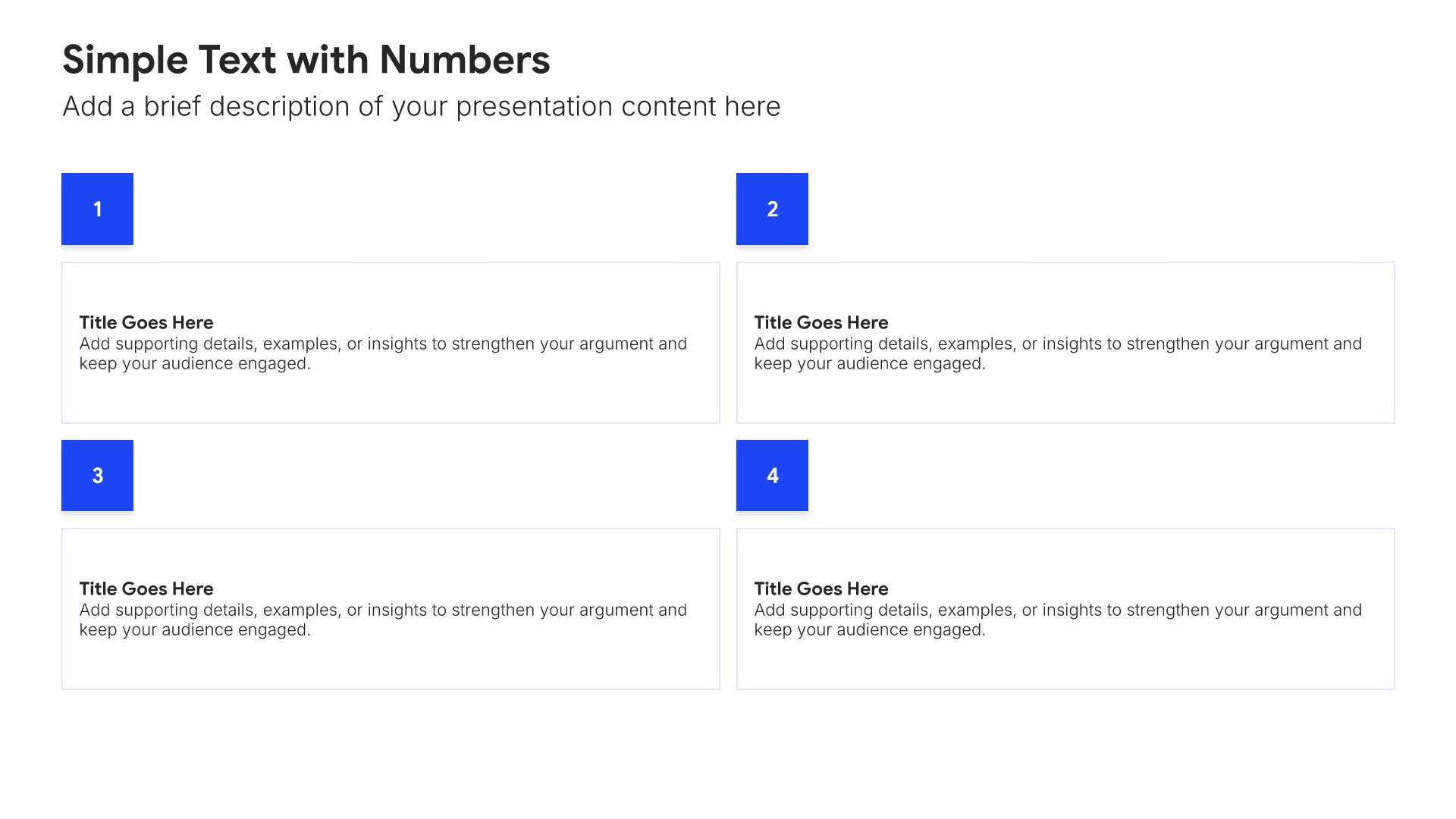
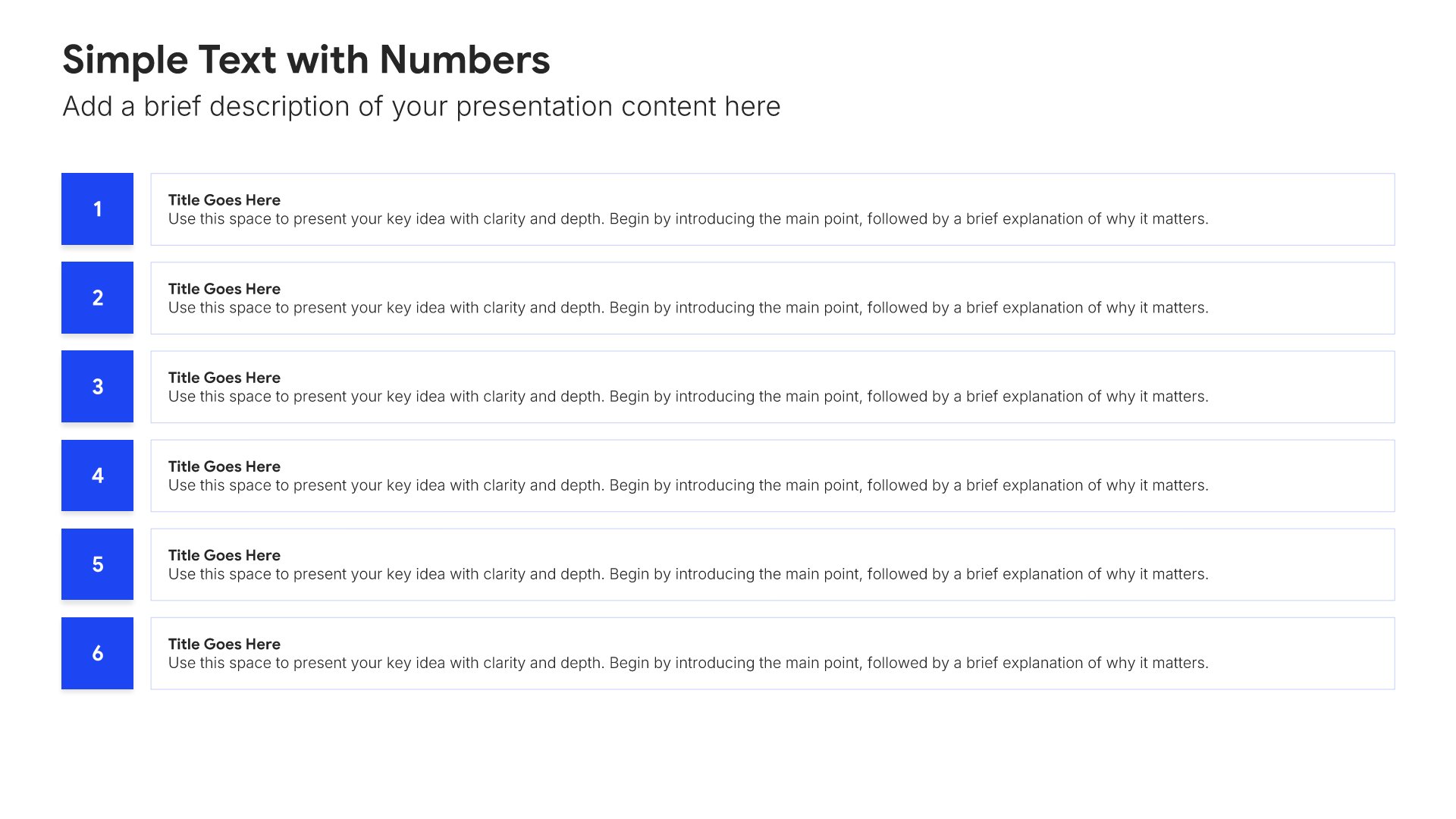
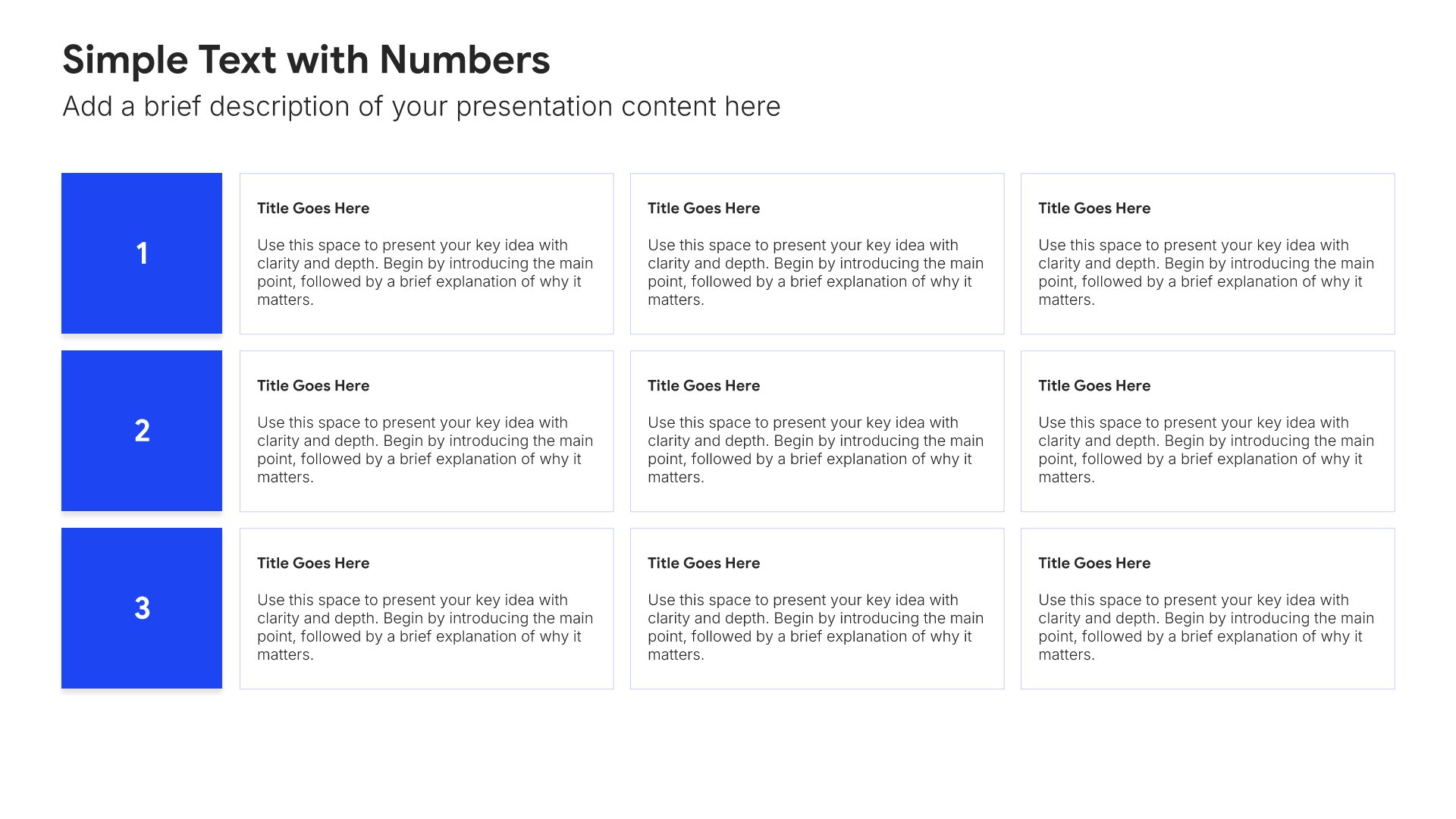
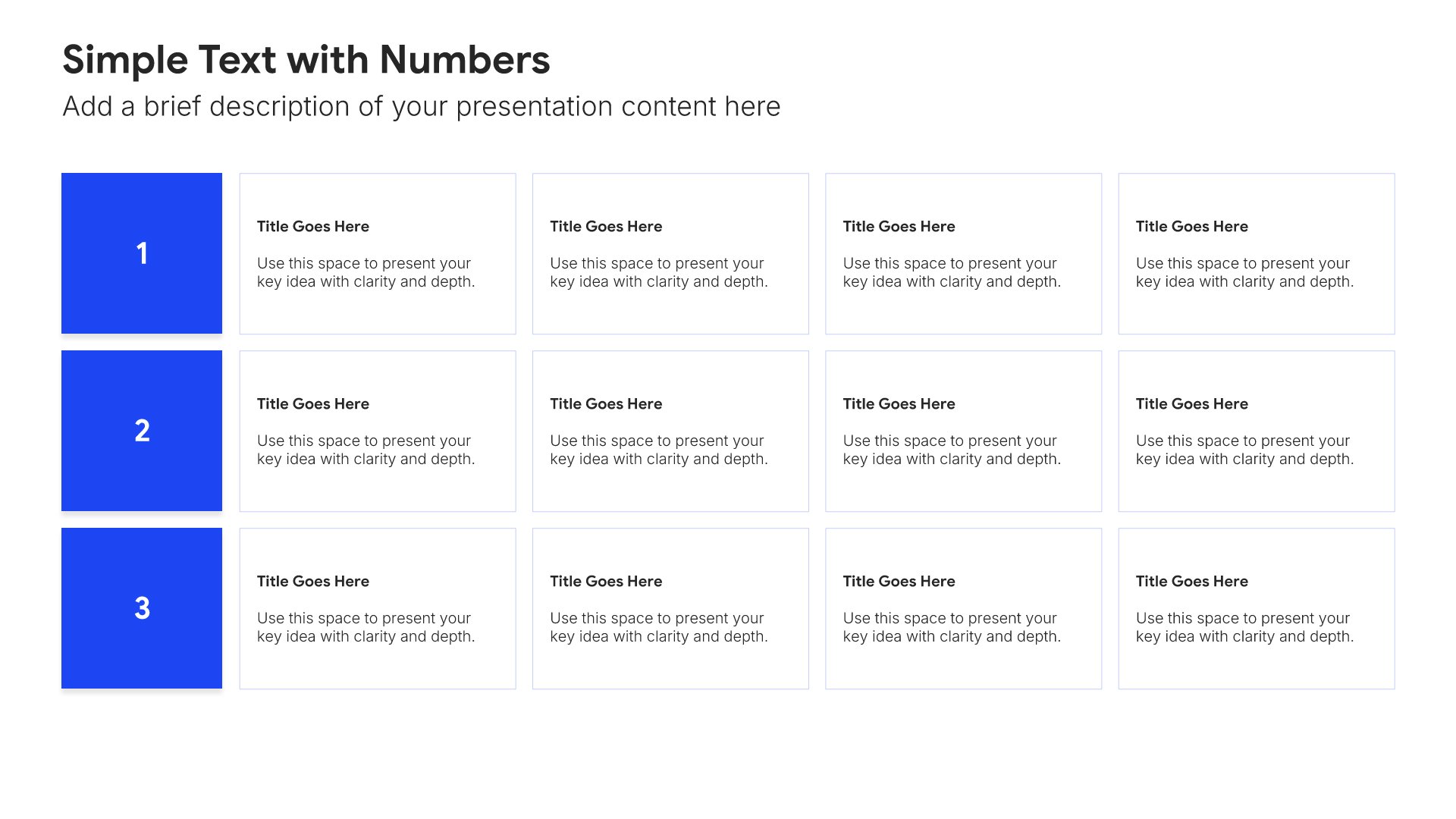
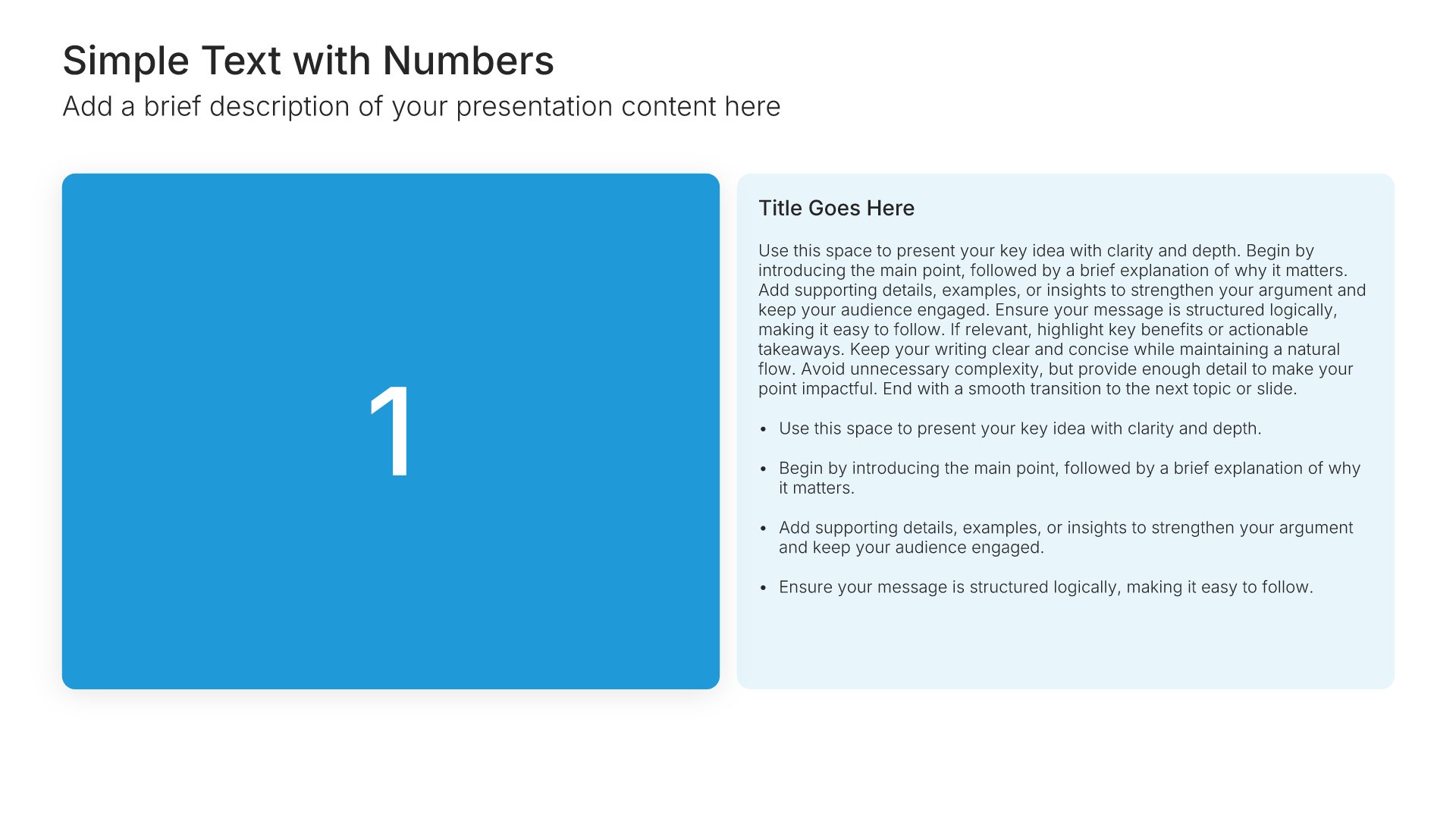
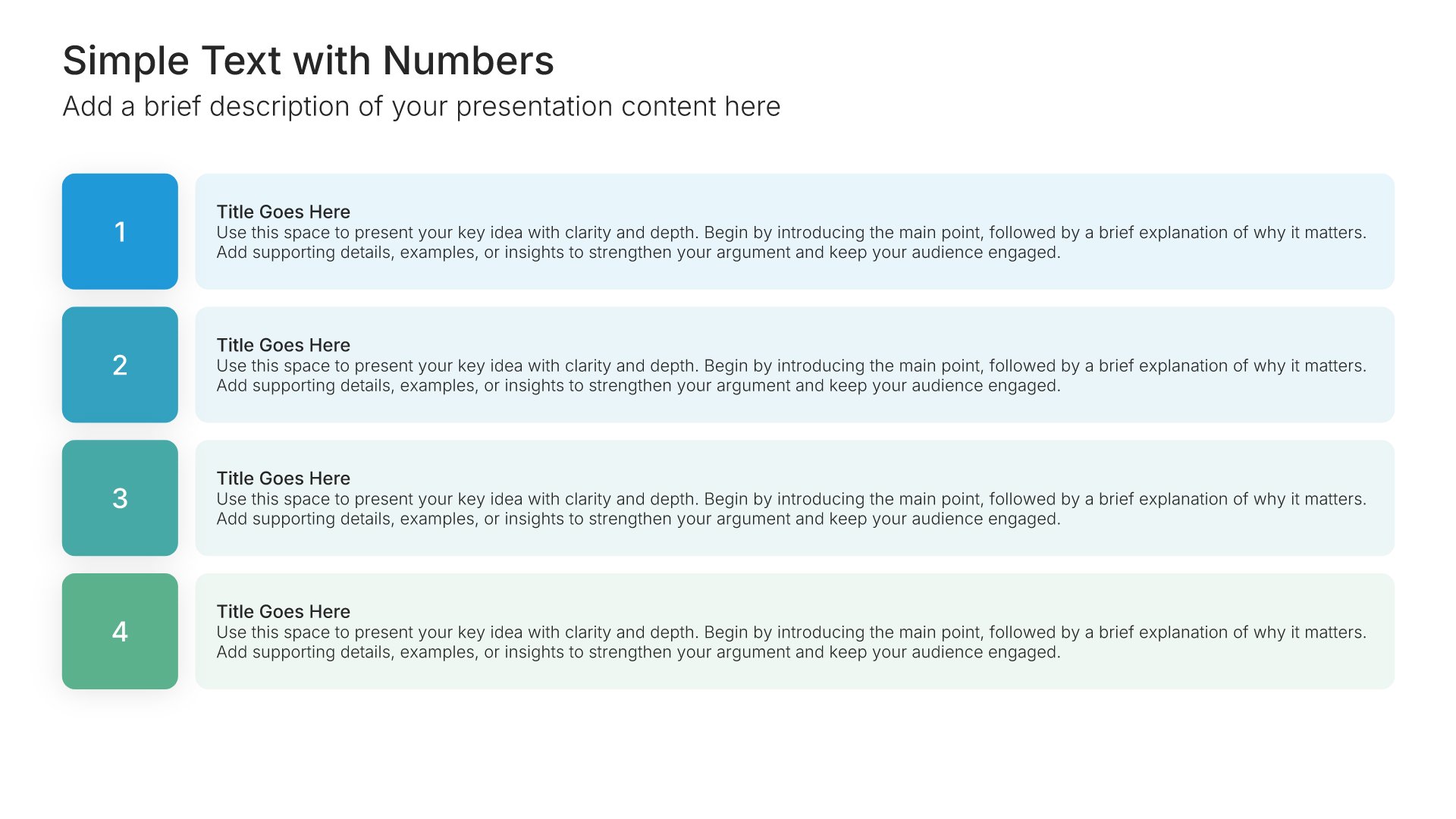
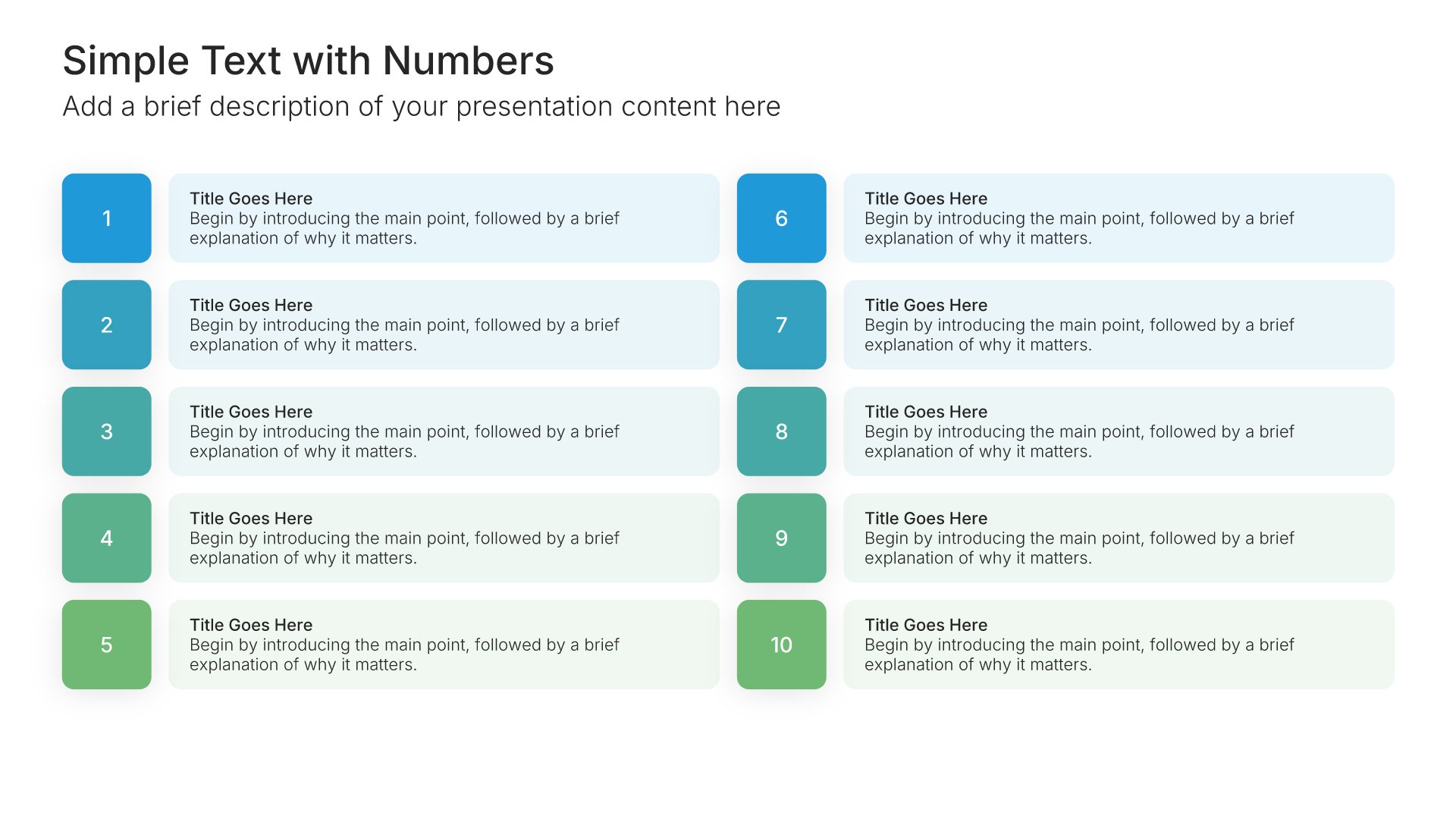
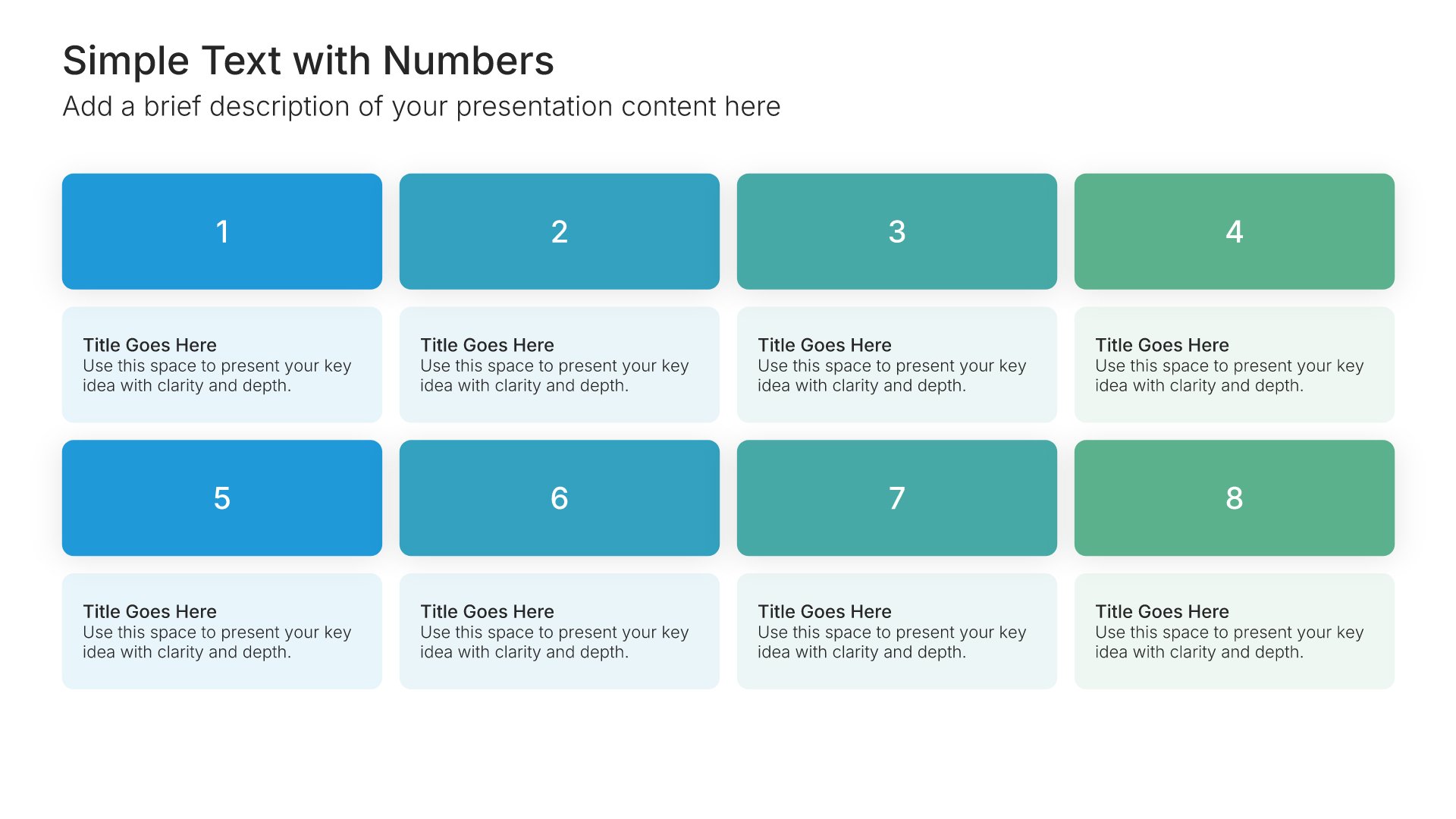
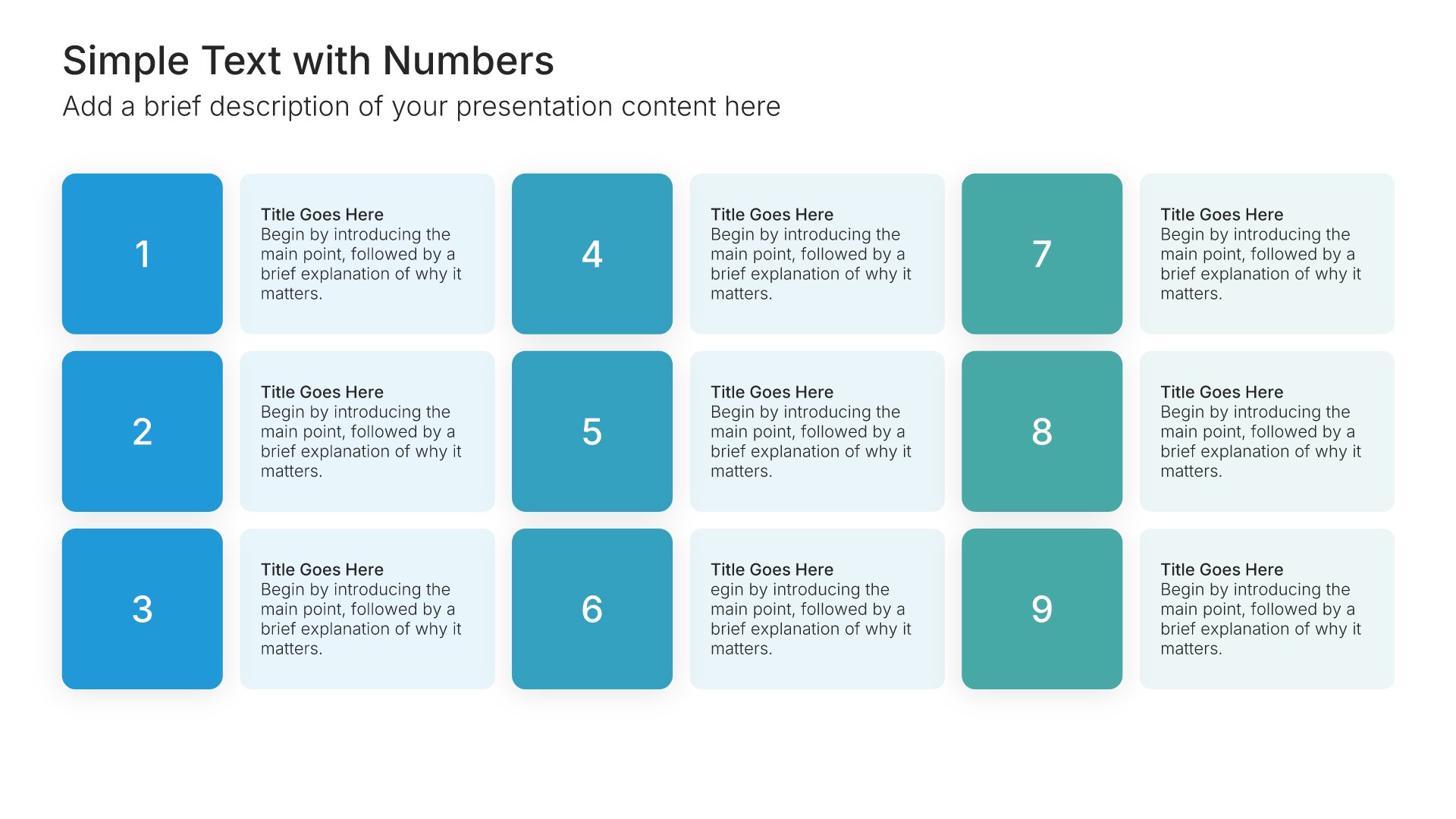
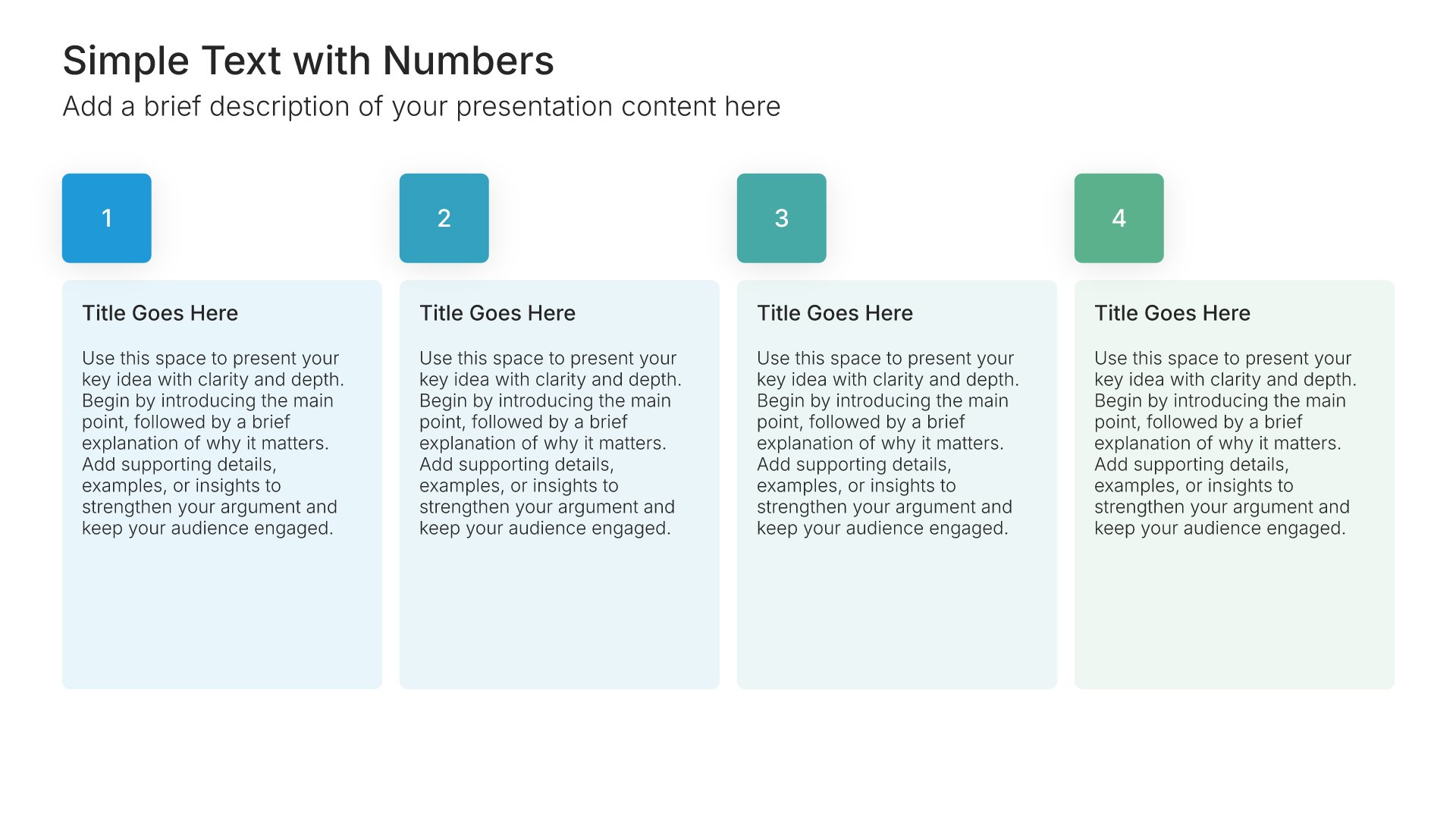
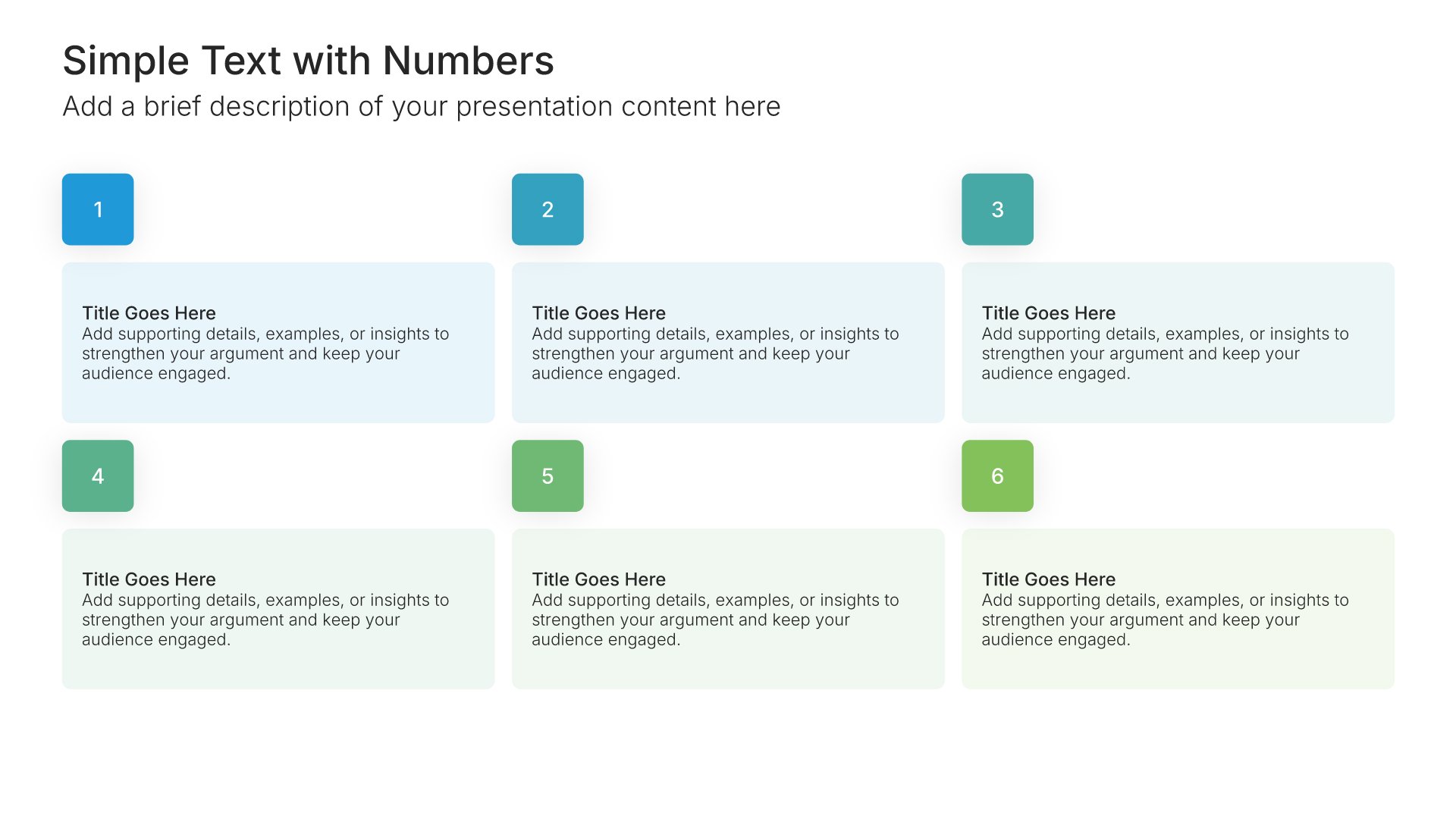
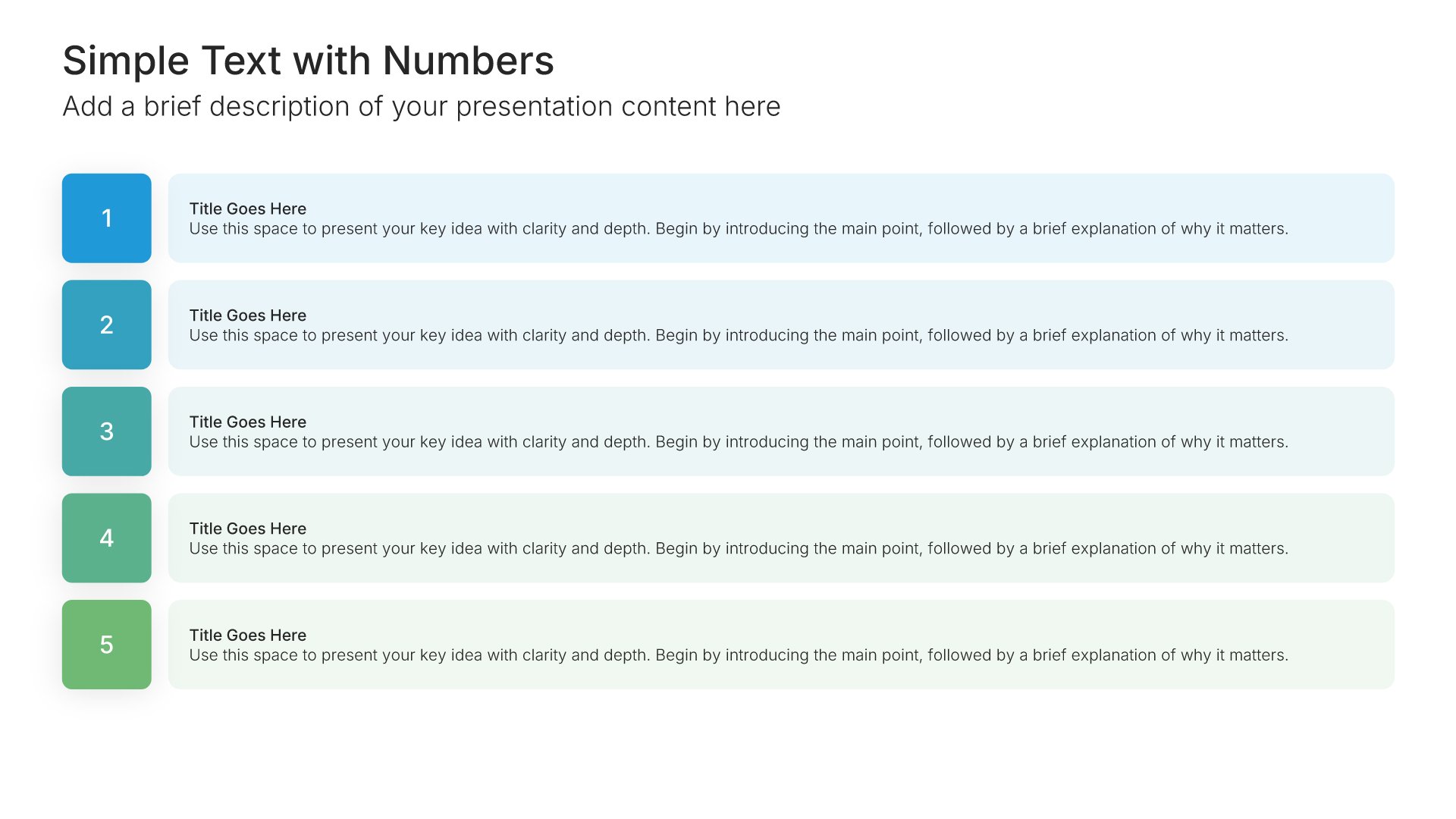
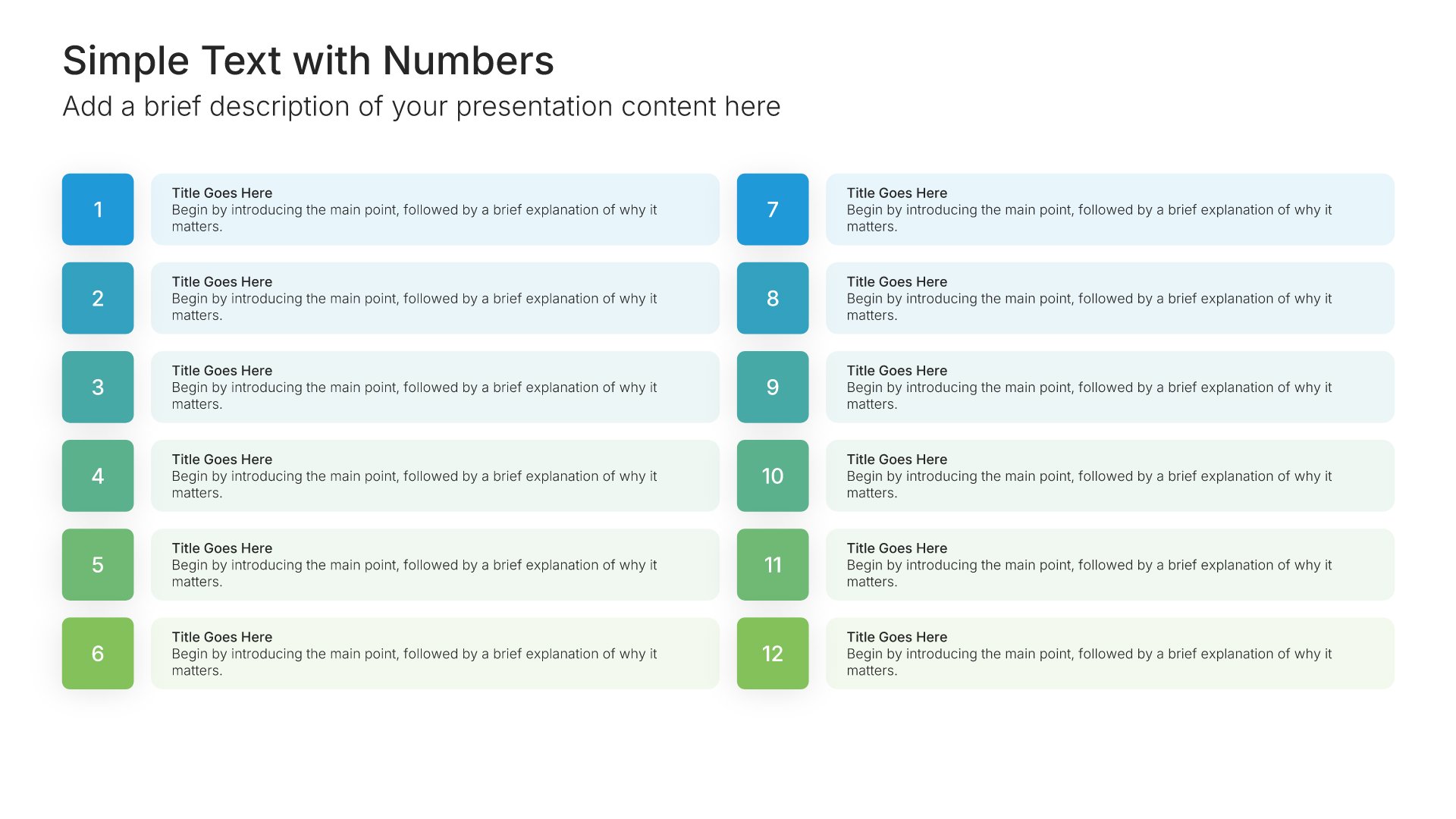
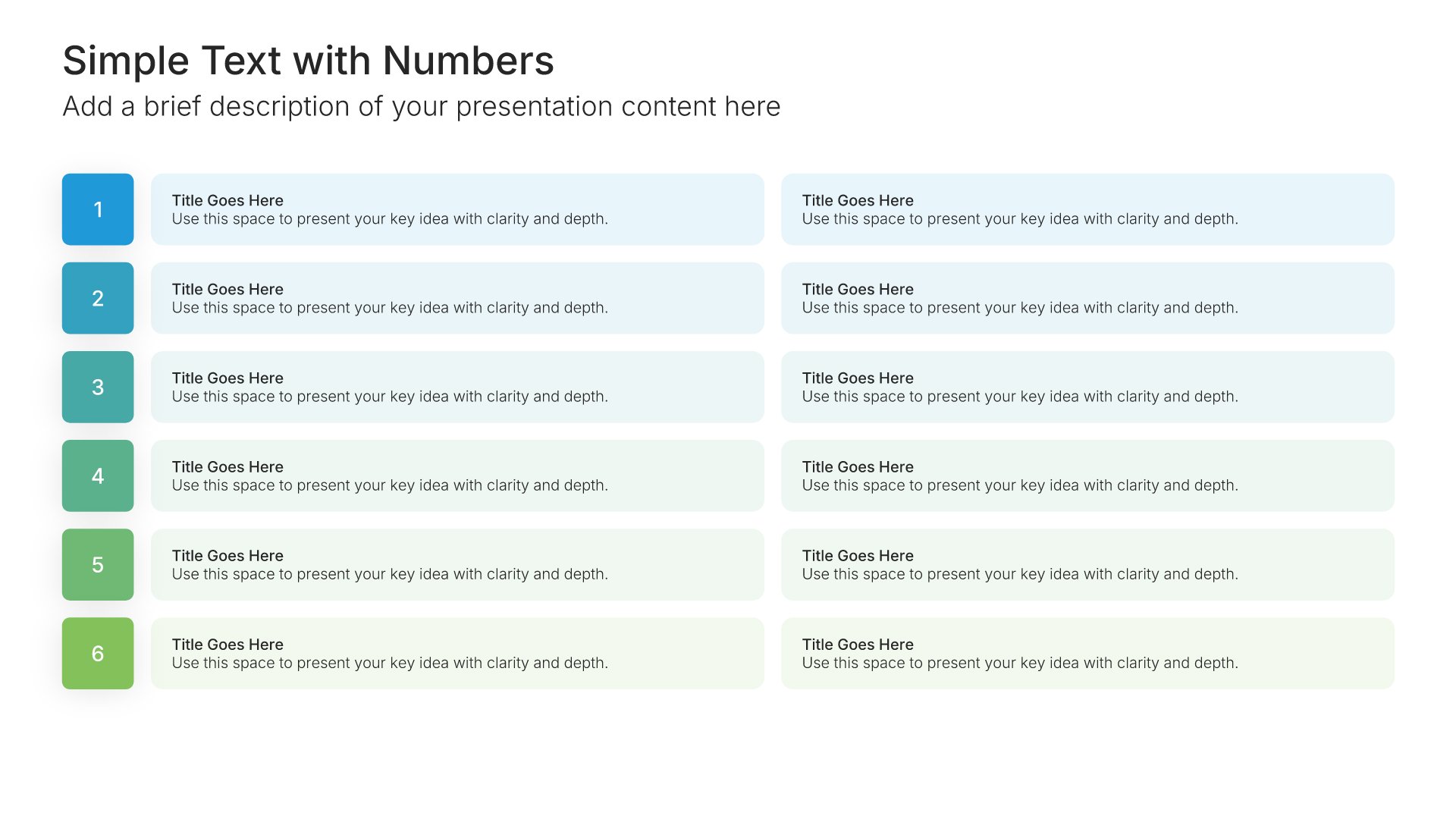
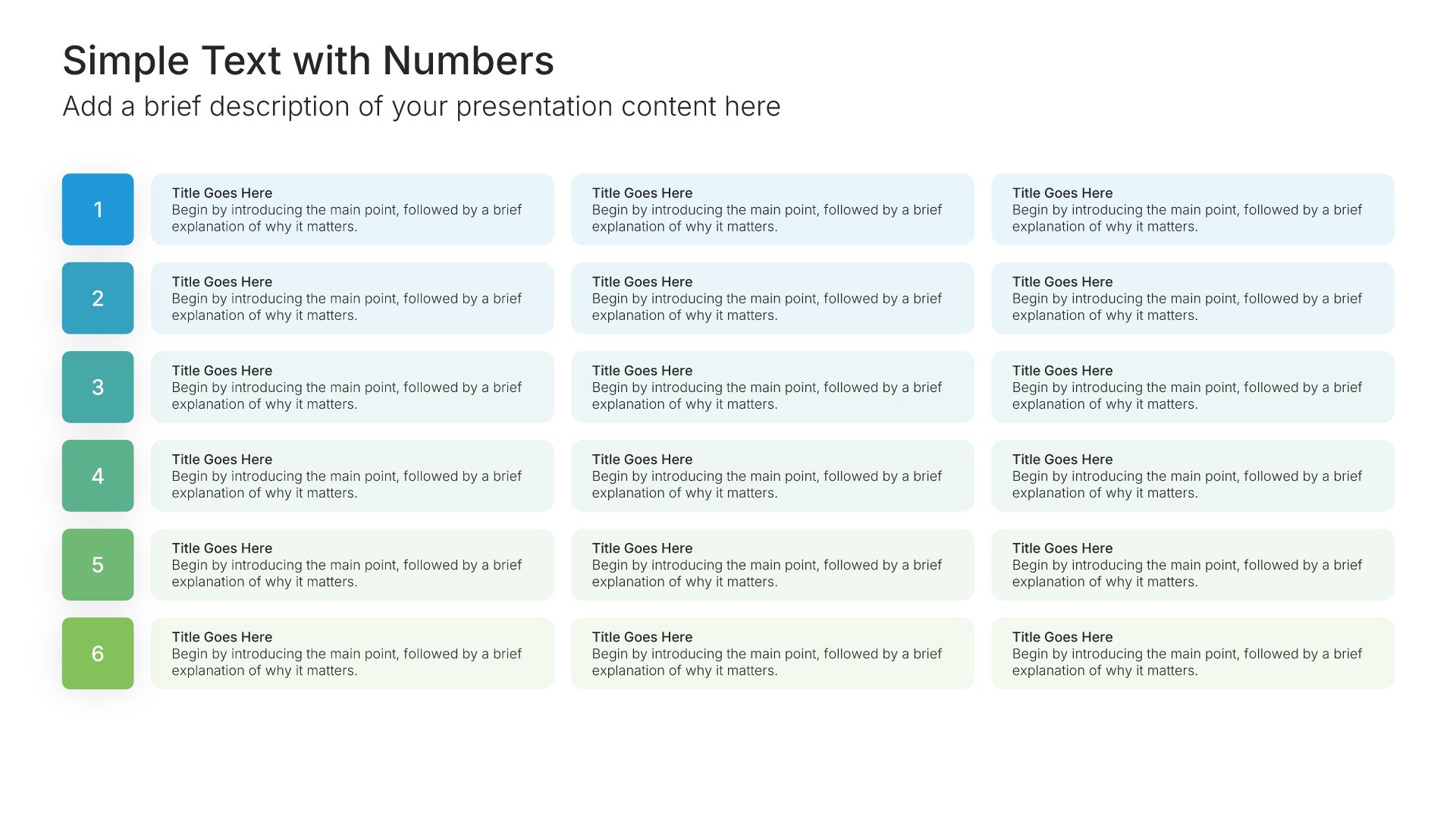
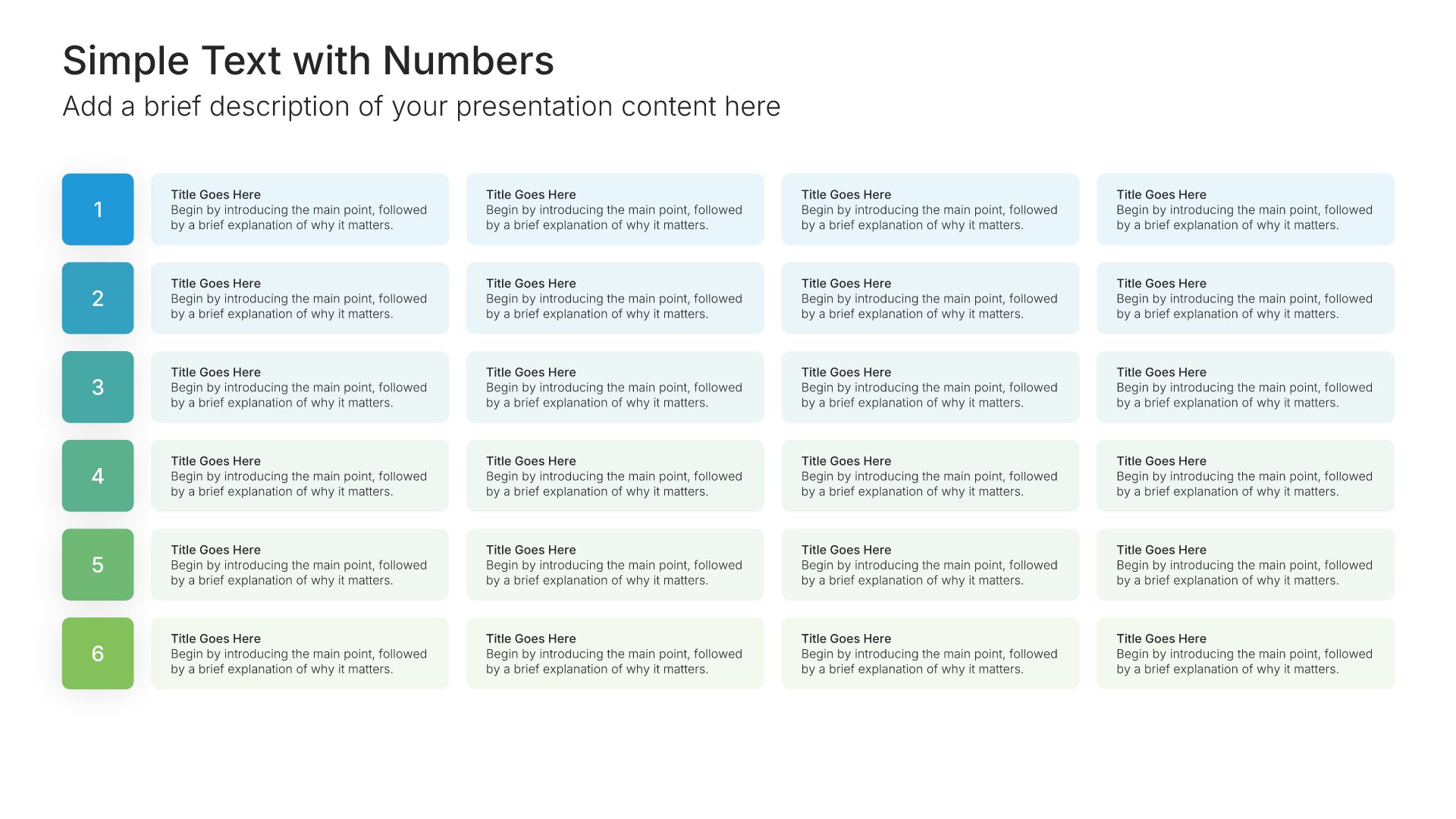
Simple text slide with numbers, layout 04

Layout 04

Simple text slide with numbers, layout 05

Layout 05

Simple text slide with numbers, layout 06

Layout 06

Simple text slide with numbers, layout 07

Layout 07

Simple text slide with numbers, layout 08

Layout 08

Simple text slide with numbers, layout 09

Layout 09

Simple text slide with numbers, layout 10

Layout 10

Simple text slide with numbers, layout 11

Layout 11

Simple text slide with numbers, layout 12

Layout 12

Simple text slide with numbers, layout 13

Layout 13

Simple text slide with numbers, layout 14

Layout 14

Simple text slide with numbers, layout 15

Layout 15

Simple text slide with numbers, layout 16

Layout 16

Simple text slide with numbers, layout 17

Layout 17

Simple text slide with numbers, layout 18

Layout 18

Simple text slide with numbers, layout 19

Layout 19

Simple text slide with numbers, layout 20

Layout 20

Simple text slide with numbers, layout 21

Layout 21

Simple text slide with numbers, layout 22

Layout 22

Simple text slide with numbers, layout 23

Layout 23

Simple text slide with numbers, layout 24

Layout 24

Simple text slide with numbers, layout 25

Layout 25

Simple text slide with numbers, layout 26

Layout 26

Simple text slide with numbers, layout 27

Layout 27

Simple text slide with numbers, layout 28

Layout 28

Simple text slide with numbers, layout 29

Layout 29

Simple text slide with numbers, layout 30

Layout 30

Simple text slide with numbers, layout 31

Layout 31

Simple text slide with numbers, layout 32

Layout 32

Simple text slide with numbers, layout 33

Layout 33

Simple text slide with numbers, layout 34

Layout 34

Simple text slide with numbers, layout 35

Layout 35

Simple text slide with numbers, layout 36

Layout 36

Simple text slide with numbers, layout 37

Layout 37

Simple text slide with numbers, layout 38

Layout 38

Simple text slide with numbers, layout 39

Layout 39

Simple text slide with numbers, layout 40

Layout 40

Simple text slide with numbers, layout 41

Layout 41

Simple text slide with numbers, layout 42

Layout 42

Simple text slide with numbers, layout 43

Layout 43

Simple text slide with numbers, layout 44

Layout 44

Simple text slide with numbers, layout 45

Layout 45

Simple text slide with numbers, layout 46

Layout 46

Simple text slide with numbers, layout 47

Layout 47

Simple text slide with numbers, layout 48

Layout 48

Simple text slide with numbers, layout 49

Layout 49

Simple text slide with numbers, layout 50

Layout 50

Simple text slide with numbers, layout 51

Layout 51

Simple text slide with numbers, layout 52

Layout 52

Simple text slide with numbers, layout 53

Layout 53

Simple text slide with numbers, layout 54

Layout 54

Simple text slide with numbers, layout 55

Layout 55

Simple text slide with numbers, layout 56

Layout 56

Simple text slide with numbers, layout 57

Layout 57

Simple text slide with numbers, layout 58

Layout 58

Simple text slide with numbers, layout 59

Layout 59

Simple text slide with numbers, layout 60

Layout 60

Simple text slide with numbers, layout 61

Layout 61

Simple text slide with numbers, layout 62

Layout 62

Simple text slide with numbers, layout 63

Layout 63

Simple text slide with numbers, layout 64

Layout 64

Simple text slide with numbers, layout 65

Layout 65

Simple text slide with numbers, layout 66

Layout 66

About our numbered text slides

What the slide does, how to use it, your brand, and a file you can edit anywhere.

Built to make the order of your points explicit

Steps, priorities, recommendations, and key takeaways all have an order worth showing. Simple text slides with numbers make that order explicit, with each point clearly numbered. Numbering also gives you an easy way to refer back during the talk, since you can say “point three” and everyone knows exactly which one you mean.

Why numbering changes how people listen

When a list is numbered, the audience knows how many points are coming and how far through they are. That small signal keeps attention steady to the end. So a numbered list of recommendations feels structured and complete, where the same points as bullets can feel open-ended.


Brand the whole presentation in one click

Add your logo, colors, fonts, and background once. It applies to the whole presentation and the entire slide library at the same time. Numbered slides often carry recommendations and key takeaways, the slides people photograph and share, so once branded, they carry your identity with them.

Export to PowerPoint, Google Slides, or Keynote

You get a real file, not a locked link. Export it and keep editing in the tool you already use. Numbers and text stay editable, so you can reorder, add, or remove points.
How Choladeck works

From blank page to finished presentation in four steps.

STEP 01

Browse 9,000+ slides across 134+ categories, or open one of the 74 premade presentations.

STEP 02

Add your logo, colors, and fonts in one click. The whole presentation instantly matches your company.

STEP 03

Add your text, numbers, charts, and tables. Everything on the slide is editable.

STEP 04

Send it to PowerPoint, Google Slides, or Keynote, and present.

Start from a template

Need a complete presentation instead?

If you're starting from nothing rather than fixing a few slides, open one of 74+ premade presentations instead. Each one is complete and built for one purpose, from pitch decks to business plans and company profiles.

Choladeck premade templates with the Type of Presentation filter and the Consulting Company Profile deck shown larger

Questions about simple text slides with numbers

How the slides work, and how far you can change them.

Using the slides

Can I edit these slides in PowerPoint?

+

Yes. Export to PowerPoint, Google Slides, or Keynote, and every number and point stays editable. Nothing is locked and nothing is a flat image.

How do I brand them to my company?

+

Add your logo, colors, fonts, and background once. It applies to the whole presentation and the entire slide library at the same time.

Can I mix them with other slides from the library?

+

Yes. Add a numbered text slide to any premade template, or pair it with simple text or agenda slides from the library. Branding applies across all of them.

About numbered text slides

When should I use numbered text instead of bullets?

+

When the order matters, such as steps, priorities, or ranked recommendations, or when you'll refer to points by number.

How many numbered points should one slide have?

+

Three to six. Longer lists are easier to follow split across two slides.

How is it different from the simple numbers slides?

+

Simple numbers slides highlight headline figures like results. These slides number a list of text points to show their order.

Your next simple text slide with numbers is already designed

Pick a layout, brand it in one click, add your content, and export.

Free to start. No credit card required.