Try Choladeck Free: Download Personalized Business Slides Today

Product Launch Premade Template

A comprehensive product launch template designed for product marketers and launch teams introducing new offerings to market. Built on the Classic Apple Model, this presentation covers problem framing, product reveal, features, competitive positioning, pricing, go-to-market strategy, launch timeline, marketing, and success metrics. Ideal for B2B and B2C launches.
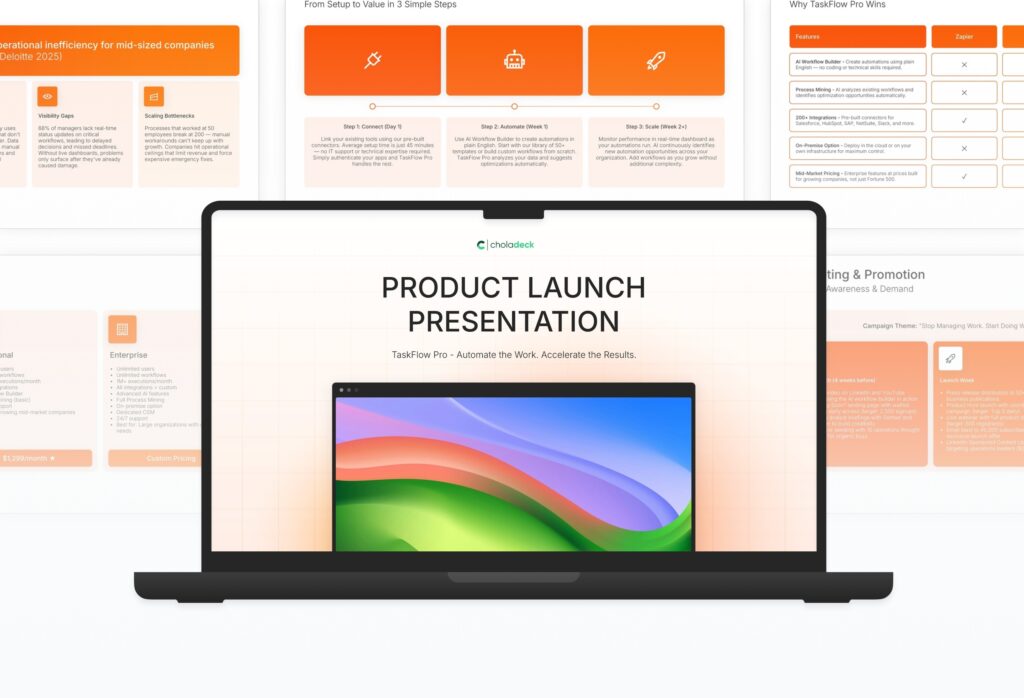
Product Launch Featured Image

How to Build a Product Launch Presentation

Learn how to create a compelling product launch presentation that builds excitement and drives adoption. This comprehensive guide walks you through framing the problem, revealing your product, showcasing features, positioning against competitors, and outlining the go-to-market strategy that turns launch day into measurable market traction.

1. Title

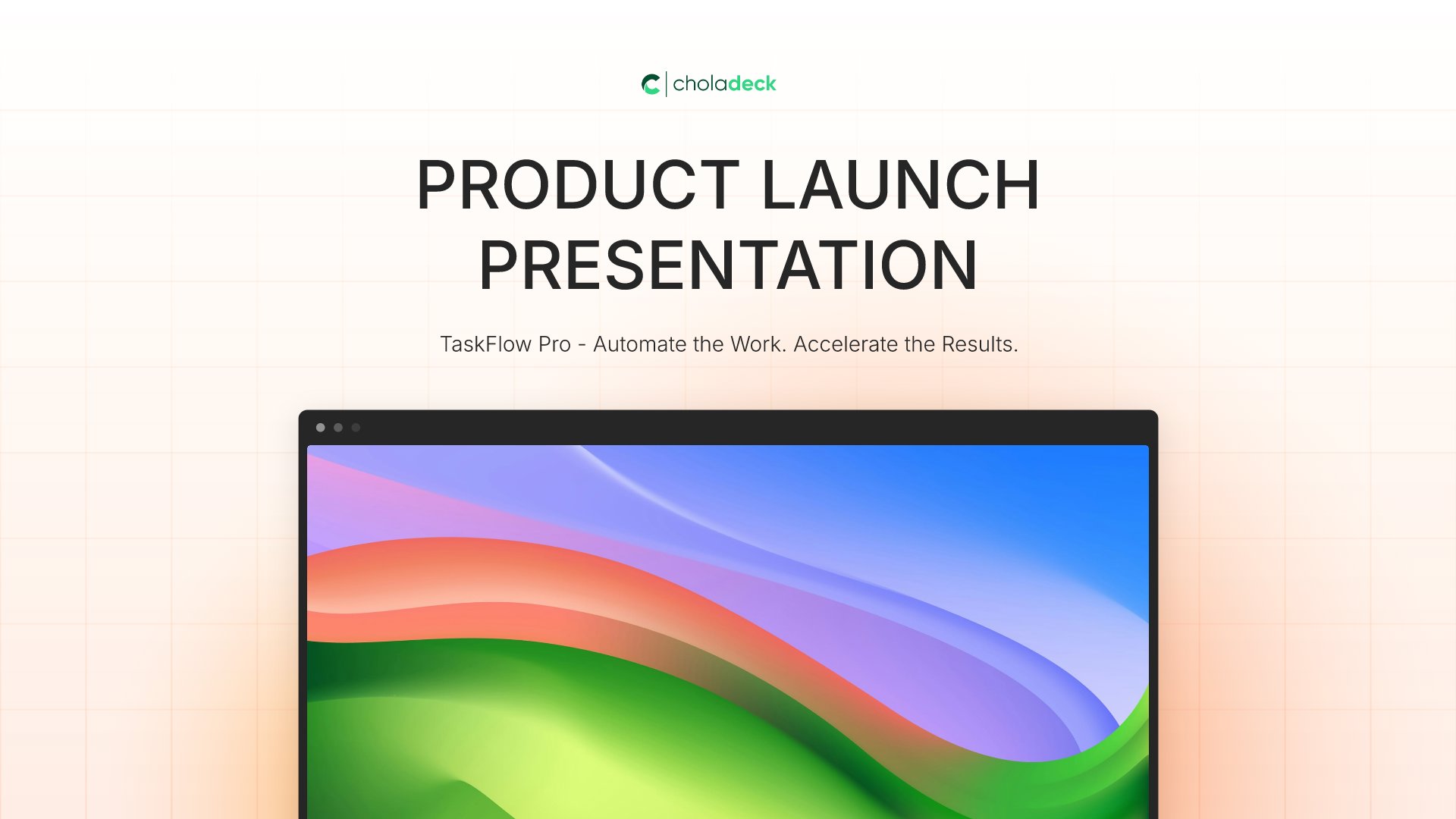
Title slides help you open presentations with impact. Use them to create strong first impressions with opening slides that set the tone, introduce your topic, and establish your brand. Ideal for any presentation where a polished, professional opening slide sets the stage for everything that follows.
Built using Title slides

2. Problem

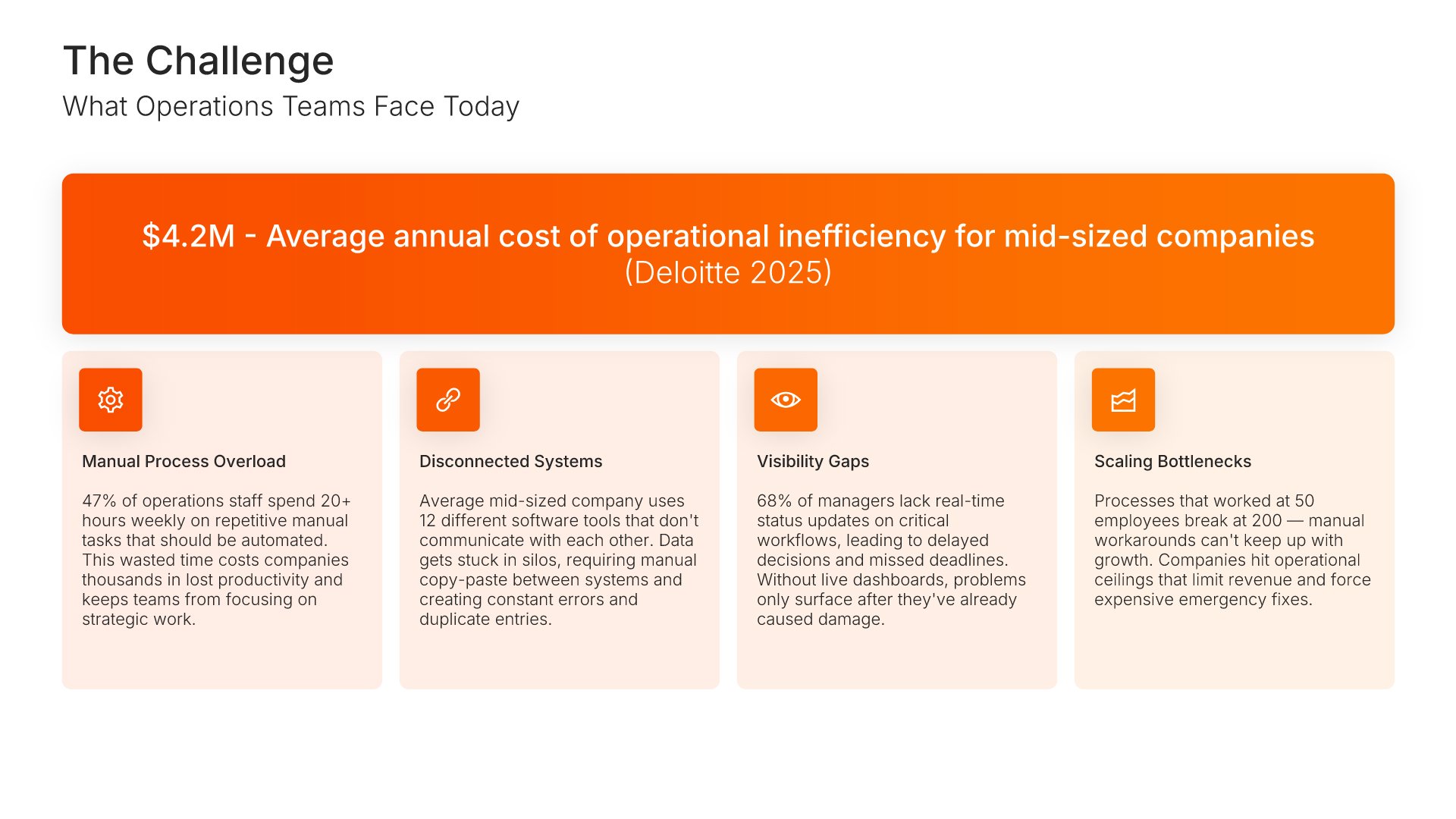
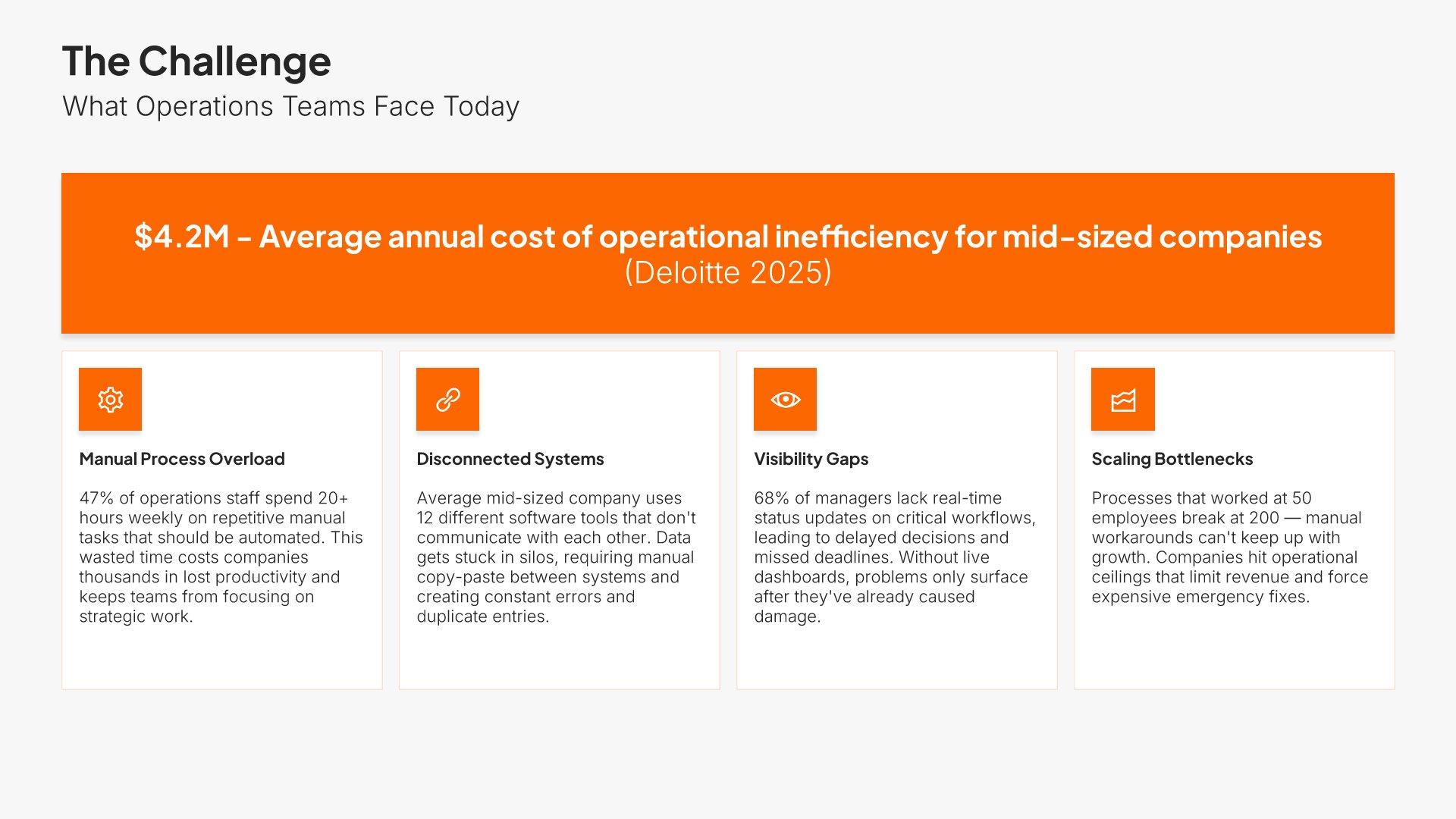
Problem slides help you define the pain point your audience or market faces. Use them to establish urgency, validate the need for a solution, and connect emotionally with stakeholders who recognize the challenge. Ideal for pitch decks, sales presentations, and any situation where framing the problem sets up your solution.
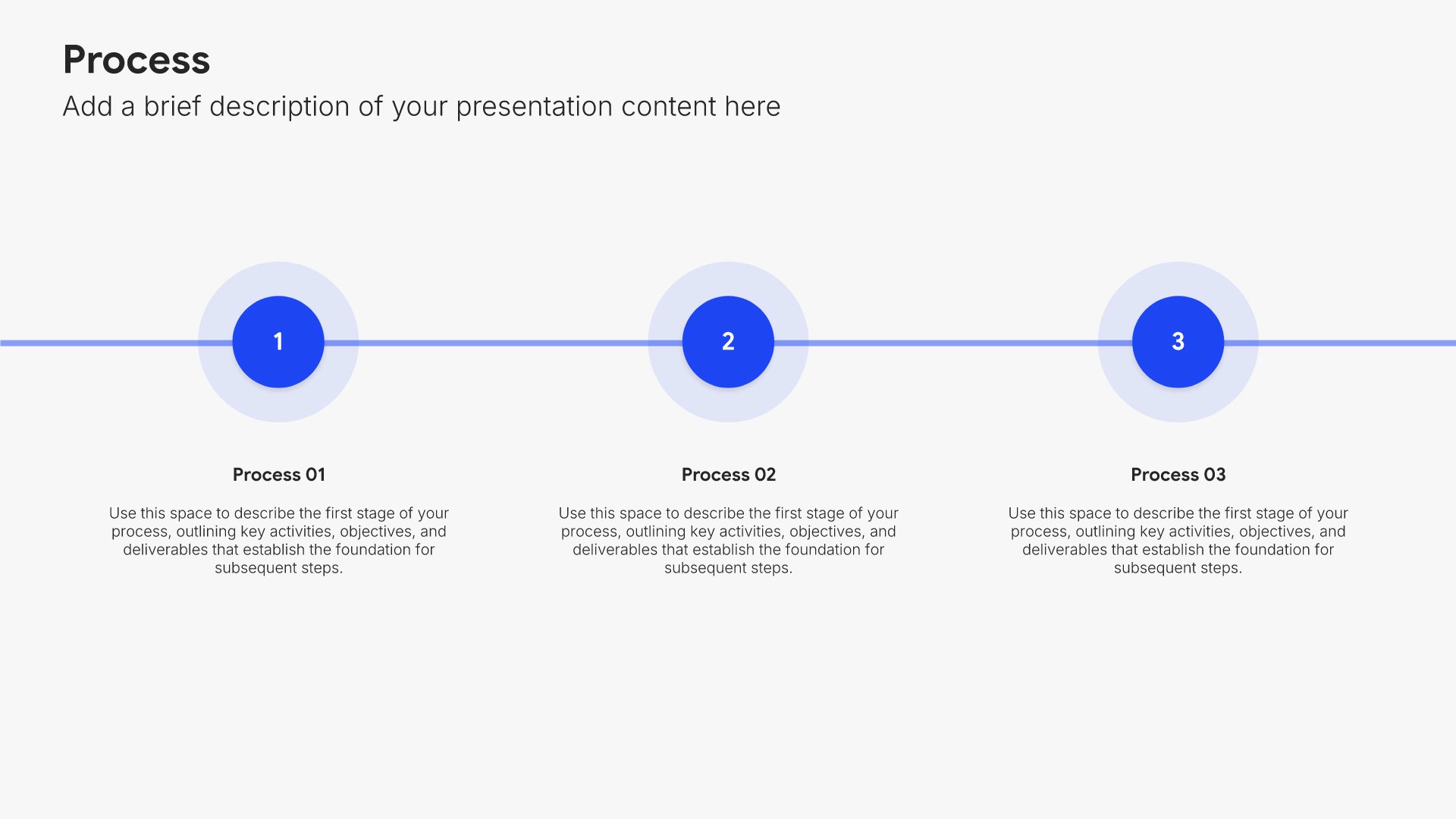
Built using Simple Text (with Icons) slides

3. Market Opportunity

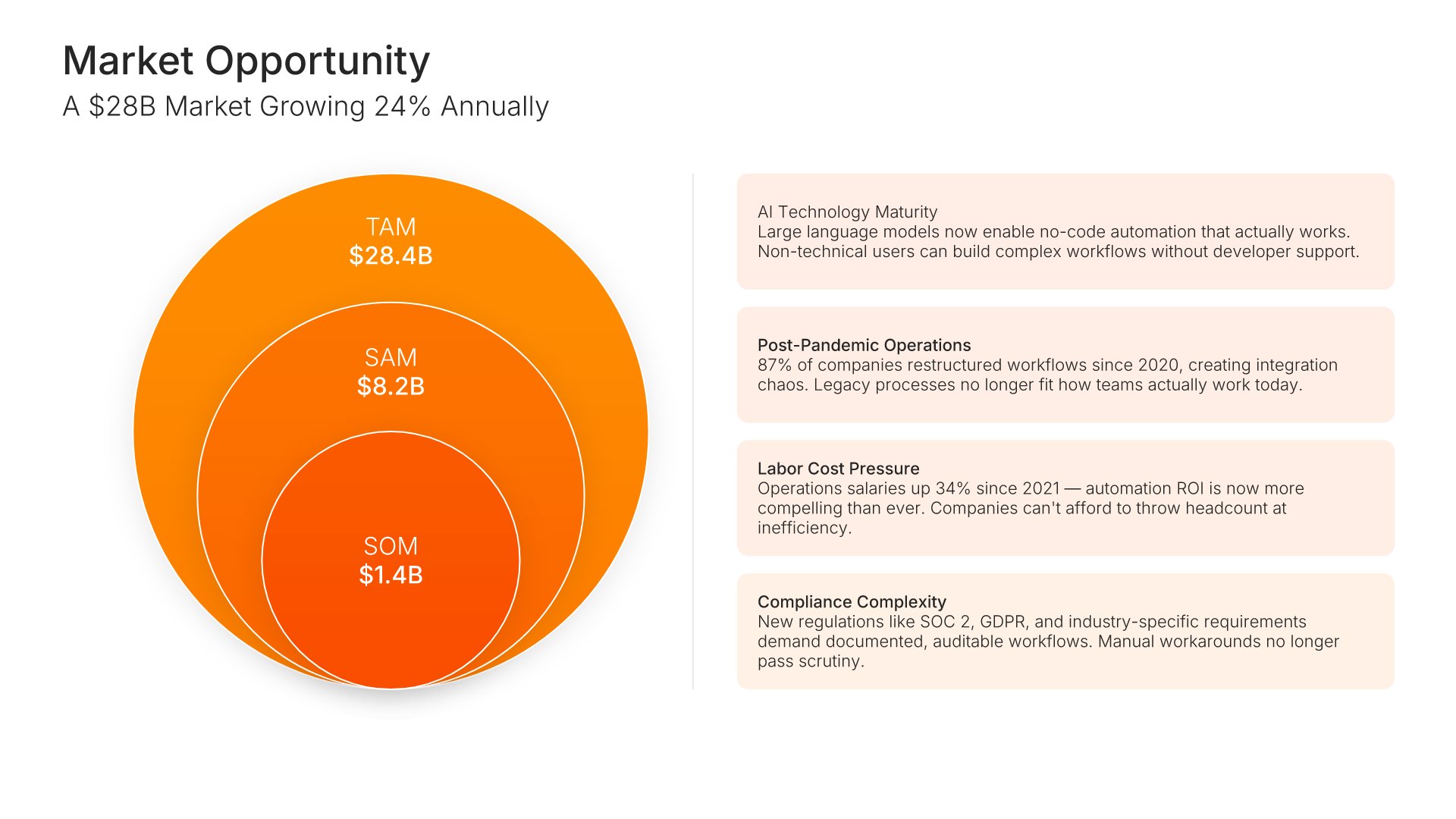
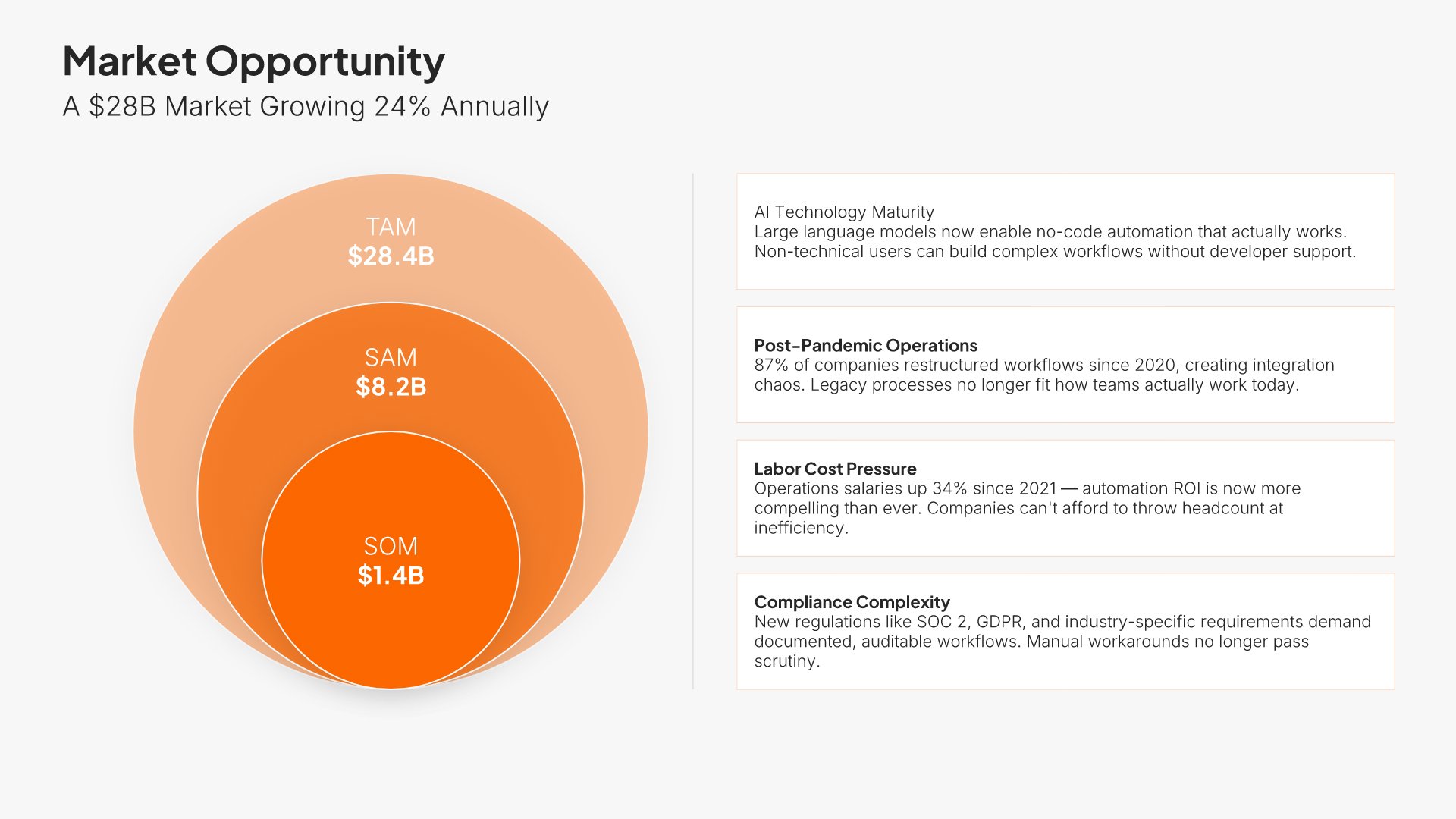
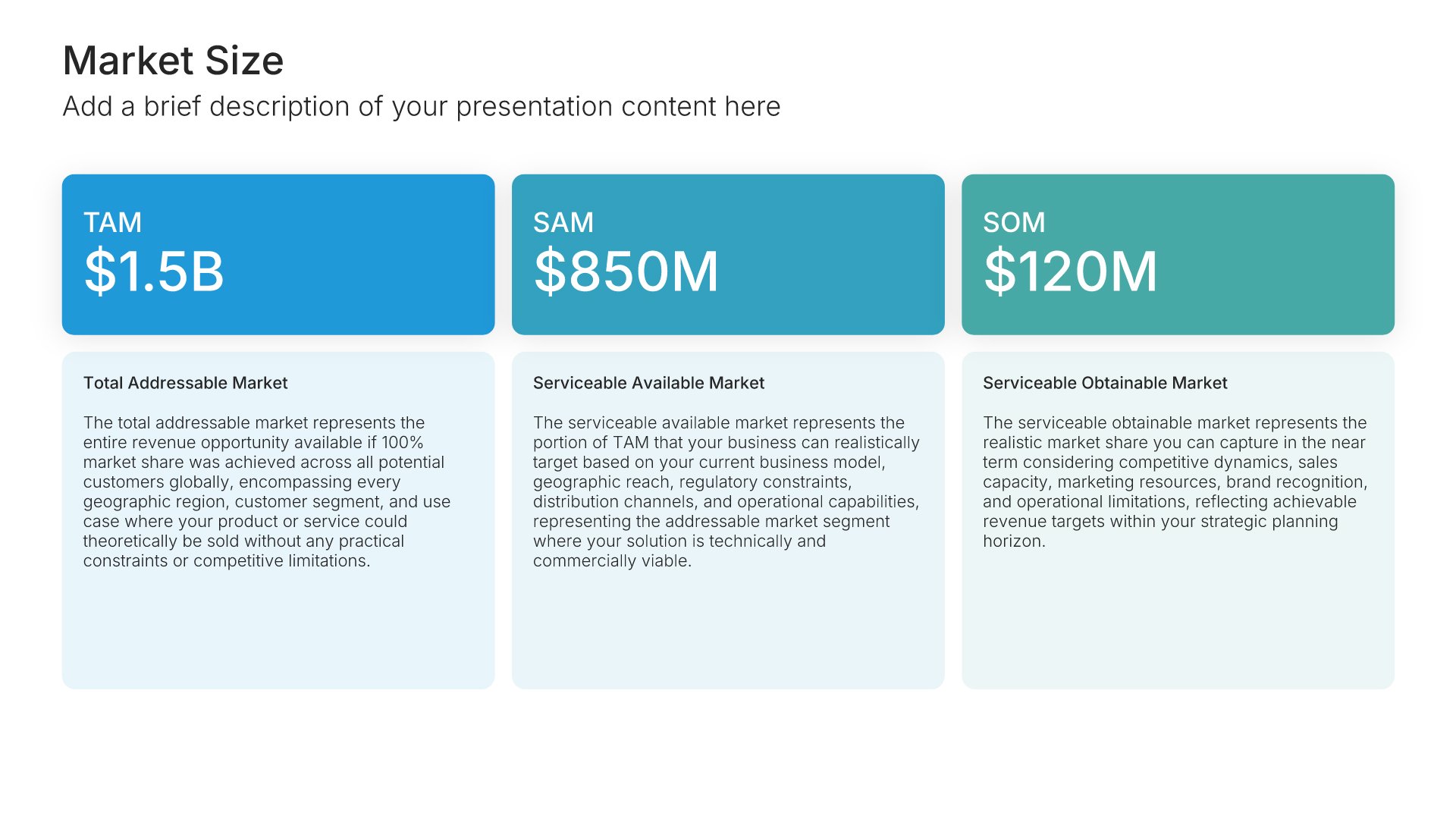
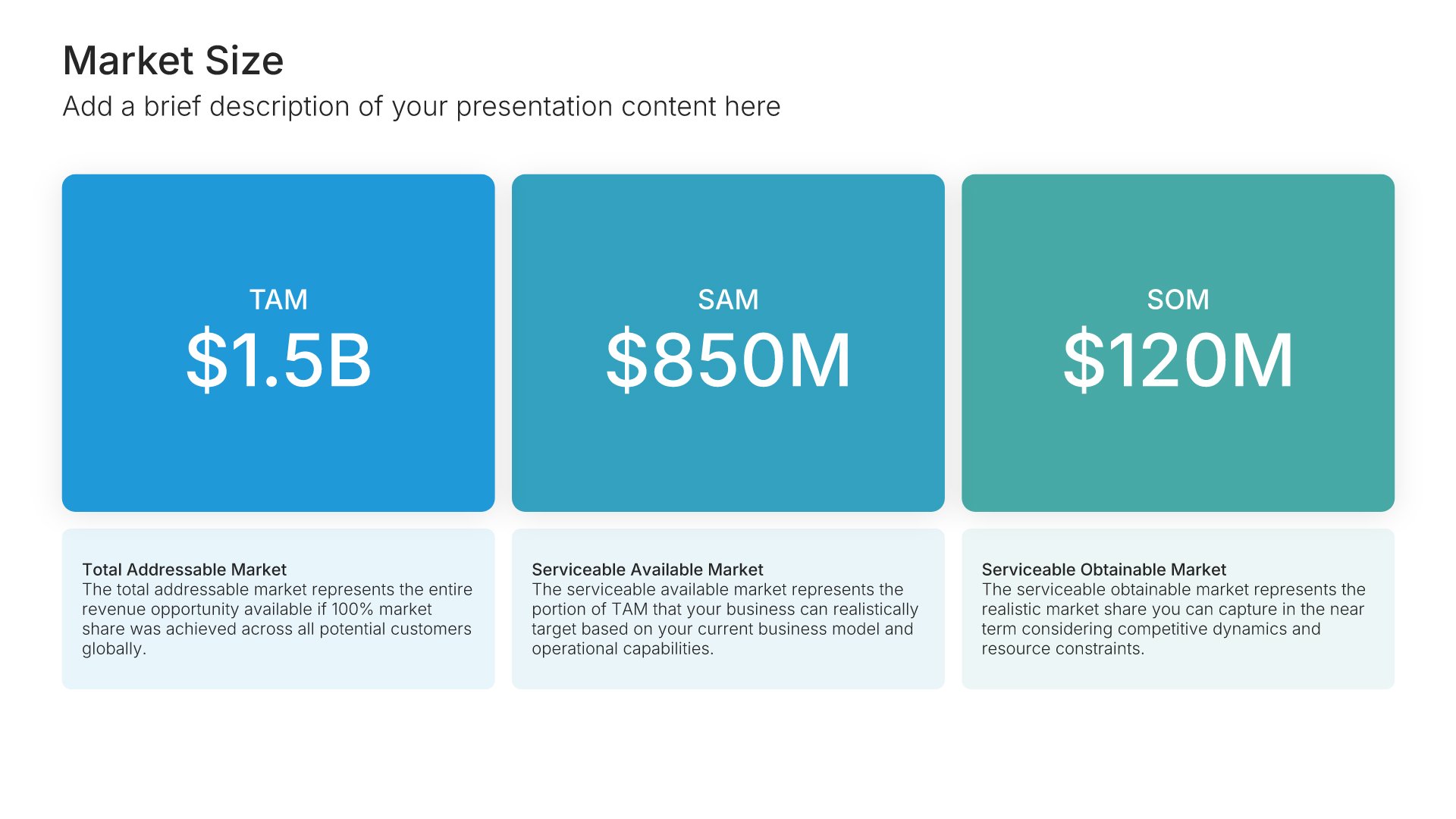
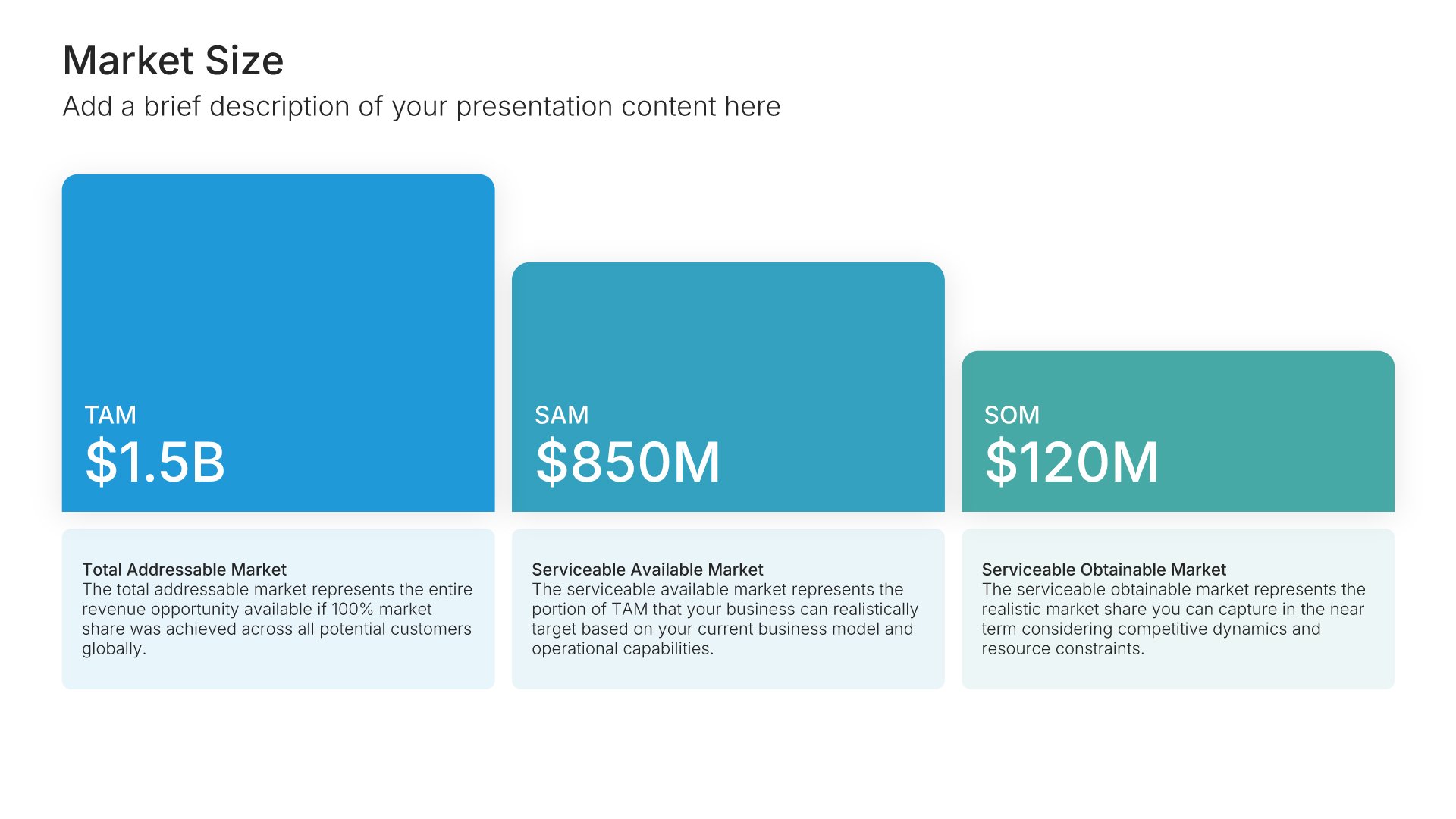
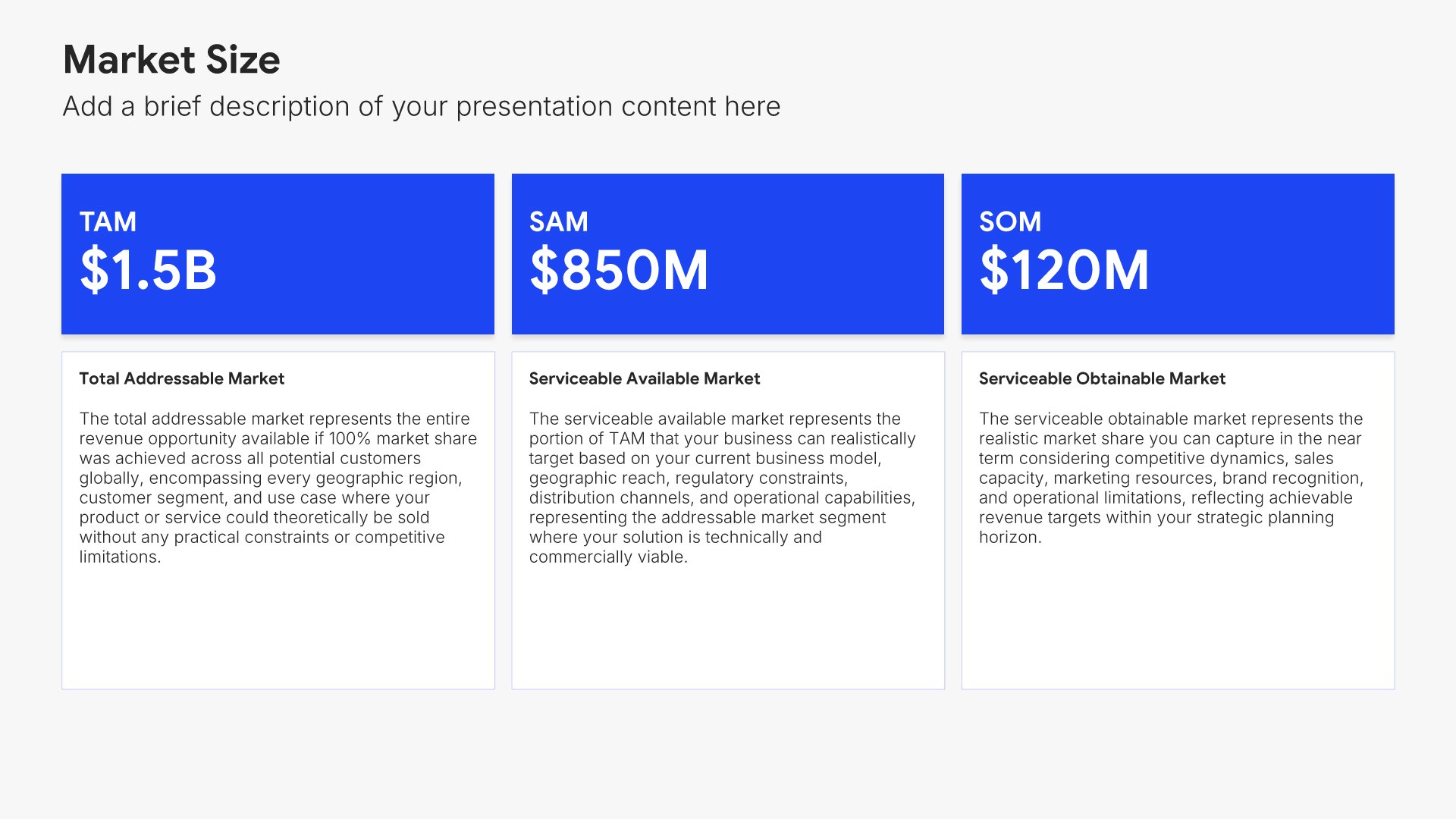
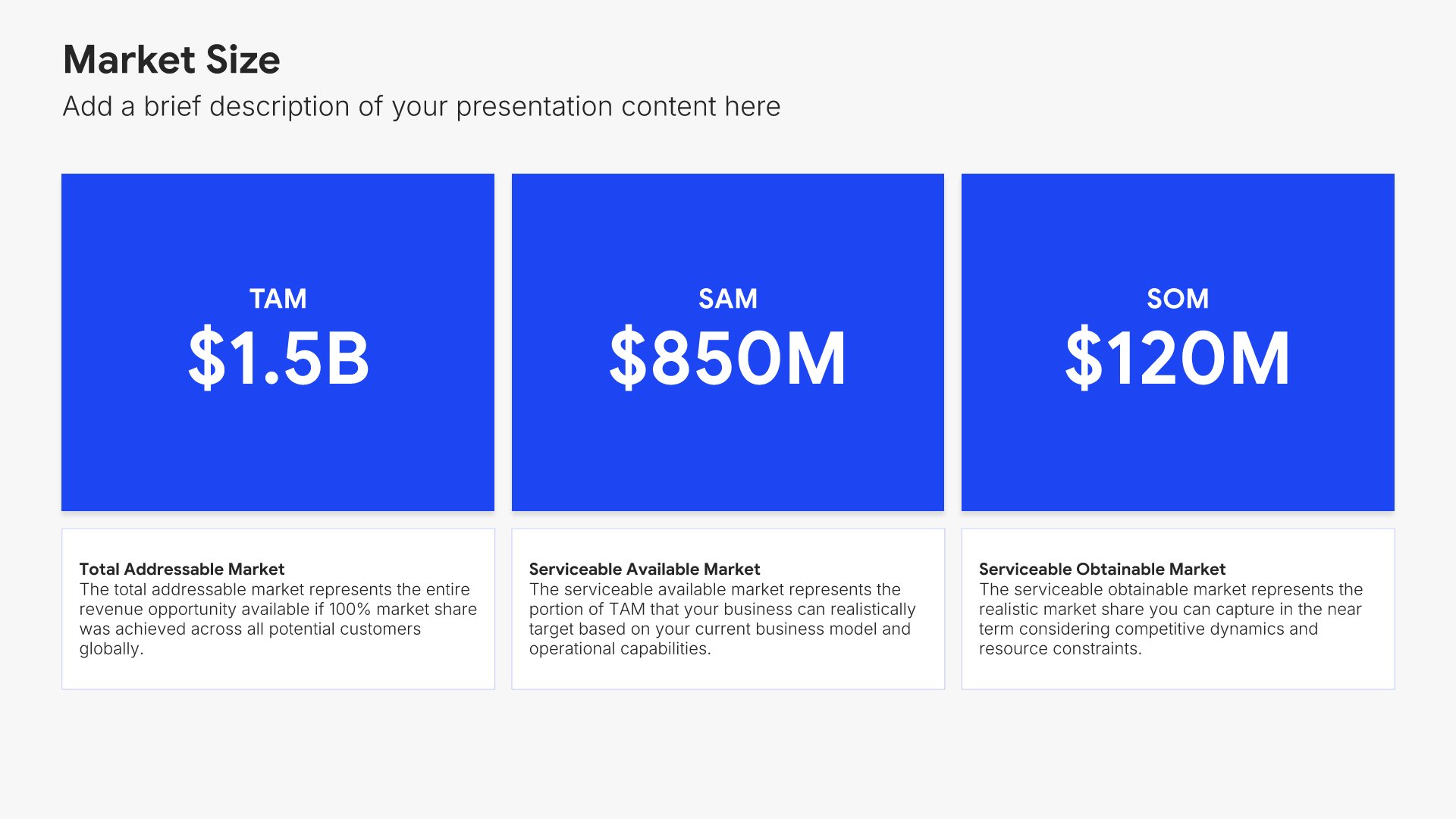
Market opportunity slides help you present the size and potential of the market you're targeting. Use them to display total addressable market, serviceable segments, growth trends, and the window of opportunity your business is positioned to capture. Ideal for investor presentations where demonstrating significant market potential is essential.
Built using Market Size slides

4. Product/Demo

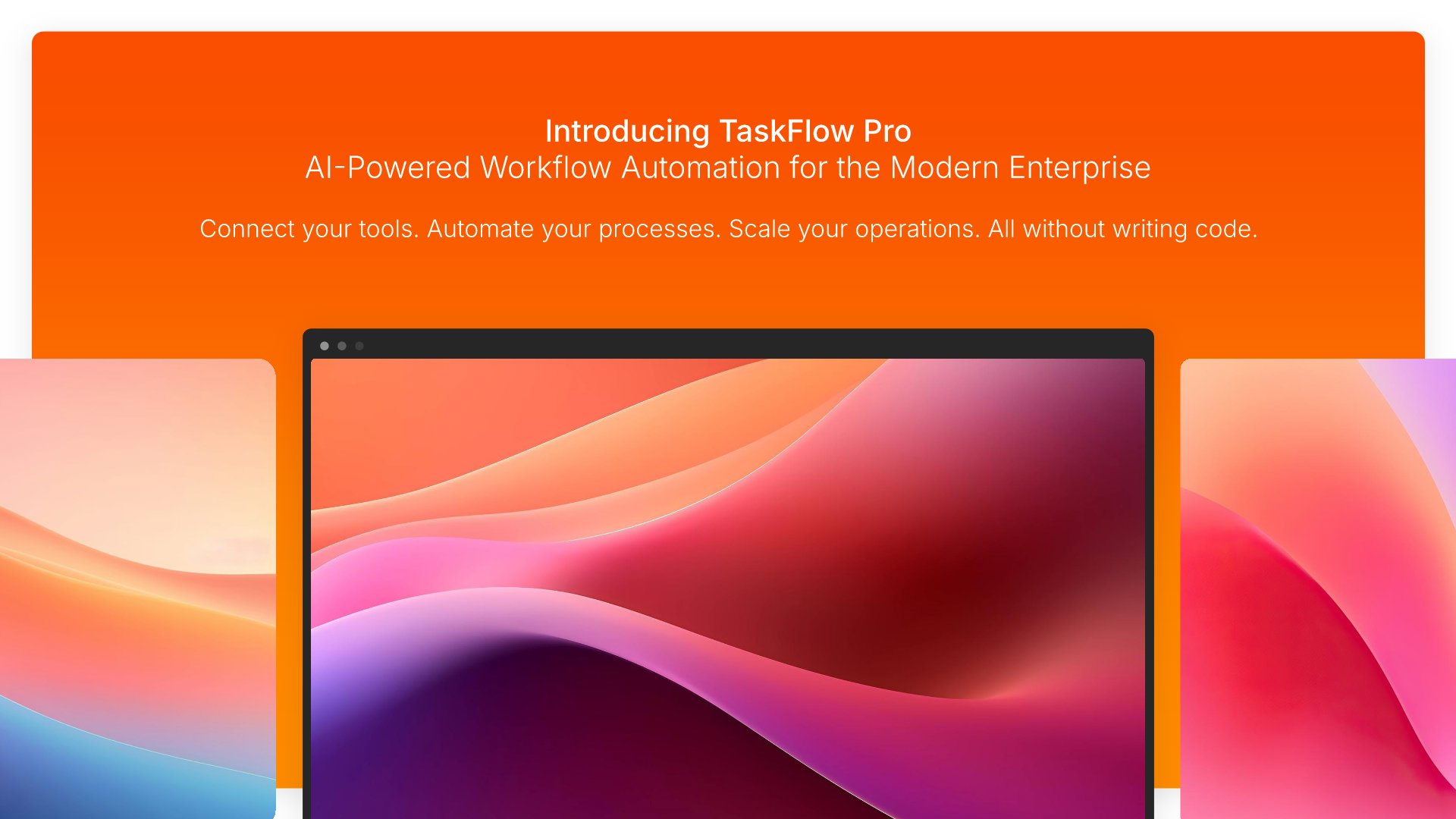
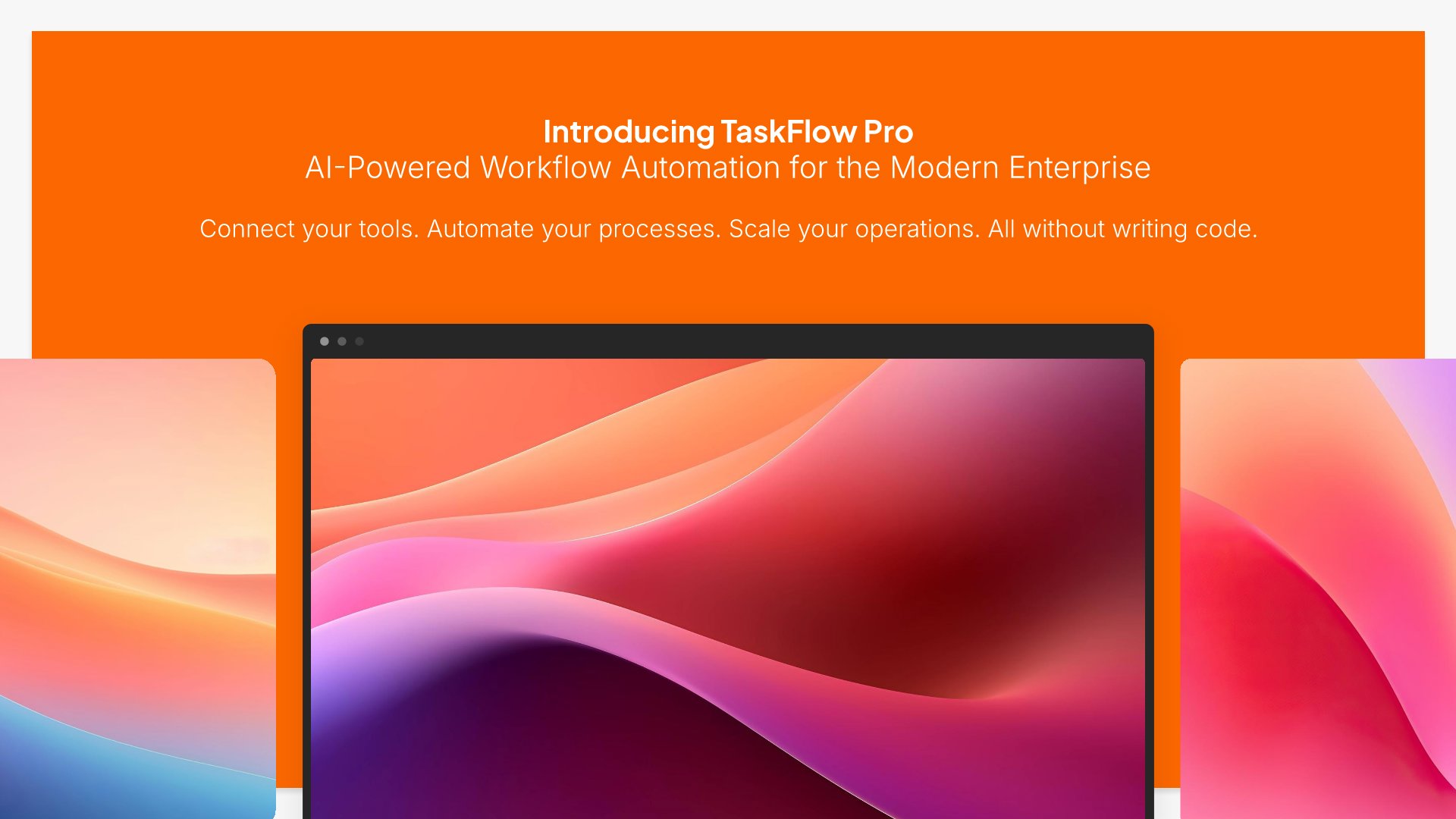
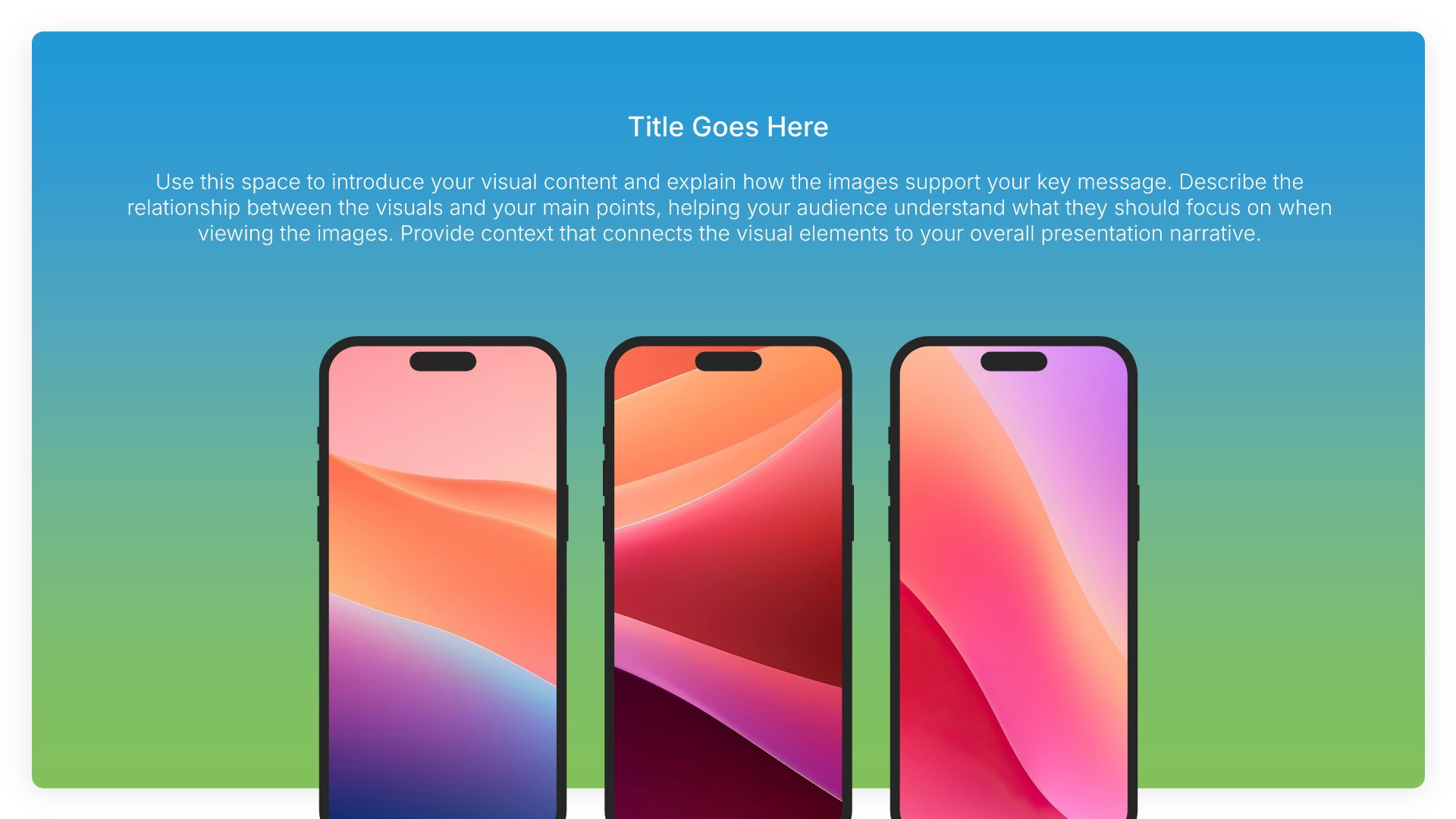
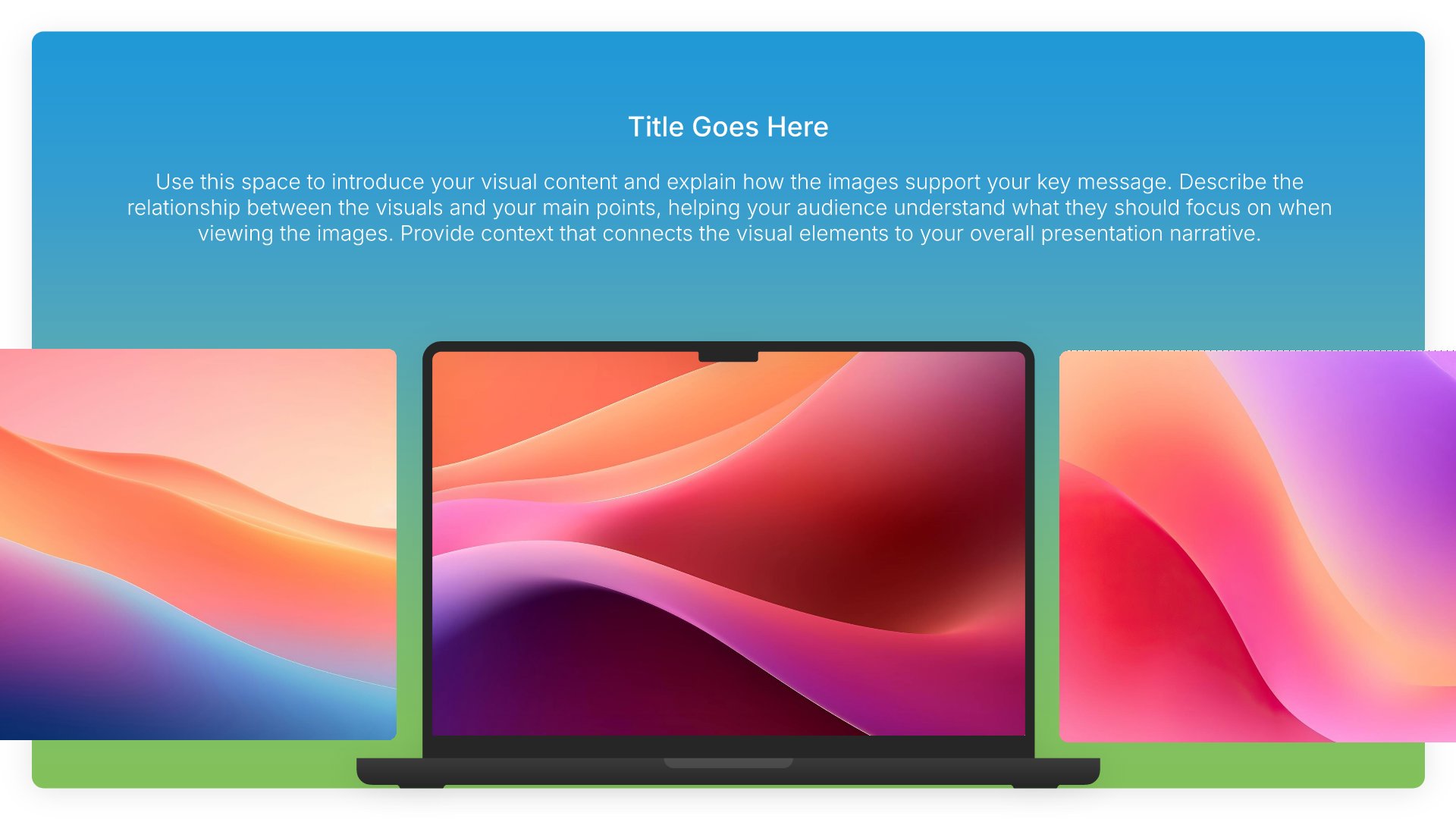
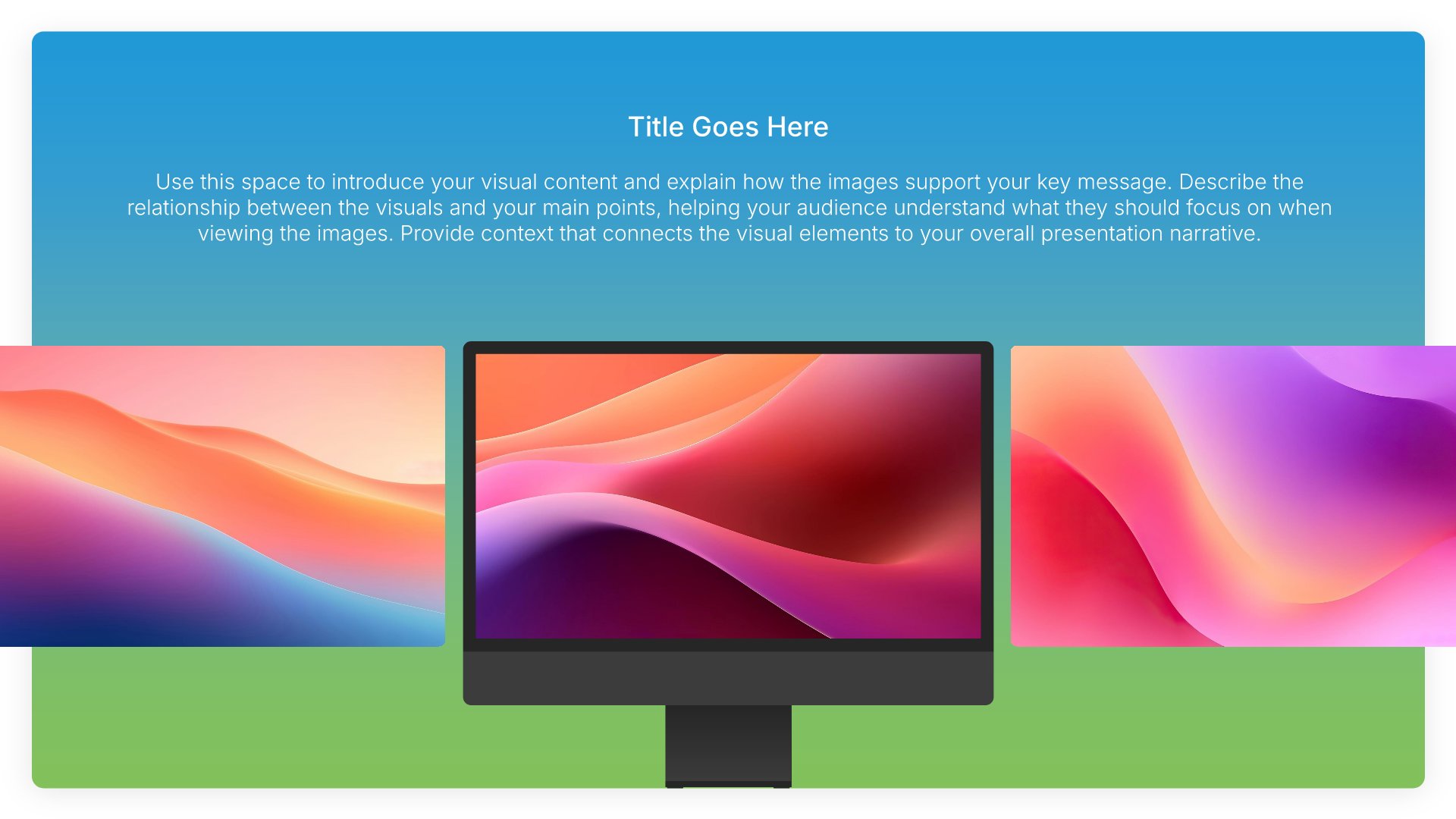
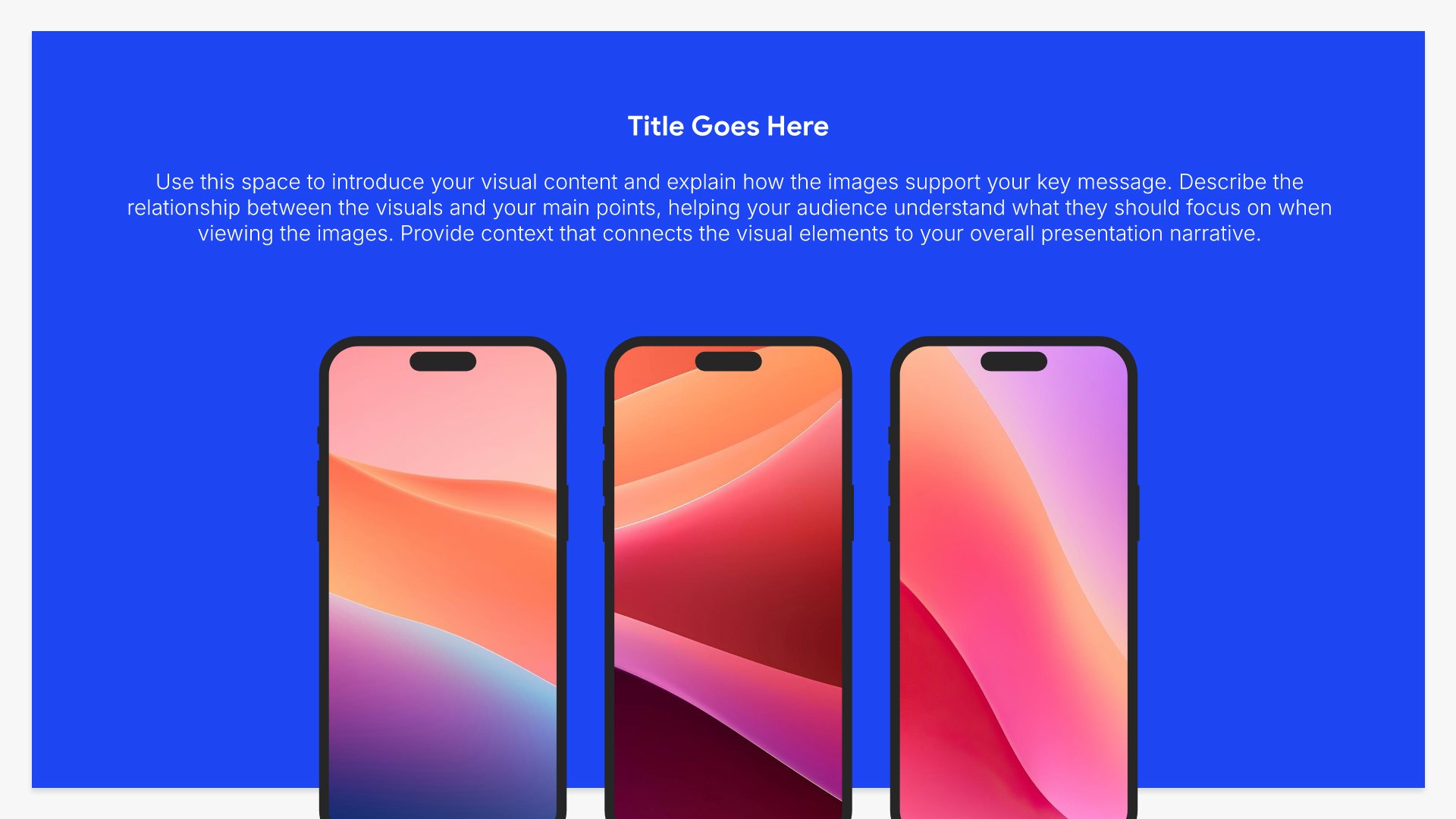
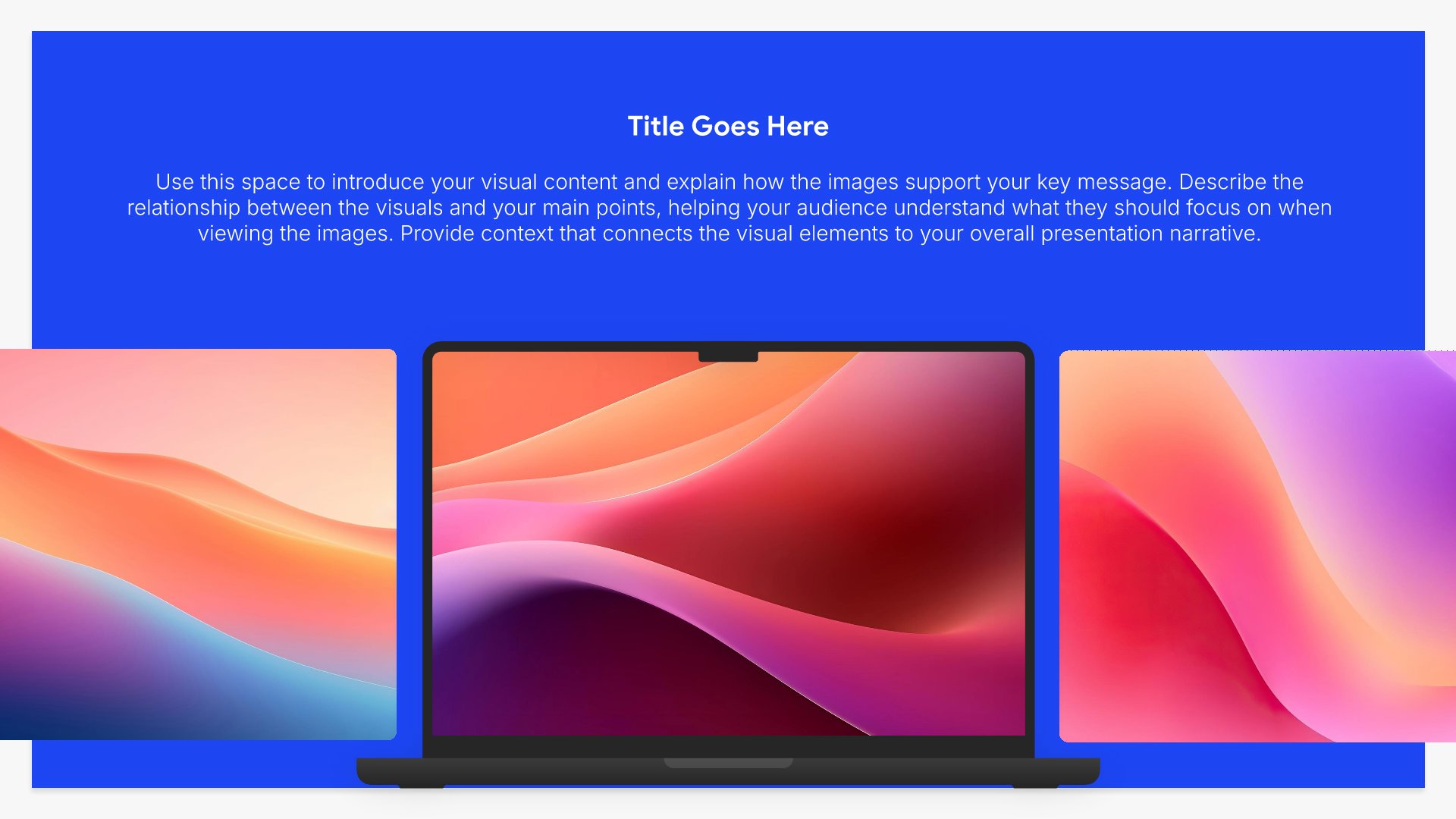
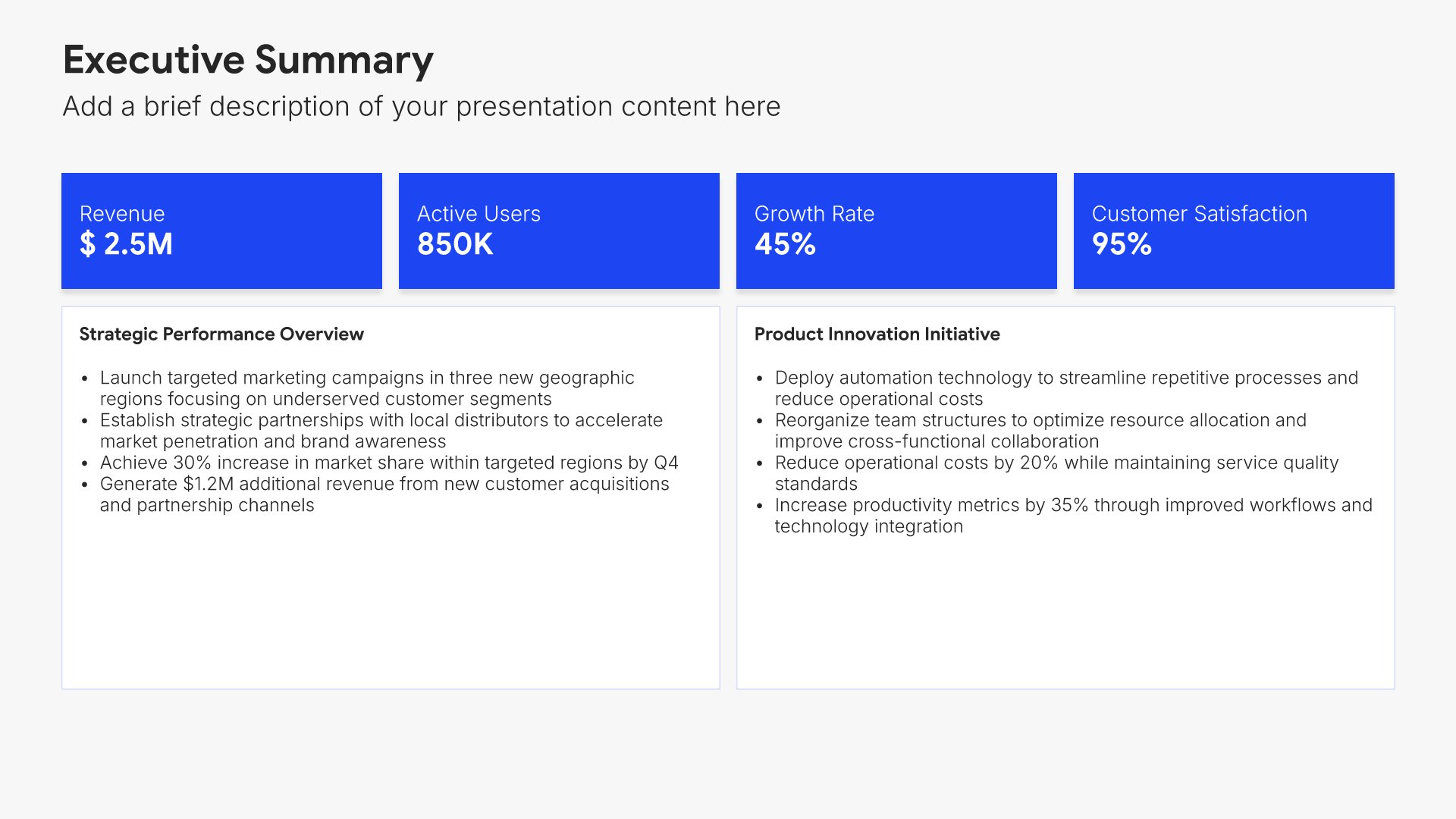
Product slides help you showcase what you've built and how it works. Use them to display features, functionality, user interface, and the experience your customers get. Ideal for pitch decks, sales presentations, and demos where giving your audience a clear picture of your product builds understanding and excitement.
Built using Device Mockup slides

5. Features & Benefits

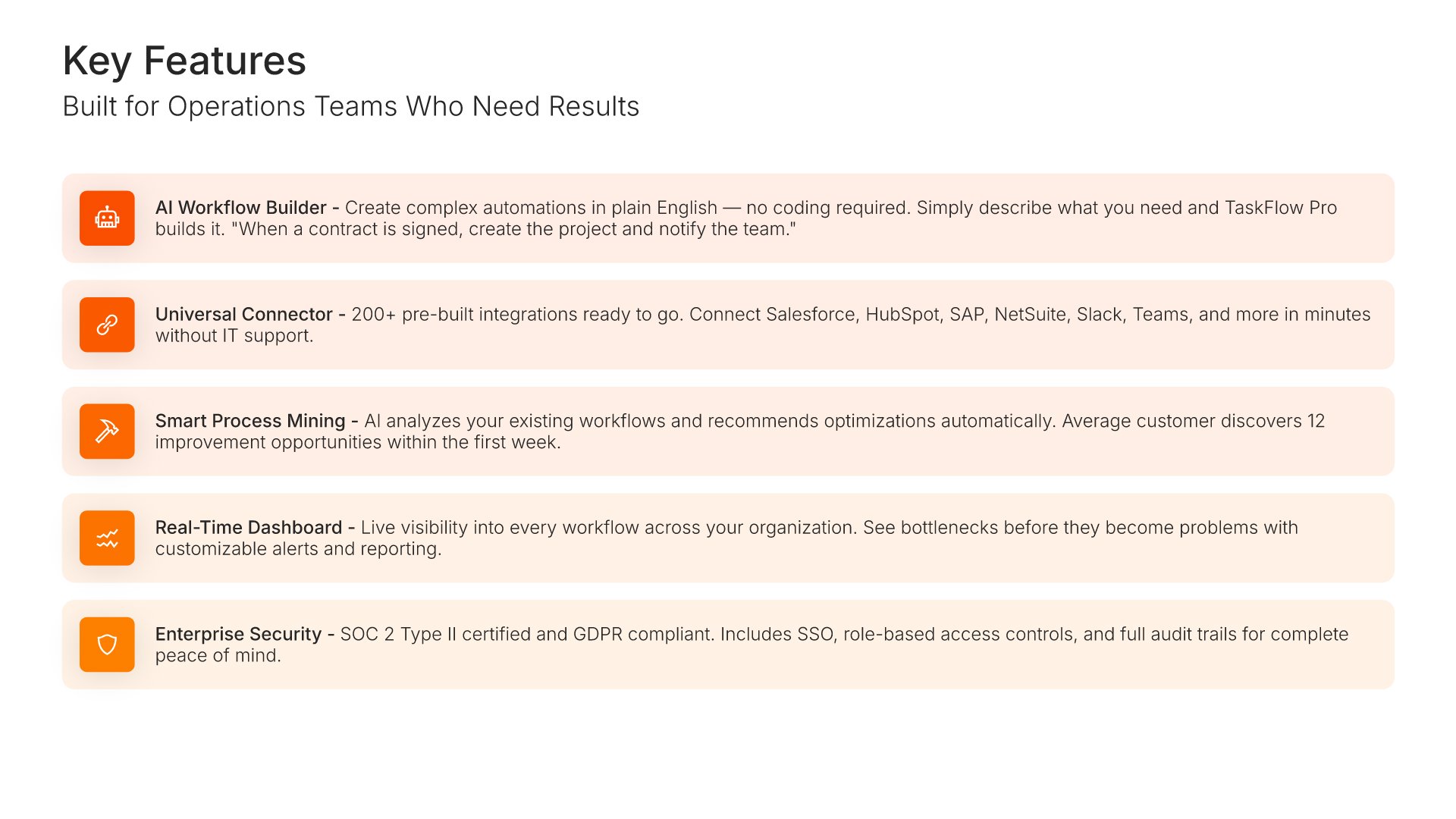
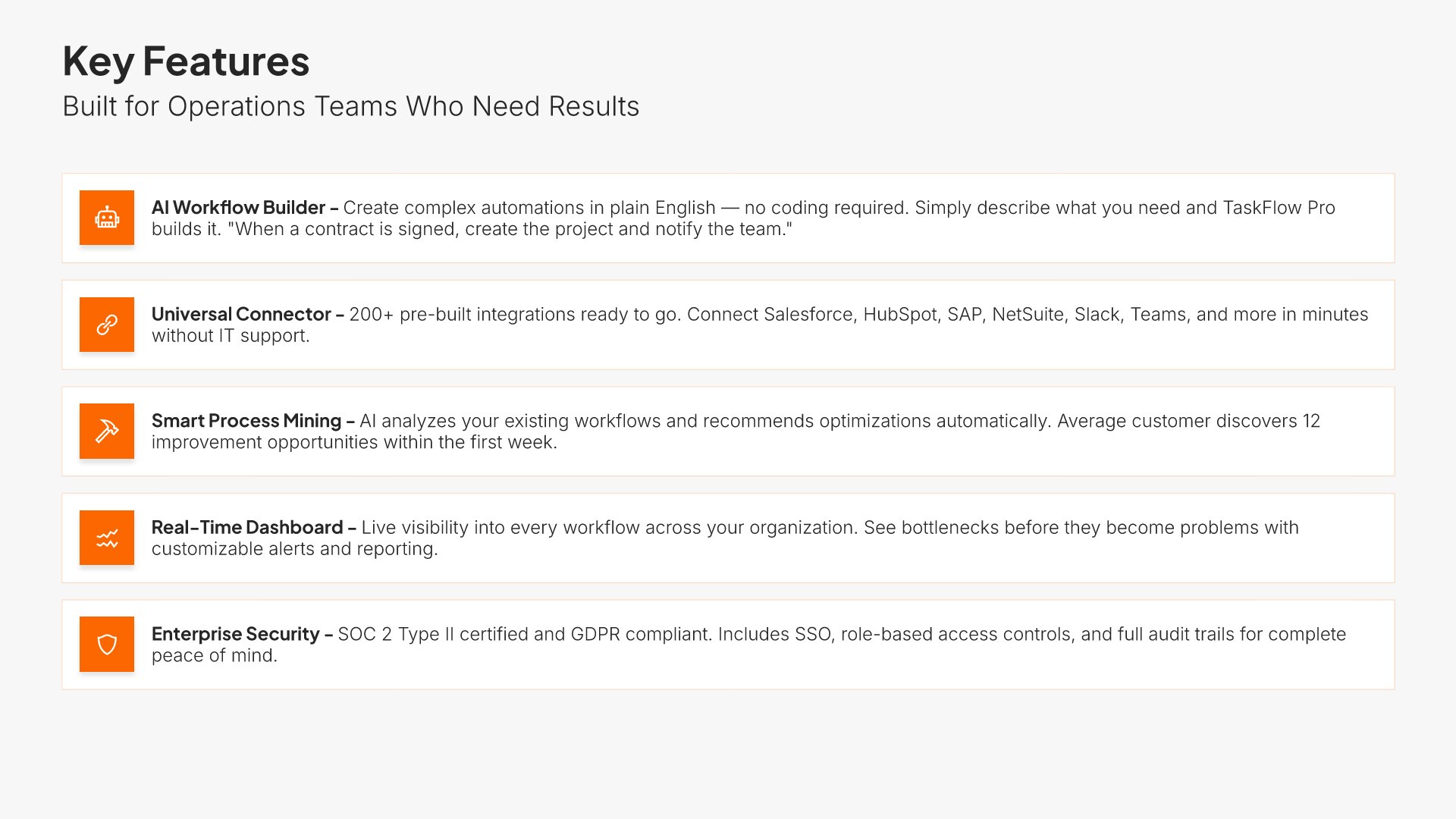
Features and benefits slides help you showcase what your product does and why it matters. Use them to present key capabilities paired with the value they deliver to customers. Ideal for sales decks and product presentations where connecting features to tangible benefits helps prospects see the value for themselves.
Built using Simple Text (with Icons) slides

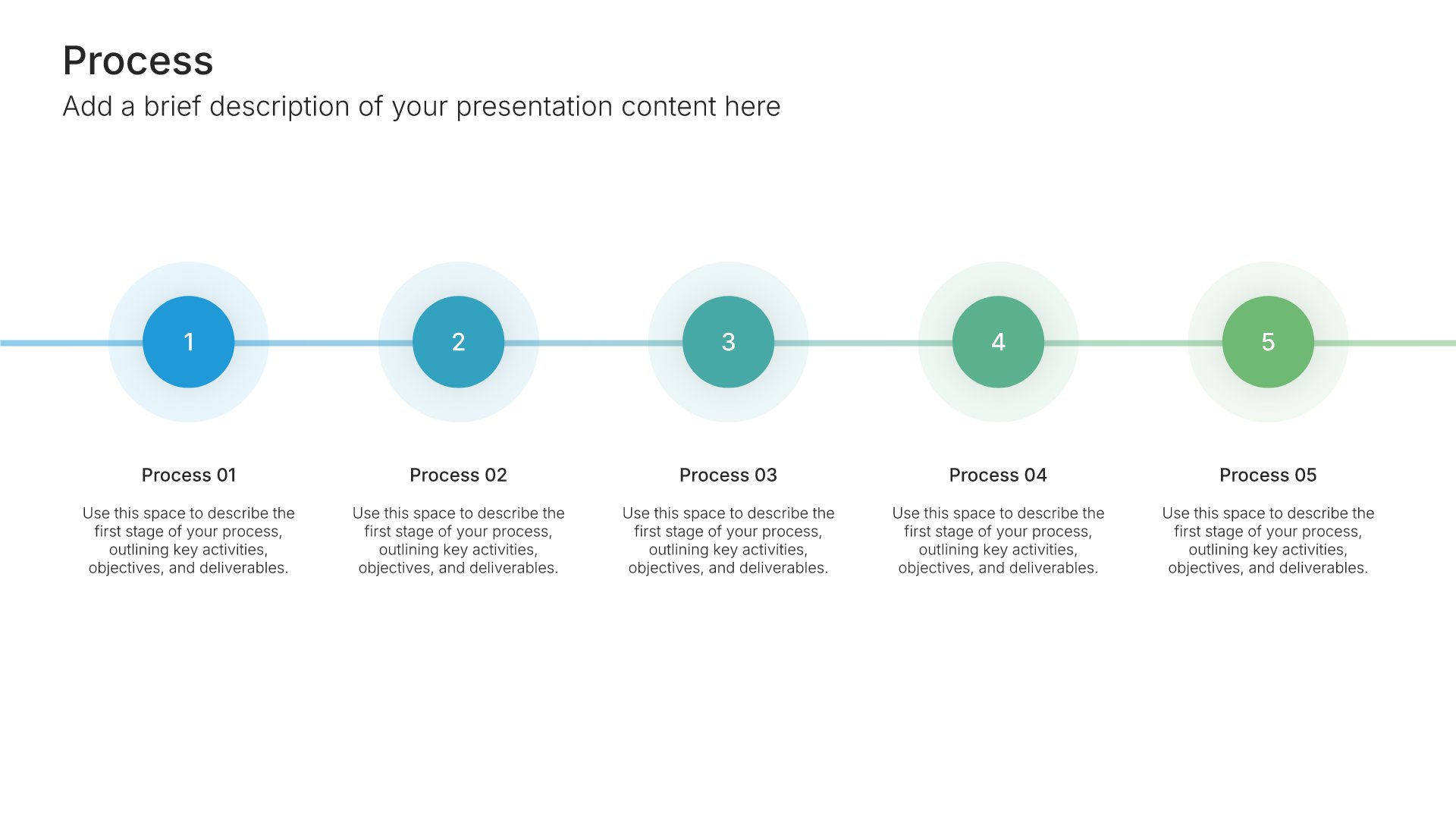
6. How It Works

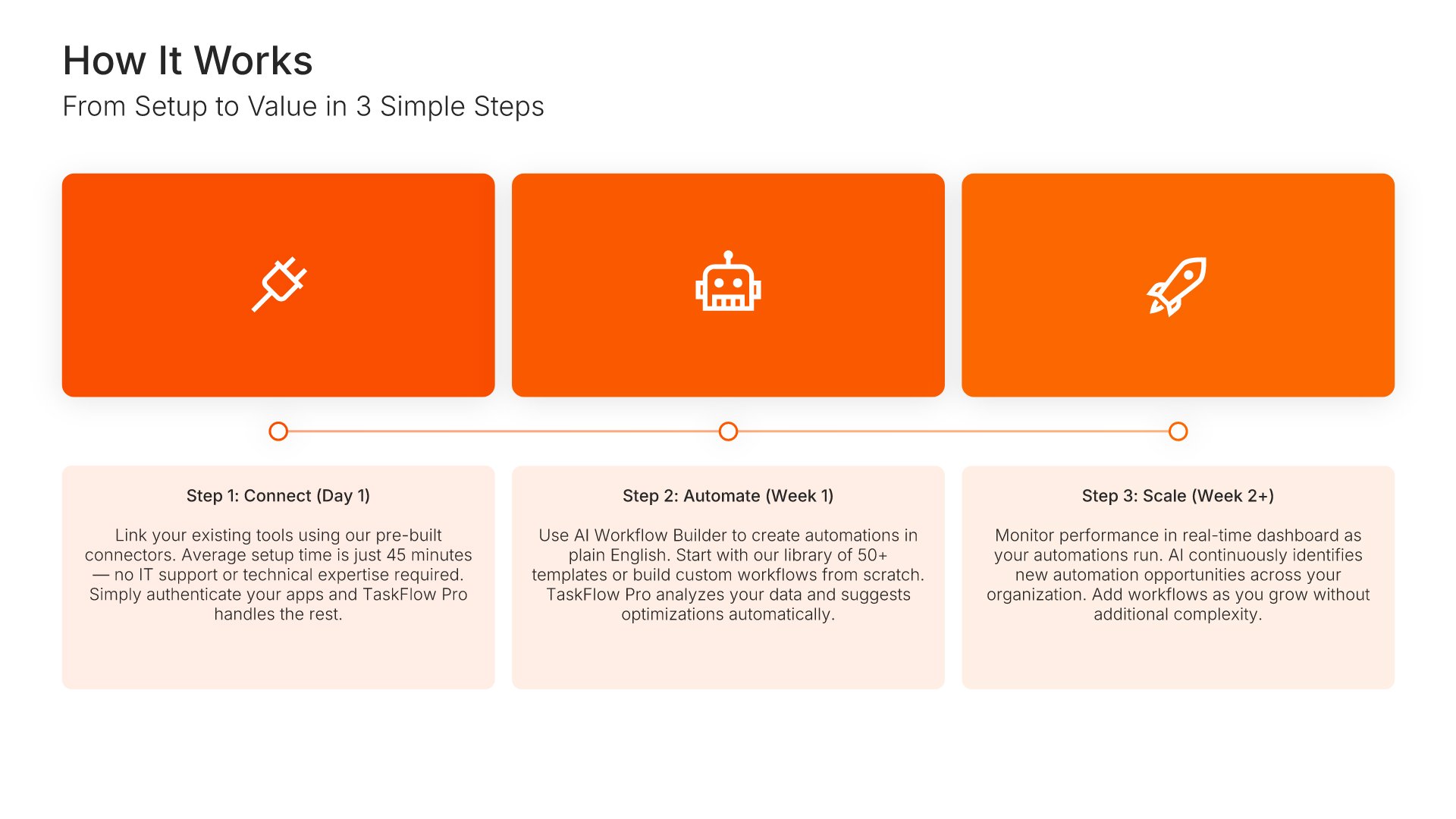
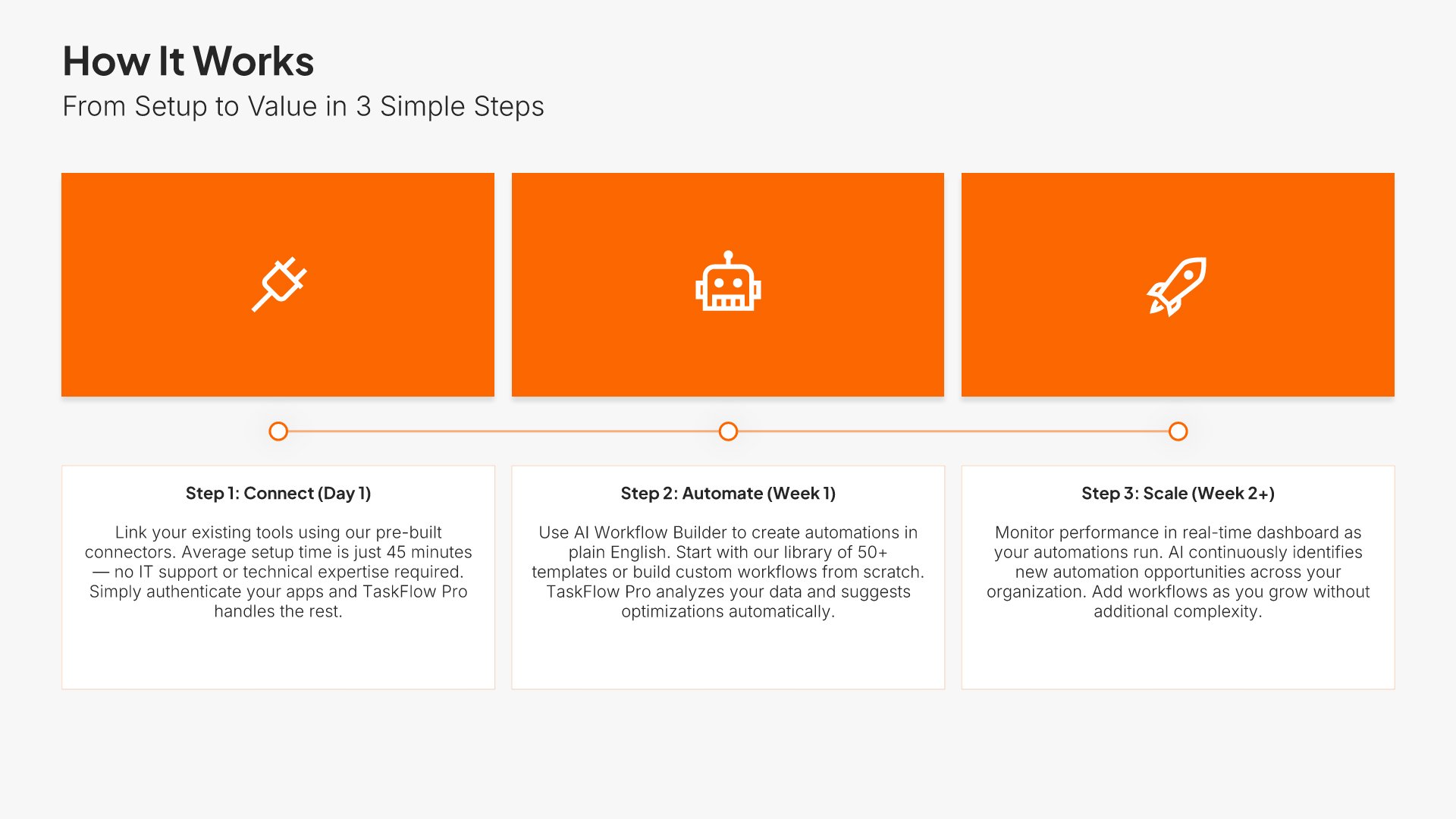
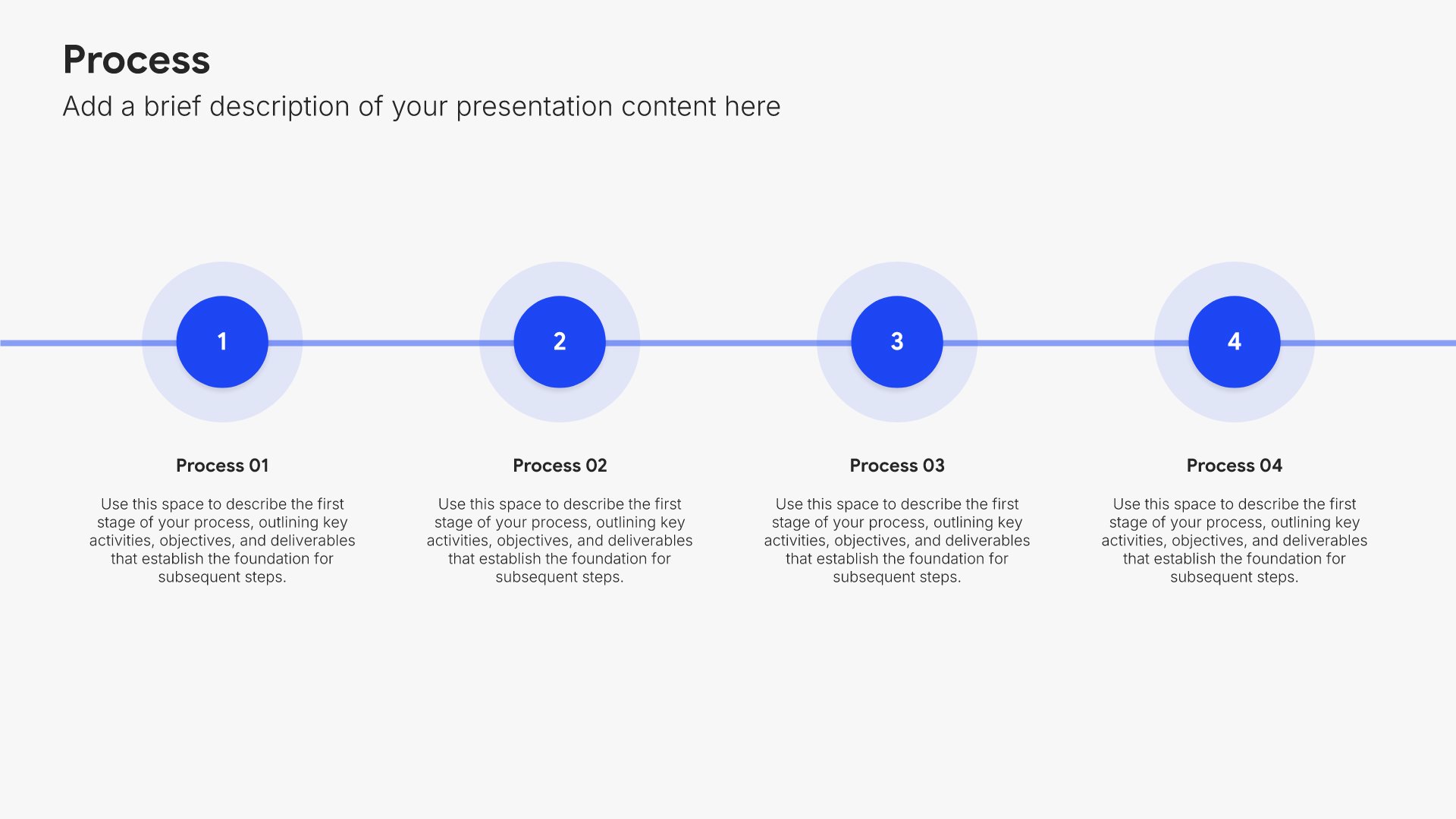
How it works slides help you explain your process or product in simple terms. Use them to walk your audience through the steps, workflow, or mechanics of your solution. Ideal for sales decks, product presentations, and demos where making complex offerings easy to understand builds confidence and reduces friction.
Built using Process – Horizontal slides

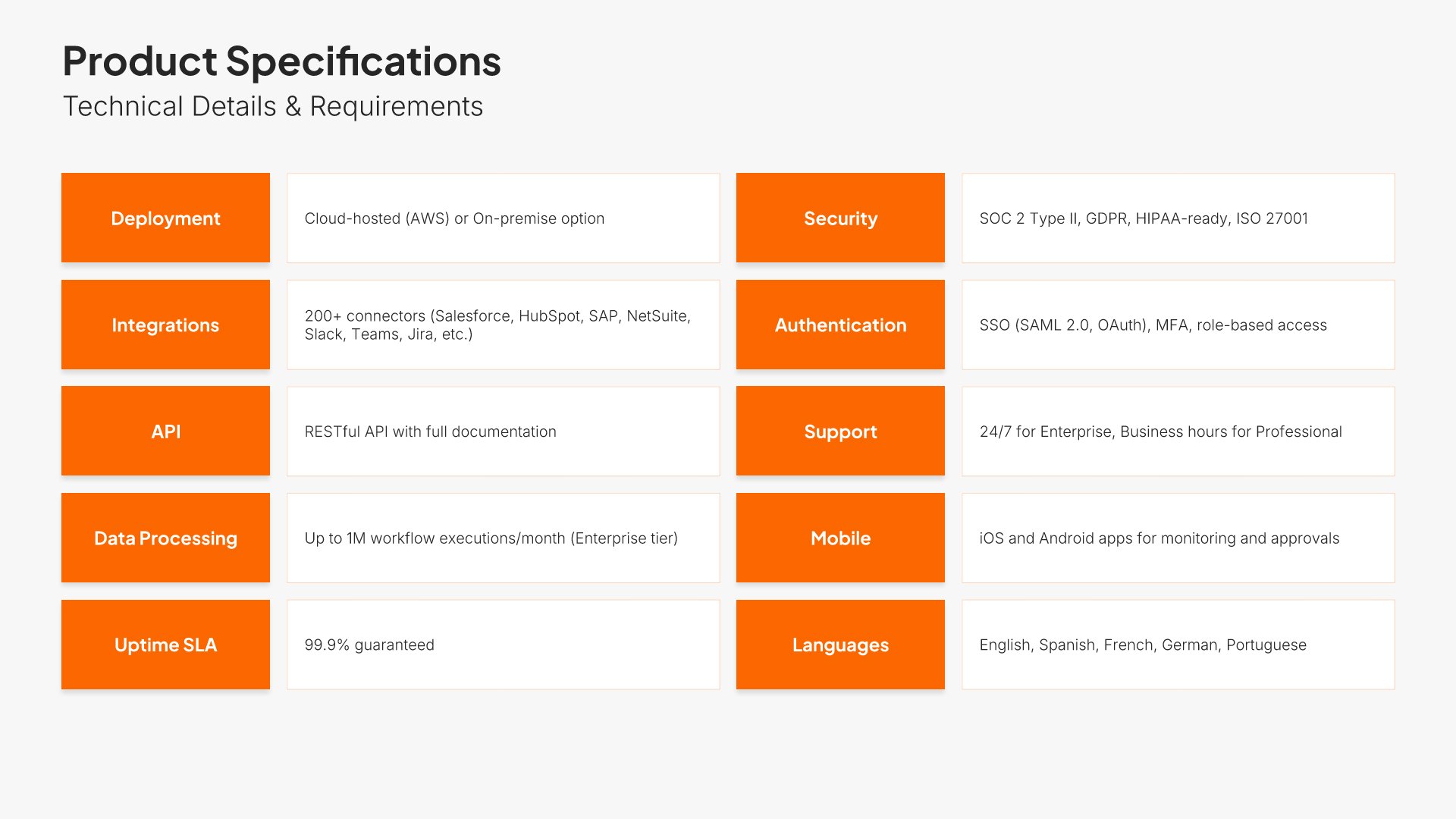
7. Product Specifications

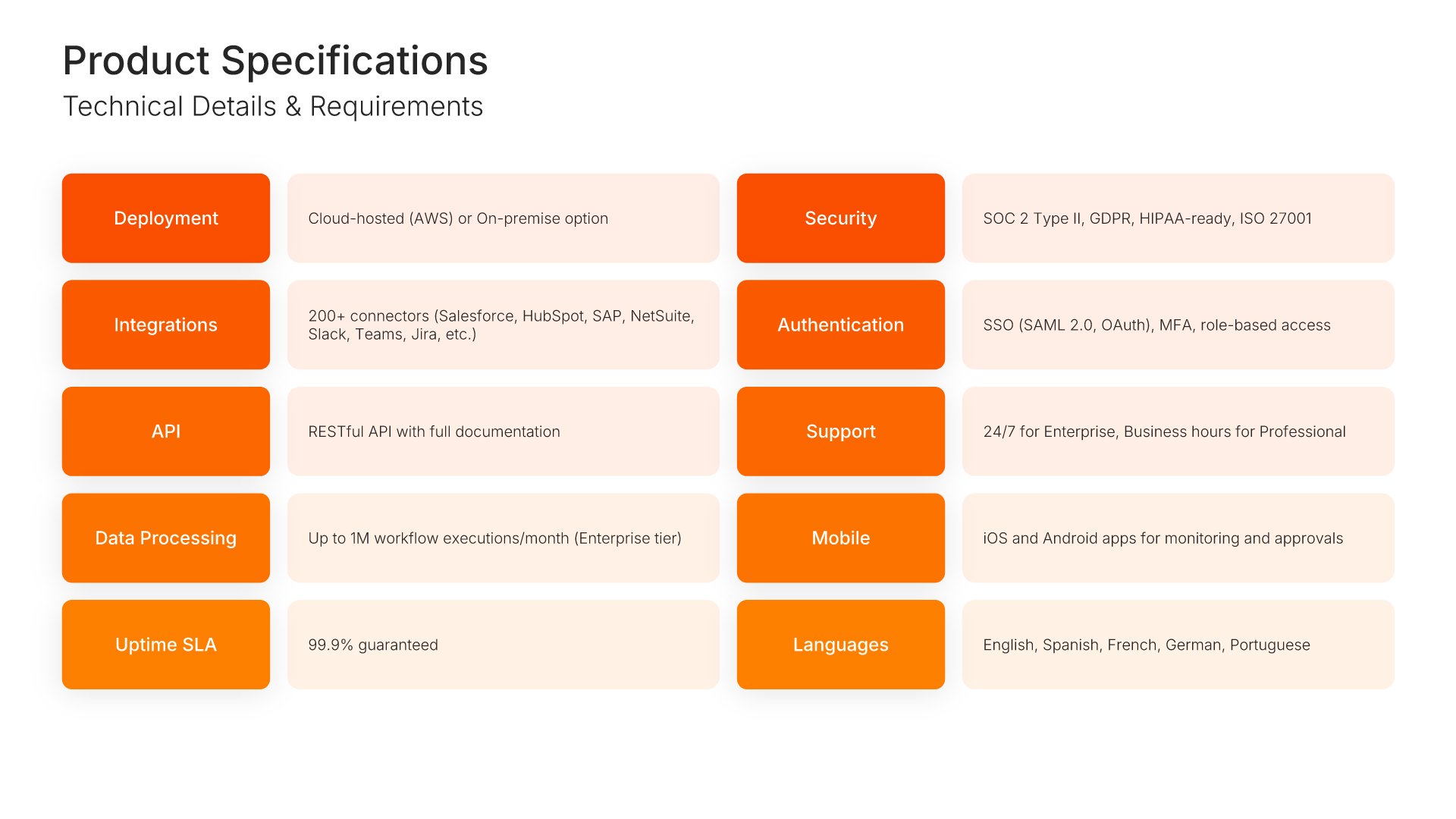
Product specifications slides help you present the technical details that define your offering. Use them to display dimensions, configurations, supported platforms, and other technical attributes that buyers and partners need to evaluate fit. Clear specifications give technical audiences the precise information needed to make informed decisions.
Built using Simple Text slides

8. Competitive Advantage

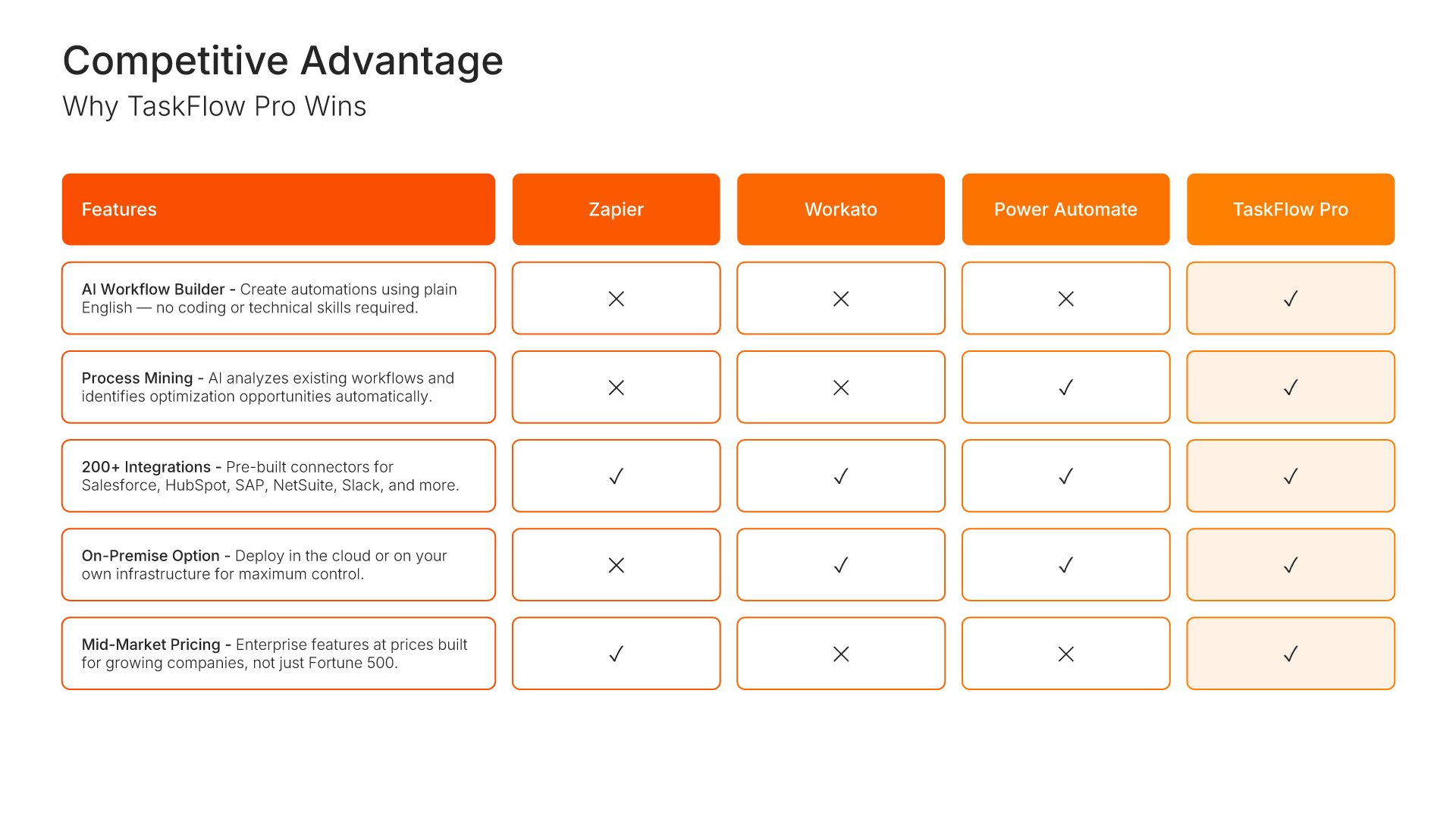
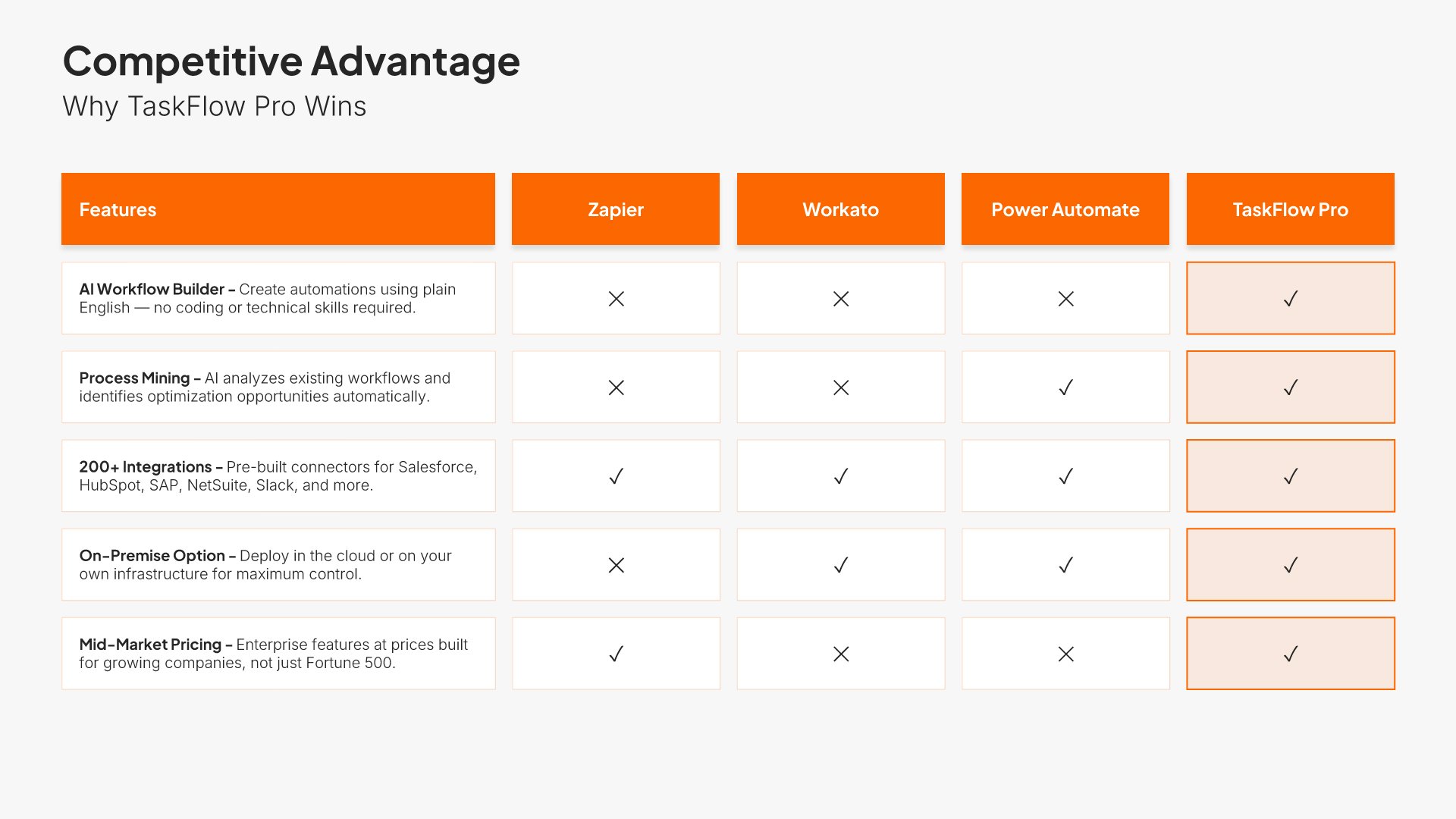
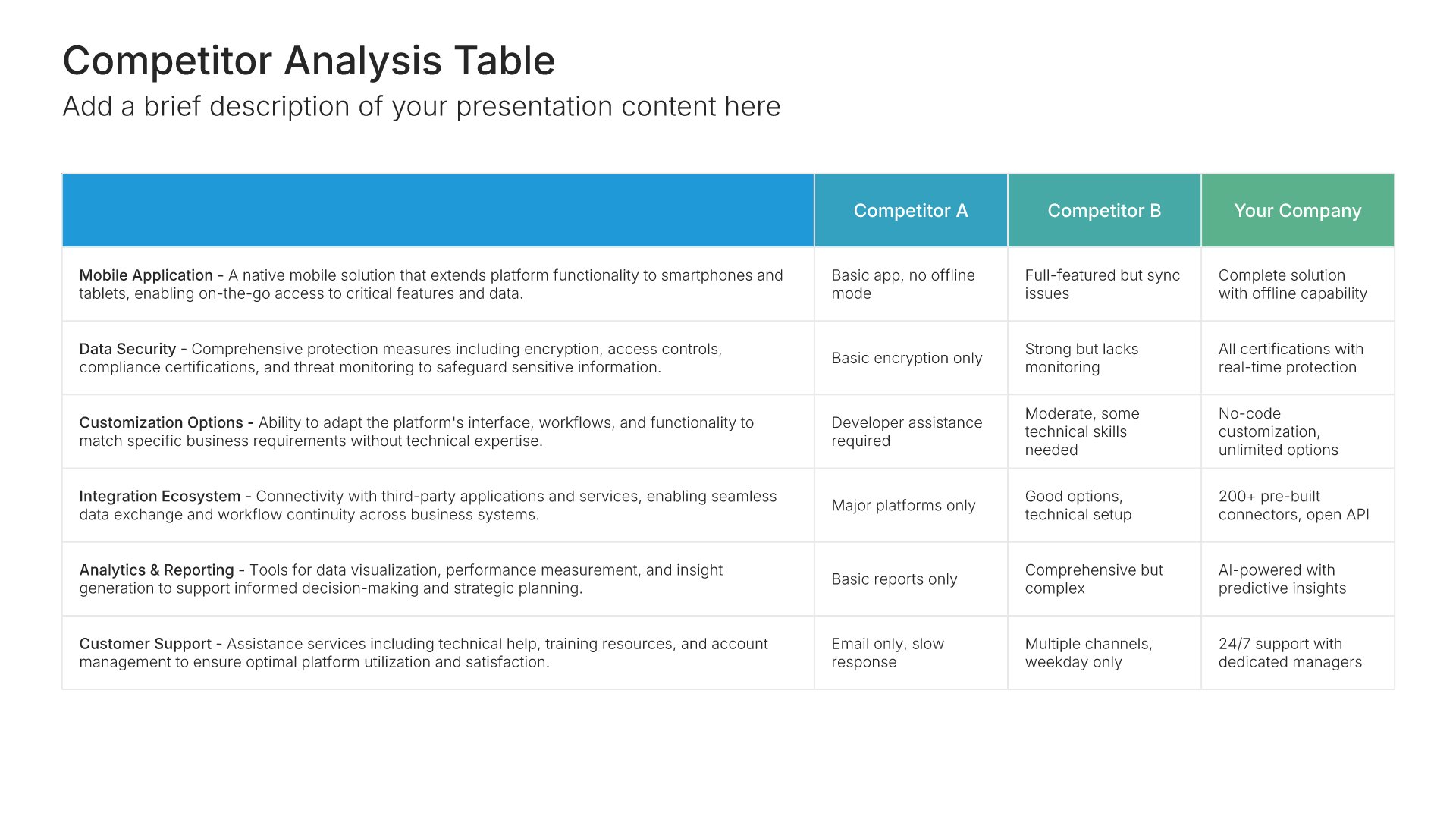
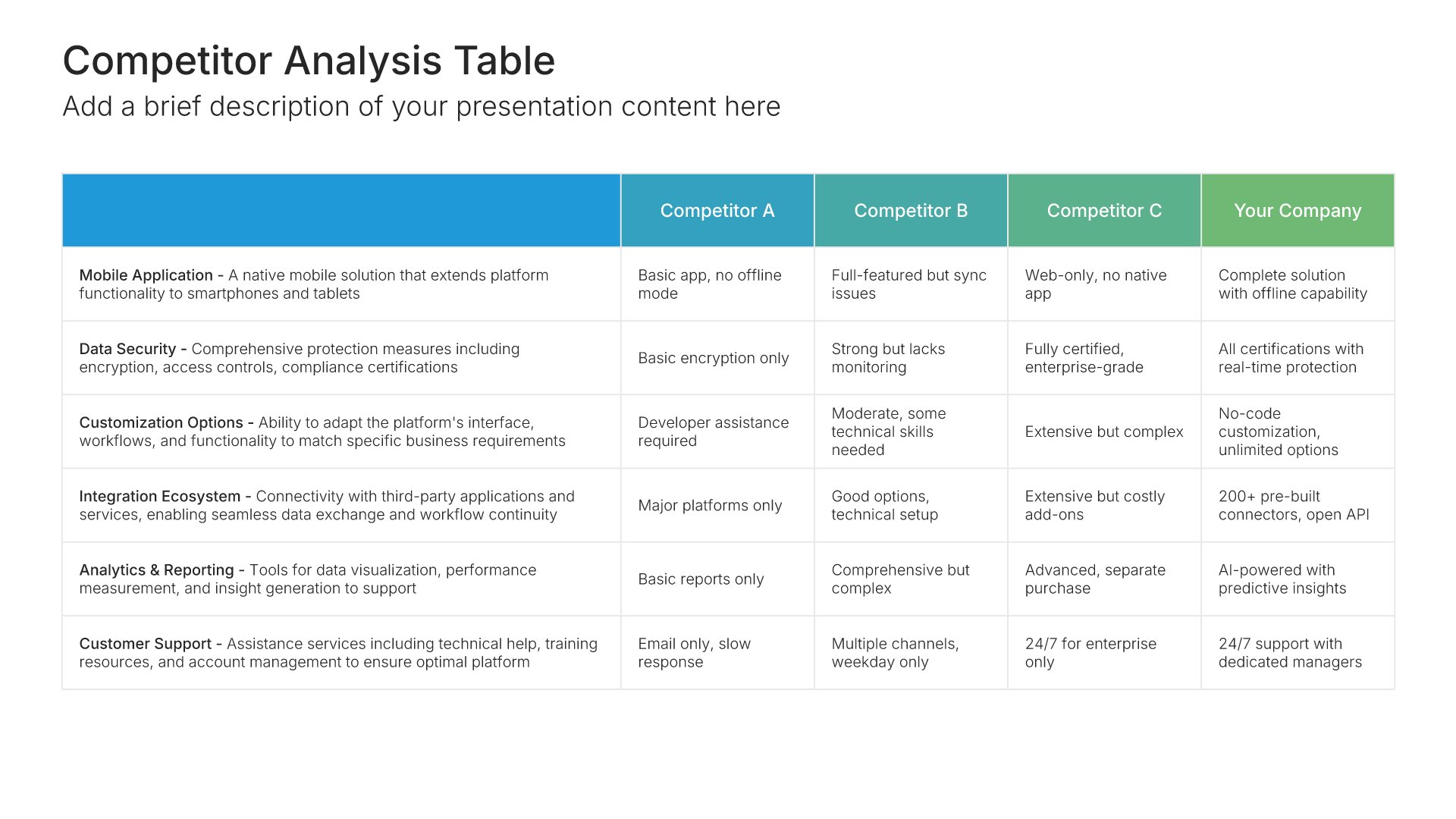
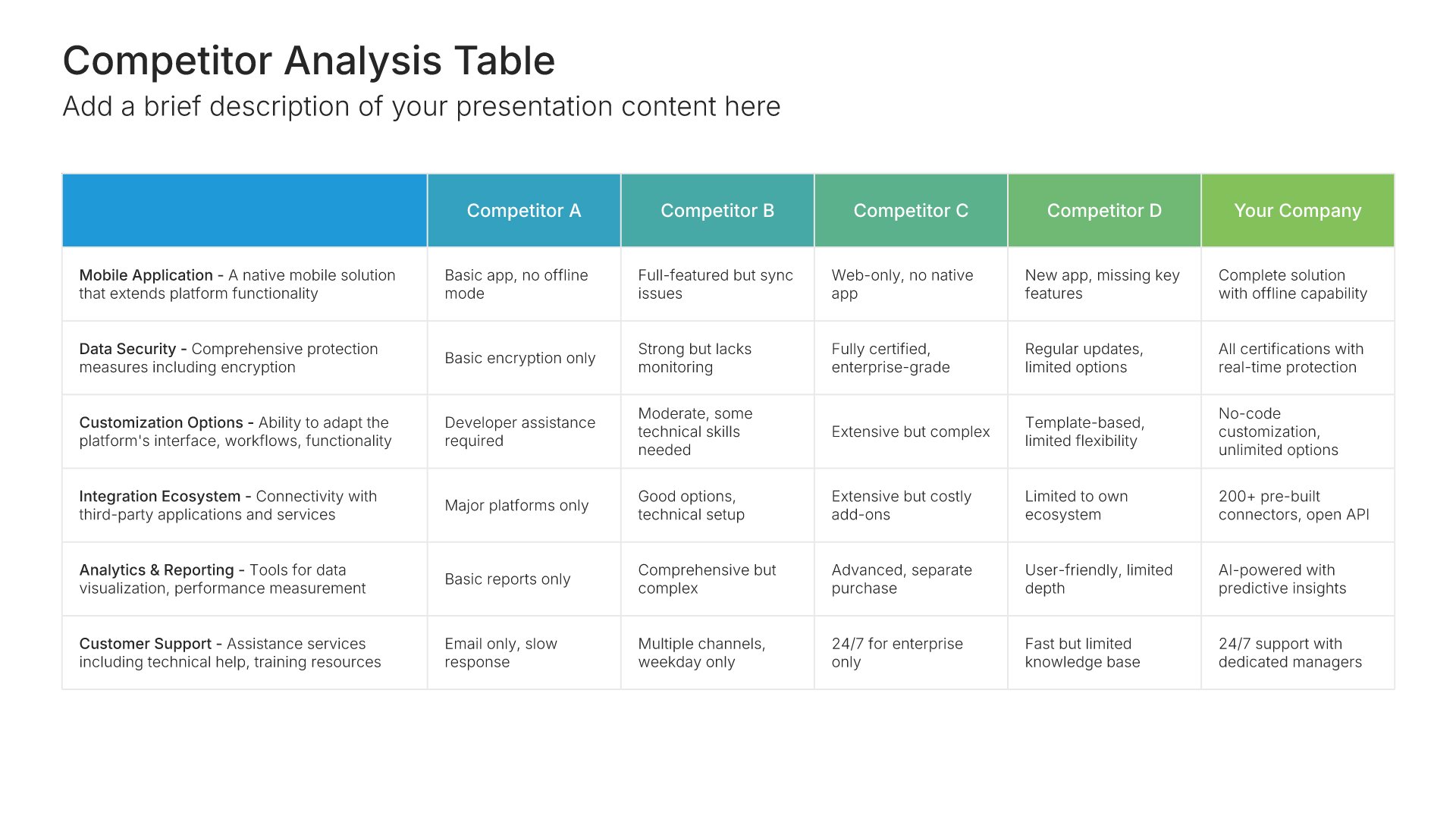
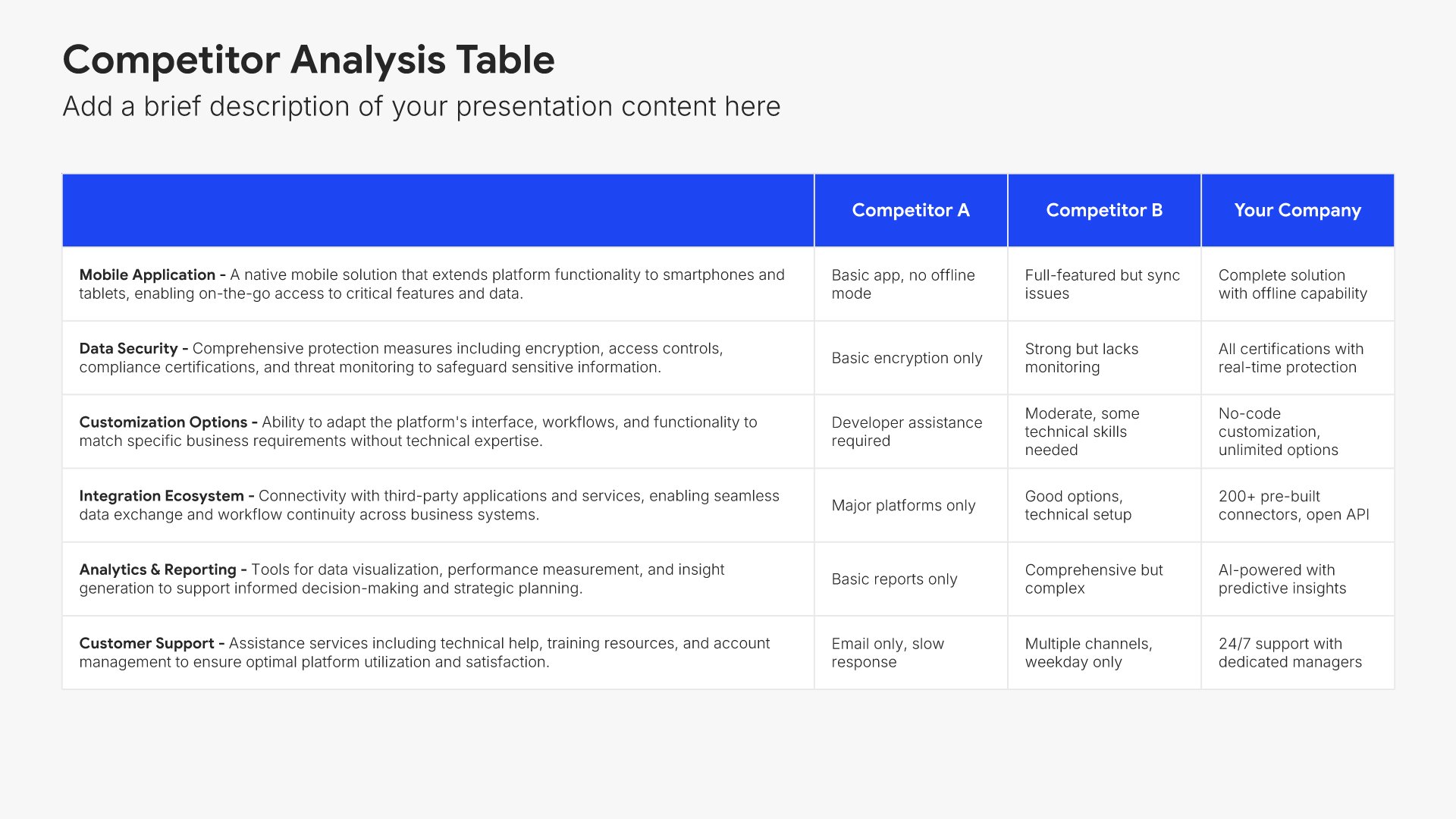
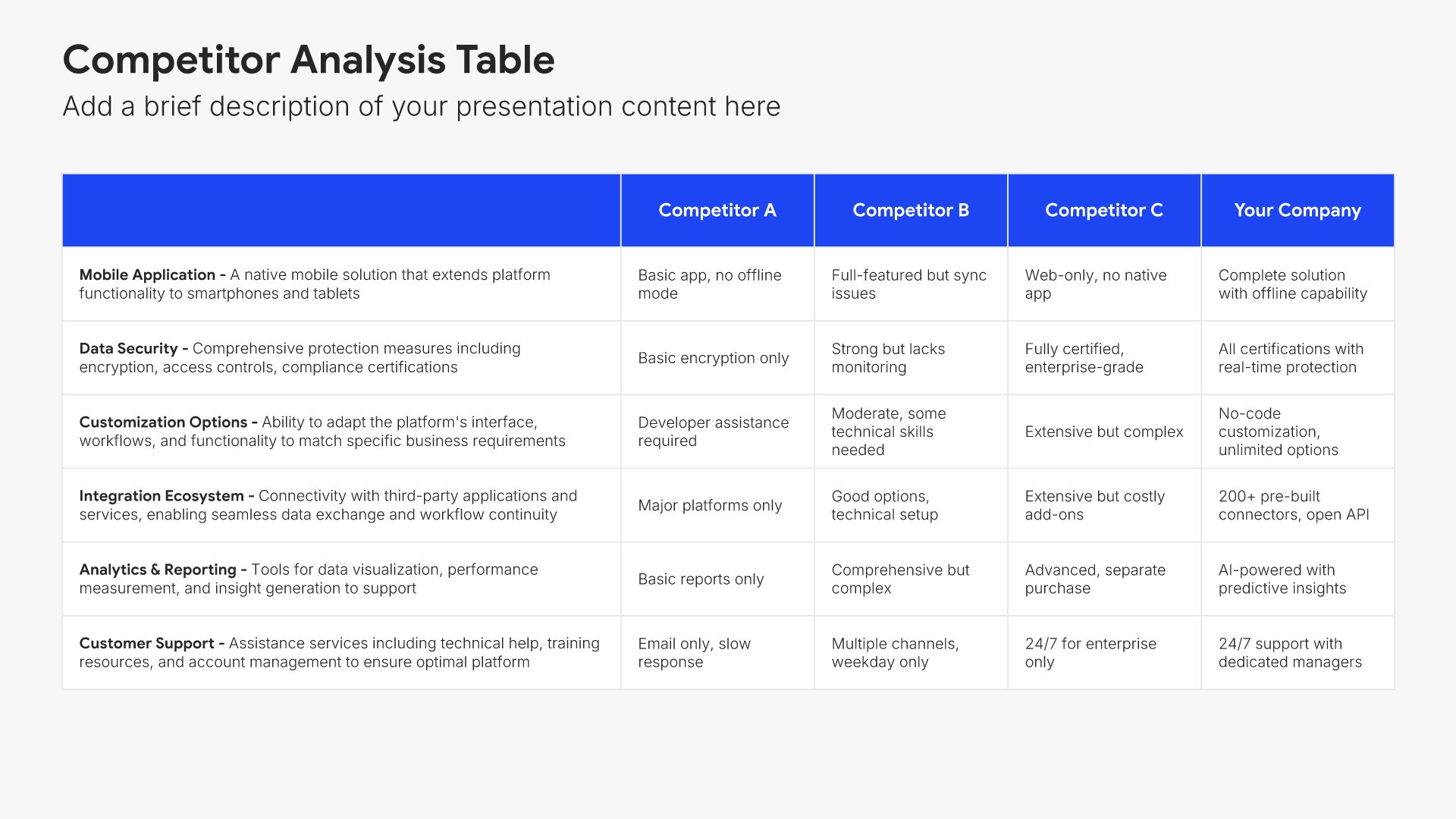
Competitive advantage slides help you highlight what sets your business apart. Use them to showcase your unique strengths, differentiators, and the reasons customers choose you over alternatives. Ideal for business plans, pitch decks, and sales presentations where demonstrating your edge builds confidence in your success.
Built using Competiton Analysis slides

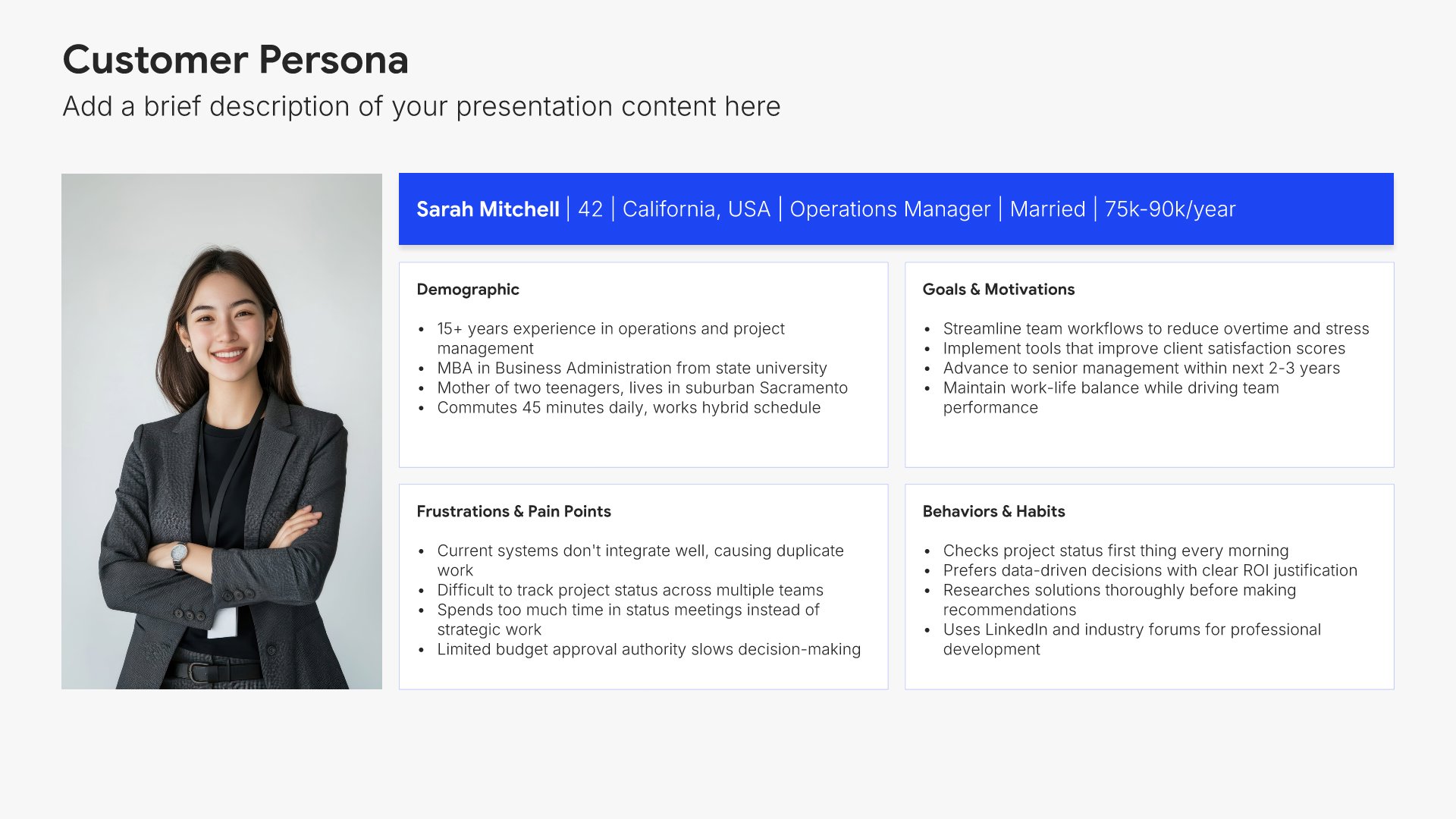
9. Target Customer

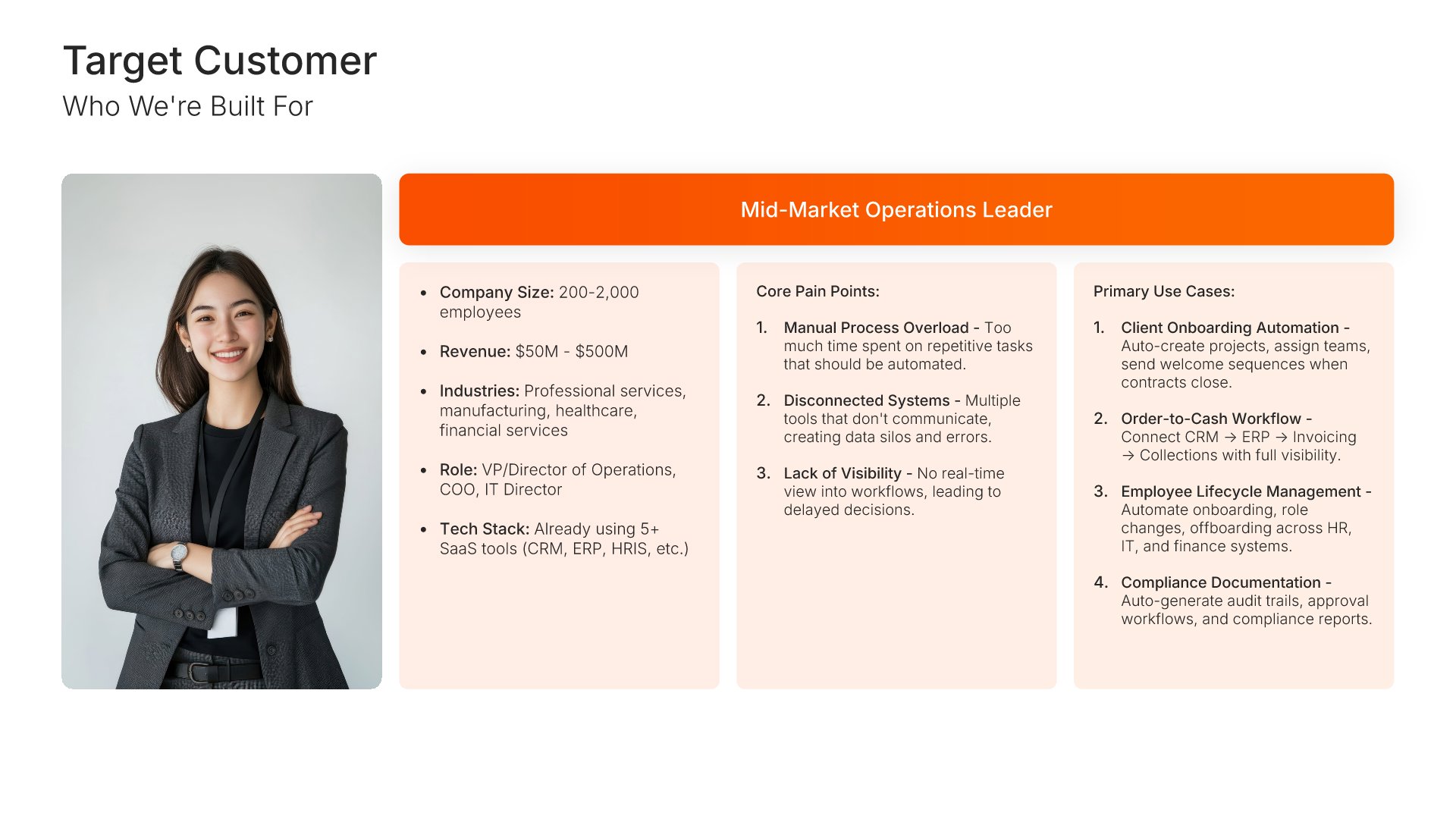
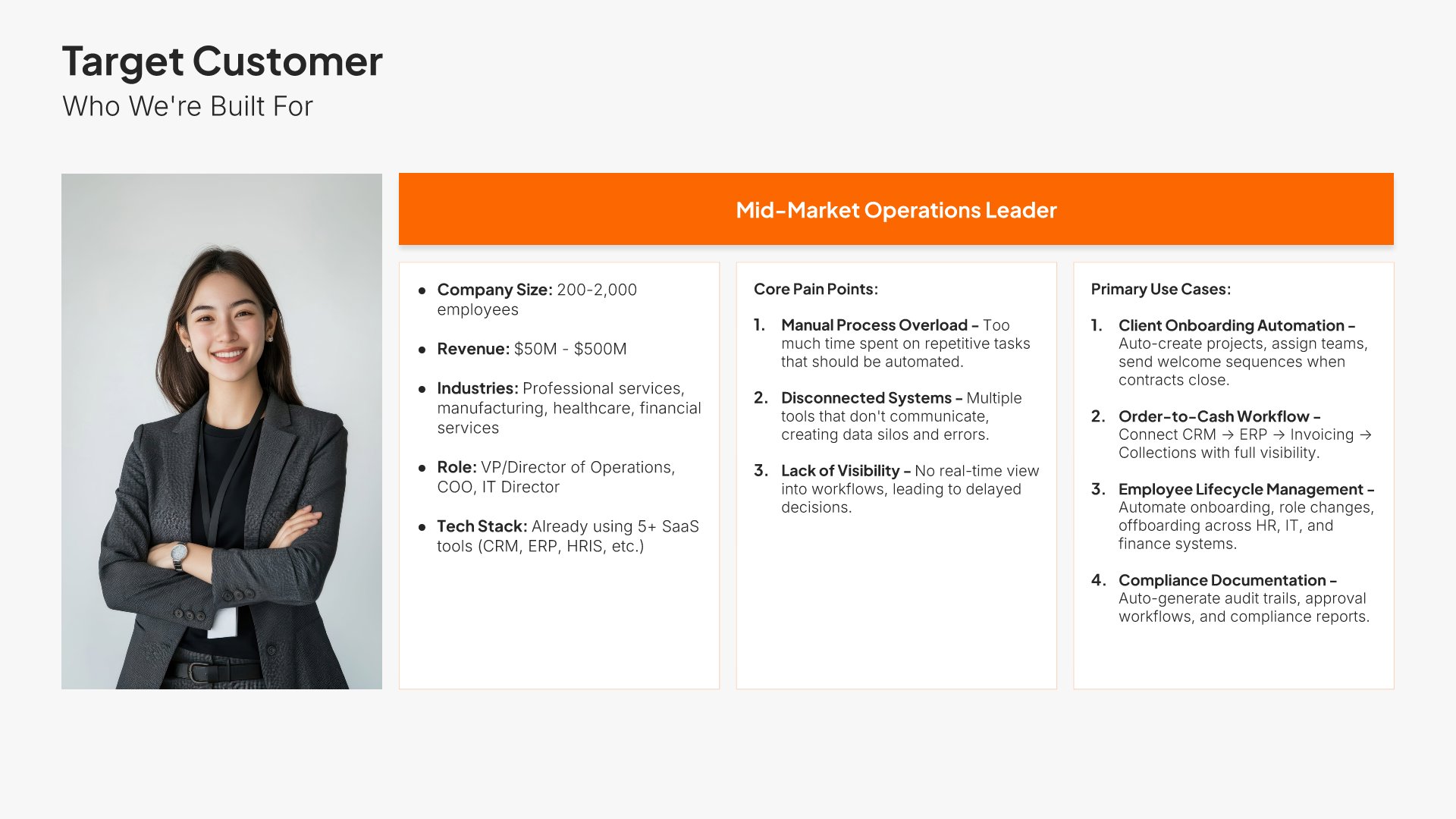
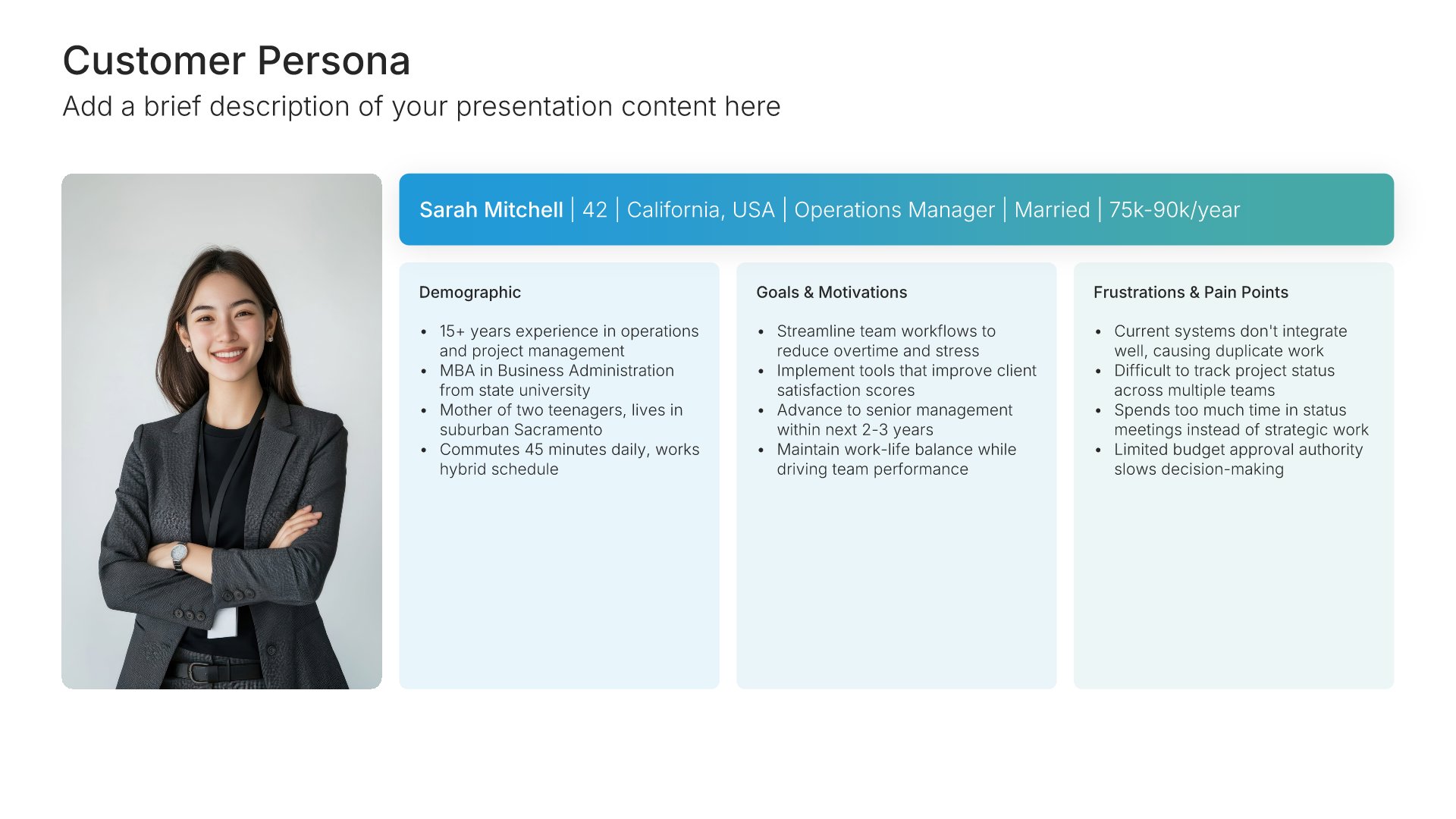
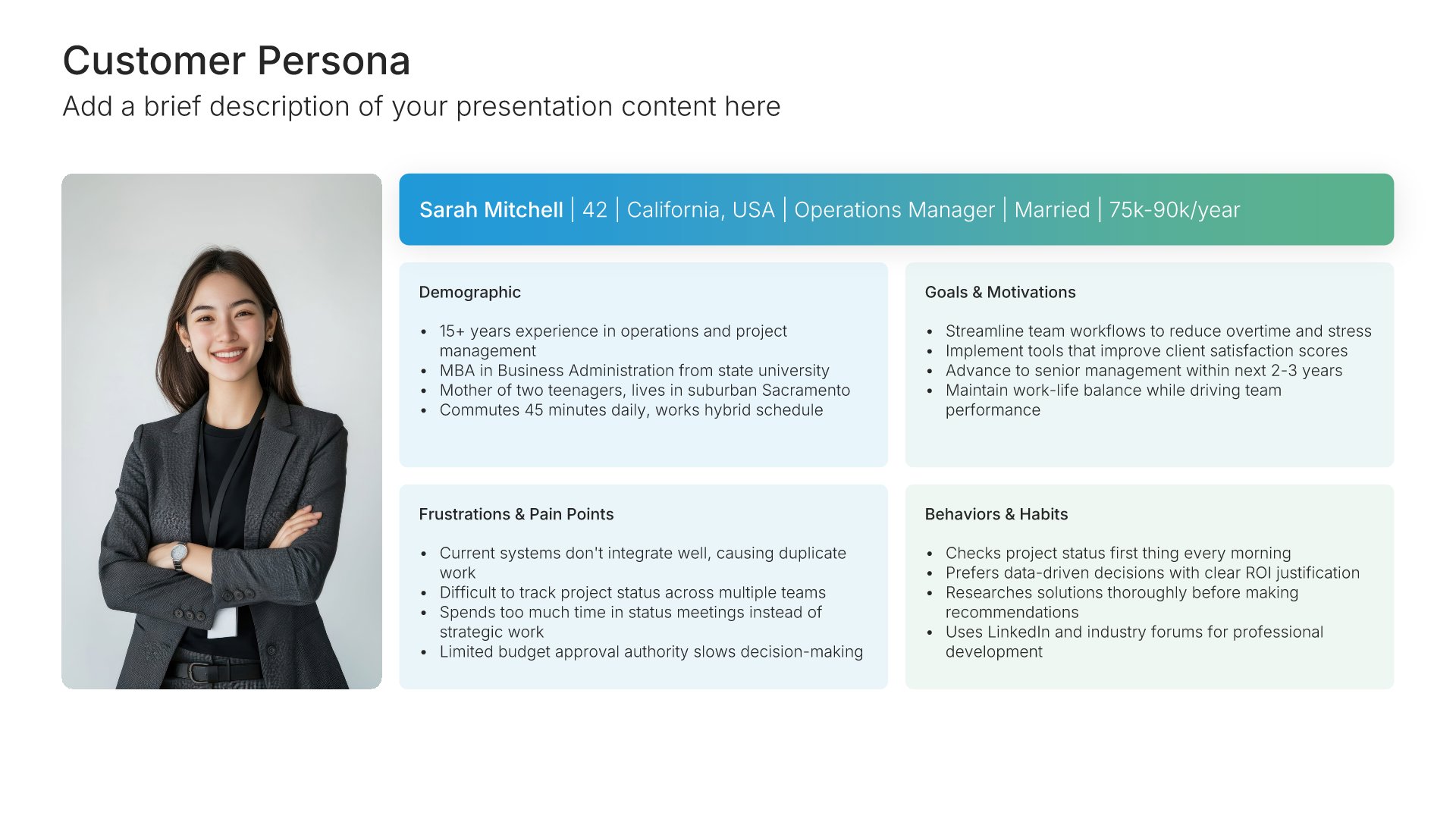
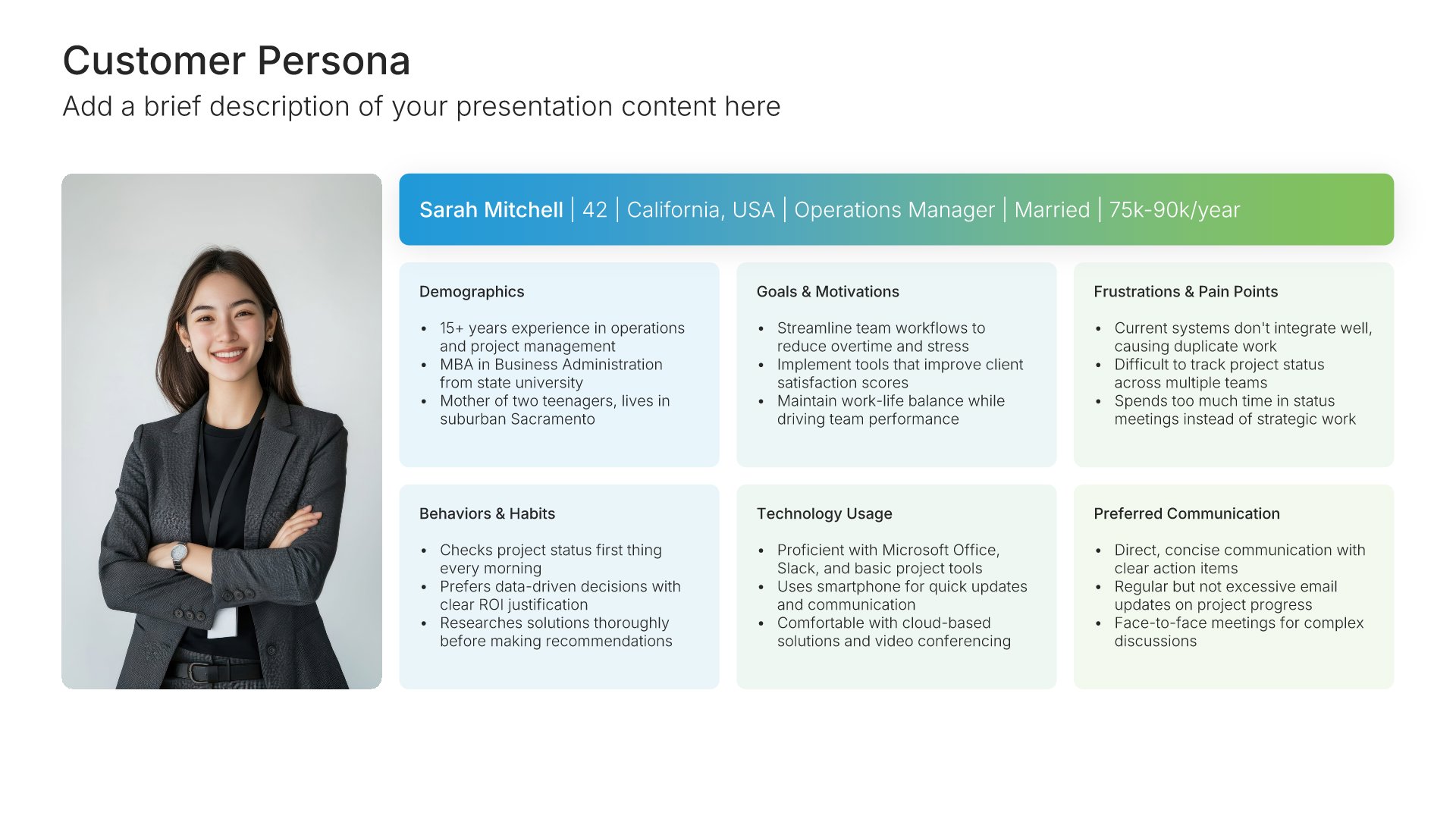
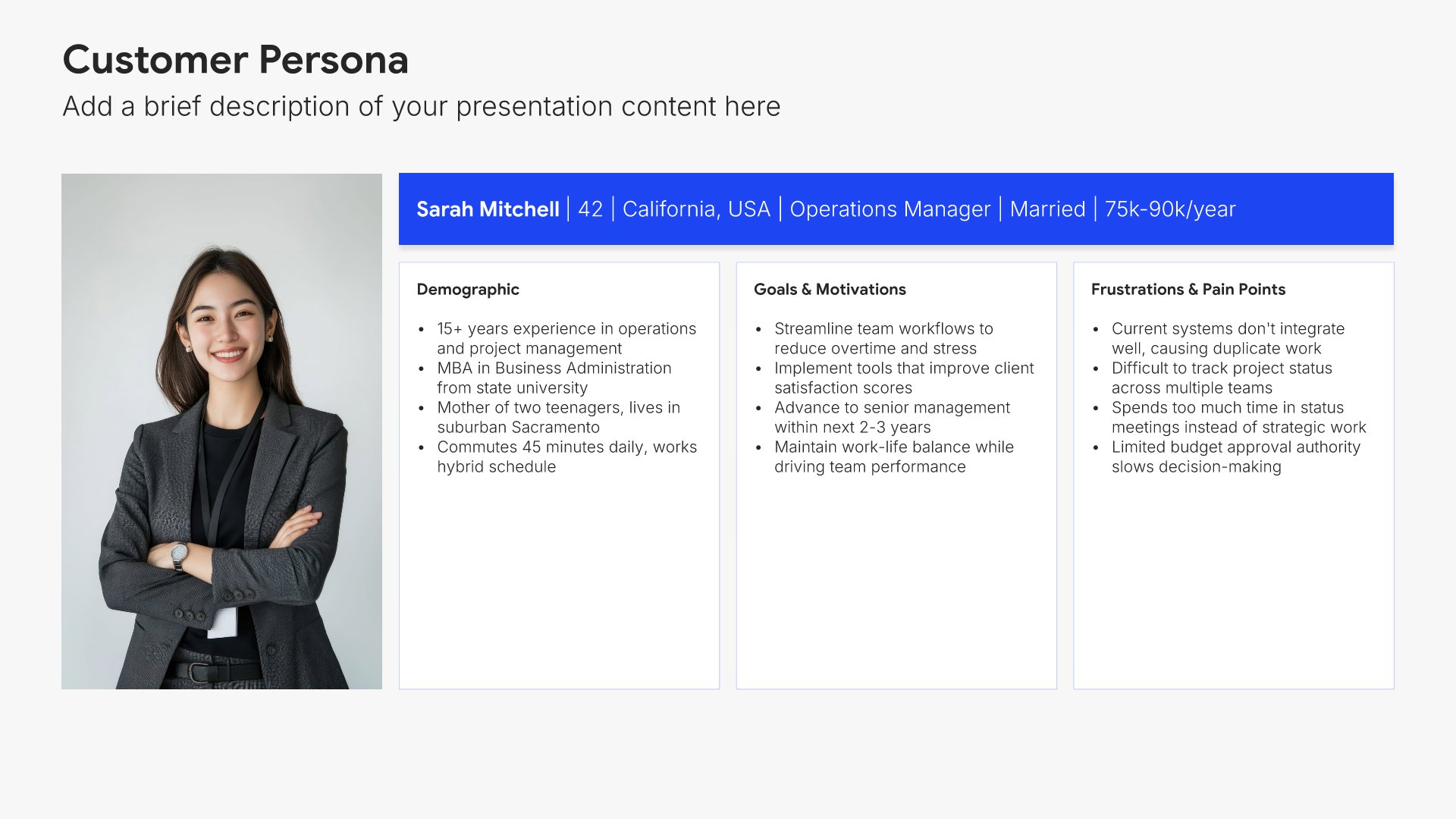
Target market slides help you define the specific audience you serve. Use them to present customer segments, demographics, behaviors, and needs that your business addresses. Ideal for business plans, marketing strategies, and pitch decks where showing a clear understanding of your customers strengthens your positioning.
Built using Customer Persona slides

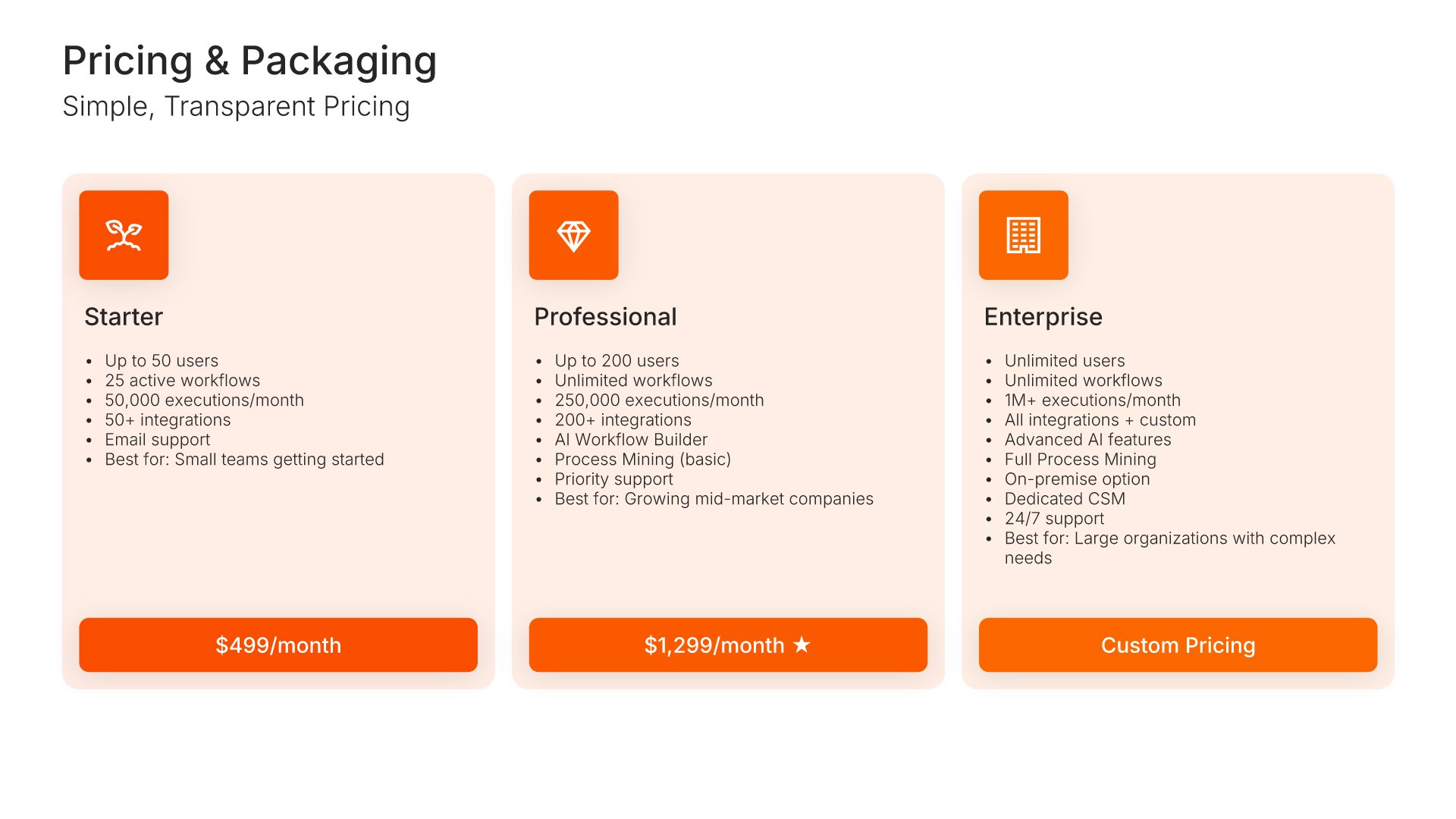
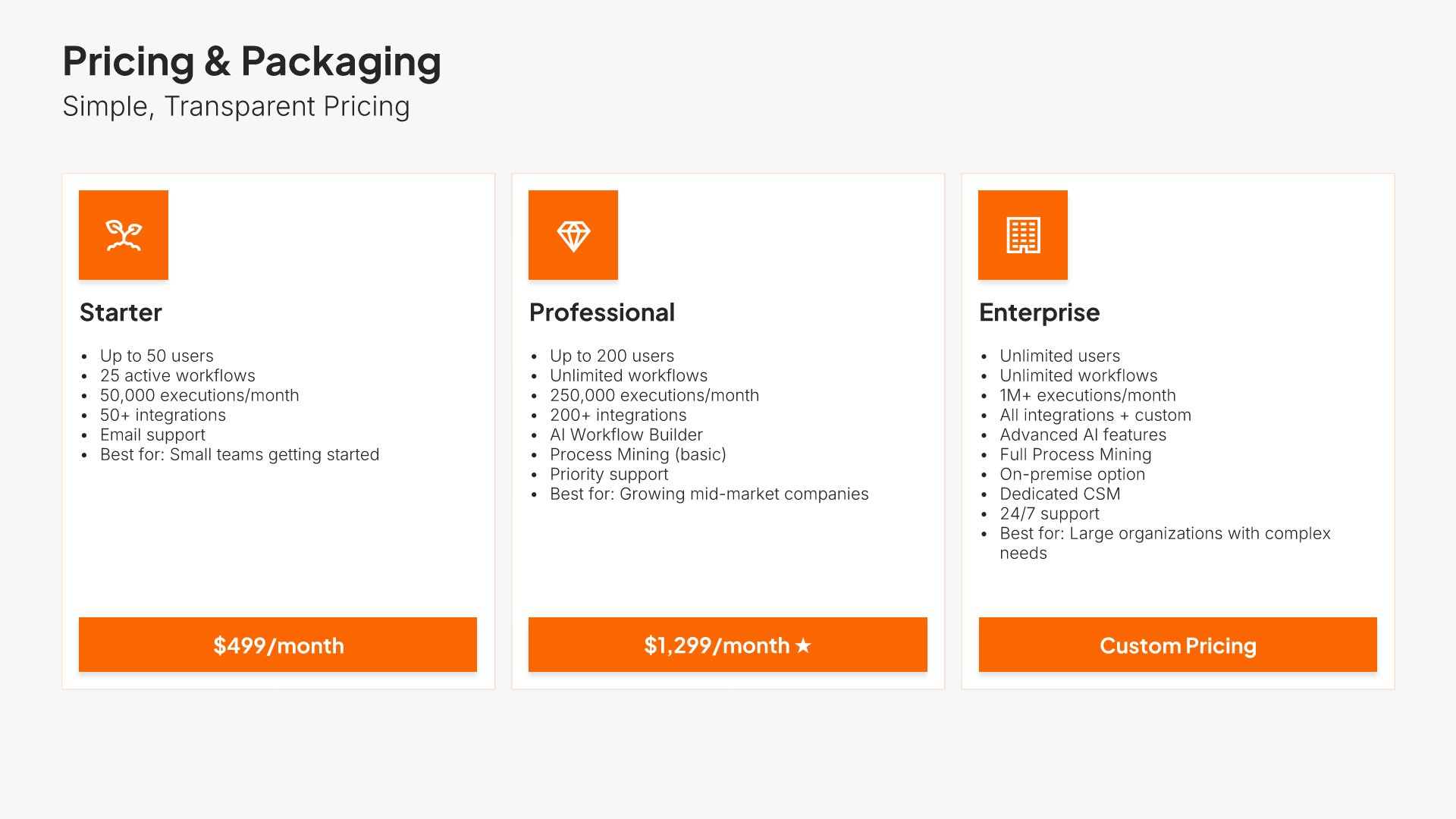
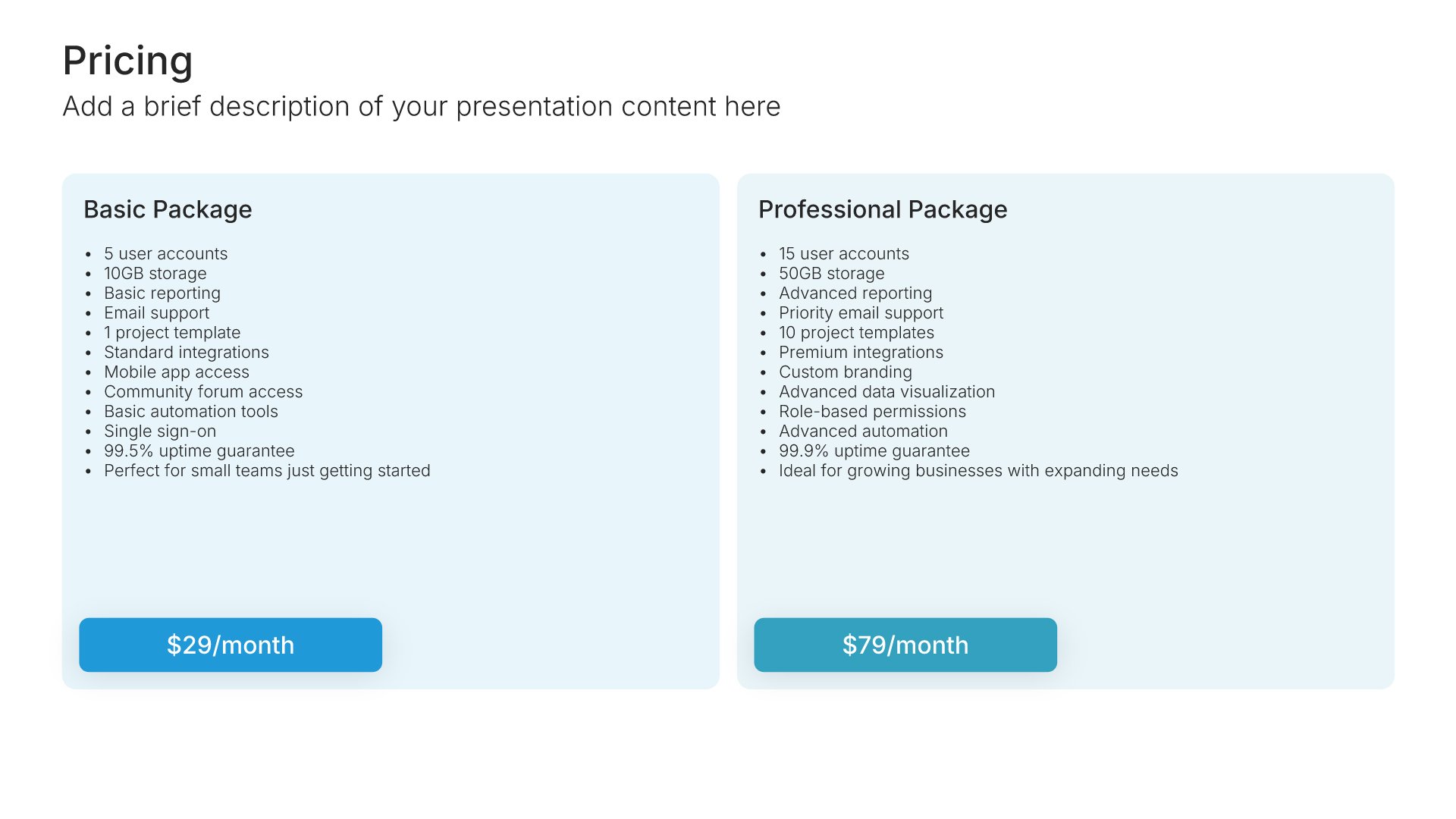
10. Pricing

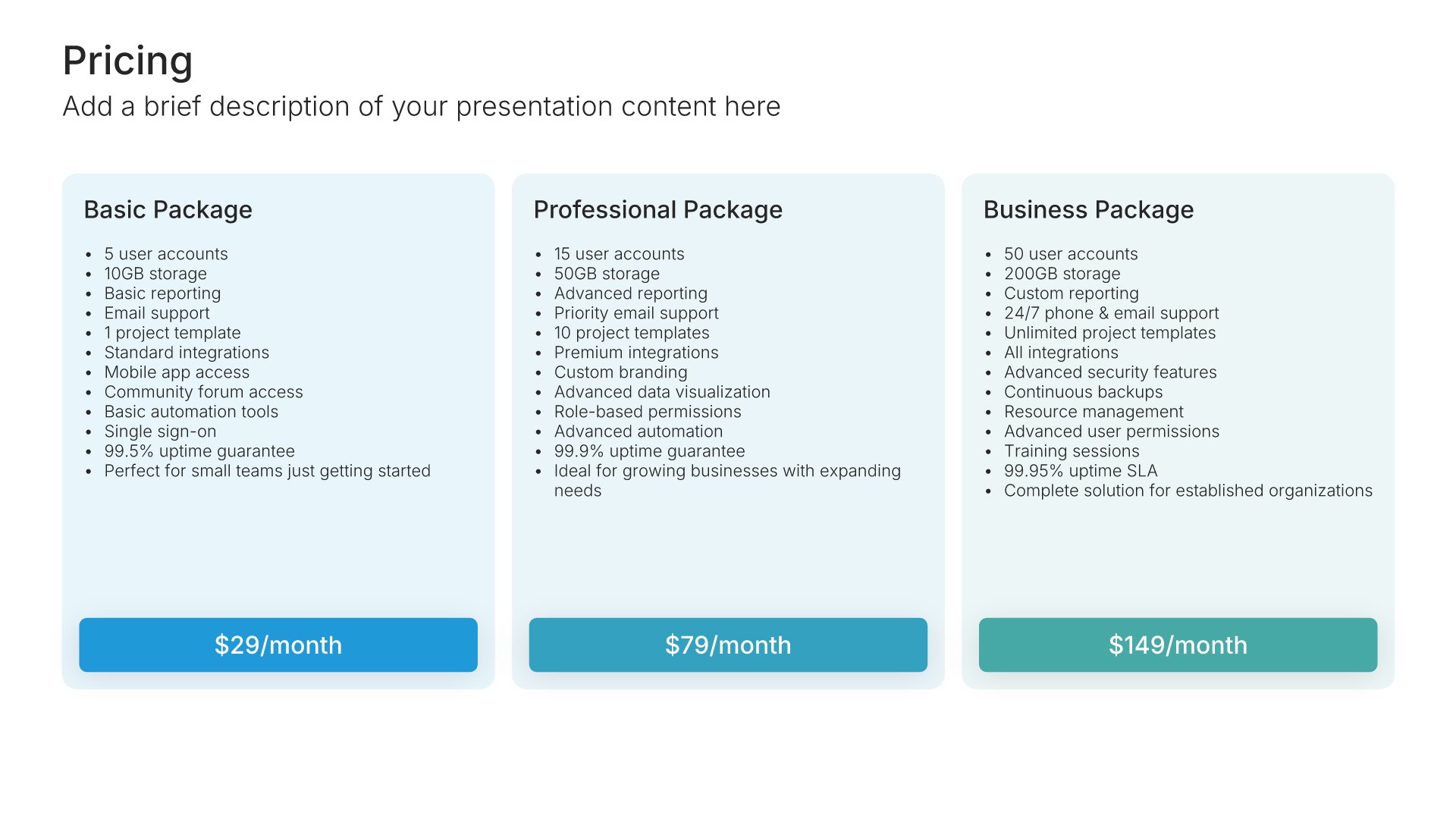
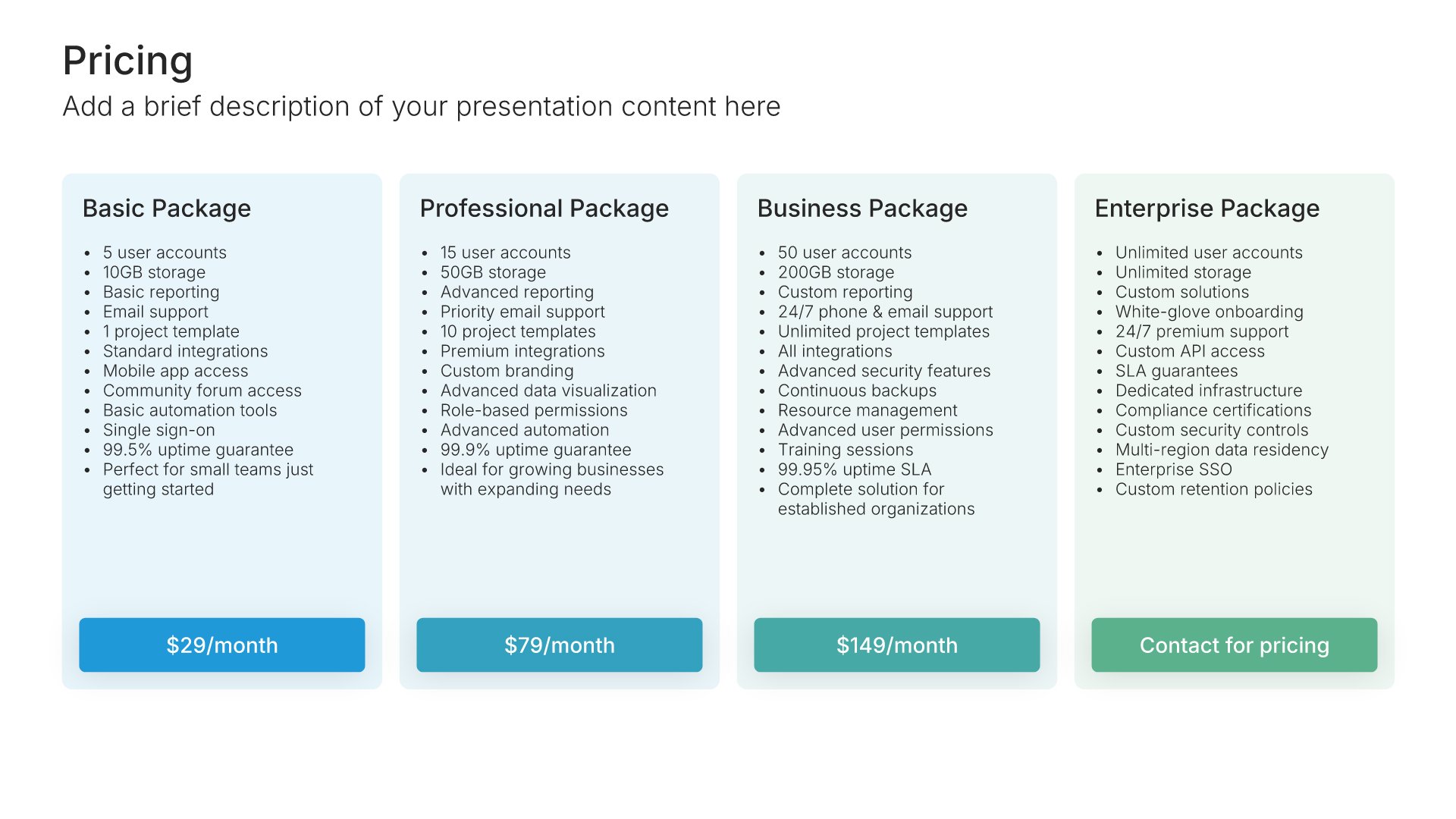
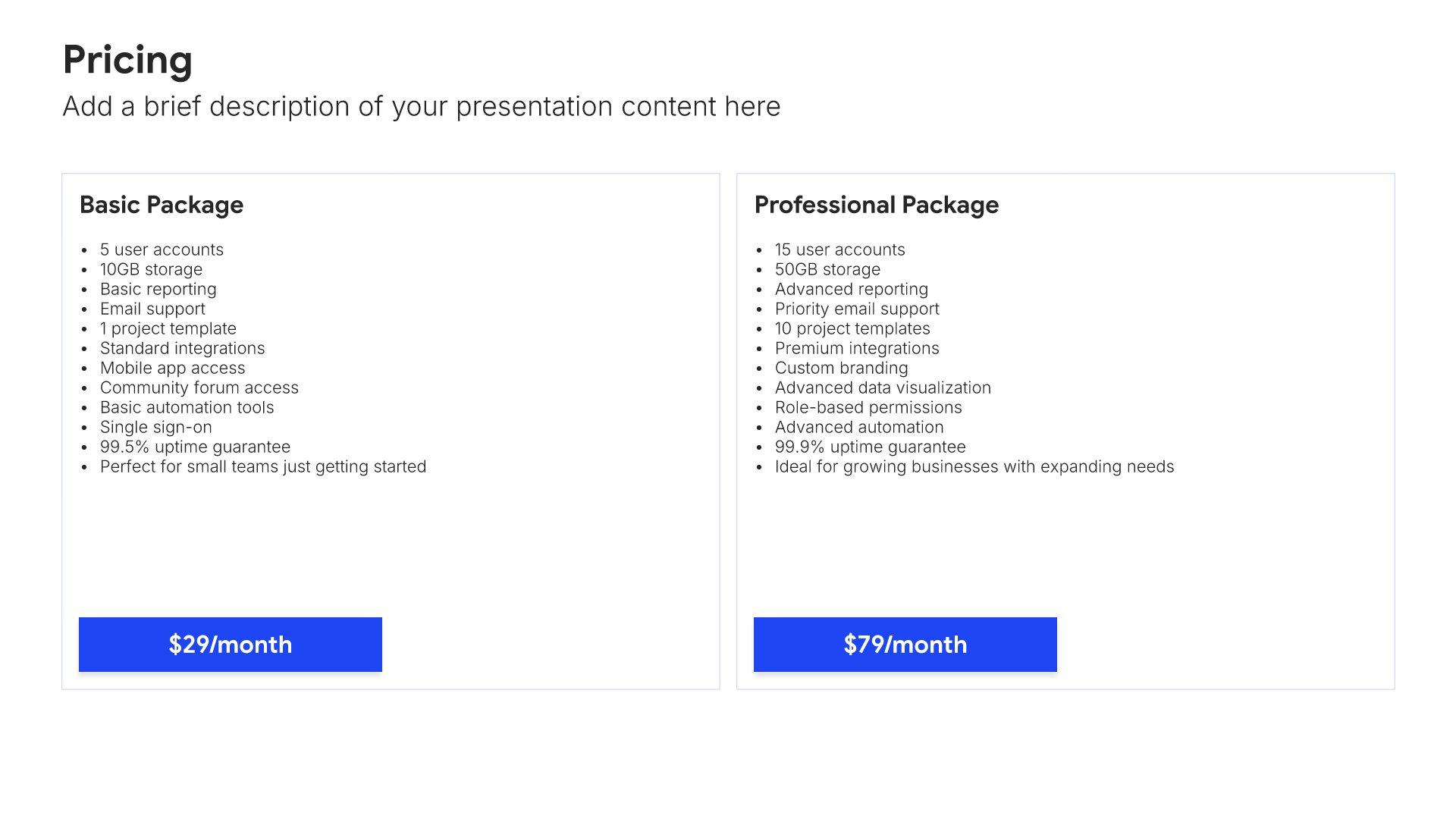
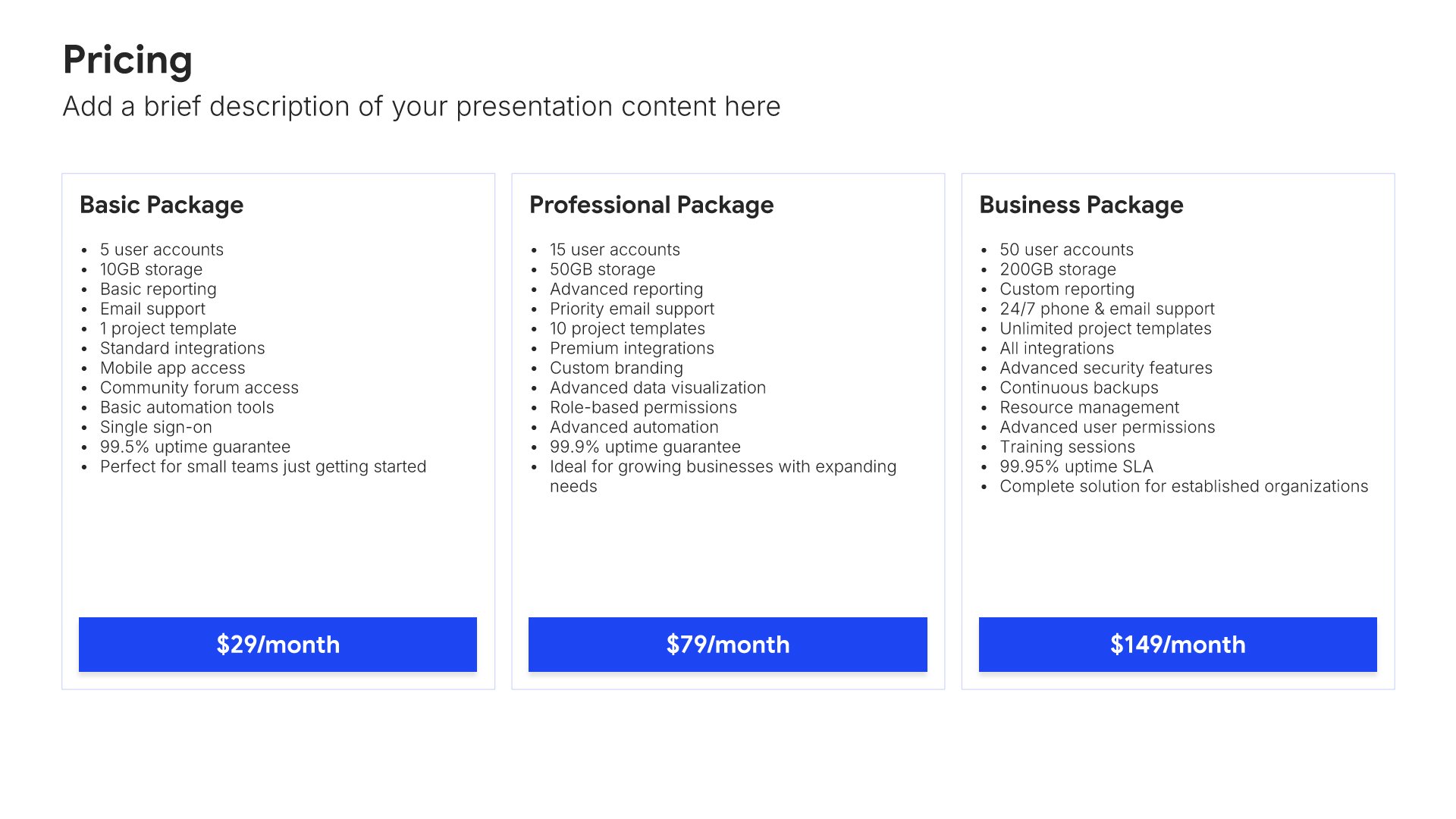
Pricing slides help you display plans and packages clearly. Use them to present pricing tiers, features, and options in formats that help customers compare and choose. Ideal for sales presentations, product overviews, and any pitch where showing pricing options professionally drives purchasing decisions.
Built using Pricing slides

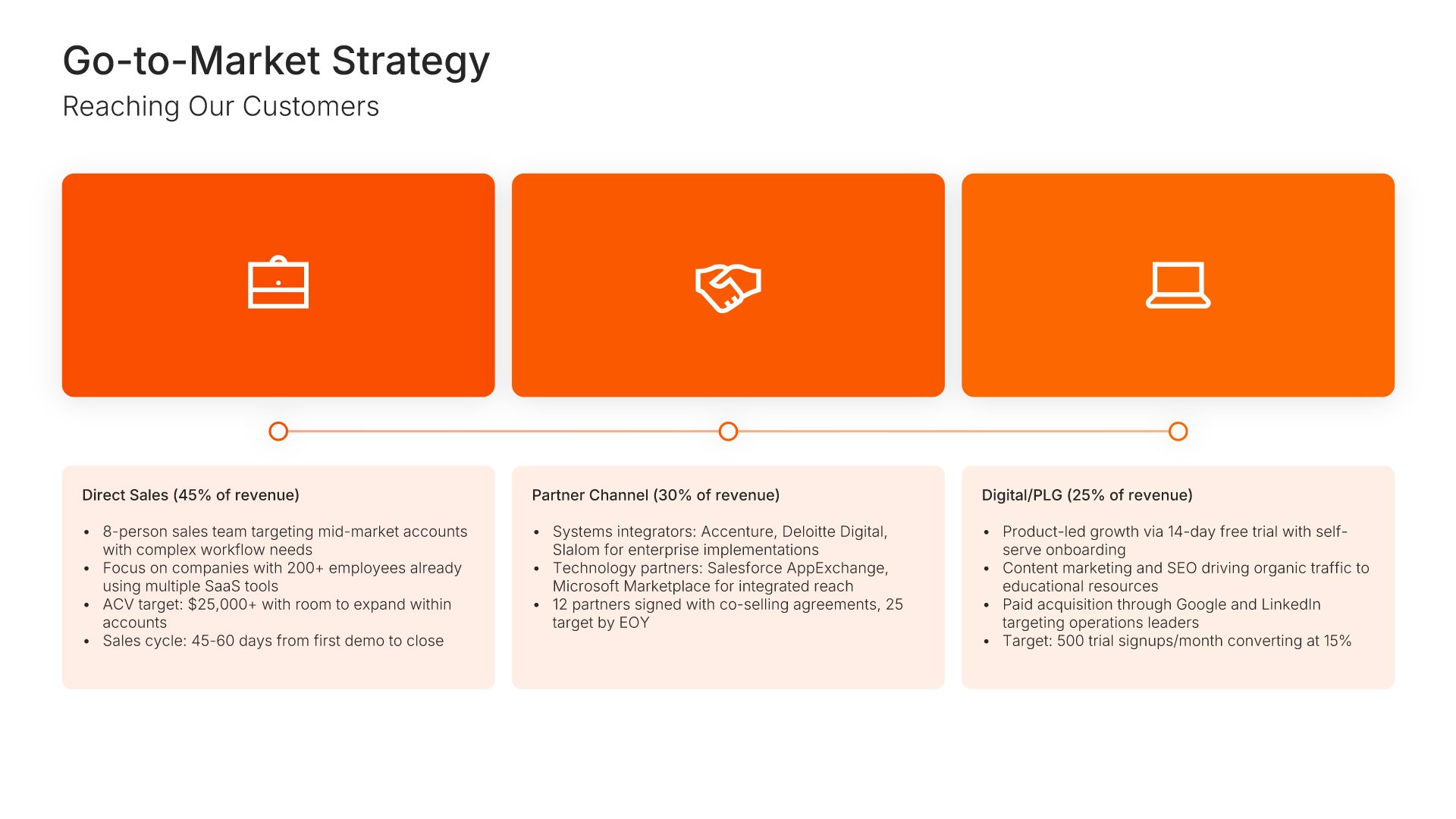
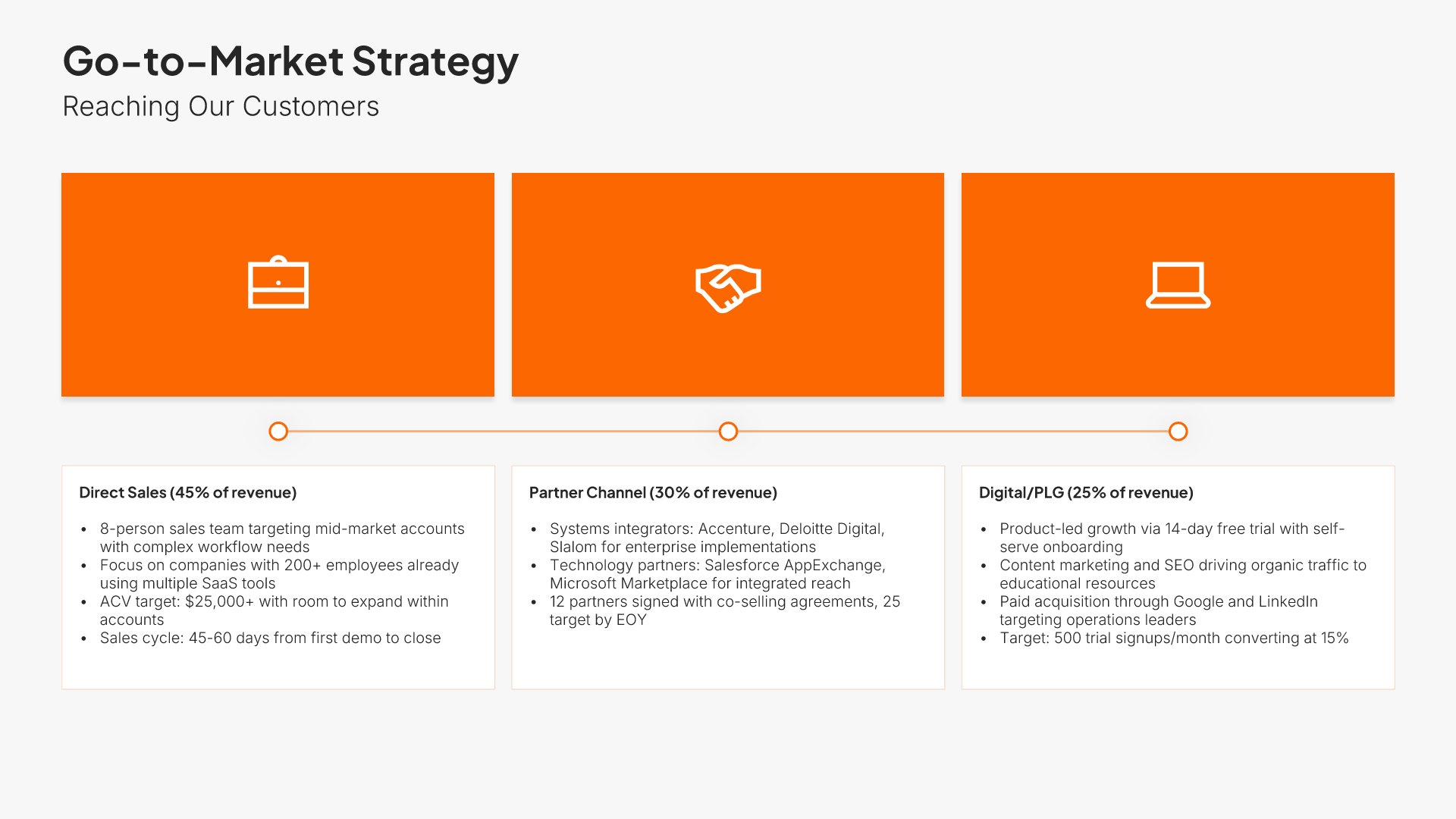
11. Go-to-Market Strategy

Go-to-market slides help you outline your plan for reaching and acquiring customers. Use them to present your sales channels, marketing approach, distribution strategy, and growth tactics. Ideal for pitch decks, strategic plans, and business proposals where showing how you'll capture market share is essential.
Built using Process – Horizontal slides

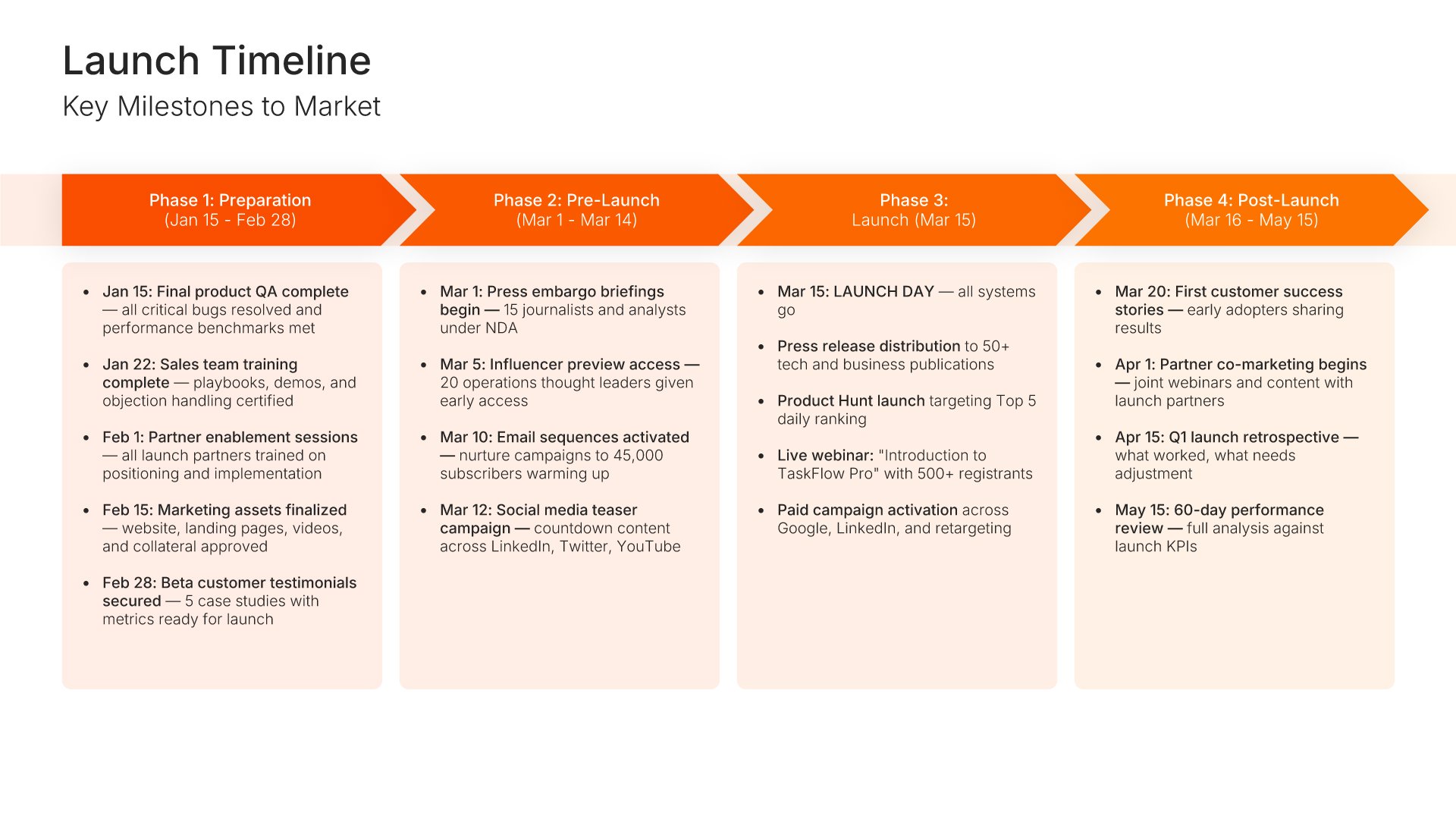
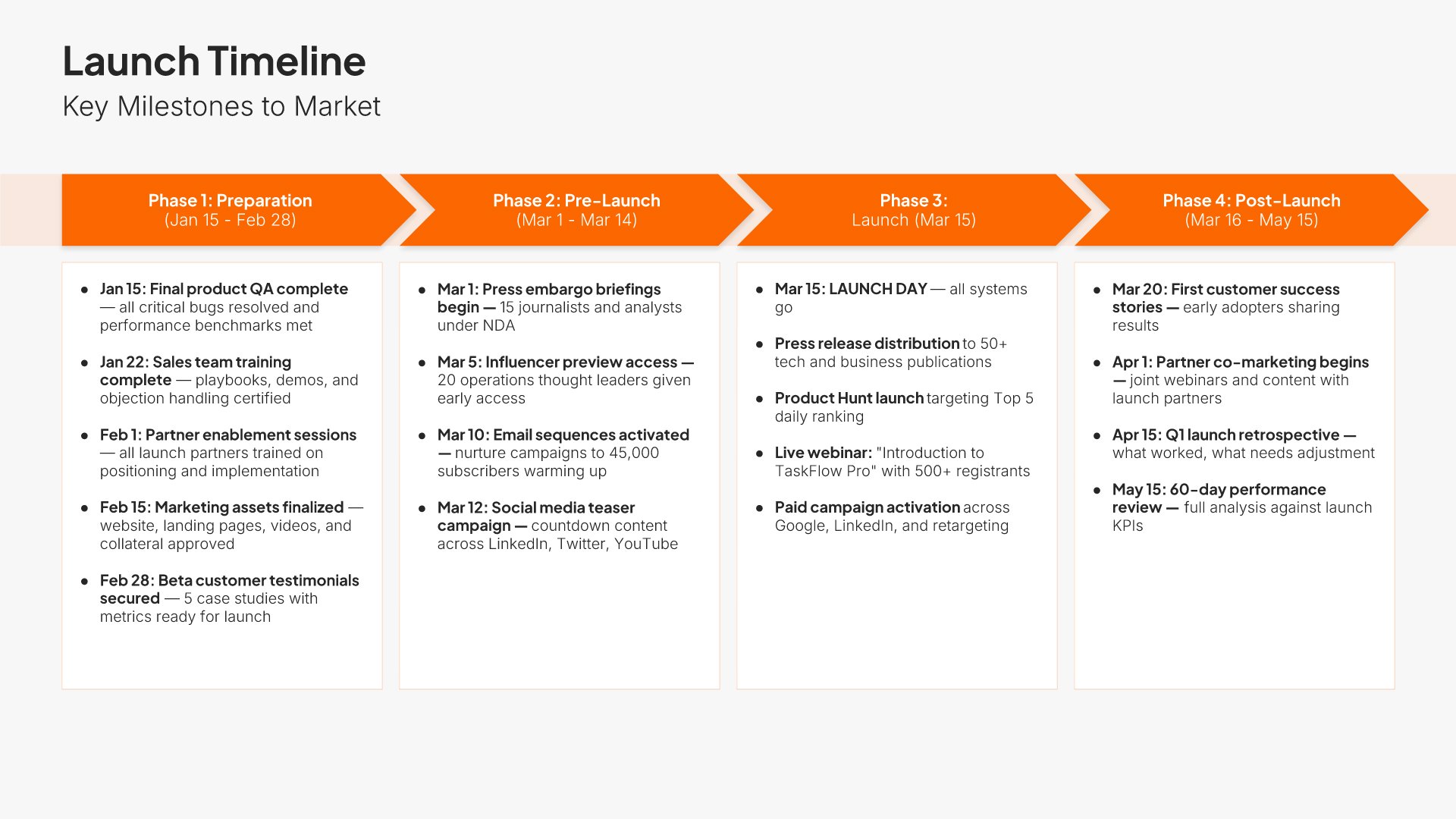
12. Implementation Timeline

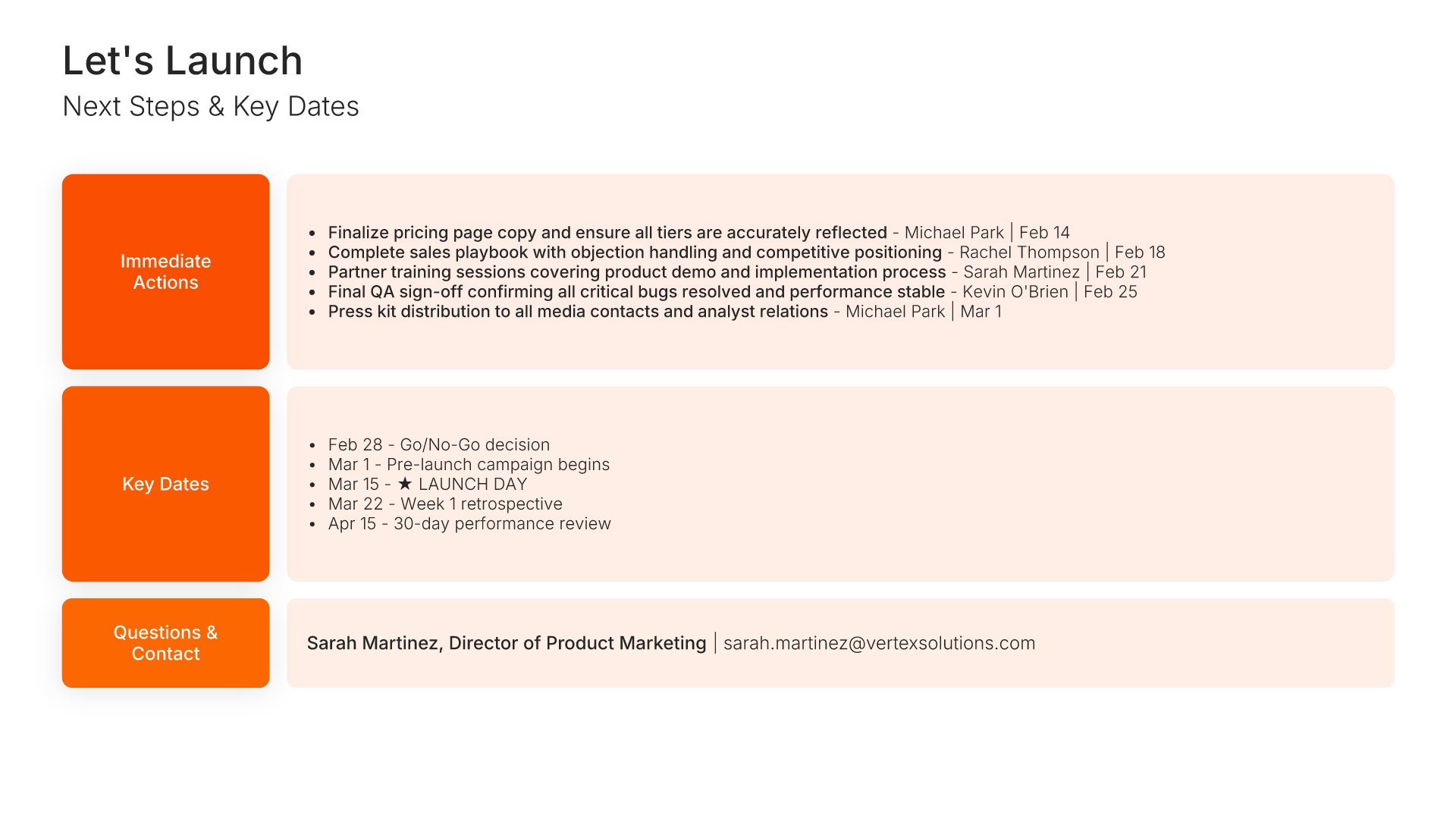
Timeline slides help you show events and milestones over time in clear chronological formats. Use them to display project phases, company history, product roadmaps, and key dates. Ideal for project planning, historical overviews, and any presentation where showing how things unfold over time tells a compelling story.
Built using Process – Horizontal slides

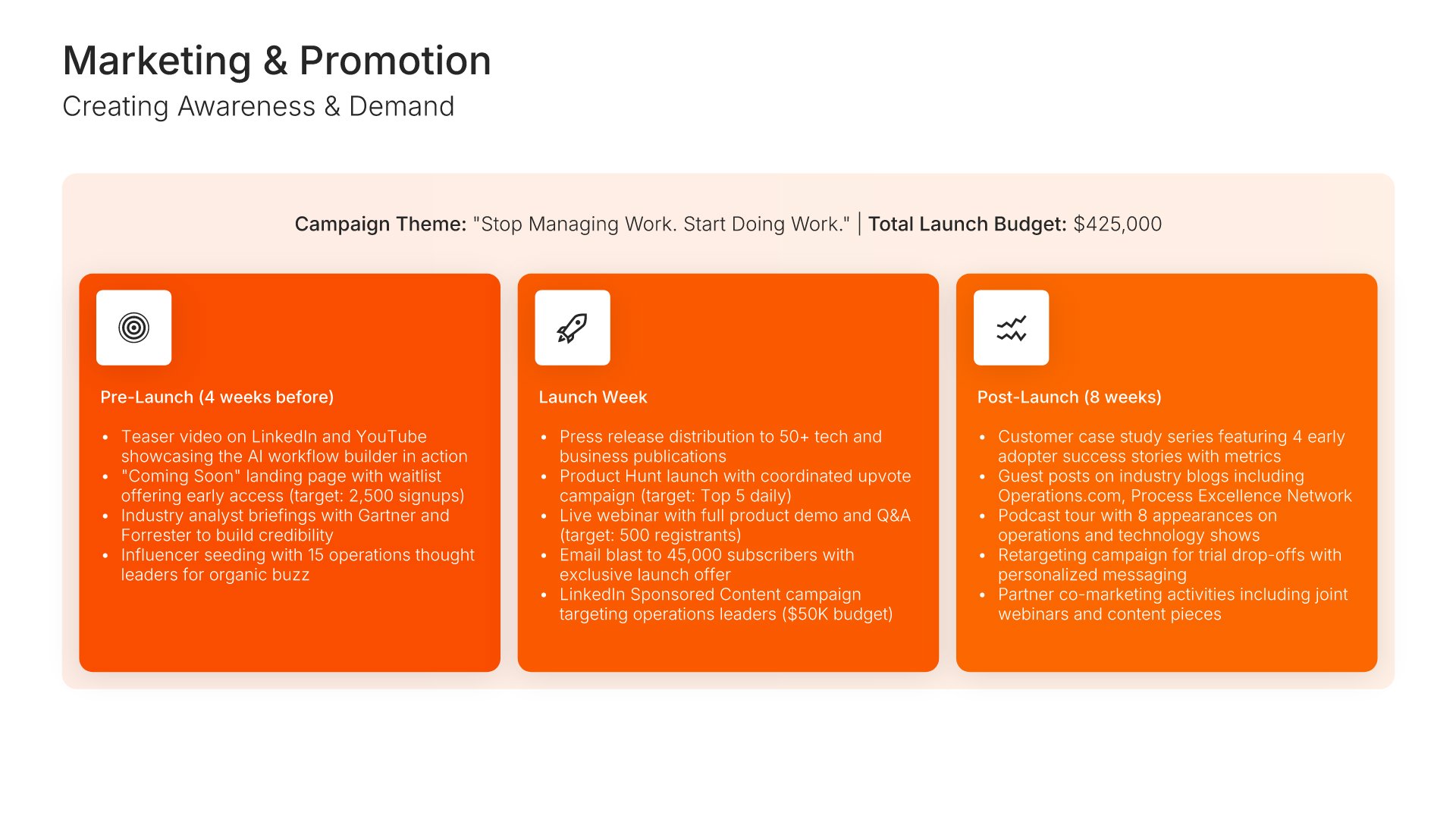
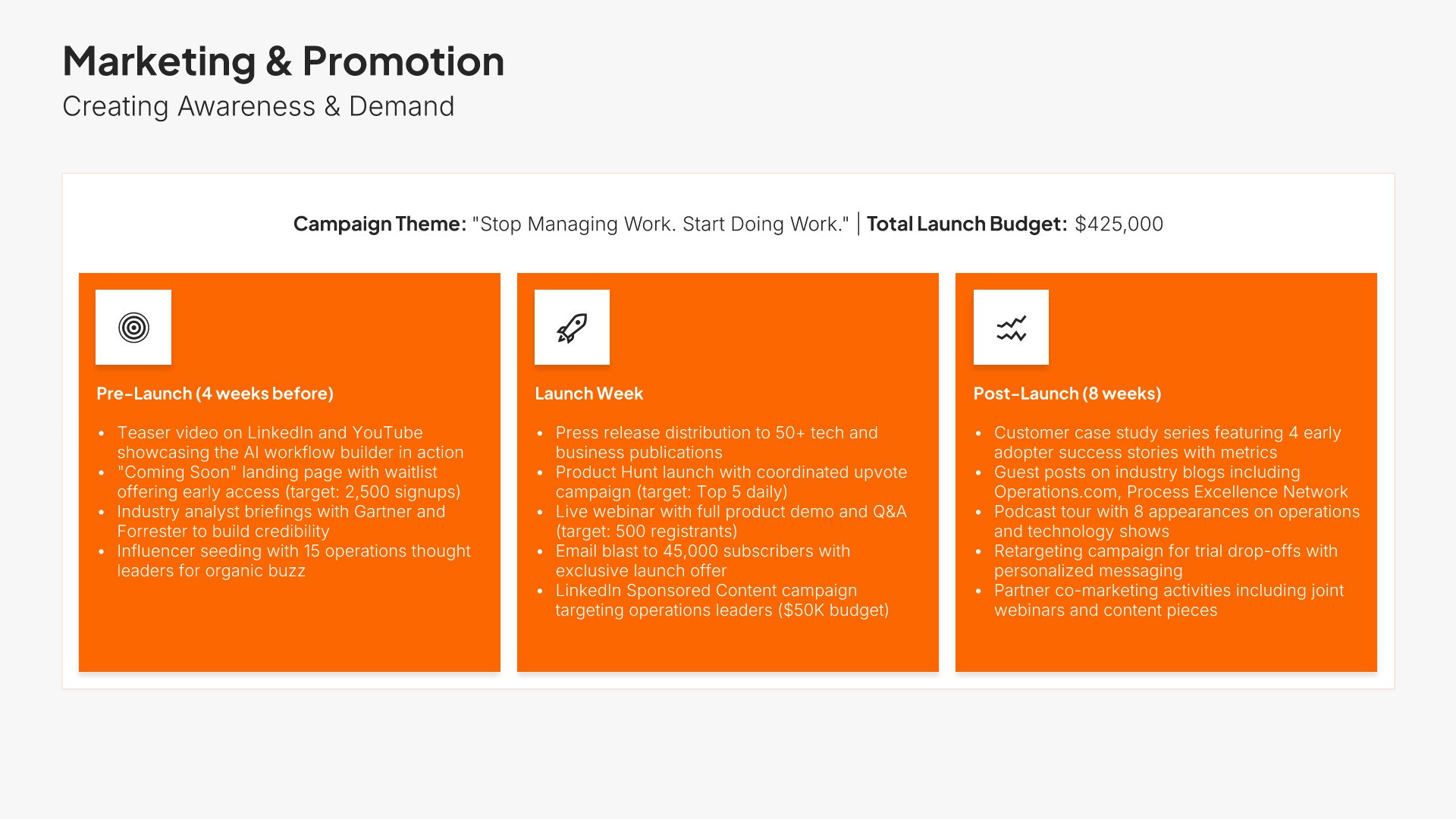
13. Marketing & Promotion

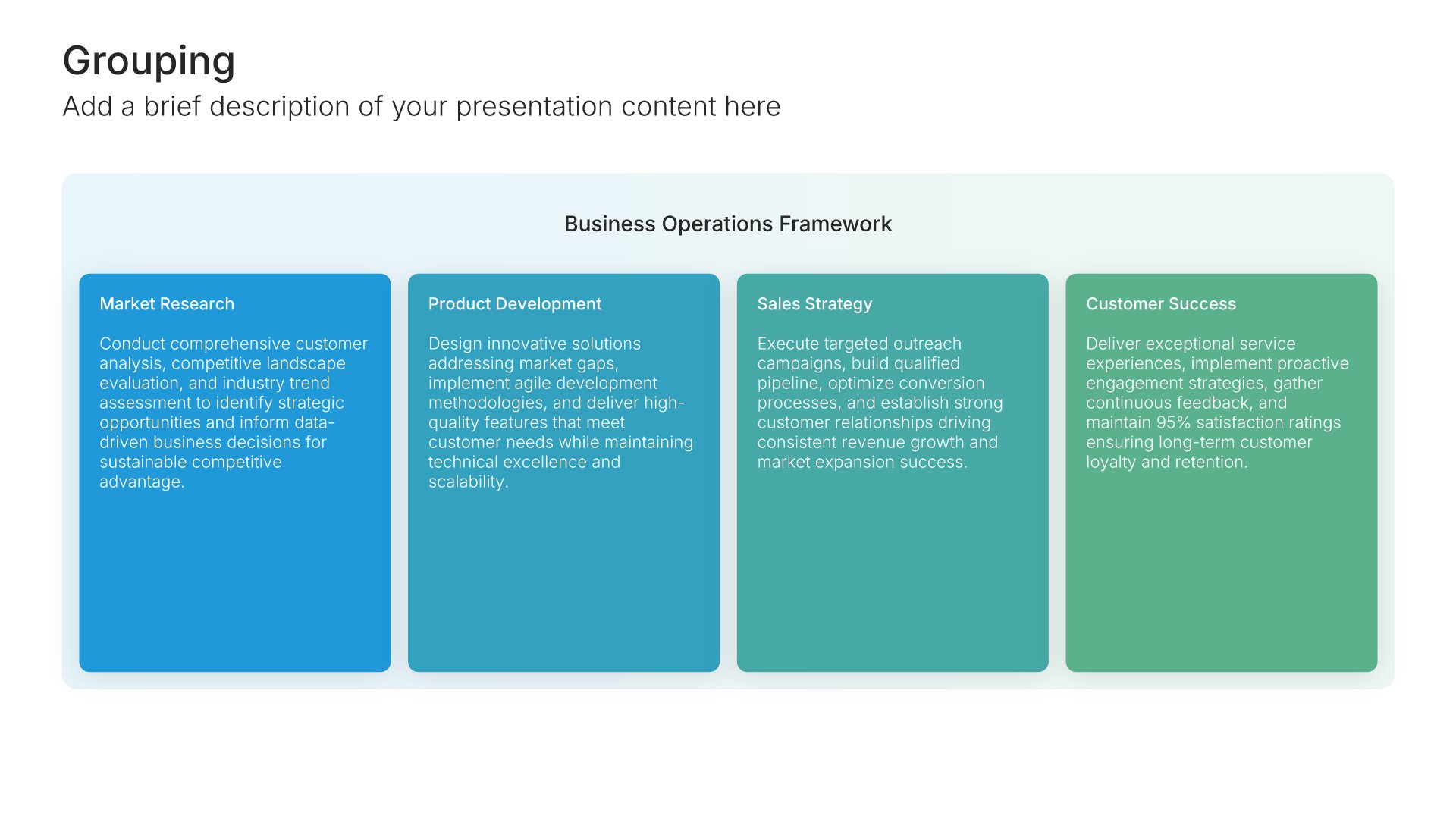
Marketing and promotion slides help you outline how you will build awareness and drive adoption for your launch. Use them to present campaign strategy, channel mix, messaging themes, and key promotional activities. A clear marketing and promotion plan shows stakeholders how the launch will reach buyers and convert interest into action.
Built using Grouping slides

14. Success Metrics

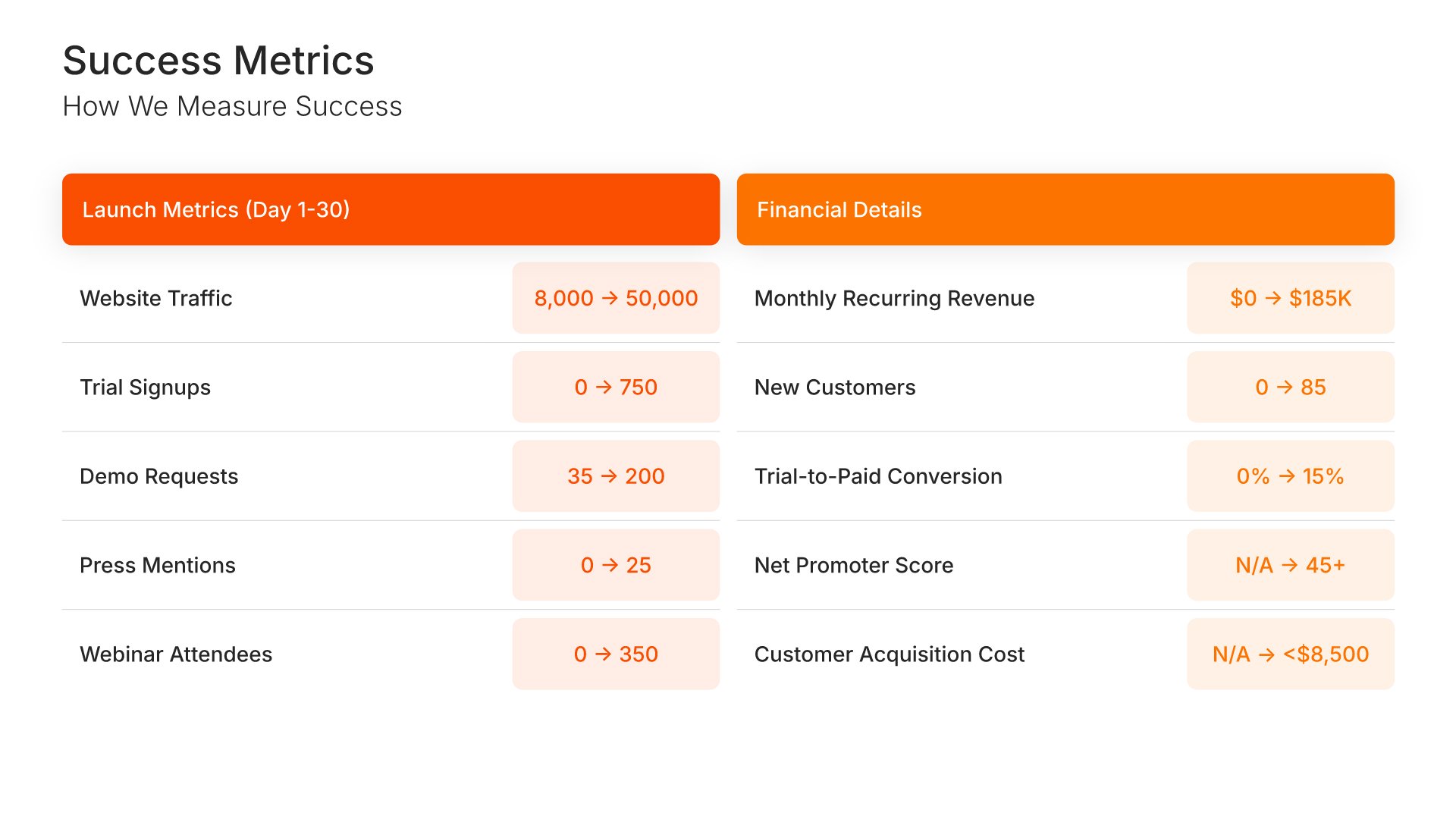
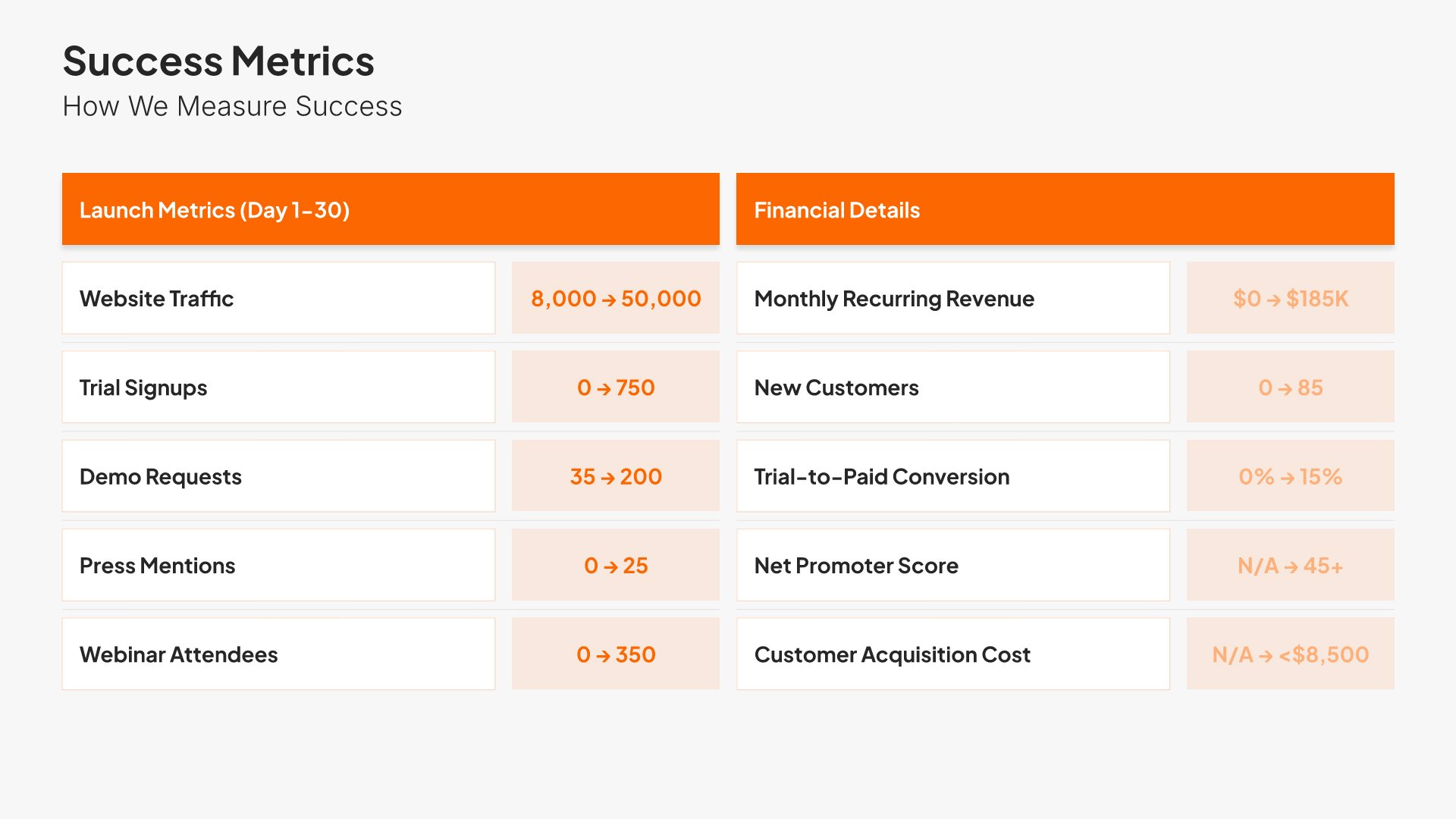
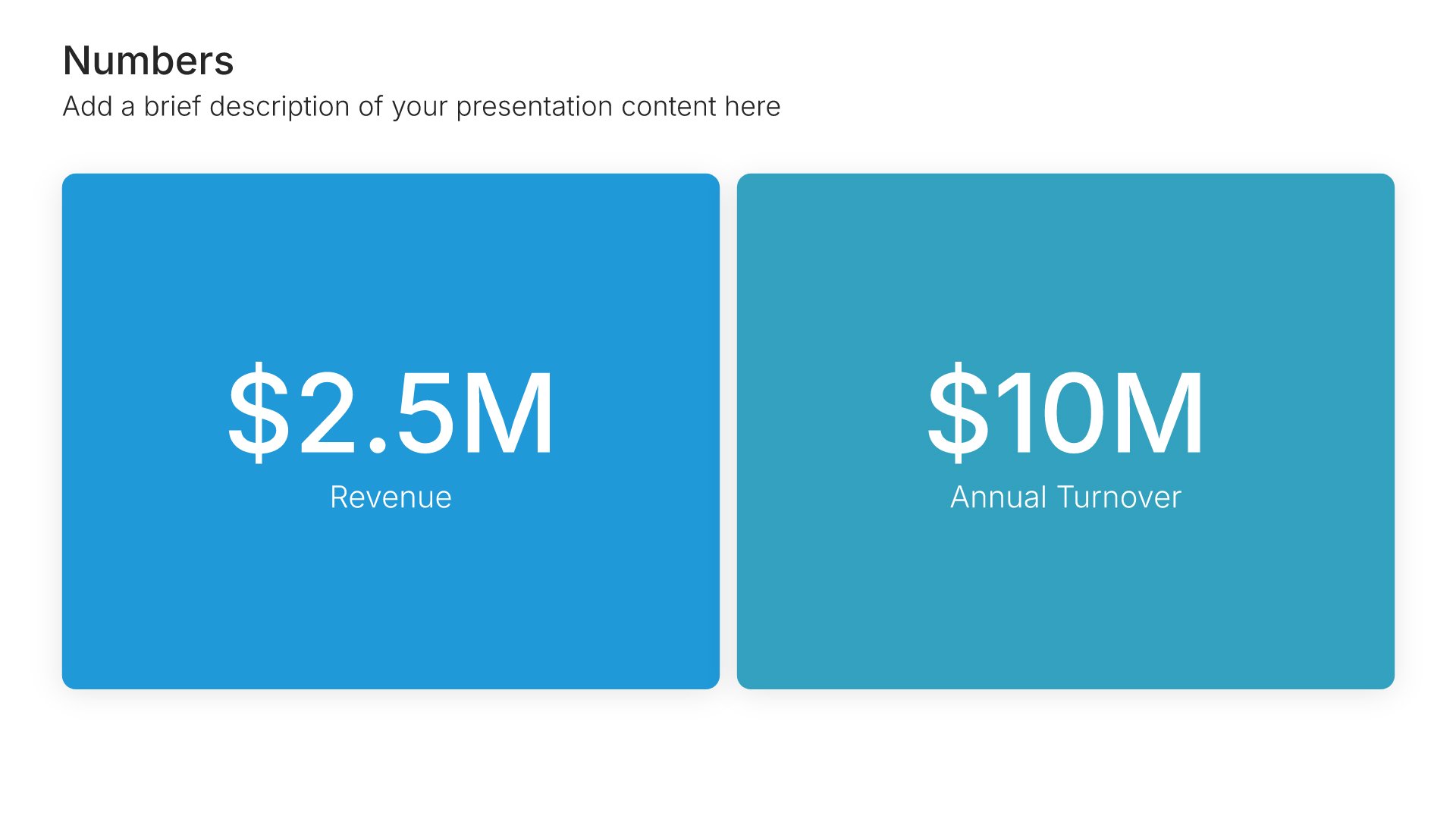
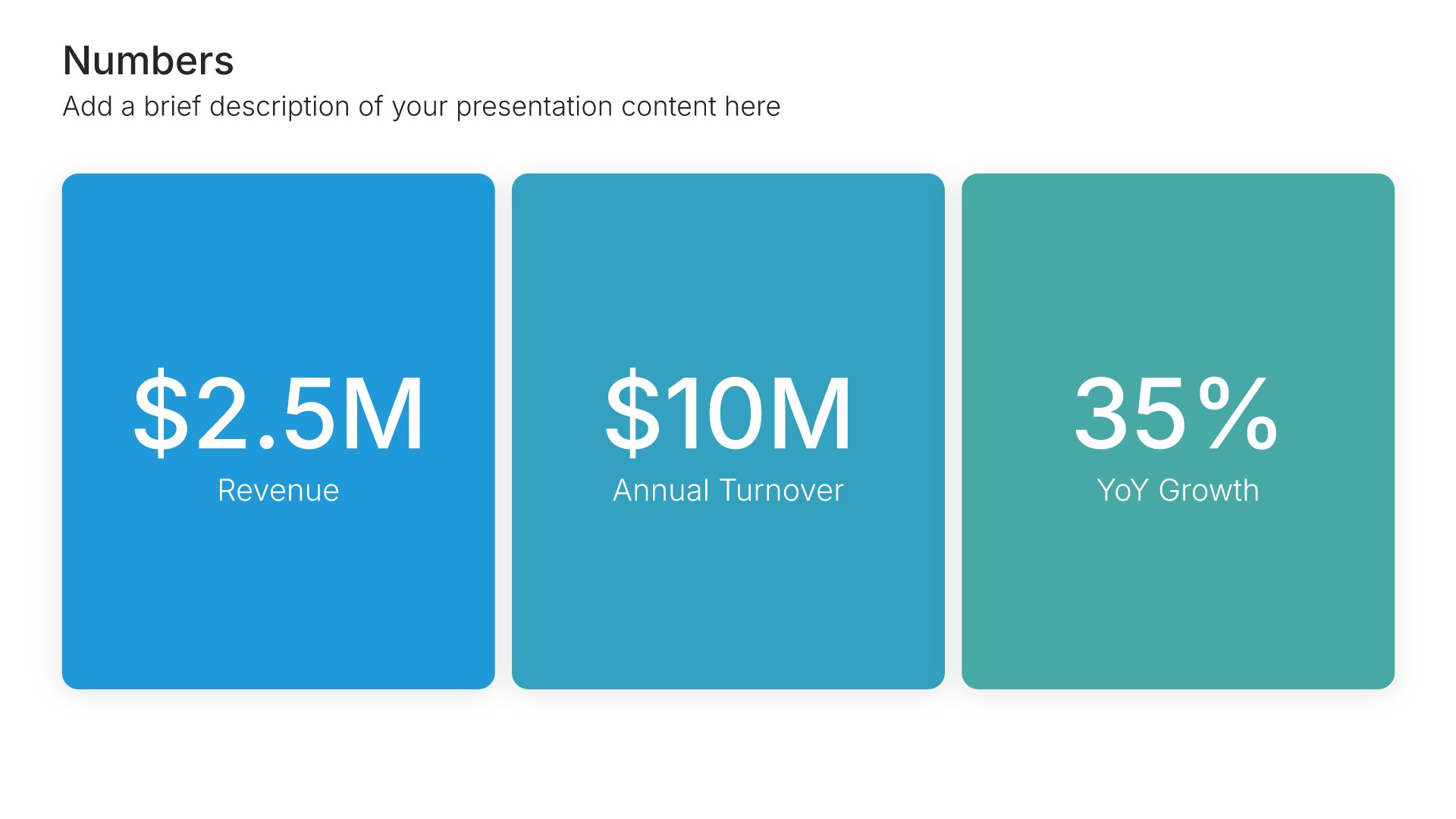
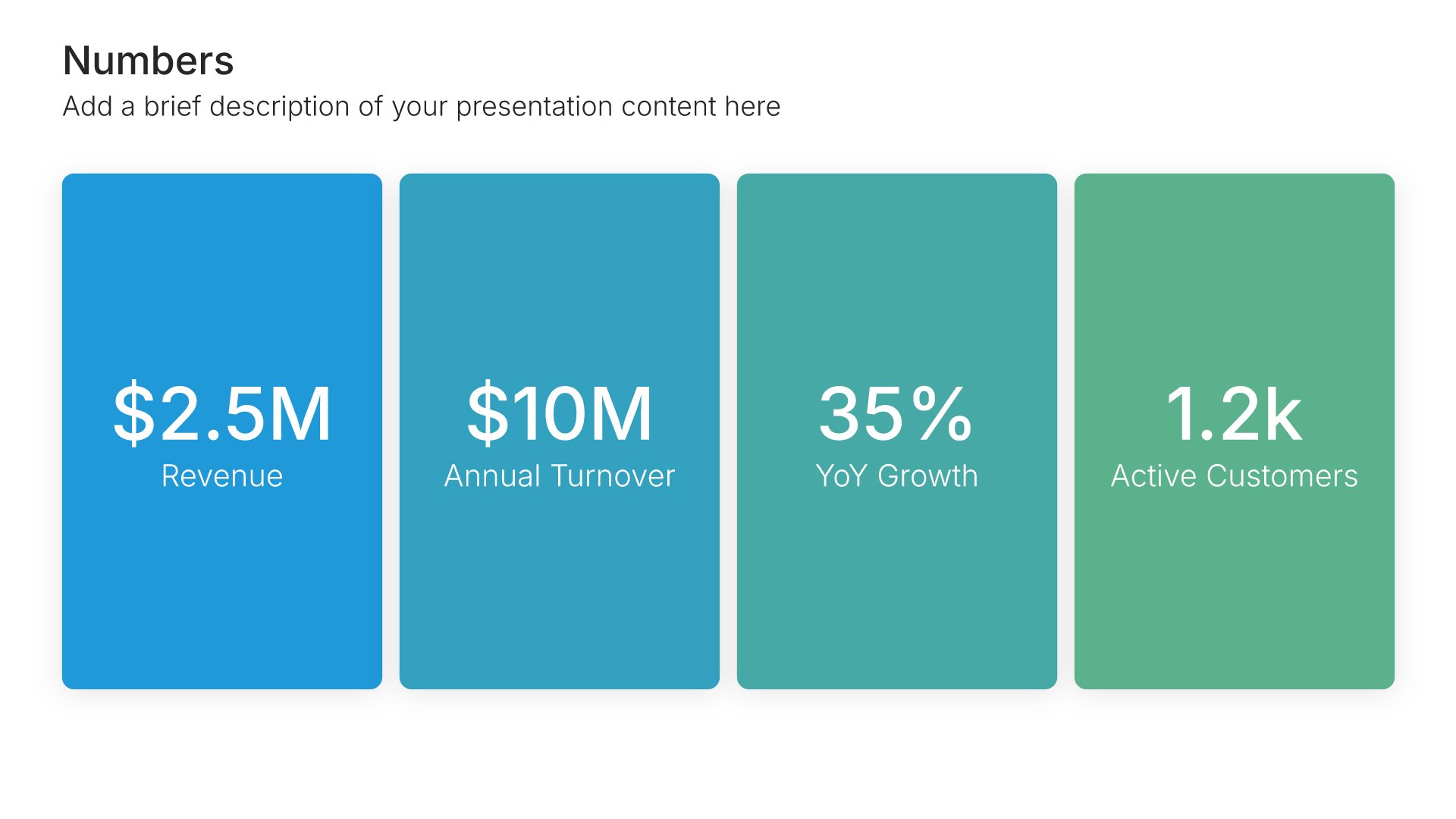
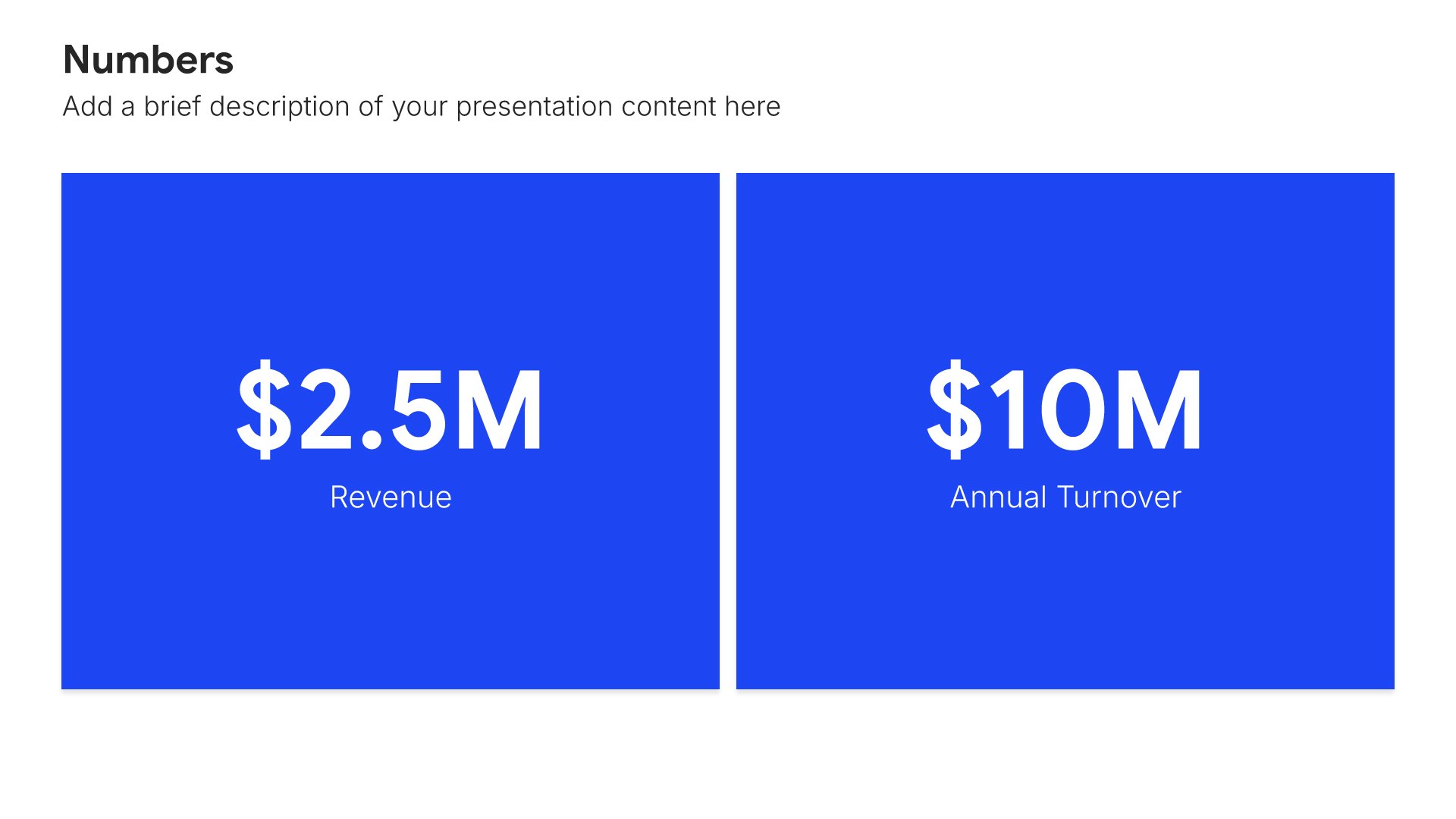
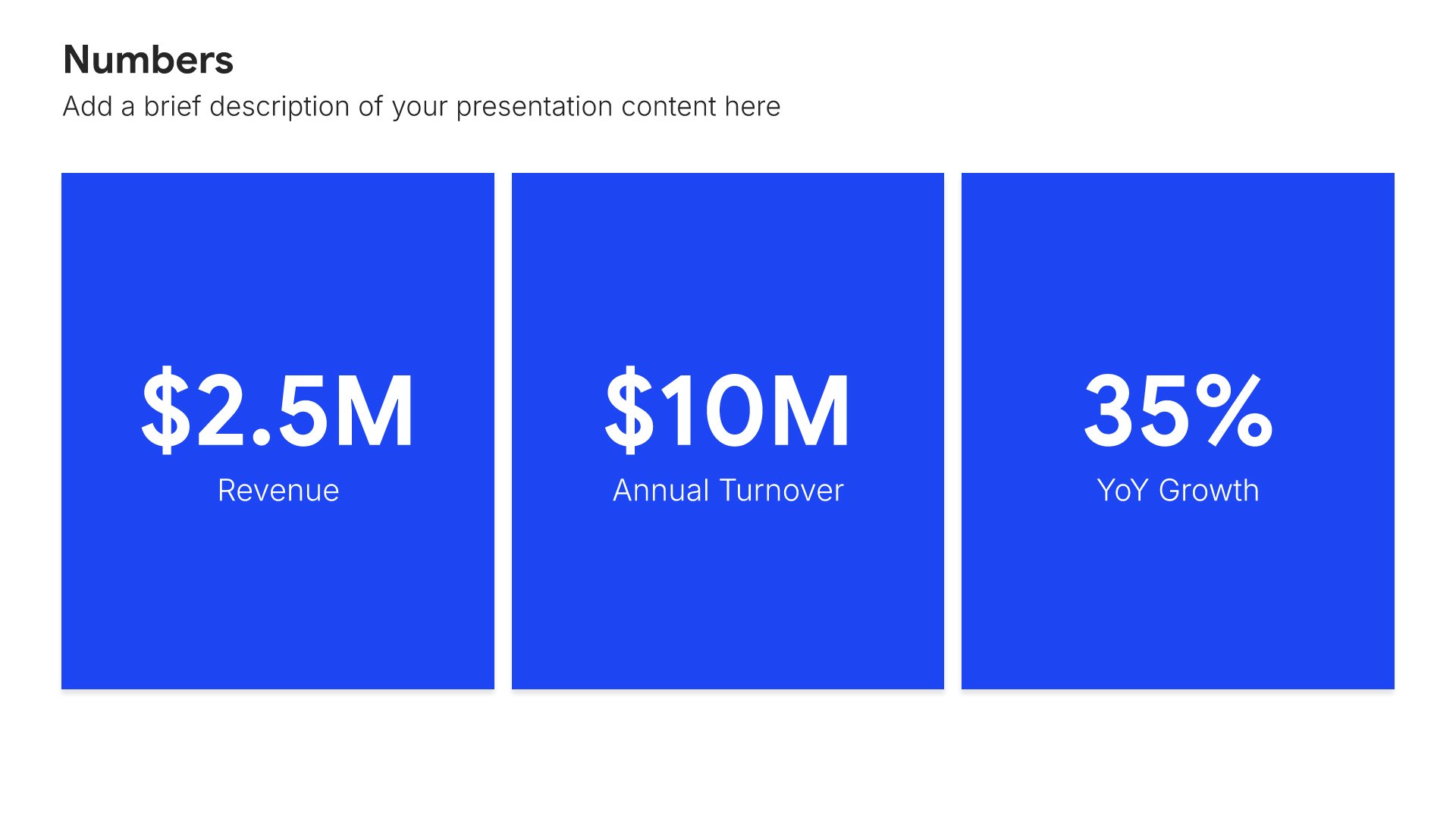
Success metrics slides help you define how project success will be measured. Use them to present KPIs, targets, and evaluation criteria that demonstrate accountability and enable objective assessment. Clear metrics show stakeholders how you will prove the project delivered expected value and justify the investment.
Built using Simple Numbers slides

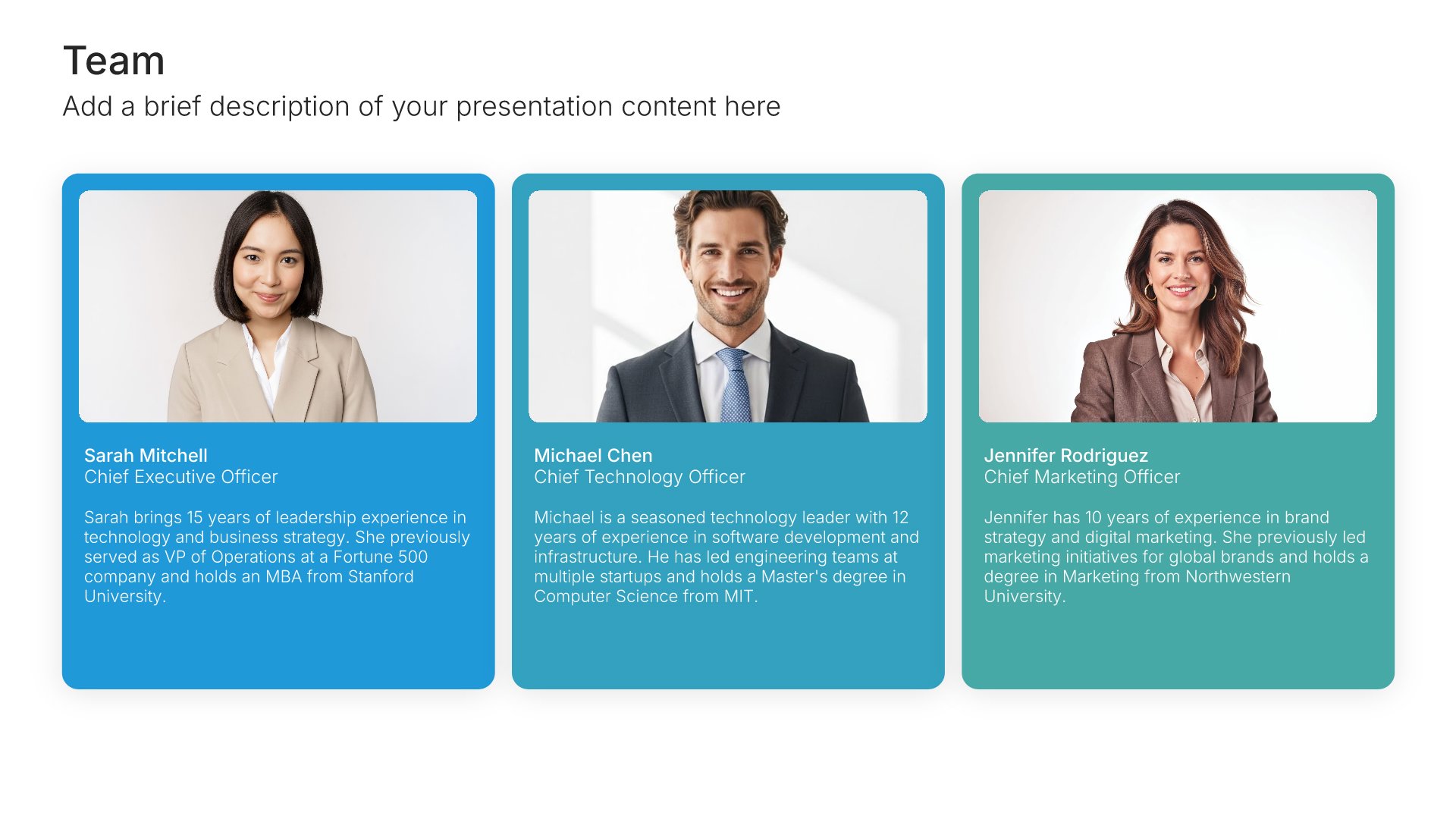
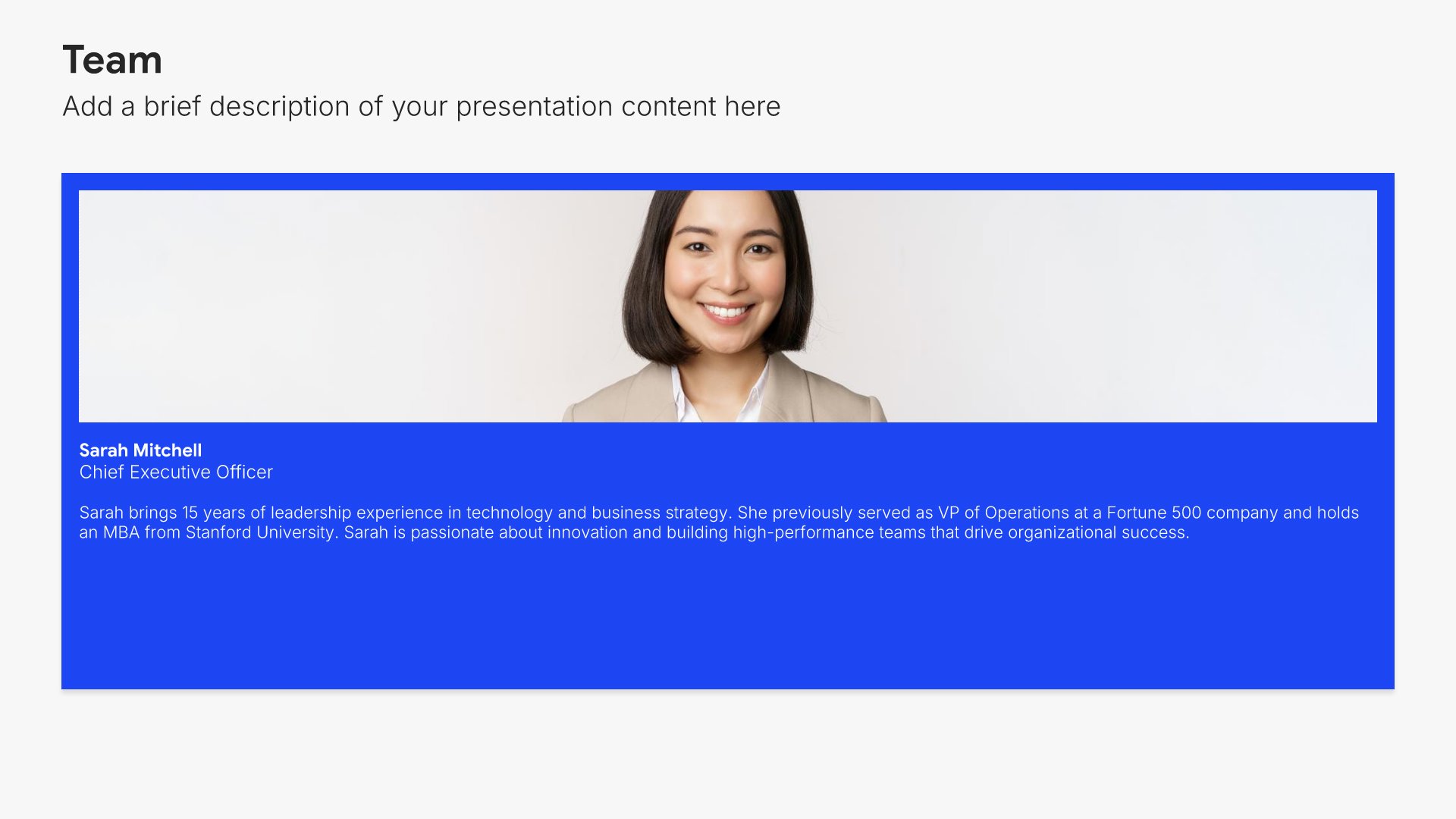
15. Team

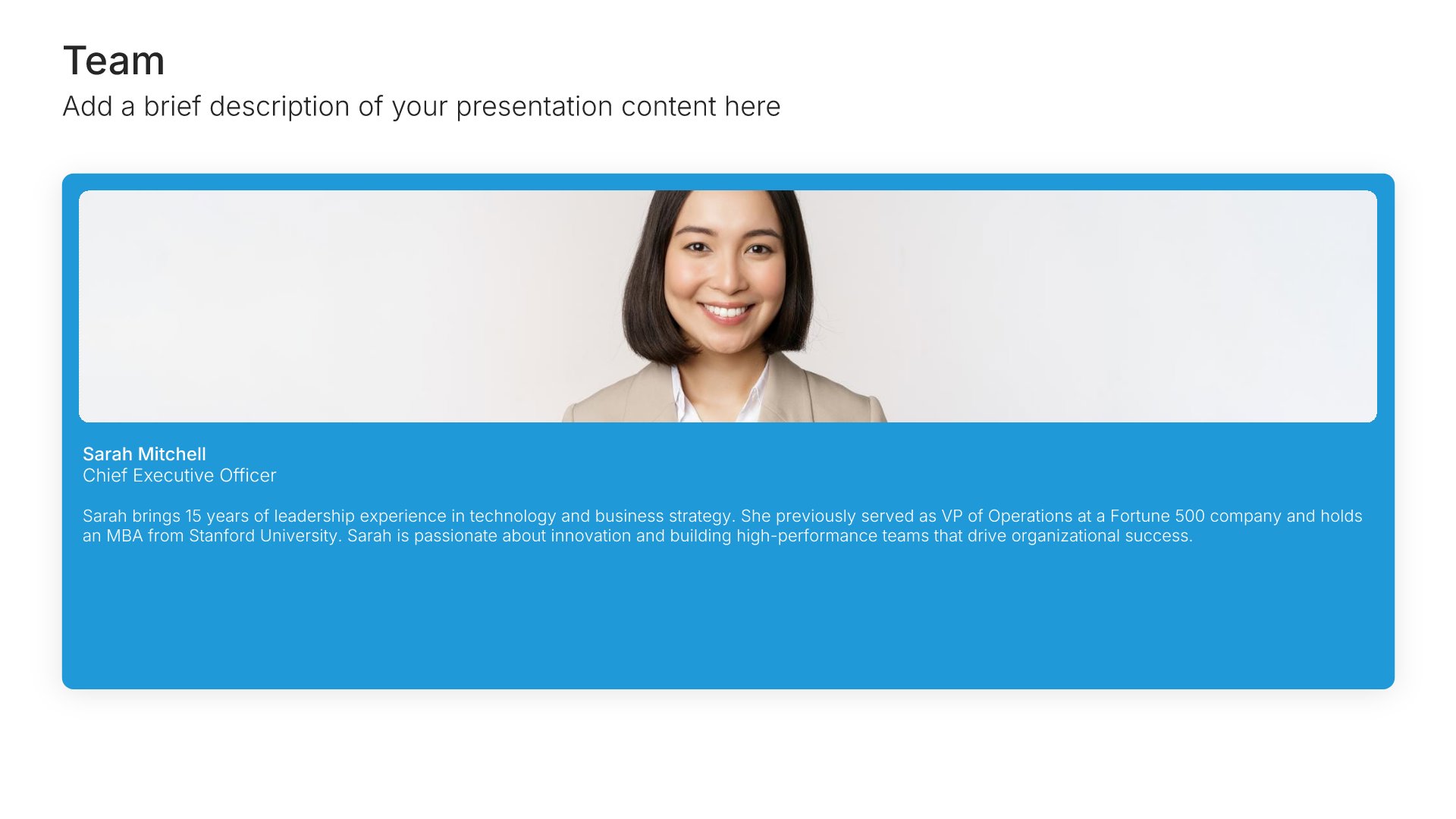
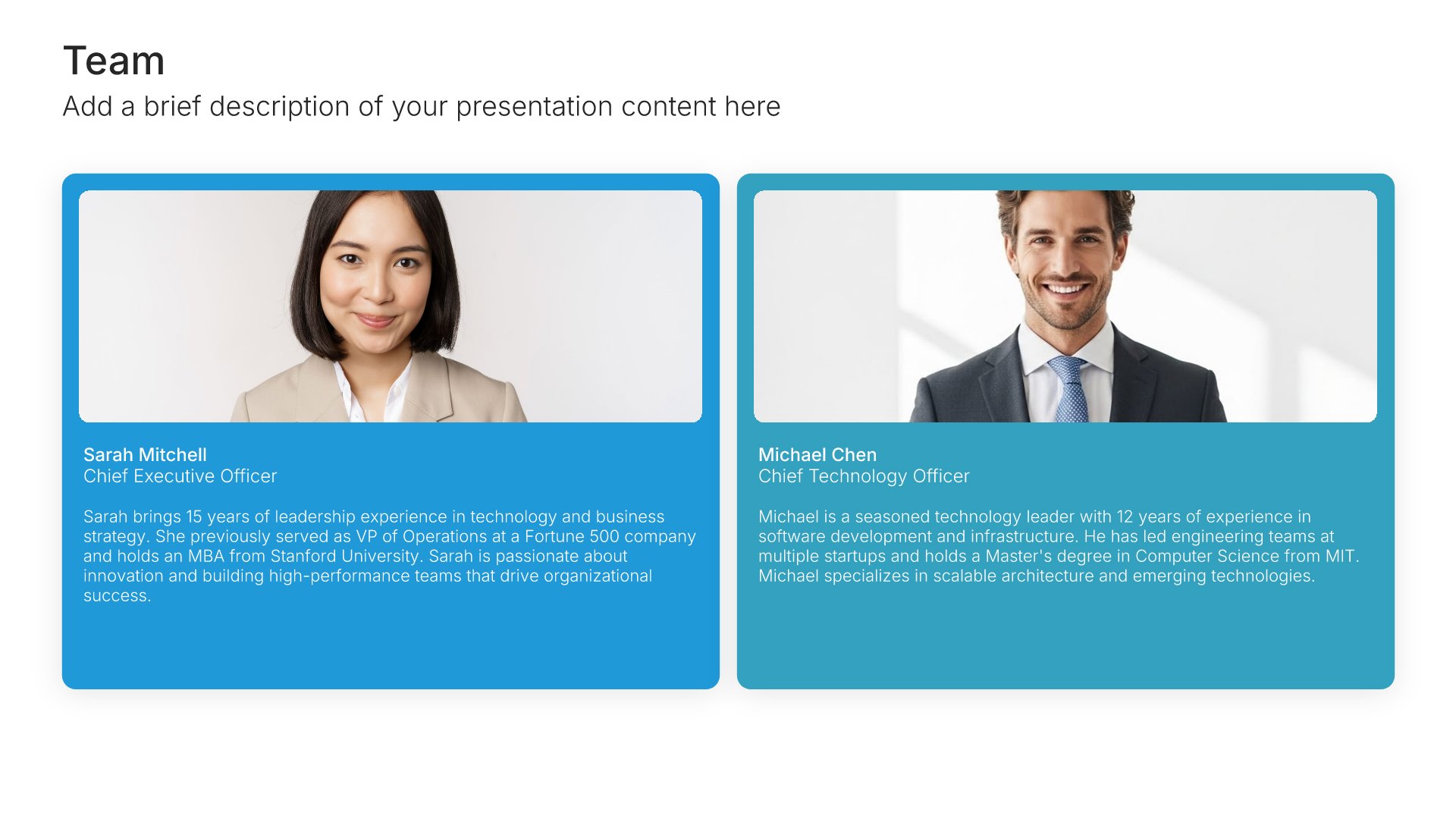
Team slides help you introduce your people and their roles together. Use them to display team members with photos, titles, and descriptions that showcase the talent behind your organization. Ideal for company overviews, pitch decks, and any presentation where showing the strength of your team builds credibility and confidence.
Built using Team slides

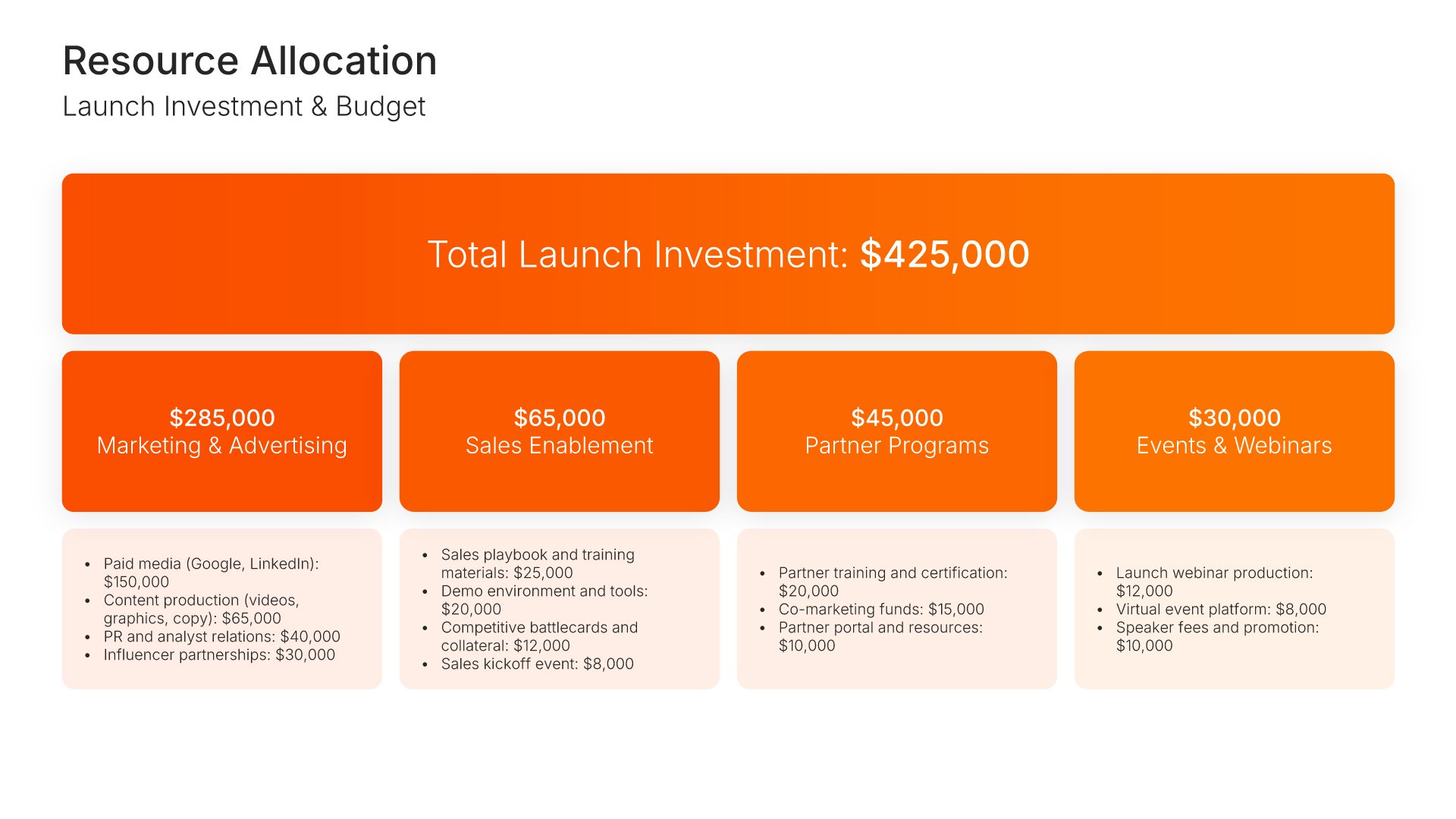
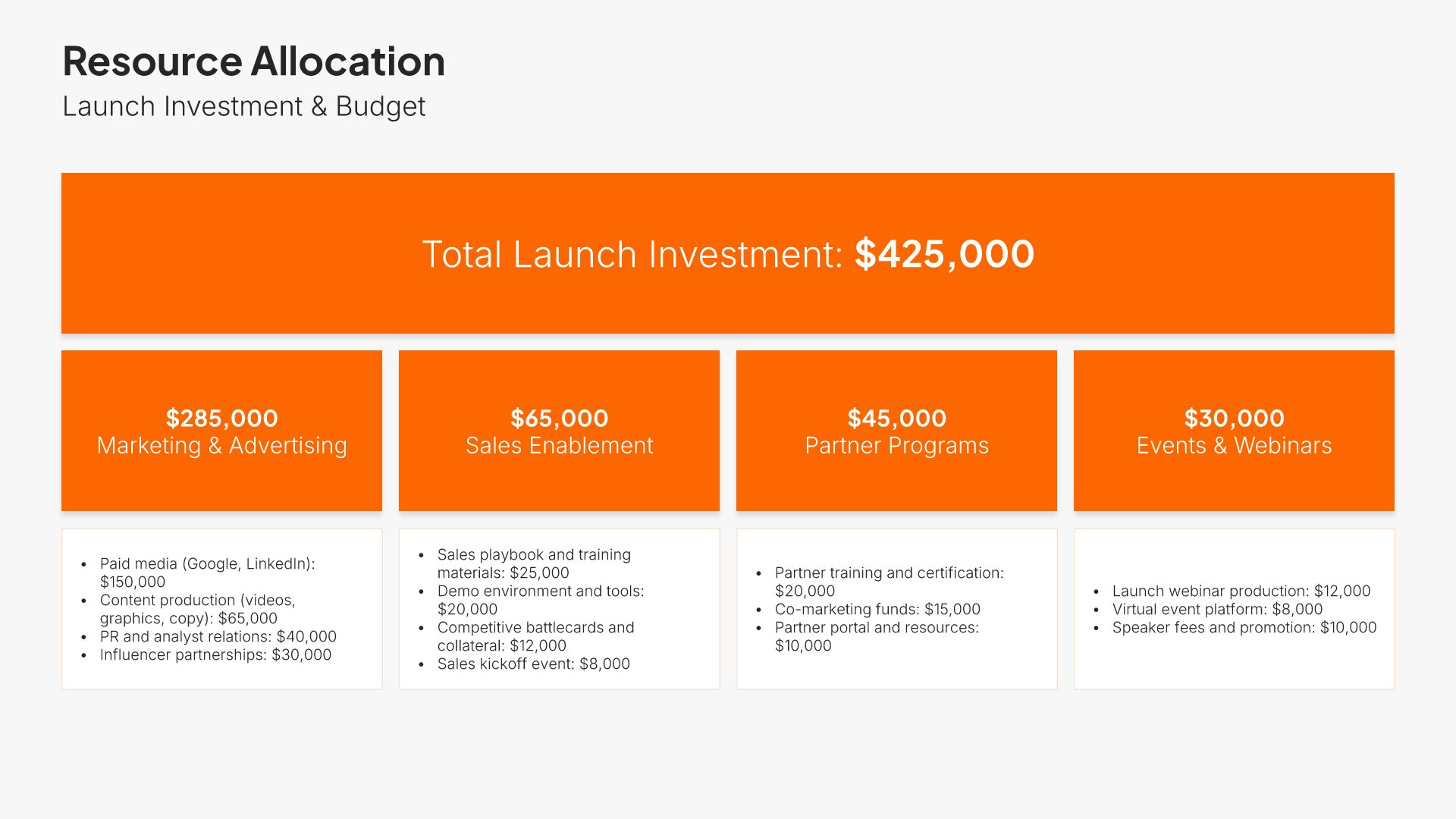
16. Investment

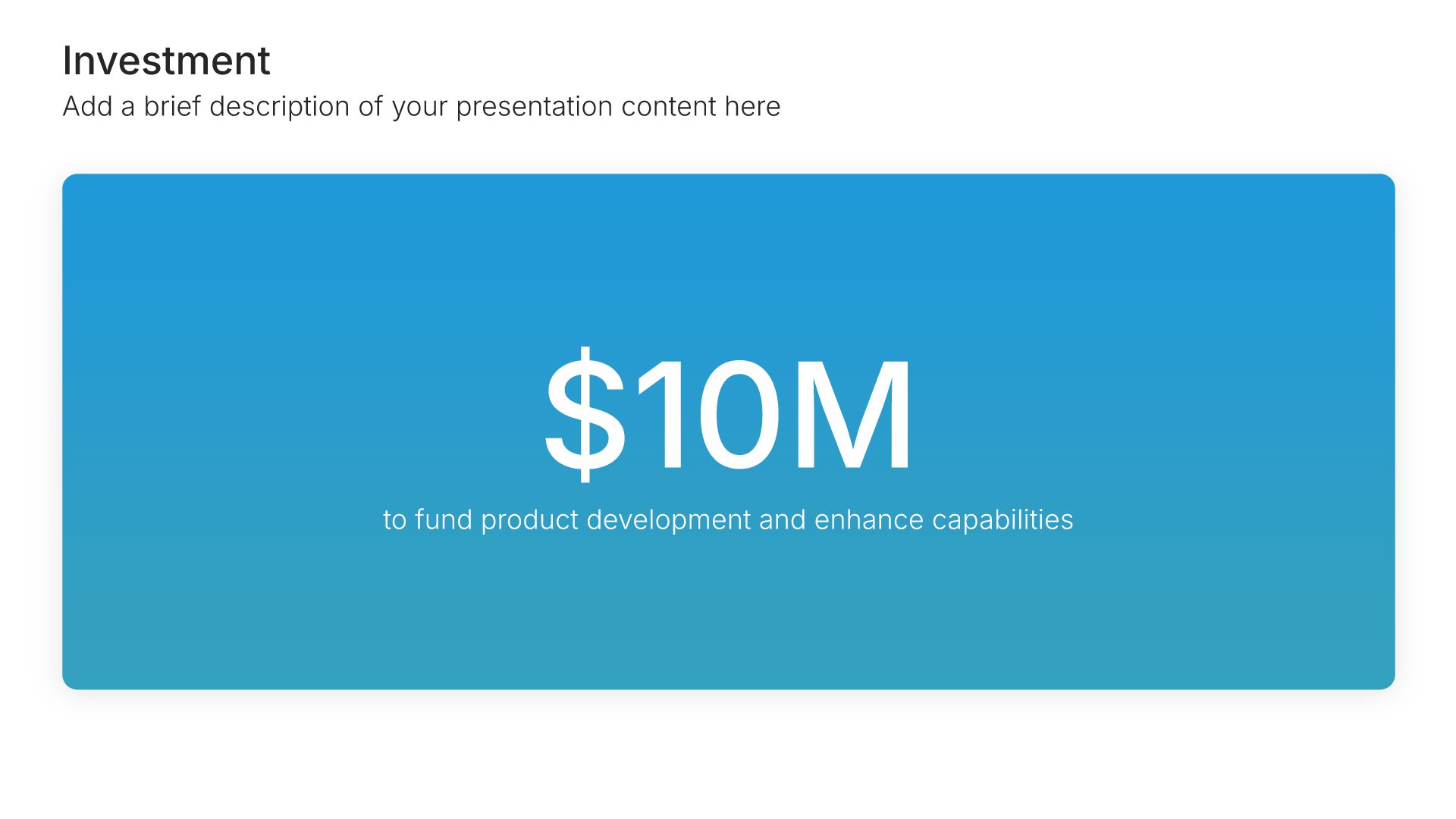
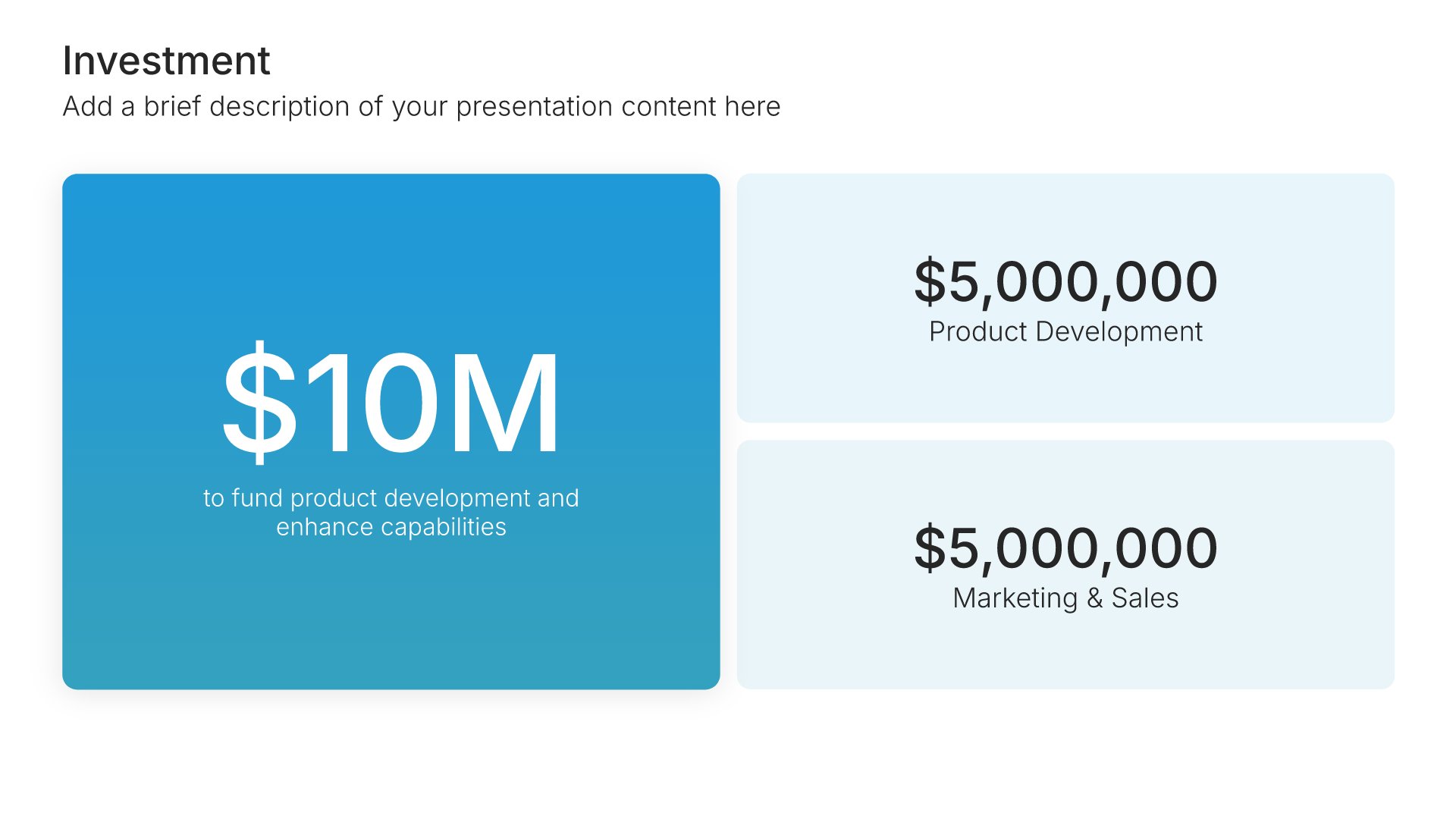
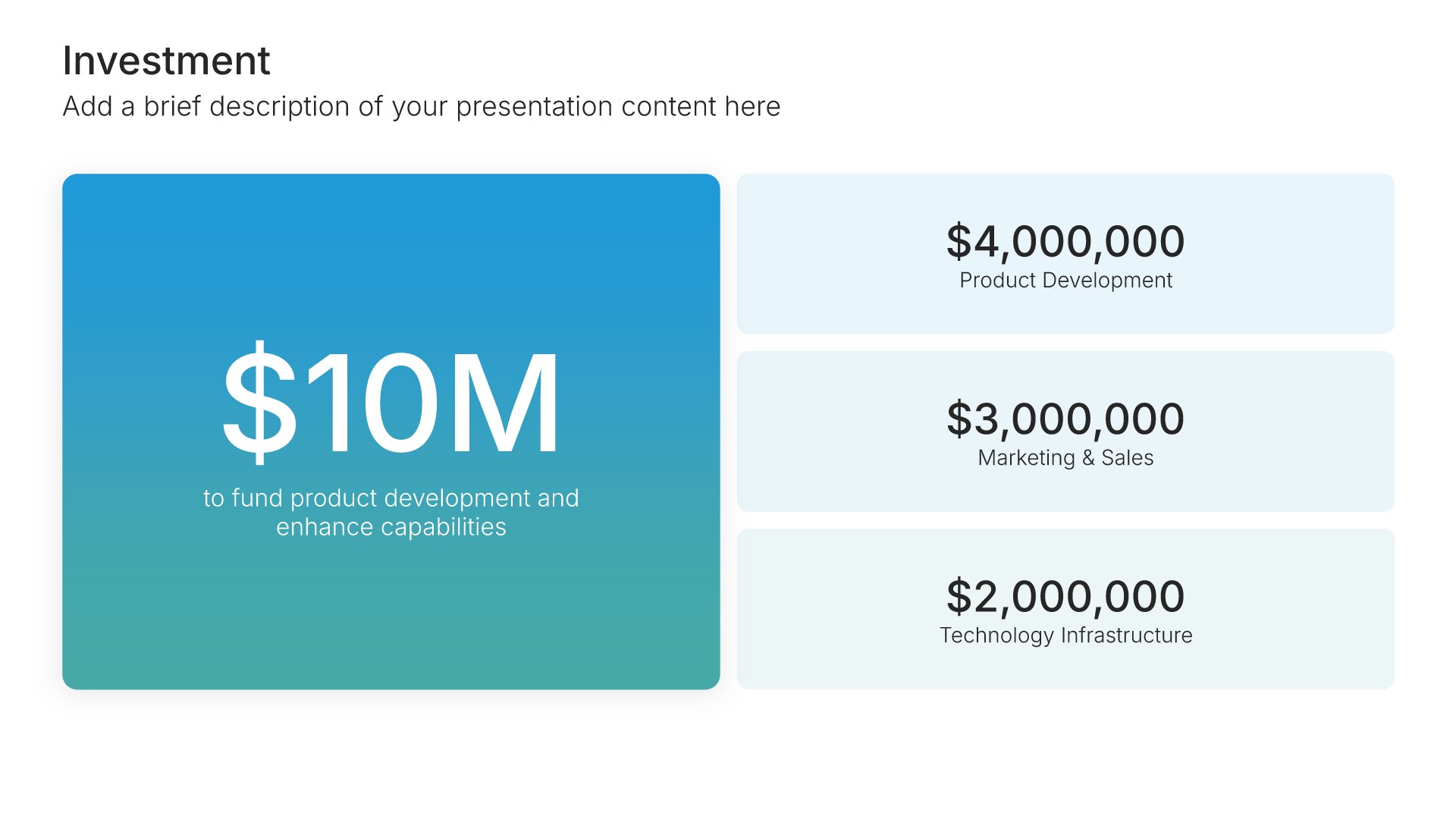
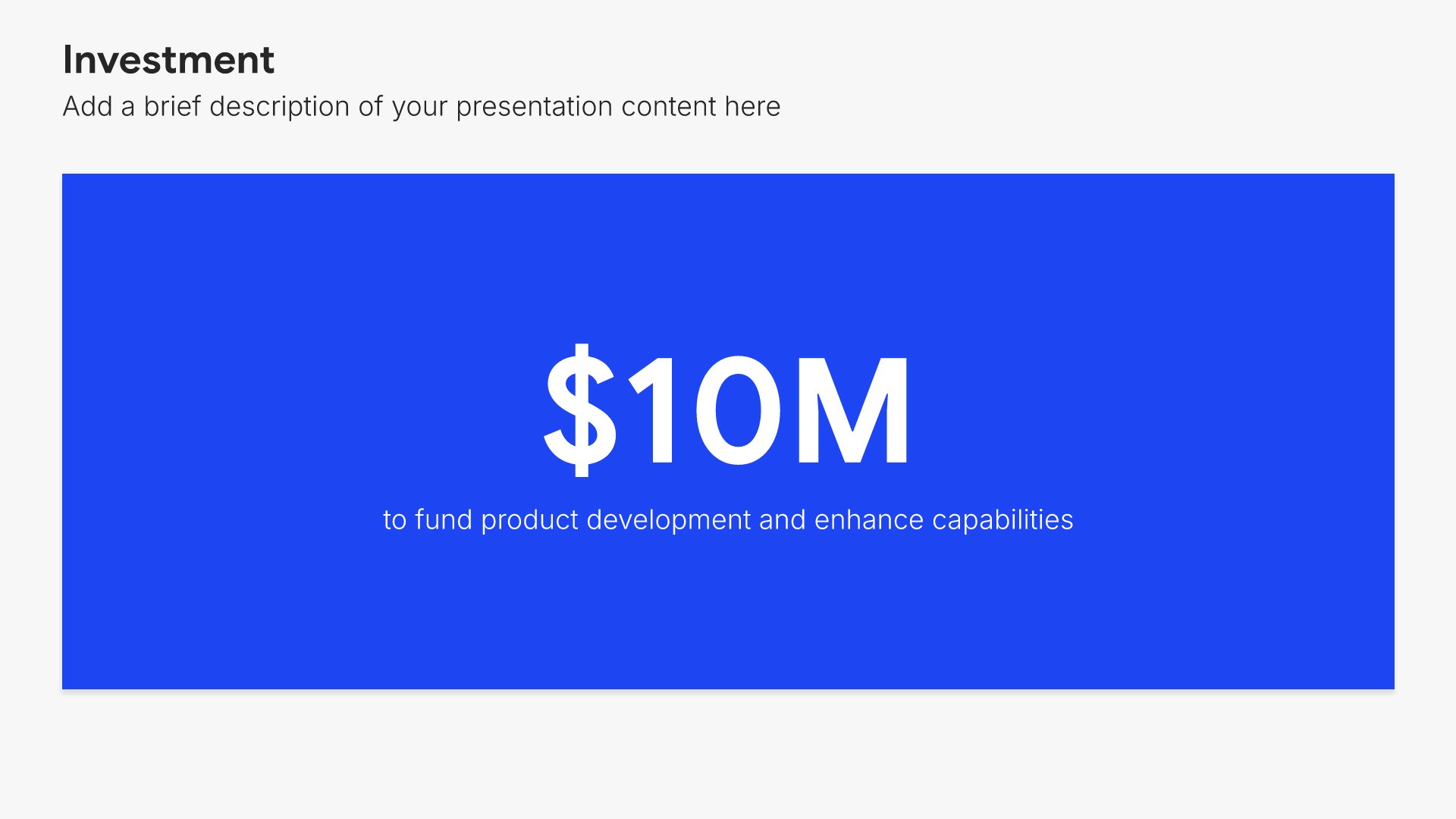
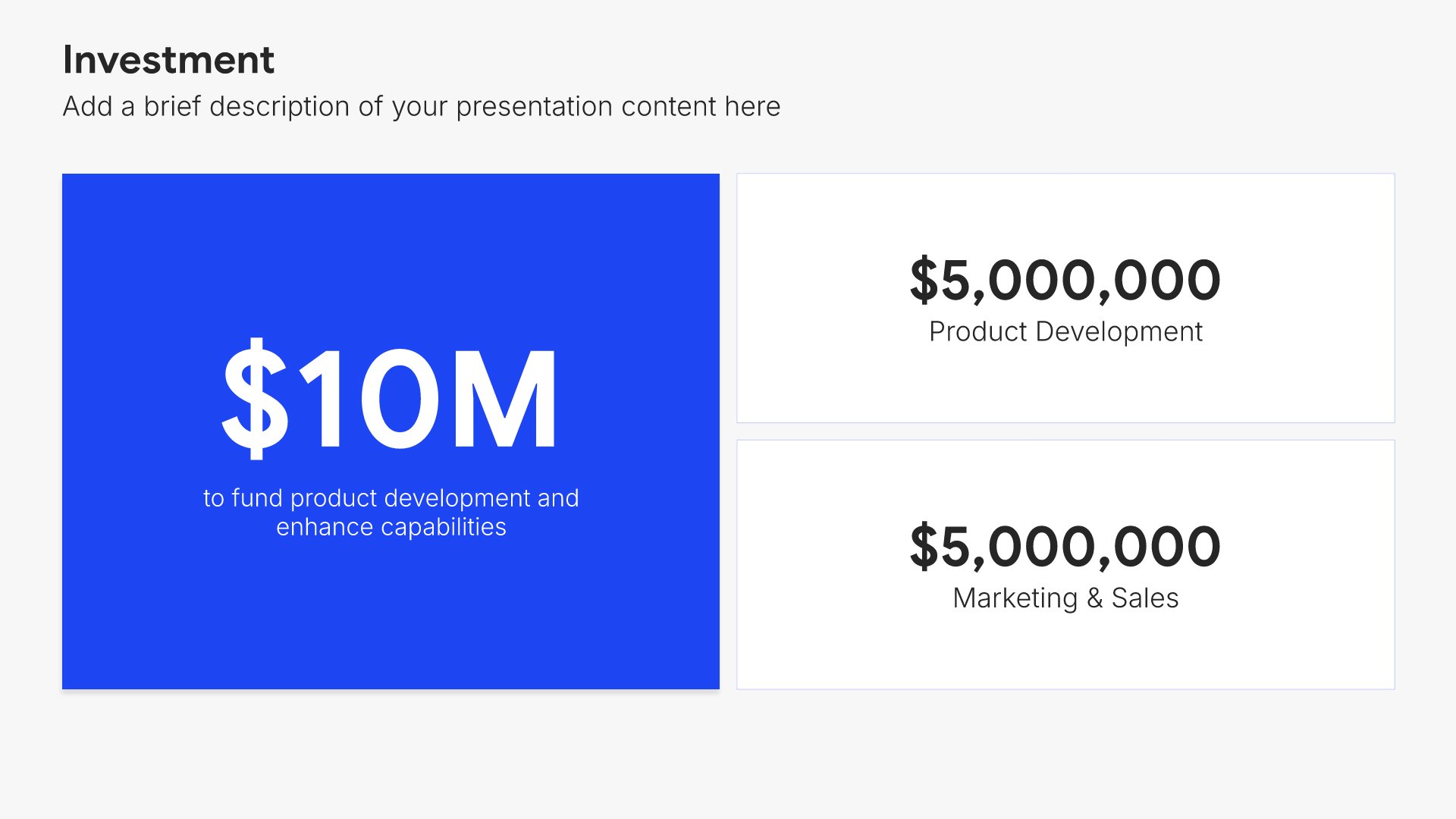
Investment slides help you show funding allocation and breakdown clearly. Use them to display total investment amounts with detailed breakdowns by category, department, or initiative. Ideal for funding requests, budget presentations, and any pitch where showing how capital will be deployed builds investor and stakeholder confidence.
Built using Investment slides

17. Call to Action

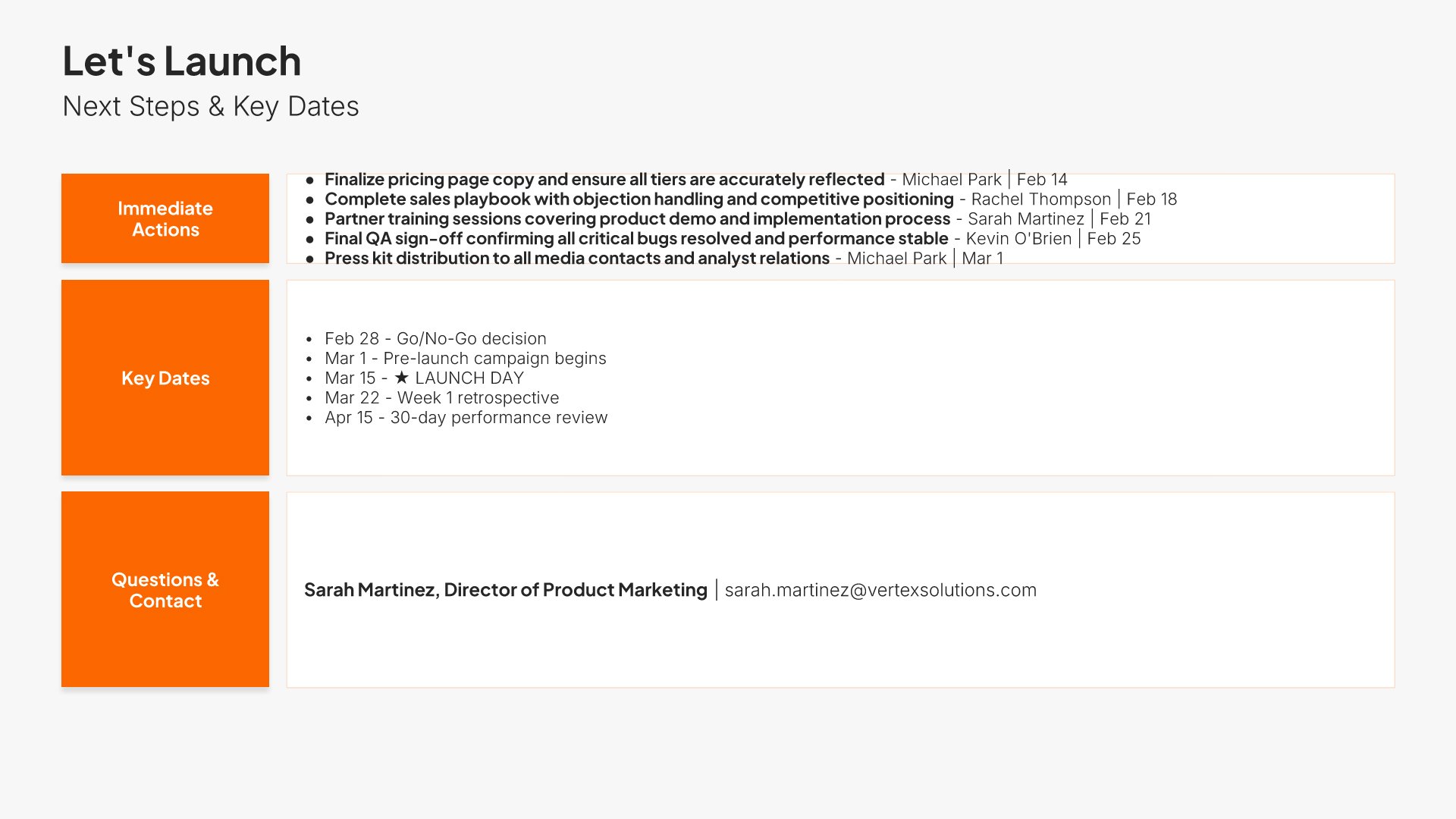
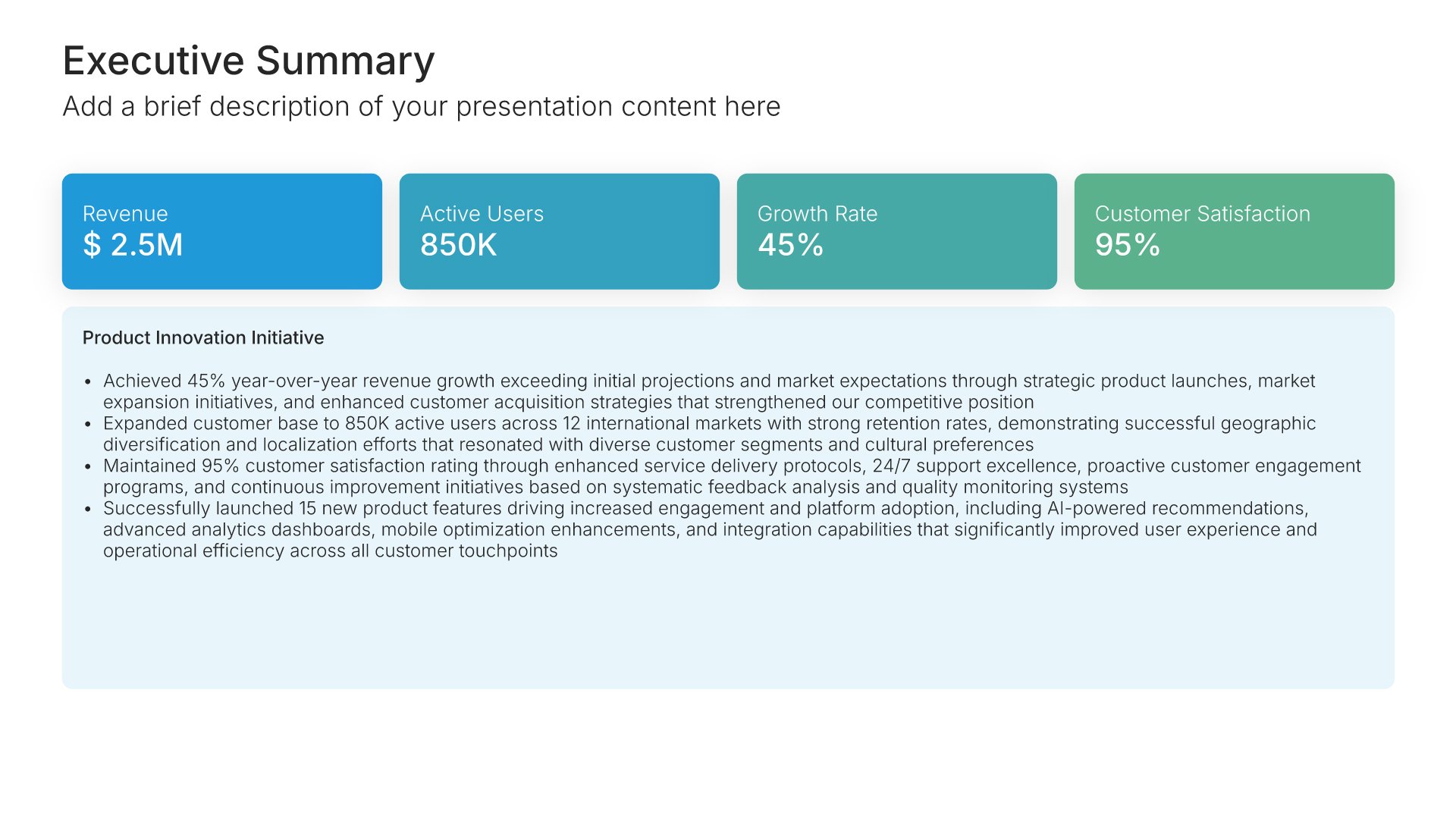
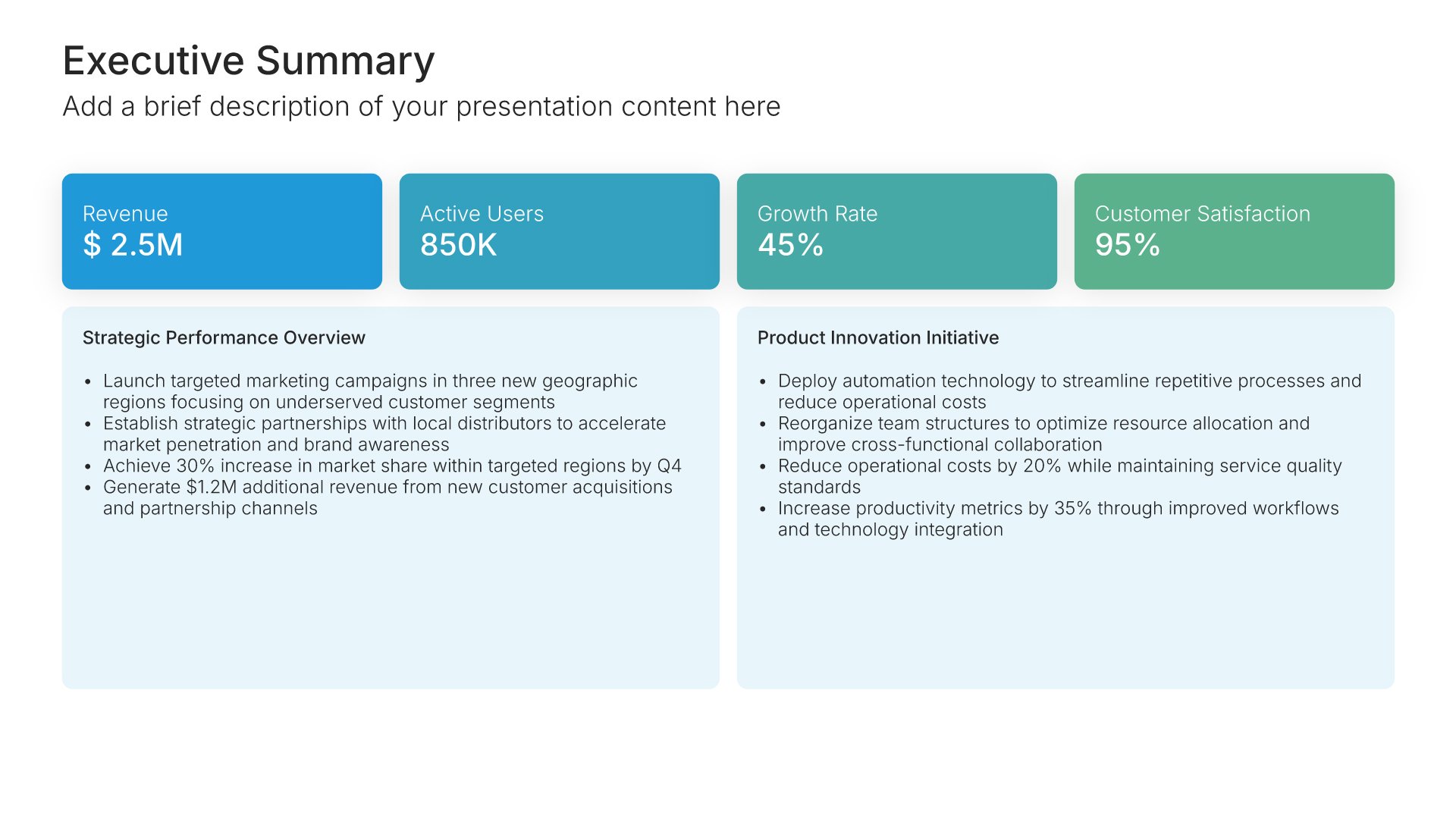
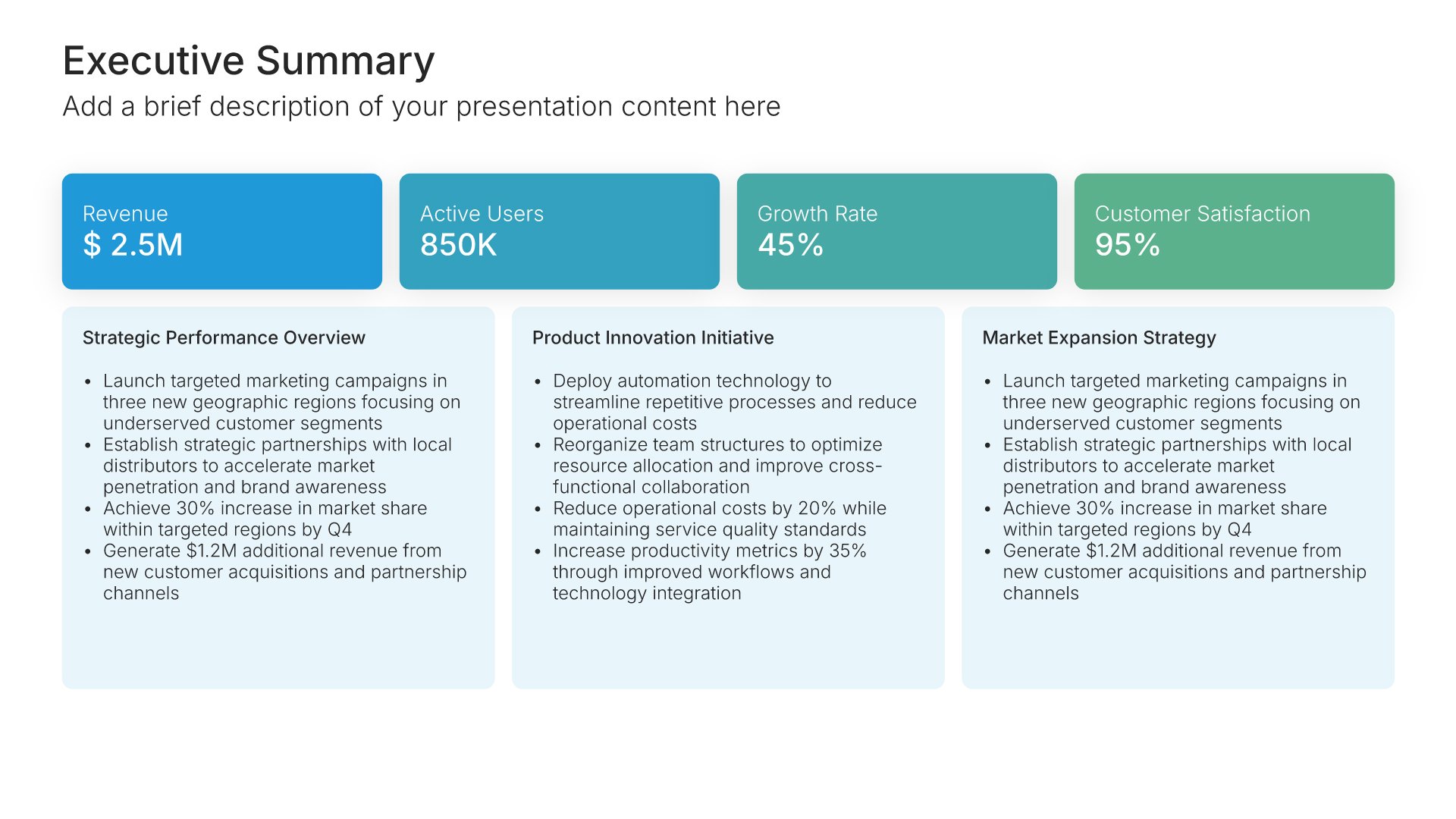
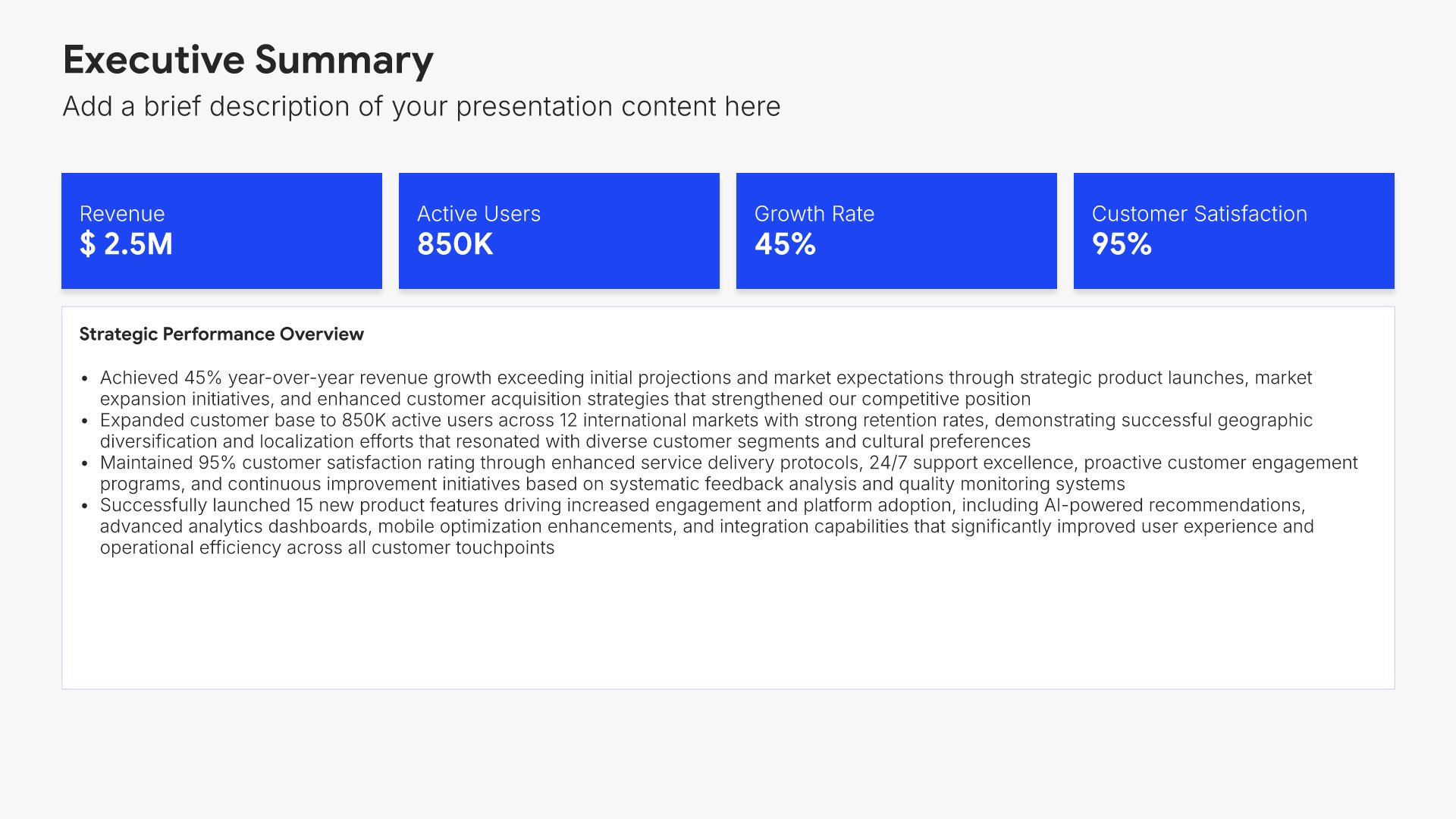
Call to action slides help you drive your audience toward the next step. Use them to present a clear, compelling request that motivates stakeholders to act, whether it's scheduling a meeting, making a decision, or committing to a partnership. Ideal for pitches and proposals where ending with momentum drives results.
Built using Executive Summary slides

18. Thank You

Thank you slides help you close presentations professionally. Use them to end with gratitude, provide contact information, and leave a polished final impression. Ideal for any presentation where a professional closing reinforces your message and gives your audience a clear way to follow up or stay connected.
Built using Title slides

Build your Product Launch presentation with Choladeck

Transform your Product Launch vision into reality with Choladeck’s user-friendly platform. Follow our step-by-step guide, harnessing our vast collection of slides and tools, to create a compelling and cohesive presentation that resonates with your audience.

Step 1

Browse & Select

Explore over 9,172+ professionally designed slides across 134 categories. Or if you want a head start, pick from 74+ premade presentation templates. Whatever you need, it's probably already here.

Step 2

Customize Your Slides

Swap icons and images instantly from our built-in libraries. Use Pointers to choose your count (2-box, 3-box, 4-box) and Variations to pick your design style. No more settling for "close enough." Get the exact slide you need.

Step 3

Brand Your Presentation

Add your logo, apply your brand colors, choose your fonts, and set custom backgrounds. One click and your entire presentation looks like it was made just for you. Because it was.

Step 4

Export Your Presentation

When you're ready, export to PowerPoint, Google Slides, or Keynote with a single click. Continue editing in your favorite tool if you want. Your workflow, your way.

Try Choladeck for free today and experience the ease of creating remarkable presentations.

No Sign-in or Credit Card Required

Wait!

Before you go, have you had the chance to experience Choladeck? If not try out – Choladeck for absolutely FREE!!

No Sign-in or Credit Card Required

Experience Choladeck Yourself!
Why just read about it when you can experience it? Dive into our presentation library – absolutely FREE!

No Sign-in or Credit Card Required