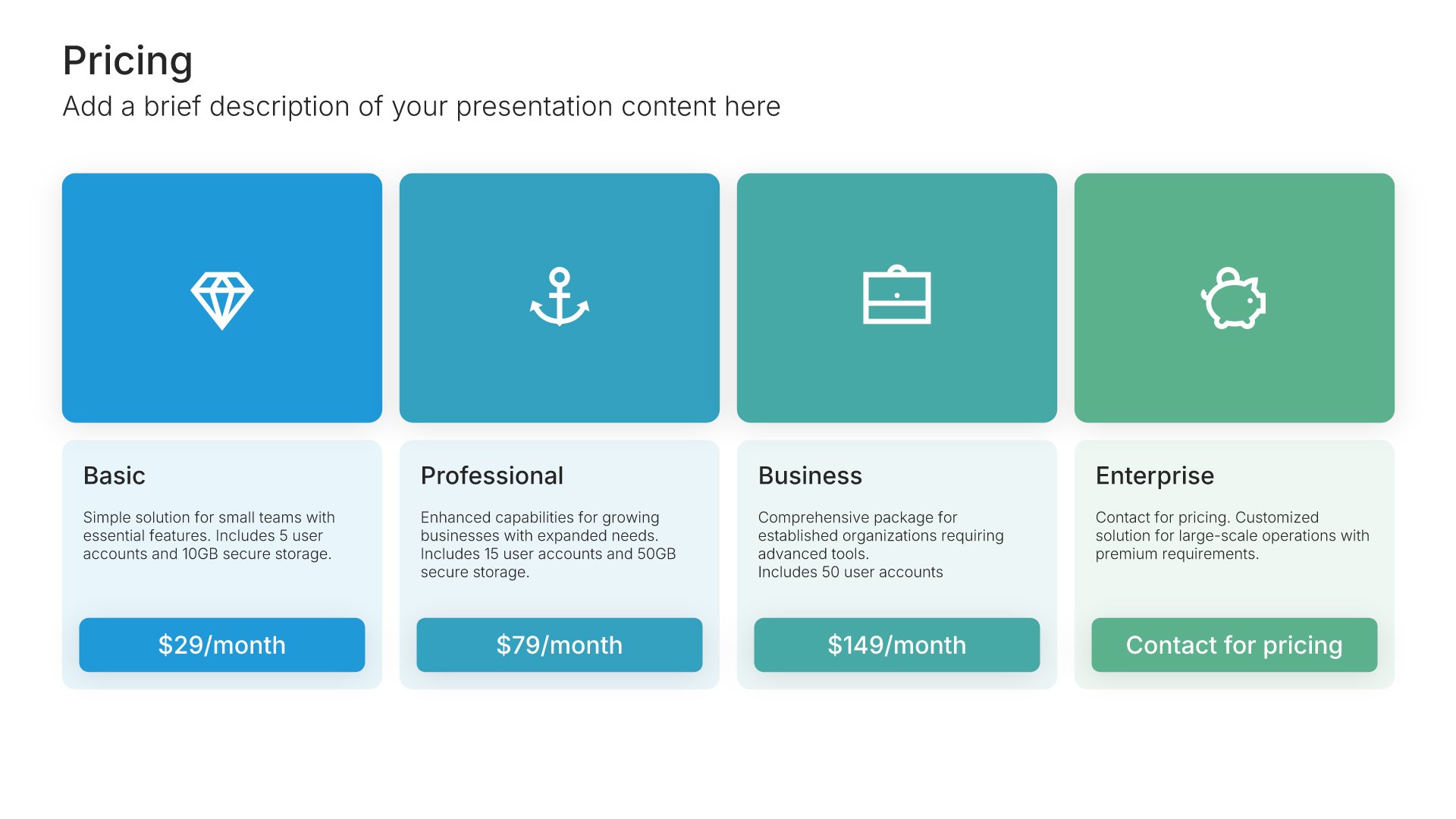
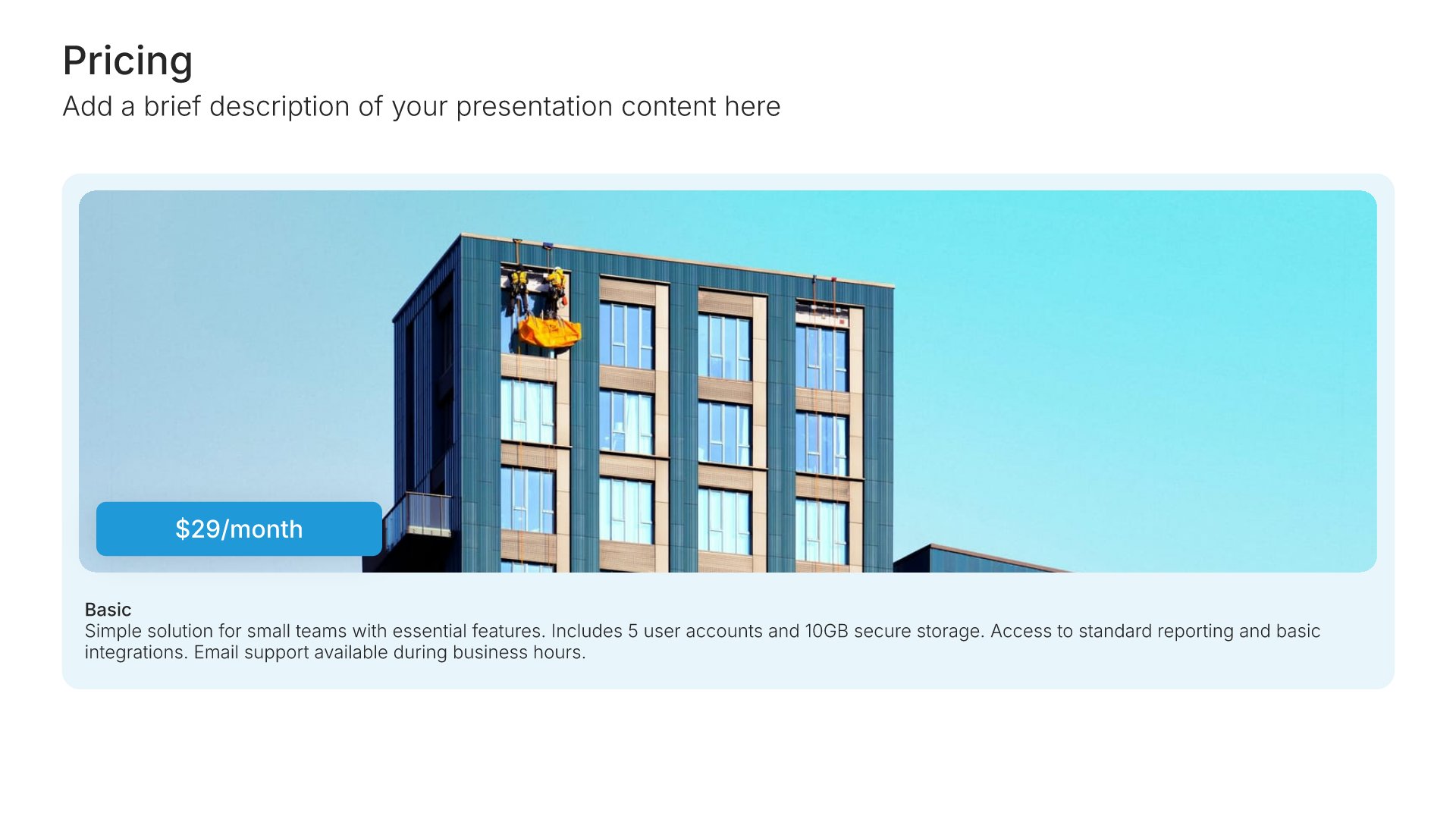
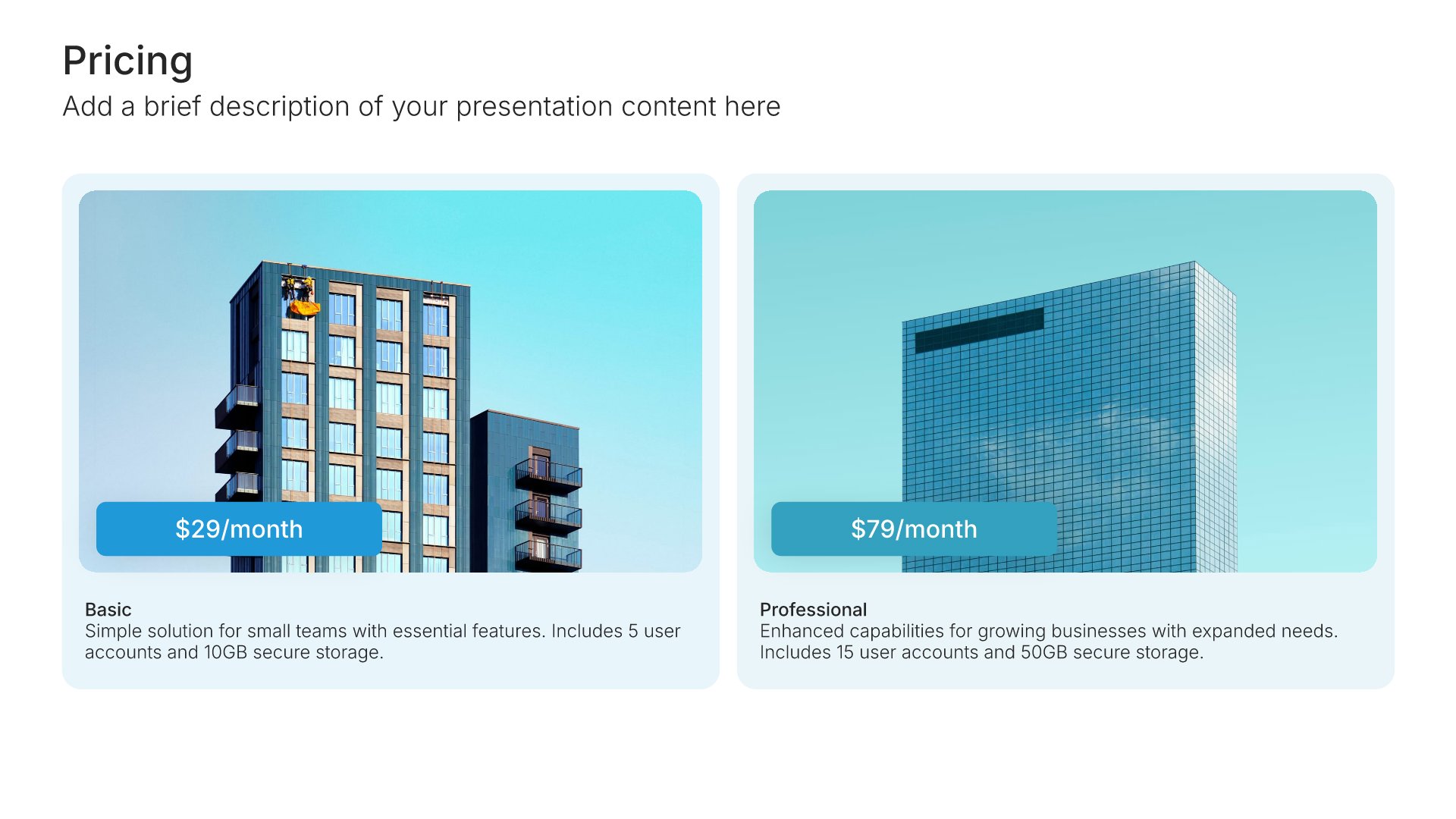
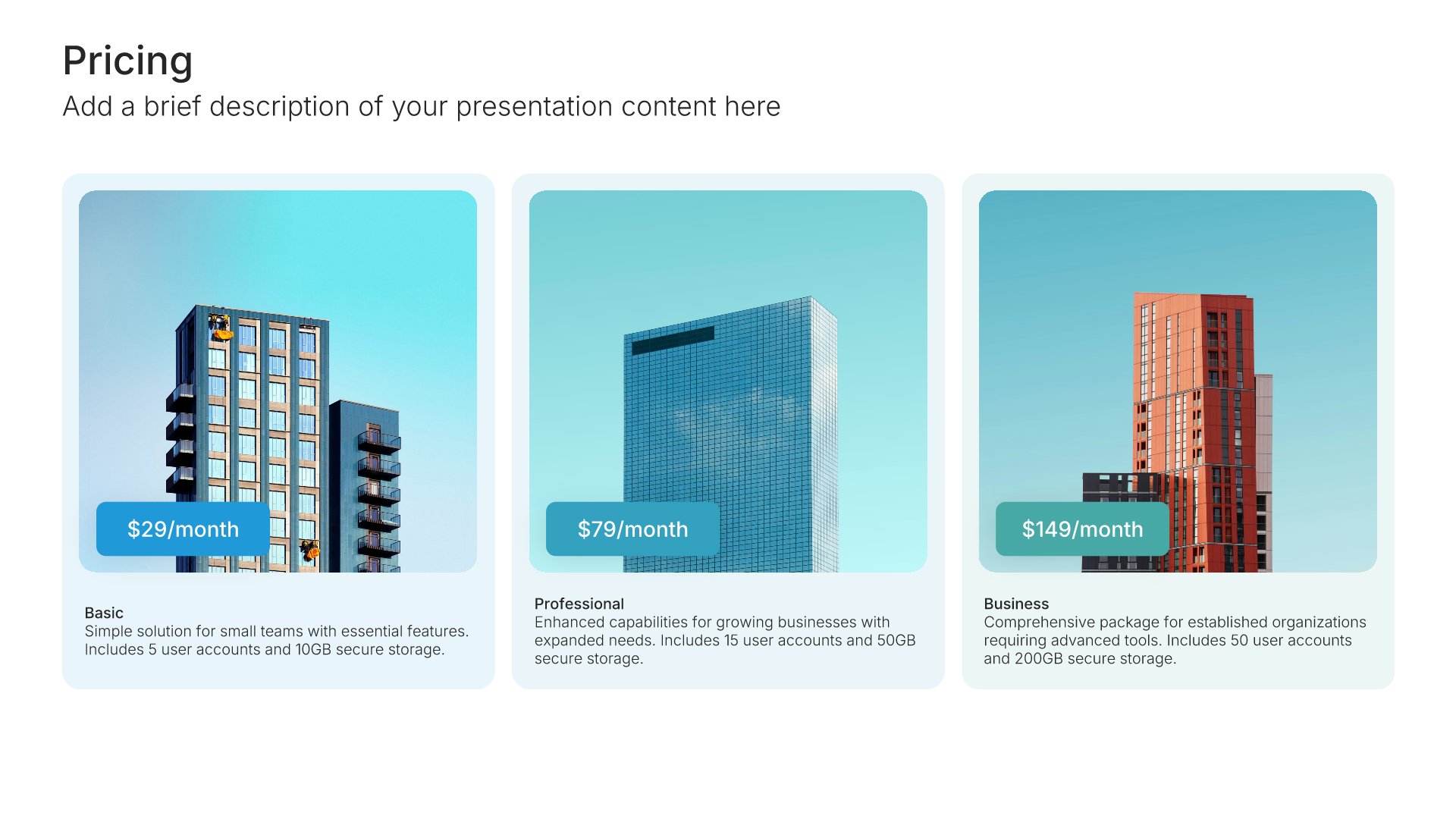
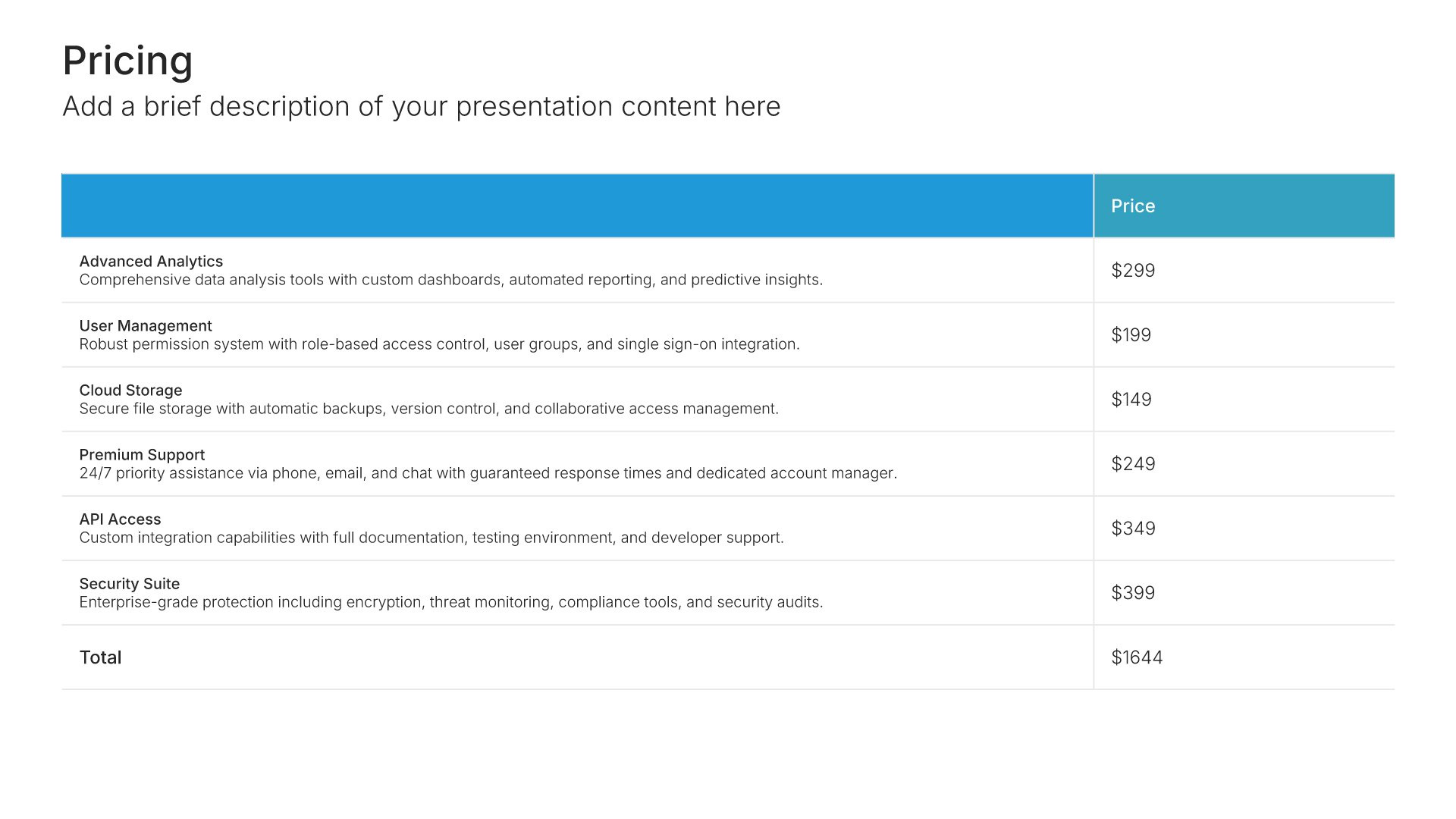
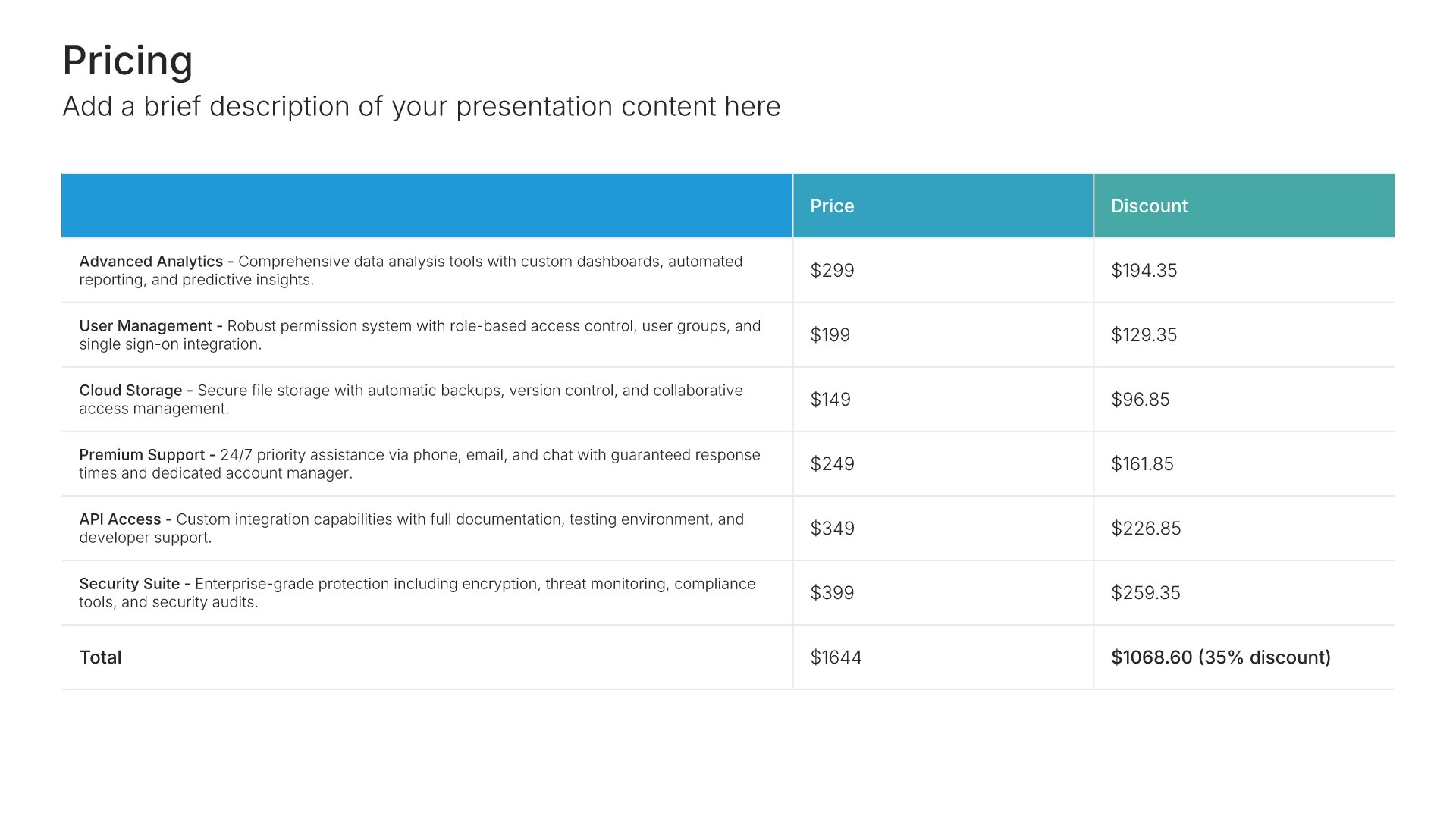
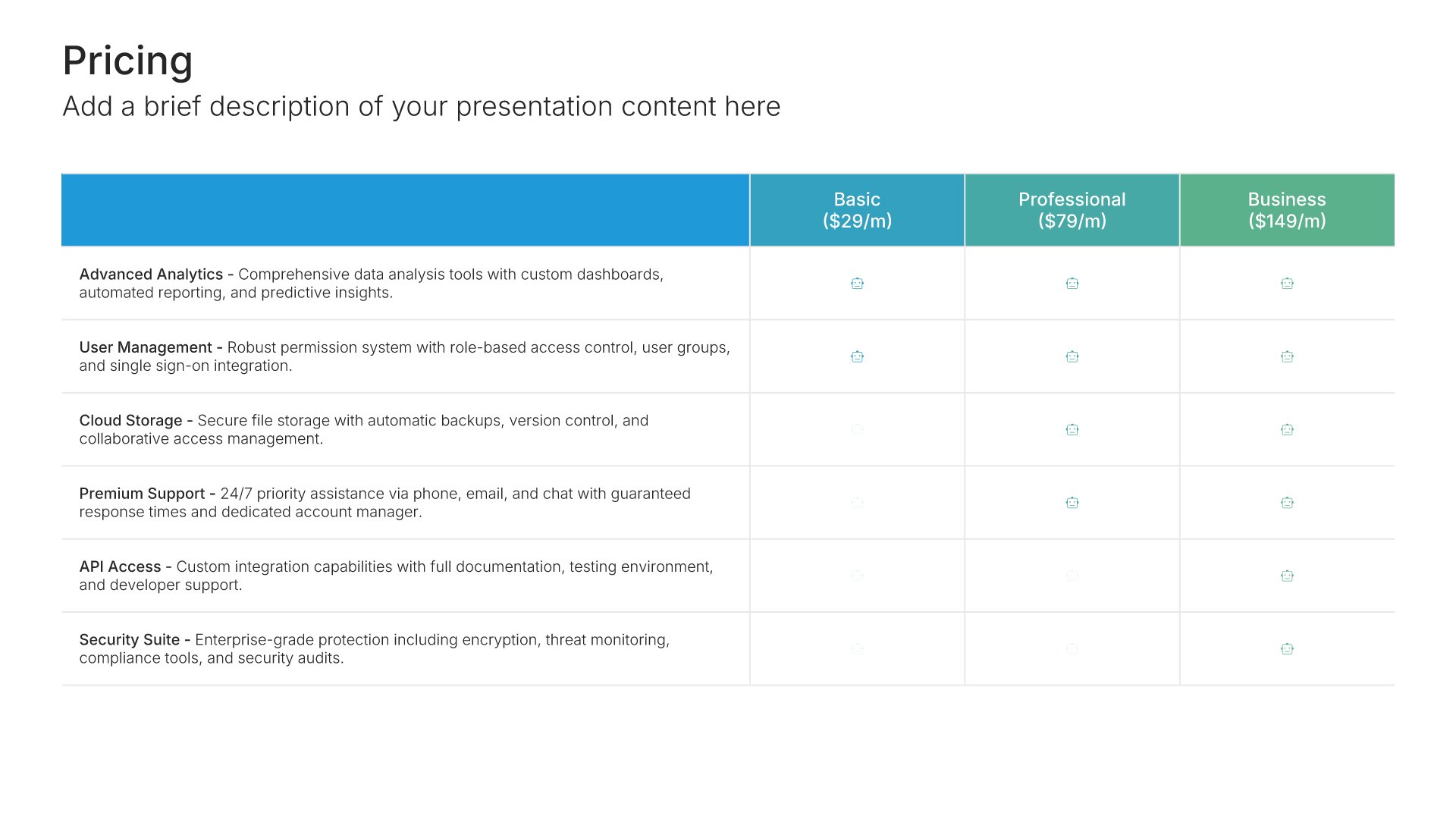
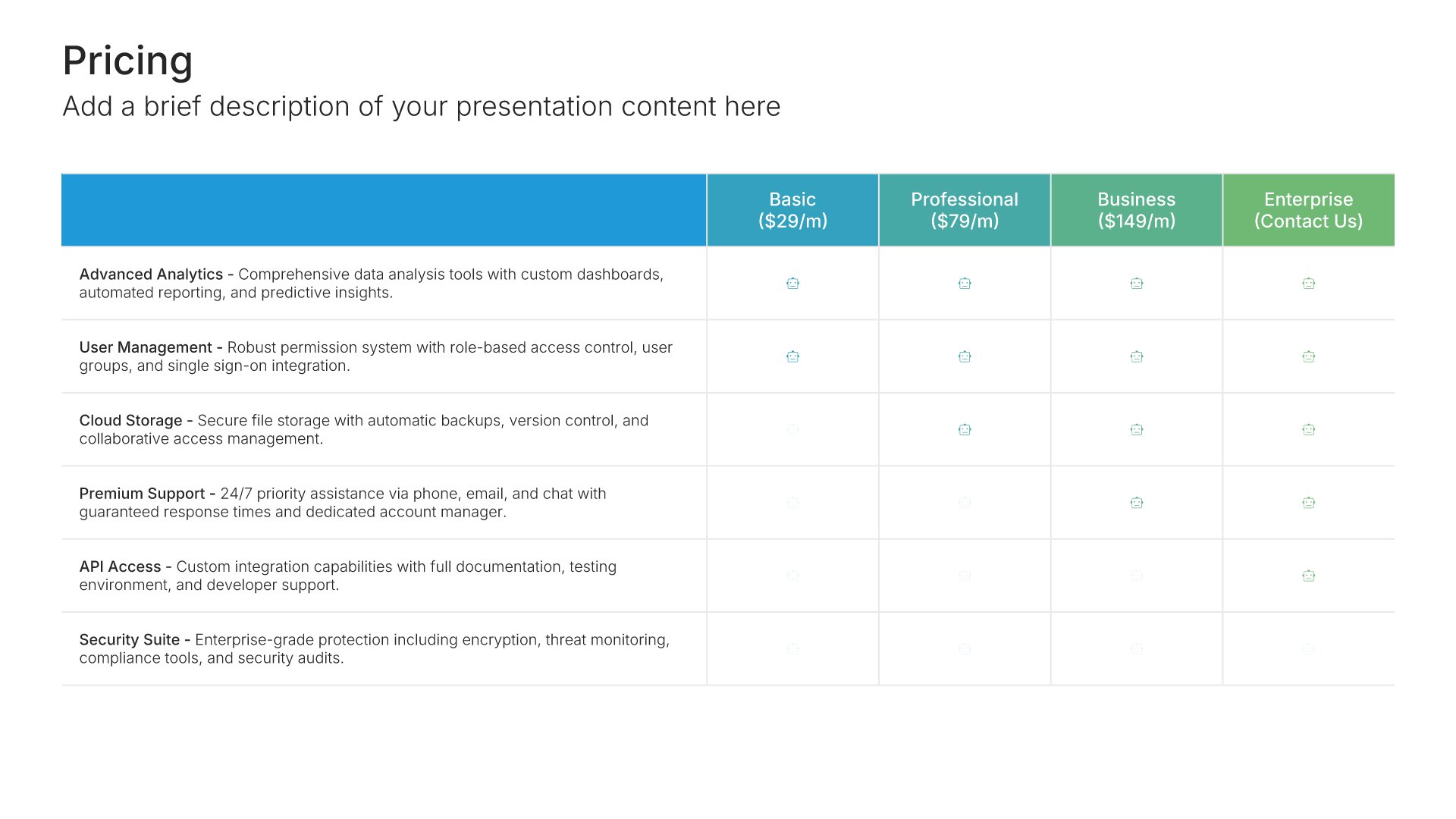
Pricing slide templates
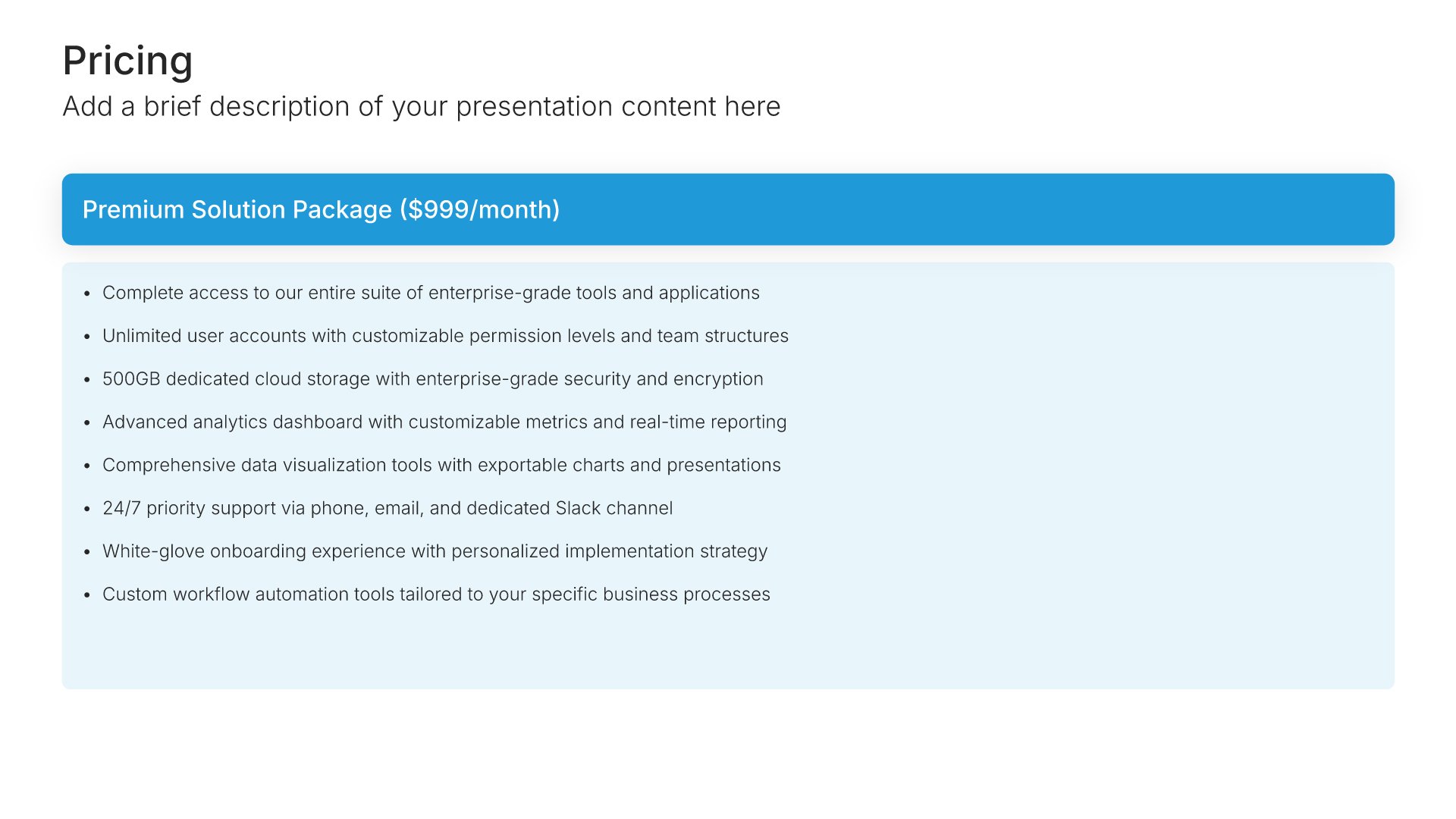
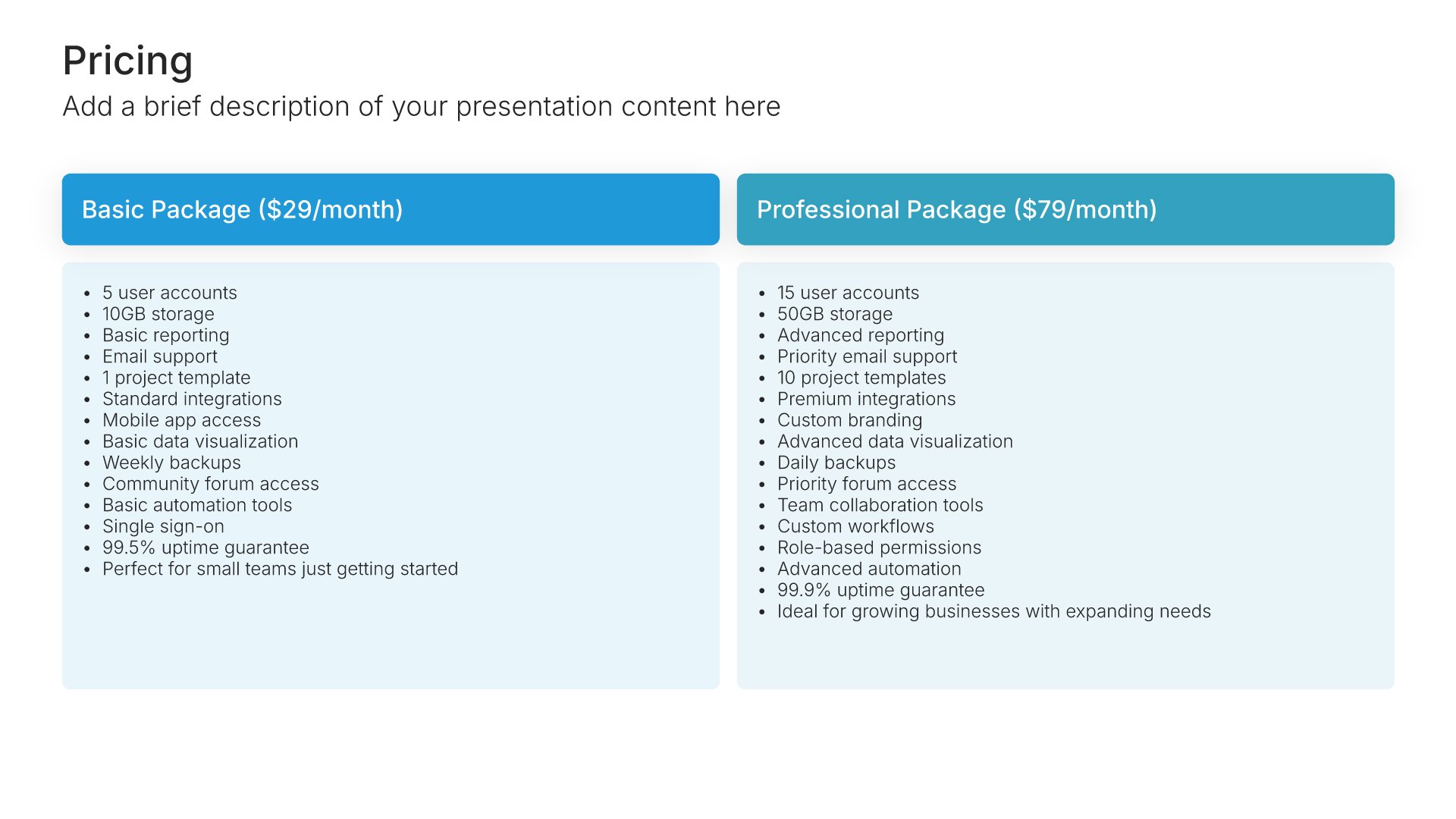
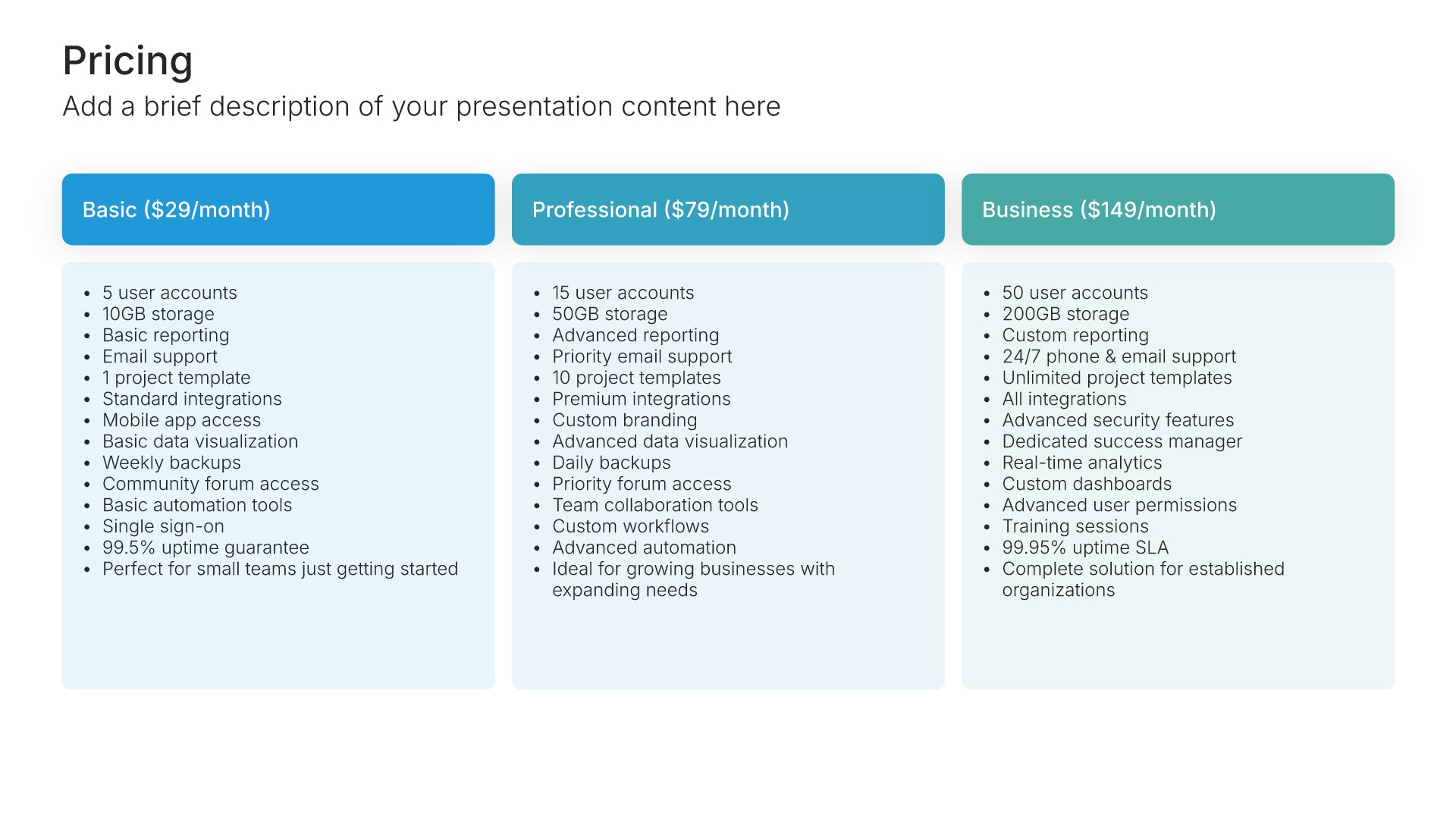
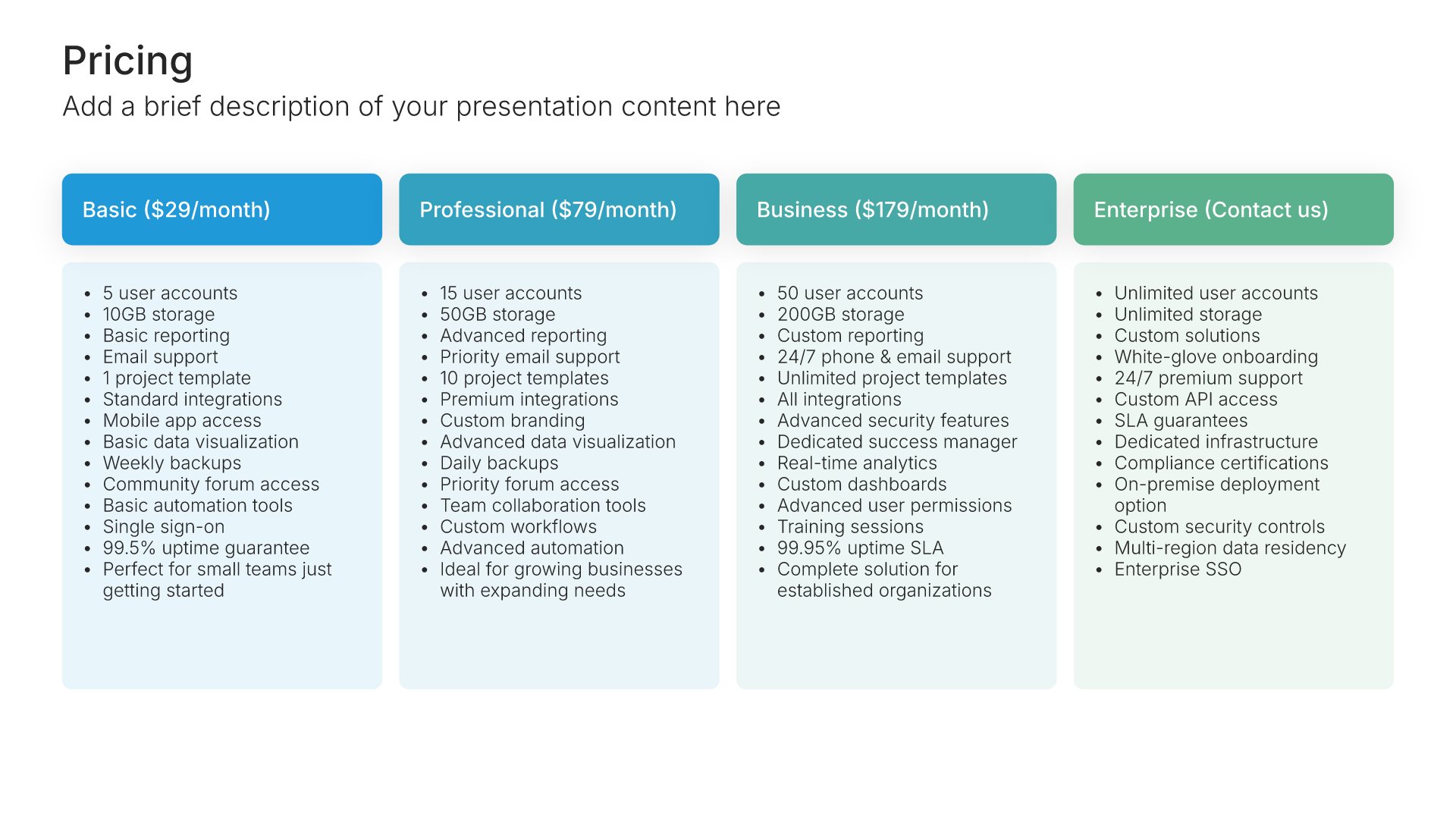
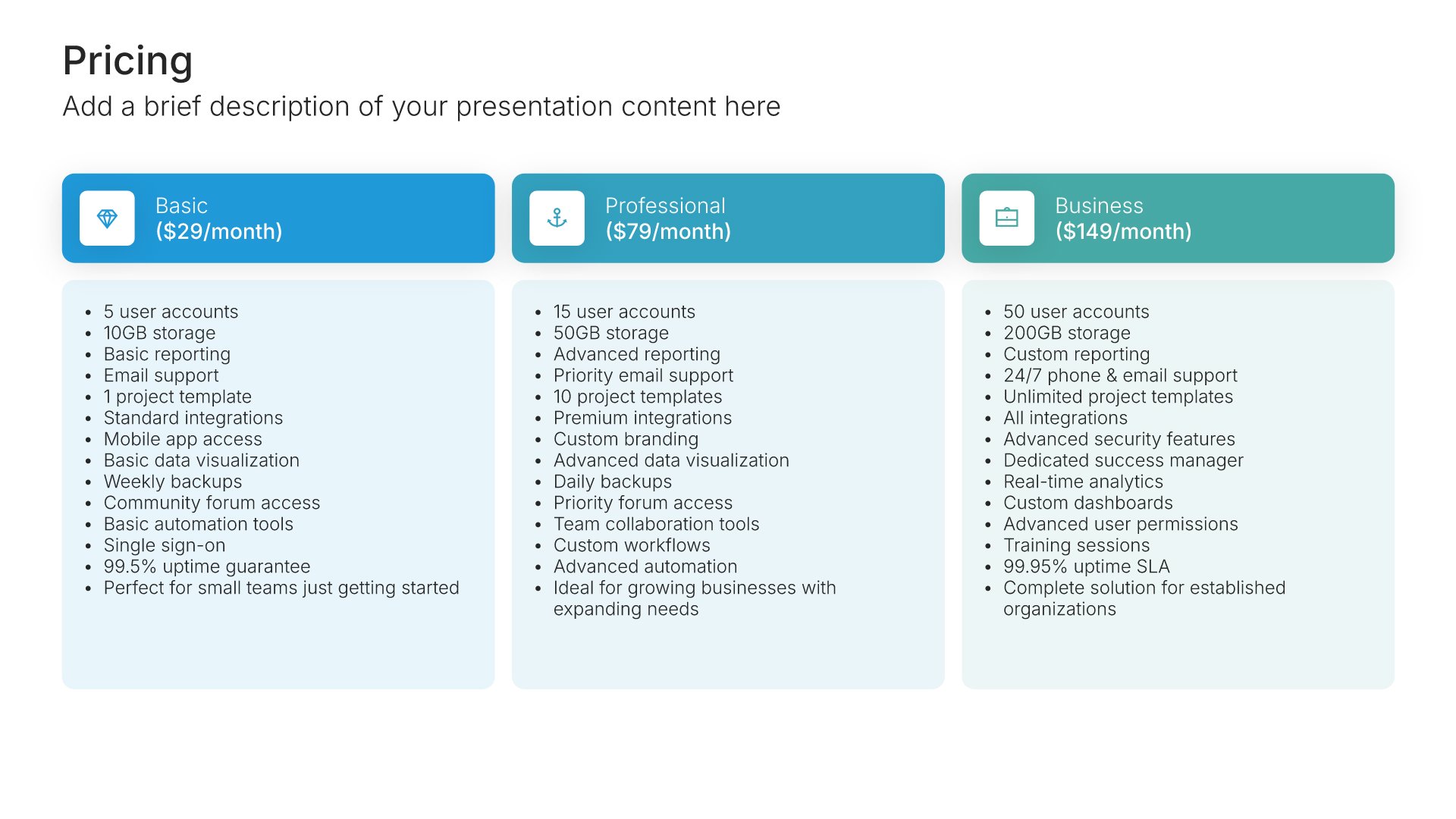
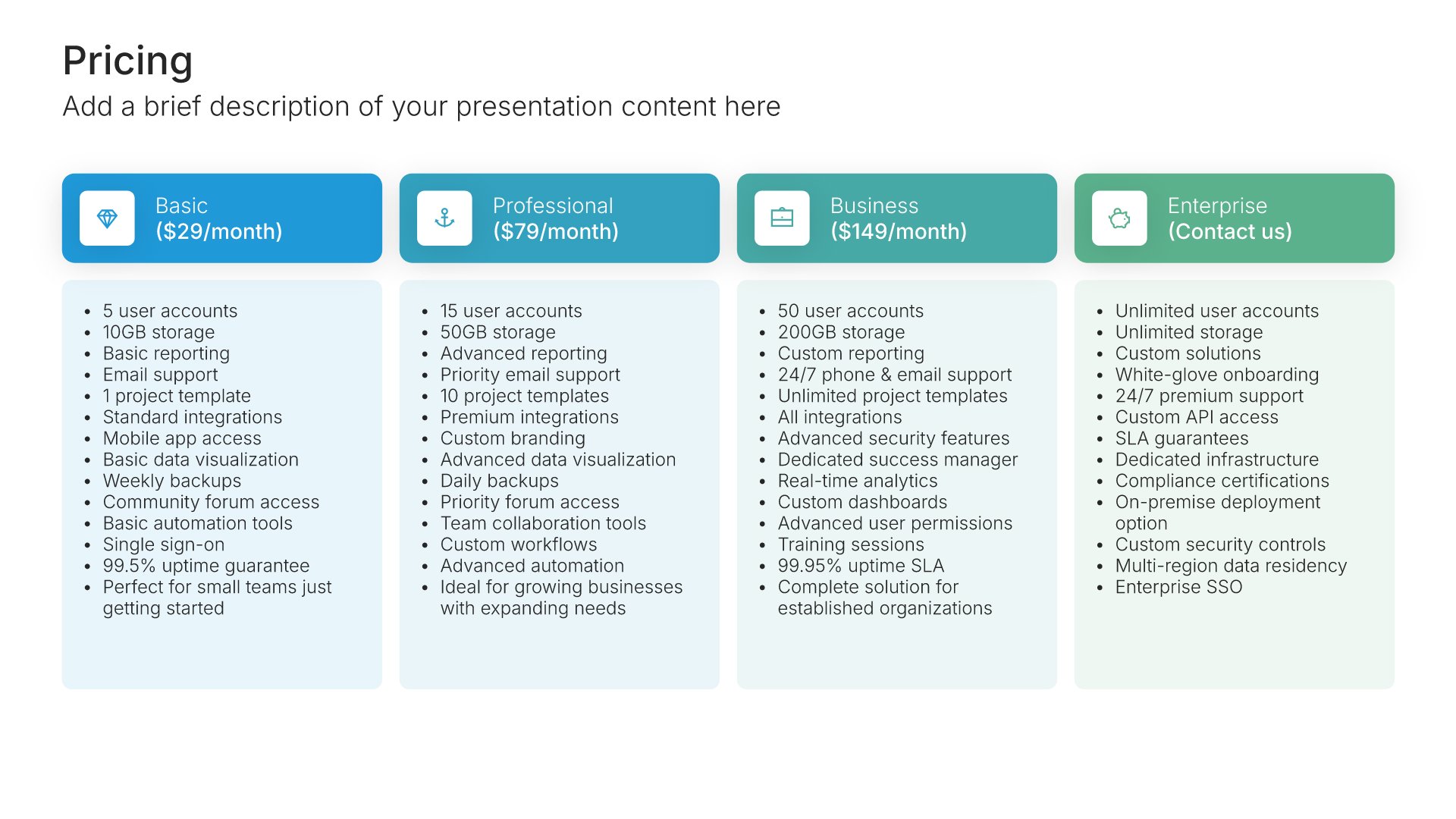
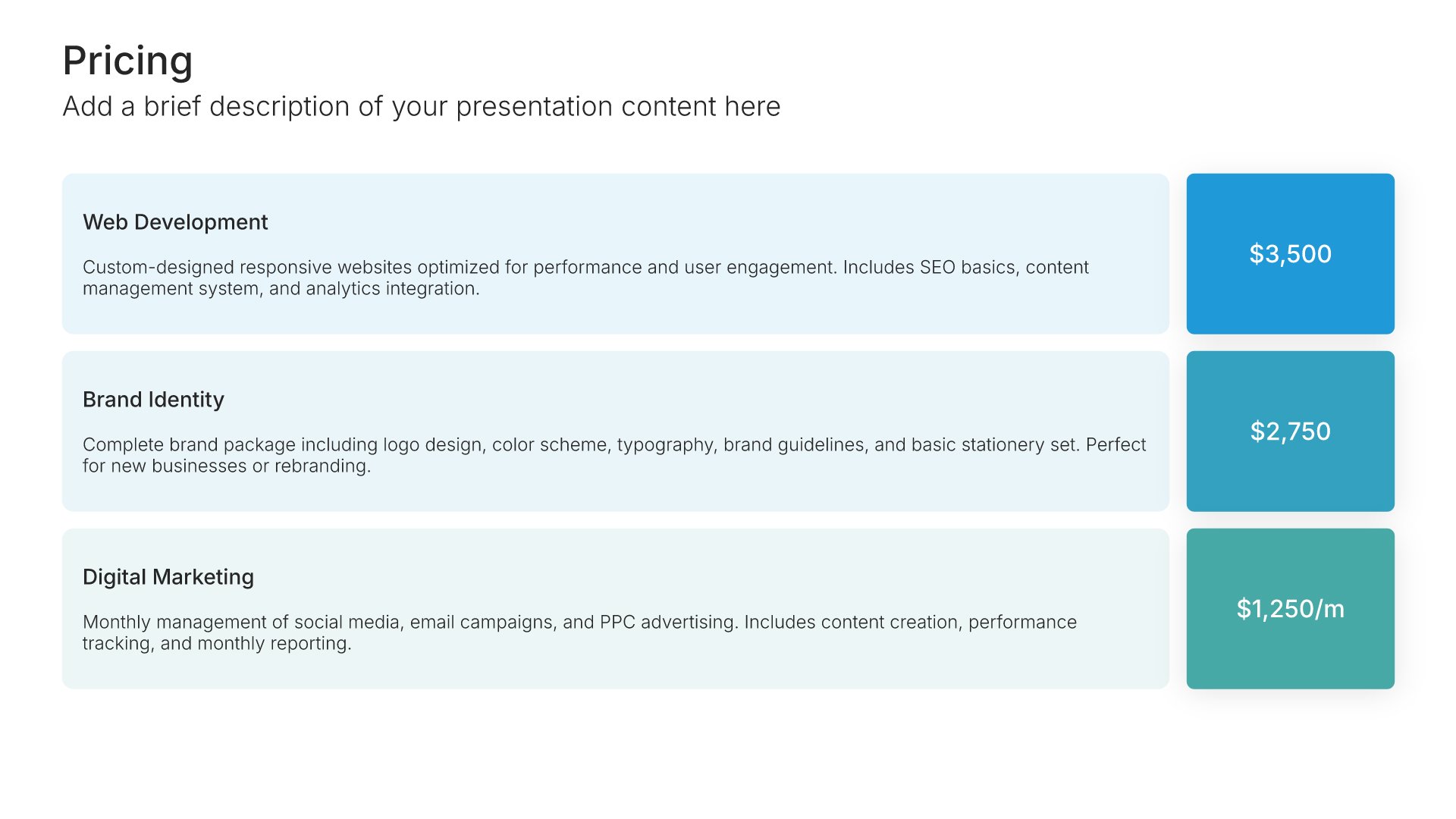
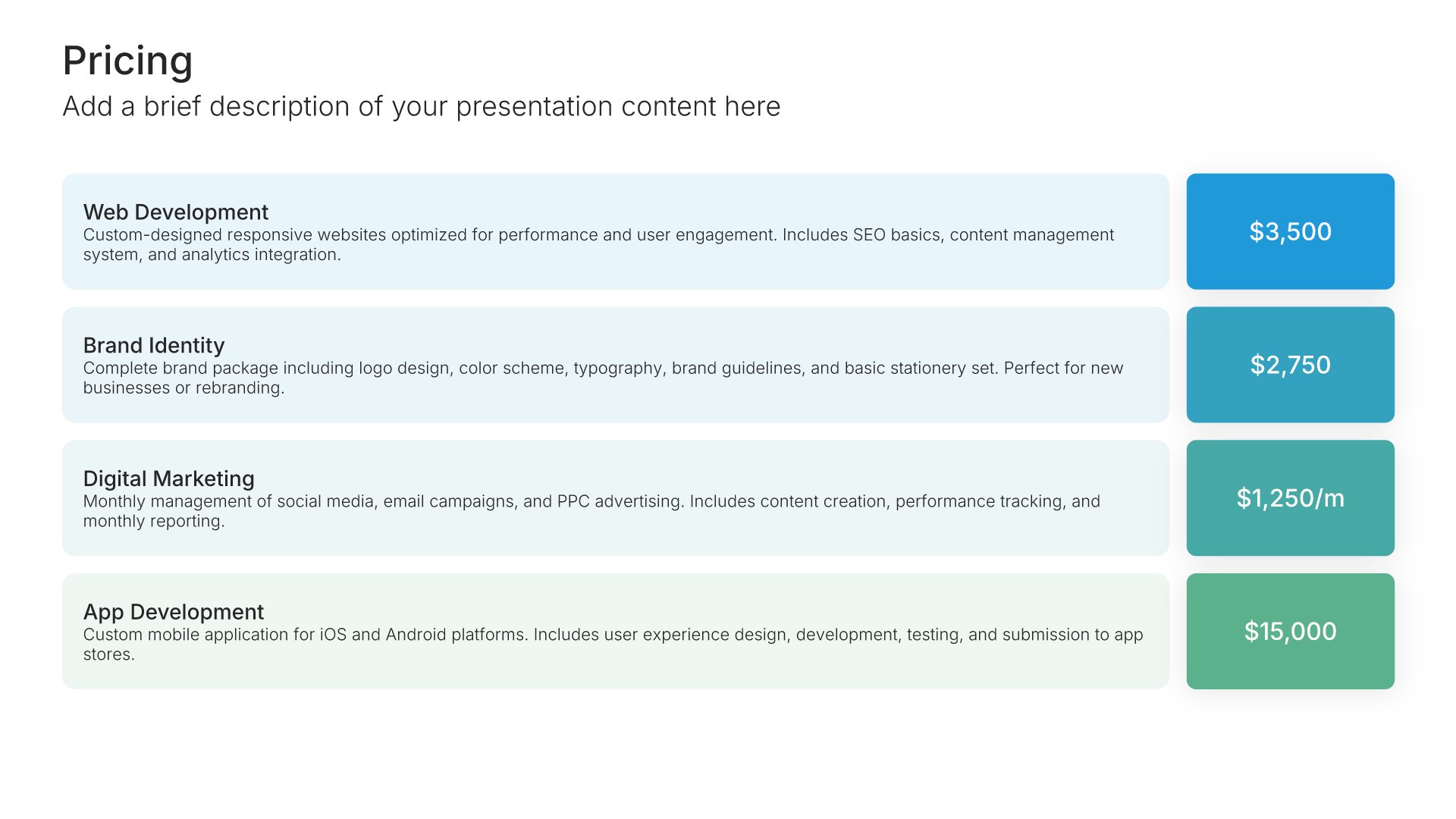
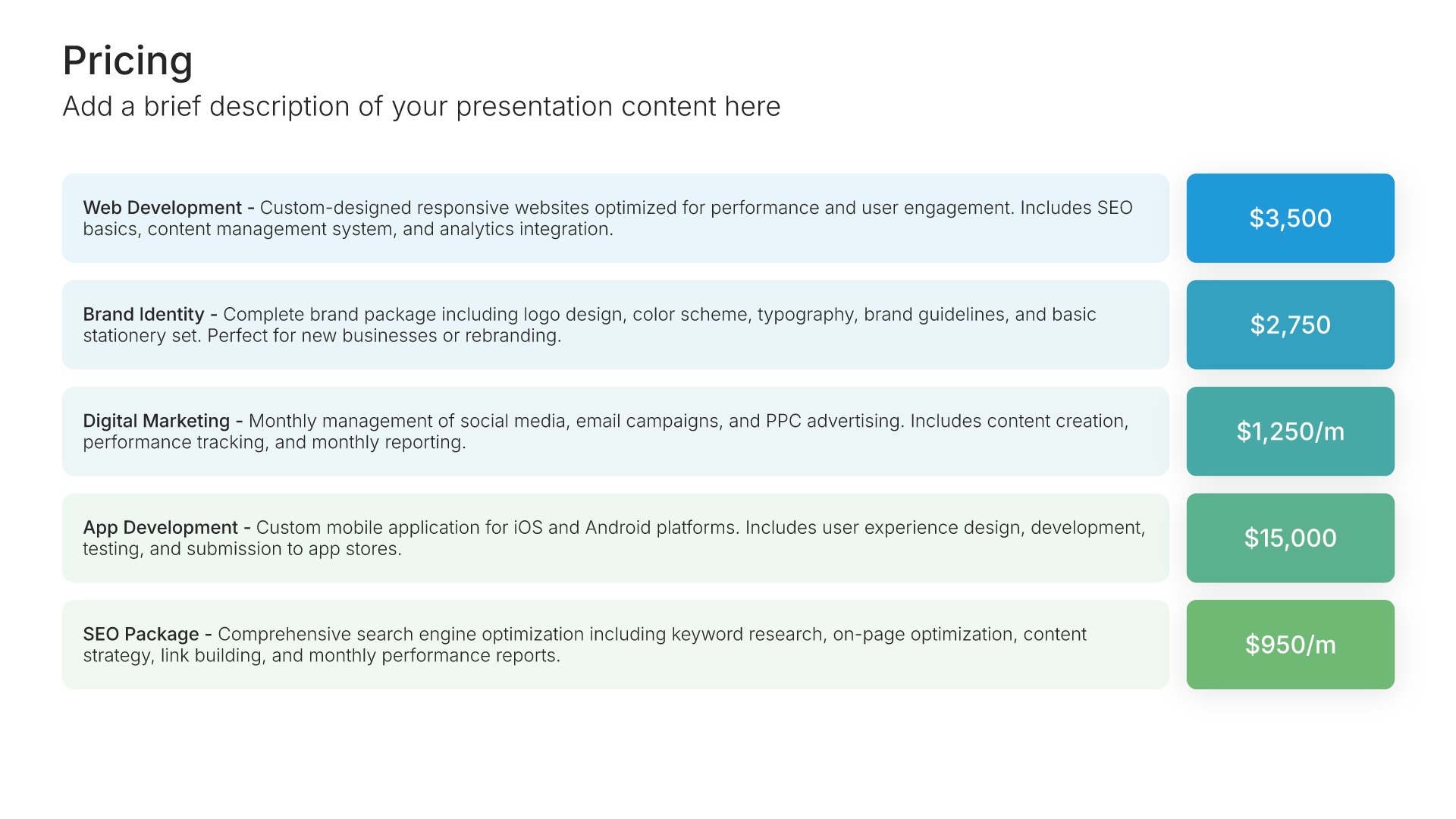
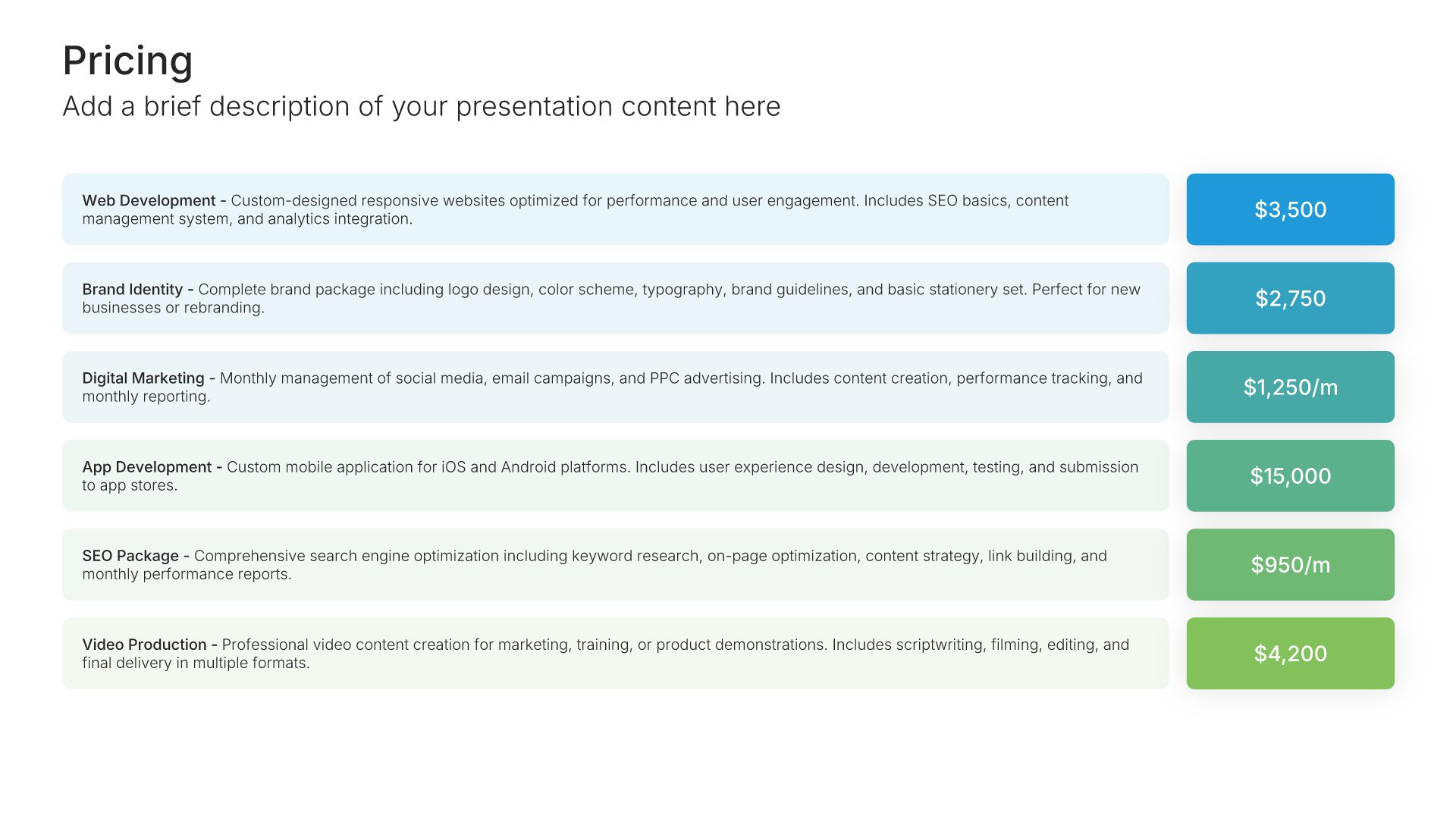
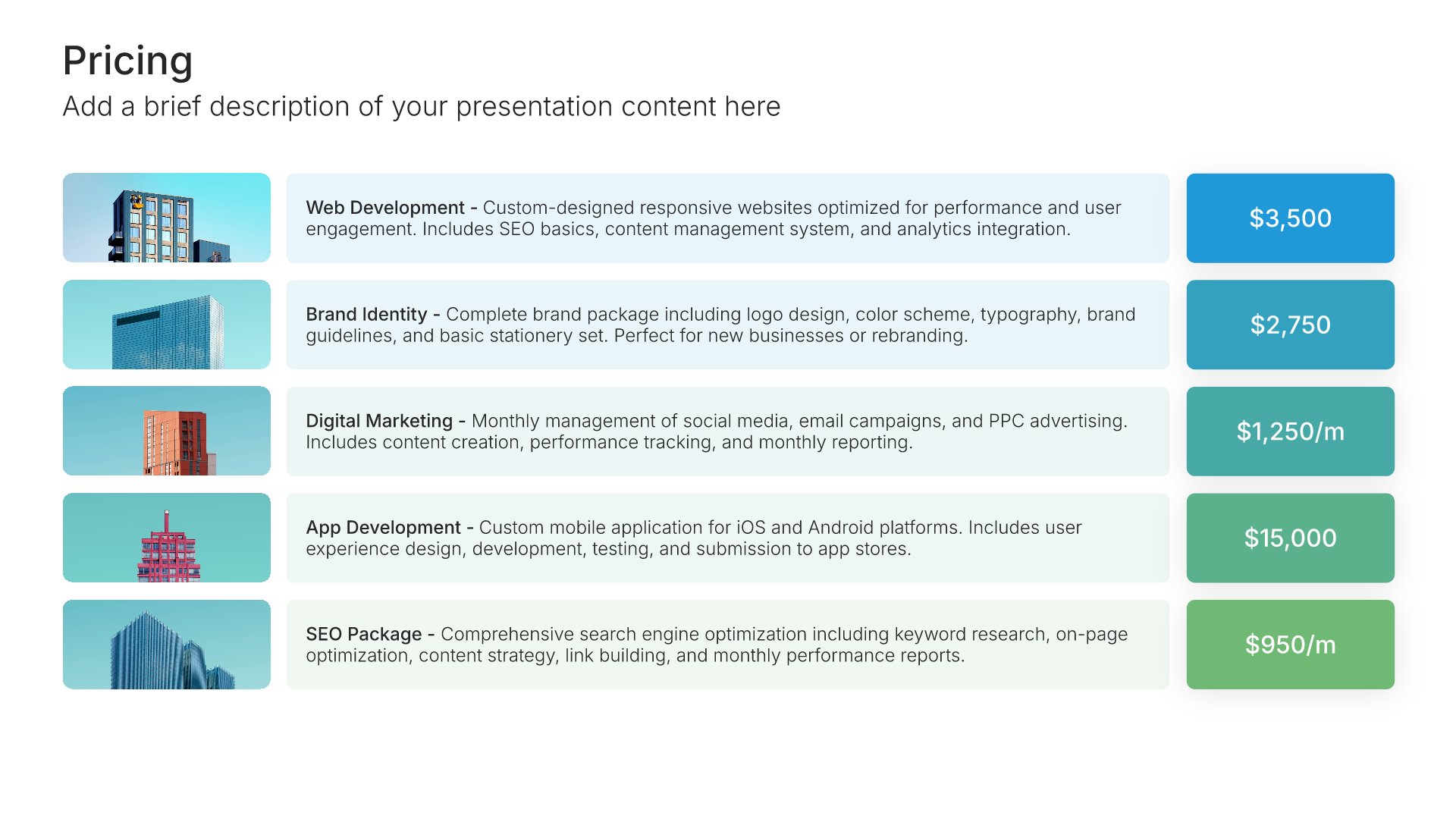
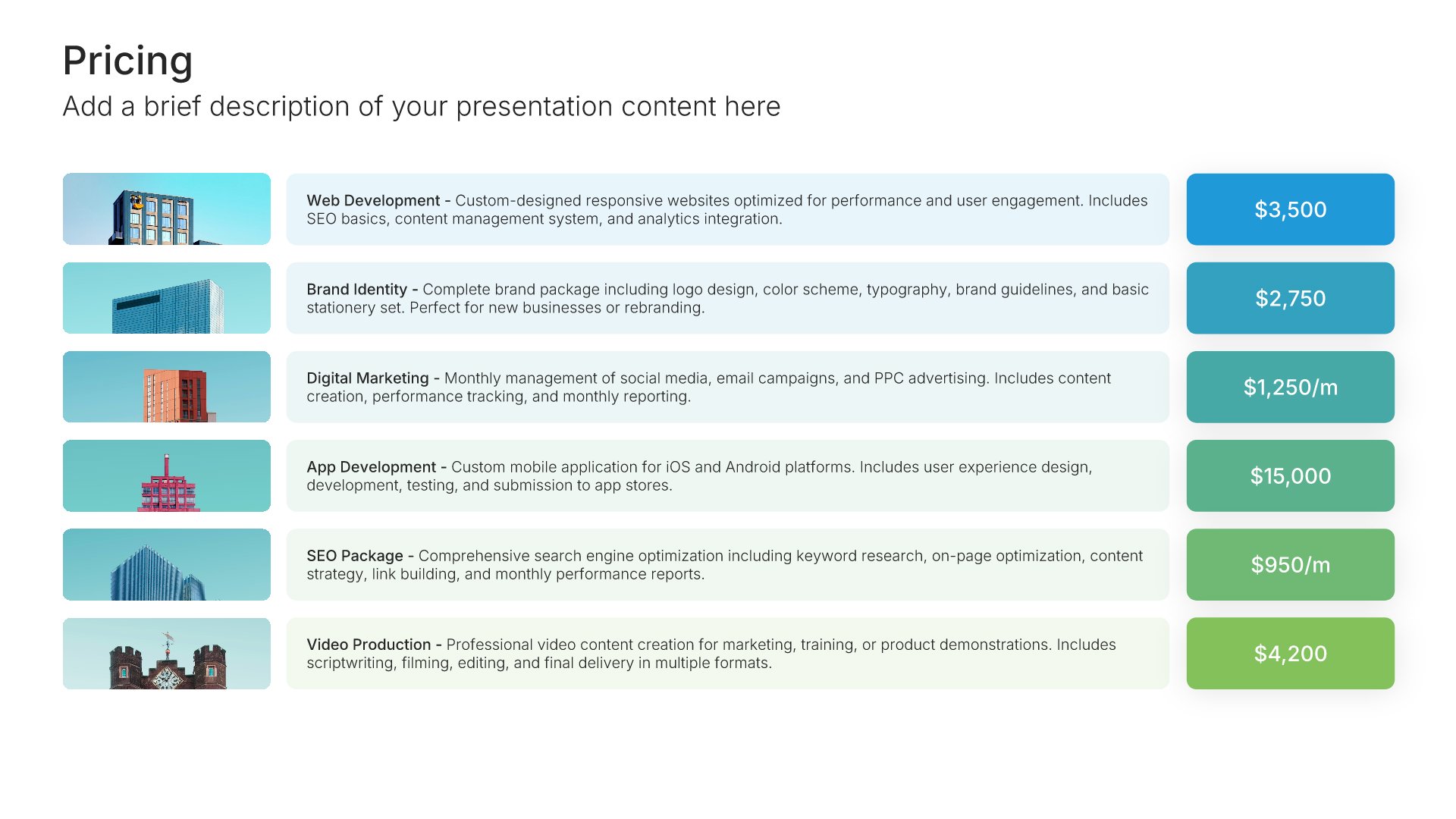
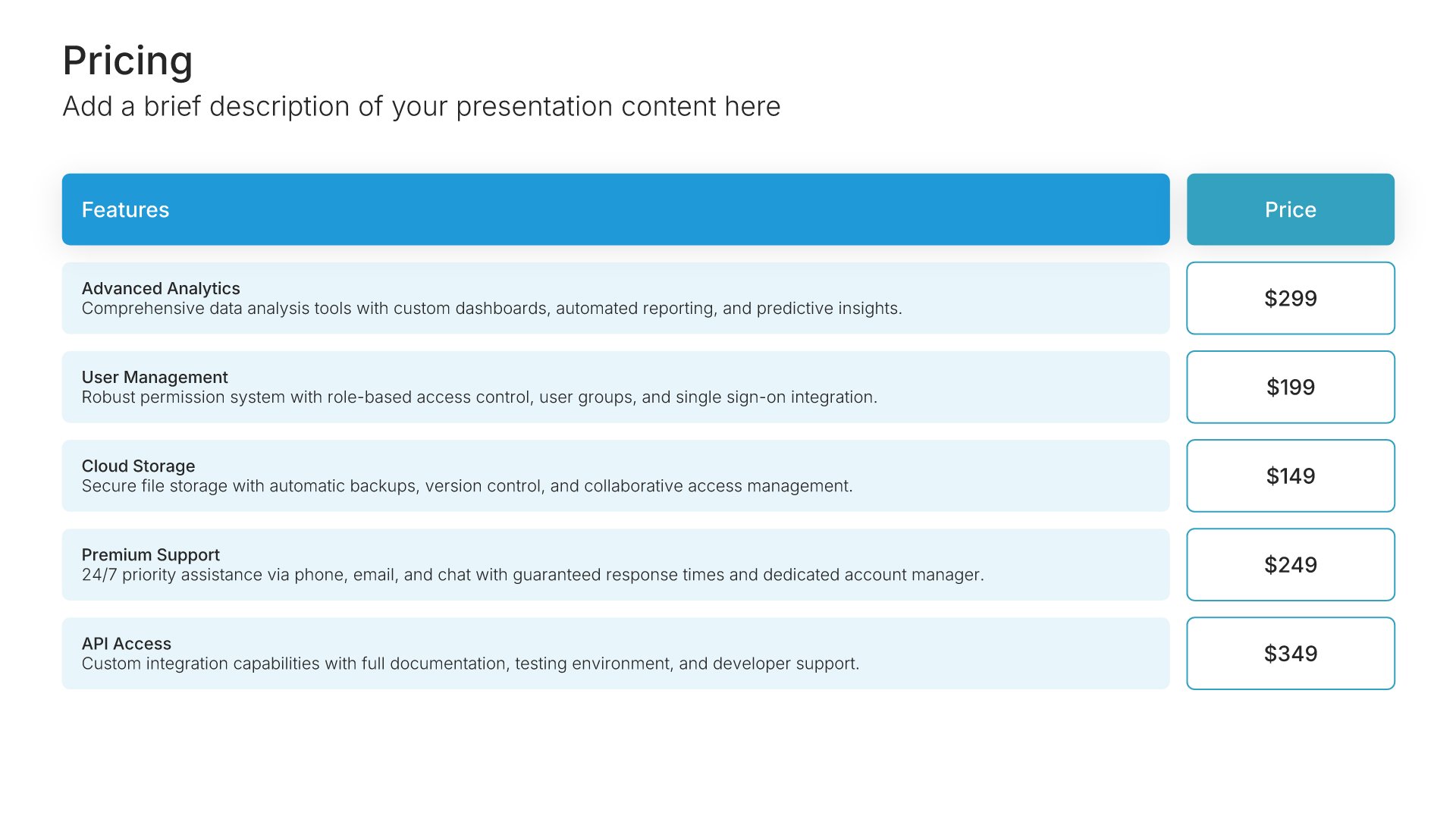
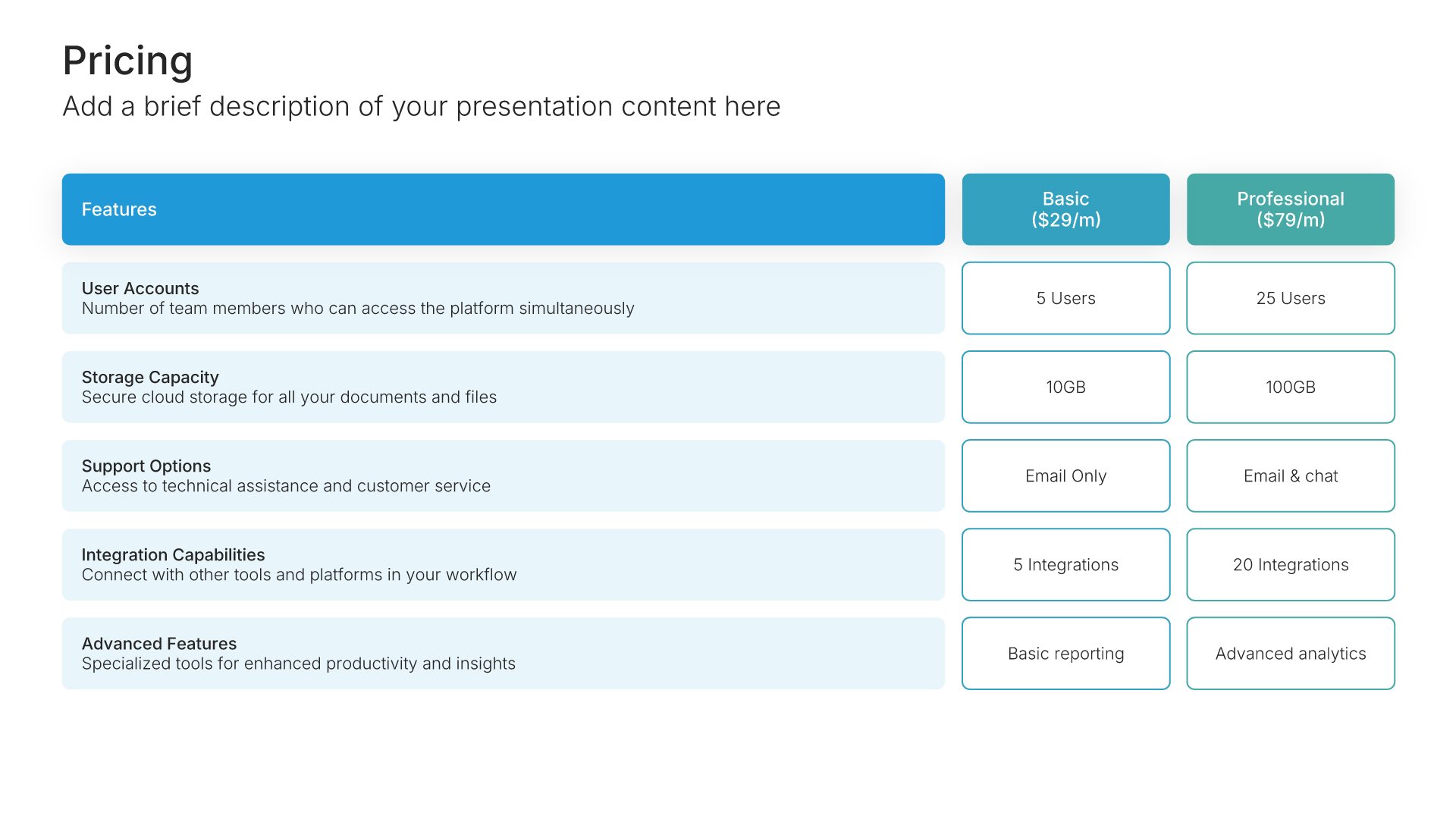
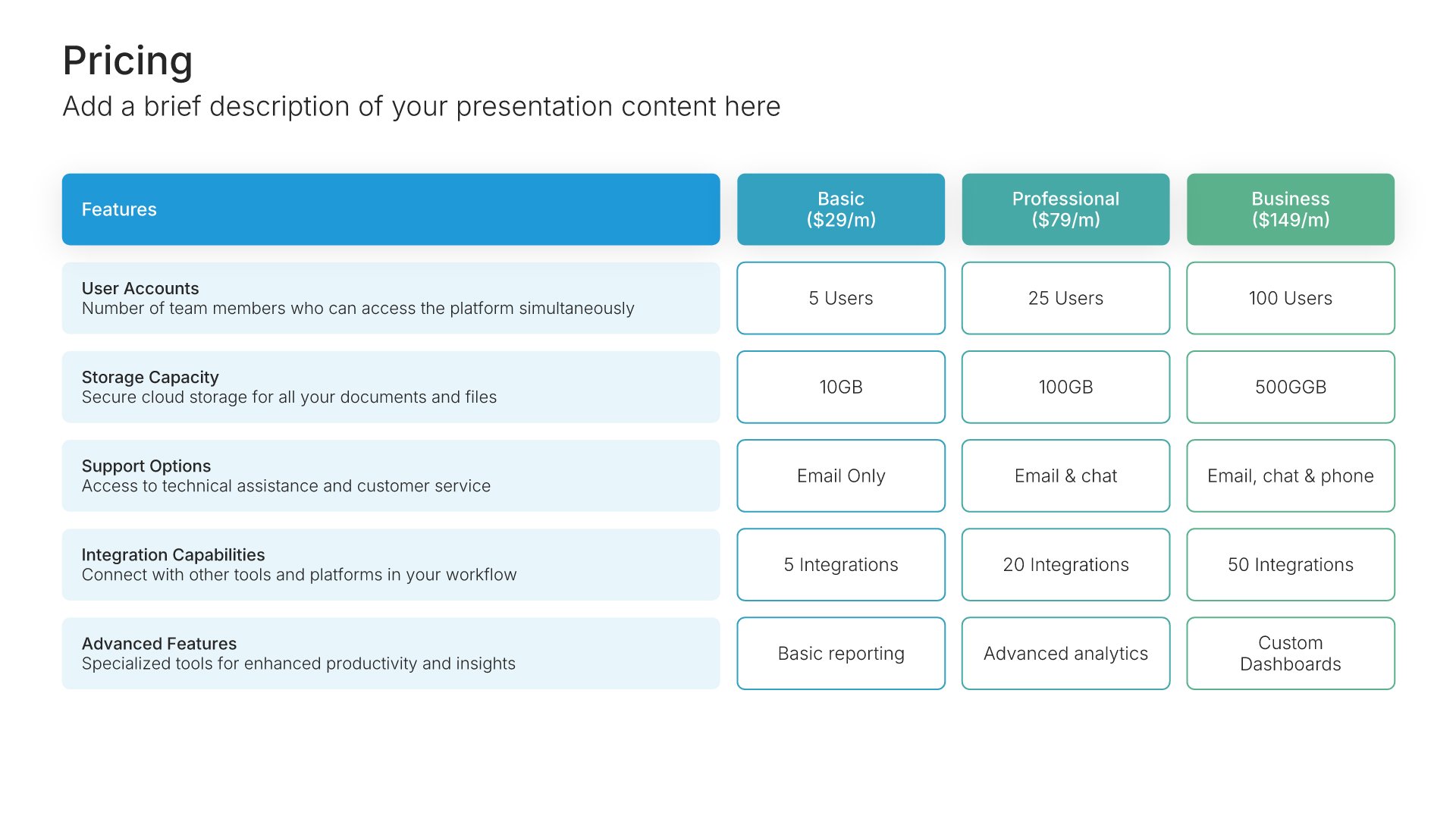
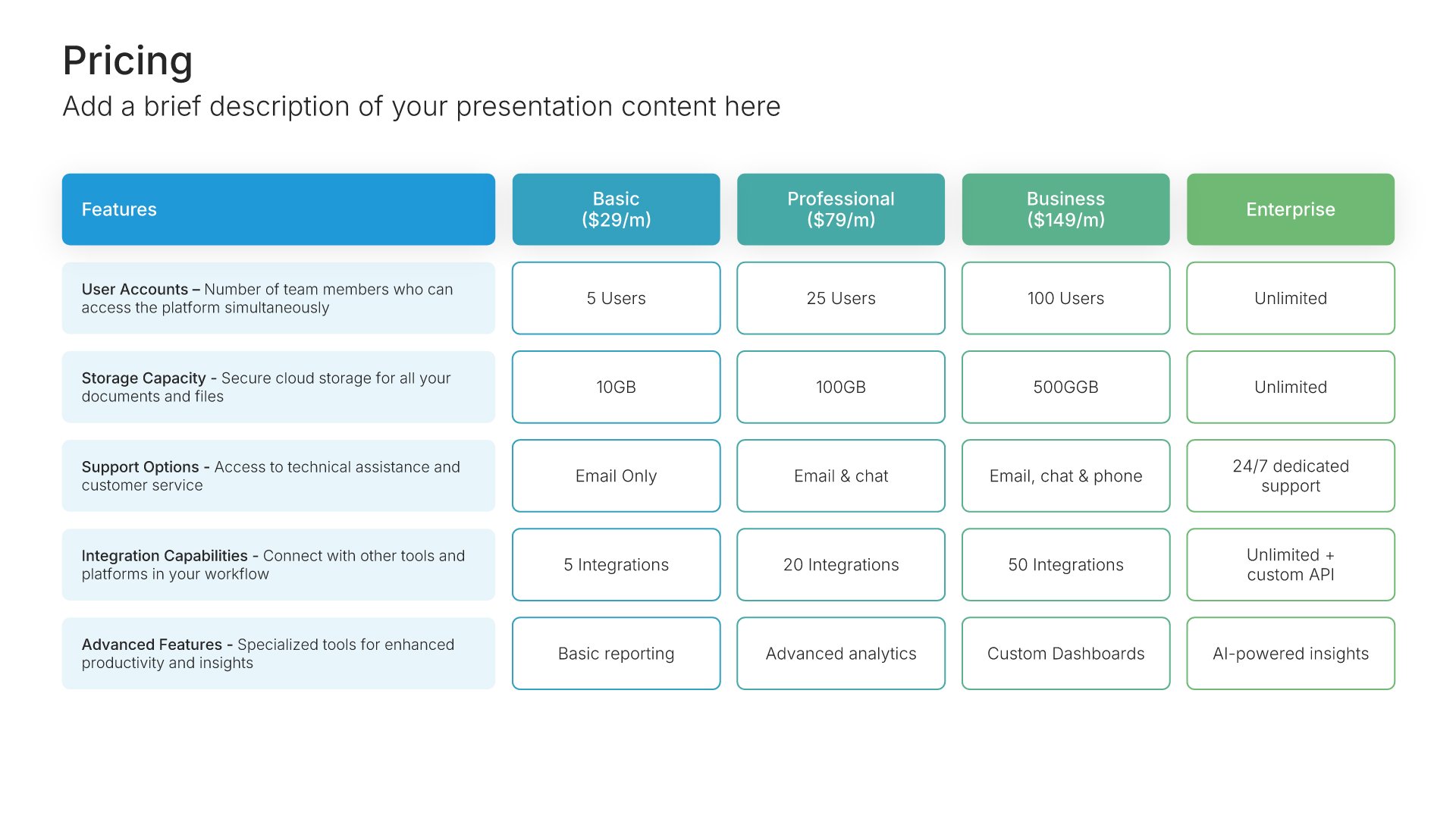
Pricing slides set out what you sell and what it costs: plans, packages, or tiers side by side, with what's included in each. Pick one of 53 layouts, brand it to your company in one click, add your prices, and export to PowerPoint, Google Slides, or Keynote.
Free to start. No credit card required.
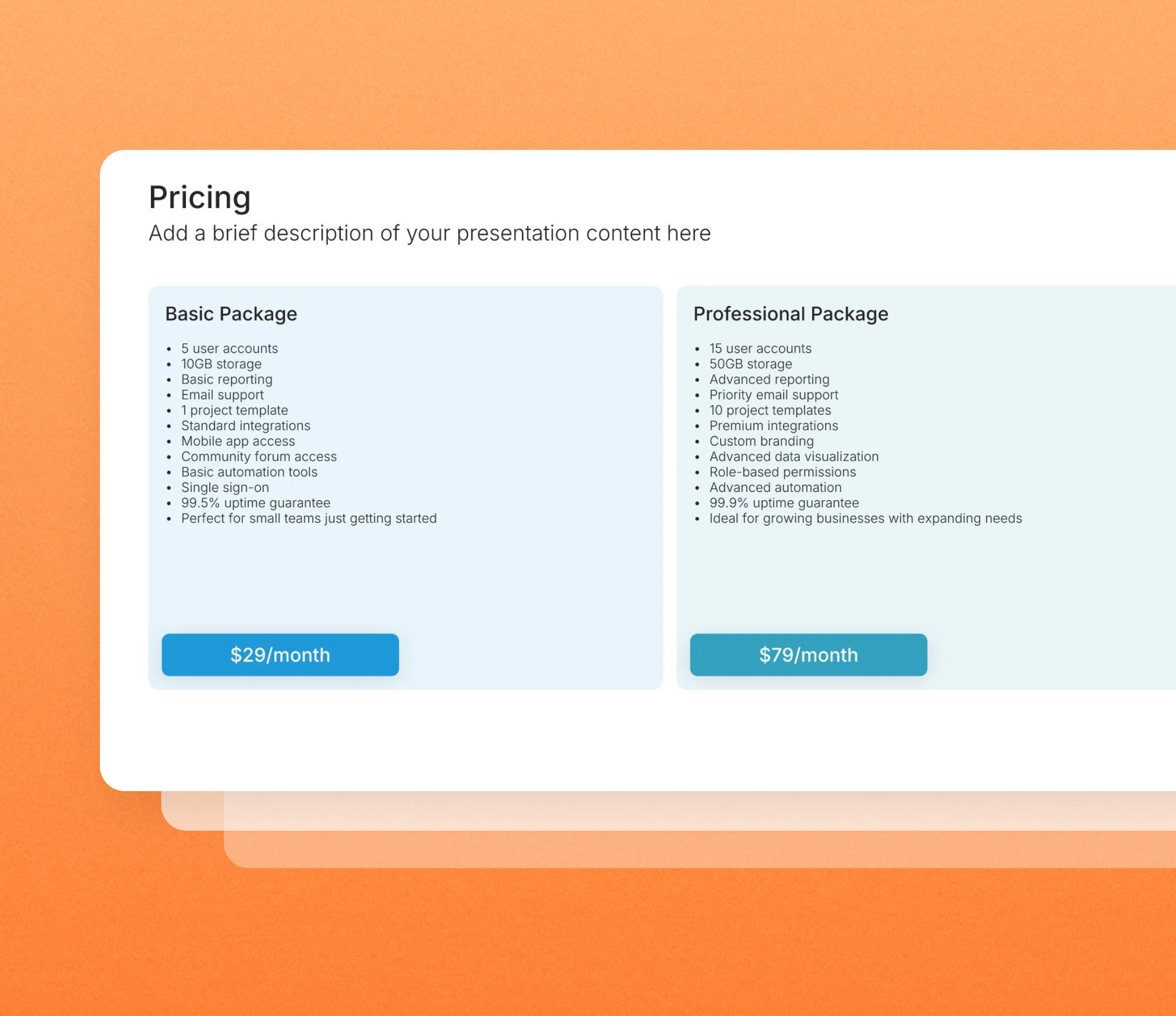
Browse pricing slides
53 ways to set out your plans and prices, all fully editable.
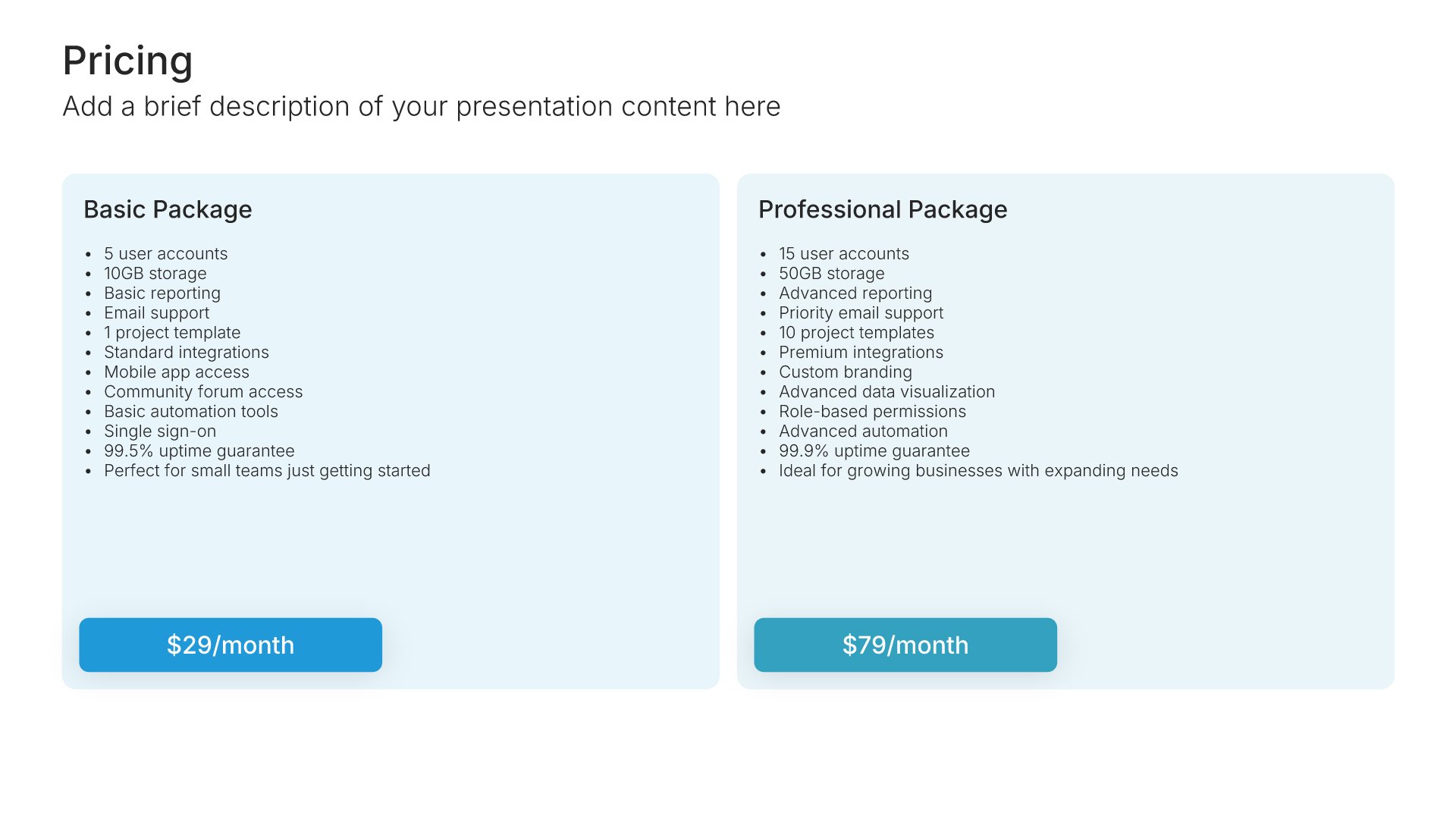
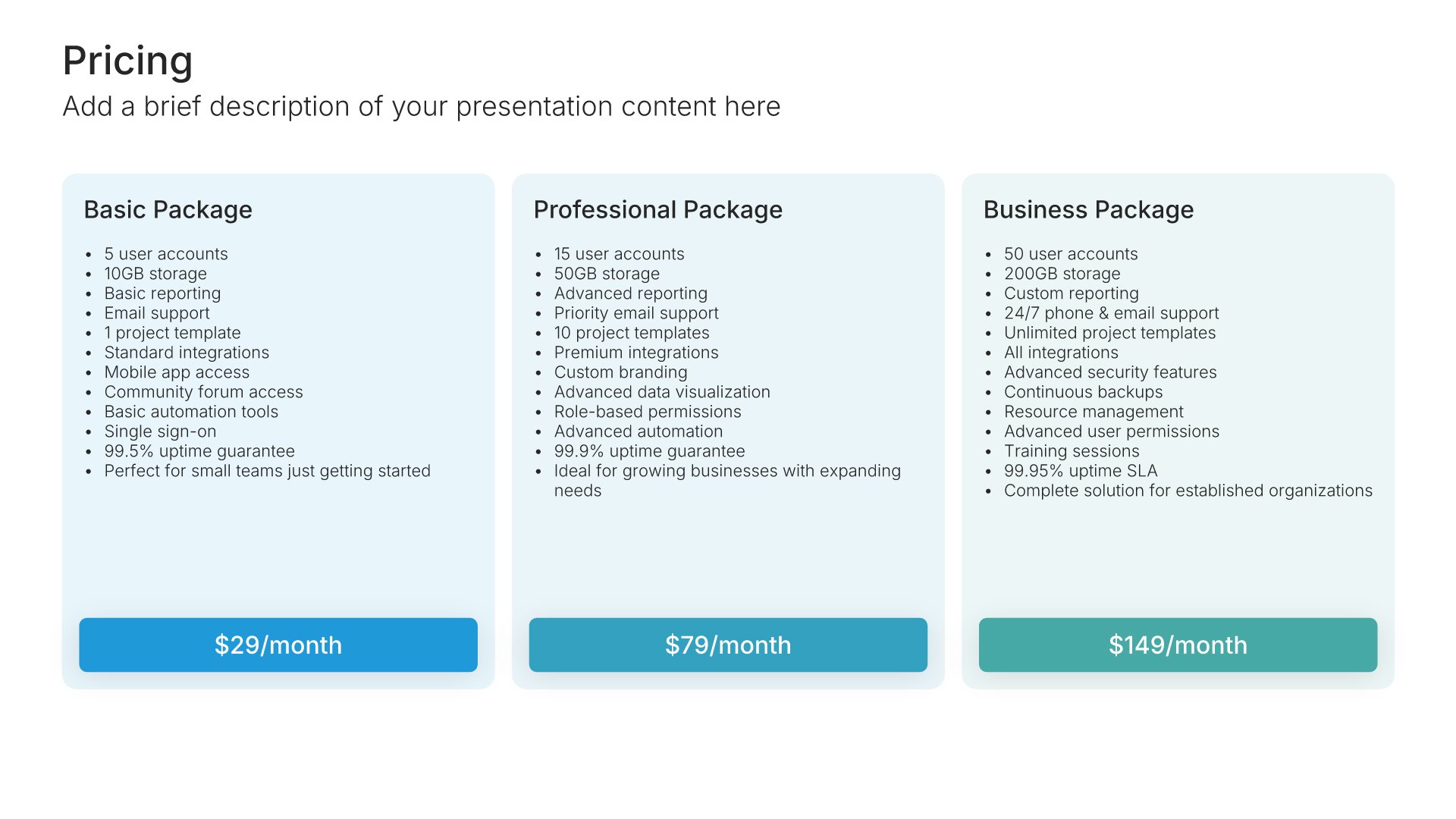
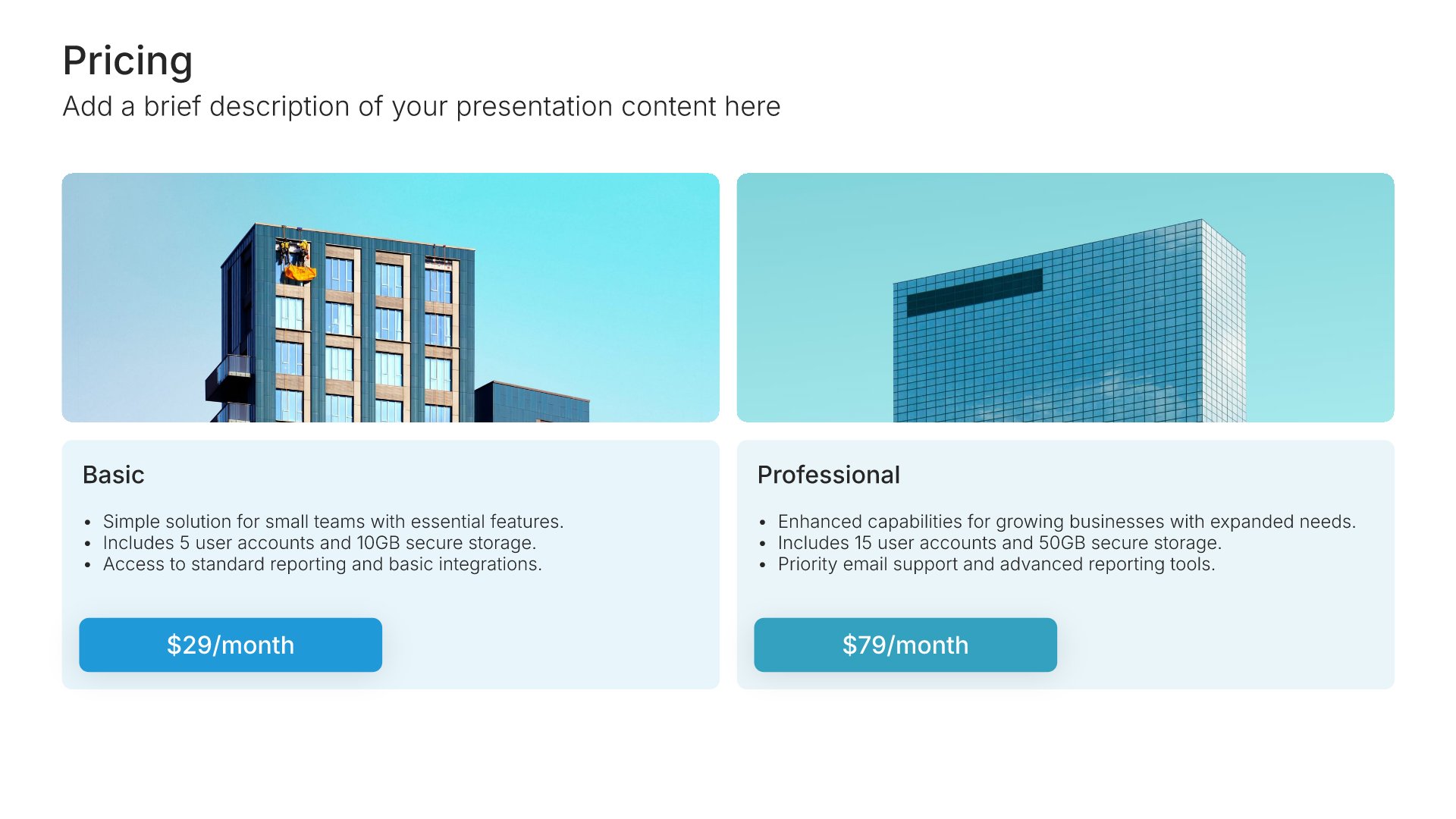
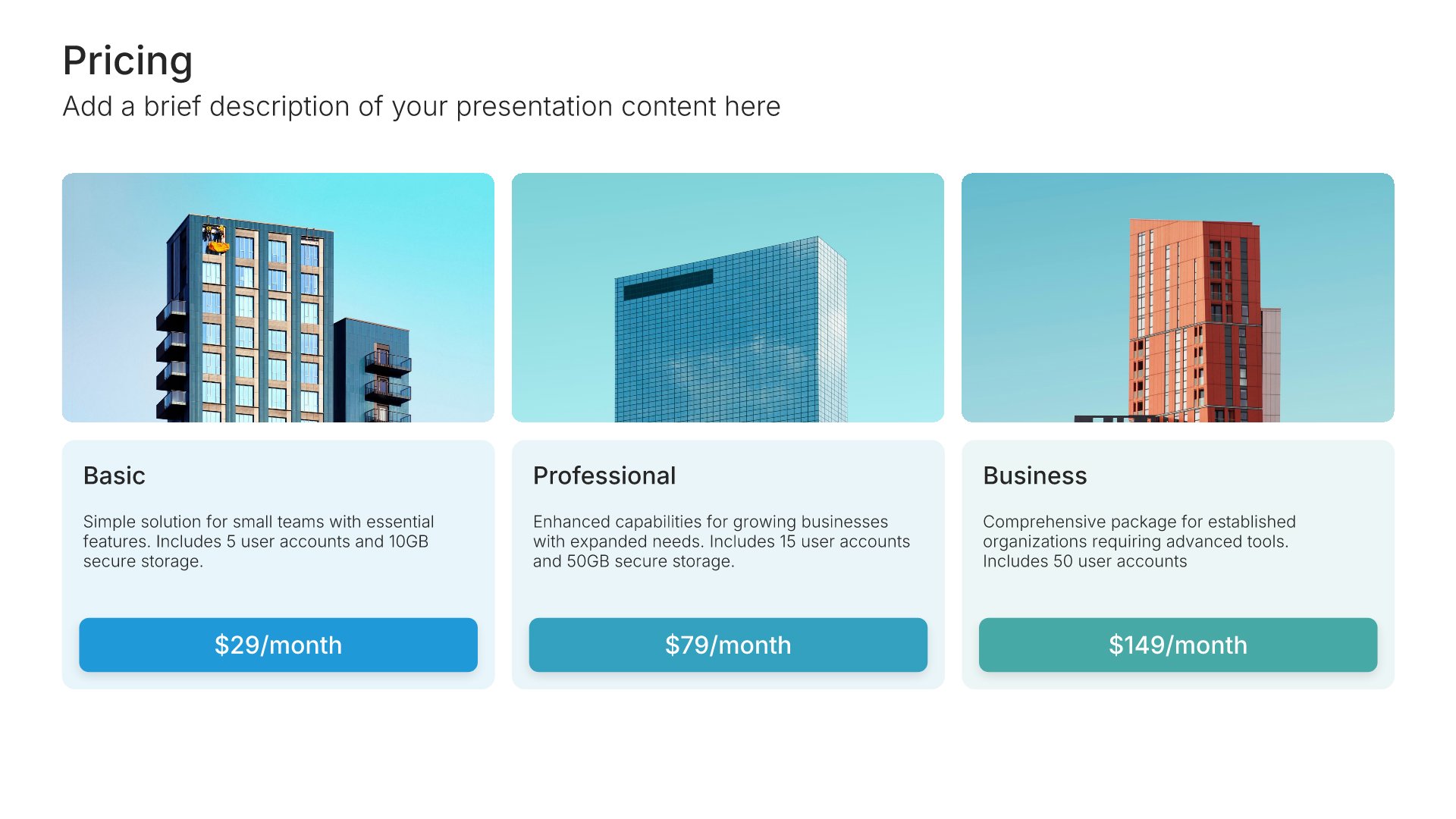
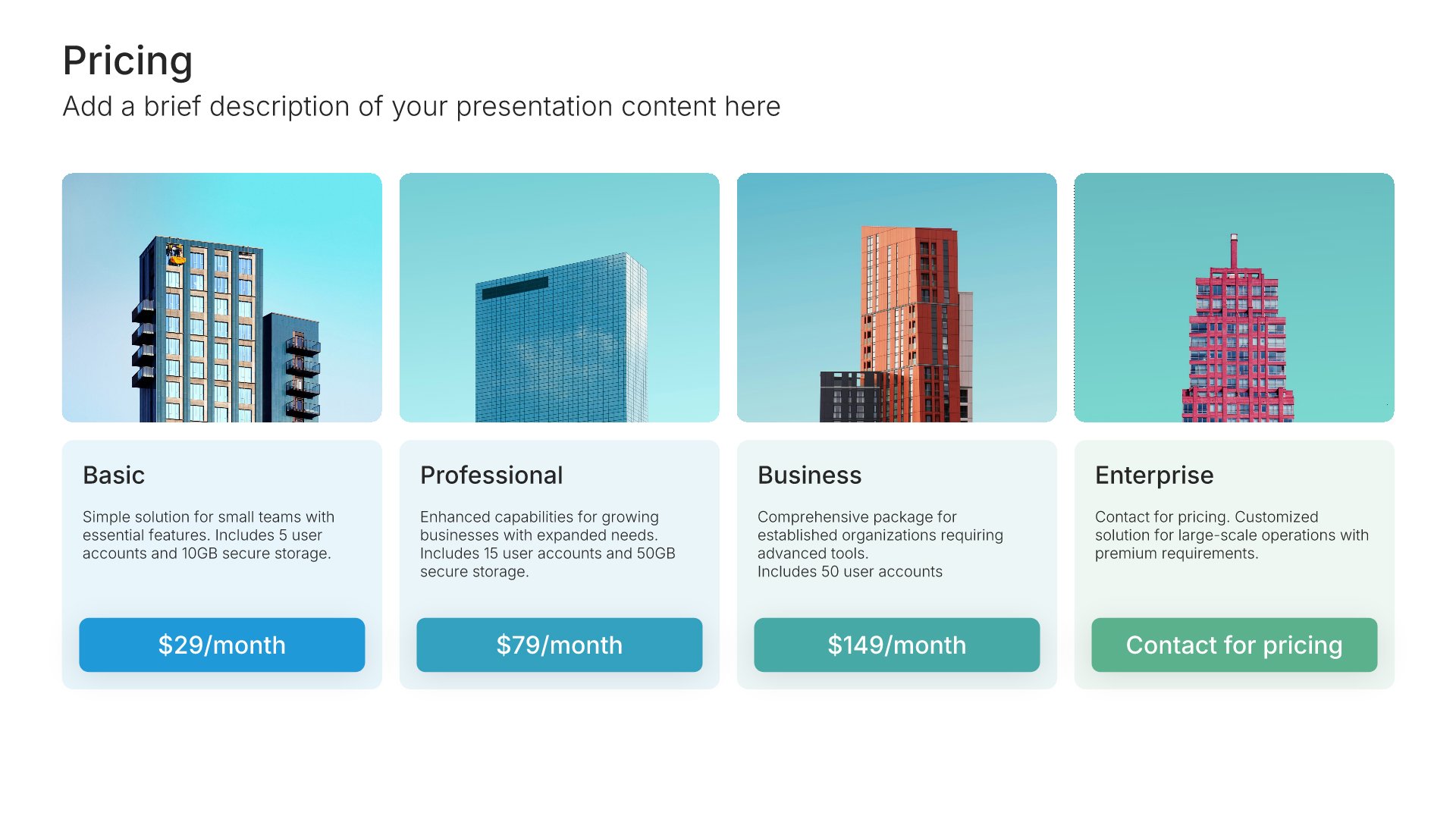
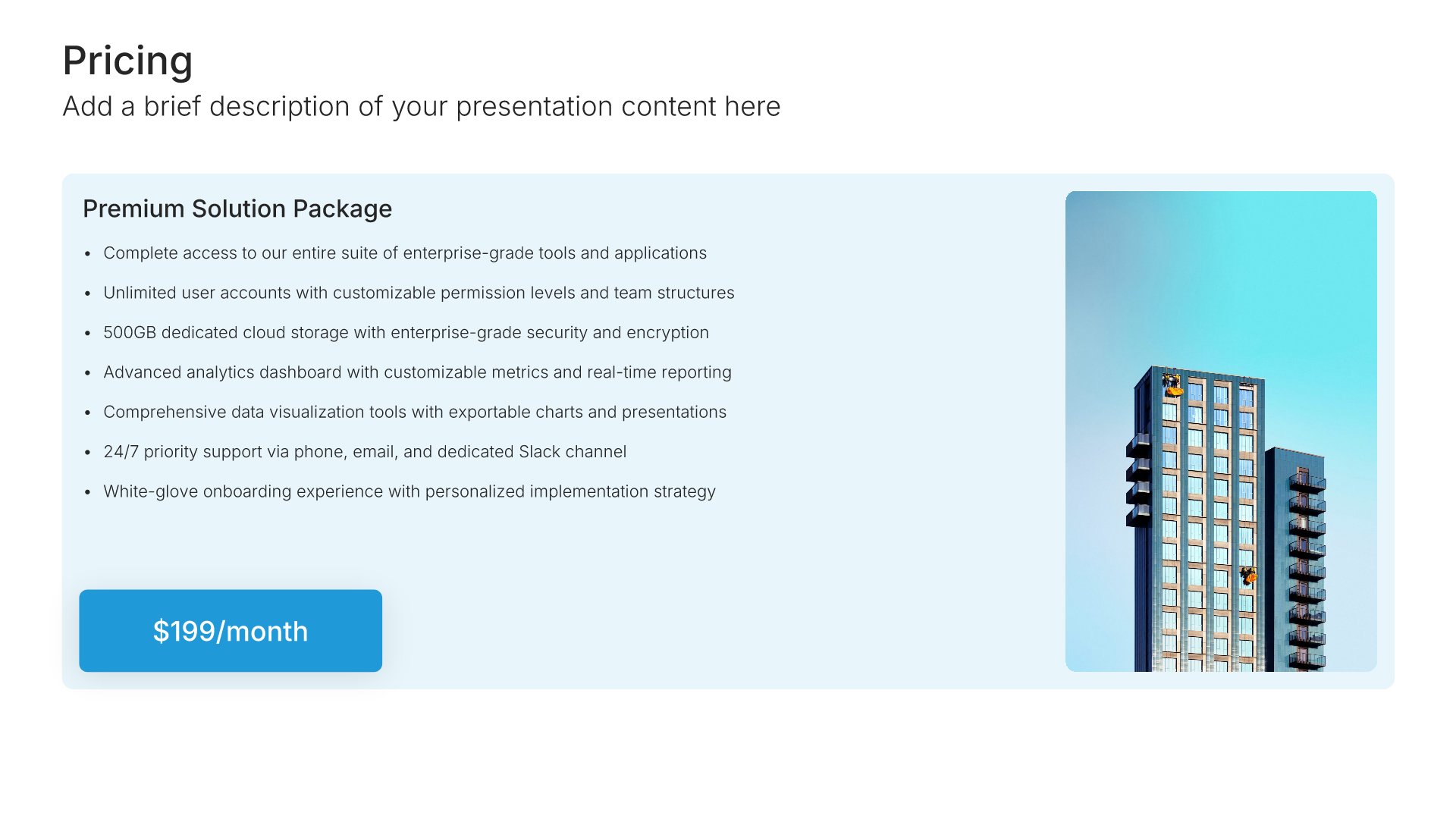
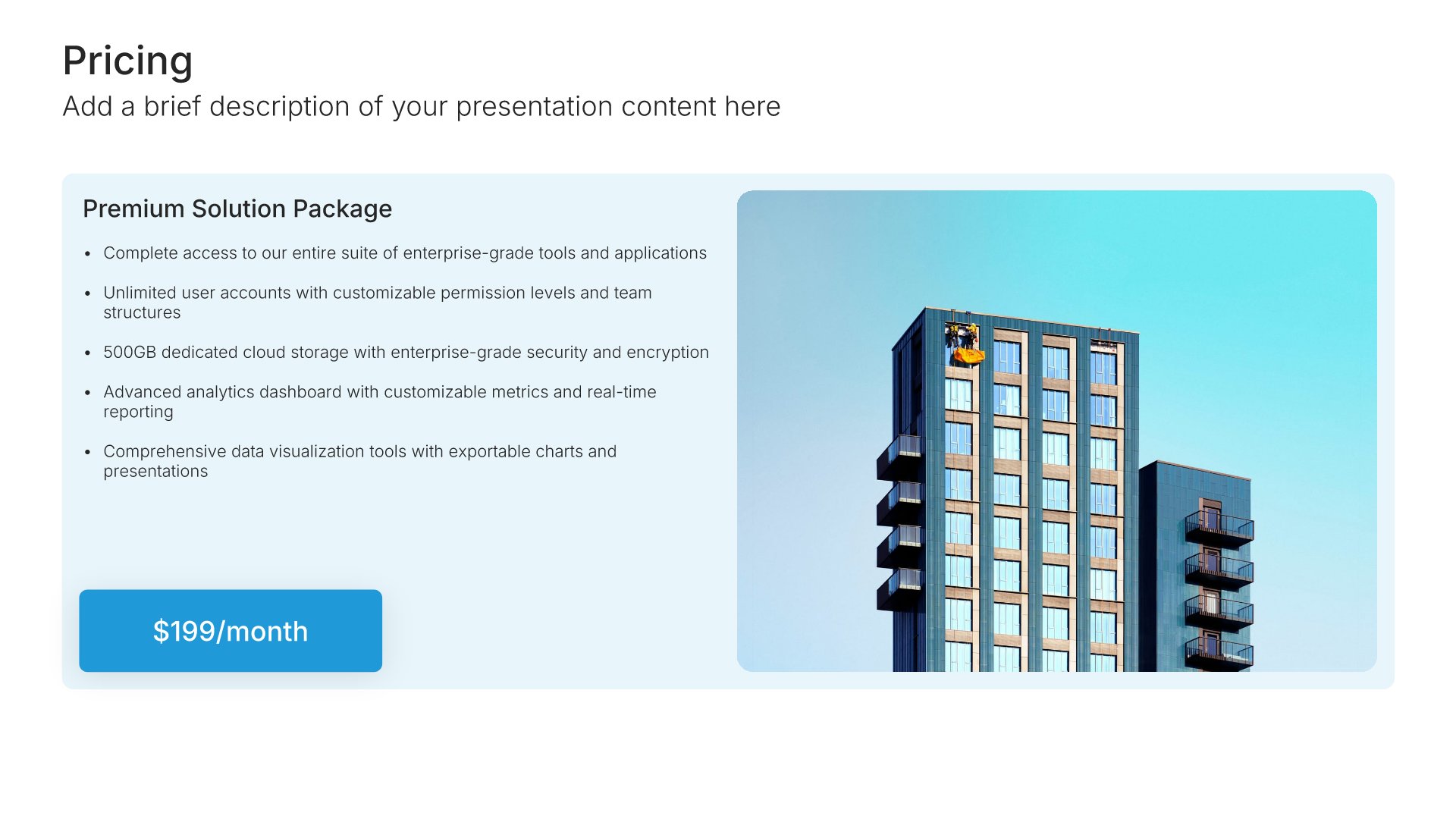
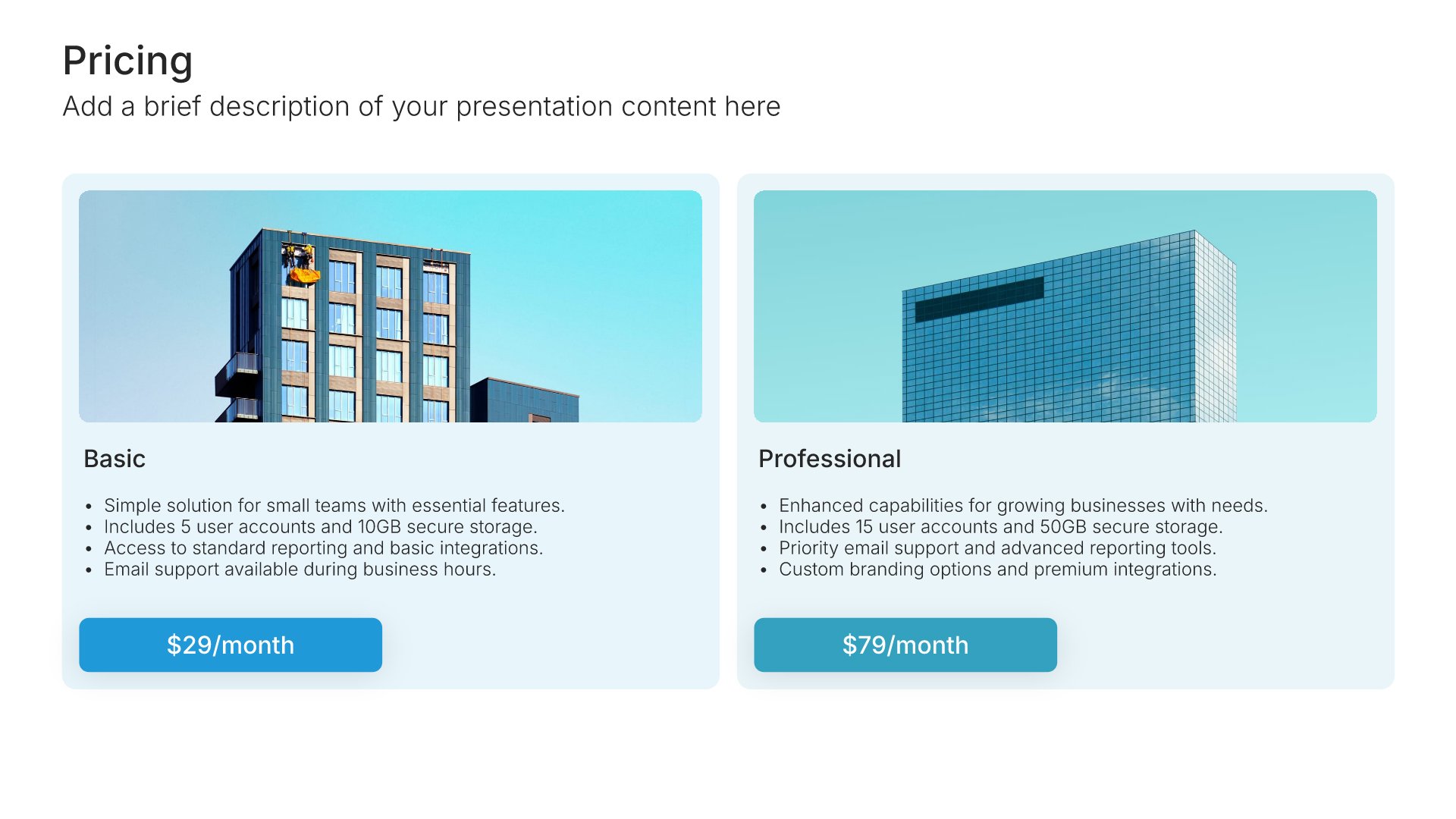
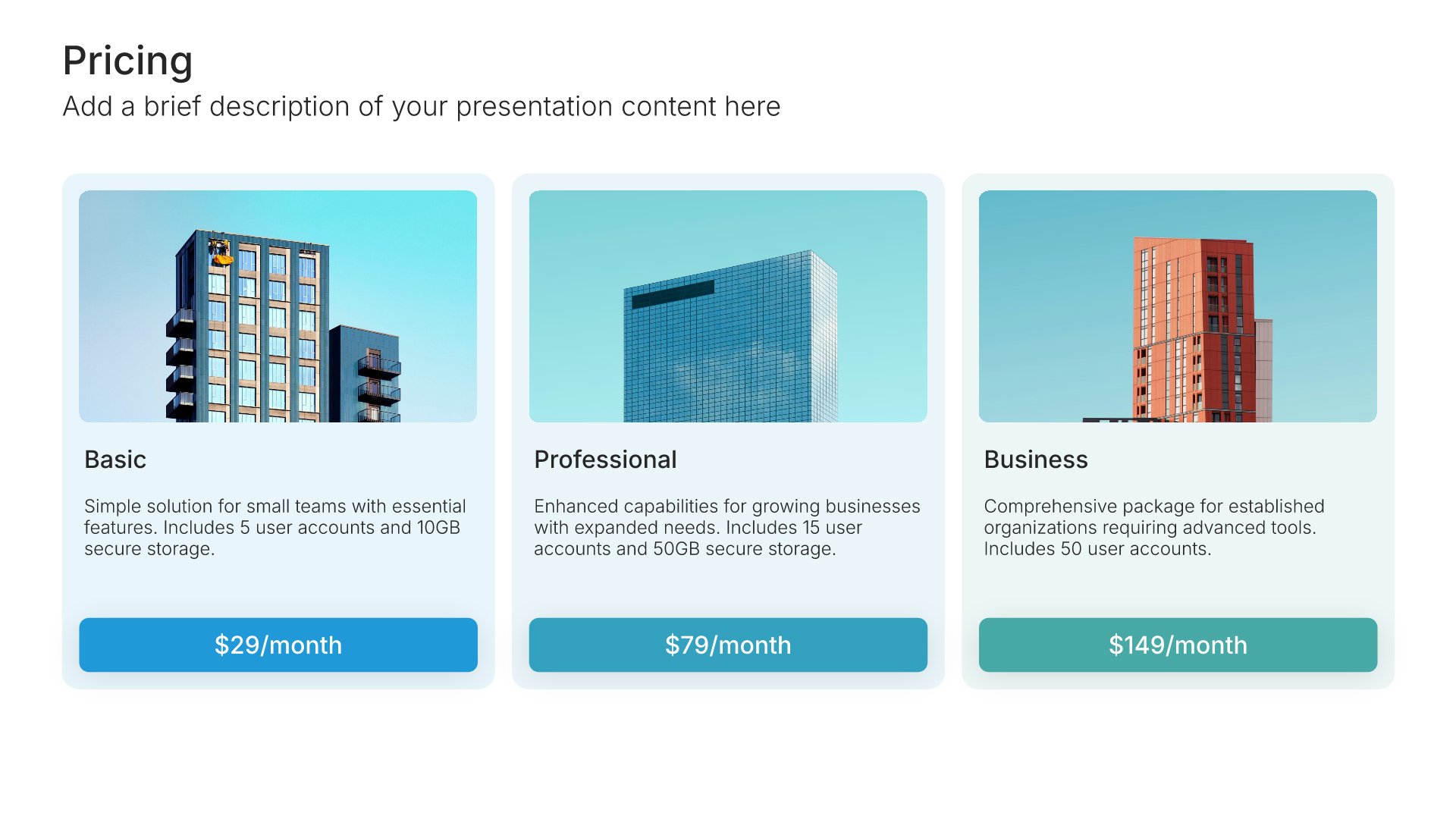
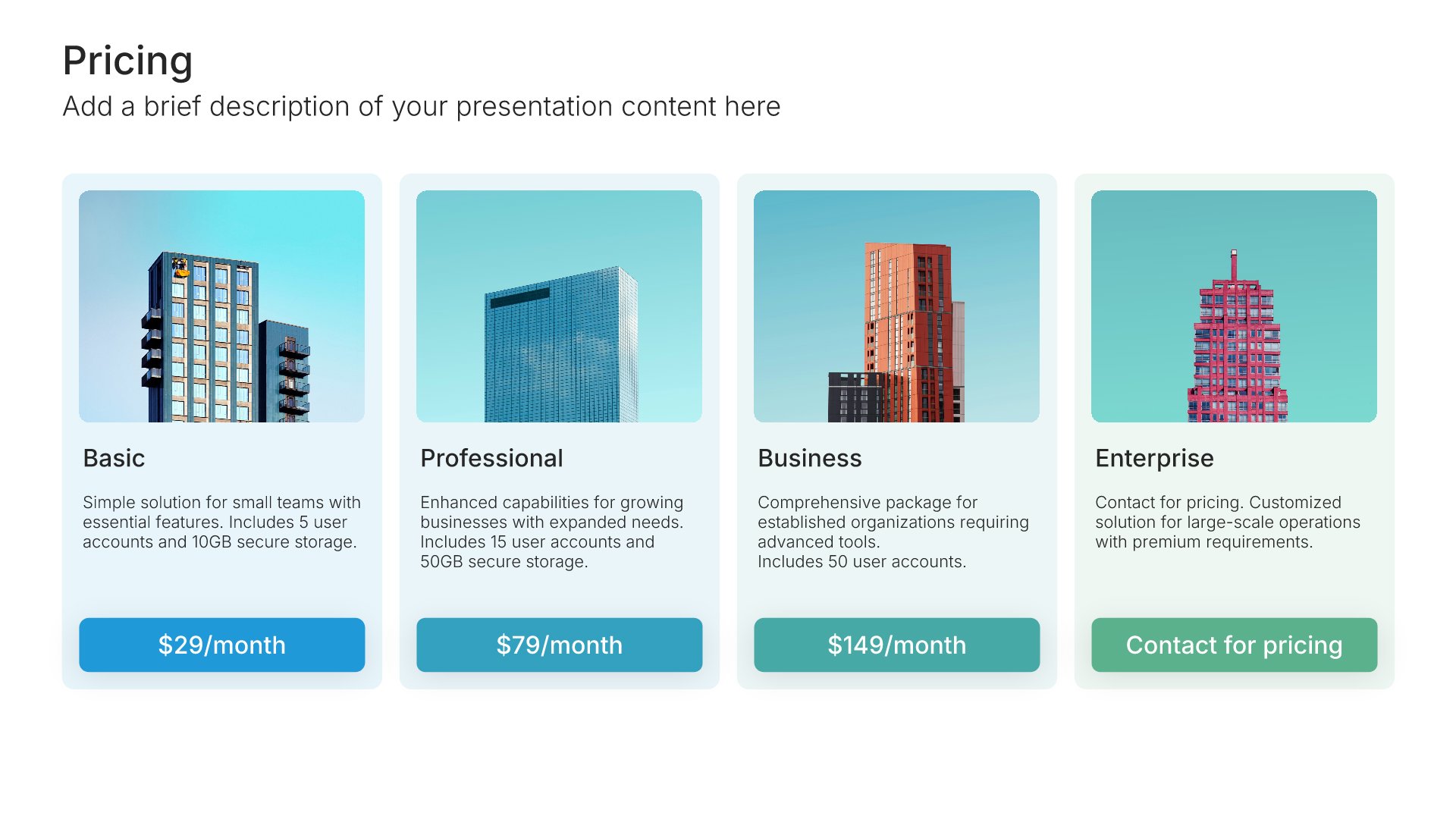
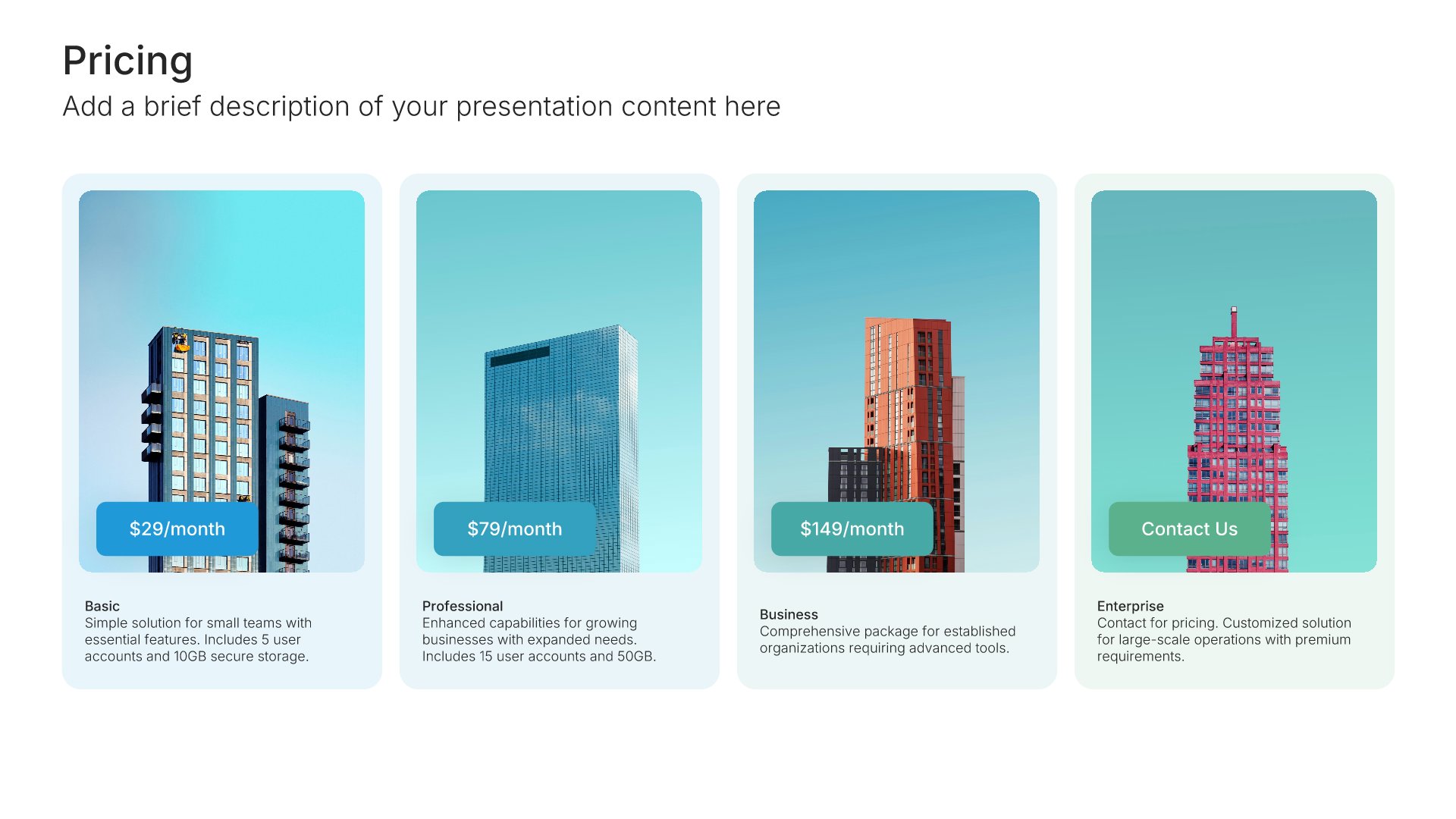
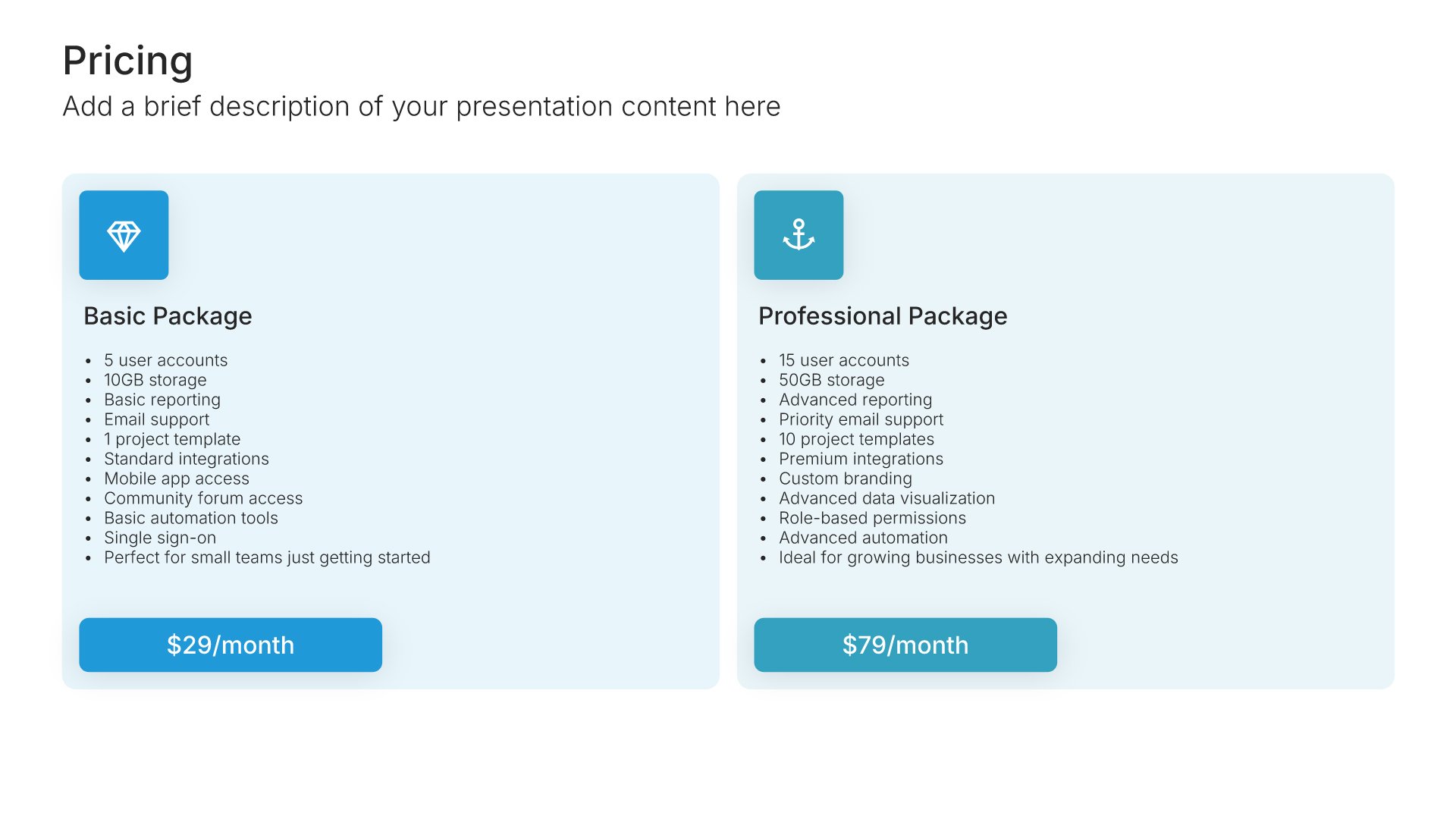
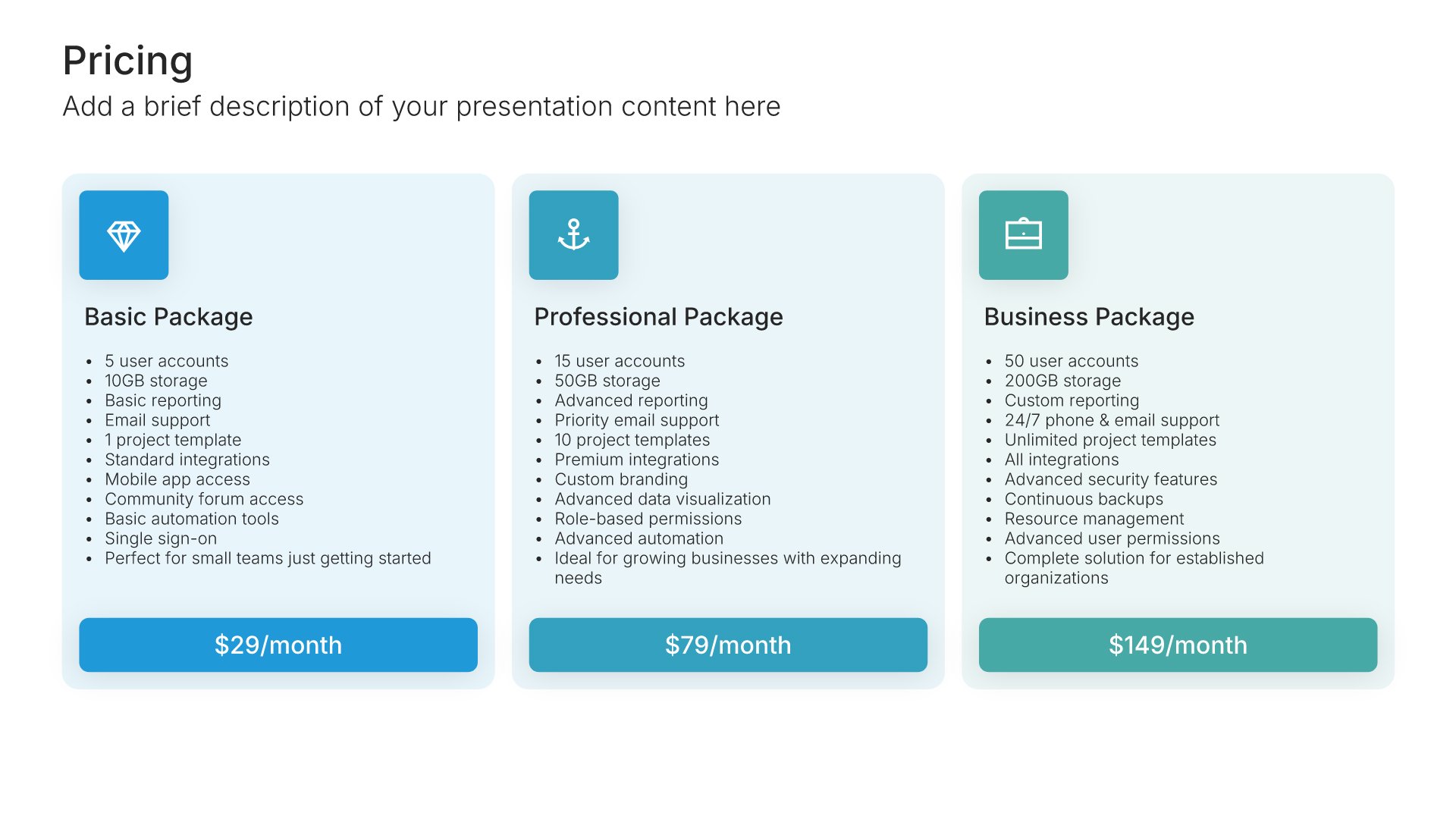
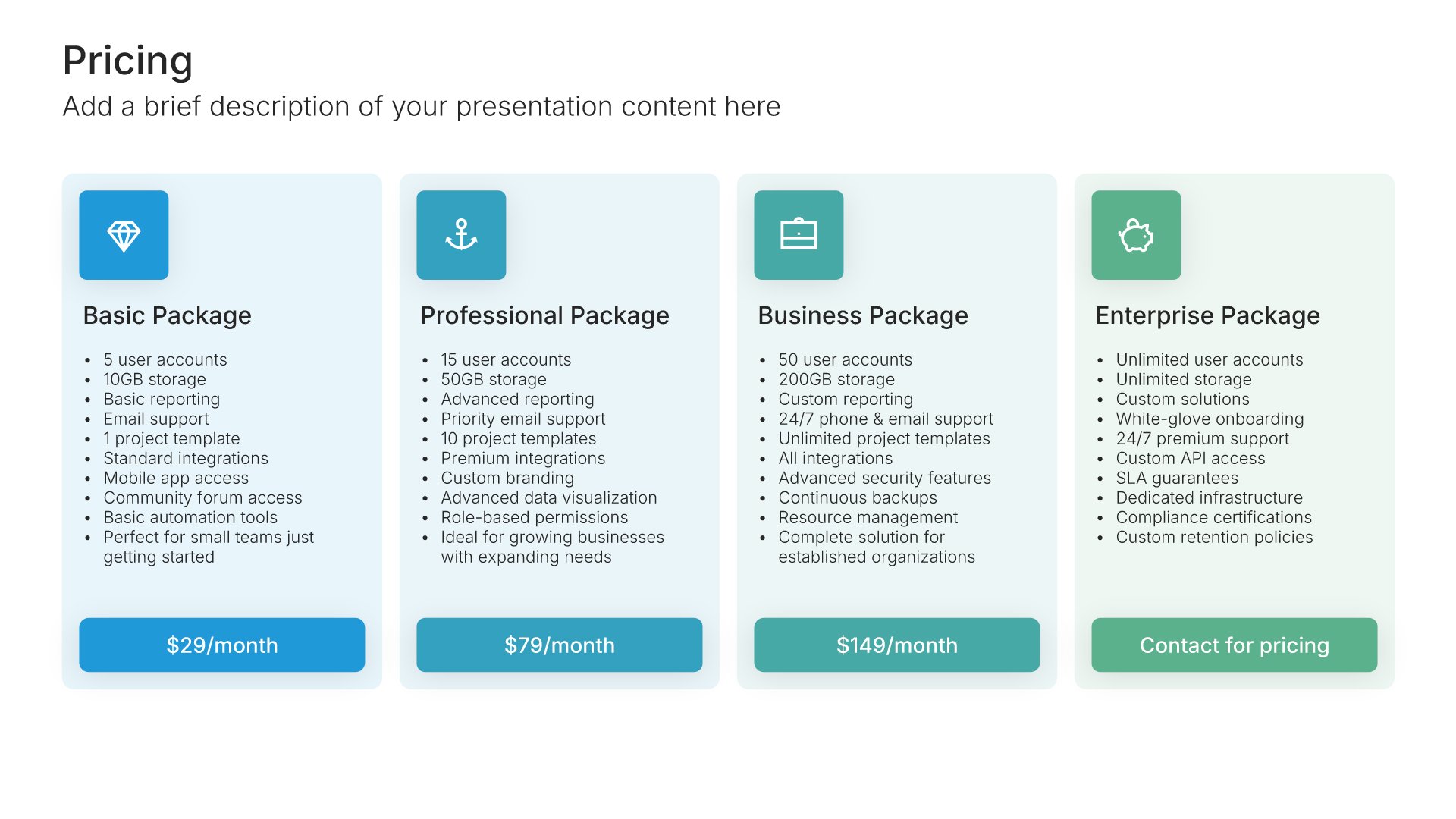
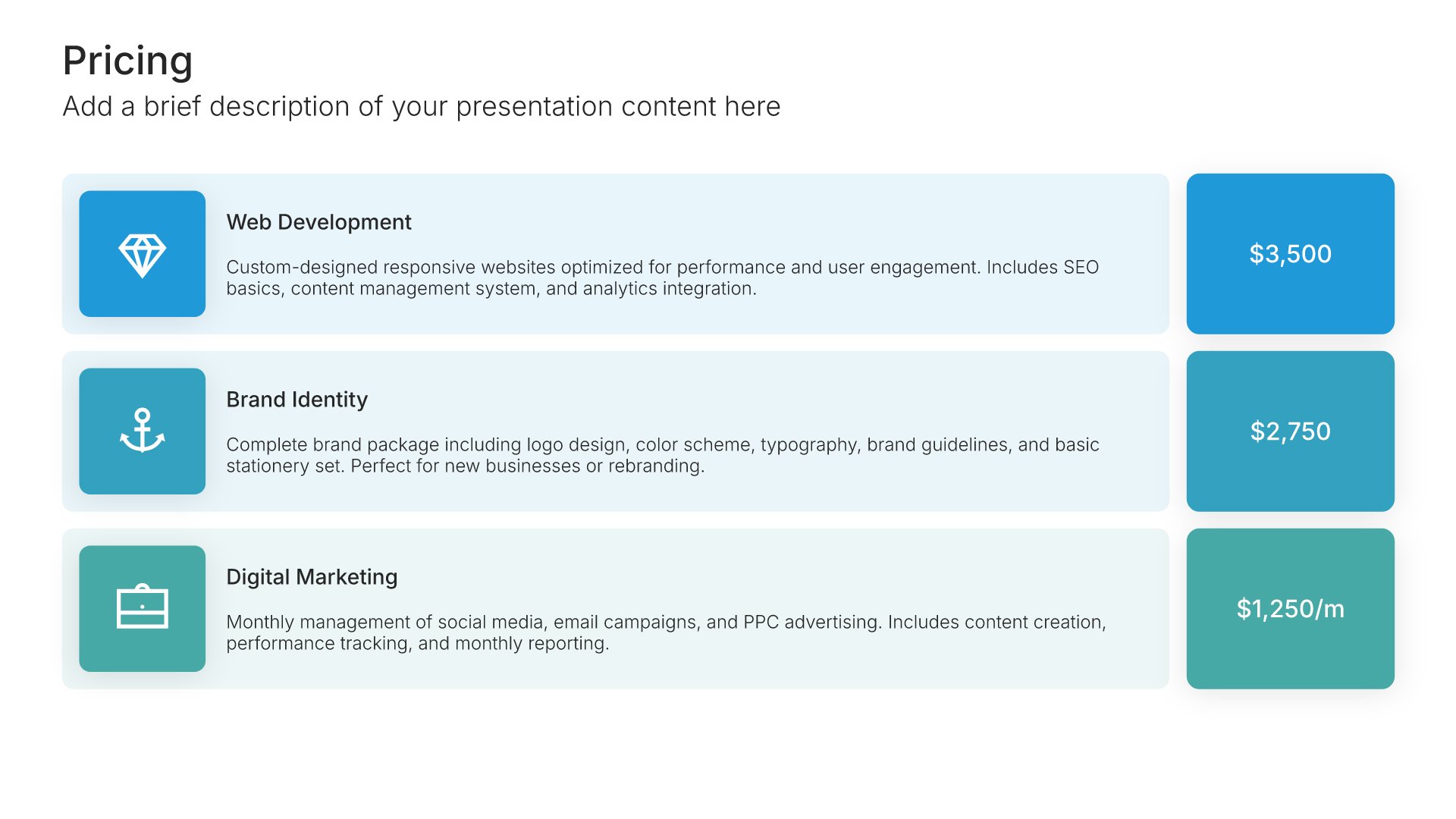
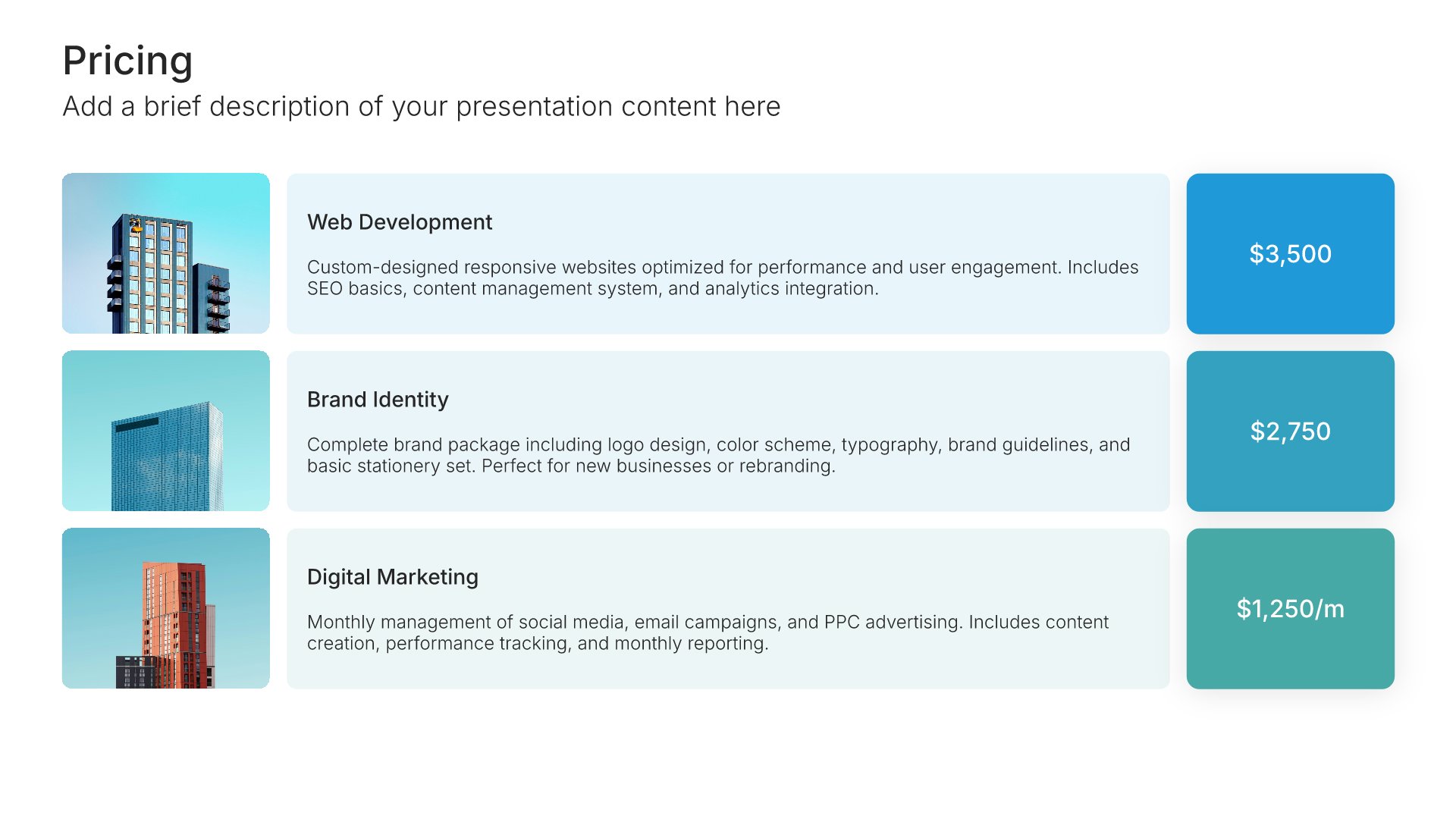
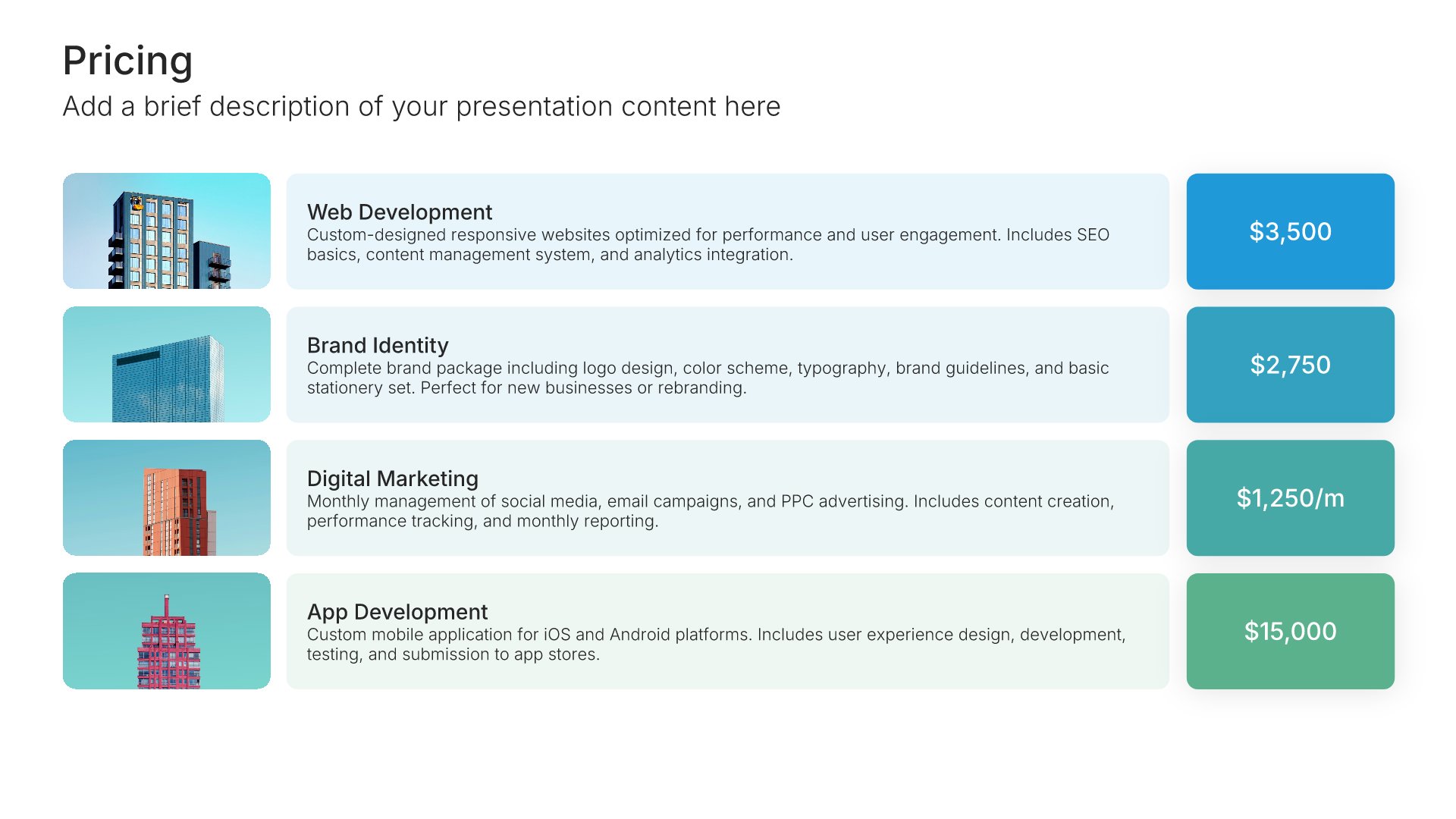
Pricing • Slide Library • Layout 01 of 53
Layout 01
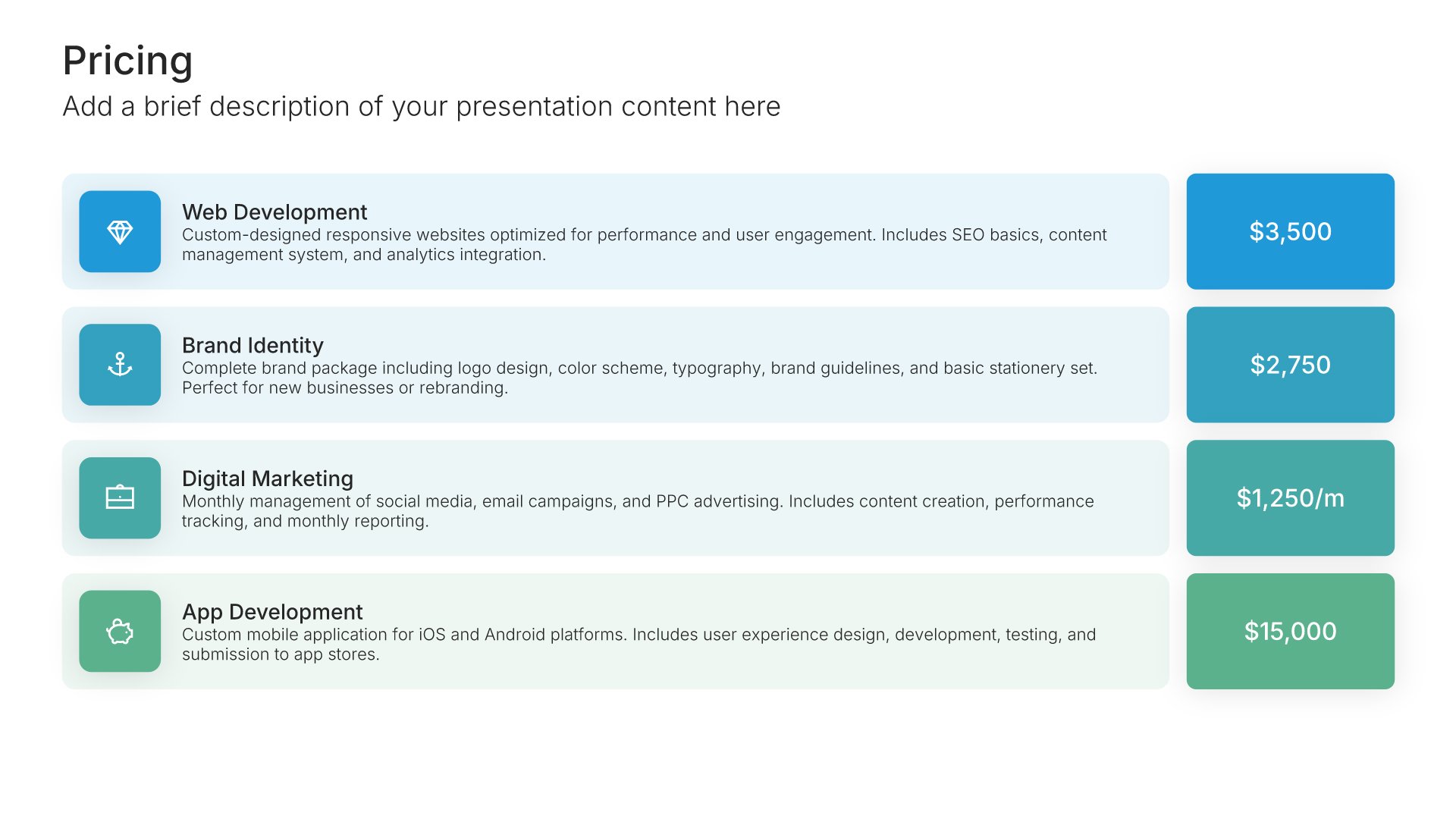
Layout 02
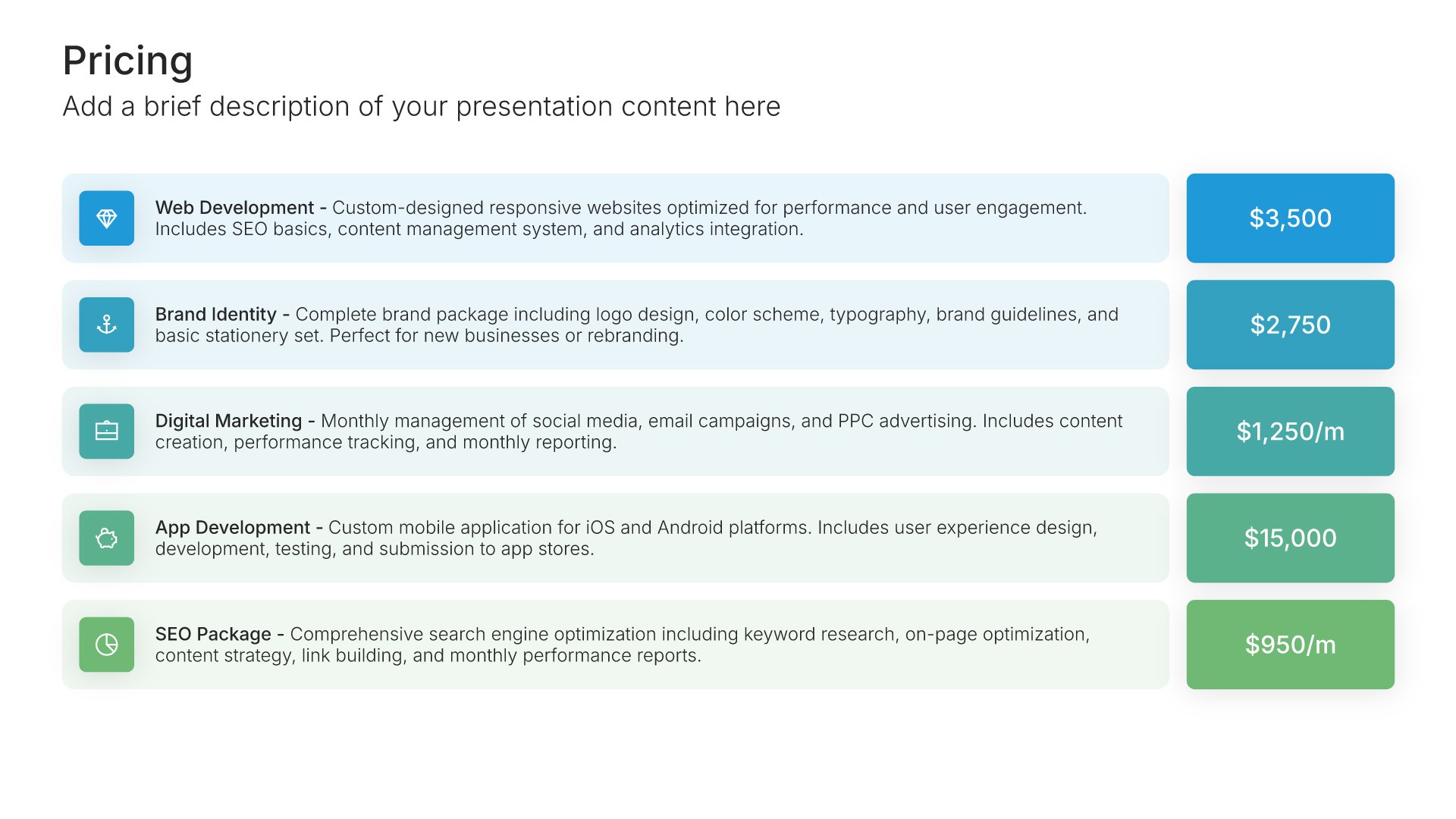
Layout 03
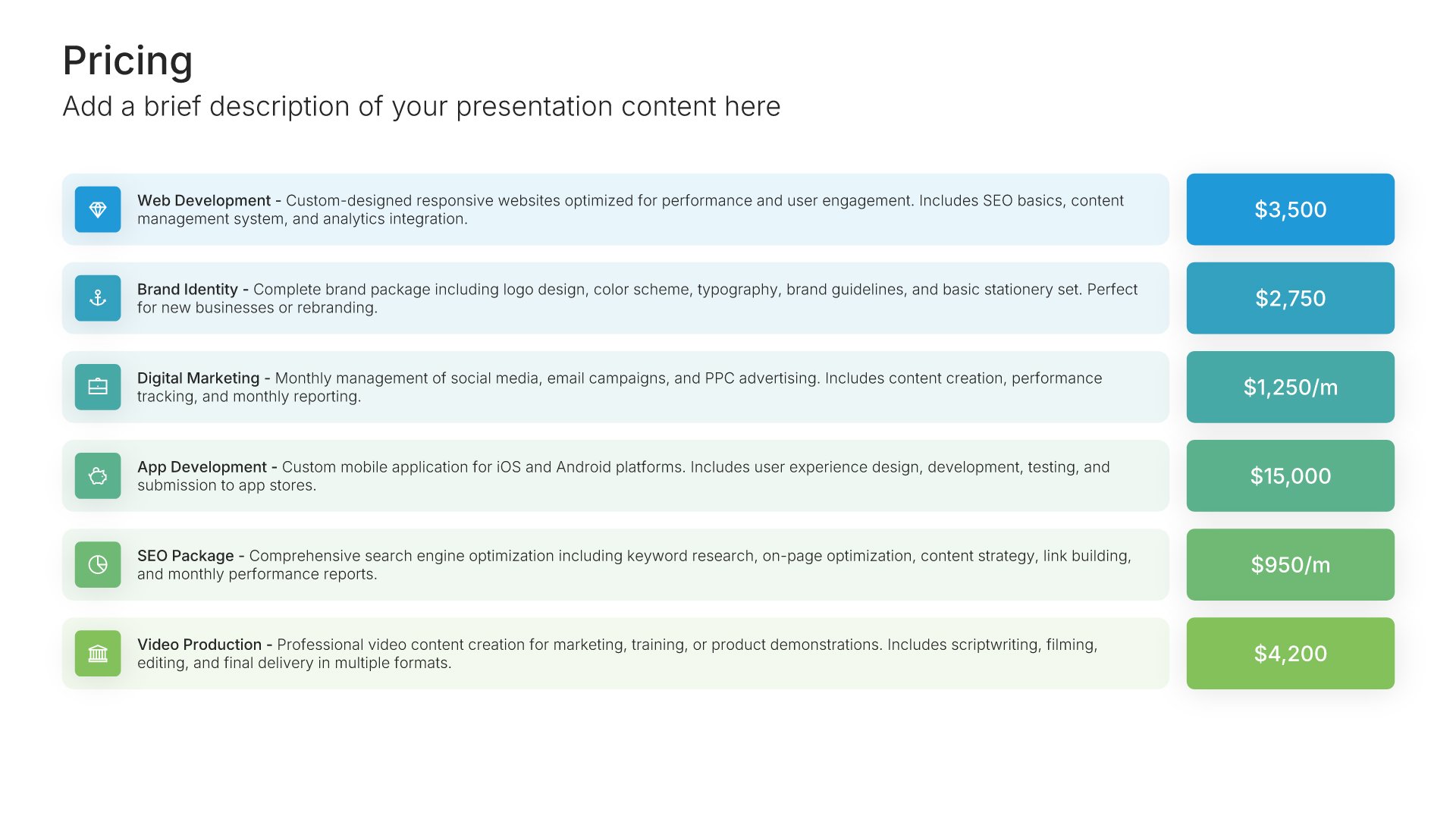
Layout 04
Layout 05
Layout 06
Layout 07
Layout 08
Layout 09
Layout 10
Layout 11
Layout 12
Layout 13
Layout 14
Layout 15
Layout 16
Layout 17
Layout 18
Layout 19
Layout 20
Layout 21
Layout 22
Layout 23
Layout 24
Layout 25
Layout 26
Layout 27
Layout 28
Layout 29
Layout 30
Layout 31
Layout 32
Layout 33
Layout 34
Layout 35
Layout 36
Layout 37
Layout 38
Layout 39
Layout 40
Layout 41
Layout 42
Layout 43
Layout 44
Layout 45
Layout 46
Layout 47
Layout 48
Layout 49
Layout 50
Layout 51
Layout 52
Layout 53
About our pricing slides
What the slide does, how to use it, your brand, and a file you can edit anywhere.
Built for the moment the conversation turns to price
Sooner or later every sales conversation and pitch comes to price. A pricing slide handles that moment clearly, so buyers can see the options and investors can see how you make money. Laid out well, a pricing slide makes the differences between plans easy to compare and the recommended option easy to spot.
Why the way you show price changes what people choose
Prices listed in a sentence are hard to compare. With plans laid out side by side, the audience can weigh what they get against what they pay. So a well-built pricing slide steers people toward the right option instead of leaving them to work it out.
Brand the whole presentation in one click
Add your logo, colors, fonts, and background once. It applies to the whole presentation and the entire slide library at the same time. Pricing slides go straight to buyers and often get forwarded to whoever signs off the budget, so once branded, they look like an official offer from your company.
Export to PowerPoint, Google Slides, or Keynote
You get a real file, not a locked link. Export it and keep editing in the tool you already use. Prices, plan names, and features stay editable, so you can adjust the offer for each client.
How Choladeck works
From blank page to finished presentation in four steps.
STEP 01
Browse 9,000+ slides across 134+ categories, or open one of the 74 premade presentations.
STEP 02
Add your logo, colors, and fonts in one click. The whole presentation instantly matches your company.
STEP 03
Add your text, numbers, charts, and tables. Everything on the slide is editable.
STEP 04
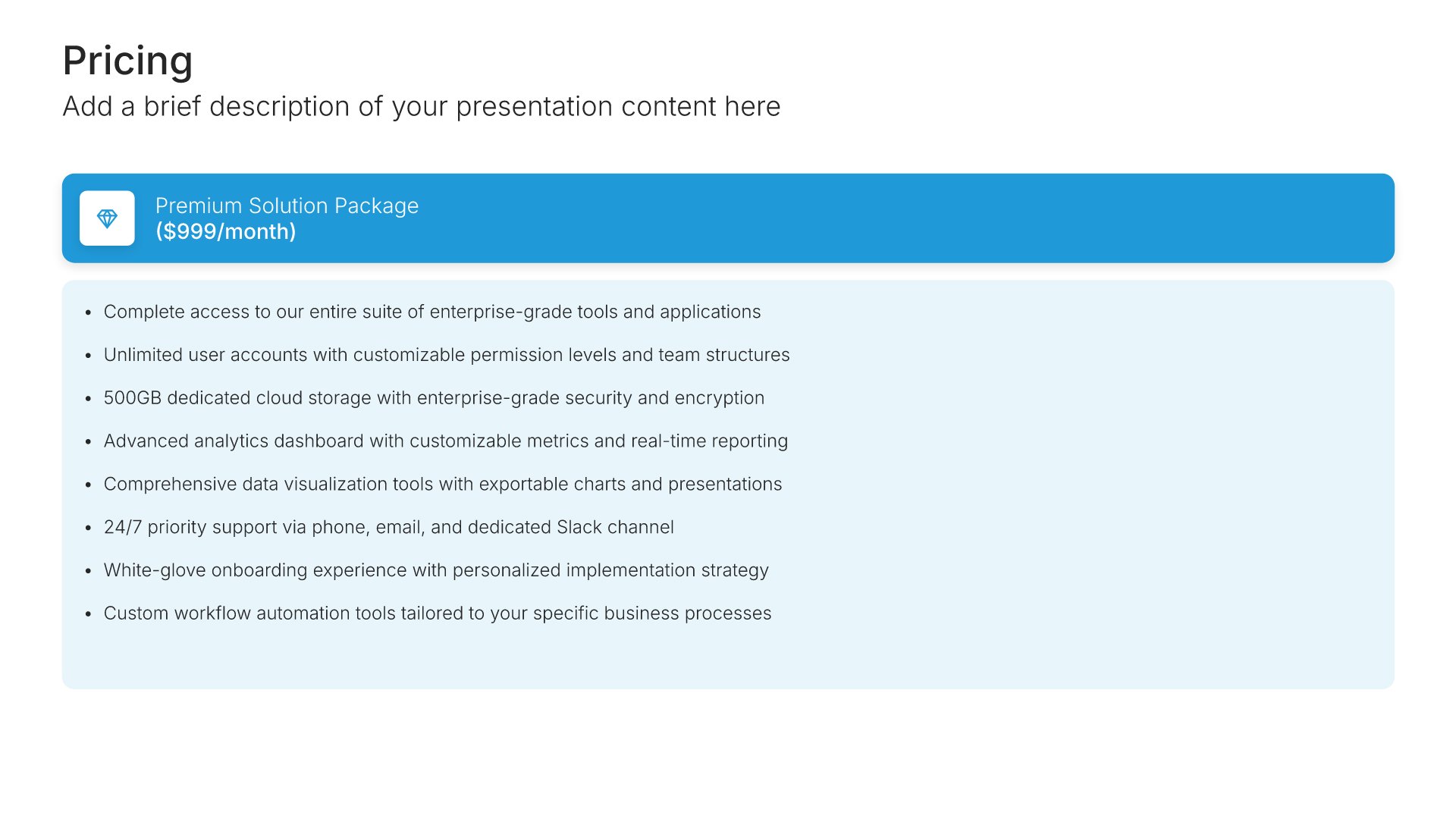
Send it to PowerPoint, Google Slides, or Keynote, and present.
Need a complete presentation instead?
If you're starting from nothing rather than fixing a few slides, open one of 74+ premade presentations instead. Each one is complete and built for one purpose, from pitch decks to business plans and company profiles.
Questions about pricing slides
How the slides work, and how far you can change them.
Using the slides
Can I edit these slides in PowerPoint?
+Yes. Export to PowerPoint, Google Slides, or Keynote, and every price, plan name, and feature stays editable. Nothing is locked and nothing is a flat image.
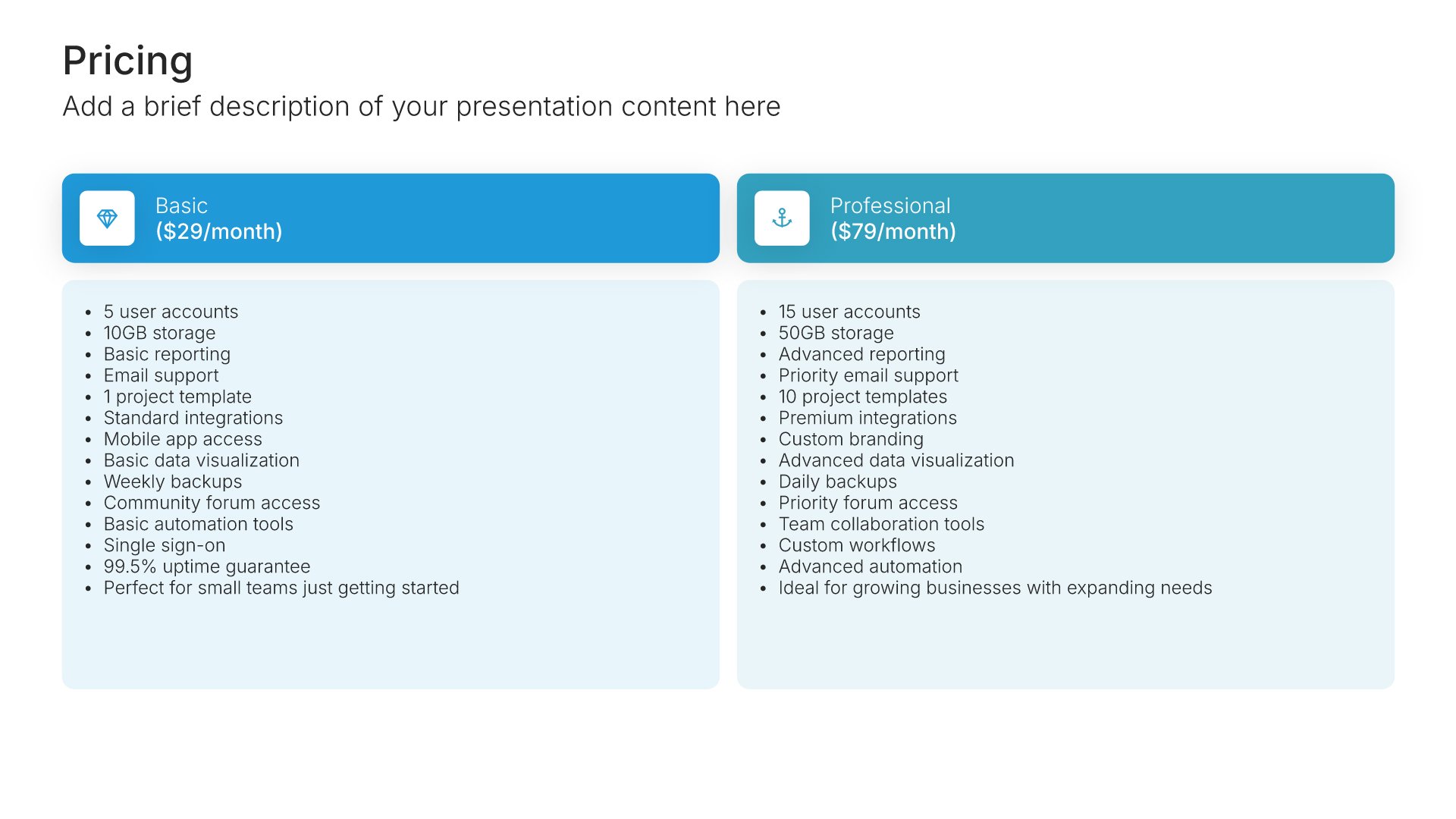
How do I brand them to my company?
+Add your logo, colors, fonts, and background once. It applies to the whole presentation and the entire slide library at the same time.
Can I mix them with other slides from the library?
+Yes. Add a pricing slide to any premade template, or pair it with comparison or investment slides from the library. Branding applies across all of them.
About pricing slides
What should a pricing slide include?
+The plans or packages, the price of each, what's included, and which one you recommend. Keep features to the ones that drive the decision.
Should a pitch deck have a pricing slide?
+Usually, as part of the business model. Investors want to see how you charge and roughly what a customer is worth.
How many plans should the slide show?
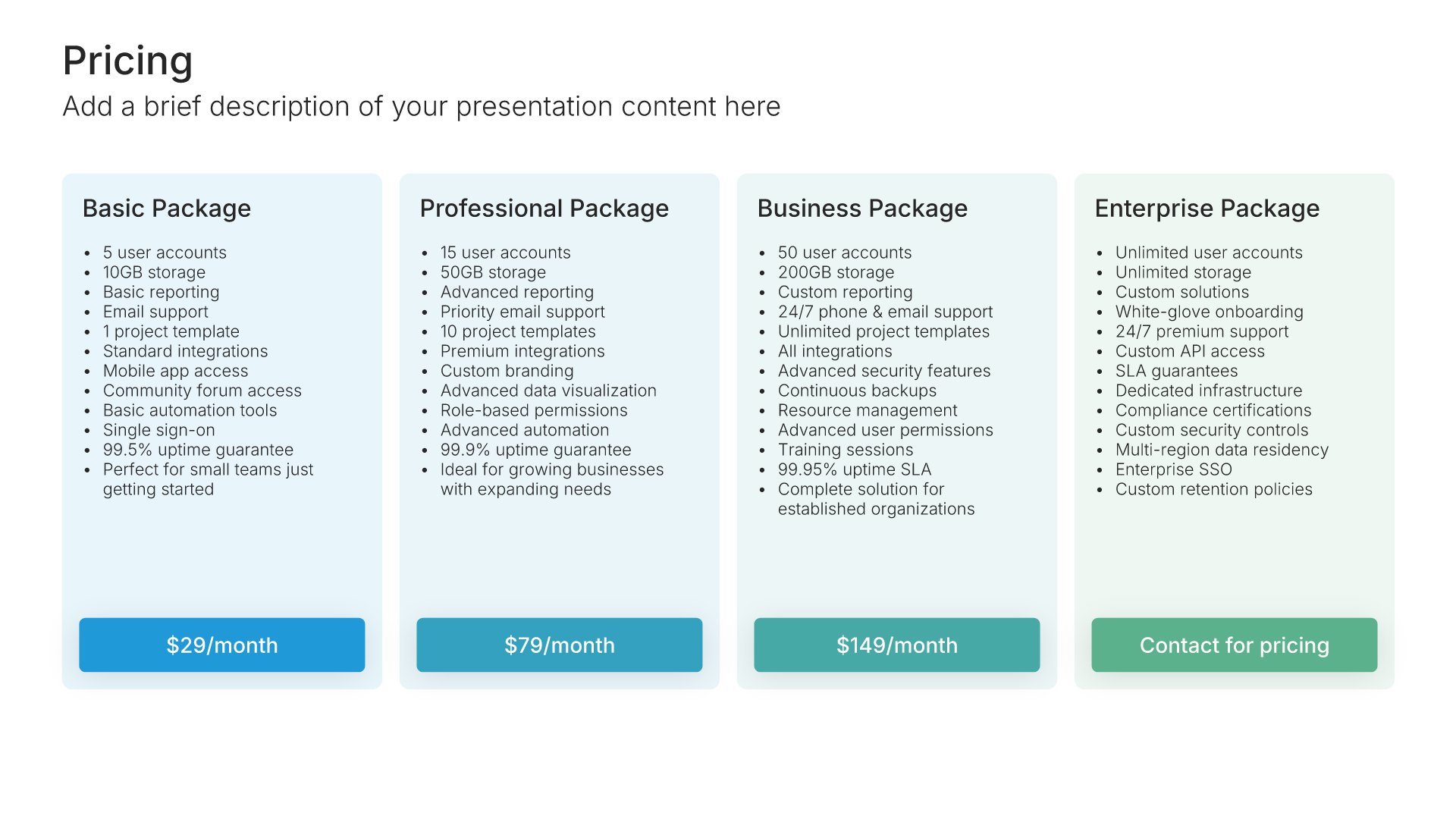
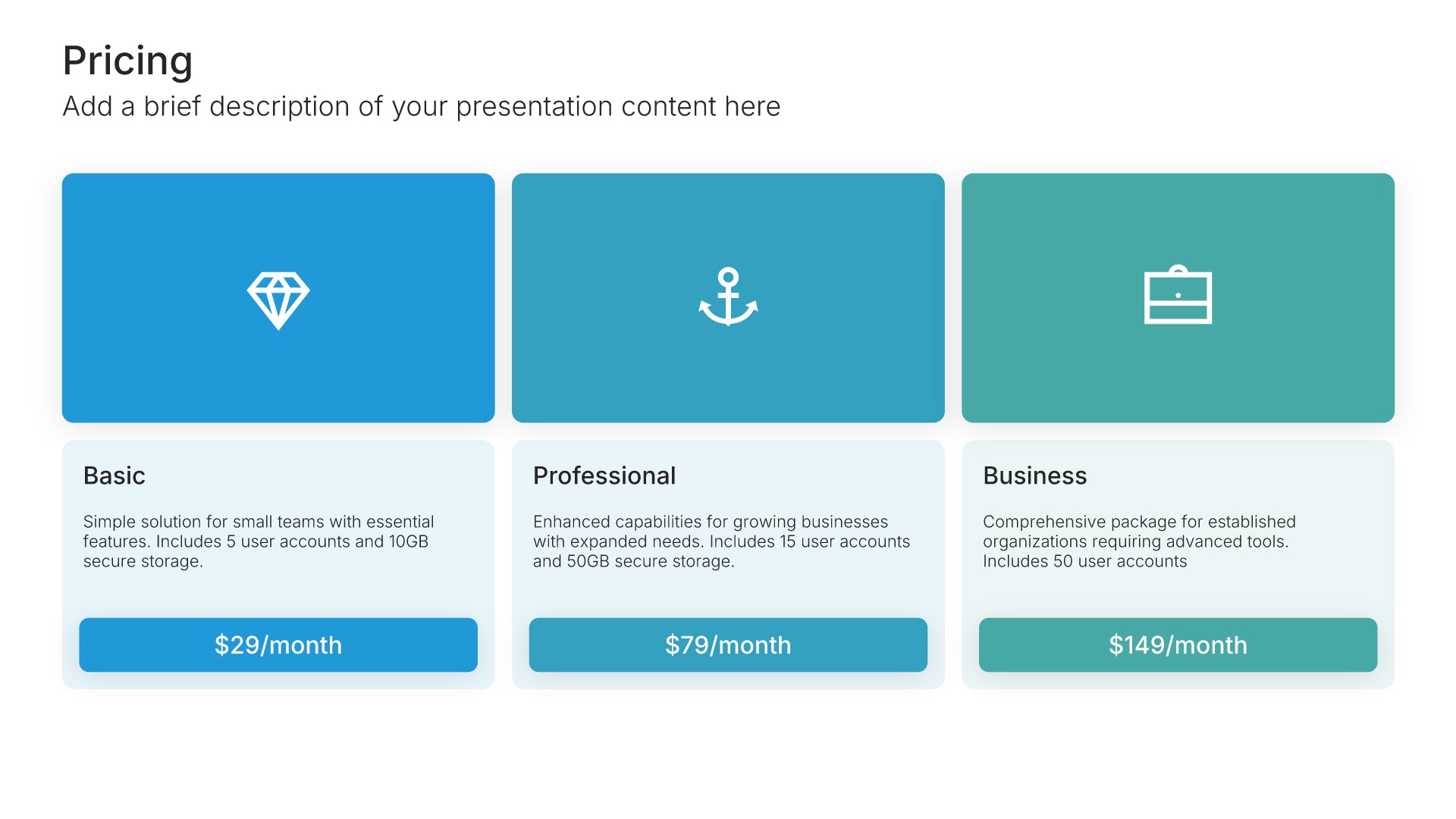
+Three is the most common. It gives buyers a clear middle option without making the choice hard.
Your next pricing slide is already designed
Pick a layout, brand it in one click, add your content, and export.
Free to start. No credit card required.