Pricing

Product presentation template

Seventeen slides for the meeting where a prospect decides whether your product does what they need: the challenges they already have, what the product does about each, four capabilities shown on screen rather than described, how it gets implemented, and what it costs. Select it, brand it to your company in one click, add your product, and export to PowerPoint, Google Slides, or Keynote.

Free to start. No credit card required.
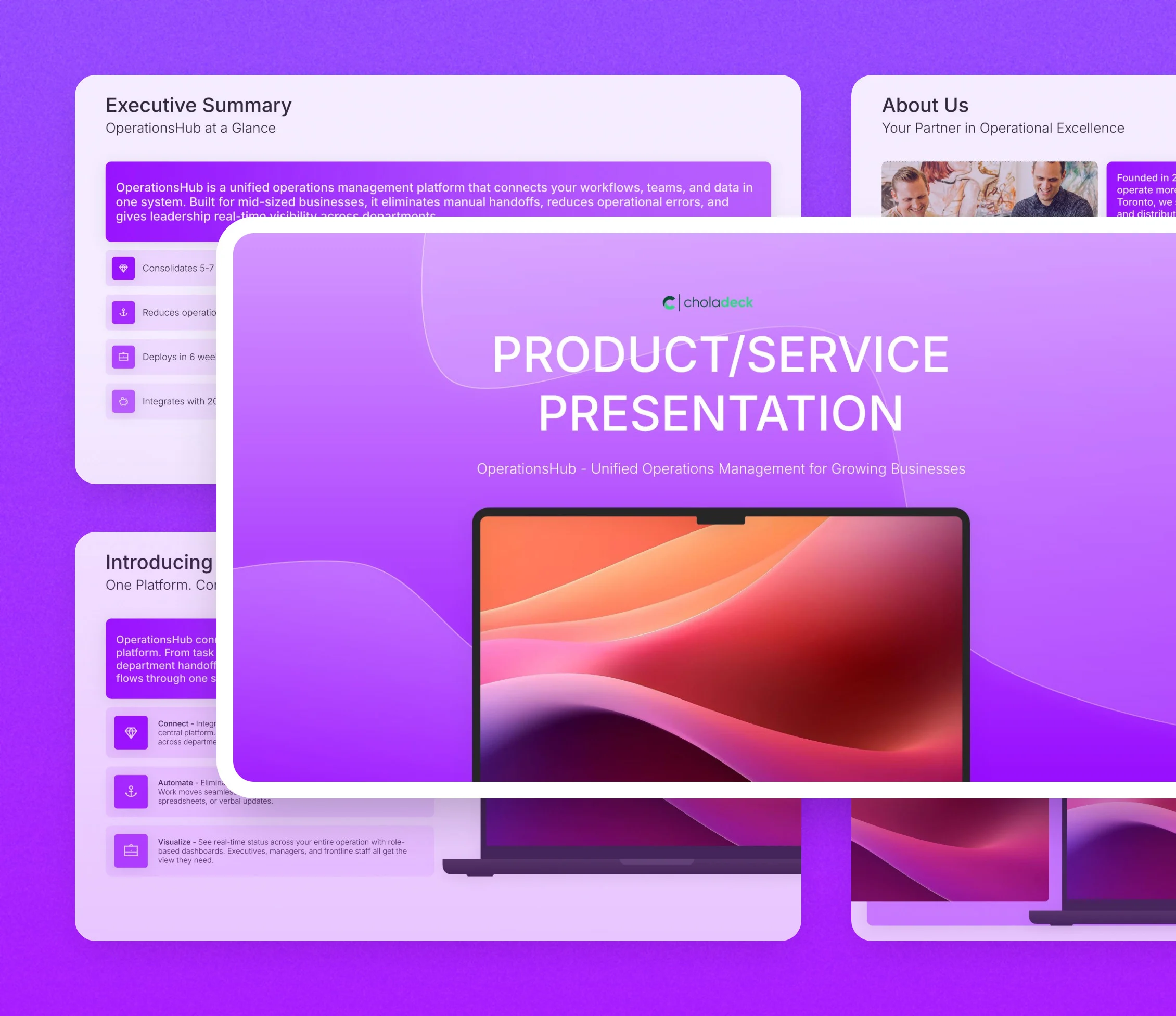
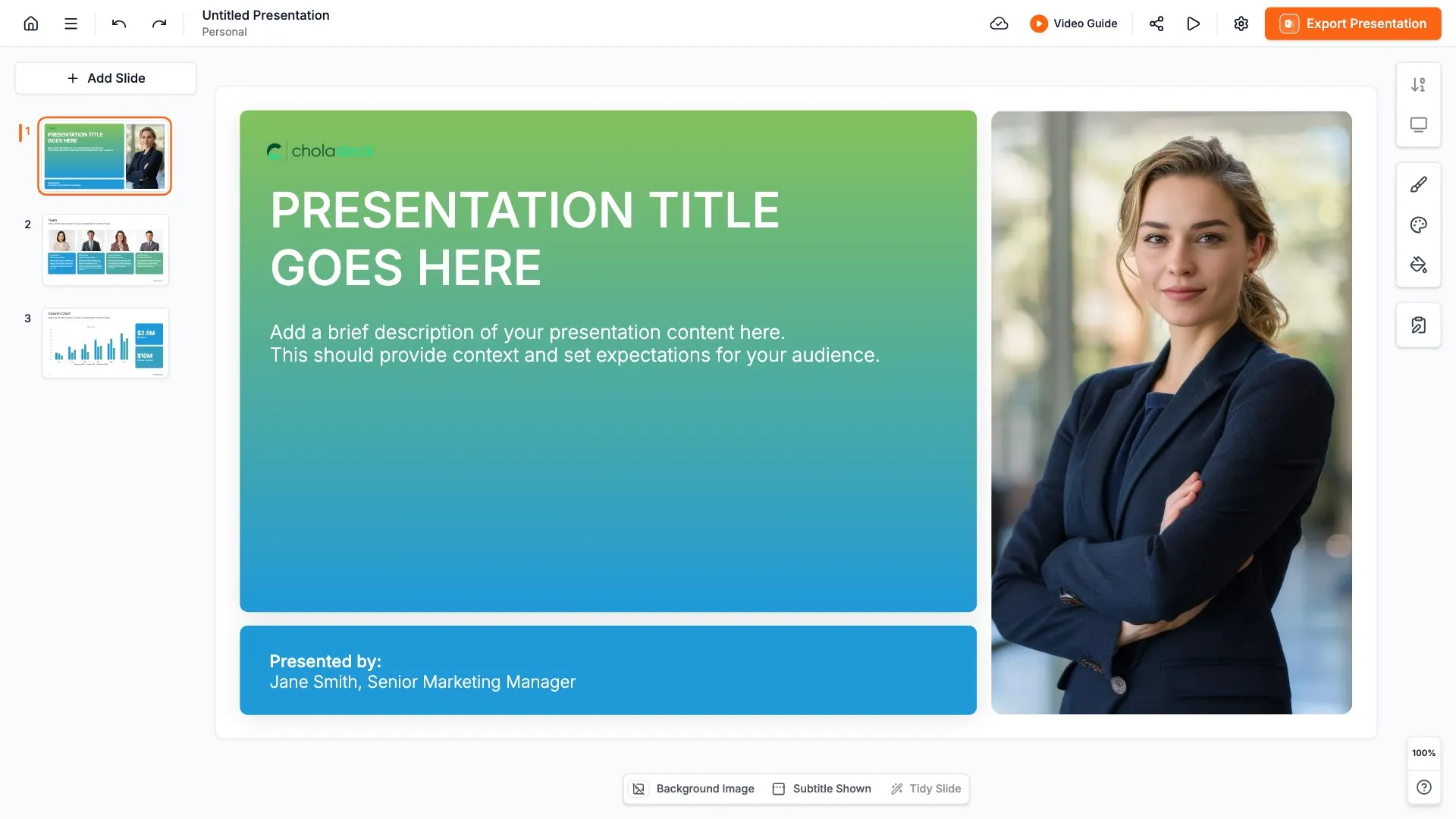
Product presentation template: the title slide in front of other slides from the 17-slide deck

Every slide in the product presentation template

Seventeen slides, in the order you present them.

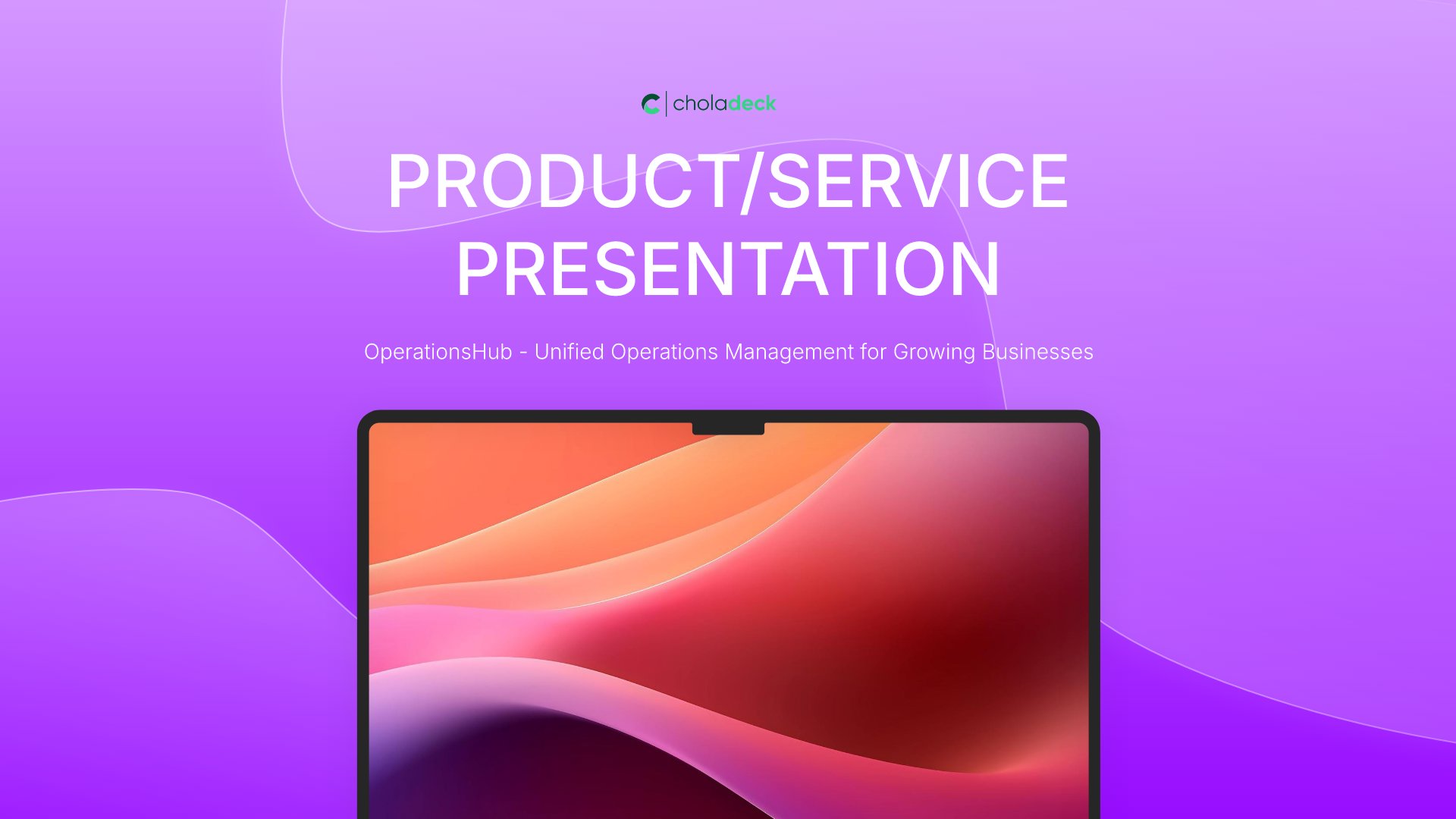
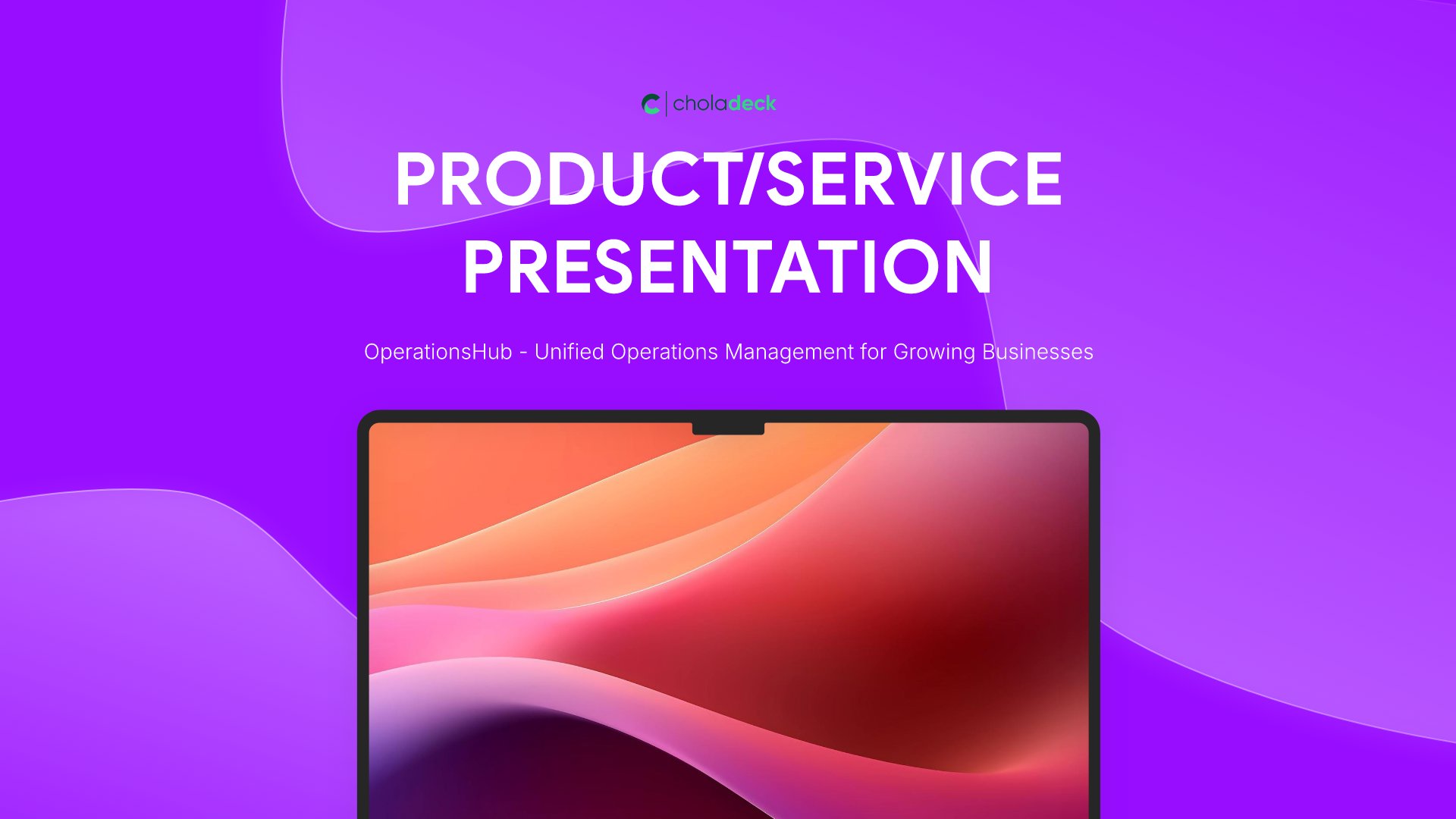
Title slide, product presentation template, product name and positioning line

Slide 01

Title

The product, the positioning line, and who's presenting.

Built using “Title” slide
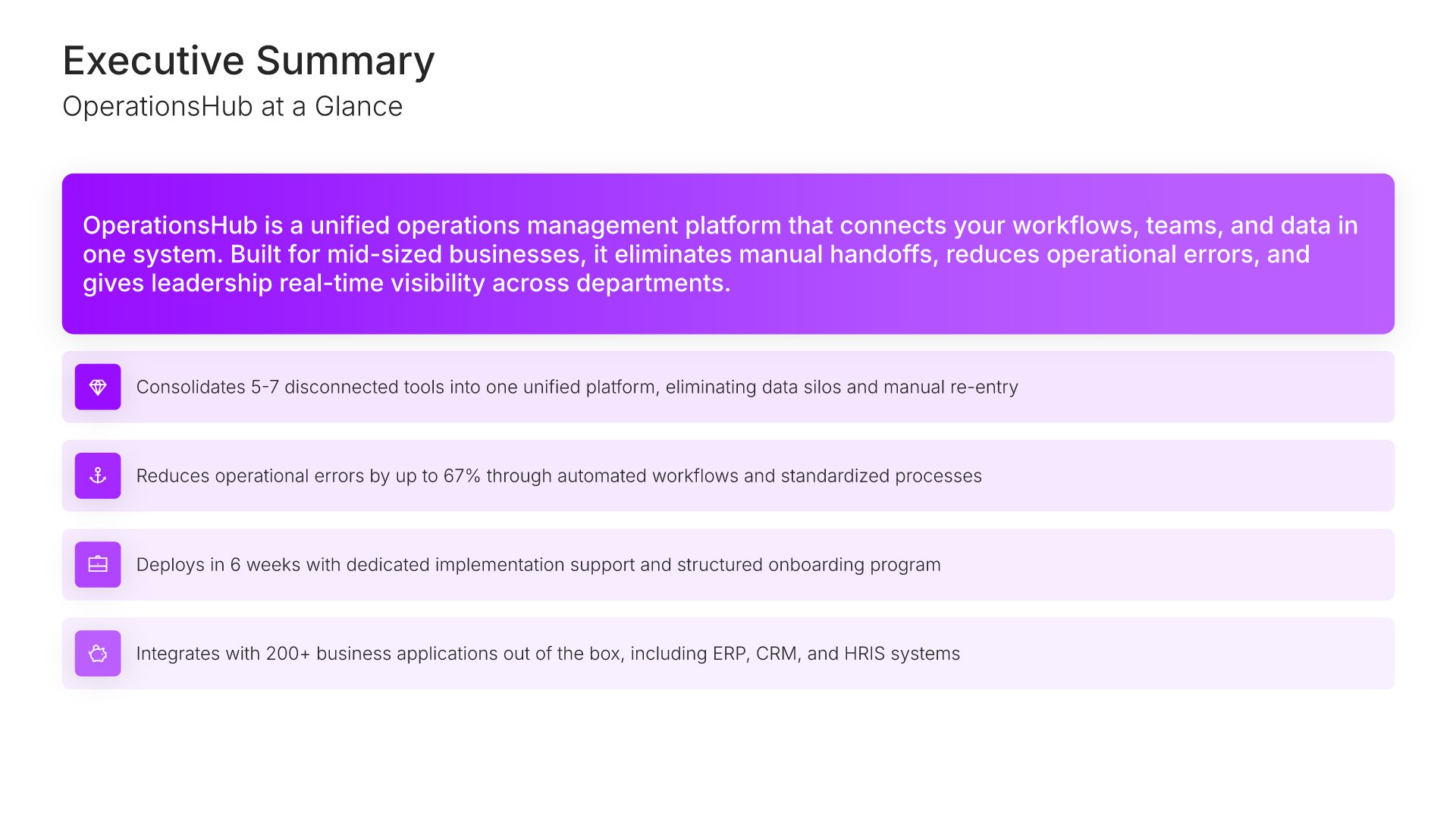
Executive summary slide, product presentation template, what the platform does and four claims

Slide 02

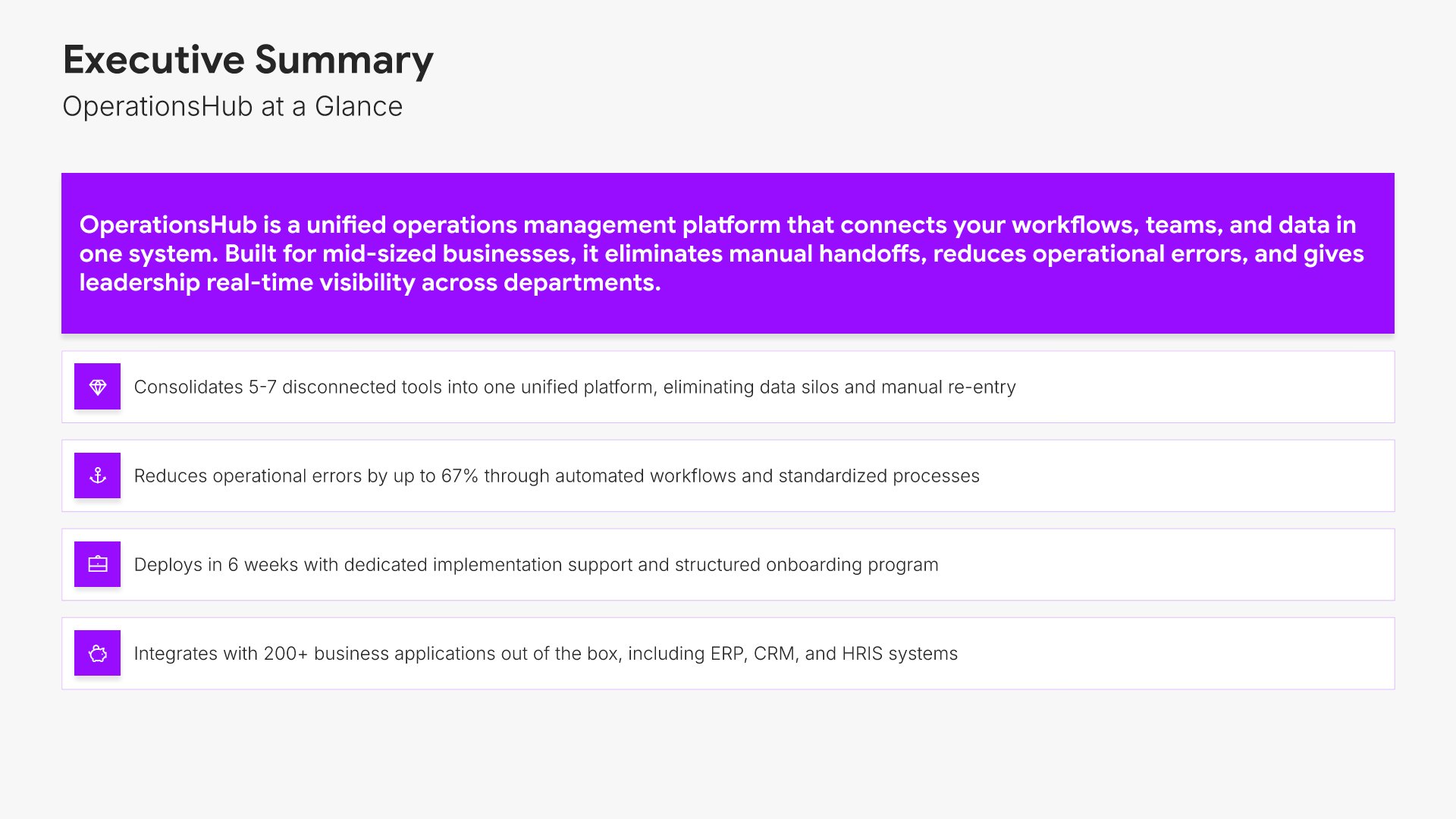
Executive Summary

What the platform does and the four claims it rests on, in one screen.

Built using “Simple Text (with Icons)” slide
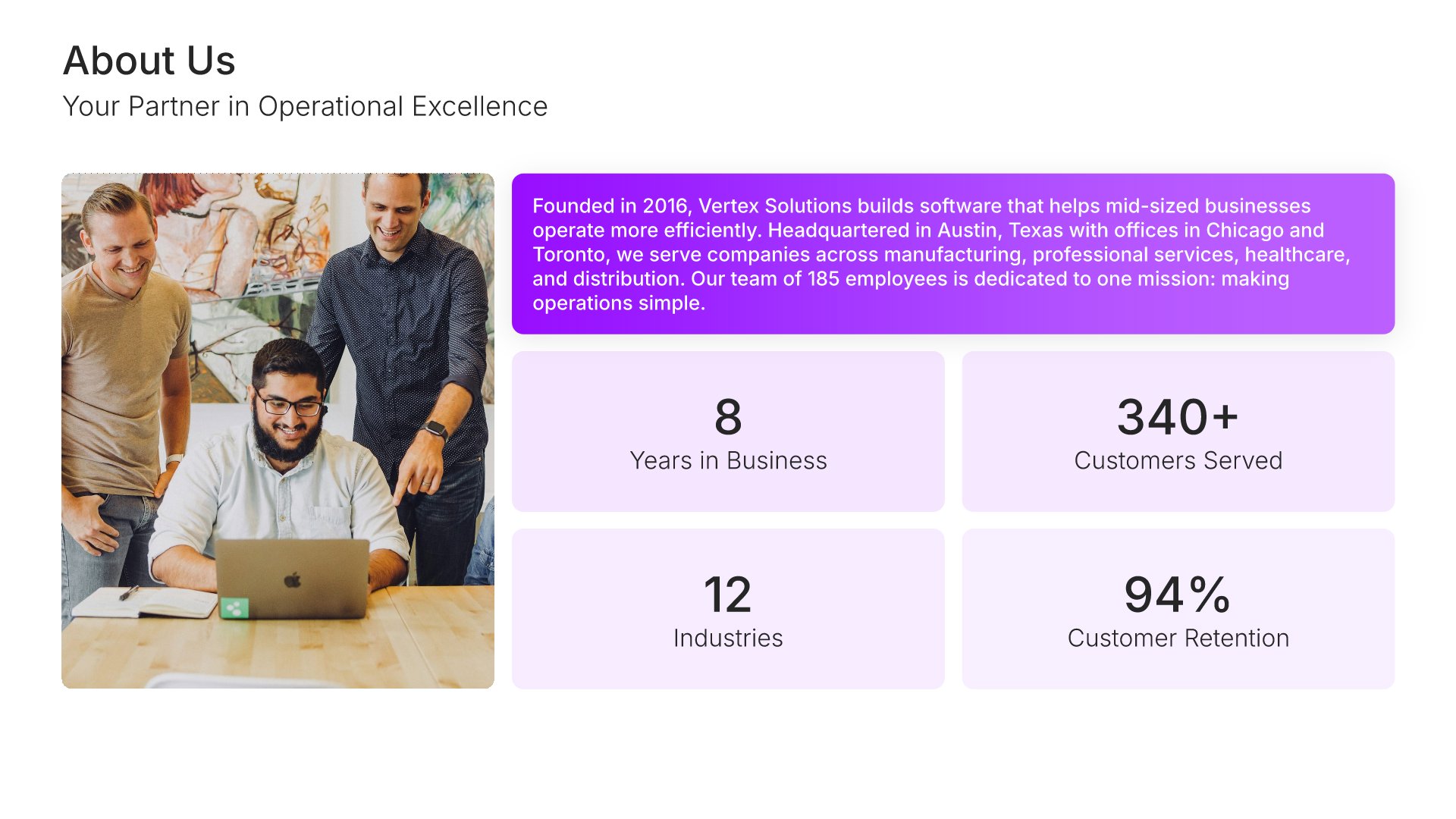
Company overview slide, product presentation template, customers, industries, and retention

Slide 03

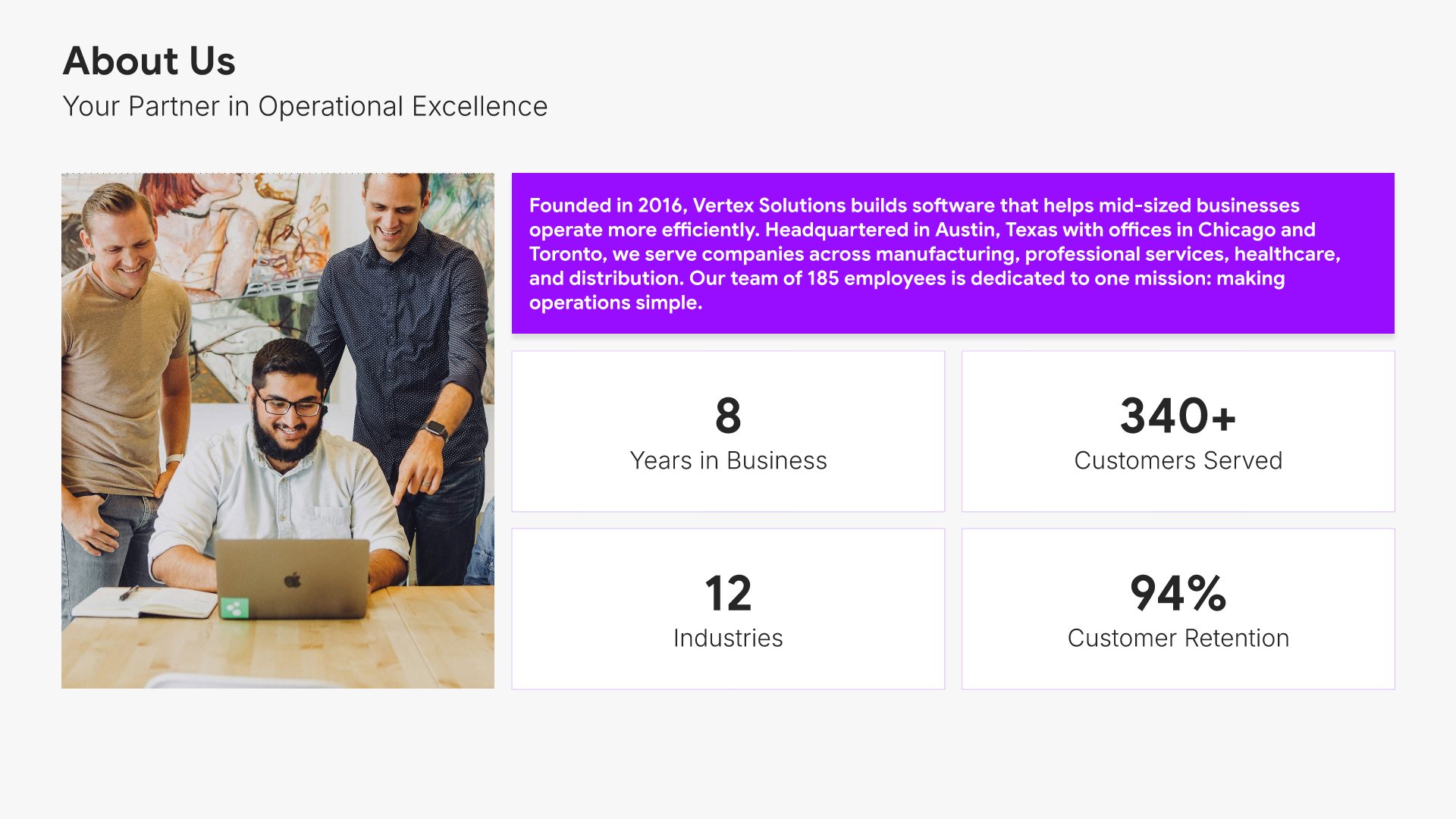
Company Overview

Years in business, customers served, industries, and retention, with the credibility line.

Built using “One Pager / Snapshot” slide
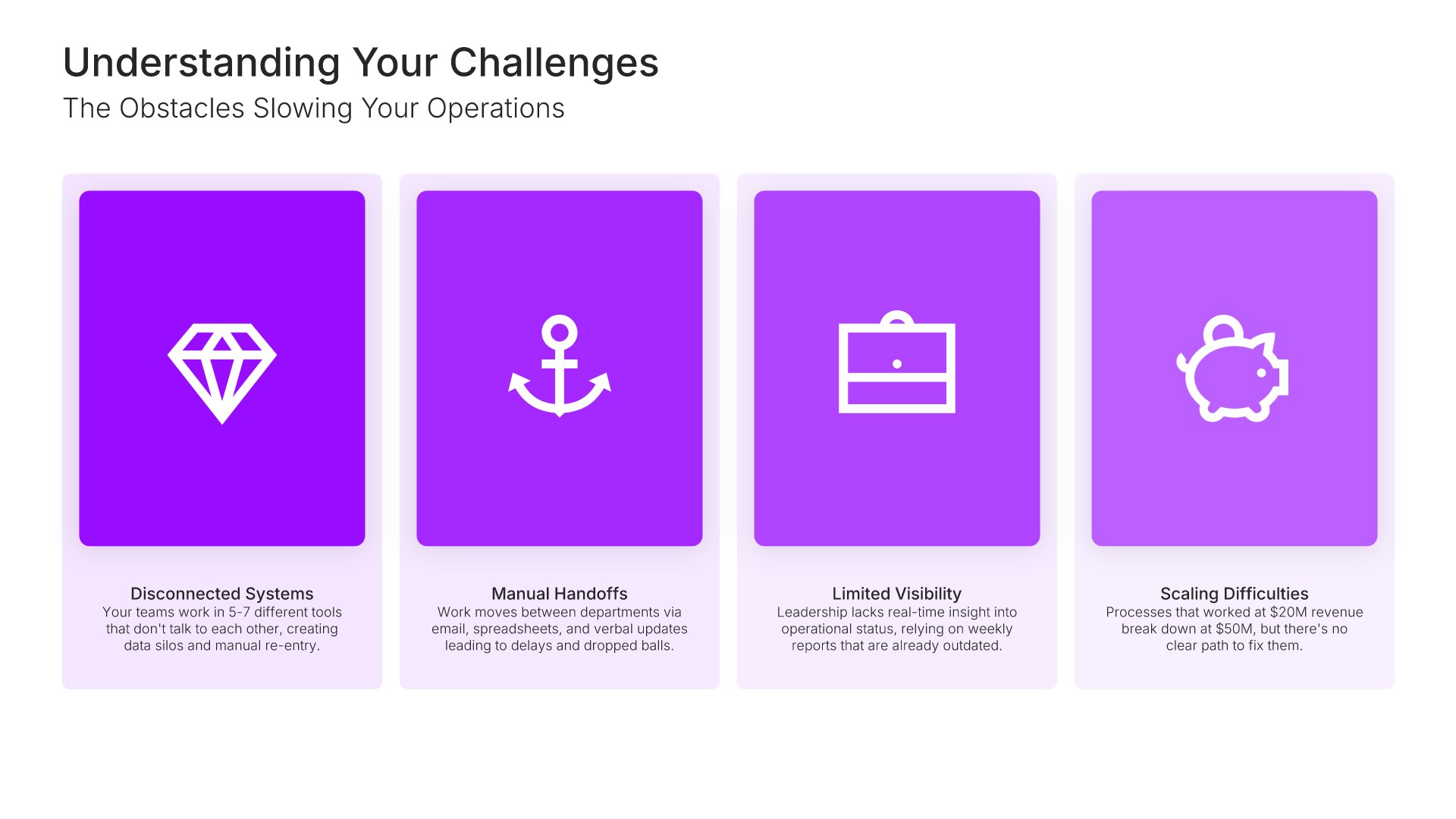
Problem slide, product presentation template, operational obstacles, named and evidenced

Slide 04

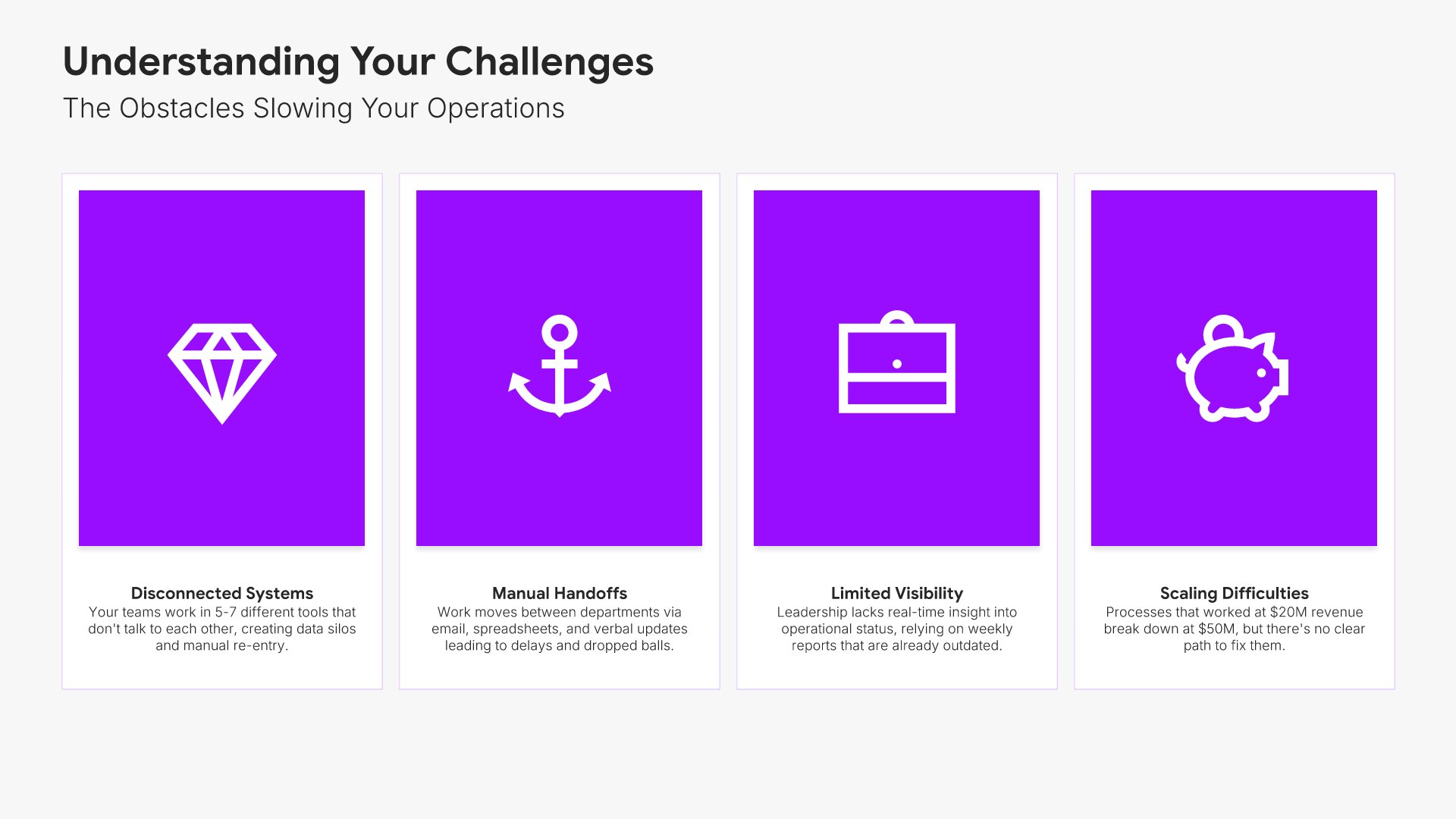
Problem

The obstacles slowing their operations, each named, evidenced, and costed.

Built using “Simple Text (with Icons)” slide
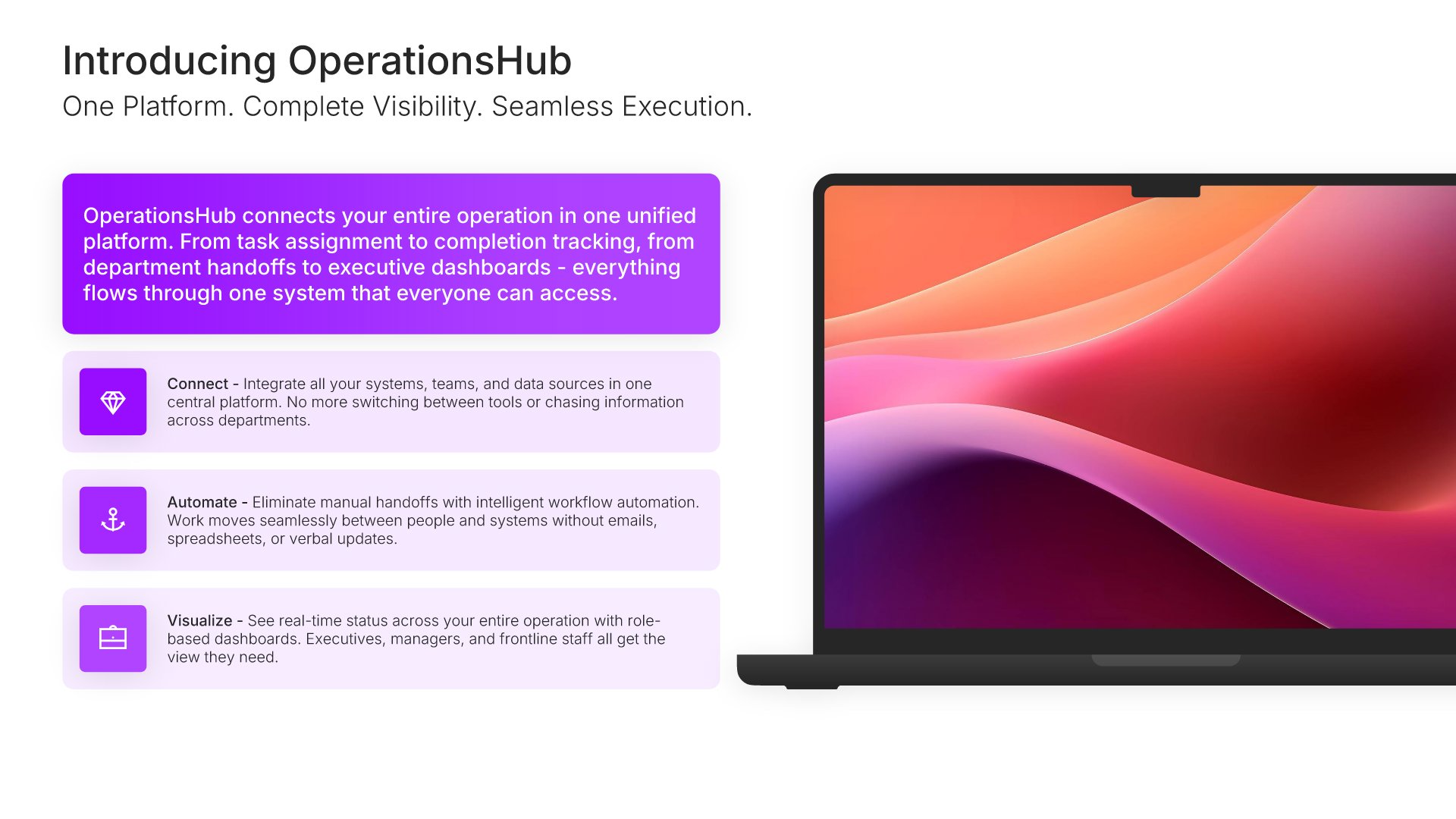
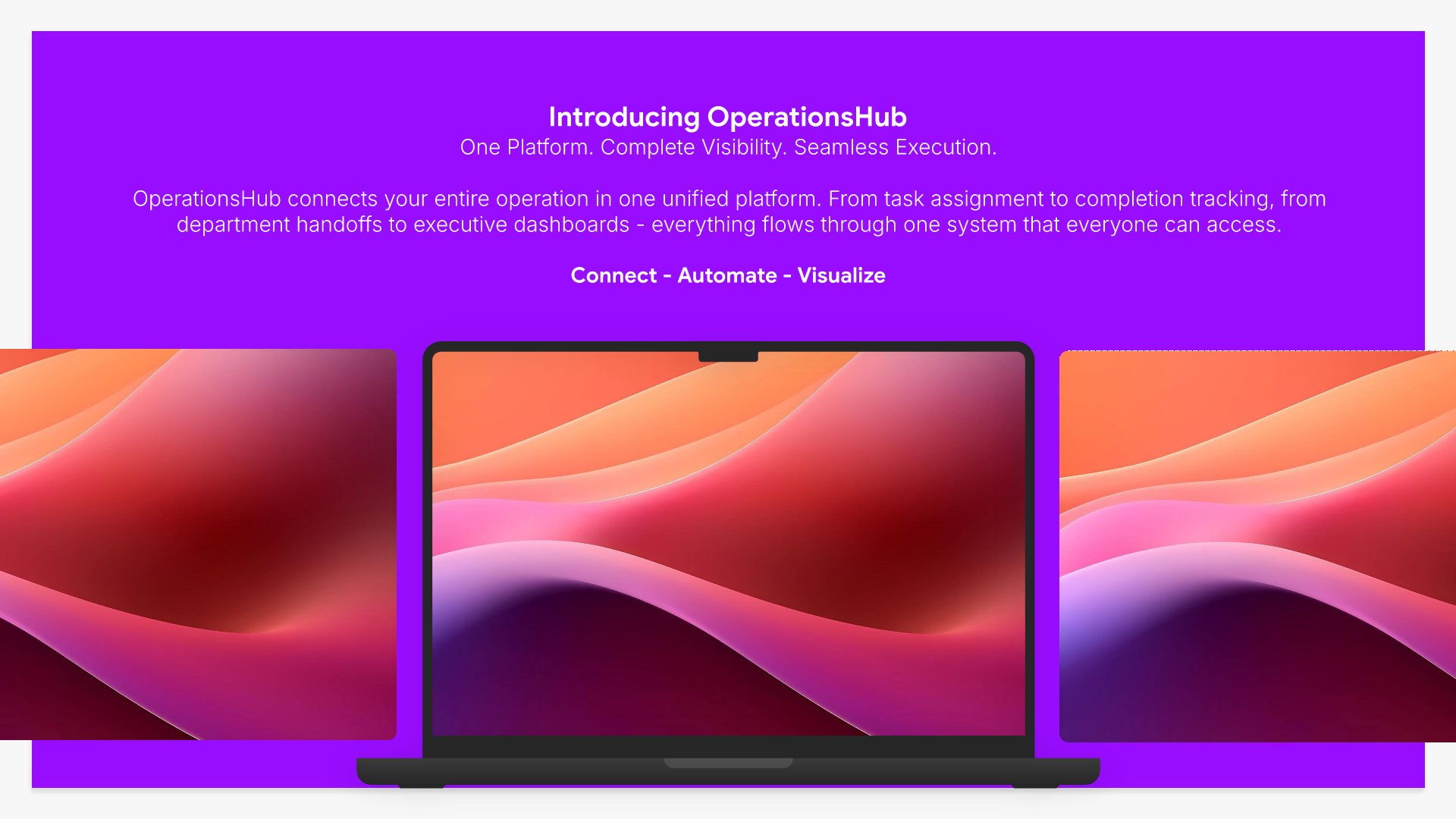
Solution slide, product presentation template, product on screen with the promise

Slide 05

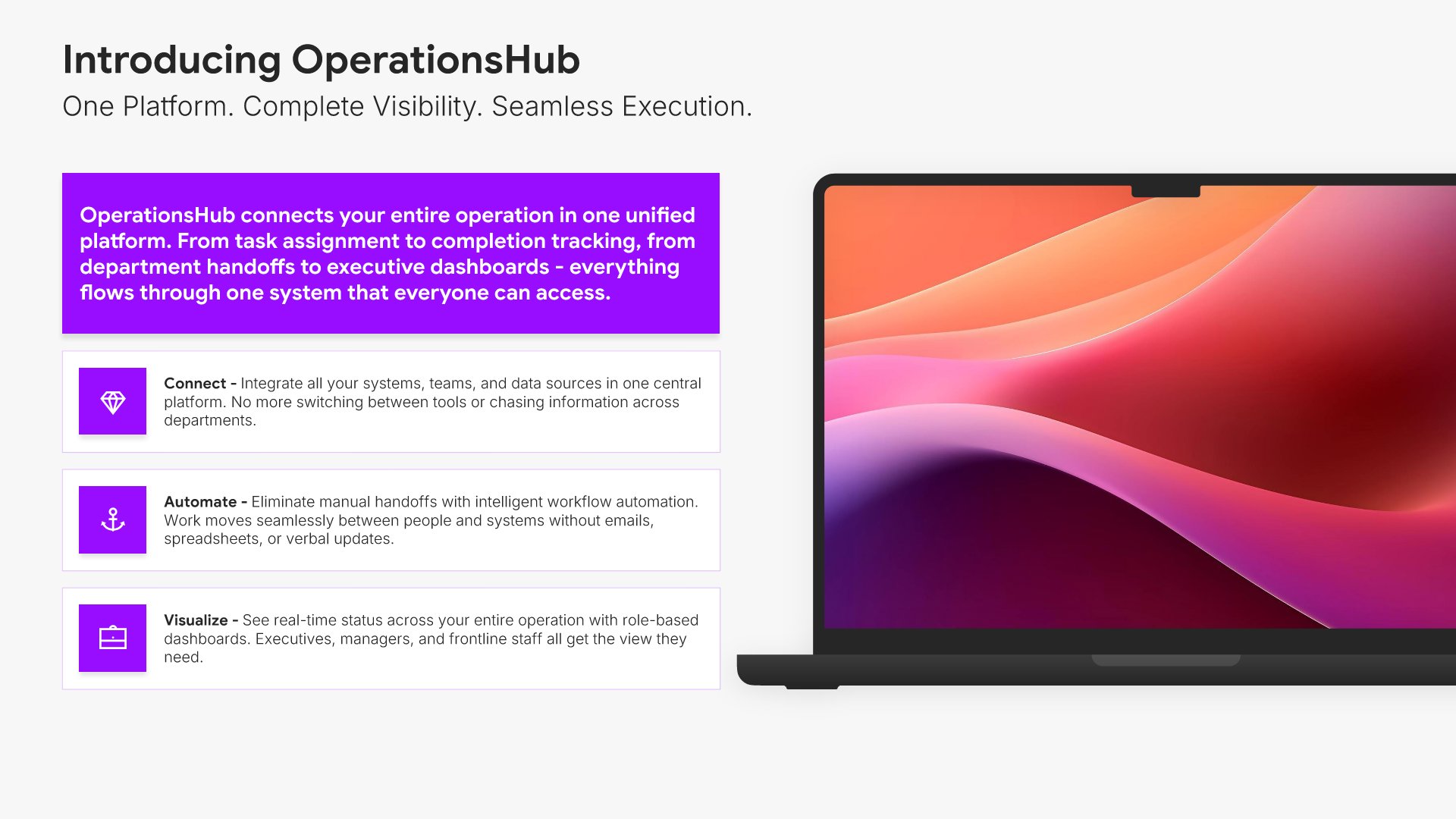
Solution

The product introduced on screen, with the promise stated in one line.

Built using “Device Mockup” slide
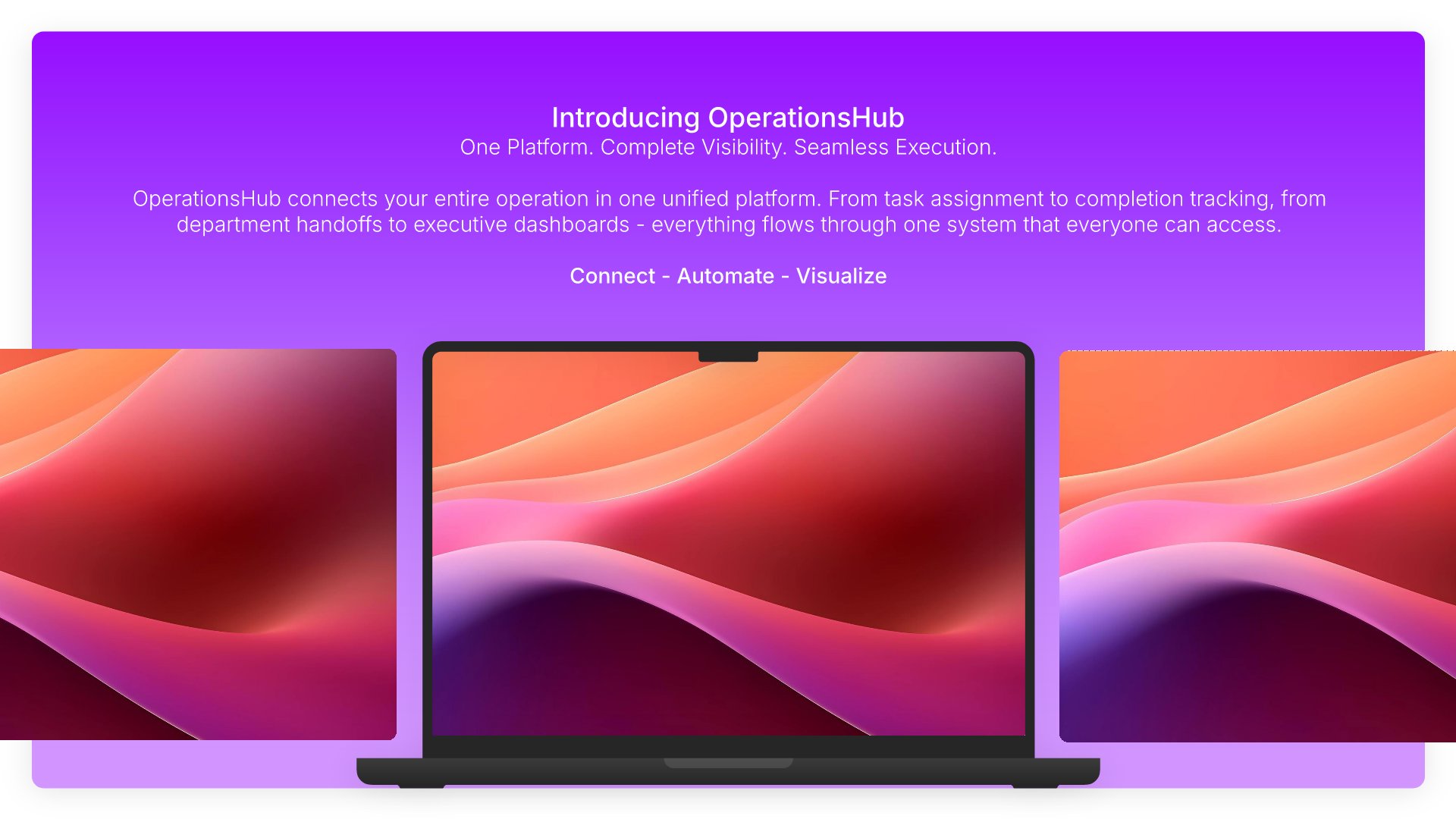
Solution slide, product presentation template, platform shown across devices

Slide 06

Solution

The platform shown across devices, with the deployment picture.

Built using “Device Mockup” slide
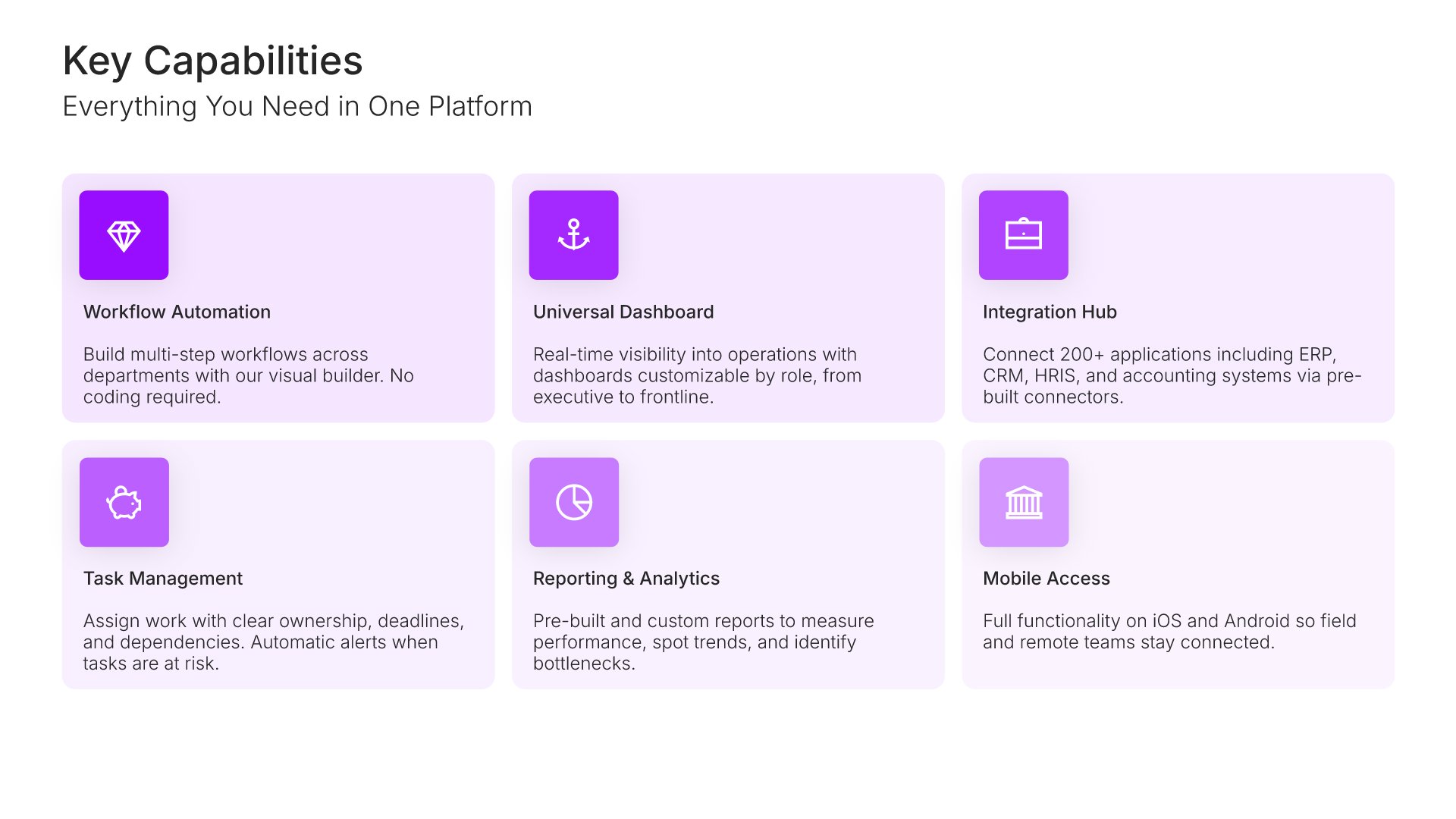
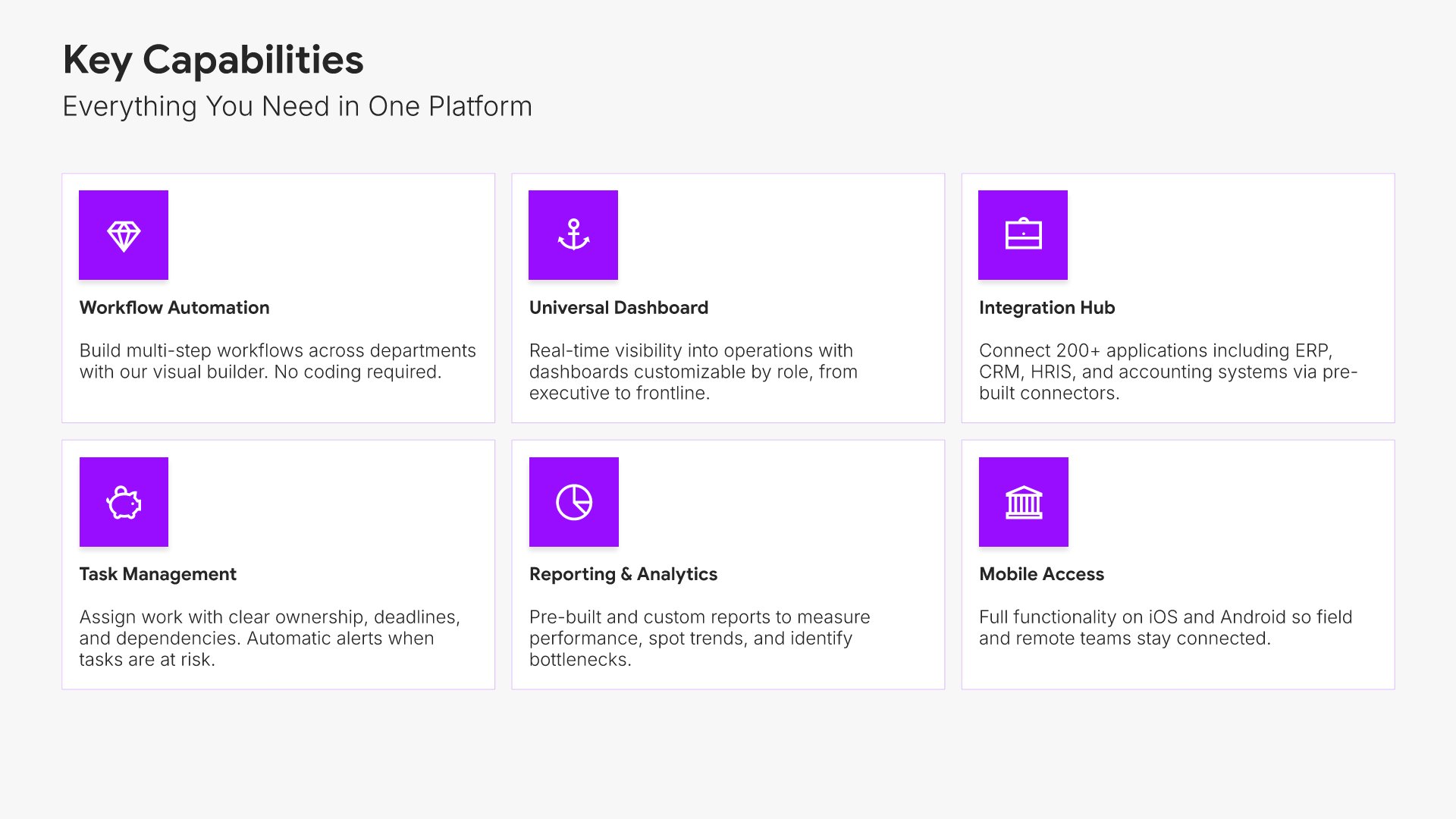
Key capabilities slide, product presentation template, six capabilities before the detail

Slide 07

Key Capabilities

The platform's six capabilities at a glance, before the detail.

Built using “Simple Text (with Icons)” slide
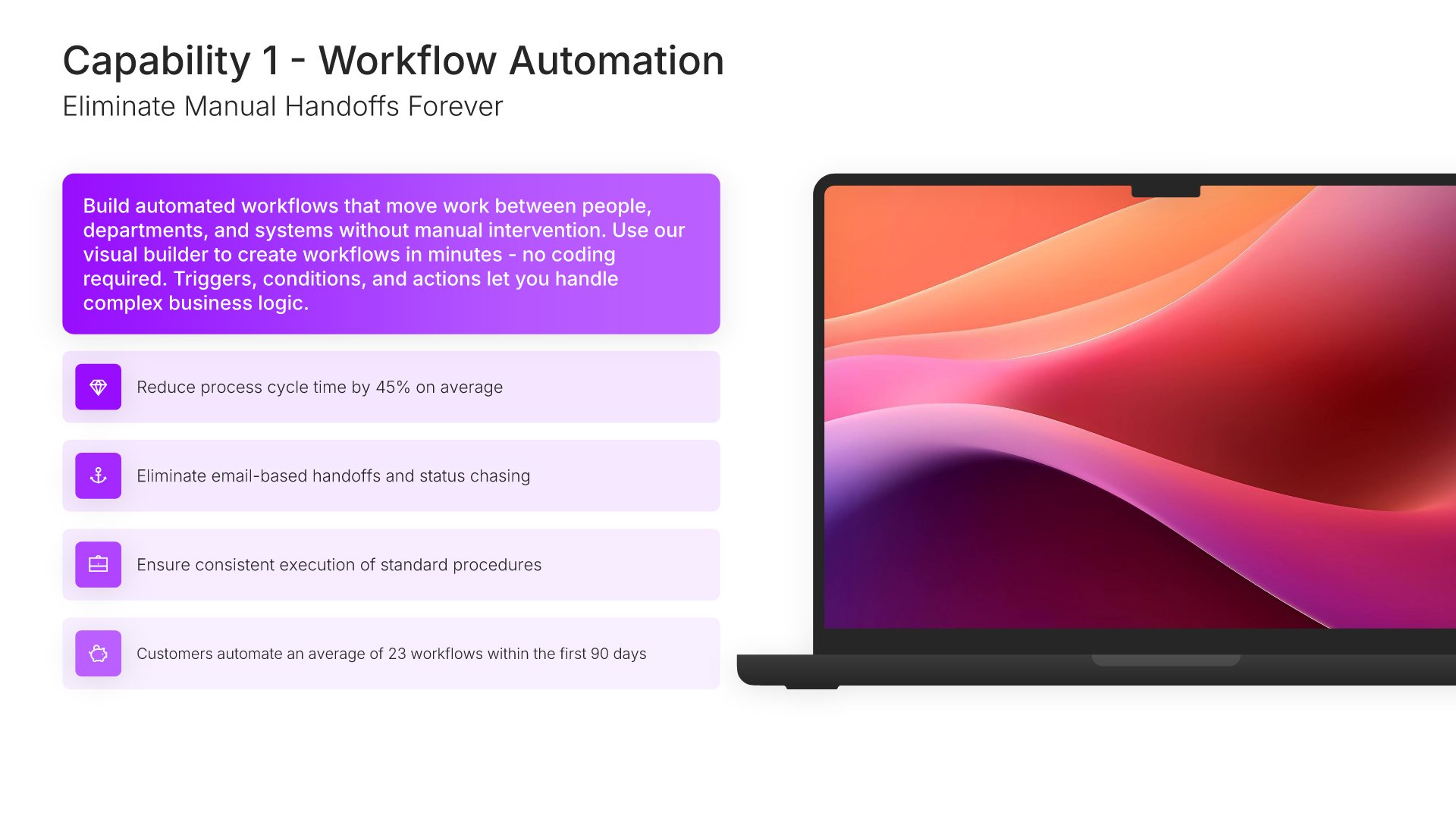
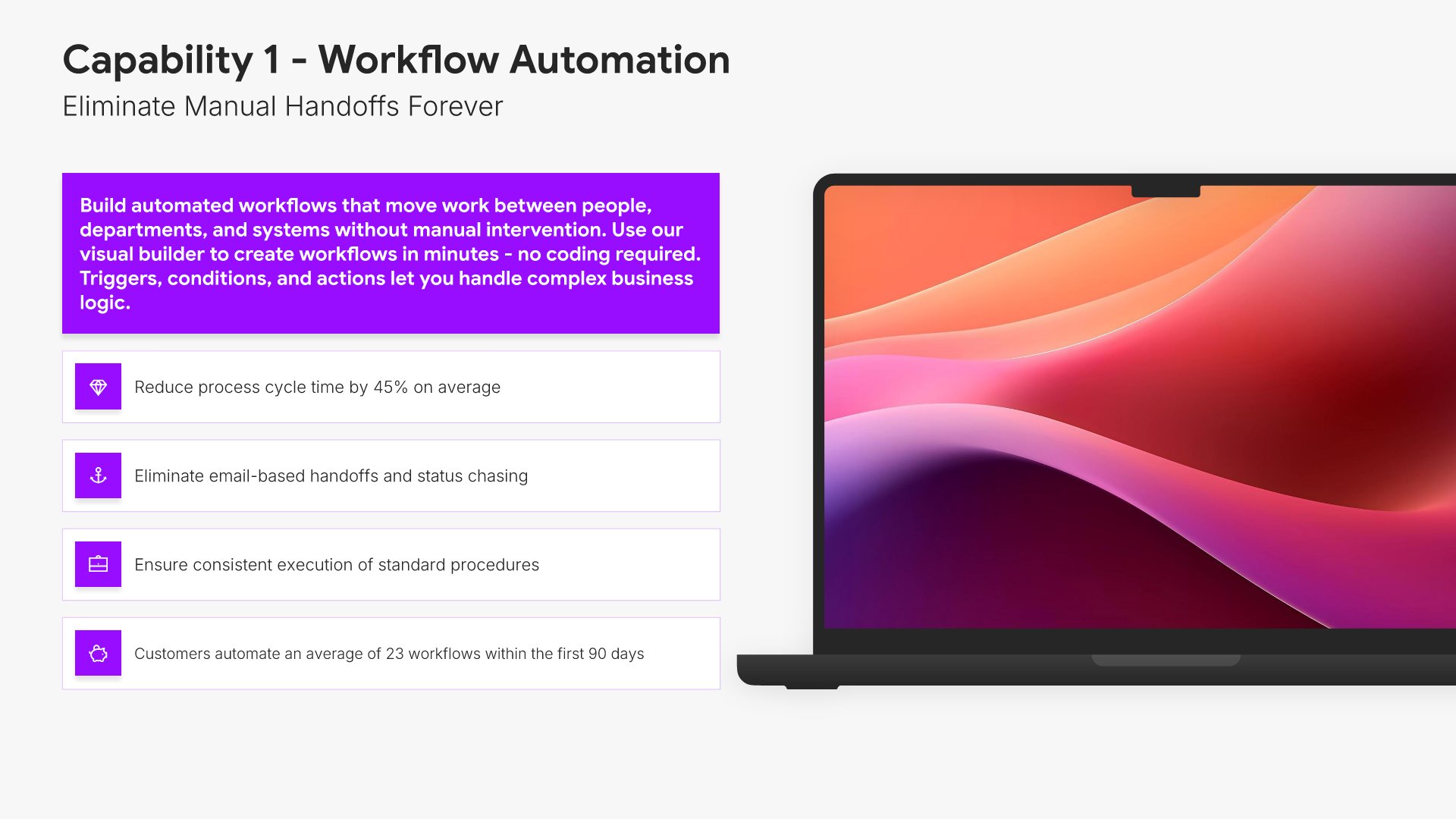
Capability slide, product presentation template, workflow automation and the value it delivers

Slide 08

Capability

Workflow automation in full: what it does, how it works, and the value it delivers.

Built using “Device Mockup” slide
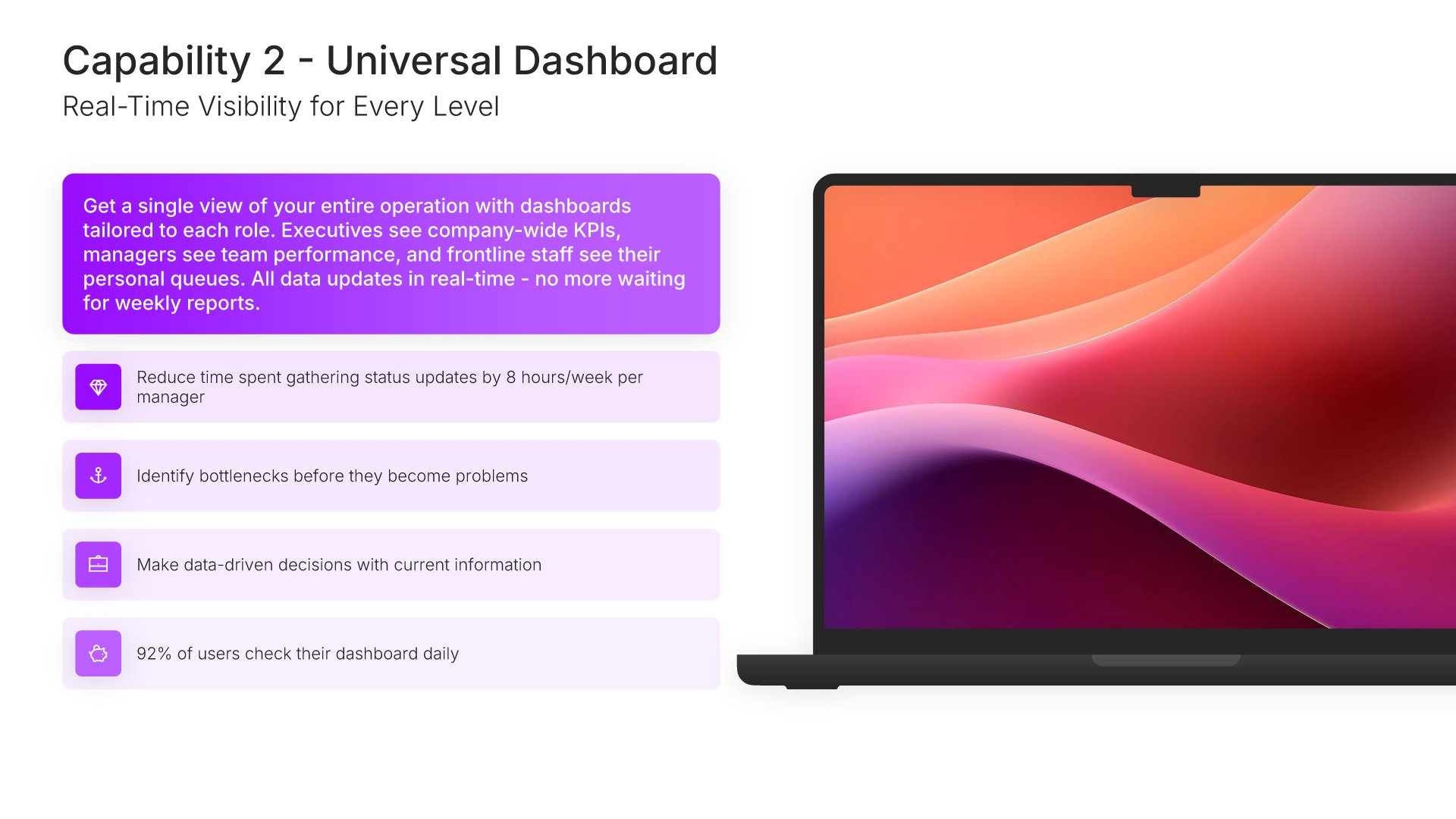
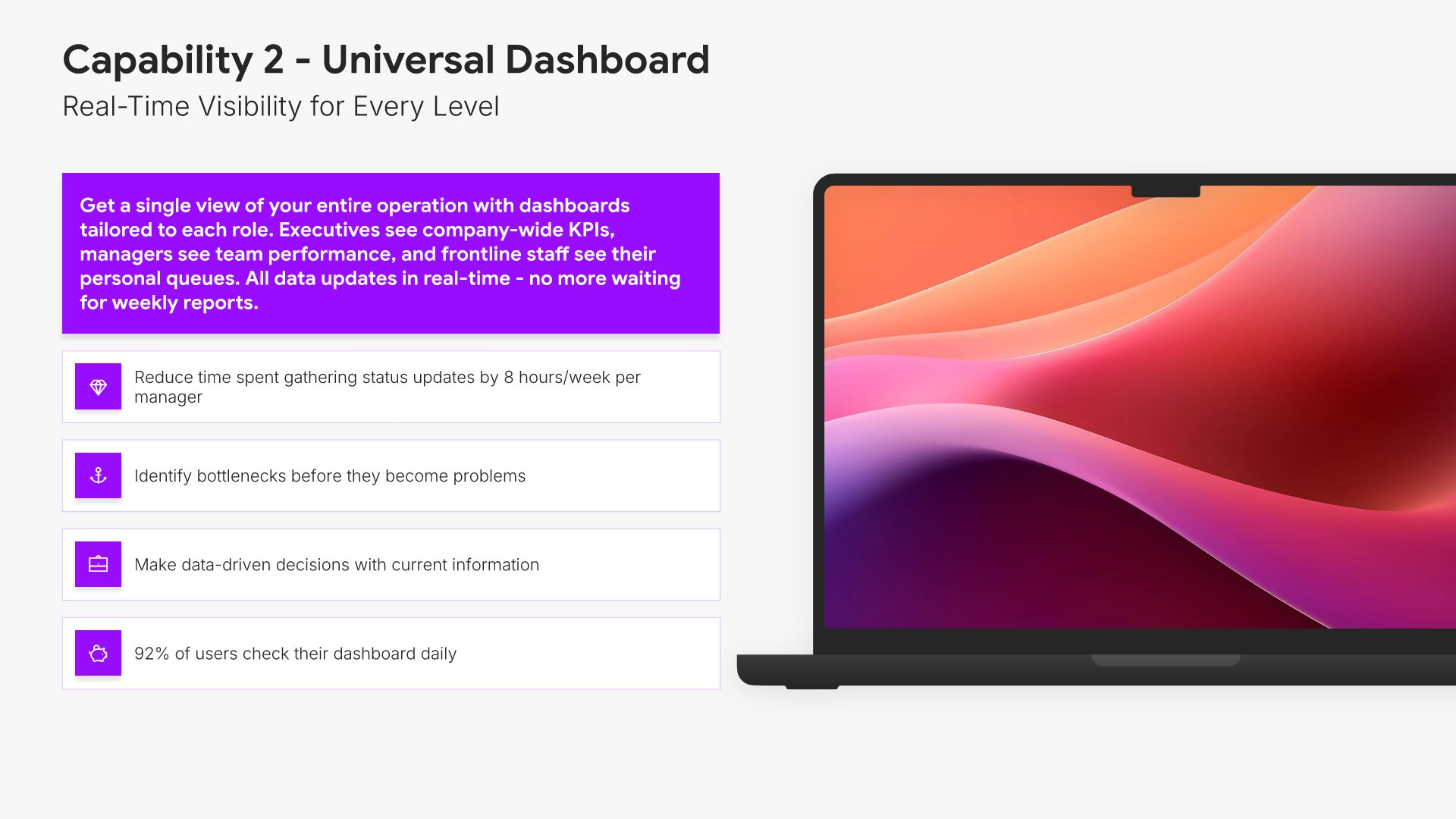
Capability slide, product presentation template, universal dashboard with real-time visibility

Slide 09

Capability

The universal dashboard, same format, with real-time visibility as the claim.

Built using “Device Mockup” slide
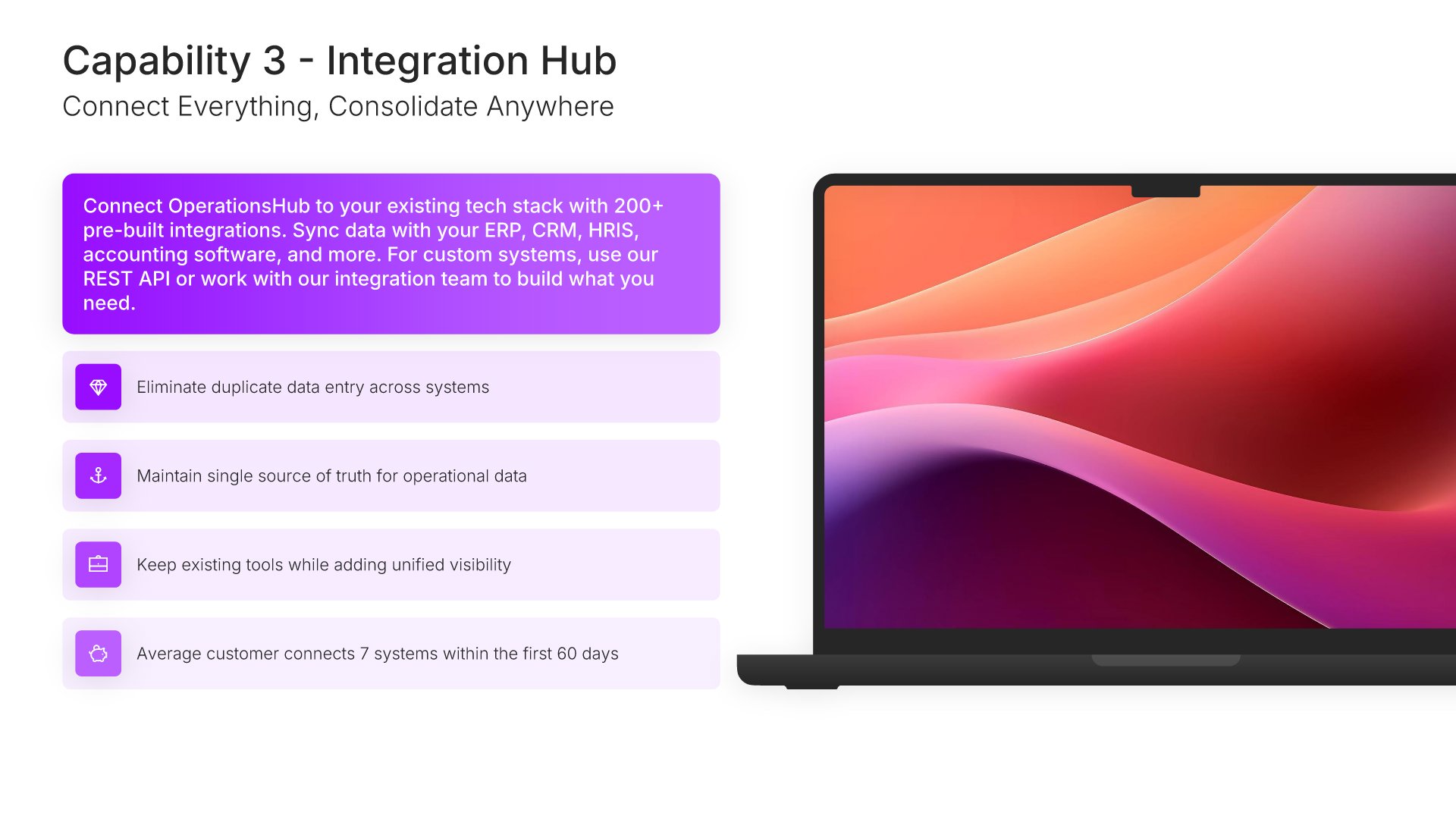
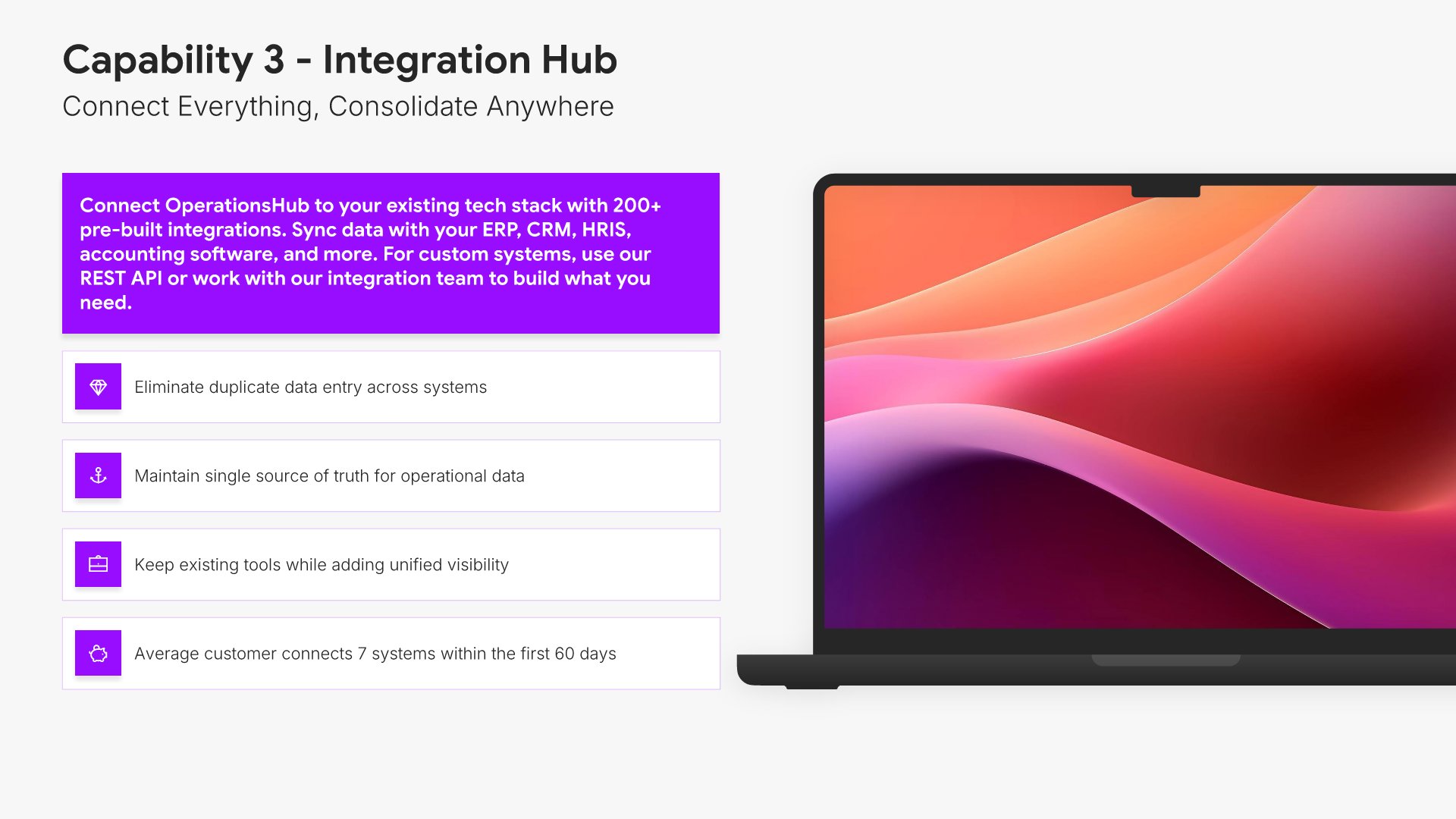
Capability slide, product presentation template, integration hub connecting everything

Slide 10

Capability

The integration hub, same format, connecting everything to everything.

Built using “Device Mockup” slide
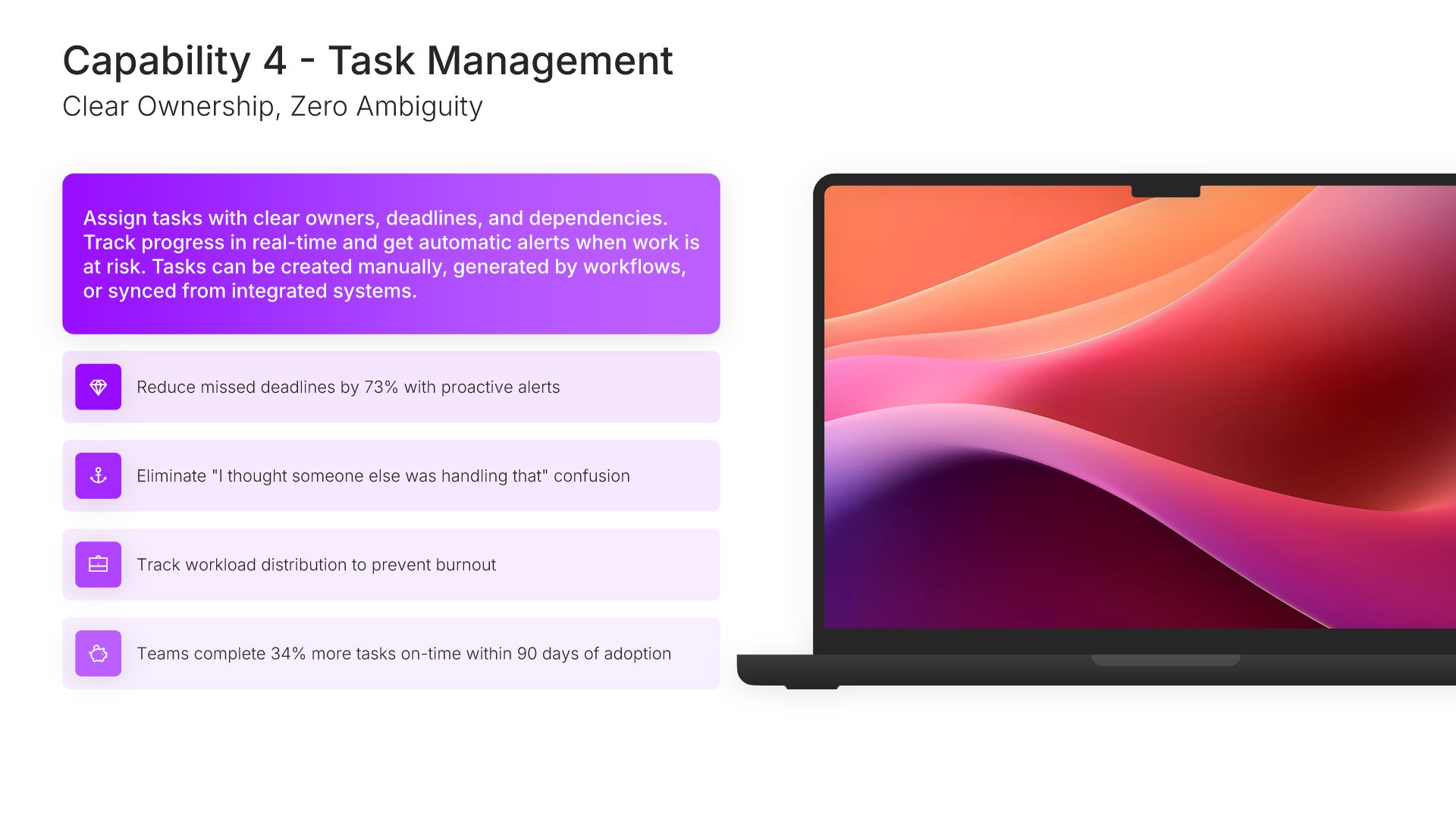
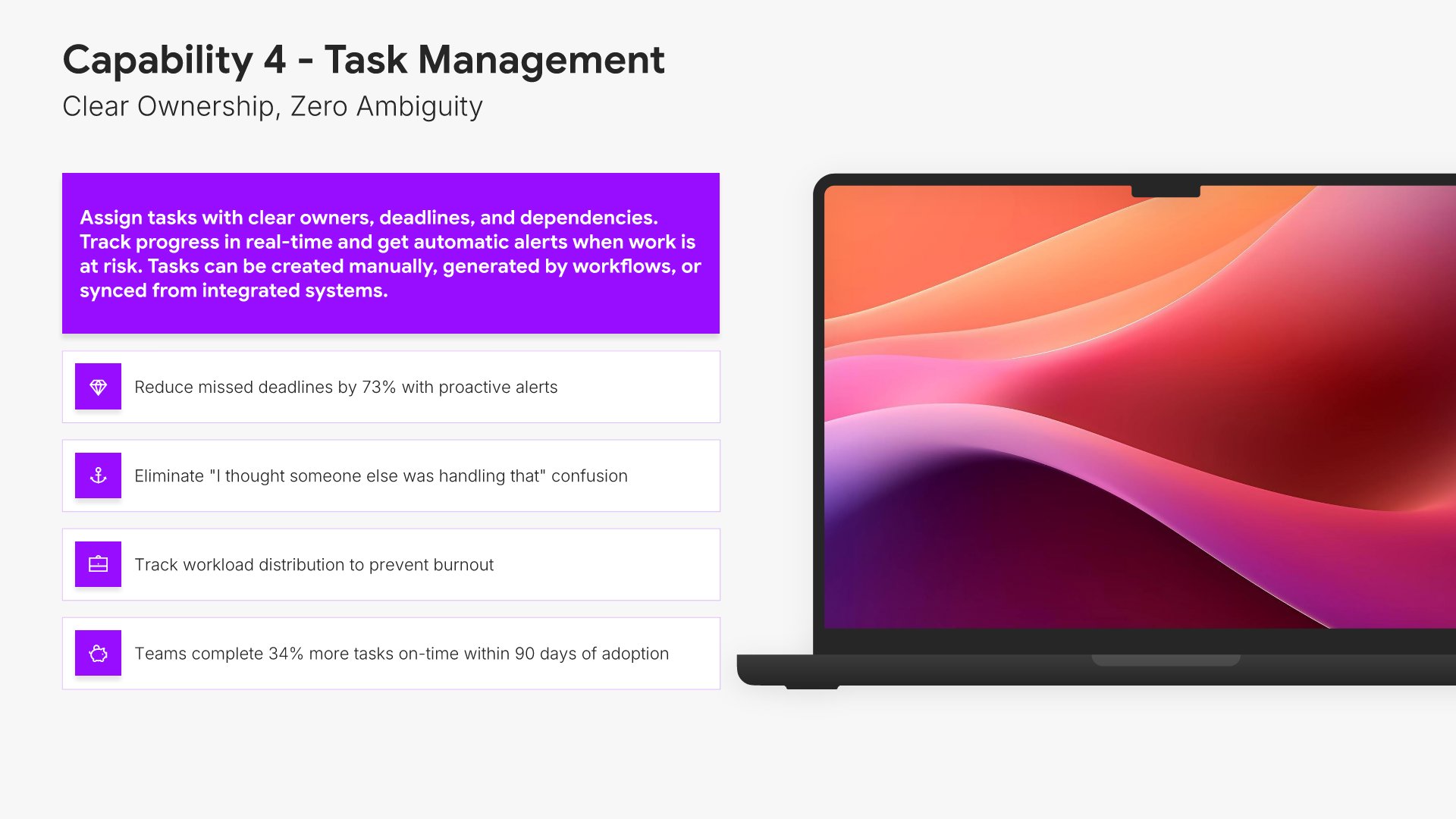
Capability slide, product presentation template, task management and the ownership problem

Slide 11

Capability

Task management, same format, with the ownership problem it solves.

Built using “Device Mockup” slide
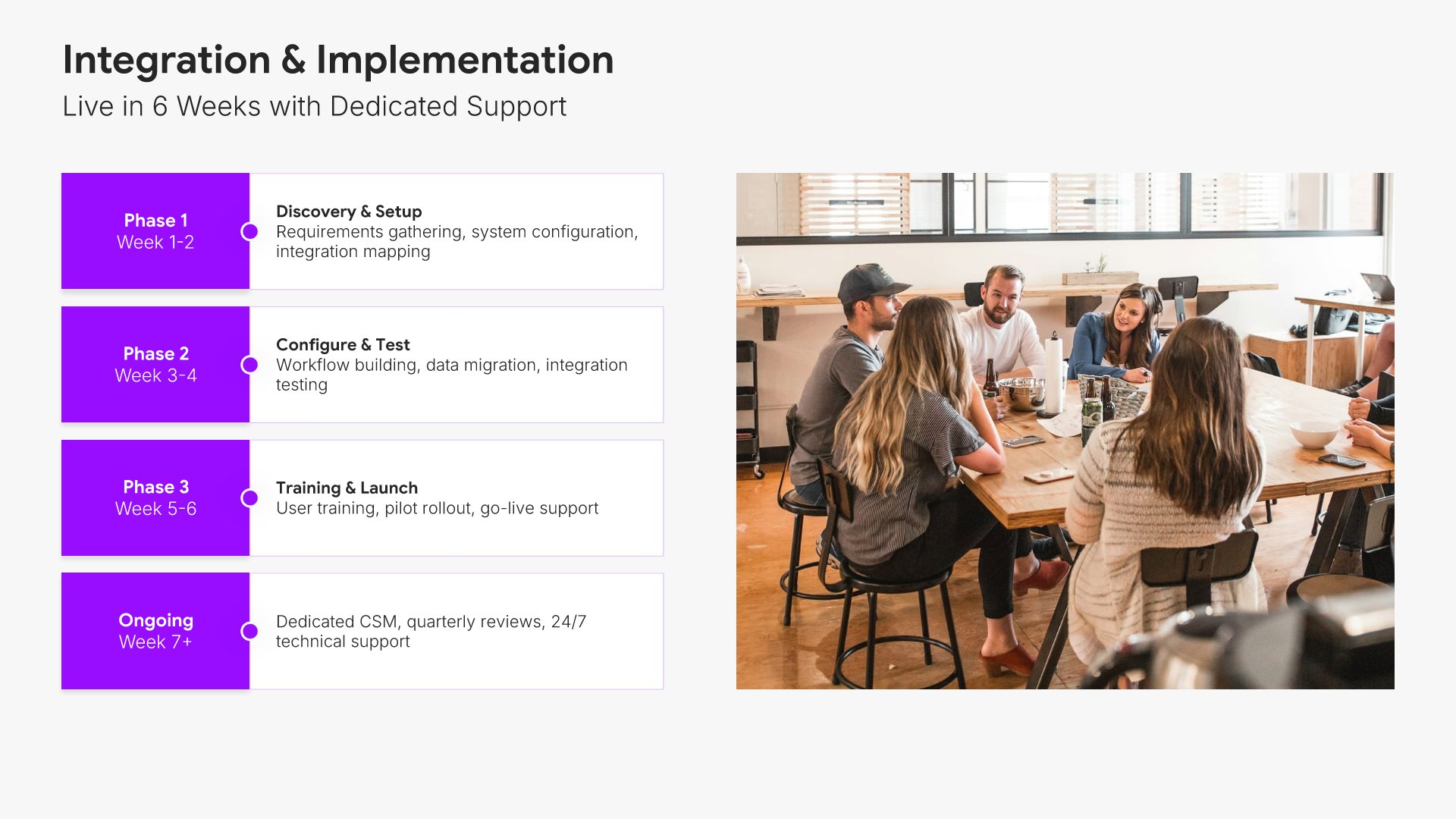
Implementation slide, product presentation template, rollout phases from discovery to launch

Slide 12

Implementation

Rollout in phases, from discovery through to launch, with what happens in each.

Built using “Timeline” slide
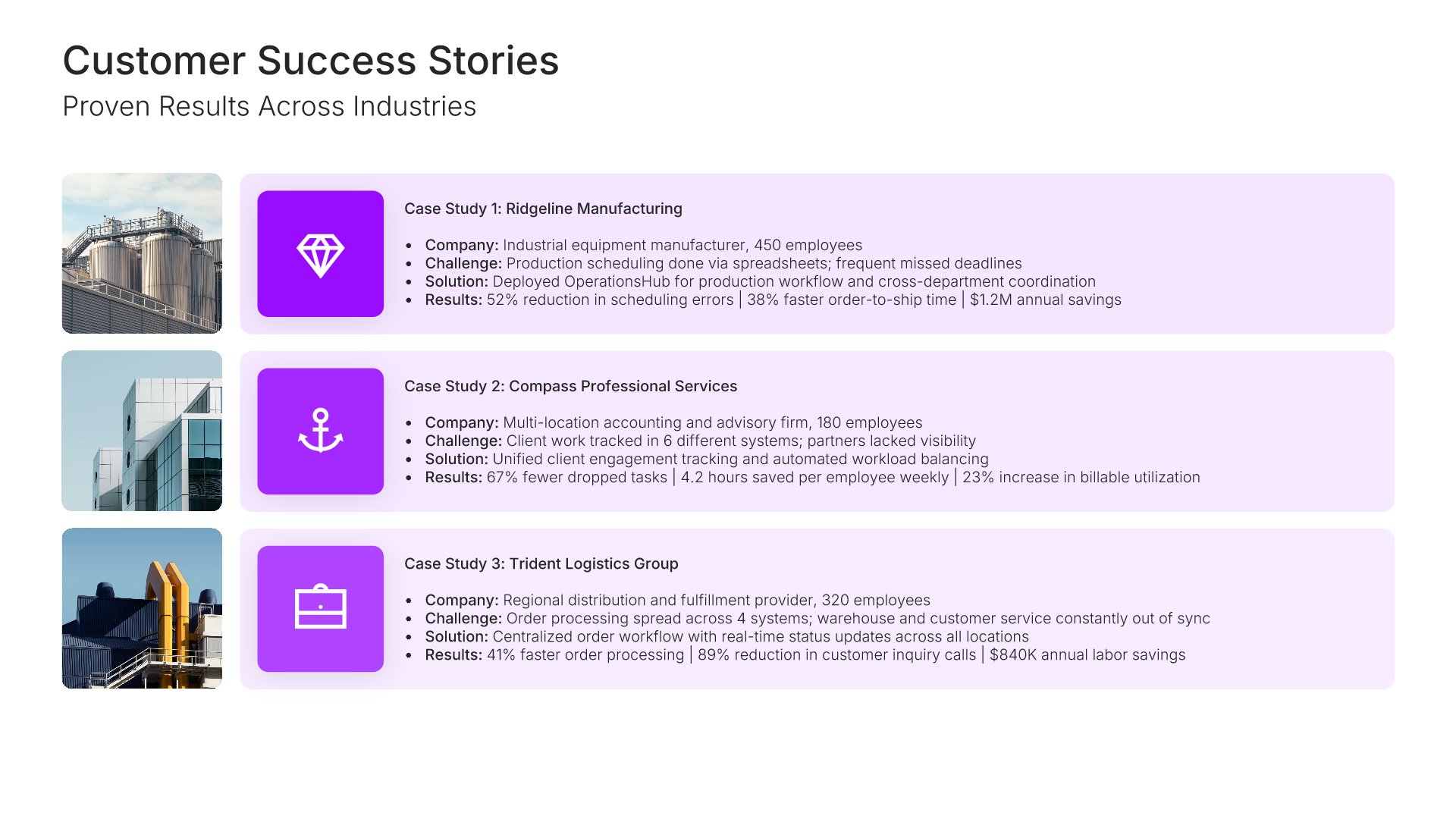
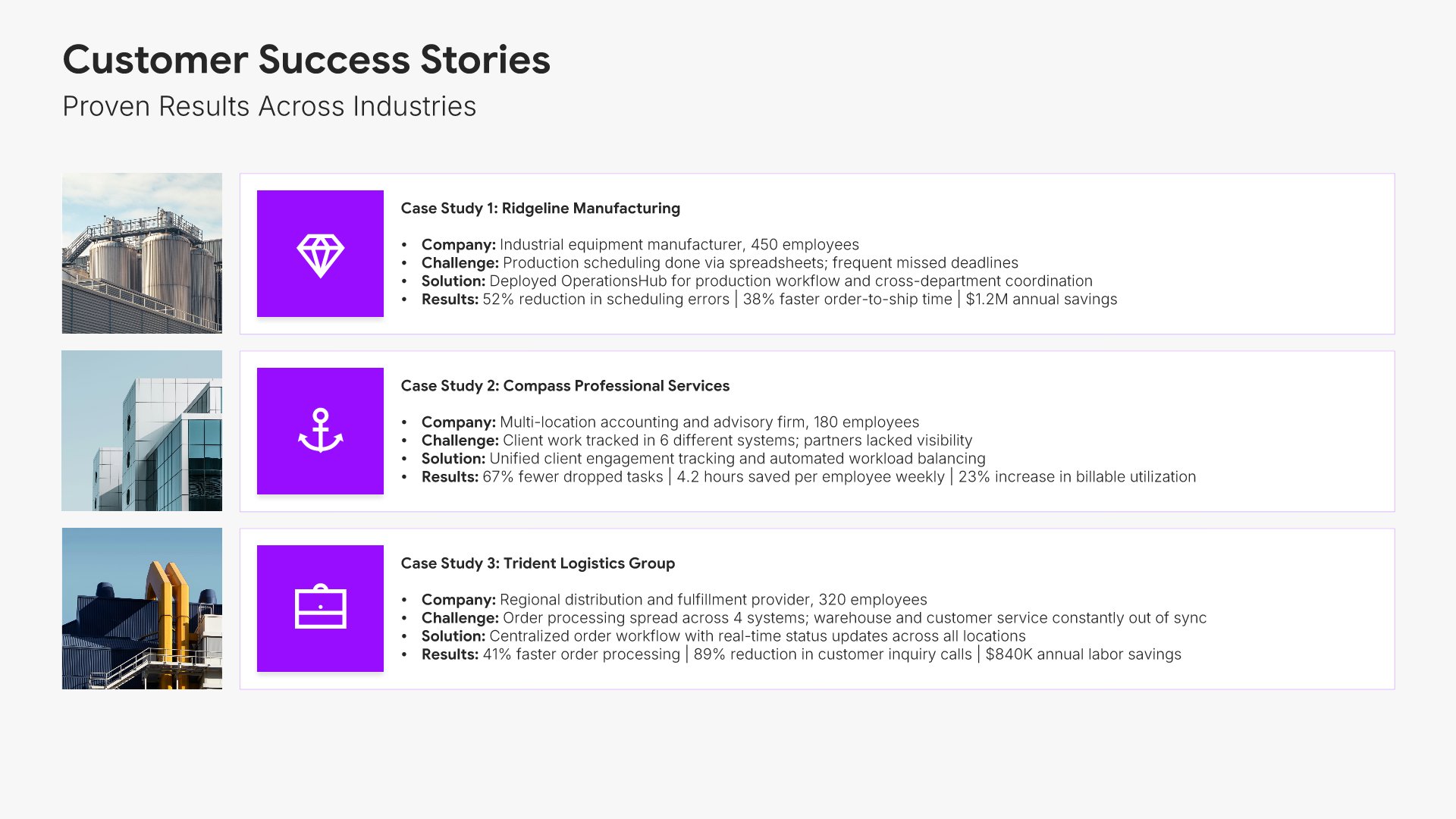
Case study slide, product presentation template, three customer stories with results

Slide 13

Case Study

Three customer stories with the industry, the challenge, and the measured result.

Built using “Image Gallery” slide
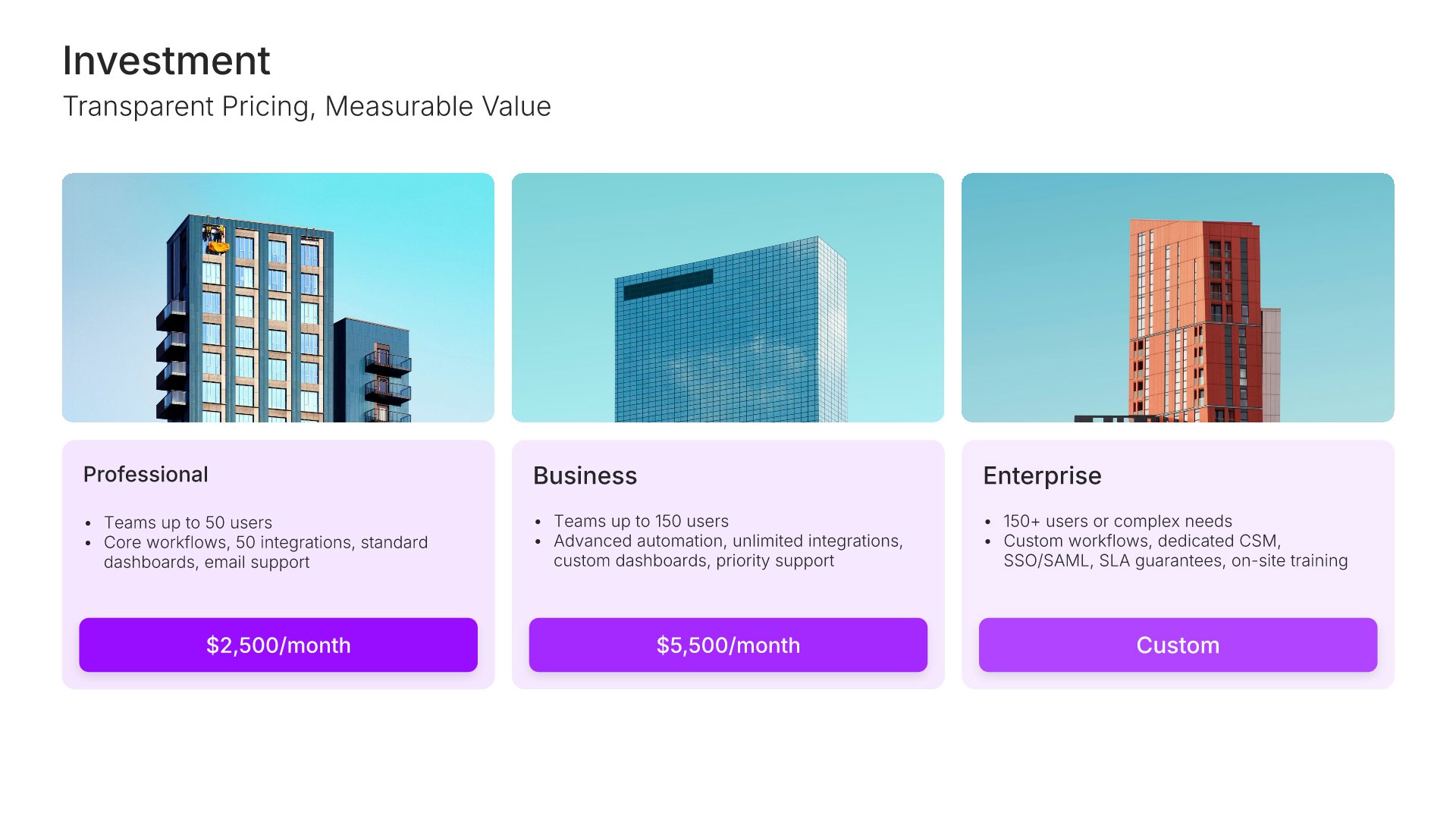
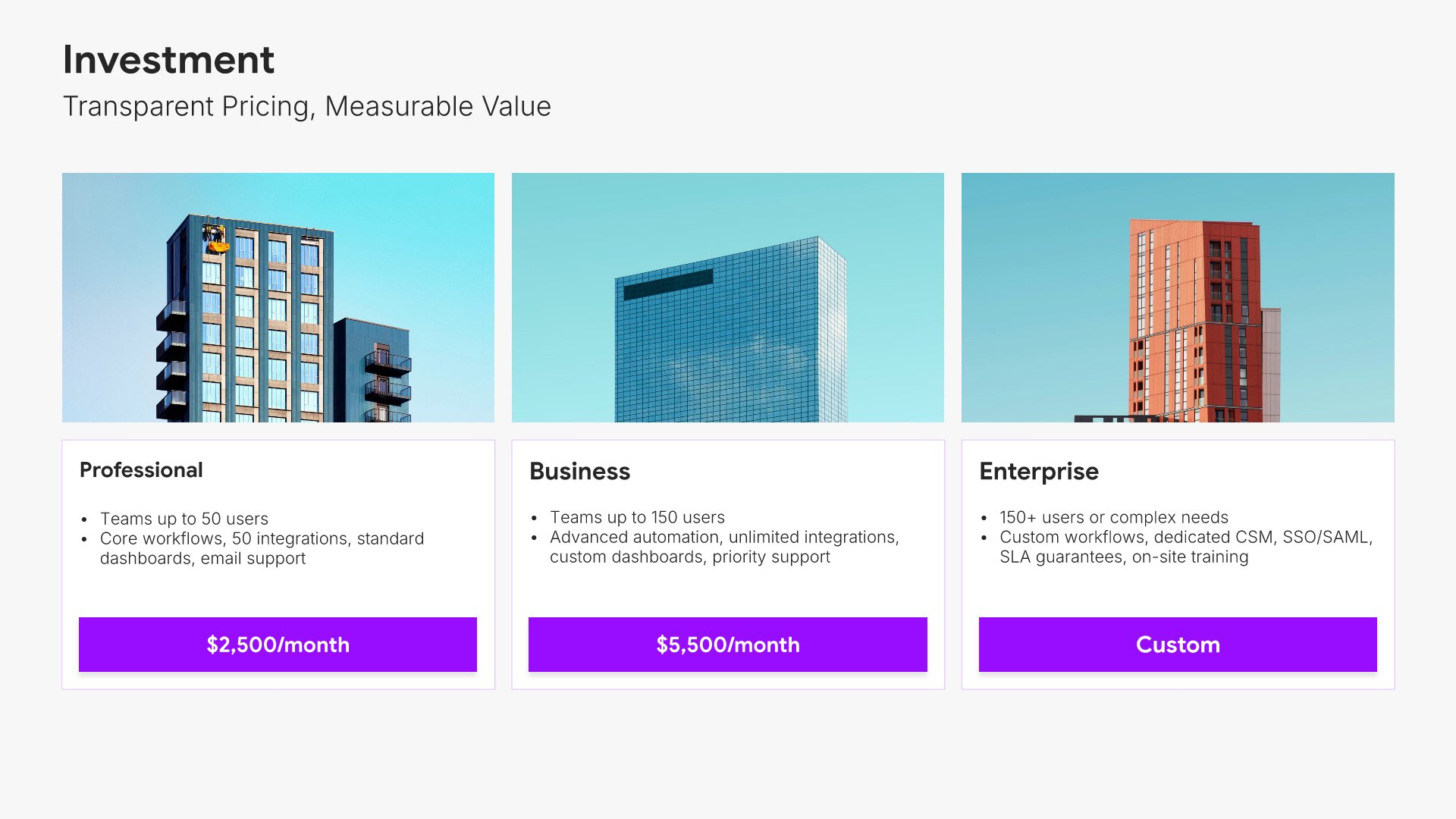
Pricing slide, product presentation template, three tiers side by side

Slide 14

Pricing

Three tiers side by side with what each includes and who it's built for.

Built using “Pricing” slide
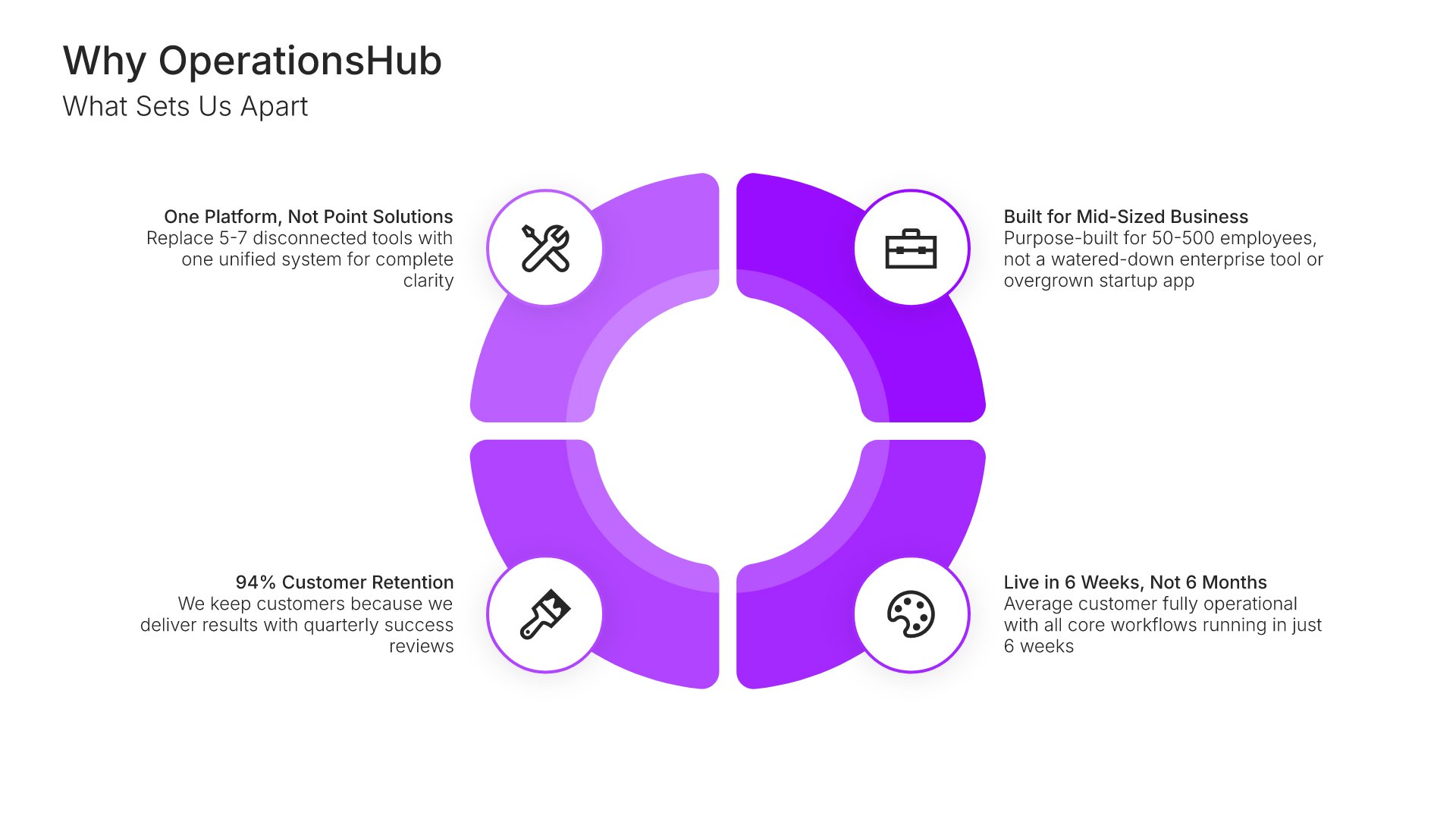
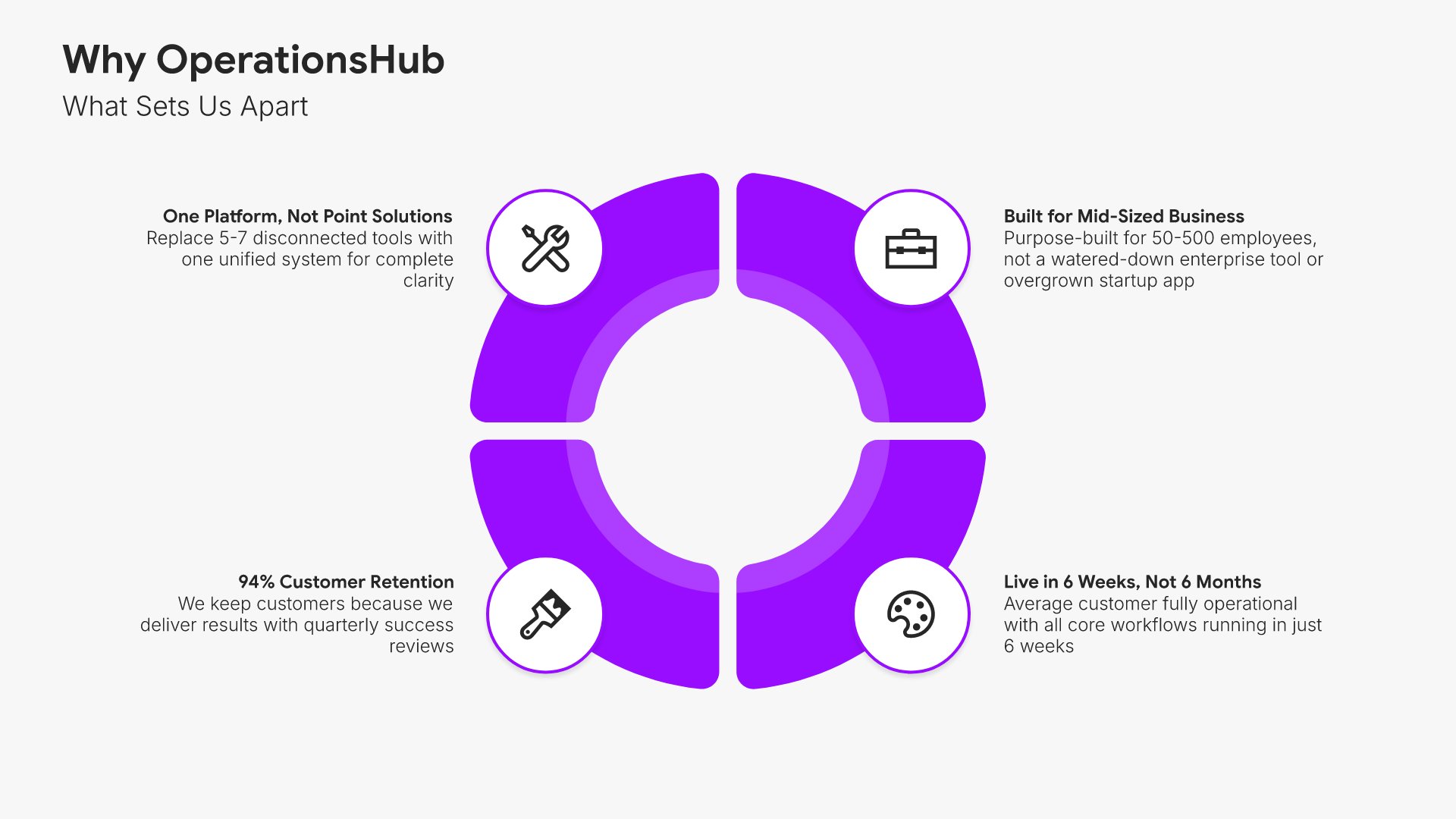
Why choose us slide, product presentation template, four differentiators with proof

Slide 15

Why Choose Us

Four differentiators mapped around the center, each with the proof.

Built using “Circle Infographics” slide
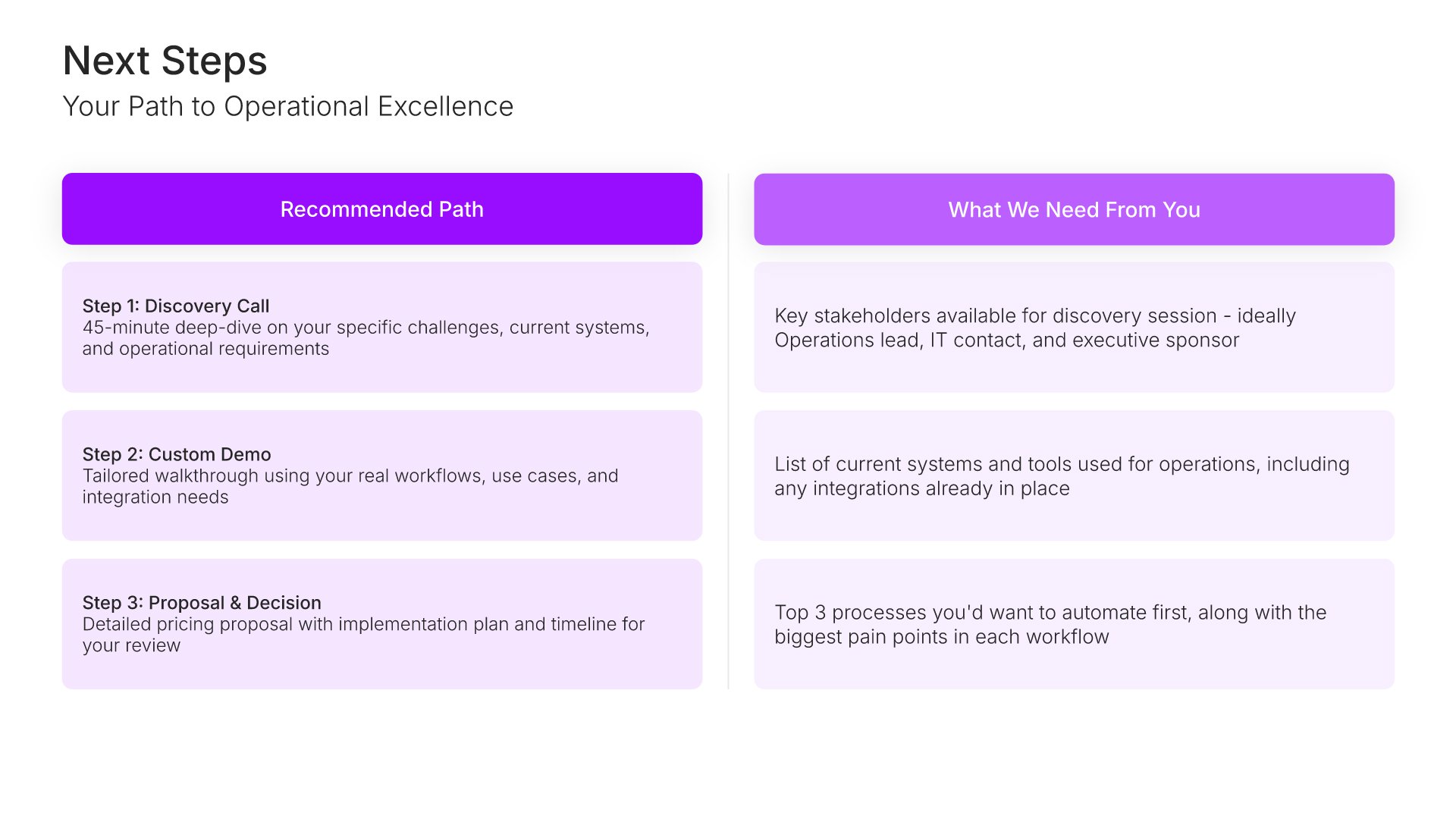
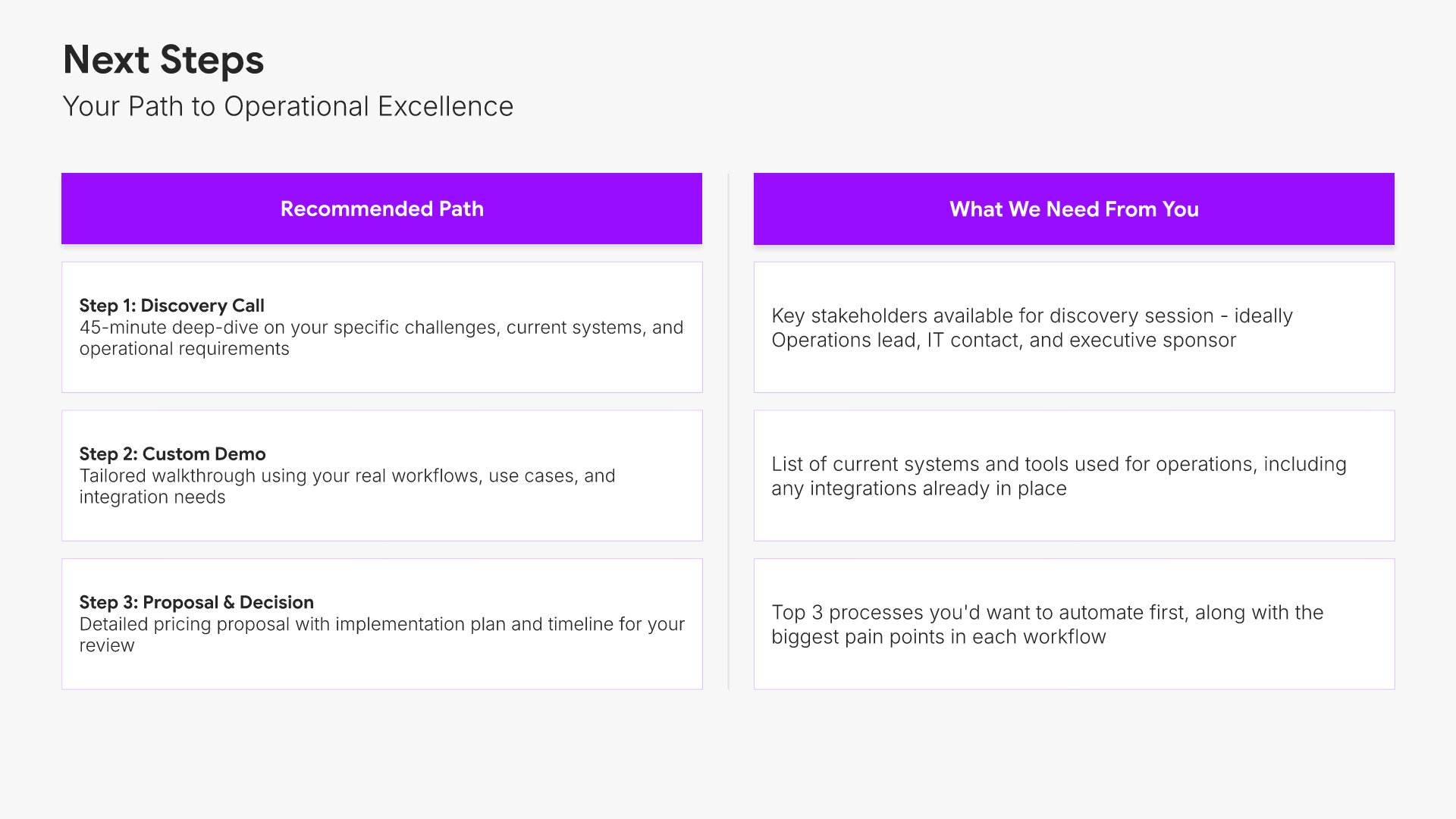
Next steps slide, product presentation template, recommended path and what's needed

Slide 16

Next Steps

The recommended path beside what's needed from them to take it.

Built using “Comparison” slide
Thank you slide, product presentation template, account team contacts

Slide 17

Thank You

The close, with contacts for the account team.

Built using “Thank You” slide

About the product presentation template

The structure, the slides, your brand, and a file you can edit anywhere.

Built to show the buyer’s problem before the product

A product demo fails when the seller shows everything the product does and the buyer hears nothing about the thing they came in for. This template fixes the order: their problems first, the product second, then four capabilities each given a full slide with a screen and a business outcome attached, so a prospect can see the ones that matter to them. It’s built on the Feature-Benefit Framework.

Built from 9,000+ slides across 134+ categories

Every slide here comes from the same library. Device mockups, capability layouts, pricing tables, timelines, and case study formats are already in it, so adding a fifth capability or a second pricing model takes a minute. Everything sits on the same grid, so the layout still holds.

Brand the whole presentation in one click

Add your logo, colors, fonts, and background once. It applies to the whole presentation and the entire slide library at the same time. Every rep presents the same product the same way, whichever prospect is in the room.

Export to PowerPoint, Google Slides, or Keynote

You get a real file, not a locked link. Export it and keep editing in the tool you already use, then leave it behind after the meeting without anyone needing an account.

How Choladeck works

From blank page to finished presentation in four steps.

STEP 01

Browse 9,000+ slides across 134+ categories, or open one of the 74 premade presentations.

STEP 02

Add your logo, colors, and fonts in one click. The whole presentation instantly matches your company.

STEP 03

Add your text, numbers, charts, and tables. Everything on the slide is editable.

STEP 04

Send it to PowerPoint, Google Slides, or Keynote, and present.
Build your own

Nothing here fits? Build your own product presentation

This template is assembled from the same 9,000+ slides. Pick the slides you need, drop them into one file, and brand the whole thing in one click.
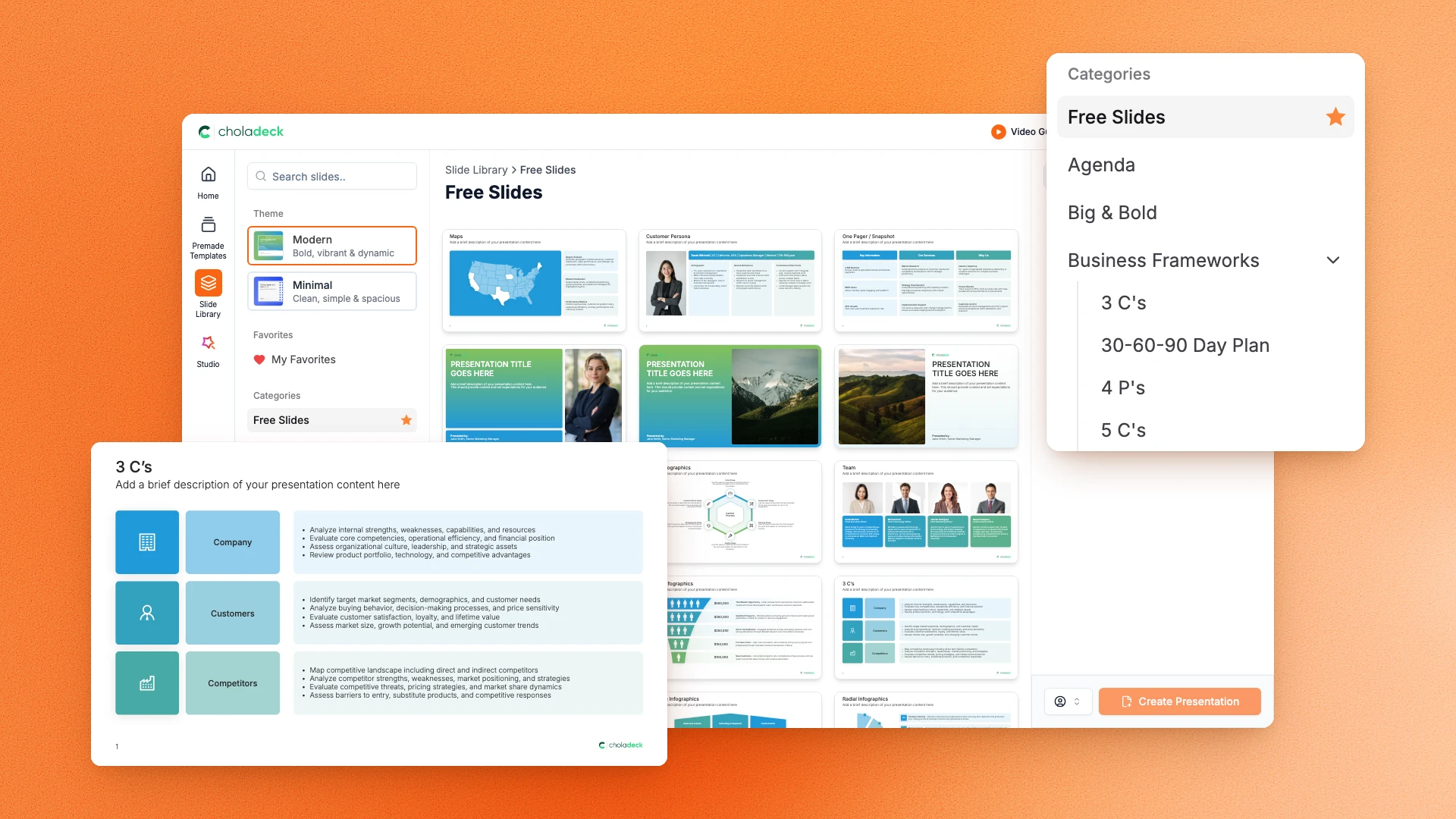
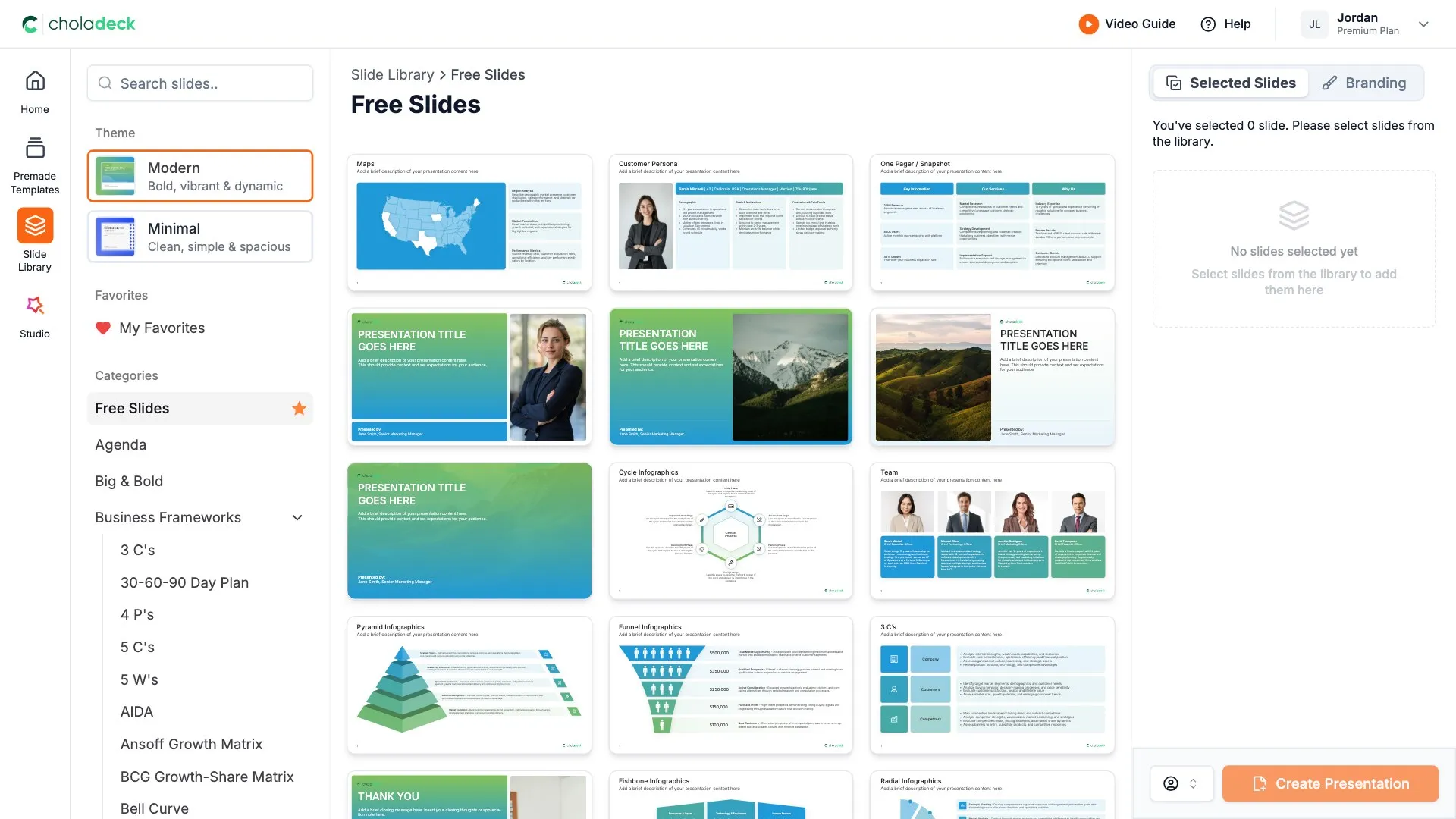
Choladeck slide library on Free Slides, with its category list and the 3 C’s slide shown larger

Questions about the product presentation template

What's inside the template, and how far you can change it.

Using the template

Is the template fully editable?

+

Yes. Text, tables, charts, icons, and colors on every slide are yours to change. Nothing is locked and nothing is a flat image.

How do I brand it to my company?

+

Add your logo, colors, fonts, and background once. It applies to the whole presentation and the entire slide library at the same time.

Can I add slides from the slide library?

+

Yes. Add any slide from the library into this one, or swap out one that doesn't fit. Everything works together.

What's included

How many capabilities can I show?

+

Four get a full slide each, with all six summarized beforehand. Duplicate a capability slide if the product has more, or cut one for a shorter meeting.

Does it work for a service rather than a product?

+

Yes. The capability slides carry device mockups, so a service business usually swaps those for photography or process visuals from the library. Everything else holds.

Is placeholder content included?

+

Yes. Every slide comes with realistic text, sample figures, and filled-in charts, so you can see how the product presentation reads before you put your own numbers in.

Start your product presentation
from one that's already done

Pick it, brand it, add your content, and export.

Free to start. No credit card required.