Try Choladeck Free: Download Personalized Business Slides Today
Try Choladeck Free: Download Personalized Business Slides Today
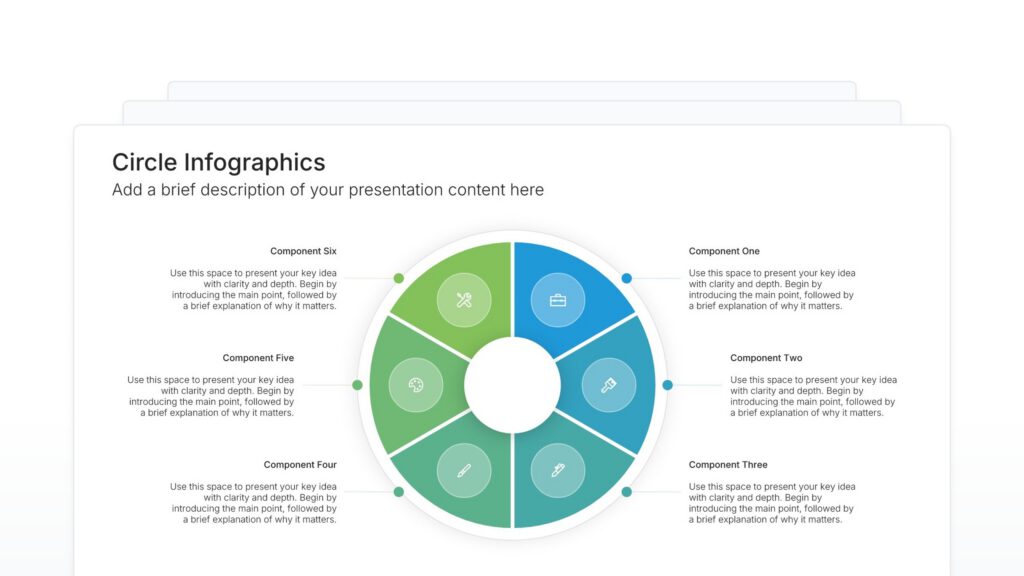
Circle infographic slides help you arrange and display content in circular layouts. Use them to organize components around or within circles, creating balanced and visually appealing presentations. Ideal for showcasing multiple elements with equal importance, strategic frameworks, and concepts that benefit from rounded visual flow.
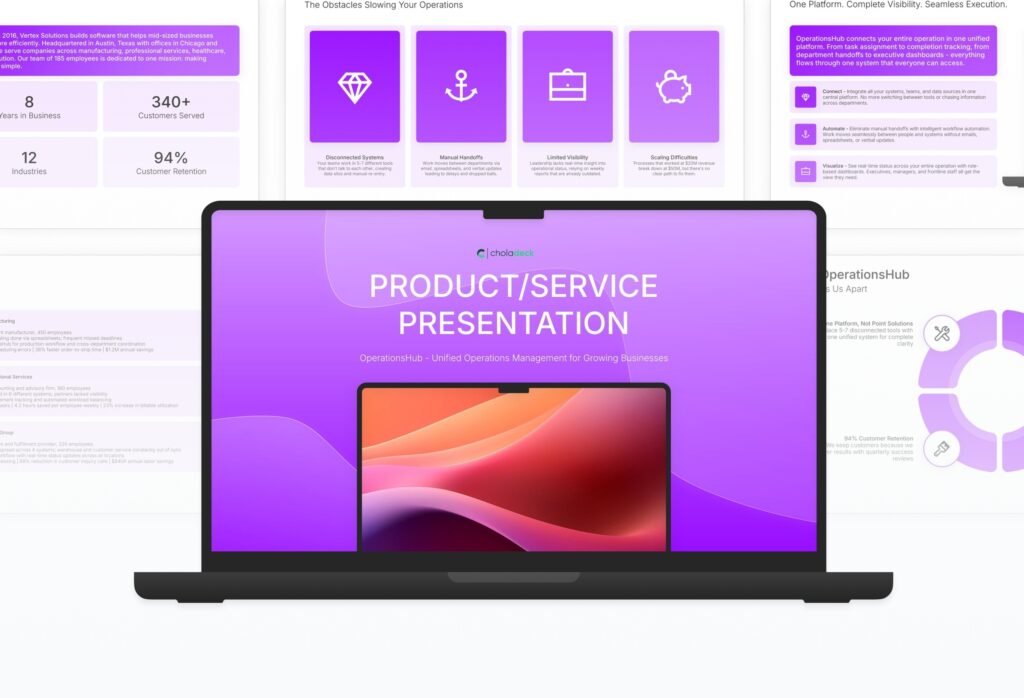
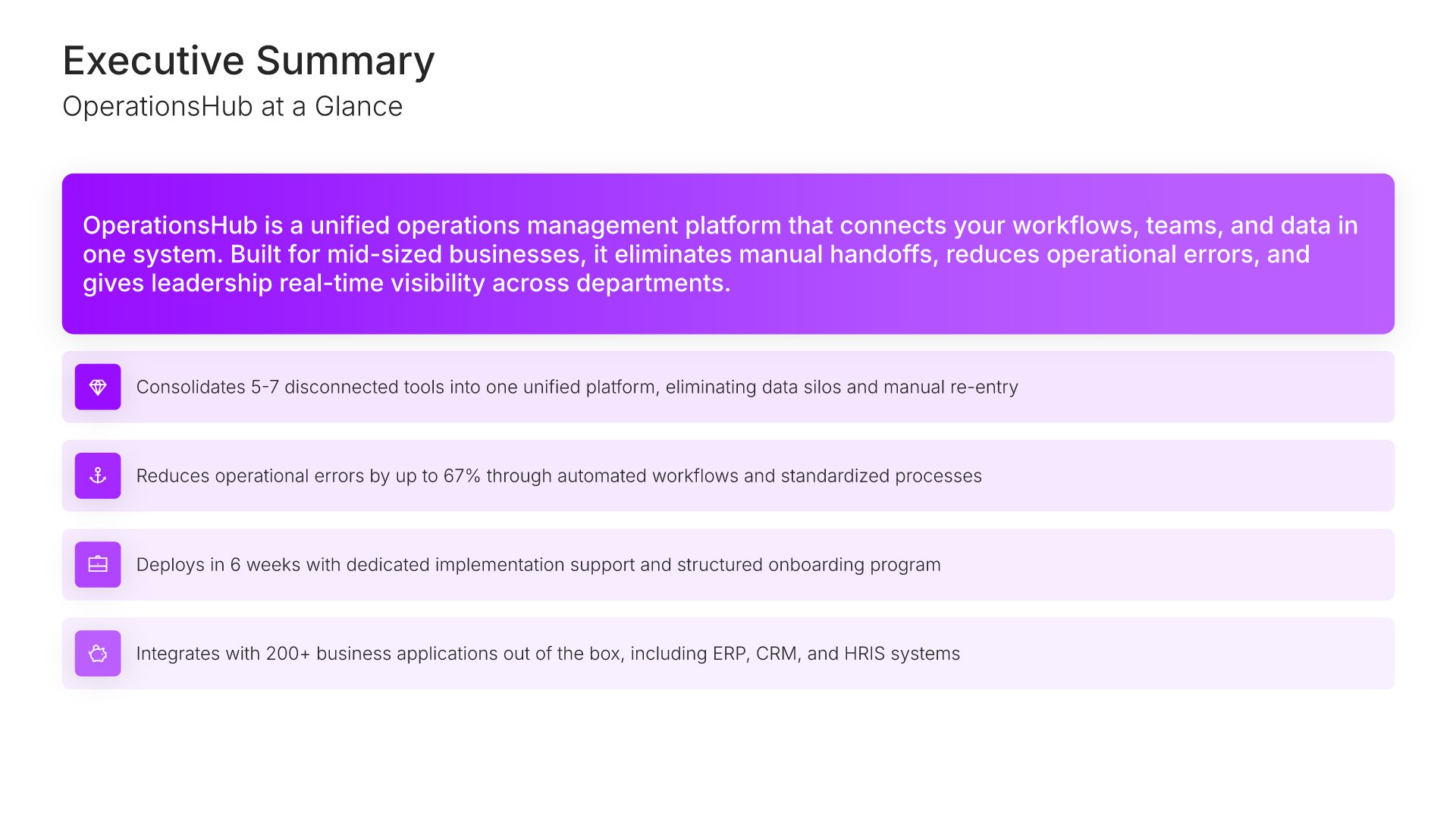
A comprehensive product and service presentation template designed for B2B sales teams presenting to prospective clients. Built on the Feature-Benefit Framework, this presentation covers company overview, customer challenges, solution capabilities, implementation, case studies, and pricing. Ideal for sales meetings, demos, and client presentations.

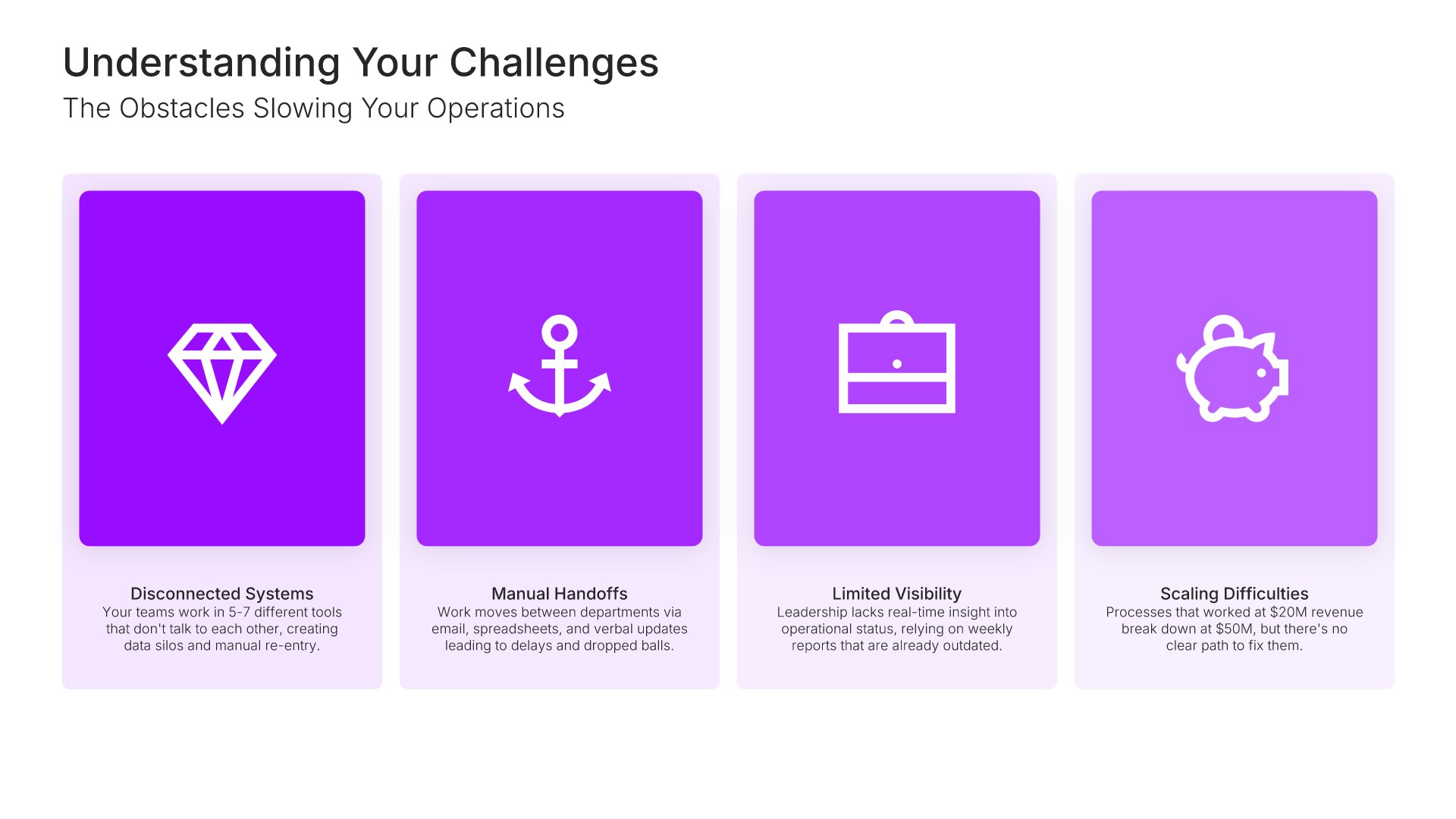
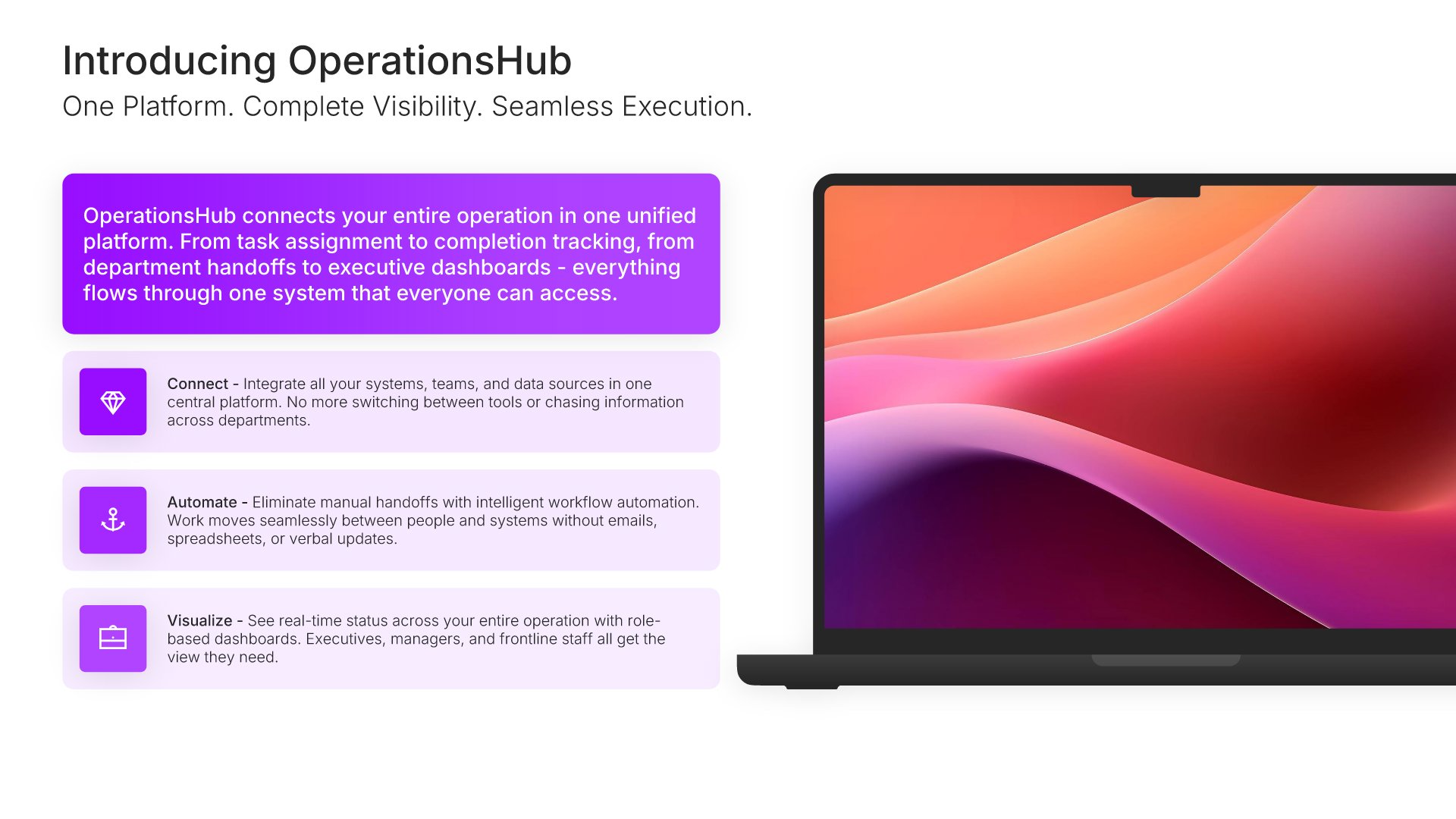
Explore over 9,172+ professionally designed slides across 134 categories. Or if you want a head start, pick from 74+ premade presentation templates. Whatever you need, it's probably already here.
Swap icons and images instantly from our built-in libraries. Use Pointers to choose your count (2-box, 3-box, 4-box) and Variations to pick your design style. No more settling for "close enough." Get the exact slide you need.
Add your logo, apply your brand colors, choose your fonts, and set custom backgrounds. One click and your entire presentation looks like it was made just for you. Because it was.
When you're ready, export to PowerPoint, Google Slides, or Keynote with a single click. Continue editing in your favorite tool if you want. Your workflow, your way.
No Sign-in or Credit Card Required
Before you go, have you had the chance to experience Choladeck? If not try out – Choladeck for absolutely FREE!!
No Sign-in or Credit Card Required

No Sign-in or Credit Card Required
