Try Choladeck Free: Download Personalized Business Slides Today

Employee Onboarding Premade Template

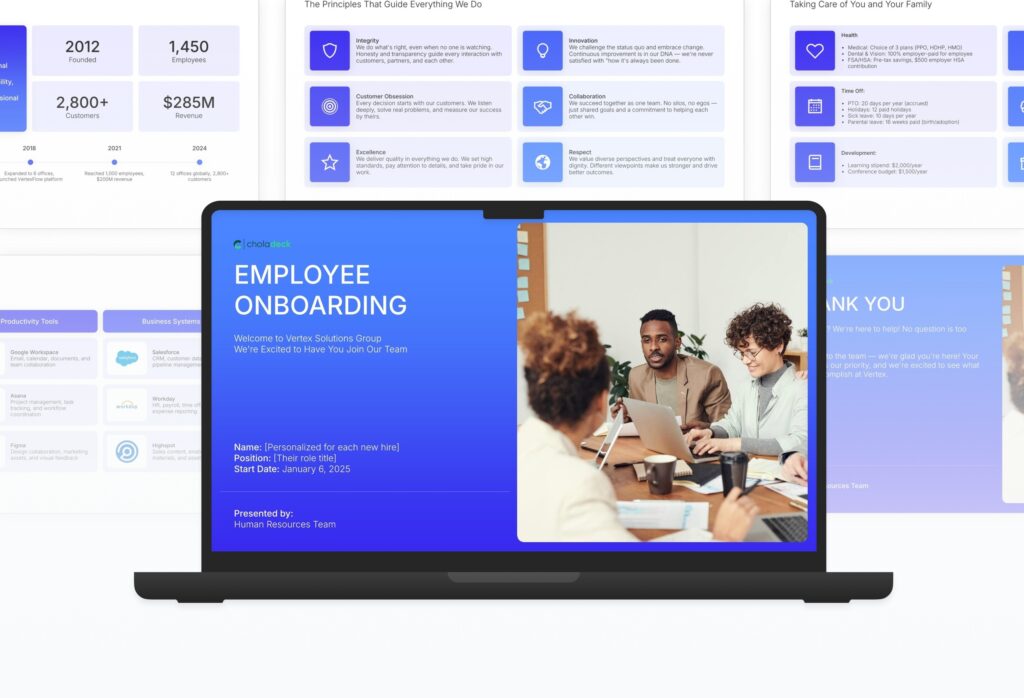
A comprehensive employee onboarding template designed for HR teams welcoming new hires to the organization. Built on the Classic SHRM Model, this presentation covers company introduction, values, leadership, team, role expectations, policies, benefits, tools, and the first 90 days. Ideal for first-day orientation and structured onboarding programs.

Employee Onboarding Featured Image

How to Build a Employee Onboarding Presentation

Learn how to create a comprehensive employee onboarding presentation that helps new hires feel welcomed and prepared. This guide walks you through introducing your company, values, leadership, team, role expectations, policies, benefits, tools, and the first 90 days that set new employees up for long-term success.
1. Title
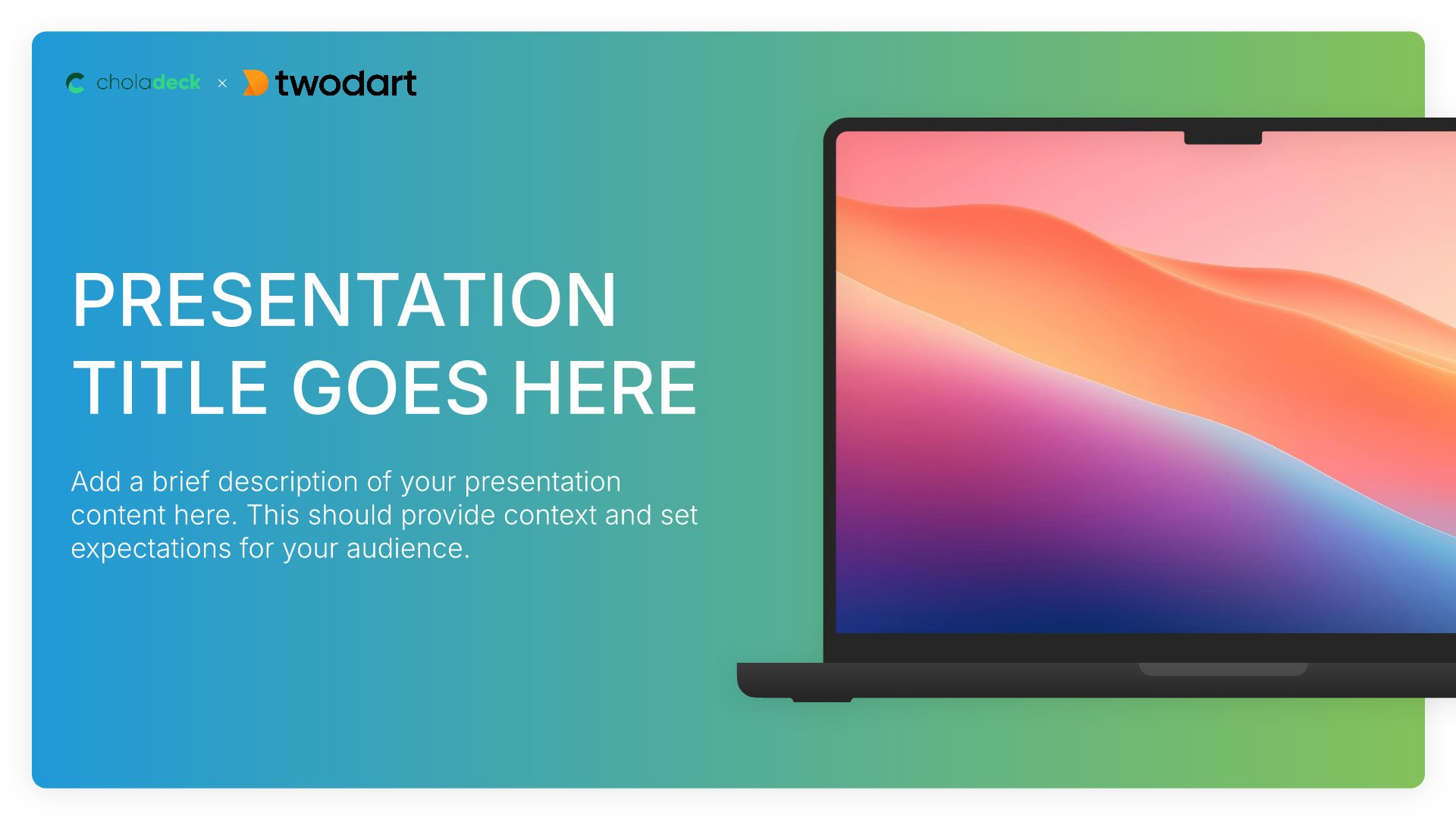
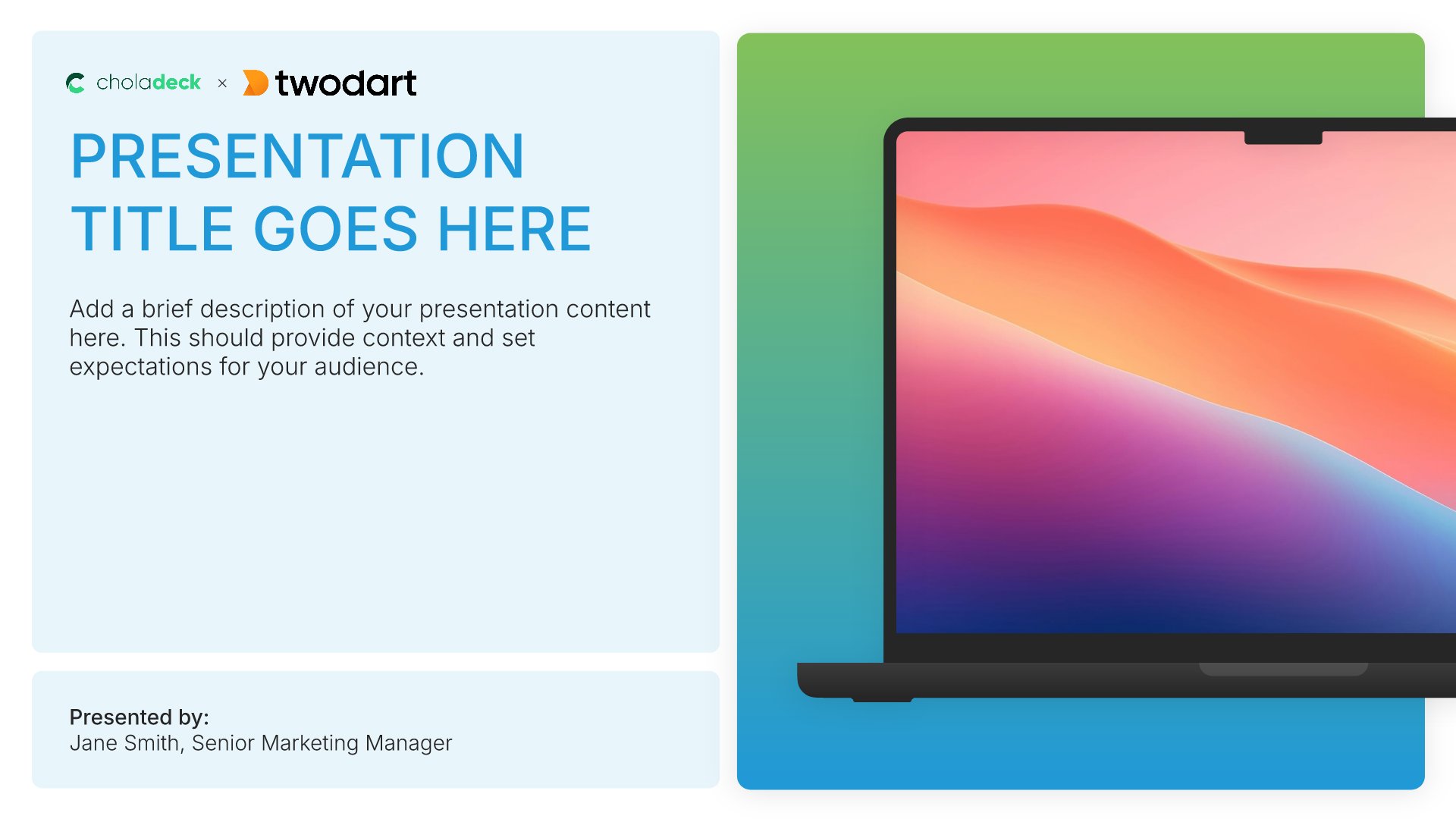
Title slides help you open presentations with impact. Use them to create strong first impressions with opening slides that set the tone, introduce your topic, and establish your brand. Ideal for any presentation where a polished, professional opening slide sets the stage for everything that follows.
Built using Title slides

2. Company Overview

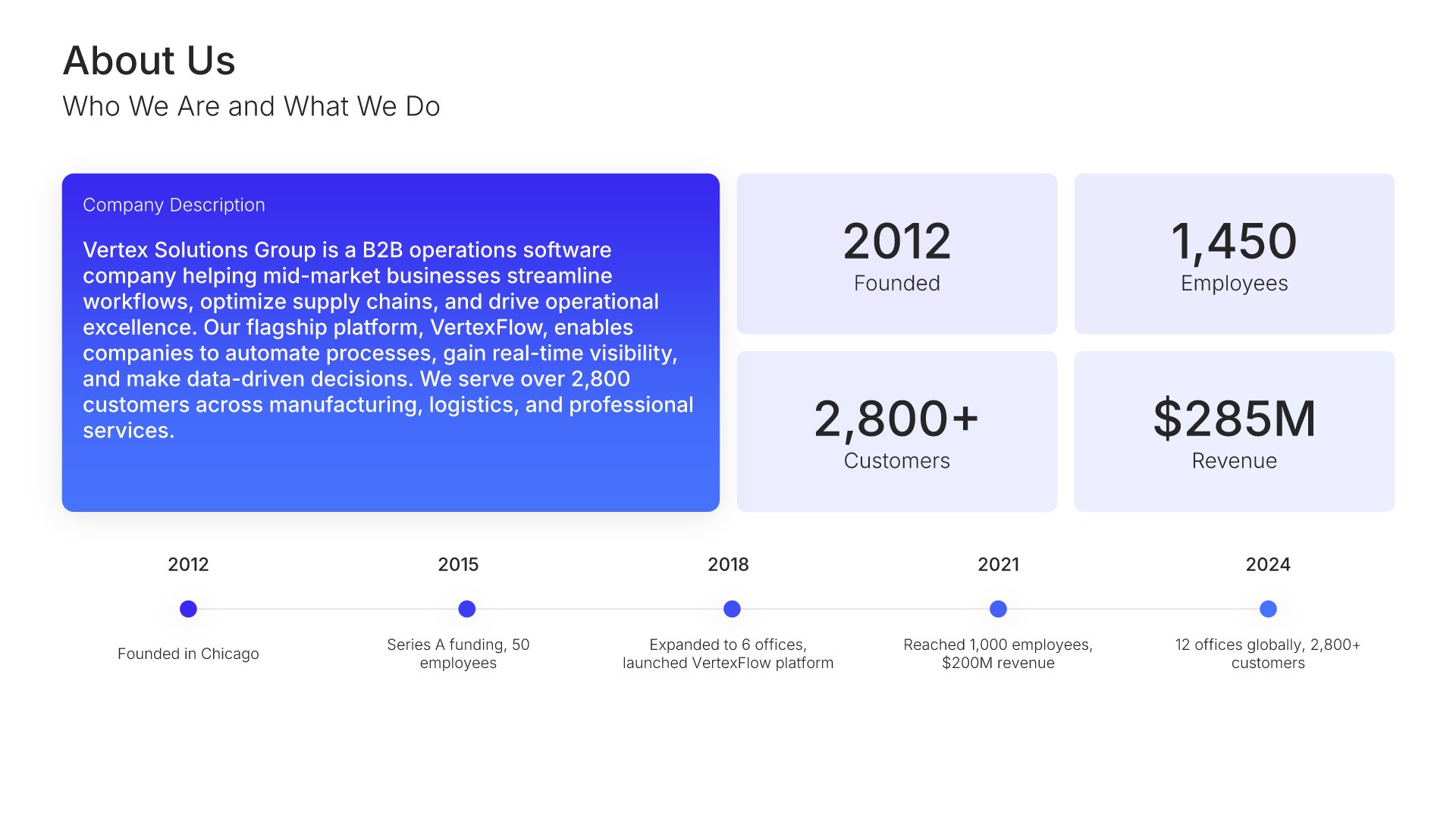
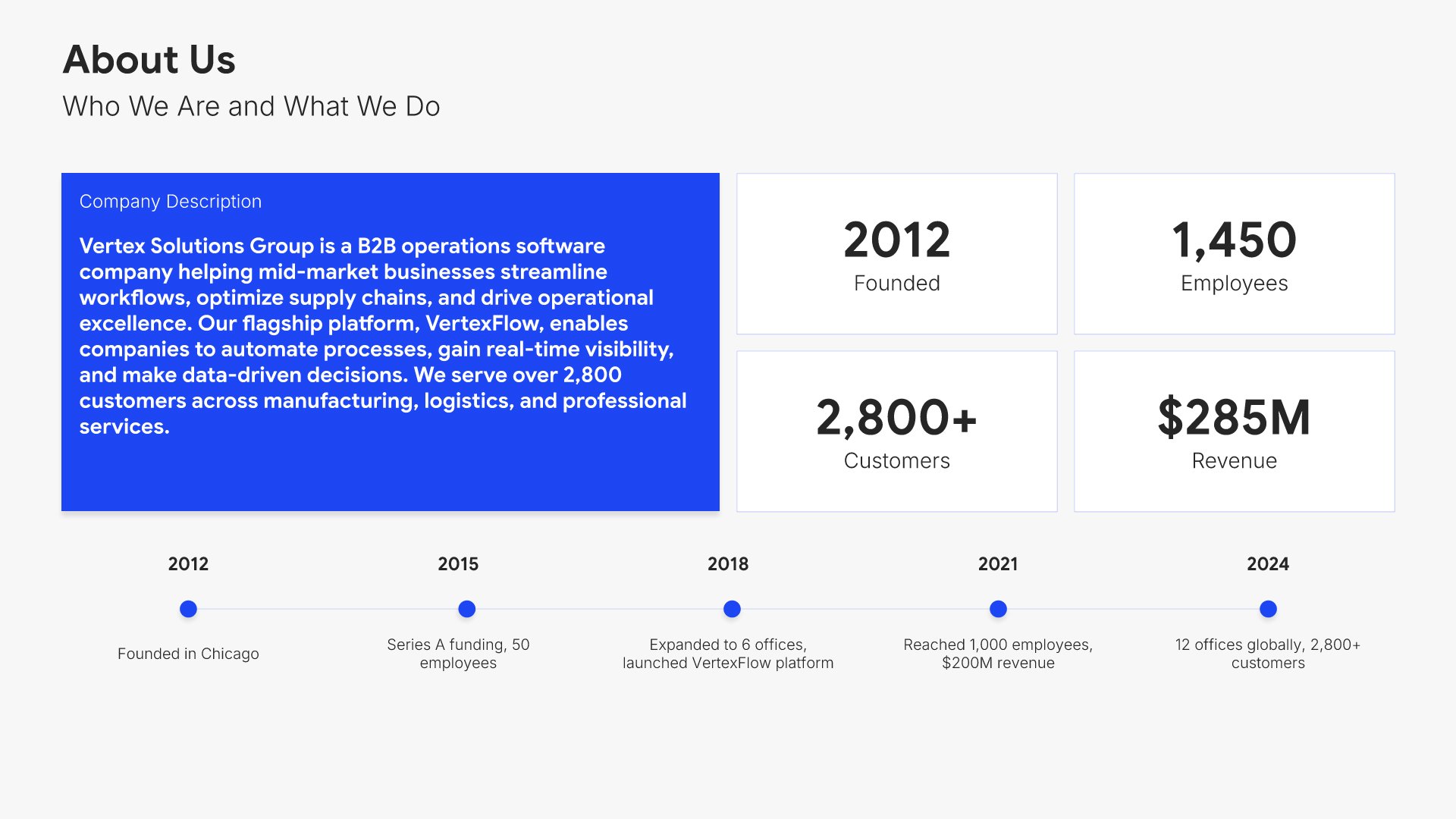
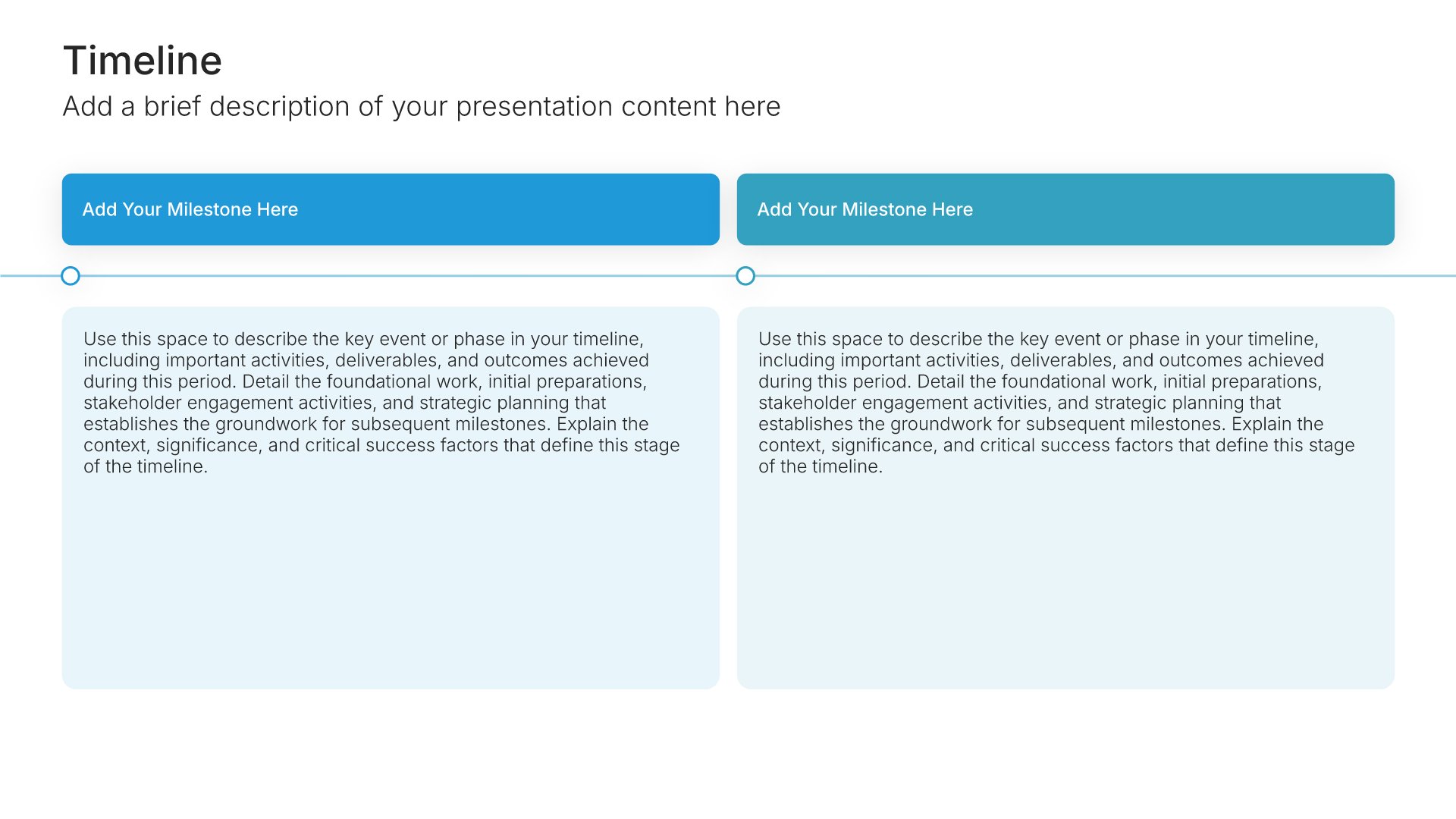
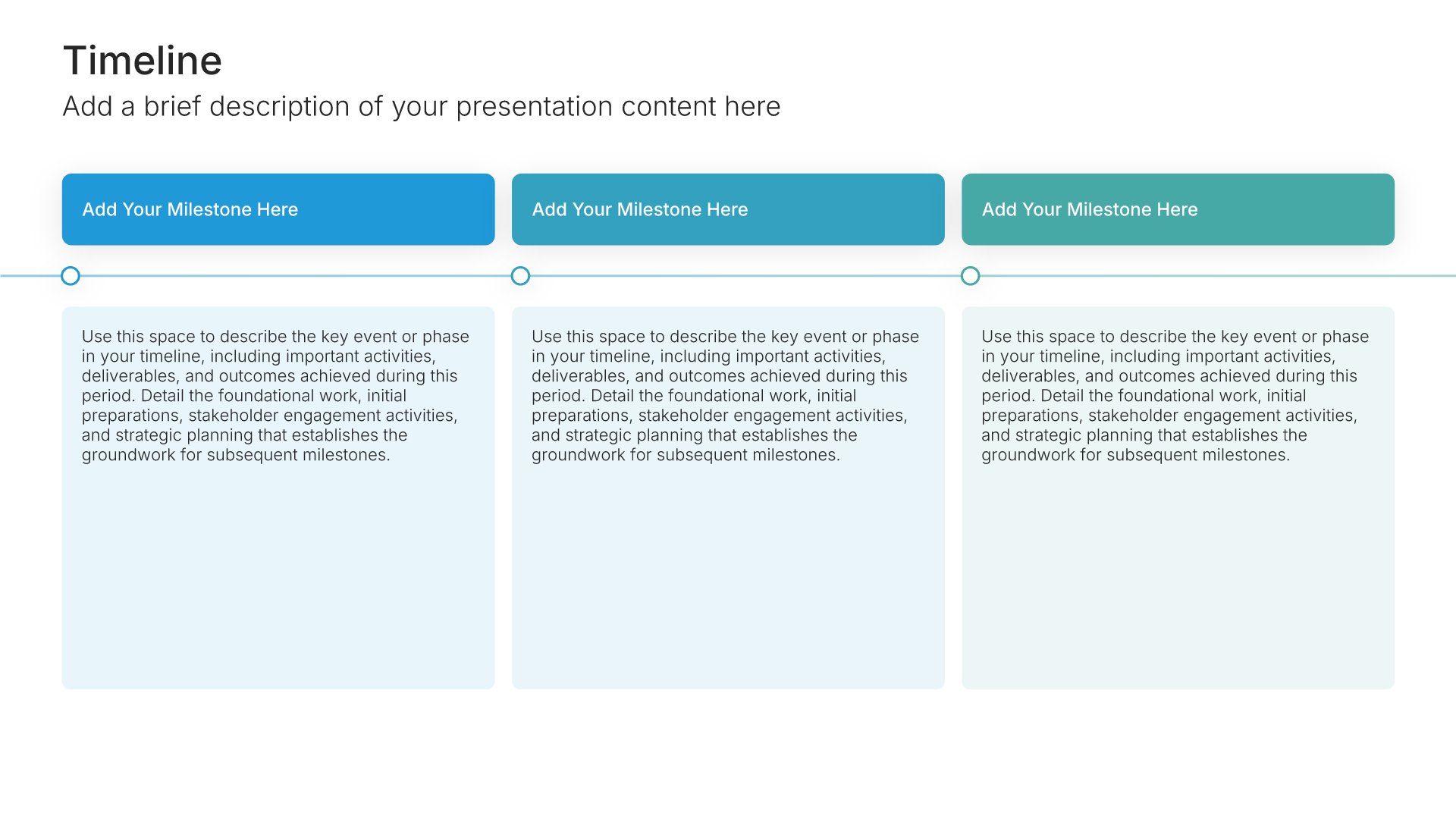
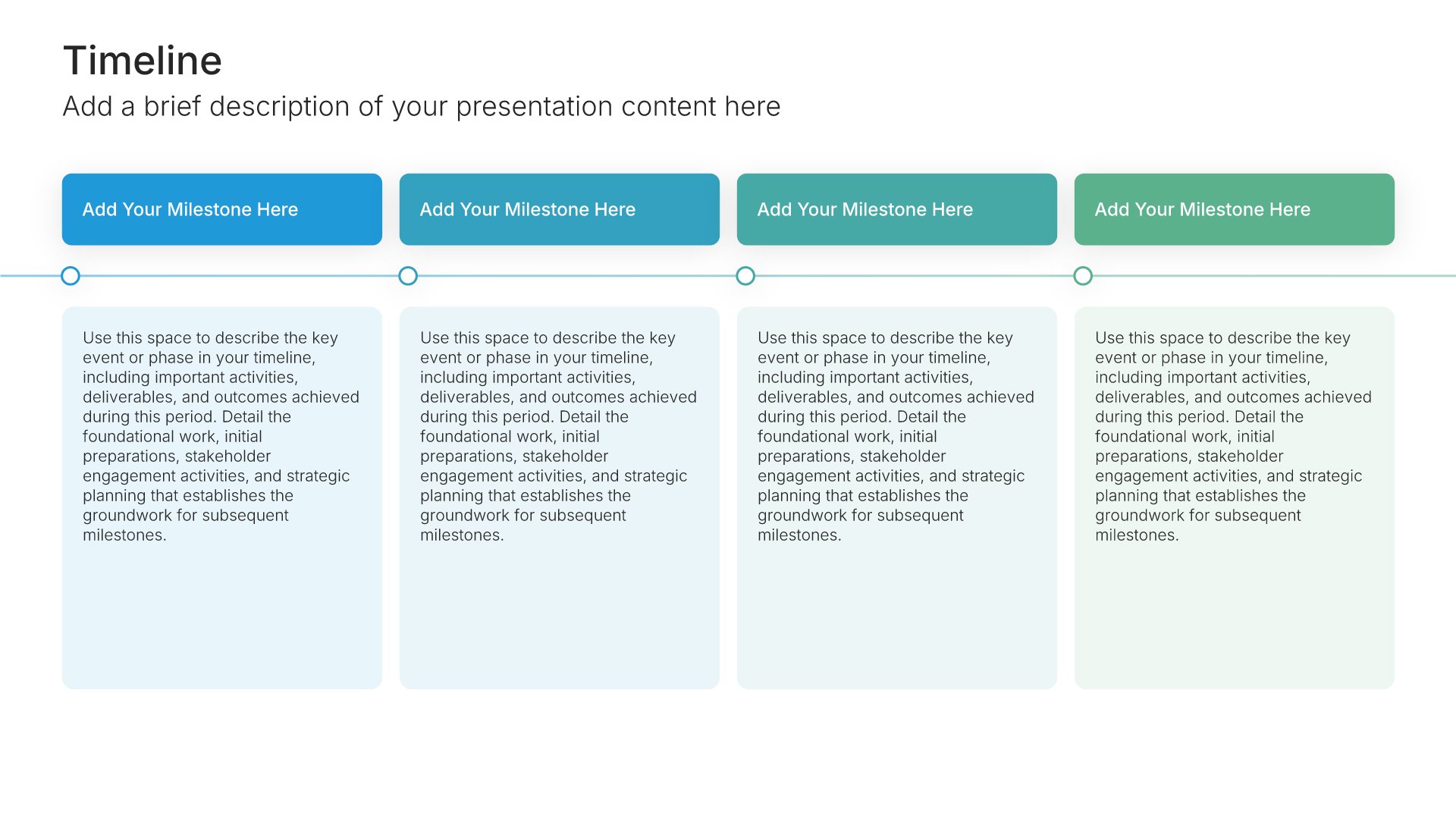
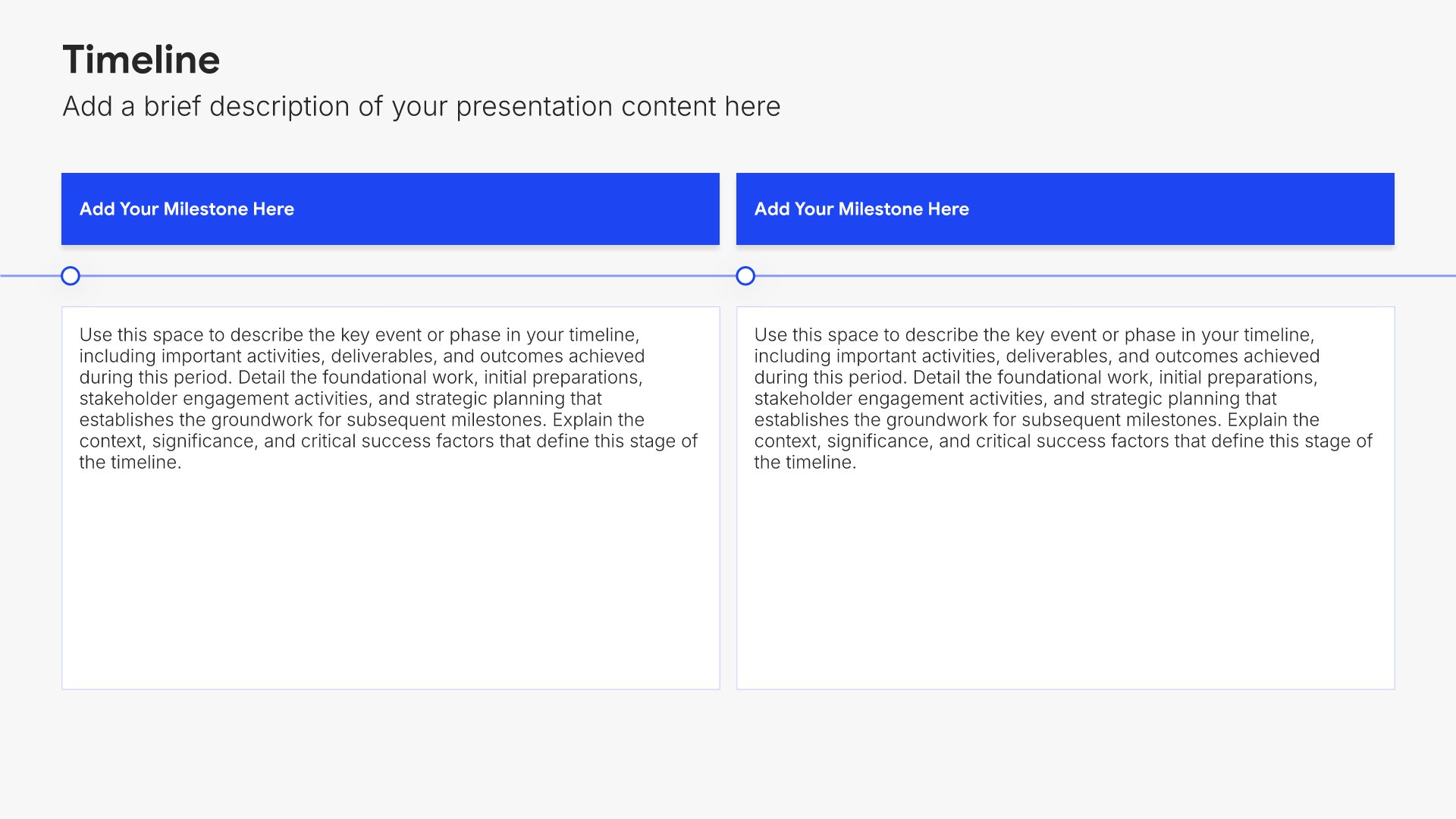
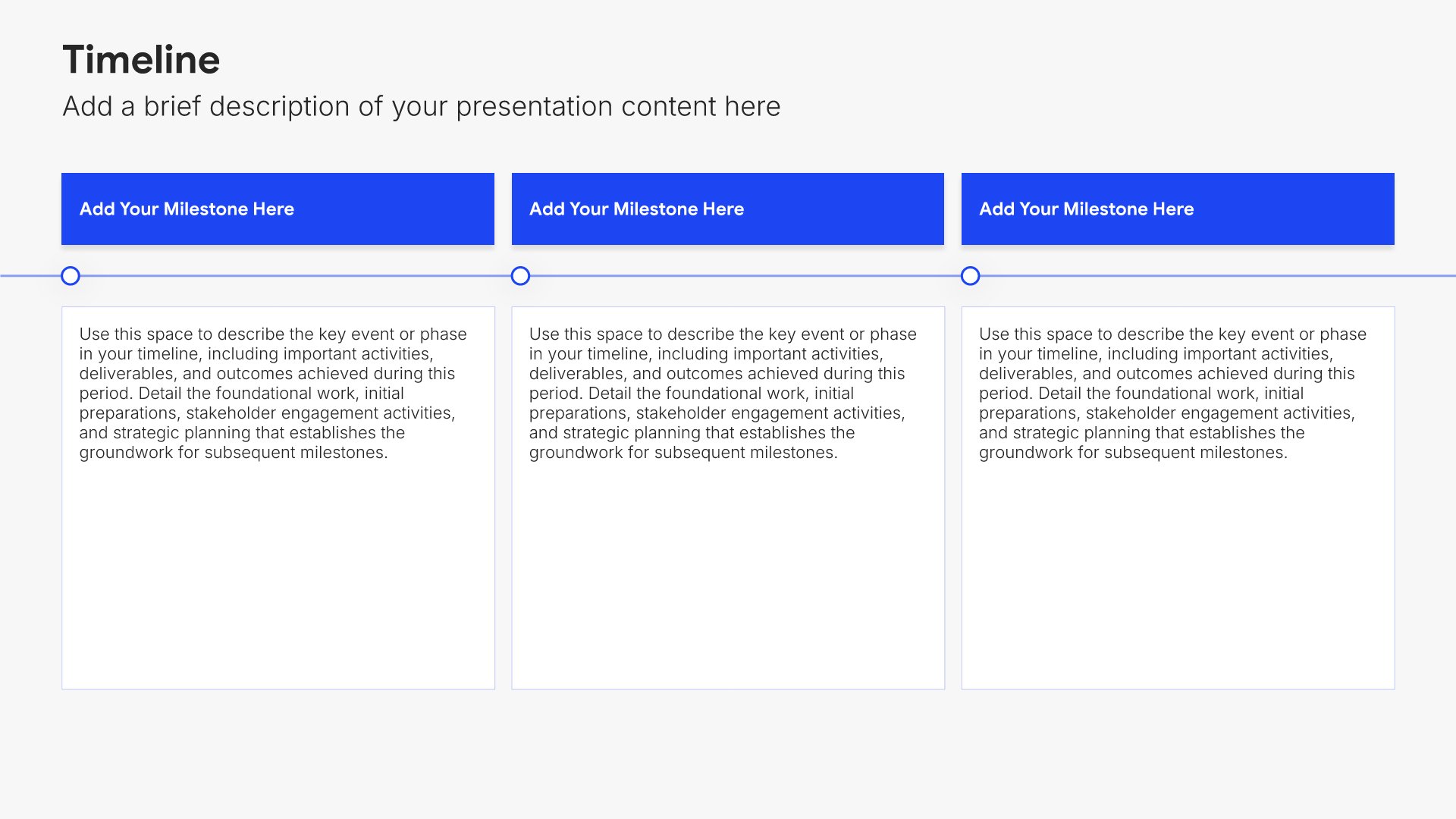
Company overview slides help you introduce your business and what makes it unique. Use them to present your company's background, mission, values, and key facts that establish credibility. Ideal for business plans, pitch decks, and any presentation where giving your audience a clear picture of who you are sets the foundation.
Built using Timeline slides

3. Our Values

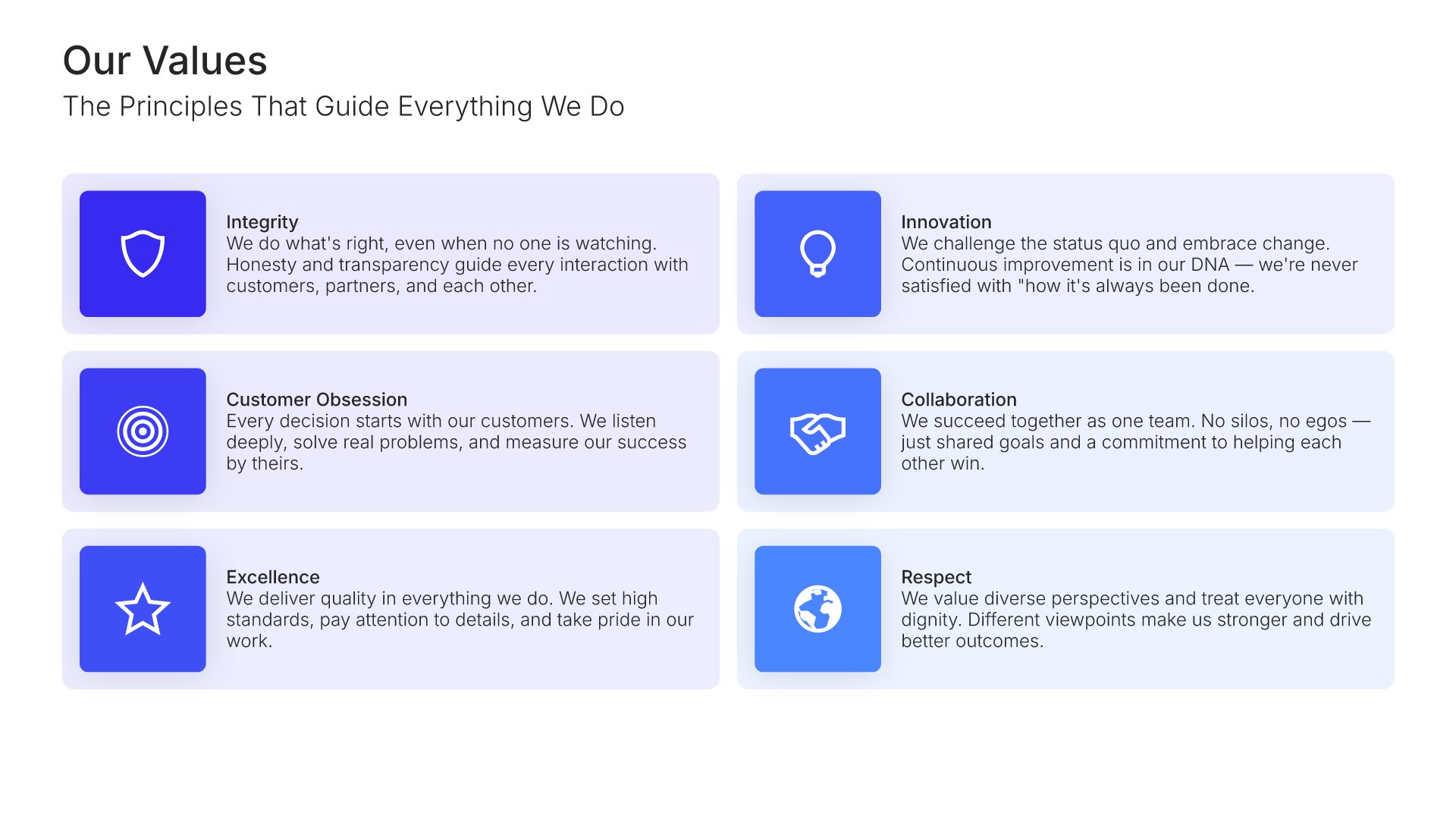
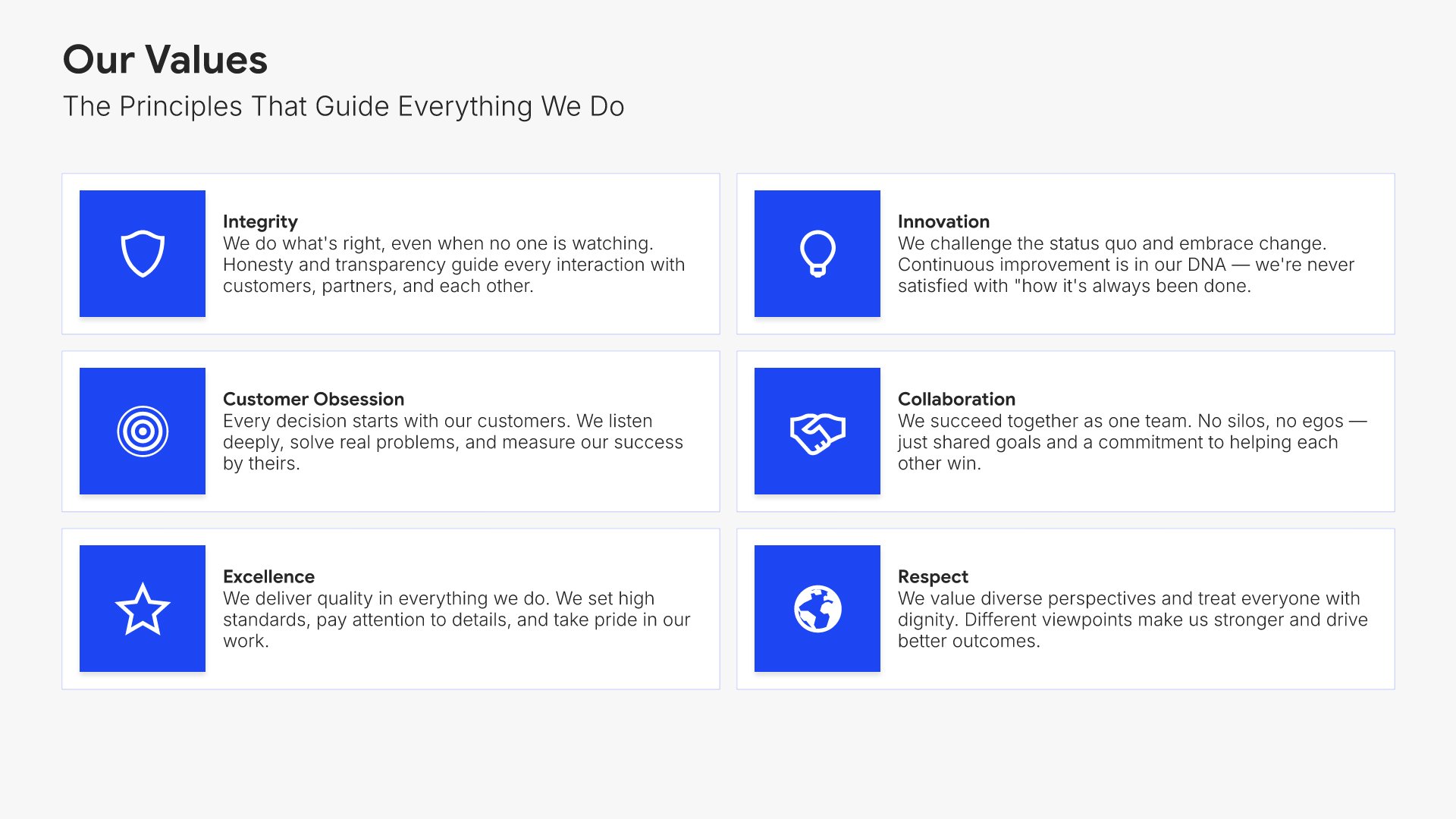
Our values slides help you present the core beliefs that guide how your organization operates. Use them to articulate the values that shape decisions, behavior, and culture in a way new hires can connect with. A clear values view helps new employees understand the principles they're expected to live by and the kind of organization they've joined.
Built using Simple Text (with Icons) slides

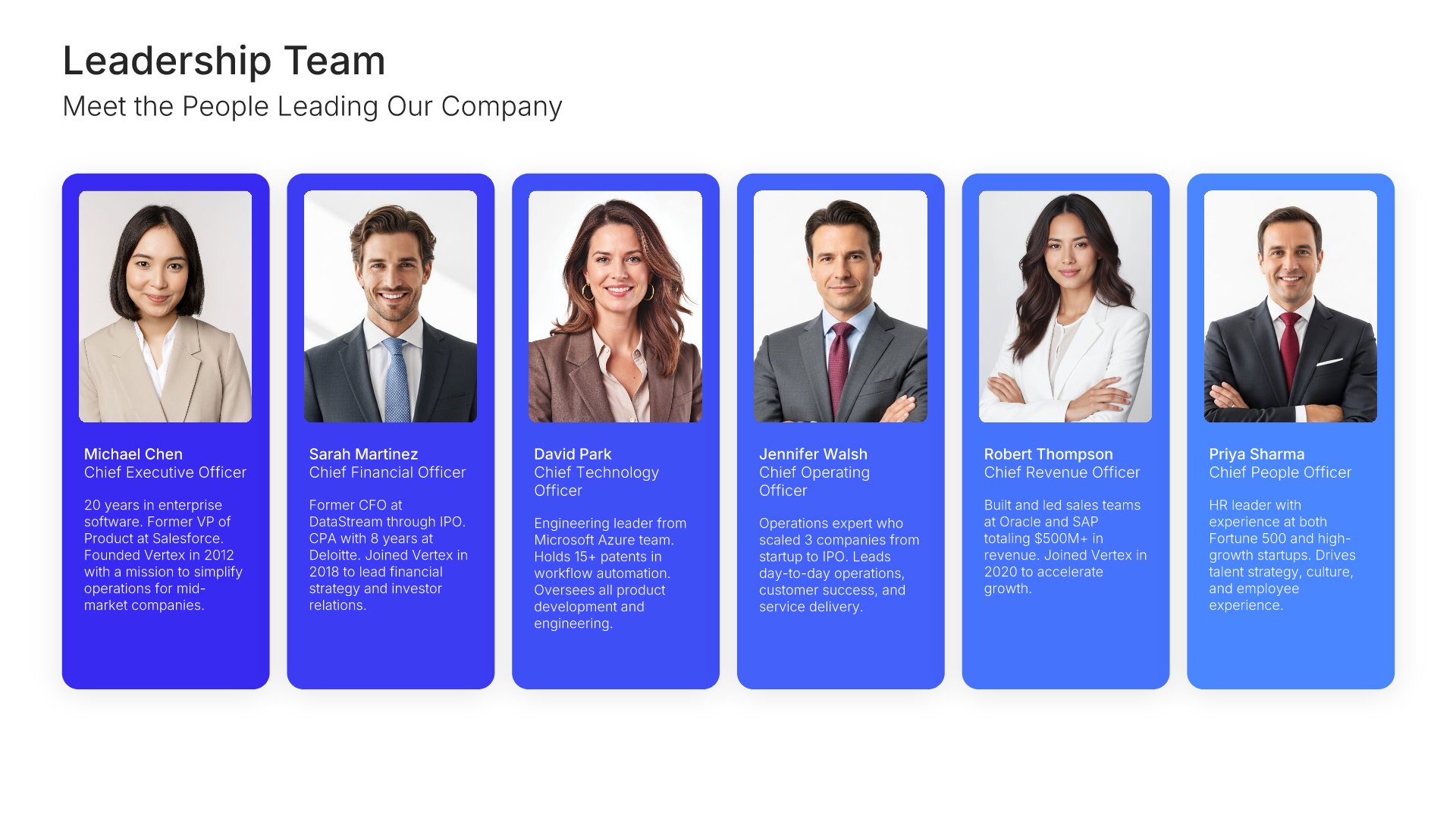
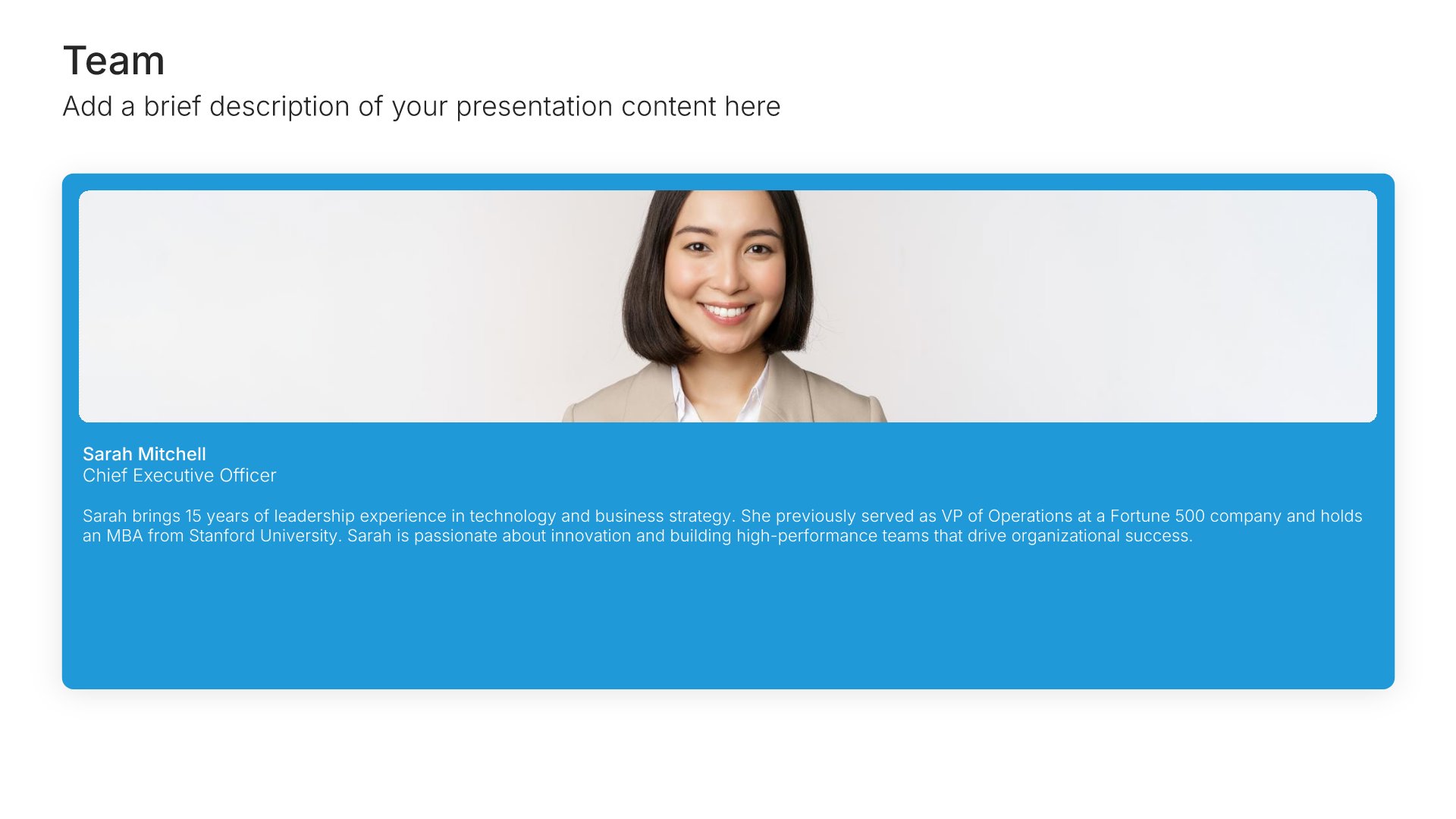
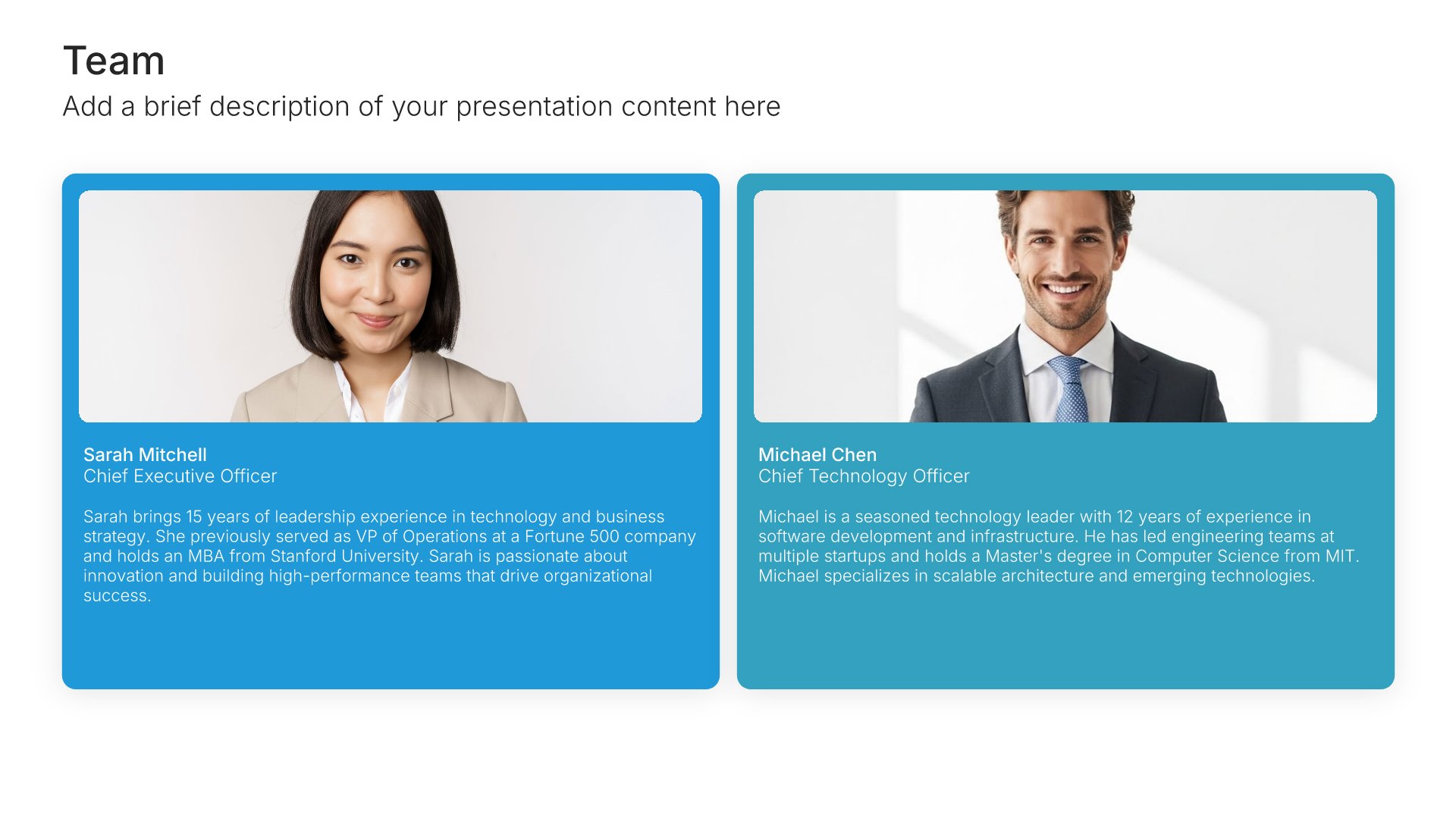
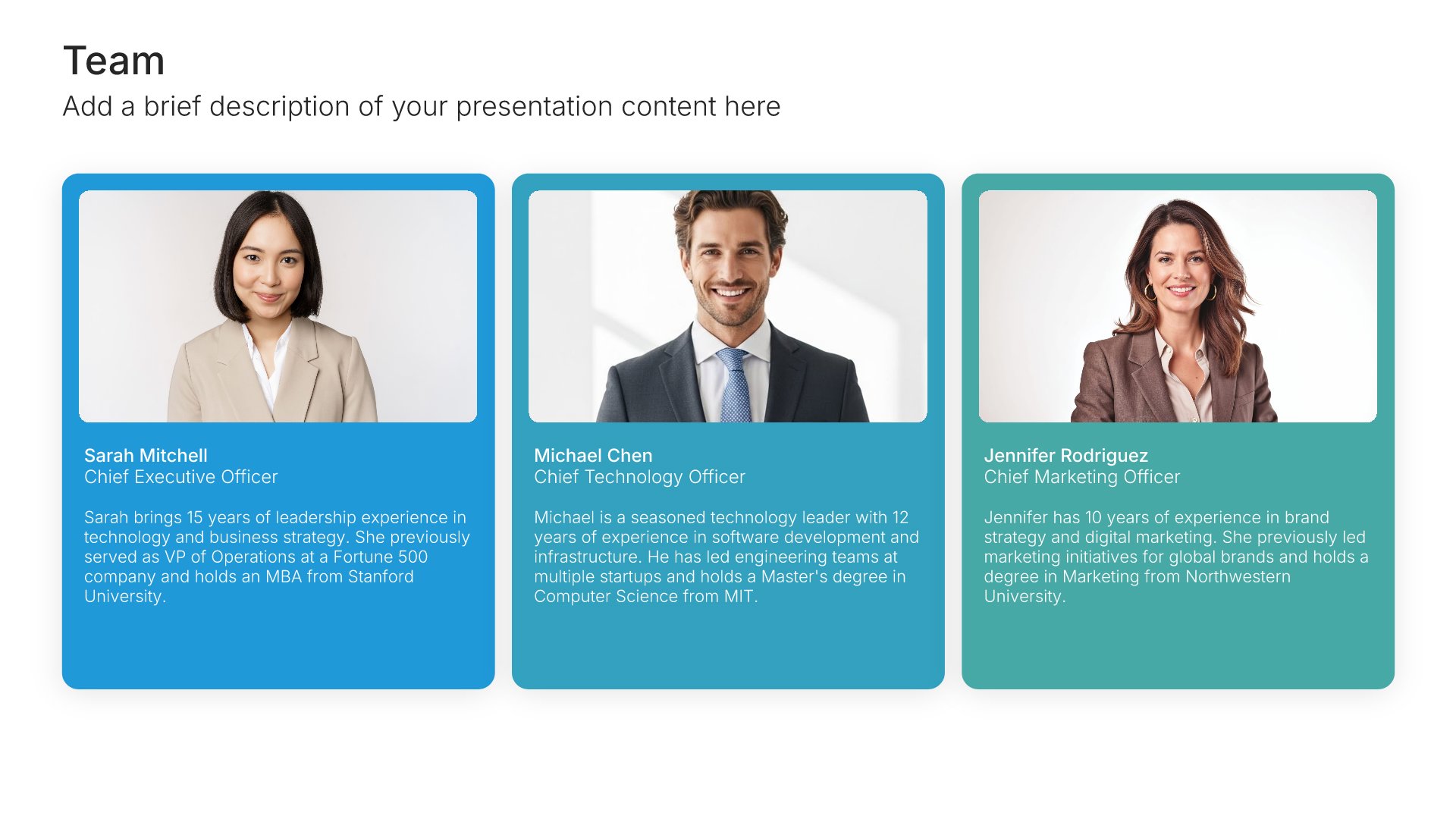
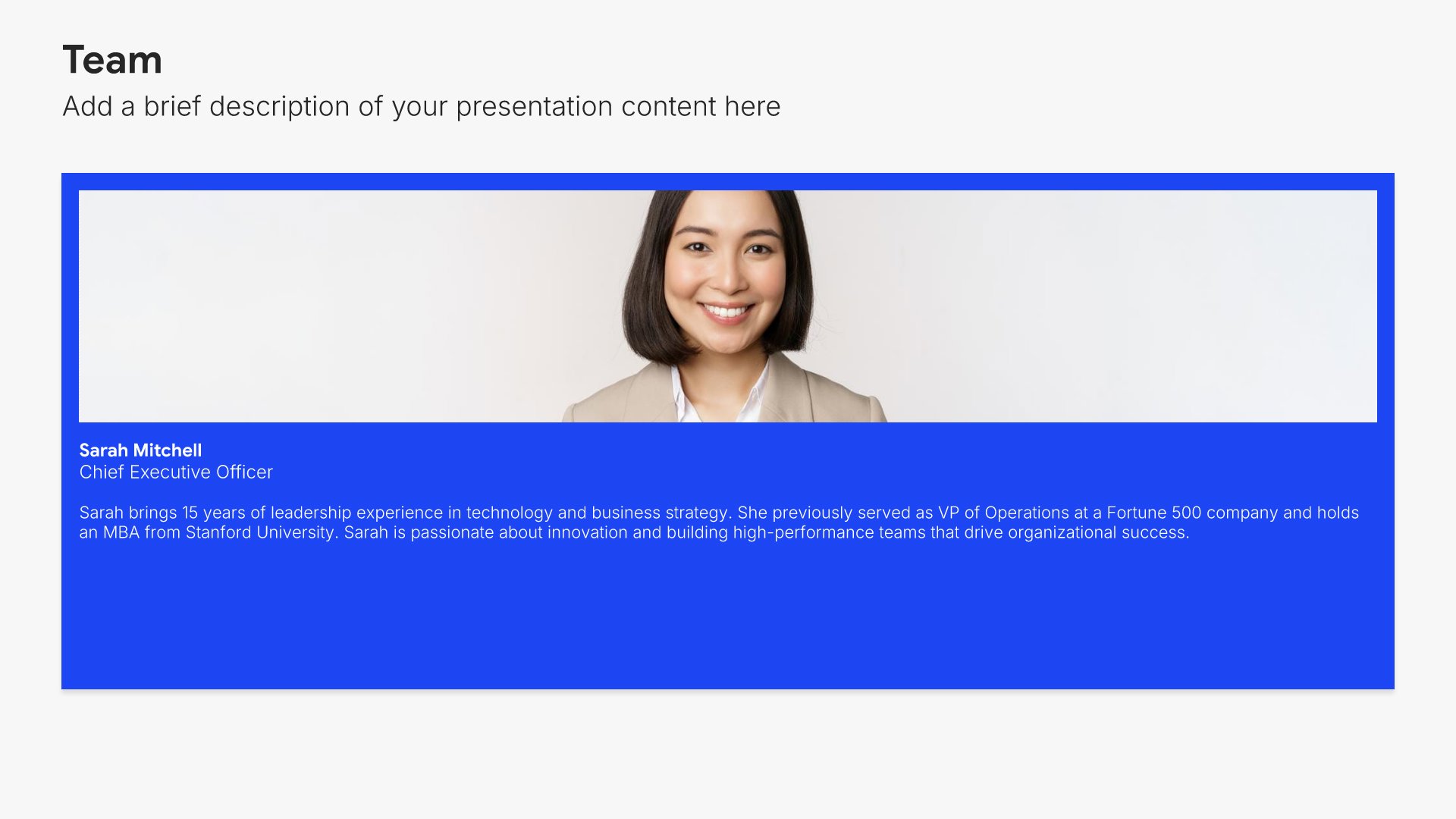
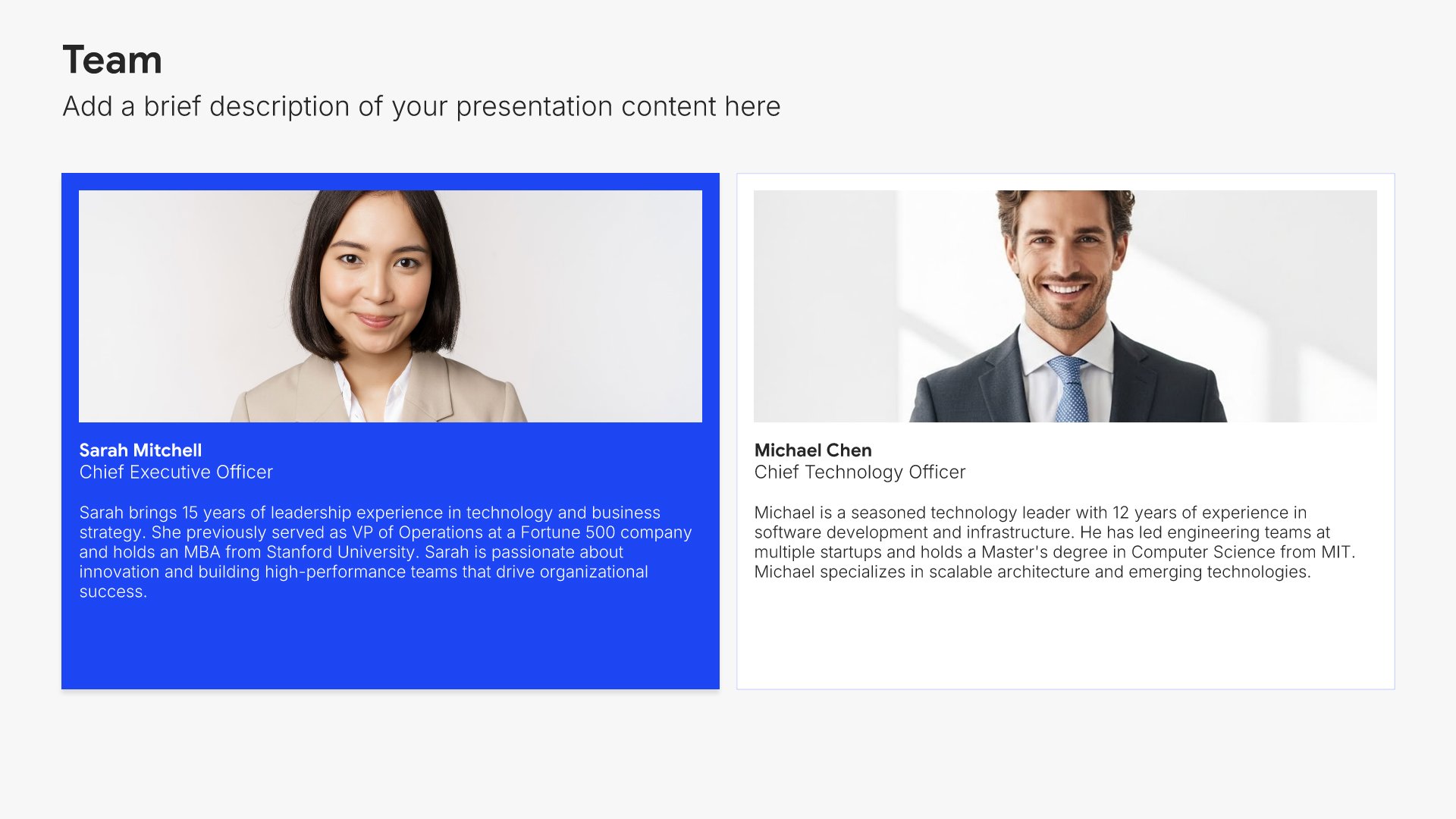
4. Team

Team slides help you introduce your people and their roles together. Use them to display team members with photos, titles, and descriptions that showcase the talent behind your organization. Ideal for company overviews, pitch decks, and any presentation where showing the strength of your team builds credibility and confidence.
Built using Team slides

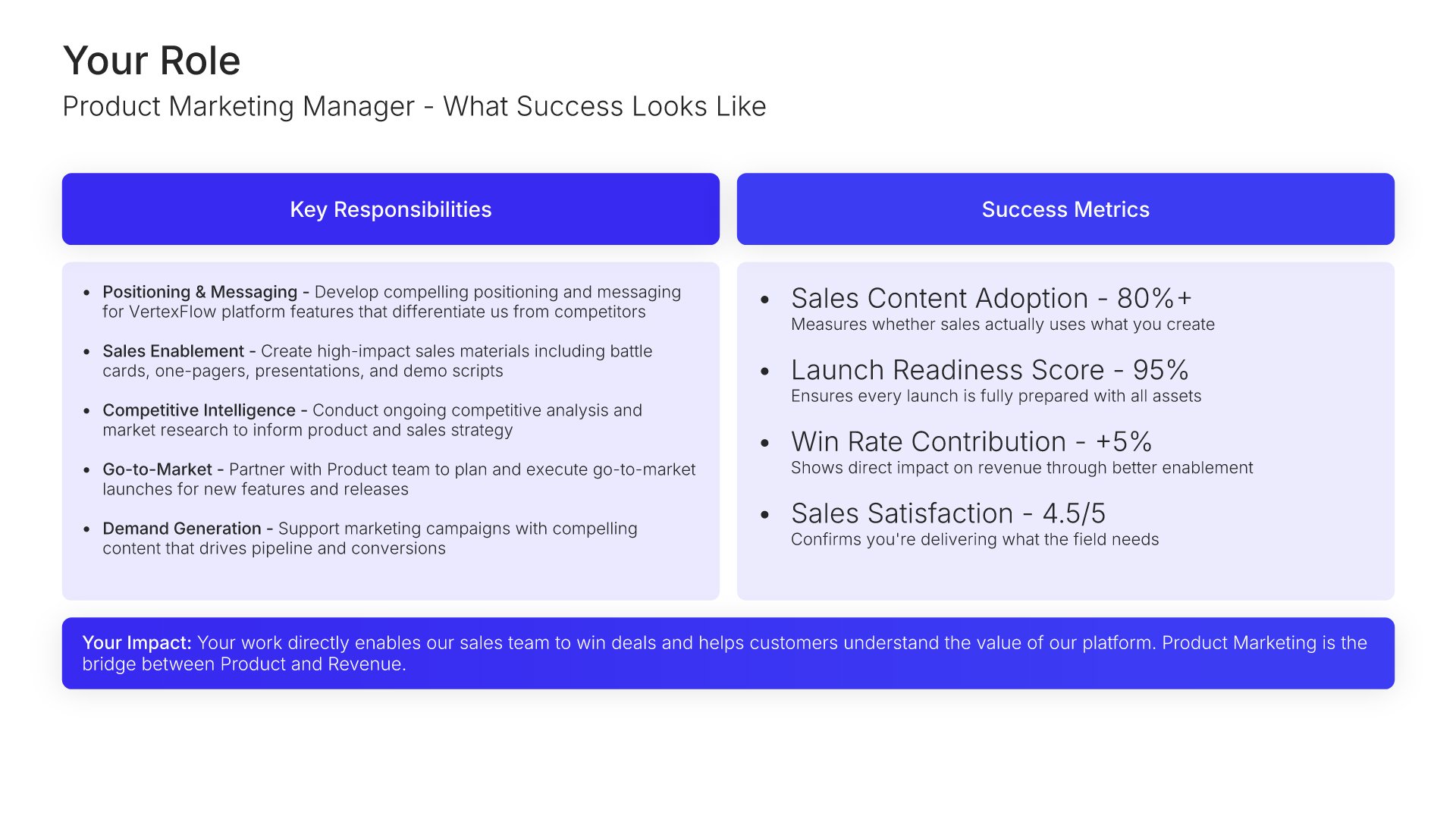
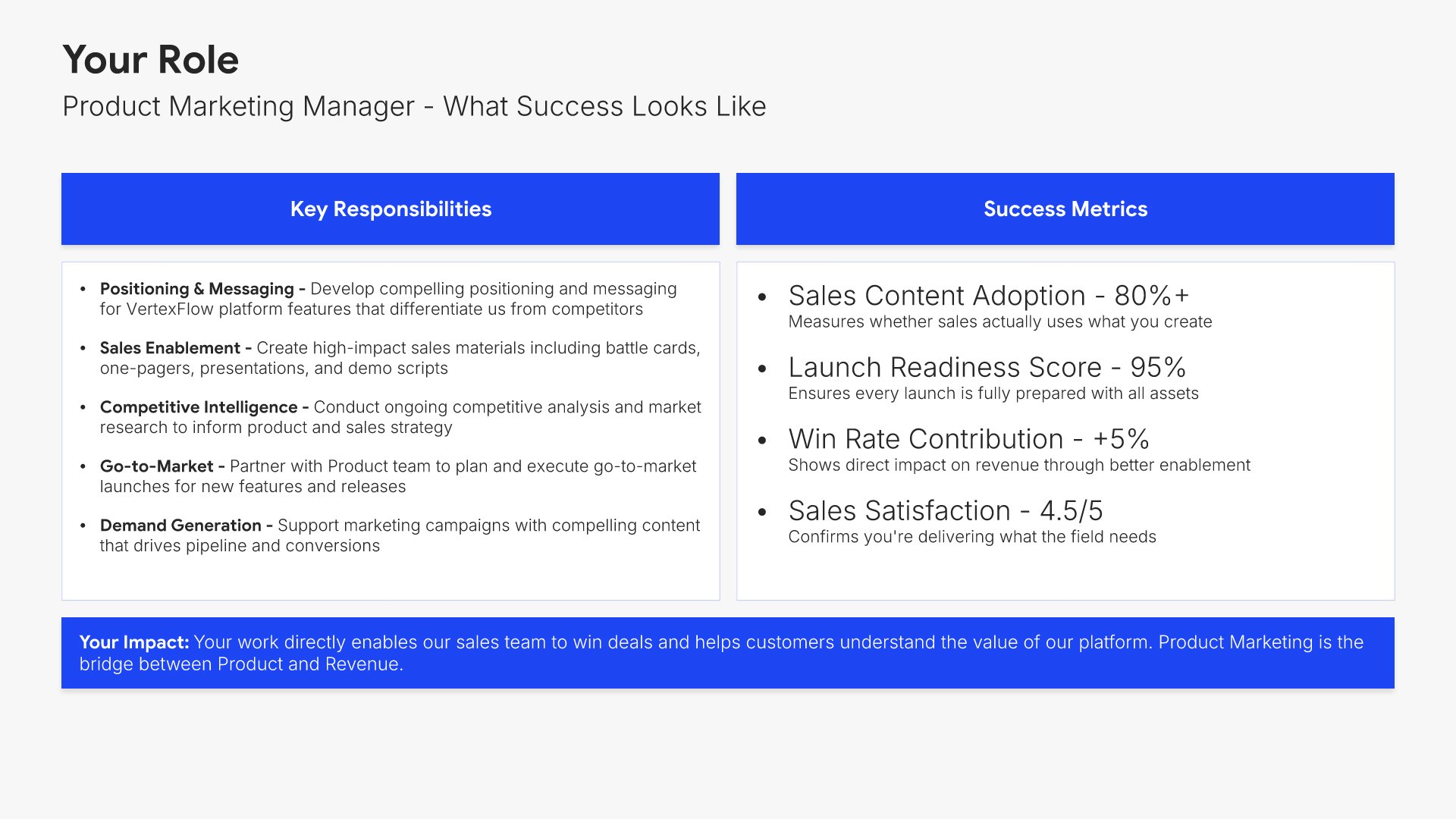
5. Your Role

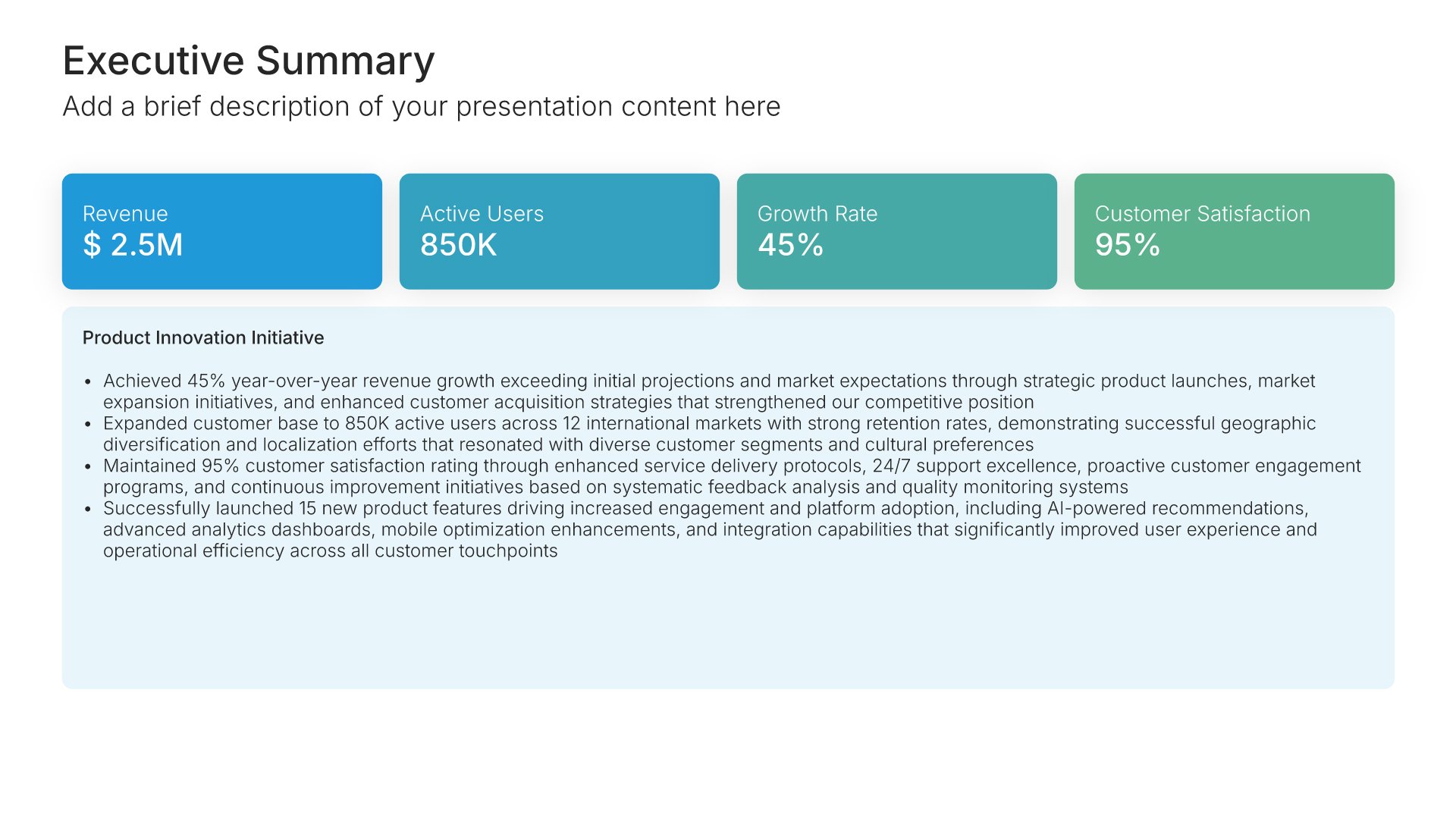
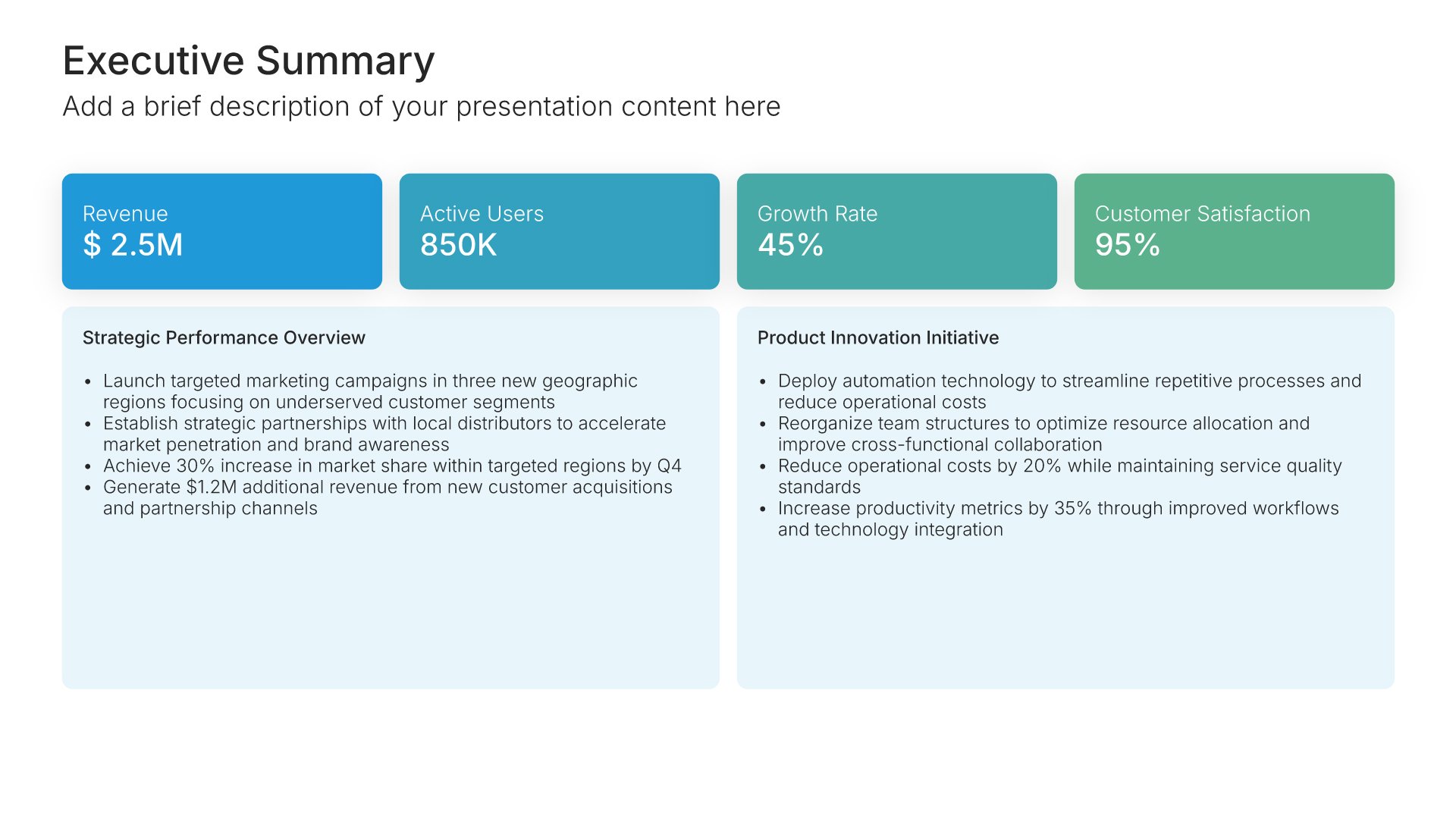
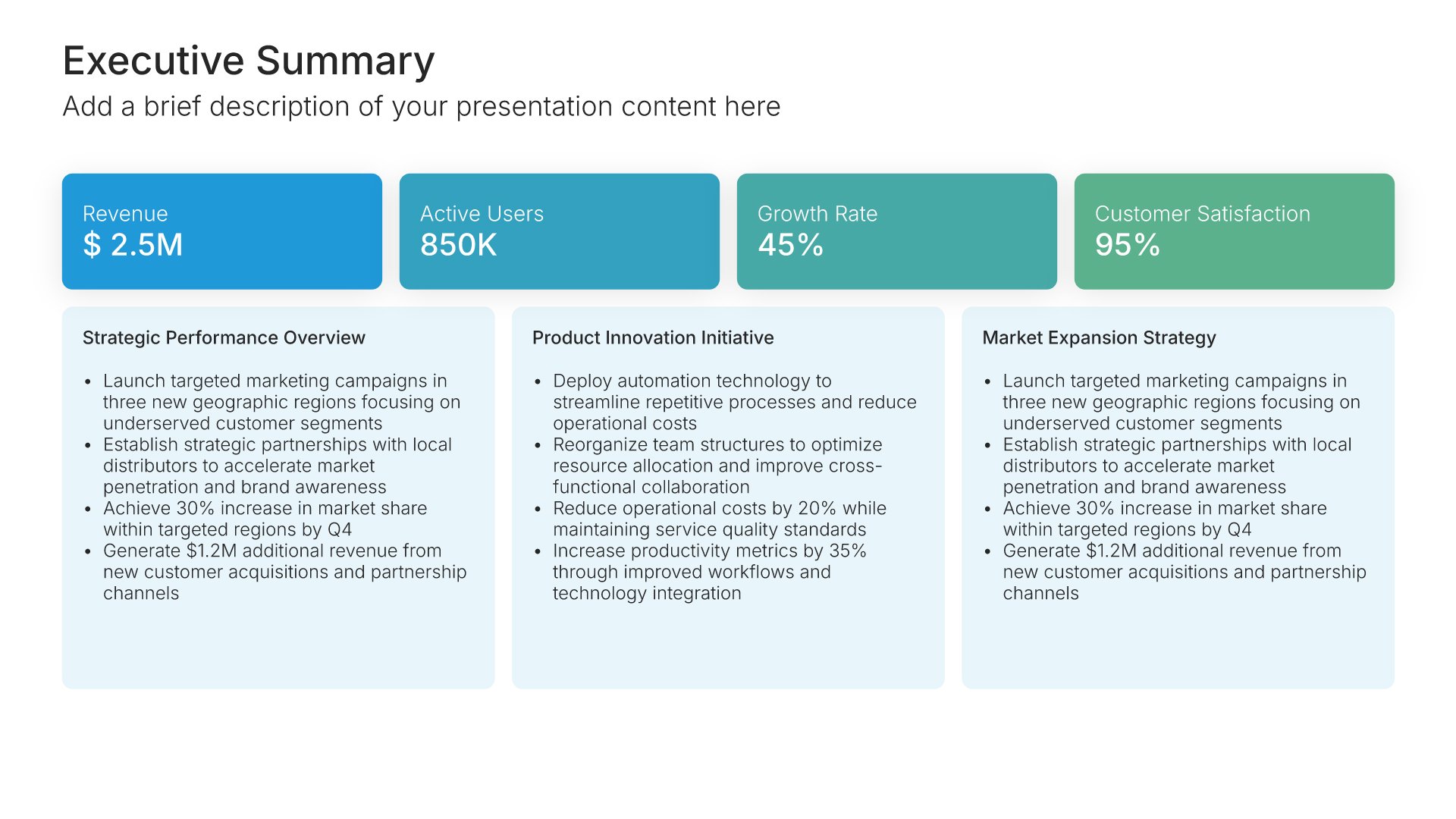
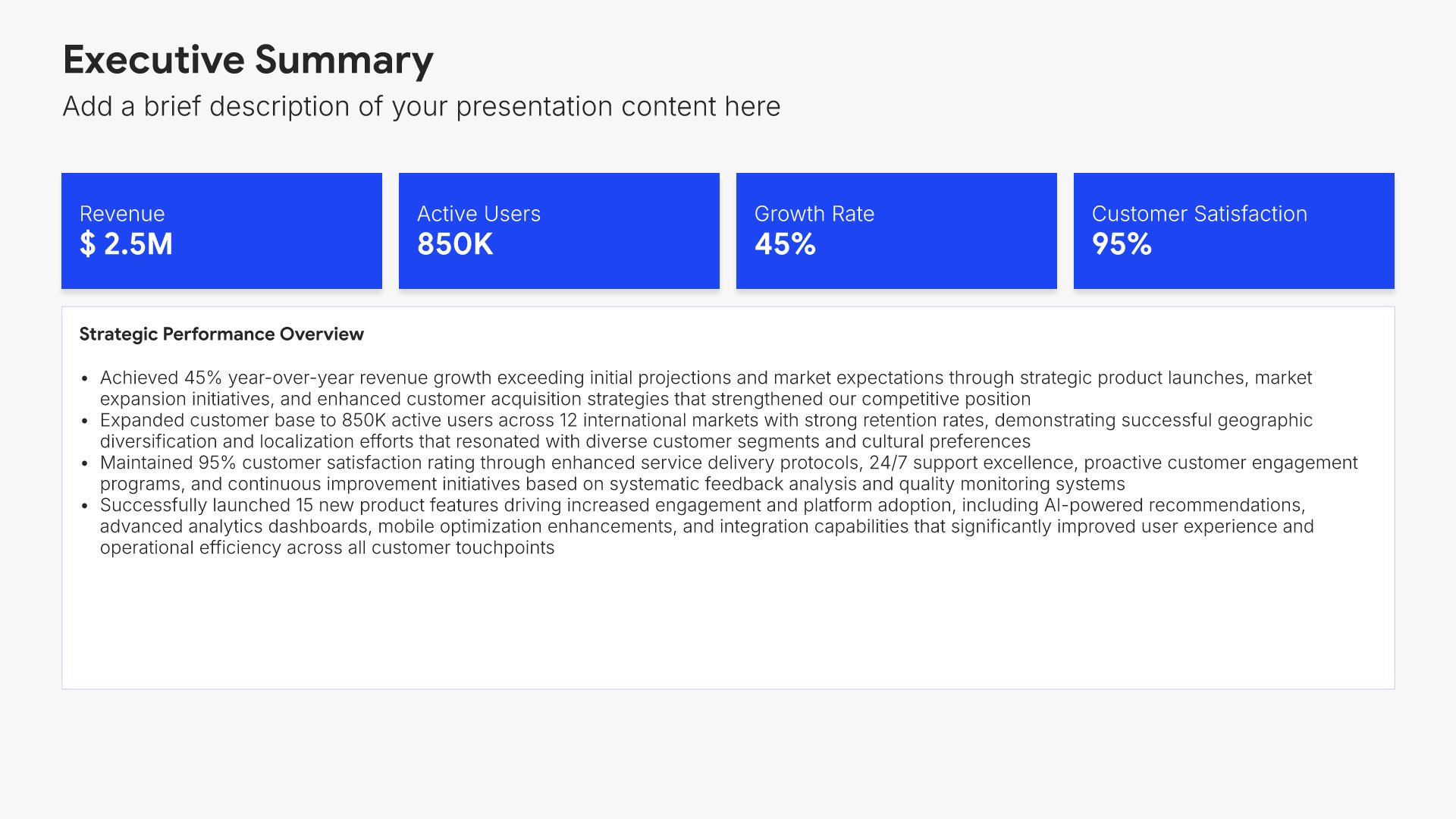
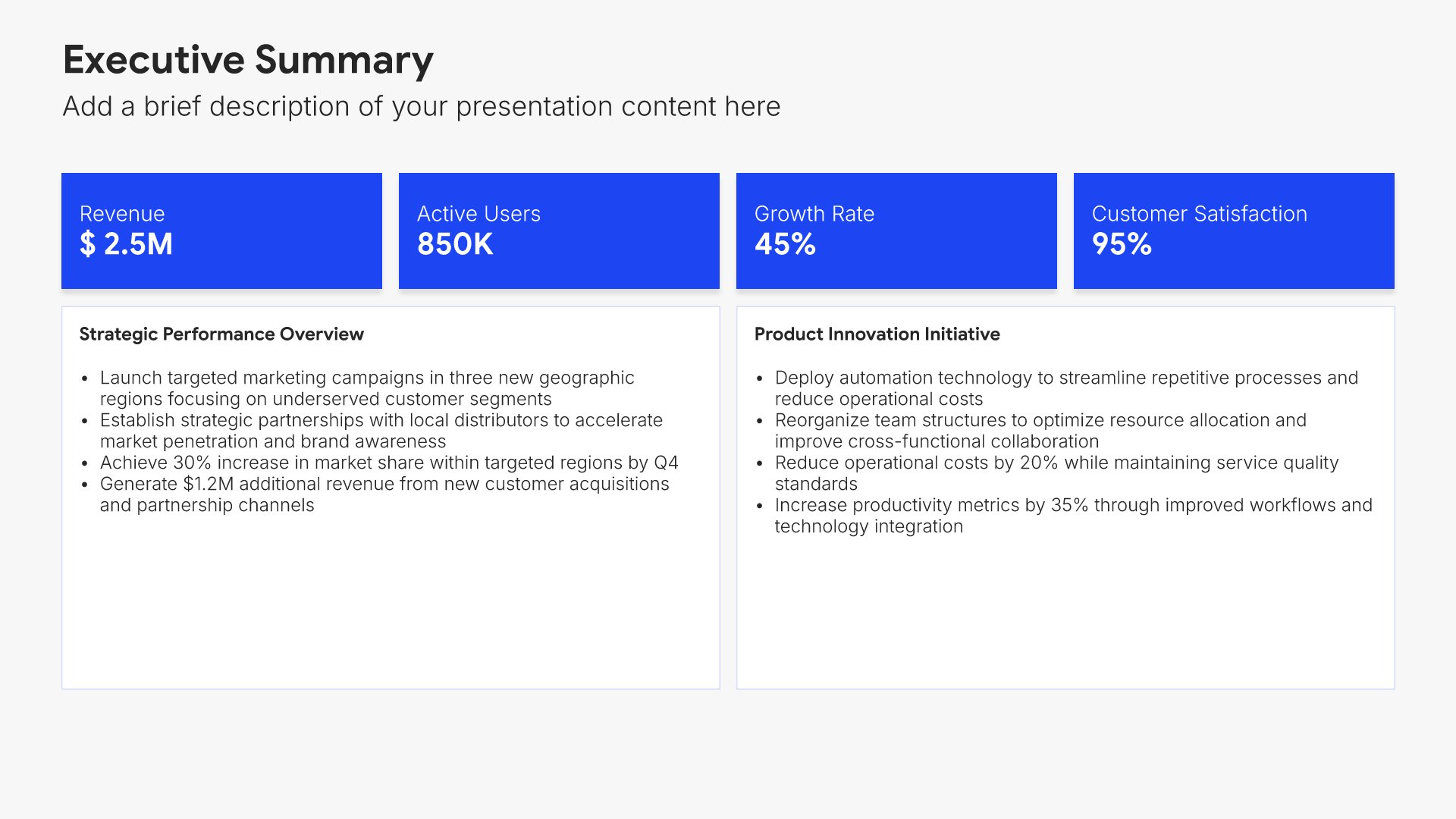
Your role slides help you clarify expectations for the new hire's position. Use them to present key responsibilities, success metrics, reporting structure, and the impact the role will have on the organization. A clear role view eliminates ambiguity, sets expectations from day one, and helps new employees focus on what matters most in their work.
Built using Executive Summary slides

6. How We Work

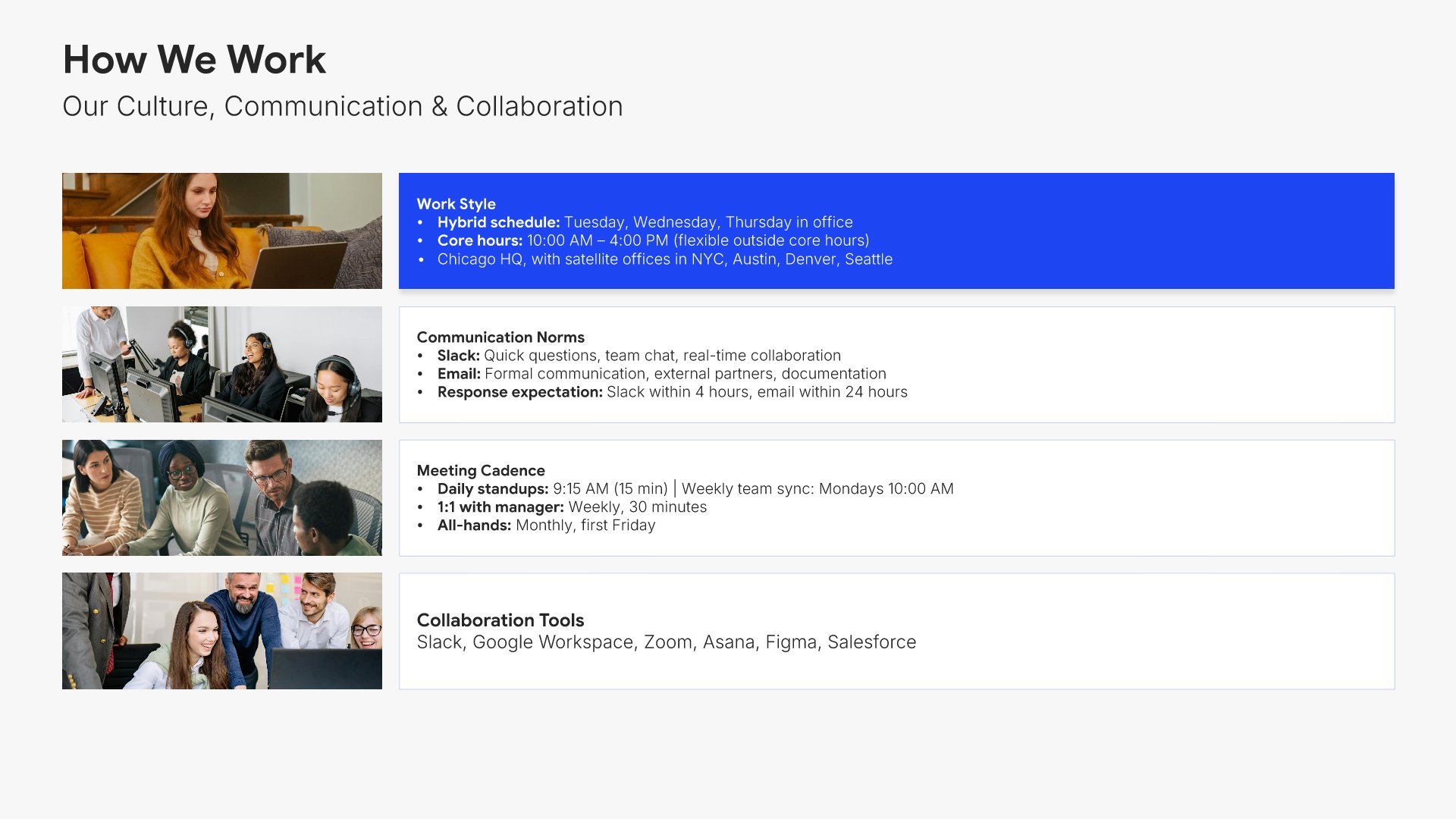
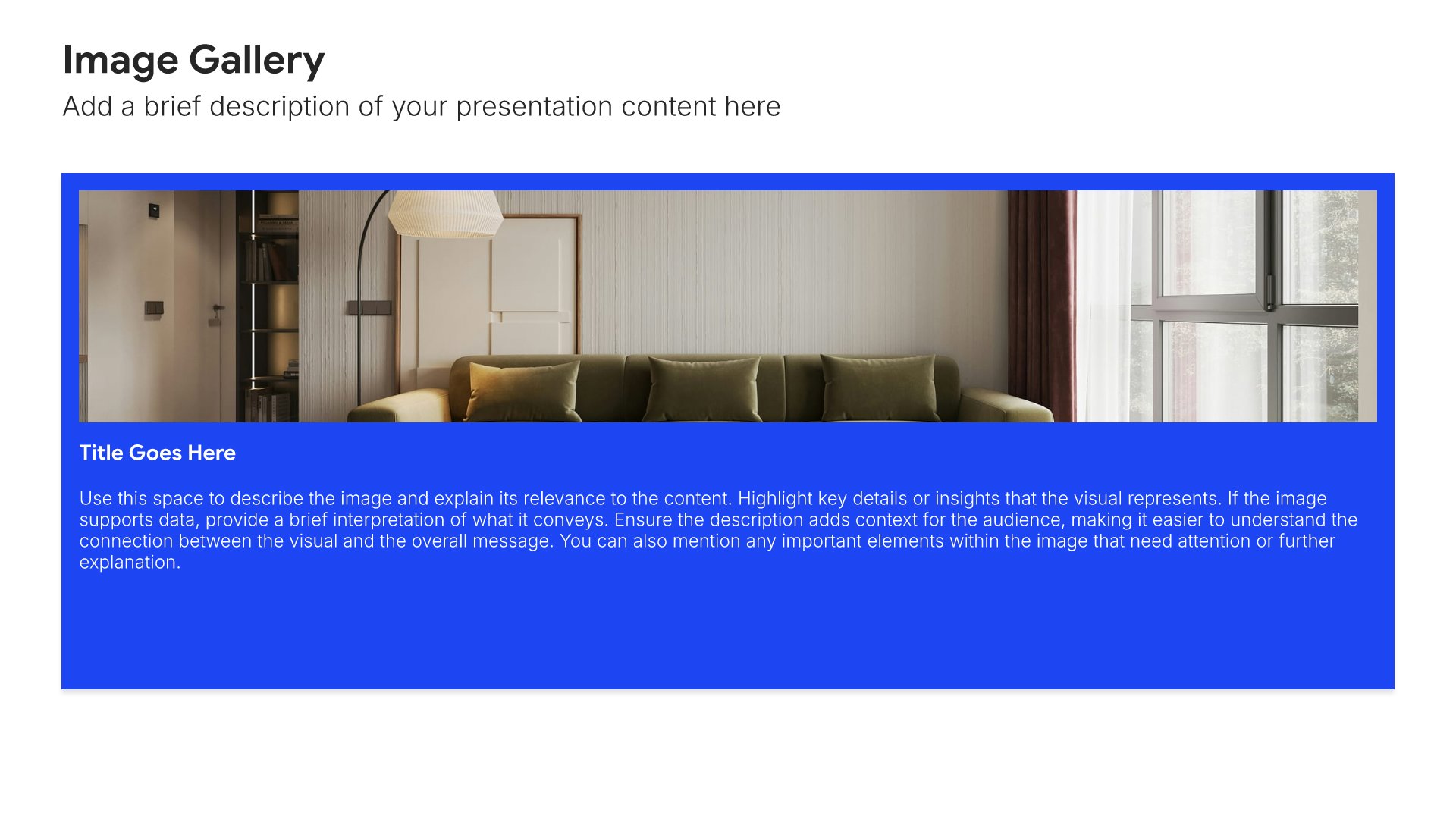
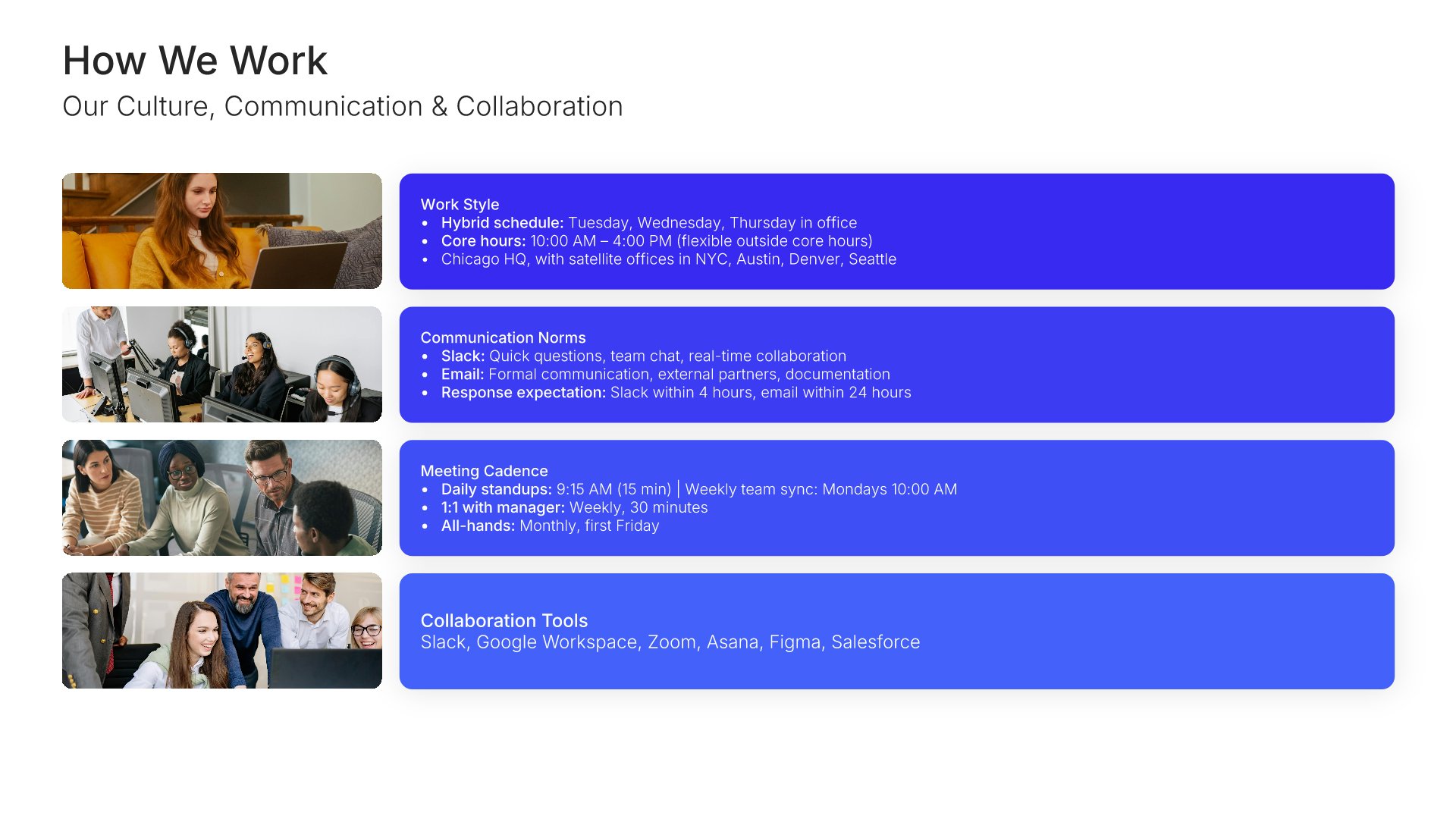
How we work slides help you introduce new hires to your way of operating as an organization. Use them to present collaboration norms, communication tools, meeting practices, and the rhythms that shape the workweek. A clear "how we work" view helps new employees integrate quickly and avoid the learning curve of figuring out unwritten rules.
Built using Image Gallery slides

7. Policies & Compliance

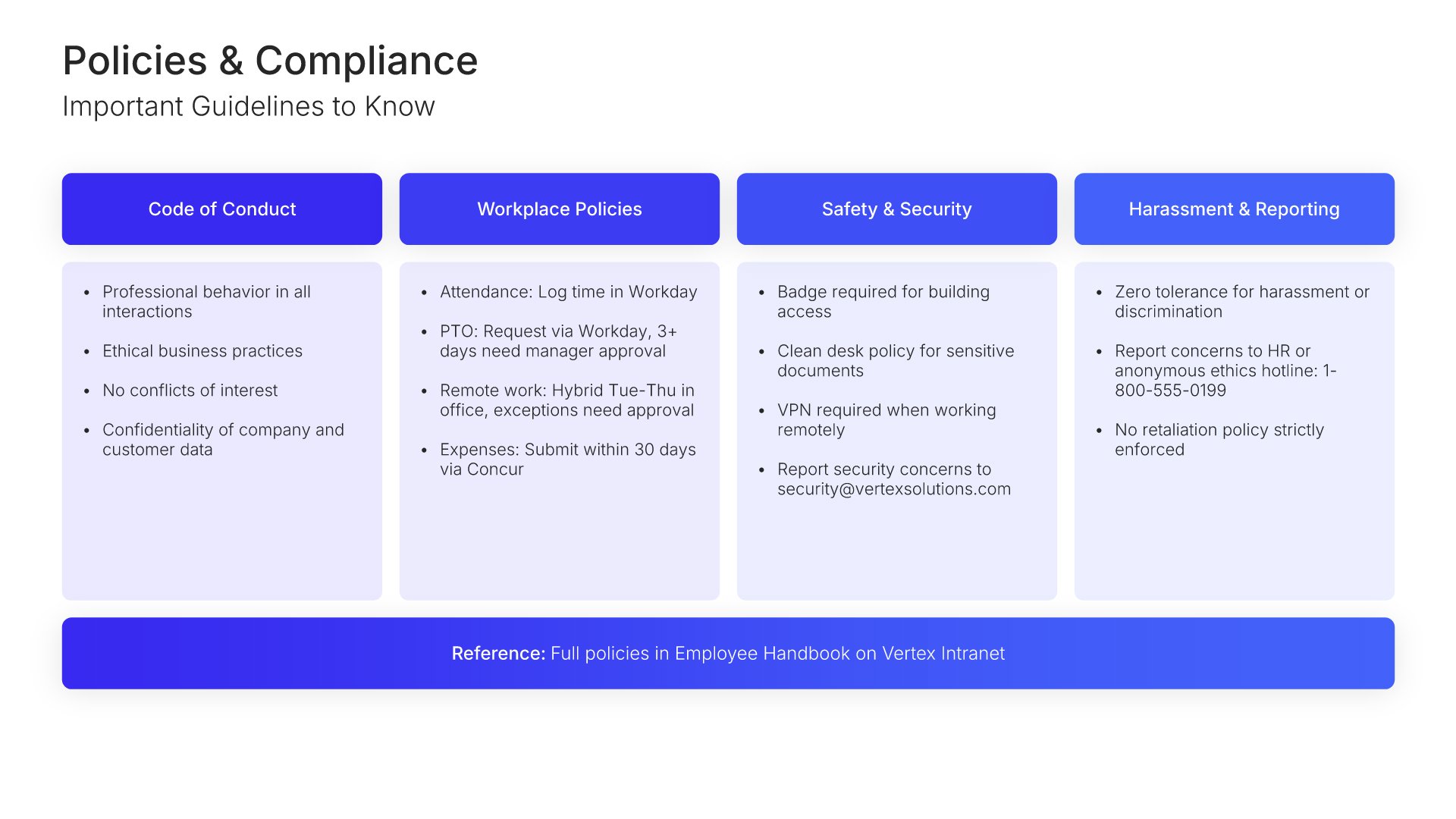
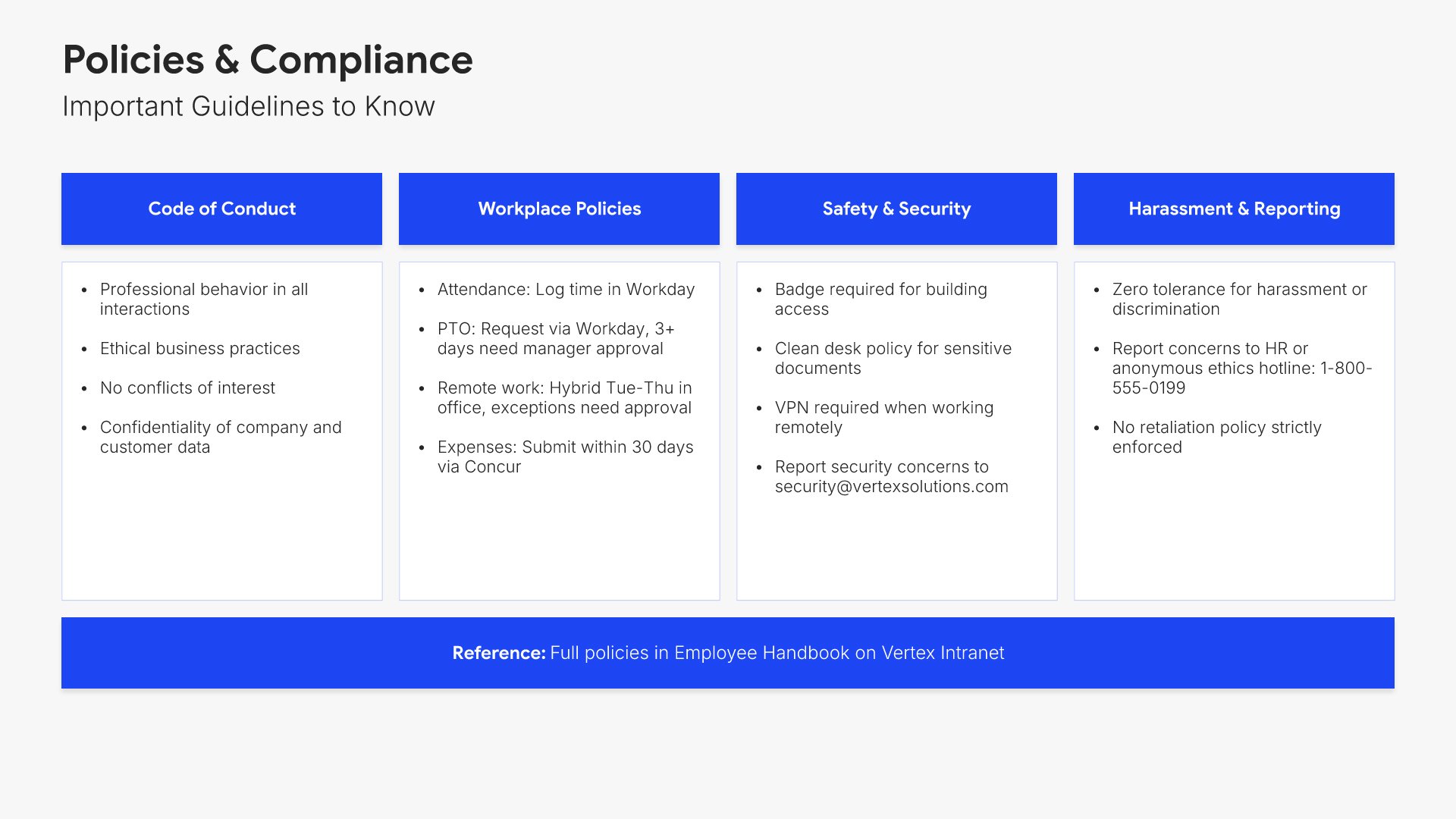
Policies and compliance slides help you walk new hires through the rules and standards they need to follow. Use them to present key HR policies, code of conduct, and compliance essentials in a clear, scannable format. A focused policies view ensures new employees understand expectations and can stay aligned with company standards from day one.
Built using Executive Summary slides

8. Benefits & Perks

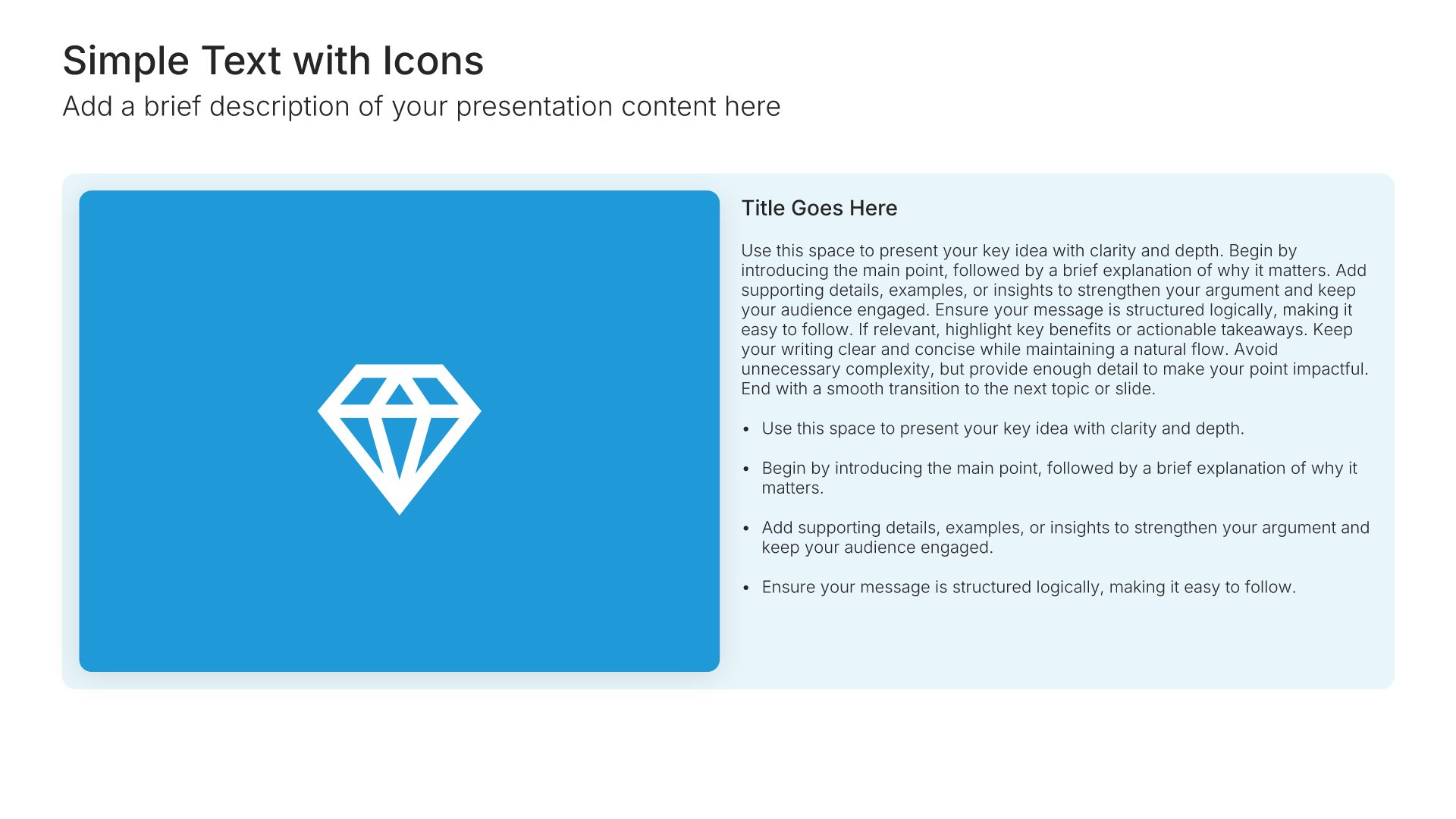
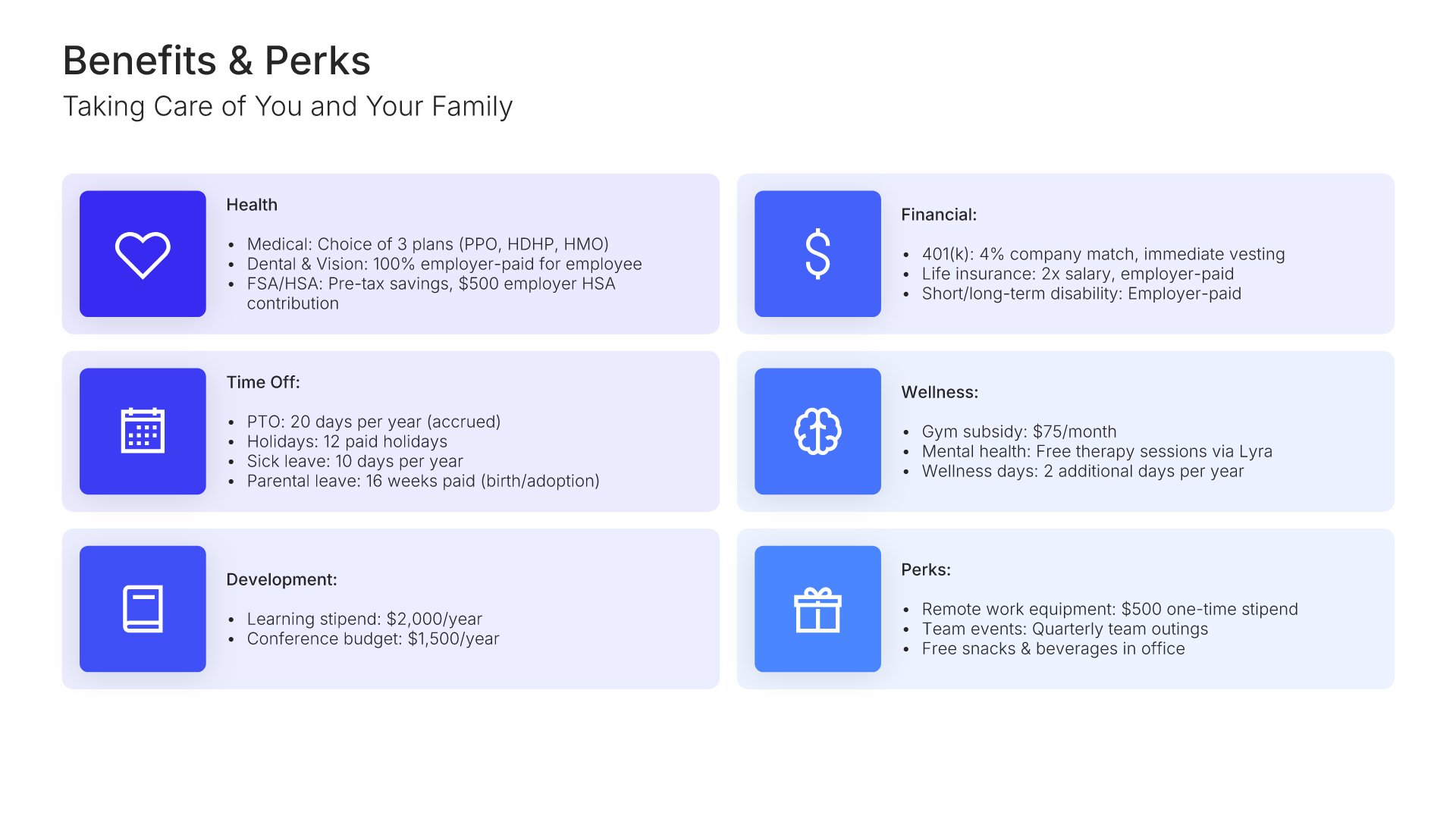
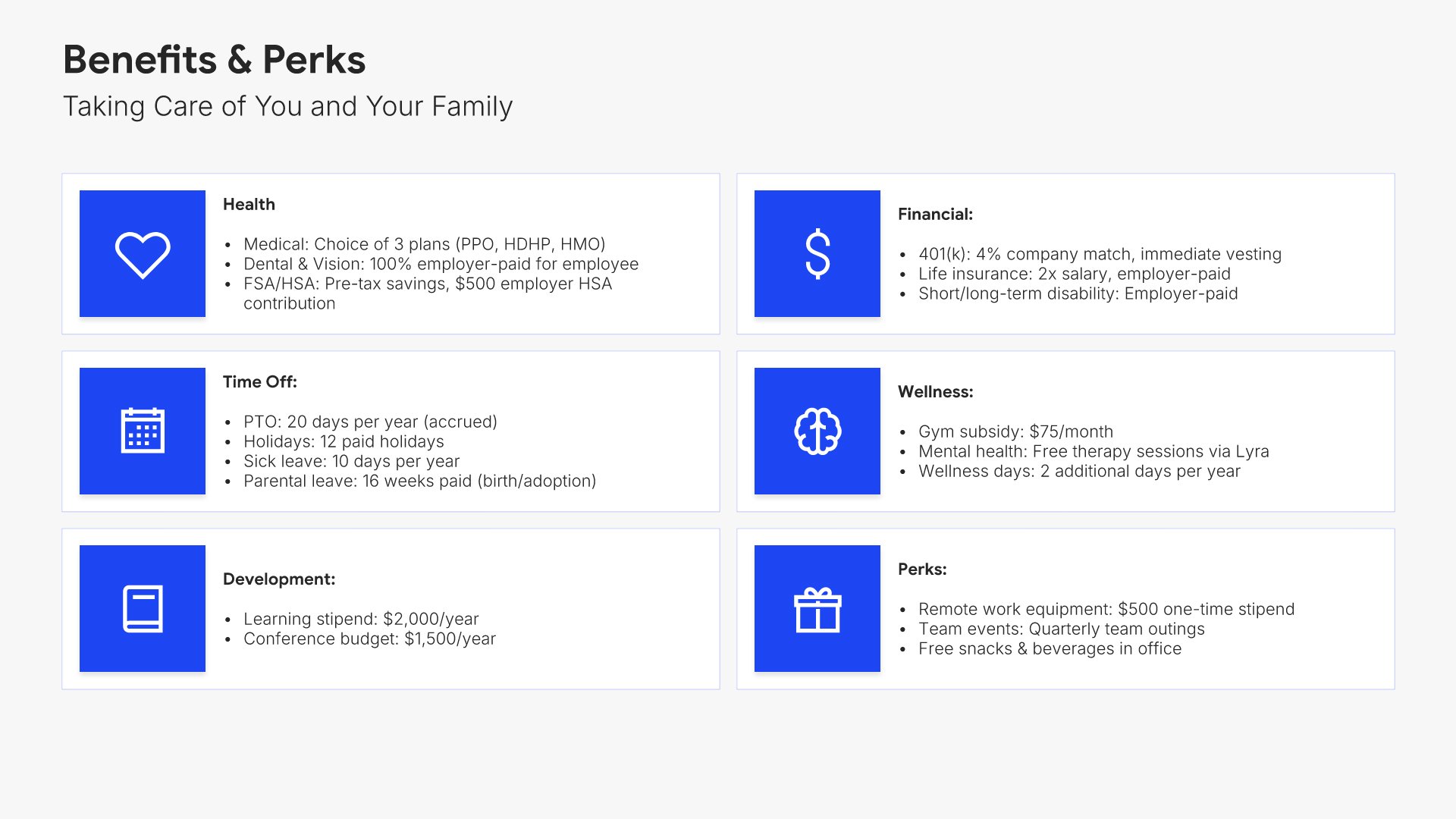
Benefits and perks slides help you walk new hires through the compensation and benefits package they're entitled to. Use them to present health coverage, retirement, paid time off, and other perks in a clear format. A clear benefits view helps employees understand the full value of their compensation and how to access what's offered.
Built using Simple Text (with Icons) slides

9. Tools & Systems

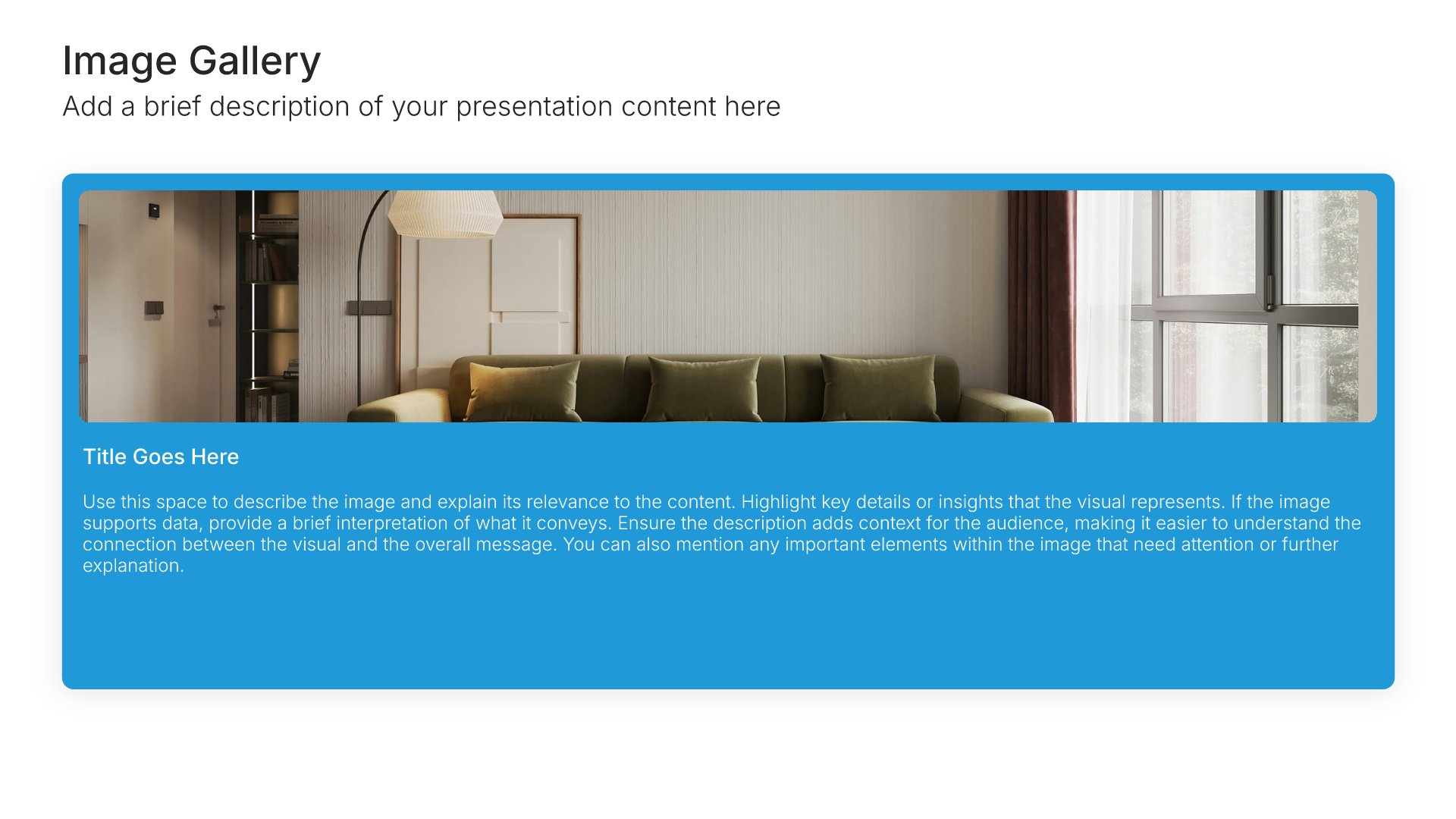
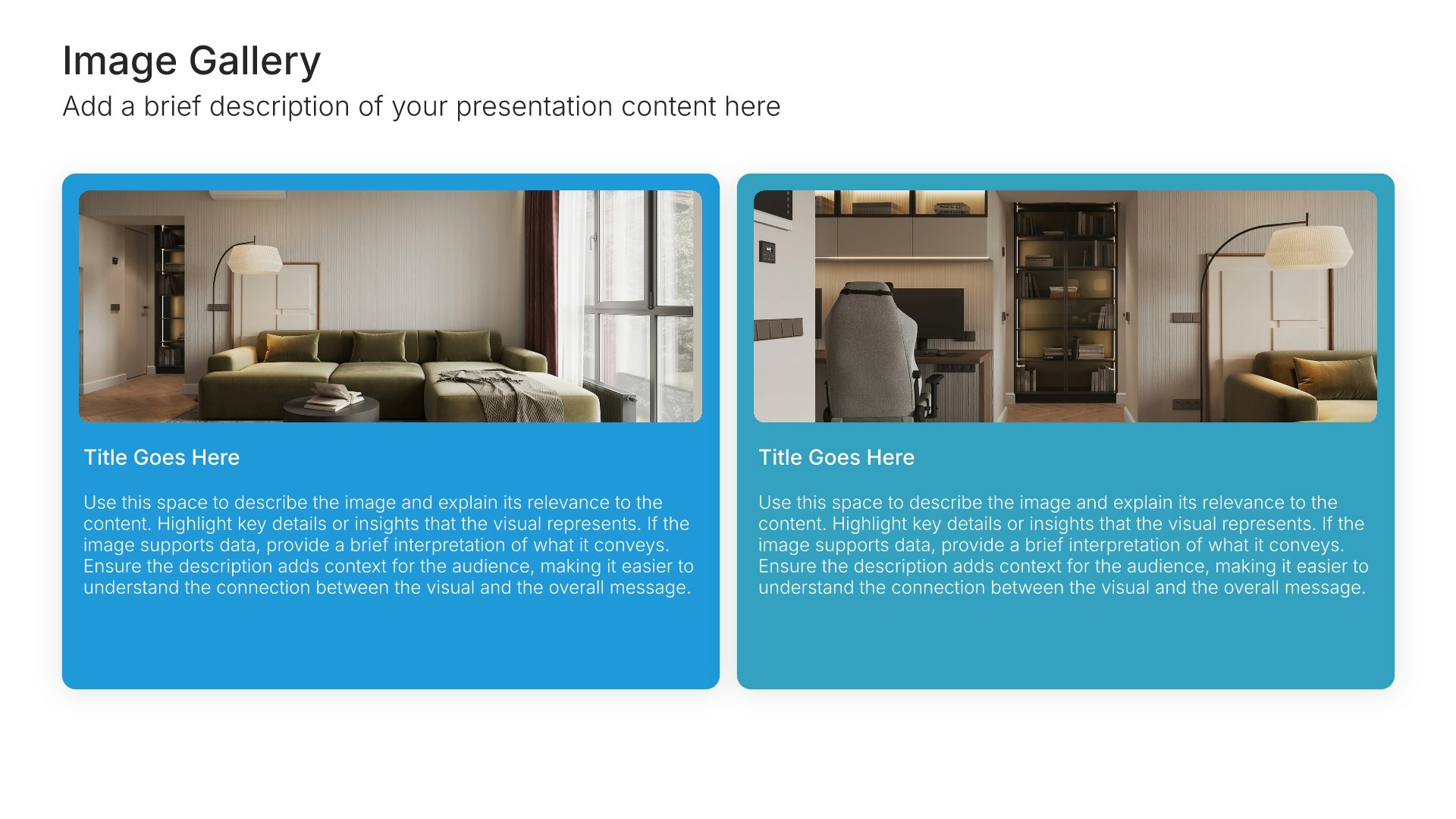
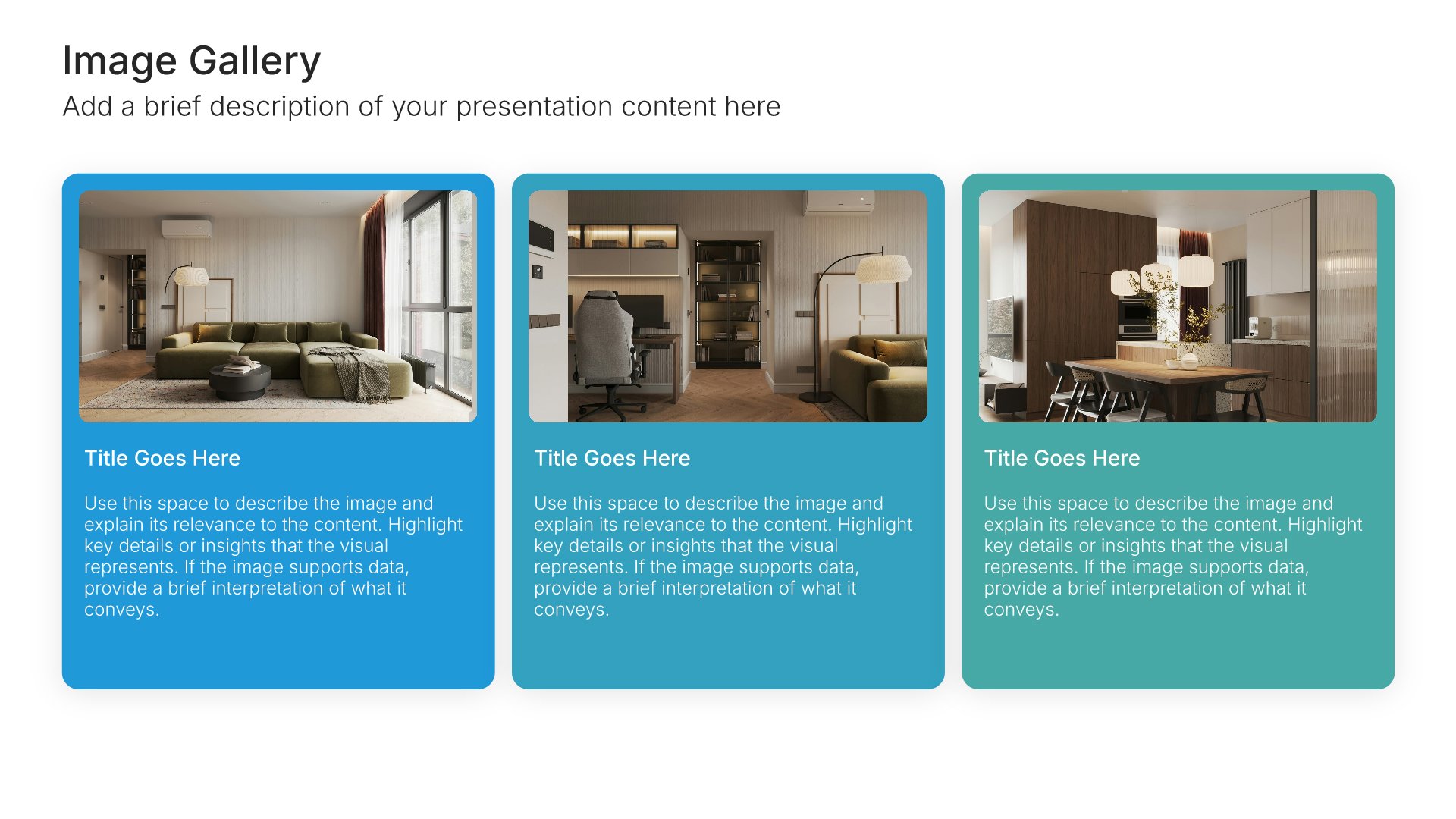
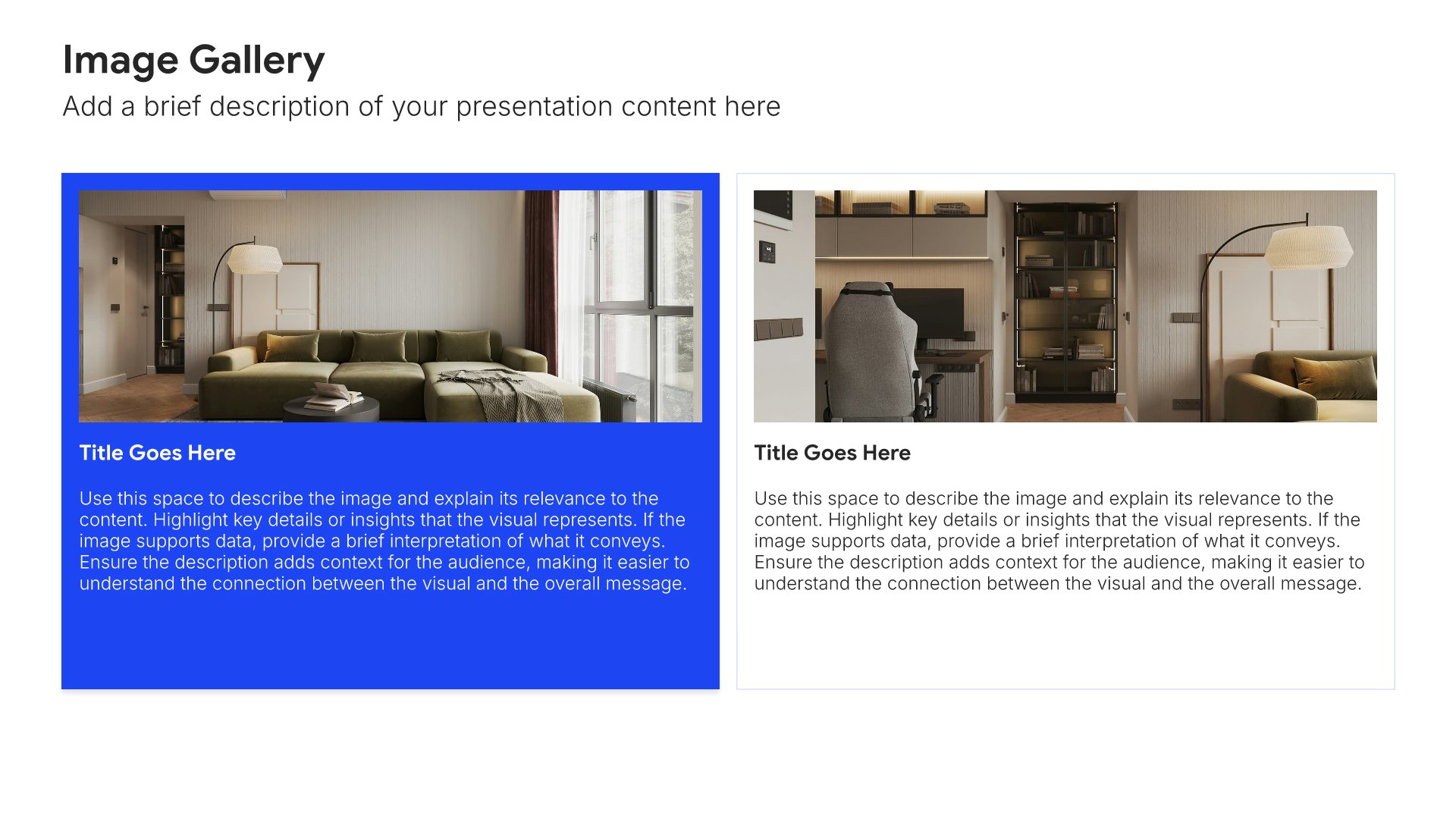
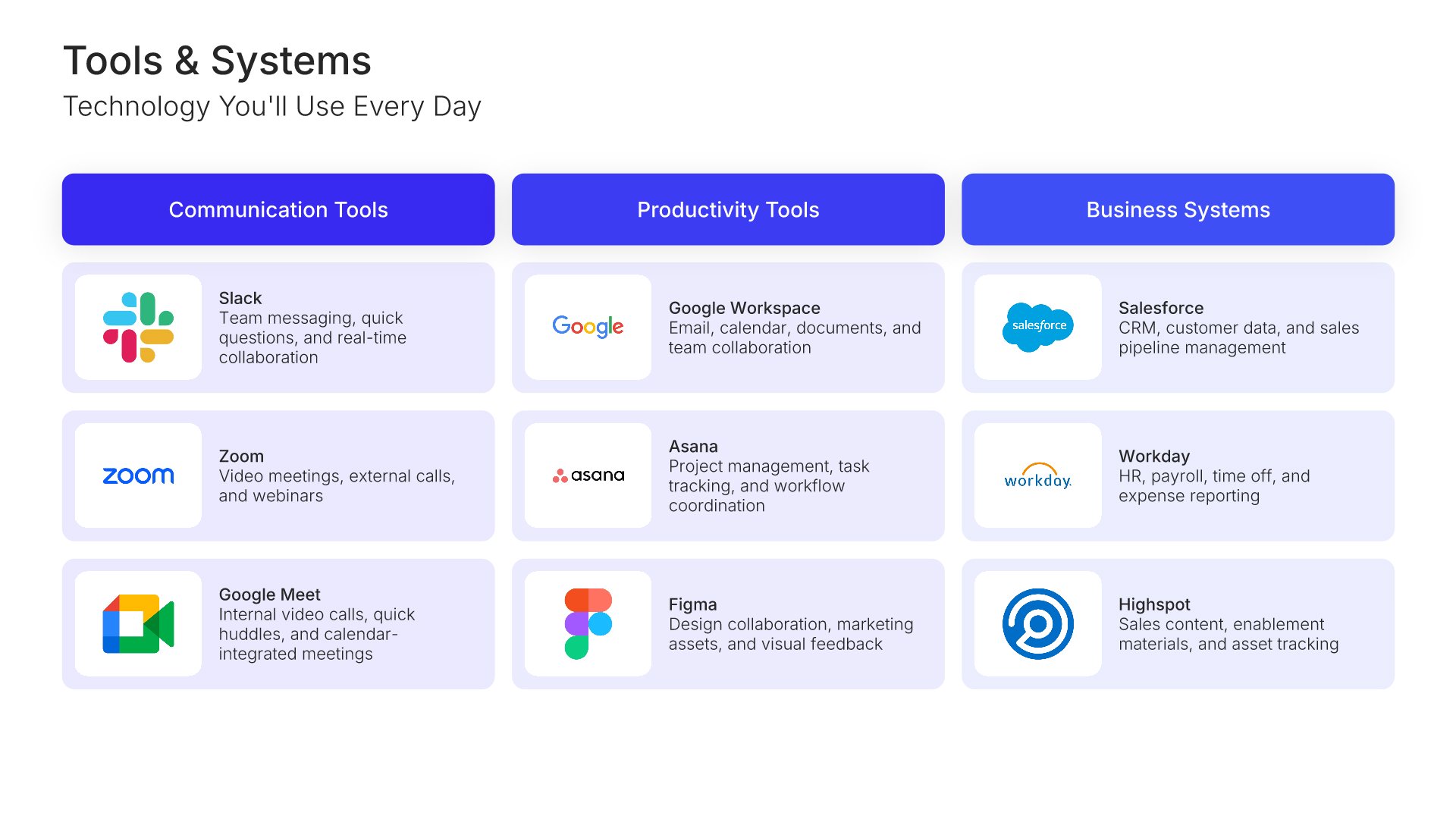
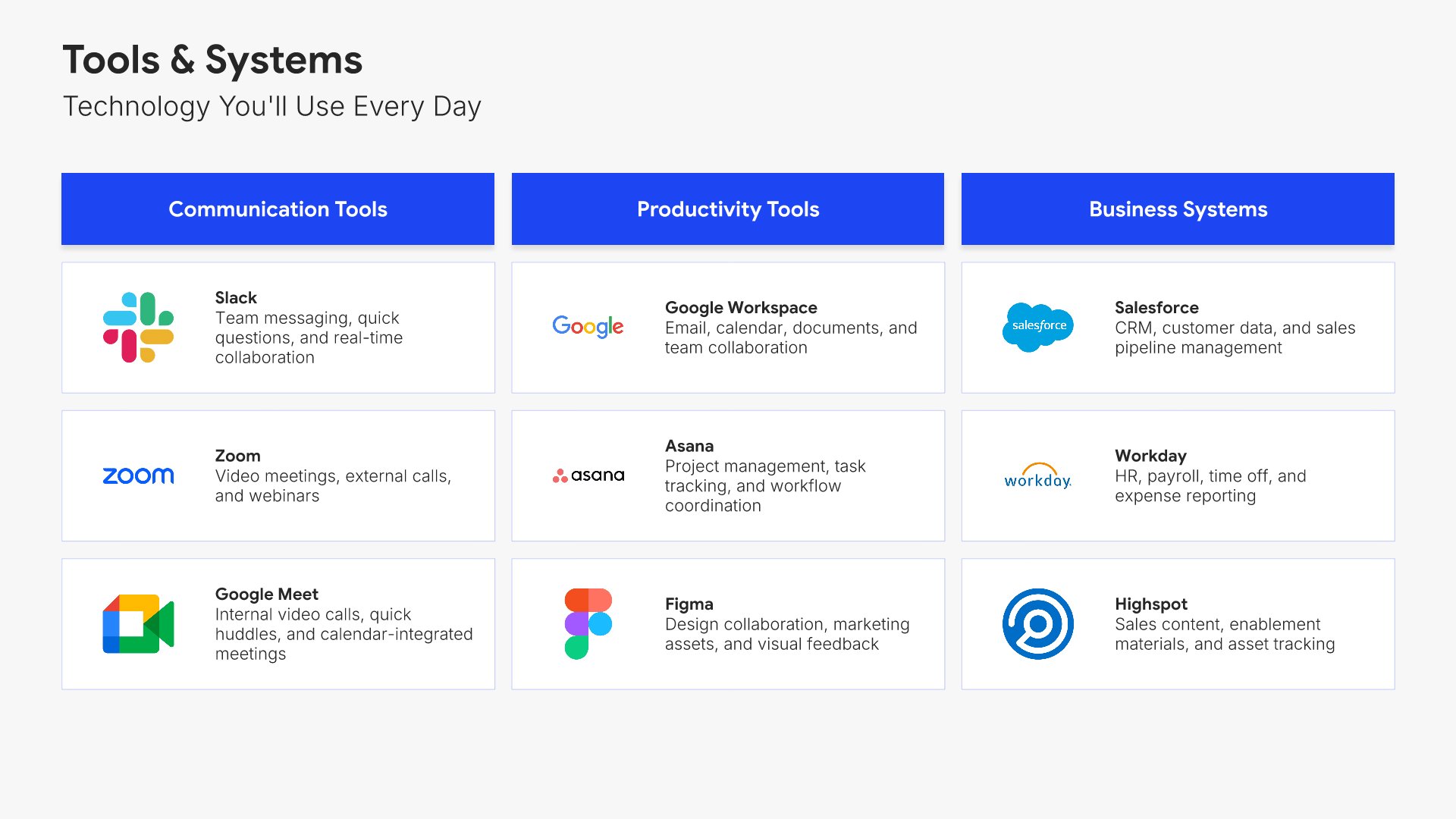
Tools and systems slides help you introduce new hires to the technology they'll use every day. Use them to present software platforms, login credentials, IT support resources, and the tools that power daily work. A clear tools view ensures new employees can get productive quickly without spending the first week chasing access and instructions.
Built using Image Gallery slides

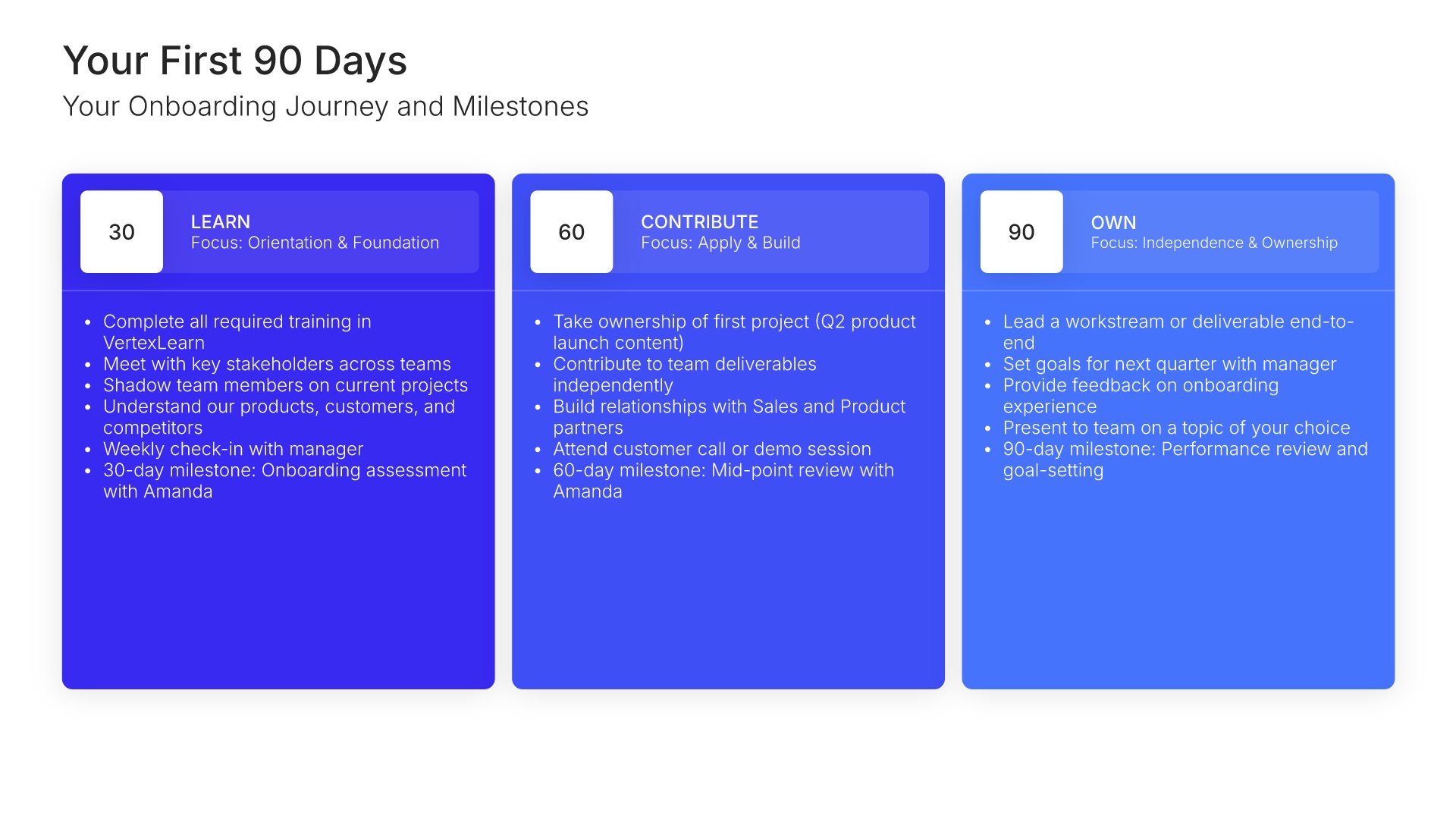
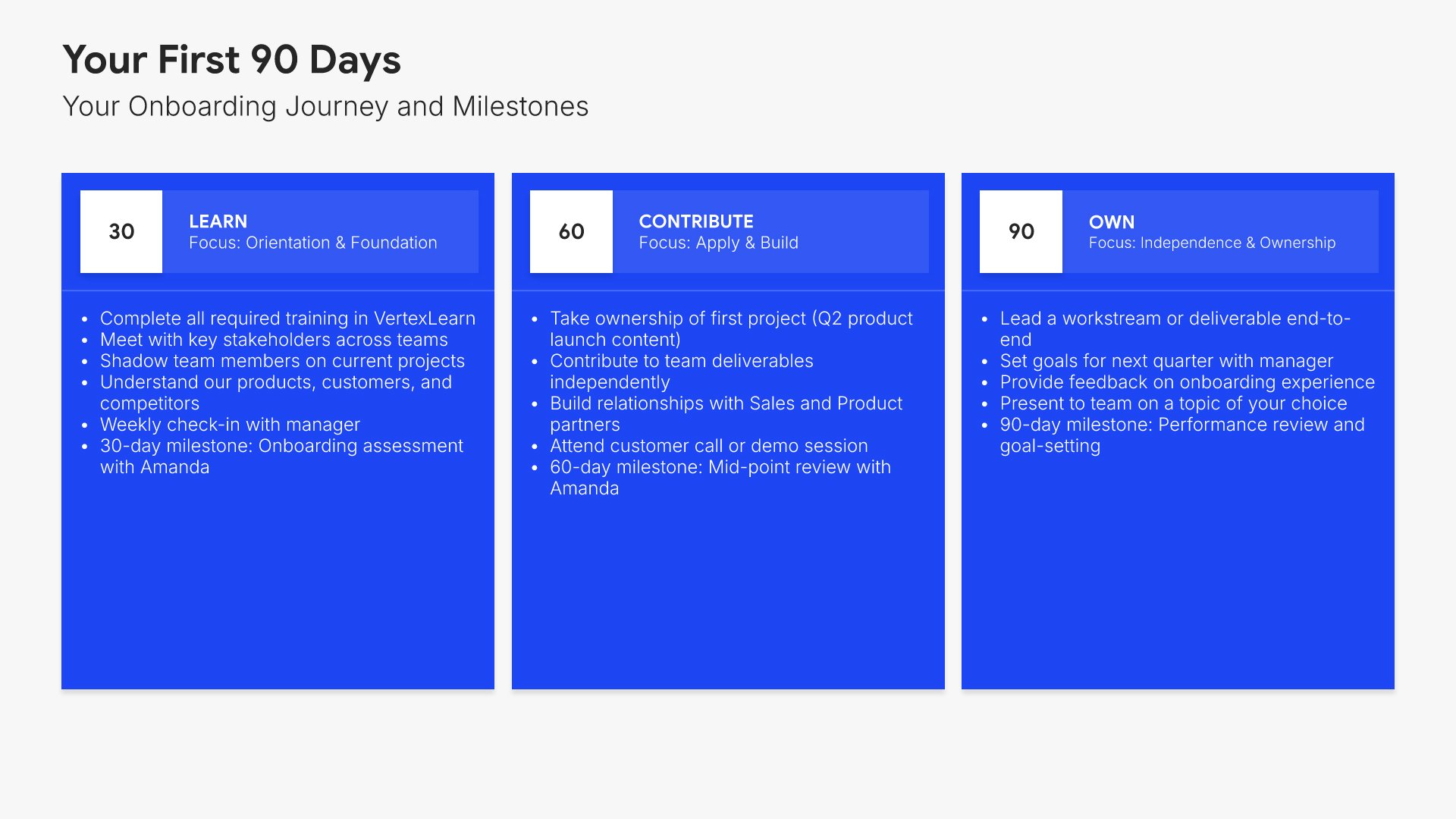
10. Your First 90 Days

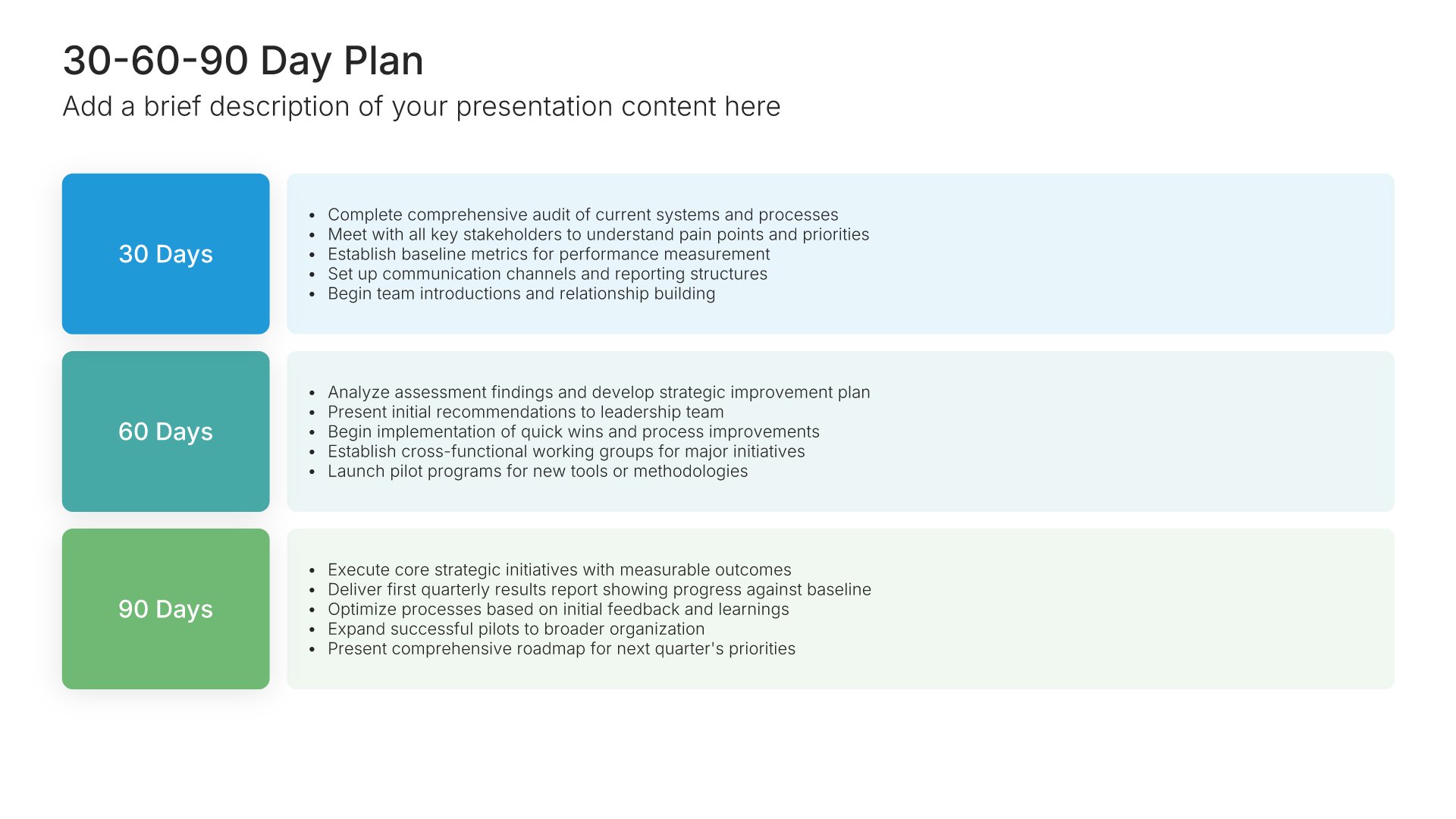
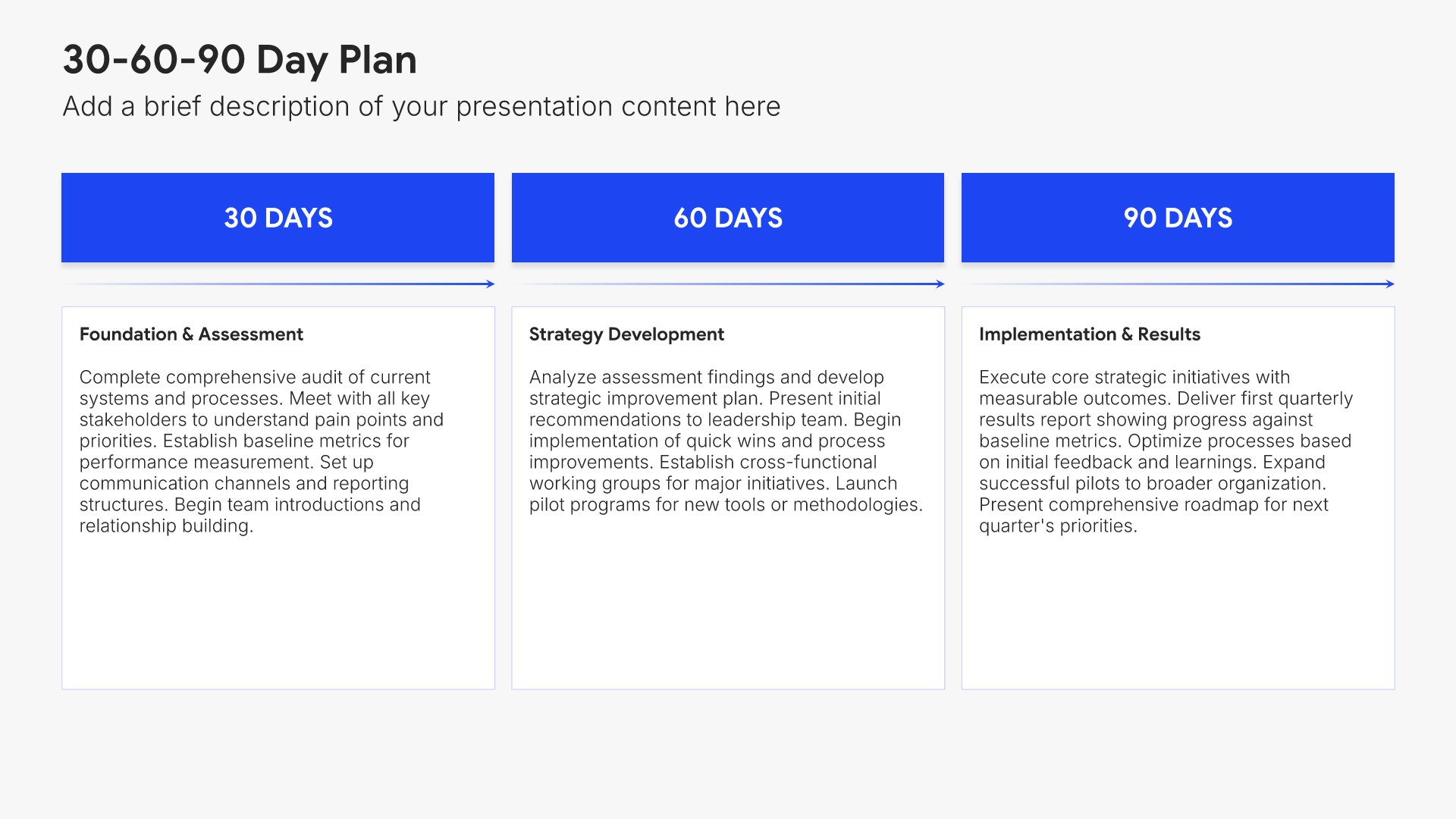
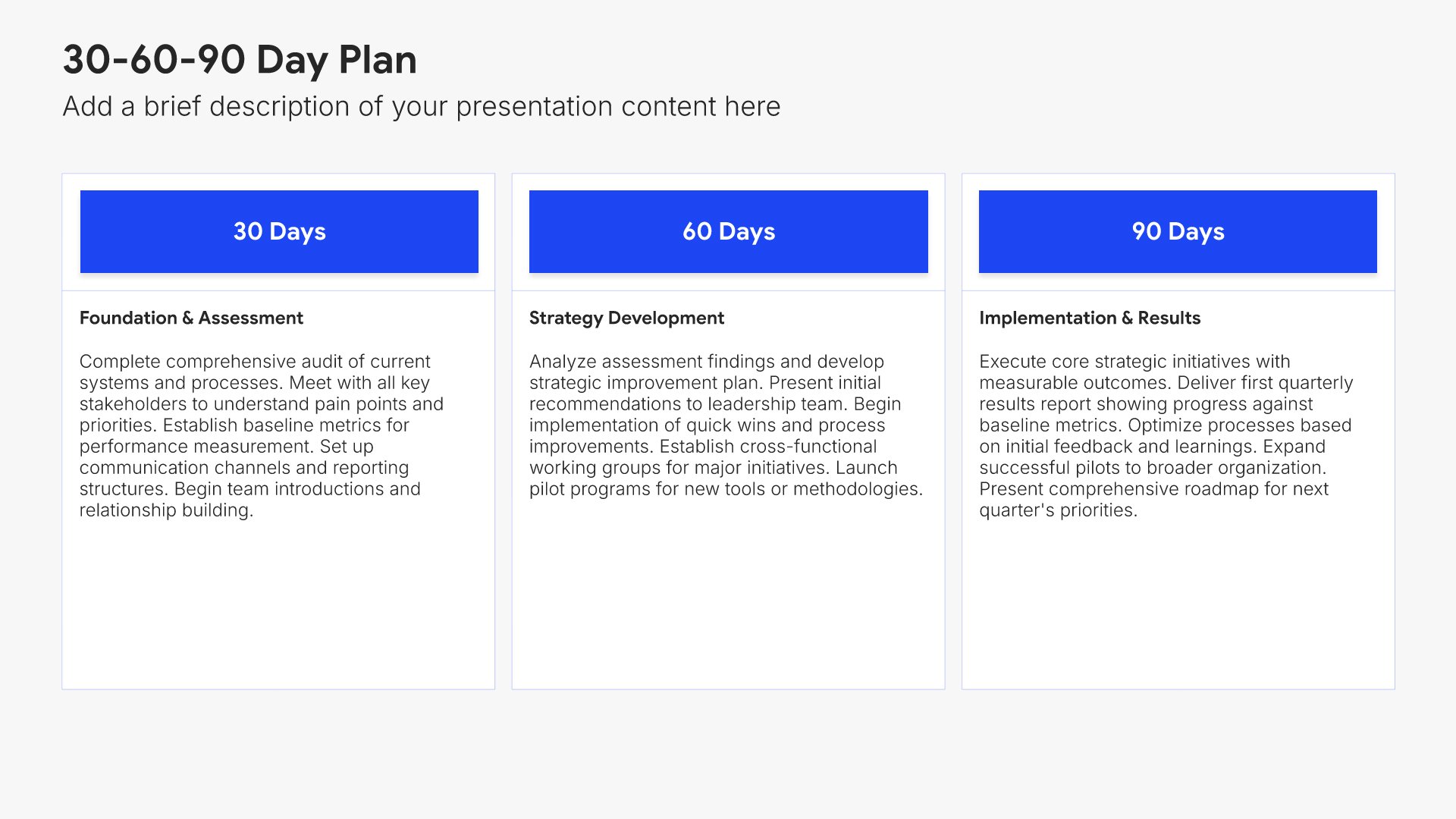
Your first 90 days slides help you map out the structured onboarding journey for the new hire. Use them to present milestones, training, key meetings, and check-ins across the first three months. A clear 90-day view sets expectations for what good onboarding looks like and gives new employees a roadmap for early success in their role.
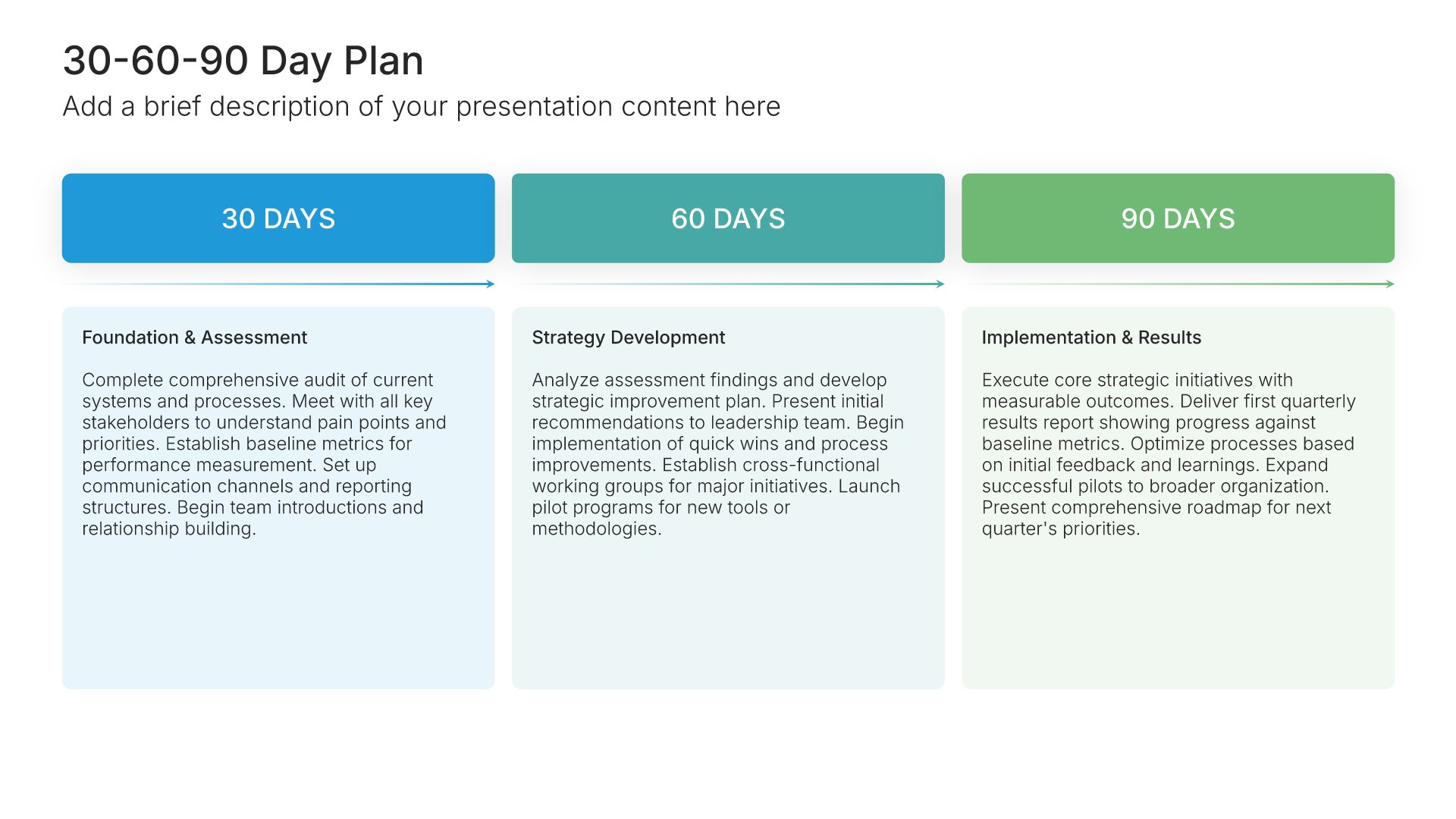
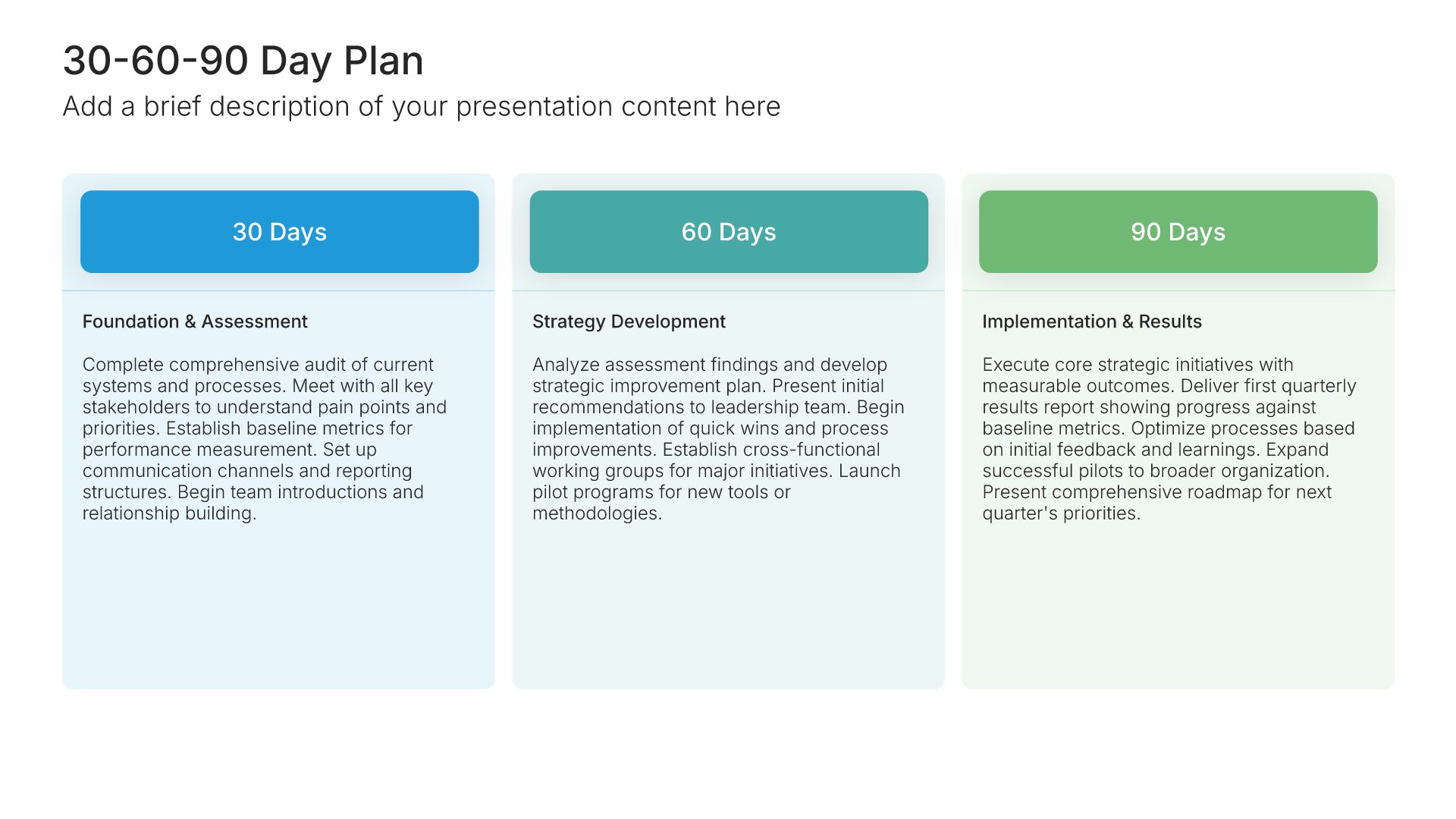
Built using 30-60-90 Day Plan slides

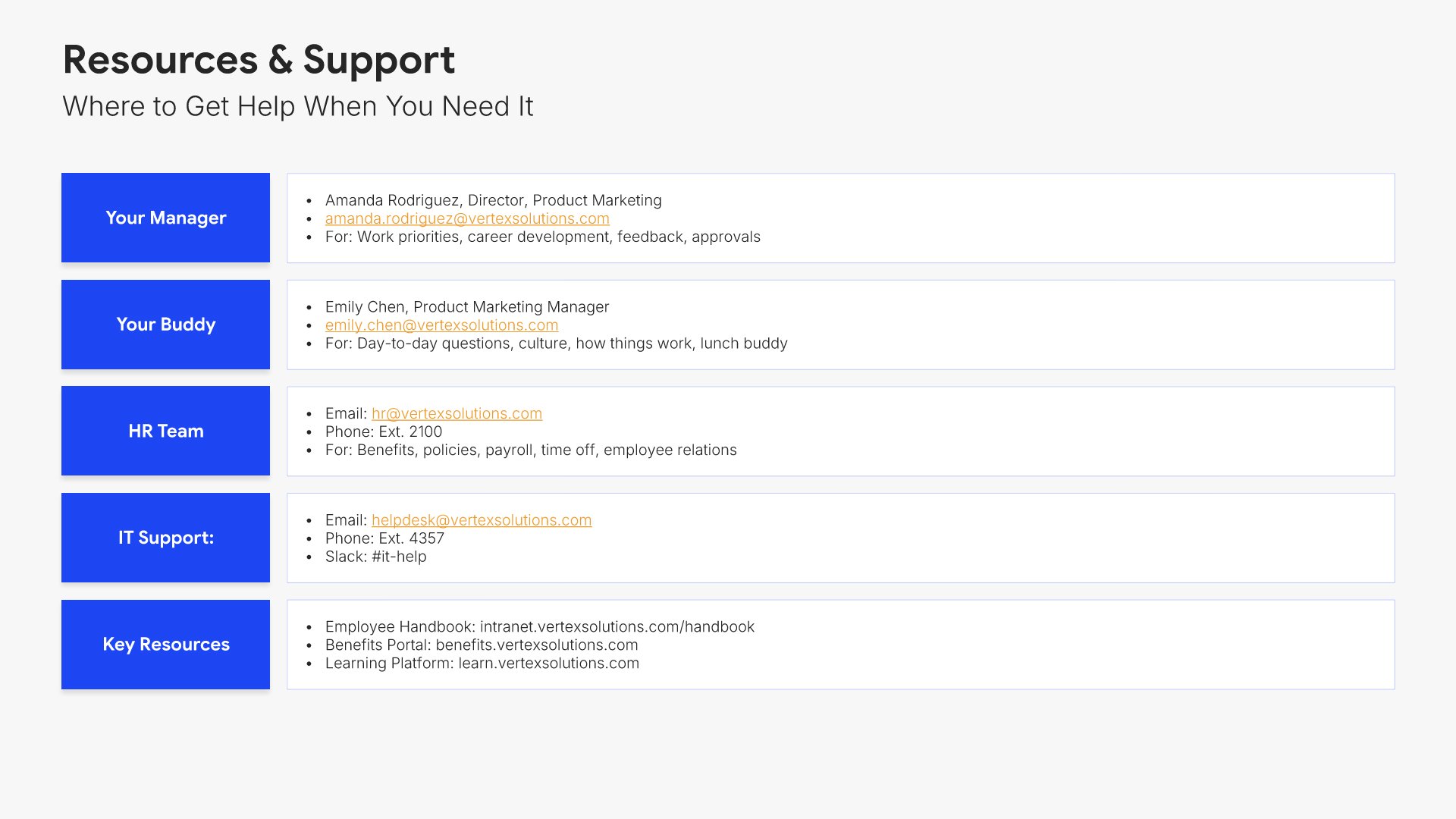
11. Resources & Support

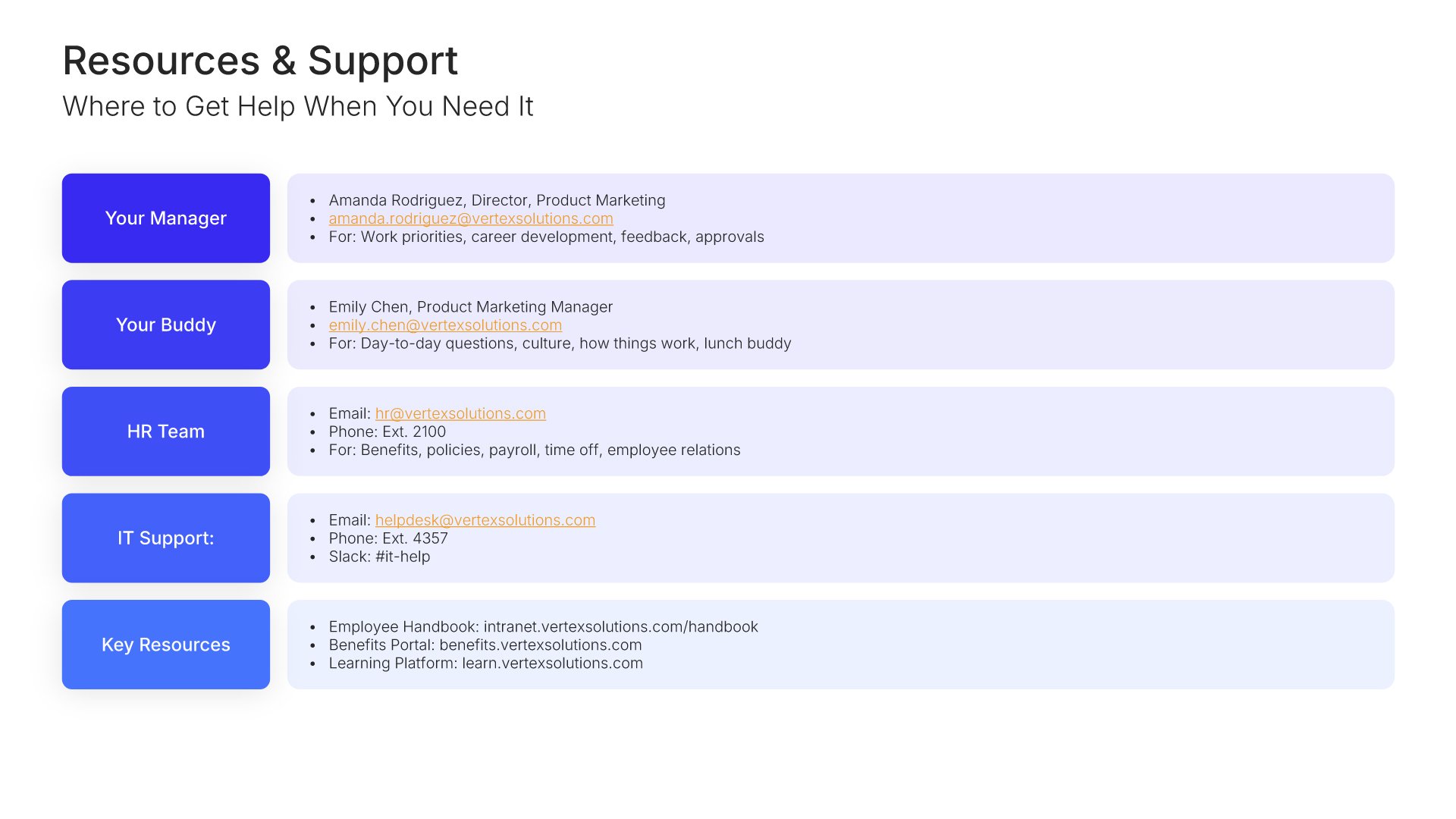
Resources and support slides help you point new hires toward the people and information they'll need throughout onboarding. Use them to present HR contacts, IT help, mentorship programs, internal documentation, and where to ask questions. A clear resources view ensures new employees never feel stuck and always know where to turn for help.
Built using Simple Text slides

12. Next Steps

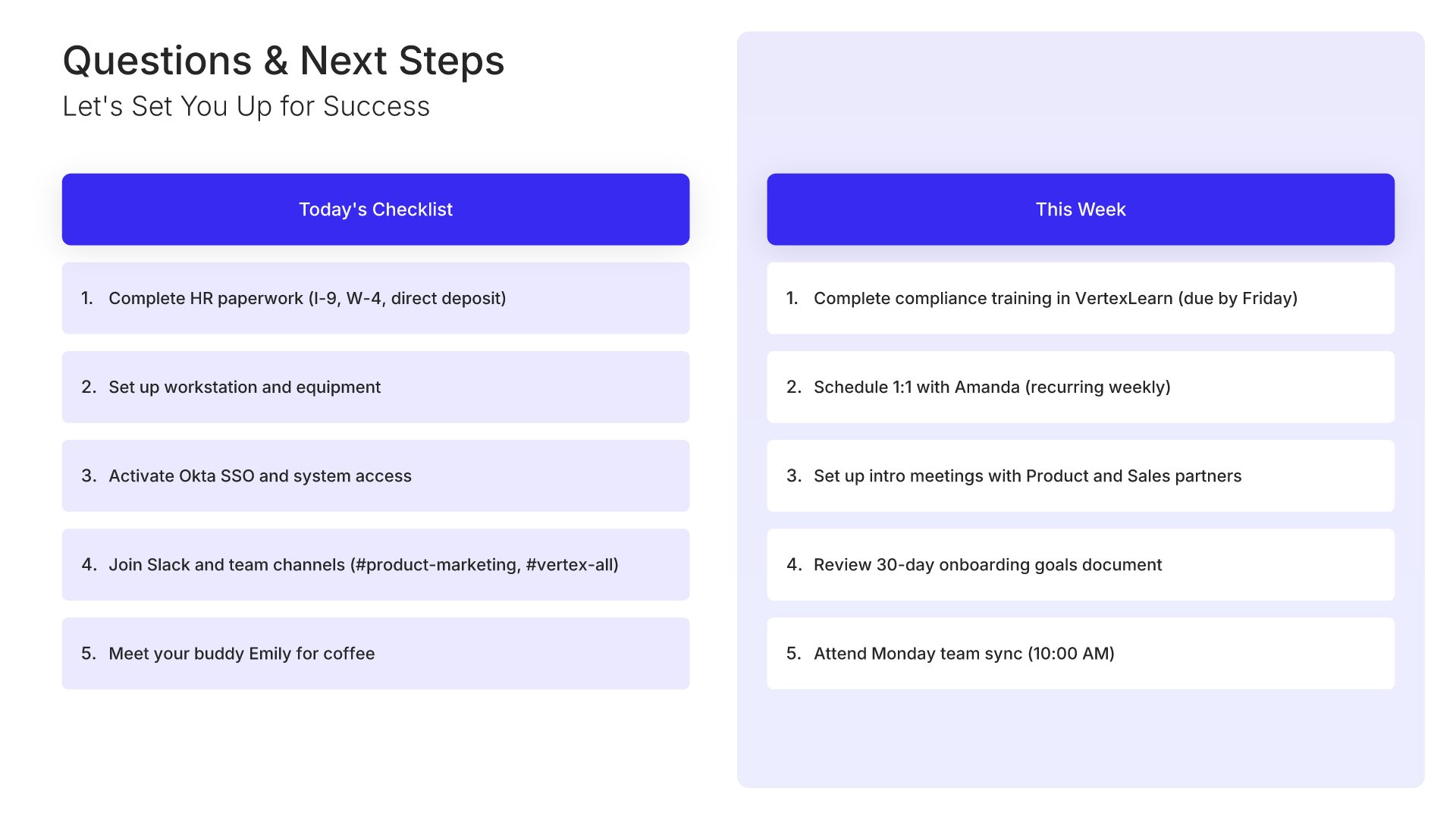
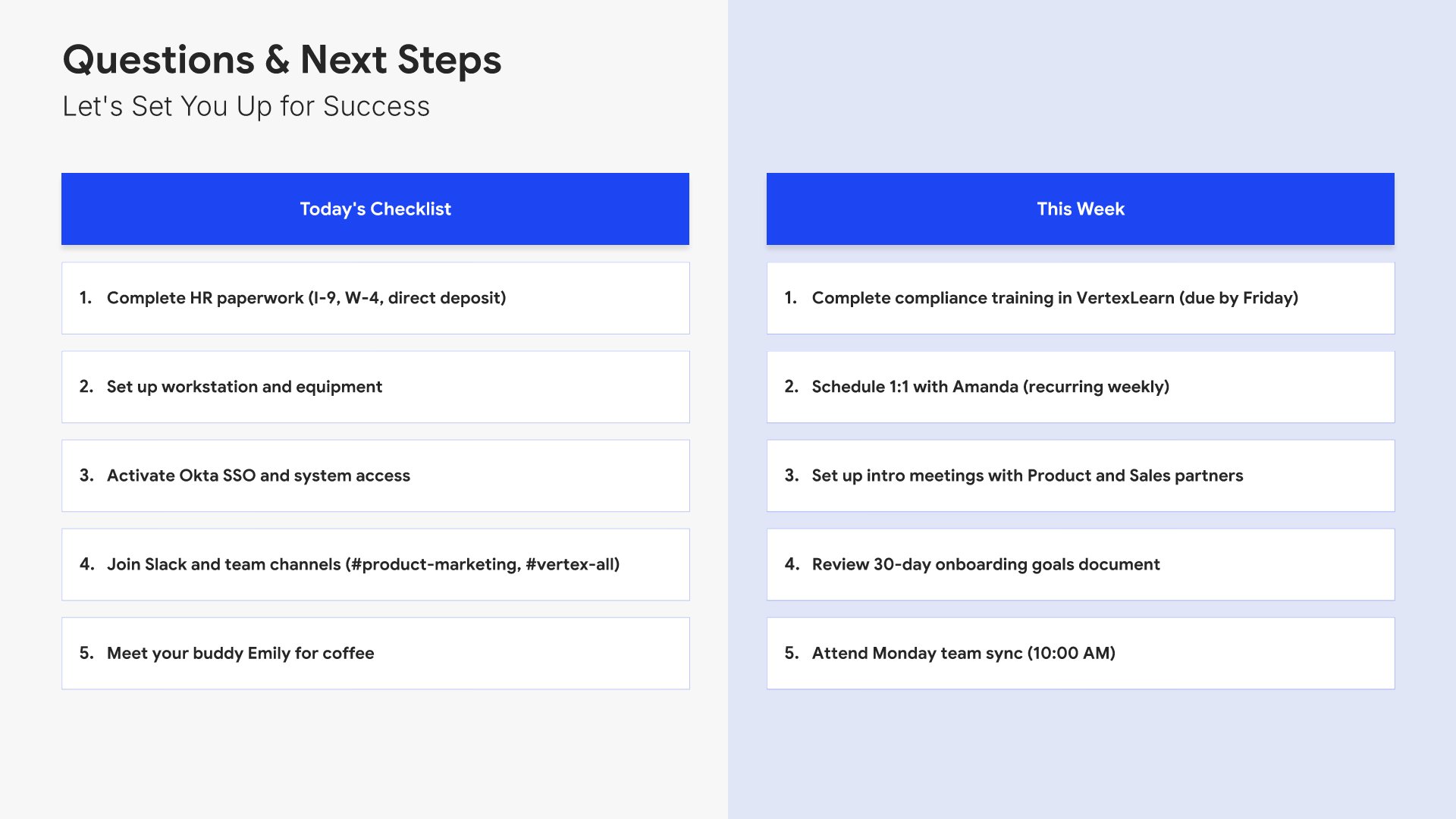
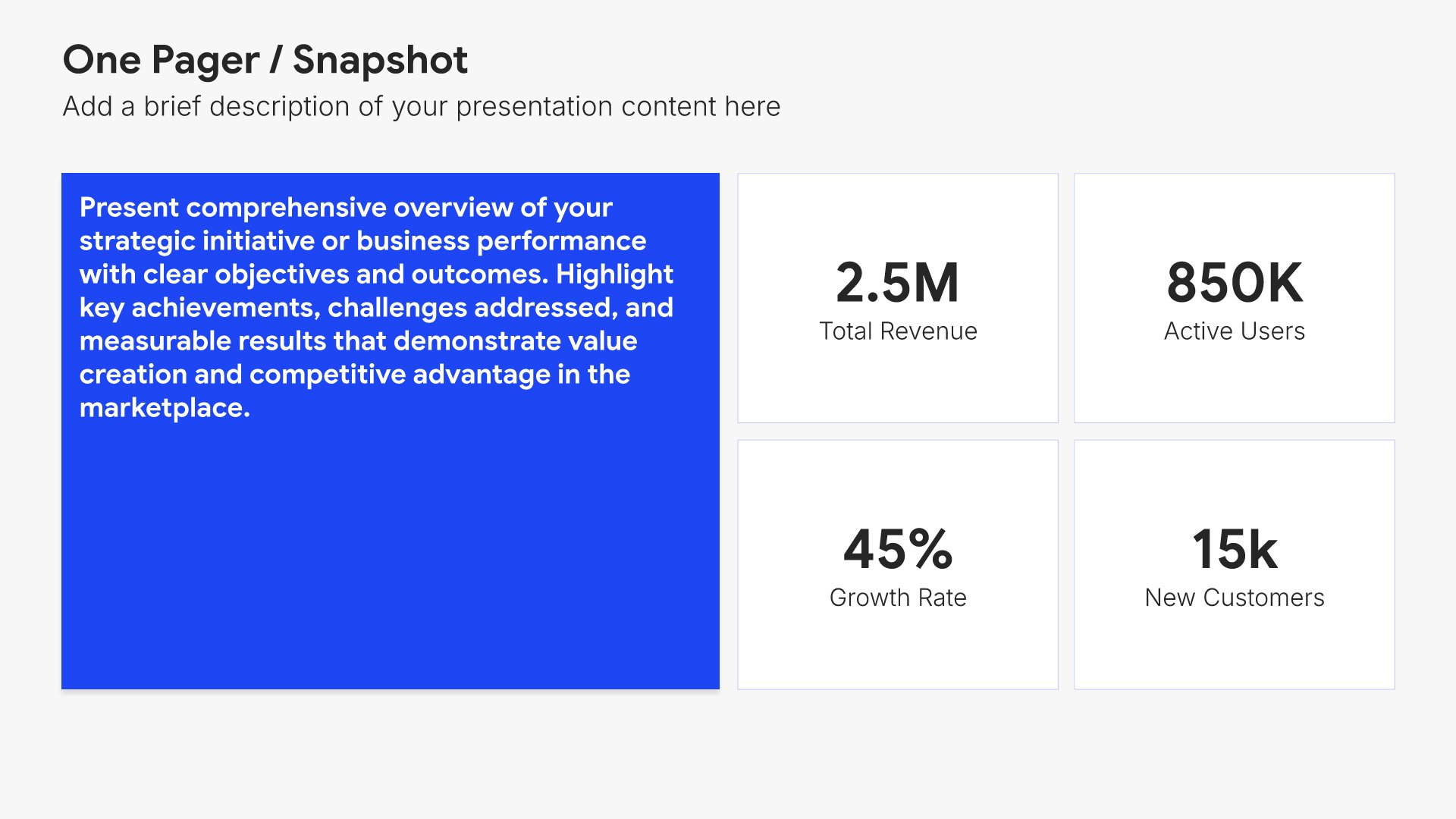
Next steps slides help you guide your audience toward action after your presentation. Use them to outline the specific actions, timeline, and commitments needed to move forward. Ideal for sales decks, proposals, and pitches where providing clear next steps keeps momentum going and advances the deal.
Built using One Pager / Snapshot slides

13. Thank You

Thank you slides help you close presentations professionally. Use them to end with gratitude, provide contact information, and leave a polished final impression. Ideal for any presentation where a professional closing reinforces your message and gives your audience a clear way to follow up or stay connected.
Built using Title slides

Build your Employee Onboarding presentation with Choladeck

Transform your Employee Onboarding vision into reality with Choladeck’s user-friendly platform. Follow our step-by-step guide, harnessing our vast collection of slides and tools, to create a compelling and cohesive presentation that resonates with your audience.

Step 1

Browse & Select

Explore over 9,172+ professionally designed slides across 134 categories. Or if you want a head start, pick from 74+ premade presentation templates. Whatever you need, it's probably already here.

Step 2

Customize Your Slides

Swap icons and images instantly from our built-in libraries. Use Pointers to choose your count (2-box, 3-box, 4-box) and Variations to pick your design style. No more settling for "close enough." Get the exact slide you need.

Step 3

Brand Your Presentation

Add your logo, apply your brand colors, choose your fonts, and set custom backgrounds. One click and your entire presentation looks like it was made just for you. Because it was.

Step 4

Export Your Presentation

When you're ready, export to PowerPoint, Google Slides, or Keynote with a single click. Continue editing in your favorite tool if you want. Your workflow, your way.

Try Choladeck for free today and experience the ease of creating remarkable presentations.

No Sign-in or Credit Card Required

Wait!

Before you go, have you had the chance to experience Choladeck? If not try out – Choladeck for absolutely FREE!!

No Sign-in or Credit Card Required

Experience Choladeck Yourself!
Why just read about it when you can experience it? Dive into our presentation library – absolutely FREE!

No Sign-in or Credit Card Required