Pricing

Customer onboarding template, built as a presentation

Thirteen slides for the kickoff call that decides whether a new account renews: who they'll be working with, what happens in the first ninety days, how to get set up, where to get help, and what success will be measured on. Select it, brand it to your company in one click, add your plan, and export to PowerPoint, Google Slides, or Keynote.

Free to start. No credit card required.

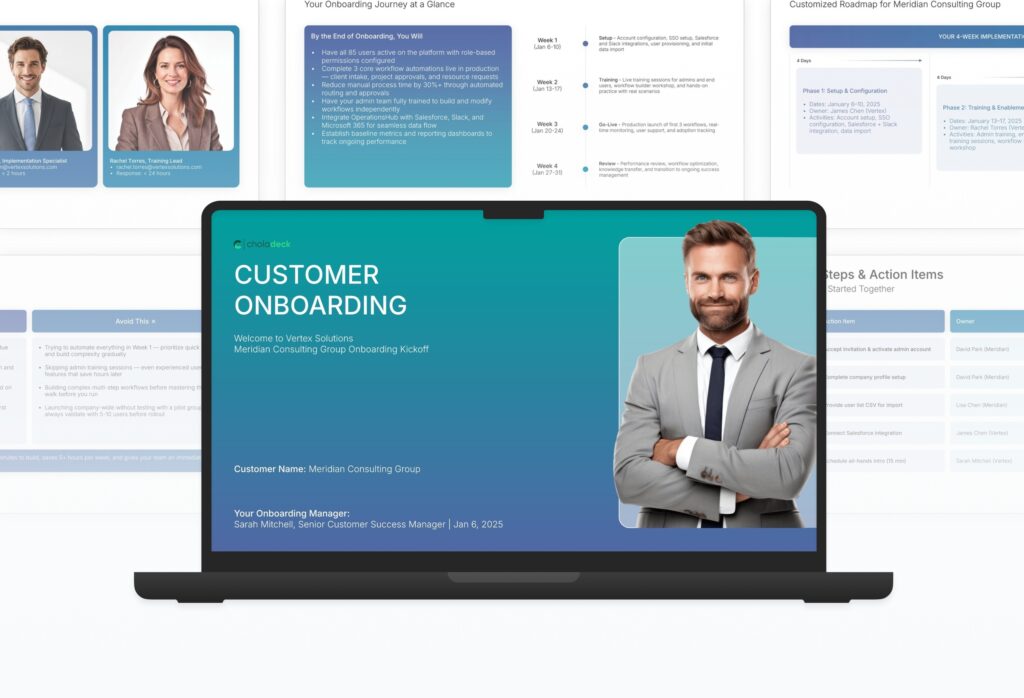
Customer onboarding template: the title slide in front of other slides from the 13-slide deck

Every slide in the customer onboarding template

Thirteen slides, in the order you present them.

Title slide, customer onboarding template, client name, onboarding manager, and start date

Slide 01

Title

The client name, the onboarding manager, and the start date.

Built using “Title” slide
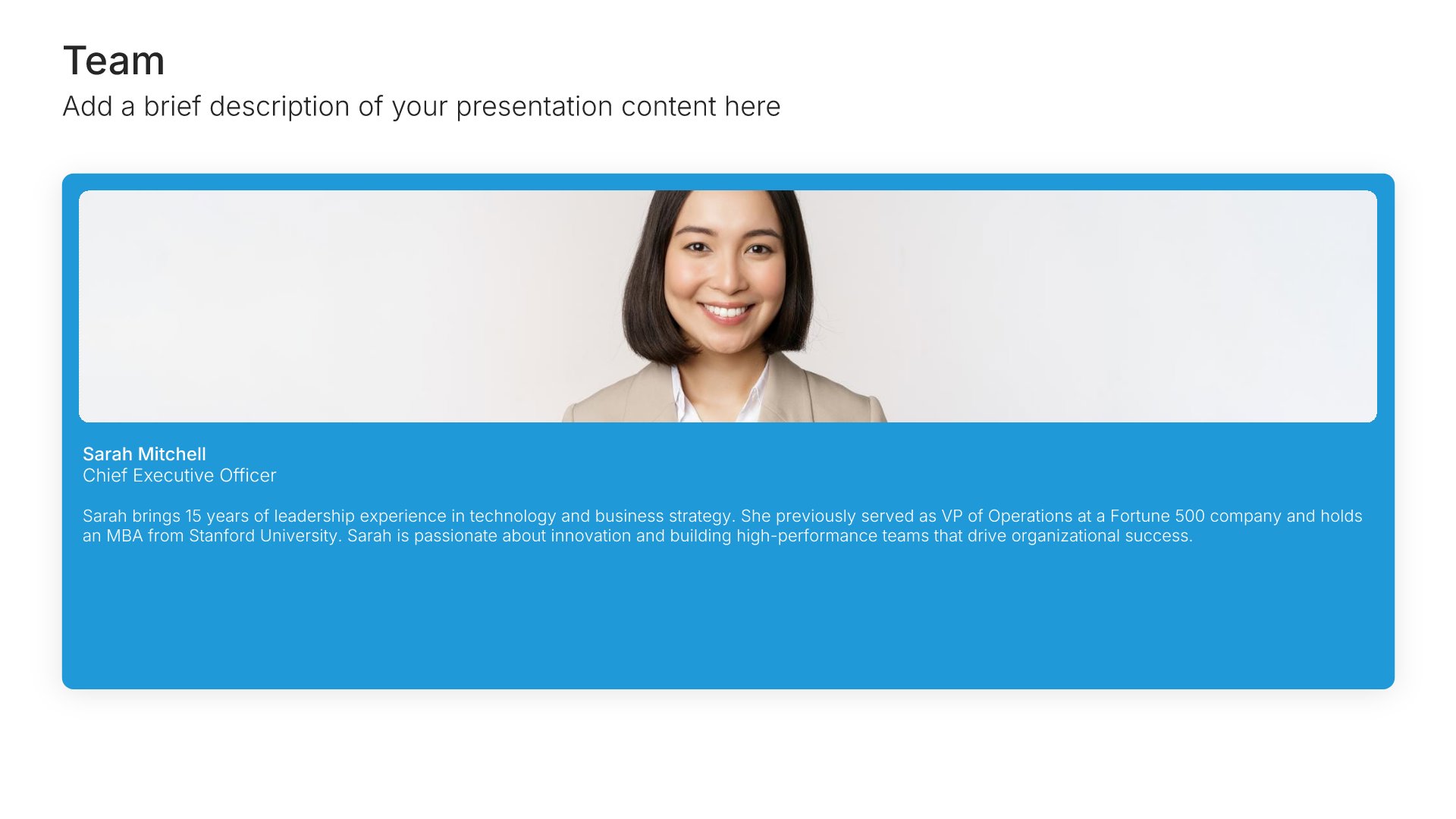
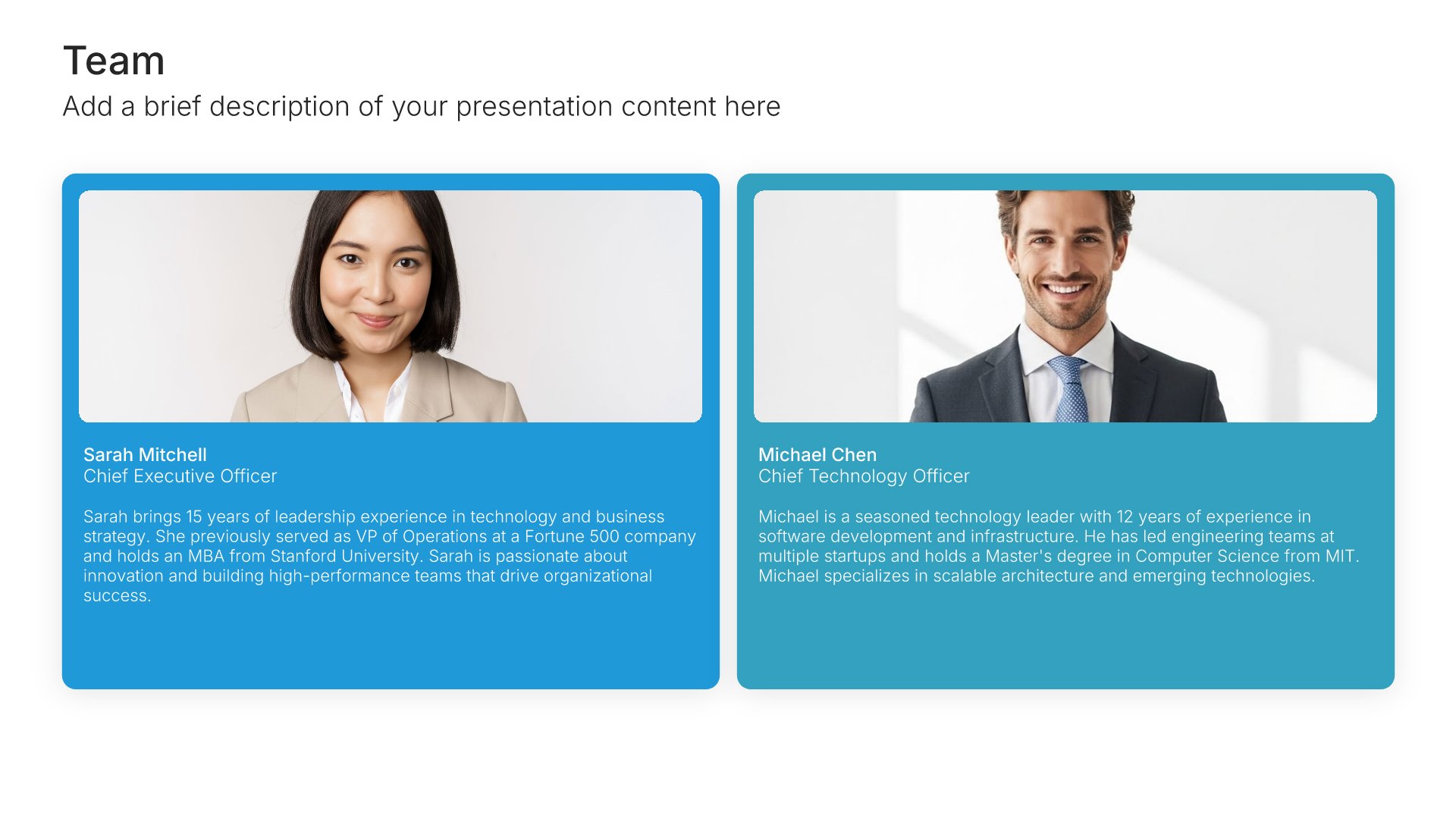
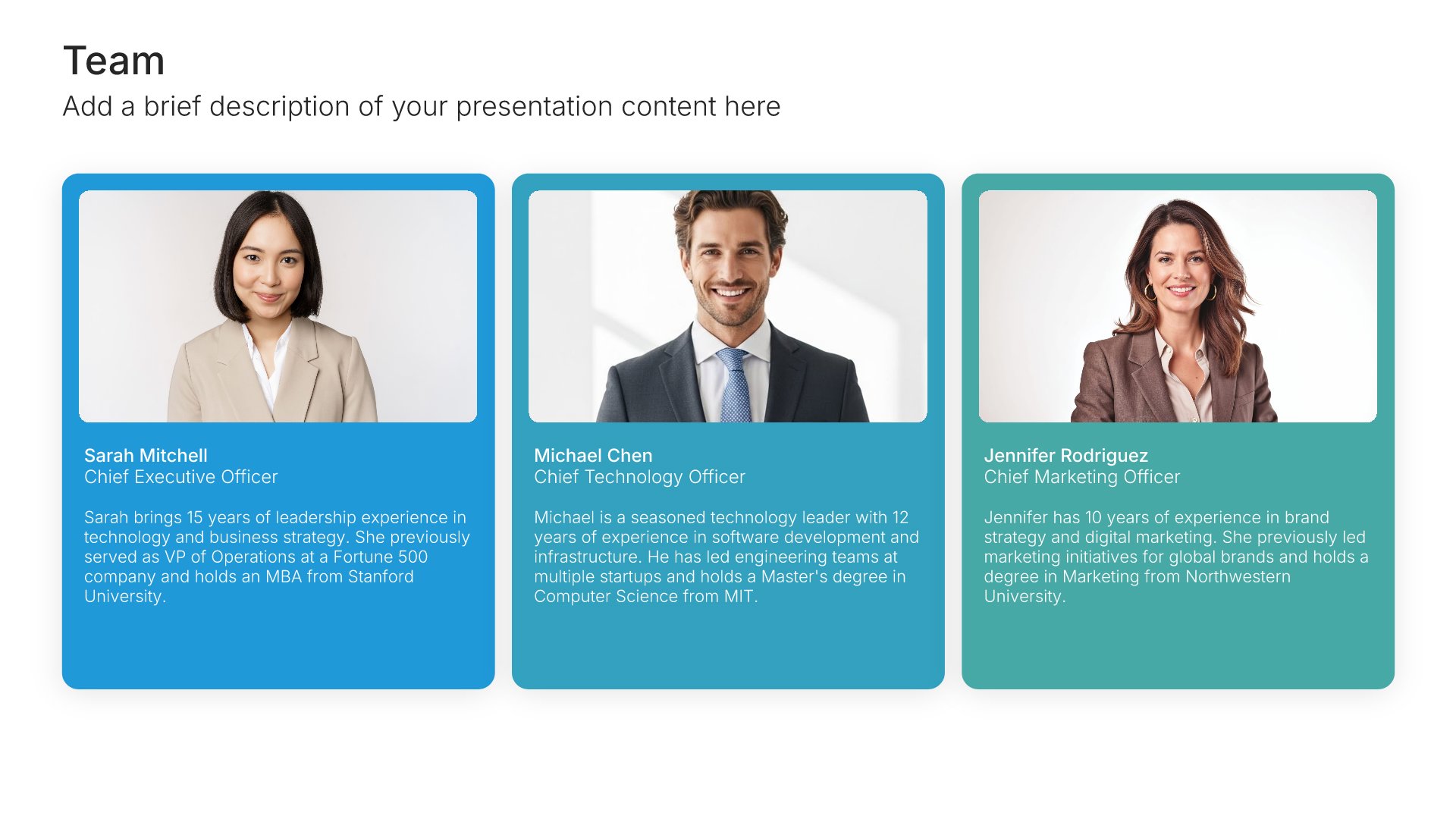
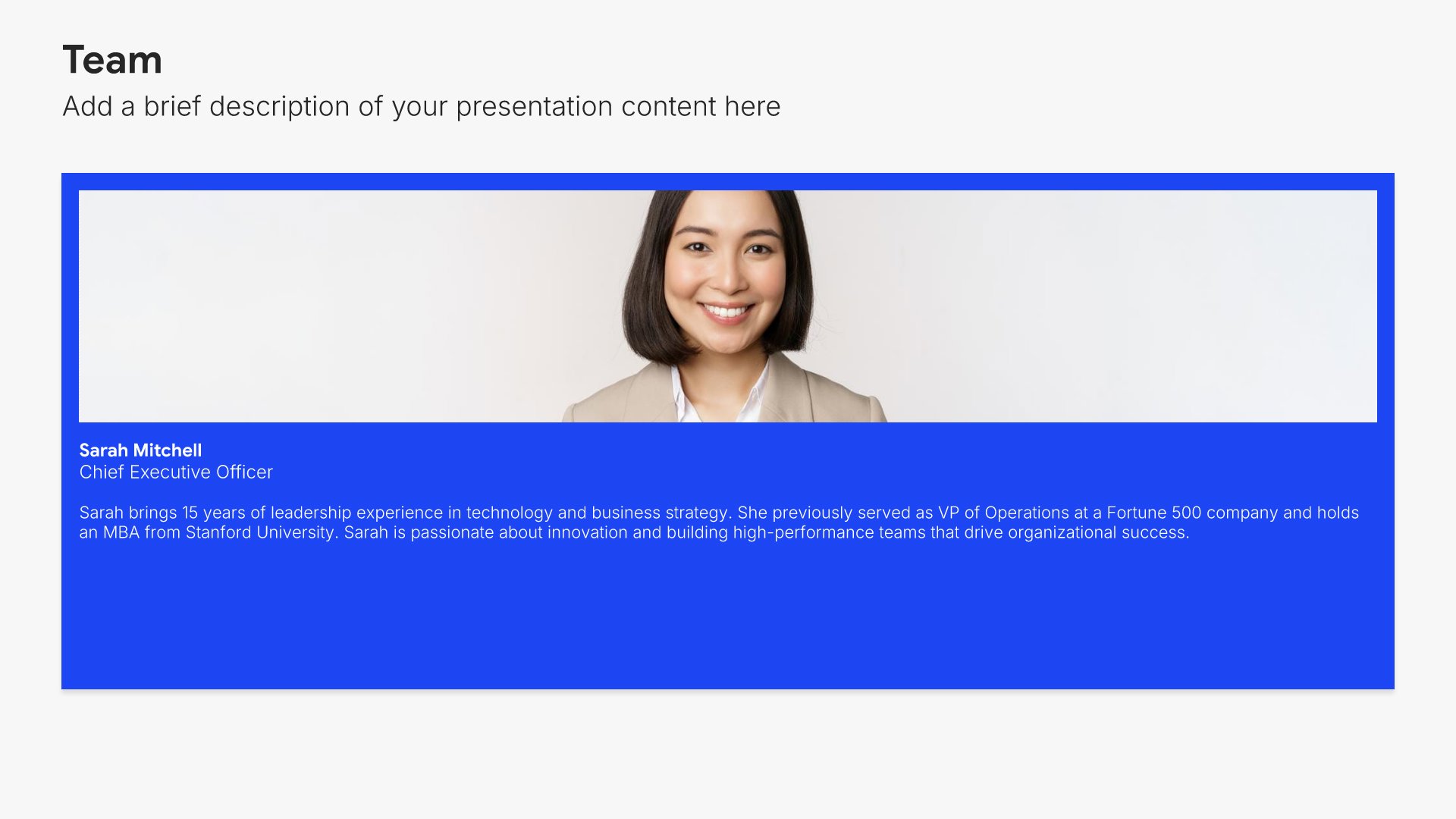
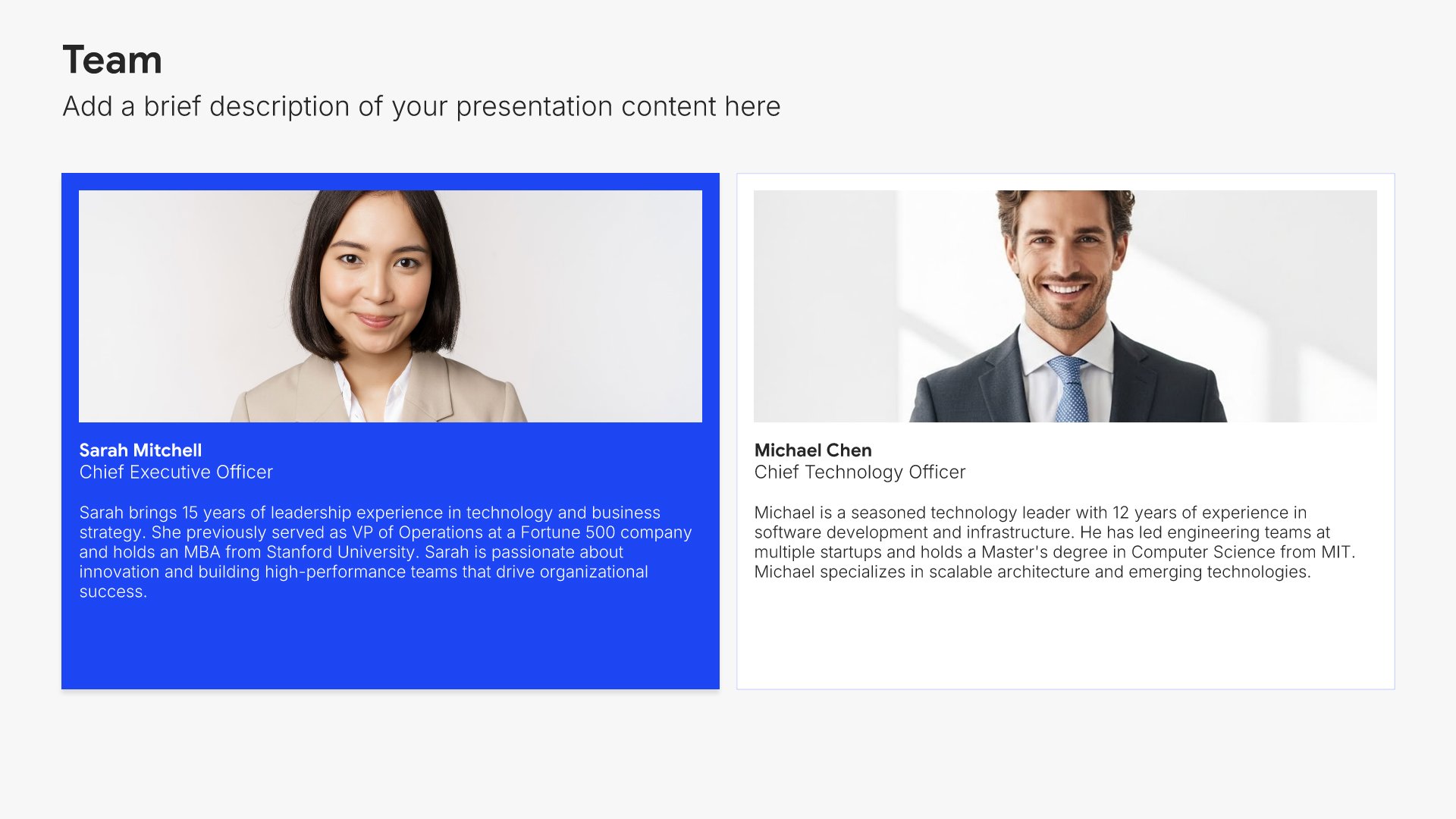
Your success team slide, customer onboarding template, account team with roles and response times

Slide 02

Your Success Team

The people dedicated to the account, with photos, roles, and response time commitments.

Built using “Team” slide
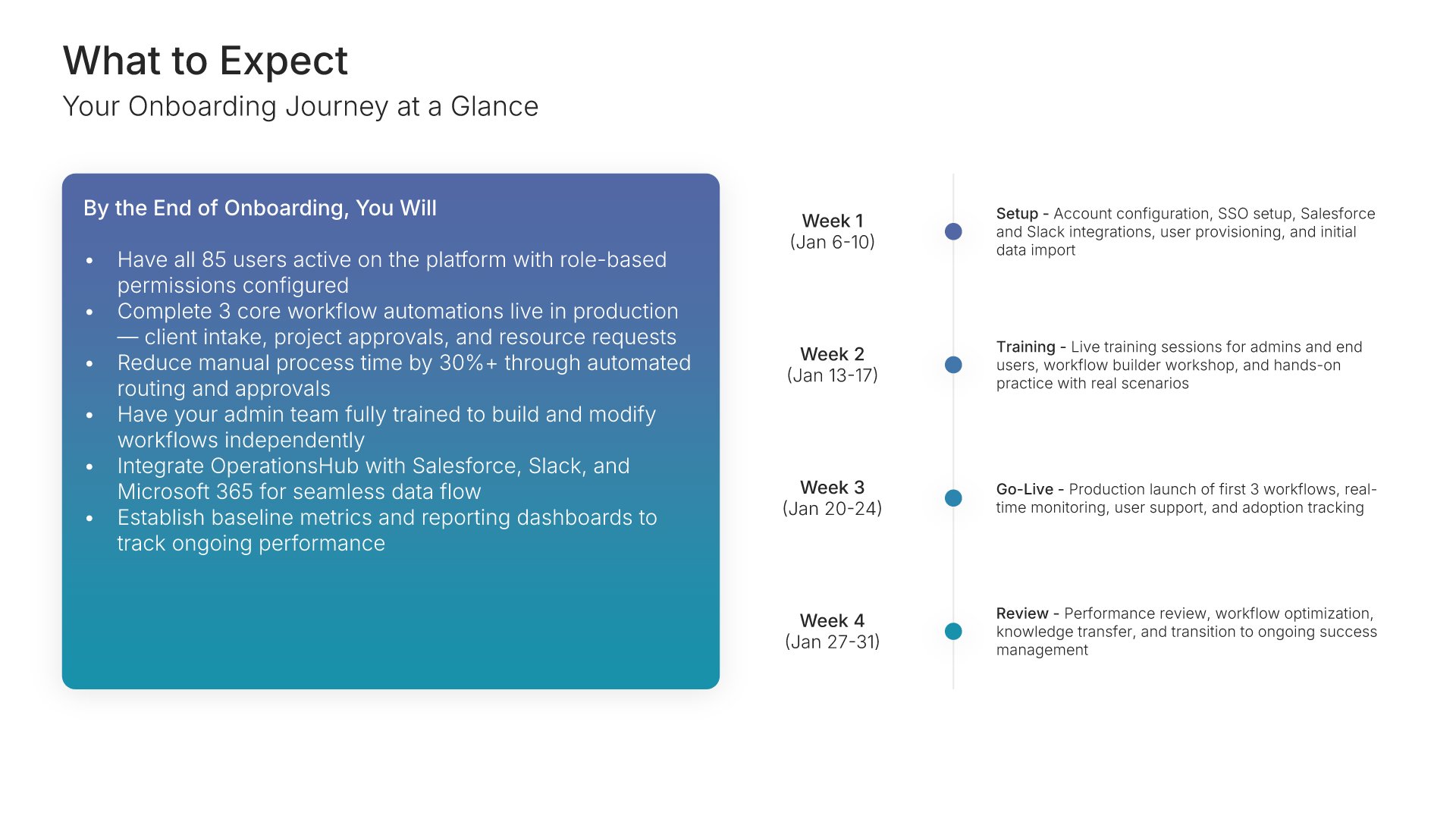
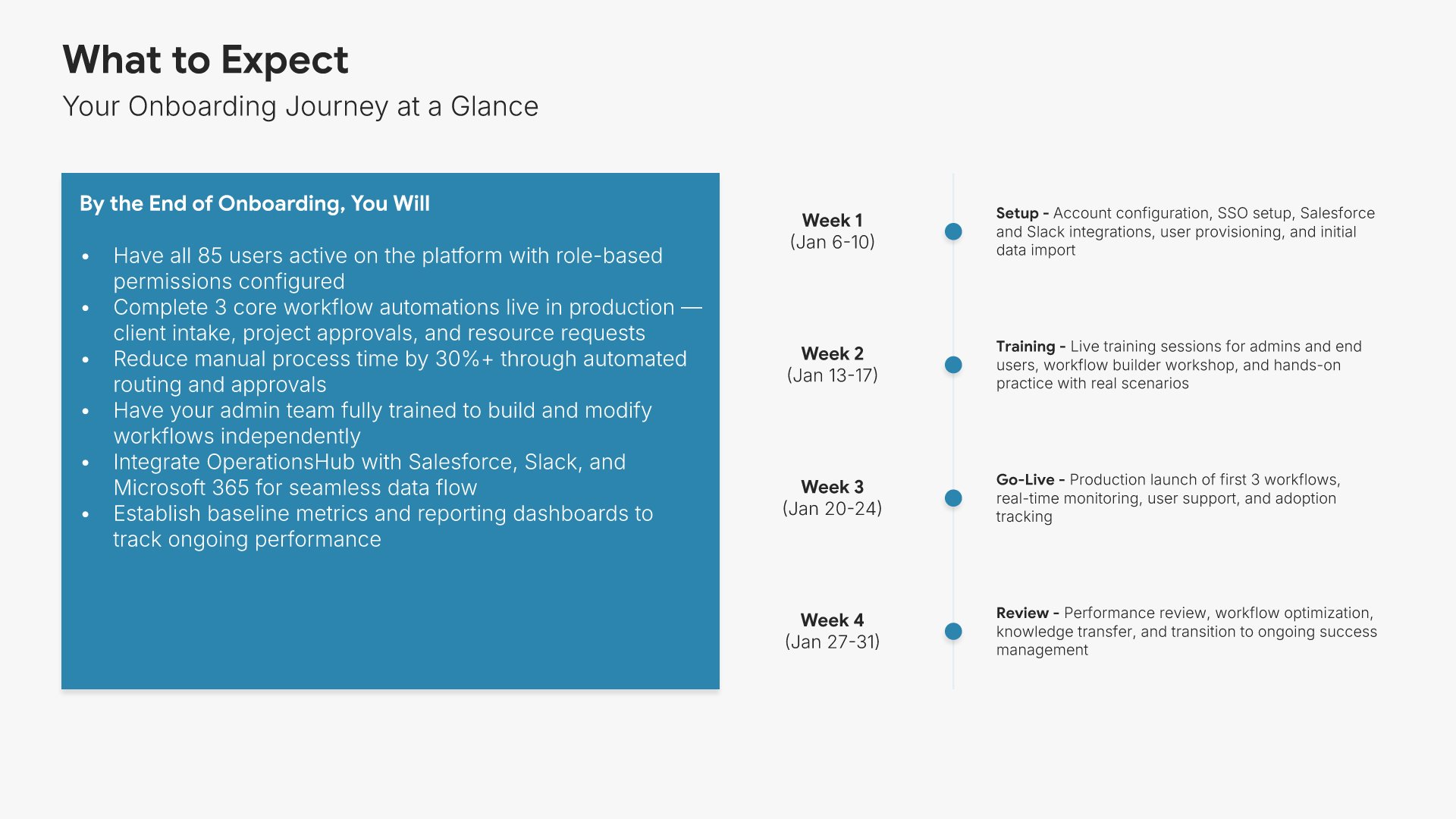
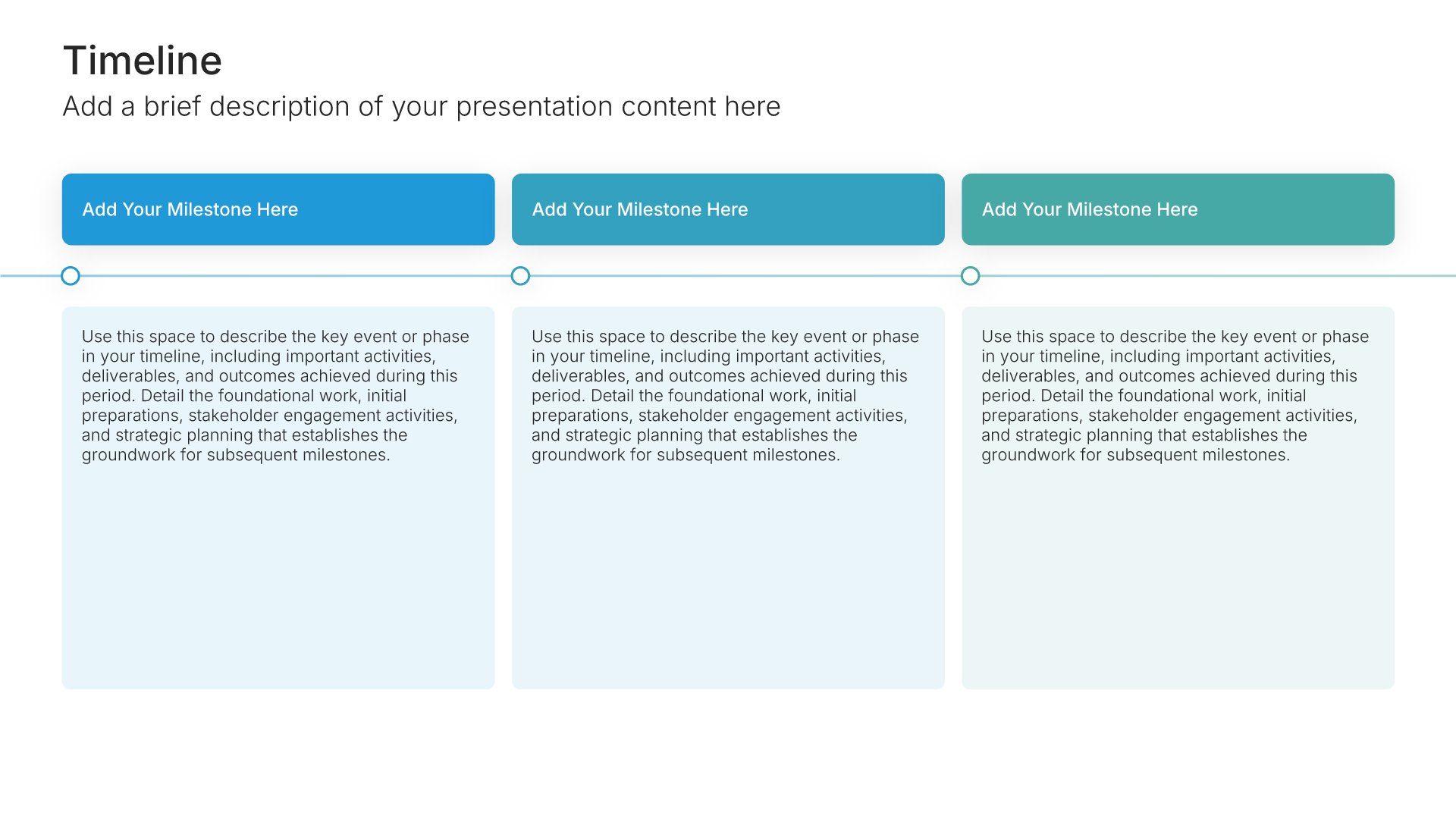
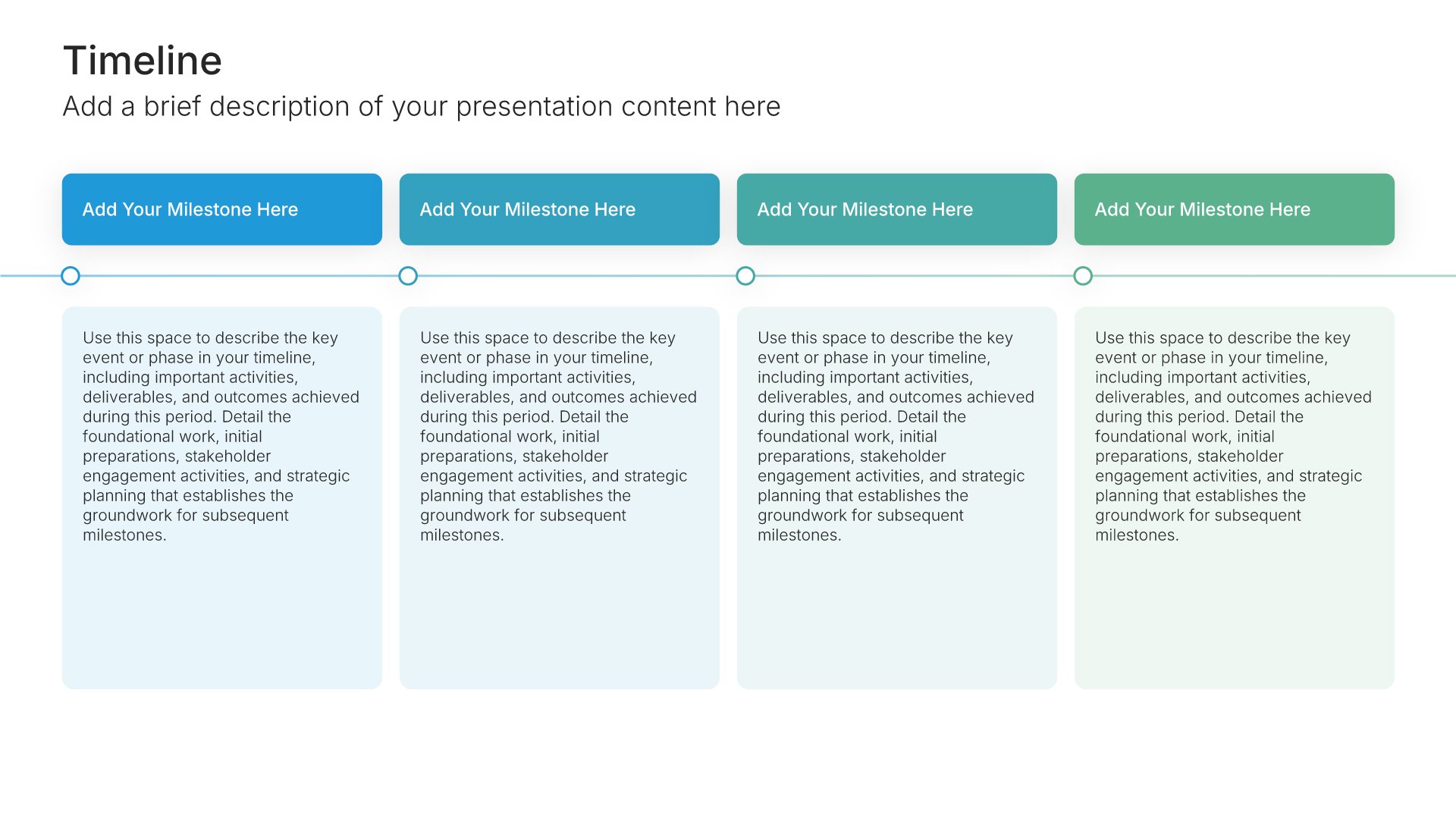
What to expect slide, customer onboarding template, onboarding journey week by week

Slide 03

What to Expect

The onboarding journey week by week, with what happens and what's needed from them.

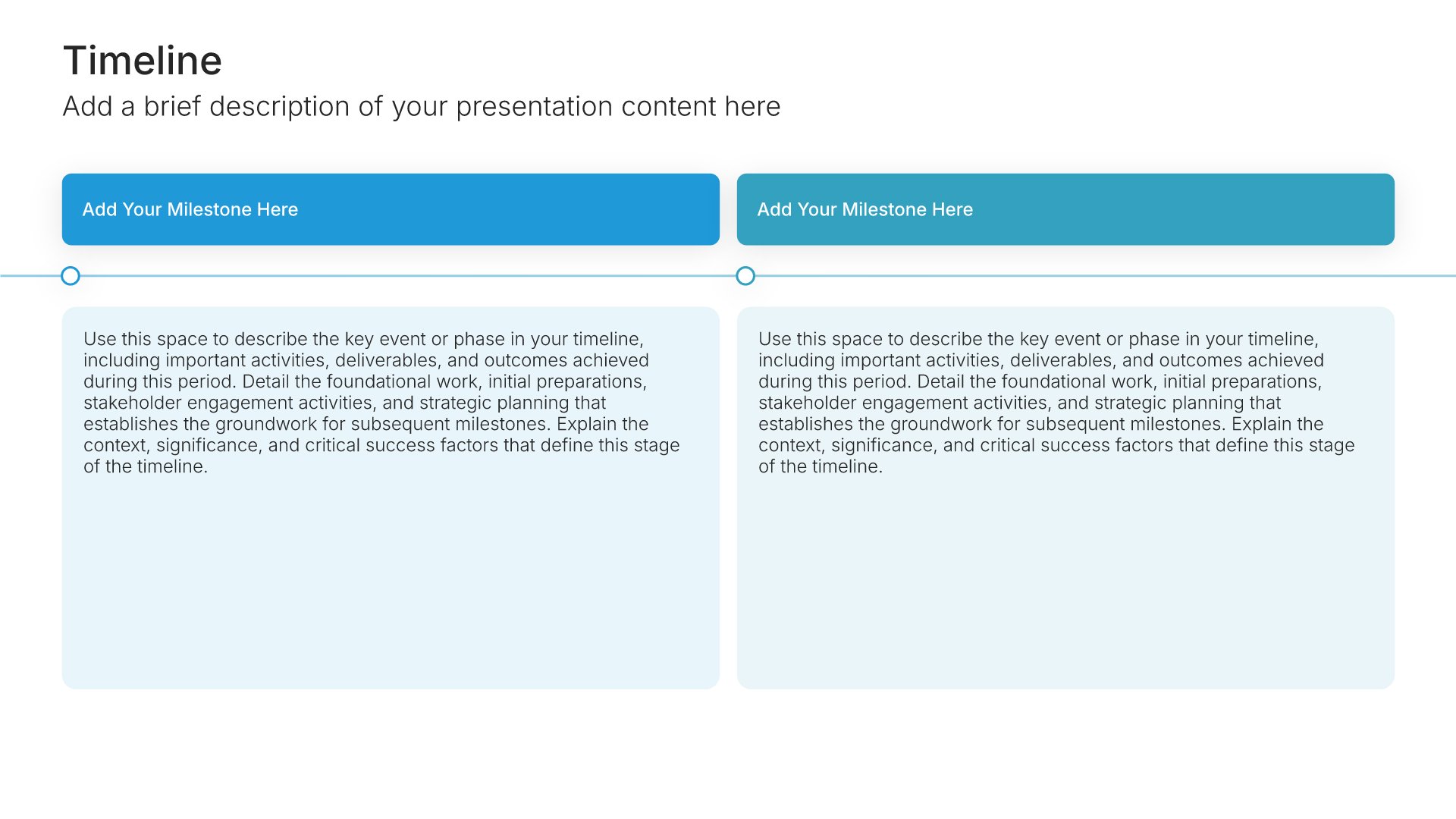
Built using “Timeline” slide
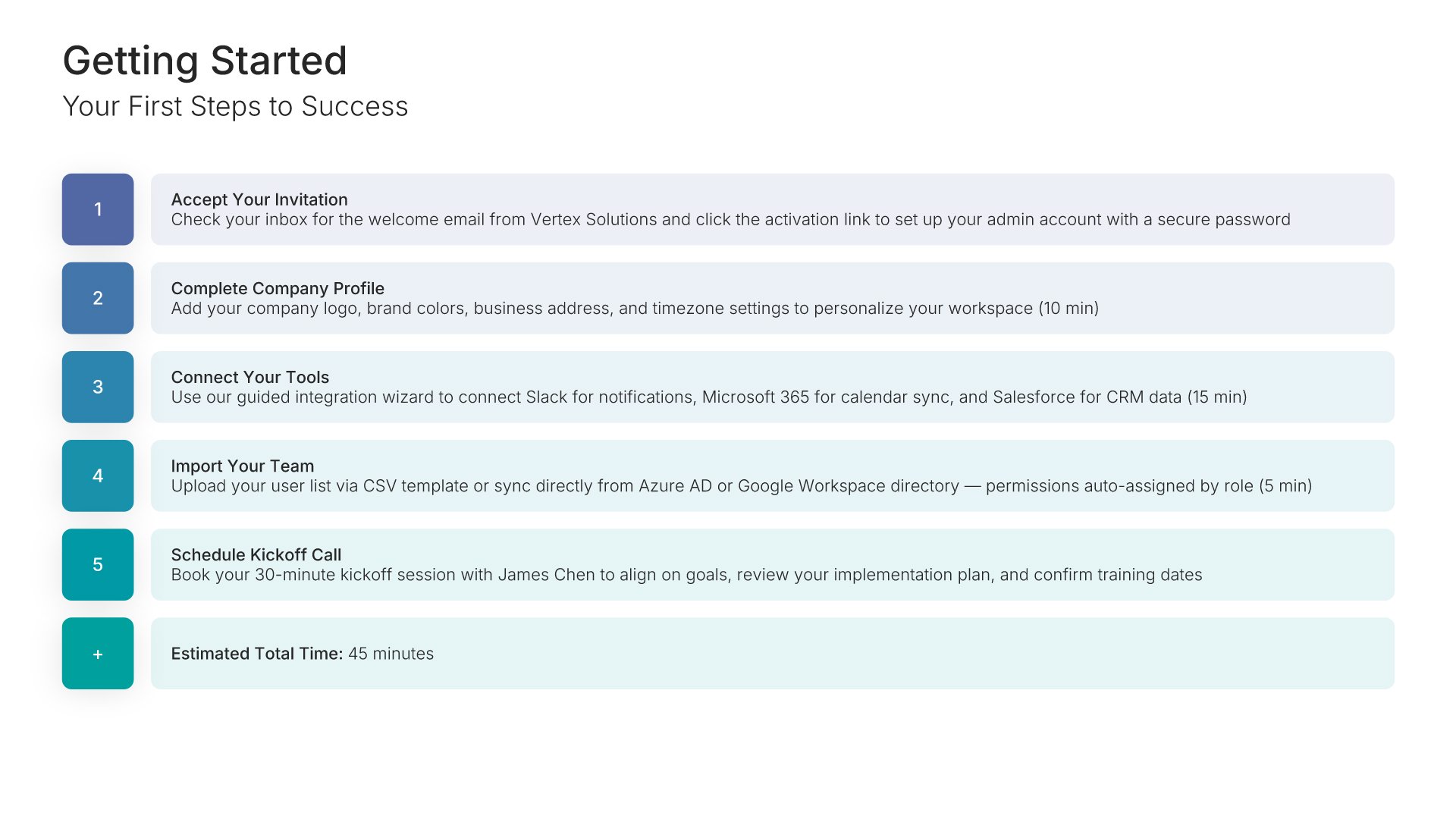
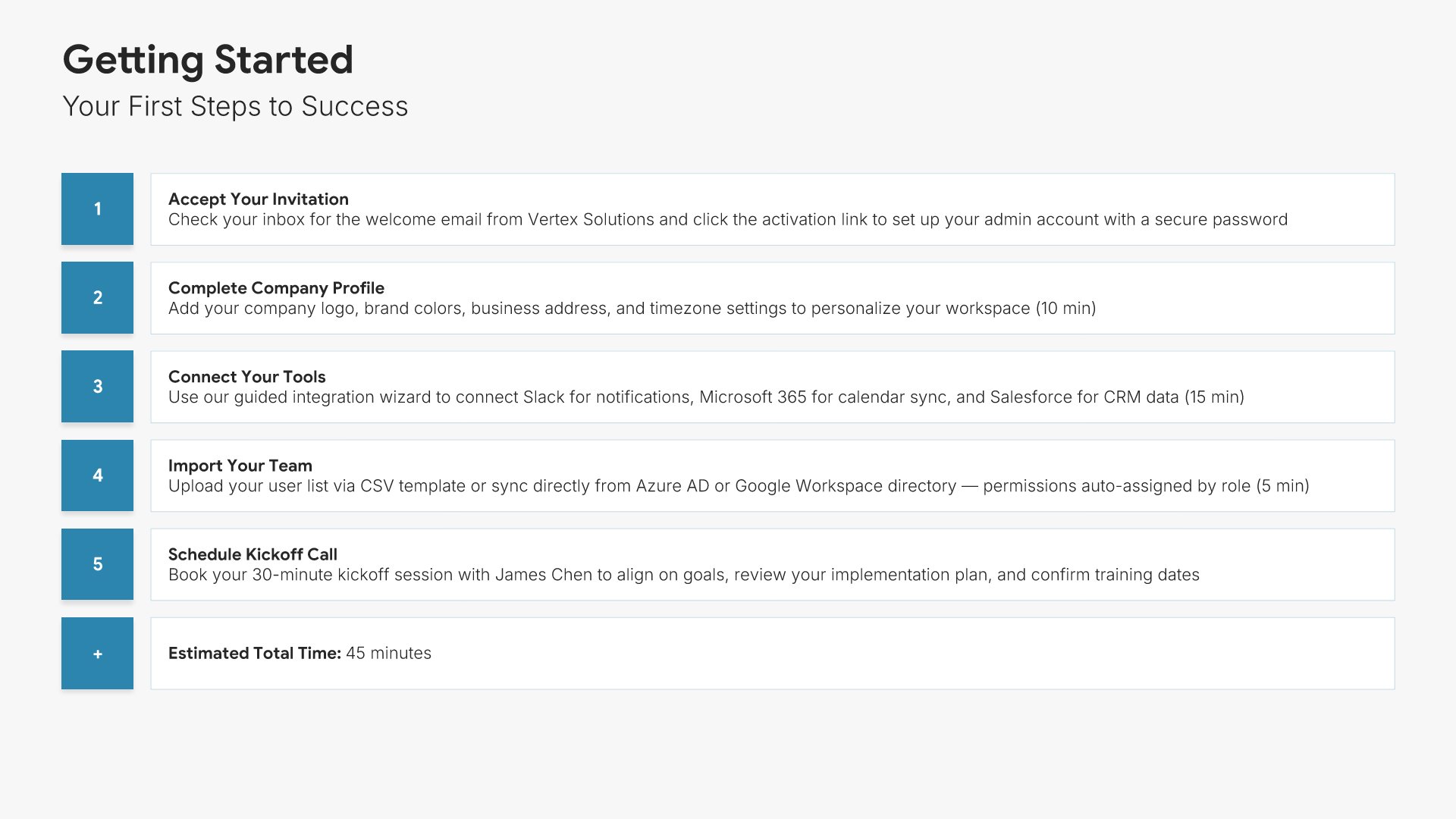
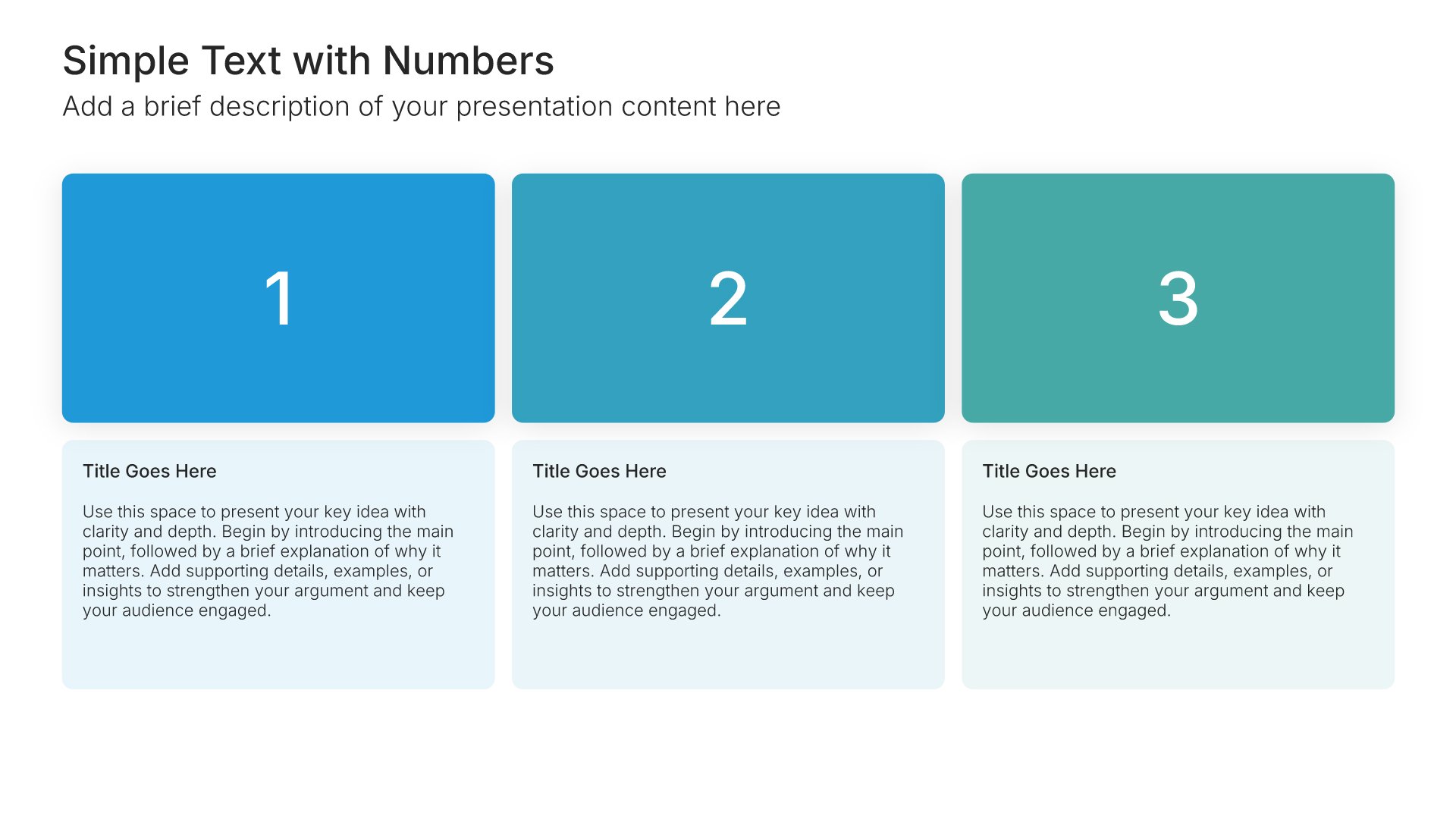
Getting started slide, customer onboarding template, numbered first steps with owners and dates

Slide 04

Getting Started

The first steps to success, numbered, each with who does it and by when.

Built using “Simple Text (with Numbers)” slide
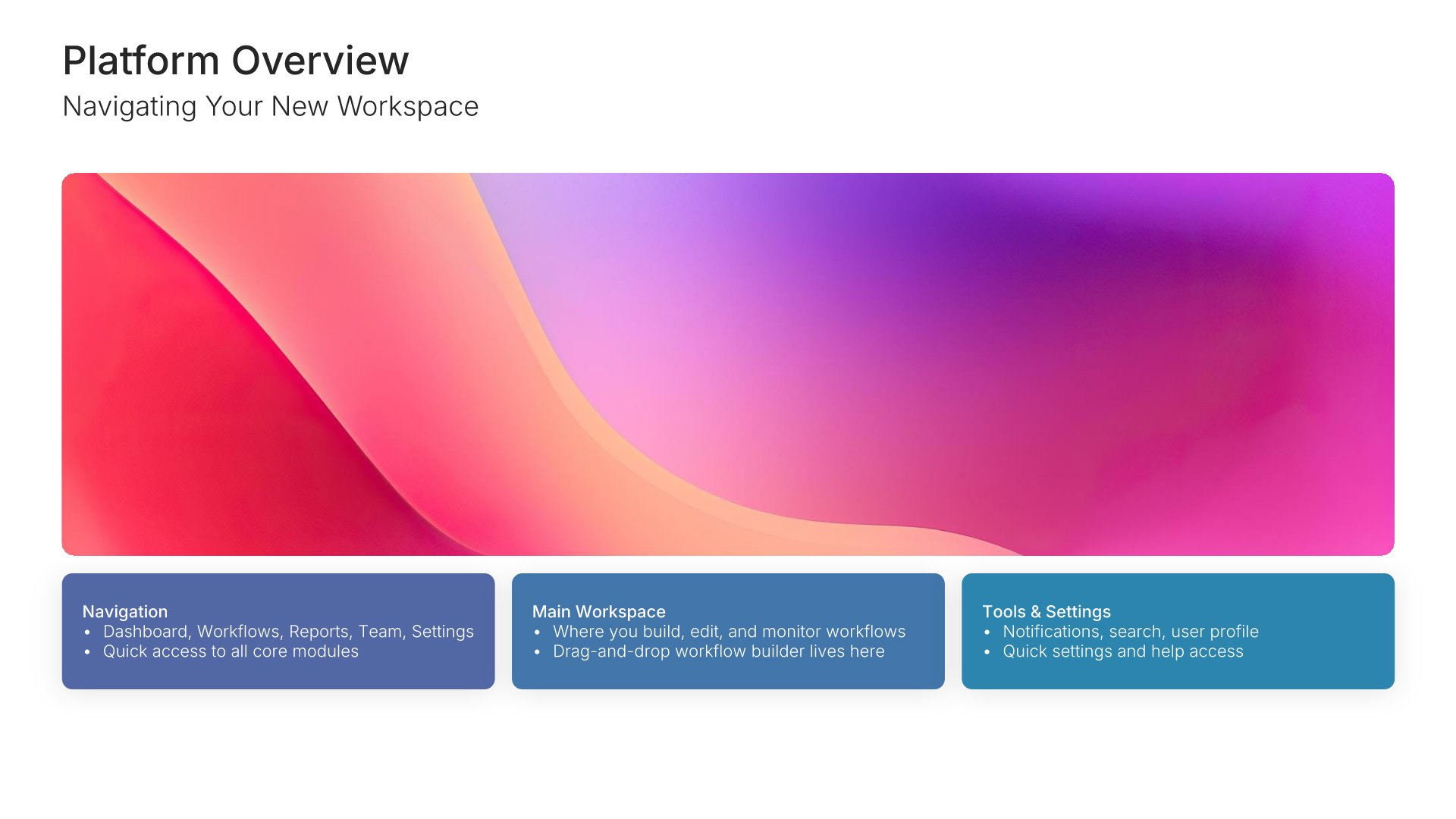
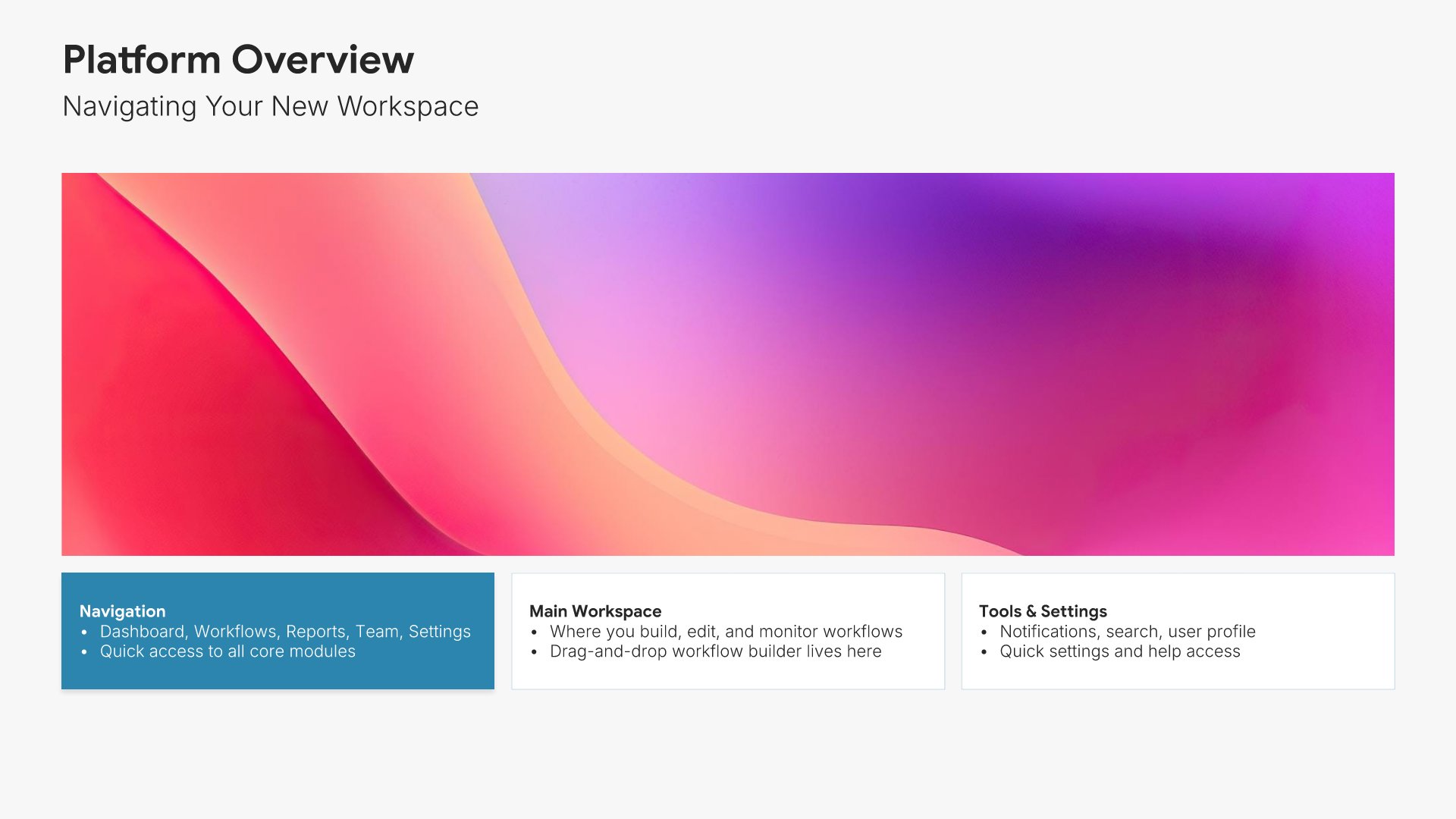
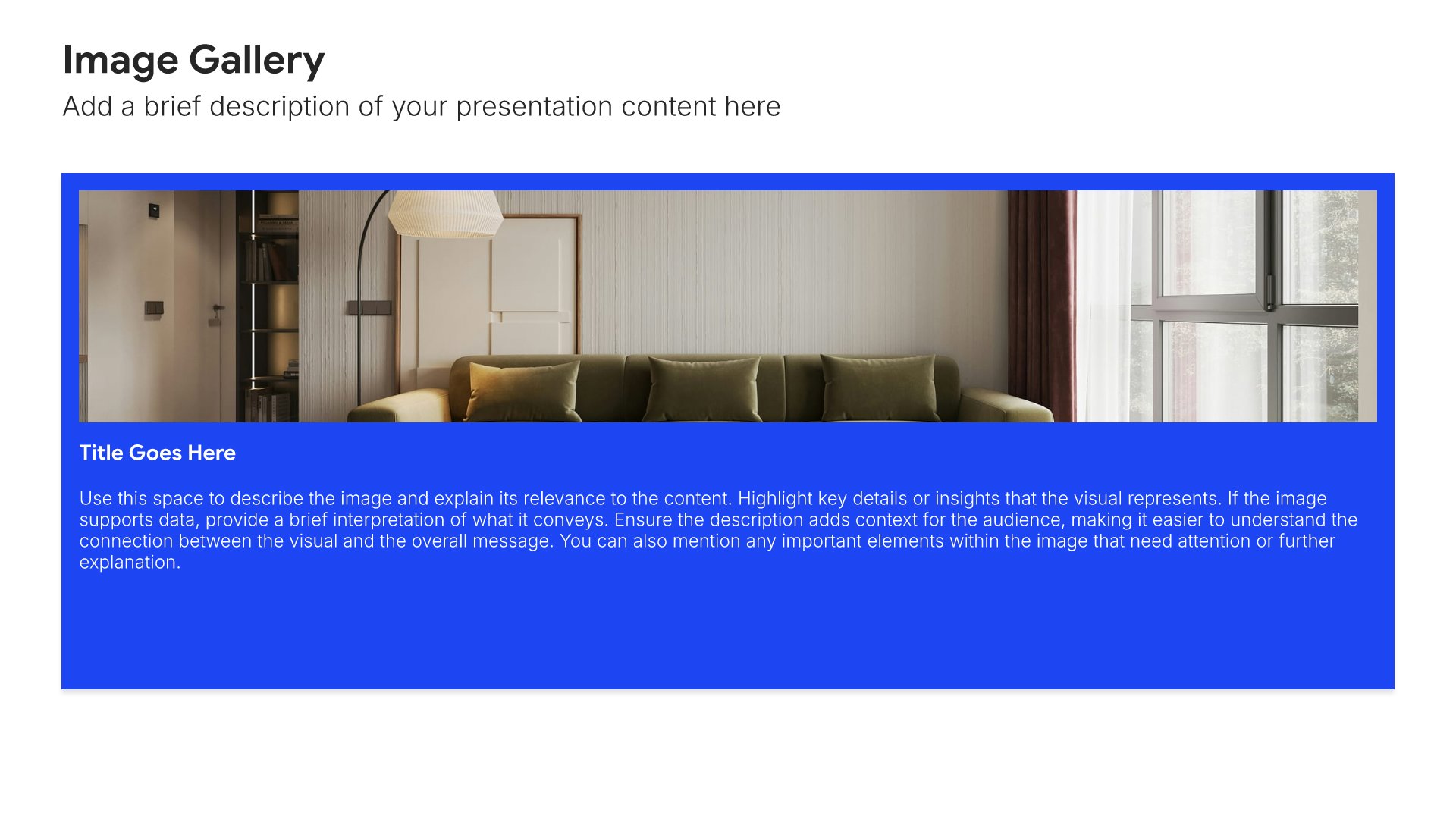
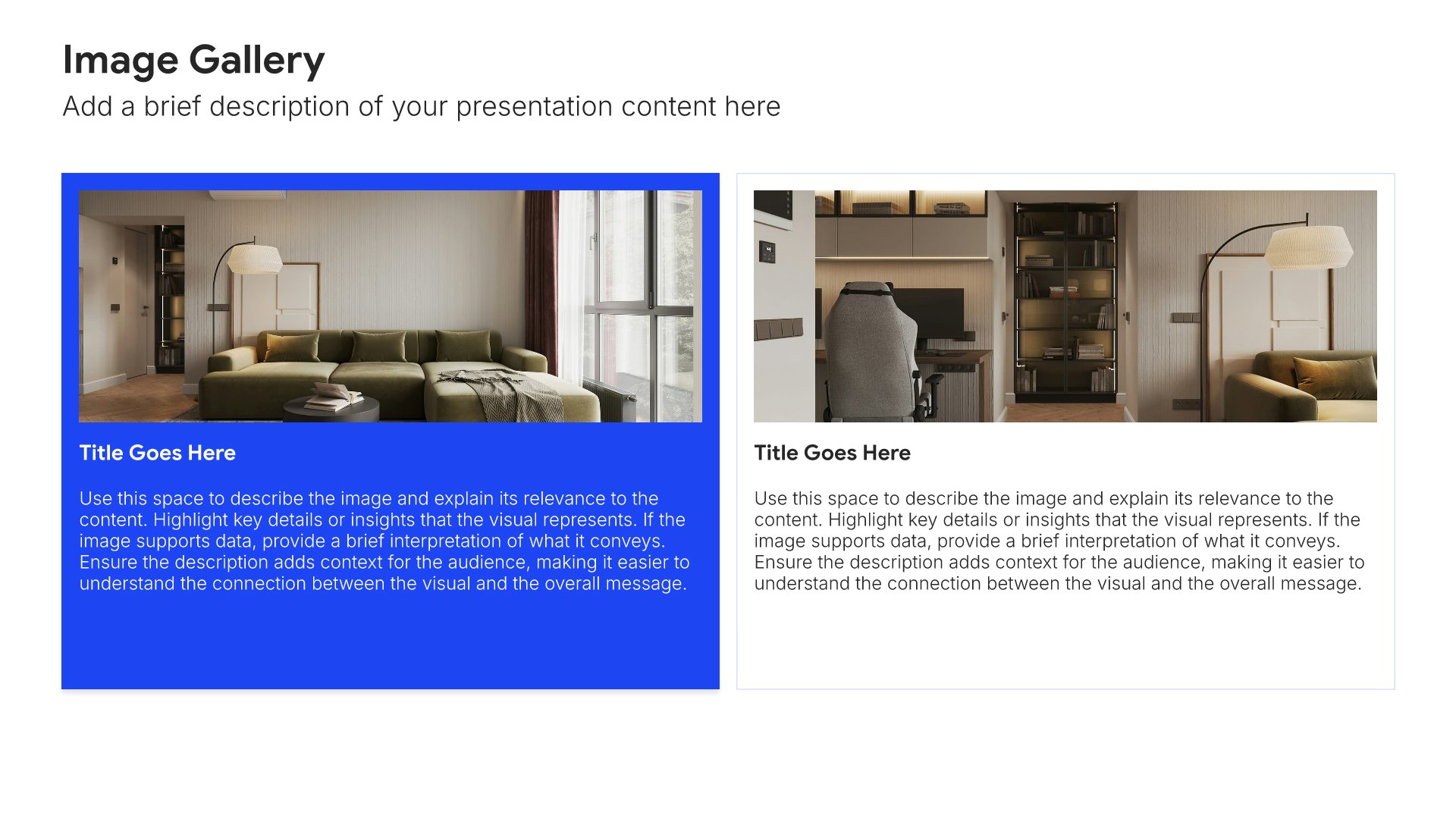
Platform overview slide, customer onboarding template, core areas of the new workspace

Slide 05

Platform Overview

Navigating the new workspace, with the core areas shown rather than described.

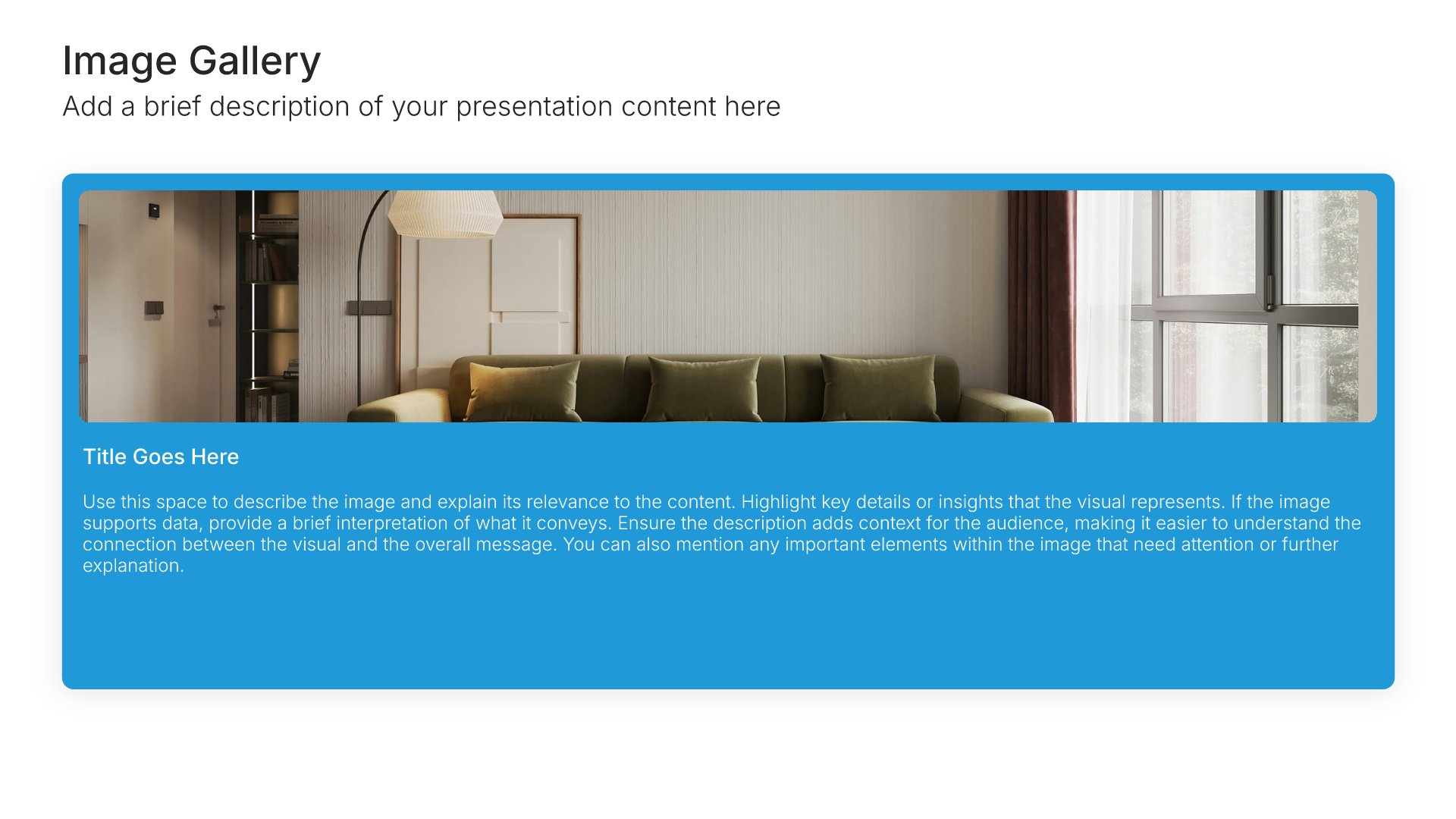
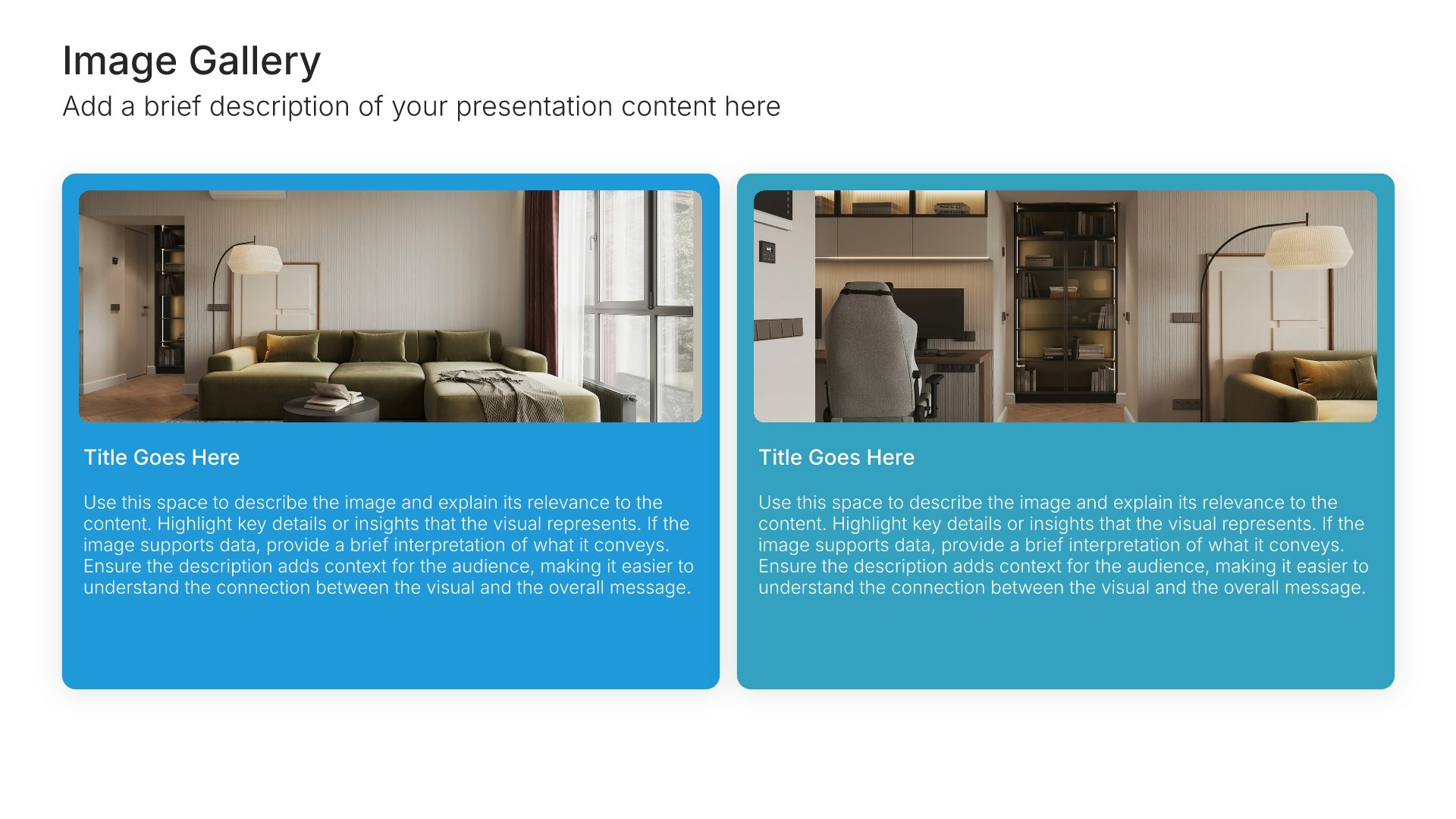
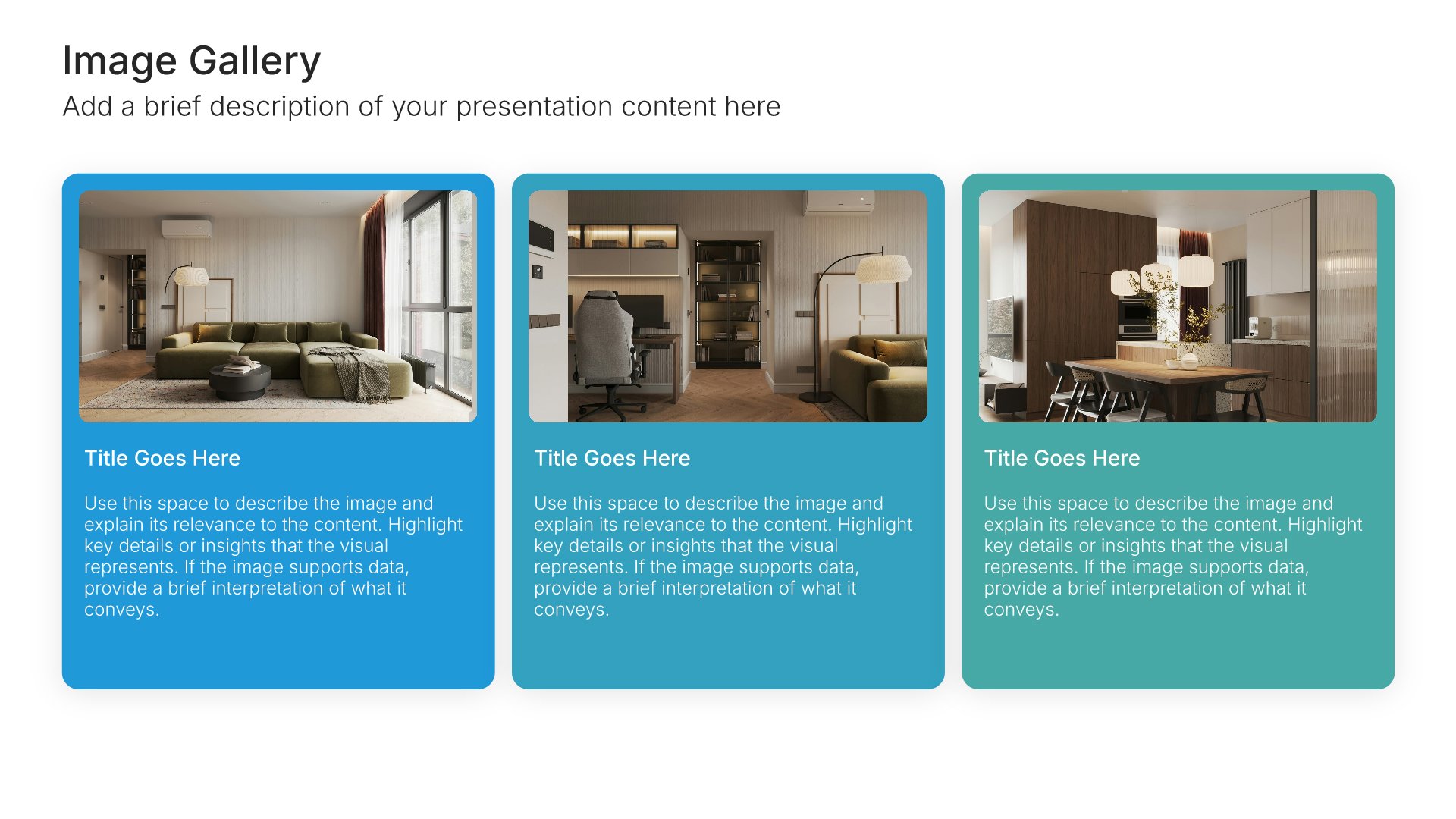
Built using “Image Gallery” slide
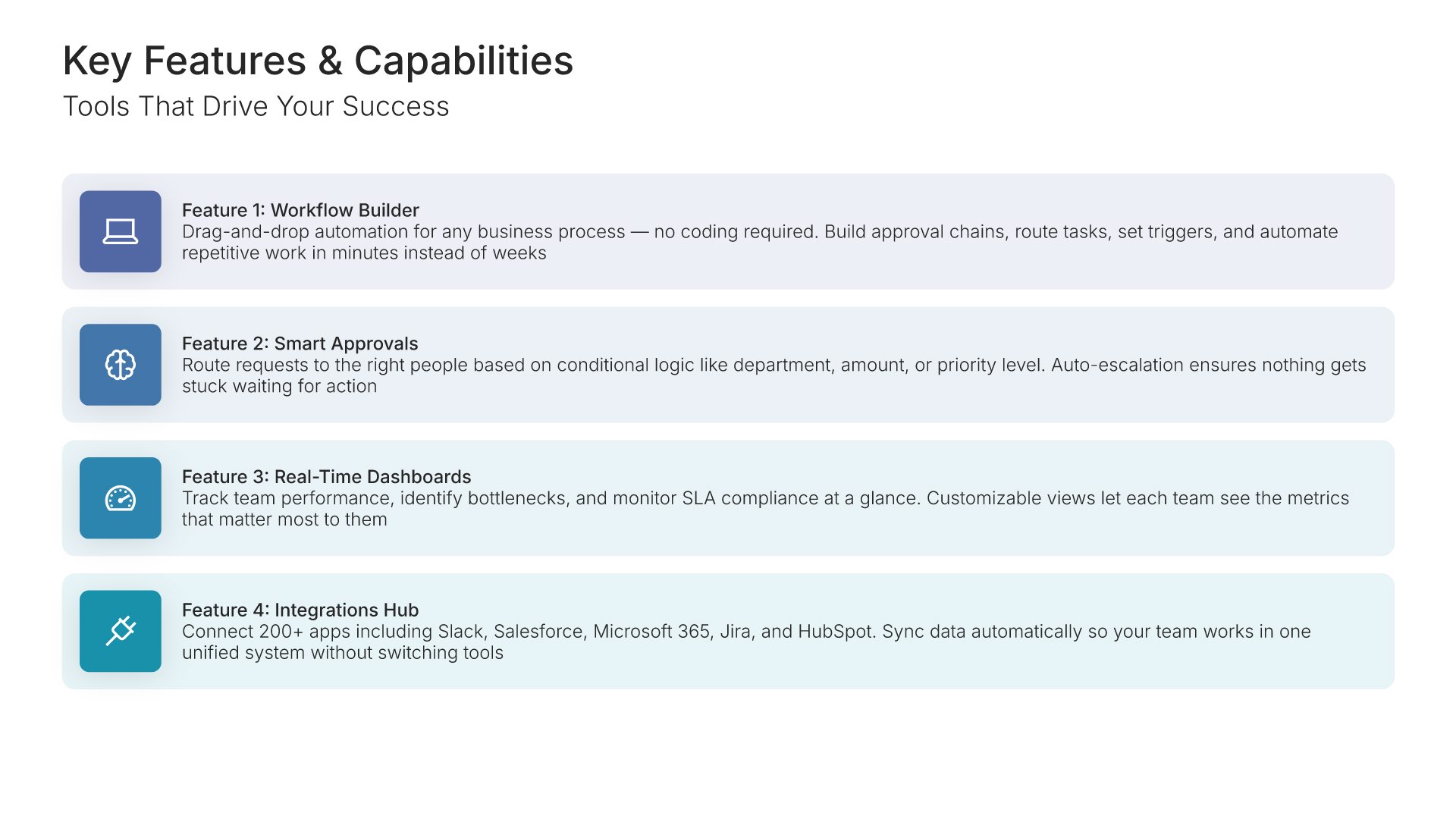
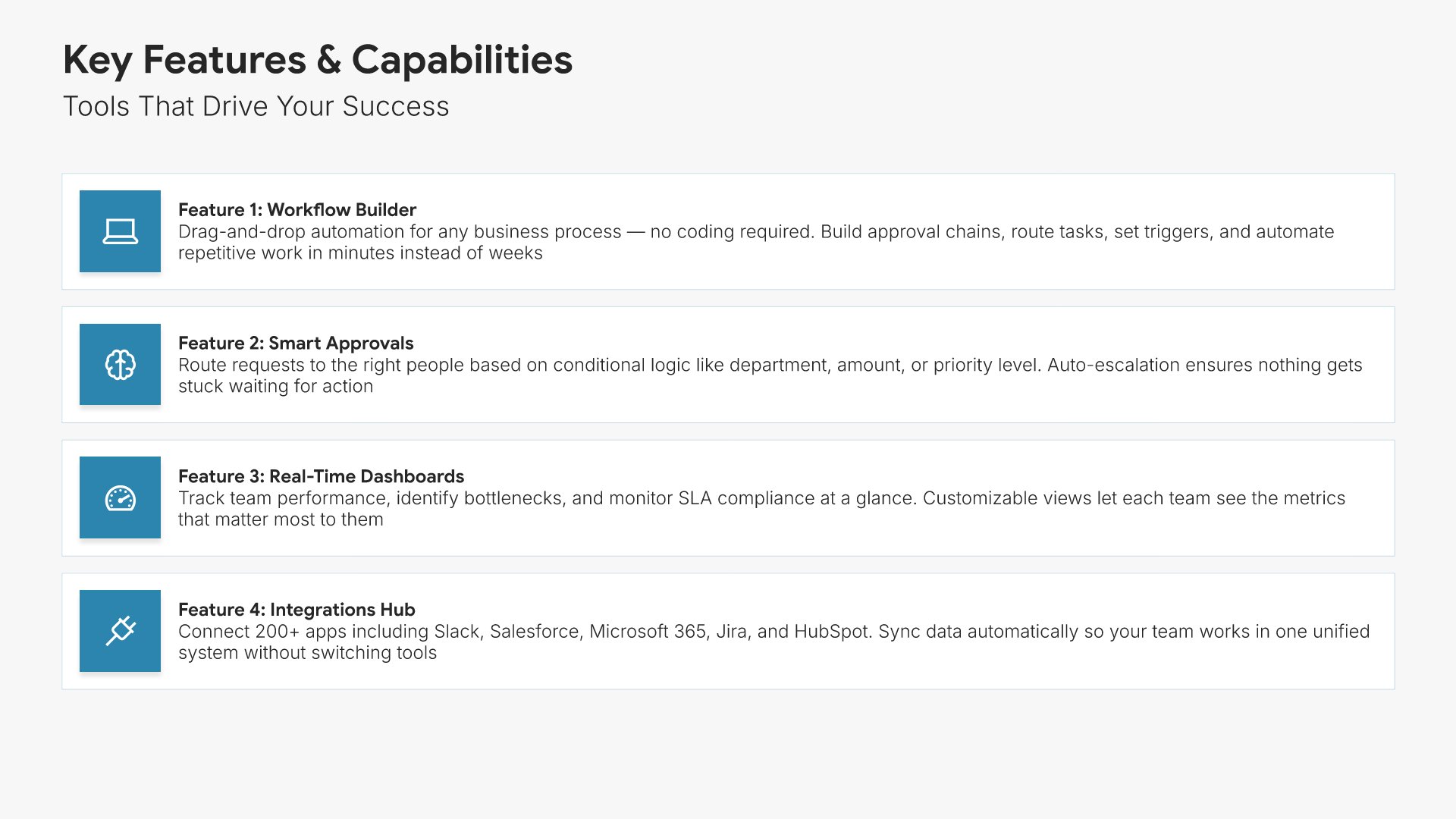
Features and benefits slide, customer onboarding template, each capability paired with its benefit

Slide 06

Features & Benefits

Each capability paired with what it will do for them specifically.

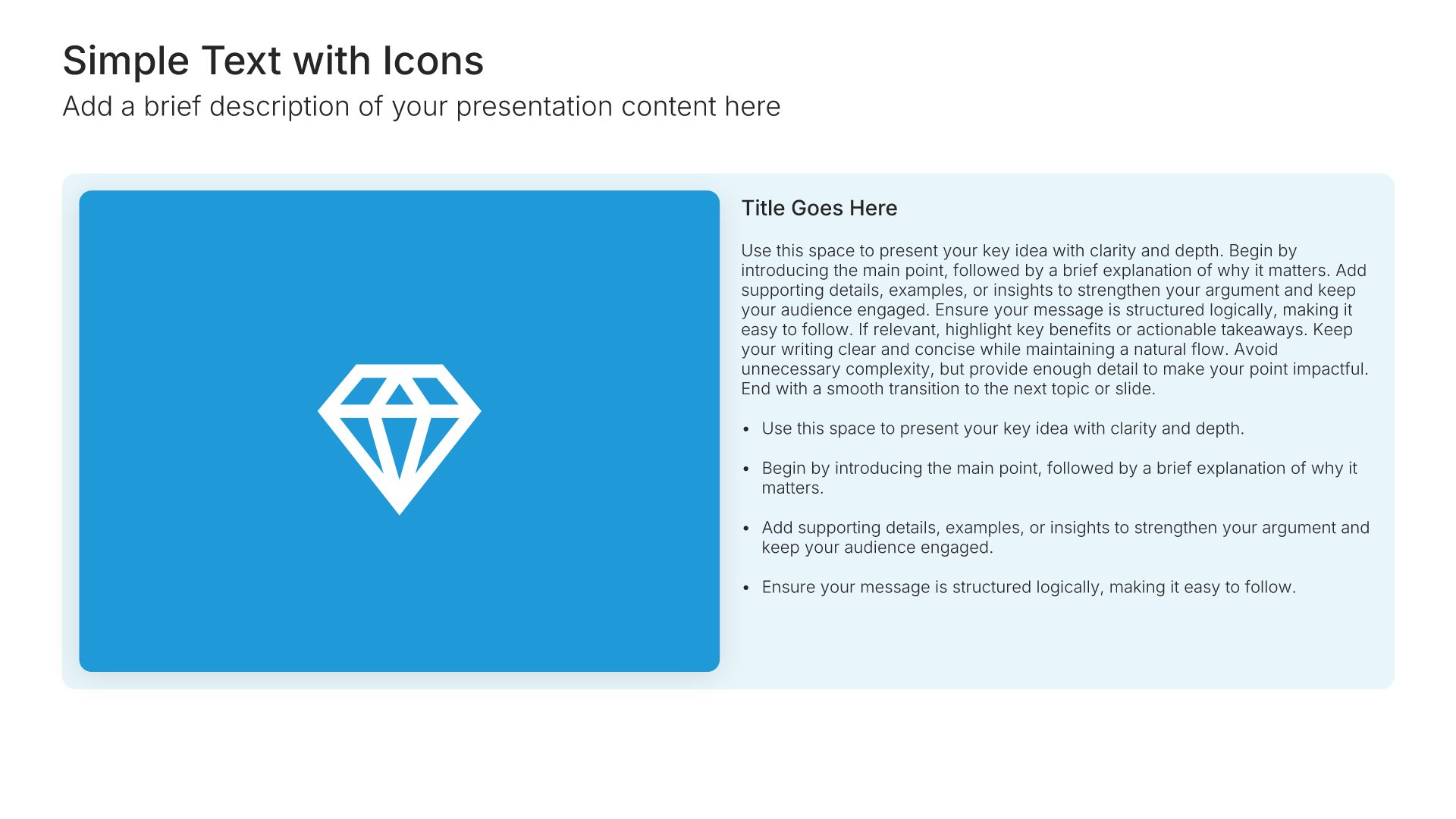
Built using “Simple Text (with Icons)” slide
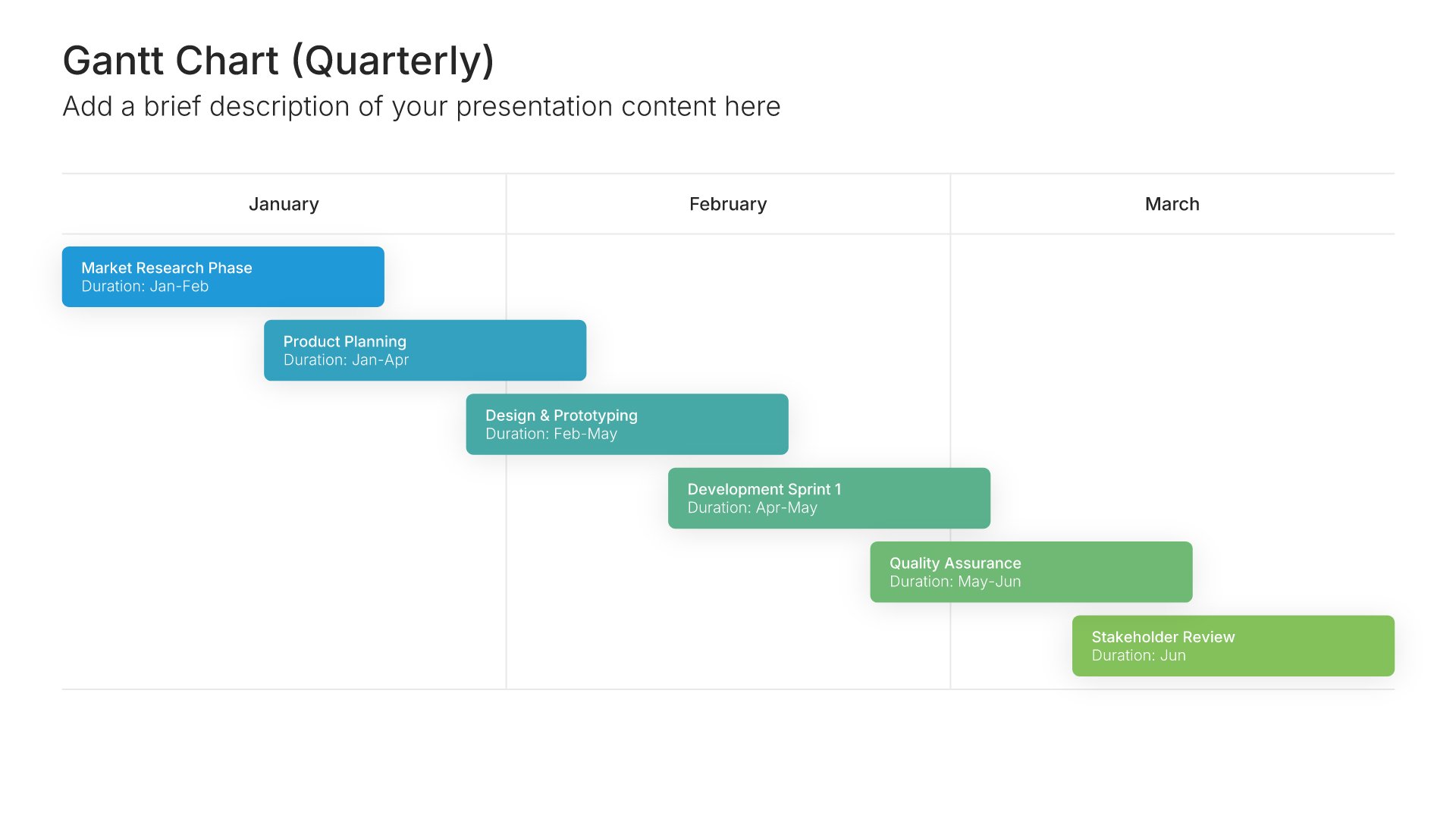
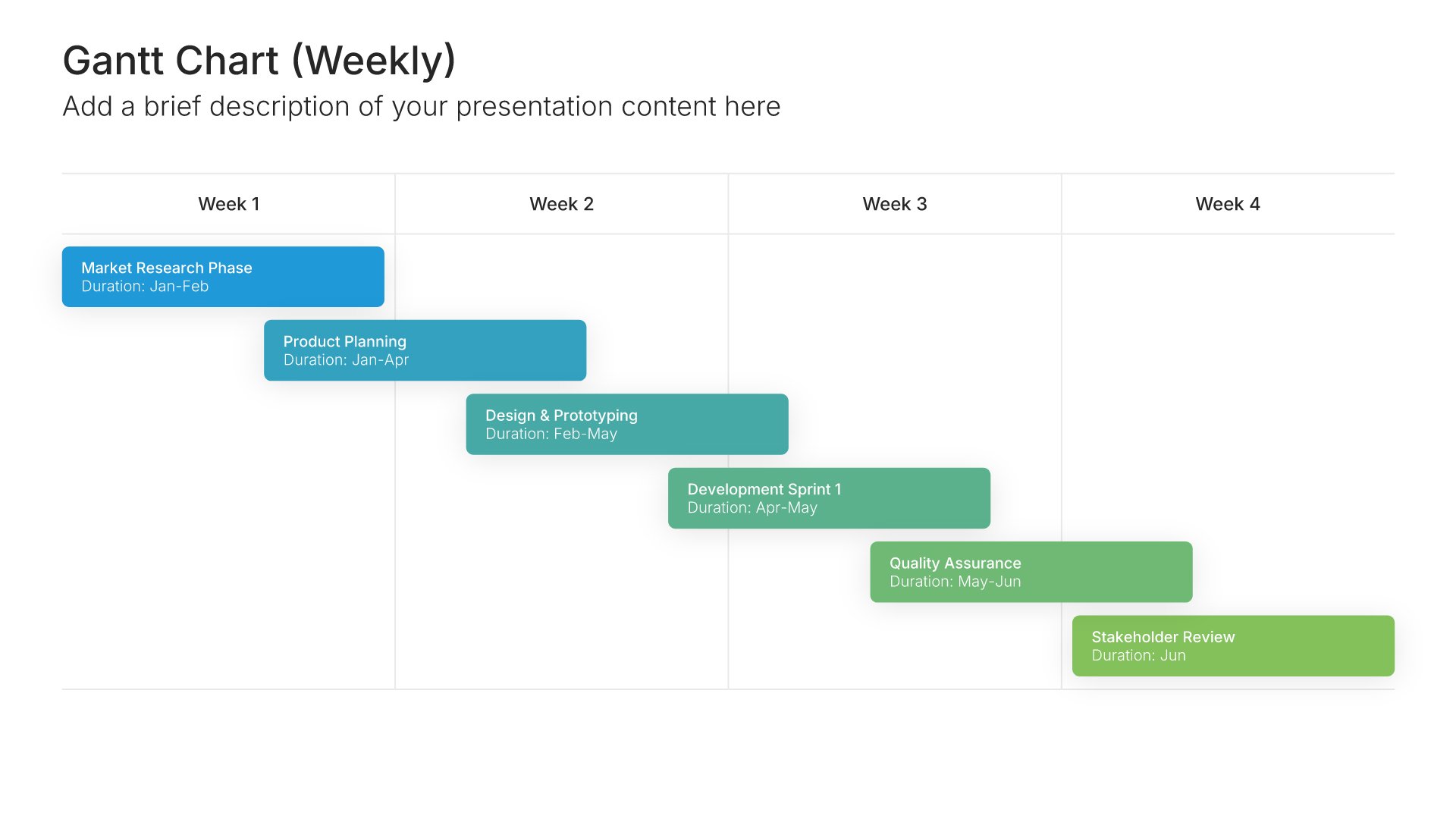
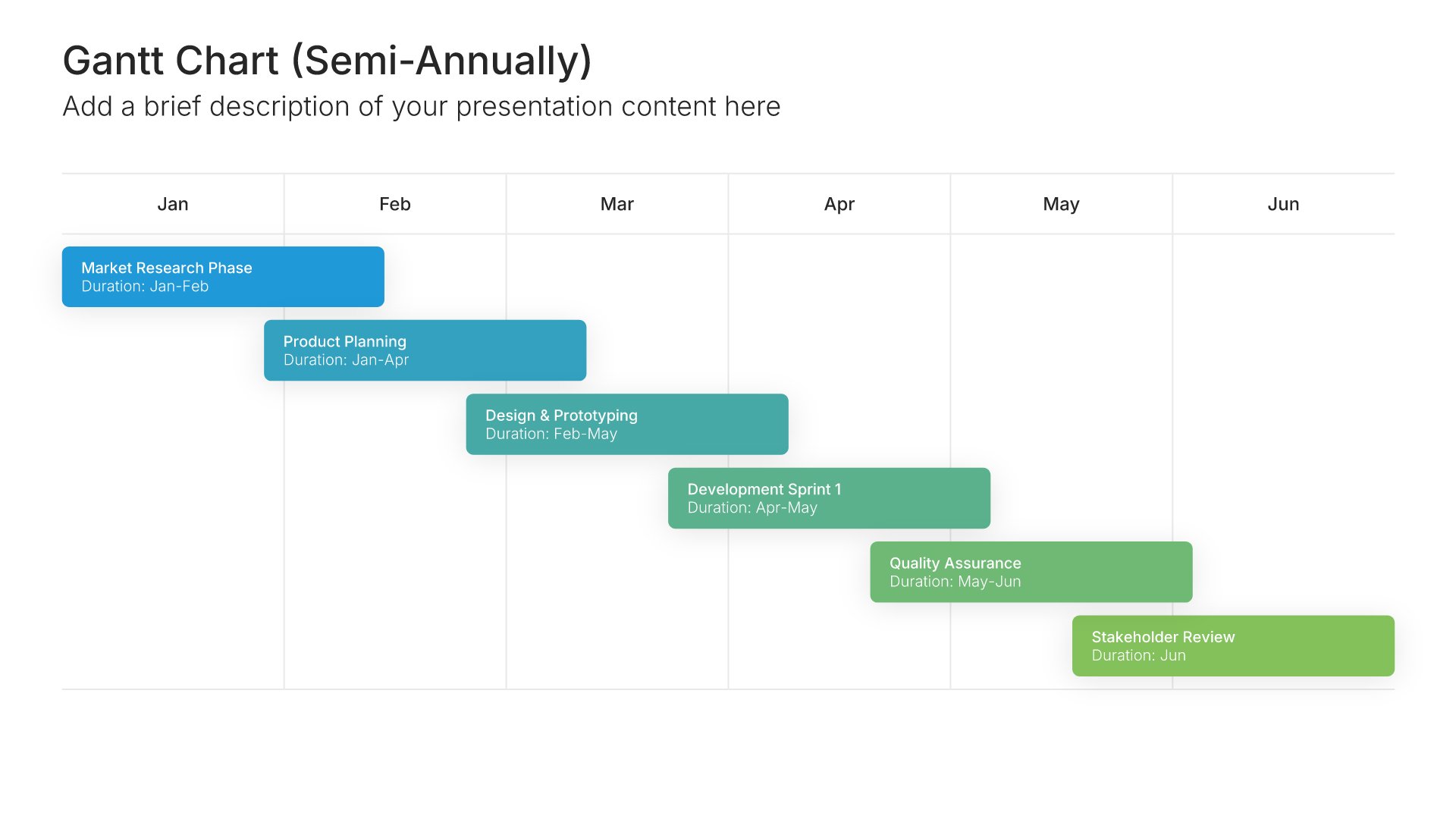
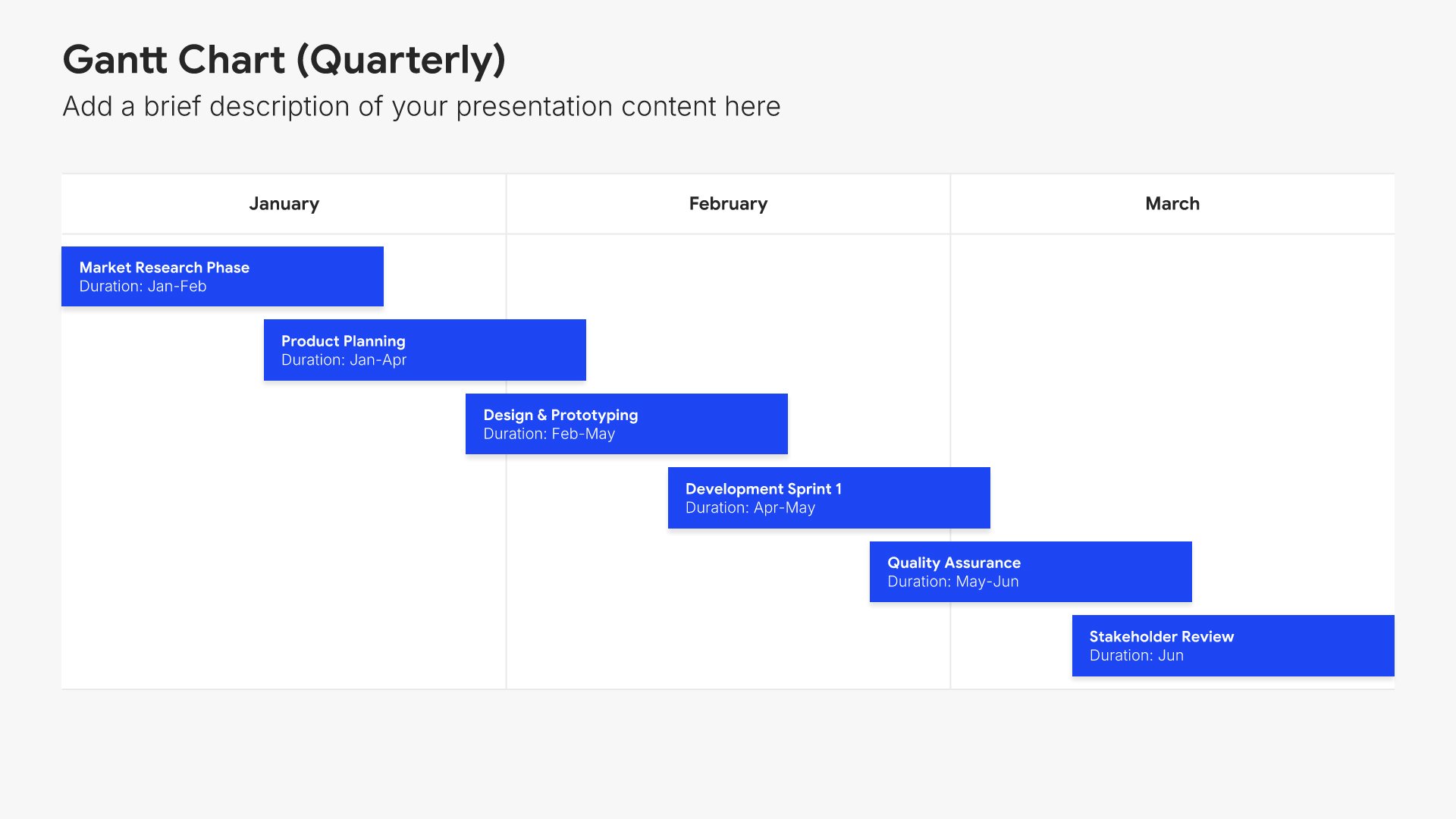
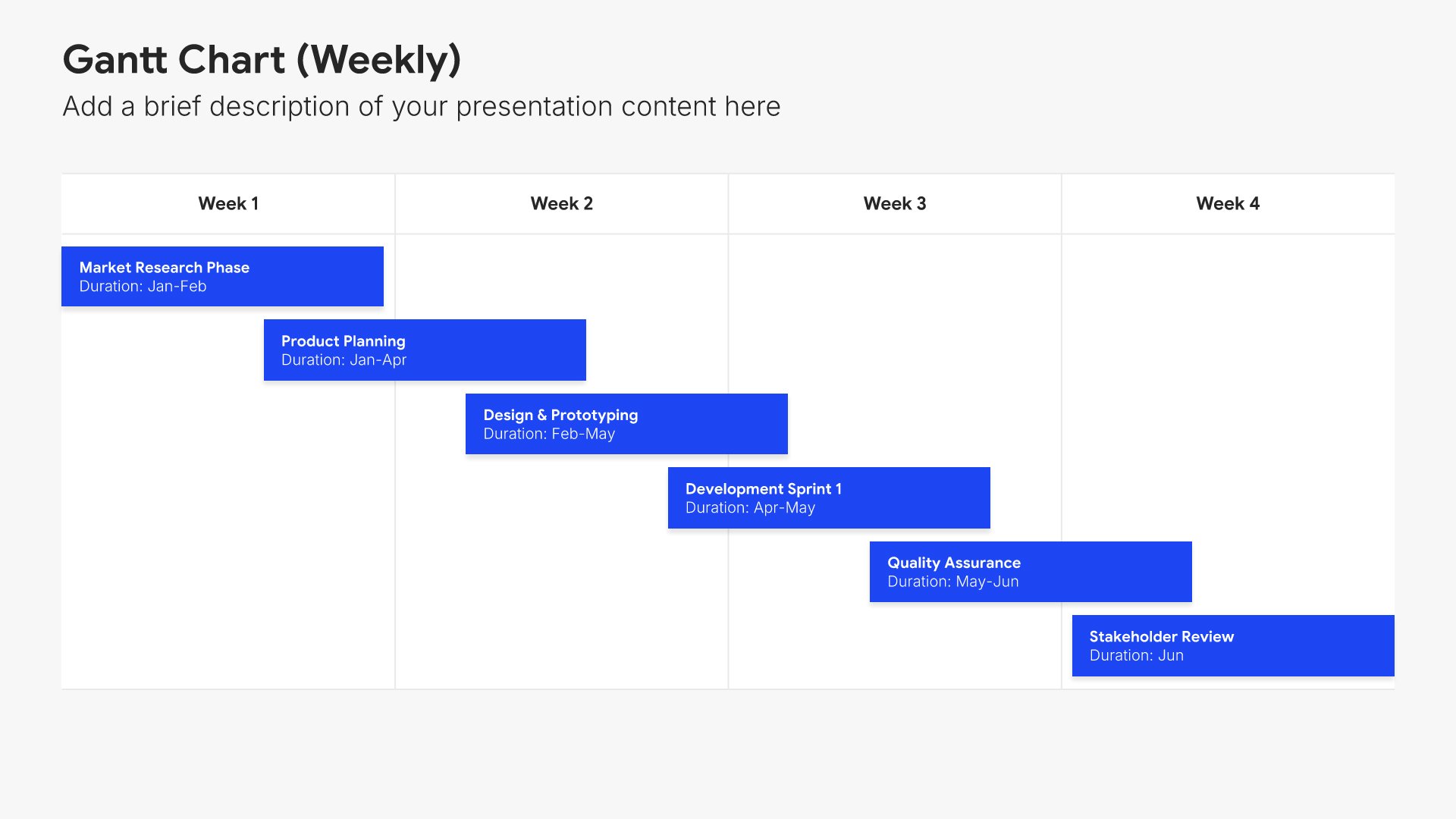
Implementation plan slide, customer onboarding template, phased rollout with dates and owners

Slide 07

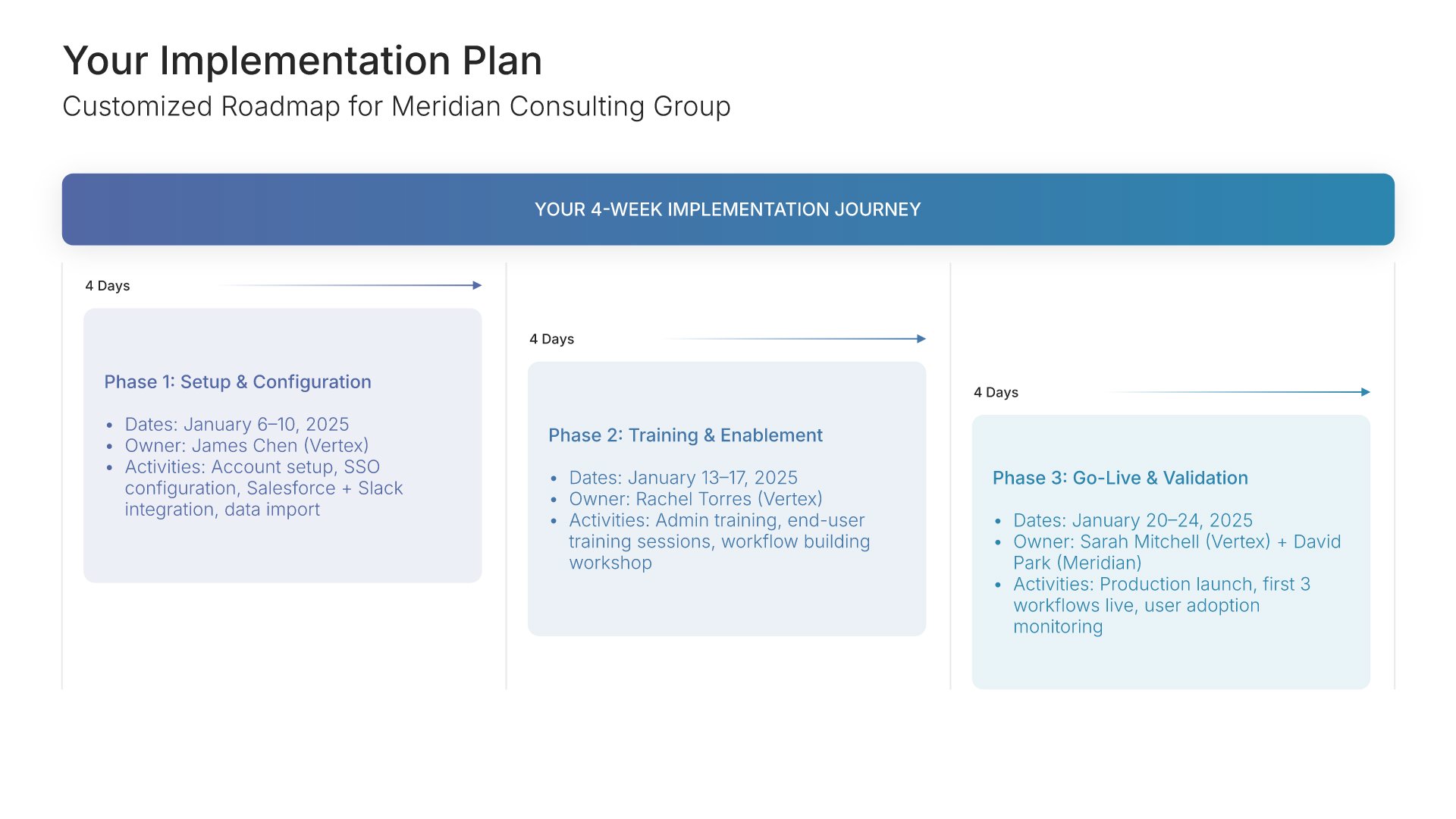
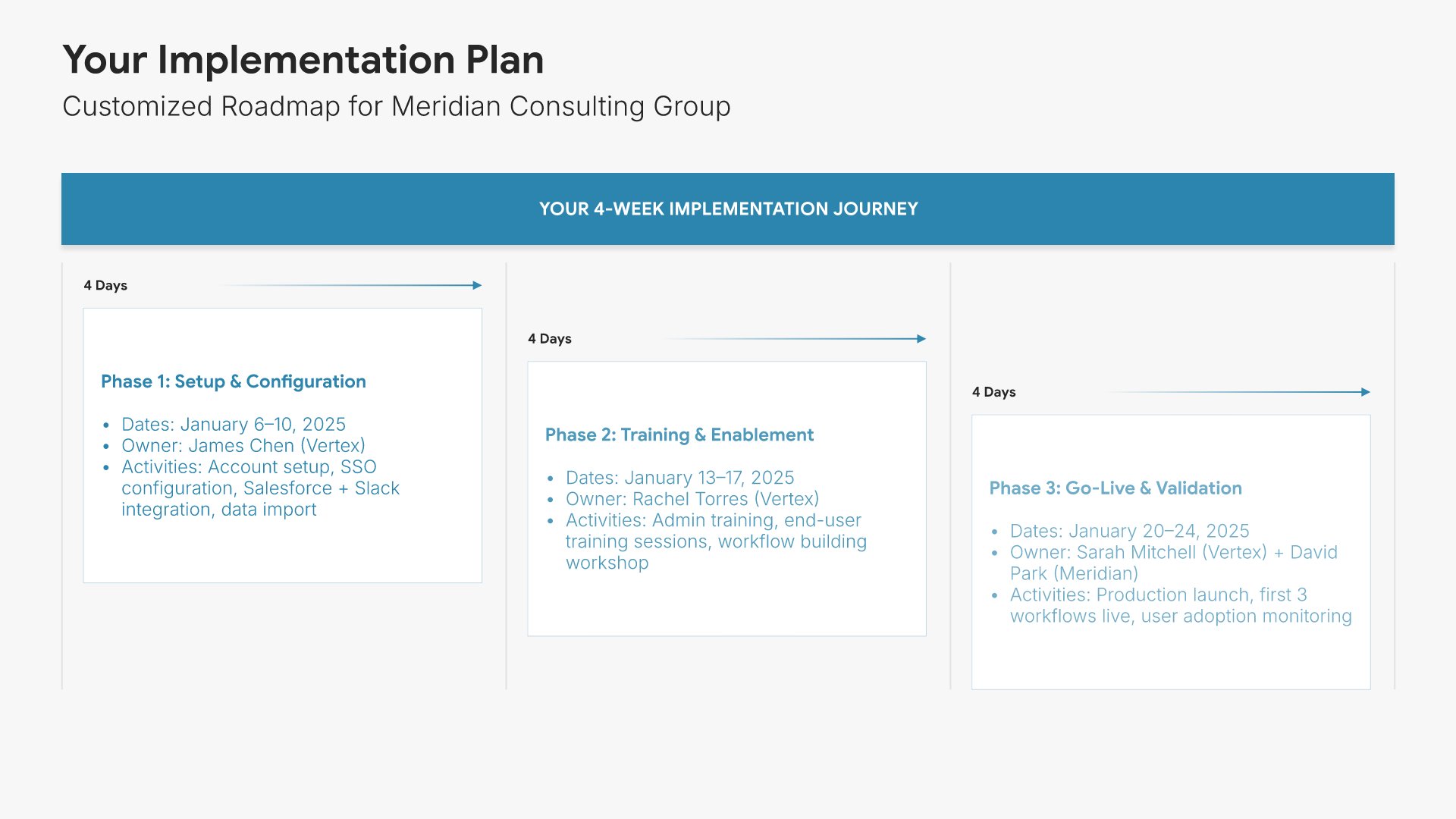
Implementation Plan

The customized rollout as a Gantt, phase by phase with dates and owners.

Built using “Gantt Chart” slide
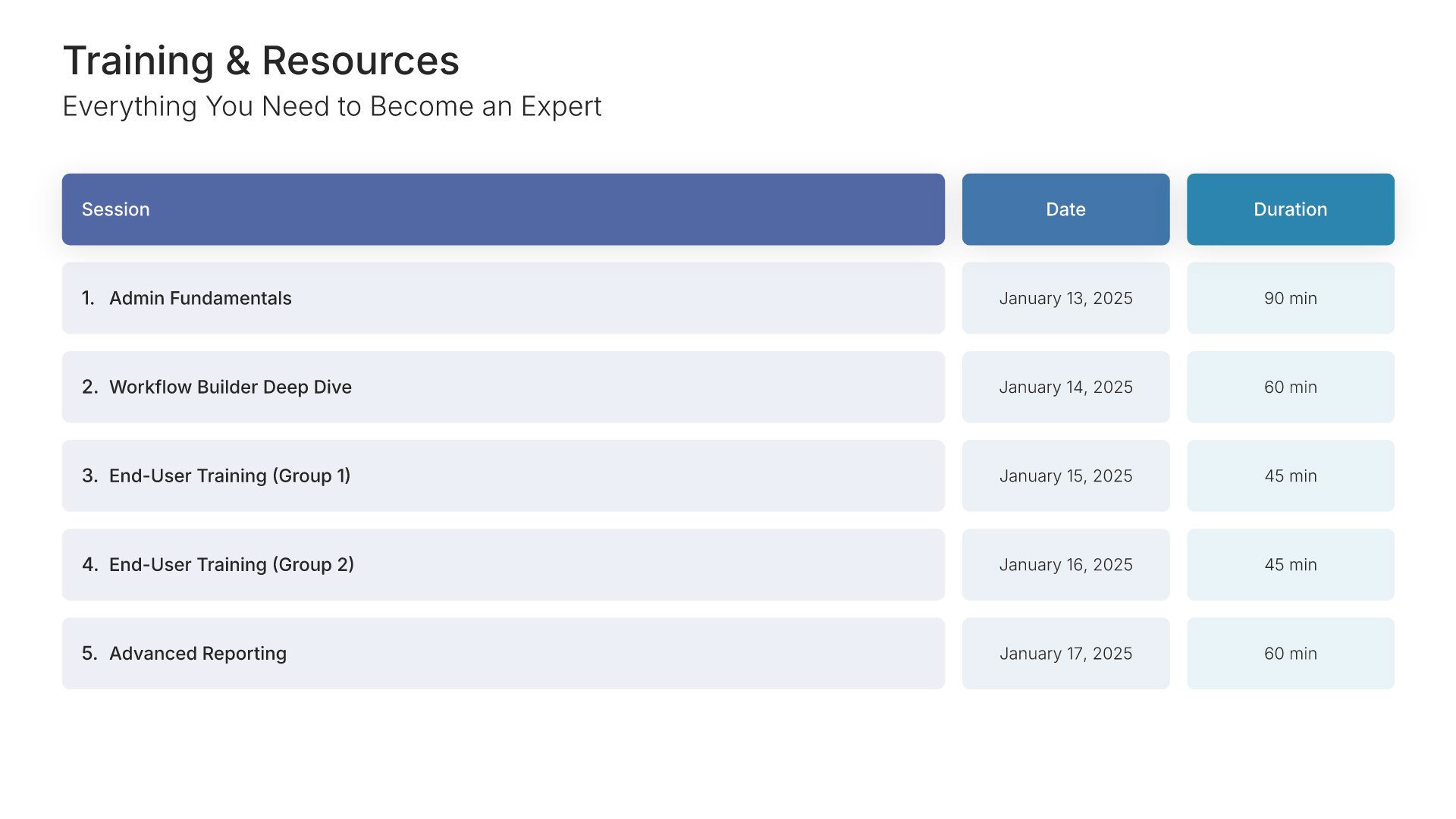
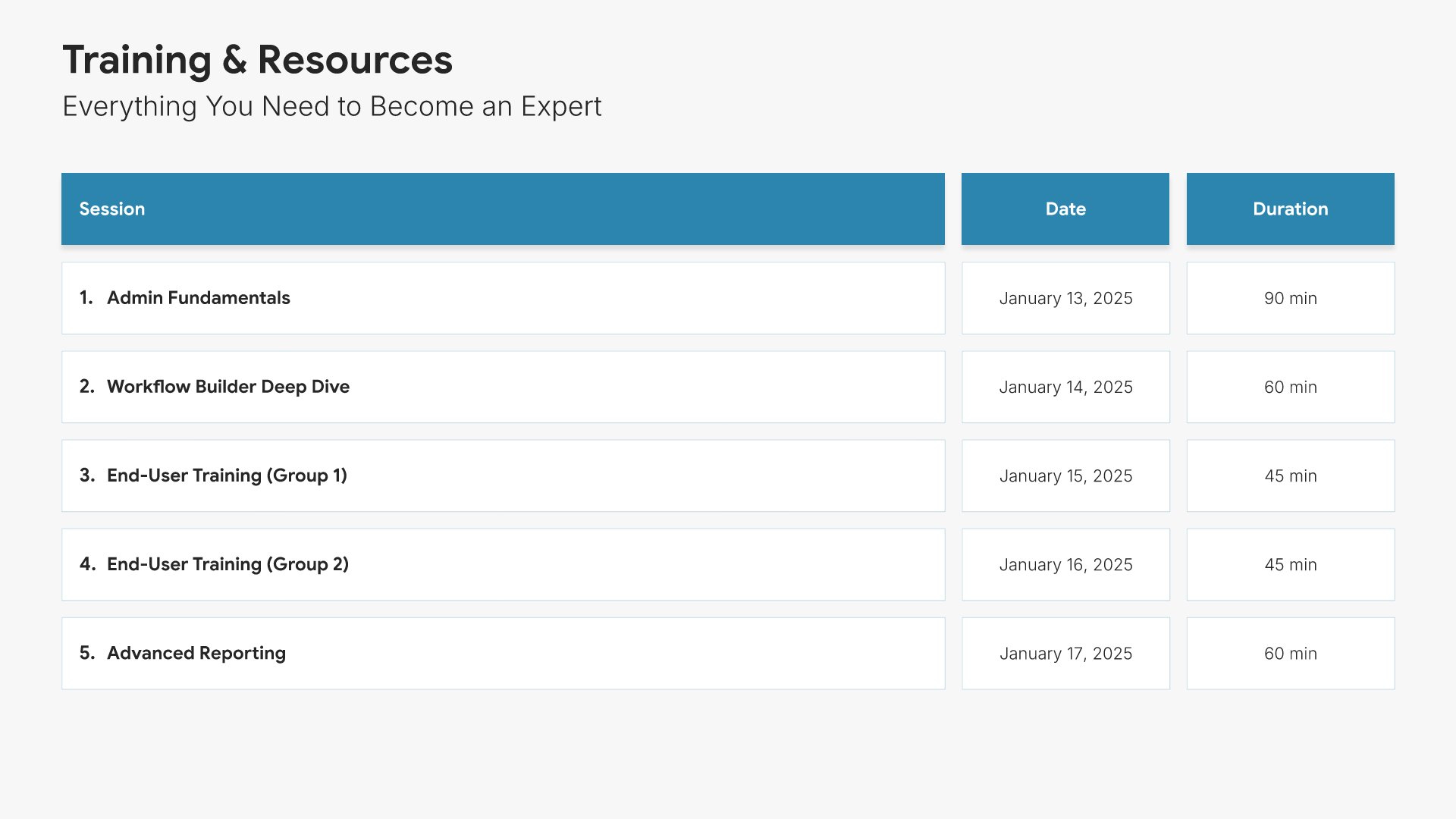
Training and resources slide, customer onboarding template, sessions with dates and durations

Slide 08

Training & Resources

Every session and resource, with its date and duration tabled.

Built using “Table” slide
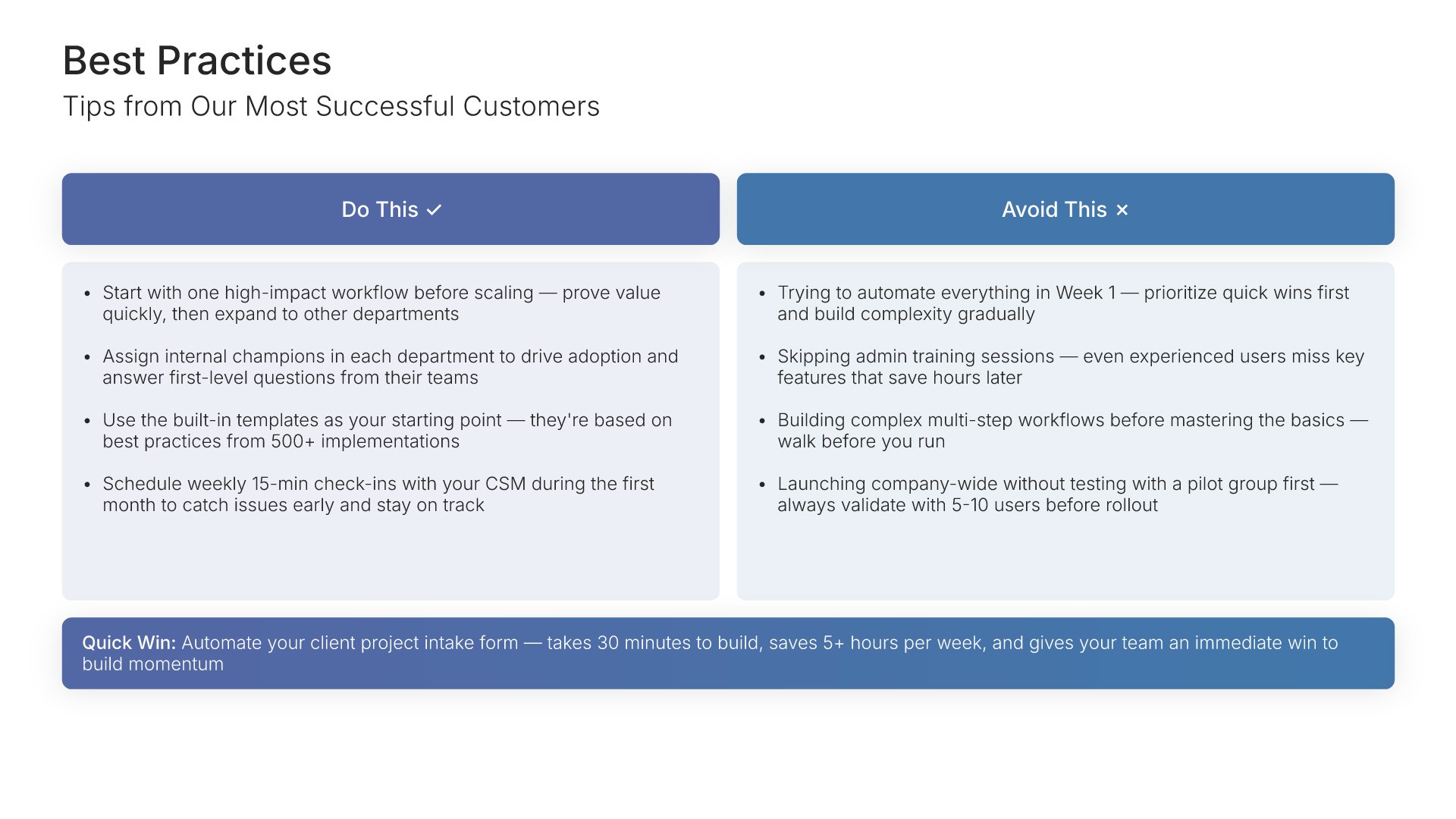
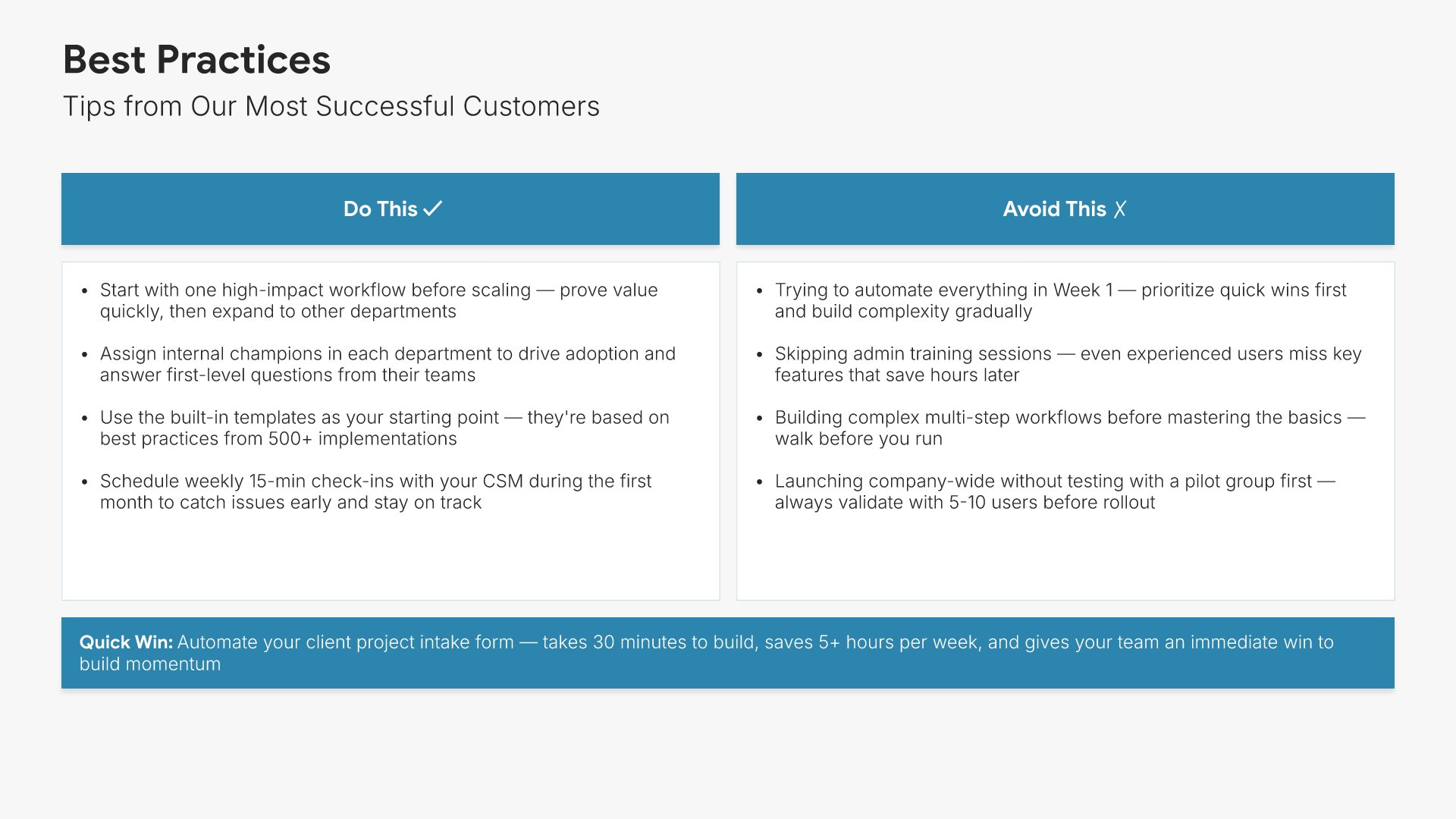
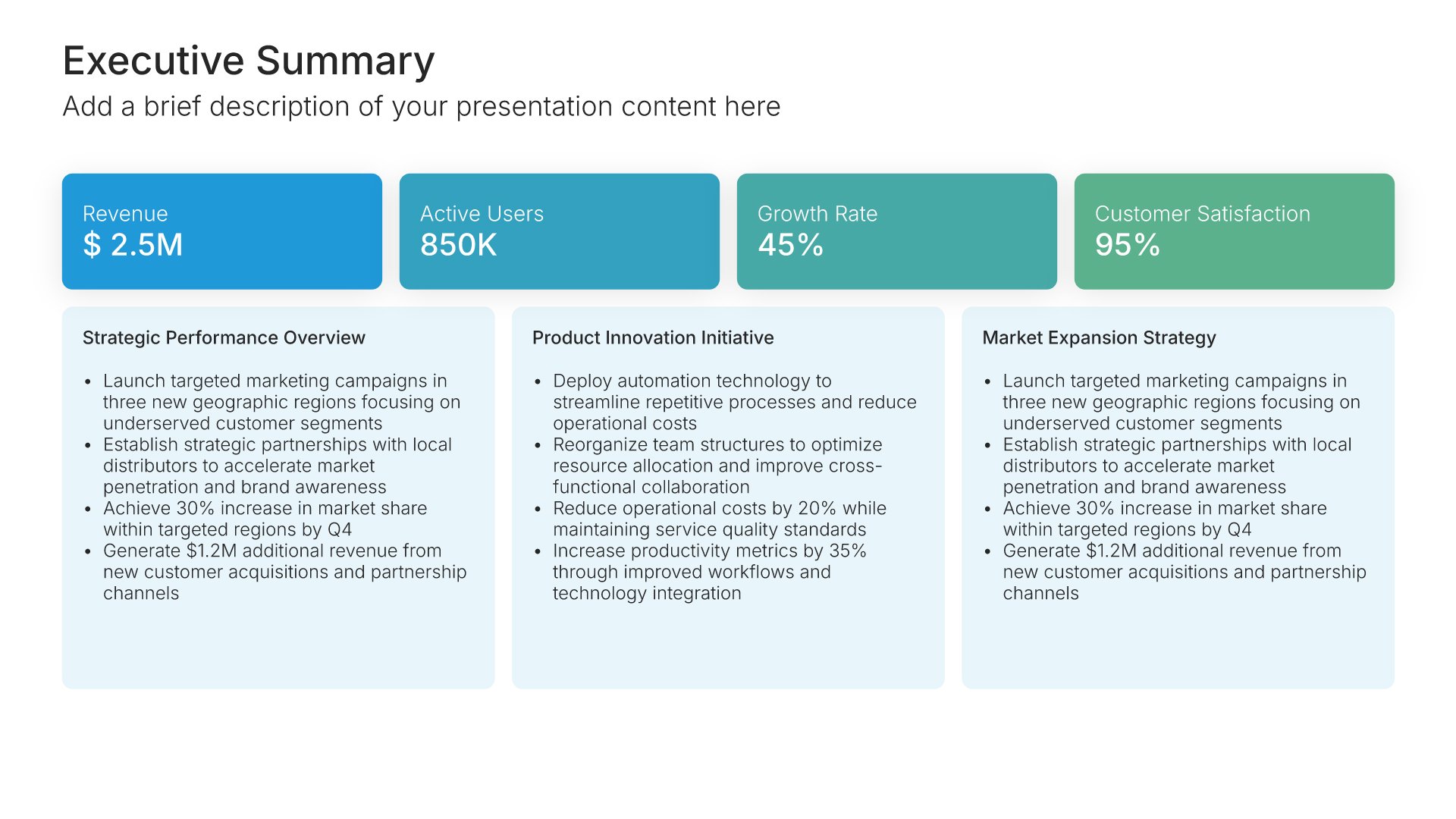
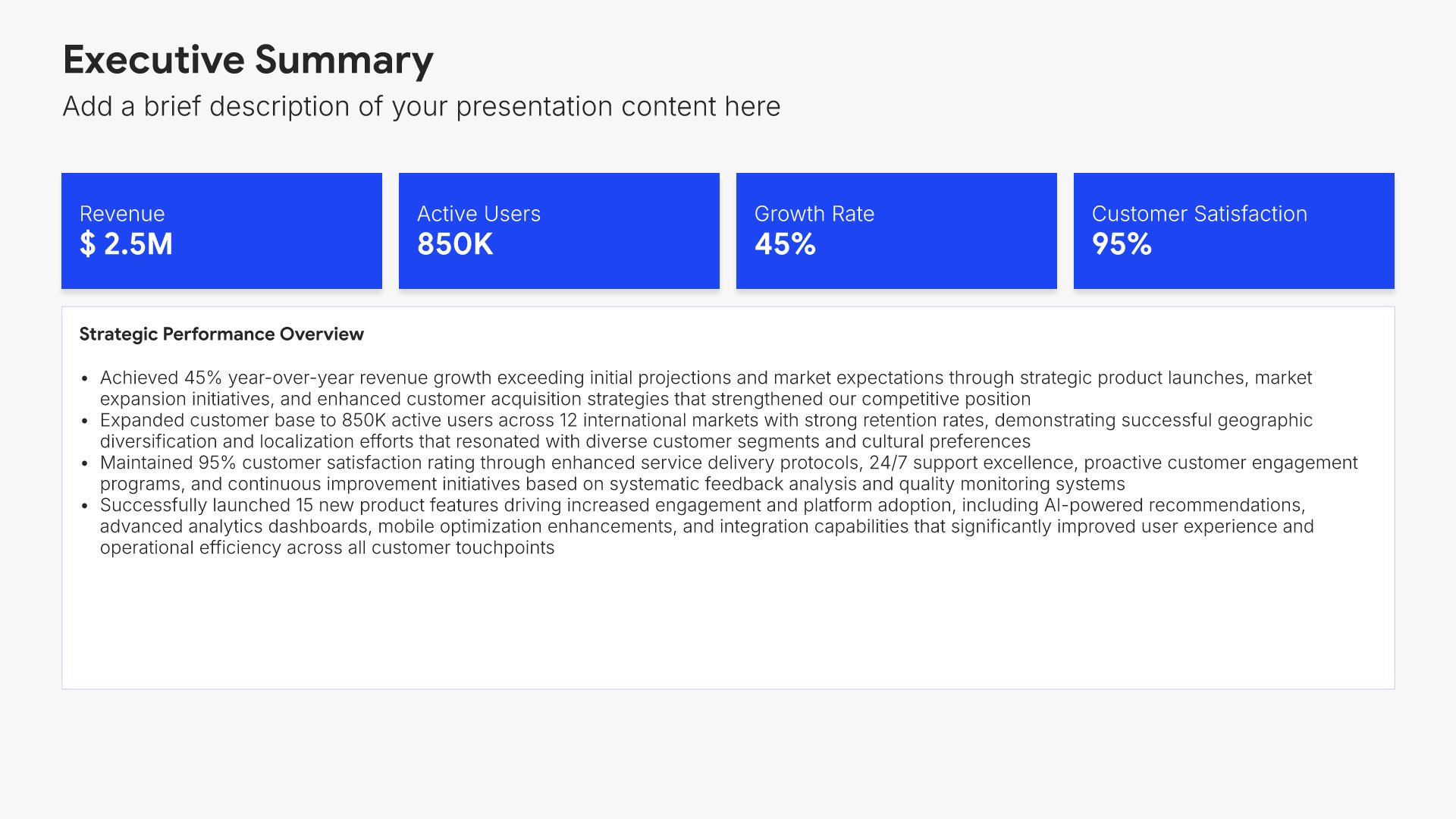
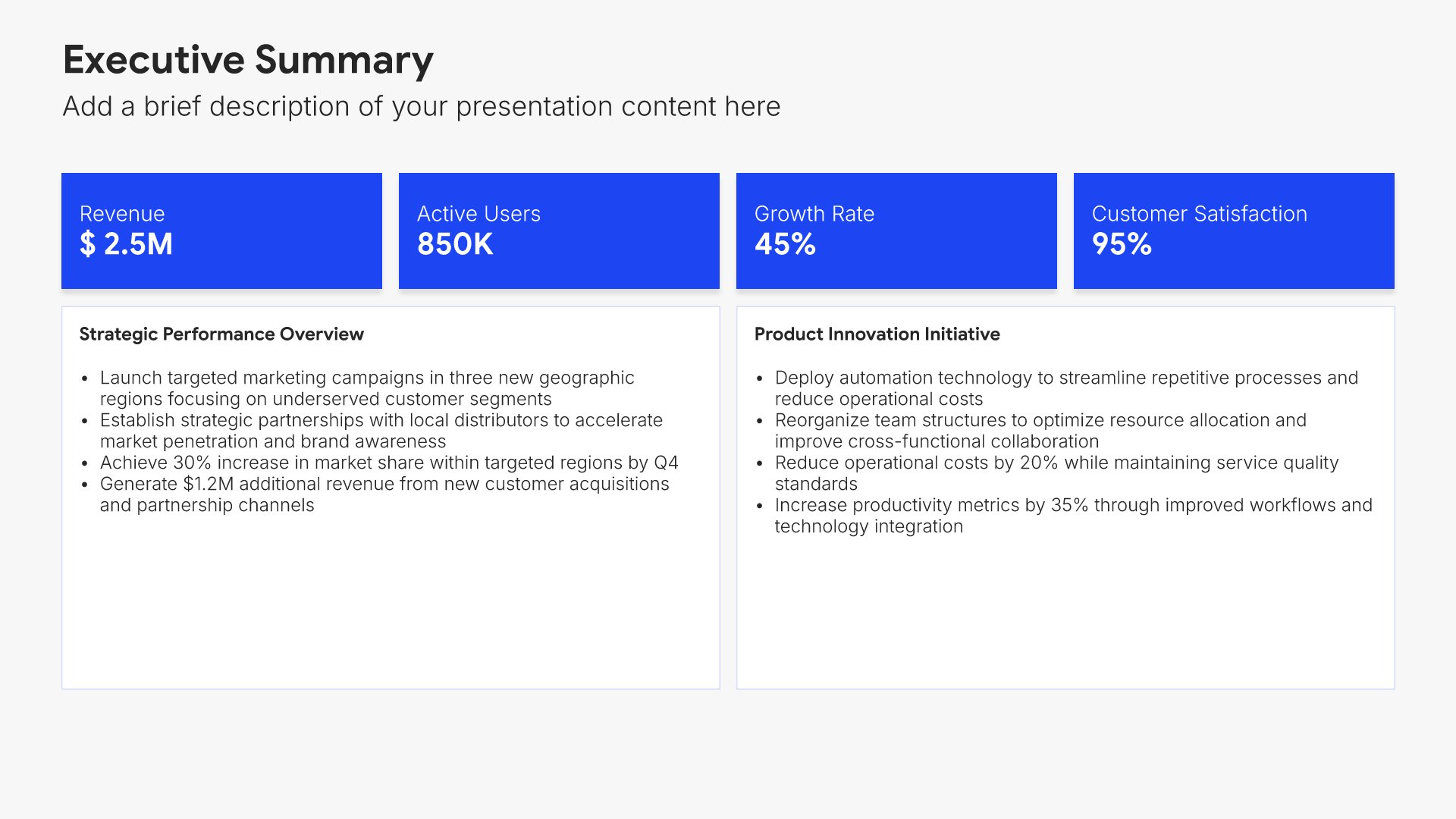
Best practices slide, customer onboarding template, what works and what doesn't

Slide 09

Best Practices

What works and what doesn't, drawn from customers who came before them.

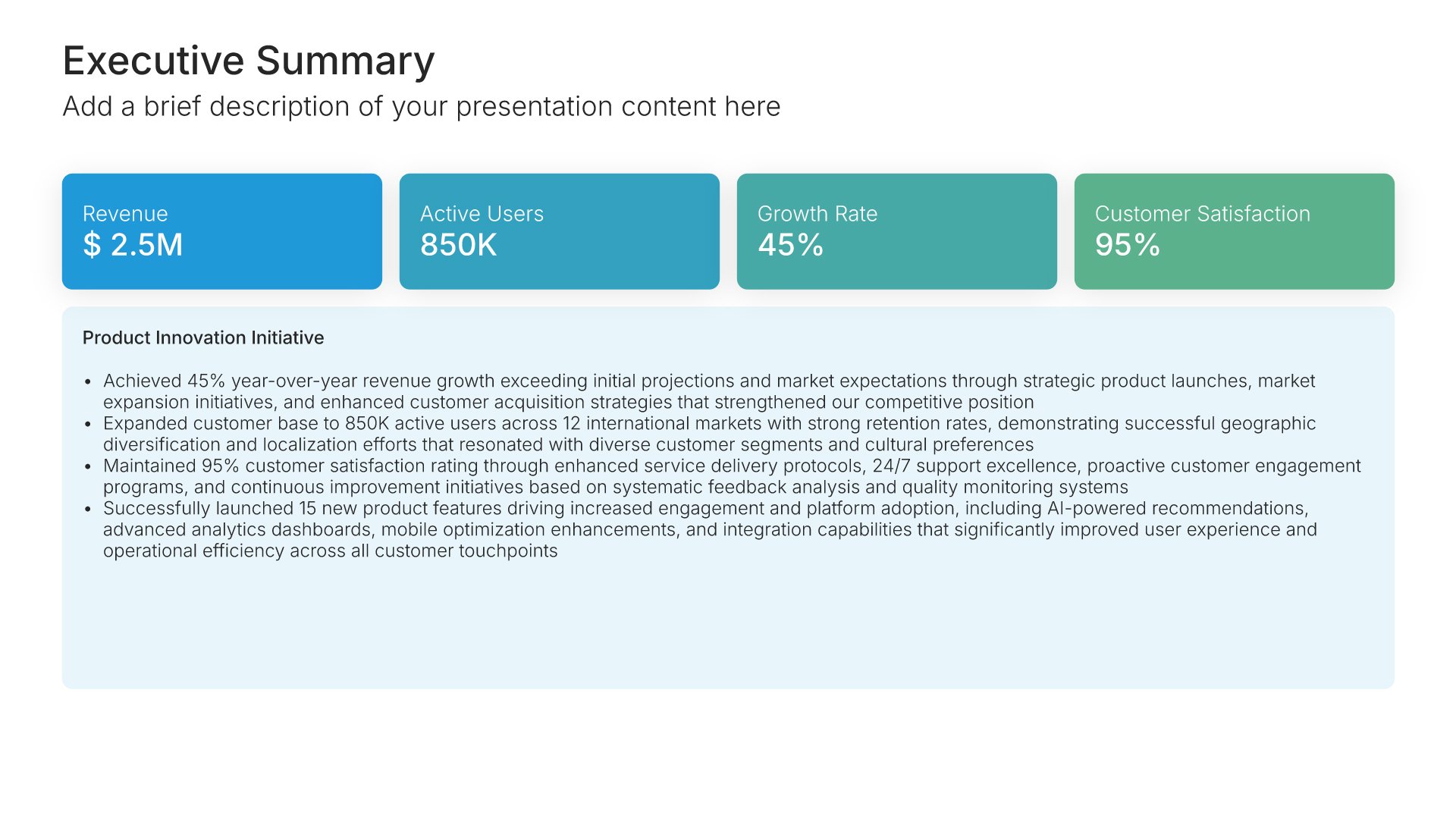
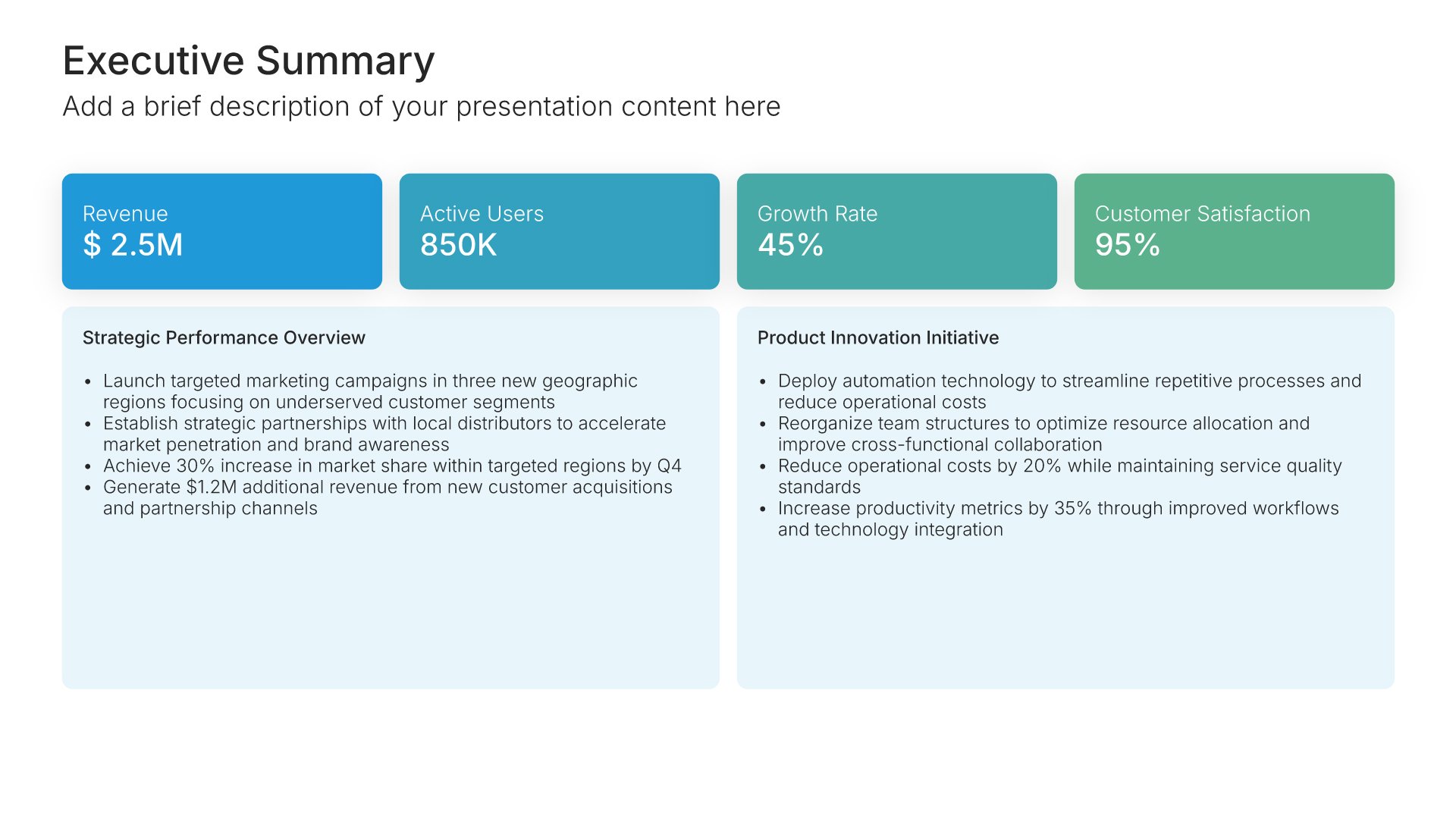
Built using “Executive Summary” slide
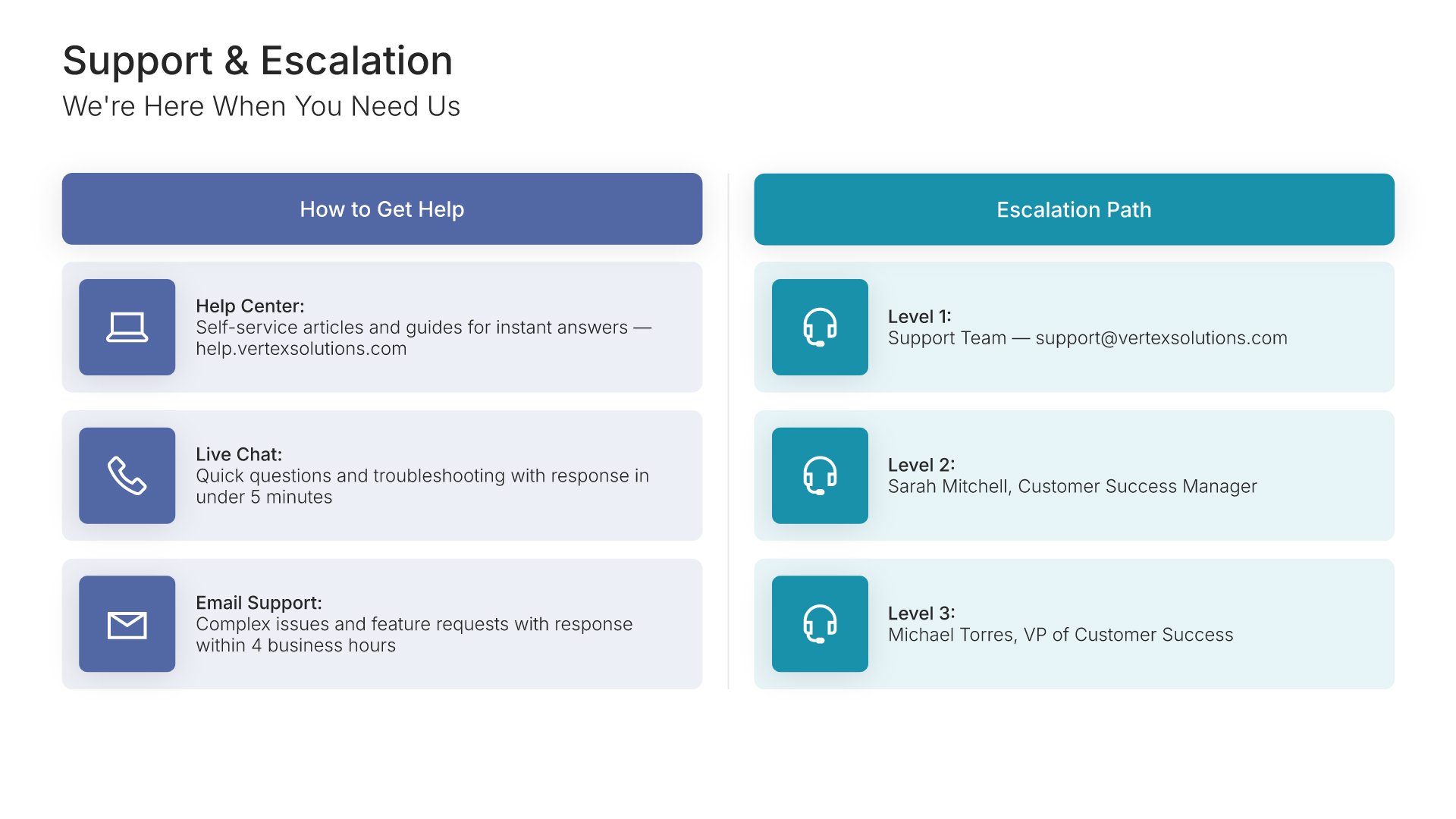
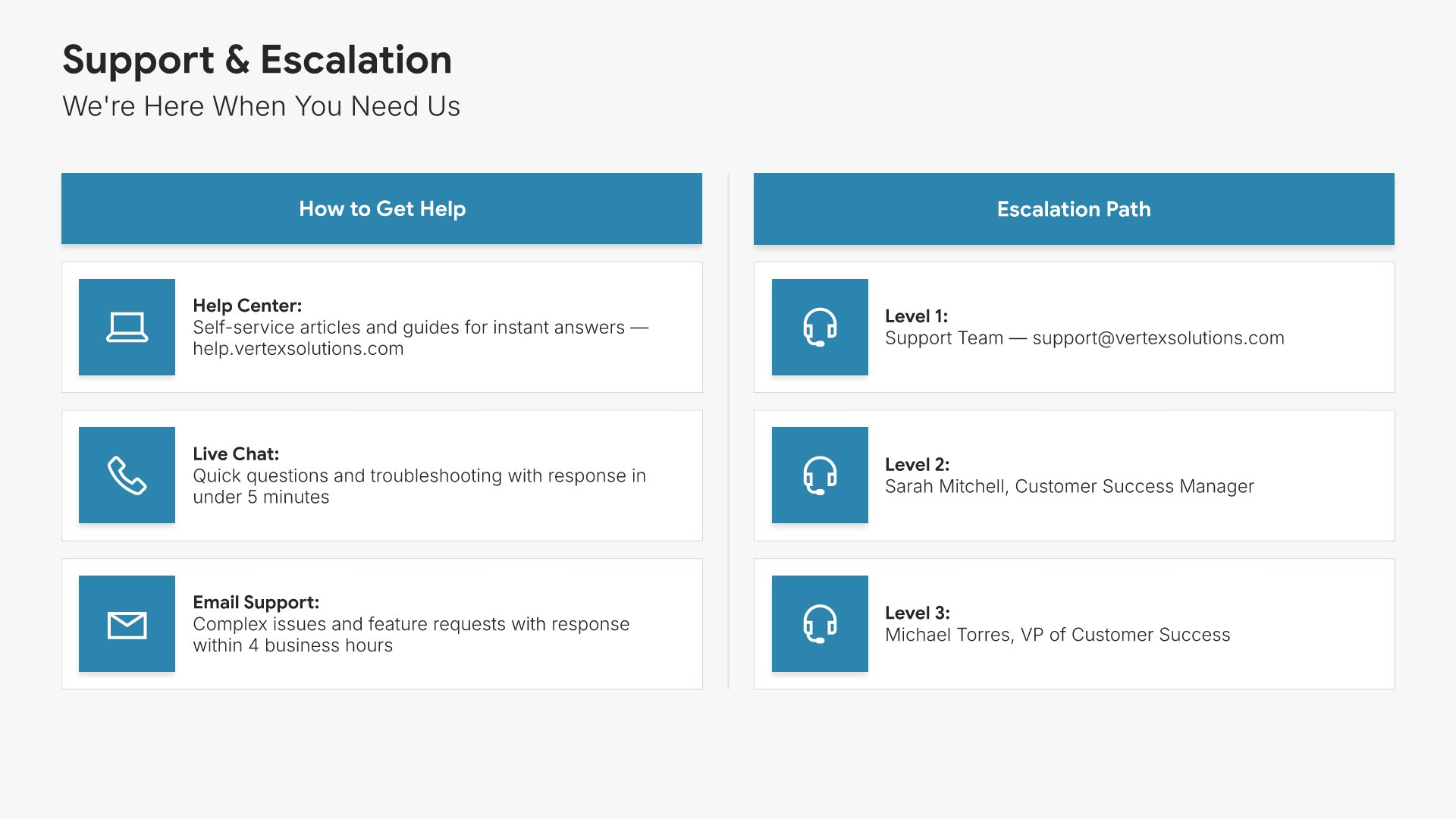
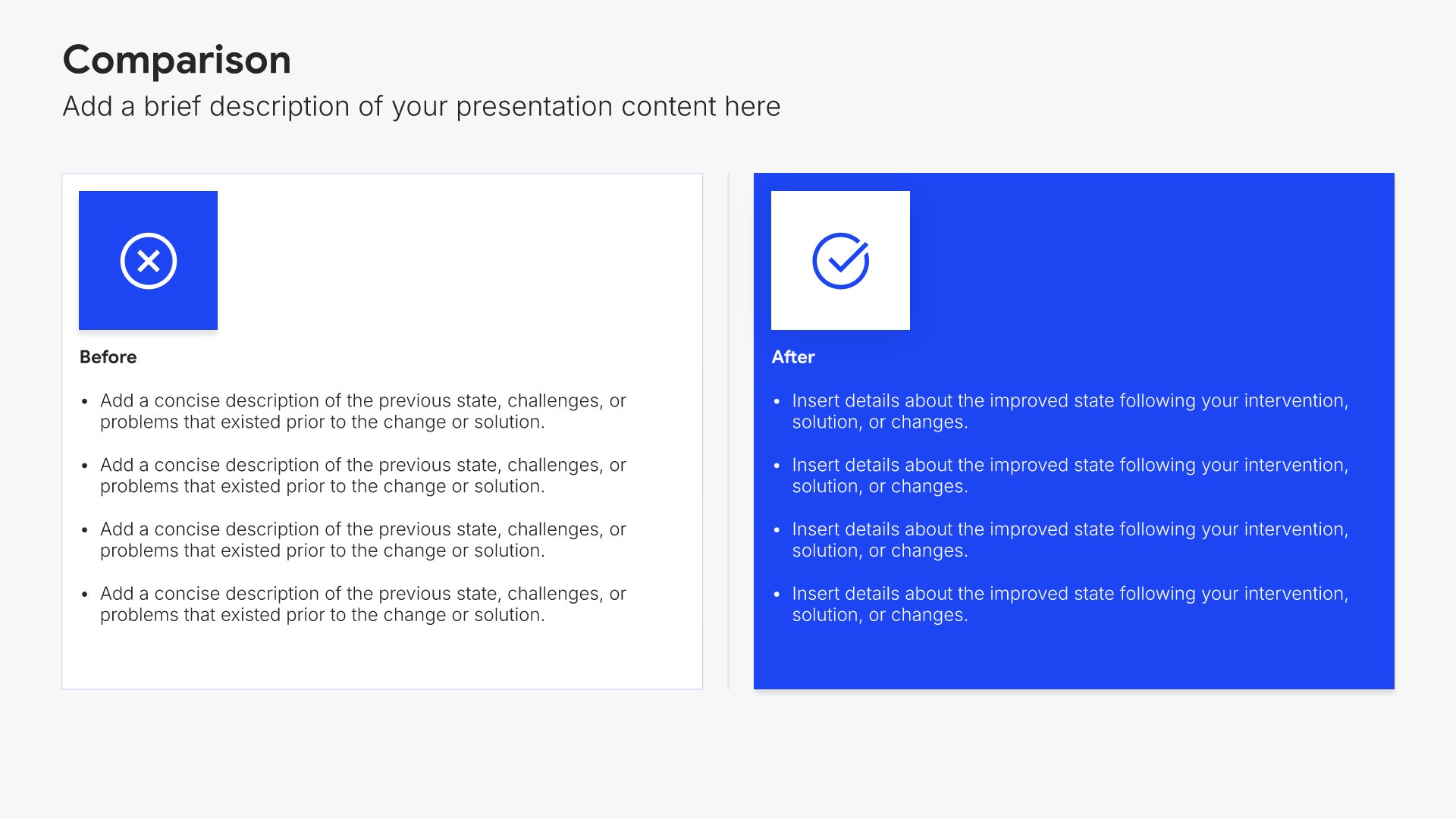
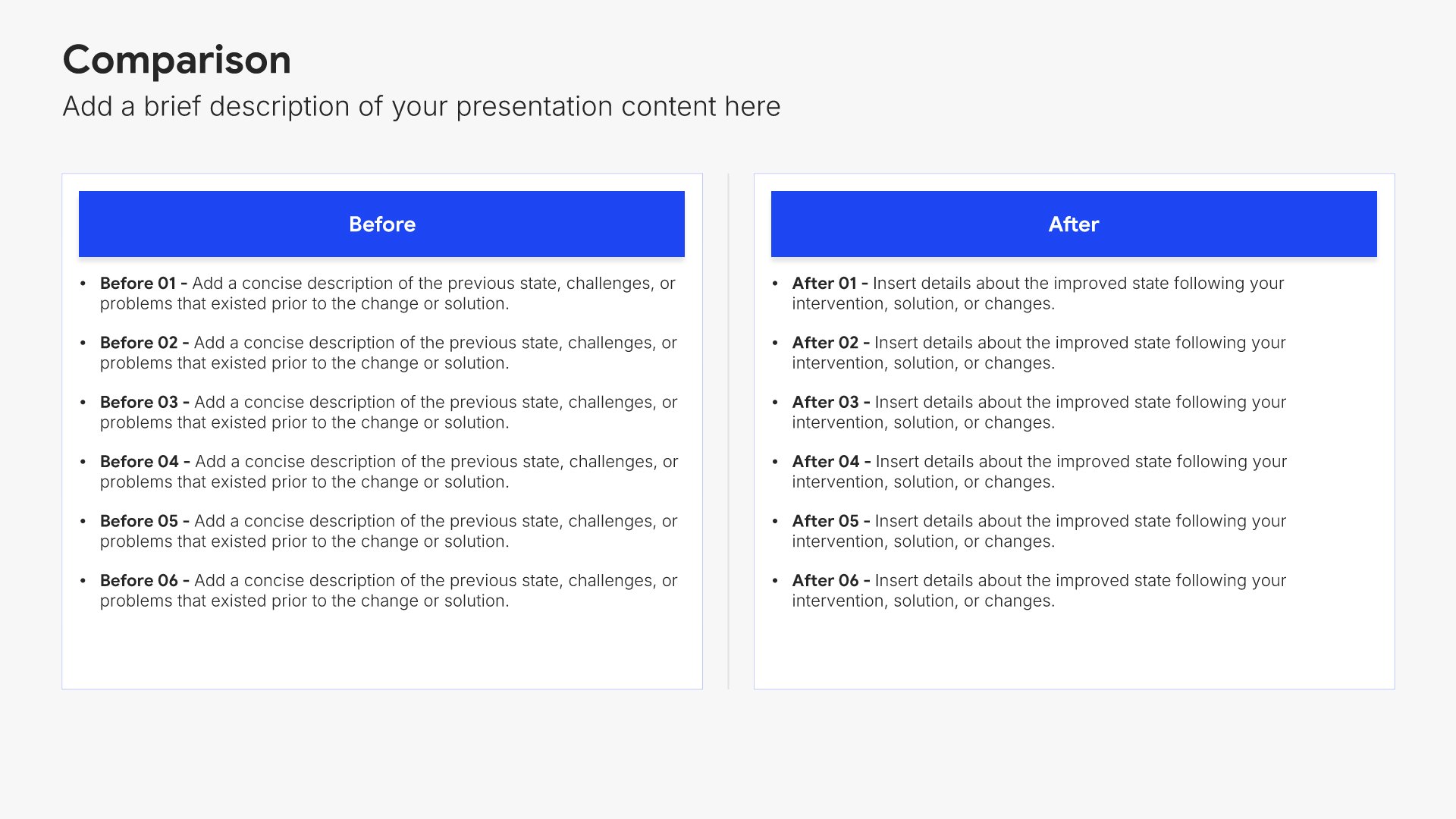
Support and escalation slide, customer onboarding template, response times and escalation path

Slide 10

Support & Escalation

How to get help, the response times, and the escalation path with named contacts.

Built using “Comparison” slide
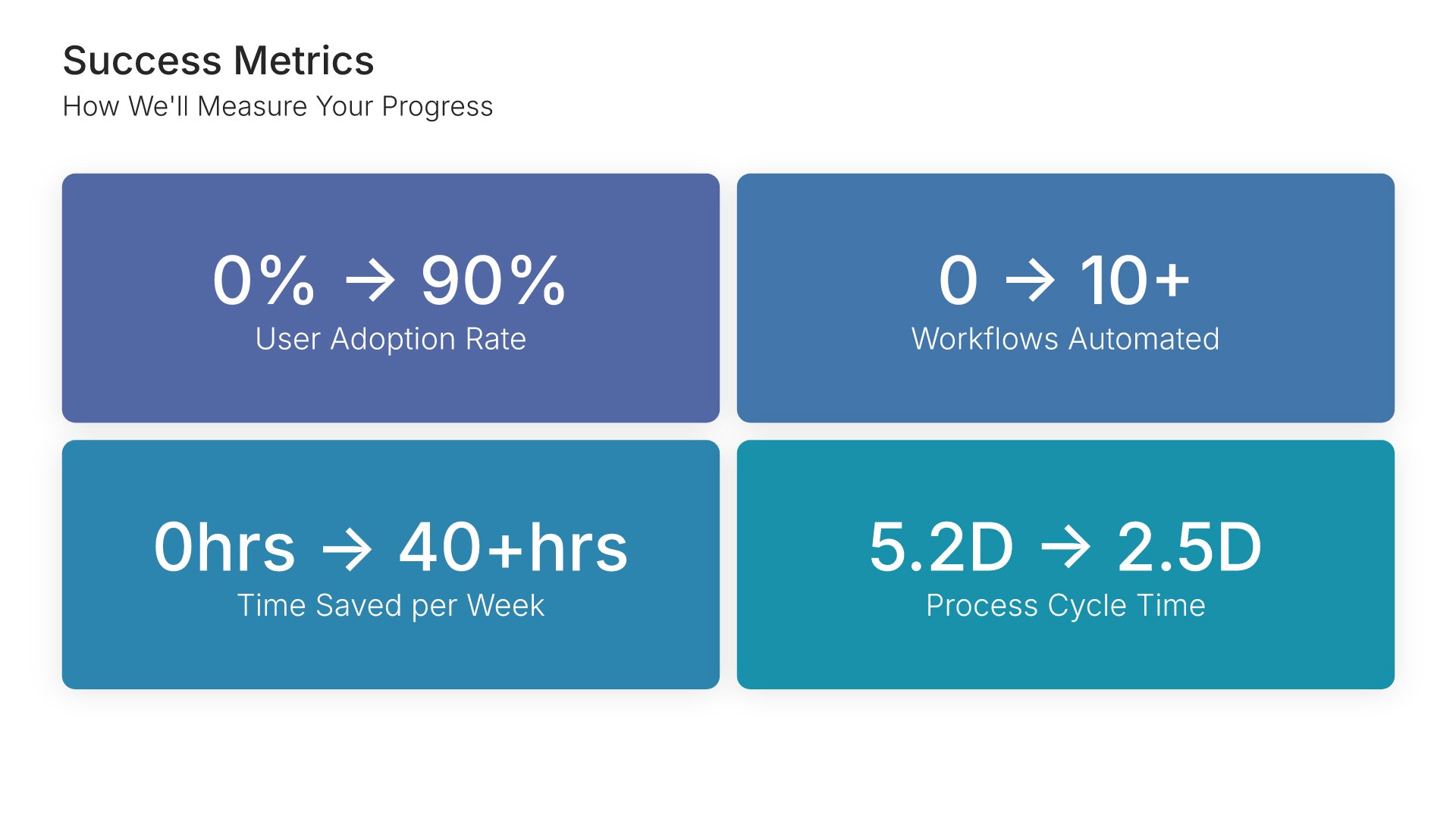
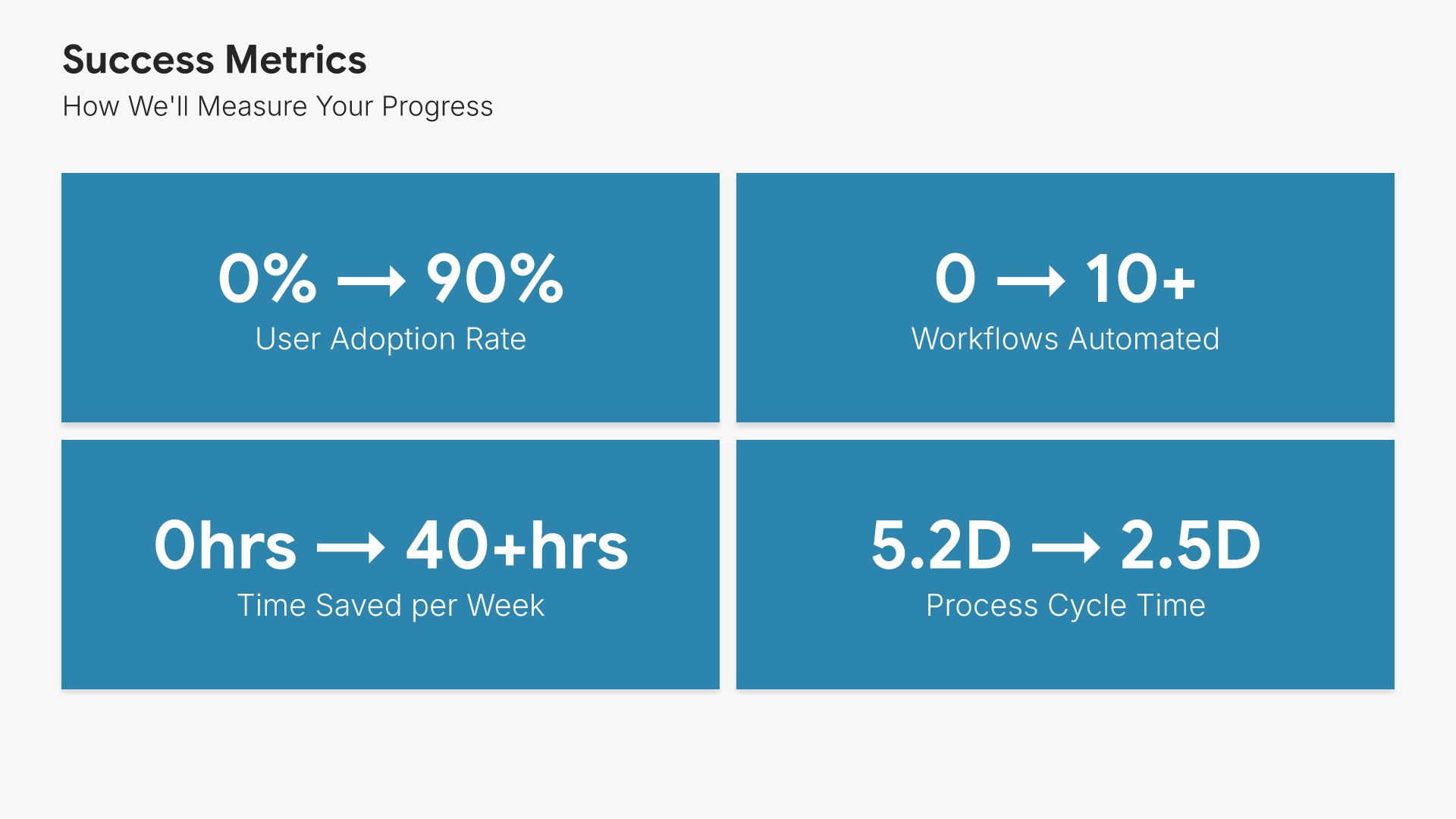
Success metrics slide, customer onboarding template, before and after against ninety-day targets

Slide 11

Success Metrics

The before and after on each measure, with the target for ninety days.

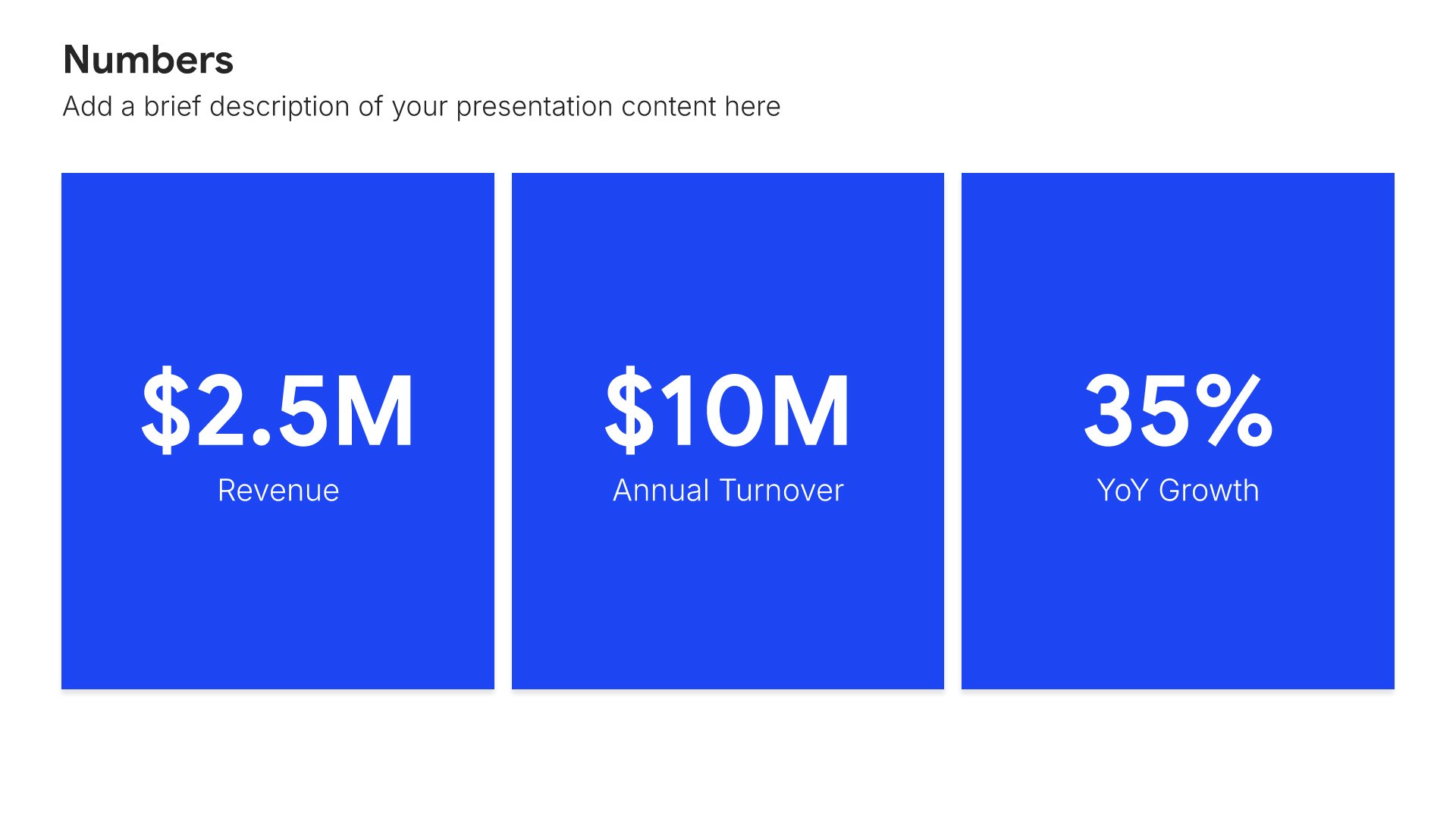
Built using “Simple Numbers” slide
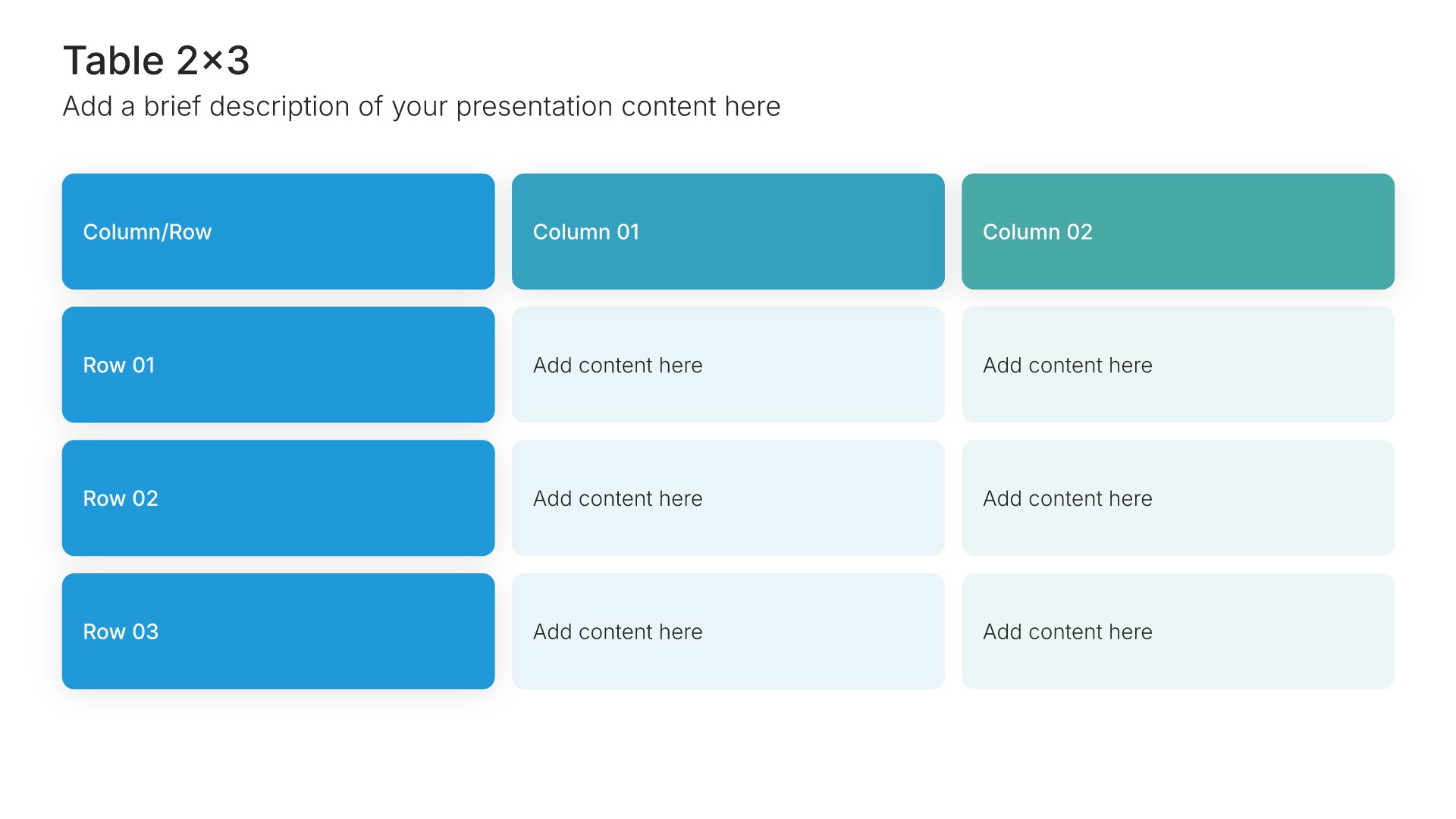
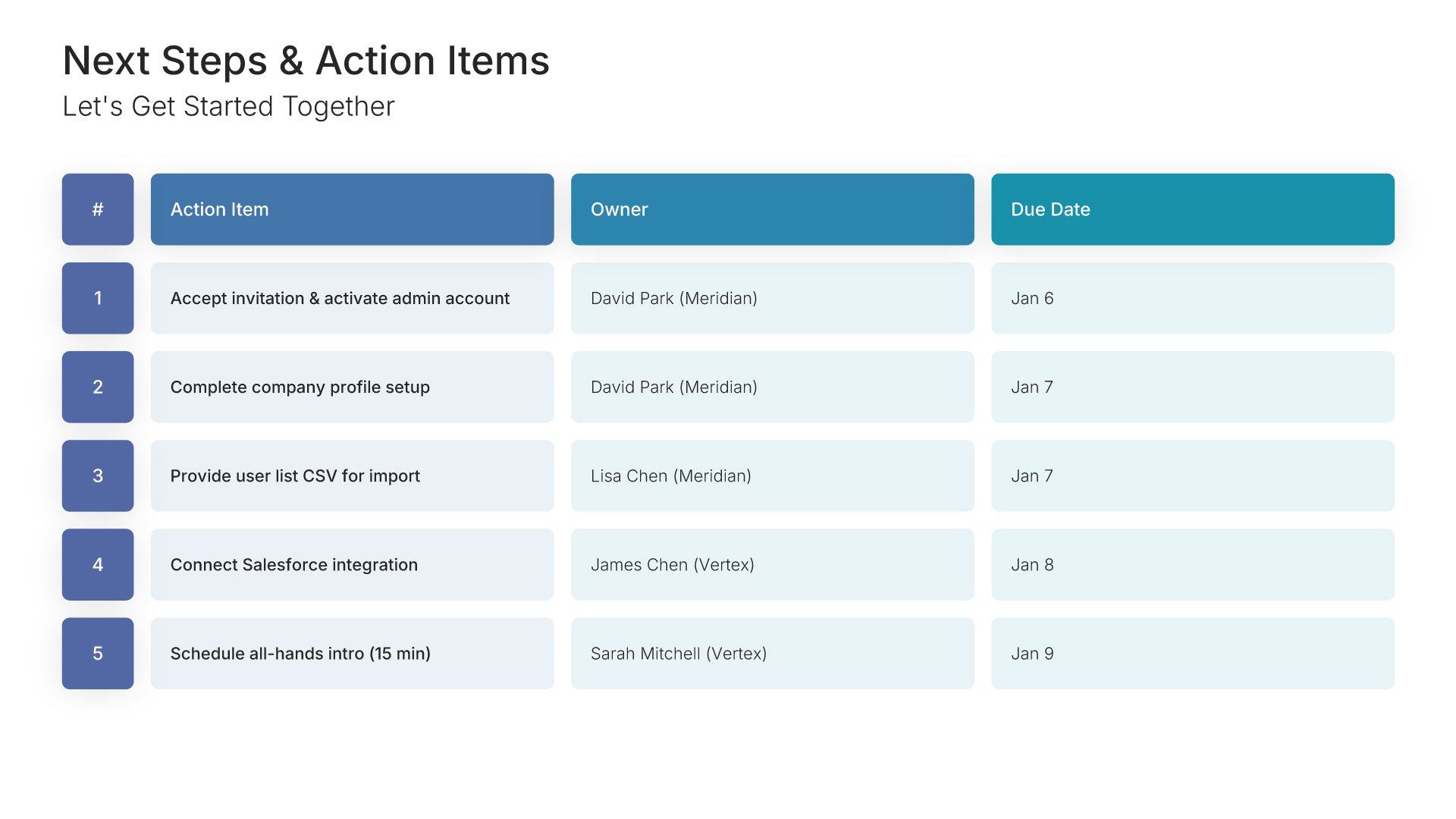
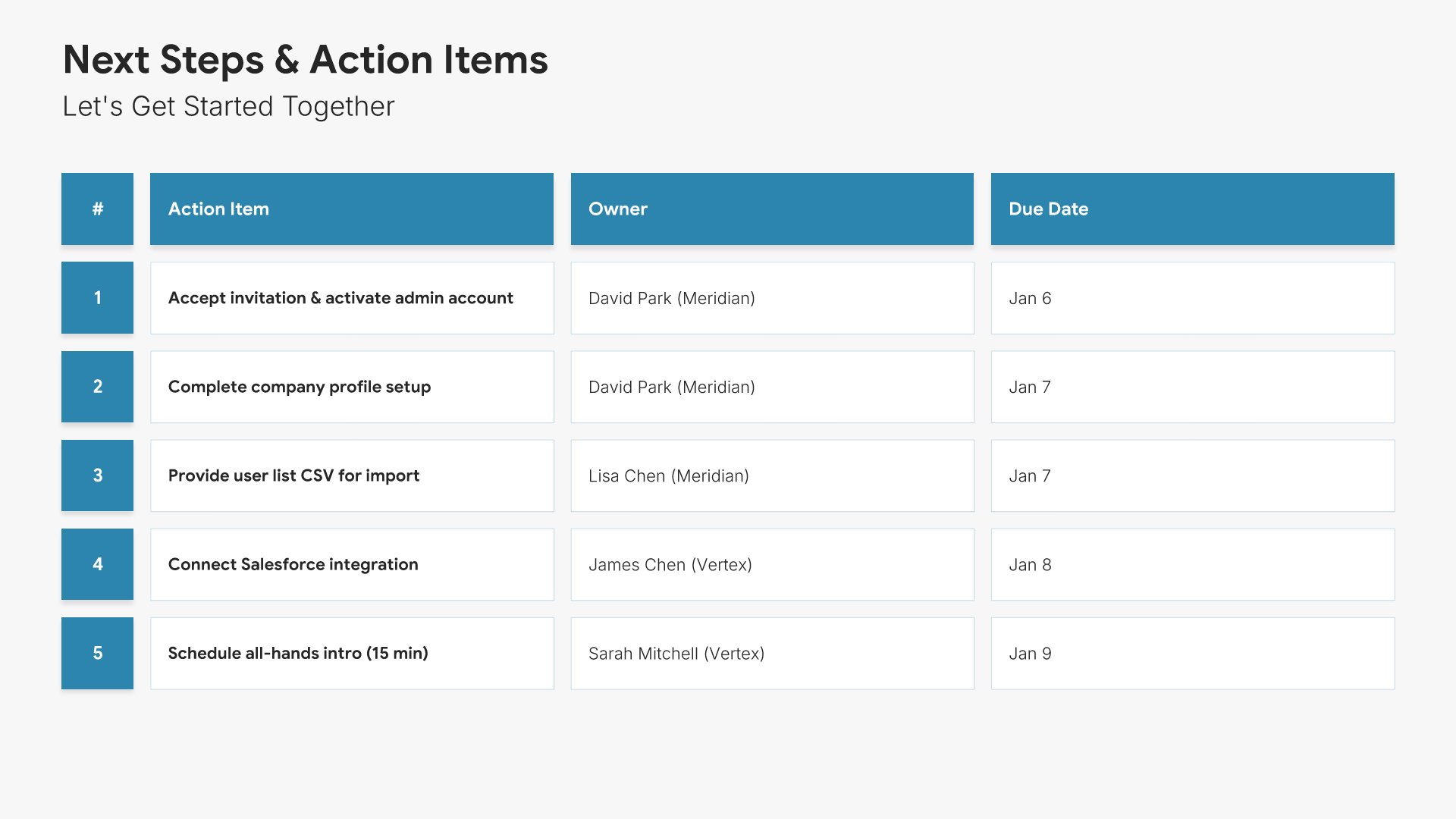
Next steps slide, customer onboarding template, actions with owners and due dates

Slide 12

Next Steps

Every action with an owner and a due date.

Built using “Table” slide
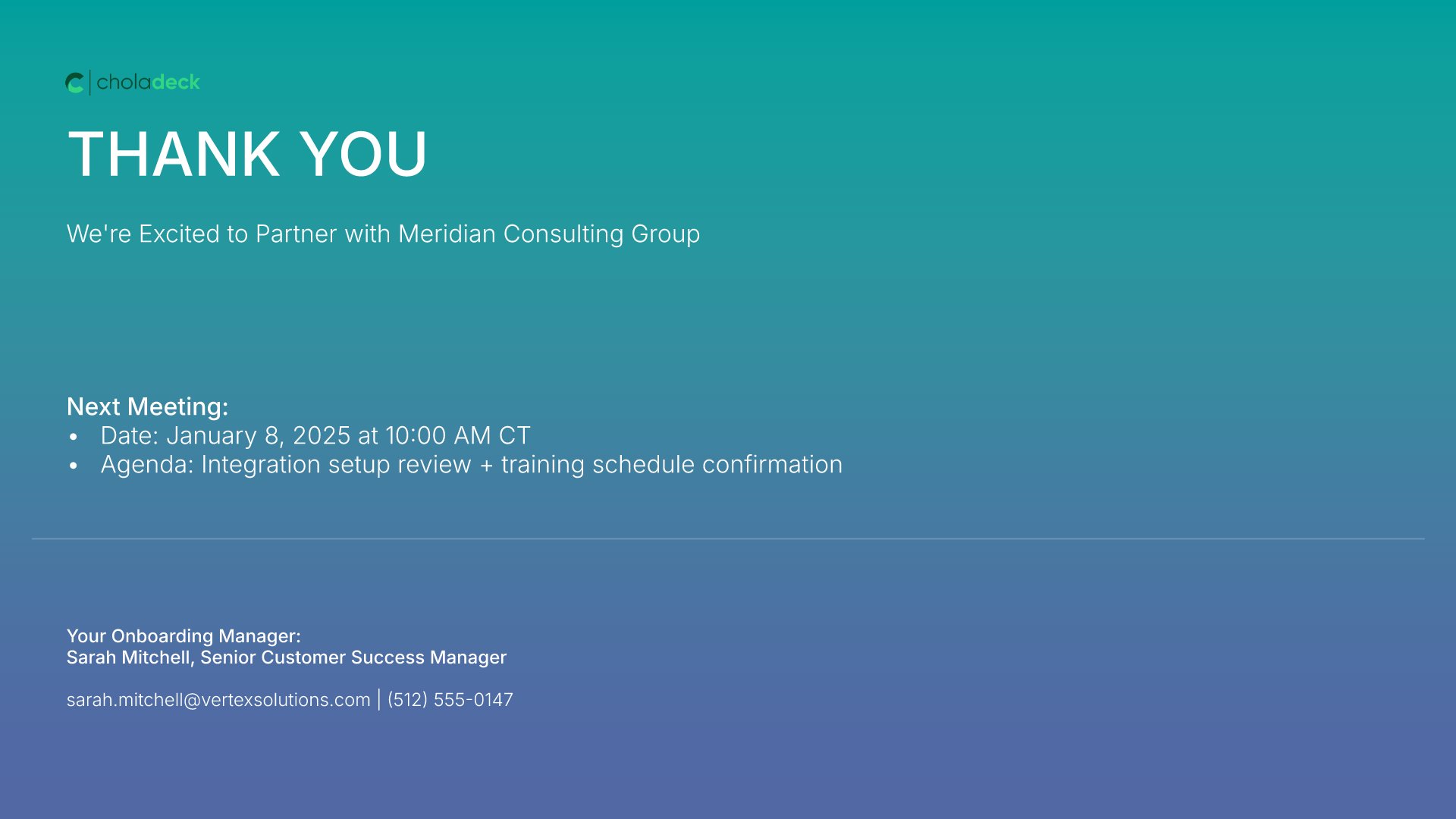
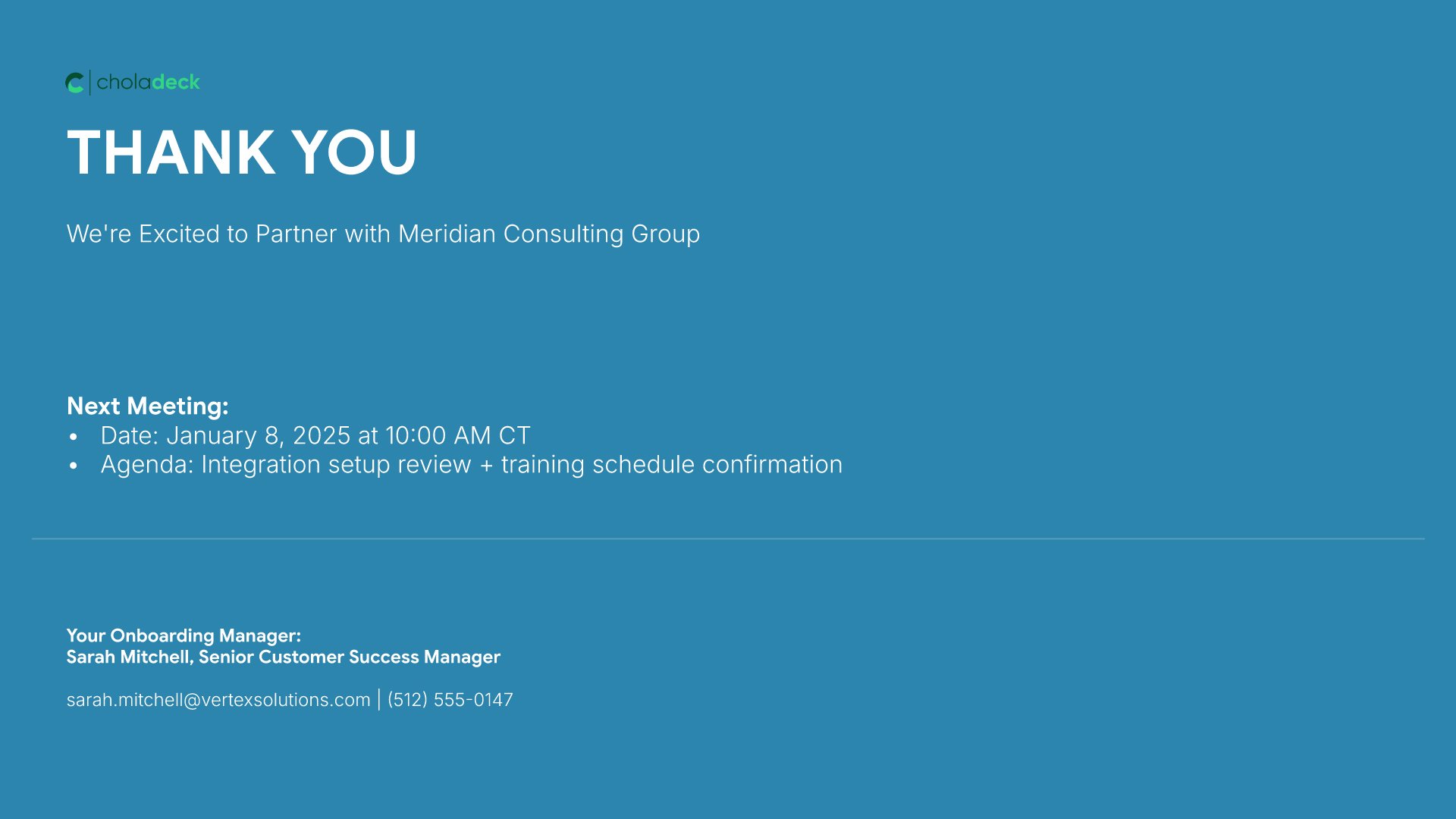
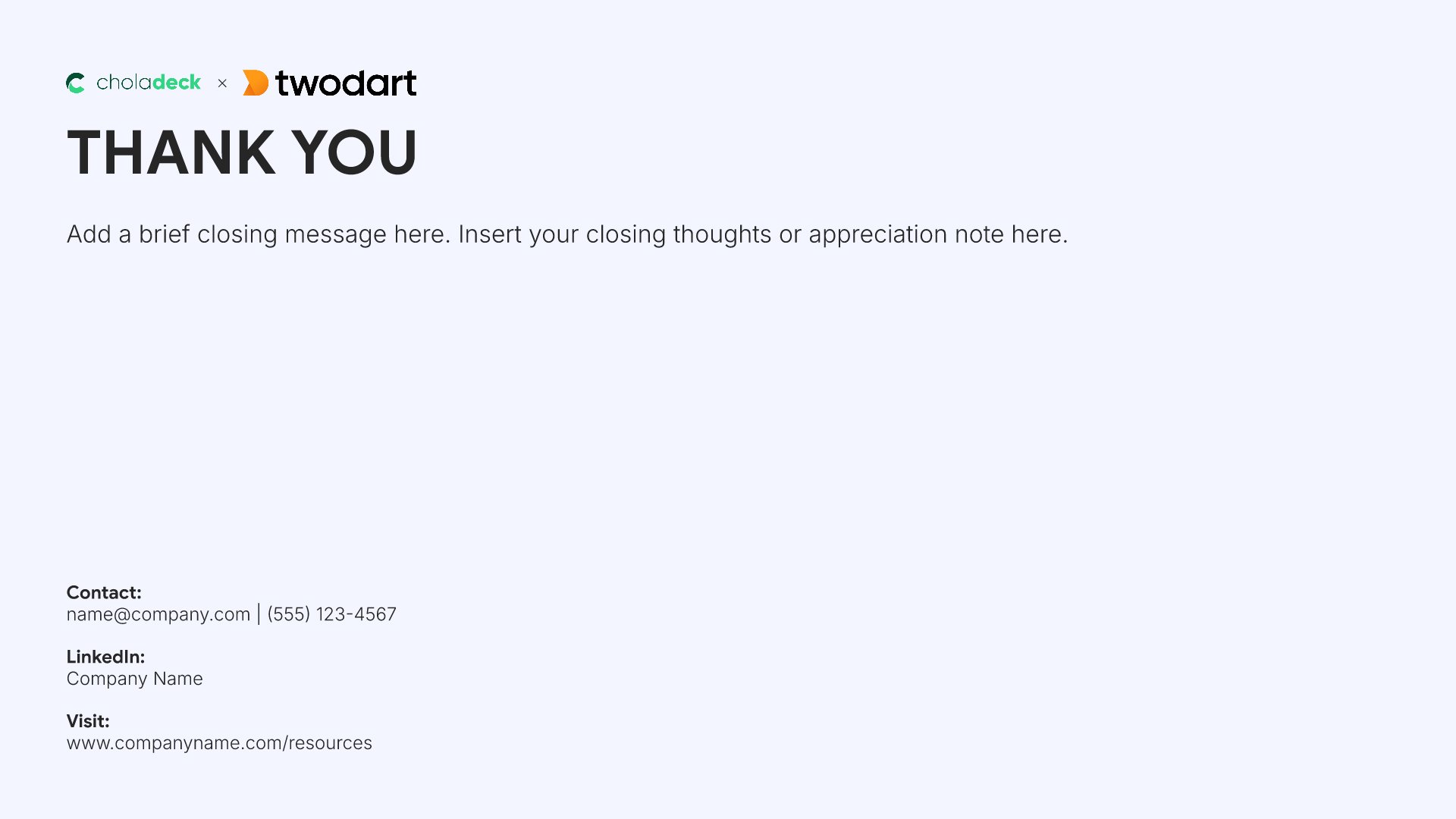
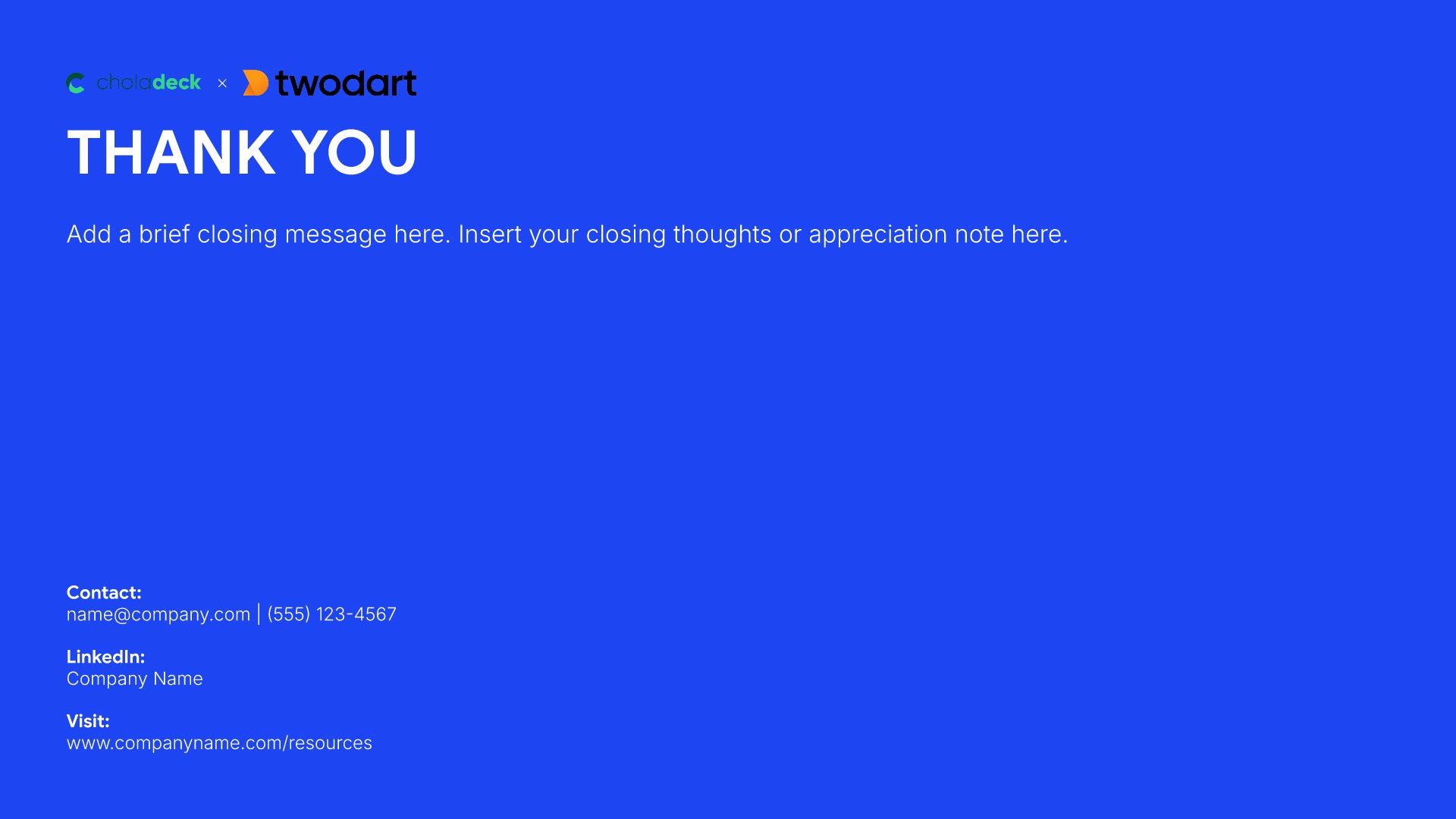
Thank you slide, customer onboarding template, next meeting booked with its agenda

Slide 13

Thank You

The close, with the next meeting booked and the agenda for it.

Built using “Thank You” slide

About the customer onboarding template

The structure, the slides, your brand, and a file you can edit anywhere.

Built to close the gaps that cause early churn

Churn is decided in the first ninety days, and usually by something small: nobody knew who to call, the training never got booked, or the thing they bought it for never got set up. This template closes those gaps in the kickoff: named contacts with response times, a dated implementation plan, every training session scheduled, and an escalation path before anyone needs it.

Built from 9,000+ slides across 134+ categories

Every slide here comes from the same library. Team layouts, Gantt charts, training tables, comparison grids, and metric panels are already in it, so adding a second workstream or a fuller resource list takes a minute. Everything sits on the same grid, so the layout still holds.

Brand the whole presentation in one click

Add your logo, colors, fonts, and background once. It applies to the whole presentation and the entire slide library at the same time. Every account team runs the same kickoff, so each new customer meets the same company.

Export to PowerPoint, Google Slides, or Keynote

You get a real file, not a locked link. Export it and keep editing in the tool you already use. Every table and chart stays editable, so each new client gets their own dates and names without a rebuild.

How Choladeck works

From blank page to finished presentation in four steps.

STEP 01

Browse 9,000+ slides across 134+ categories, or open one of the 74 premade presentations.

STEP 02

Add your logo, colors, and fonts in one click. The whole presentation instantly matches your company.

STEP 03

Add your text, numbers, charts, and tables. Everything on the slide is editable.
STEP 04

Send it to PowerPoint, Google Slides, or Keynote, and present.

Build your own

Nothing here fits? Build your own customer onboarding presentation

This template is assembled from the same 9,000+ slides. Pick the slides you need, drop them into one file, and brand the whole thing in one click.
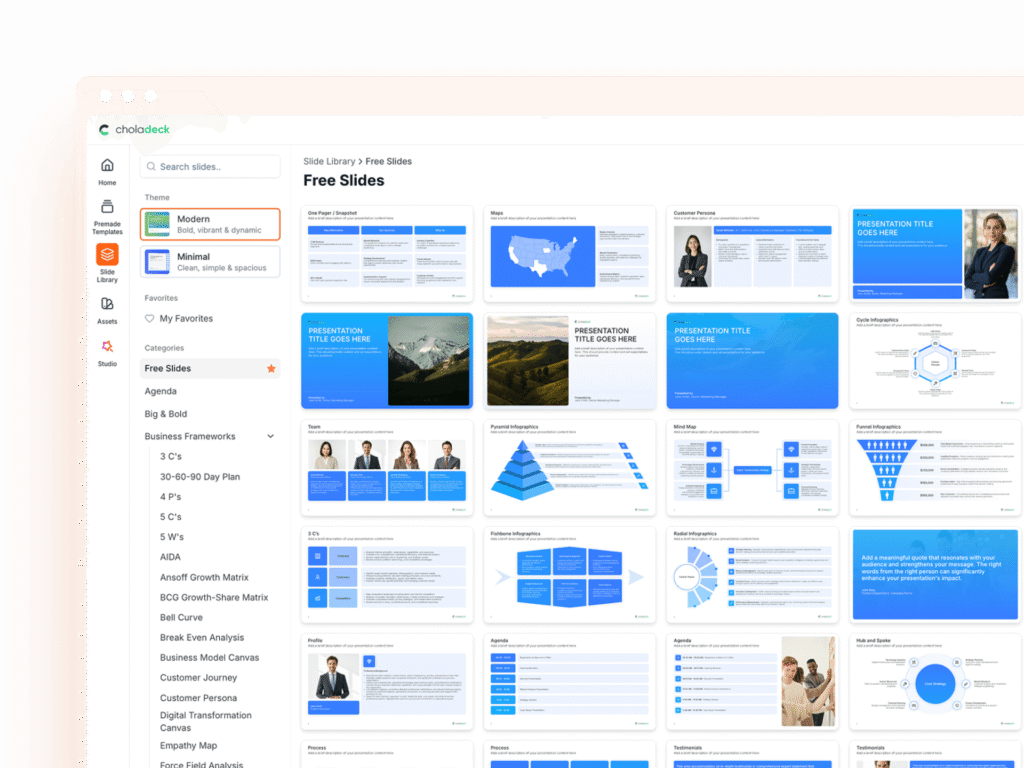
Choladeck slide library on Free Slides, with its category list and the 3 C’s slide shown larger

Questions about the customer onboarding template

What's inside the template, and how far you can change it.

Using the template

Is the template fully editable?

+

Yes. Text, tables, charts, icons, and colors on every slide are yours to change. Nothing is locked and nothing is a flat image.

How do I brand it to my company?

+

Add your logo, colors, fonts, and background once. It applies to the whole presentation and the entire slide library at the same time.

Can I add slides from the slide library?

+

Yes. Add any slide from the library into this one, or swap out one that doesn't fit. Everything works together.

What's included

Does it cover support and escalation?

+

Yes. One slide sets out how to get help, the response times, and the escalation path with named people at each level.

Is this for customers or new employees?

+

Customers. It's a client kickoff presentation: success team, platform walkthrough, training schedule, and account metrics. The employee onboarding presentation template covers new hires.

Is placeholder content included?

+

Yes. Every slide comes with realistic text, sample figures, and filled-in charts, so you can see how the customer onboarding presentation reads before you put your own numbers in.

Start your customer onboarding presentation
from one that's already done

Pick it, brand it, add your content, and export.

Free to start. No credit card required.