Pricing

Employee onboarding presentation template

Fourteen slides for day one, covering the things a new hire otherwise spends three weeks piecing together: who everyone is, what the role expects, how the company actually works, what the benefits are, which tools they need, and what the first ninety days look like. Select it, brand it to your company in one click, add your content, and export to PowerPoint, Google Slides, or Keynote.

Free to start. No credit card required.
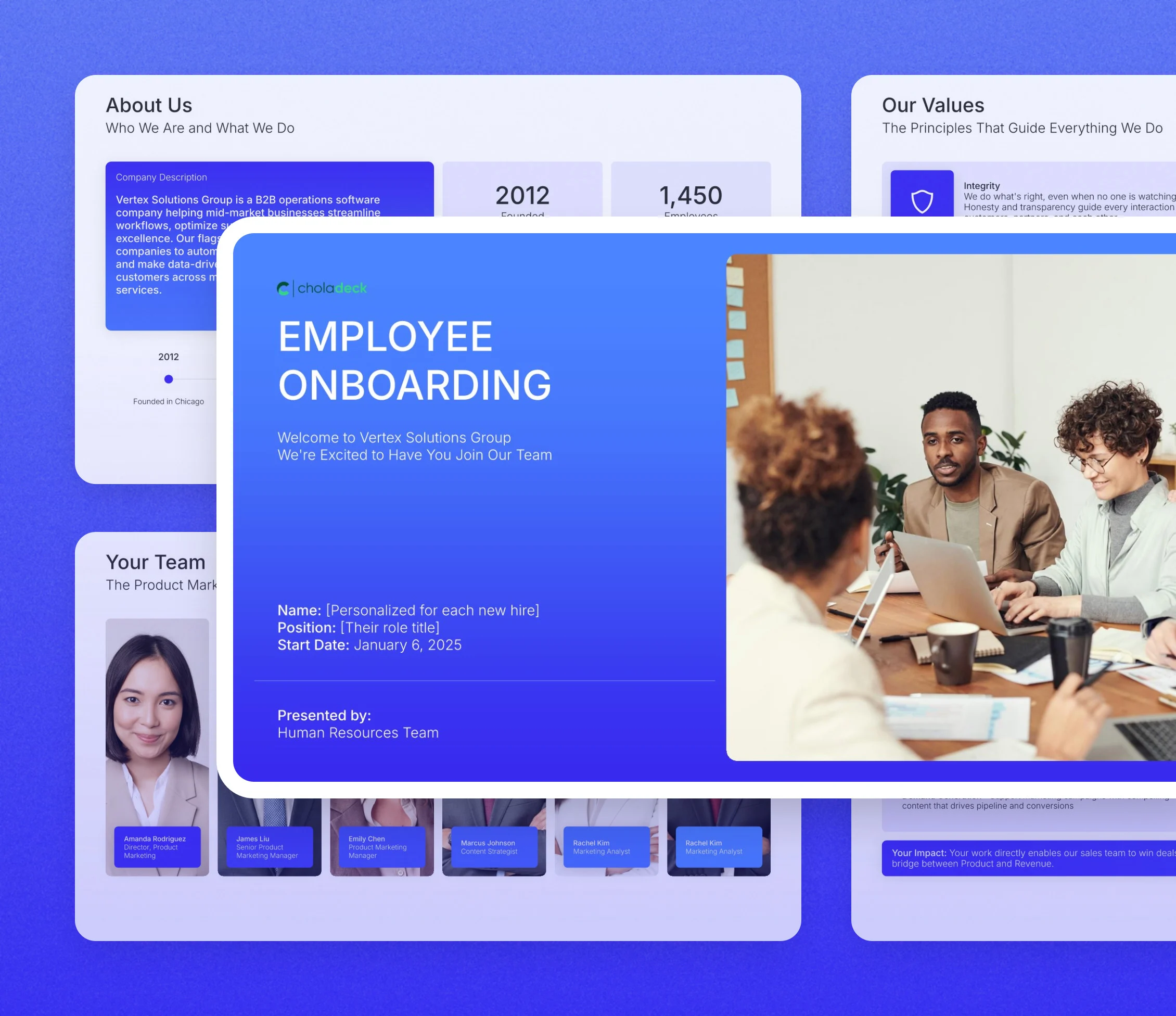
Employee onboarding presentation template: the title slide in front of other slides from the 14-slide deck

Every slide in the employee onboarding presentation template

Fourteen slides, in the order you present them.

Title slide, employee onboarding presentation template, new hire's name, role, and start date

Slide 01

Title

The welcome, the new hire's name and role, and the start date.

Built using “Title” slide
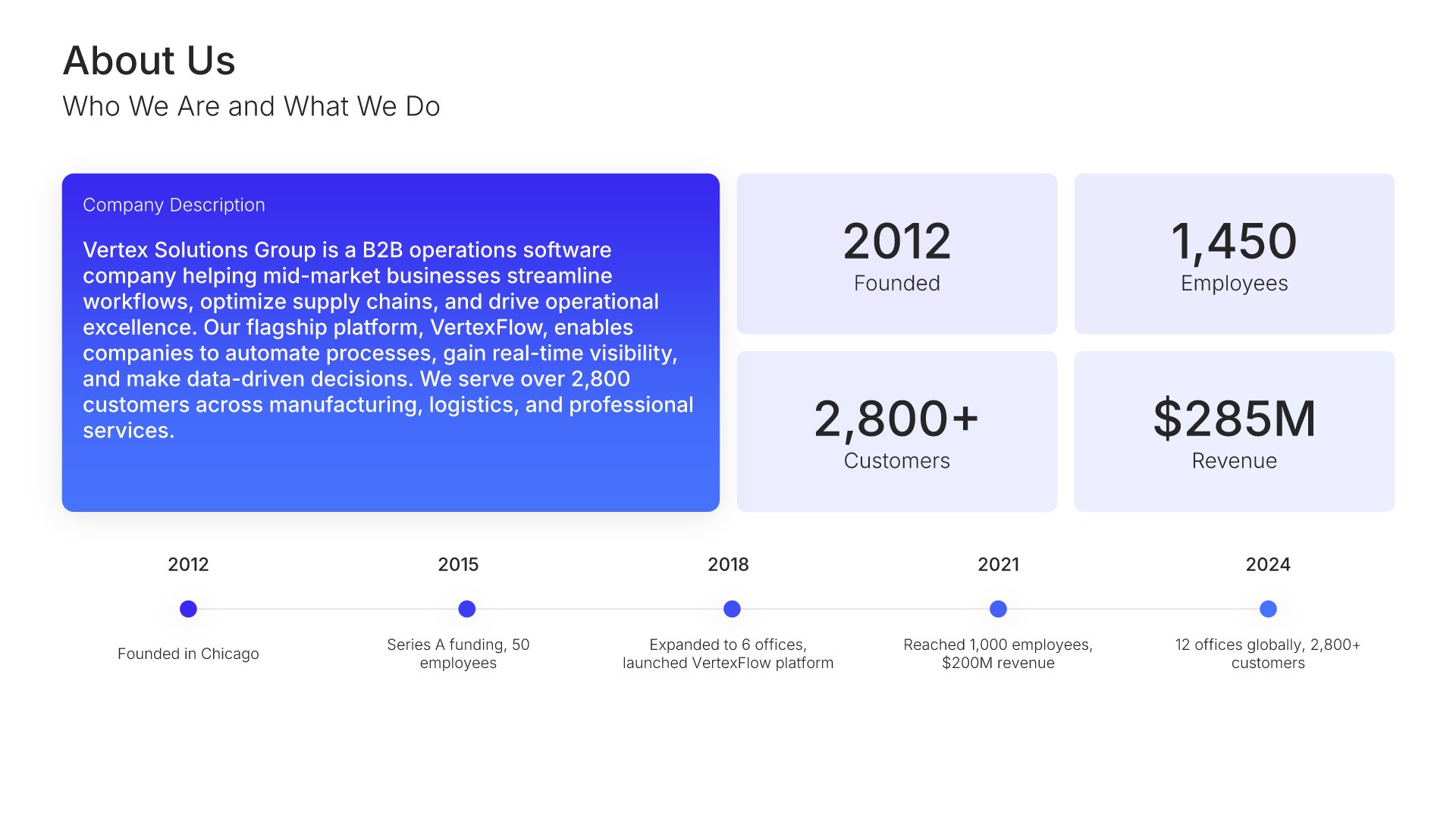
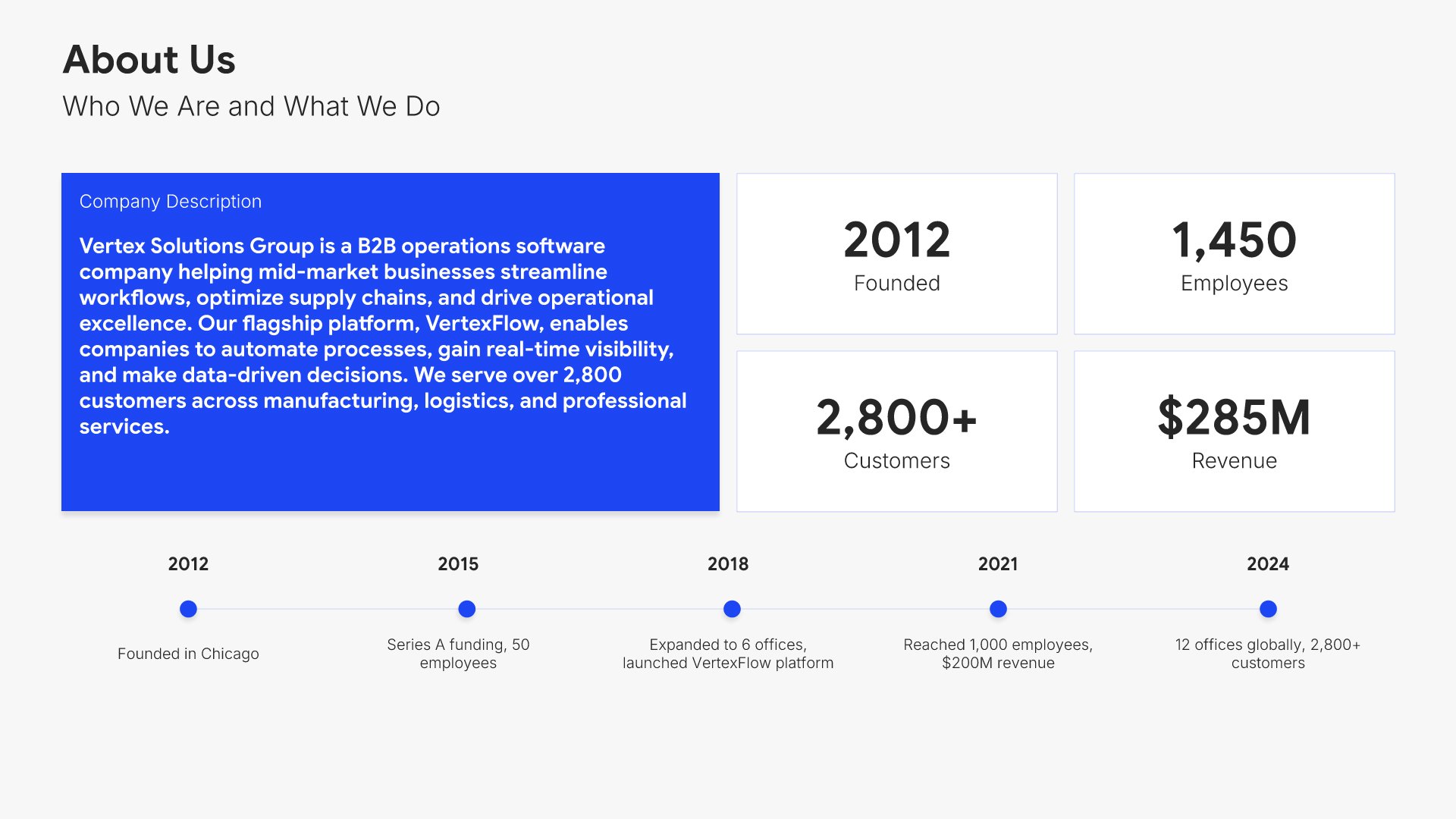
Company overview slide, employee onboarding presentation template, founding year, headcount, and company story

Slide 02

Company Overview

Founding year, headcount, customers, and revenue, with the story behind them.

Built using “Timeline” slide
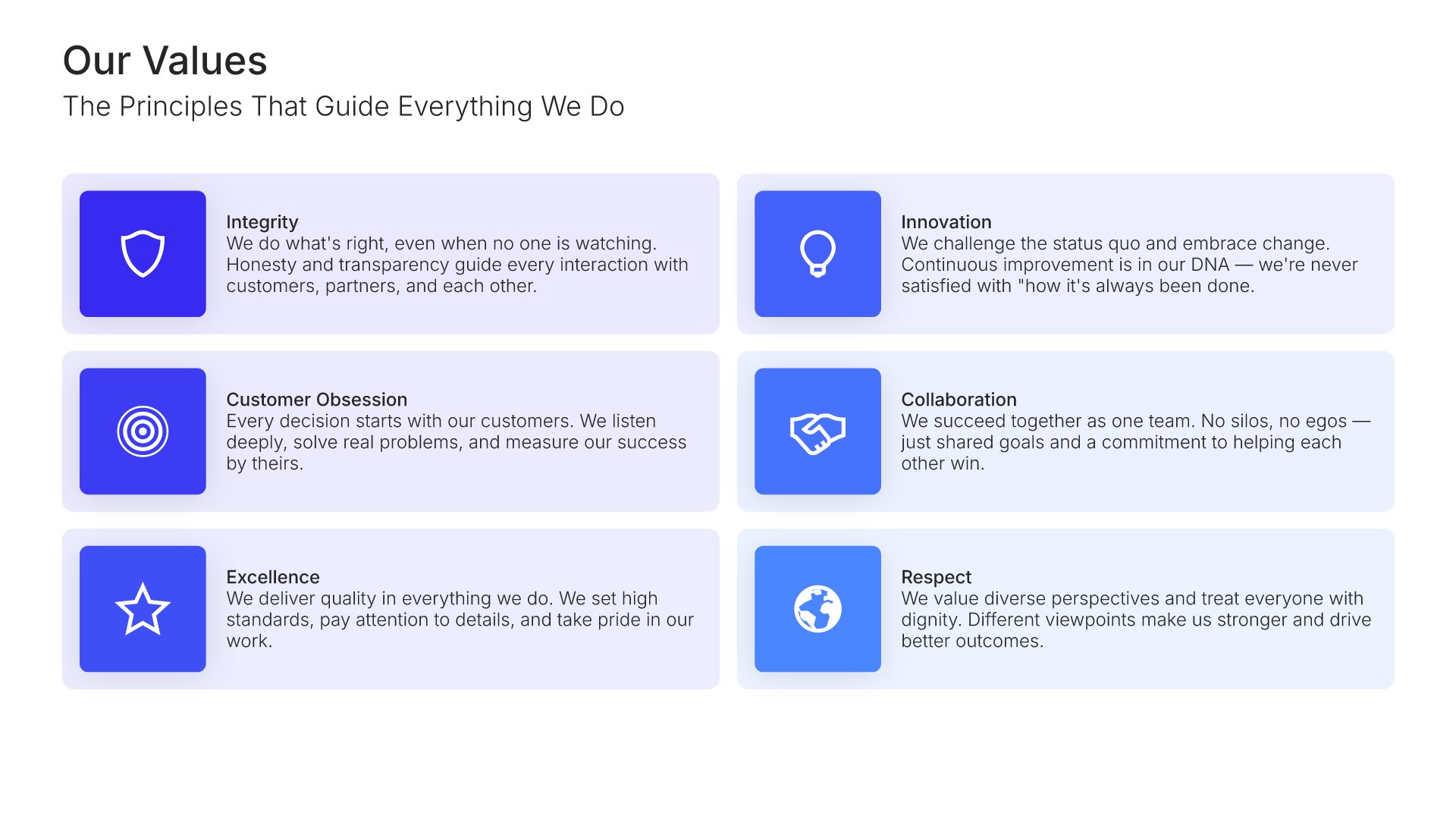
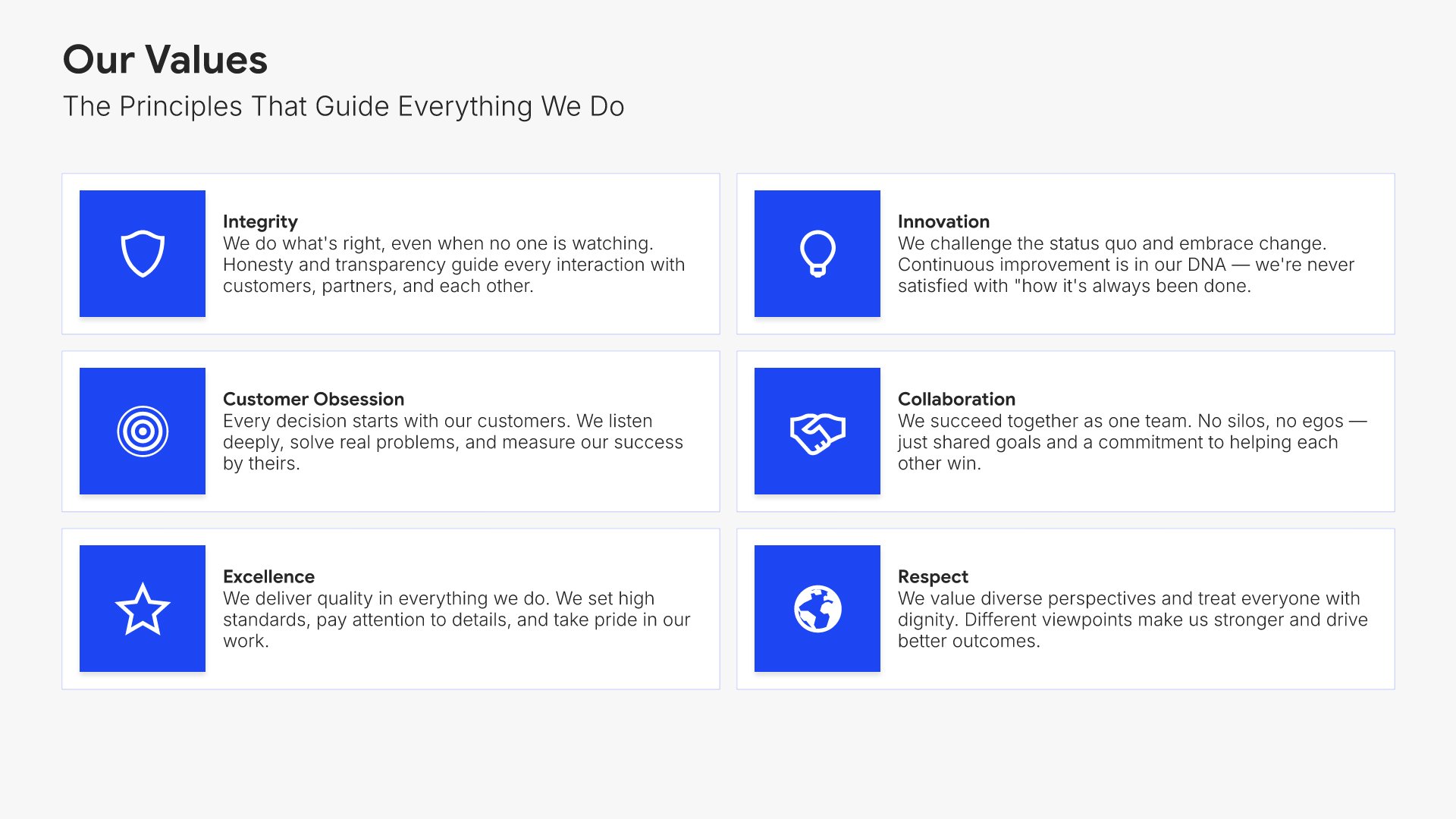
Our values slide, employee onboarding presentation template, guiding principles in practice

Slide 03

Our Values

The principles that guide the work, each with what it means in practice.

Built using “Simple Text (with Icons)” slide
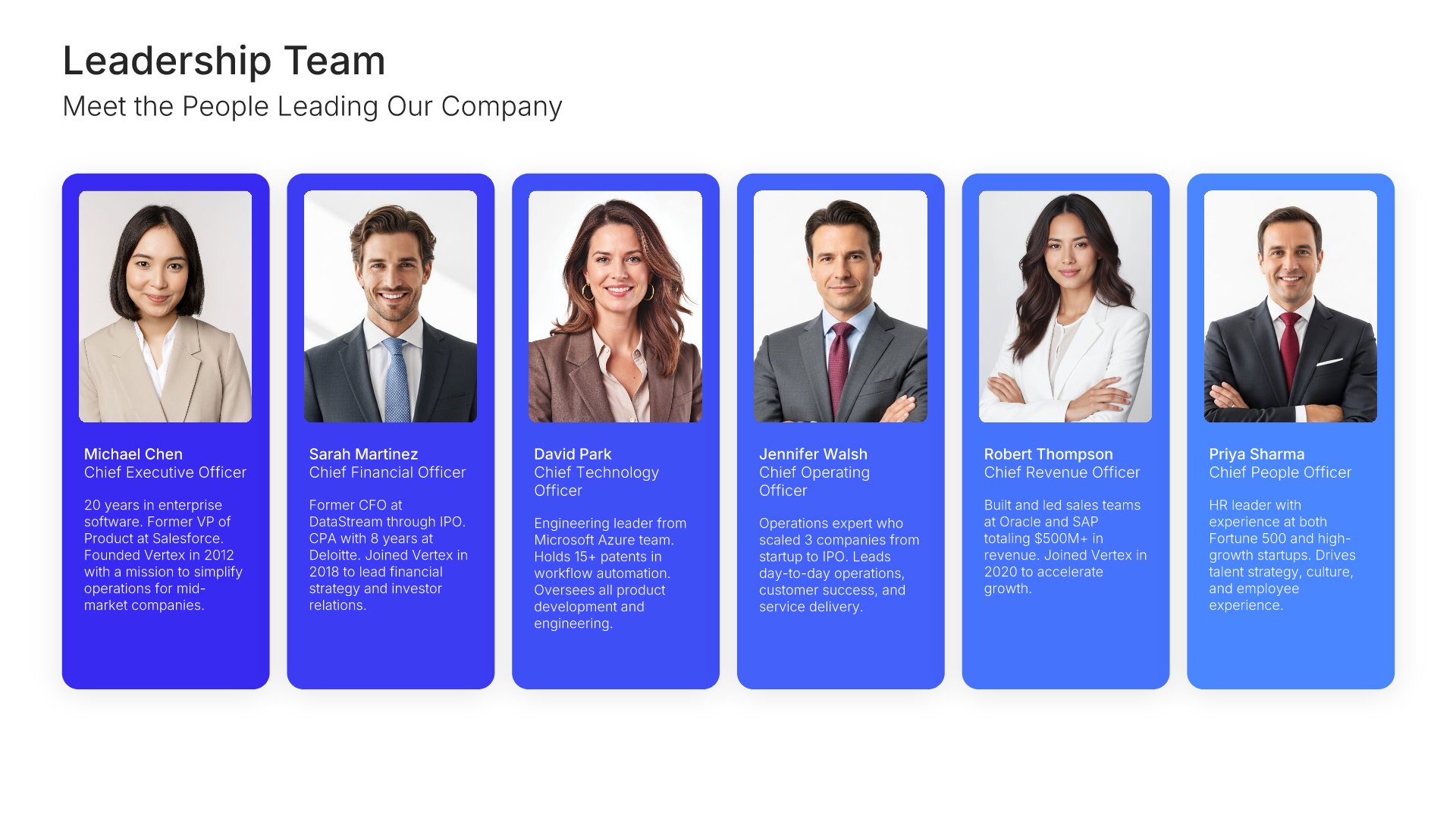
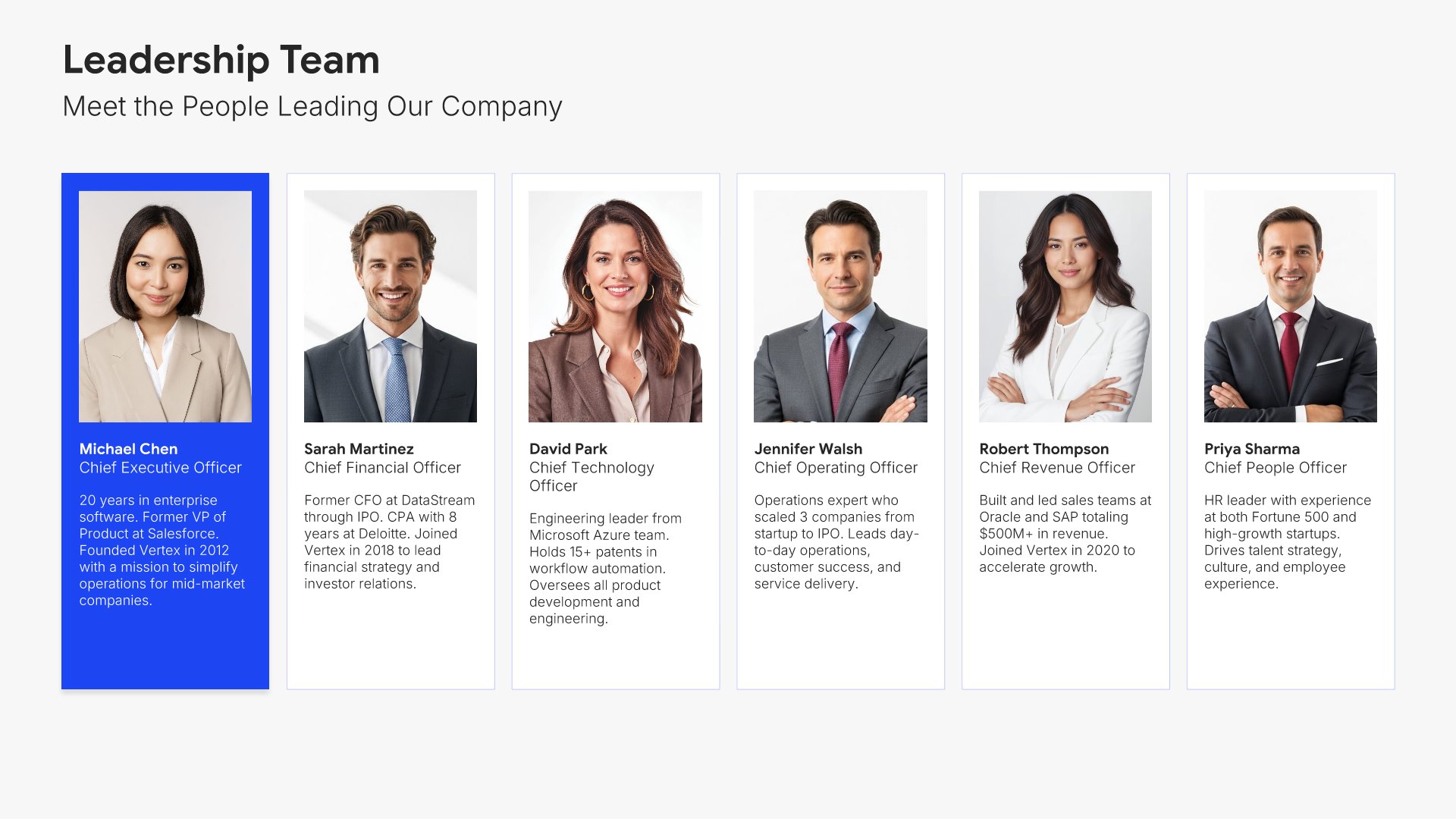
Team slide, employee onboarding presentation template, leadership team with photos

Slide 04

Team

The leadership team, with photos and what each person leads.

Built using “Team” slide
Team slide, employee onboarding presentation template, immediate team with roles and photos

Slide 05

Team

The immediate team they're joining, with photos, roles, and who to go to for what.

Built using “Team” slide
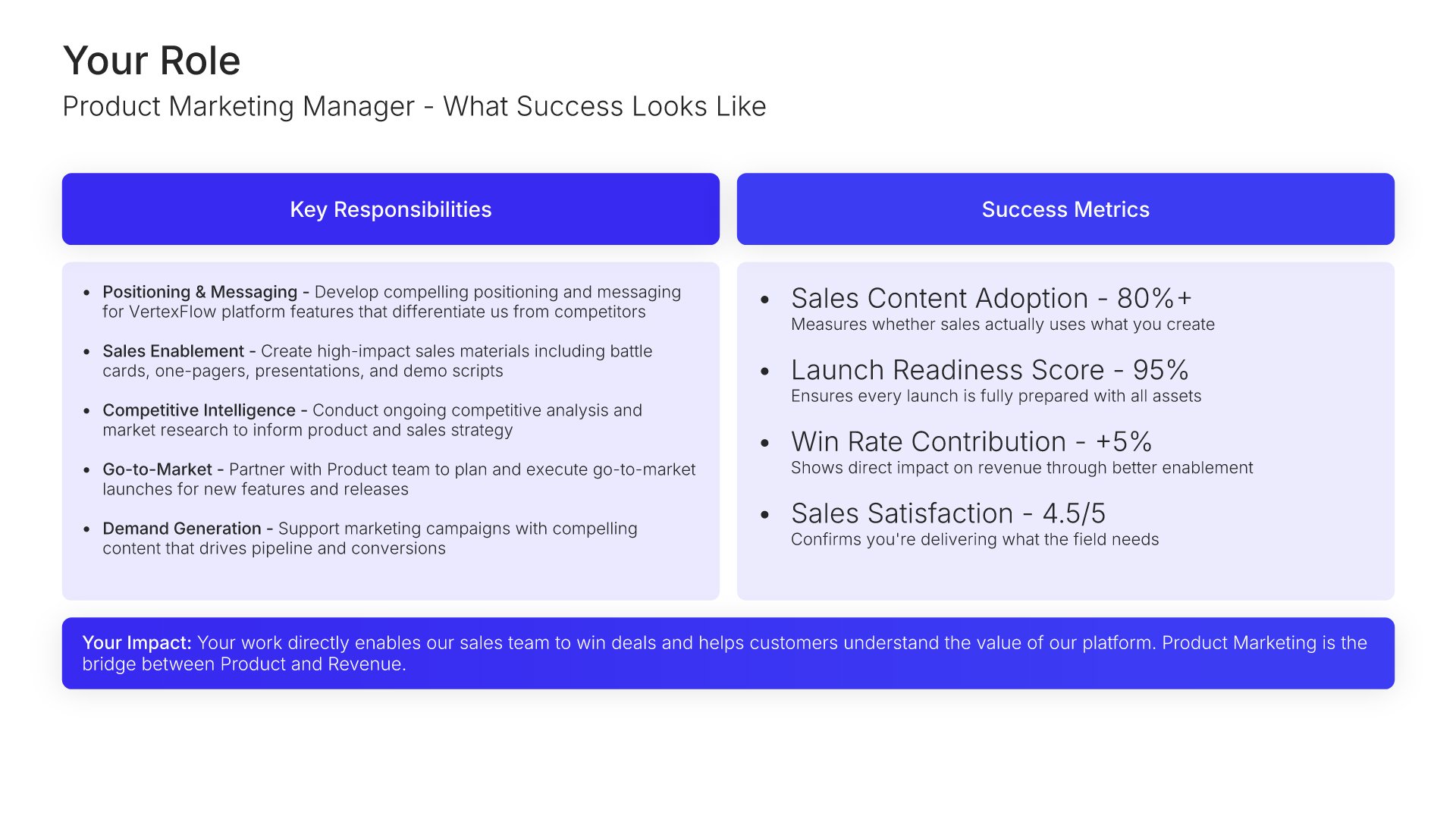
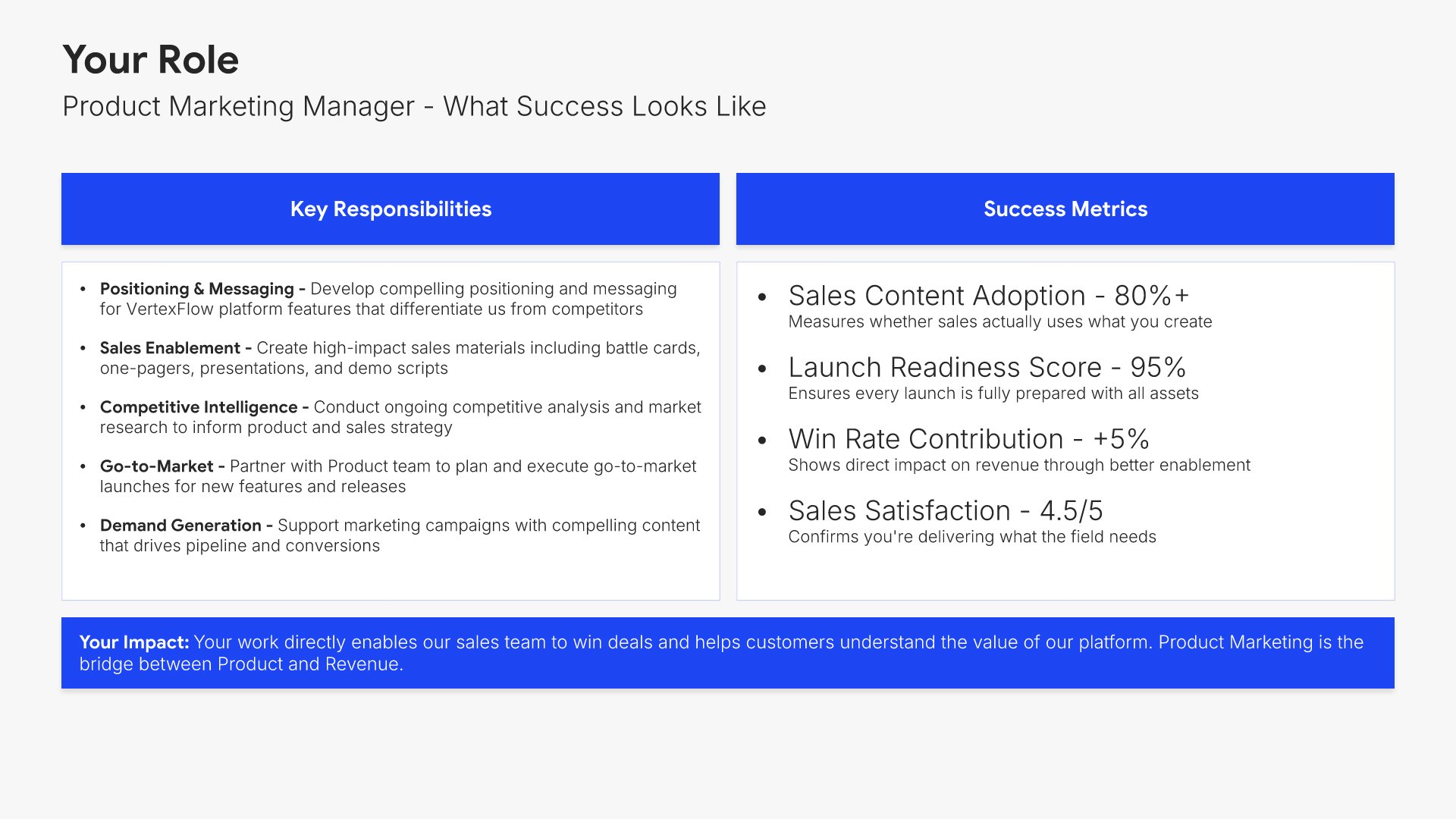
Your role slide, employee onboarding presentation template, responsibilities beside success metrics

Slide 06

Your Role

Key responsibilities beside the success metrics they'll be measured on.

Built using “Executive Summary” slide
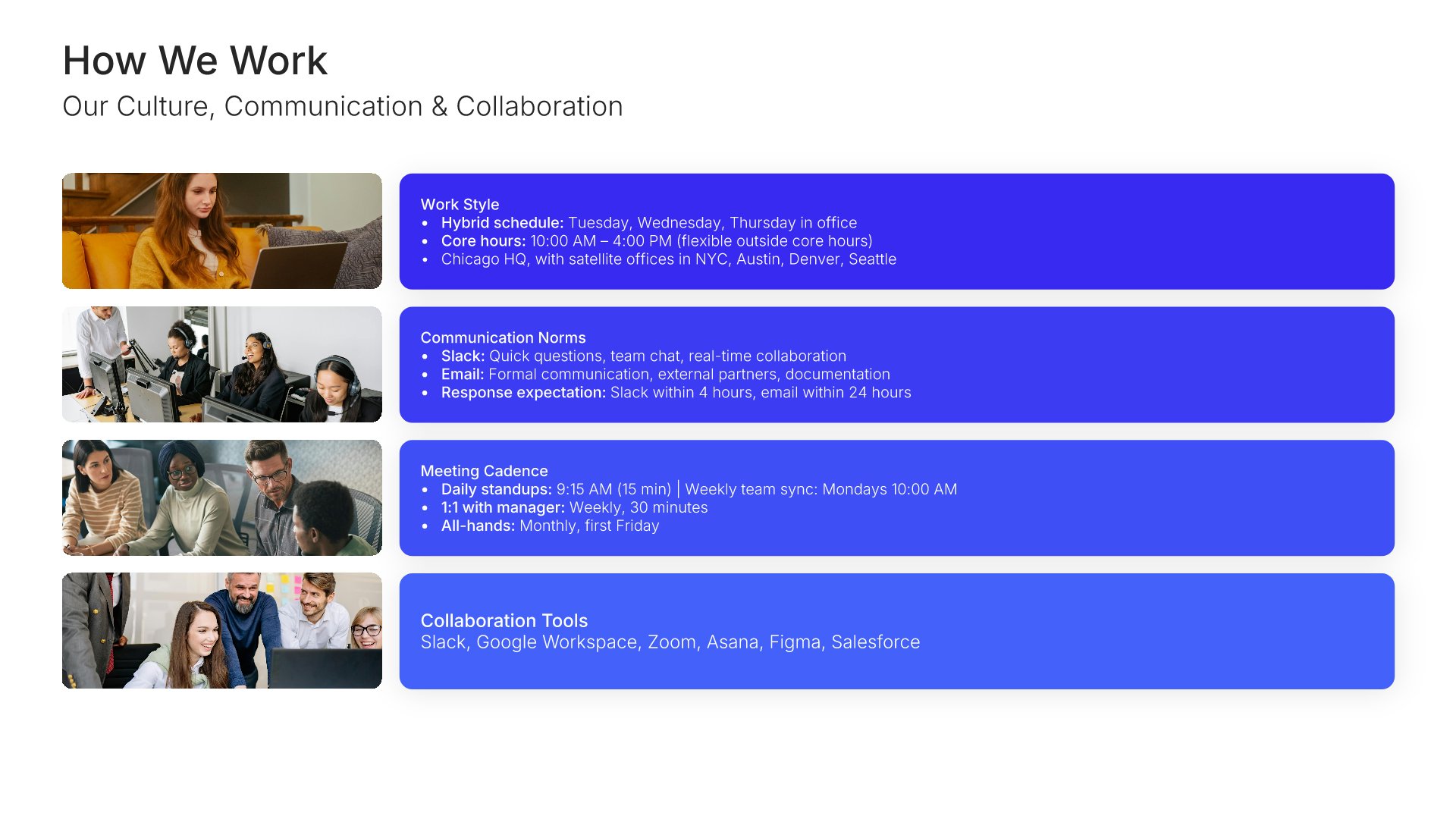
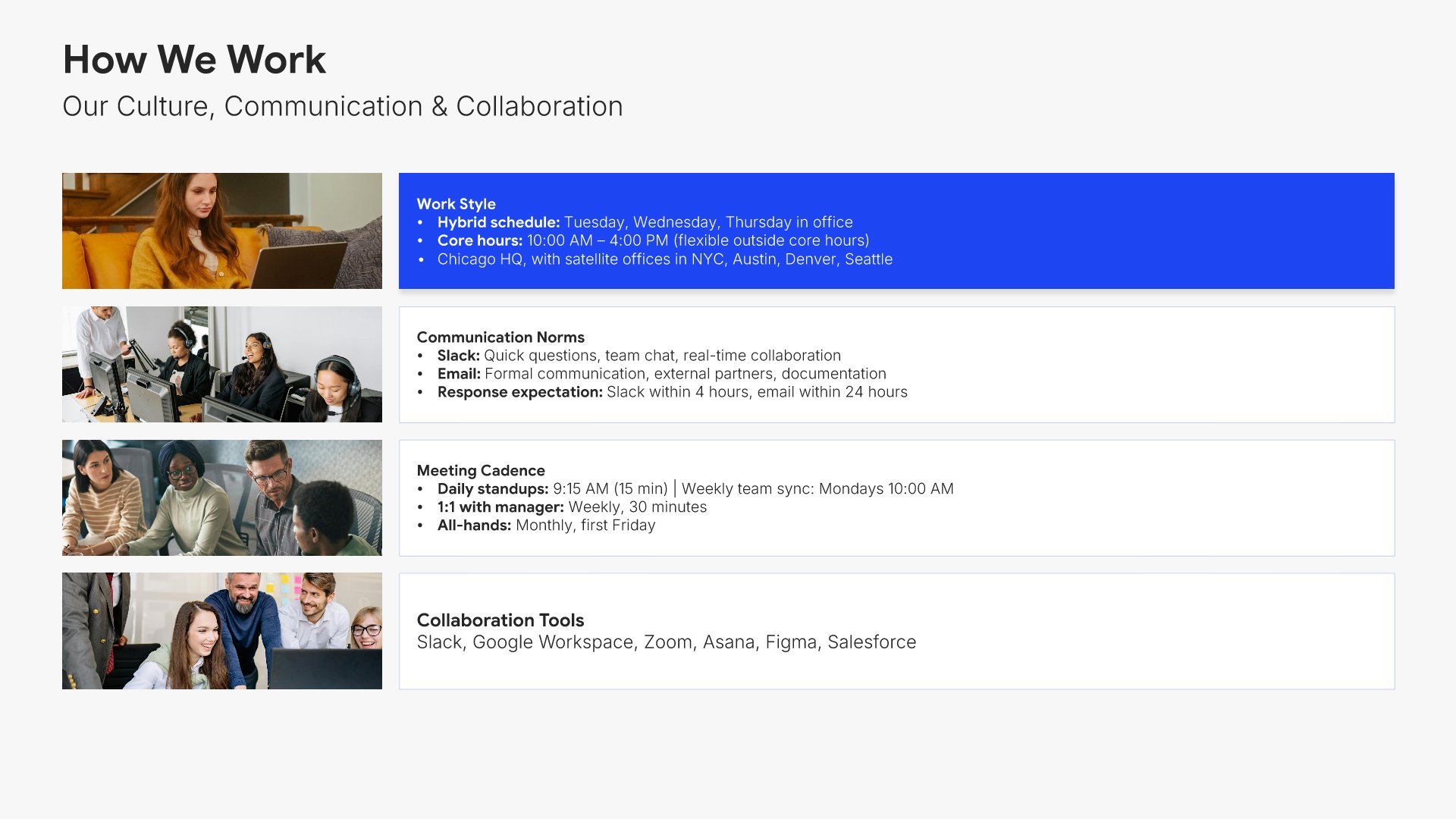
How we work slide, employee onboarding presentation template, culture, communication, and collaboration norms

Slide 07

How We Work

Culture, communication, and collaboration norms, with the rhythms of the week.

Built using “Image Gallery” slide
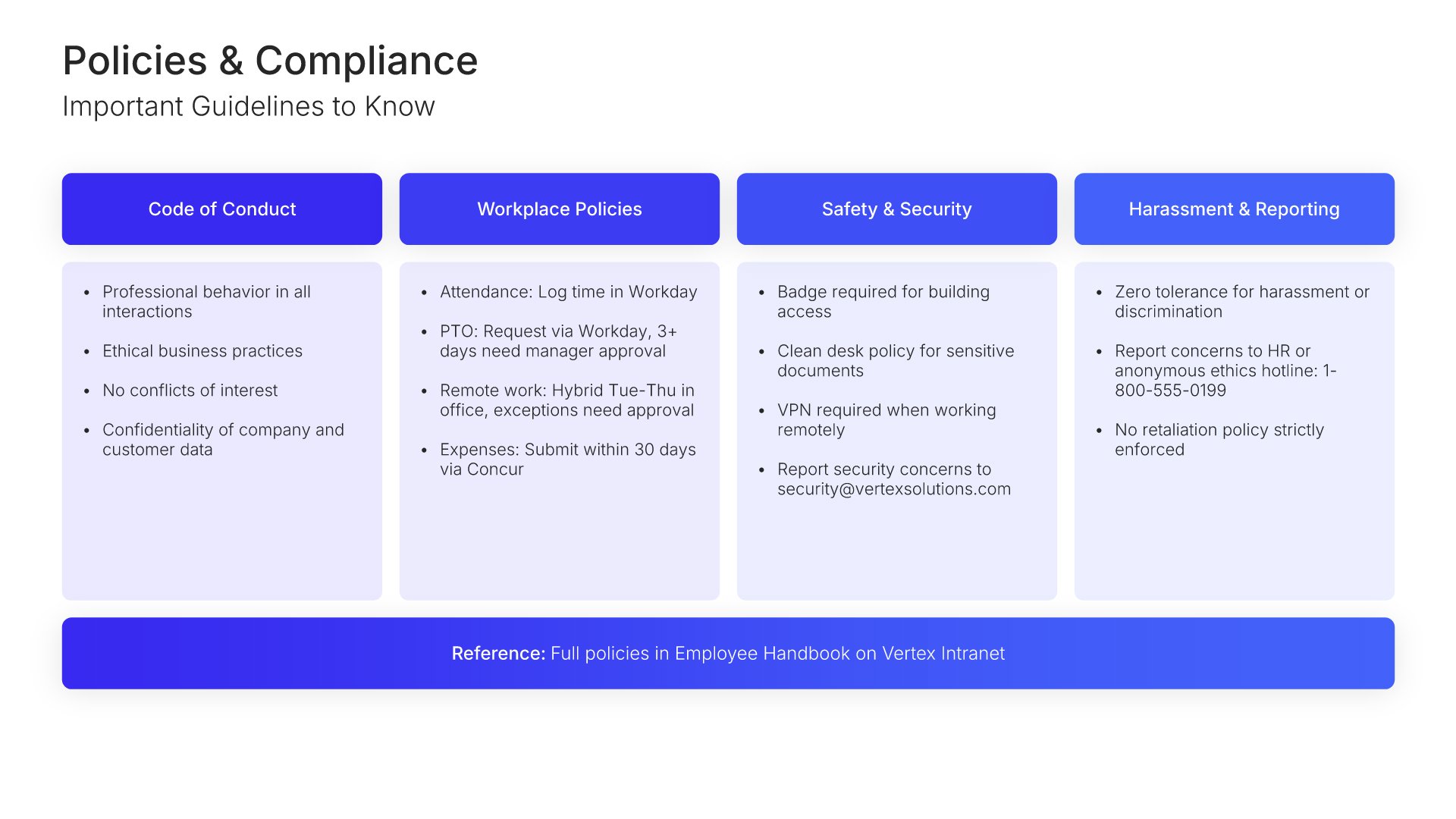
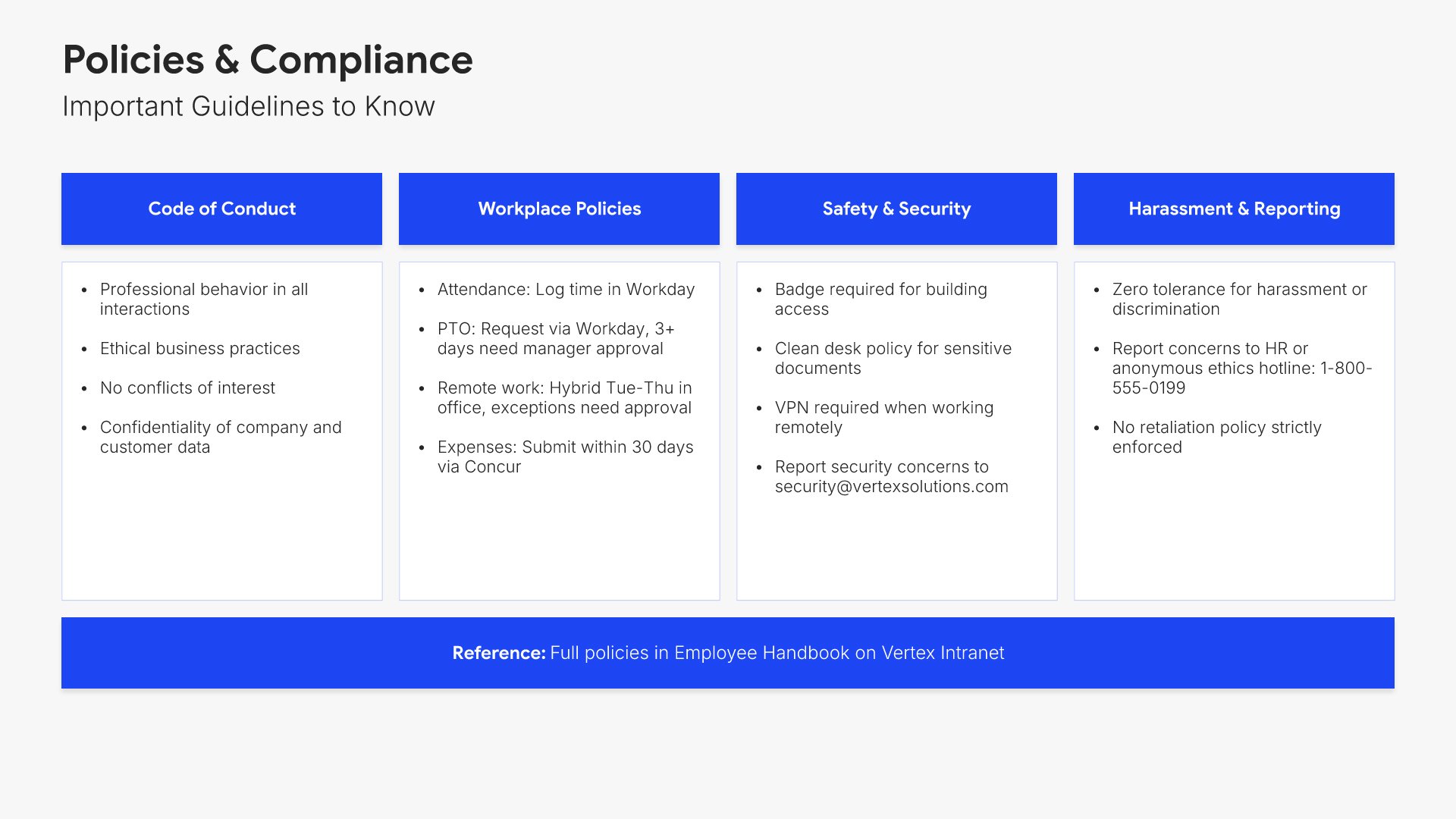
Policies and compliance slide, employee onboarding presentation template, conduct, safety, and security in one grid

Slide 08

Policies & Compliance

Code of conduct, workplace policies, safety, security, and reporting, in one scannable grid.

Built using “Executive Summary” slide
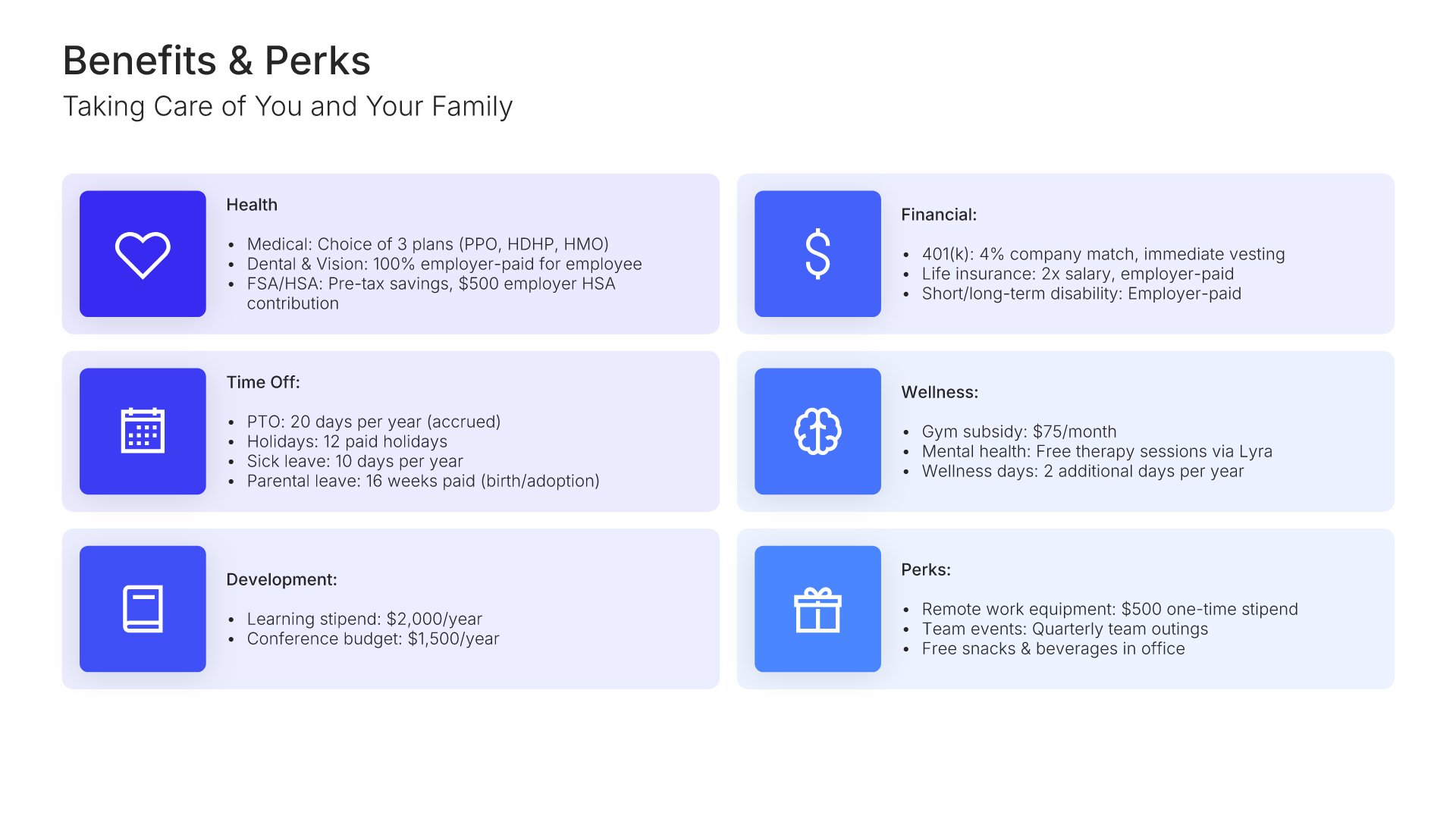
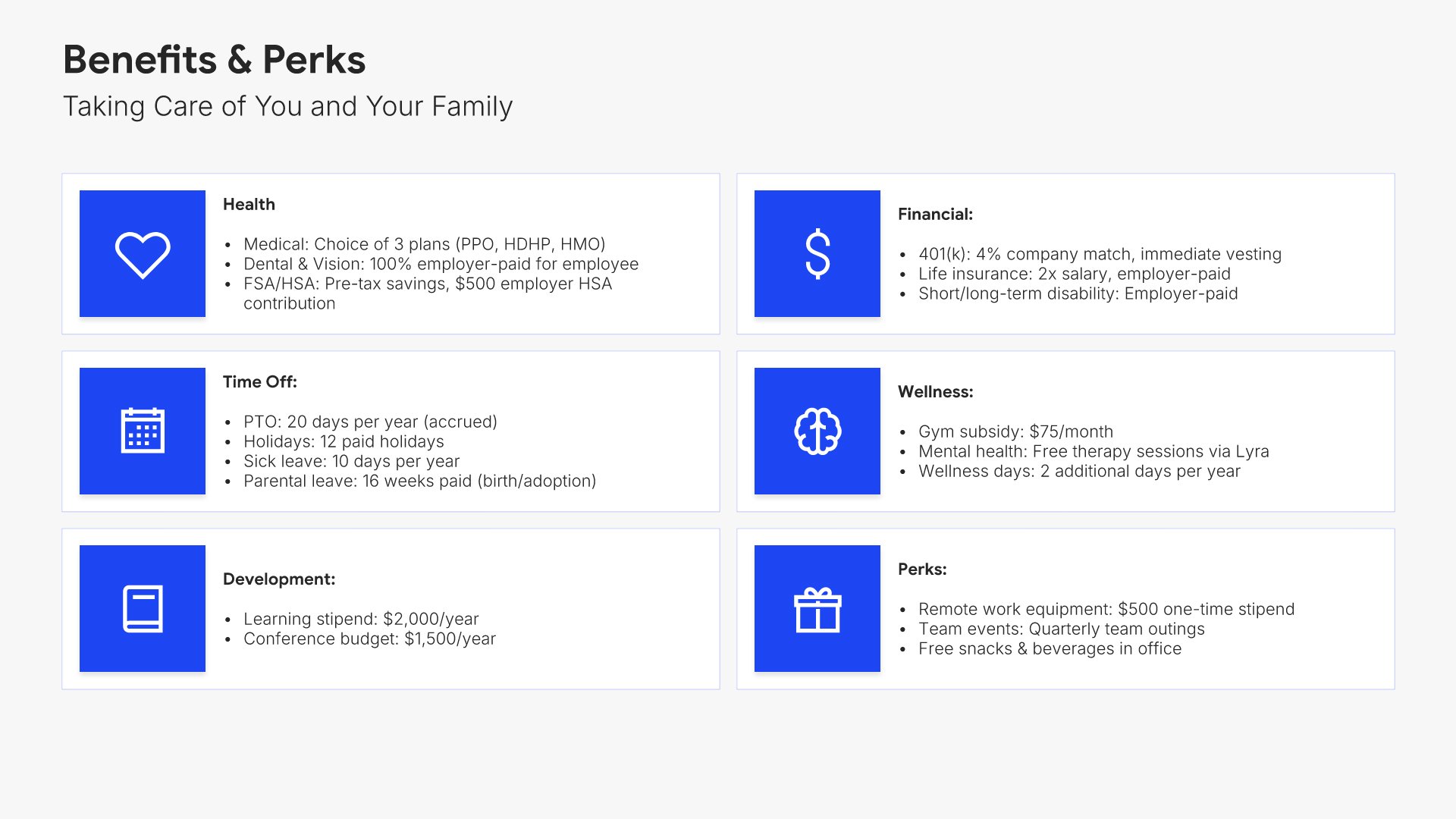
Benefits and perks slide, employee onboarding presentation template, health, financial, time off, and development

Slide 09

Benefits & Perks

Health, financial, time off, and development benefits, each with what it covers.

Built using “Simple Text (with Icons)” slide
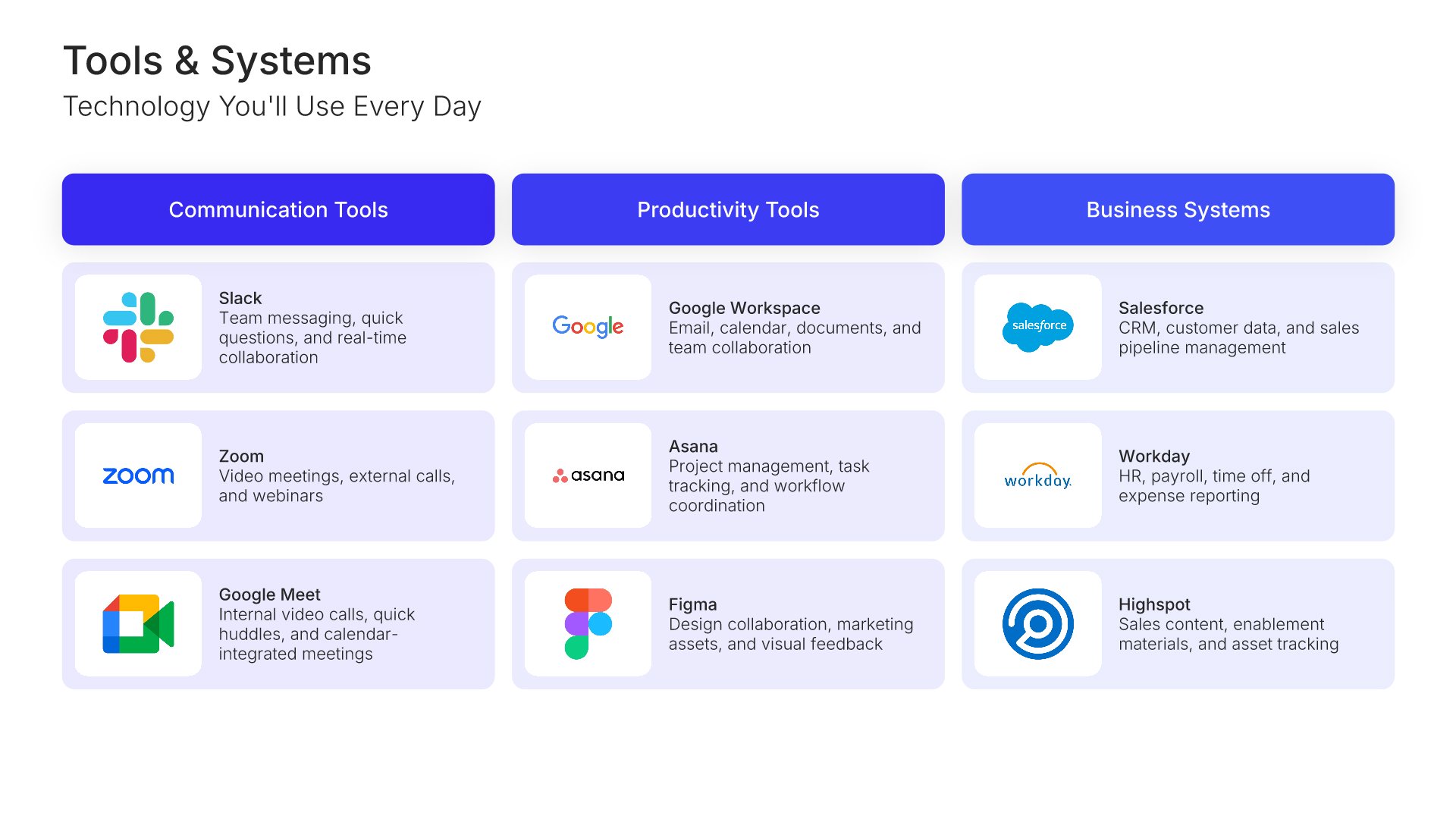
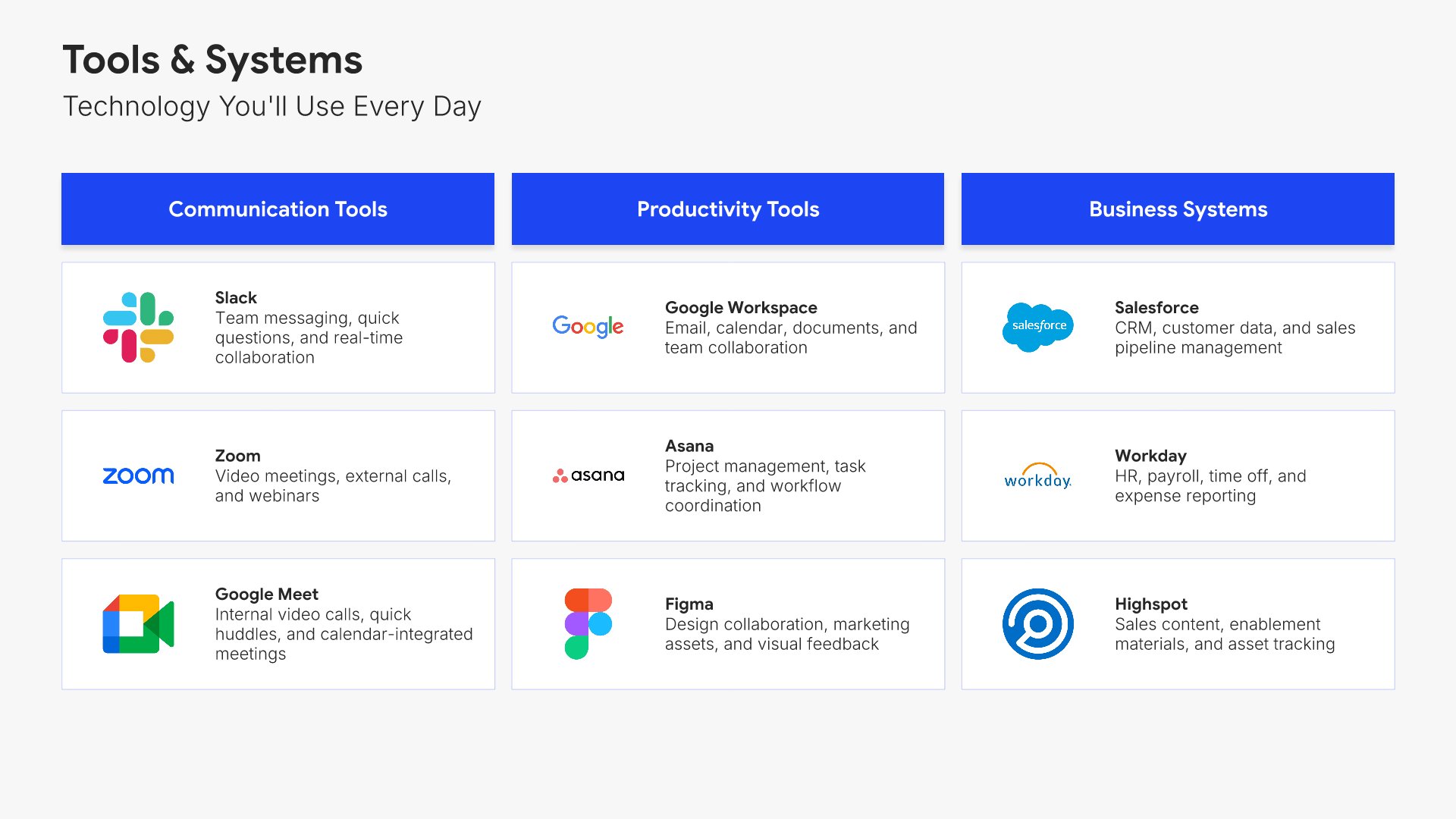
Tools and systems slide, employee onboarding presentation template, platforms grouped by function

Slide 10

Tools & Systems

Every platform they'll use, grouped by communication, productivity, and business systems.

Built using “Image Gallery” slide
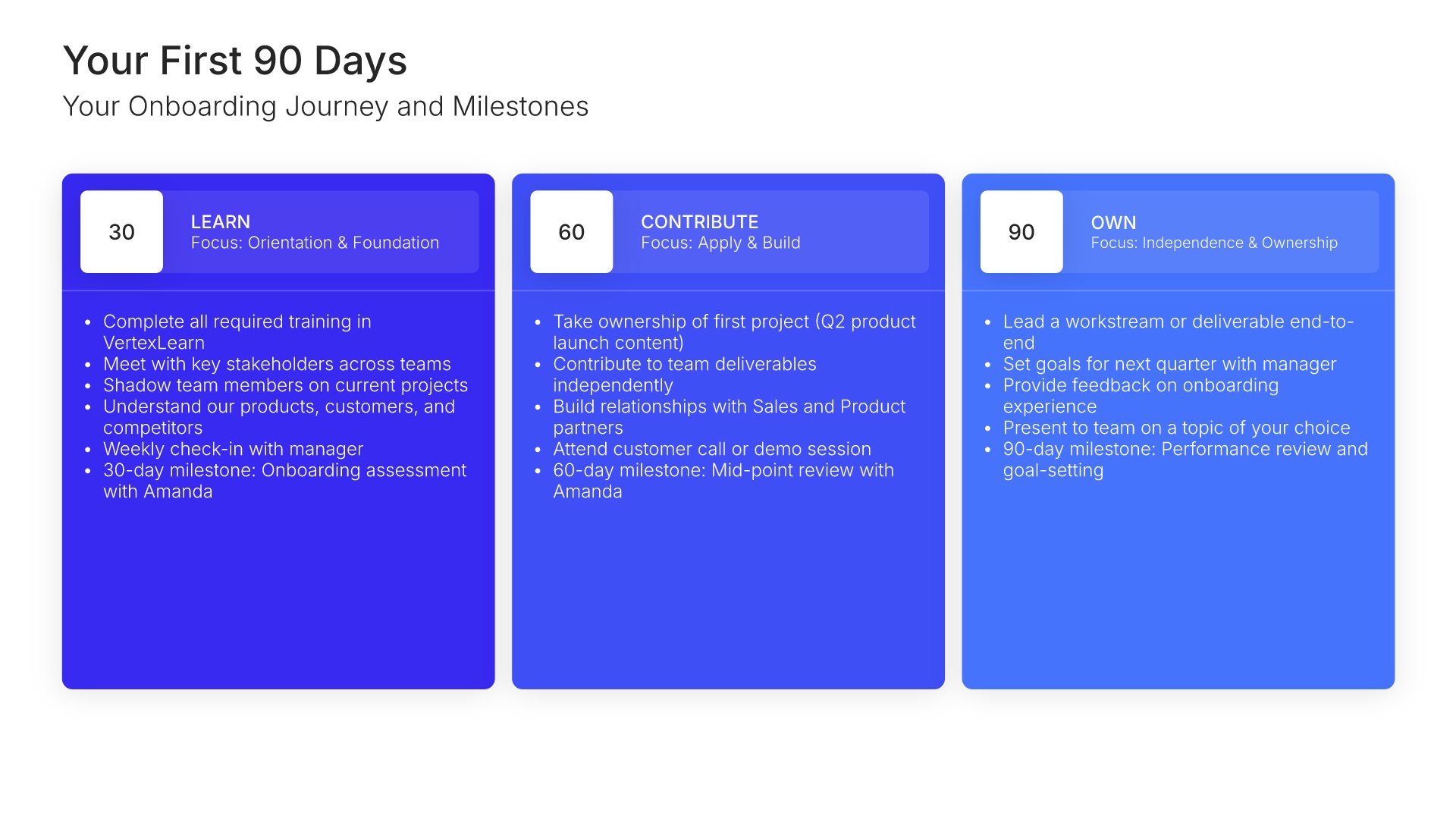
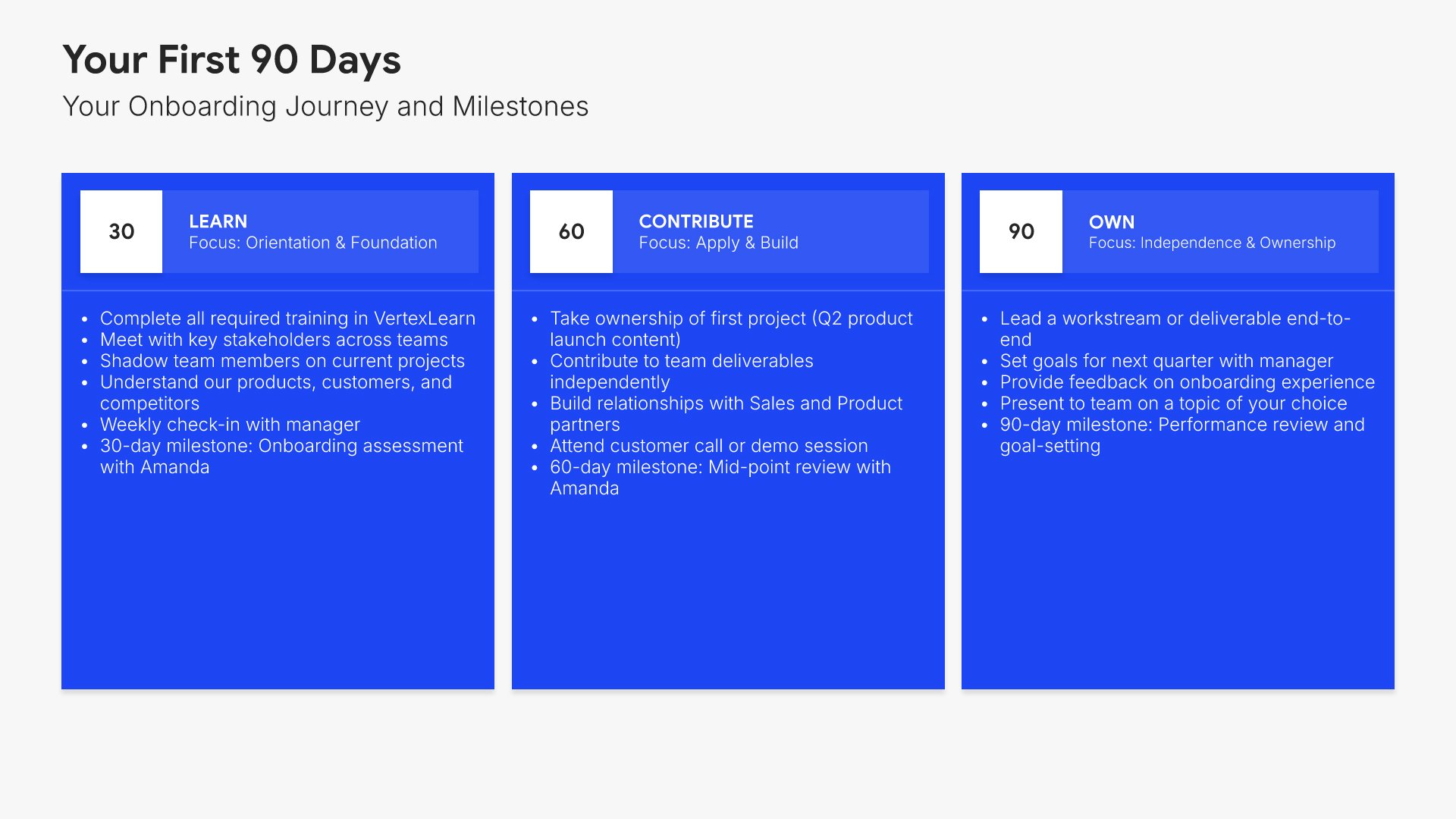
Your first 90 days slide, employee onboarding presentation template, three phases with milestones

Slide 11

Your First 90 Days

The onboarding journey in three phases, with the milestone at the end of each.

Built using “30-60-90 Day Plan” slide
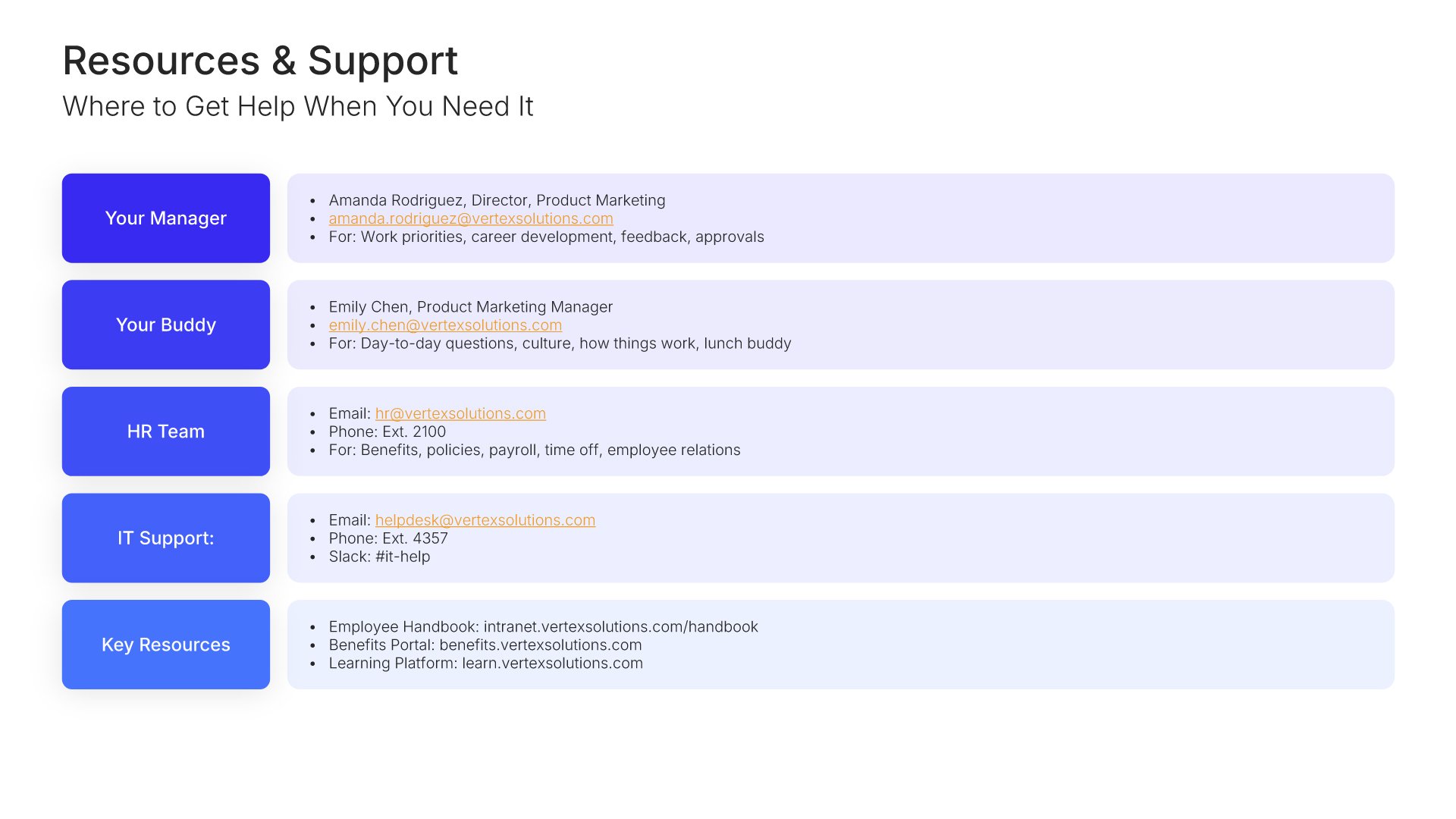
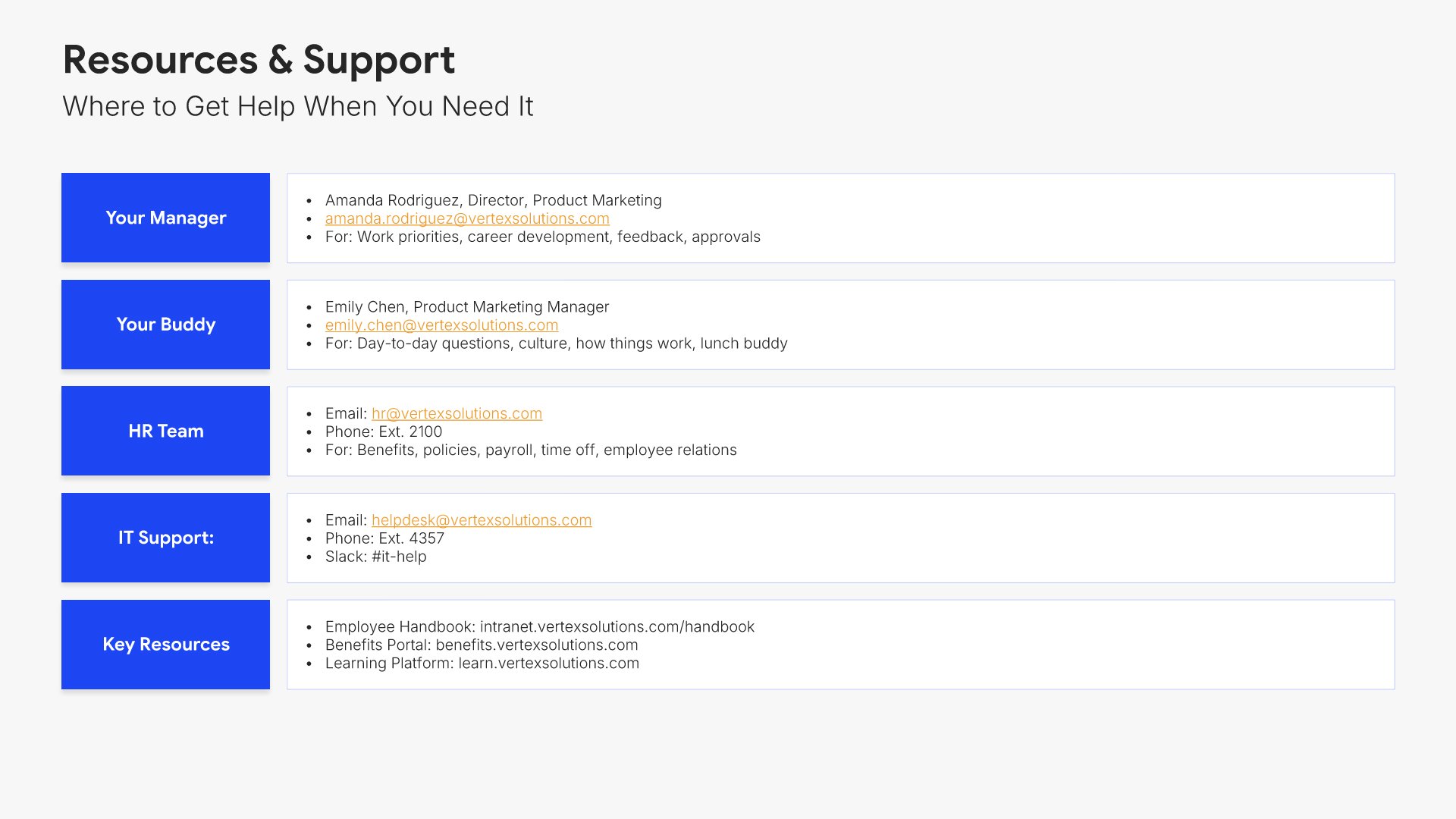
Resources and support slide, employee onboarding presentation template, HR, IT, buddy, and mentor contacts

Slide 12

Resources & Support

Who to ask, from HR and IT through to a buddy and a mentor, with contact details.

Built using “Simple Text” slide
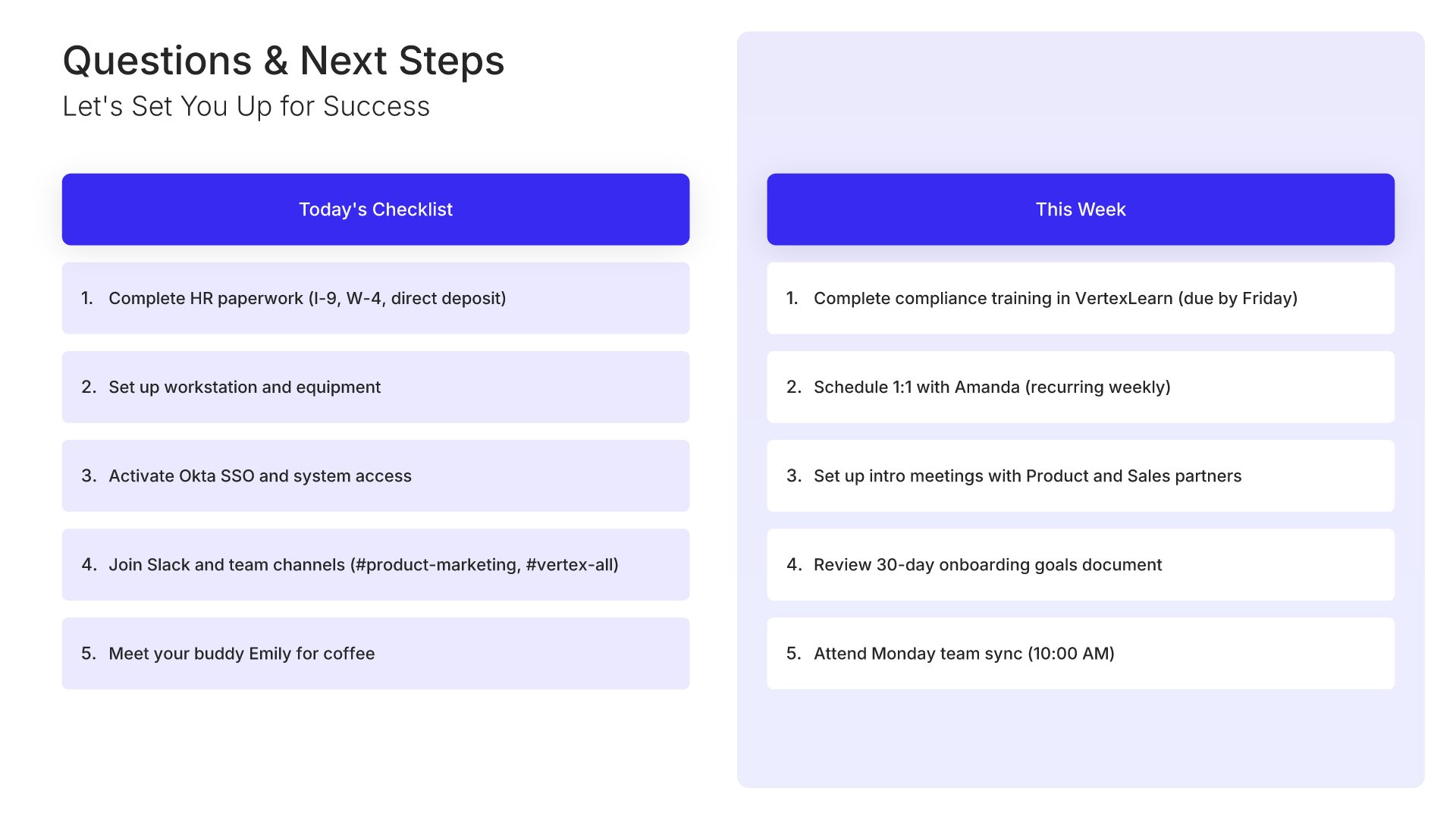
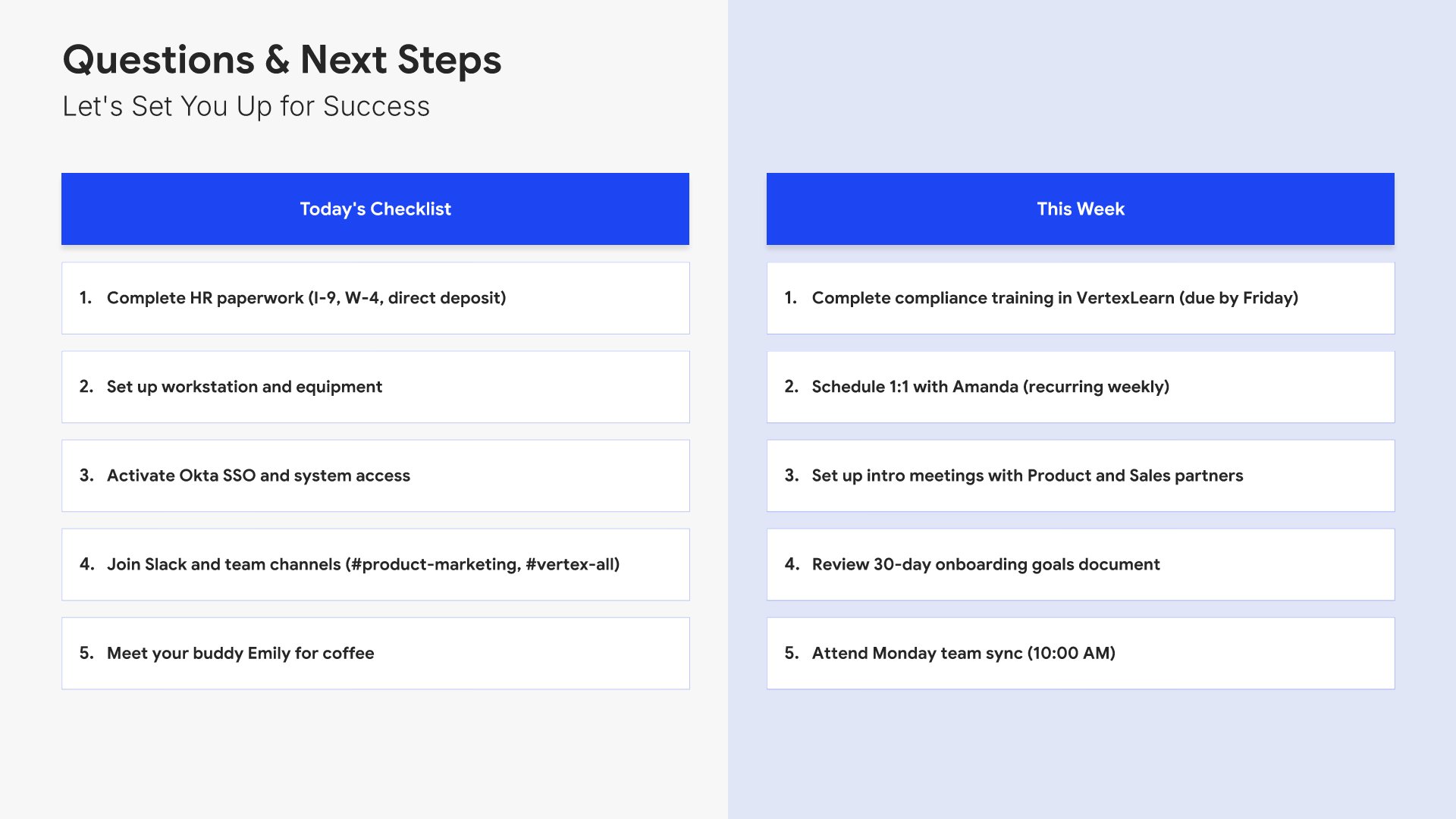
Next steps slide, employee onboarding presentation template, actions for today and this week

Slide 13

Next Steps

What to do today and what to do this week, in two numbered lists.

Built using “One Pager / Snapshot” slide
Thank you slide, employee onboarding presentation template, invitation to ask anything

Slide 14

Thank You

The welcome closed out, with an invitation to ask anything.

Built using “Title” slide

About the employee onboarding presentation template

The structure, the slides, your brand, and a file you can edit anywhere.

Built to answer on day one what new hires ask in week four

Most first days are a laptop, a login that doesn’t work, and a calendar full of introductions nobody wrote down. The cost shows up later, when someone is four weeks in and still asking who approves expenses. Built on the Classic SHRM Model, this template front-loads the answers: the org, the role, the norms, the tools, the people to ask, and a ninety-day plan with milestones.

Built from 9,000+ slides across 134+ categories

Every slide here comes from the same library. Timelines, team layouts, policy grids, benefit blocks, and phase plans are already in it, so adding a department-specific section or a second tools slide takes a minute. Everything sits on the same grid, so the layout still holds.

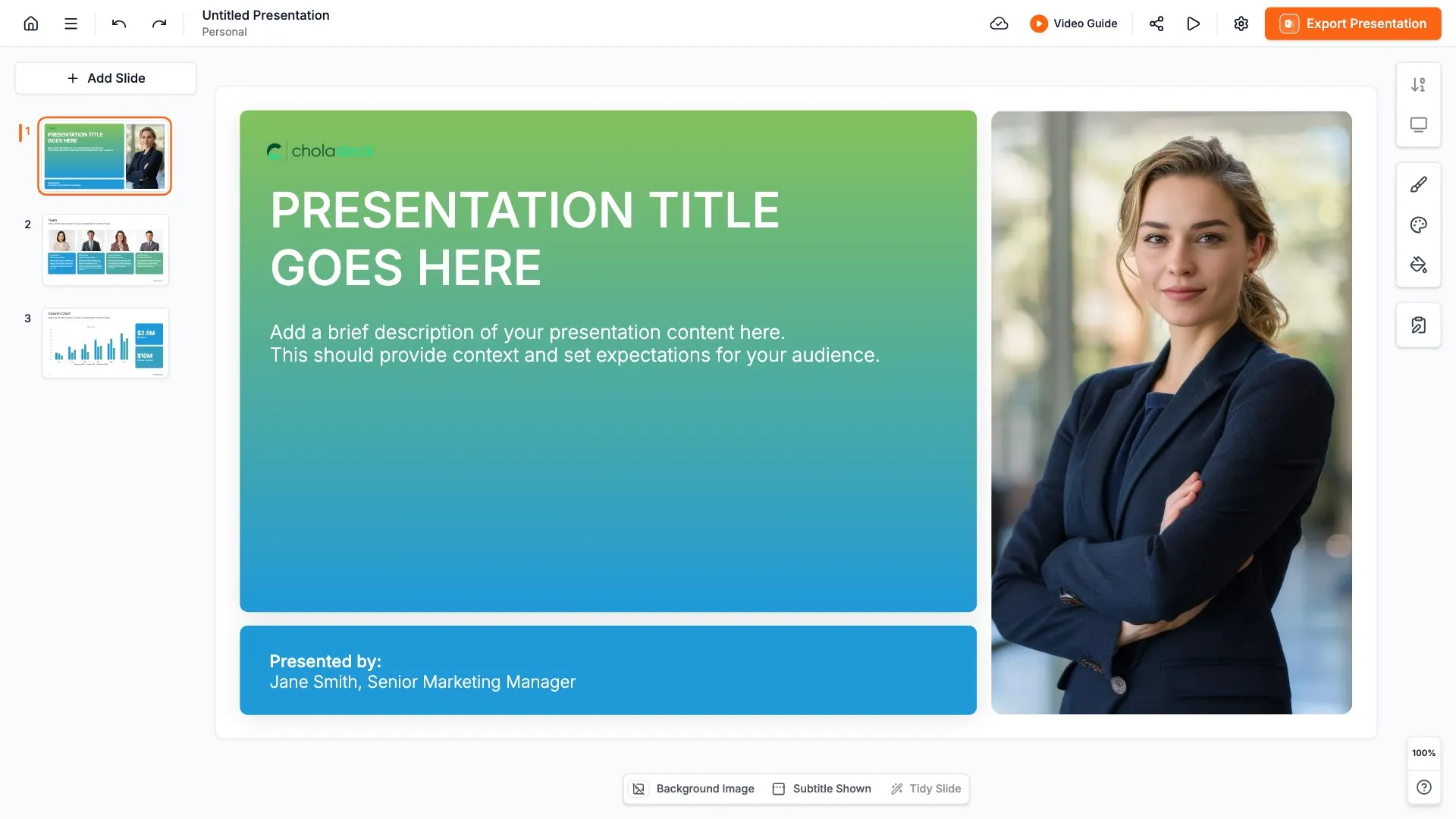
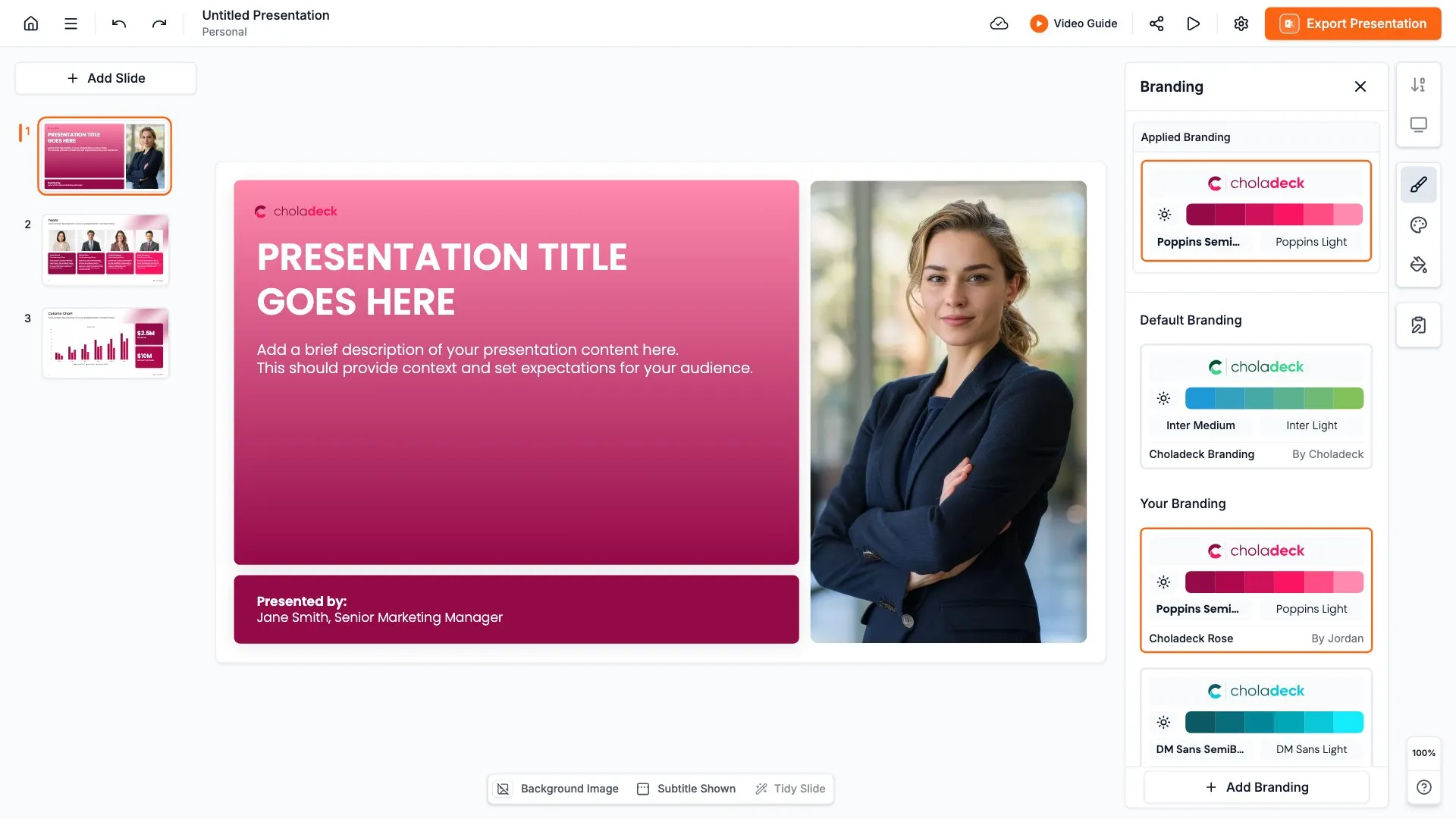
Brand the whole presentation in one click

Add your logo, colors, fonts, and background once. It applies to the whole presentation and the entire slide library at the same time. Whichever office they join, new hires see the same first day.

Export to PowerPoint, Google Slides, or Keynote

You get a real file, not a locked link. Export it and keep editing in the tool you already use. Every slide stays editable, so the presentation can be handed over as a reference rather than presented once and lost.

How Choladeck works

From blank page to finished presentation in four steps.

STEP 01

Browse 9,000+ slides across 134+ categories, or open one of the 74 premade presentations.

STEP 02

Add your logo, colors, and fonts in one click. The whole presentation instantly matches your company.

STEP 03

Add your text, numbers, charts, and tables. Everything on the slide is editable.

STEP 04

Send it to PowerPoint, Google Slides, or Keynote, and present.
Build your own

Nothing here fits? Build your own onboarding presentation

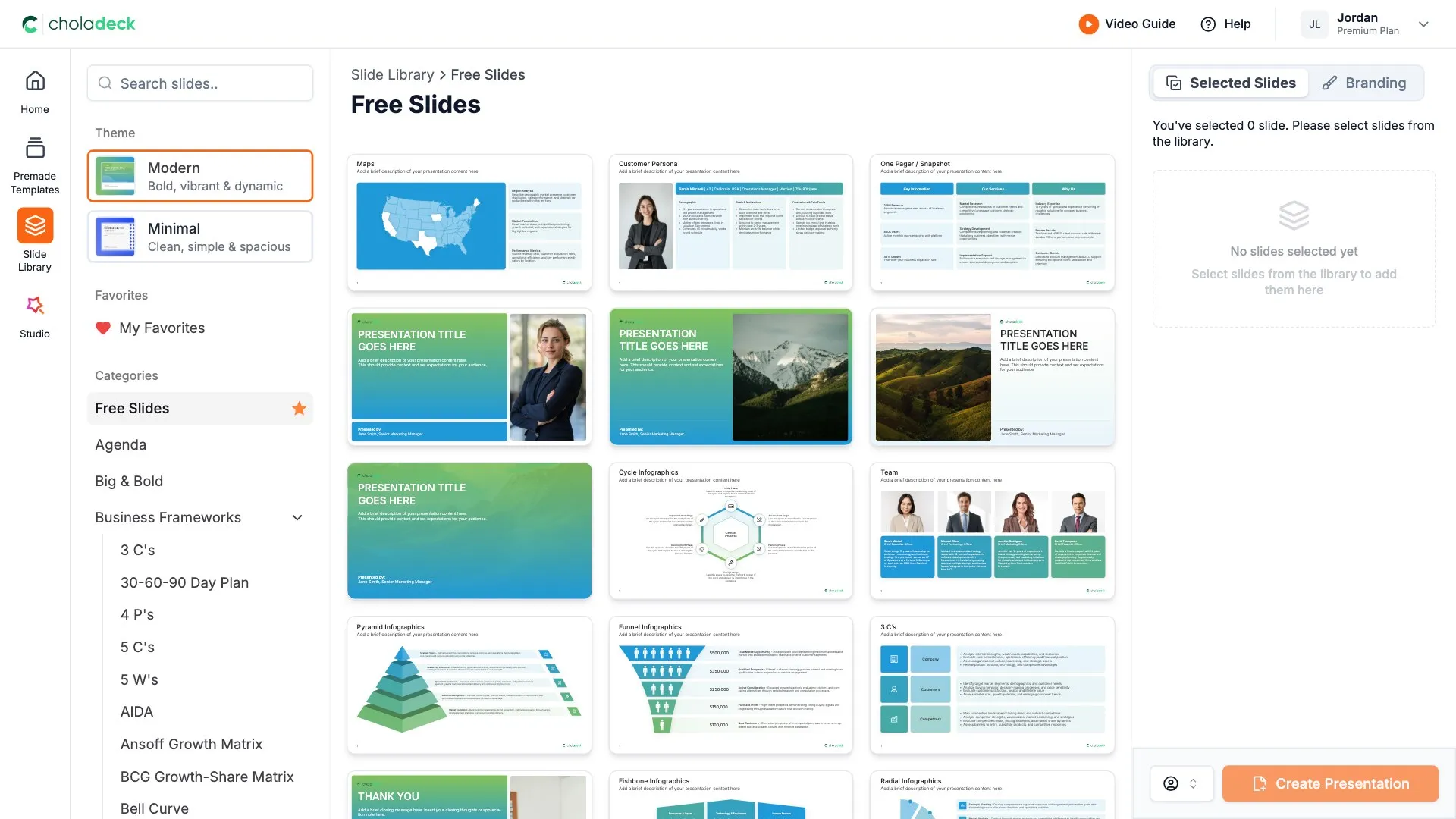
This template is assembled from the same 9,000+ slides. Pick the slides you need, drop them into one file, and brand the whole thing in one click.
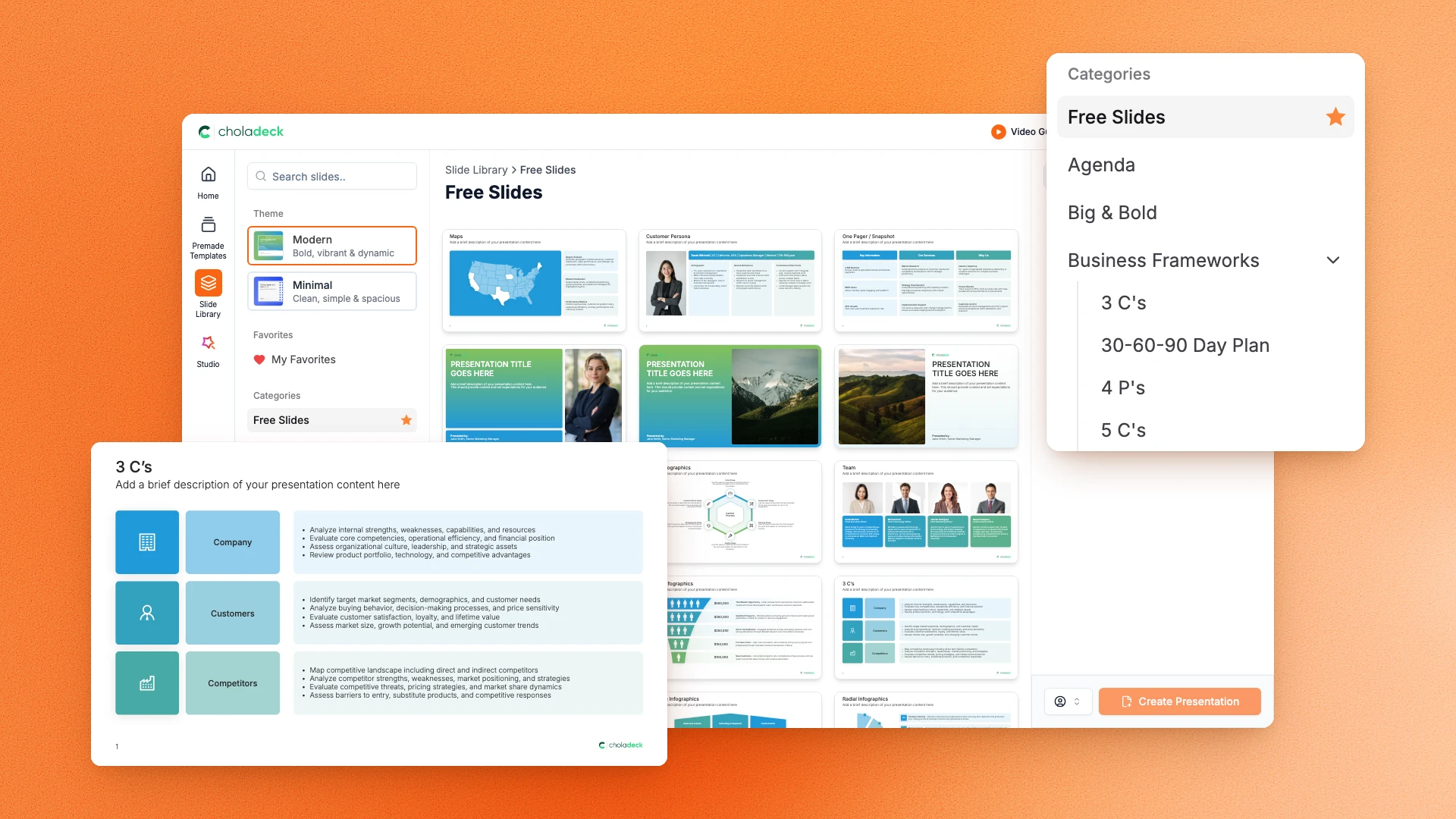
Choladeck slide library on Free Slides, with its category list and the 3 C’s slide shown larger

Questions about the employee onboarding presentation template

What's inside the template, and how far you can change it.

Using the template

Is the template fully editable?

+

Yes. Text, tables, charts, icons, and colors on every slide are yours to change. Nothing is locked and nothing is a flat image.

How do I brand it to my company?

+

Add your logo, colors, fonts, and background once. It applies to the whole presentation and the entire slide library at the same time.

Can I add slides from the slide library?

+

Yes. Add any slide from the library into this one, or swap out one that doesn't fit. Everything works together.

What's included

Does it cover policies and benefits?

+

Yes. One slide covers code of conduct, workplace policies, safety, security, and reporting. Another covers health, financial, time off, and development benefits.

How is this different from an employee handbook?

+

This is the first-day presentation. The handbook is the reference document people go back to, and it runs to far more detail on employment terms, leave, and the disciplinary process. The employee handbook template covers that.

Is placeholder content included?

+

Yes. Every slide comes with realistic text, sample figures, and filled-in charts, so you can see how the onboarding presentation reads before you put your own numbers in.

Start your onboarding presentation
from one that's already done

Pick it, brand it, add your content, and export.

Free to start. No credit card required.