Try Choladeck Free: Download Personalized Business Slides Today

Conference Presentation Premade Template

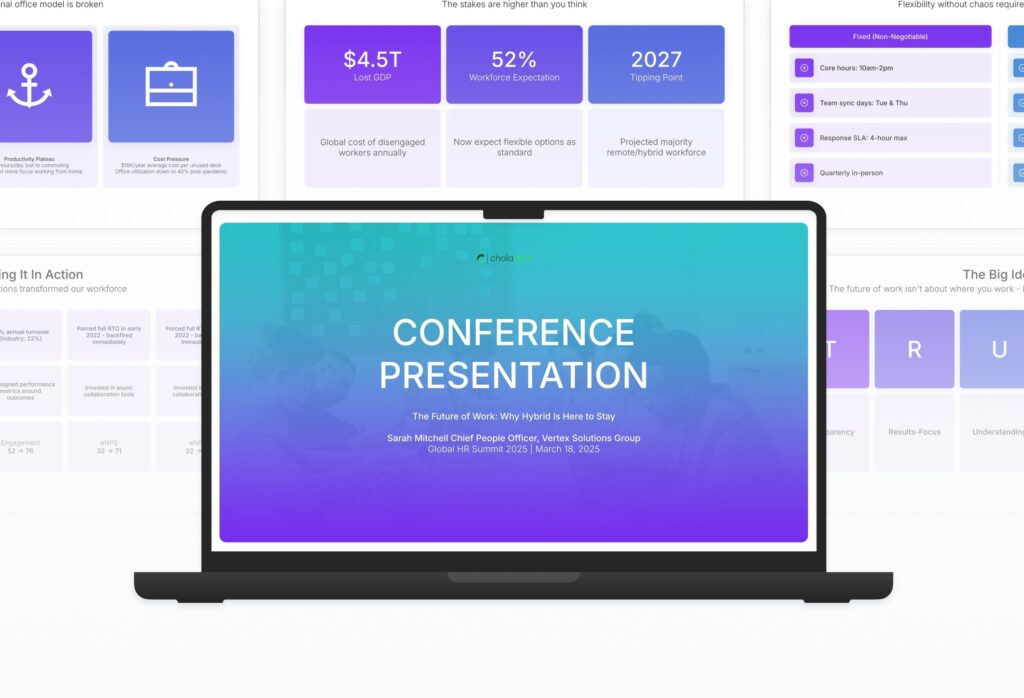
A focused conference presentation template designed for speakers delivering keynotes and thought leadership talks. Built on the Classic TED Model, this presentation covers the hook, problem framing, big idea, key insights, real-world application, path forward, and call to action. Ideal for industry conferences and keynotes.
Conference Presentation Featured Image

How to Build a Conference Presentation Presentation

Learn how to create a compelling conference presentation that engages audiences and lands a memorable message. This guide walks you through opening with a strong hook, framing the problem, articulating your big idea, supporting it with evidence, showcasing real-world application, and closing with a call to action that drives audience change.

1. Title

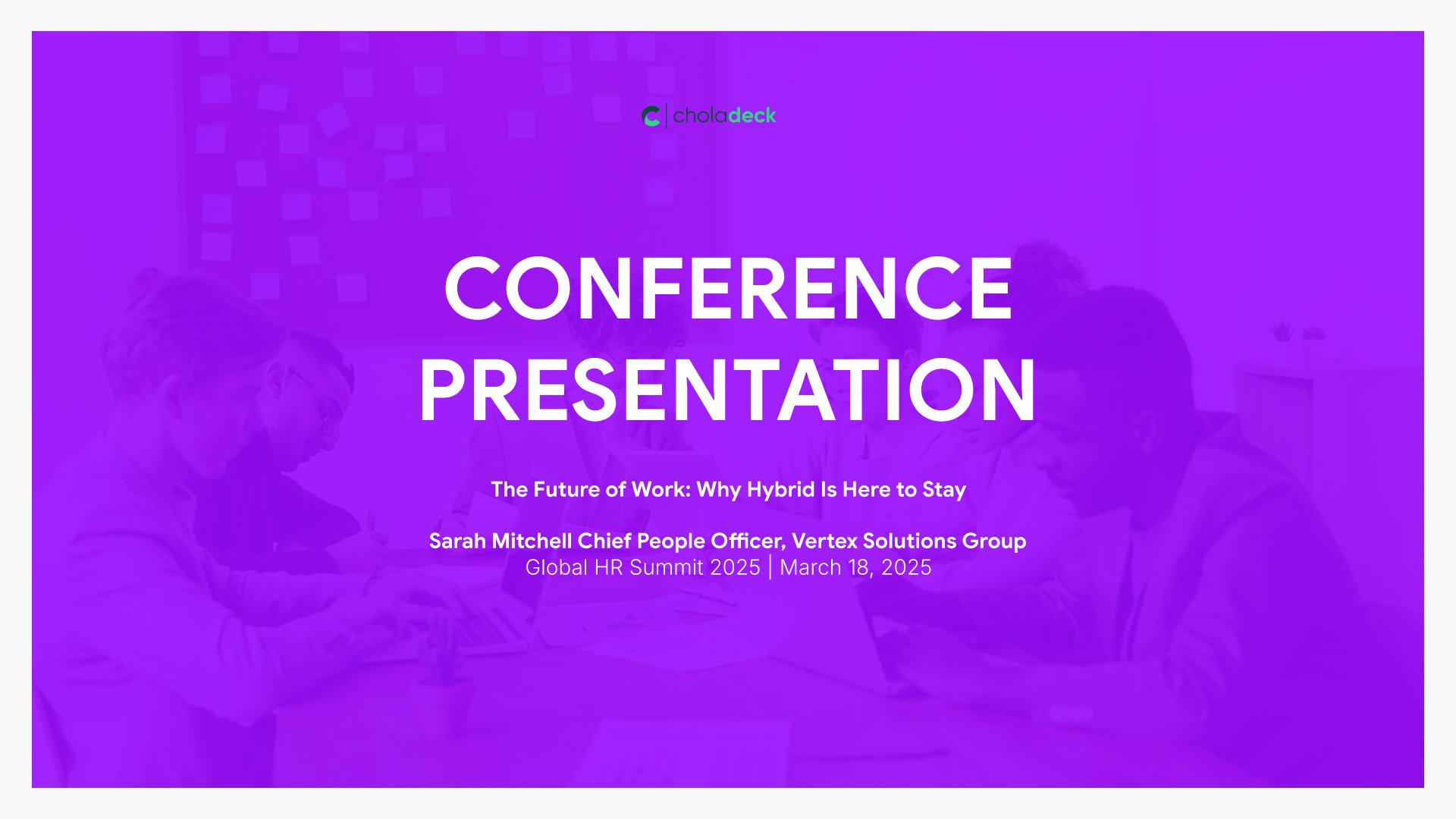
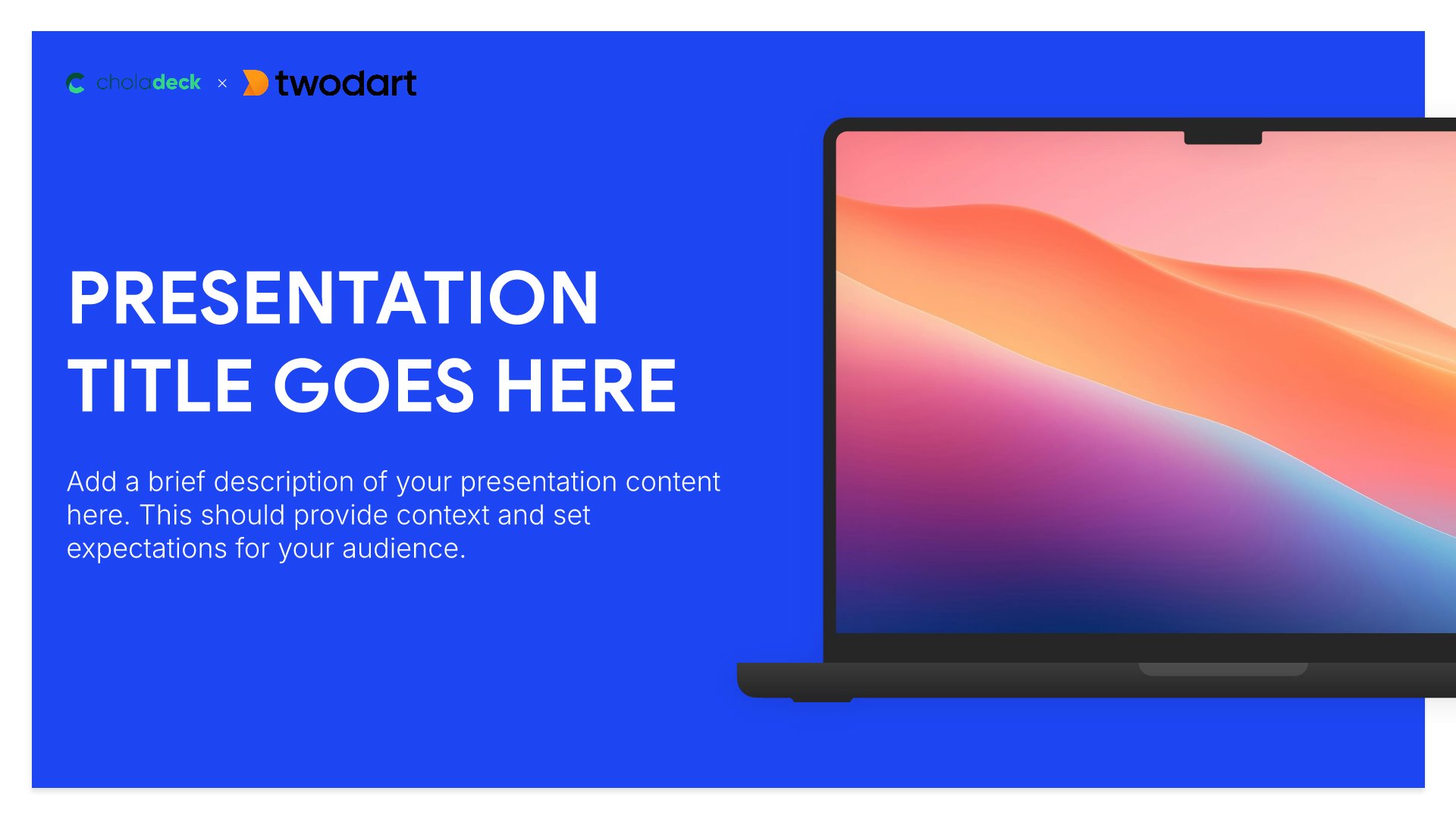
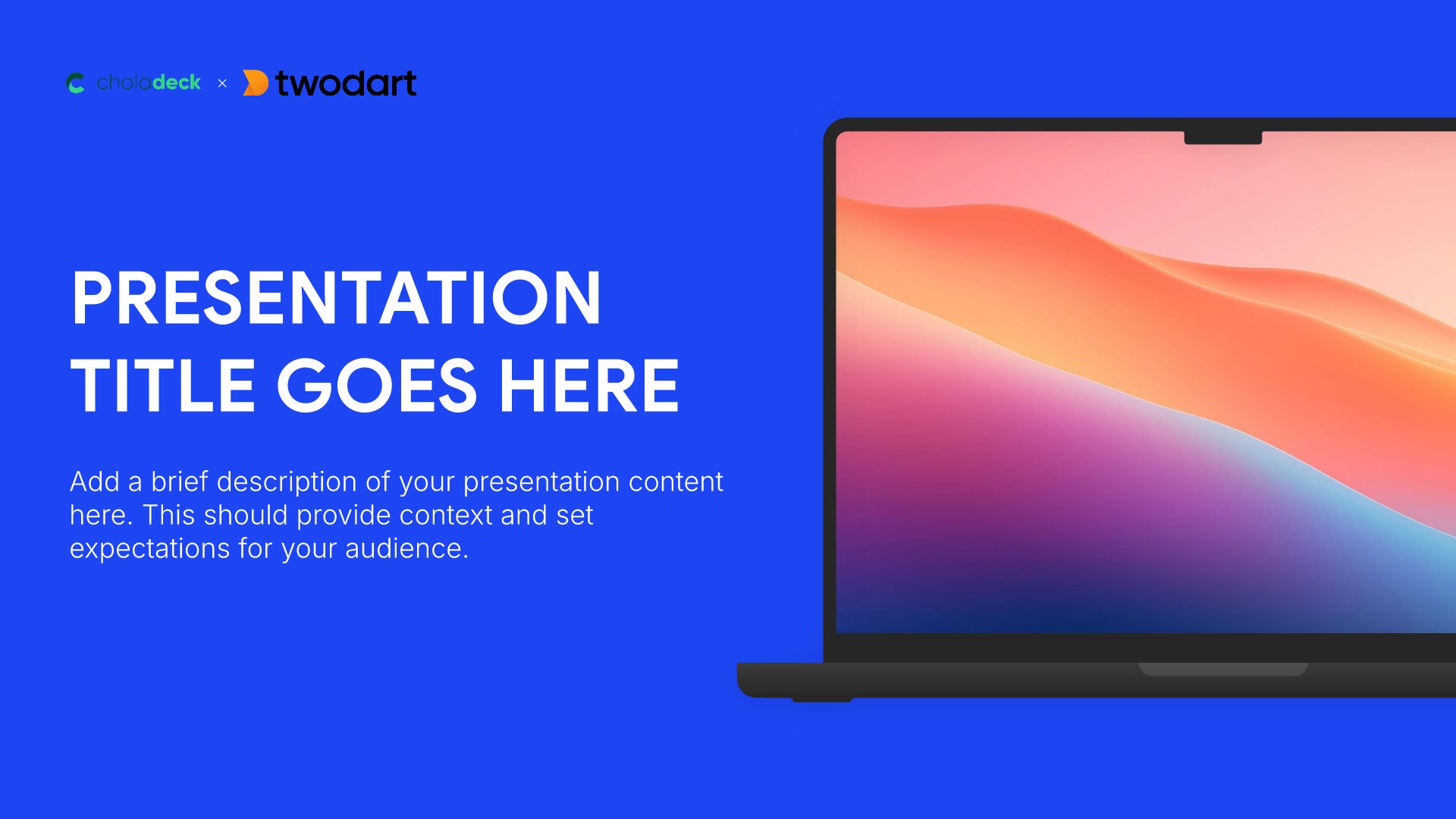
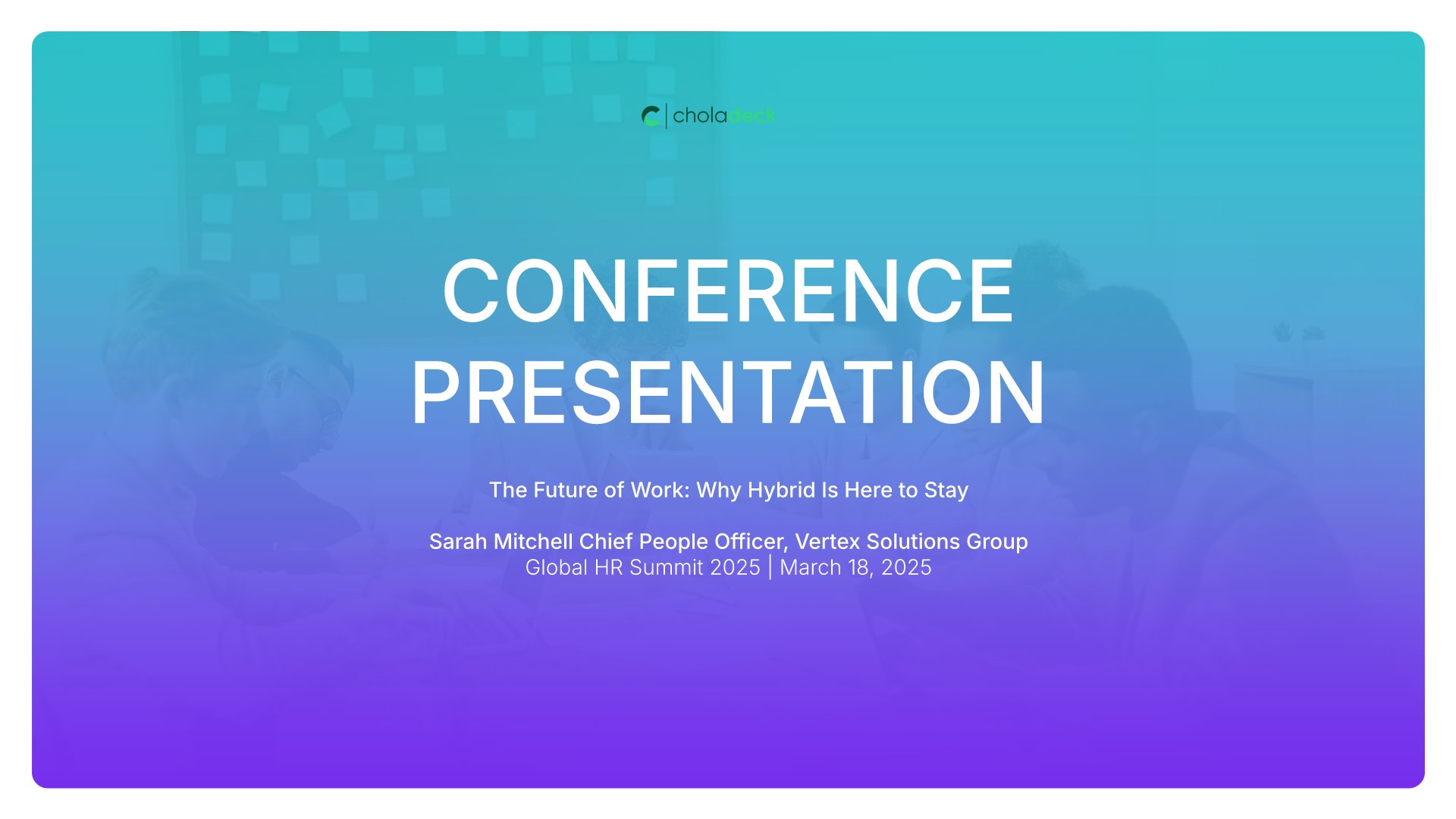
Title slides help you open presentations with impact. Use them to create strong first impressions with opening slides that set the tone, introduce your topic, and establish your brand. Ideal for any presentation where a polished, professional opening slide sets the stage for everything that follows.
Built using Title slides

2. The Hook

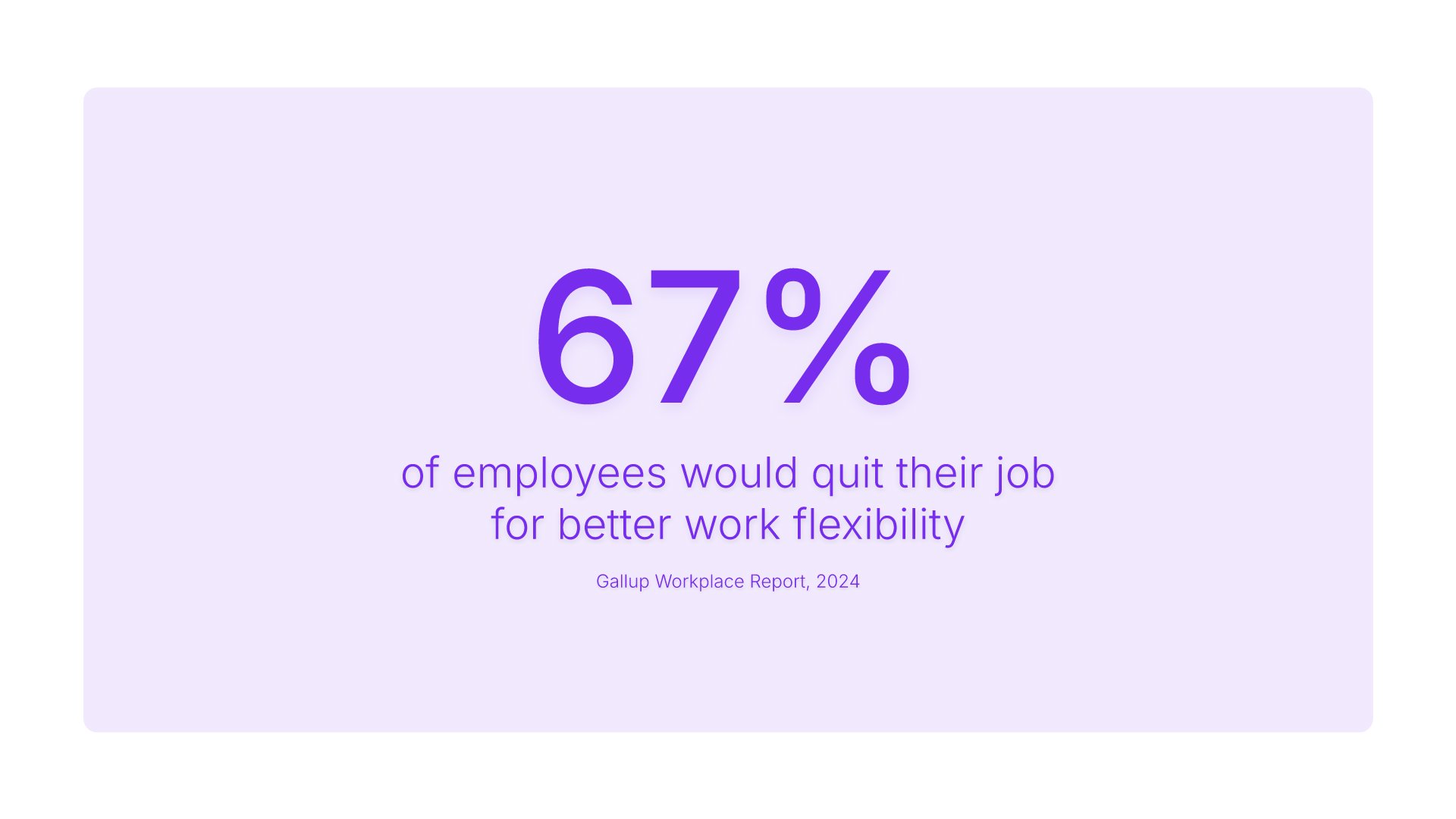
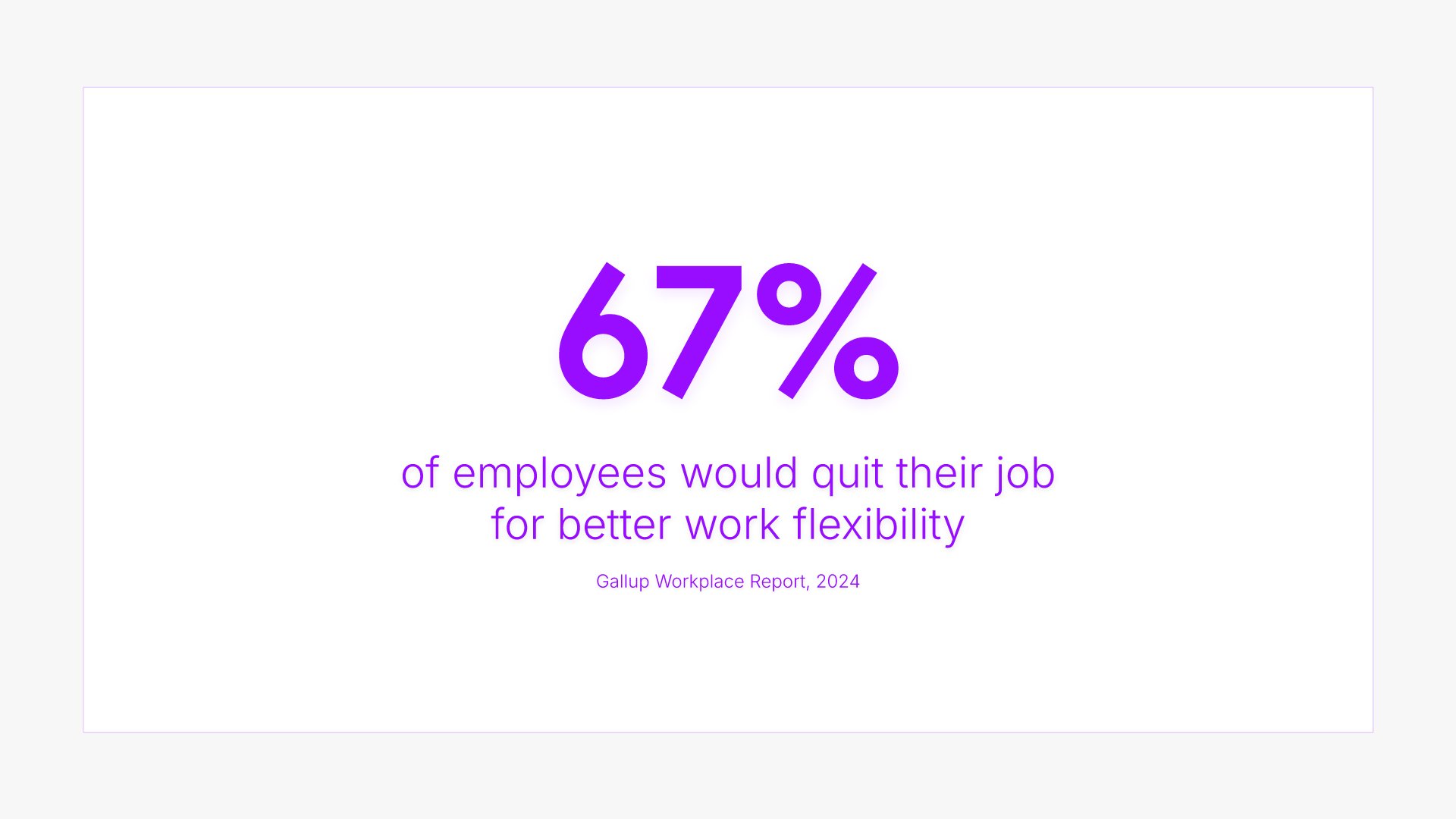
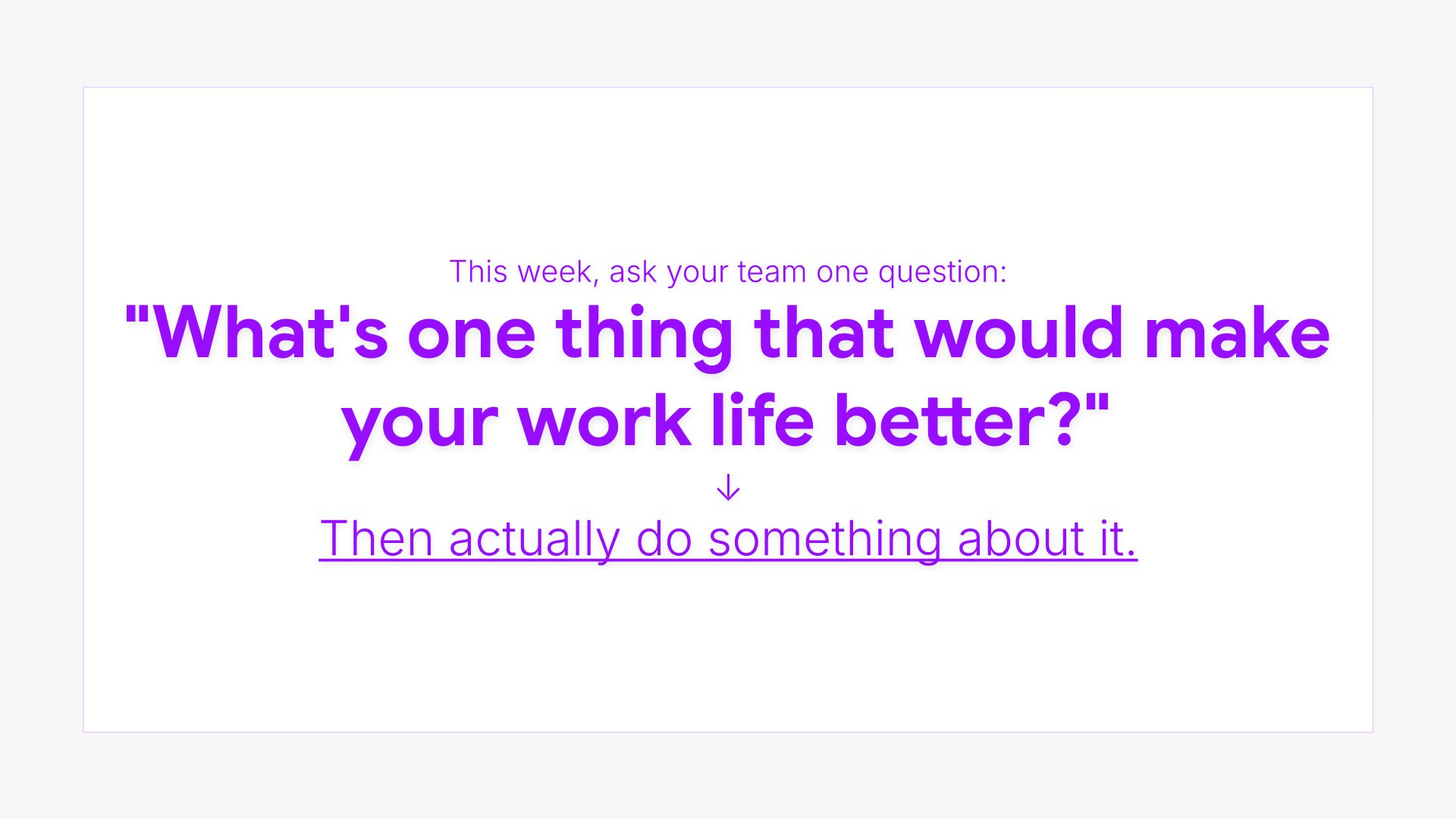
The hook slides help you open your talk with something that grabs attention immediately. Use them to present a striking statistic, provocative question, or vivid story that makes the audience lean in. A strong hook earns the right to be heard for the next twenty minutes and signals that the talk is worth their full attention.
Built using Big & Bold slides

3. Problem

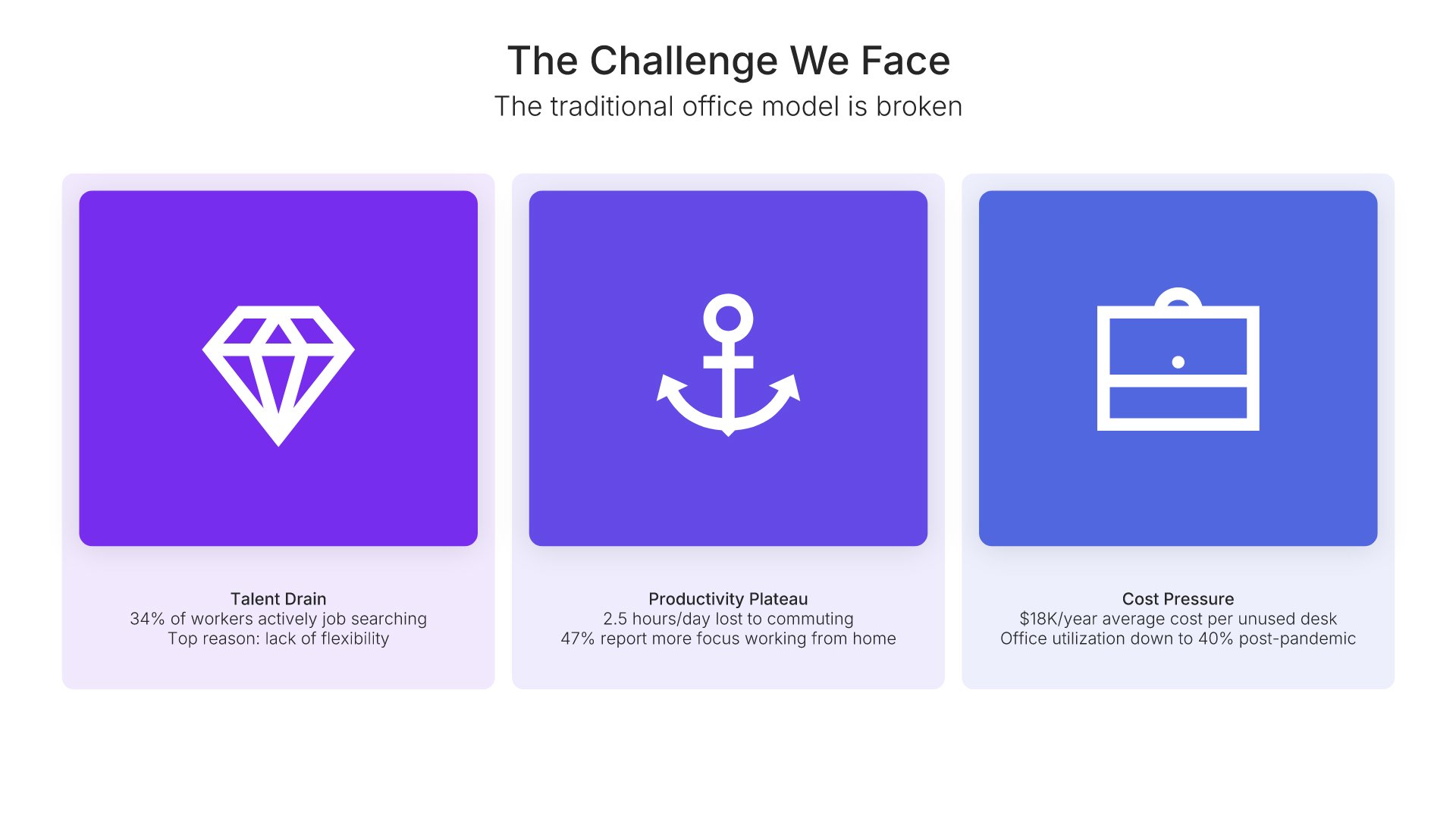
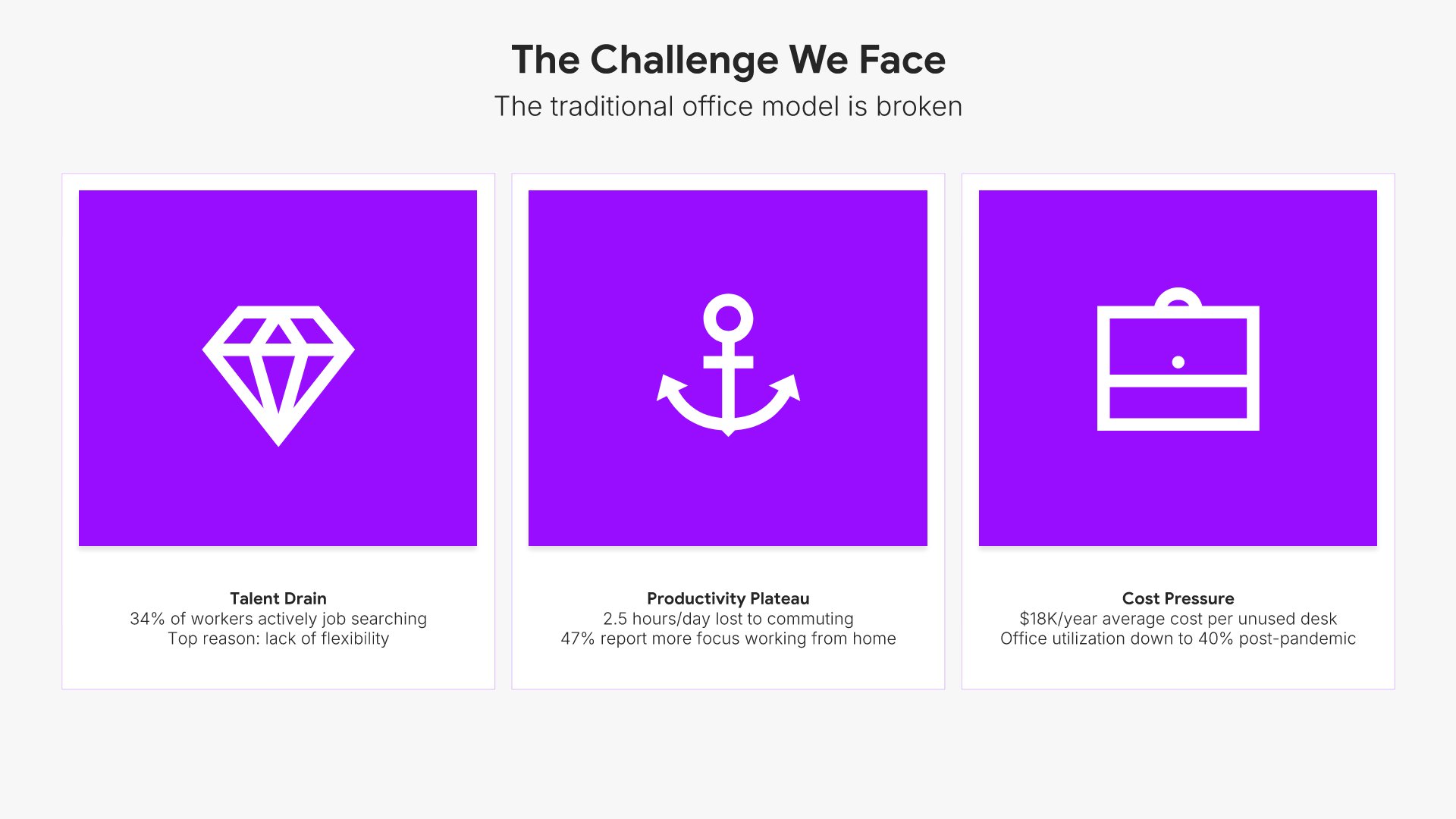
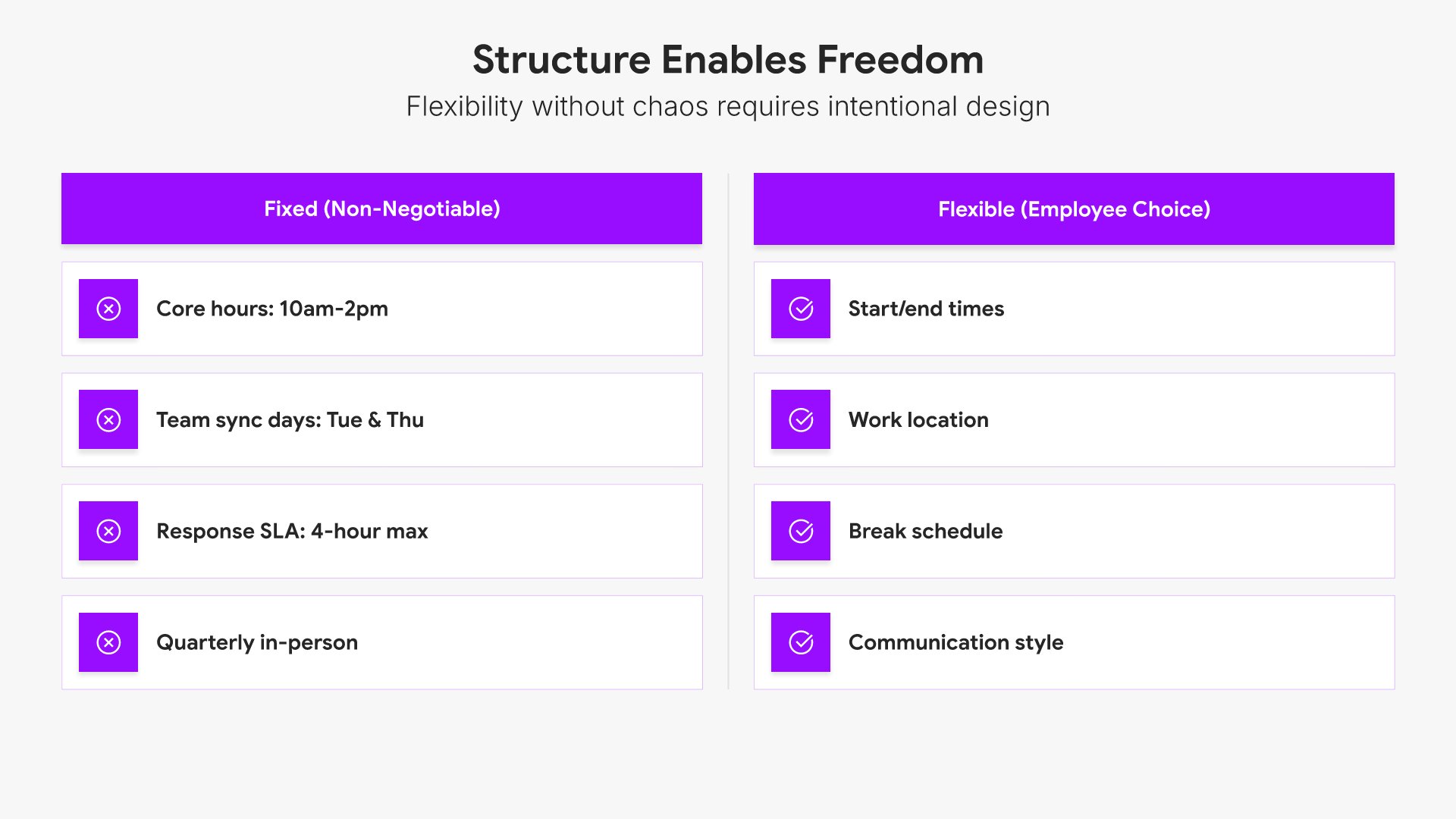
Problem slides help you define the pain point your audience or market faces. Use them to establish urgency, validate the need for a solution, and connect emotionally with stakeholders who recognize the challenge. Ideal for pitch decks, sales presentations, and any situation where framing the problem sets up your solution.
Built using Simple Text (with Icons) slides

4. Why It Matters

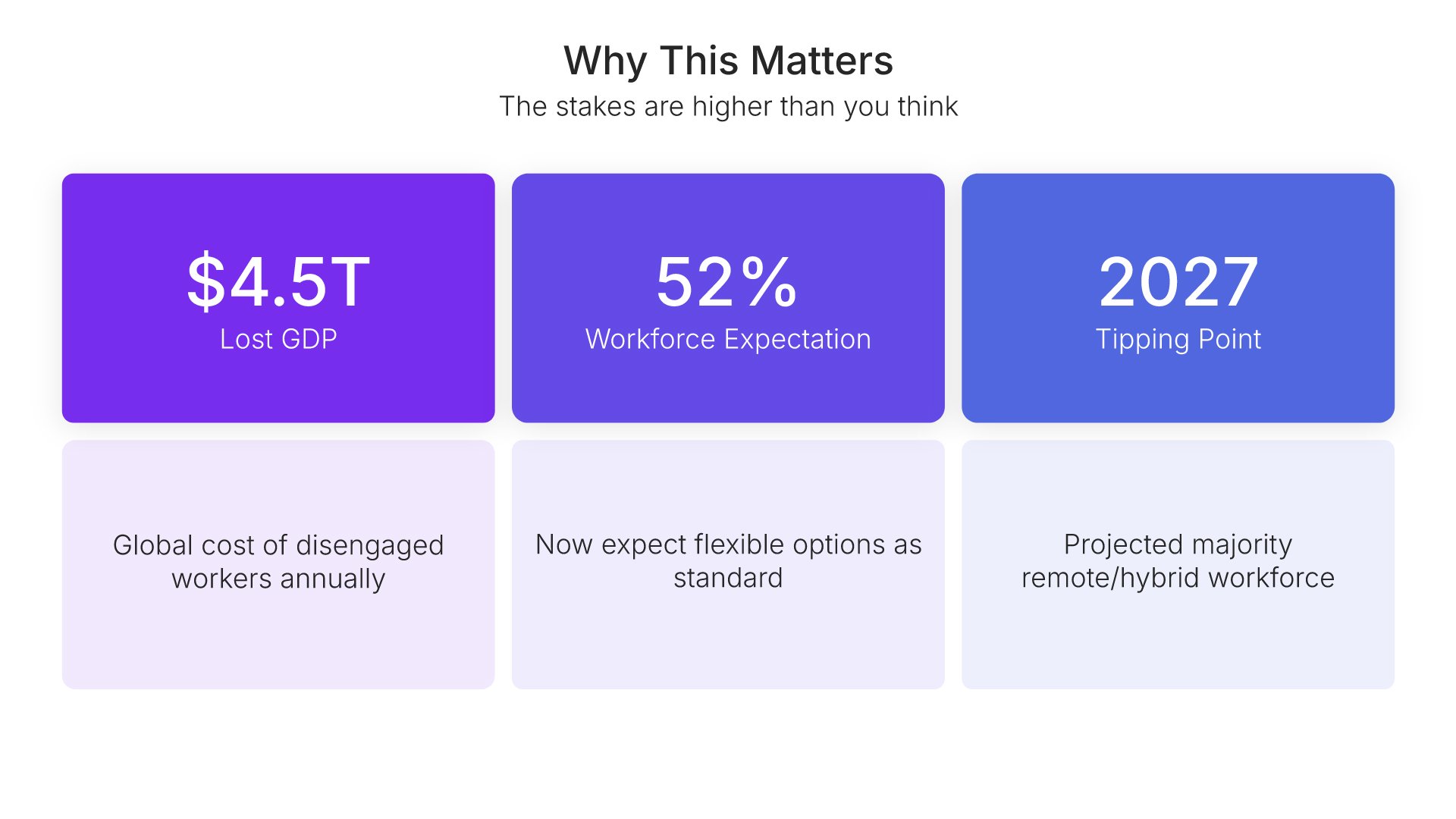
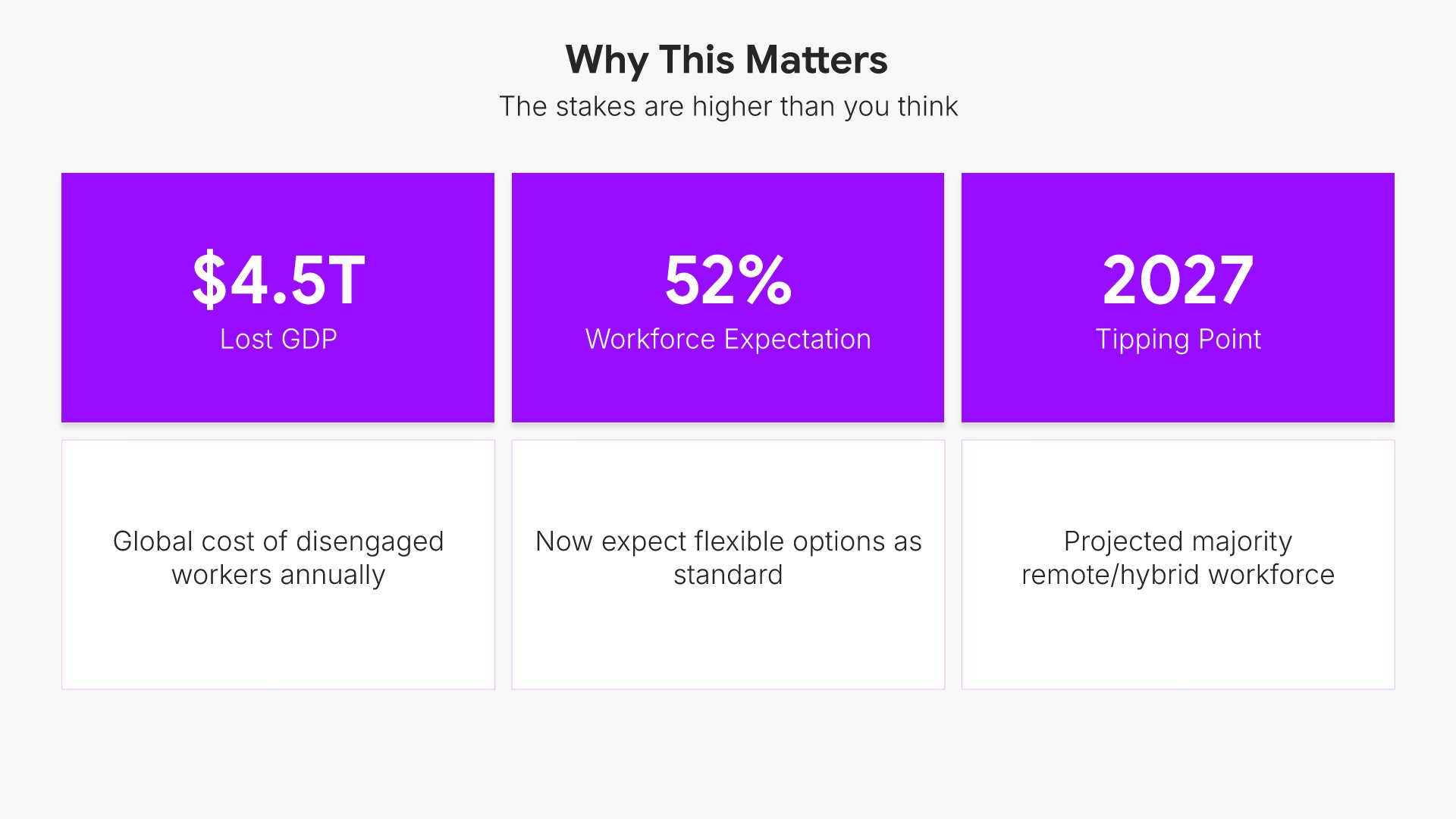
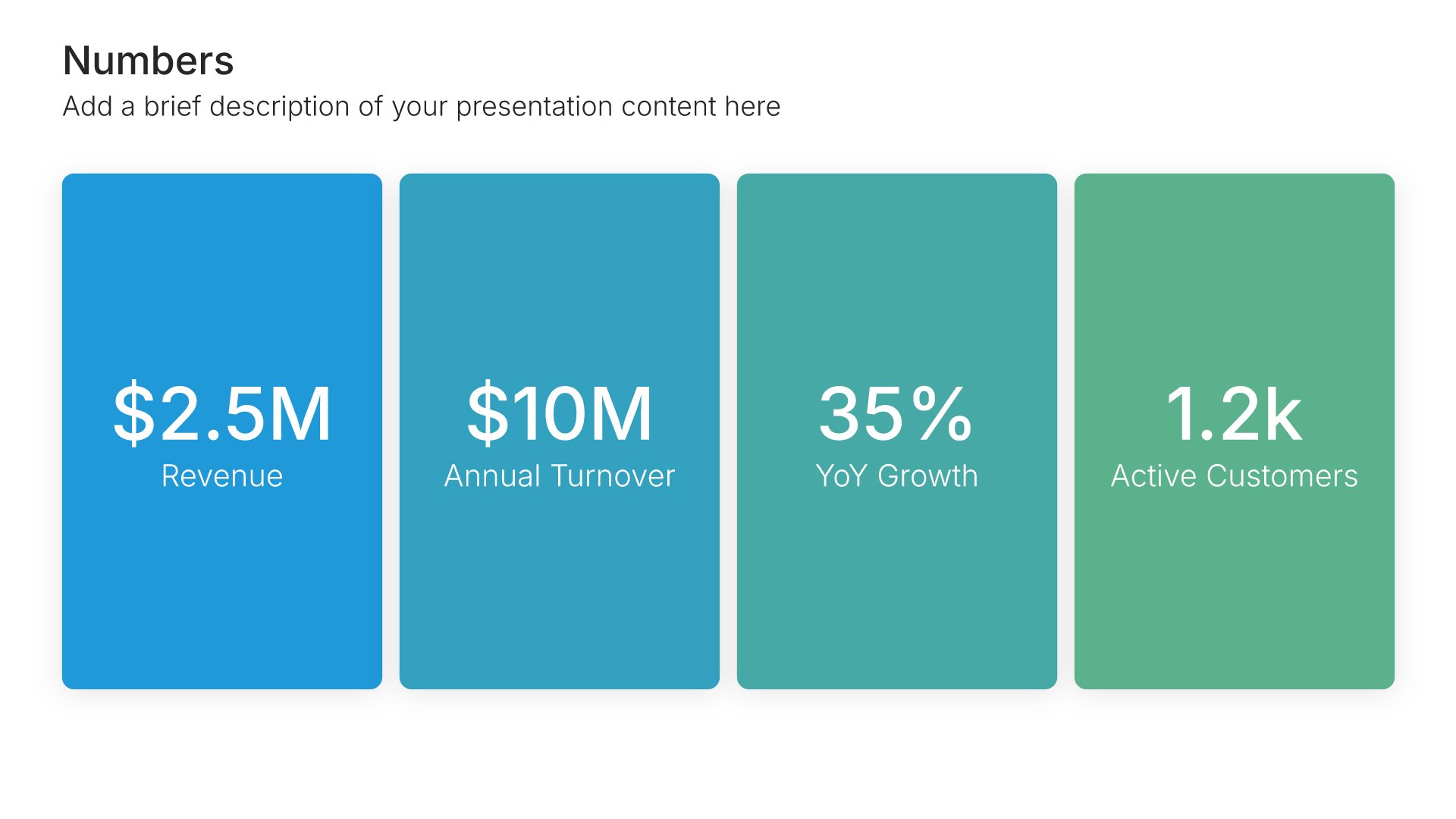
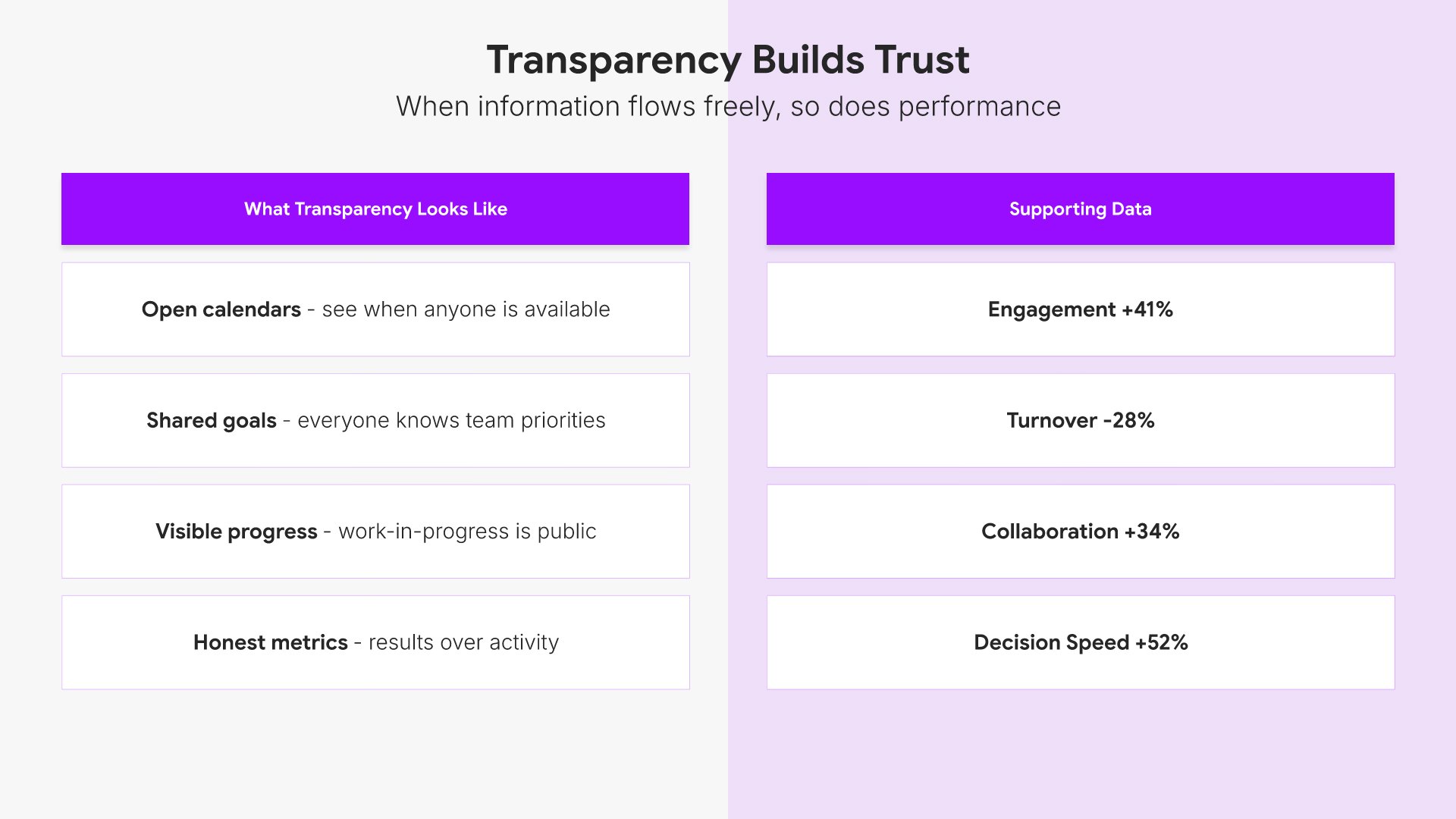
Why it matters slides help you make the stakes of your topic real for the audience. Use them to present the consequences of inaction, the size of the opportunity, or the data that shows the problem is urgent. A clear "why it matters" view raises the stakes and motivates the audience to engage with the ideas that follow in the talk.
Built using Simple Numbers slides

5. The Big Idea

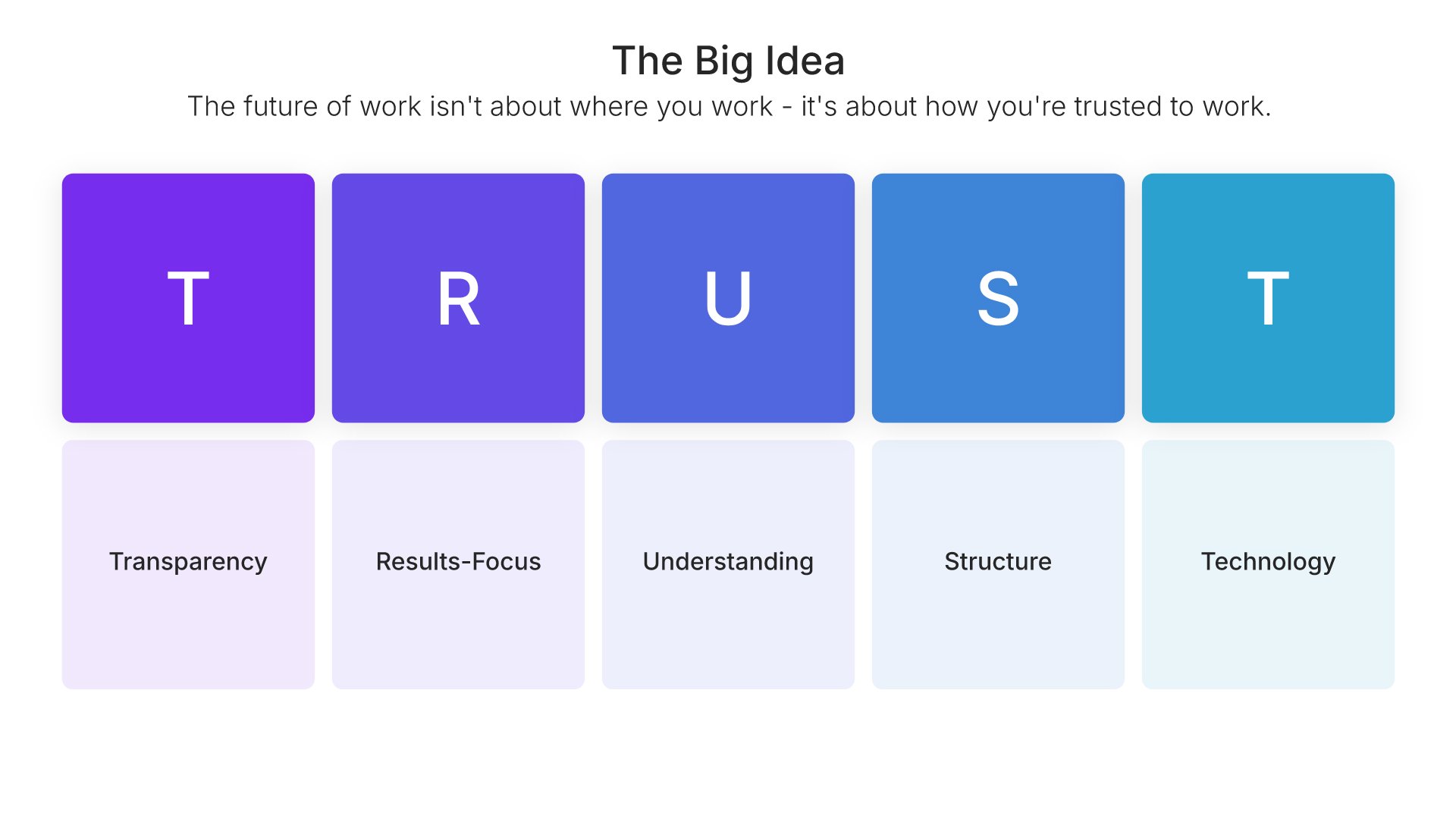
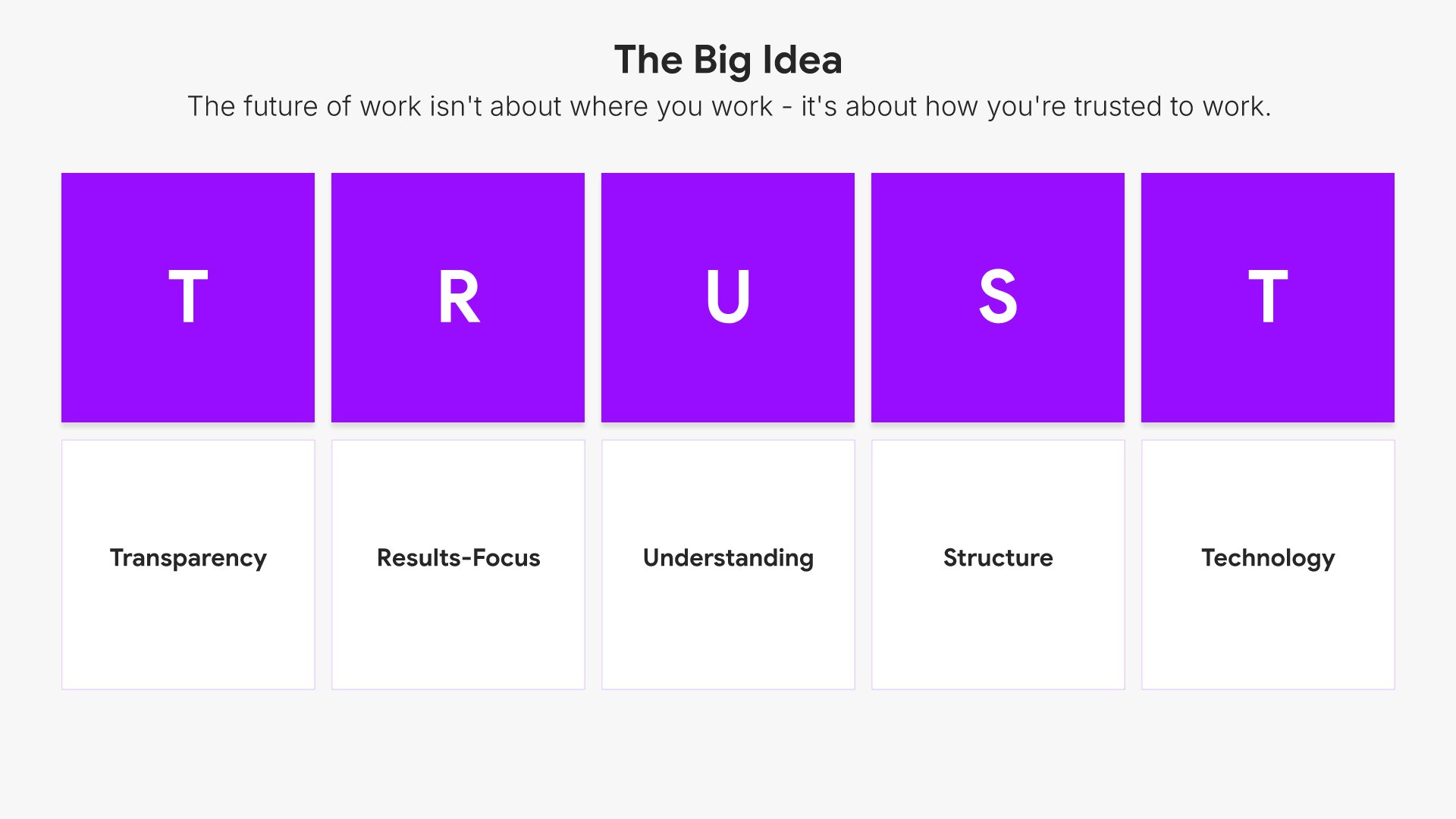
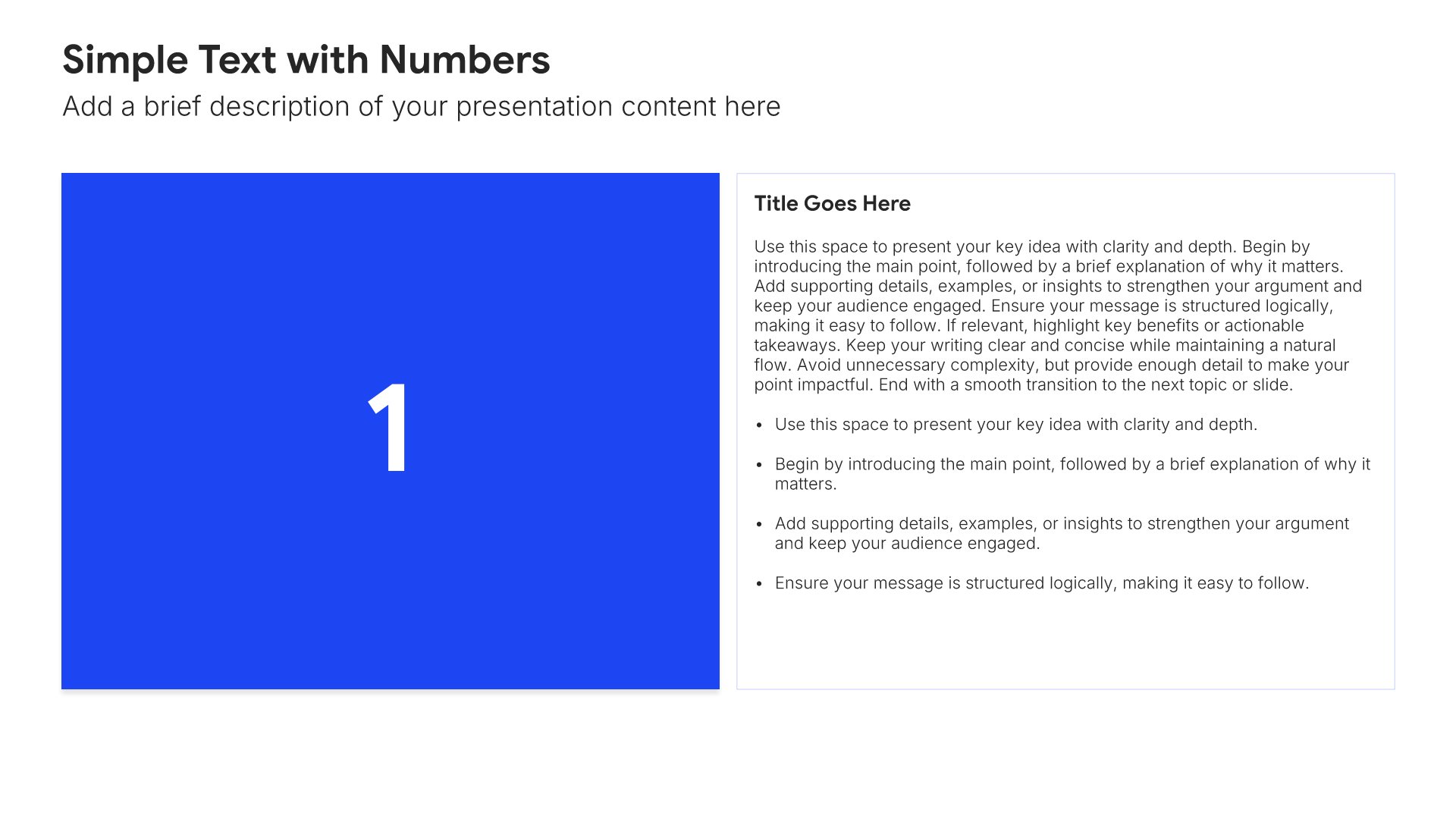
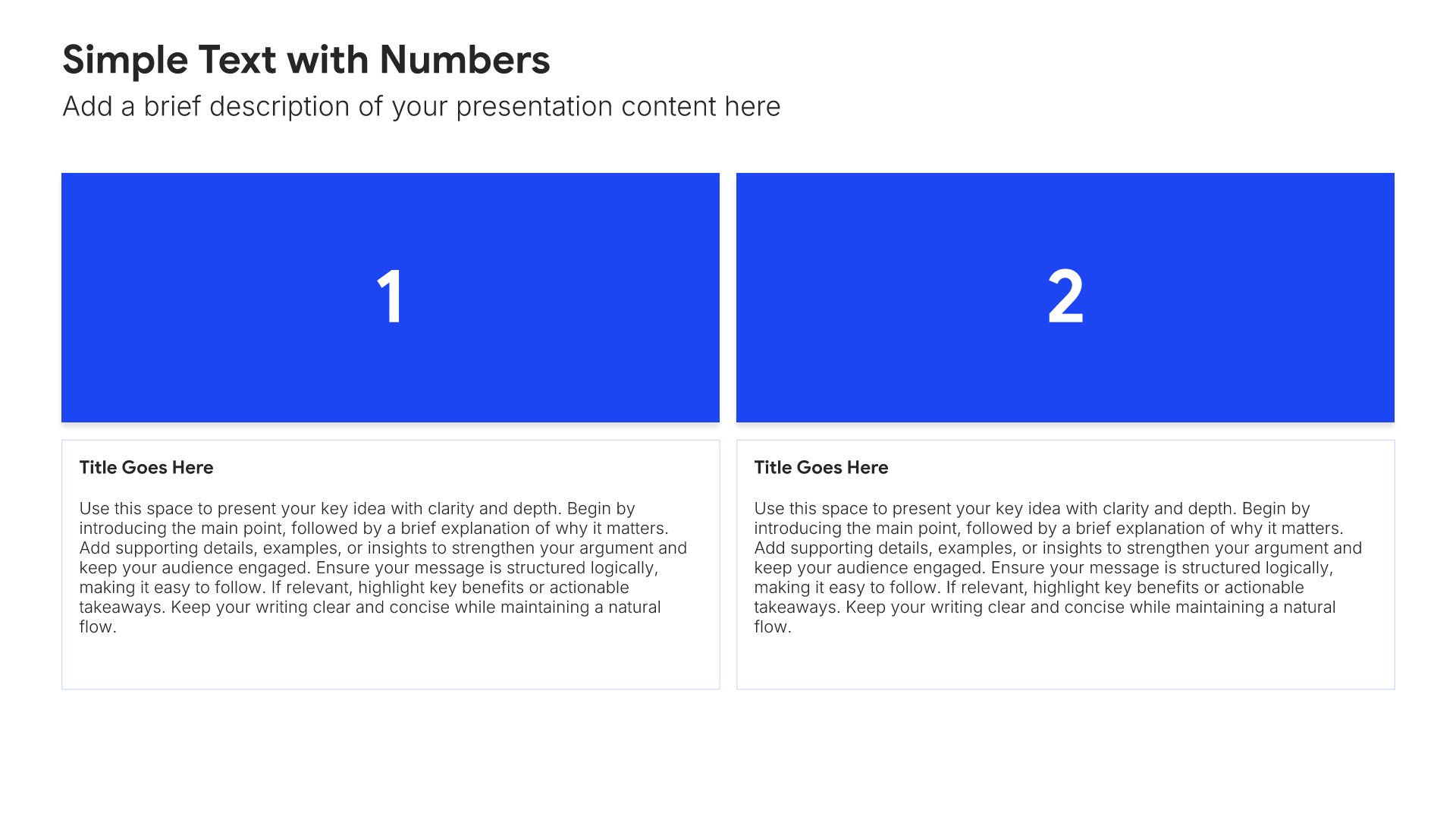
The big idea slides help you state the core thesis of your talk in one clear, memorable line. Use them to present the central argument or insight everything else in the presentation supports. A strong big idea gives the audience a single takeaway to anchor on and provides the spine that organizes the supporting insights that follow.
Built using Simple Text (with Numbers) slides

6. Key Insight

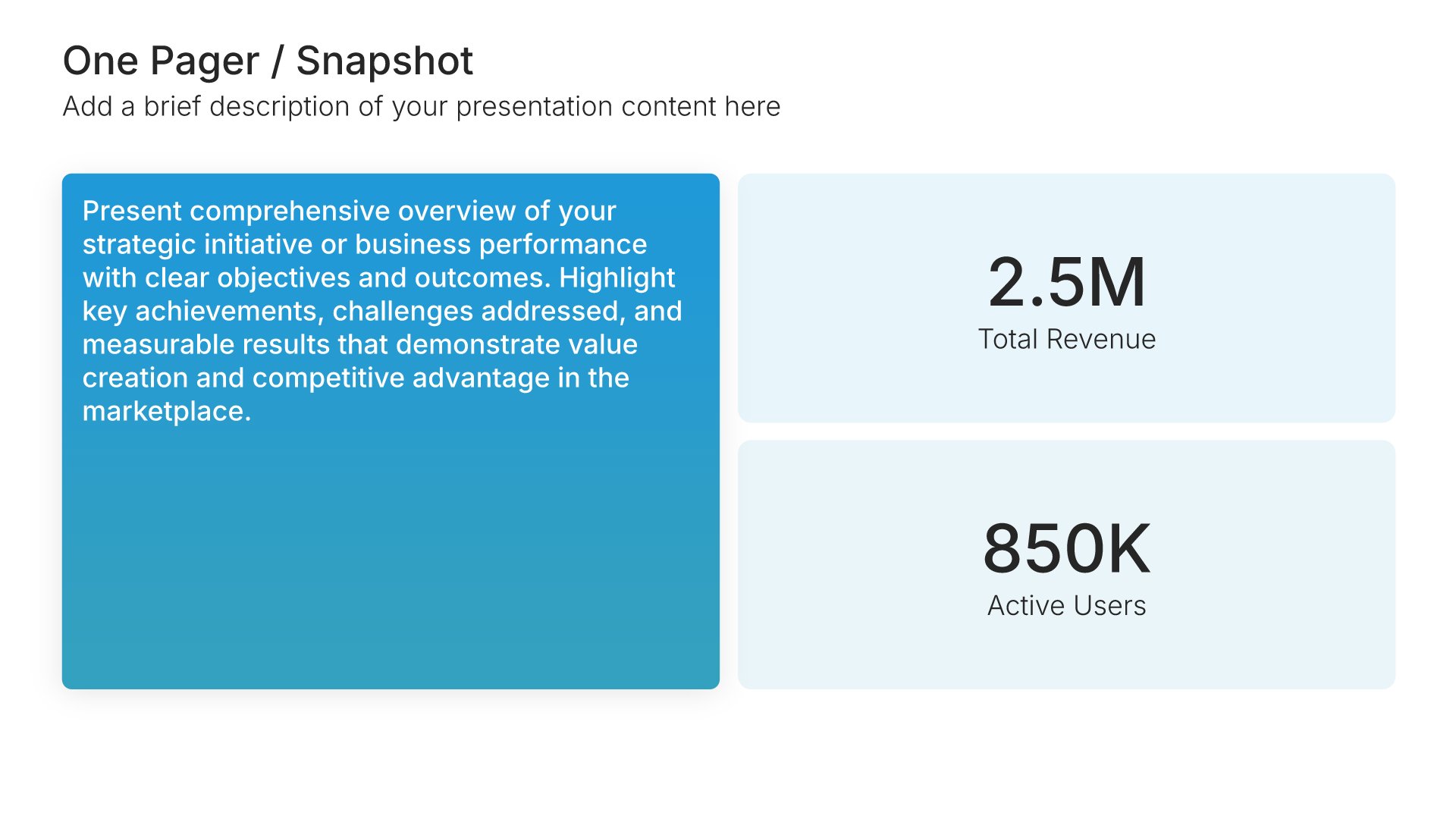
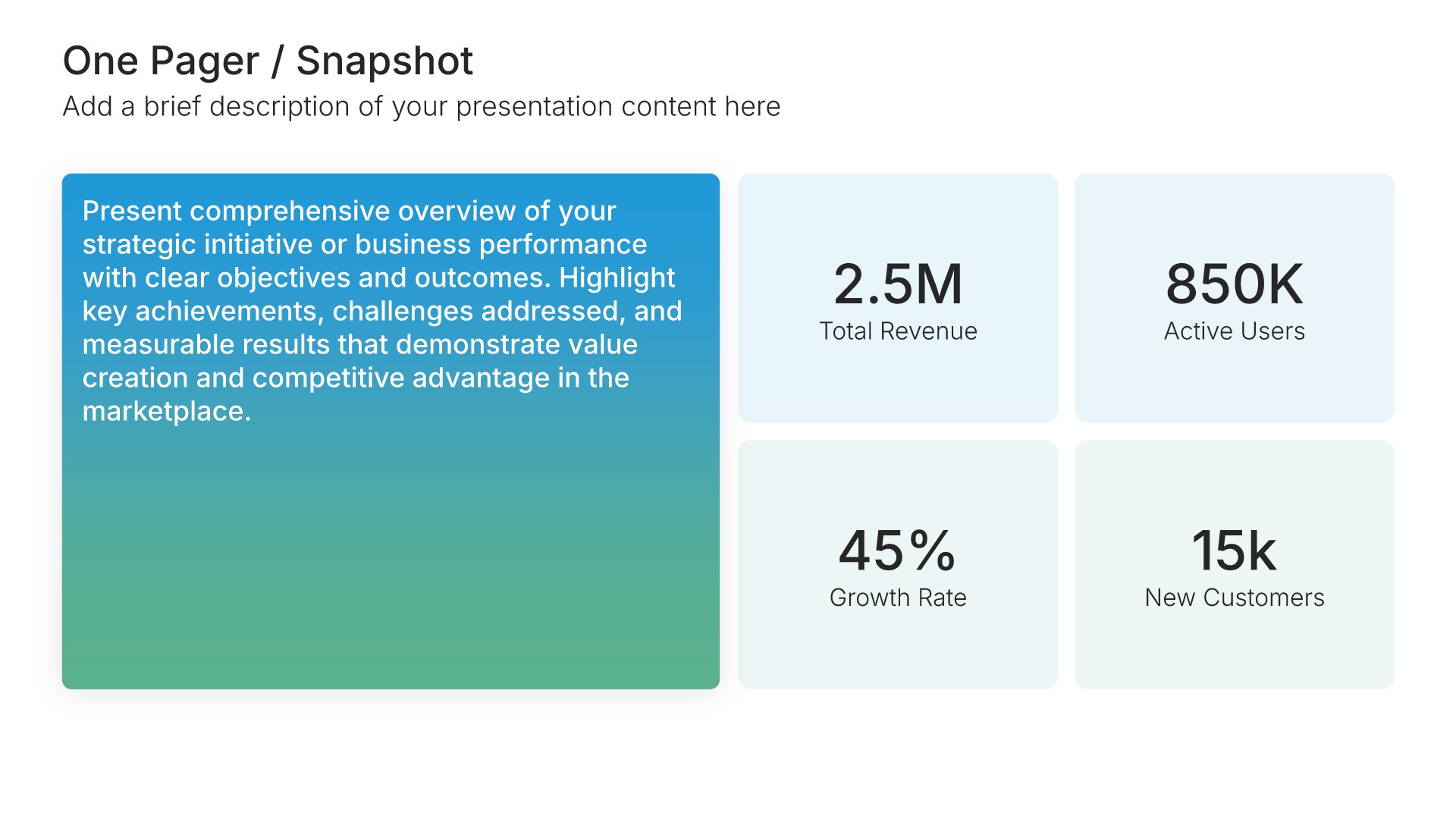
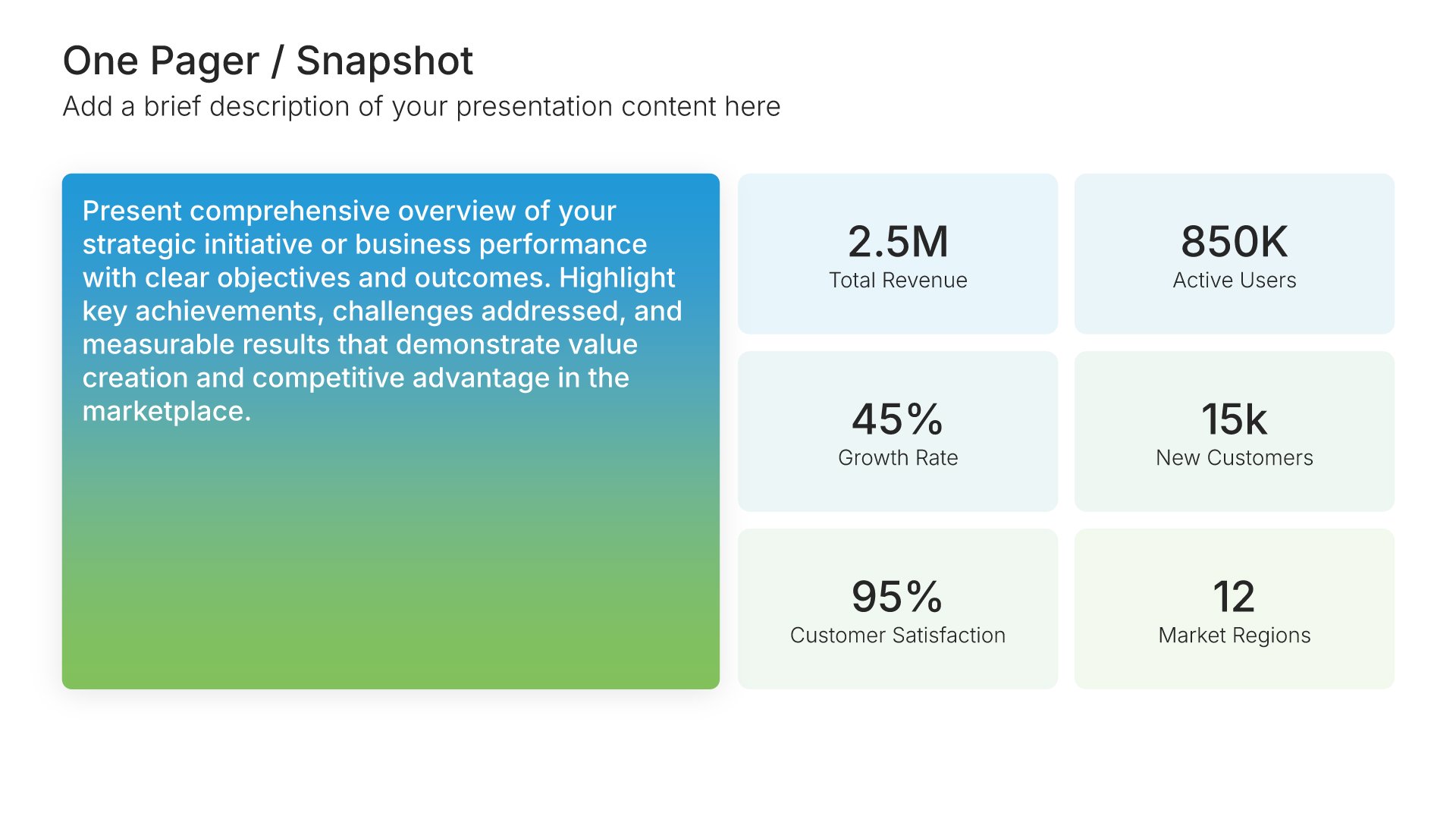
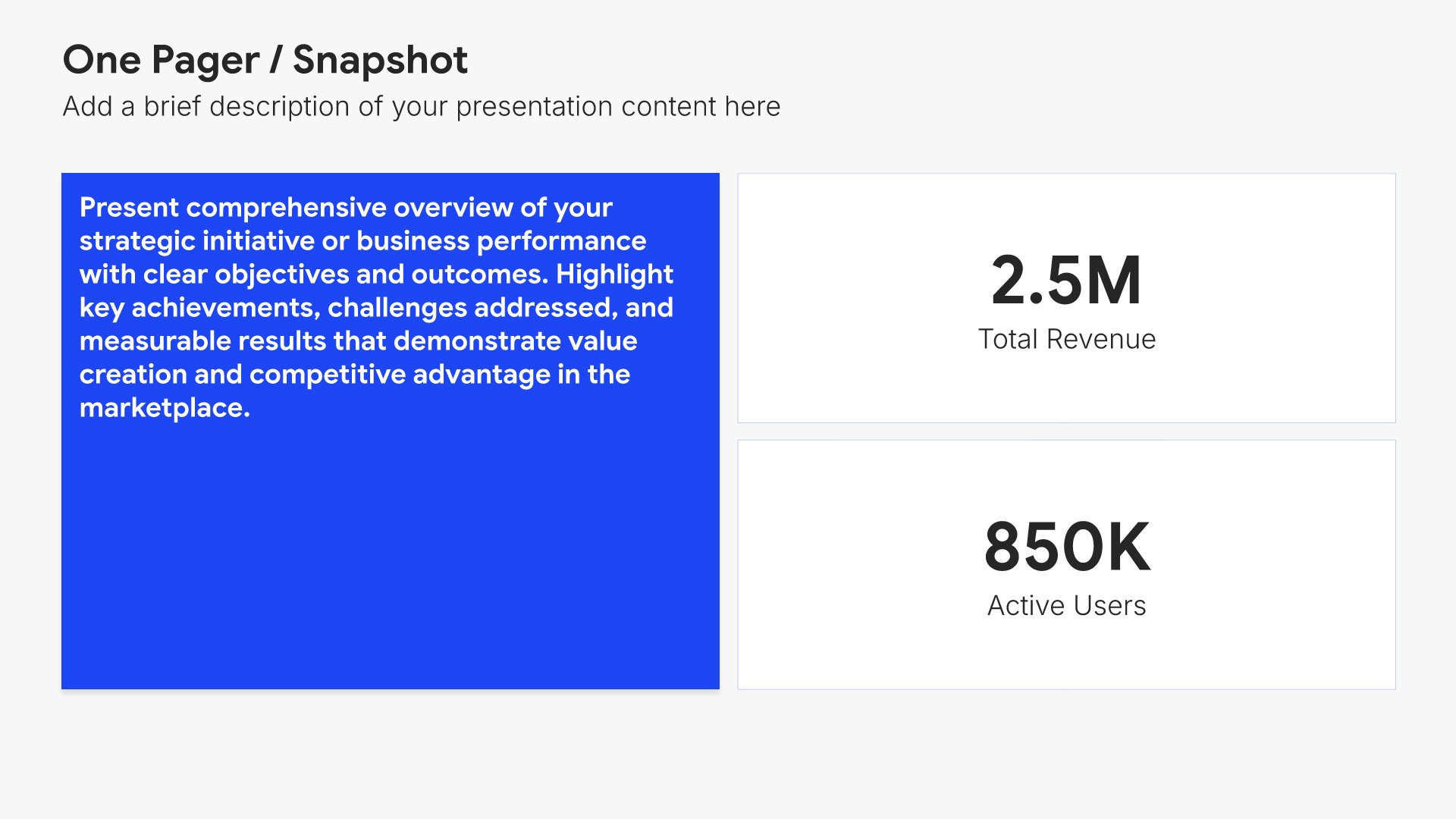
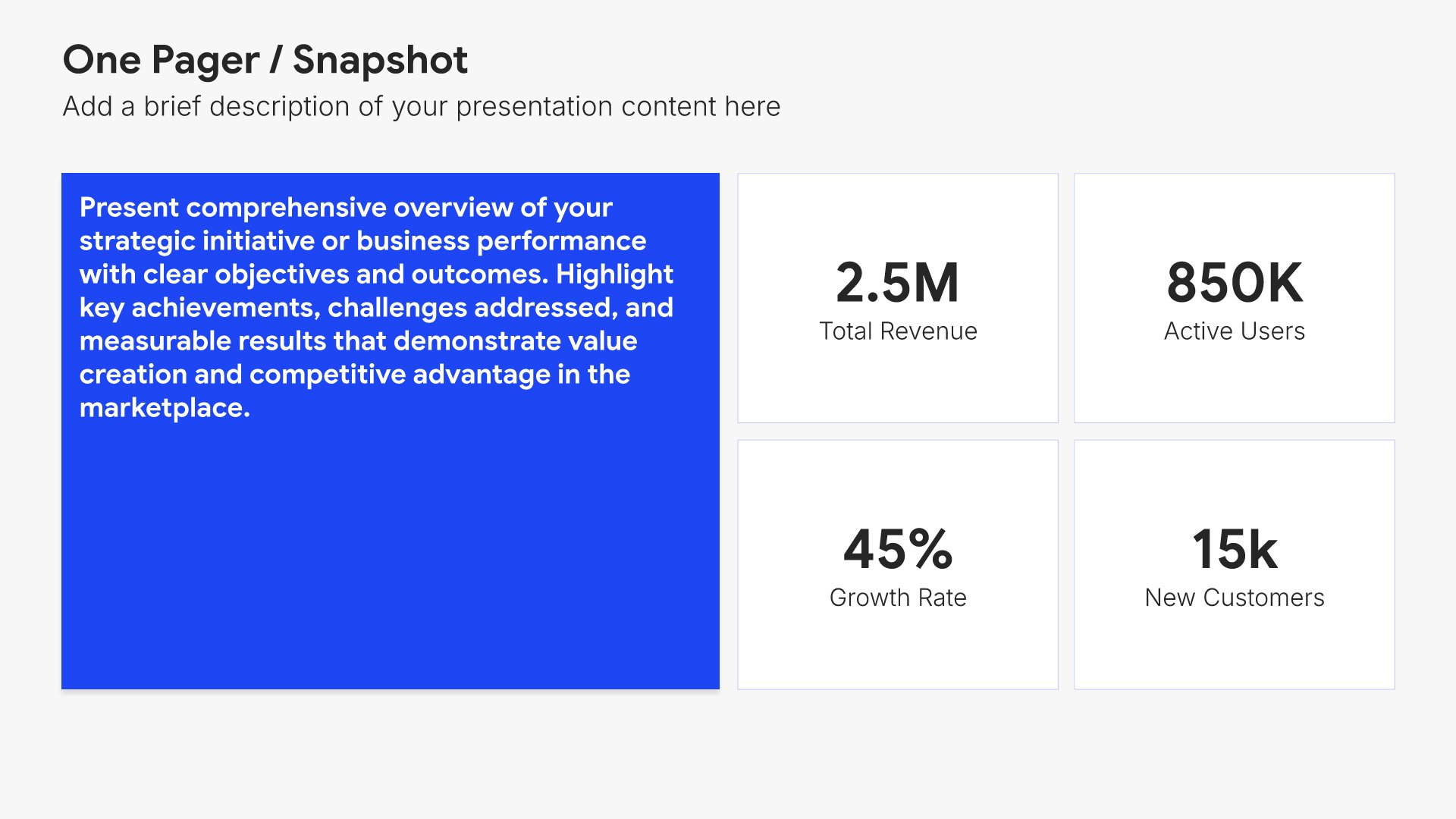
Key insight slides help you present a single supporting point that builds your argument. Use them to articulate the insight, share evidence, and offer a memorable example or story that brings it to life. A clear insight view gives the audience one well-supported idea per slide and prevents the talk from becoming an overwhelming list.
Built using One Pager / Snapshot slides

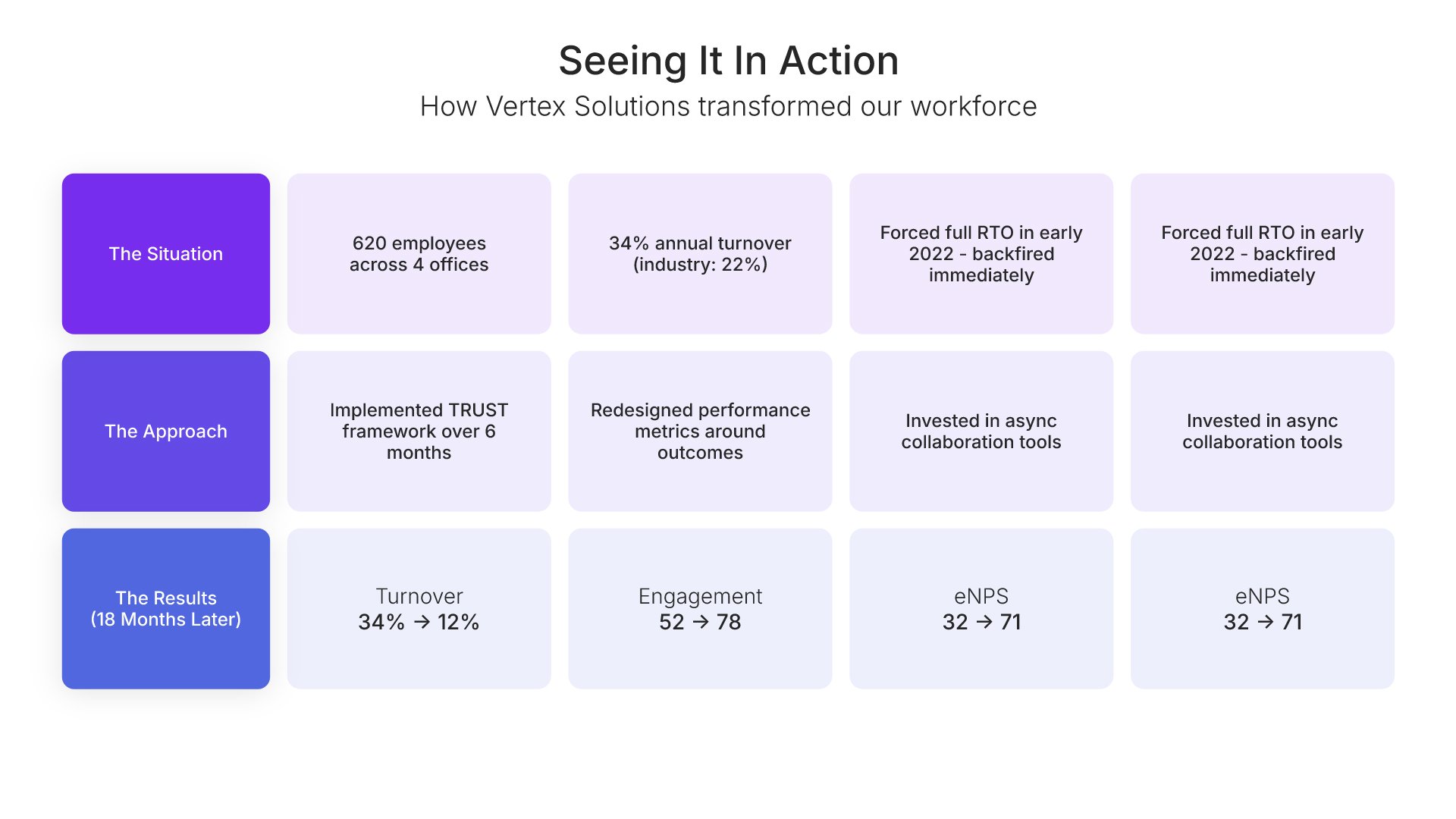
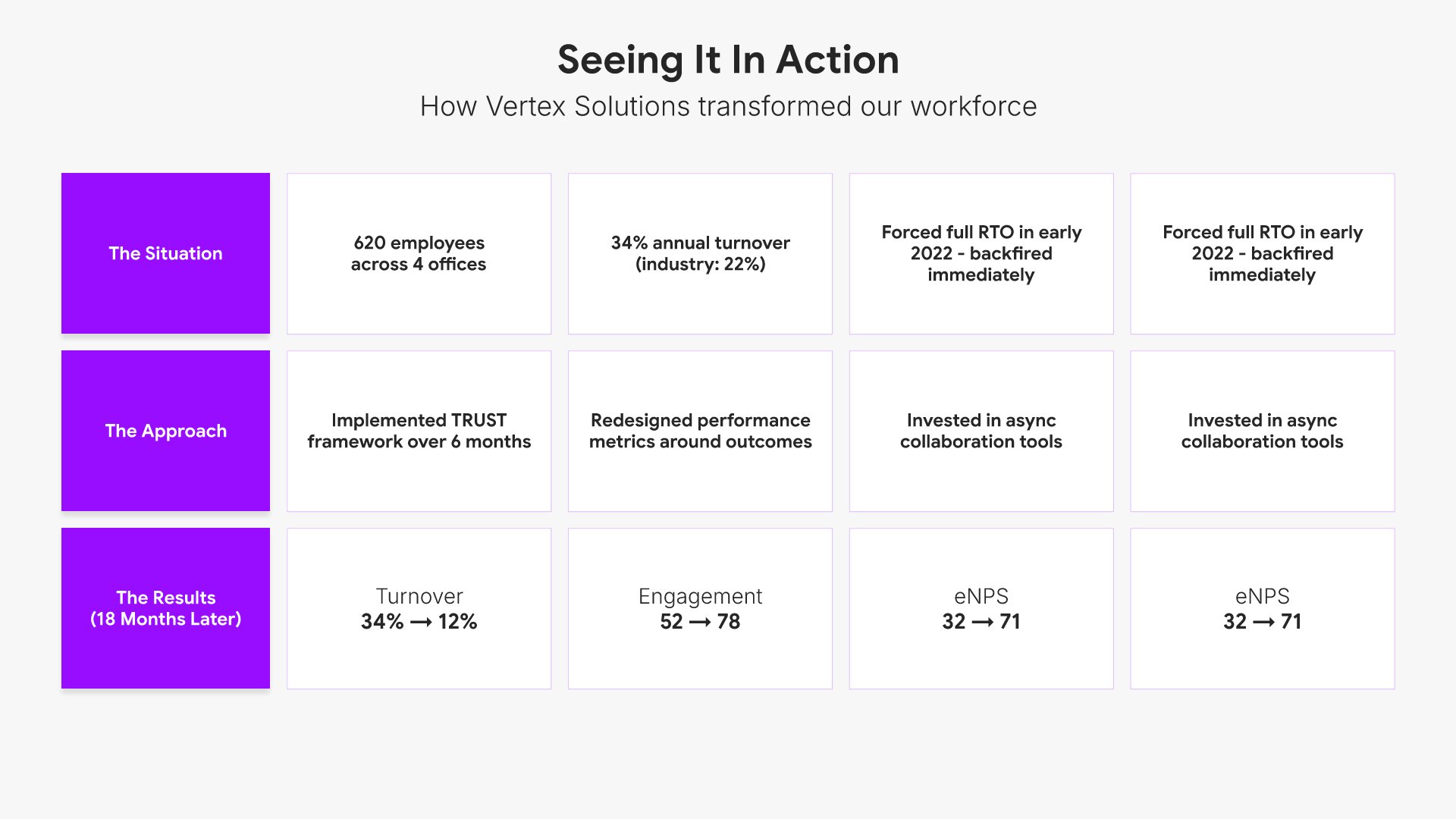
7. Case Study

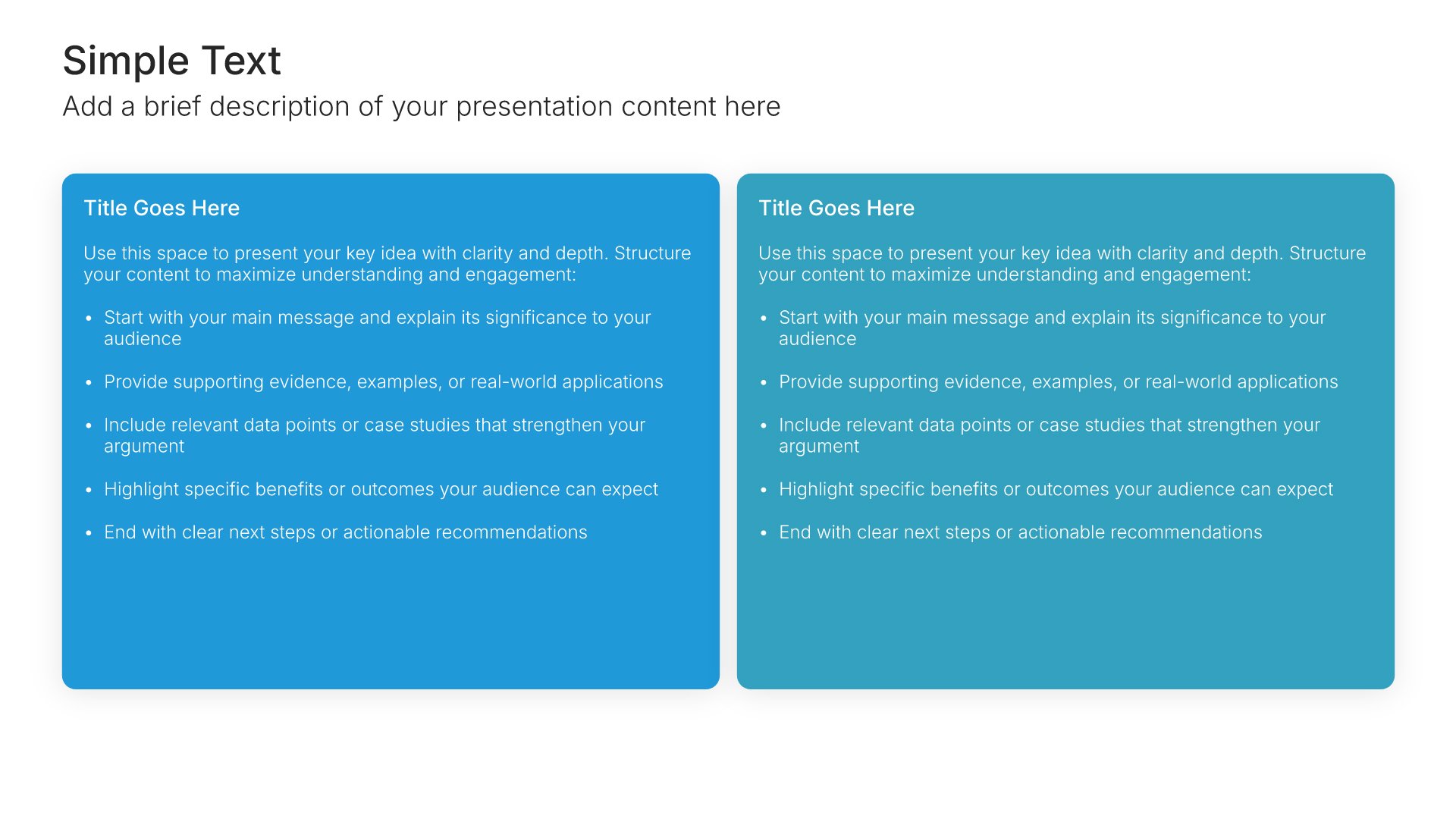
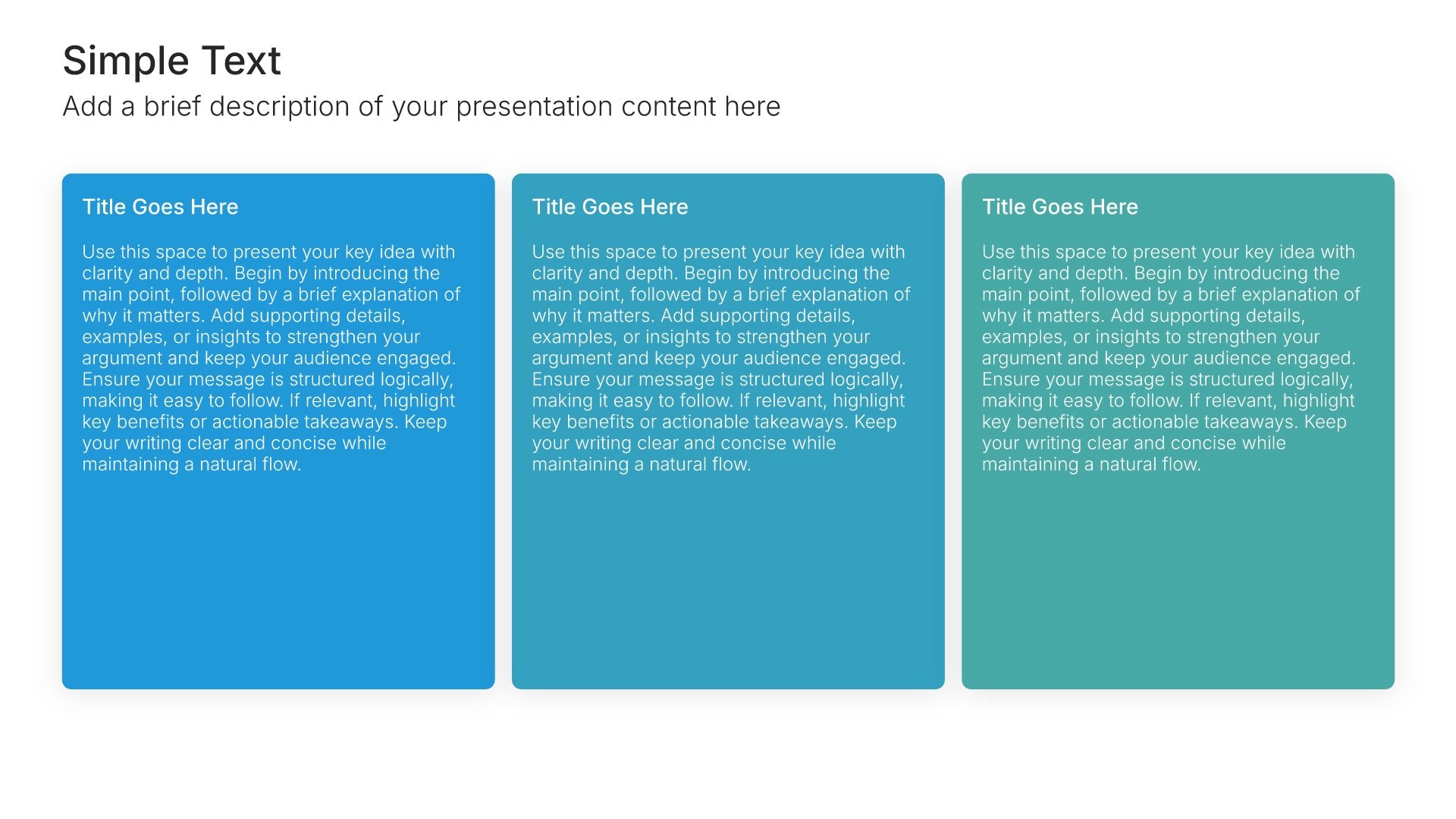
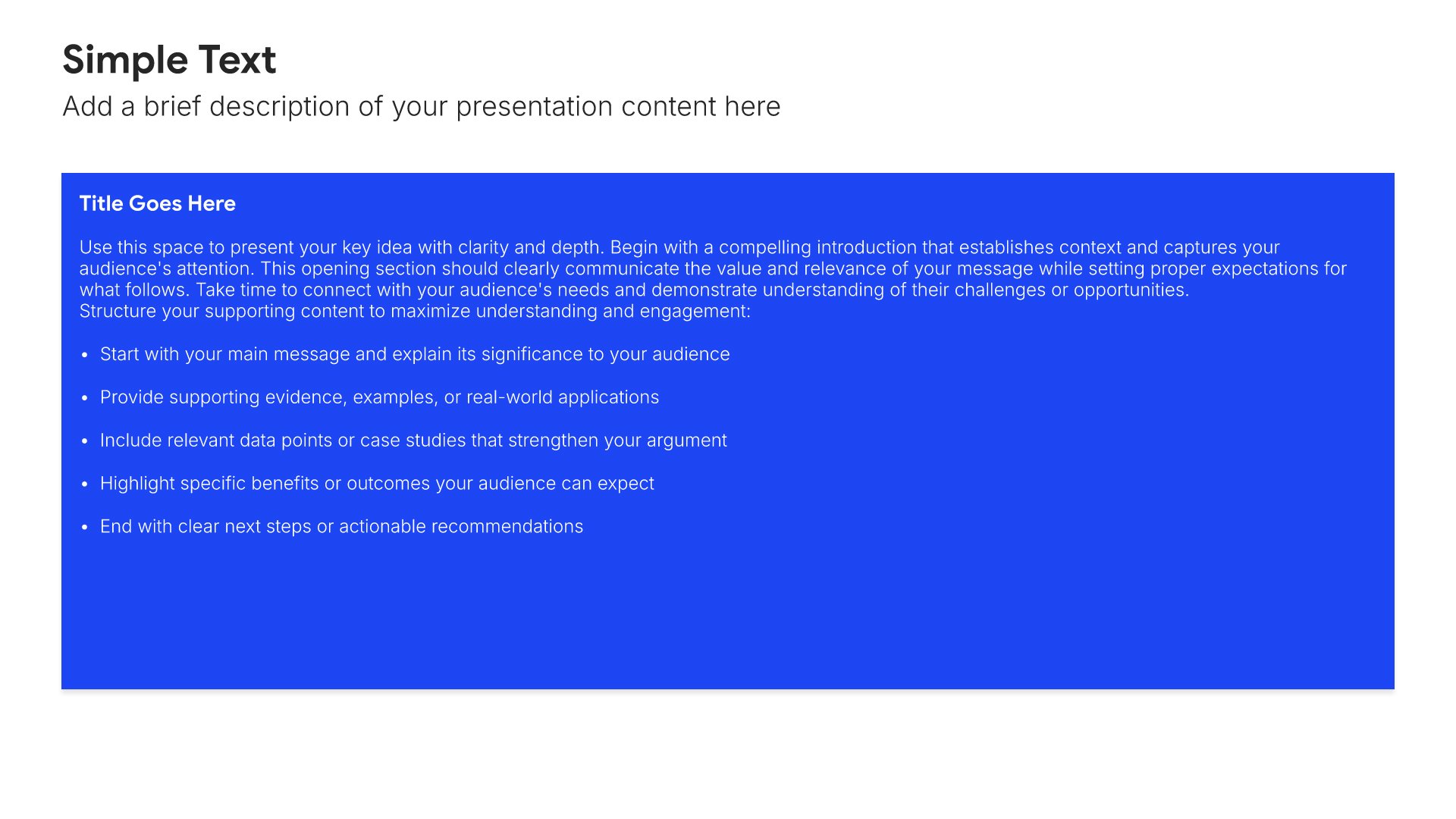
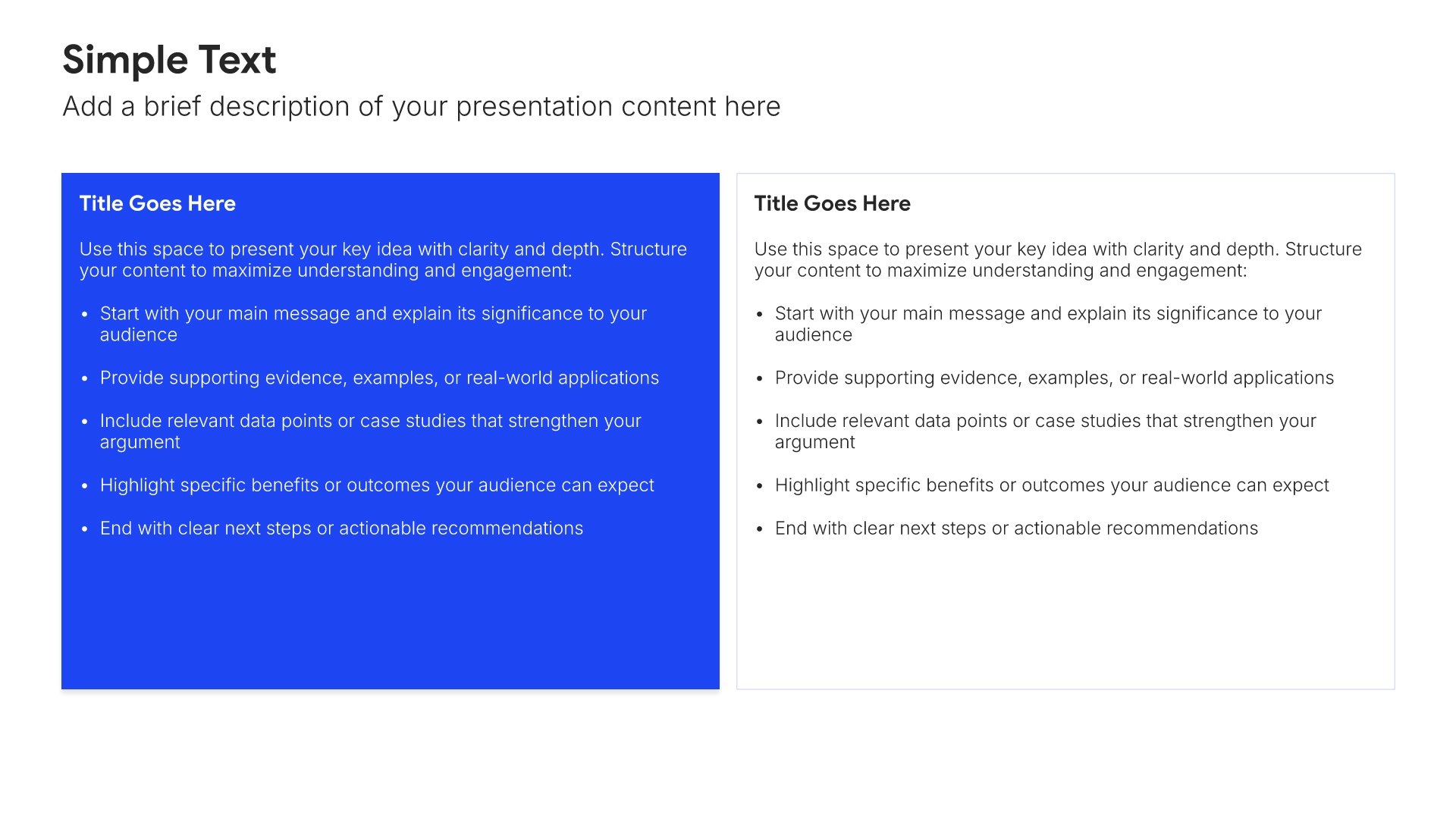
Case study slides help you present client success stories effectively. Use them to showcase challenges, solutions, and results in formats that demonstrate your proven track record. Ideal for sales presentations, pitch decks, and any situation where showing real-world examples of your impact builds trust and credibility.
Built using Simple Text slides

8. The Path Forward

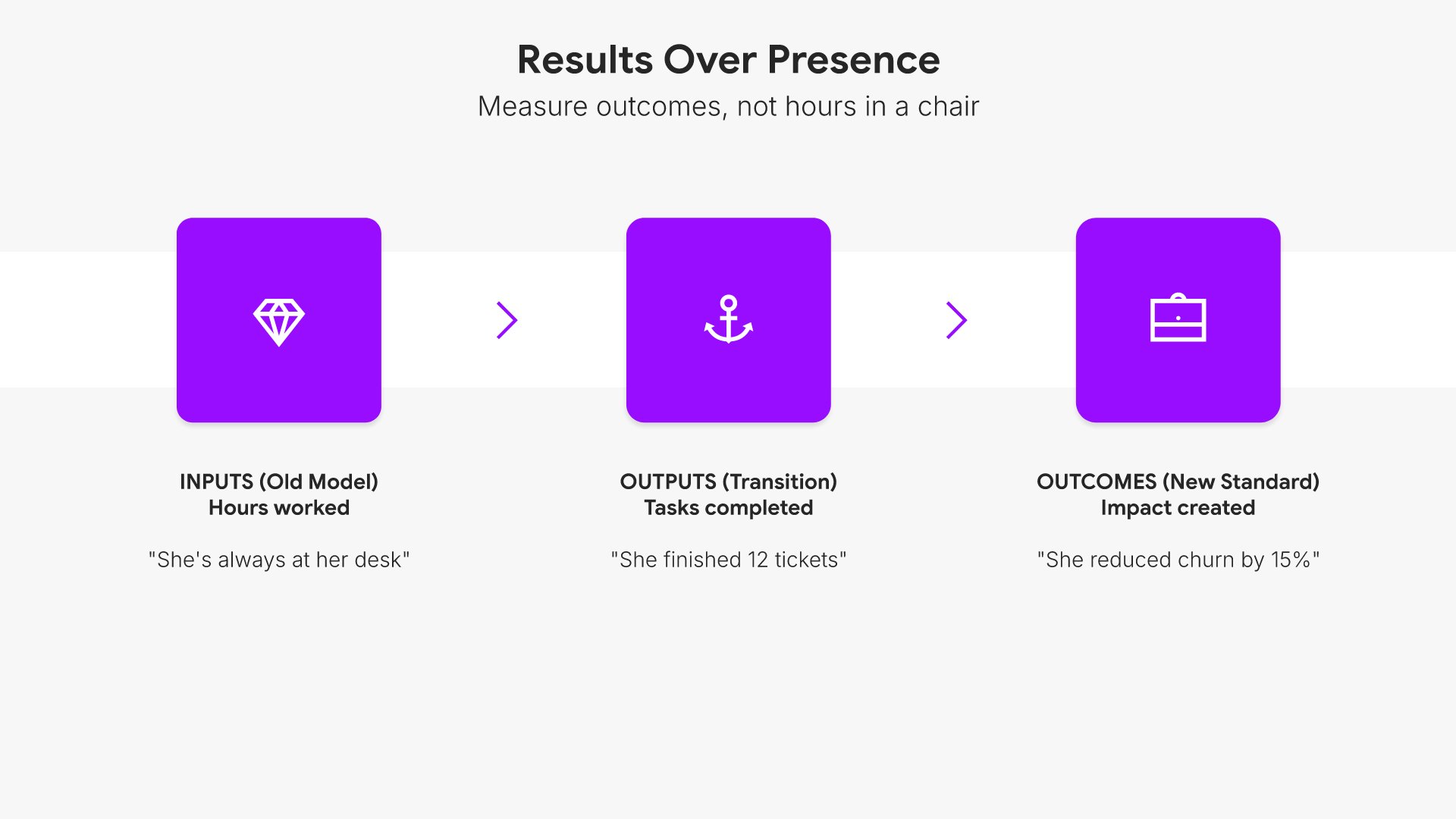
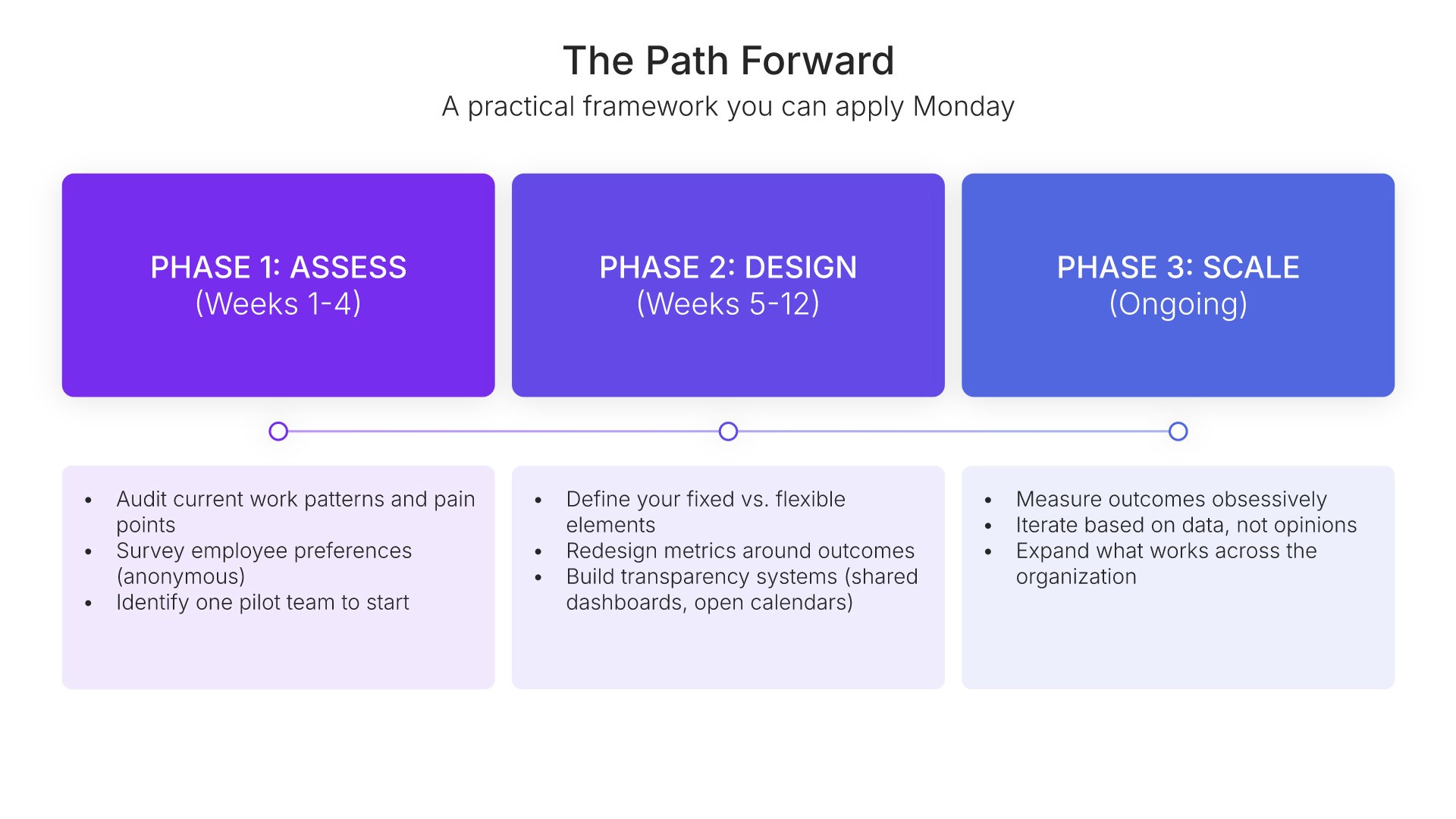
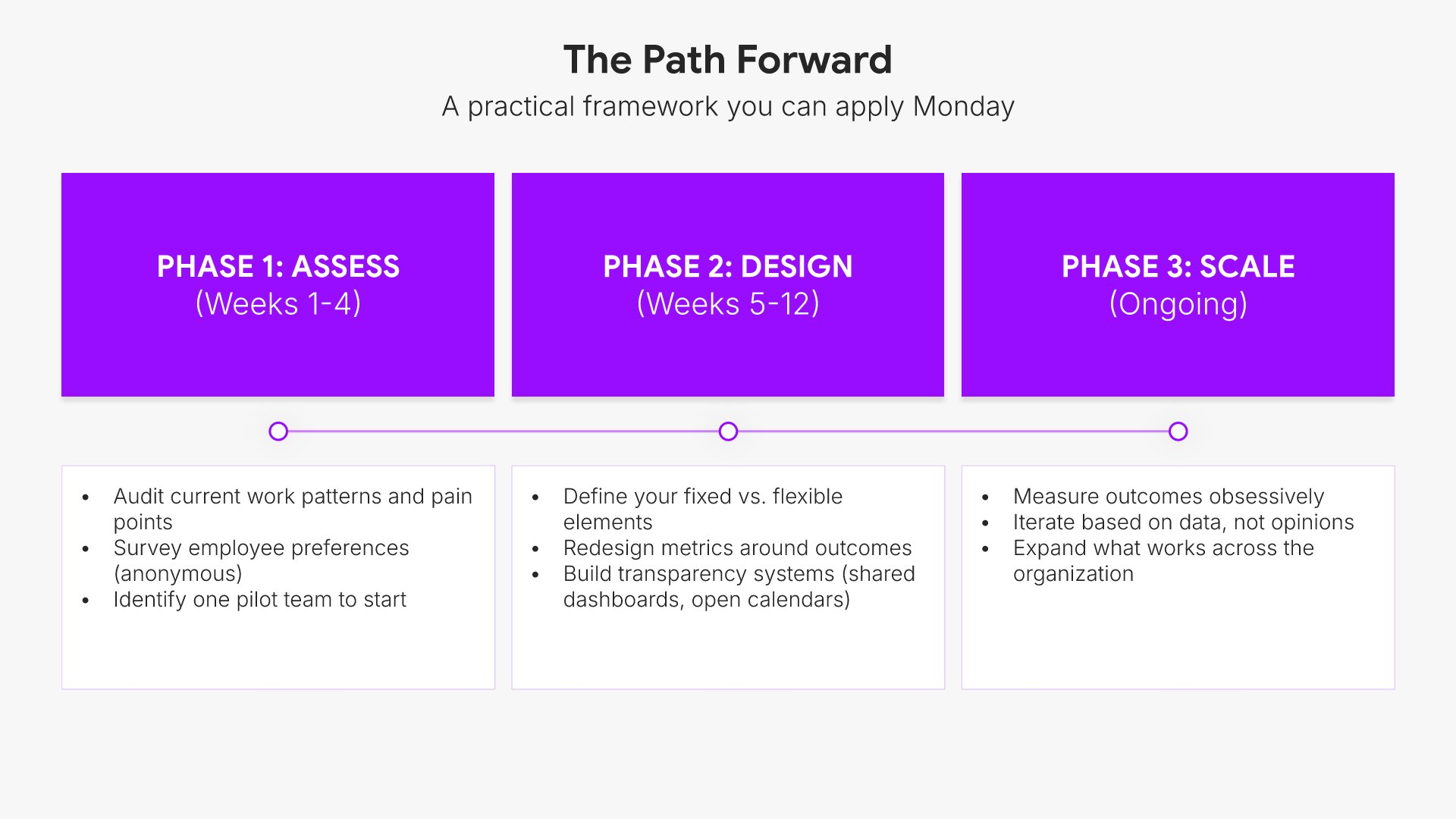
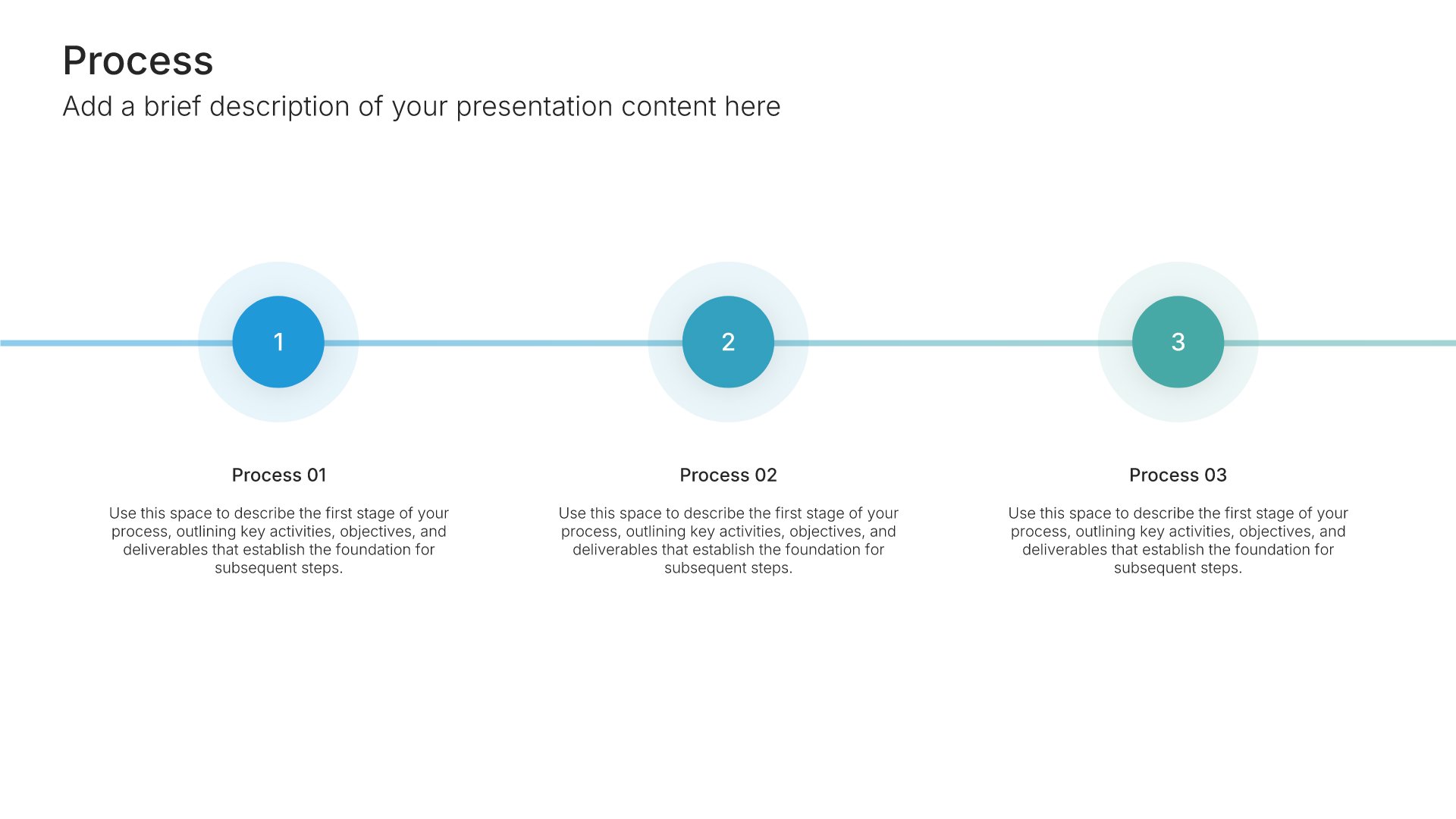
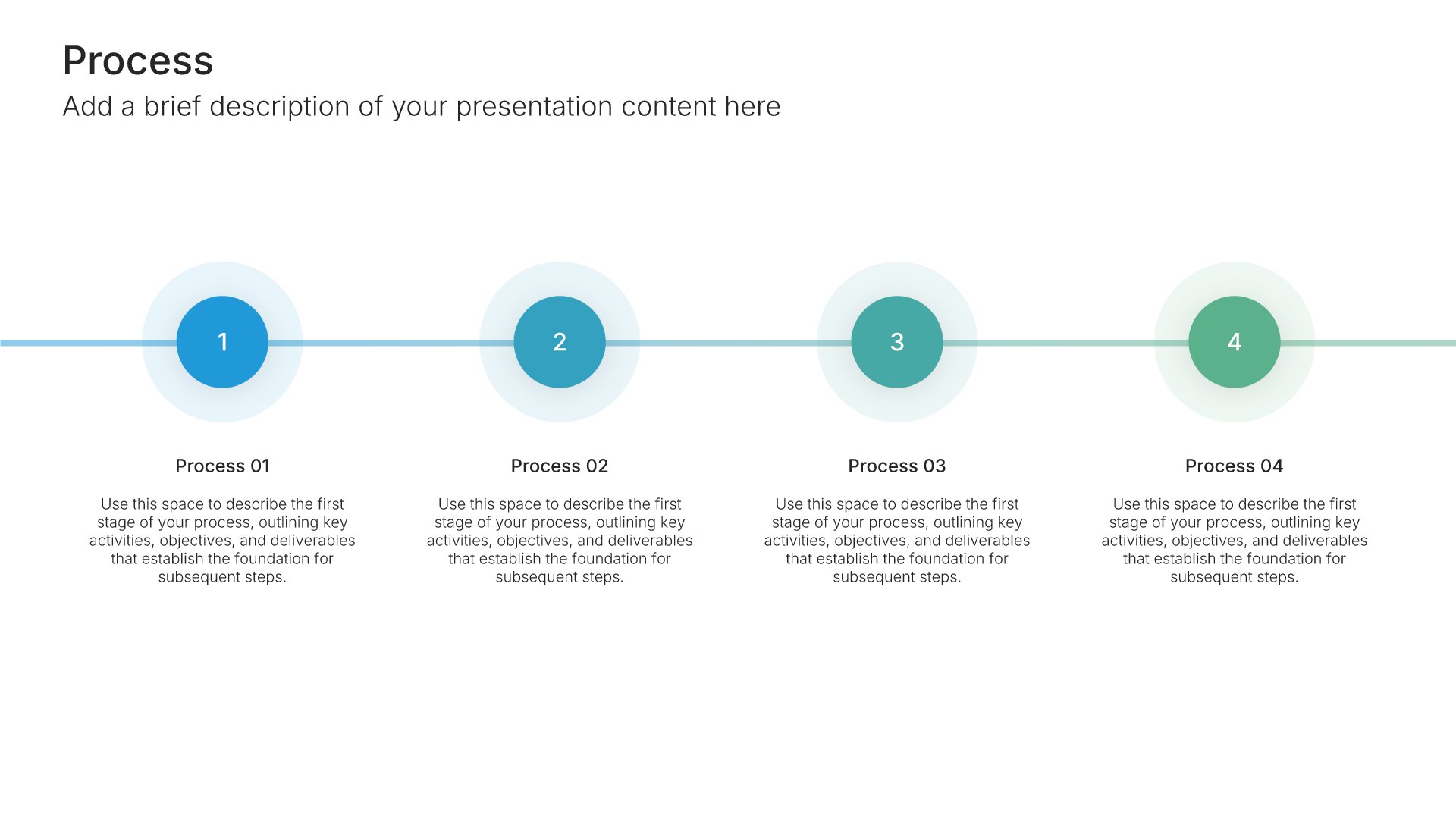
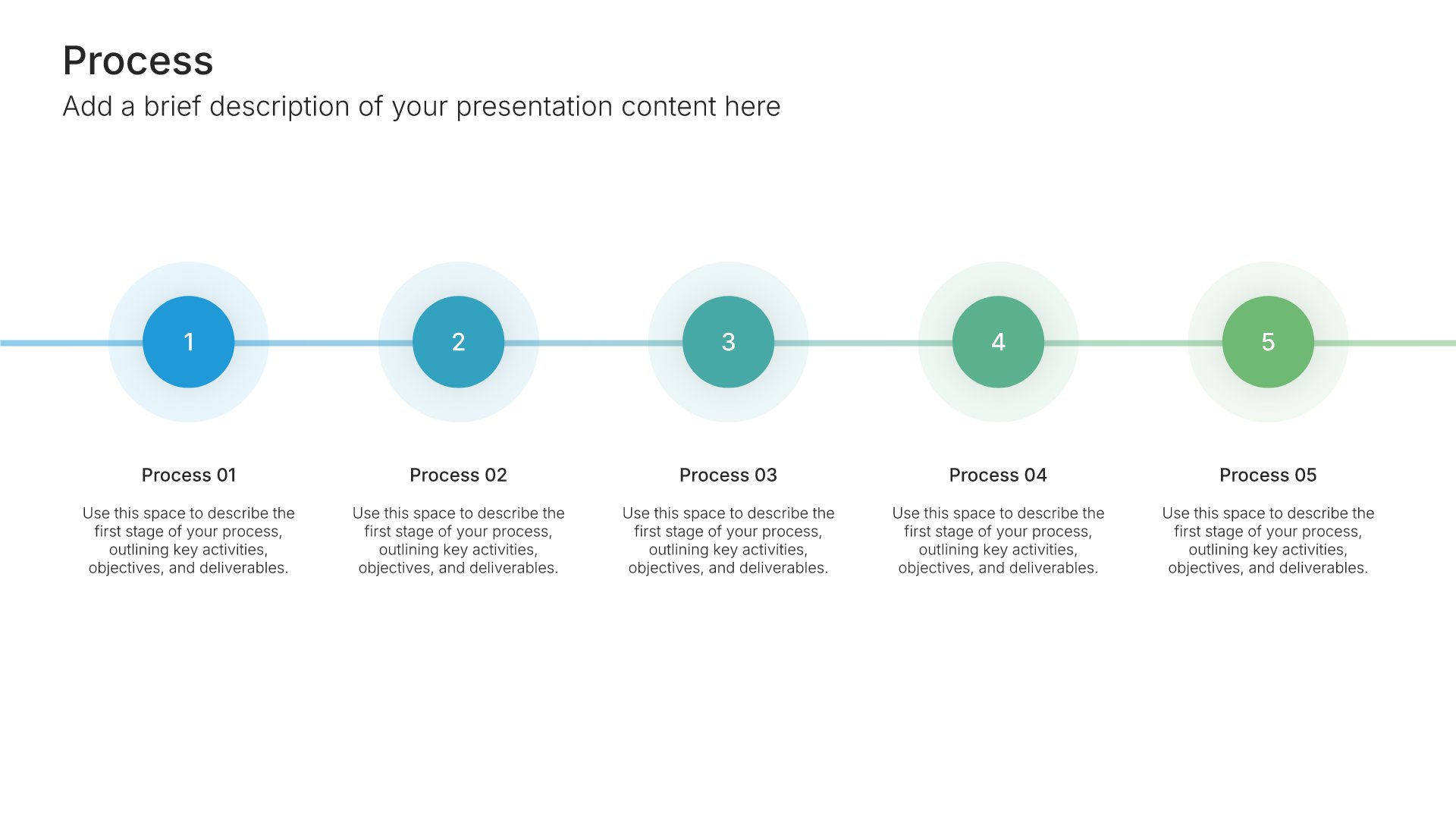
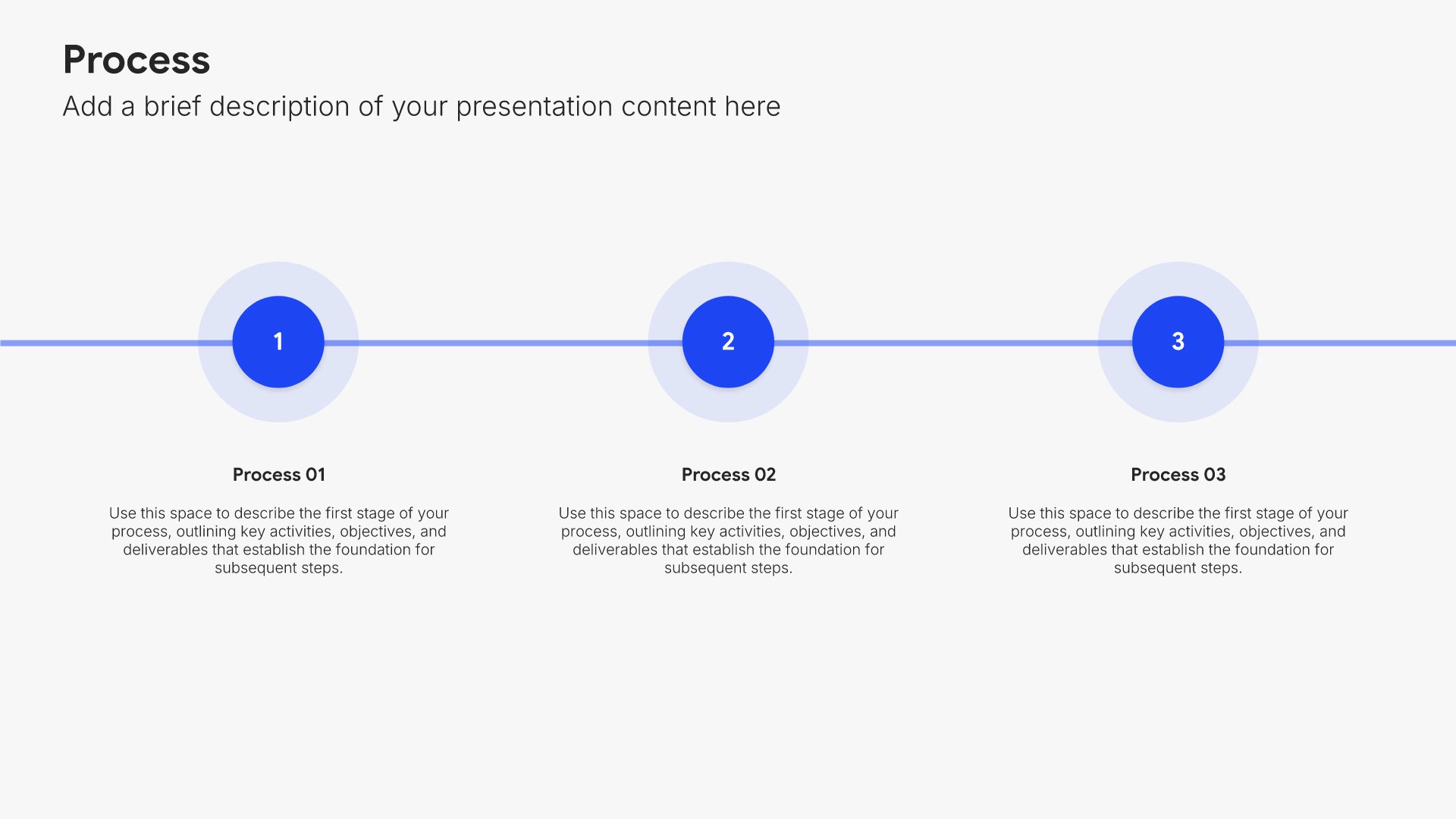
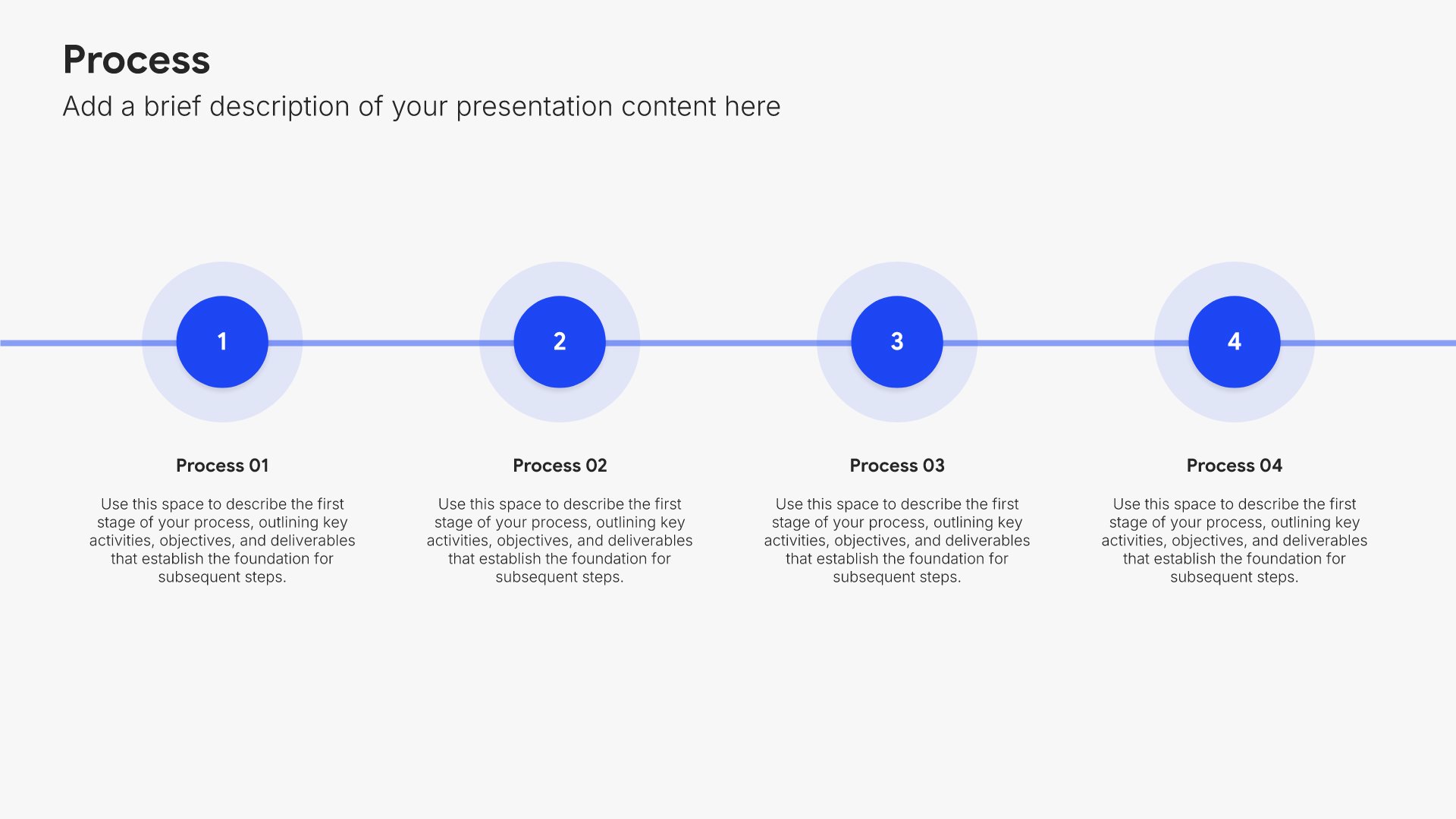
The path forward slides help you give your audience an actionable framework or set of steps. Use them to present a clear model, sequence, or set of recommendations the audience can apply after the talk. A practical path forward turns inspiration into action and ensures your message has impact beyond the room when listeners head home.
Built using Process – Horizontal slides

9. Call to Action

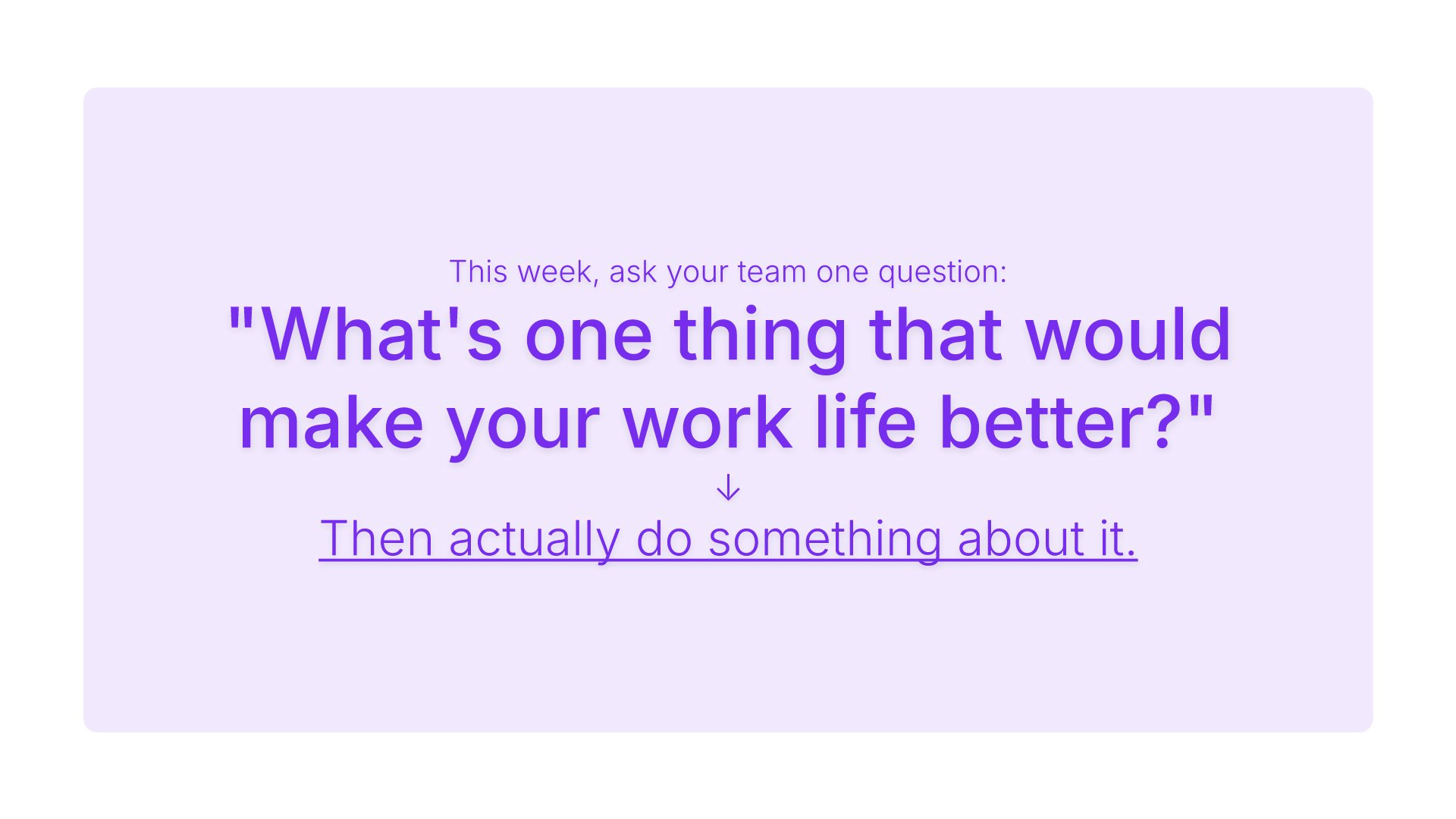
Call to action slides help you drive your audience toward the next step. Use them to present a clear, compelling request that motivates stakeholders to act, whether it's scheduling a meeting, making a decision, or committing to a partnership. Ideal for pitches and proposals where ending with momentum drives results.
Built using Big & Bold slides

10. Questions & Discussion

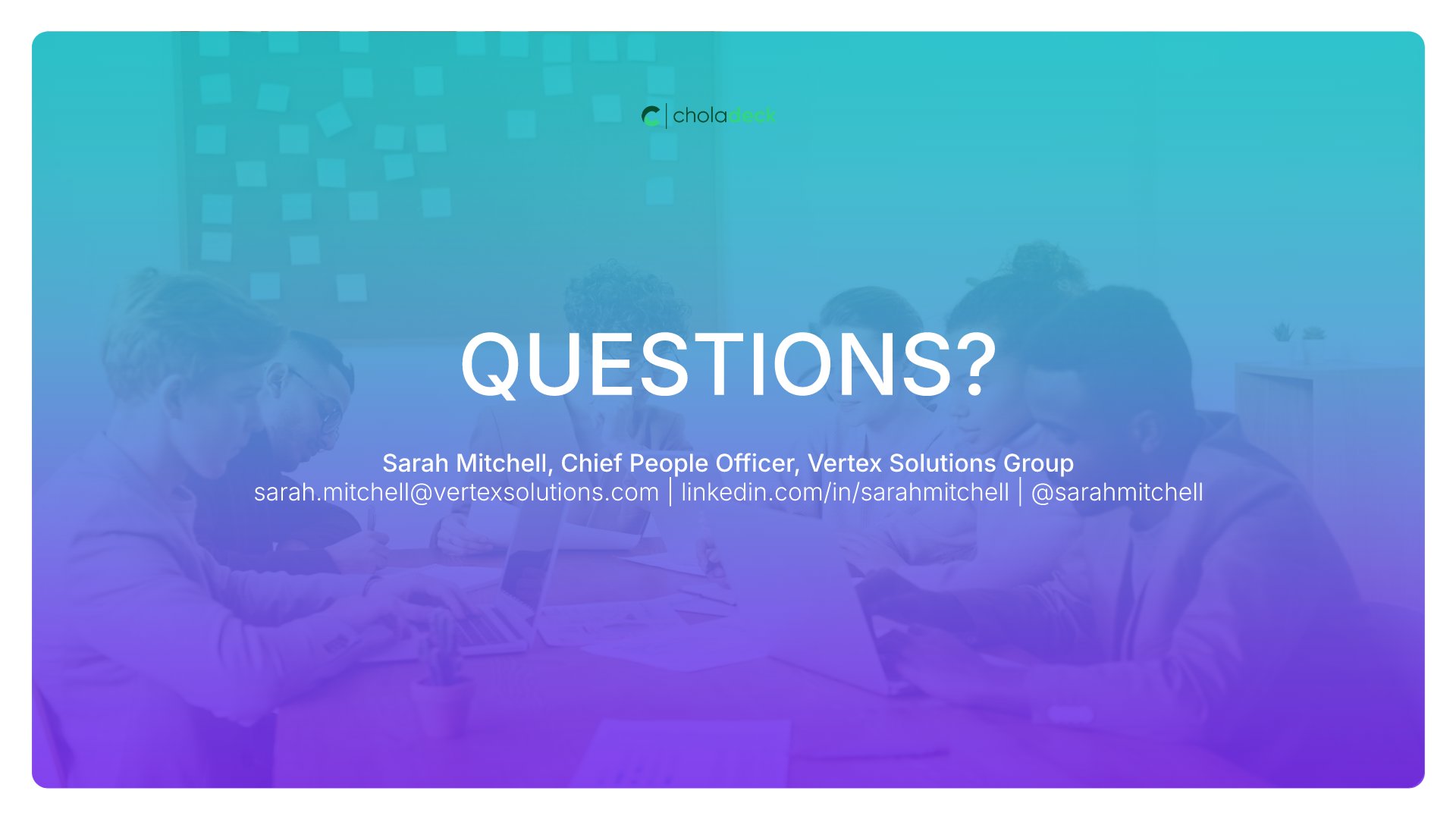
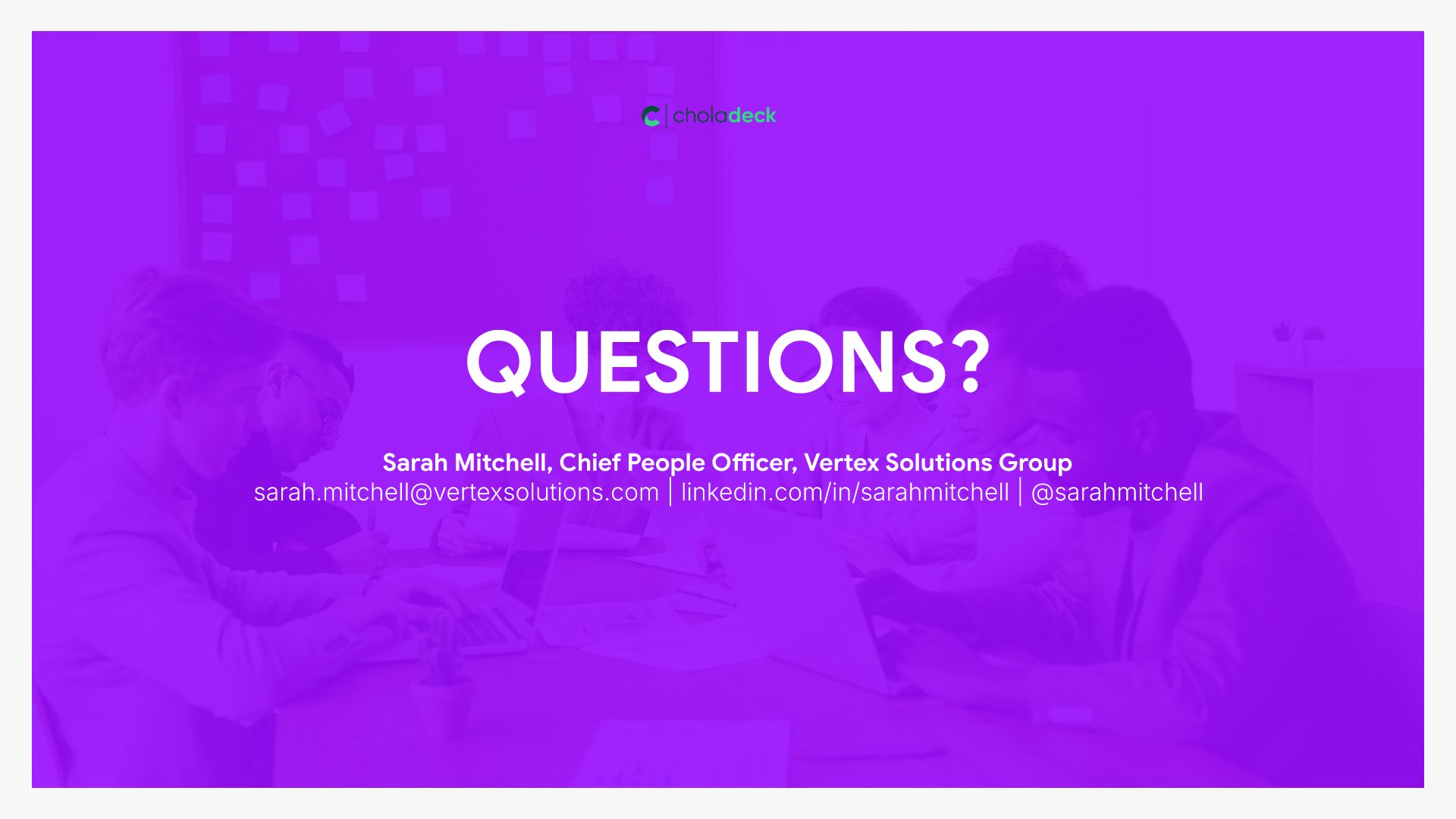
Questions and discussion slides help you transition from presentation to dialogue with your audience. Use them to invite questions, facilitate discussion, and signal openness to input. Engaging your audience in conversation strengthens relationships and surfaces important perspectives that improve decision-making.
Built using Thank You slides

Build your Conference Presentation presentation with Choladeck

Transform your Conference Presentation vision into reality with Choladeck’s user-friendly platform. Follow our step-by-step guide, harnessing our vast collection of slides and tools, to create a compelling and cohesive presentation that resonates with your audience.

Step 1

Browse & Select

Explore over 9,172+ professionally designed slides across 134 categories. Or if you want a head start, pick from 74+ premade presentation templates. Whatever you need, it's probably already here.
Step 2

Customize Your Slides

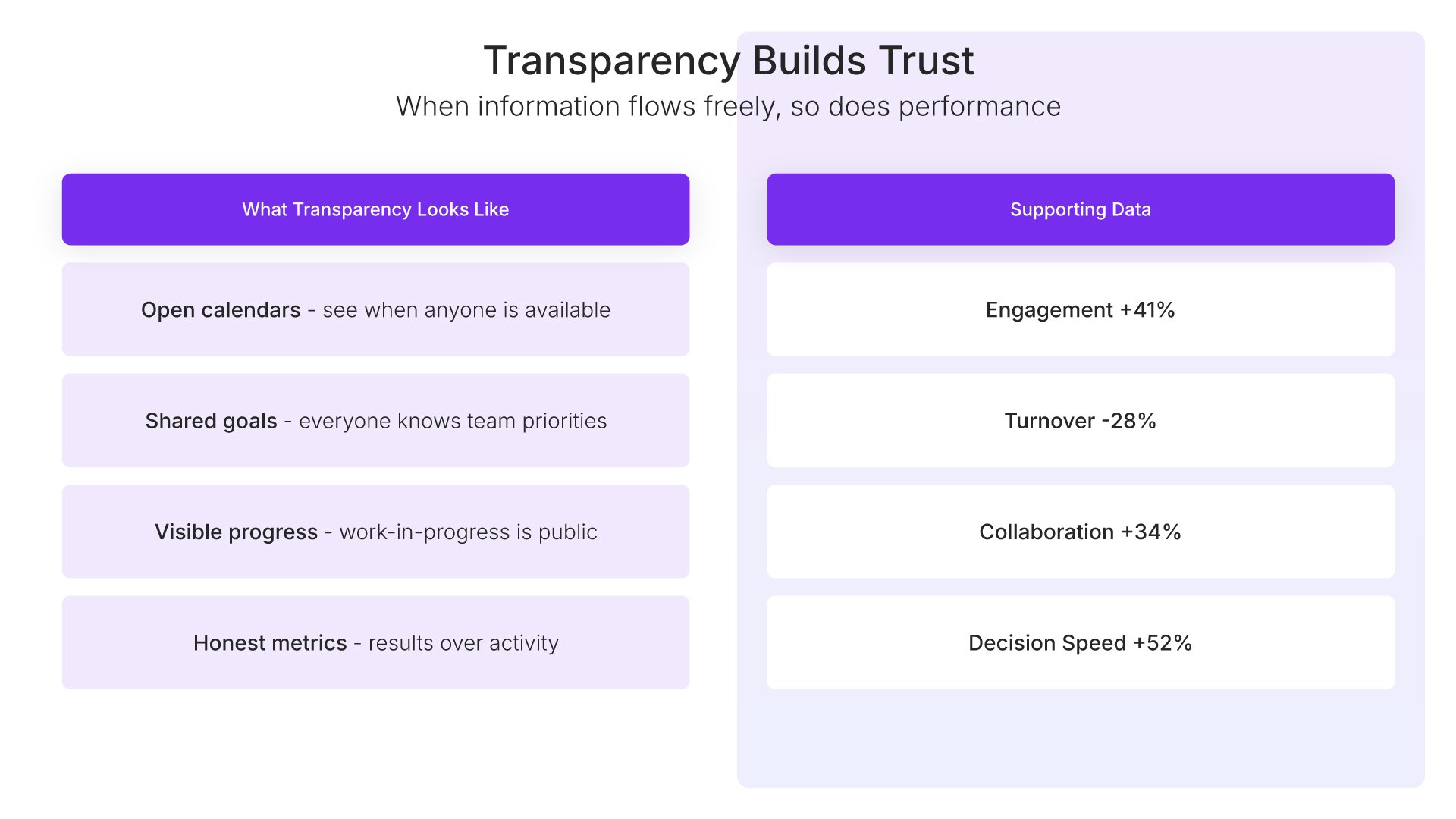
Swap icons and images instantly from our built-in libraries. Use Pointers to choose your count (2-box, 3-box, 4-box) and Variations to pick your design style. No more settling for "close enough." Get the exact slide you need.
Step 3

Brand Your Presentation

Add your logo, apply your brand colors, choose your fonts, and set custom backgrounds. One click and your entire presentation looks like it was made just for you. Because it was.
Step 4

Export Your Presentation

When you're ready, export to PowerPoint, Google Slides, or Keynote with a single click. Continue editing in your favorite tool if you want. Your workflow, your way.

Try Choladeck for free today and experience the ease of creating remarkable presentations.

No Sign-in or Credit Card Required

Wait!

Before you go, have you had the chance to experience Choladeck? If not try out – Choladeck for absolutely FREE!!

No Sign-in or Credit Card Required

Experience Choladeck Yourself!
Why just read about it when you can experience it? Dive into our presentation library – absolutely FREE!

No Sign-in or Credit Card Required