Try Choladeck Free: Download Personalized Business Slides Today

Customer Onboarding Premade Template

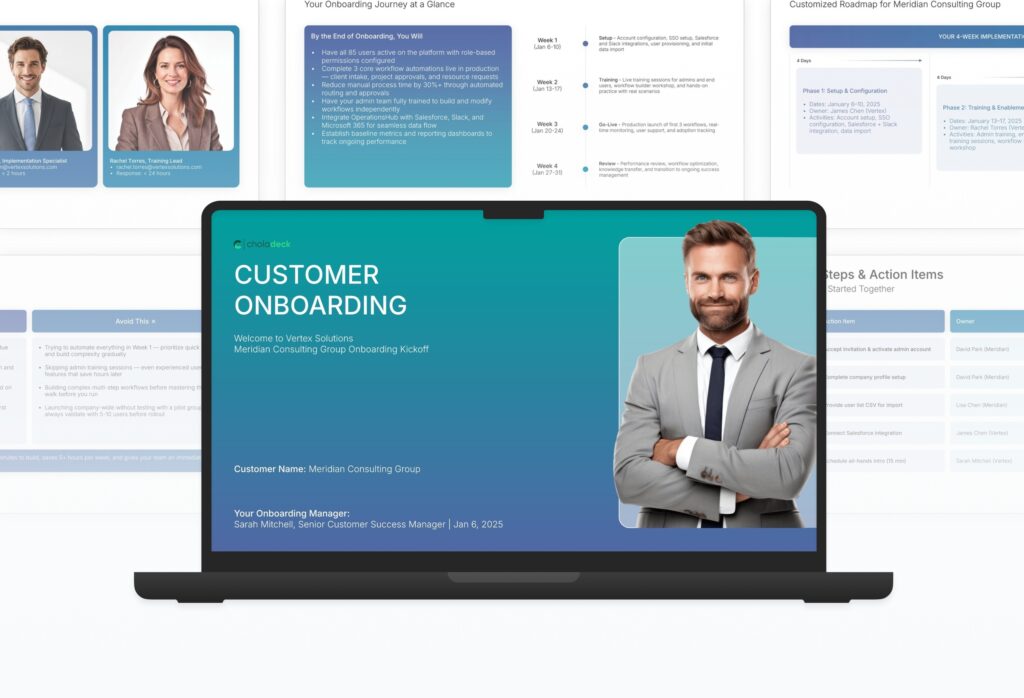
A comprehensive customer onboarding template designed for SaaS and B2B companies welcoming new clients. Built on the Classic SaaS/B2B Standard, this presentation covers welcome, success team, timeline, getting started, platform overview, training, best practices, support, and success metrics. Ideal for kickoff meetings and account launches.

Customer Onboarding Featured Image

How to Build a Customer Onboarding Presentation

Learn how to create a comprehensive customer onboarding presentation that sets new clients up for success from day one. This guide walks you through introducing your team, framing expectations, walking through setup and platform basics, presenting training and support resources, and aligning on success metrics that drive long-term value.

1. Title

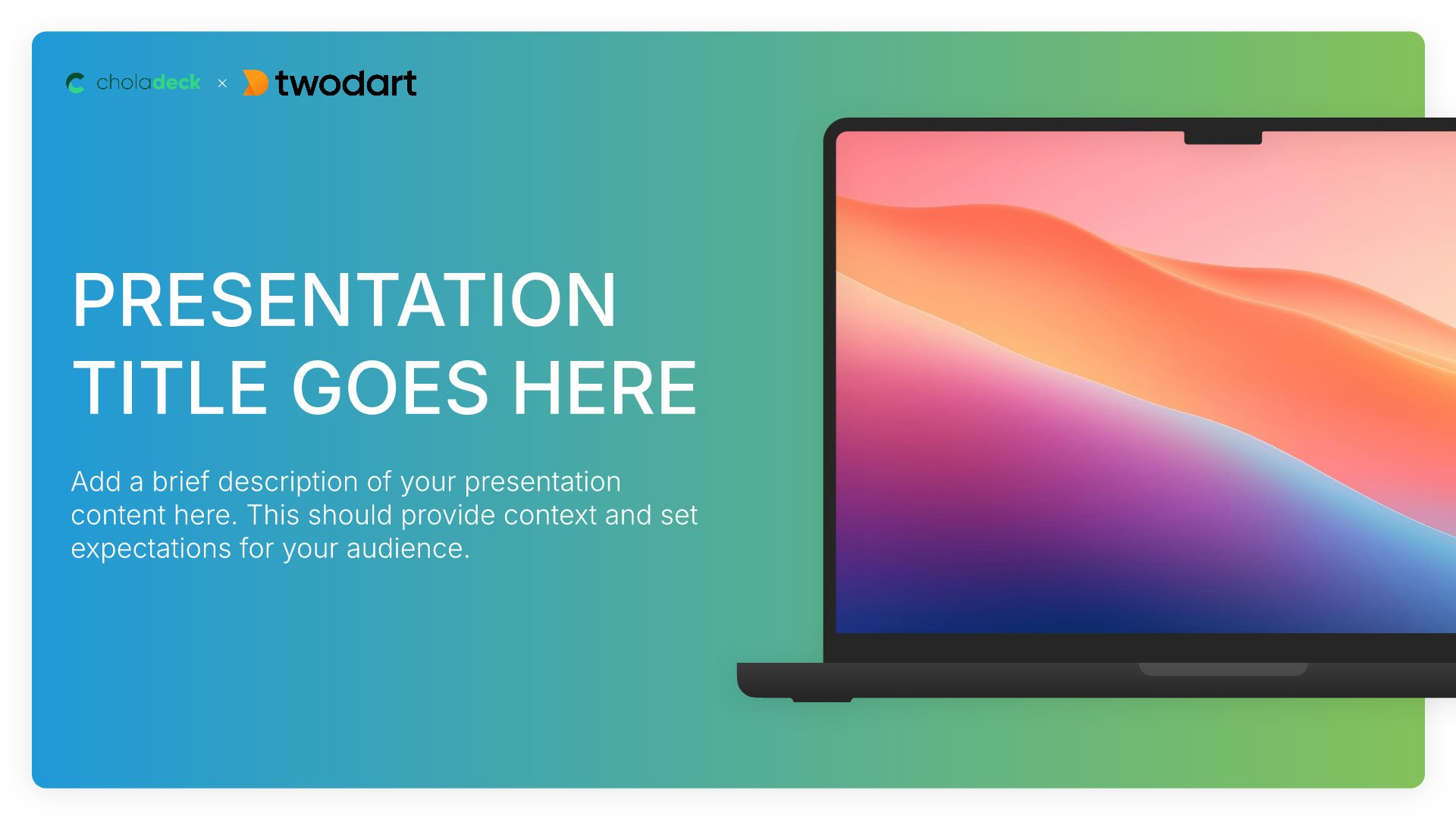
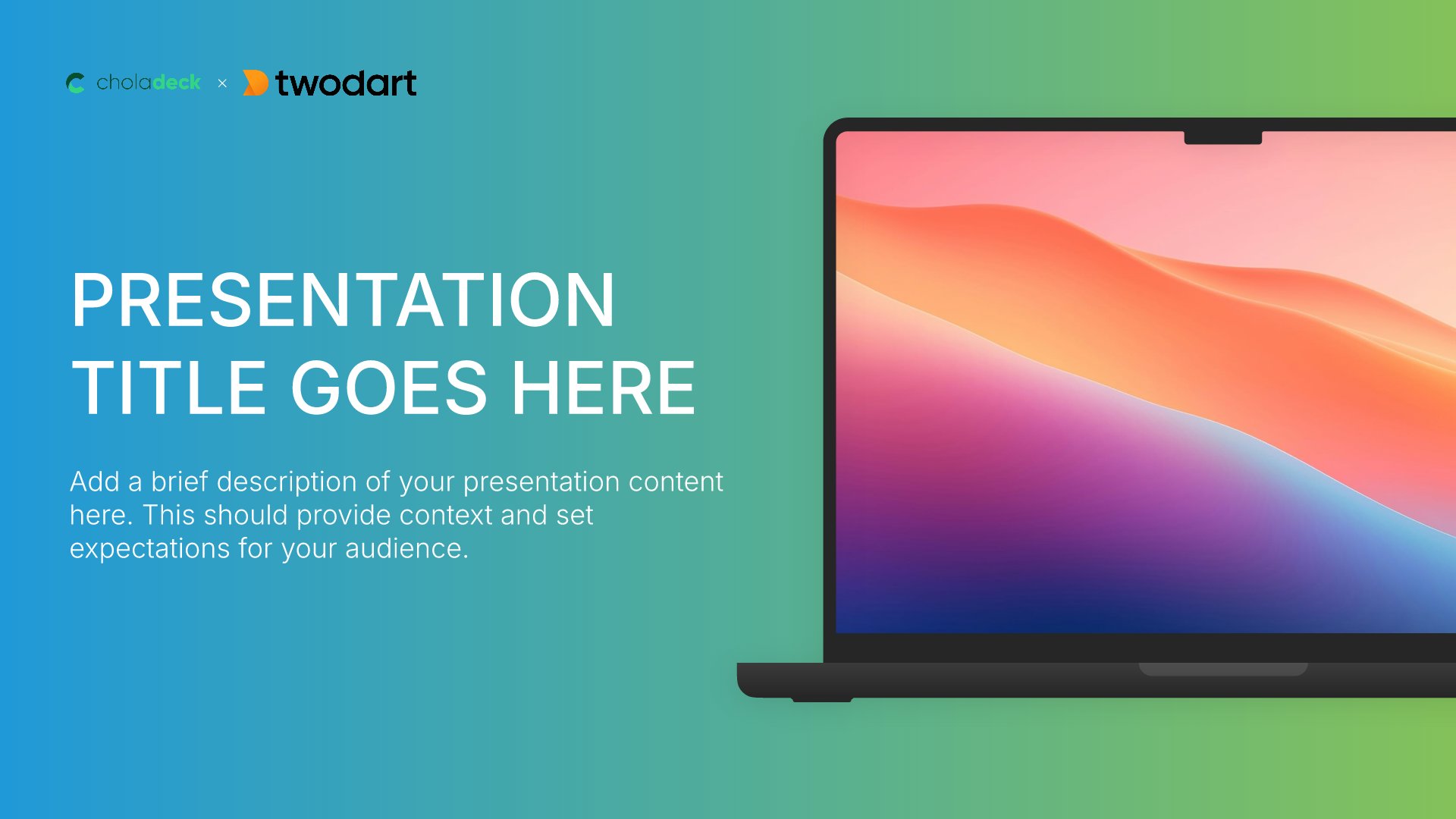
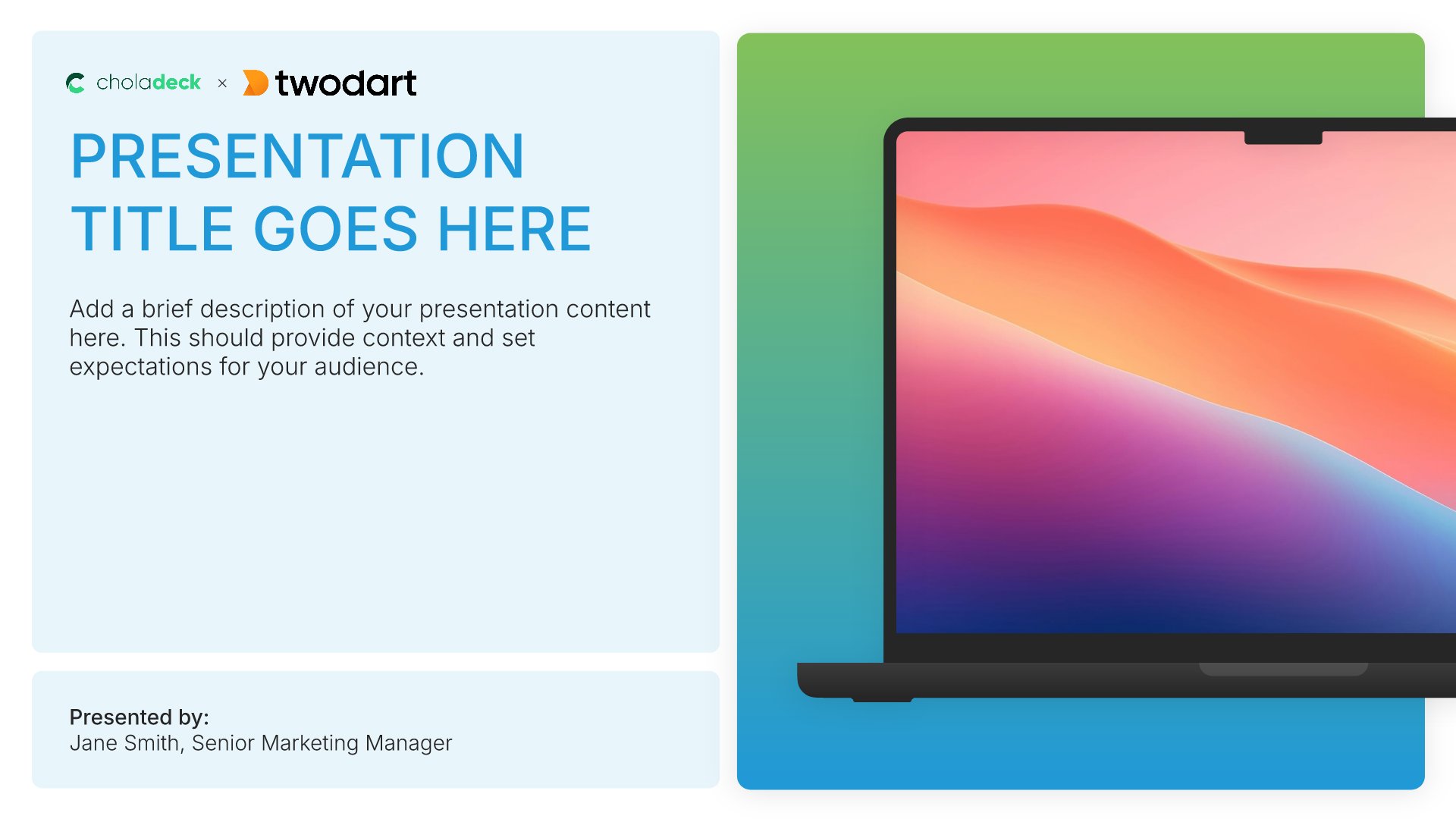
Title slides help you open presentations with impact. Use them to create strong first impressions with opening slides that set the tone, introduce your topic, and establish your brand. Ideal for any presentation where a polished, professional opening slide sets the stage for everything that follows.
Built using Title slides

2. Your Success Team

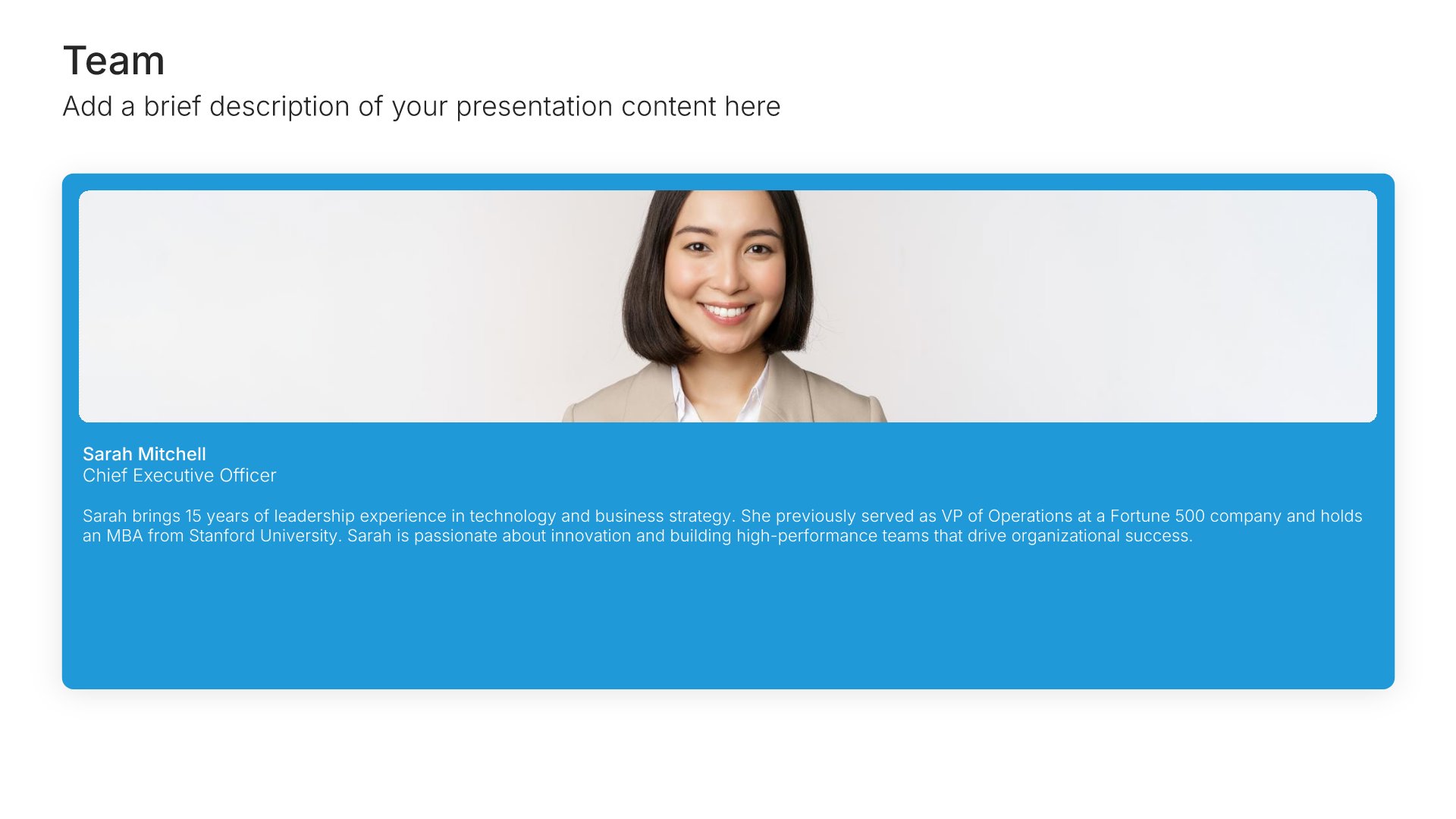
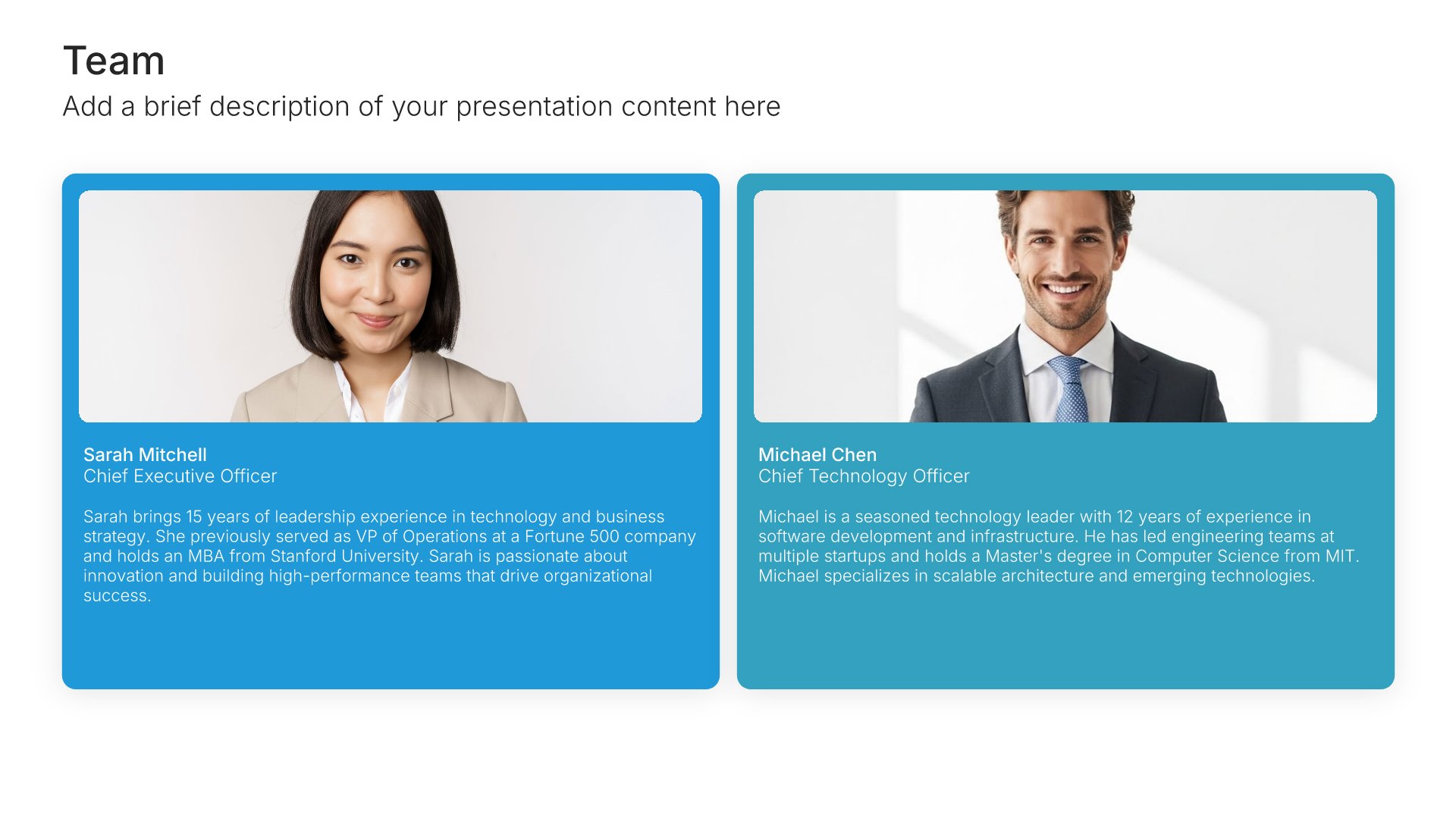
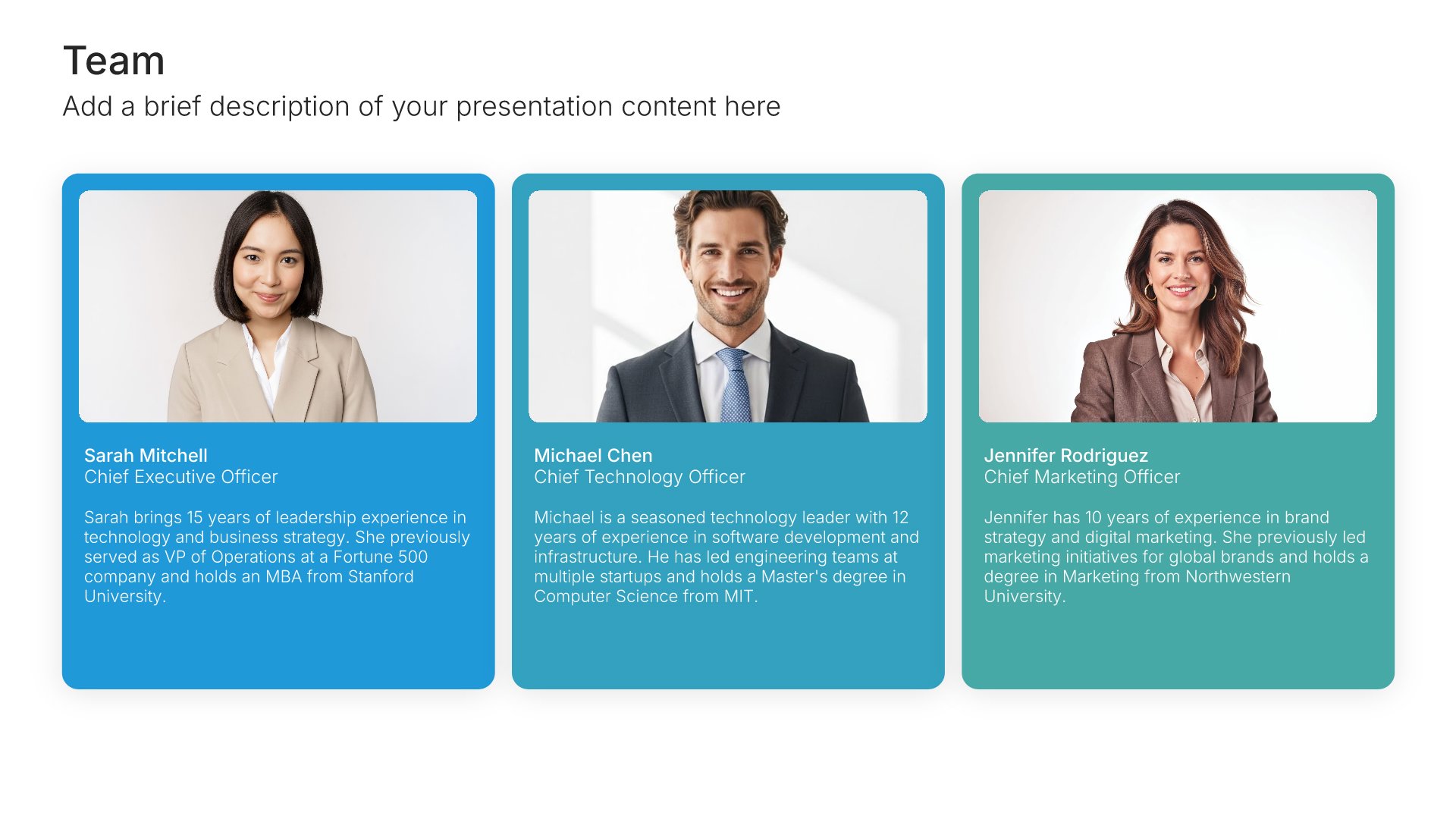
Your success team slides help you introduce the people who will support your new customer. Use them to present customer success managers, implementation specialists, and support contacts with photos, roles, and response time commitments. A clear success team view gives customers confidence that the right people are dedicated to their outcomes.
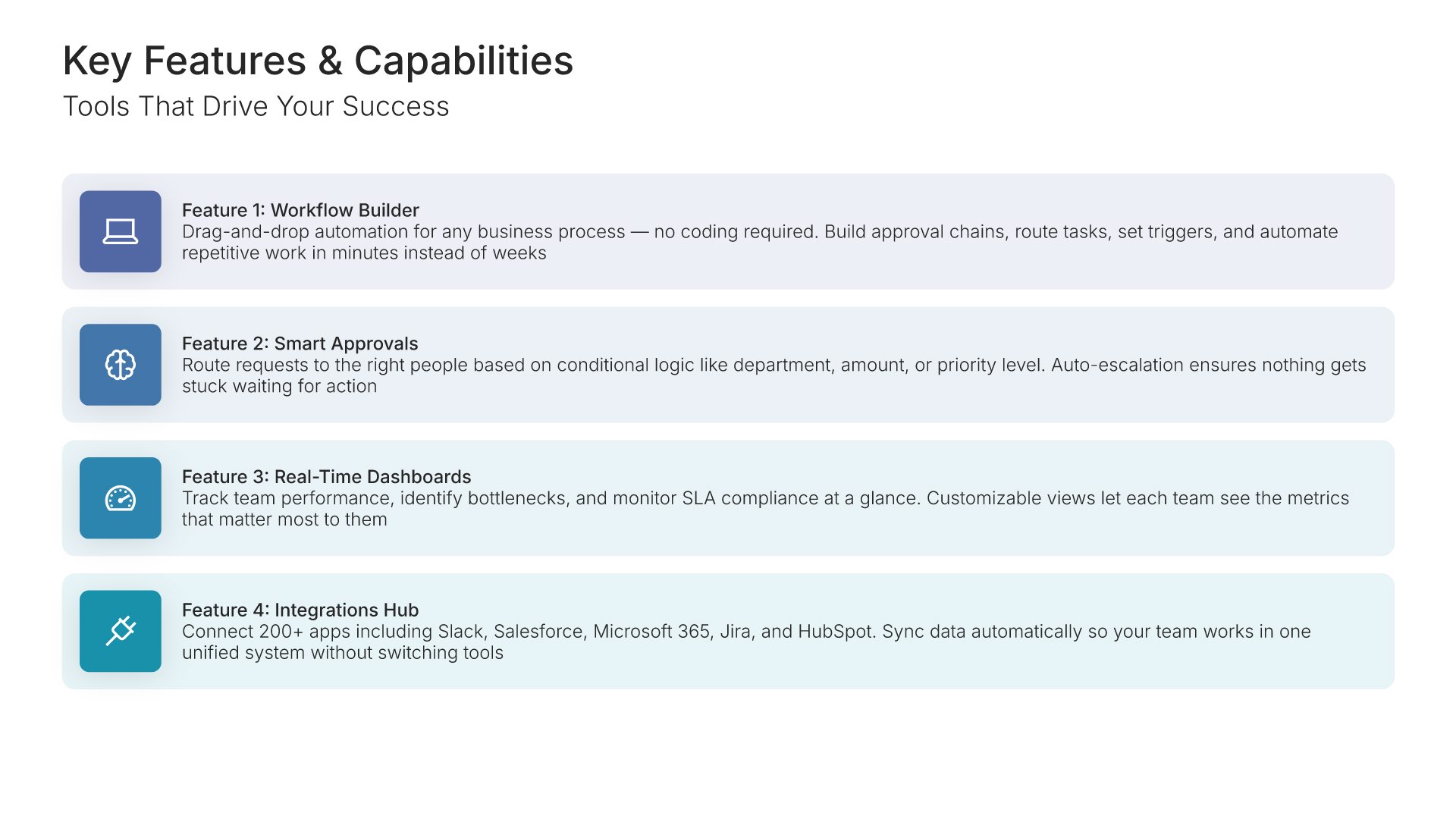
Built using Team slides

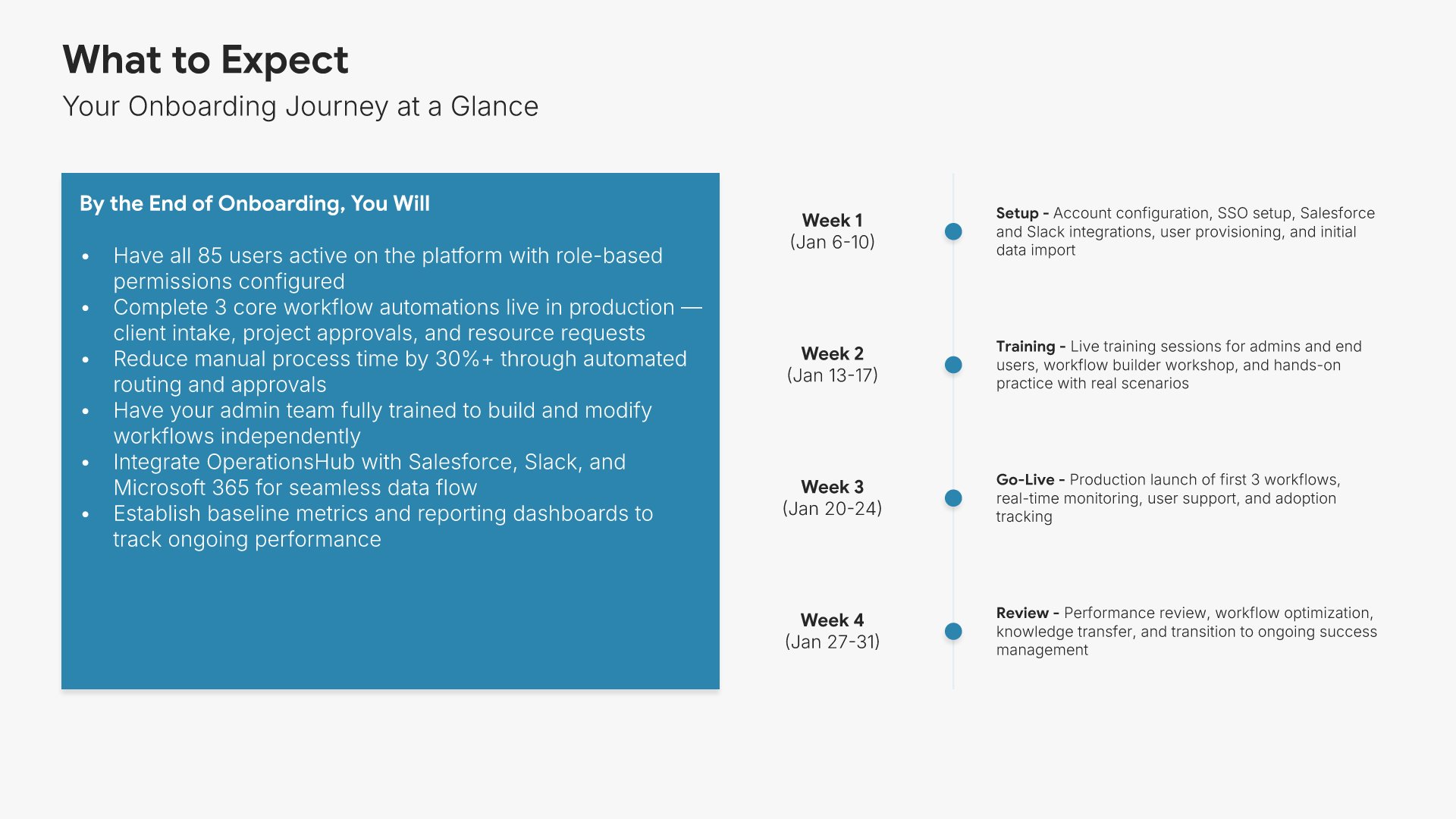
3. What to Expect

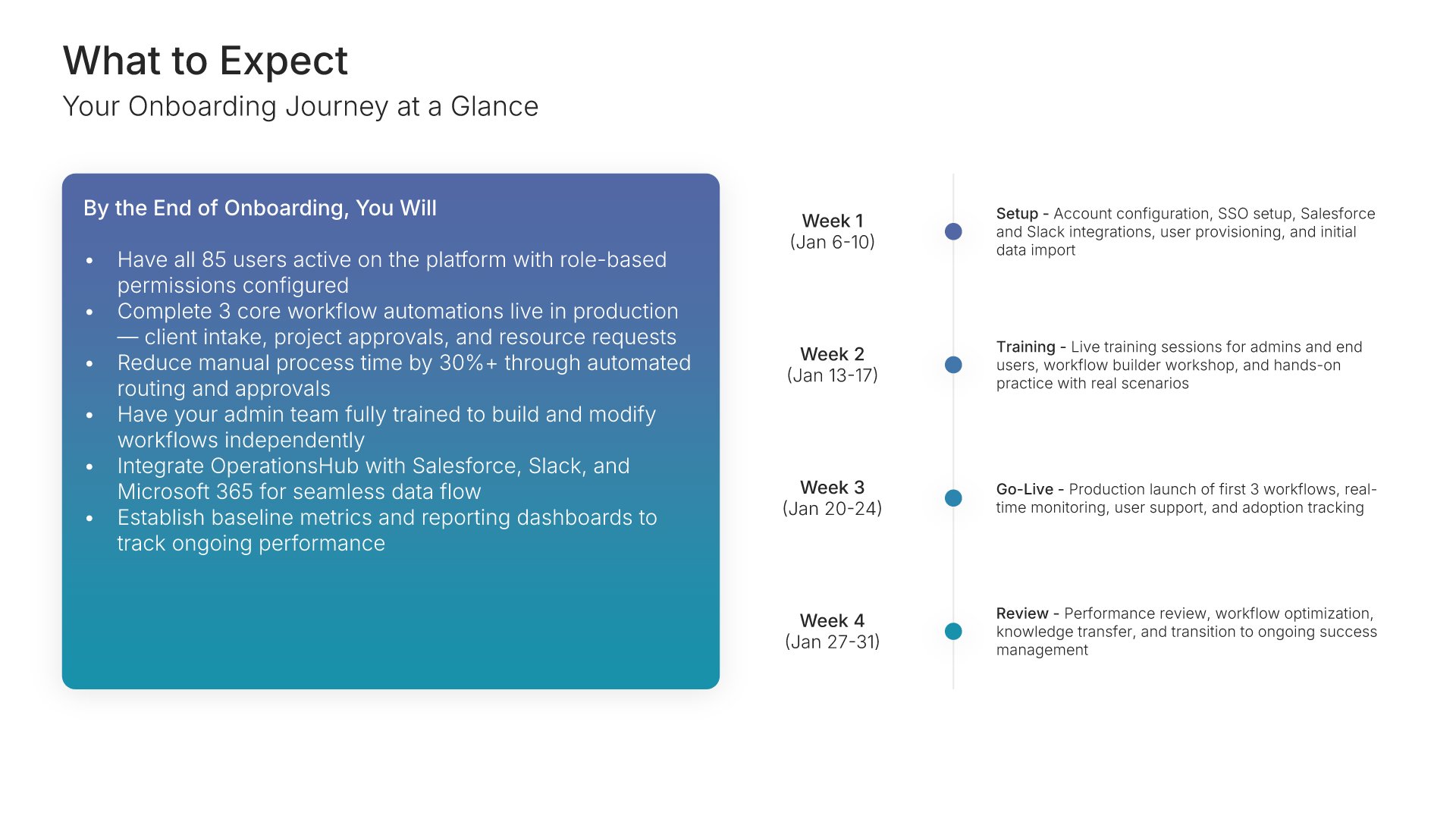
What to expect slides help you set clear expectations for the onboarding journey ahead. Use them to present the timeline, key milestones, and the outcomes the customer will achieve by the end of onboarding. A clear expectations view aligns both teams on the path forward and prevents surprises during implementation.
Built using Timeline slides

4. Getting Started

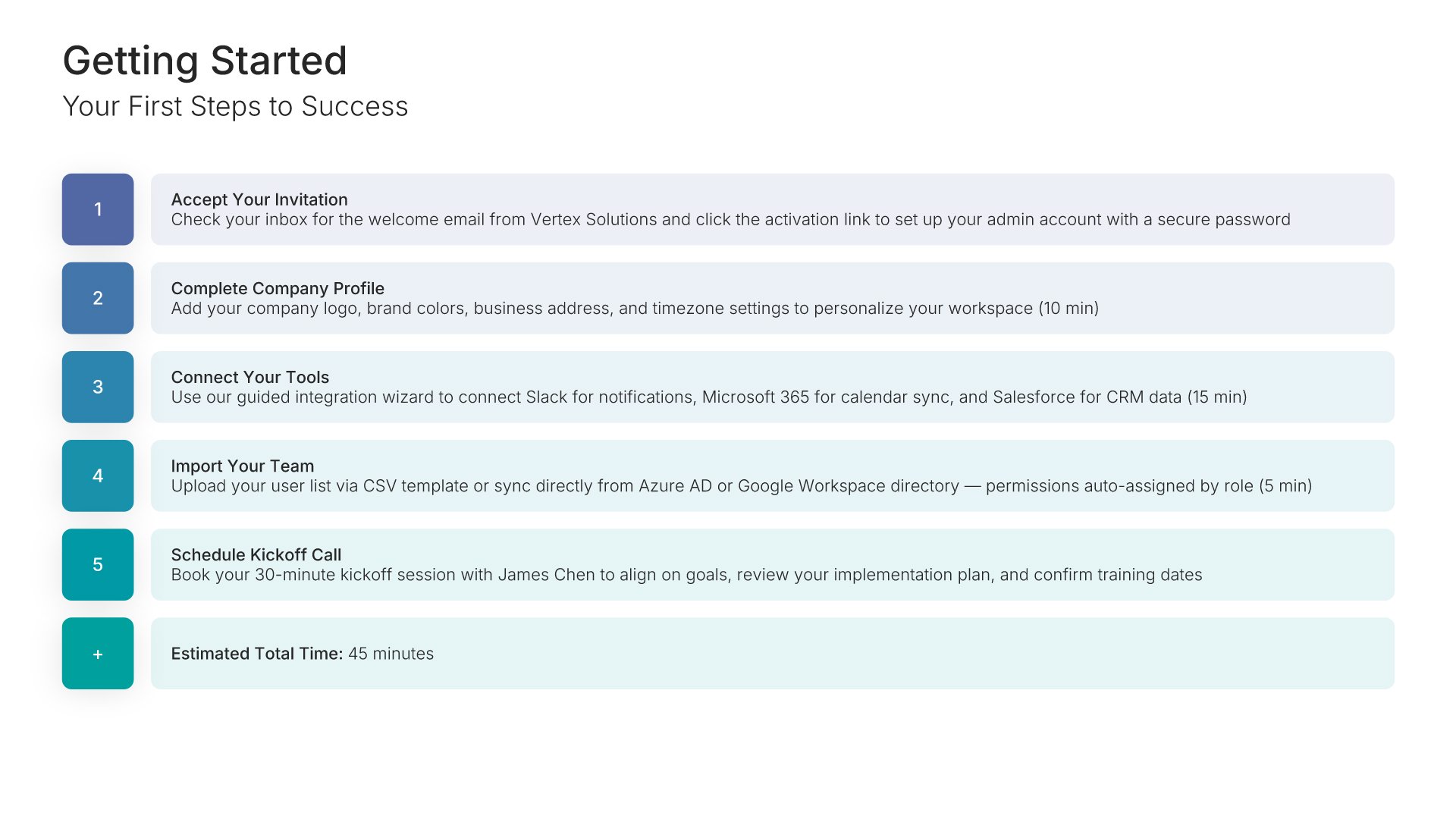
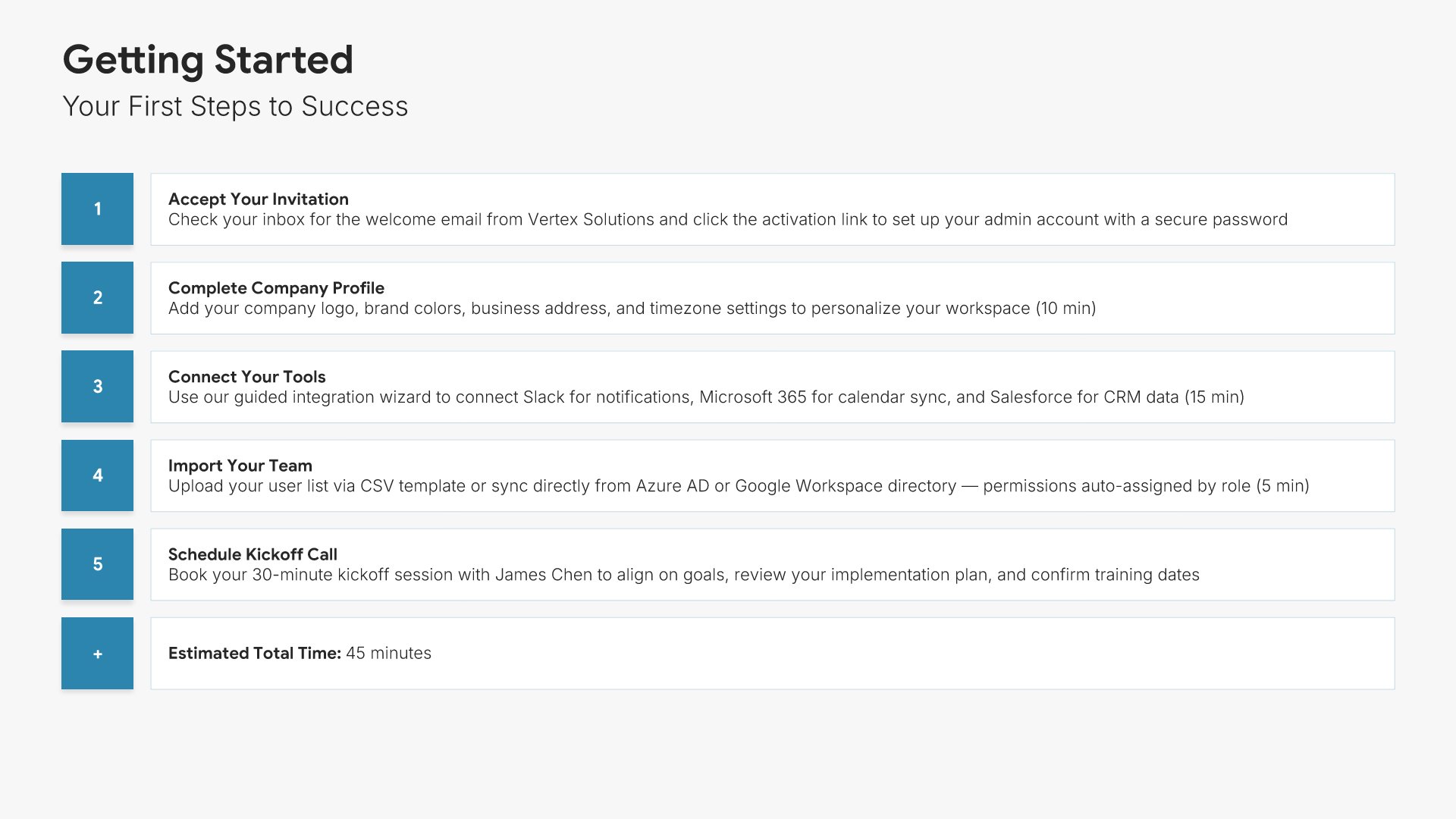
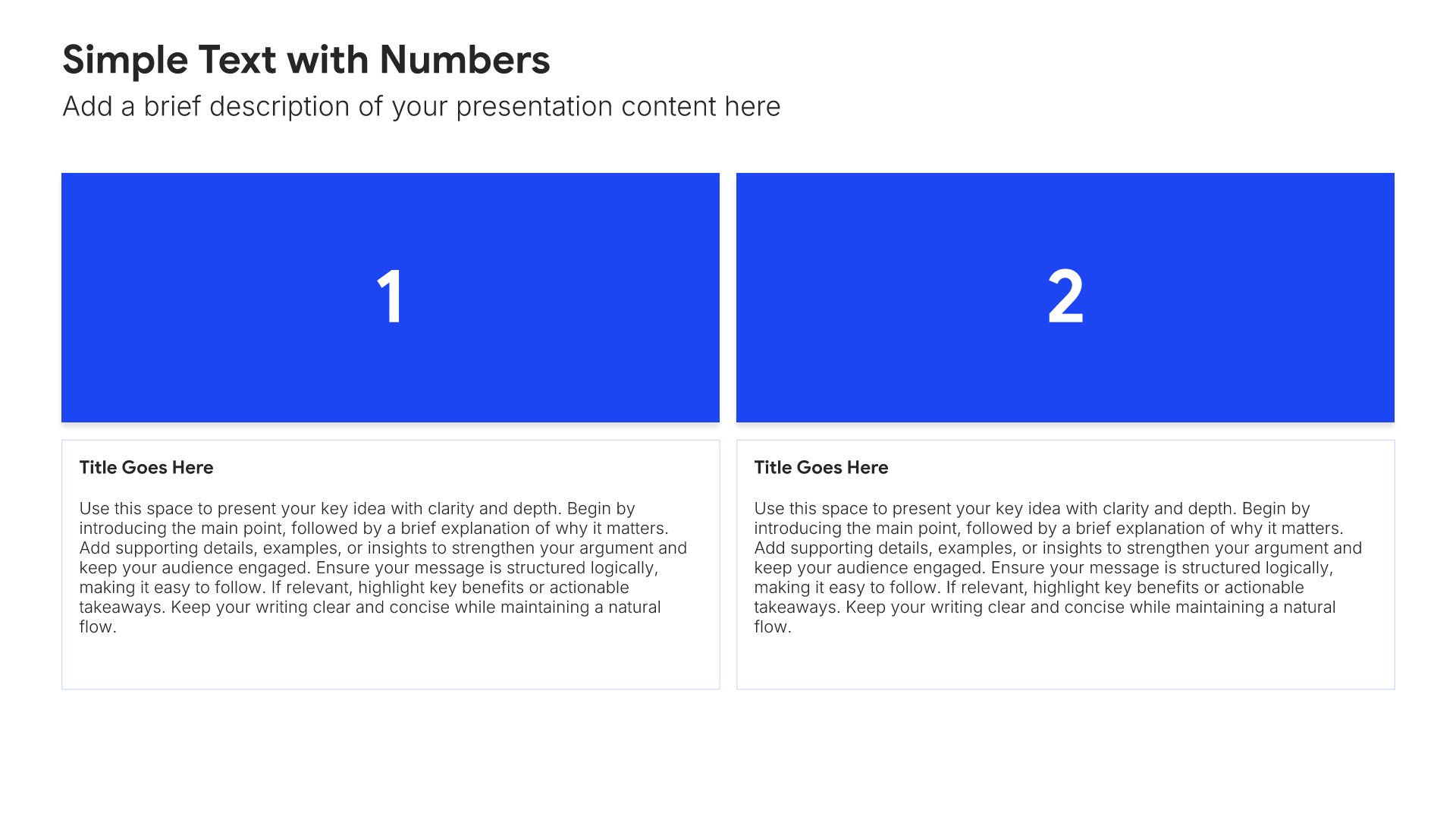
Getting started slides help you walk new customers through the initial steps to begin using your product. Use them to outline account setup, login credentials, initial configuration, and the first actions to take. A clear getting started view removes friction from the early experience and helps customers feel productive quickly.
Built using Simple Text (with Numbers) slides

5. Platform Overview

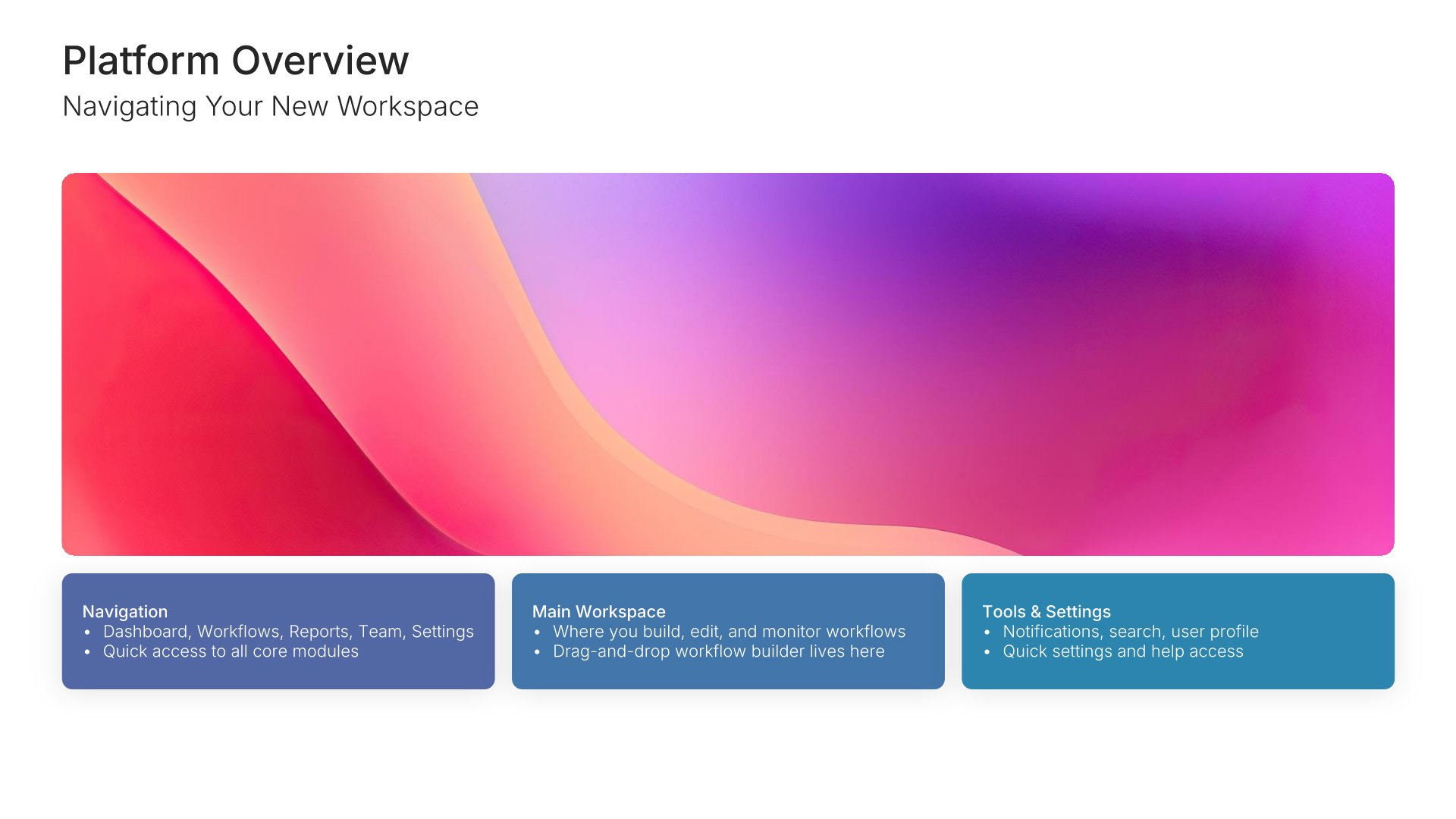
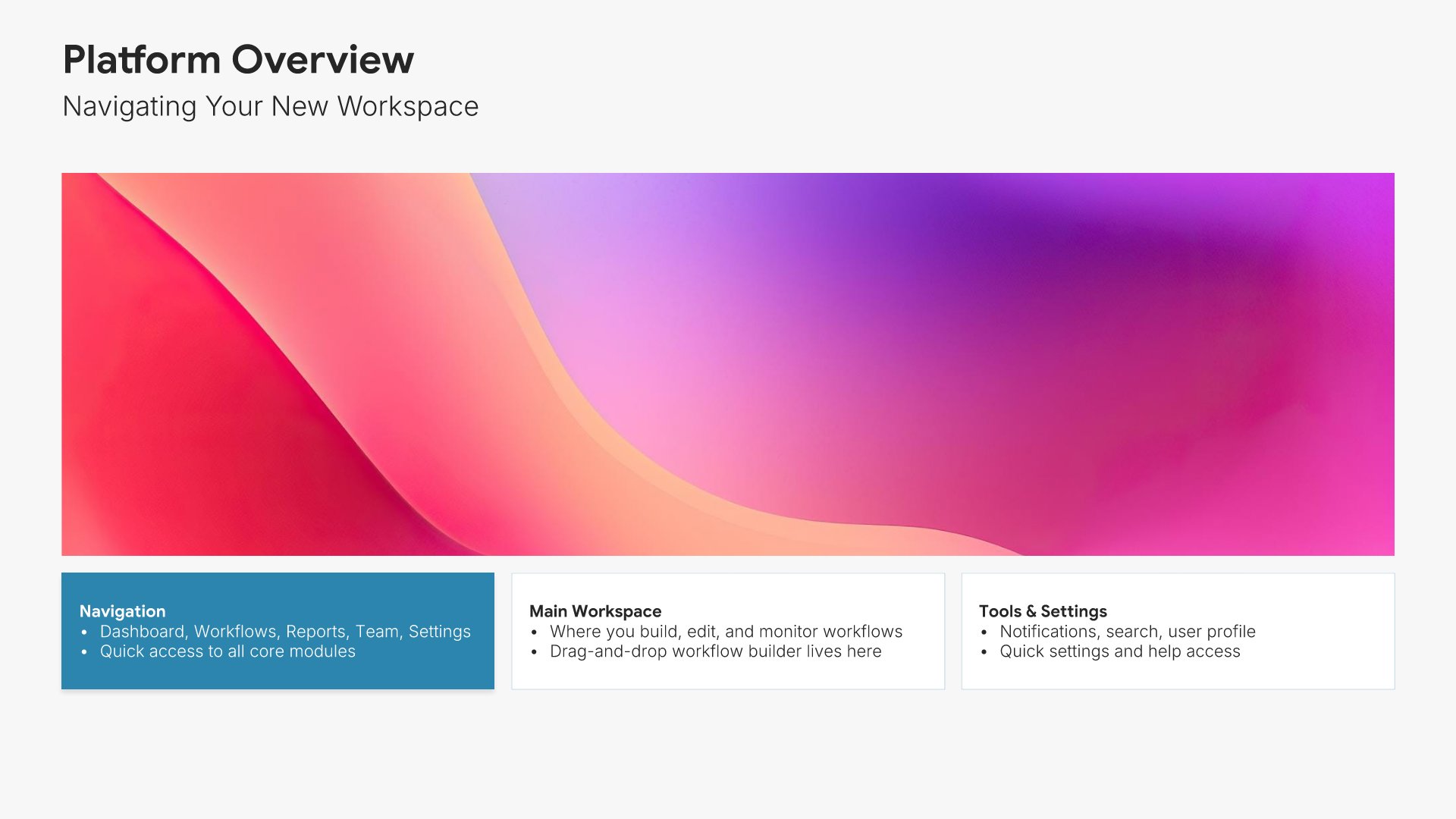
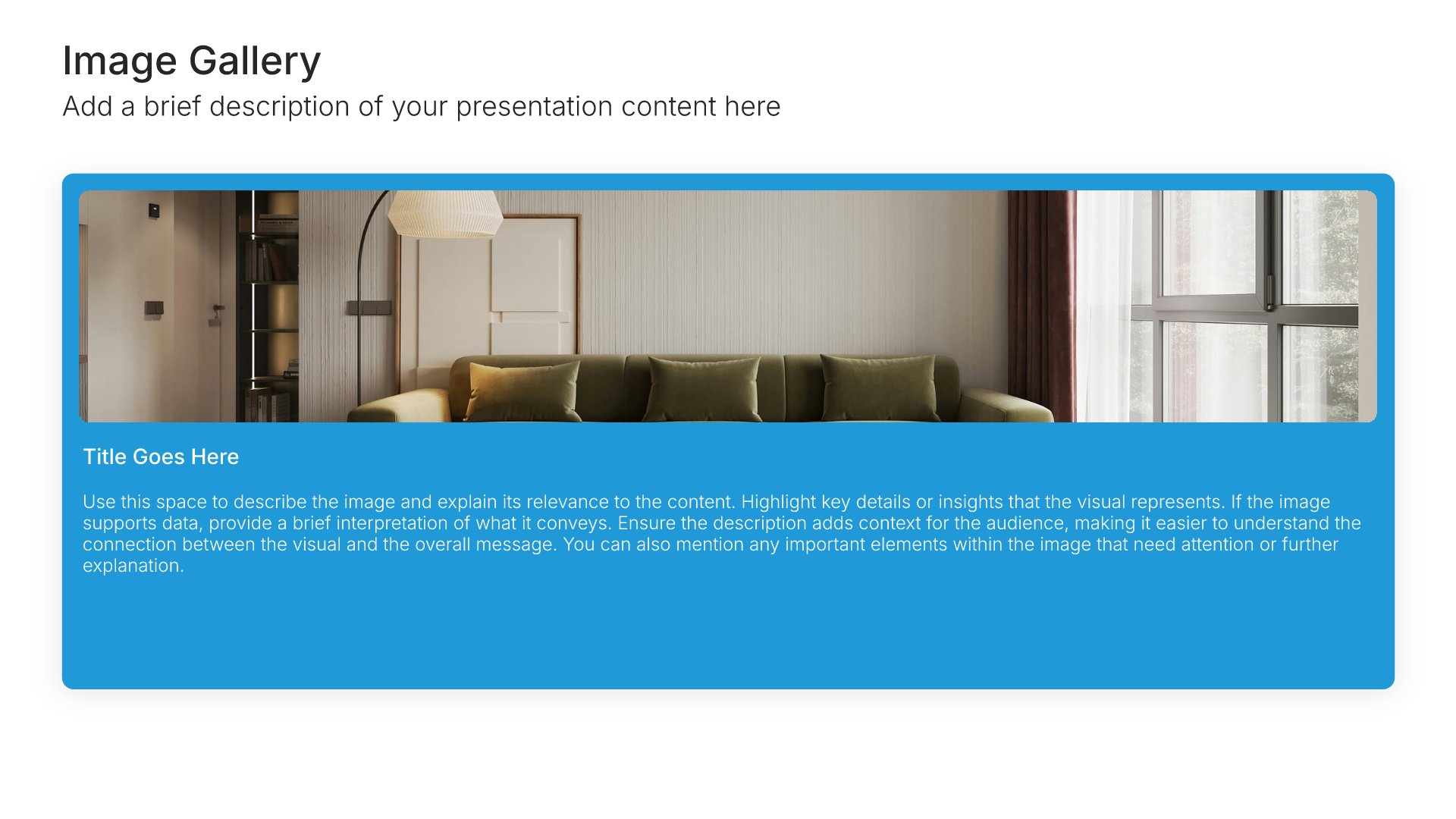
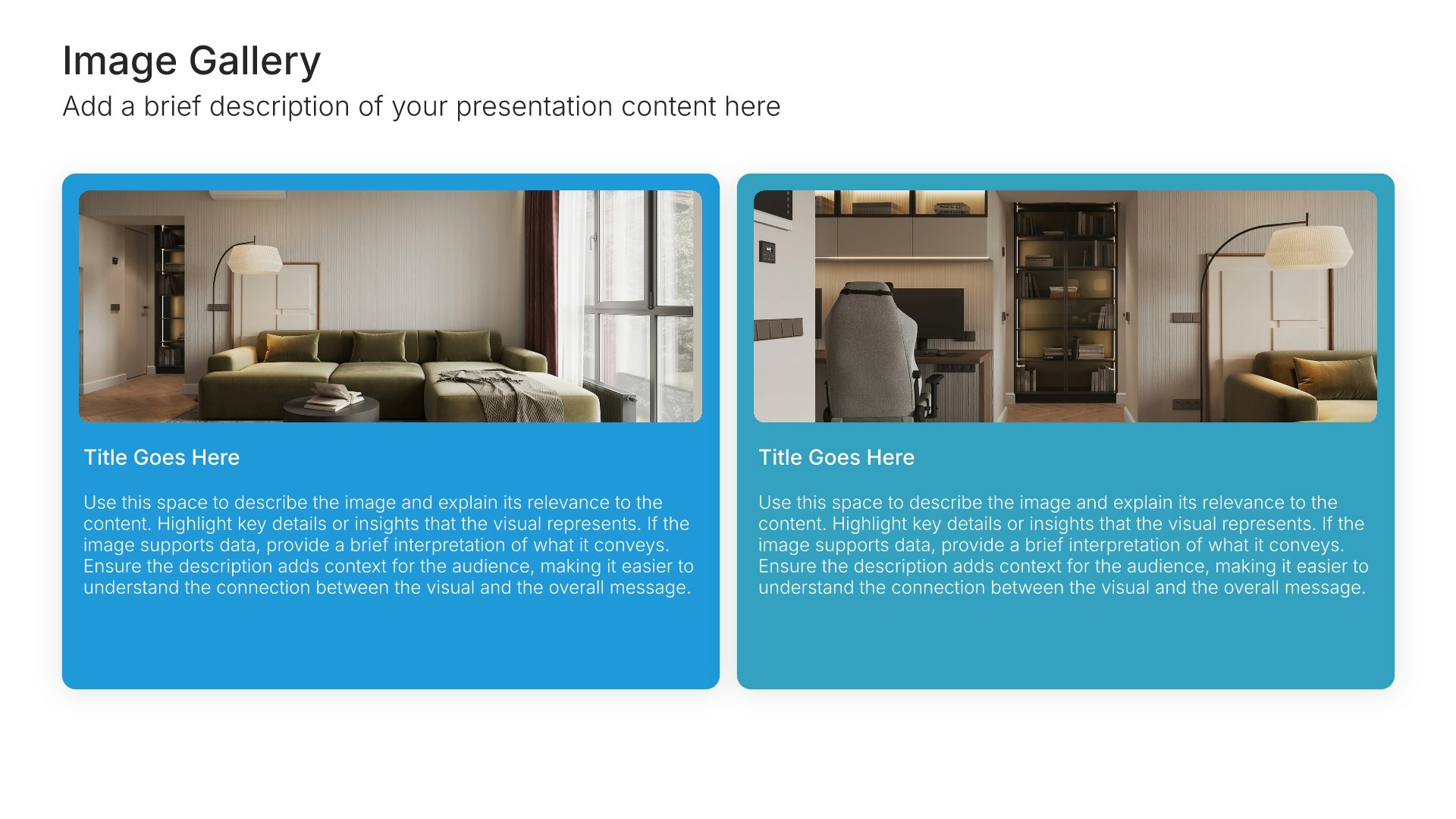
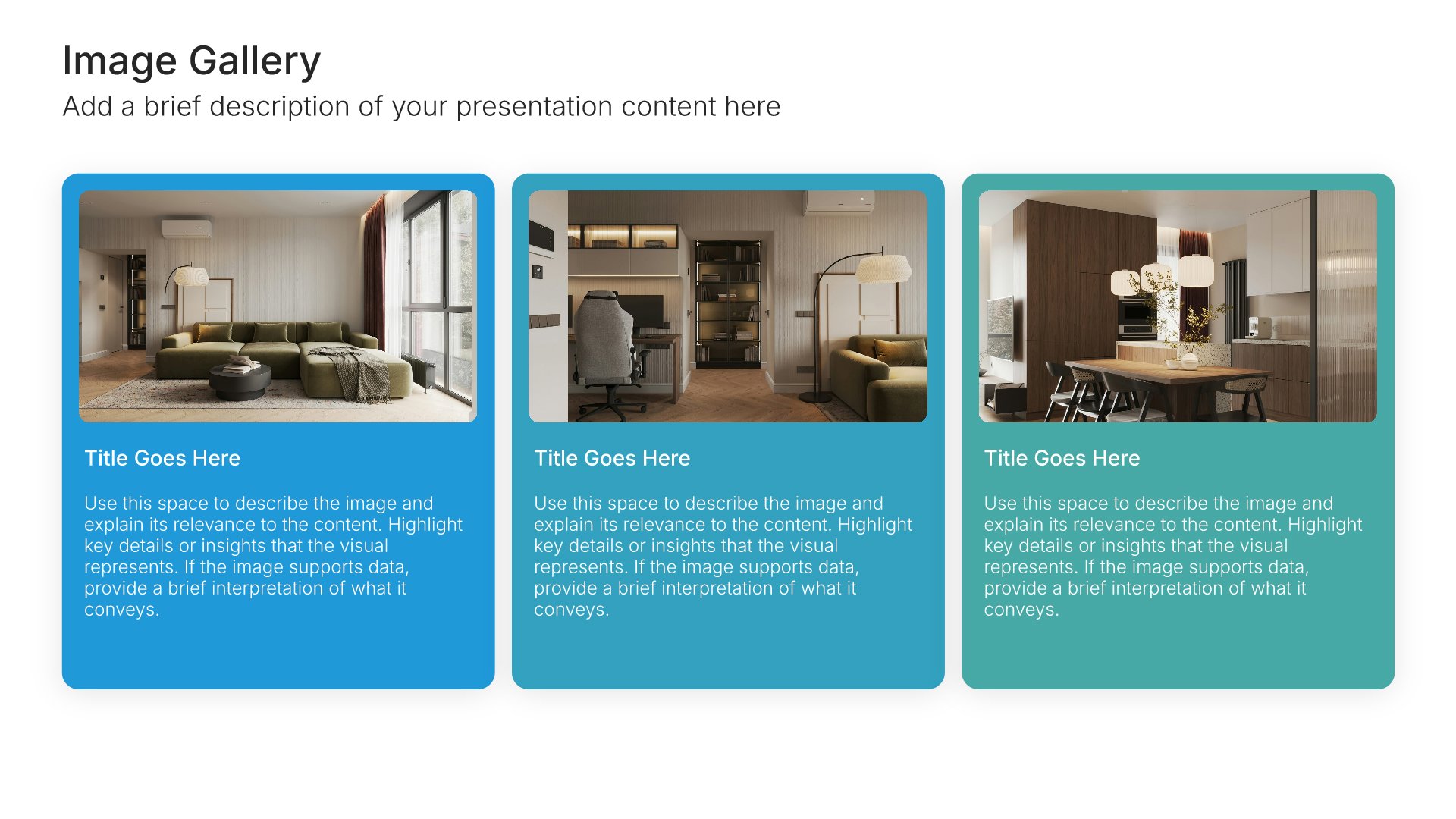
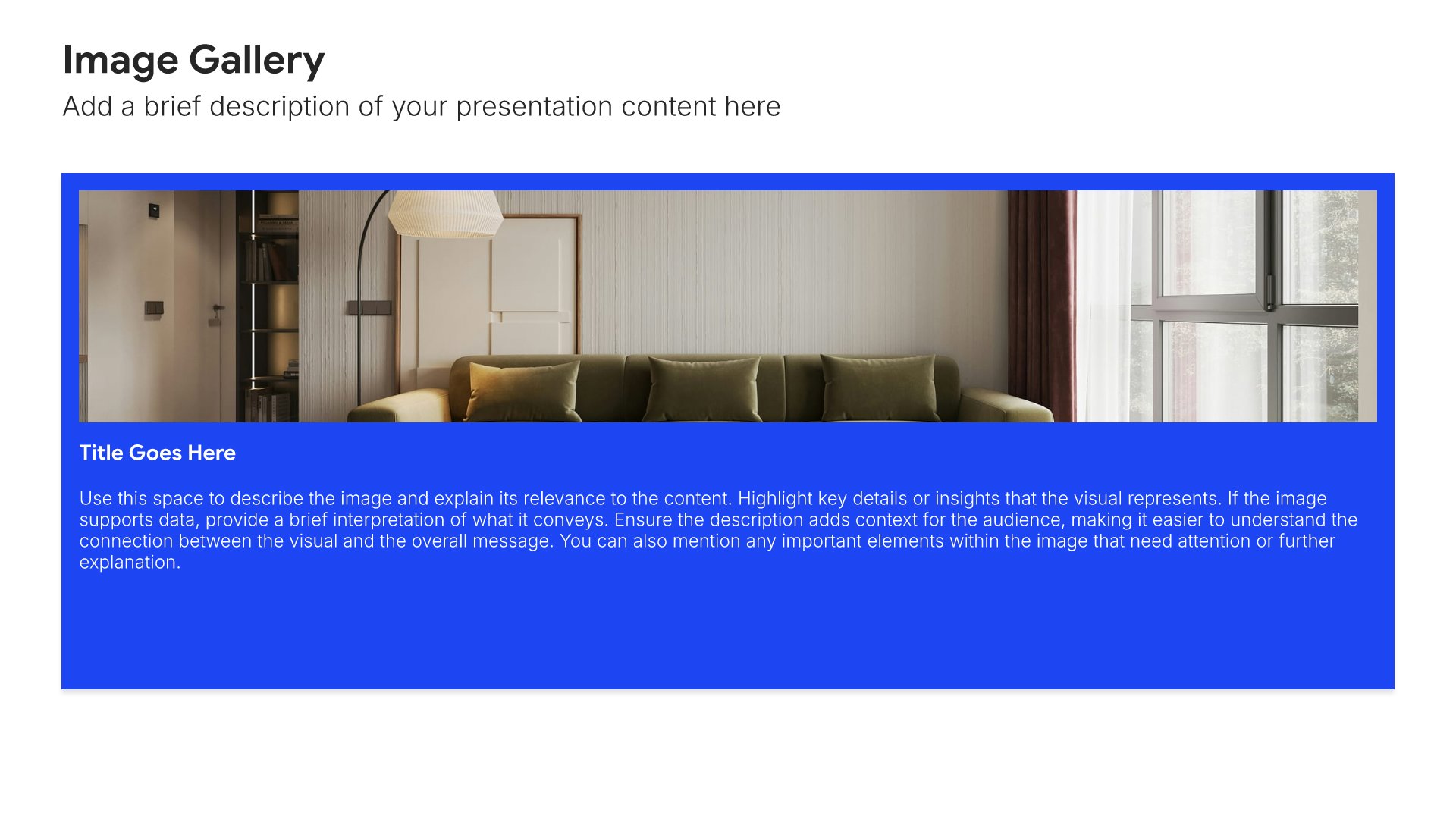
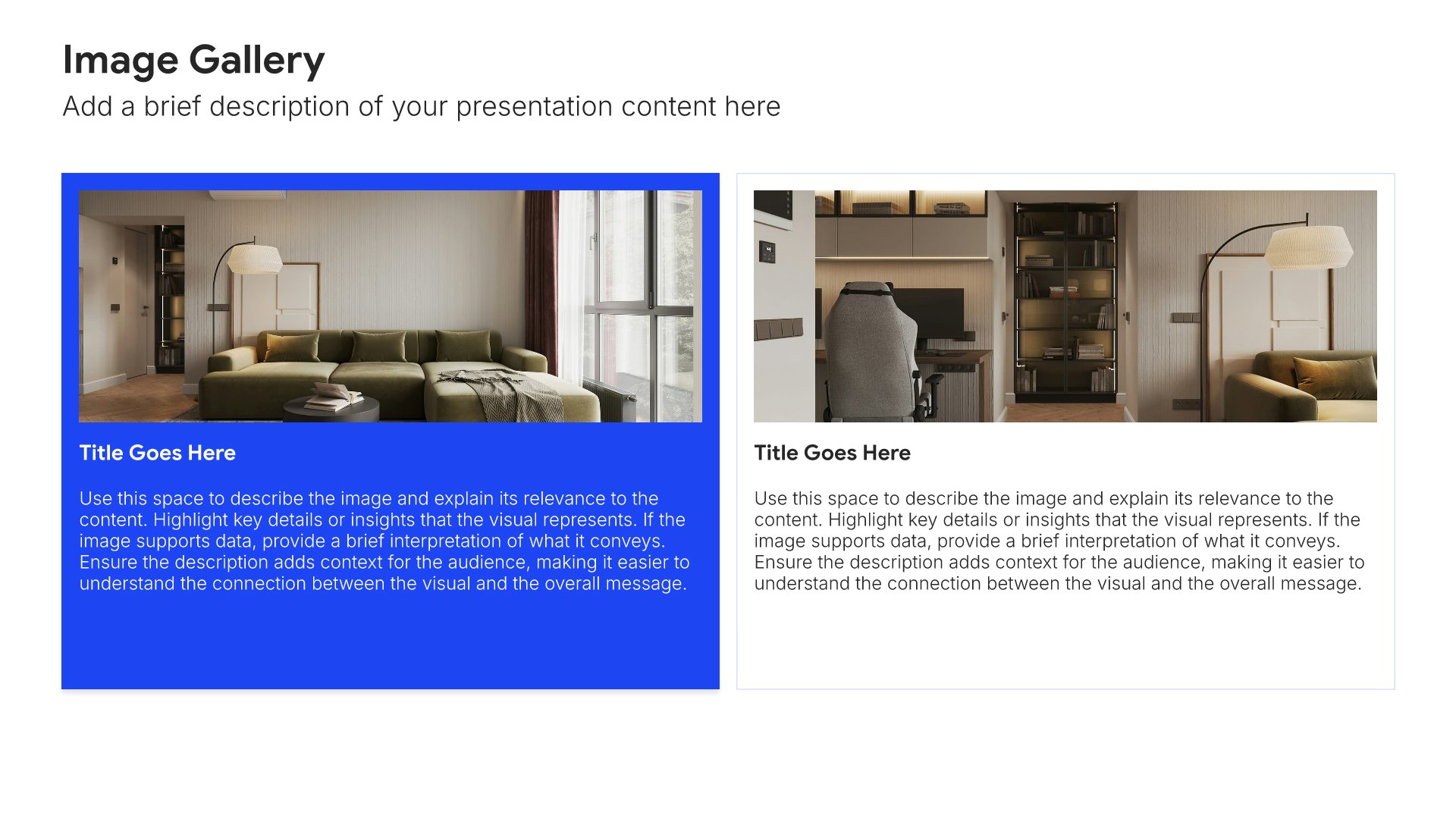
Platform overview slides help you walk new customers through your product at a high level. Use them to present core features, navigation, and the key areas of the platform customers will interact with. A clear platform overview gives customers a foundational mental model of how the product works before deeper training begins.
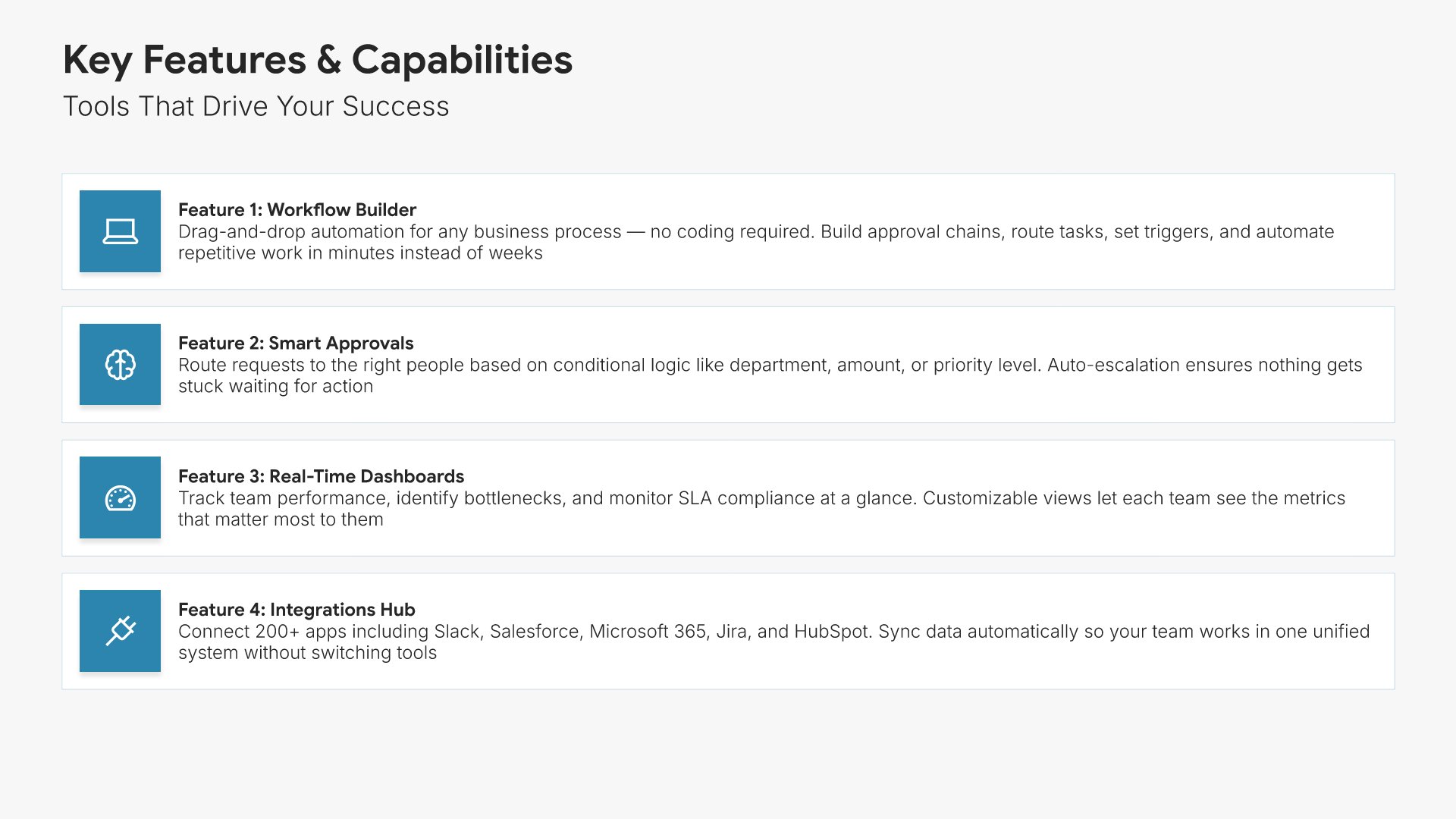
Built using Image Gallery slides

6. Features & Benefits
Features and benefits slides help you showcase what your product does and why it matters. Use them to present key capabilities paired with the value they deliver to customers. Ideal for sales decks and product presentations where connecting features to tangible benefits helps prospects see the value for themselves.
Built using Simple Text (with Icons) slides

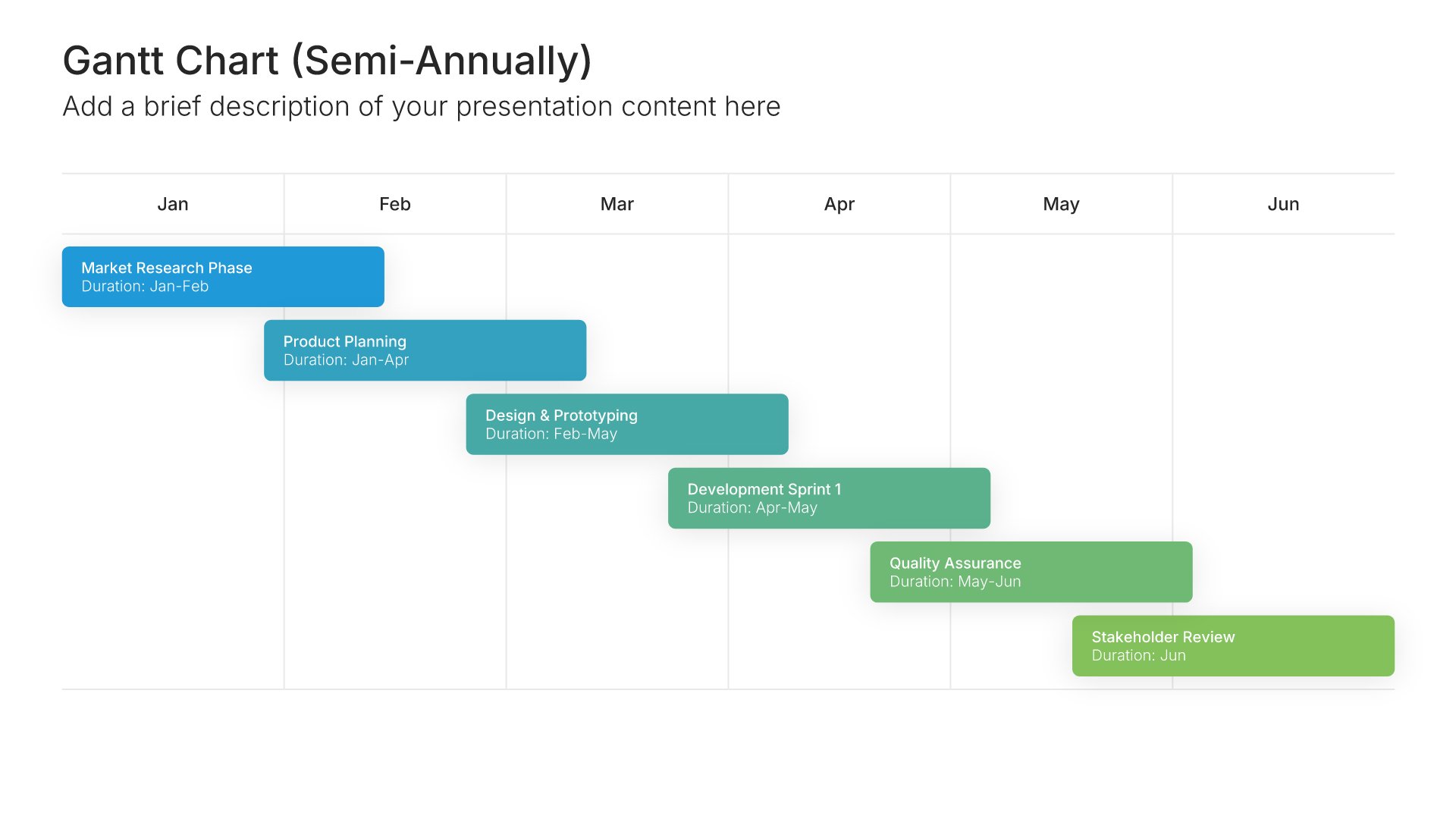
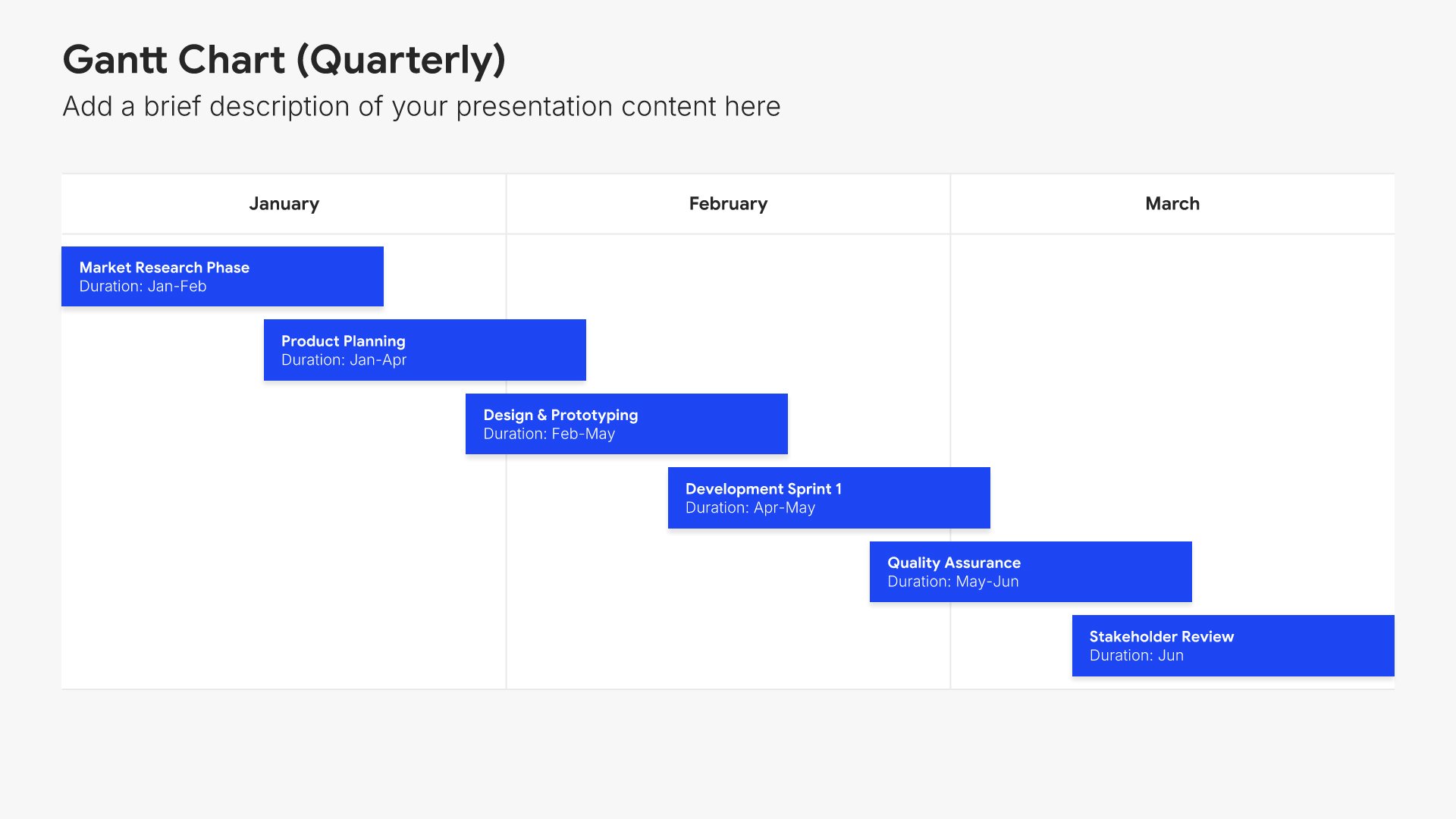
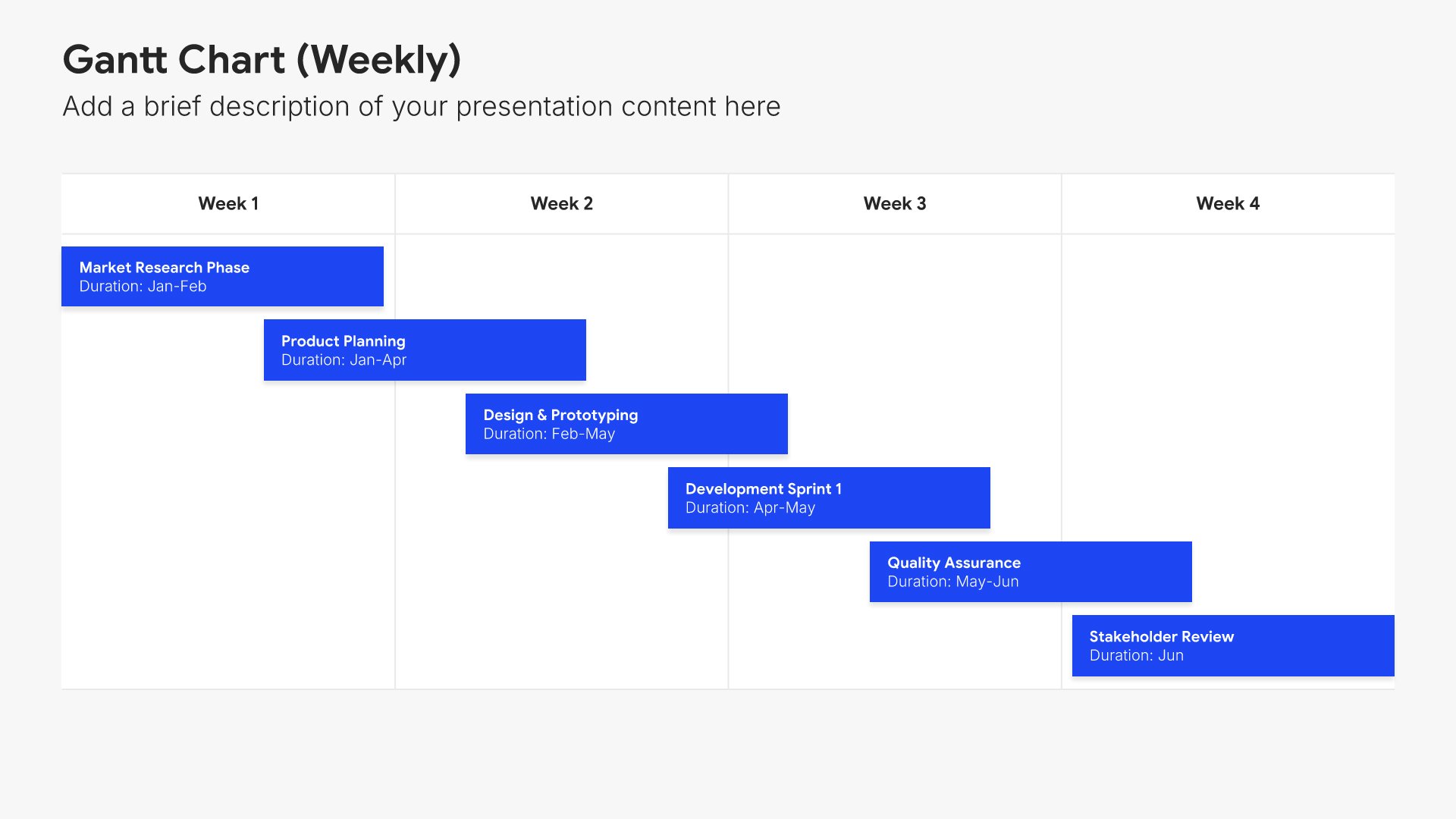
7. Implementation Plan

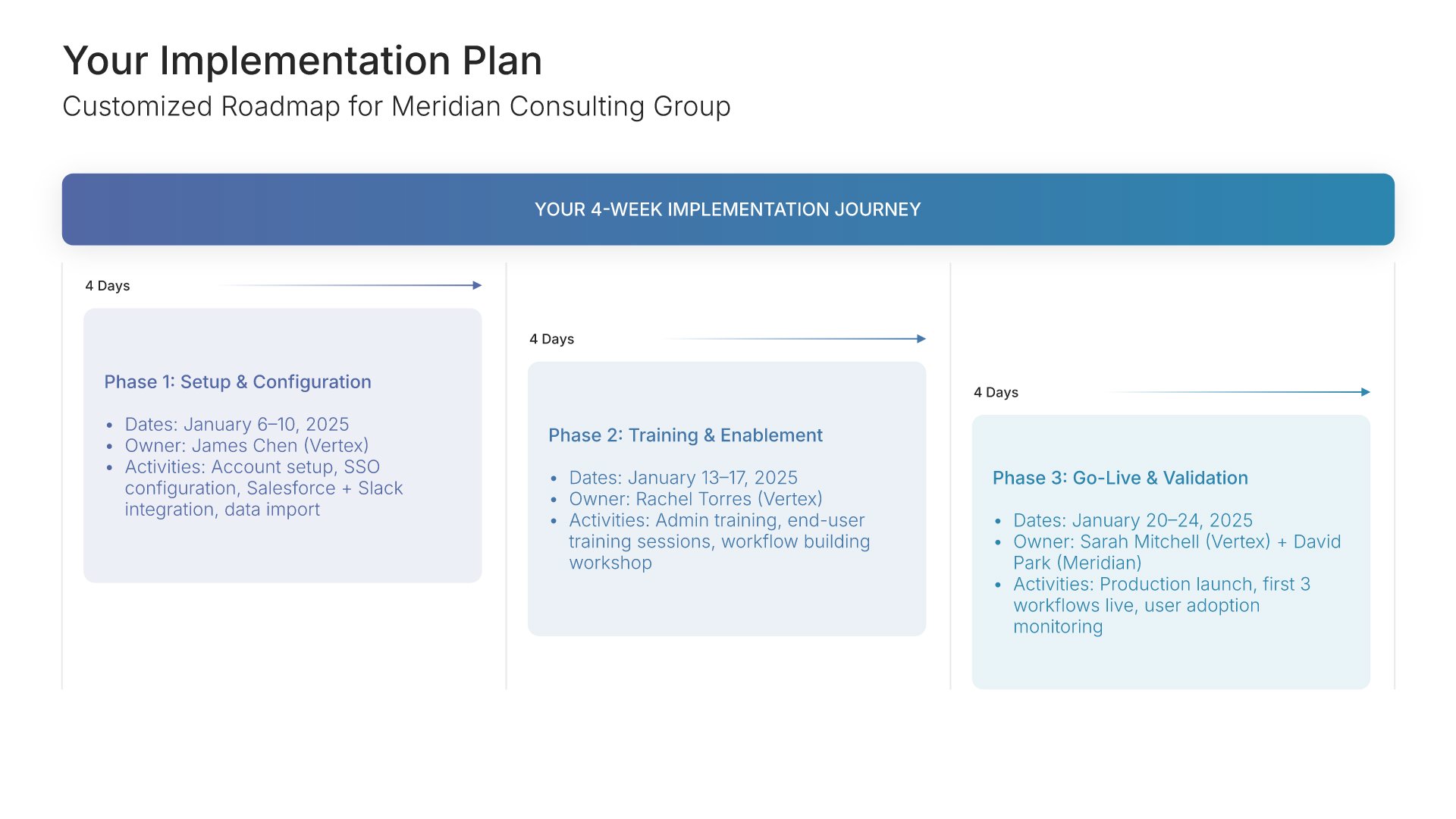
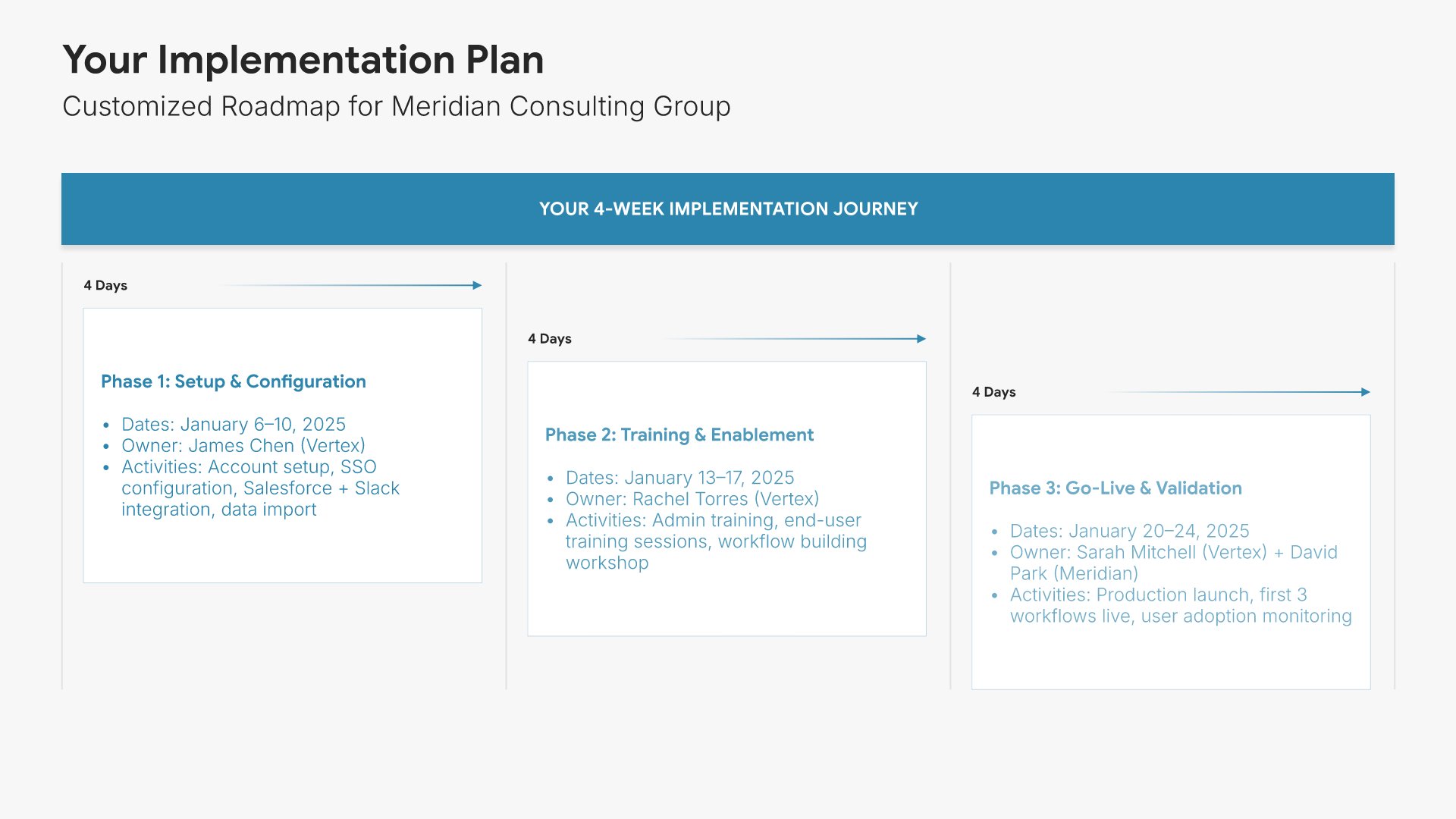
Implementation plan slides help you present the customized rollout journey for the new customer. Use them to outline phases, dates, responsibilities, and key deliverables across the implementation. A clear implementation plan gives customers visibility into how their setup will unfold and what's expected from each side.
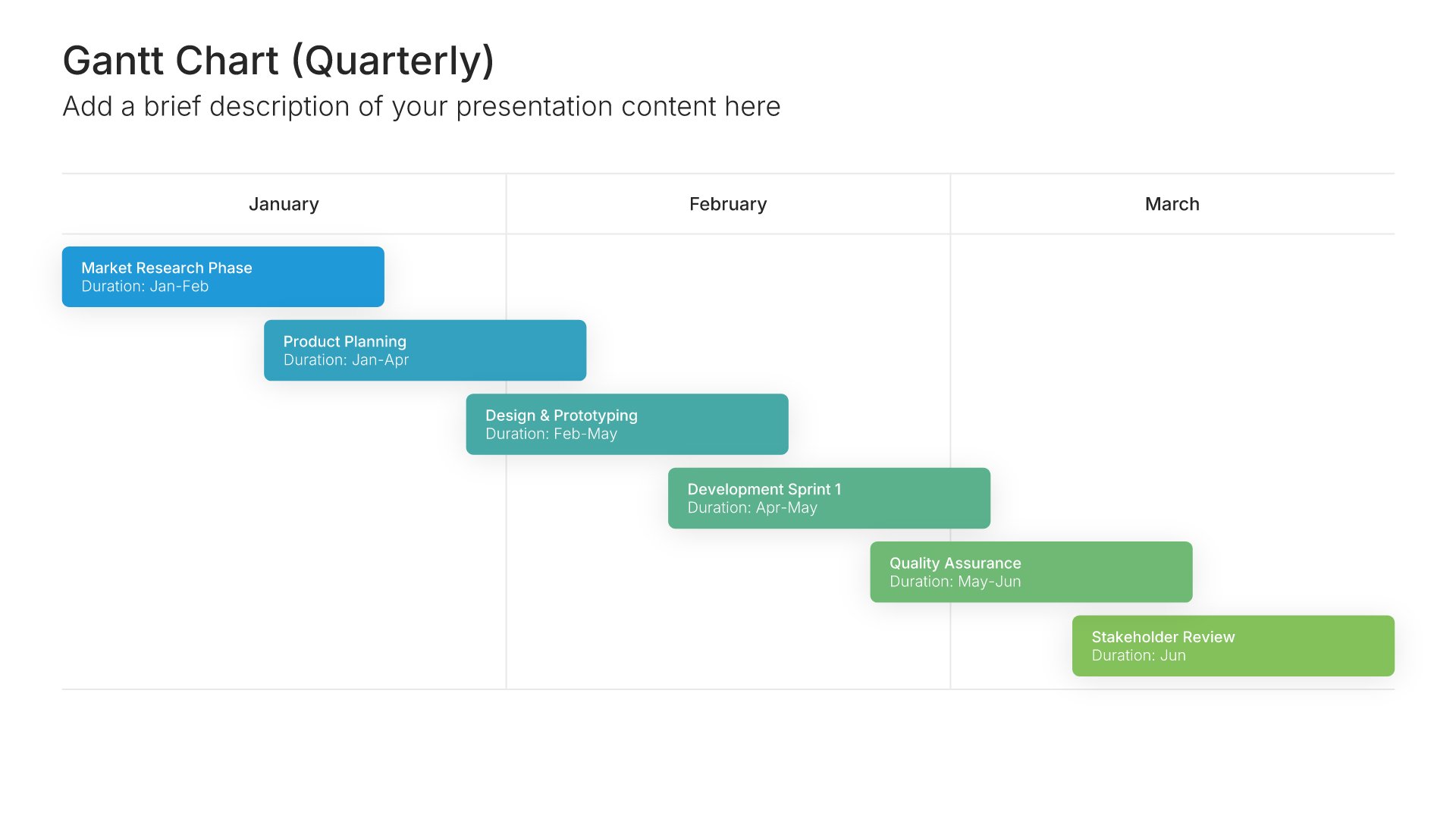
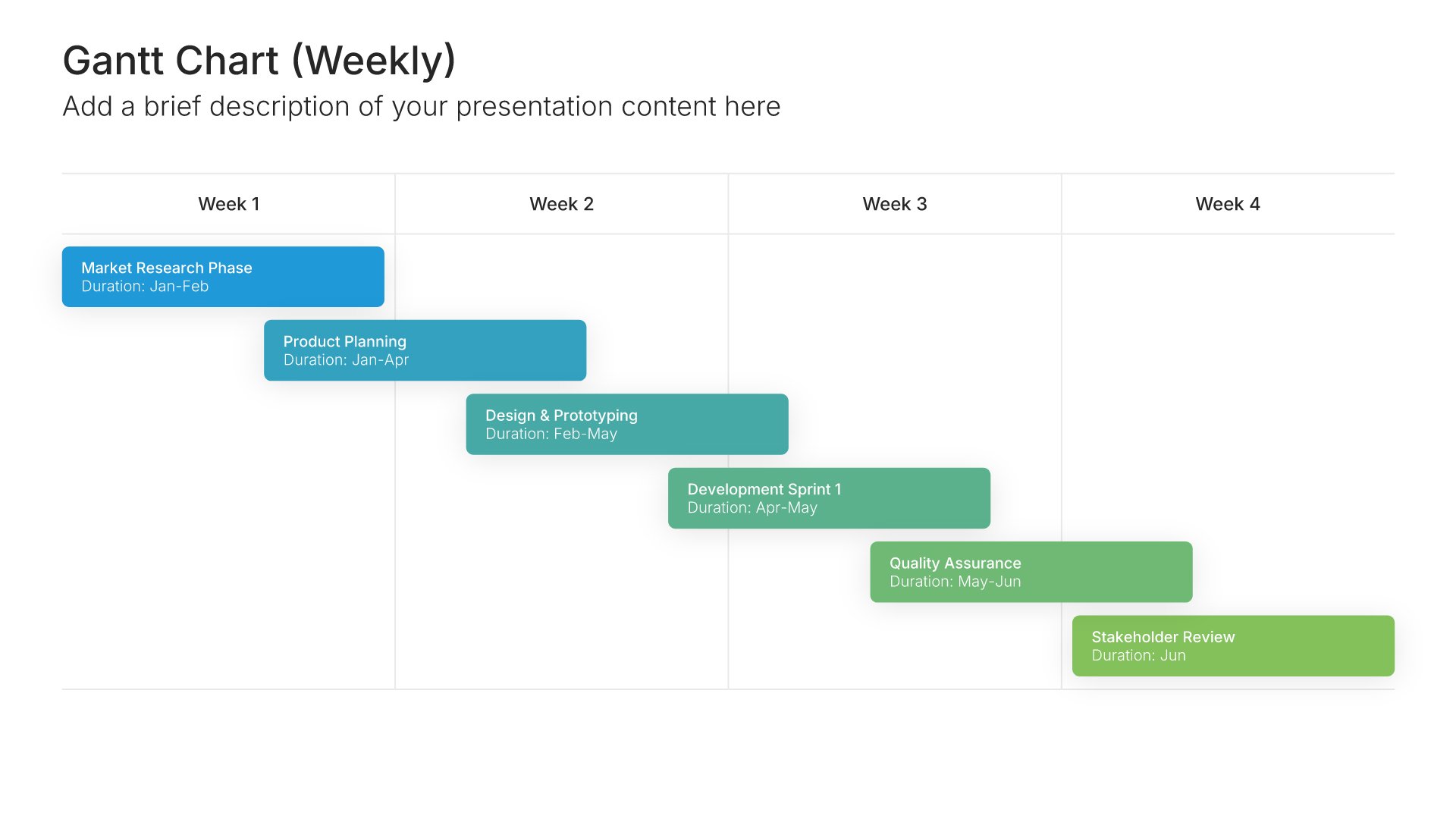
Built using Gantt Chart slides

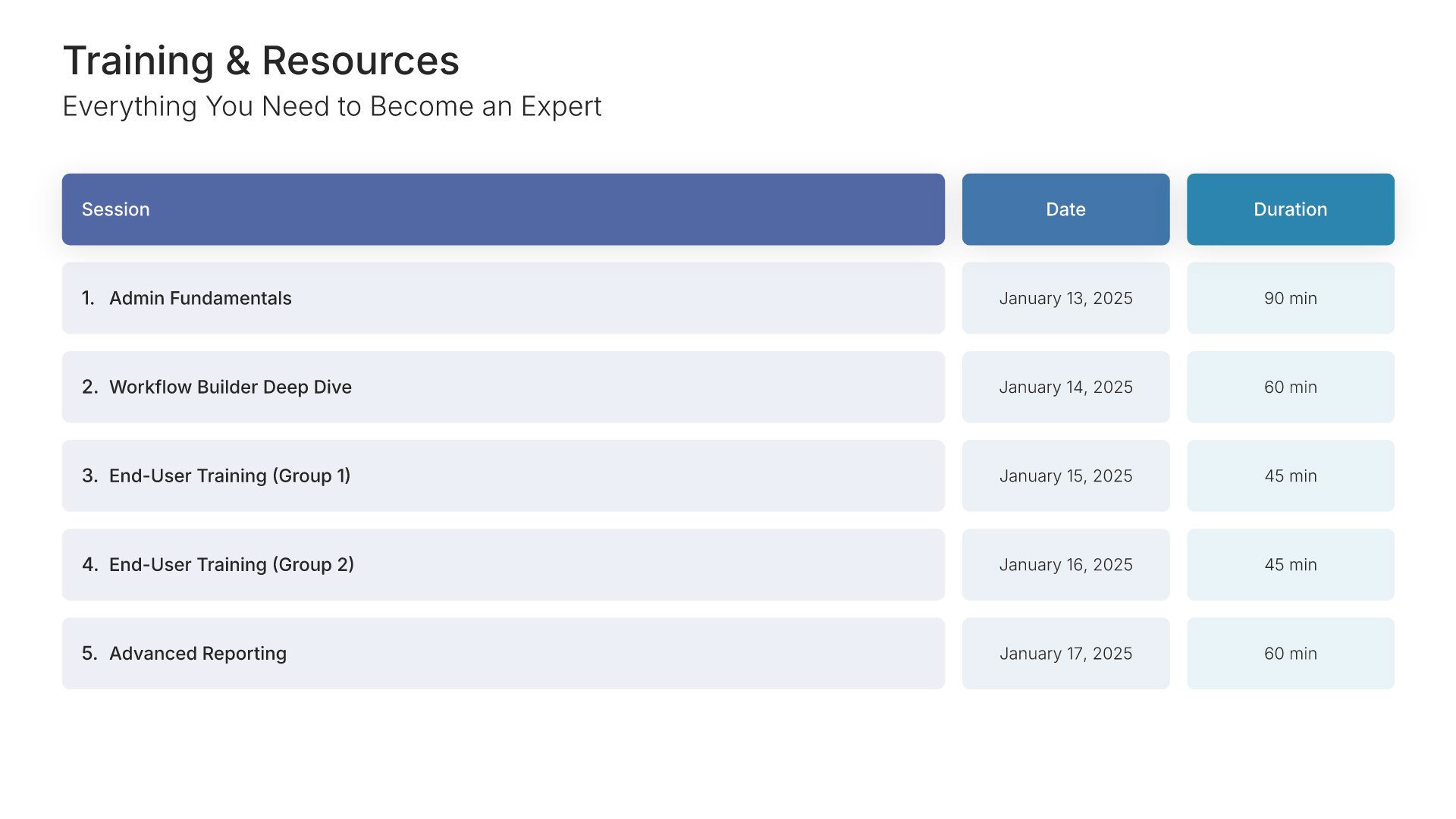
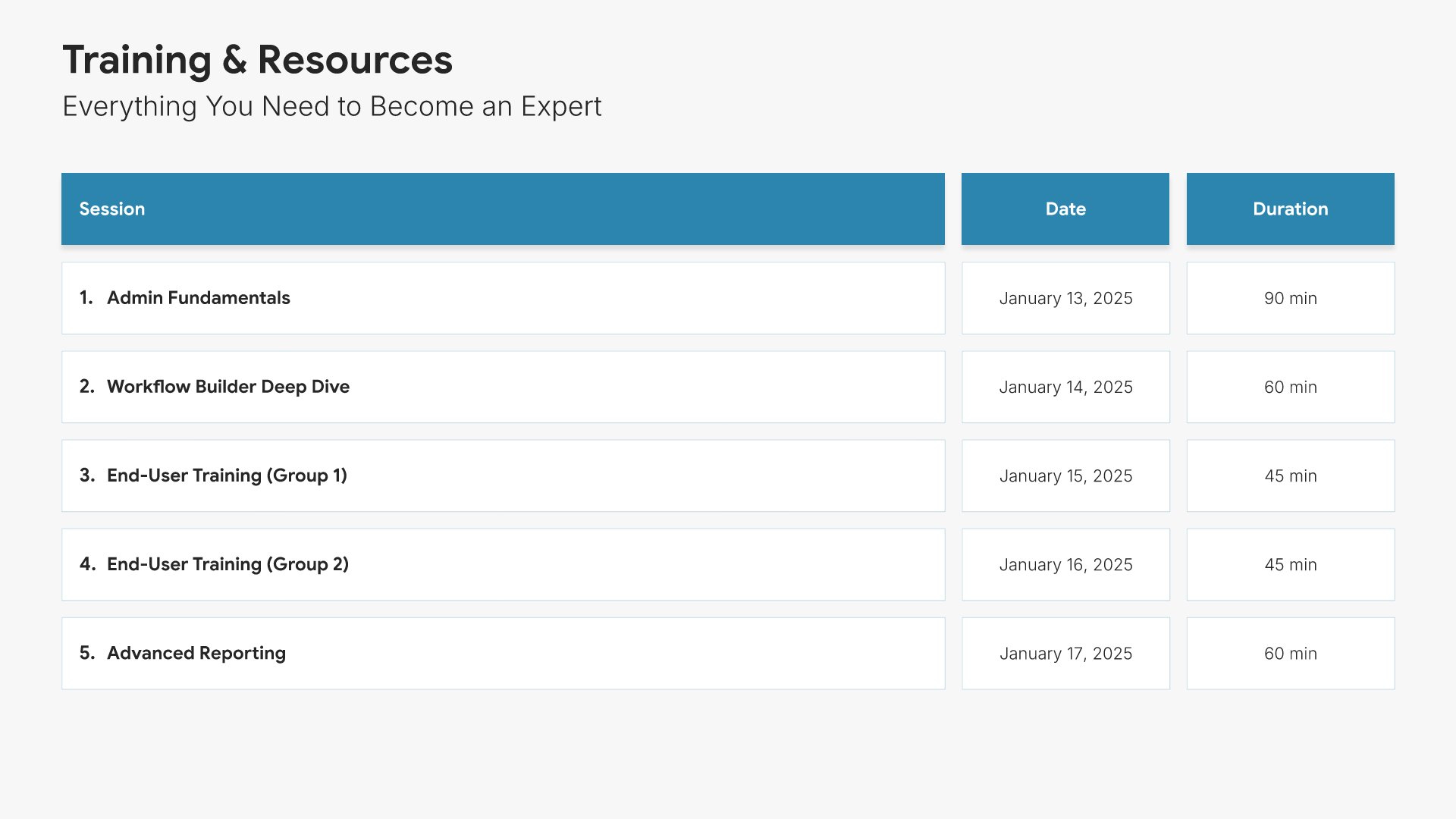
8. Training & Resources

Training and resources slides help you present the learning paths and materials available to new customers. Use them to outline training sessions, documentation, video tutorials, and certification options. A clear training and resources view ensures customers know exactly how to build expertise and where to turn when they need to learn more.
Built using Table slides

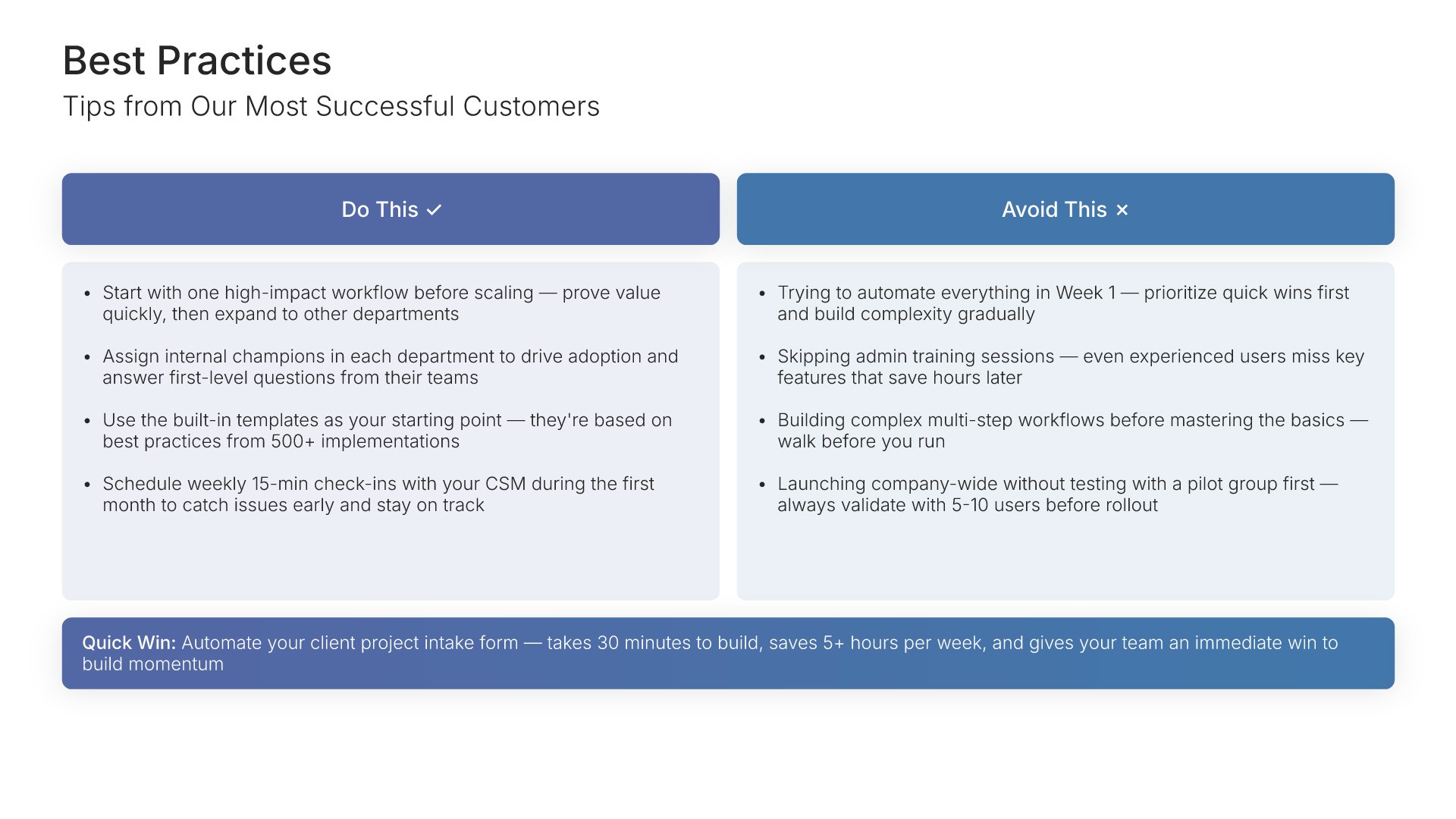
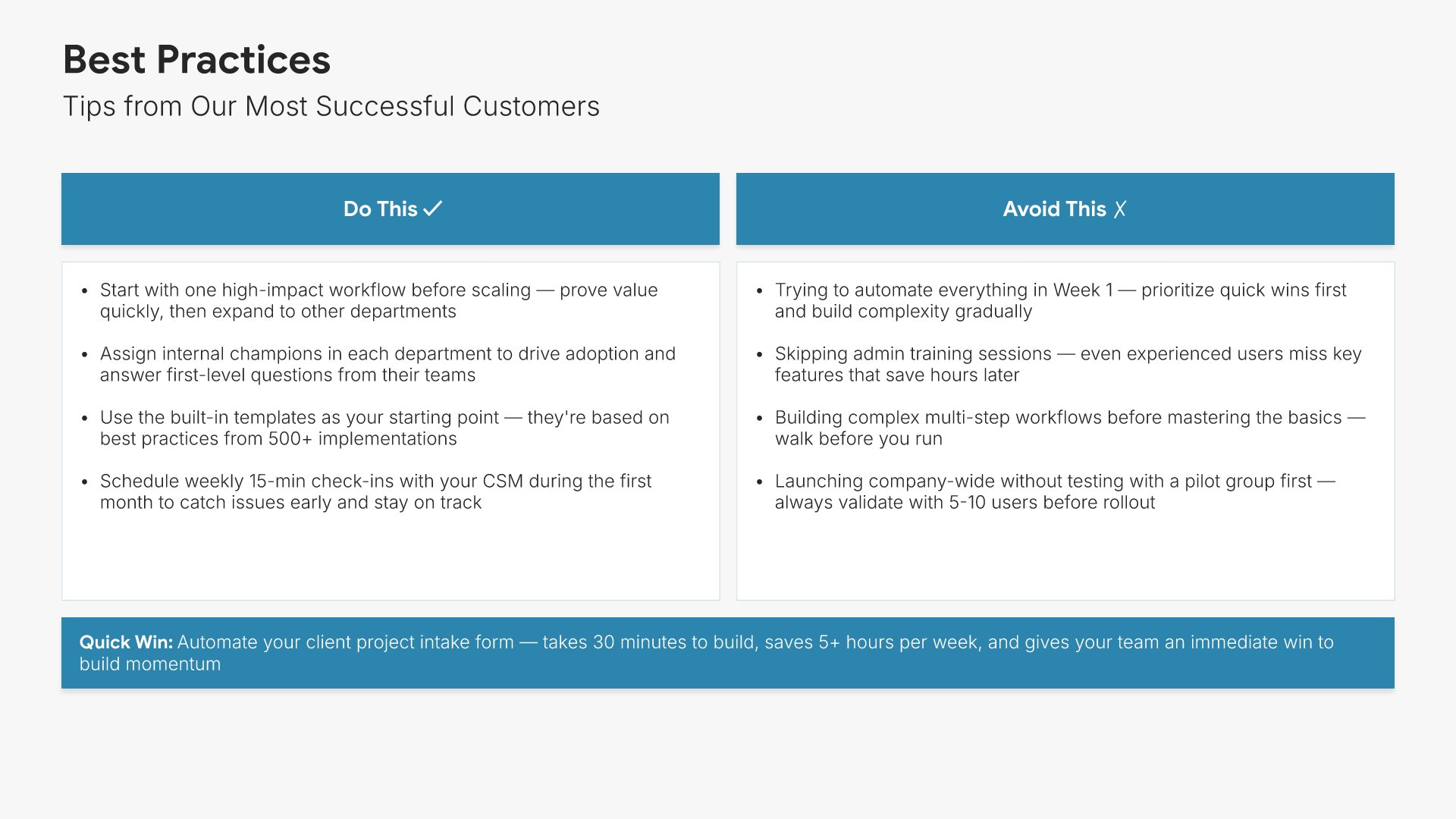
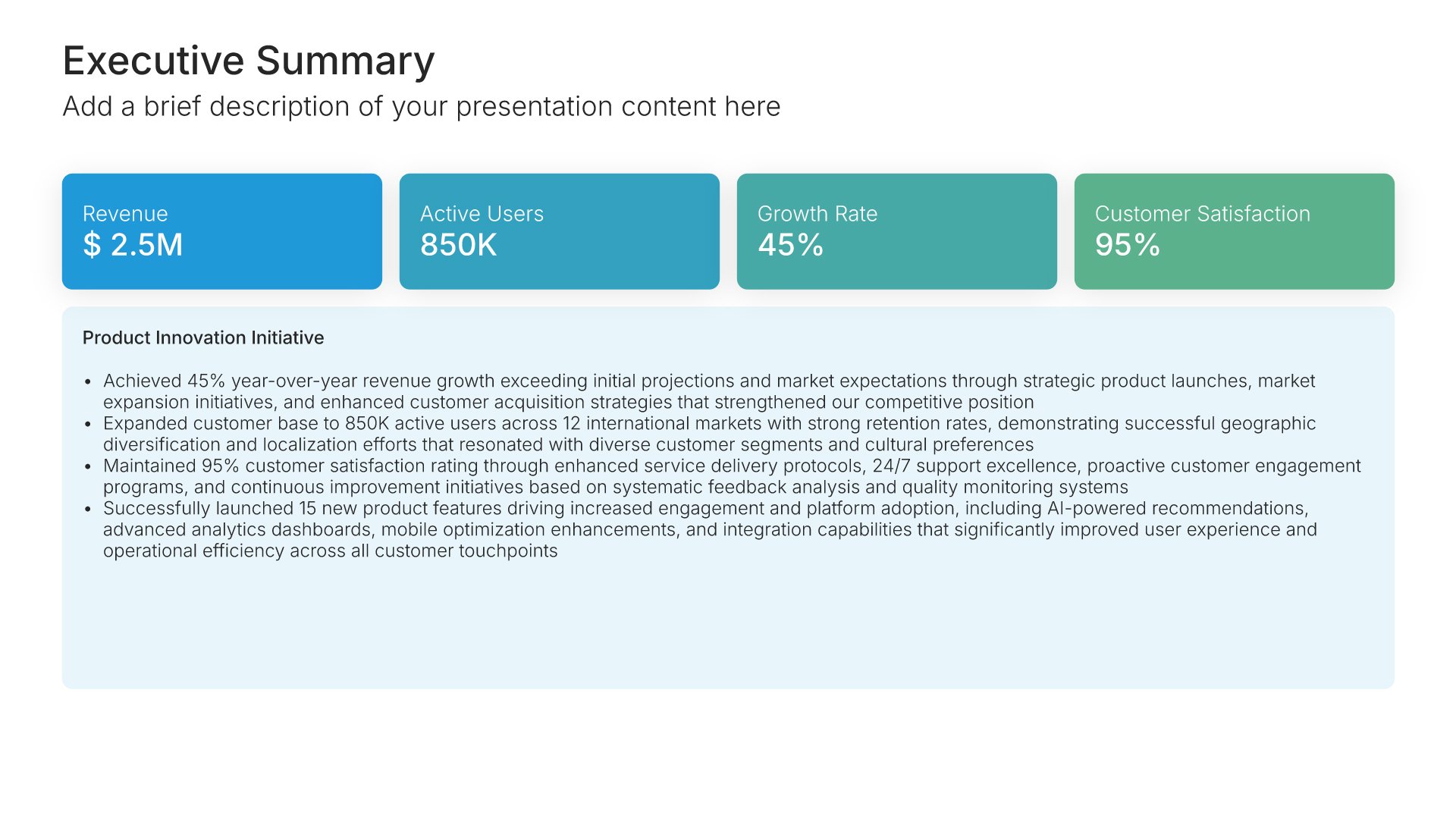
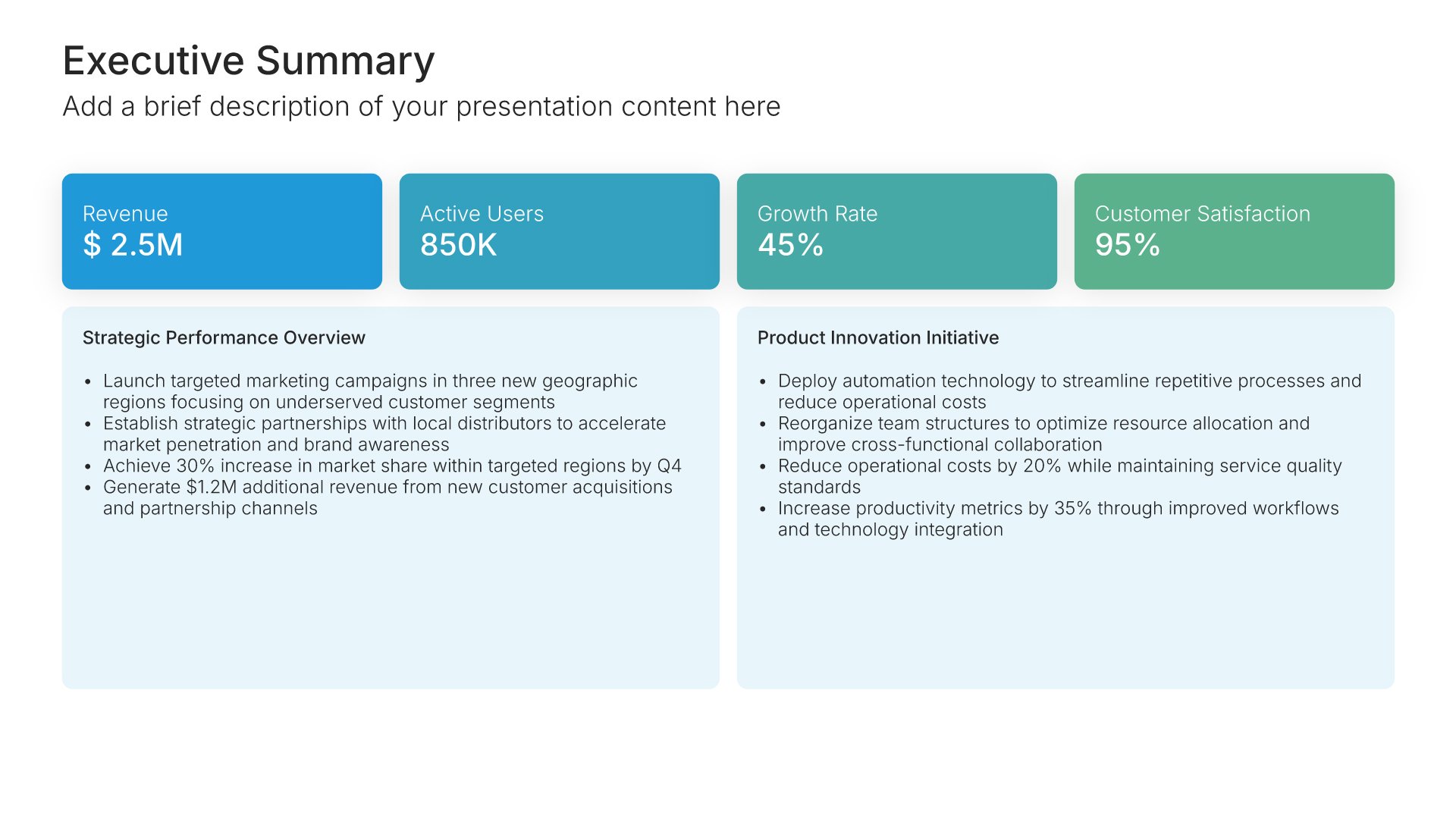
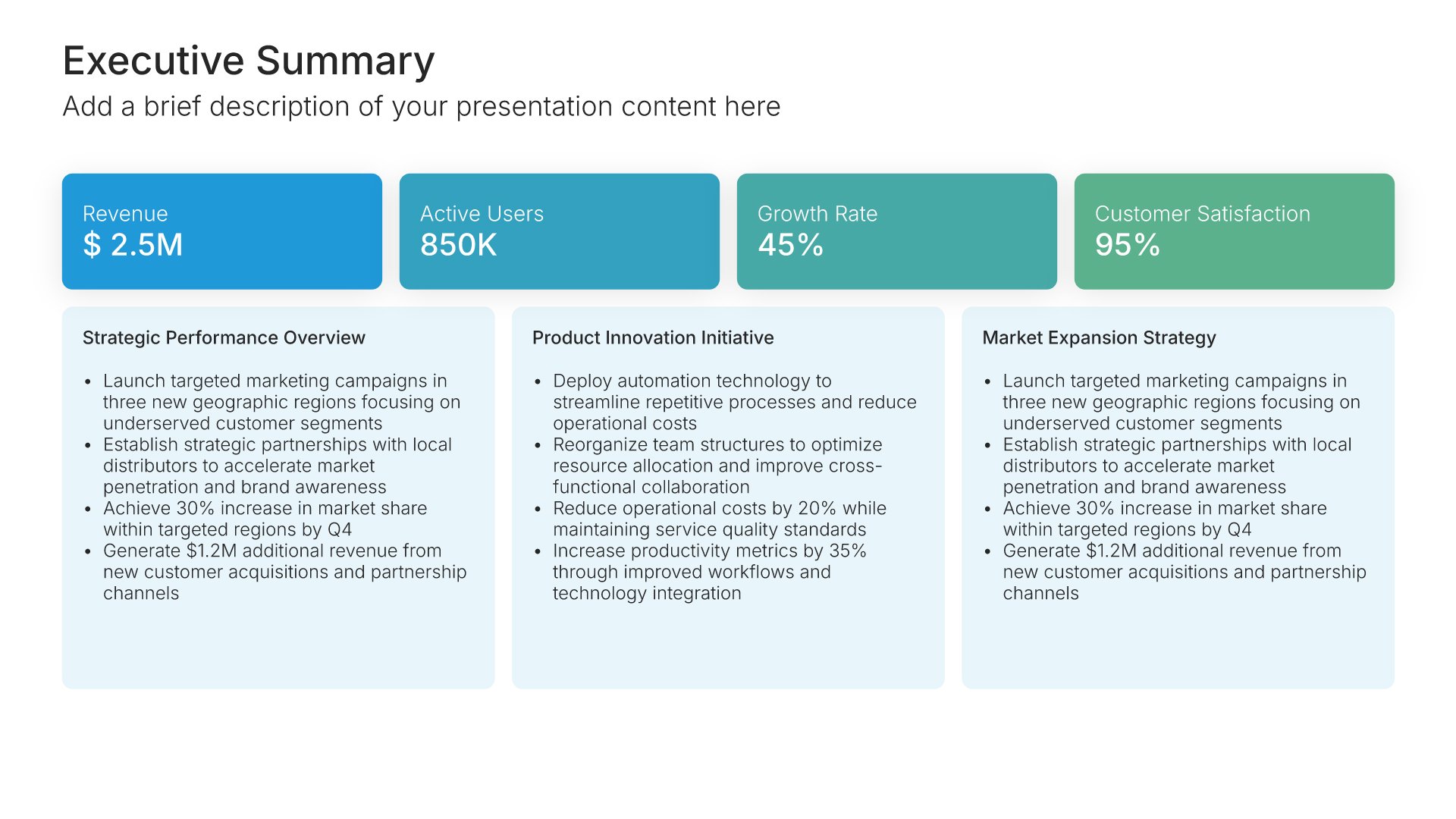
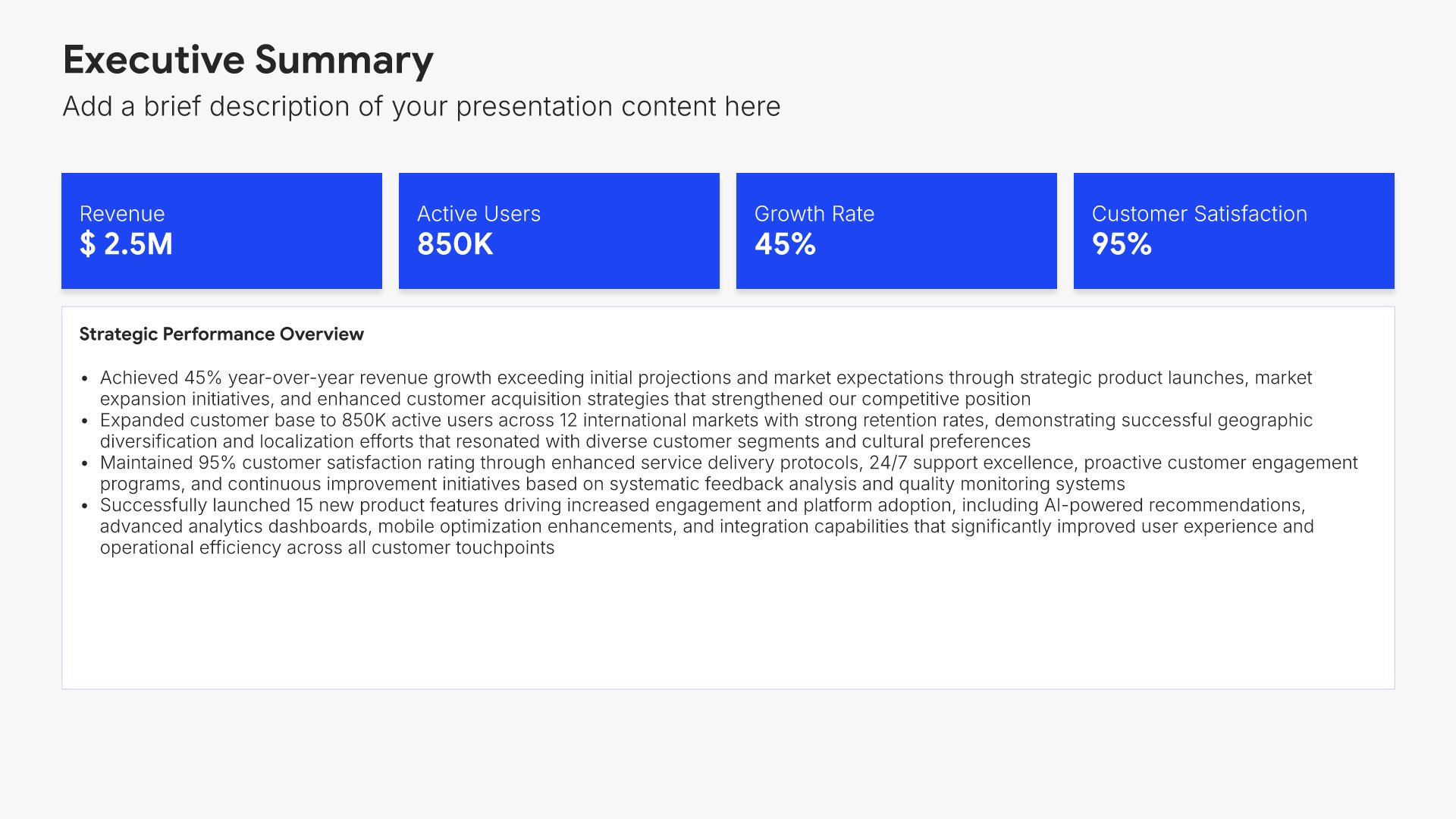
9. Best Practices

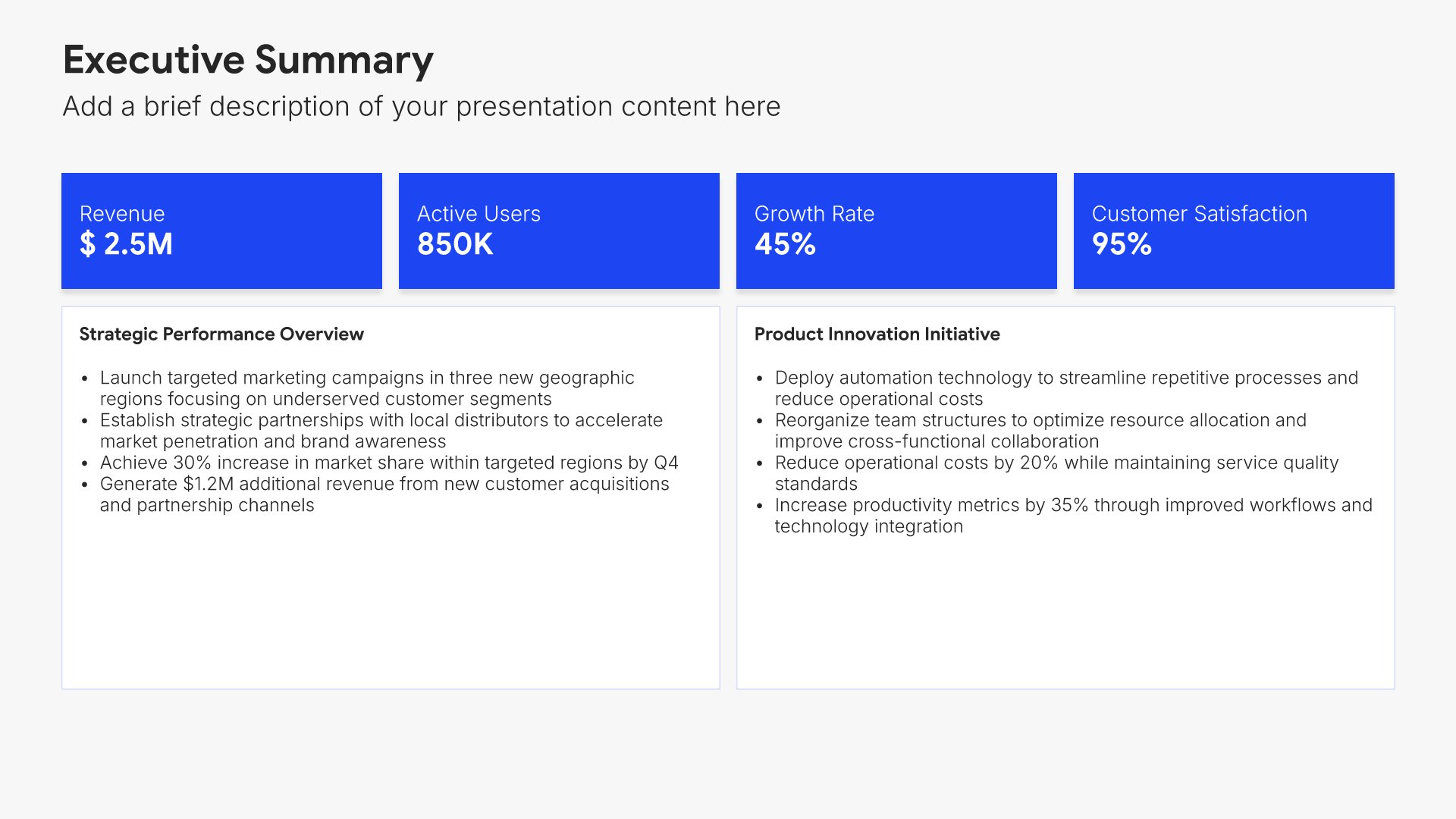
Best practices slides help you share what works and what to avoid based on customer experience. Use them to present tips for success, common pitfalls, and quick wins early customers have realized. A clear best practices view accelerates time to value and helps new customers benefit from the lessons of those who came before them.
Built using Executive Summary slides

10. Support & Escalation

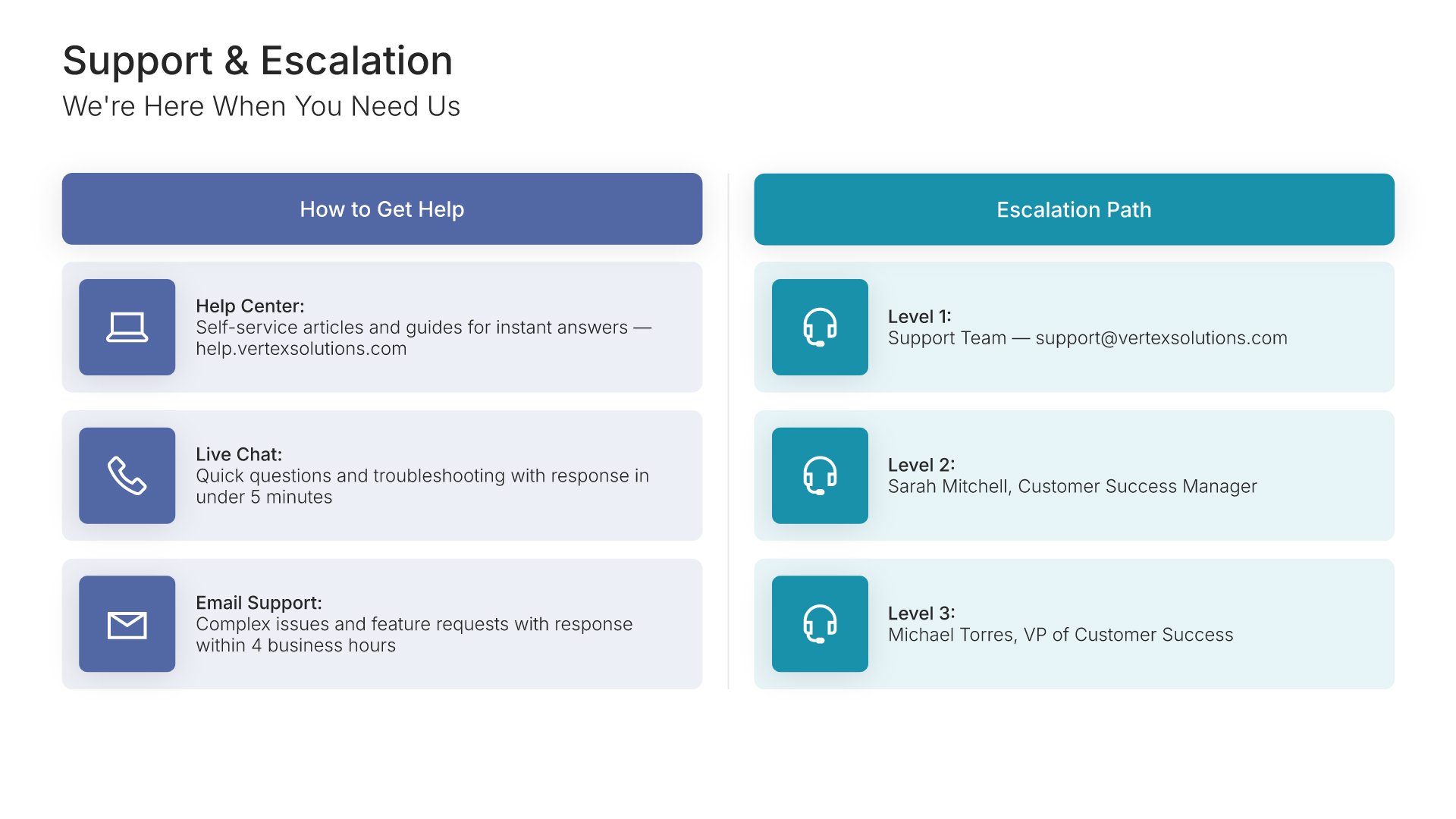
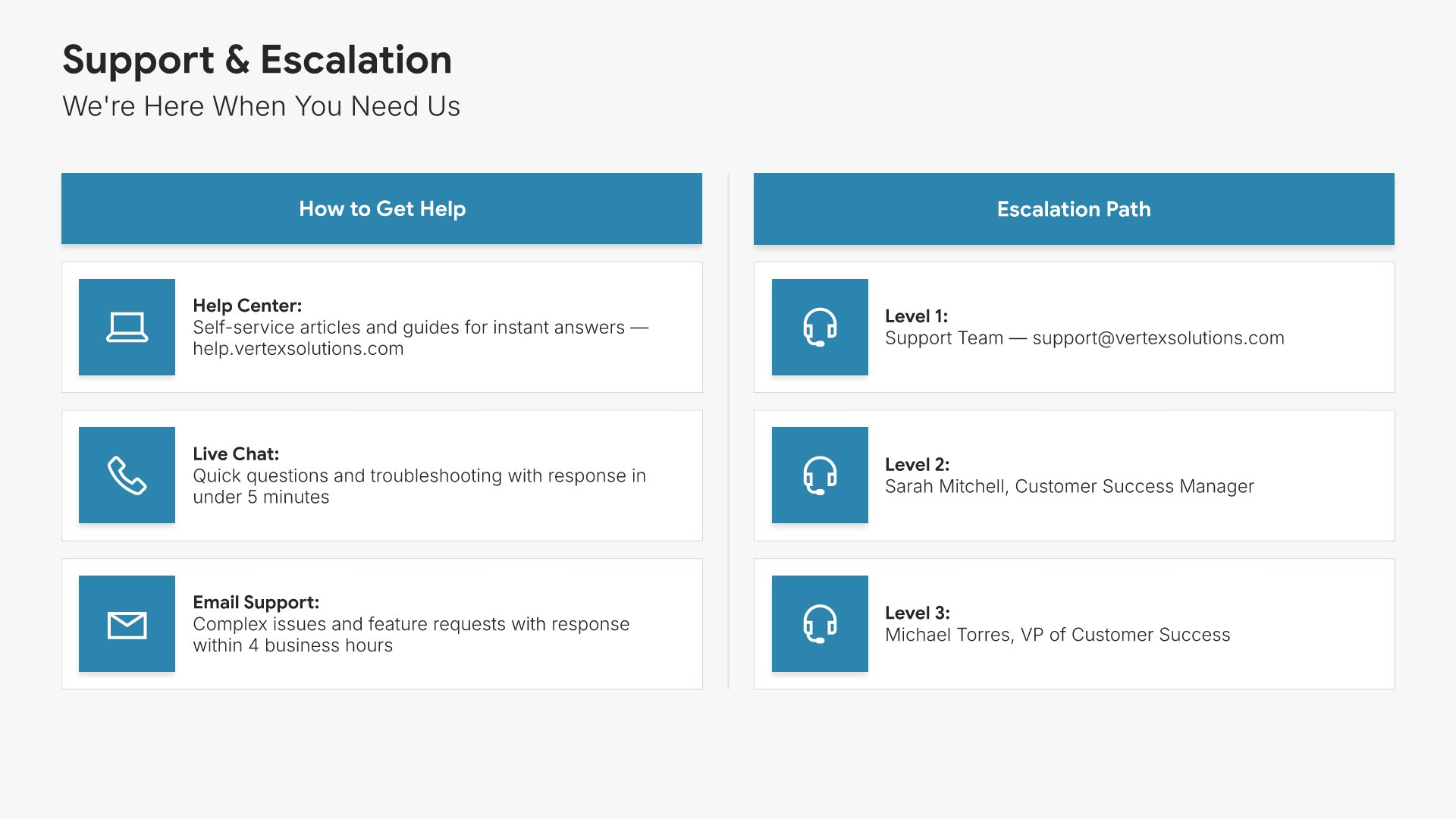
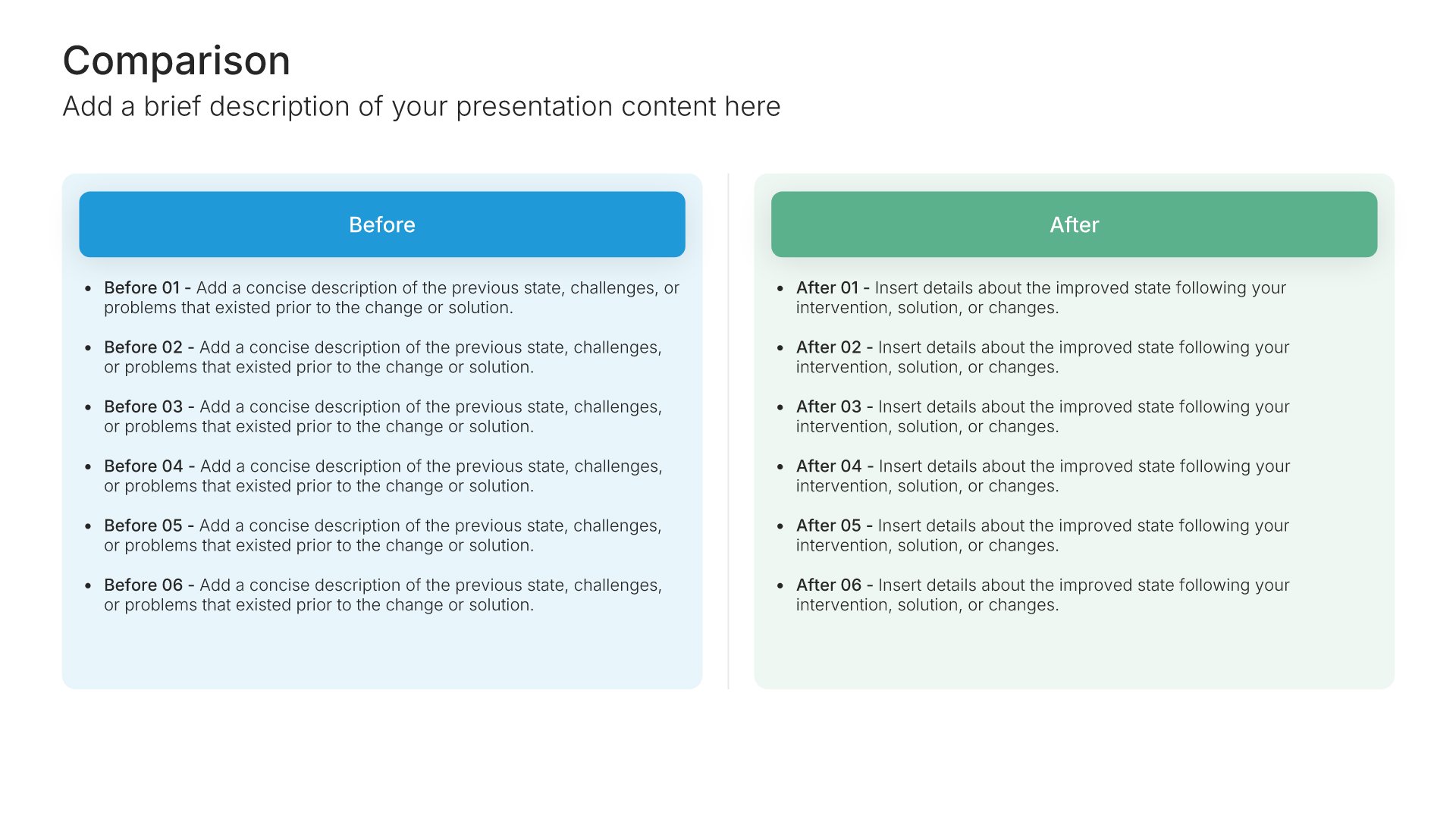
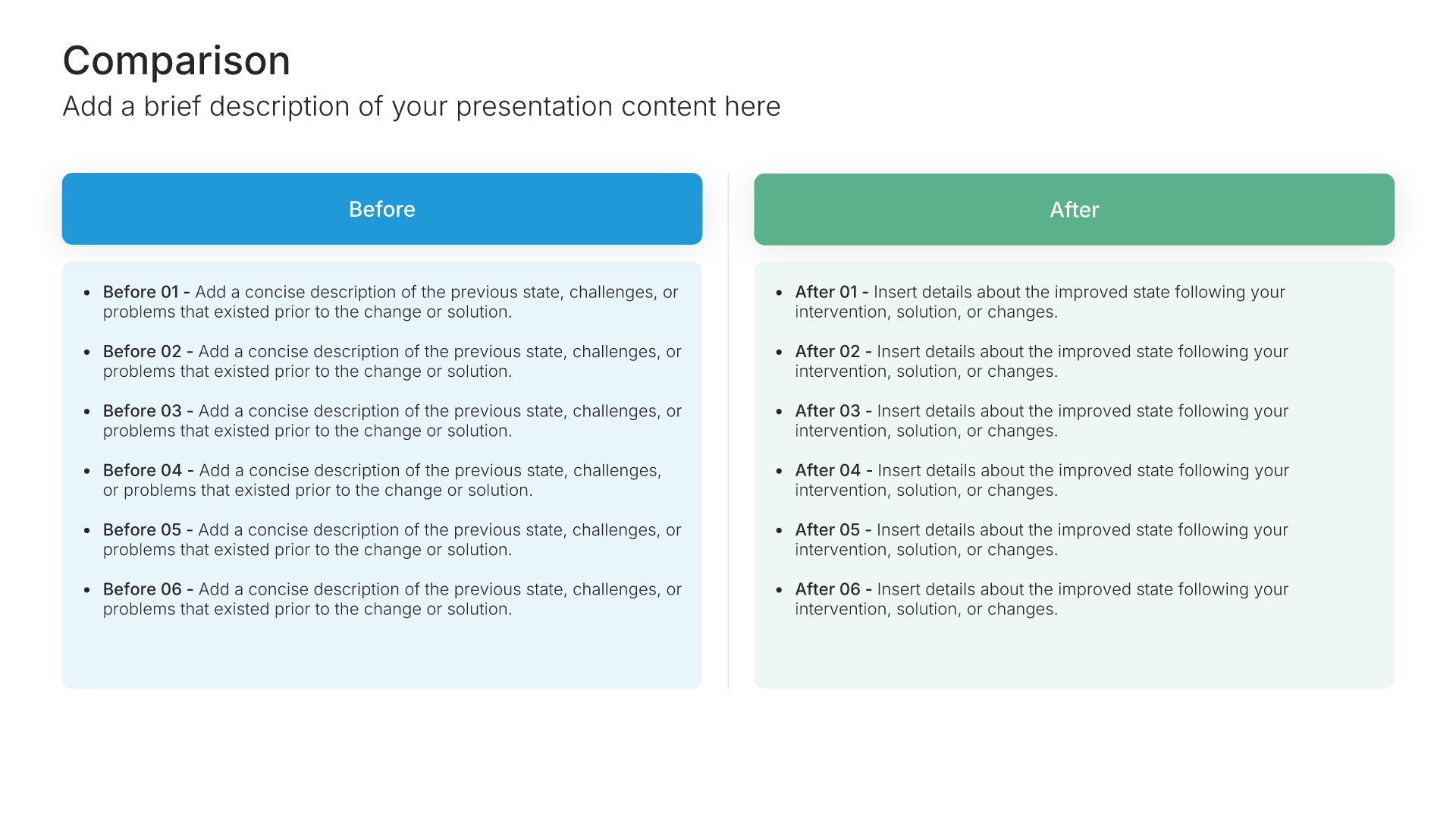
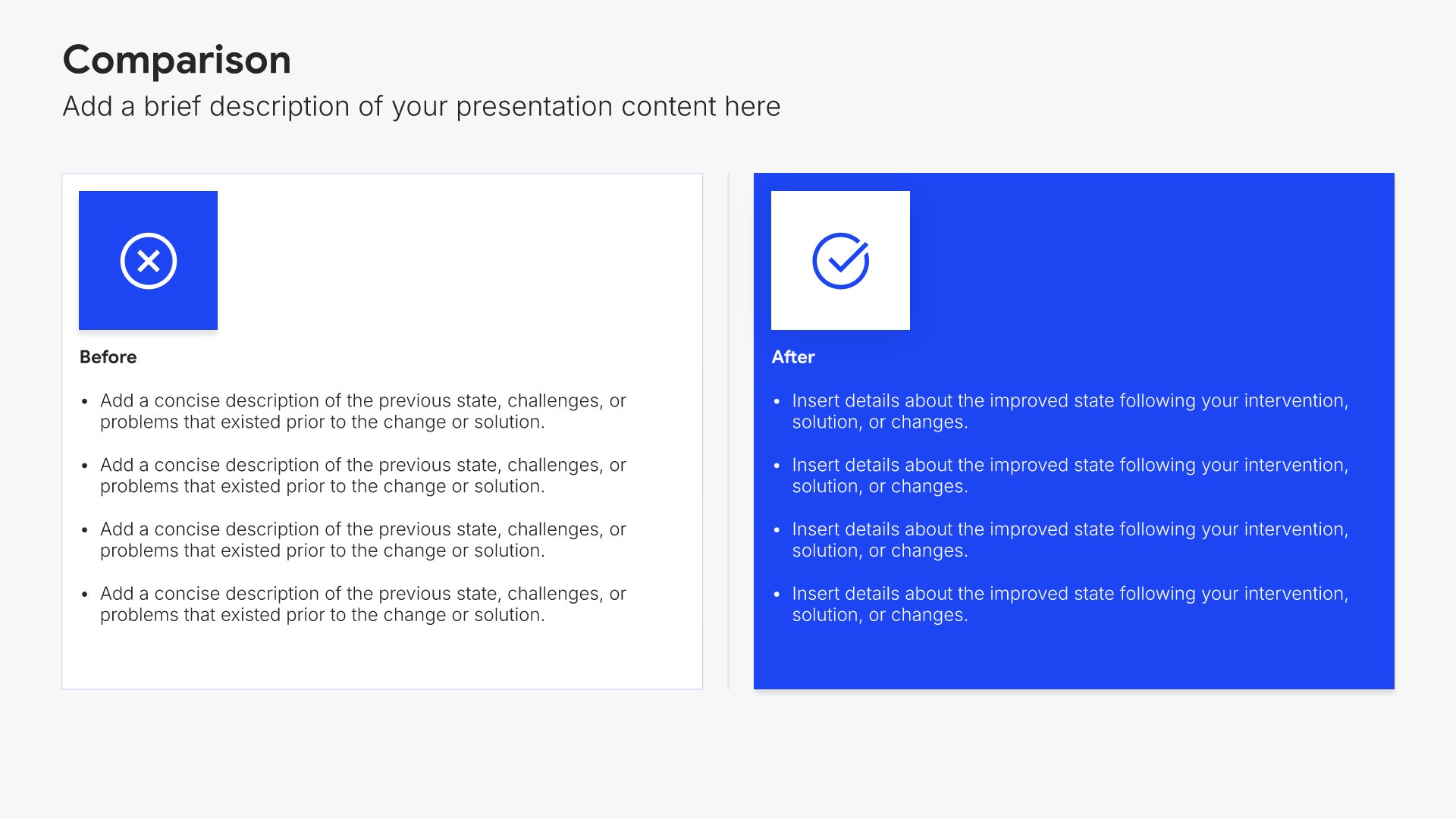
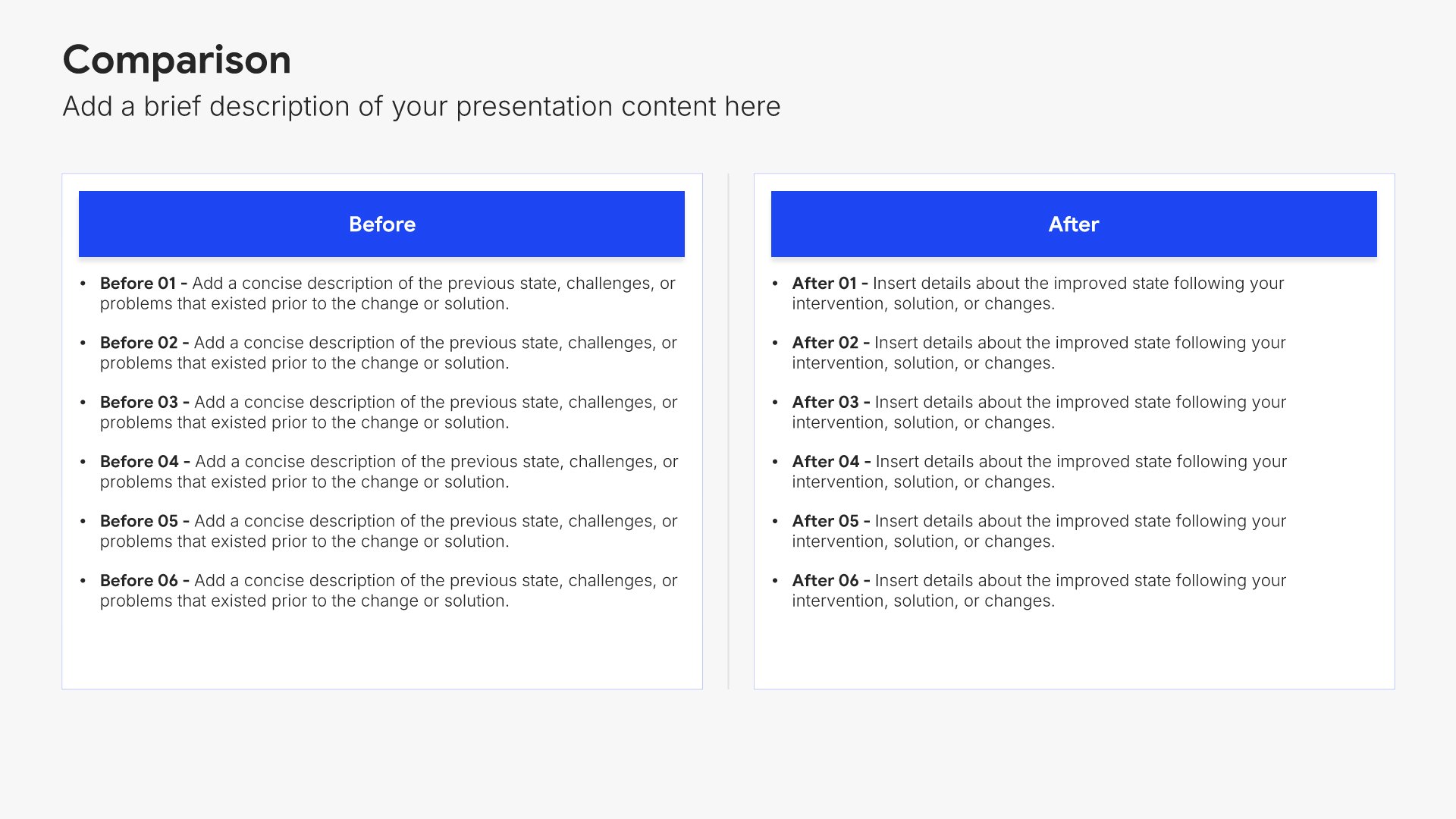
Support and escalation slides help you walk new customers through how to get help when they need it. Use them to present support channels, response times, and the escalation path for urgent issues. A clear support view ensures customers always know where to turn and gives them confidence that issues will be resolved promptly.
Built using Comparison slides

11. Success Metrics

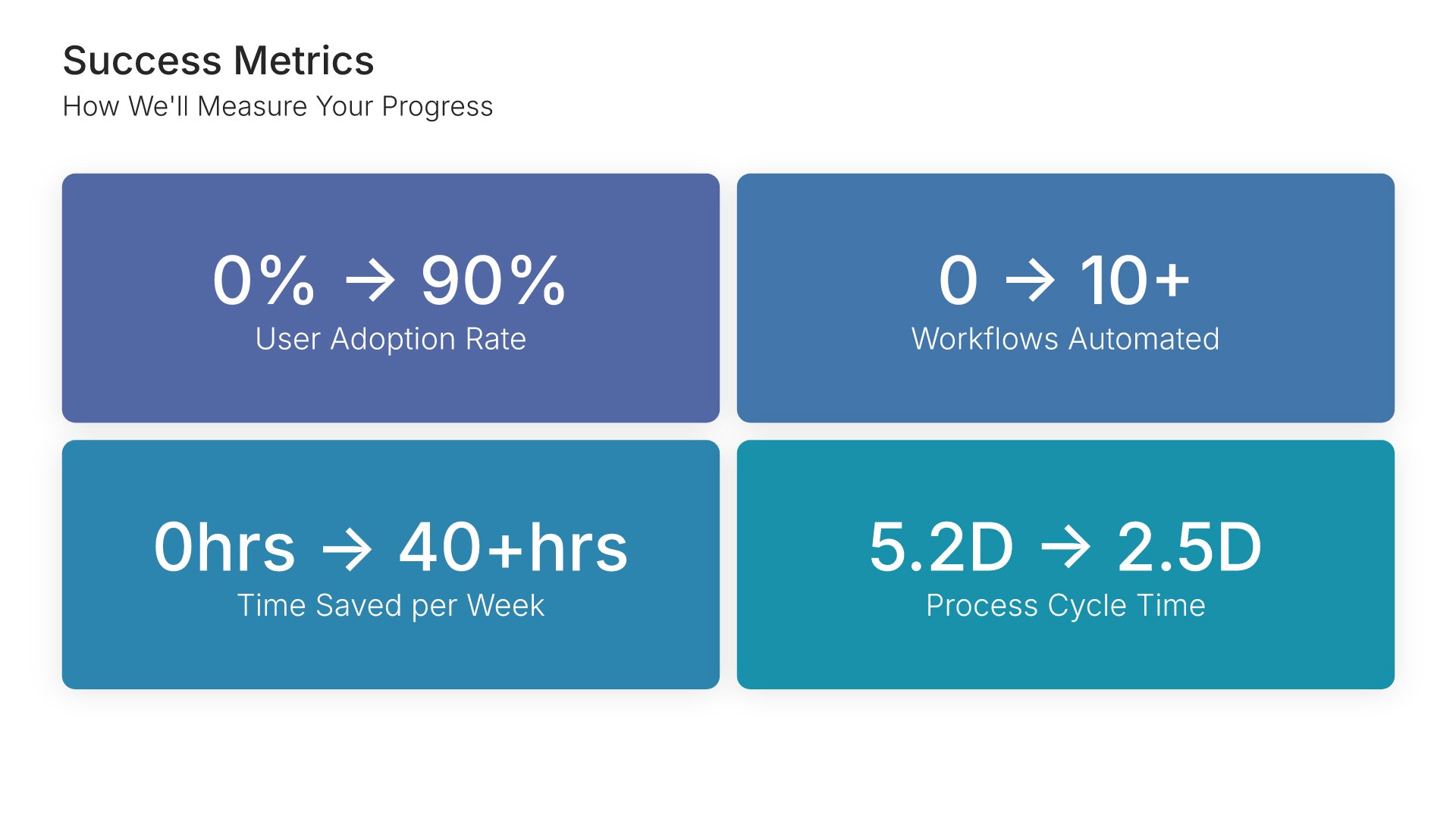
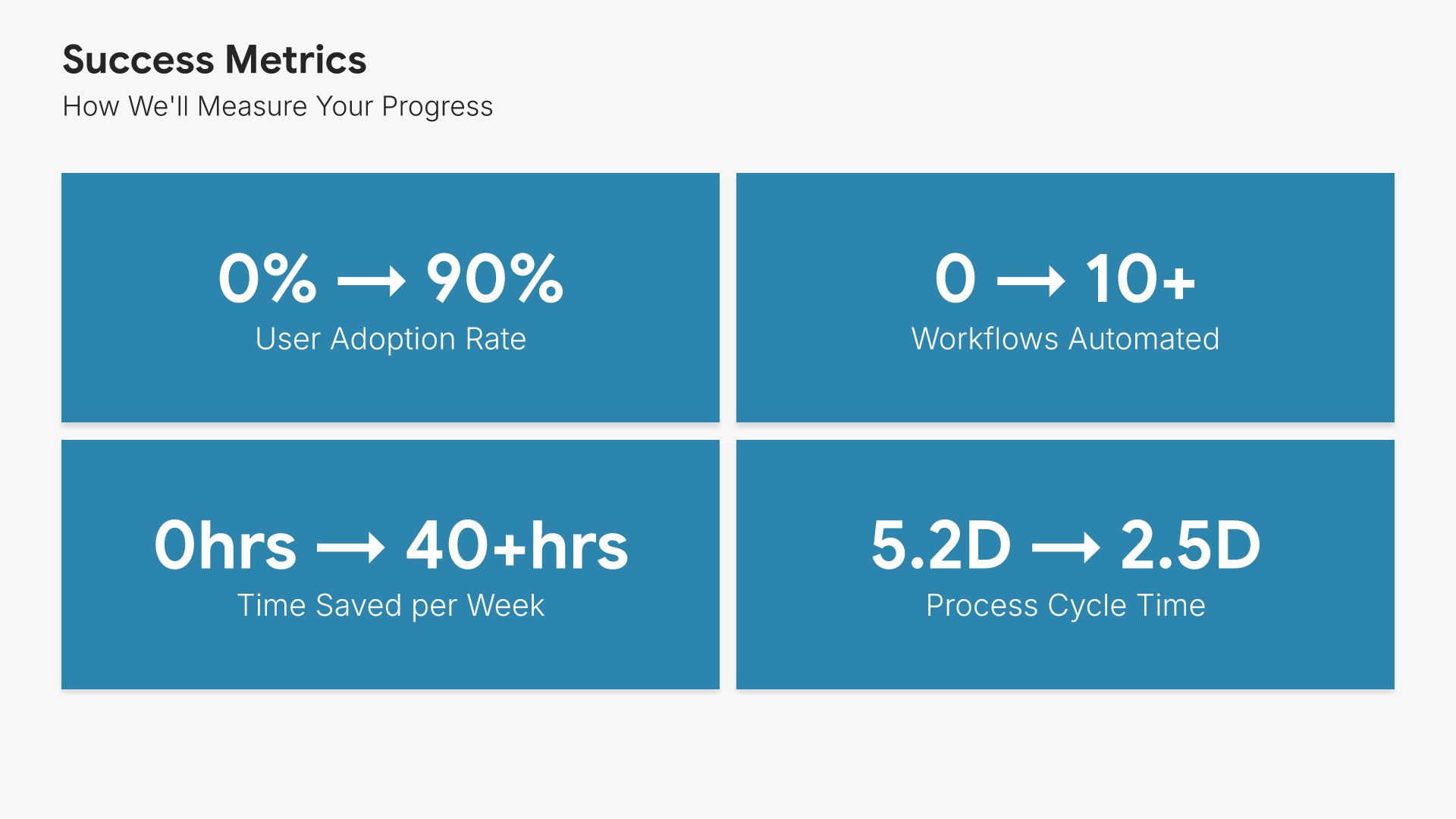
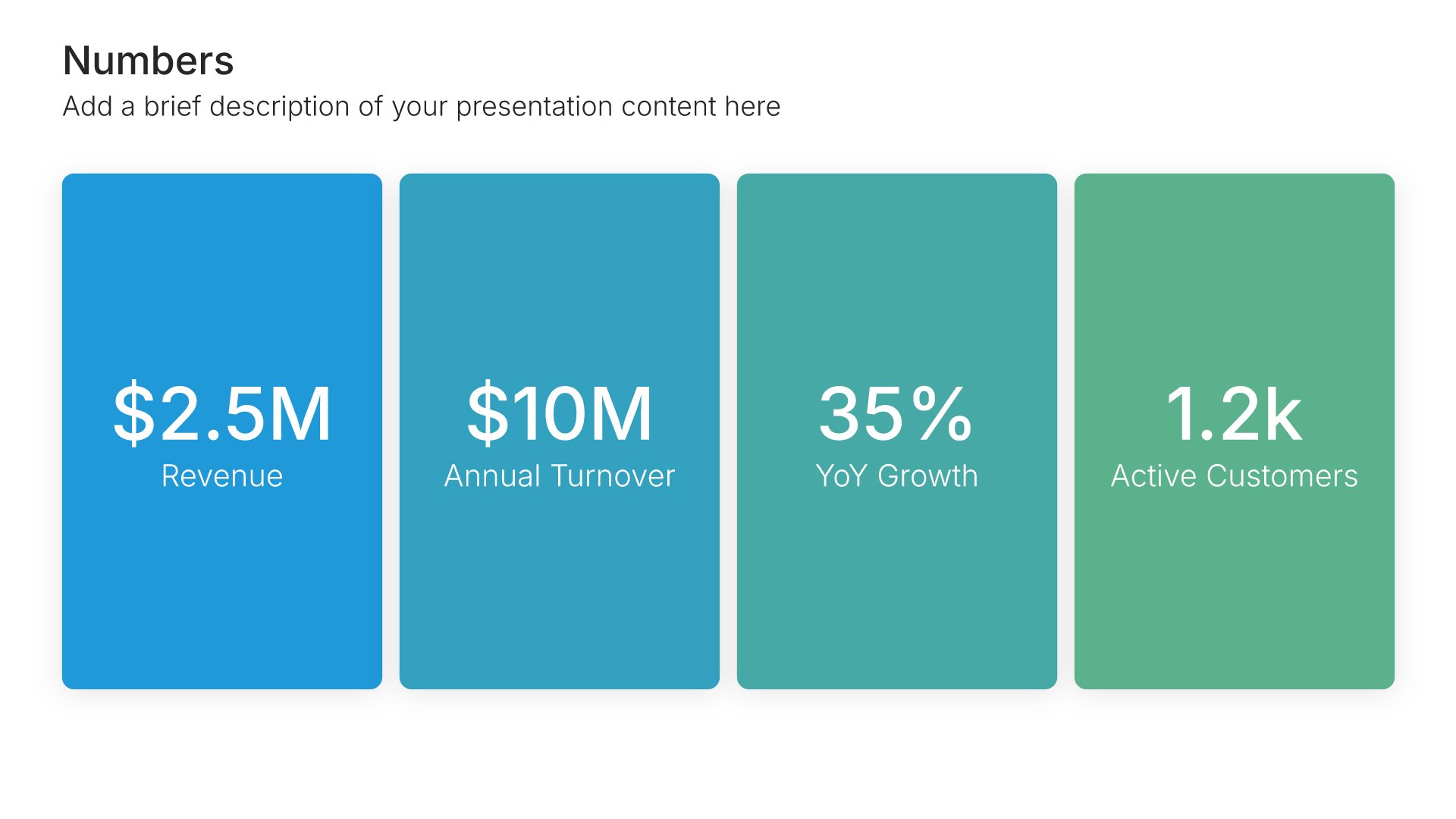
Success metrics slides help you define how project success will be measured. Use them to present KPIs, targets, and evaluation criteria that demonstrate accountability and enable objective assessment. Clear metrics show stakeholders how you will prove the project delivered expected value and justify the investment.
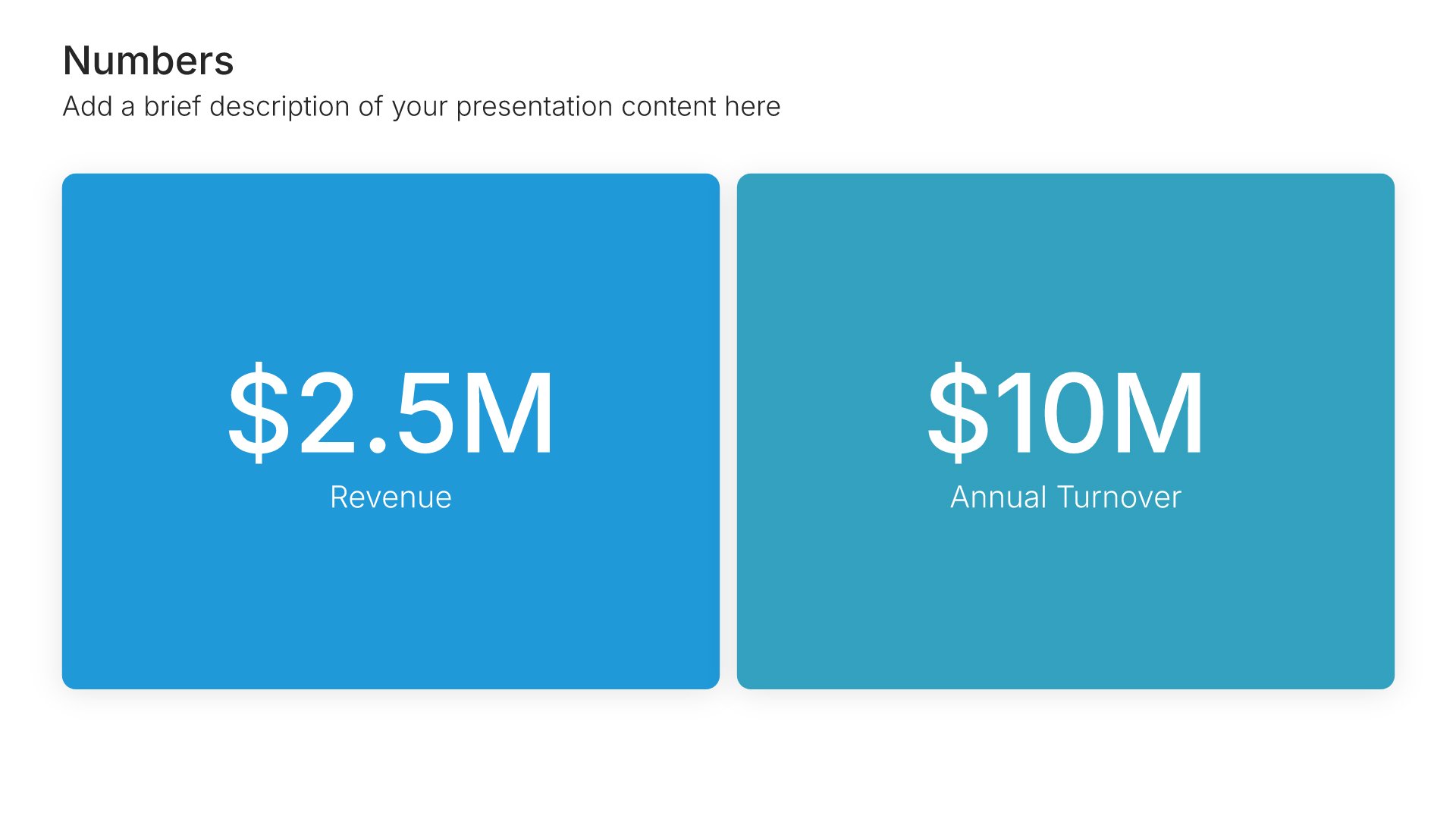
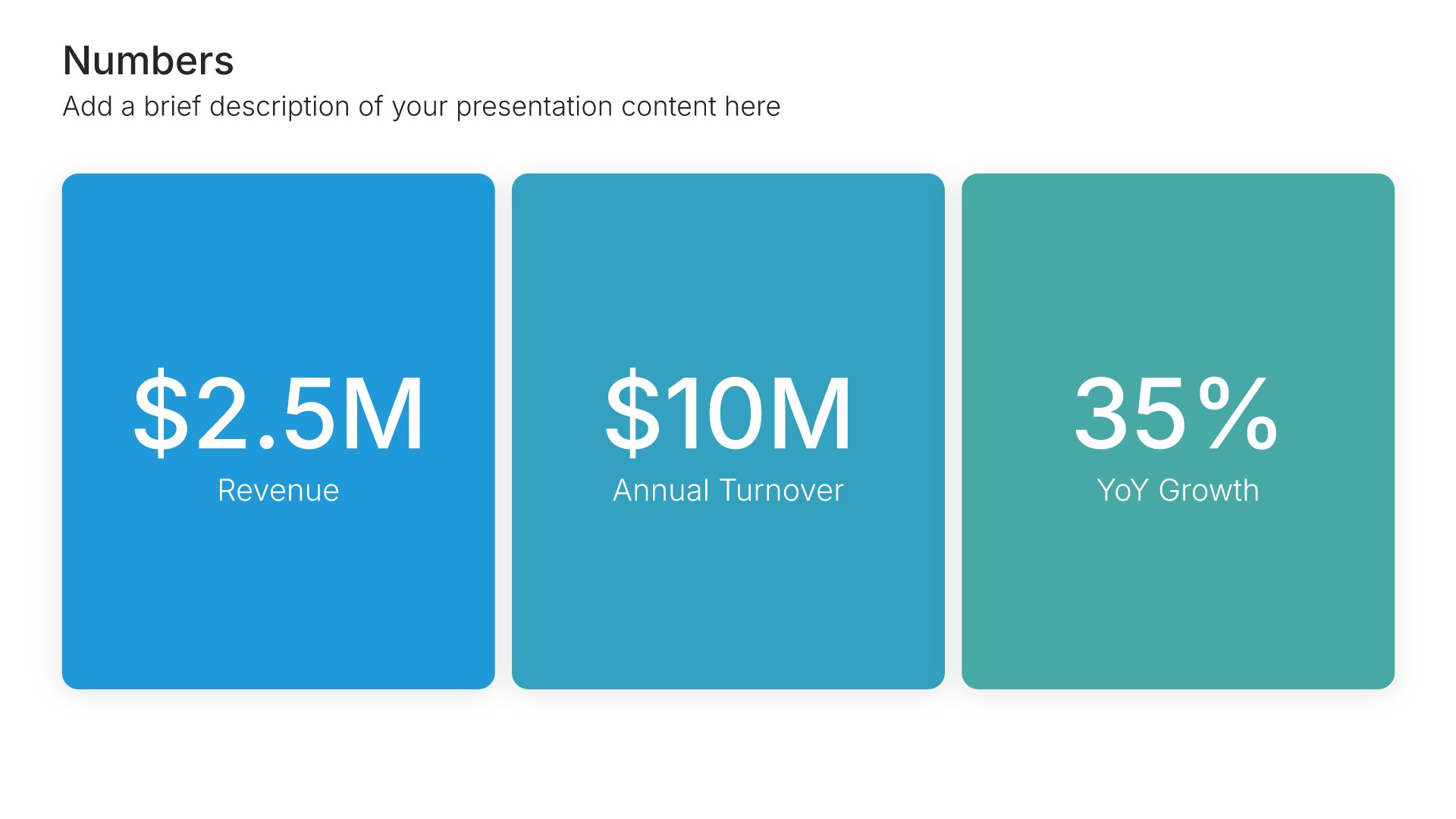
Built using Simple Numbers slides

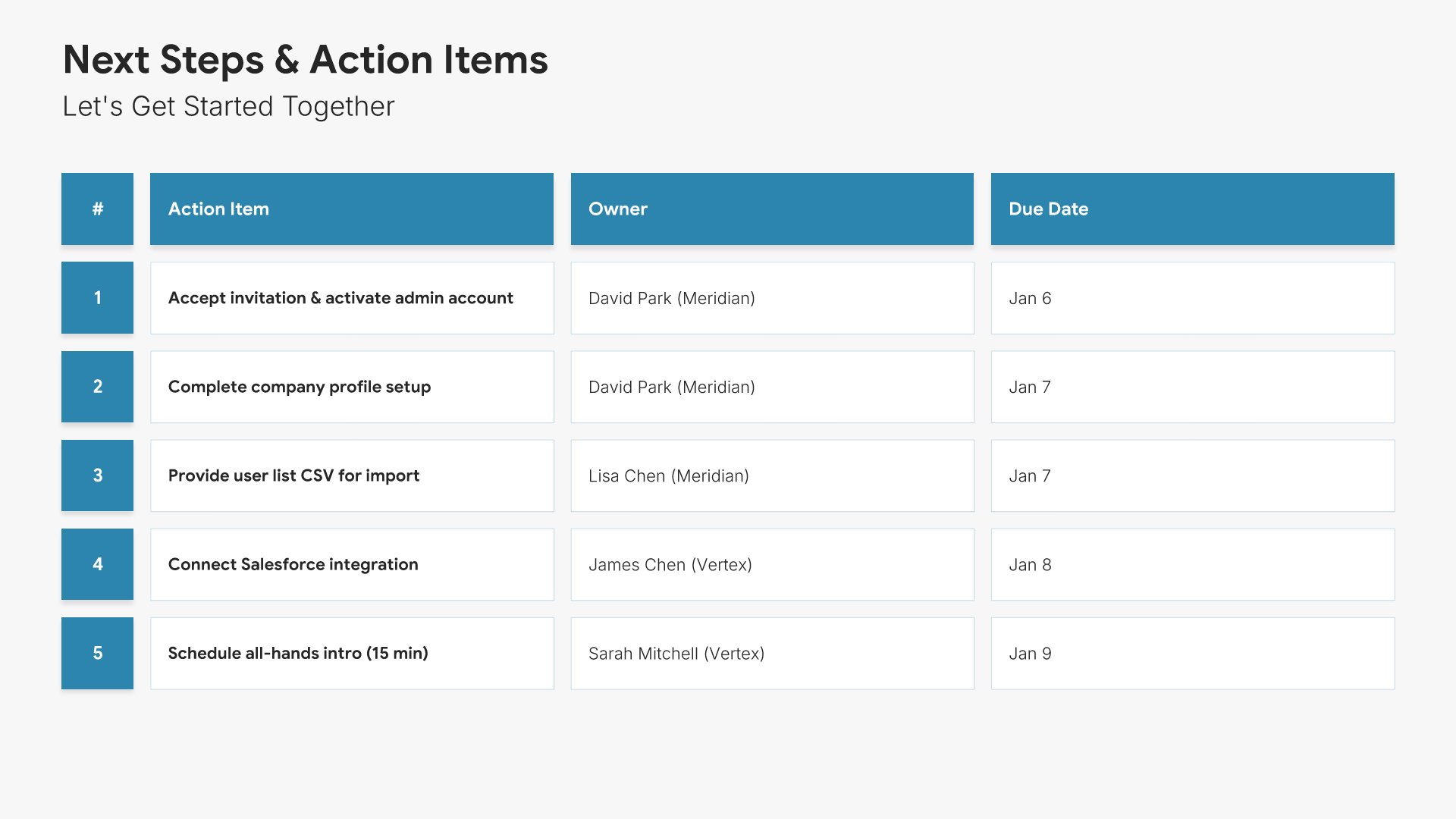
12. Next Steps

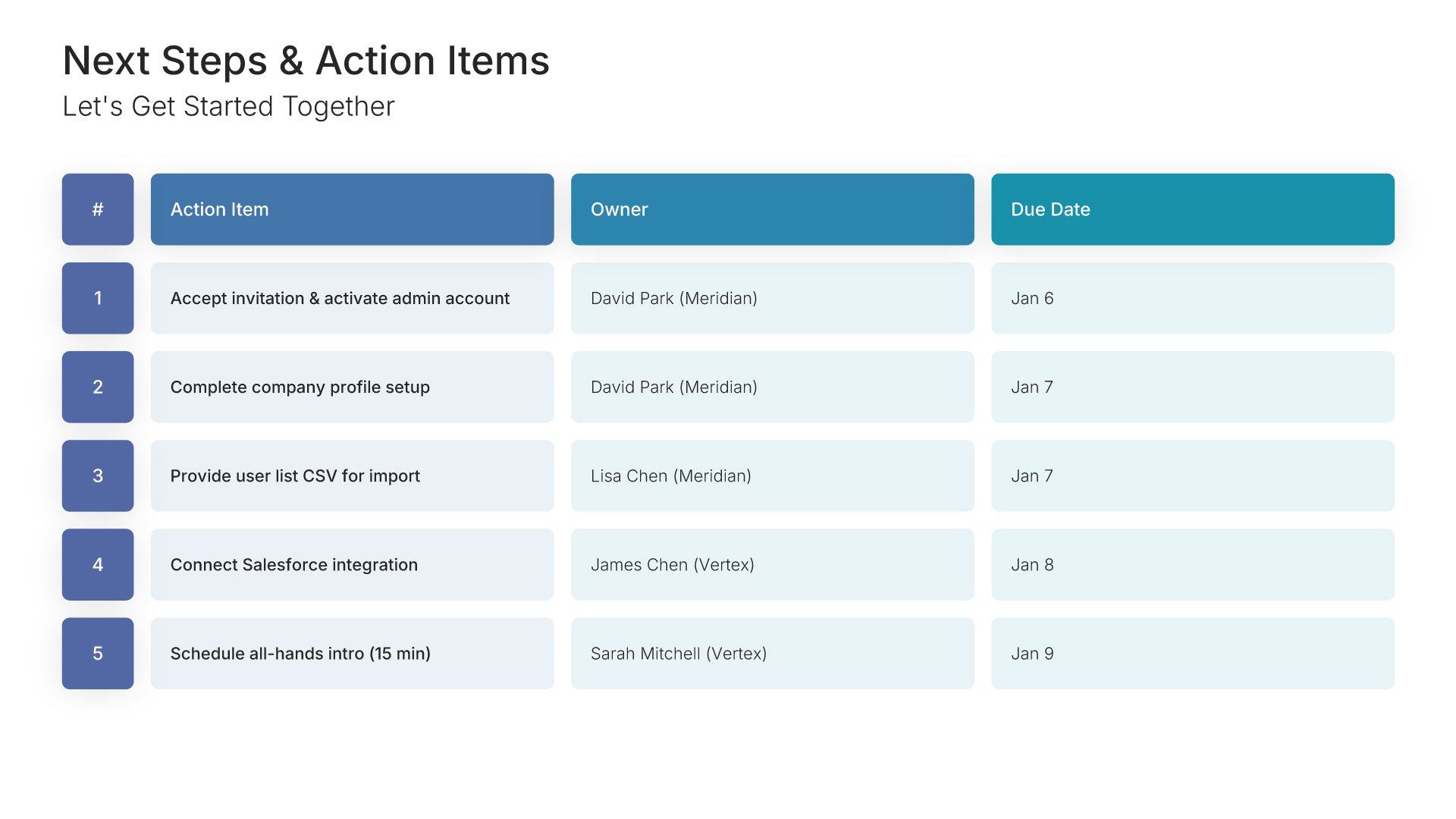
Next steps slides help you guide your audience toward action after your presentation. Use them to outline the specific actions, timeline, and commitments needed to move forward. Ideal for sales decks, proposals, and pitches where providing clear next steps keeps momentum going and advances the deal.
Built using Table slides

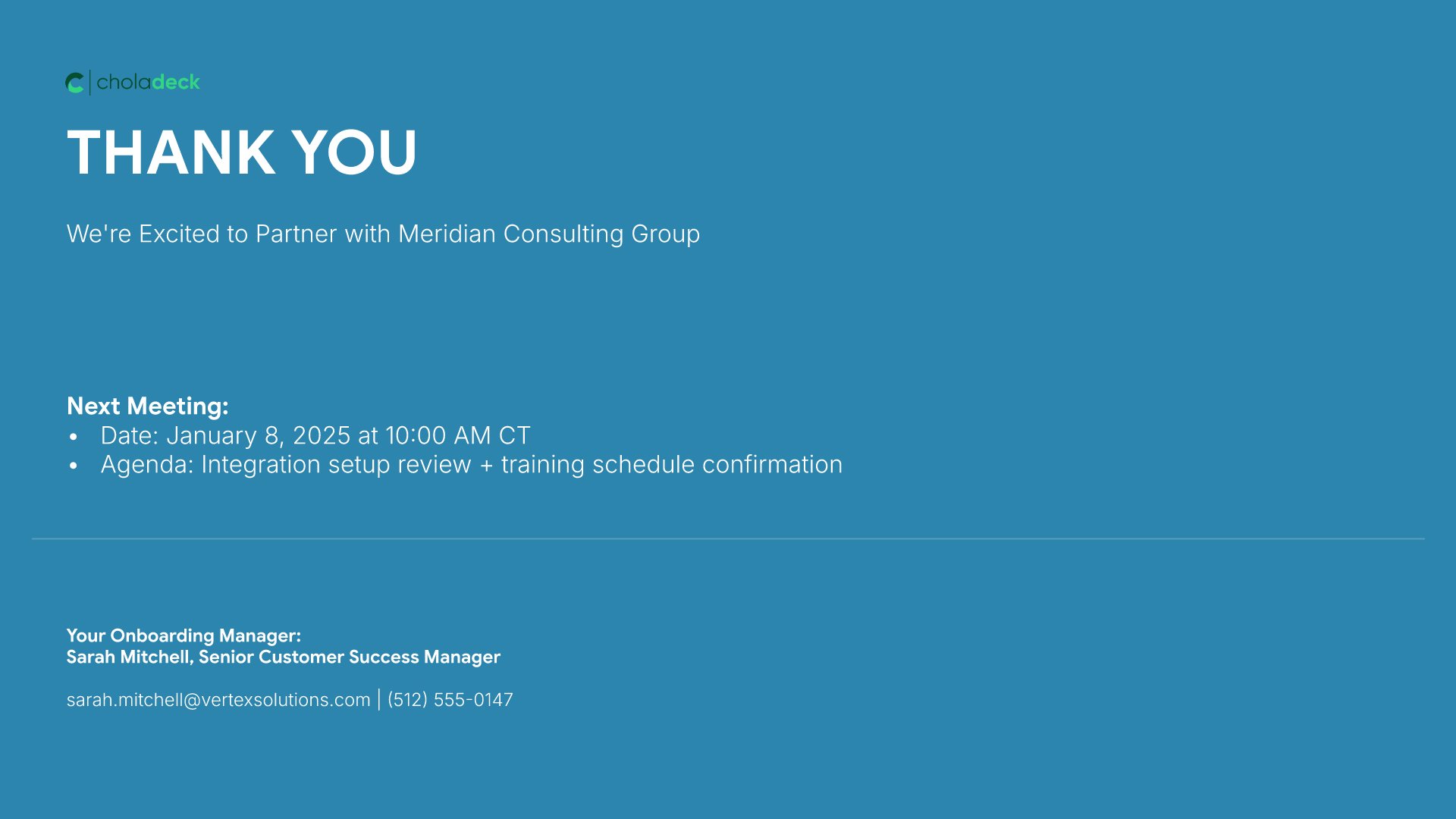
13. Thank You

Thank you slides help you close presentations professionally. Use them to end with gratitude, provide contact information, and leave a polished final impression. Ideal for any presentation where a professional closing reinforces your message and gives your audience a clear way to follow up or stay connected.
Built using Thank You slides

Build your Customer Onboarding presentation with Choladeck

Transform your Customer Onboarding vision into reality with Choladeck’s user-friendly platform. Follow our step-by-step guide, harnessing our vast collection of slides and tools, to create a compelling and cohesive presentation that resonates with your audience.

Step 1

Browse & Select

Explore over 9,172+ professionally designed slides across 134 categories. Or if you want a head start, pick from 74+ premade presentation templates. Whatever you need, it's probably already here.

Step 2

Customize Your Slides

Swap icons and images instantly from our built-in libraries. Use Pointers to choose your count (2-box, 3-box, 4-box) and Variations to pick your design style. No more settling for "close enough." Get the exact slide you need.

Step 3

Brand Your Presentation

Add your logo, apply your brand colors, choose your fonts, and set custom backgrounds. One click and your entire presentation looks like it was made just for you. Because it was.

Step 4

Export Your Presentation

When you're ready, export to PowerPoint, Google Slides, or Keynote with a single click. Continue editing in your favorite tool if you want. Your workflow, your way.

Try Choladeck for free today and experience the ease of creating remarkable presentations.

No Sign-in or Credit Card Required

Wait!

Before you go, have you had the chance to experience Choladeck? If not try out – Choladeck for absolutely FREE!!

No Sign-in or Credit Card Required

Experience Choladeck Yourself!
Why just read about it when you can experience it? Dive into our presentation library – absolutely FREE!

No Sign-in or Credit Card Required