Try Choladeck Free: Download Personalized Business Slides Today

Executive Financial Report Premade Template

A streamlined executive financial report template designed for board and C-suite audiences who need the financial story at a glance. Built on the Classic Board/C-Suite Model, this presentation covers financial highlights, revenue, profitability, cash flow, budget variances, KPIs, risks, and outlook. Ideal for quarterly board updates and executive reviews.
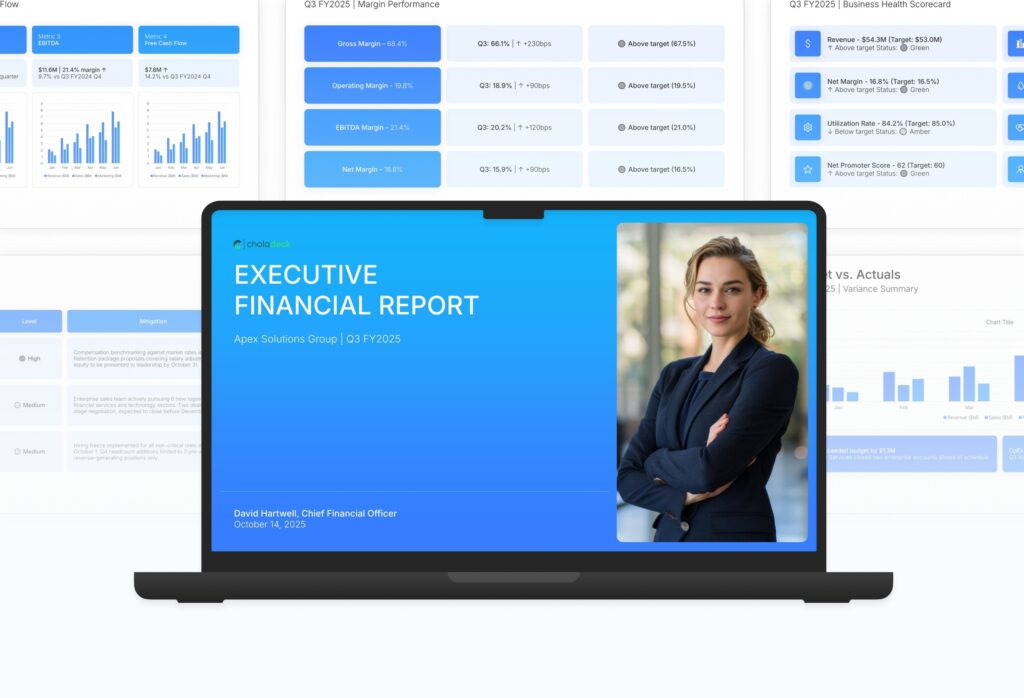

Executive Financial Report Featured Image

How to Build a Executive Financial Report Presentation

Learn how to create a focused executive financial report that gives your board and leadership the financial story without the noise. This comprehensive guide walks you through presenting highlights, profitability, cash flow, budget variances, and outlook in the streamlined format that busy executives need to make informed decisions.

1. Title

Title slides help you open presentations with impact. Use them to create strong first impressions with opening slides that set the tone, introduce your topic, and establish your brand. Ideal for any presentation where a polished, professional opening slide sets the stage for everything that follows.
Built using Title slides

2. Executive Summary

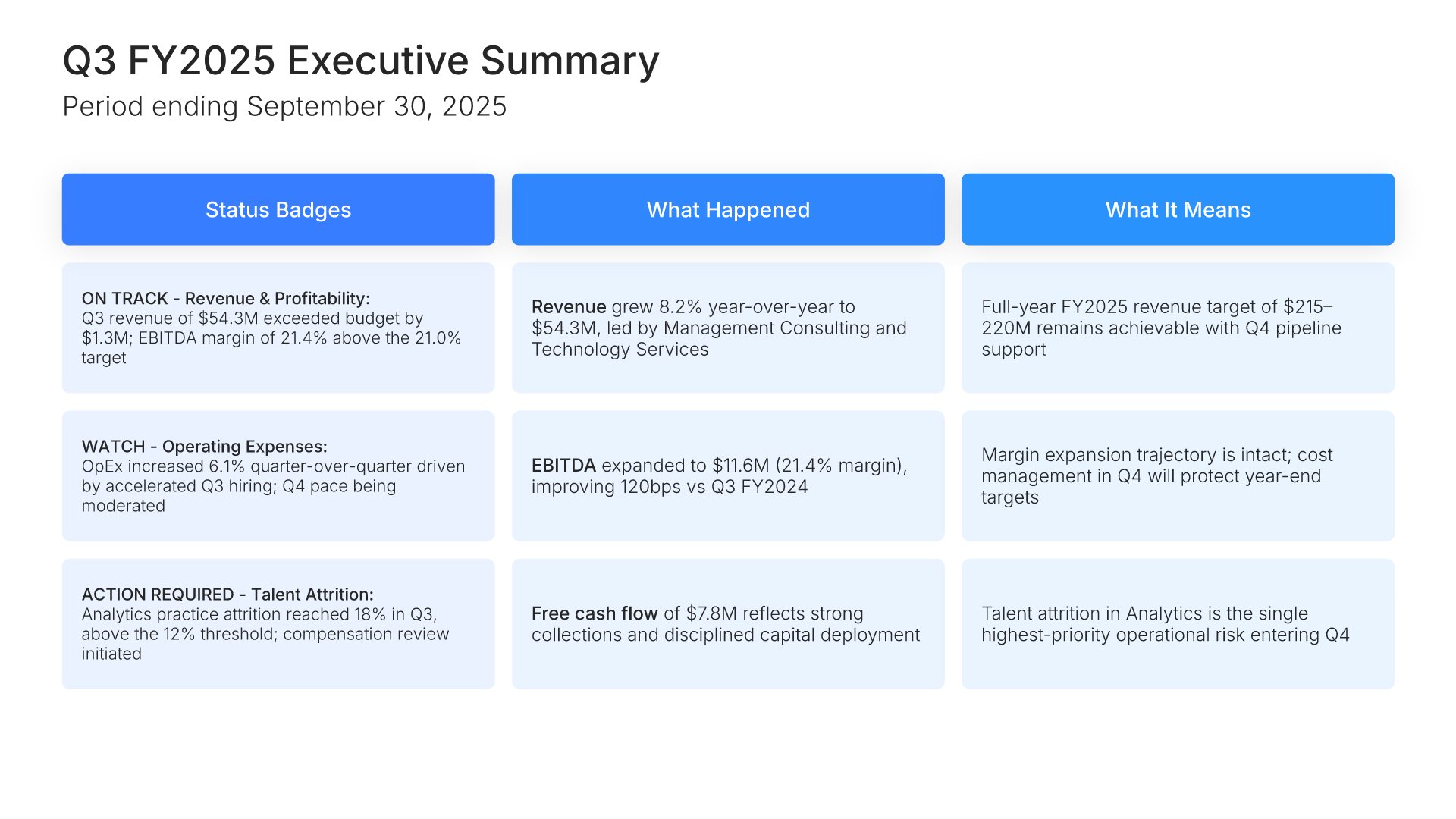
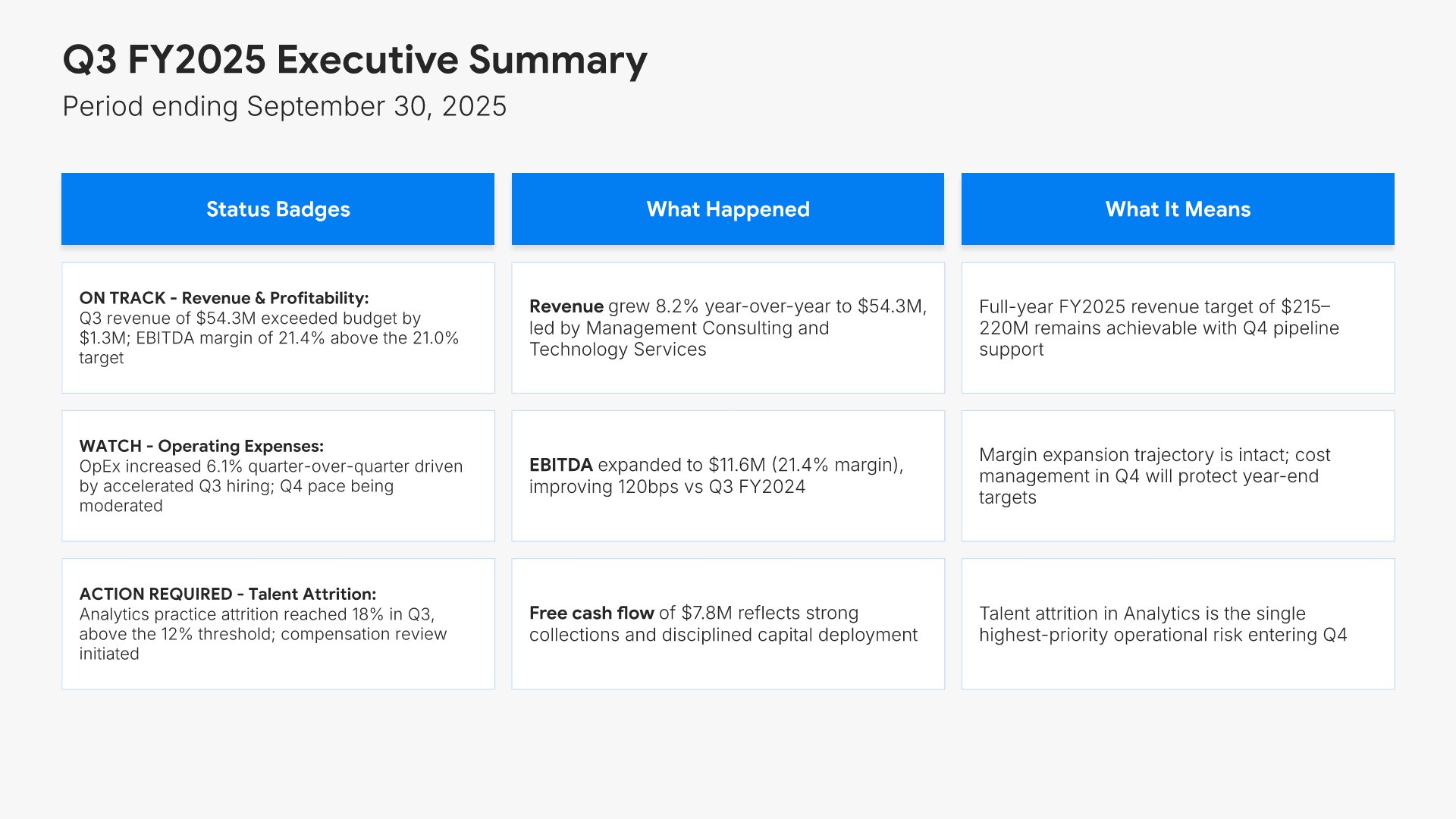
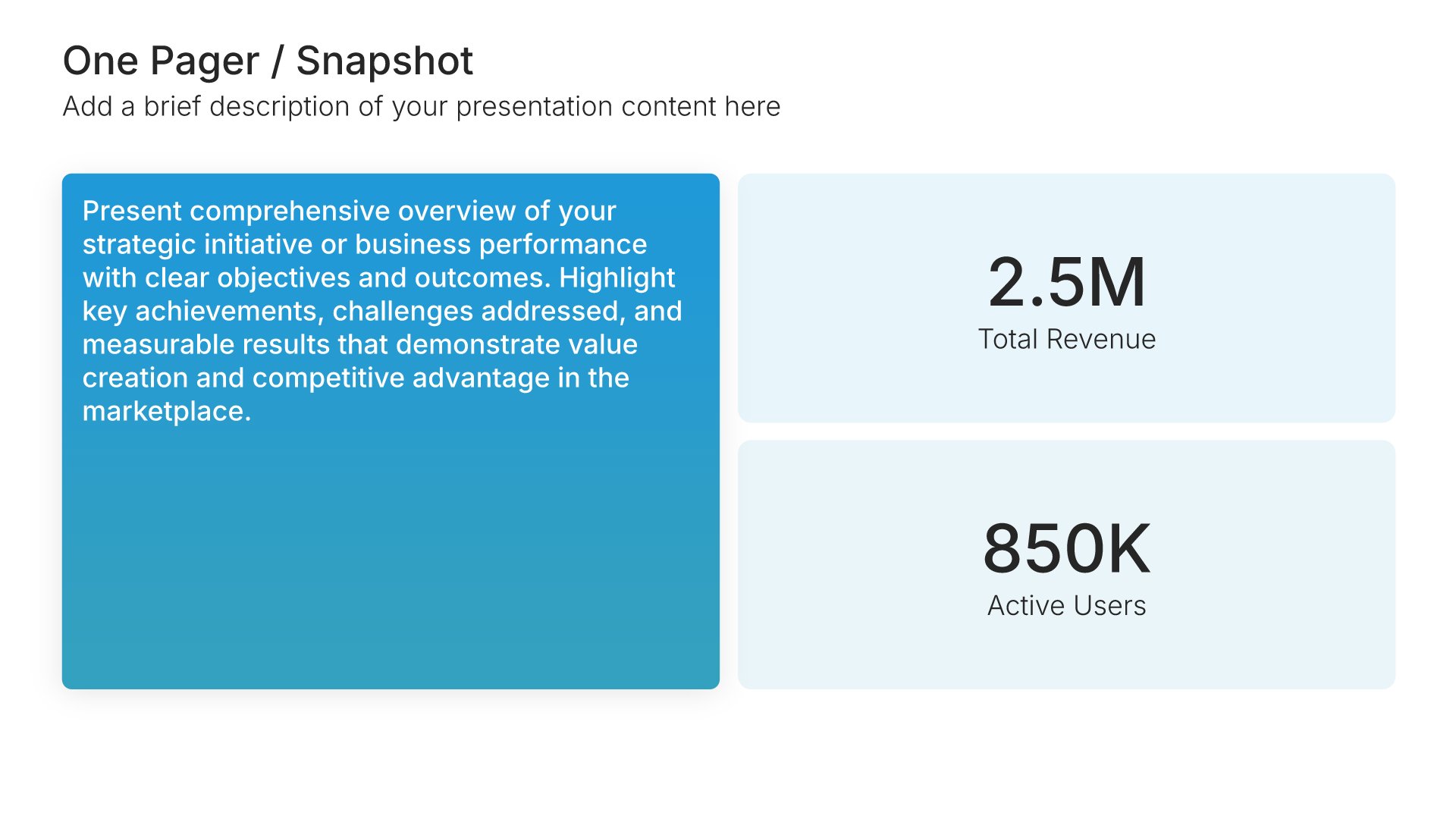
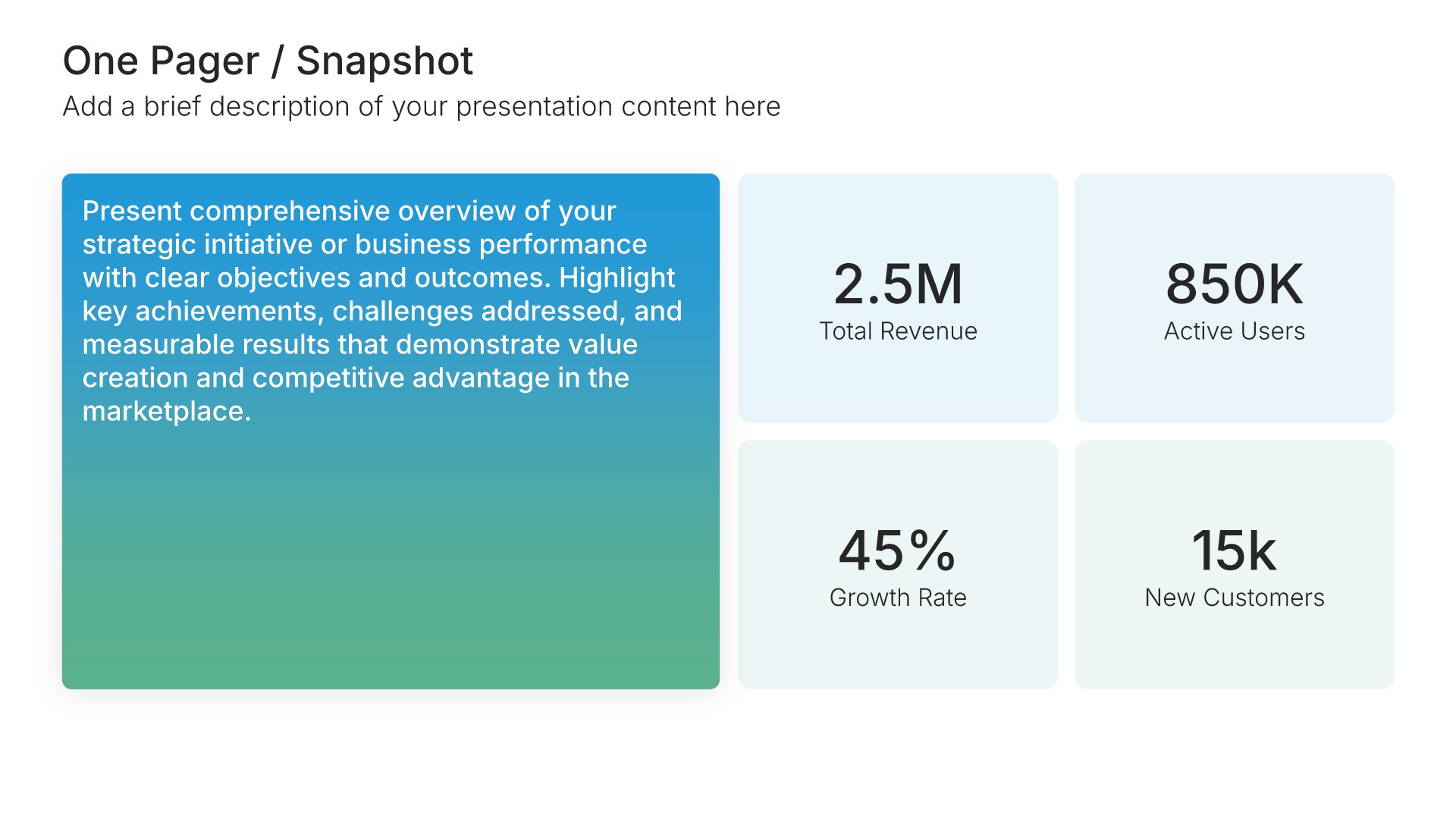
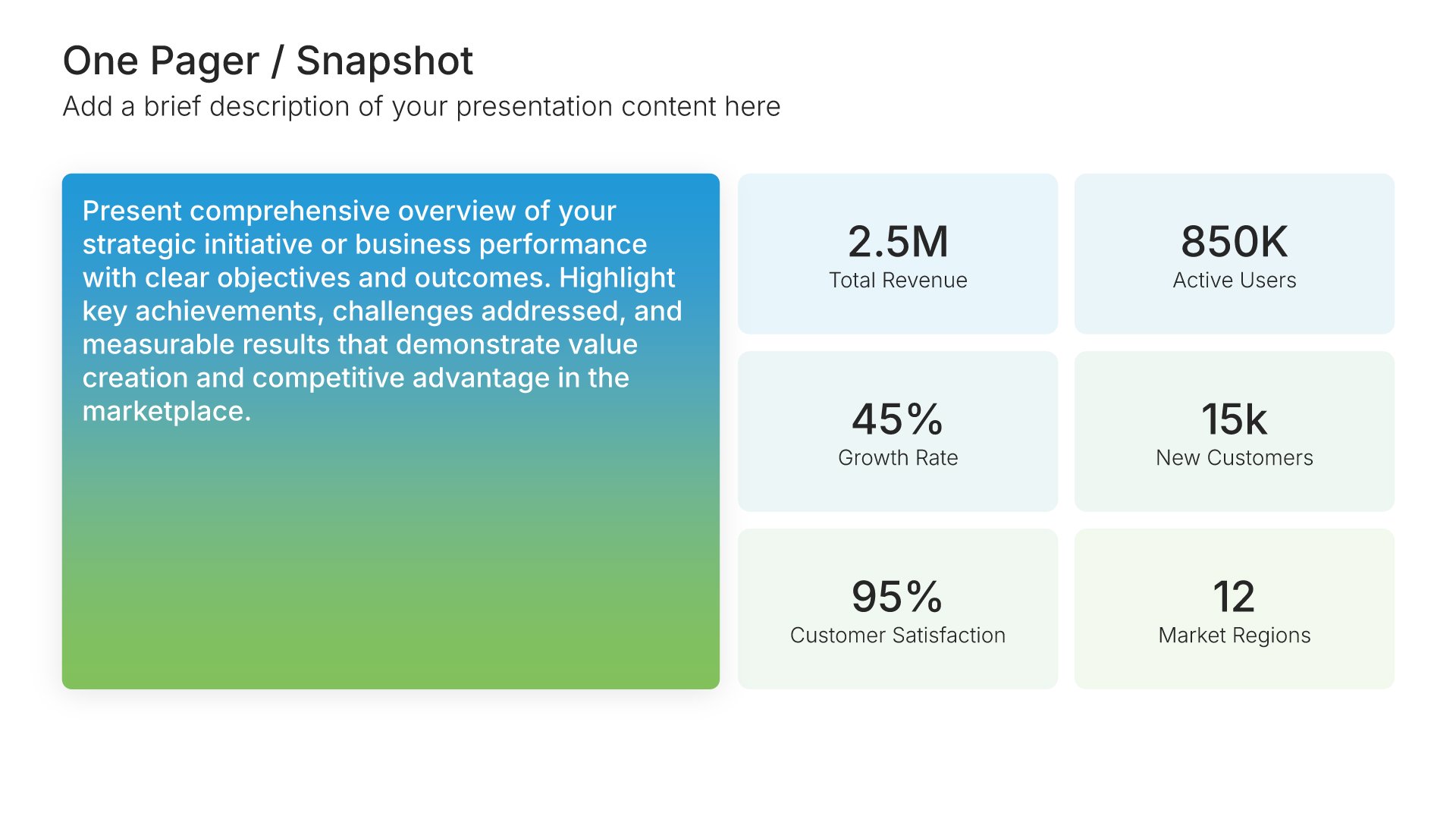
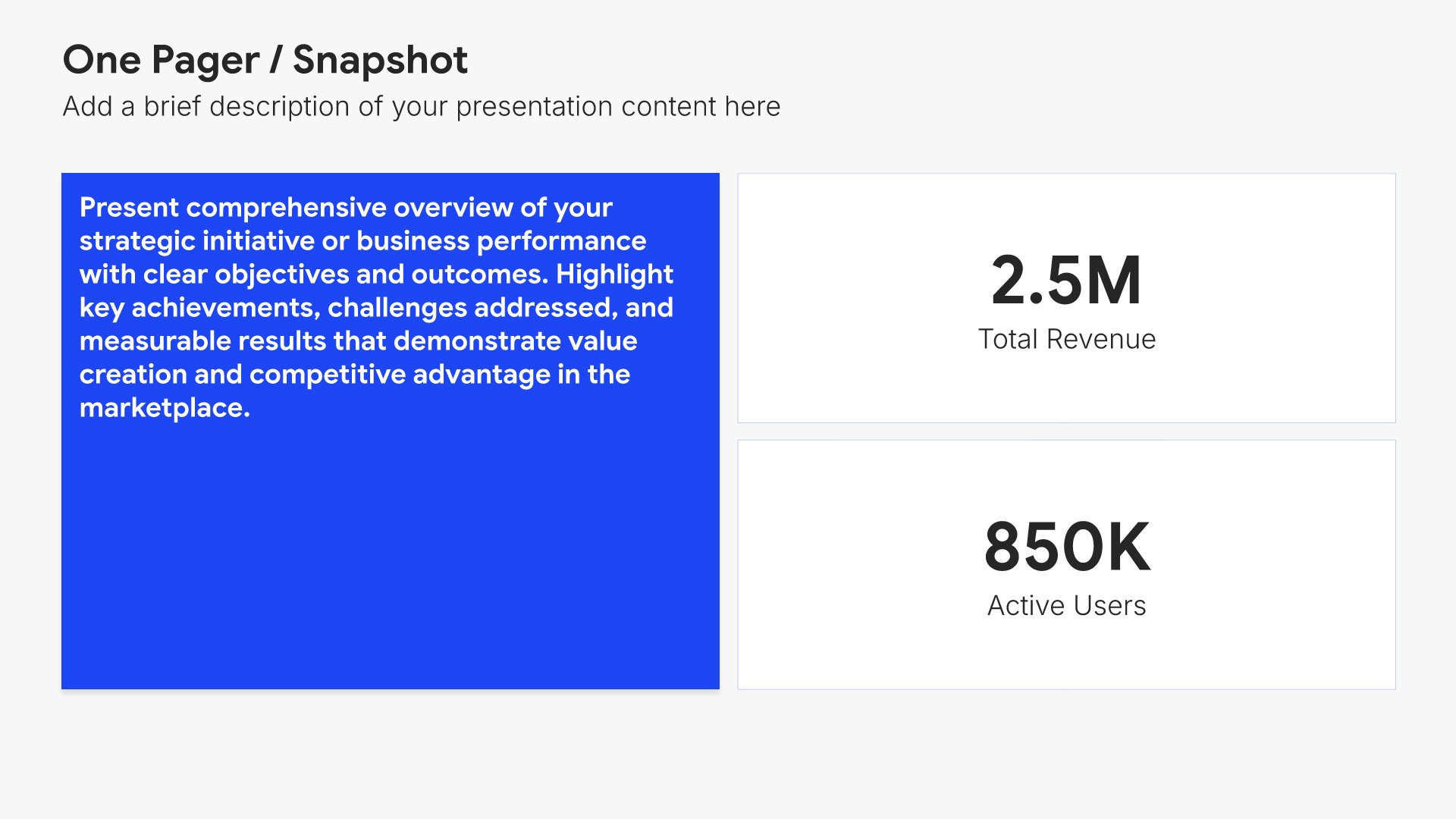
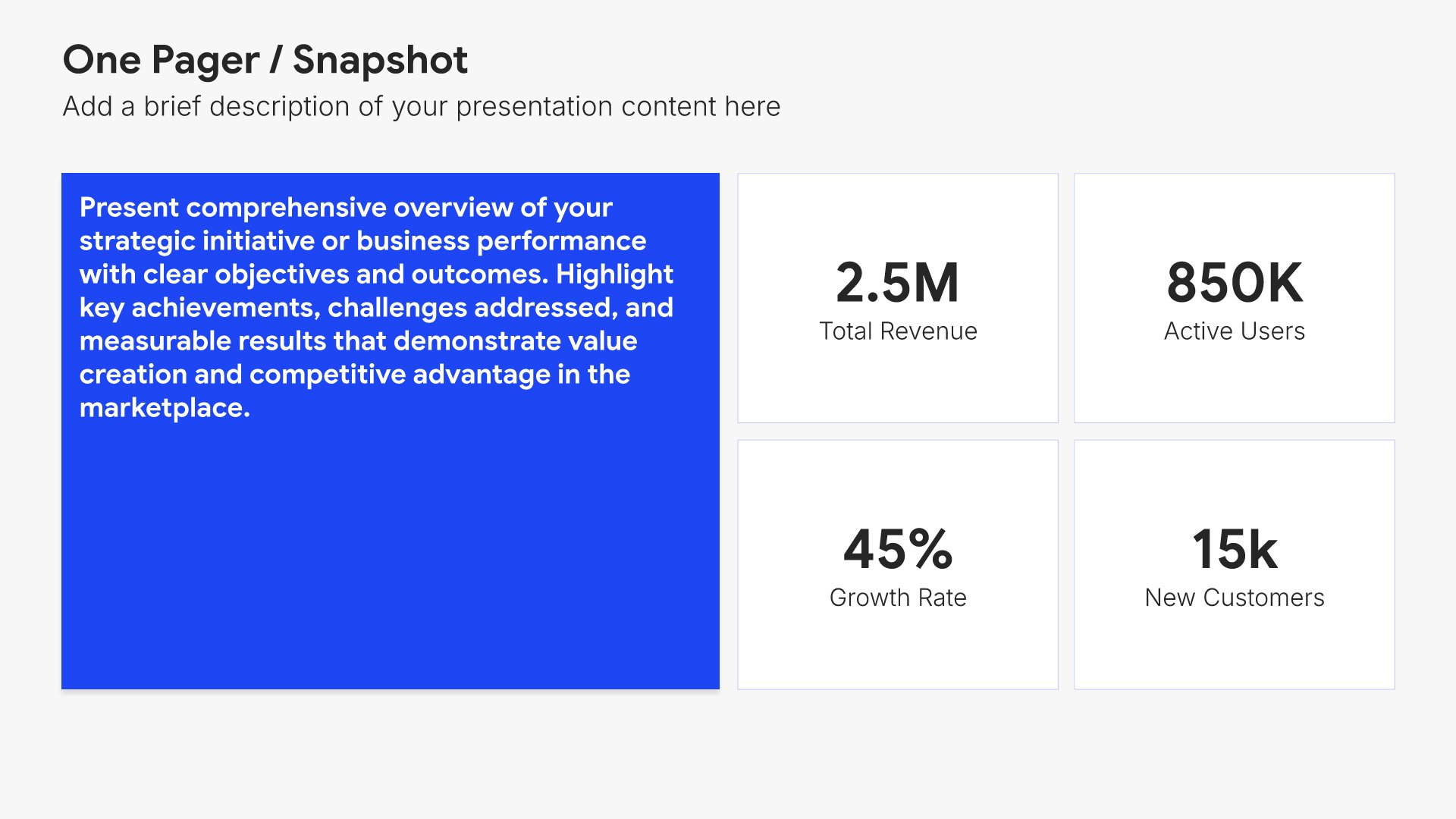
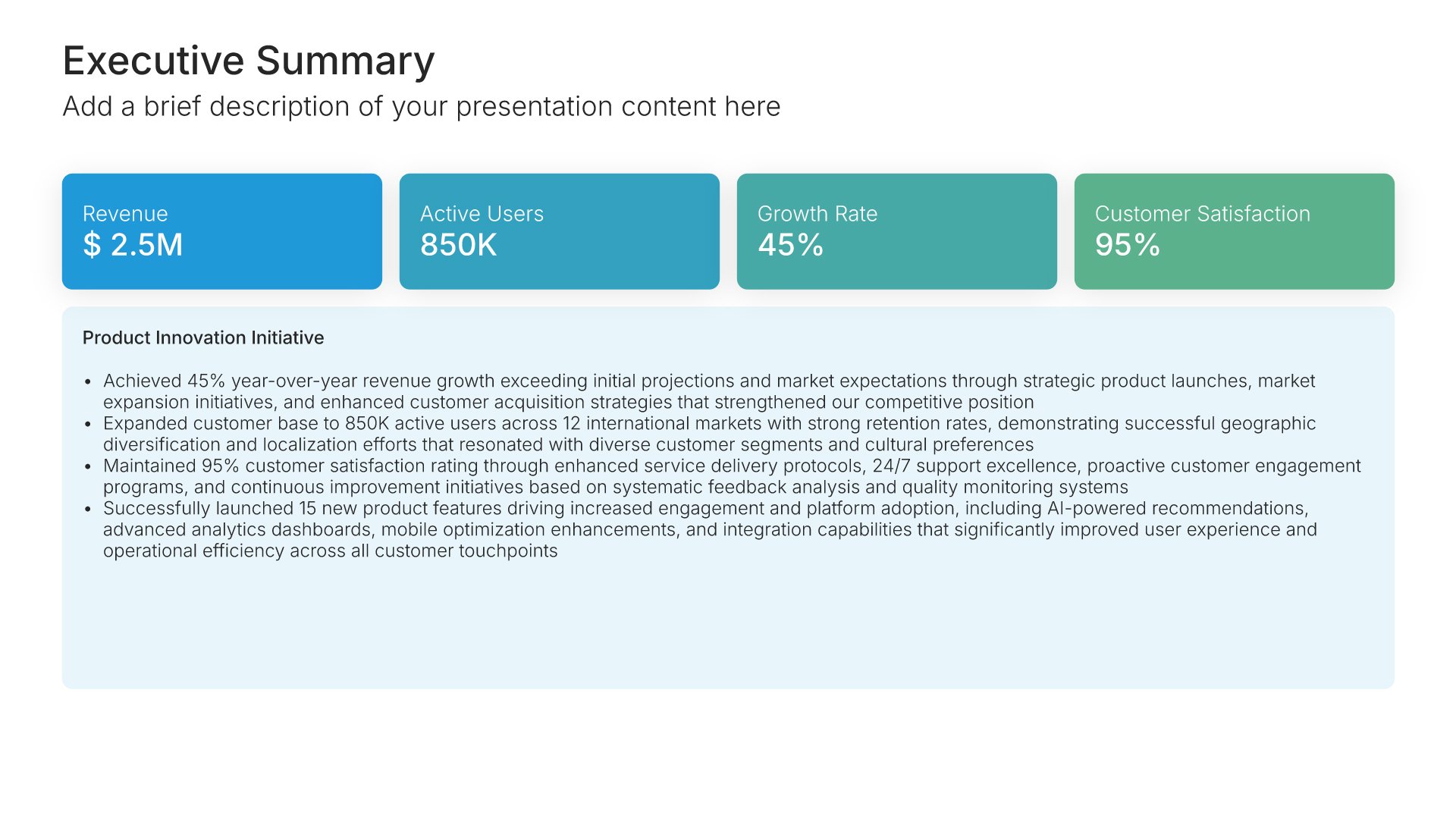
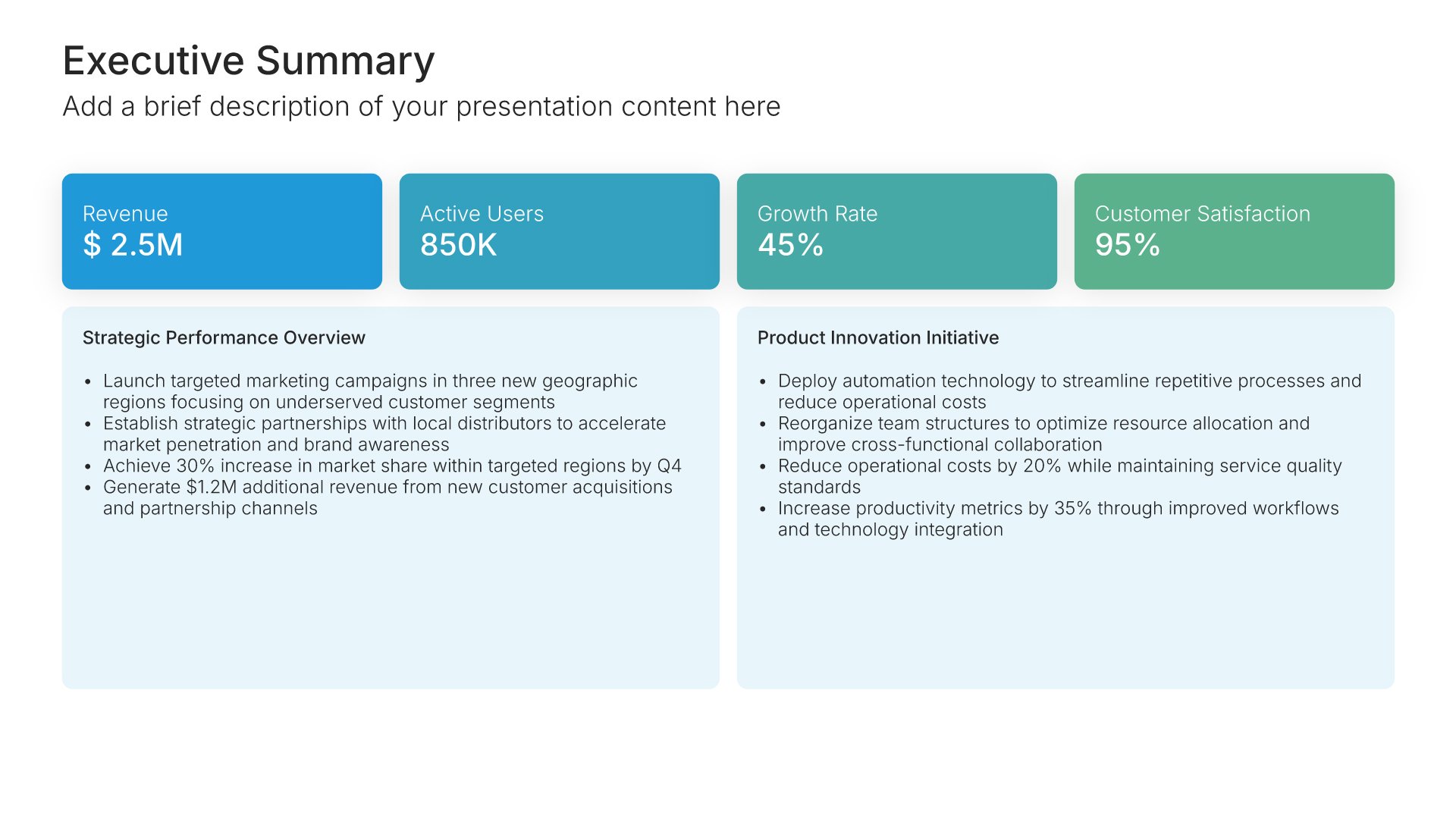
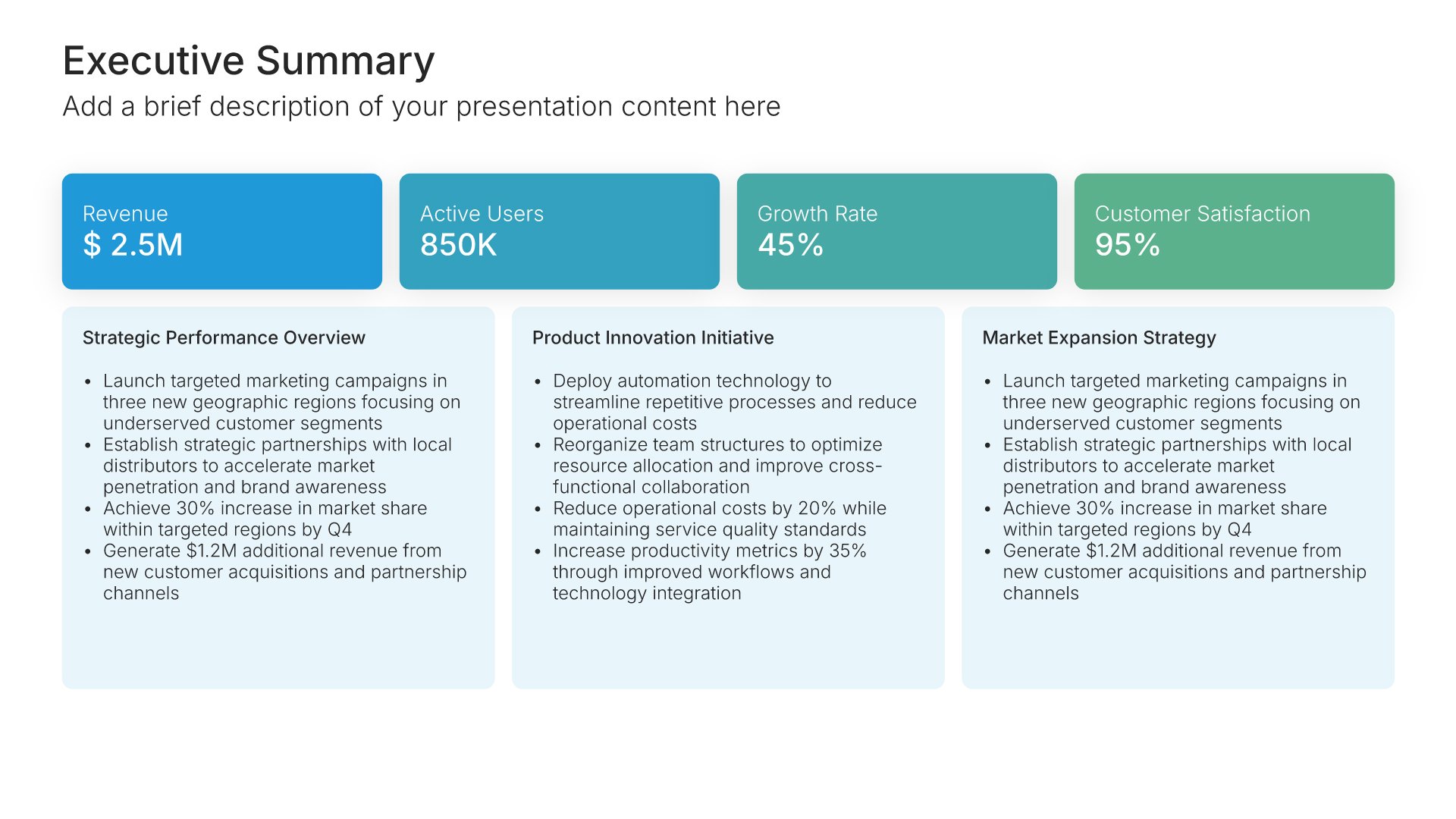
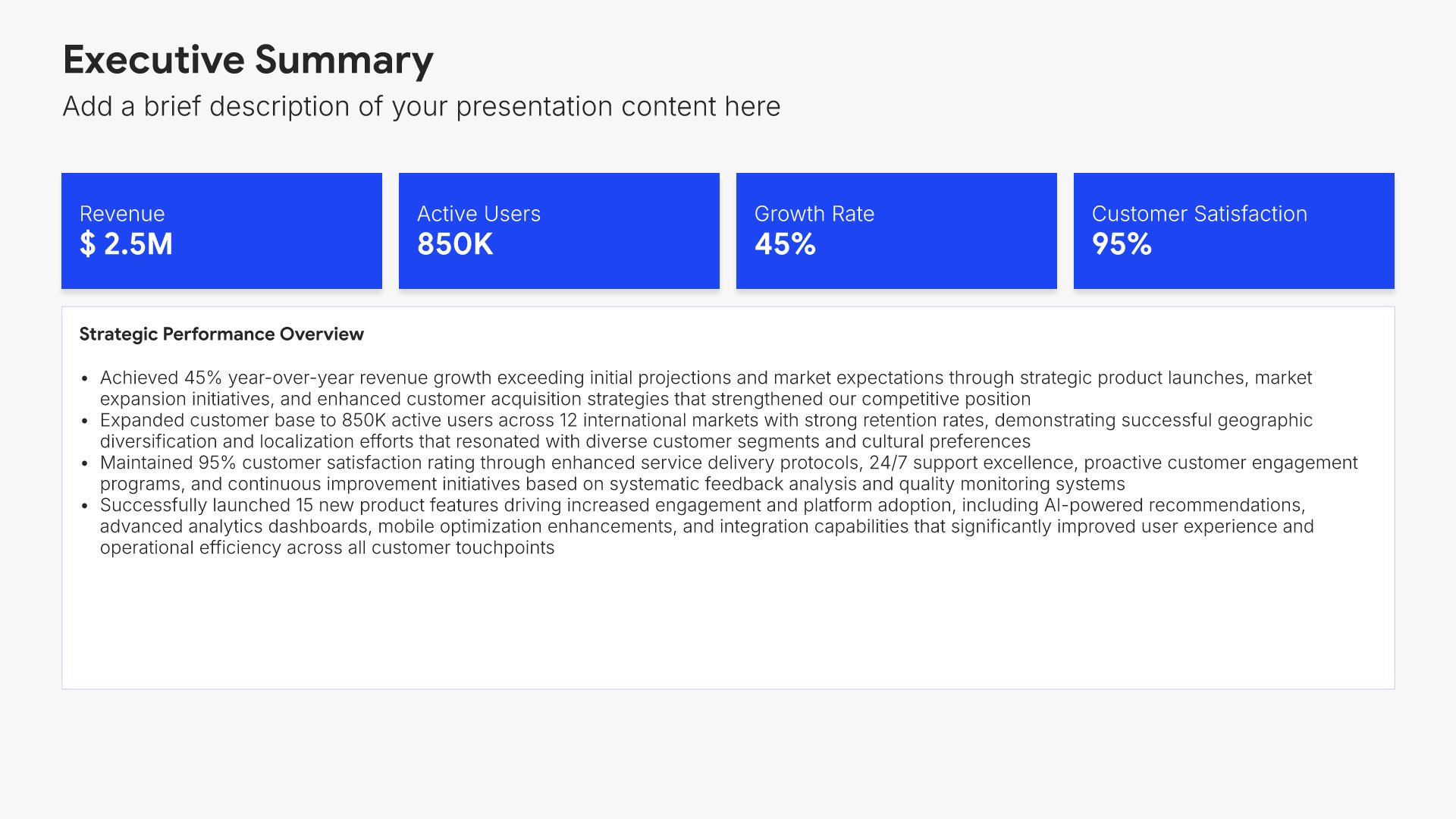
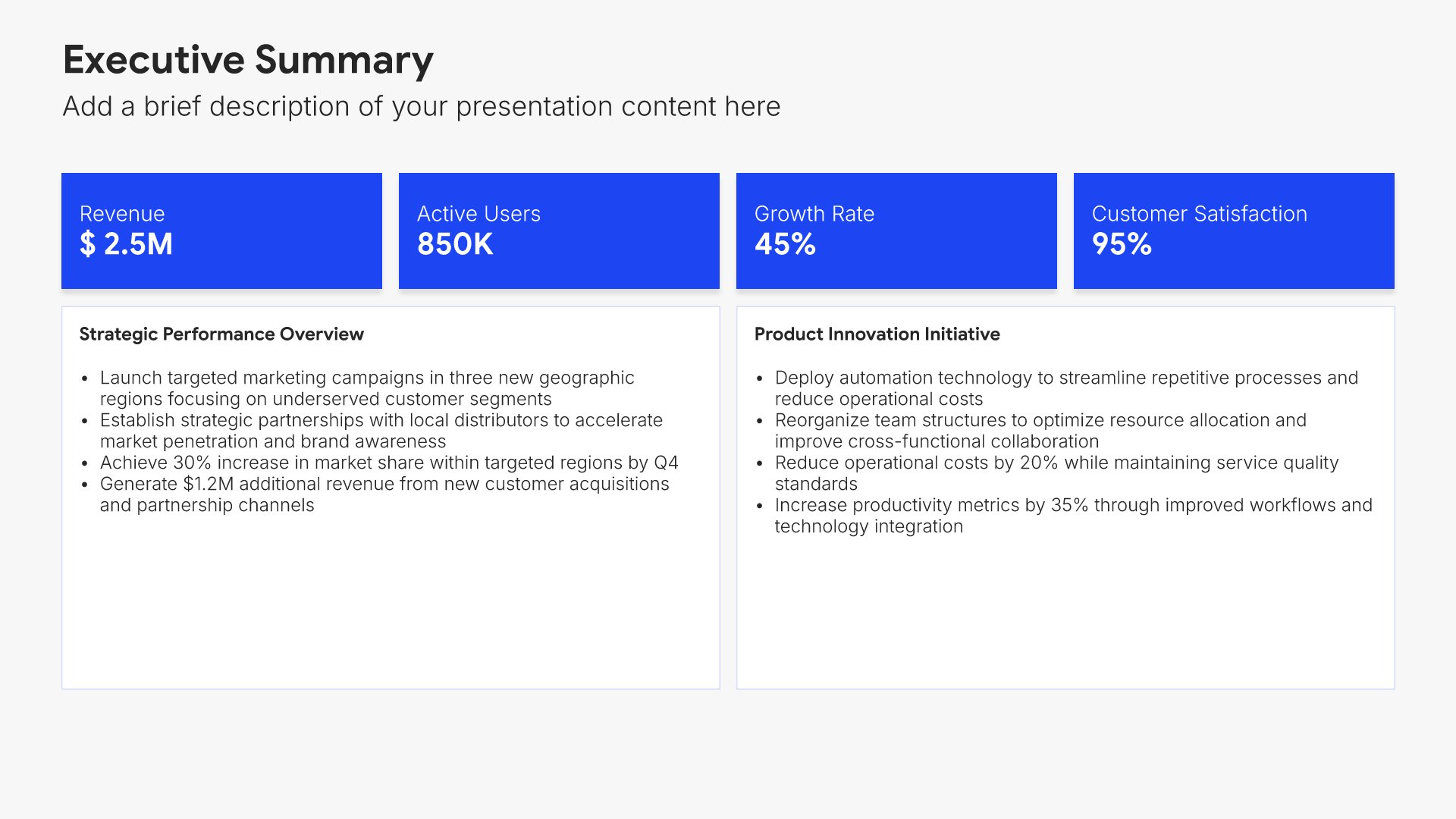
Executive summary slides help you present key points concisely for busy stakeholders. Use them to distill complex information into clear highlights, recommendations, and conclusions that can be understood at a glance. Ideal for board presentations, project updates, and any situation where decision-makers need the essential takeaways fast.
Built using One Pager / Snapshot slides

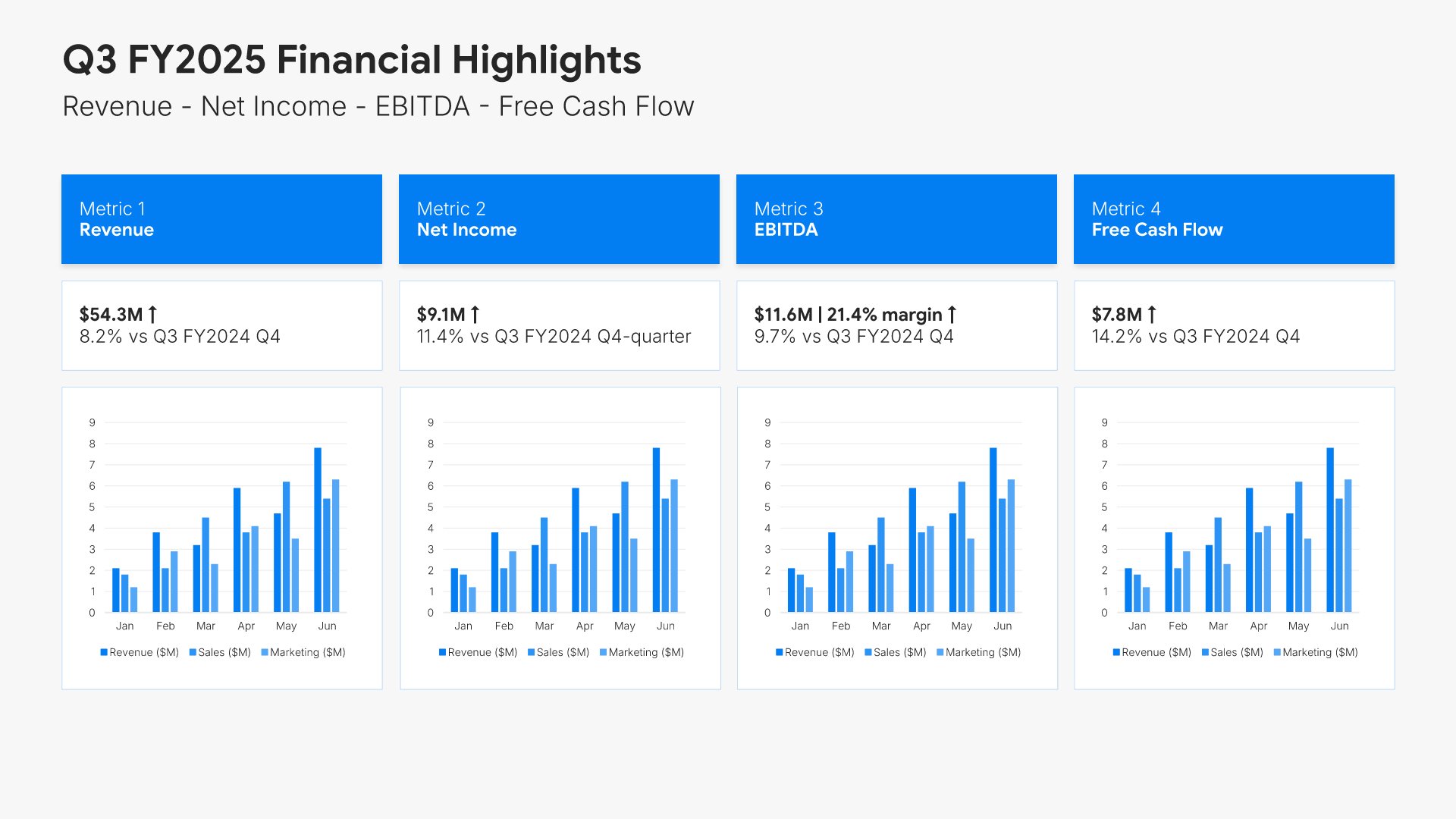
3. Financial Highlights

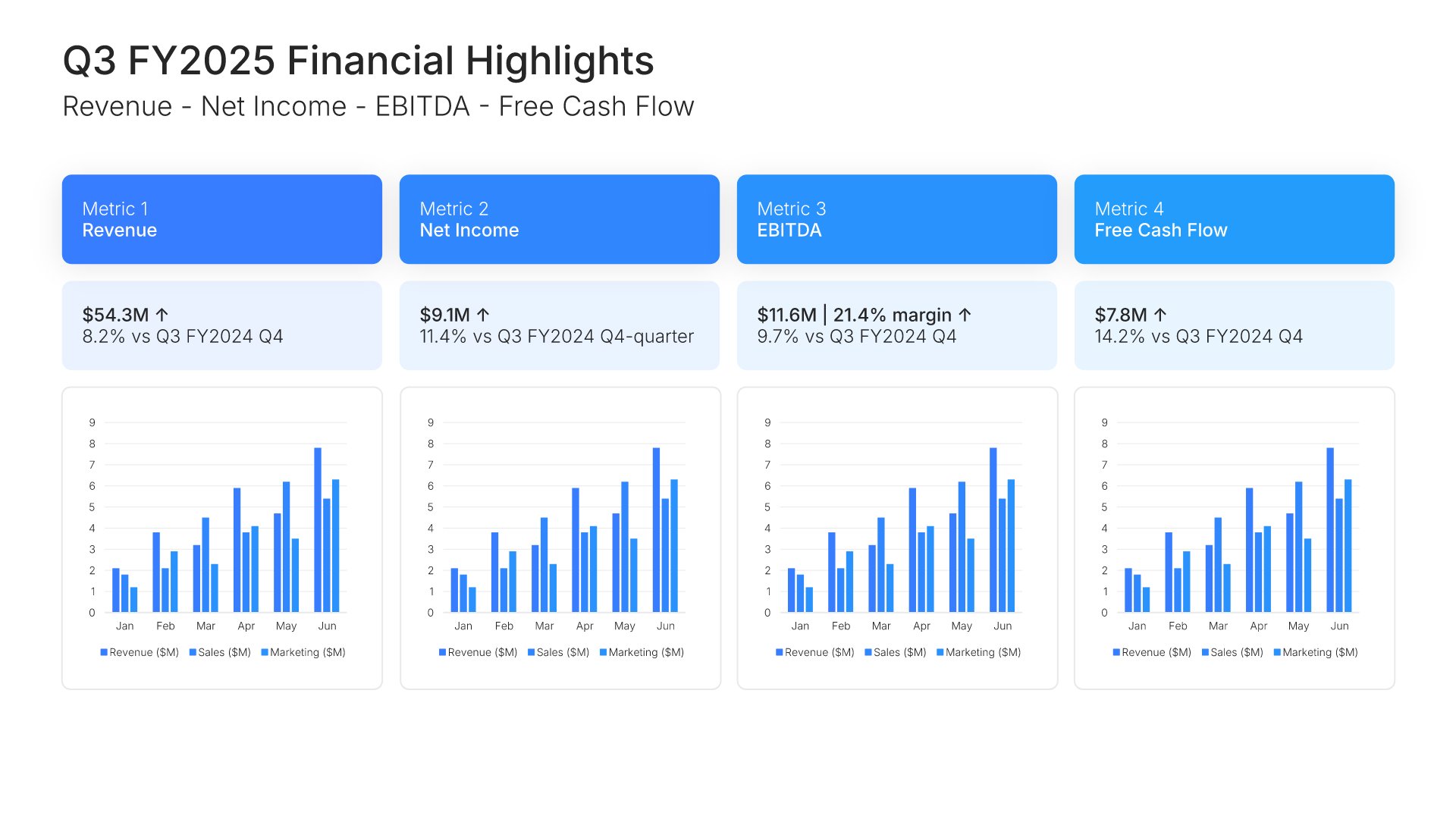
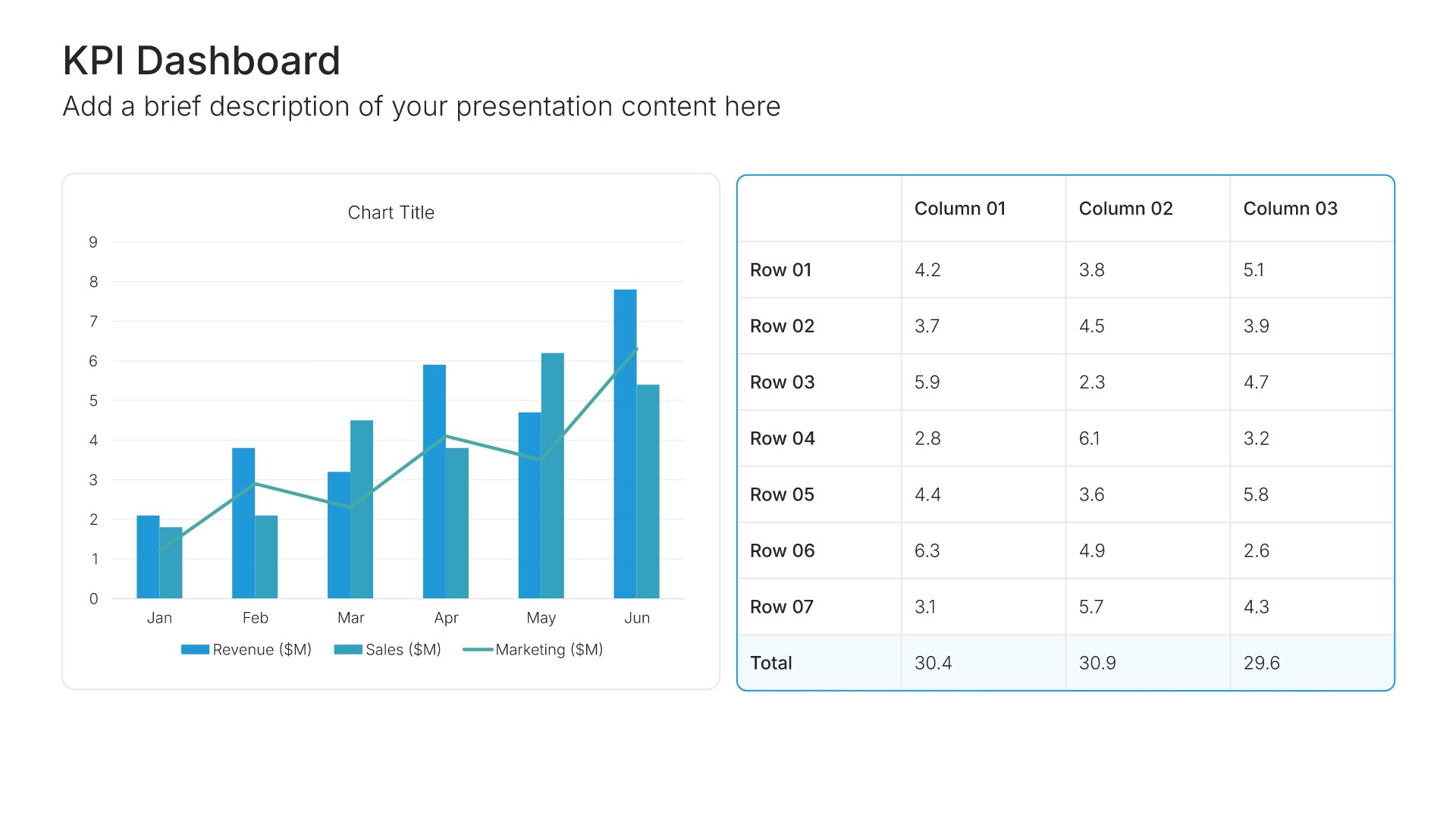
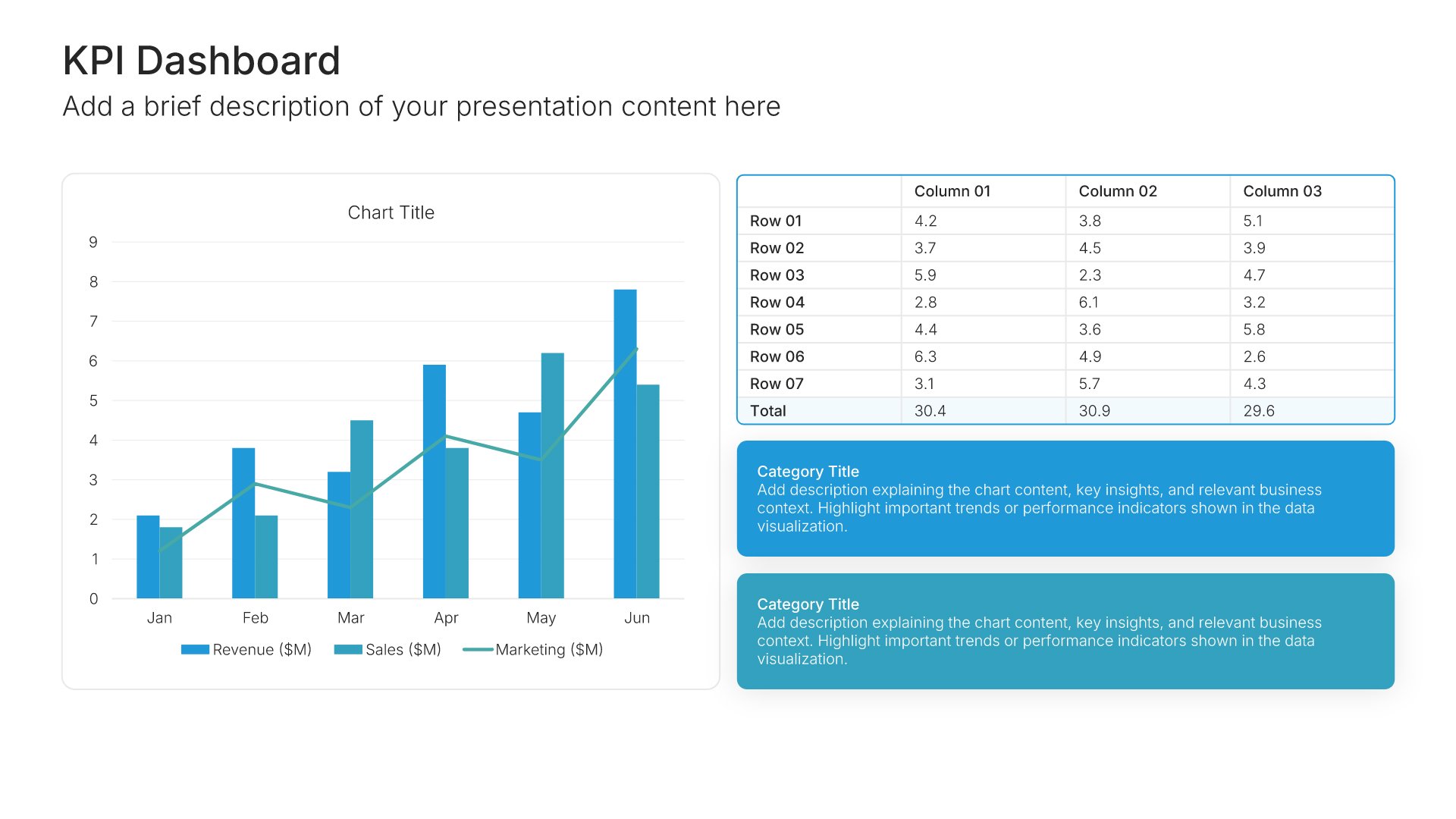
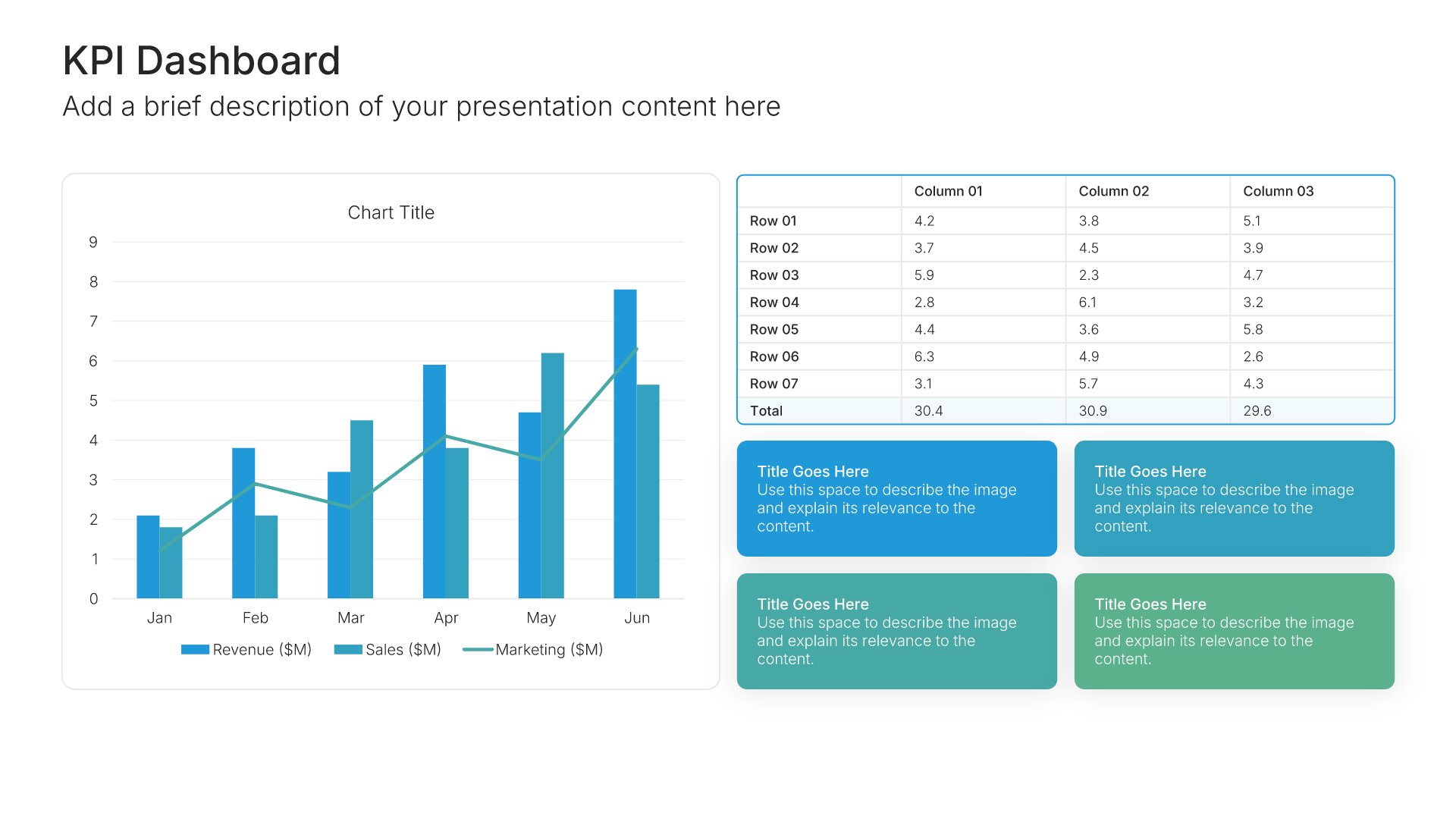
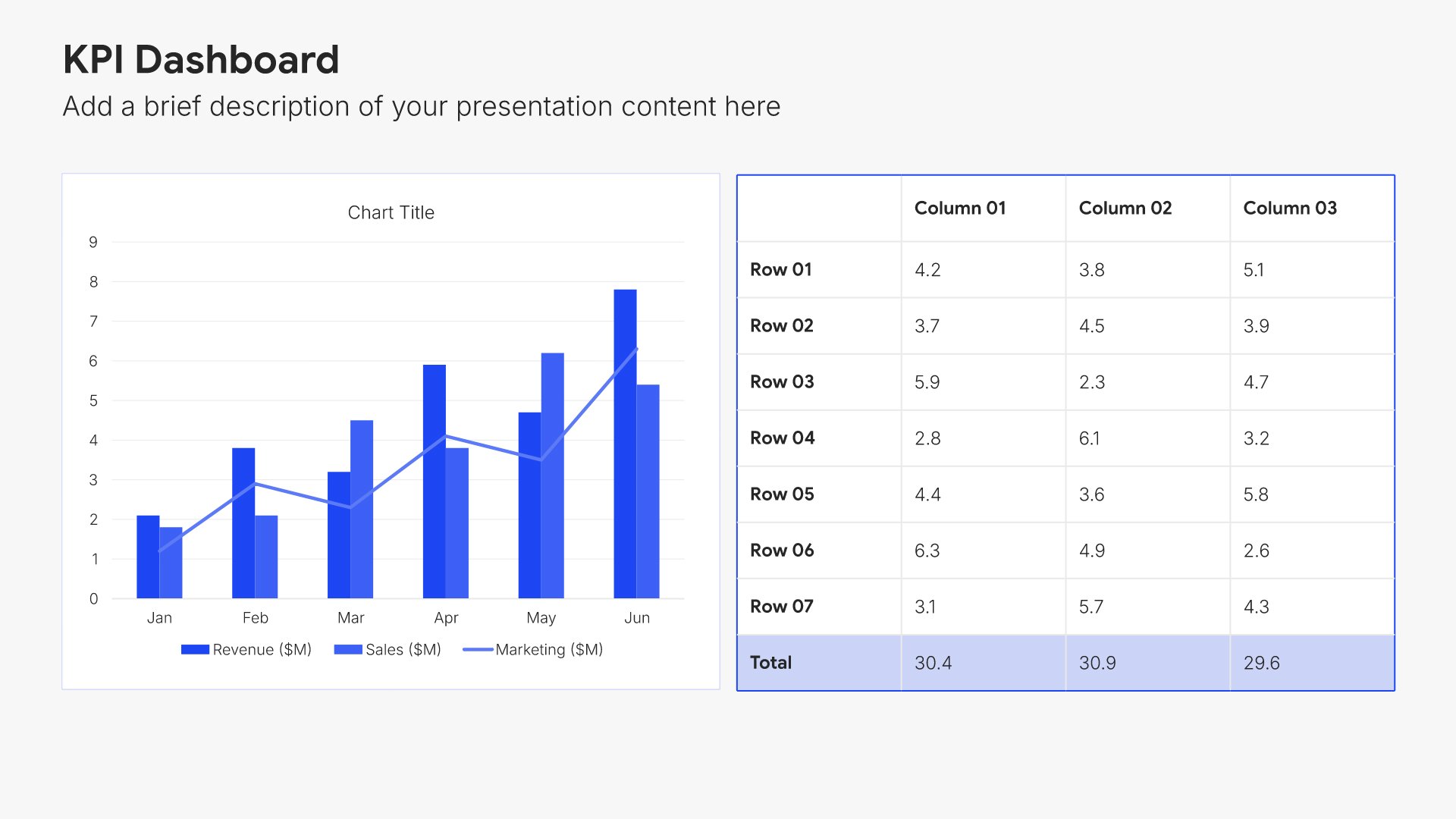
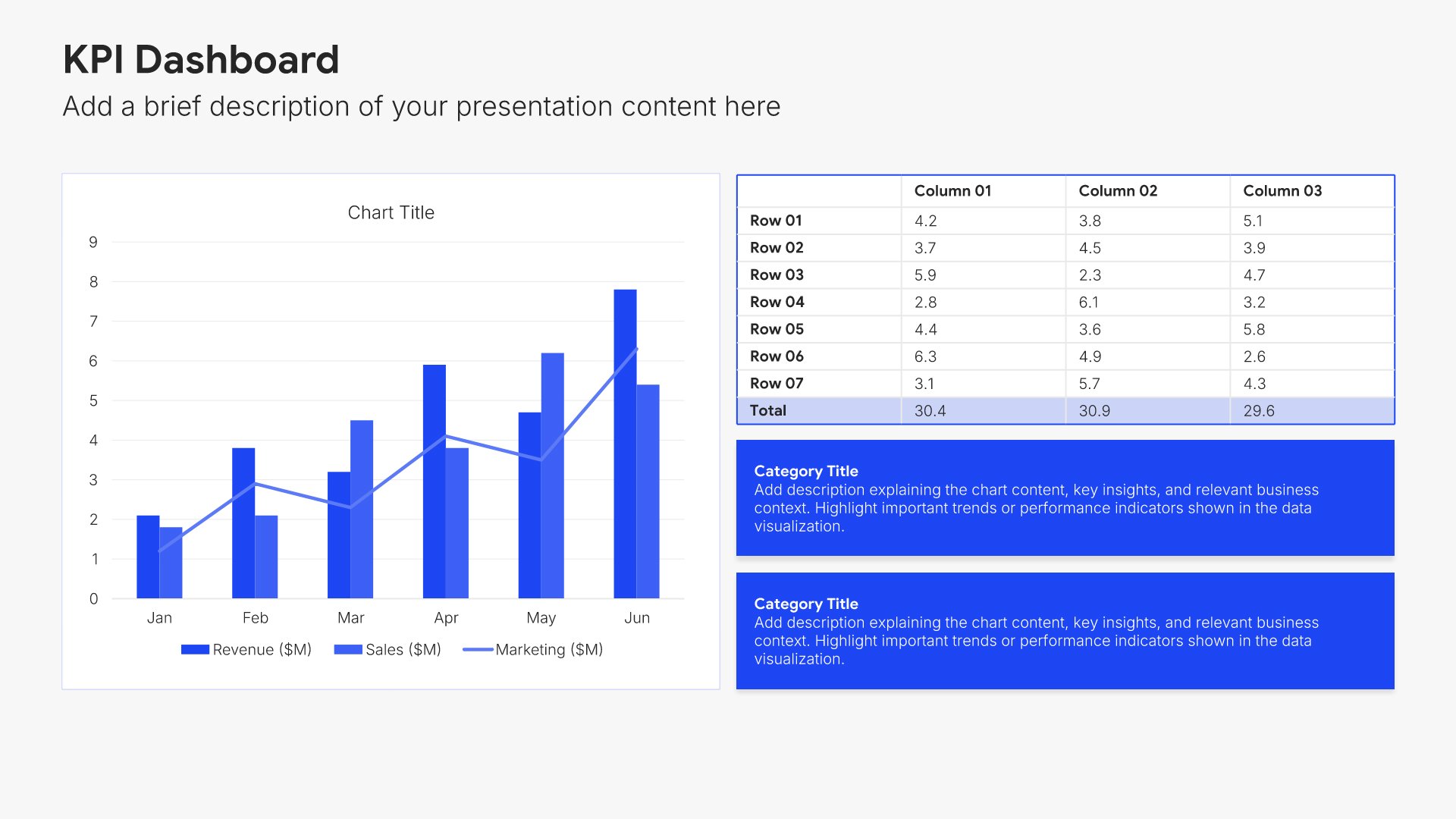
Financial highlights slides help you present the most important financial results at a glance. Use them to showcase headline metrics like revenue, EBITDA, margins, and cash position in a clean, scannable format. Strong financial highlights give executives the top-line picture they need before diving into detailed analysis.
Built using KPI Dashboard slides

4. Revenue Analysis

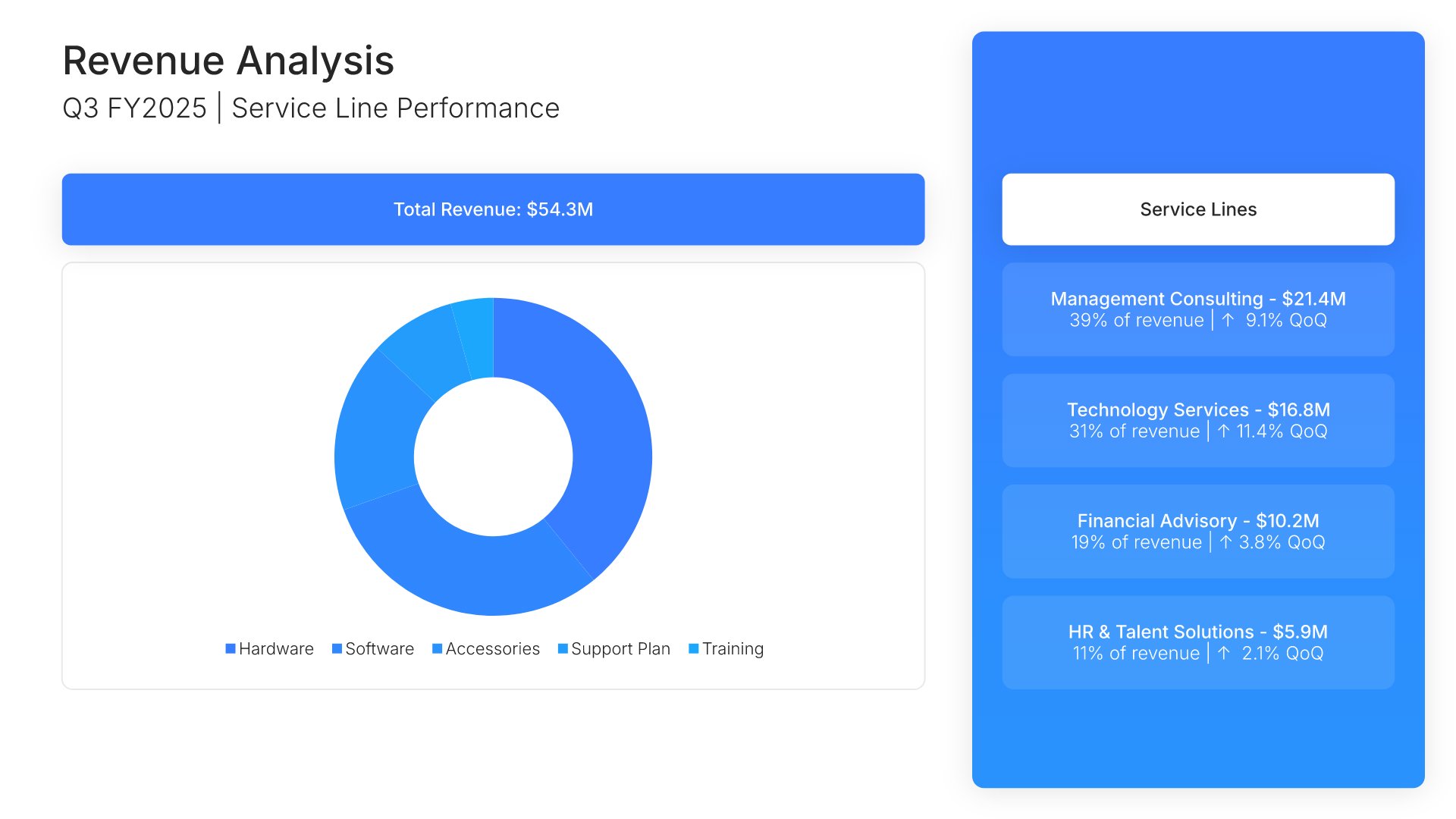
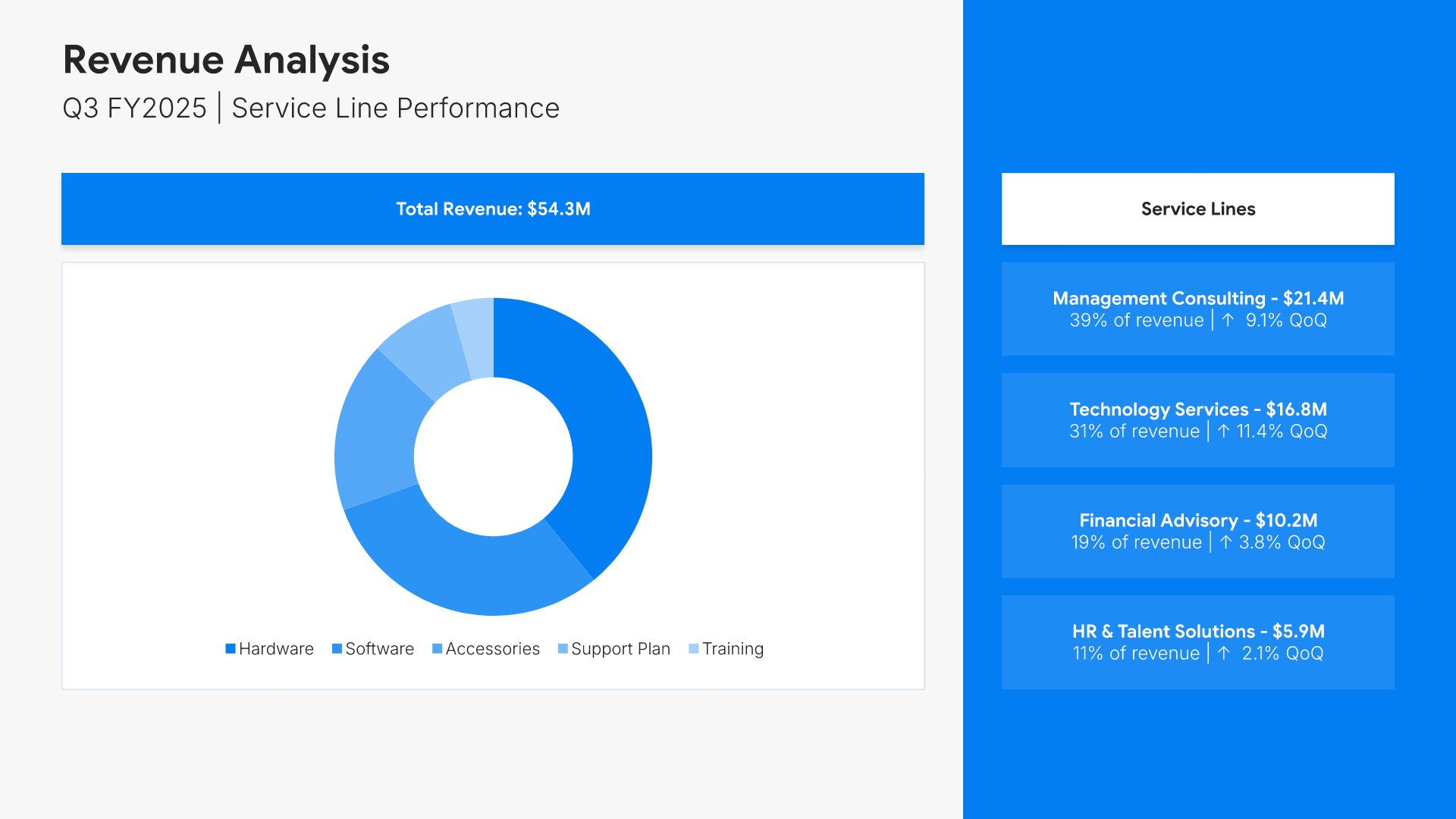
Revenue analysis slides help you break down income sources and growth drivers. Use them to present revenue by segment, geography, product line, or customer type. Ideal for annual reports and financial reviews where understanding where revenue comes from helps stakeholders assess business performance.
Built using Charts slides

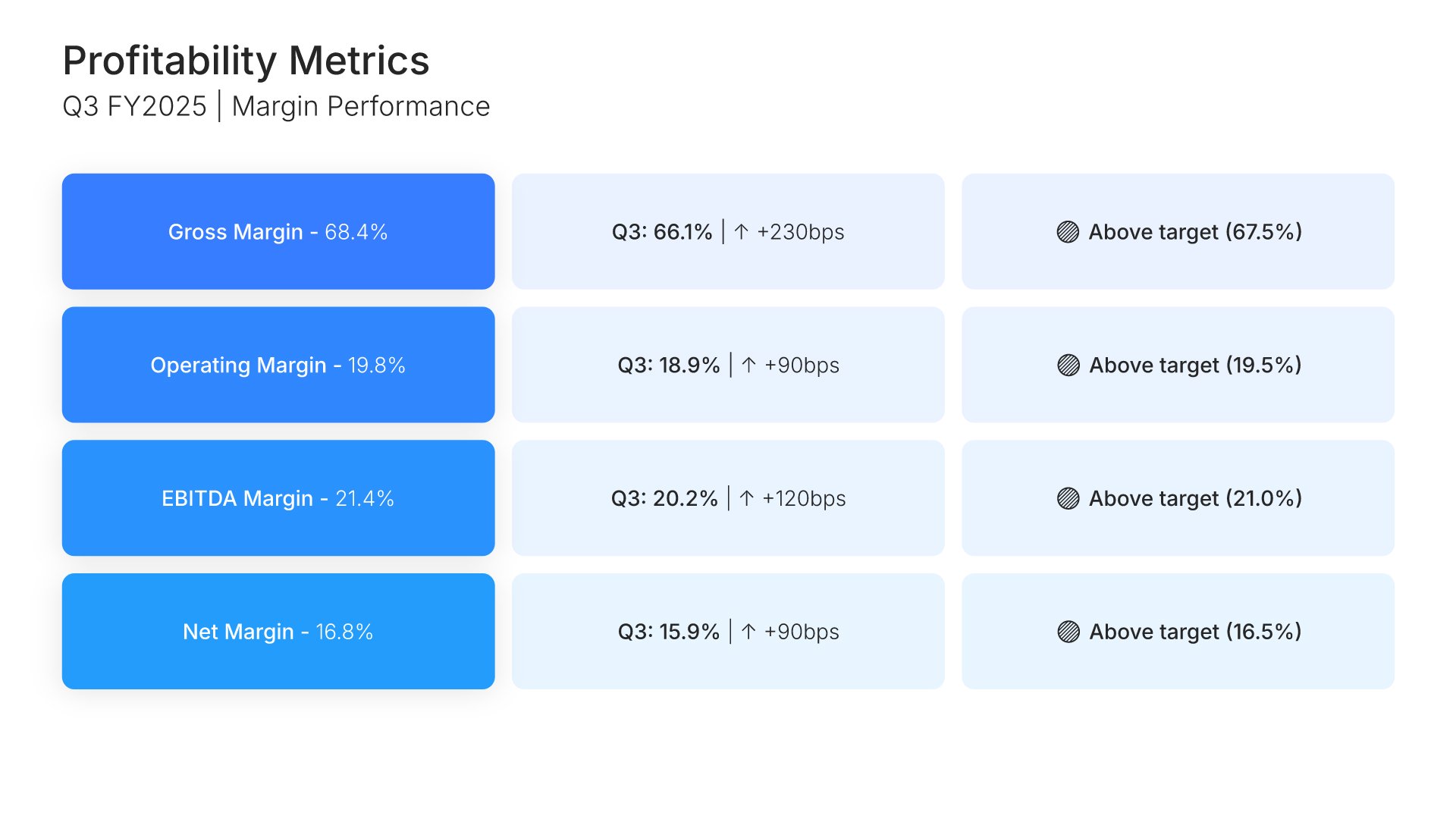
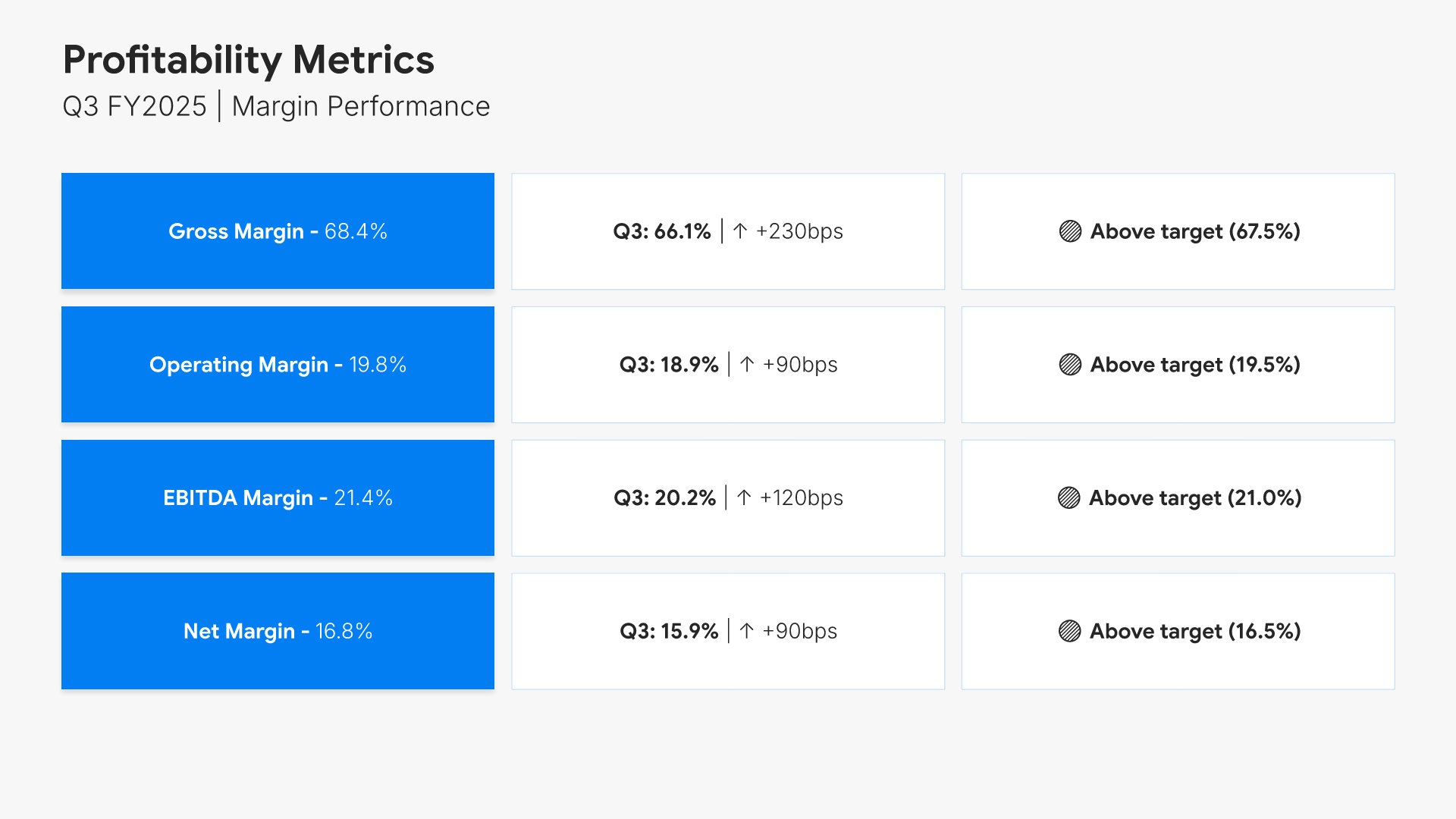
5. Profitability Metrics

Profitability metrics slides help you present your bottom-line performance clearly. Use them to display gross margin, operating margin, EBITDA, and net income with trends and benchmarks. Ideal for financial reports and investor presentations where demonstrating profitability and efficiency builds confidence in management.
Built using Table slides

6. Cash Flow Statement

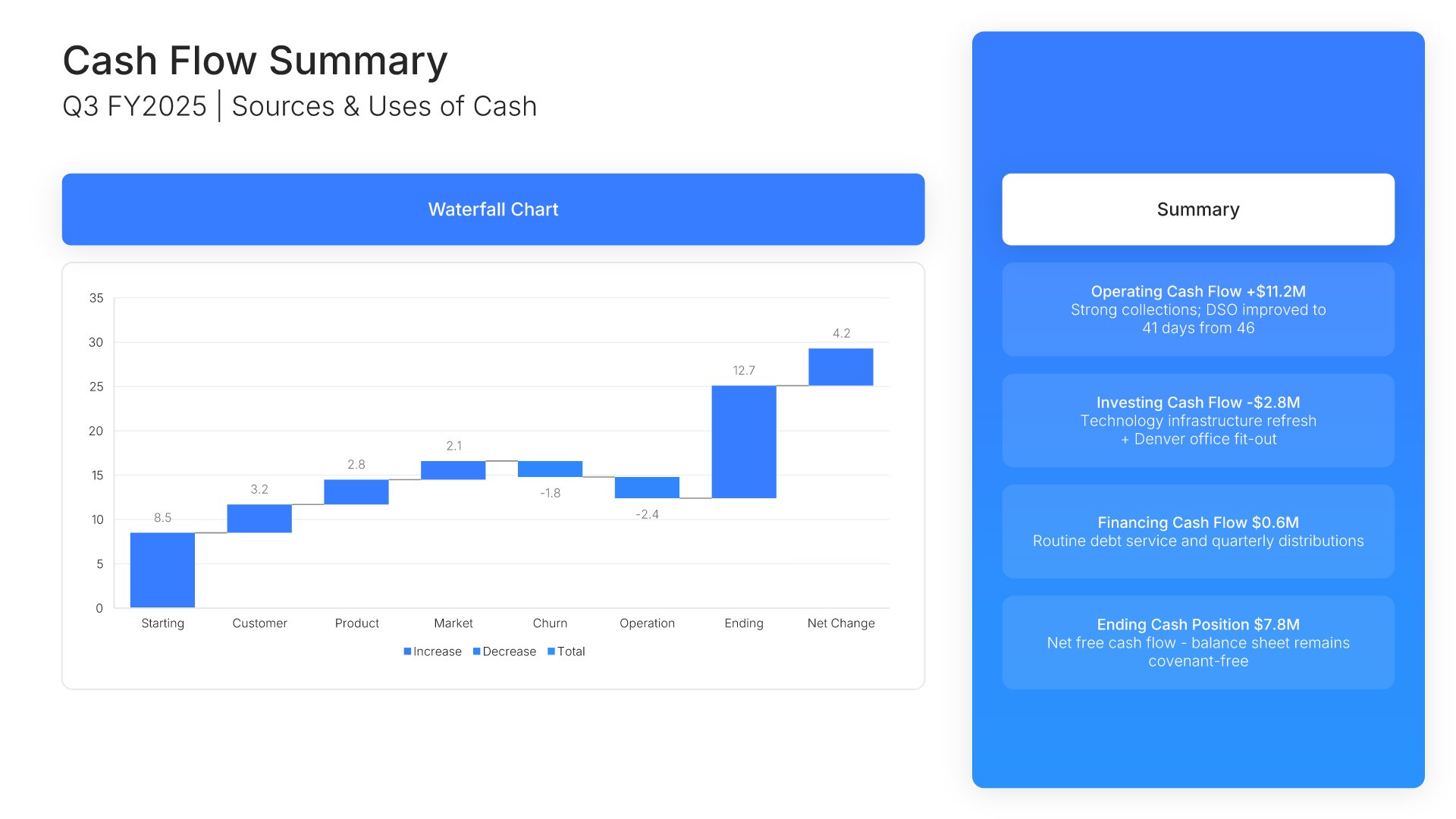
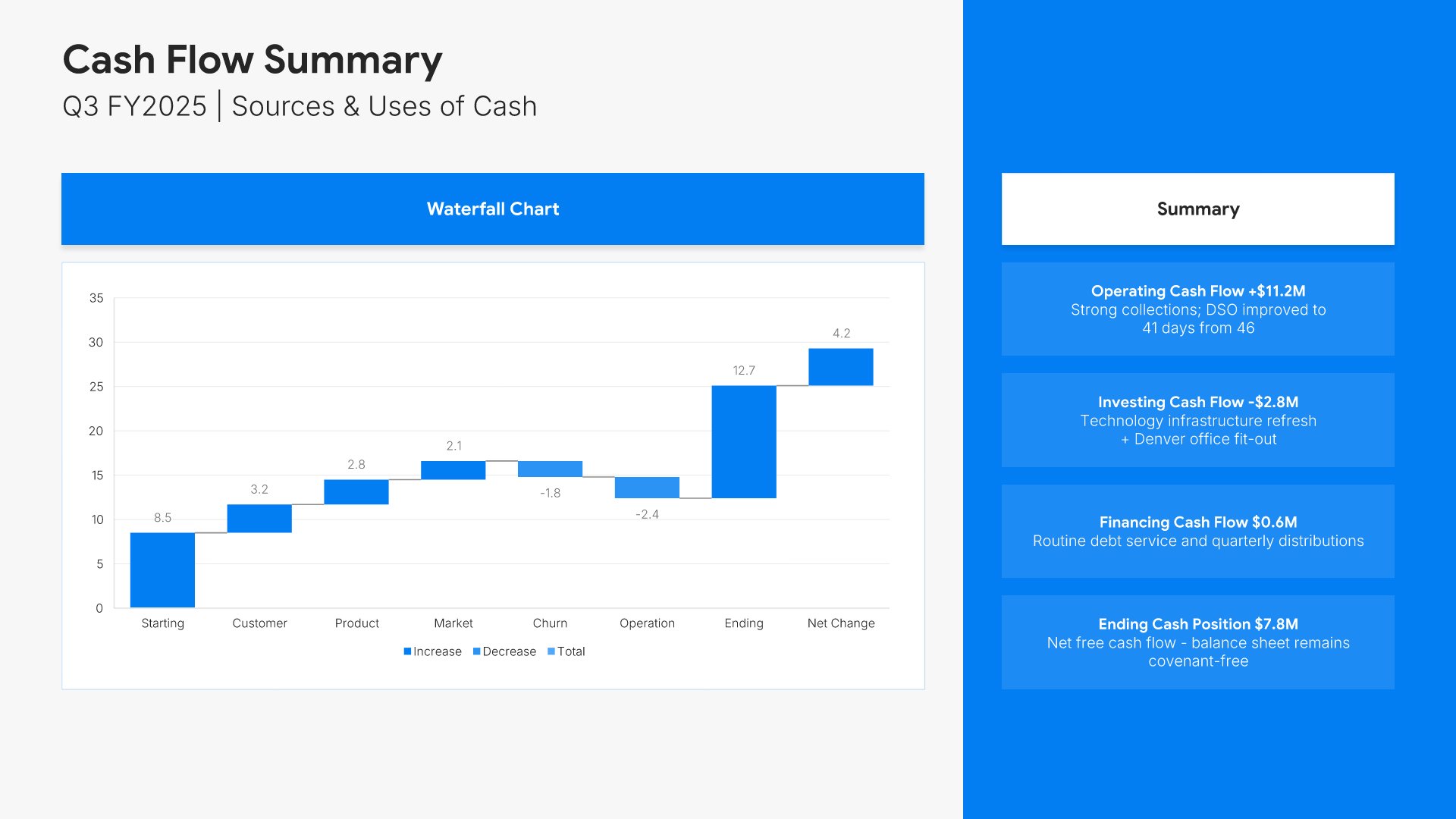
Cash flow statement slides help you show how money moves through your organization. Use them to present operating, investing, and financing activities in a clear format. Ideal for financial reports and investor presentations where demonstrating cash generation and management builds stakeholder confidence in liquidity.
Built using Charts slides

7. Budget vs. Actual Analysis

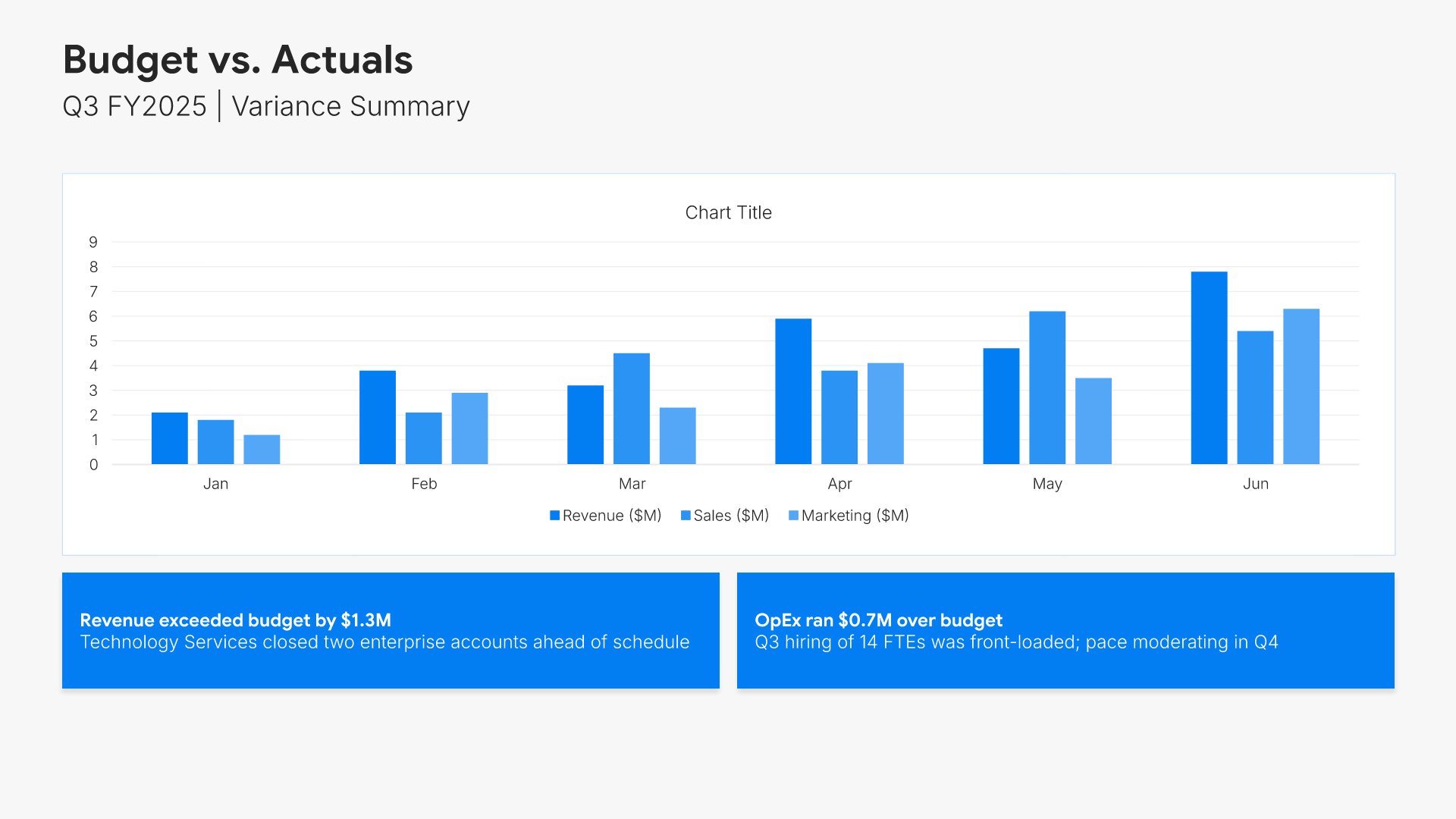
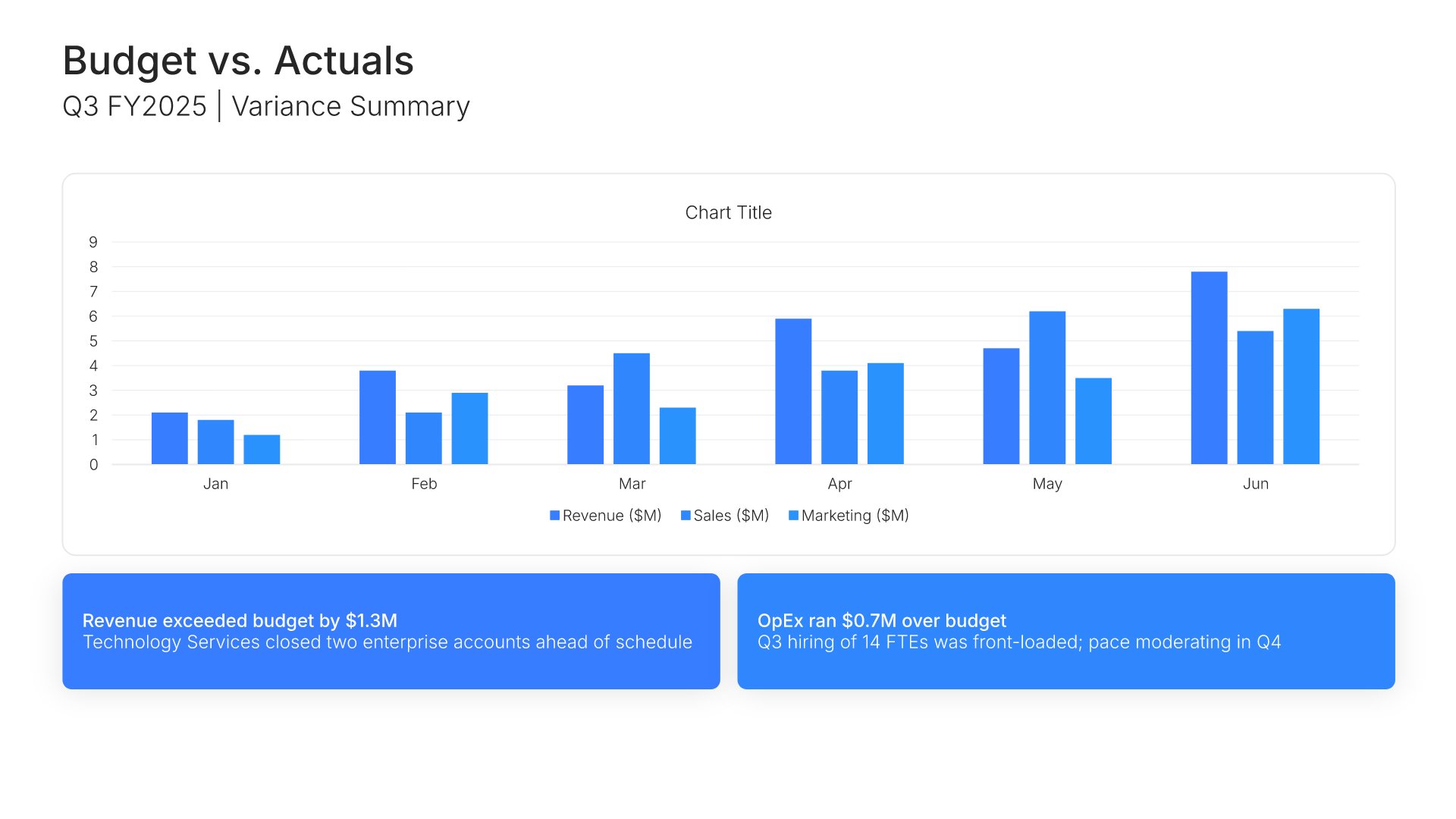
Budget vs. actual analysis slides help you compare planned performance against real results. Use them to display variances, explain deviations, and show how well forecasts aligned with outcomes. Ideal for financial reports and board presentations where demonstrating fiscal discipline and forecast accuracy builds credibility.
Built using Charts slides

8. Key Performance Indicators

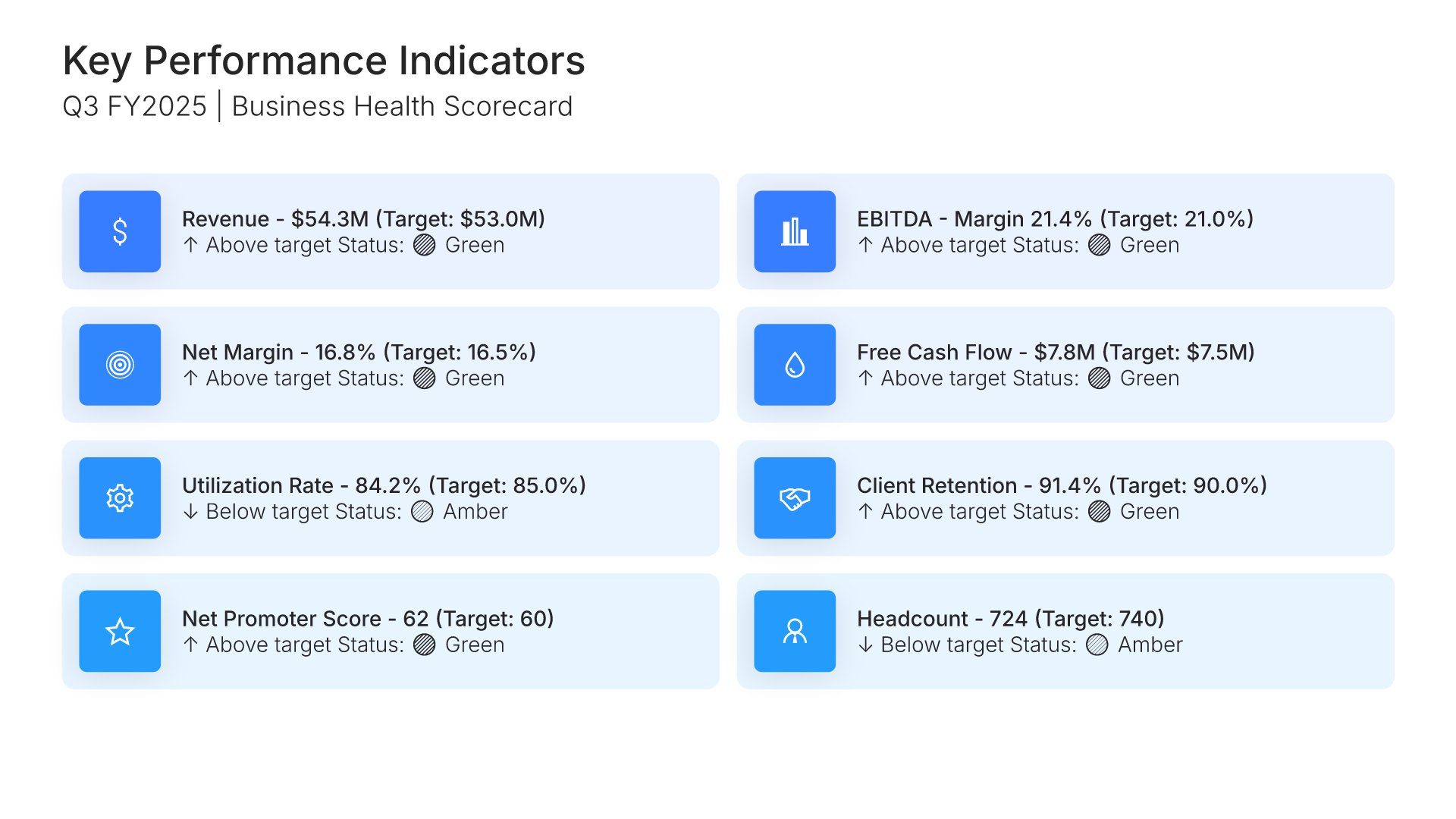
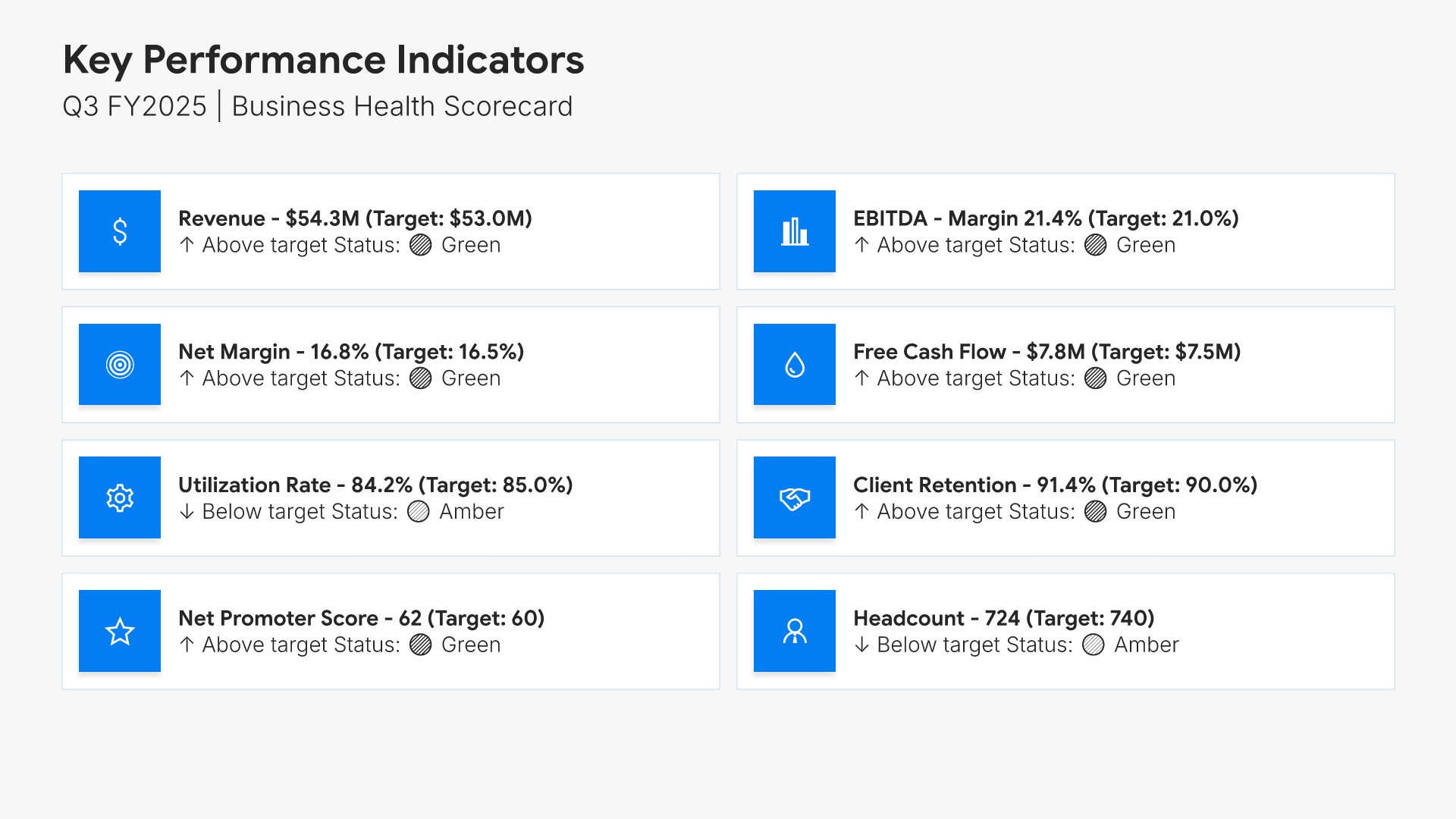
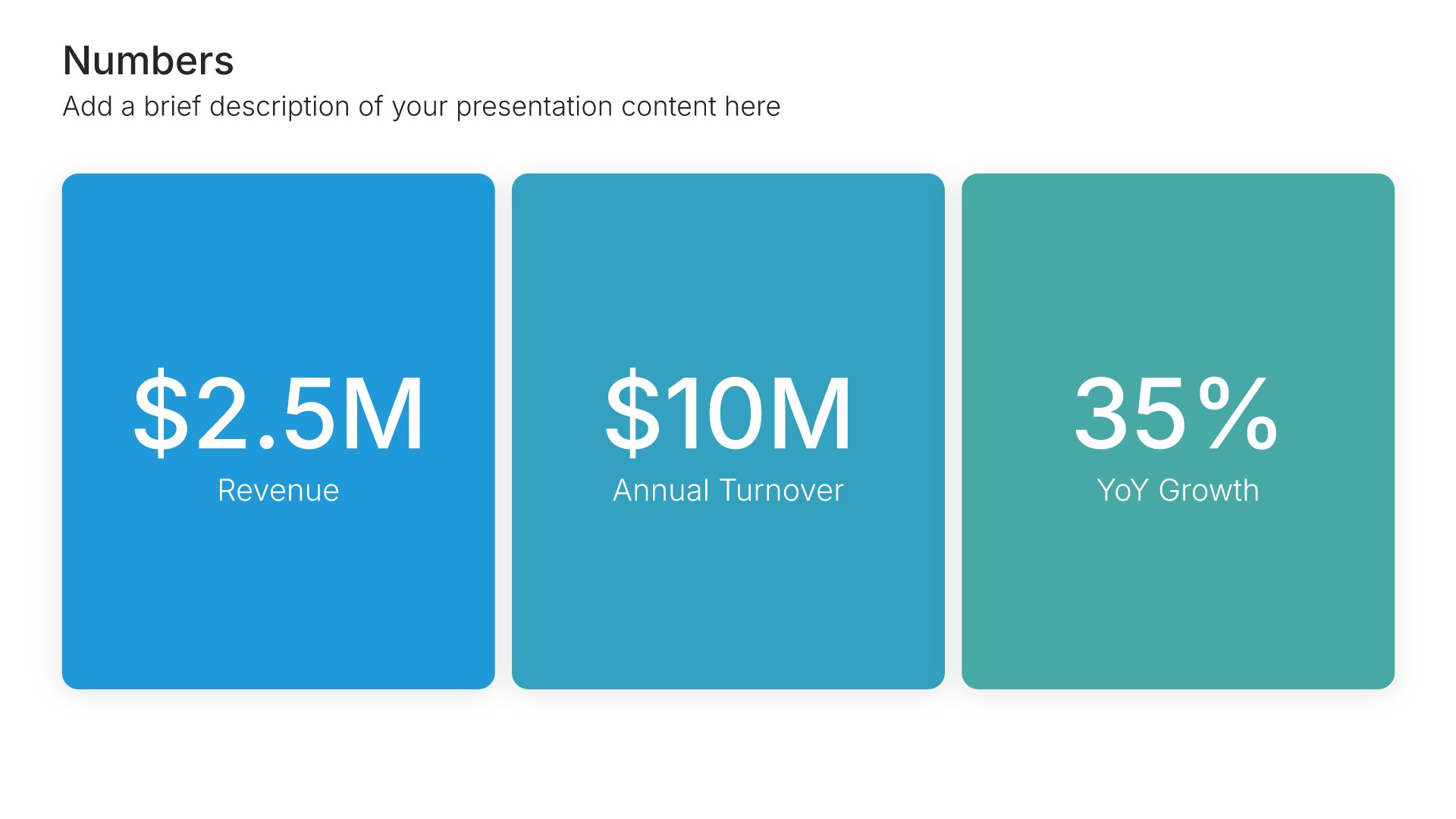
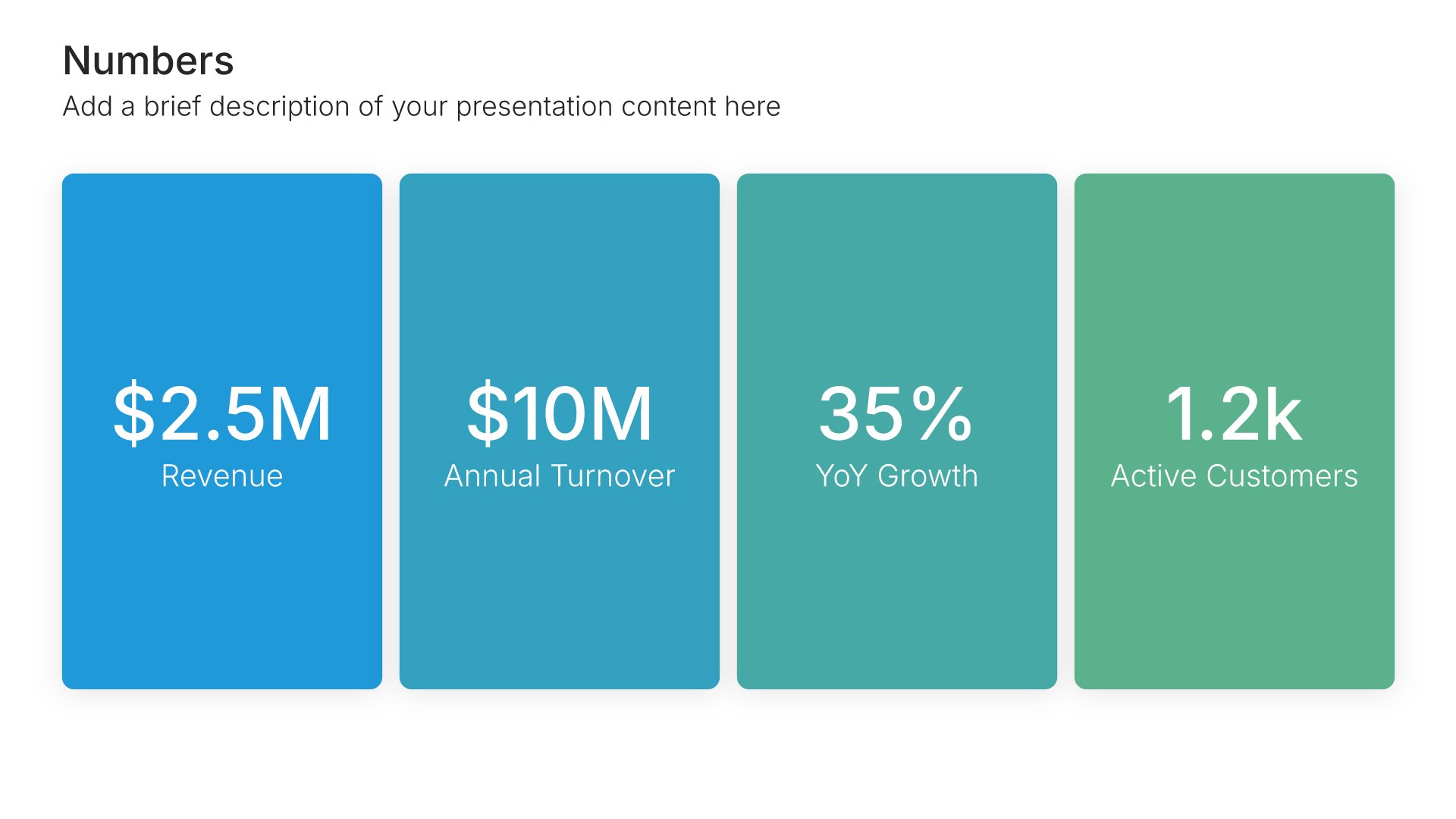
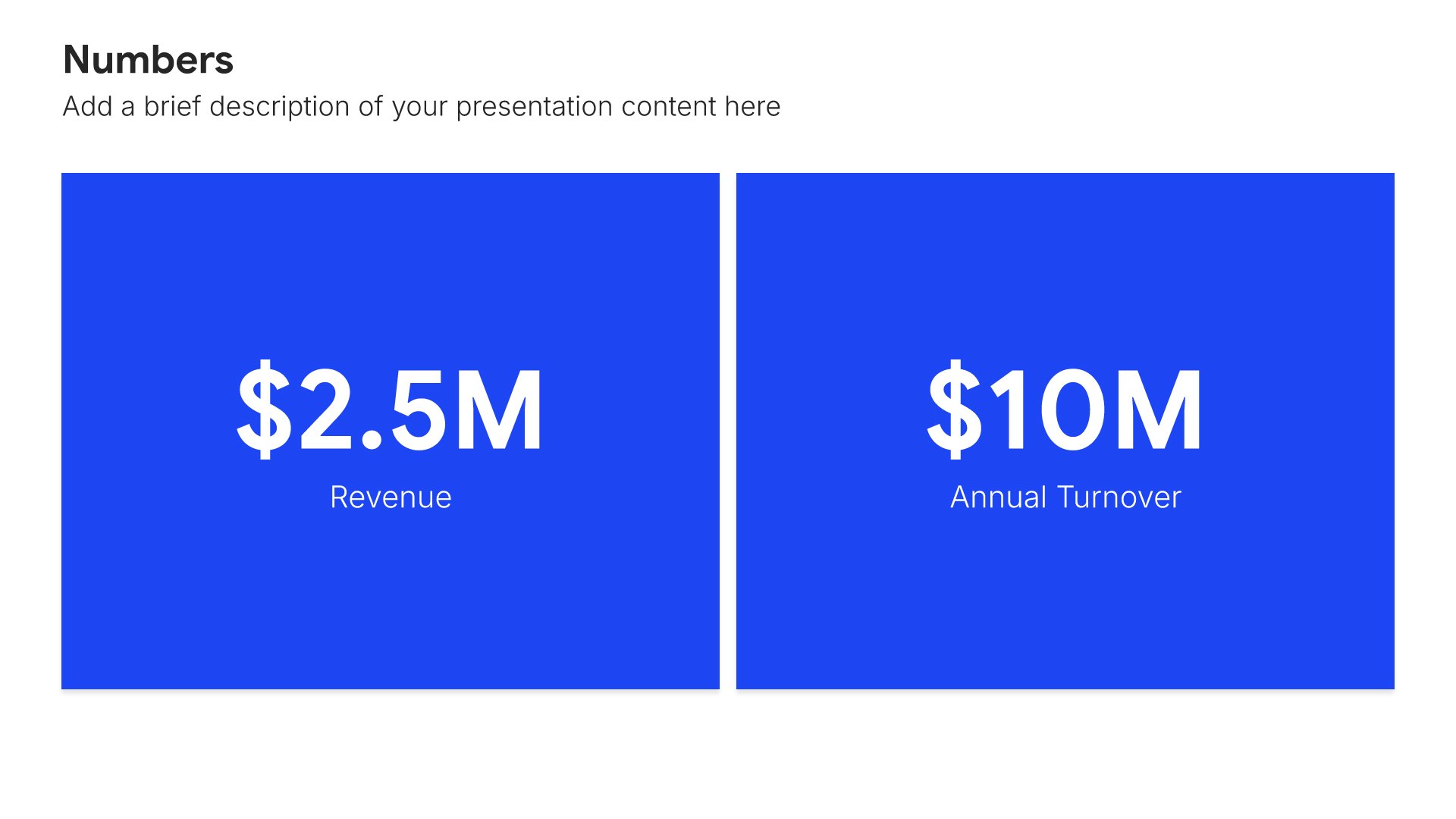
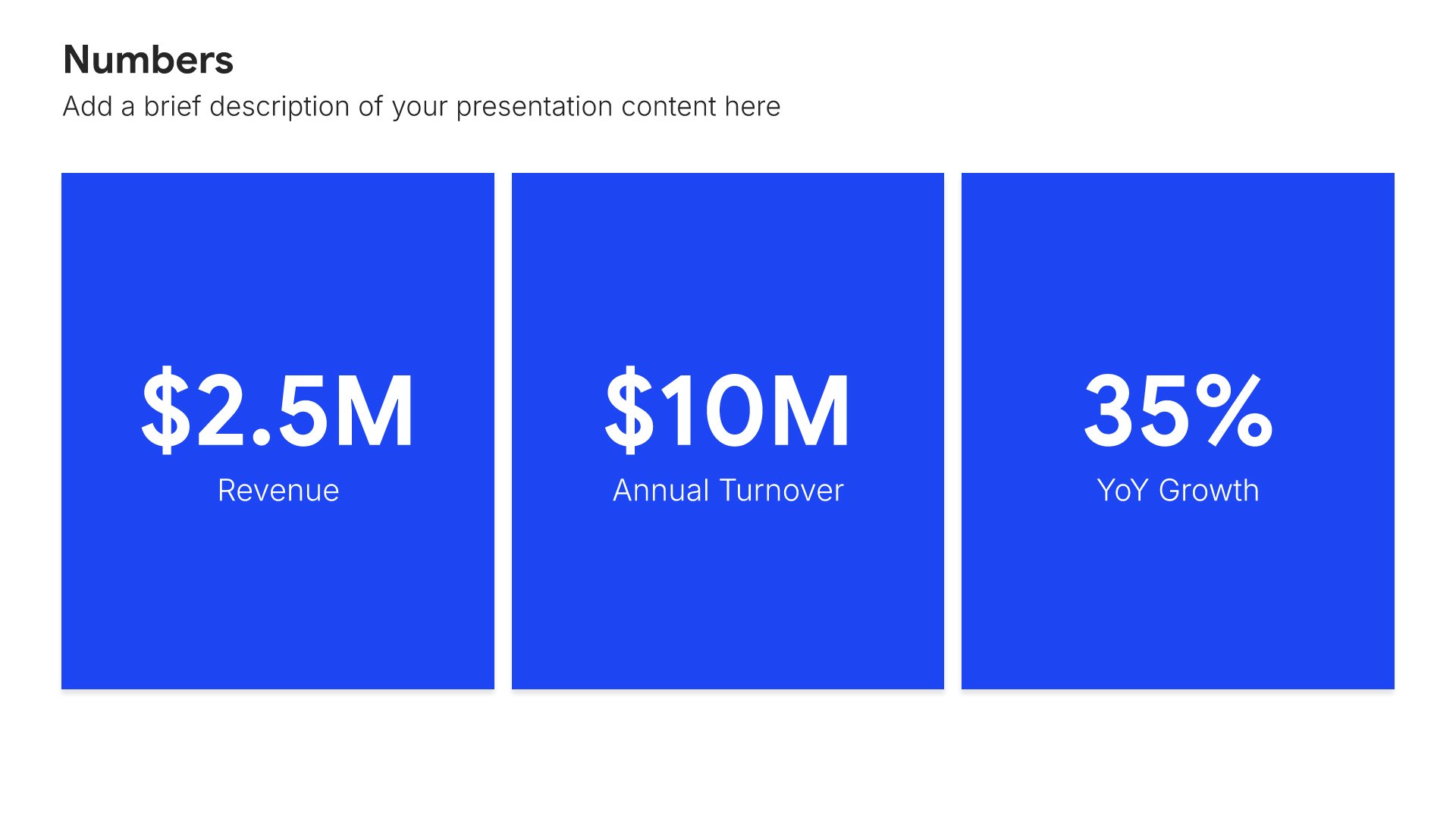
Key performance indicators slides help you define the metrics that measure success. Use them to present the KPIs that track progress toward your strategic goals, including targets, benchmarks, and measurement frequency. Ideal for strategic plans and business reviews where clear metrics ensure accountability and keep execution on track.
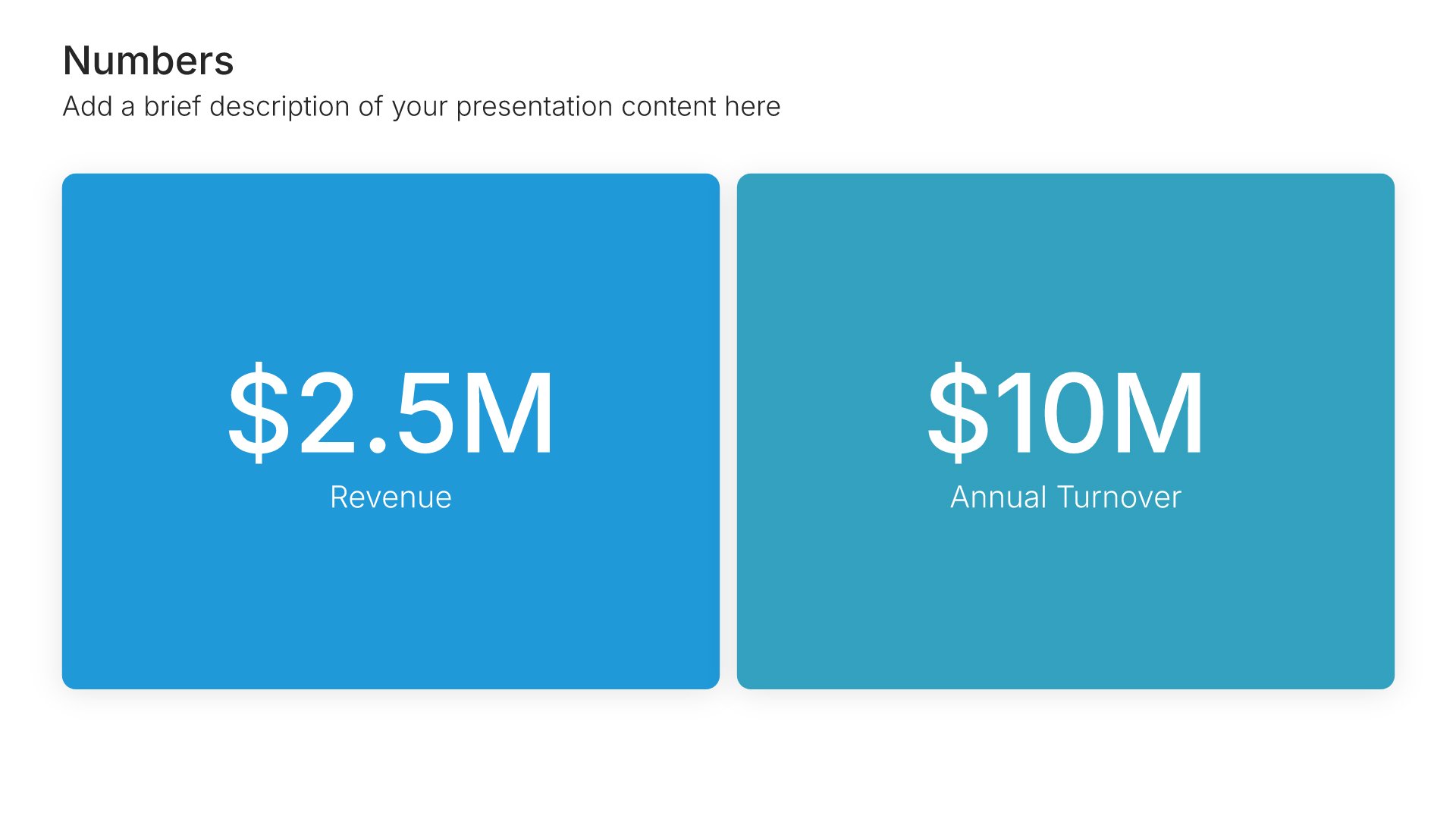
Built using Simple Numbers slides

9. Risk Factors & Challenges

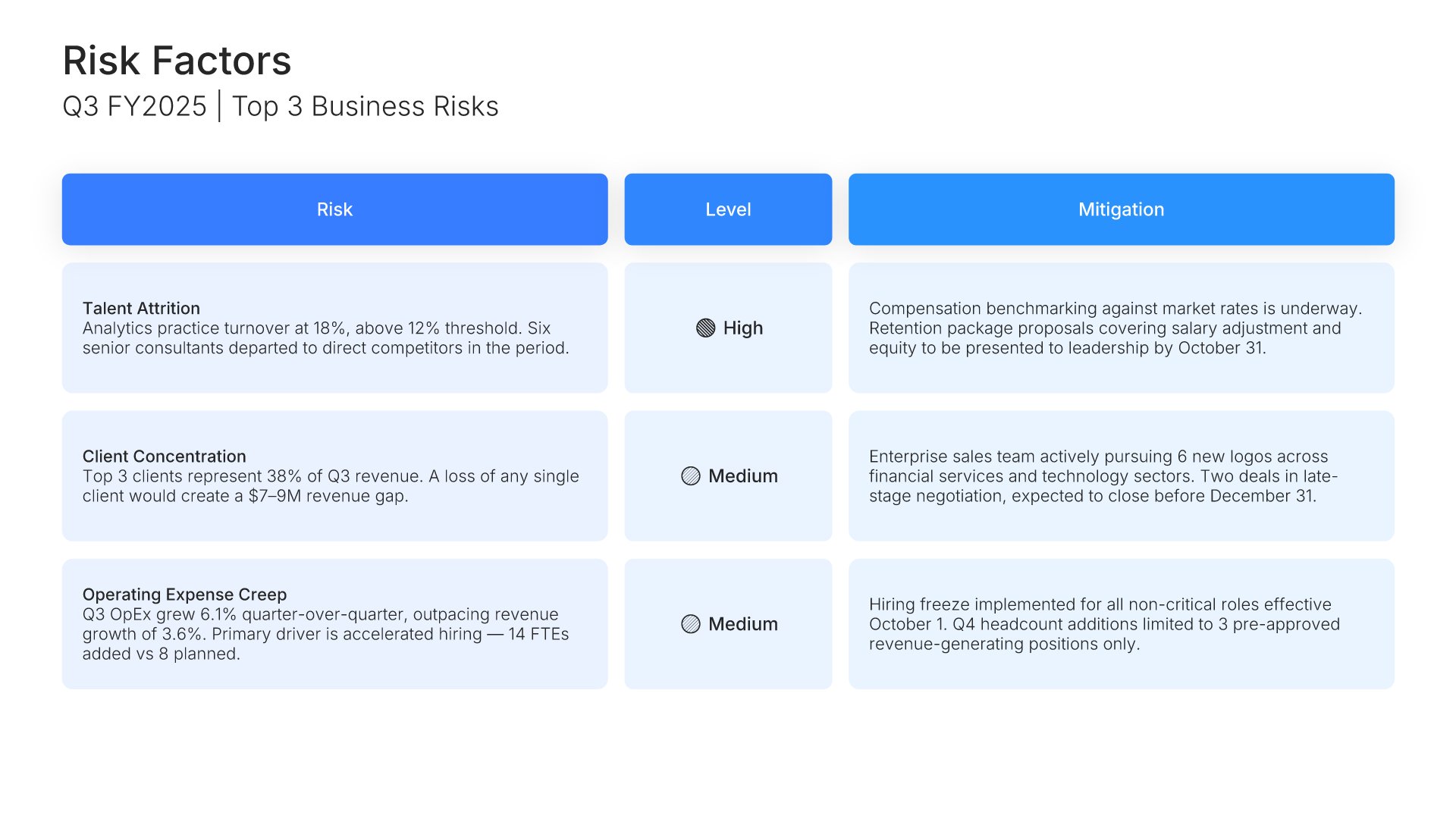
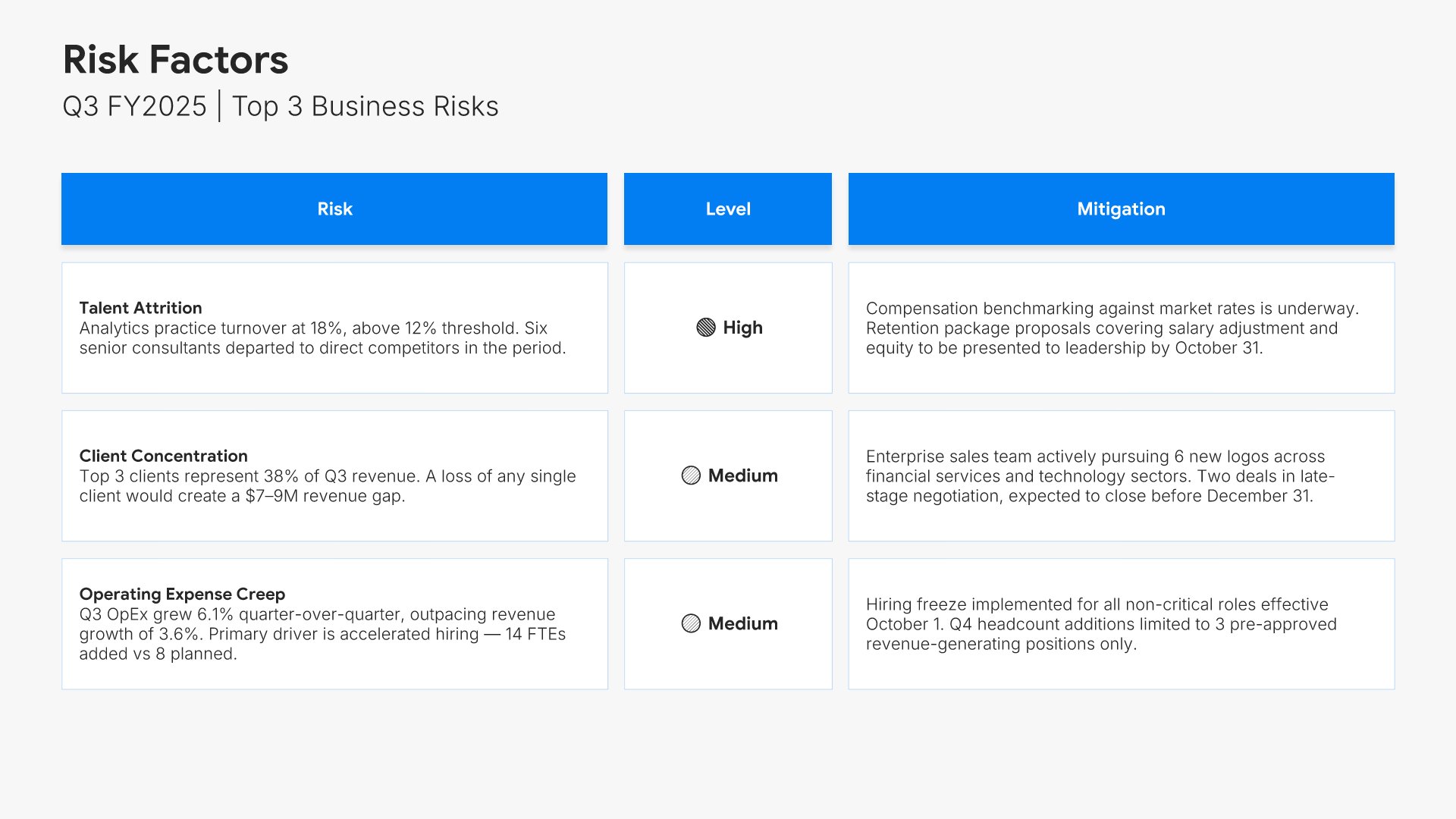
Risk factors slides help you identify financial and operational challenges facing the business. Use them to present key risks, their potential impact, and mitigation strategies in place. Ideal for financial reports and investor presentations where transparent risk disclosure demonstrates responsible governance and planning.
Built using Table slides

10. Future Outlook

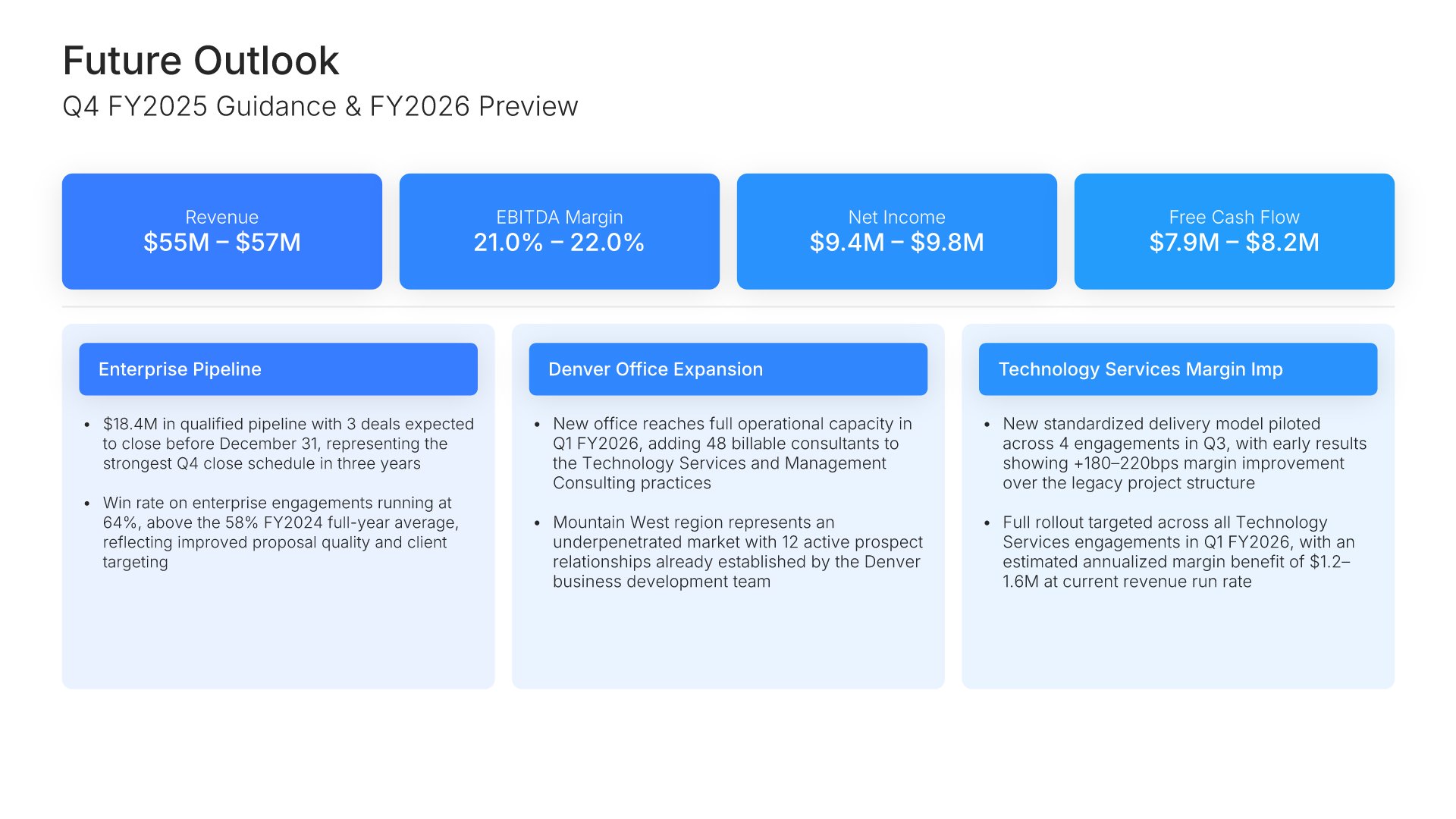
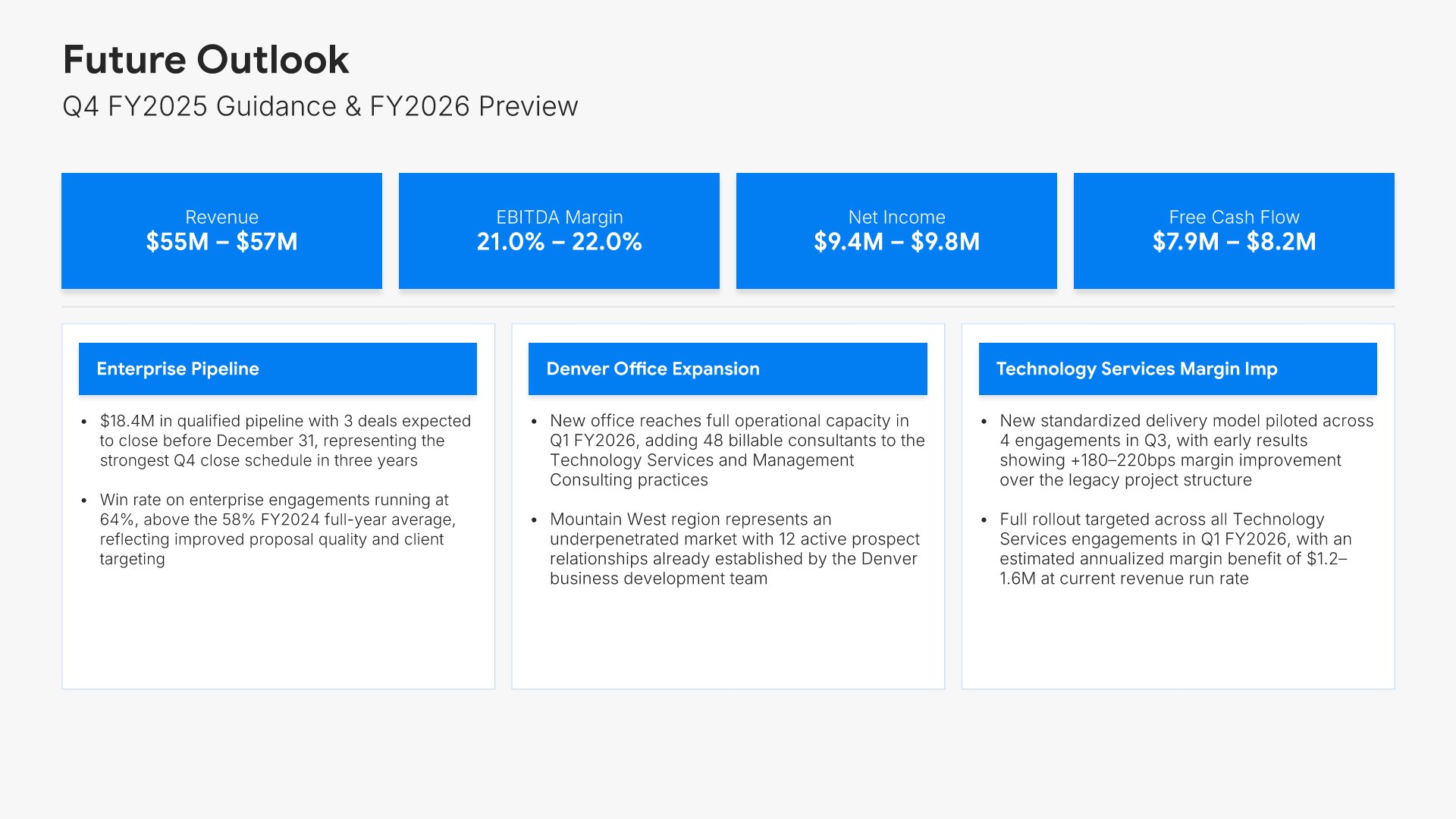
Future outlook slides help you share expectations and guidance for upcoming periods. Use them to present forecasts, targets, strategic priorities, and key assumptions. Ideal for financial reports and investor presentations where forward-looking statements help stakeholders understand your trajectory and growth potential.
Built using Executive Summary slides

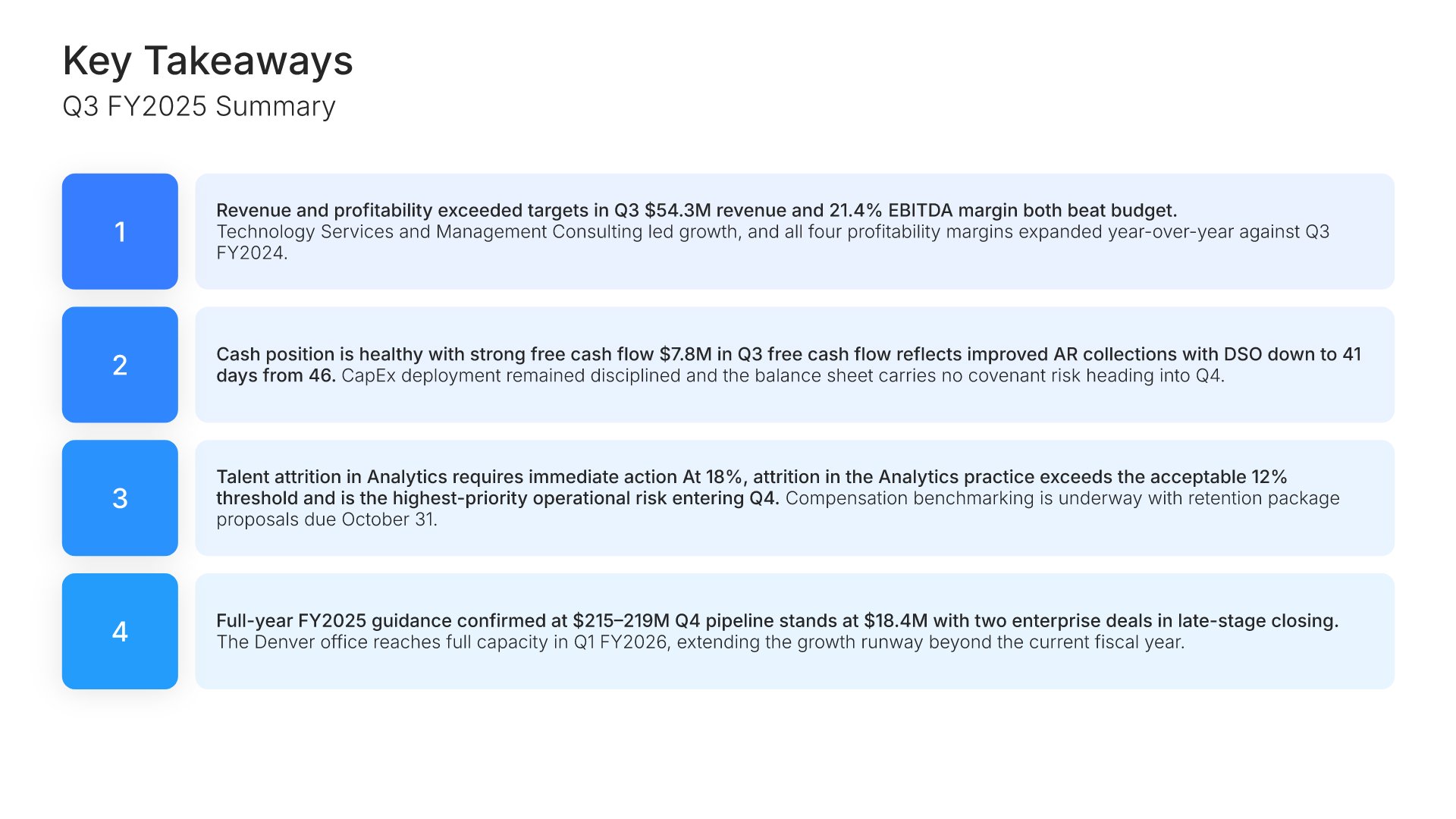
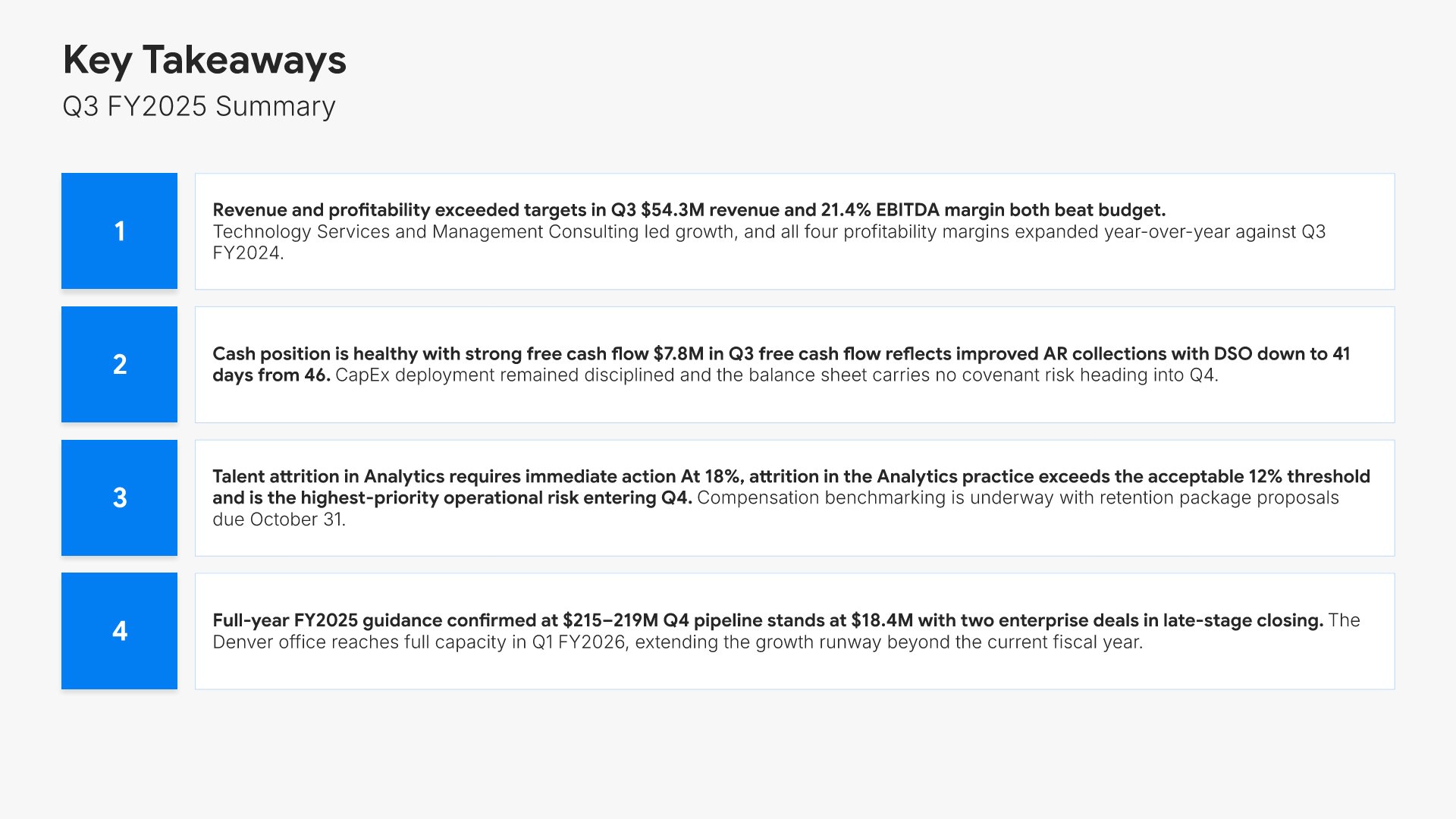
11. Key Takeaways

Key takeaways slides help you summarize the lessons learned and insights from your engagement. Use them to present what worked, what you learned, and how prospects can apply these insights. Sharing strategic lessons positions you as a thought leader and trusted advisor who adds value beyond the immediate project.
Built using Simple Text (with Numbers) slides

12. Thank You

Thank you slides help you close presentations professionally. Use them to end with gratitude, provide contact information, and leave a polished final impression. Ideal for any presentation where a professional closing reinforces your message and gives your audience a clear way to follow up or stay connected.
Built using Title slides

Build your Executive Financial Report presentation with Choladeck

Transform your Executive Financial Report vision into reality with Choladeck’s user-friendly platform. Follow our step-by-step guide, harnessing our vast collection of slides and tools, to create a compelling and cohesive presentation that resonates with your audience.

Step 1

Browse & Select

Explore over 9,172+ professionally designed slides across 134 categories. Or if you want a head start, pick from 74+ premade presentation templates. Whatever you need, it's probably already here.

Step 2

Customize Your Slides

Swap icons and images instantly from our built-in libraries. Use Pointers to choose your count (2-box, 3-box, 4-box) and Variations to pick your design style. No more settling for "close enough." Get the exact slide you need.

Step 3

Brand Your Presentation

Add your logo, apply your brand colors, choose your fonts, and set custom backgrounds. One click and your entire presentation looks like it was made just for you. Because it was.

Step 4

Export Your Presentation

When you're ready, export to PowerPoint, Google Slides, or Keynote with a single click. Continue editing in your favorite tool if you want. Your workflow, your way.

Try Choladeck for free today and experience the ease of creating remarkable presentations.

No Sign-in or Credit Card Required

Wait!

Before you go, have you had the chance to experience Choladeck? If not try out – Choladeck for absolutely FREE!!

No Sign-in or Credit Card Required

Experience Choladeck Yourself!
Why just read about it when you can experience it? Dive into our presentation library – absolutely FREE!

No Sign-in or Credit Card Required