Pricing

Budget proposal template

Nineteen slides for asking a leadership team to approve a number: what you're requesting, what it buys, what it returns, and what could go wrong. Select it, brand it to your organization in one click, add your figures, and export to PowerPoint, Google Slides, or Keynote.

Free to start. No credit card required.
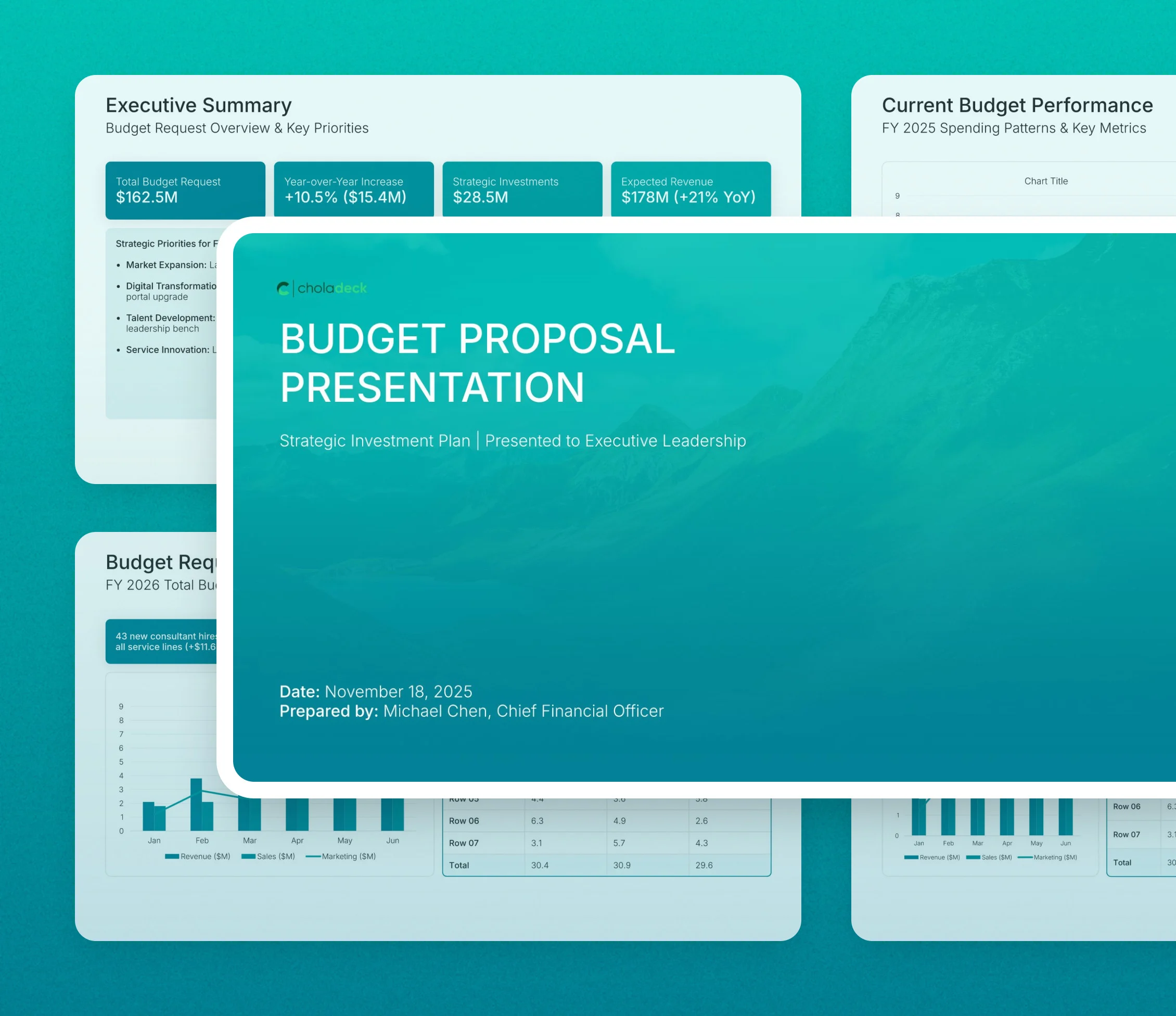
Budget proposal template: the title slide in front of other slides from the 19-slide deck

Every slide in the budget proposal template

Nineteen slides, in the order you present them.
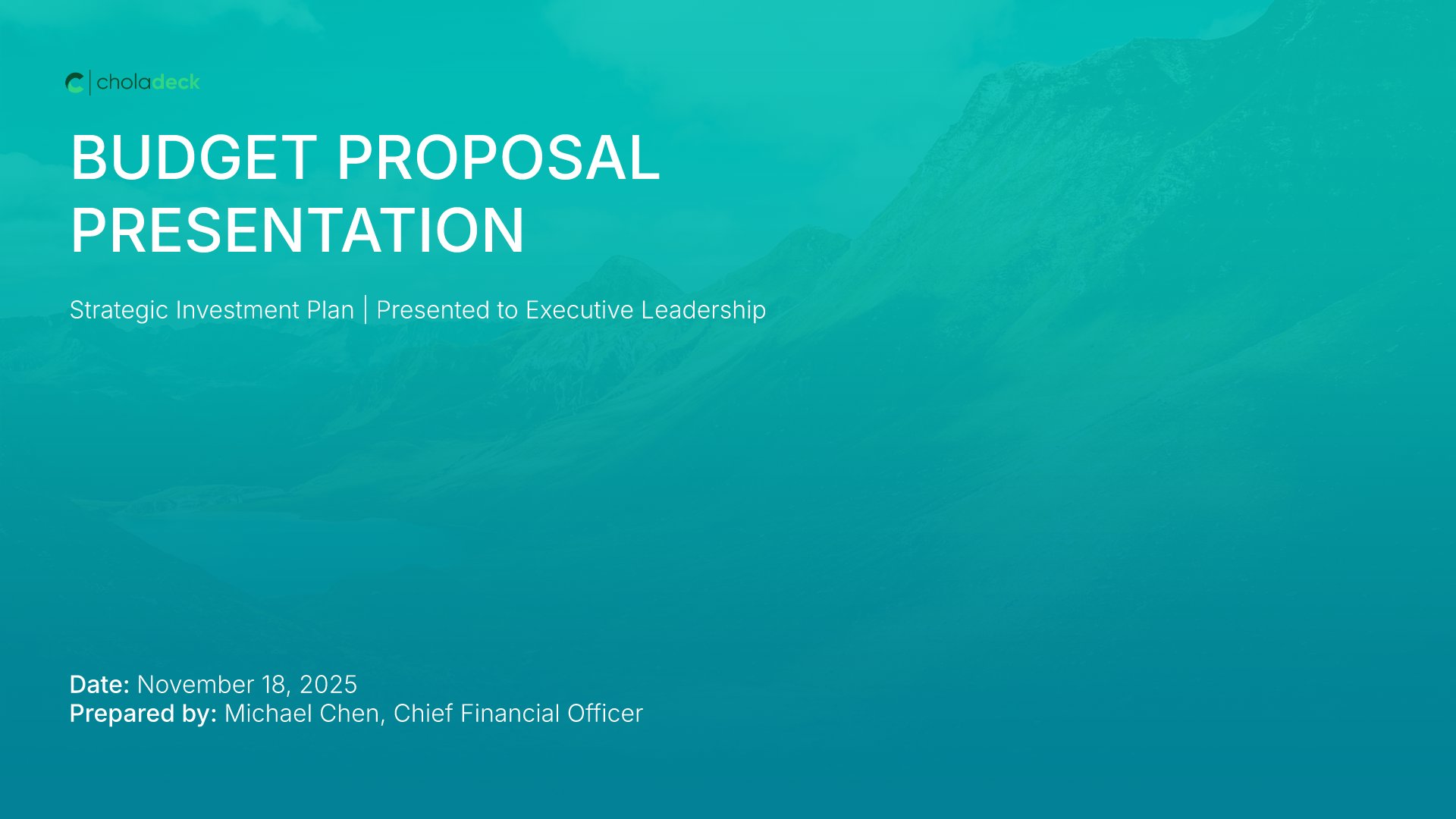
Budget Proposal • Premade Template • Slide 01 of 19

Title slide, budget proposal template, the request and who prepared it

Slide 01

Title

The request, who it's for, and who prepared it.

Built using “Title” slide
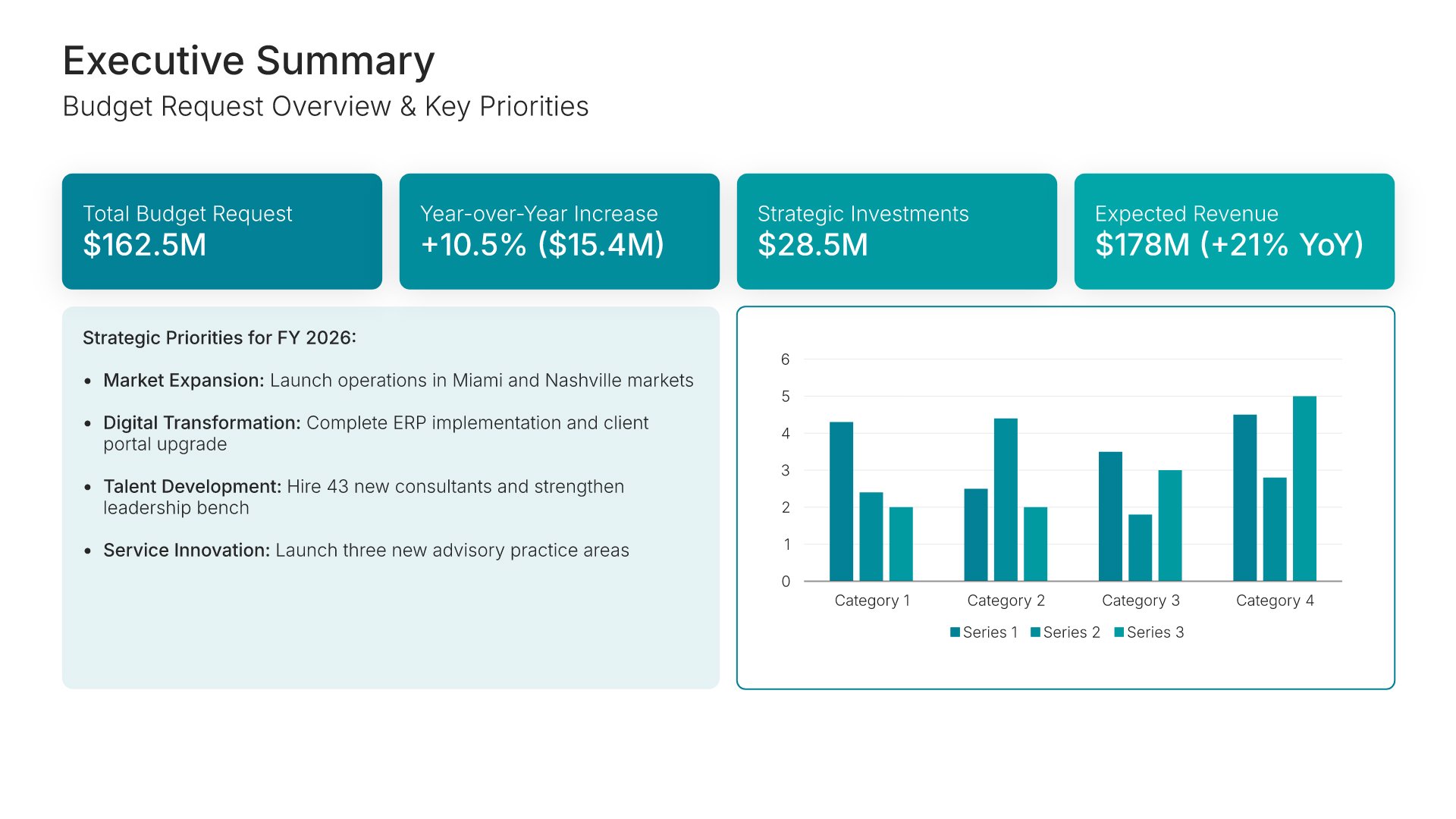
Executive summary slide, budget proposal template, total request and expected impact

Slide 02

Executive Summary

Total request, year-over-year change, program investment, and expected revenue impact, with the priorities beside them.

Built using “Executive Summary” slide
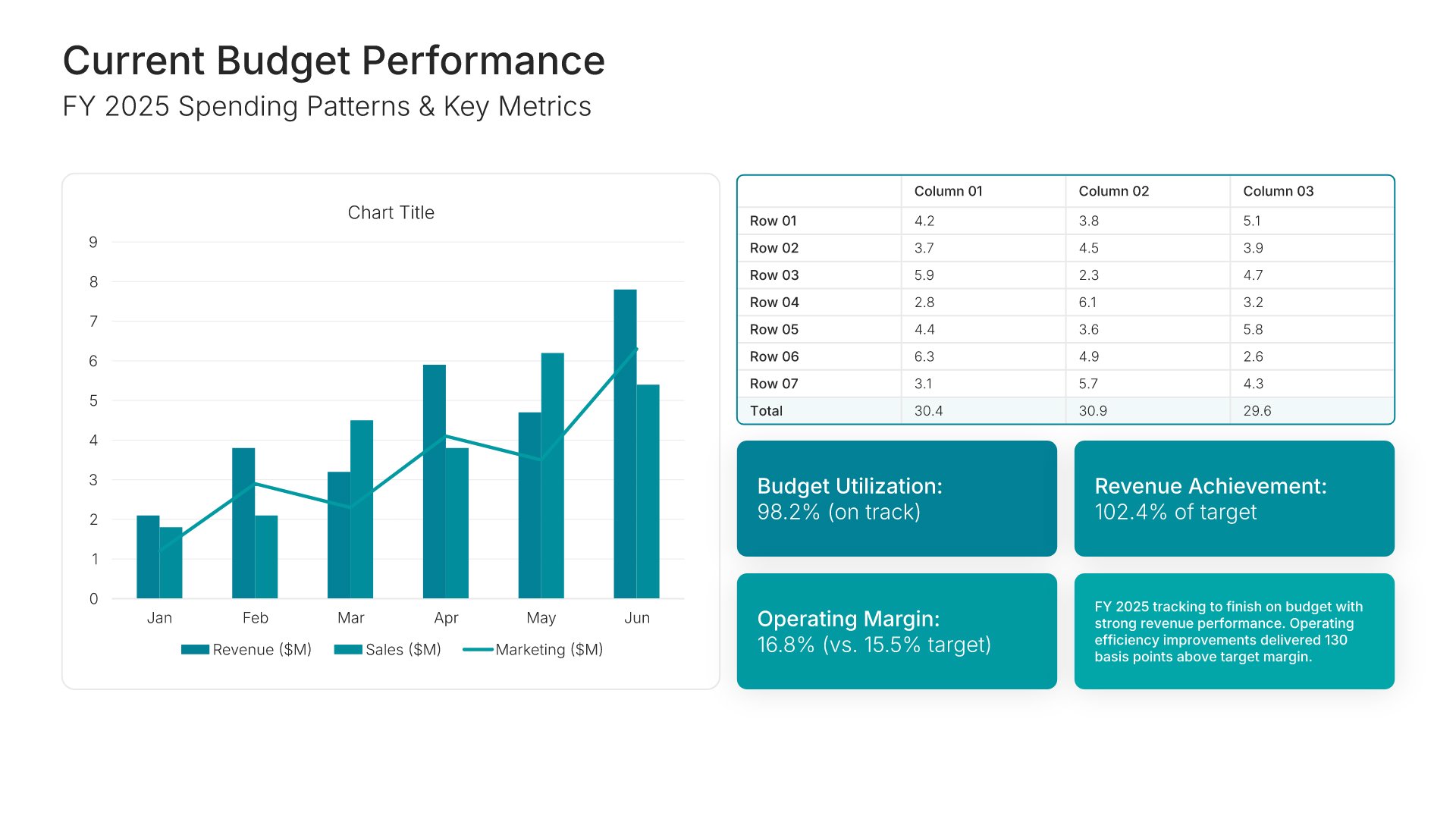
Current budget performance slide, budget proposal template, current-year spending against budget

Slide 03

Current Budget Performance

How the current year is tracking, spending patterns charted with the key metrics.

Built using “KPI Dashboard” slide
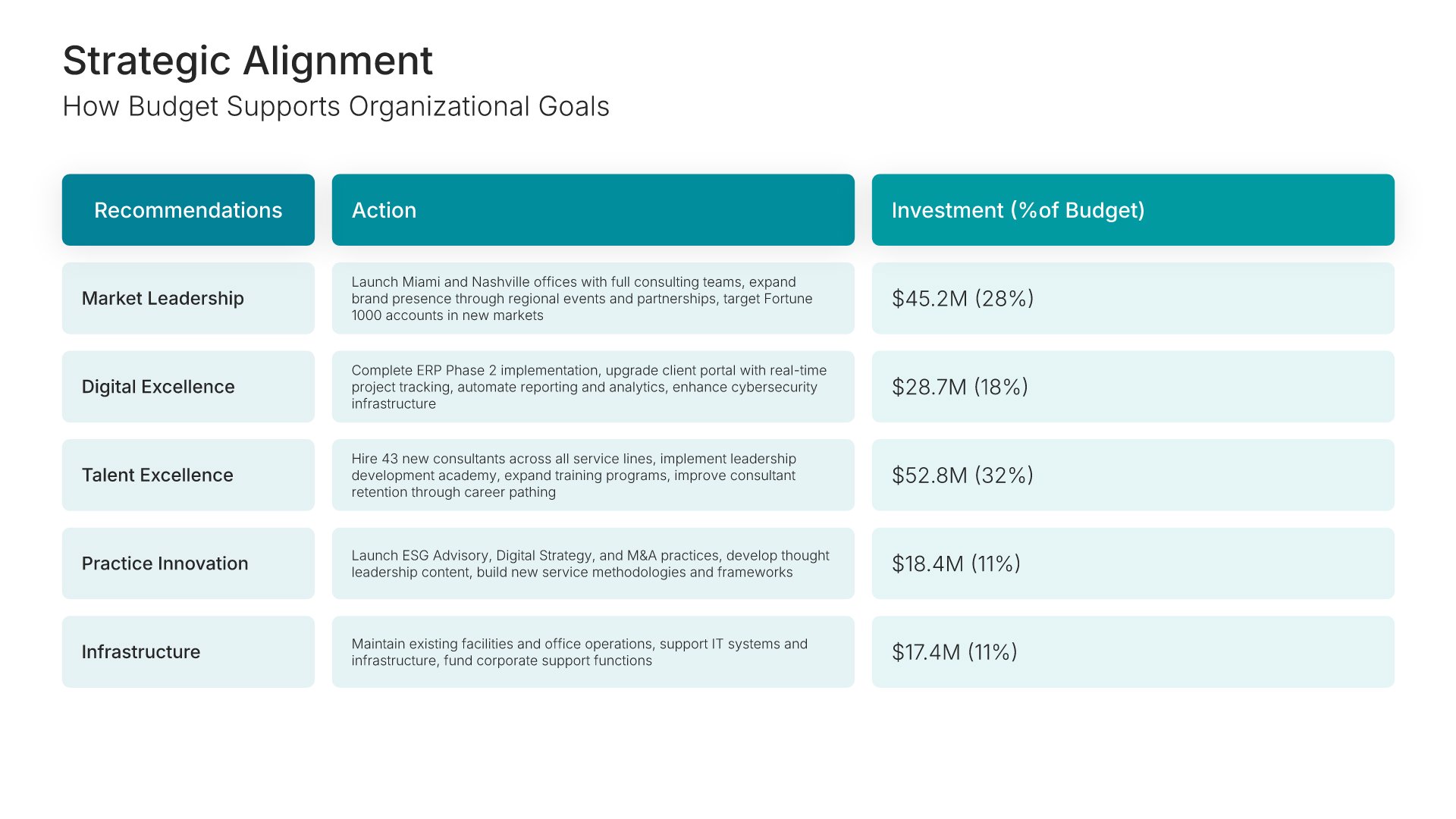
Strategic alignment slide, budget proposal template, goals against the budget lines

Slide 04

Strategic Alignment

Each organizational goal against the budget line that funds it.

Built using “Executive Summary” slide
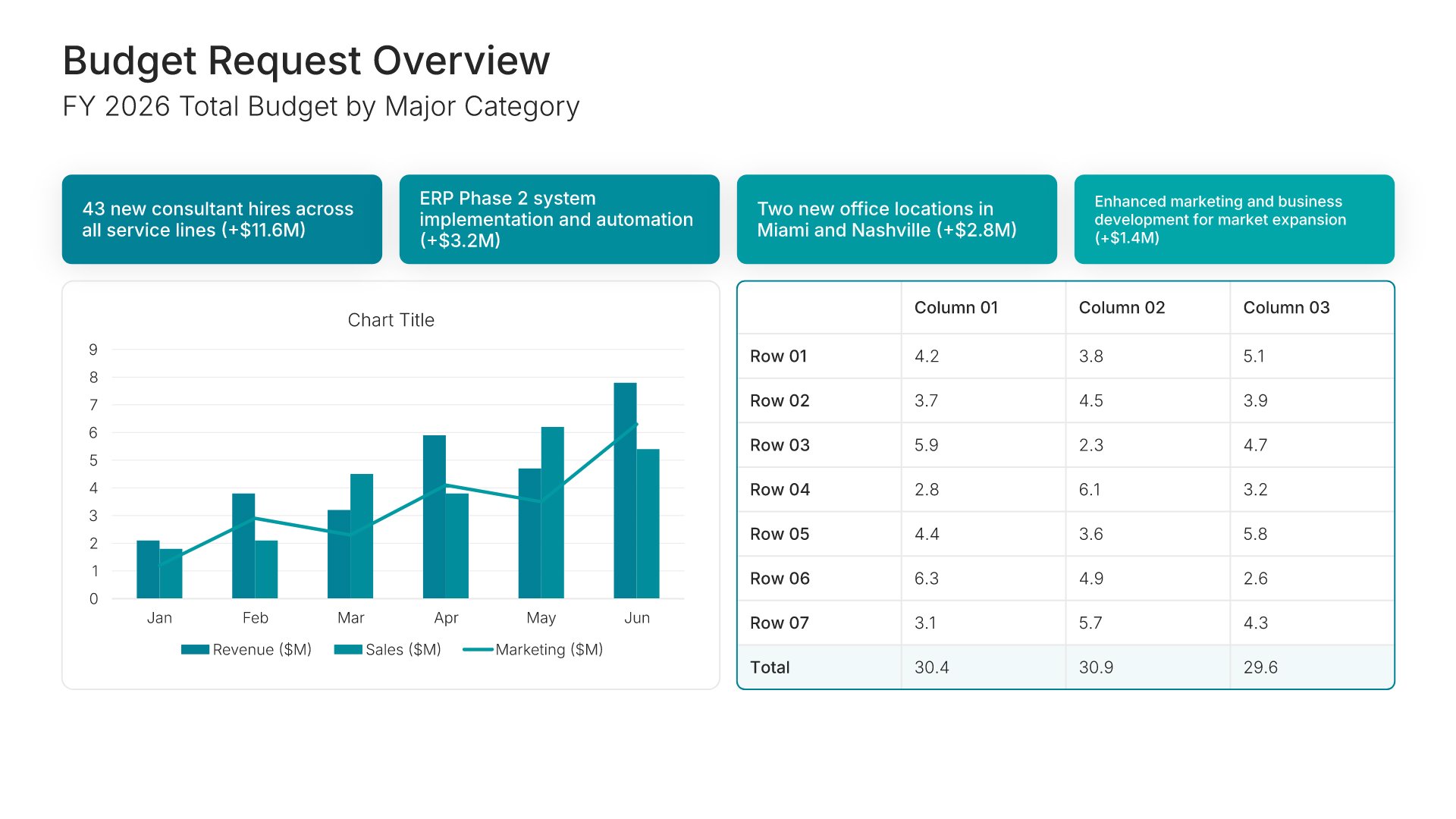
Budget request overview slide, budget proposal template, total request by category

Slide 05

Budget Request Overview

The total by major category, charted with the figures tabled beneath.

Built using “KPI Dashboard” slide
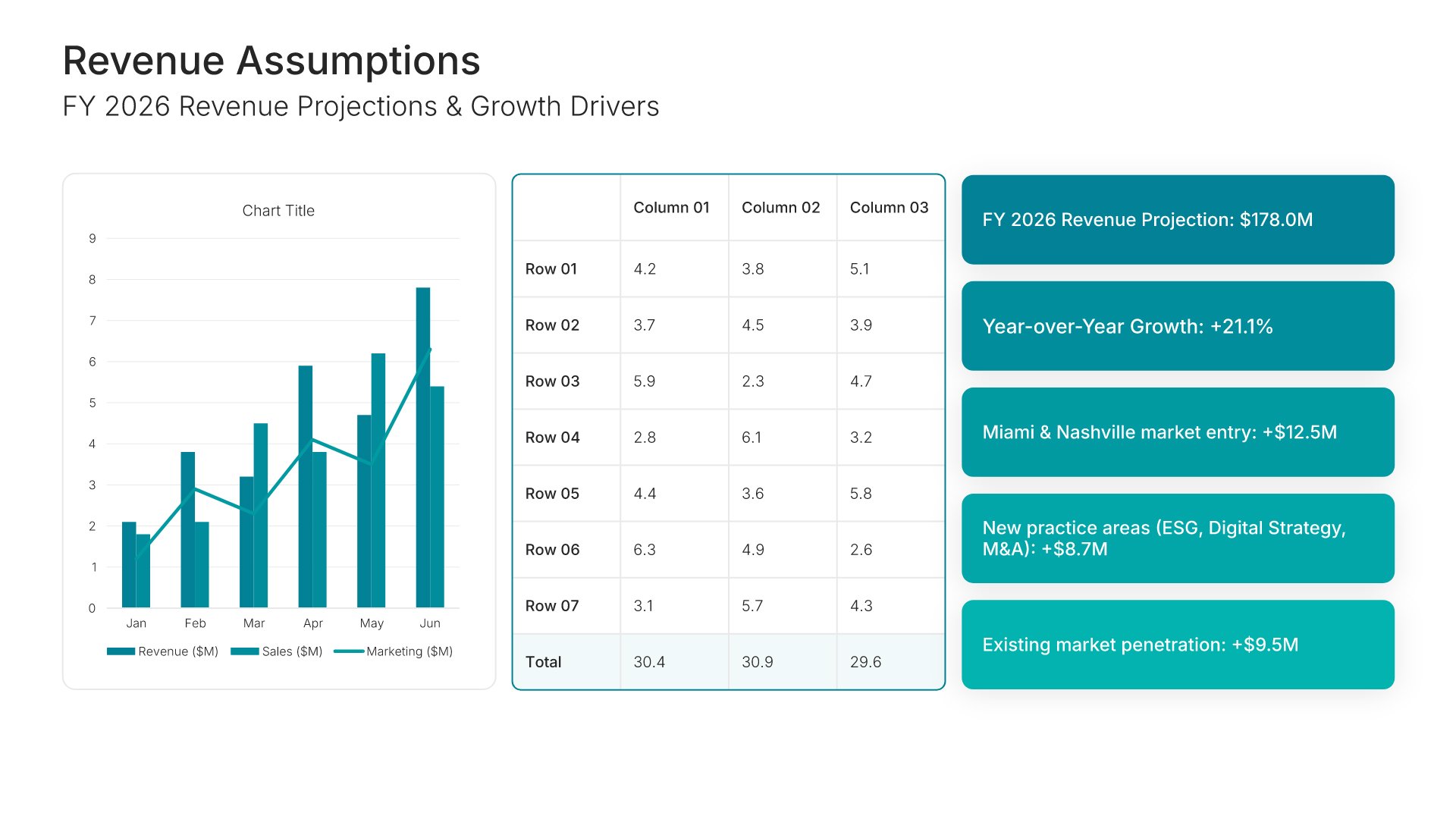
Revenue assumptions slide, budget proposal template, revenue figures and growth drivers

Slide 06

Revenue Assumptions

The revenue the budget assumes, with the growth drivers behind each figure.

Built using “KPI Dashboard” slide
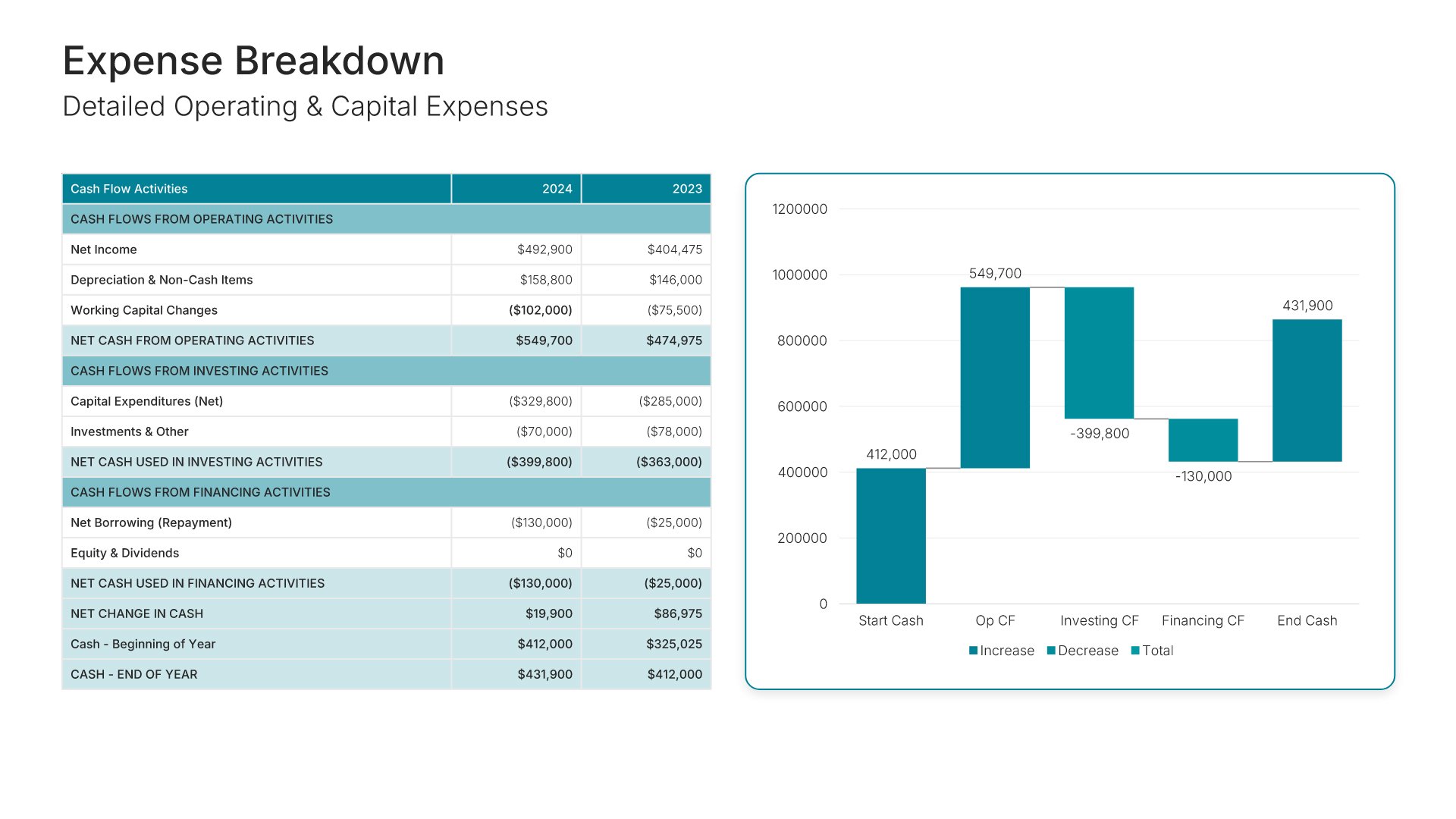
Expense breakdown slide, budget proposal template, operating and capital expenses by category

Slide 07

Expense Breakdown

Operating and capital expenses in detail, charted by category.

Built using “Financial Table” slide
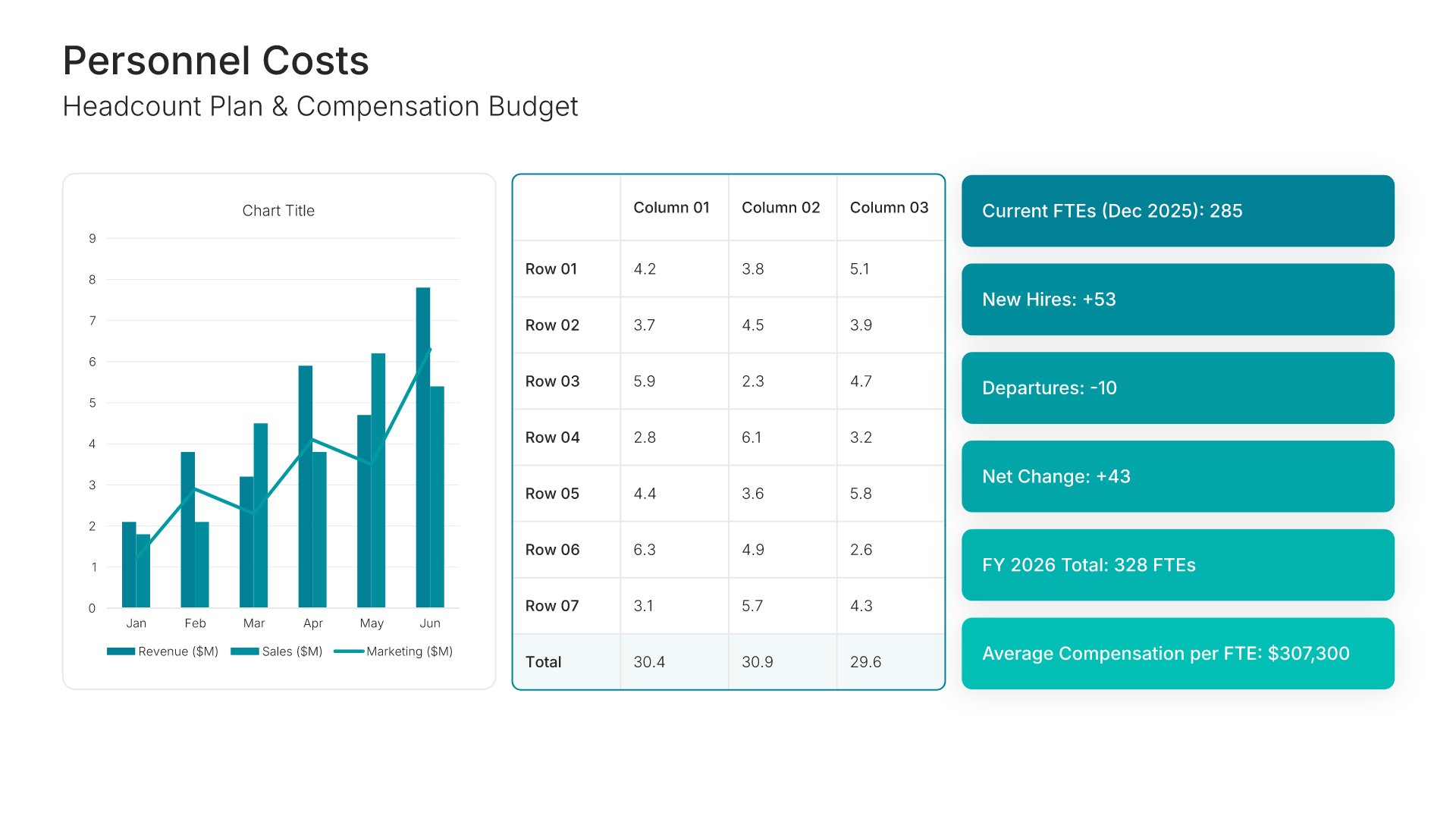
Personnel costs slide, budget proposal template, headcount and compensation by role

Slide 08

Personnel Costs

Headcount plan and compensation budget, role by role.

Built using “KPI Dashboard” slide
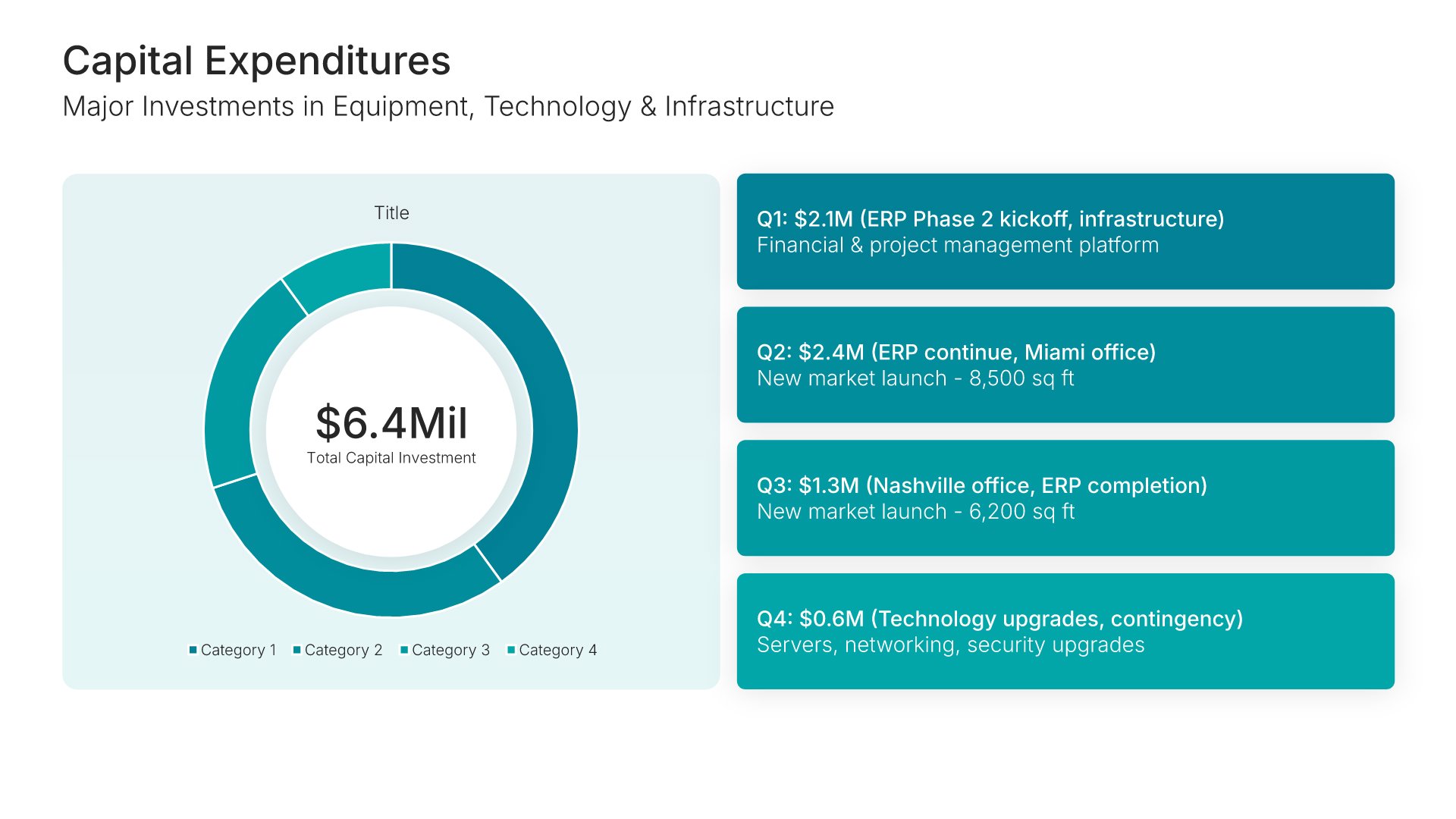
Capital expenditures slide, budget proposal template, equipment, technology, and infrastructure spend

Slide 09

Capital Expenditures

Major equipment, technology, and infrastructure spend on a donut, itemized.

Built using “Investment” slide
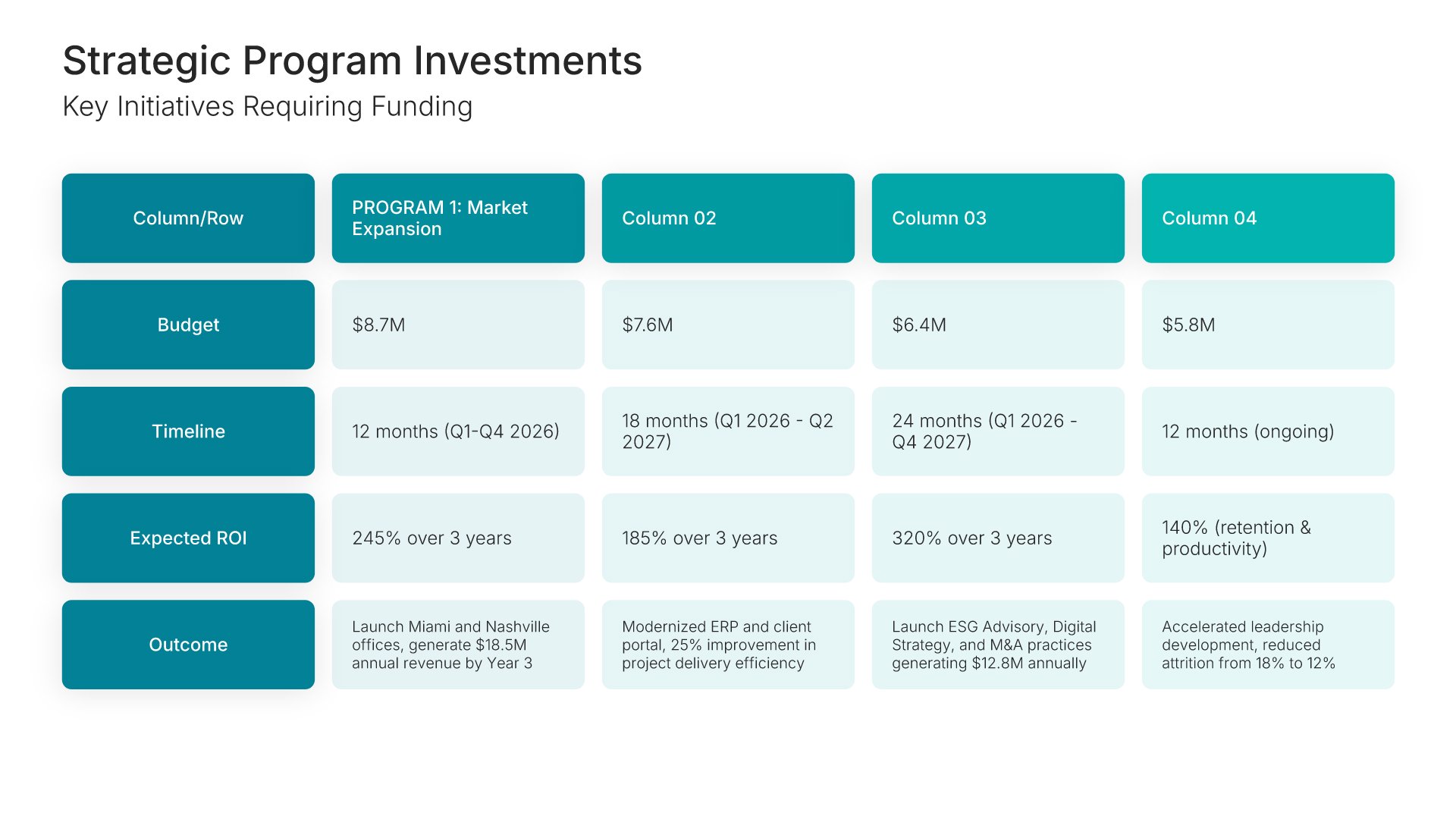
Strategic program investments slide, budget proposal template, initiatives with budget and return

Slide 10

Strategic Program Investments

Each initiative requiring funding, with its budget and expected return.

Built using “Table” slide
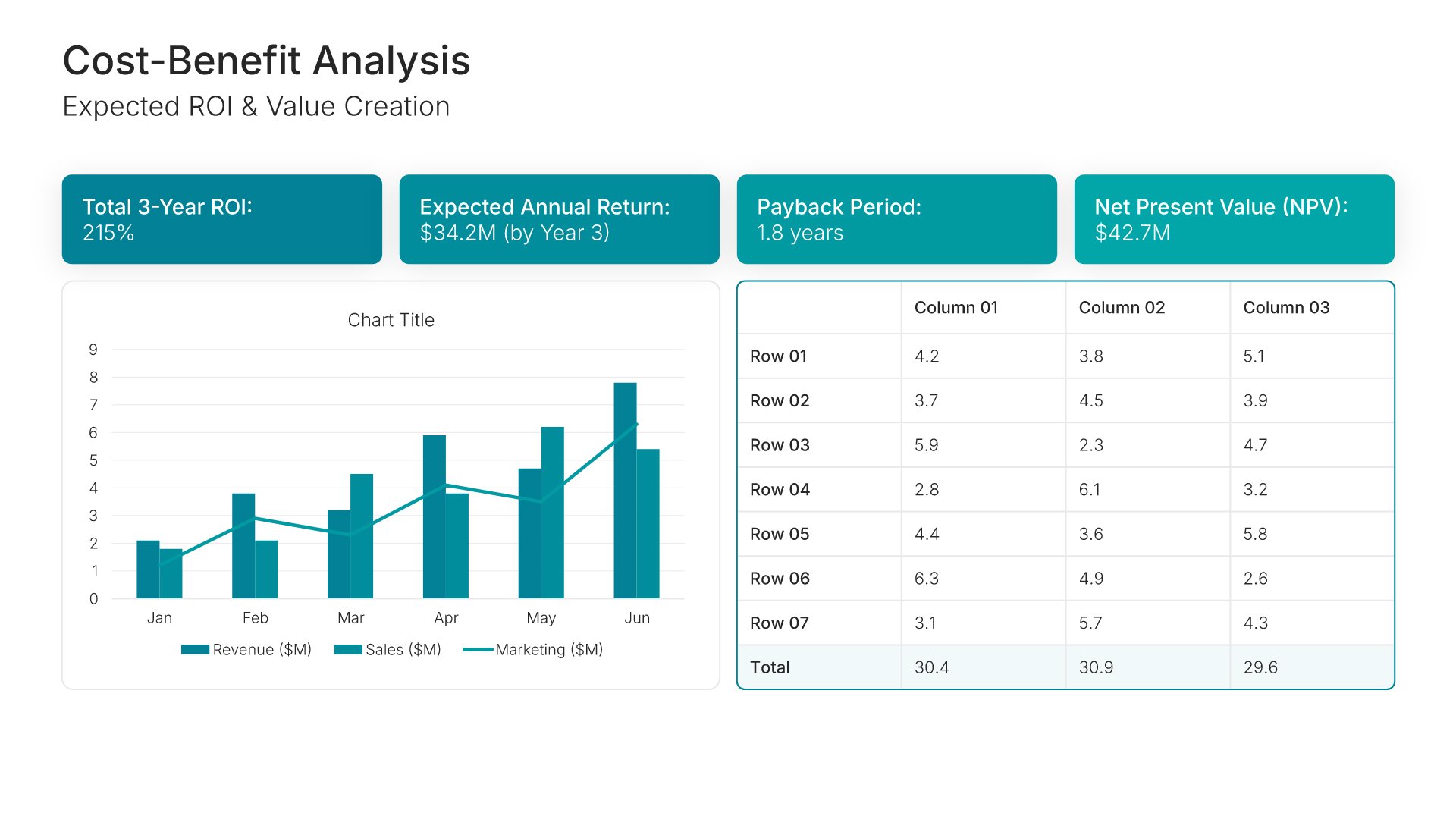
Cost-benefit analysis slide, budget proposal template, expected ROI and payback period

Slide 11

Cost-Benefit Analysis

Expected ROI and payback period against the value each investment creates.

Built using “KPI Dashboard” slide
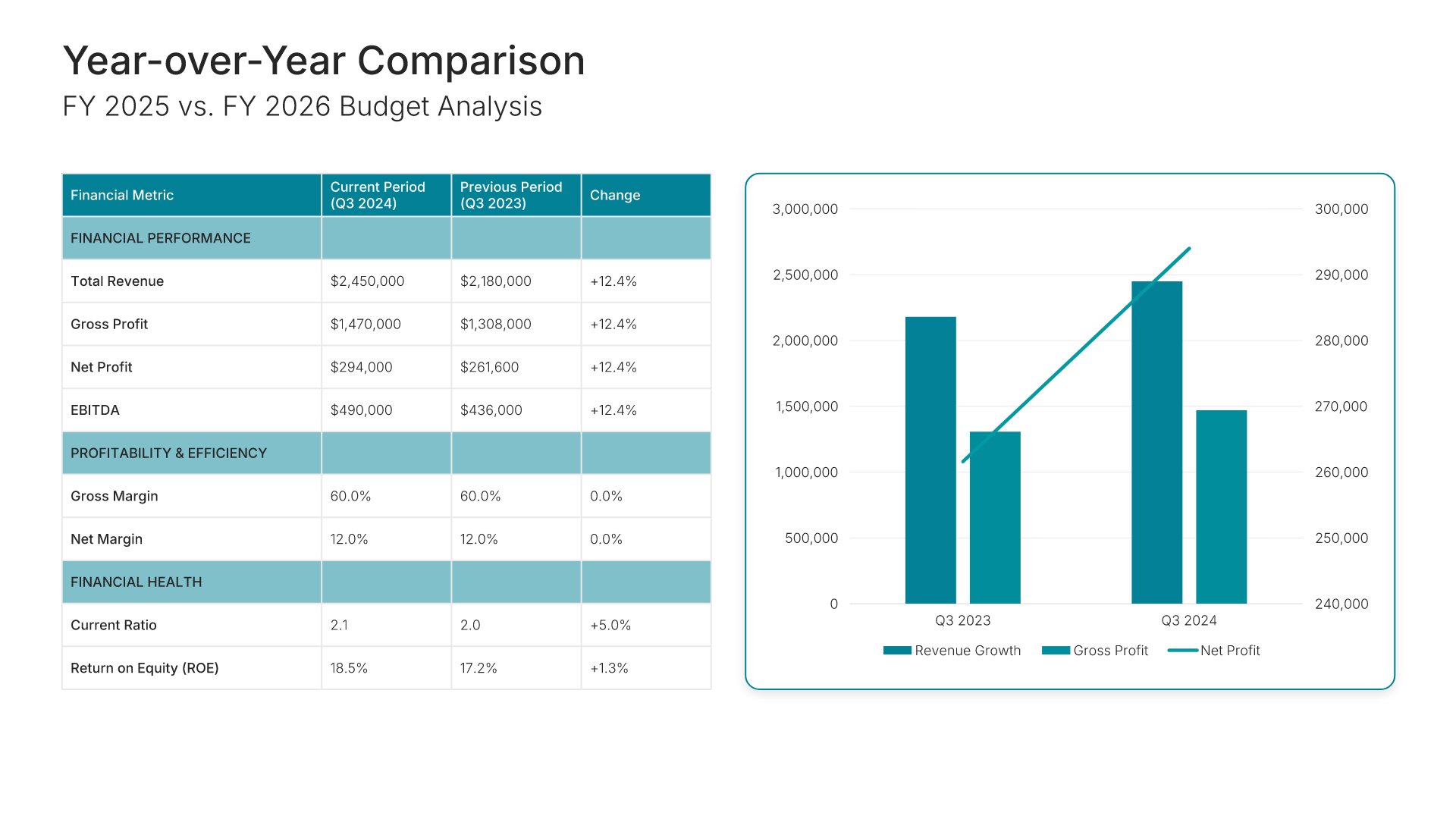
Year-over-year comparison slide, budget proposal template, this year against last, line by line

Slide 12

Year-over-Year Comparison

This request against last year's, line by line, with the variance.

Built using “Financial Table” slide
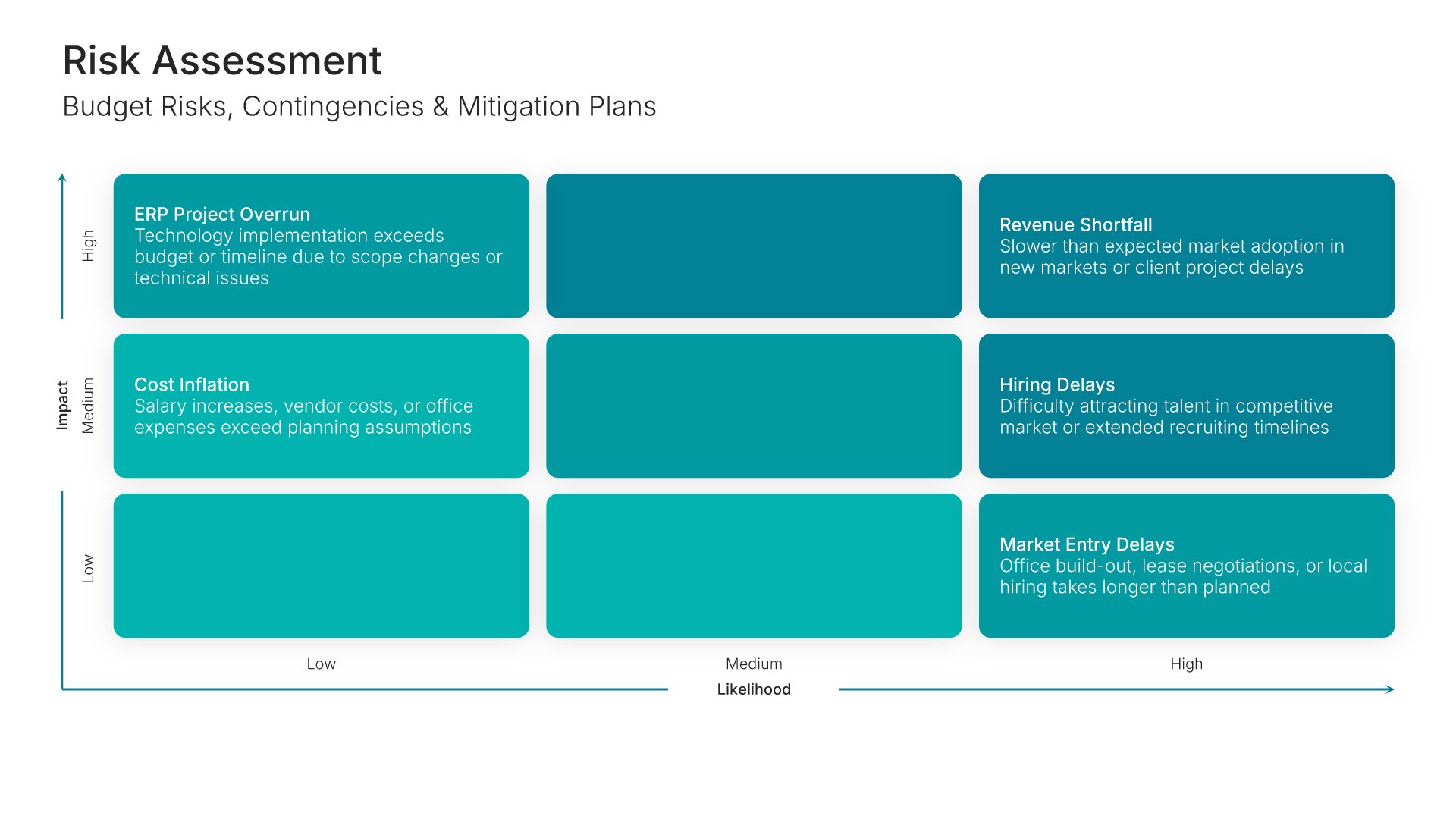
Risk assessment slide, budget proposal template, risks by likelihood and impact

Slide 13

Risk Assessment

Budget risks plotted by likelihood and impact.

Built using “Matrix (3×3)” slide
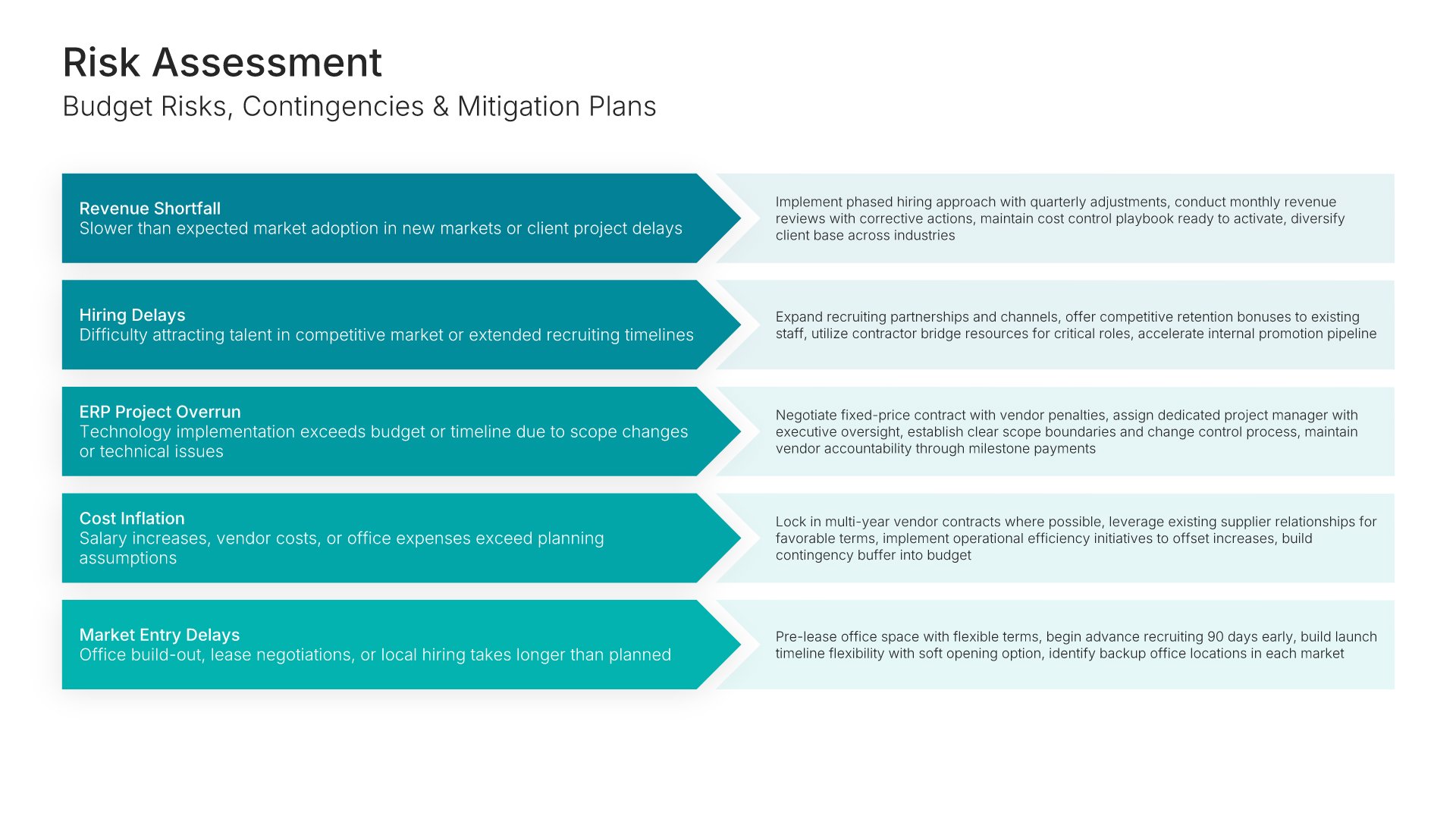
Risk assessment slide, budget proposal template, contingency and mitigation plans

Slide 14

Risk Assessment

The same risks tabled, each with its contingency and mitigation plan.

Built using “Comparison” slide
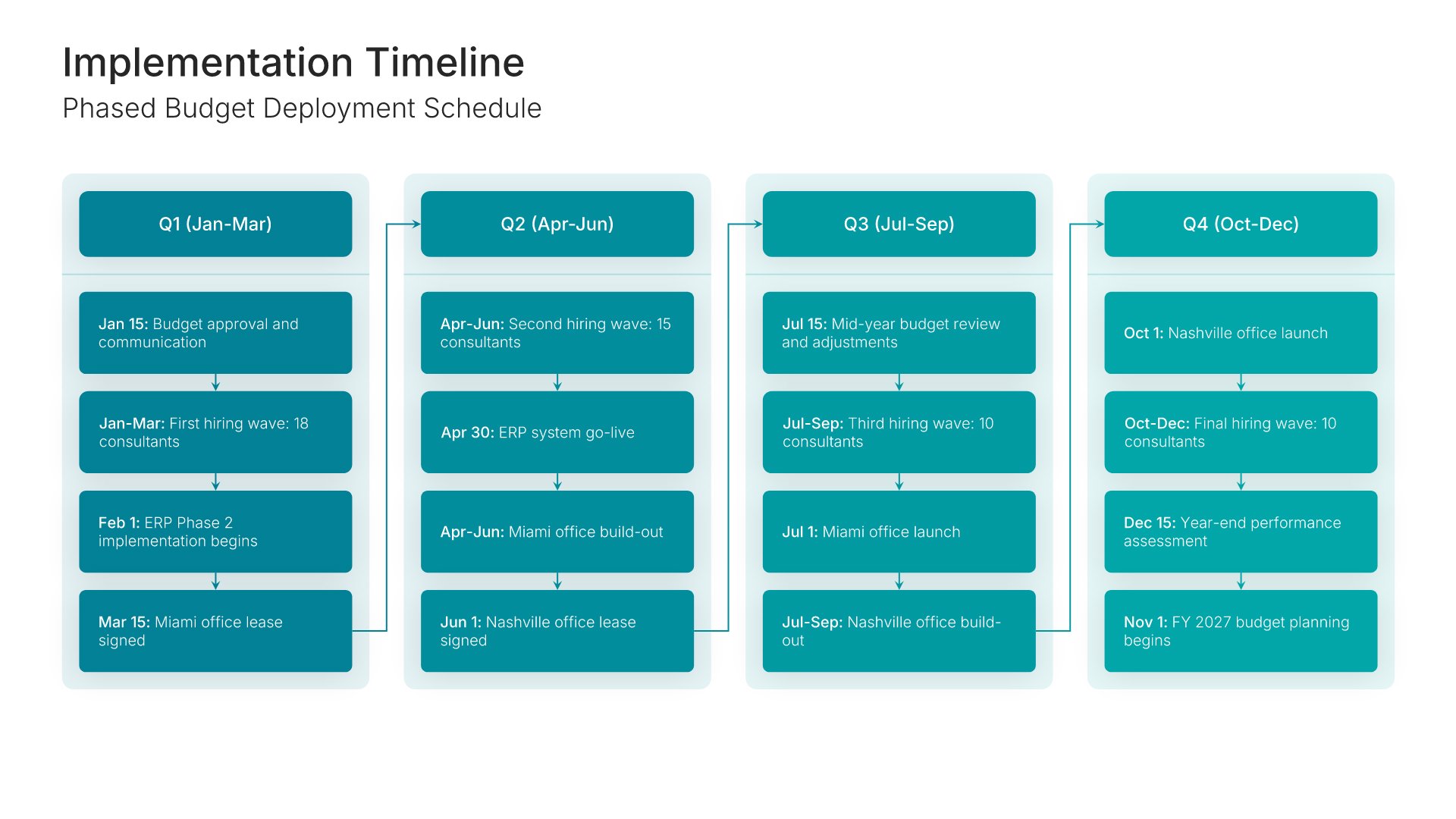
Implementation timeline slide, budget proposal template, phased deployment by quarter

Slide 15

Implementation Timeline

Phased deployment across the year, quarter by quarter.

Built using “Roadmap” slide
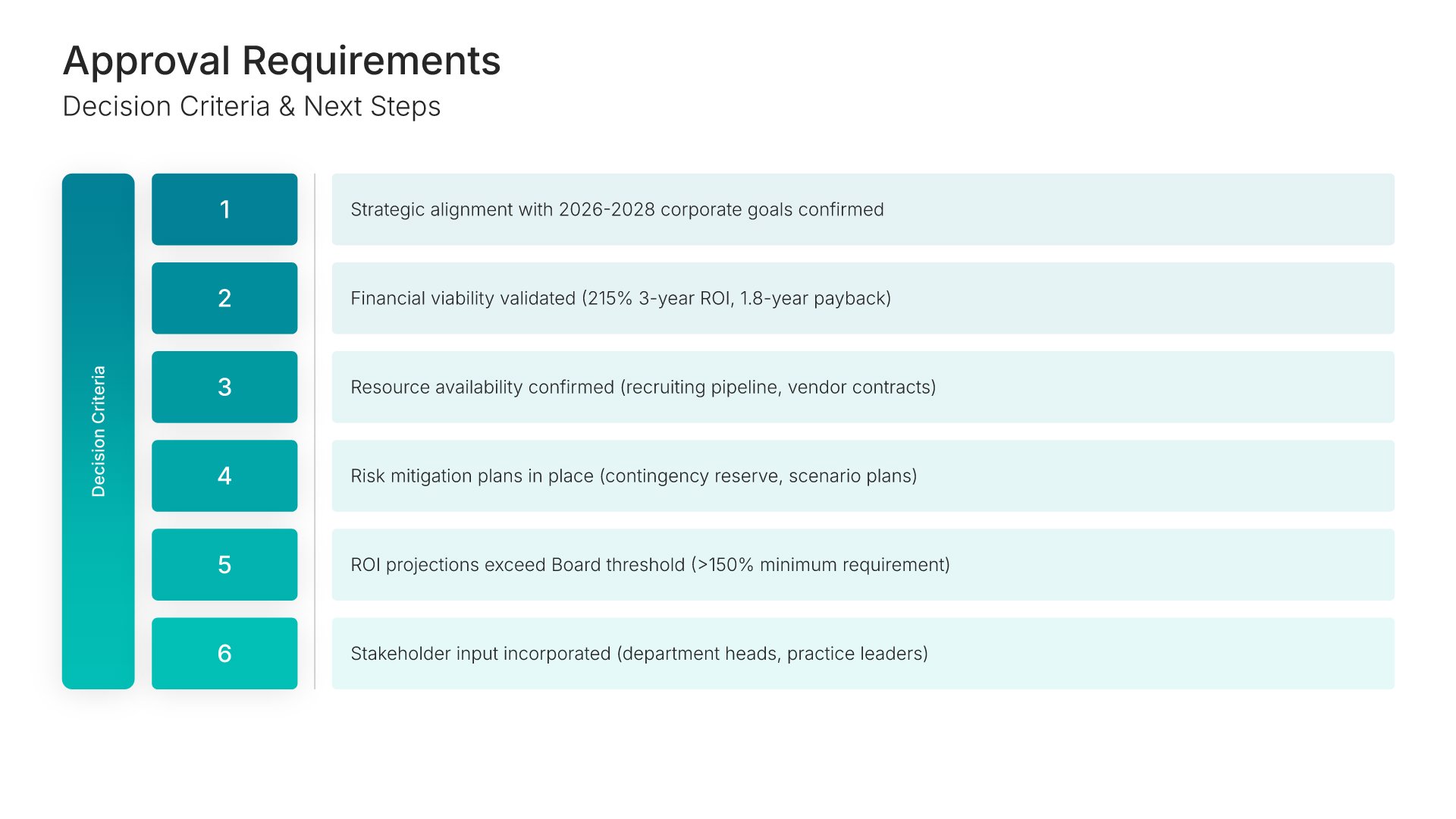
Approval requirements slide, budget proposal template, numbered decision criteria

Slide 16

Approval Requirements

The decision criteria, numbered, with what each one needs.

Built using “Simple Text (with Numbers)” slide
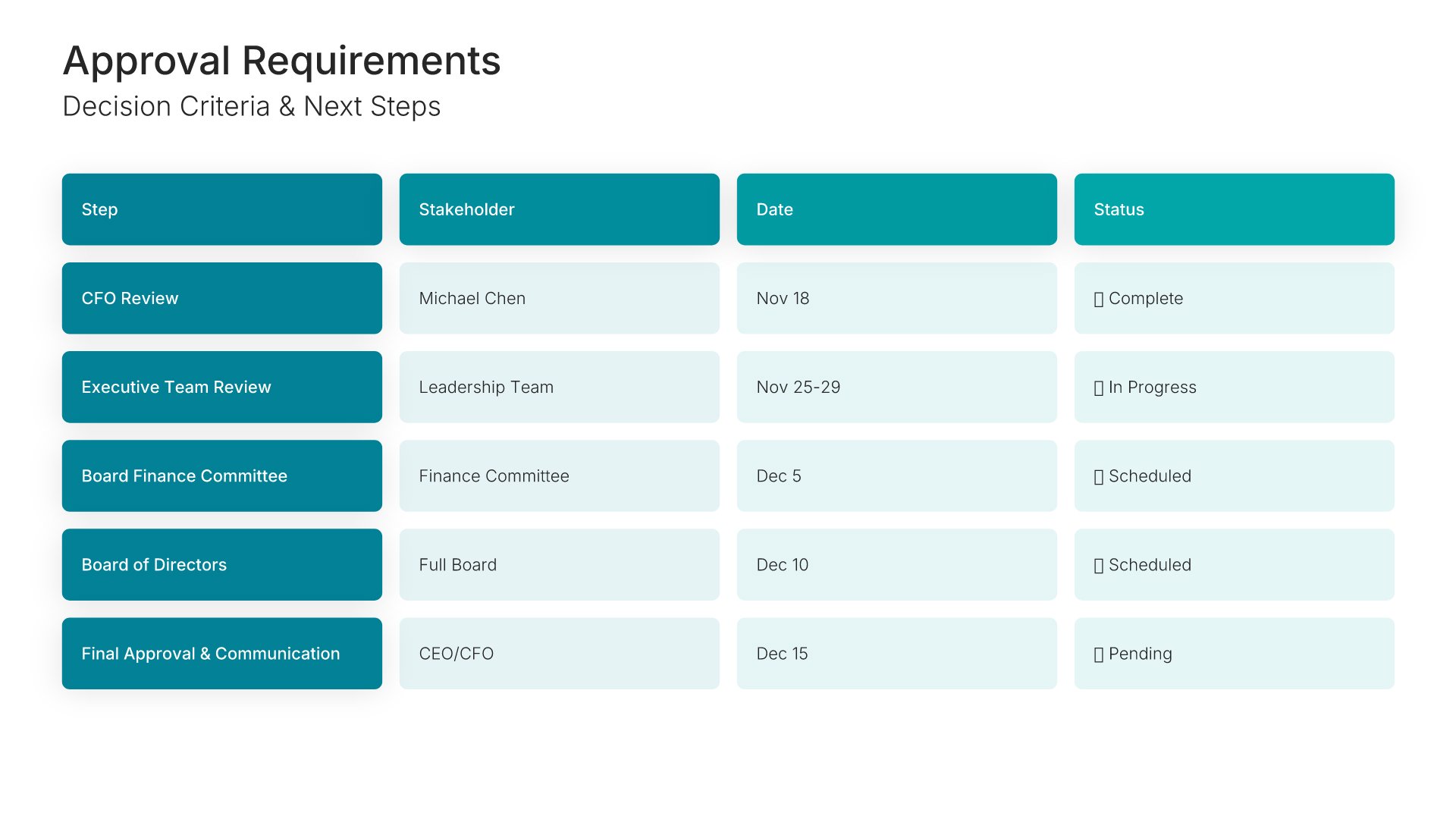
Approval requirements slide, budget proposal template, who signs off and by when

Slide 17

Approval Requirements

The approval path itself: who signs off, by when, and what's outstanding.

Built using “Table” slide
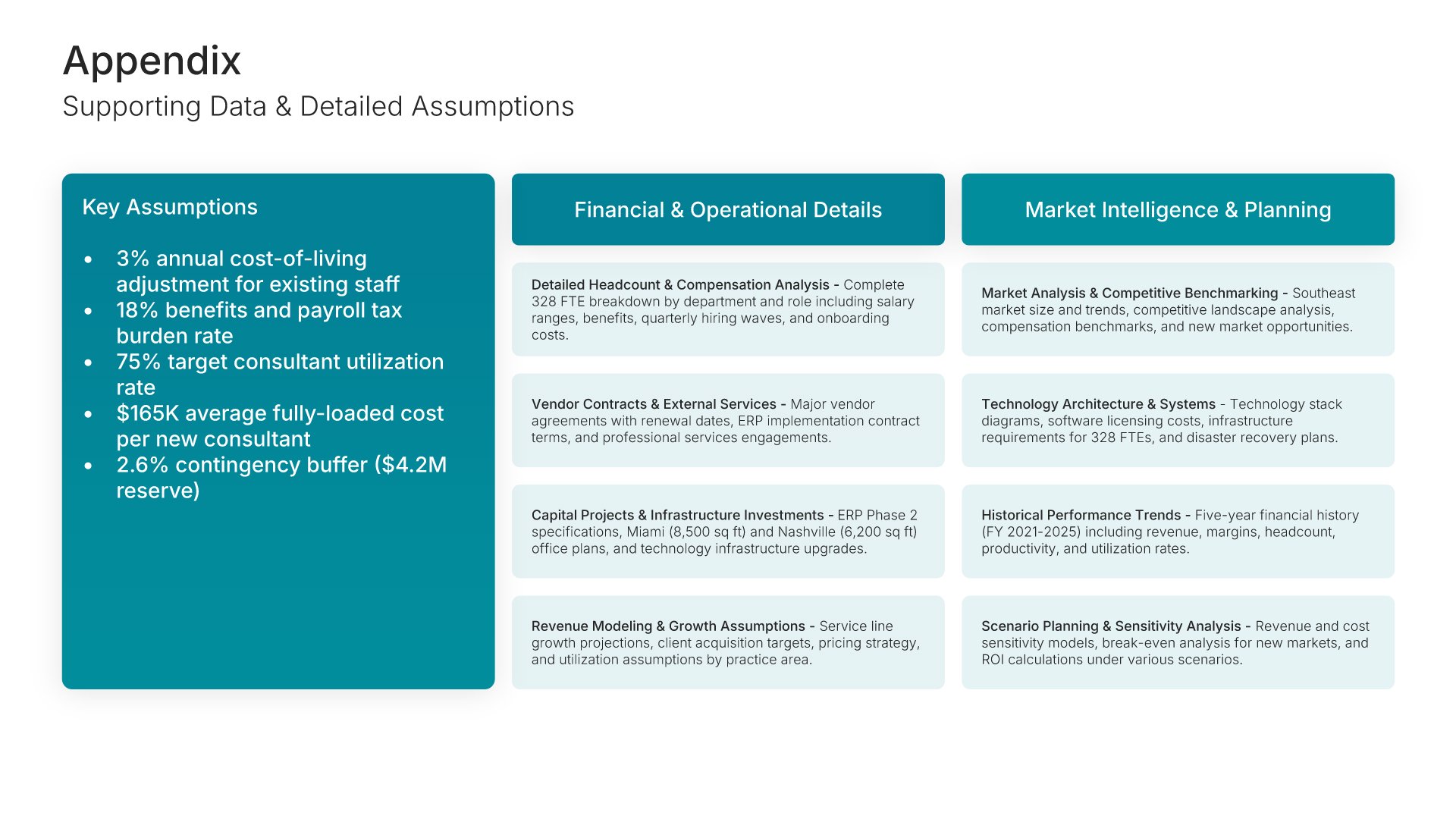
Appendix slide, budget proposal template, supporting data and assumptions

Slide 18

Appendix

Supporting data and the detailed assumptions behind the figures.

Built using “One Pager / Snapshot” slide
Thank you slide, budget proposal template, contacts for questions

Slide 19

Thank You

The close, with contacts for questions and additional detail.

Built using “Thank You” slide

About the budget proposal template

The structure, the slides, your brand, and a file you can edit anywhere.

Built for the reasons a budget actually gets approved

Nobody approves a budget because the presentation was good. They approve it because the request is specific, the return is credible, and someone has thought about what happens if it goes wrong. This template backs the request with a cost-benefit analysis, a year-over-year comparison, and a risk assessment, then closes on the approval path itself.

Built from 9,000+ slides across 134+ categories

Every slide here comes from the same library. Financial tables, investment breakdowns, risk matrices, and comparison layouts are already in it, so adding a second department or another funding scenario takes a minute. Everything sits on the same grid, so the layout still holds.

Brand the whole presentation in one click

Add your logo, colors, fonts, and background once. It applies to the whole presentation and the entire slide library at the same time. Department requests reach the finance team looking like they came from one organization.

Export to PowerPoint, Google Slides, or Keynote

You get a real file, not a locked link. Export it and keep editing in the tool you already use. Every table and chart stays editable, so the numbers can move through review cycles without a rebuild.

How Choladeck works

From blank page to finished presentation in four steps.

STEP 01

Browse 9,000+ slides across 134+ categories, or open one of the 74 premade presentations.

STEP 02

Add your logo, colors, and fonts in one click. The whole presentation instantly matches your company.

STEP 03

Add your text, numbers, charts, and tables. Everything on the slide is editable.

STEP 04

Send it to PowerPoint, Google Slides, or Keynote, and present.

Build your own

Nothing here fits? Build your own budget proposal

This template is assembled from the same 9,000+ slides. Pick the slides you need, drop them into one file, and brand the whole thing in one click.
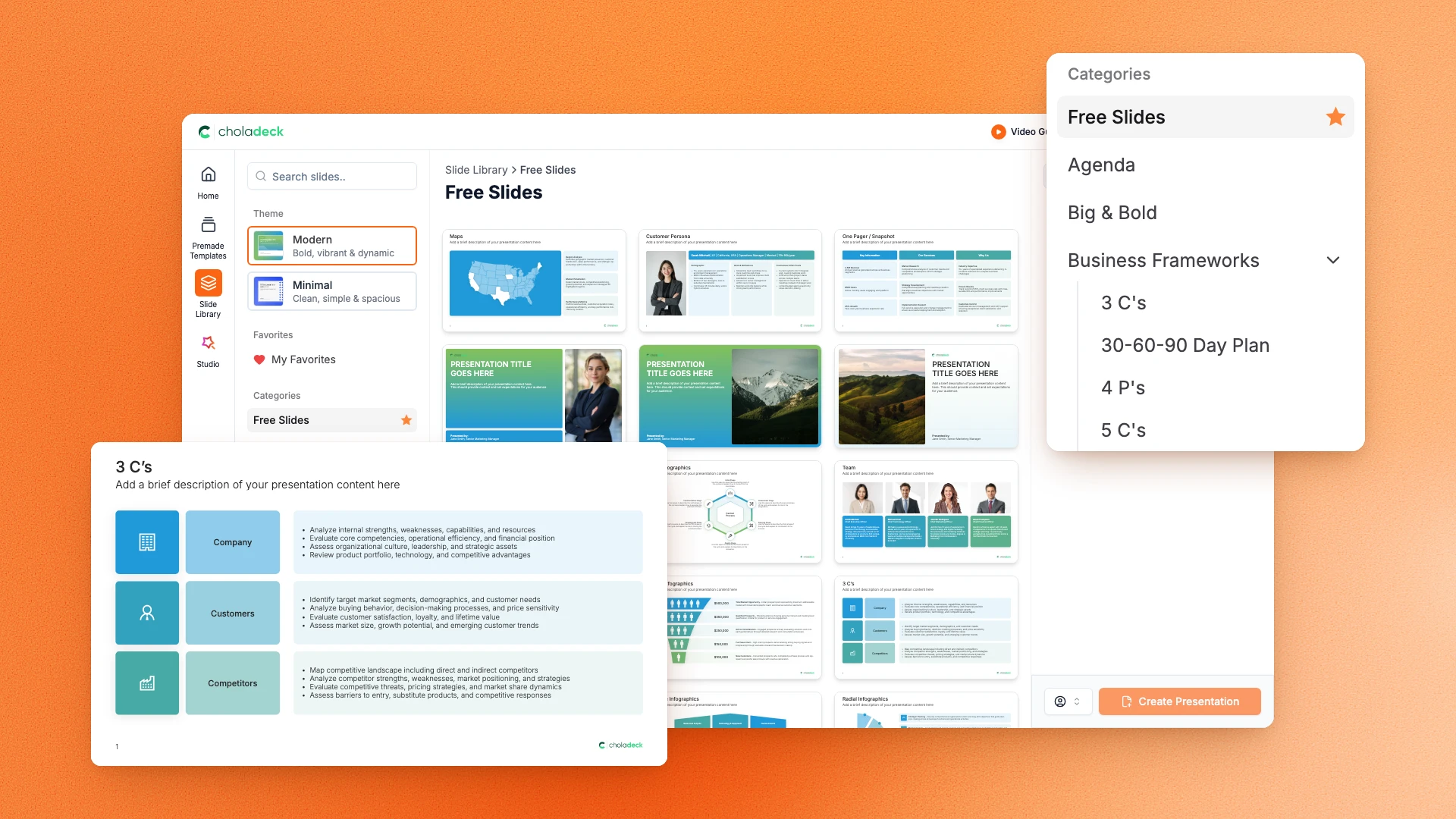
Choladeck slide library on Free Slides, with its category list and the 3 C’s slide shown larger

Questions about the budget proposal template

What's inside the template, and how far you can change it.

Using the template

Is the template fully editable?

+

Yes. Text, tables, charts, icons, and colors on every slide are yours to change. Nothing is locked and nothing is a flat image.

How do I brand it to my organization?

+

Add your logo, colors, fonts, and background once. It applies to the whole presentation and the entire slide library at the same time.

Can I add slides from the slide library?

+

Yes. Add any slide from the library into this one, or swap out one that doesn't fit. Everything works together.

What's included

Does it justify the spend?

+

Yes. A cost-benefit slide covers expected ROI and payback period, and a year-over-year comparison shows the request against last year's, line by line.

Is the approval process covered?

+

Yes, across two slides: one for the decision criteria and one for the approval path, with who signs off and by when.

Is placeholder content included?

+

Yes. Every slide comes with realistic text, sample figures, and filled-in charts, so you can see how the budget proposal reads before you put your own numbers in.

Start your budget proposal
from one that's already done

Pick it, brand it, add your content, and export.

Free to start. No credit card required.