Try Twodart Free: Download Personalized Business Slides Today

Product & Service Presentation Premade Template

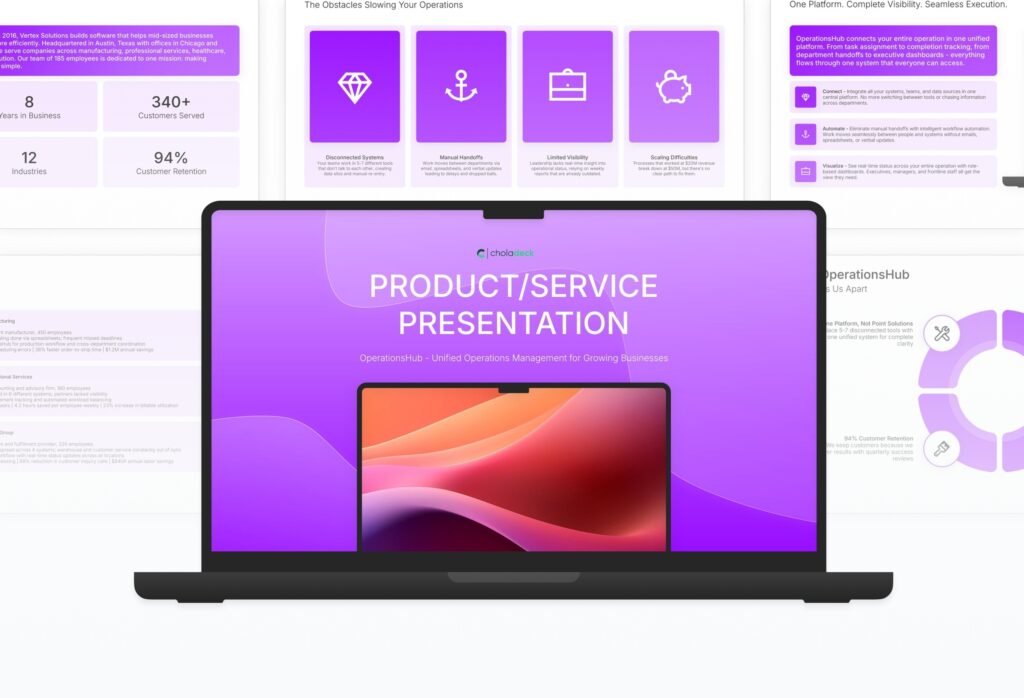
A comprehensive product and service presentation template designed for B2B sales teams presenting to prospective clients. Built on the Feature-Benefit Framework, this presentation covers company overview, customer challenges, solution capabilities, implementation, case studies, and pricing. Ideal for sales meetings, demos, and client presentations.
Product & Service Presentation Featured Image

How to Build a Product & Service Presentation Presentation

Learn how to create a compelling product or service presentation that wins clients. This comprehensive guide walks you through positioning your offering, showcasing capabilities, presenting case studies, and building a clear path to purchase that moves prospects from initial interest to a confident buying decision.

1. Title

Title slides help you open presentations with impact. Use them to create strong first impressions with opening slides that set the tone, introduce your topic, and establish your brand. Ideal for any presentation where a polished, professional opening slide sets the stage for everything that follows.
Built using Title slides

2. Executive Summary

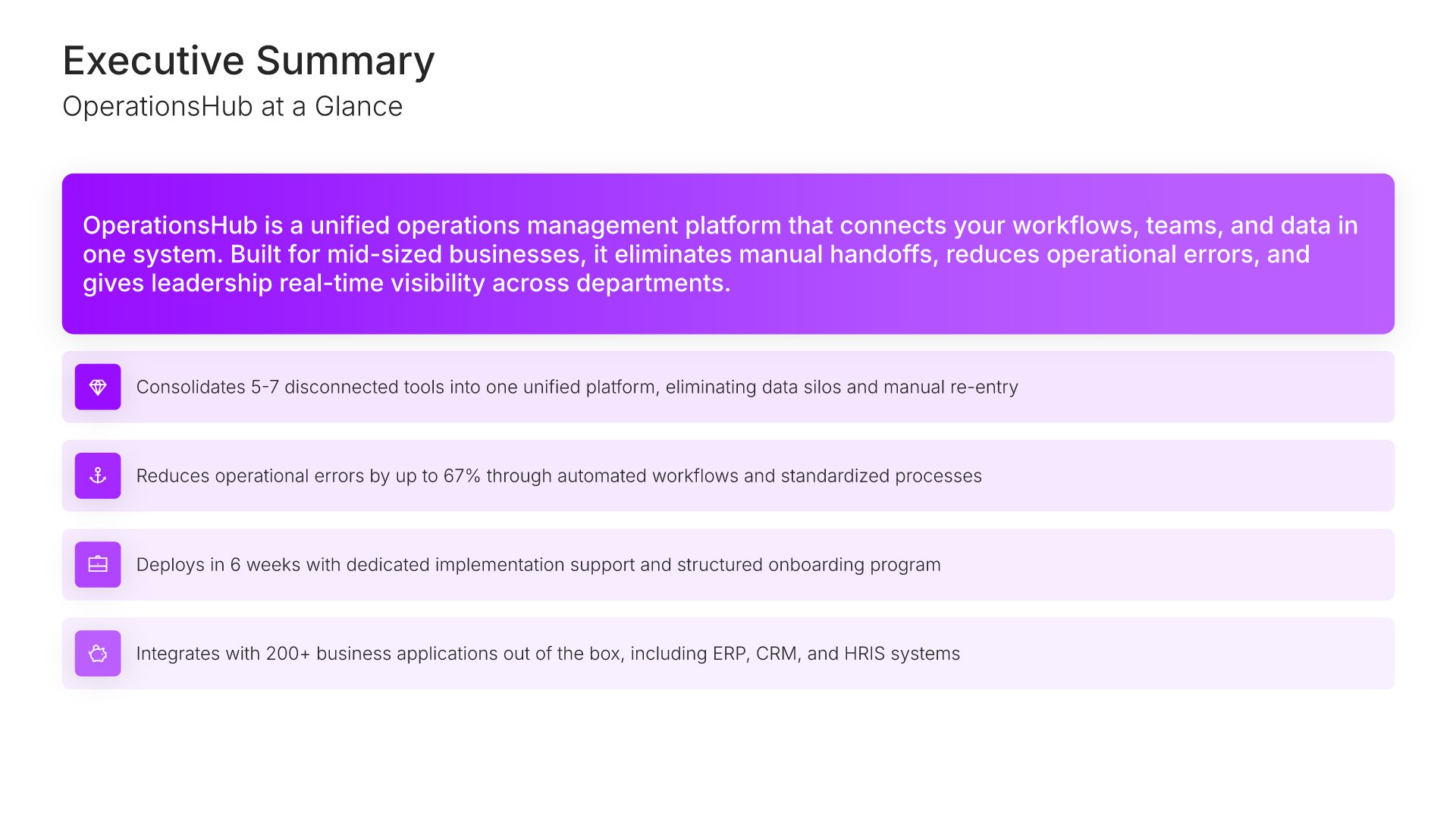
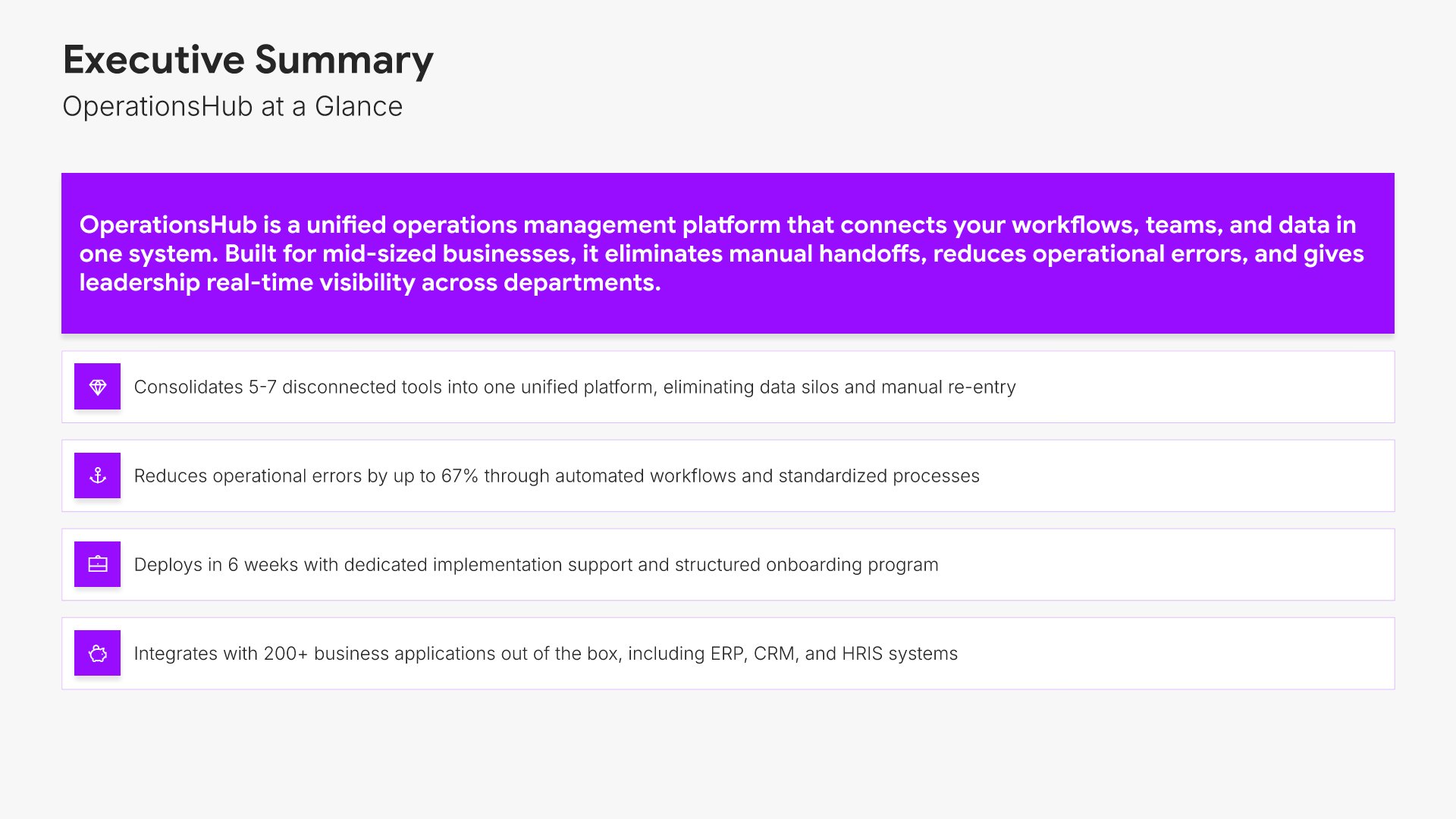
Executive summary slides help you present key points concisely for busy stakeholders. Use them to distill complex information into clear highlights, recommendations, and conclusions that can be understood at a glance. Ideal for board presentations, project updates, and any situation where decision-makers need the essential takeaways fast.
Built using Simple Text (with Icons) slides

3. Company Overview

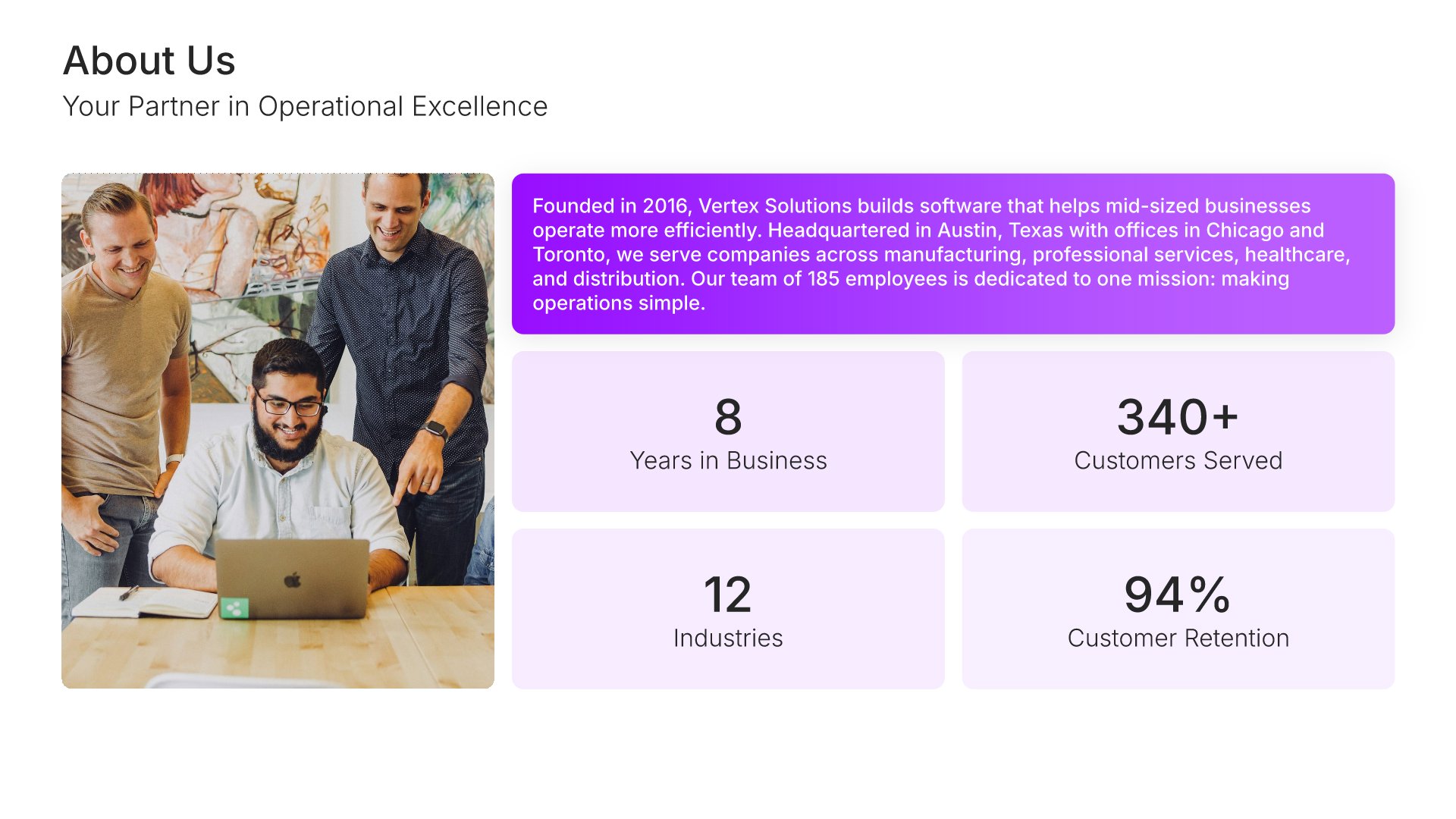
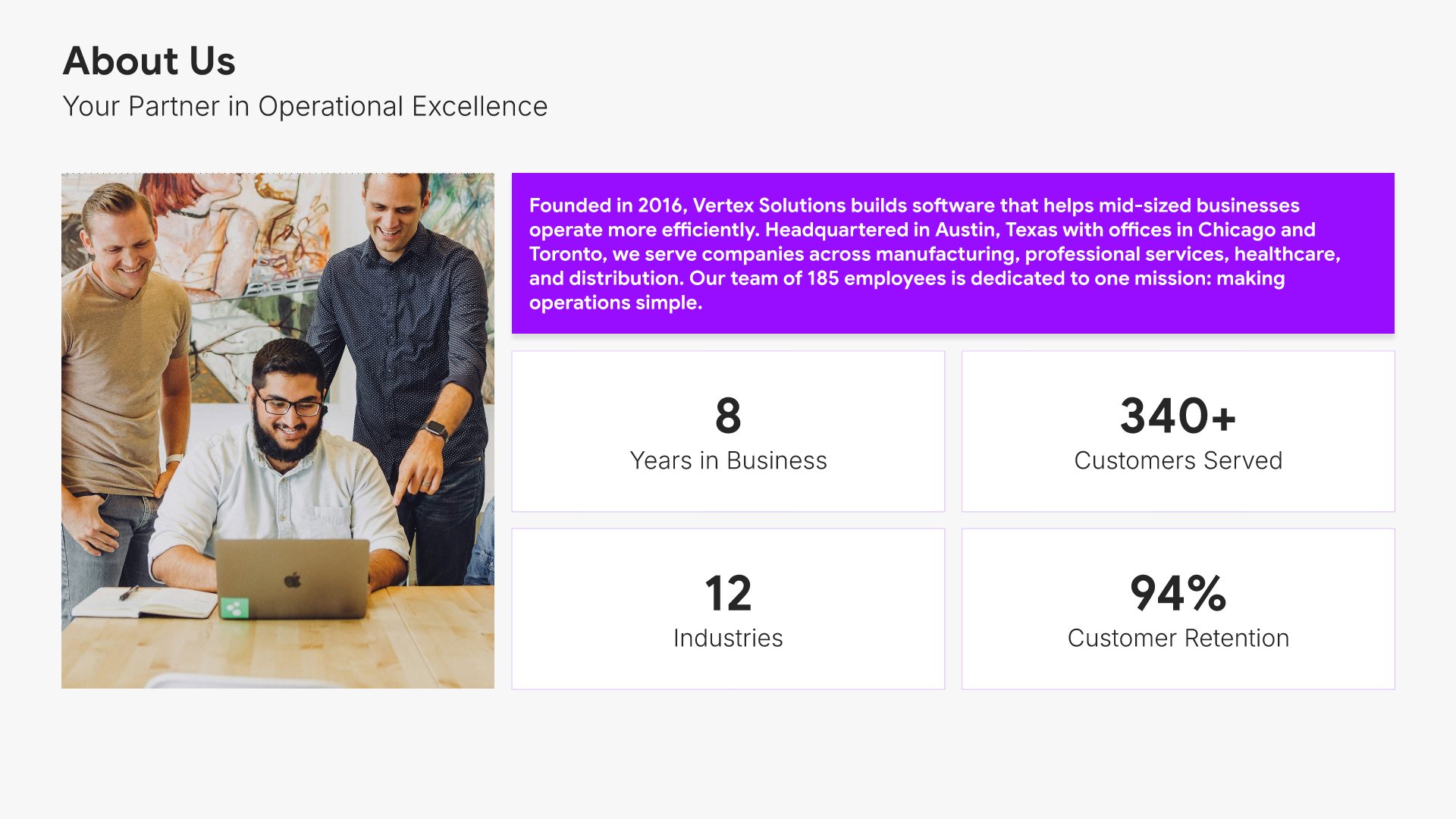
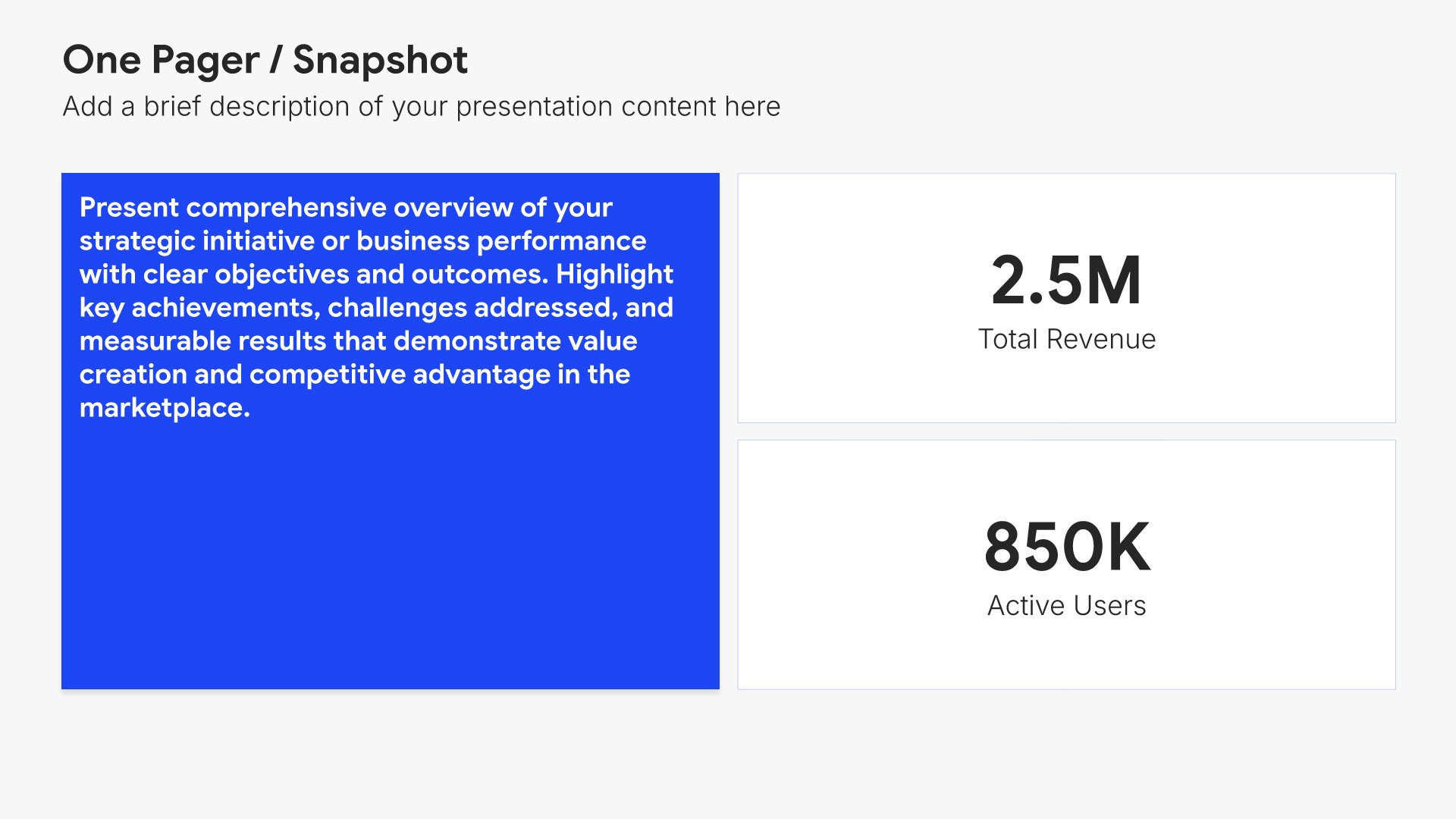
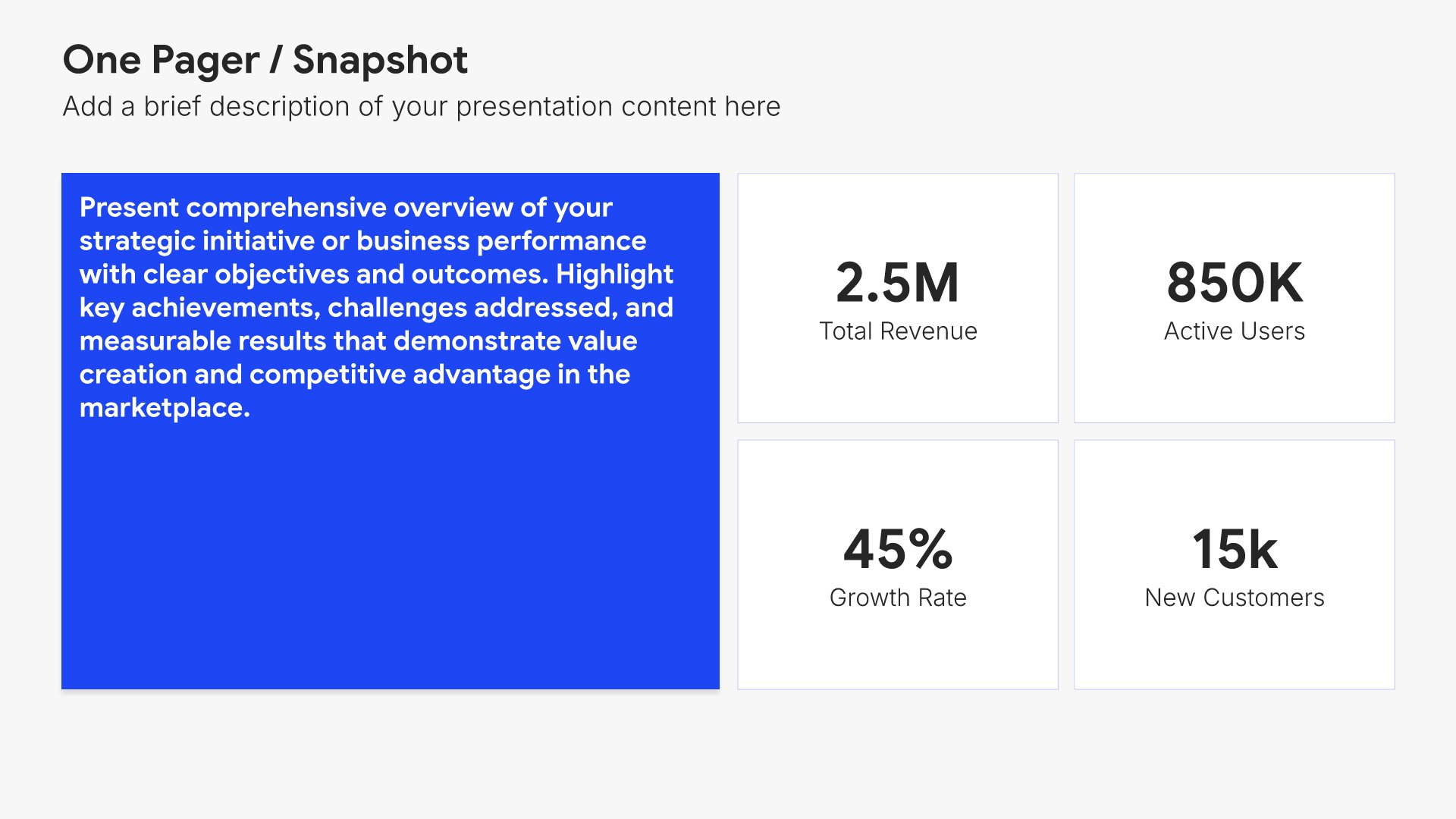
Company overview slides help you introduce your business and what makes it unique. Use them to present your company's background, mission, values, and key facts that establish credibility. Ideal for business plans, pitch decks, and any presentation where giving your audience a clear picture of who you are sets the foundation.
Built using One Pager / Snapshot slides

4. Problem

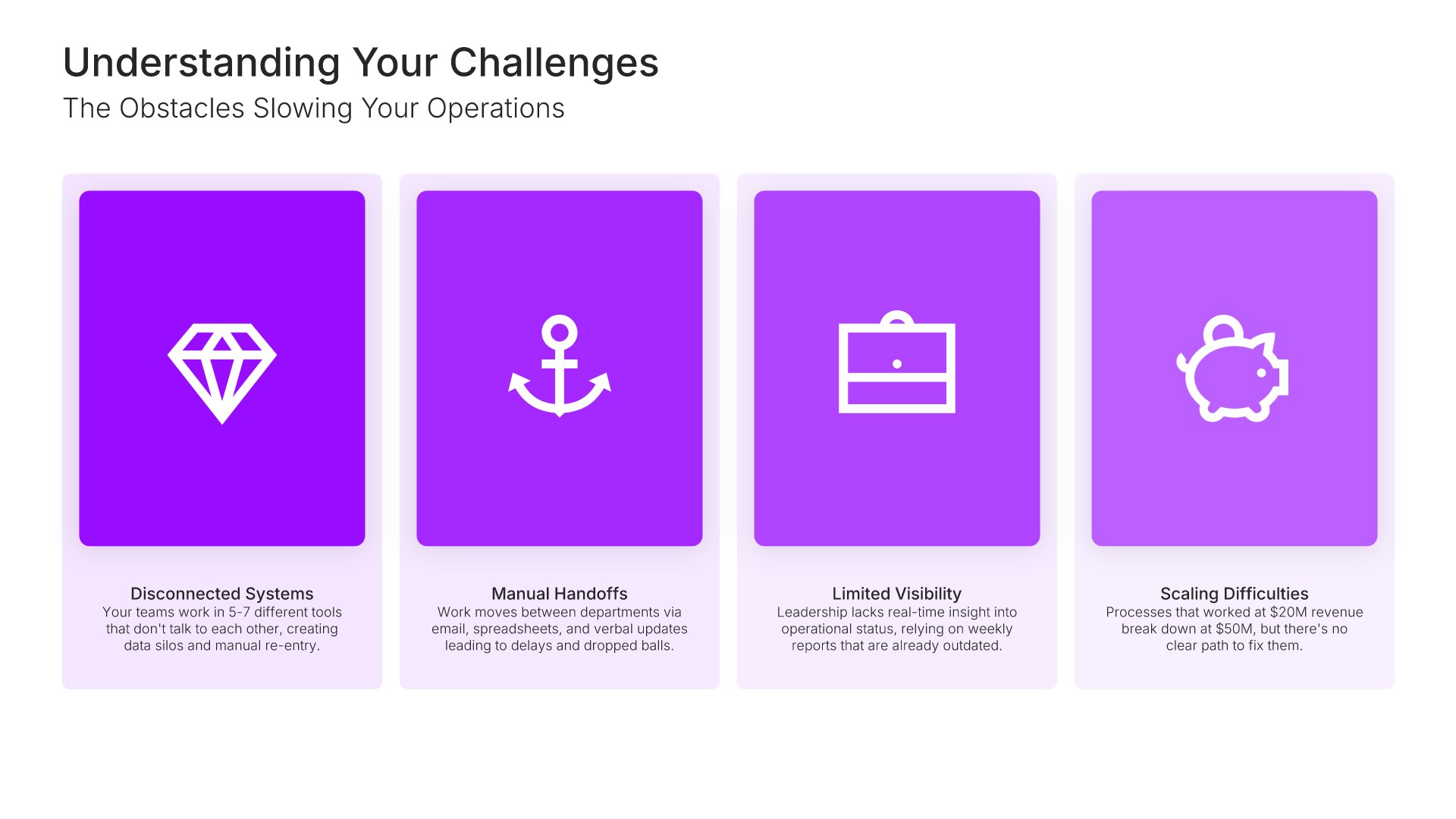
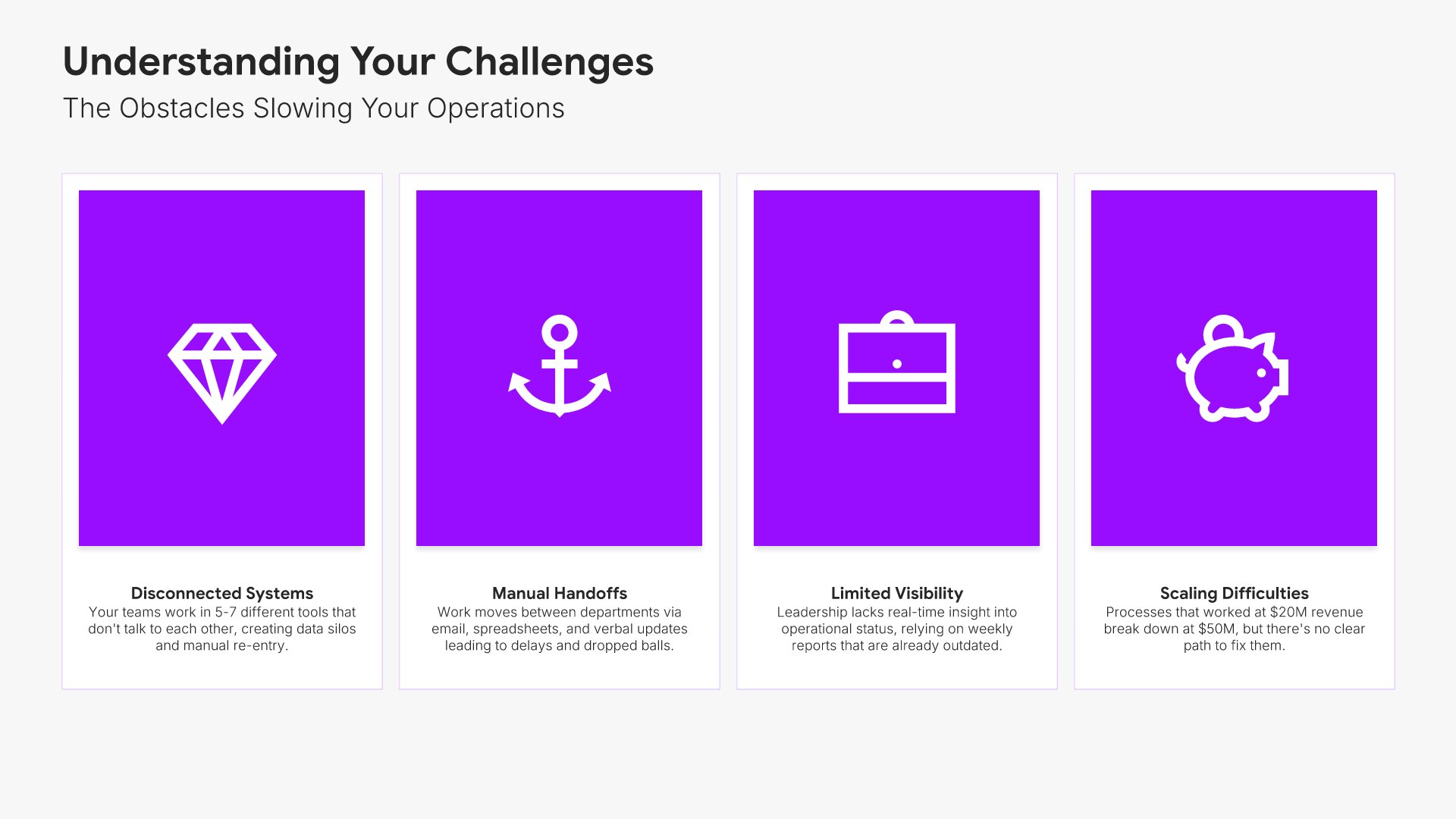
Problem slides help you define the pain point your audience or market faces. Use them to establish urgency, validate the need for a solution, and connect emotionally with stakeholders who recognize the challenge. Ideal for pitch decks, sales presentations, and any situation where framing the problem sets up your solution.
Built using Simple Text (with Icons) slides

5. Solution

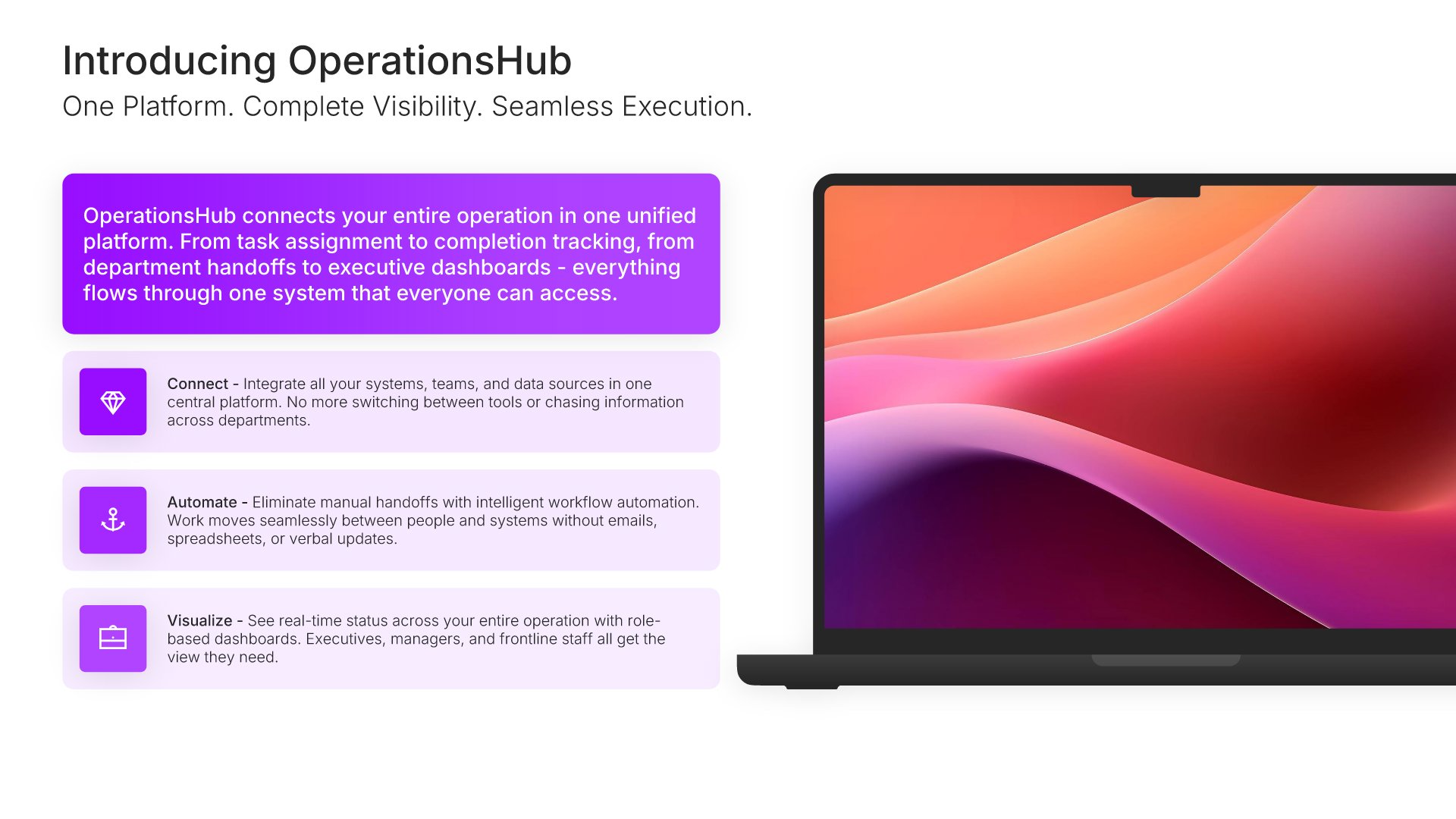
Solution slides help you present your answer to the problem you've identified. Use them to explain what you offer, how it works, and why it's the right approach. Ideal for pitch decks, sales presentations, and proposals where clearly articulating your solution builds confidence and moves your audience toward action.
Built using Device Mockup slides

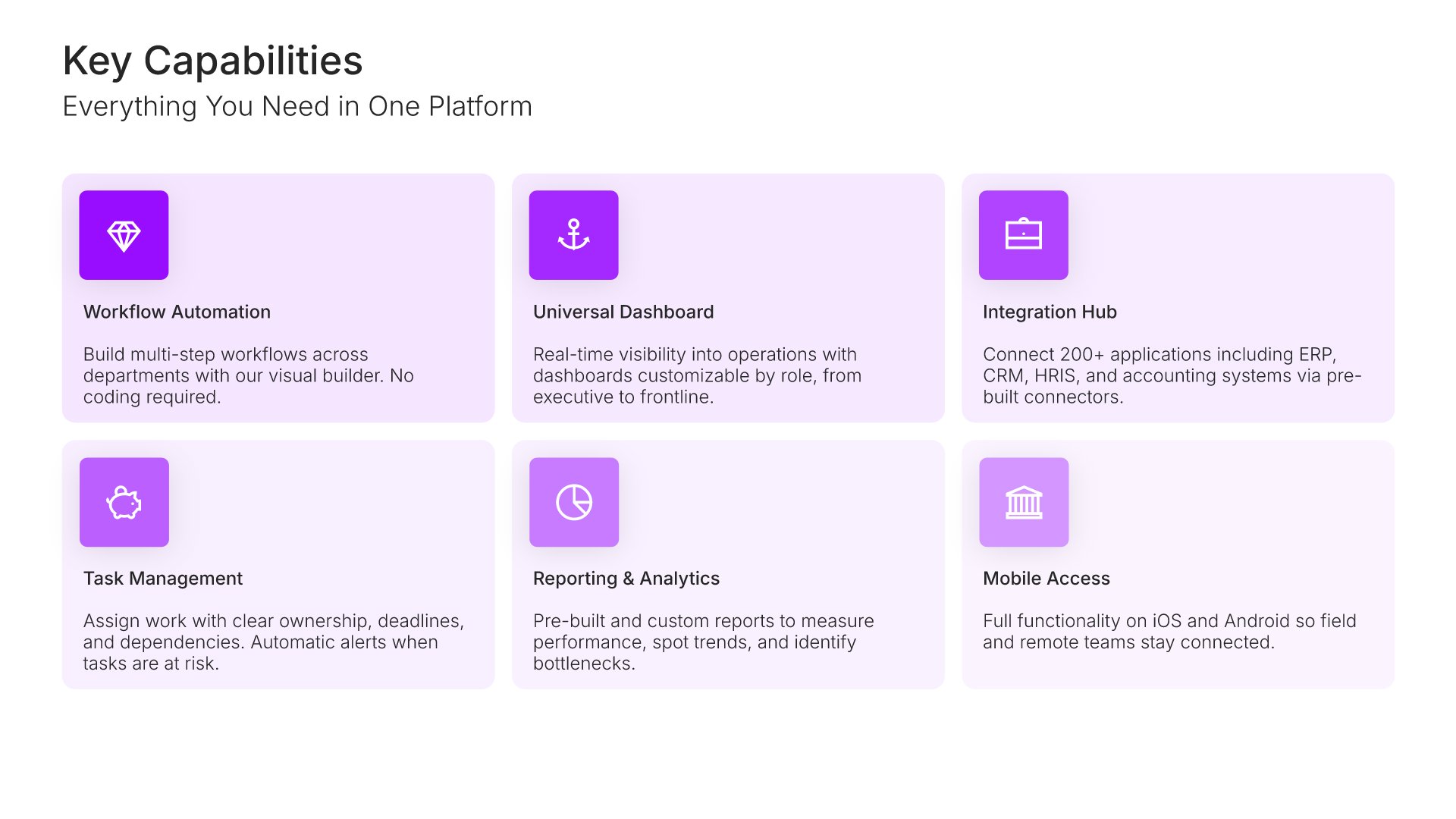
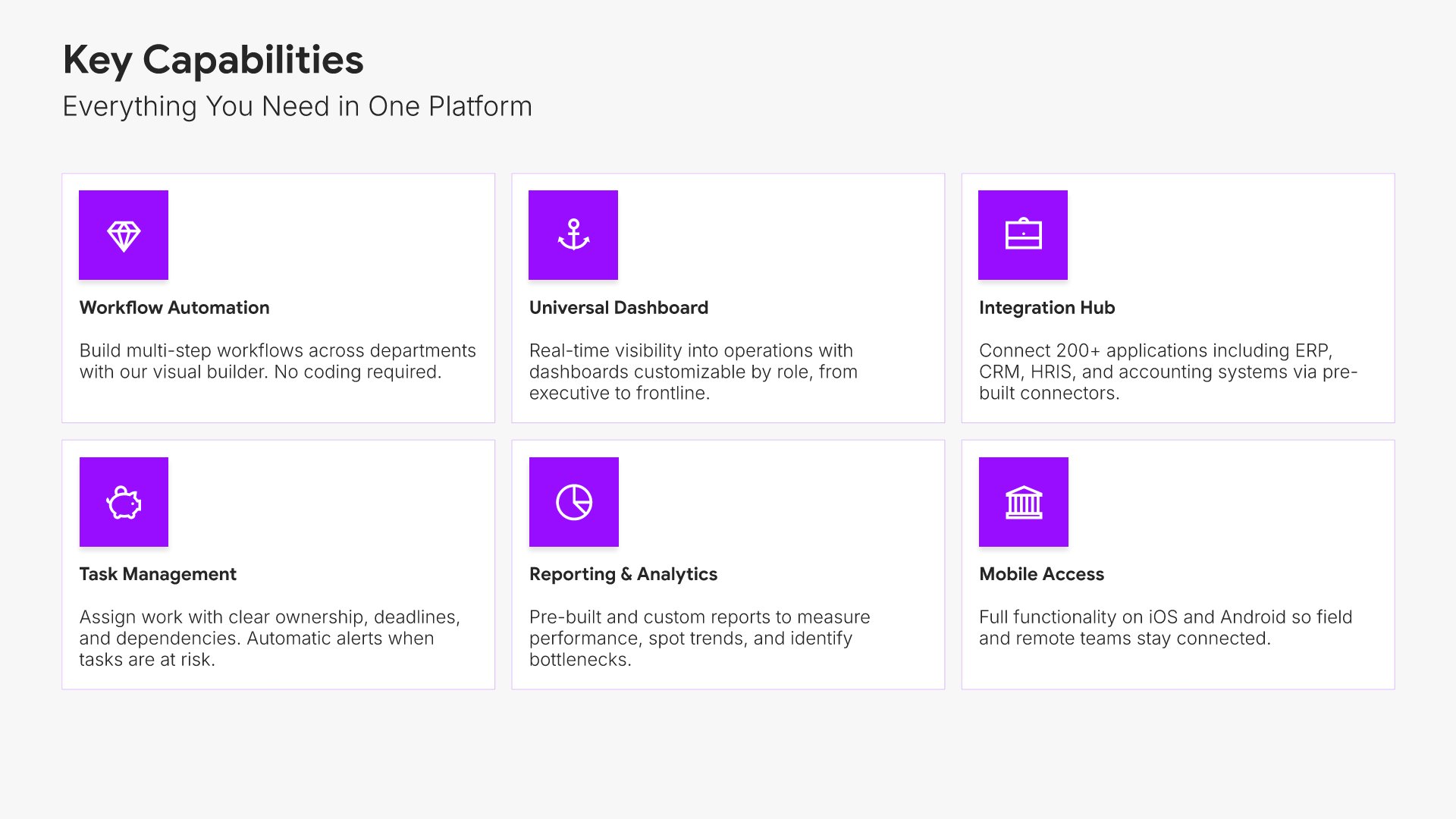
6. Key Capabilities

Key capabilities slides help you present an overview of what your product or service can do. Use them to summarize core functionality, features, and strengths before diving into details. Ideal for product presentations and sales decks where giving prospects a high-level view of capabilities sets up deeper exploration.
Built using Simple Text (with Icons) slides

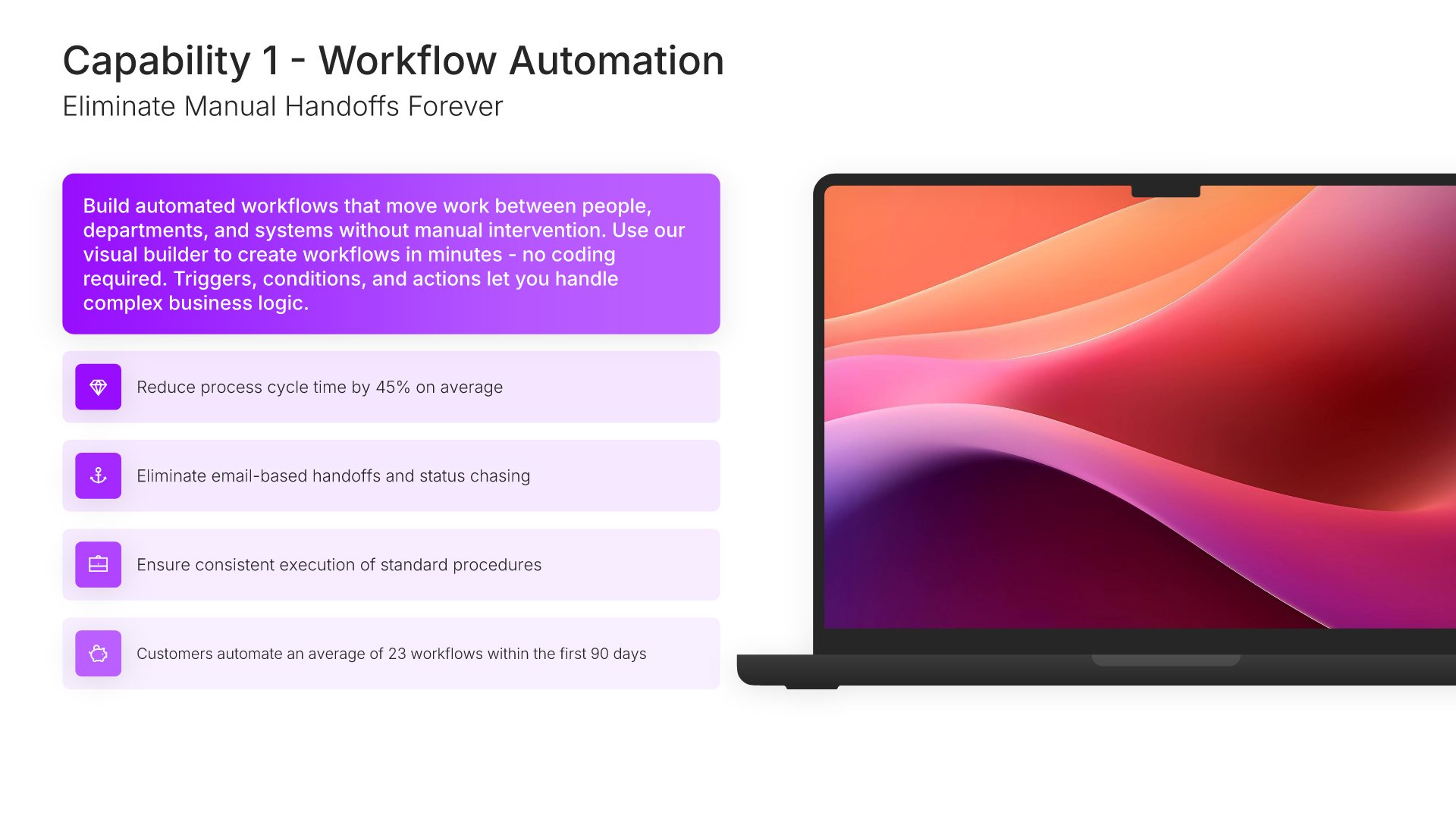
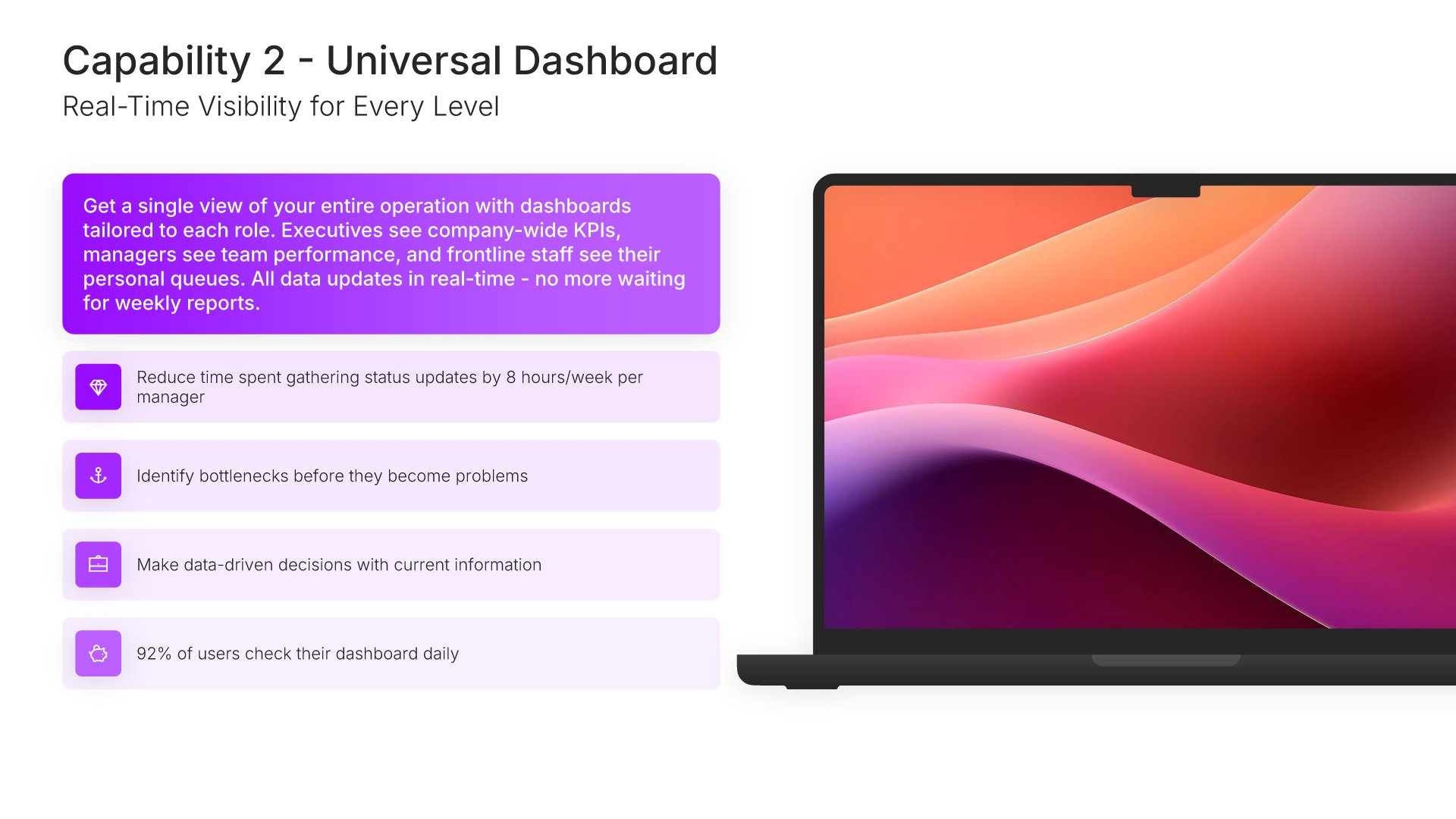
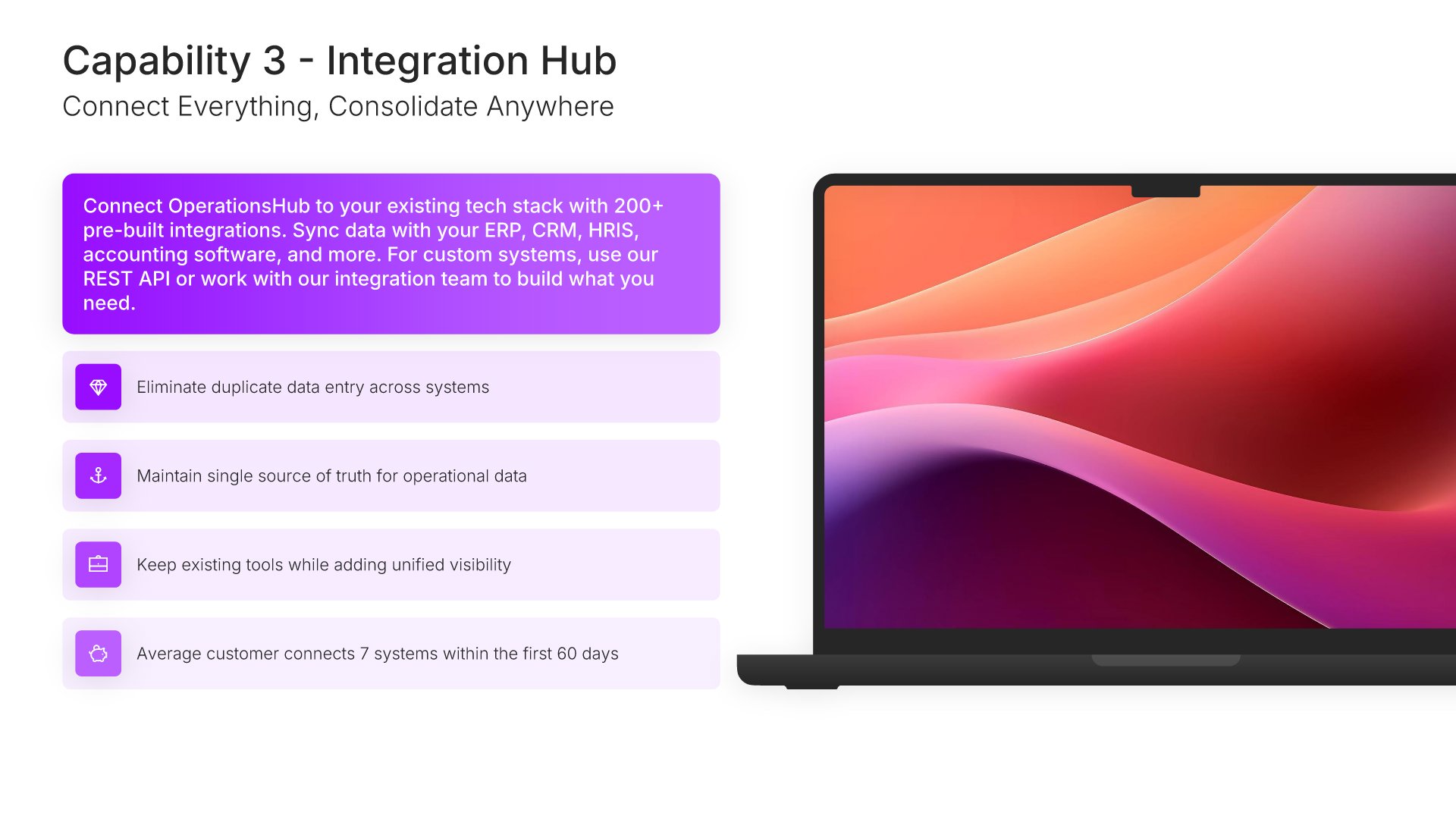
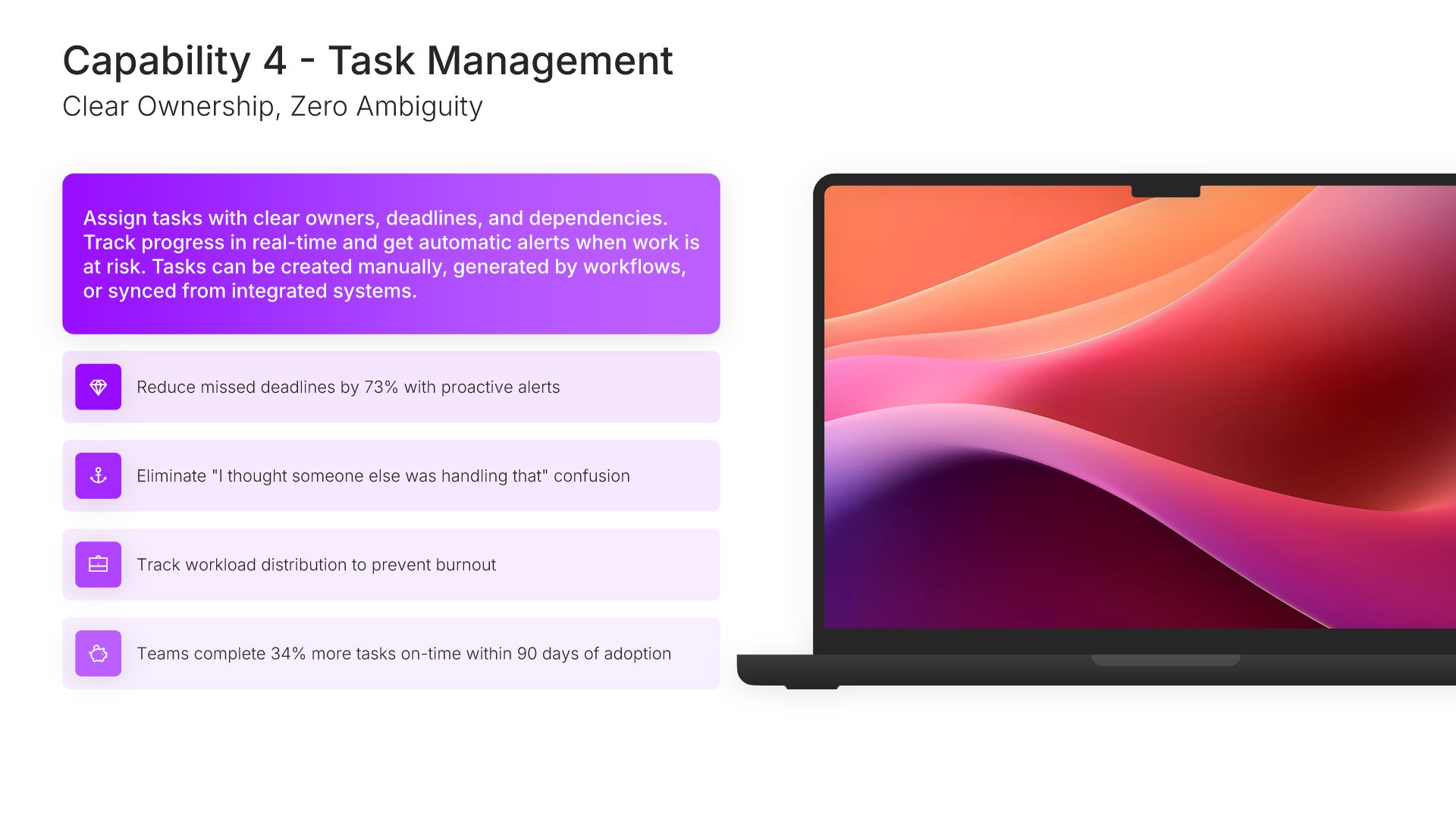
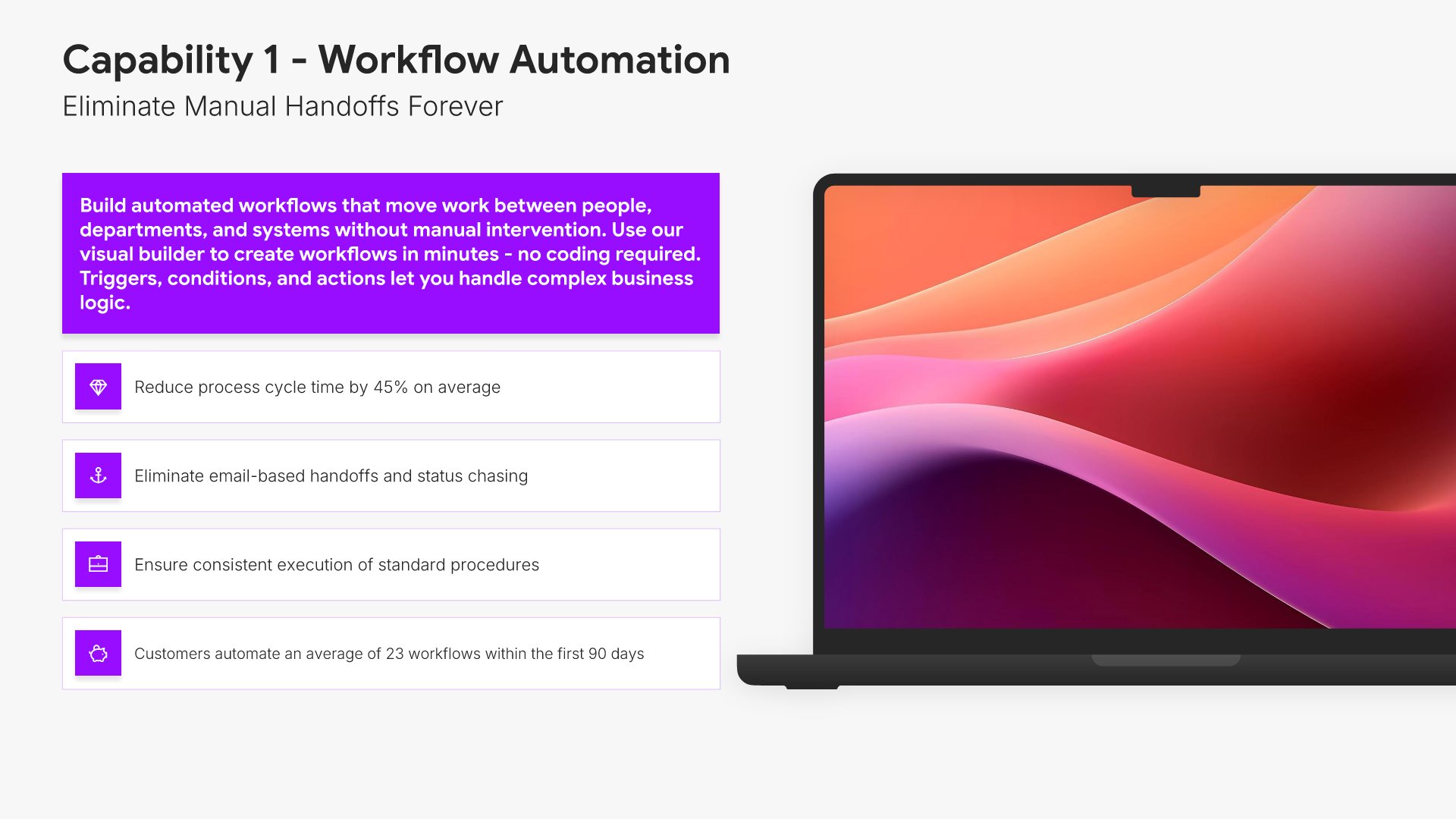
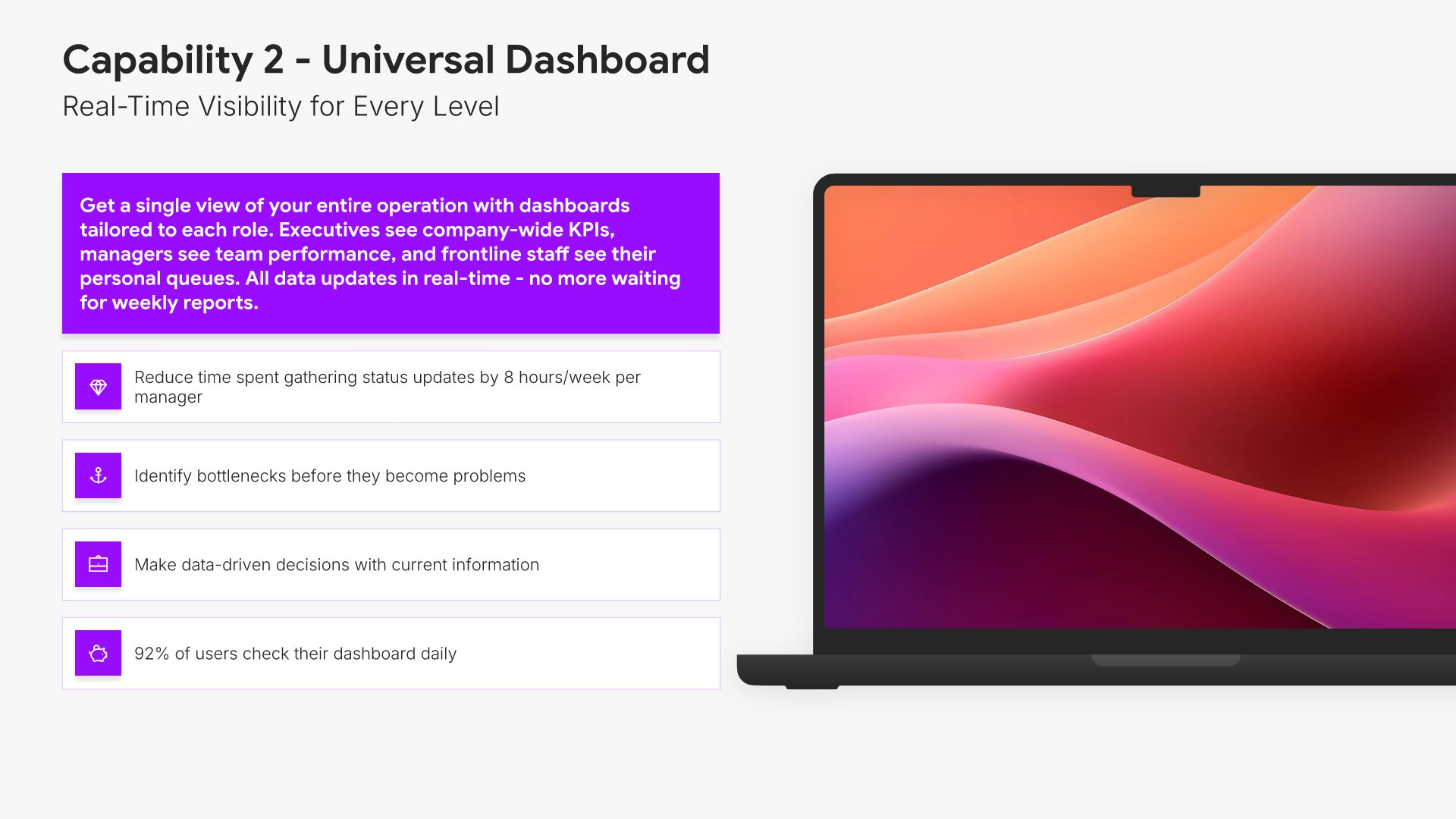
7. Capability

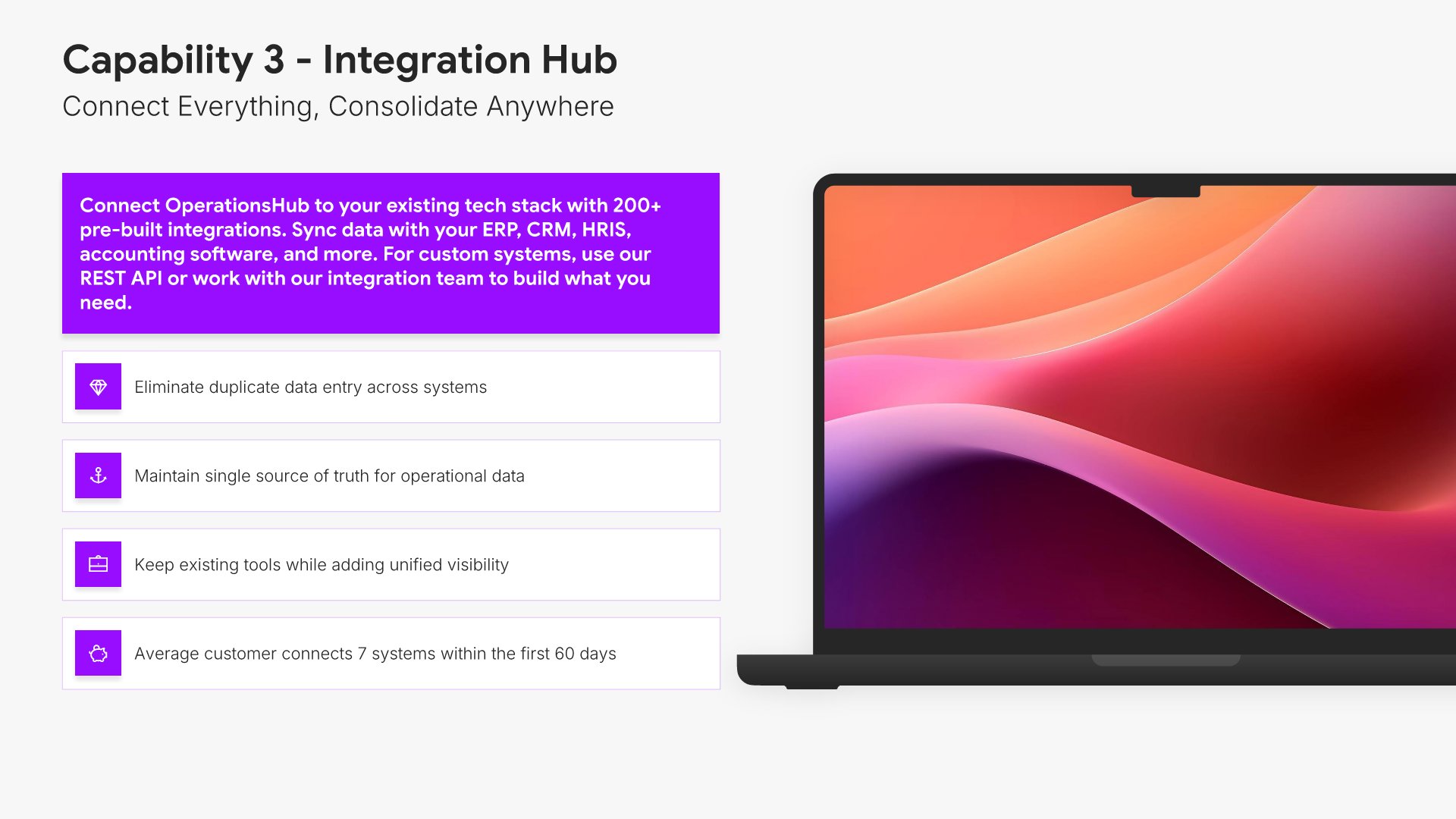
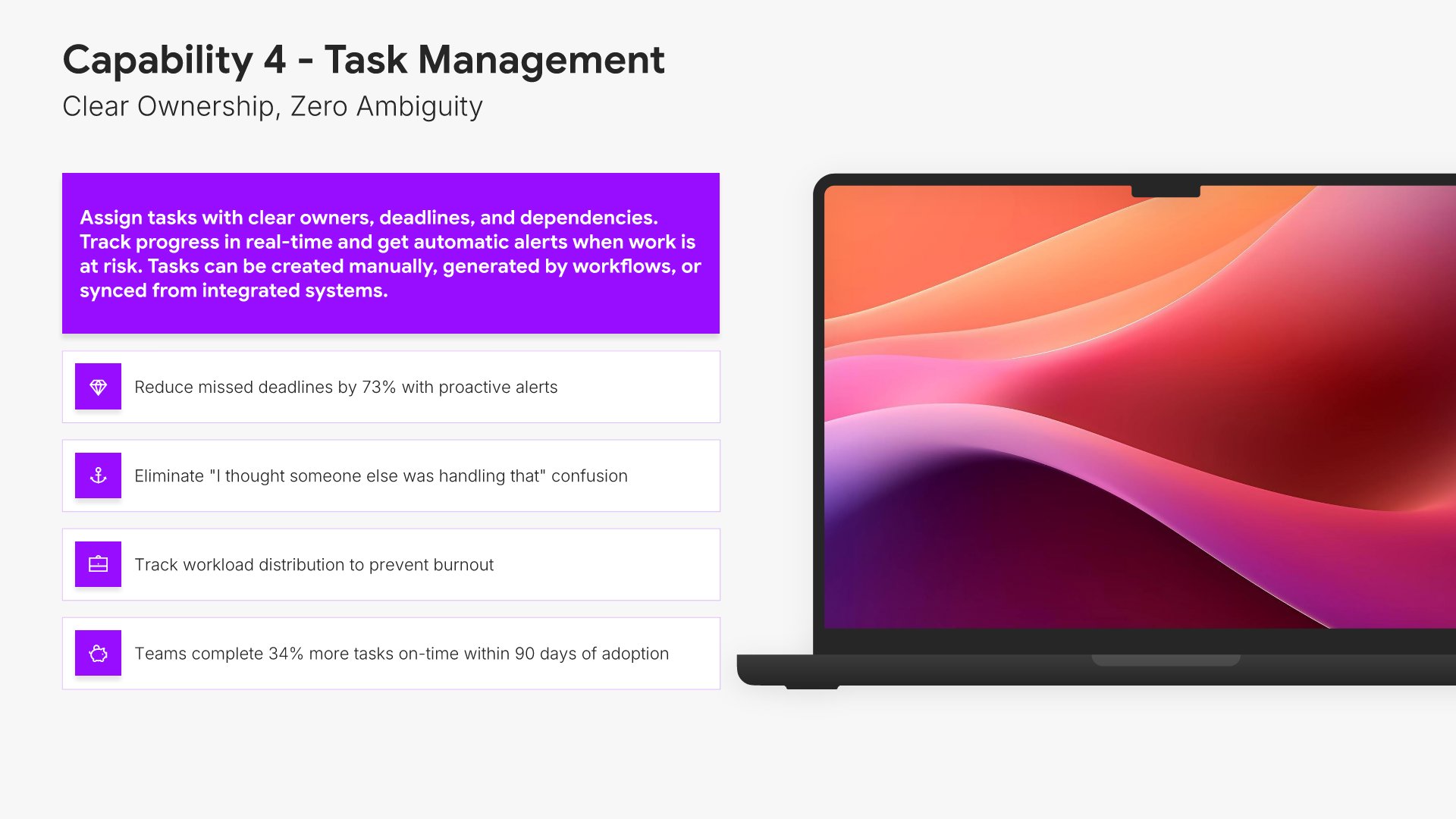
Capability slides help you showcase a specific feature or functionality of your product or service. Use them to explain what it does, how it works, and the business value it delivers. Ideal for product presentations where demonstrating individual capabilities with clear benefits helps prospects understand your solution's depth.
Built using Device Mockup slides

8. Implementation

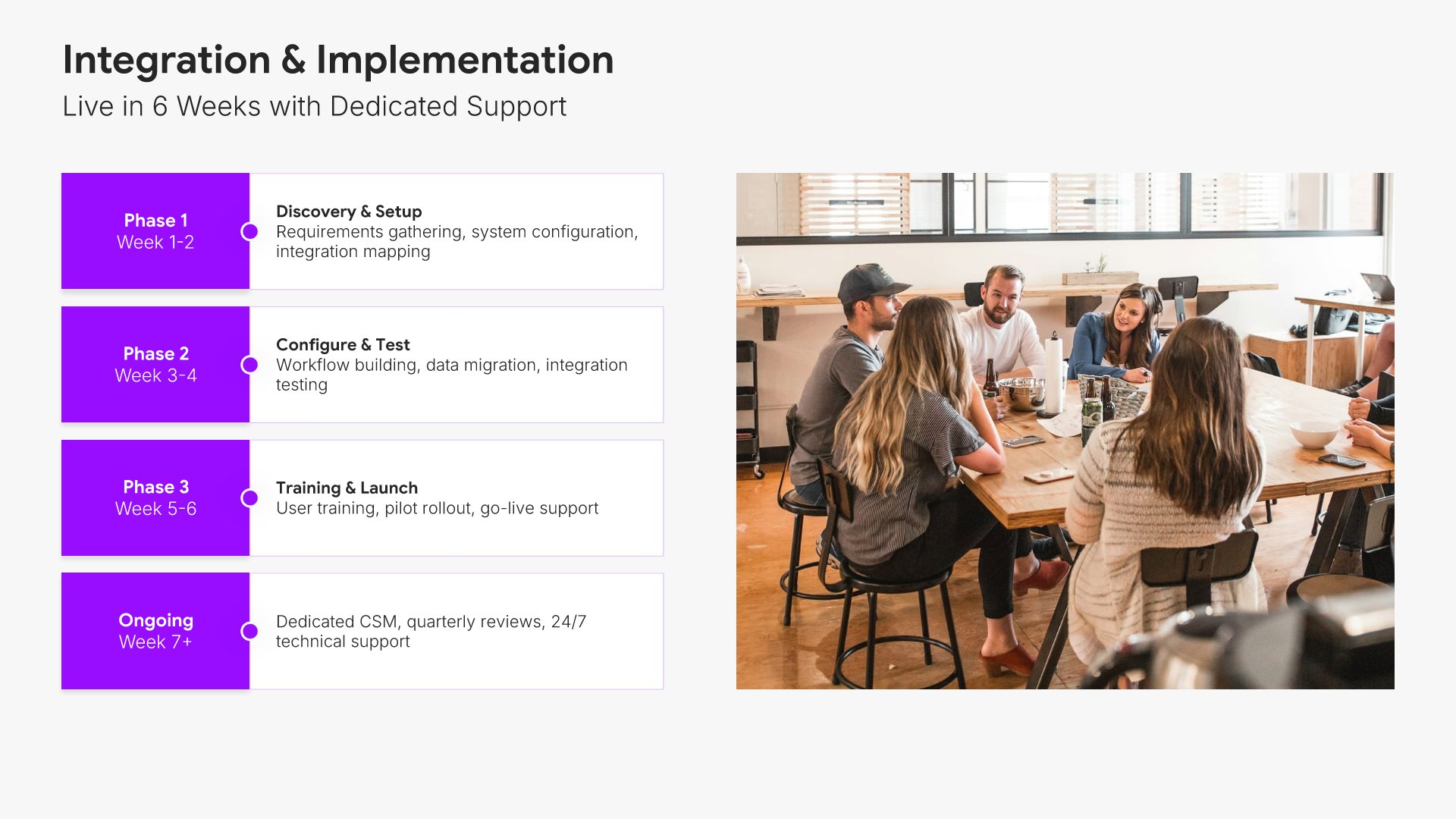
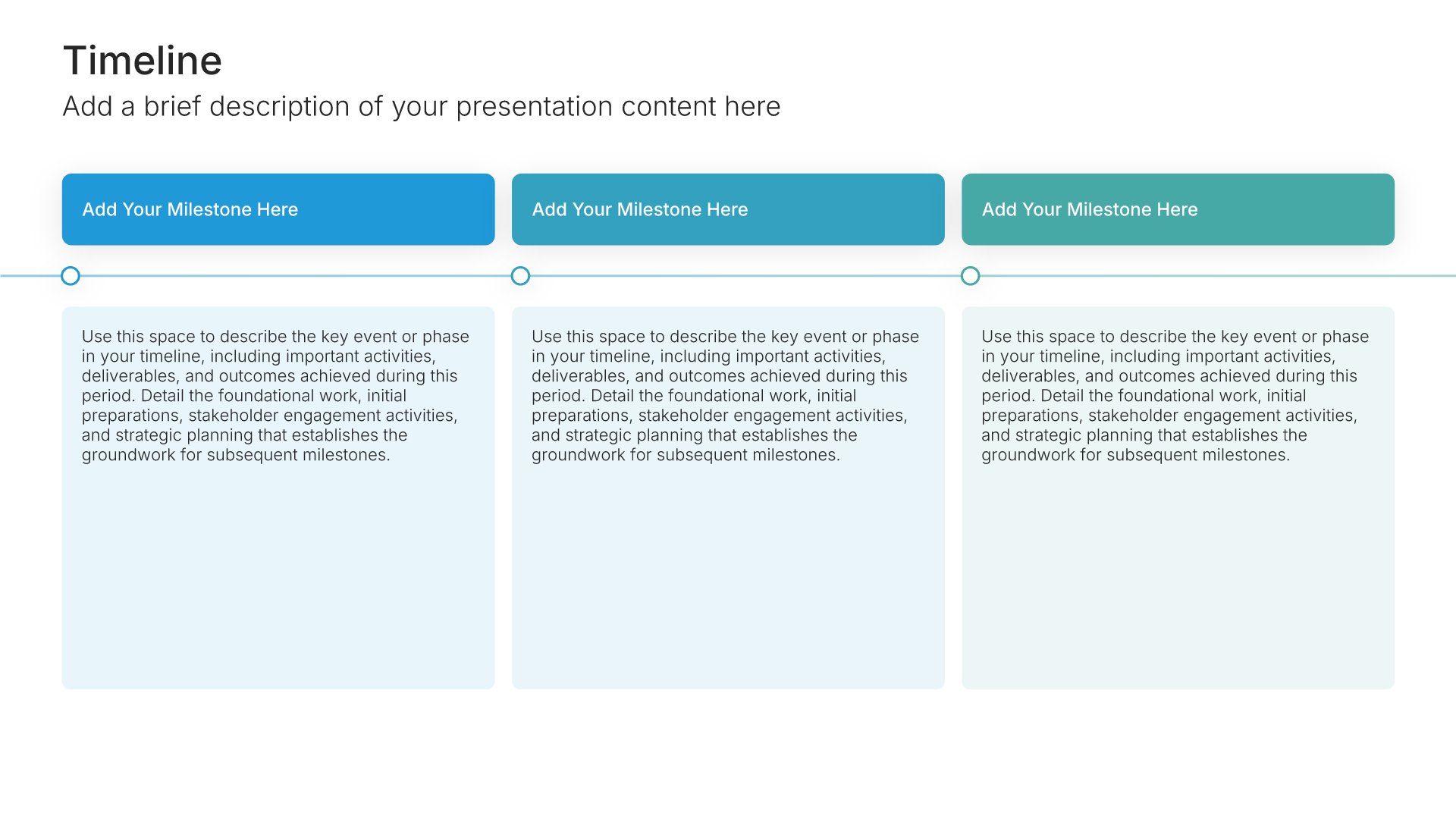
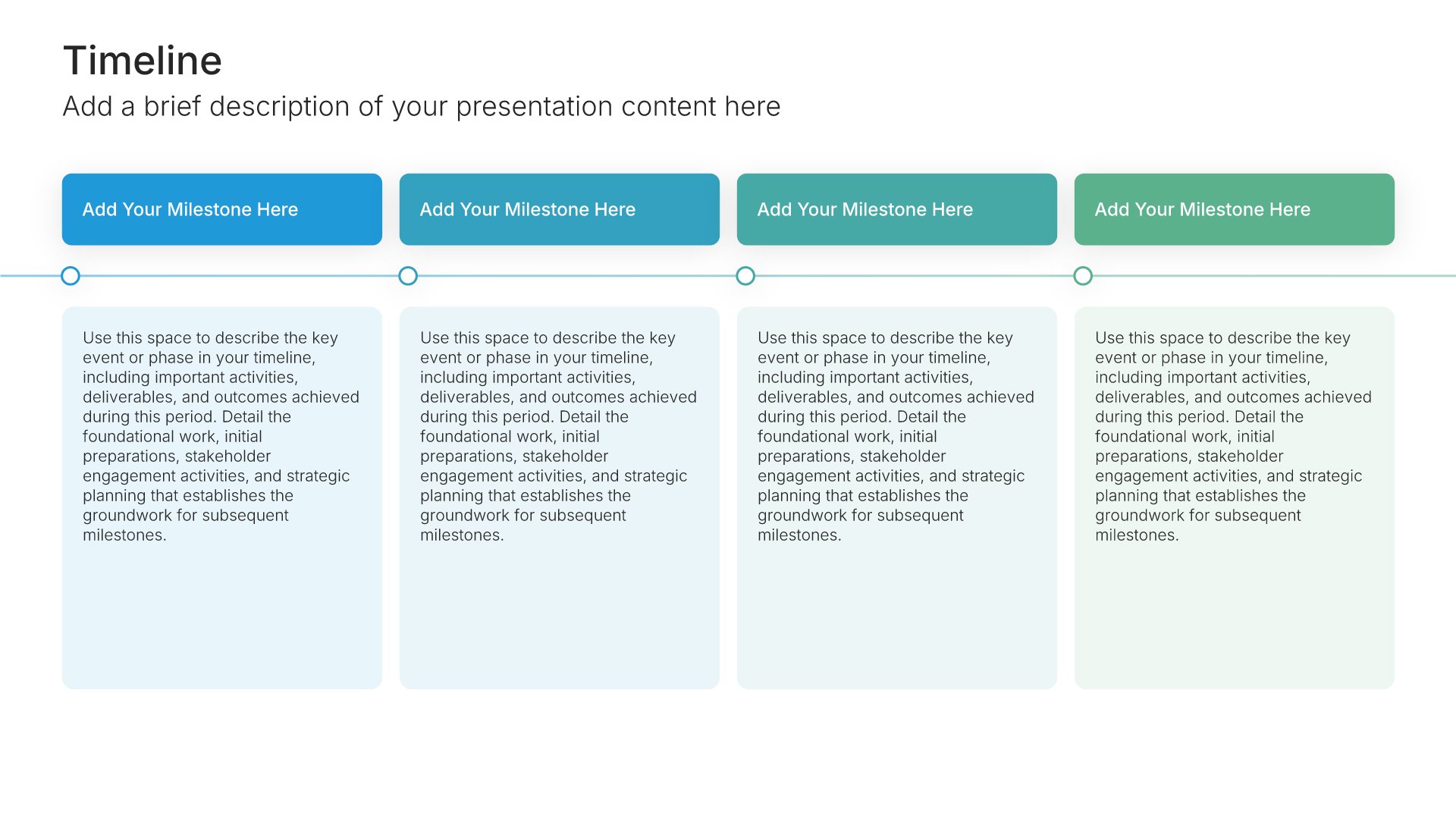
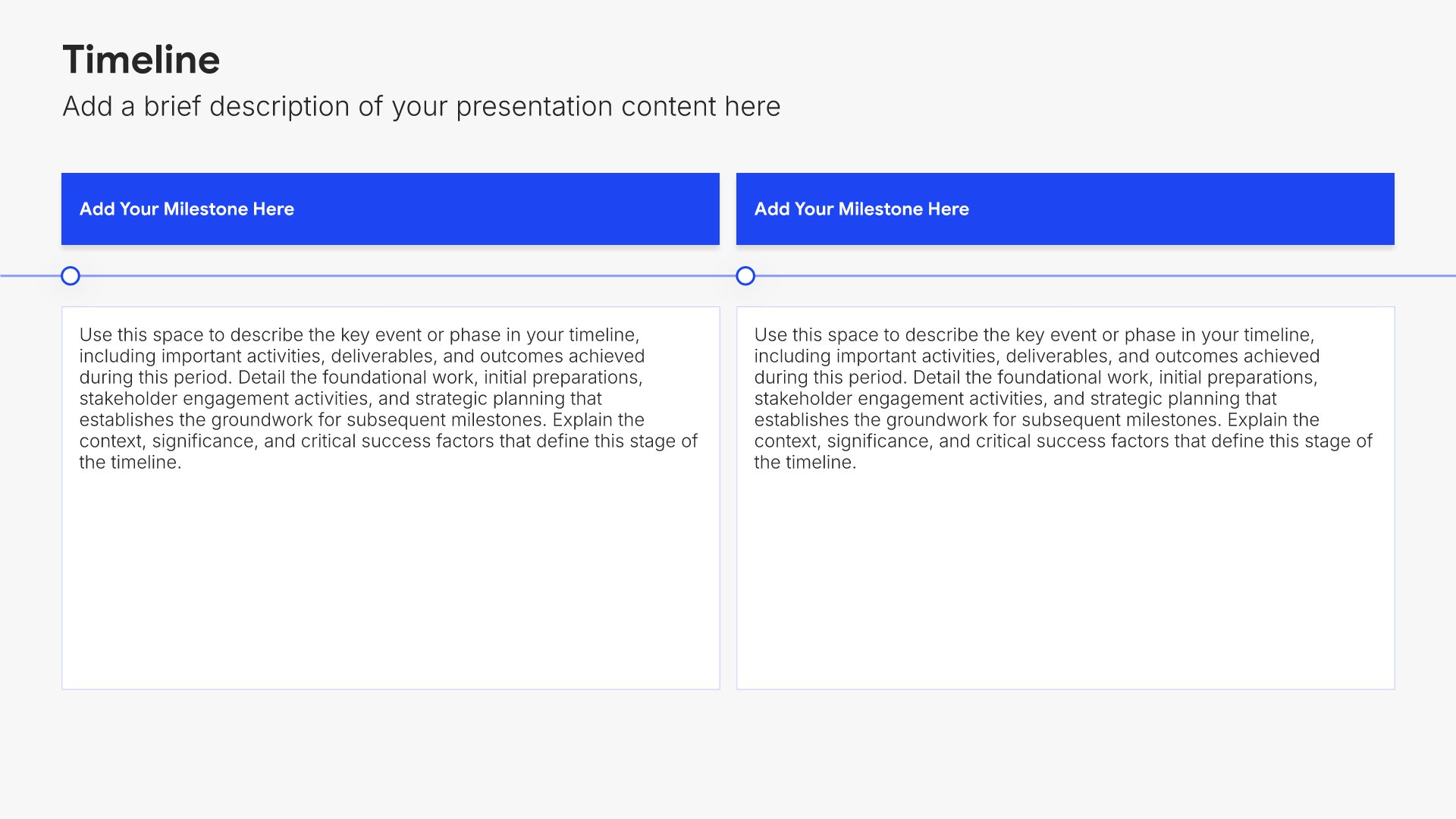
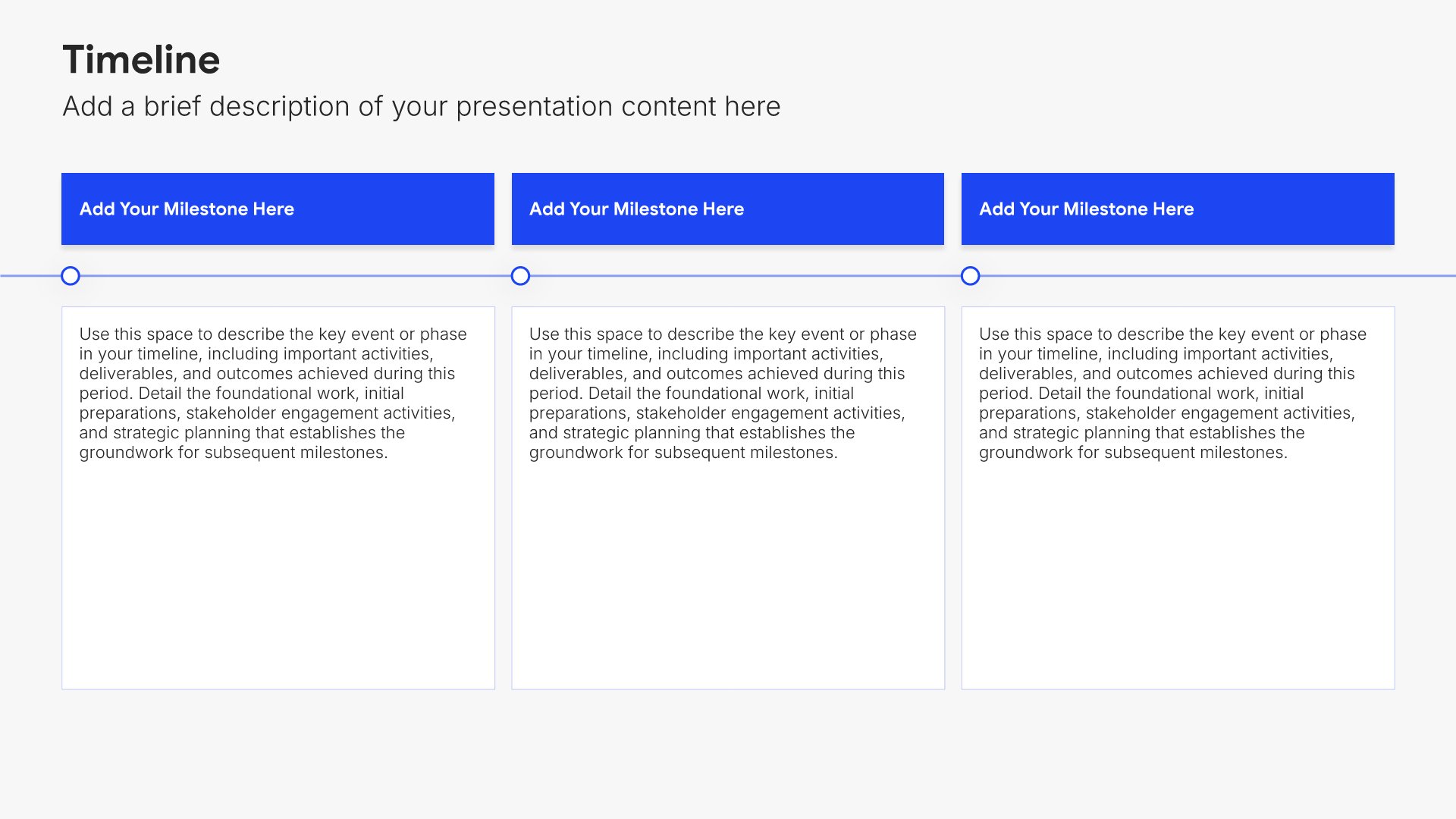
Implementation slides help you explain how customers get started with your solution. Use them to present onboarding steps, timelines, support resources, and what to expect during rollout. Ideal for sales decks and proposals where showing a clear implementation path reduces perceived risk and builds buyer confidence.
Built using Timeline slides

9. Case Study

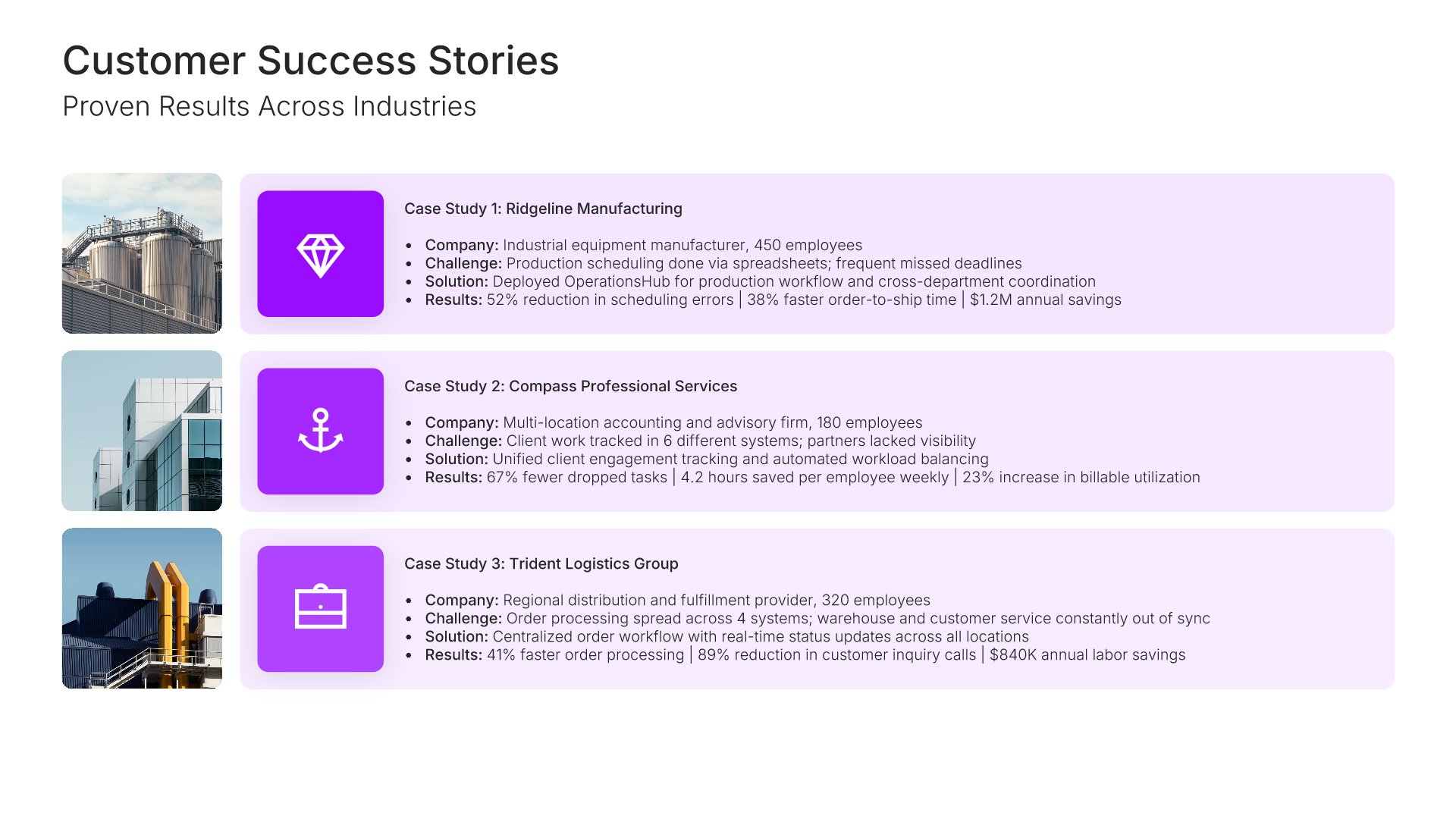
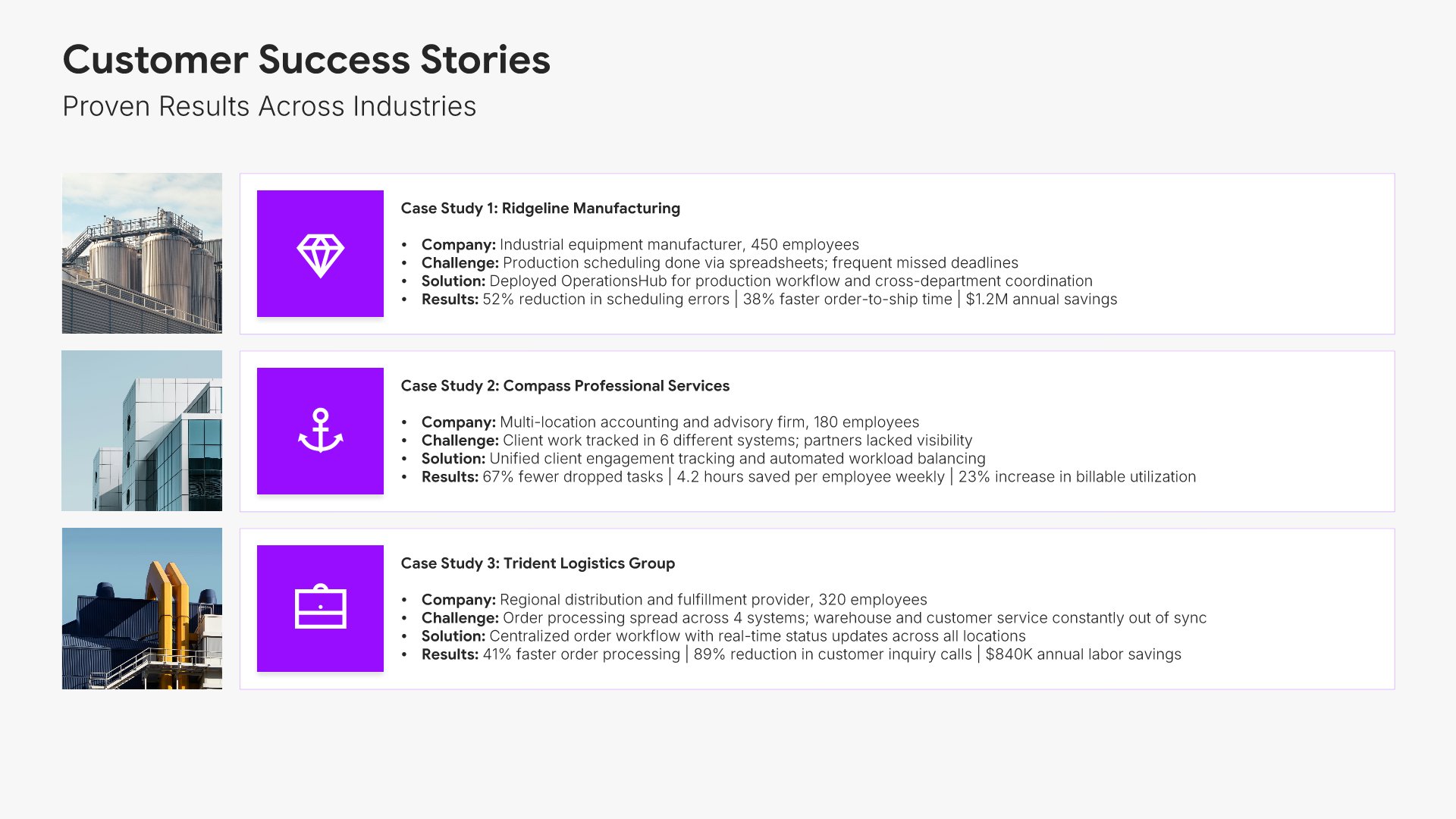
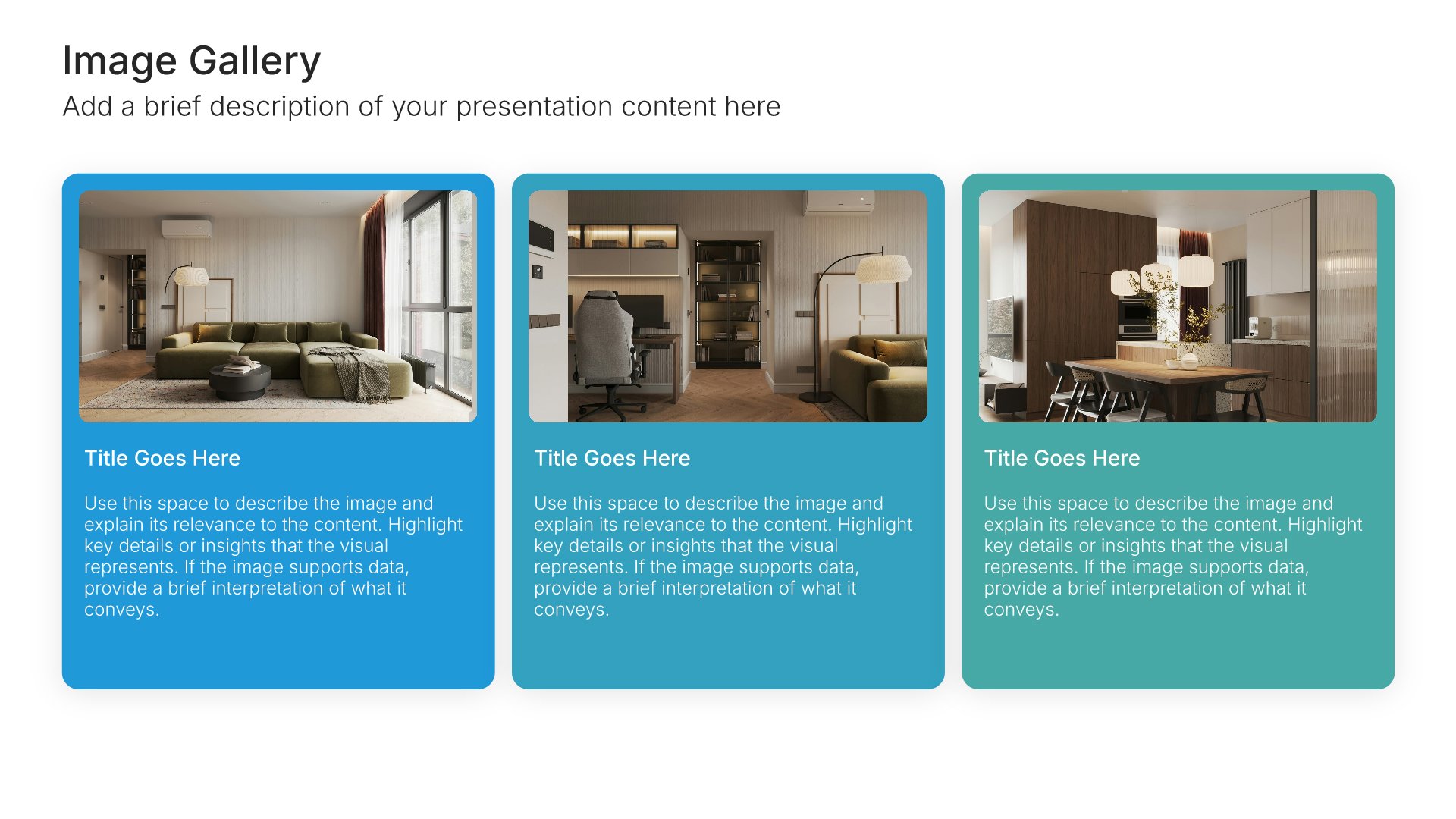
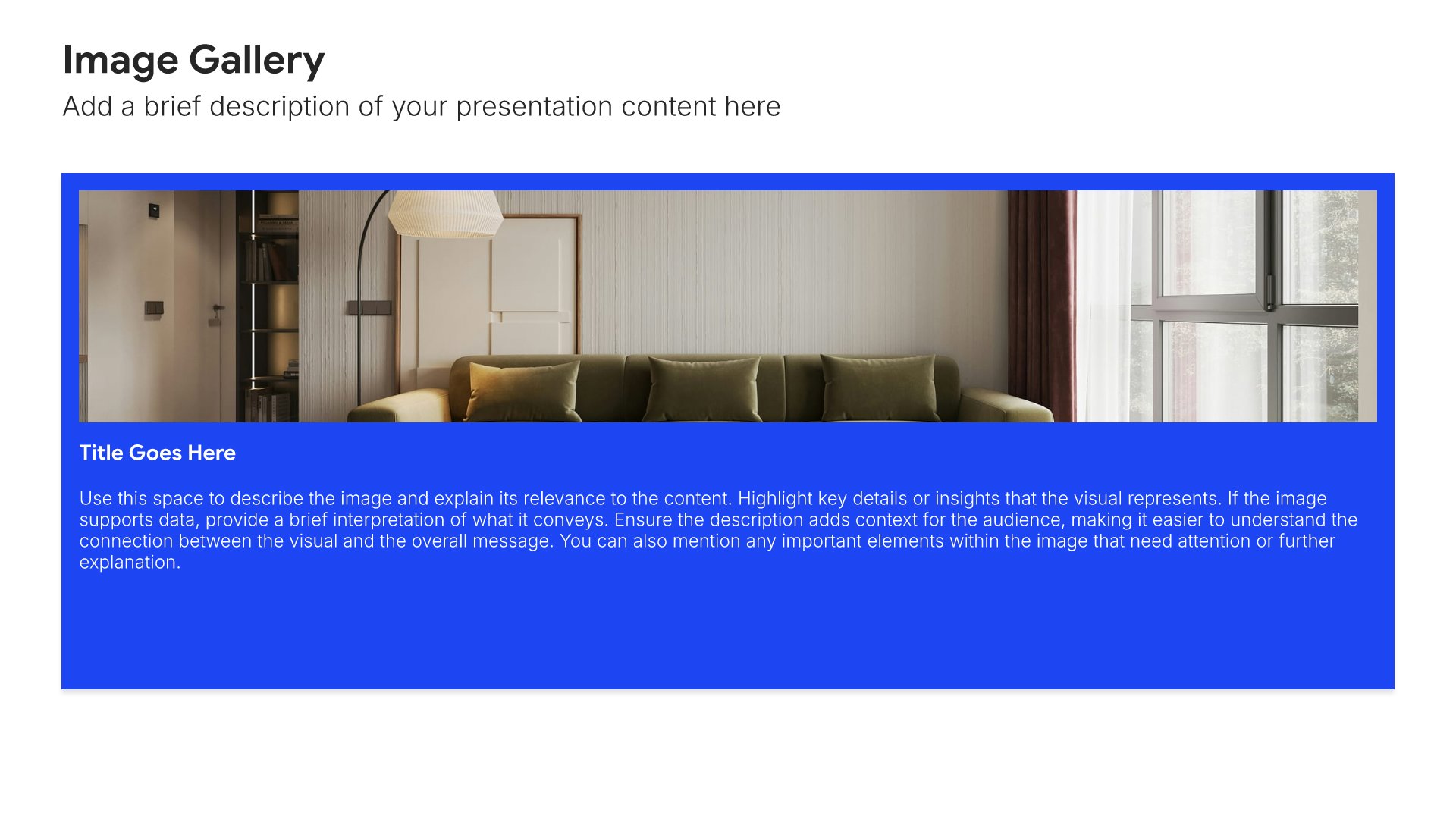
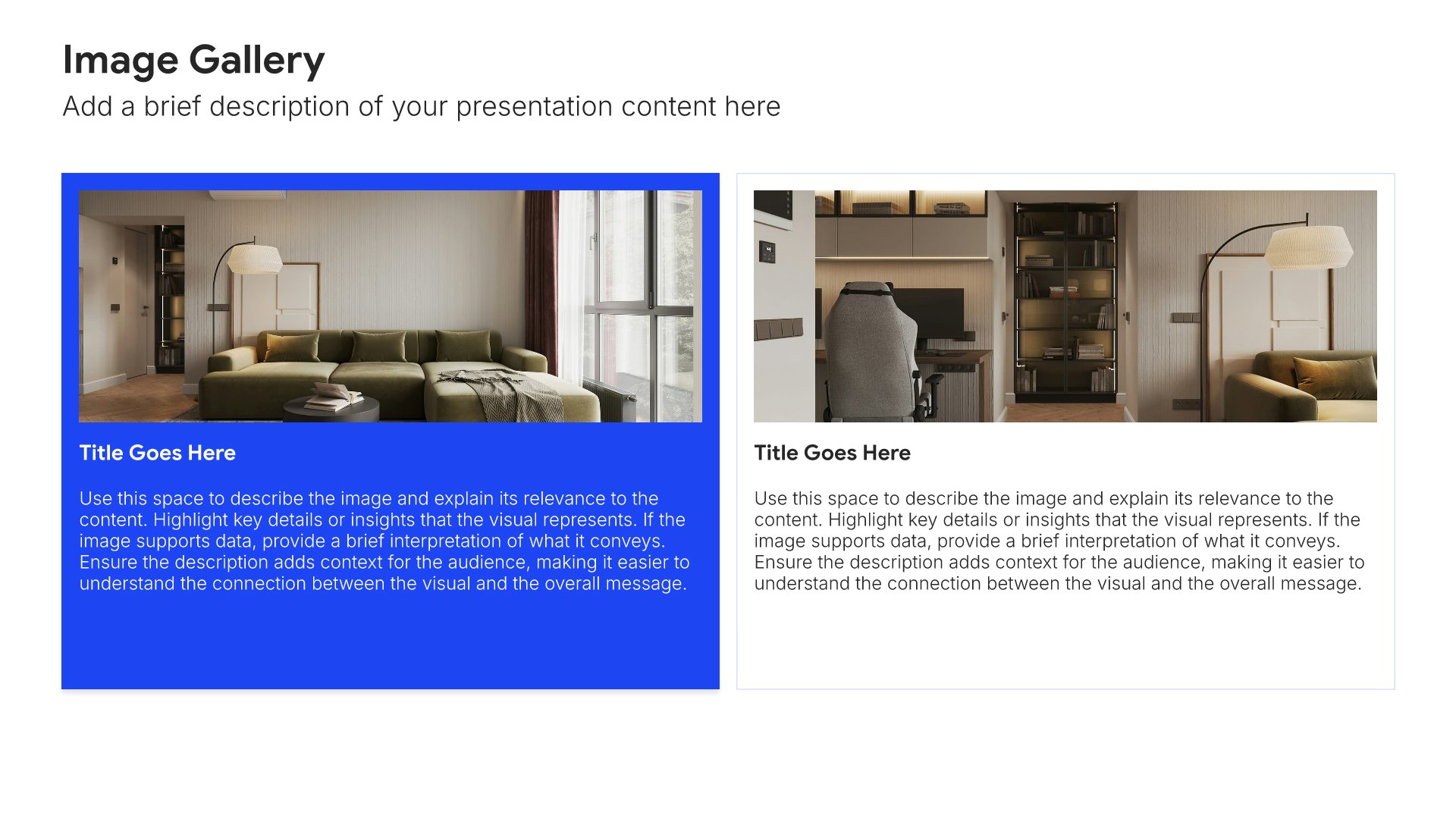
Case study slides help you present client success stories effectively. Use them to showcase challenges, solutions, and results in formats that demonstrate your proven track record. Ideal for sales presentations, pitch decks, and any situation where showing real-world examples of your impact builds trust and credibility.
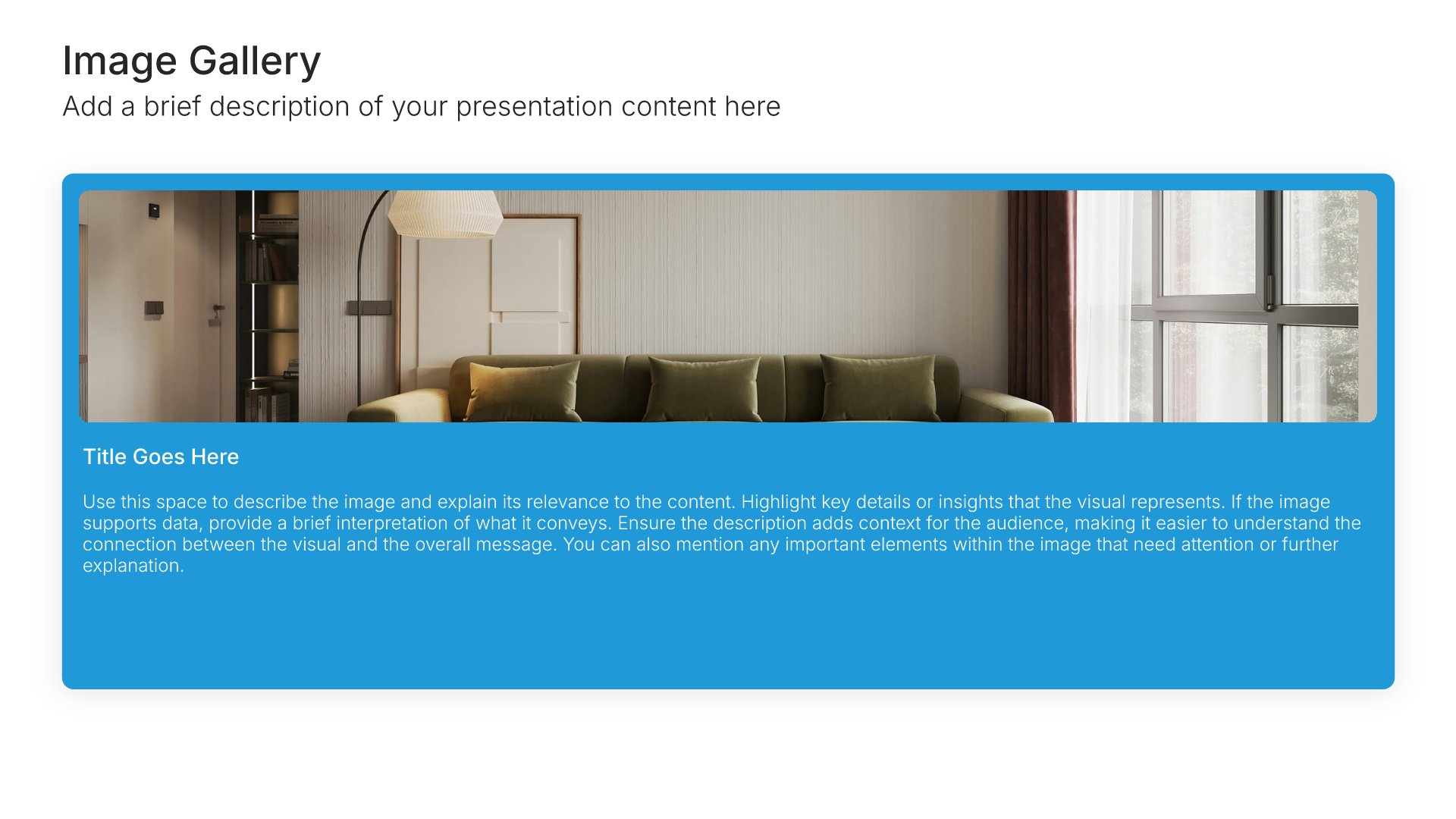
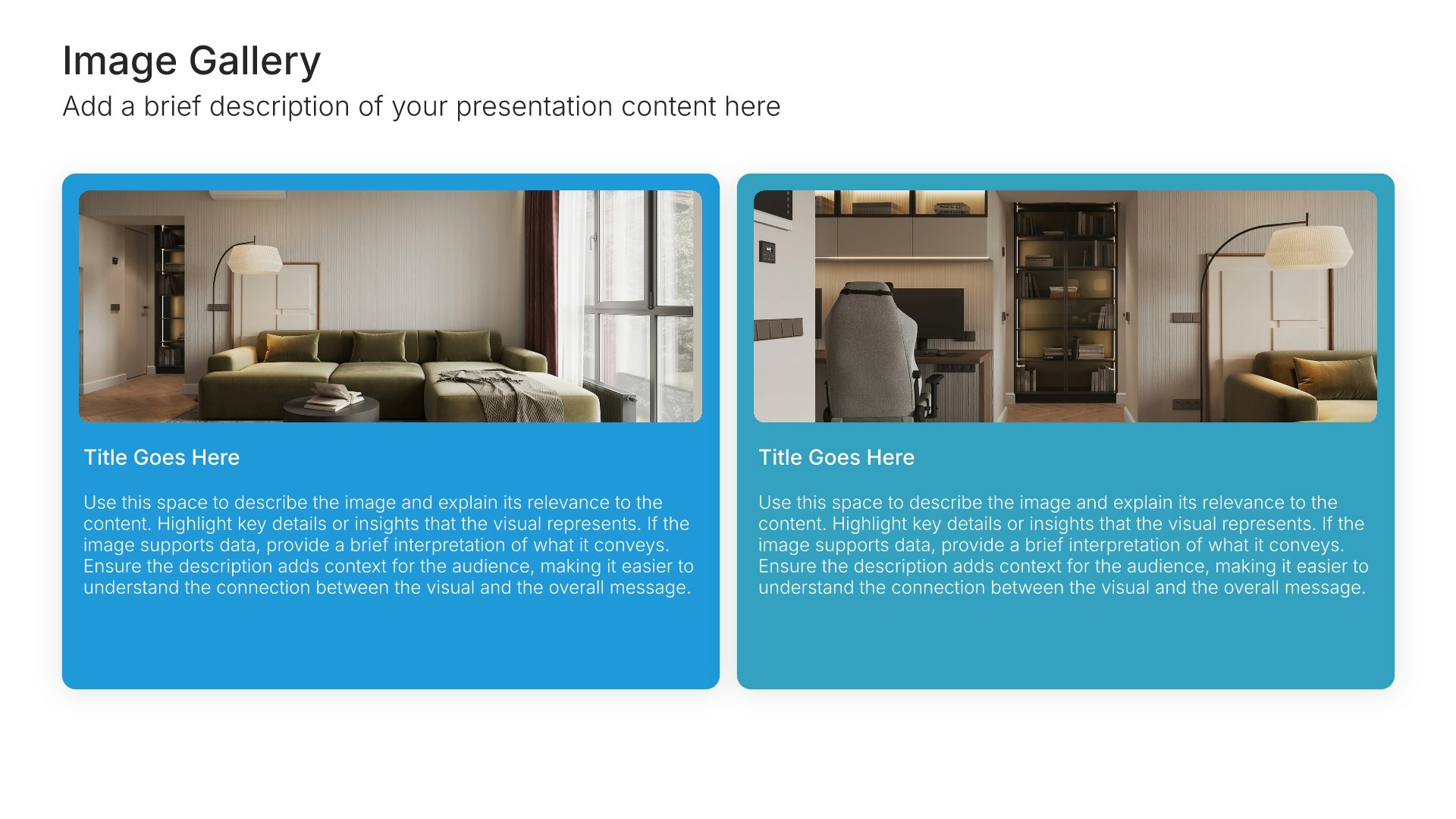
Built using Image Gallery slides

10. Pricing

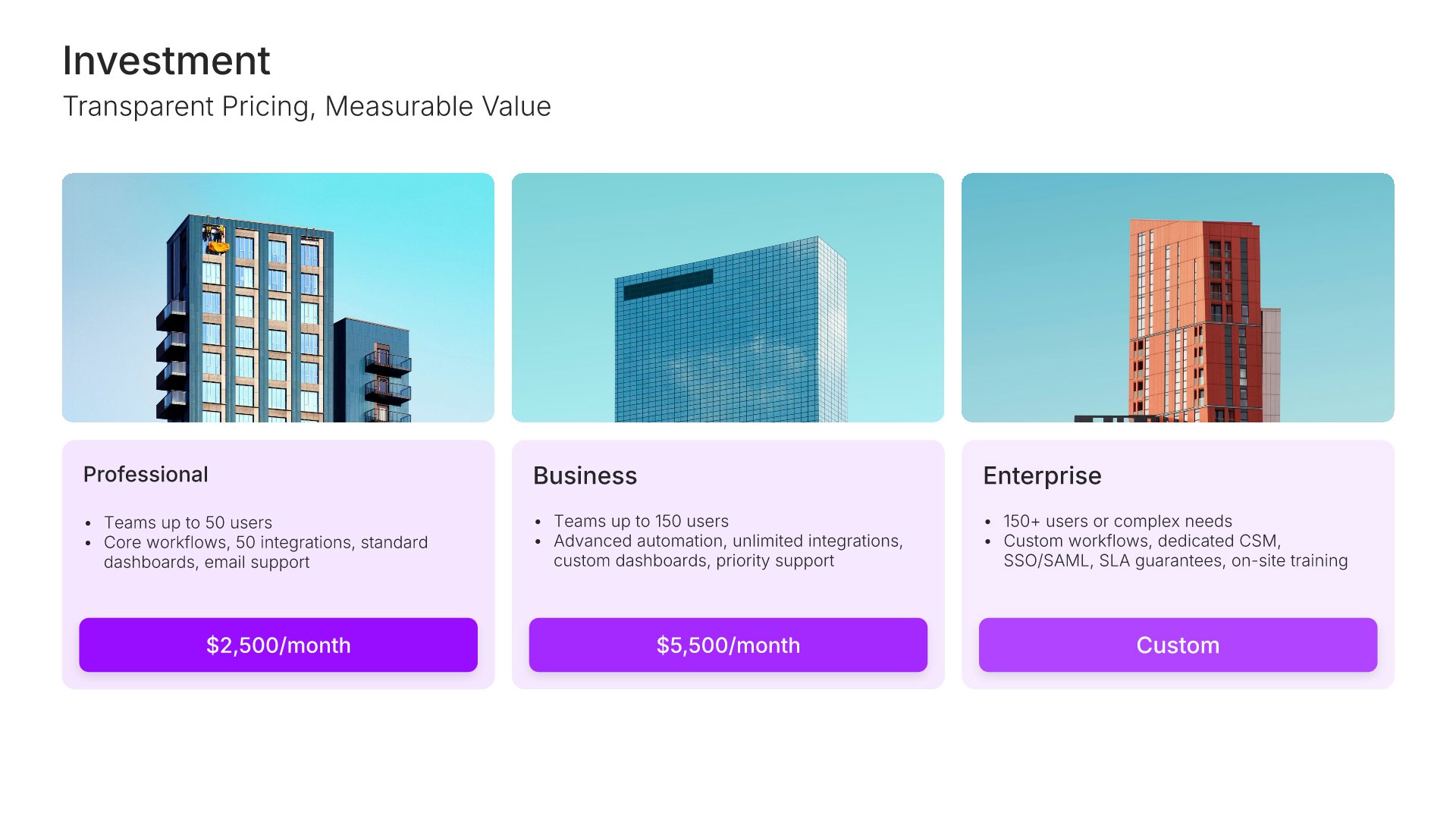
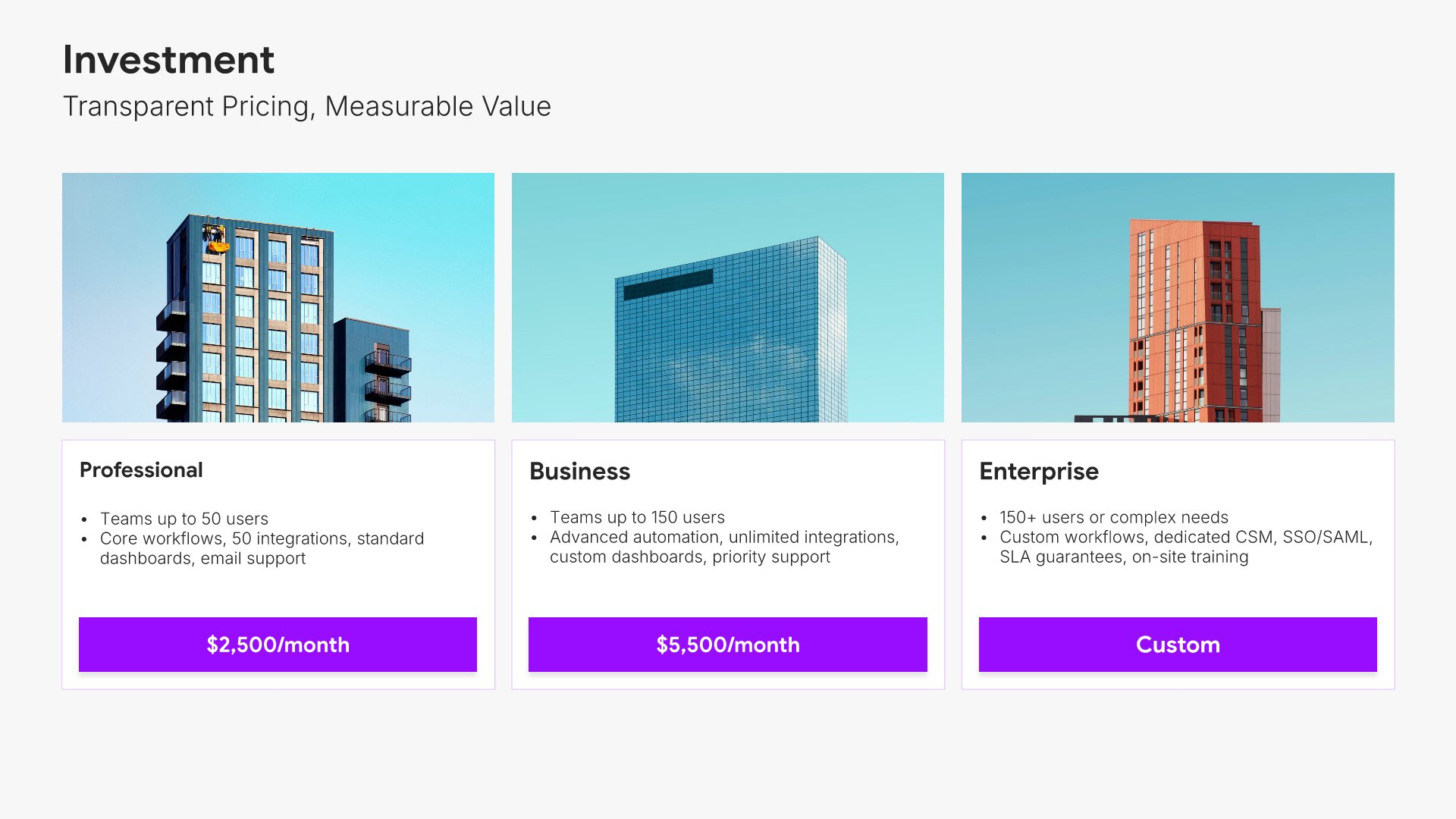
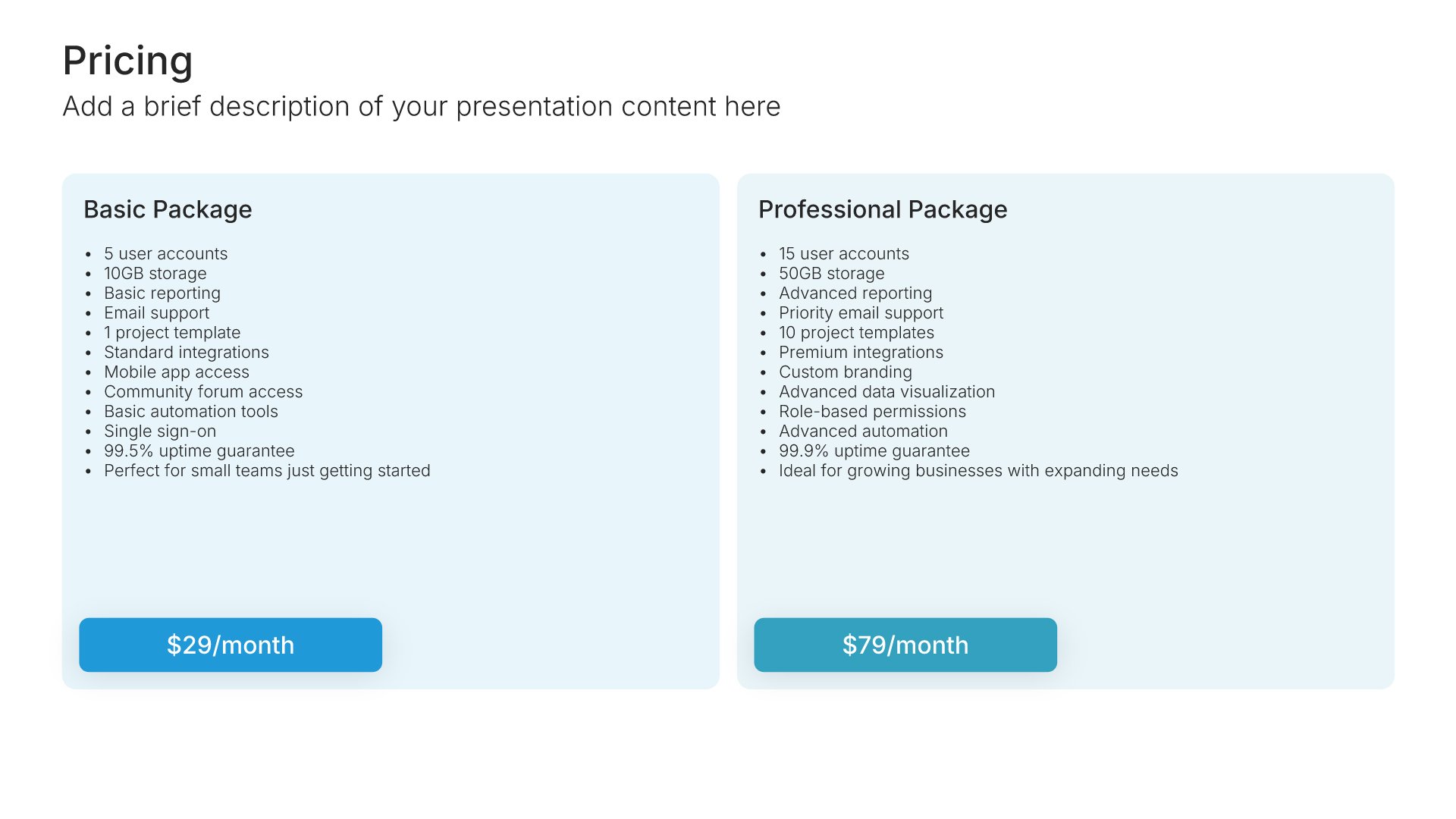
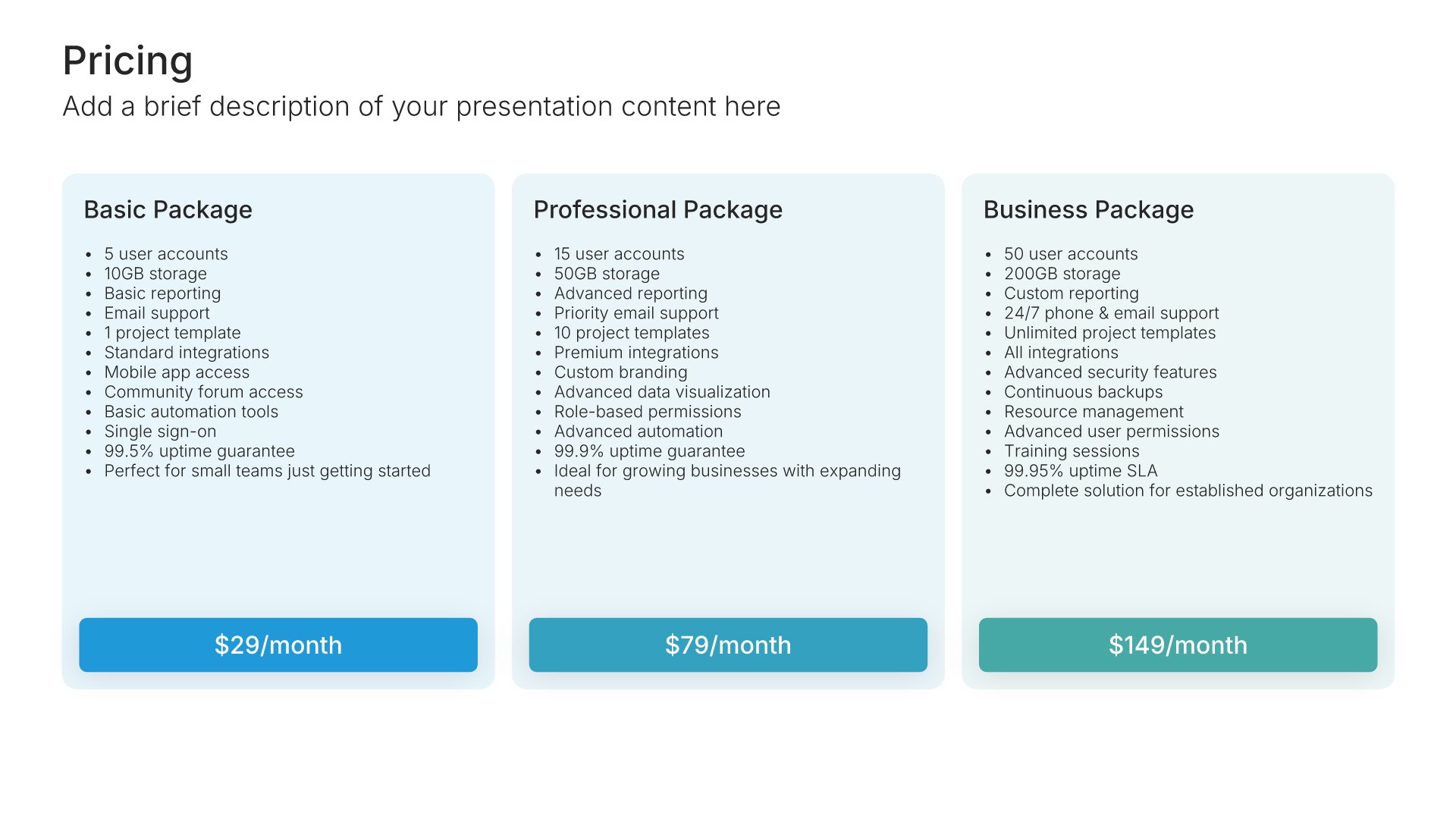
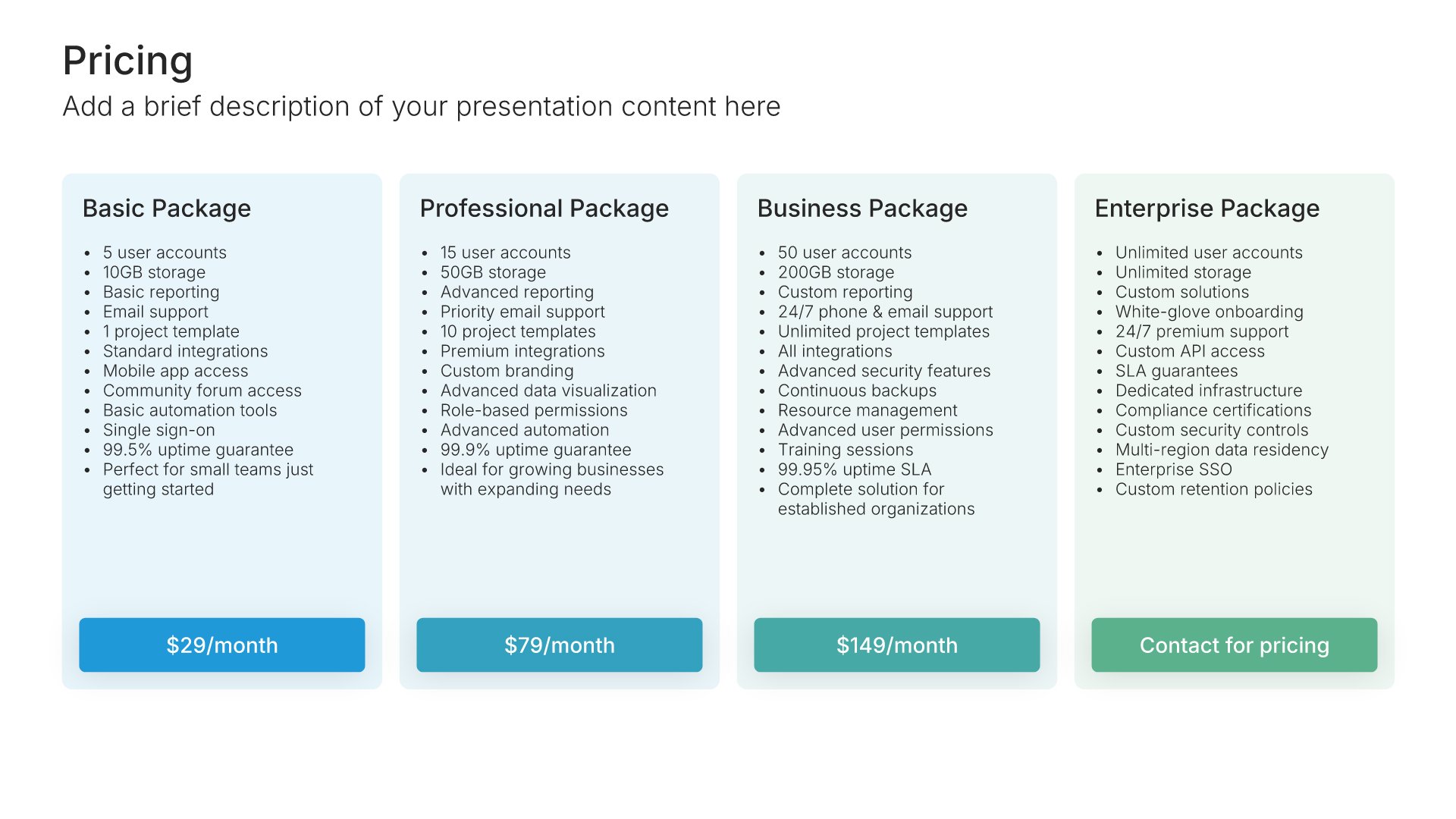
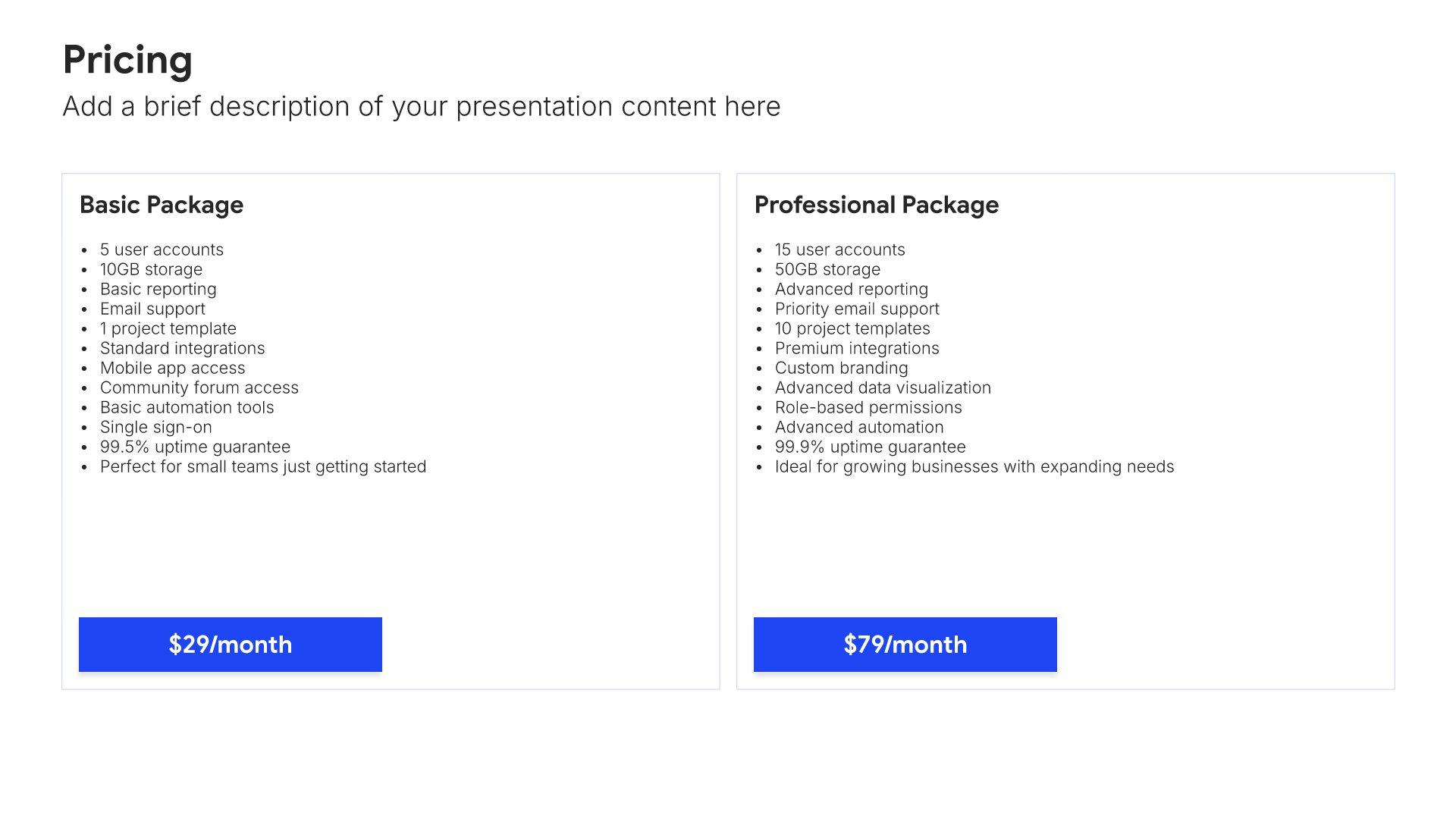
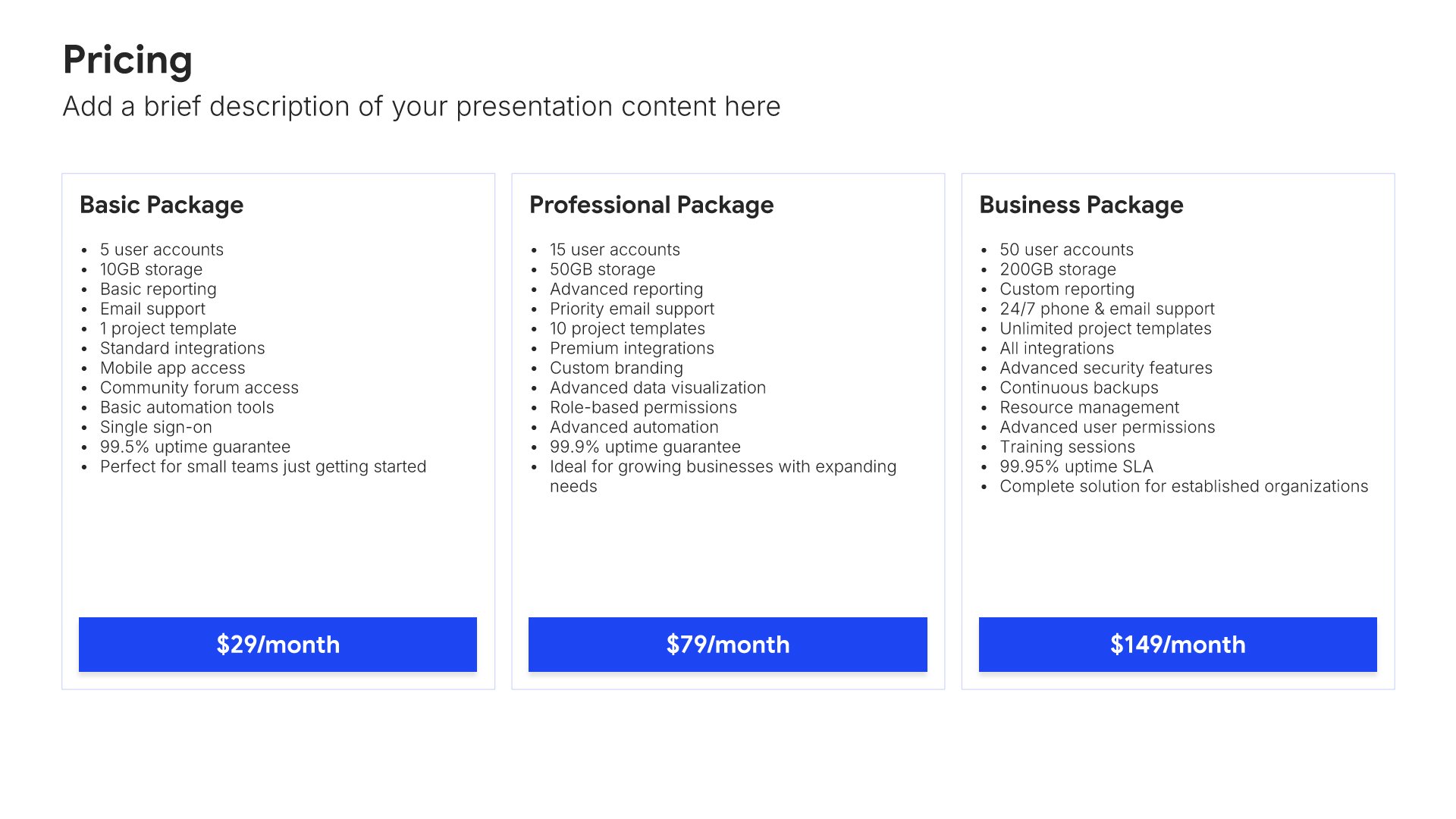
Pricing slides help you display plans and packages clearly. Use them to present pricing tiers, features, and options in formats that help customers compare and choose. Ideal for sales presentations, product overviews, and any pitch where showing pricing options professionally drives purchasing decisions.
Built using Pricing slides

11. Why Choose Us

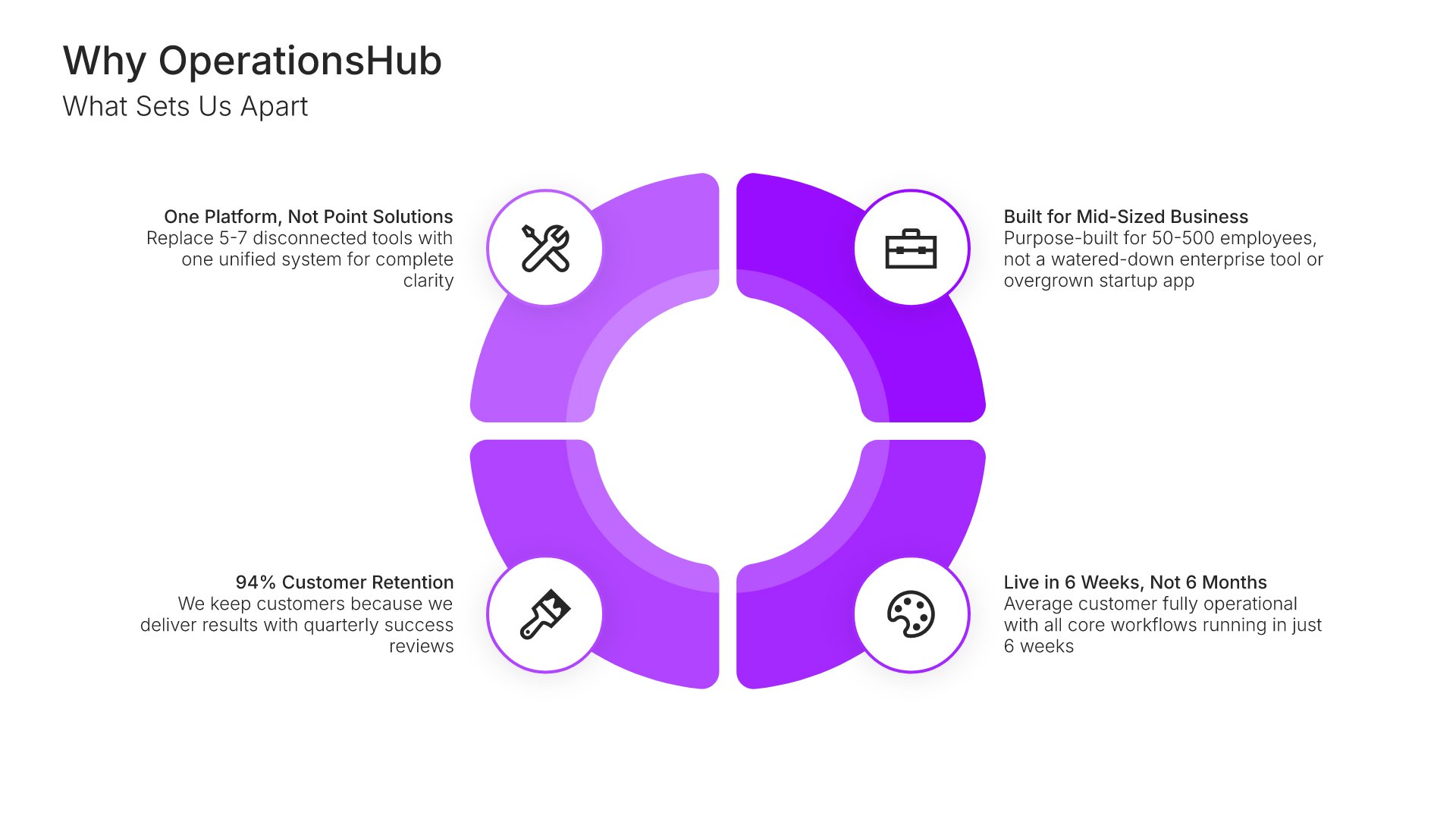
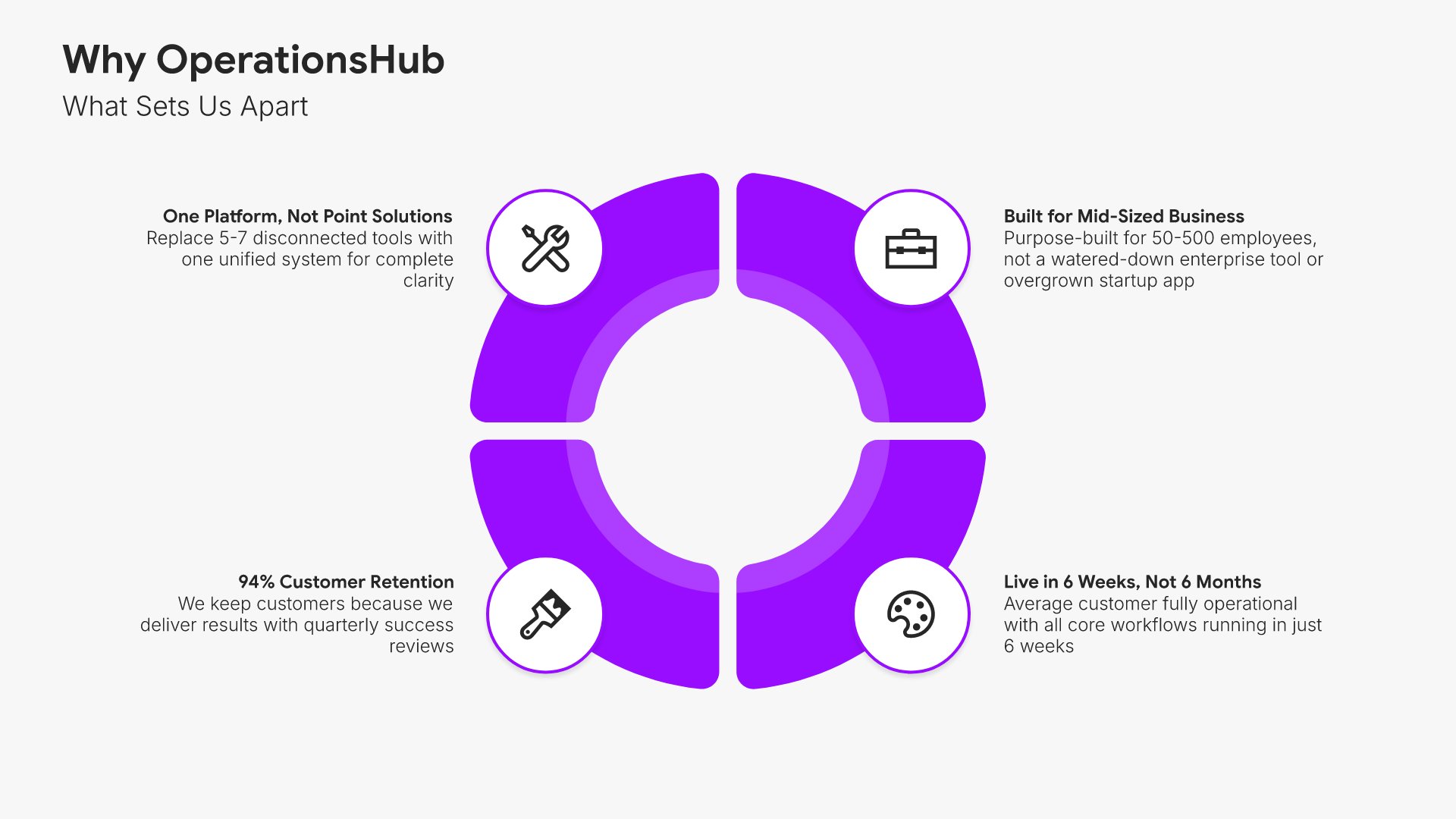
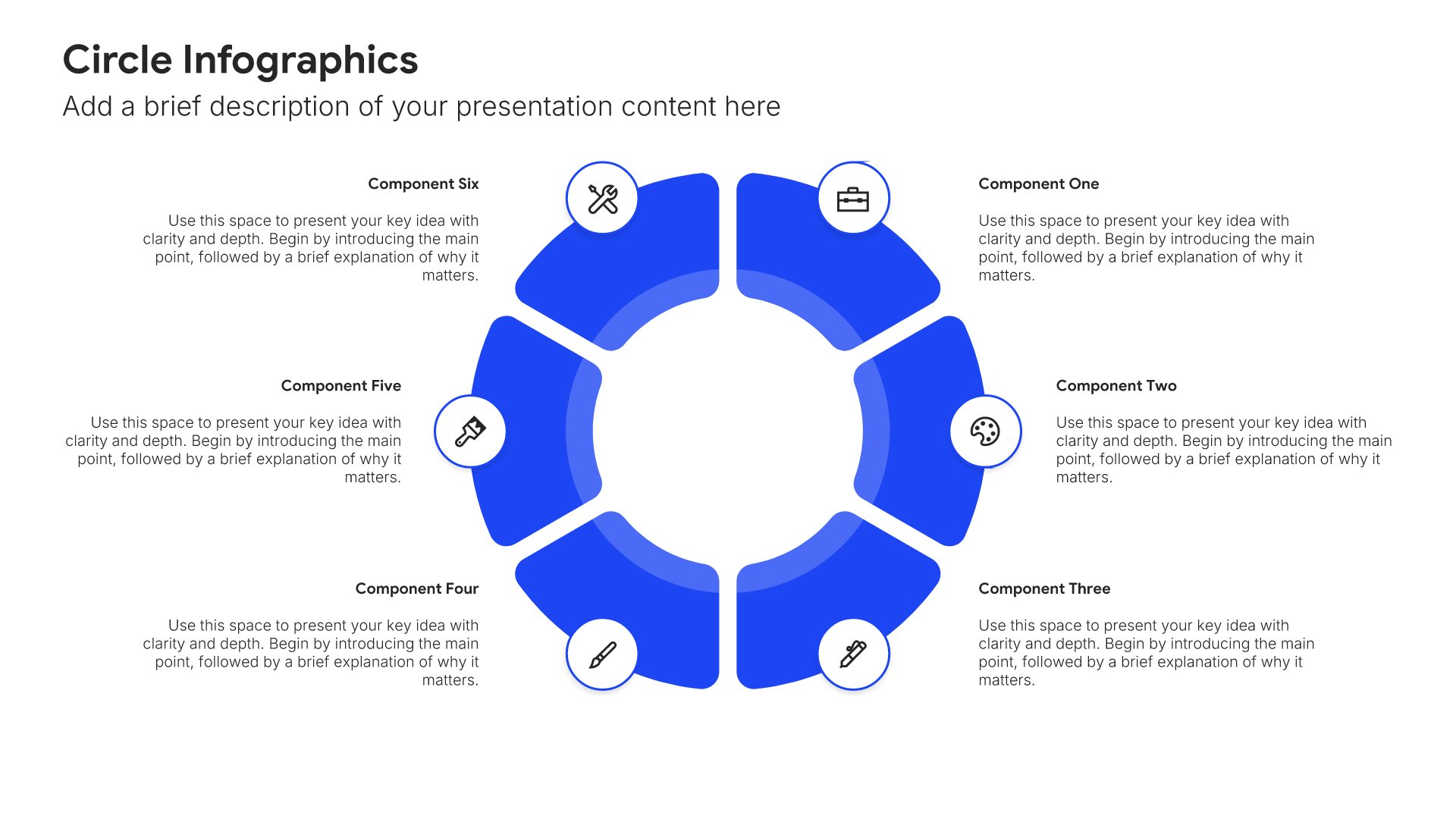
Why choose us slides help you summarize your key differentiators and reasons to buy. Use them to reinforce your competitive advantages, unique value, and the benefits of choosing your company. Ideal for sales decks and proposals where a compelling summary of your strengths helps close the deal.
Built using Circle Infographics slides

12. Next Steps

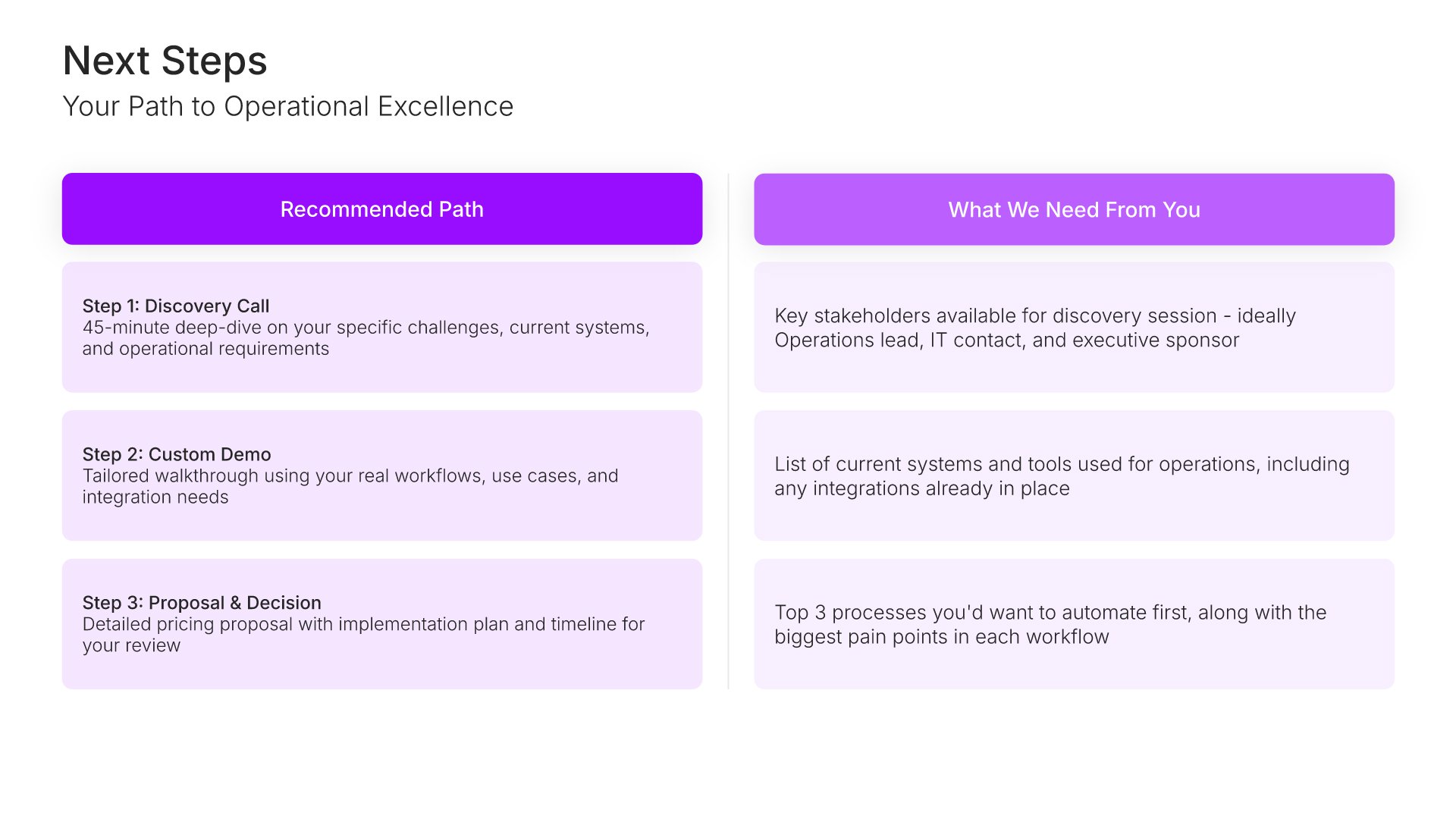
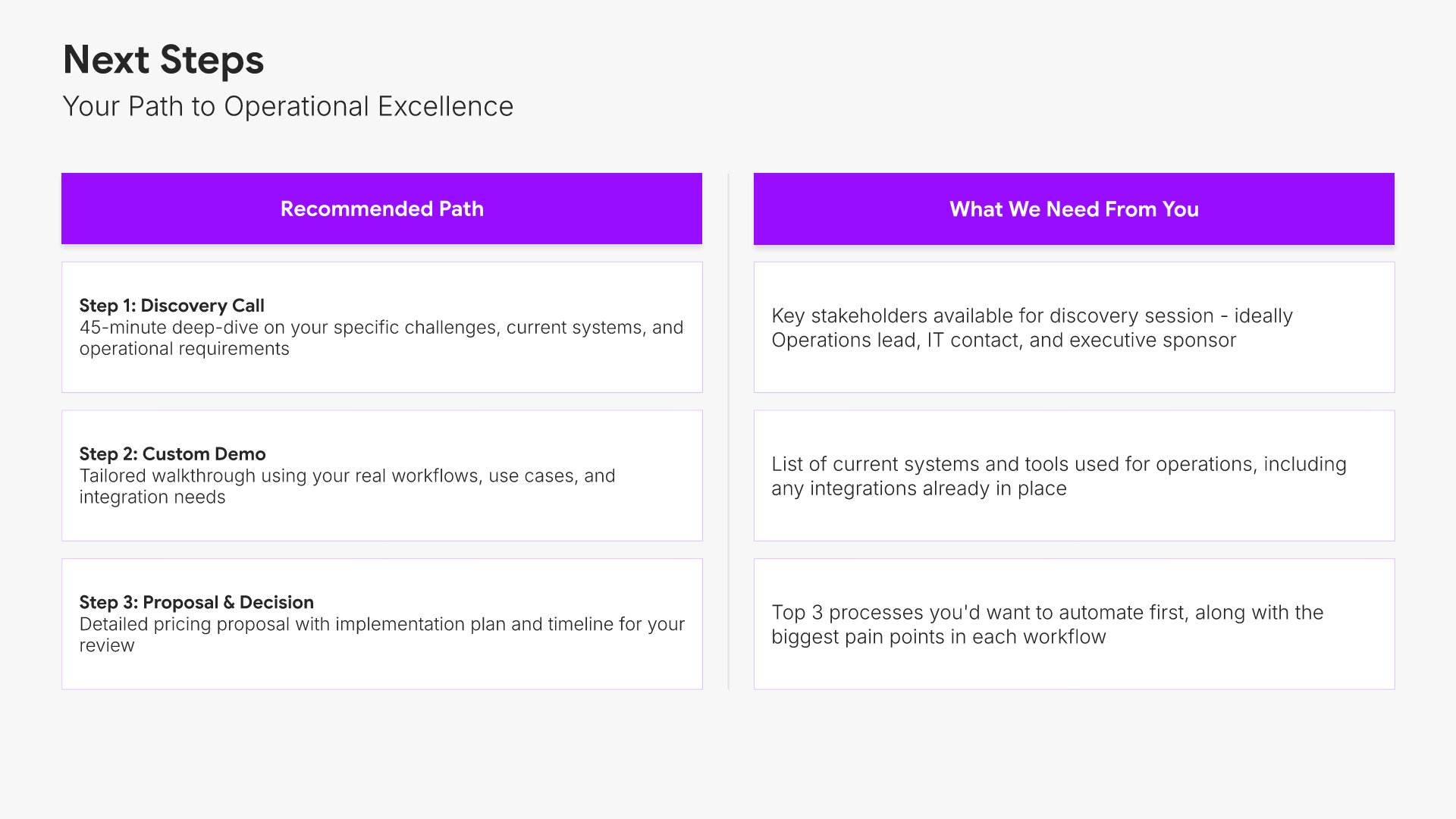
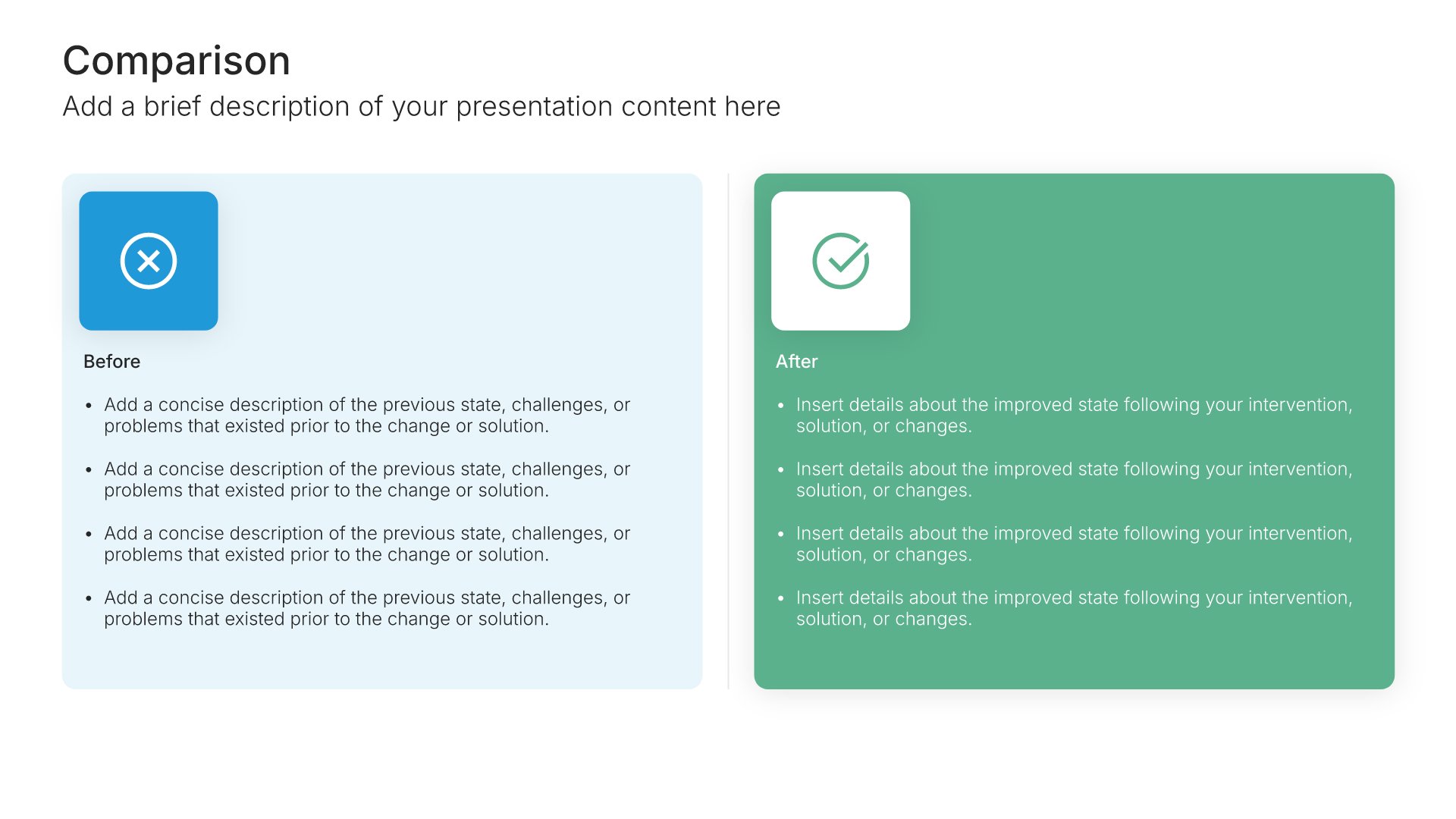
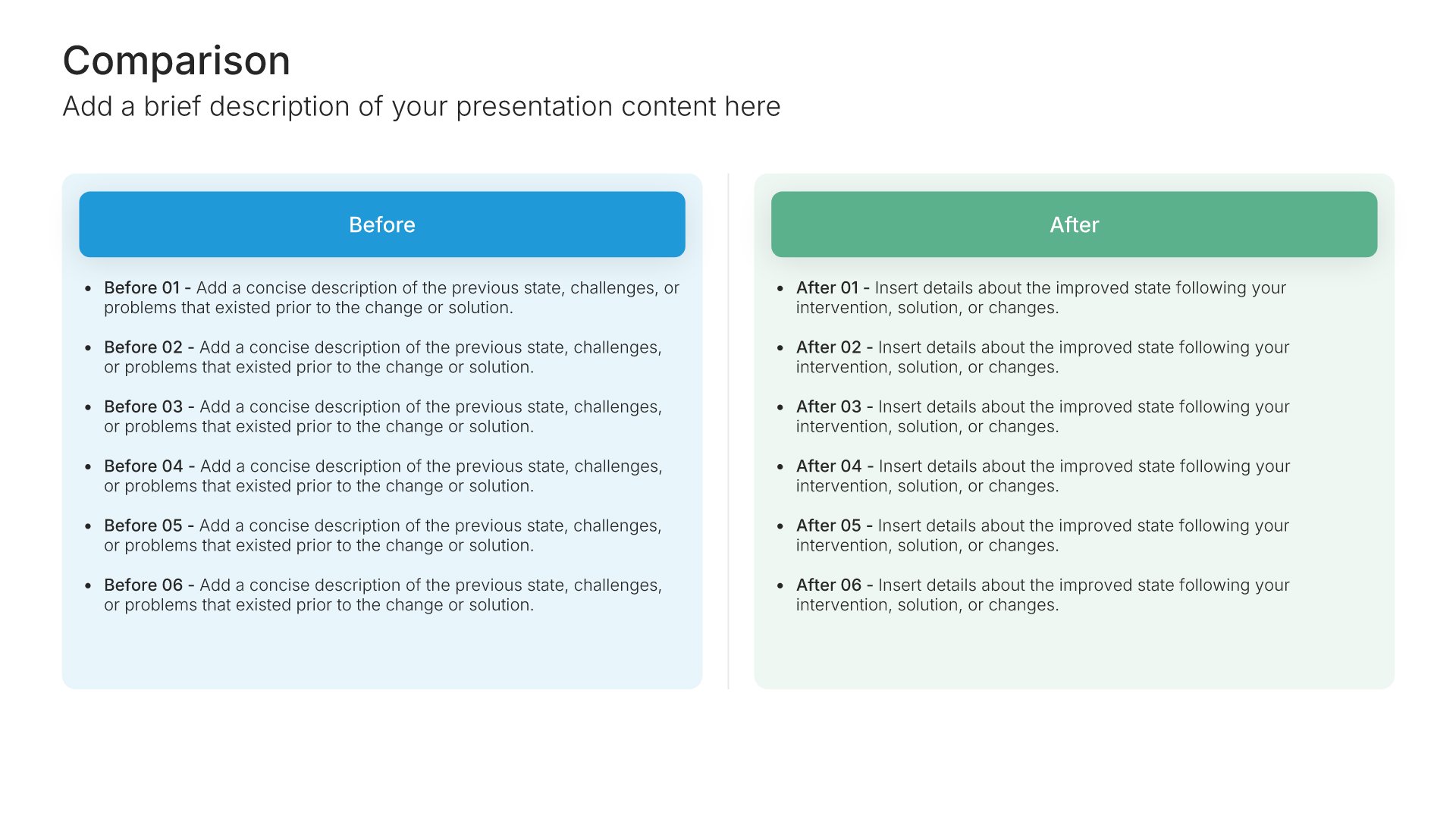
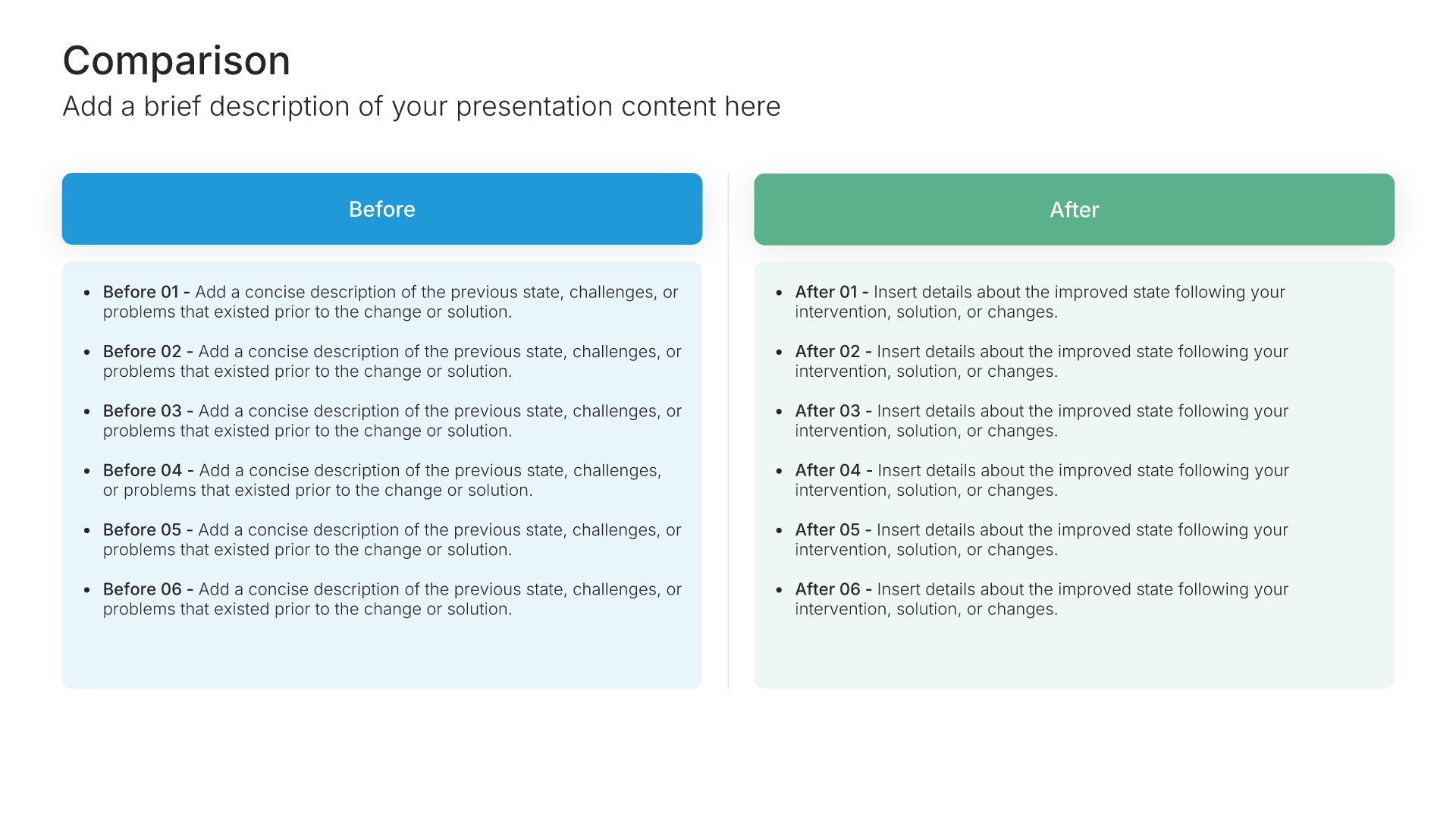
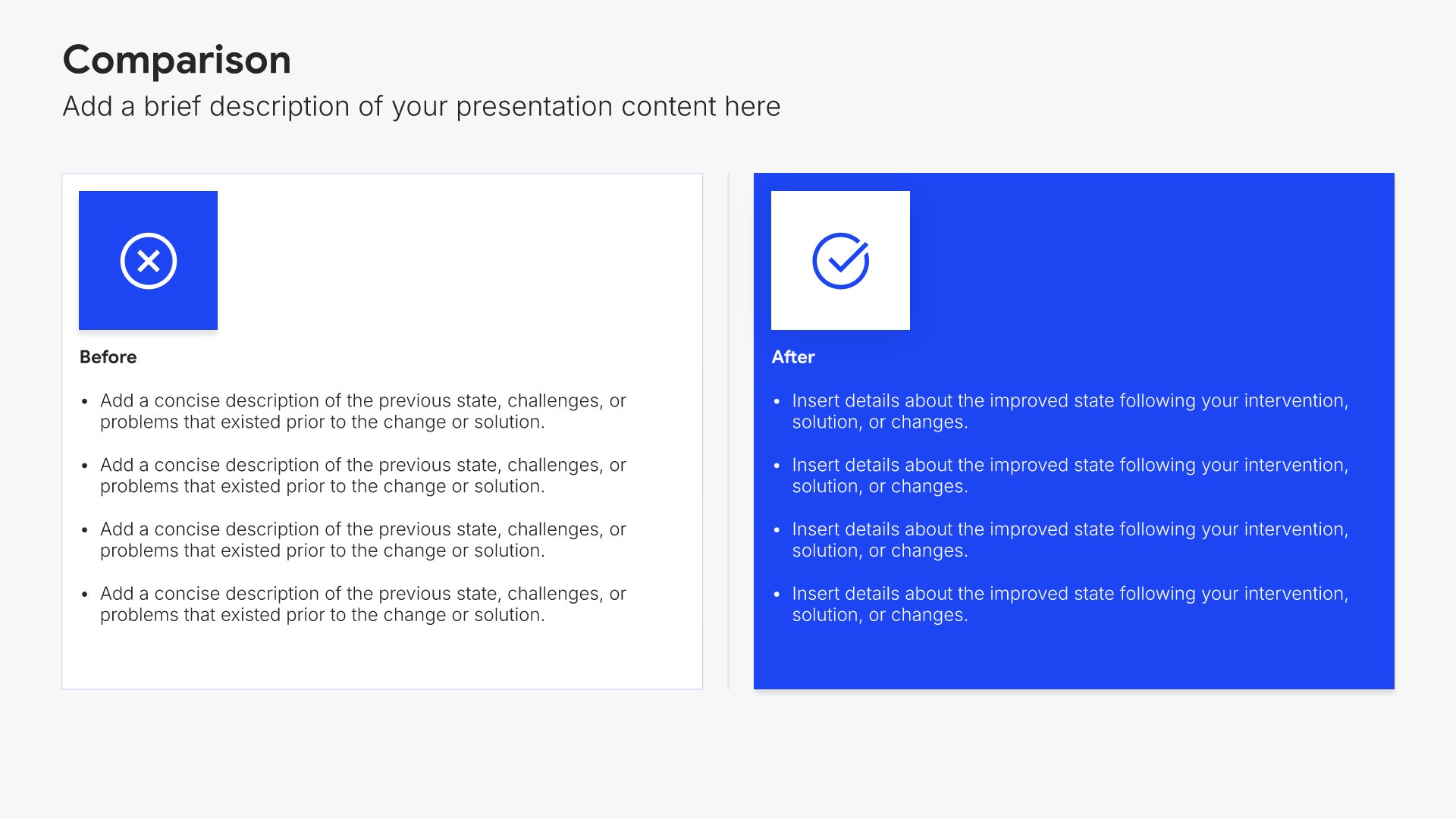
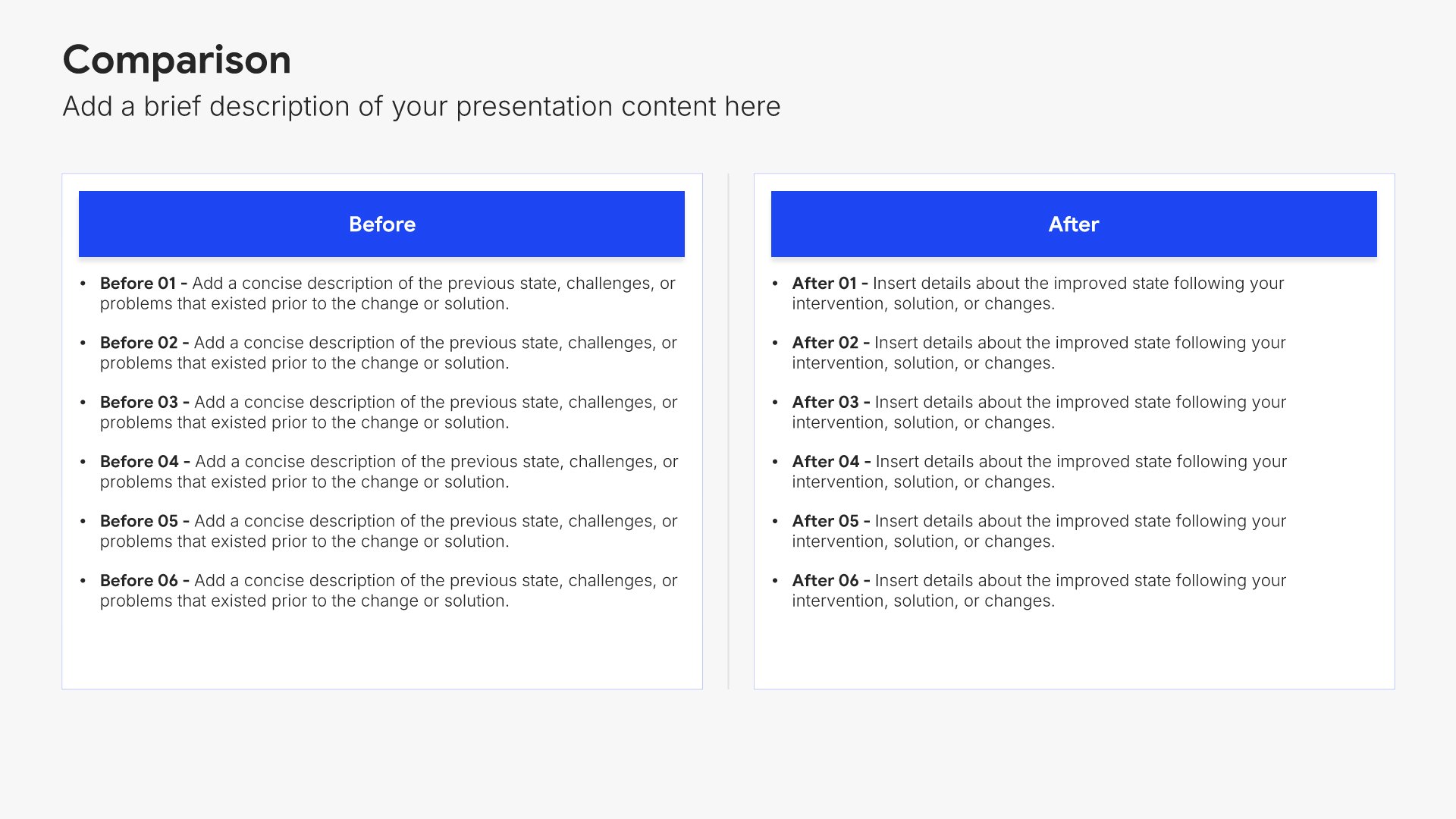
Next steps slides help you guide your audience toward action after your presentation. Use them to outline the specific actions, timeline, and commitments needed to move forward. Ideal for sales decks, proposals, and pitches where providing clear next steps keeps momentum going and advances the deal.
Built using Comparison slides

13. Thank You

Thank you slides help you close presentations professionally. Use them to end with gratitude, provide contact information, and leave a polished final impression. Ideal for any presentation where a professional closing reinforces your message and gives your audience a clear way to follow up or stay connected.
Built using Thank You slides

Build your Product & Service Presentation presentation with Twodart

Transform your Product & Service Presentation vision into reality with Twodart’s user-friendly platform. Follow our step-by-step guide, harnessing our vast collection of slides and tools, to create a compelling and cohesive presentation that resonates with your audience.

Step 1

Browse and Select Your Slides​

Discover from over 9,172 unique slides in 134 categories or kickstart with 31 premade presentation templates. Design skills? Not needed.

Step 2

Brand Your Presentation

Add your logo and easily customize theme colors to align with your brand. 30+ preset colors, or explore unlimited color options for perfect match.

Step 3

Export Presentation Seamlessly​

With a single click, export your slides to Powerpoint, Google Slides, or Keynote. Enjoy unlimited exports with no restrictions or limitations.

Step 4

Personalize Your Content​

Replace text and image placeholders with your content effortlessly. Customize using tools like Powerpoint, Google Slides, or Keynote and present proudly.

Try Twodart for free today and experience the ease of creating remarkable presentations.
No Sign-in or Credit Card Required

Wait!
Before you go, have you had the chance to experience Twodart? If not try out – Twodart for absolutely FREE!!

No Sign-in or Credit Card Required

Experience Twodart Yourself!
Why just read about it when you can experience it? Dive into our presentation library – absolutely FREE!

No Sign-in or Credit Card Required