Try Twodart Free: Download Personalized Business Slides Today

SaaS/Tech Series A Pitch Deck Premade Template

A comprehensive Series A pitch deck template designed for SaaS and technology startups seeking growth-stage funding. Built on the proven Sequoia Model framework, this presentation covers everything investors need to see, from problem-solution fit to financials and the ask. Universally applicable across all industries.
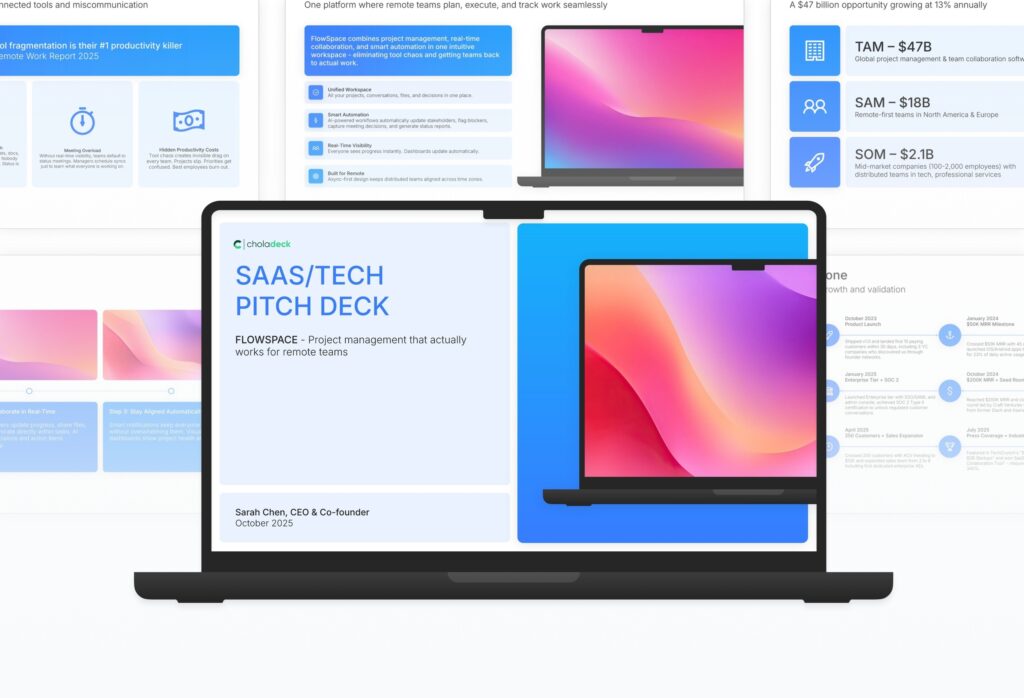
SaaS/Tech Series A Pitch Deck Featured Image

How to Build a SaaS/Tech Series A Pitch Deck Presentation

Learn how to create a compelling Series A pitch deck that captures investor attention and communicates your startup’s potential. This comprehensive guide walks you through the essential components of a successful fundraising presentation, helping you structure your story and present your vision with clarity and confidence.

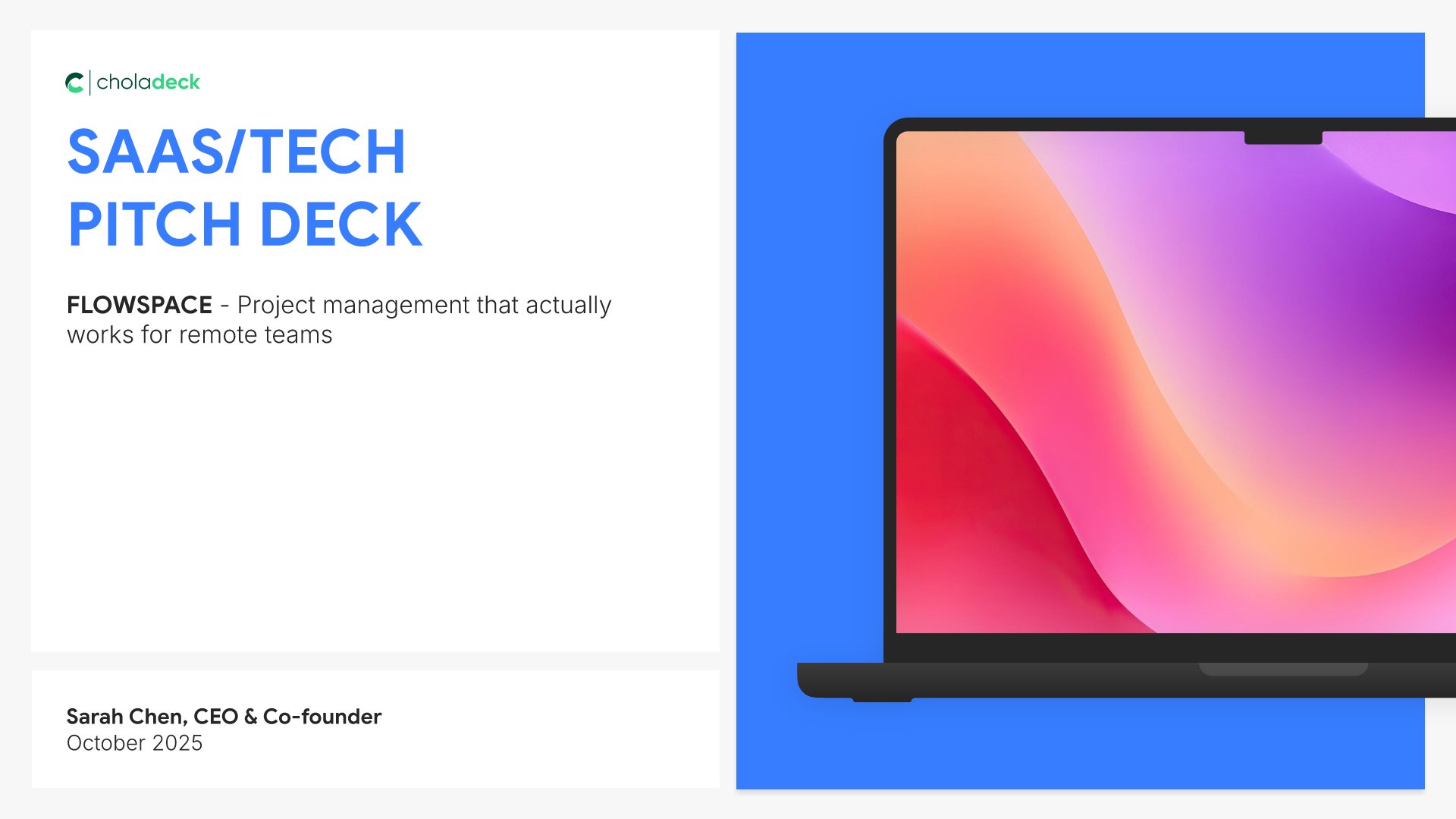
1. Title

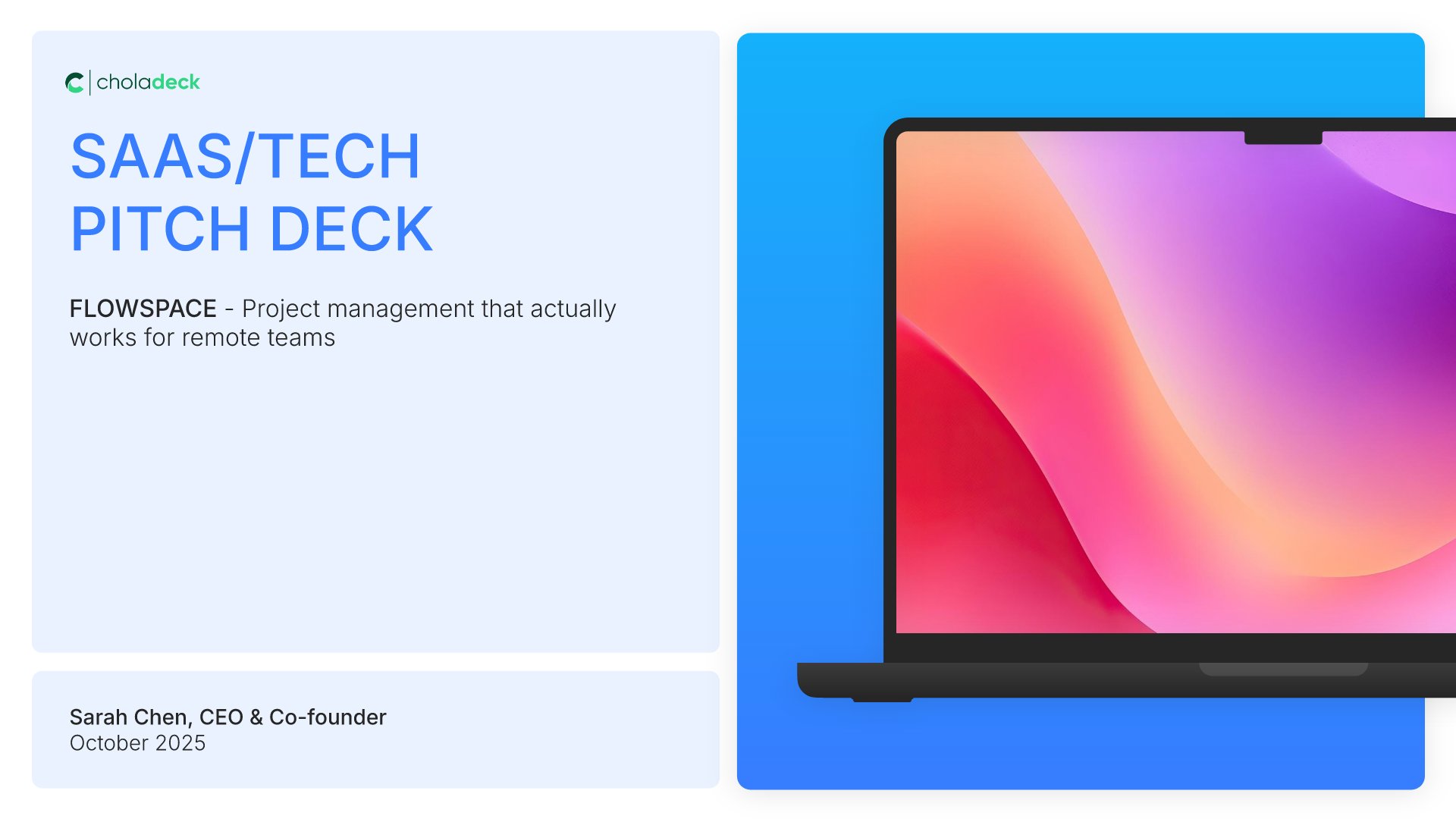
Title slides help you open presentations with impact. Use them to create strong first impressions with opening slides that set the tone, introduce your topic, and establish your brand. Ideal for any presentation where a polished, professional opening slide sets the stage for everything that follows.
Built using Title slides

2. Problem

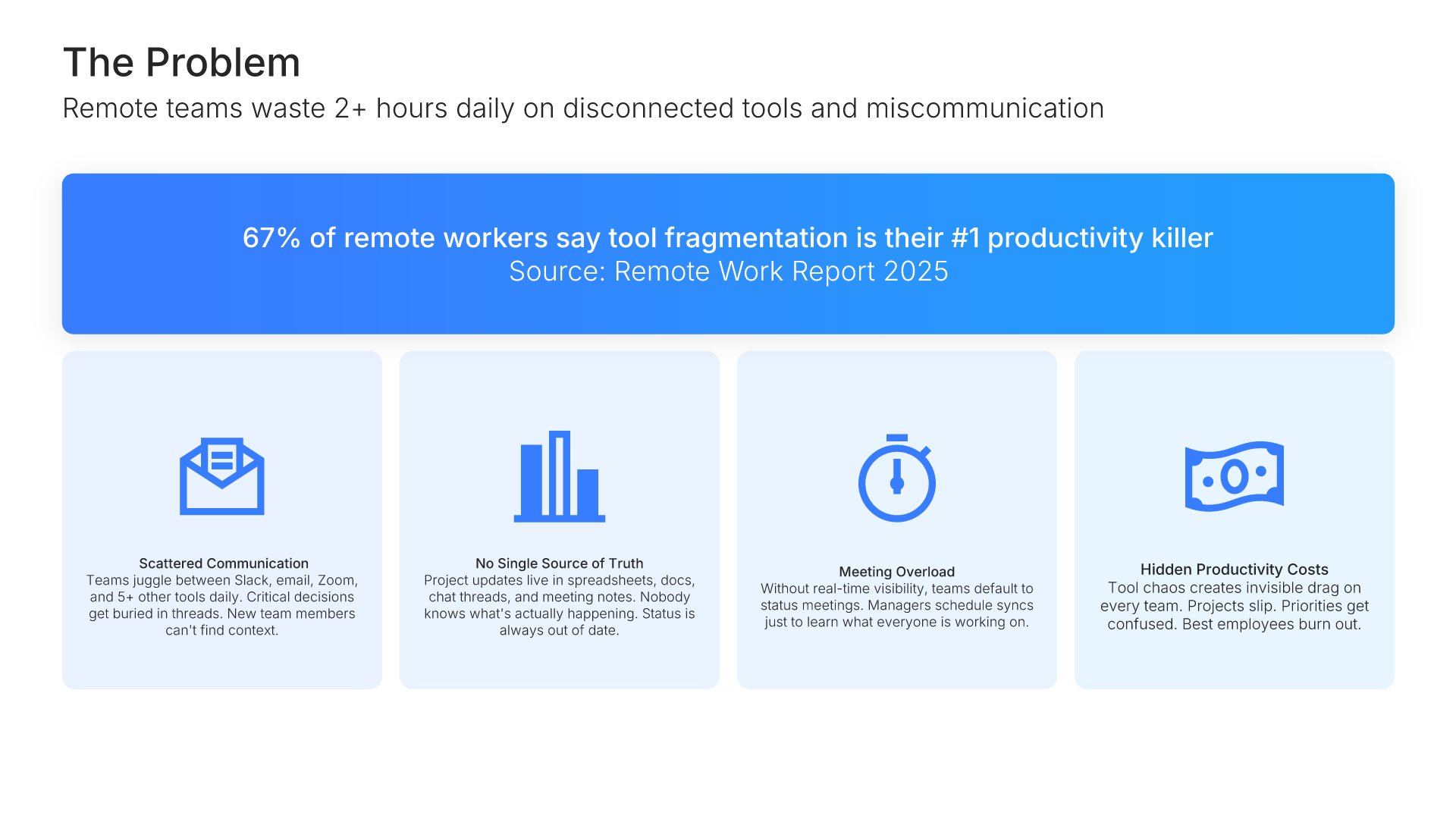
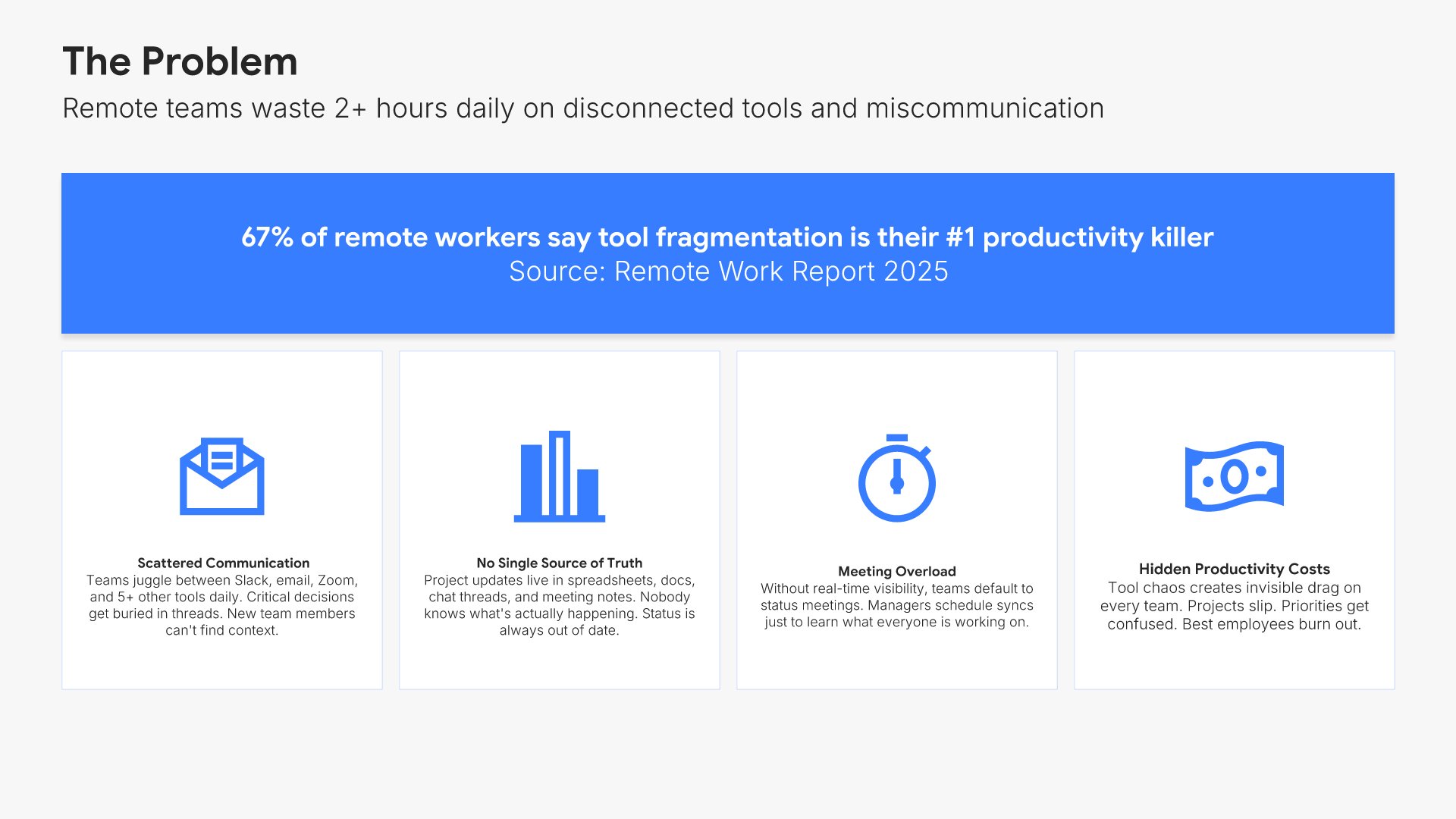
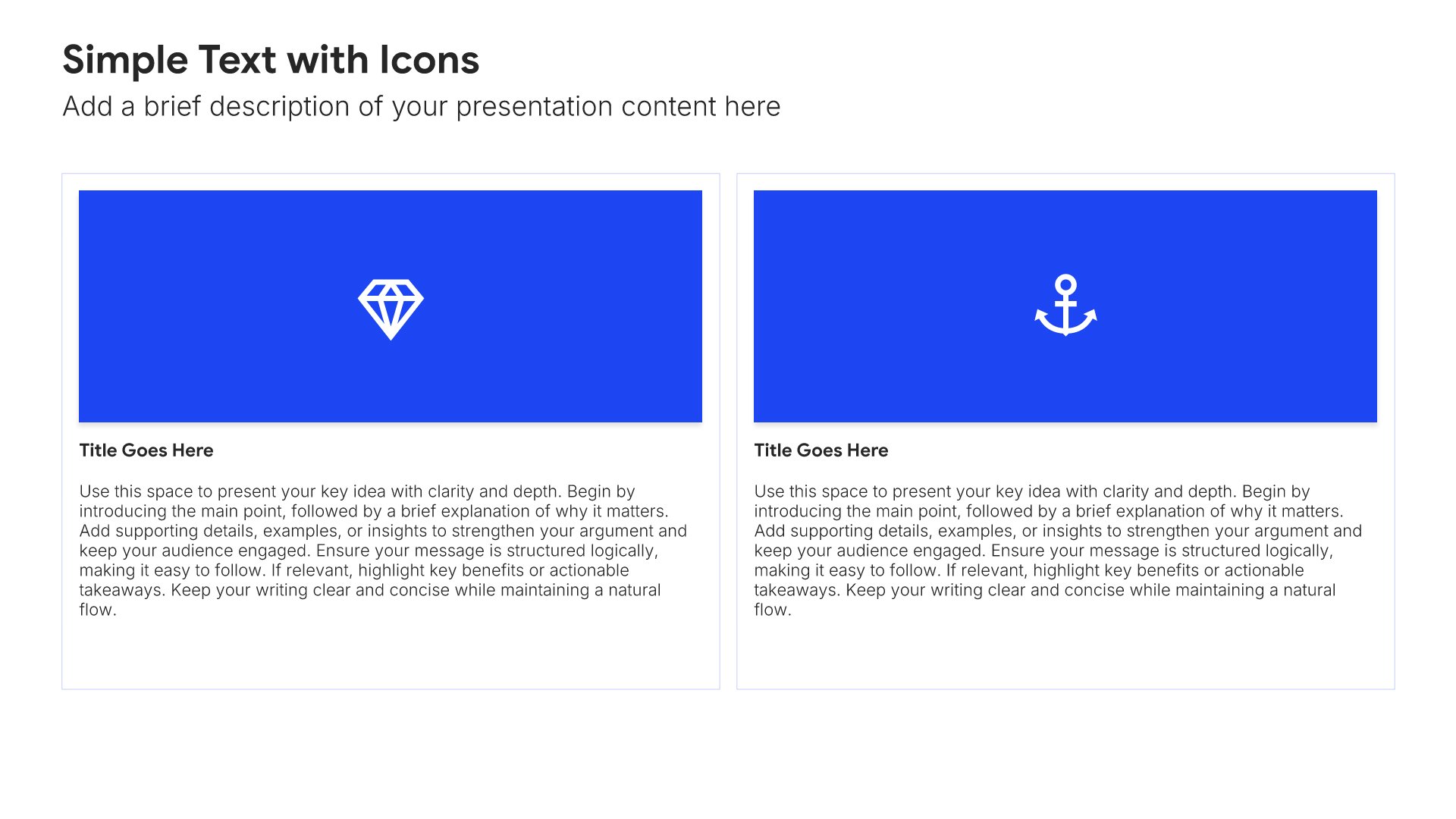
Problem slides help you define the pain point your audience or market faces. Use them to establish urgency, validate the need for a solution, and connect emotionally with stakeholders who recognize the challenge. Ideal for pitch decks, sales presentations, and any situation where framing the problem sets up your solution.
Built using Simple Text (with Icons) slides

3. Solution

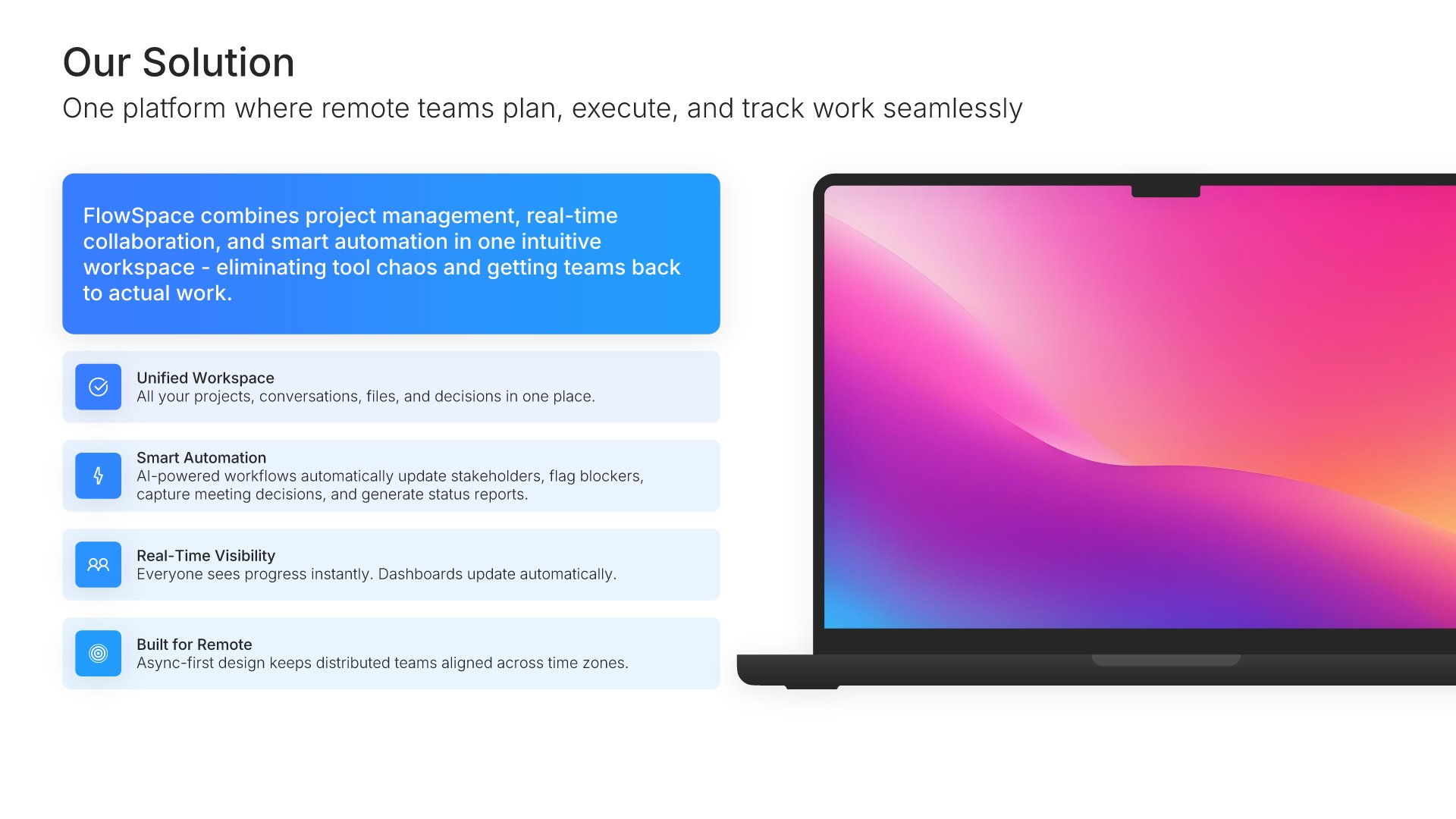
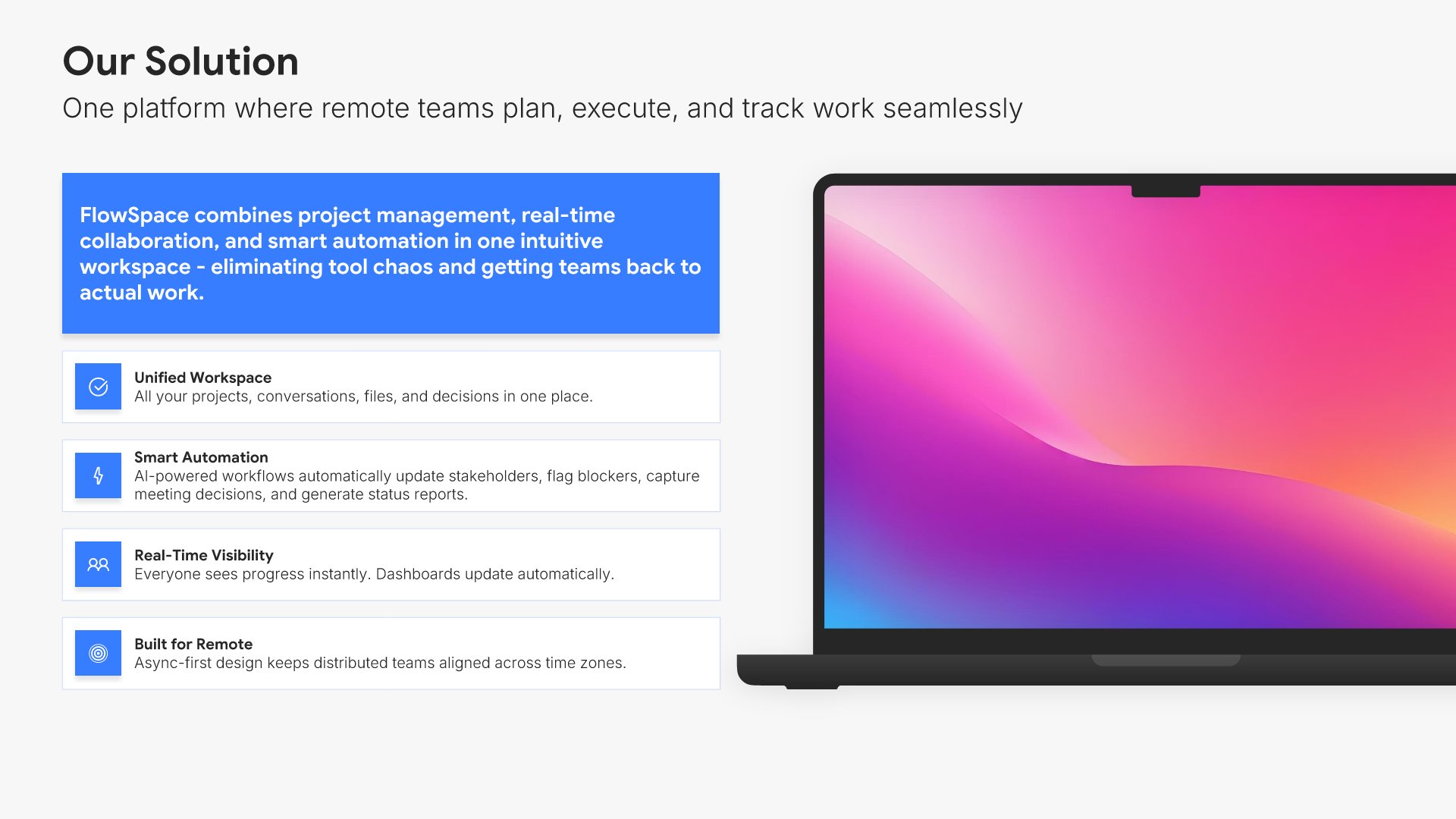
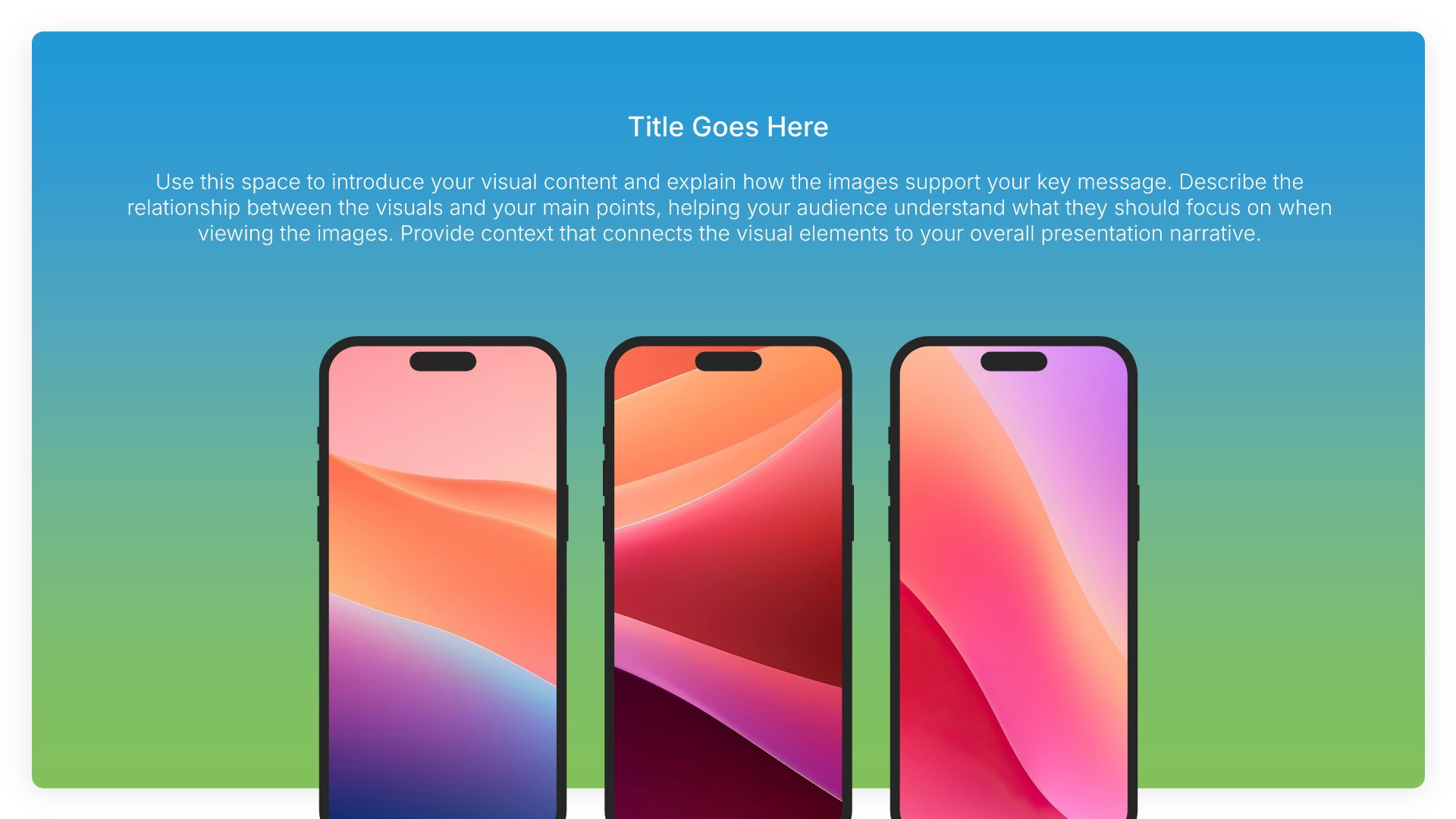
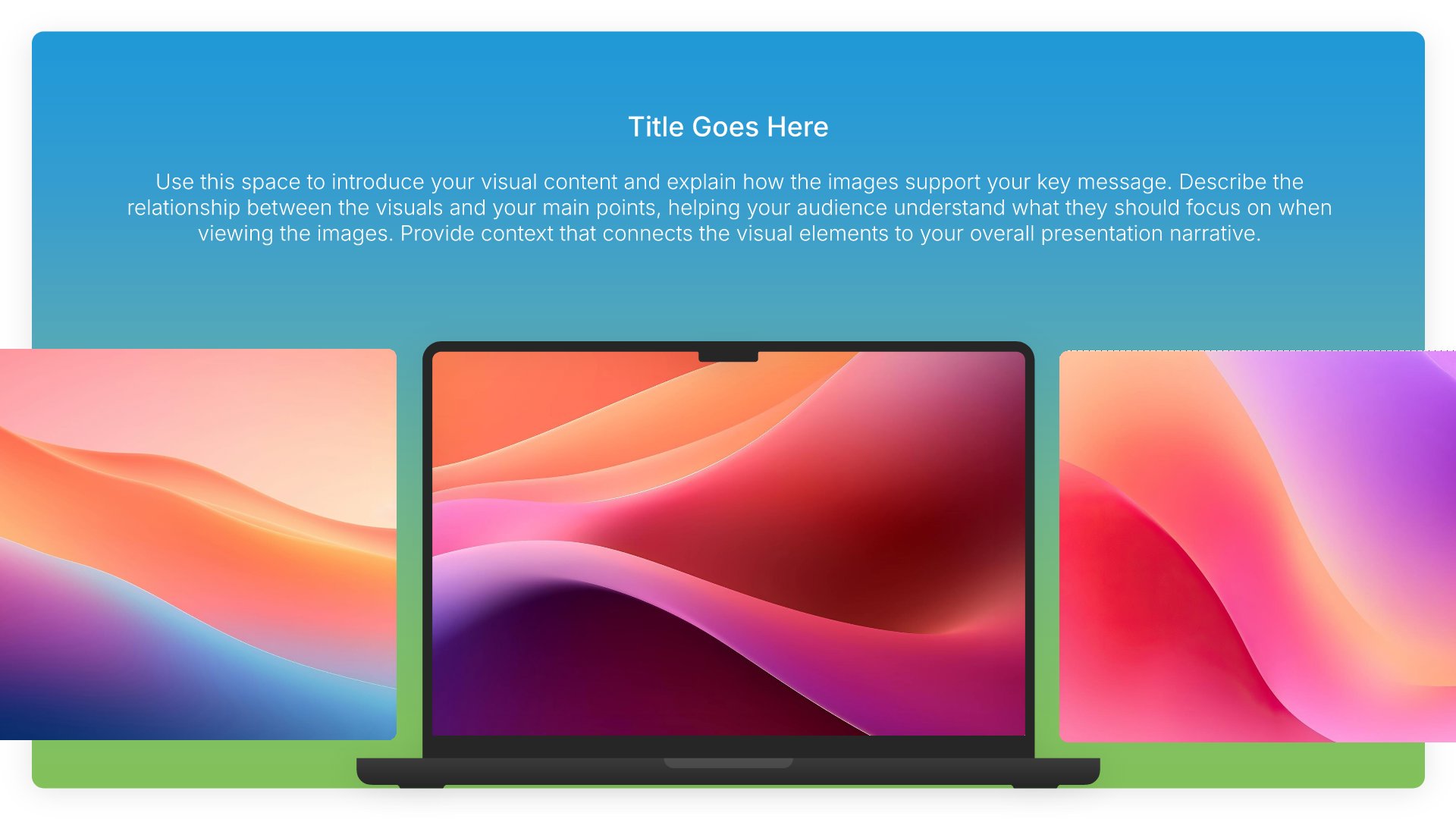
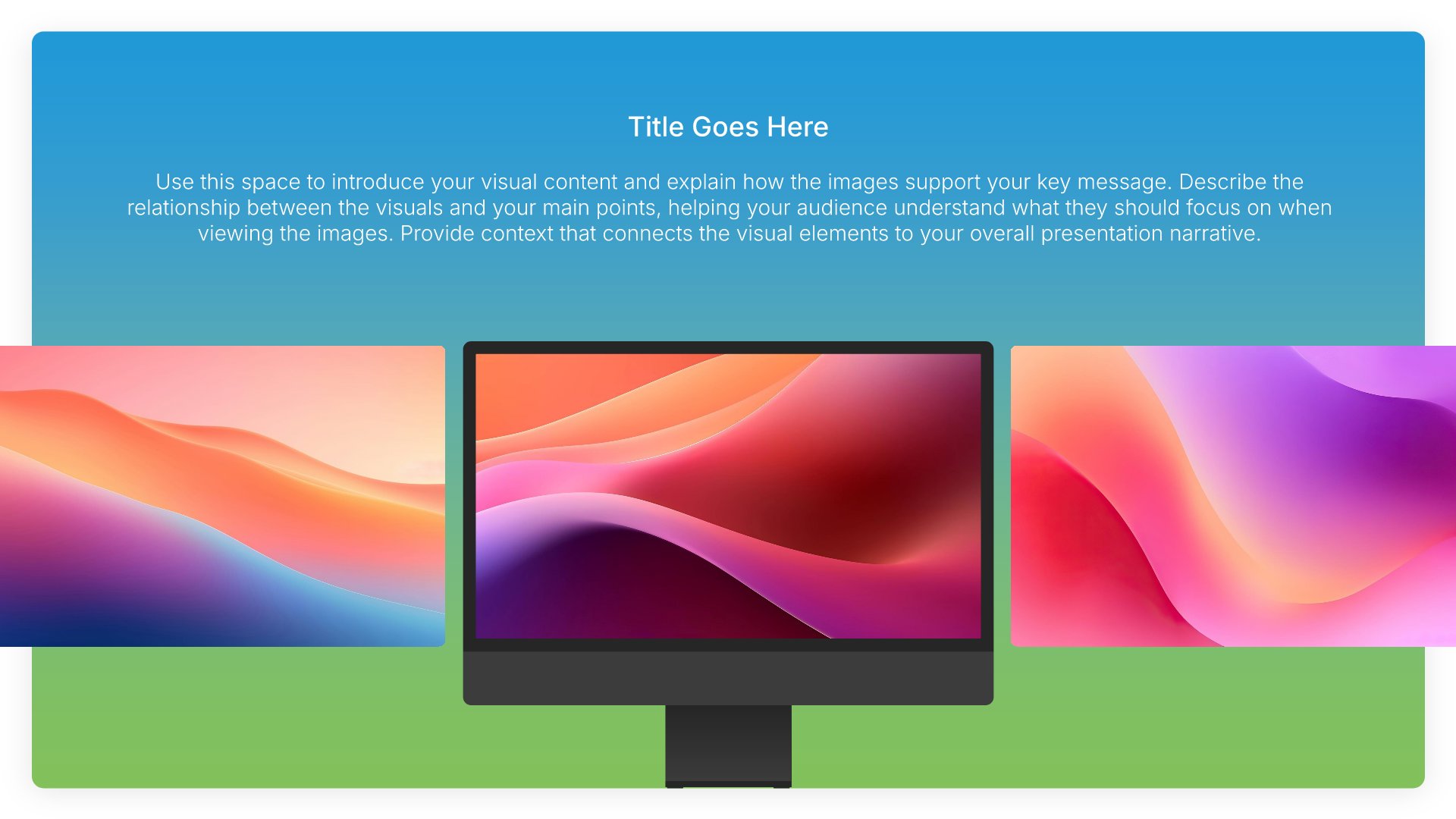
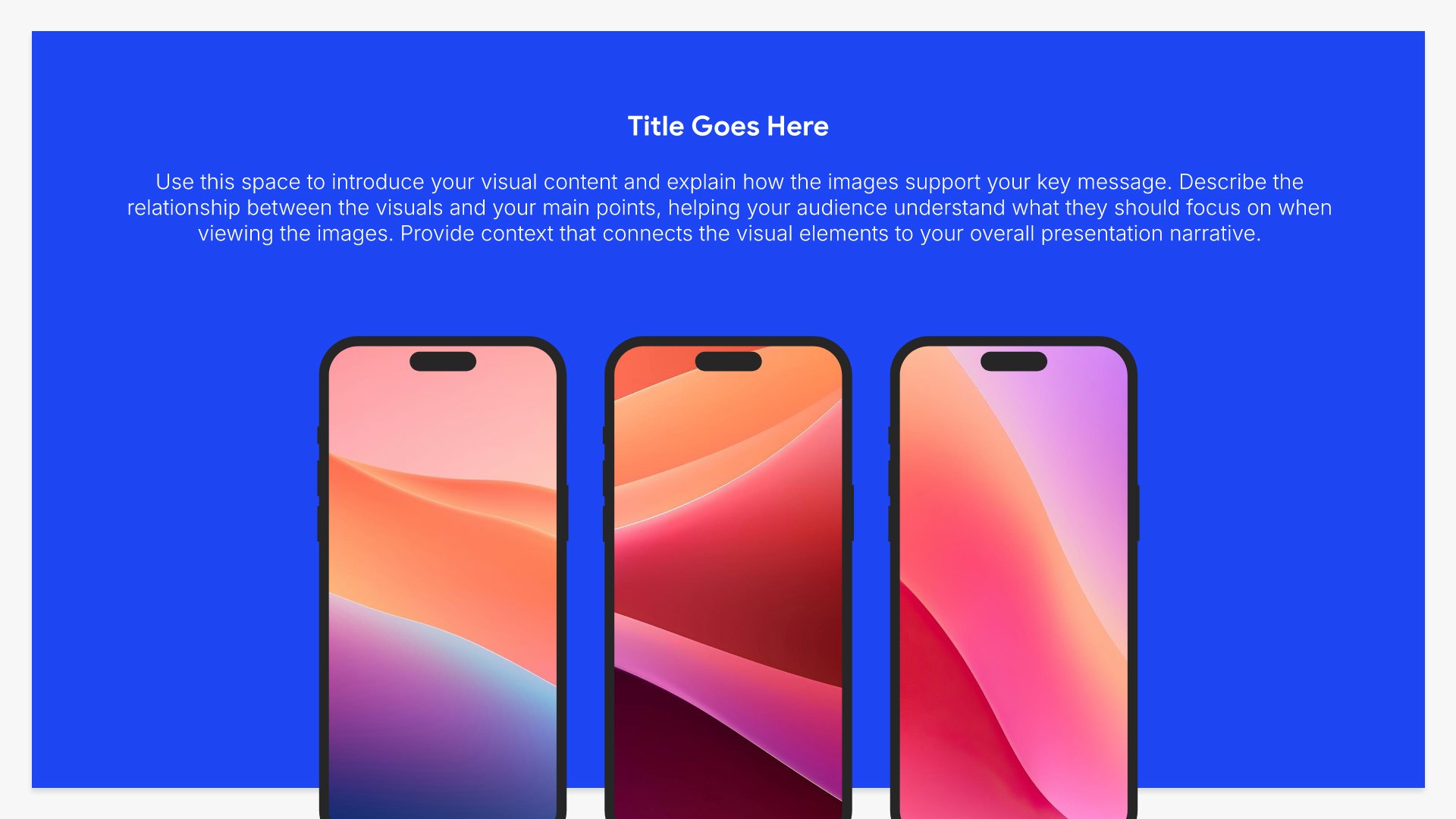
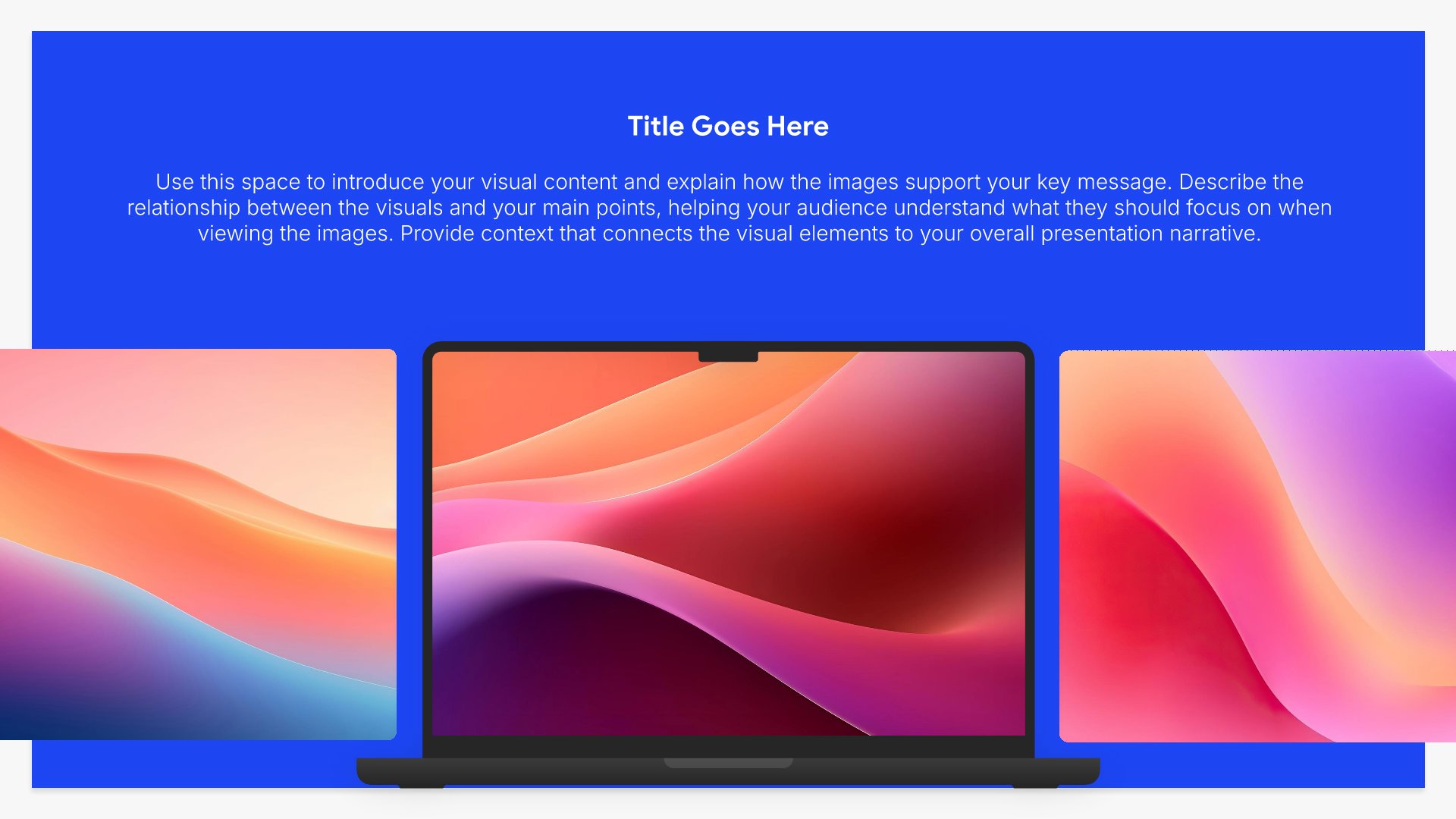
Solution slides help you present your answer to the problem you've identified. Use them to explain what you offer, how it works, and why it's the right approach. Ideal for pitch decks, sales presentations, and proposals where clearly articulating your solution builds confidence and moves your audience toward action.
Built using Device Mockup slides

4. Why Now

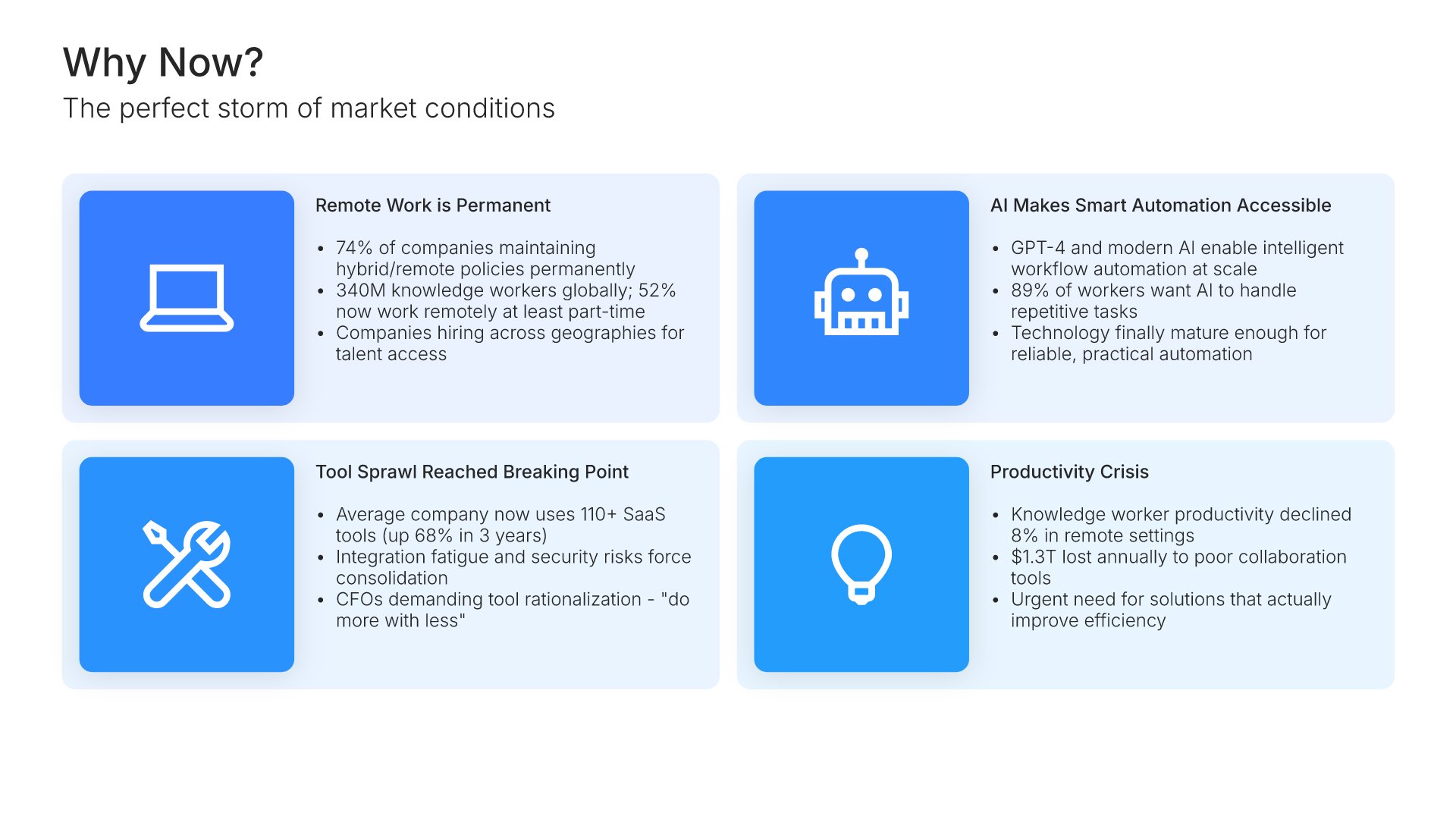
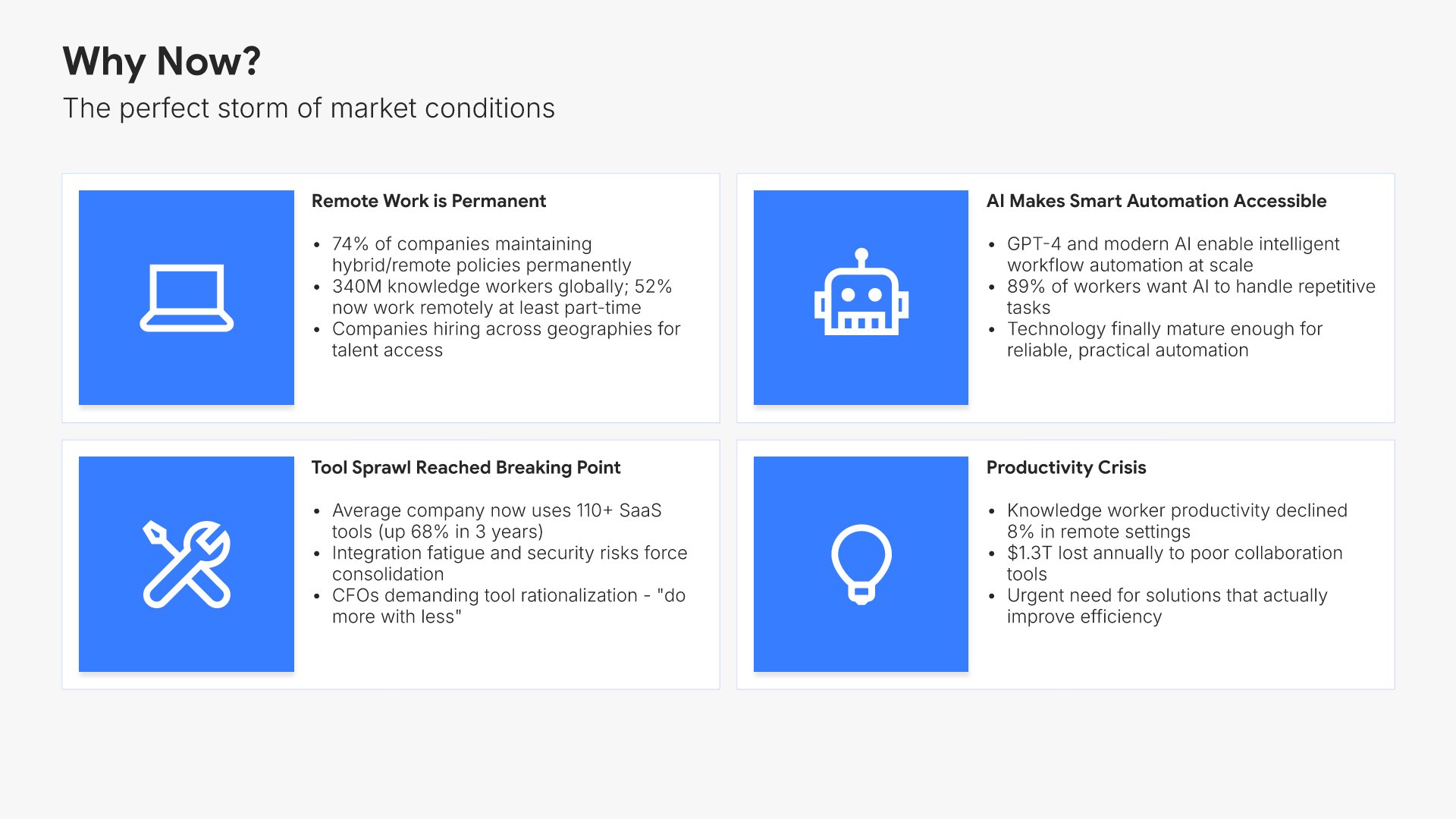
Why now slides help you explain the timing and urgency behind your opportunity. Use them to highlight market shifts, technology changes, regulatory updates, or trends that make this the right moment to act. Ideal for investor pitches and strategic proposals where demonstrating market timing strengthens your case.
Built using Simple Text (with Icons) slides

5. Market Size

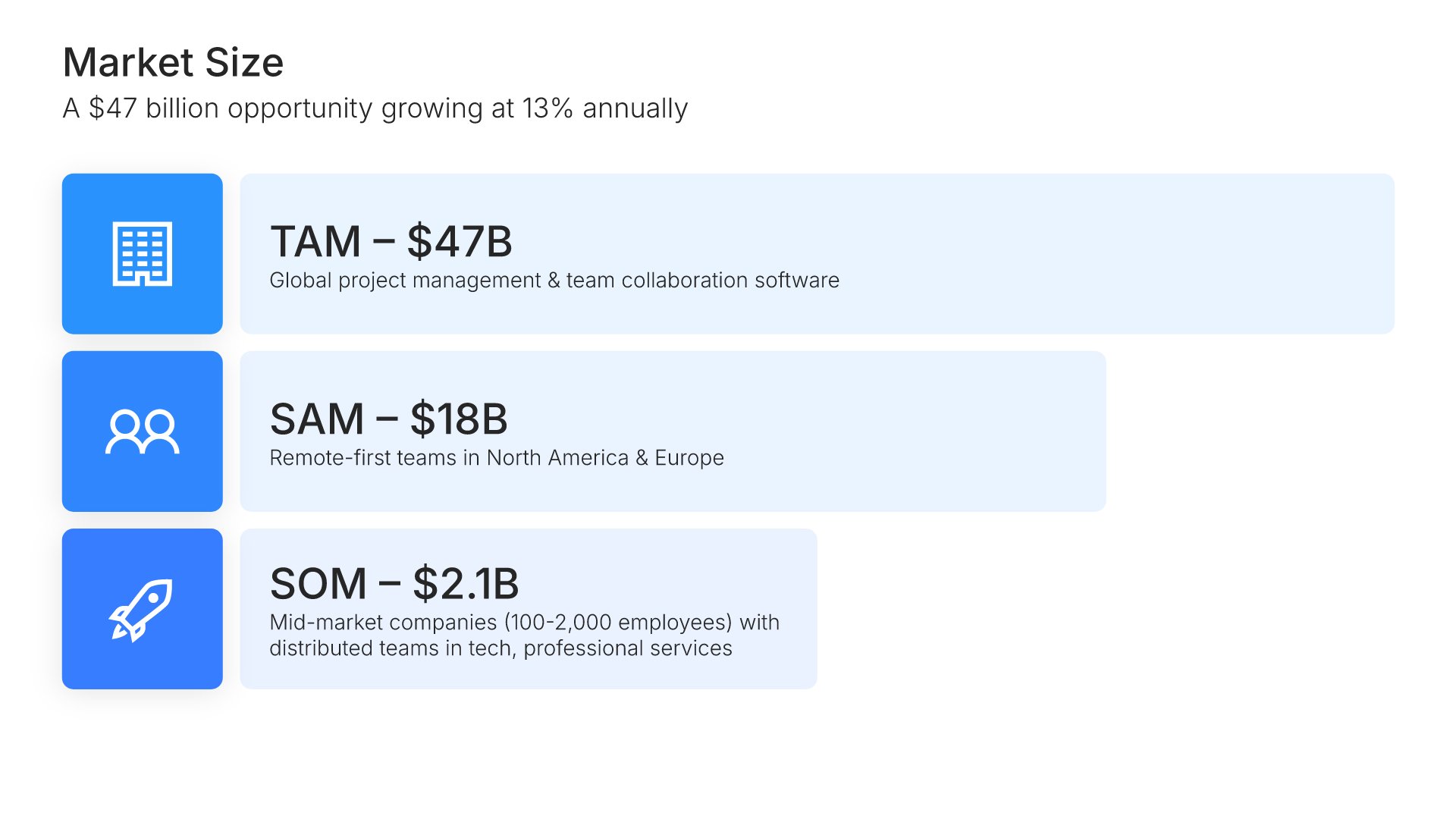
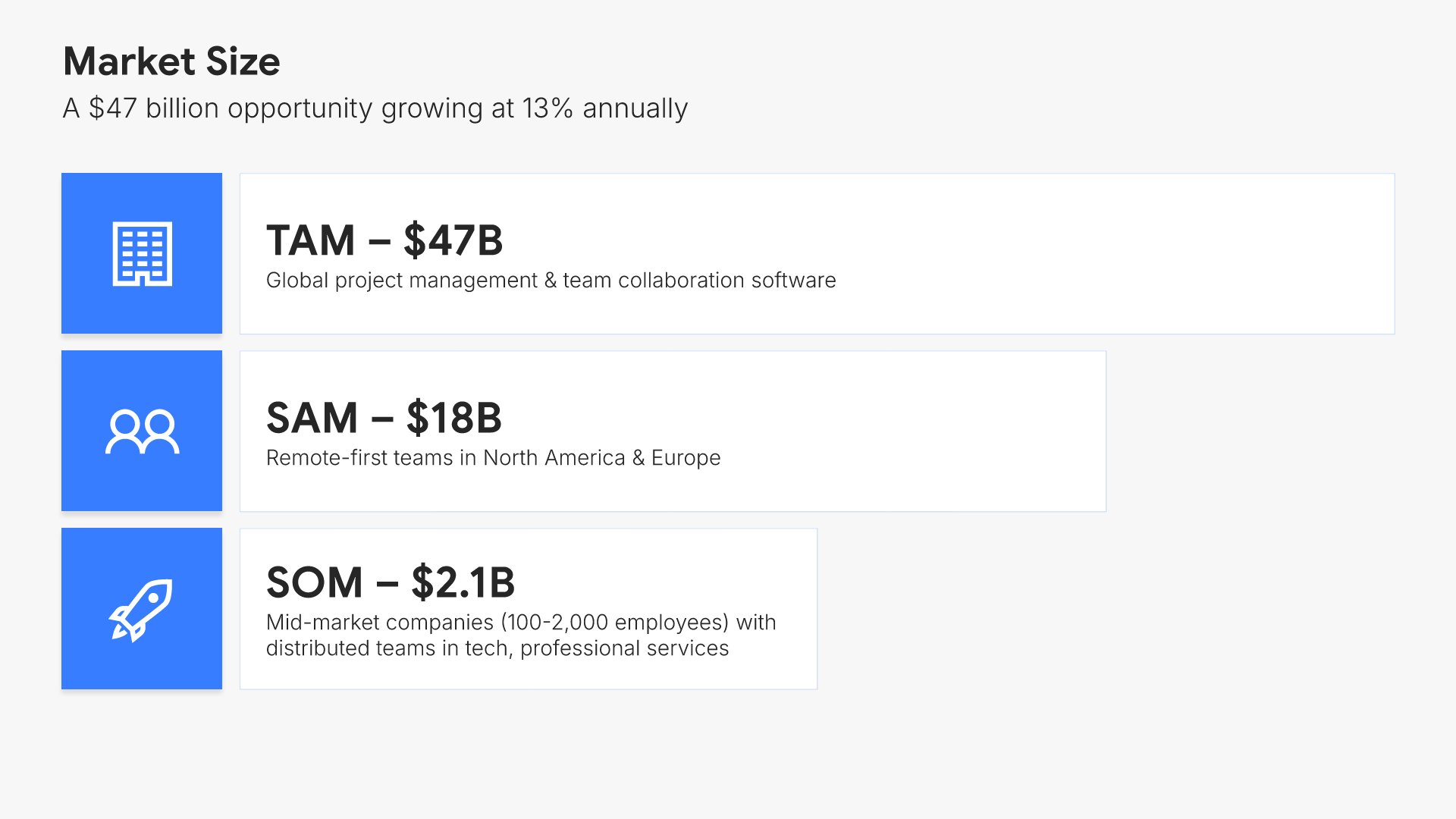
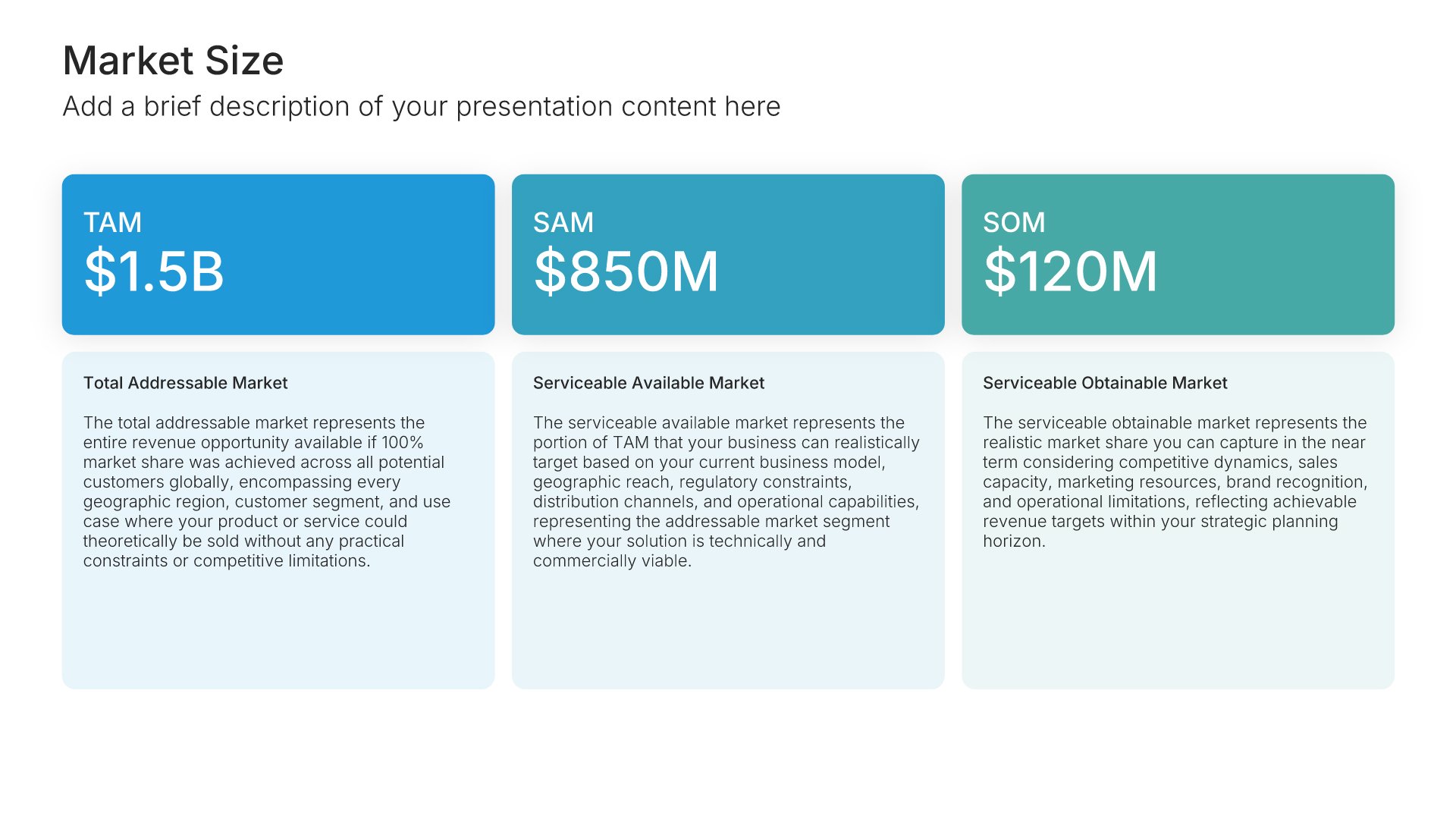
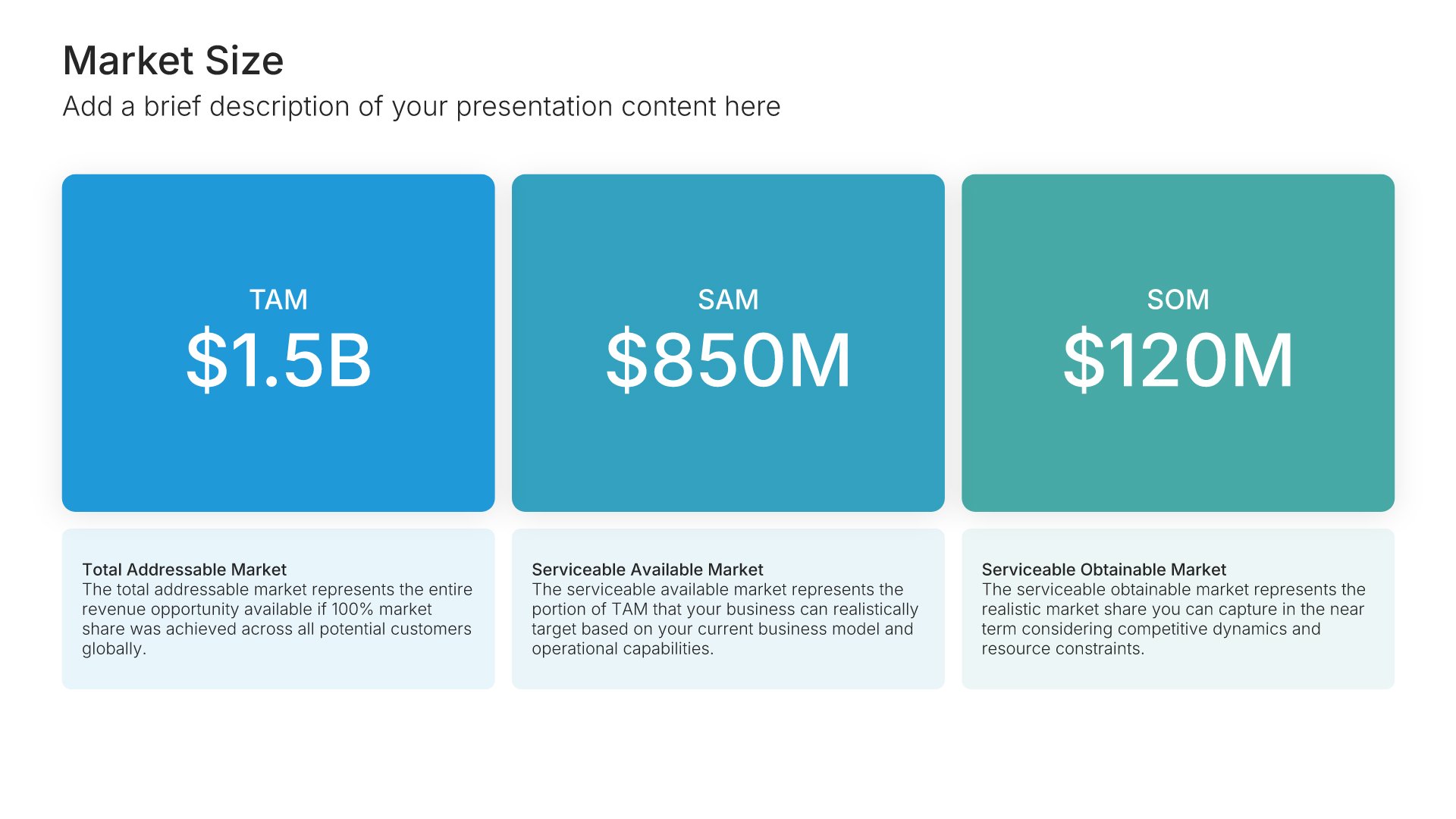
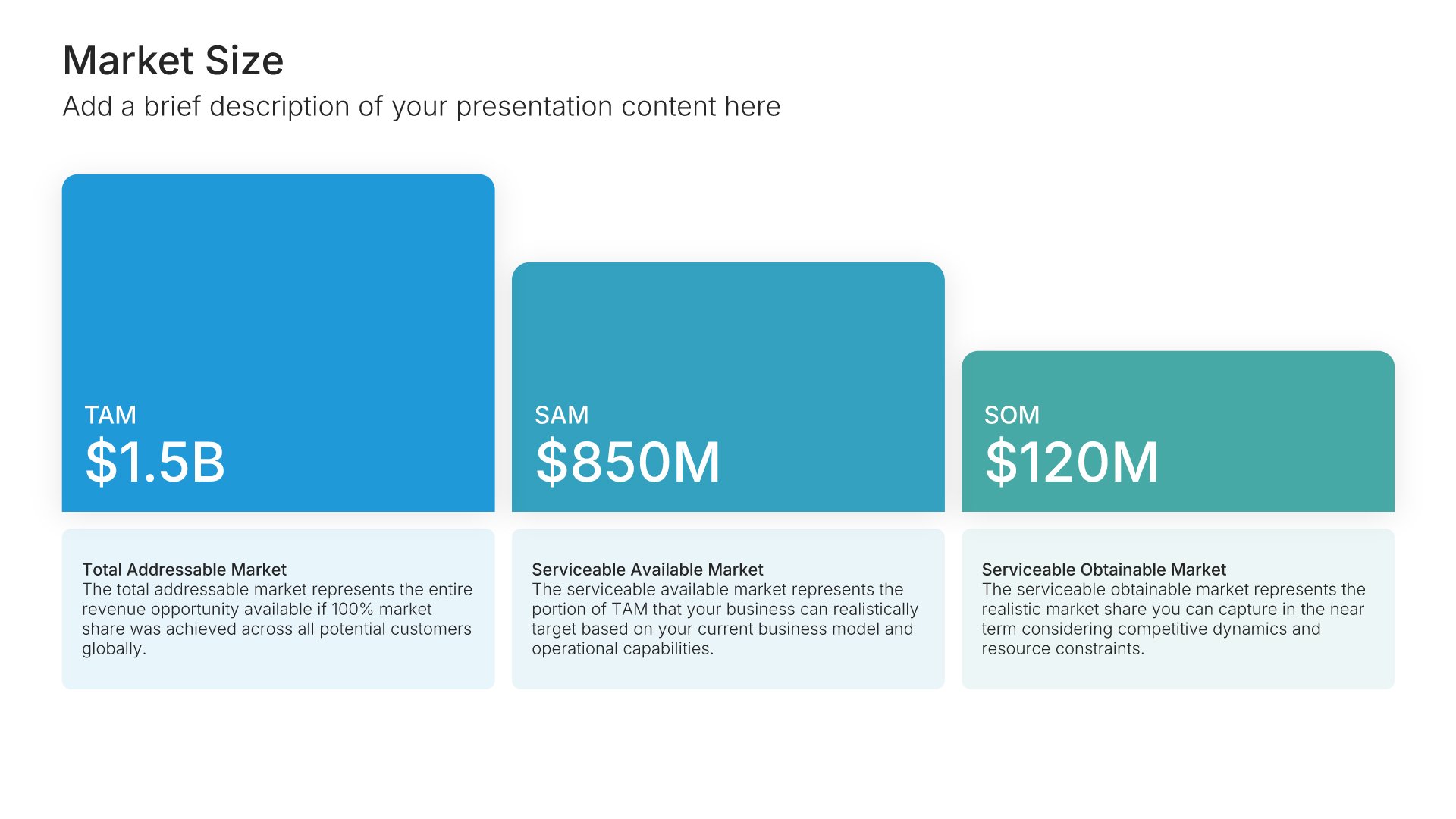
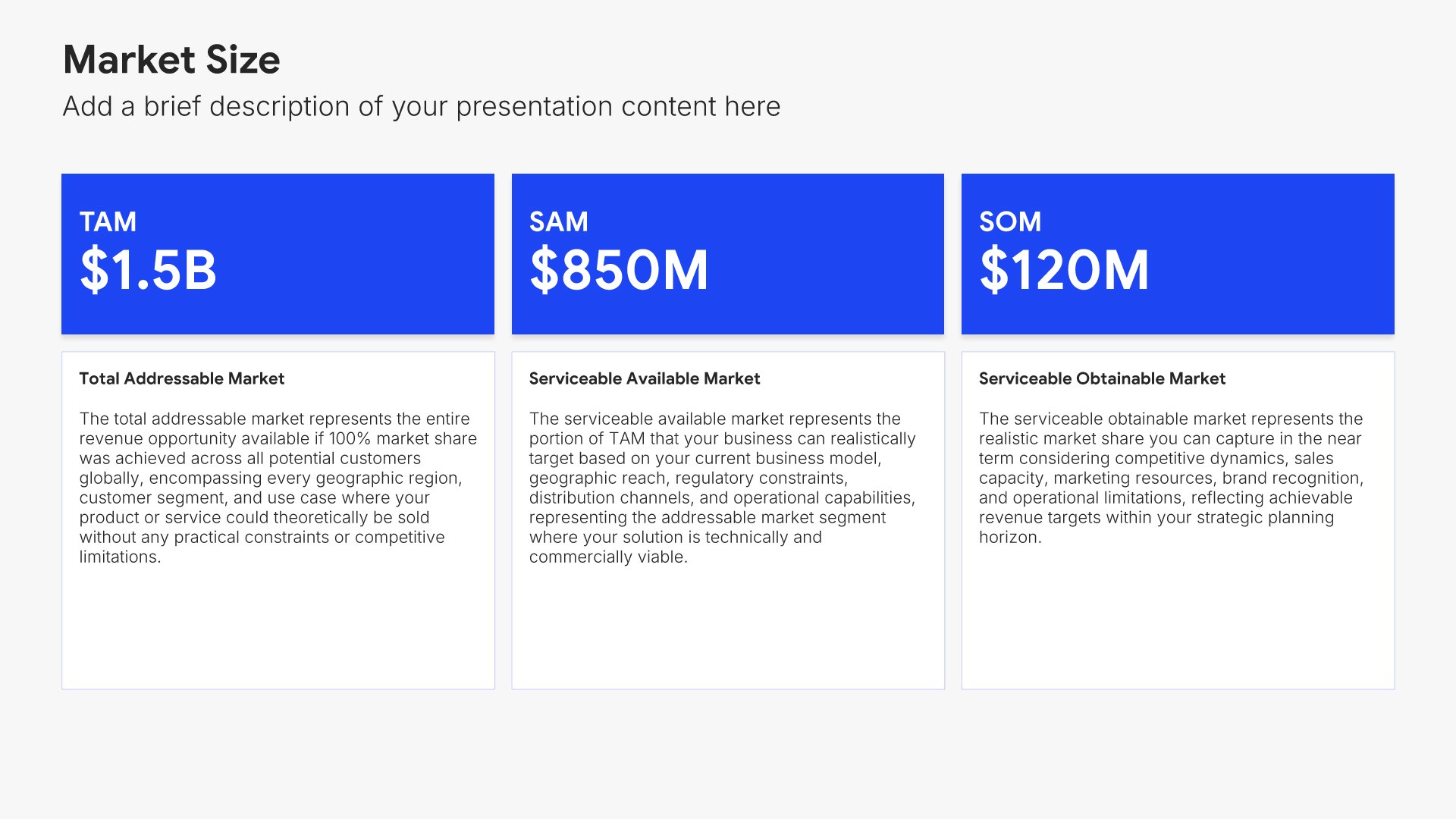
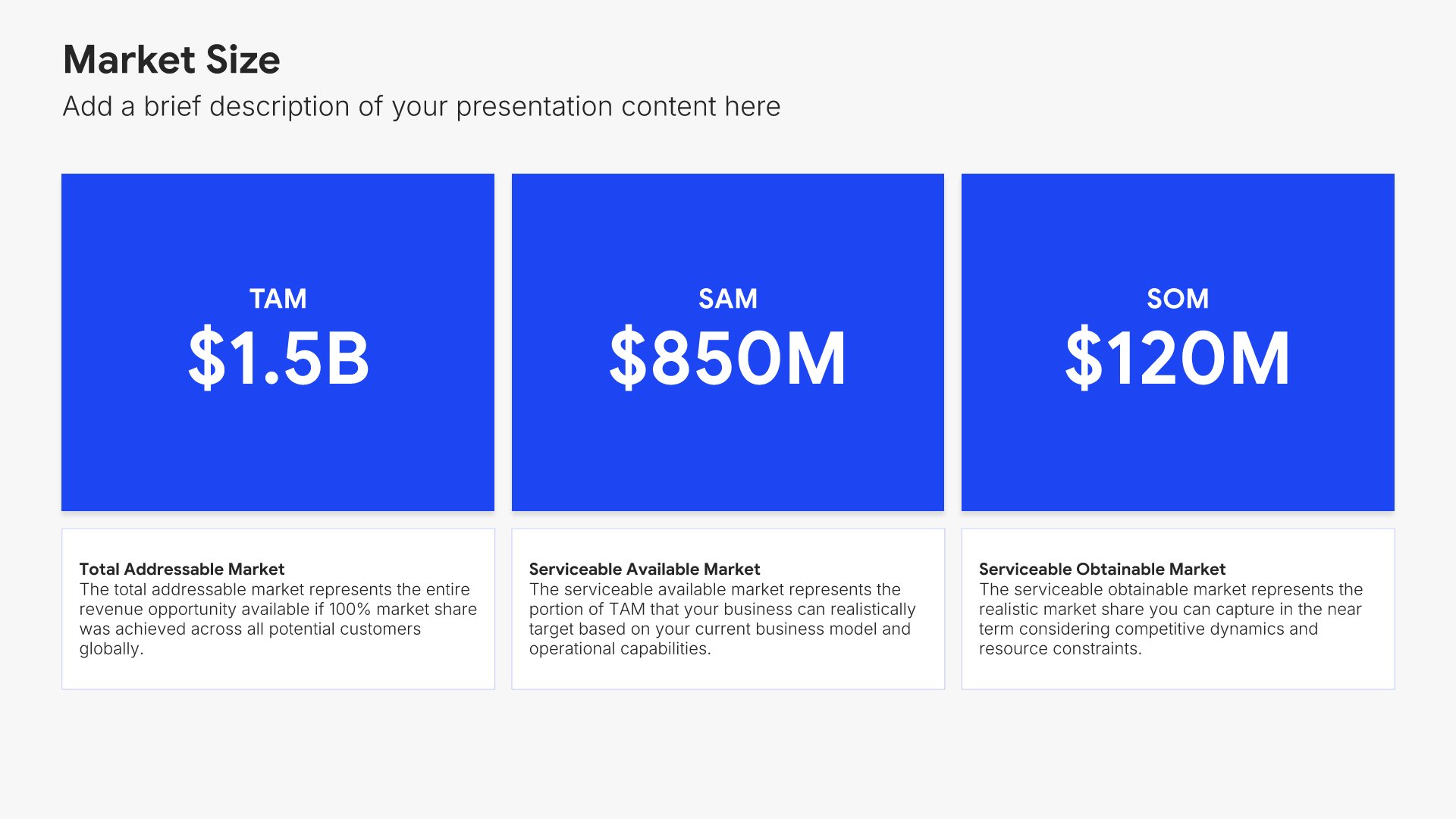
Market size slides help you show TAM, SAM, and SOM visually. Use them to present Total Addressable Market, Serviceable Addressable Market, and Serviceable Obtainable Market with clear figures and visuals. Ideal for investor presentations, pitch decks, and strategic planning where demonstrating market opportunity is essential.
Built using Market Size slides

6. Product/Demo

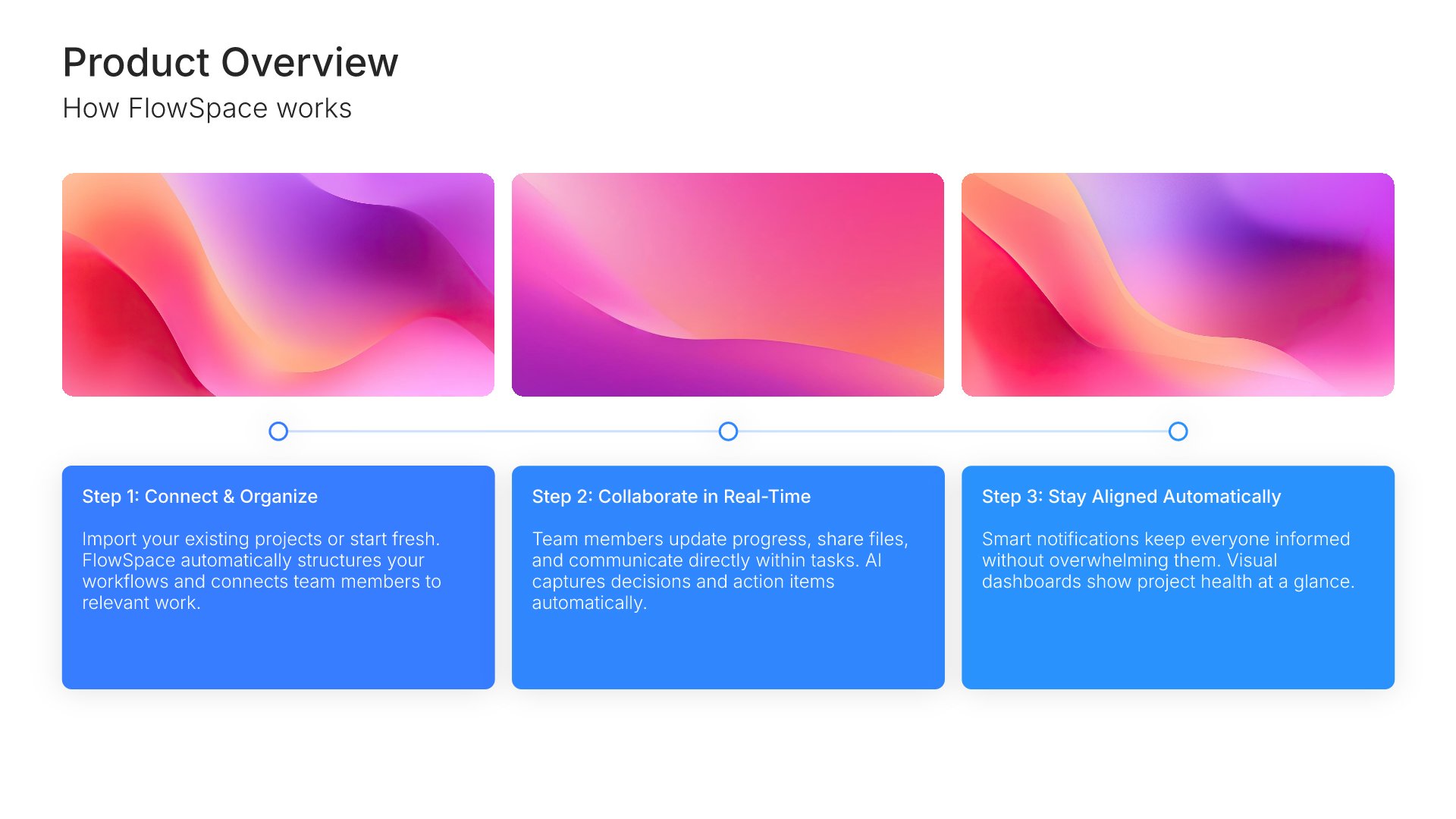
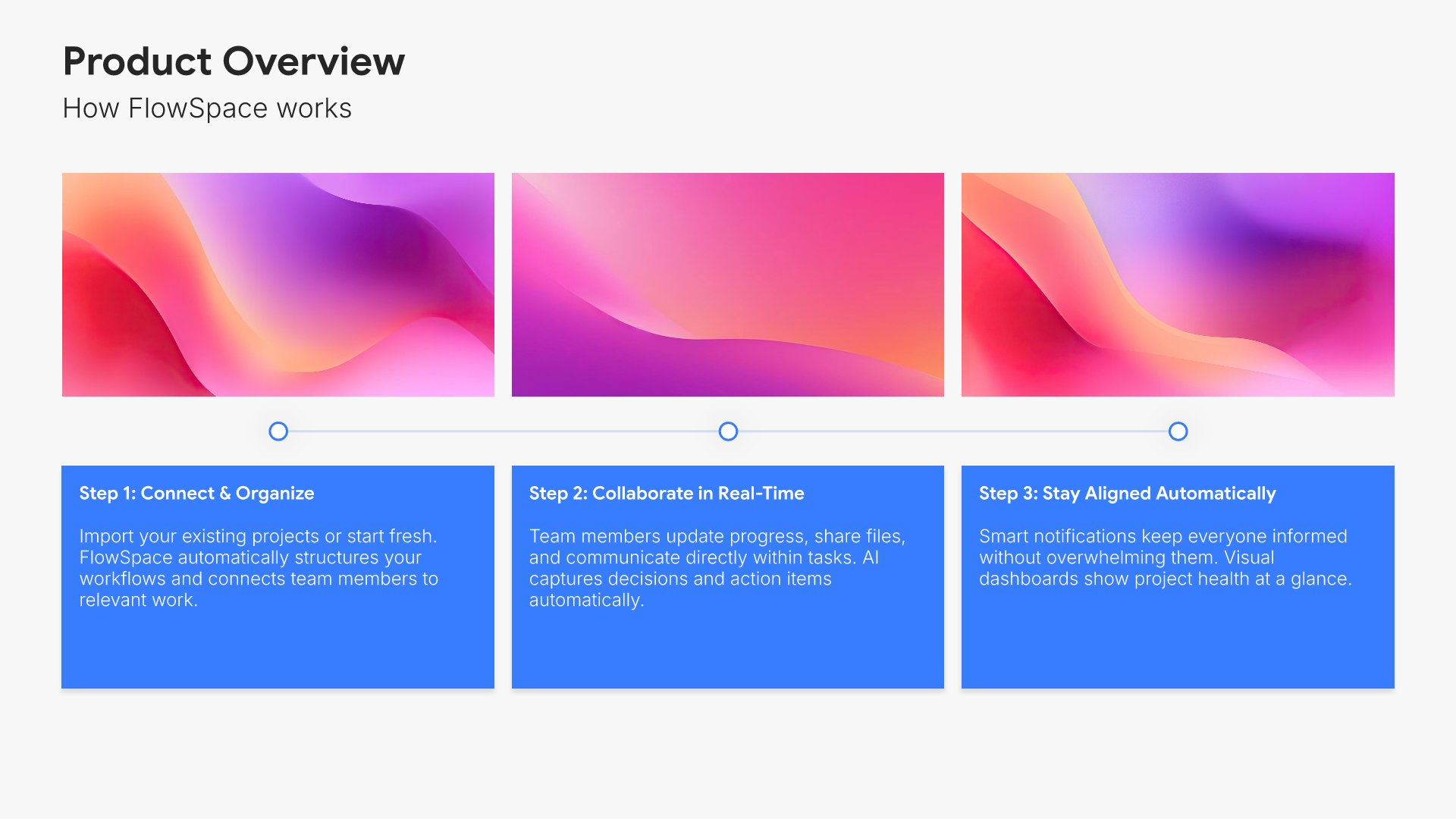
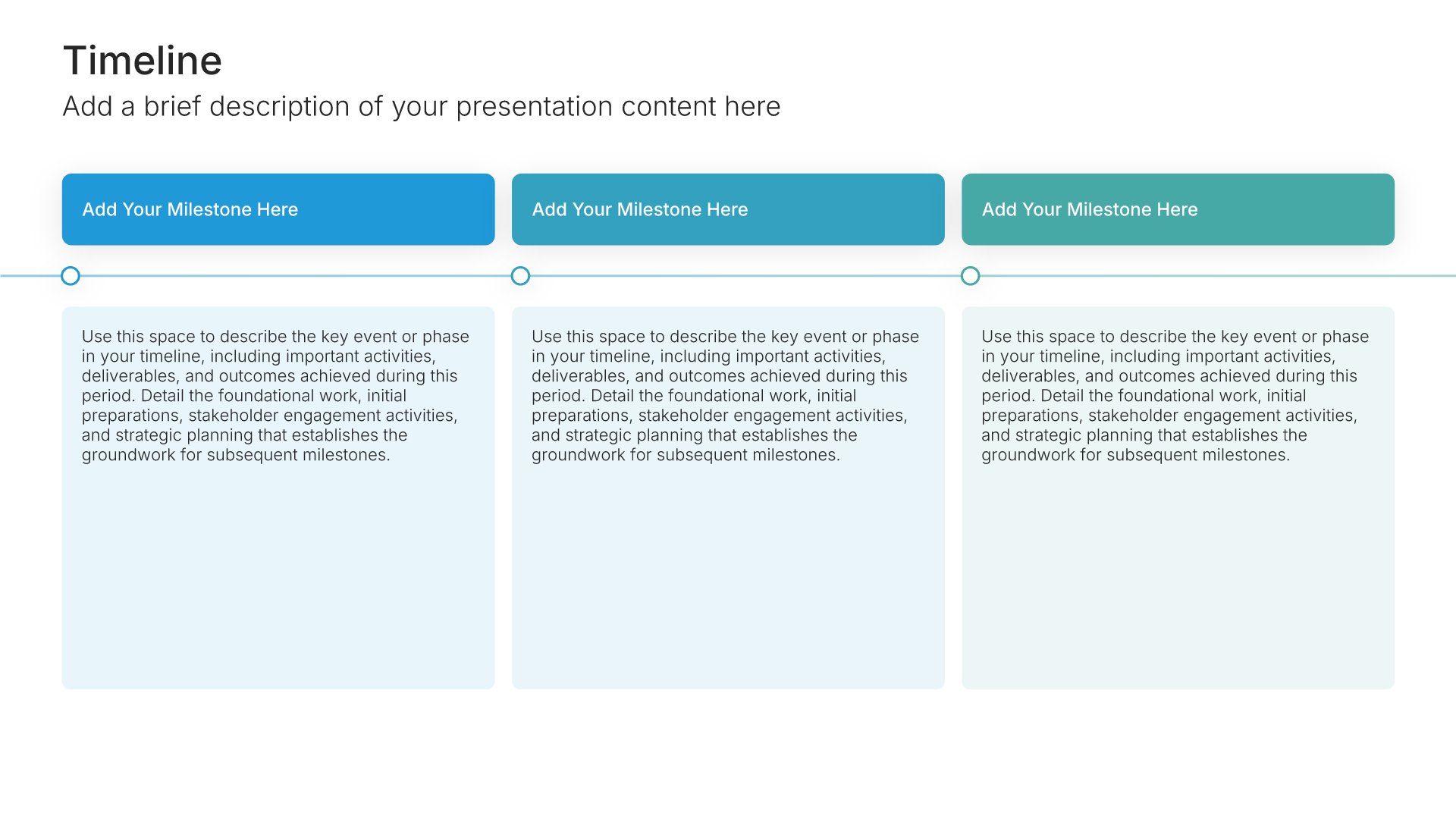
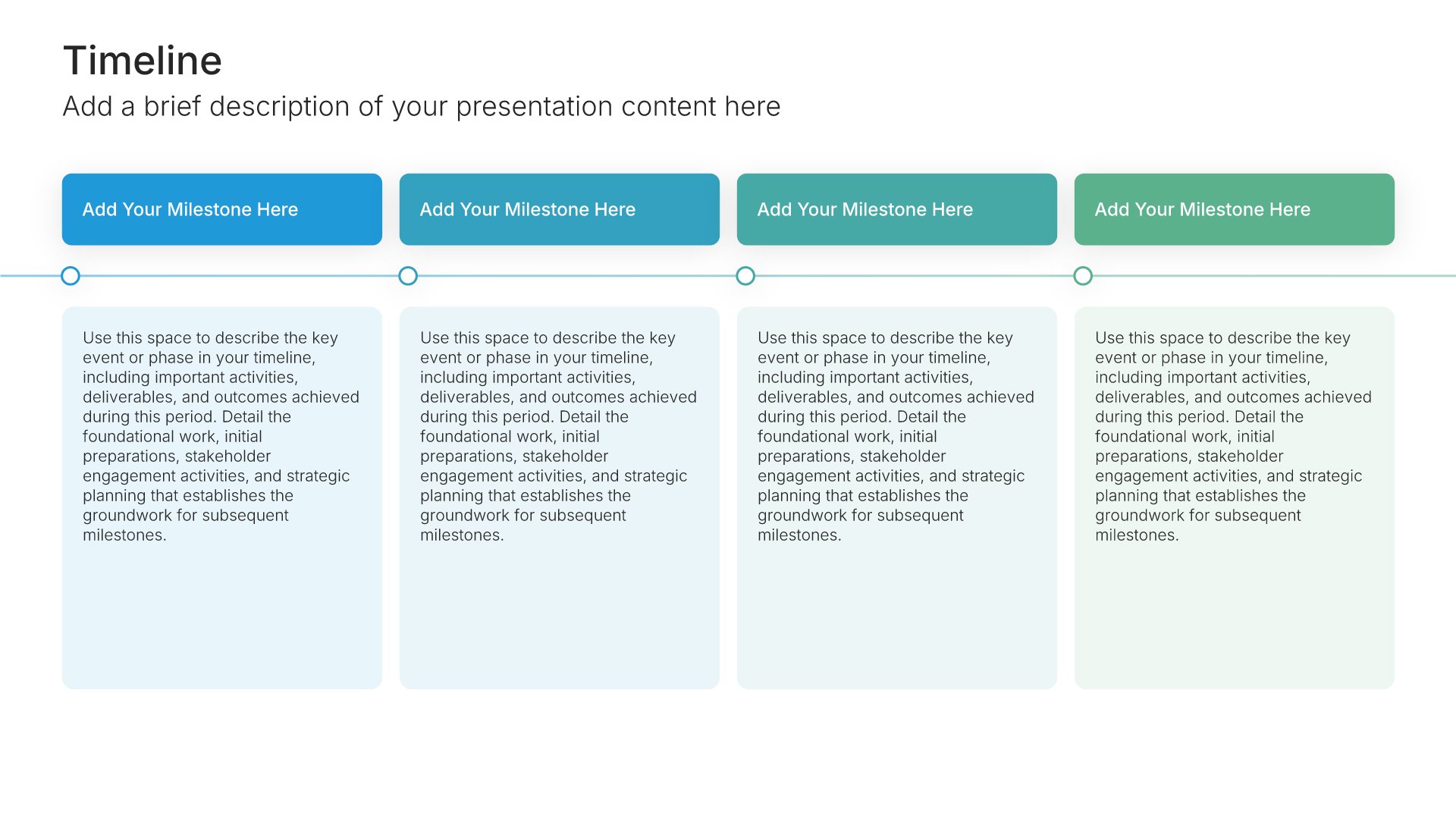
Product slides help you showcase what you've built and how it works. Use them to display features, functionality, user interface, and the experience your customers get. Ideal for pitch decks, sales presentations, and demos where giving your audience a clear picture of your product builds understanding and excitement.
Built using Timeline slides

7. Business Model

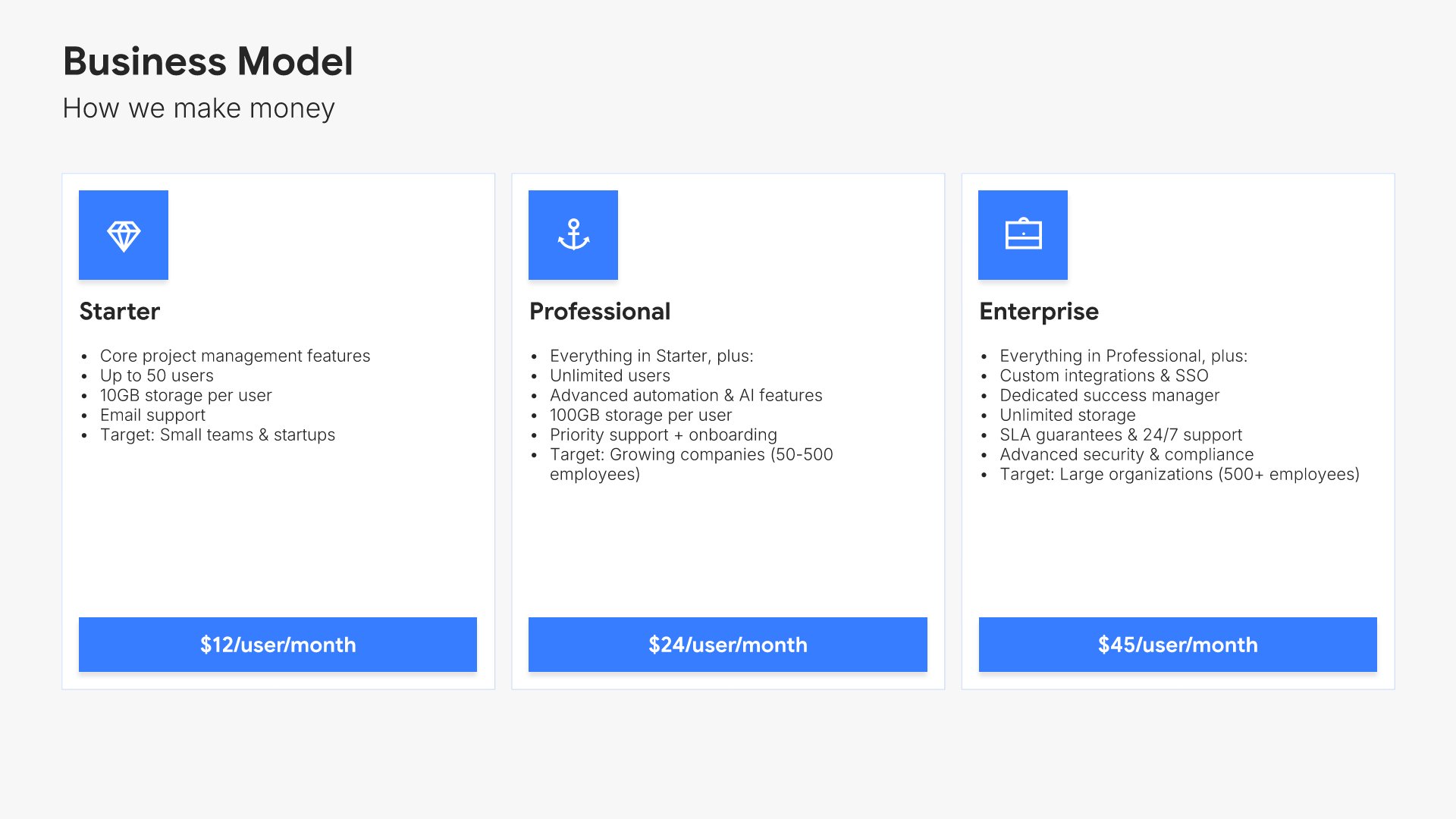
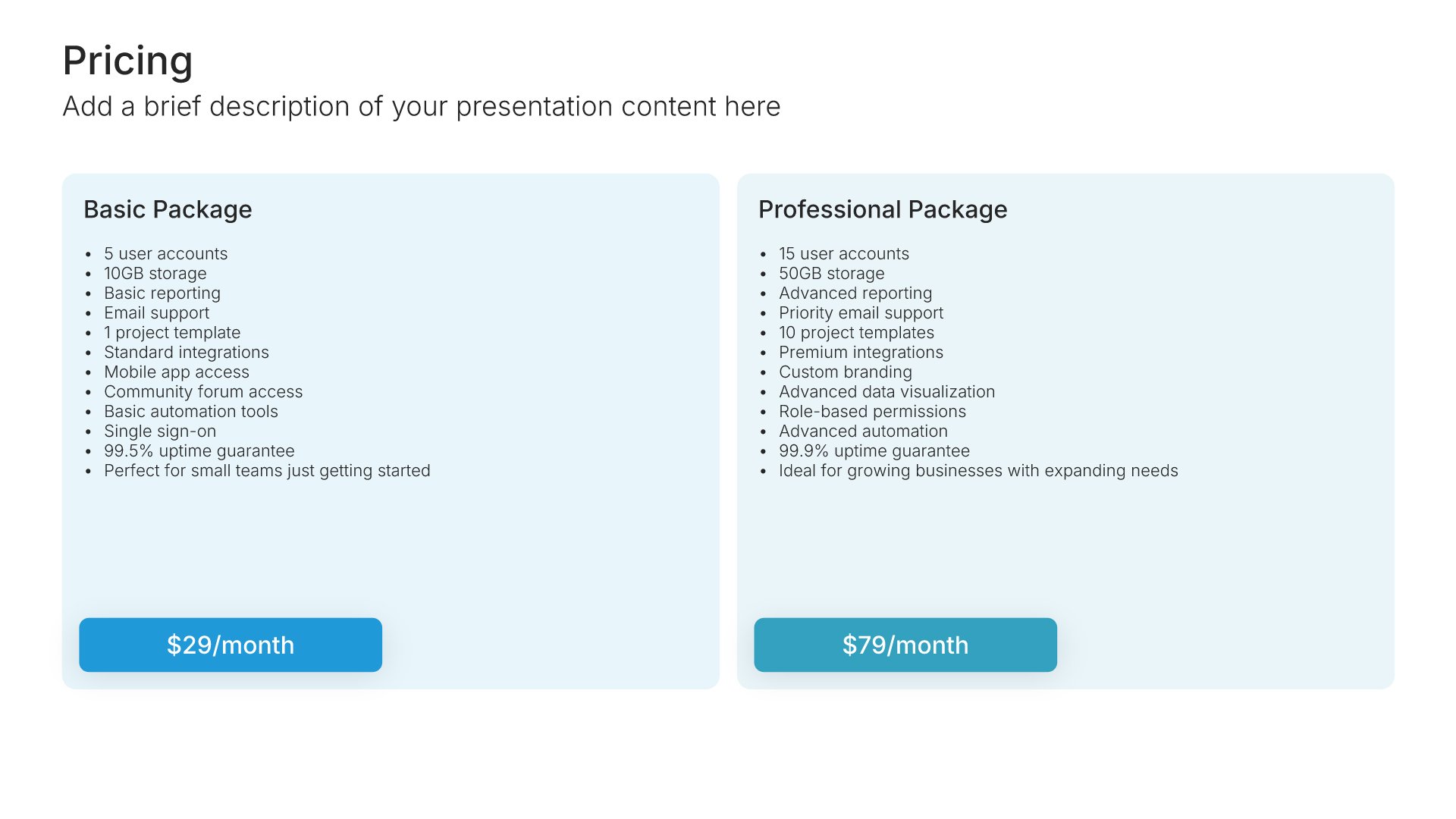
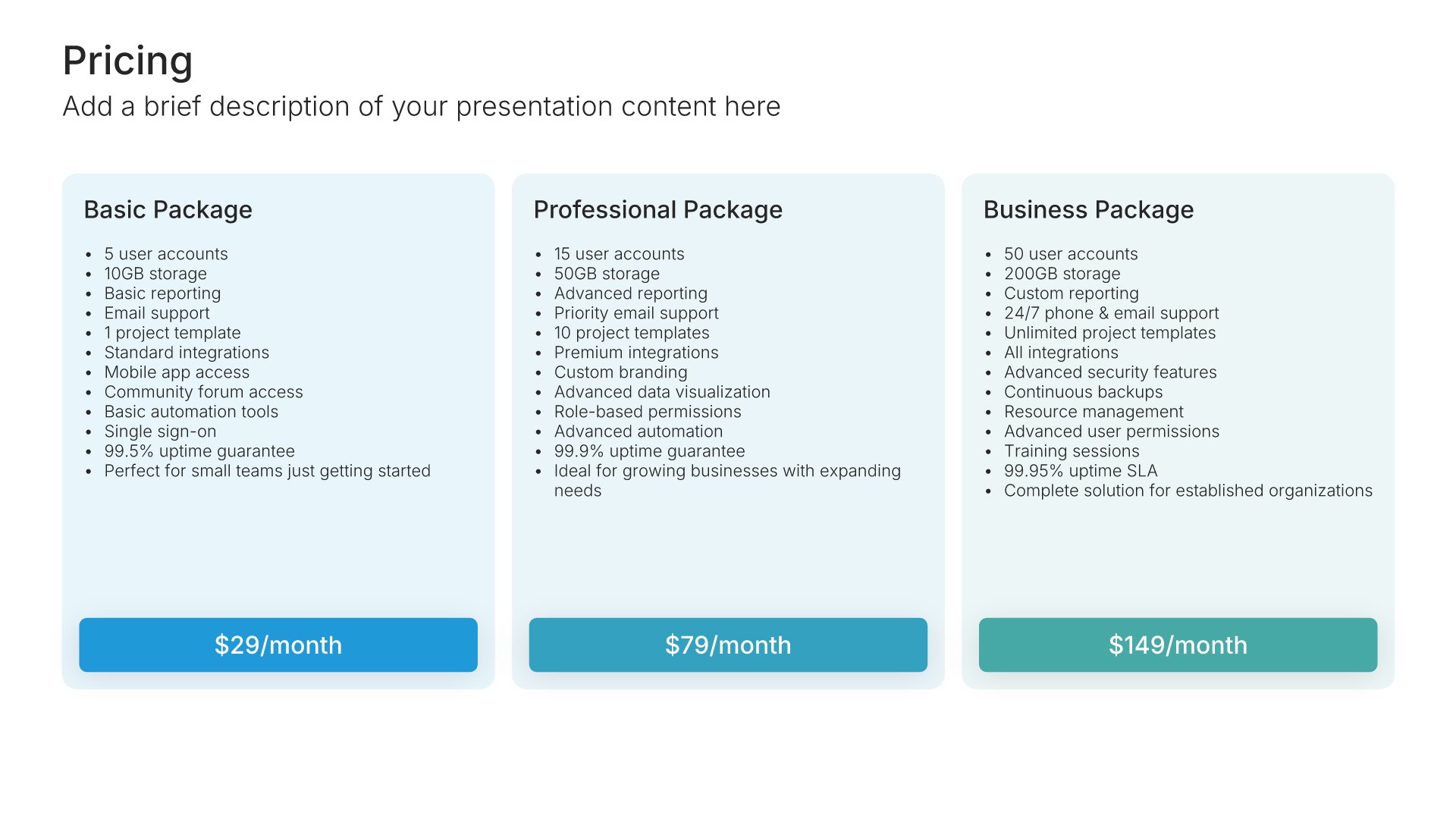
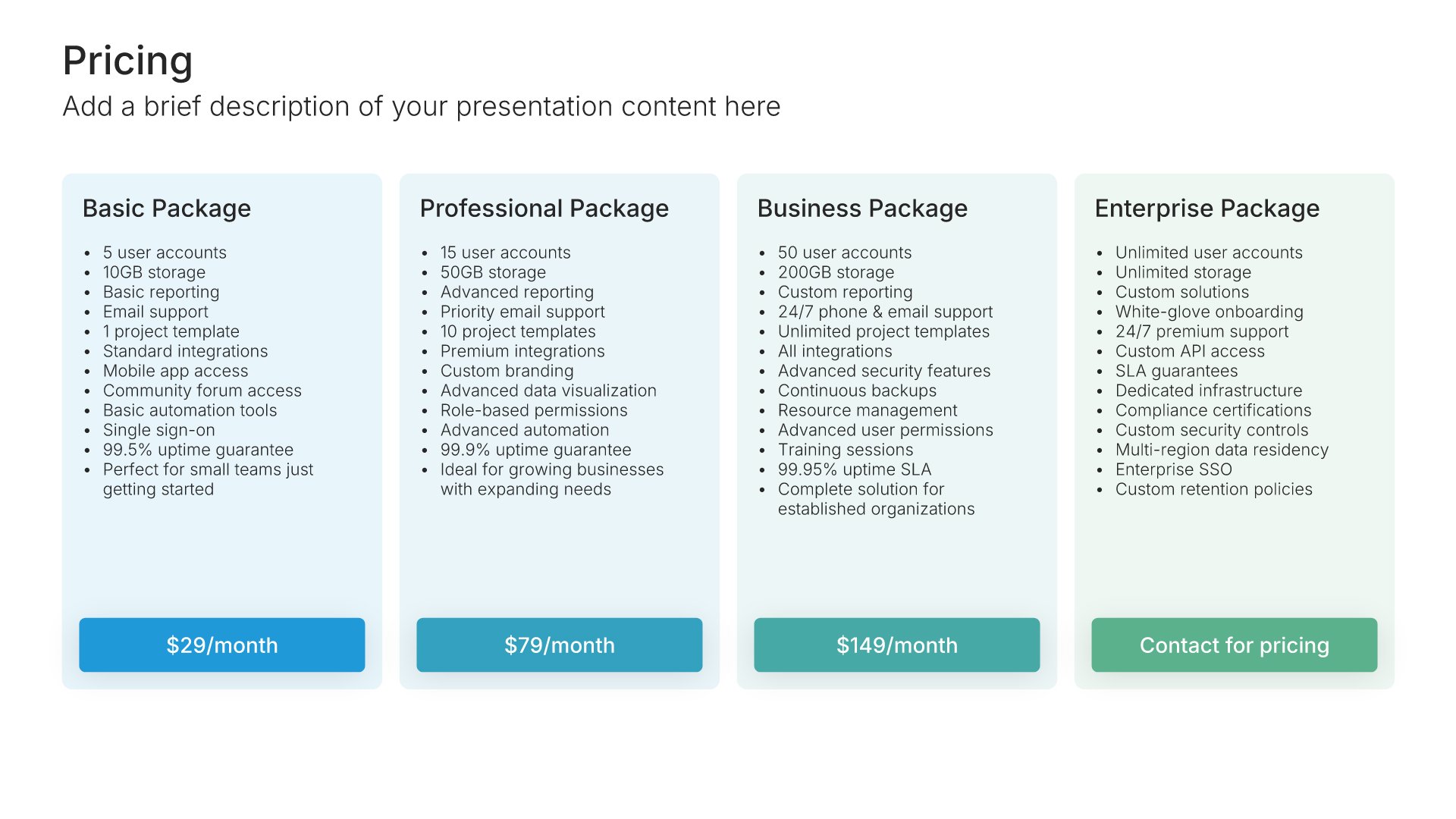
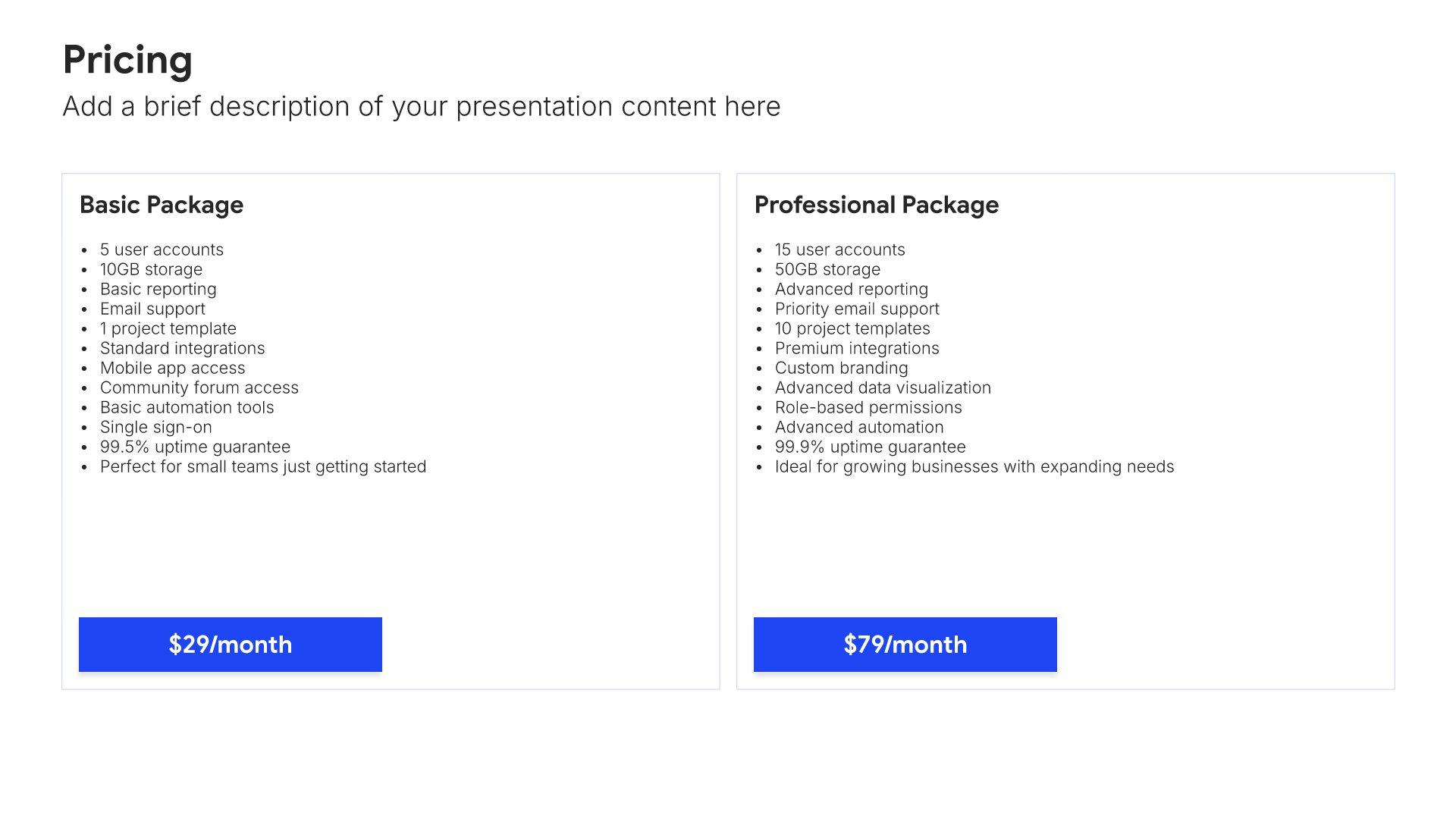
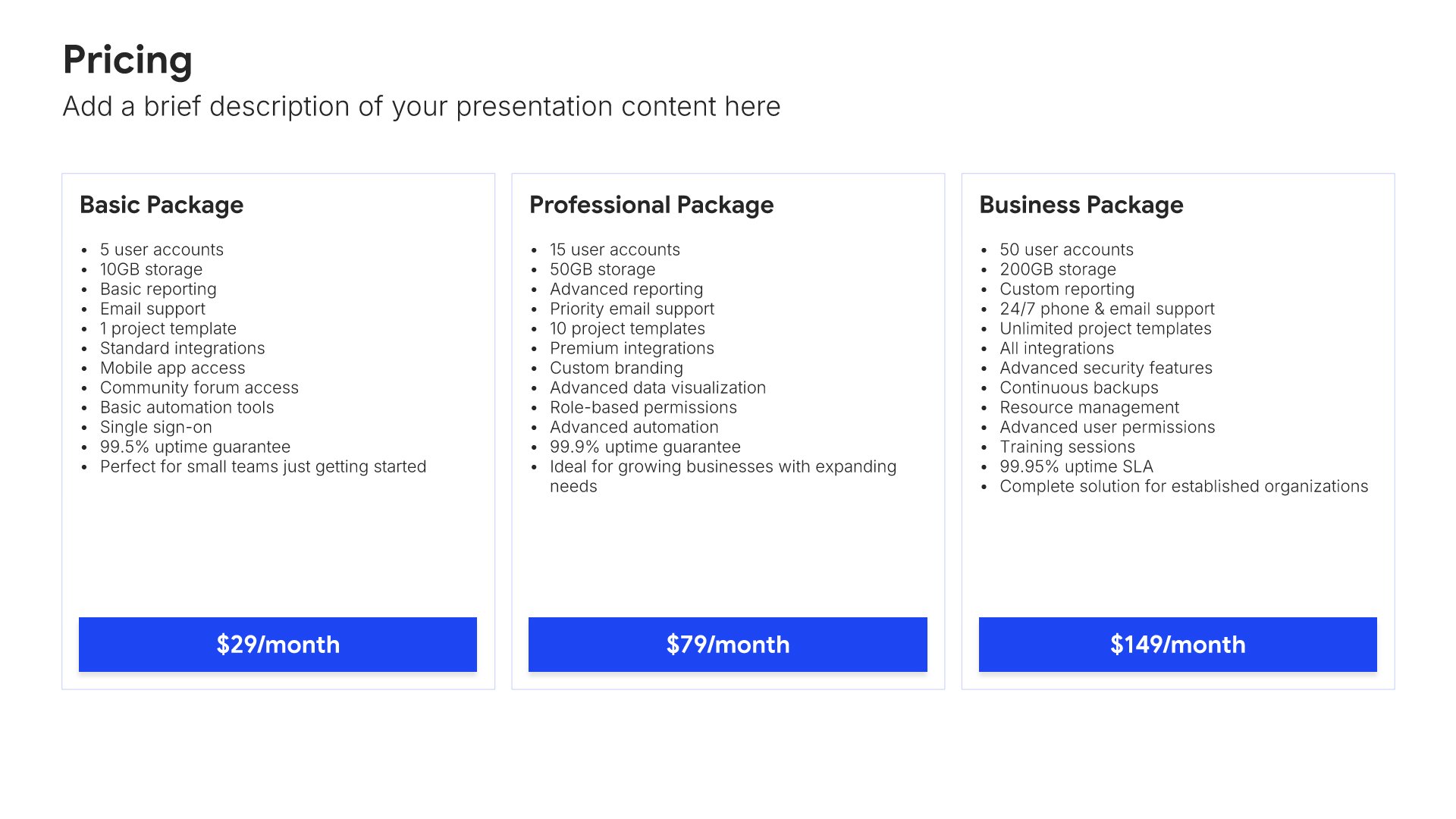
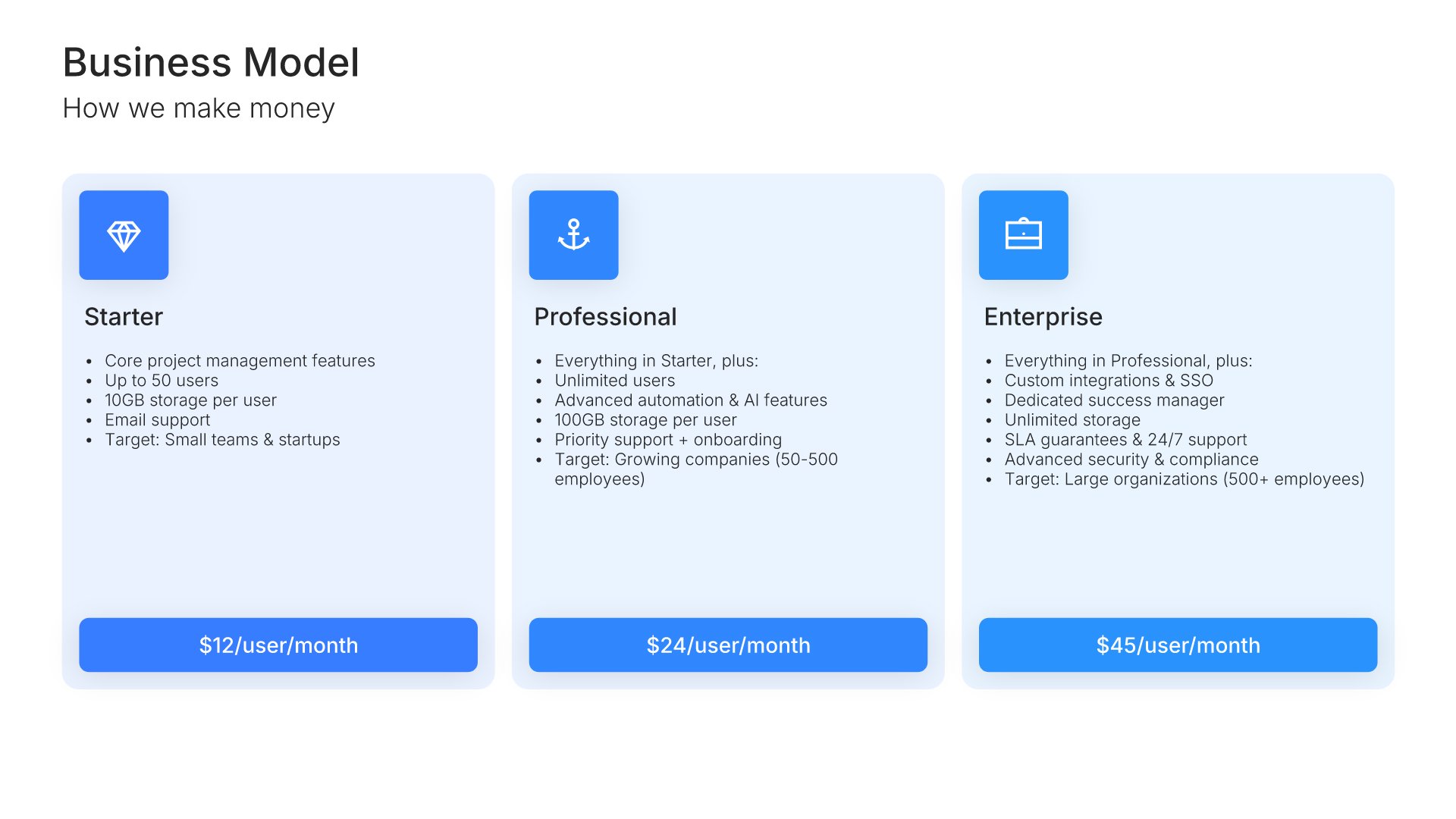
Business model slides help you explain how your company makes money. Use them to present pricing strategies, revenue streams, unit economics, and the mechanics behind your profitability. Ideal for investor presentations, pitch decks, and strategic discussions where showing a clear path to revenue builds confidence.
Built using Pricing slides

8. Traction

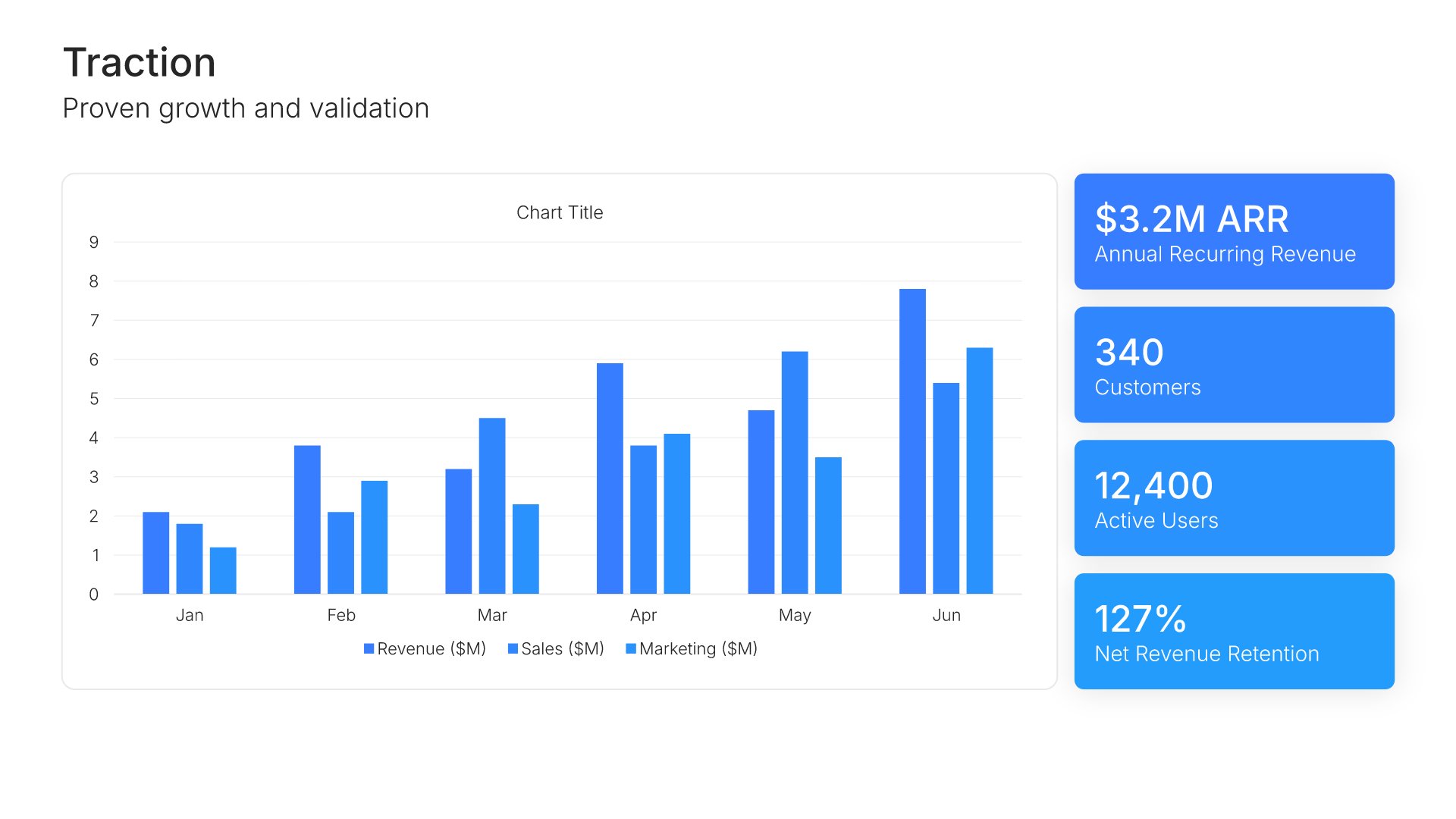
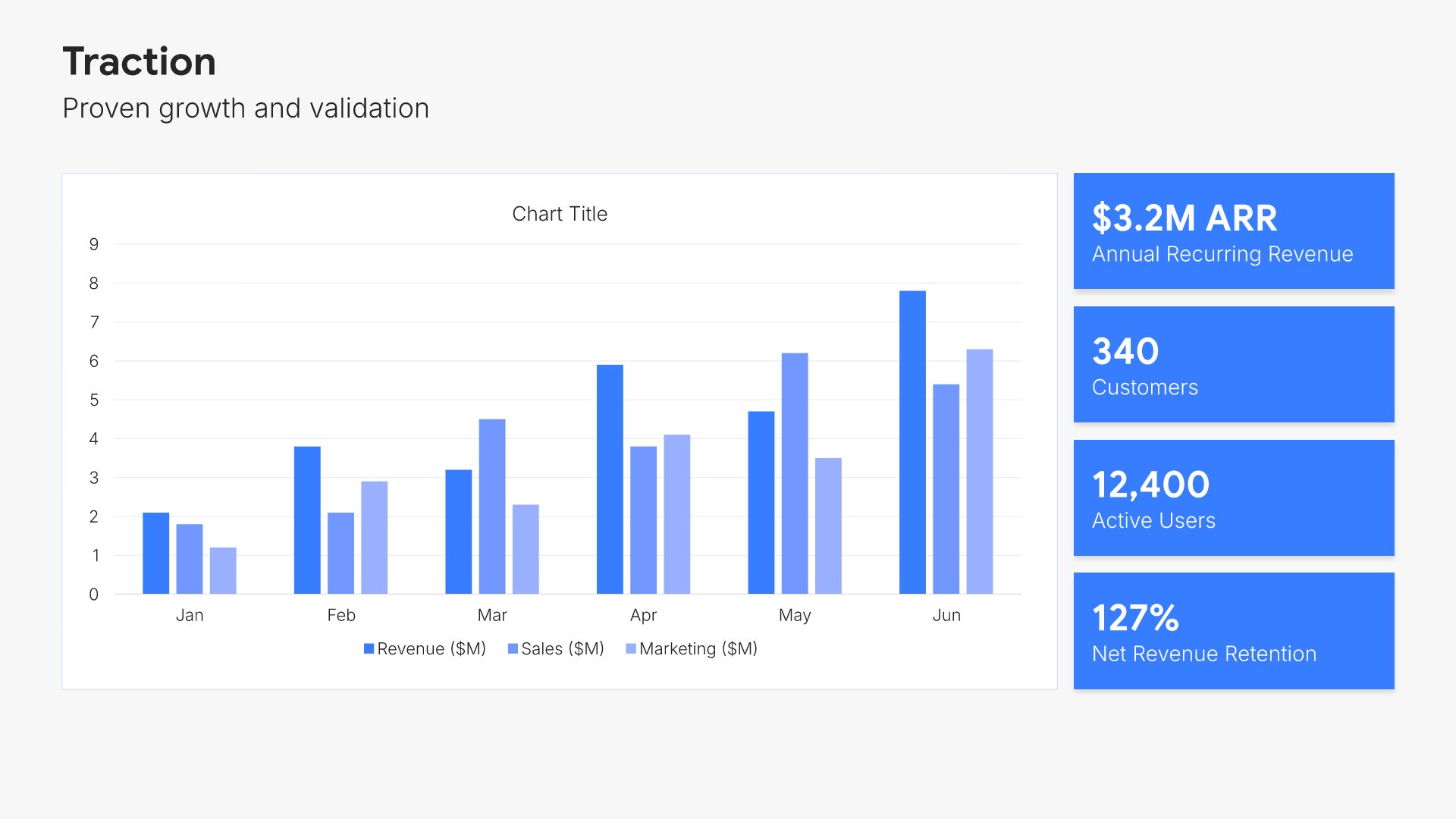
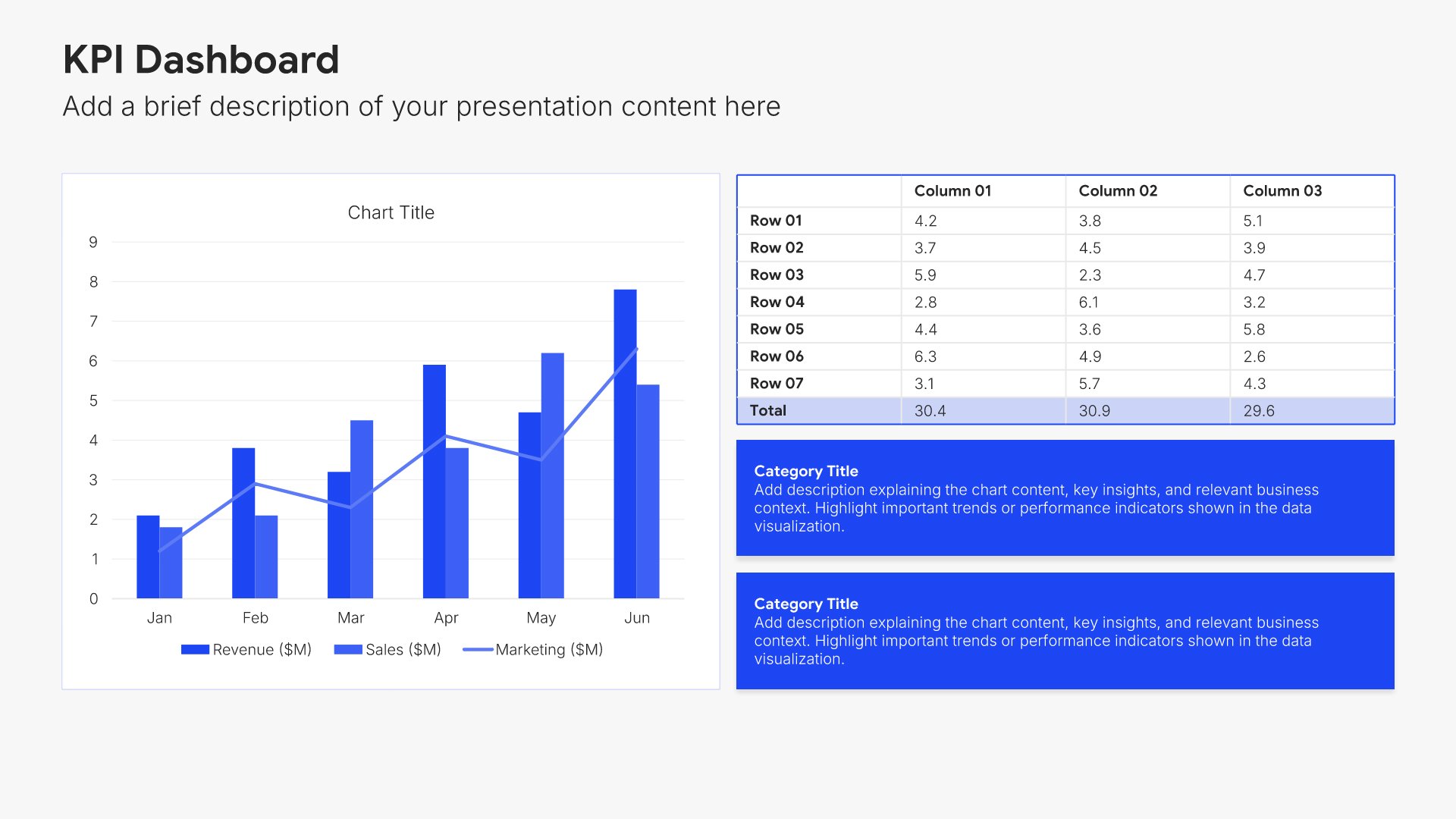
Traction slides help you showcase the progress and momentum your business has achieved. Use them to display key metrics like revenue, users, growth rates, partnerships, and other proof points that validate your business. Ideal for pitch decks and investor updates where demonstrating real results builds credibility.
Built using Charts slides

9. Milestone

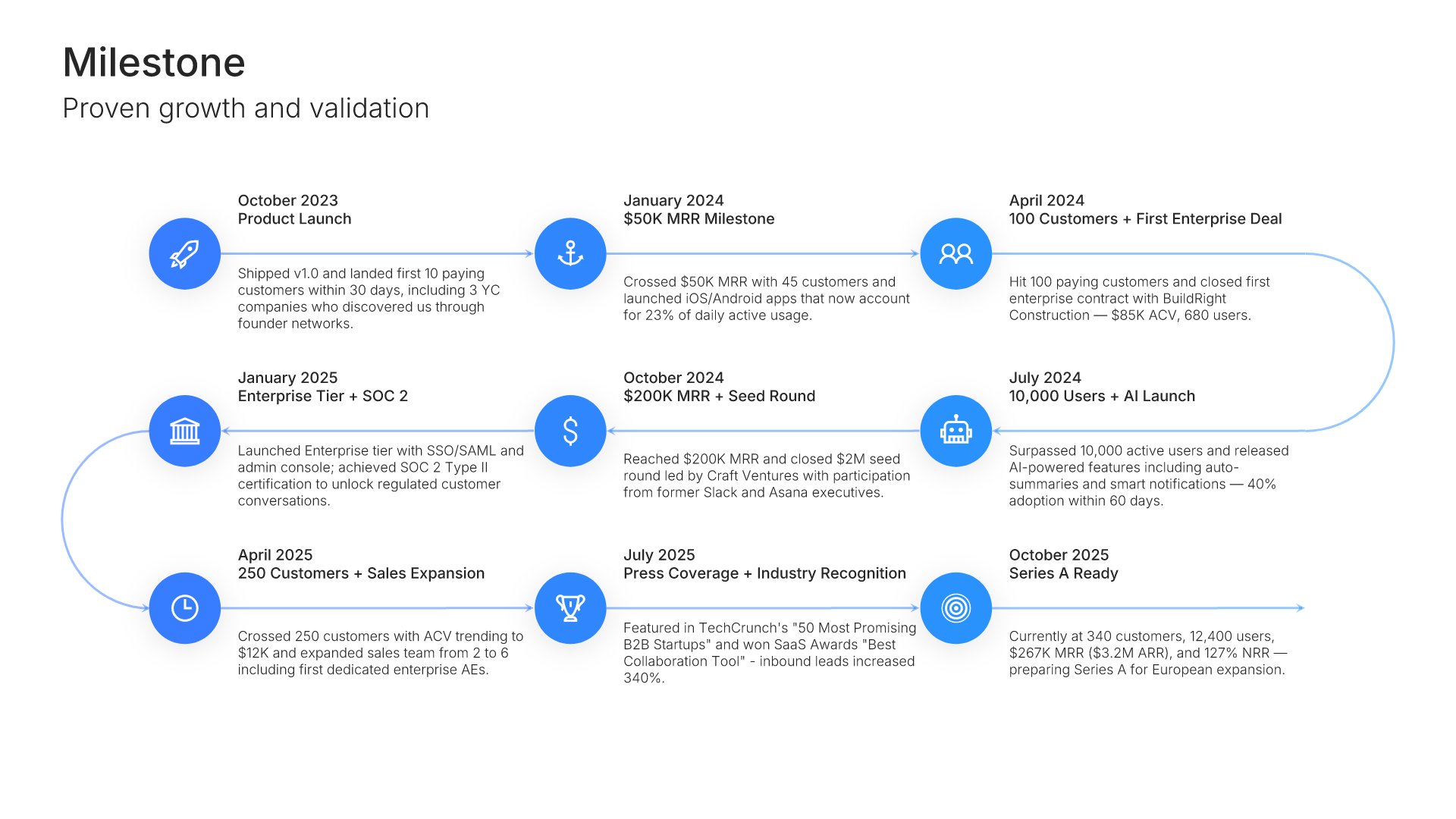
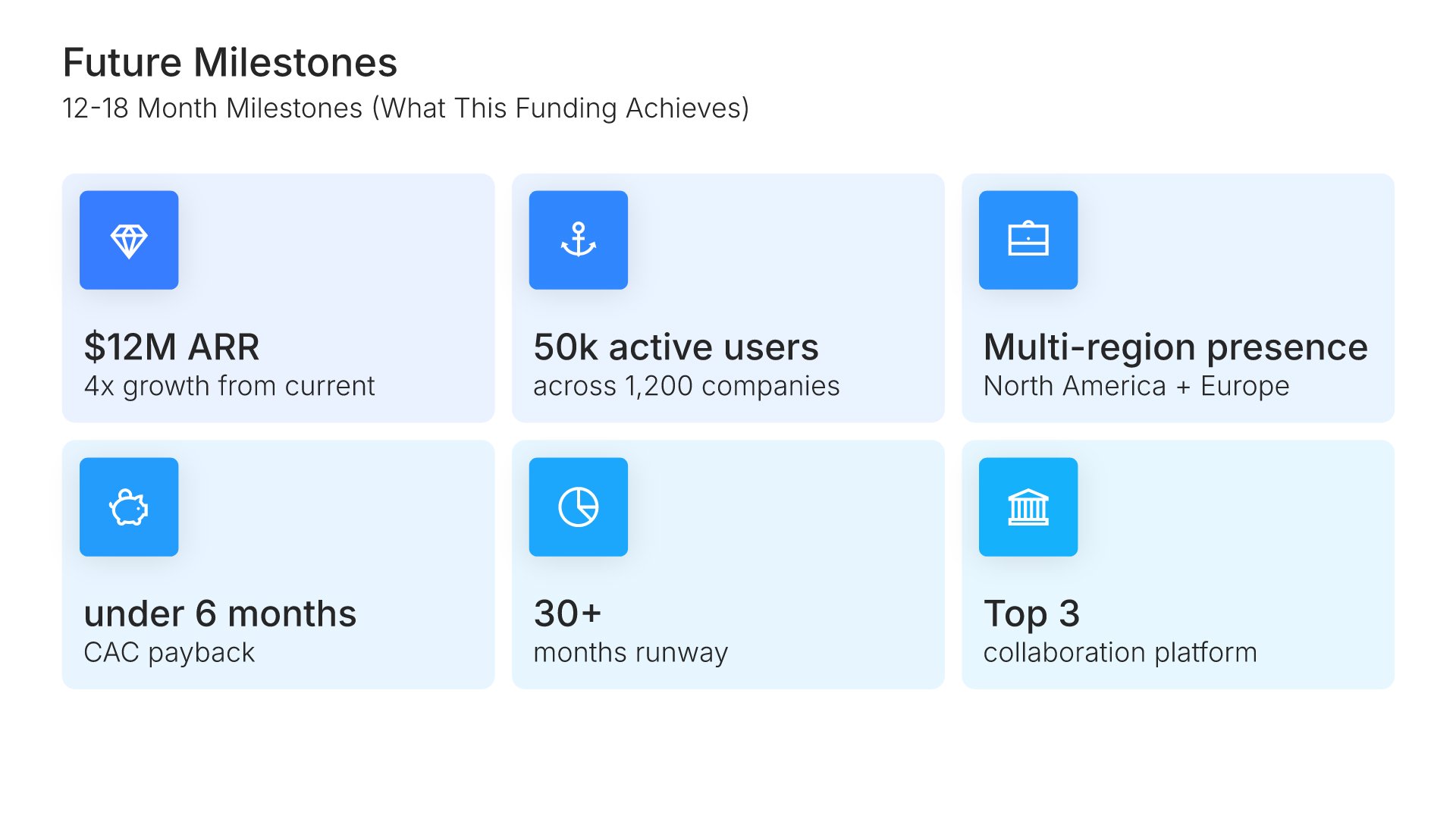
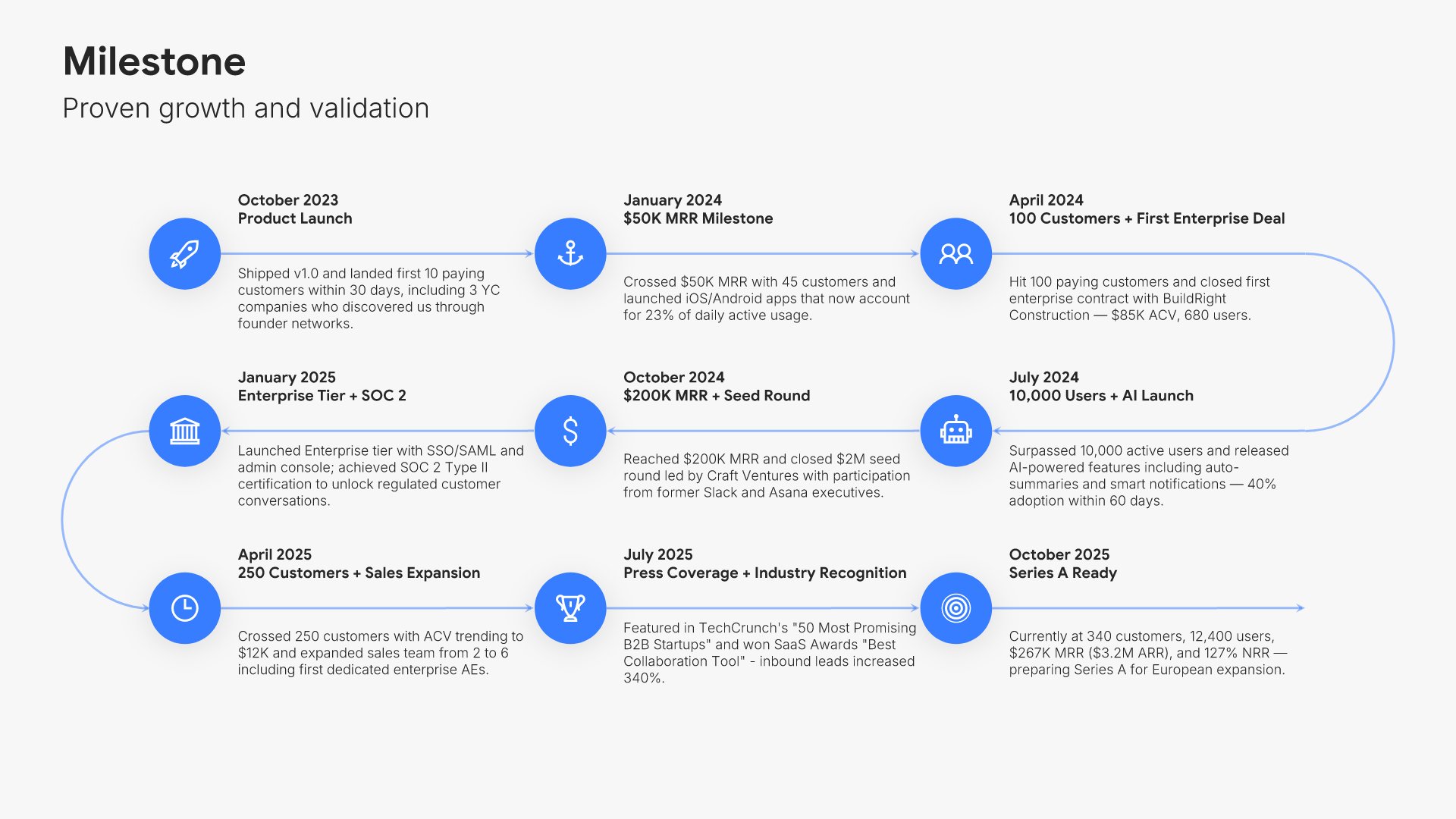
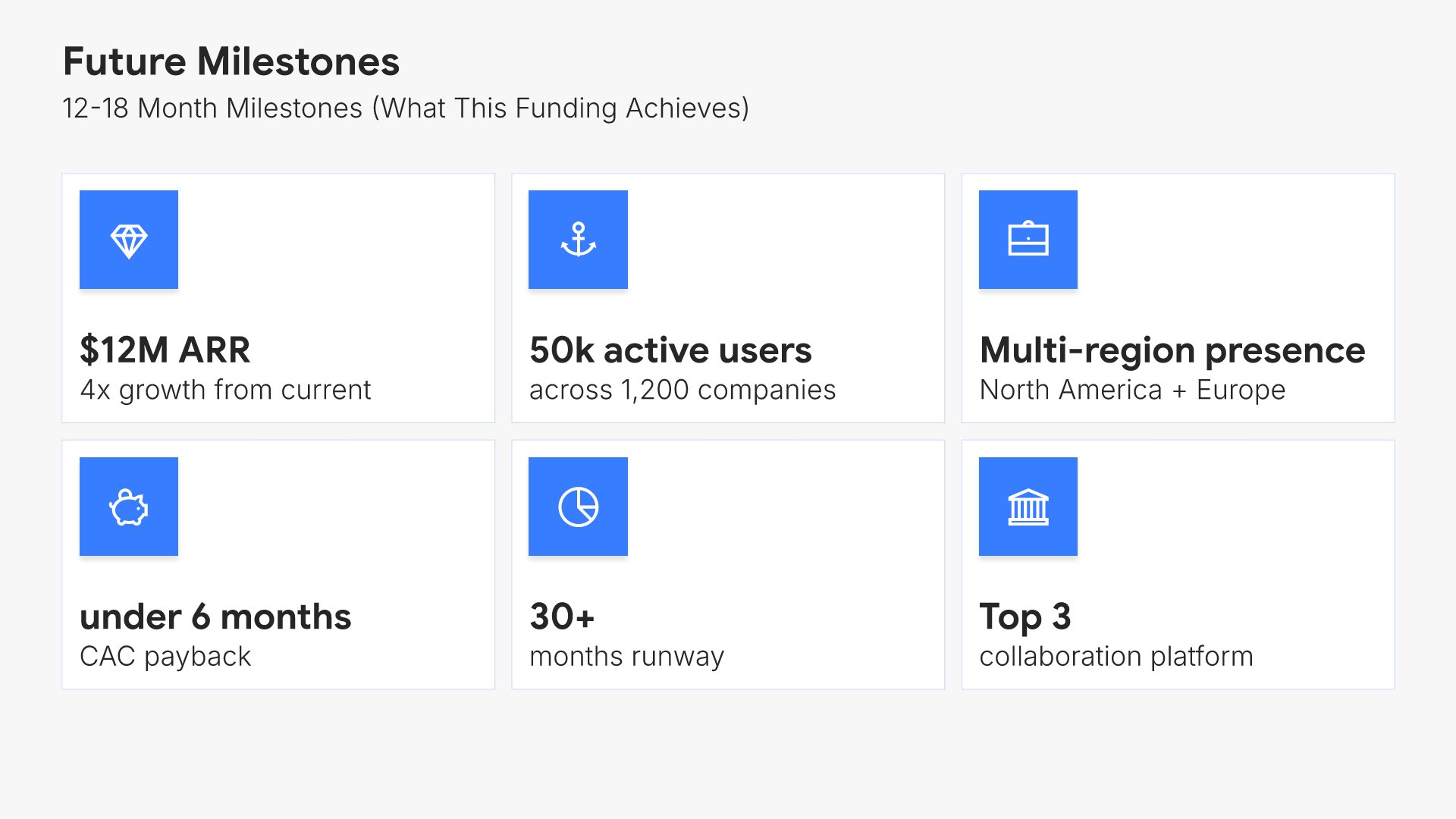
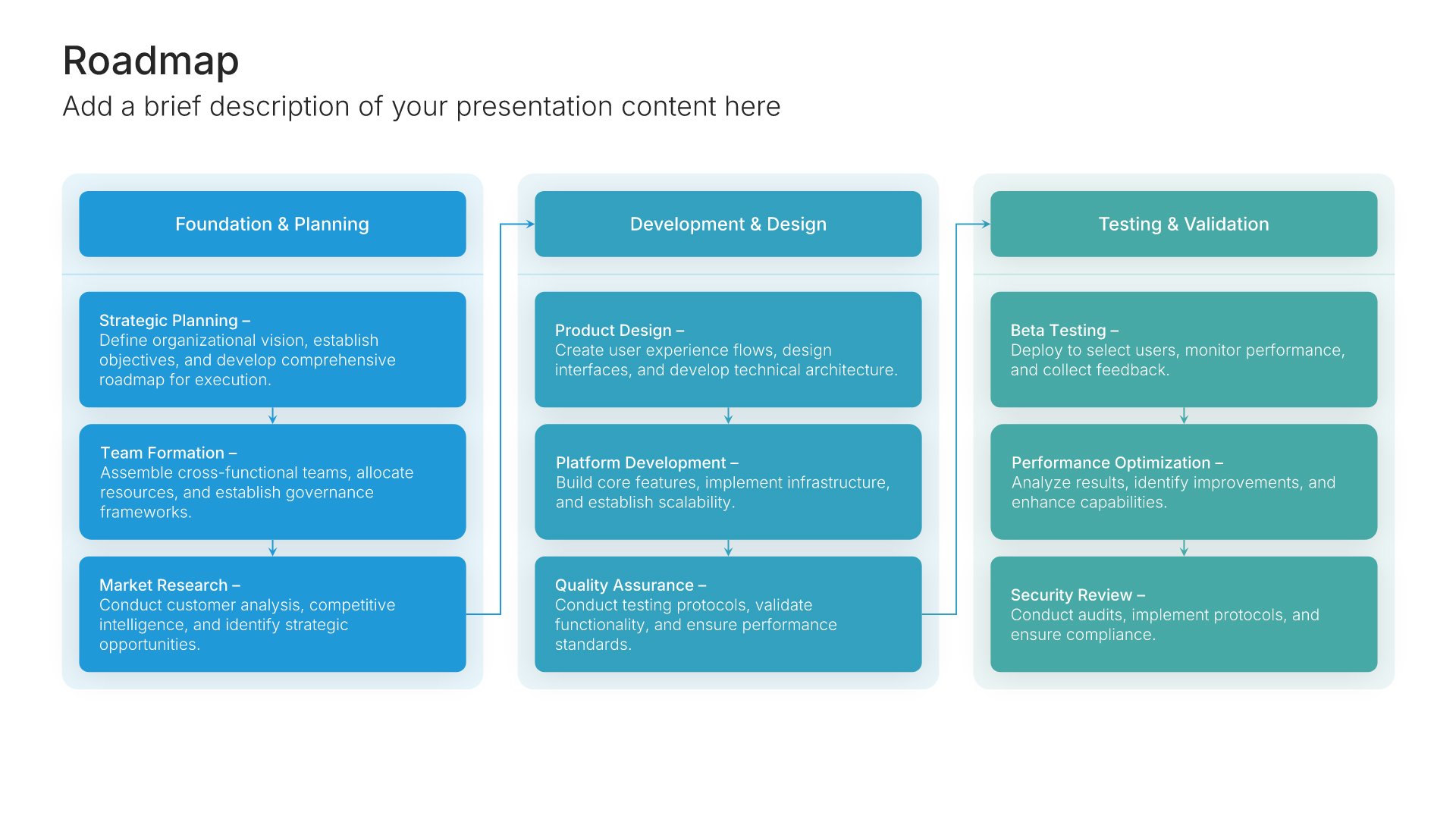
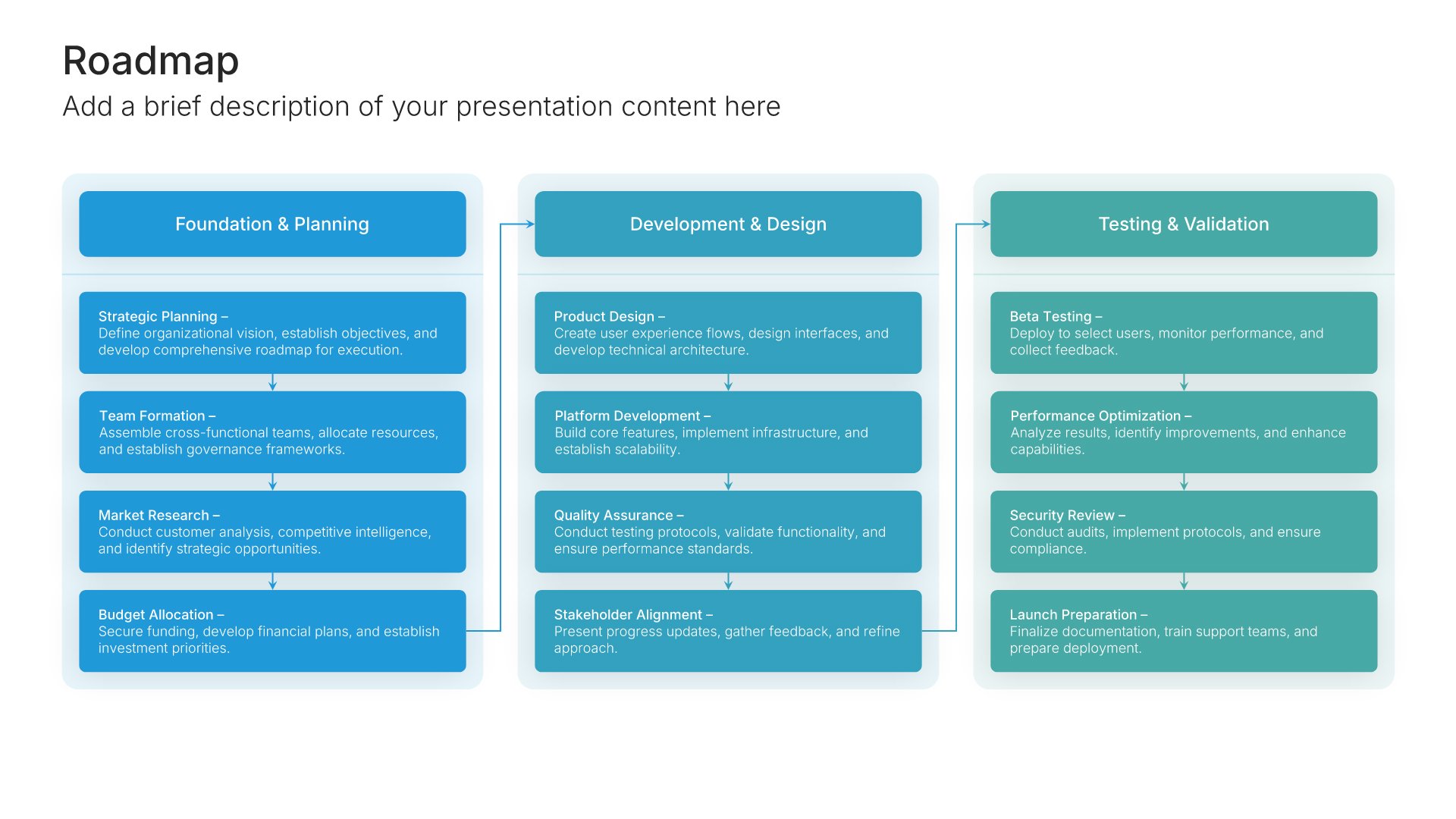
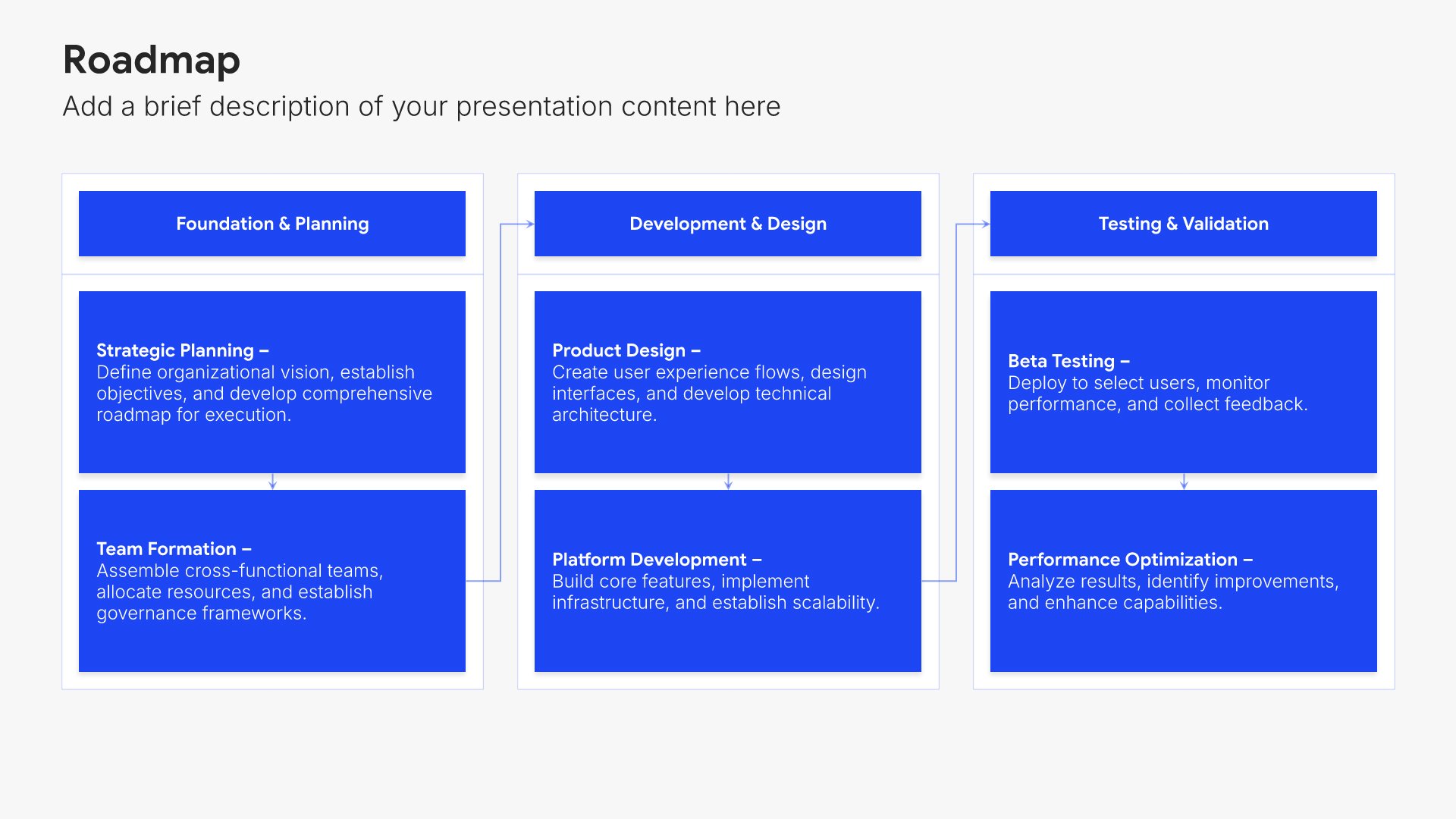
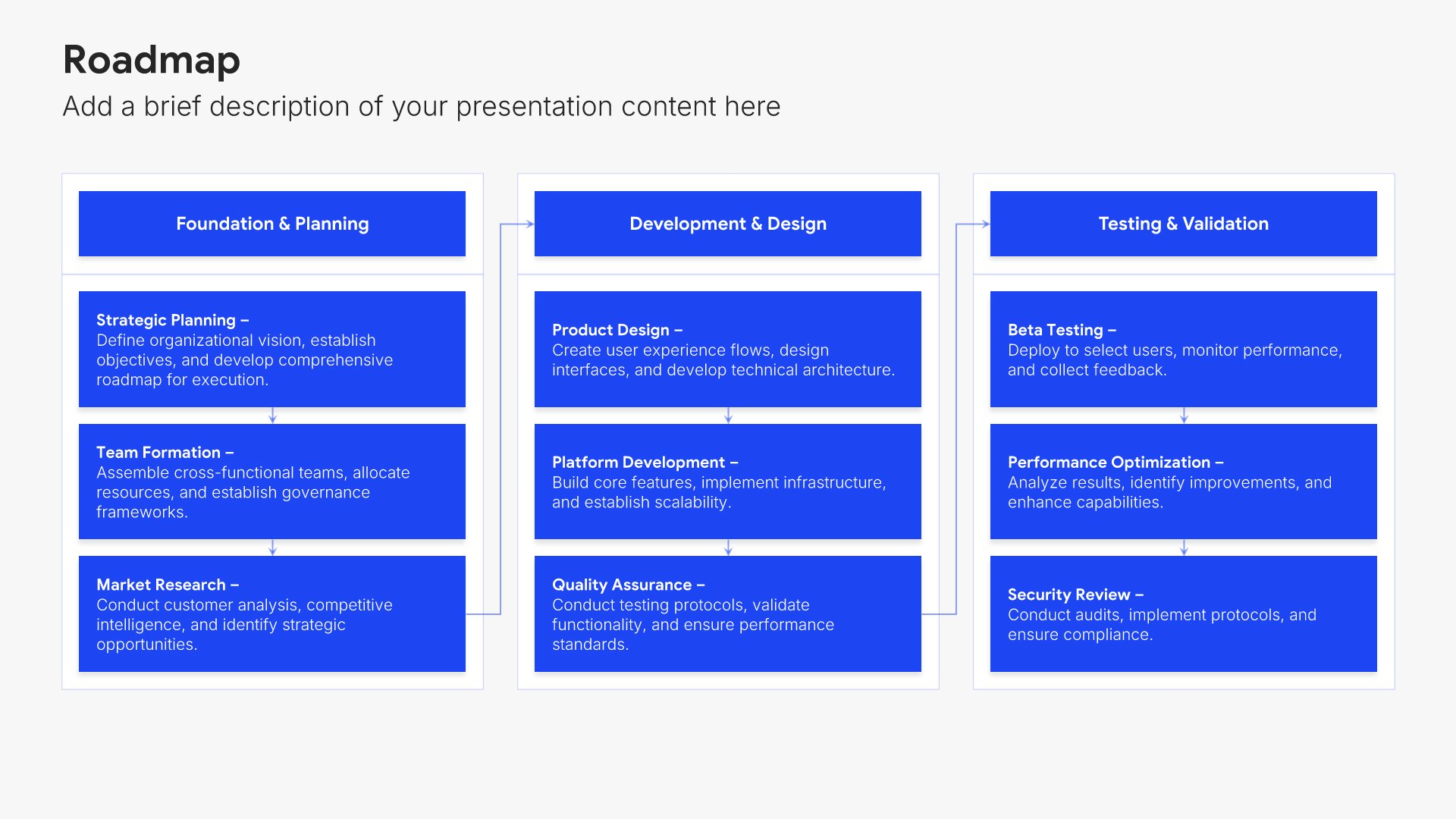
Milestone slides help you highlight key achievements and significant moments in your journey. Use them to showcase what you've accomplished, from product launches to funding rounds to major partnerships. Ideal for pitch decks and company updates where demonstrating progress and momentum builds investor confidence.
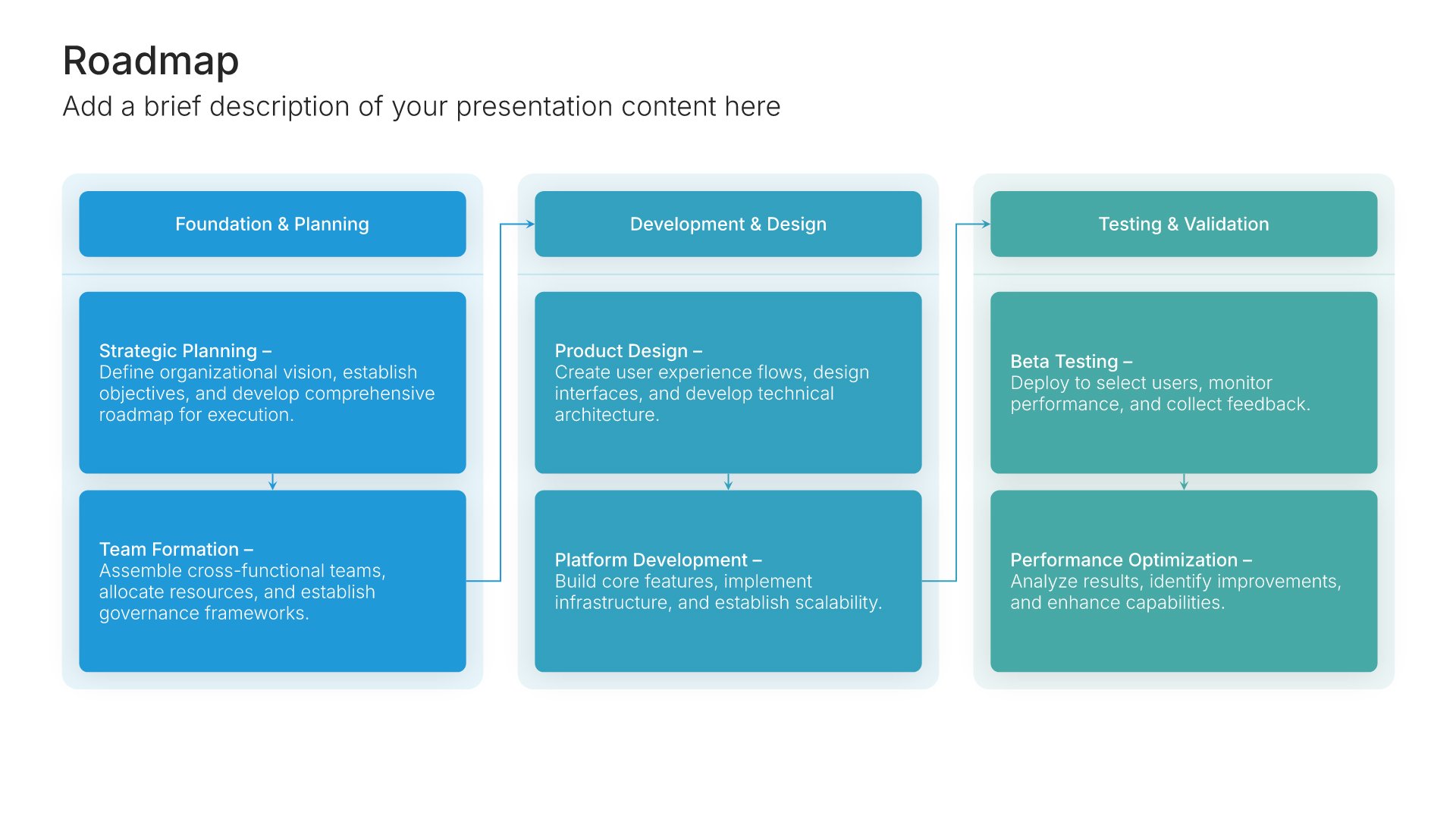
Built using Roadmap slides

10. Competitive Landscape

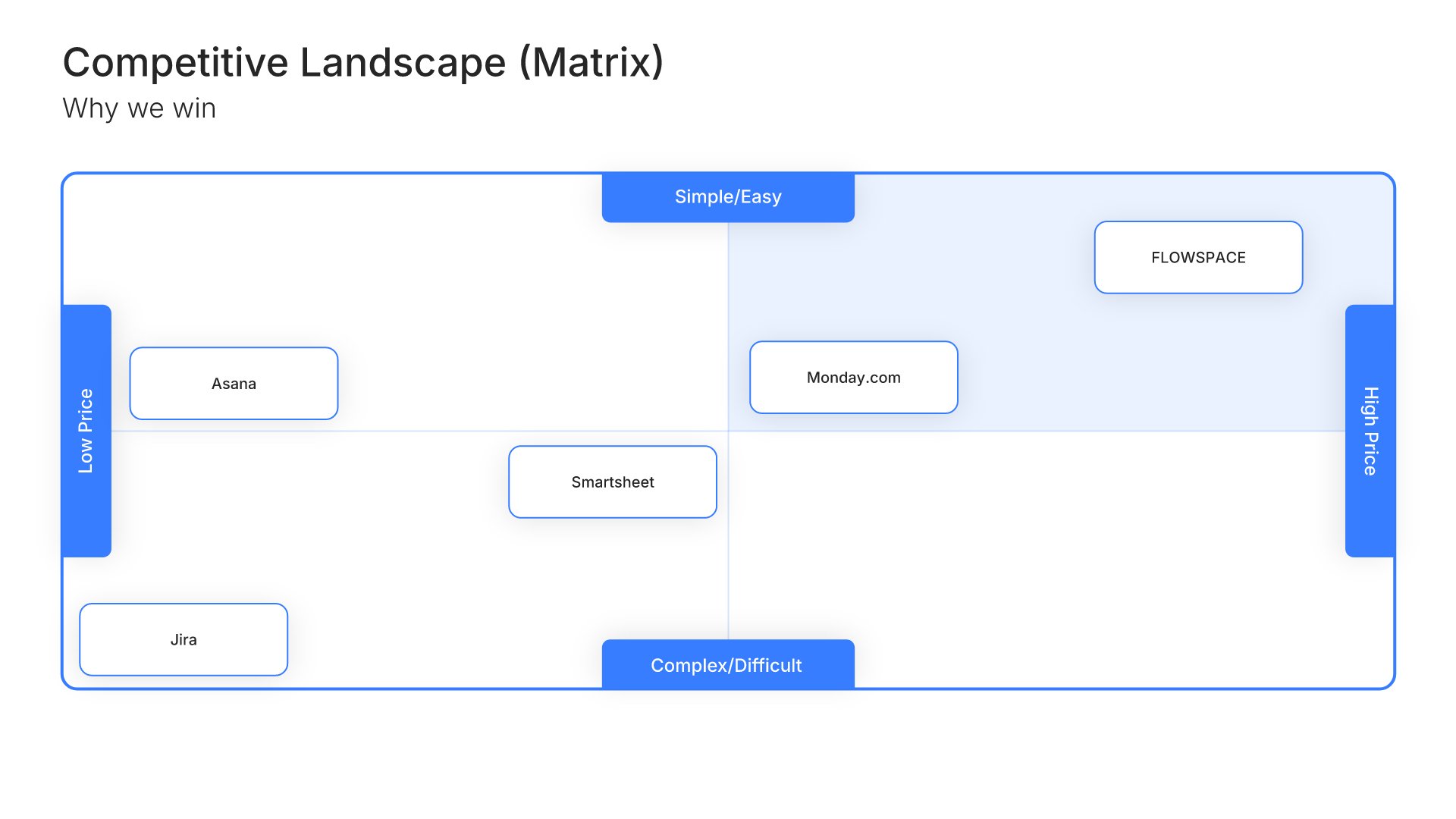
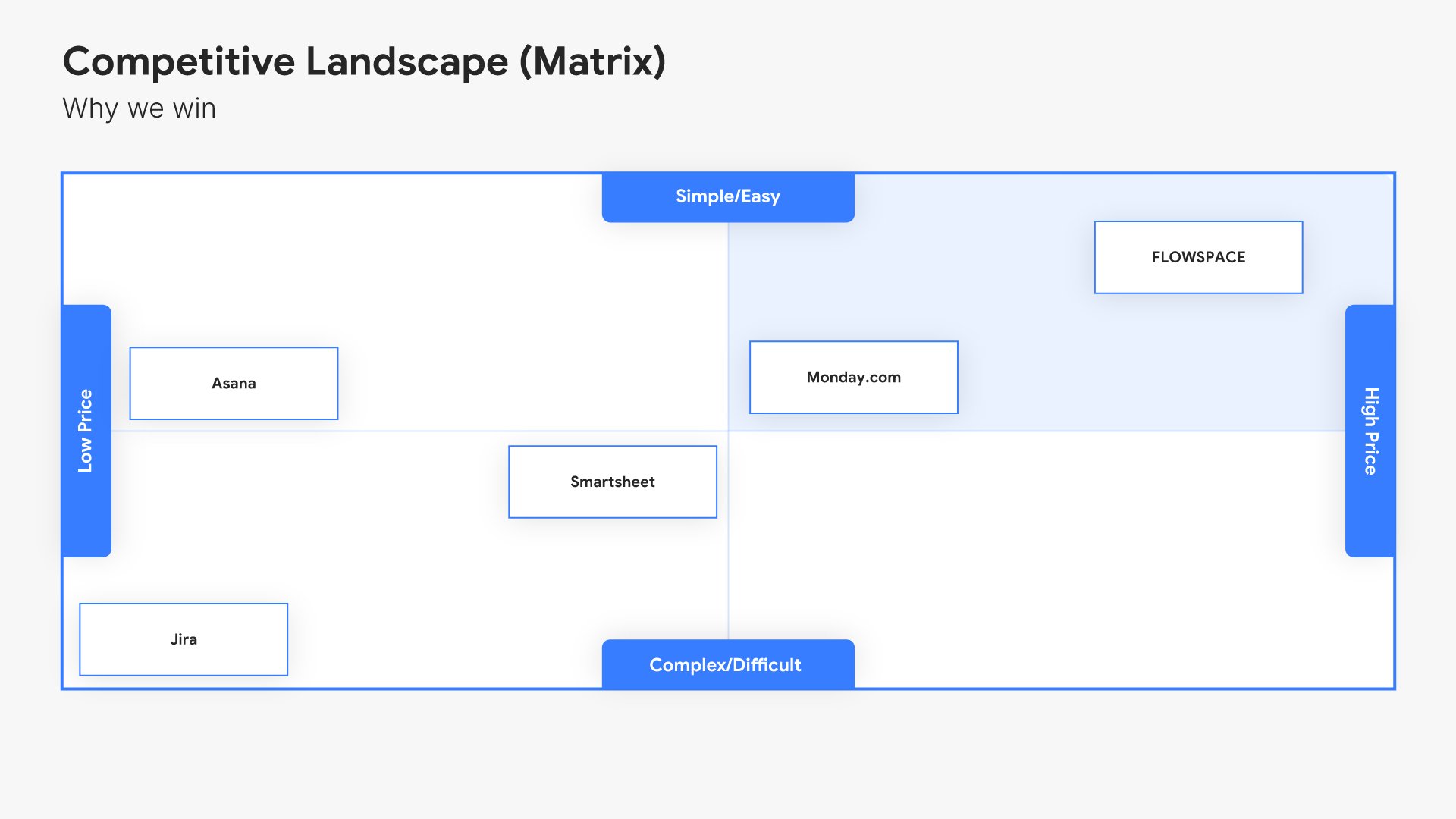
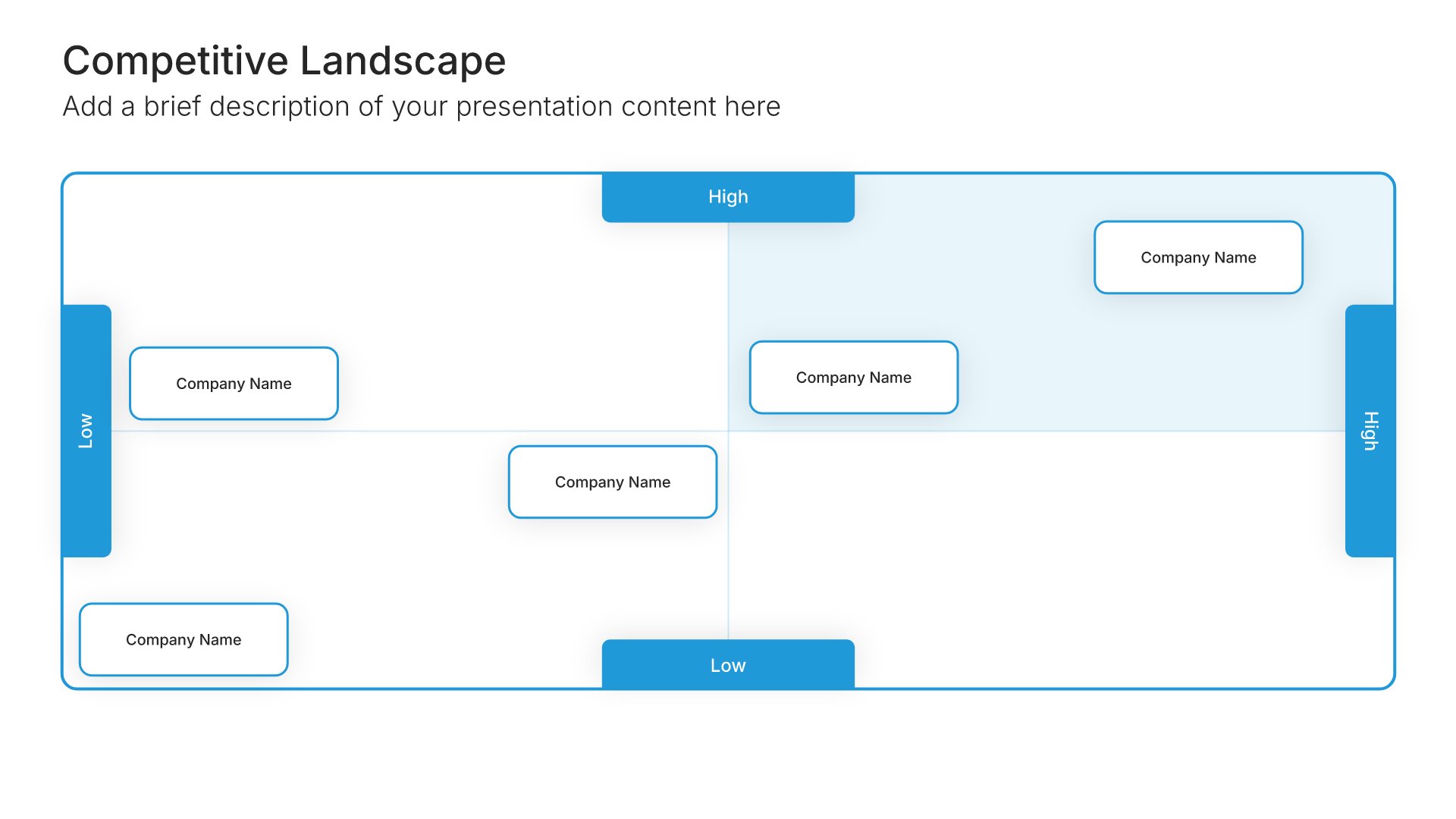
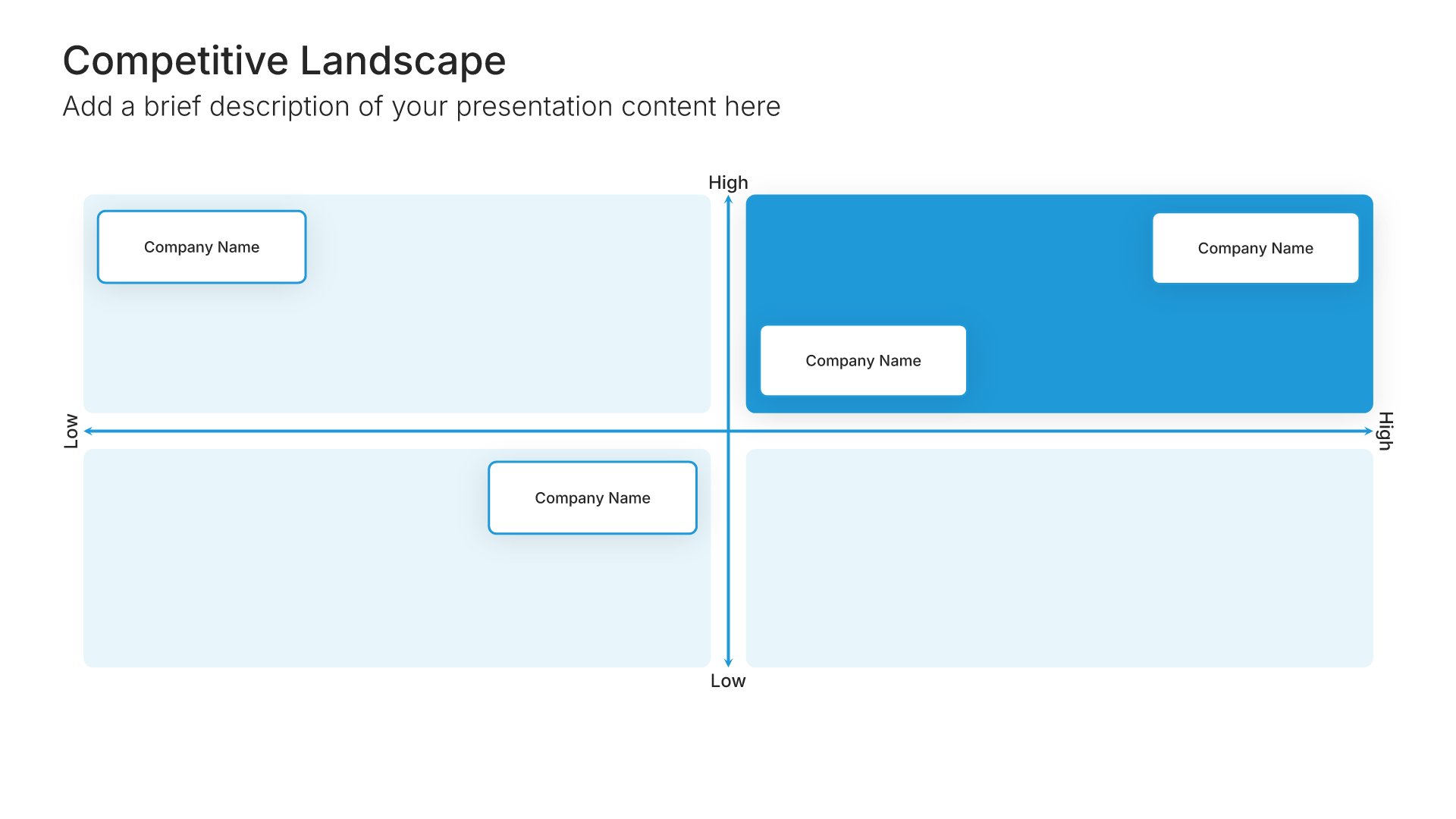
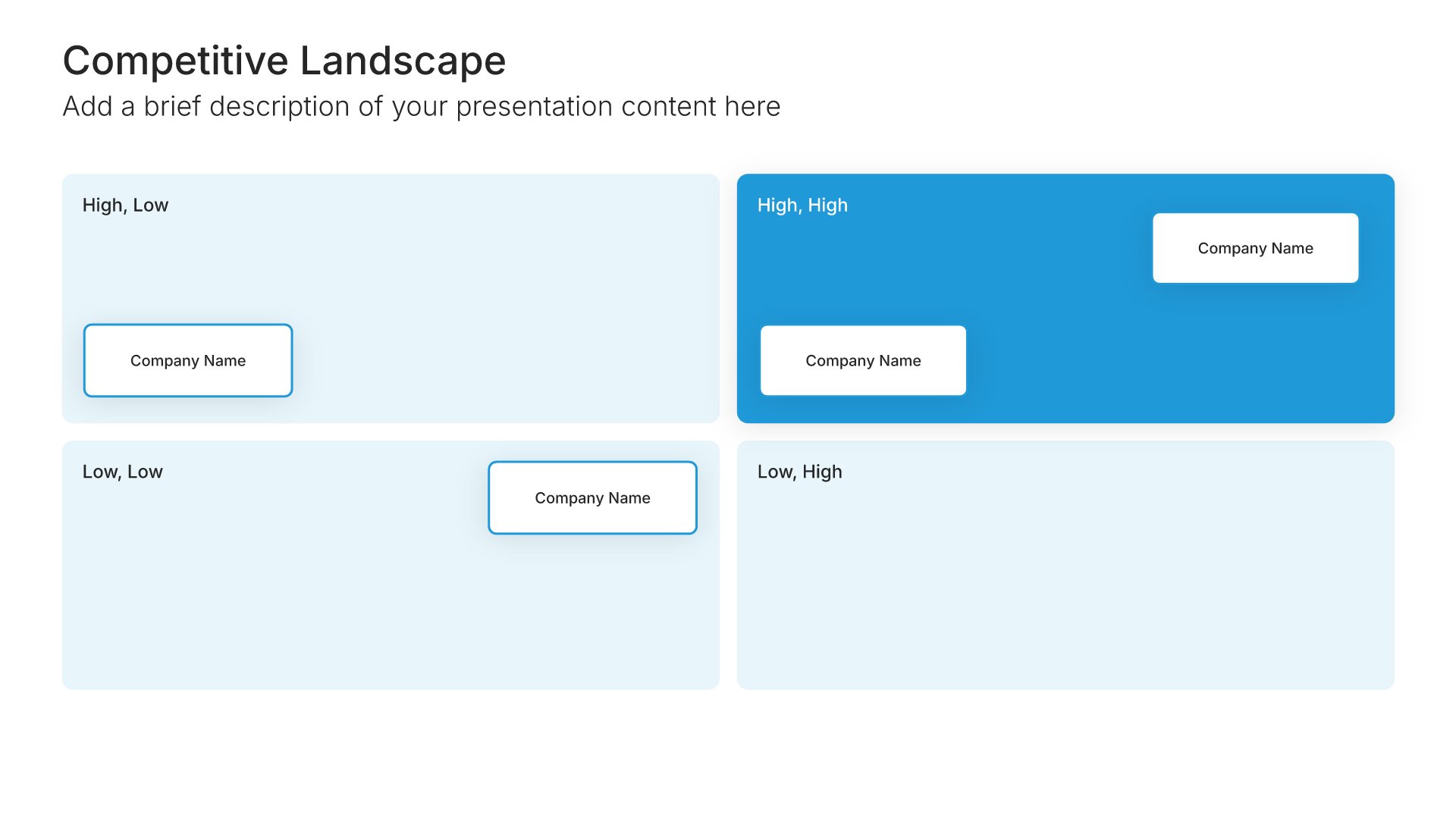
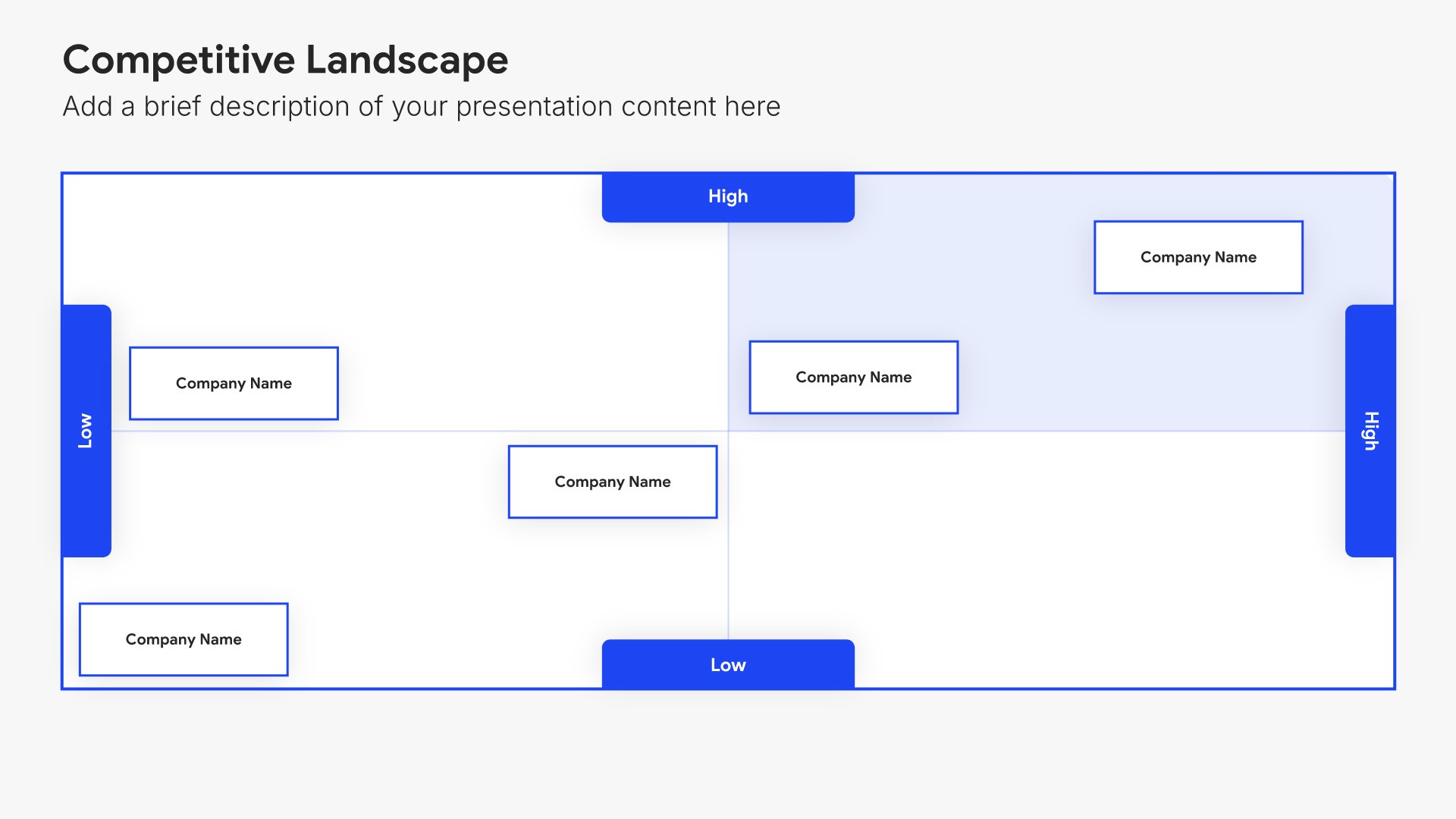
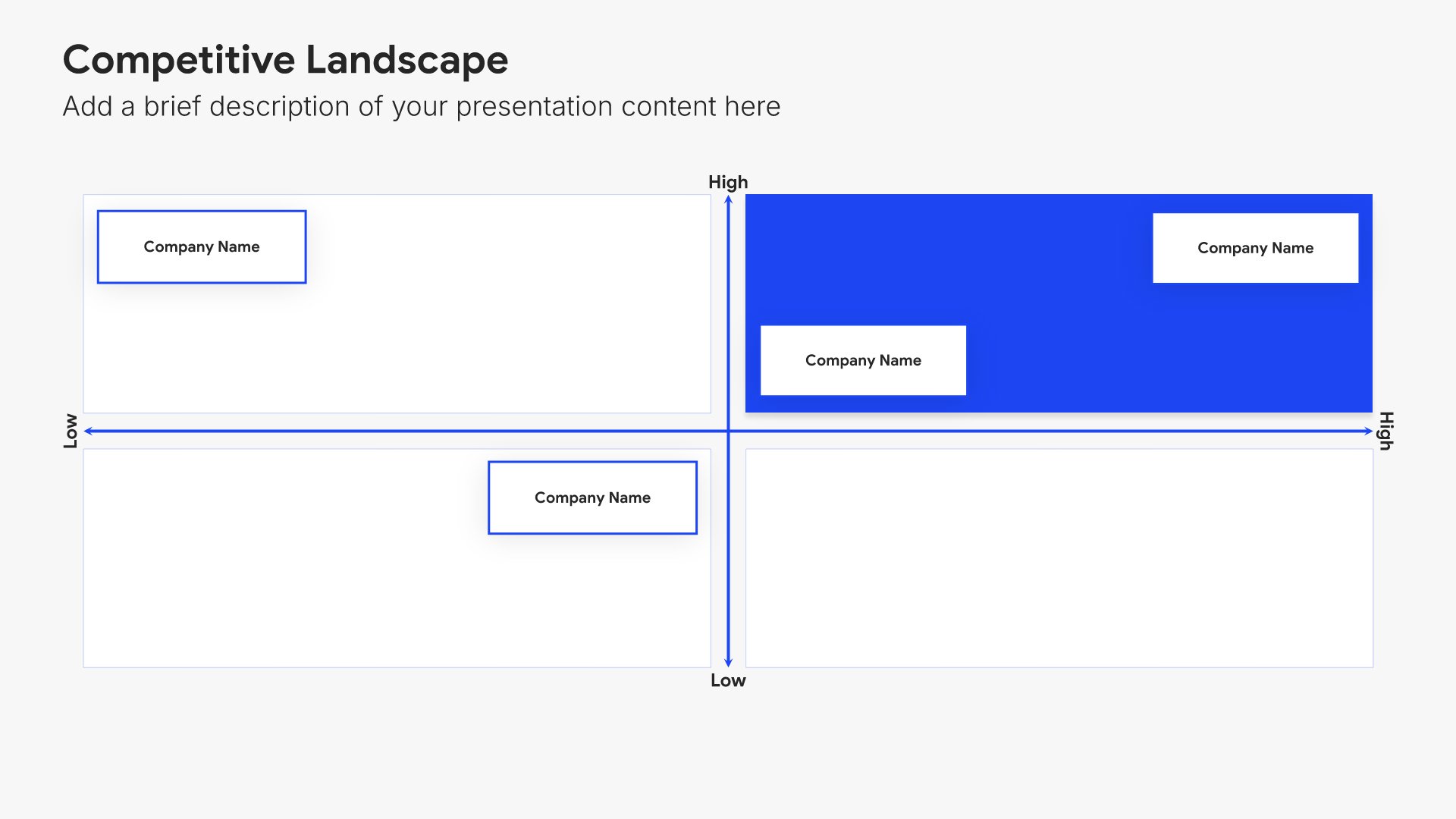
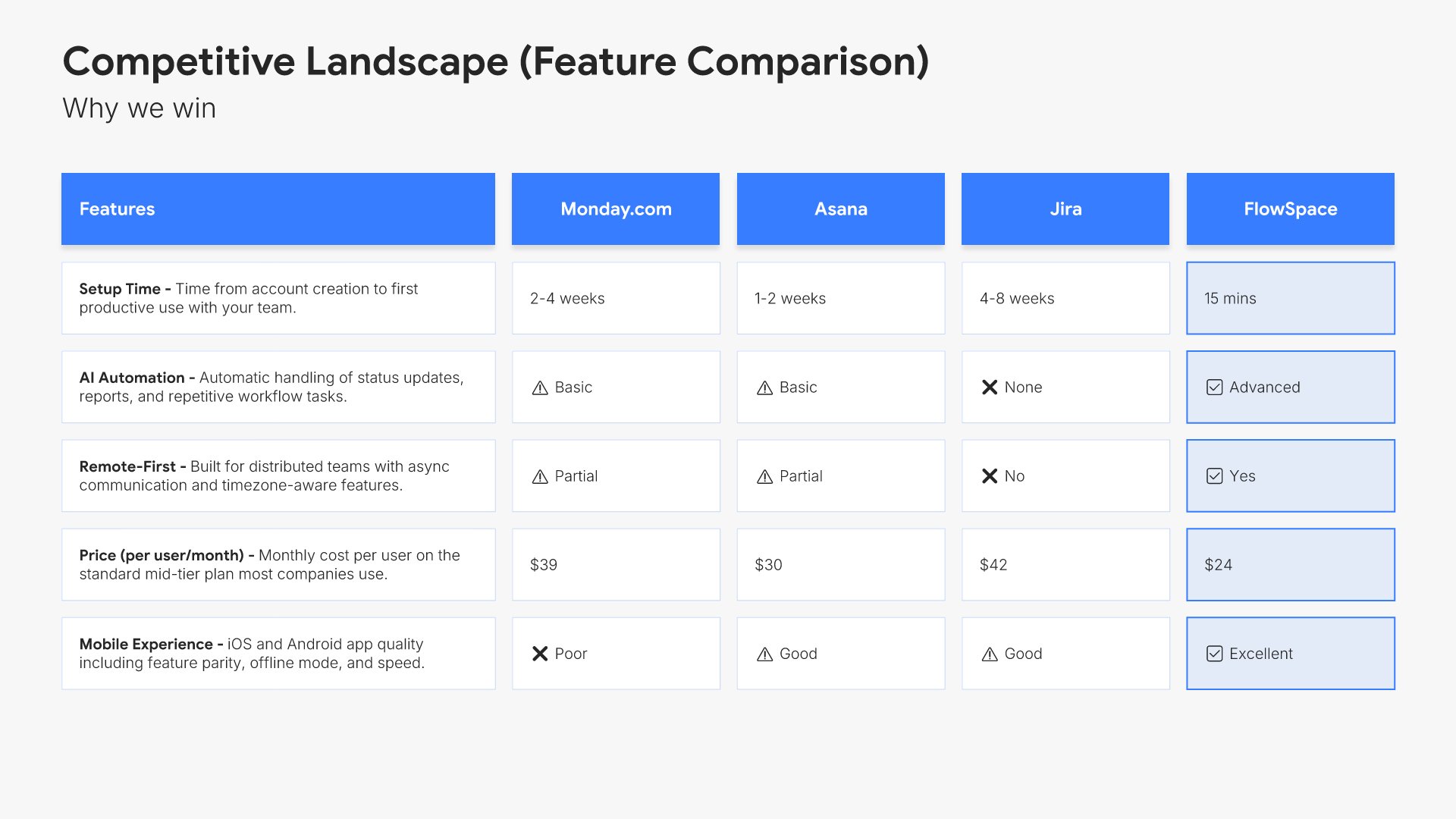
Competitive landscape slides help you map your market position visually. Use them to show where you and your competitors stand across key dimensions, making your strategic positioning clear. Ideal for investor presentations, strategic planning, and any pitch where demonstrating how you fit in the competitive market matters.
Built using Competitive Landscape slides

11. Competiton Analysis

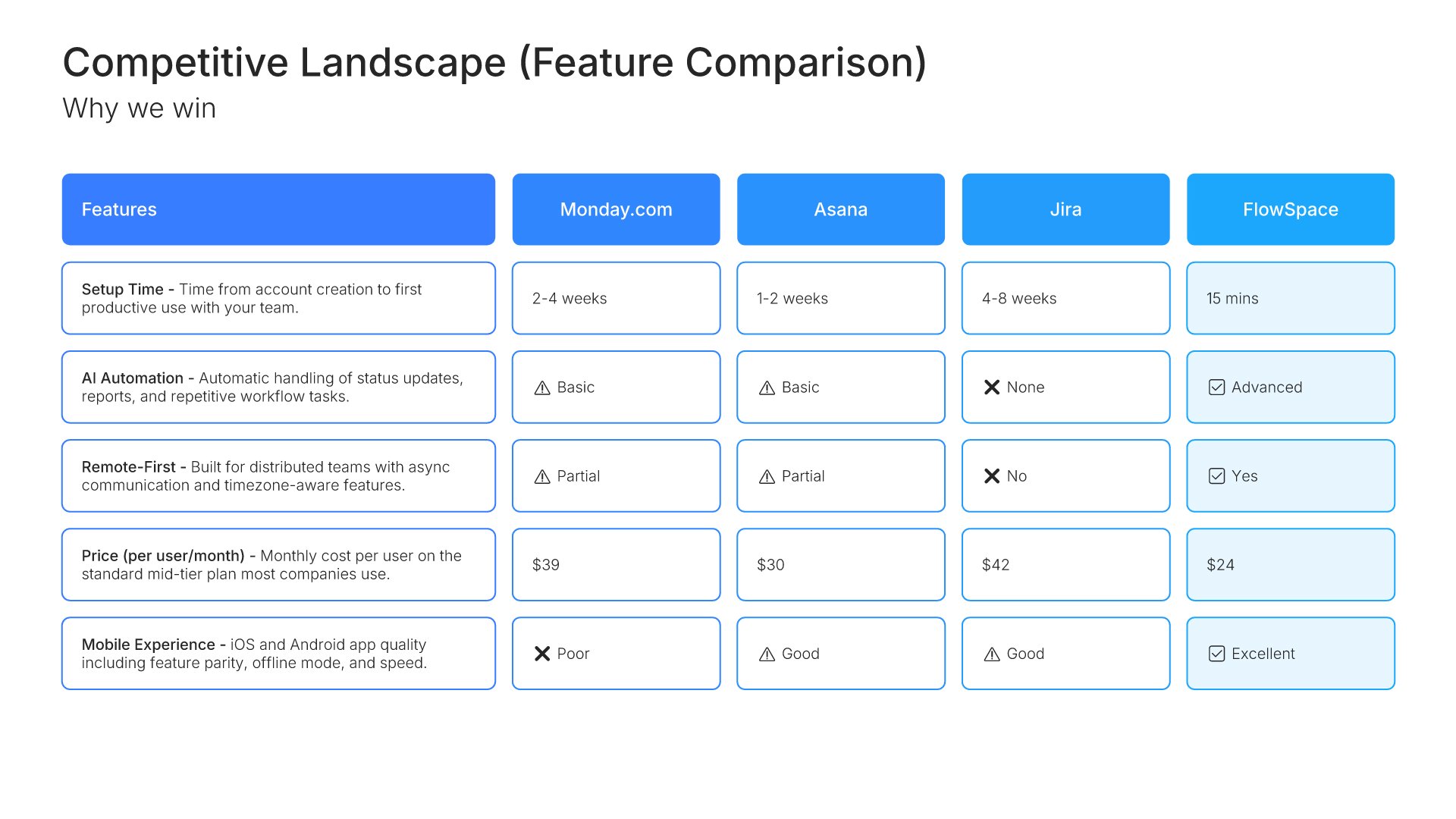
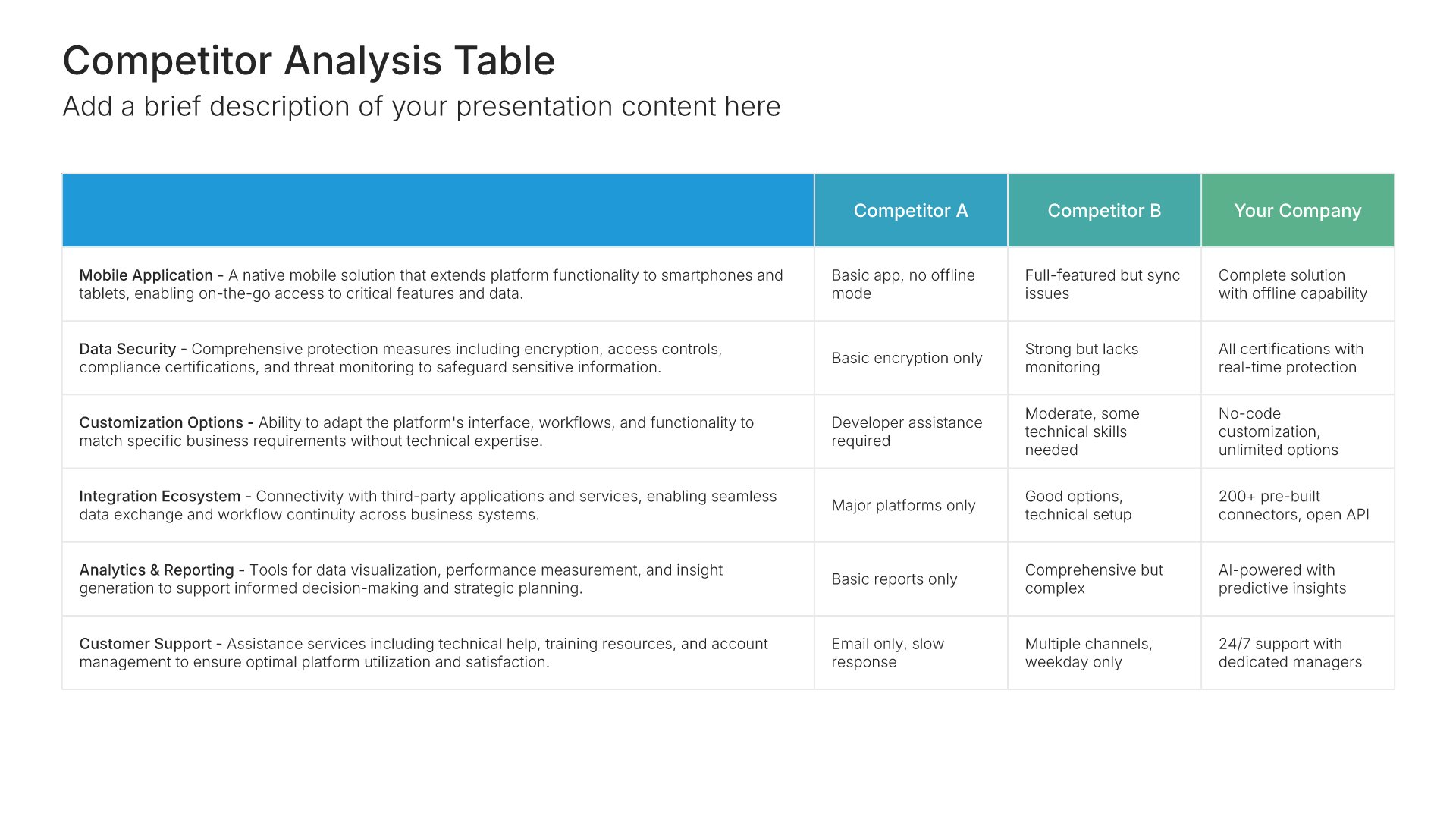
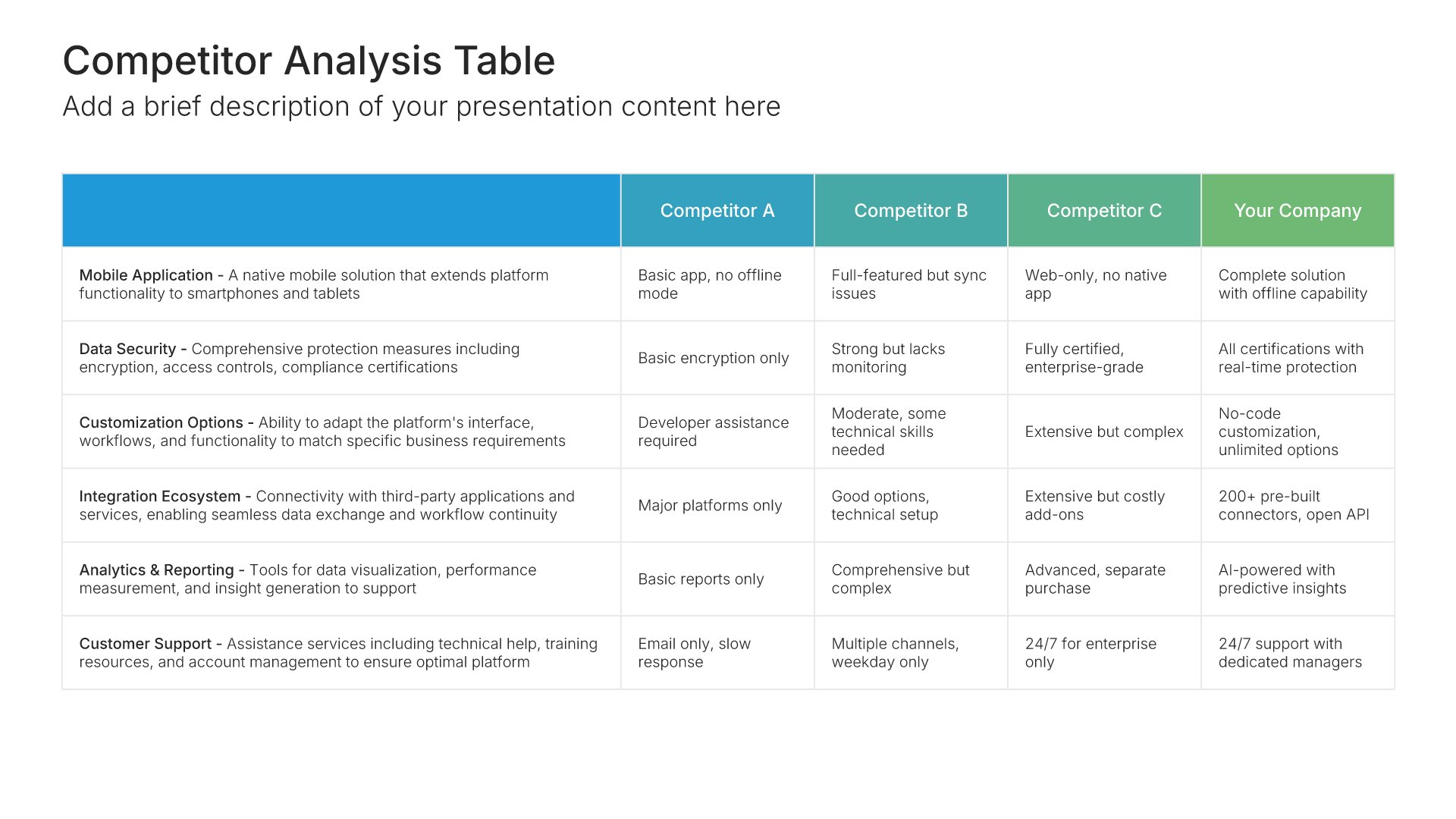
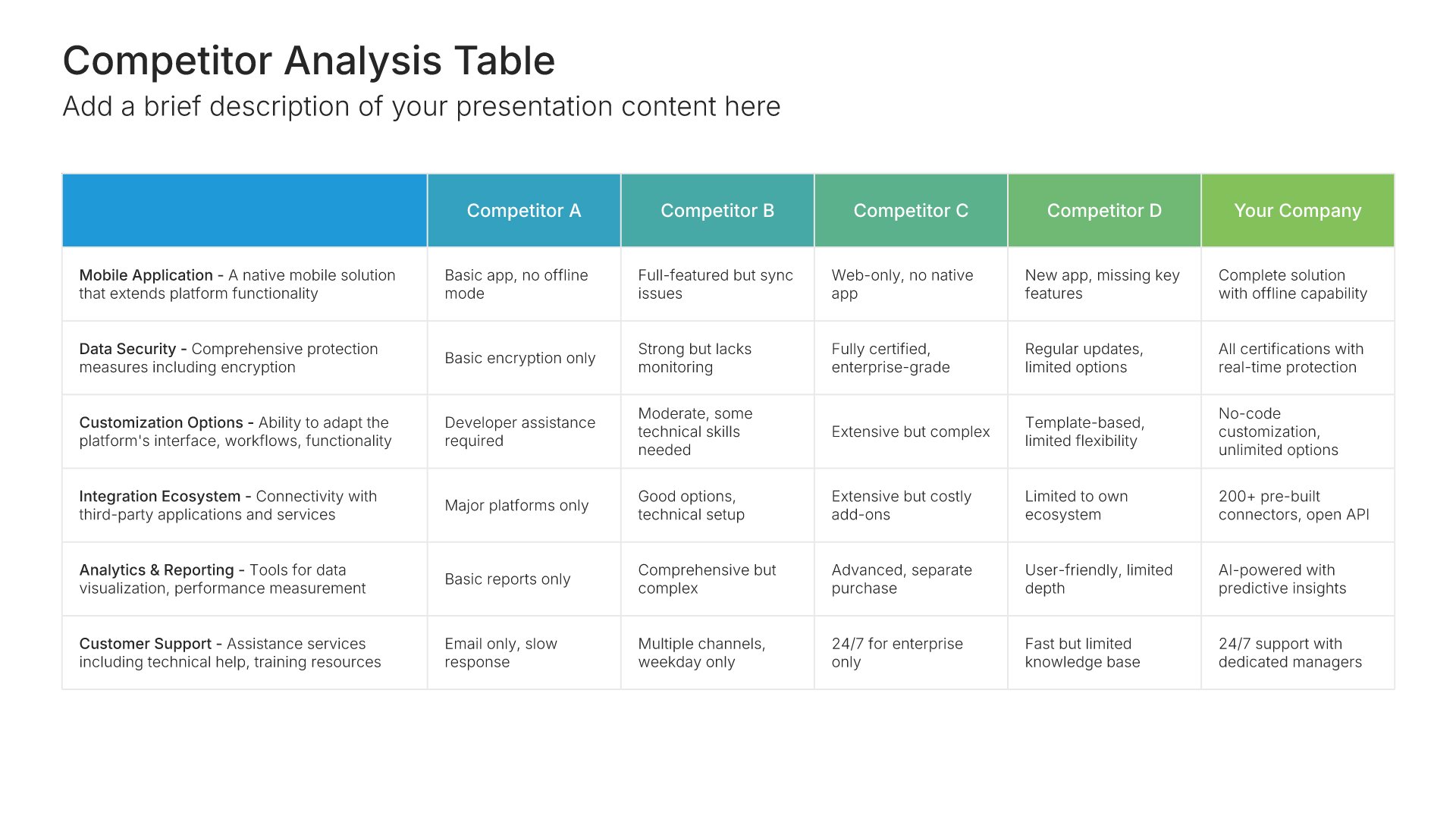
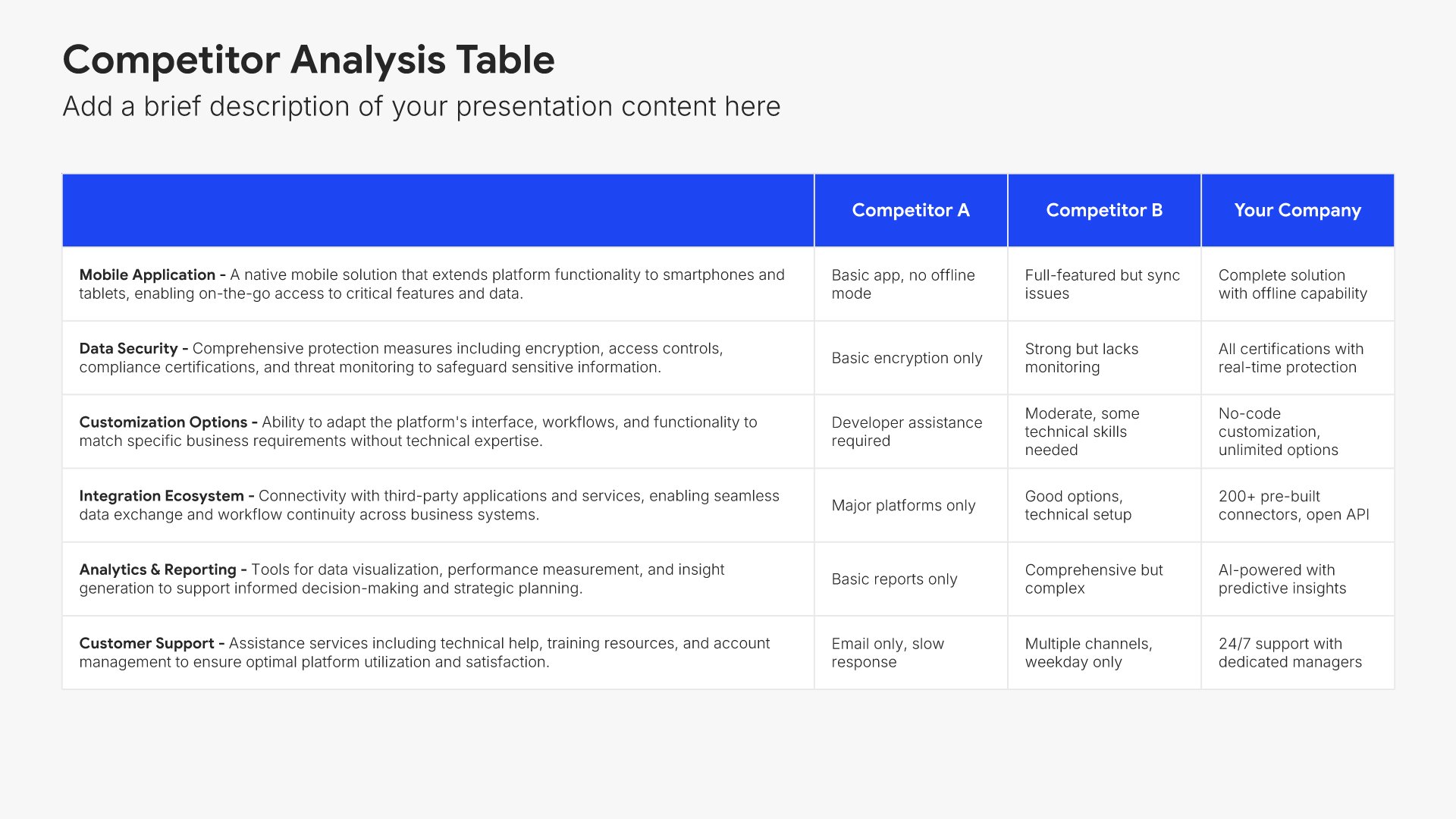
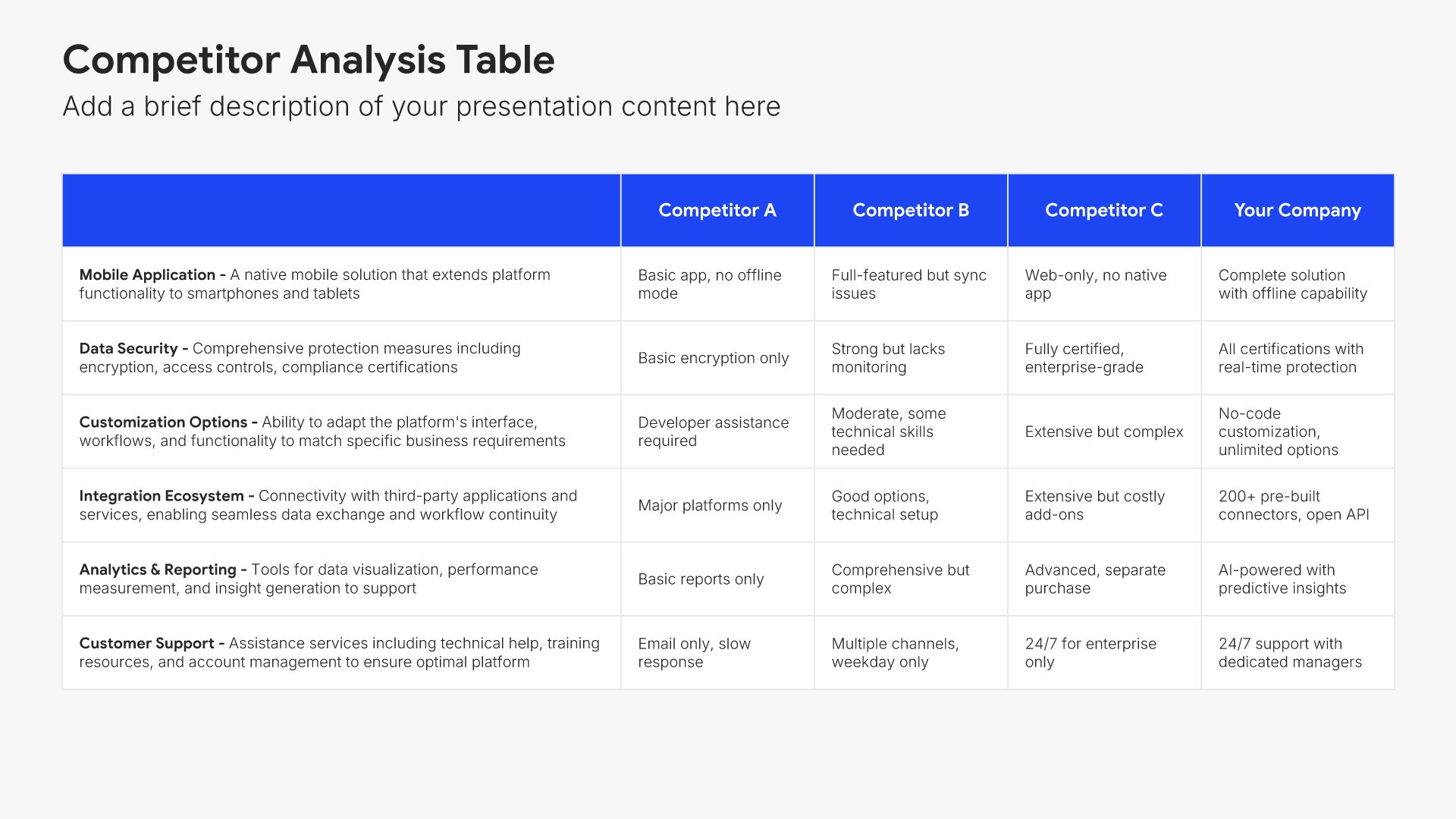
Competition analysis slides help you evaluate your competitors systematically. Use them to compare strengths, weaknesses, positioning, market share, and competitive advantages across your competitive landscape. Ideal for strategic planning, market research, and developing strategies that differentiate your business from rivals.
Built using Competiton Analysis slides

12. Go-to-Market Strategy

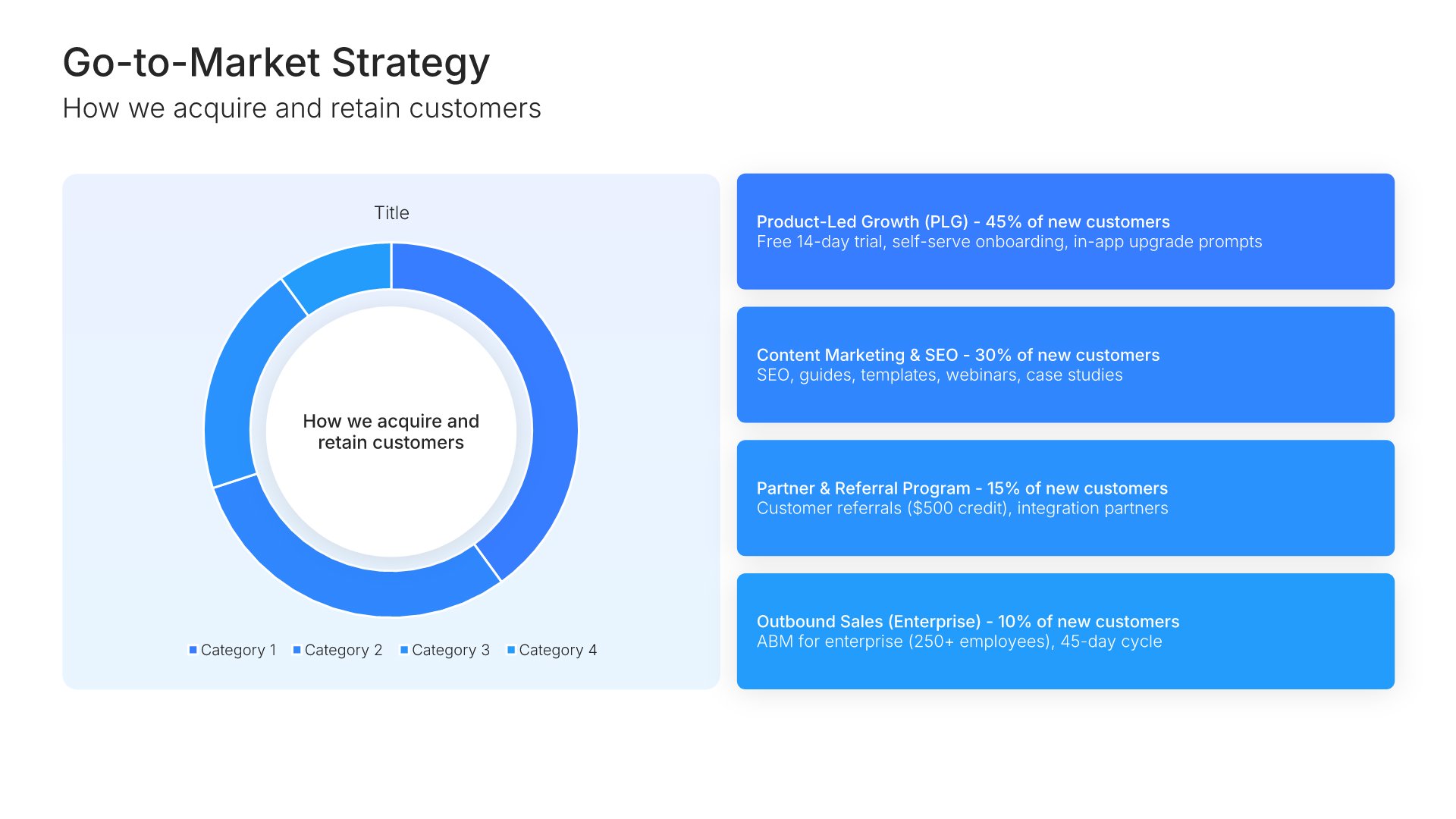
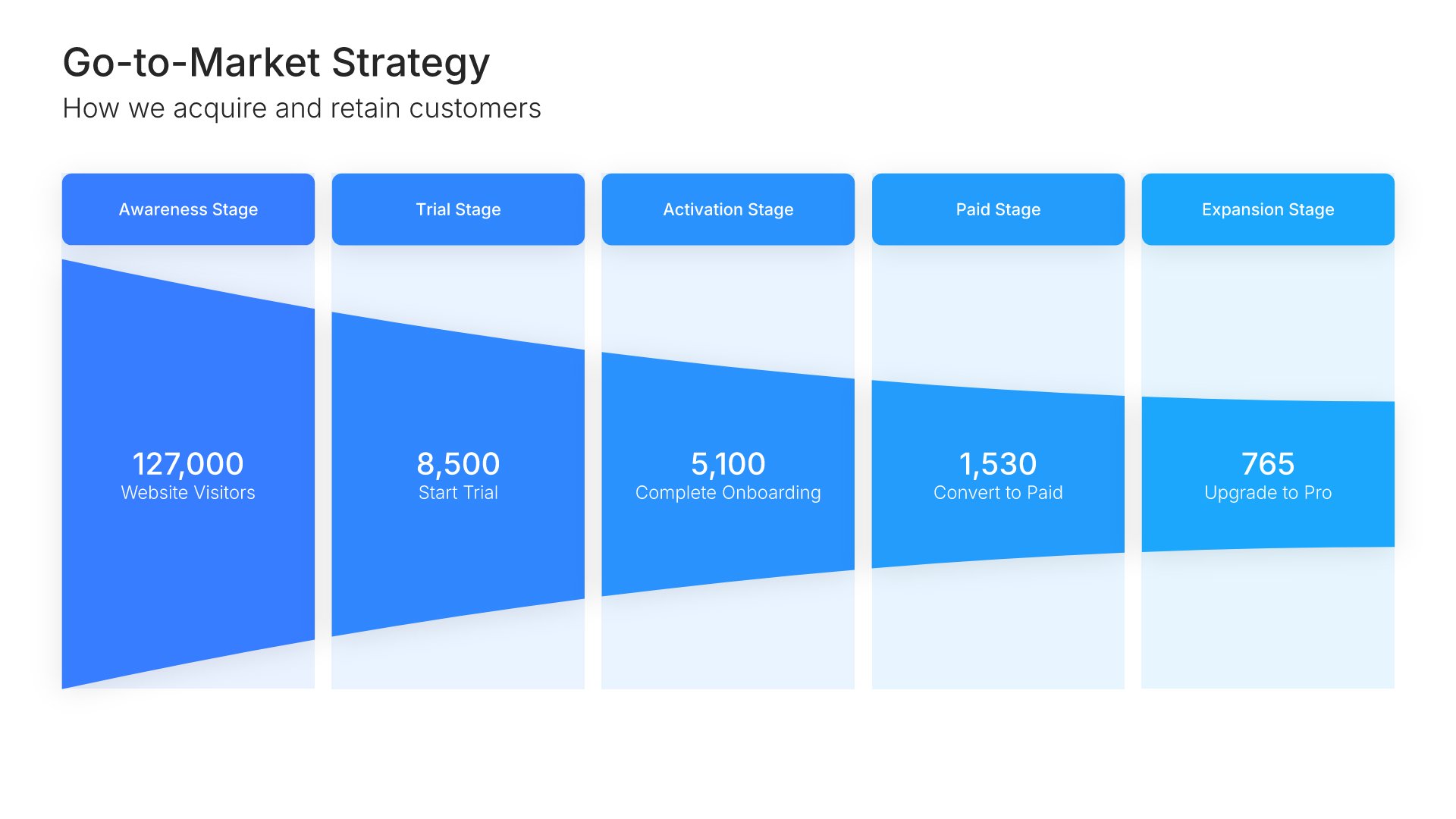
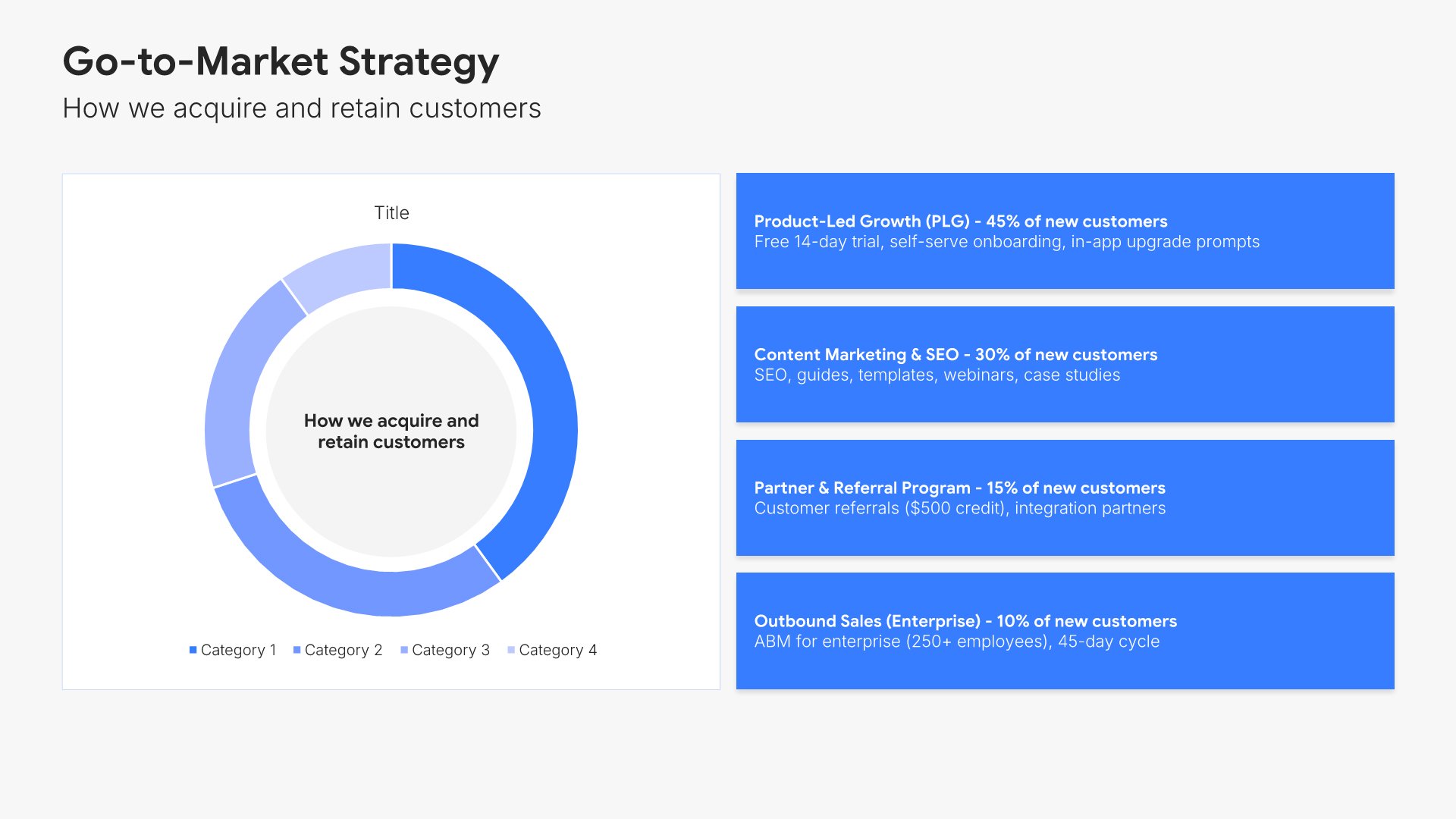
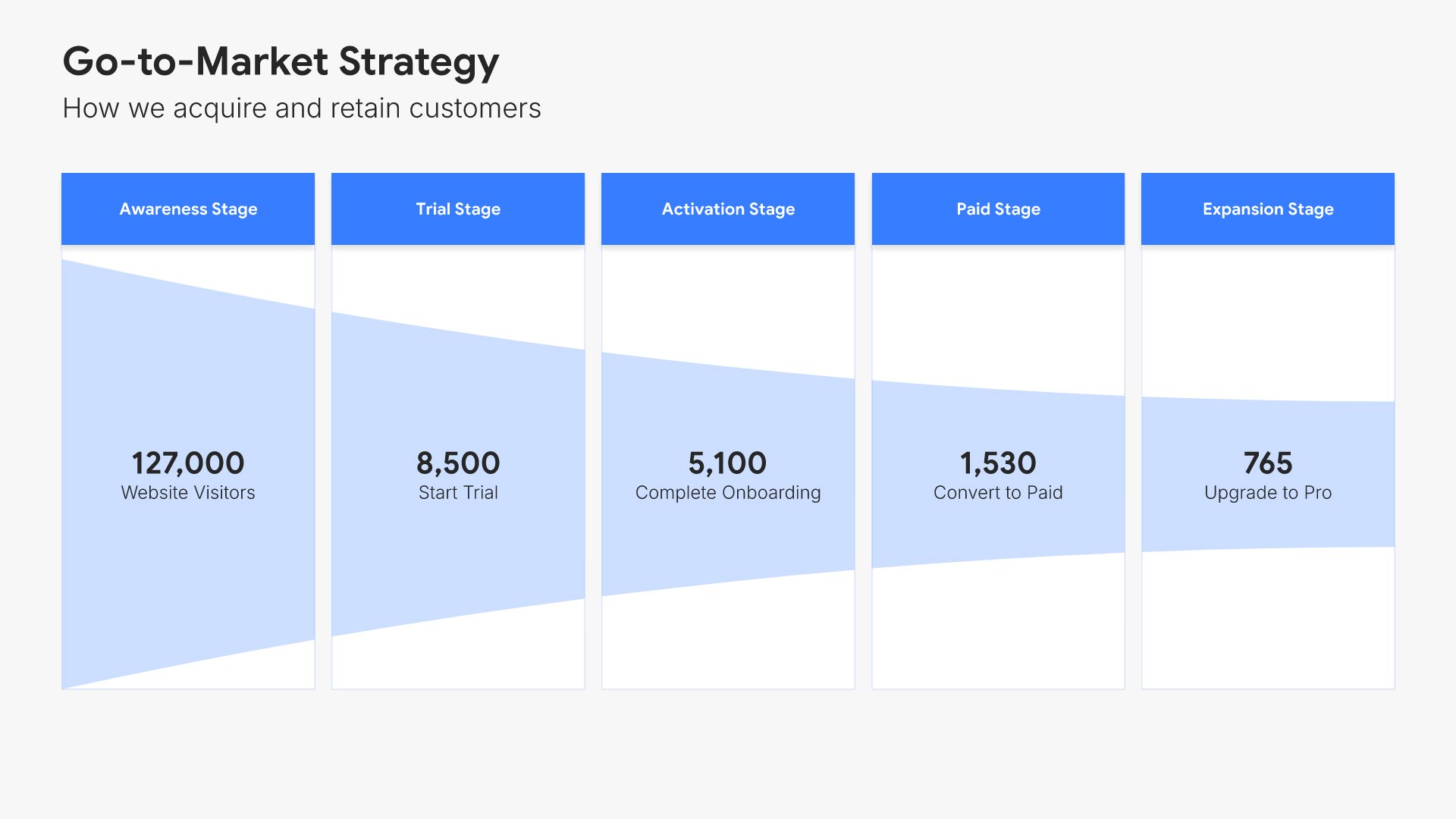
Go-to-market slides help you outline your plan for reaching and acquiring customers. Use them to present your sales channels, marketing approach, distribution strategy, and growth tactics. Ideal for pitch decks, strategic plans, and business proposals where showing how you'll capture market share is essential.
Built using Investment slides

13. Team

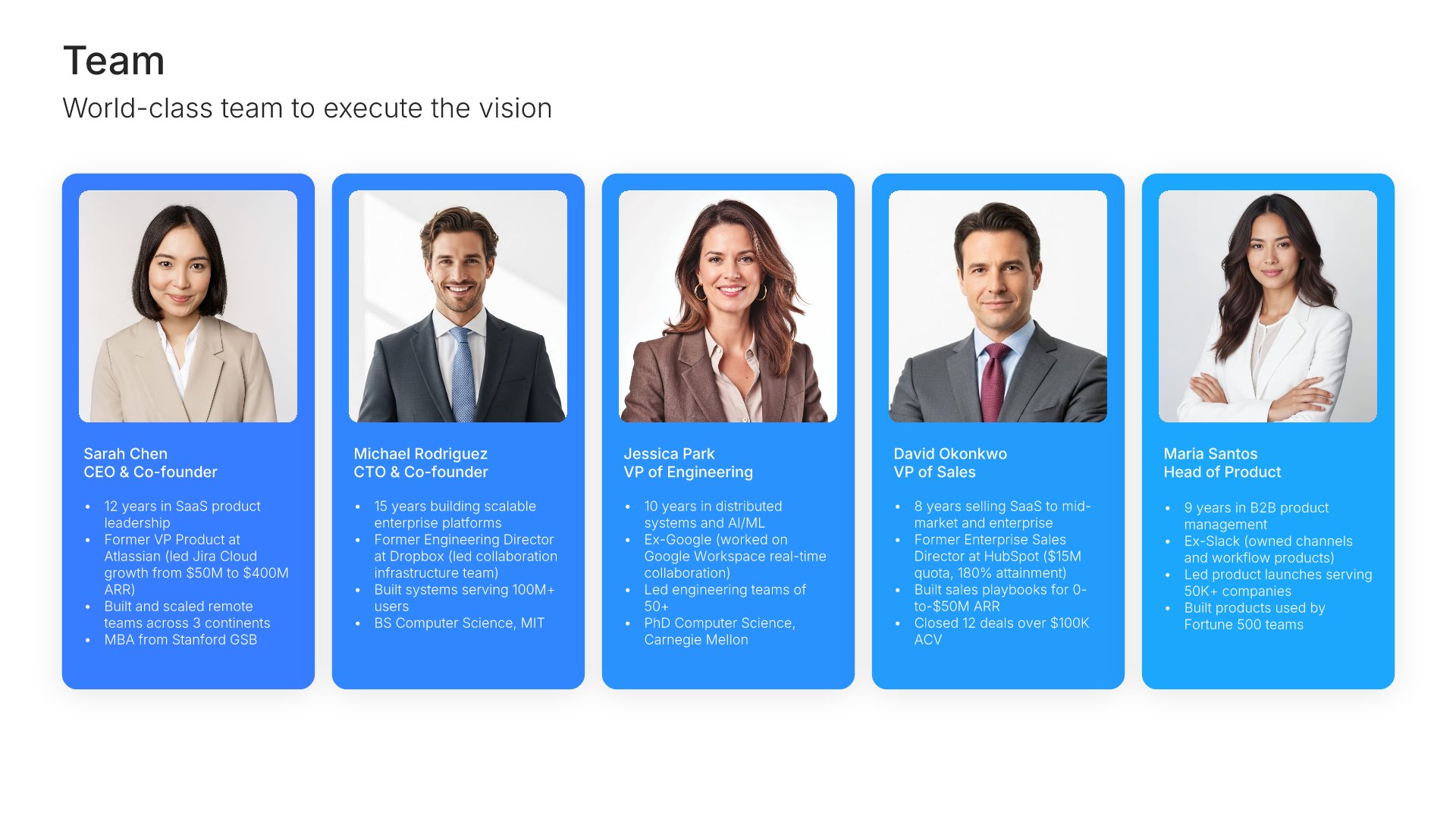
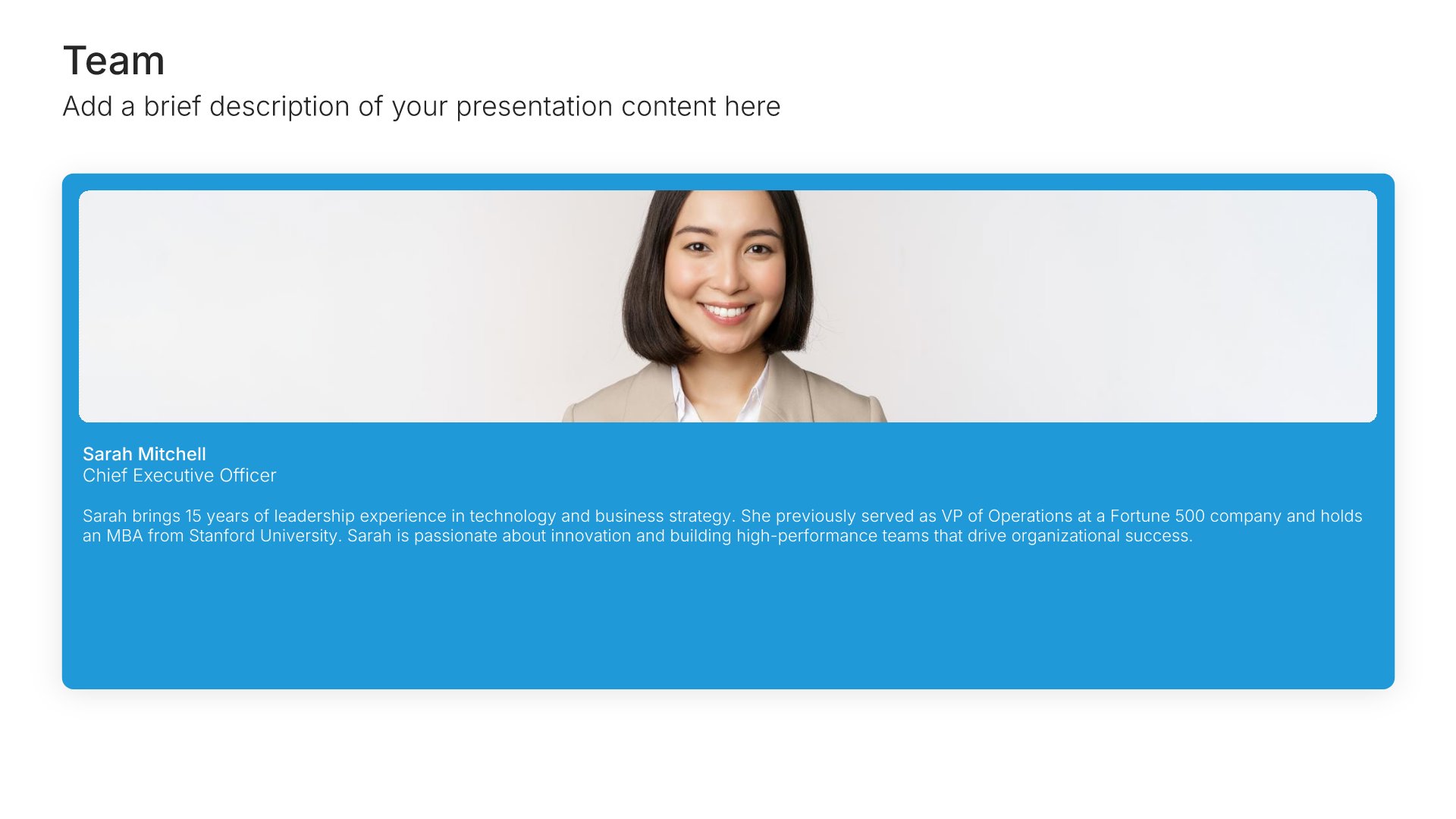
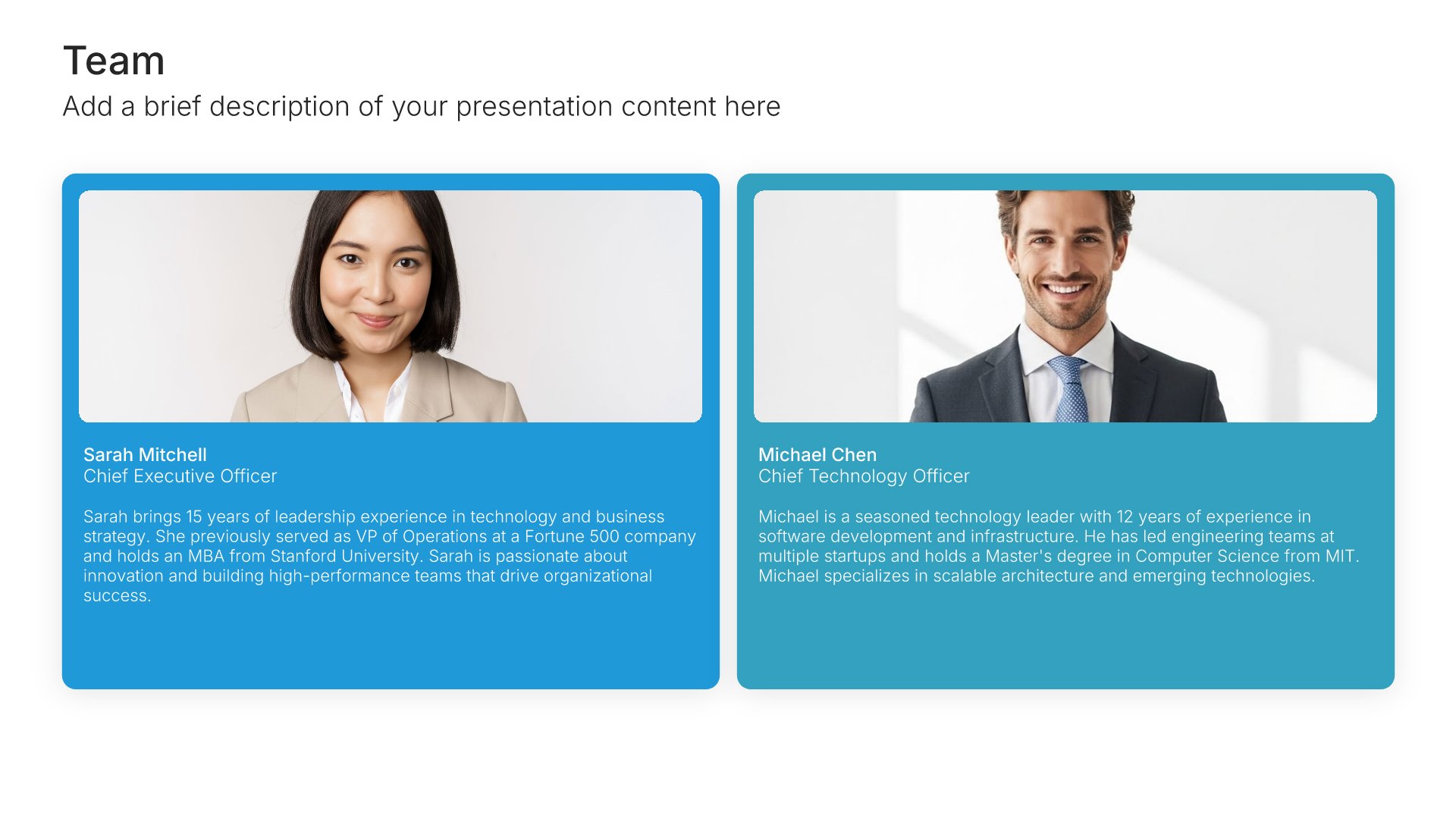
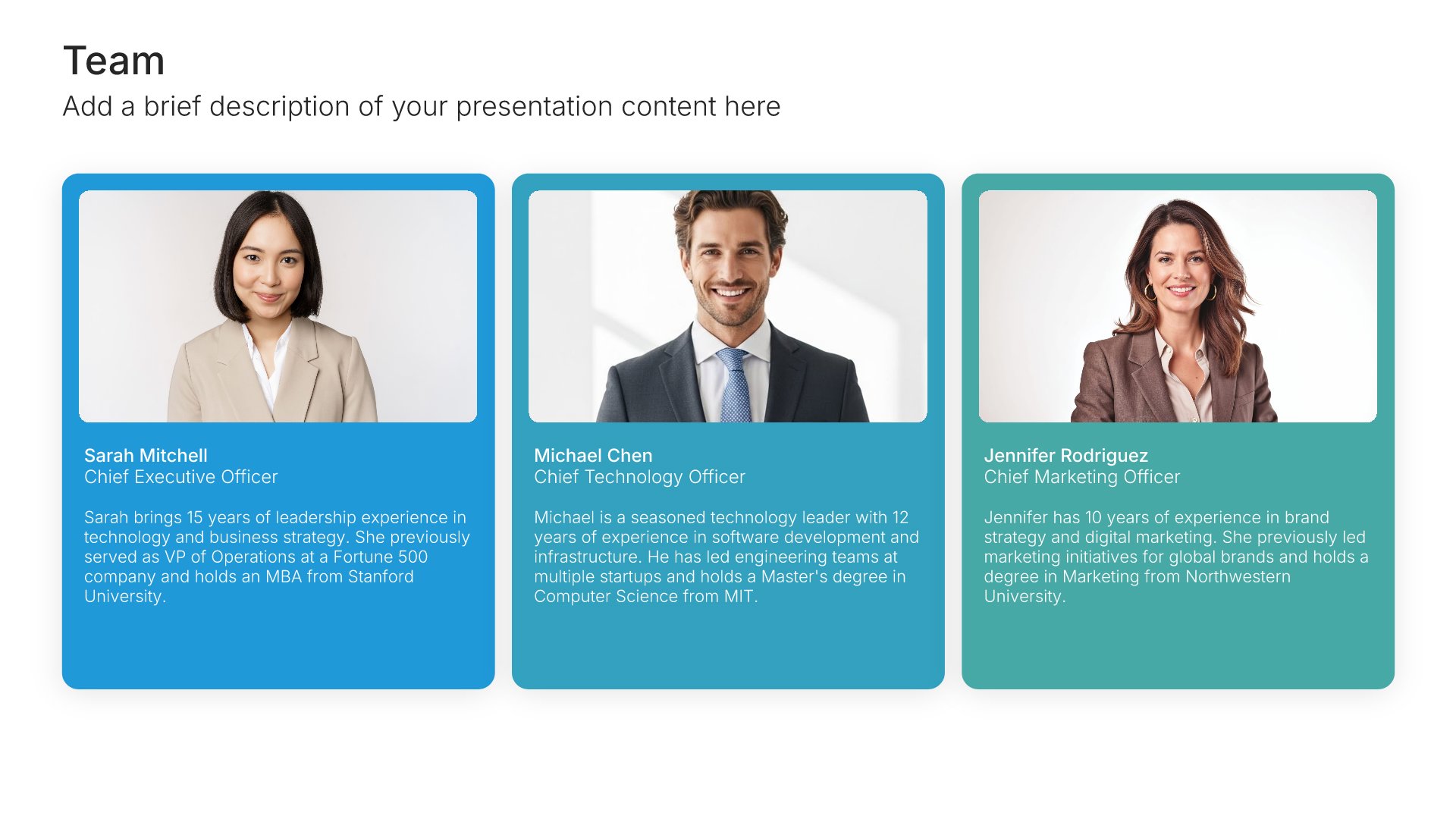
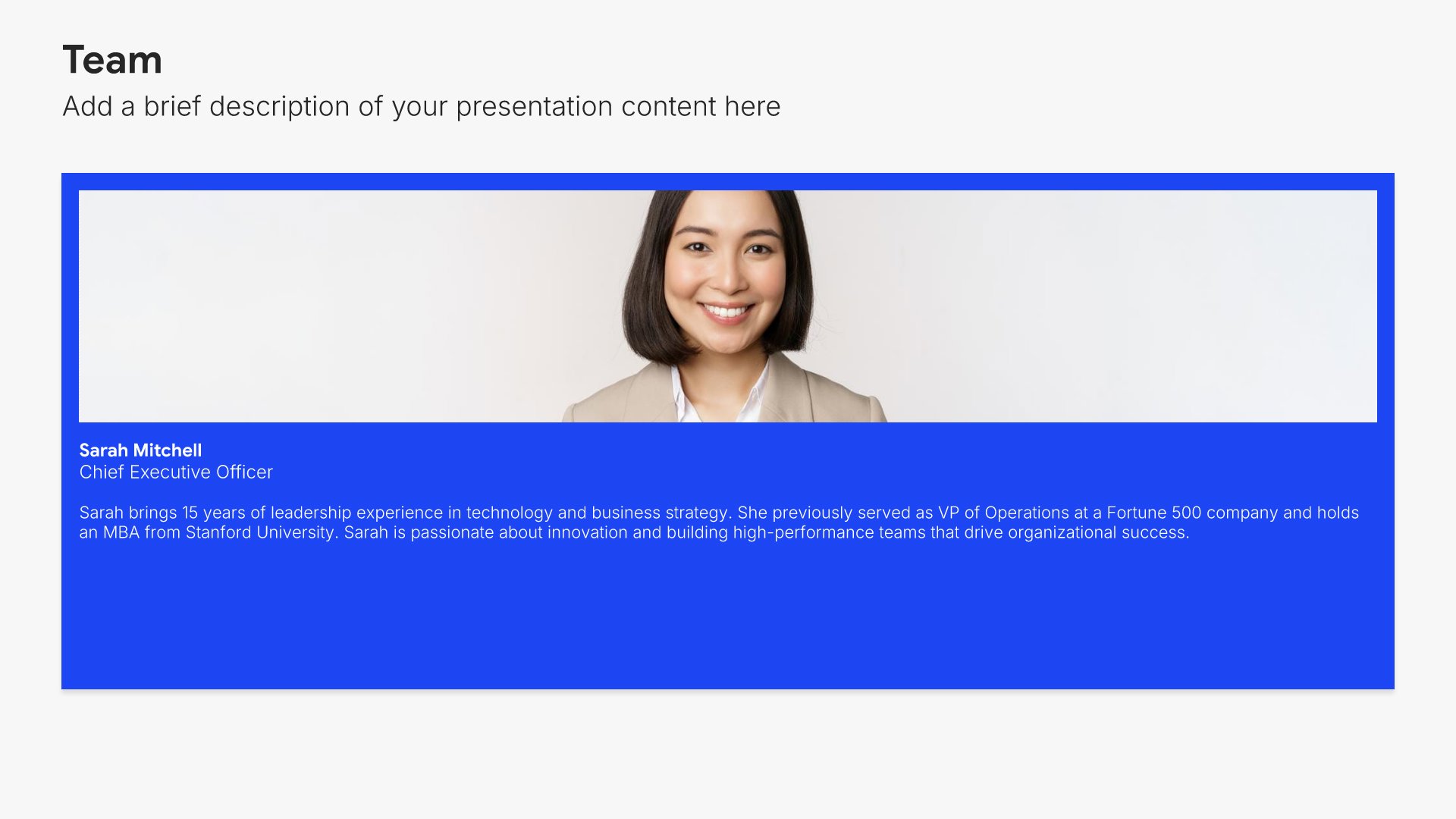
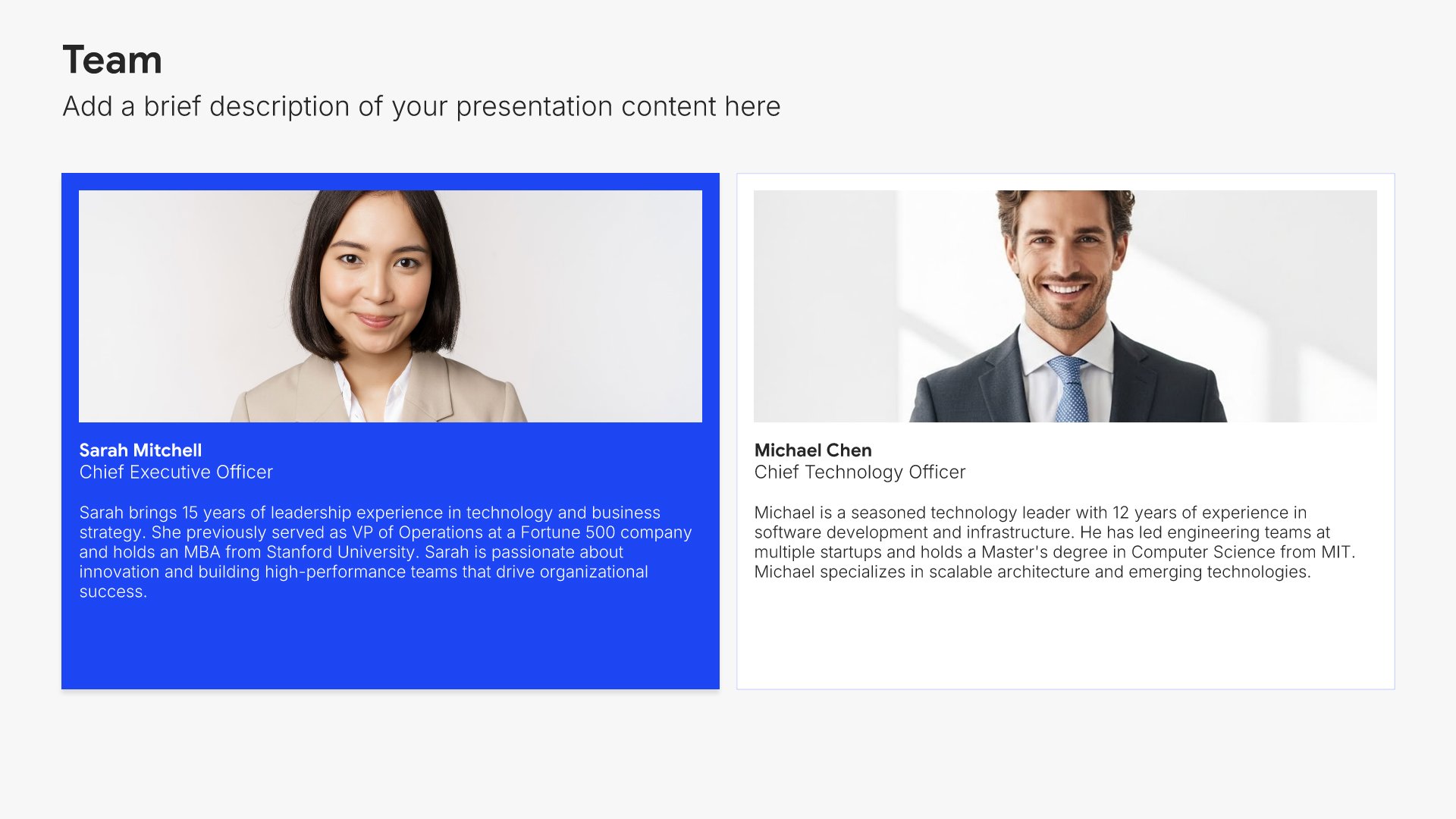
Team slides help you introduce your people and their roles together. Use them to display team members with photos, titles, and descriptions that showcase the talent behind your organization. Ideal for company overviews, pitch decks, and any presentation where showing the strength of your team builds credibility and confidence.
Built using Team slides

14. Financial Projections

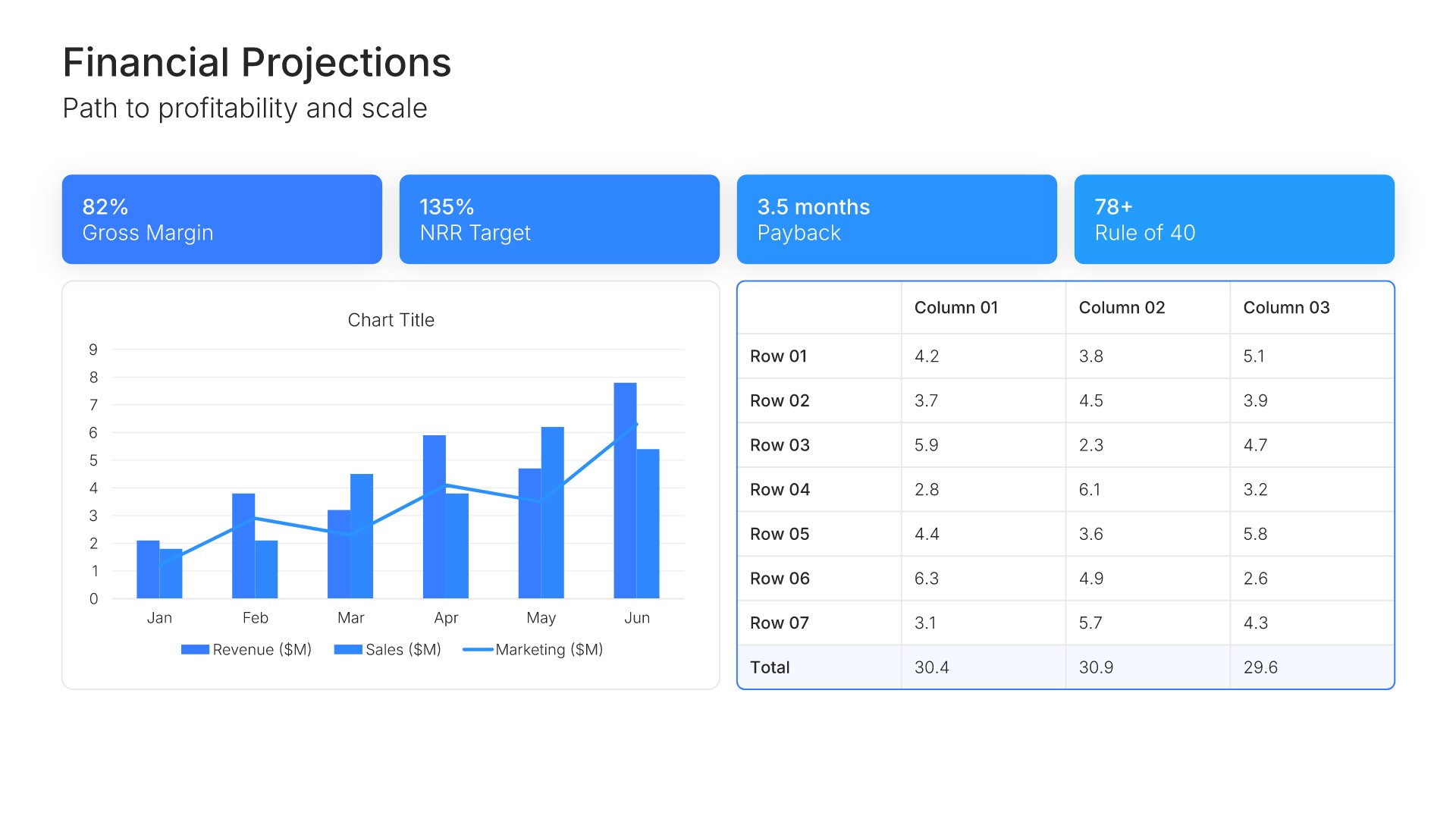
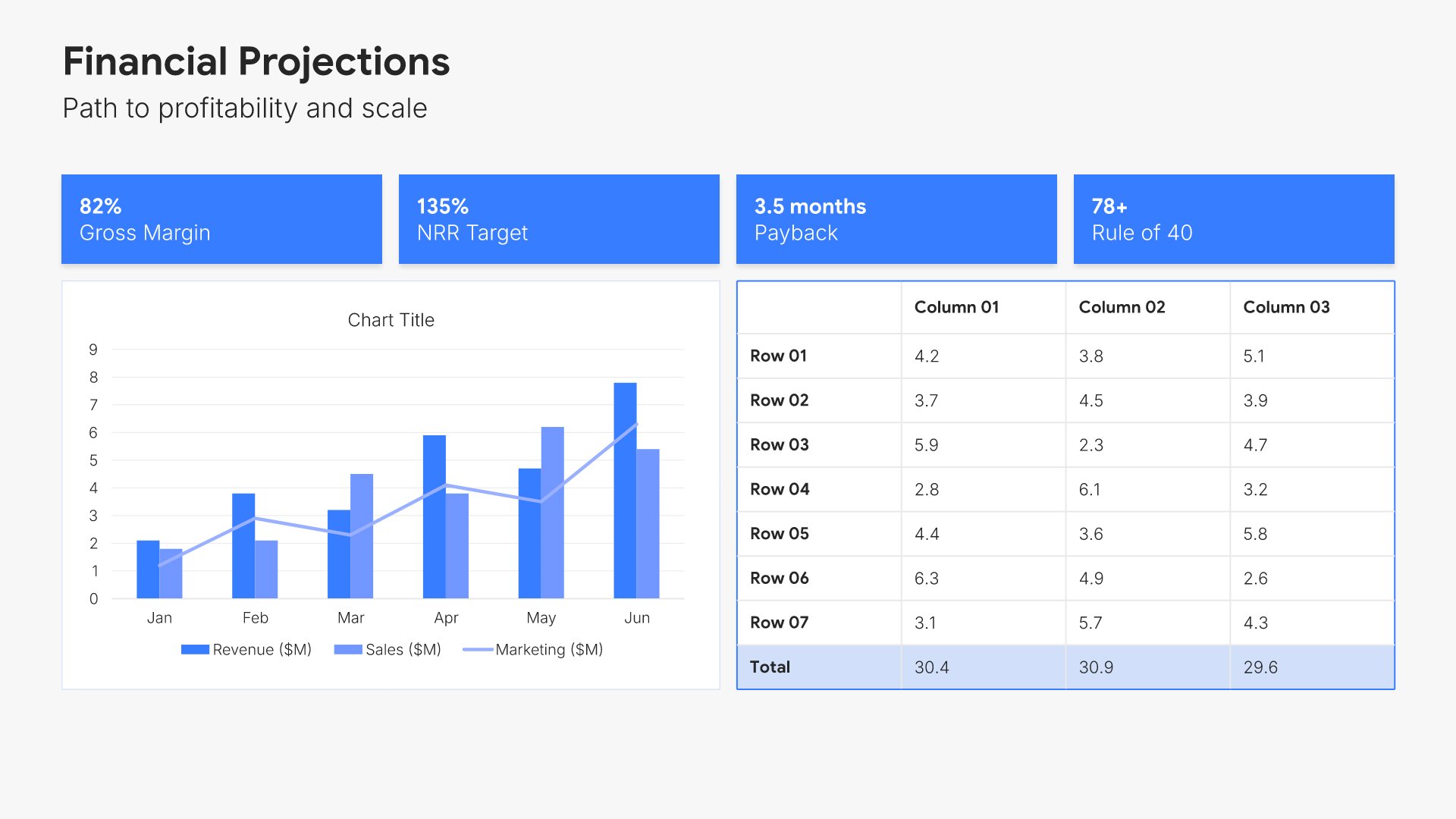
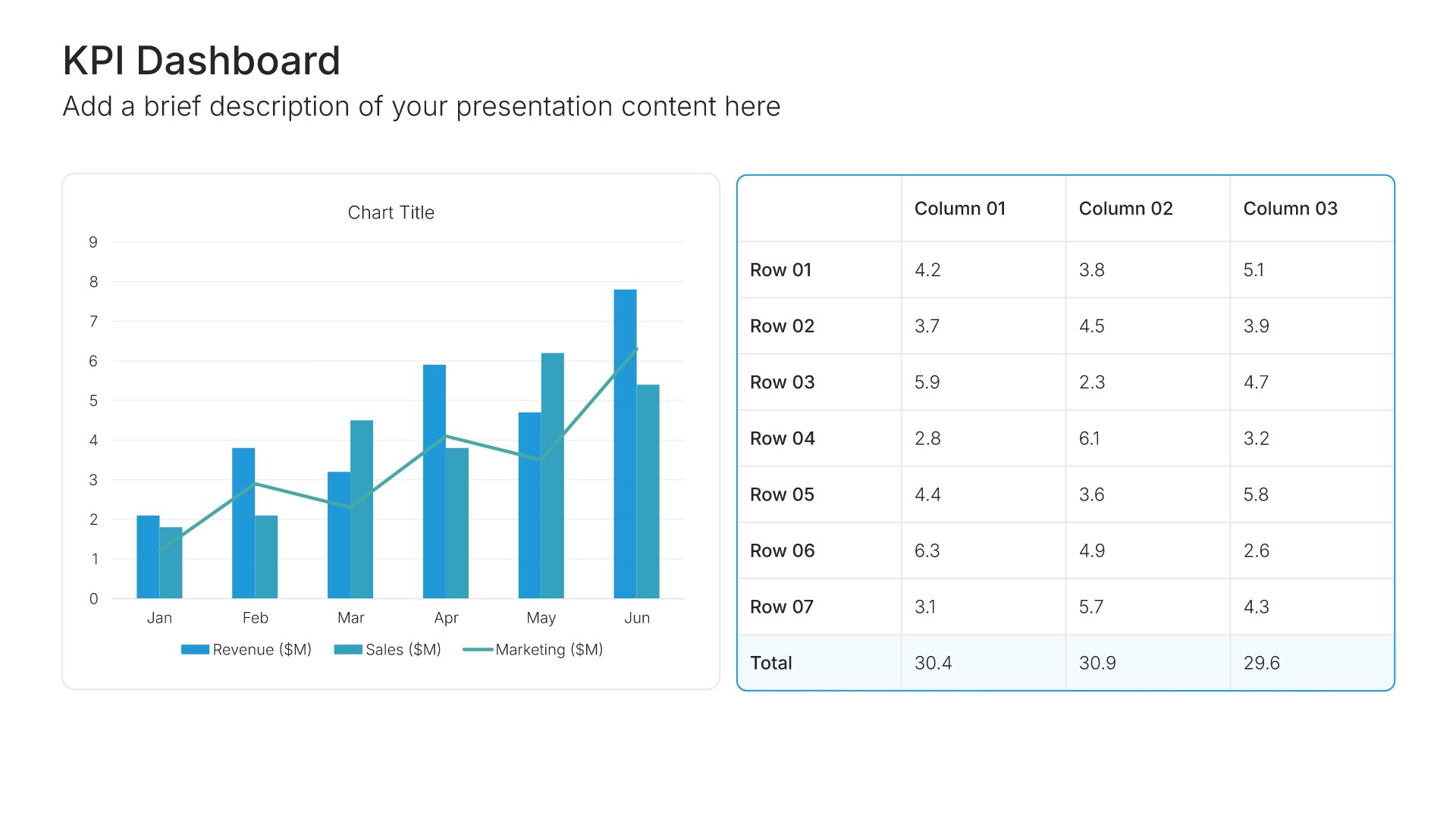
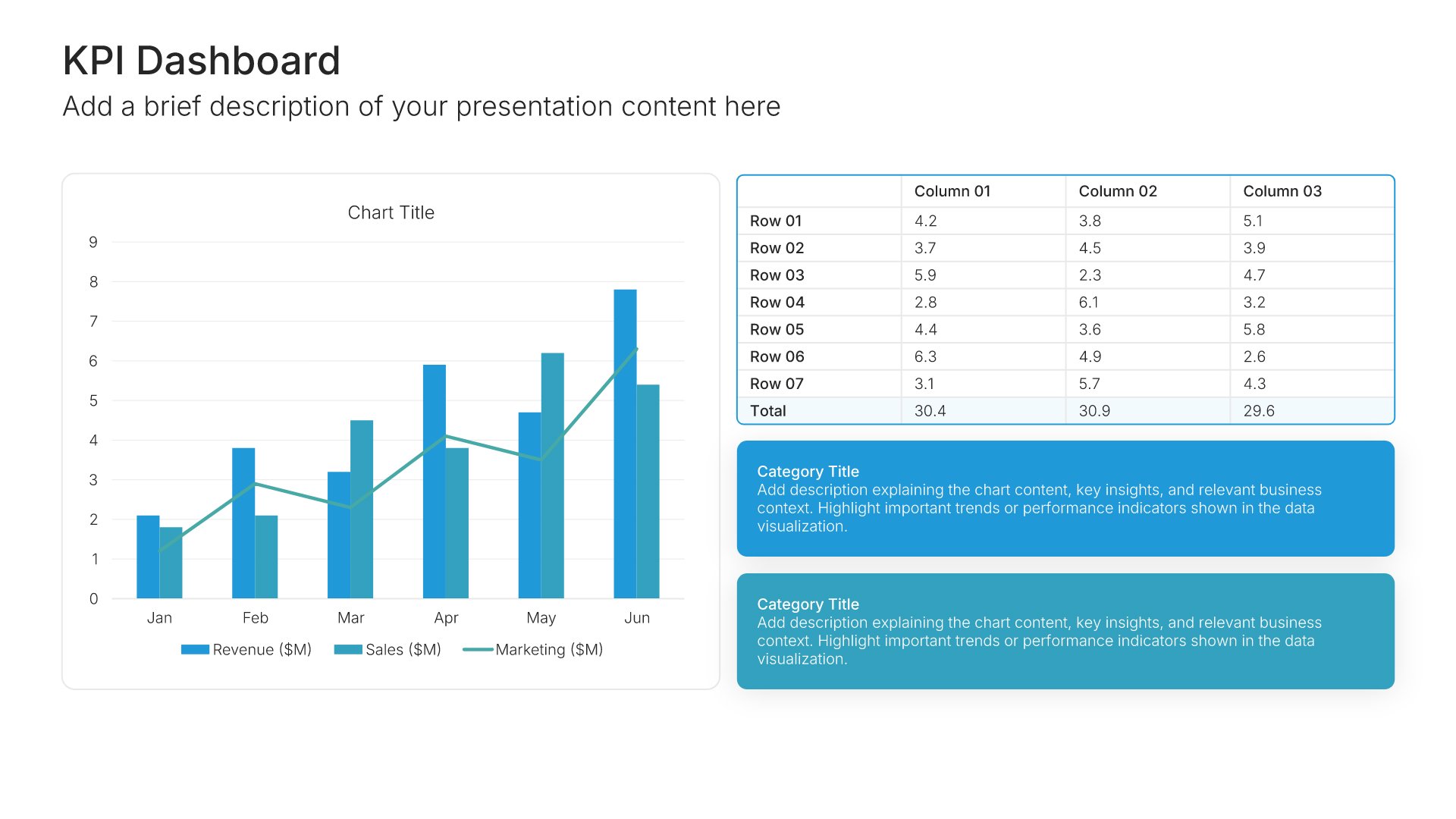
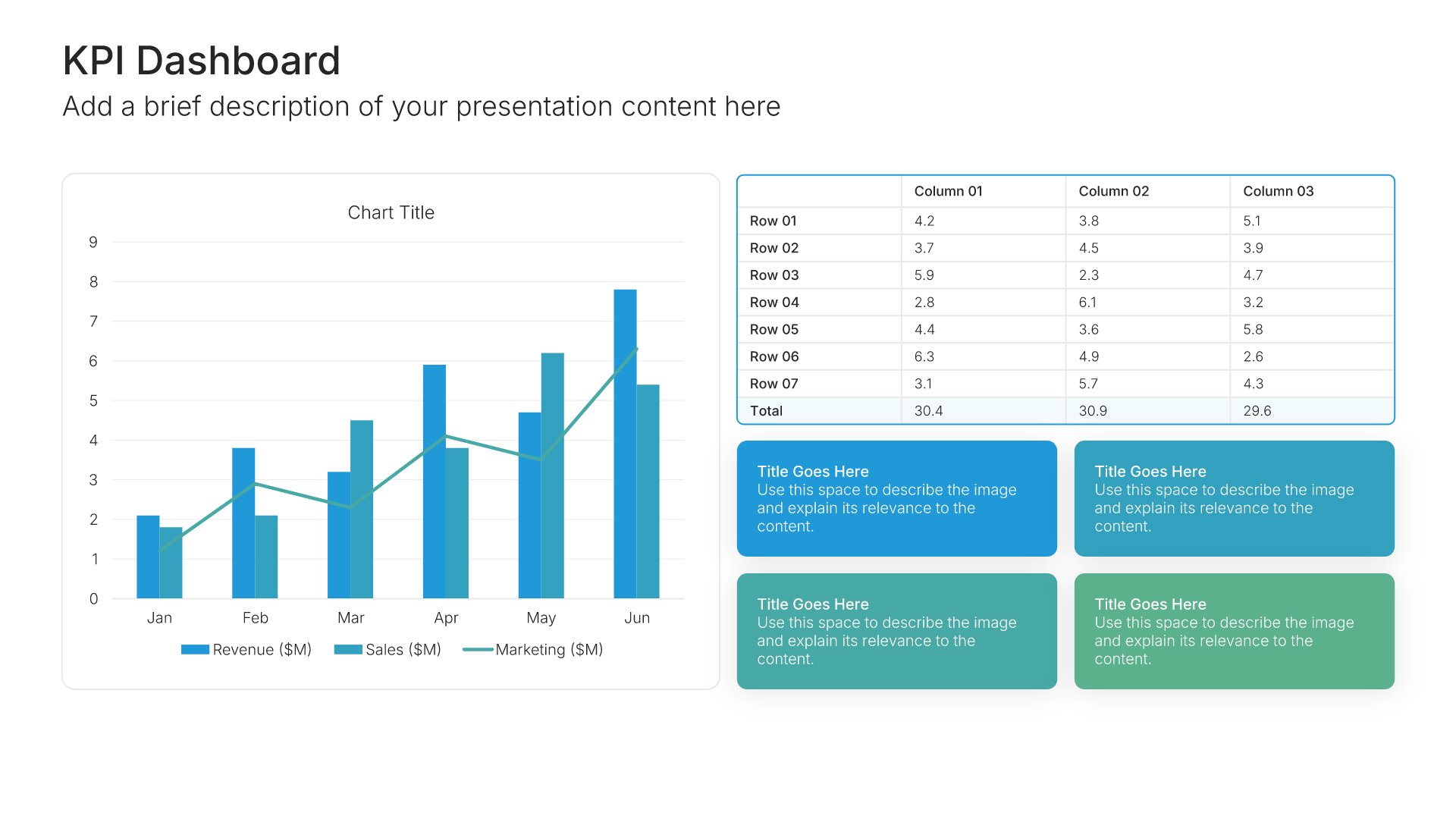
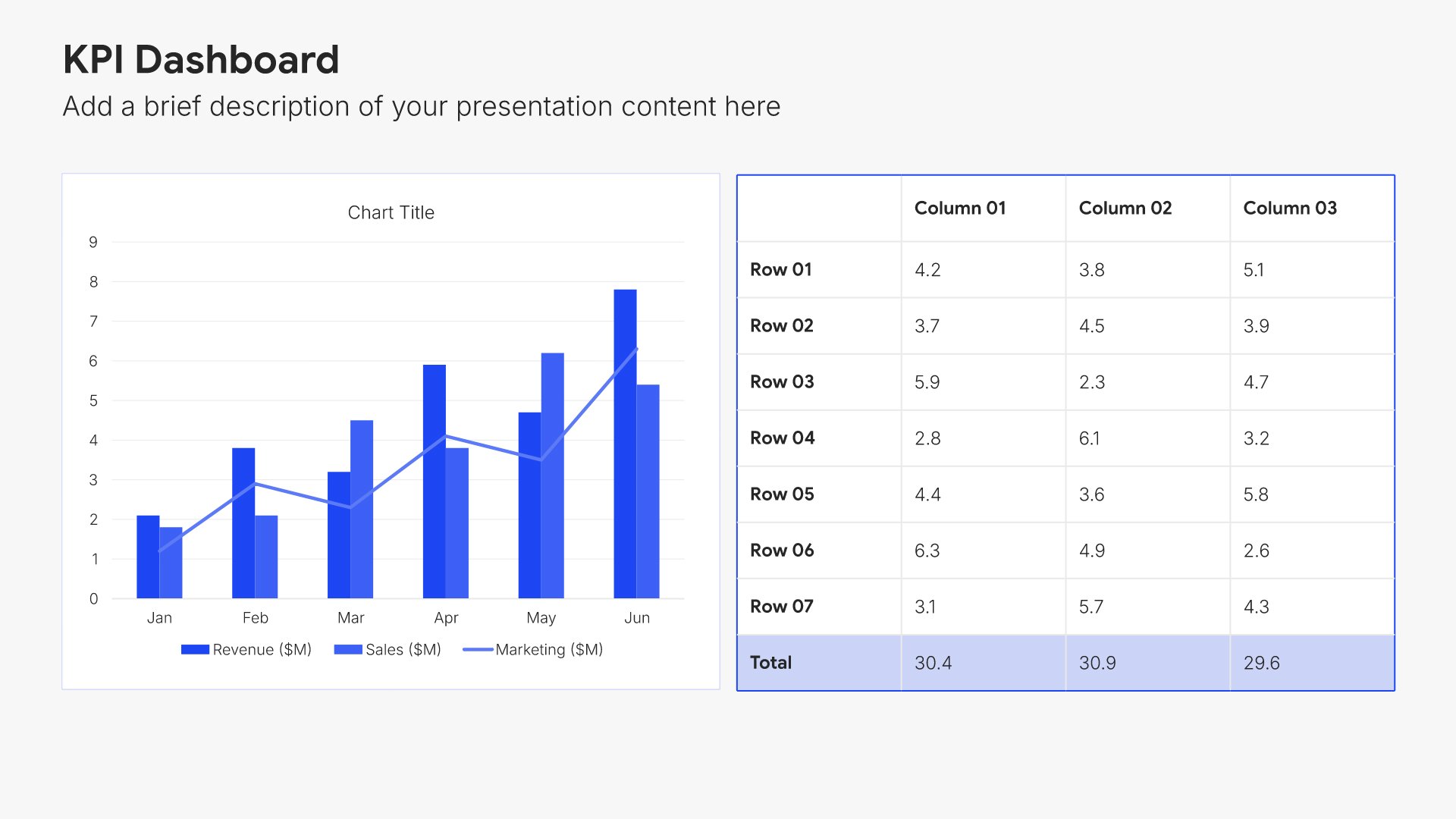
Financial projections slides help you present your expected financial performance over time. Use them to display revenue forecasts, expense budgets, profitability timelines, and key assumptions. Ideal for business plans, investor presentations, and board meetings where demonstrating your financial path forward is essential.
Built using KPI Dashboard slides

15. Investment

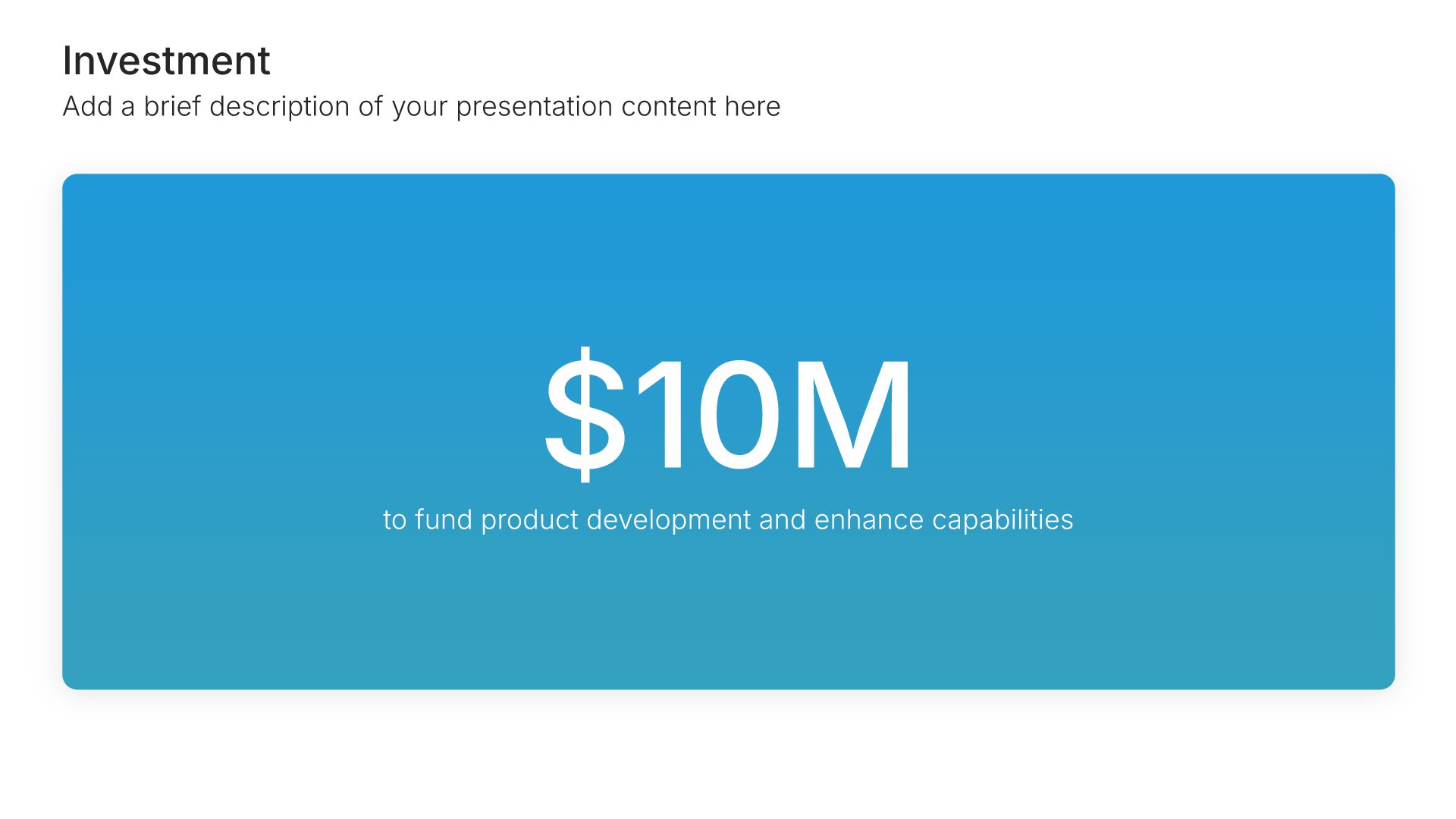
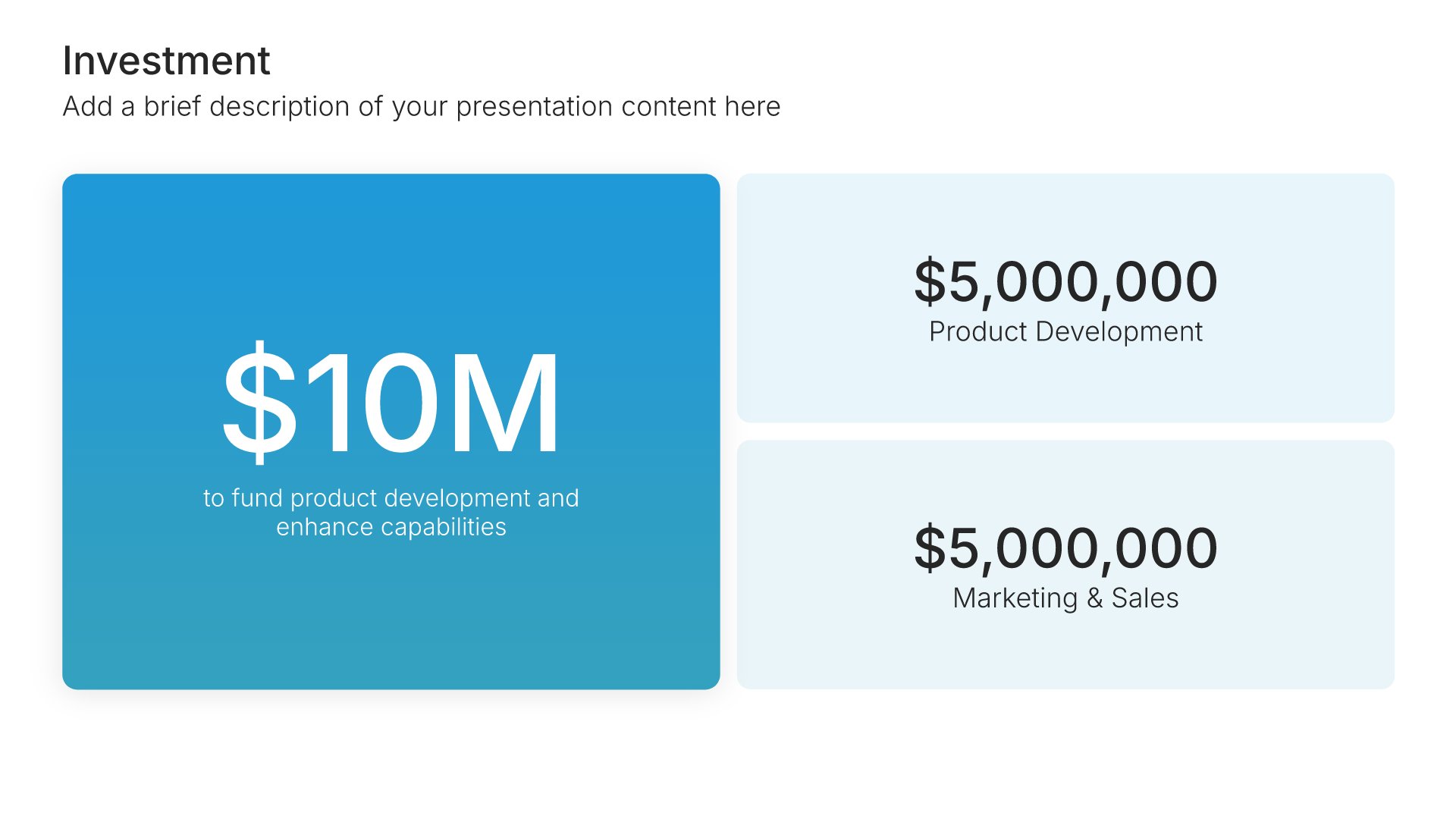
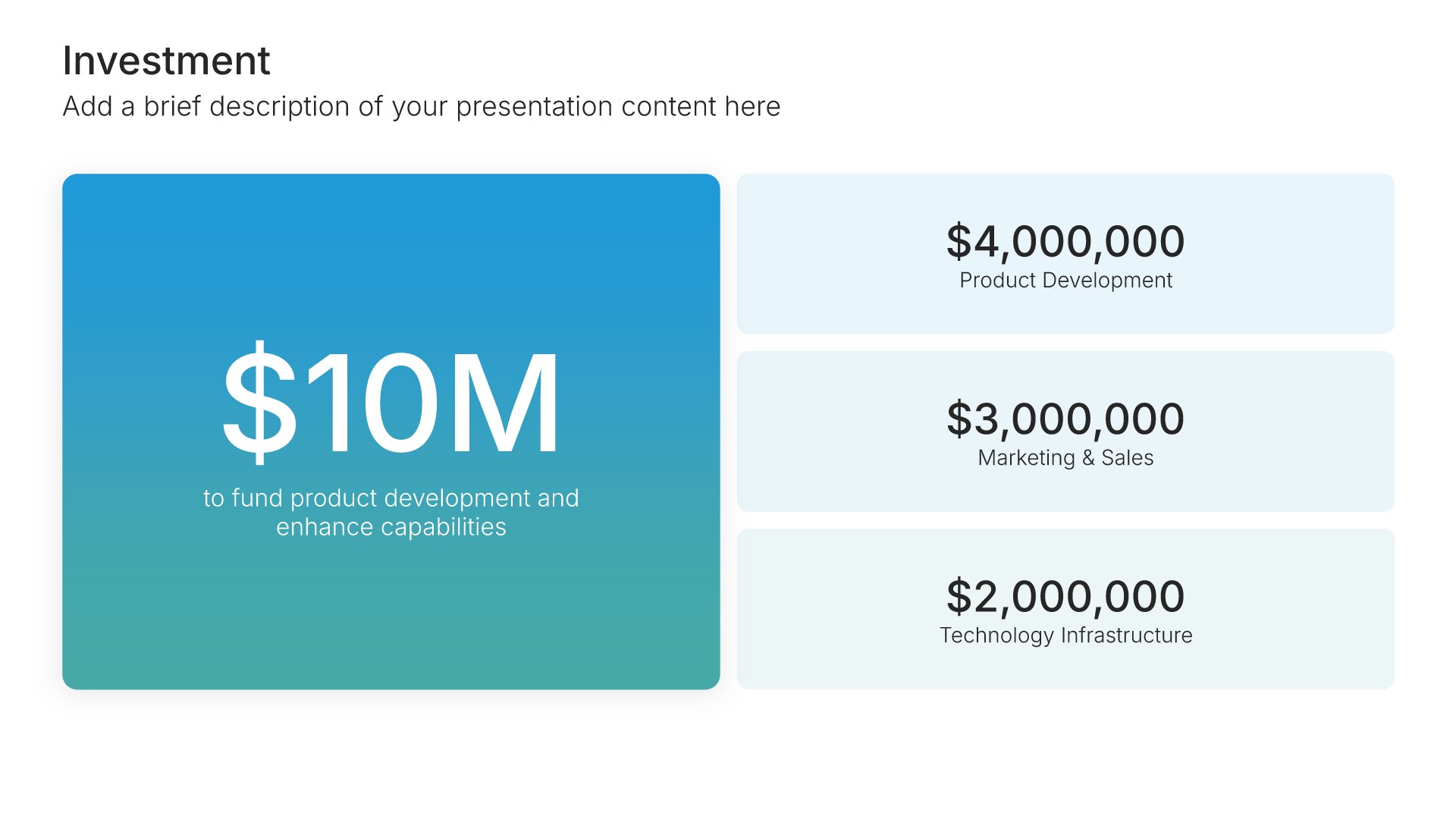
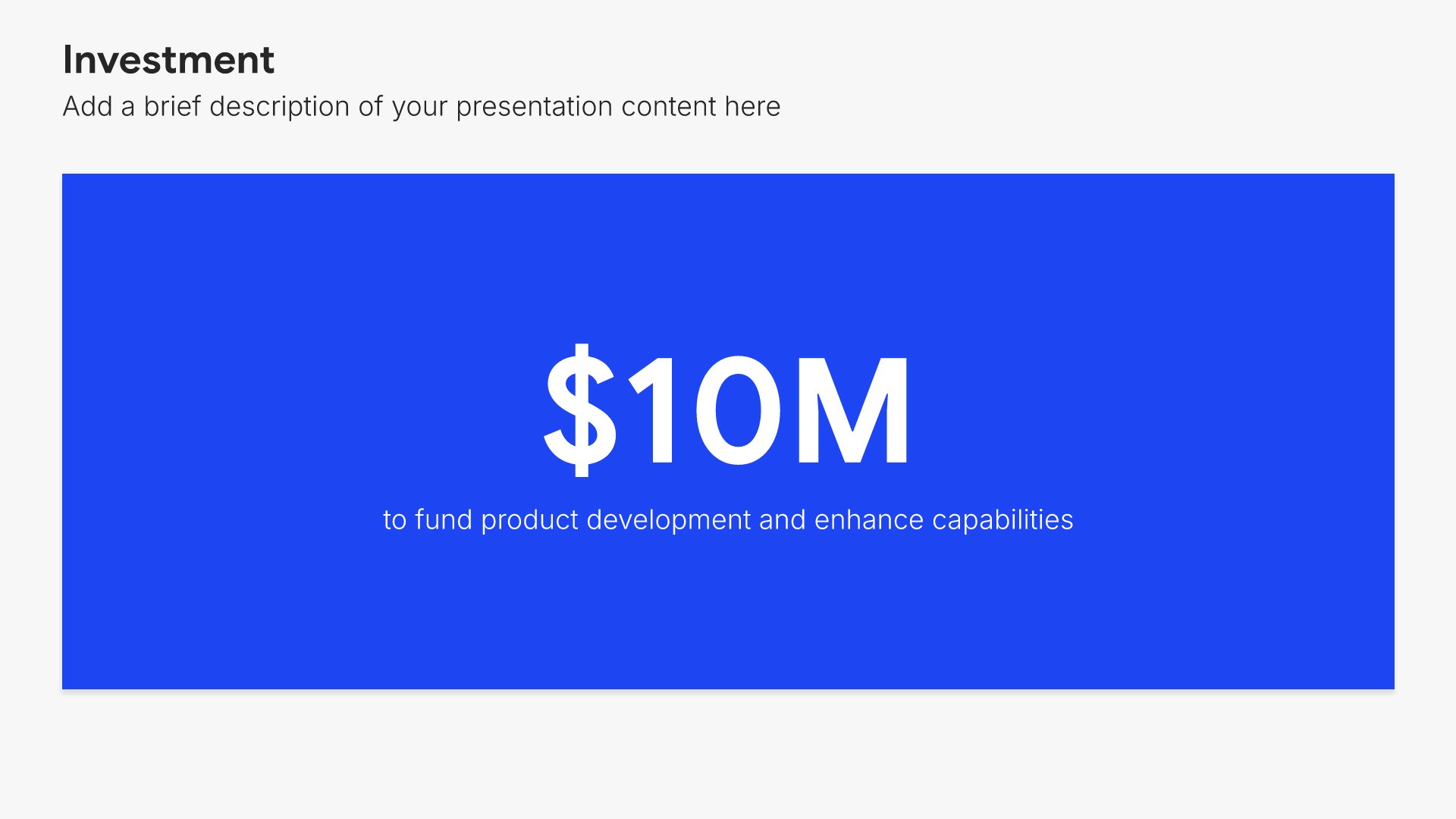
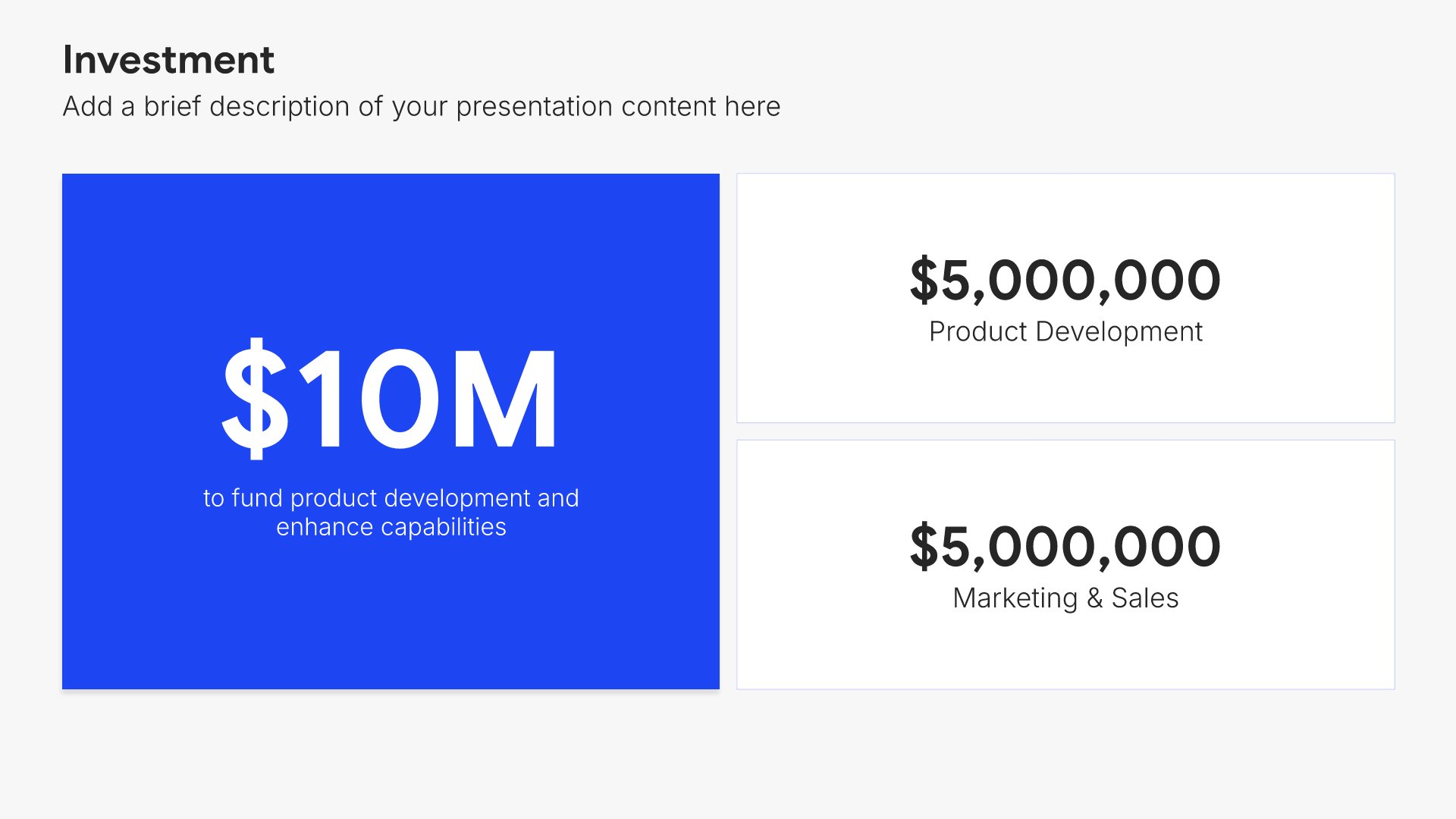
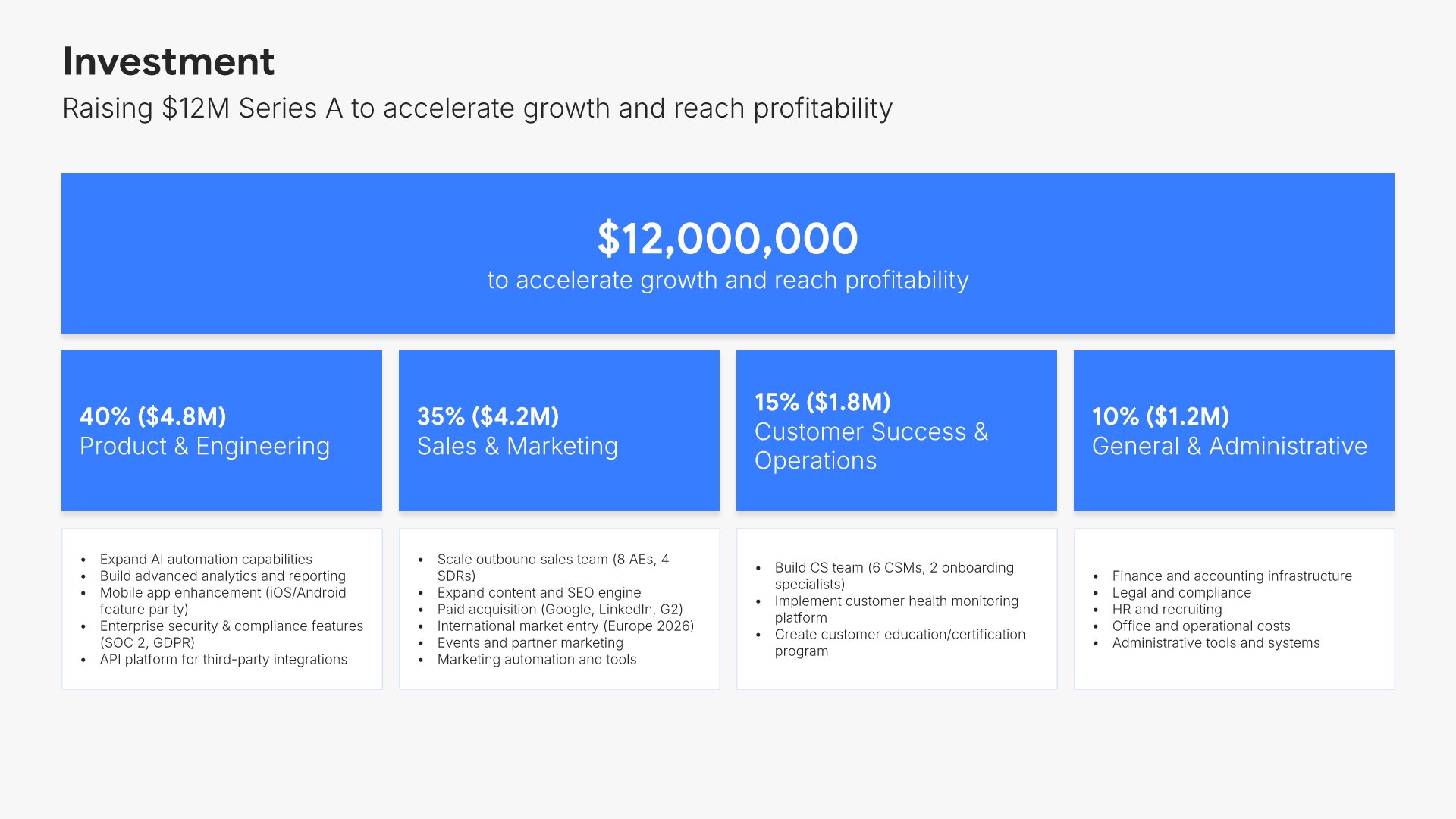
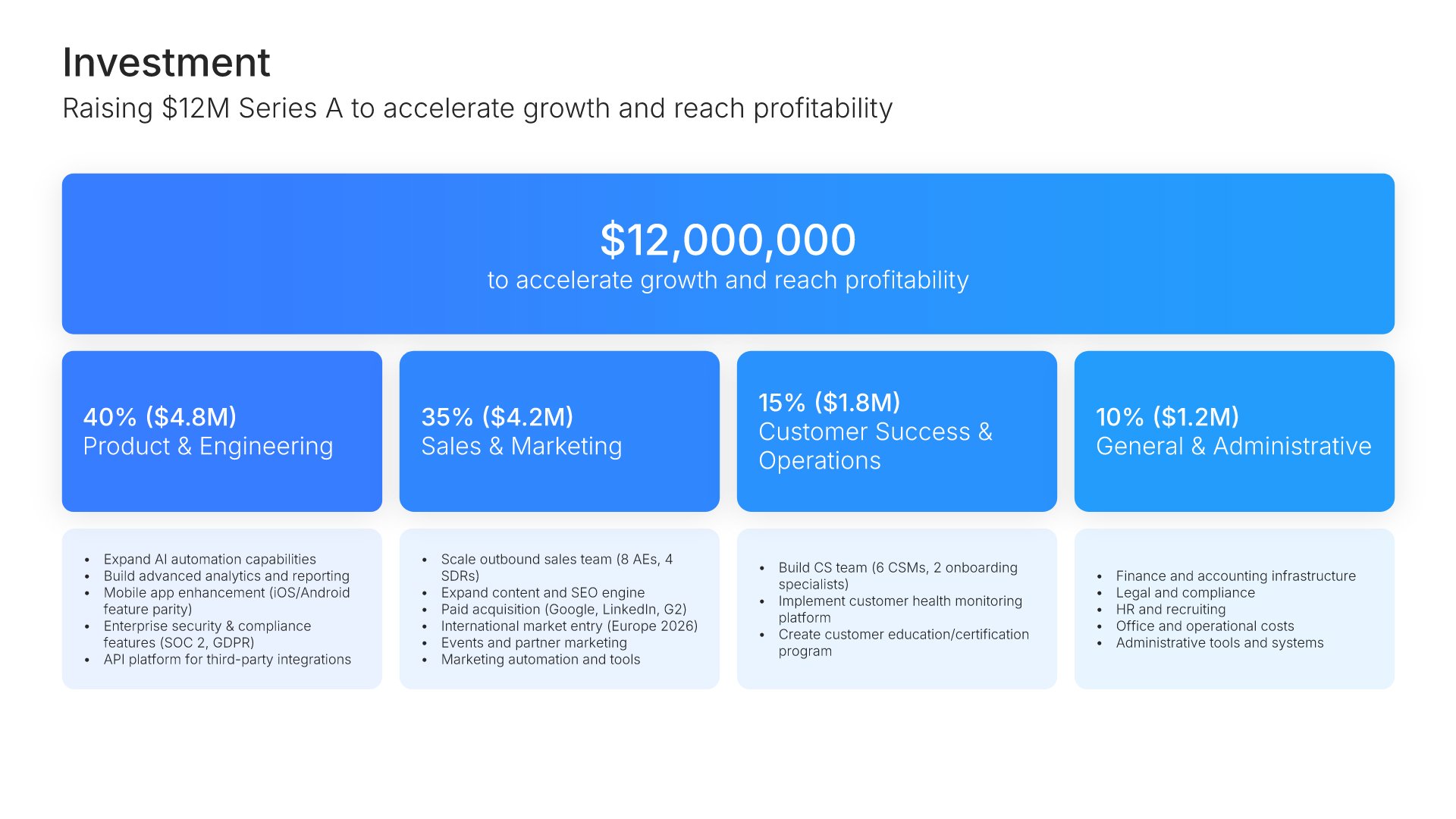
Investment slides help you show funding allocation and breakdown clearly. Use them to display total investment amounts with detailed breakdowns by category, department, or initiative. Ideal for funding requests, budget presentations, and any pitch where showing how capital will be deployed builds investor and stakeholder confidence.
Built using Investment slides

16. Thank You

Thank you slides help you close presentations professionally. Use them to end with gratitude, provide contact information, and leave a polished final impression. Ideal for any presentation where a professional closing reinforces your message and gives your audience a clear way to follow up or stay connected.
Built using Thank You slides

Build your SaaS/Tech Series A Pitch Deck presentation with Twodart

Transform your SaaS/Tech Series A Pitch Deck vision into reality with Twodart’s user-friendly platform. Follow our step-by-step guide, harnessing our vast collection of slides and tools, to create a compelling and cohesive presentation that resonates with your audience.

Step 1

Browse and Select Your Slides​

Discover from over 9,172 unique slides in 134 categories or kickstart with 31 premade presentation templates. Design skills? Not needed.
Step 2

Brand Your Presentation

Add your logo and easily customize theme colors to align with your brand. 30+ preset colors, or explore unlimited color options for perfect match.

Step 3

Export Presentation Seamlessly​

With a single click, export your slides to Powerpoint, Google Slides, or Keynote. Enjoy unlimited exports with no restrictions or limitations.
Step 4

Personalize Your Content​

Replace text and image placeholders with your content effortlessly. Customize using tools like Powerpoint, Google Slides, or Keynote and present proudly.
Try Twodart for free today and experience the ease of creating remarkable presentations.

No Sign-in or Credit Card Required

Wait!
Before you go, have you had the chance to experience Twodart? If not try out – Twodart for absolutely FREE!!

No Sign-in or Credit Card Required

Experience Twodart Yourself!
Why just read about it when you can experience it? Dive into our presentation library – absolutely FREE!

No Sign-in or Credit Card Required