Try Choladeck Free: Download Personalized Business Slides Today

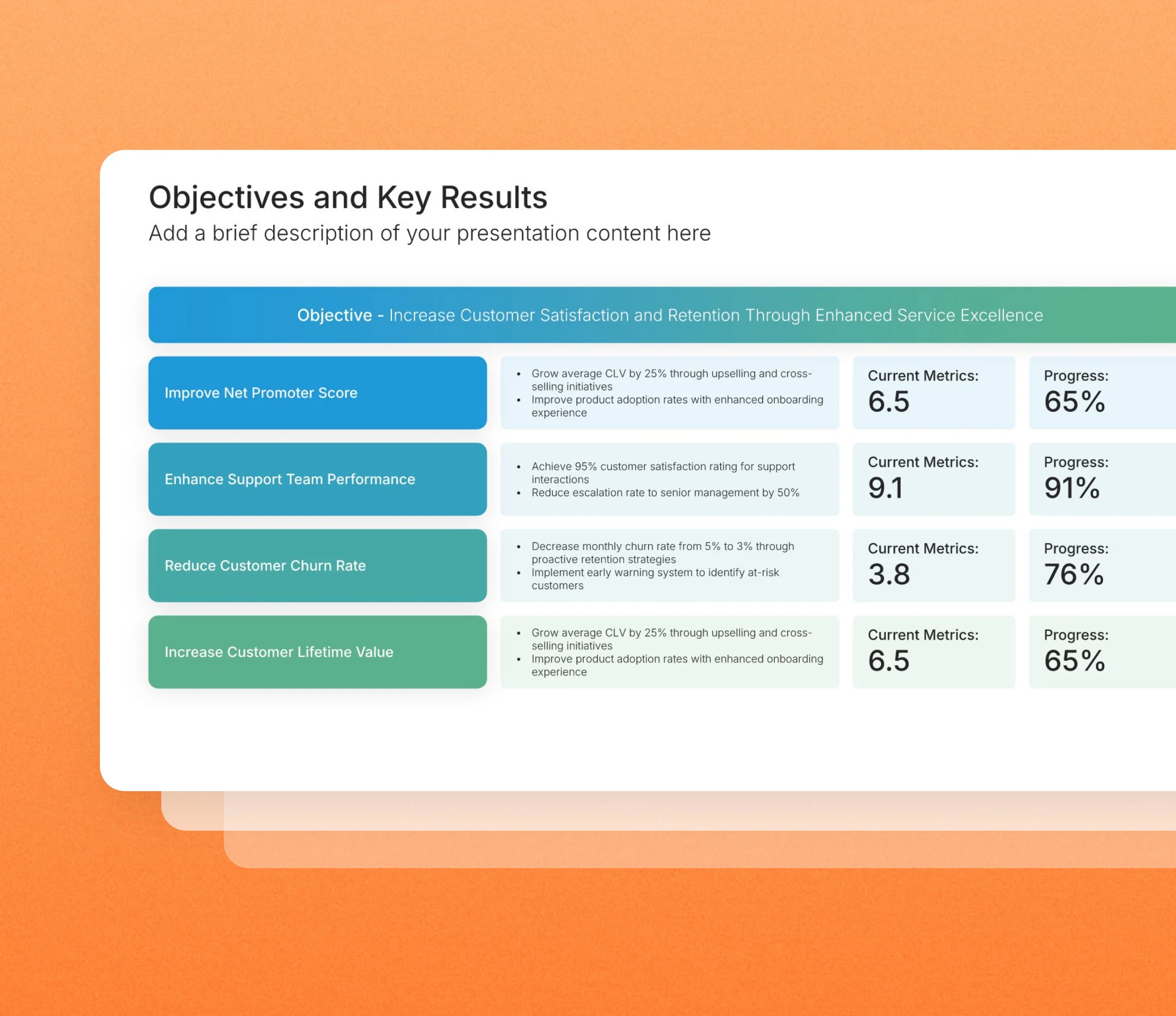
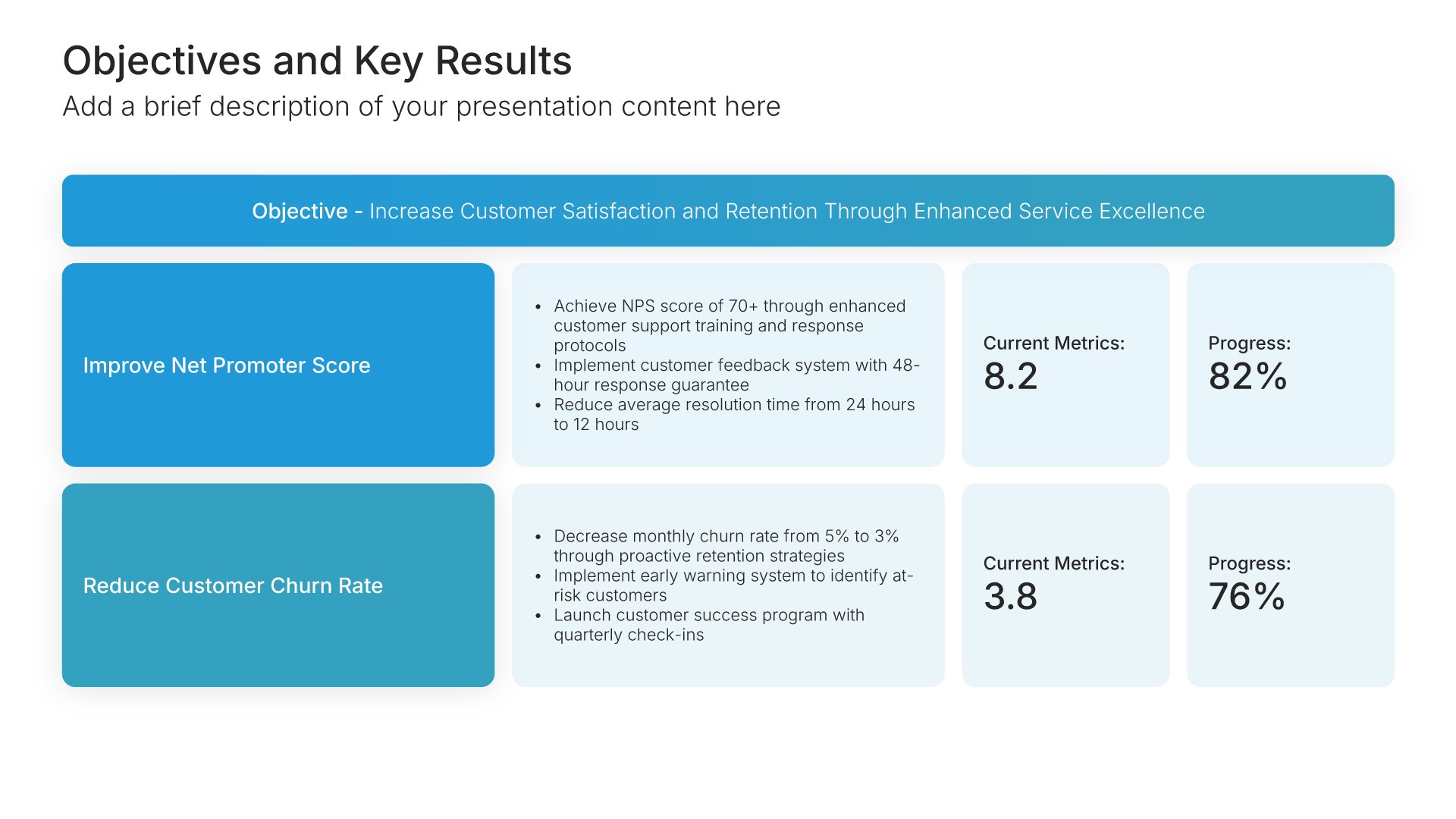
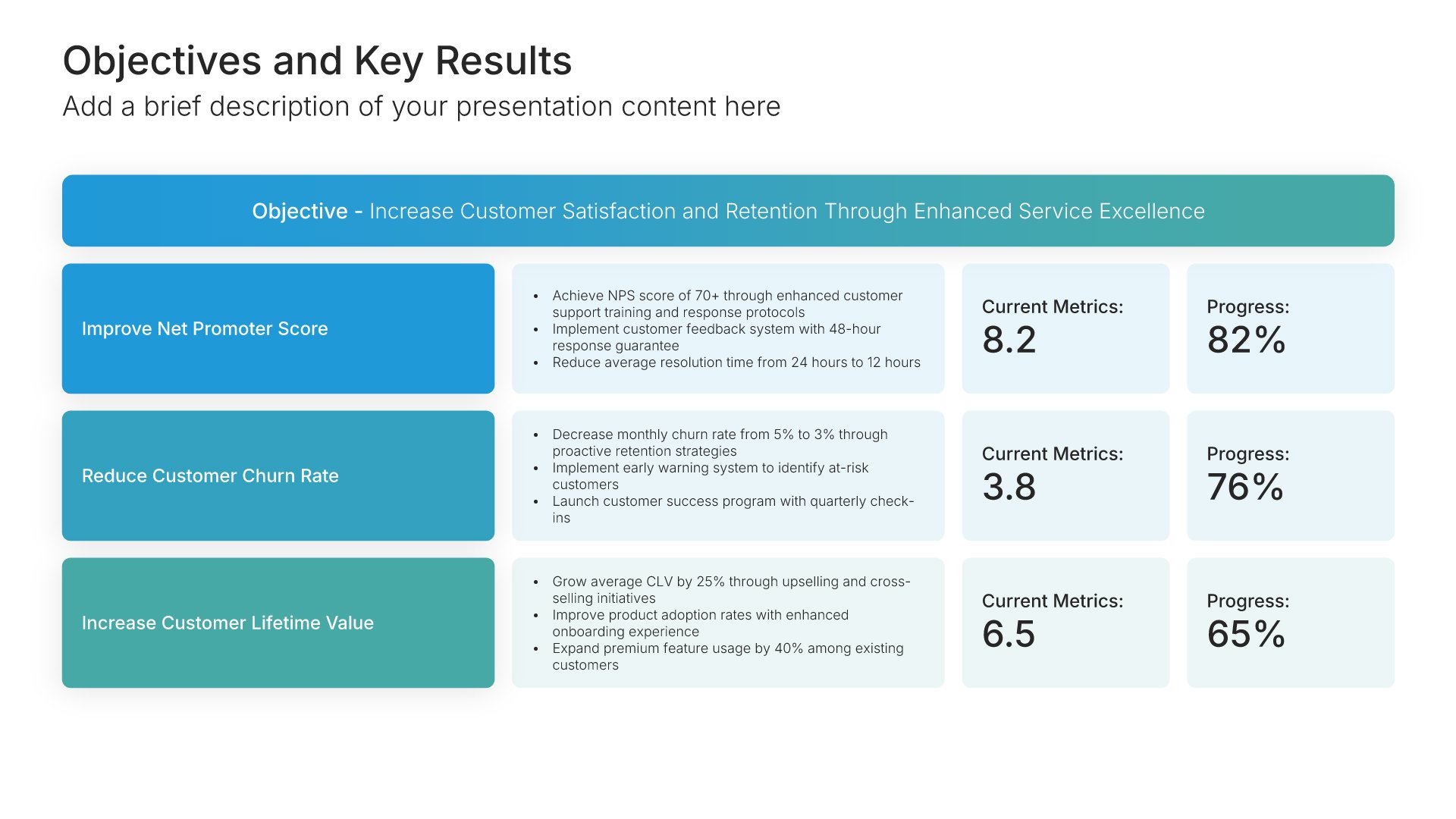
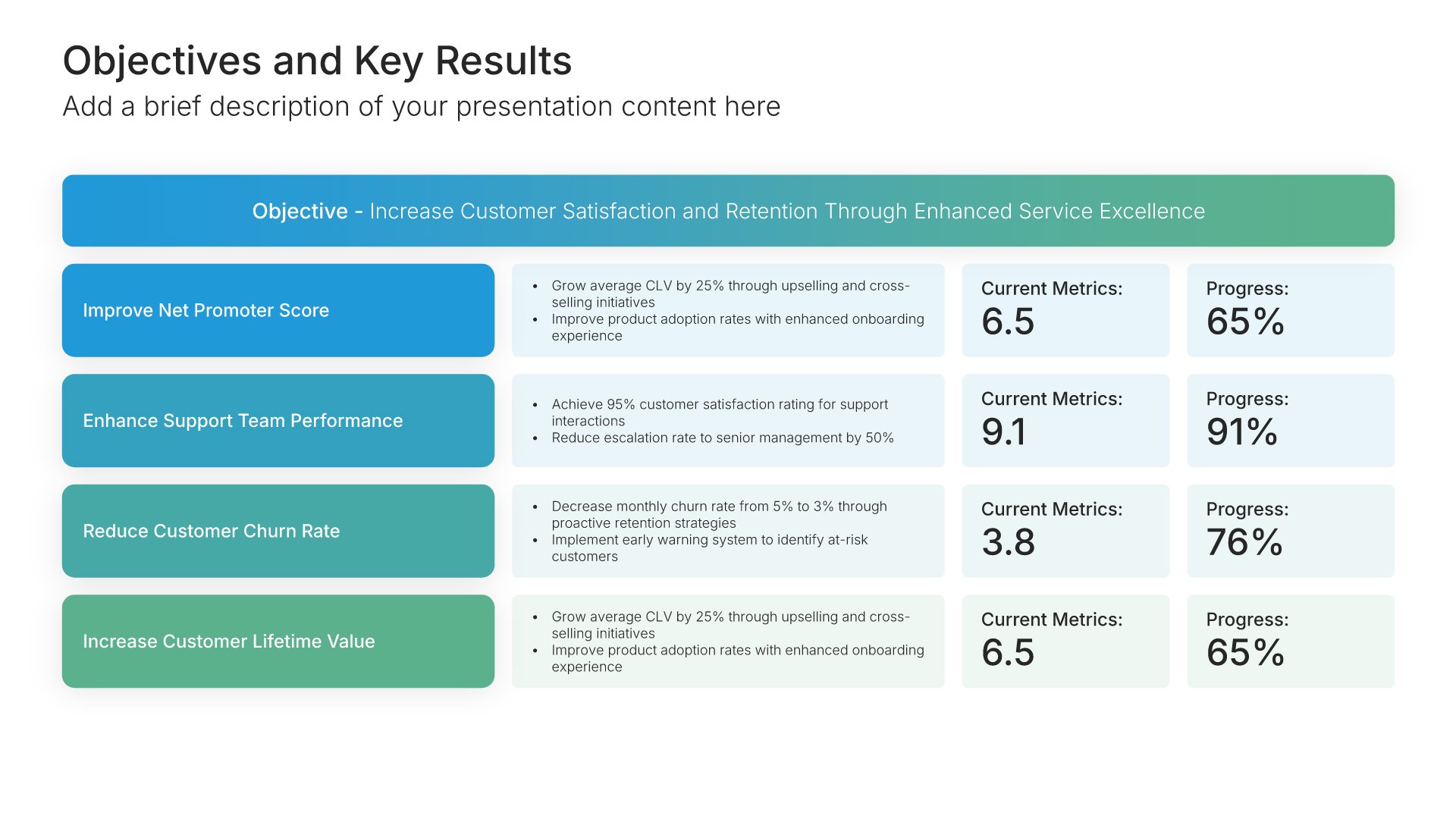
Objectives and Key Results Presentation Slides

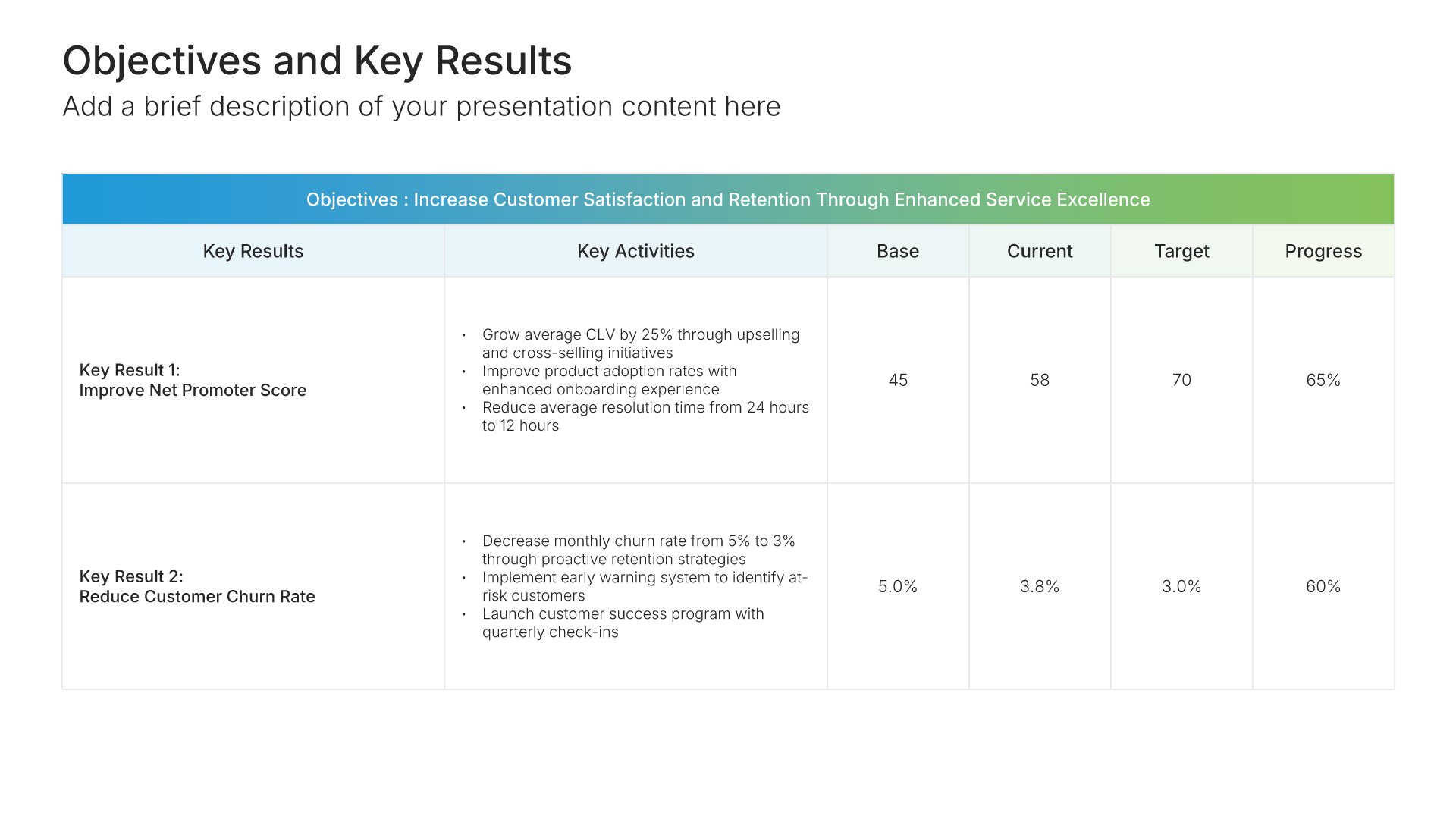
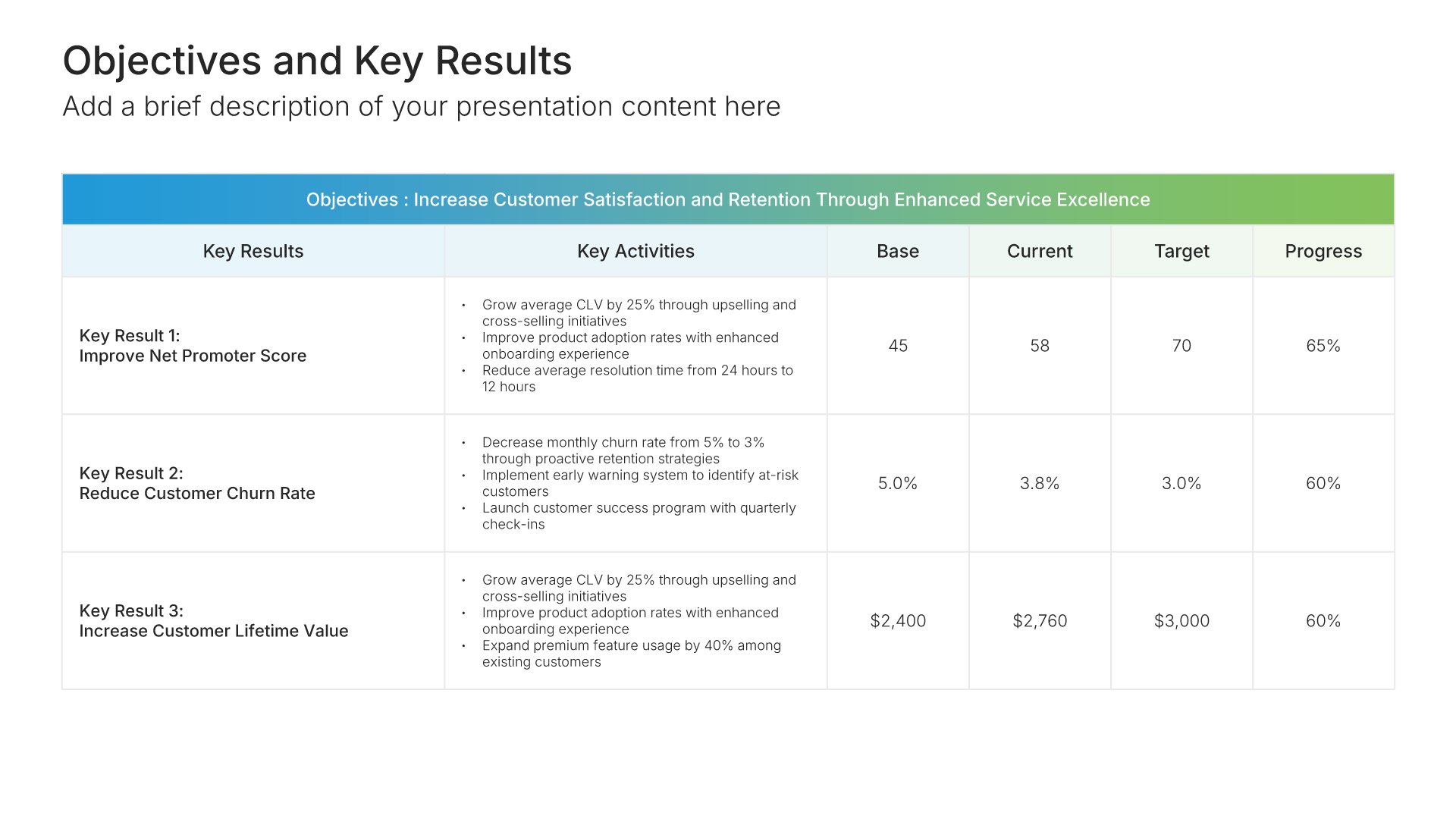
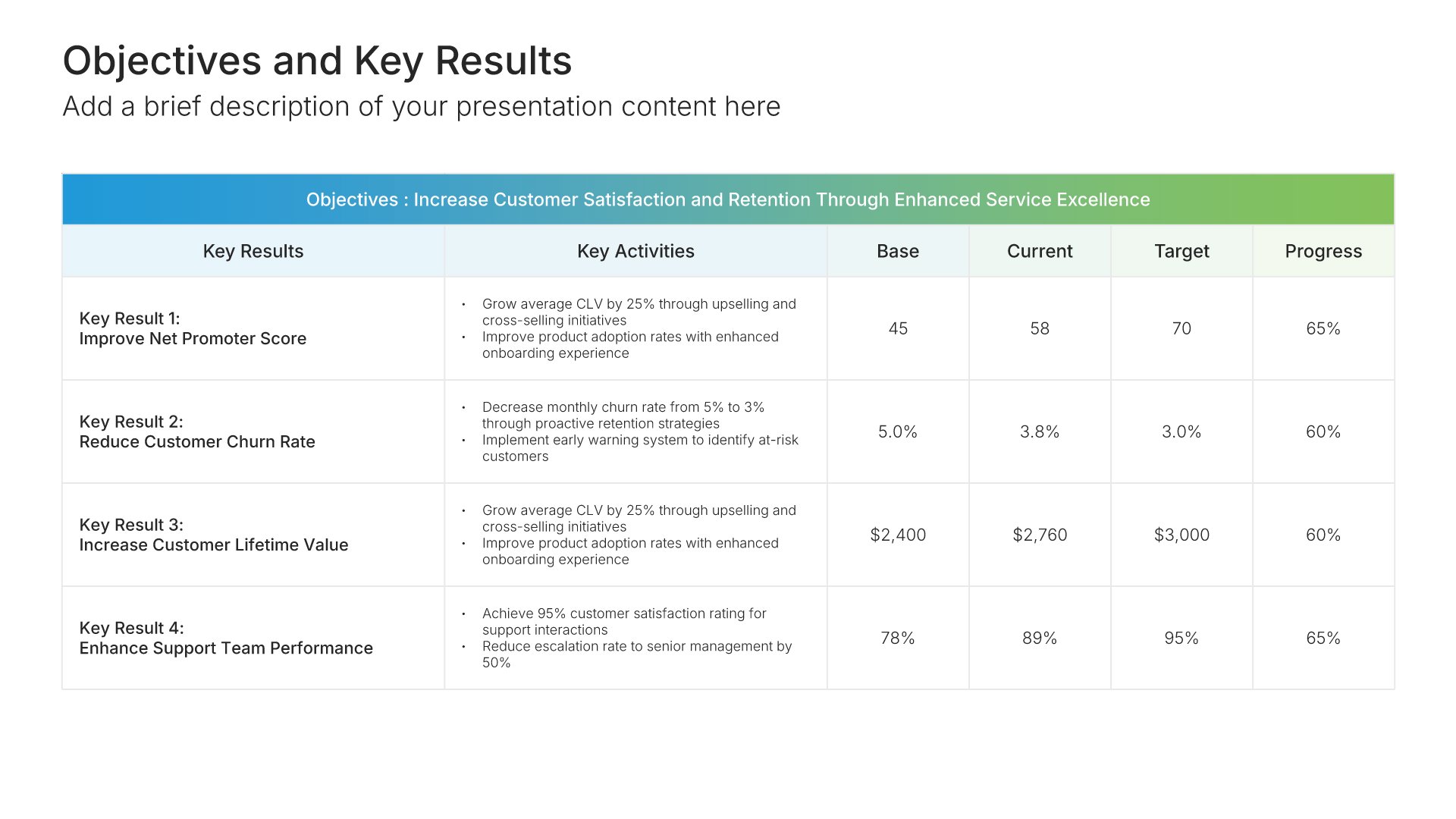
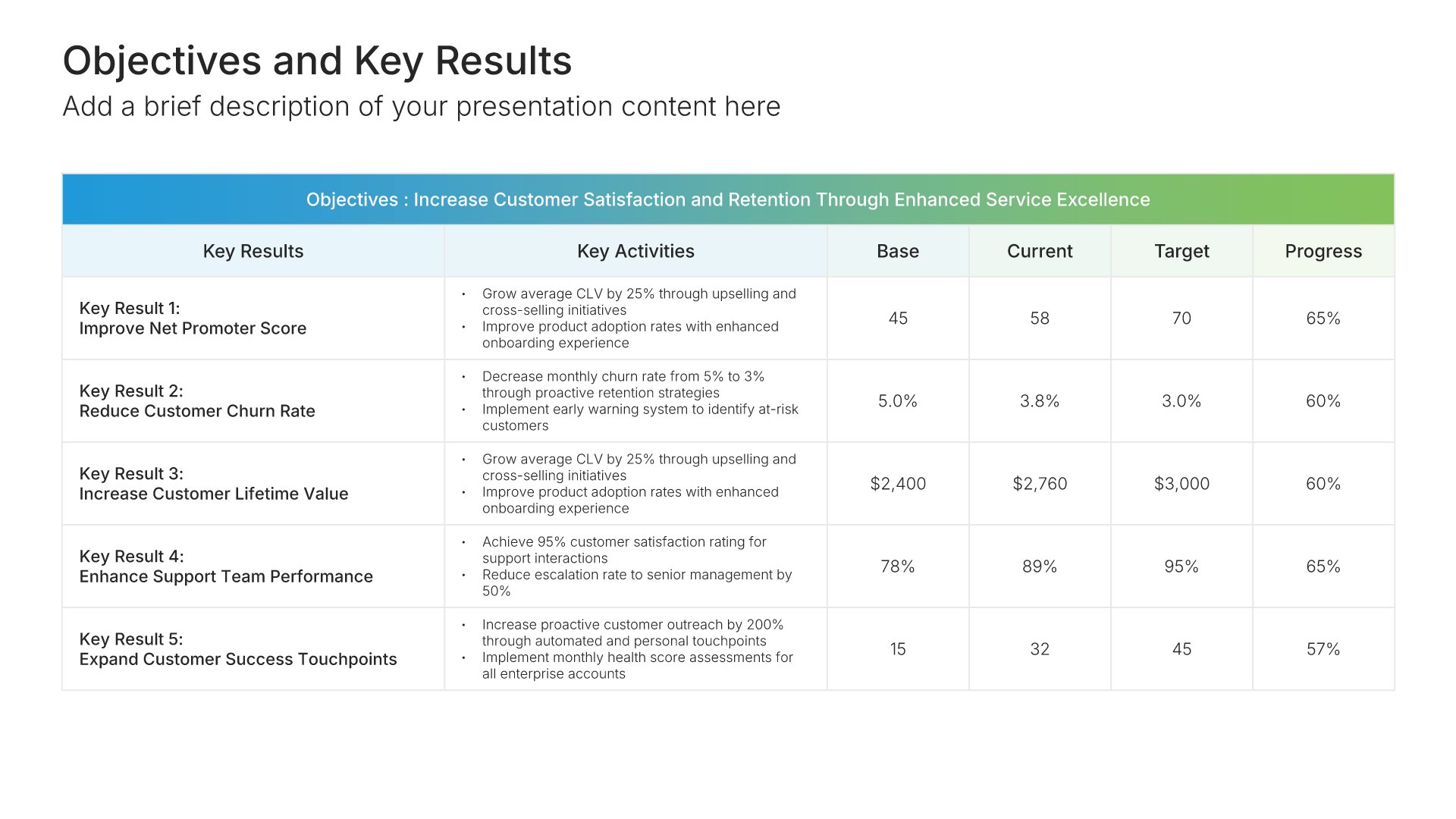
OKR slides help you set objectives and track key results for your team or organization. Use them to define ambitious goals paired with measurable outcomes that drive focus and accountability. Ideal for strategic planning, performance management, and aligning teams around what matters most each quarter or year.

Objectives and Key Results Featured Image

Premade Templates Built Using Objectives and Key Results Slides

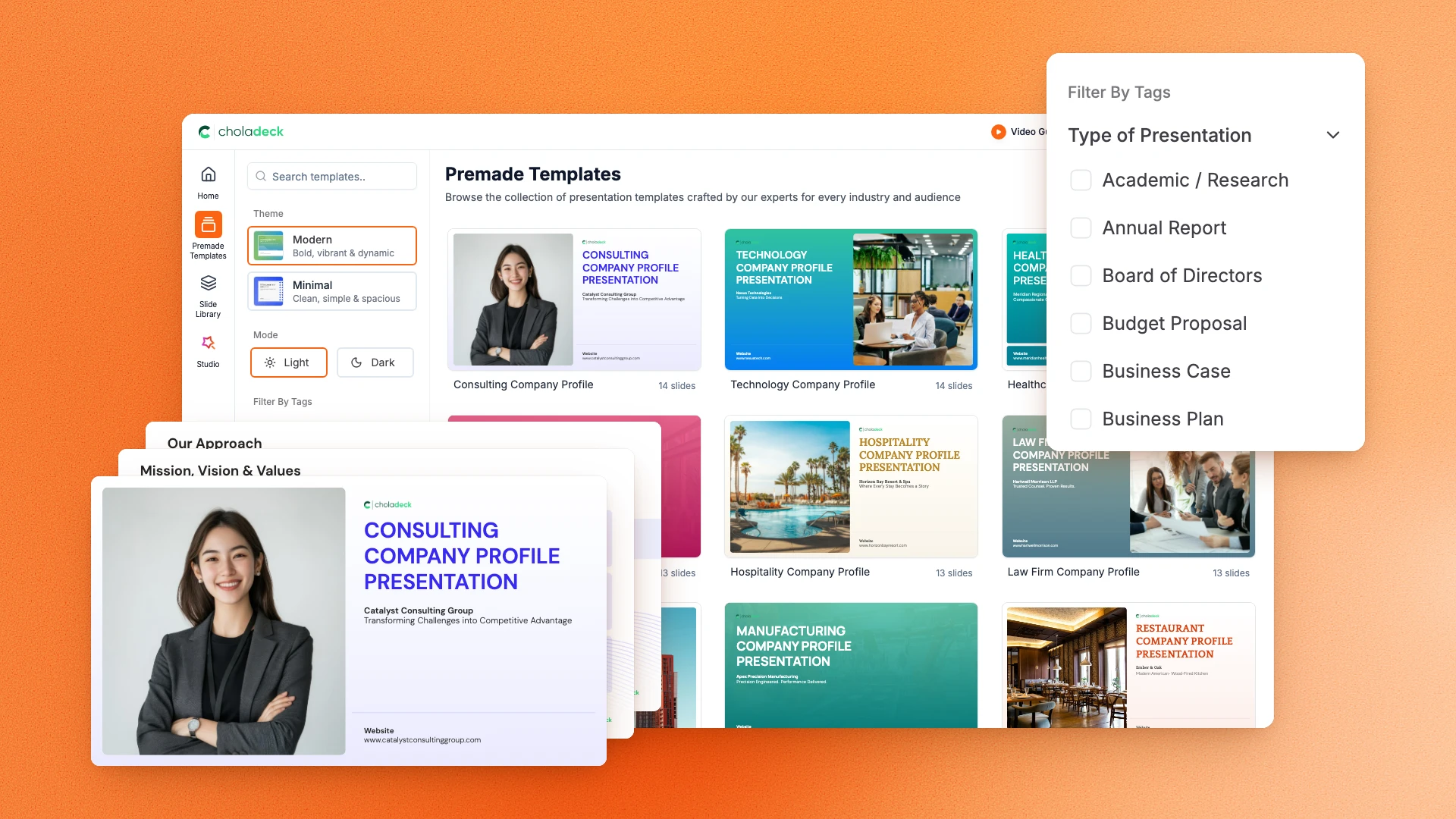
Check out our collection of premade presentations, each designed with meticulous attention to detail. Grounded on renowned frameworks, our templates empower you to initiate your presentation journey with confidence. Whether you’re pitching an idea, sharing insights, or telling a story, our templates are tailored to leave a lasting impression on your audience.
OKR Quarterly Featured Image

OKR Quarterly Presentation Template

A comprehensive OKR quarterly template designed for teams presenting their objectives and key results to leadership. Built on the Classic Google/Intel Model, this presentation covers previous quarter recap, strategic context, individual objectives with key results, dependencies, and tracking cadence. Ideal for quarterly planning sessions.

View all OKR Quarterly slides here

Use Objectives and Key Results Slides in your presentation with Choladeck

Transform your Objectives and Key Results vision into reality with Choladeck’s user-friendly platform. Follow our step-by-step guide, harnessing our vast collection of slides and tools, to create a compelling and cohesive presentation that resonates with your audience.

Step 1

Browse & Select

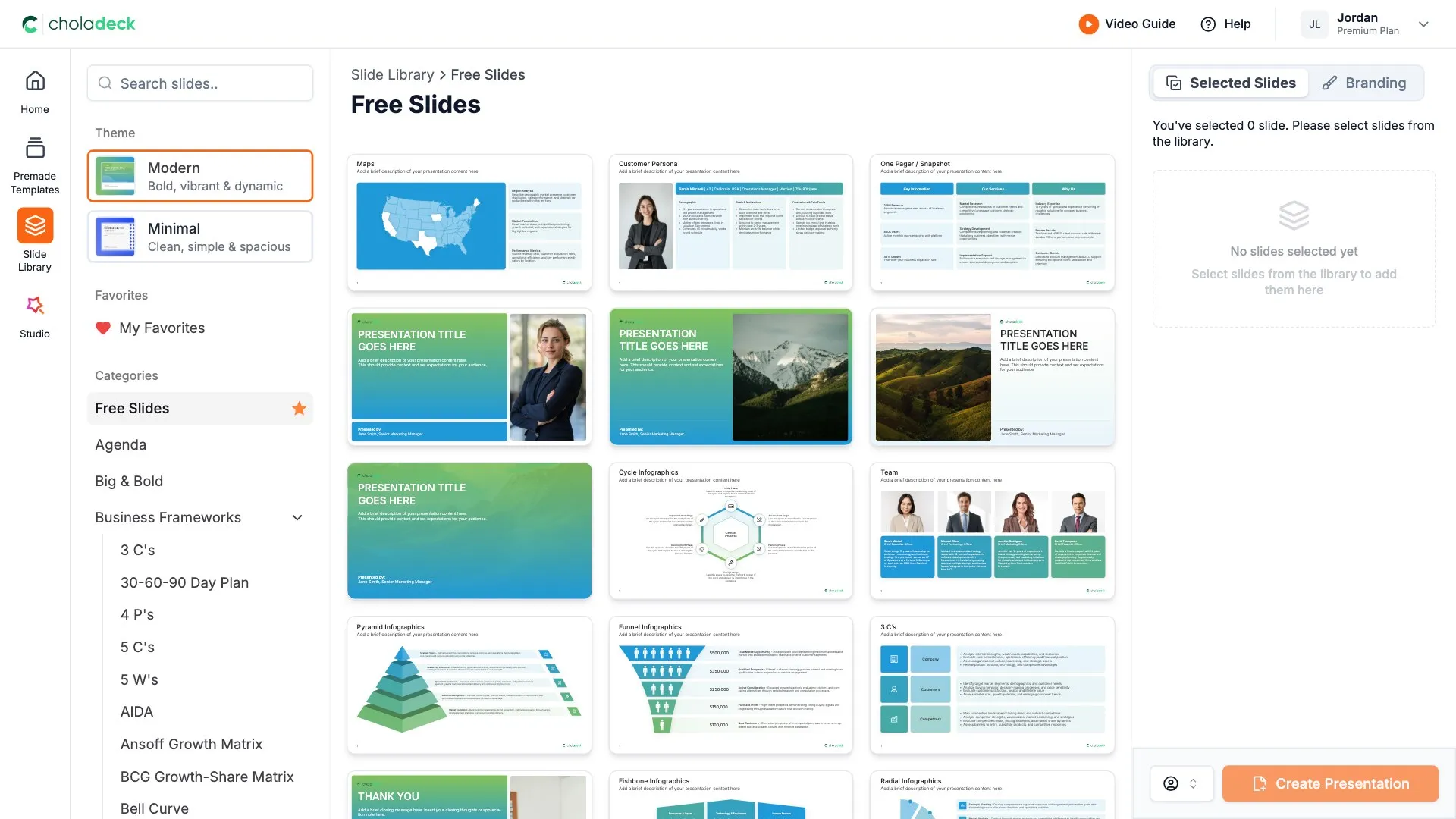
Explore over 9,172+ professionally designed slides across 134 categories. Or if you want a head start, pick from 74+ premade presentation templates. Whatever you need, it's probably already here.

Step 2

Customize Your Slides

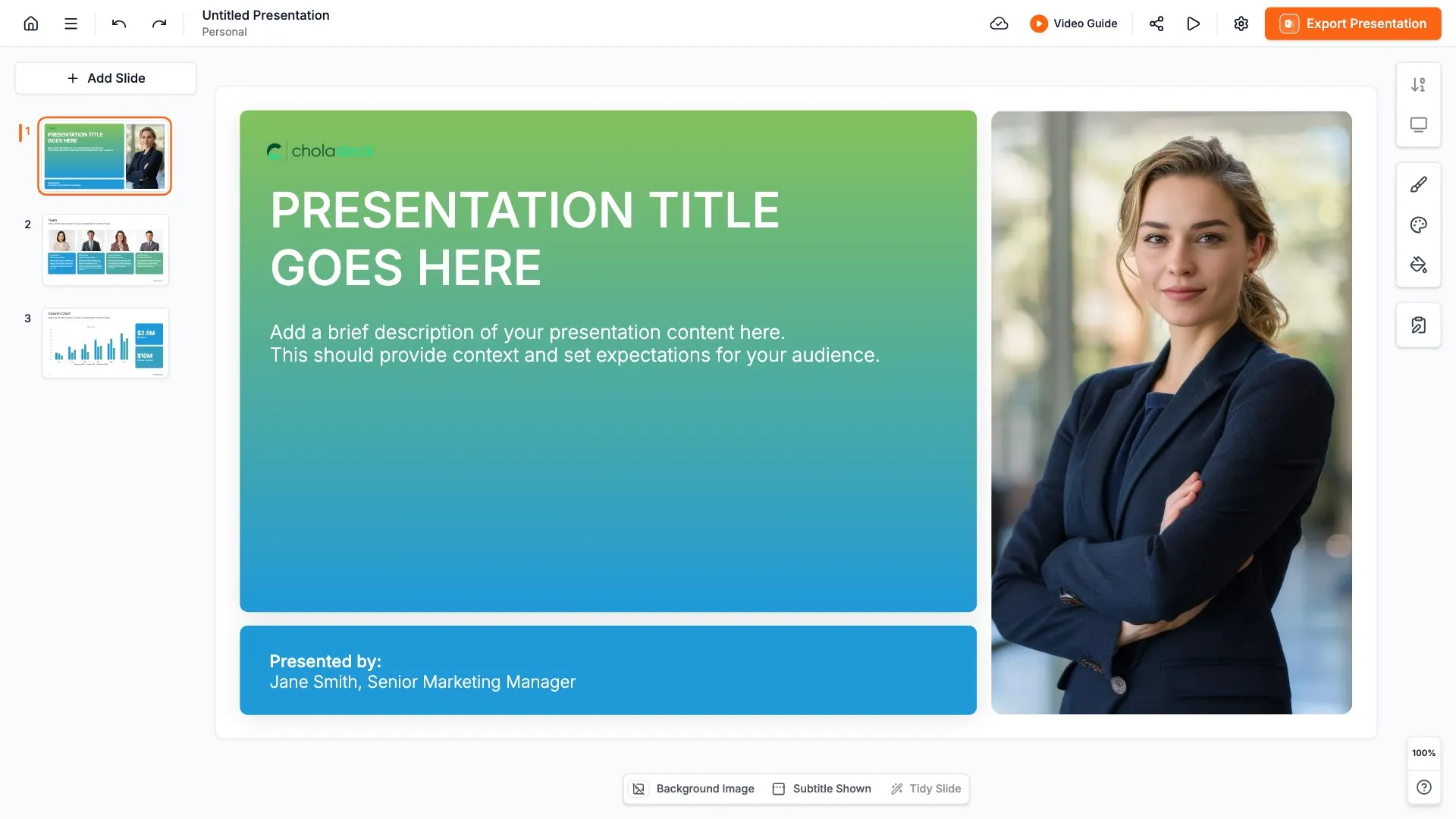
Swap icons and images instantly from our built-in libraries. Use Pointers to choose your count (2-box, 3-box, 4-box) and Variations to pick your design style. No more settling for "close enough." Get the exact slide you need.

Step 3

Brand Your Presentation

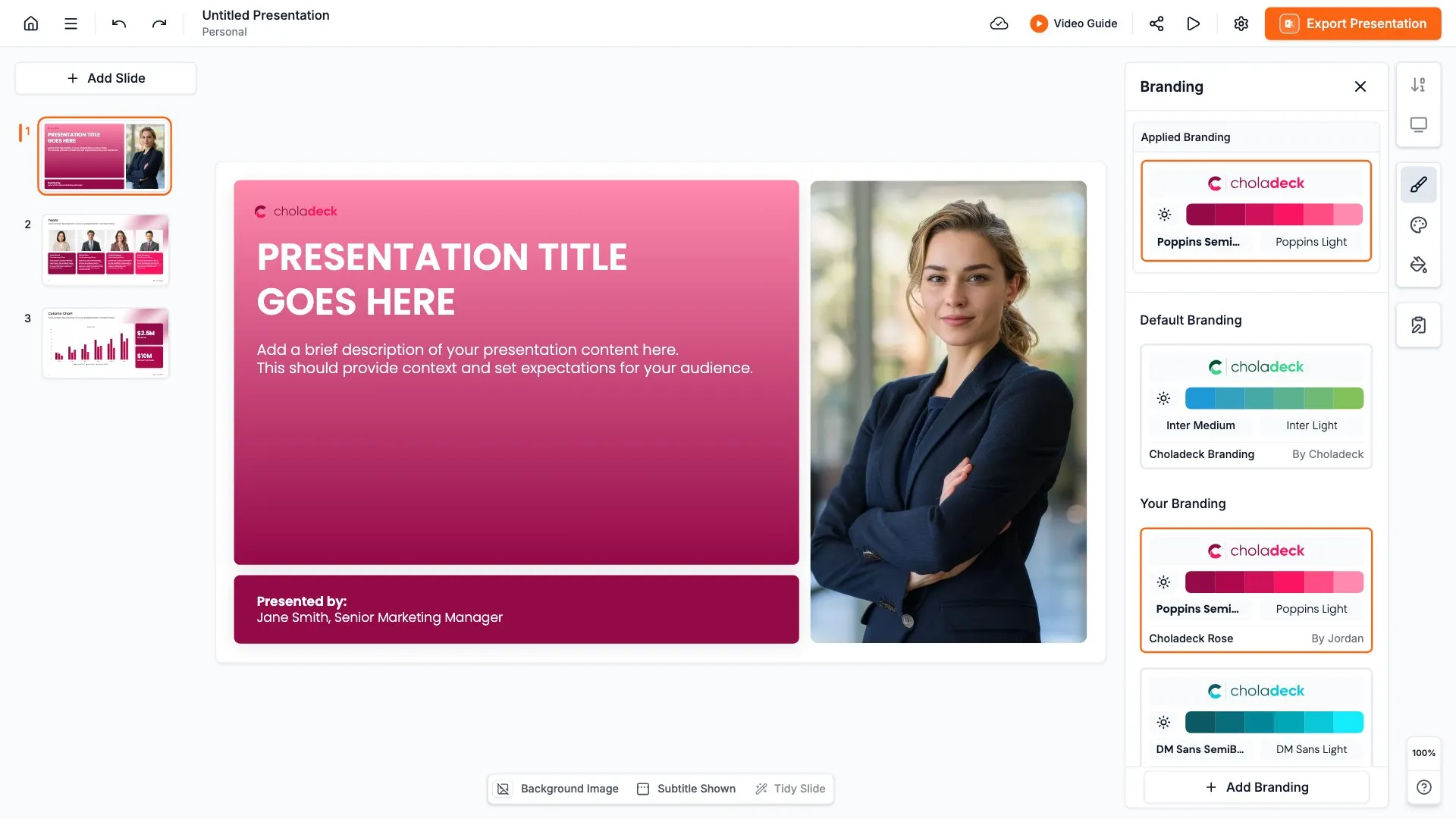
Add your logo, apply your brand colors, choose your fonts, and set custom backgrounds. One click and your entire presentation looks like it was made just for you. Because it was.

Step 4

Export Your Presentation

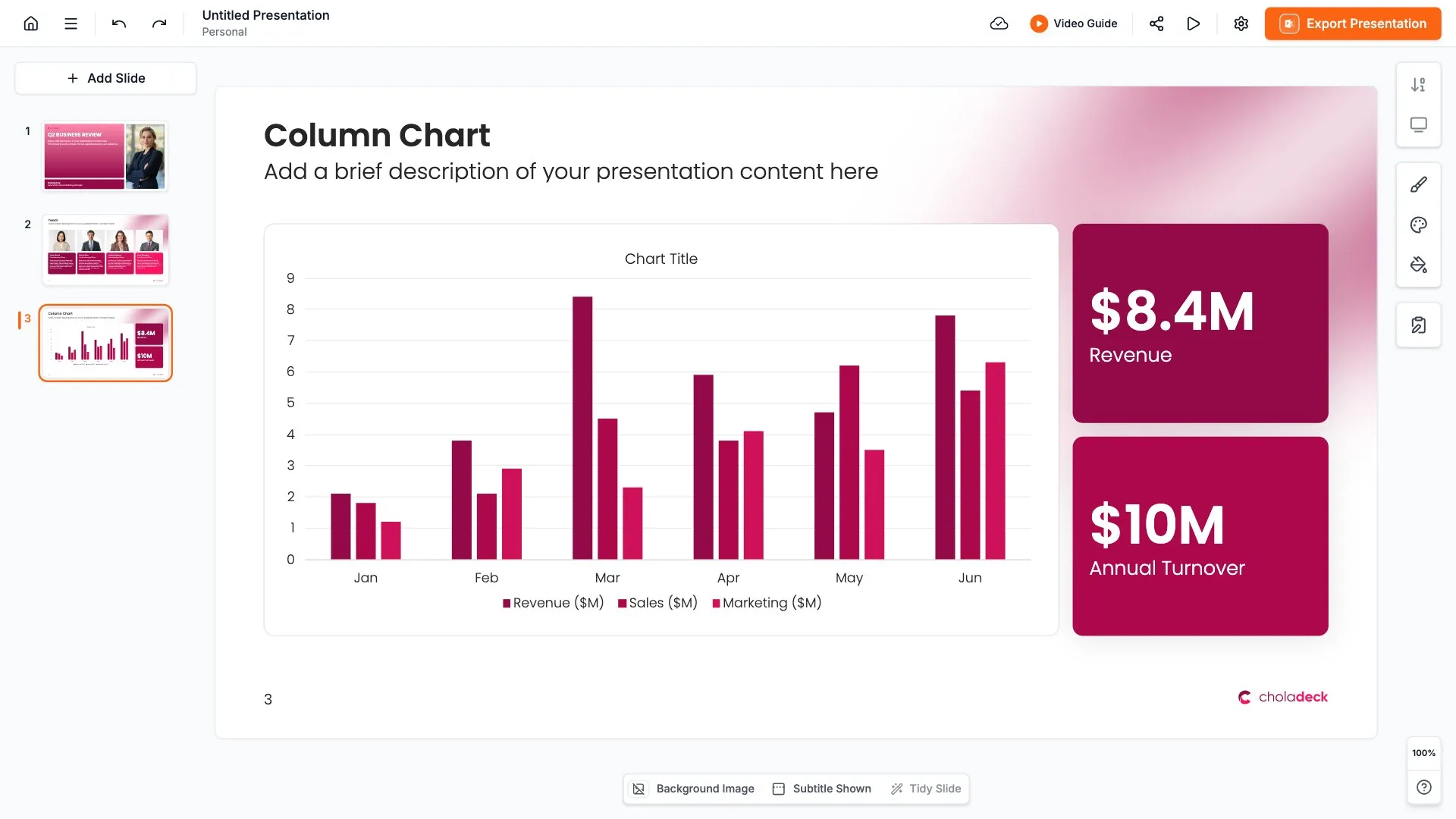
When you're ready, export to PowerPoint, Google Slides, or Keynote with a single click. Continue editing in your favorite tool if you want. Your workflow, your way.

Try Choladeck for free today and experience the ease of creating remarkable presentations.

No Sign-in or Credit Card Required

Wait!

Before you go, have you had the chance to experience Choladeck? If not try out – Choladeck for absolutely FREE!!

No Sign-in or Credit Card Required

Experience Choladeck Yourself!
Why just read about it when you can experience it? Dive into our presentation library – absolutely FREE!

No Sign-in or Credit Card Required