Try Choladeck Free: Download Personalized Business Slides Today

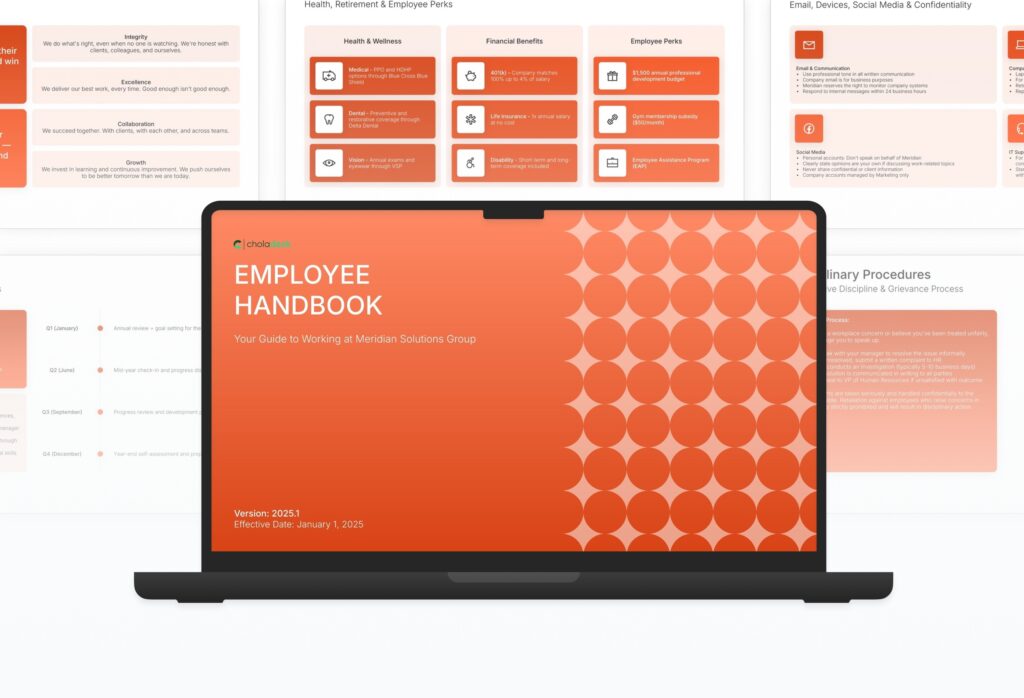
Employee Handbook Premade Template

A comprehensive employee handbook template designed for HR teams documenting company policies. Built on the Classic SHRM Model, this presentation covers welcome message, company background, organizational structure, employment basics, workplace policies, compensation, benefits, time off, safety, performance, and offboarding. Ideal for HR documentation.

Employee Handbook Featured Image

How to Build a Employee Handbook Presentation

Learn how to create a comprehensive employee handbook that gives your team clarity on every aspect of working at your organization. This guide walks you through documenting your welcome message, company values, organizational structure, employment policies, compensation, benefits, performance practices, and the procedures every employee needs to know.
1. Title

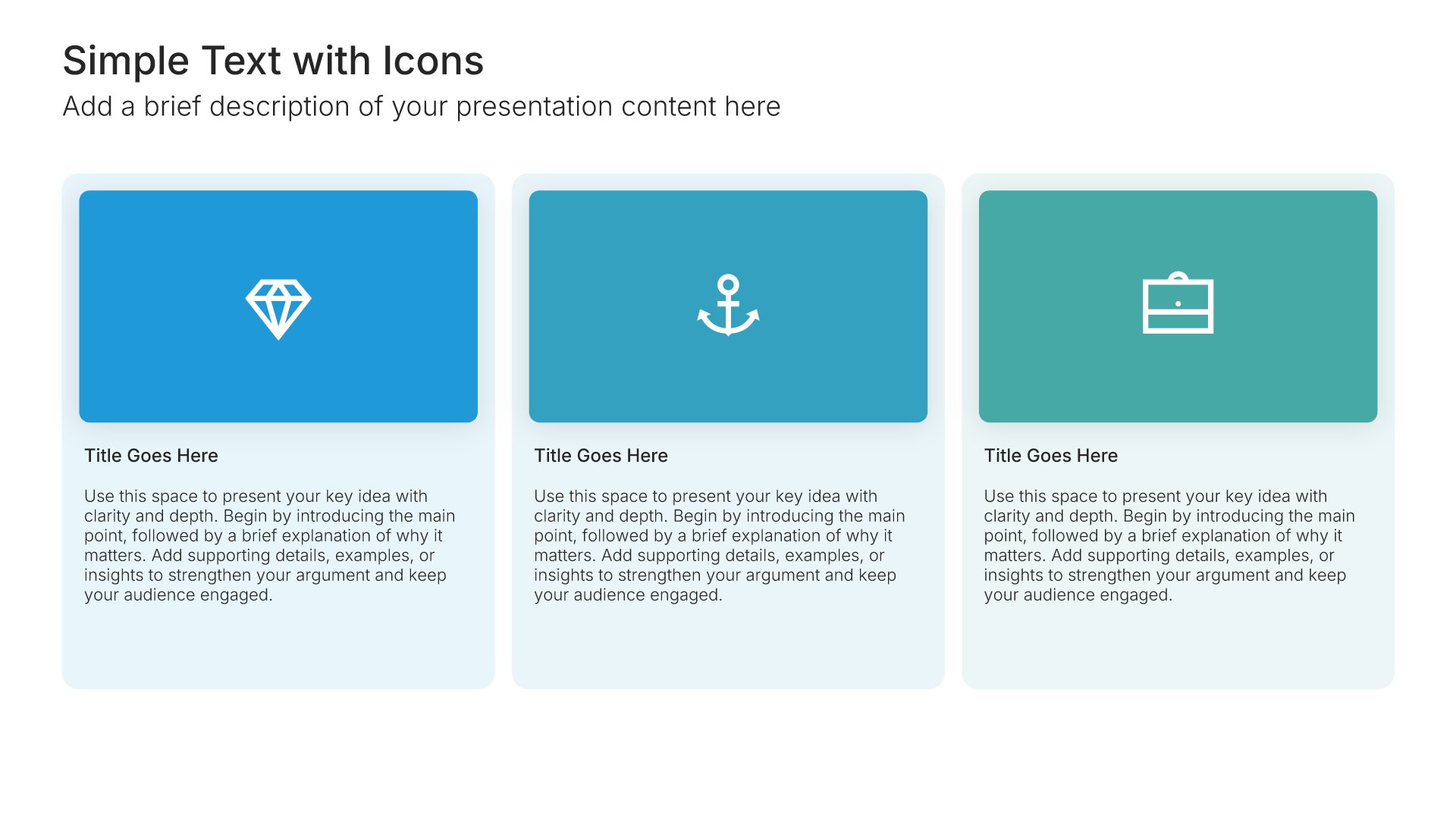
Title slides help you open presentations with impact. Use them to create strong first impressions with opening slides that set the tone, introduce your topic, and establish your brand. Ideal for any presentation where a polished, professional opening slide sets the stage for everything that follows.
Built using Title slides

2. Welcome Message

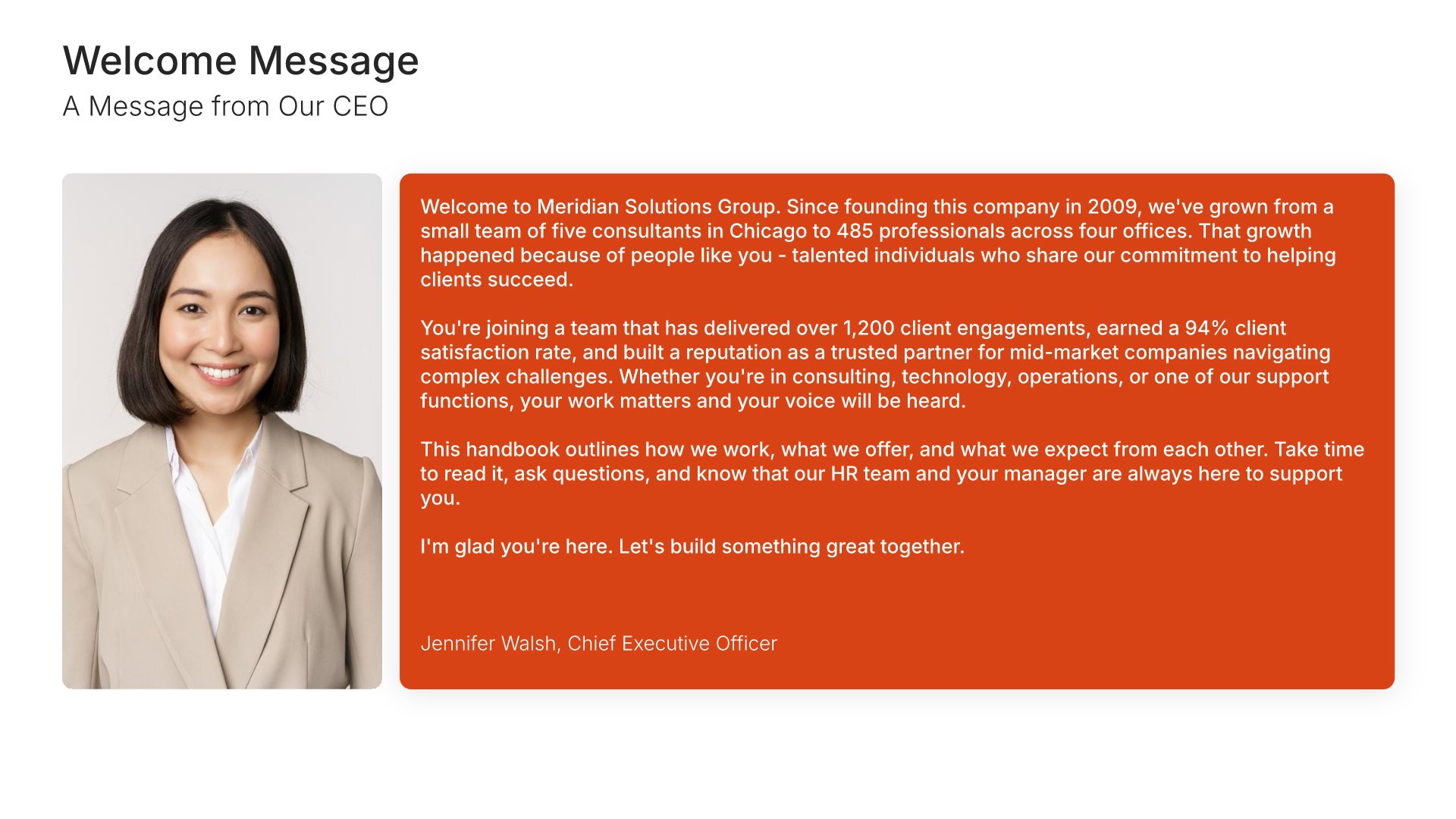
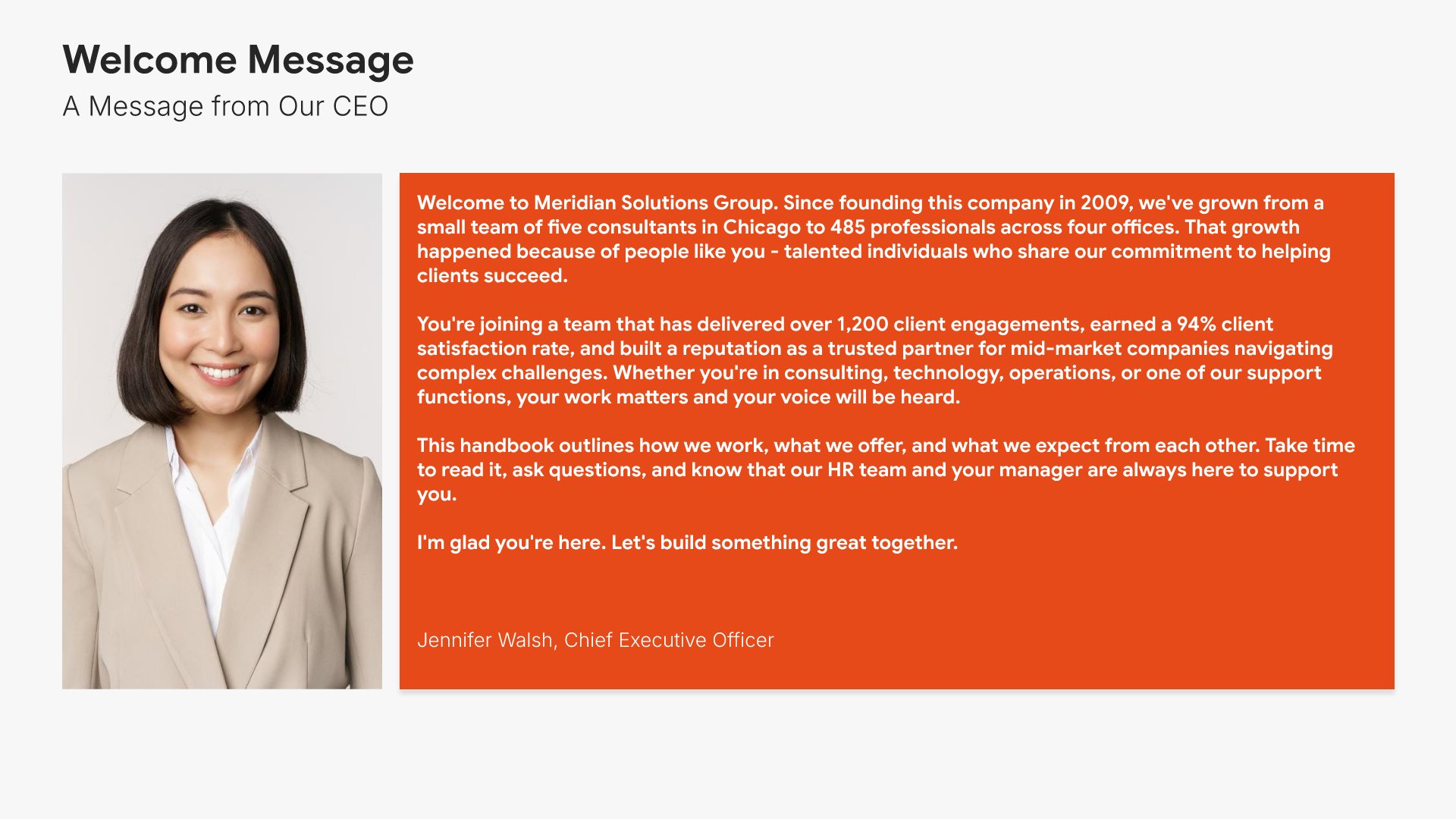
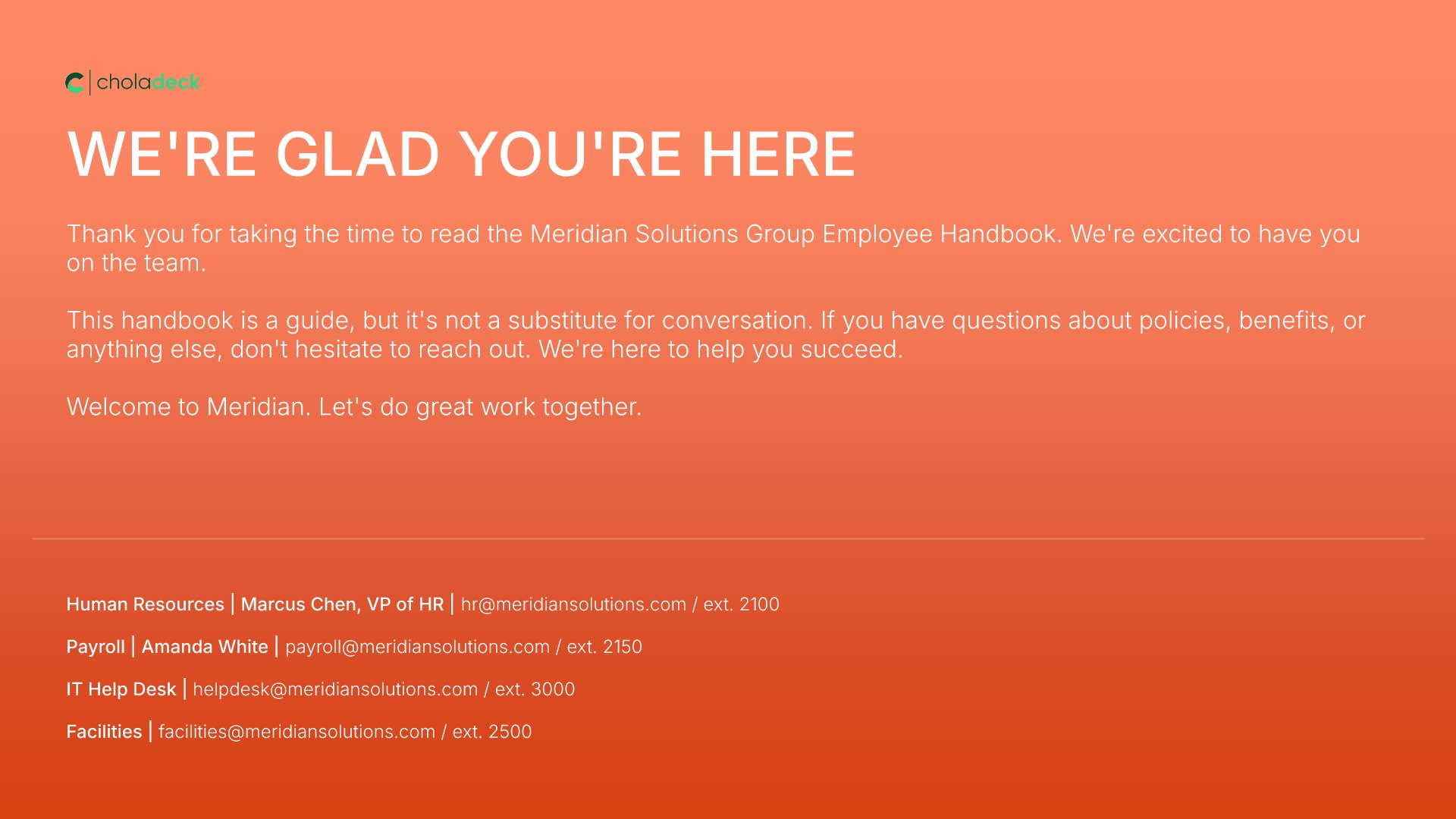
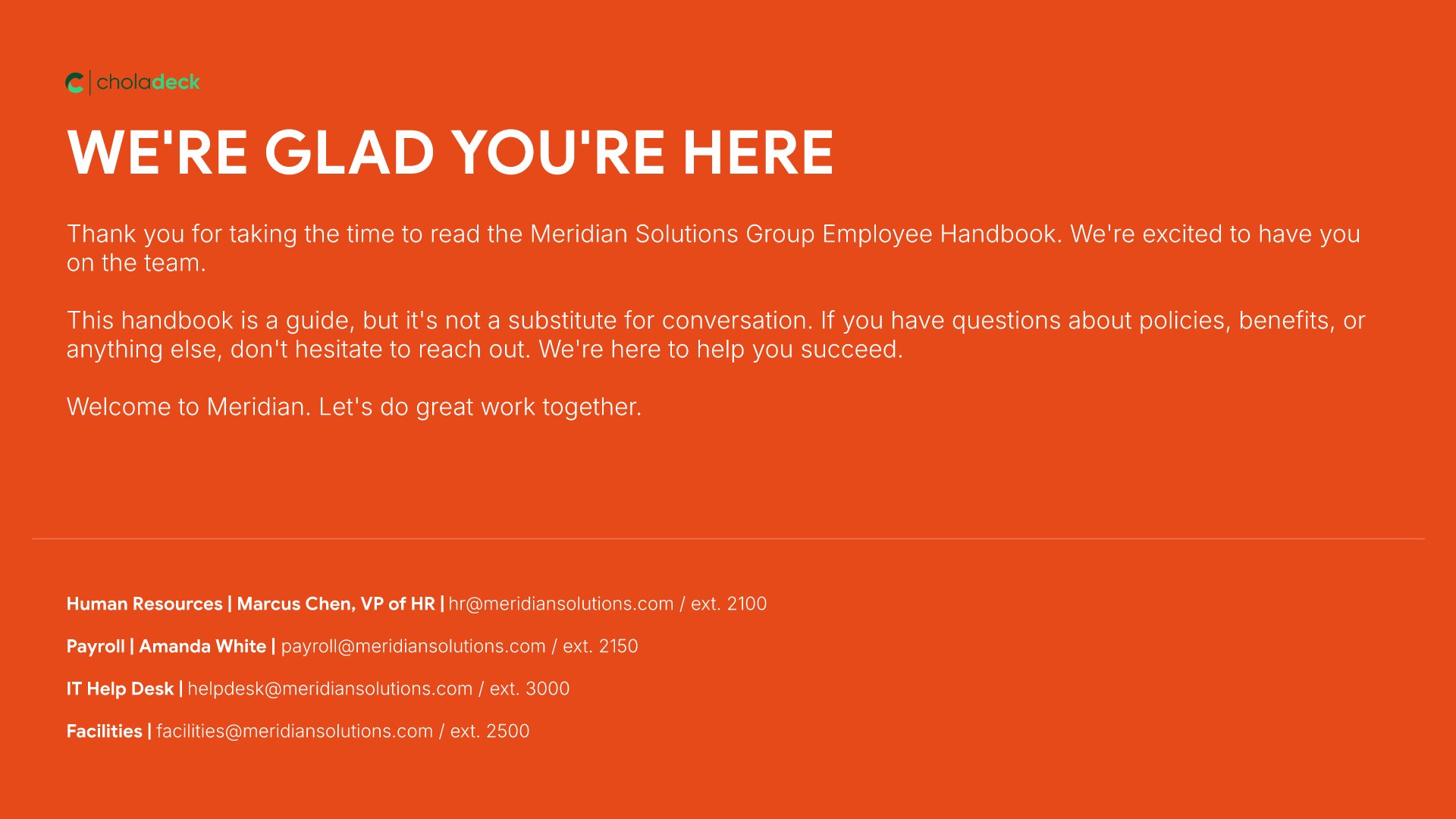
Welcome message slides help you greet employees with a personal note from leadership. Use them to share a CEO welcome, mission reminder, and the values that define how the organization operates. A clear welcome message sets the tone for the handbook and signals that the company values its people from the start of the working relationship.
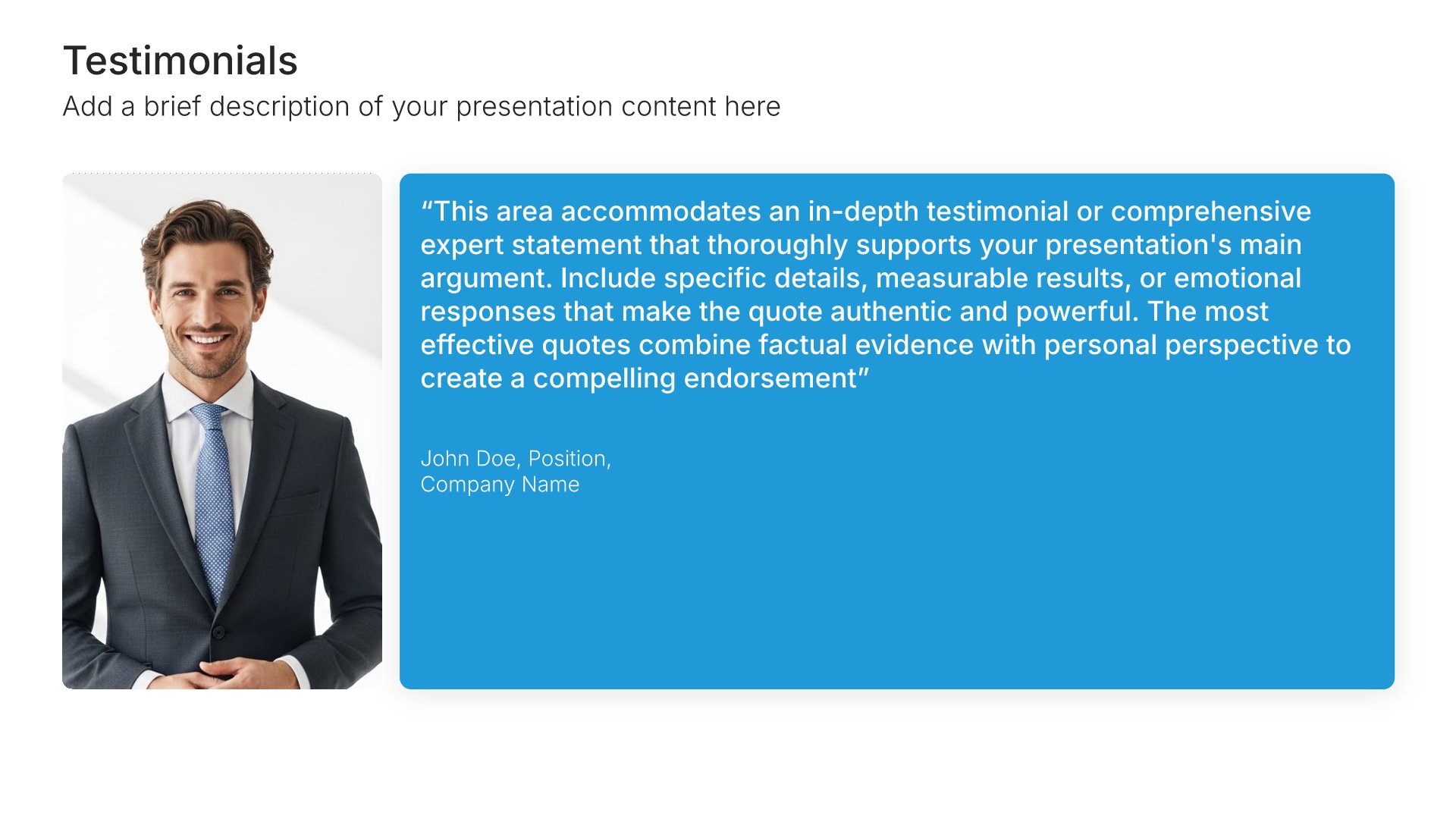
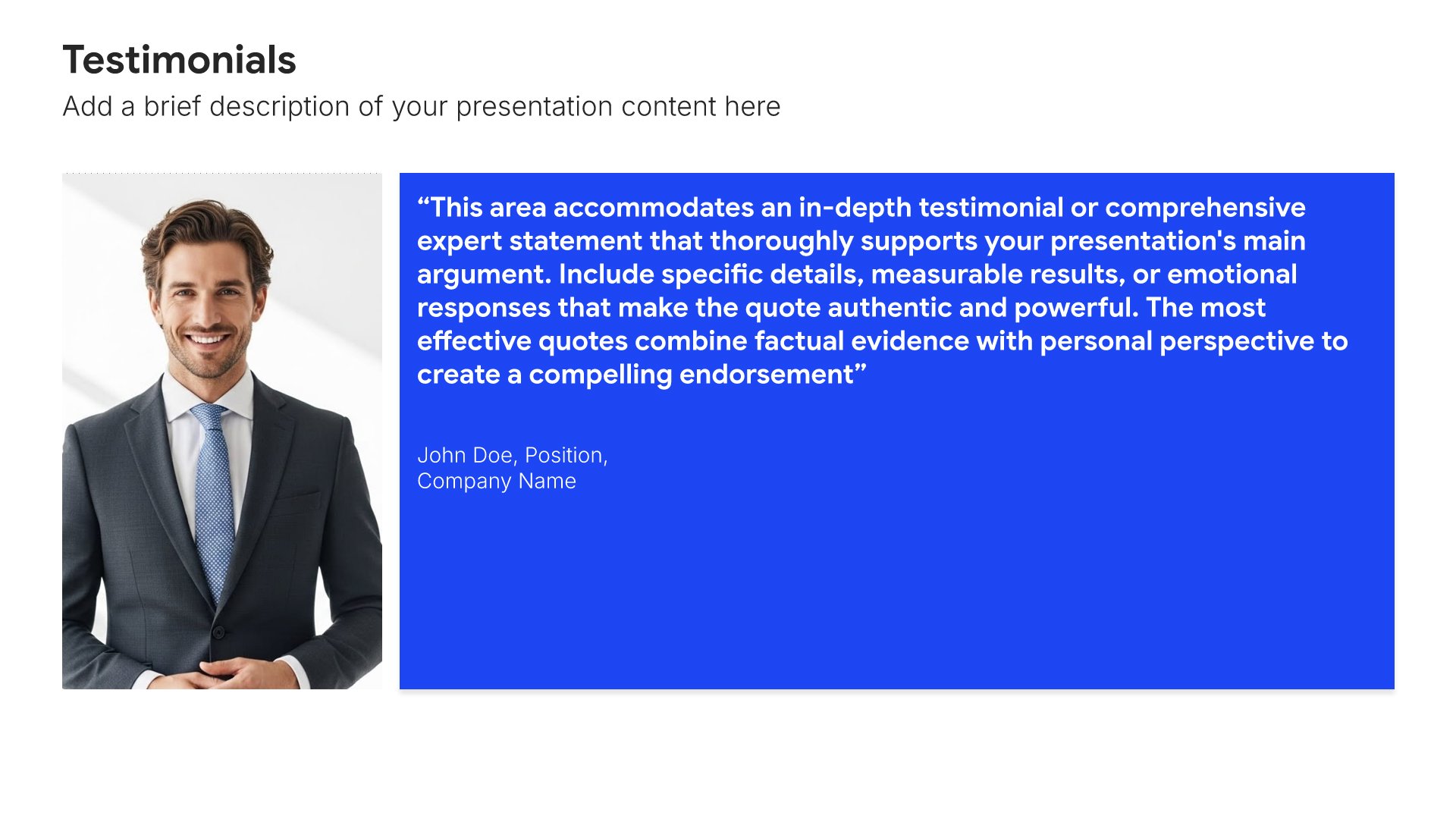
Built using Testimonials slides

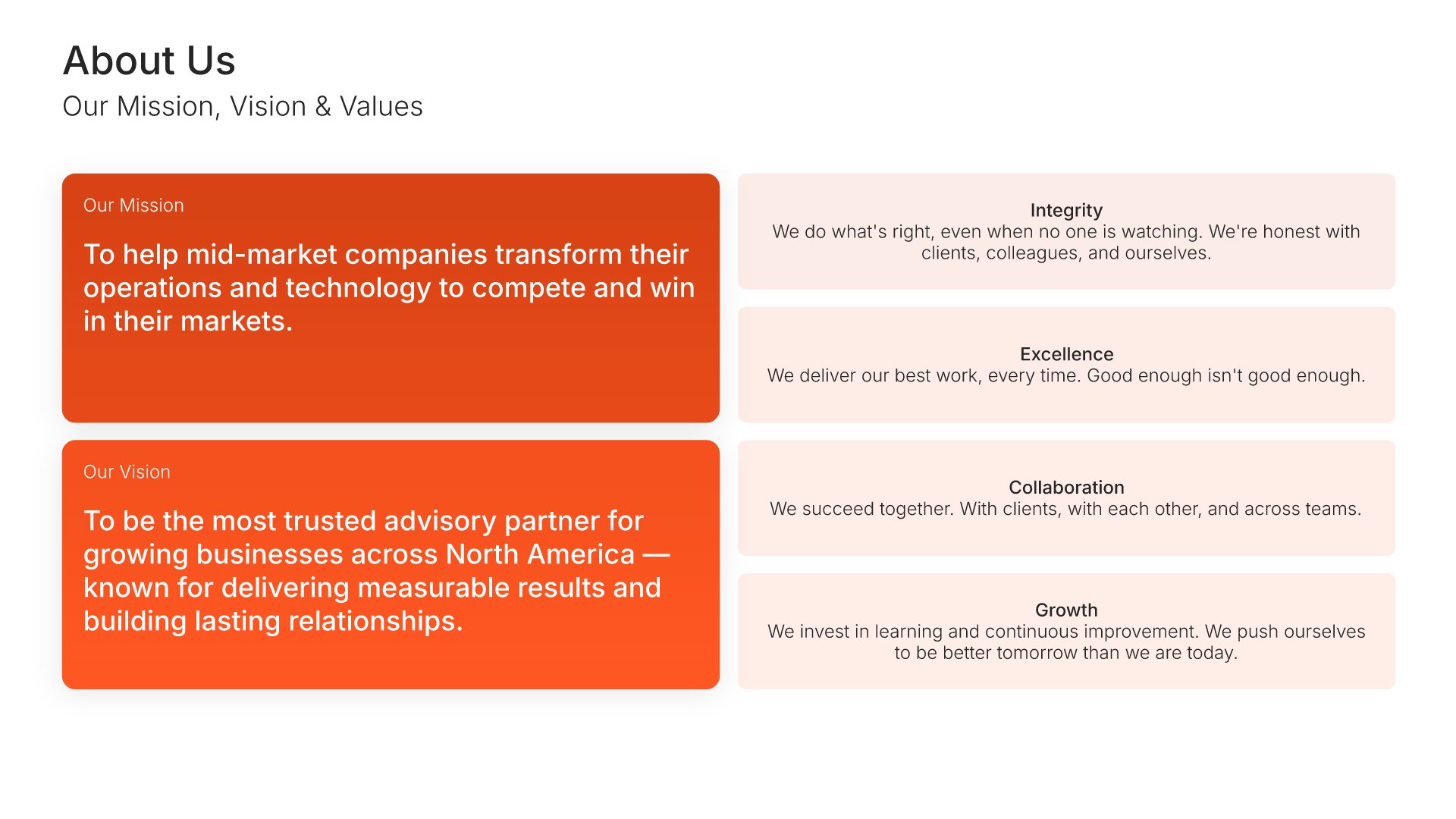
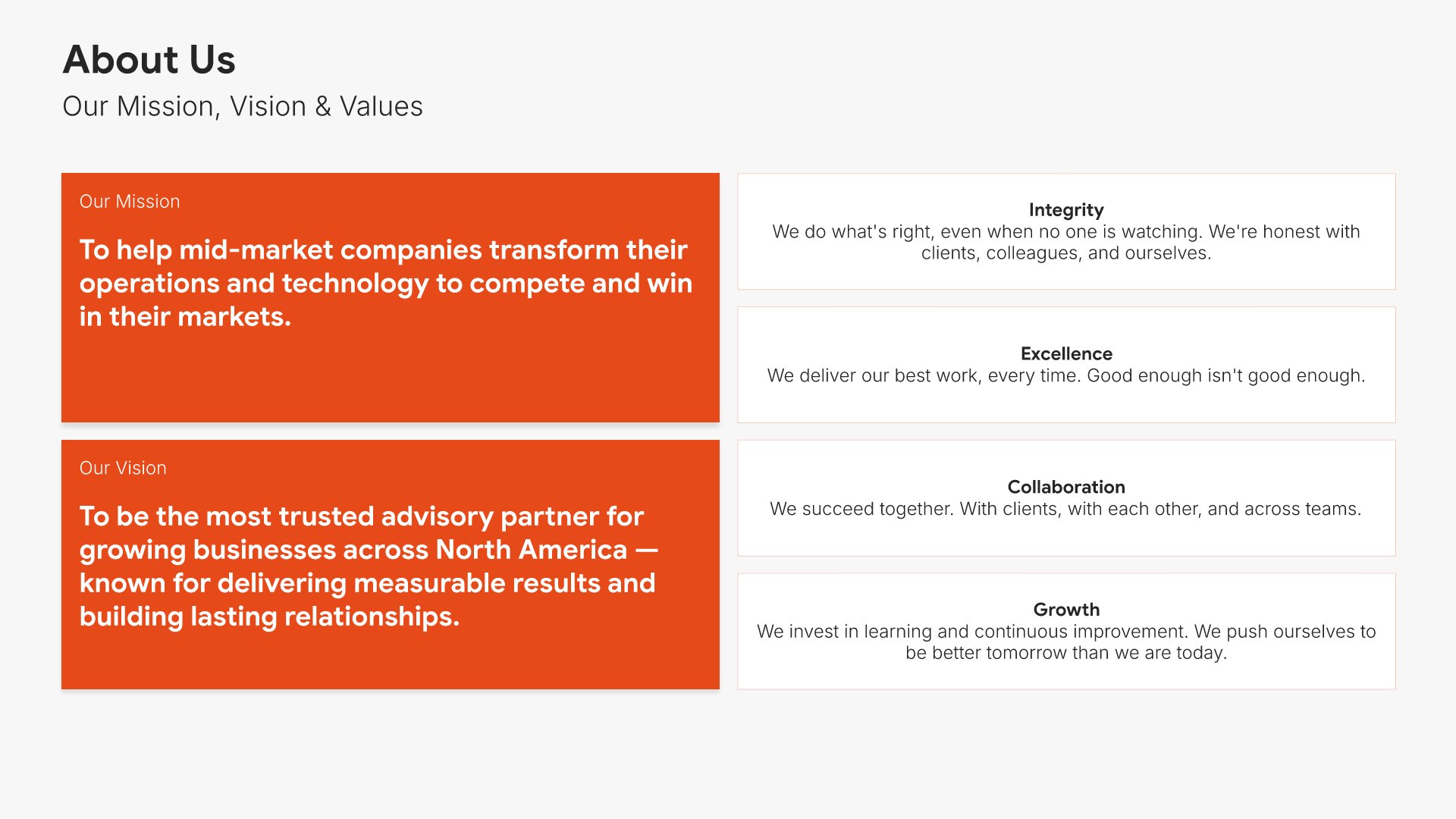
3. Company Overview

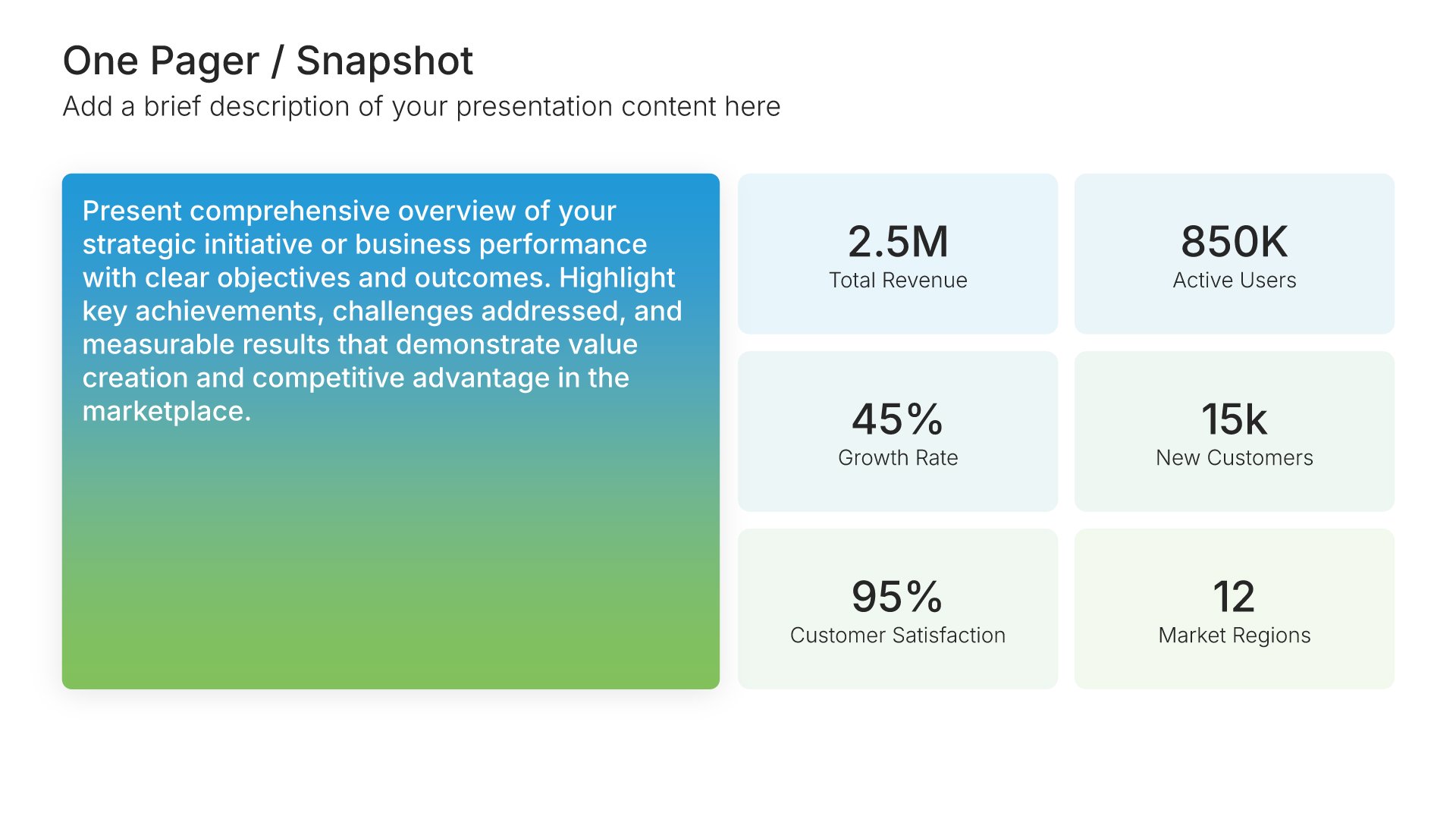
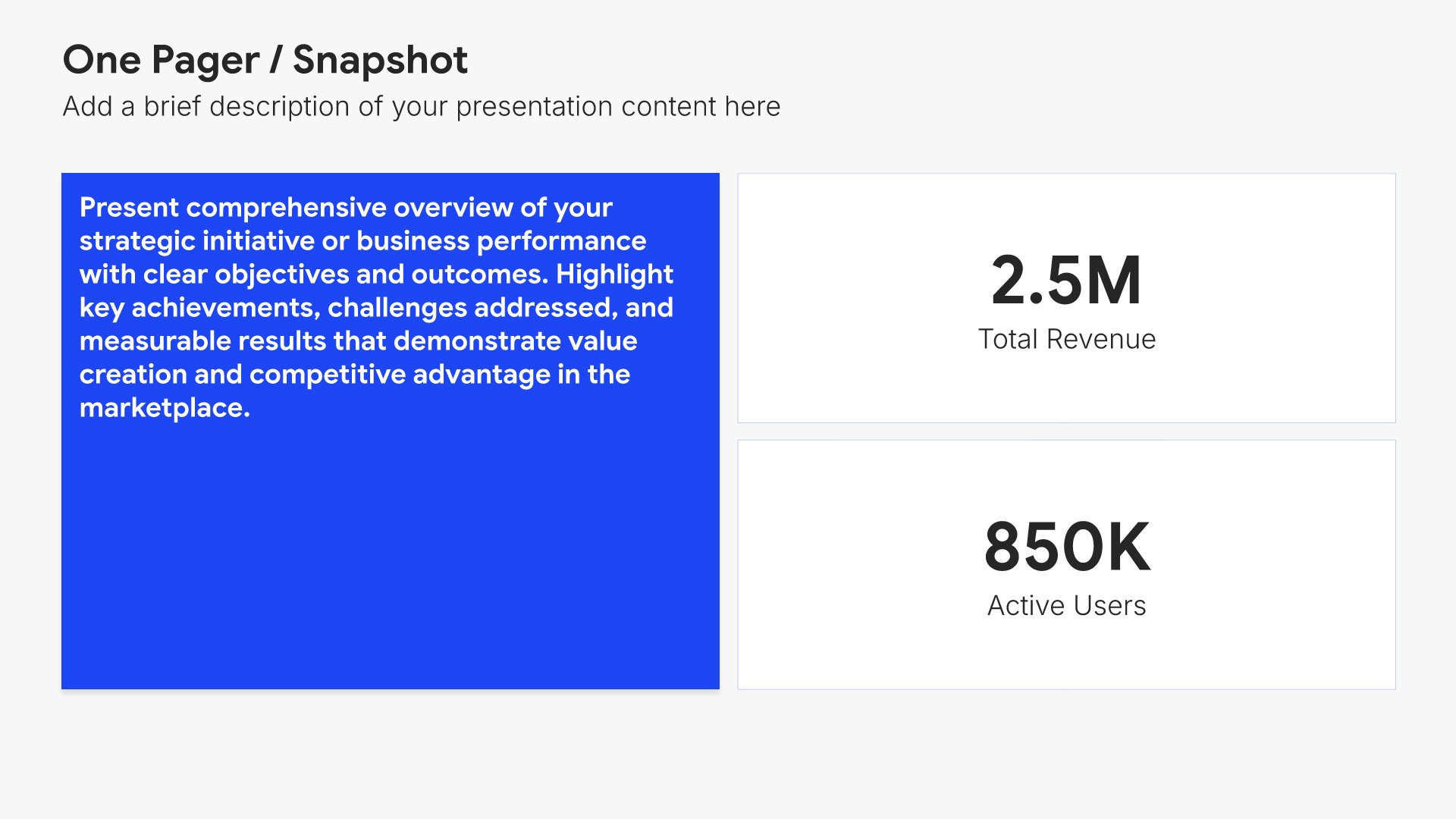
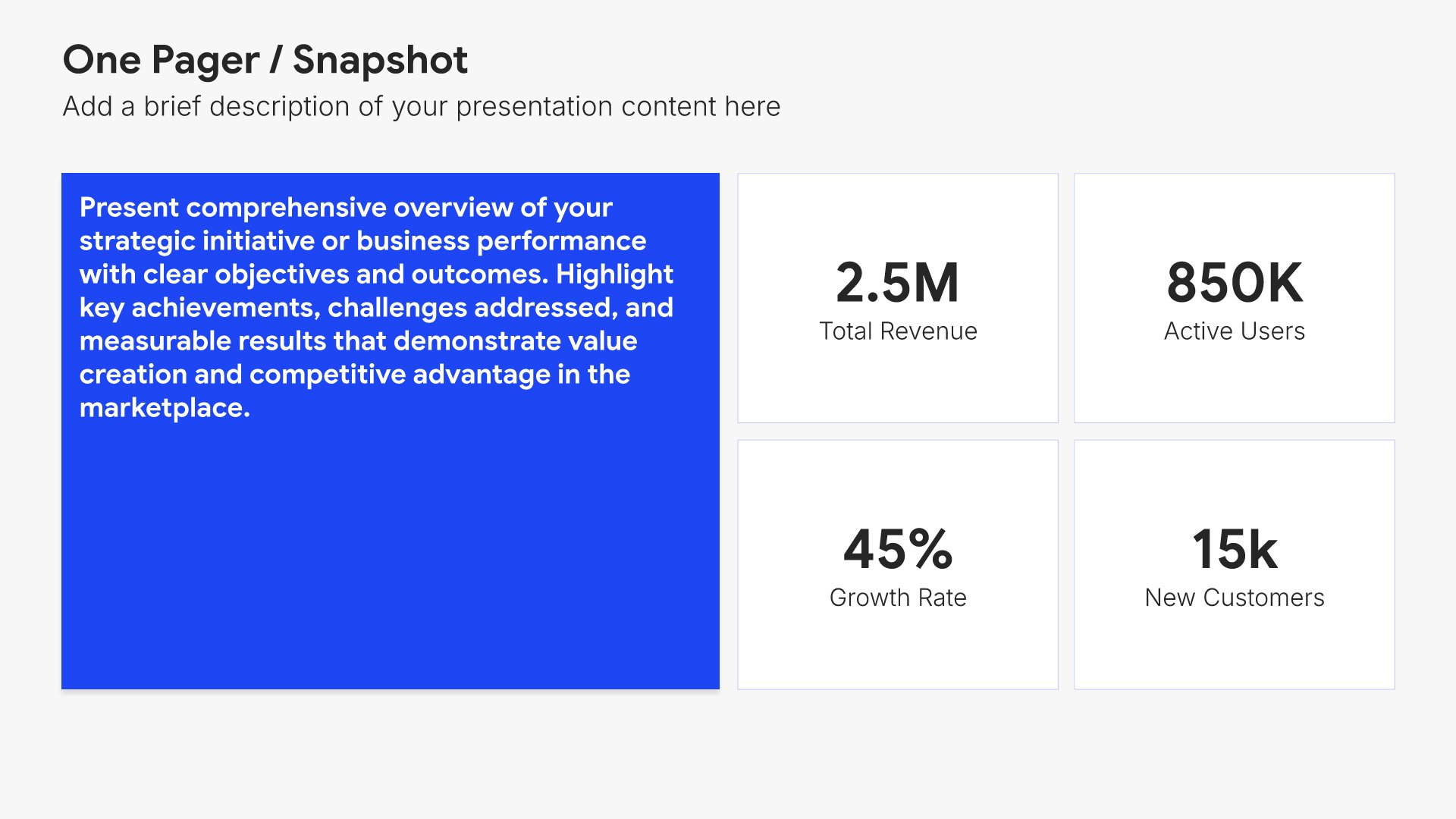
Company overview slides help you introduce your business and what makes it unique. Use them to present your company's background, mission, values, and key facts that establish credibility. Ideal for business plans, pitch decks, and any presentation where giving your audience a clear picture of who you are sets the foundation.
Built using One Pager / Snapshot slides

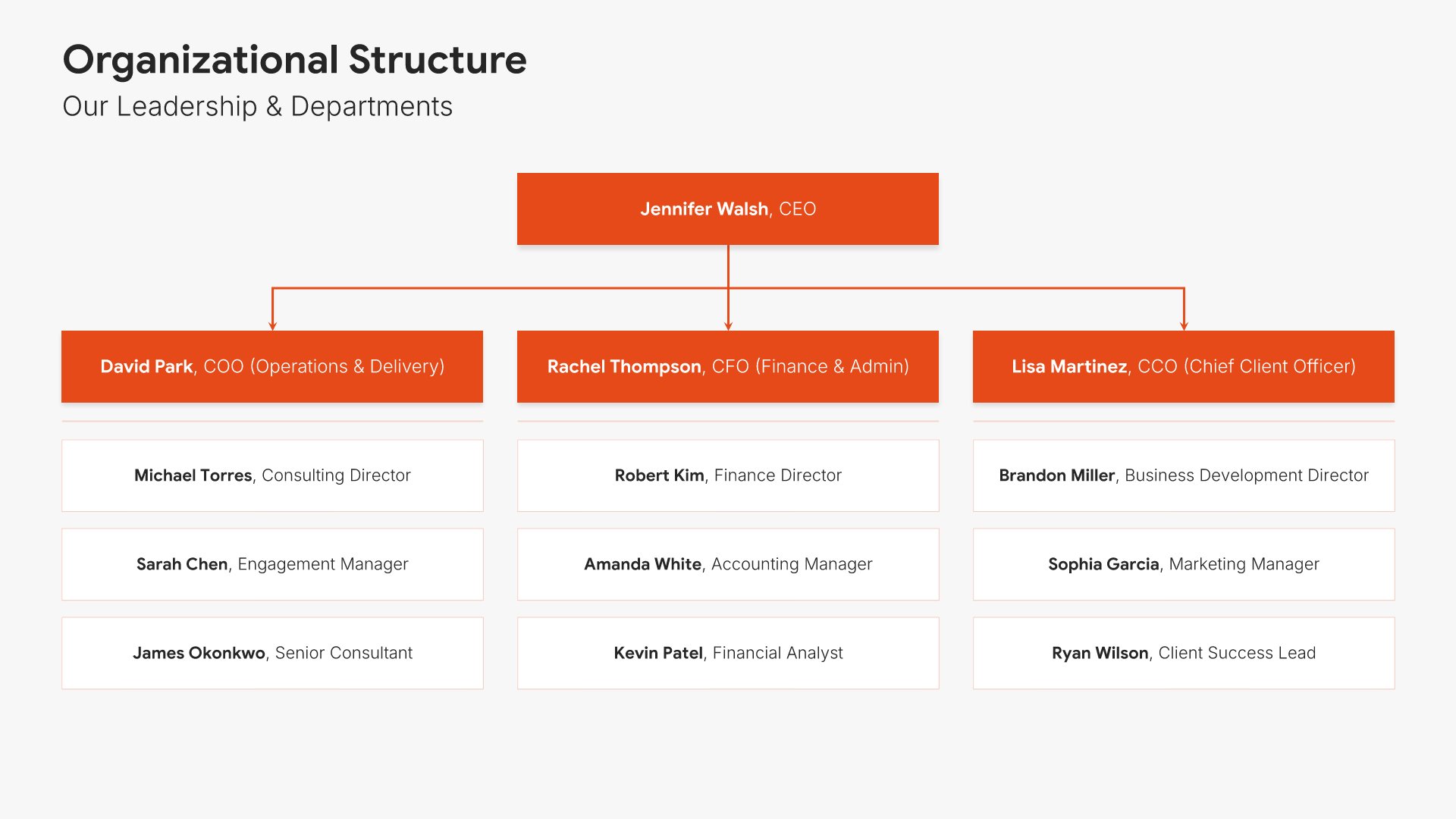
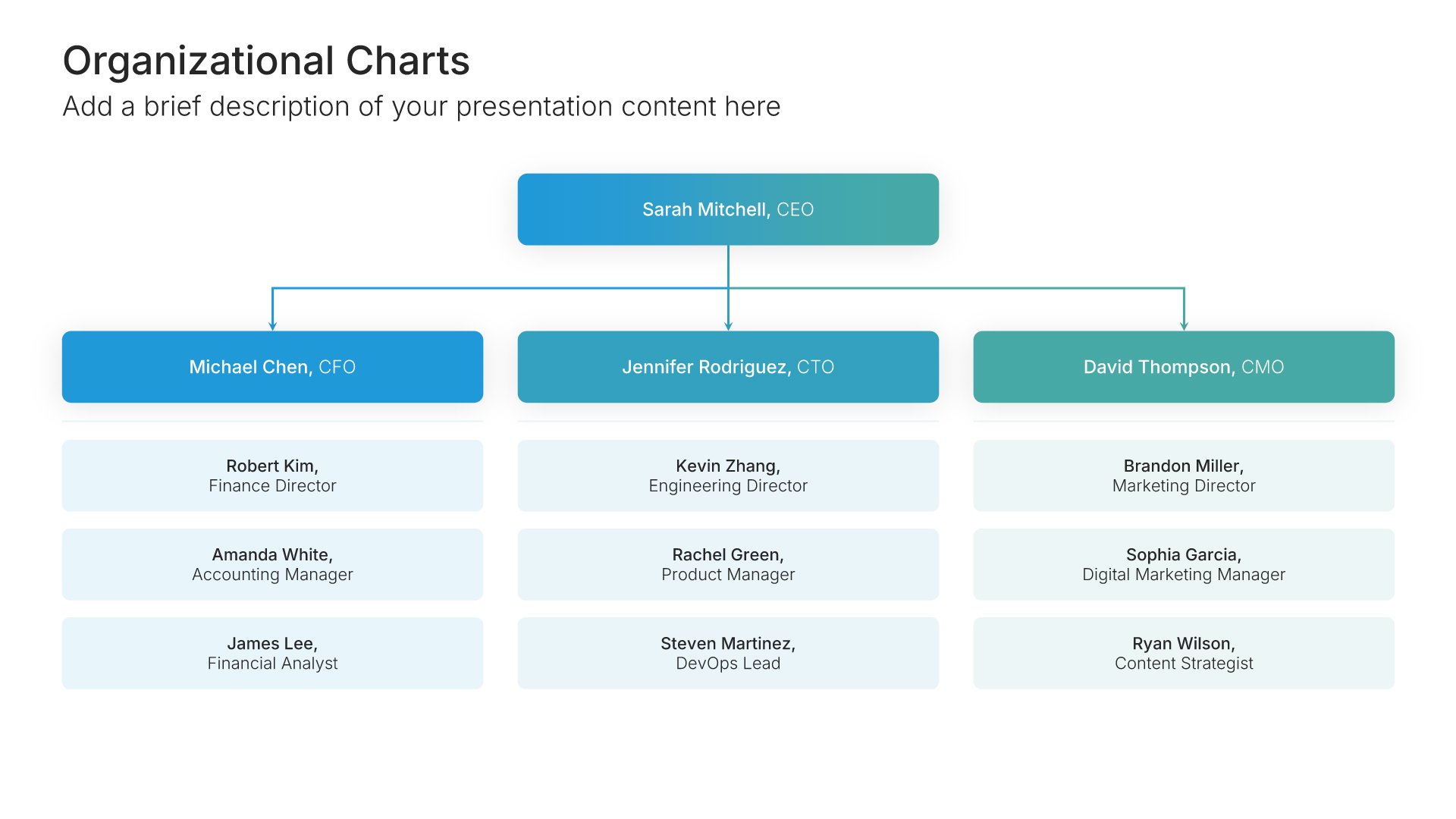
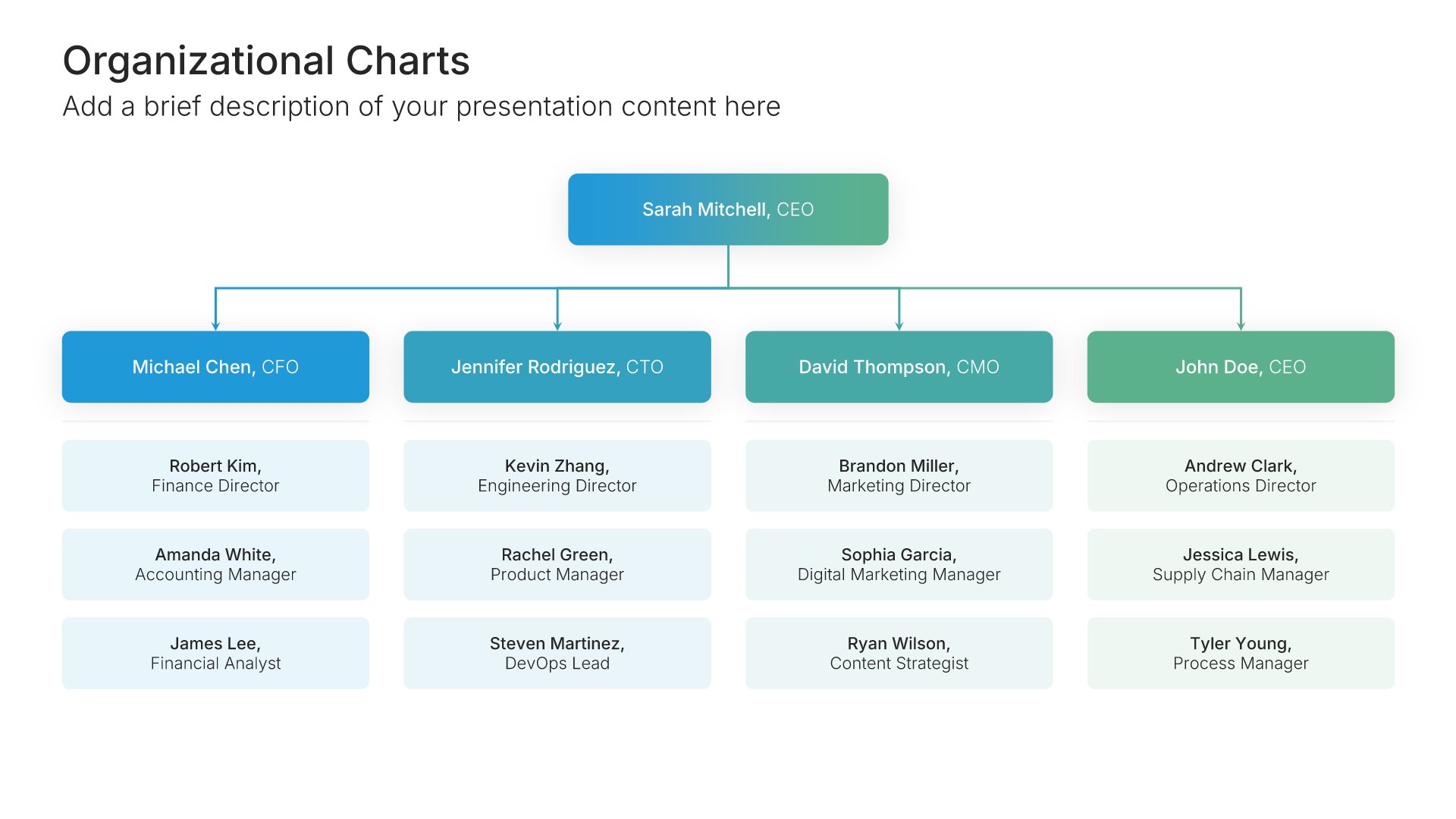
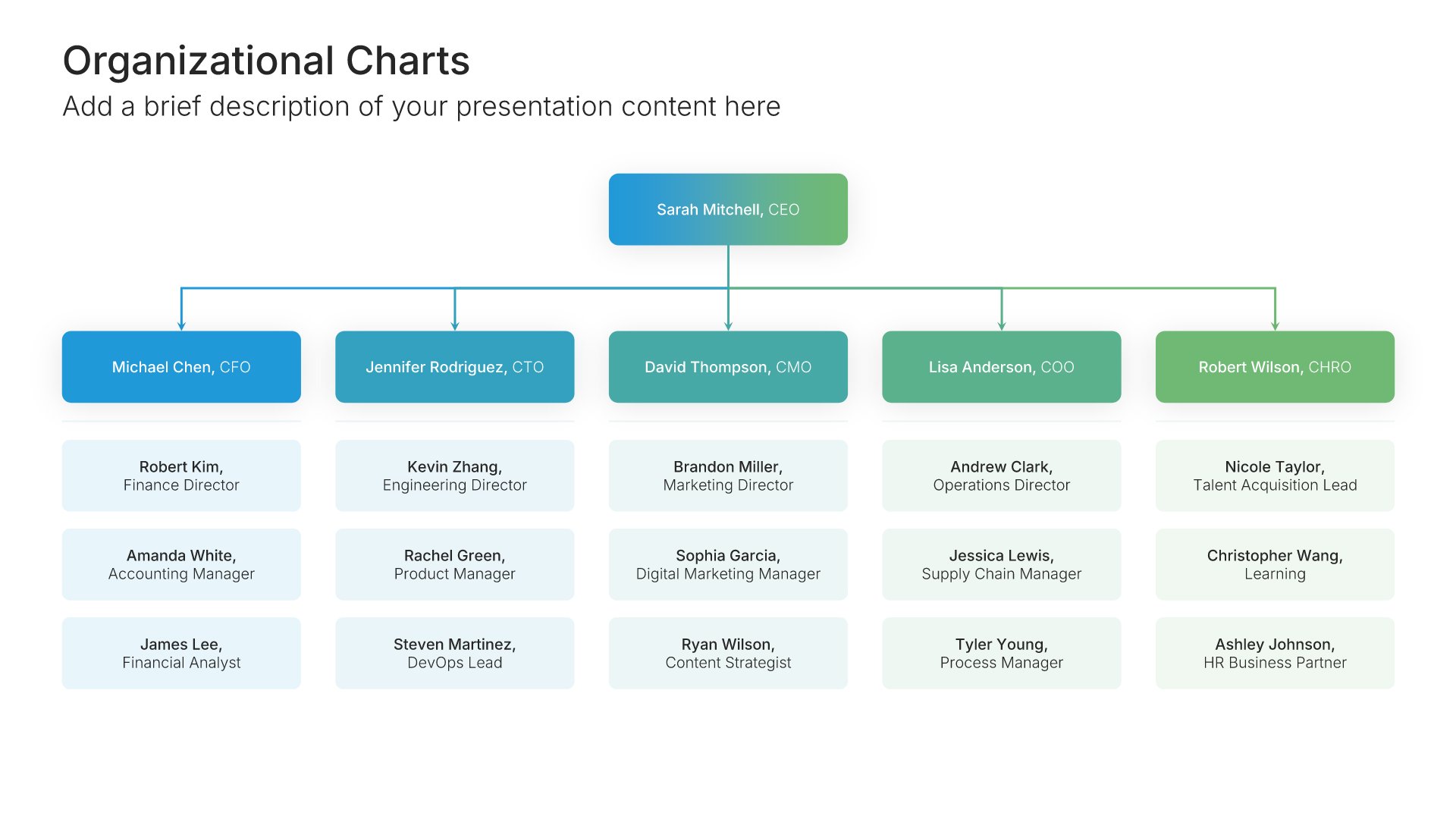
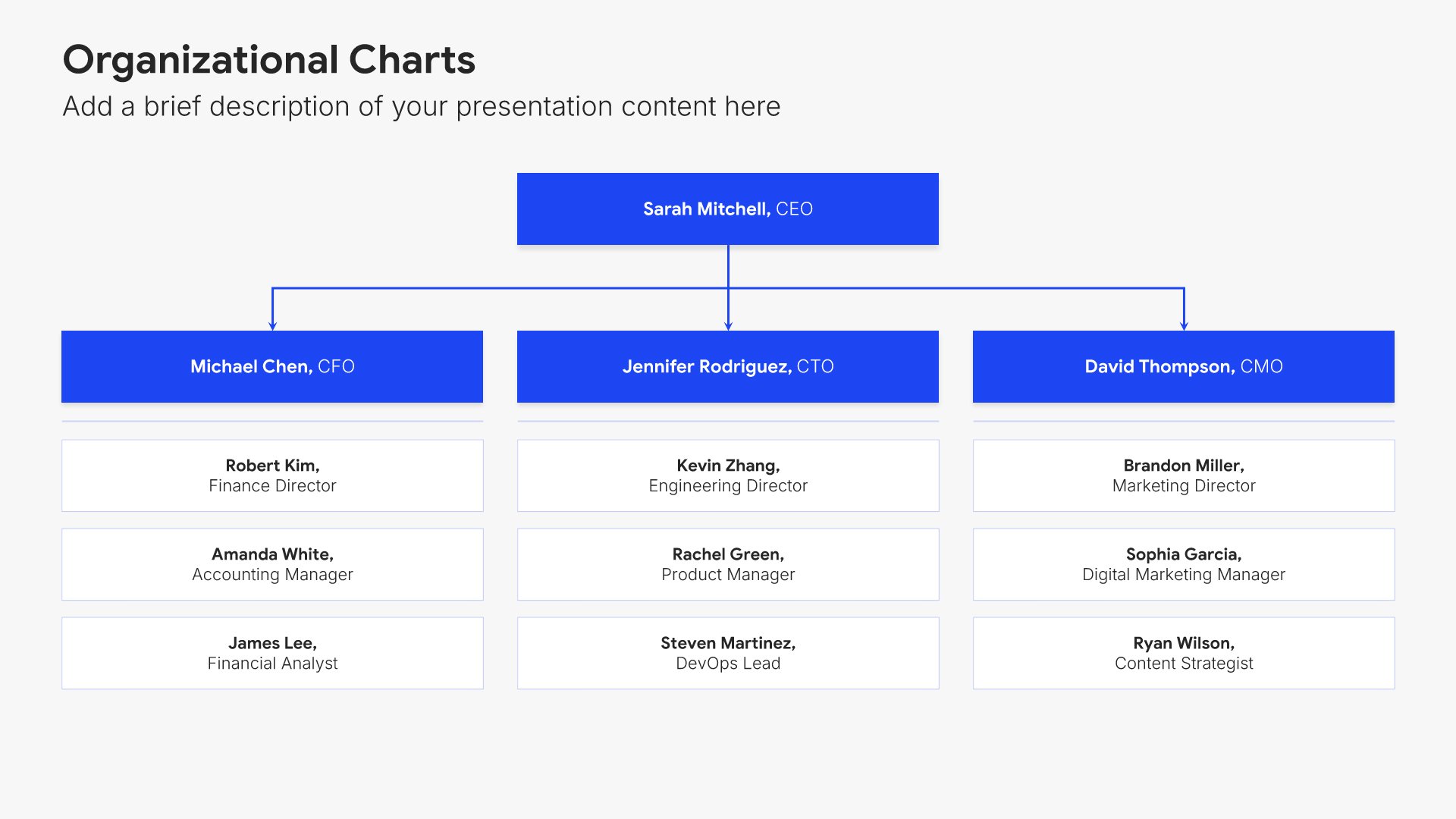
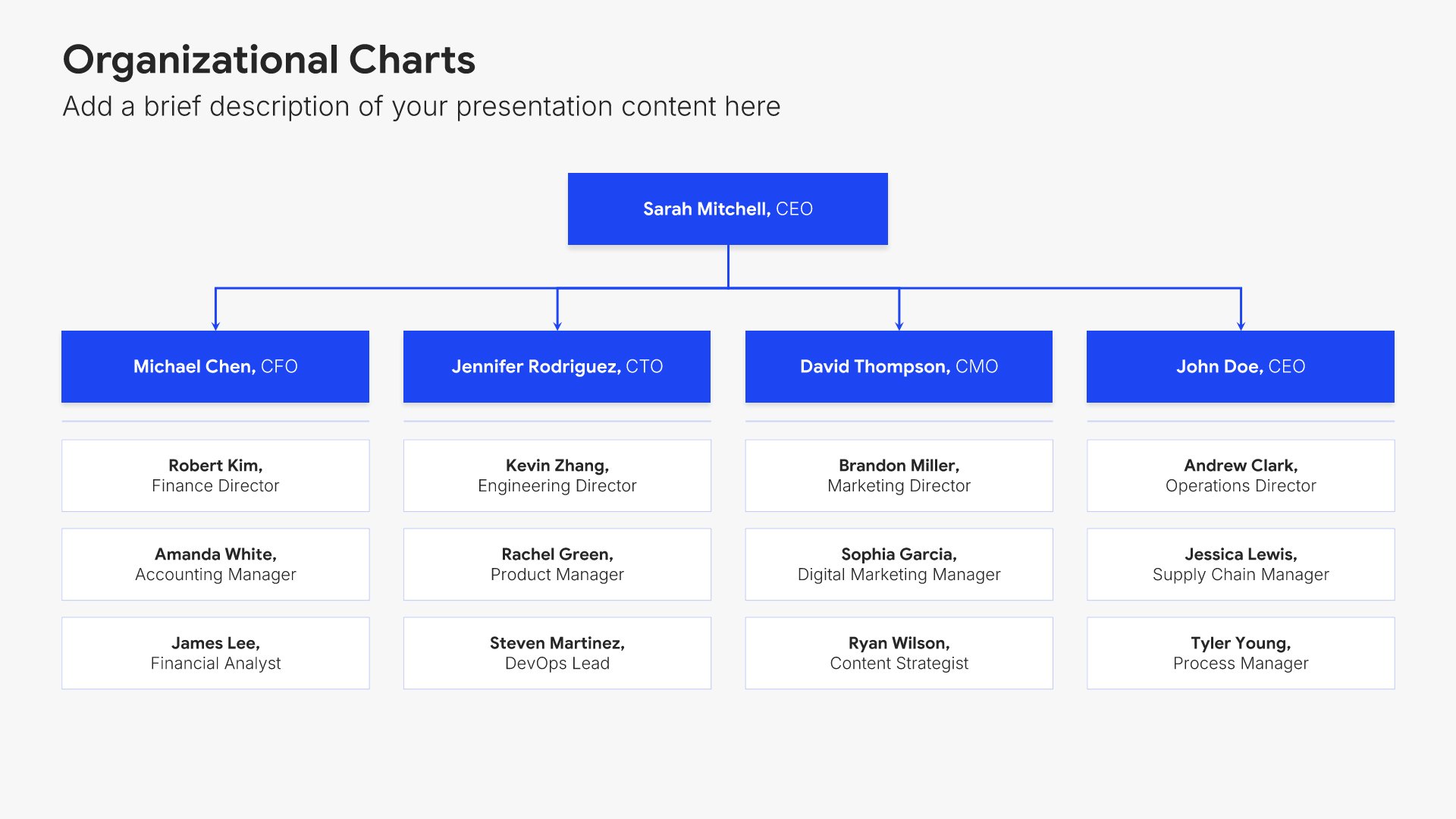
4. Organizational Charts

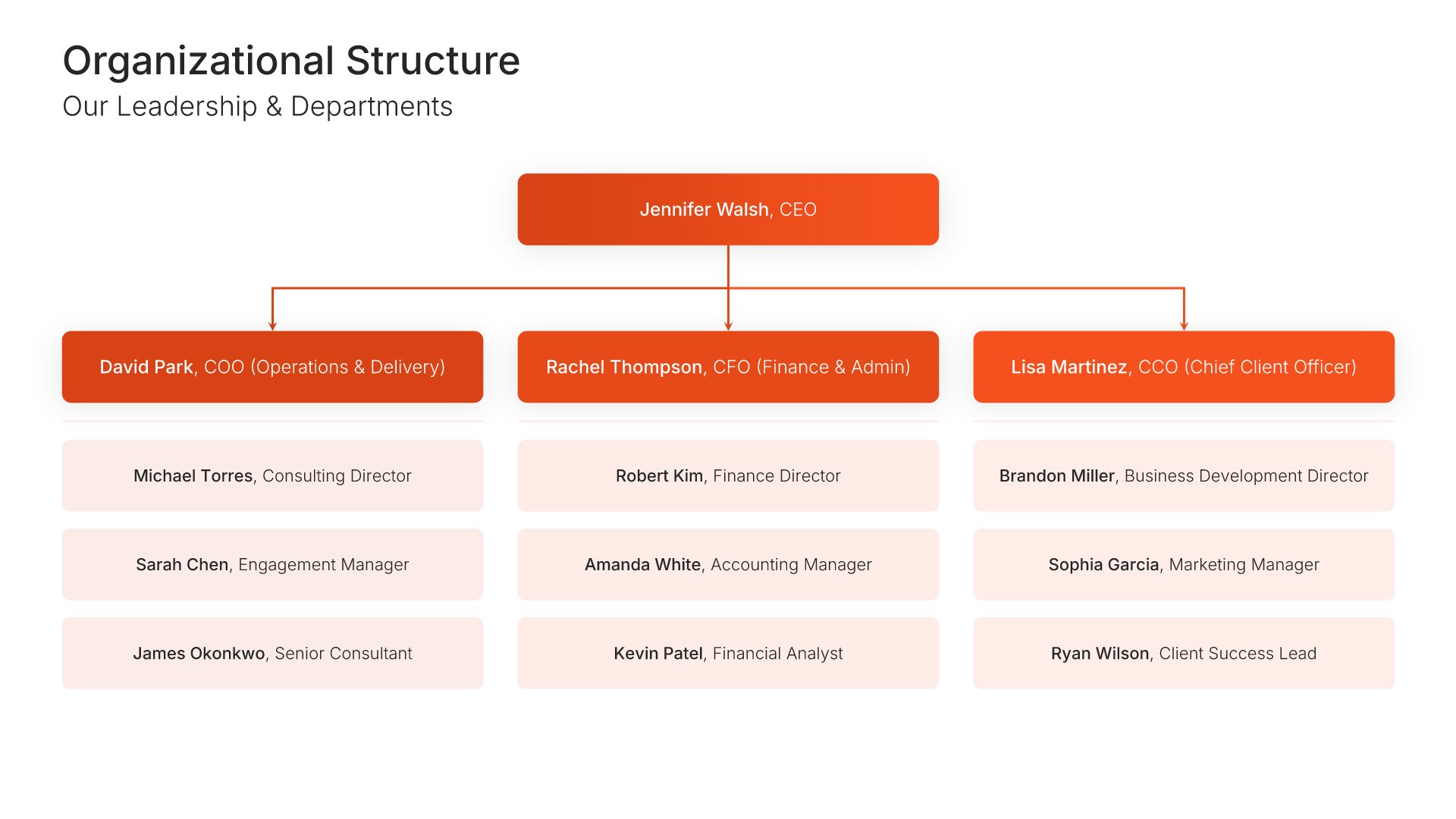
Organizational chart slides help you display team structures and hierarchy clearly. Use them to show reporting relationships, departments, roles, and how your organization is structured. Ideal for company overviews, team introductions, and any presentation where understanding organizational structure helps tell your story.
Built using Organizational Charts slides

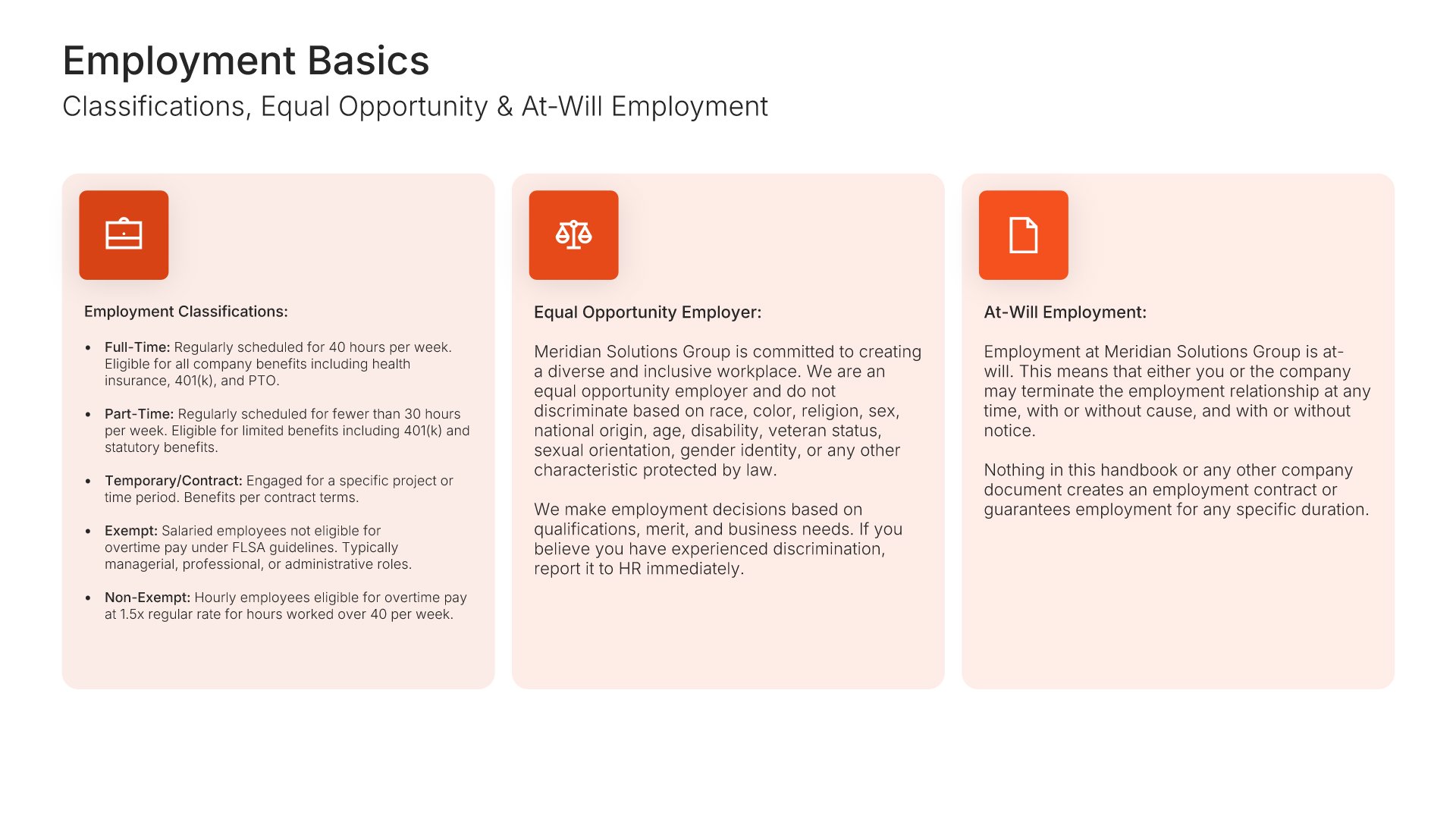
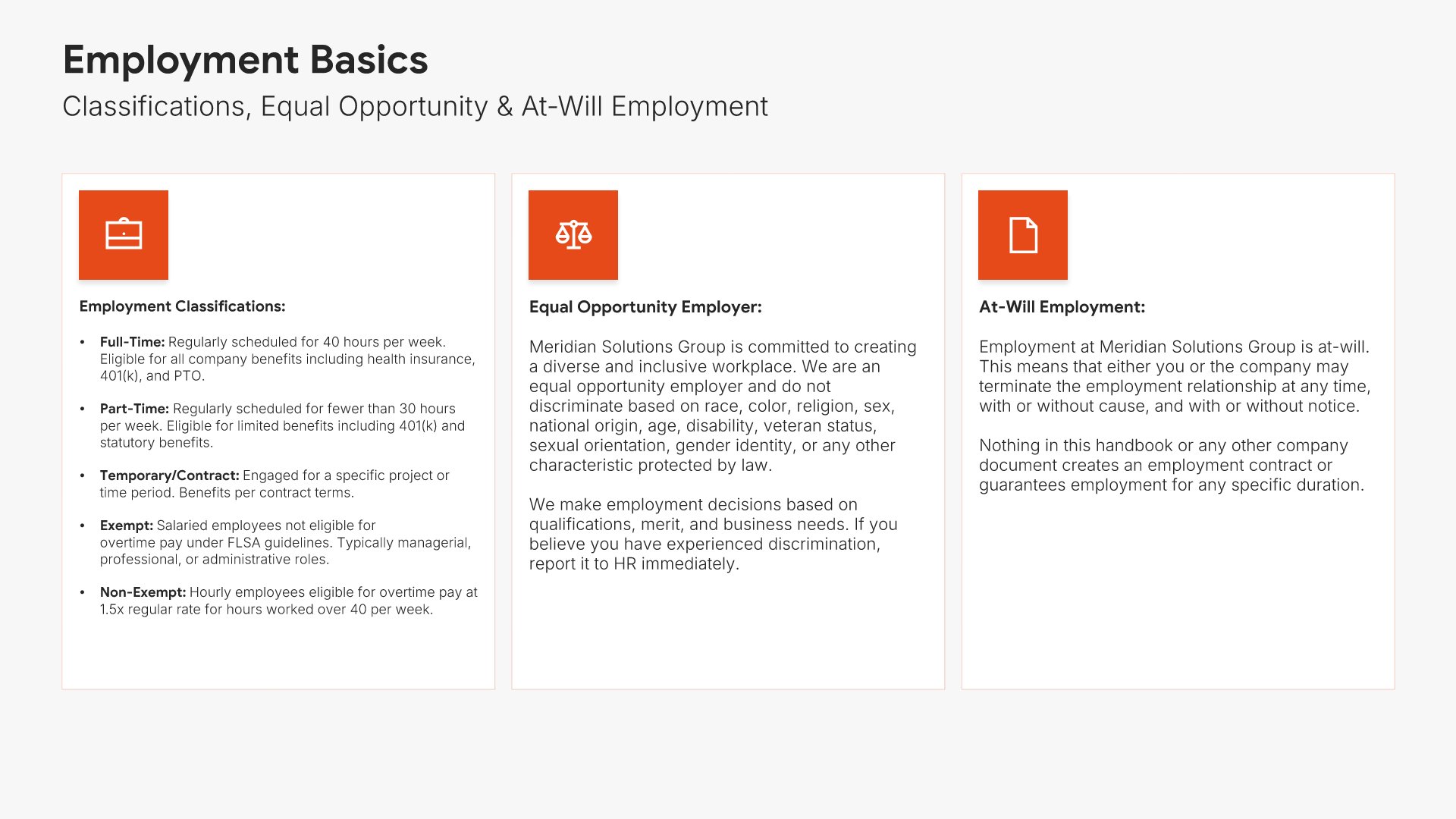
5. Employment Basics

Employment basics slides help you present the foundational terms of working at your organization. Use them to outline employment classifications, at-will status, equal opportunity commitments, and other baseline employment terms. A clear basics view ensures every employee understands the legal foundation of their relationship with the company.
Built using Simple Text (with Icons) slides

6. Workplace Policies

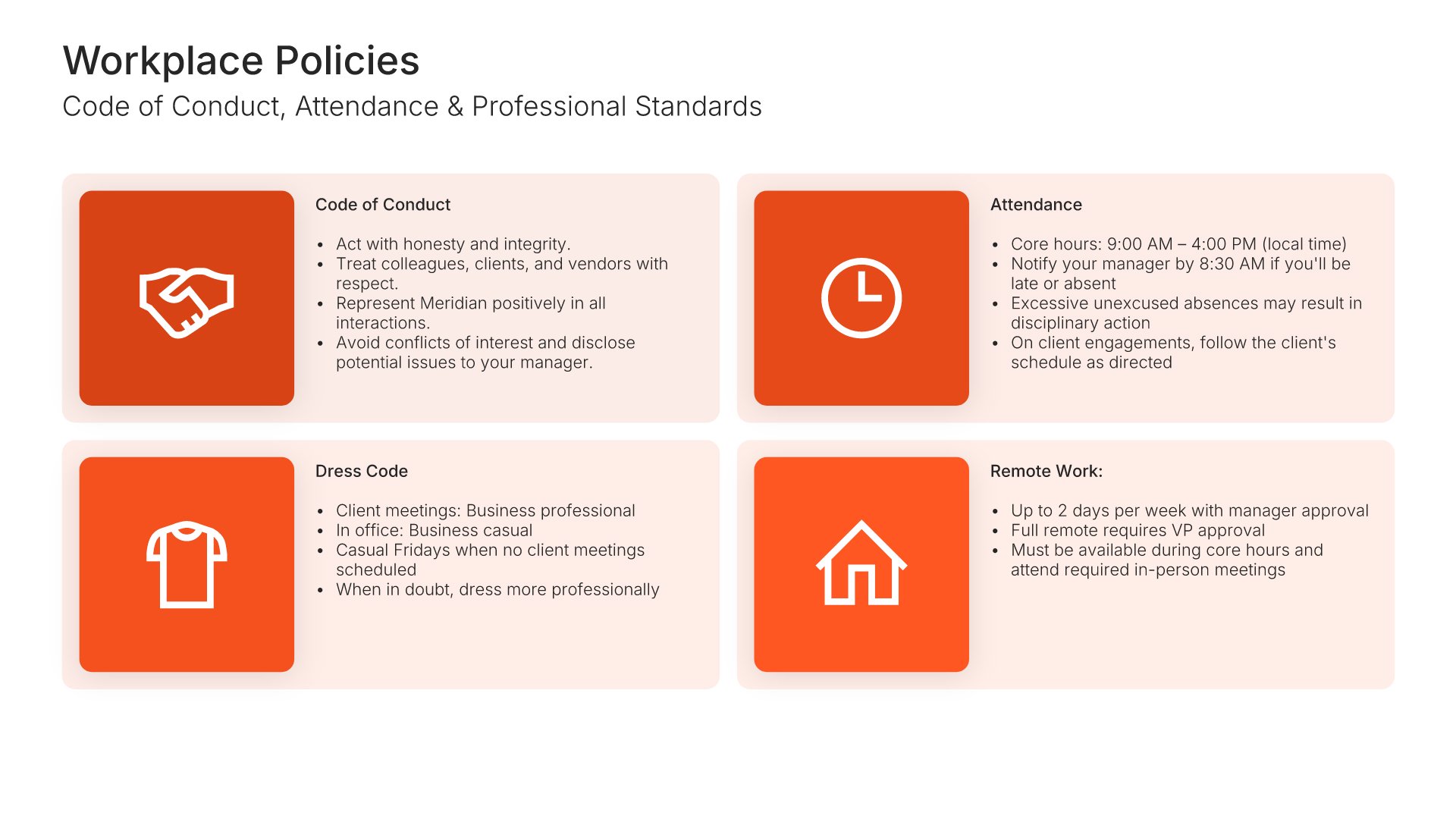
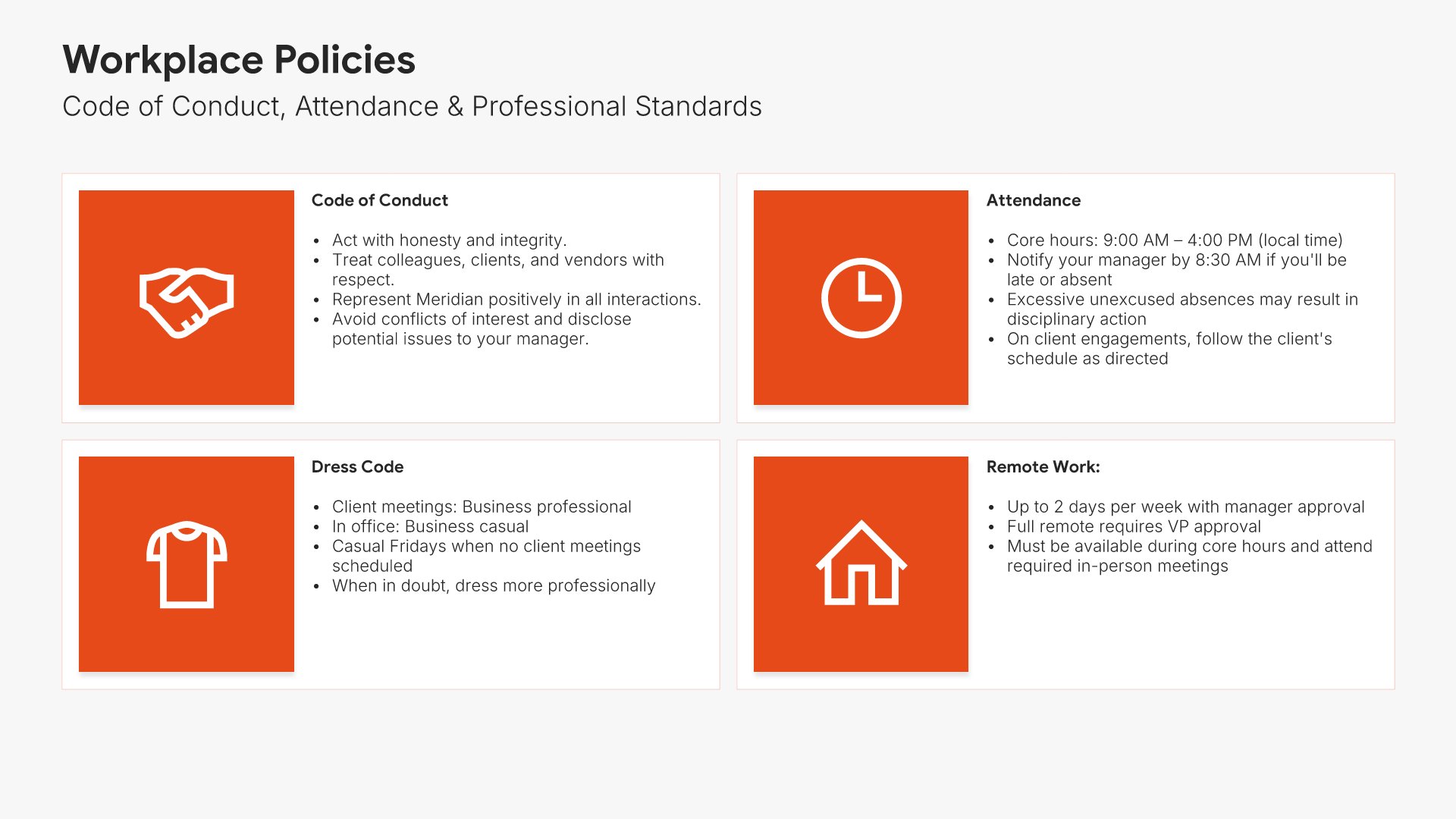
Workplace policies slides help you present the rules and standards that shape day-to-day behavior. Use them to outline code of conduct, attendance, dress code, and other policies governing the work environment. A clear policies view ensures employees understand expectations and can navigate the workplace with confidence and consistency.
Built using Simple Text (with Icons) slides

7. Compensation & Payroll

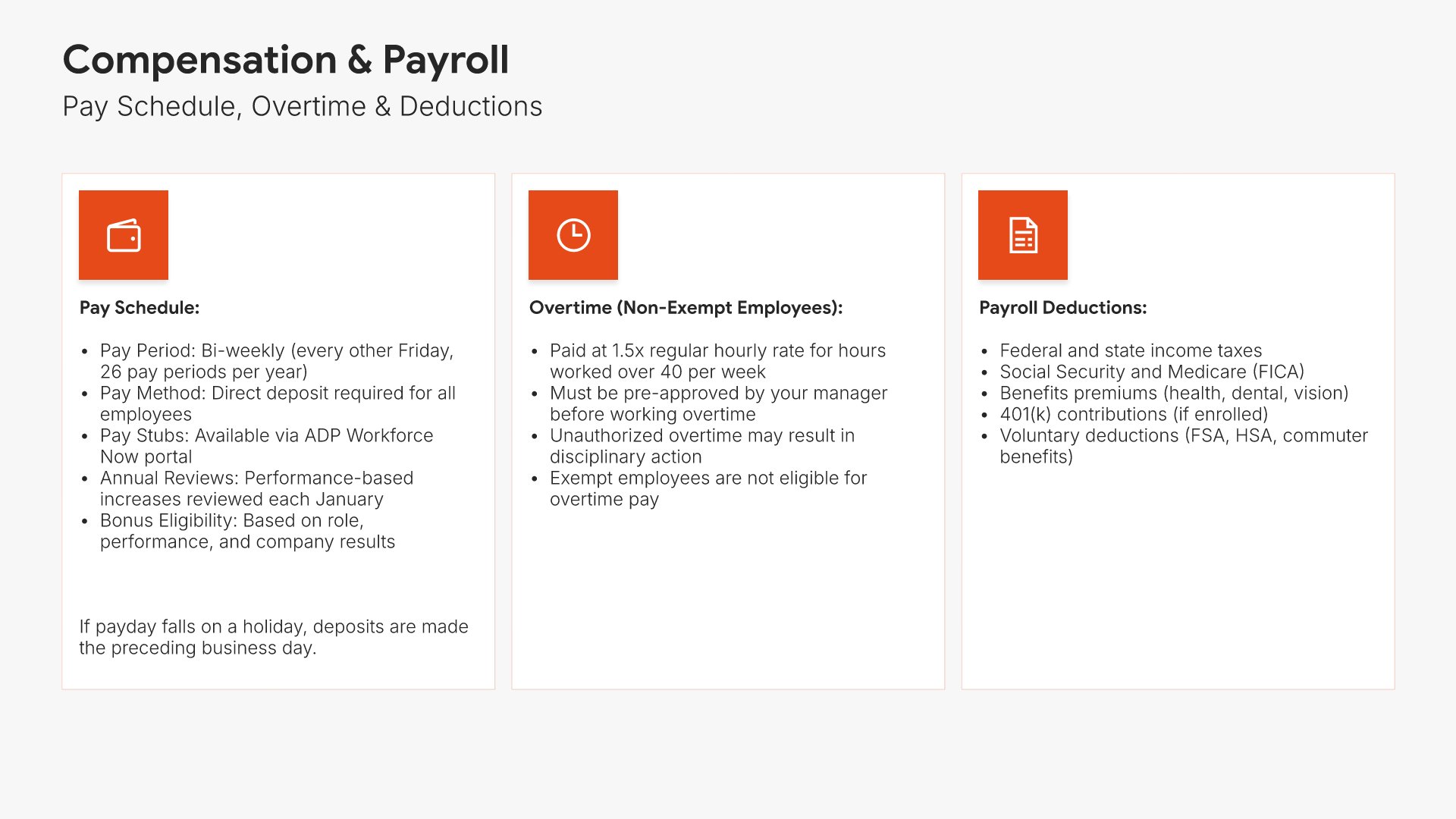
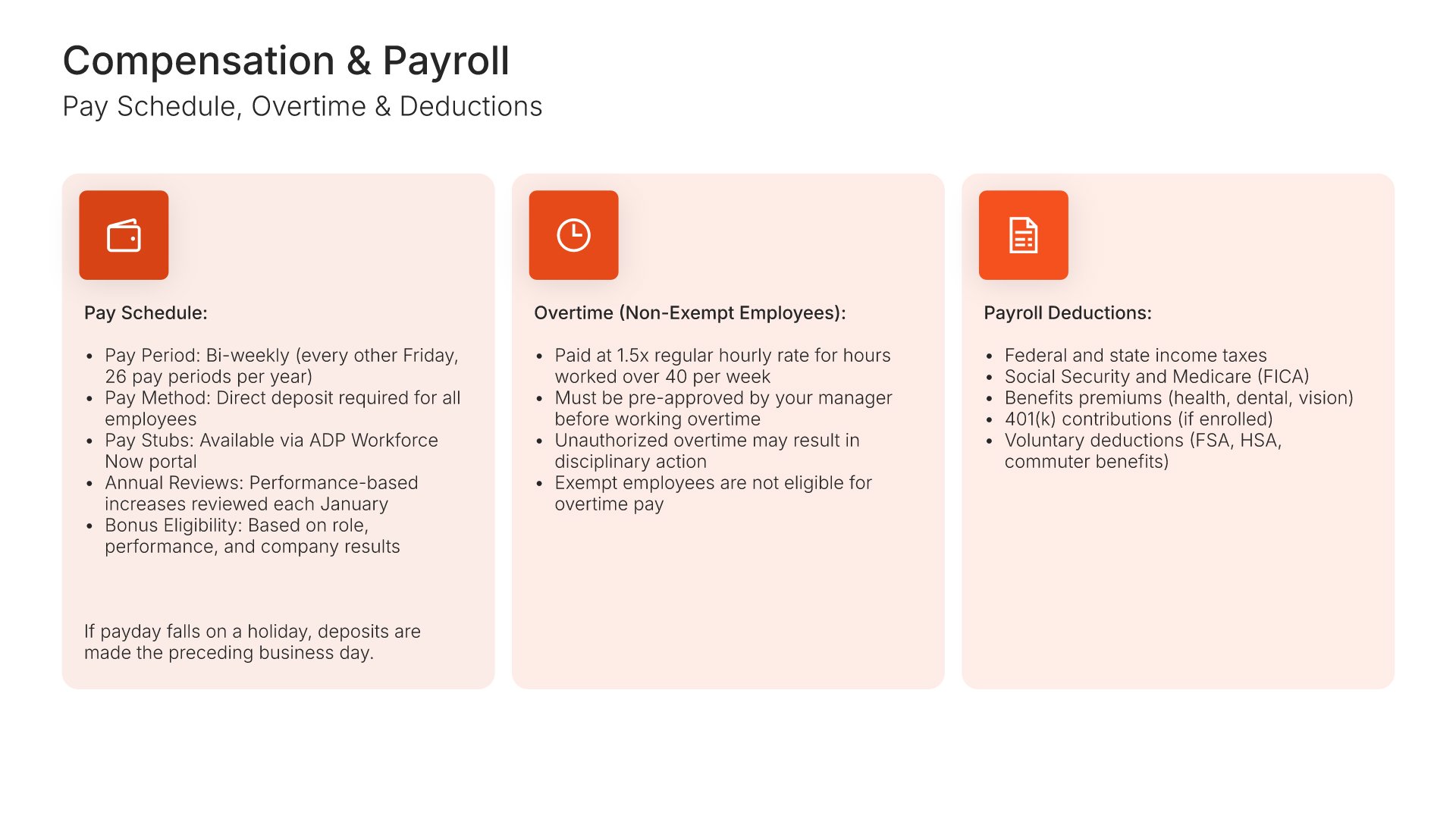
Compensation and payroll slides help you present how employees are paid and the policies surrounding compensation. Use them to outline pay schedules, overtime, deductions, bonuses, and salary review practices. A clear compensation view ensures employees understand exactly how their pay works and what to expect from each pay cycle.
Built using Simple Text (with Icons) slides

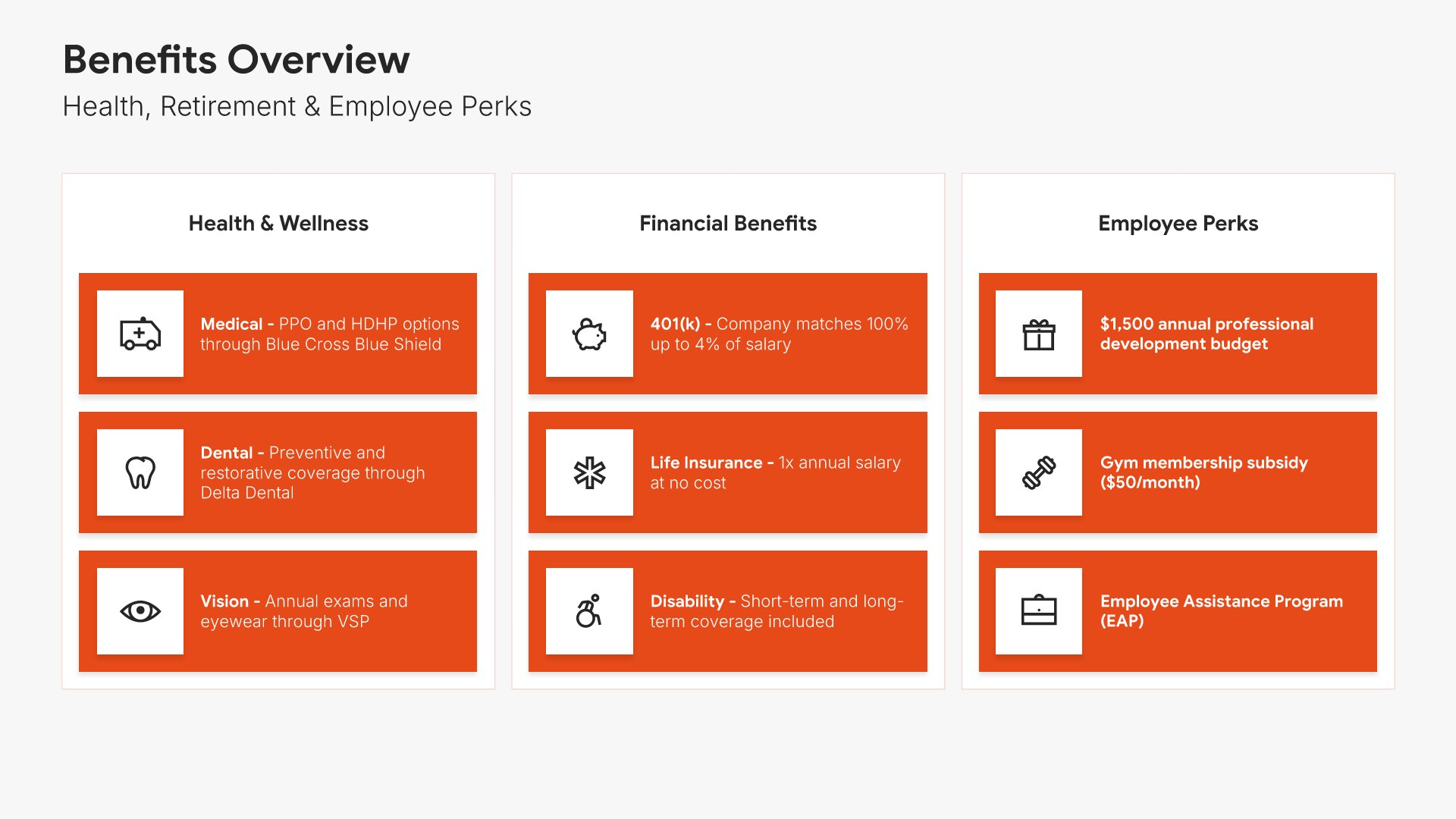
8. Benefits & Perks

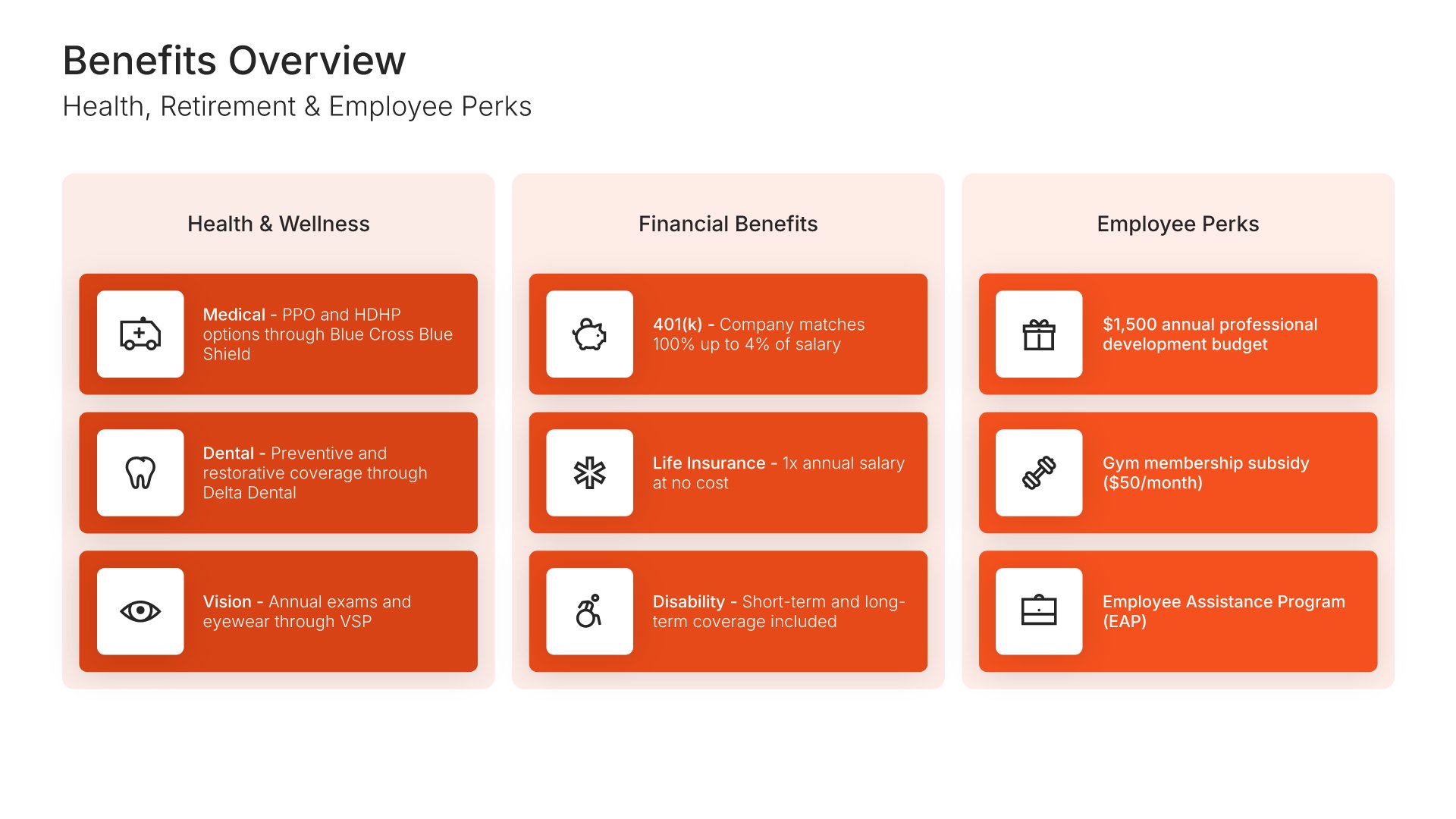
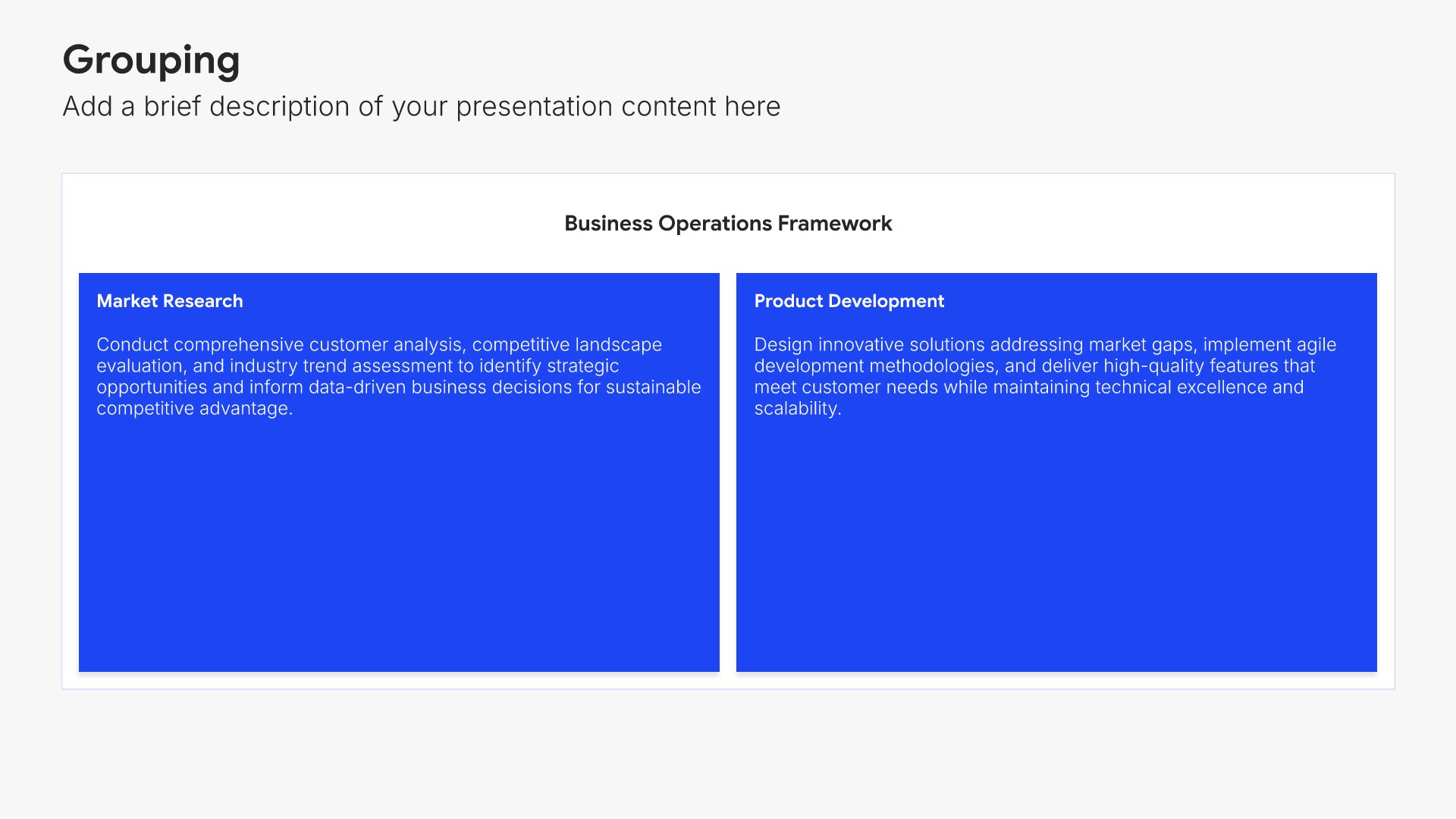
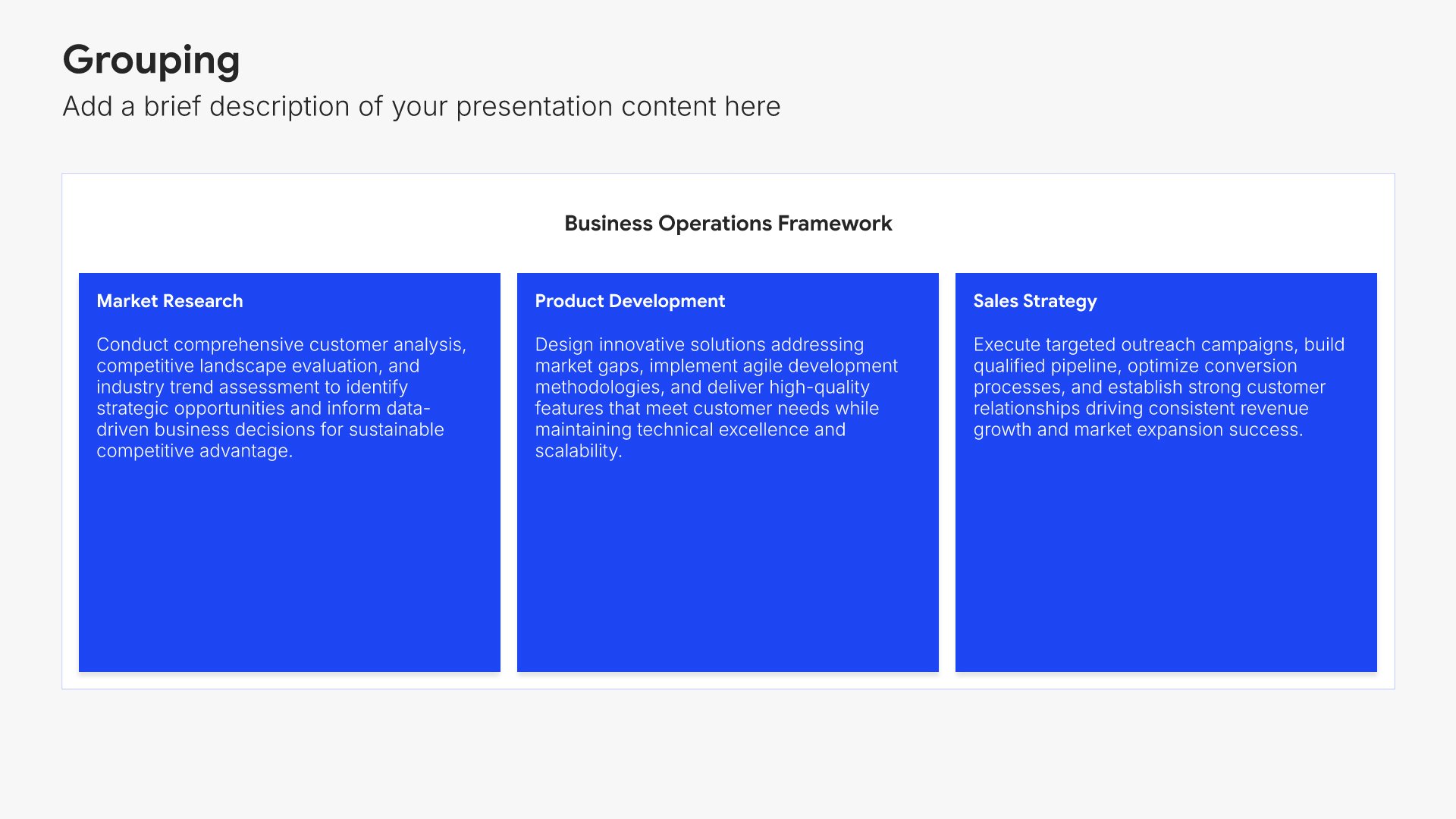
Benefits and perks slides help you walk new hires through the compensation and benefits package they're entitled to. Use them to present health coverage, retirement, paid time off, and other perks in a clear format. A clear benefits view helps employees understand the full value of their compensation and how to access what's offered.
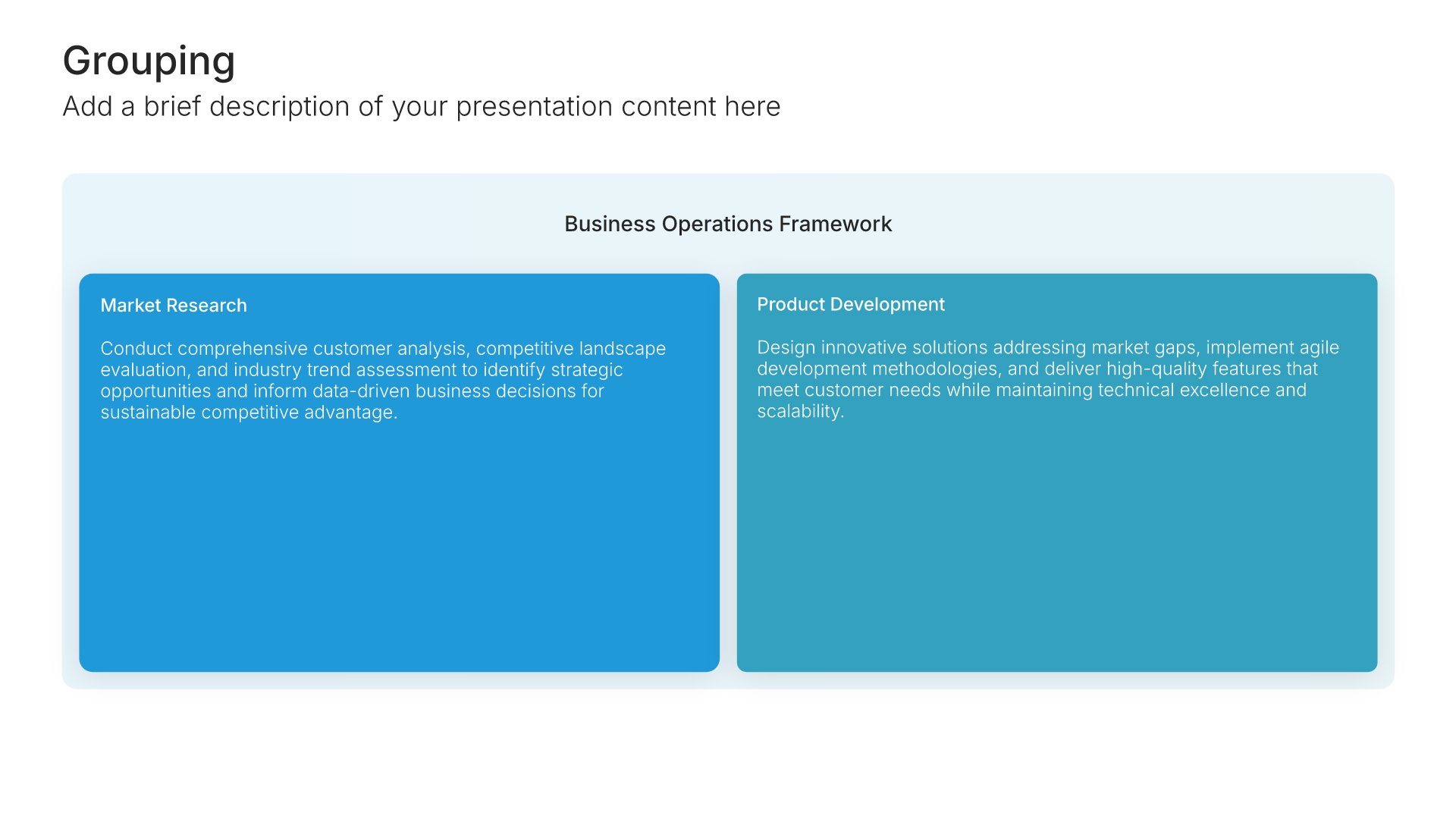
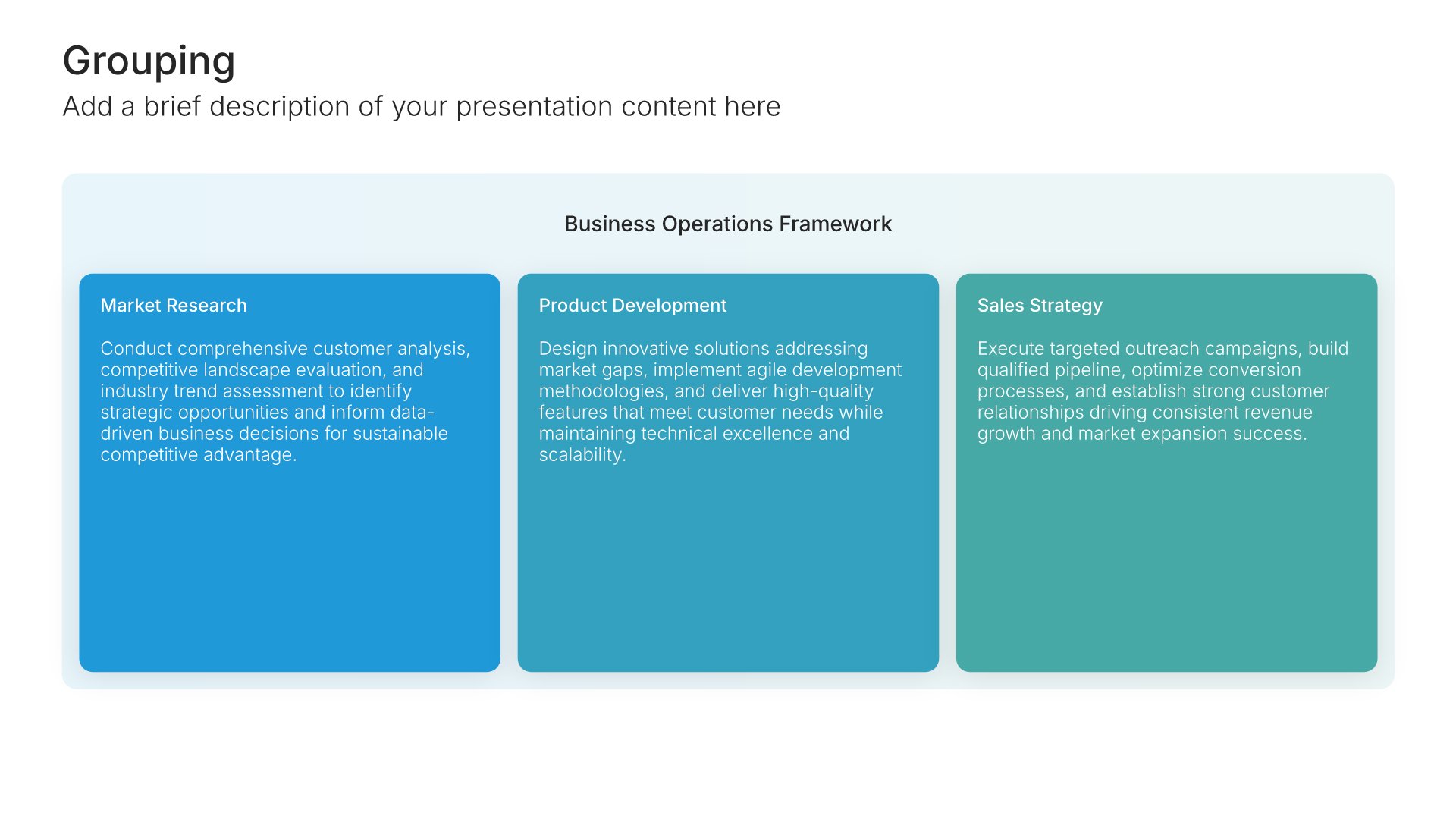
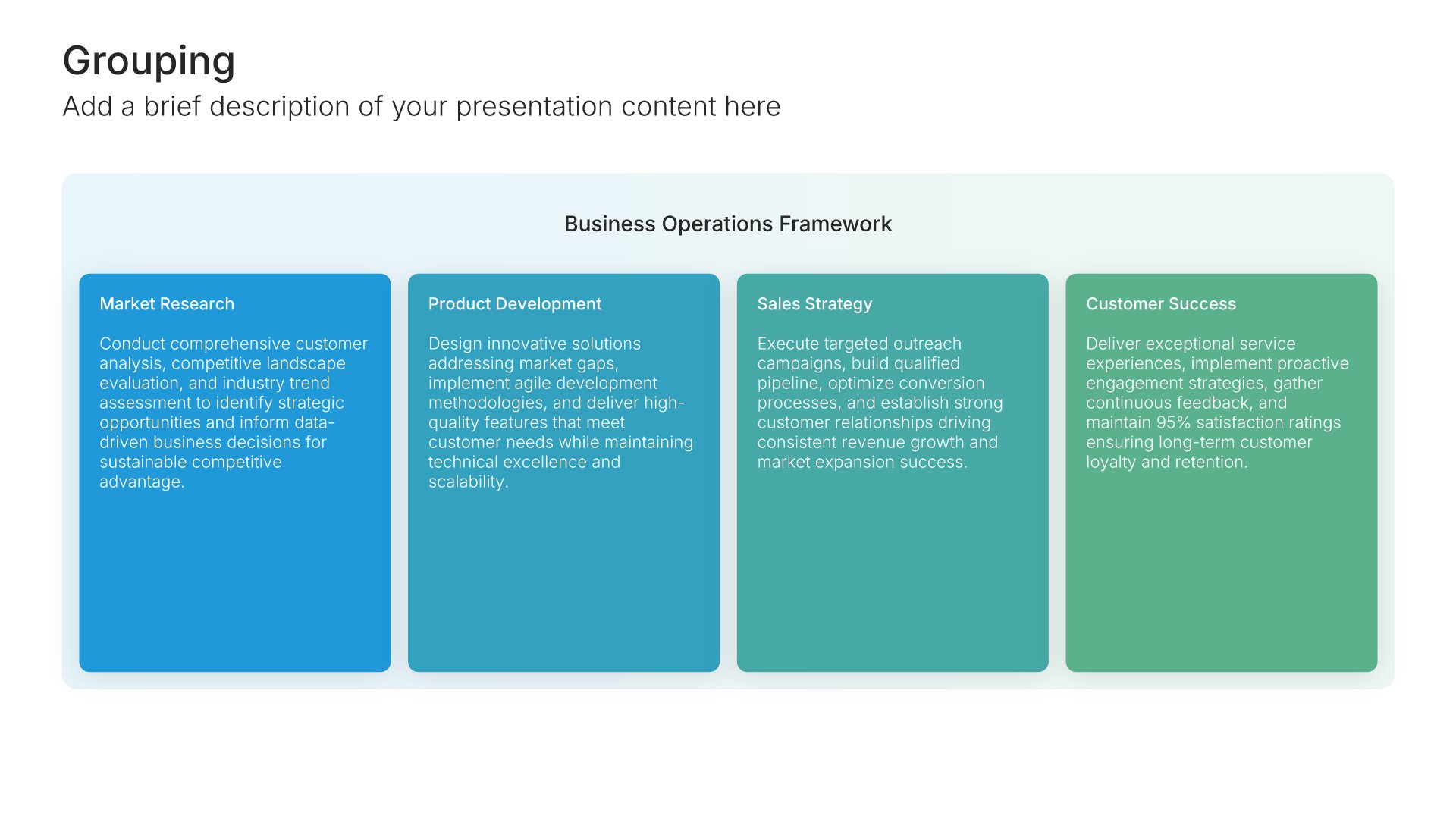
Built using Grouping slides

9. Time Off & Leave

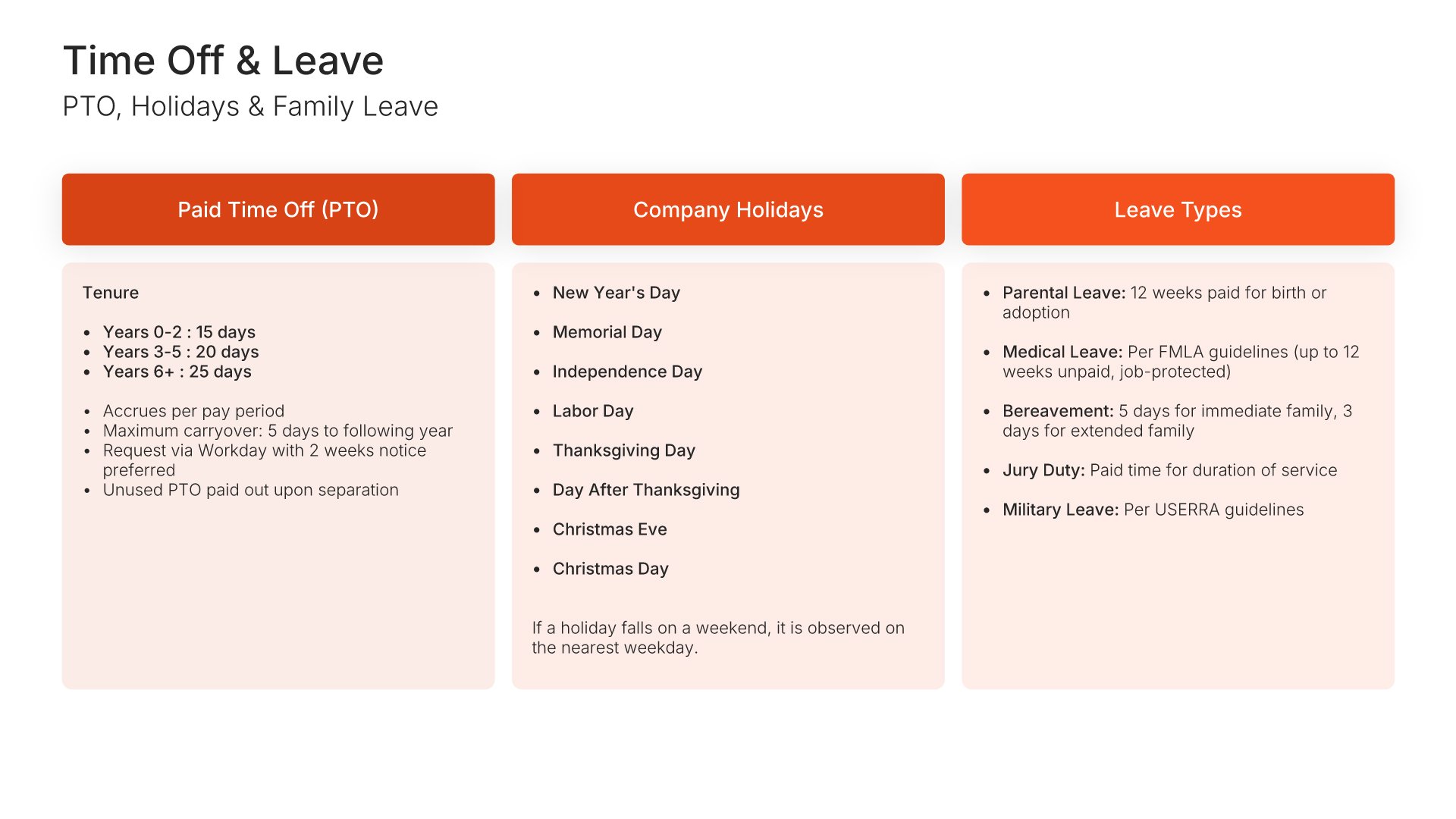
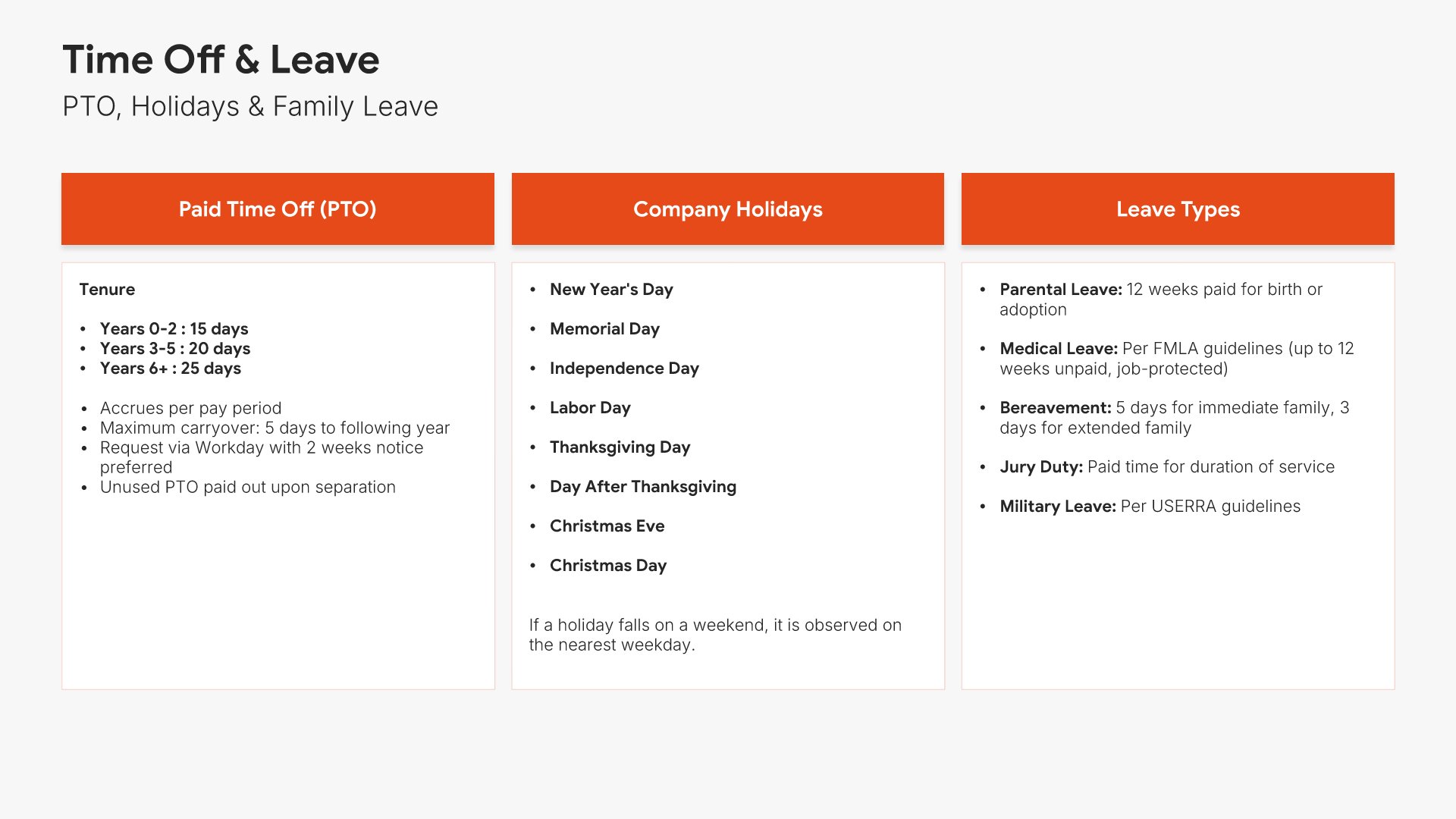
Time off and leave slides help you present the policies governing PTO, holidays, sick leave, and family leave. Use them to outline accrual rates, eligibility, request procedures, and special leave programs. A clear time off view ensures employees know what they're entitled to and how to use their leave benefits properly.
Built using One Pager / Snapshot slides

10. Workplace Safety

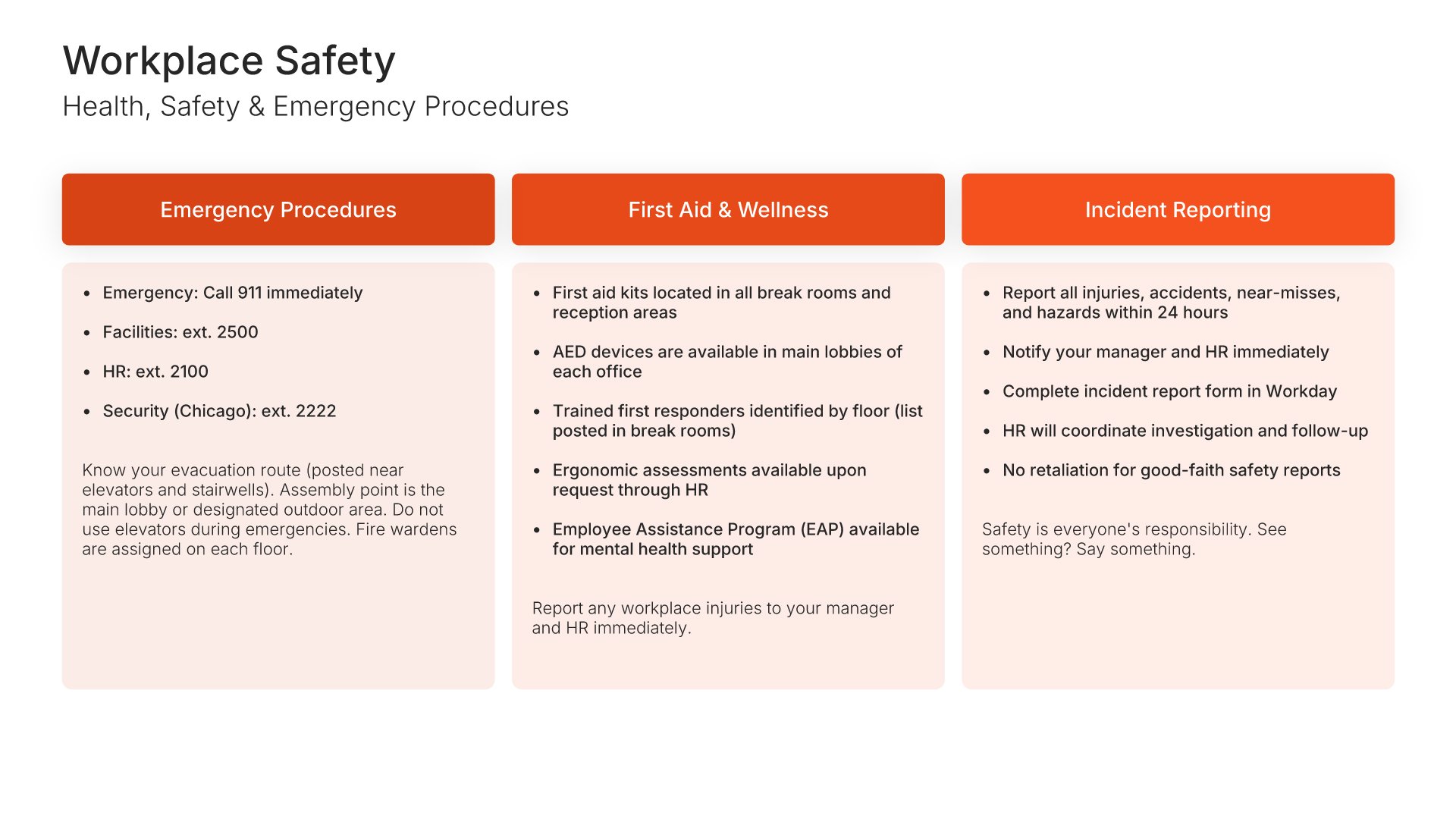
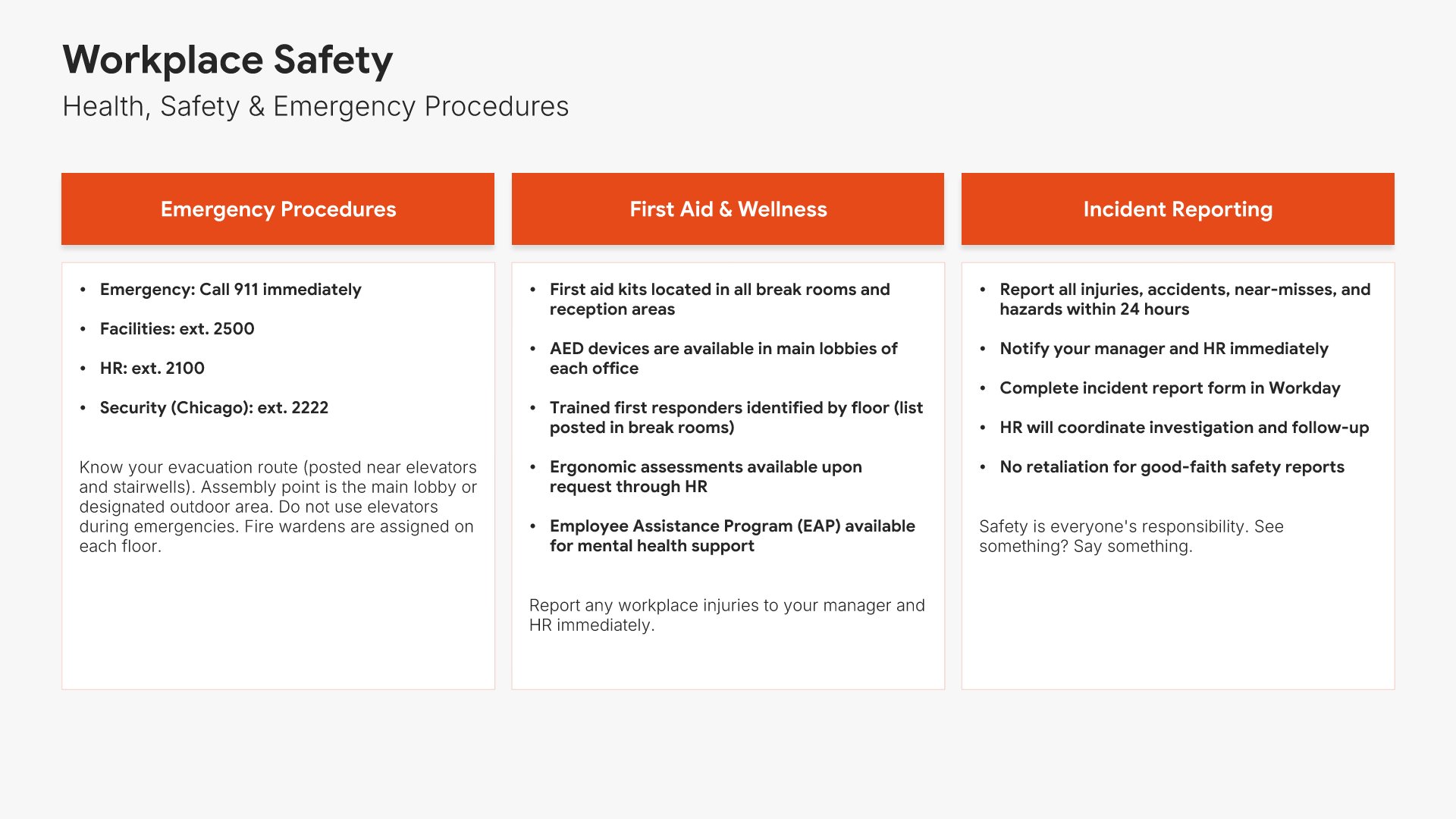
Workplace safety slides help you present the policies and procedures that keep employees safe. Use them to outline health and safety standards, emergency procedures, incident reporting, and ergonomic practices. A clear safety view demonstrates the organization's commitment to employee wellbeing and ensures everyone knows what to do in emergencies.
Built using One Pager / Snapshot slides

11. Technology & Communication

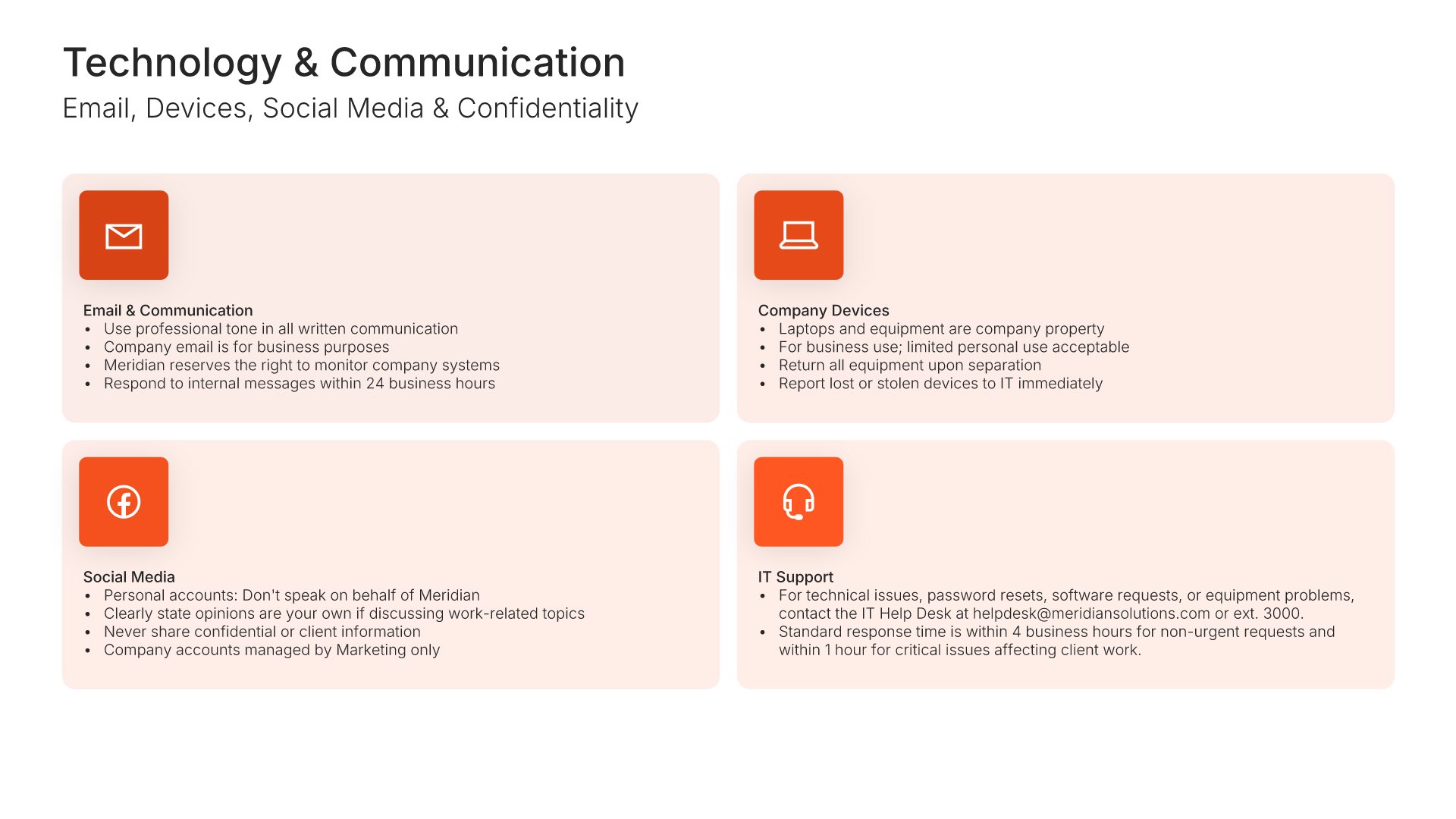
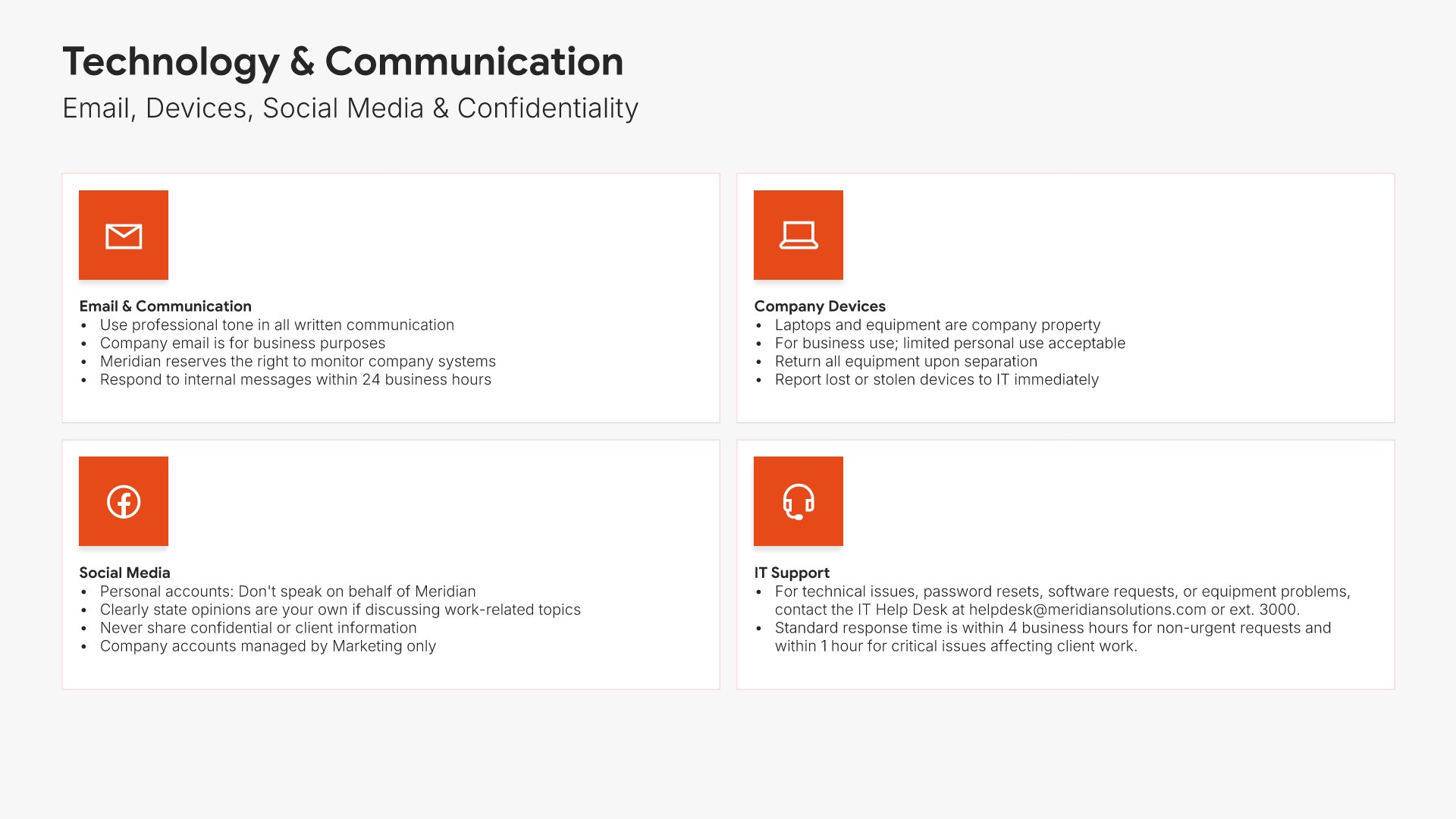
Technology and communication slides help you present the policies governing how employees use company systems. Use them to outline email, devices, social media, confidentiality, and acceptable use standards. A clear technology view ensures employees understand expectations and protects the organization from data security and reputational risks.
Built using Simple Text (with Icons) slides

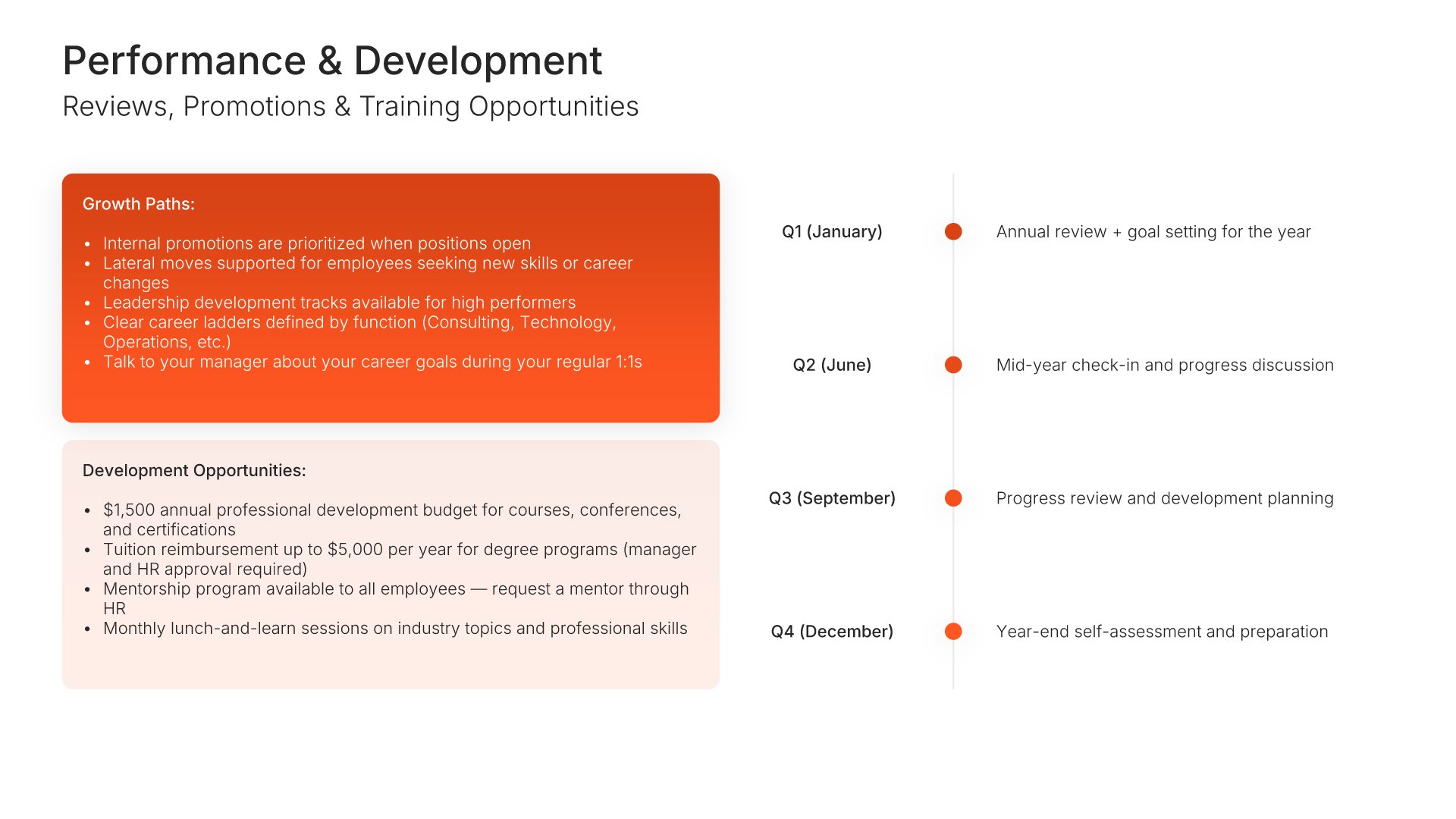
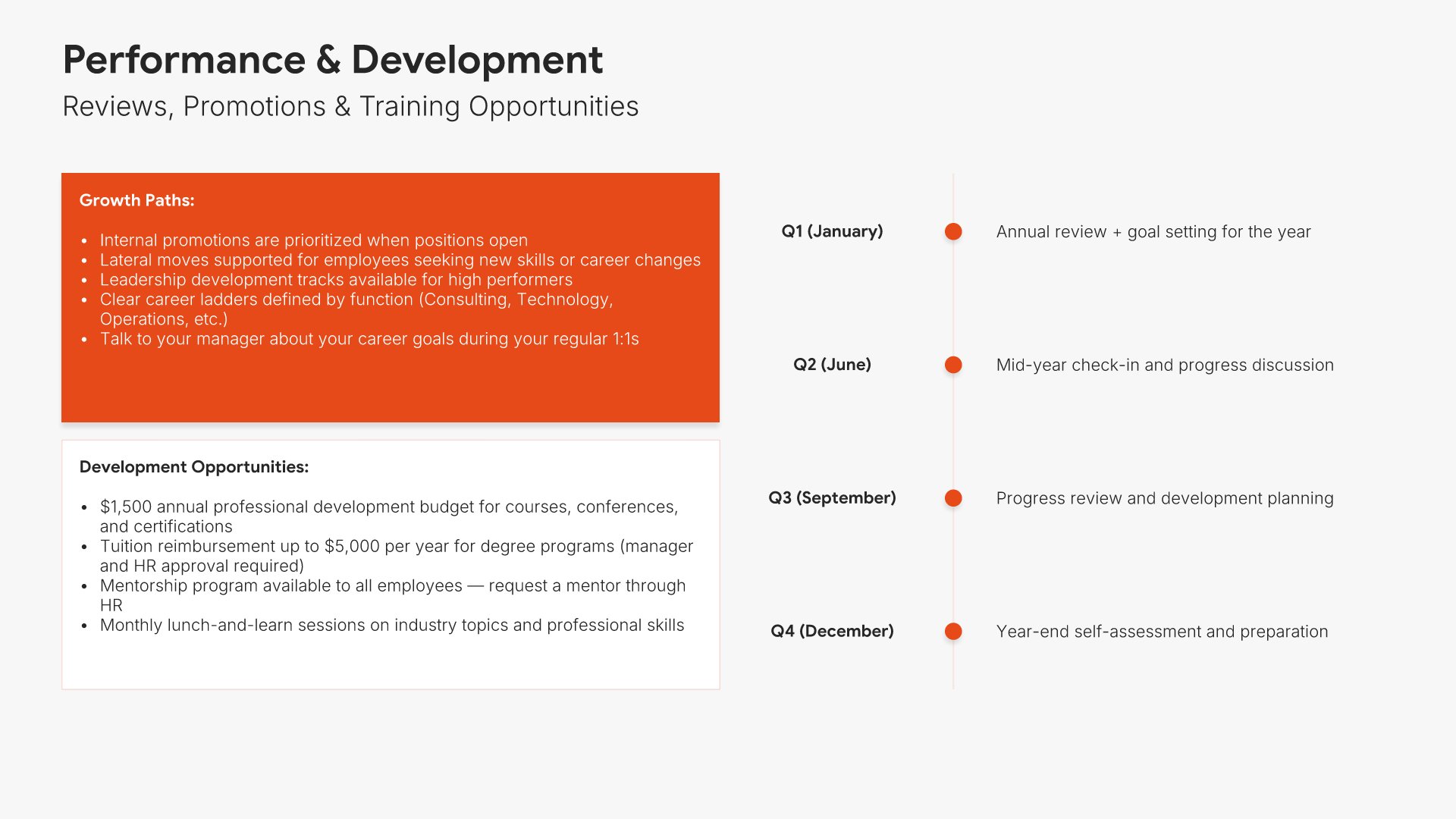
12. Performance & Development

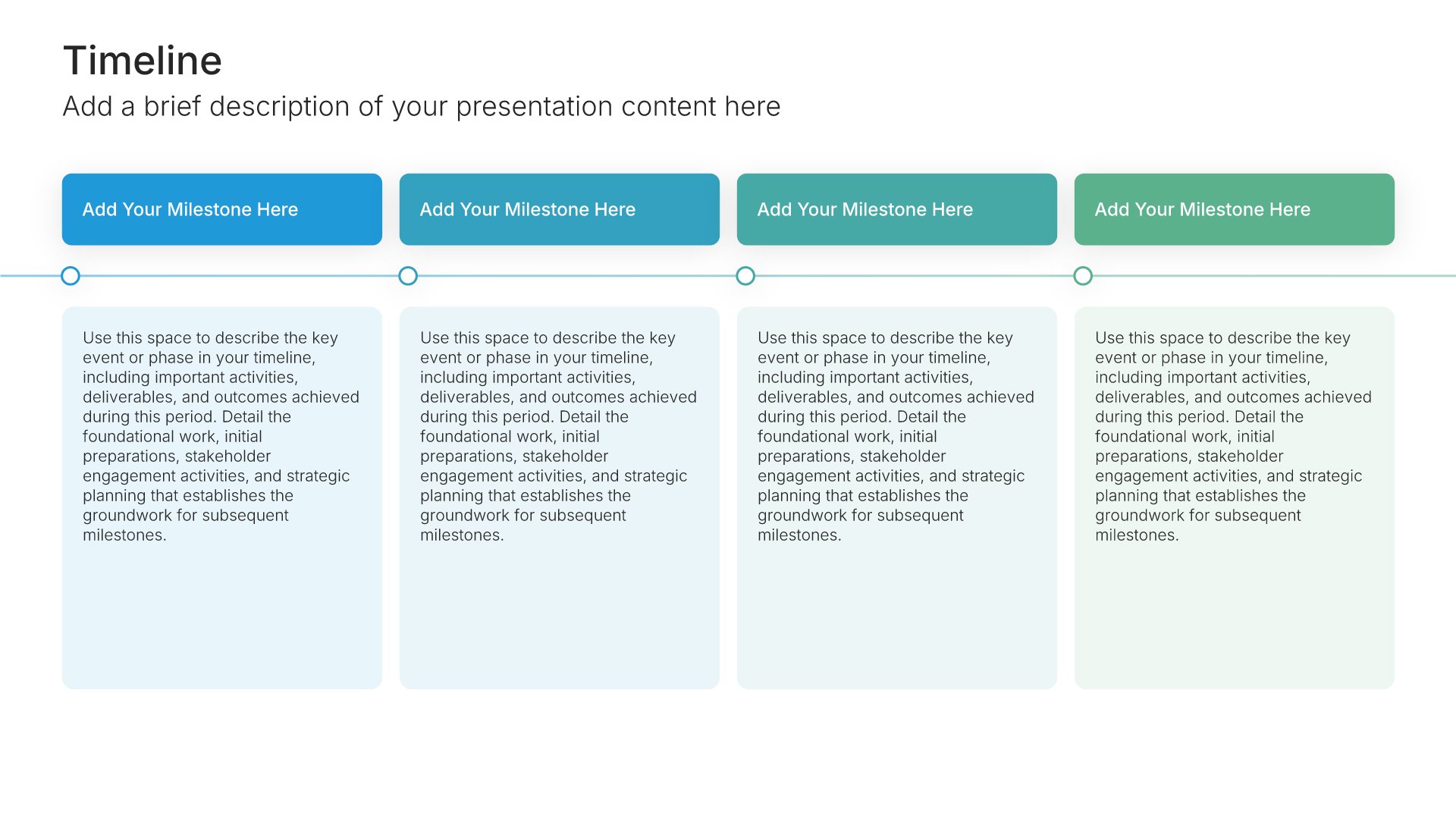
Performance and development slides help you present how performance is managed and careers grow at your organization. Use them to outline review cycles, promotion paths, training opportunities, and development budgets. A clear performance view shows employees how they're evaluated and the resources available to grow in their roles.
Built using Timeline slides

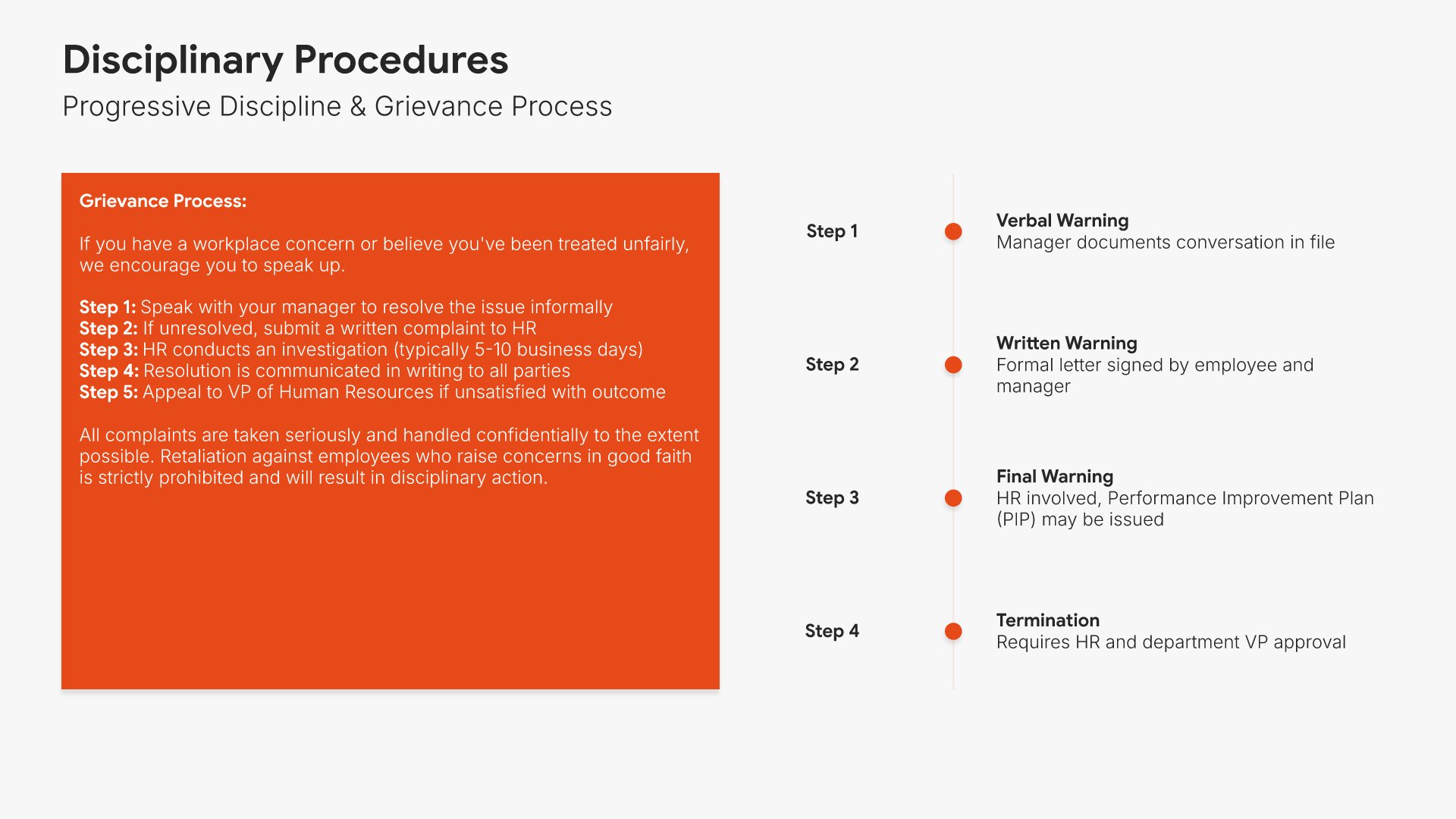
13. Disciplinary Procedures

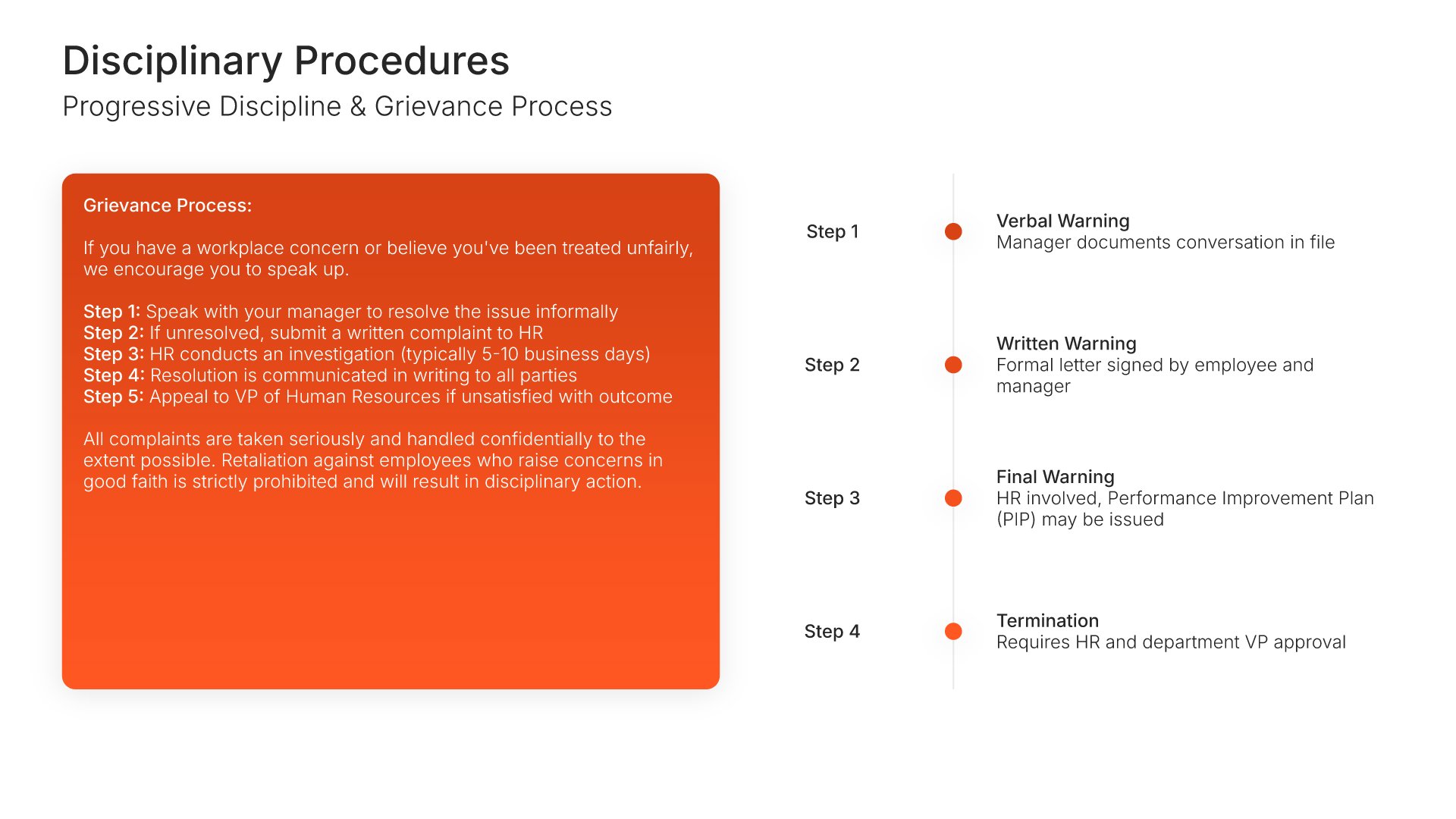
Disciplinary procedures slides help you present how the organization addresses performance and conduct issues. Use them to outline progressive discipline, grievance processes, and the steps employees can take if they disagree with a decision. A clear disciplinary view ensures fair, consistent treatment and protects both employees and the company.
Built using Timeline slides

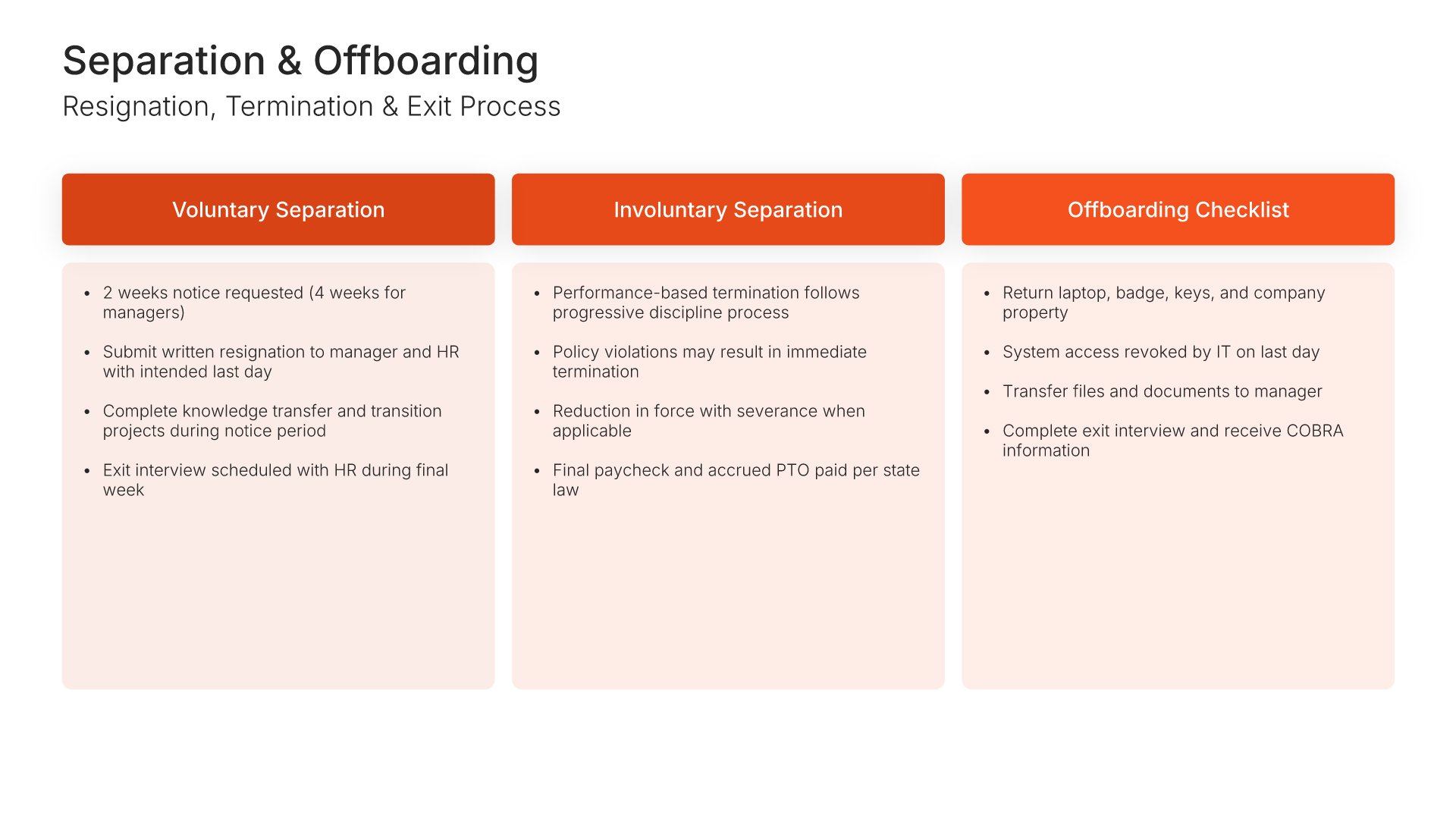
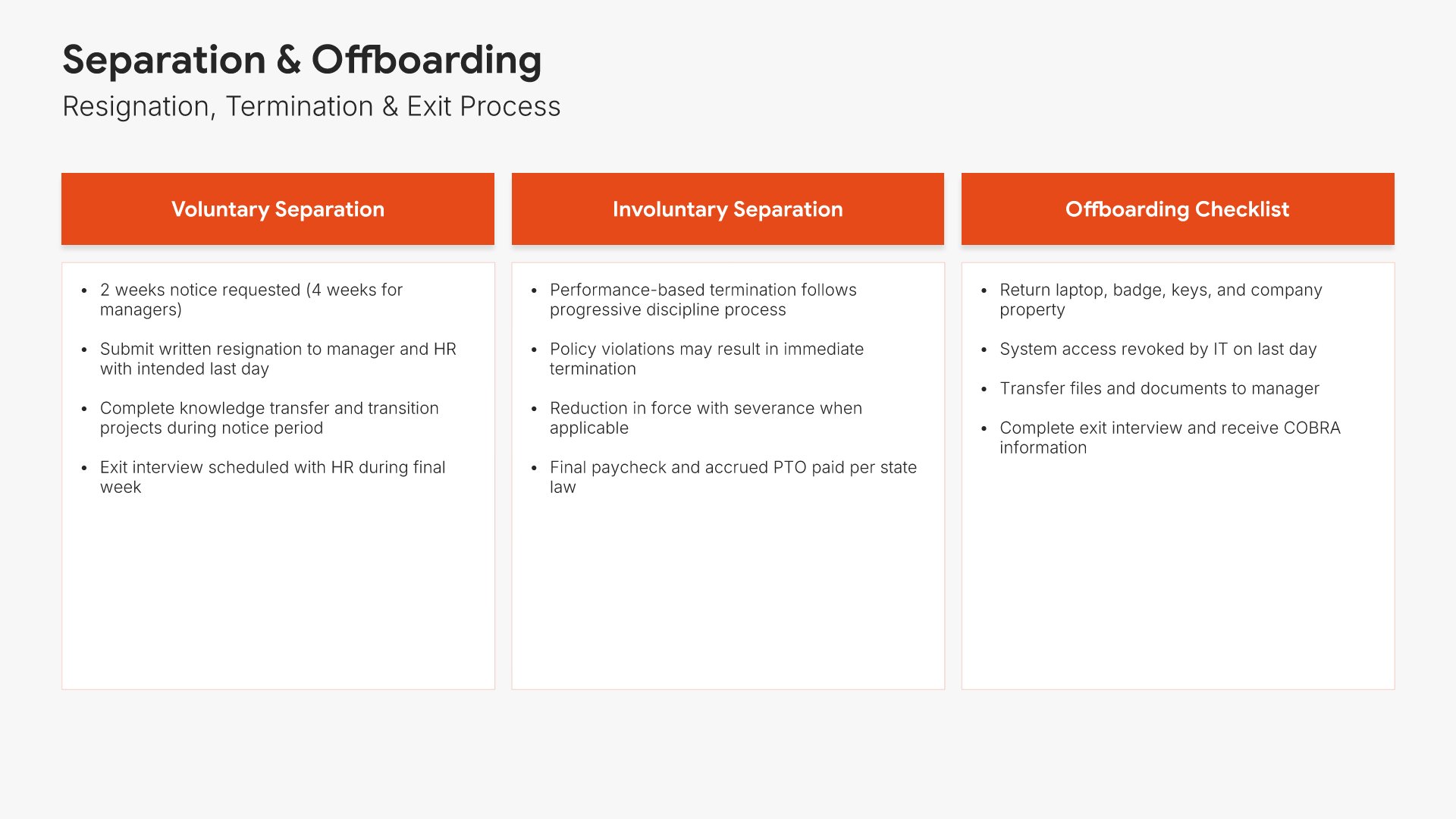
14. Separation & Offboarding

Separation and offboarding slides help you present the policies and processes for ending employment. Use them to outline resignation procedures, termination policies, exit interviews, and the offboarding steps that complete the relationship. A clear separation view ensures dignified, consistent transitions for departing employees.
Built using One Pager / Snapshot slides

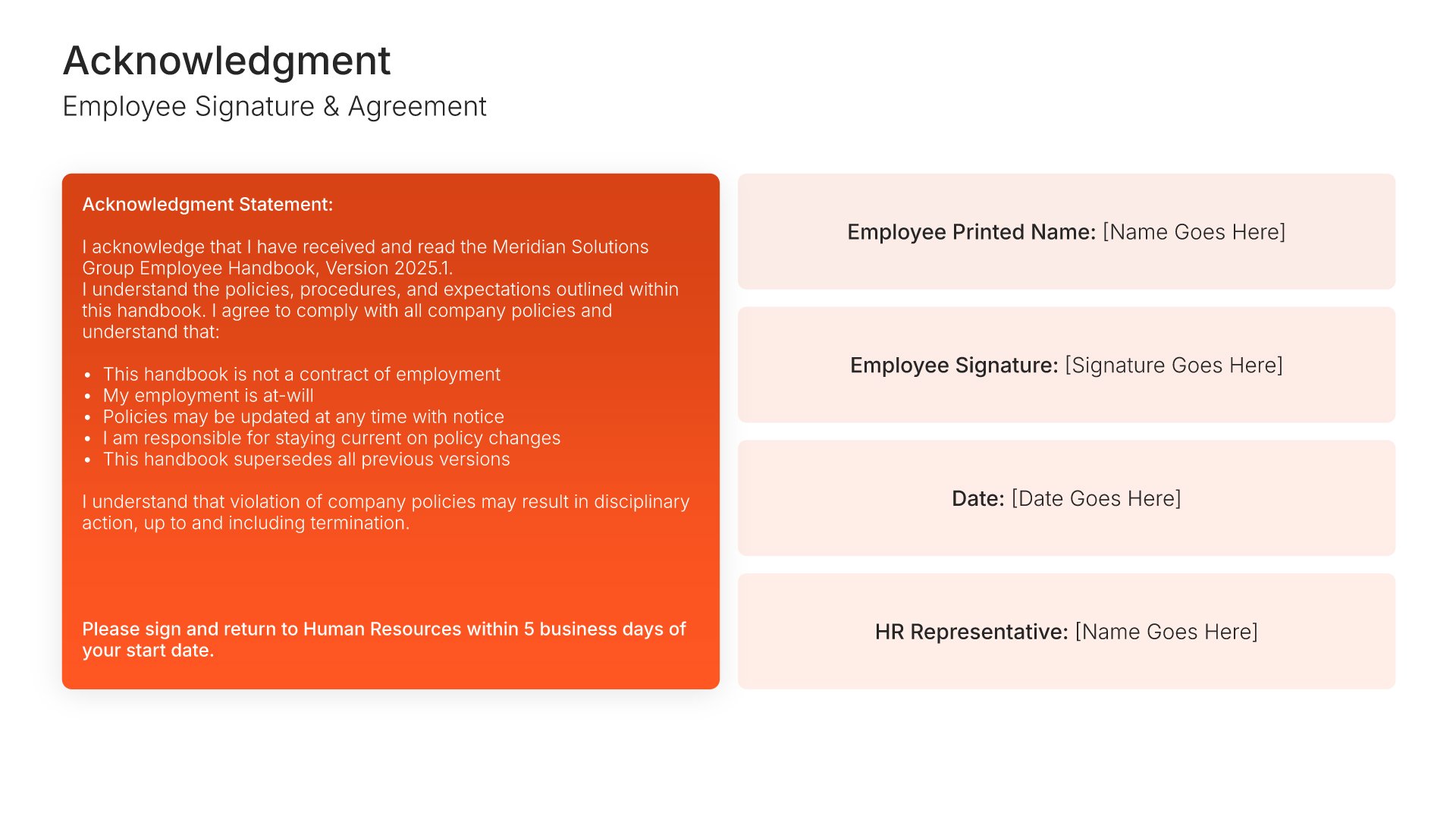
15. Acknowledgment

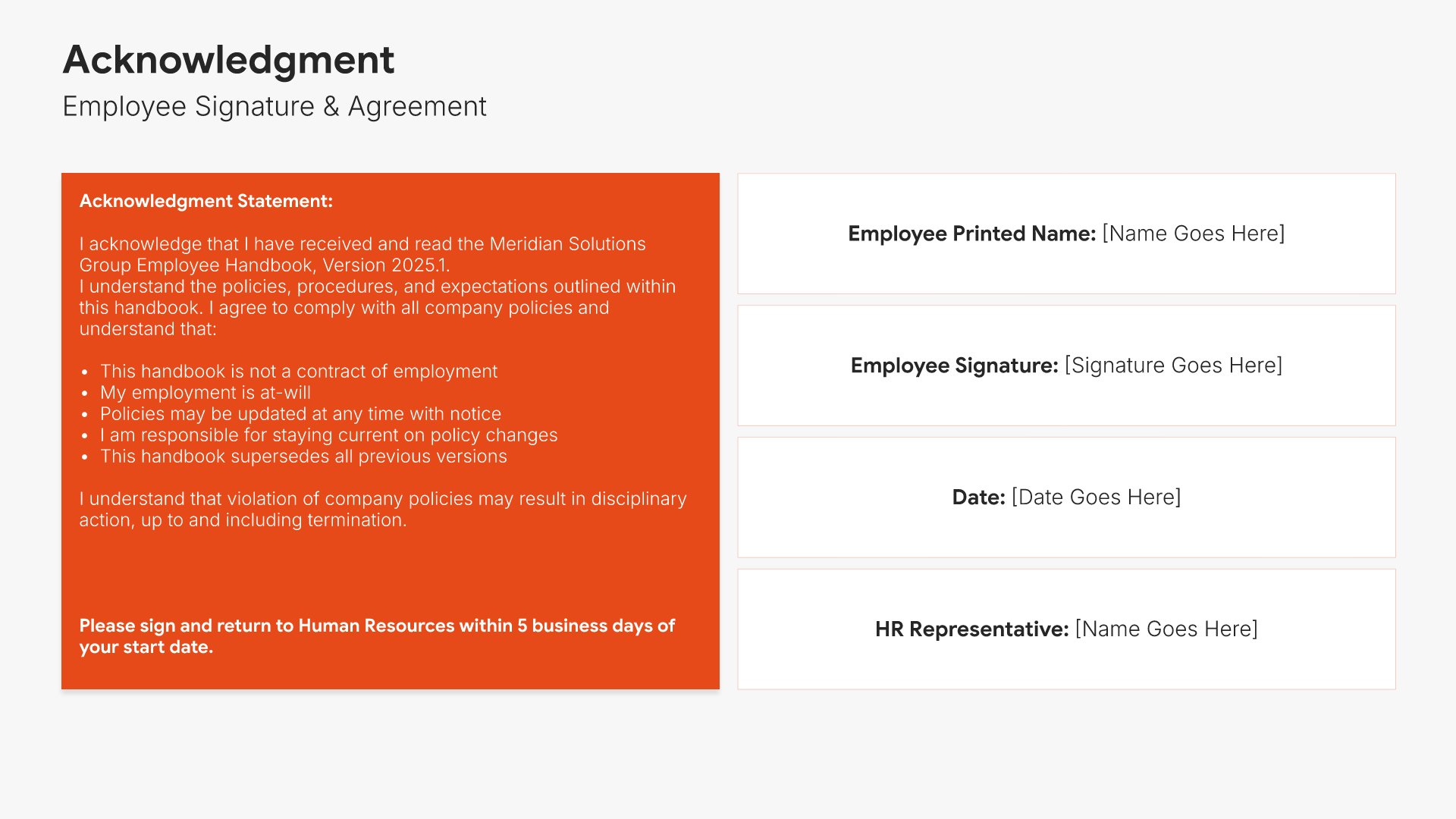
Acknowledgment slides help you confirm that employees have received and understood the handbook. Use them to present the acknowledgment statement, signature line, and date employees sign to formalize their agreement. A clear acknowledgment view documents that the handbook was reviewed and accepted, protecting both the organization and the employee.
Built using One Pager / Snapshot slides

16. Thank You

Thank you slides help you close presentations professionally. Use them to end with gratitude, provide contact information, and leave a polished final impression. Ideal for any presentation where a professional closing reinforces your message and gives your audience a clear way to follow up or stay connected.
Built using Thank You slides

Build your Employee Handbook presentation with Choladeck

Transform your Employee Handbook vision into reality with Choladeck’s user-friendly platform. Follow our step-by-step guide, harnessing our vast collection of slides and tools, to create a compelling and cohesive presentation that resonates with your audience.

Step 1

Browse & Select

Explore over 9,172+ professionally designed slides across 134 categories. Or if you want a head start, pick from 74+ premade presentation templates. Whatever you need, it's probably already here.

Step 2

Customize Your Slides

Swap icons and images instantly from our built-in libraries. Use Pointers to choose your count (2-box, 3-box, 4-box) and Variations to pick your design style. No more settling for "close enough." Get the exact slide you need.

Step 3

Brand Your Presentation

Add your logo, apply your brand colors, choose your fonts, and set custom backgrounds. One click and your entire presentation looks like it was made just for you. Because it was.

Step 4

Export Your Presentation

When you're ready, export to PowerPoint, Google Slides, or Keynote with a single click. Continue editing in your favorite tool if you want. Your workflow, your way.

Try Choladeck for free today and experience the ease of creating remarkable presentations.

No Sign-in or Credit Card Required

Wait!

Before you go, have you had the chance to experience Choladeck? If not try out – Choladeck for absolutely FREE!!

No Sign-in or Credit Card Required

Experience Choladeck Yourself!
Why just read about it when you can experience it? Dive into our presentation library – absolutely FREE!

No Sign-in or Credit Card Required