Try Twodart Free: Download Personalized Business Slides Today

Go-to-Market Strategy Premade Template

A comprehensive go-to-market strategy presentation following the Classic McKinsey GTM Model, the industry-standard framework for product launches and market expansion. Built for organizations entering new markets or launching new products. Covers market opportunity, customer segmentation, competitive analysis, pricing, sales, and marketing.
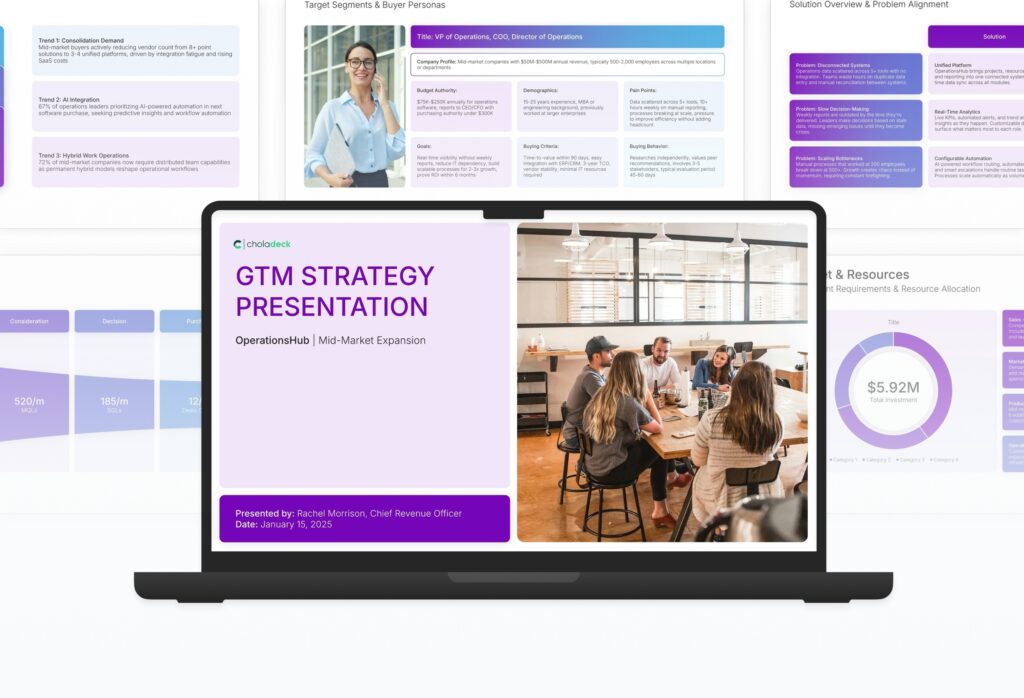

Go-to-Market Strategy Featured Image

How to Build a Go-to-Market Strategy Presentation

Learn how to create a comprehensive go-to-market strategy that drives successful product launches. This guide walks you through analyzing market opportunity, segmenting customers, positioning against competitors, setting pricing, and aligning sales and marketing efforts into a cohesive and executable launch plan.
1. Title

Title slides help you open presentations with impact. Use them to create strong first impressions with opening slides that set the tone, introduce your topic, and establish your brand. Ideal for any presentation where a polished, professional opening slide sets the stage for everything that follows.
Built using Title slides

2. Executive Summary

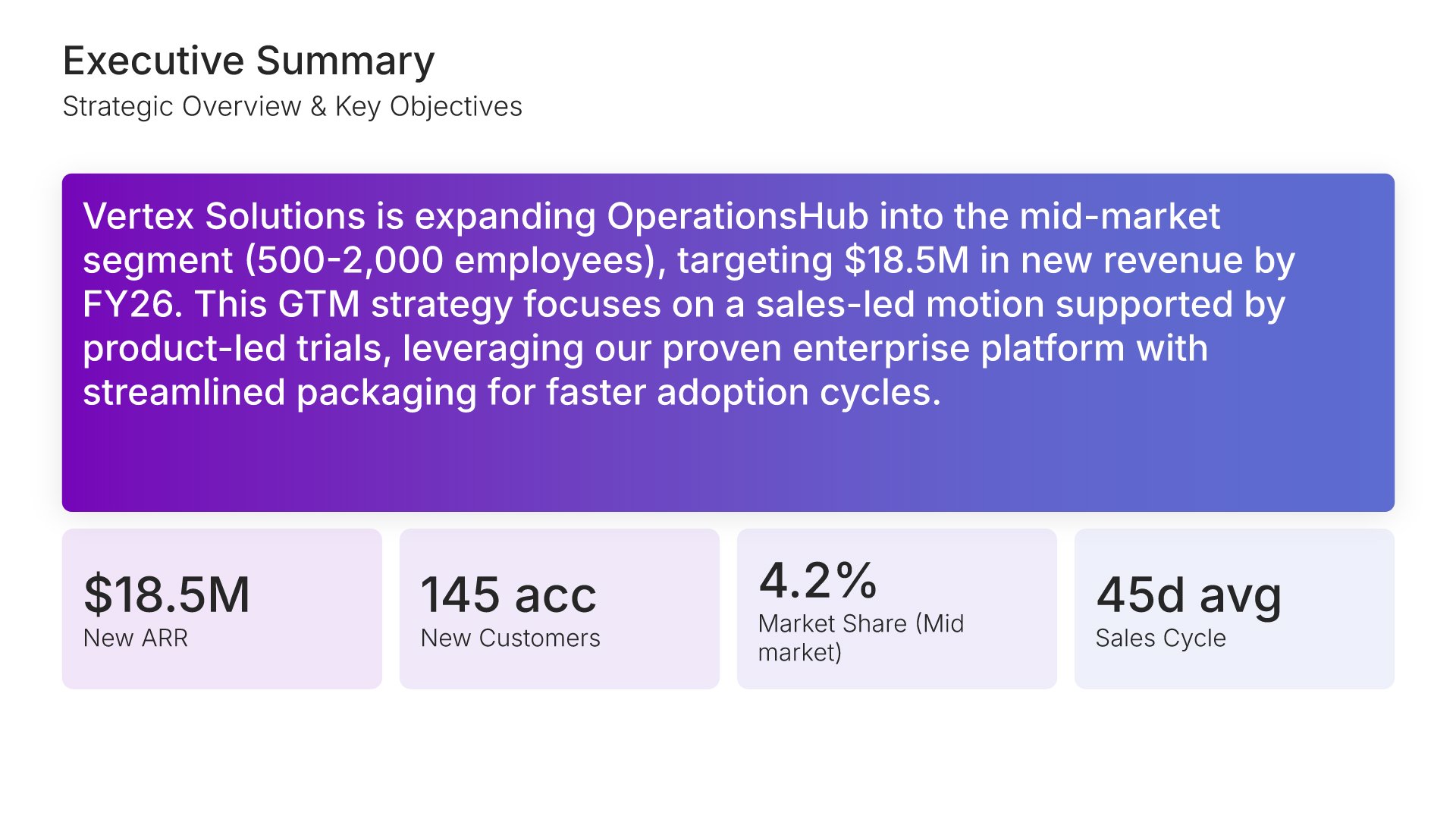
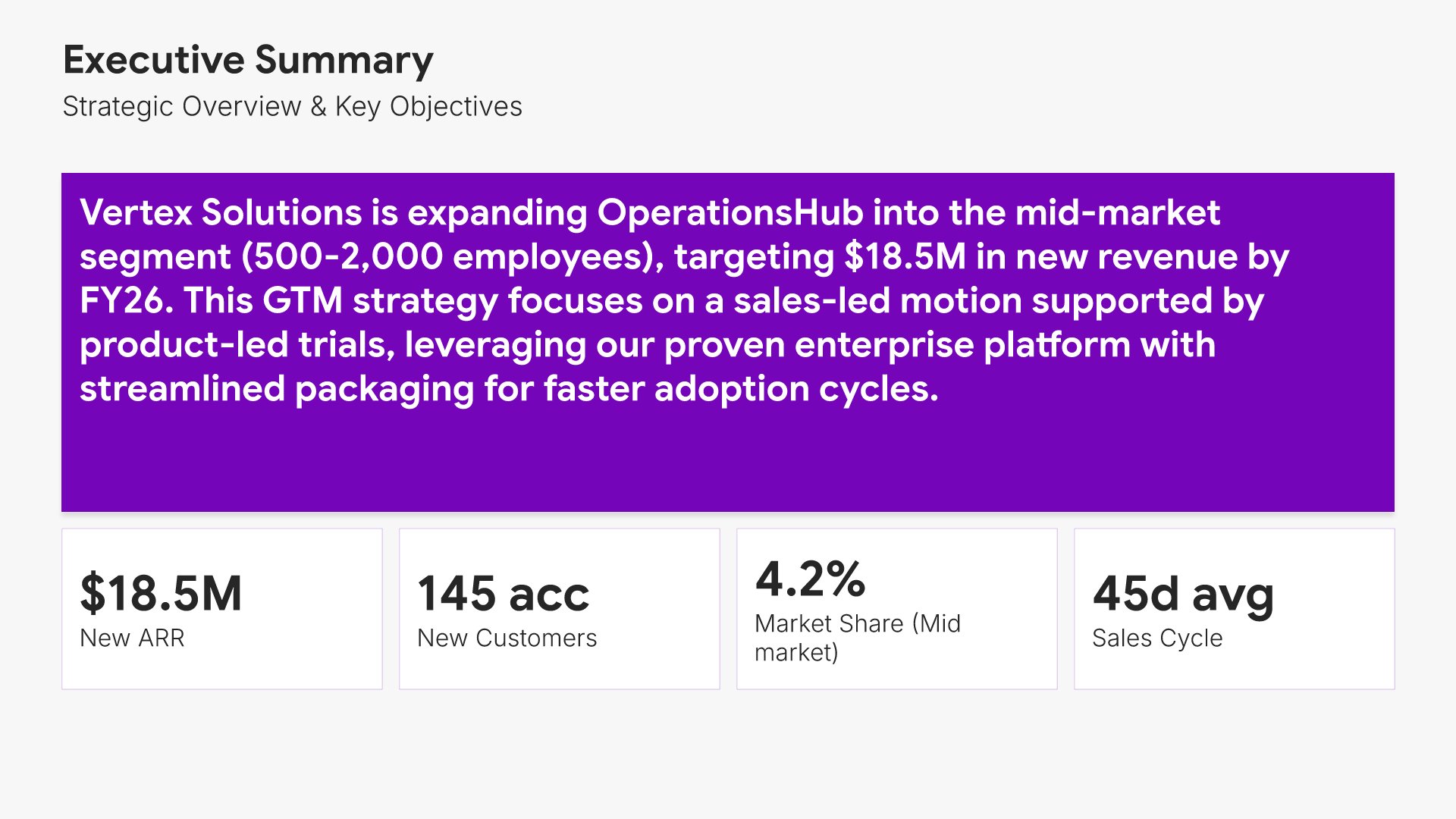
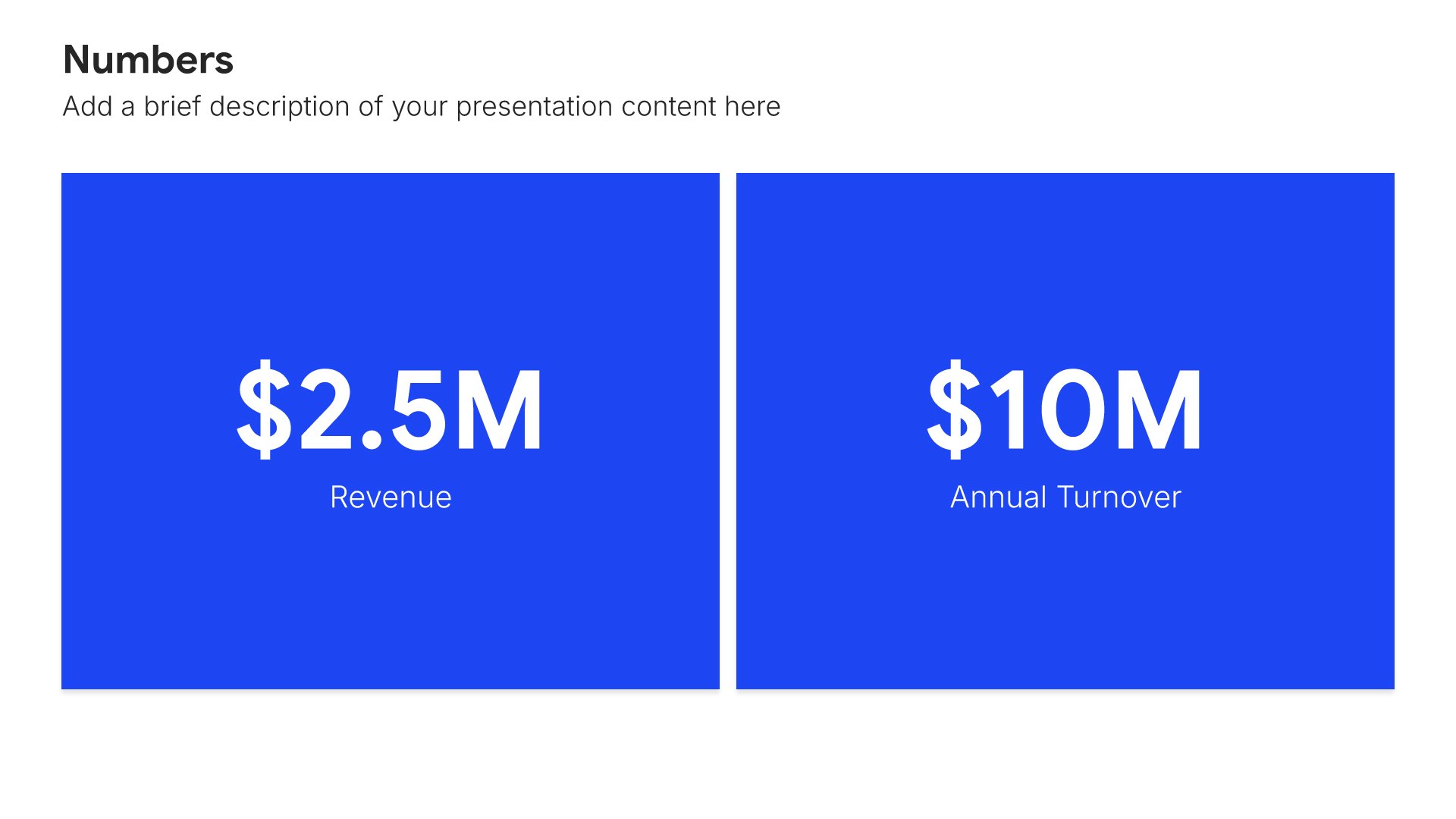
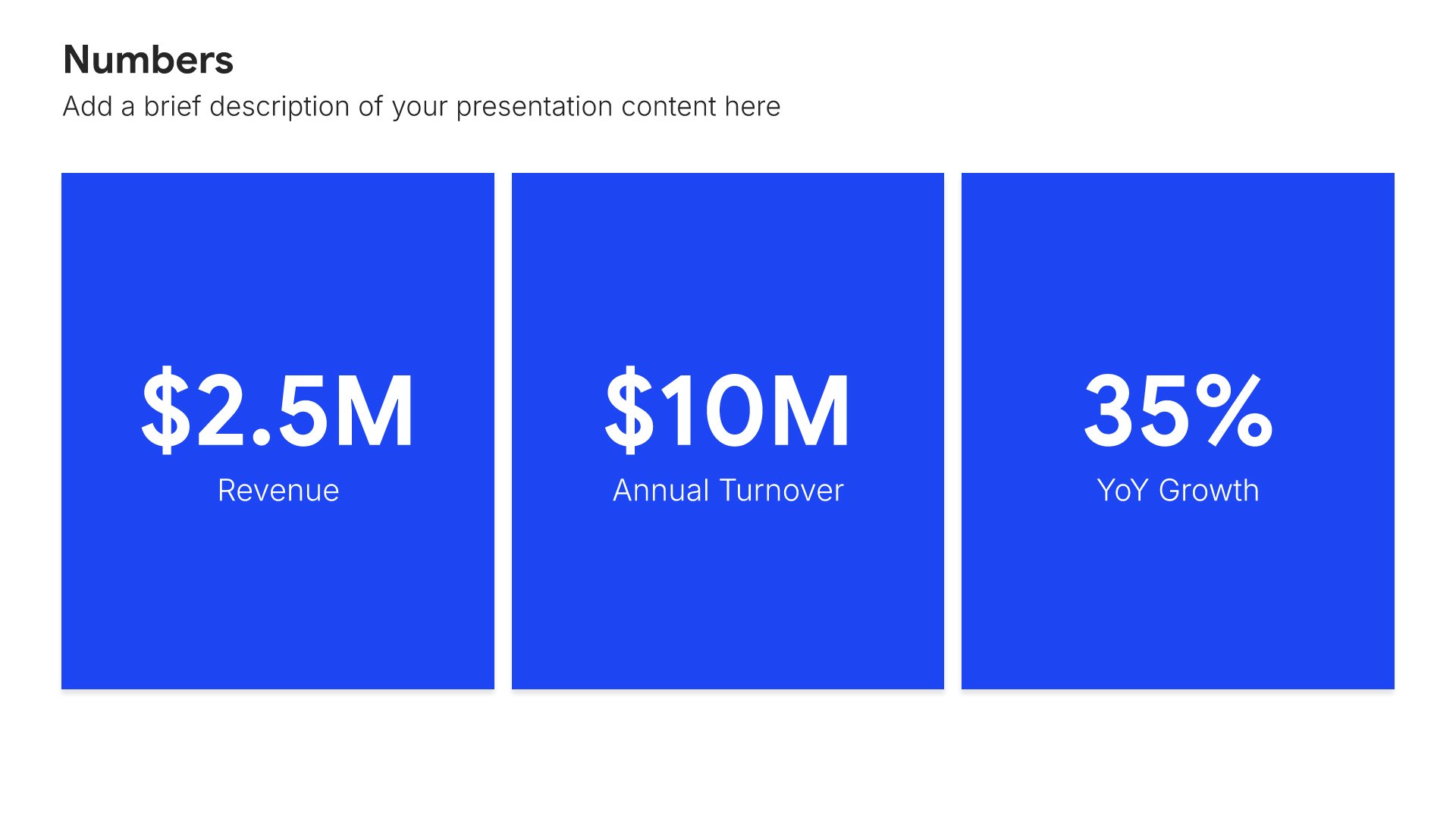
Executive summary slides help you present key points concisely for busy stakeholders. Use them to distill complex information into clear highlights, recommendations, and conclusions that can be understood at a glance. Ideal for board presentations, project updates, and any situation where decision-makers need the essential takeaways fast.
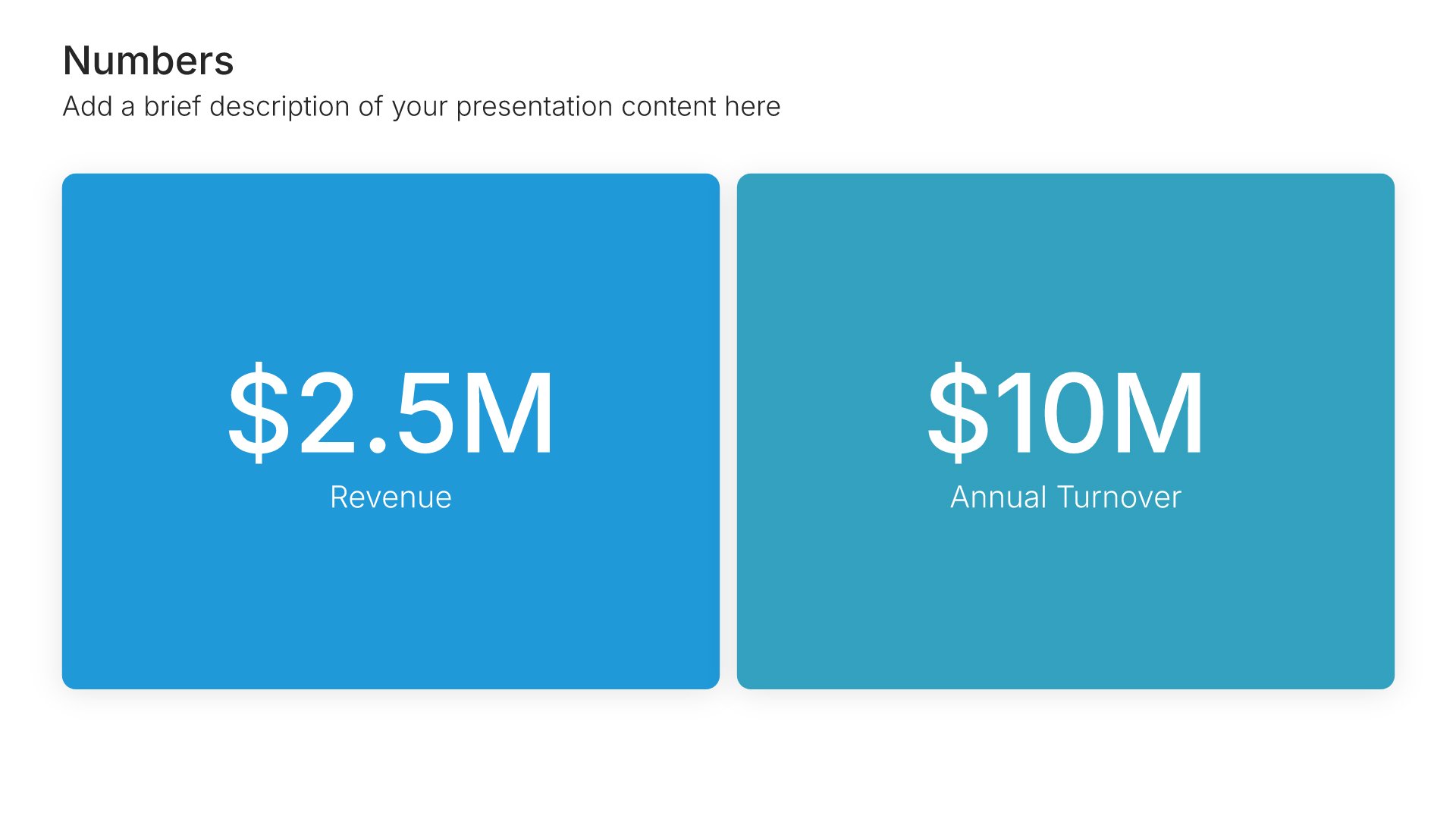
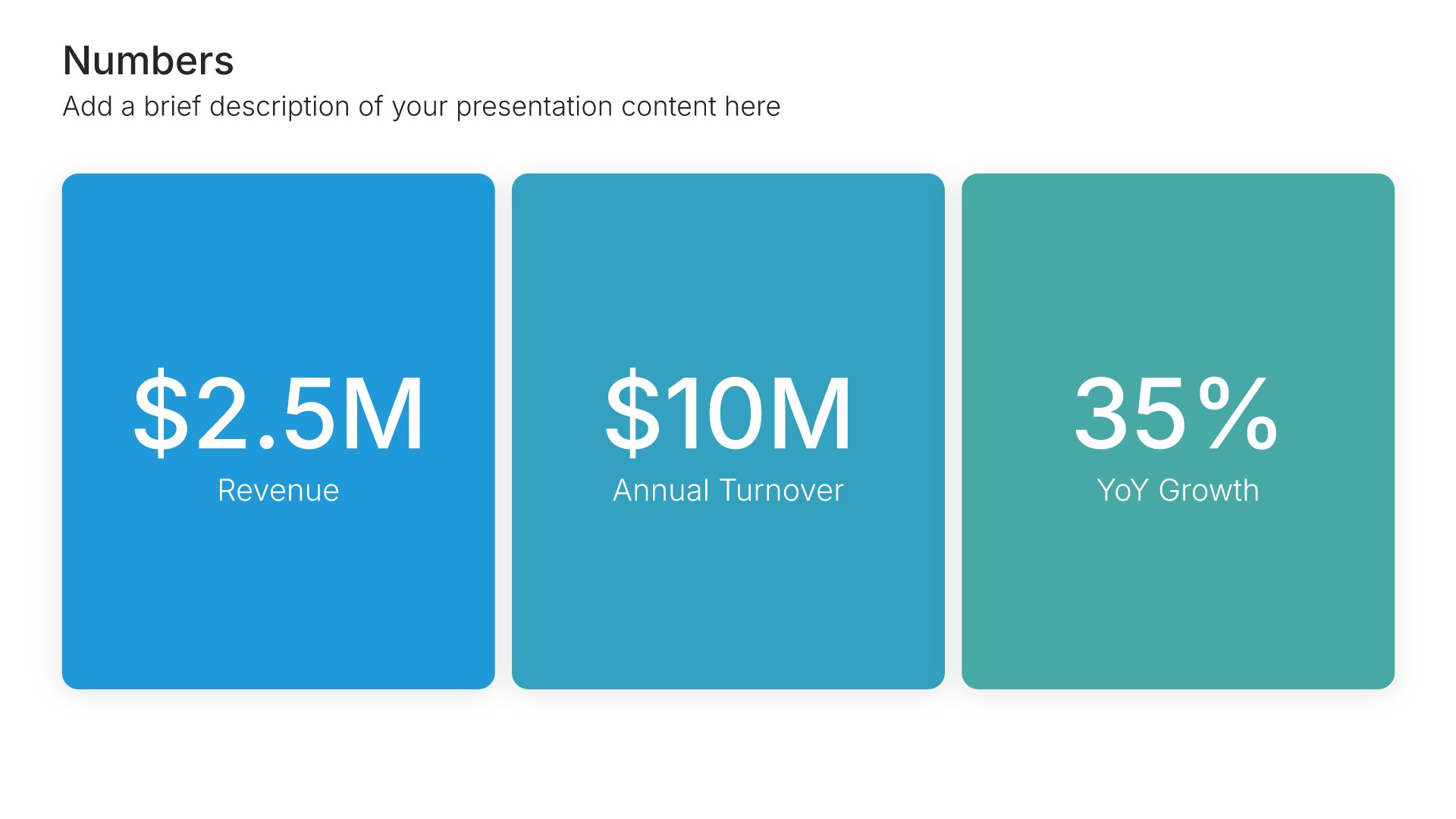
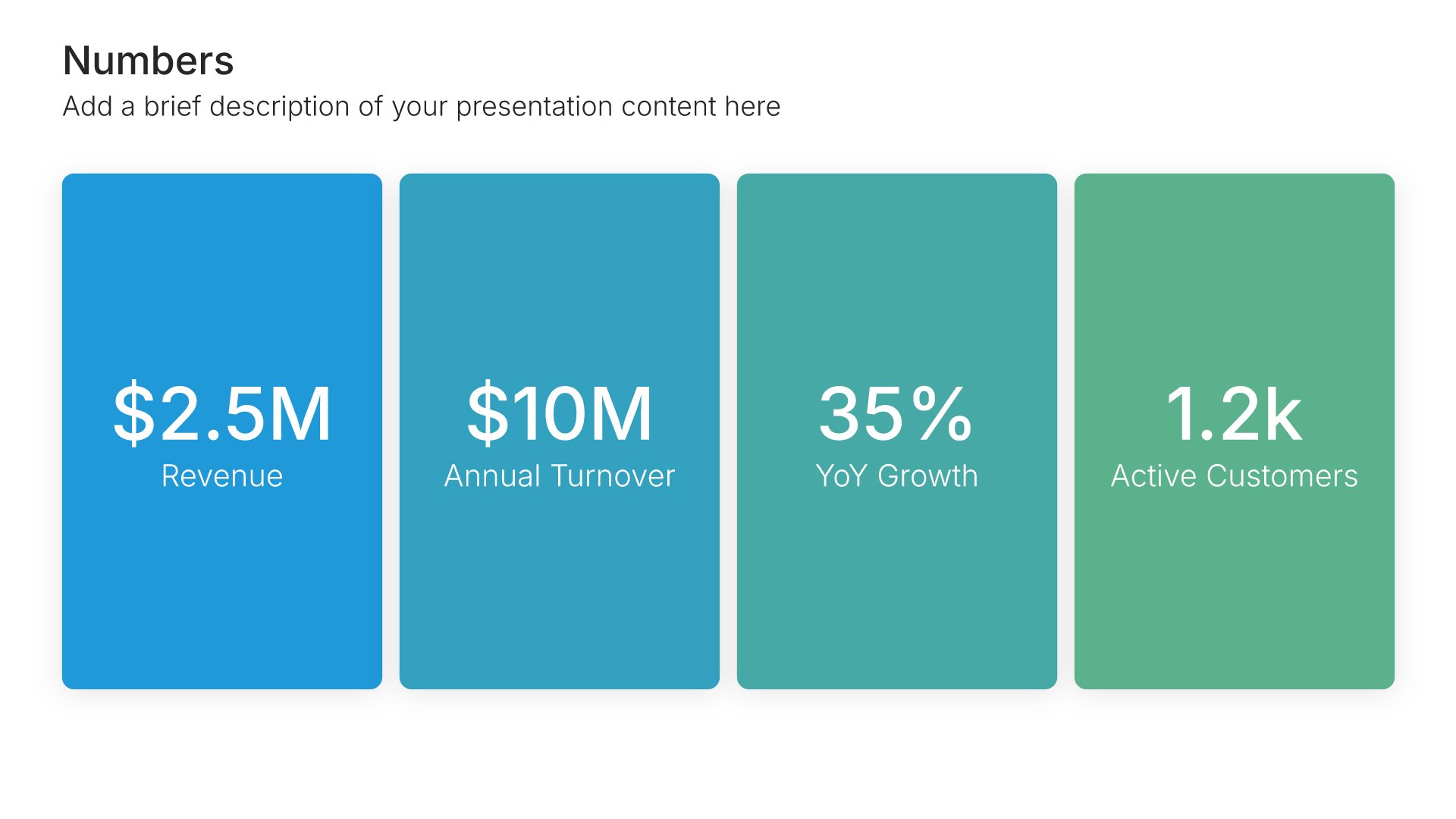
Built using Simple Numbers slides

3. Market Size

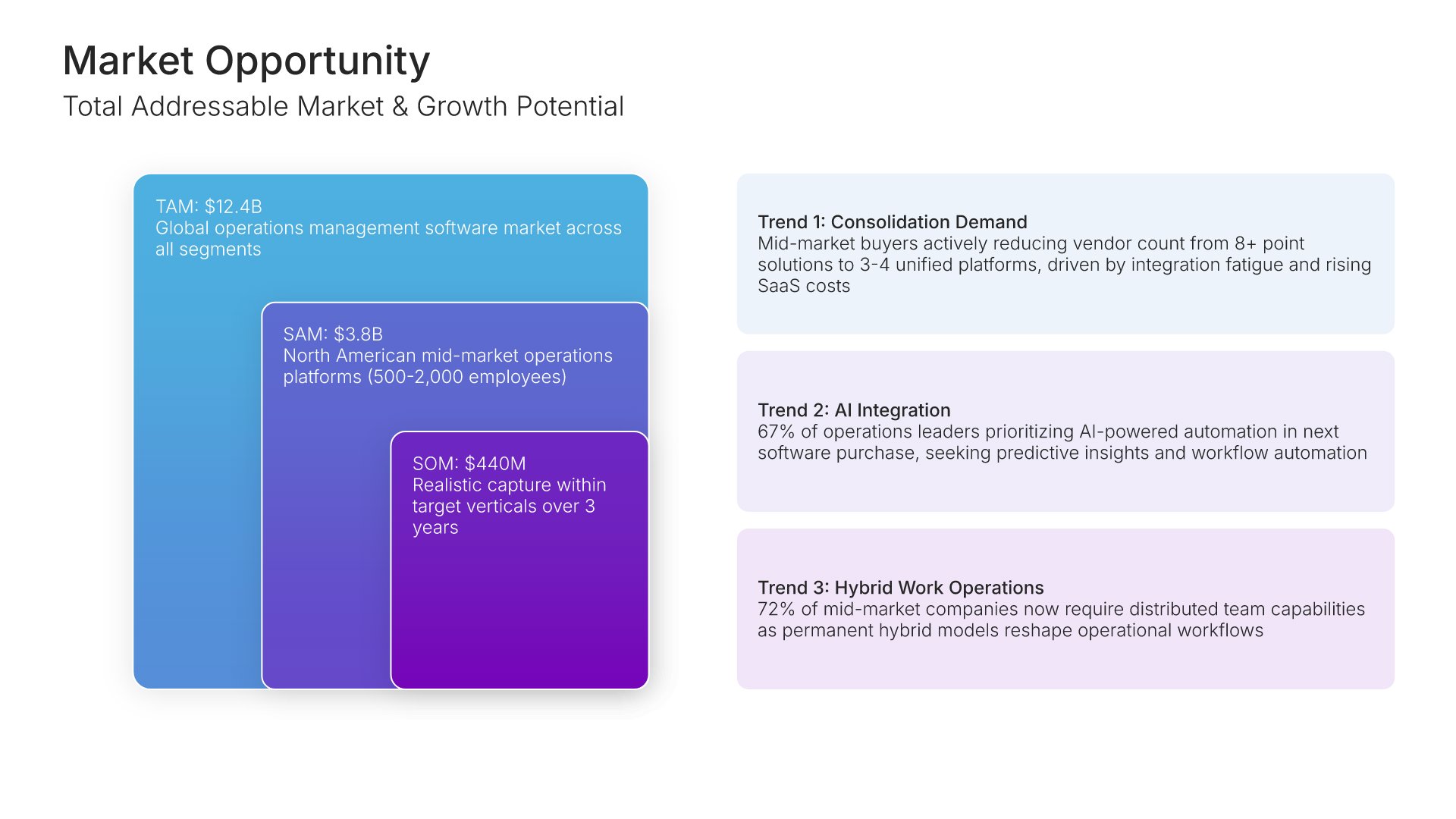
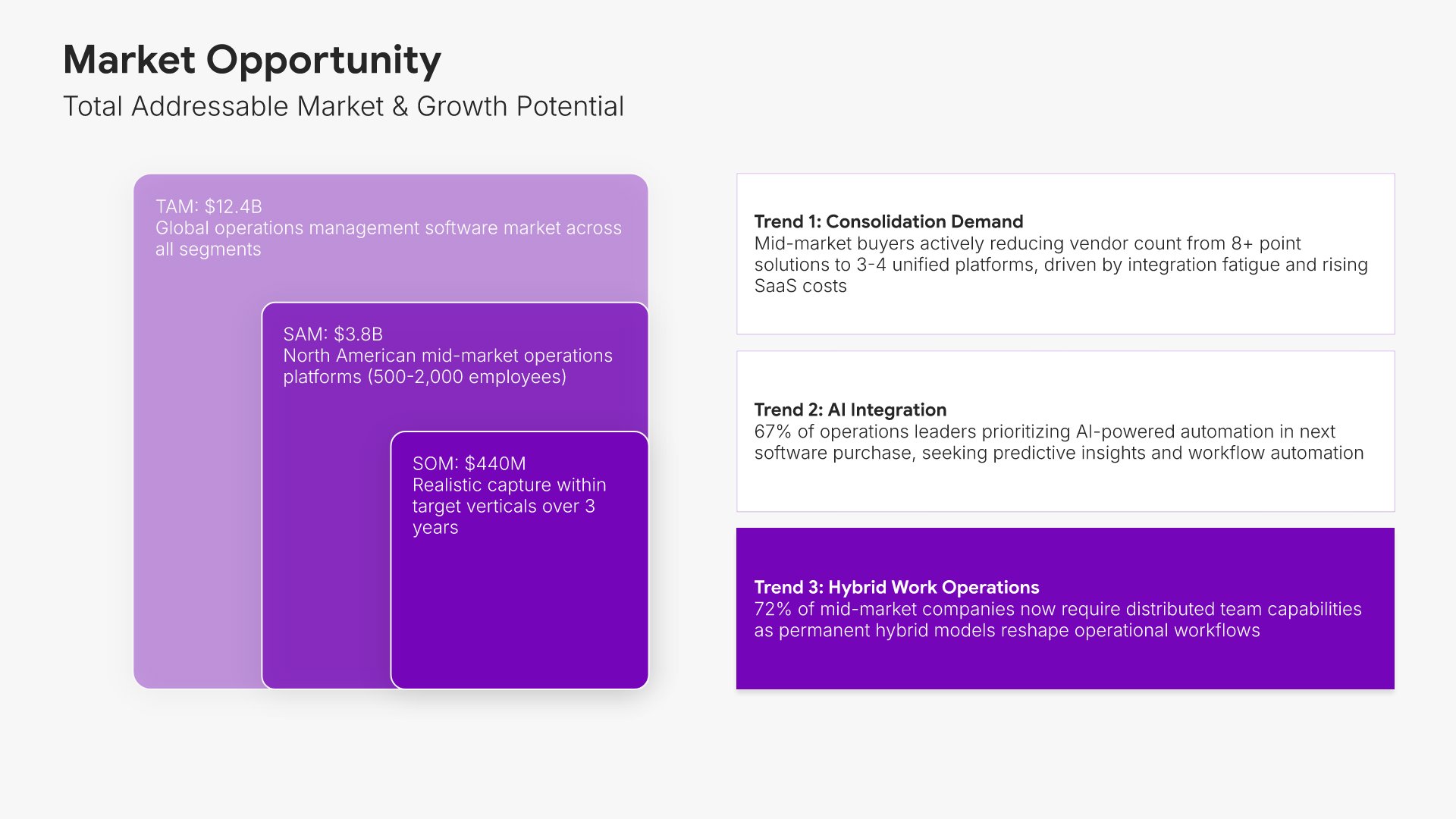
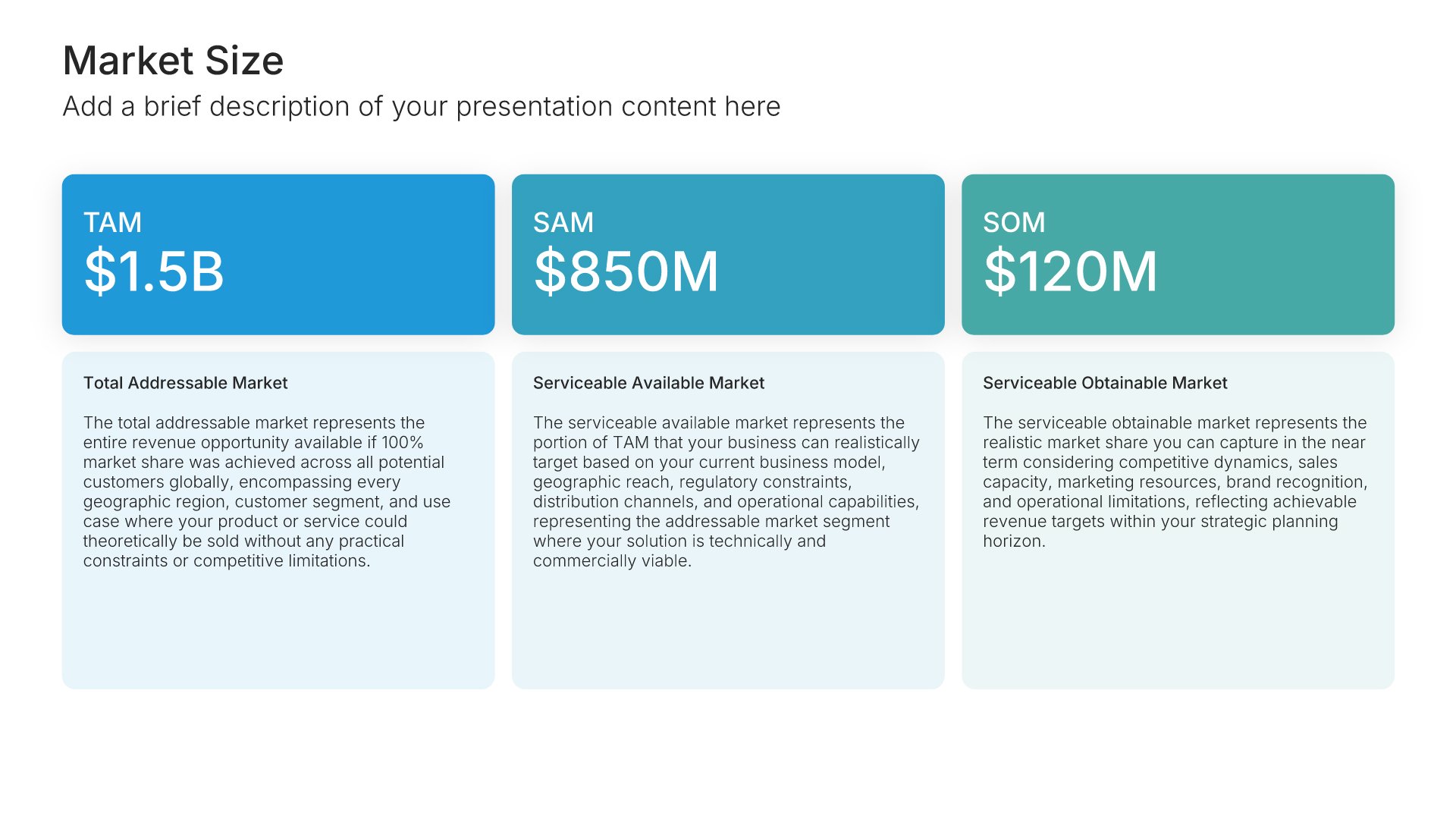
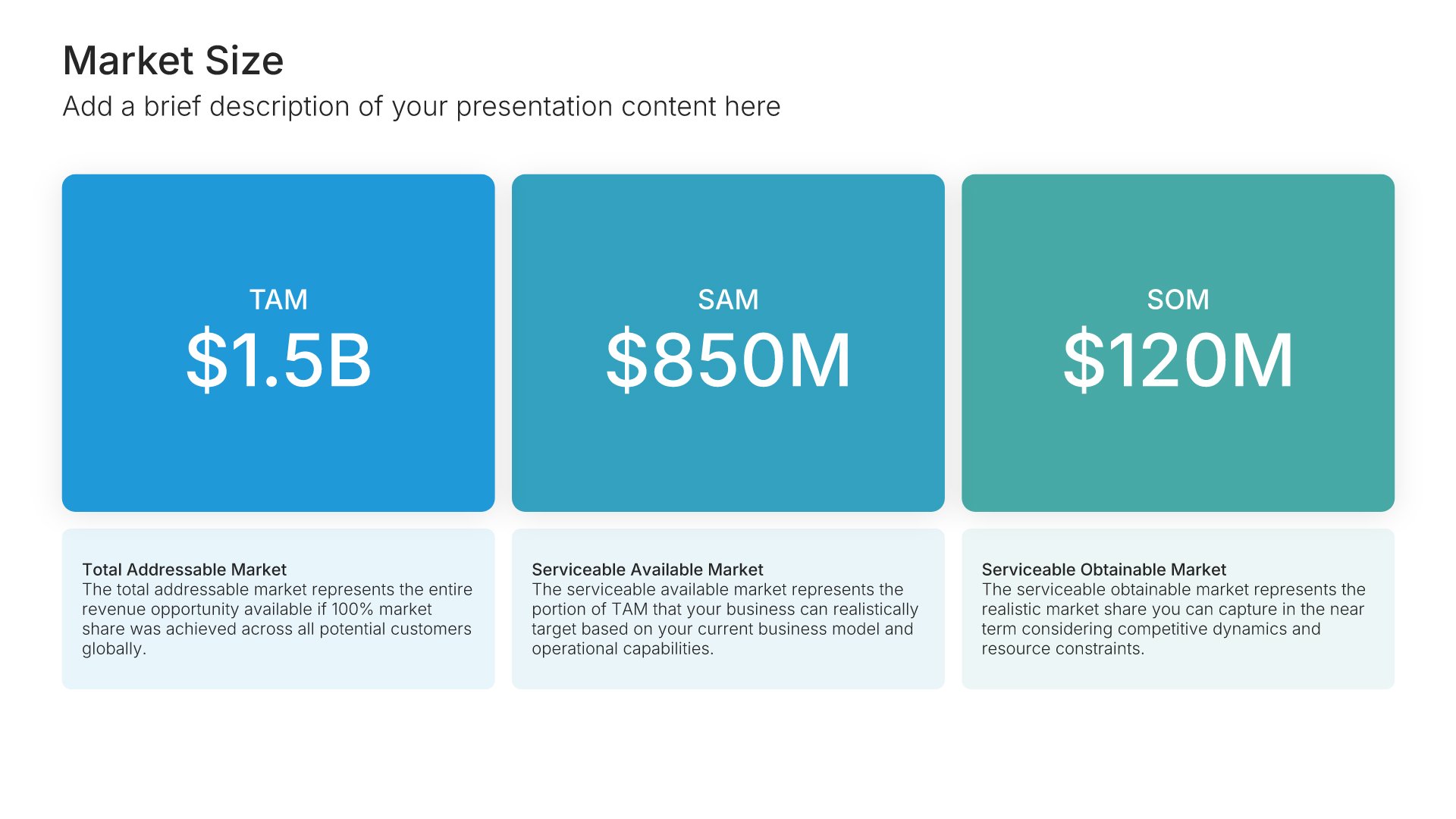
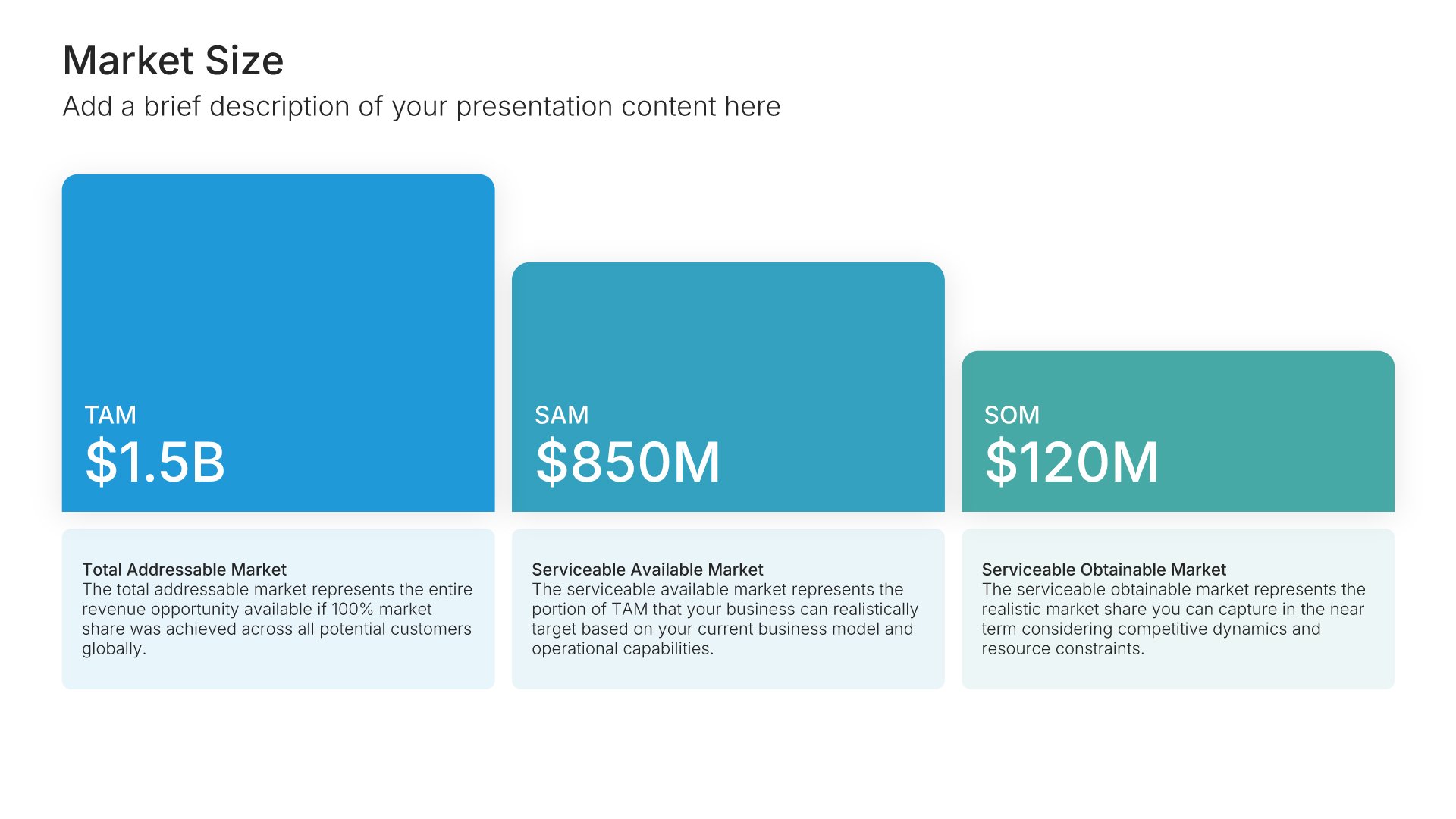
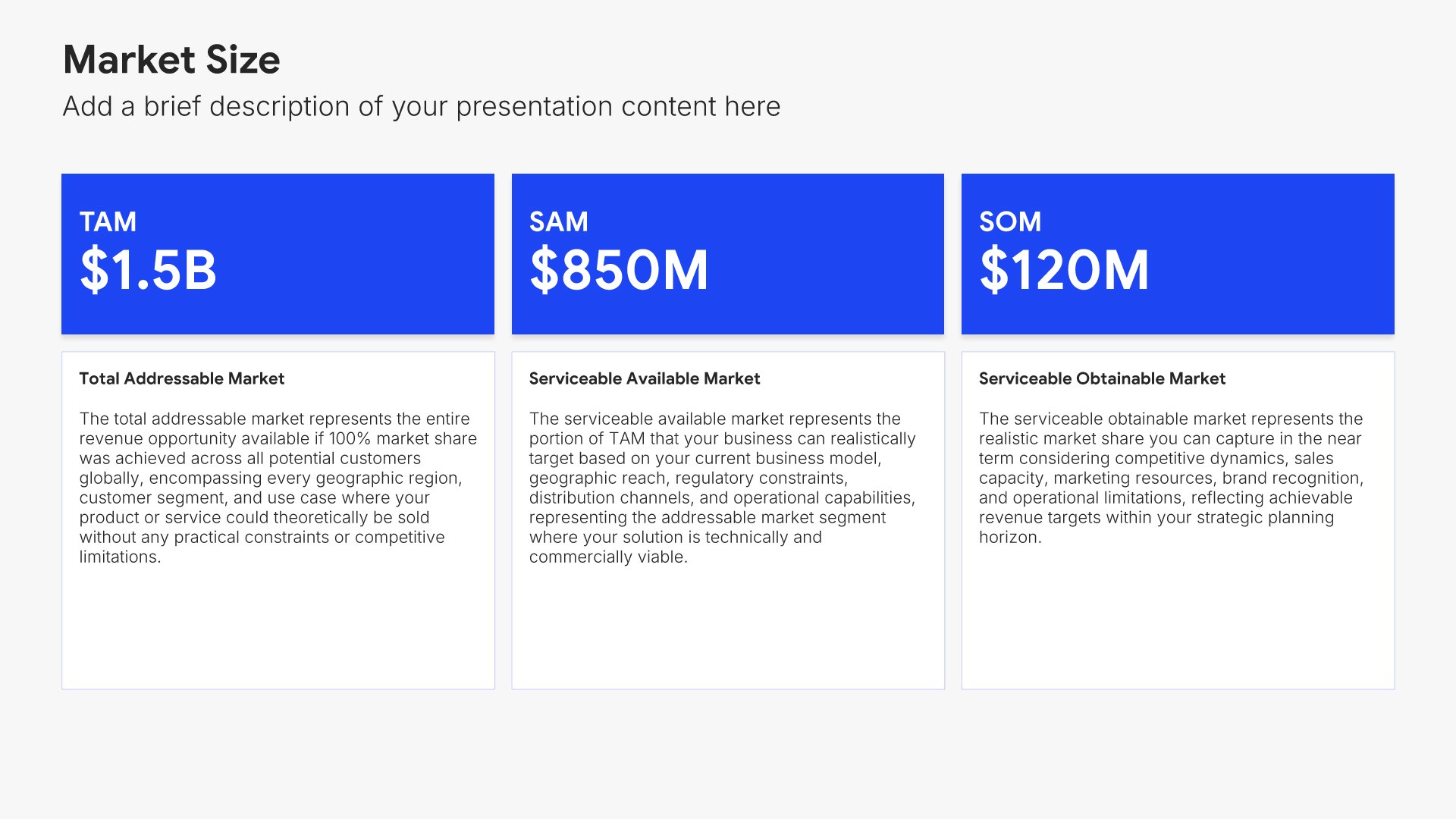
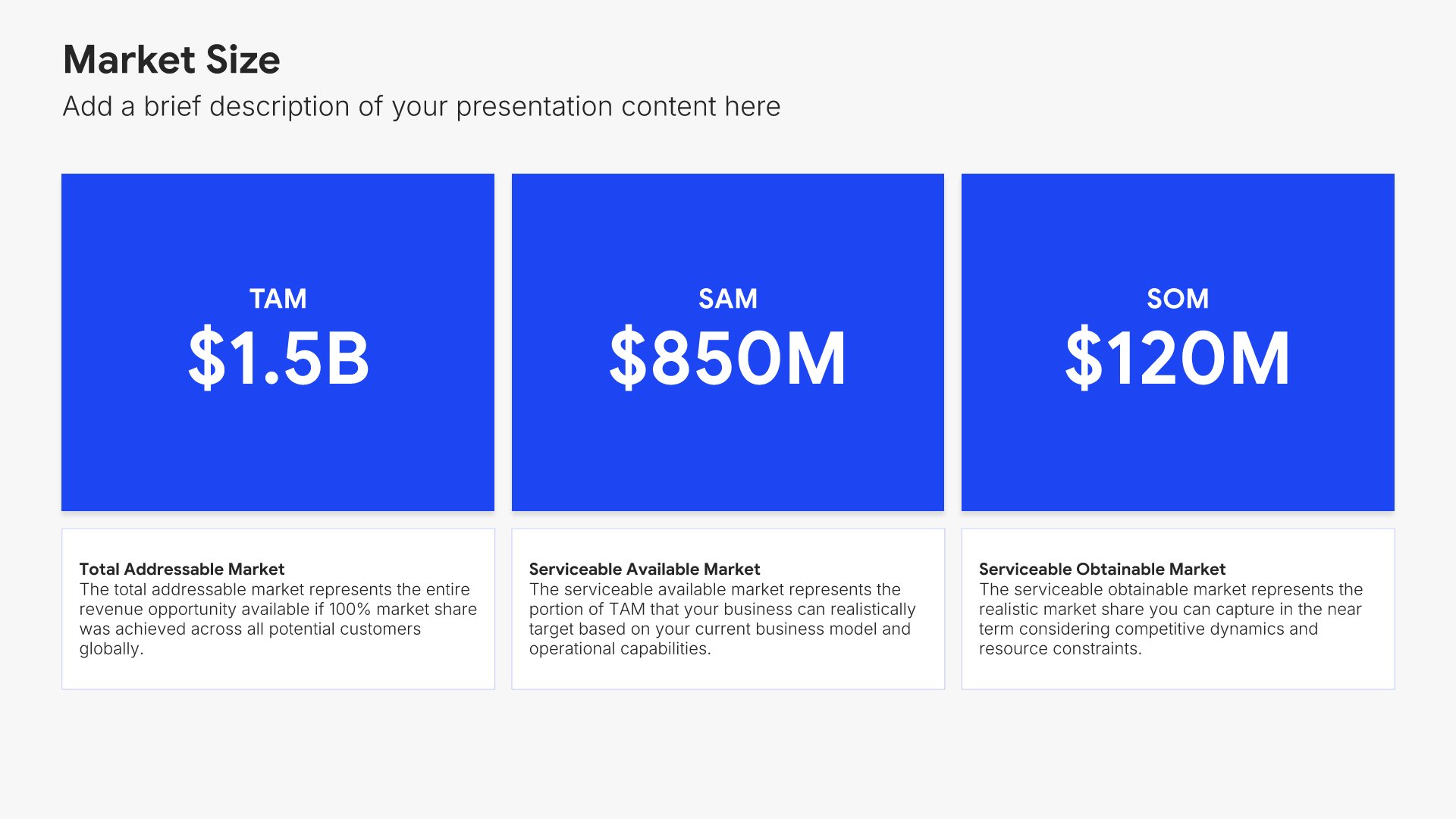
Market size slides help you show TAM, SAM, and SOM visually. Use them to present Total Addressable Market, Serviceable Addressable Market, and Serviceable Obtainable Market with clear figures and visuals. Ideal for investor presentations, pitch decks, and strategic planning where demonstrating market opportunity is essential.
Built using Market Size slides

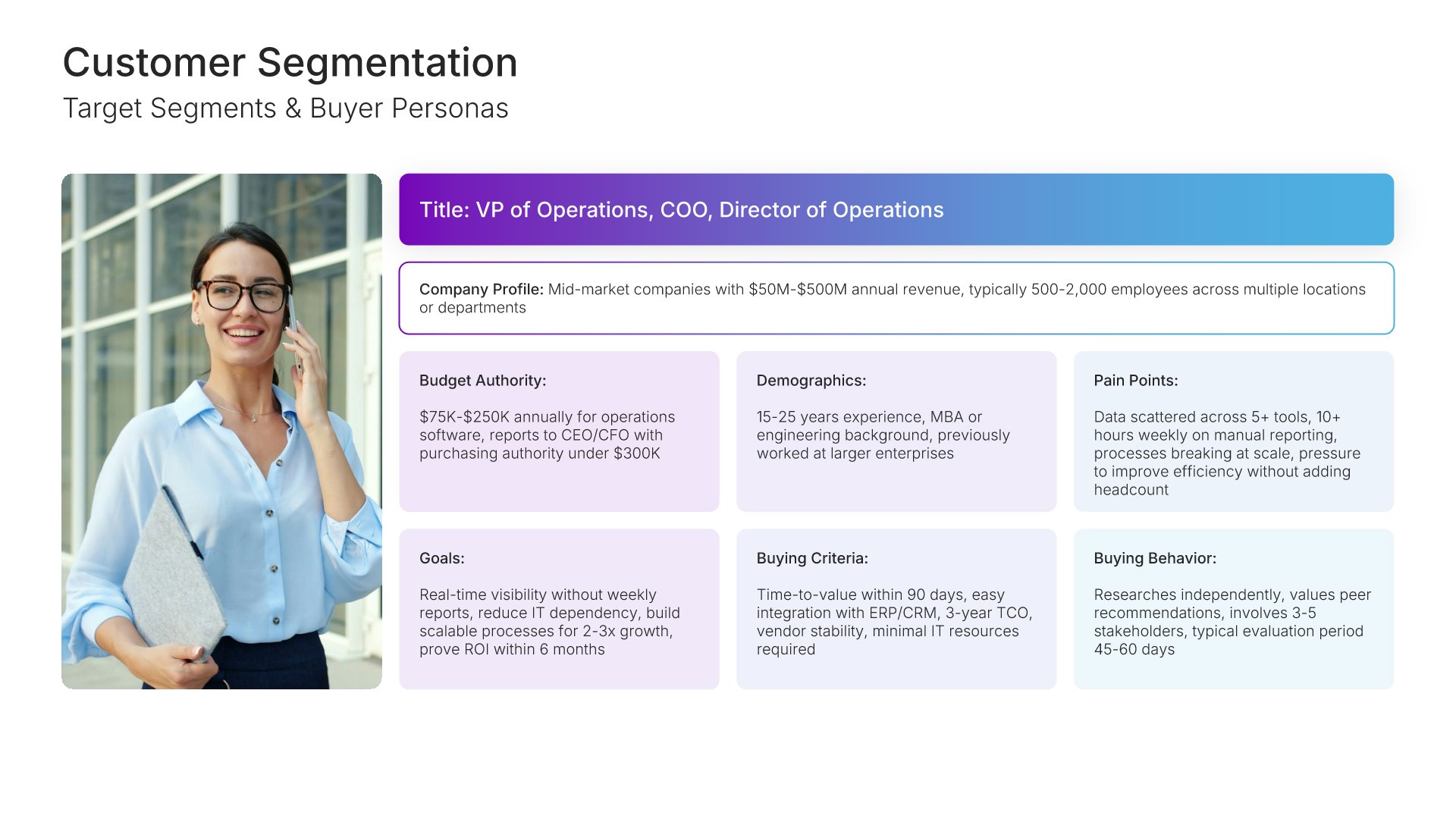
4. Customer Segmentation

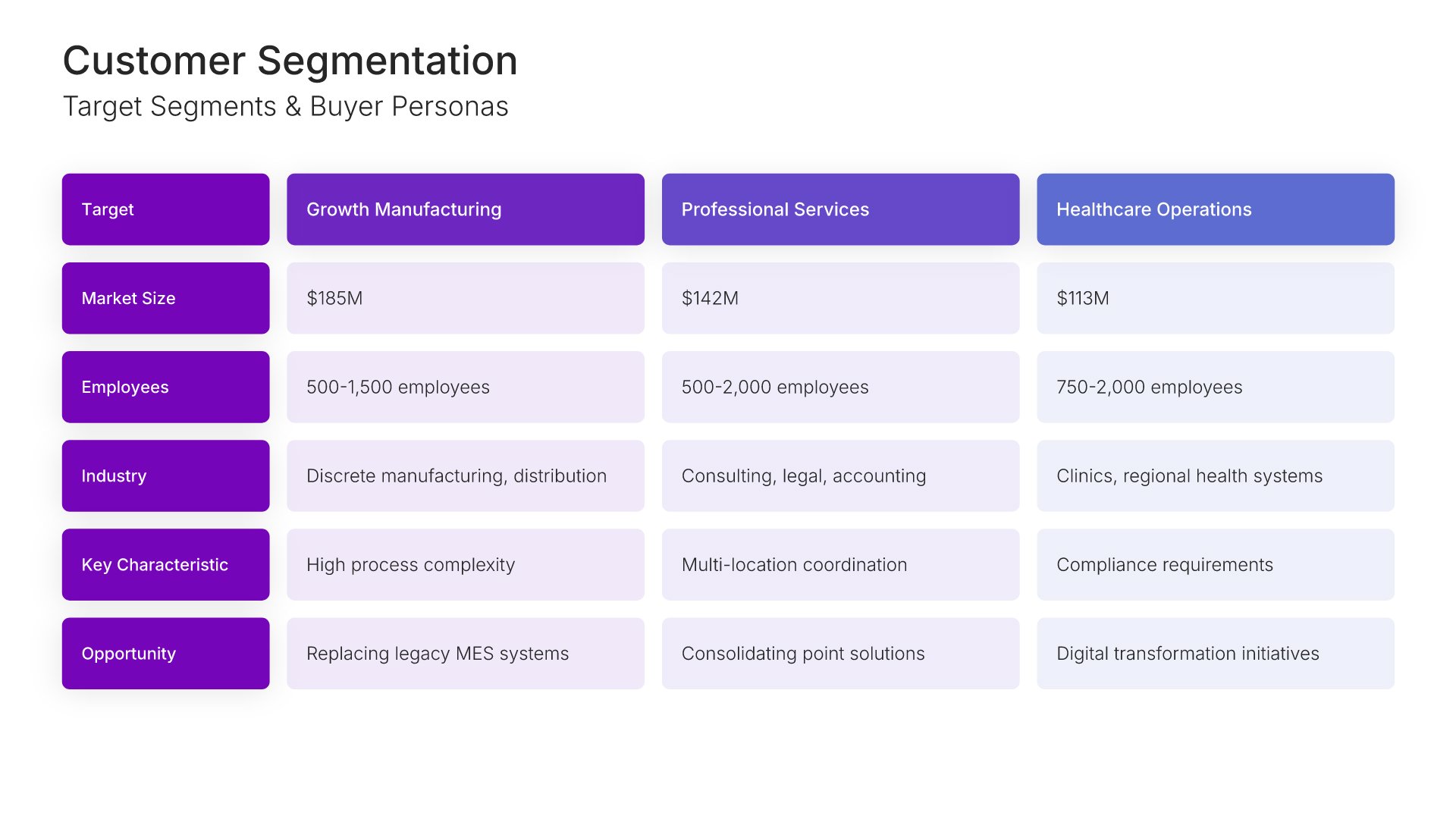
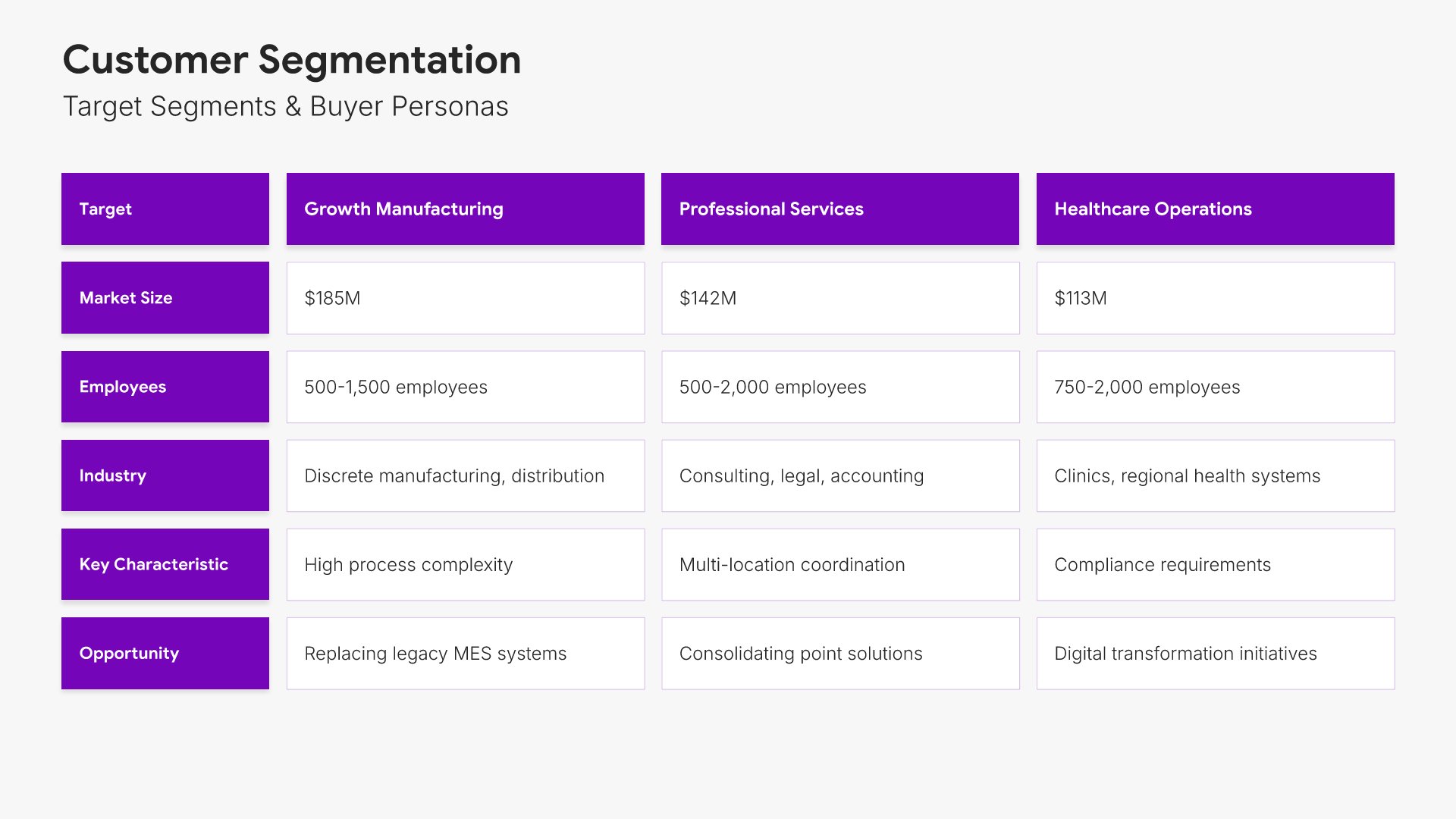
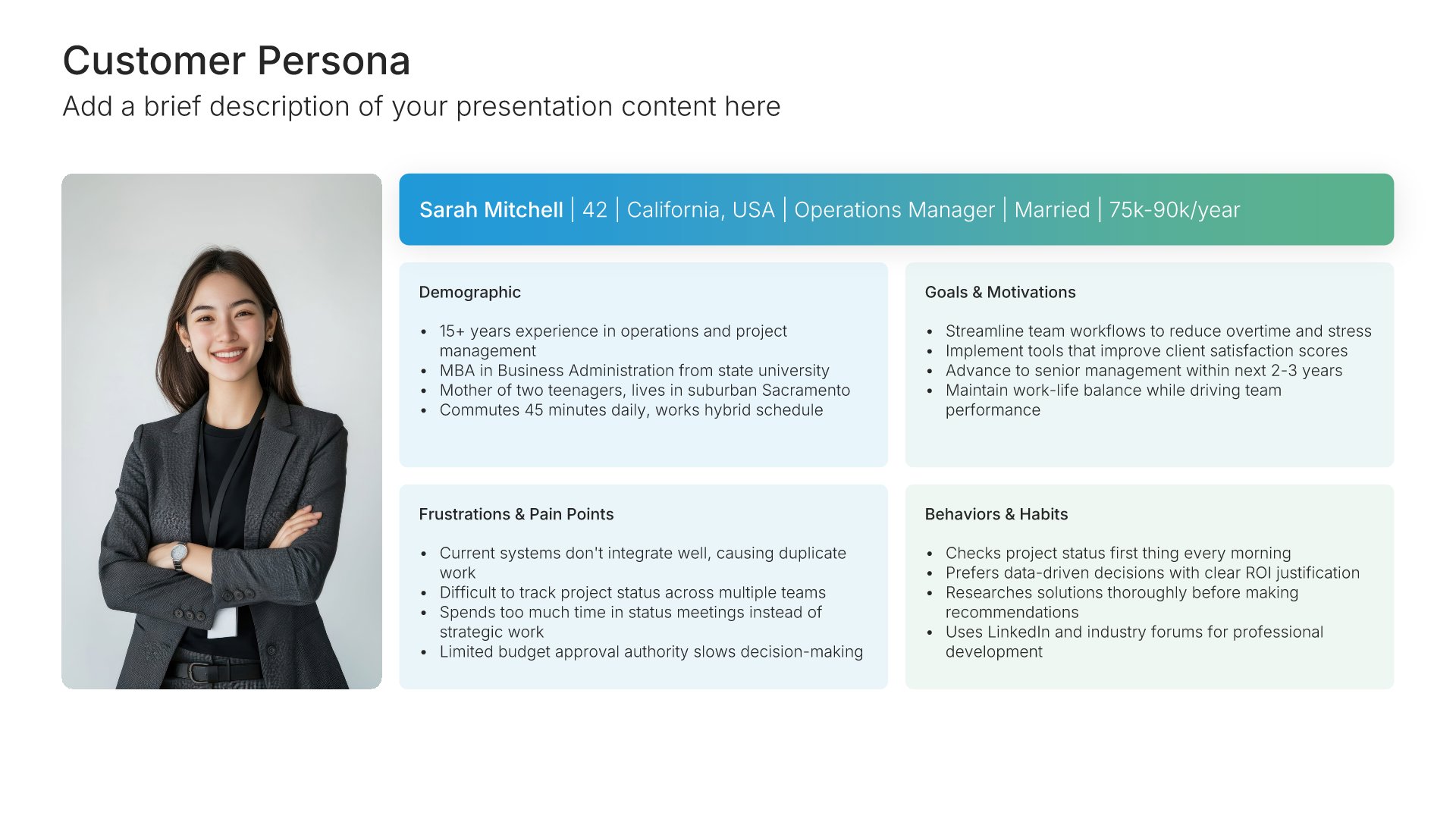
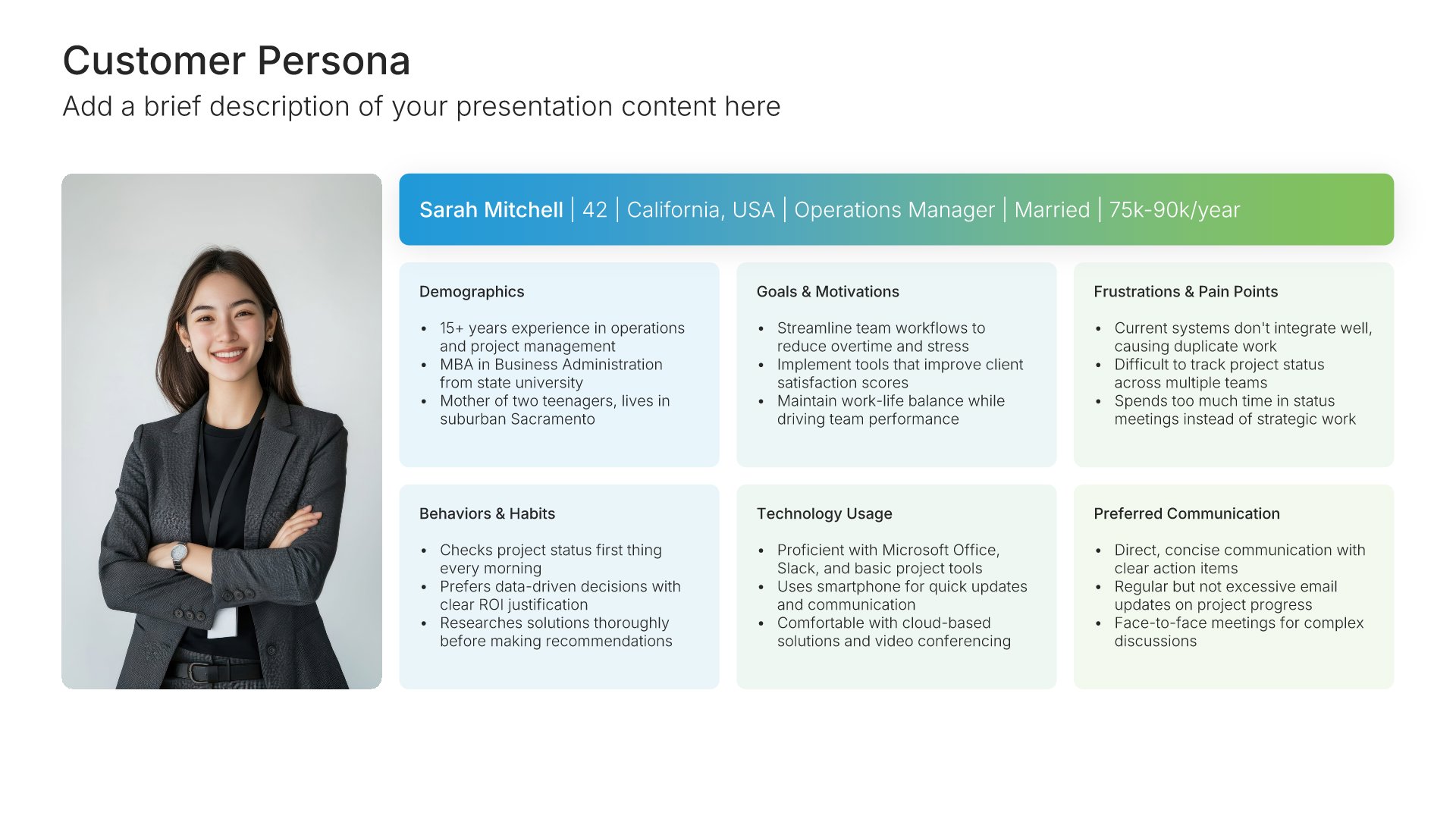
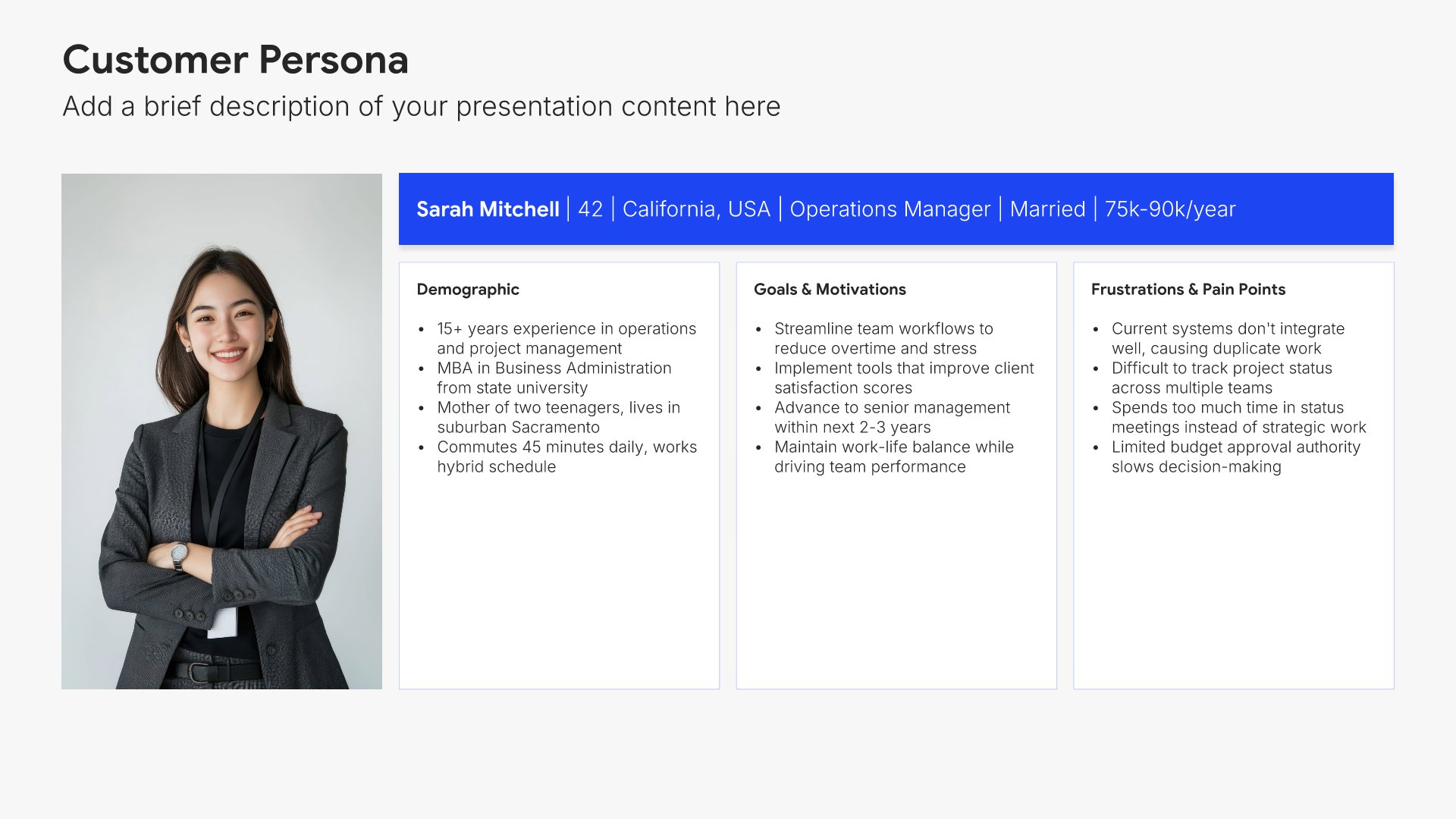
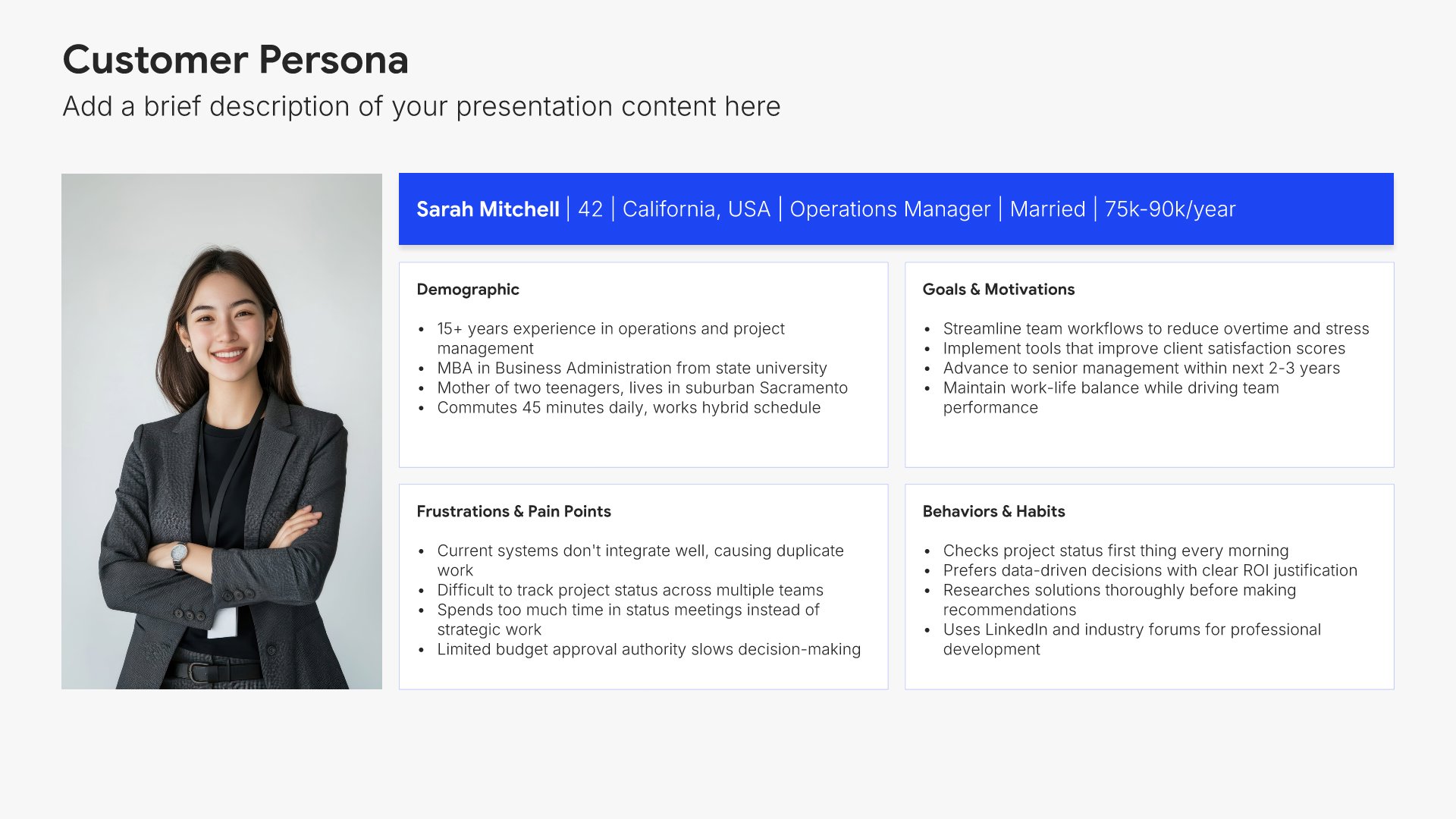
Customer segmentation slides help you define and prioritize your target market segments. Use them to present segment profiles, sizing, characteristics, and prioritization criteria for your go-to-market focus. Ideal for GTM strategies where identifying which customers to target first ensures resources are focused on the highest-value opportunities.
Built using Customer Persona slides

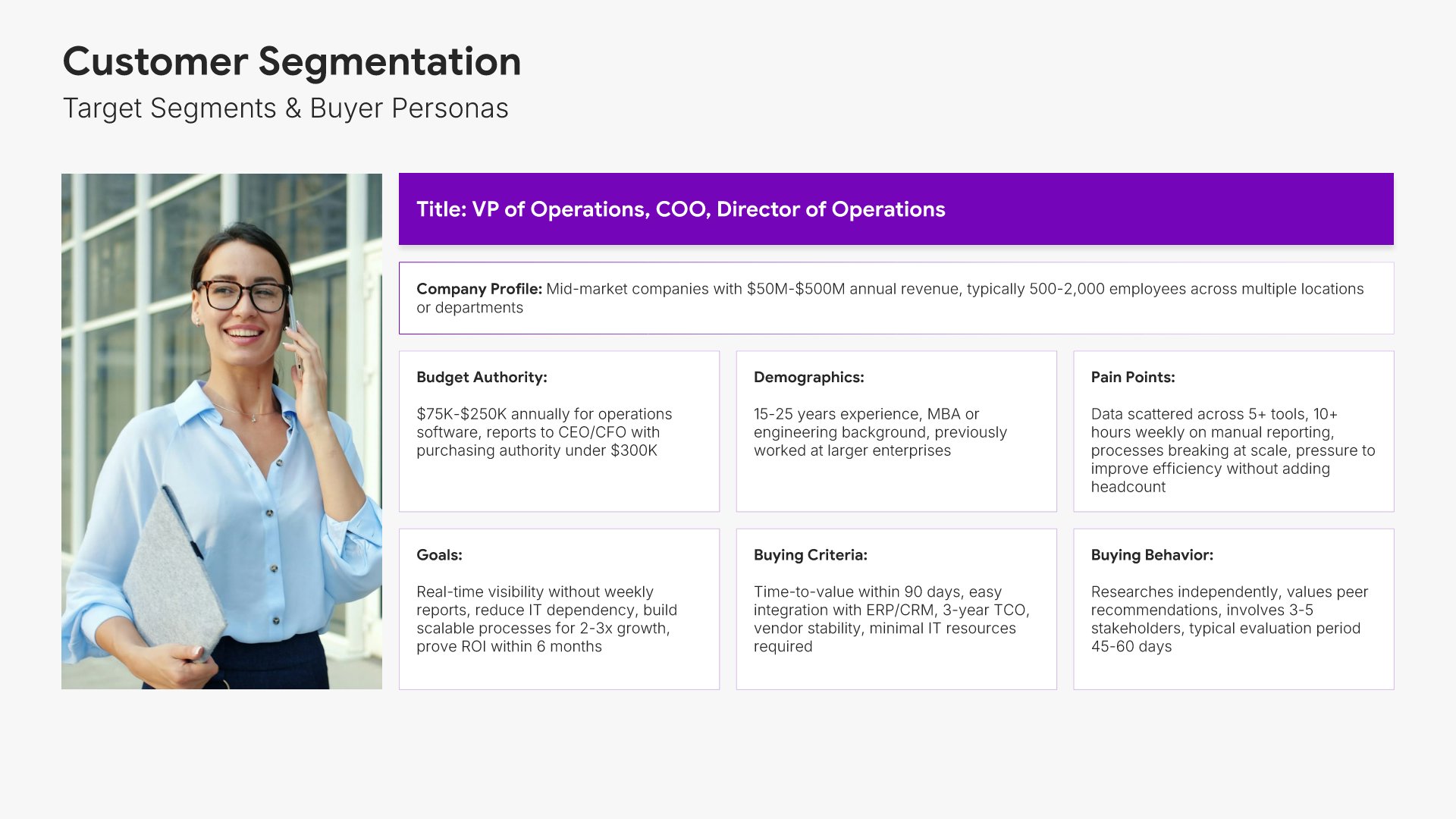
5. Customer Persona

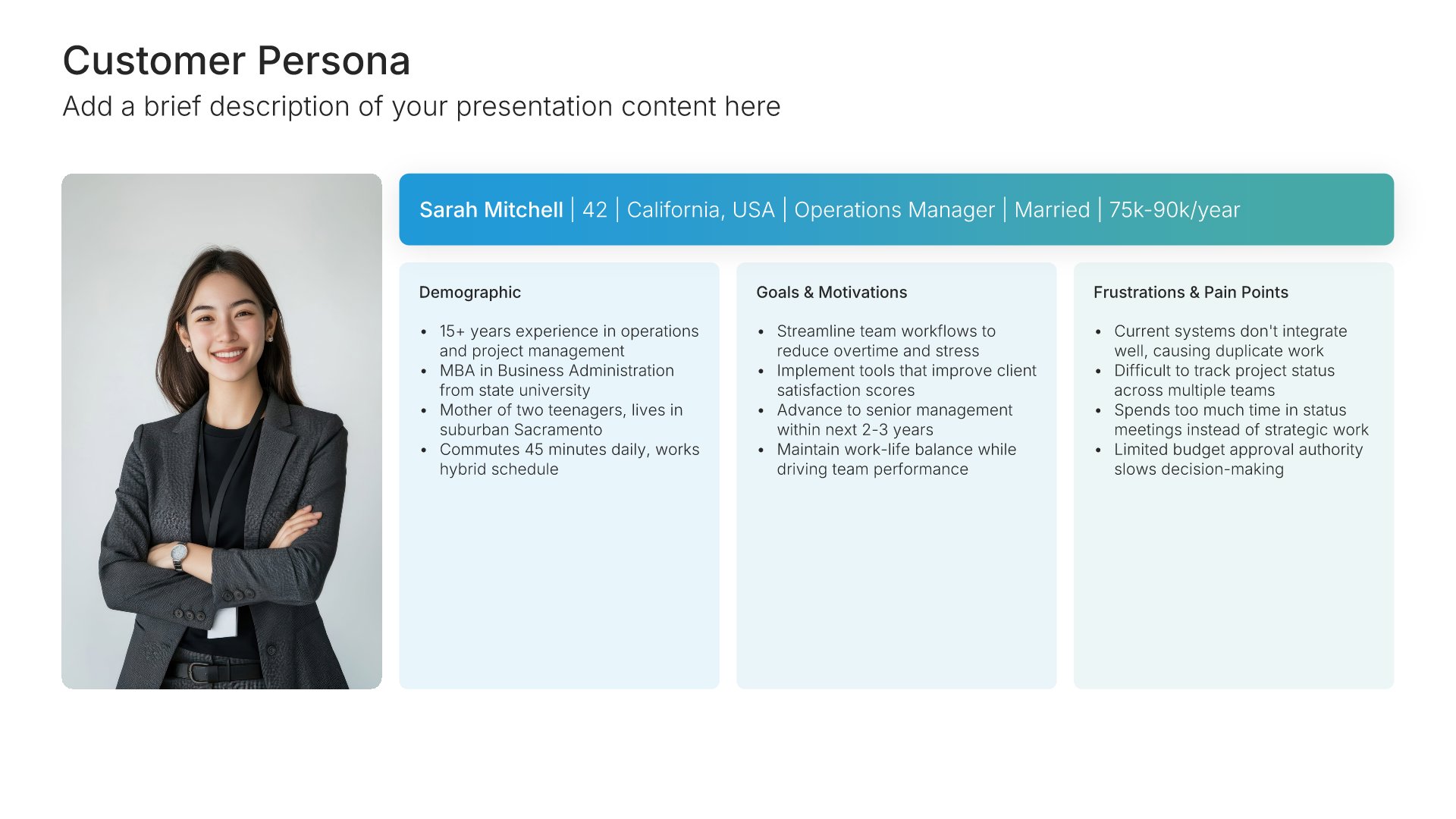
Customer persona slides help you bring your target audience to life. Use them to define demographics, behaviors, goals, motivations, and pain points that characterize your ideal customers. Ideal for marketing strategy, product design, and ensuring your team has a shared understanding of who you're building for.
Built using Customer Persona slides

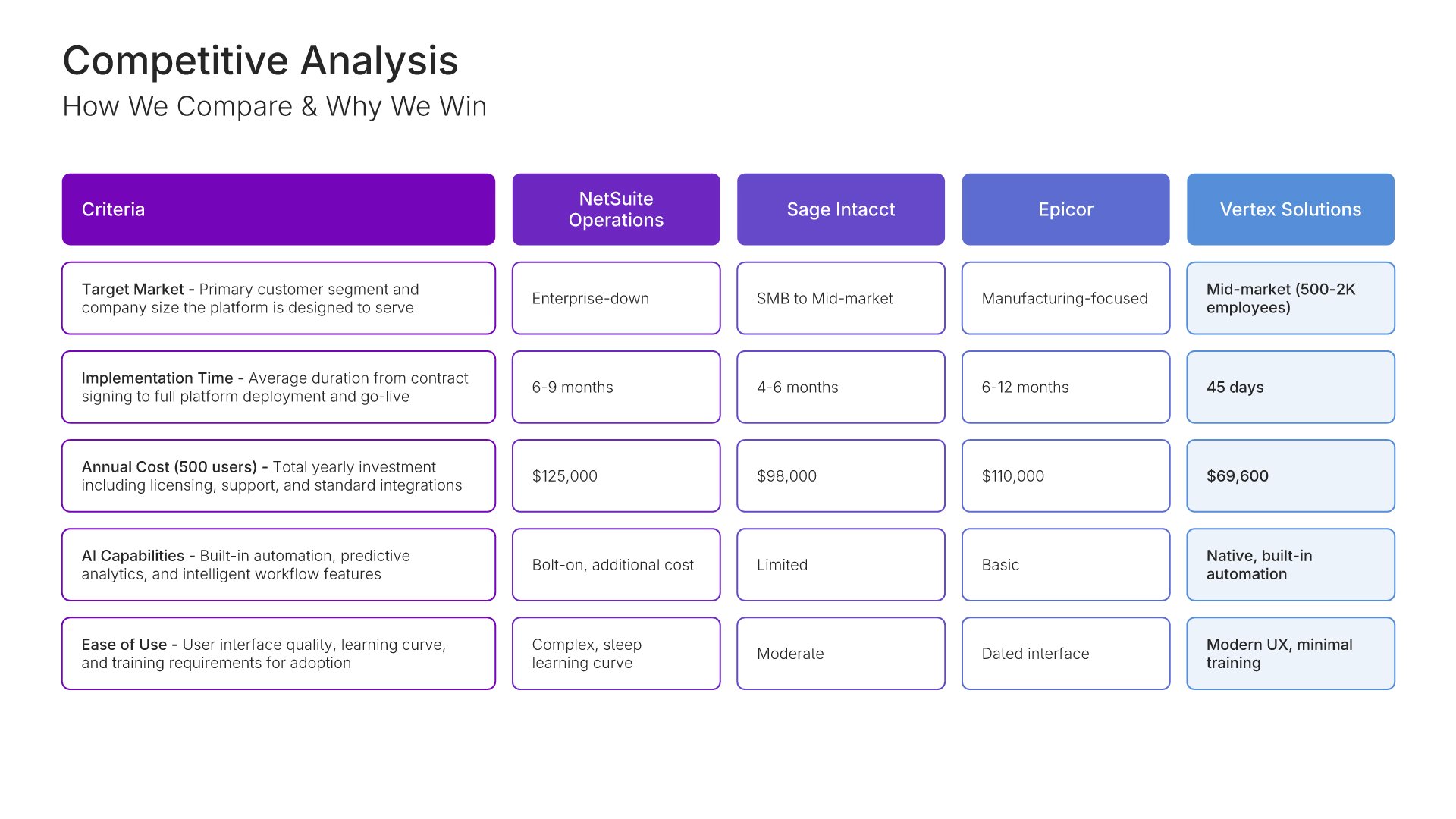
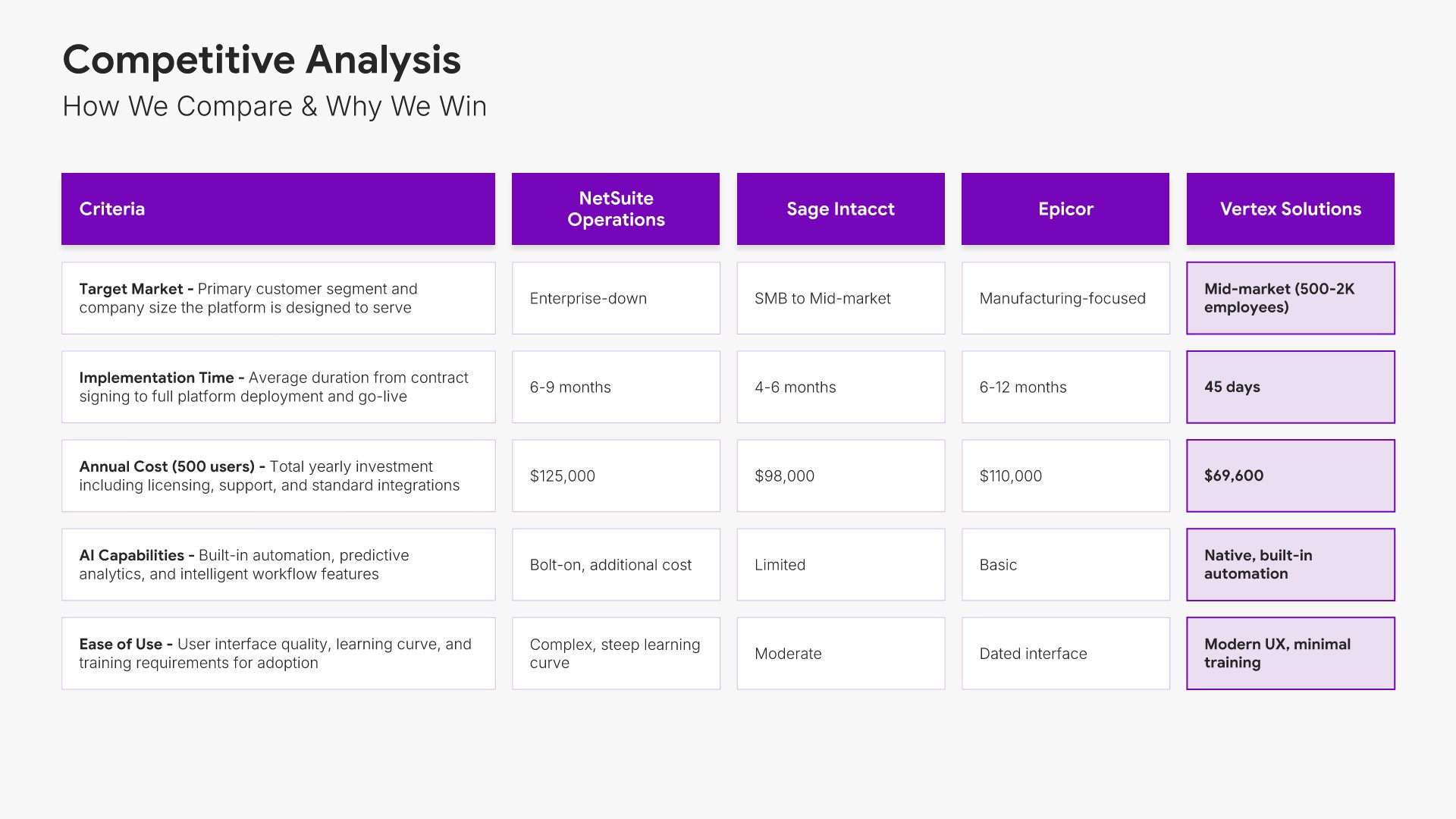
6. Competiton Analysis

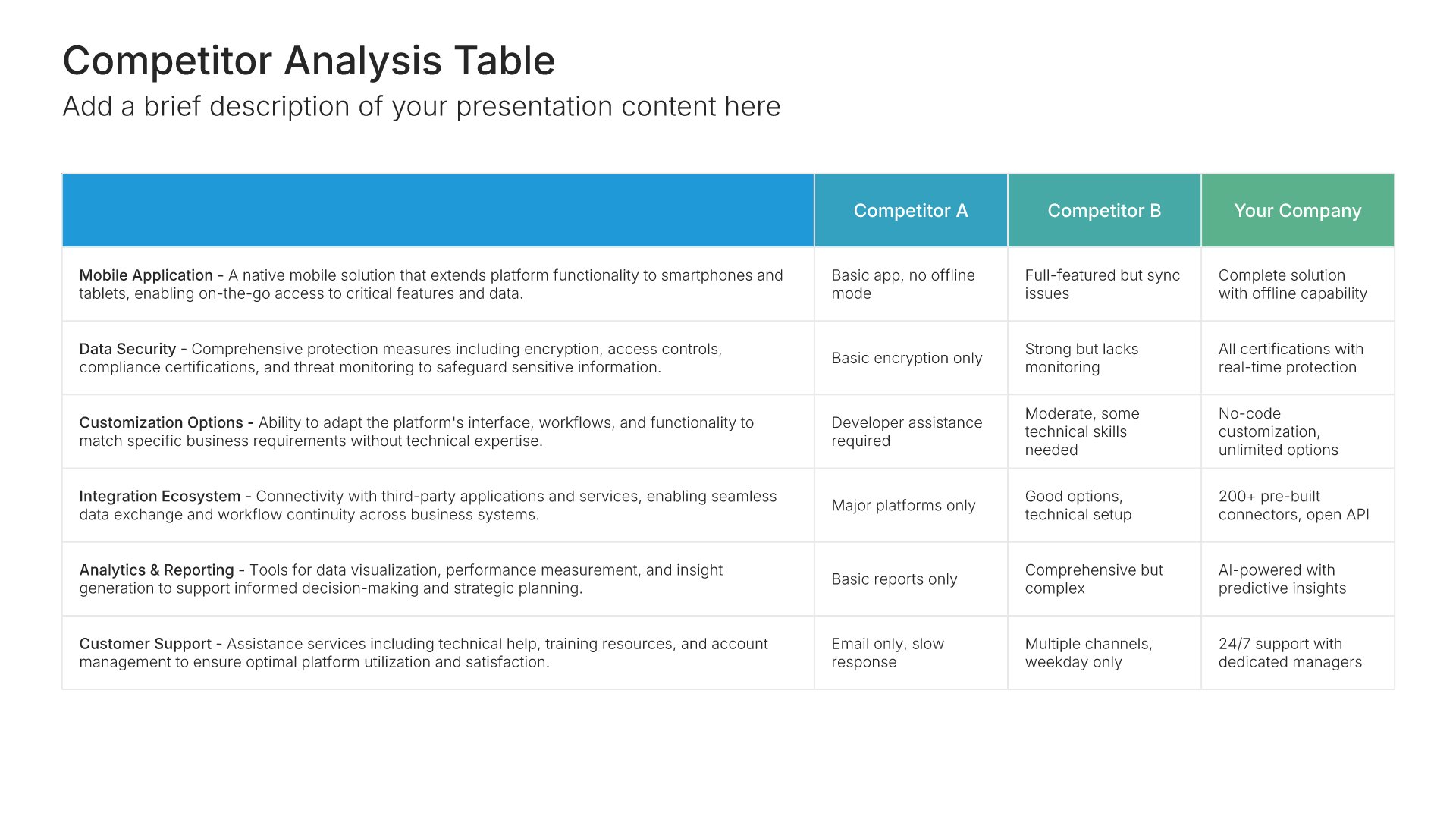
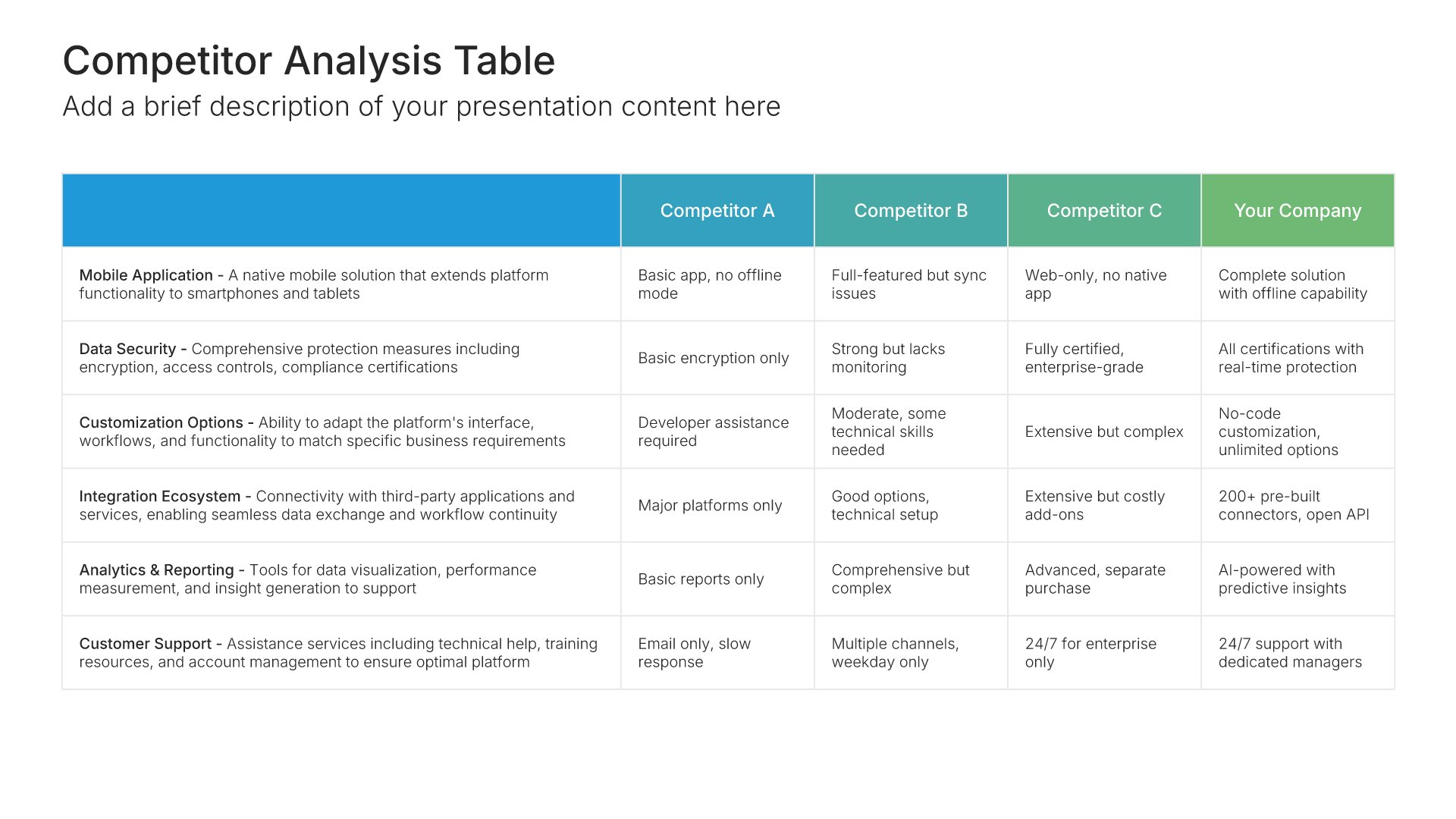
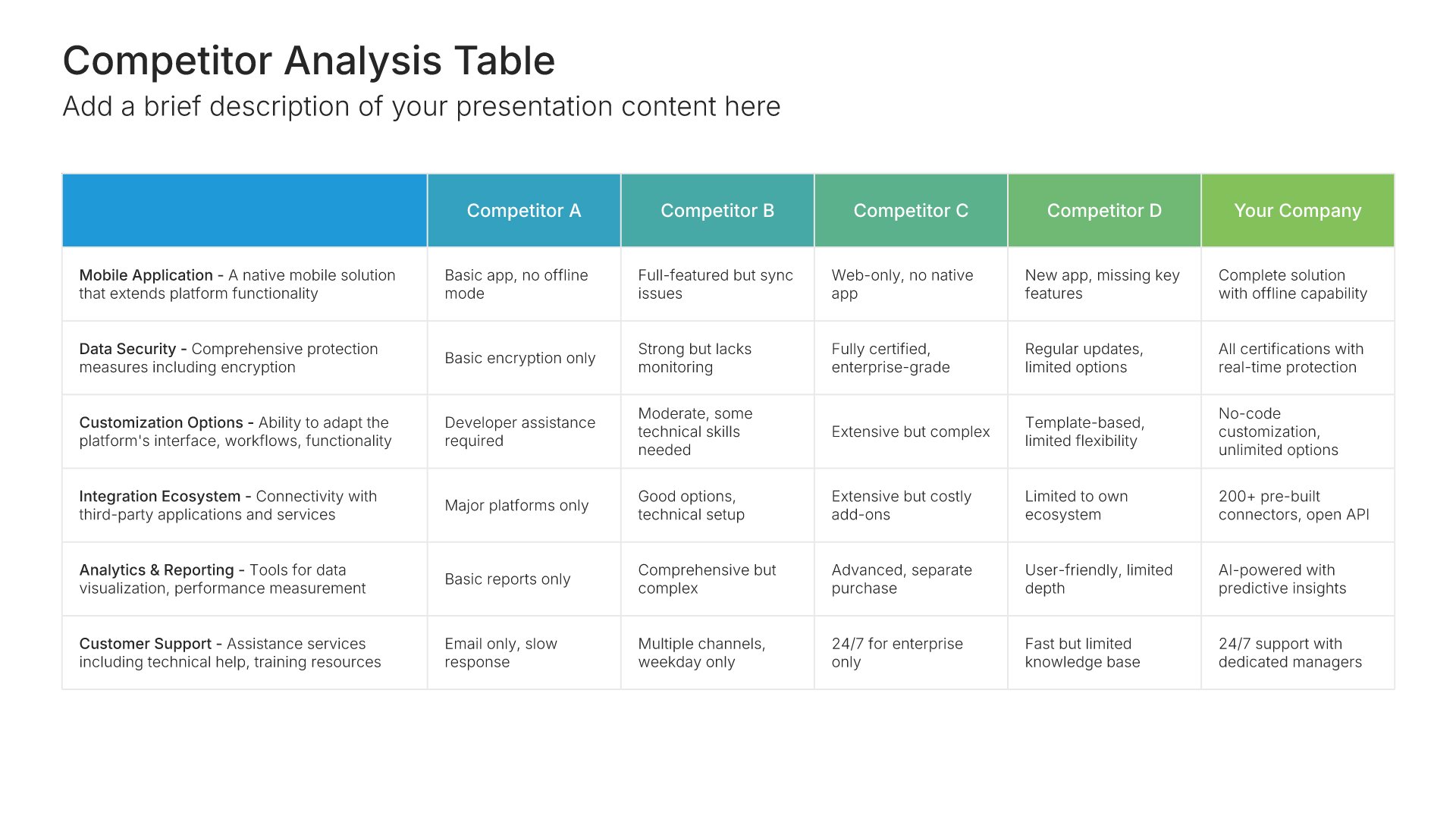
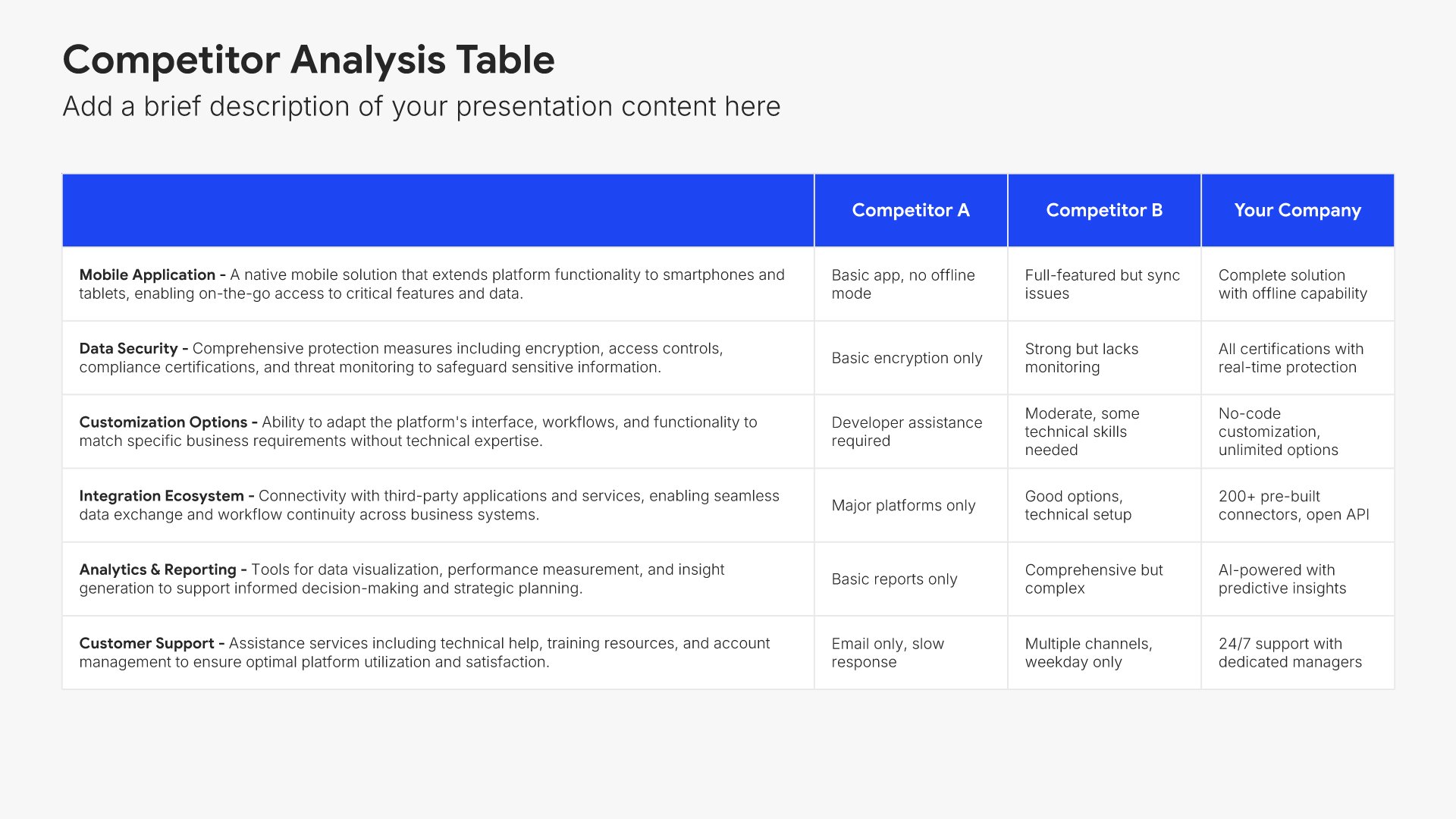
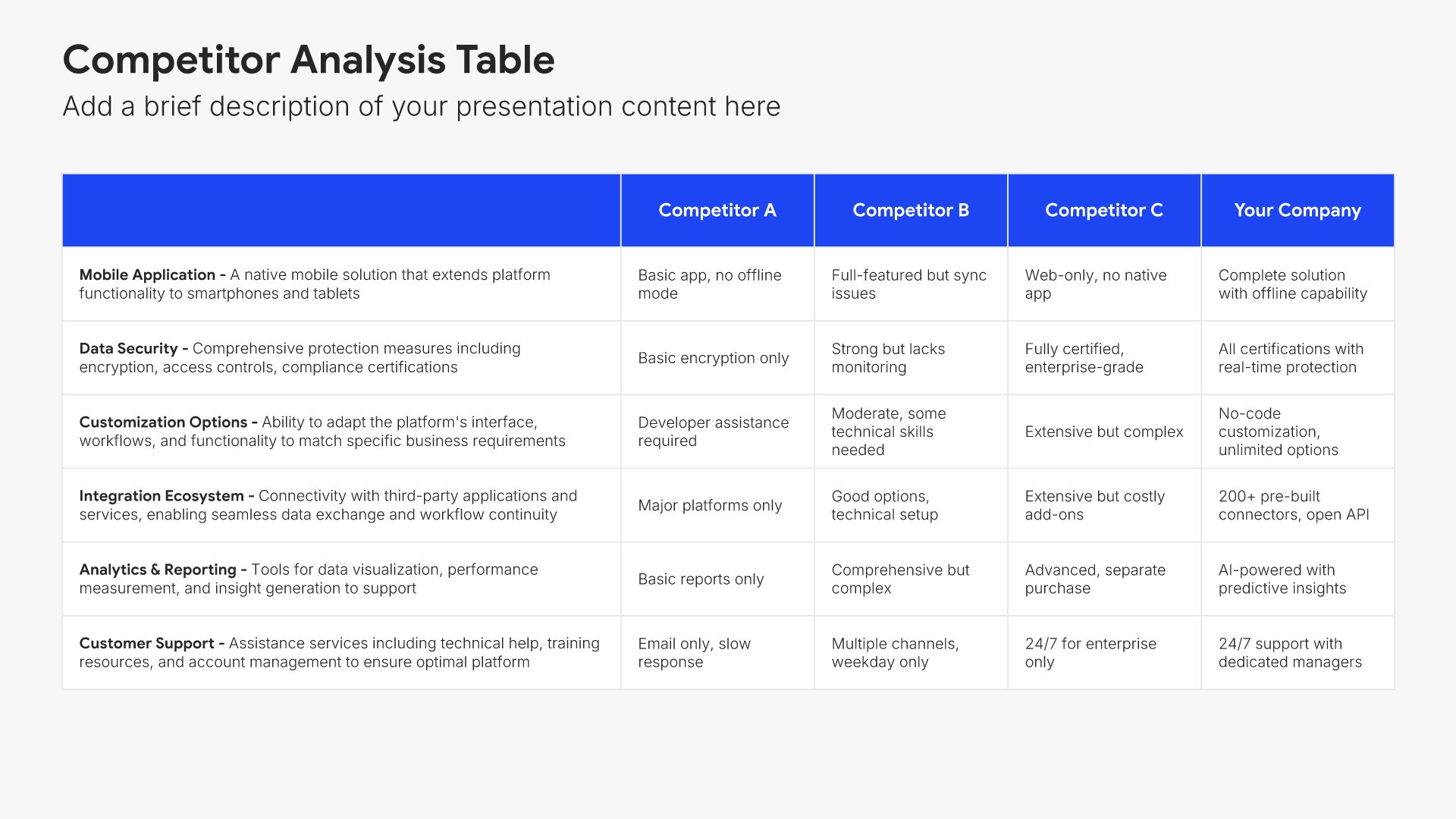
Competition analysis slides help you evaluate your competitors systematically. Use them to compare strengths, weaknesses, positioning, market share, and competitive advantages across your competitive landscape. Ideal for strategic planning, market research, and developing strategies that differentiate your business from rivals.
Built using Competiton Analysis slides

7. Value Proposition

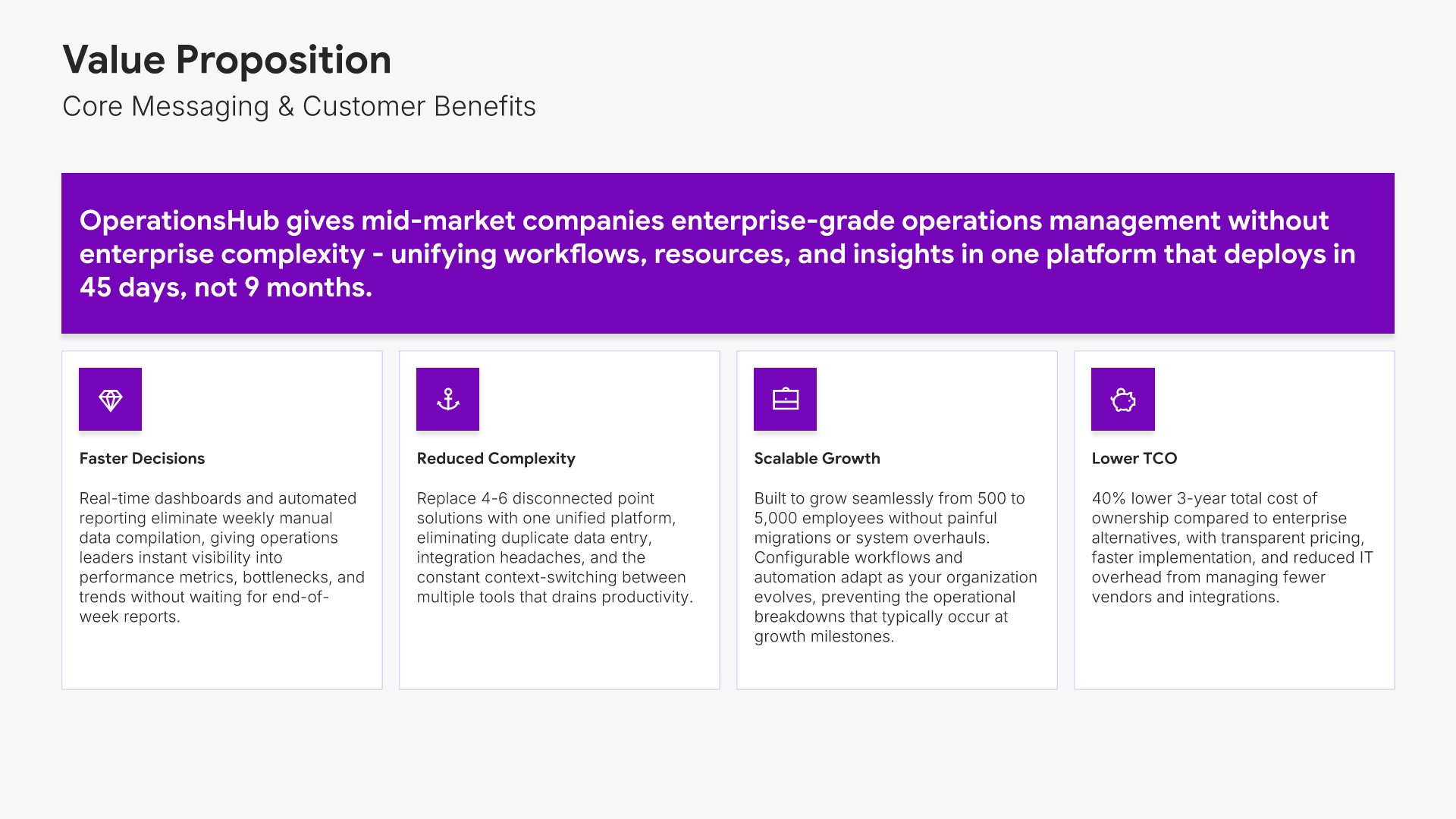
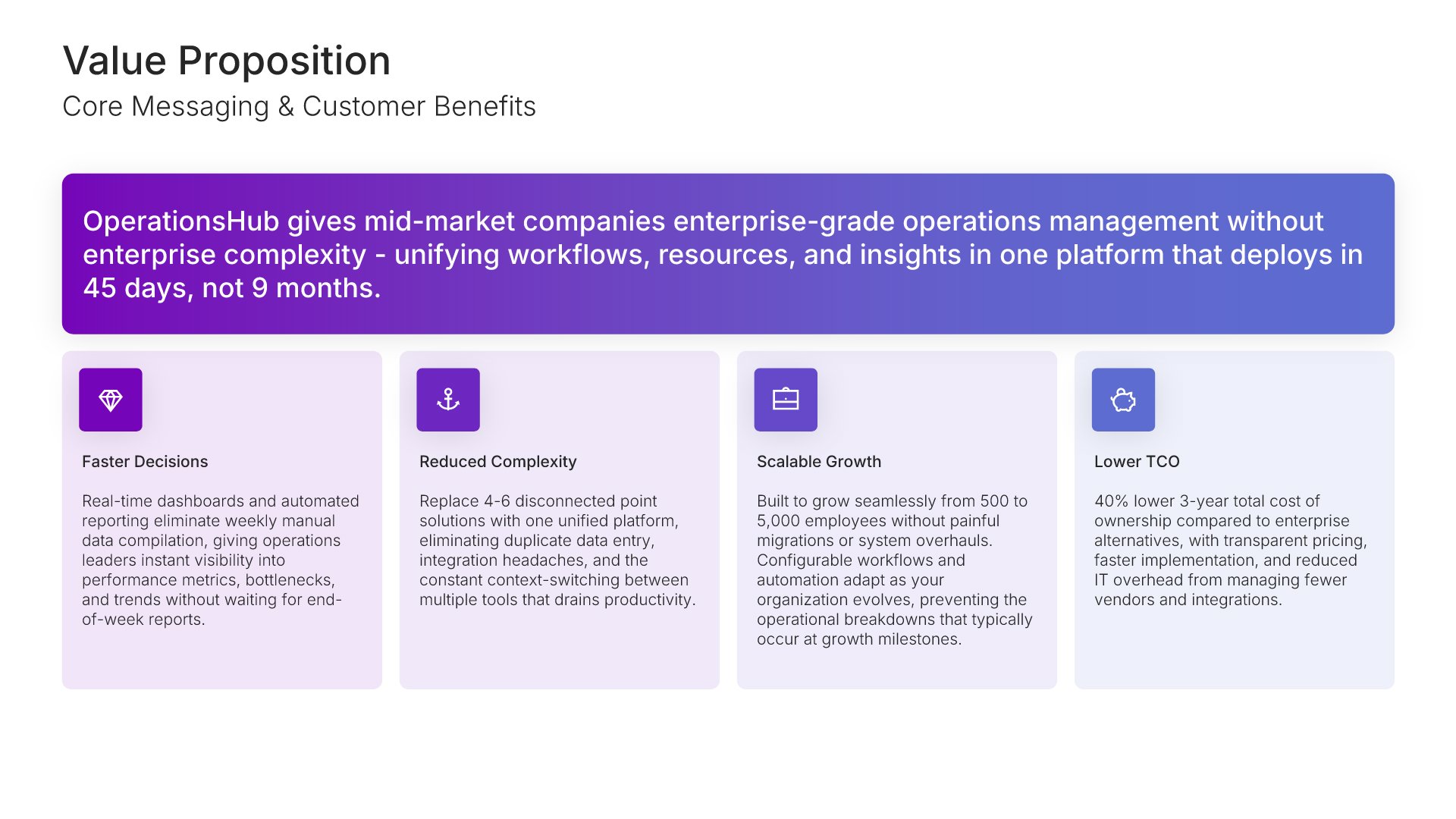
Value proposition slides help you articulate why customers should choose your solution. Use them to present your core value, key benefits, and messaging framework that differentiates you from alternatives. Ideal for GTM strategies where a clear, compelling value proposition drives all sales and marketing communication.
Built using Simple Text (with Icons) slides

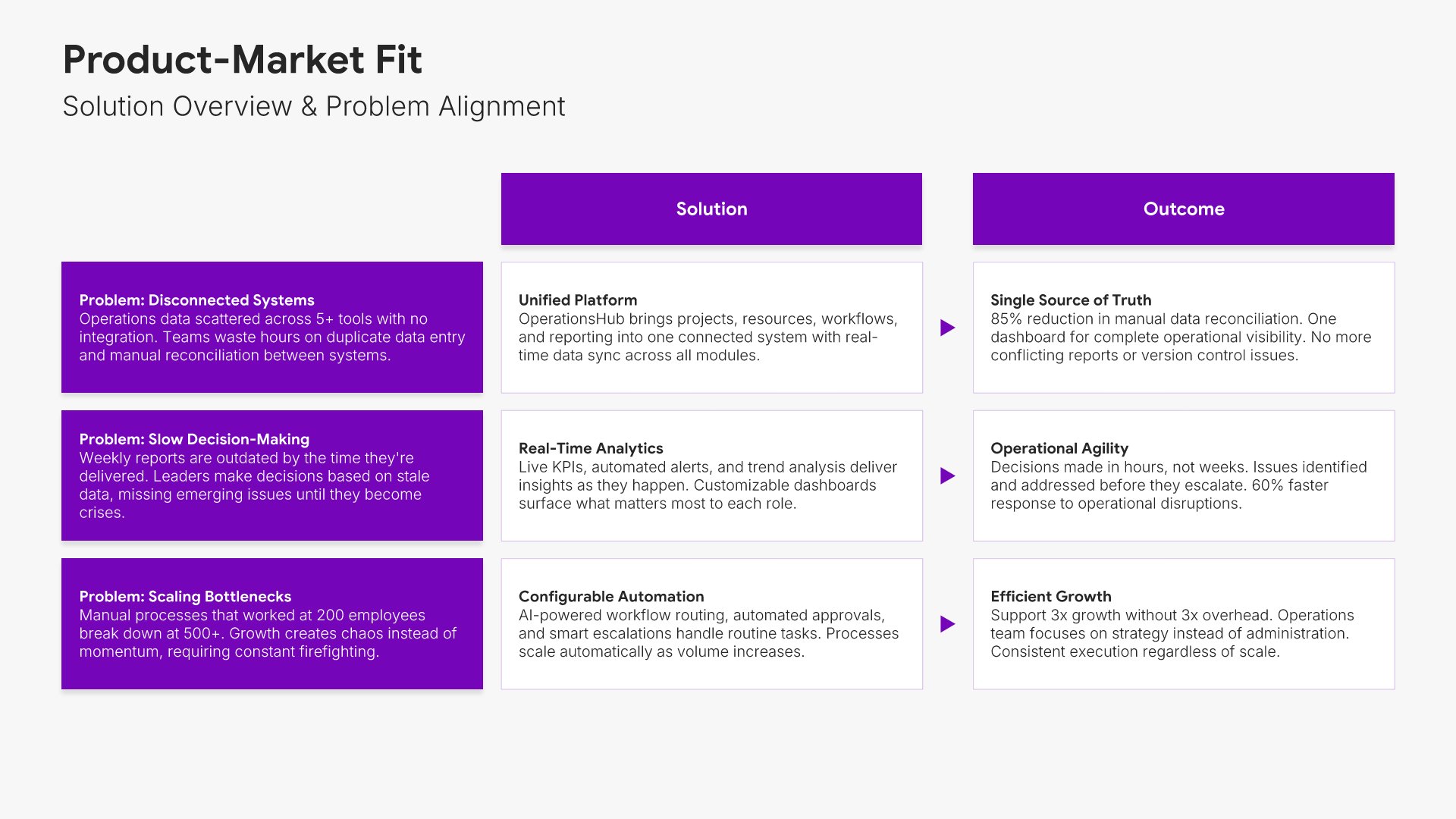
8. Product-Market Fit

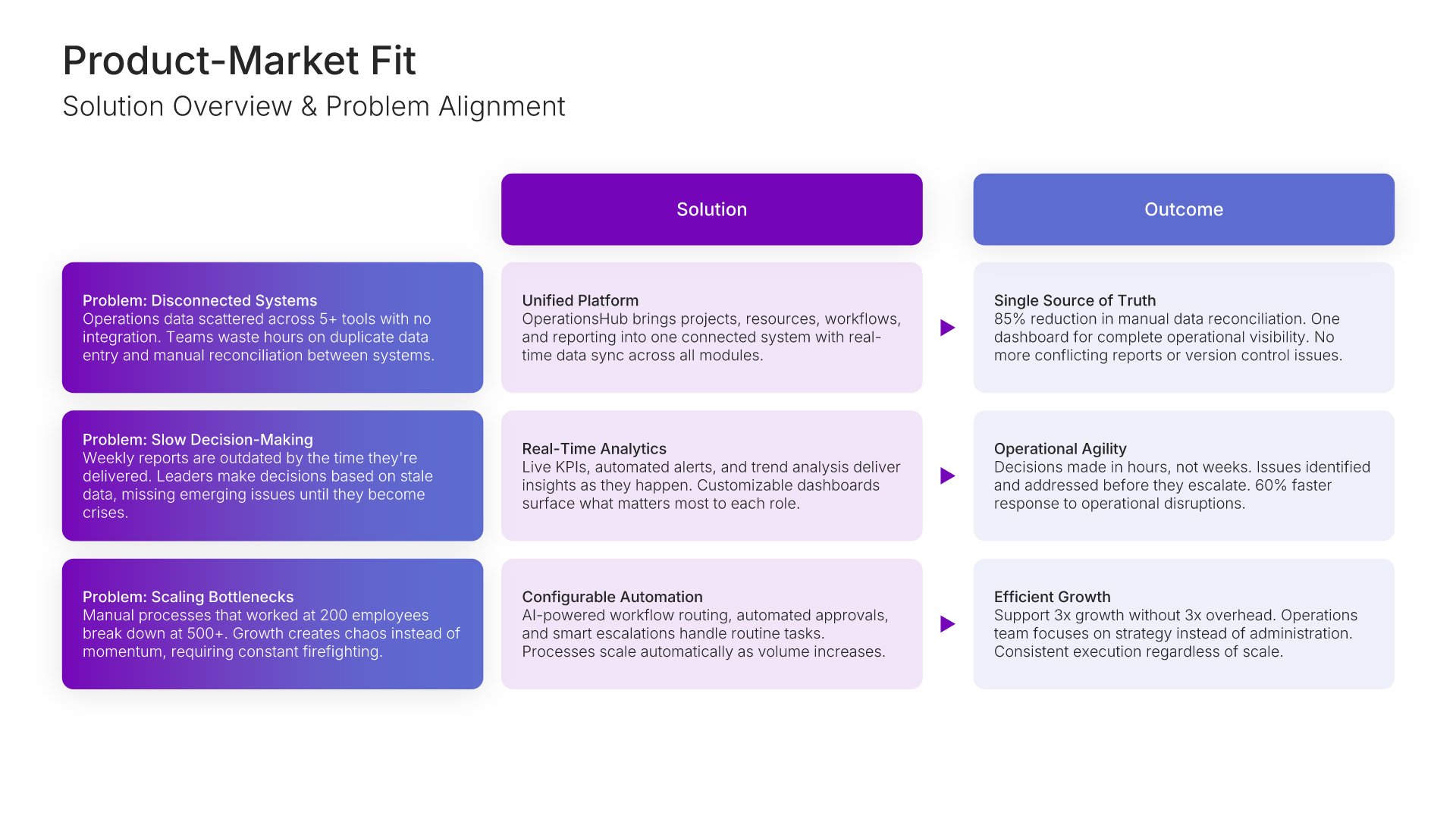
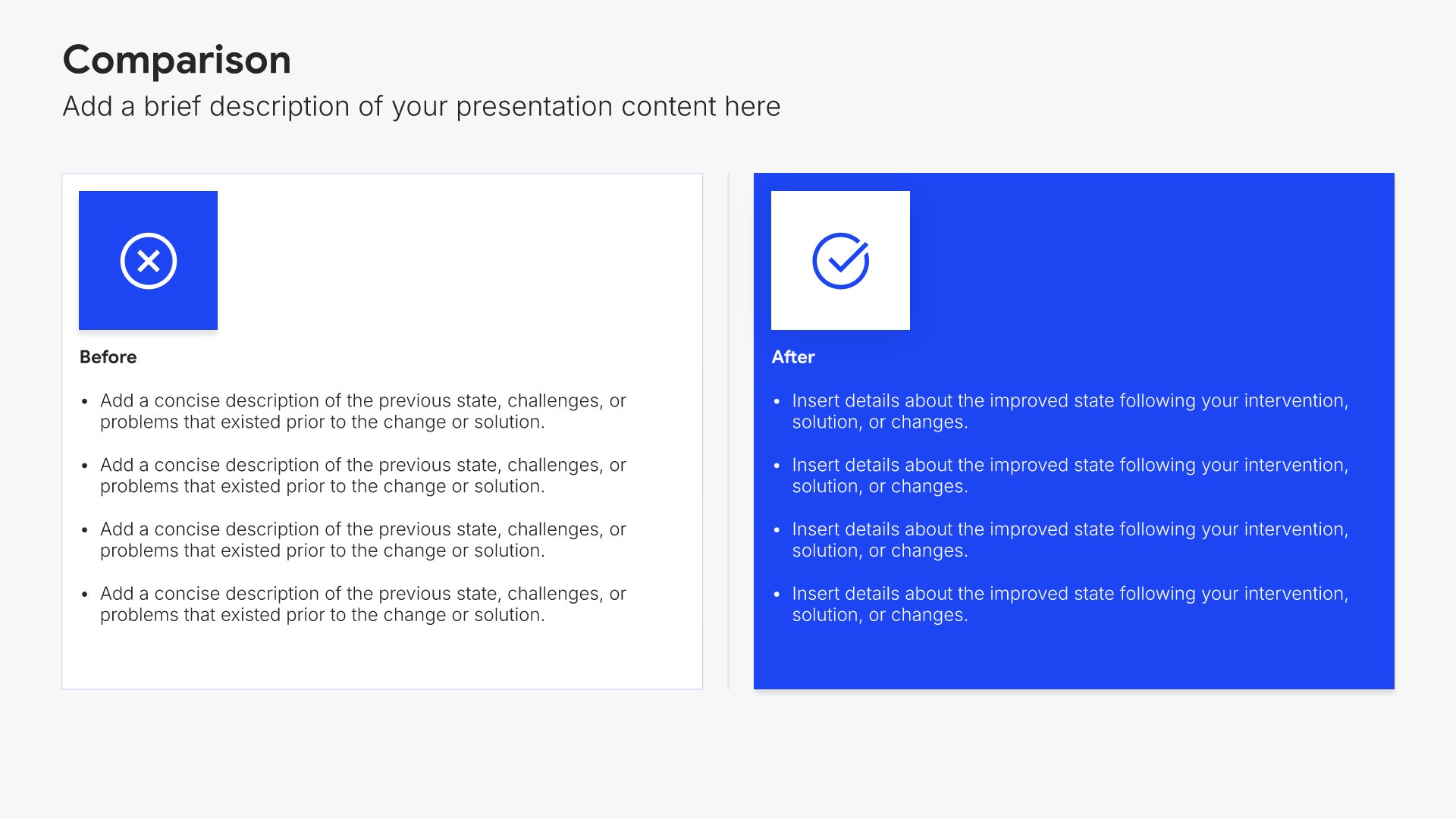
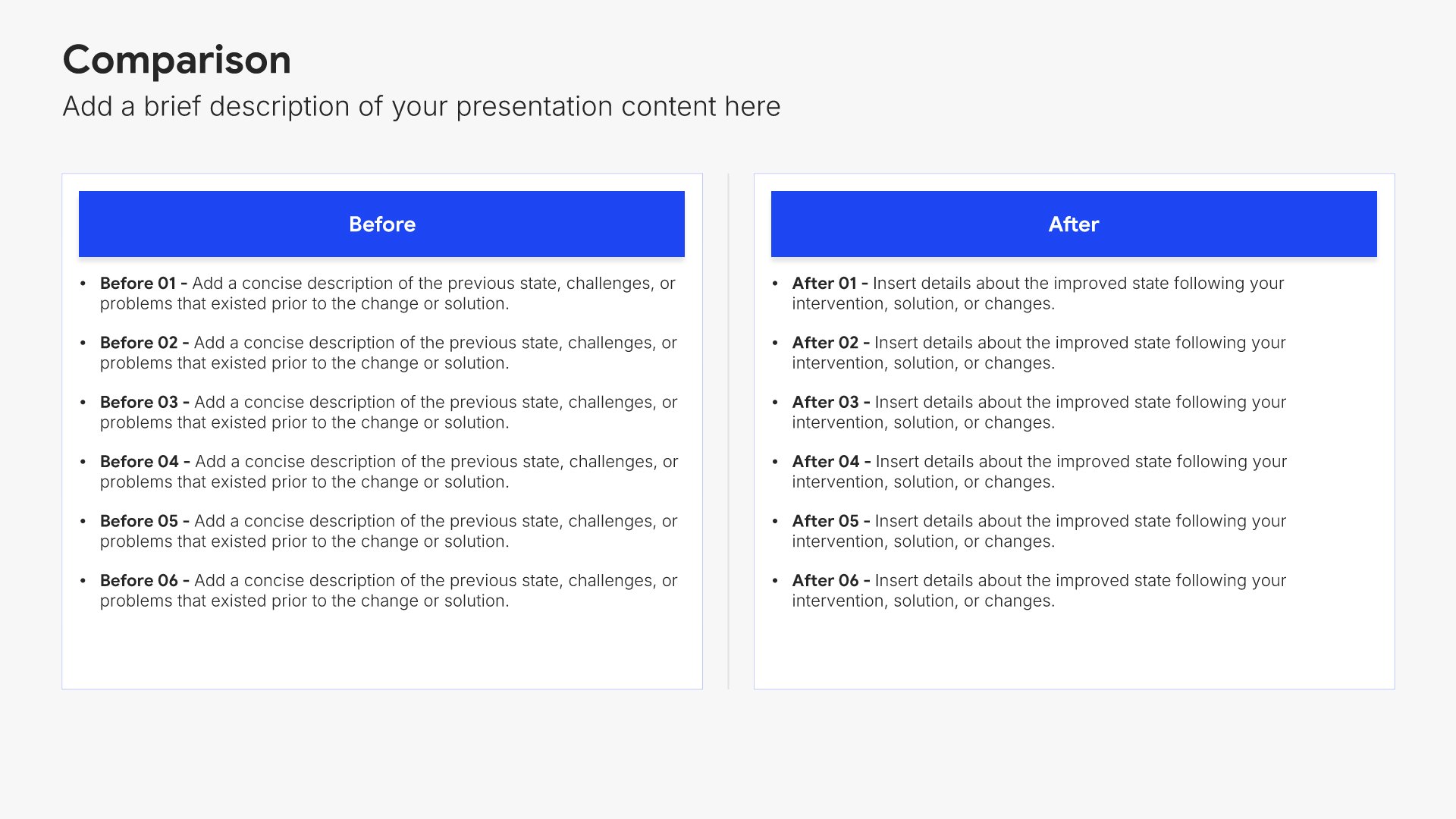
Product-market fit slides help you demonstrate alignment between your solution and customer needs. Use them to show how your product solves real problems for your target market with evidence of demand validation. Ideal for GTM strategies where proving product-market fit builds confidence in your launch readiness.
Built using Comparison slides

9. Pricing Strategy

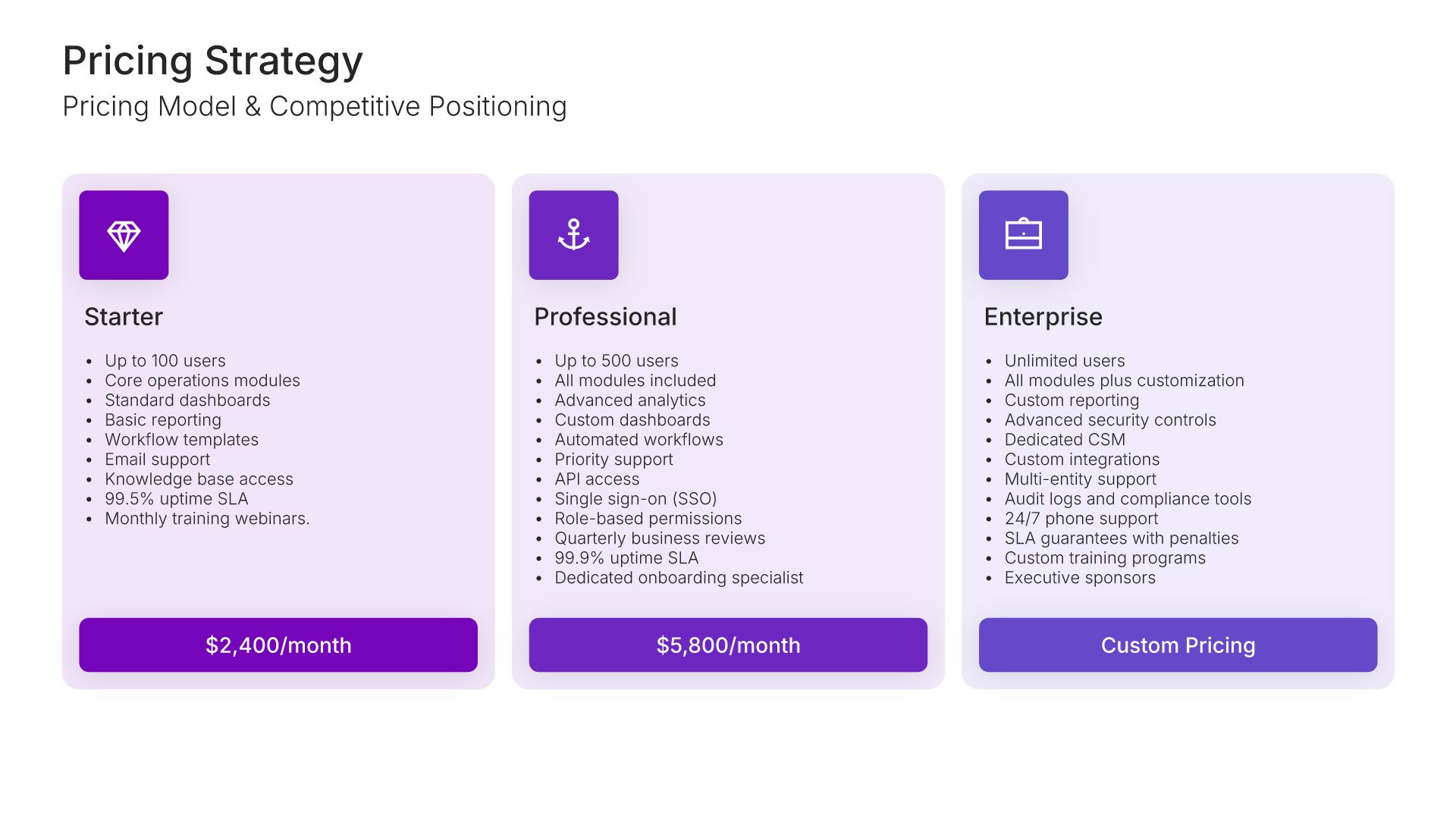
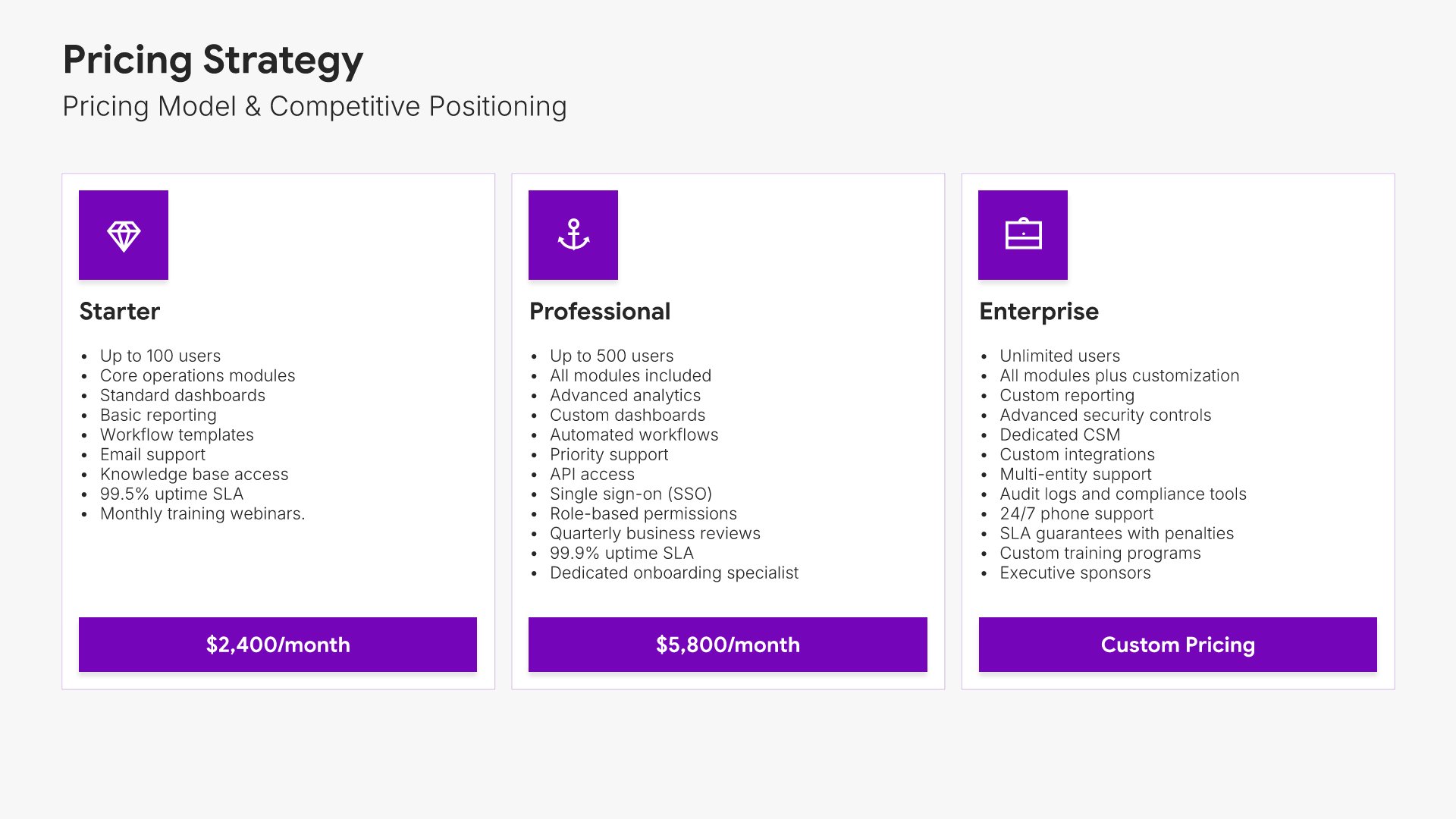
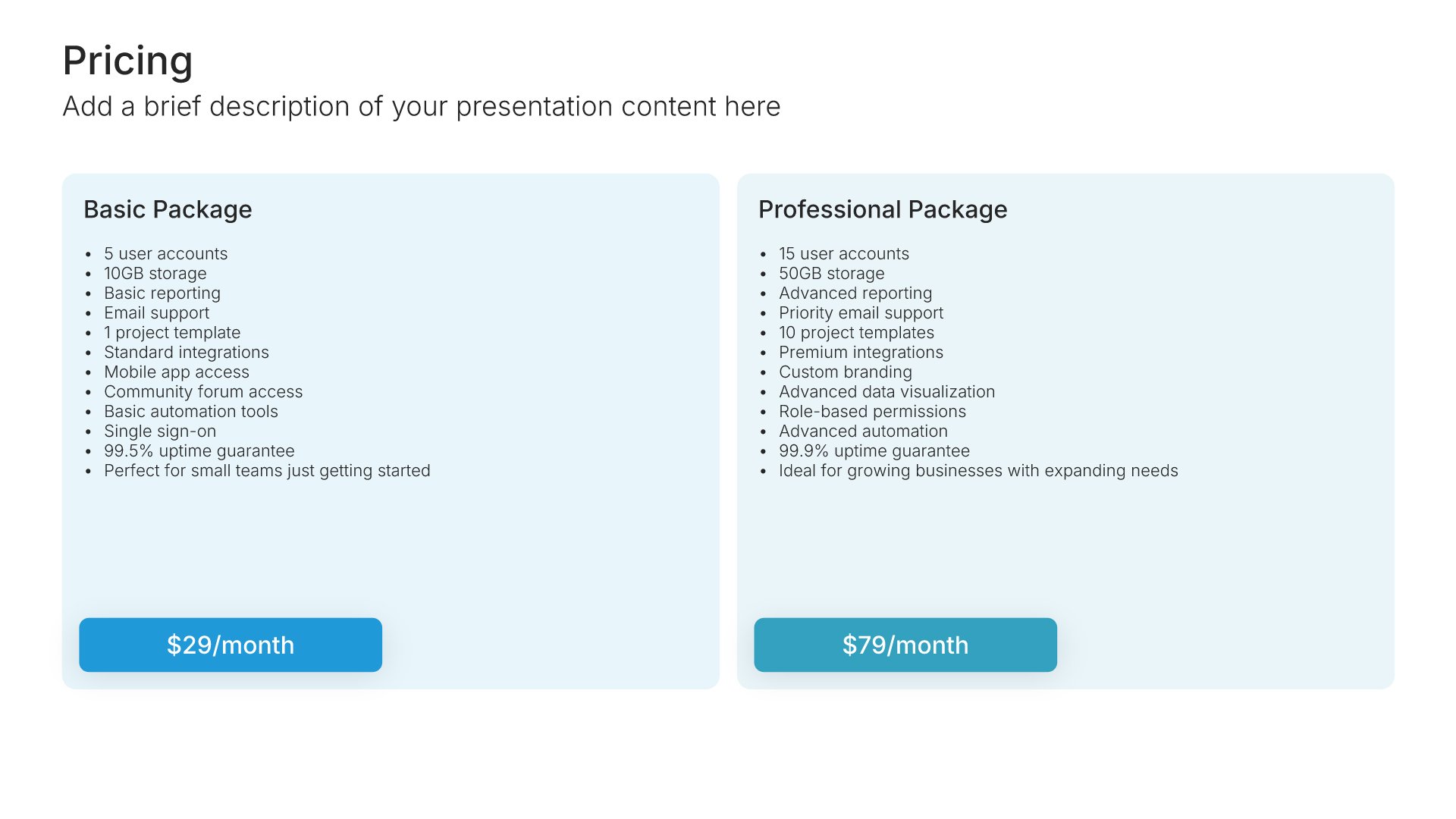
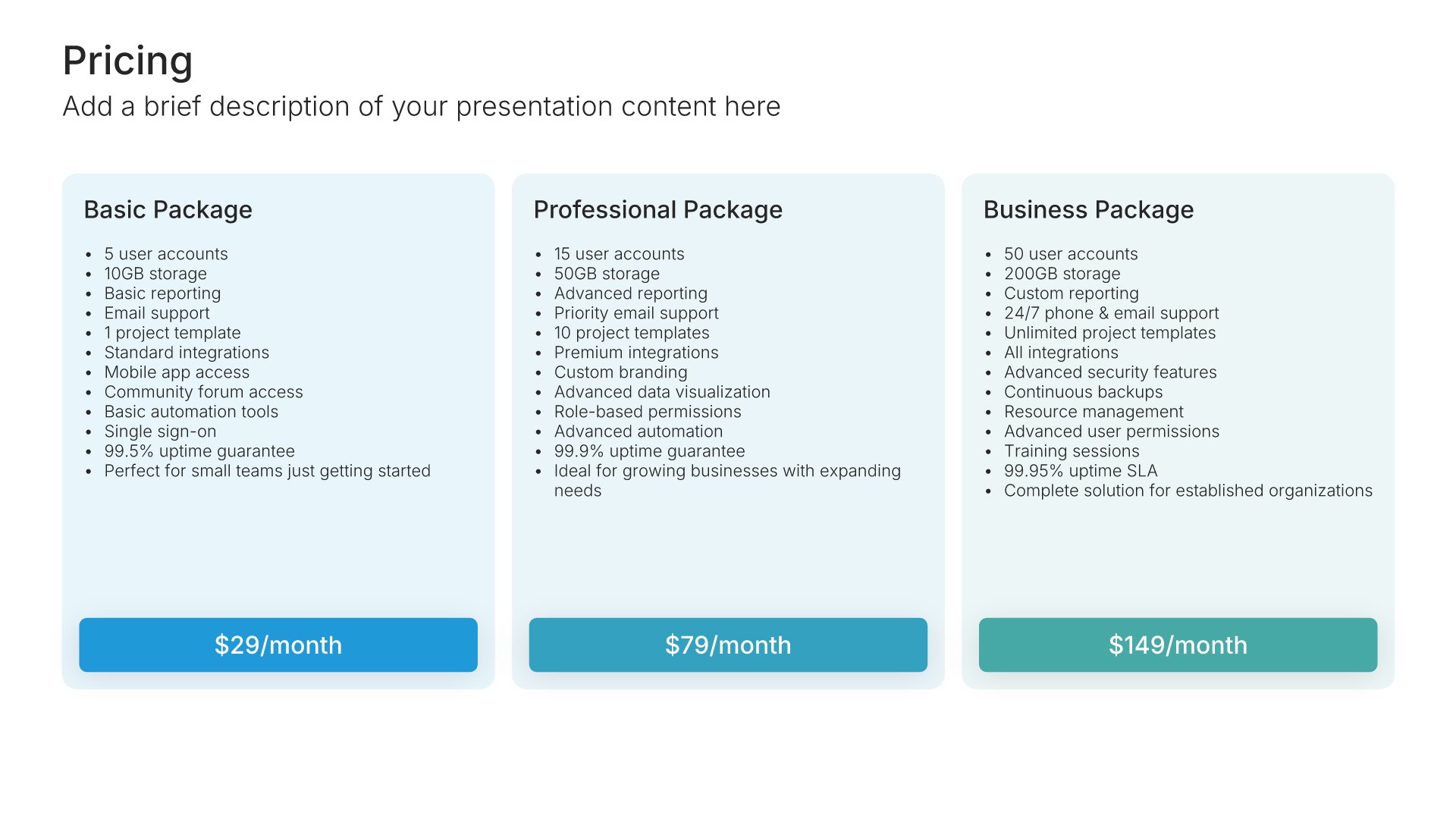
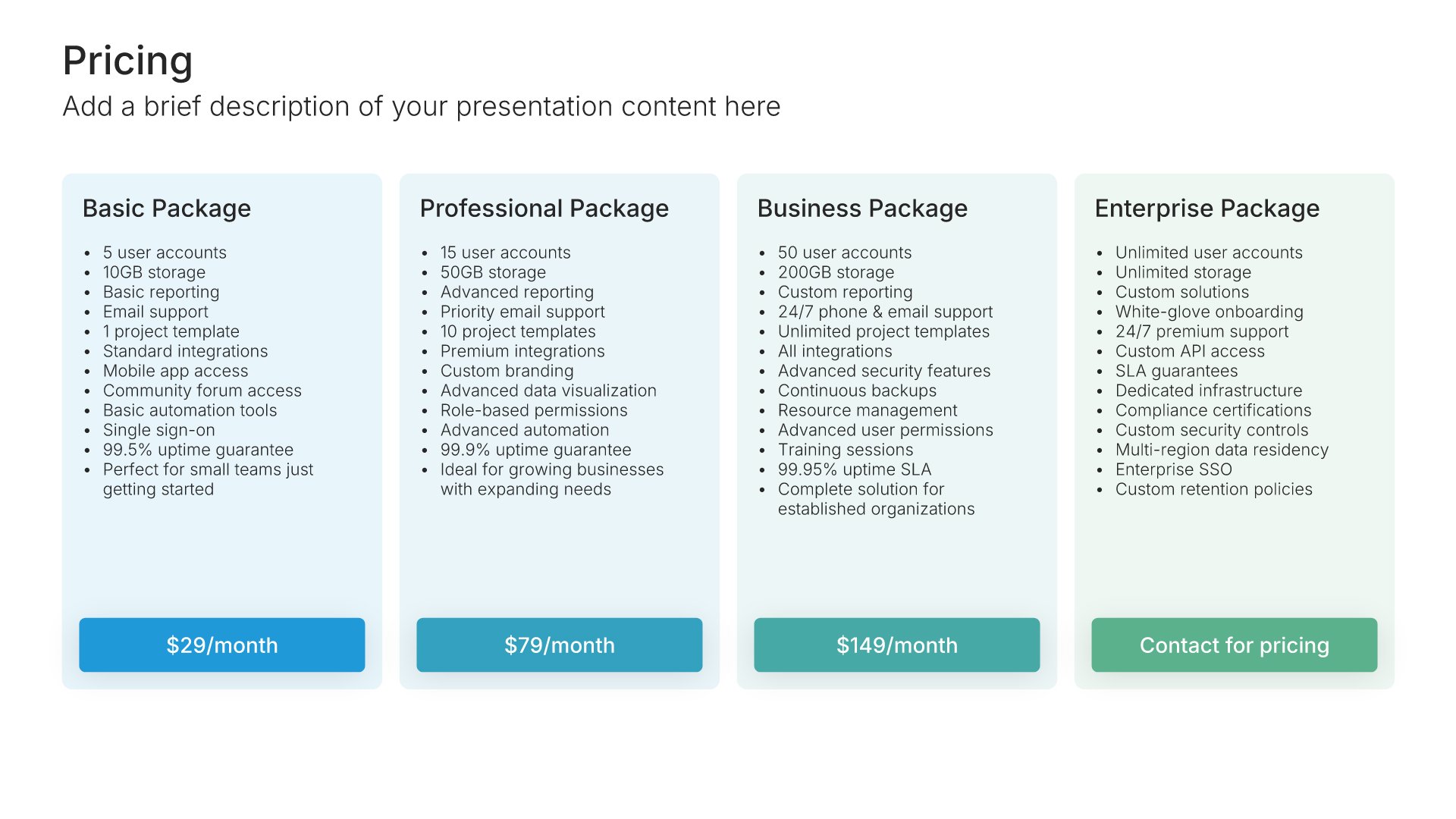
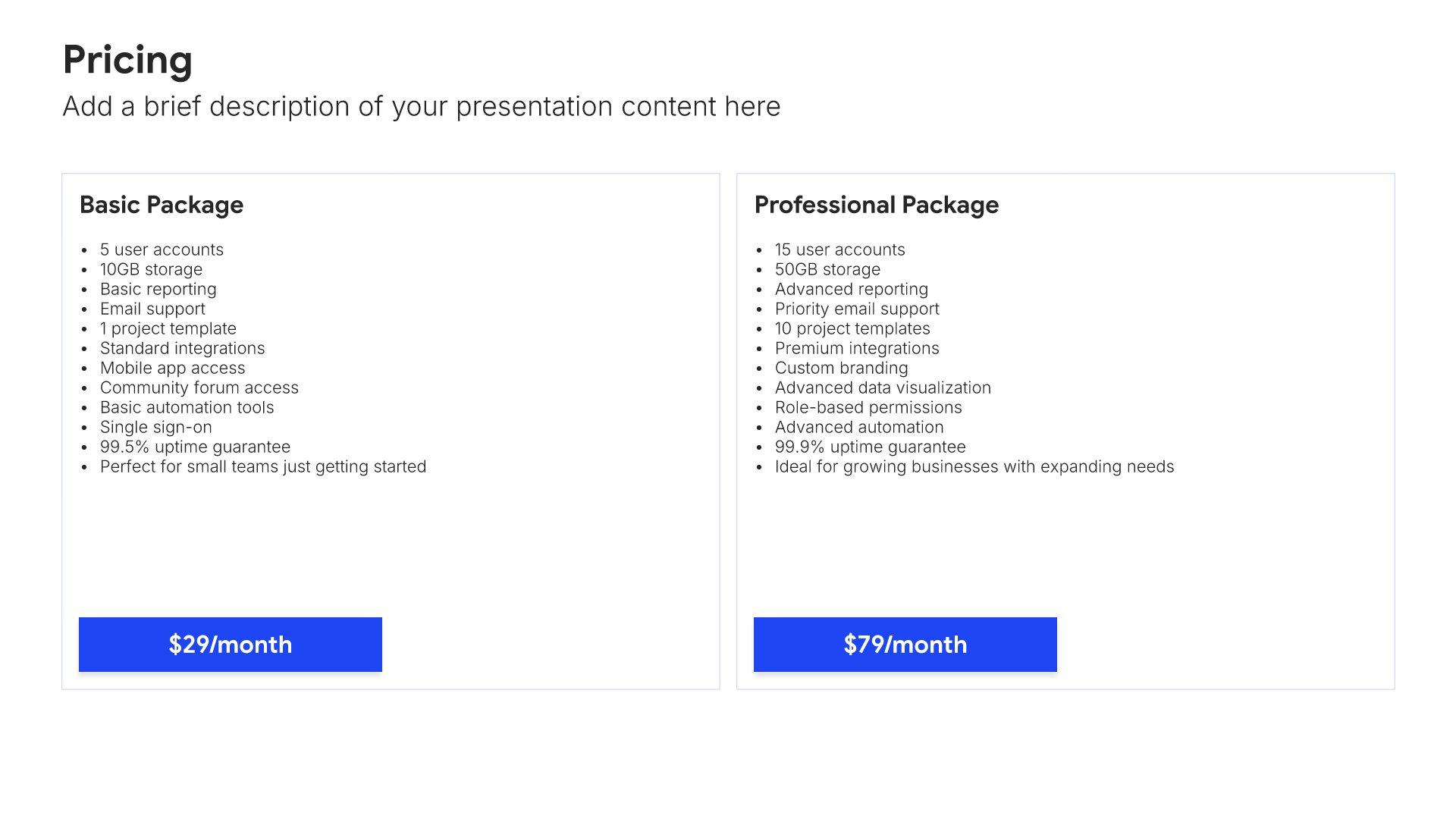
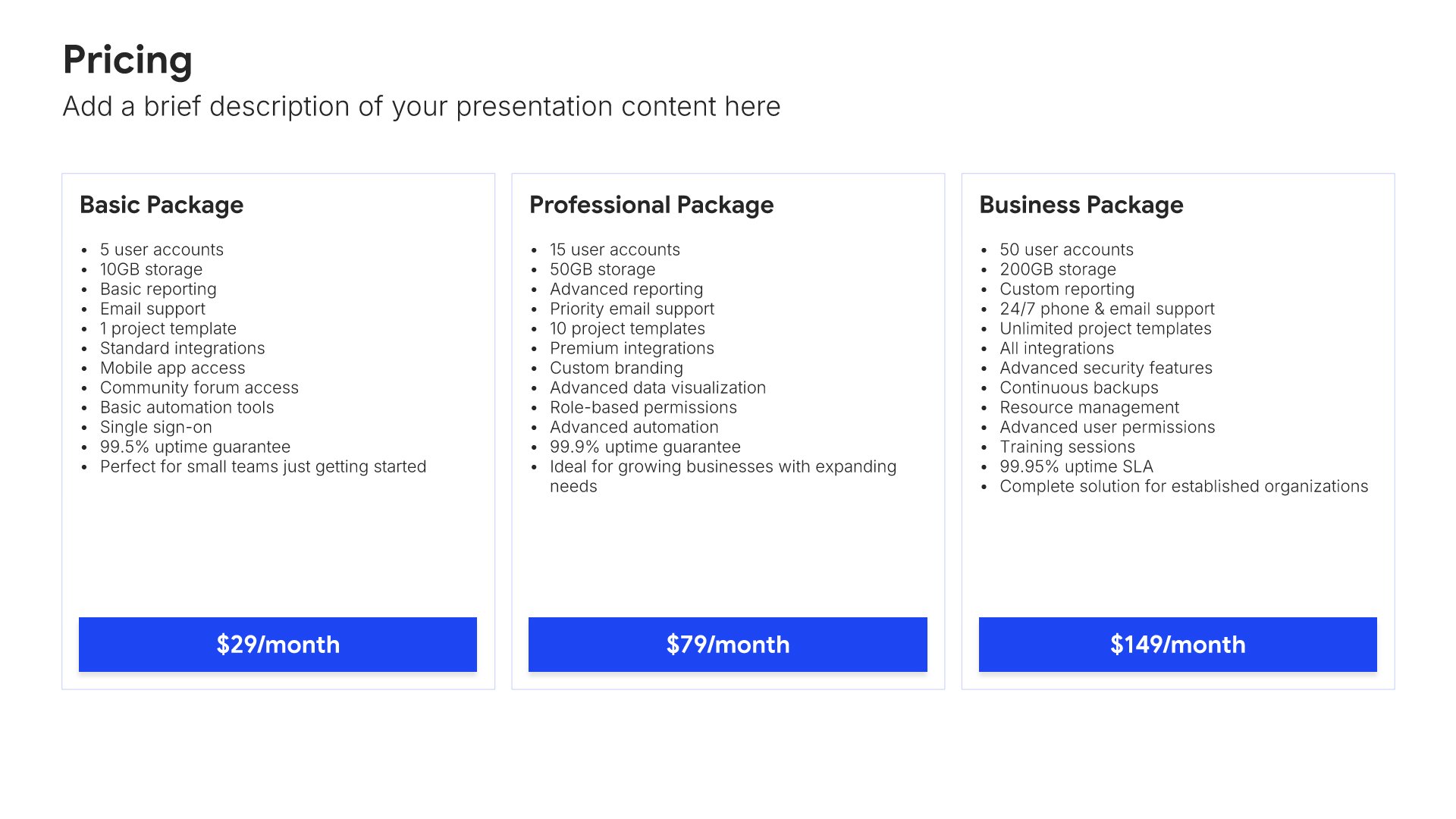
Pricing strategy slides help you present your approach to capturing value. Use them to display pricing models, tiers, competitive positioning, and rationale for your pricing decisions. Ideal for marketing plans where pricing strategy directly impacts revenue, positioning, and competitive differentiation in the market.
Built using Pricing slides

10. Sales Strategy

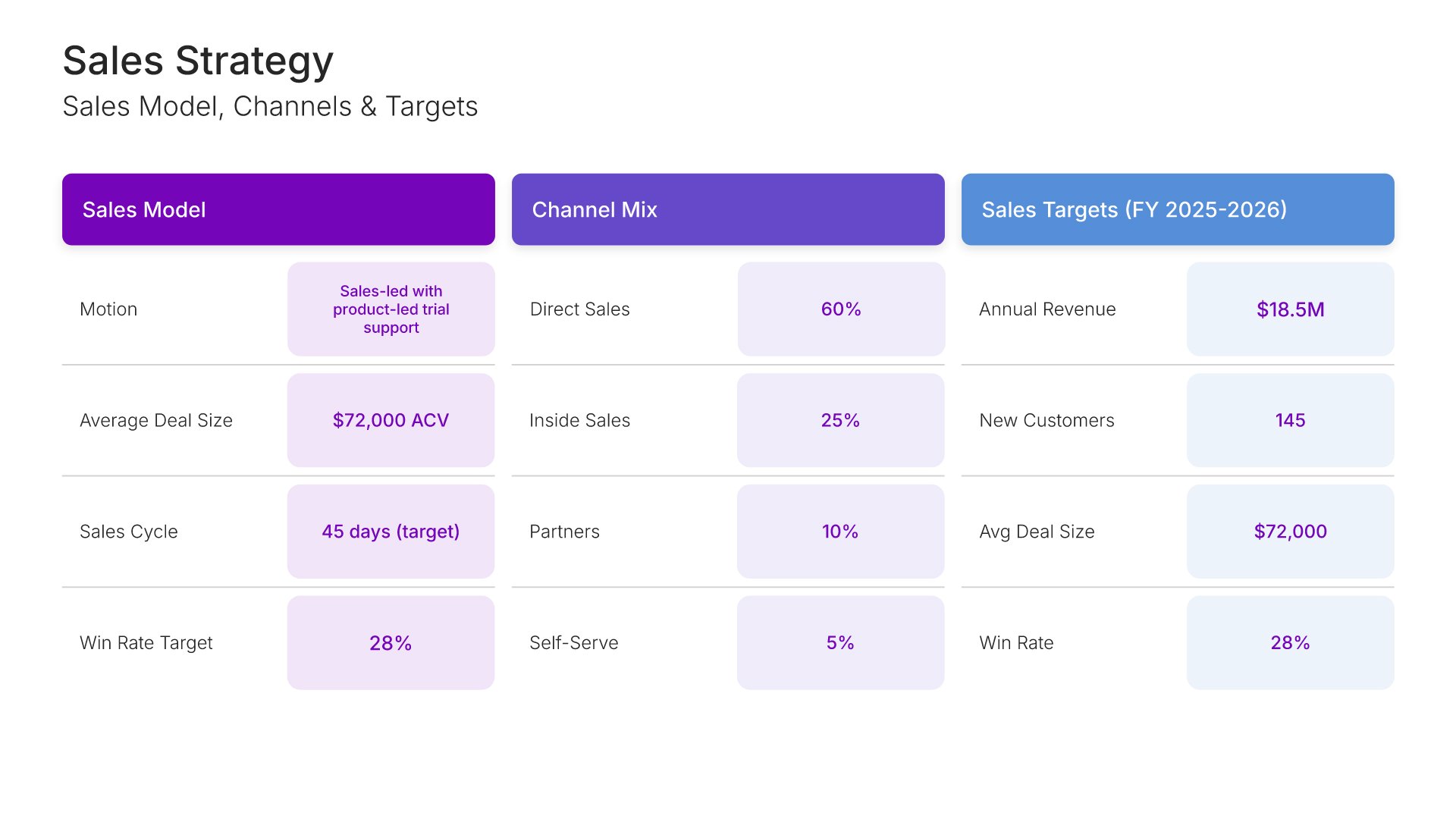
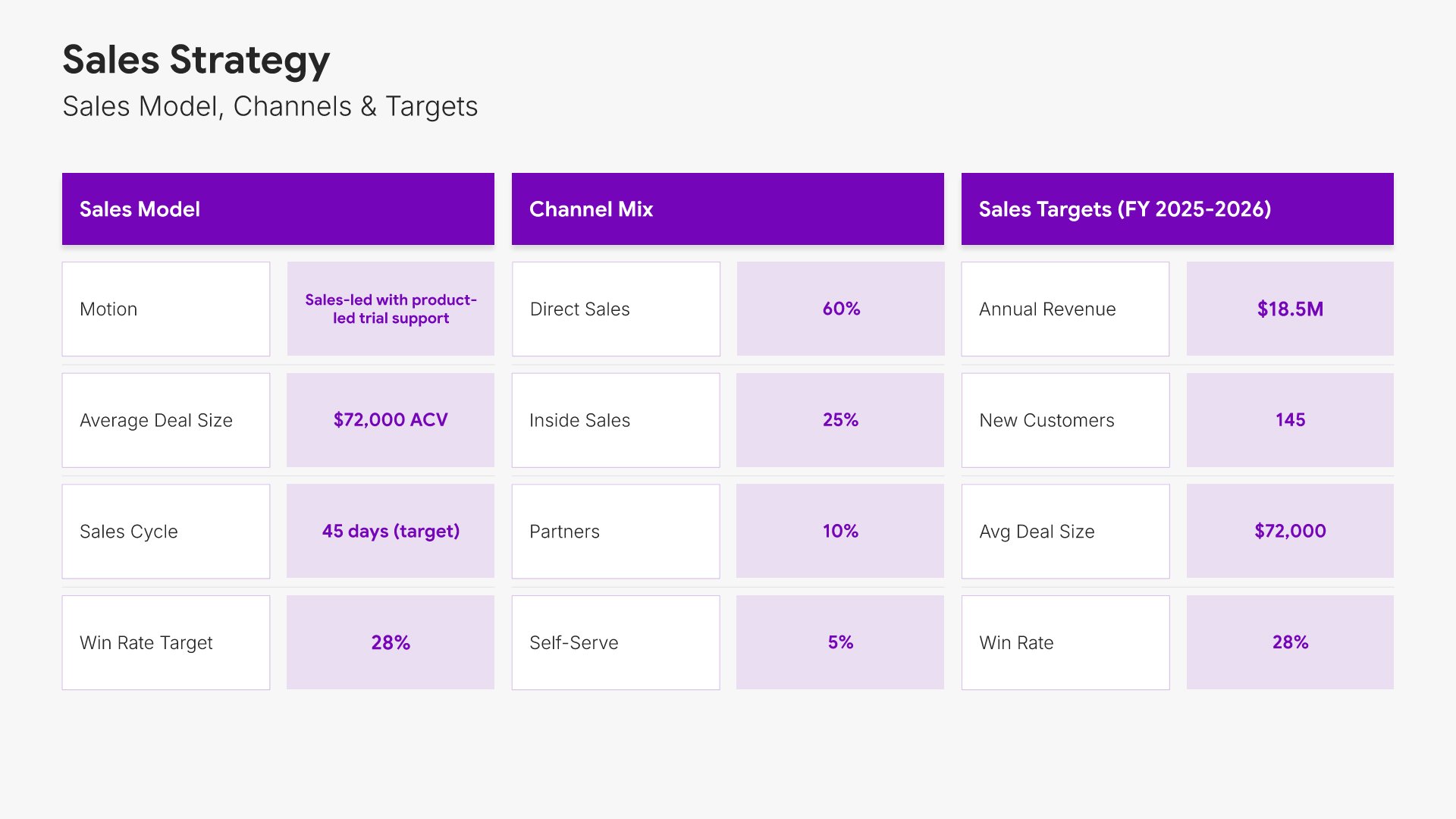
Sales strategy slides help you outline your plan for converting prospects into customers. Use them to present your sales channels, pricing approach, sales process, and tactics for closing deals and driving revenue. Ideal for business plans, pitch decks, and investor presentations where demonstrating how you'll generate sales matters.
Built using Simple Numbers slides

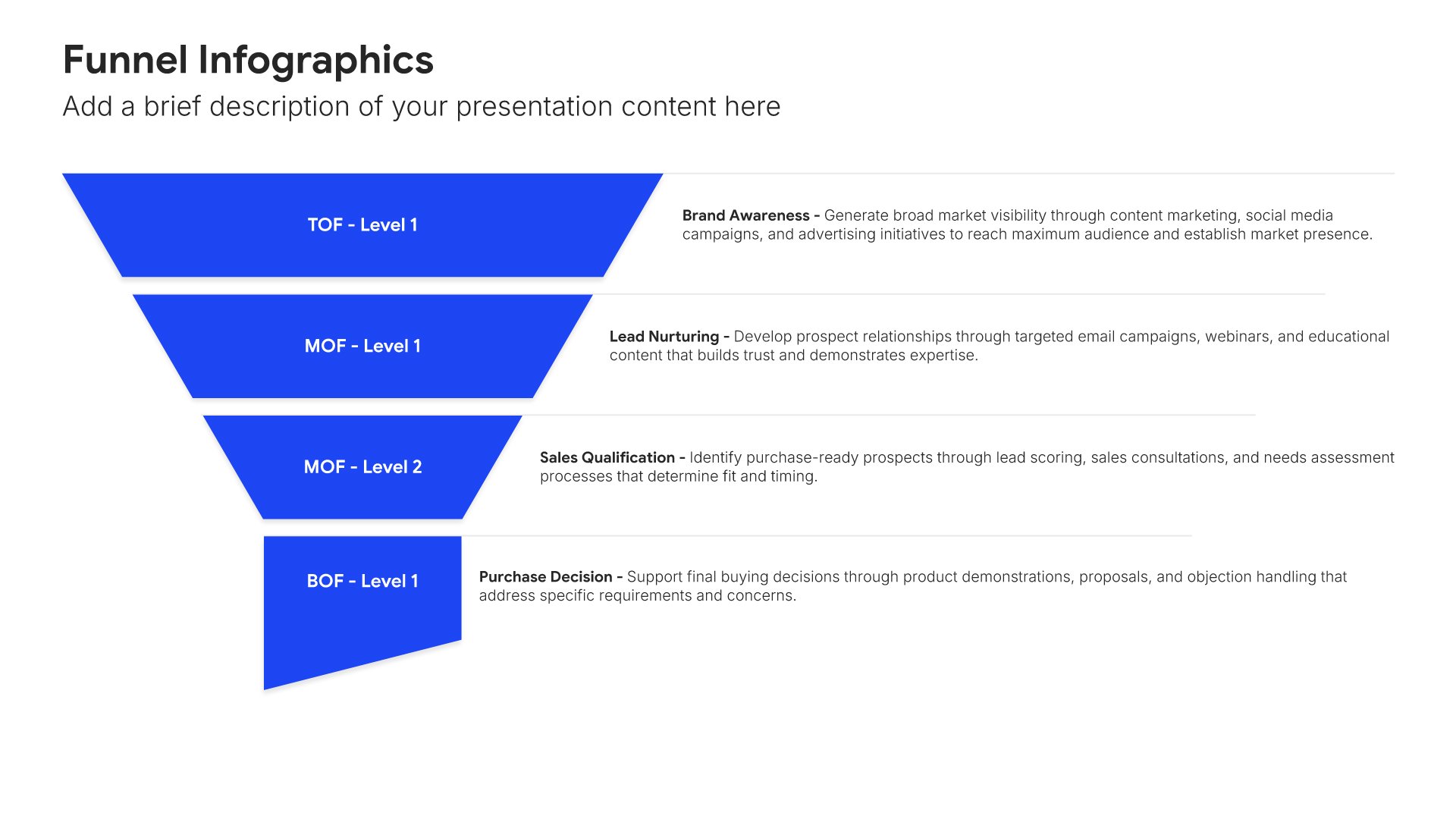
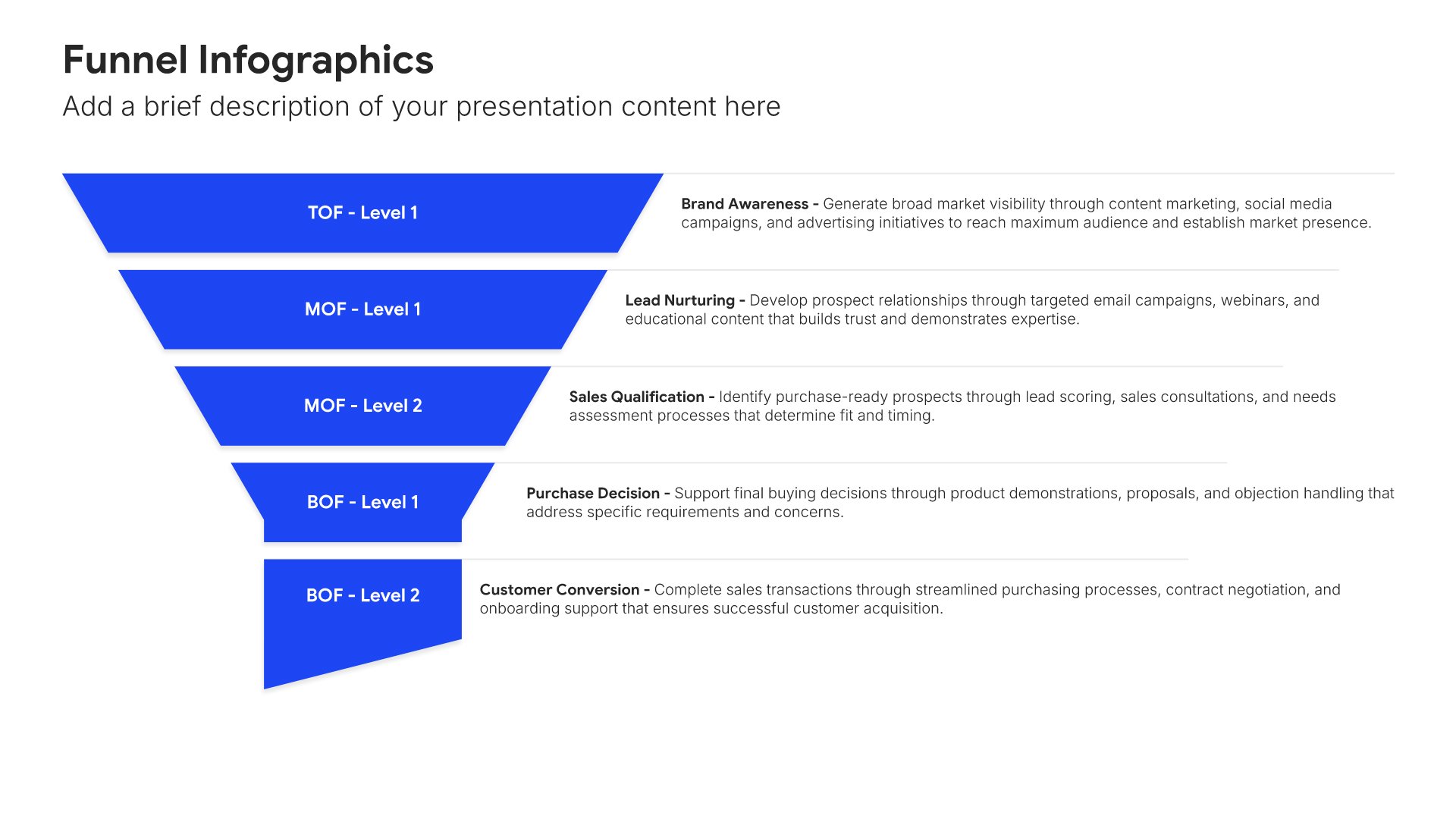
11. Marketing Strategy

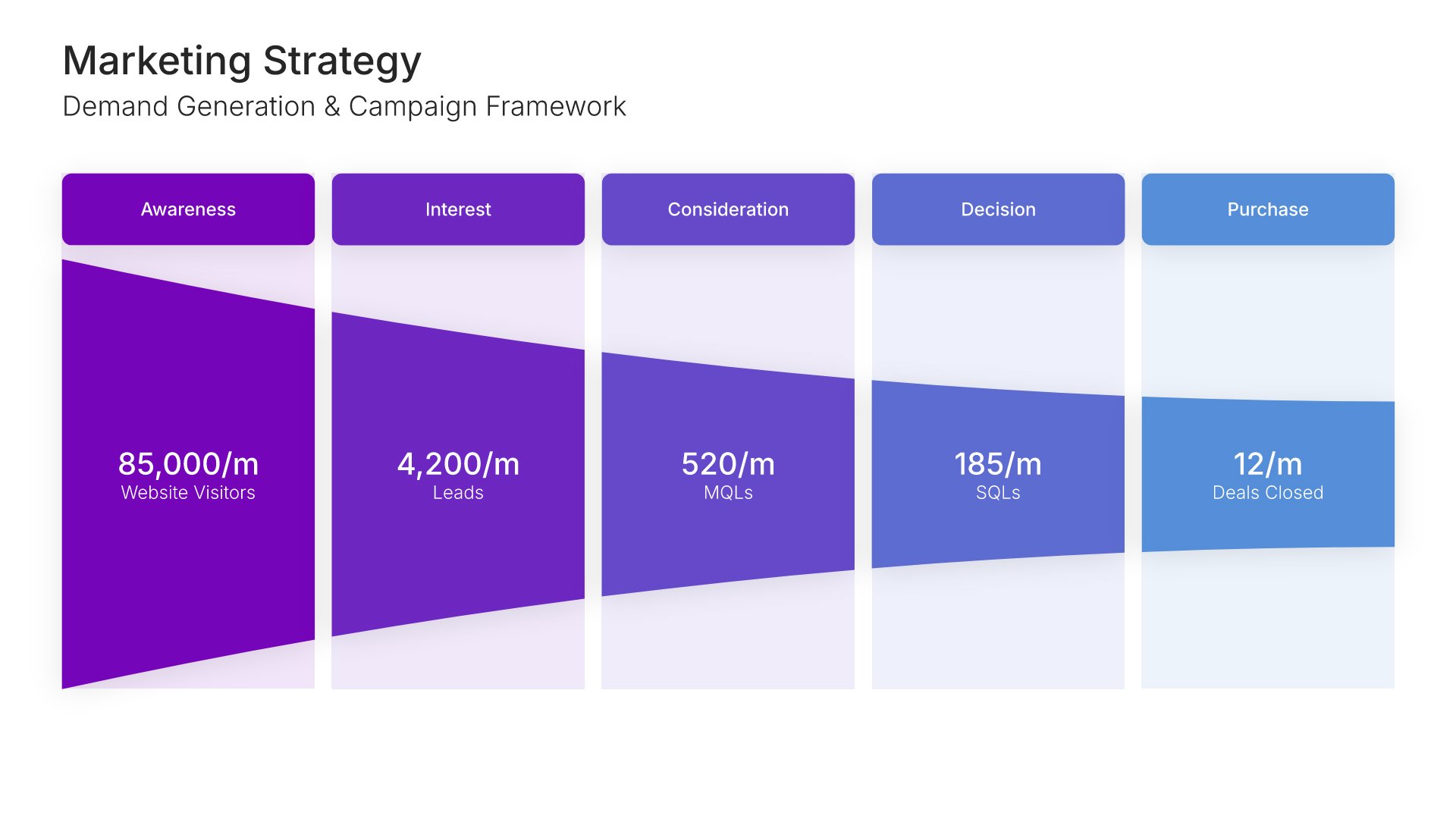
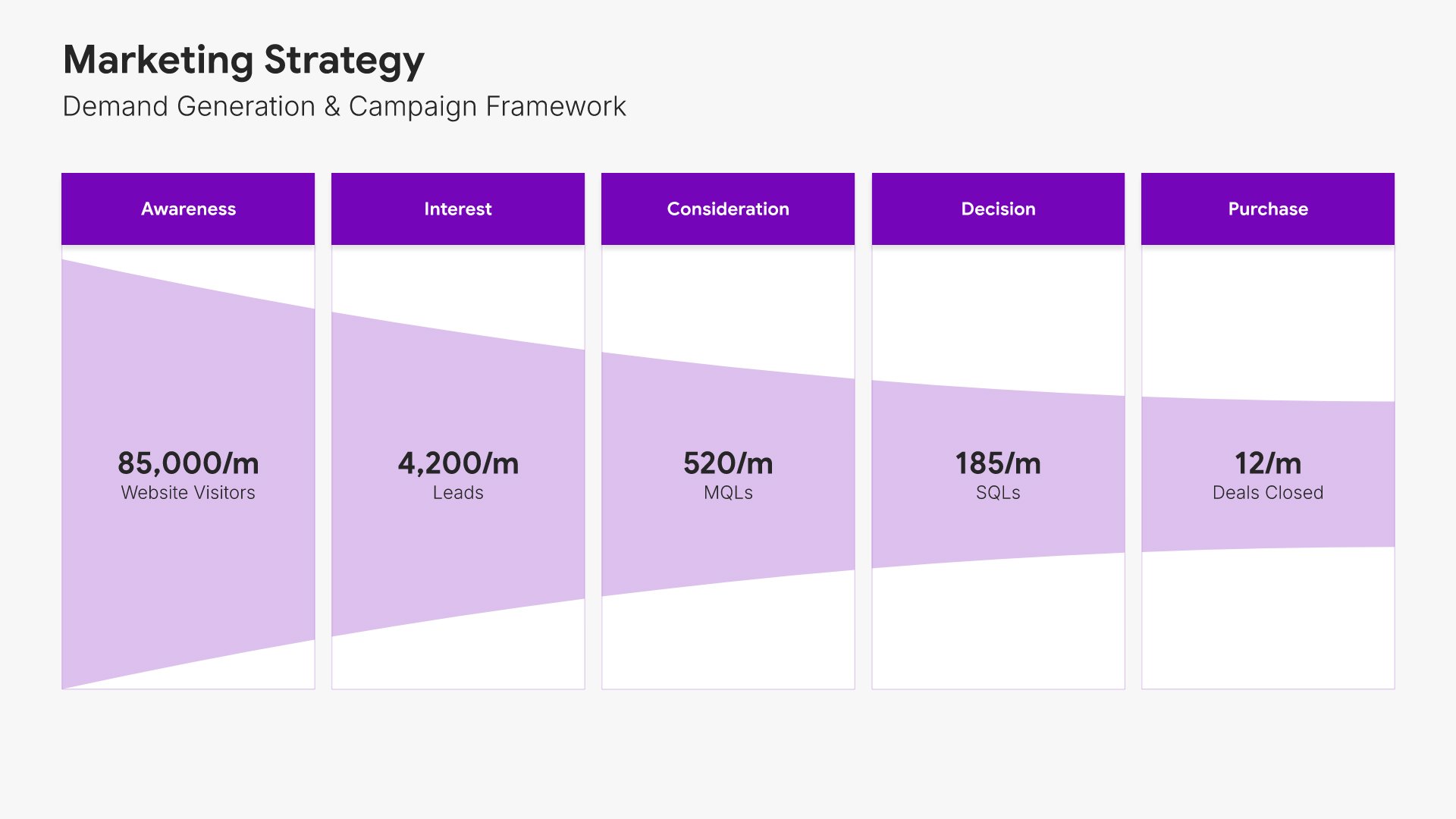
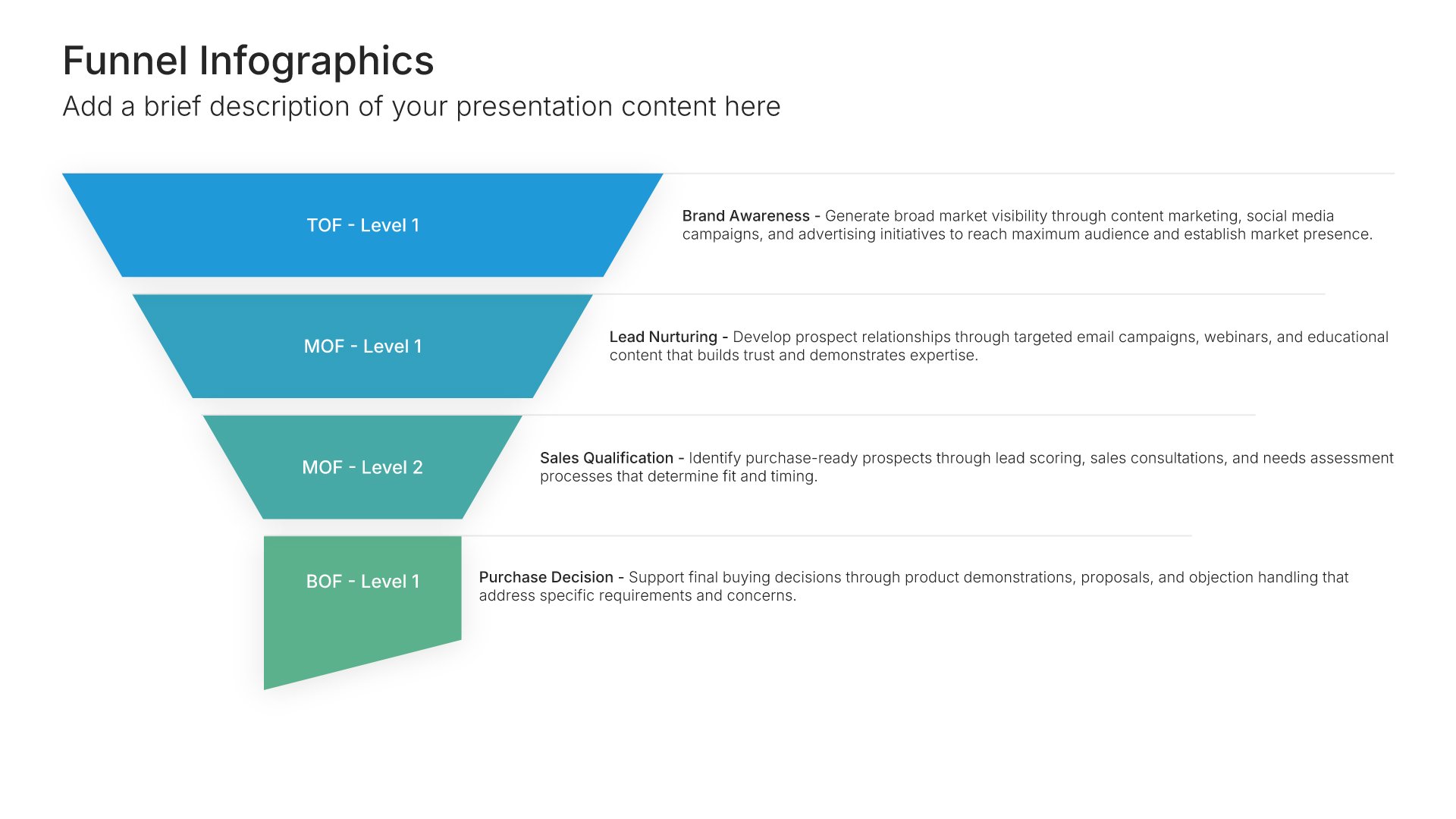
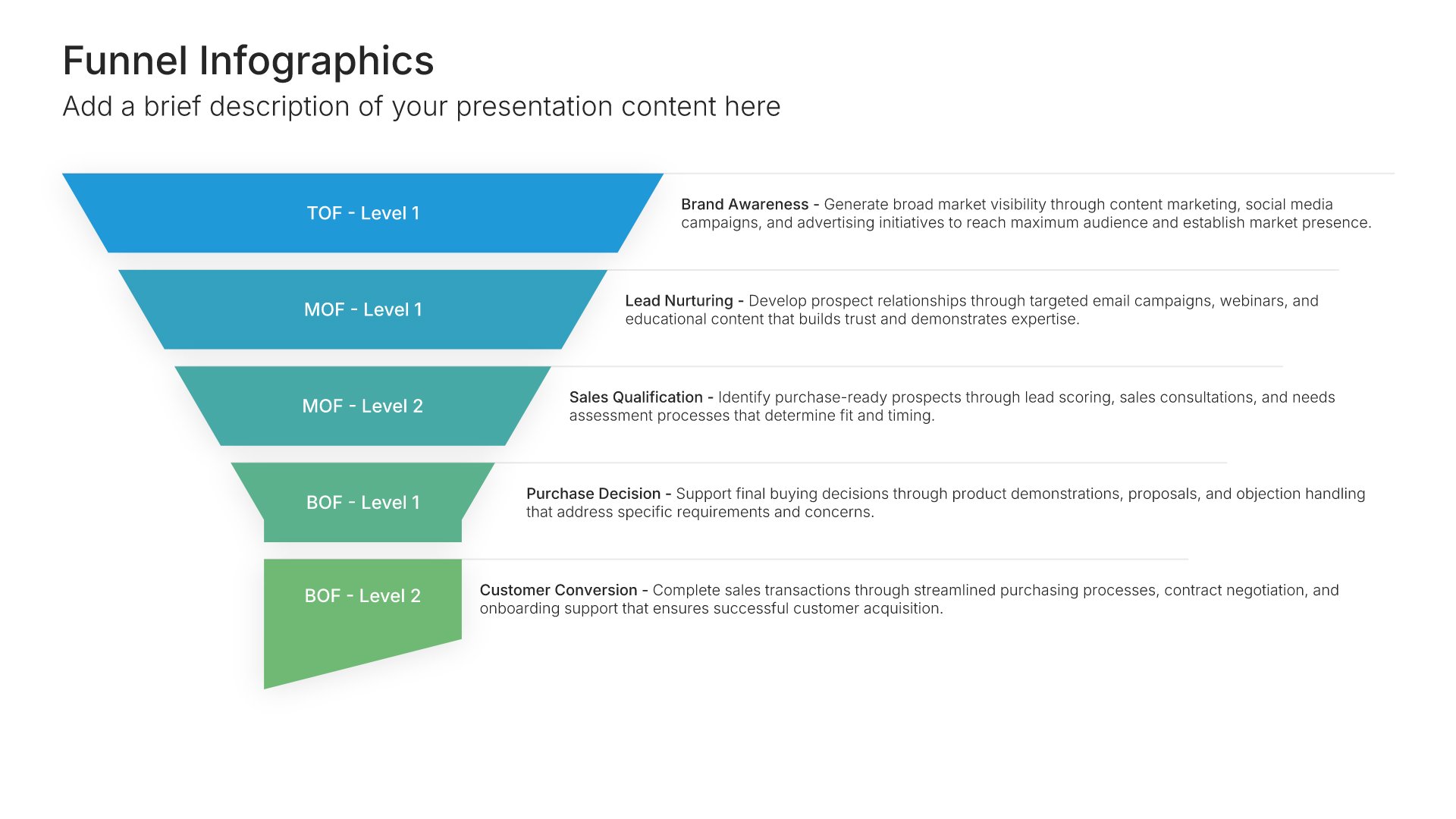
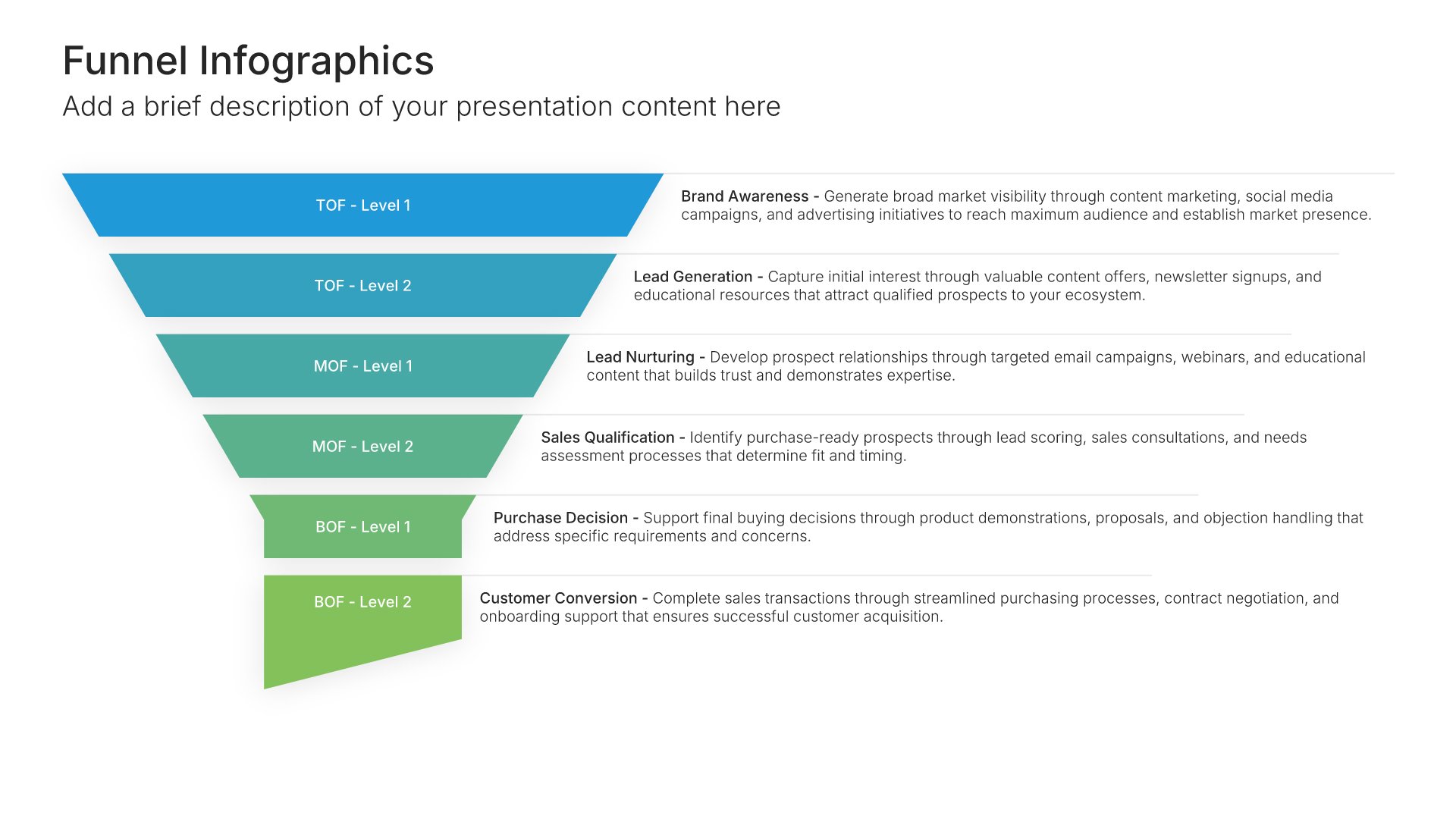
Marketing strategy slides help you outline your plan for reaching and engaging customers. Use them to present your positioning, channels, messaging, and tactics for building awareness and driving demand. Ideal for business plans, strategic presentations, and any situation where showing how you'll attract customers matters.
Built using Funnel Infographics slides

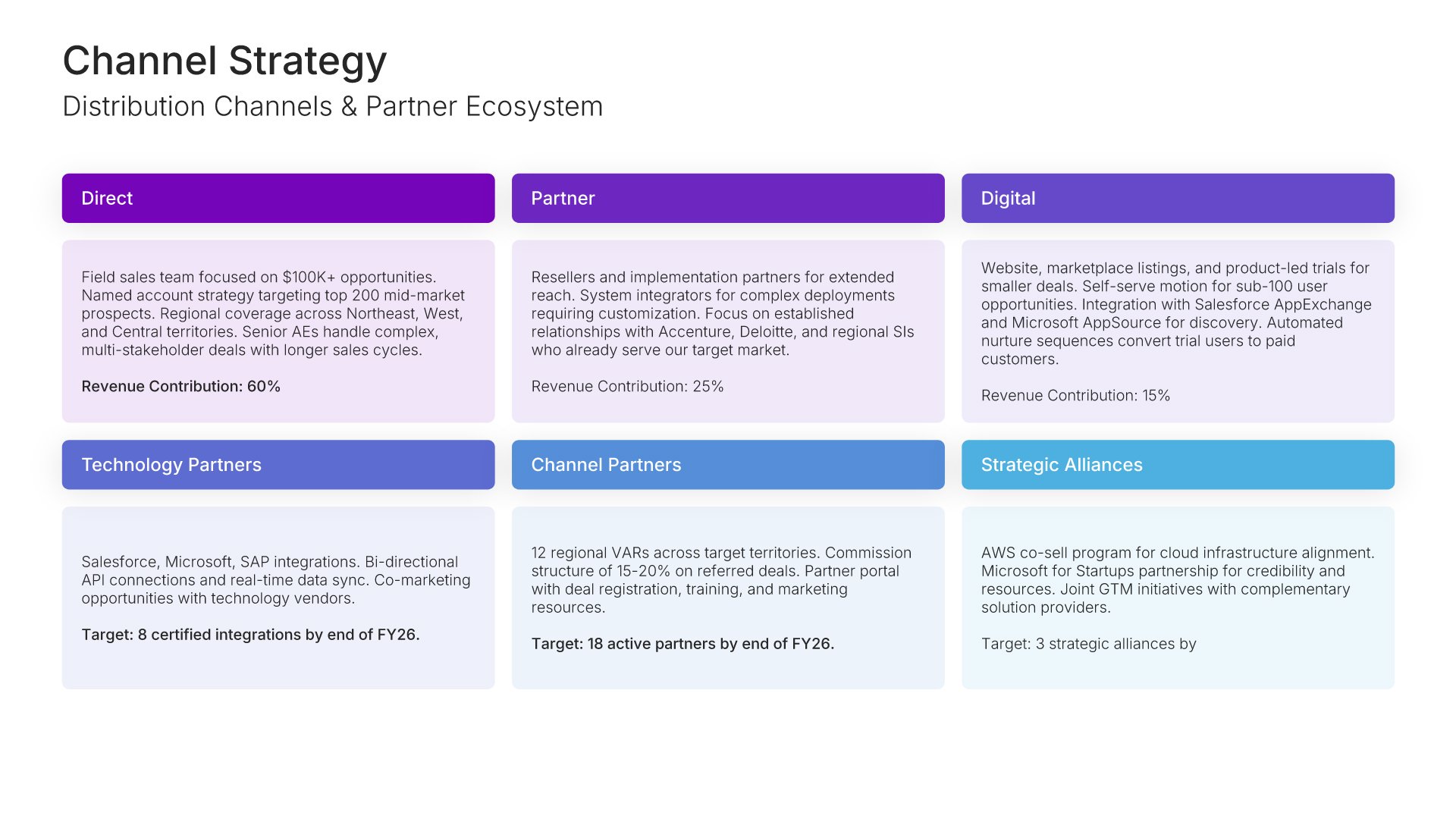
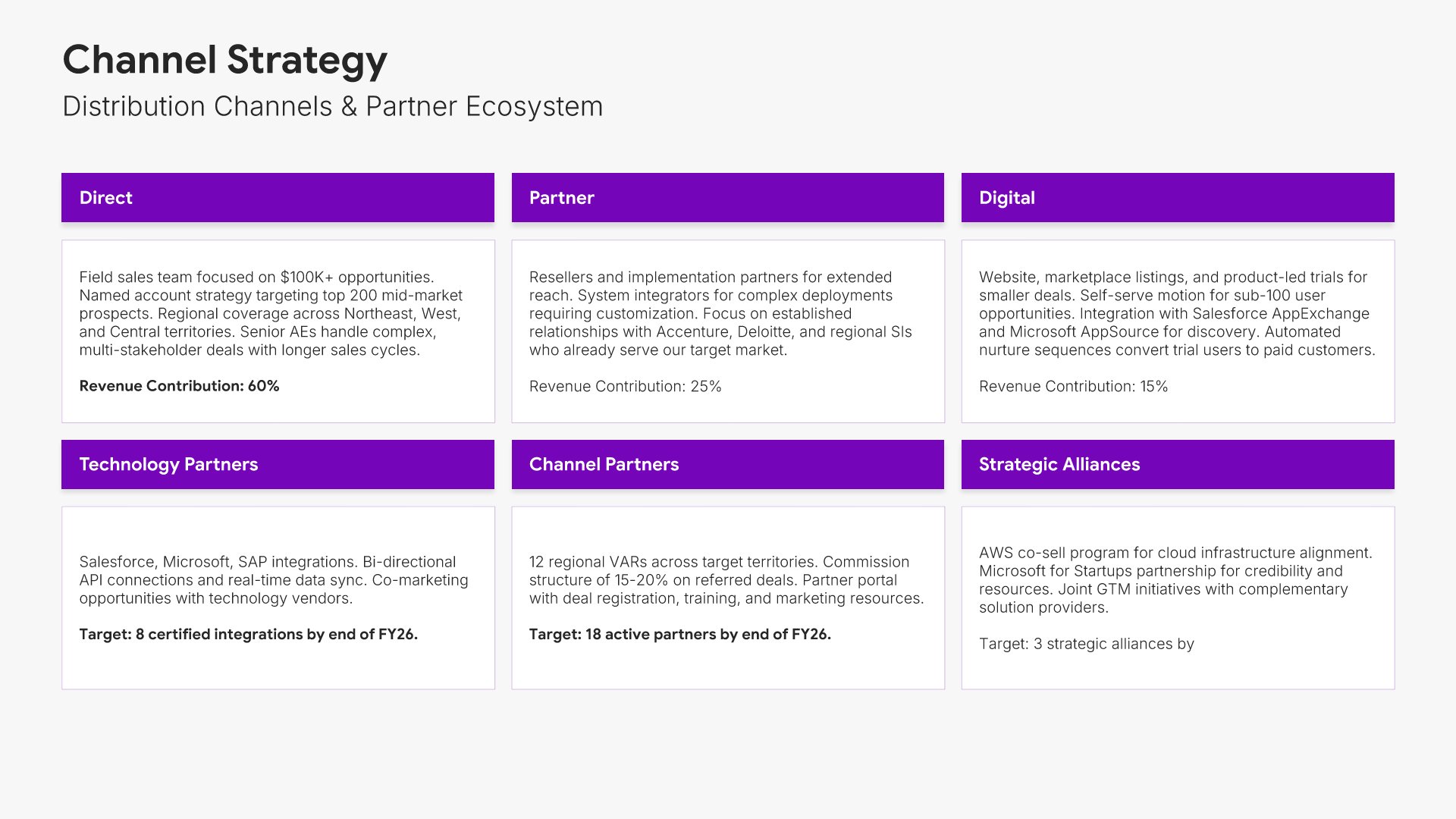
12. Channel Strategy

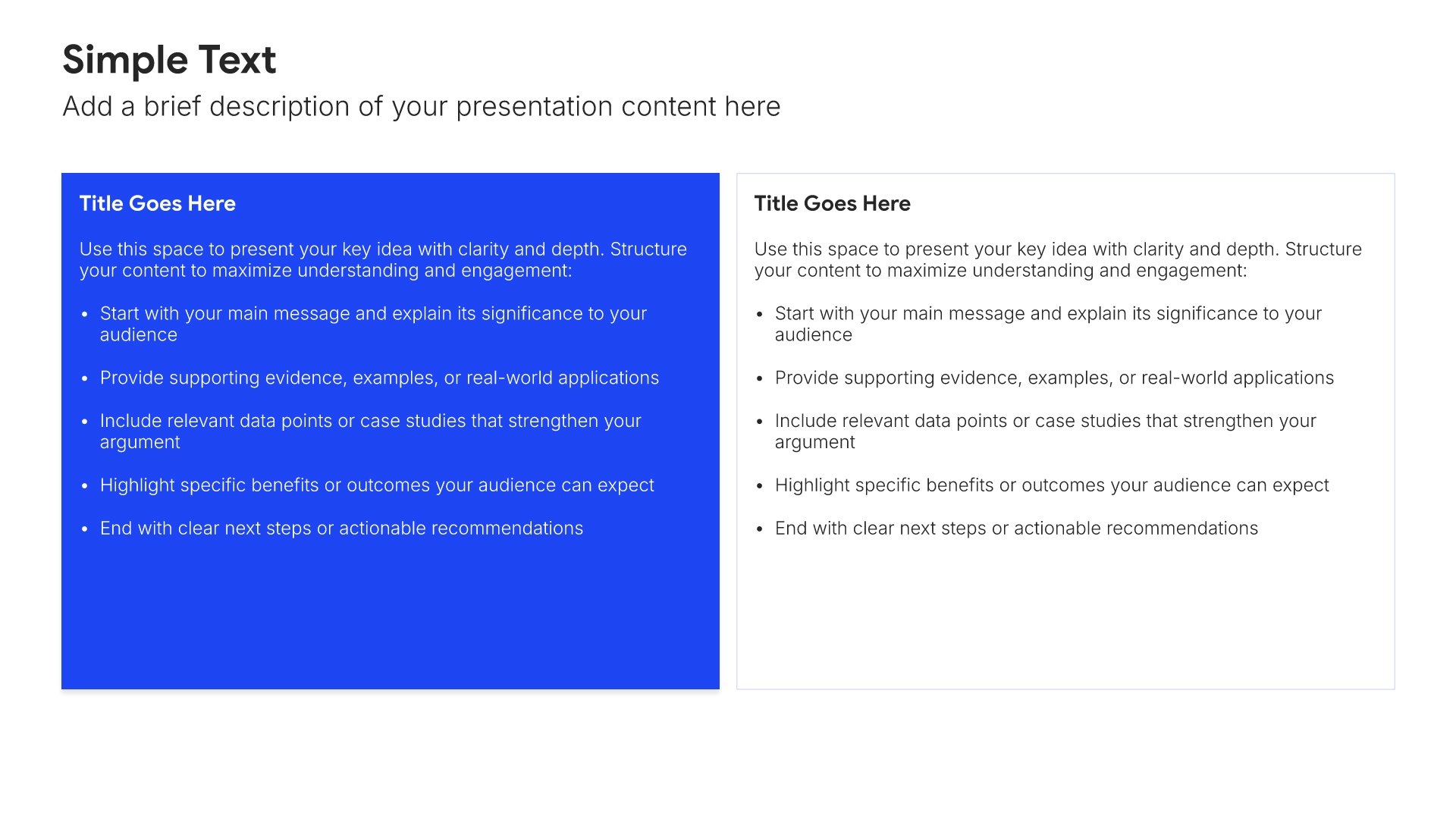
Channel strategy slides help you outline how you will reach and serve customers. Use them to present your distribution channels, partner ecosystem, and the rationale for your channel mix decisions. Ideal for GTM strategies where choosing the right channels determines how effectively you can access your target market.
Built using Simple Text slides

13. Roadmap

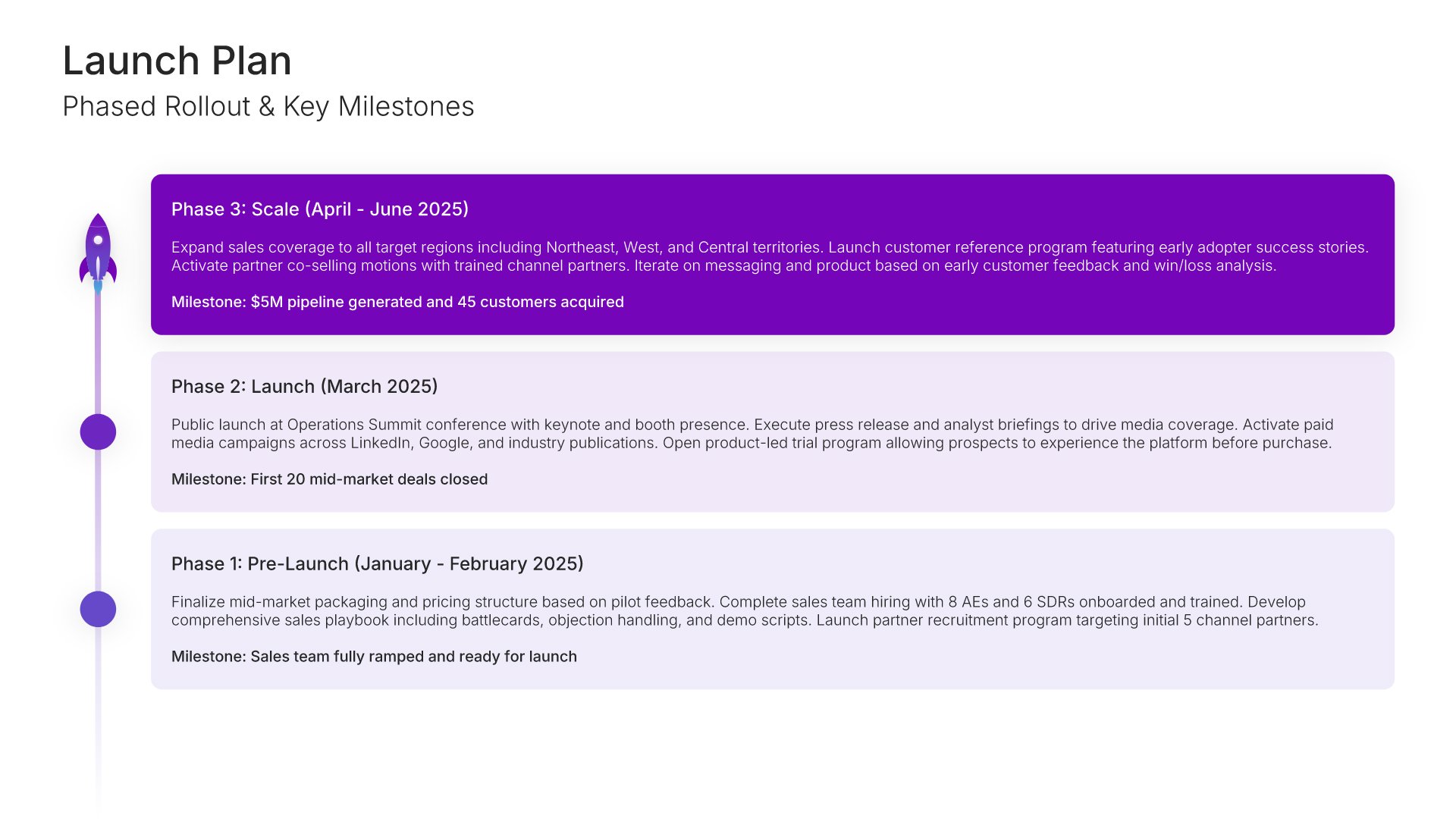
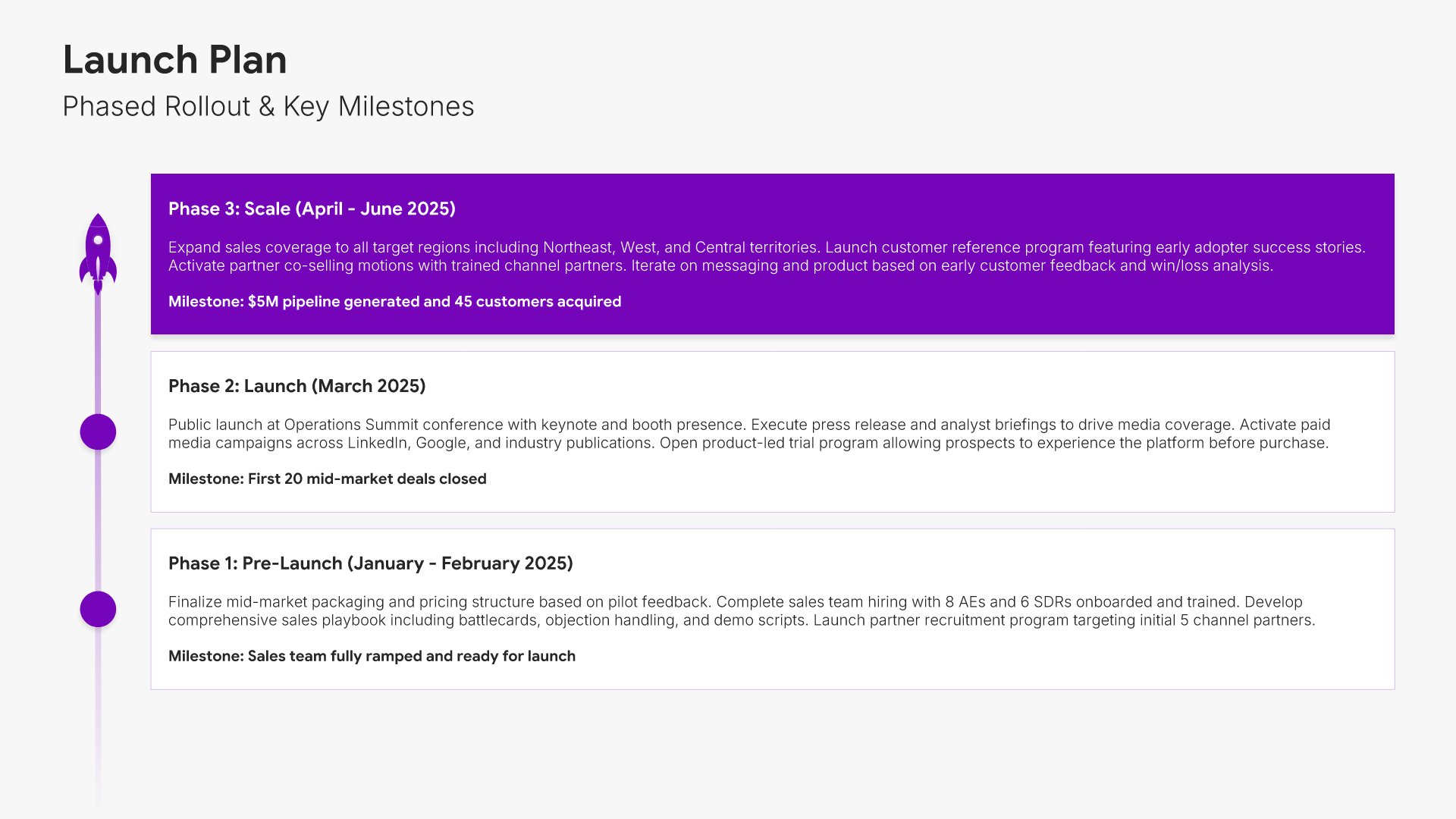
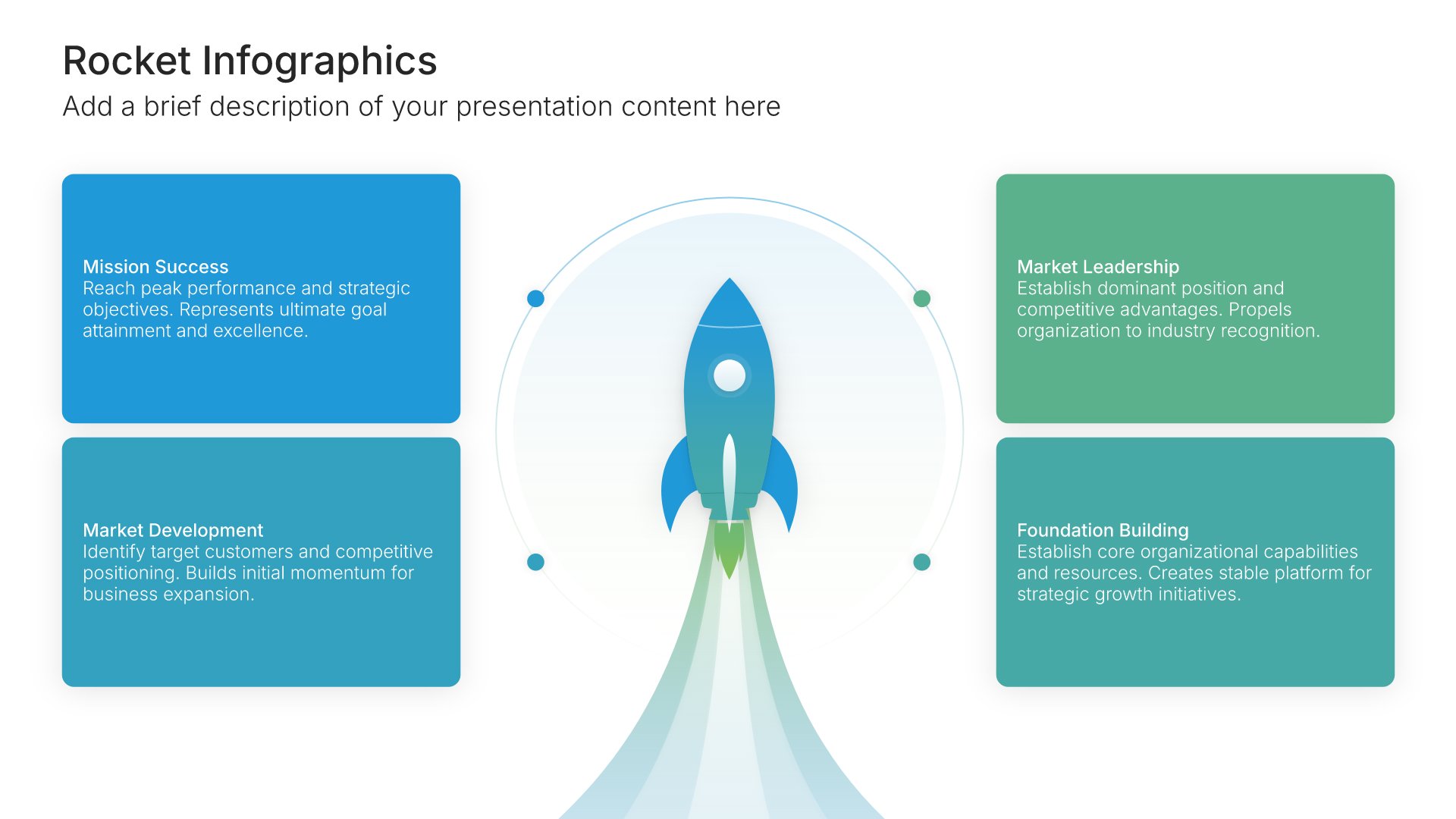
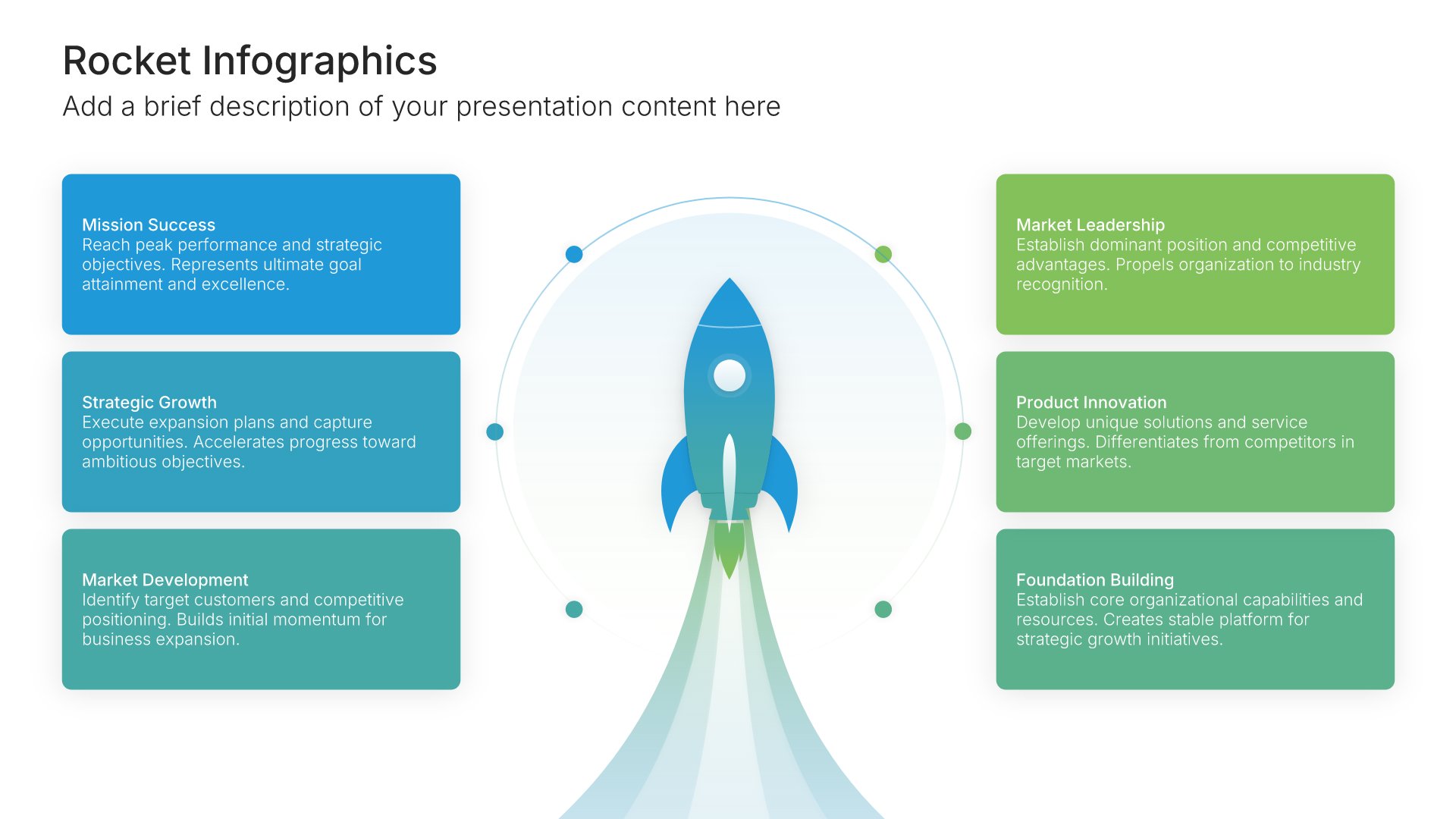
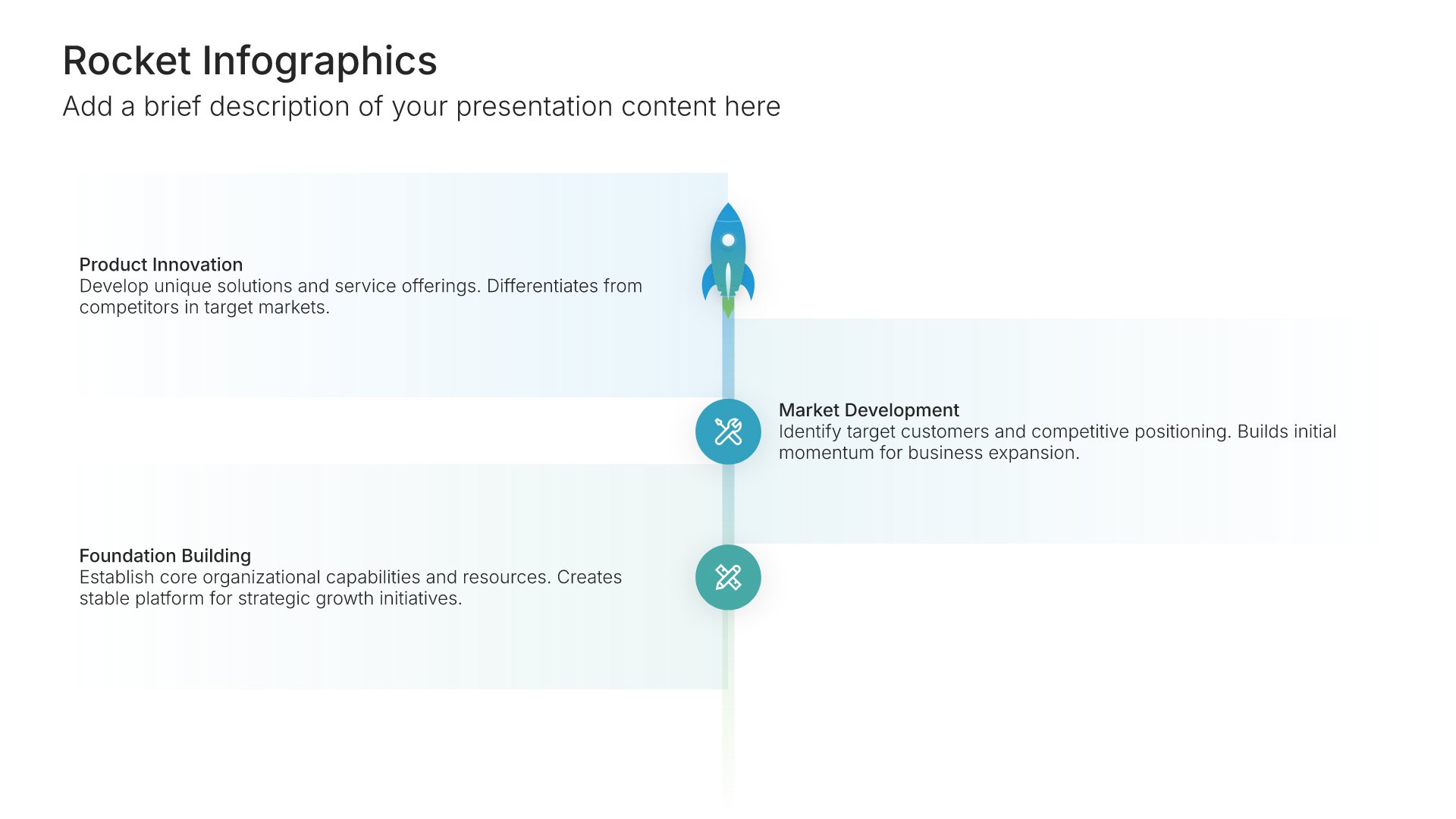
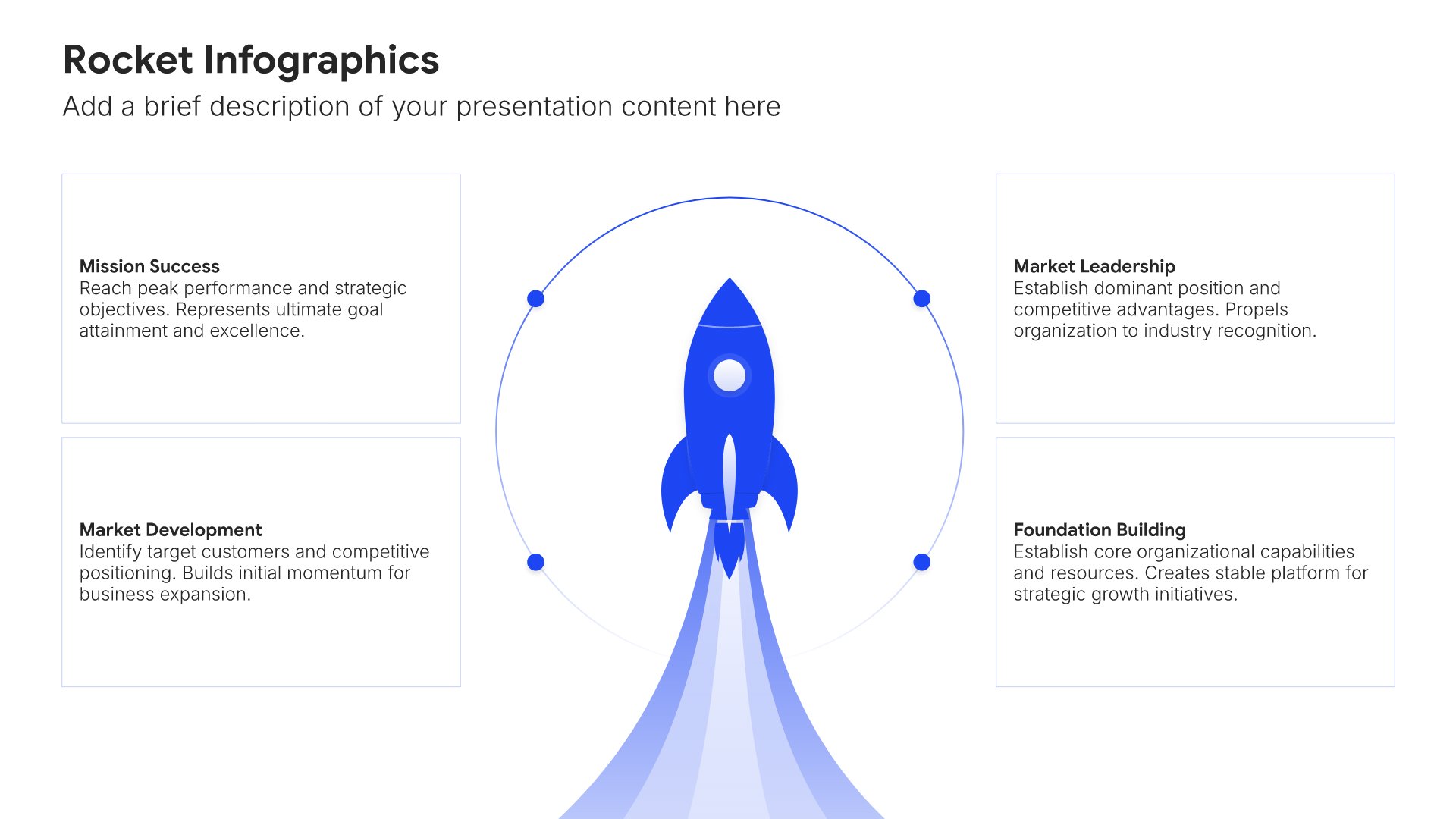
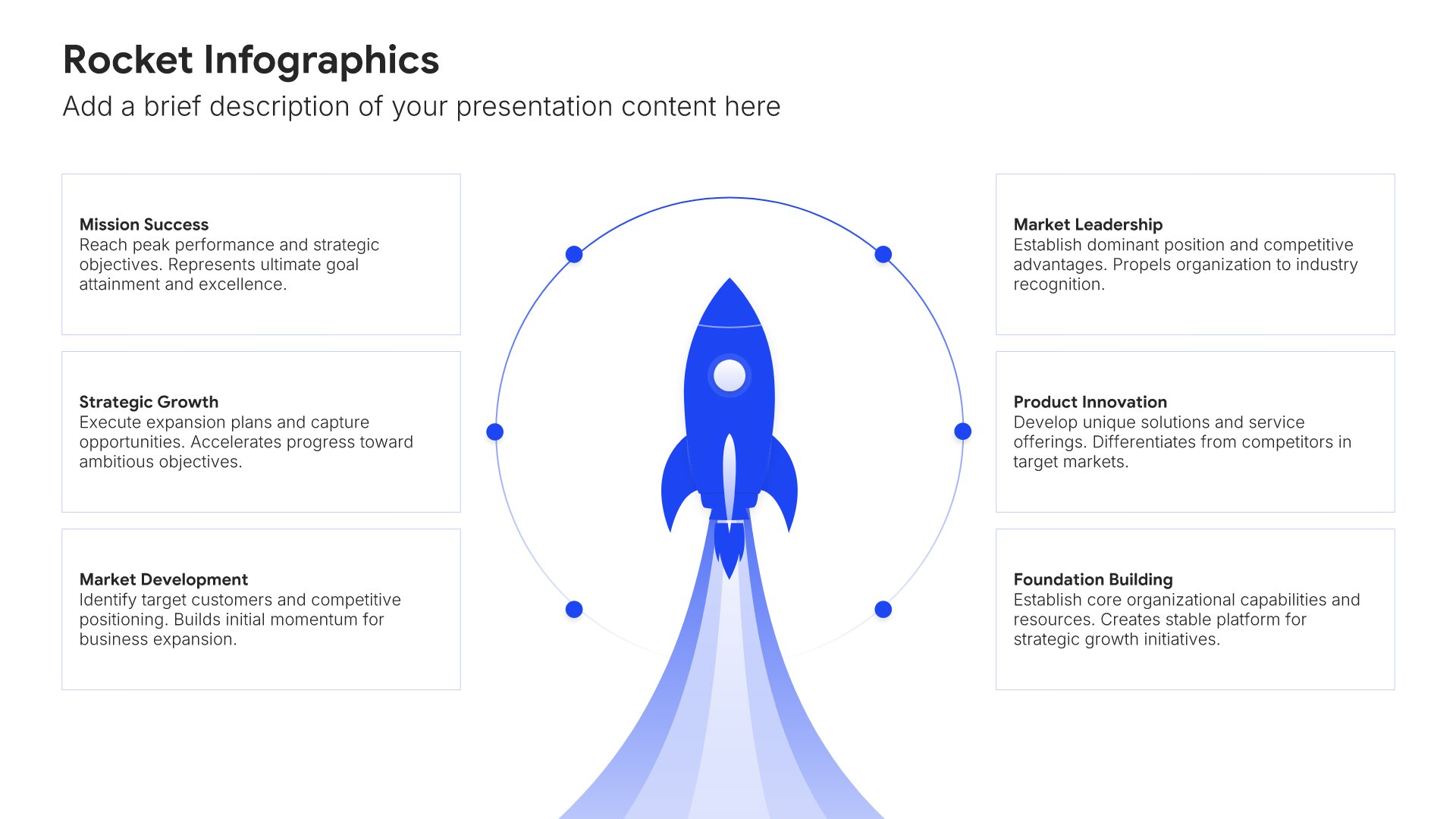
Roadmap slides help you plan and communicate your journey visually. Use them to show phases, milestones, and key initiatives across time, aligning stakeholders around your path forward. Ideal for product roadmaps, strategic plans, project timelines, and any presentation where showing the planned journey builds confidence and clarity.
Built using Rocket Infographics slides

14. Key Performance Indicators

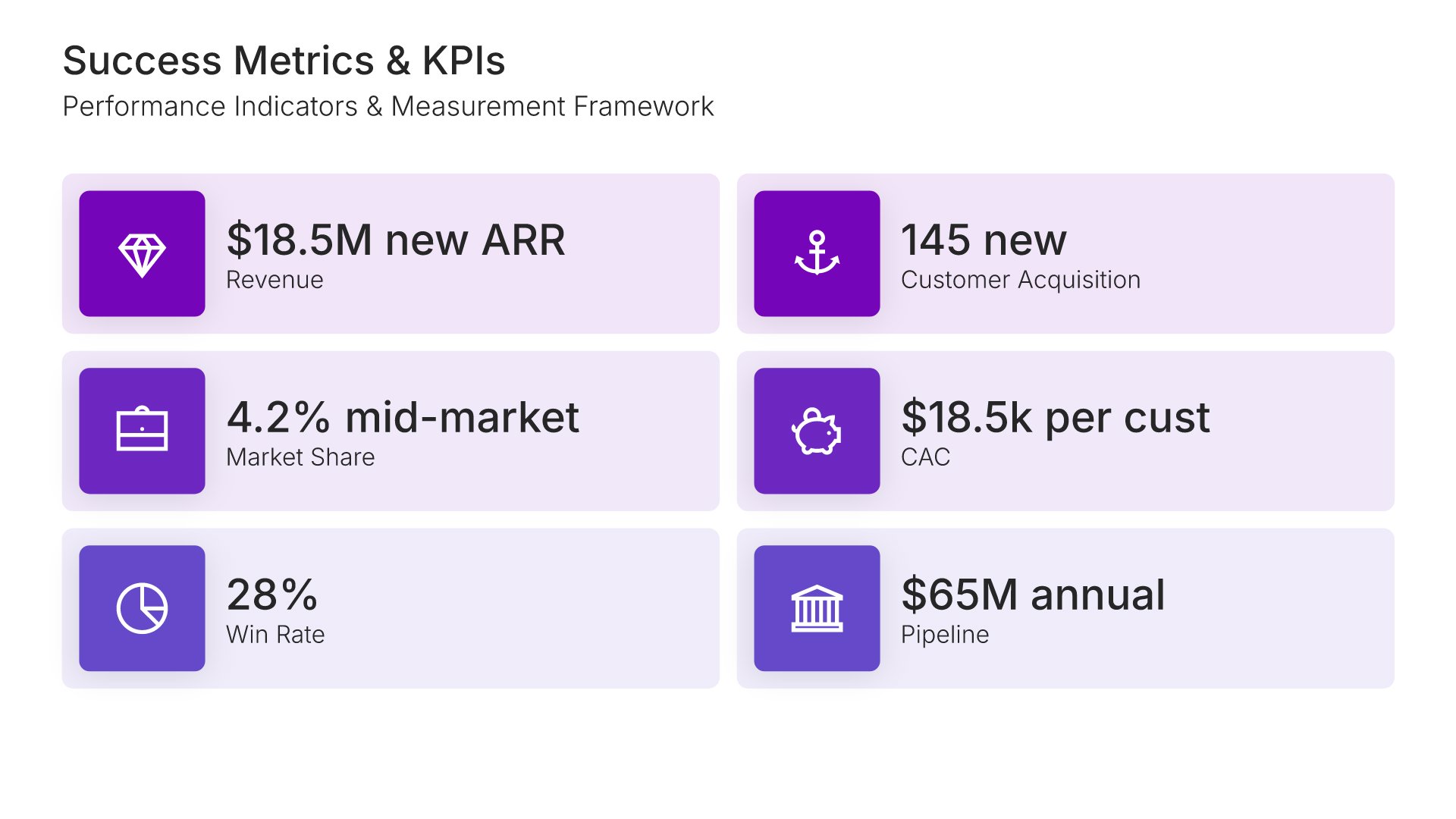
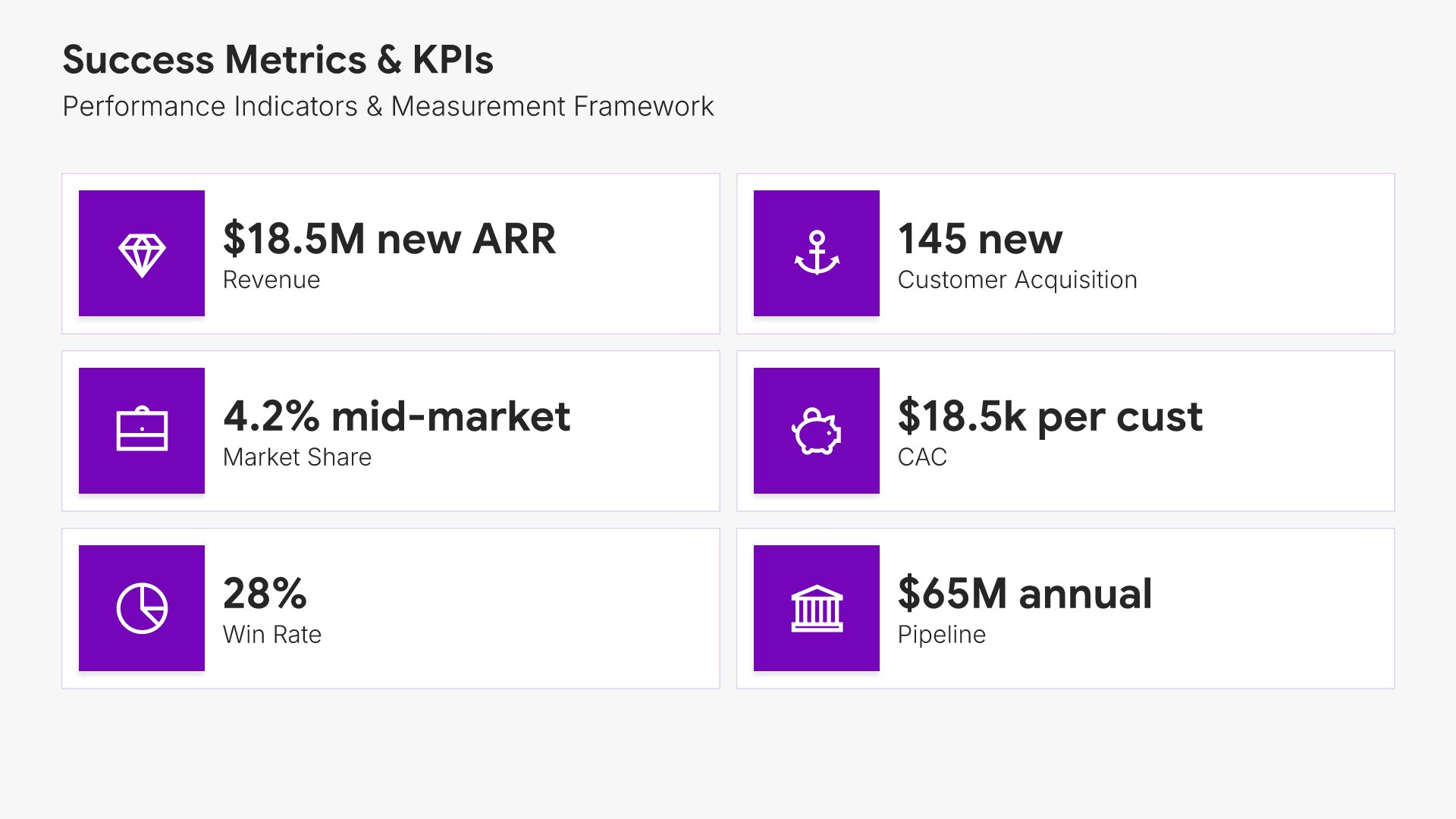
Key performance indicators slides help you define the metrics that measure success. Use them to present the KPIs that track progress toward your strategic goals, including targets, benchmarks, and measurement frequency. Ideal for strategic plans and business reviews where clear metrics ensure accountability and keep execution on track.
Built using Simple Numbers slides

15. Budget & Resources

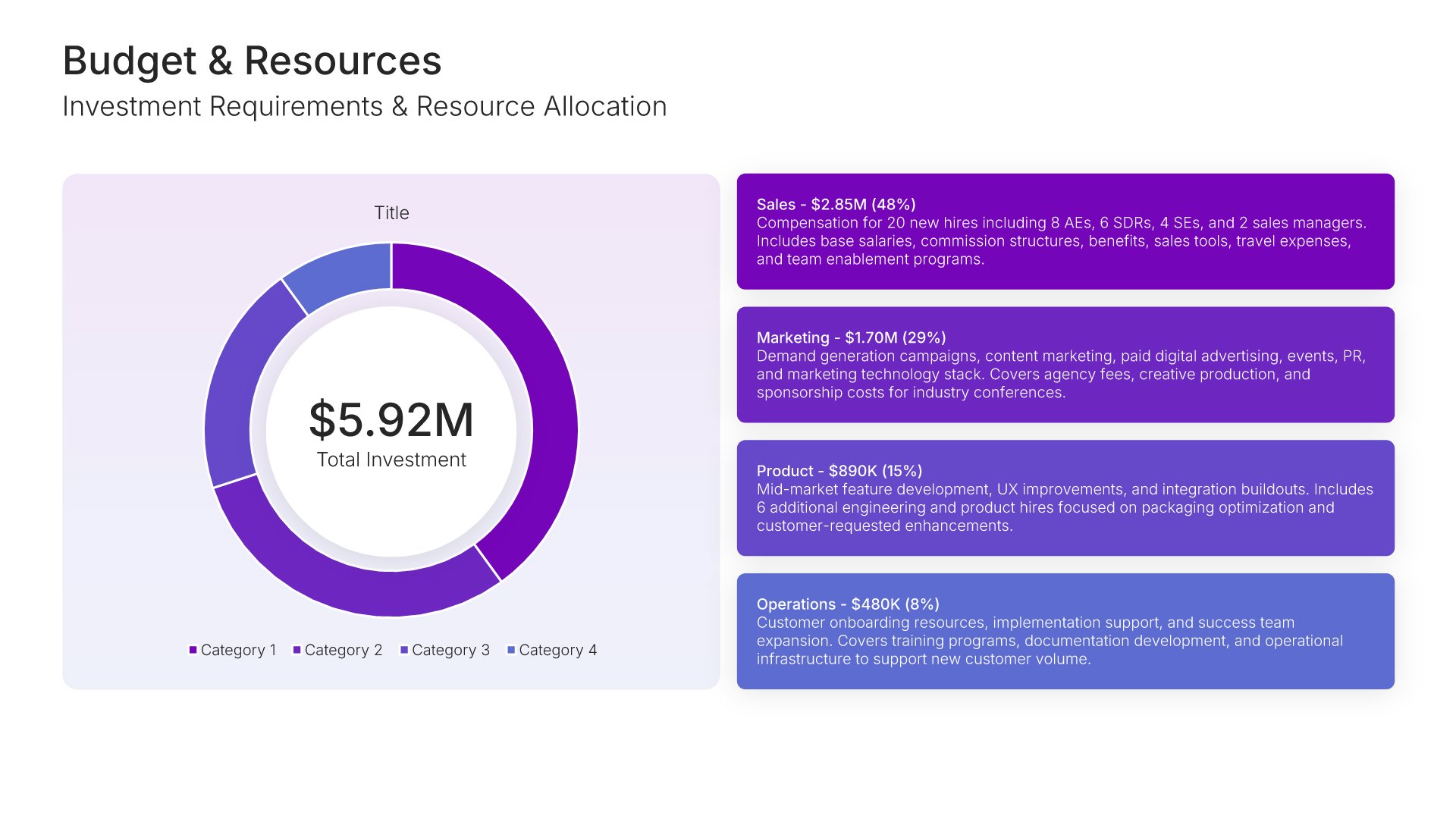
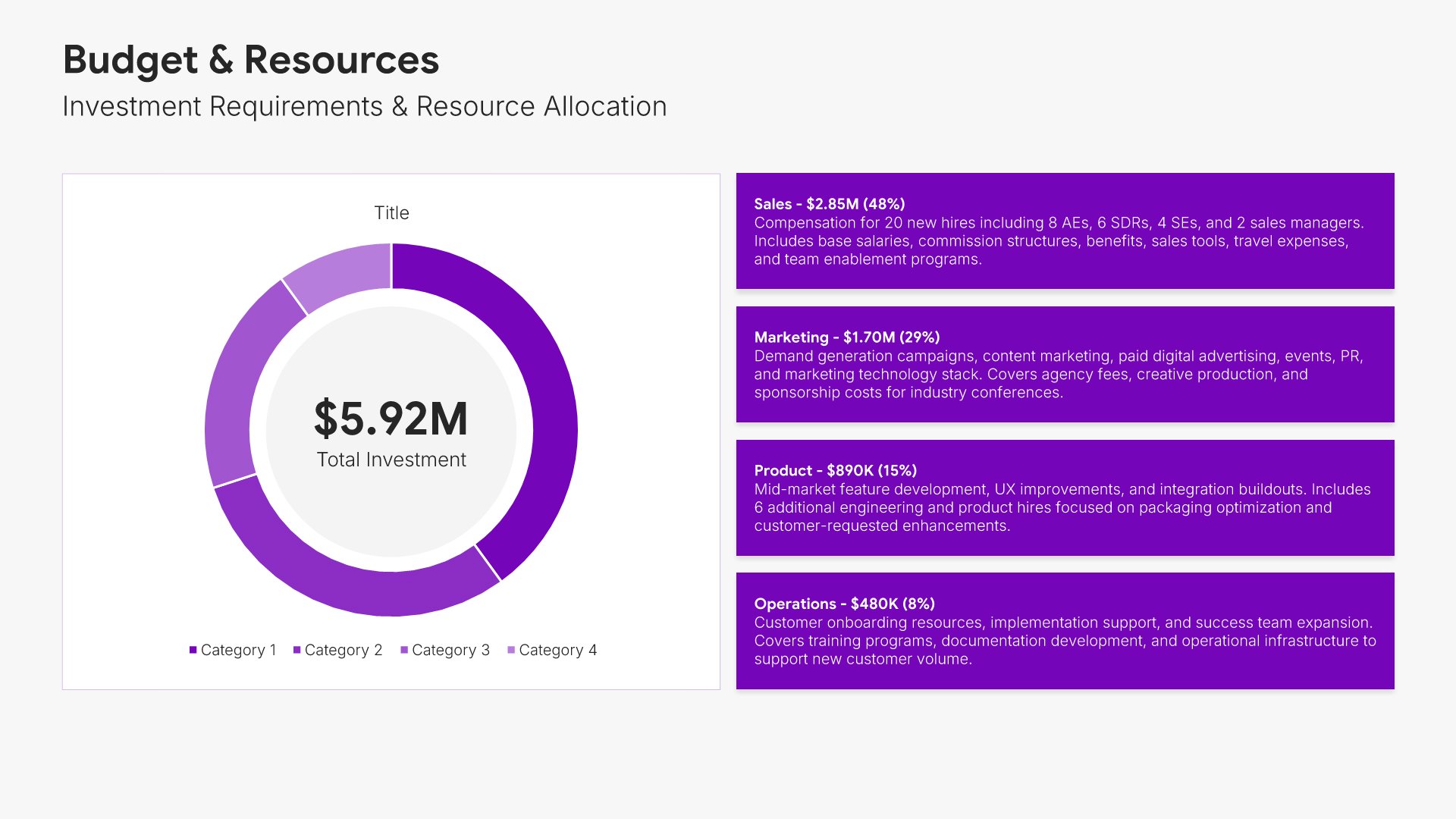
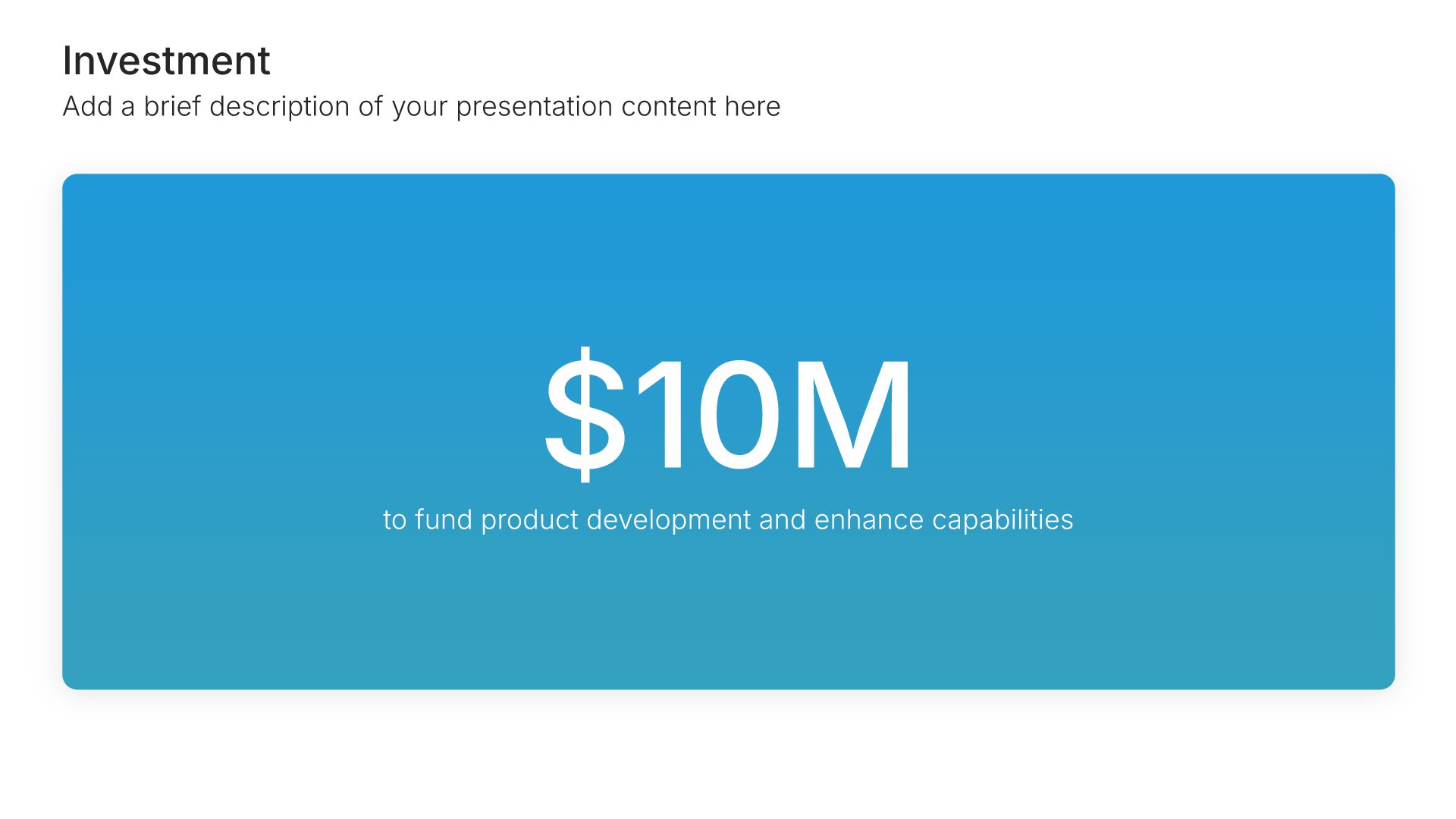
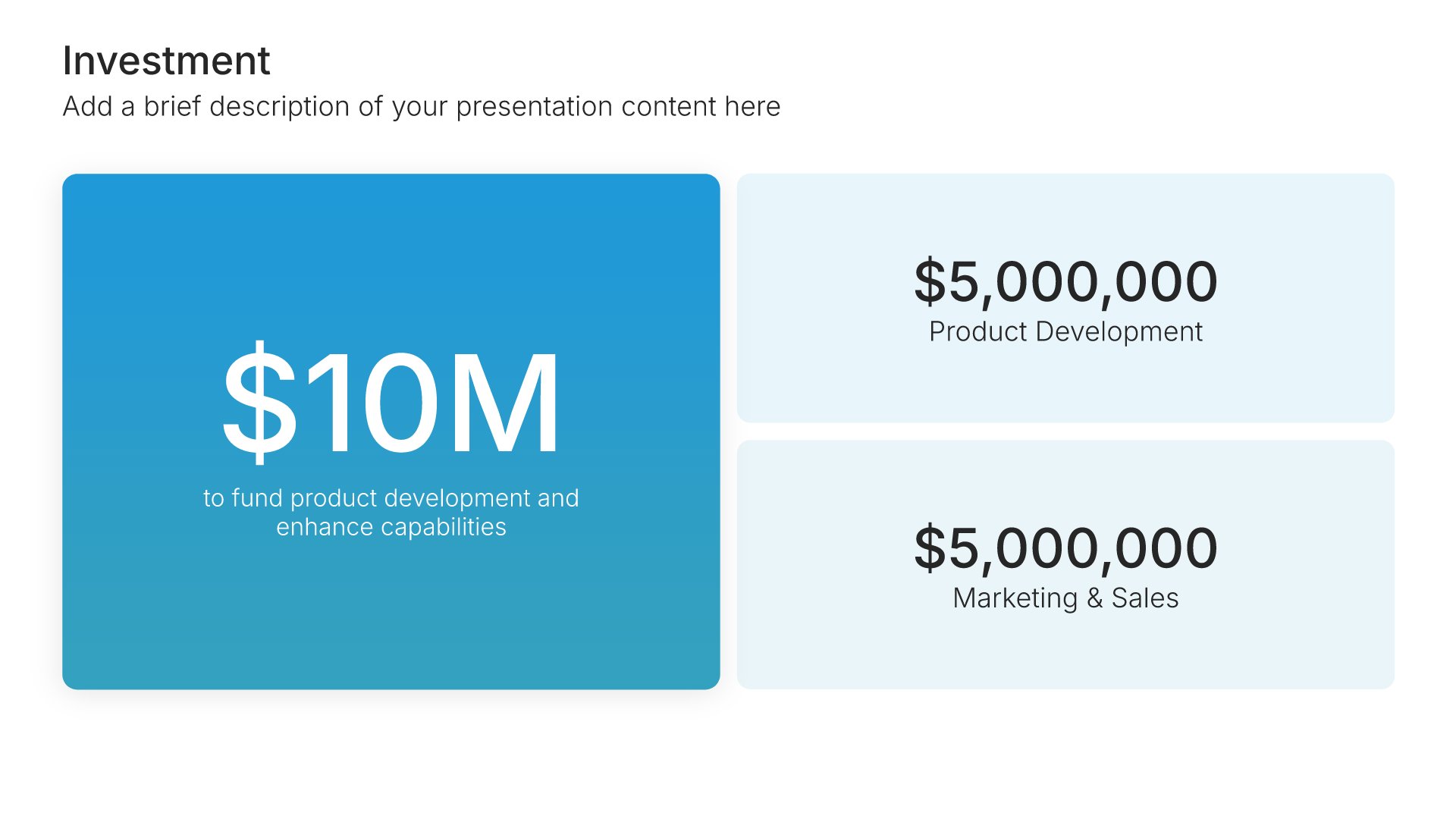
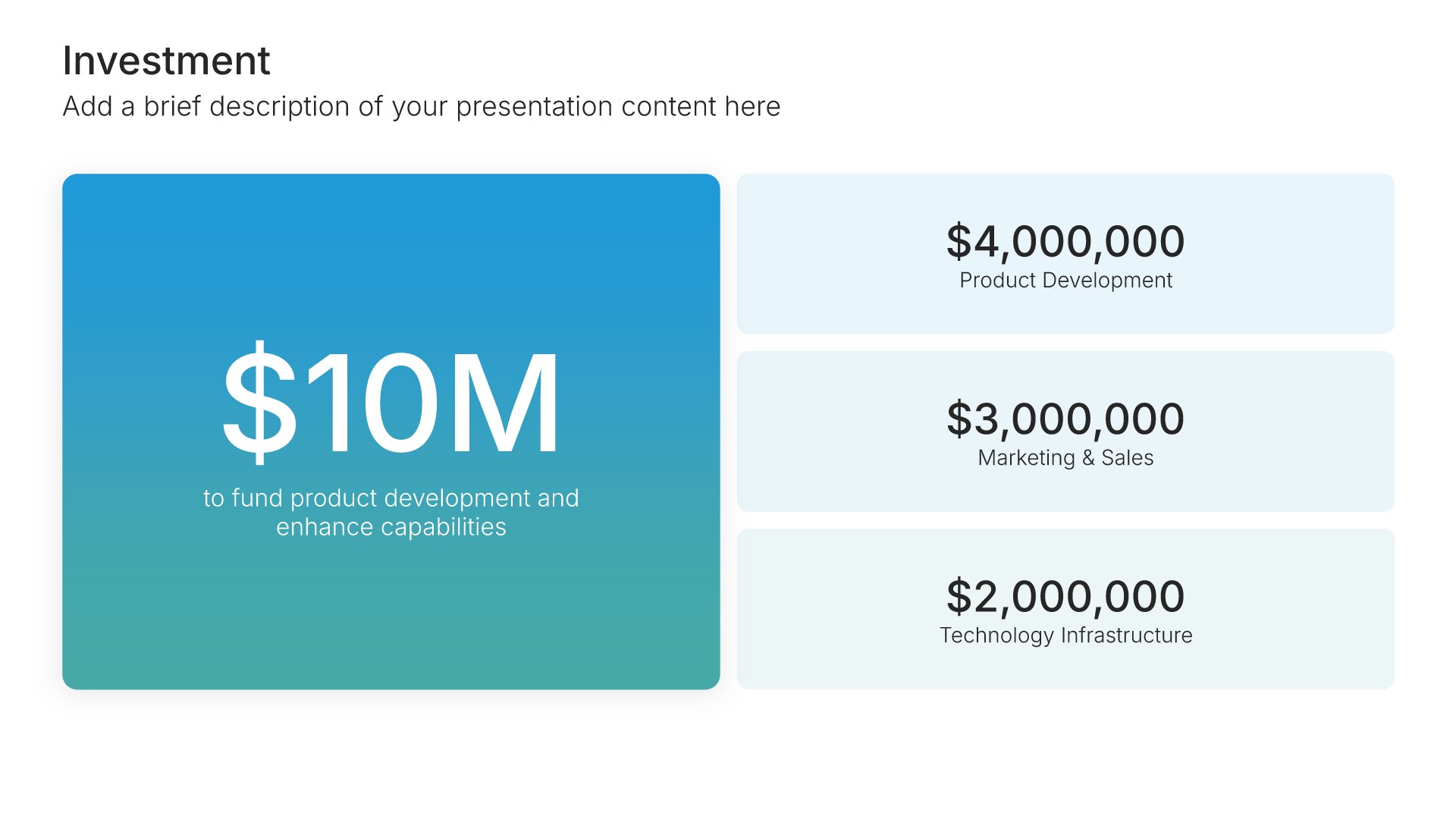
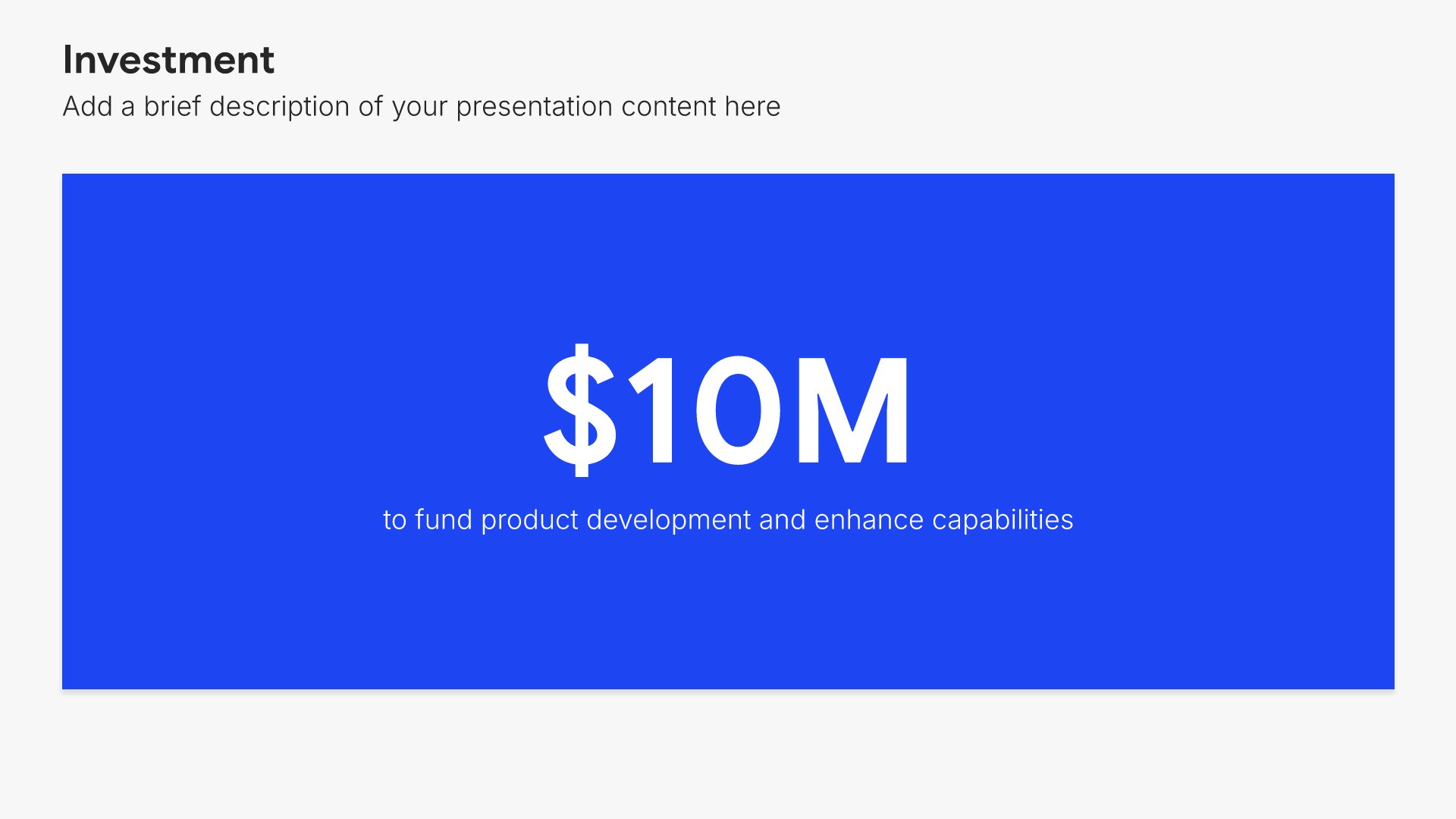
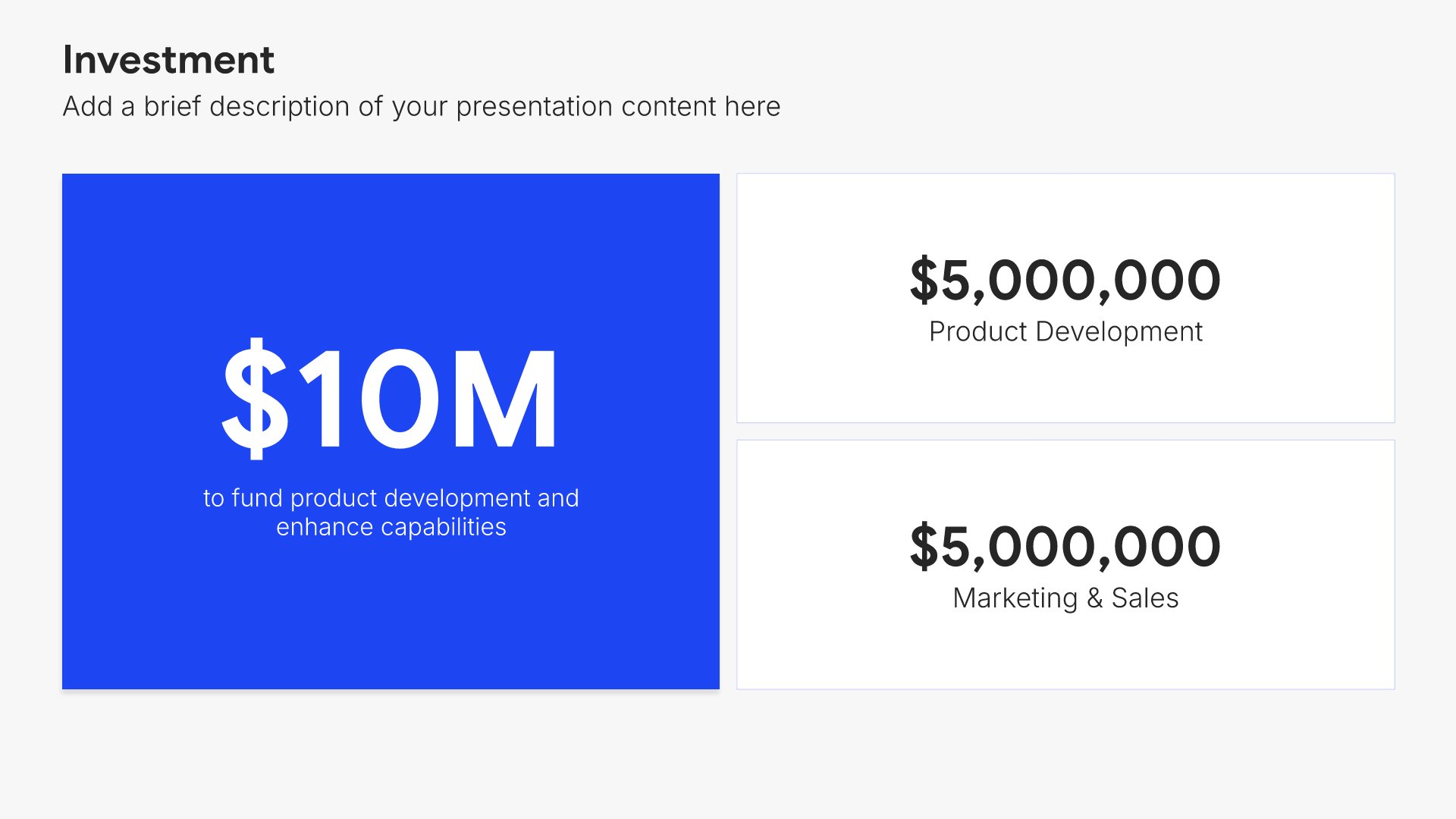
Budget and resources slides help you present the financial and human investment required. Use them to display cost breakdowns, resource allocation, and funding needs that support your plan. Ideal for strategic plans, project proposals, and business cases where showing what's required builds stakeholder confidence in execution.
Built using Investment slides

16. Risk Assessment

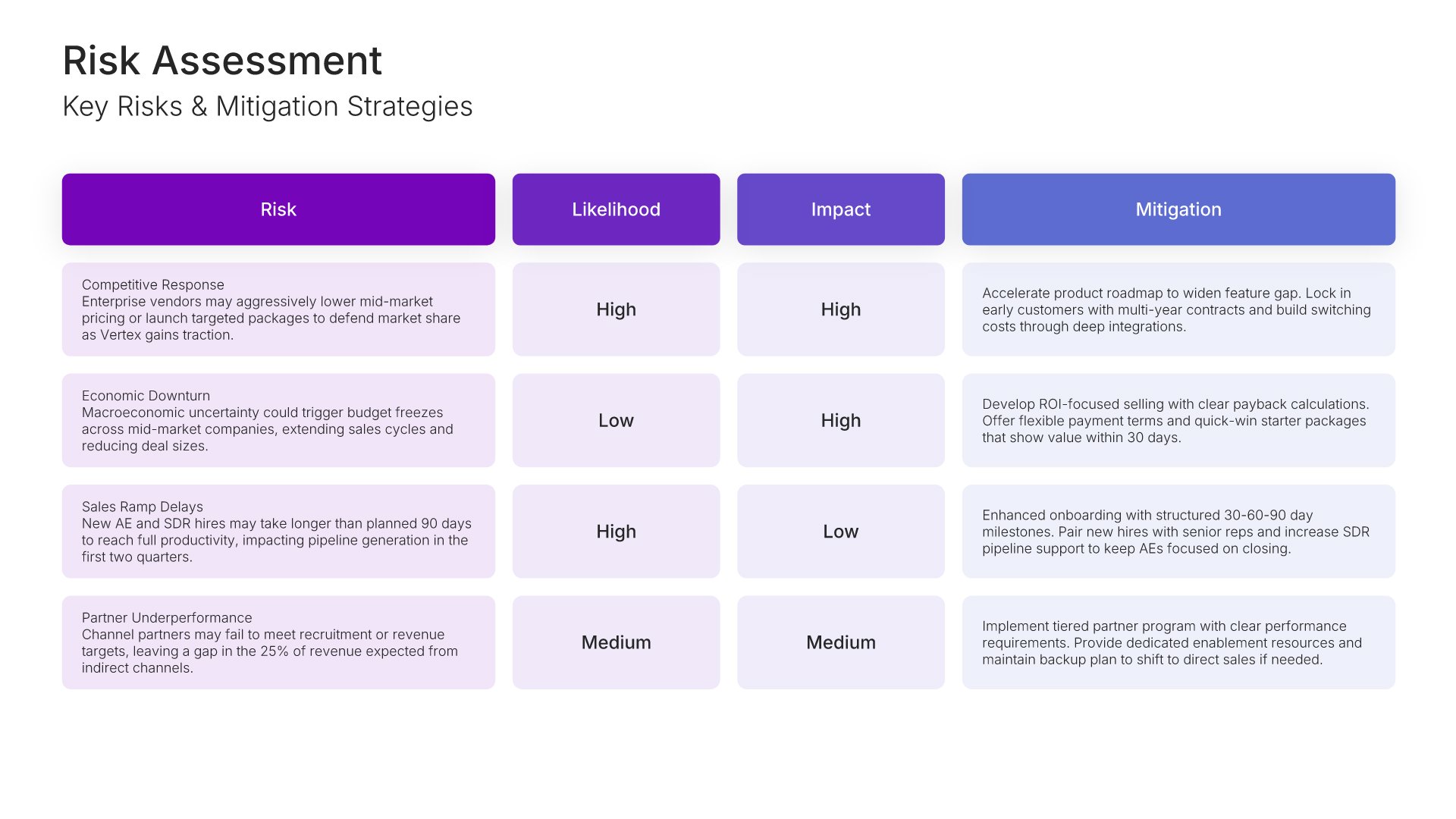
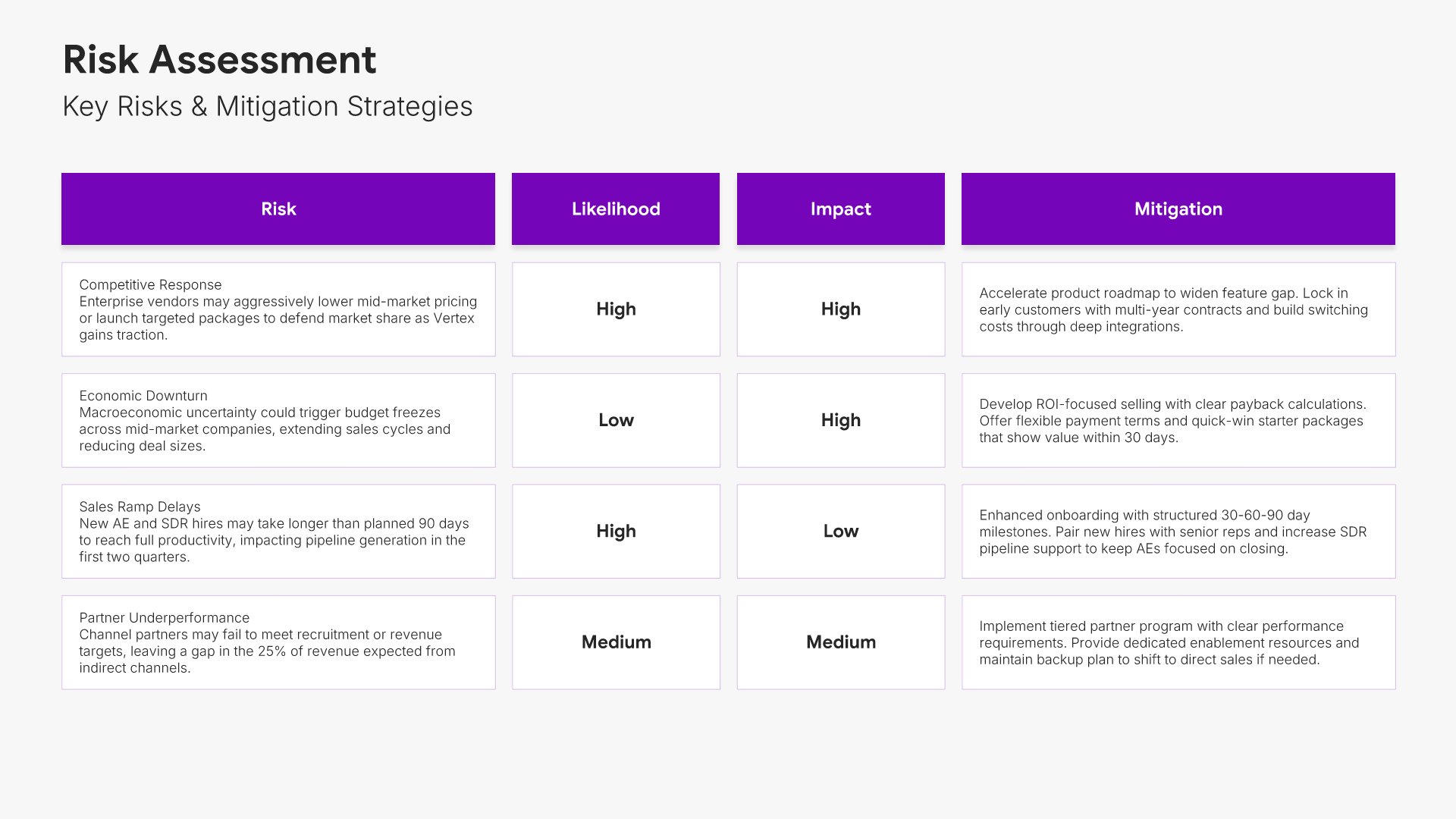
Risk assessment slides help you identify potential challenges and mitigation strategies. Use them to present risks that could impact your budget, along with contingency plans and safeguards. Ideal for budget proposals and business cases where acknowledging risks and showing preparedness builds stakeholder confidence.
Built using Table slides

17. Next Steps

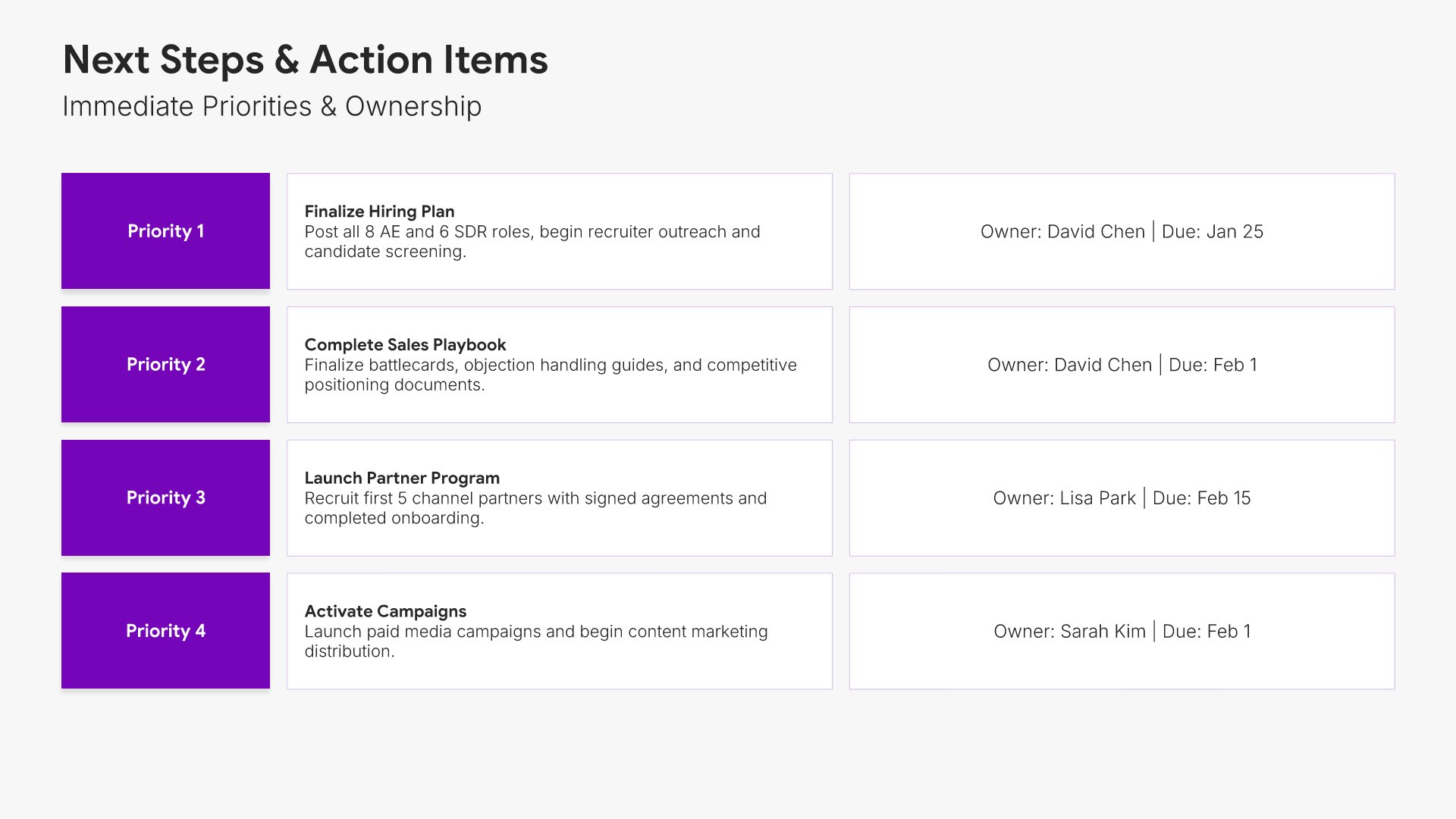
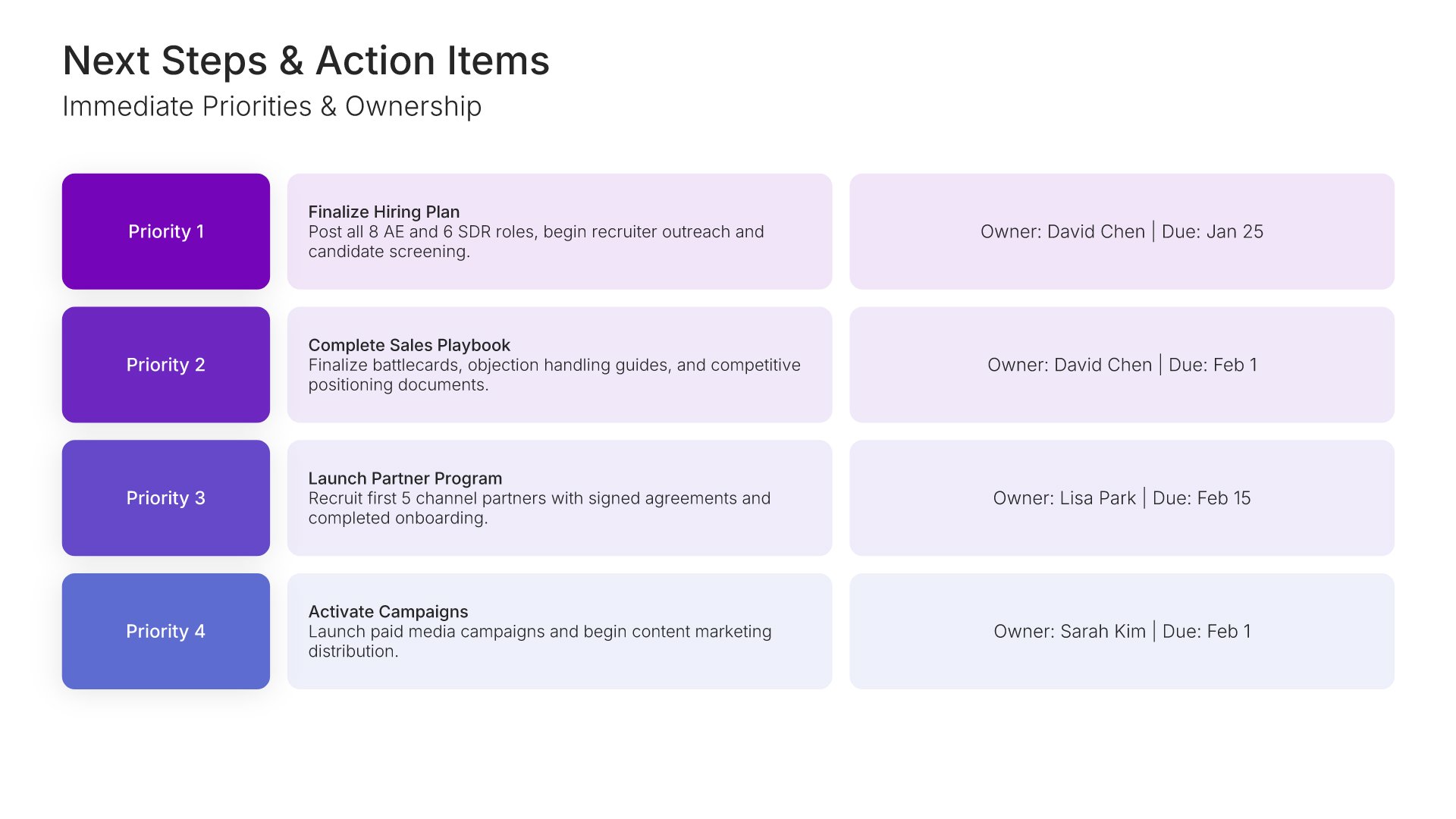
Next steps slides help you guide your audience toward action after your presentation. Use them to outline the specific actions, timeline, and commitments needed to move forward. Ideal for sales decks, proposals, and pitches where providing clear next steps keeps momentum going and advances the deal.
Built using Simple Text slides

18. Thank You

Thank you slides help you close presentations professionally. Use them to end with gratitude, provide contact information, and leave a polished final impression. Ideal for any presentation where a professional closing reinforces your message and gives your audience a clear way to follow up or stay connected.
Built using Title slides

Build your Go-to-Market Strategy presentation with Twodart

Transform your Go-to-Market Strategy vision into reality with Twodart’s user-friendly platform. Follow our step-by-step guide, harnessing our vast collection of slides and tools, to create a compelling and cohesive presentation that resonates with your audience.

Step 1

Browse and Select Your Slides​

Discover from over 9,172 unique slides in 134 categories or kickstart with 31 premade presentation templates. Design skills? Not needed.

Step 2

Brand Your Presentation

Add your logo and easily customize theme colors to align with your brand. 30+ preset colors, or explore unlimited color options for perfect match.

Step 3

Export Presentation Seamlessly​

With a single click, export your slides to Powerpoint, Google Slides, or Keynote. Enjoy unlimited exports with no restrictions or limitations.

Step 4

Personalize Your Content​

Replace text and image placeholders with your content effortlessly. Customize using tools like Powerpoint, Google Slides, or Keynote and present proudly.

Try Twodart for free today and experience the ease of creating remarkable presentations.

No Sign-in or Credit Card Required

Wait!
Before you go, have you had the chance to experience Twodart? If not try out – Twodart for absolutely FREE!!

No Sign-in or Credit Card Required

Experience Twodart Yourself!
Why just read about it when you can experience it? Dive into our presentation library – absolutely FREE!

No Sign-in or Credit Card Required