Pyramid infographic slides
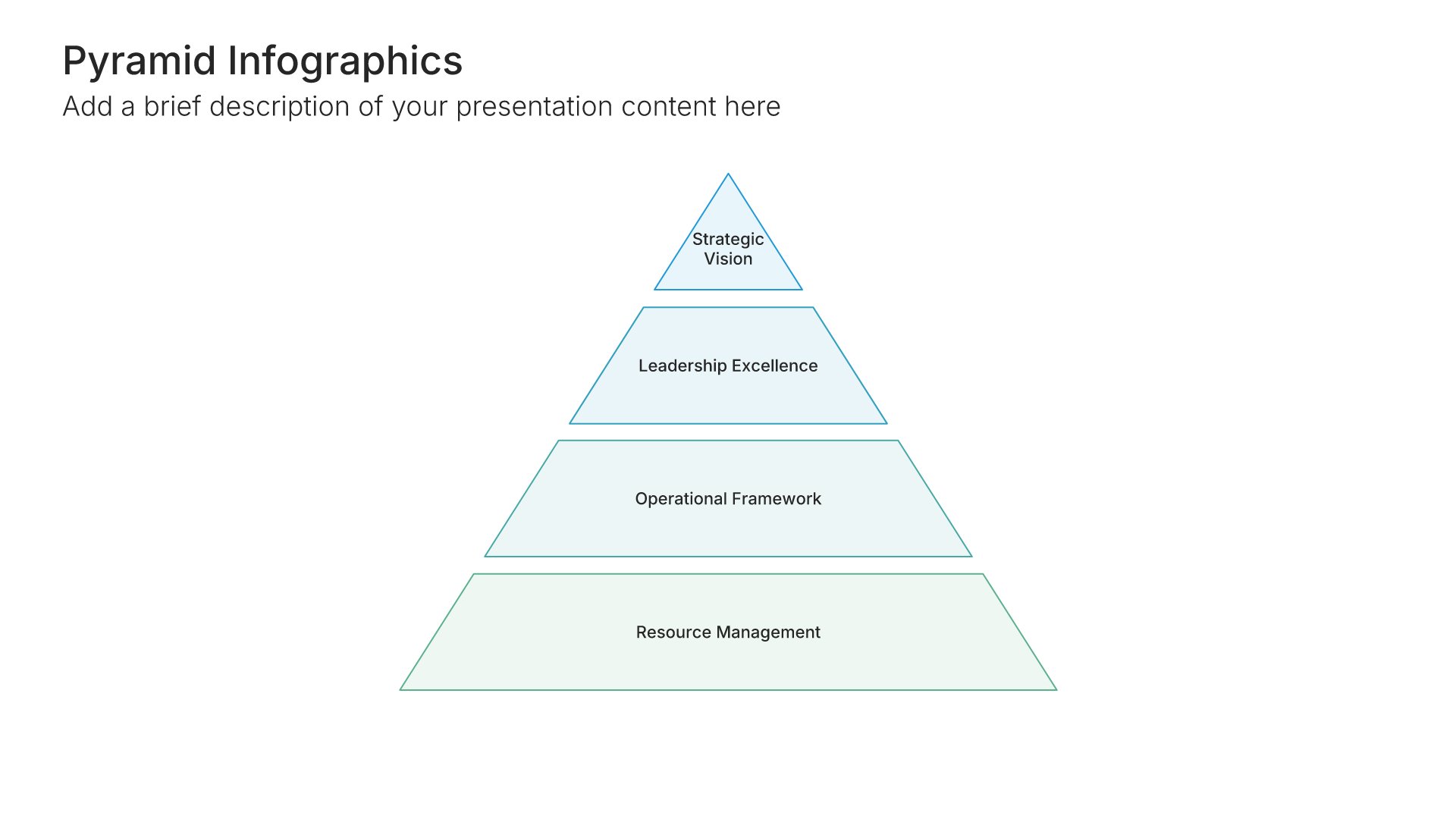
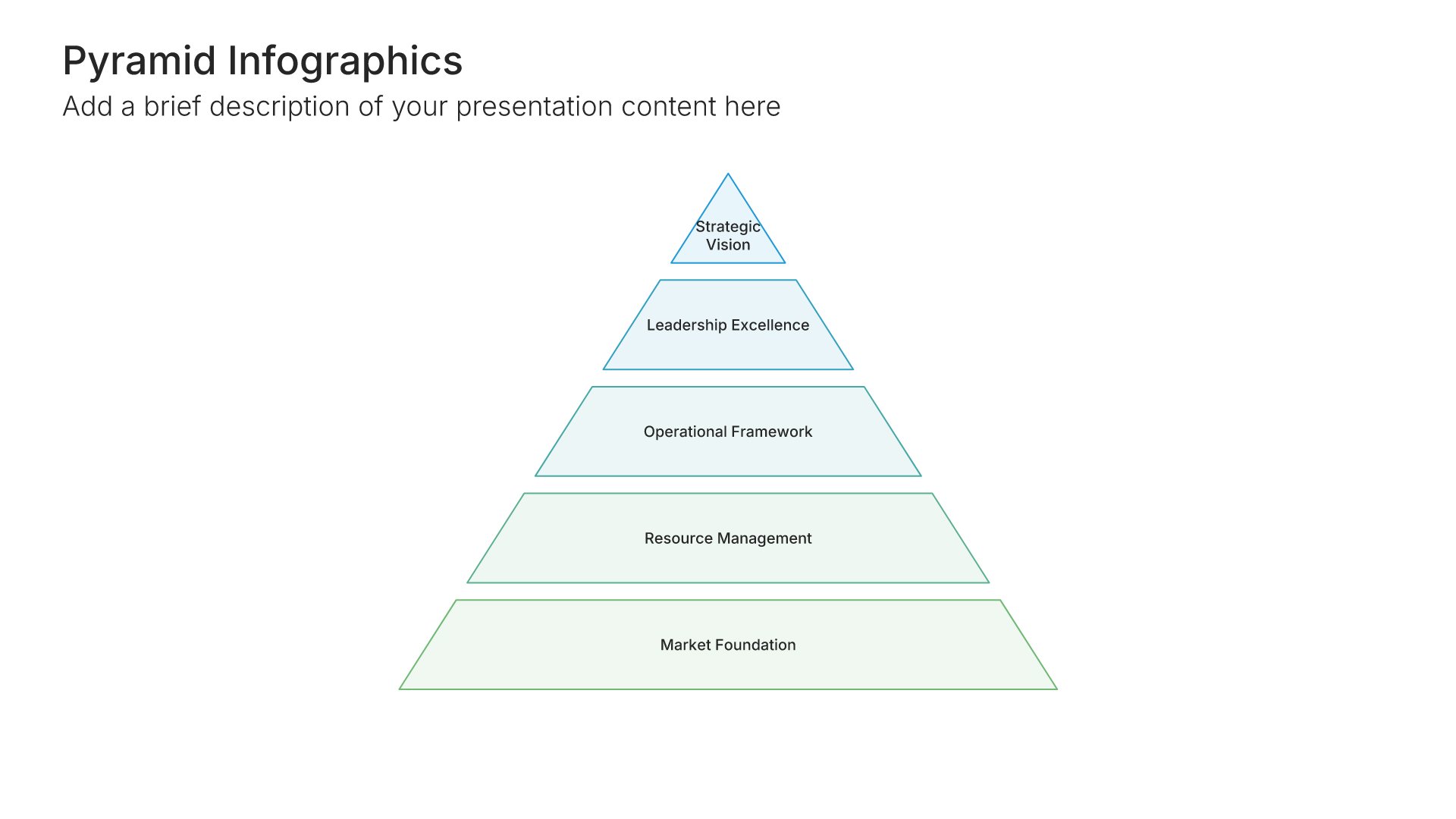
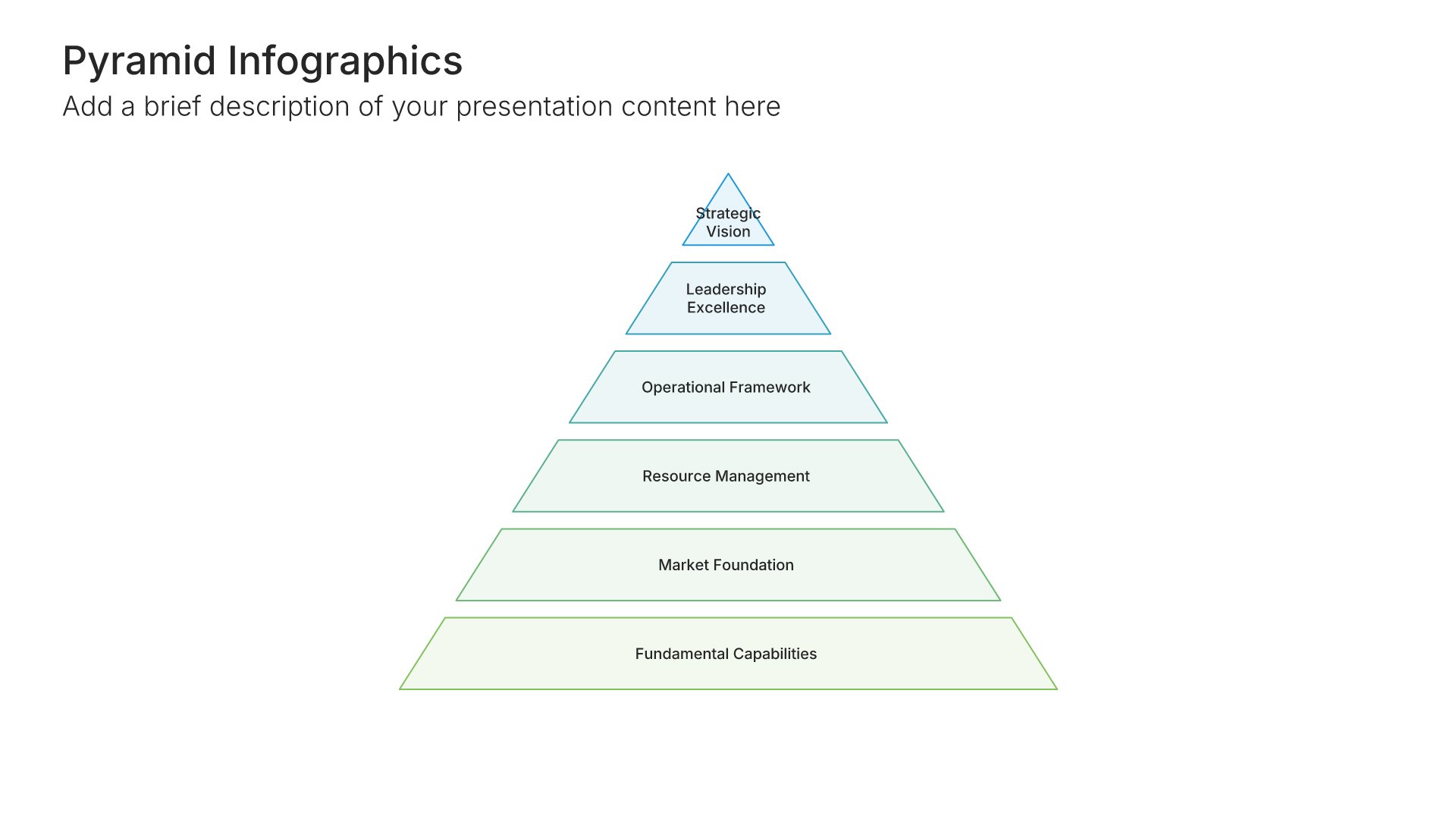
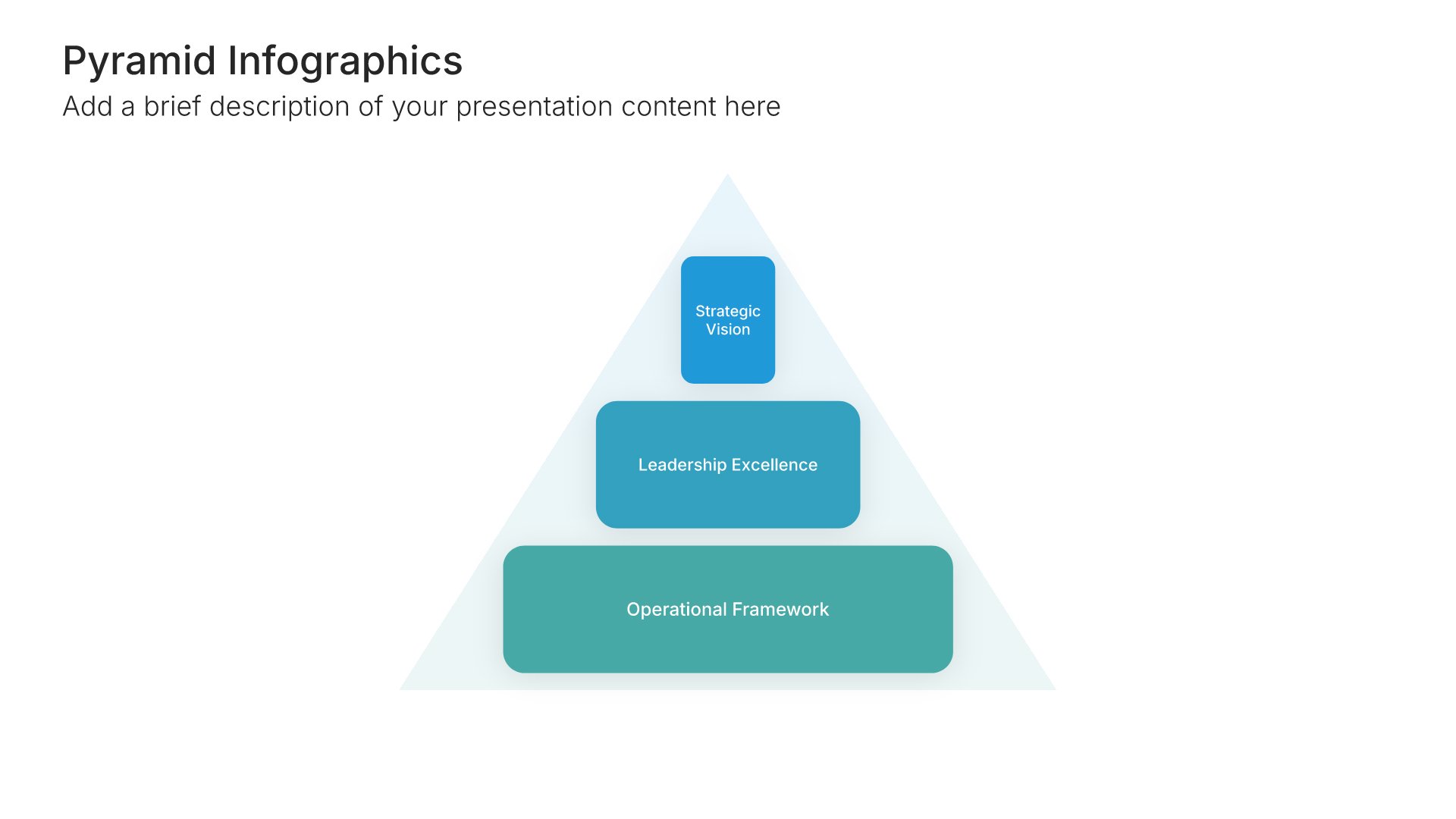
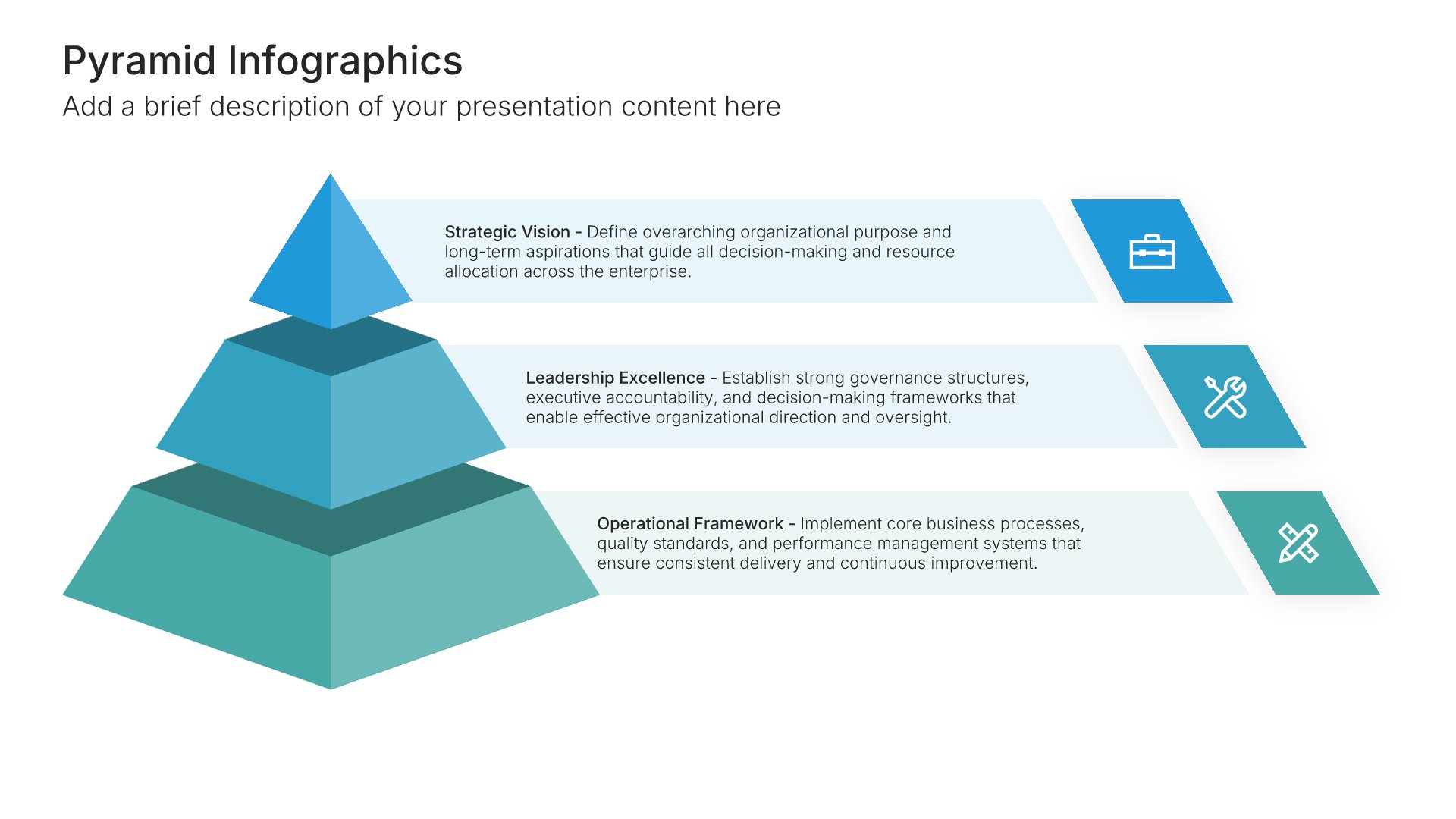
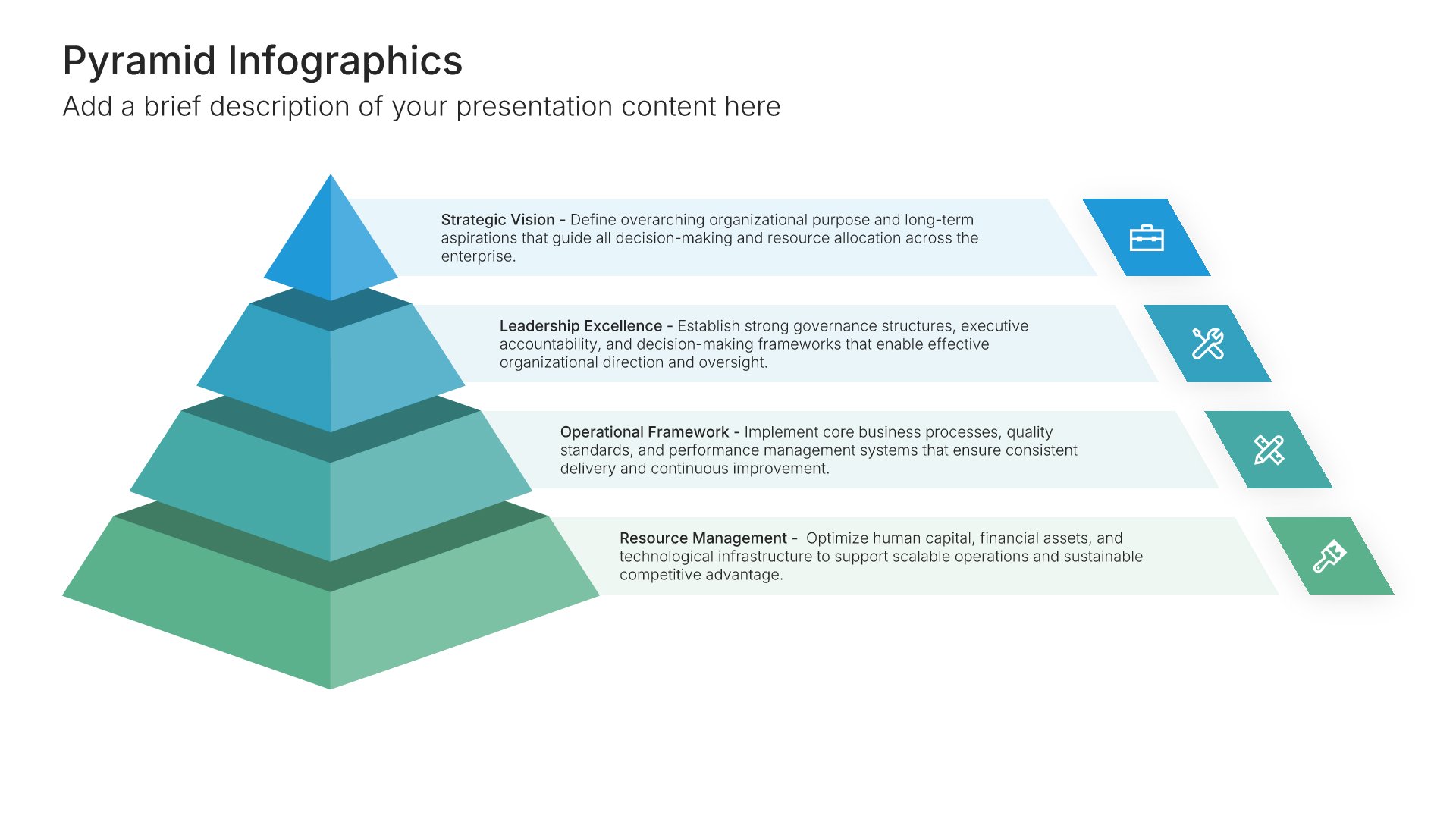
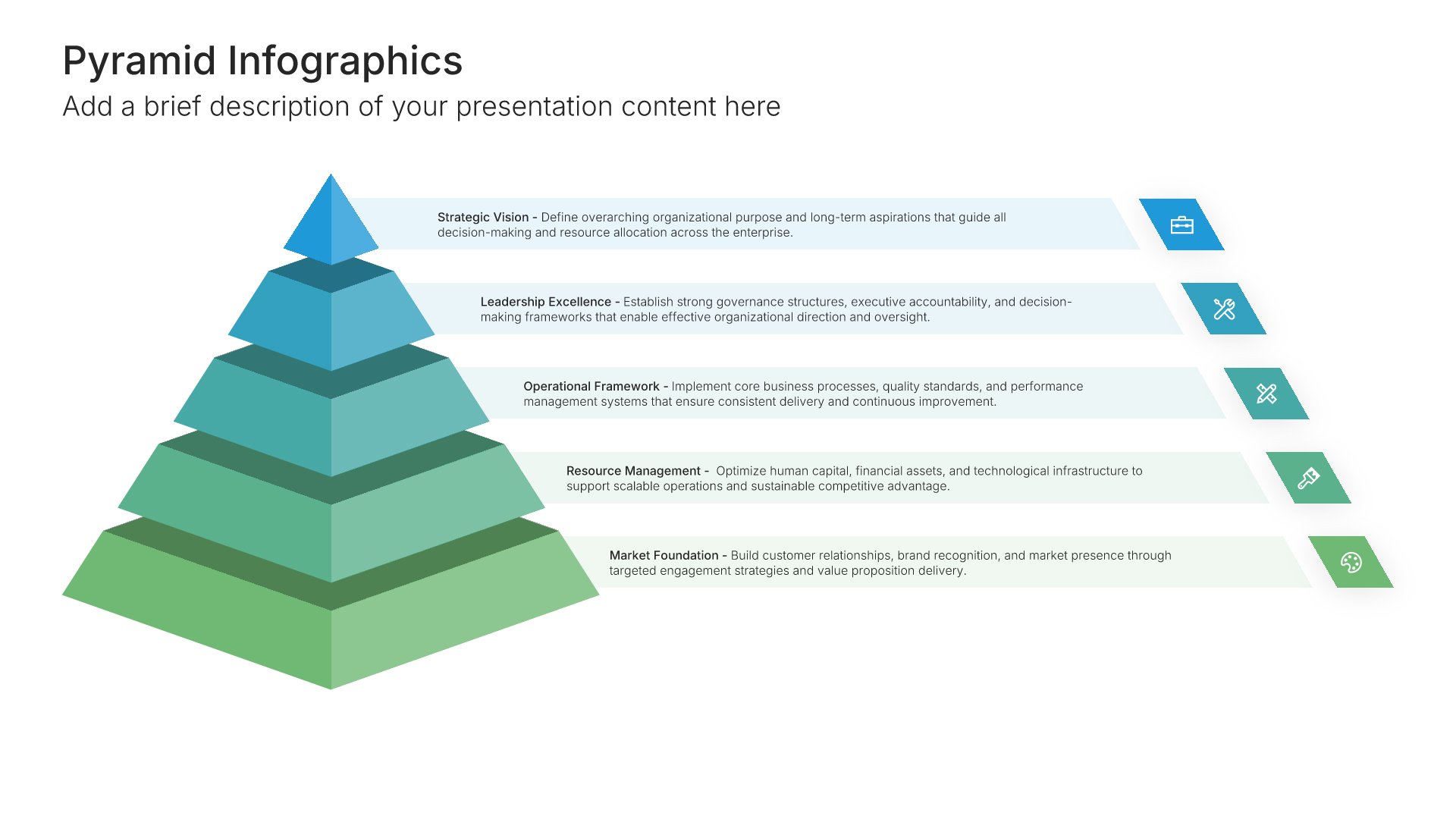
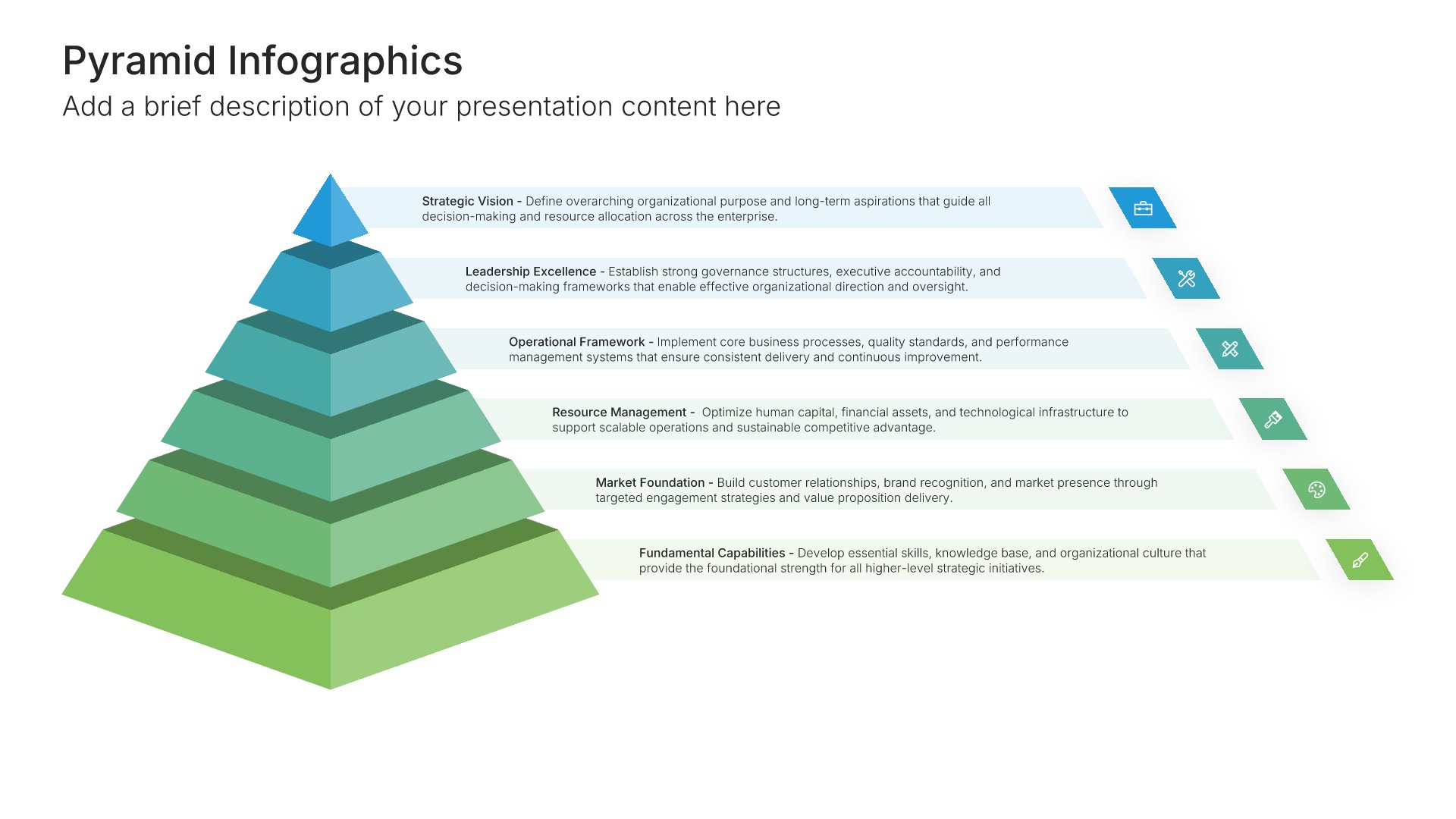
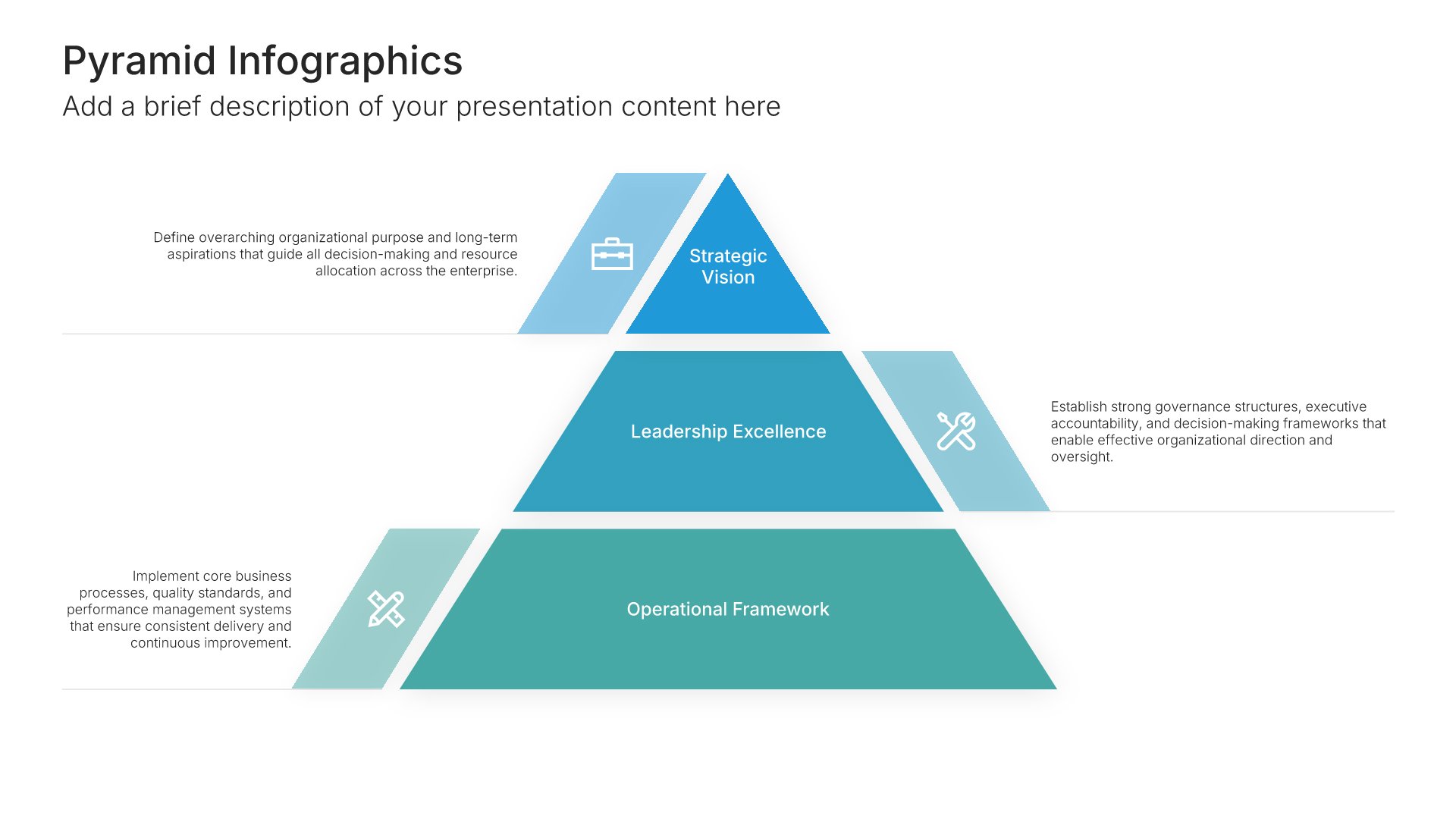
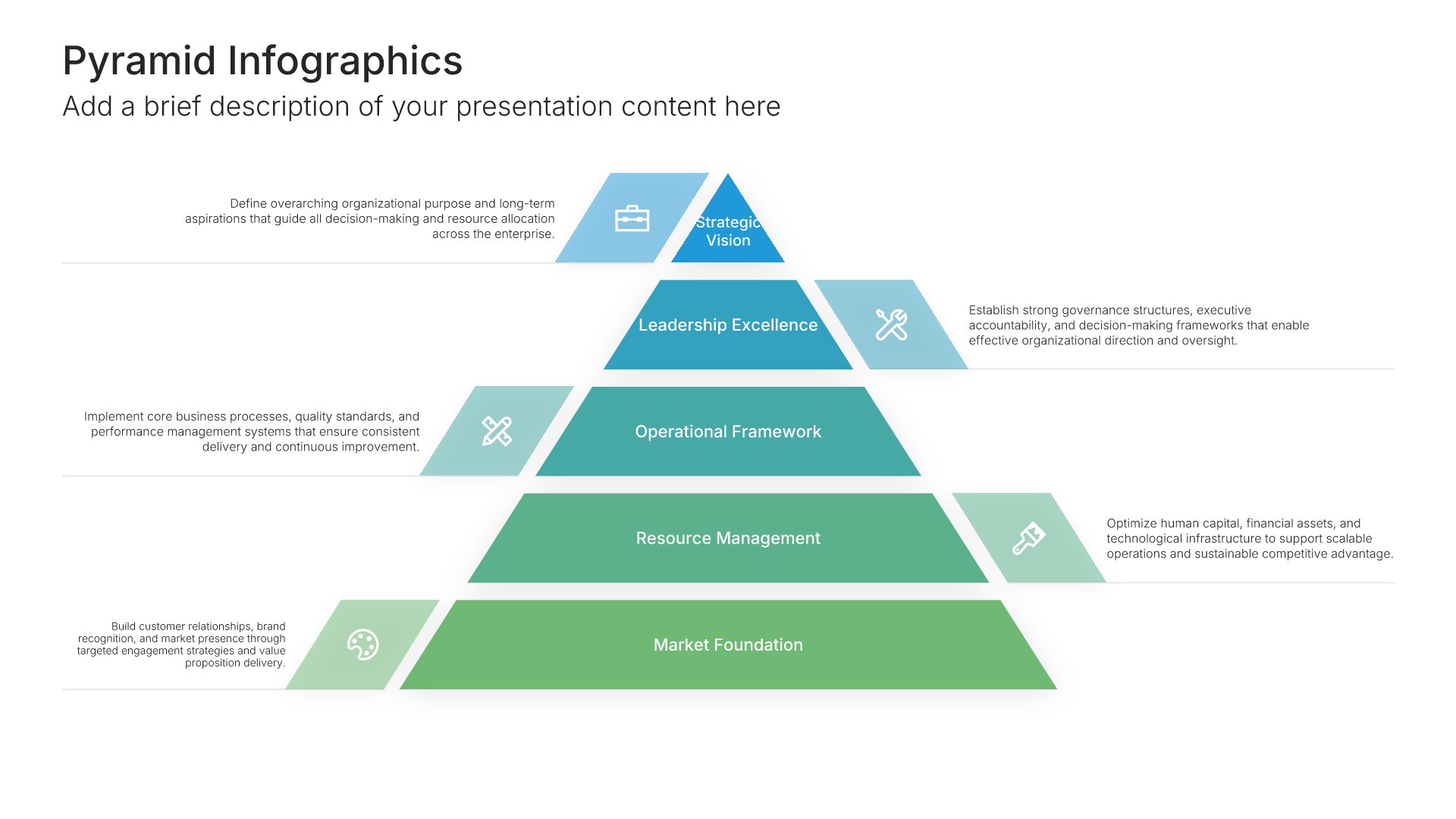
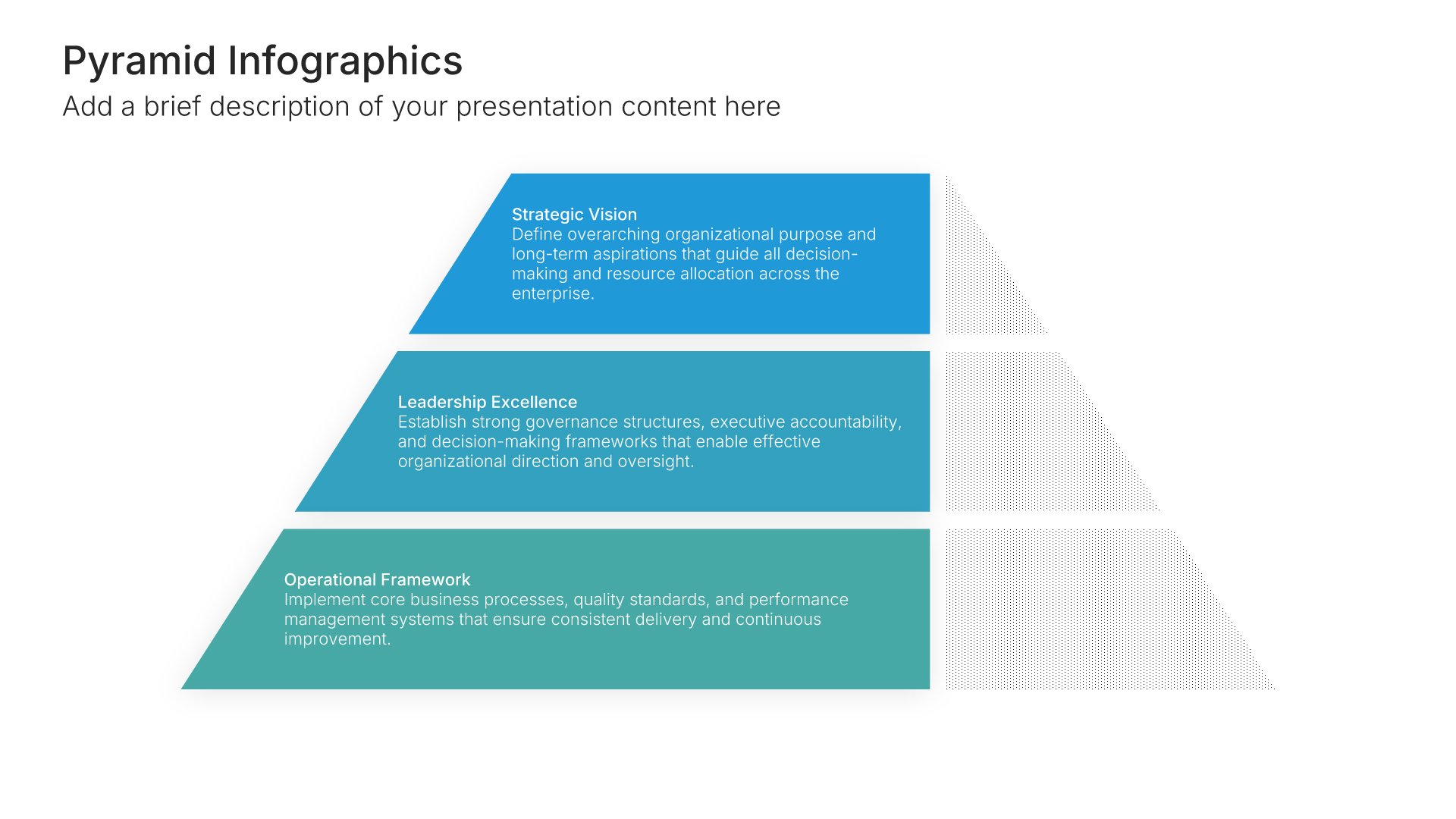
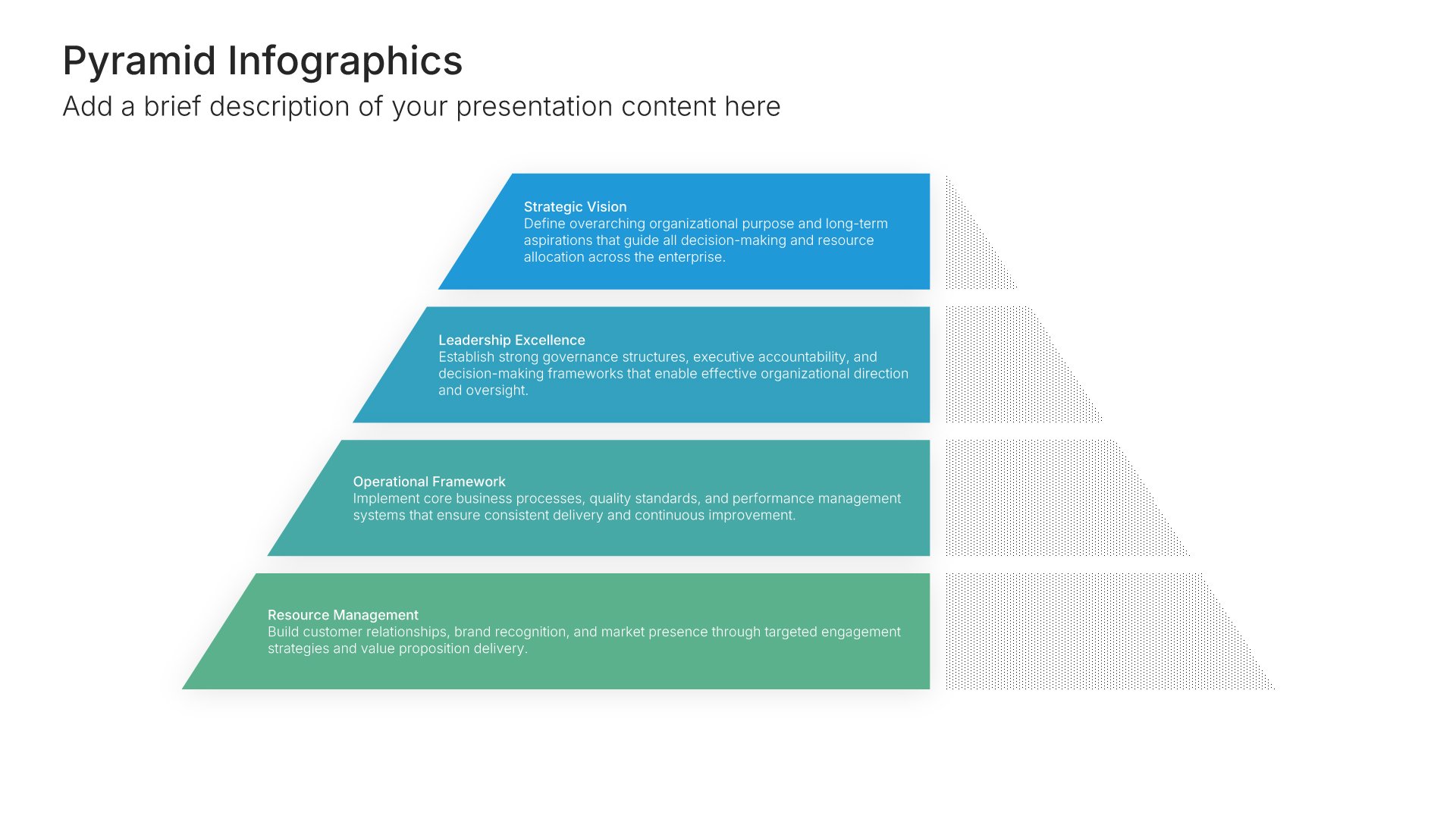
Pyramid infographic slides show a hierarchy from the ground up: a broad base, narrower levels above it, and the most important or most selective part at the top. Pick one of 53 layouts, brand it to your company in one click, label each level, and export to PowerPoint, Google Slides, or Keynote.
Free to start. No credit card required.
Browse pyramid infographic slides
53 ways to build a hierarchy from base to peak, all fully editable.
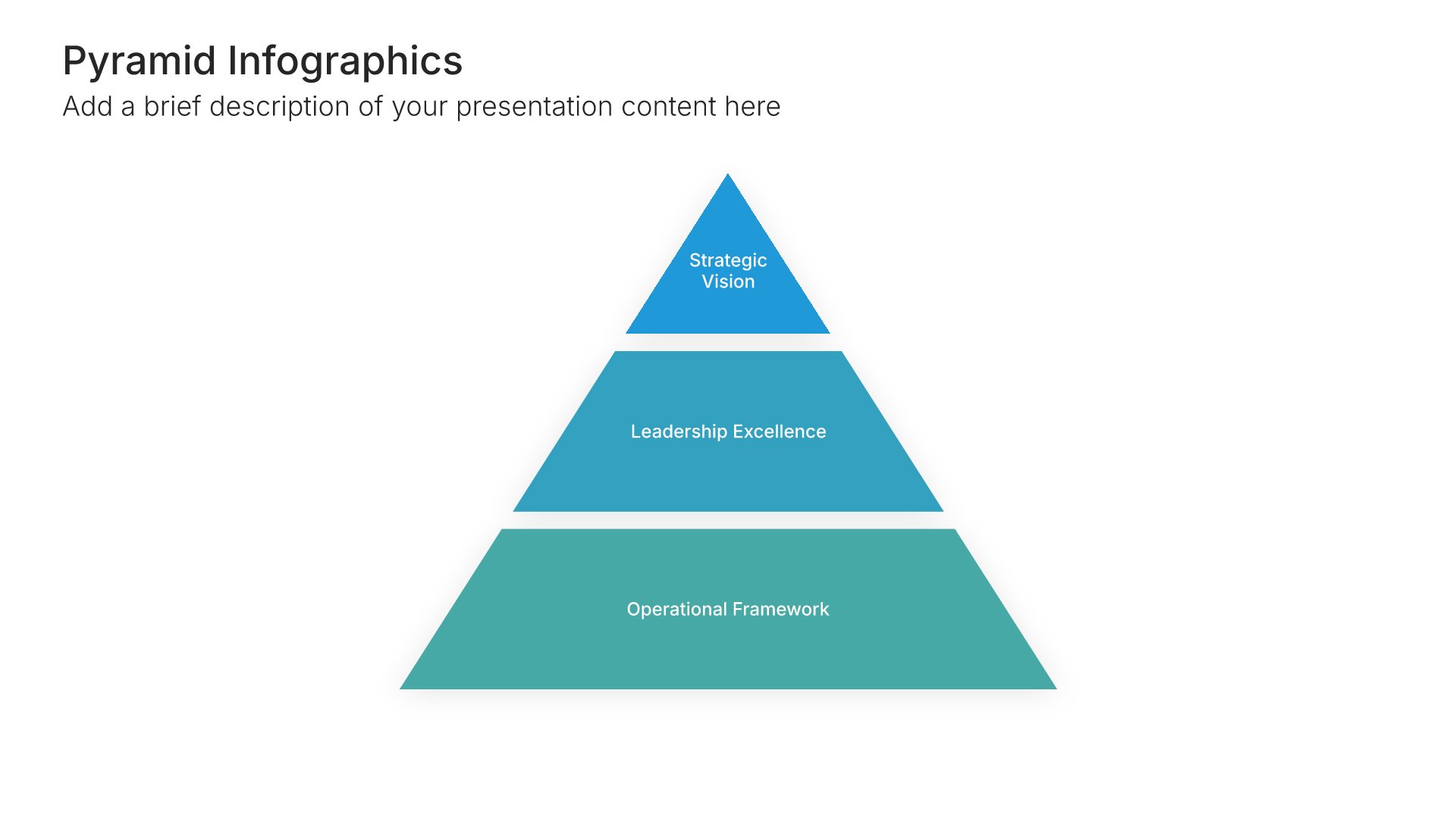
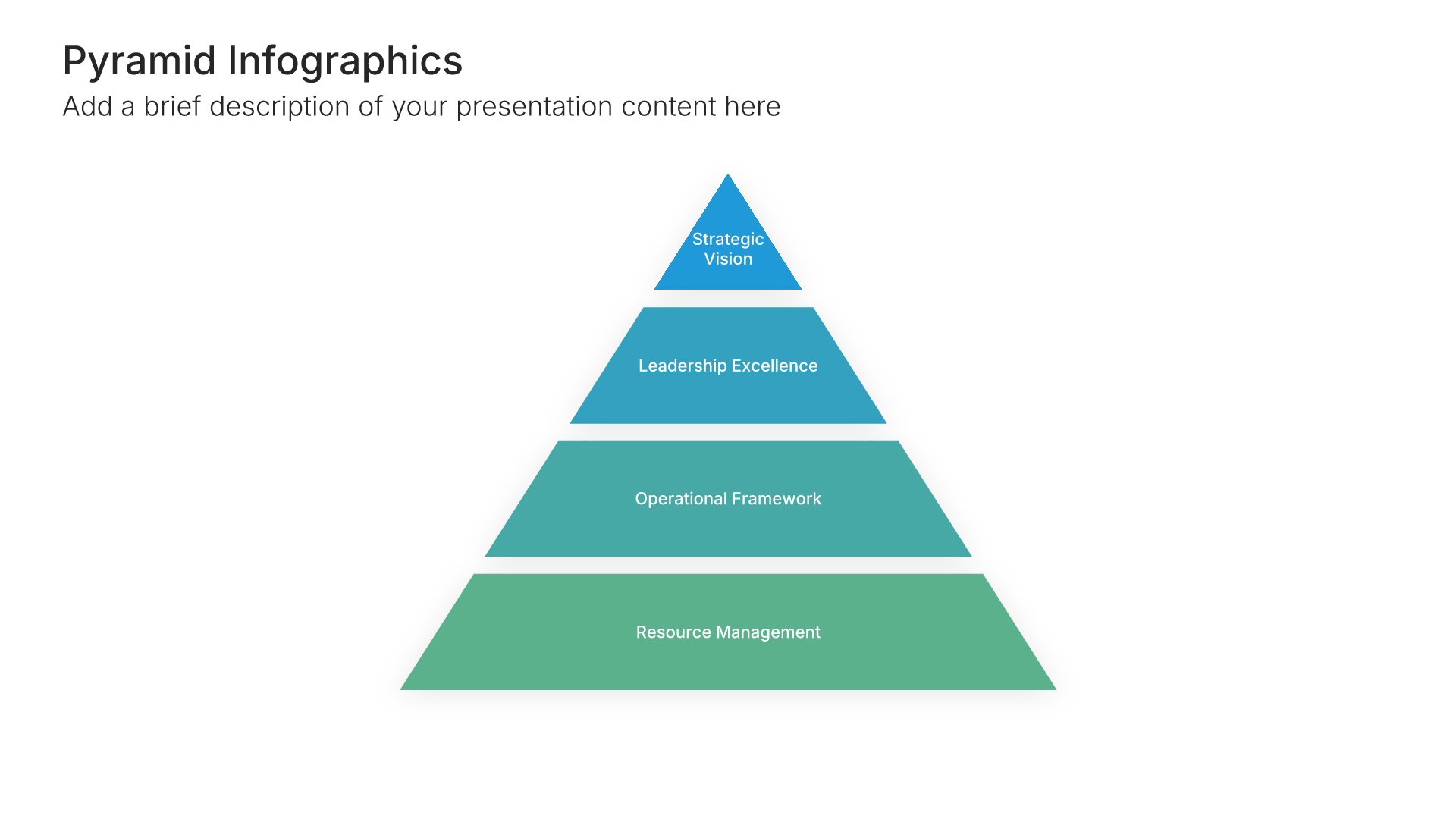
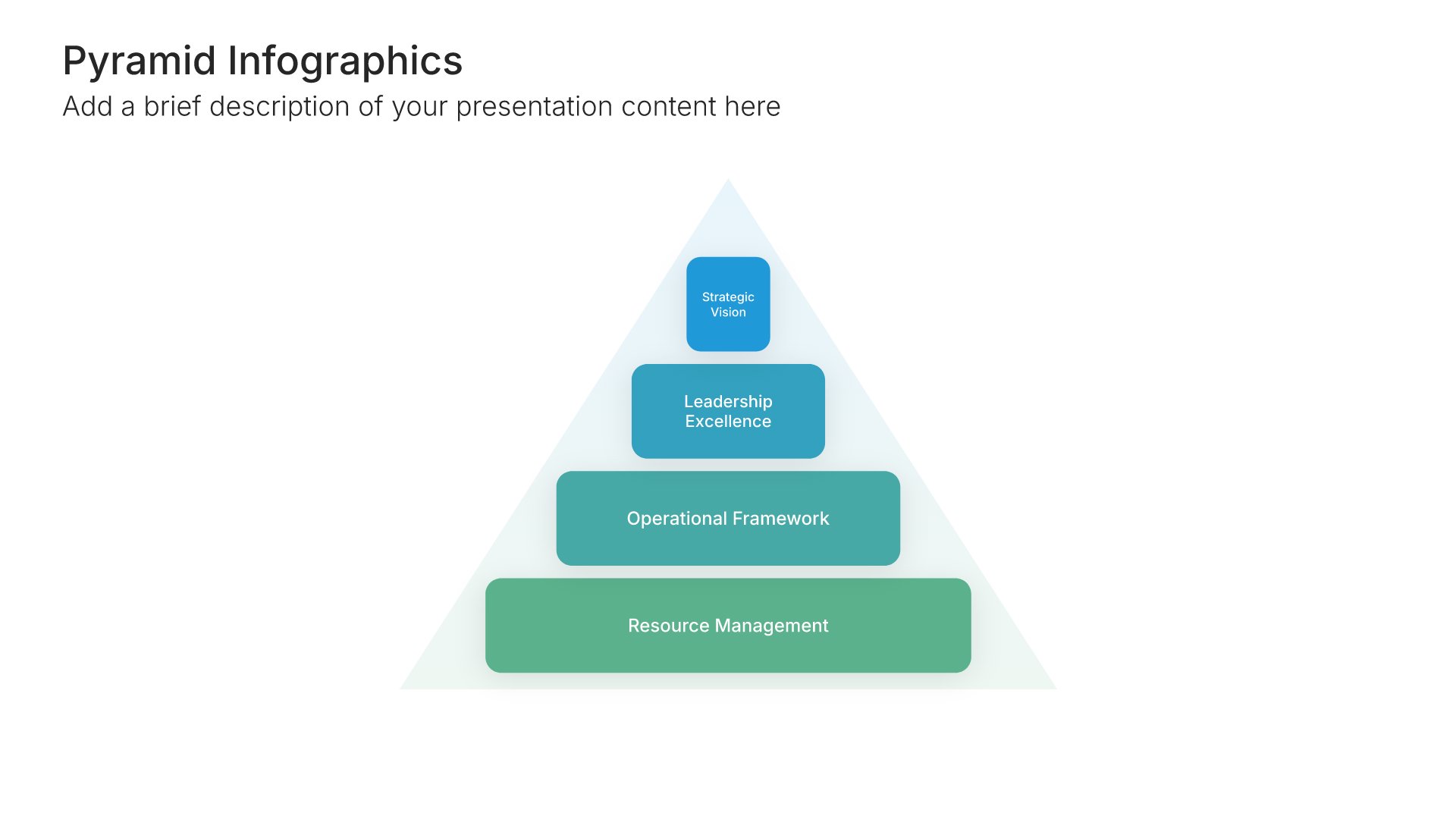
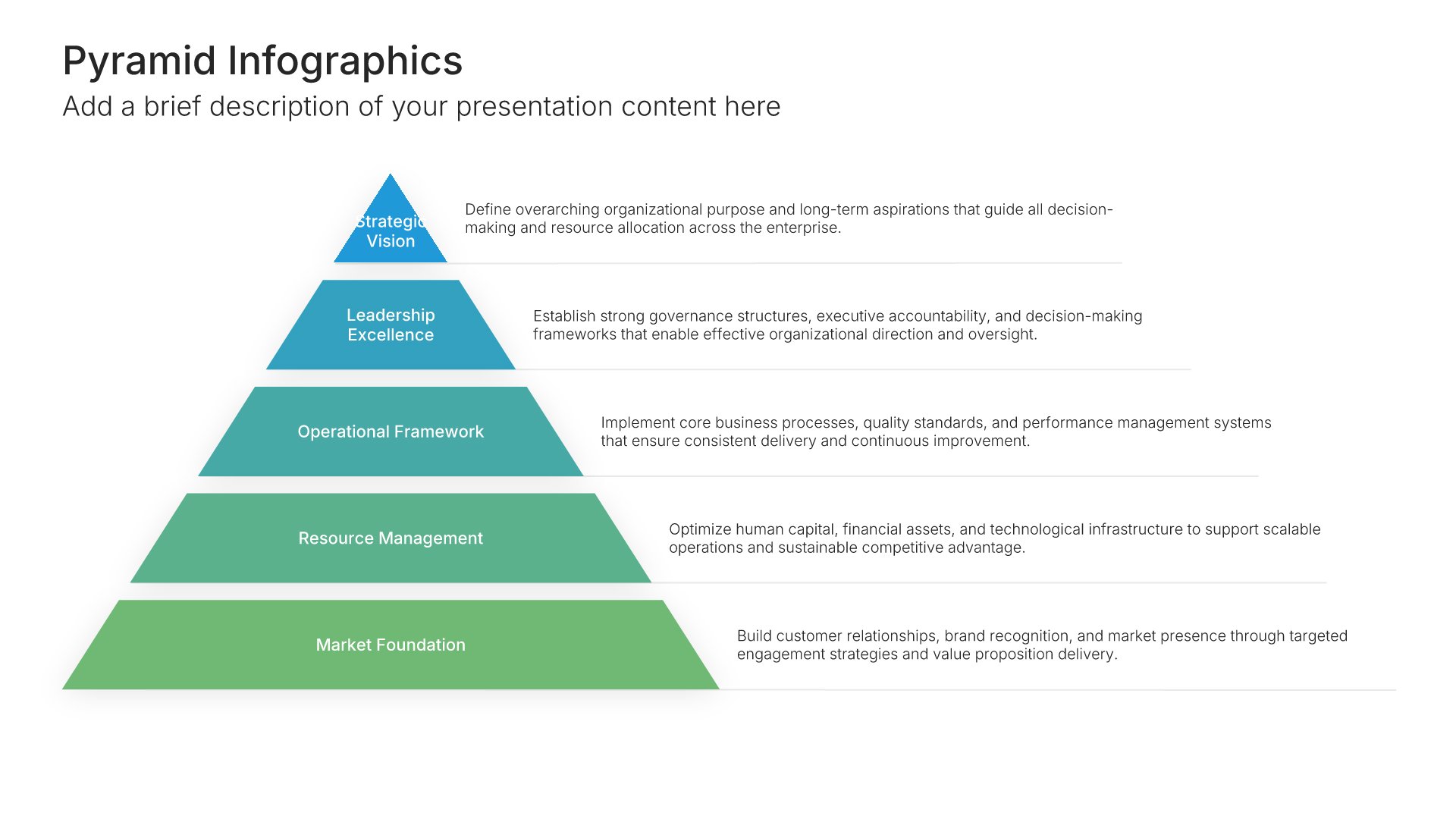
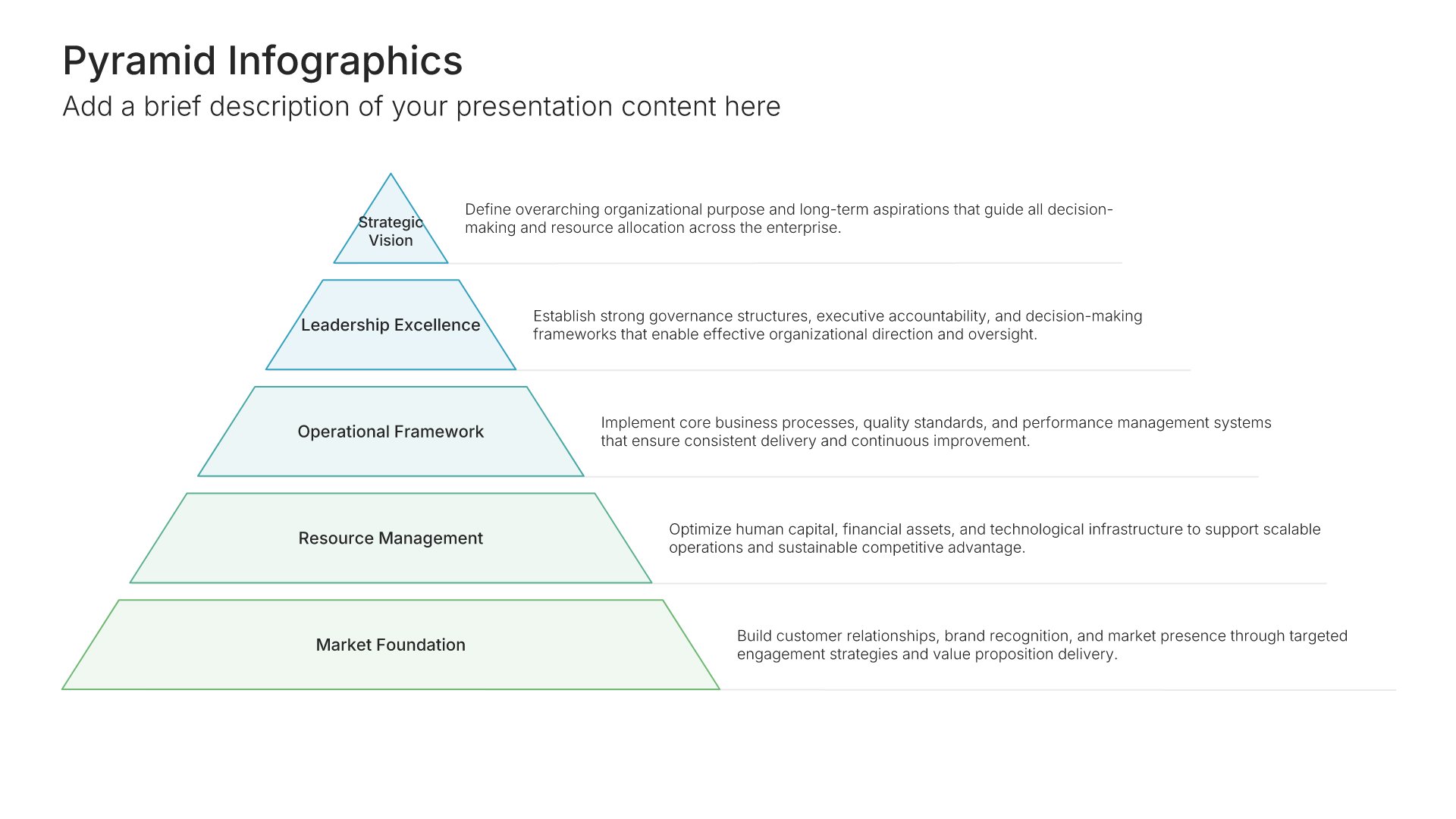
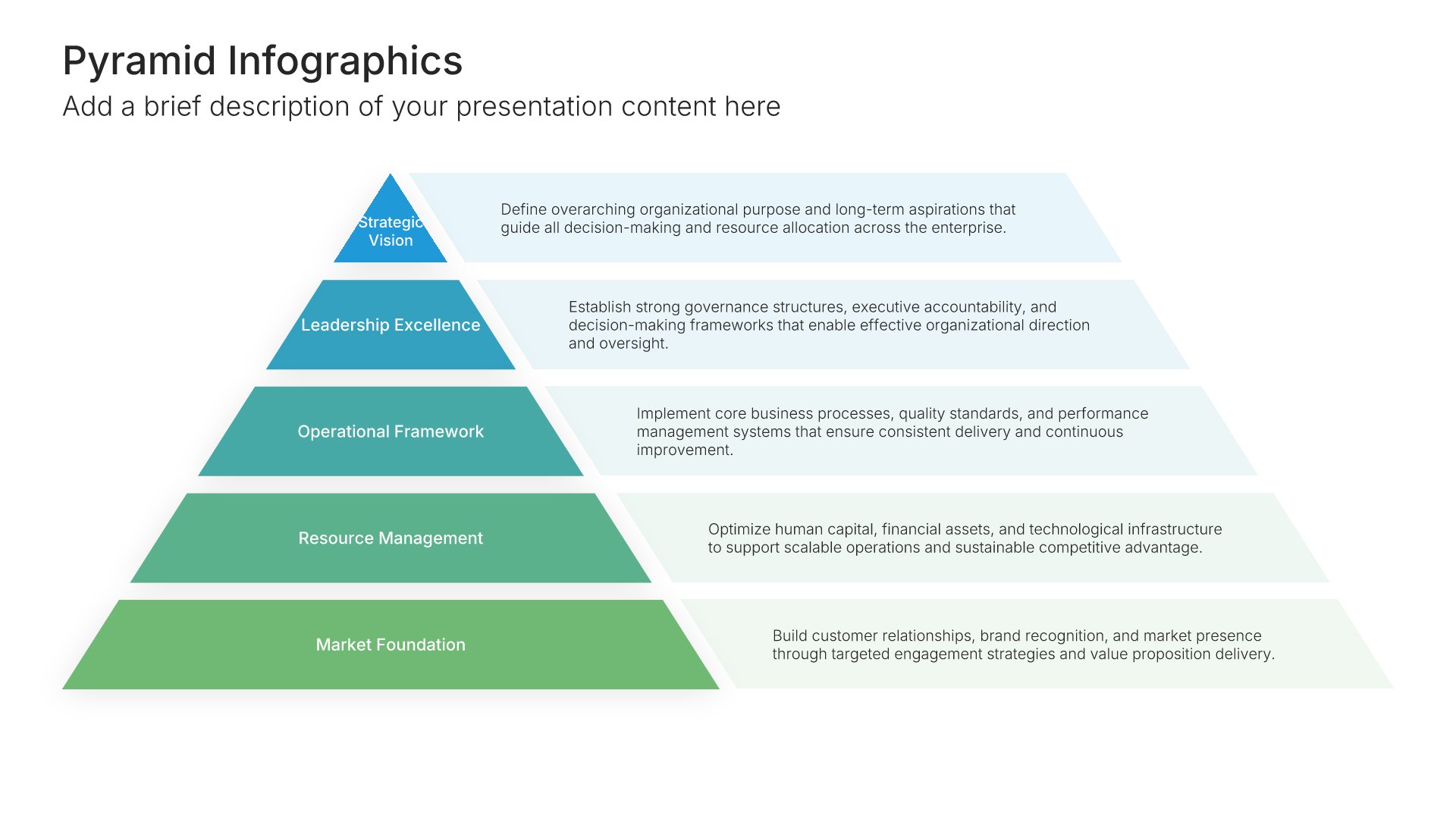
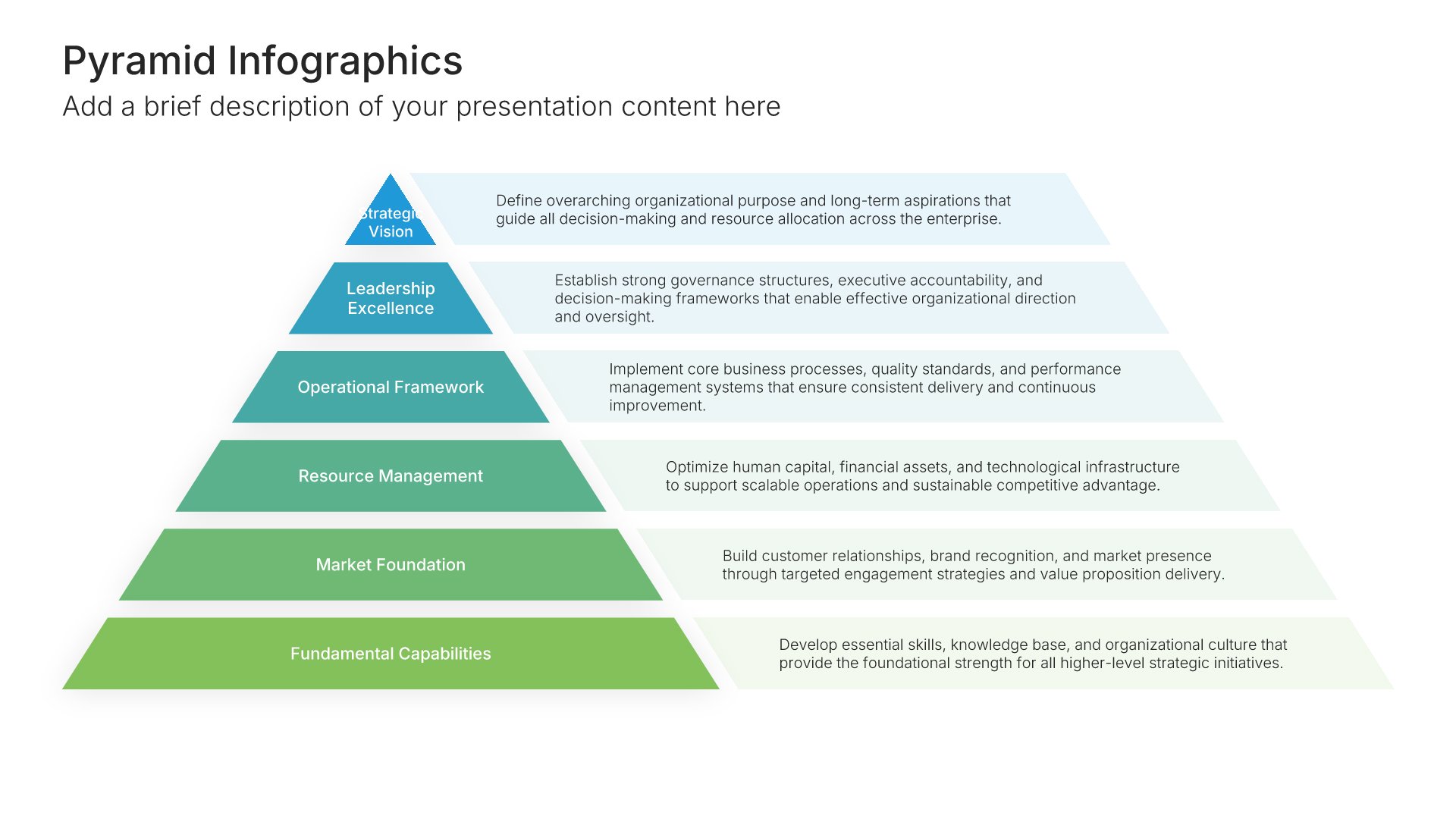
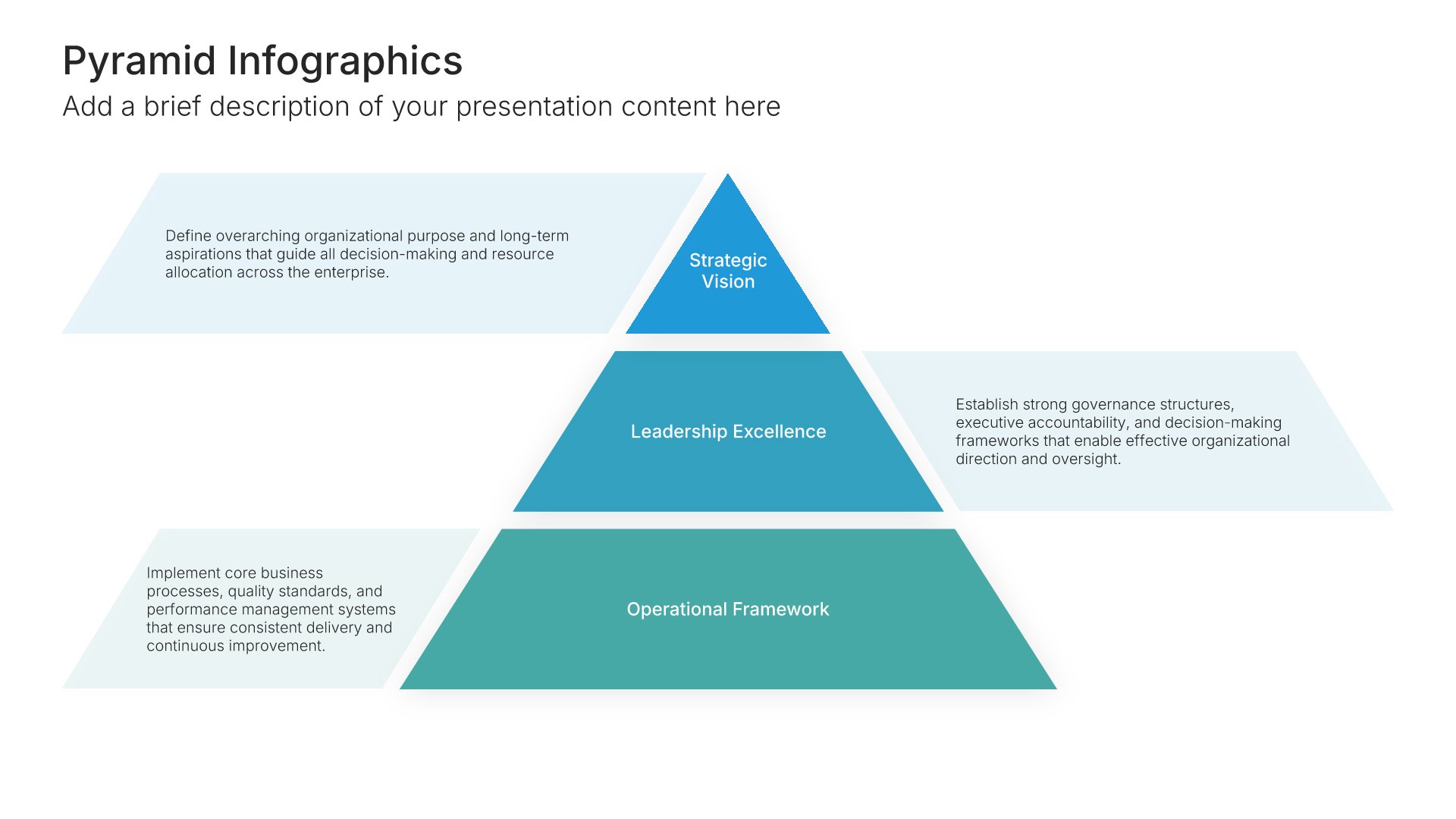
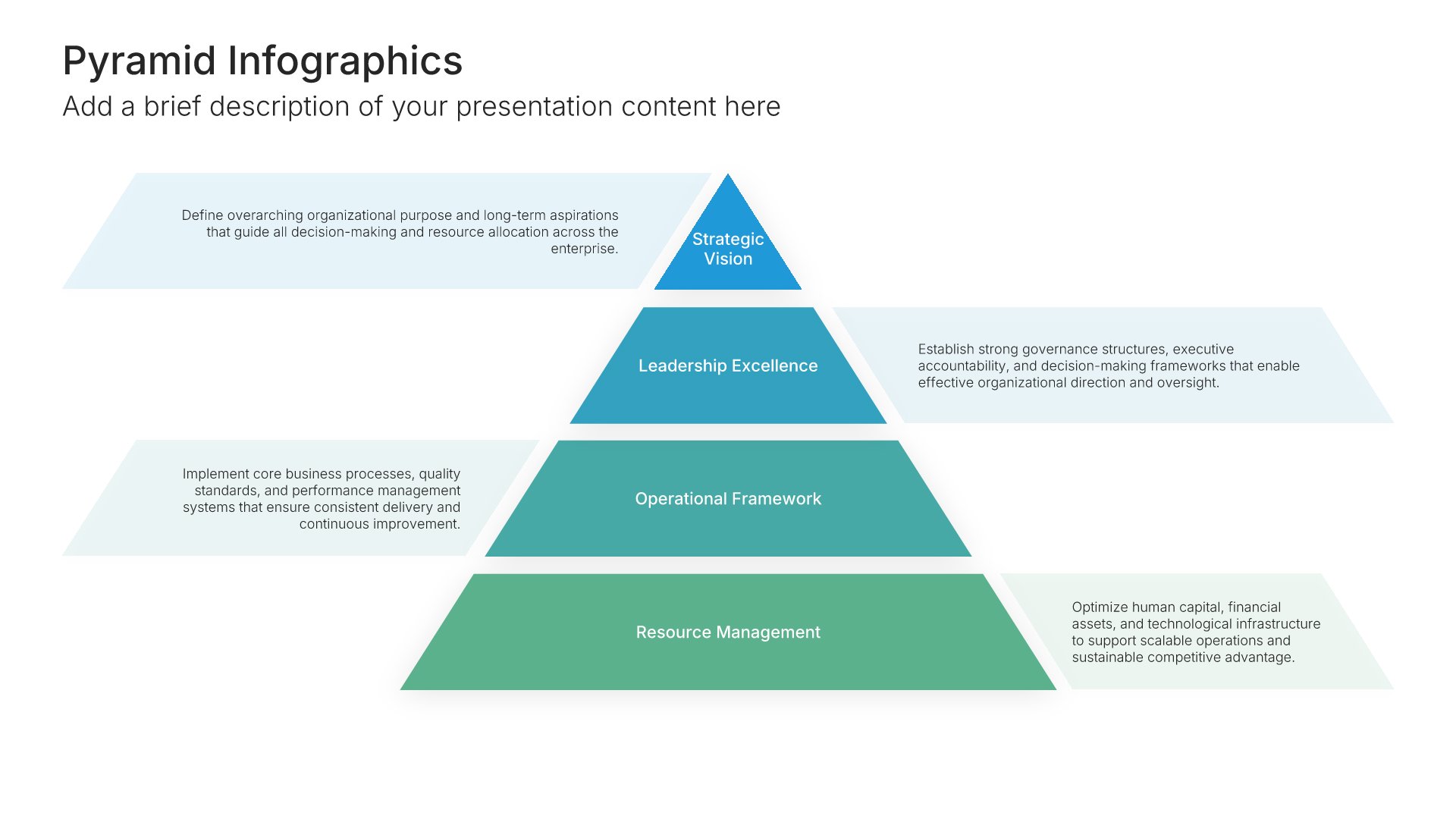
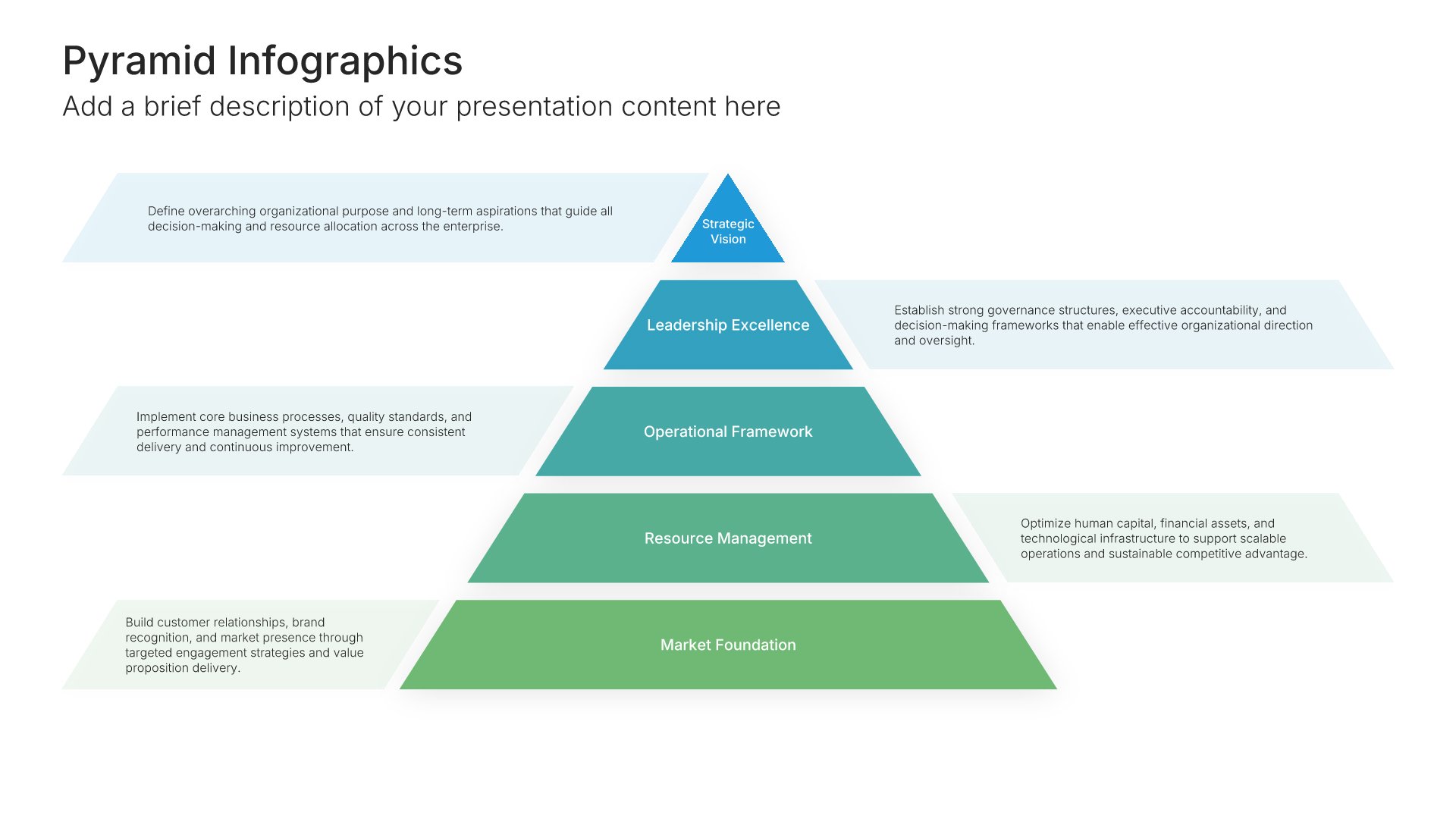
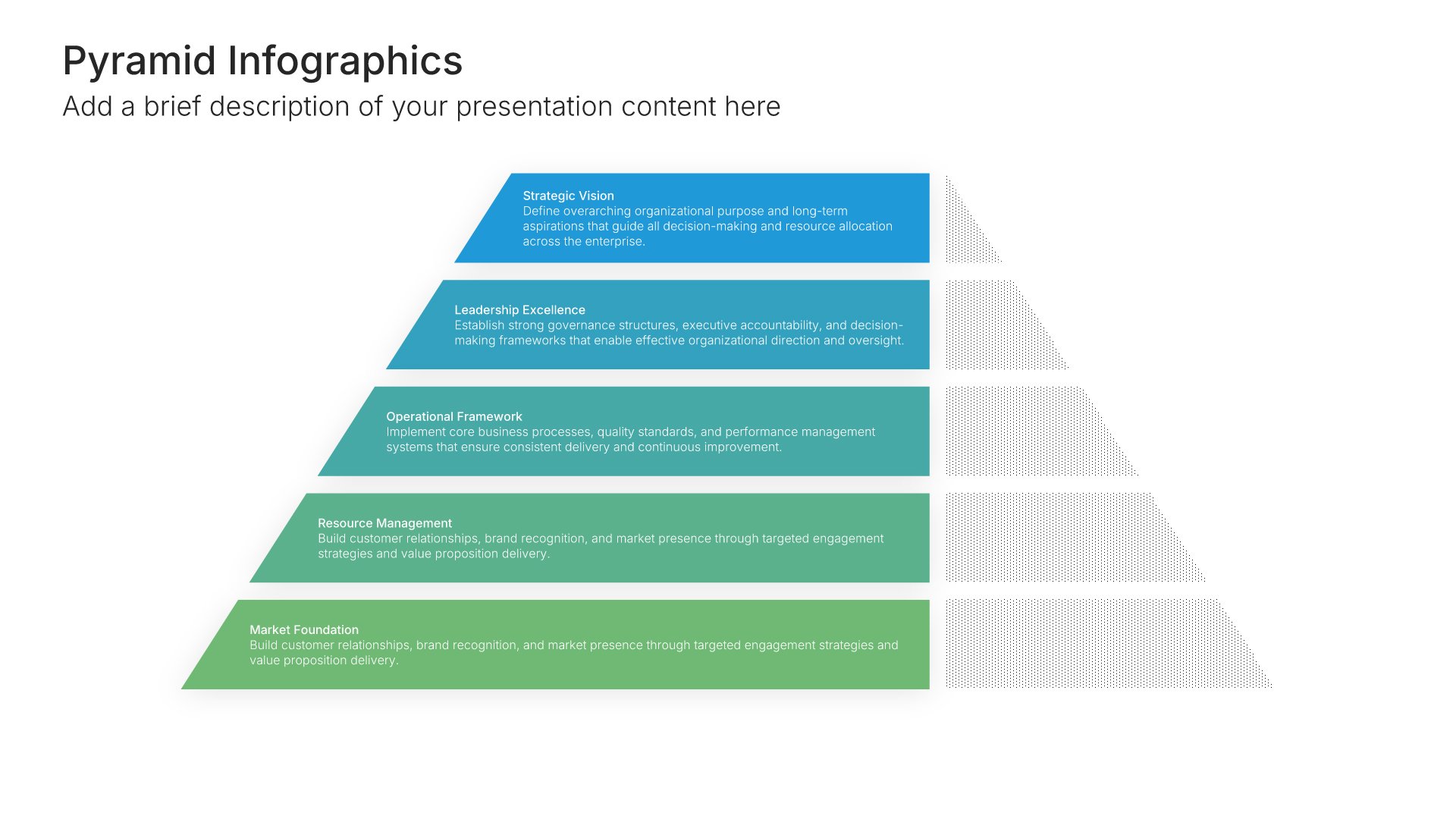
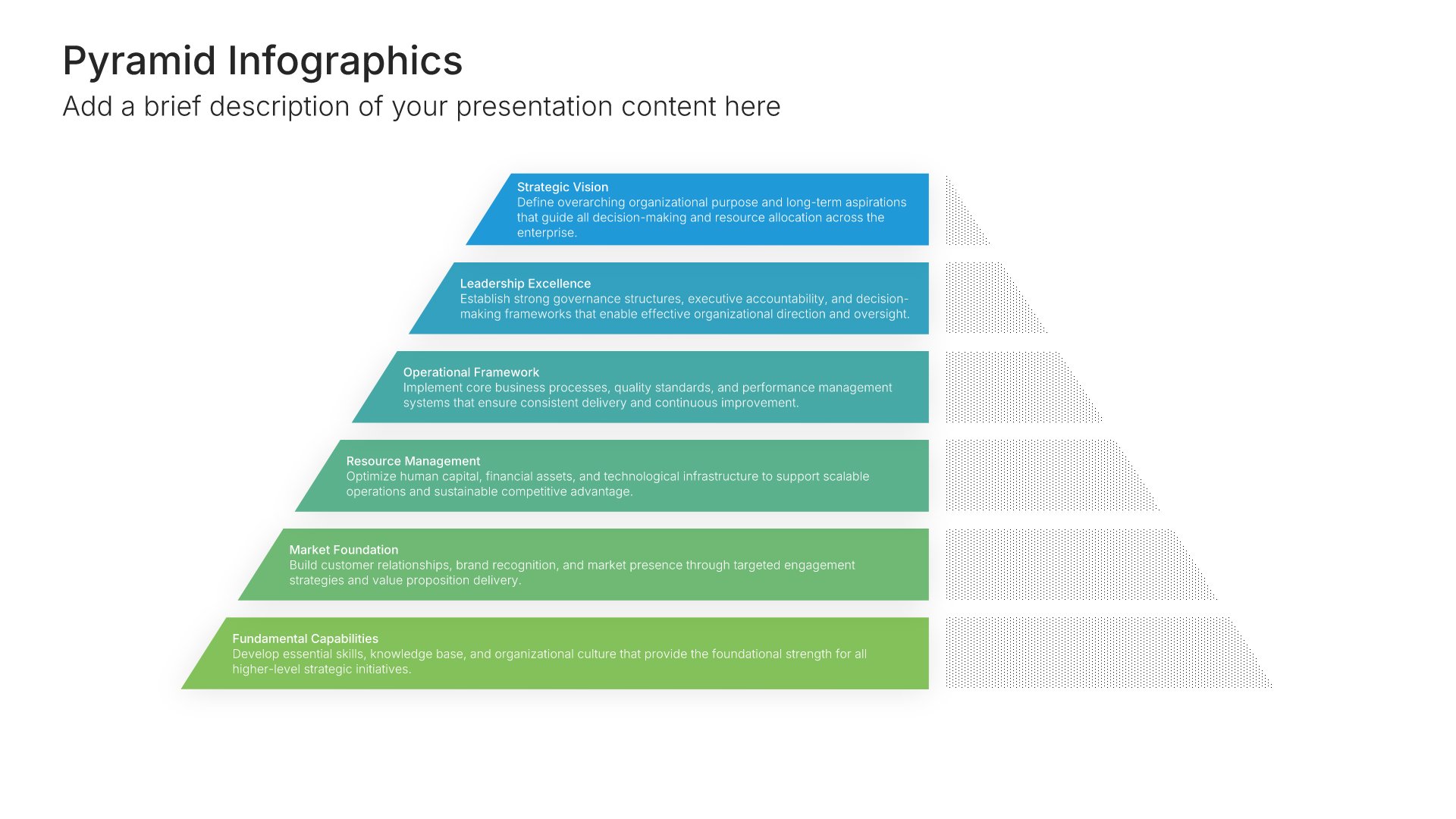
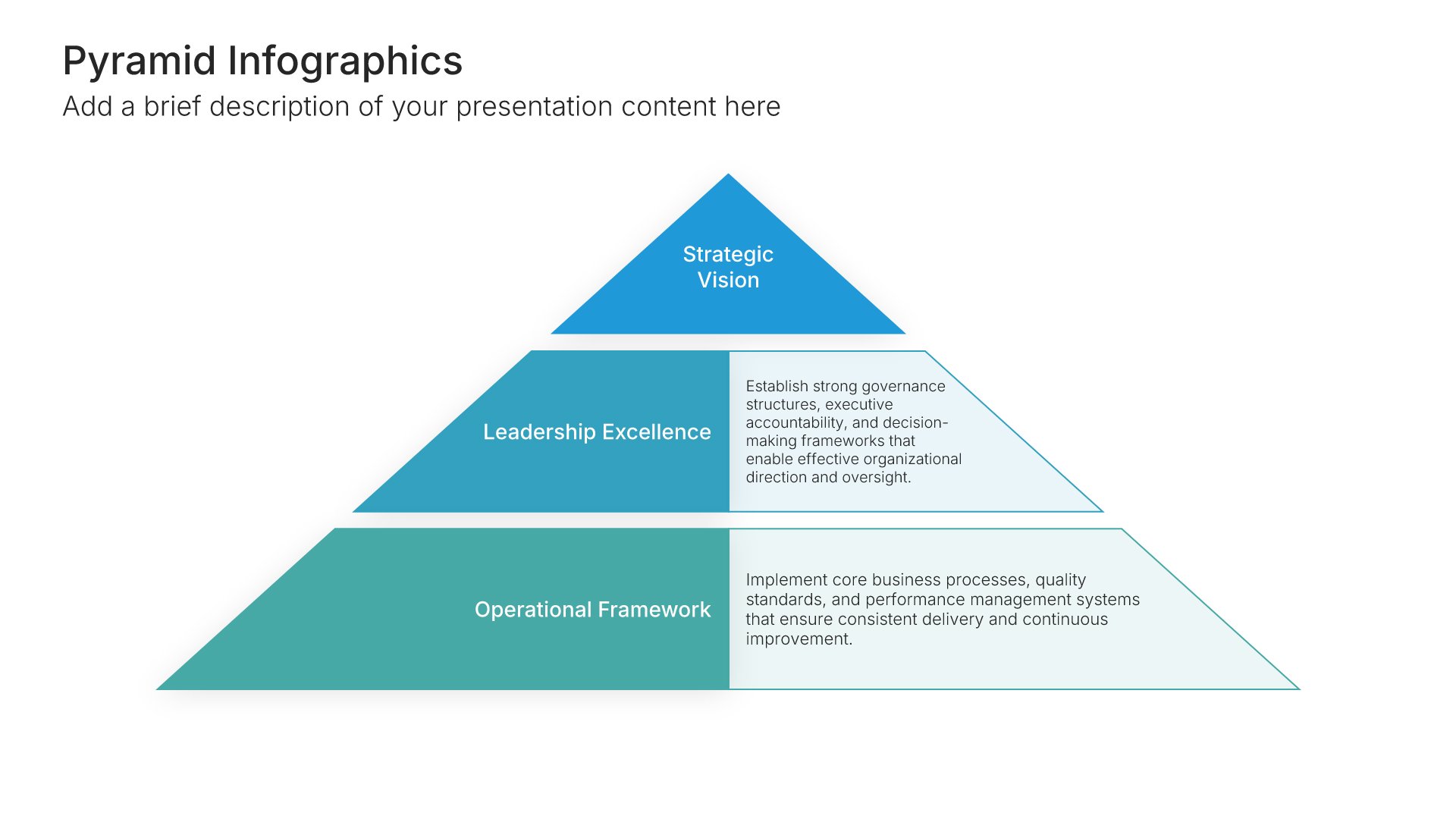
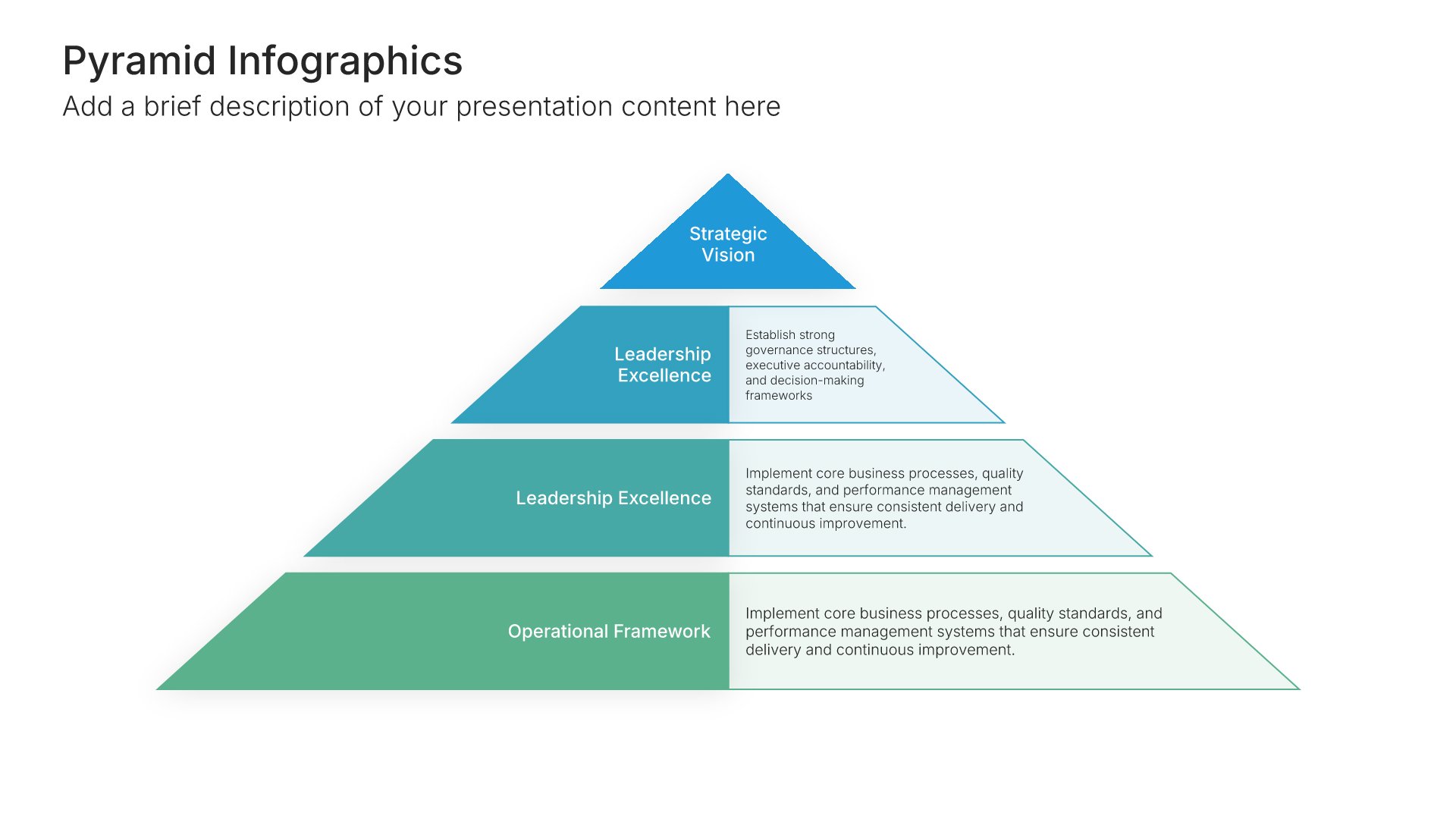
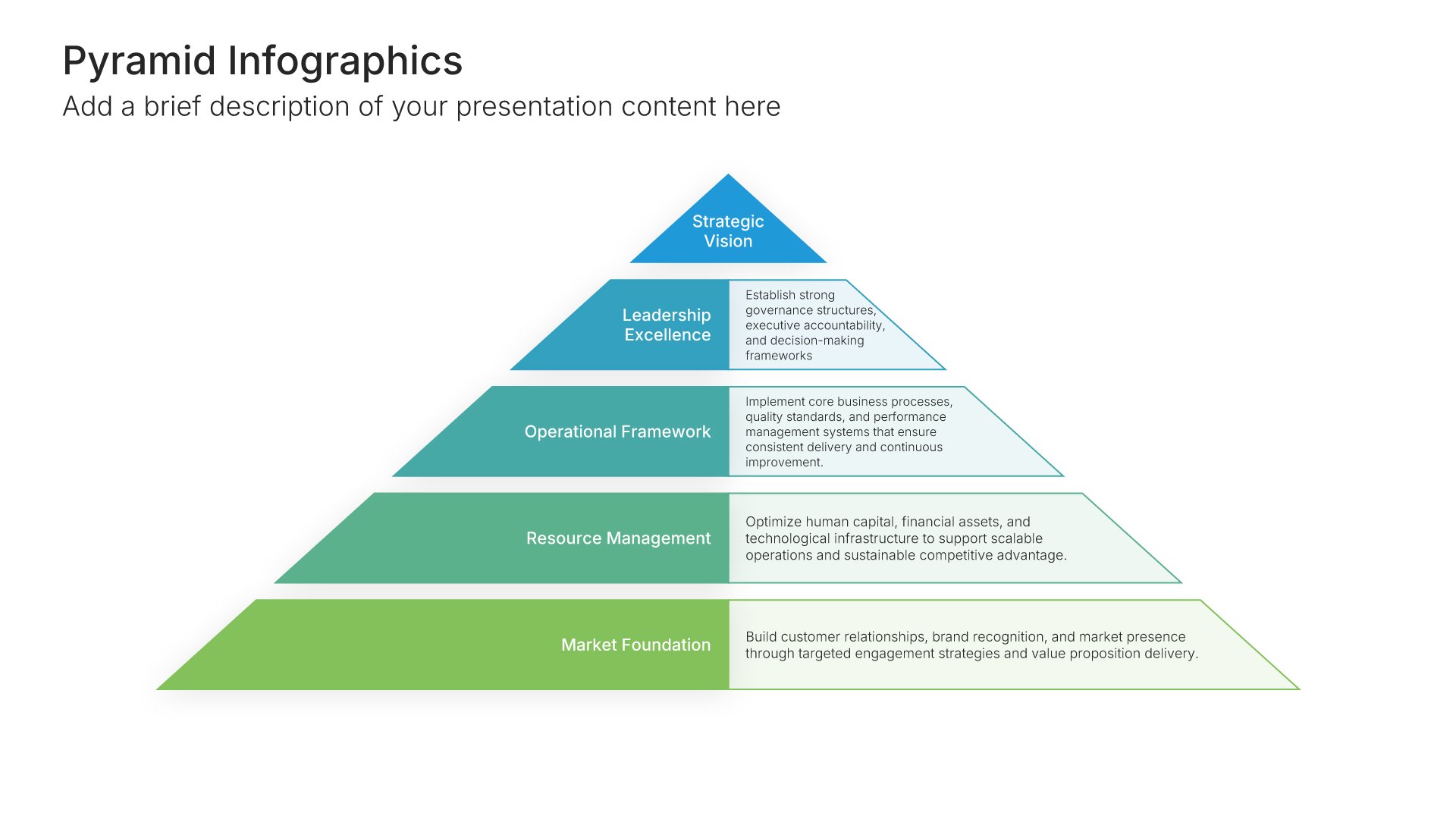
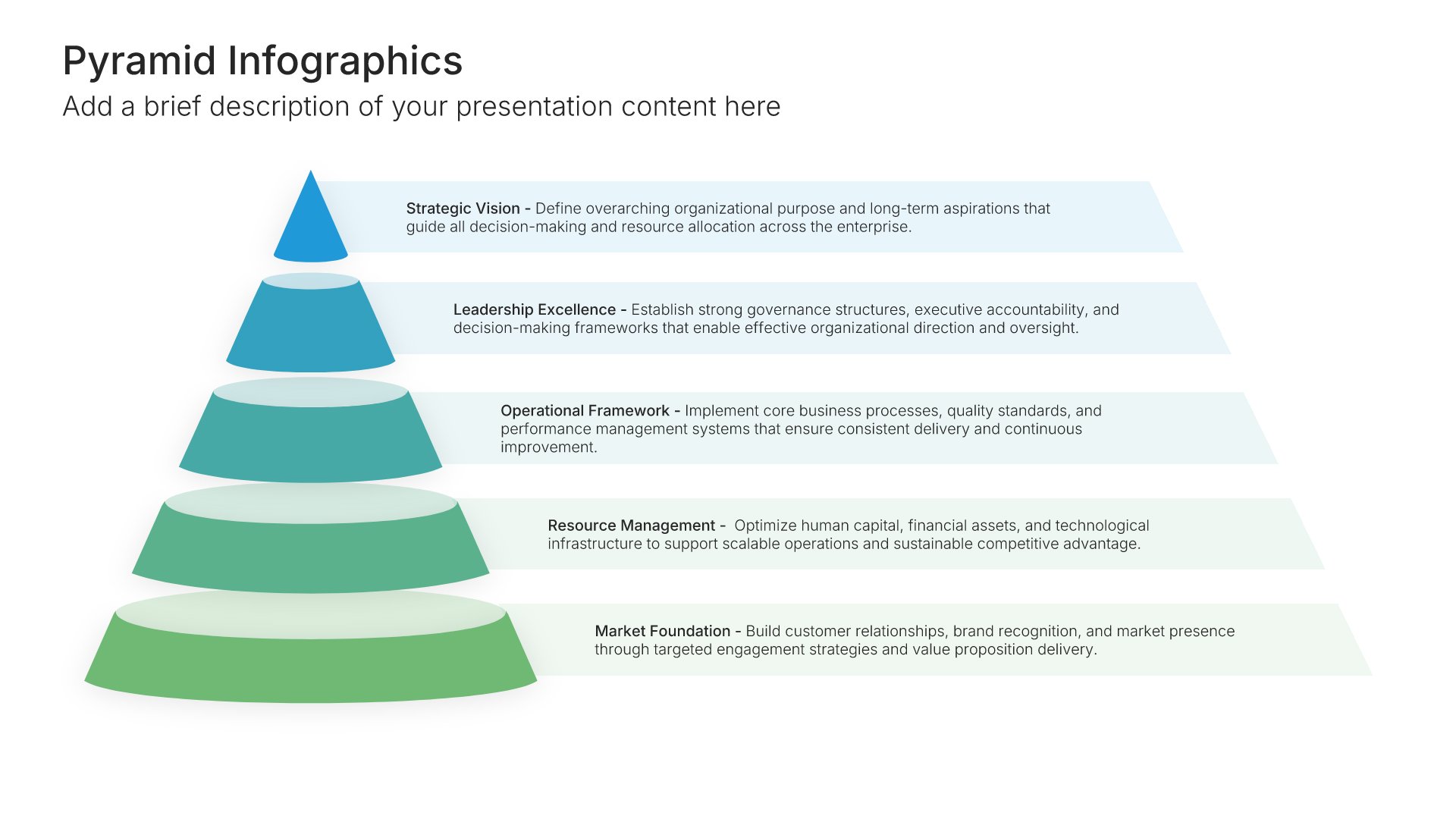
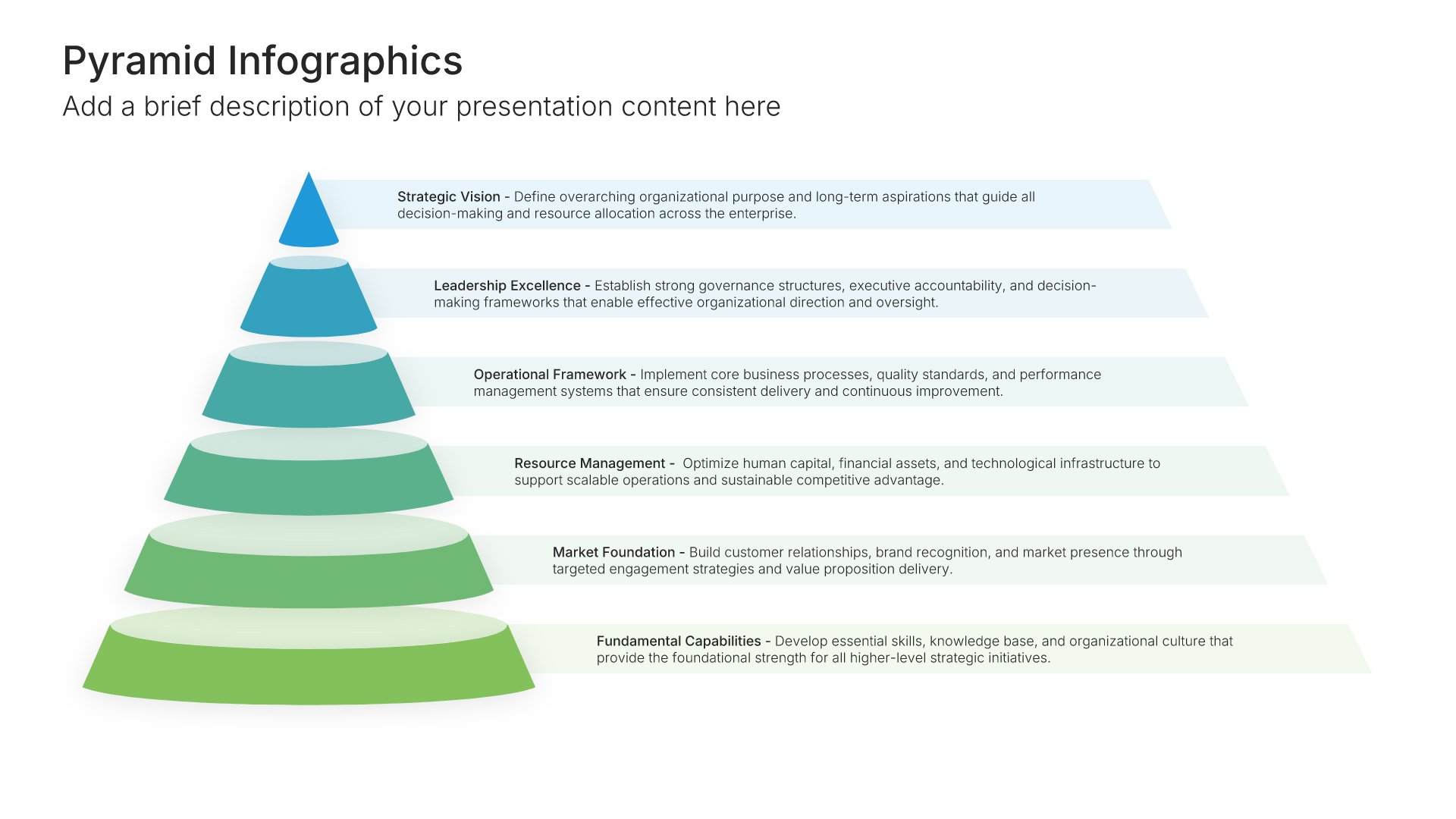
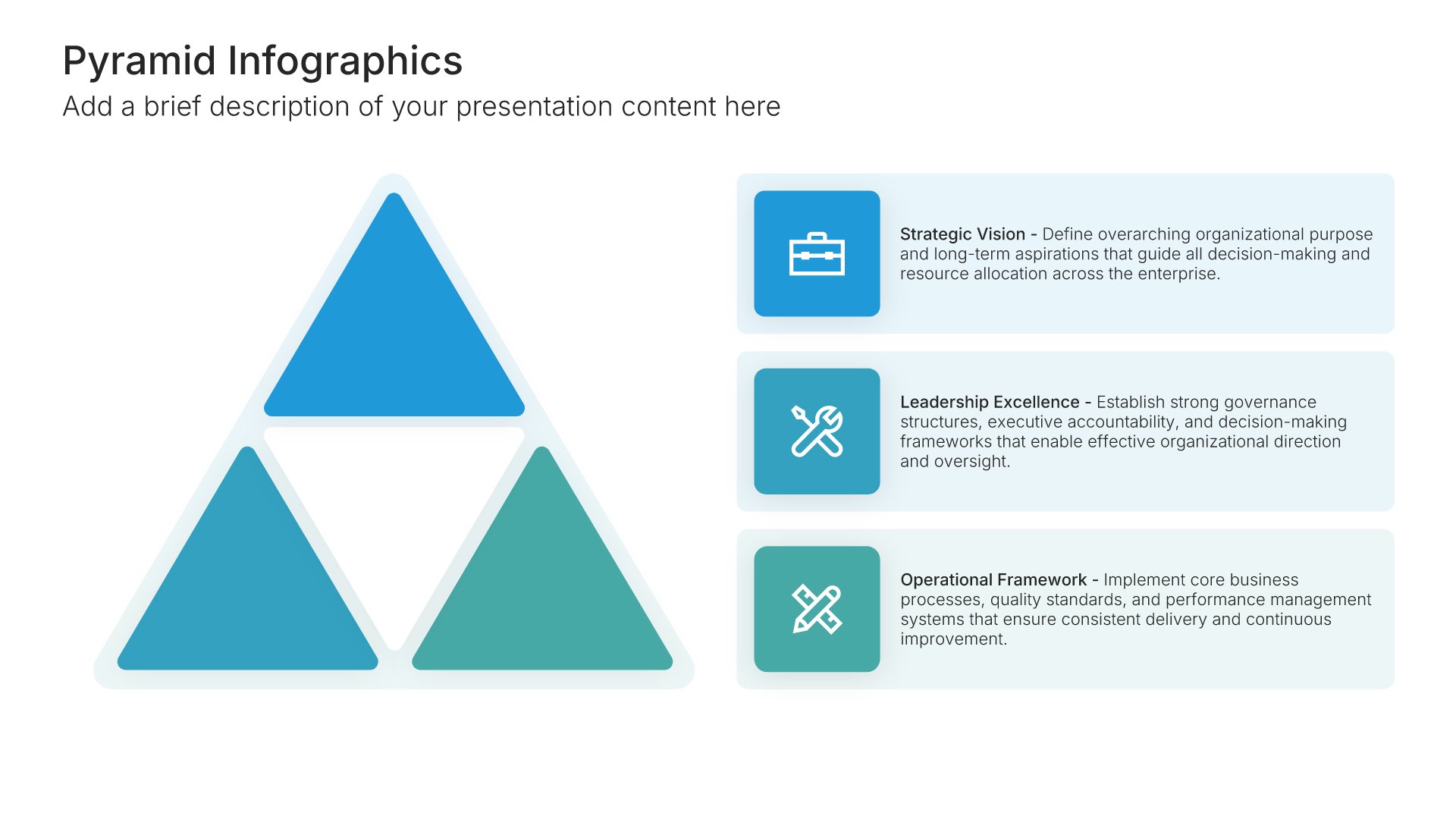
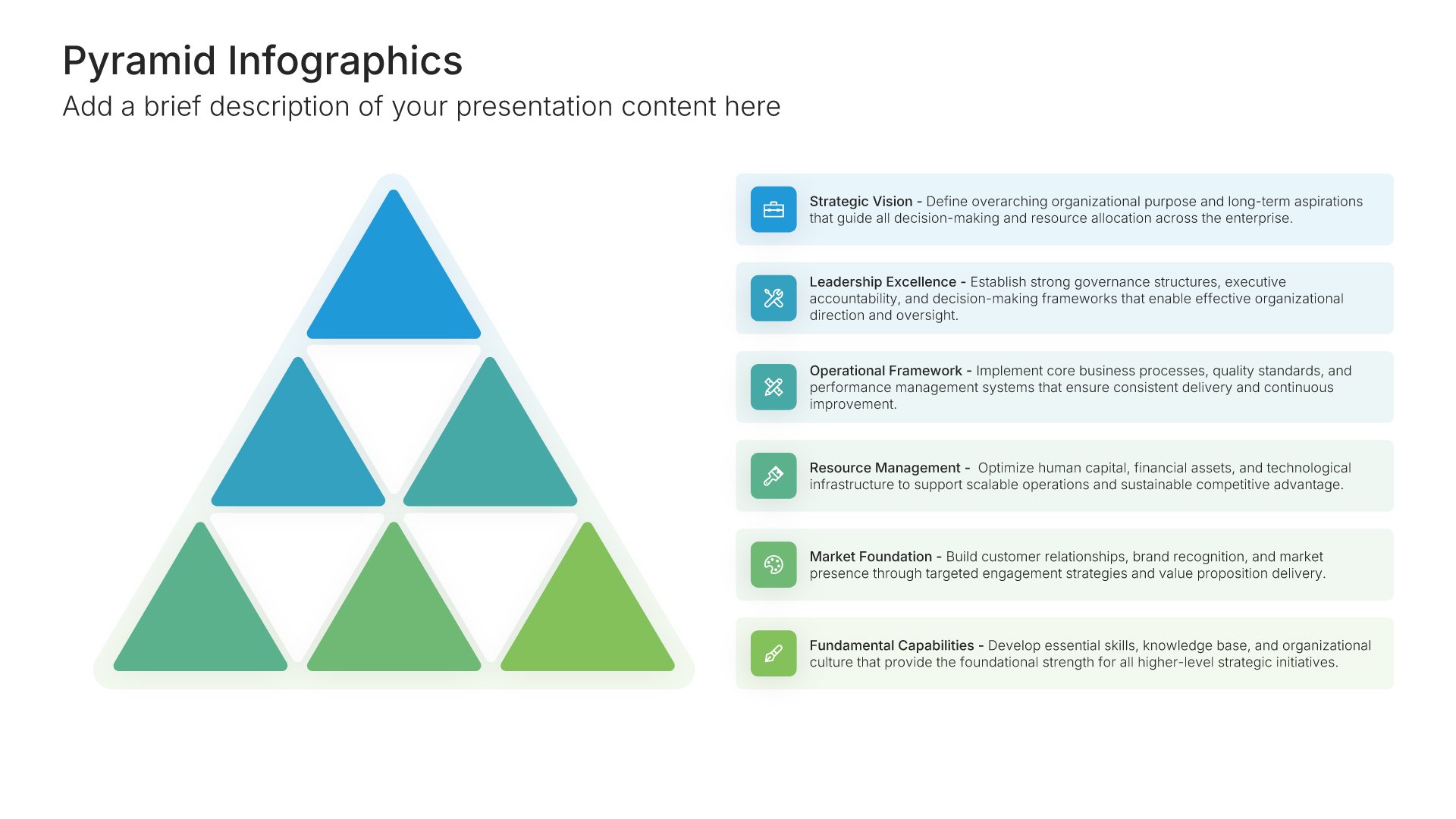
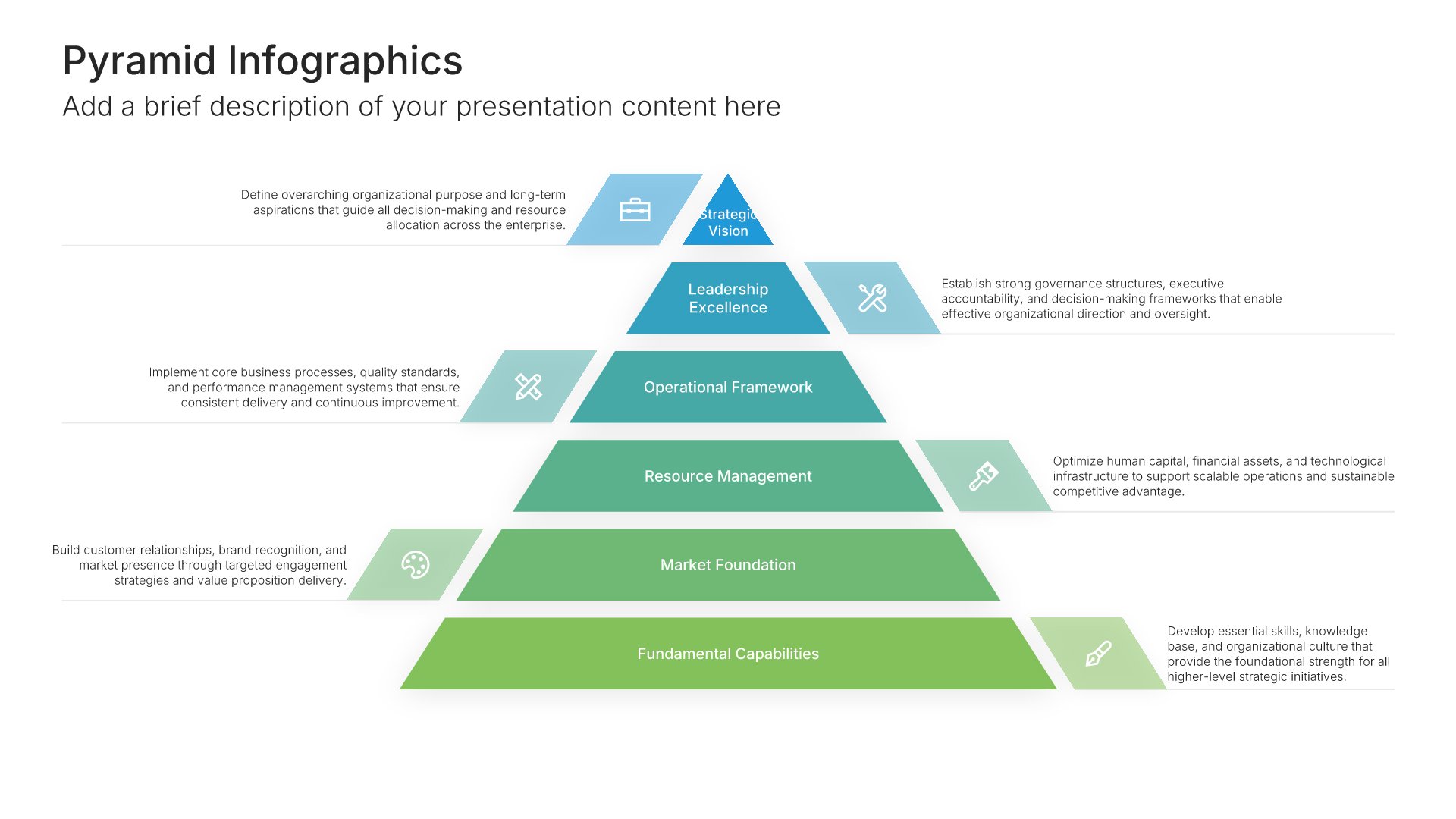
Pyramid Infographics • Slide Library • Layout 01 of 53
Layout 01
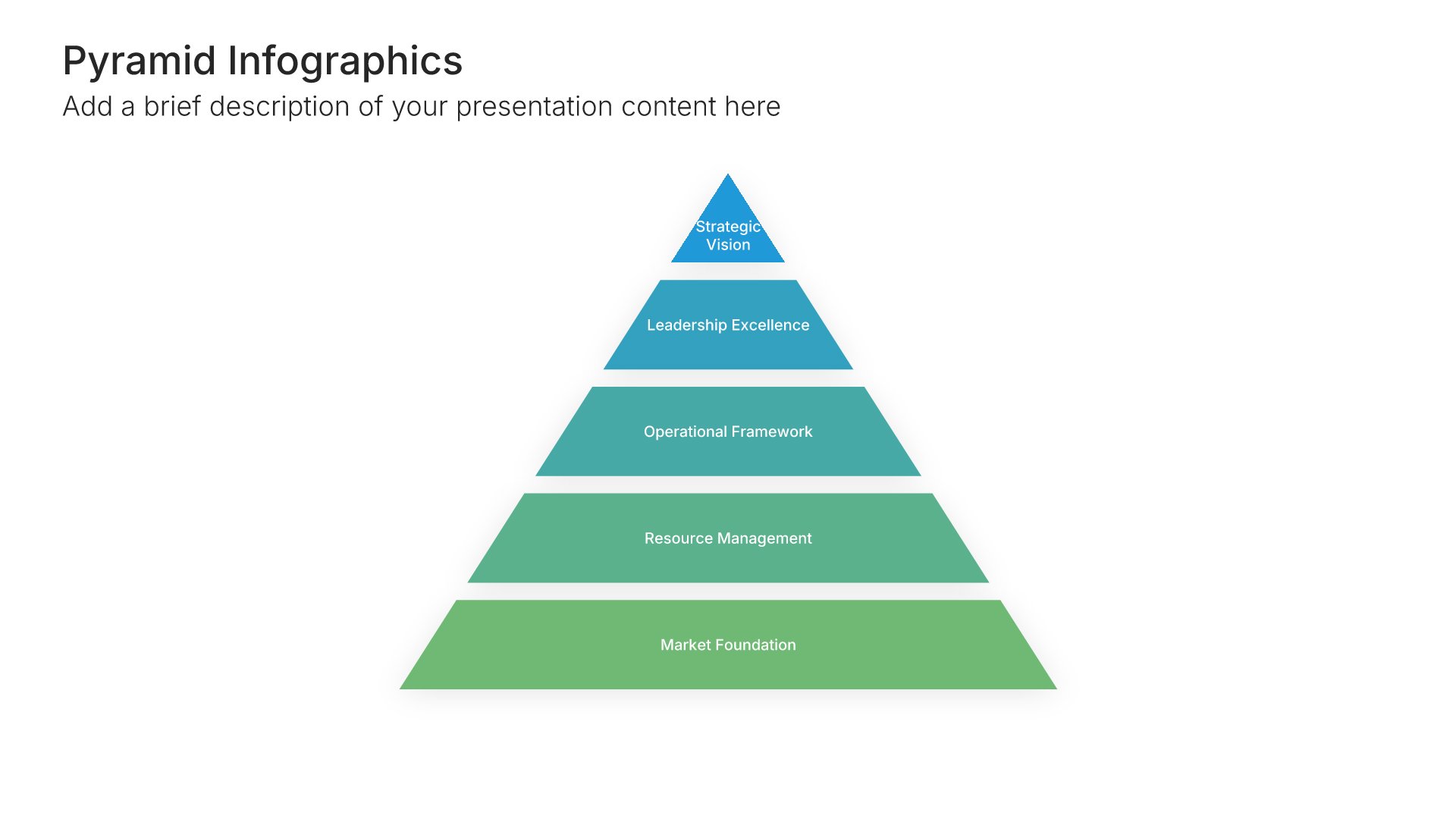
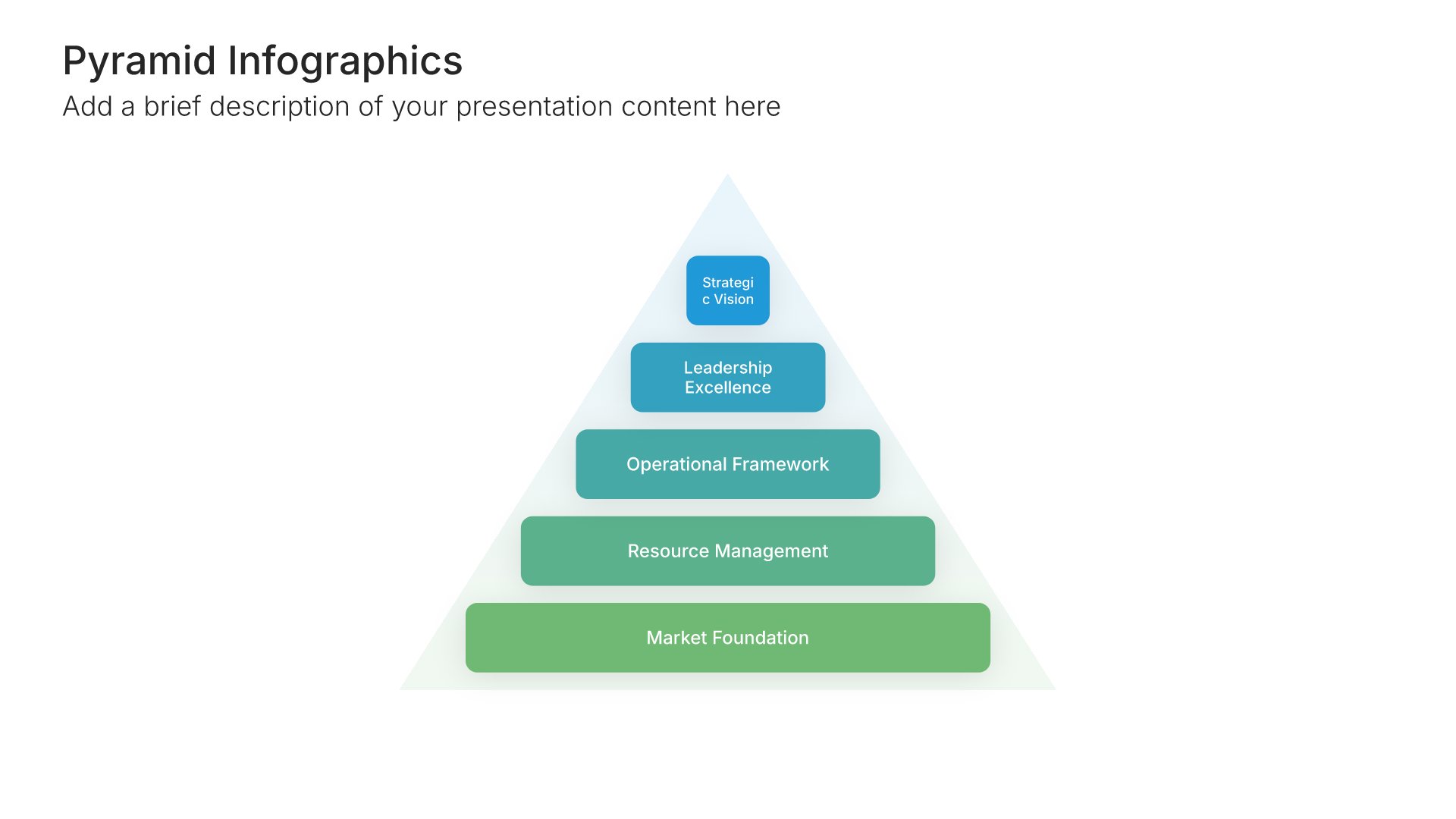
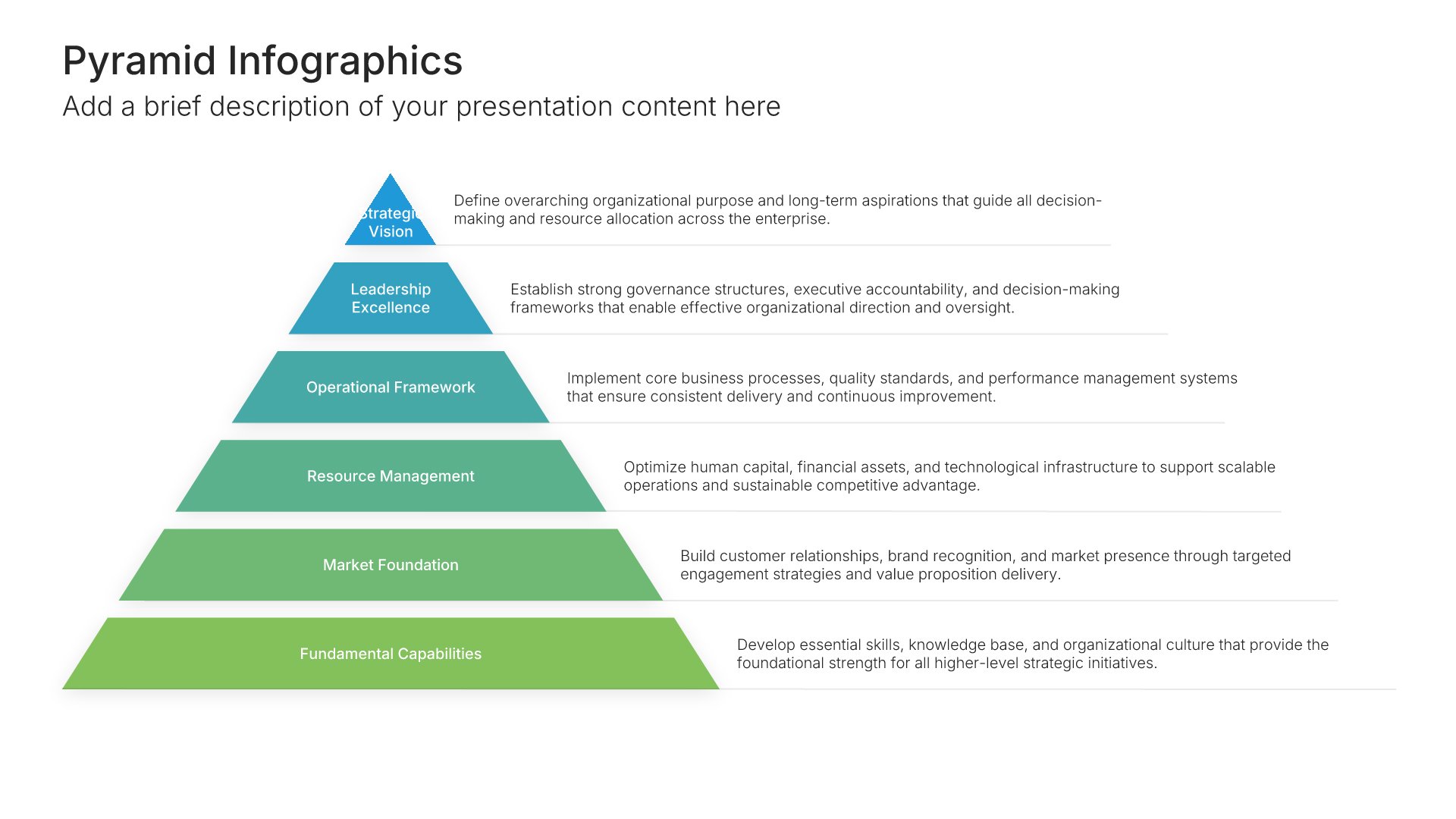
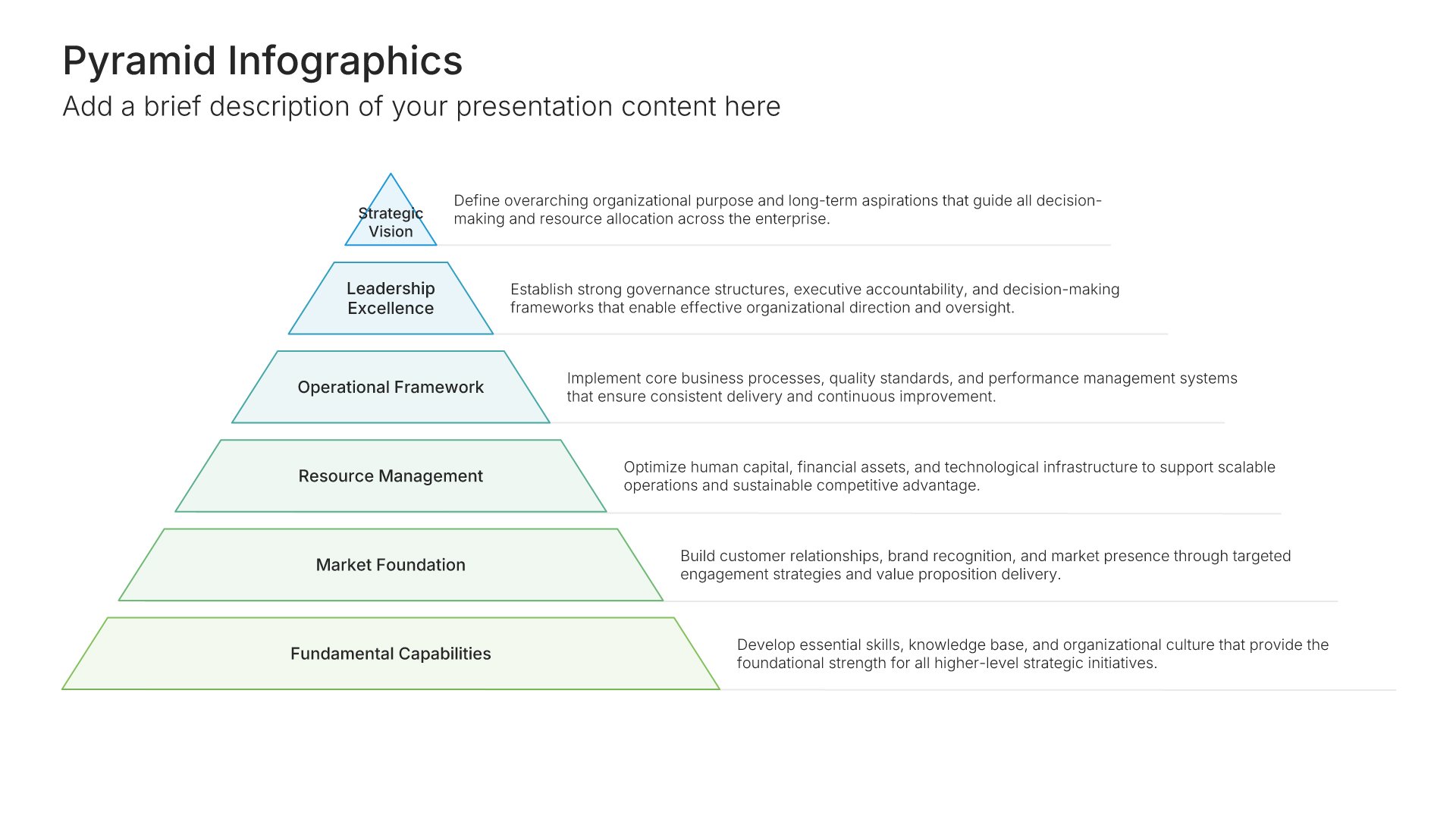
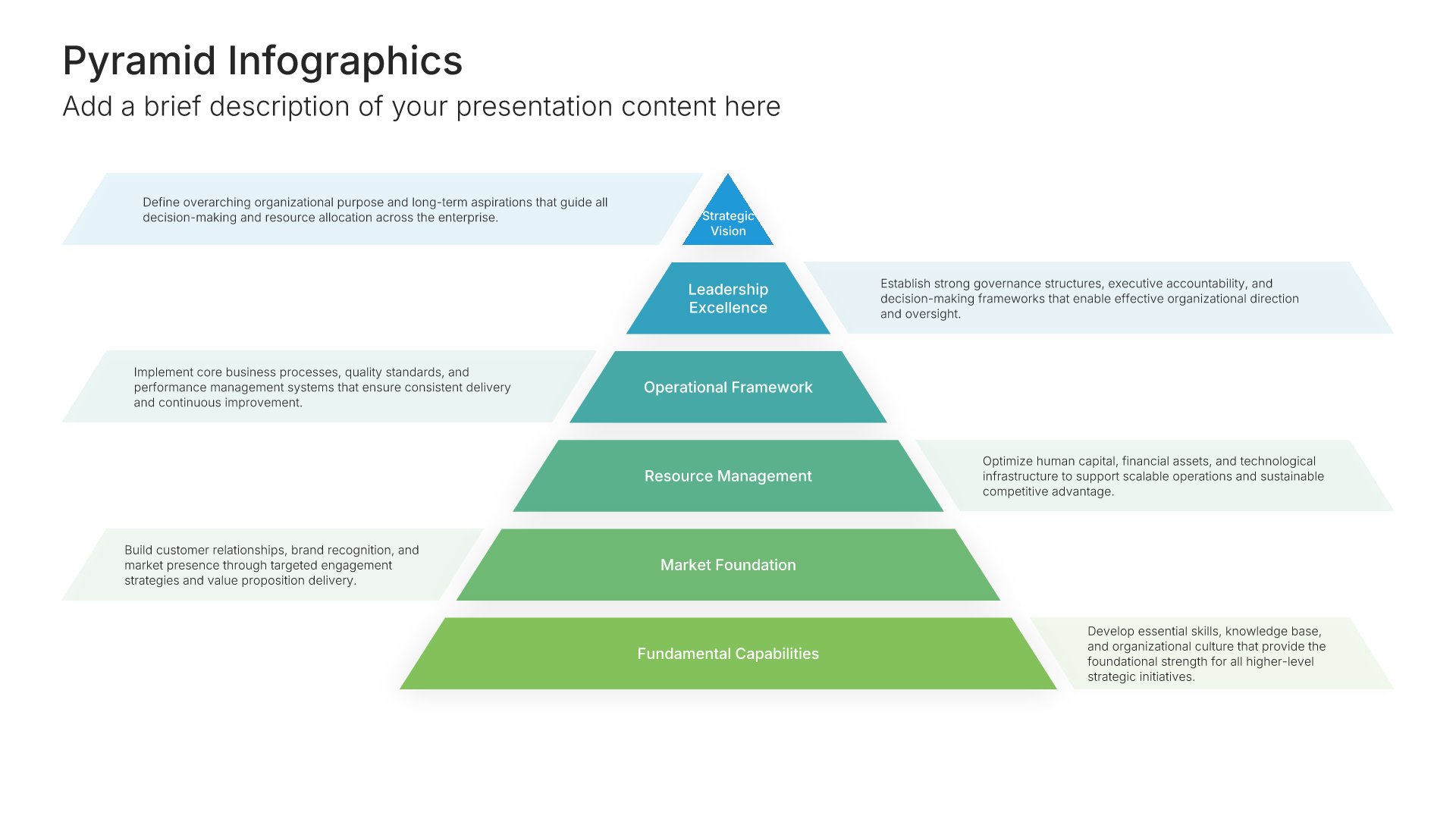
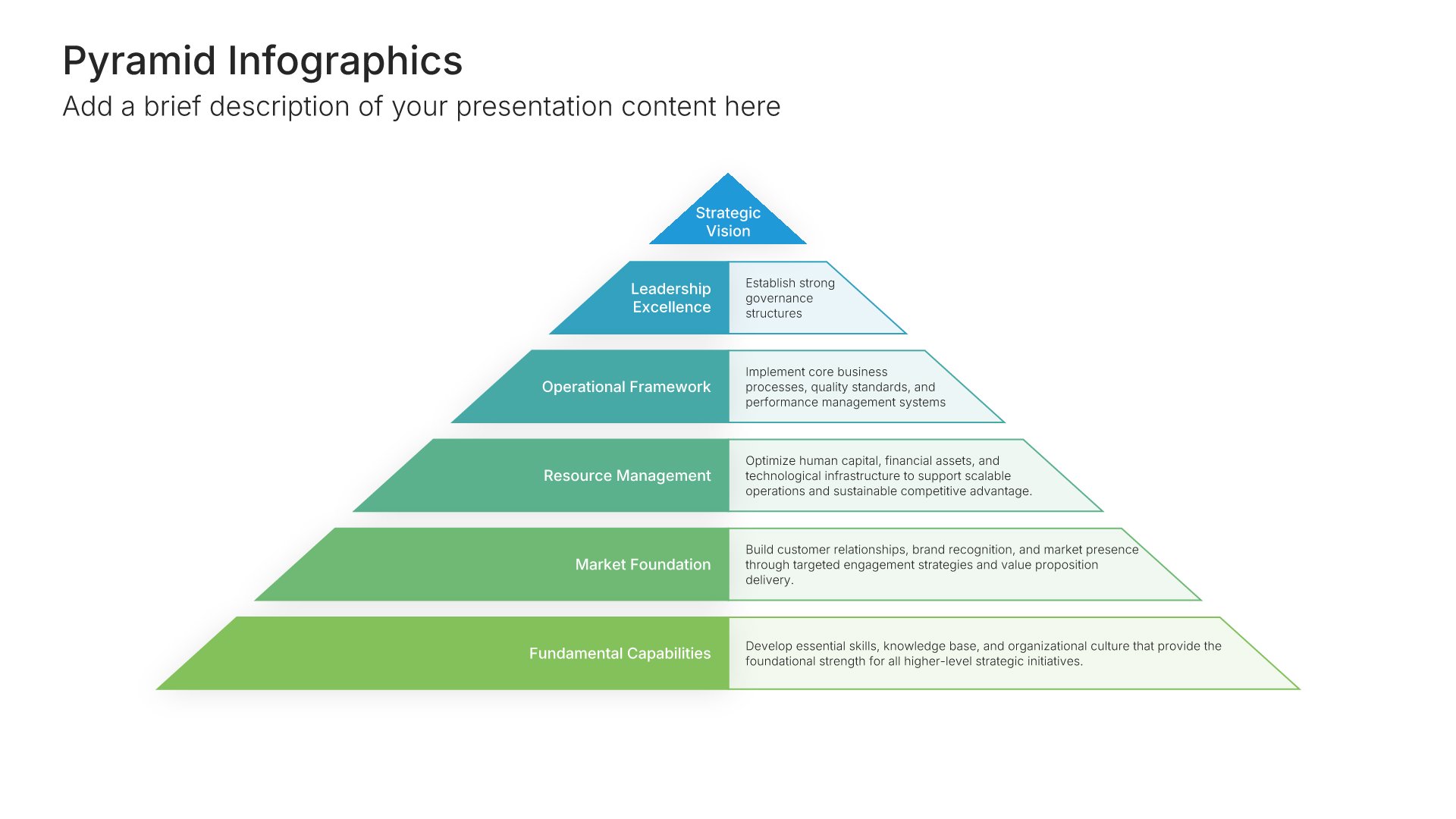
Layout 02
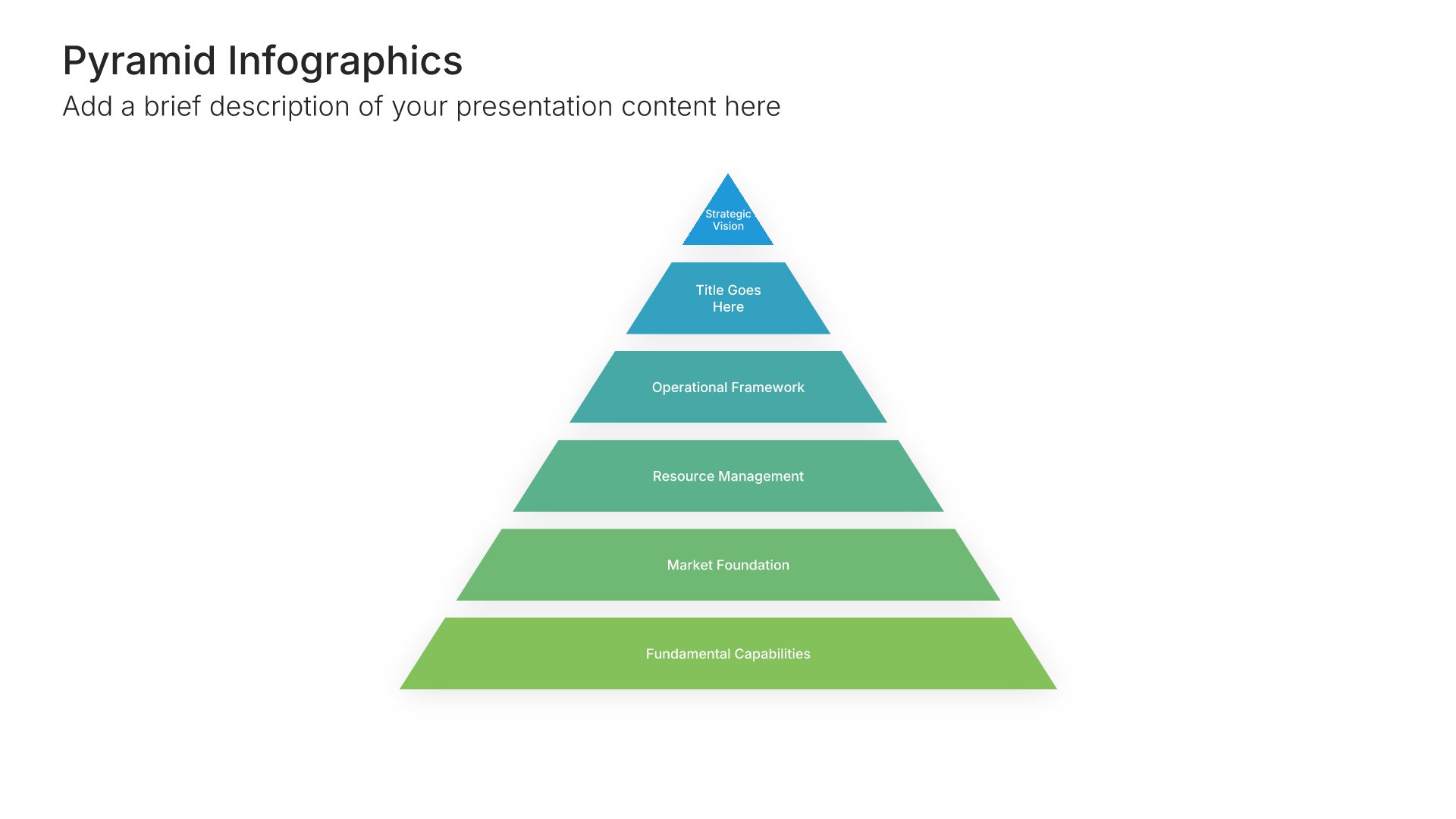
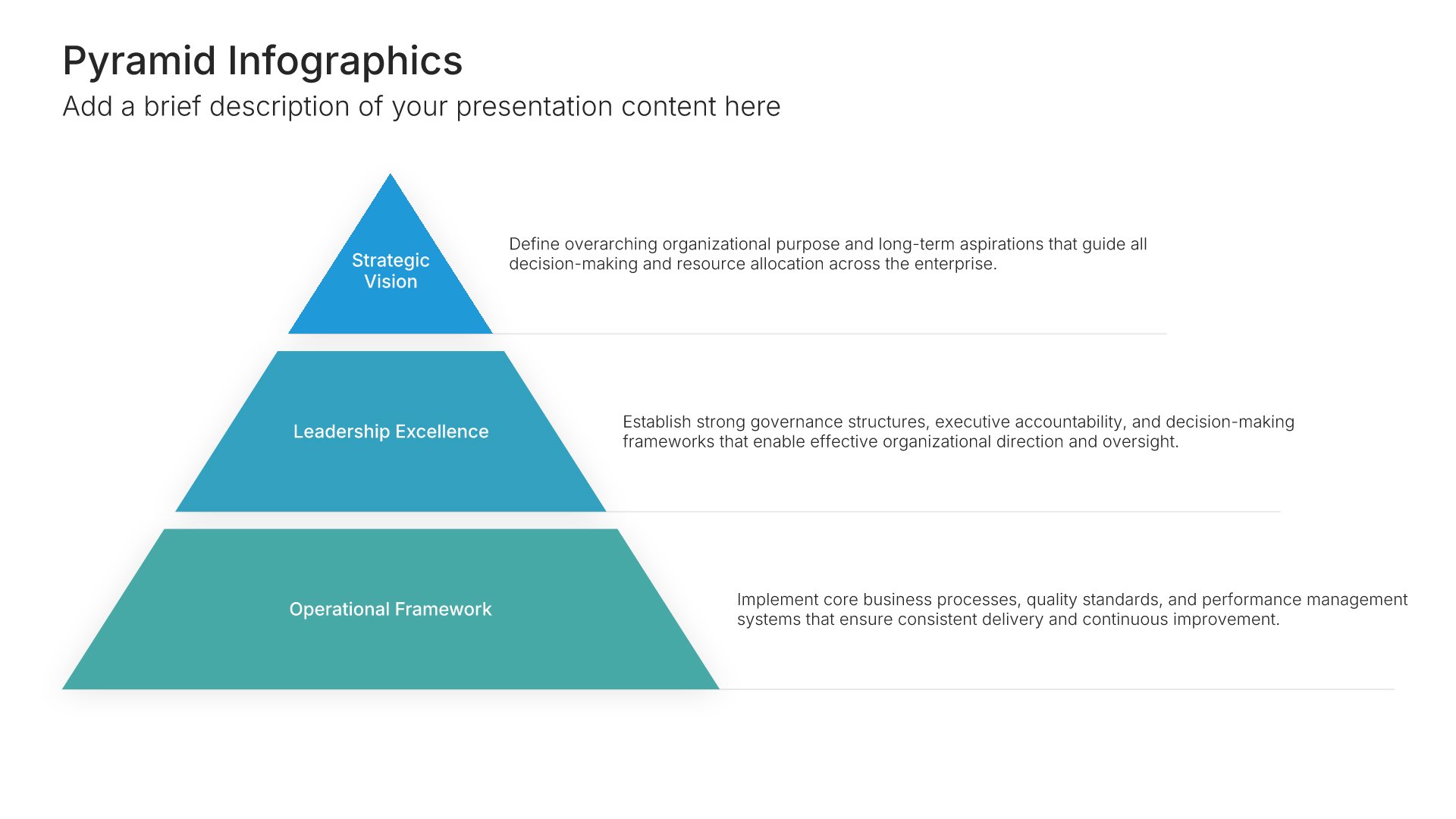
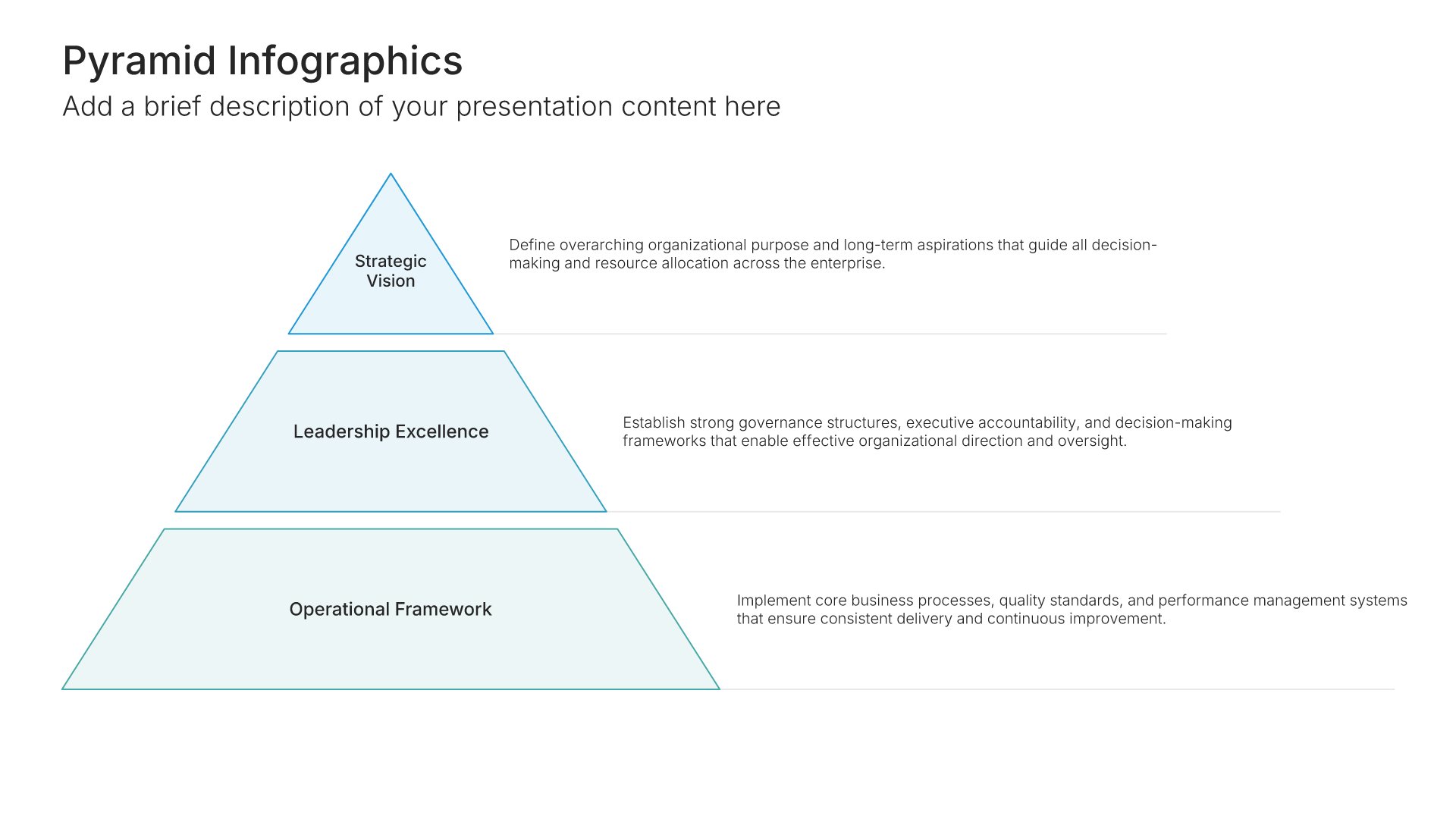
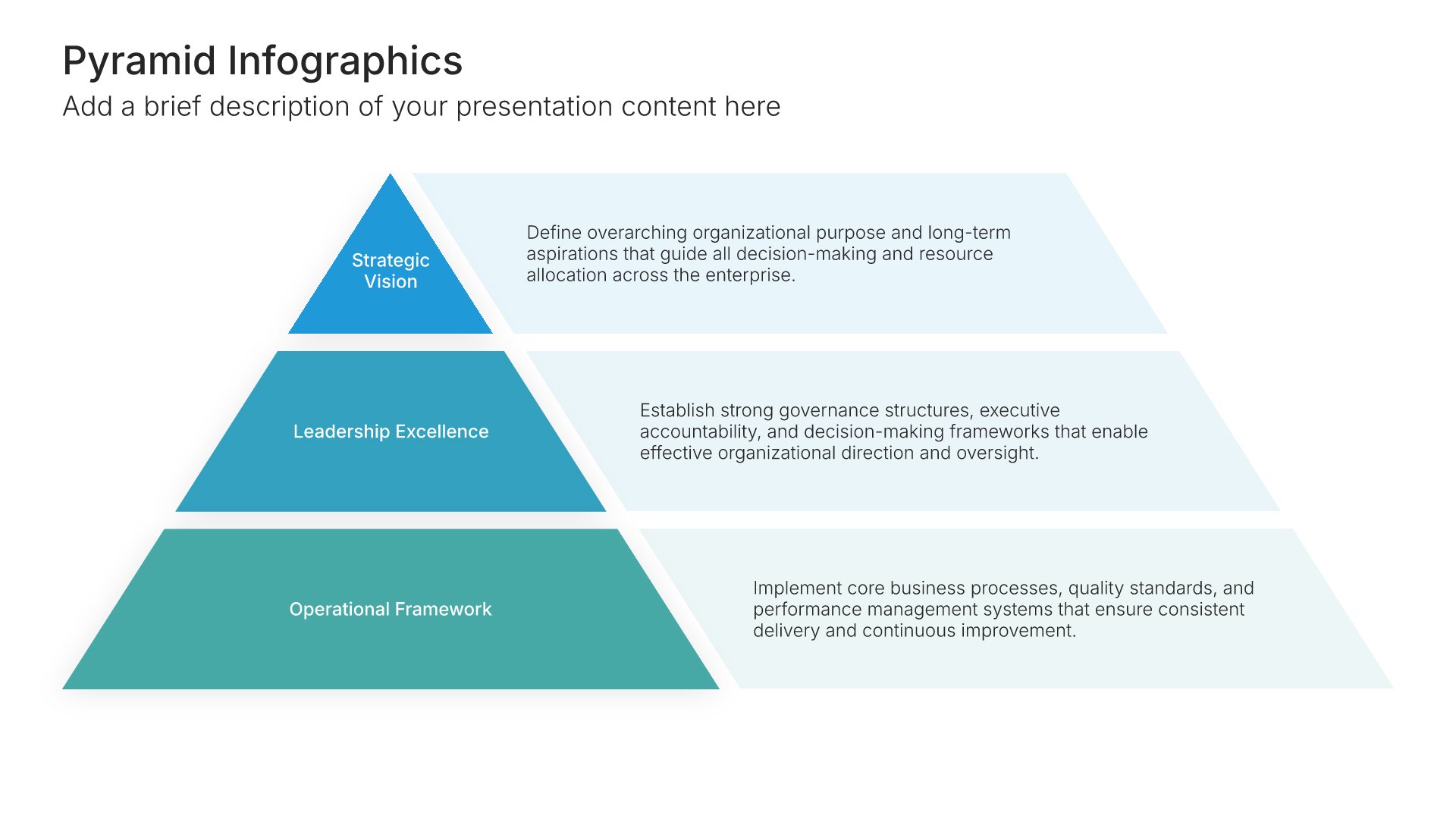
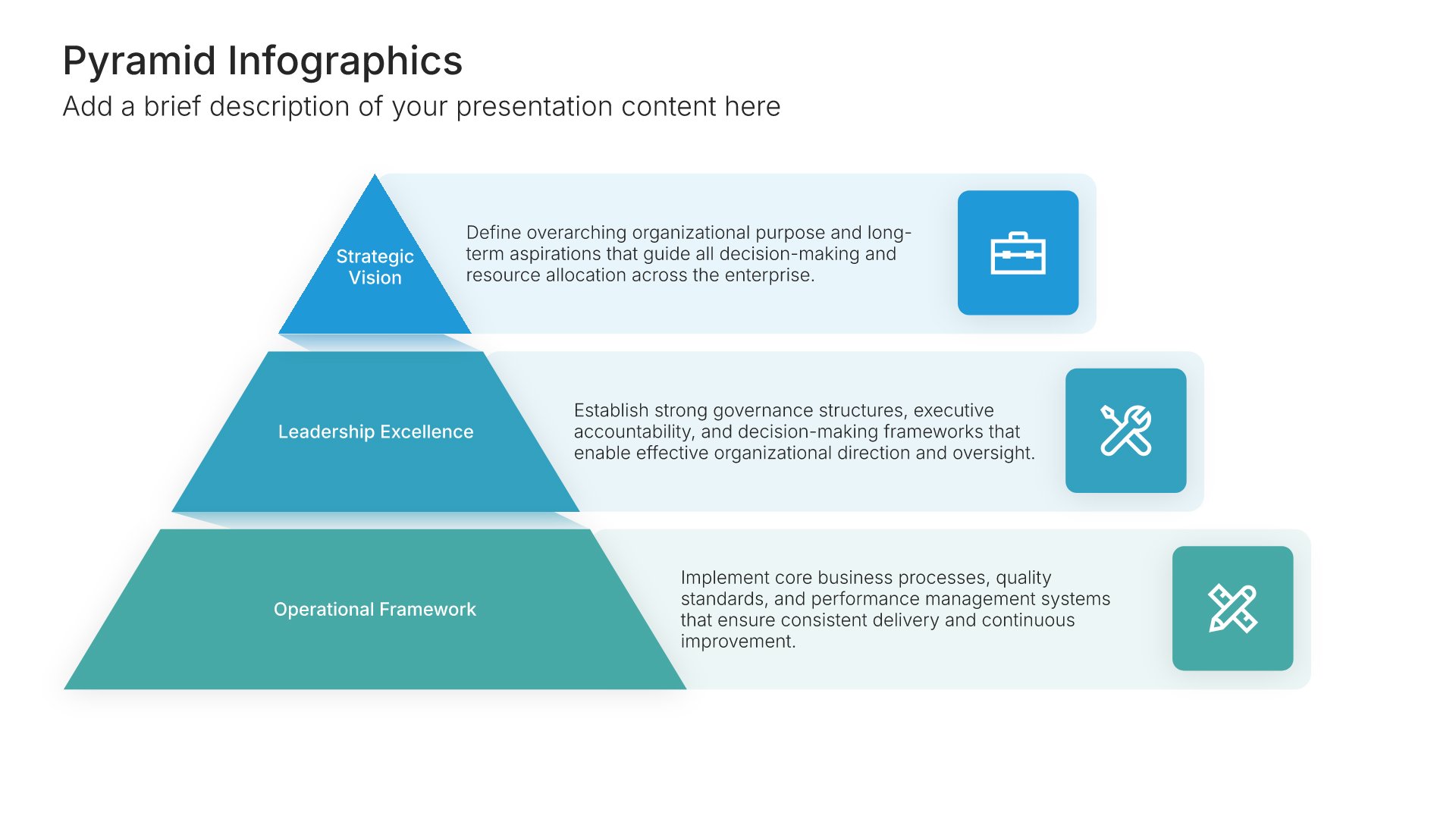
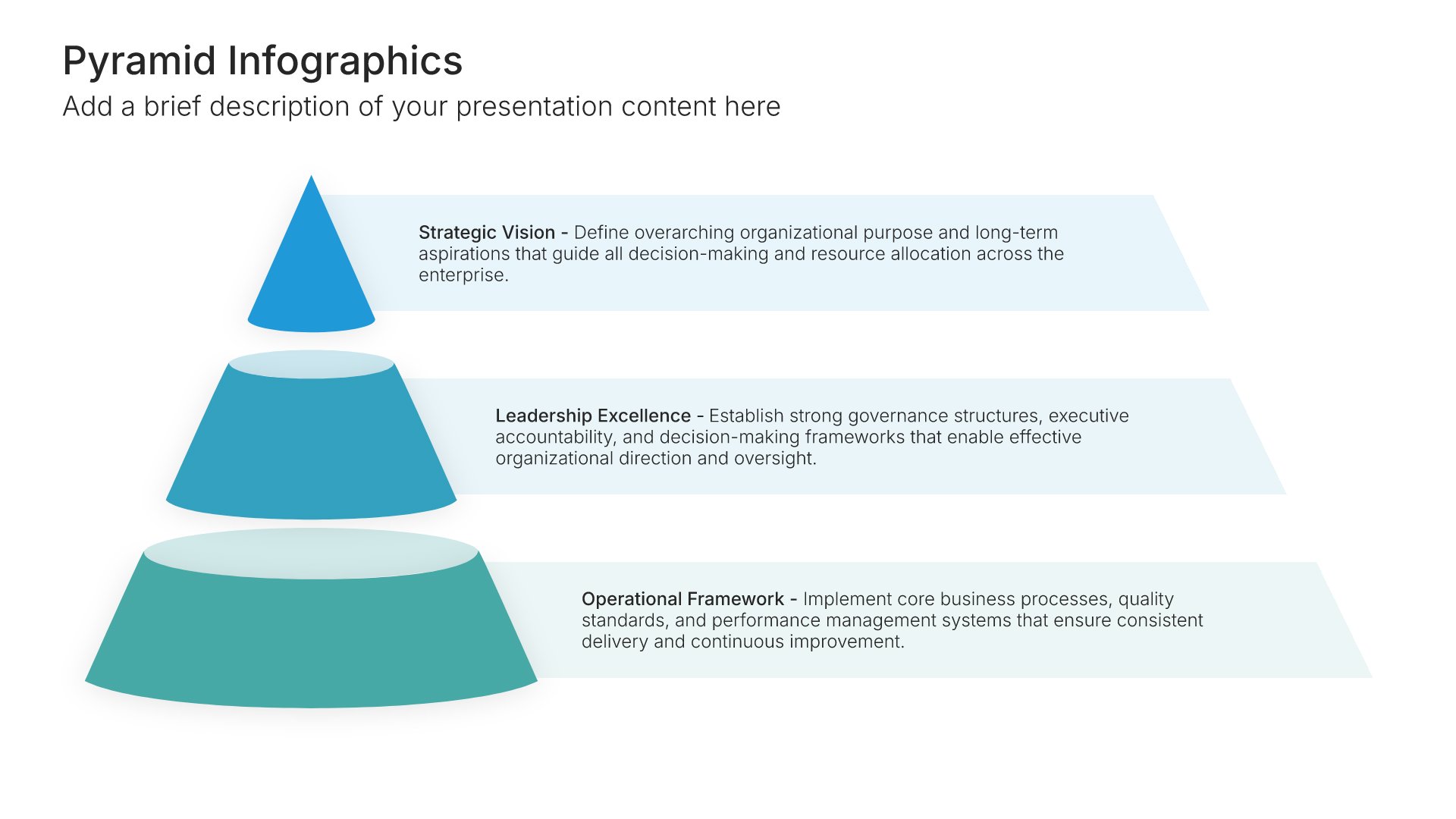
Layout 03
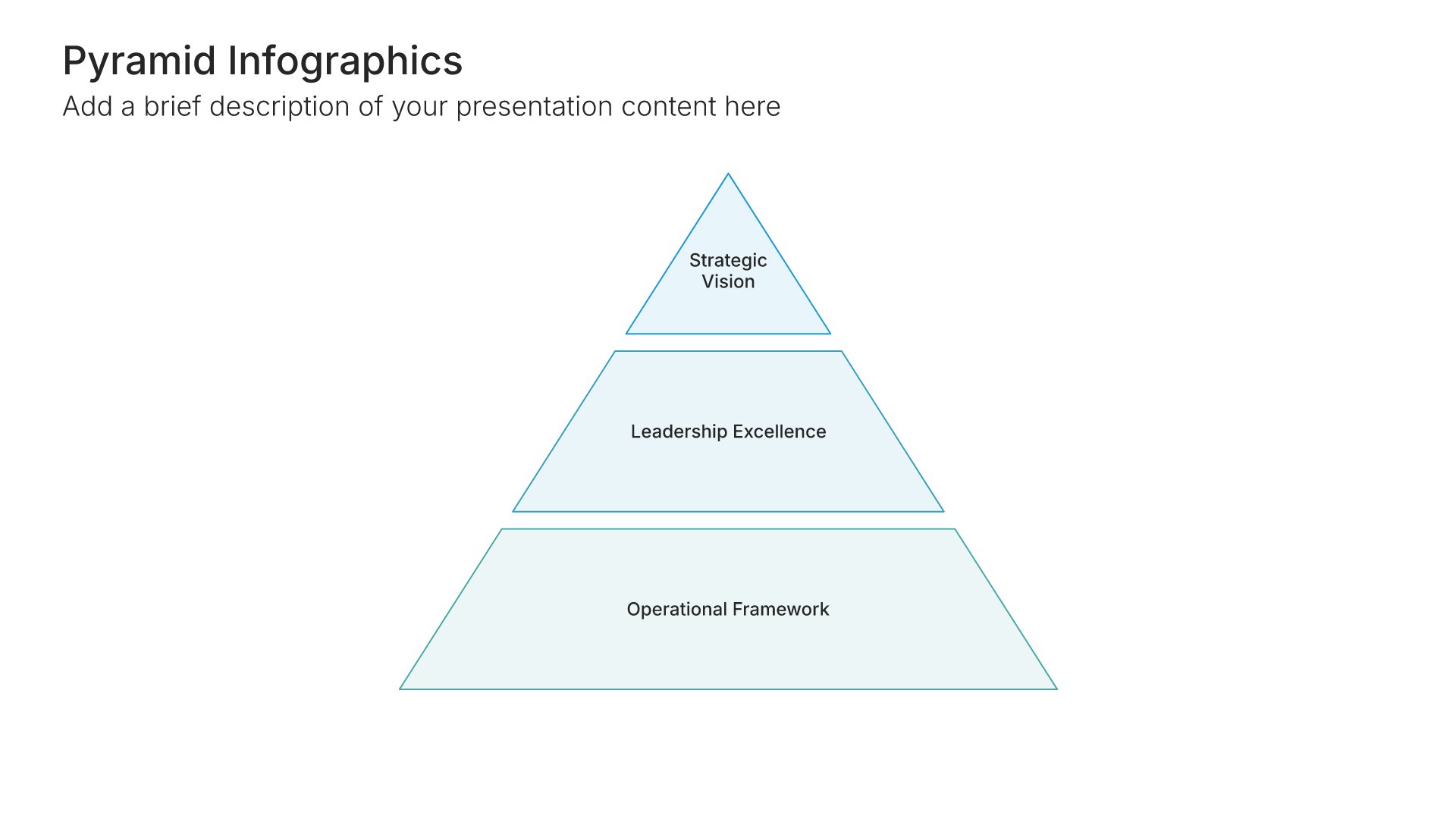
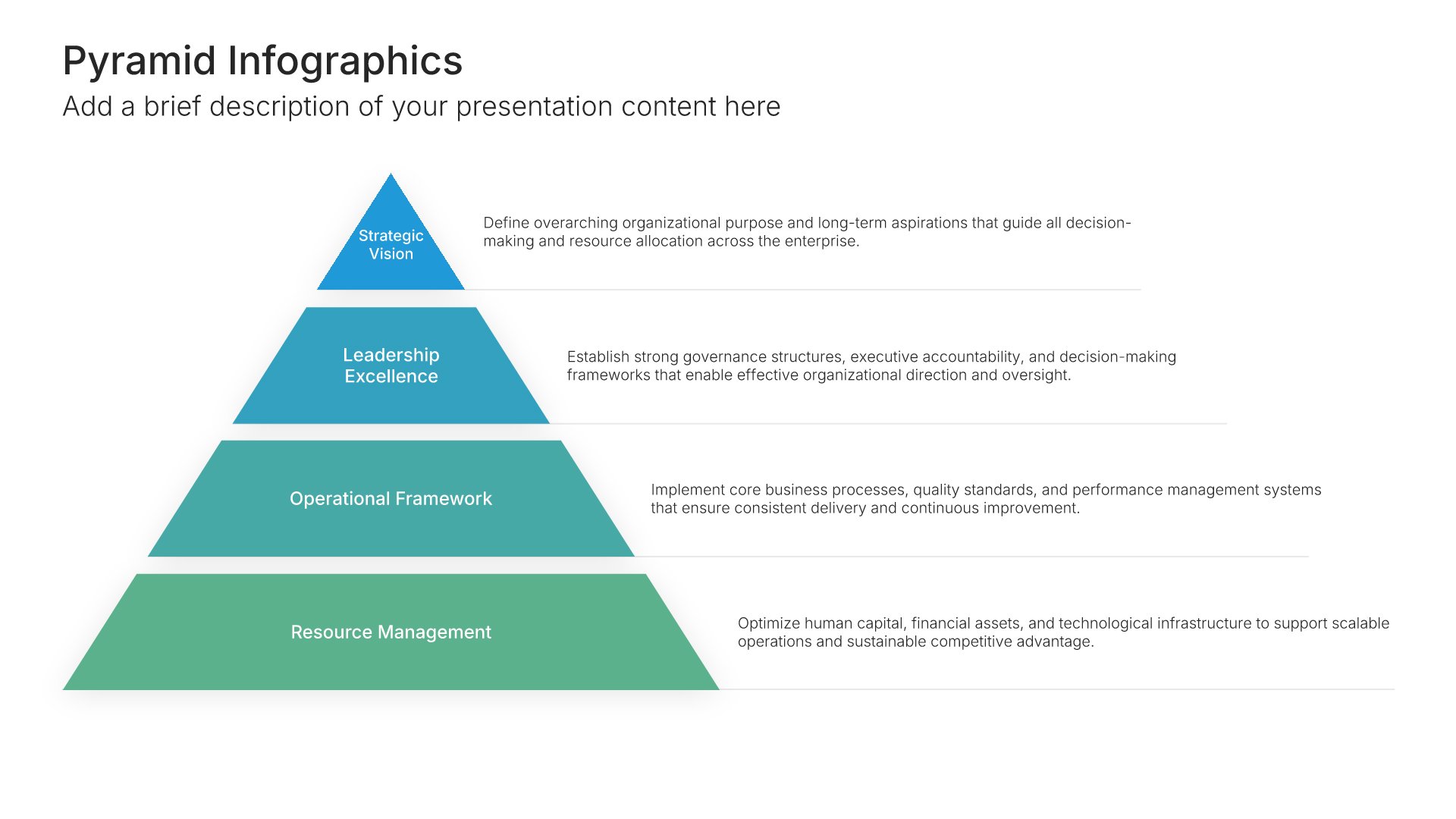
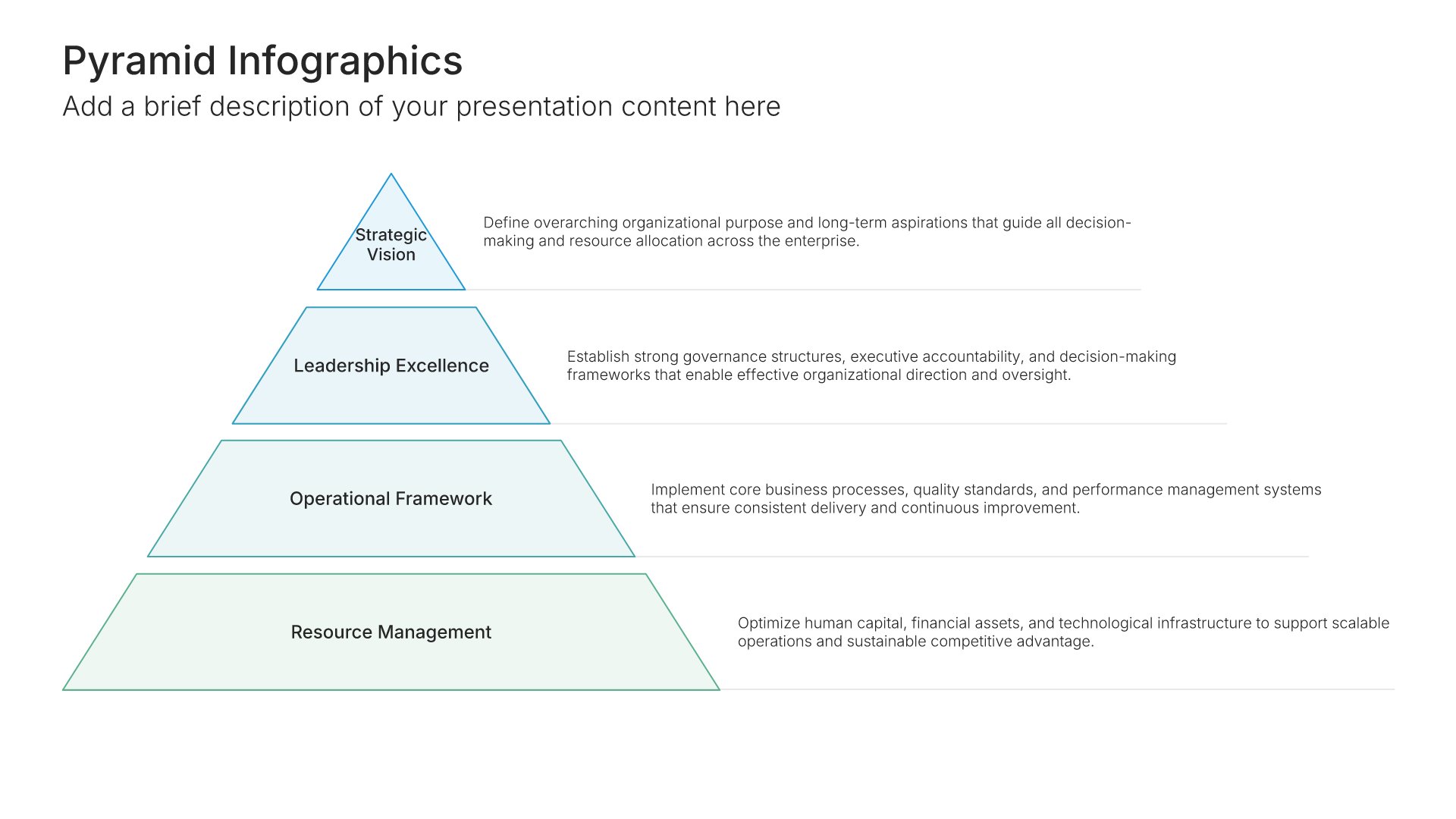
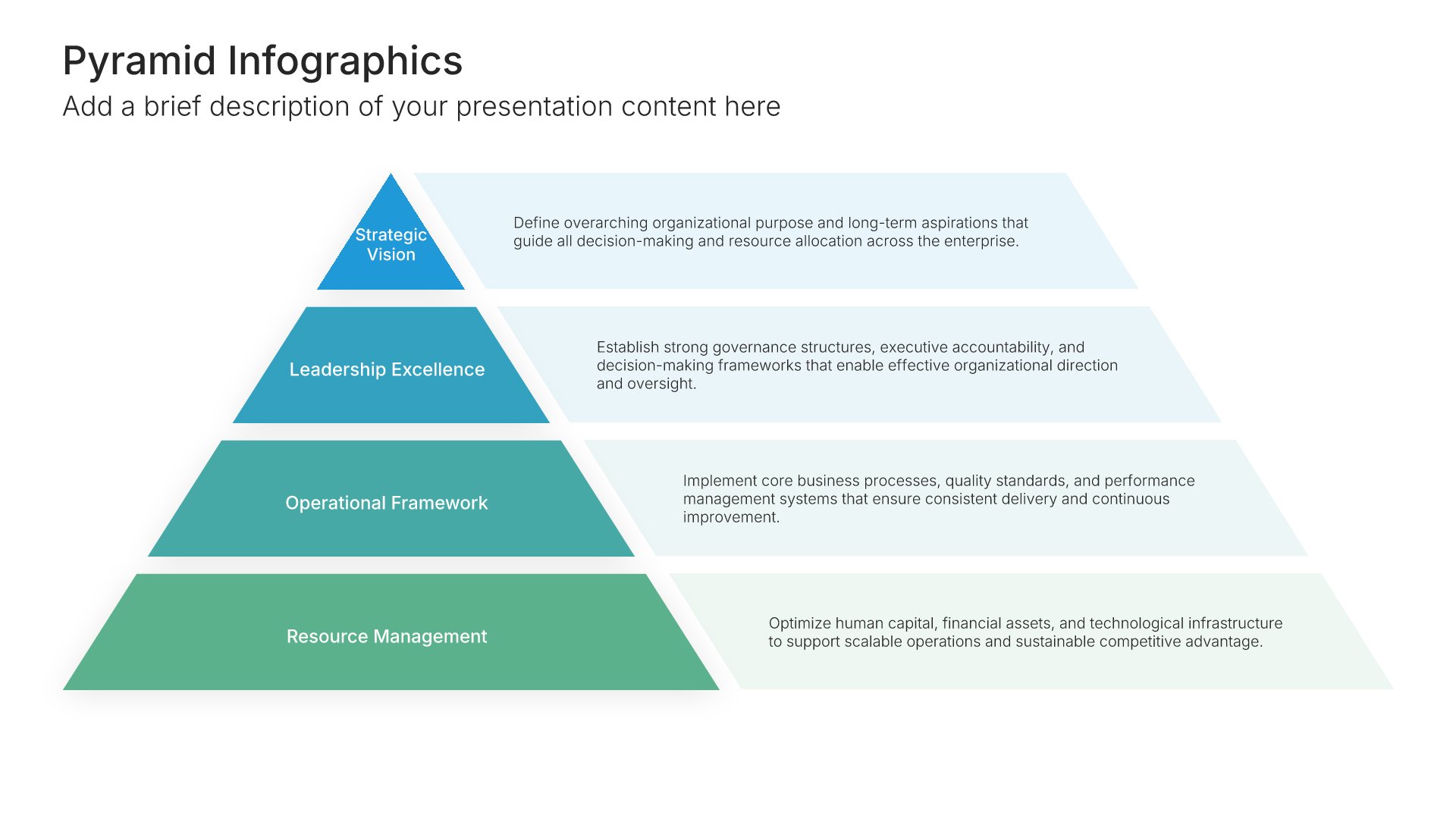
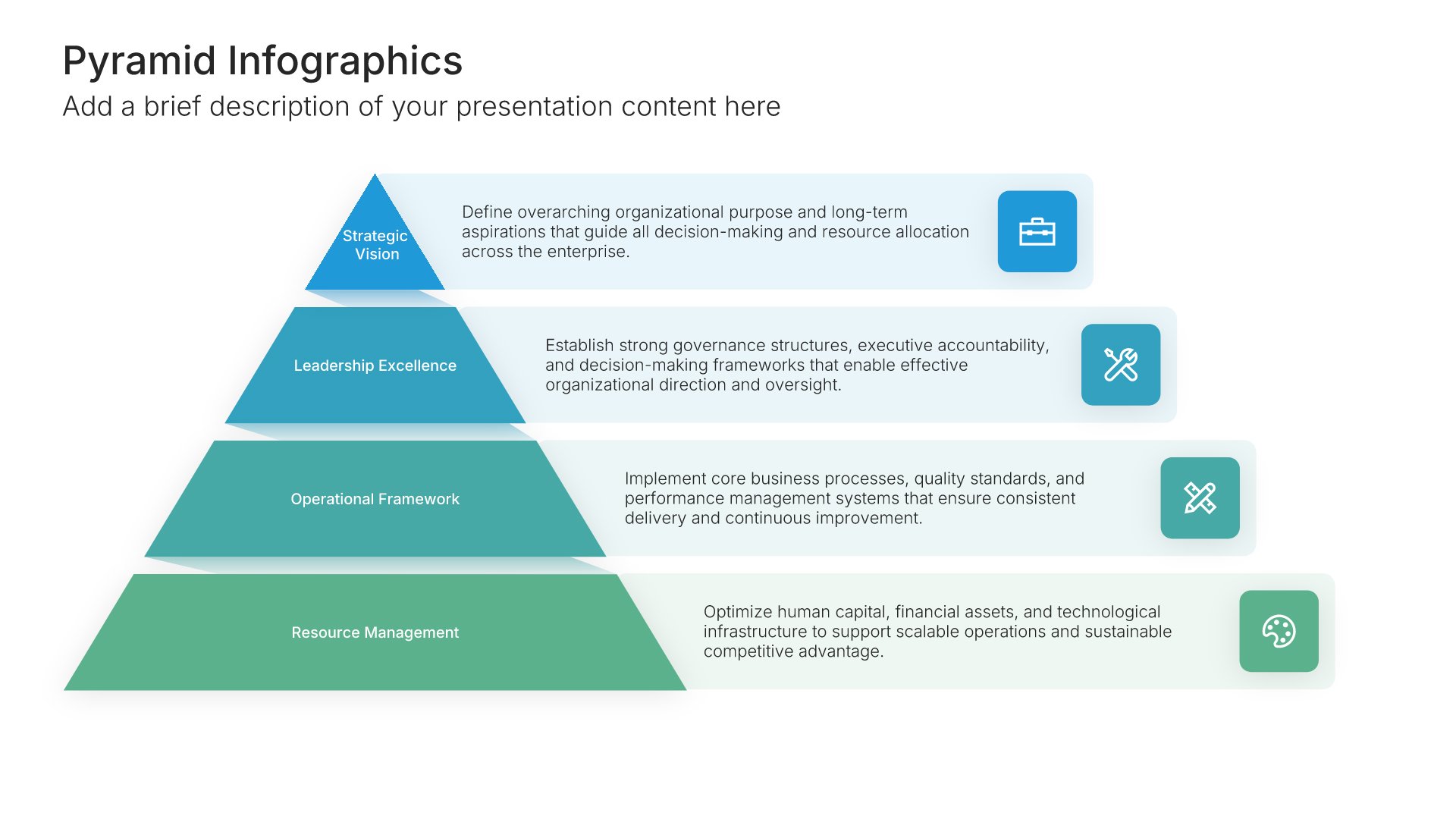
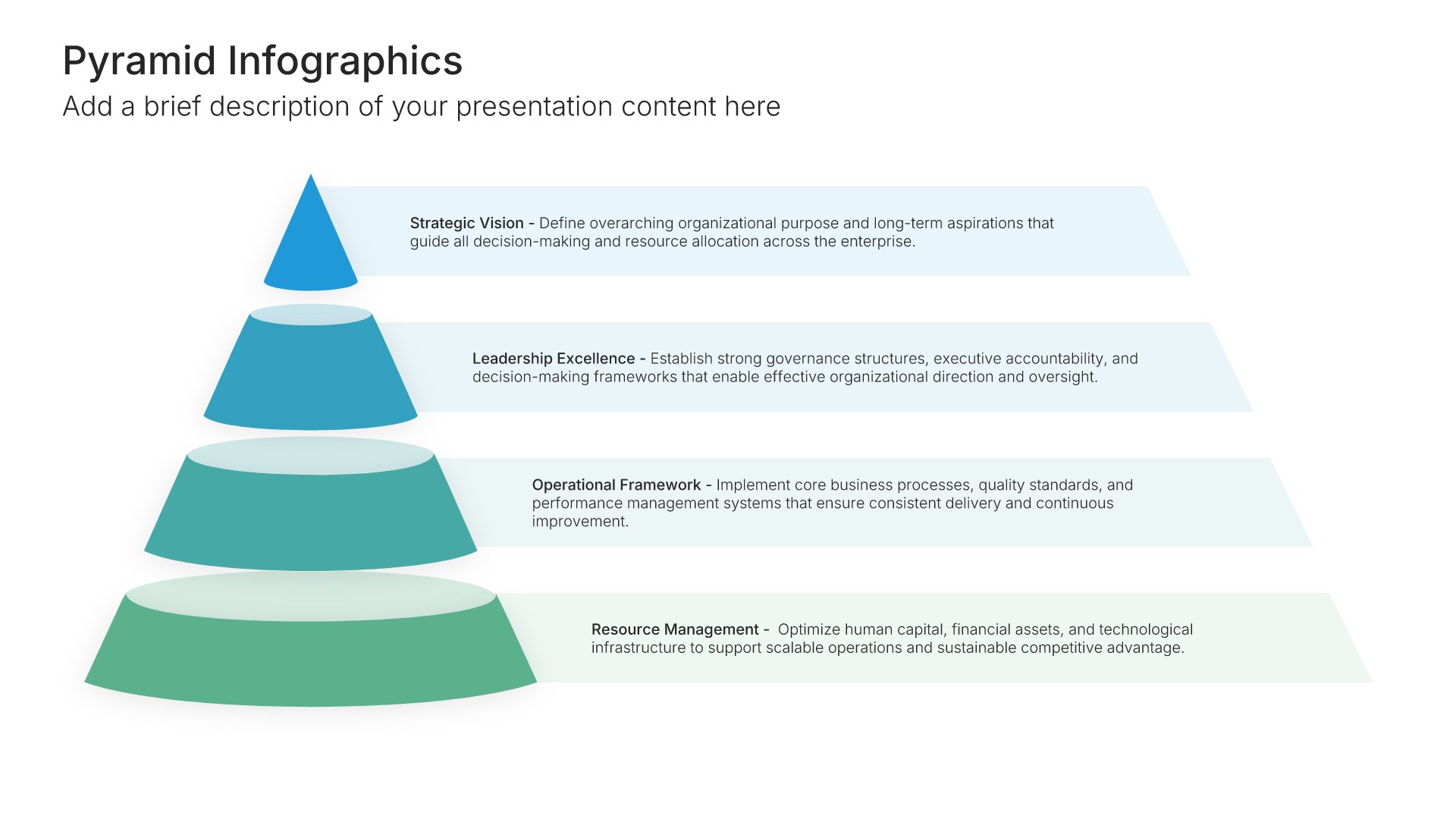
Layout 04
Layout 05
Layout 06
Layout 07
Layout 08
Layout 09
Layout 10
Layout 11
Layout 12
Layout 13
Layout 14
Layout 15
Layout 16
Layout 17
Layout 18
Layout 19
Layout 20
Layout 21
Layout 22
Layout 23
Layout 24
Layout 25
Layout 26
Layout 27
Layout 28
Layout 29
Layout 30
Layout 31
Layout 32
Layout 33
Layout 34
Layout 35
Layout 36
Layout 37
Layout 38
Layout 39
Layout 40
Layout 41
Layout 42
Layout 43
Layout 44
Layout 45
Layout 46
Layout 47
Layout 48
Layout 49
Layout 50
Layout 51
Layout 52
Layout 53
About our pyramid slides
What the slide does, how to use it, your brand, and a file you can edit anywhere.
Built to show what narrows as it rises
The pyramid is one of the most familiar shapes in business communication, from Maslow’s hierarchy of needs to customer segments and organizational levels. A pyramid infographic works whenever something narrows as it rises: many at the bottom, few at the top. The width of each level tells the audience how big it is compared with the others.
Why the shape shows size and priority at once
A pyramid carries two messages in one picture. The base is the largest and the foundation for everything above it. The top is the smallest and usually the goal. So the audience understands both scale and importance without needing a single number.
Brand the whole presentation in one click
Add your logo, colors, fonts, and background once. It applies to the whole presentation and the entire slide library at the same time. Pyramid slides appear in strategy, marketing, and HR presentations alike, so once branded, every level carries your colors.
Export to PowerPoint, Google Slides, or Keynote
You get a real file, not a locked link. Export it and keep editing in the tool you already use. Every level and its label stay editable, so you can add tiers or resize them to fit your data.
How Choladeck works
From blank page to finished presentation in four steps.
STEP 01
Browse 9,000+ slides across 134+ categories, or open one of the 74 premade presentations.
STEP 02
Add your logo, colors, and fonts in one click. The whole presentation instantly matches your company.
STEP 03
Add your text, numbers, charts, and tables. Everything on the slide is editable.
STEP 04
Send it to PowerPoint, Google Slides, or Keynote, and present.
Need a complete presentation instead?
If you're starting from nothing rather than fixing a few slides, open one of 74+ premade presentations instead. Each one is complete and built for one purpose, from pitch decks to business plans and company profiles.
Questions about pyramid infographic slides
How the slides work, and how far you can change them.
Using the slides
Can I edit these slides in PowerPoint?
+Yes. Export to PowerPoint, Google Slides, or Keynote, and every level and its label stays editable. Nothing is locked and nothing is a flat image.
How do I brand them to my company?
+Add your logo, colors, fonts, and background once. It applies to the whole presentation and the entire slide library at the same time.
Can I mix them with other slides from the library?
+Yes. Add a pyramid slide to any premade template, or pair it with levels or layer slides from the library. Branding applies across all of them.
About pyramid infographics
When should I use a pyramid infographic?
+When items form a hierarchy that narrows toward the top, such as customer tiers, priorities, or levels of an organization.
How many levels should a pyramid have?
+Three to five is typical. More than that and the top levels become too narrow to label.
How is a pyramid different from a levels or layer slide?
+A pyramid shows each level getting smaller as it rises. Levels and layers can be the same size, so they focus on order rather than scale.
Your next pyramid infographic slide is already designed
Pick a layout, brand it in one click, add your content, and export.
Free to start. No credit card required.