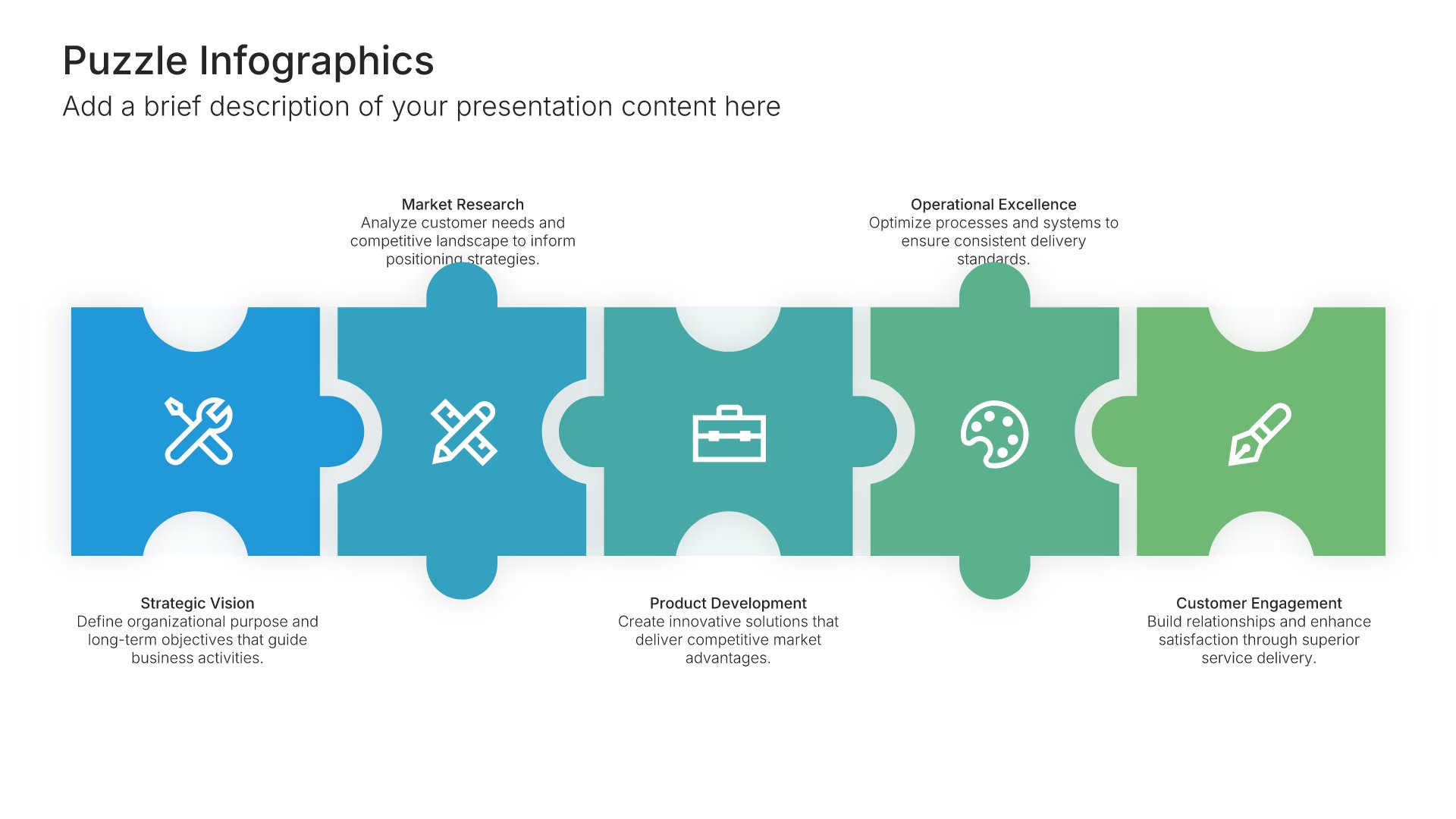
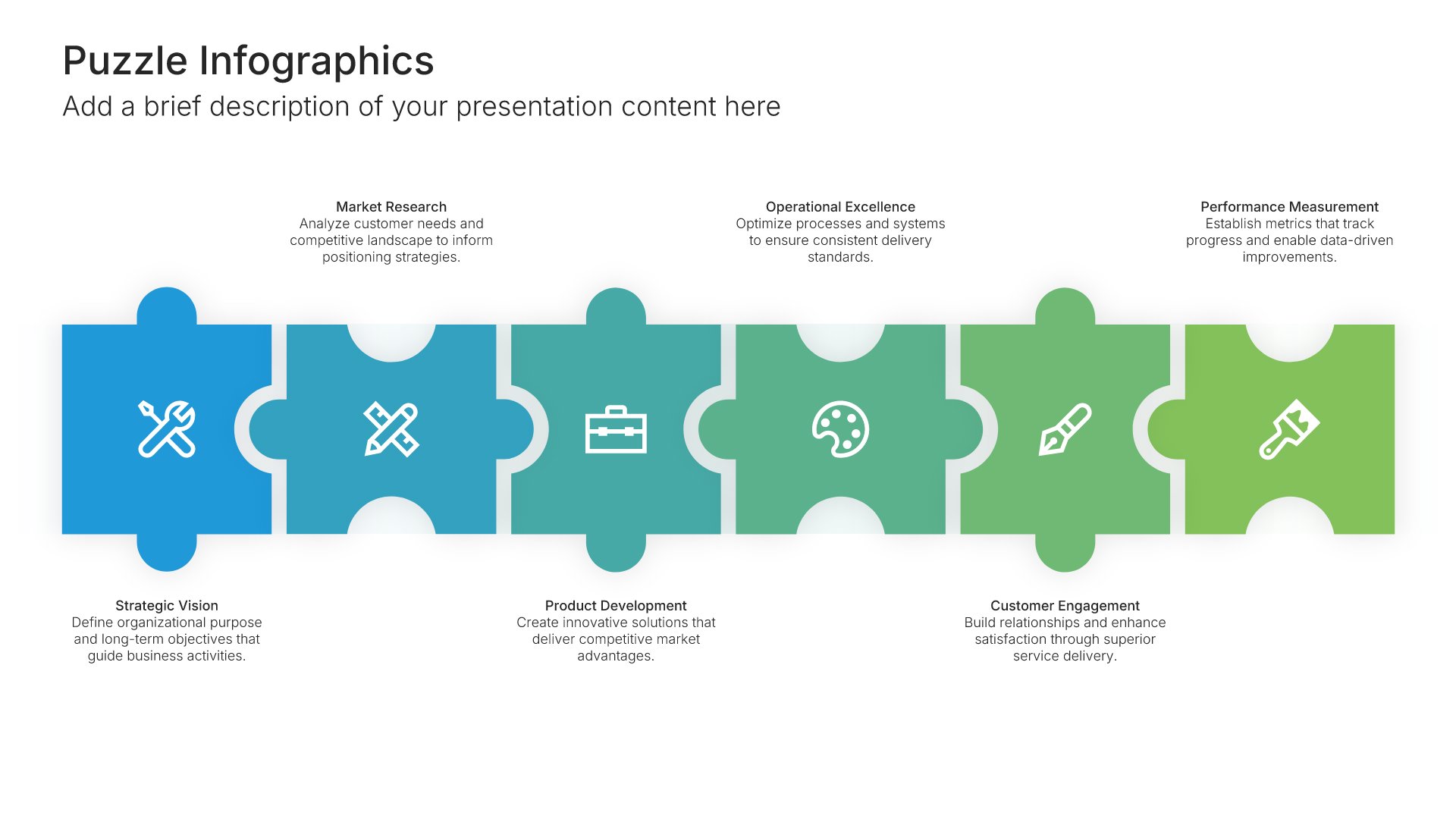
Puzzle infographic slides
Puzzle infographic slides show separate pieces locking together into one complete picture: teams, services, or ideas that only work when they connect. Pick one of 7 layouts, brand it to your company in one click, label each piece, and export to PowerPoint, Google Slides, or Keynote.
Free to start. No credit card required.
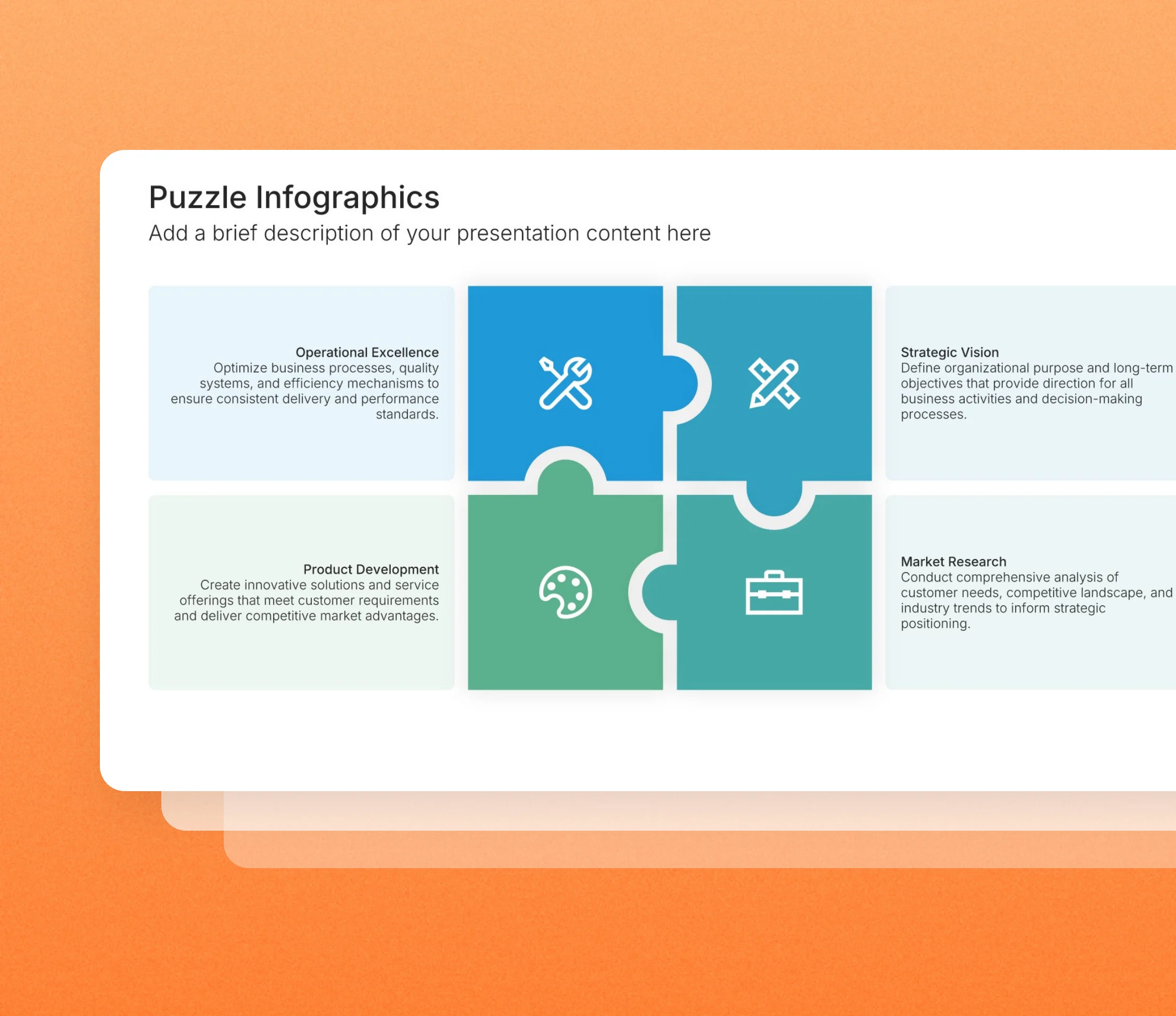
Browse puzzle infographic slides
7 ways to show how the pieces fit together, all fully editable.
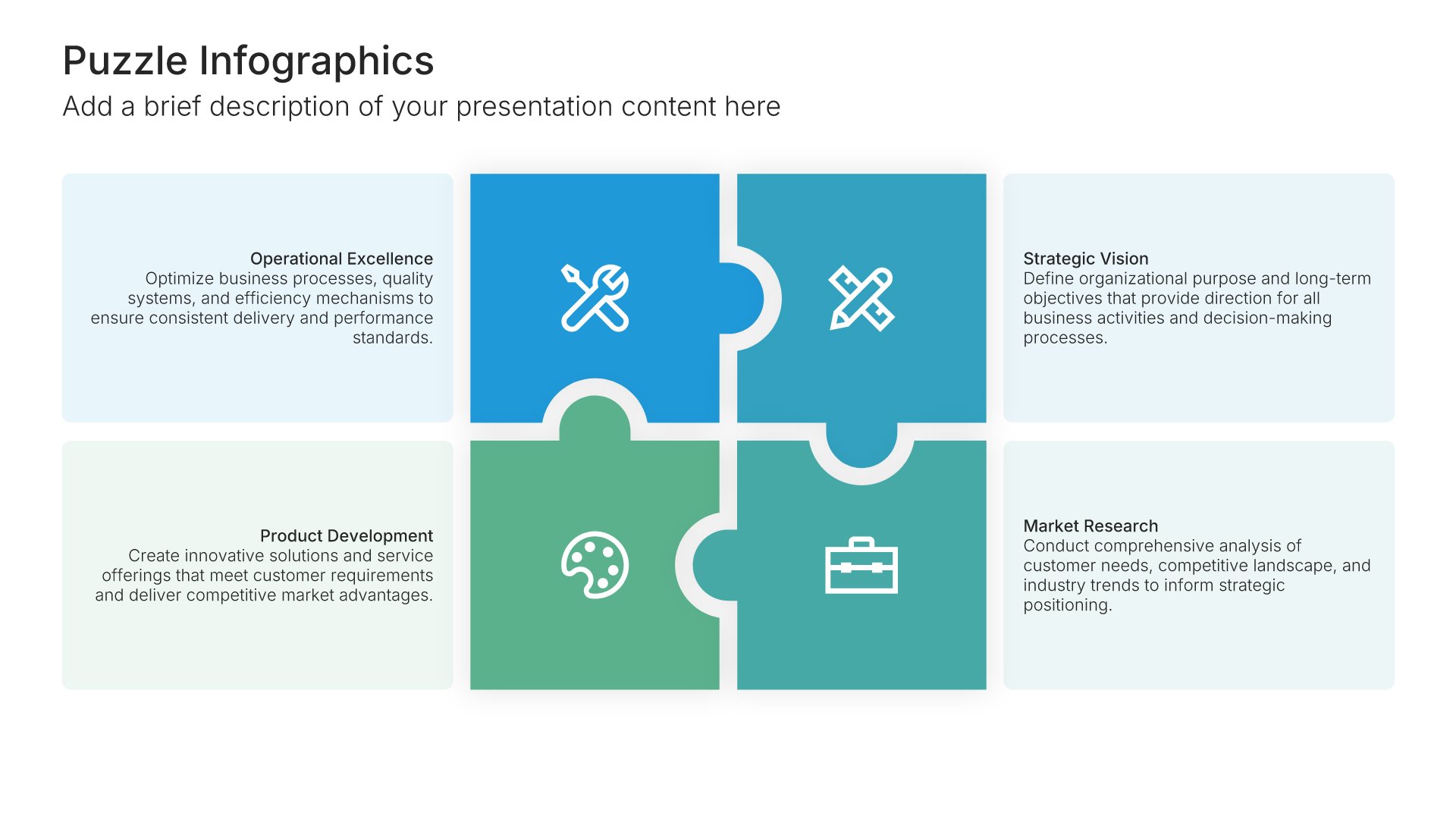
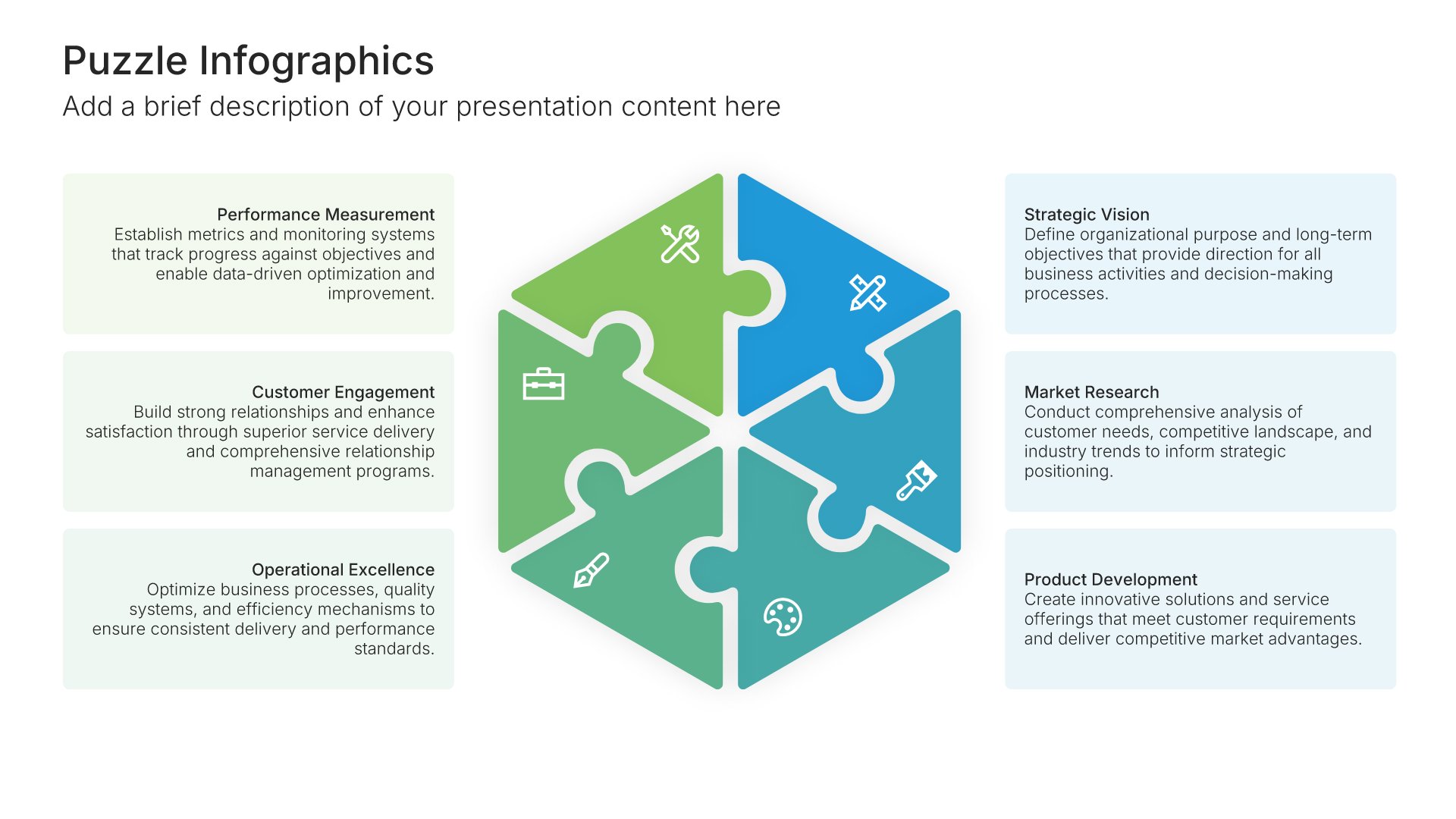
Puzzle Infographics • Slide Library • Layout 01 of 7
Layout 01
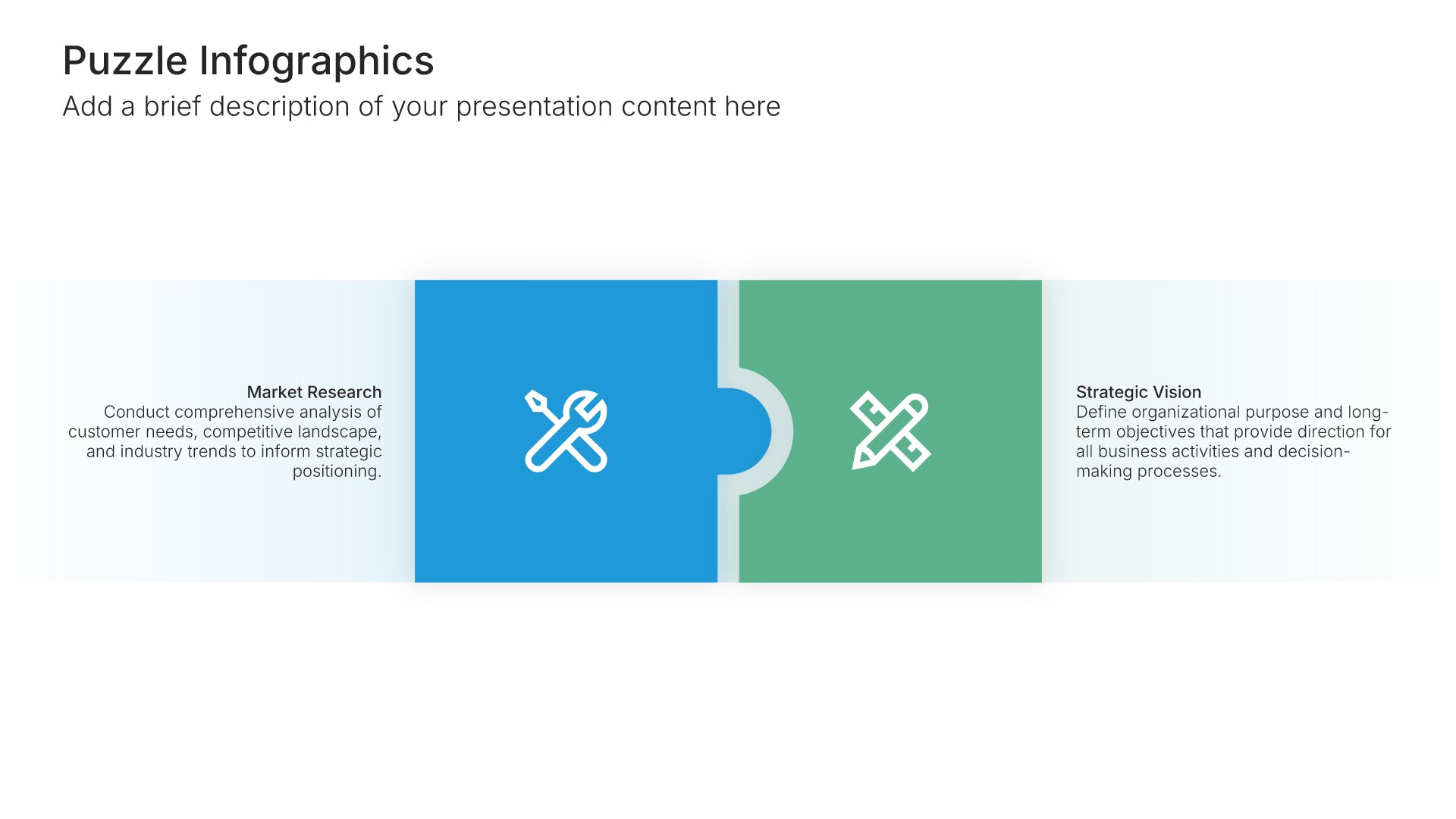
Layout 02
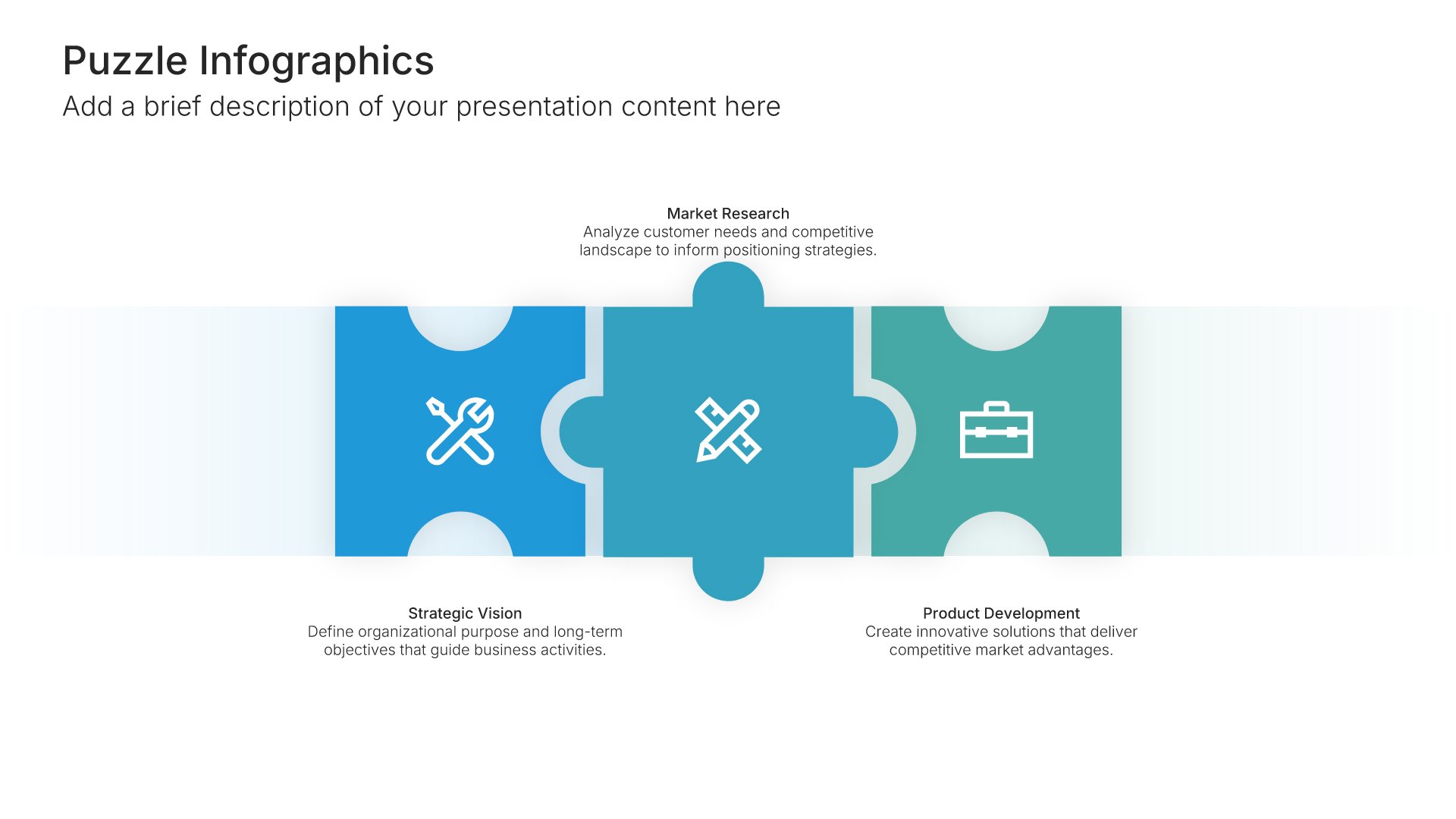
Layout 03
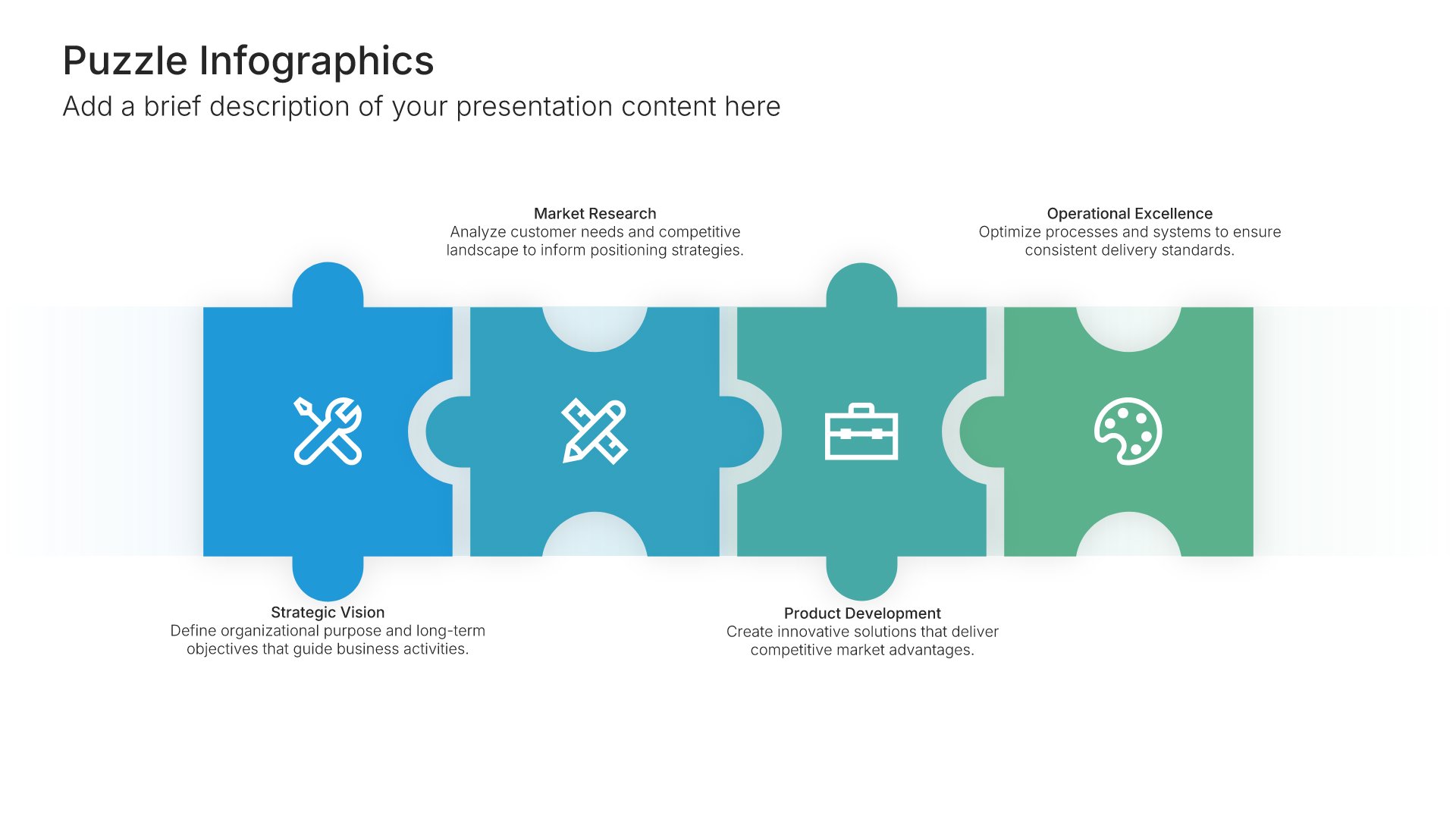
Layout 04
Layout 05
Layout 06
Layout 07
About our puzzle slides
What the slide does, how to use it, your brand, and a file you can edit anywhere.
Built to make the point that the parts fit together
Some messages are about fit. An acquisition that completes a product range, a partnership that fills a gap, a team where each role depends on the others. A puzzle infographic makes that point visually, because everyone knows a puzzle isn’t finished until every piece is in place.
Why interlocking pieces show dependence
Boxes side by side look independent. Puzzle pieces look like they belong together and need each other. So when you want the audience to see that removing one part would leave a hole, the shape says it for you.
Brand the whole presentation in one click
Add your logo, colors, fonts, and background once. It applies to the whole presentation and the entire slide library at the same time. Puzzle slides often explain partnerships and service offerings to clients, so once branded, each piece carries your colors.
Export to PowerPoint, Google Slides, or Keynote
You get a real file, not a locked link. Export it and keep editing in the tool you already use. Every piece and its label stay editable, so you can rename parts or add pieces as needed.
How Choladeck works
From blank page to finished presentation in four steps.
STEP 01
Browse 9,000+ slides across 134+ categories, or open one of the 74 premade presentations.
STEP 02
Add your logo, colors, and fonts in one click. The whole presentation instantly matches your company.
STEP 03
Add your text, numbers, charts, and tables. Everything on the slide is editable.
STEP 04
Send it to PowerPoint, Google Slides, or Keynote, and present.

Need a complete presentation instead?
If you're starting from nothing rather than fixing a few slides, open one of 74+ premade presentations instead. Each one is complete and built for one purpose, from pitch decks to business plans and company profiles.

Questions about puzzle infographic slides
How the slides work, and how far you can change them.
Using the slides
Can I edit these slides in PowerPoint?
+Yes. Export to PowerPoint, Google Slides, or Keynote, and every piece and its label stays editable. Nothing is locked and nothing is a flat image.
How do I brand them to my company?
+Add your logo, colors, fonts, and background once. It applies to the whole presentation and the entire slide library at the same time.
Can I mix them with other slides from the library?
+Yes. Add a puzzle slide to any premade template, or pair it with building blocks or hub and spoke slides from the library. Branding applies across all of them.
About puzzle infographics
When should I use a puzzle infographic?
+When parts only work together, such as services in a bundle, teams in a program, or companies in a partnership.
How many pieces should the puzzle have?
+Three to six keeps it readable. More pieces make each label too small.
Can I highlight a missing piece?
+Yes. Leave one piece empty or in a different color to show a gap your proposal fills.
Your next puzzle infographic slide is already designed
Pick a layout, brand it in one click, add your content, and export.
Free to start. No credit card required.