Pricing

Ladder infographic slides

Ladder infographic slides show progress one rung at a time: where you start, each step up, and where you want to end. Pick one of 3 layouts, brand it to your company in one click, add your steps, and export to PowerPoint, Google Slides, or Keynote.

Free to start. No credit card required.

Ladder infographic slides in the Choladeck slide library

Browse ladder infographic slides

3 ways to show progress one rung at a time, all fully editable.
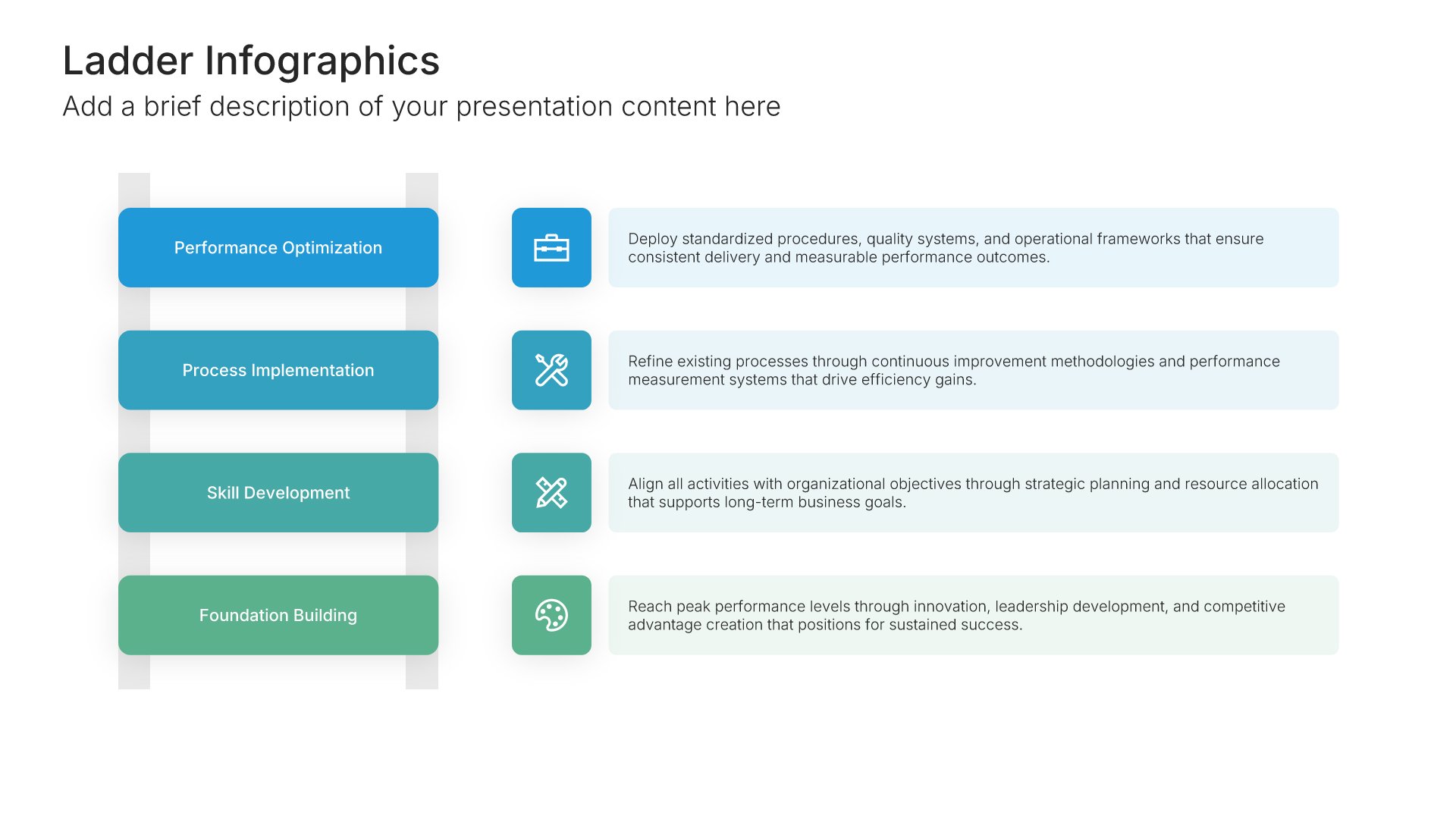
Ladder Infographics • Slide Library • Layout 01 of 3

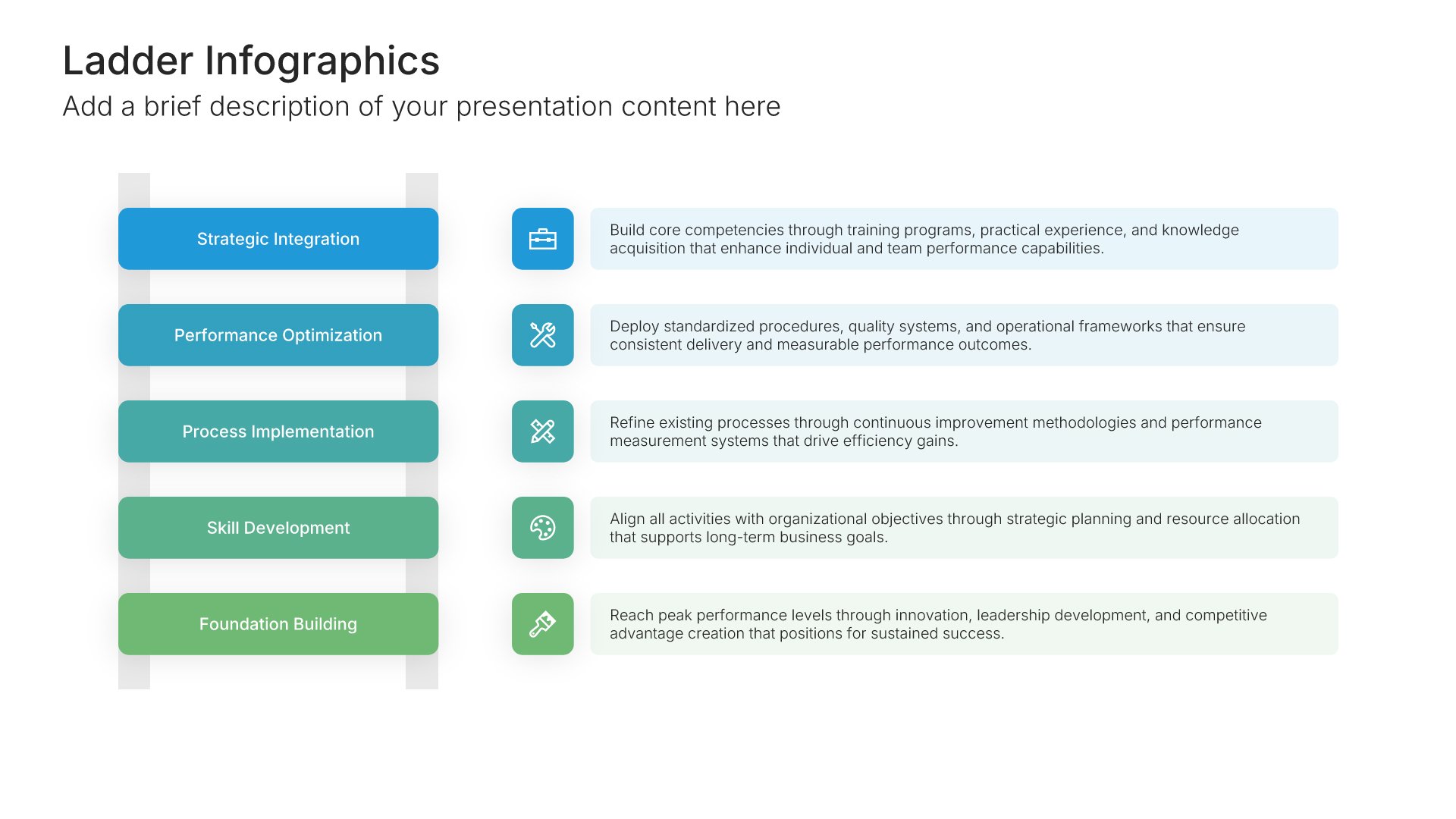
Ladder infographic slide, layout 01

Layout 01

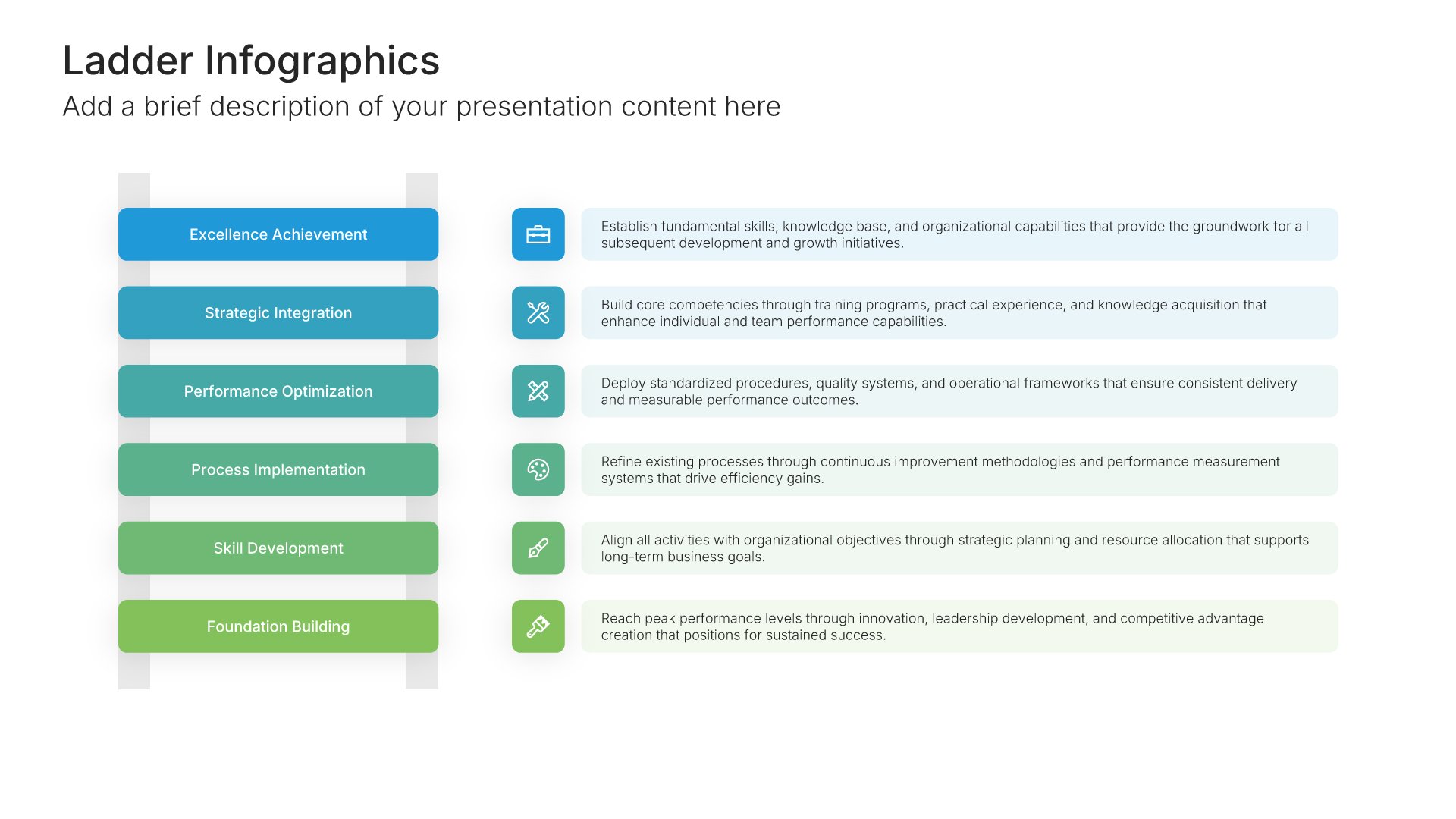
Ladder infographic slide, layout 02

Layout 02

Ladder infographic slide, layout 03

Layout 03

About our ladder slides

What the slide does, how to use it, your brand, and a file you can edit anywhere.

Built to show each step earning the next

Growth rarely happens in one jump. A ladder infographic breaks it into steps, each one building on the one below, so the audience sees a clear path upward. It works for career paths, maturity stages, customer loyalty levels, and any plan where each step earns the next. Our ladder slides give each rung room for a label and a short description.

Why climbing feels achievable

A big goal on its own can look out of reach. Broken into rungs, it becomes a series of manageable steps. So the audience sees not just where you’re aiming, but that there’s a realistic way to get there, one step at a time.

Brand the whole presentation in one click

Add your logo, colors, fonts, and background once. It applies to the whole presentation and the entire slide library at the same time. Ladder slides often show career paths or growth plans that get shared with teams and new hires, so once branded, they match the rest of your people and planning slides.

Export to PowerPoint, Google Slides, or Keynote

You get a real file, not a locked link. Export it and keep editing in the tool you already use. Rungs, labels, and descriptions stay editable, so you can add steps as the path changes.

How Choladeck works

From blank page to finished presentation in four steps.

STEP 01

Browse 9,000+ slides across 134+ categories, or open one of the 74 premade presentations.

STEP 02

Add your logo, colors, and fonts in one click. The whole presentation instantly matches your company.

STEP 03

Add your text, numbers, charts, and tables. Everything on the slide is editable.

STEP 04

Send it to PowerPoint, Google Slides, or Keynote, and present.

Start from a template

Need a complete presentation instead?

If you're starting from nothing rather than fixing a few slides, open one of 74+ premade presentations instead. Each one is complete and built for one purpose, from pitch decks to business plans and company profiles.

Choladeck premade templates with the Type of Presentation filter and the Consulting Company Profile deck shown larger

Questions about ladder infographic slides

How the slides work, and how far you can change them.

Using the slides

Can I edit these slides in PowerPoint?

+

Yes. Export to PowerPoint, Google Slides, or Keynote, and every rung and label stays editable. Nothing is locked and nothing is a flat image.

How do I brand them to my company?

+

Add your logo, colors, fonts, and background once. It applies to the whole presentation and the entire slide library at the same time.

Can I mix them with other slides from the library?

+

Yes. Add a ladder slide to any premade template, or pair it with levels or goal slides from the library. Branding applies across all of them.

About ladder infographics

When should I use a ladder infographic?

+

When progress happens in steps that build on each other: career levels, maturity stages, loyalty tiers, or phased plans.

How is a ladder different from a staircase or process slide?

+

A process shows steps in sequence. A ladder adds the idea of climbing higher, so each step represents a higher level, not just the next task.

How many rungs should a ladder have?

+

Four to six usually reads well. Enough to show progression without crowding the slide.

Your next ladder infographic slide is already designed

Pick a layout, brand it in one click, add your content, and export.

Free to start. No credit card required.