Pricing

Influence infographic slides

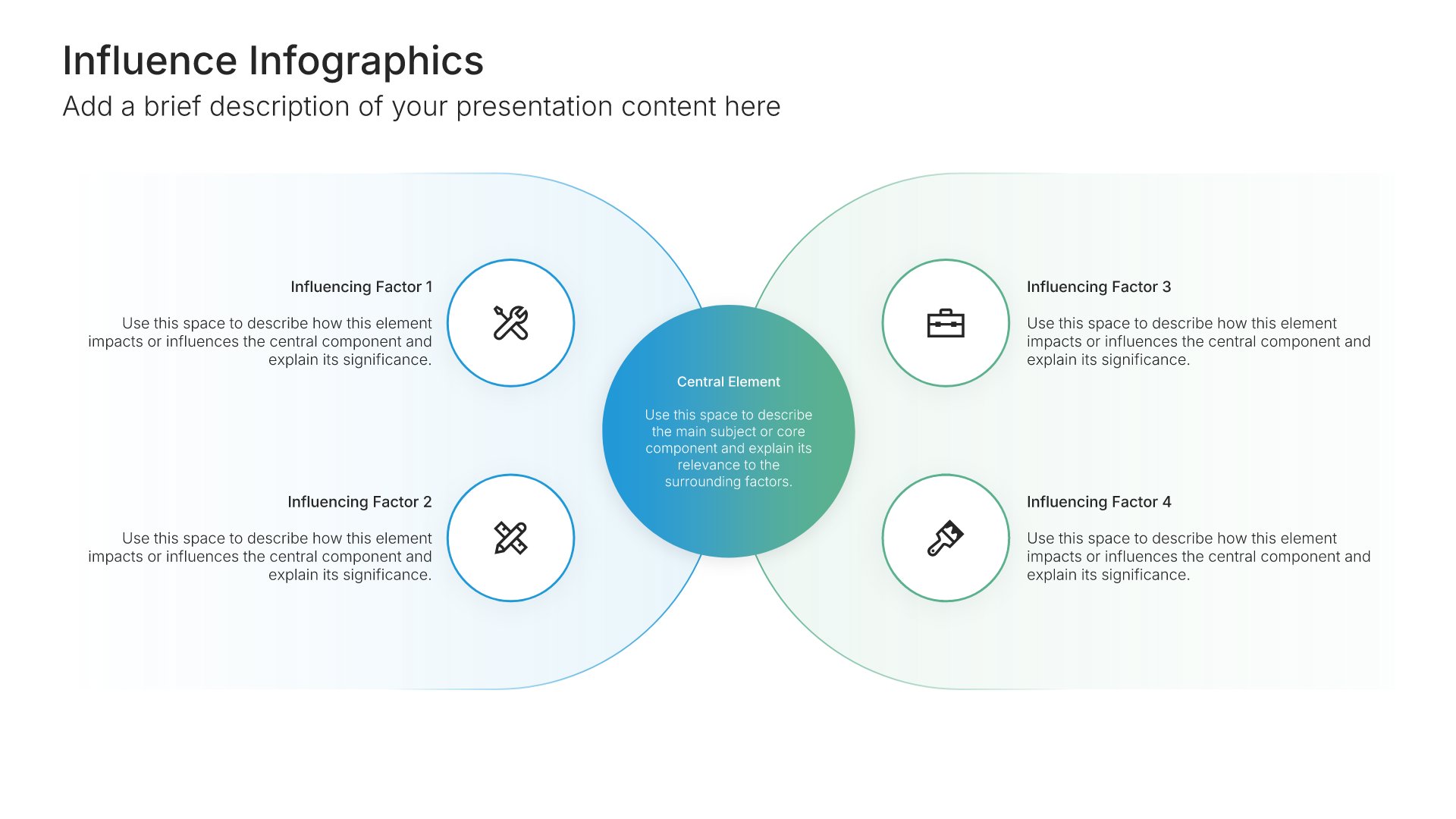
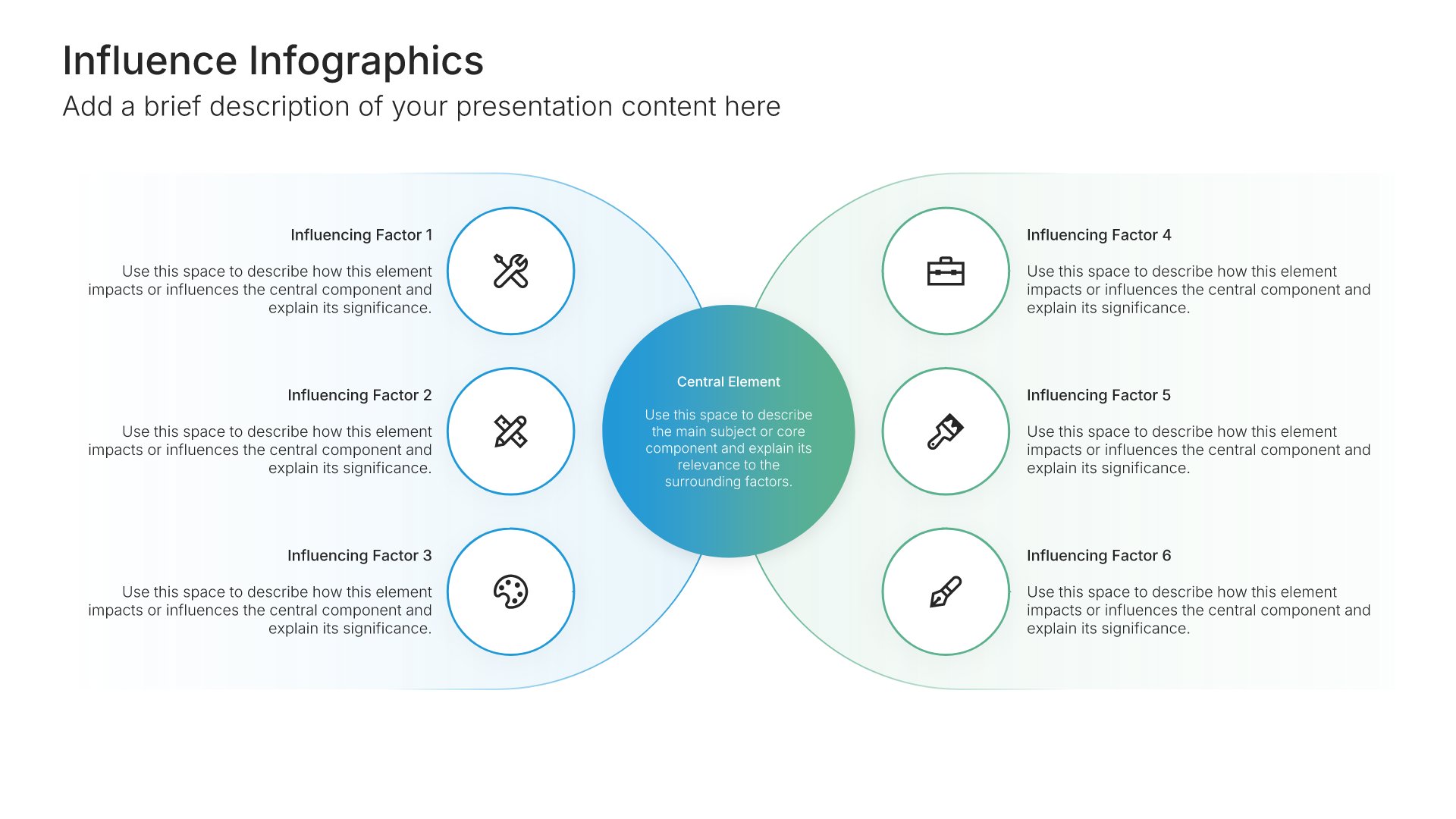
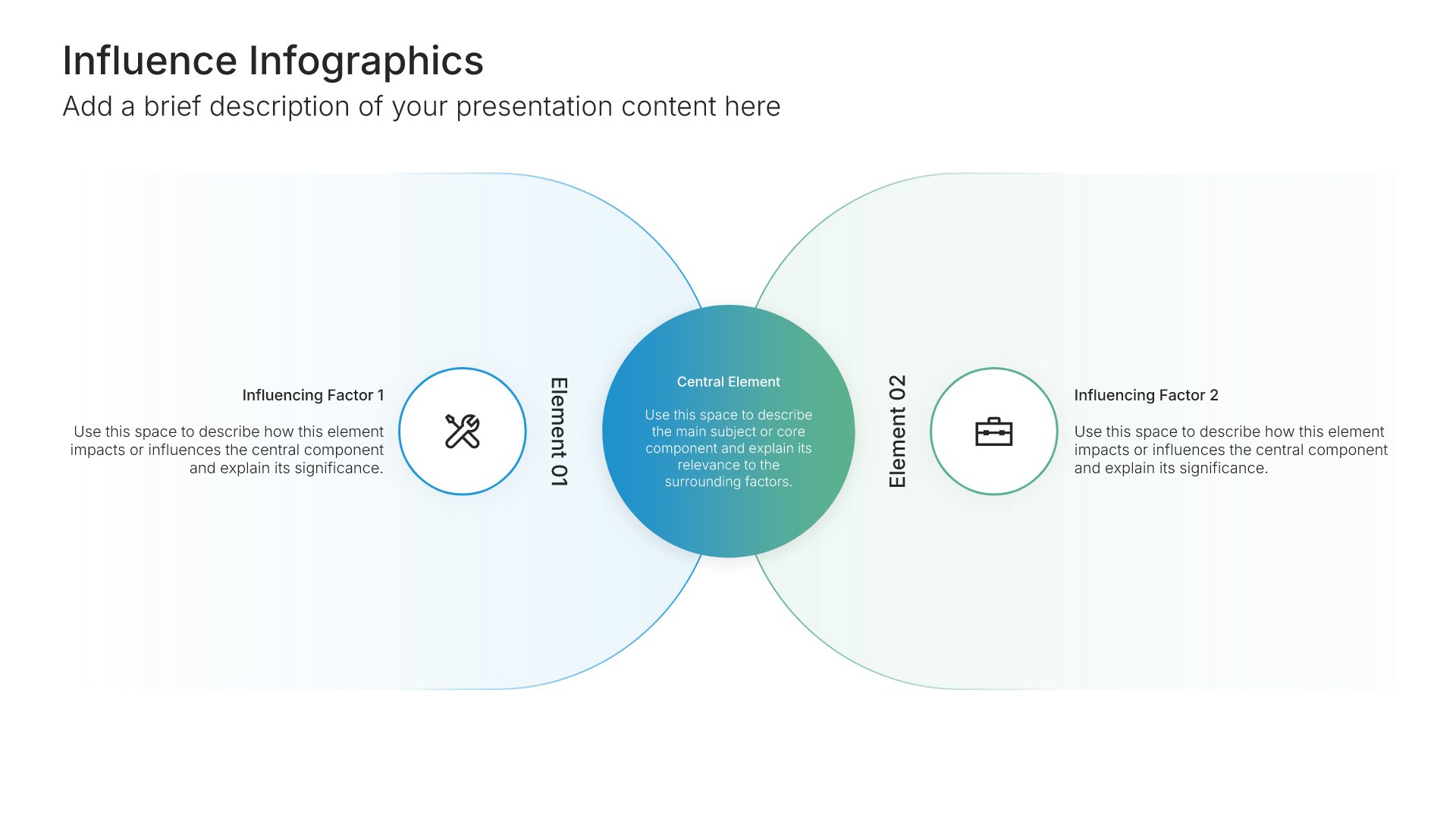
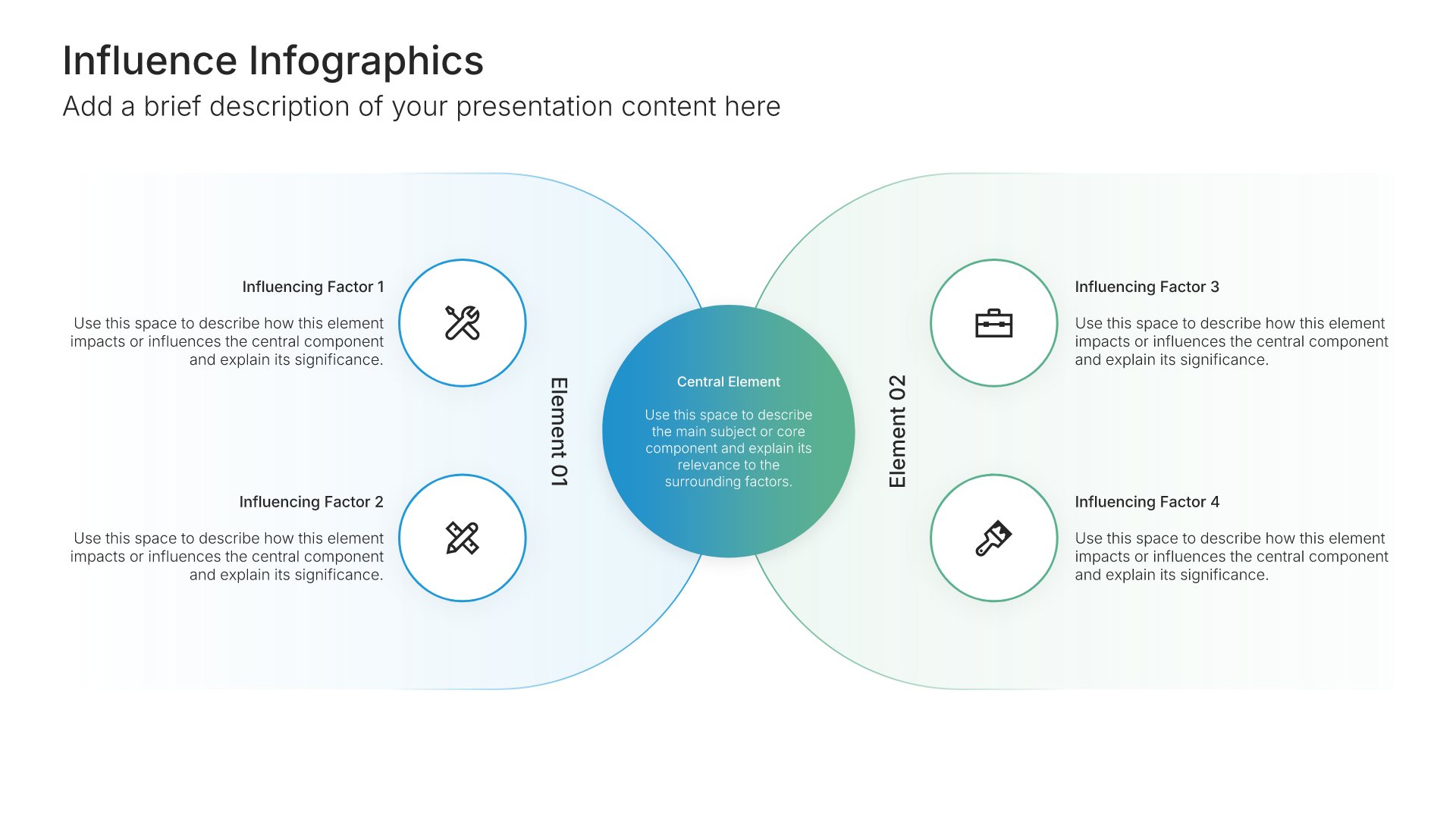
Influence infographics show what shapes an outcome: the factors, people, or forces involved, and how strongly each one pulls. Pick one of 15 layouts, brand it to your company in one click, add your factors, and export to PowerPoint, Google Slides, or Keynote.

Free to start. No credit card required.

Influence infographic slides in the Choladeck slide library

Browse influence infographic slides

15 ways to show what shapes an outcome, all fully editable.
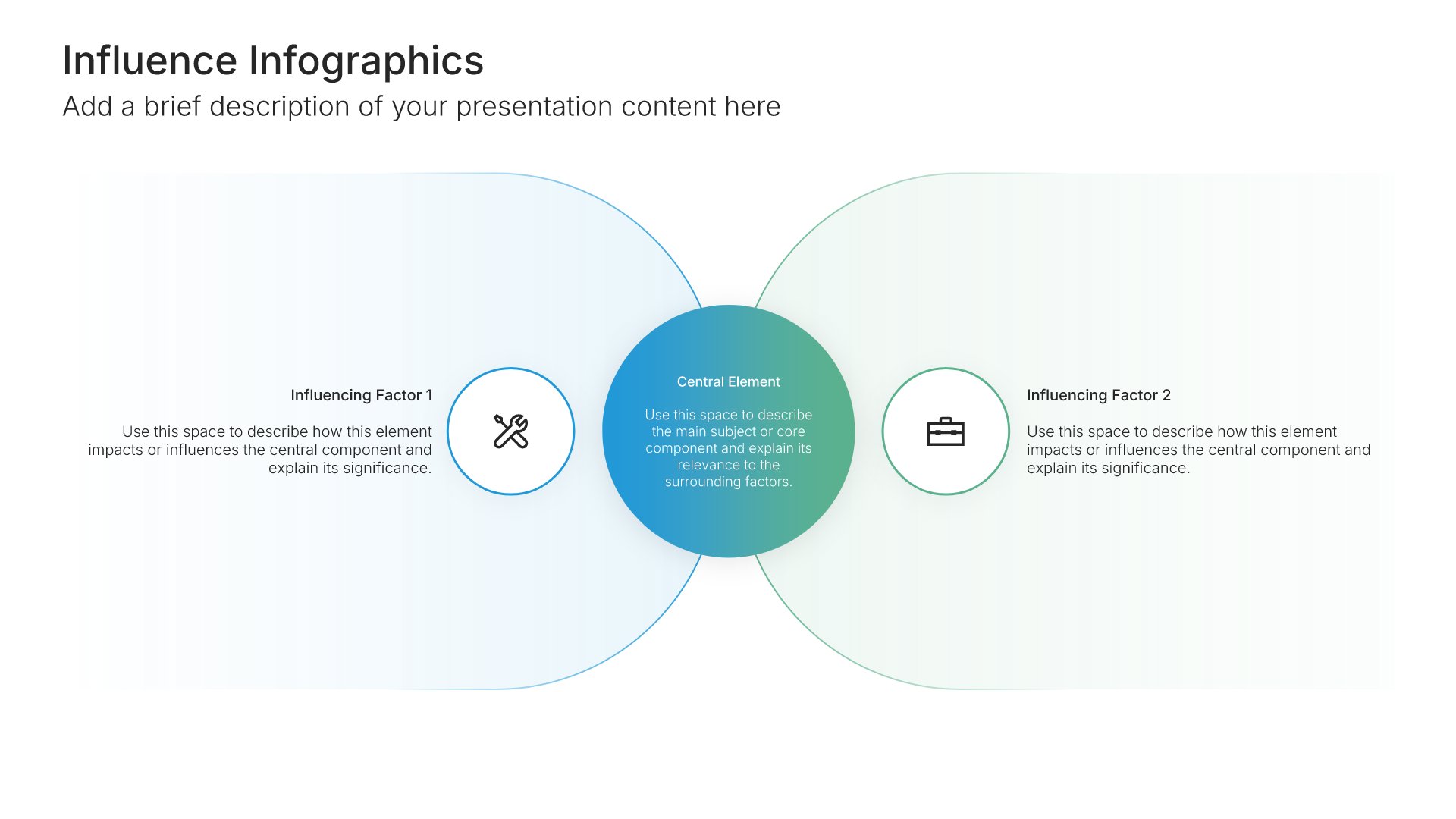
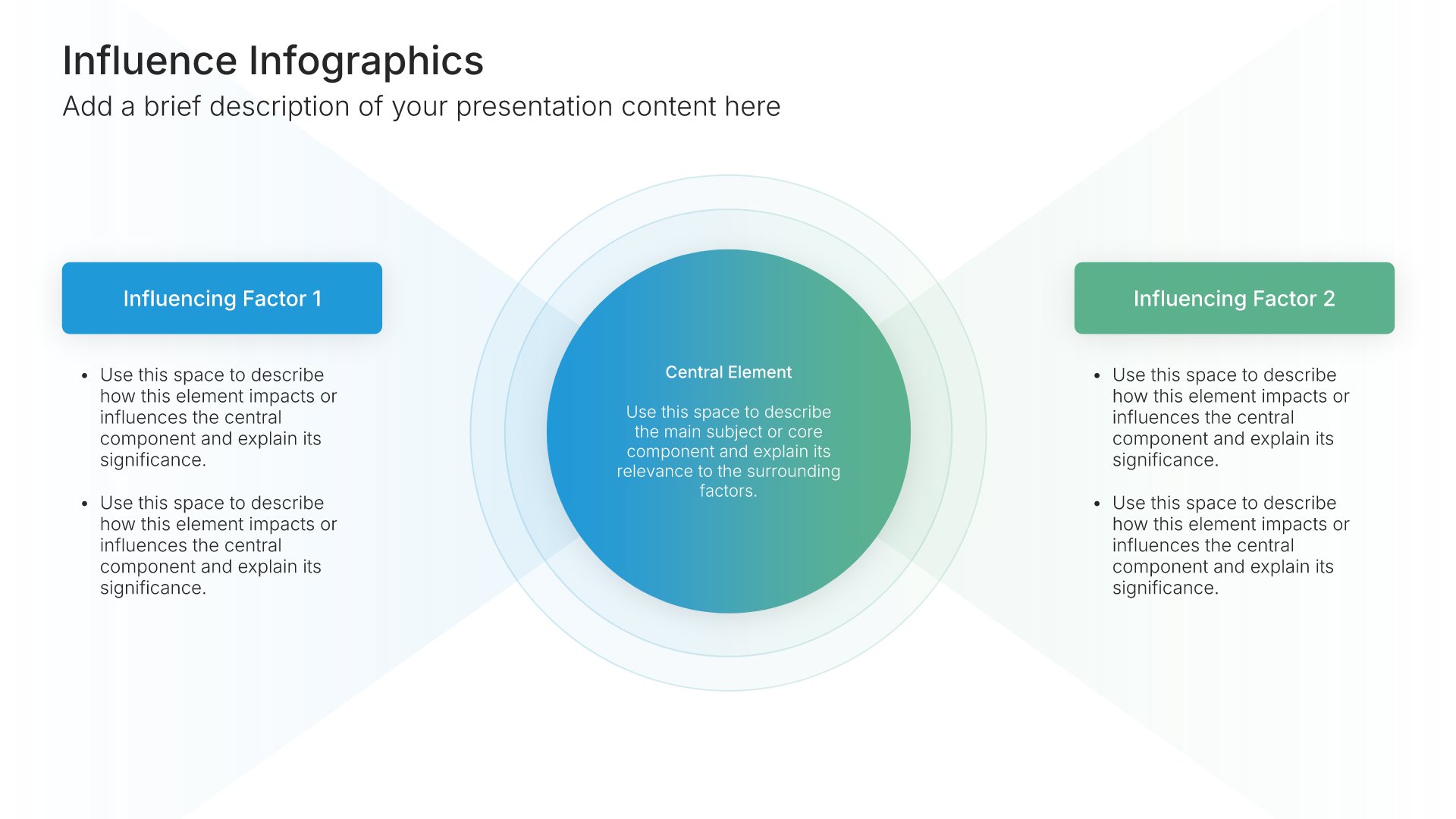
Influence Infographics • Slide Library • Layout 01 of 15

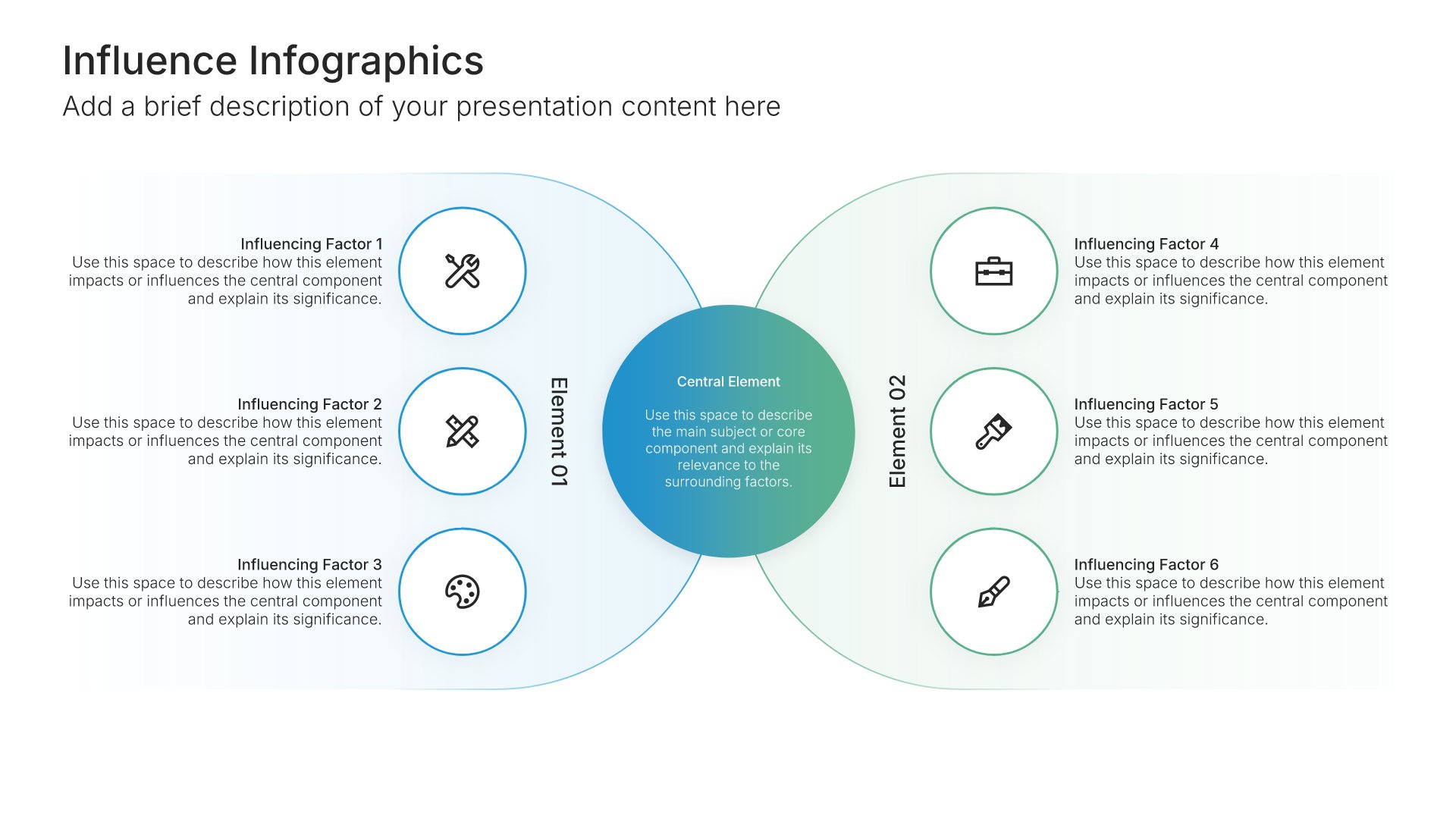
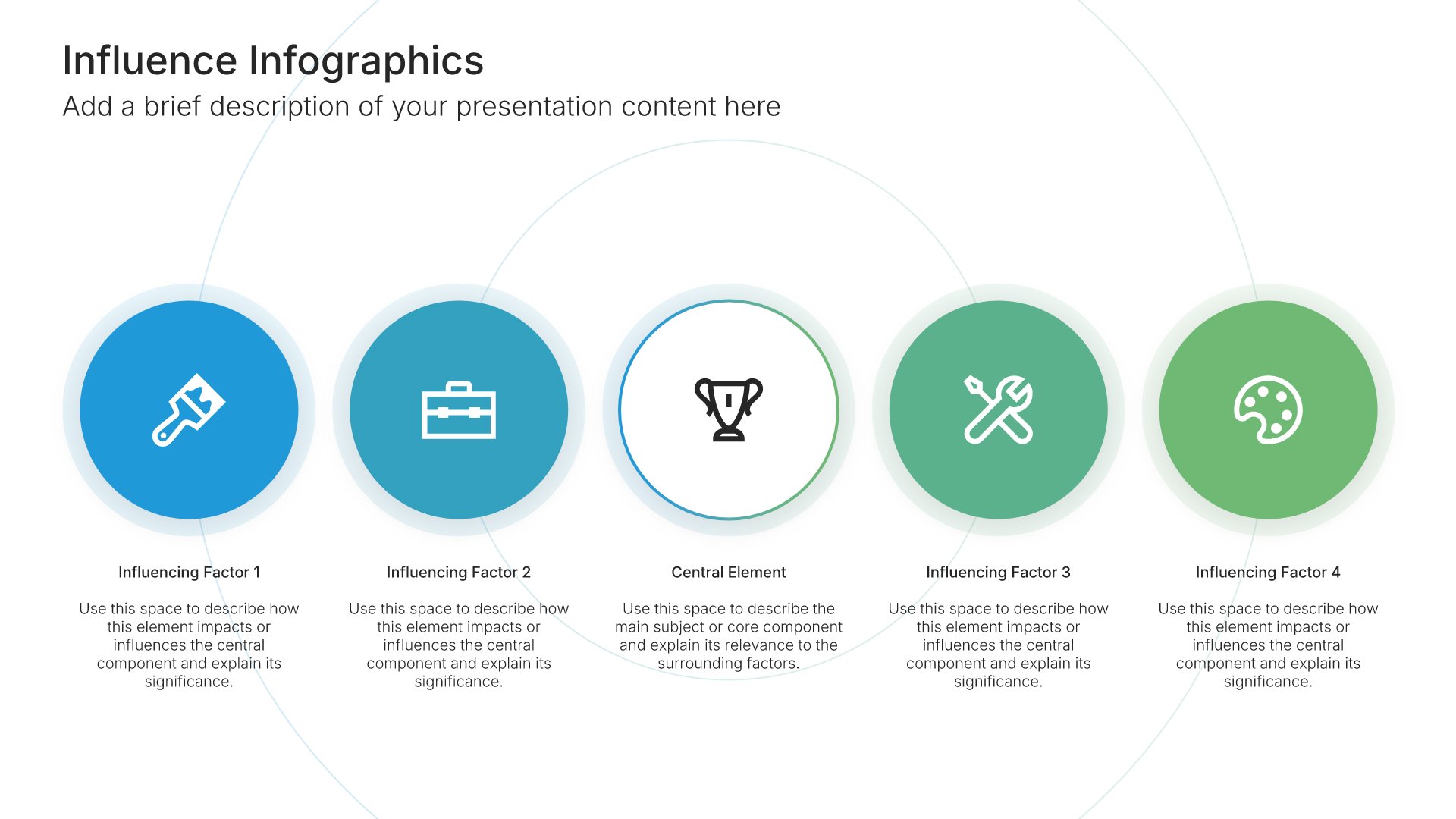
Influence infographic slide, layout 01

Layout 01

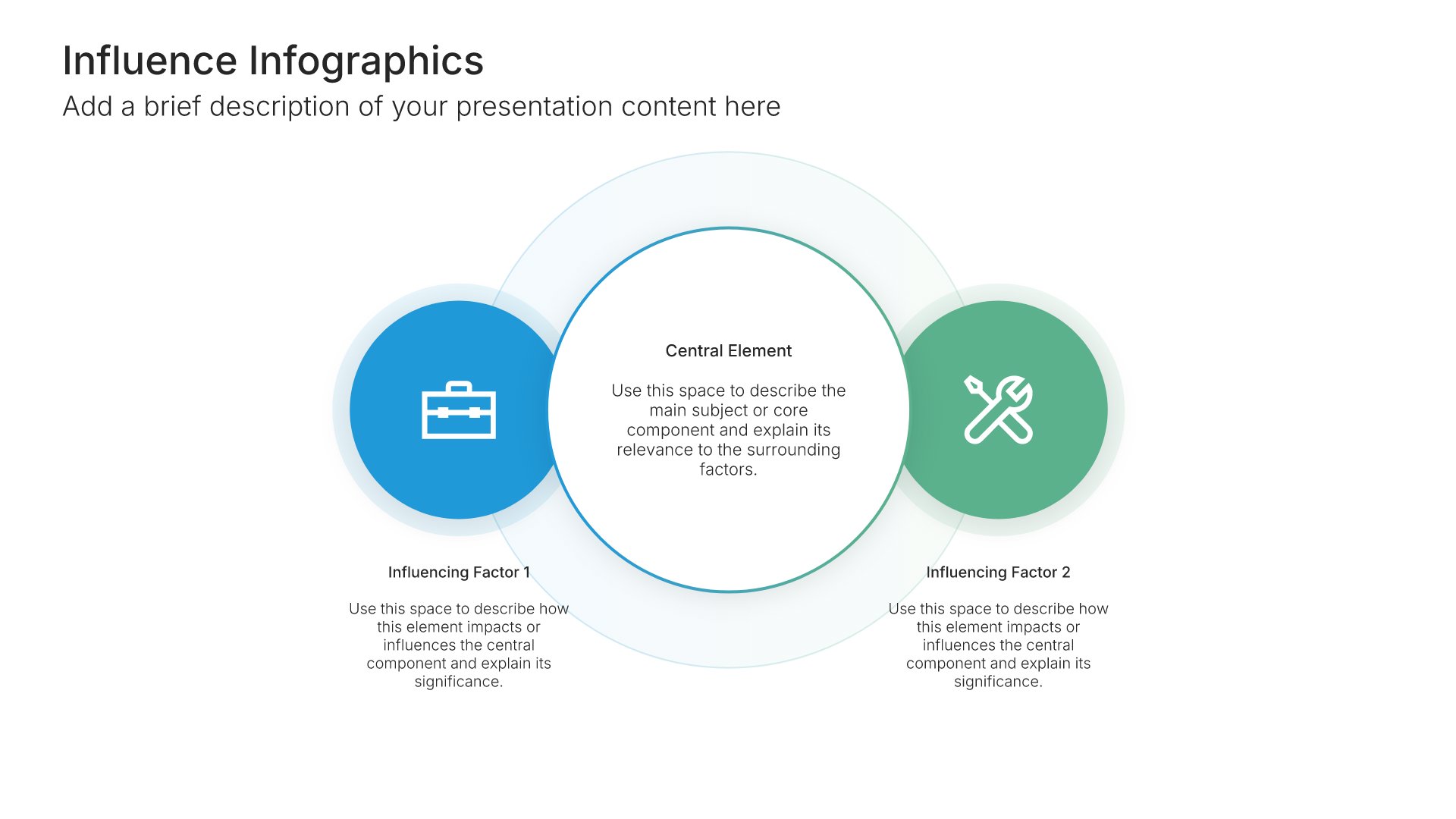
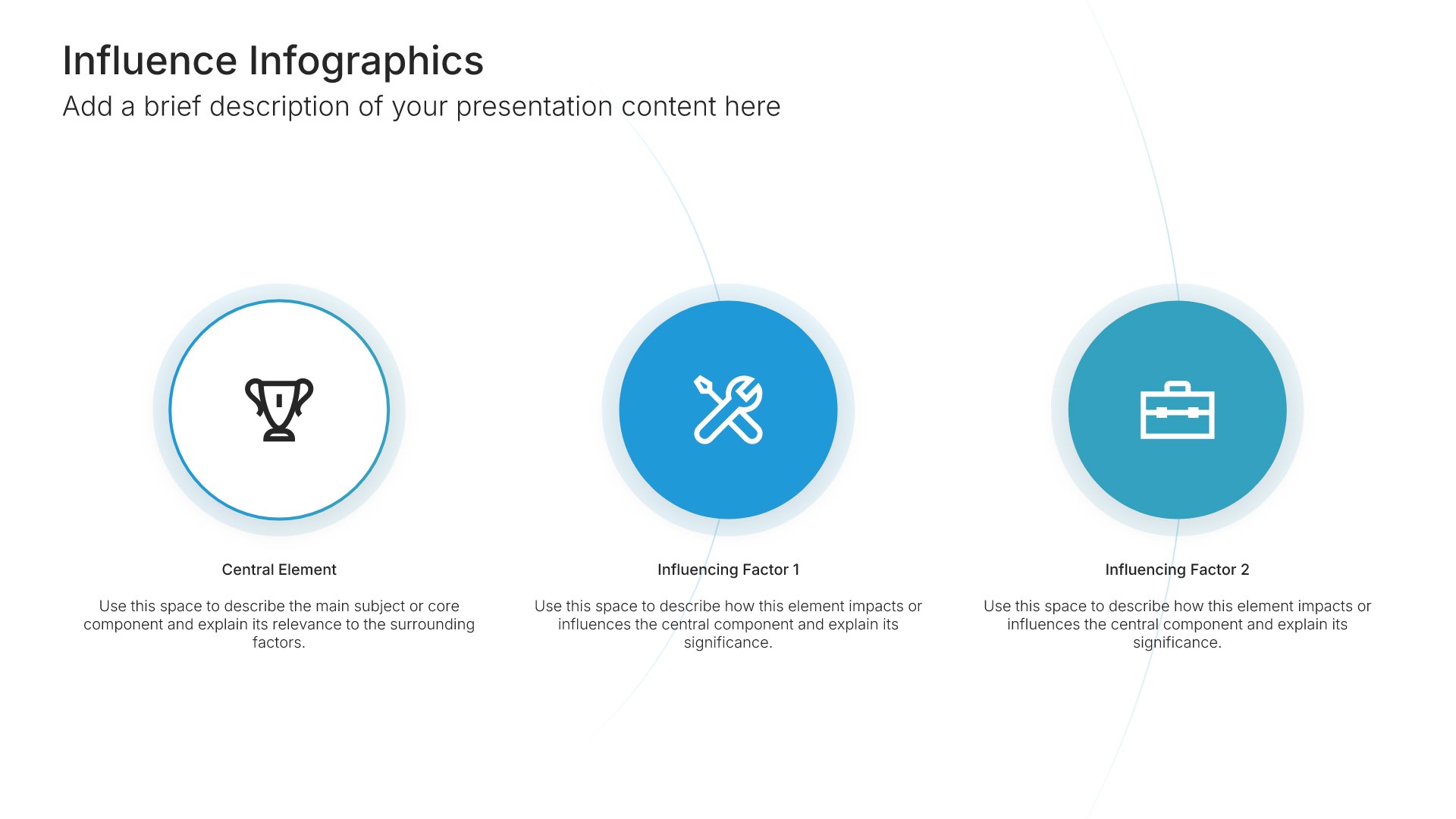
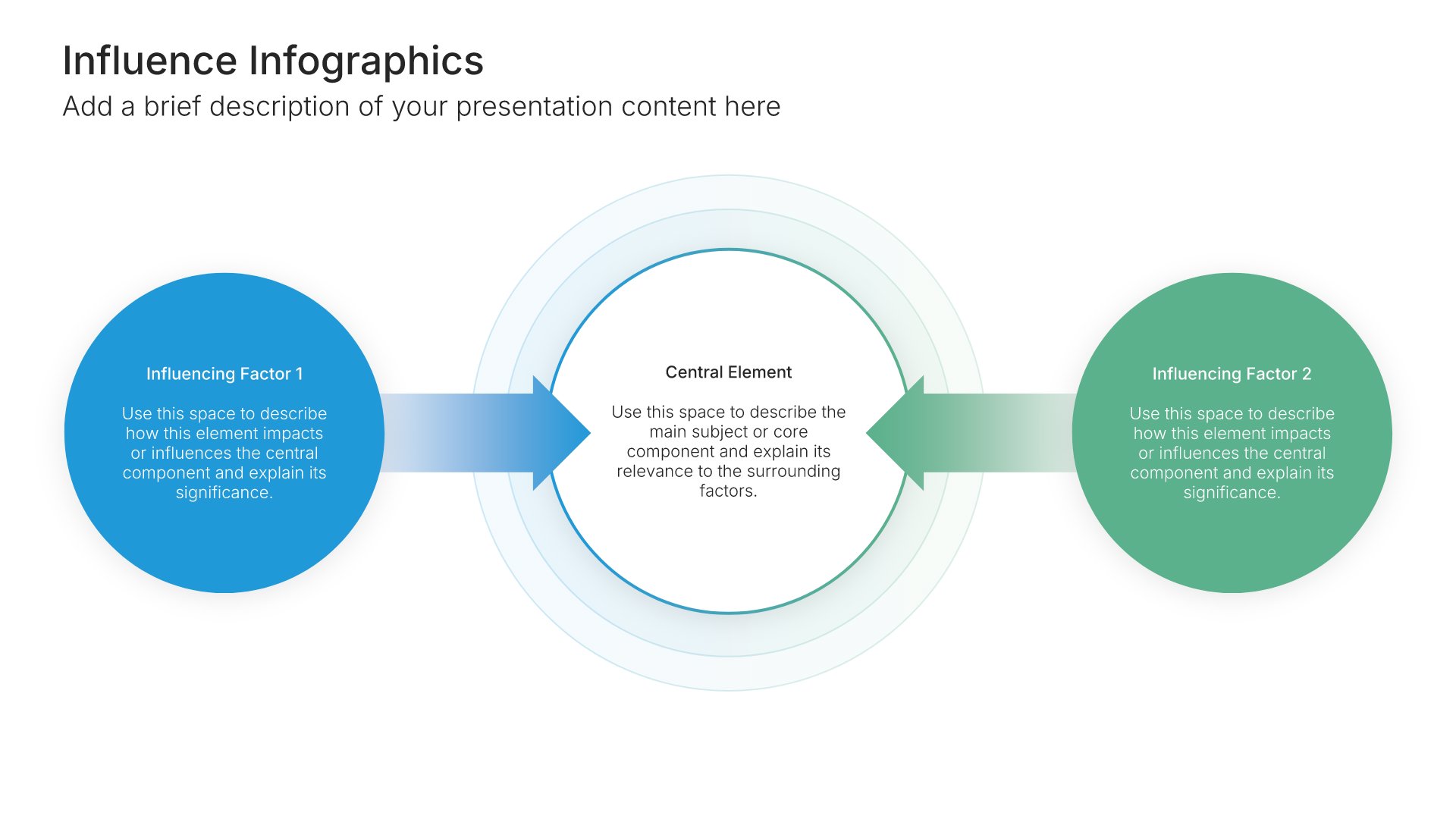
Influence infographic slide, layout 02

Layout 02

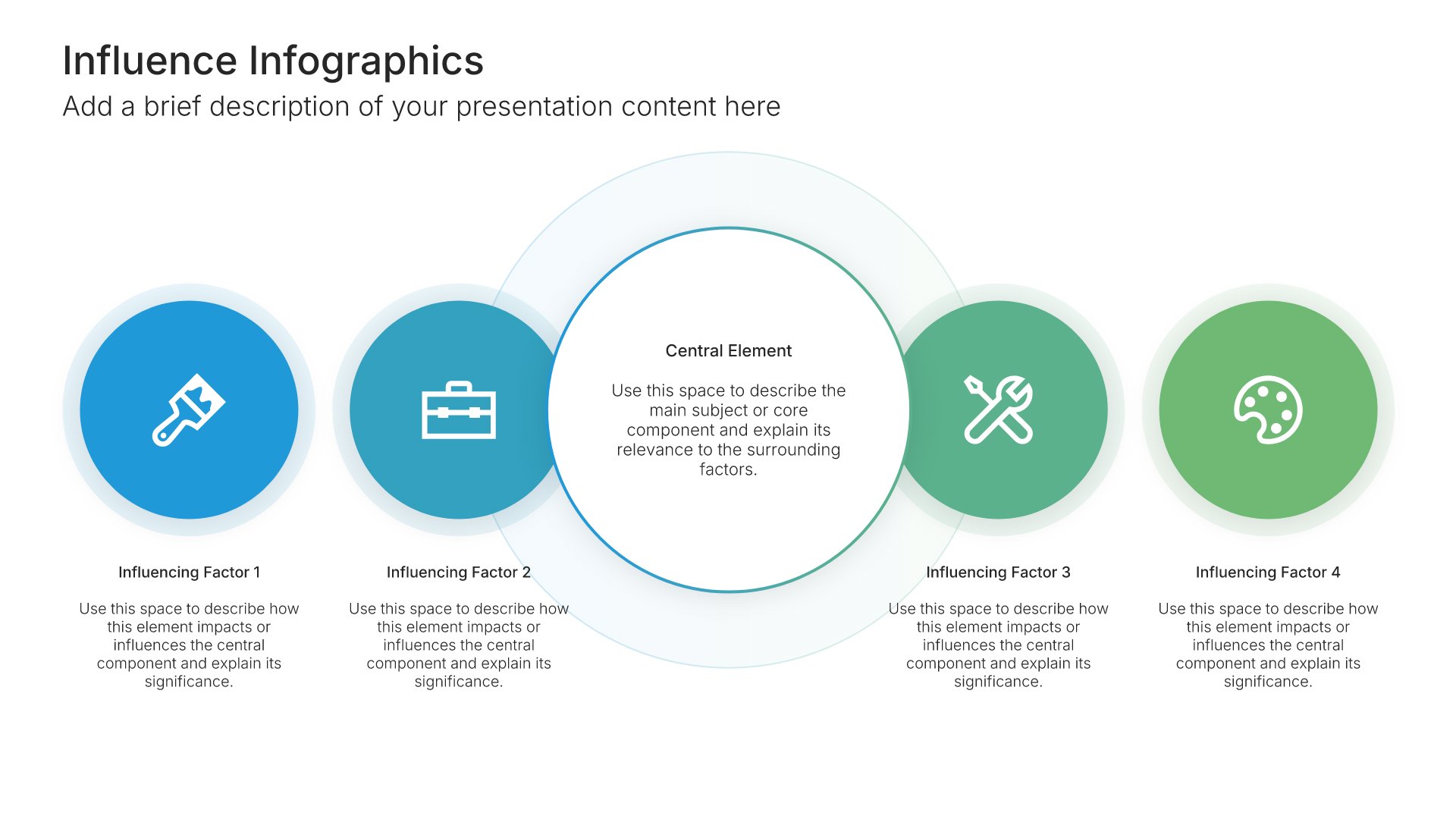
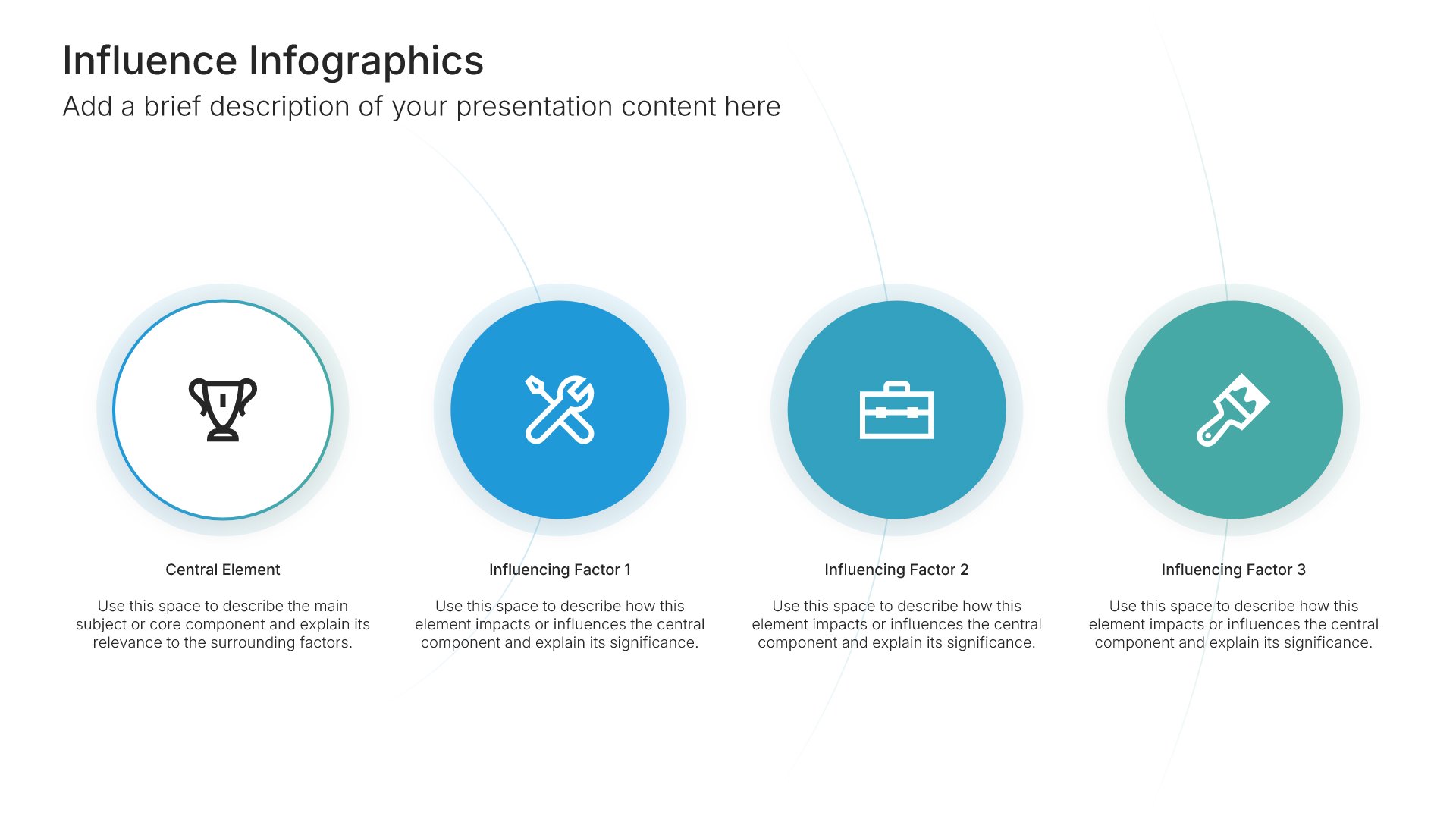
Influence infographic slide, layout 03

Layout 03

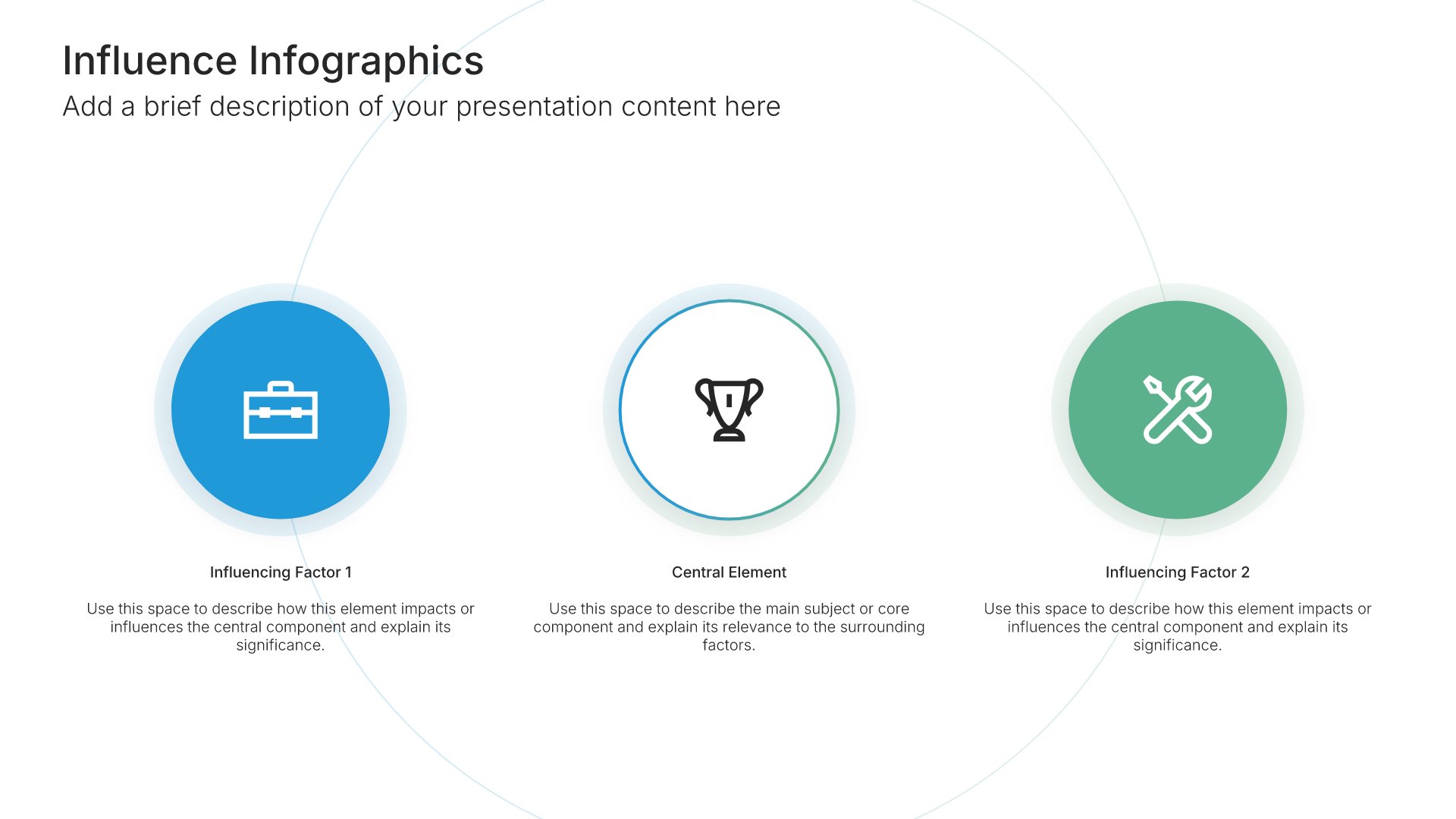
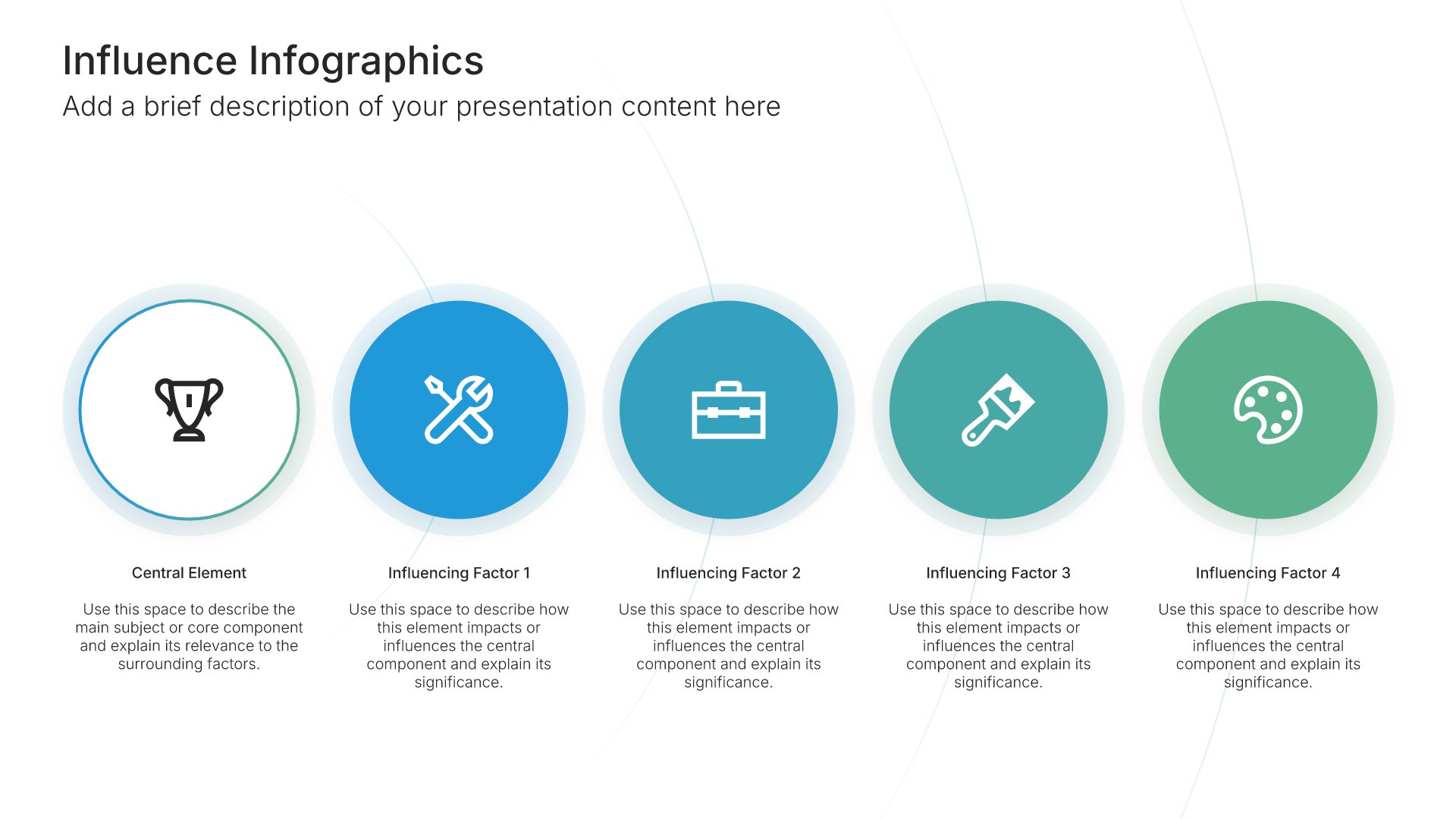
Influence infographic slide, layout 04

Layout 04

Influence infographic slide, layout 05

Layout 05

Influence infographic slide, layout 06

Layout 06

Influence infographic slide, layout 07

Layout 07

Influence infographic slide, layout 08

Layout 08

Influence infographic slide, layout 09

Layout 09

Influence infographic slide, layout 10

Layout 10

Influence infographic slide, layout 11

Layout 11

Influence infographic slide, layout 12

Layout 12

Influence infographic slide, layout 13

Layout 13

Influence infographic slide, layout 14

Layout 14

Influence infographic slide, layout 15

Layout 15

About our influence slides

What the slide does, how to use it, your brand, and a file you can edit anywhere.

Built to show what drives an outcome and where to focus

Decisions and results rarely have a single cause. An influence infographic maps the things that shape them, so the audience can see which matter most and which barely register. Our influence slides make the relationships clear, so it’s obvious what drives the outcome and where to focus.

Why showing strength matters as much as showing factors

A list of factors treats them all as equal. Showing how strongly each one influences the outcome changes the conversation. So the audience stops debating everything at once and starts talking about the two or three things that actually move the result.

Brand the whole presentation in one click

Add your logo, colors, fonts, and background once. It applies to the whole presentation and the entire slide library at the same time. Influence slides often go into strategy and stakeholder presentations for leadership, so once branded, they match the rest of your analysis.

Export to PowerPoint, Google Slides, or Keynote

You get a real file, not a locked link. Export it and keep editing in the tool you already use. Factors, labels, and connections stay editable, so you can adjust the picture as you learn more.

How Choladeck works

From blank page to finished presentation in four steps.

STEP 01

Browse 9,000+ slides across 134+ categories, or open one of the 74 premade presentations.

STEP 02

Add your logo, colors, and fonts in one click. The whole presentation instantly matches your company.

STEP 03

Add your text, numbers, charts, and tables. Everything on the slide is editable.

STEP 04

Send it to PowerPoint, Google Slides, or Keynote, and present.

Start from a template

Need a complete presentation instead?

If you're starting from nothing rather than fixing a few slides, open one of 74+ premade presentations instead. Each one is complete and built for one purpose, from pitch decks to business plans and company profiles.

Choladeck premade templates with the Type of Presentation filter and the Consulting Company Profile deck shown larger

Questions about influence infographic slides

How the slides work, and how far you can change them.

Using the slides

Can I edit these slides in PowerPoint?

+

Yes. Export to PowerPoint, Google Slides, or Keynote, and every factor and connection stays editable. Nothing is locked and nothing is a flat image.

How do I brand them to my company?

+

Add your logo, colors, fonts, and background once. It applies to the whole presentation and the entire slide library at the same time.

Can I mix them with other slides from the library?

+

Yes. Add an influence slide to any premade template, or pair it with force field analysis or hub and spoke slides from the library. Branding applies across all of them.

About influence infographics

What is an influence infographic used for?

+

Showing the factors or people that shape an outcome, such as a purchase decision, a project result, or a change in the market.

Can I use it for stakeholders?

+

Yes. It works well for showing which stakeholders influence a decision and how much.

How is it different from a force field analysis?

+

A force field analysis splits factors into for and against a change. An influence infographic shows everything that shapes an outcome, in any direction.

Your next influence infographic slide is already designed

Pick a layout, brand it in one click, add your content, and export.

Free to start. No credit card required.