Pricing

Infinity infographic slides

Infinity infographics show two connected cycles that feed each other continuously, drawn as a single loop with no start and no end. Pick one of 3 layouts, brand it to your company in one click, add your stages, and export to PowerPoint, Google Slides, or Keynote.

Free to start. No credit card required.
Infinity infographic slides in the Choladeck slide library

Browse infinity infographic slides

3 ways to show two cycles that feed each other, all fully editable.
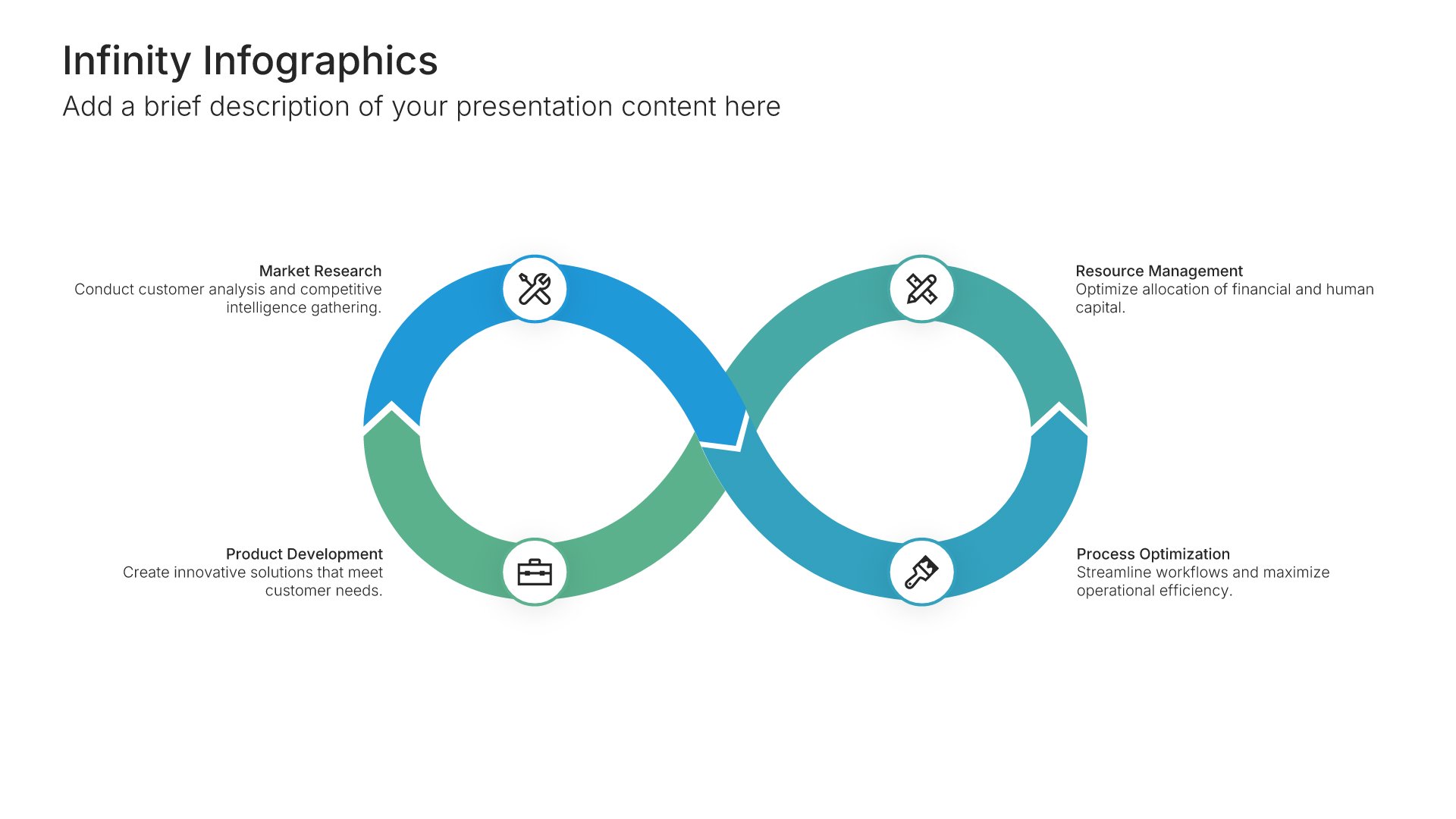
Infinity Infographics • Slide Library • Layout 01 of 3

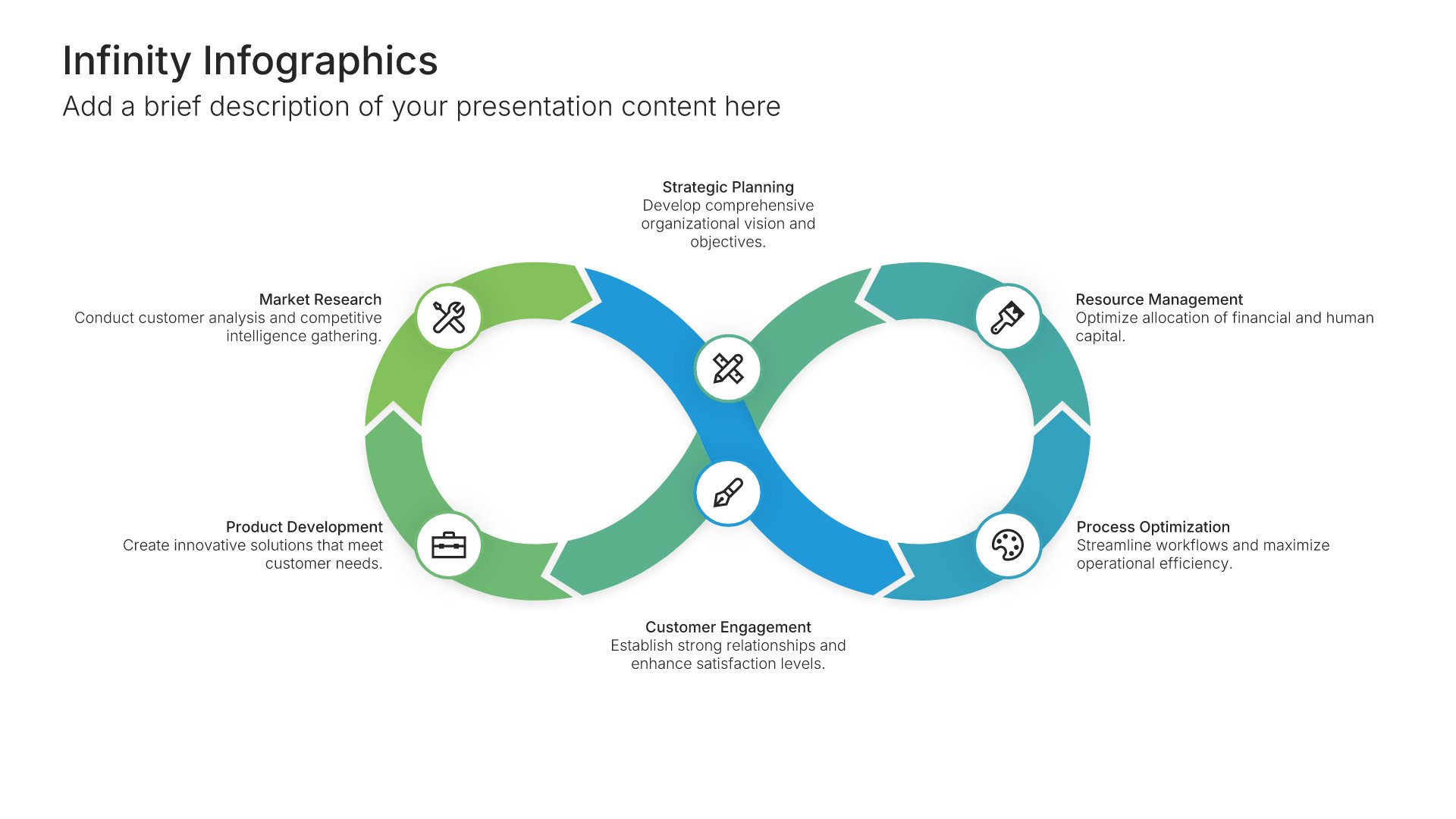
Infinity infographic slide, layout 01

Layout 01

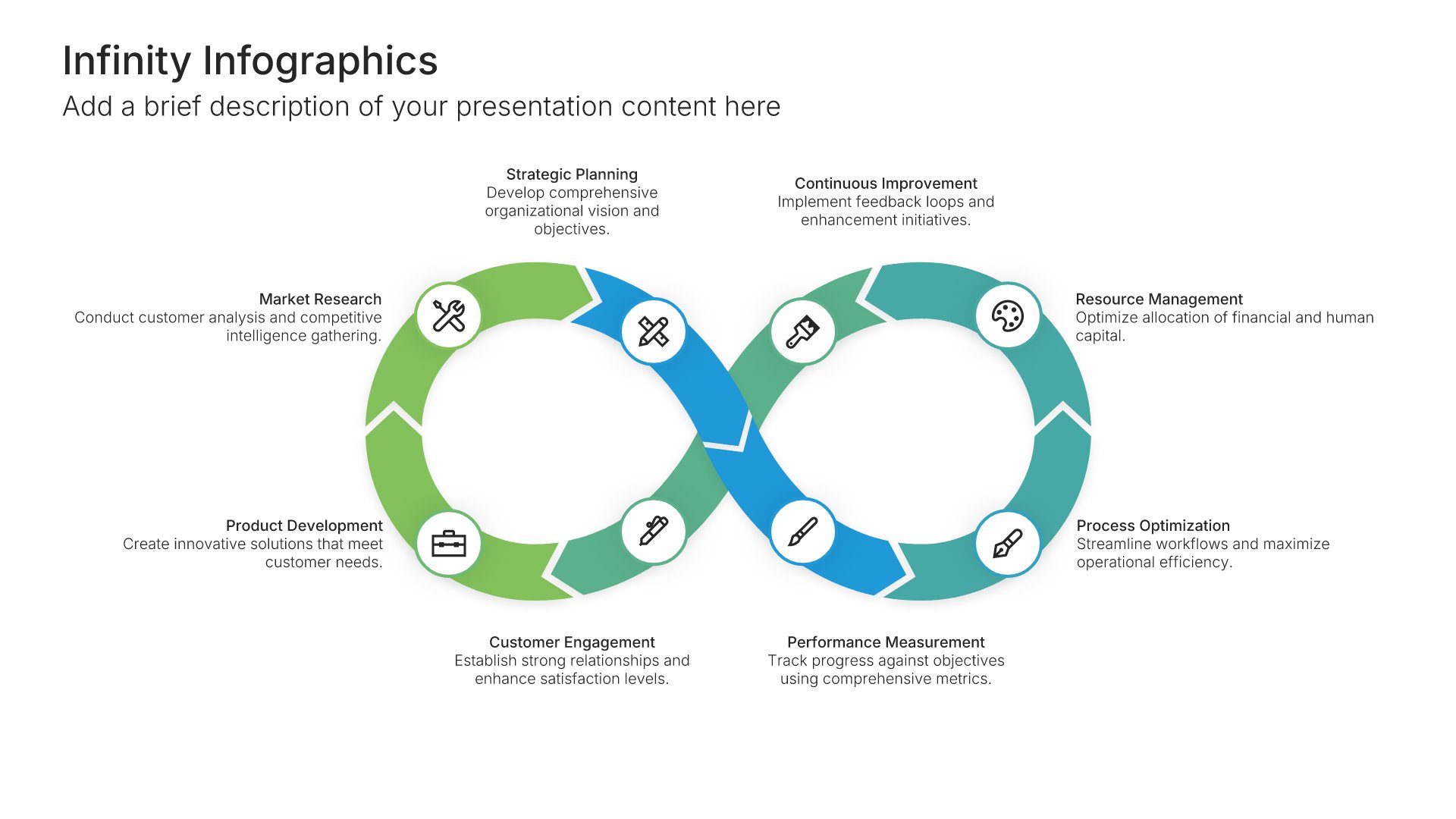
Infinity infographic slide, layout 02

Layout 02

Infinity infographic slide, layout 03

Layout 03

About our infinity loop slides

What the slide does, how to use it, your brand, and a file you can edit anywhere.

Built to show two halves that keep feeding each other

Some processes have two halves that keep handing work to each other: building and running a product, learning and applying, planning and delivering. An infinity infographic shows that relationship as one continuous figure eight, with each side leading into the other. Our infinity slides give each stage its own place on the loop, so the flow is easy to follow in both directions.

Why a loop shows continuous improvement

A straight process suggests a finish line. An infinity loop tells the audience there isn’t one, and that each side depends on the other. So it’s the right shape for ongoing work, where the output of one half becomes the input of the next.

Brand the whole presentation in one click

Add your logo, colors, fonts, and background once. It applies to the whole presentation and the entire slide library at the same time. Infinity slides often explain how your team or product works, so once branded, the loop carries your colors and looks like your company.

Export to PowerPoint, Google Slides, or Keynote

You get a real file, not a locked link. Export it and keep editing in the tool you already use. Stages, labels, and icons stay editable, so you can rename steps to fit your own process.

How Choladeck works

From blank page to finished presentation in four steps.

STEP 01

Browse 9,000+ slides across 134+ categories, or open one of the 74 premade presentations.

STEP 02

Add your logo, colors, and fonts in one click. The whole presentation instantly matches your company.

STEP 03

Add your text, numbers, charts, and tables. Everything on the slide is editable.

STEP 04

Send it to PowerPoint, Google Slides, or Keynote, and present.

Start from a template

Need a complete presentation instead?

If you're starting from nothing rather than fixing a few slides, open one of 74+ premade presentations instead. Each one is complete and built for one purpose, from pitch decks to business plans and company profiles.

Choladeck premade templates with the Type of Presentation filter and the Consulting Company Profile deck shown larger

Questions about infinity infographic slides

How the slides work, and how far you can change them.

Using the slides

Can I edit these slides in PowerPoint?

+

Yes. Export to PowerPoint, Google Slides, or Keynote, and every stage and label stays editable. Nothing is locked and nothing is a flat image.

How do I brand them to my company?

+

Add your logo, colors, fonts, and background once. It applies to the whole presentation and the entire slide library at the same time.

Can I mix them with other slides from the library?

+

Yes. Add an infinity slide to any premade template, or pair it with cycle or process slides from the library. Branding applies across all of them.

About infinity infographics

When should I use an infinity infographic?

+

When a process has two connected halves that repeat continuously, such as development and operations, or learning and doing.

How is it different from a cycle infographic?

+

A cycle is one loop of steps. An infinity loop joins two cycles, showing how they feed each other.

Where does an infinity slide go in a presentation?

+

Where you explain how an ongoing process works, often in operations, product, or improvement presentations.

Your next infinity infographic slide is already designed

Pick a layout, brand it in one click, add your content, and export.

Free to start. No credit card required.