Pricing

Home infographic slides

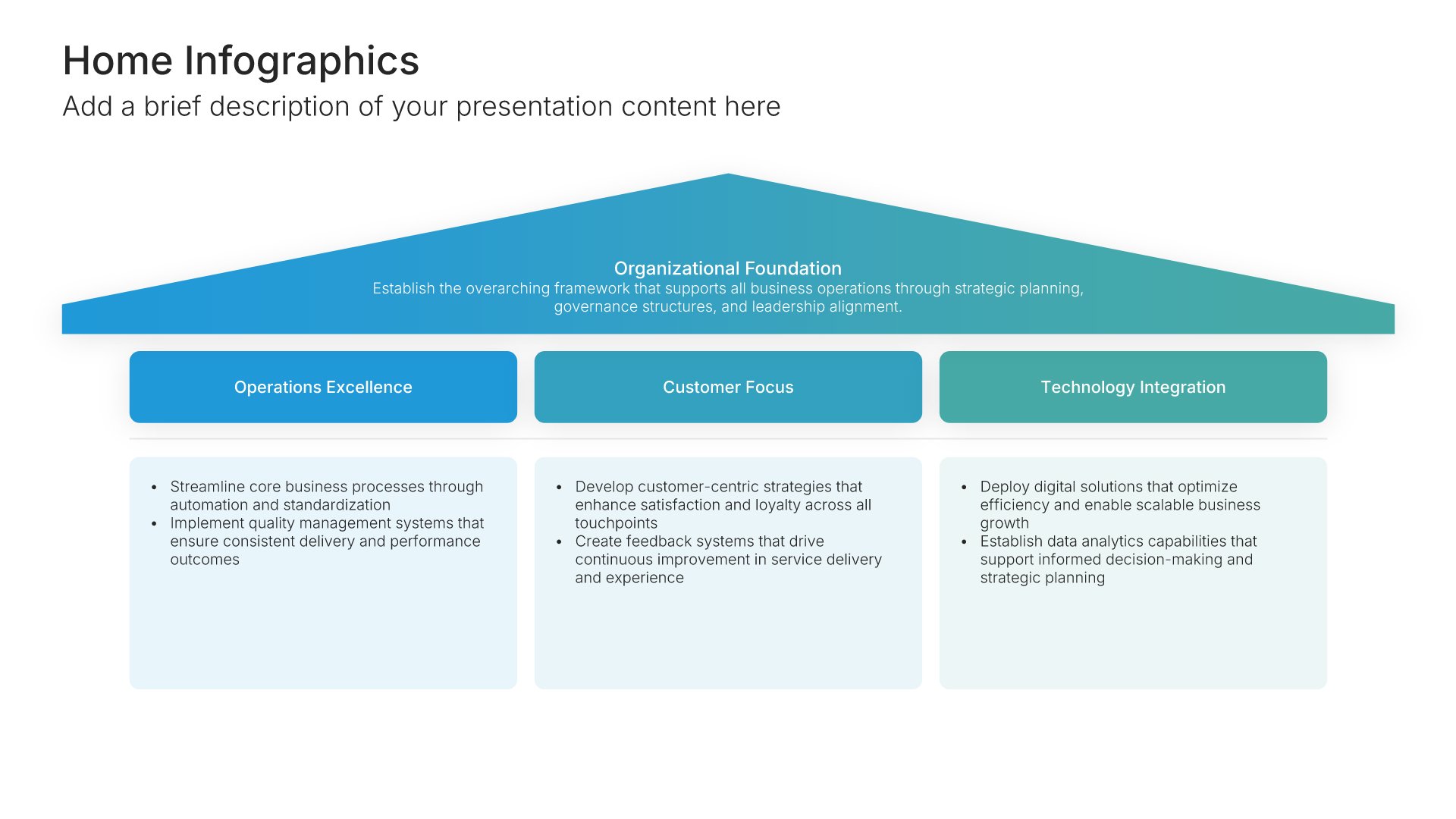
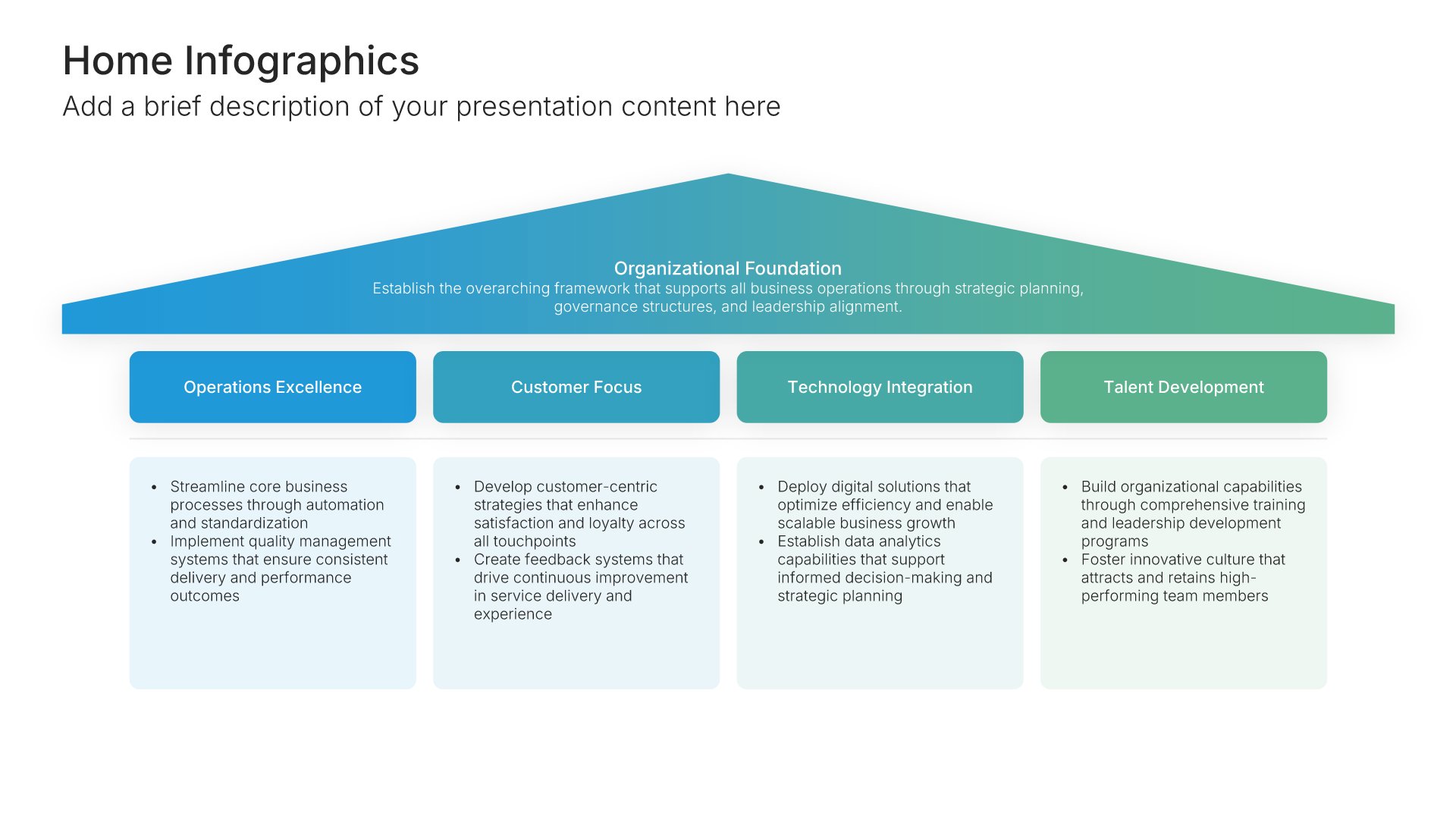
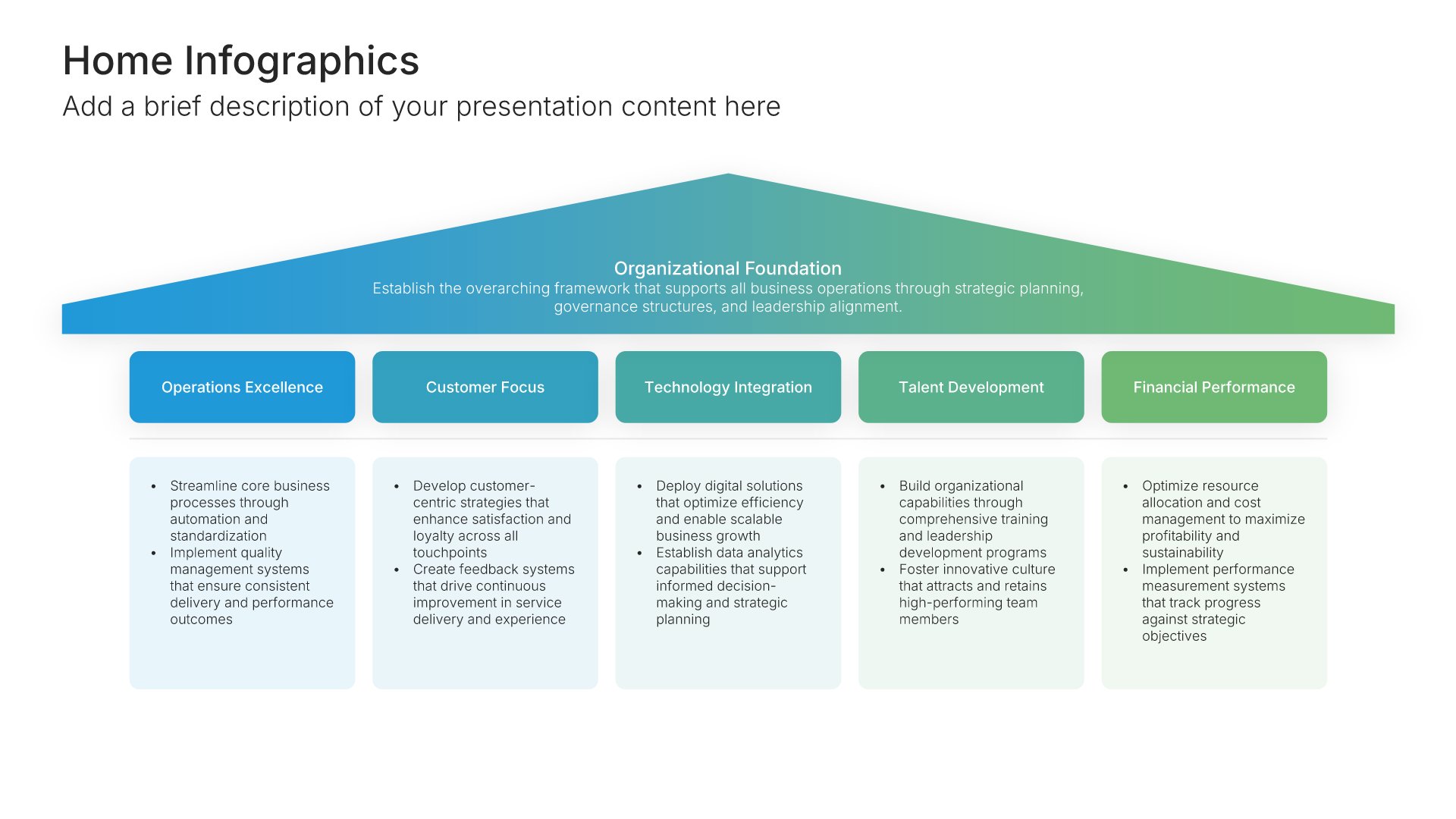
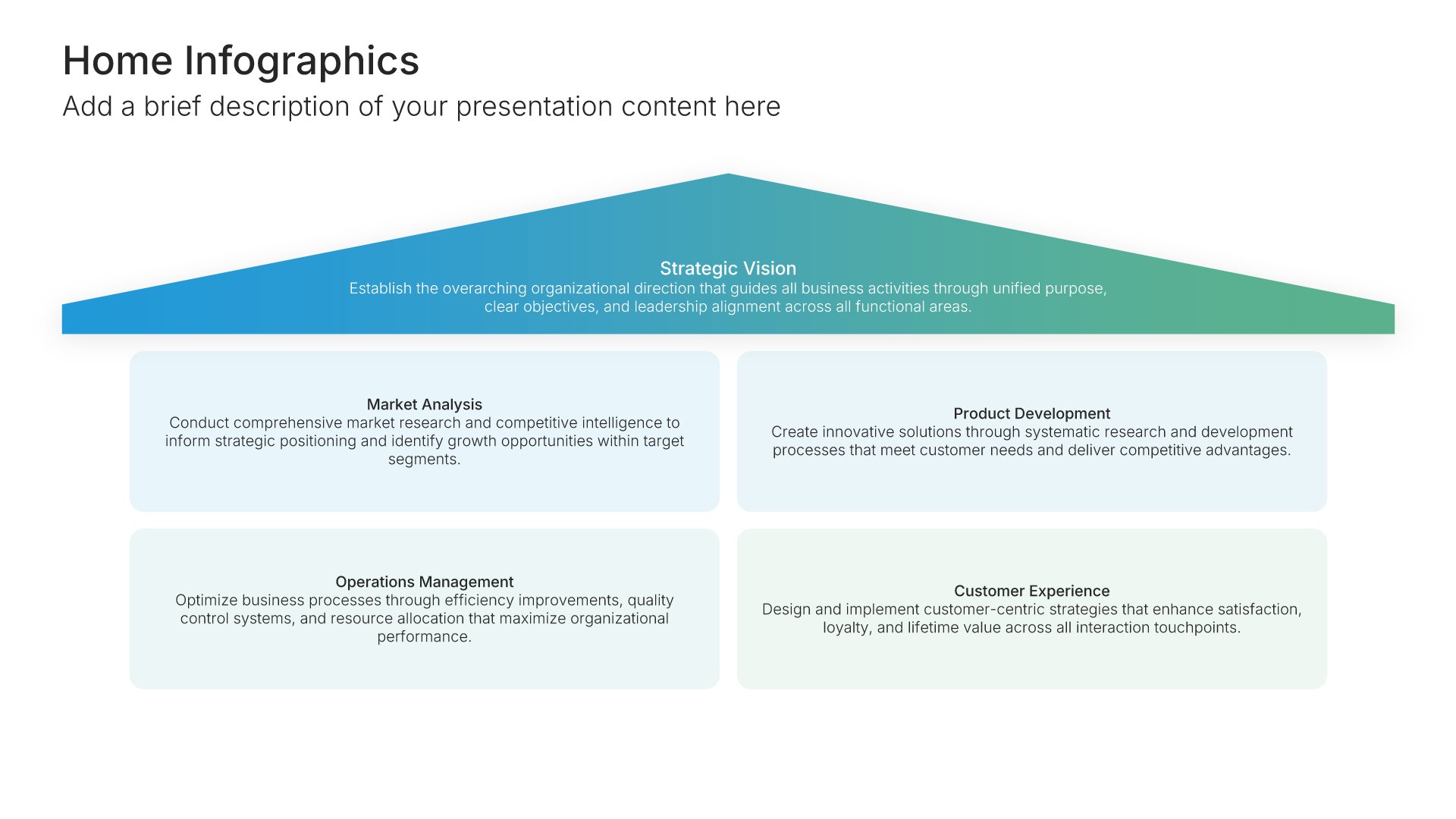
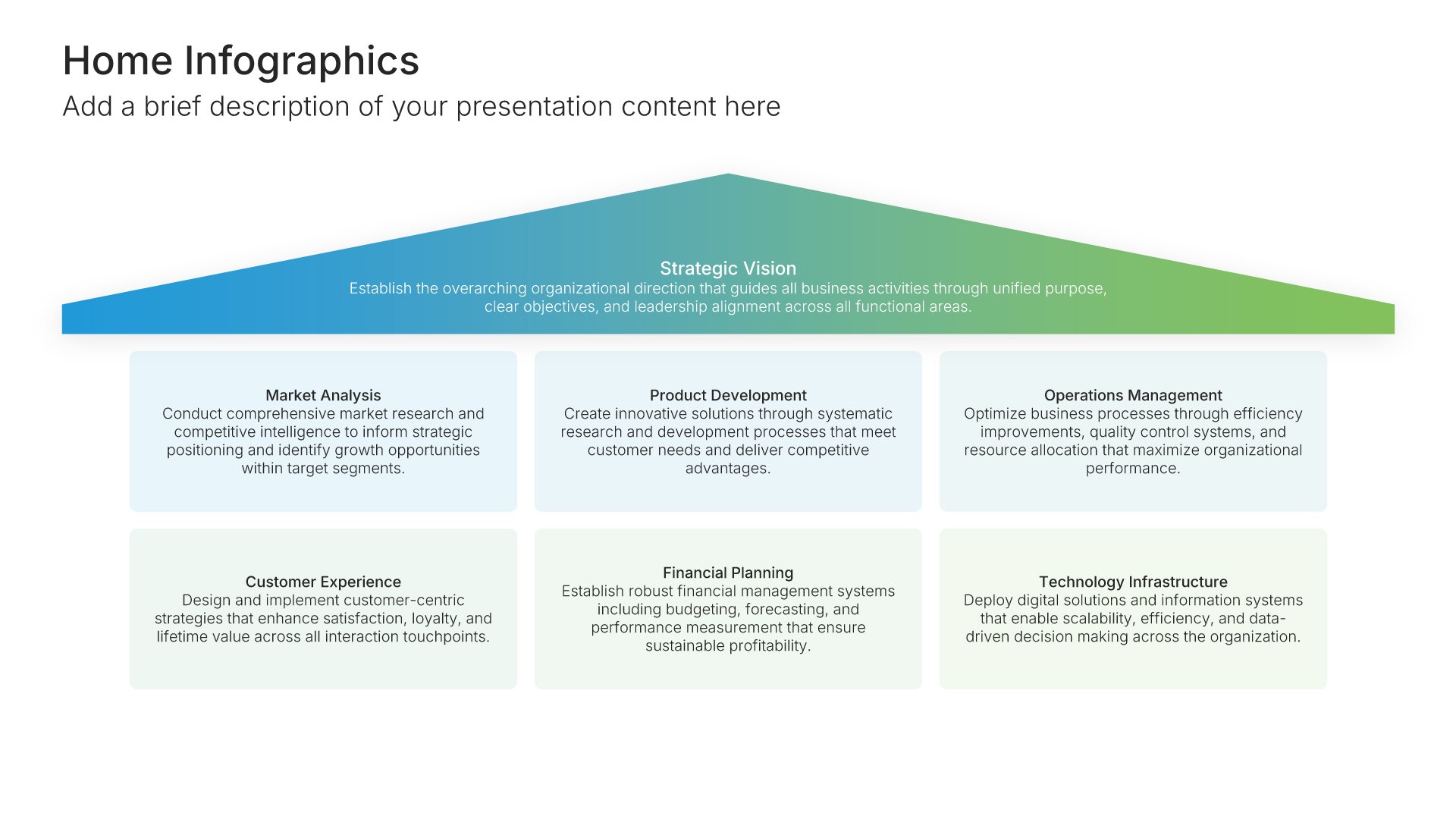
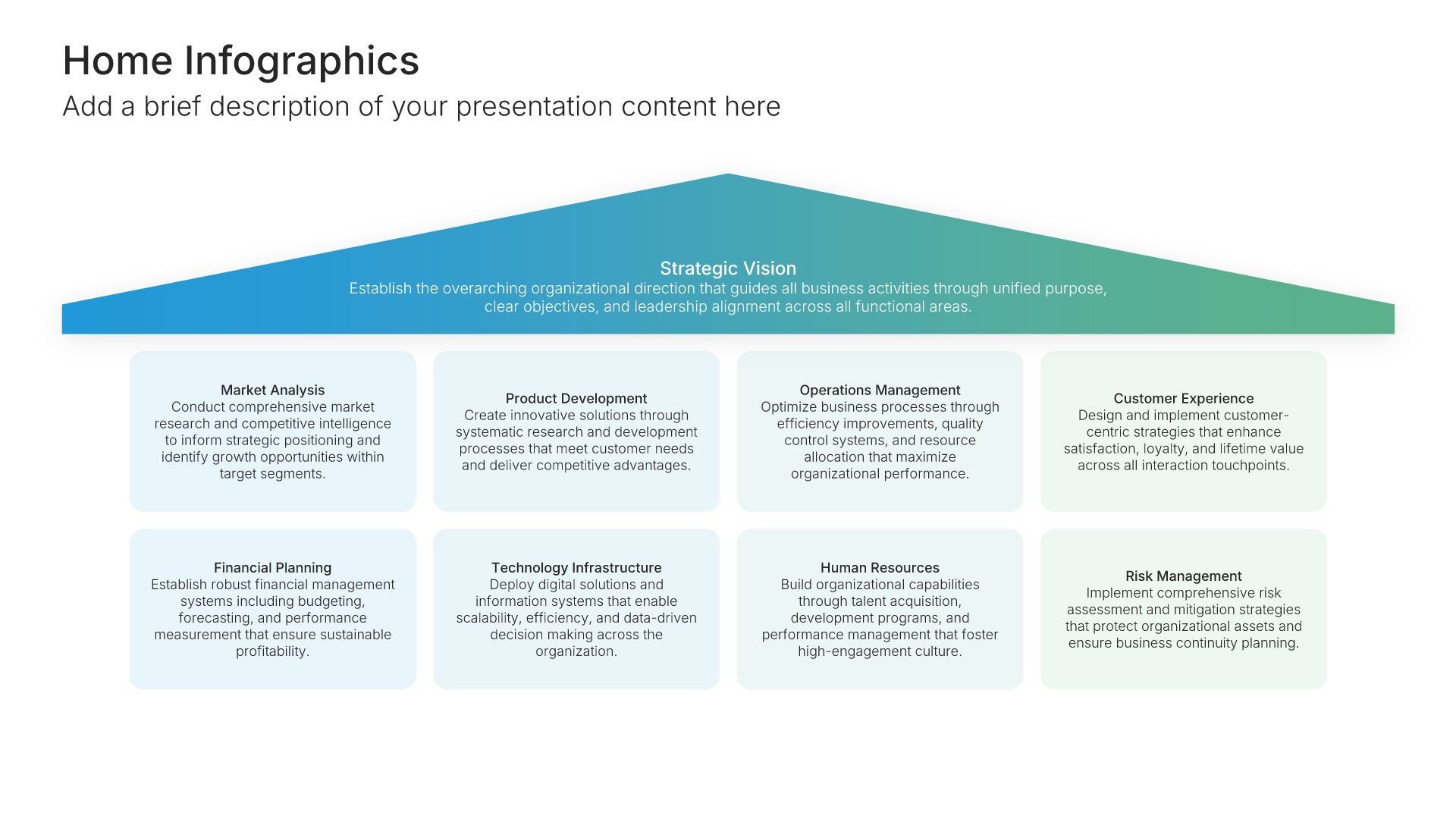
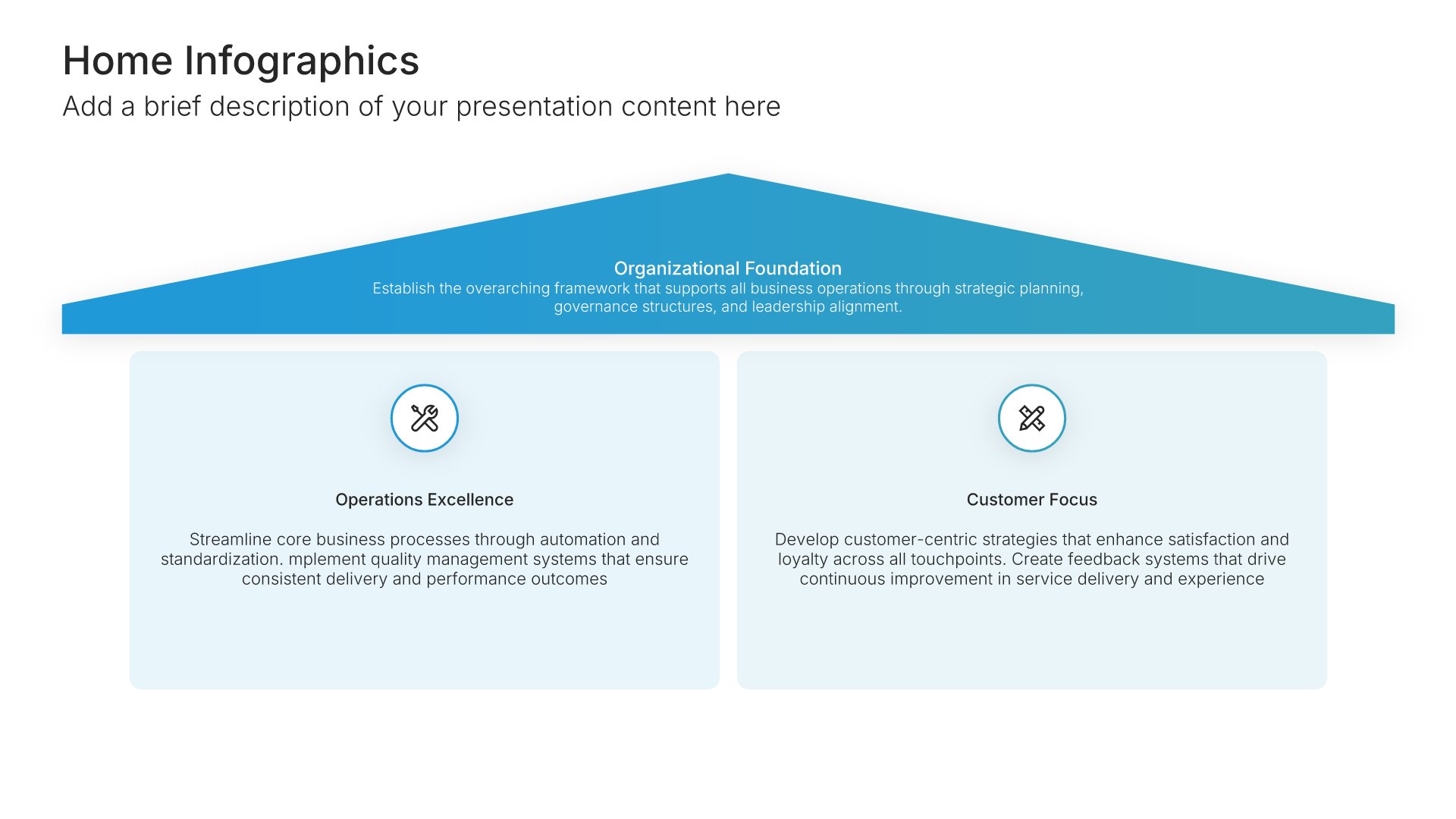
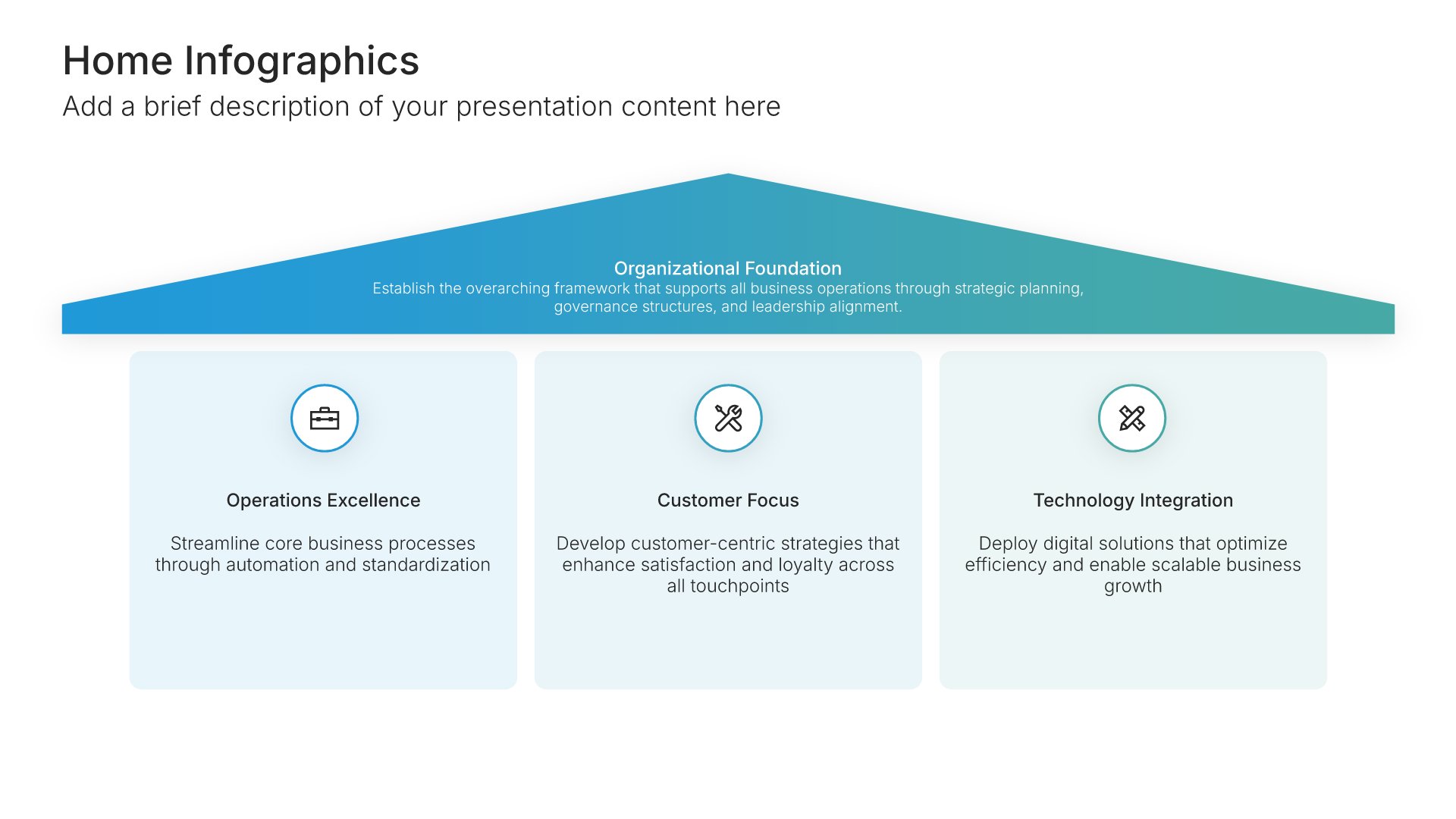
Home infographics use the shape of a house to show how things fit together: what forms the foundation, what holds it up, and what sits on top. Pick one of 11 layouts, brand it to your company in one click, add your content, and export to PowerPoint, Google Slides, or Keynote.

Free to start. No credit card required.
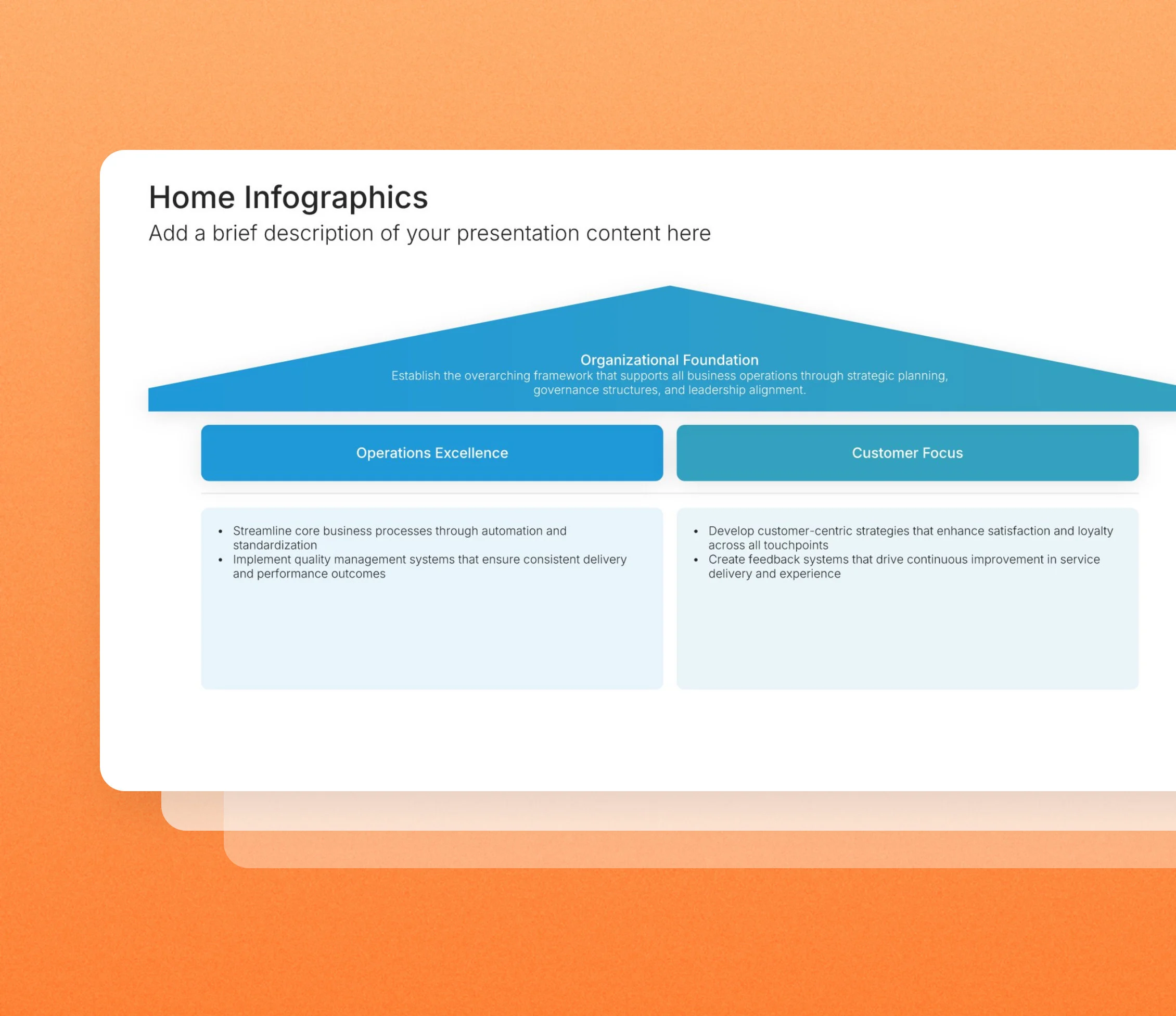
Home infographic slides in the Choladeck slide library

Browse home infographic slides

11 ways to show what holds your plan up, all fully editable.
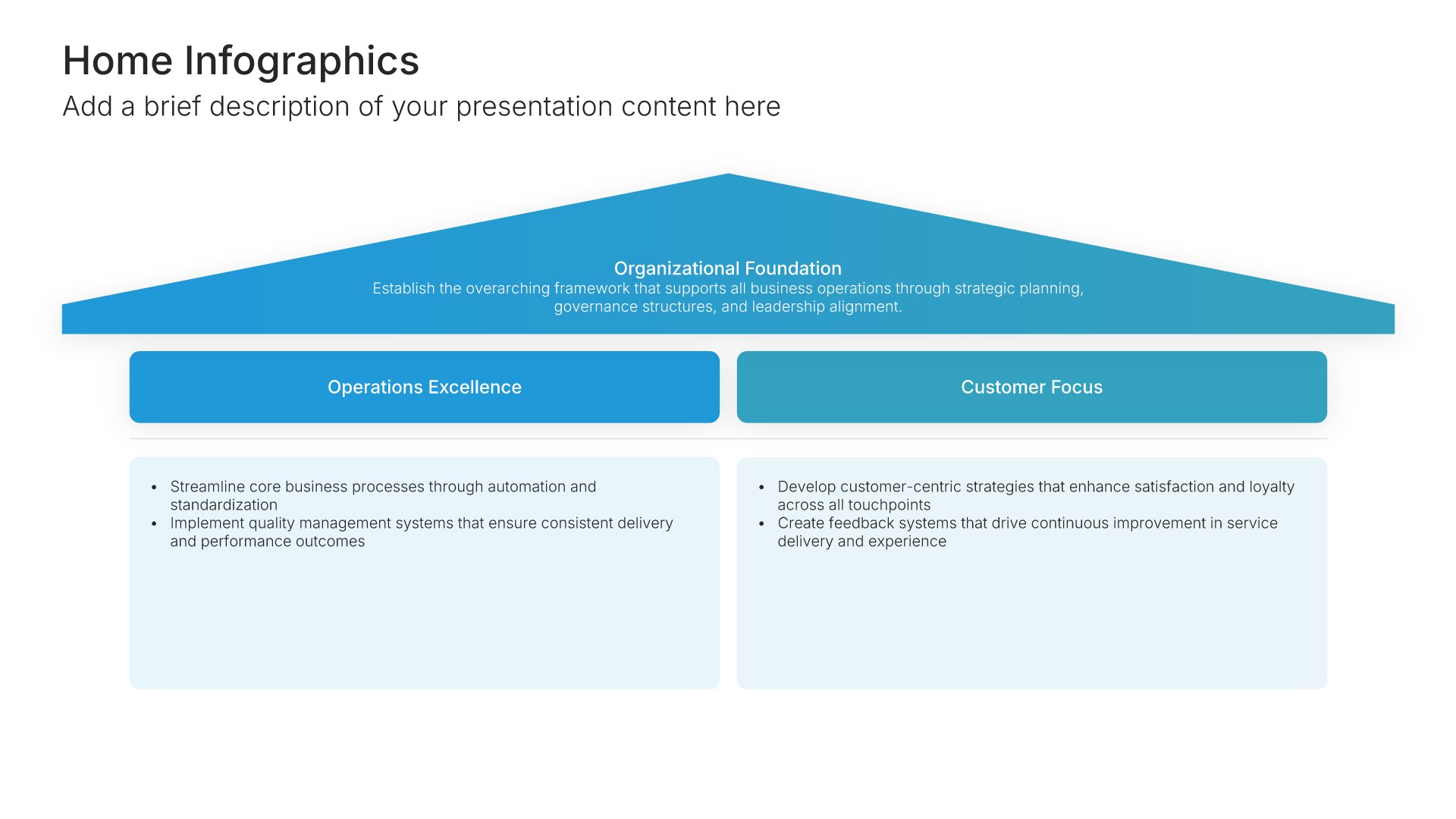
Home Infographics • Slide Library • Layout 01 of 11

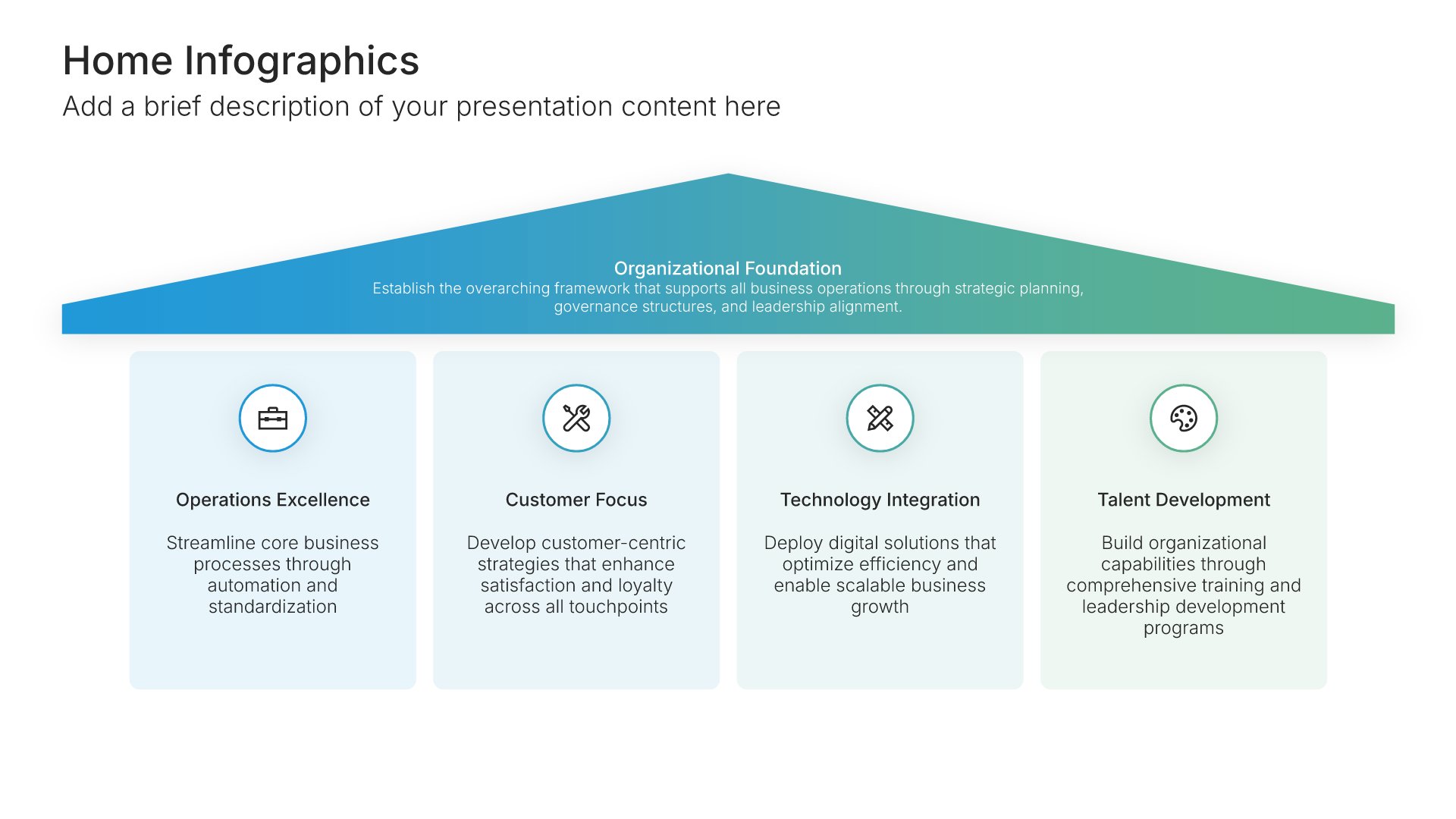
Home infographic slide, layout 01

Layout 01

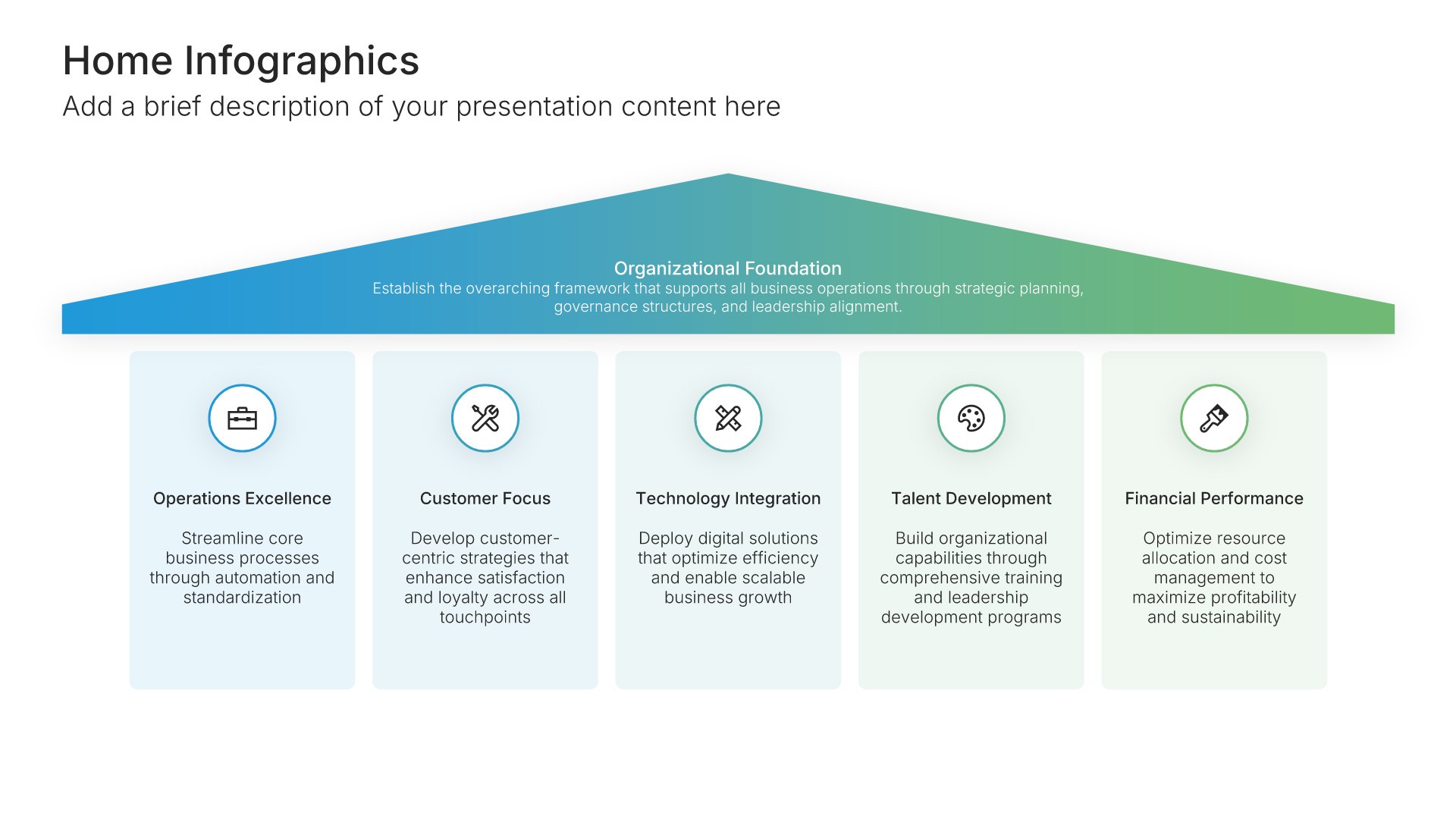
Home infographic slide, layout 02

Layout 02

Home infographic slide, layout 03

Layout 03

Home infographic slide, layout 04

Layout 04

Home infographic slide, layout 05

Layout 05

Home infographic slide, layout 06

Layout 06

Home infographic slide, layout 07

Layout 07

Home infographic slide, layout 08

Layout 08

Home infographic slide, layout 09

Layout 09

Home infographic slide, layout 10

Layout 10

Home infographic slide, layout 11

Layout 11

About our home infographic slides

What the slide does, how to use it, your brand, and a file you can edit anywhere.

Built to explain your structure through one everyone knows

A house is one of the most familiar structures there is, which makes it a useful way to explain one. A home infographic can show a strategy, a set of values, or a service model as a building: a foundation, the parts that hold it up, and the roof they support. Our home slides also suit anything to do with property, housing, or the home itself.

Why a house makes structure obvious

Everyone knows that a house falls down without its foundation. Put your core principles at the base and your goals at the top, and the audience instantly understands which parts support which. So the slide explains dependencies without you having to.

Brand the whole presentation in one click

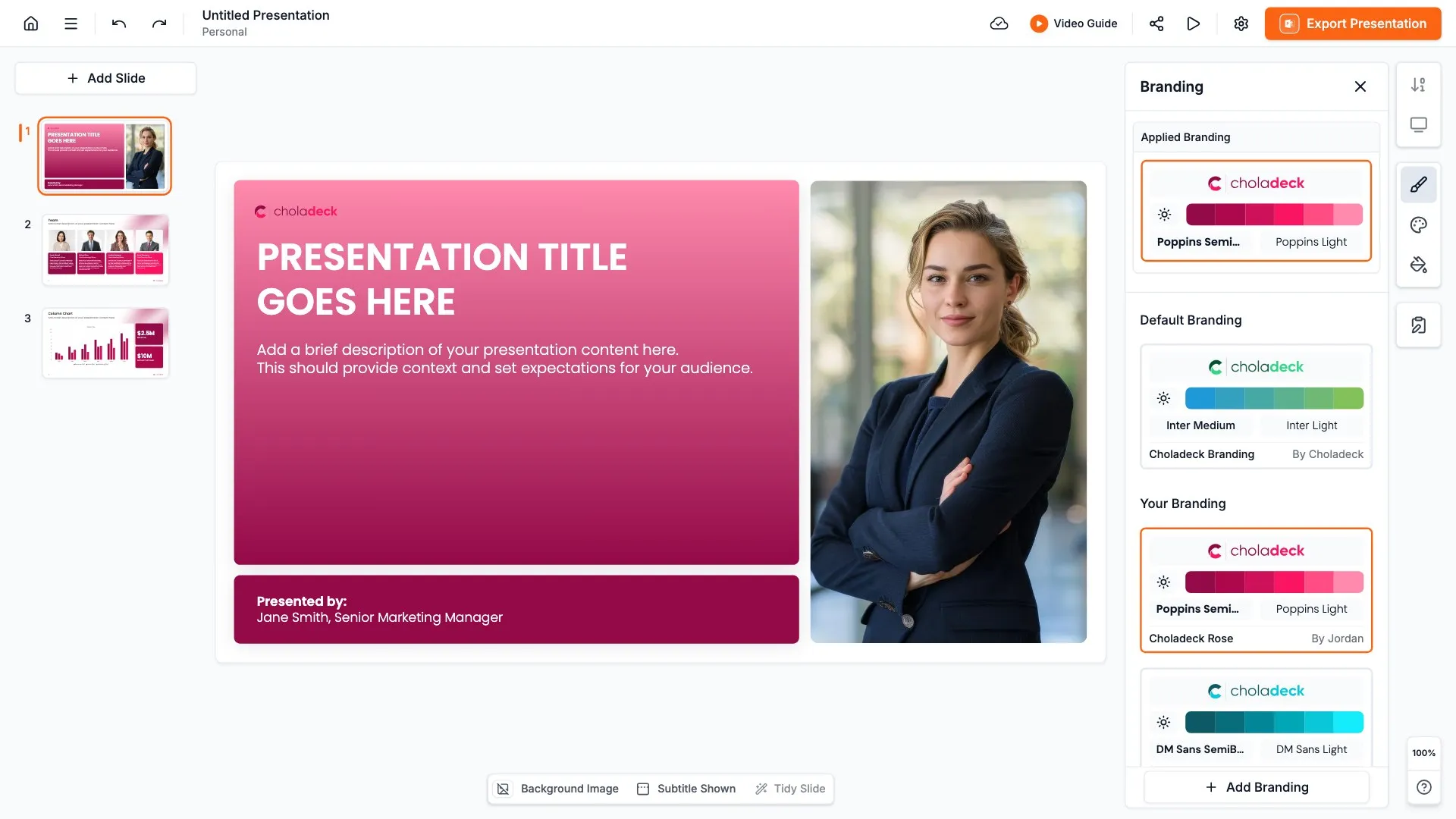
Add your logo, colors, fonts, and background once. It applies to the whole presentation and the entire slide library at the same time. Home infographics often present company strategy or values, where your brand’s look matters, so once branded, every part of the house is in your colors.

Export to PowerPoint, Google Slides, or Keynote

You get a real file, not a locked link. Export it and keep editing in the tool you already use. The house shape and its labels stay editable, so you can rearrange the structure as needed.

How Choladeck works

From blank page to finished presentation in four steps.

STEP 01

Browse 9,000+ slides across 134+ categories, or open one of the 74 premade presentations.

STEP 02

Add your logo, colors, and fonts in one click. The whole presentation instantly matches your company.

STEP 03

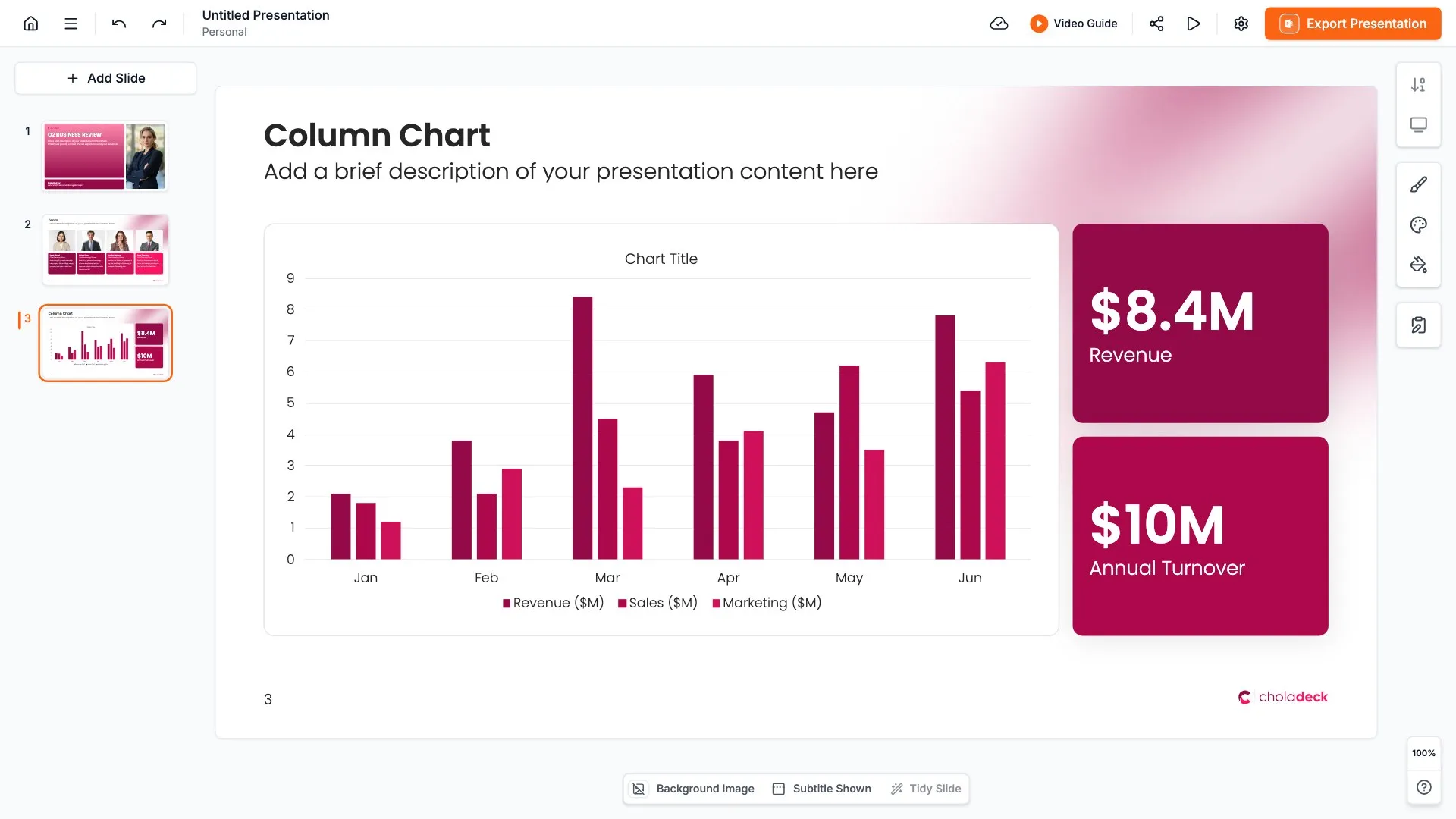
Add your text, numbers, charts, and tables. Everything on the slide is editable.

STEP 04

Send it to PowerPoint, Google Slides, or Keynote, and present.
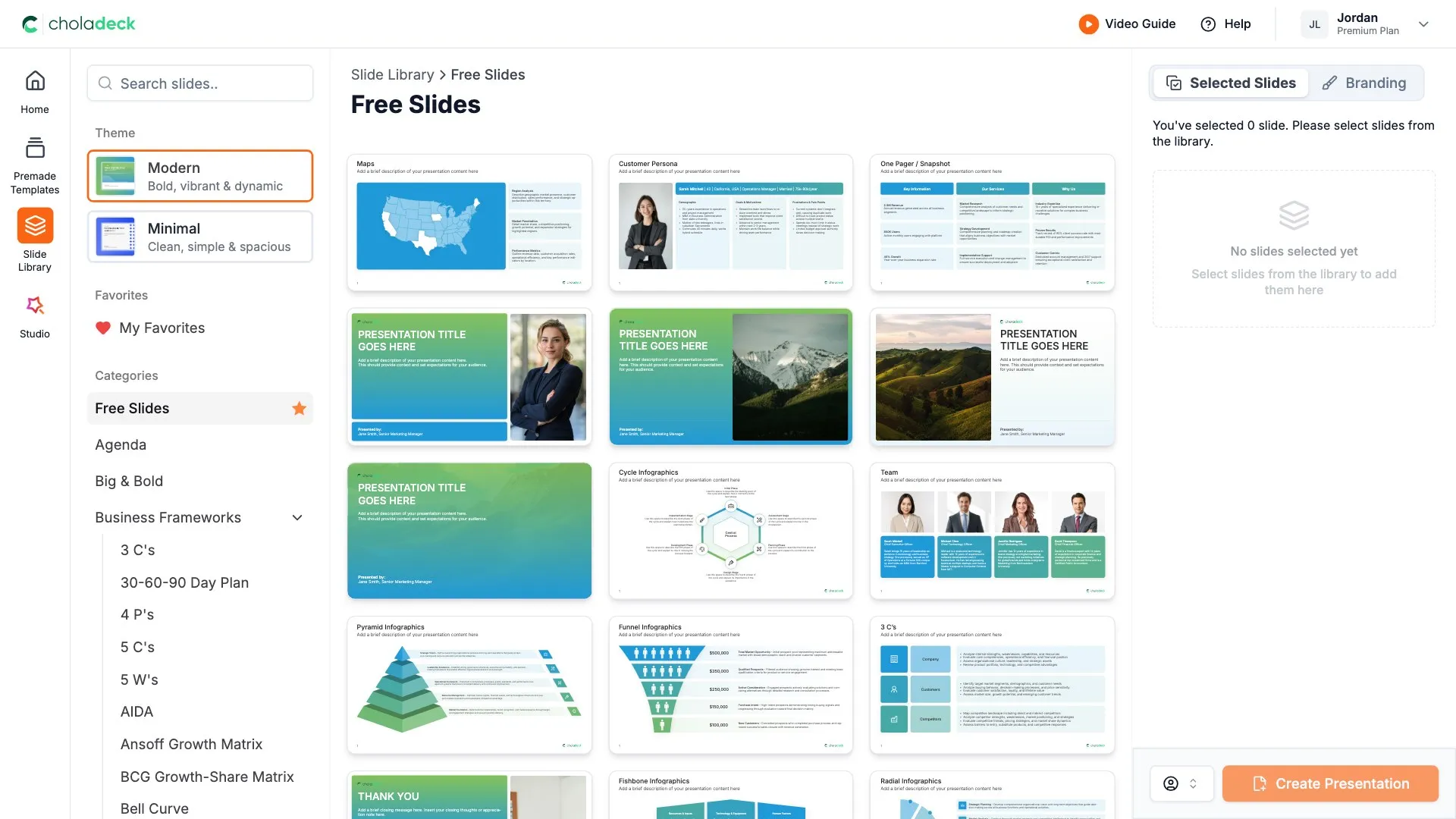
Start from a template

Need a complete presentation instead?

If you're starting from nothing rather than fixing a few slides, open one of 74+ premade presentations instead. Each one is complete and built for one purpose, from pitch decks to business plans and company profiles.
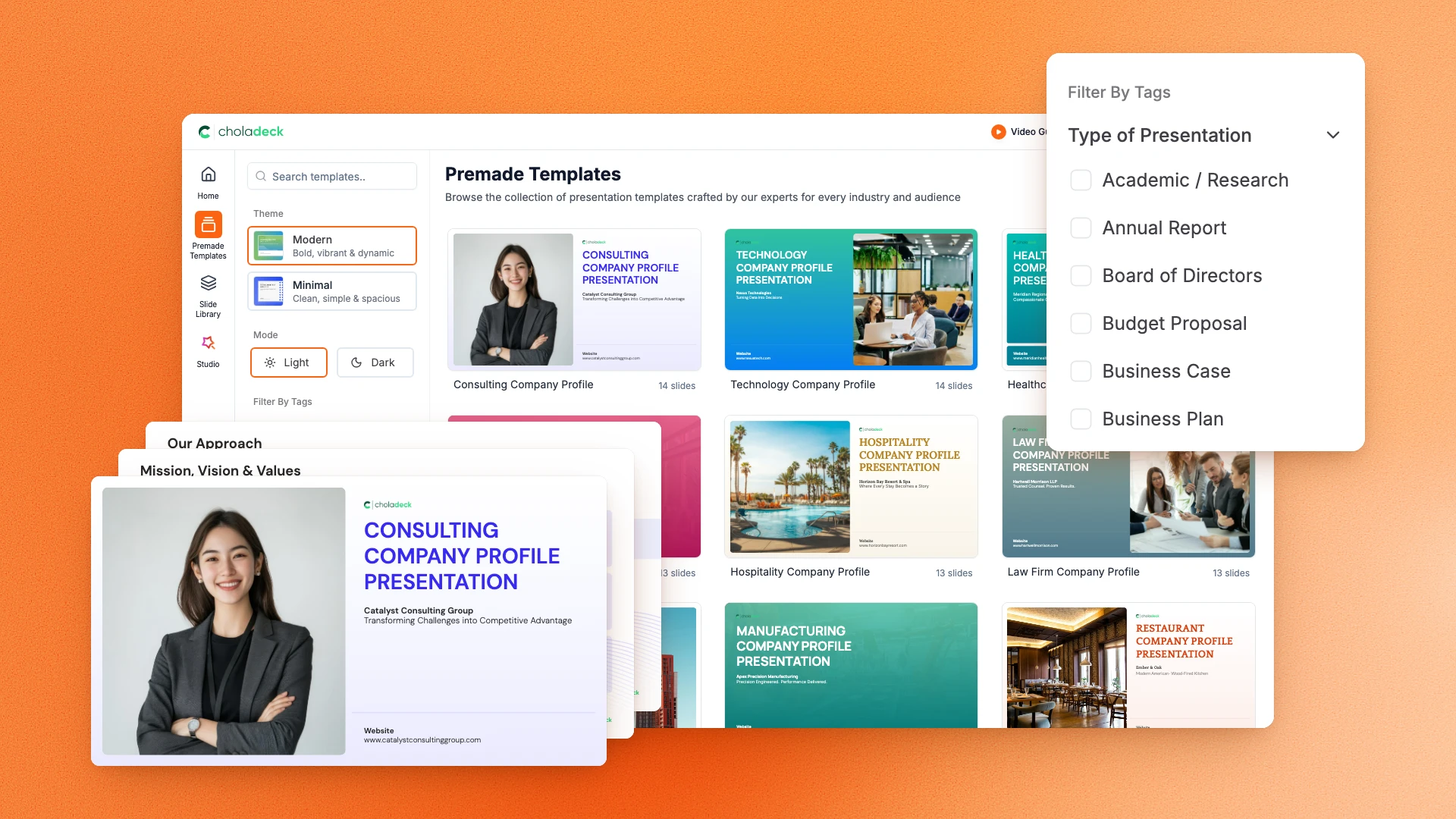
Choladeck premade templates with the Type of Presentation filter and the Consulting Company Profile deck shown larger

Questions about home infographic slides

How the slides work, and how far you can change them.

Using the slides

Can I edit these slides in PowerPoint?

+

Yes. Export to PowerPoint, Google Slides, or Keynote, and the house shape and every label stay editable. Nothing is locked and nothing is a flat image.

How do I brand them to my company?

+

Add your logo, colors, fonts, and background once. It applies to the whole presentation and the entire slide library at the same time.

Can I mix them with other slides from the library?

+

Yes. Add a home infographic to any premade template, or pair it with building blocks or strategic pillars slides from the library. Branding applies across all of them.

About home infographics

What is a home infographic used for?

+

Showing how the parts of a plan, business, or idea support each other, or presenting topics related to property and housing.

How is a home infographic different from building blocks?

+

Building blocks stack parts on each other. A house adds the idea of a roof, a foundation, and pillars, so it shows what the whole structure protects.

Where does a home slide go in a presentation?

+

Wherever you introduce a structure, such as a strategy or a set of values, before explaining each part.

Your next home infographic slide is already designed

Pick a layout, brand it in one click, add your content, and export.

Free to start. No credit card required.