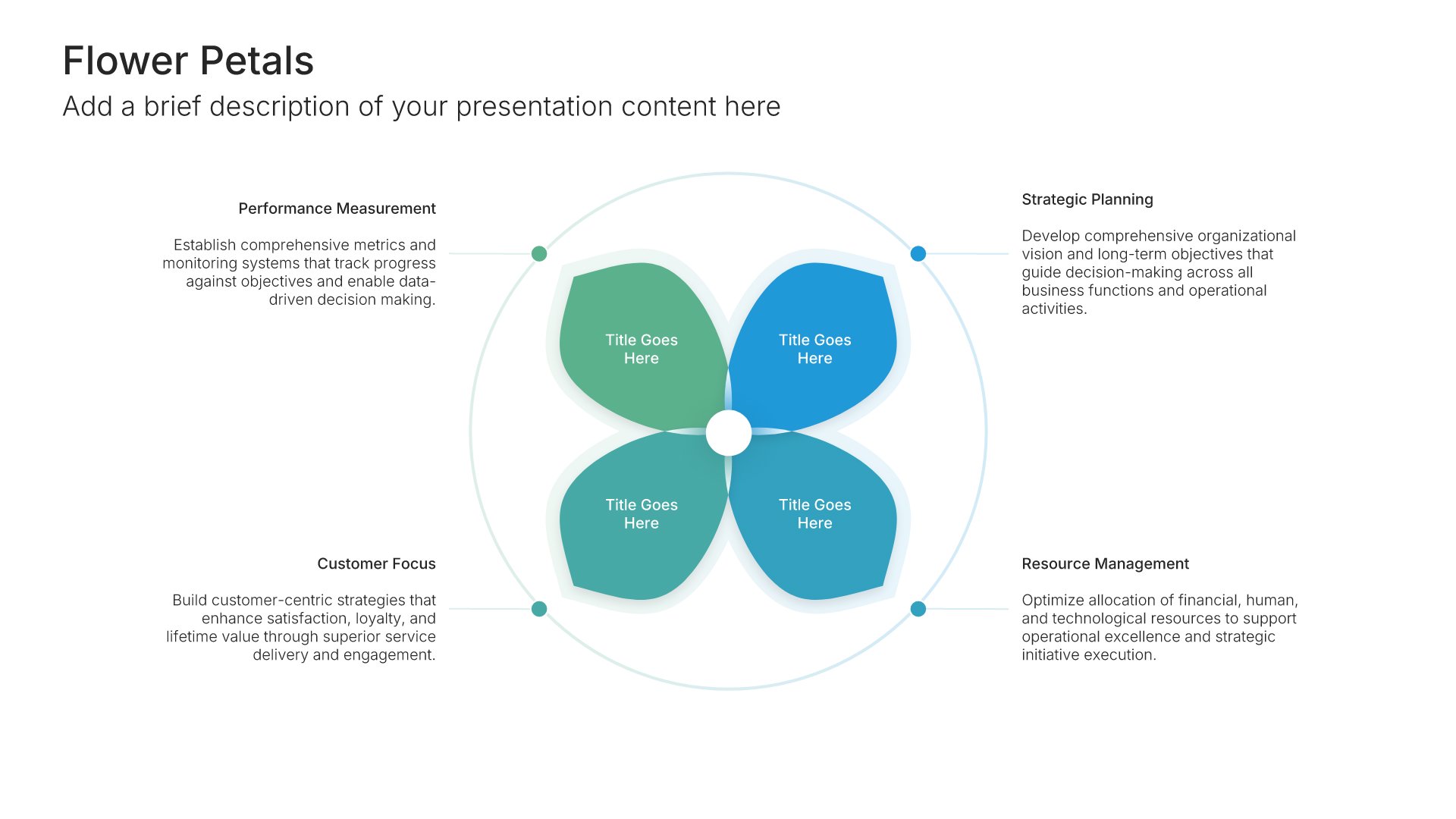
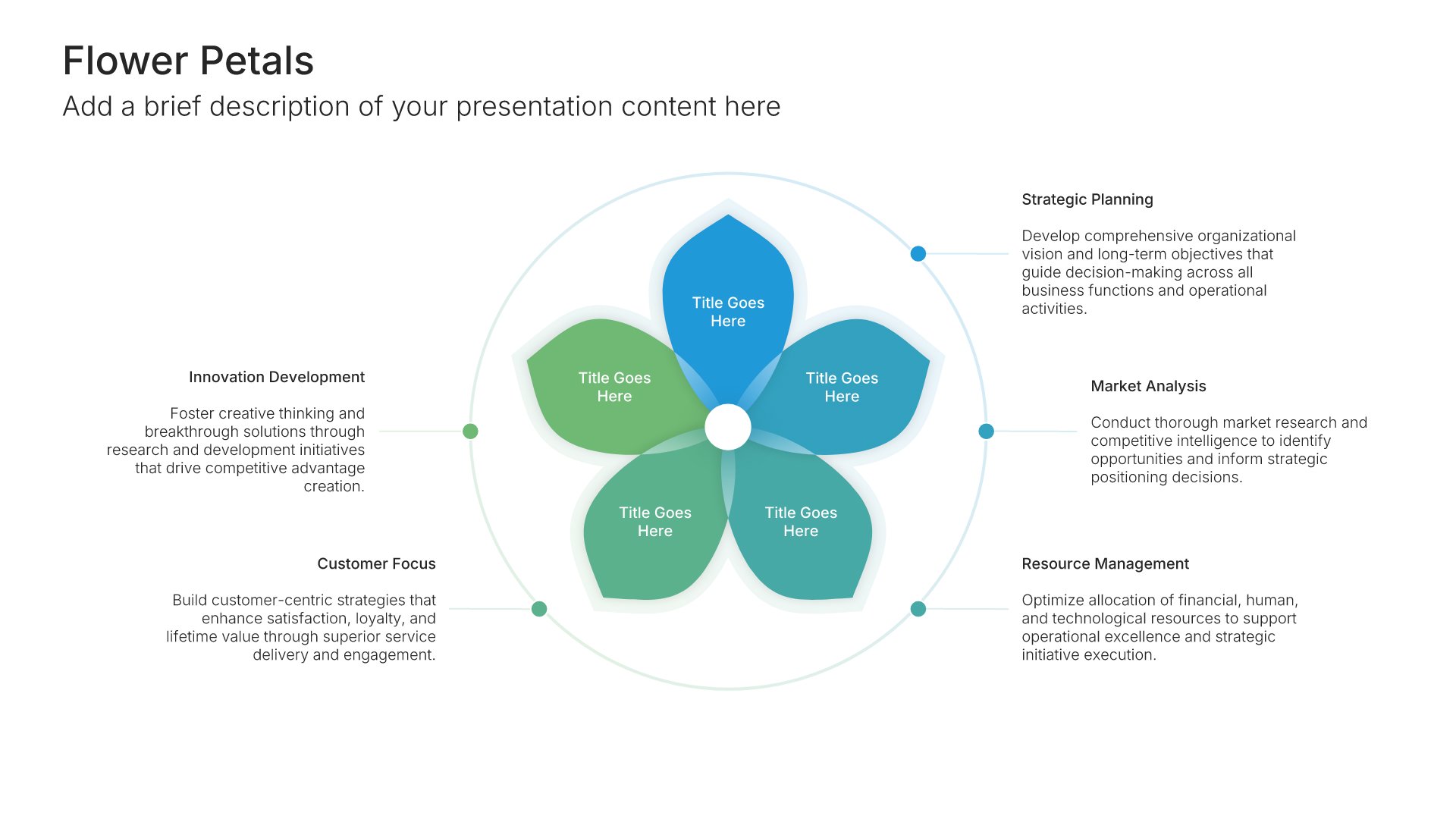
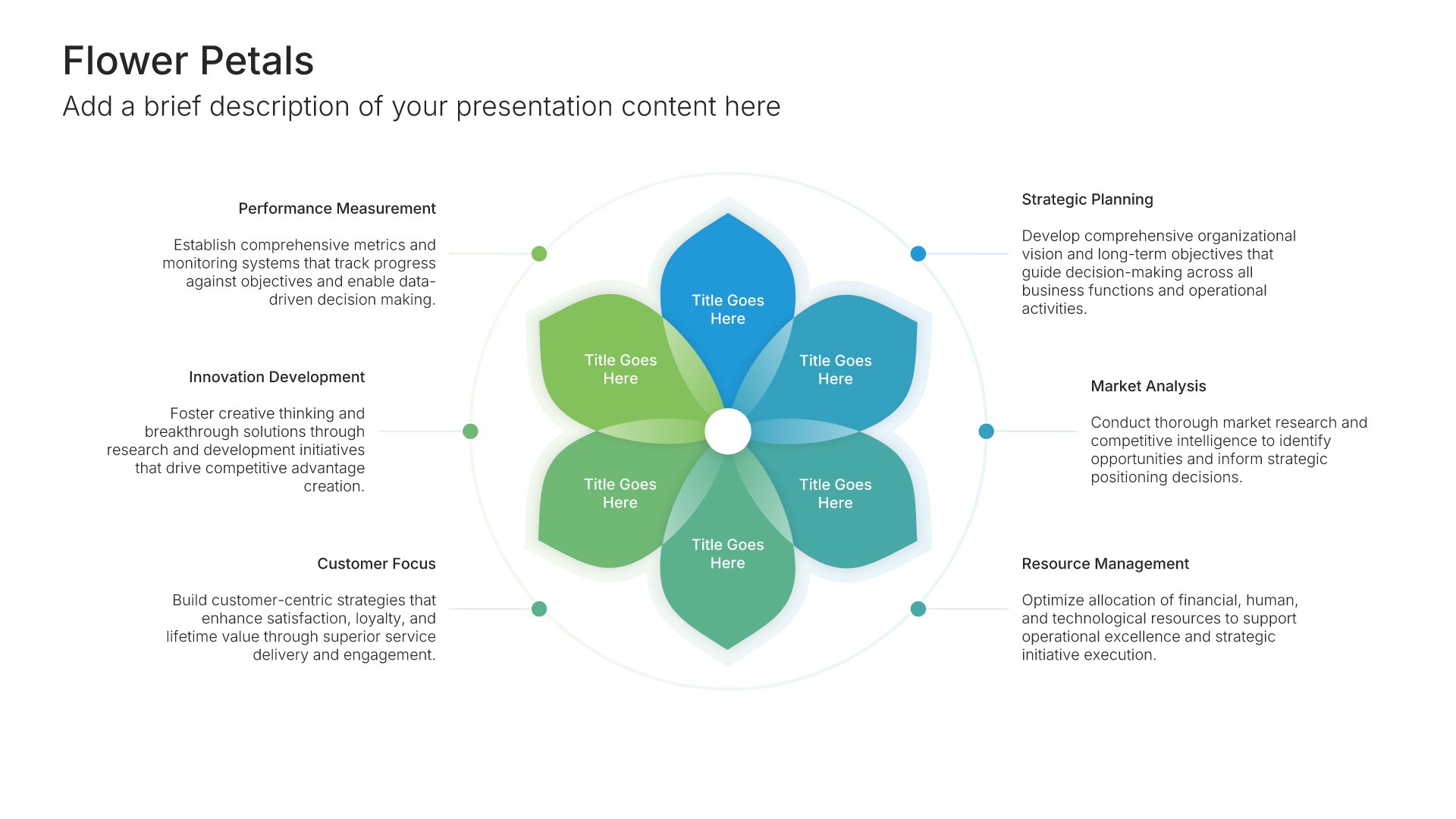
Flower infographic template slides
Flower petal slides arrange related ideas as petals around a central theme, so each one clearly belongs to the whole. Pick one of 4 layouts, brand it to your company in one click, add your ideas, and export to PowerPoint, Google Slides, or Keynote.
Free to start. No credit card required.
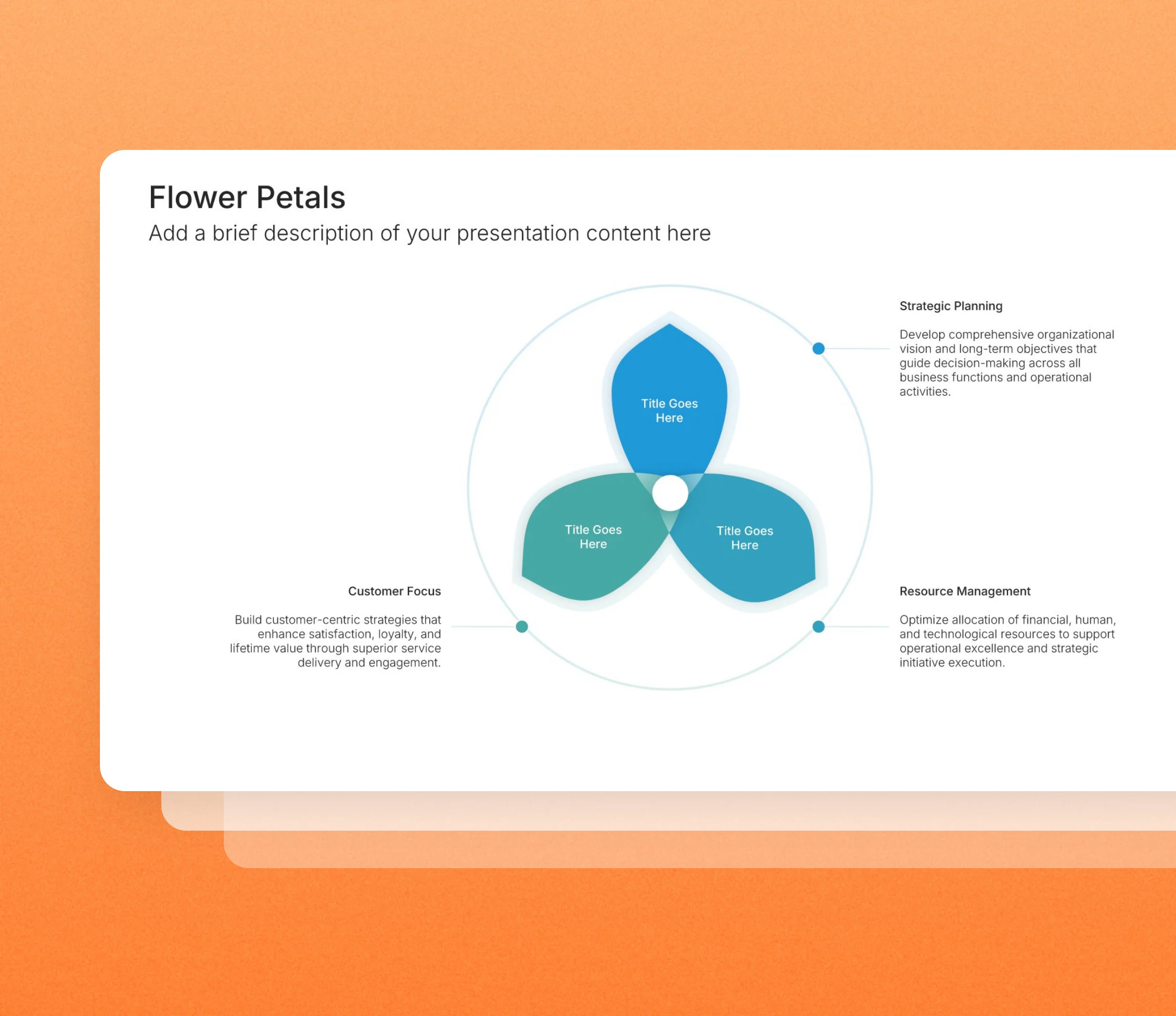
Browse flower petal slides
4 ways to grow related ideas from one center, all fully editable.
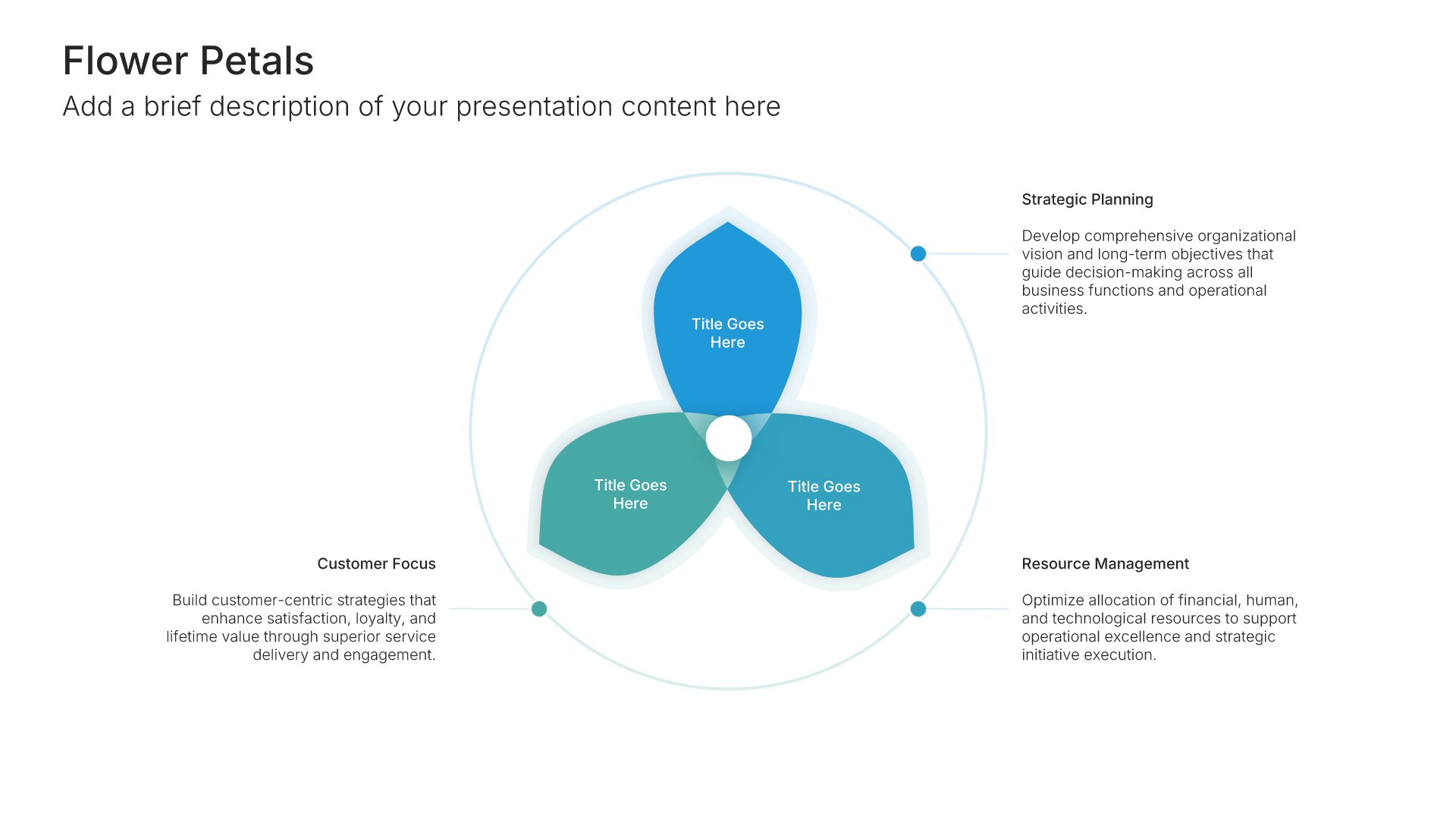
Flower Petals • Slide Library • Layout 01 of 4
Layout 01
Layout 02
Layout 03
Layout 04
About our flower petal slides
What the slide does, how to use it, your brand, and a file you can edit anywhere.
Built to show ideas that share a single root
A flower infographic template is a softer take on a hub diagram: one core idea in the center and the ideas that grow from it arranged as petals. It suits values, service offerings, benefits, and anything else that shares a single root. Our flower petal slides give each petal room for a short label, so the whole flower reads in a glance.
Why petals feel connected
Separate boxes look like separate things. Petals growing from the same center look like parts of one idea. So when you want the audience to see your offerings or values as a family rather than a list, the shape does it without extra explanation.
Brand the whole presentation in one click
Add your logo, colors, fonts, and background once. It applies to the whole presentation and the entire slide library at the same time. Flower slides often present values or culture, where the look matters as much as the words, so once branded, the petals carry your colors.
Export to PowerPoint, Google Slides, or Keynote
You get a real file, not a locked link. Export it and keep editing in the tool you already use. Petals, the center, and every label stay editable, so you can add or rename ideas as needed.
How Choladeck works
From blank page to finished presentation in four steps.
STEP 01
Browse 9,000+ slides across 134+ categories, or open one of the 74 premade presentations.
STEP 02
Add your logo, colors, and fonts in one click. The whole presentation instantly matches your company.
STEP 03
Add your text, numbers, charts, and tables. Everything on the slide is editable.
STEP 04
Send it to PowerPoint, Google Slides, or Keynote, and present.

Need a complete presentation instead?
If you're starting from nothing rather than fixing a few slides, open one of 74+ premade presentations instead. Each one is complete and built for one purpose, from pitch decks to business plans and company profiles.

Questions about flower petal slides
How the slides work, and how far you can change them.
Using the slides
Can I edit these slides in PowerPoint?
+Yes. Export to PowerPoint, Google Slides, or Keynote, and every petal and label stays editable. Nothing is locked and nothing is a flat image.
How do I brand them to my company?
+Add your logo, colors, fonts, and background once. It applies to the whole presentation and the entire slide library at the same time.
Can I mix them with other slides from the library?
+Yes. Add a flower petal slide to any premade template, or pair it with circle or hub and spoke slides from the library. Branding applies across all of them.
About flower petal slides
When should I use a flower petal slide?
+When several ideas grow from one central theme: company values, service lines, product benefits, or the parts of a program.
How is a flower slide different from a circle infographic?
+Both put ideas around a center. Petals make the ideas feel more connected and organic, which suits softer topics like values and culture.
How many petals should the flower have?
+Four to eight usually looks balanced. Fewer can look sparse, and more becomes hard to label.
Your next flower petal slide is already designed
Pick a layout, brand it in one click, add your content, and export.
Free to start. No credit card required.