Try Twodart Free: Download Personalized Business Slides Today

Technology Company Profile Premade Template

A professionally structured technology company profile template following the Universal Company Profile framework adapted for tech companies. Built for technology firms showcasing their products and services to clients, partners, and investors. Covers company history, solutions, methodology, team credentials, client success stories, and recognition.
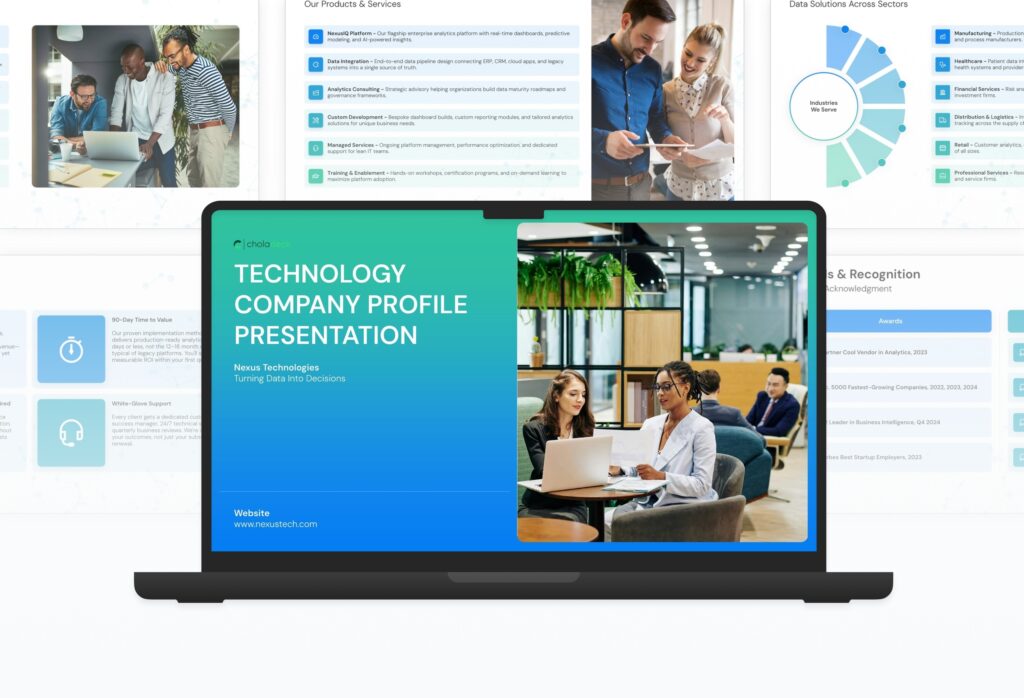

Technology Company Profile Featured Image

How to Build a Technology Company Profile Presentation

Learn how to create a compelling technology company profile that attracts clients and partners. This guide walks you through presenting your company history, solutions, methodology, team credentials, client success stories, and the recognition that establishes your firm as a trusted and innovative technology partner.

1. Title

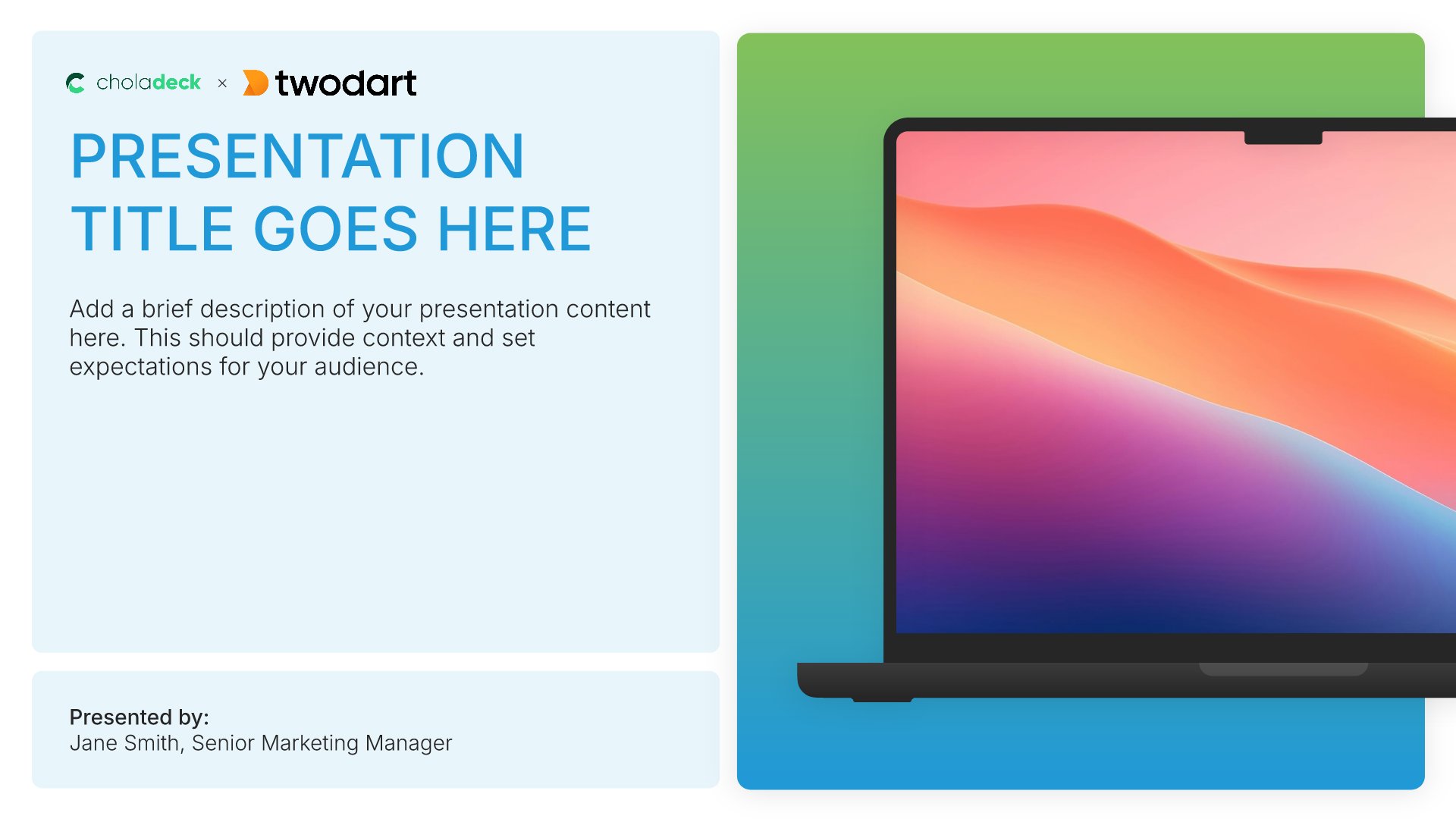
Title slides help you open presentations with impact. Use them to create strong first impressions with opening slides that set the tone, introduce your topic, and establish your brand. Ideal for any presentation where a polished, professional opening slide sets the stage for everything that follows.
Built using Title slides

2. About Us

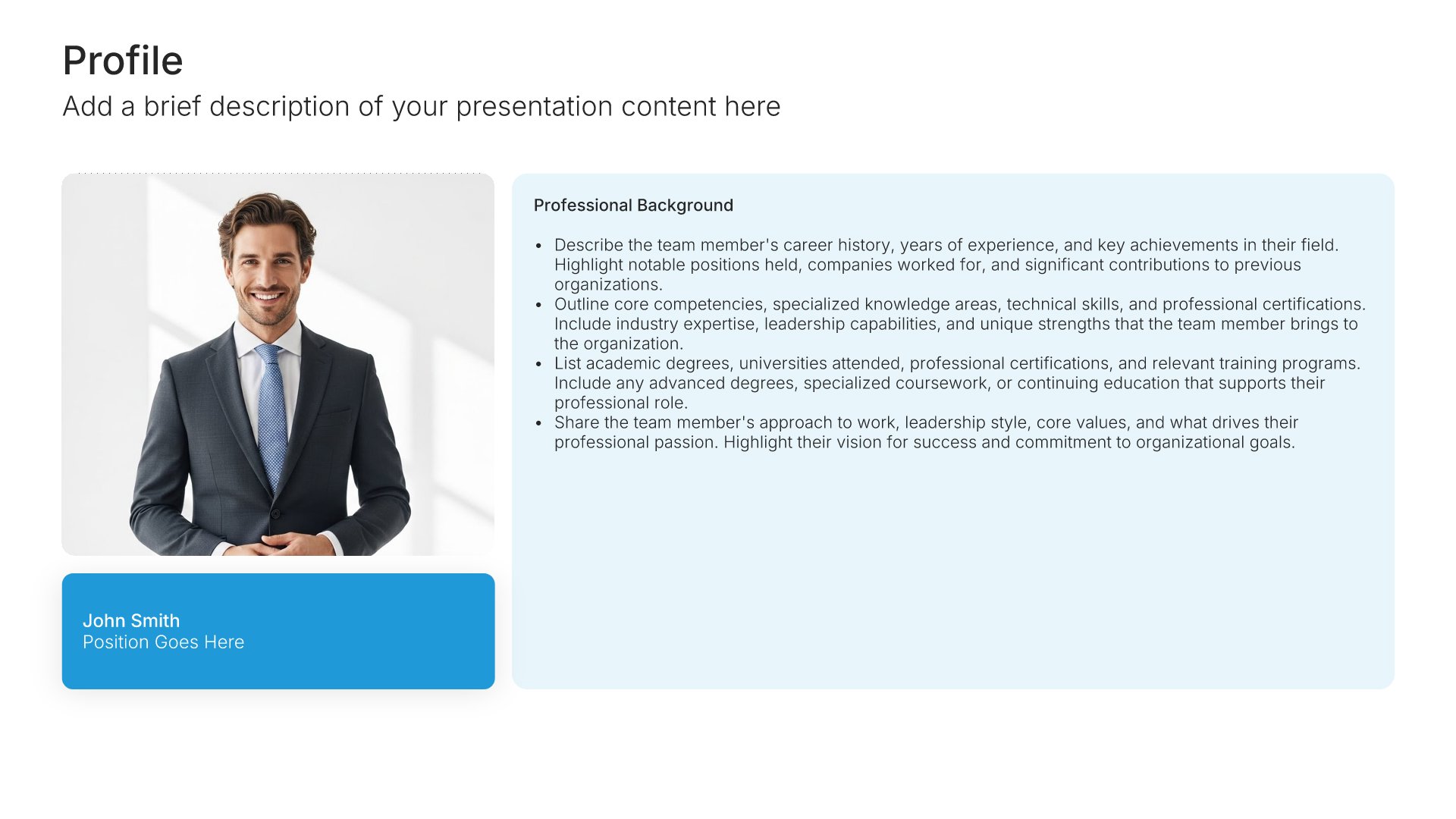
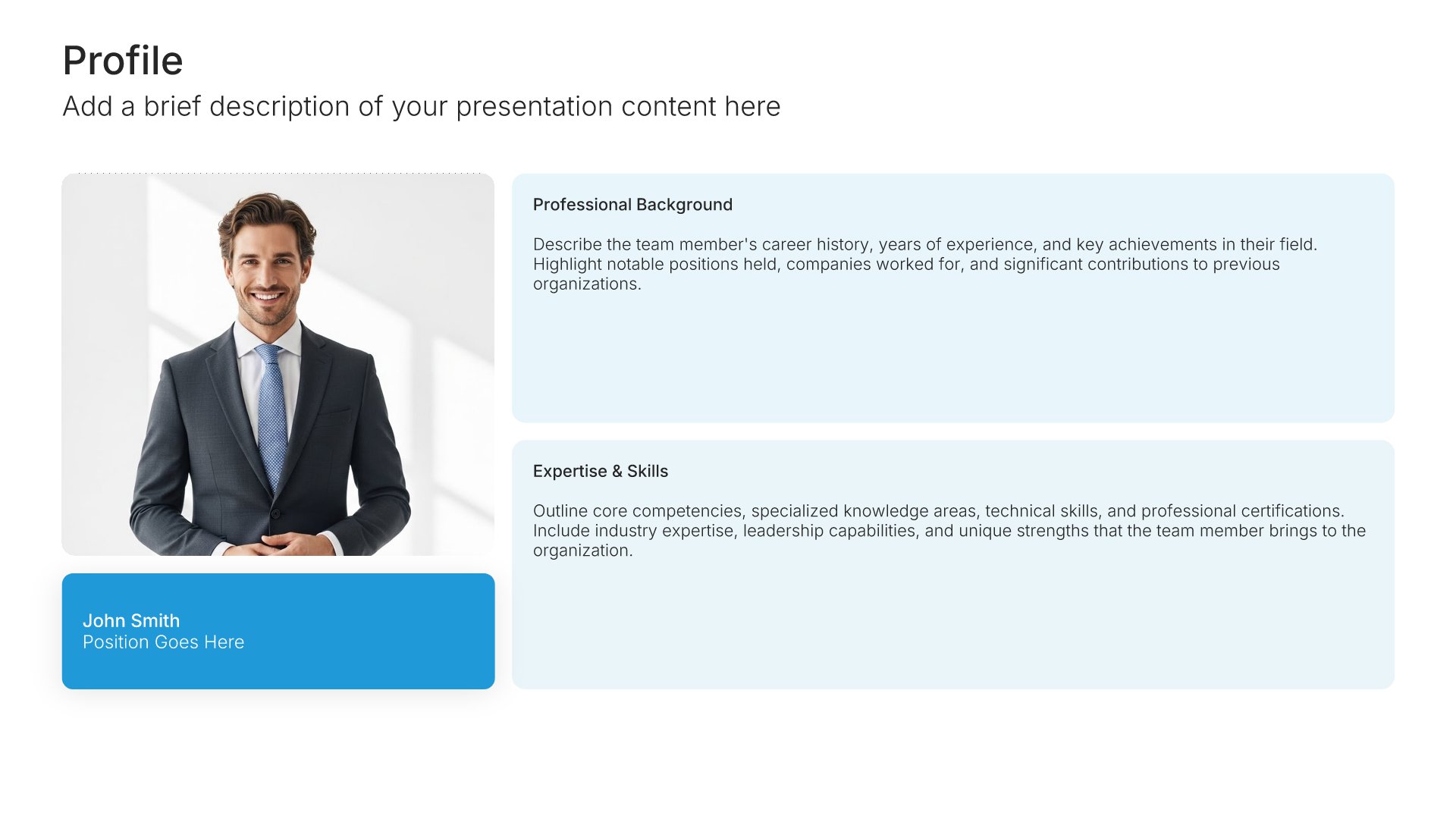
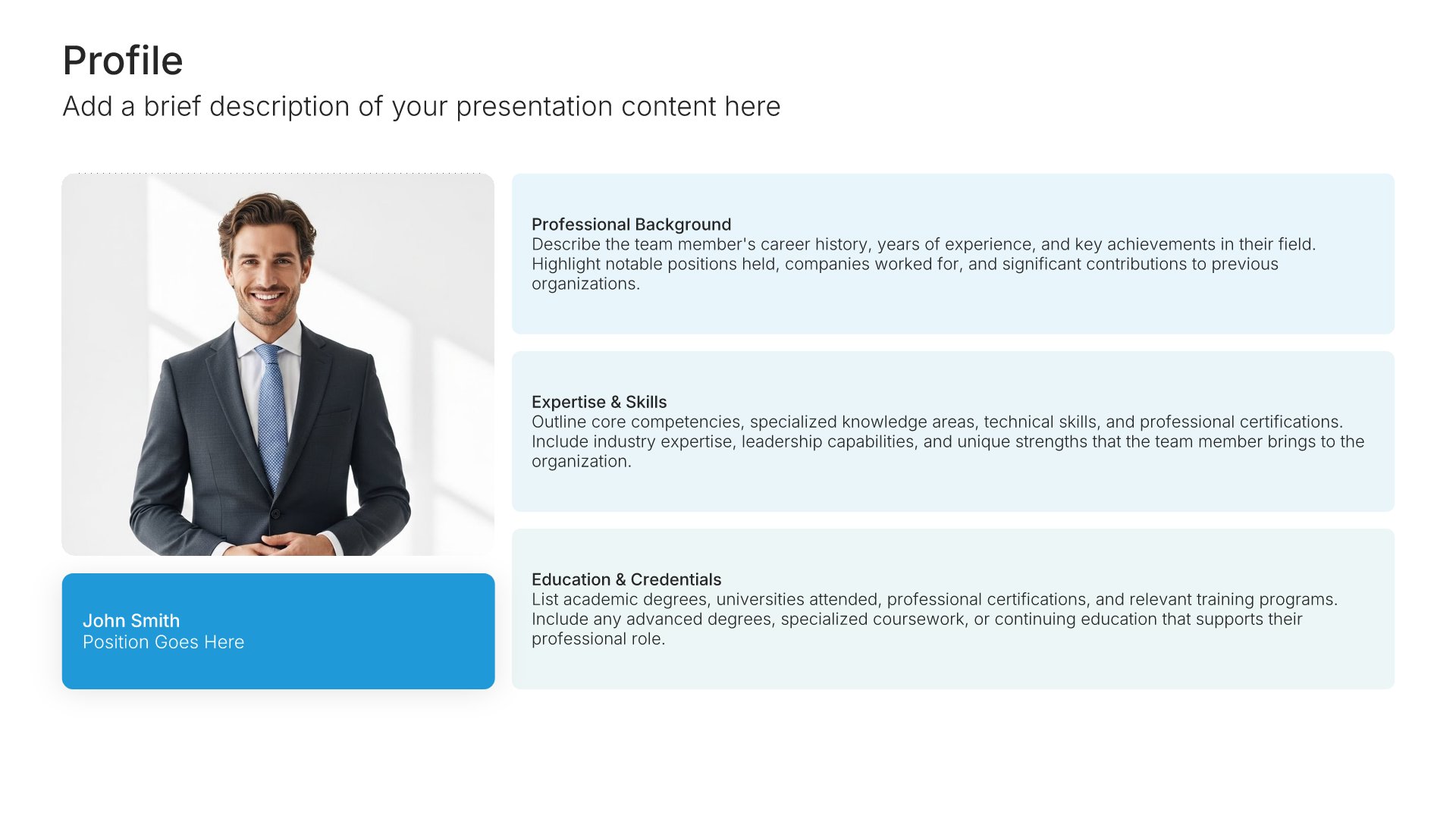
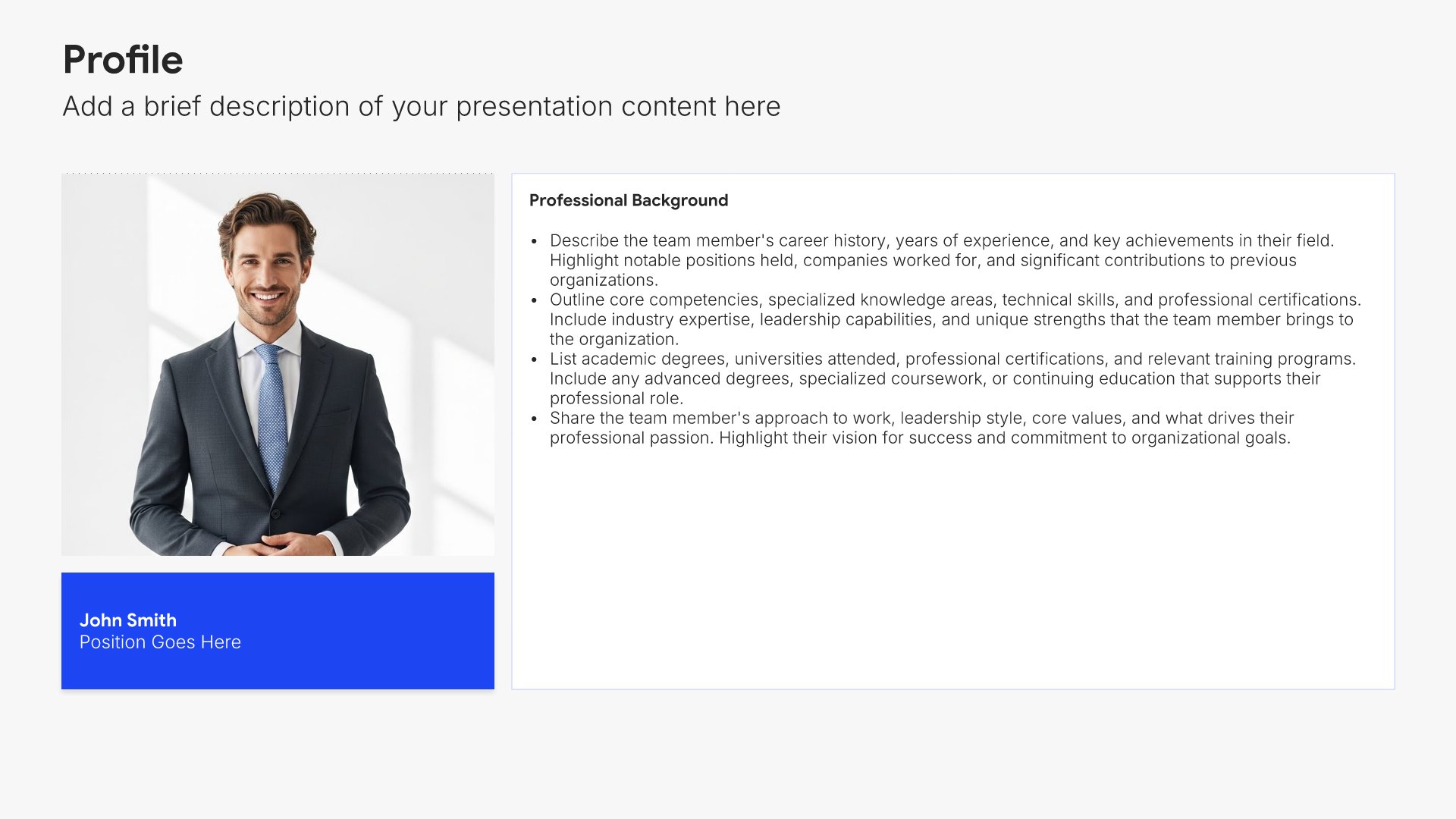
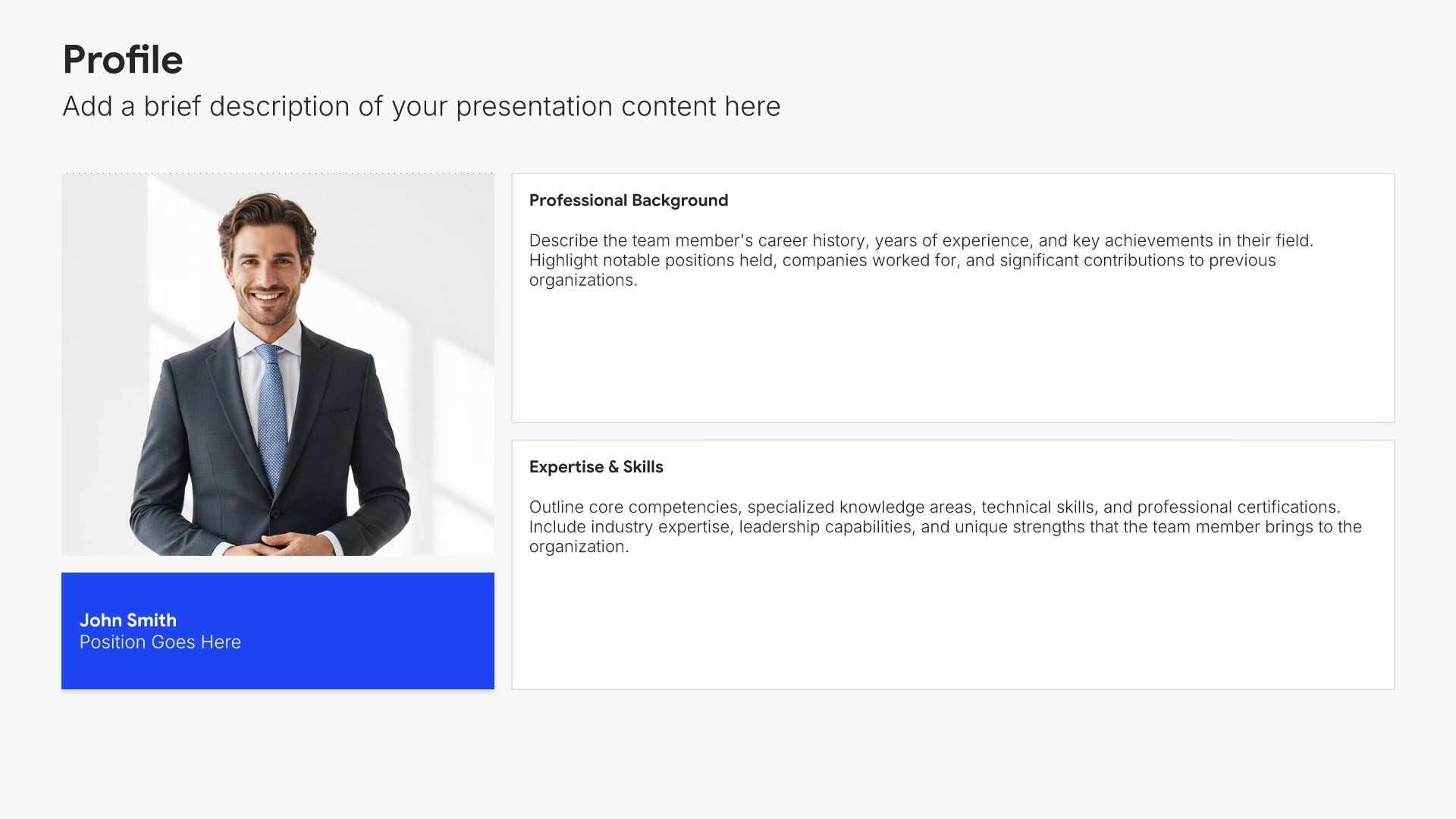
About us slides help you introduce your organization and what makes it unique. Use them to present your founding story, company background, market position, and key facts that establish credibility. Giving your audience a clear picture of who you are sets the foundation for deeper engagement and builds trust with prospects.
Built using Profile slides

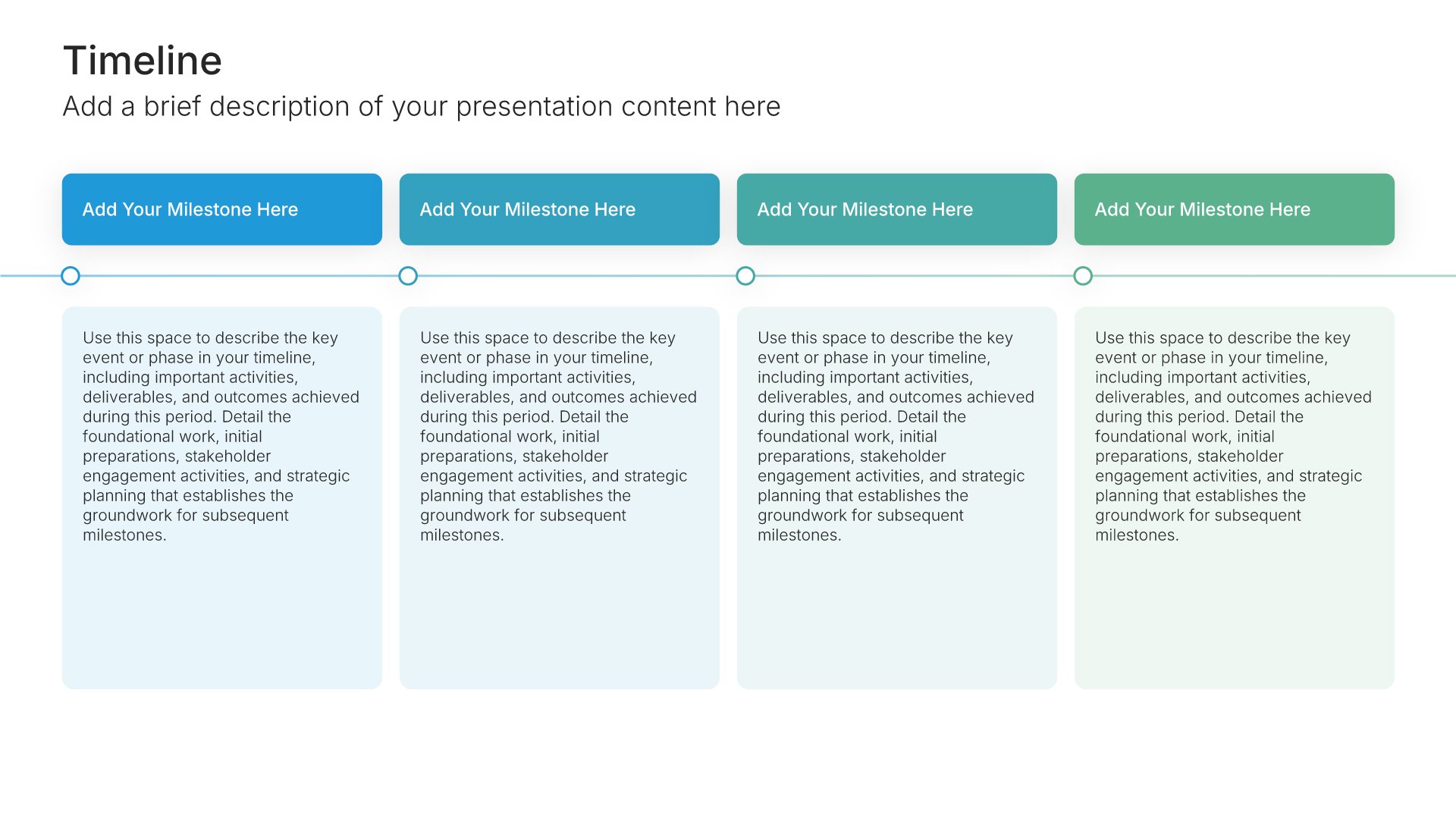
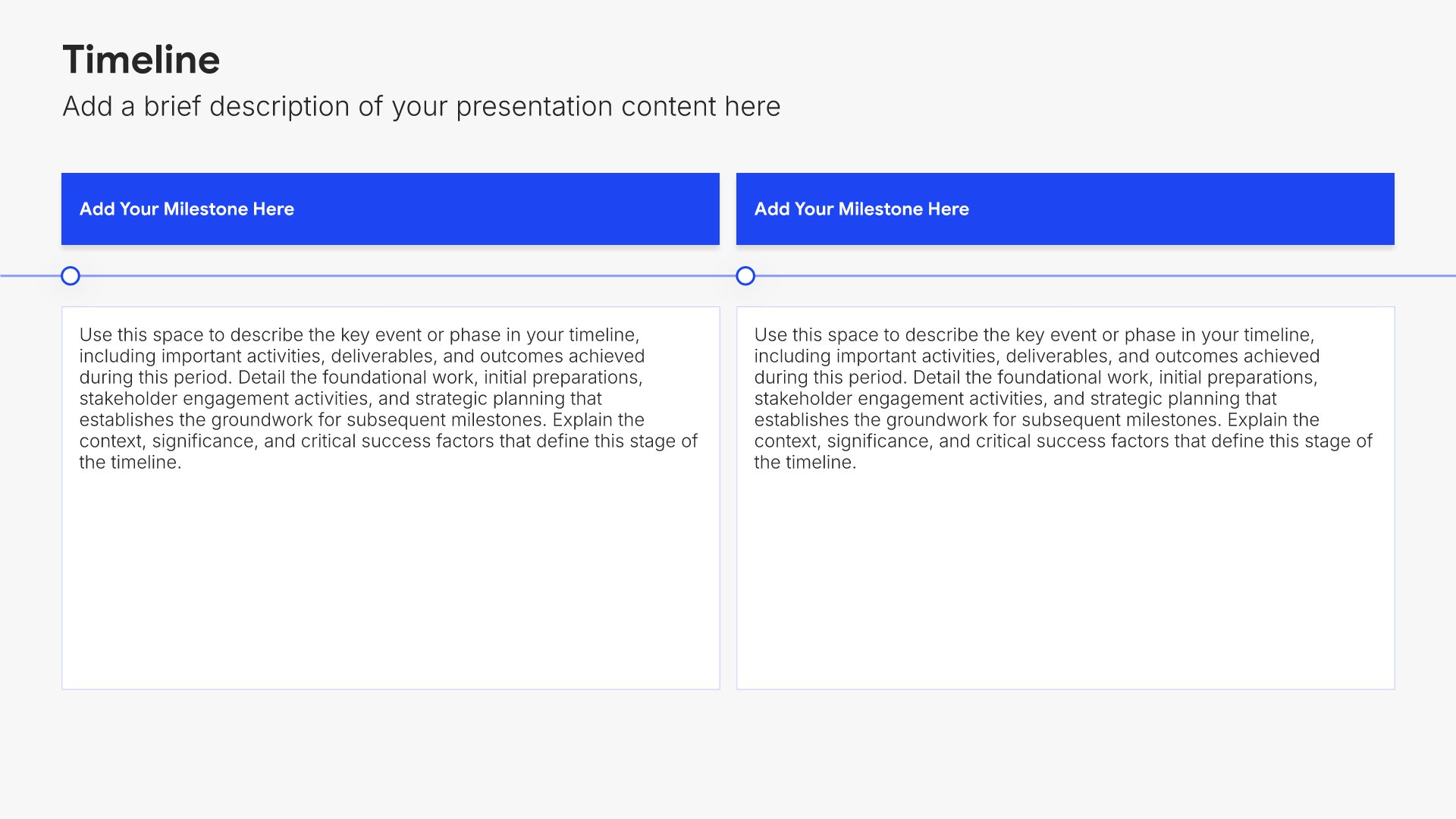
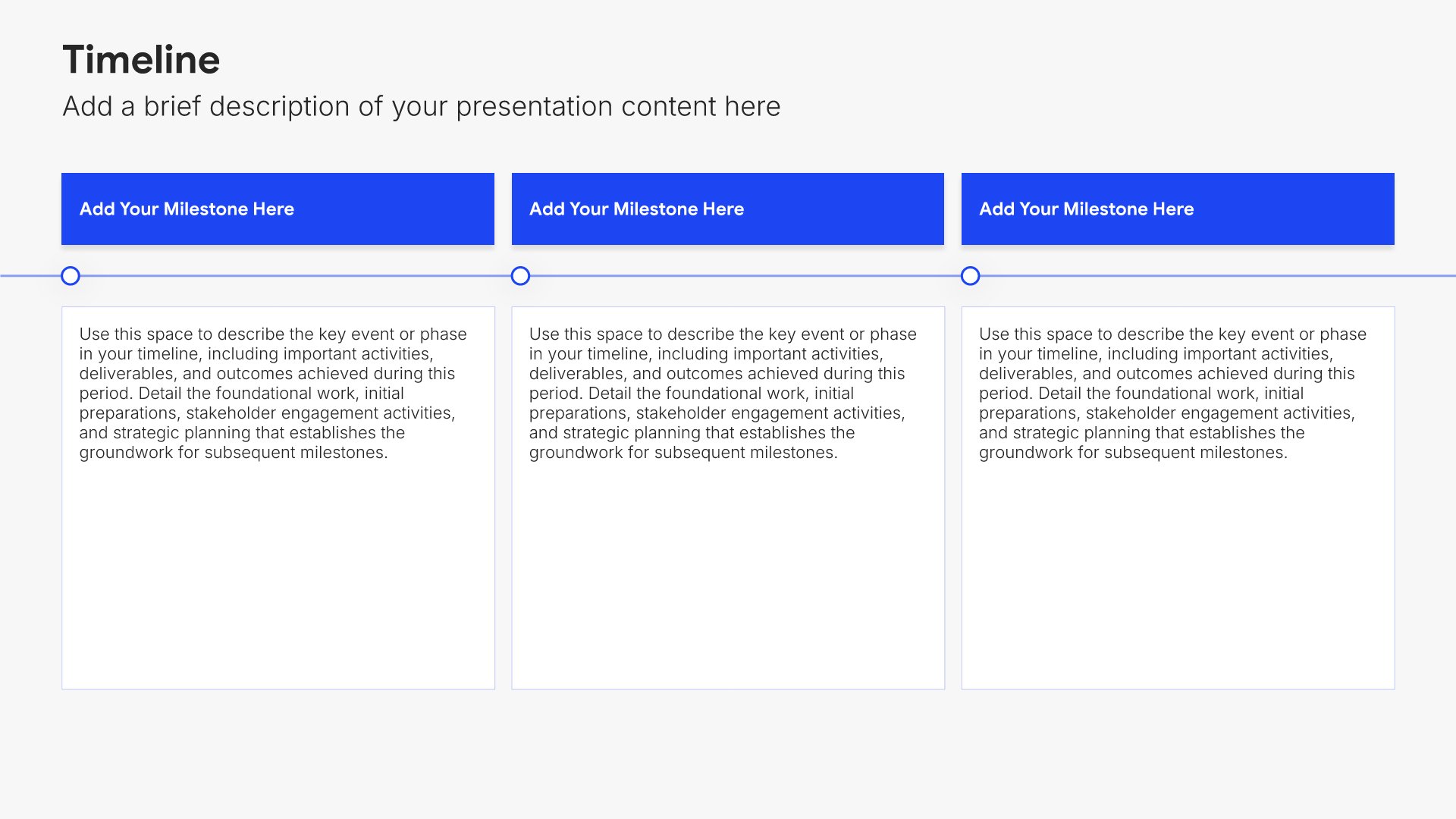
3. Timeline

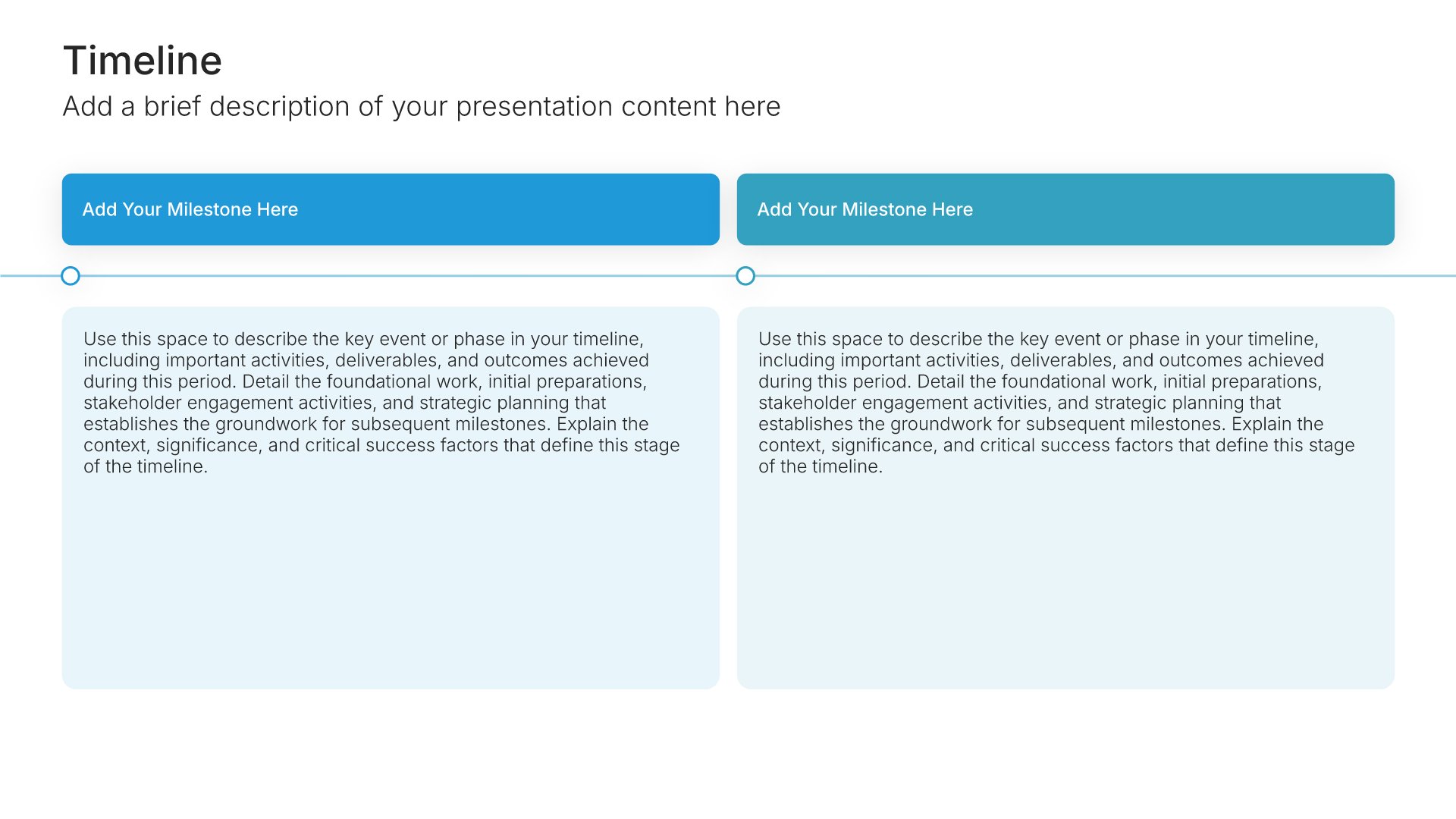
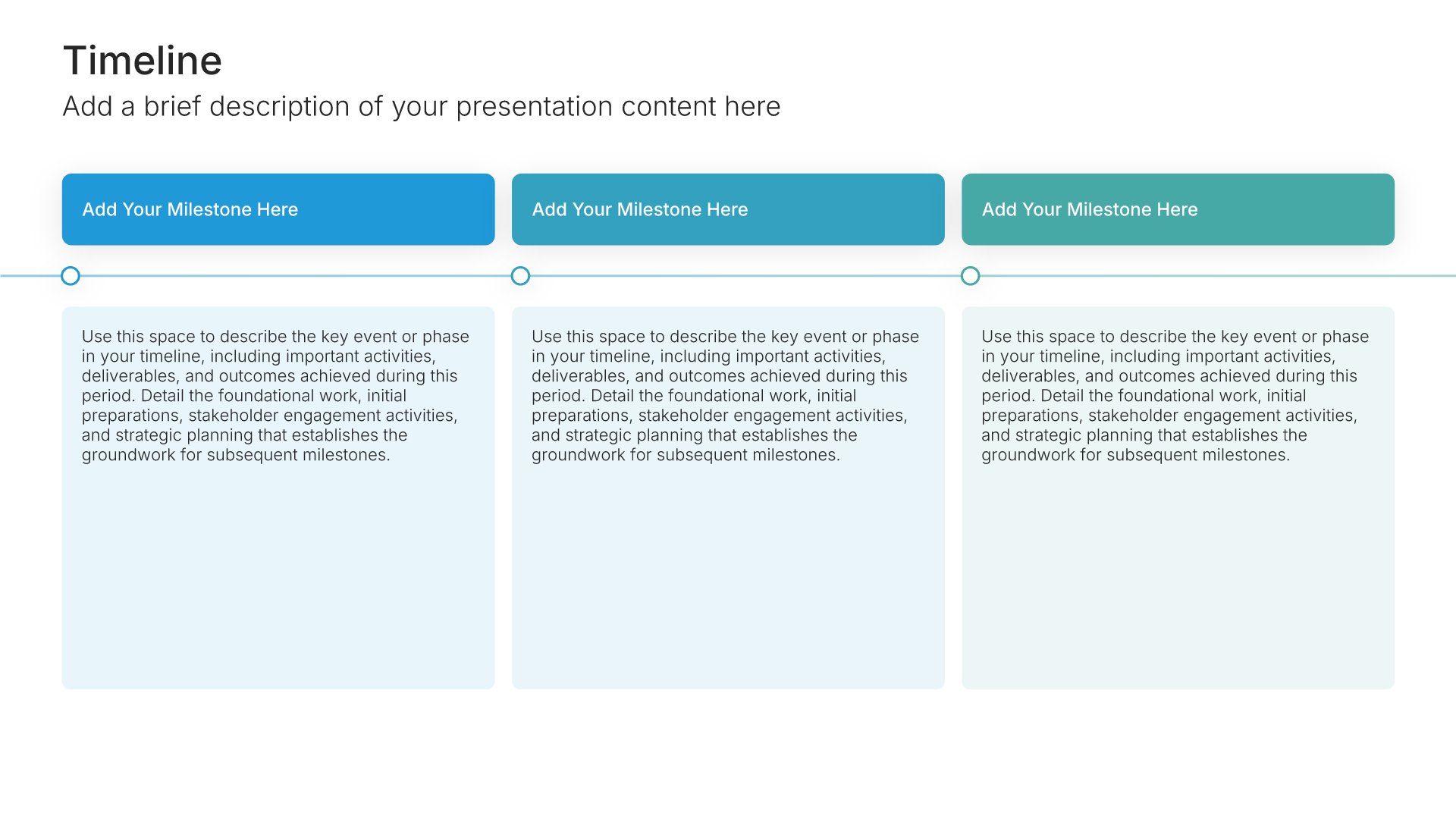
Timeline slides help you show events and milestones over time in clear chronological formats. Use them to display project phases, company history, product roadmaps, and key dates. Ideal for project planning, historical overviews, and any presentation where showing how things unfold over time tells a compelling story.
Built using Timeline slides

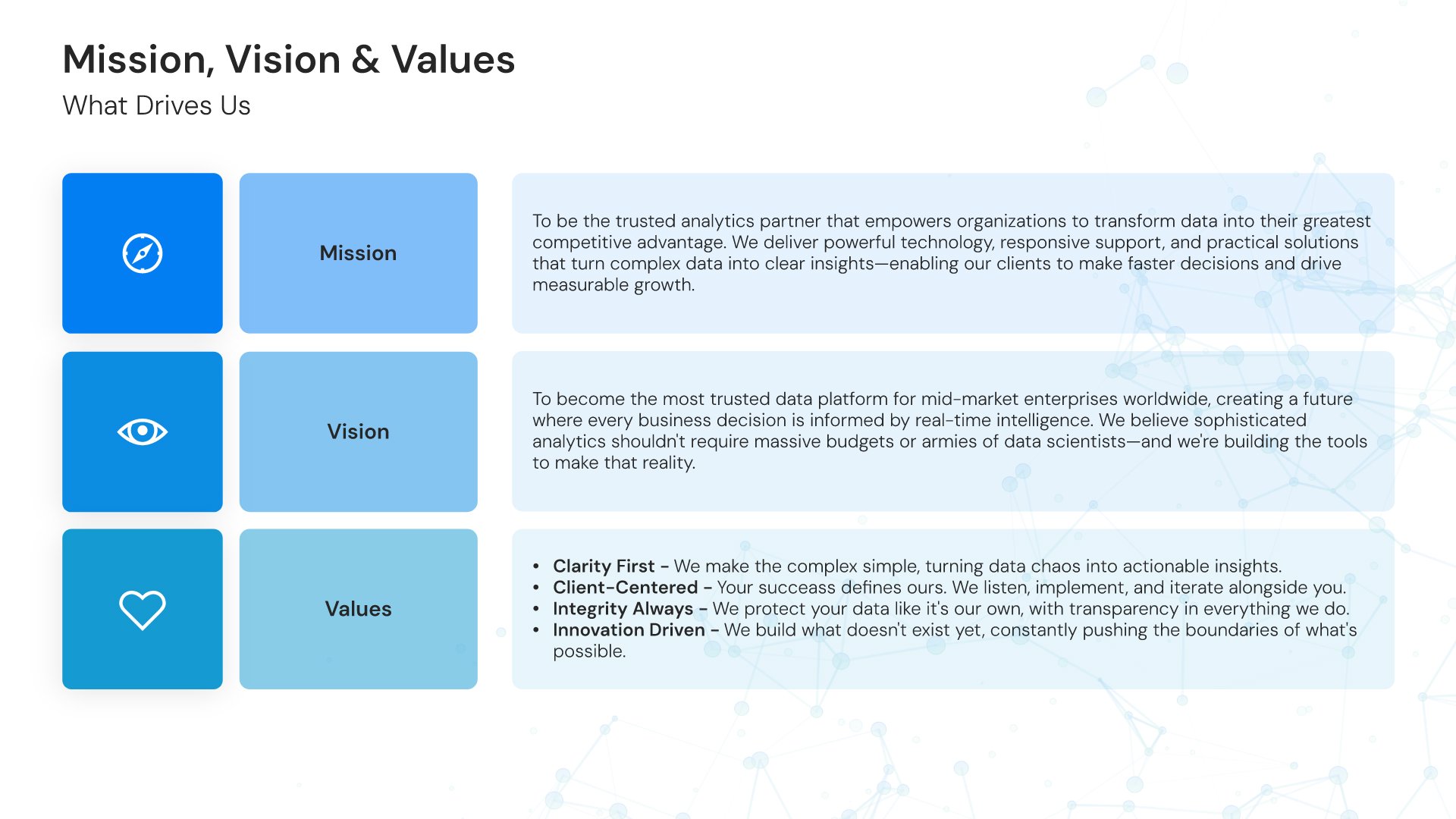
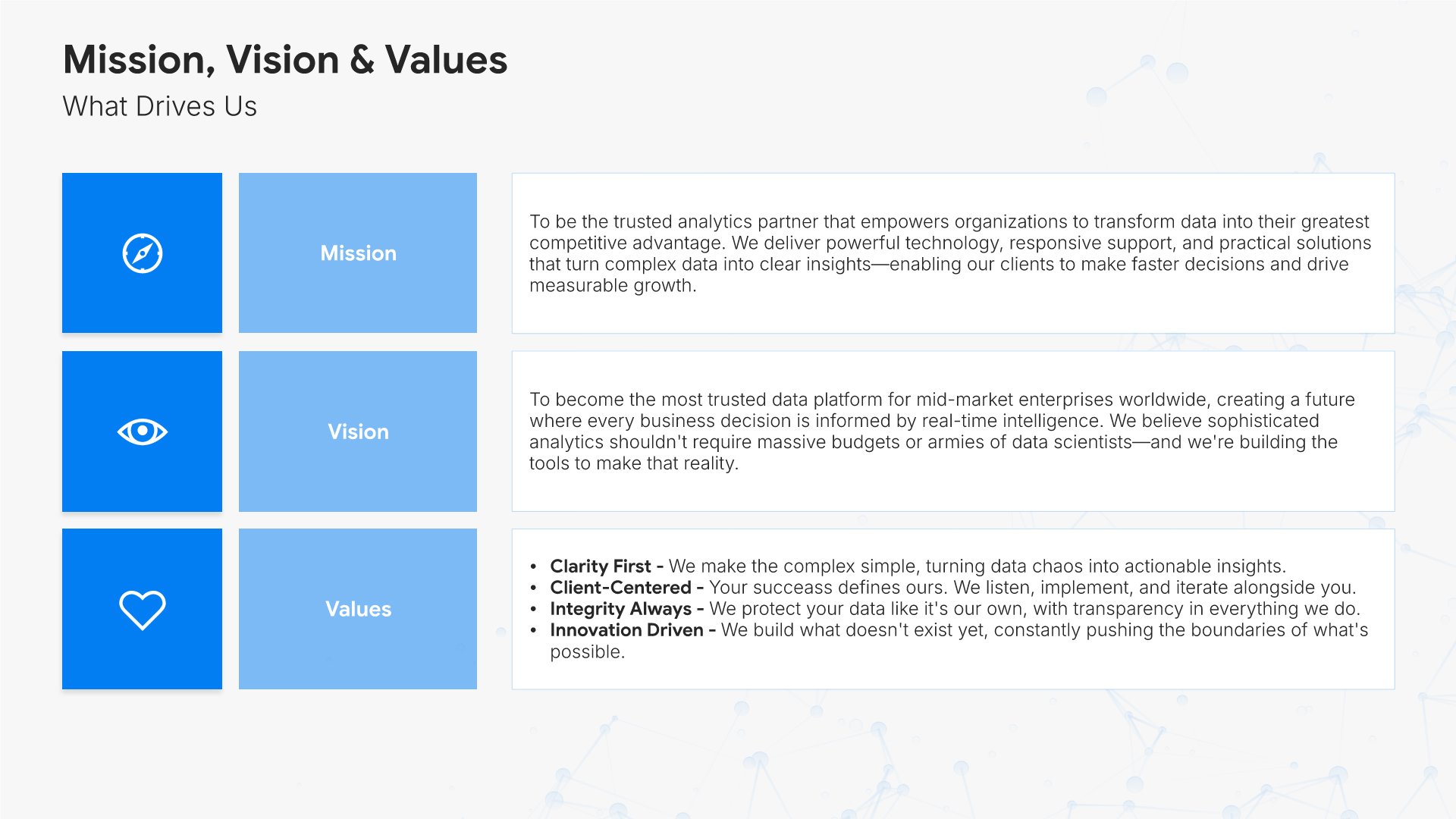
4. Mission, Vision & Values

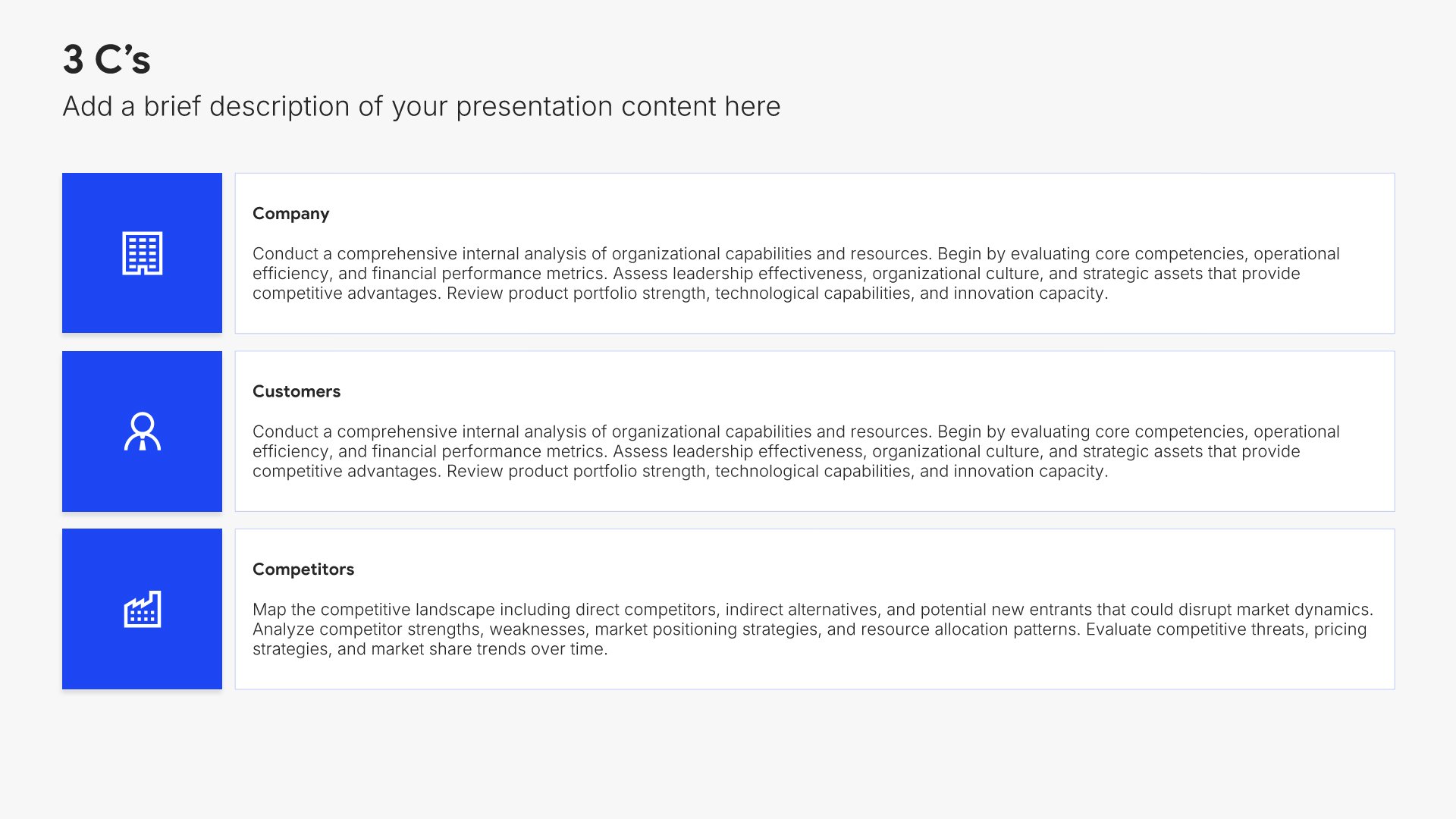
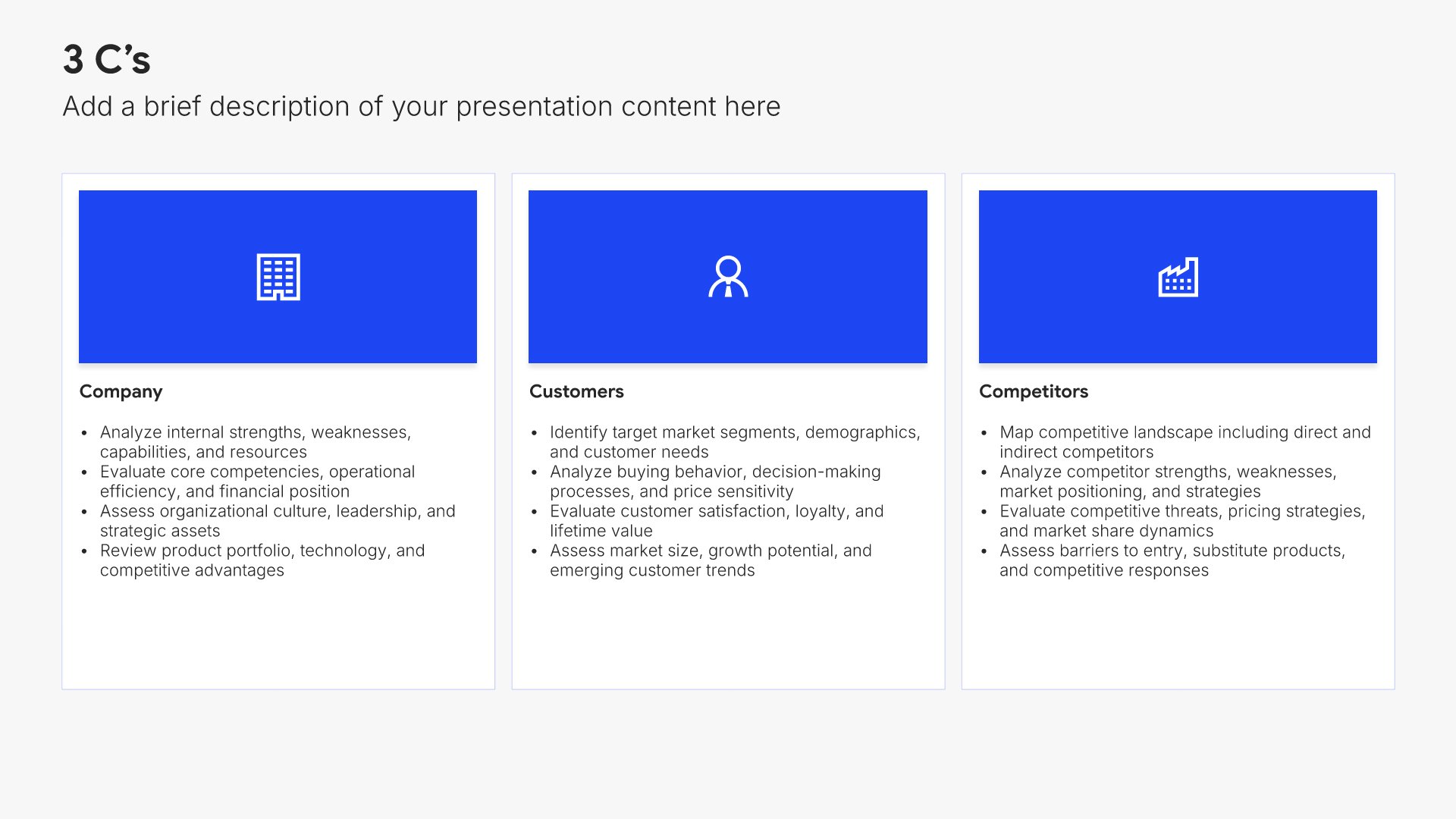
Mission, vision, and values slides help you communicate your organization's purpose, direction, and principles. Use them to present why your company exists, where it's headed, and the core beliefs that guide decisions. Articulating what drives your organization builds emotional connection and helps audiences understand your culture.
Built using 3 C’s slides

5. Services

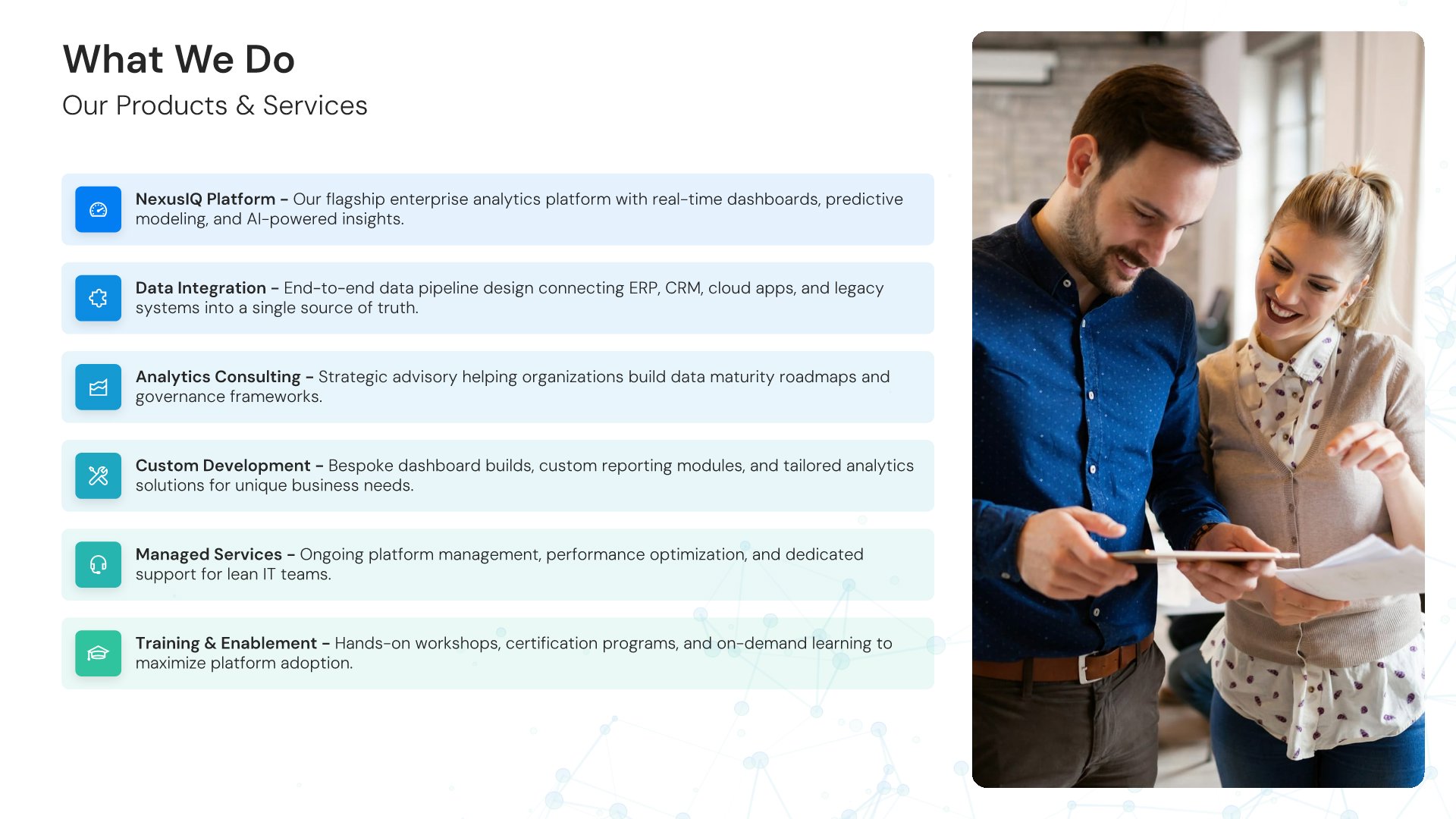
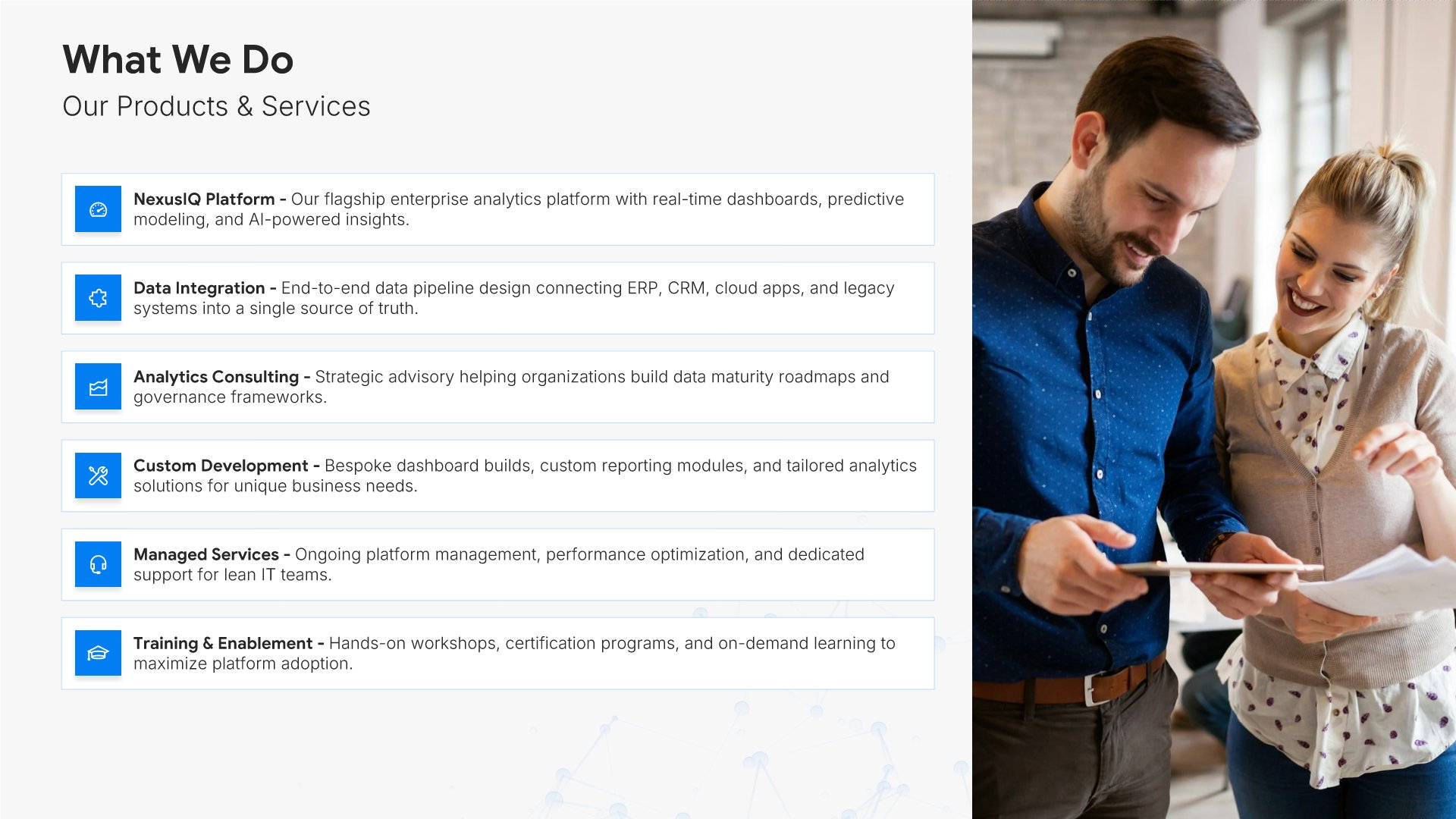
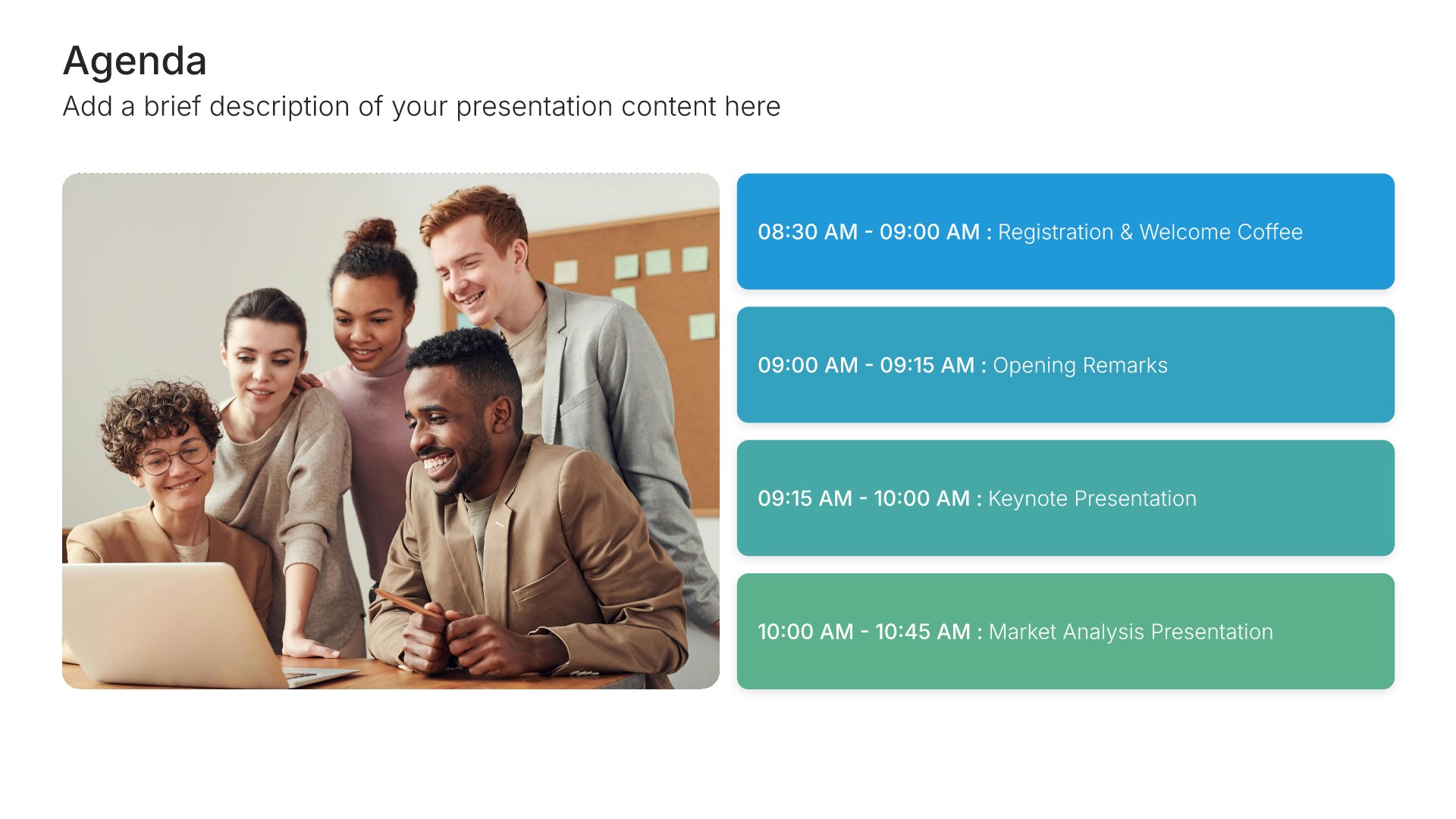
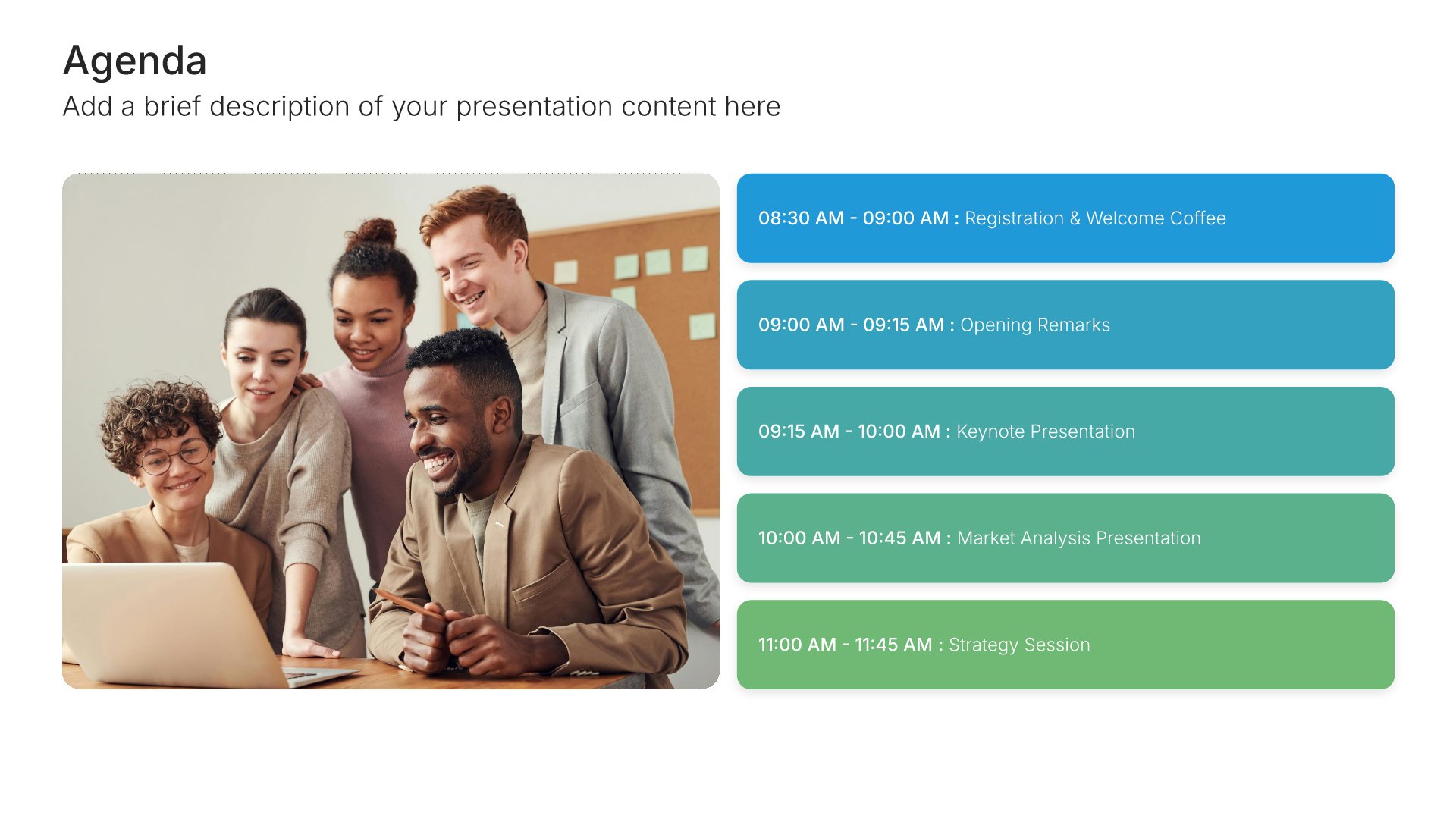
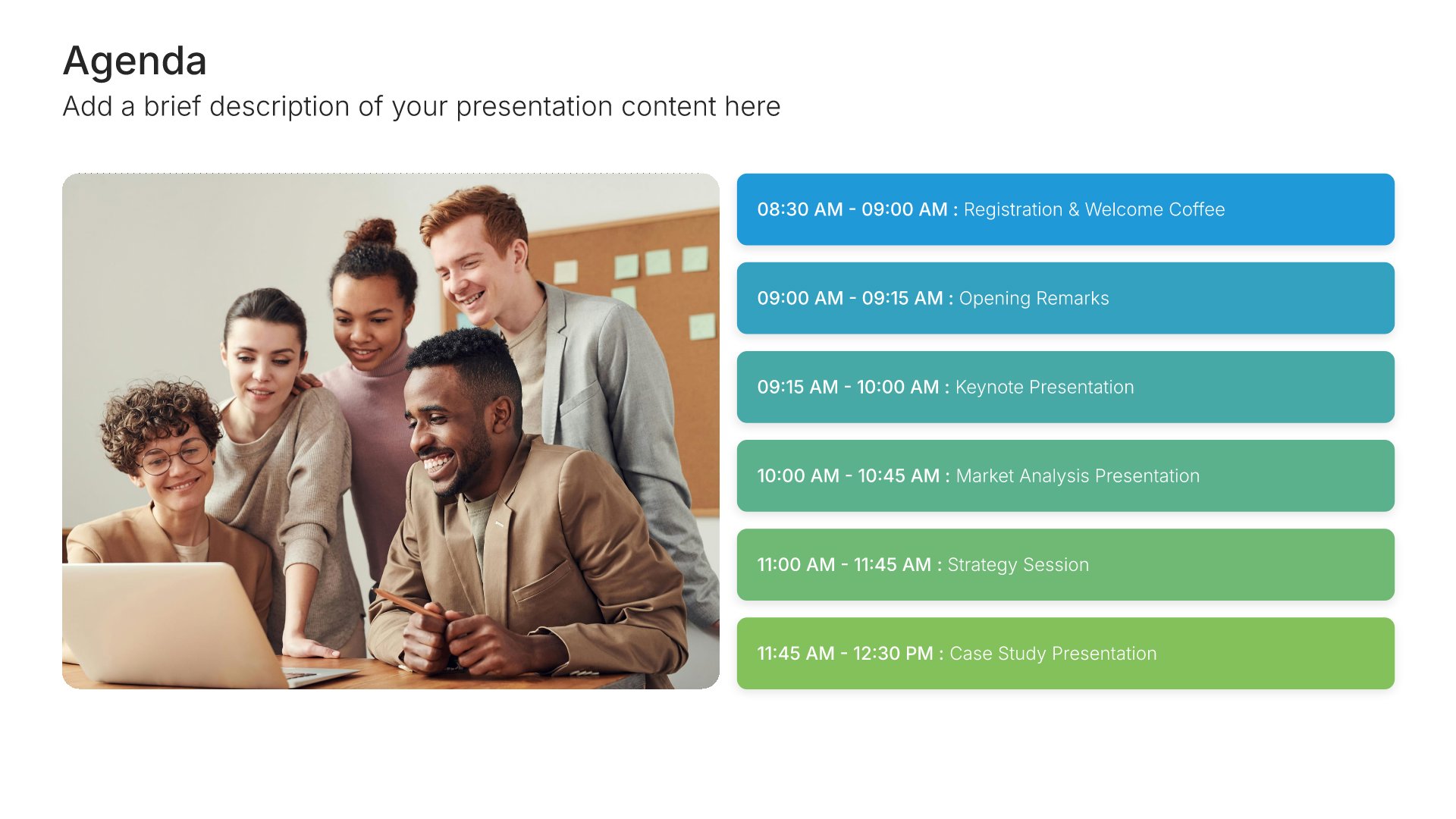
Services slides help you showcase the solutions and expertise your organization provides. Use them to present your service portfolio, practice areas, and specializations in a clear, organized format. Clearly outlining your offerings helps prospects quickly understand the full range of solutions you deliver and how you can address their needs.
Built using Agenda slides

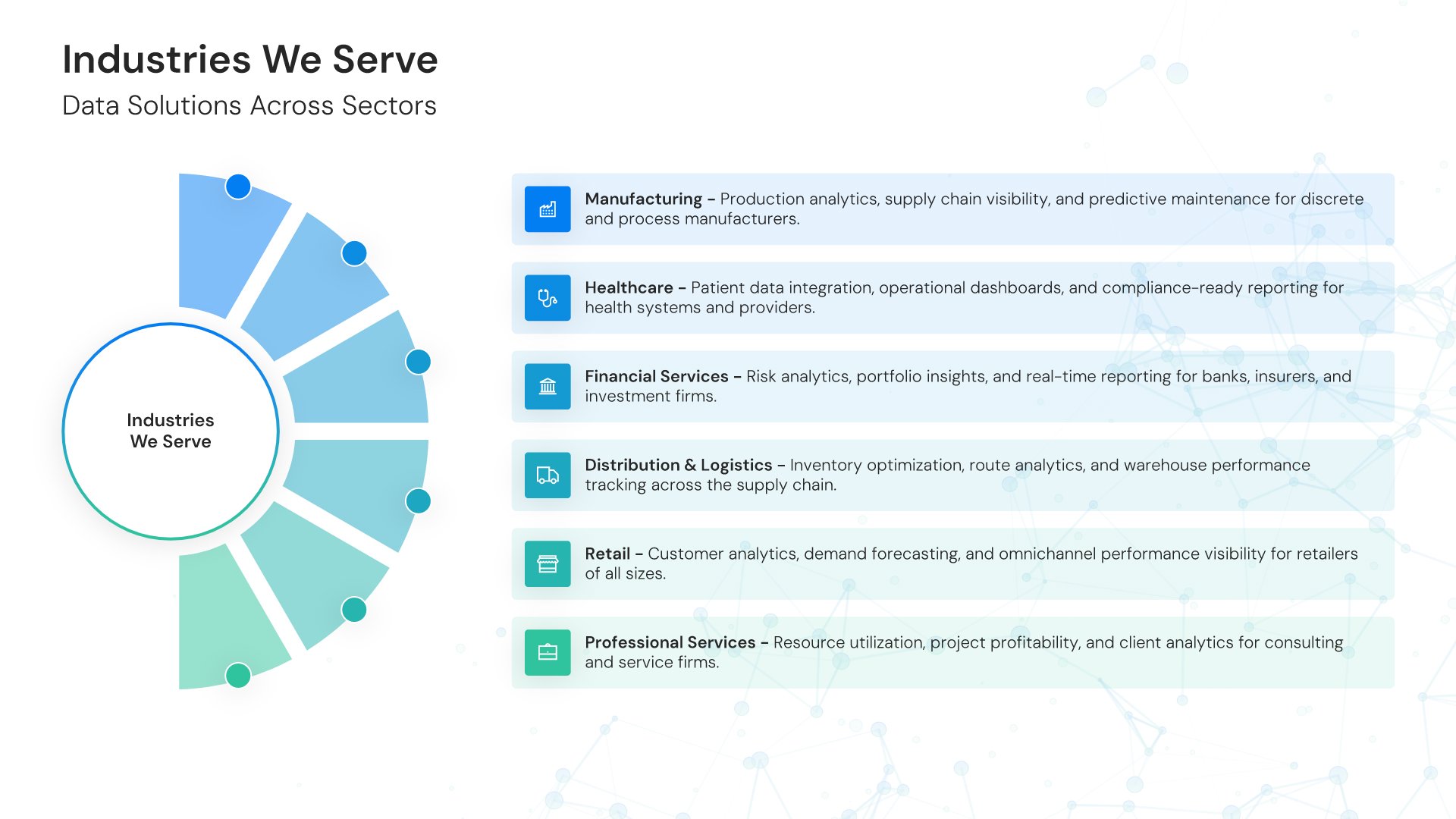
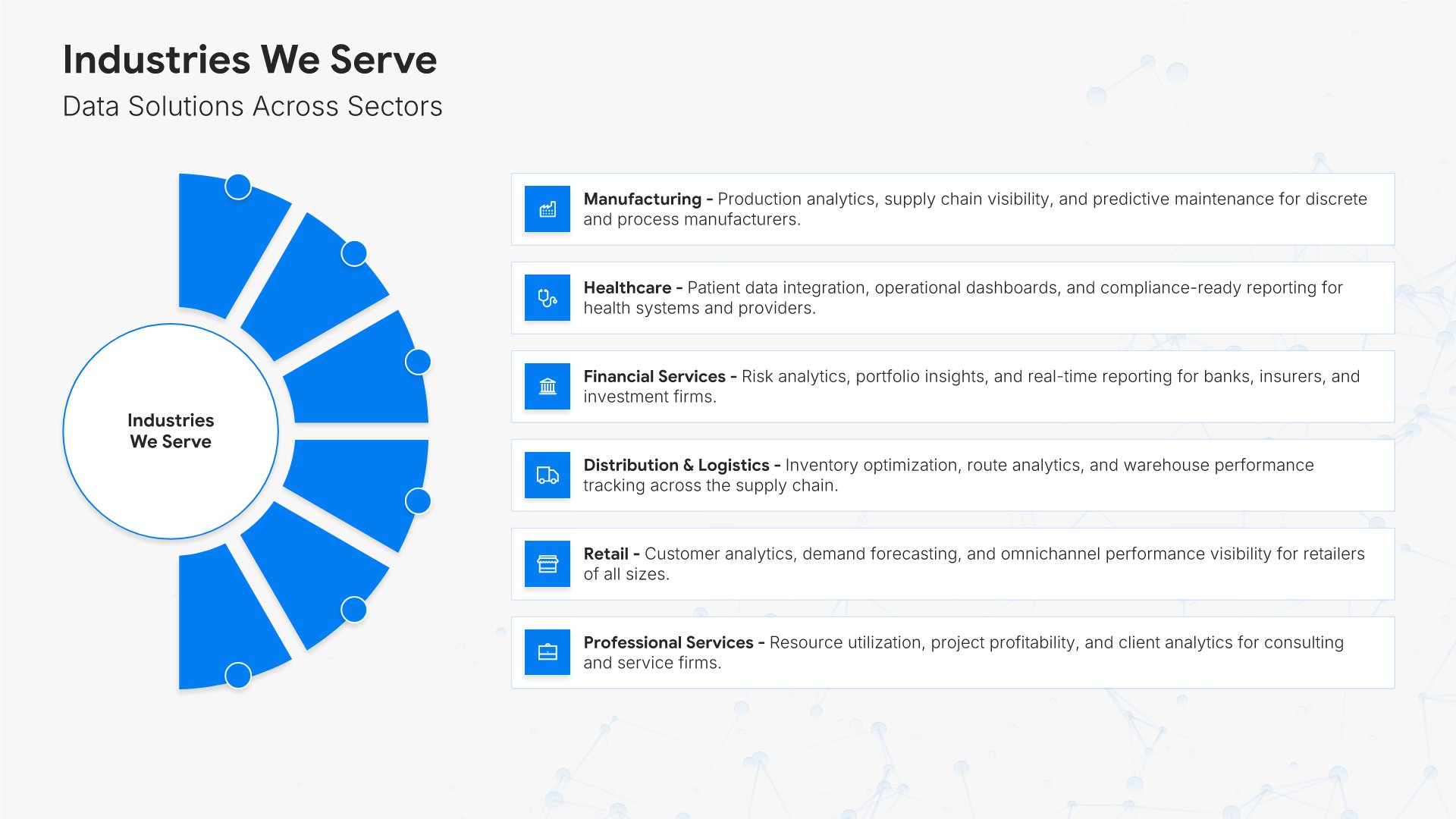
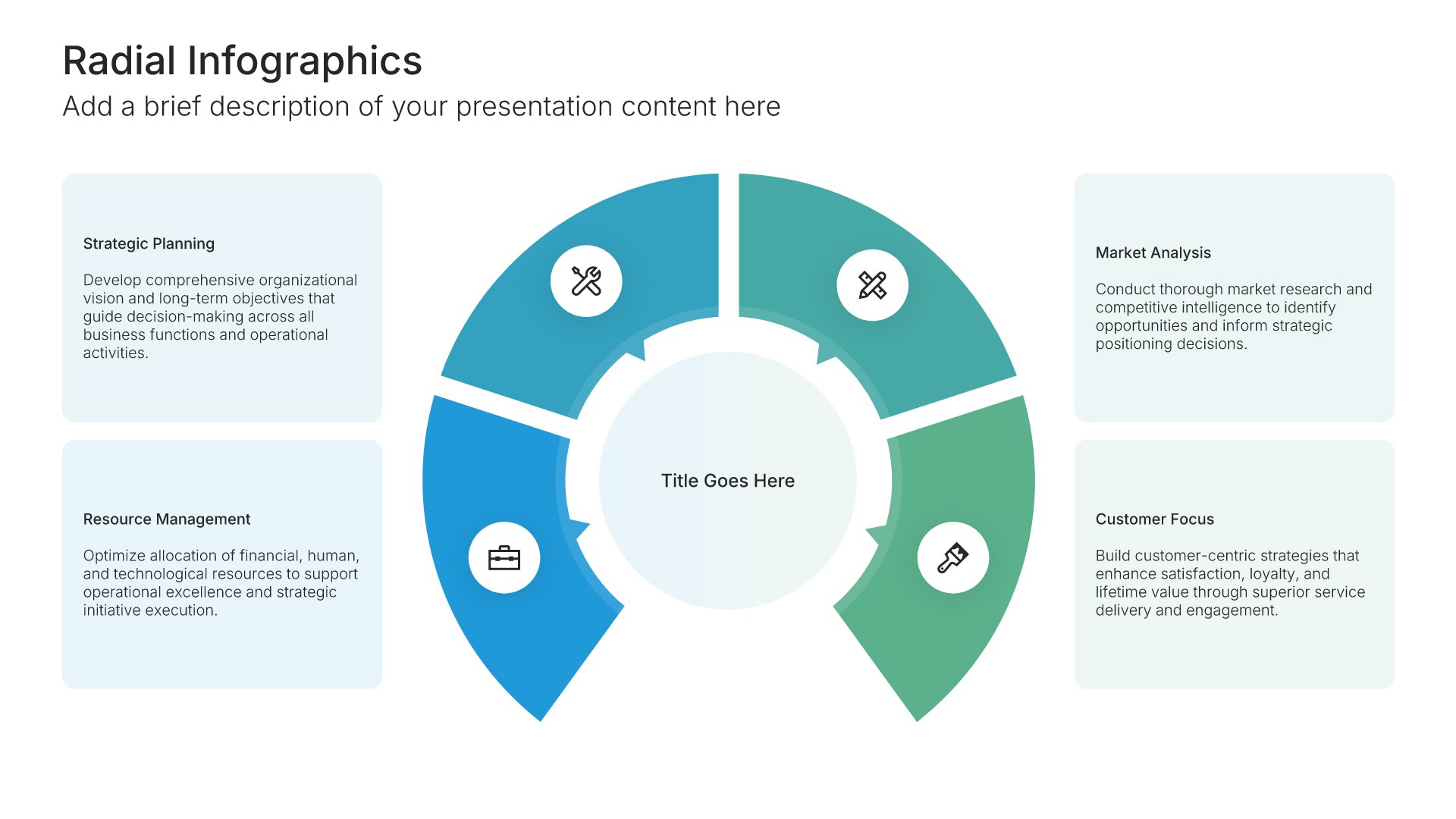
6. Industries We Serve

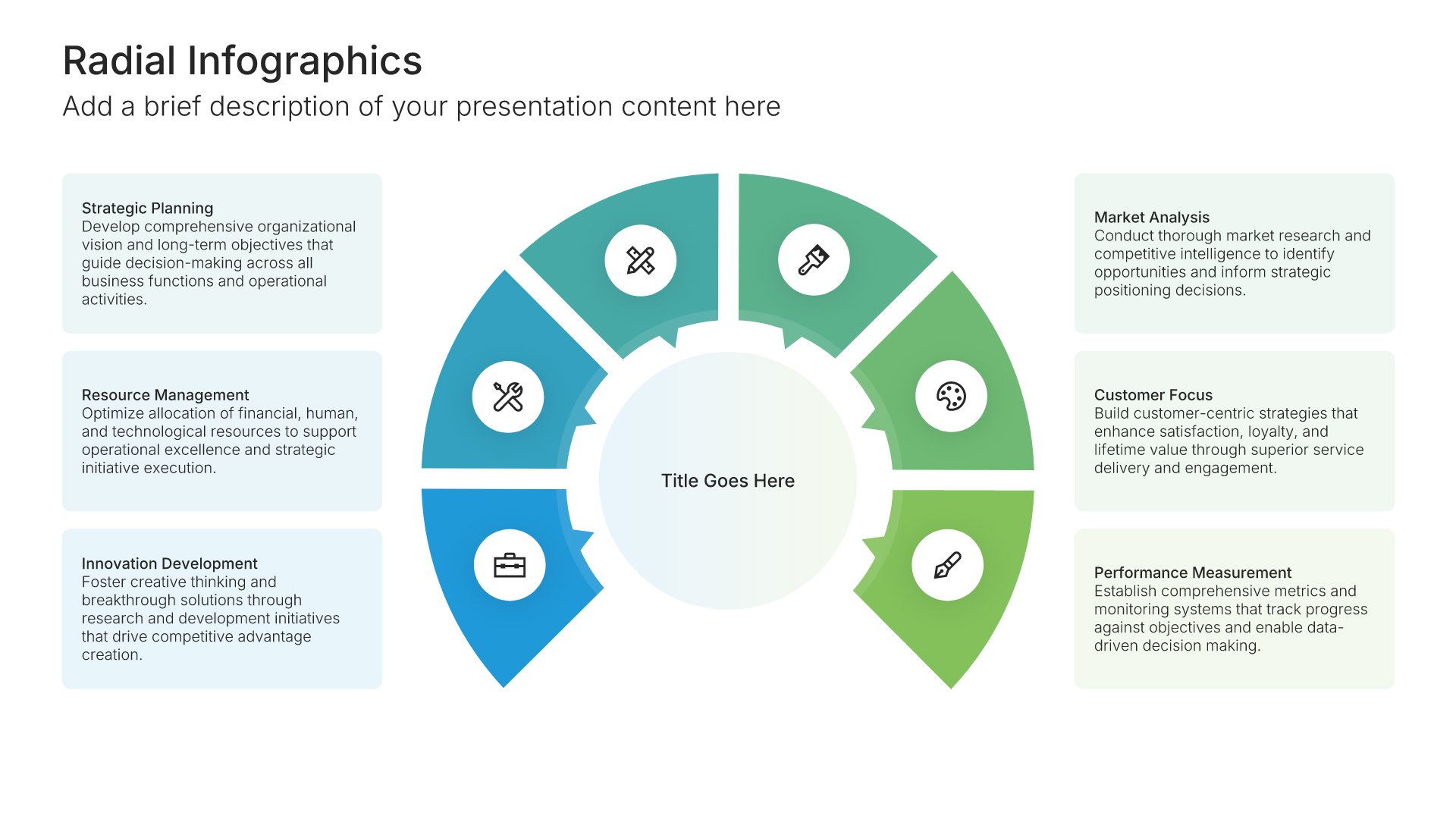
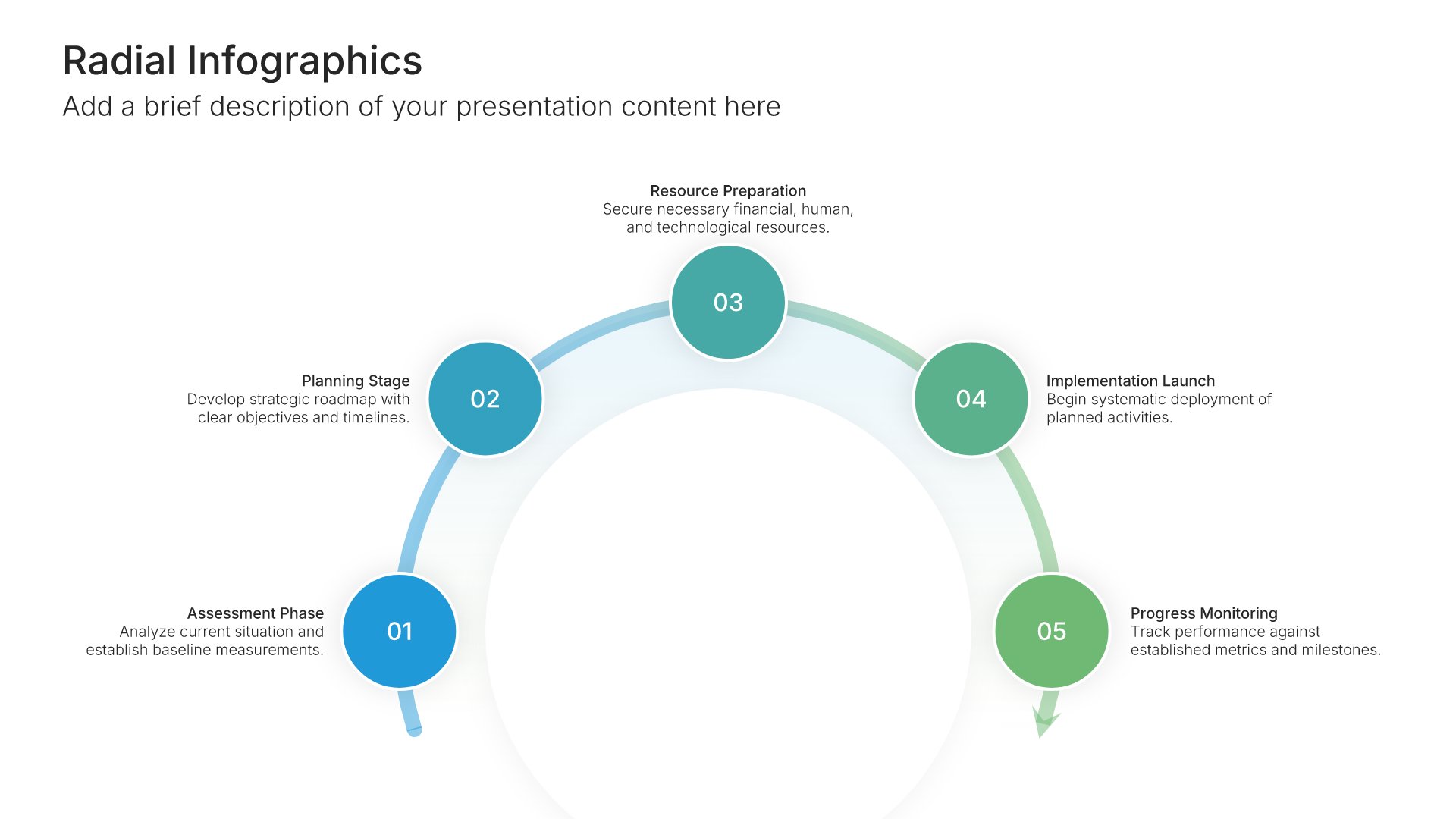
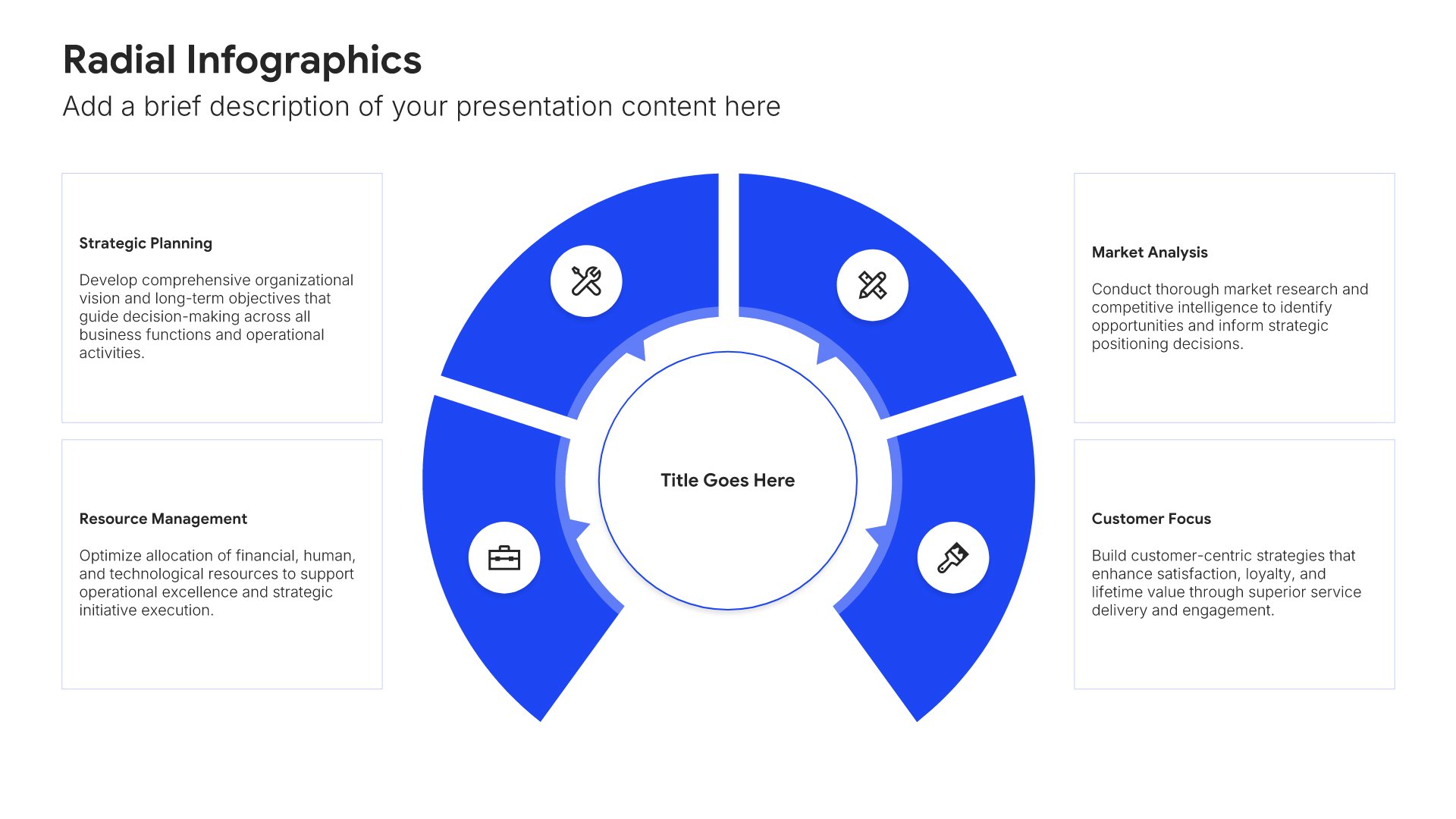
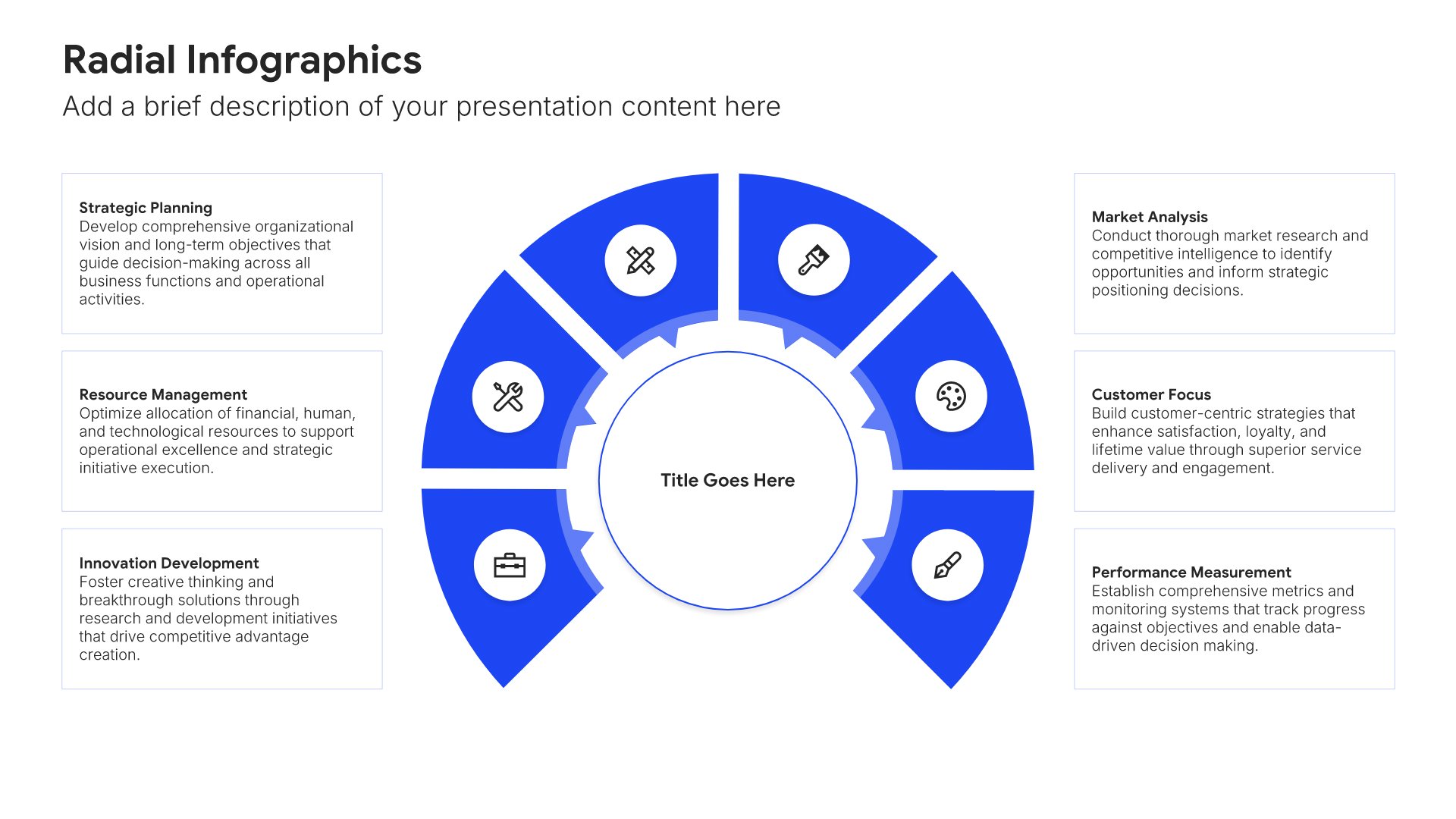
Industries we serve slides help you showcase your sector expertise and market focus. Use them to present the industries you work with and your experience in each. Ideal for capability decks and proposals where demonstrating industry knowledge builds confidence that you understand the prospect's specific context.
Built using Radial Infographics slides

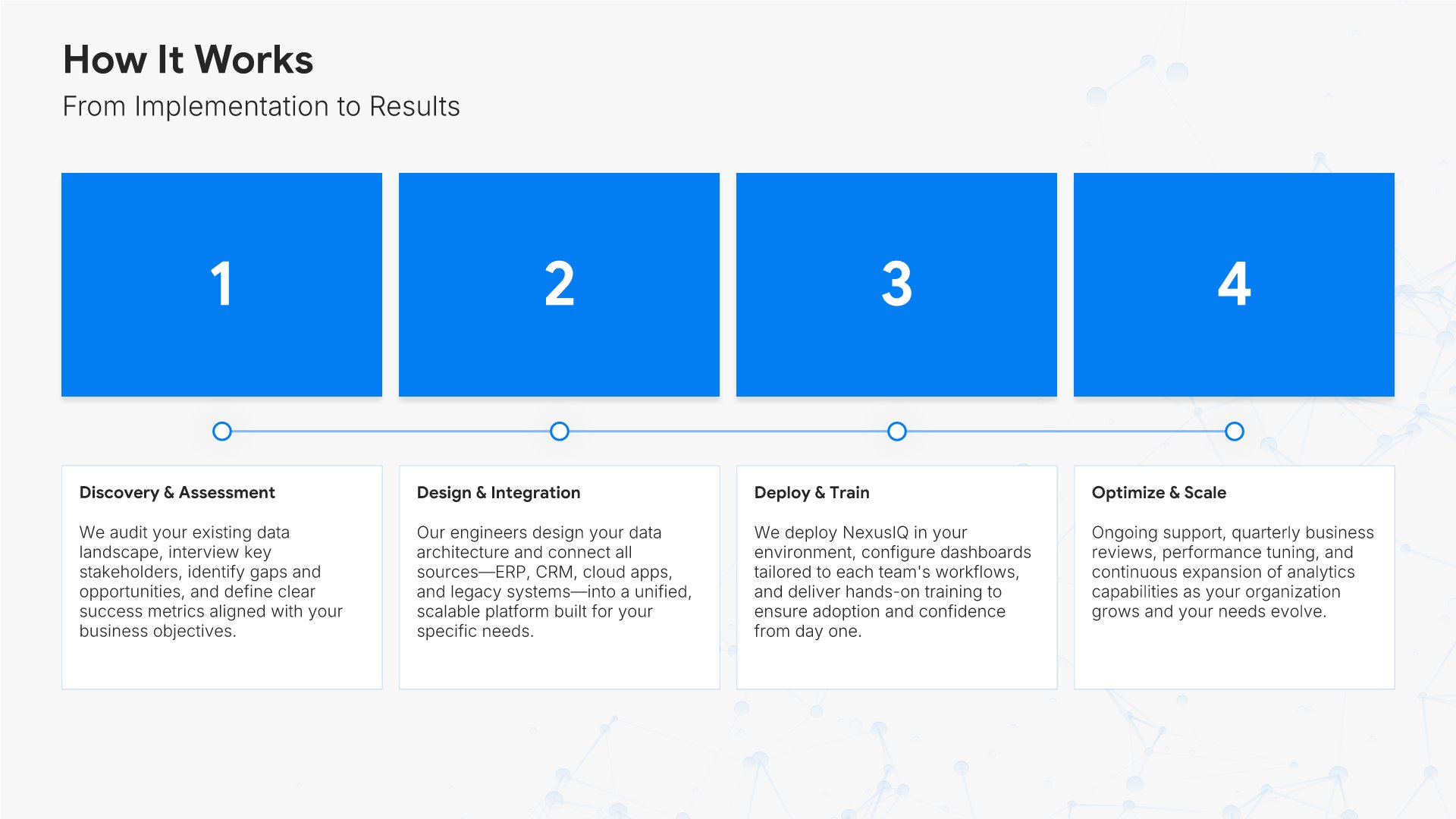
7. How It Works

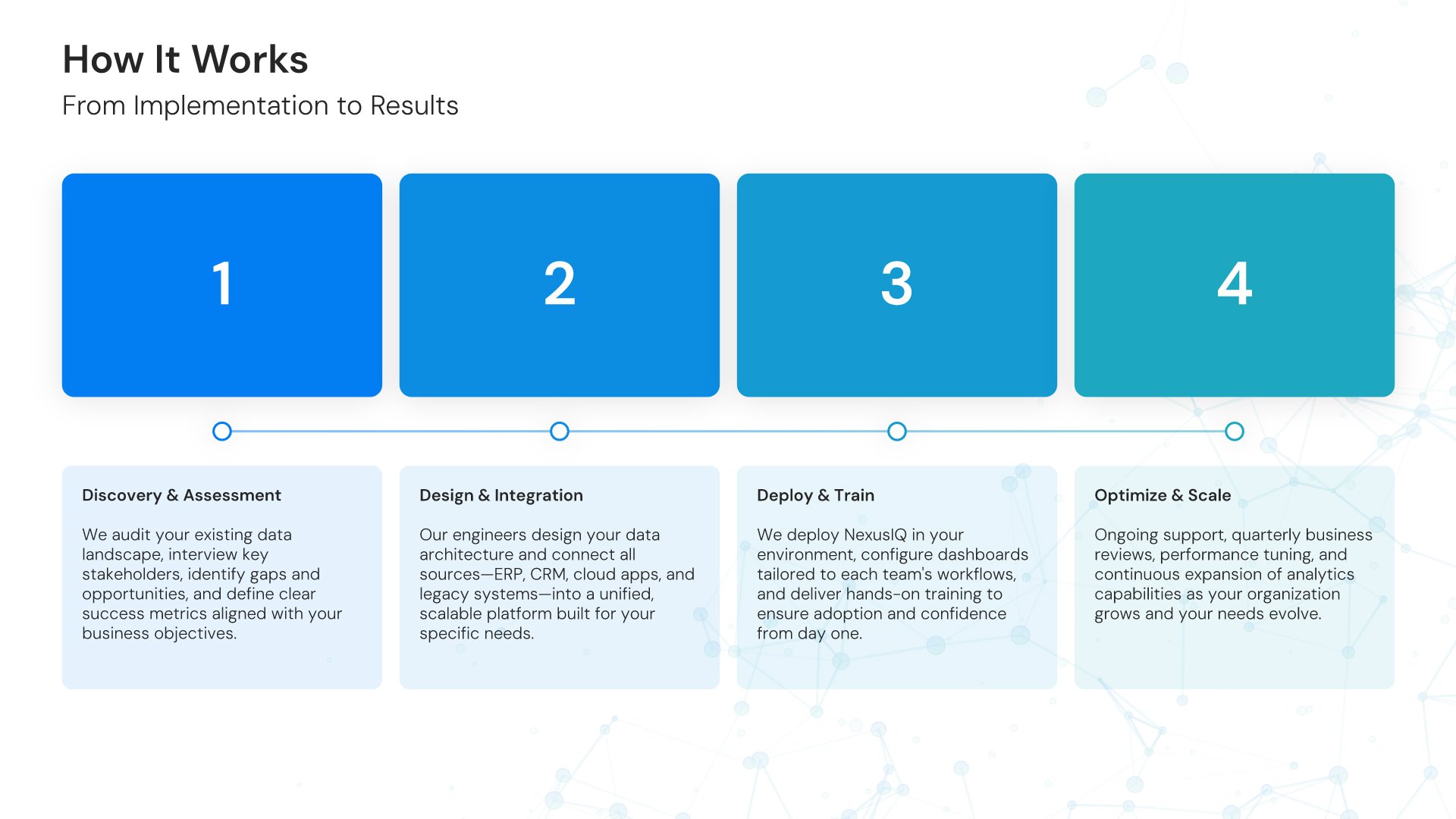
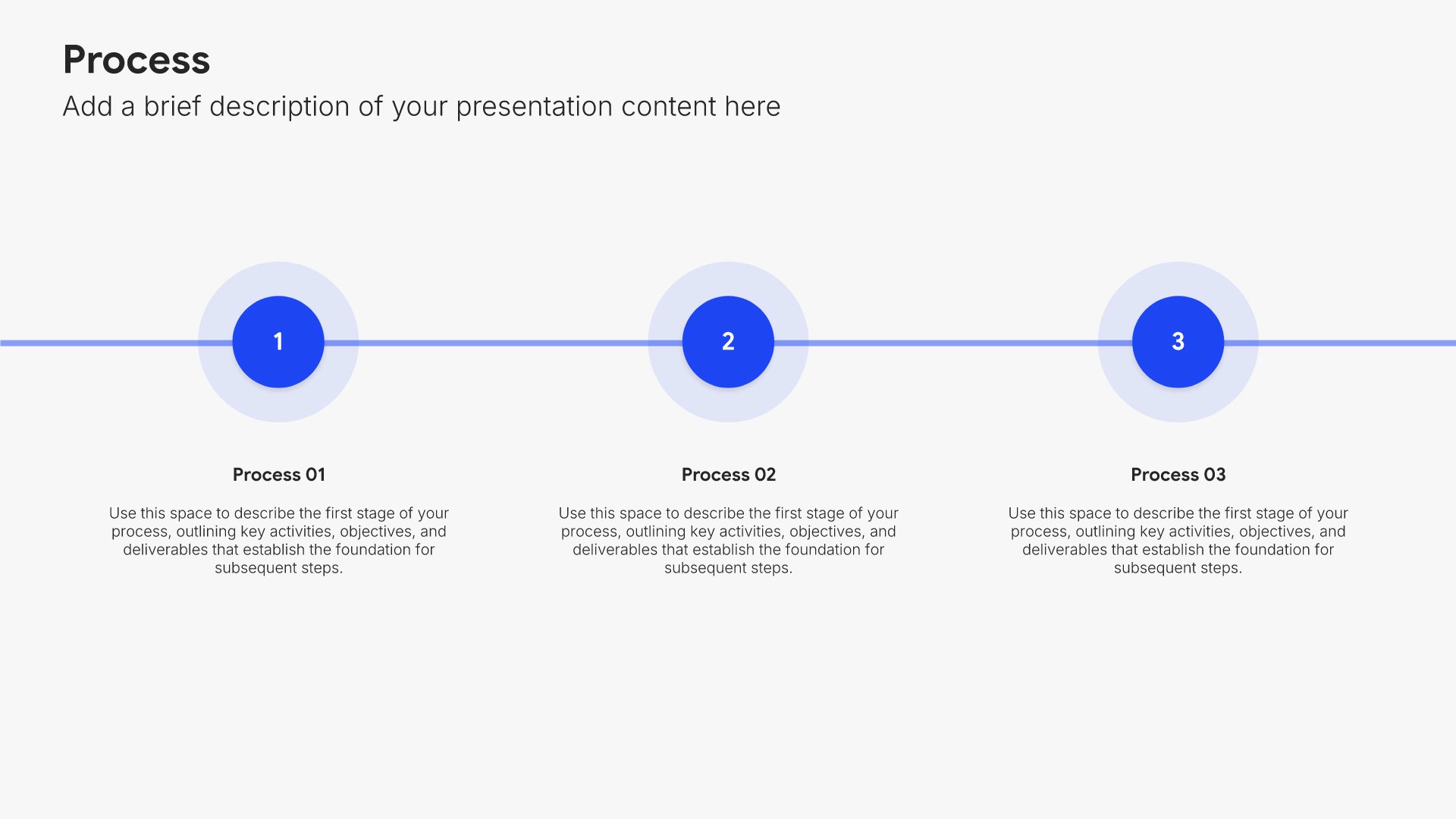
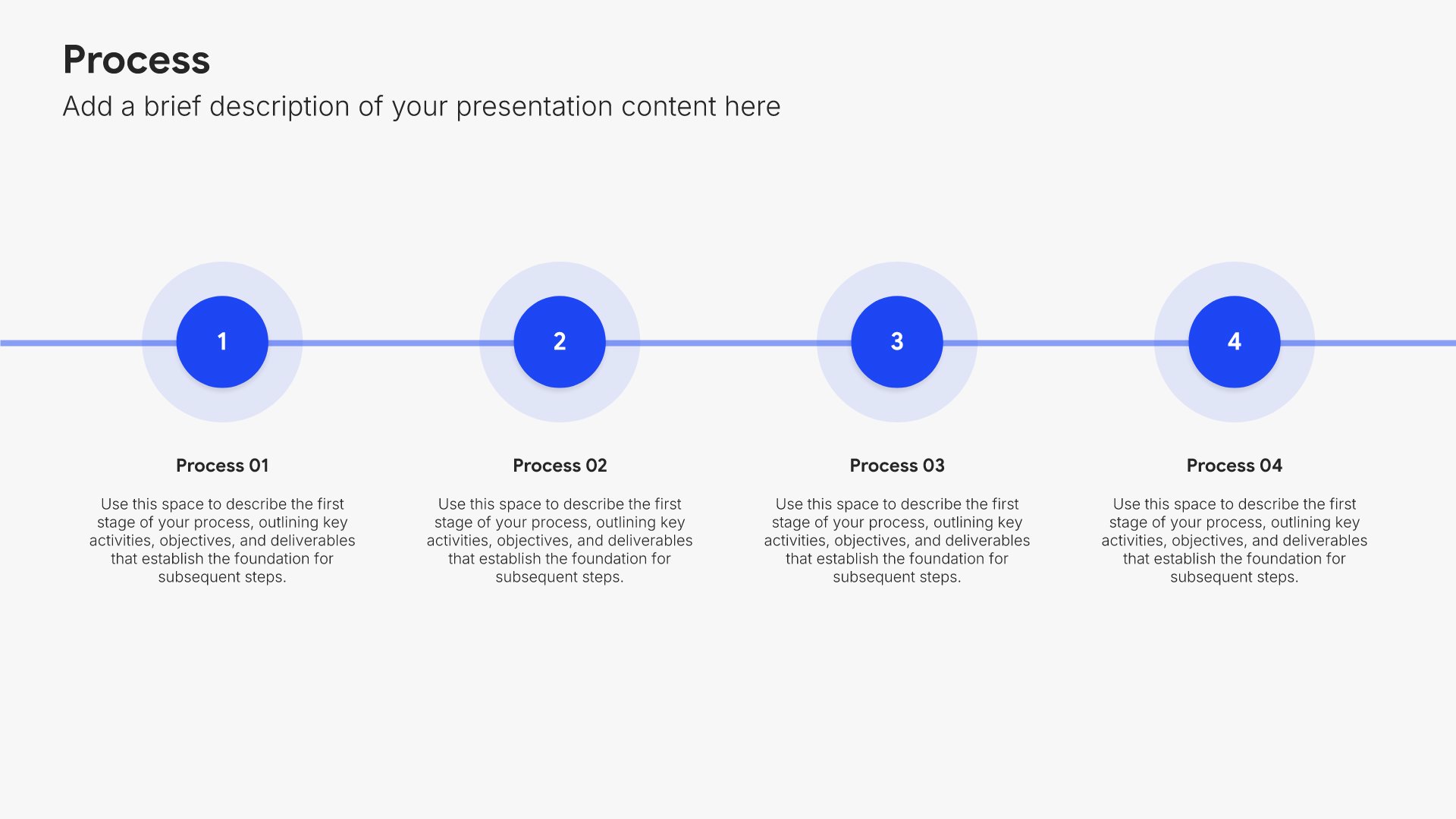
How it works slides help you explain your process or product in simple terms. Use them to walk your audience through the steps, workflow, or mechanics of your solution. Ideal for sales decks, product presentations, and demos where making complex offerings easy to understand builds confidence and reduces friction.


Built using Process – Horizontal slides

8. Why Choose Us

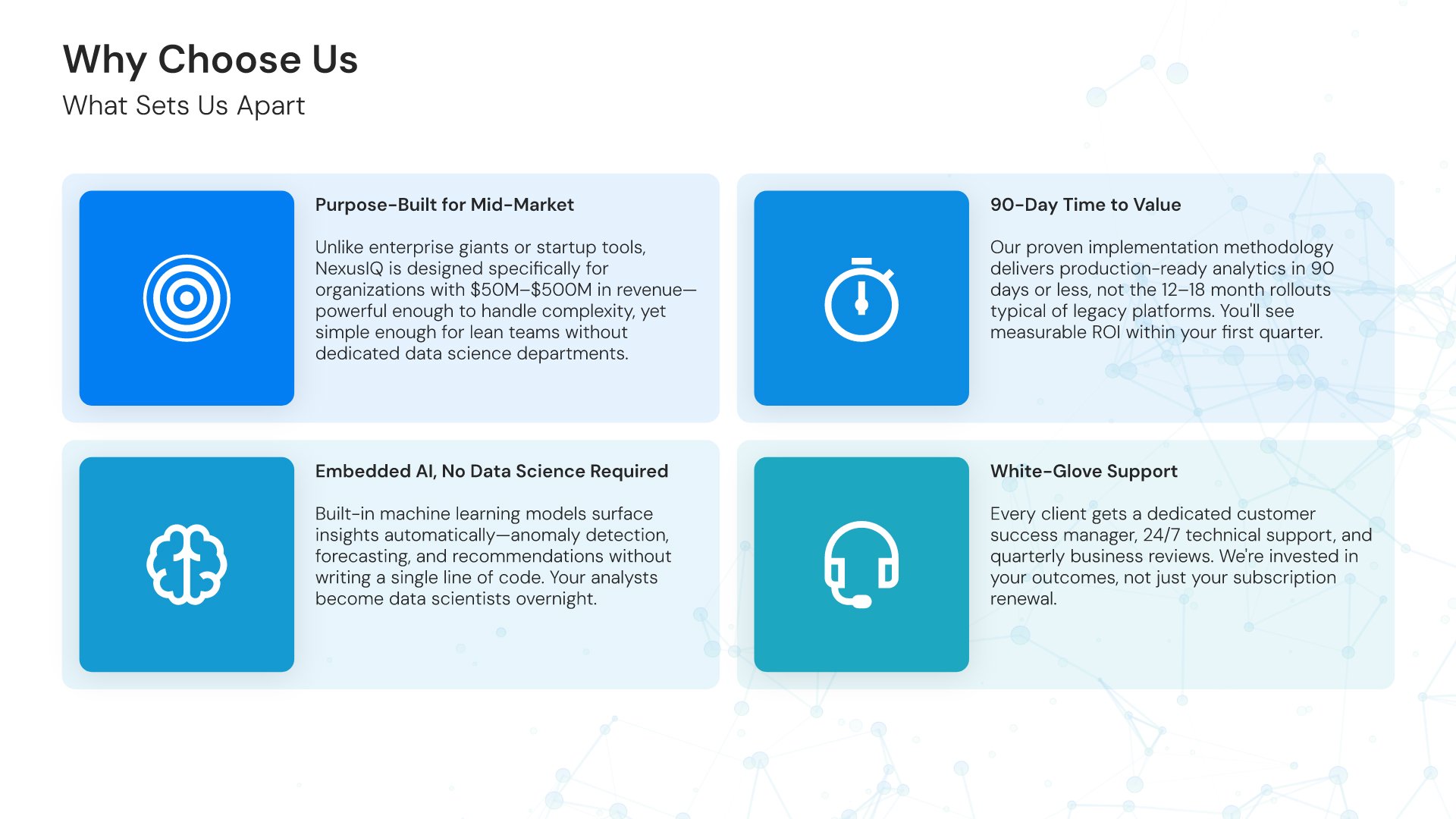
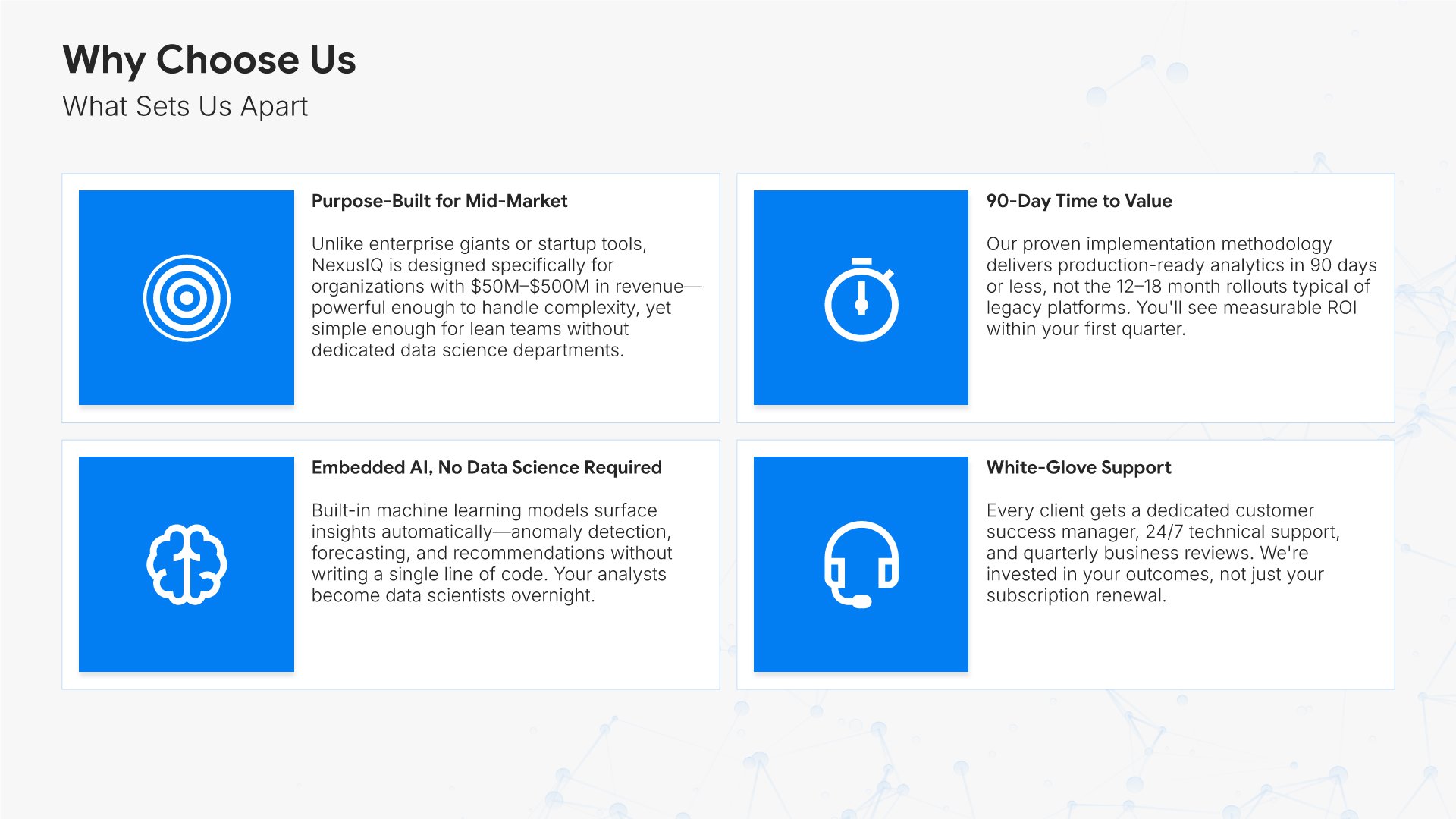
Why choose us slides help you summarize your key differentiators and reasons to buy. Use them to reinforce your competitive advantages, unique value, and the benefits of choosing your company. Ideal for sales decks and proposals where a compelling summary of your strengths helps close the deal.
Built using Simple Text (with Icons) slides

9. Stats & Numbers

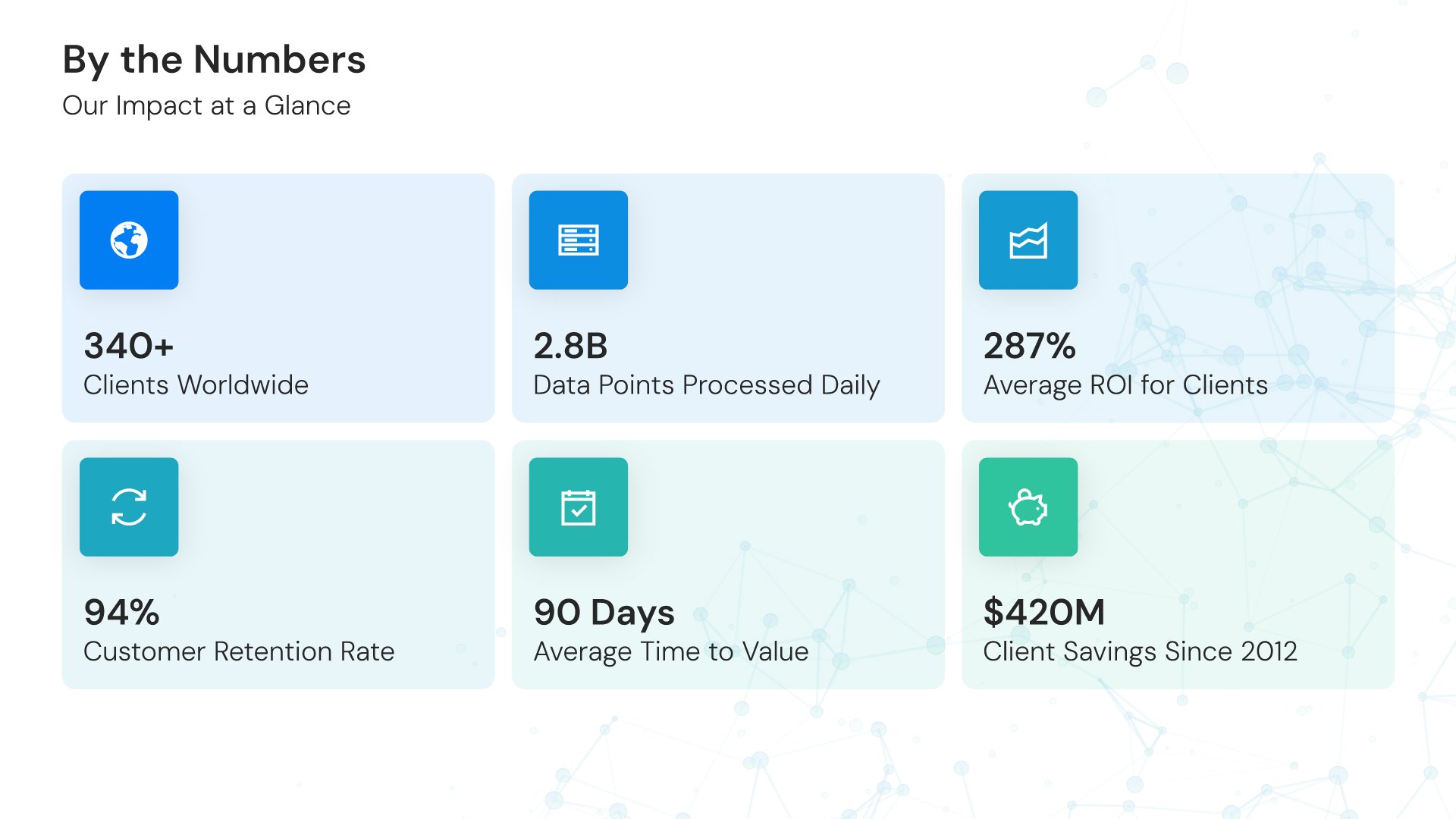
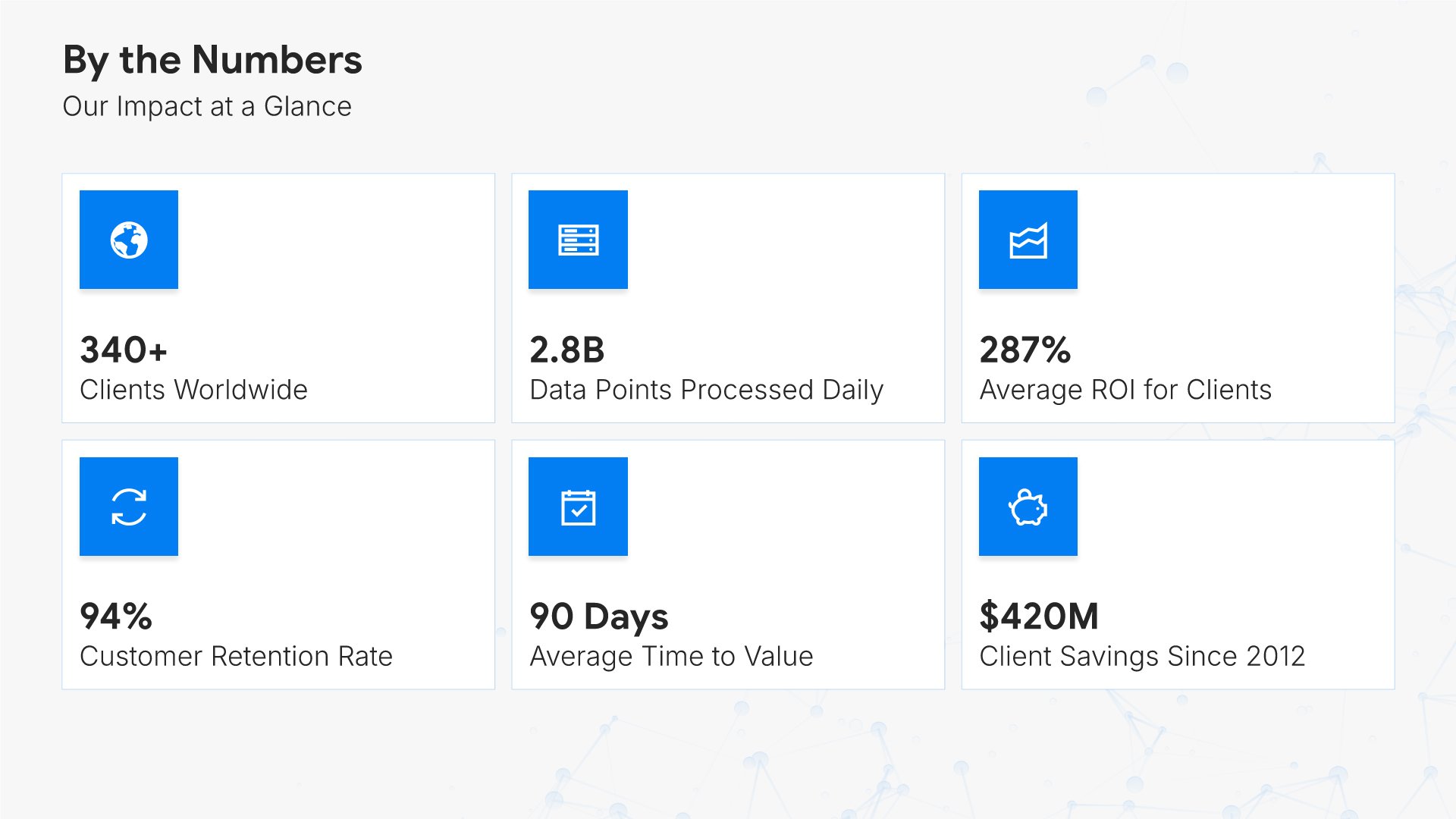
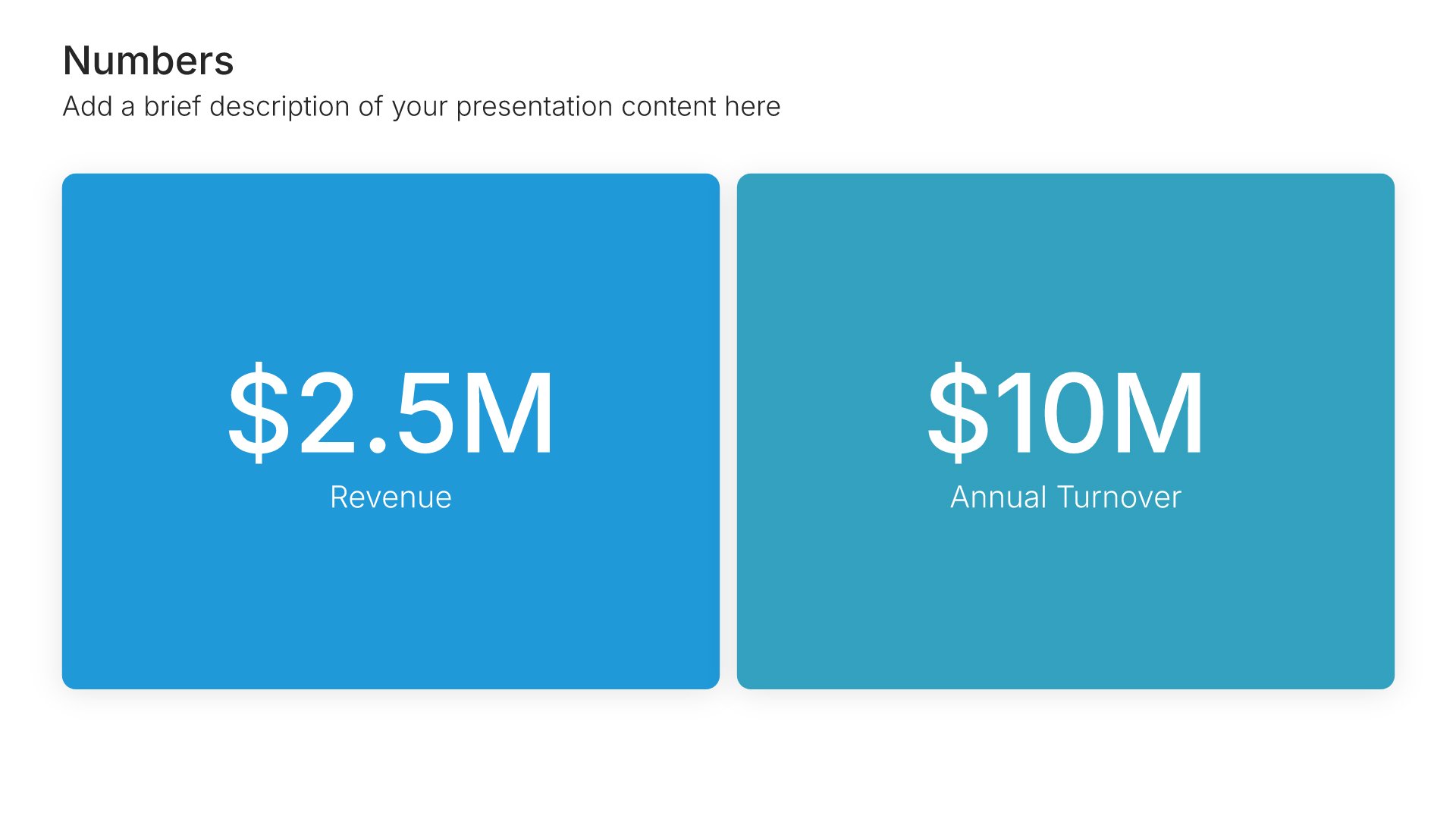
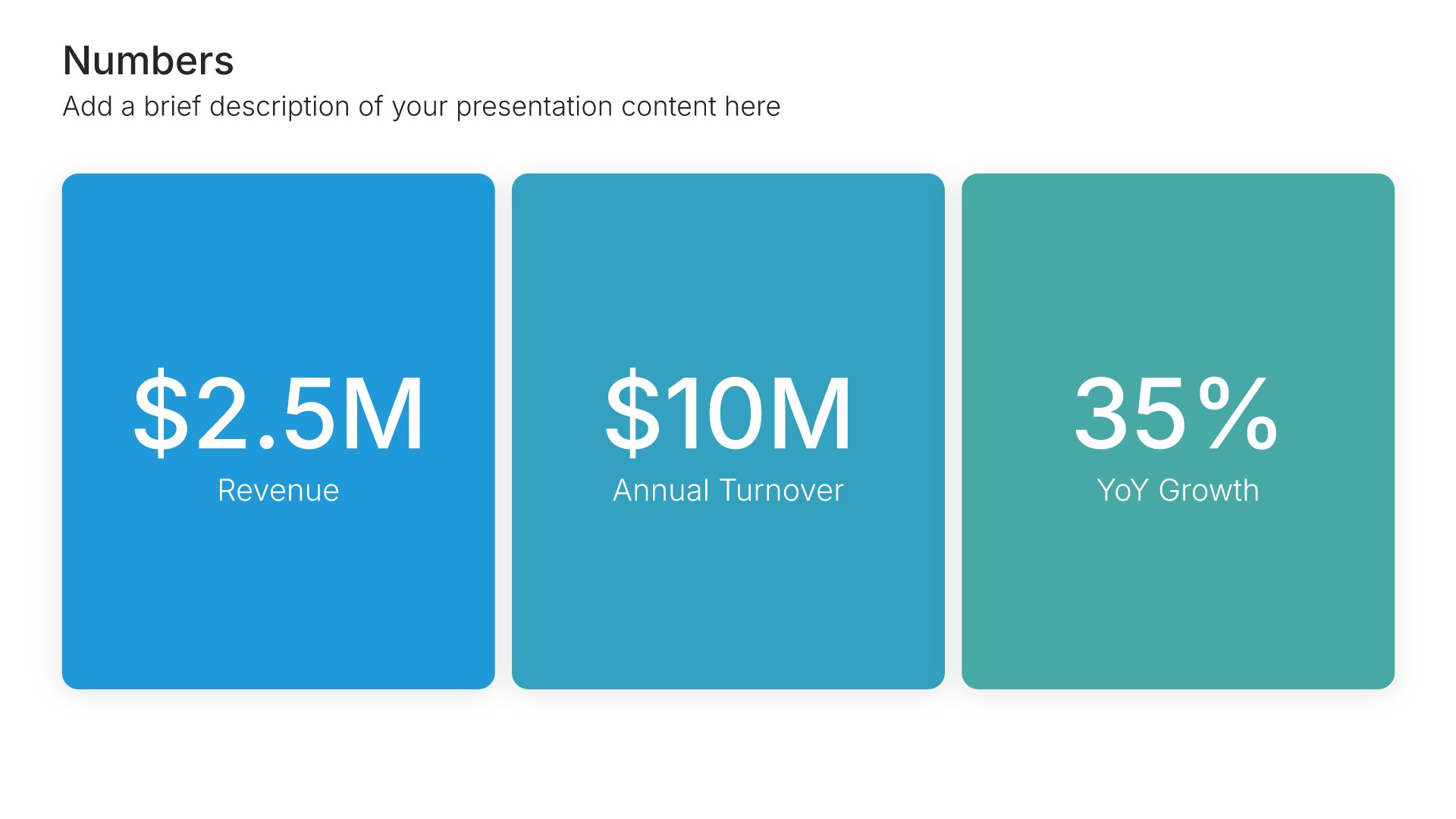
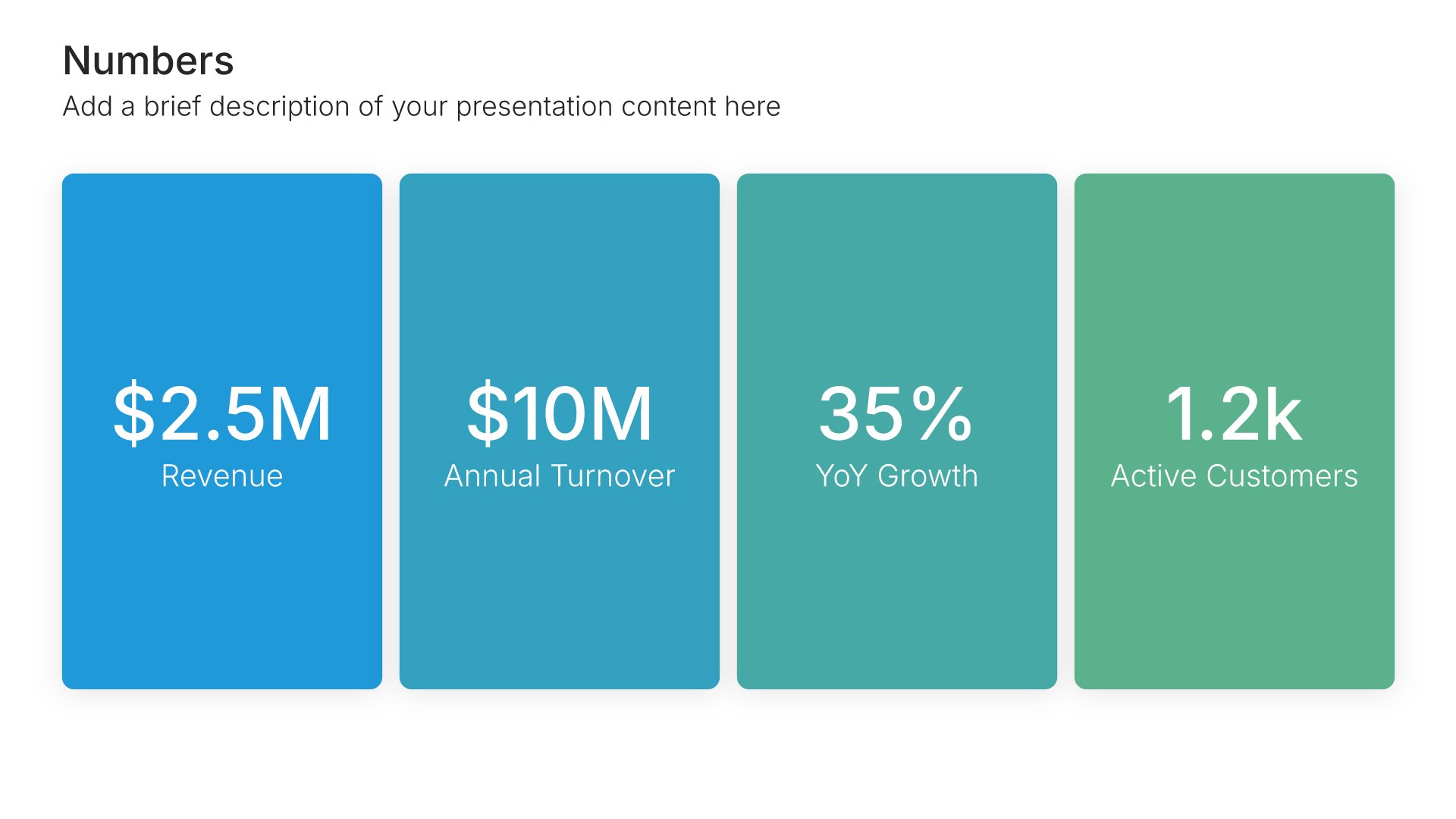
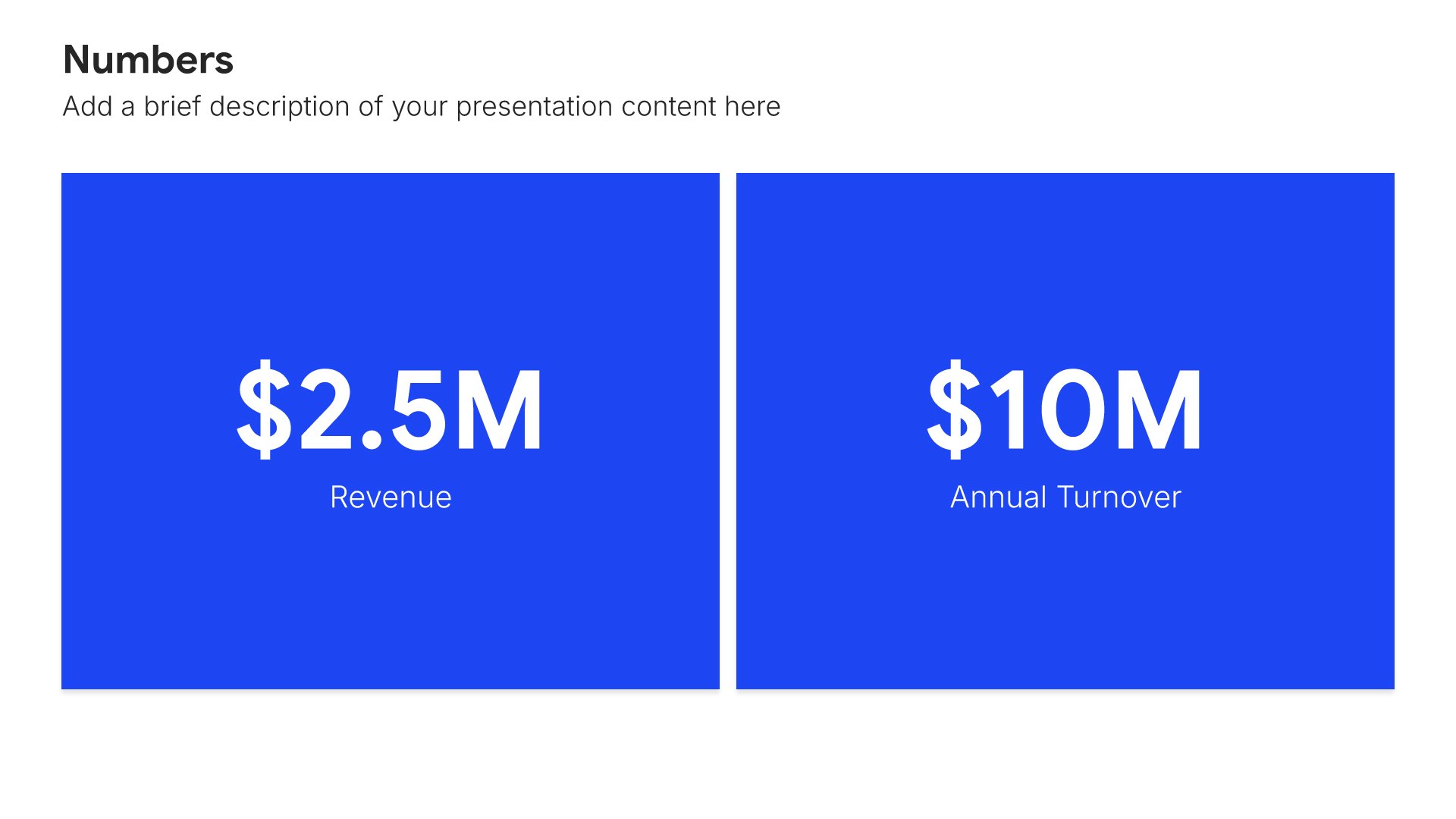
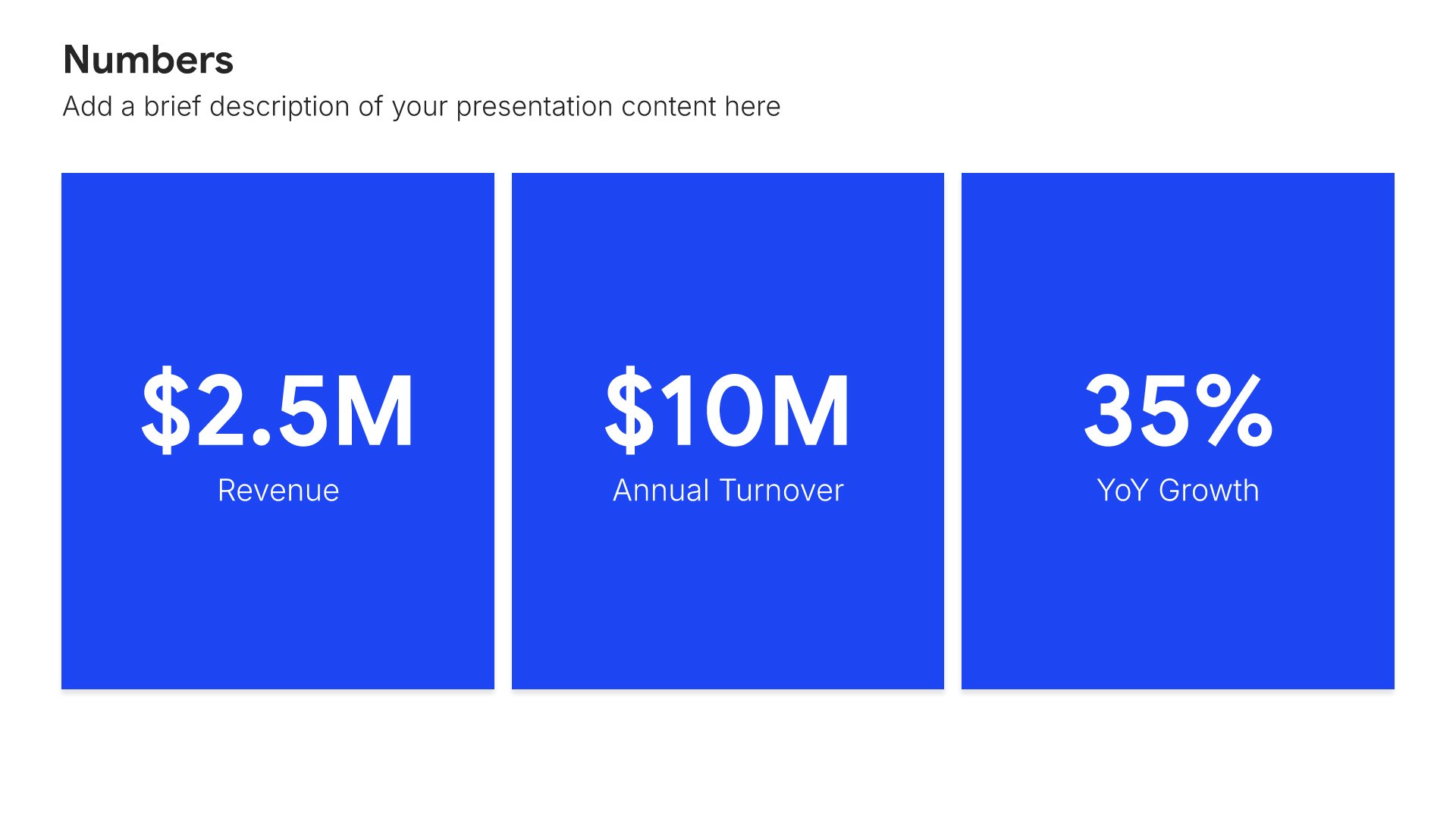
Stats and numbers slides help you showcase your key metrics and achievements at a glance. Use them to present years in business, customers served, team size, and other figures that demonstrate scale and success. Quantifying your impact builds credibility and helps prospects understand your business at a glance.
Built using Simple Numbers slides

10. Team

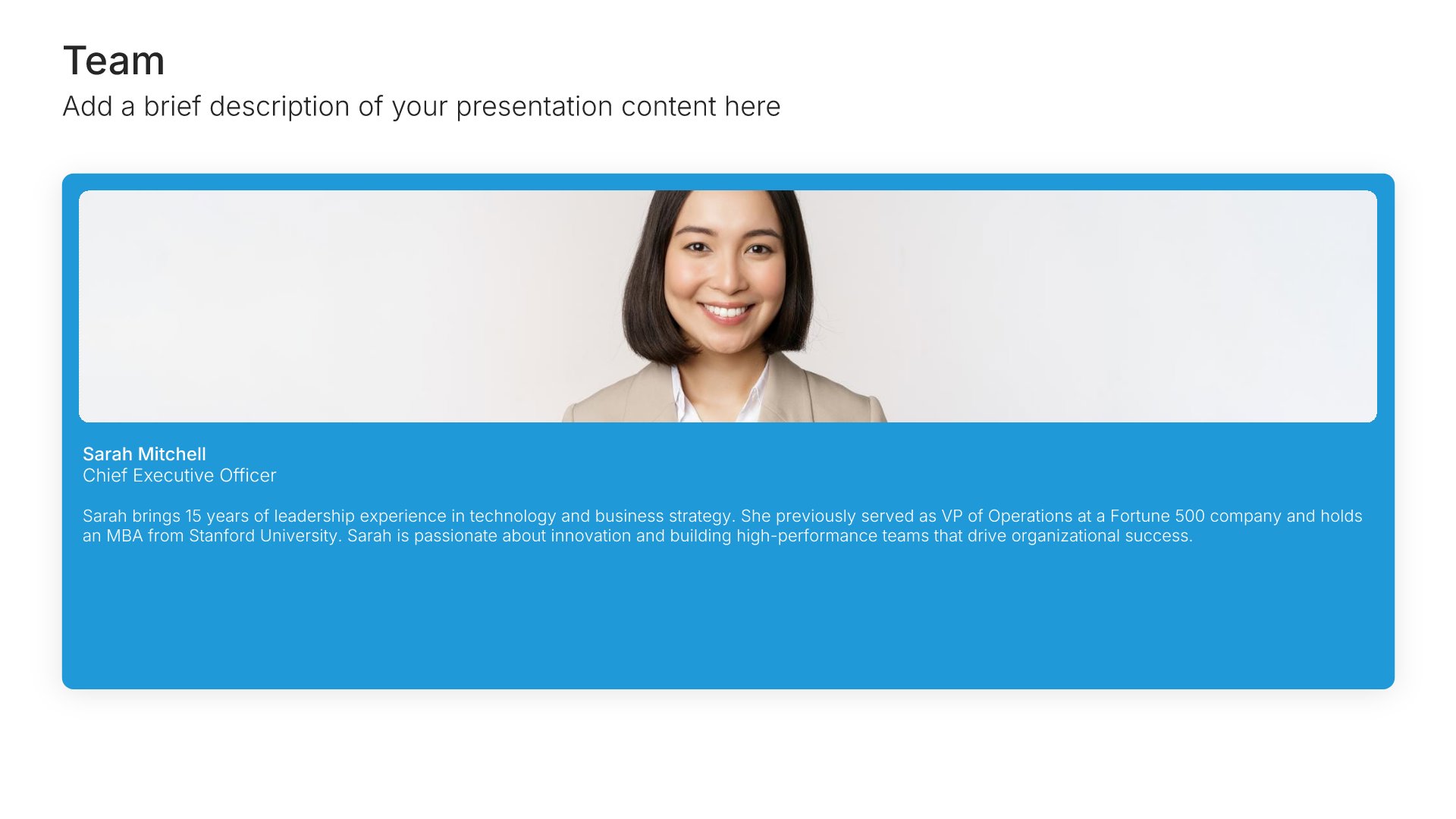
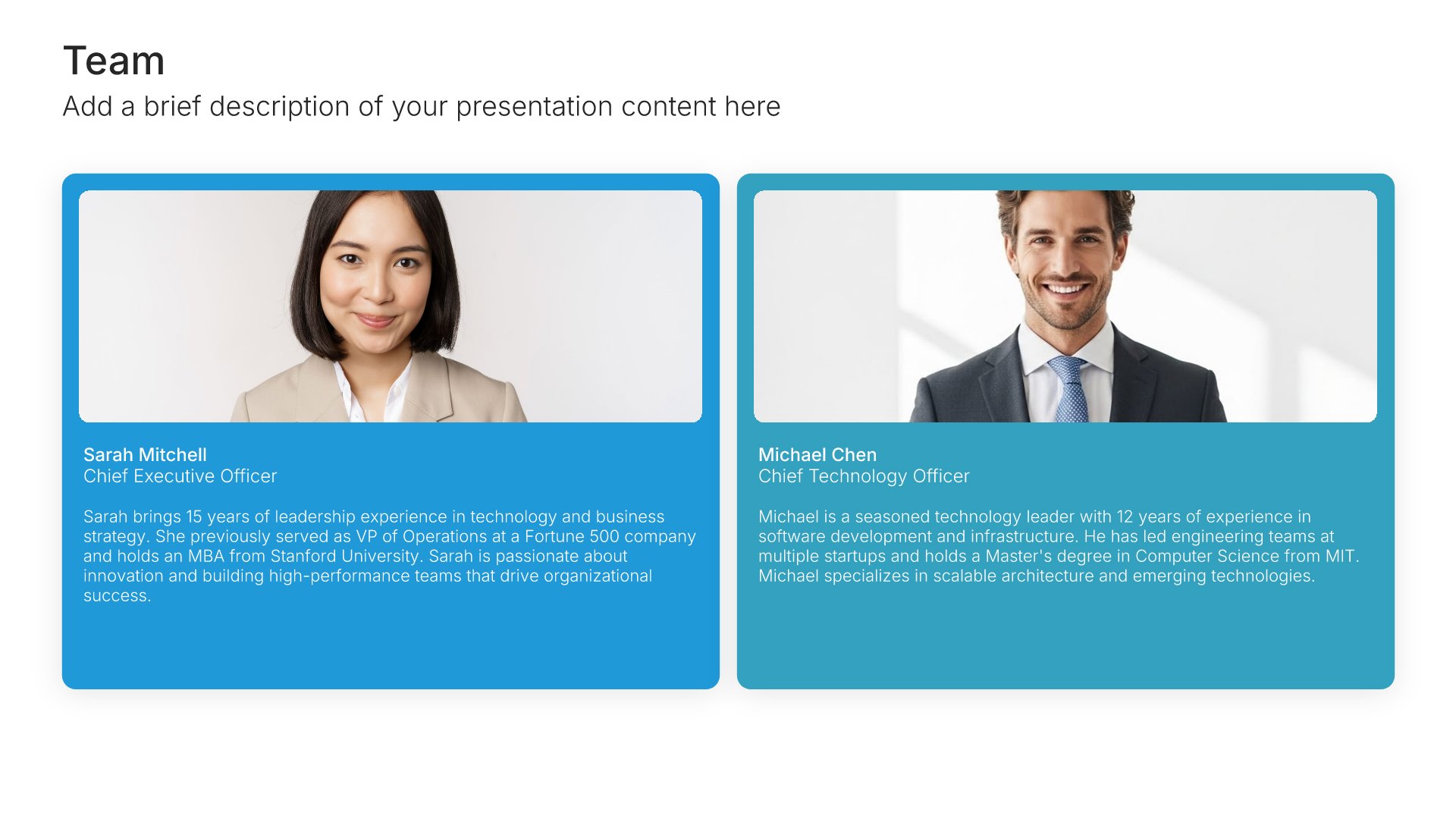
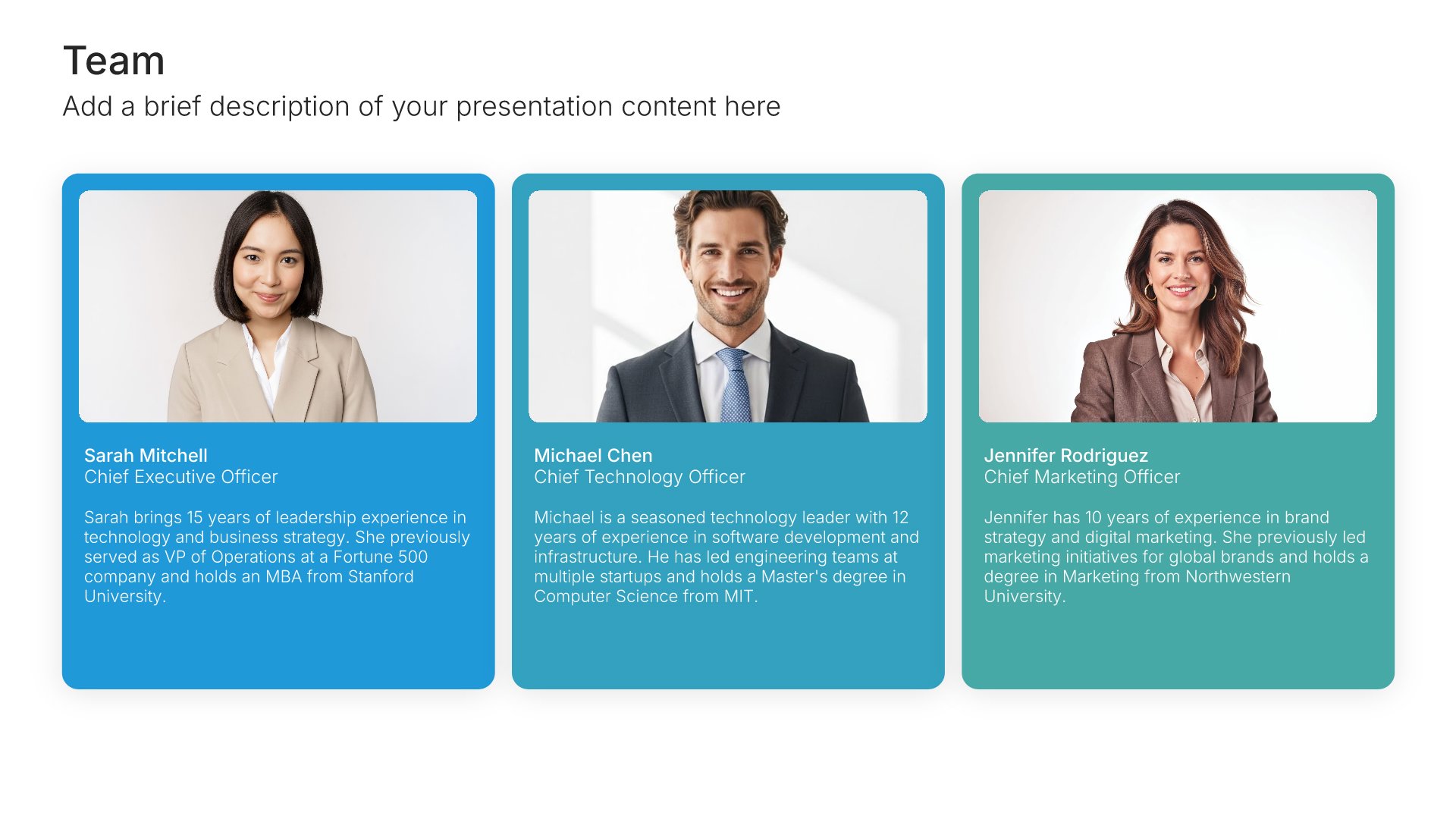
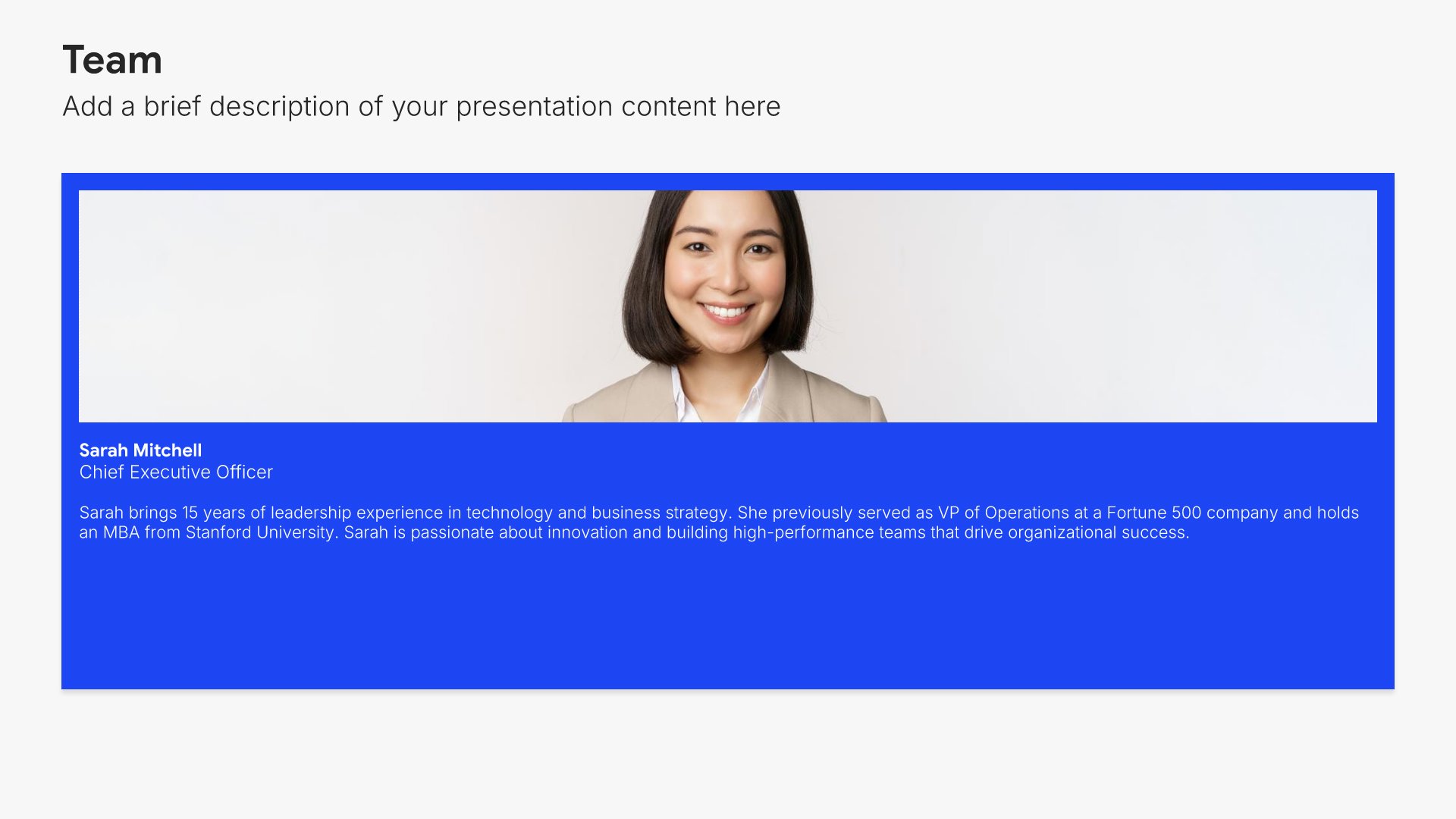
Team slides help you introduce your people and their roles together. Use them to display team members with photos, titles, and descriptions that showcase the talent behind your organization. Ideal for company overviews, pitch decks, and any presentation where showing the strength of your team builds credibility and confidence.
Built using Team slides

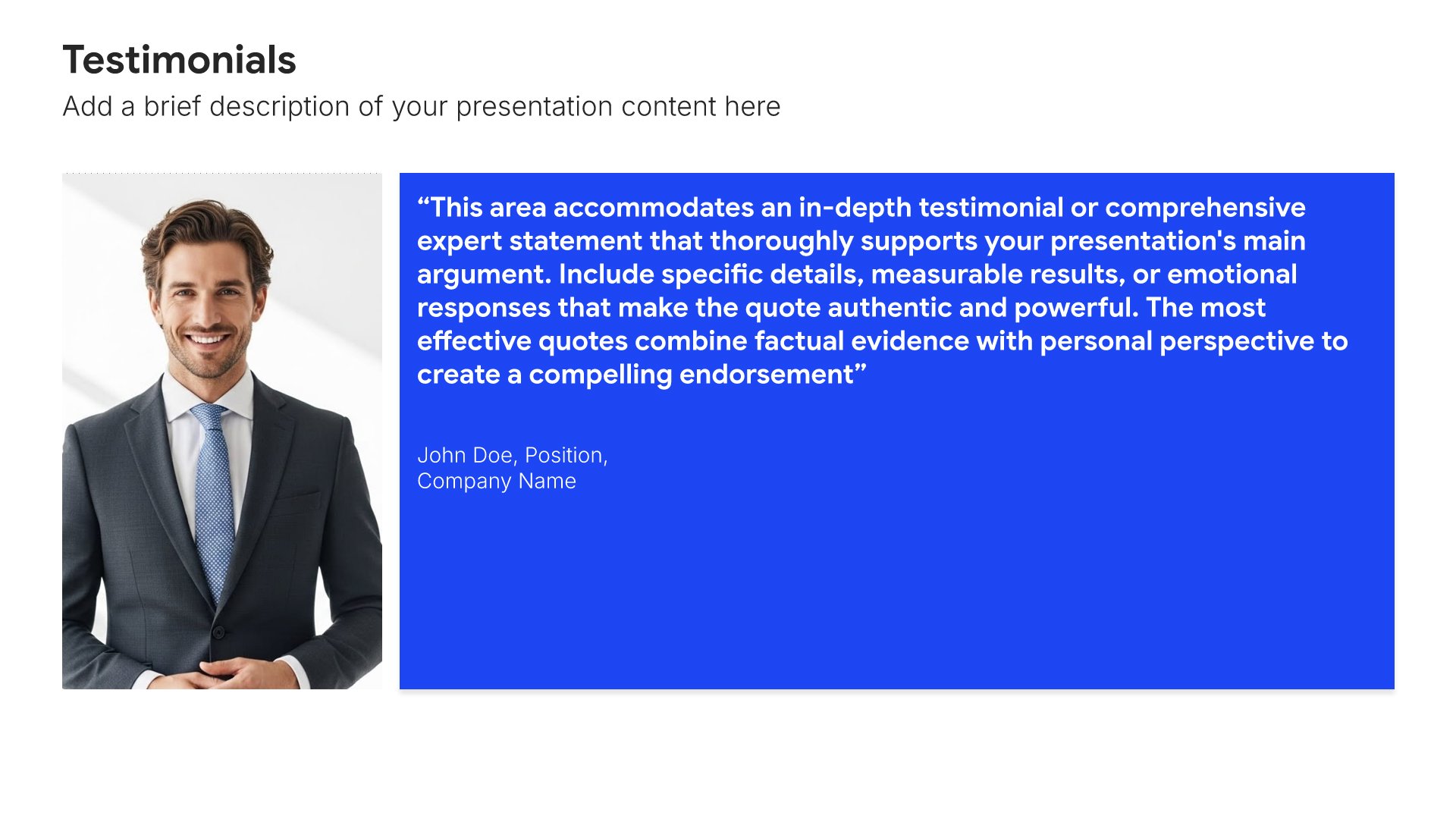
11. Testimonials

Testimonial slides help you showcase customer reviews and feedback effectively. Use them to display quotes from satisfied customers with names, photos, and titles that build credibility. Ideal for sales decks, pitch presentations, and any situation where social proof from real customers strengthens your message.
Built using Testimonials slides

12. Clients & Partners

Clients and partners slides help you showcase the organizations you work with and serve. Use them to present key clients, strategic partners, brand relationships, and collaborative alliances. Demonstrating trusted relationships and a strong client roster reinforces your credibility and shows the caliber of organizations that choose to work with you.
Built using Testimonials slides

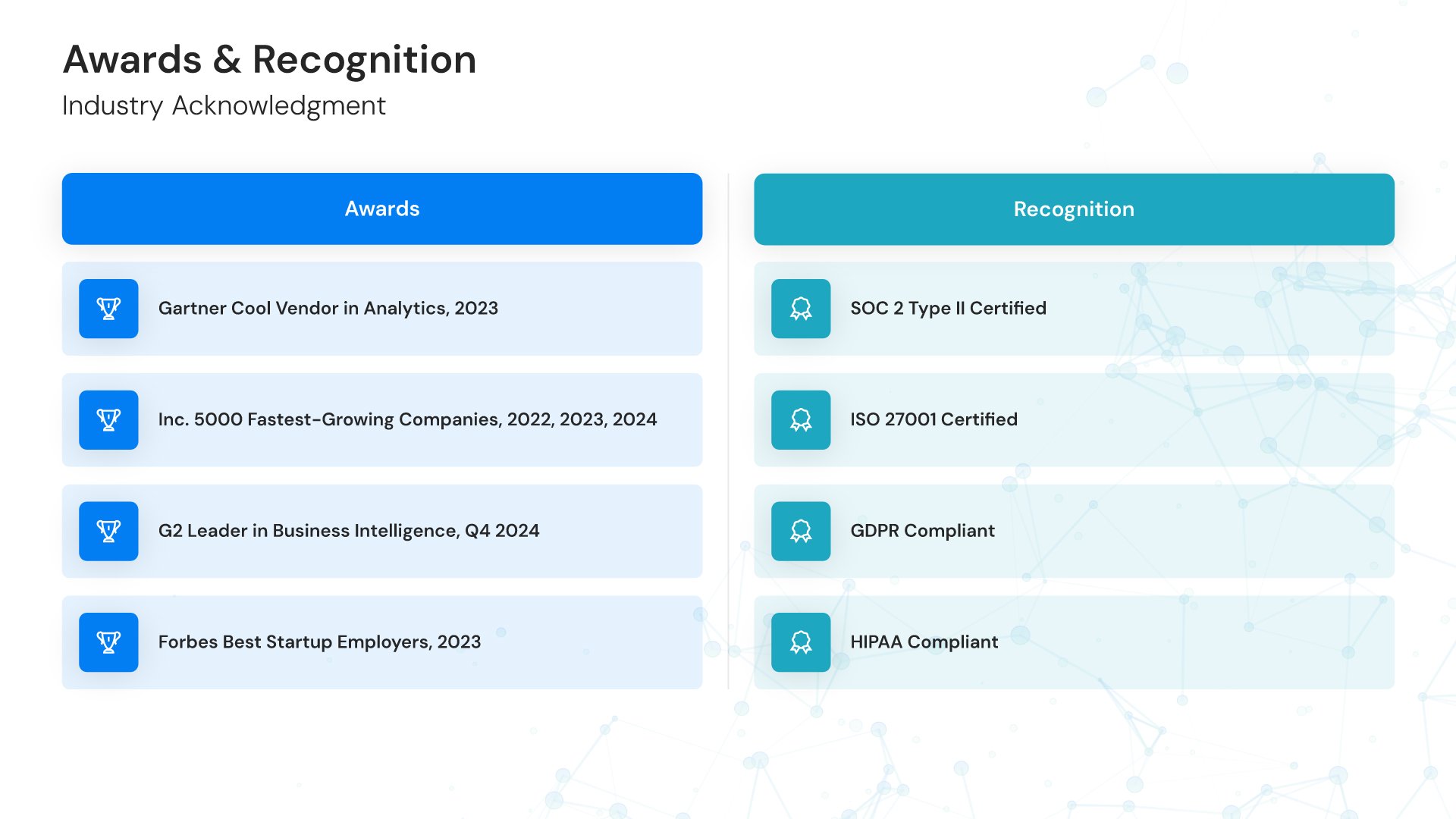
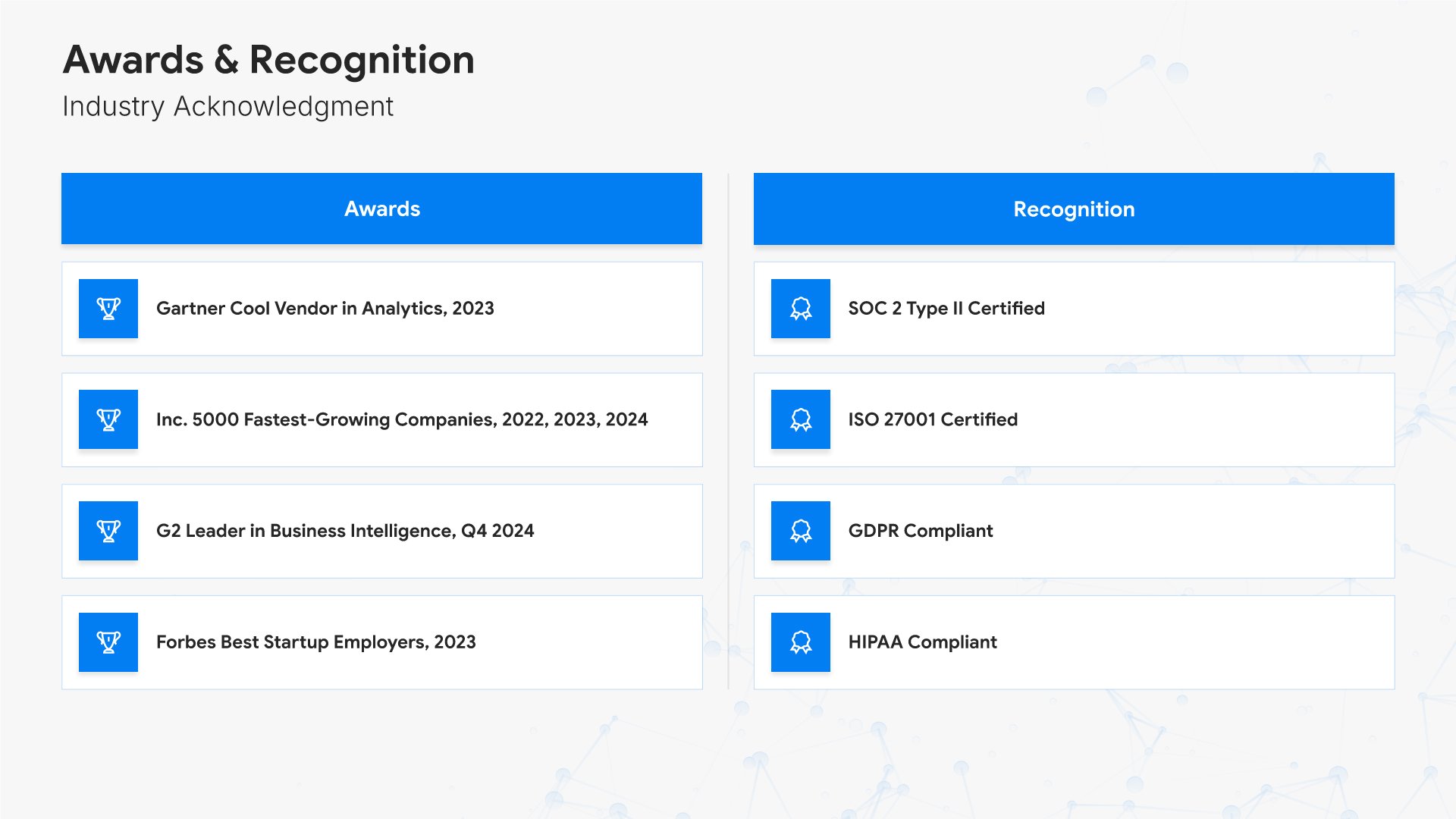
13. Awards & Recognition

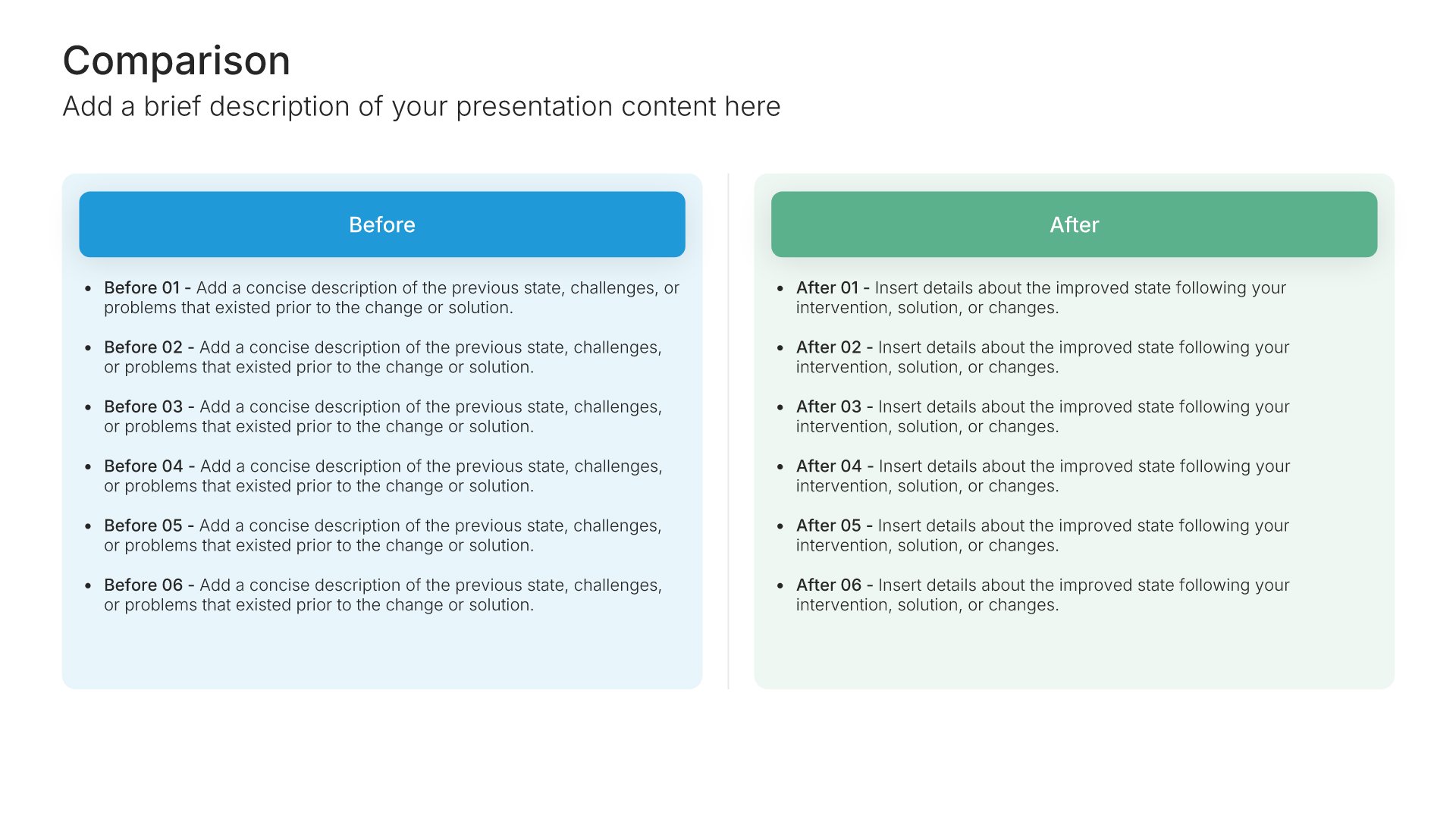
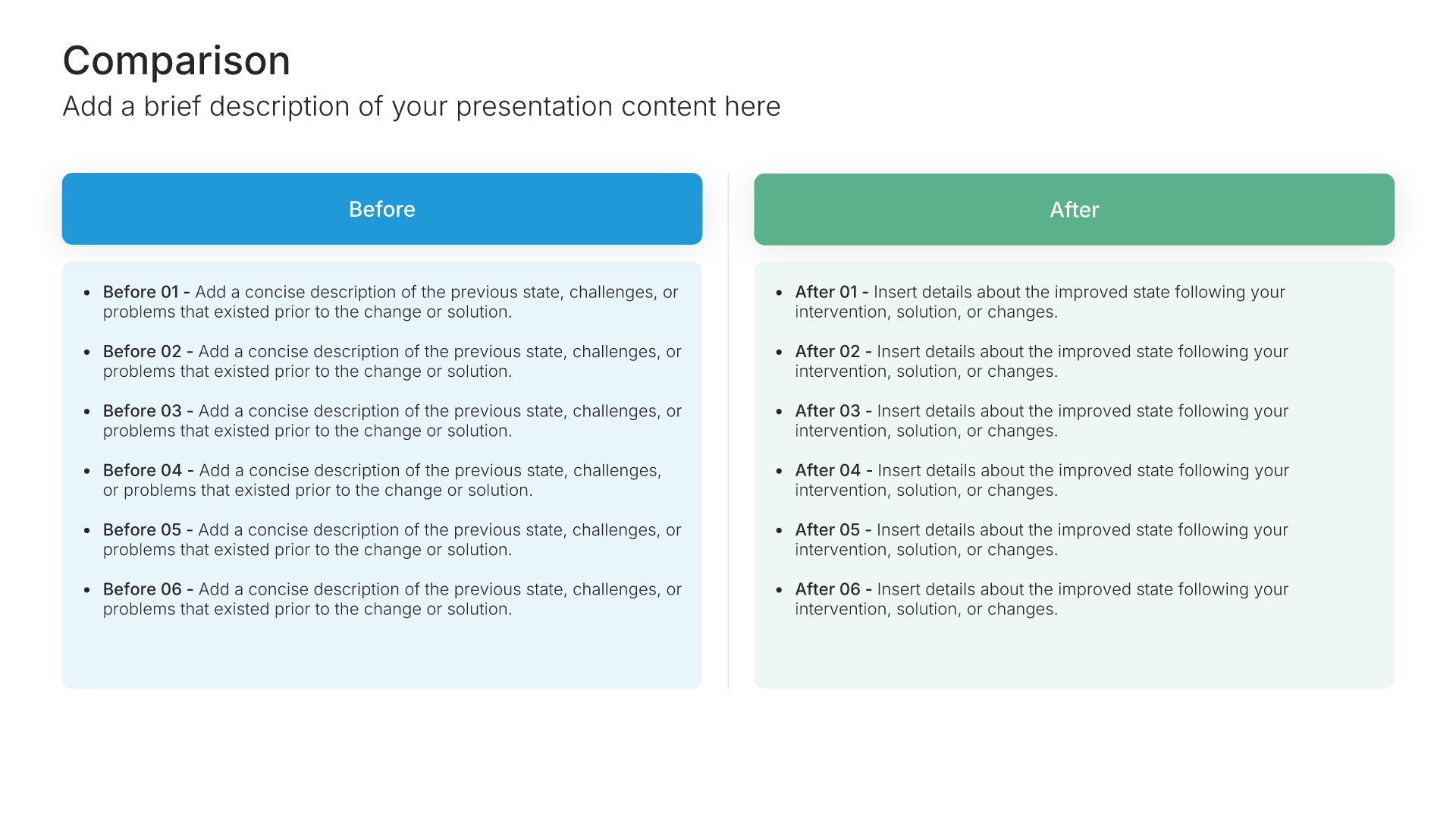
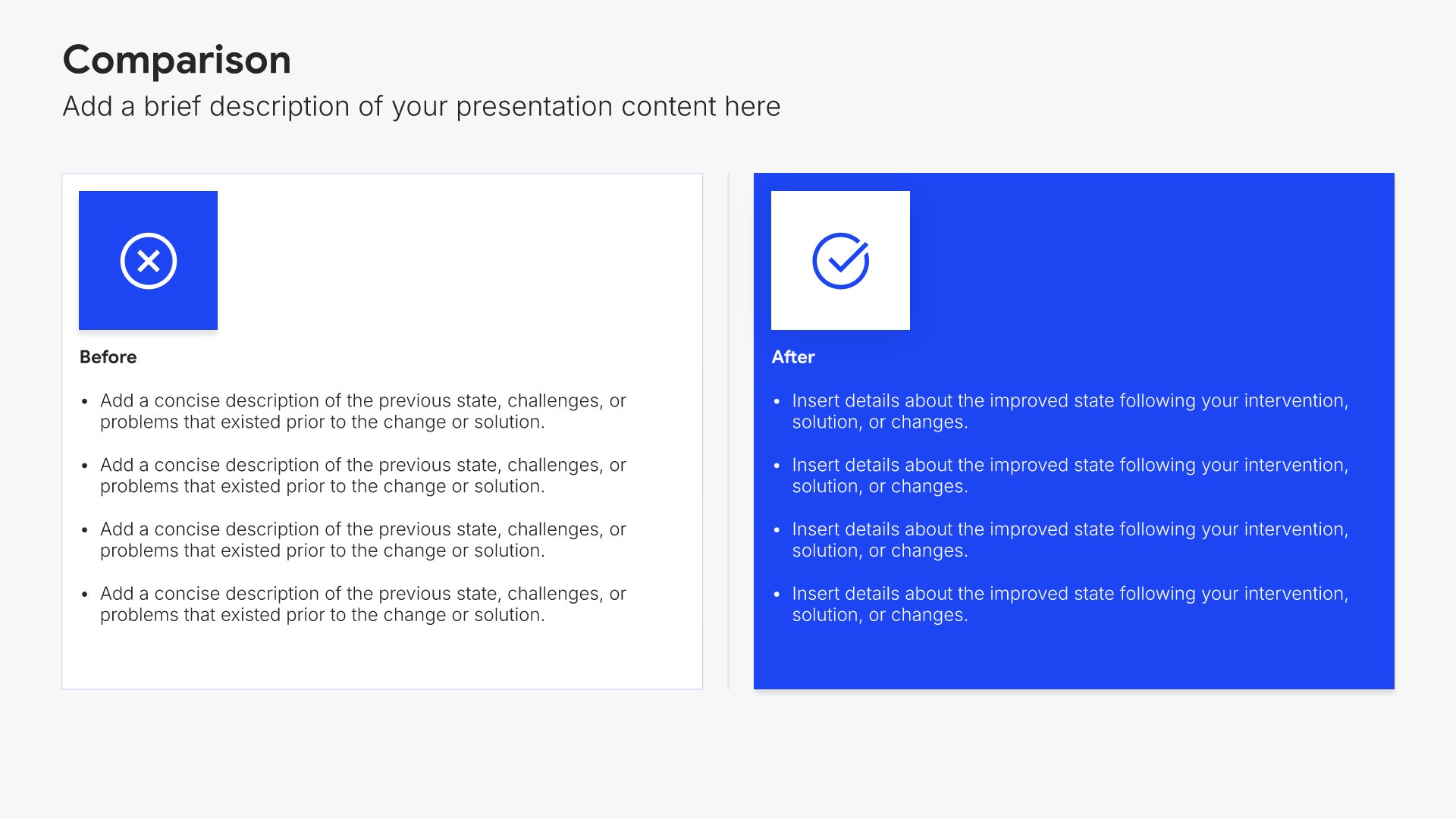
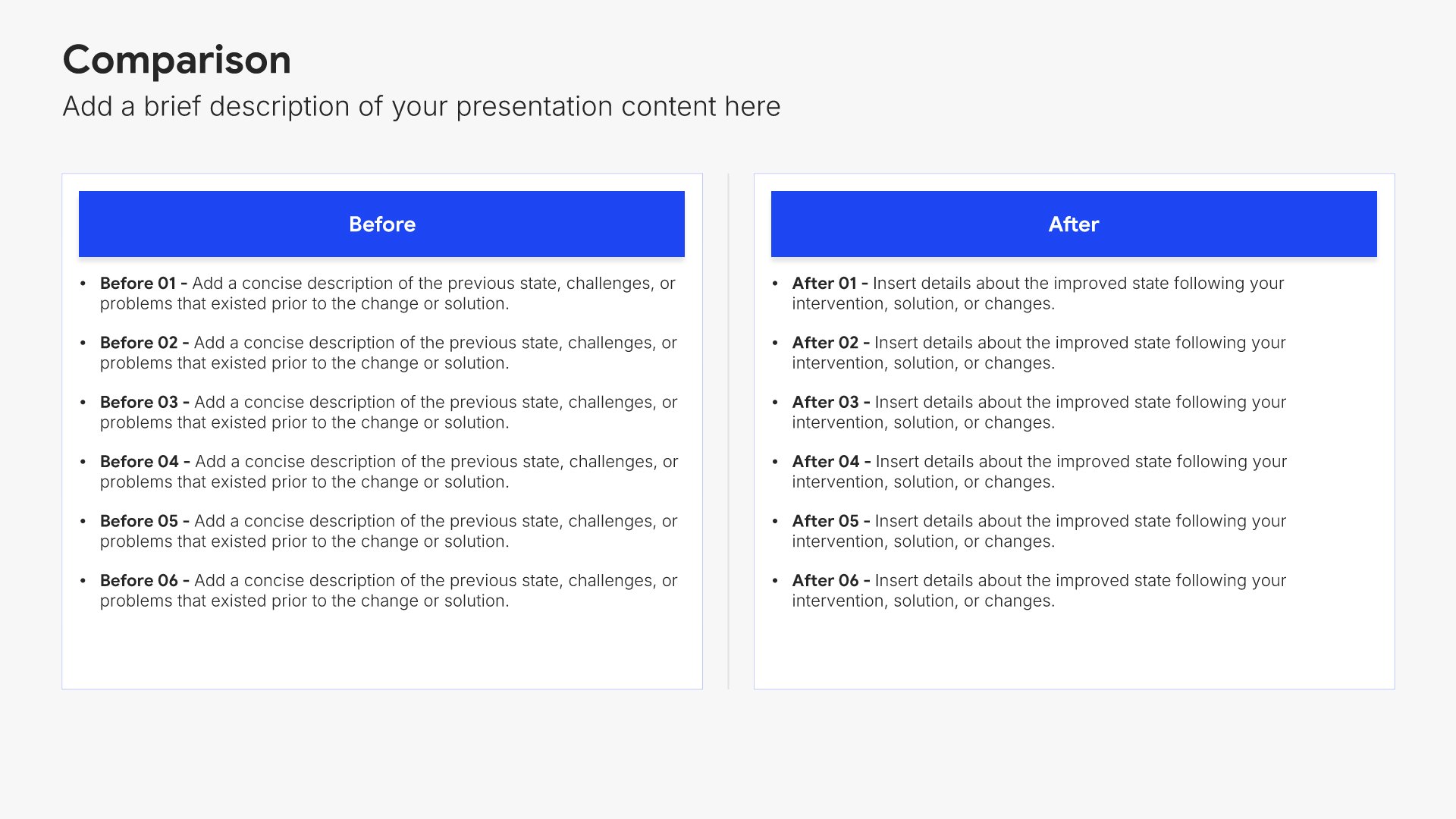
Awards and recognition slides help you showcase your achievements and industry acknowledgments. Use them to present certifications, ratings, press mentions, and accolades that validate your organization. Third-party recognition reinforces your credibility and demonstrates accountability.
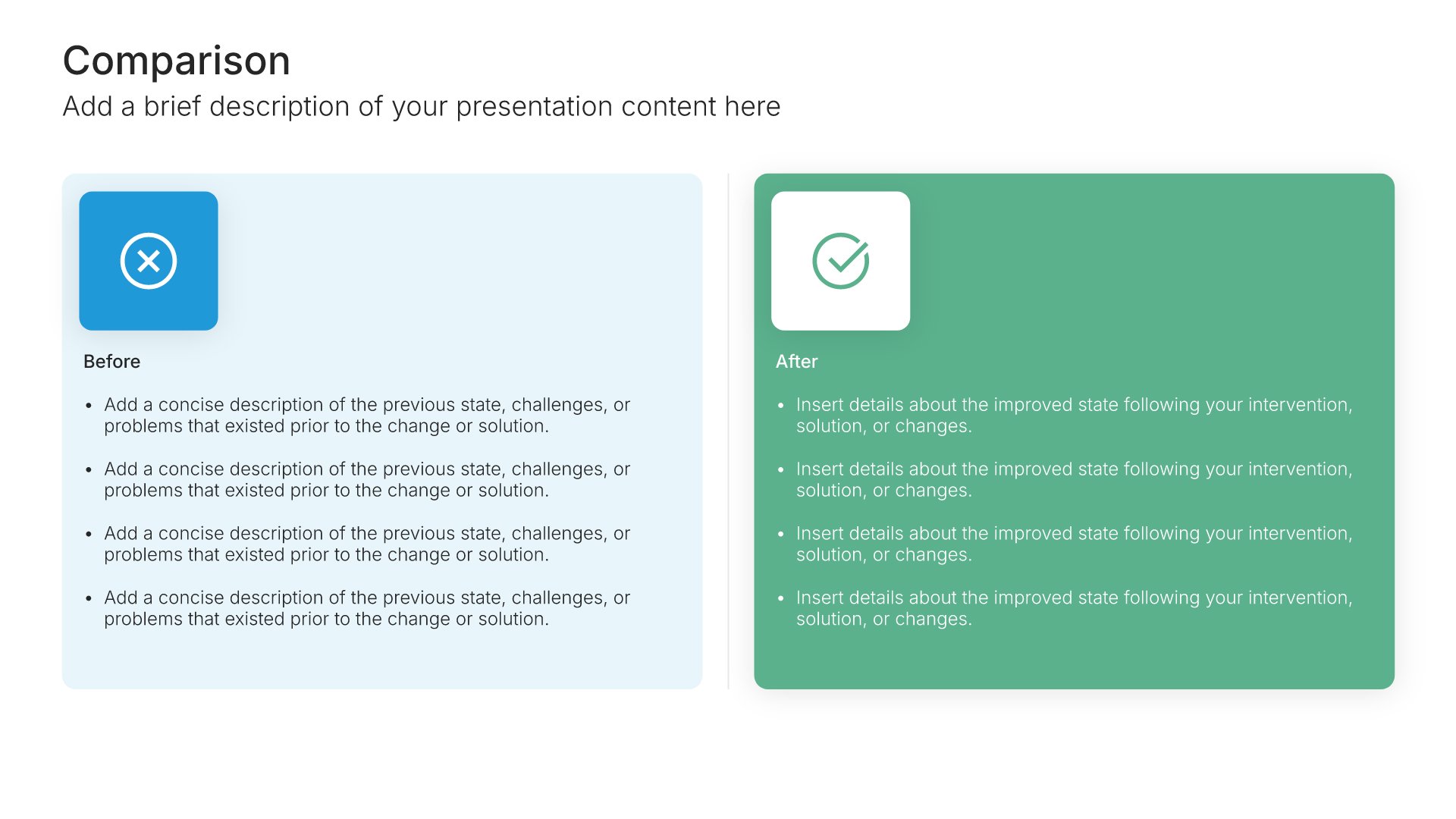
Built using Comparison slides

14. Thank You

Thank you slides help you close presentations professionally. Use them to end with gratitude, provide contact information, and leave a polished final impression. Ideal for any presentation where a professional closing reinforces your message and gives your audience a clear way to follow up or stay connected.
Built using Title slides

Build your Technology Company Profile presentation with Twodart

Transform your Technology Company Profile vision into reality with Twodart’s user-friendly platform. Follow our step-by-step guide, harnessing our vast collection of slides and tools, to create a compelling and cohesive presentation that resonates with your audience.

Step 1

Browse and Select Your Slides​

Discover from over 9,172 unique slides in 134 categories or kickstart with 31 premade presentation templates. Design skills? Not needed.

Step 2

Brand Your Presentation

Add your logo and easily customize theme colors to align with your brand. 30+ preset colors, or explore unlimited color options for perfect match.

Step 3

Export Presentation Seamlessly​

With a single click, export your slides to Powerpoint, Google Slides, or Keynote. Enjoy unlimited exports with no restrictions or limitations.

Step 4

Personalize Your Content​

Replace text and image placeholders with your content effortlessly. Customize using tools like Powerpoint, Google Slides, or Keynote and present proudly.

Try Twodart for free today and experience the ease of creating remarkable presentations.

No Sign-in or Credit Card Required

Wait!
Before you go, have you had the chance to experience Twodart? If not try out – Twodart for absolutely FREE!!

No Sign-in or Credit Card Required

Experience Twodart Yourself!
Why just read about it when you can experience it? Dive into our presentation library – absolutely FREE!

No Sign-in or Credit Card Required