Try Choladeck Free: Download Personalized Business Slides Today

Executive Summary Premade Template

A focused executive summary template designed for leaders presenting key insights and recommendations to senior stakeholders. Built on the Classic McKinsey Model, this presentation covers situation overview, key findings, implications, recommendations, and implementation overview. Ideal for board updates, leadership briefings, and strategic decisions.
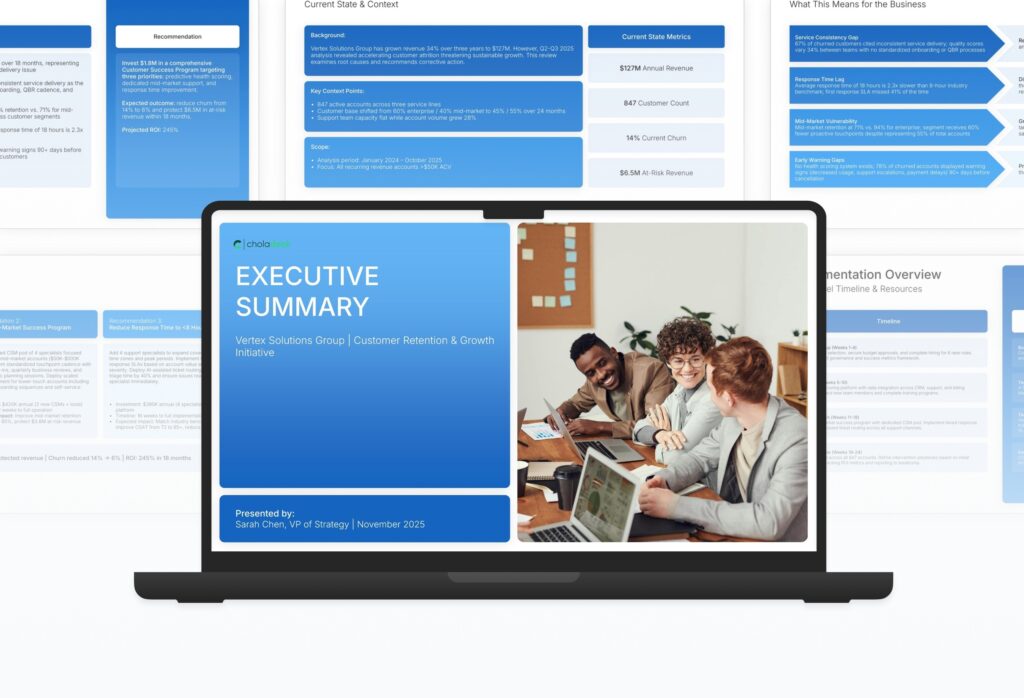
Executive Summary Featured Image

How to Build a Executive Summary Presentation

Learn how to create a focused executive summary that gives senior leaders the insight they need without the noise. This comprehensive guide walks you through framing the situation, presenting key findings, articulating implications, and delivering the recommendations and next steps that drive informed decisions at the leadership level.

1. Title

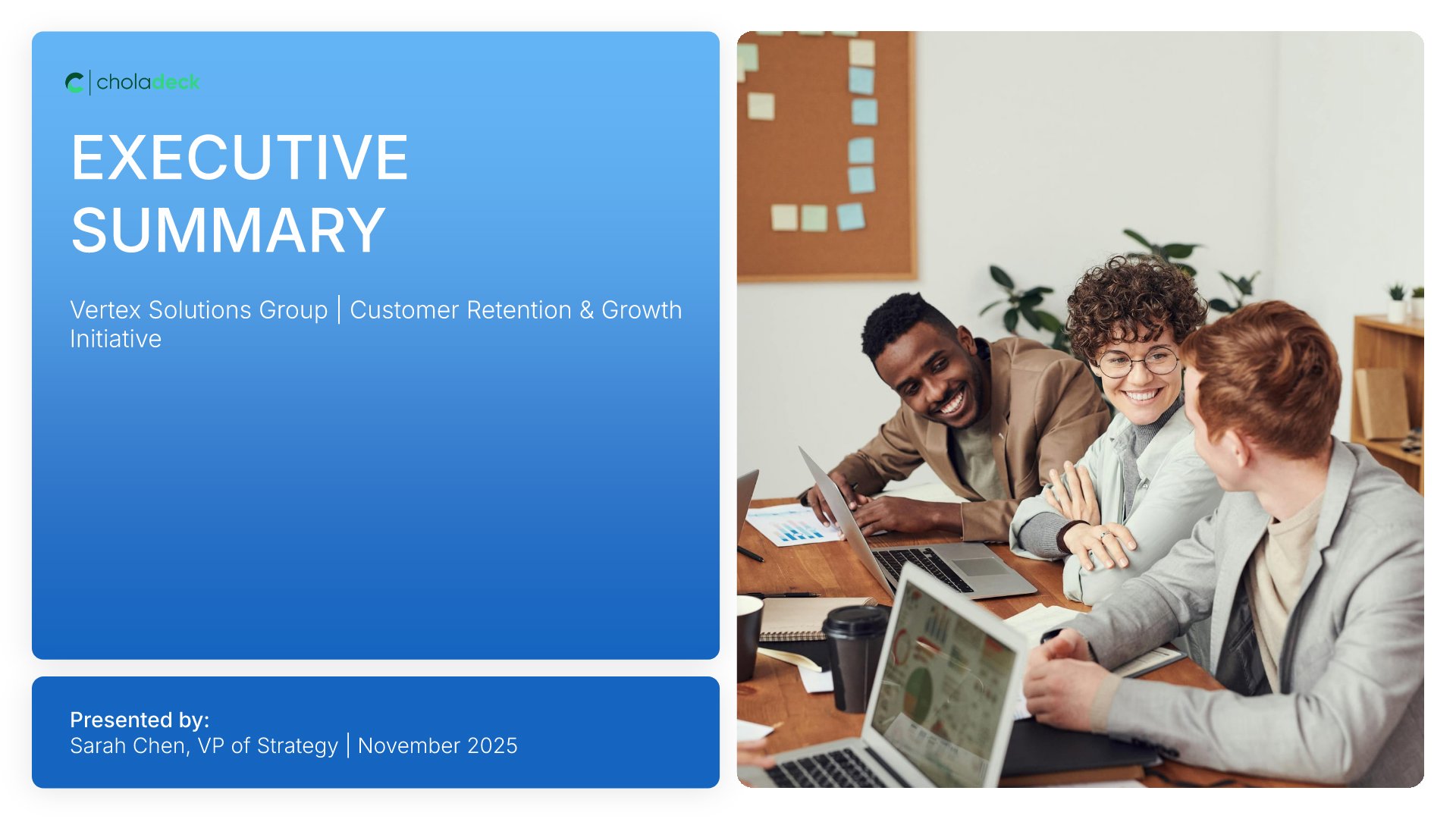
Title slides help you open presentations with impact. Use them to create strong first impressions with opening slides that set the tone, introduce your topic, and establish your brand. Ideal for any presentation where a polished, professional opening slide sets the stage for everything that follows.
Built using Title slides

2. Executive Summary

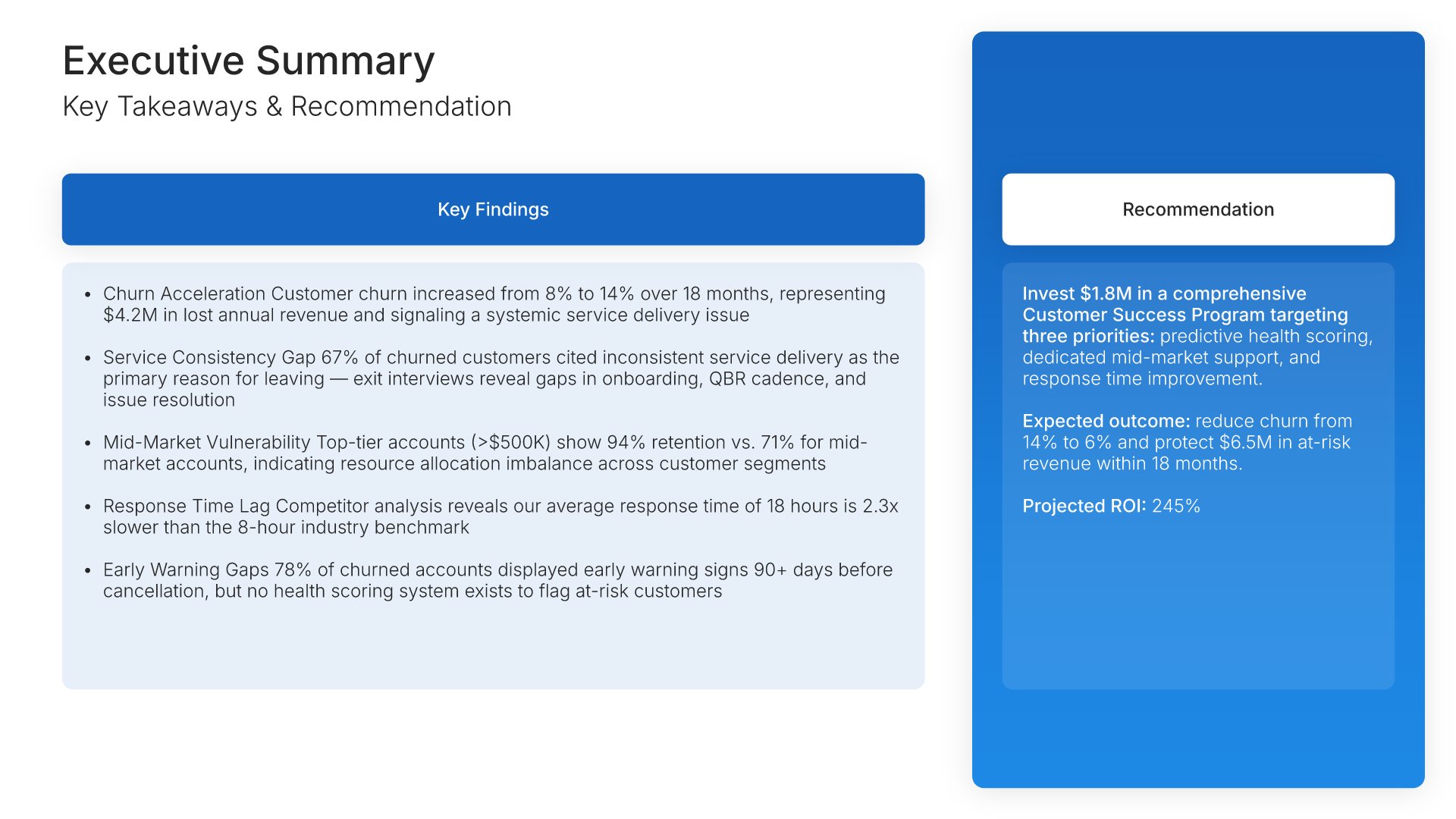
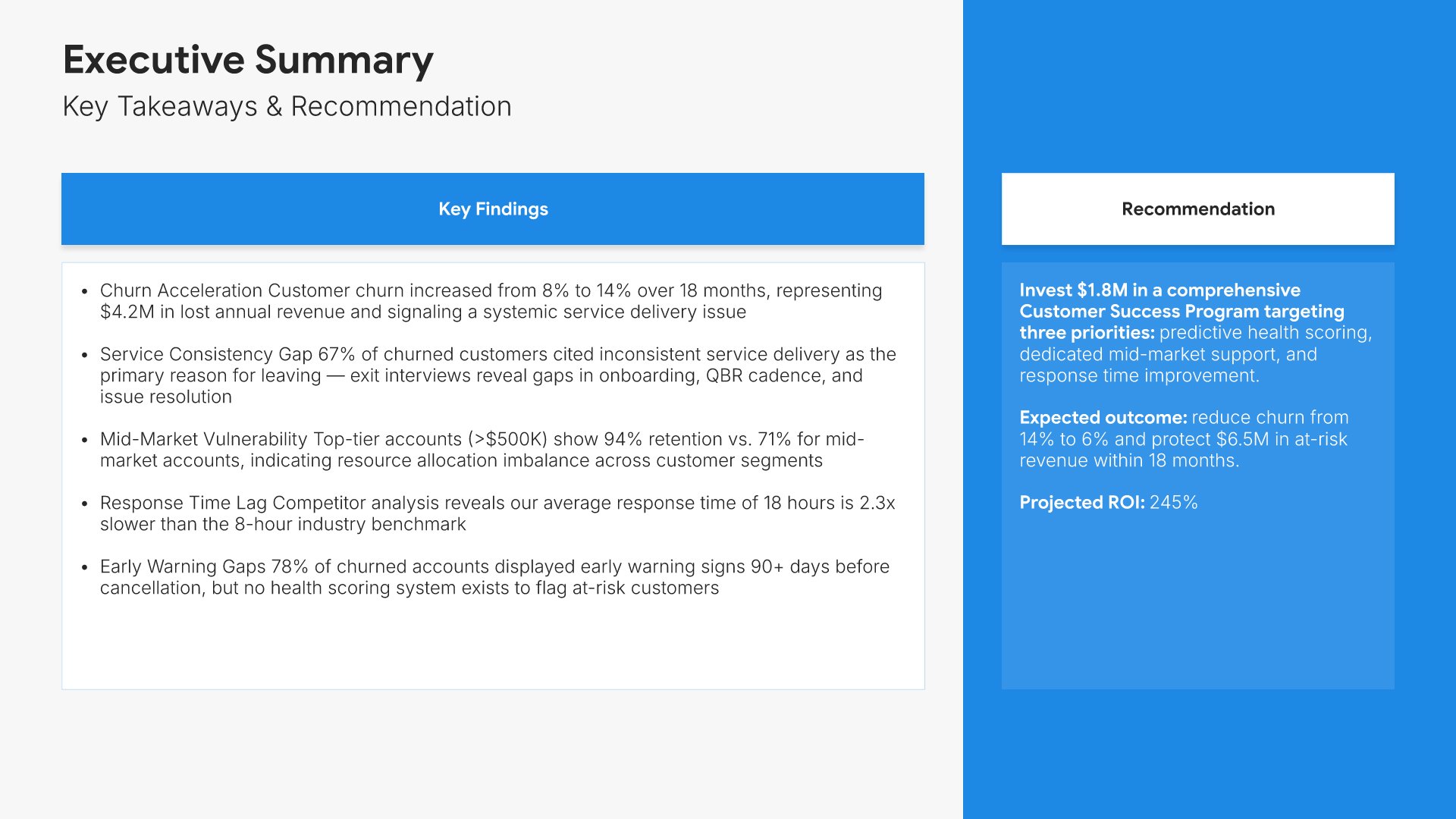
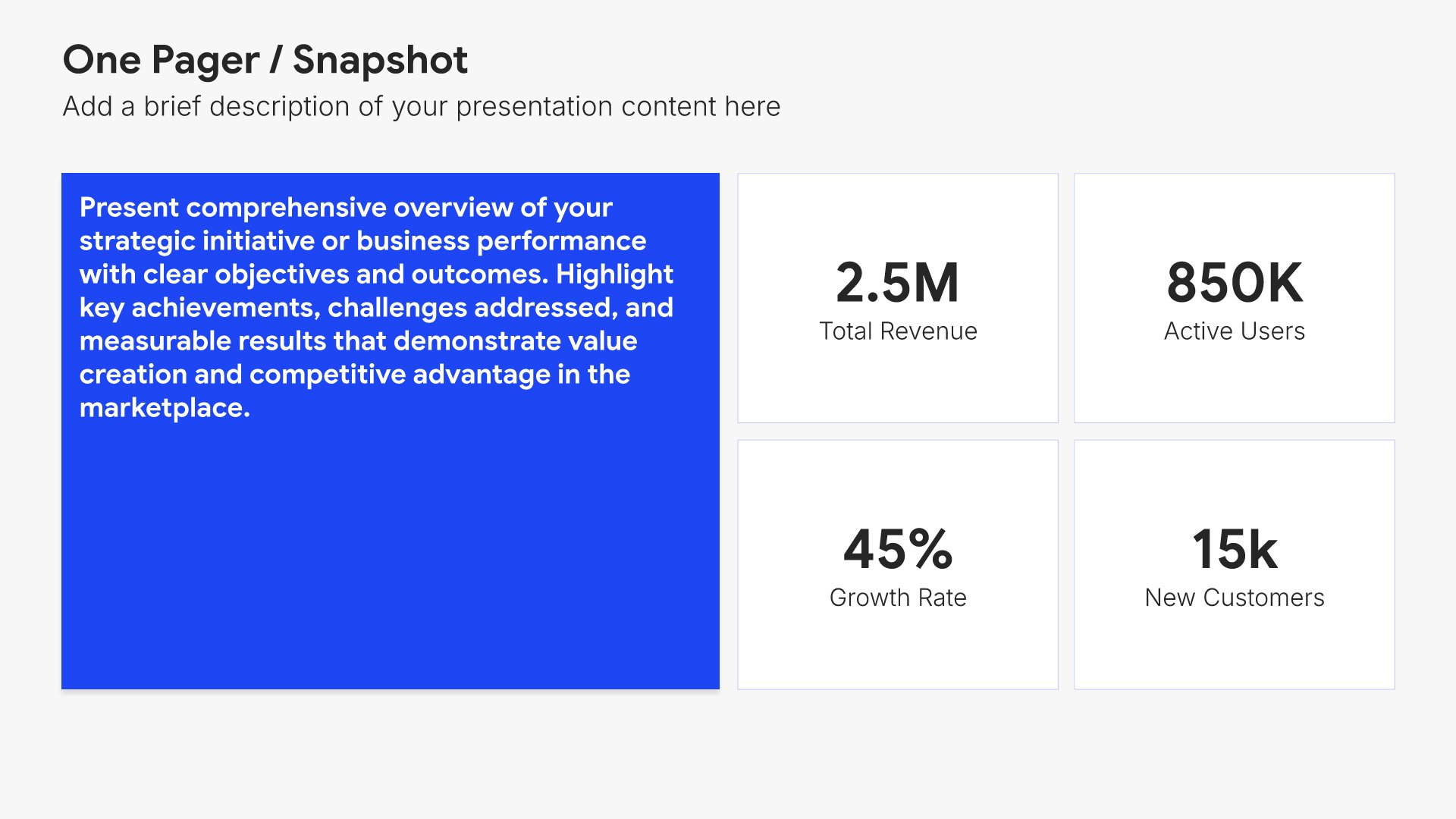
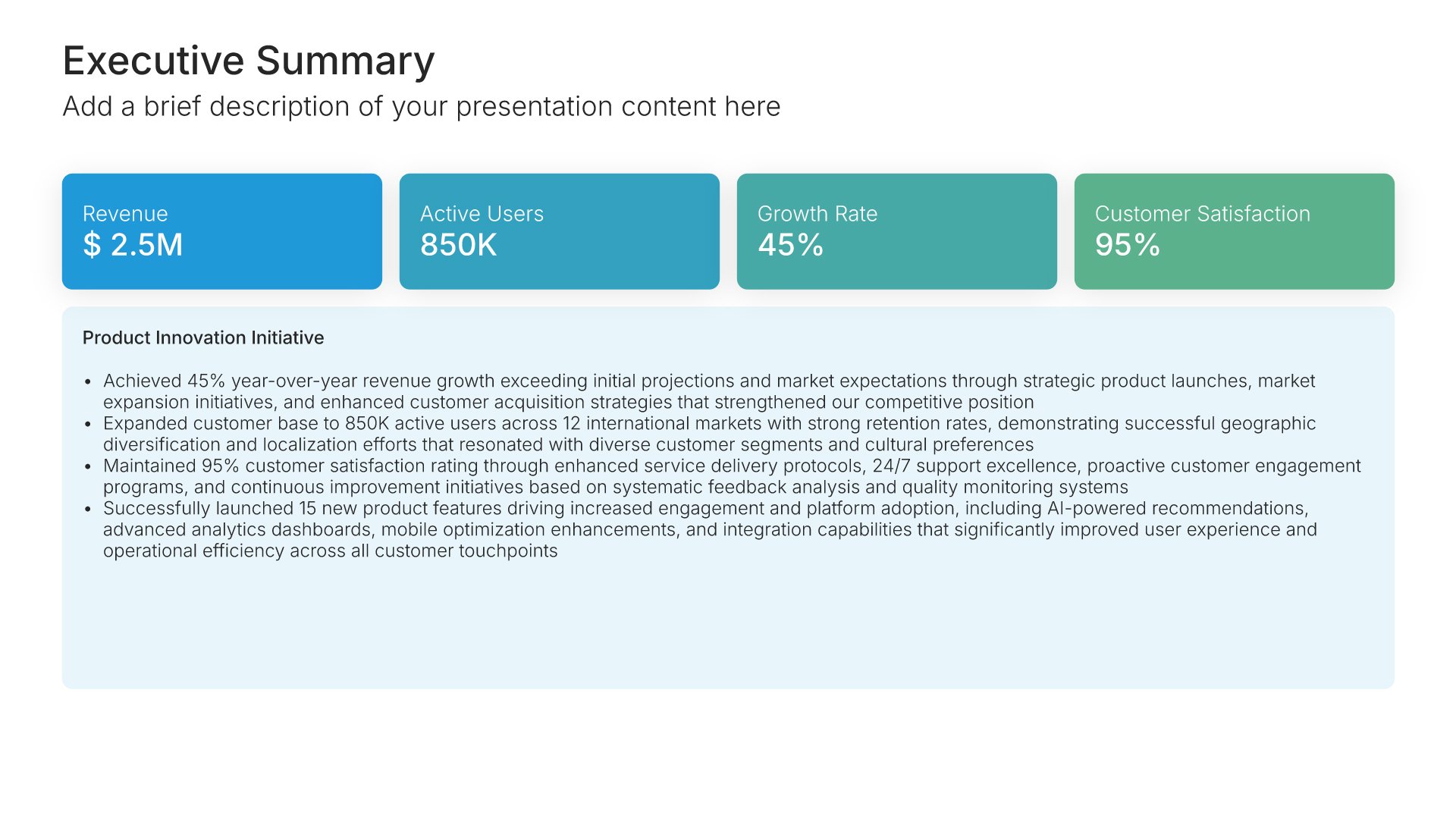
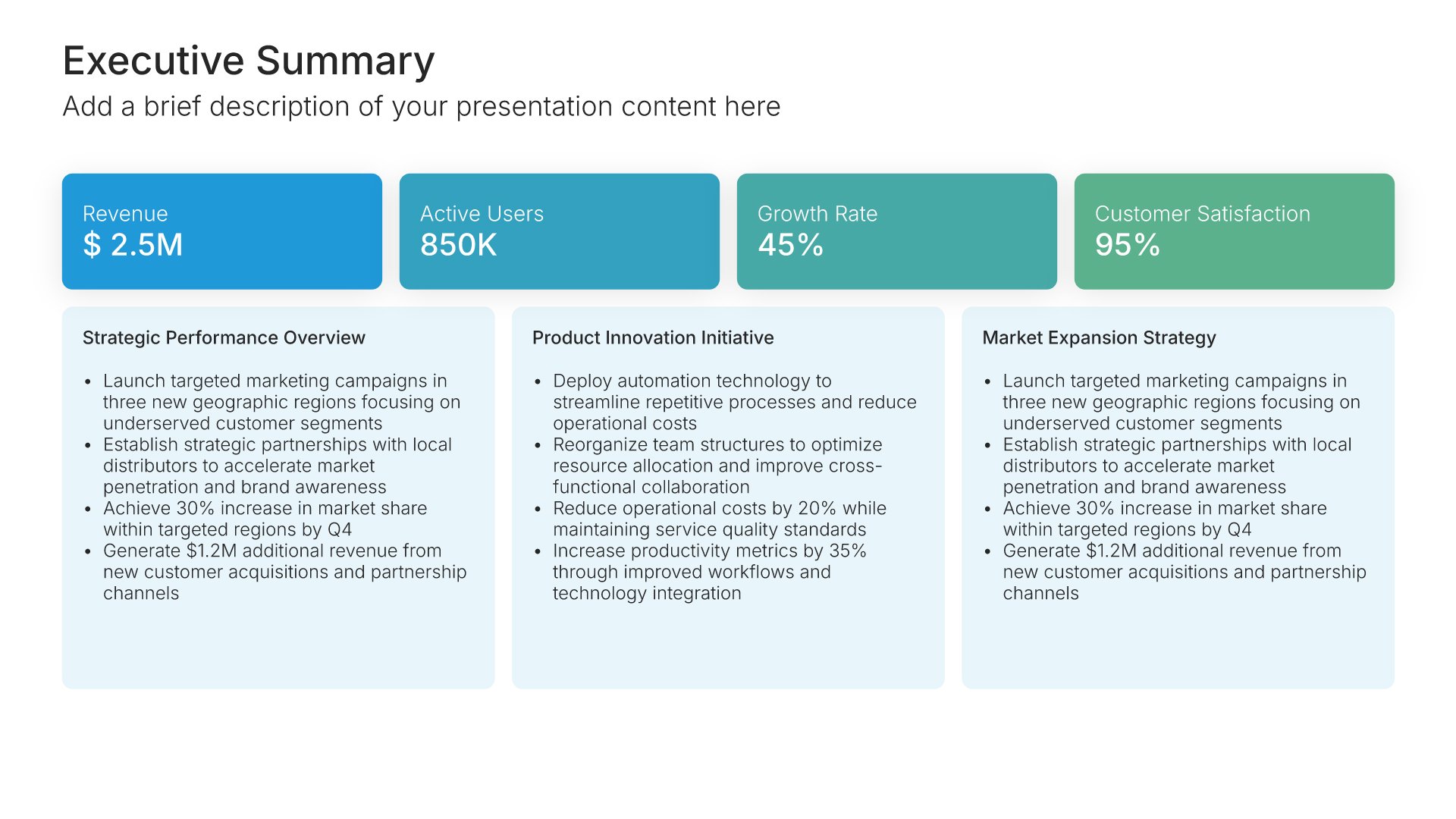
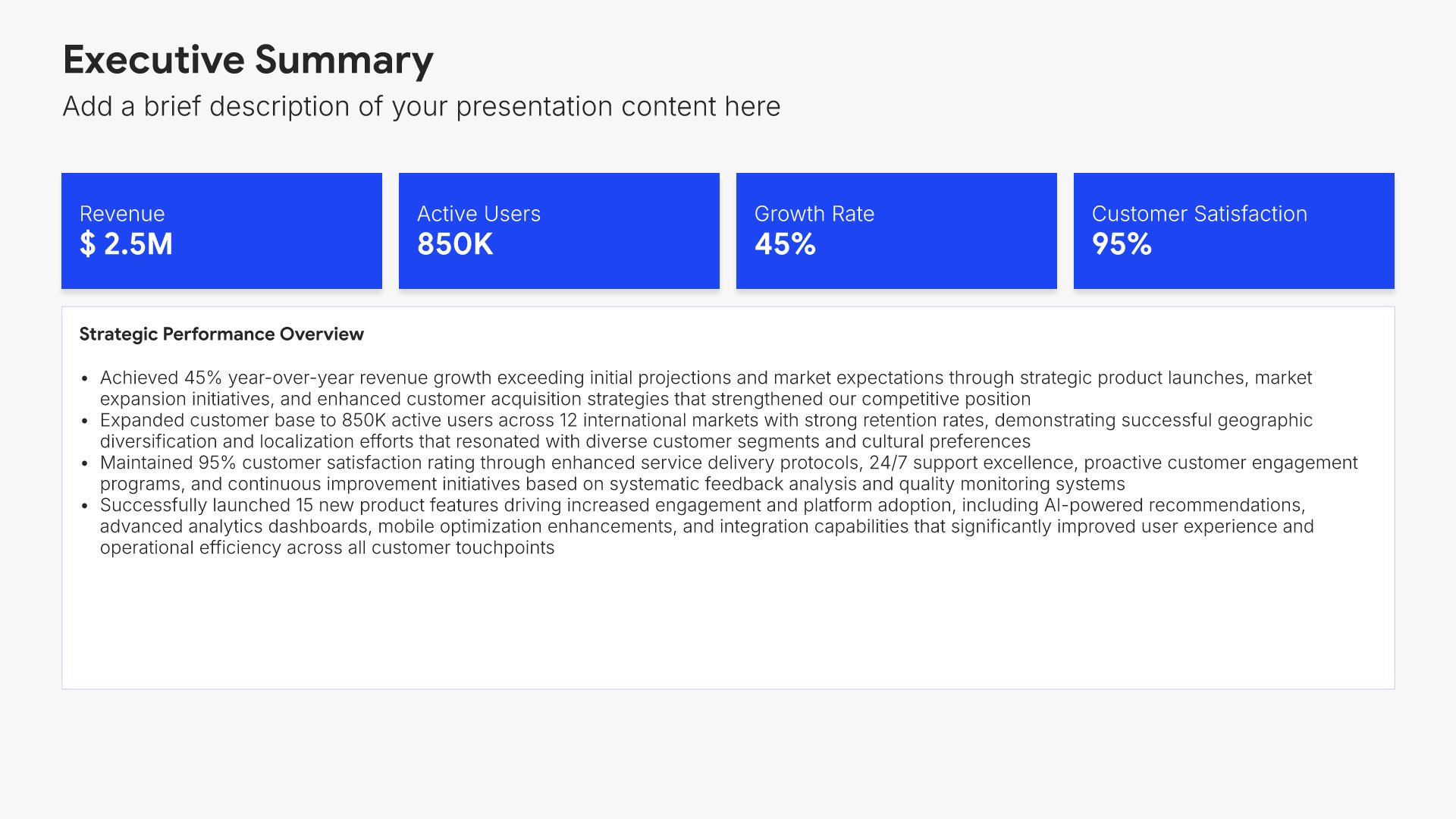
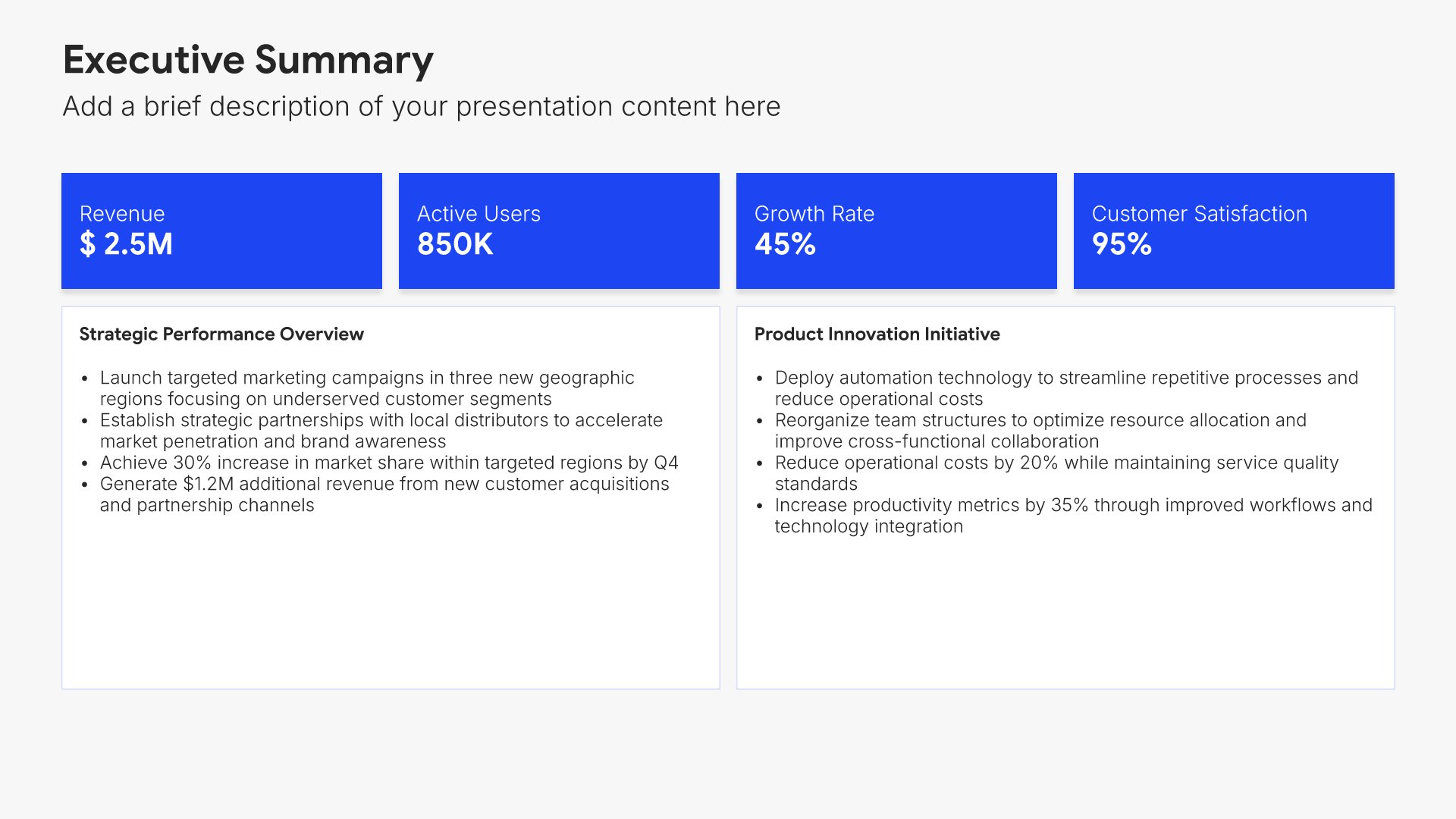
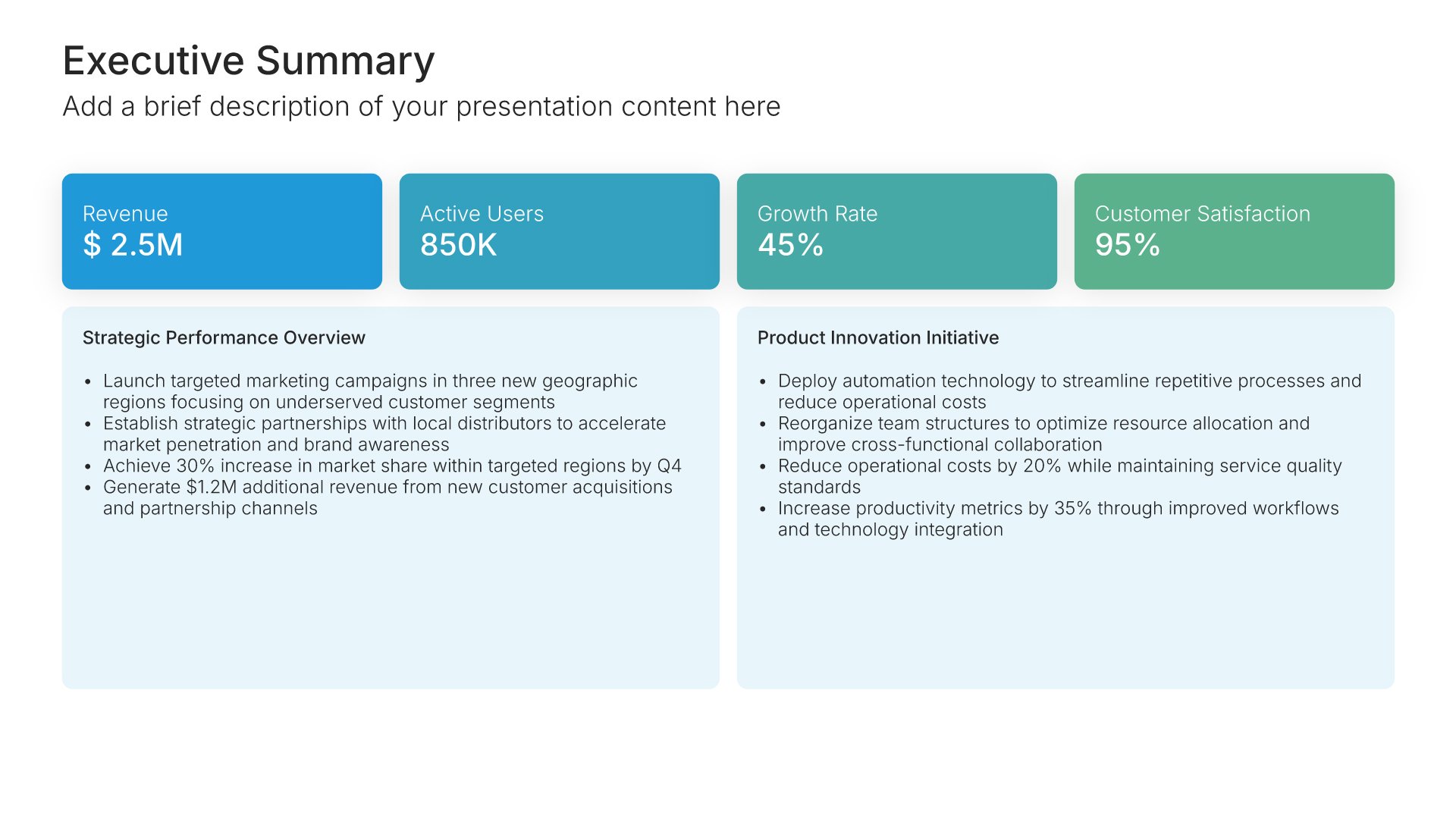
Executive summary slides help you present key points concisely for busy stakeholders. Use them to distill complex information into clear highlights, recommendations, and conclusions that can be understood at a glance. Ideal for board presentations, project updates, and any situation where decision-makers need the essential takeaways fast.
Built using One Pager / Snapshot slides

3. Situation Overview

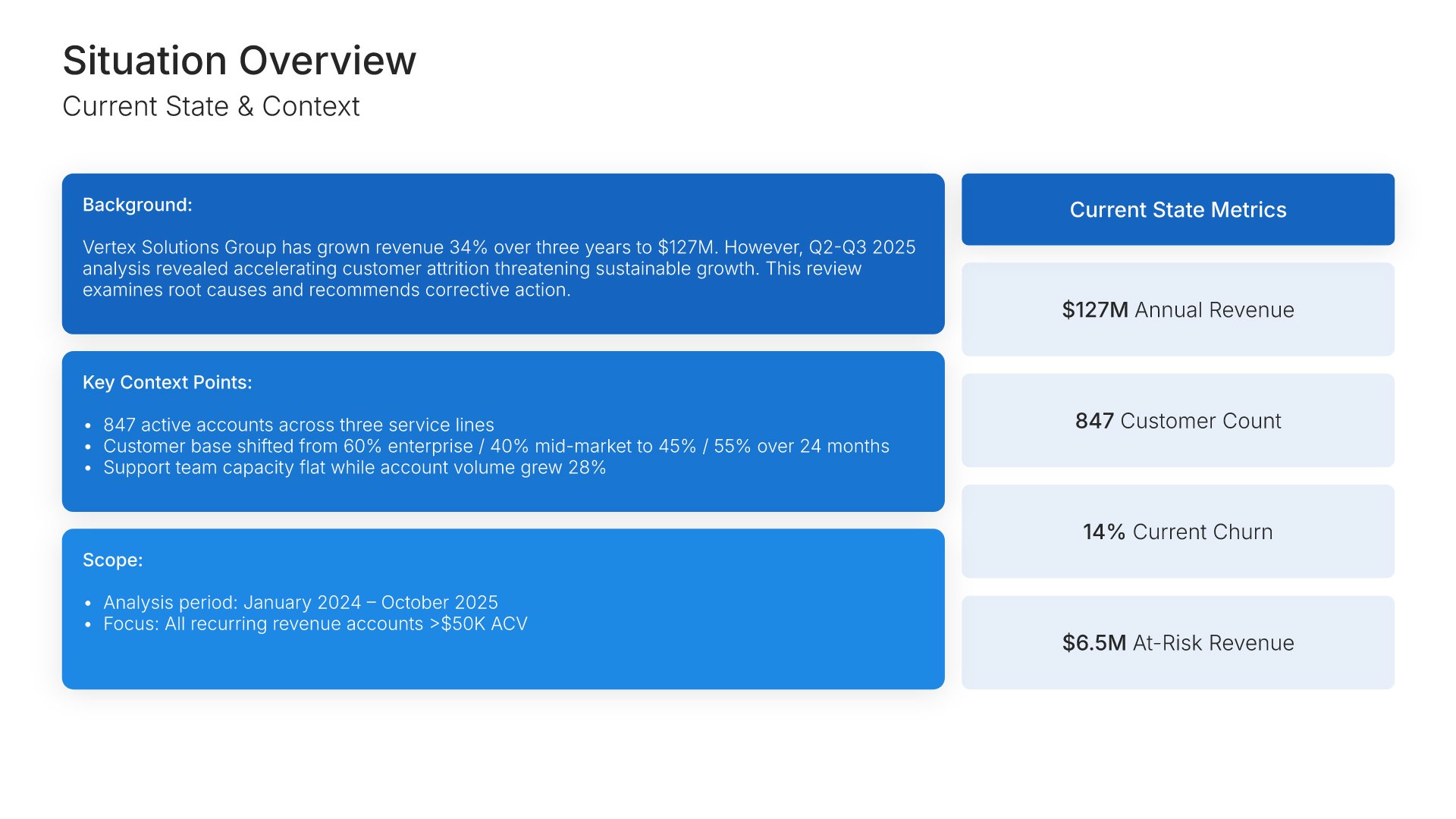
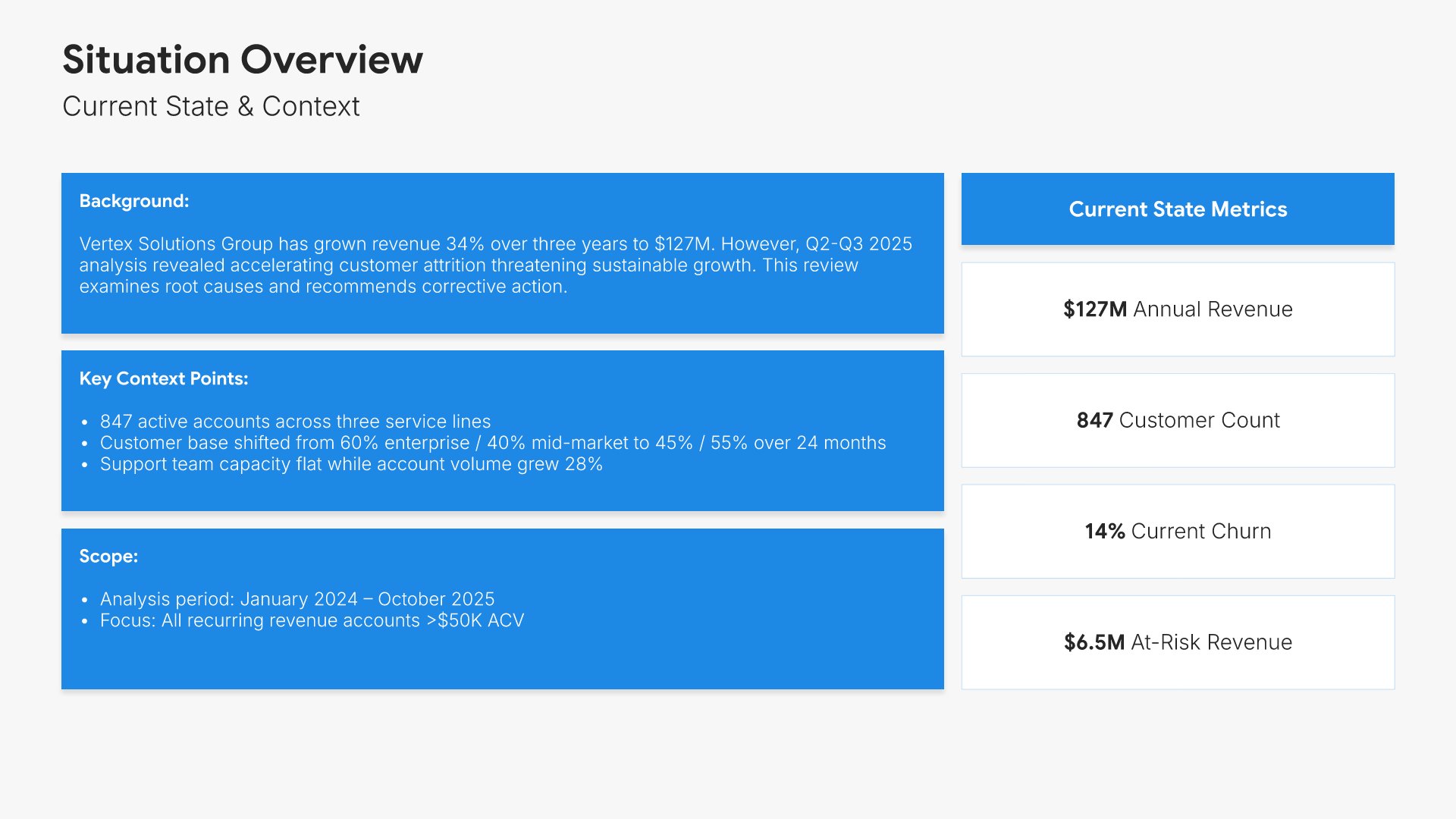
Situation overview slides help you establish the context for your message. Use them to present the current state, background, and circumstances surrounding the topic at hand. A clear situation overview grounds your audience in shared understanding before you introduce findings, options, or recommendations later in the presentation.
Built using One Pager / Snapshot slides

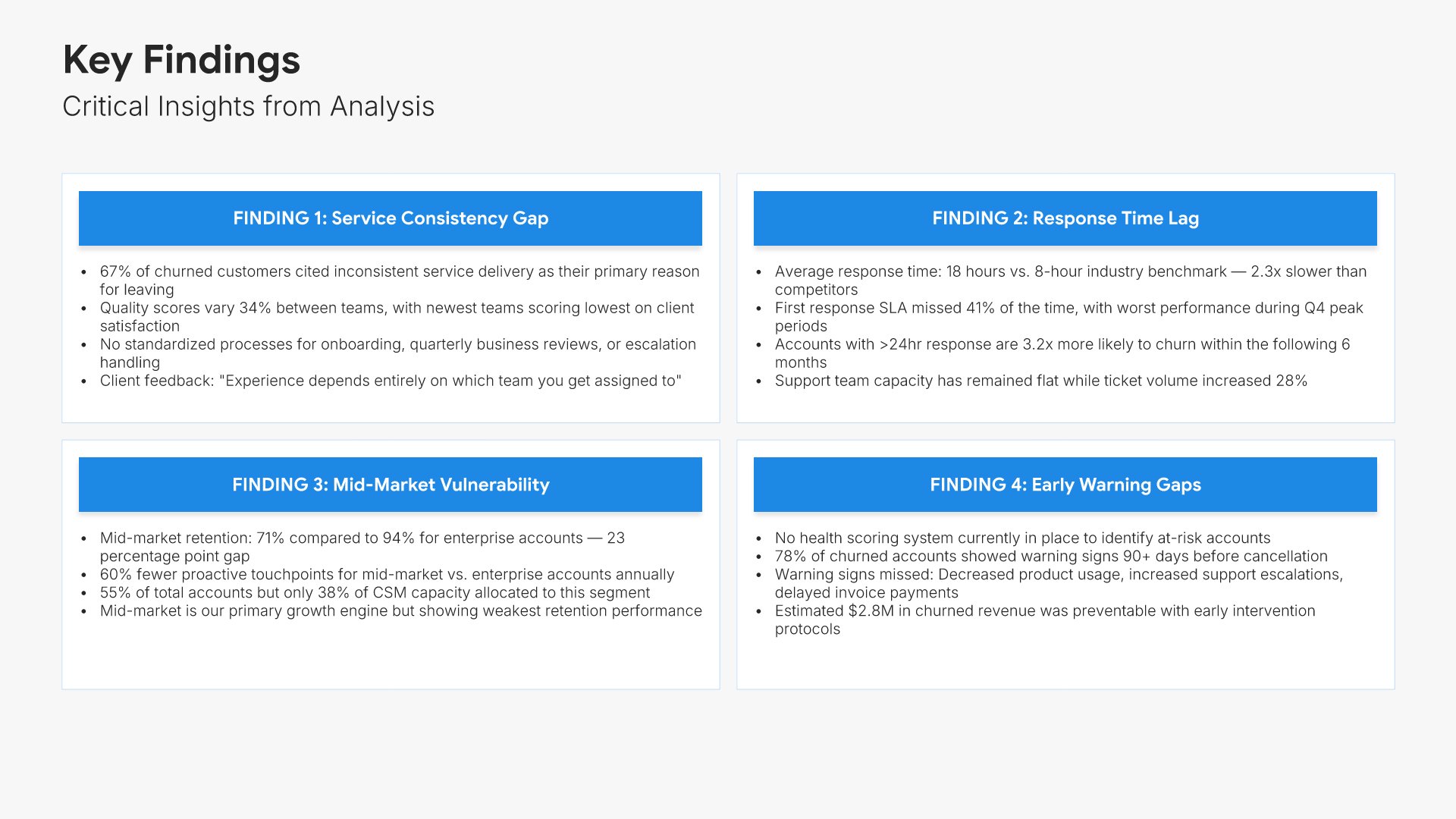
4. Key Findings

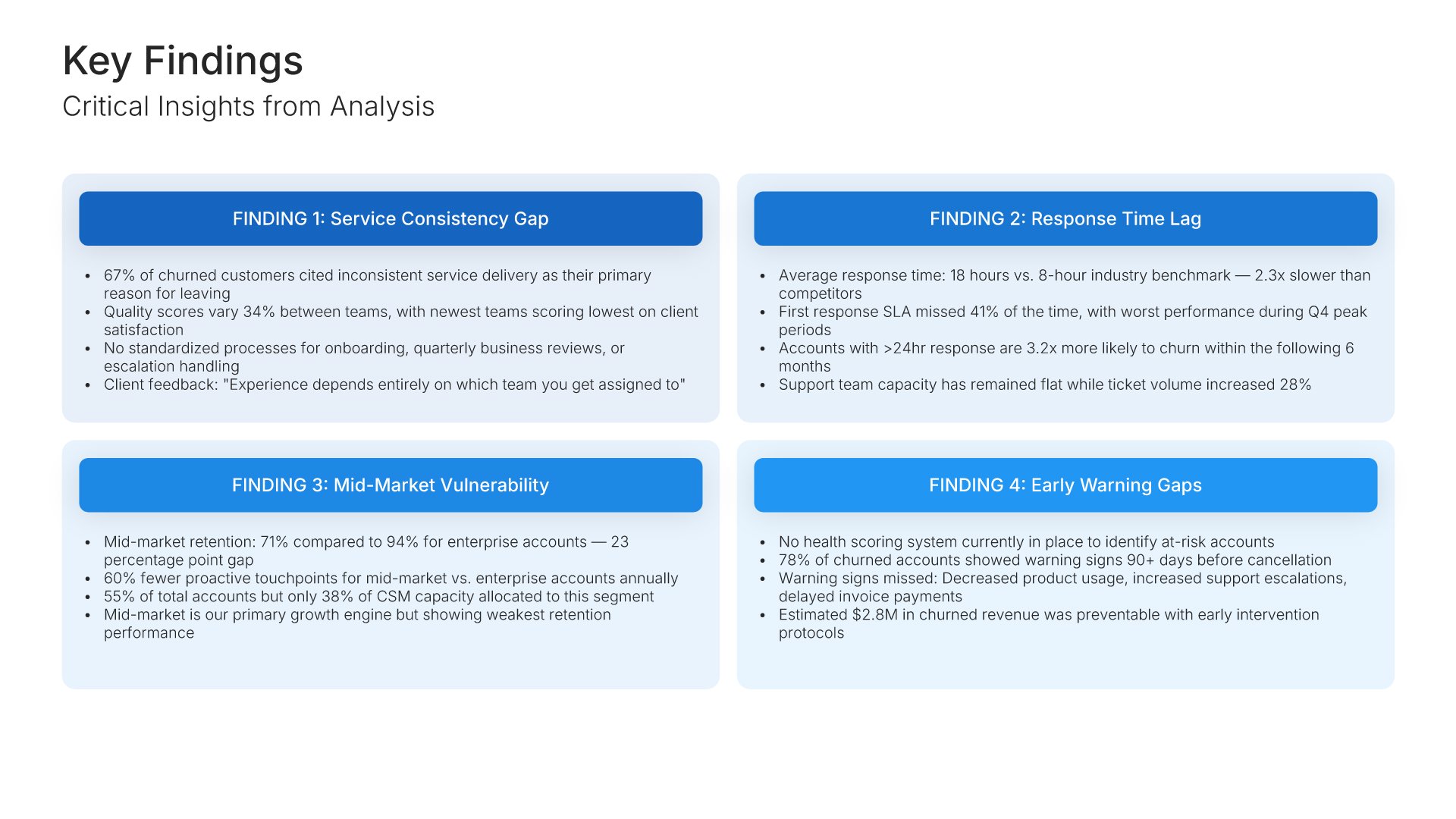
Key findings slides help you present the most important insights from your work. Use them to display the critical data points, patterns, and discoveries that emerged from analysis. A focused findings view helps stakeholders quickly grasp what was learned and sets up the implications and recommendations that follow.
Built using Simple Text slides

5. Implications

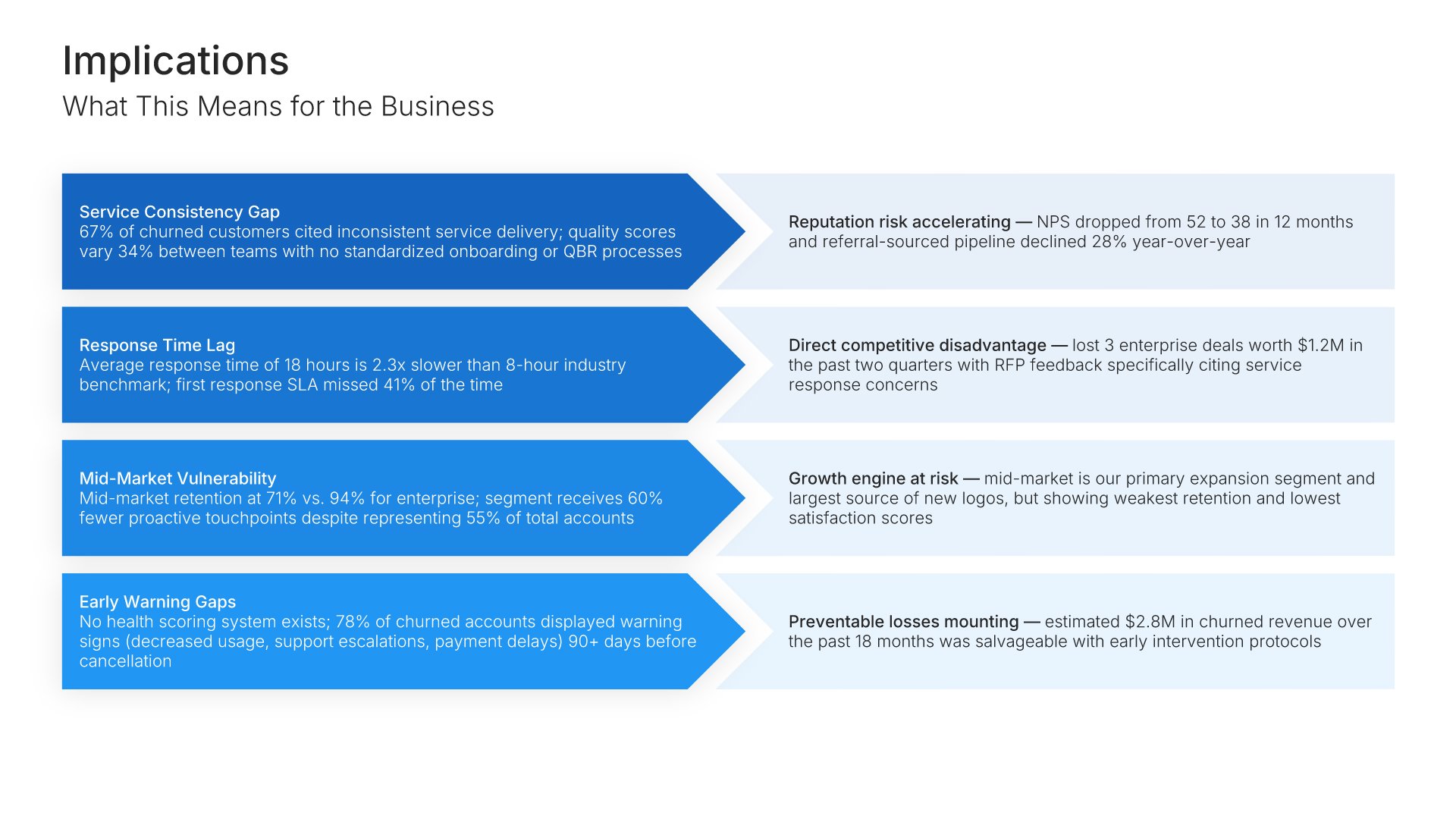
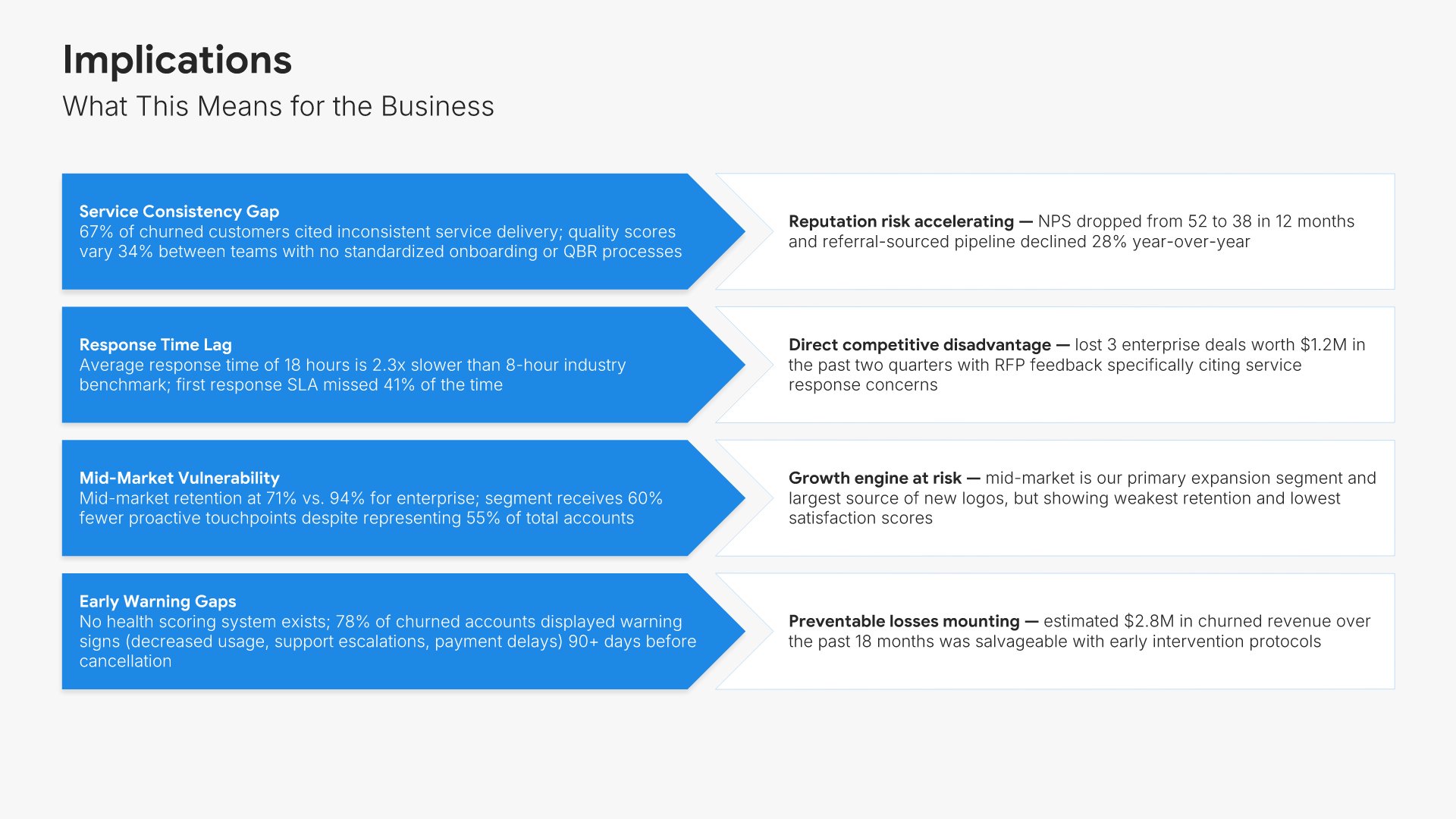
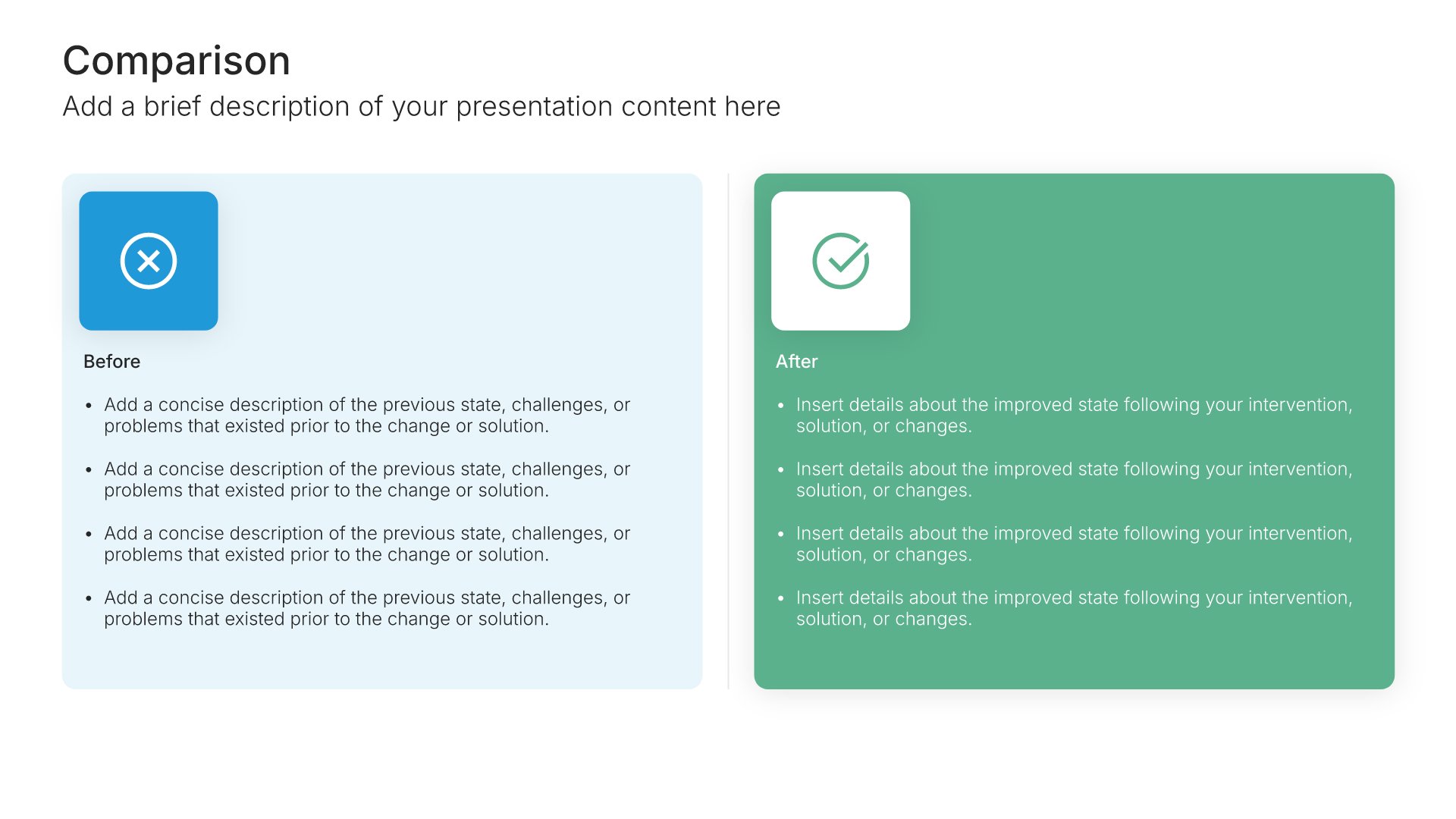
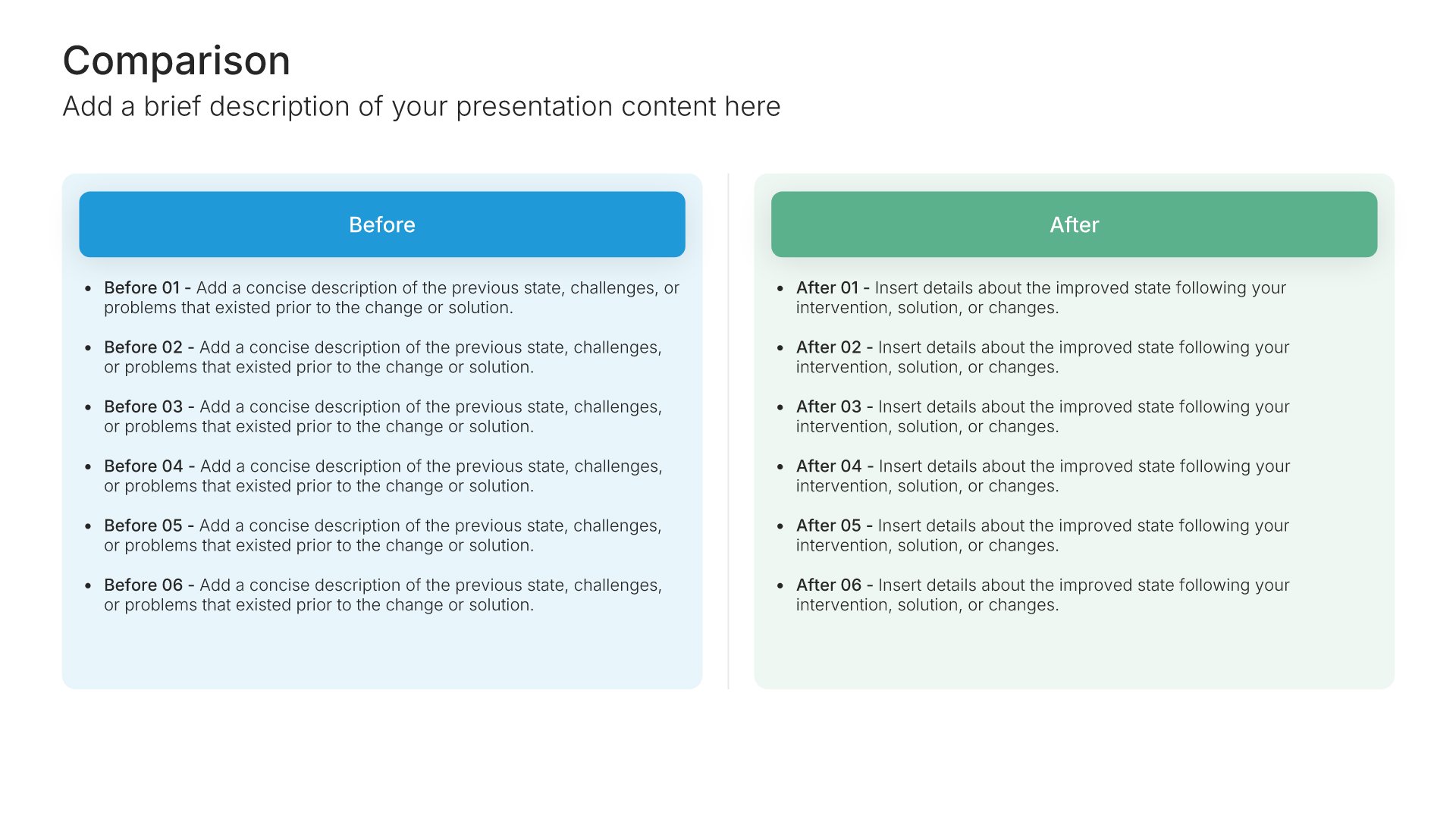
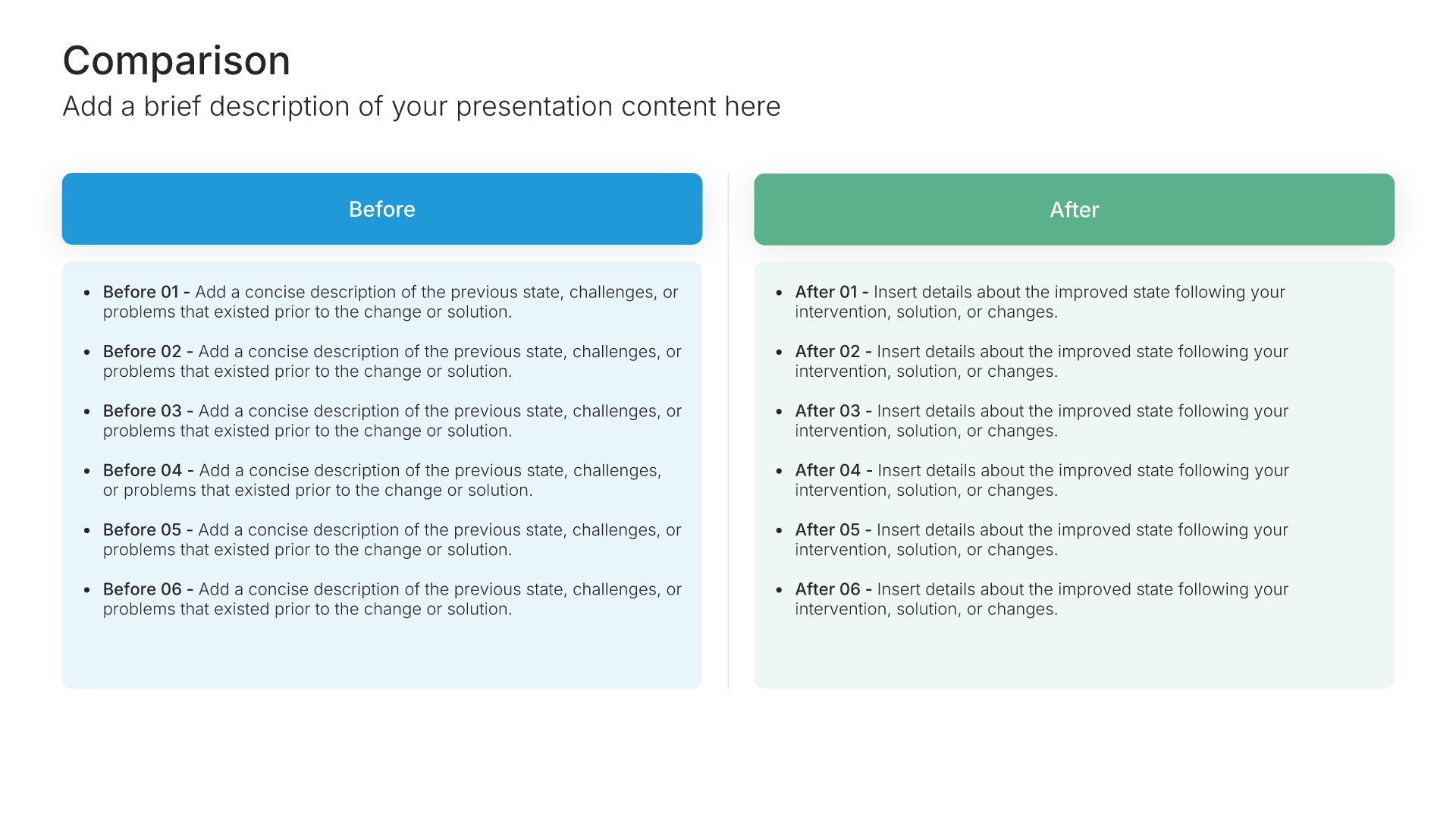
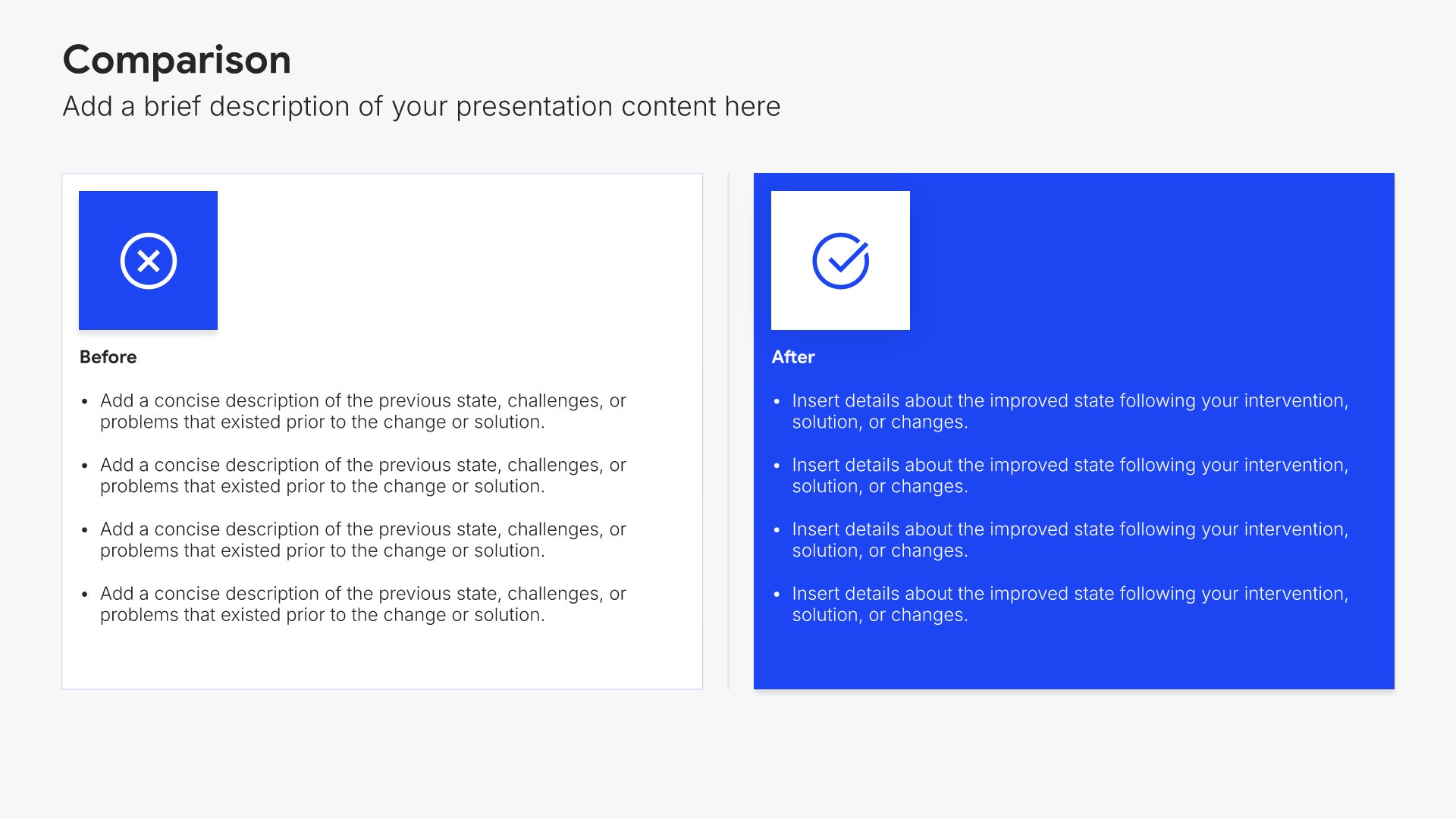
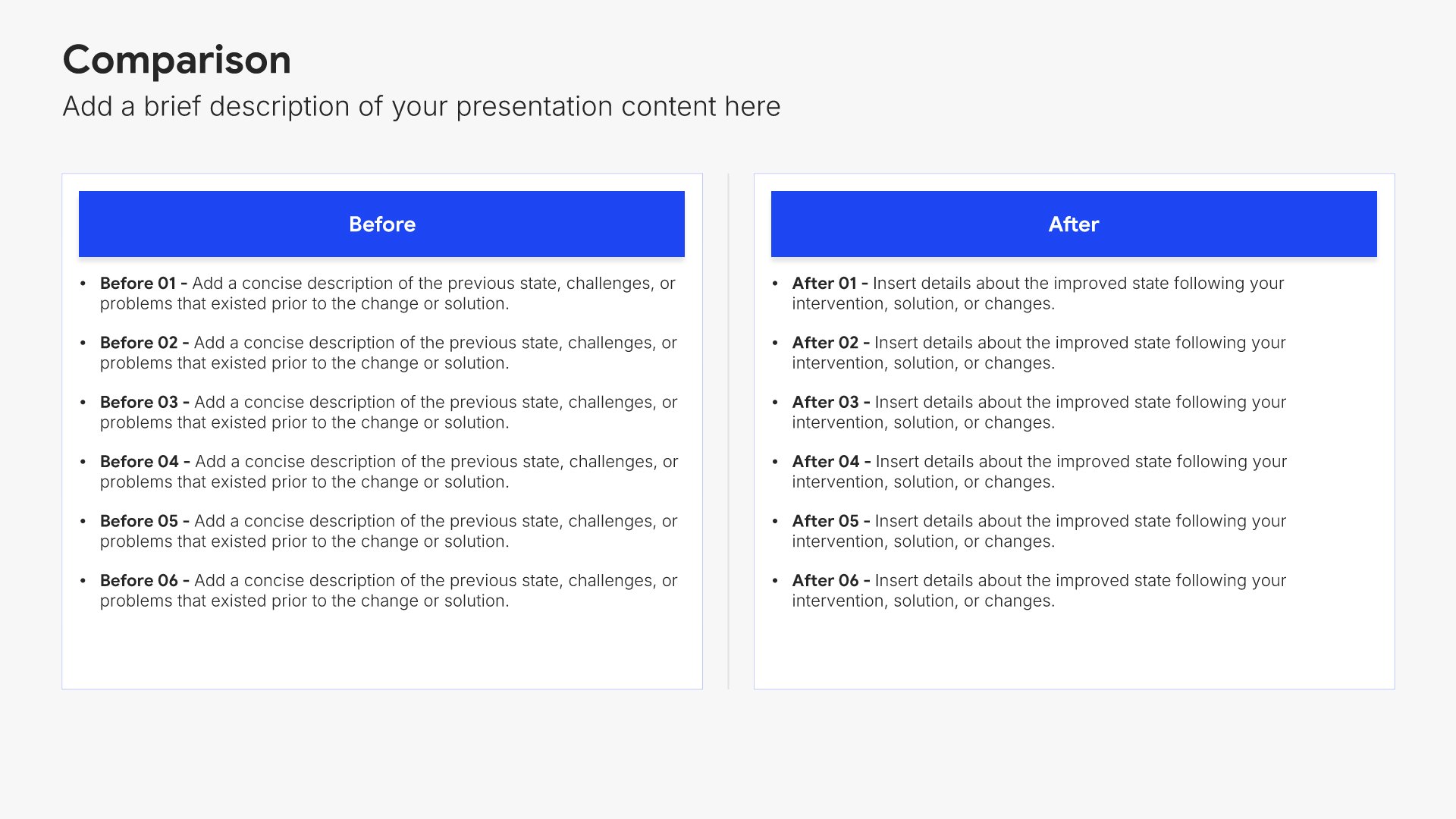
Implications slides help you translate findings into business consequences. Use them to present what the results mean for strategy, operations, finance, and stakeholders. A clear implications view bridges analysis and action by helping decision-makers understand why findings matter before they consider what to do about them.
Built using Comparison slides

6. Strategic Recommendations

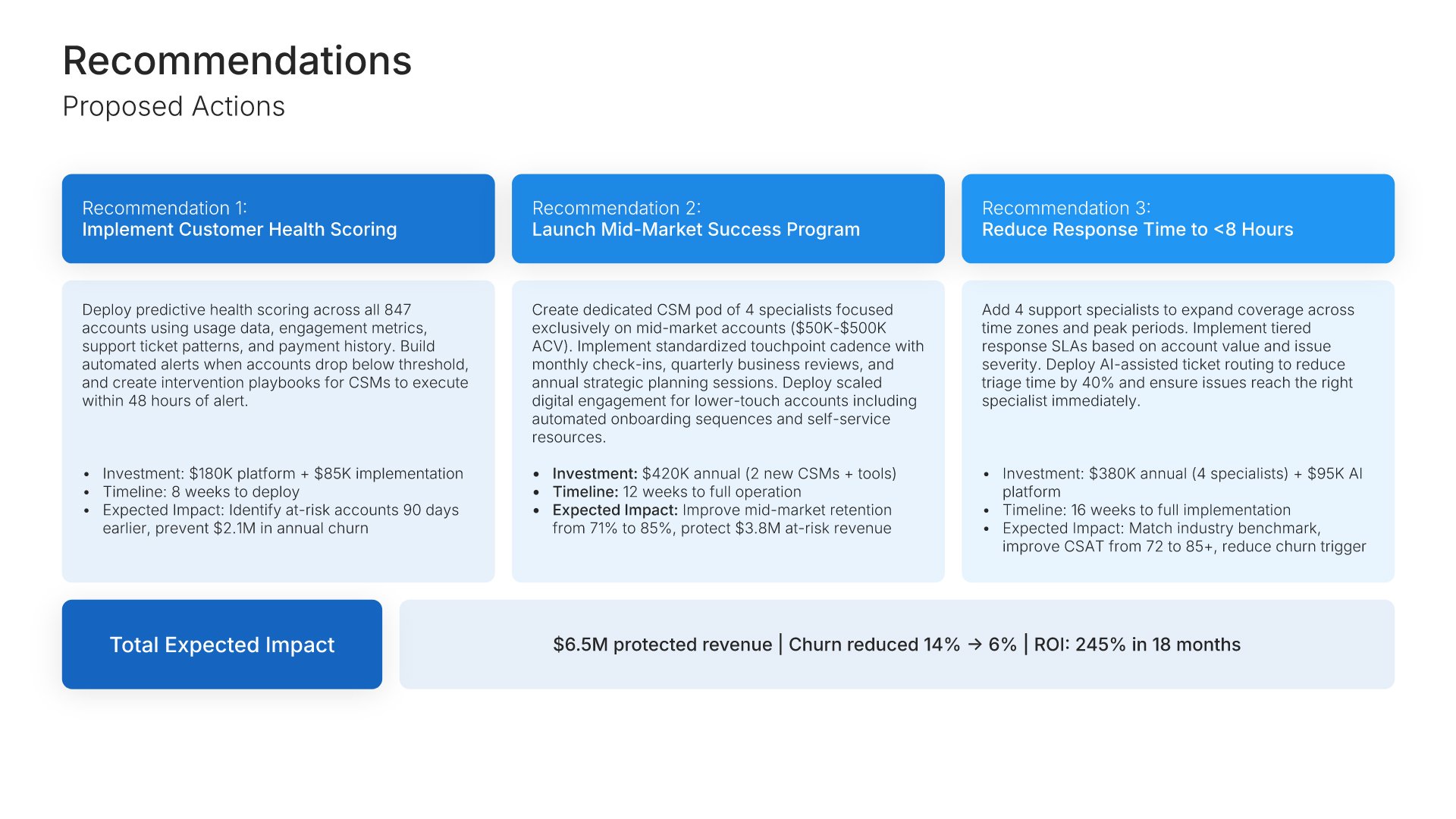
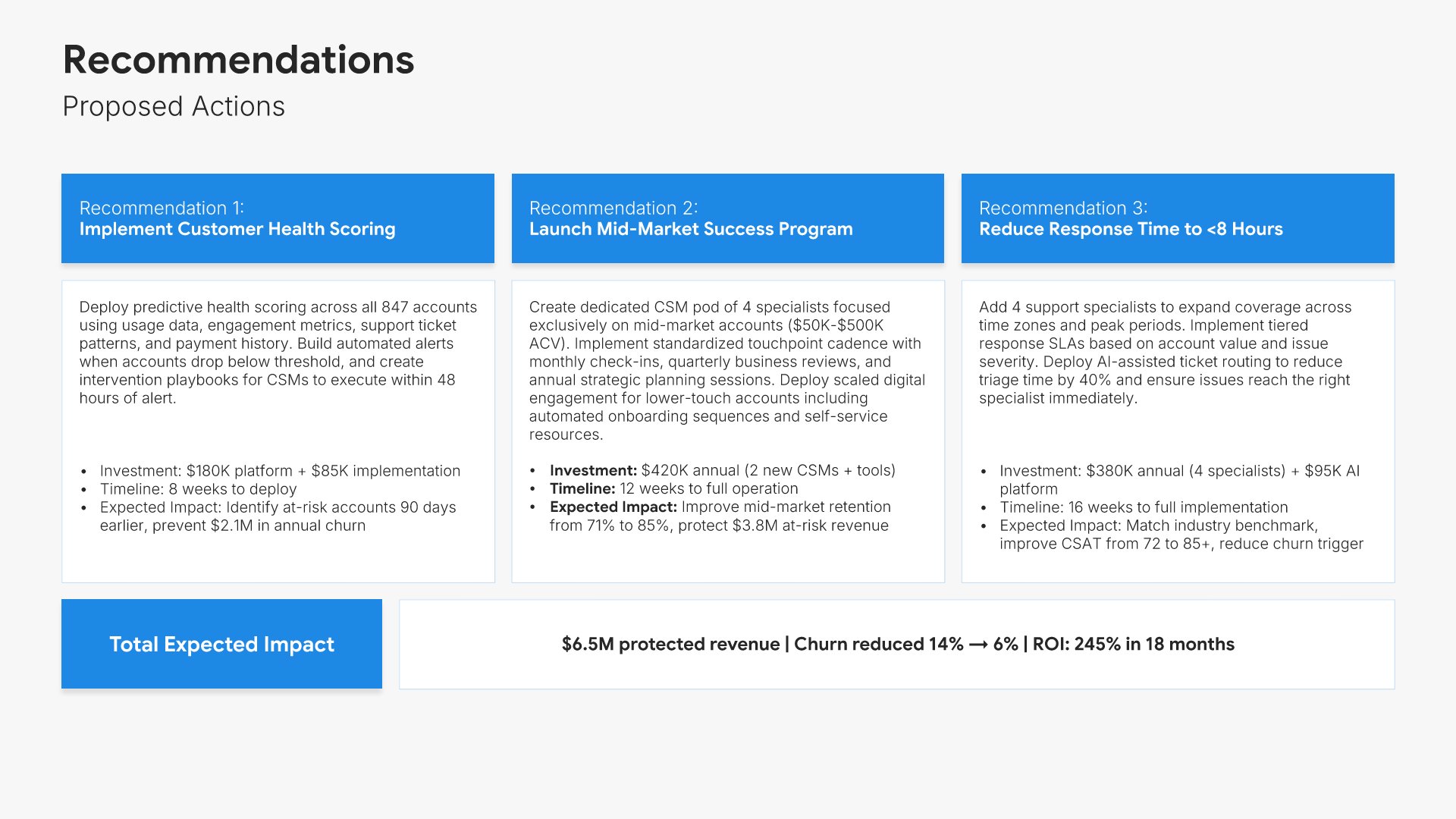
Strategic recommendations slides help you present proposed actions and their rationale. Use them to outline suggested next steps, explain the reasoning behind each recommendation, and show expected outcomes. Ideal for QBRs and consulting presentations where guiding clients toward better decisions demonstrates your expertise and value.
Built using Executive Summary slides

7. Implementation

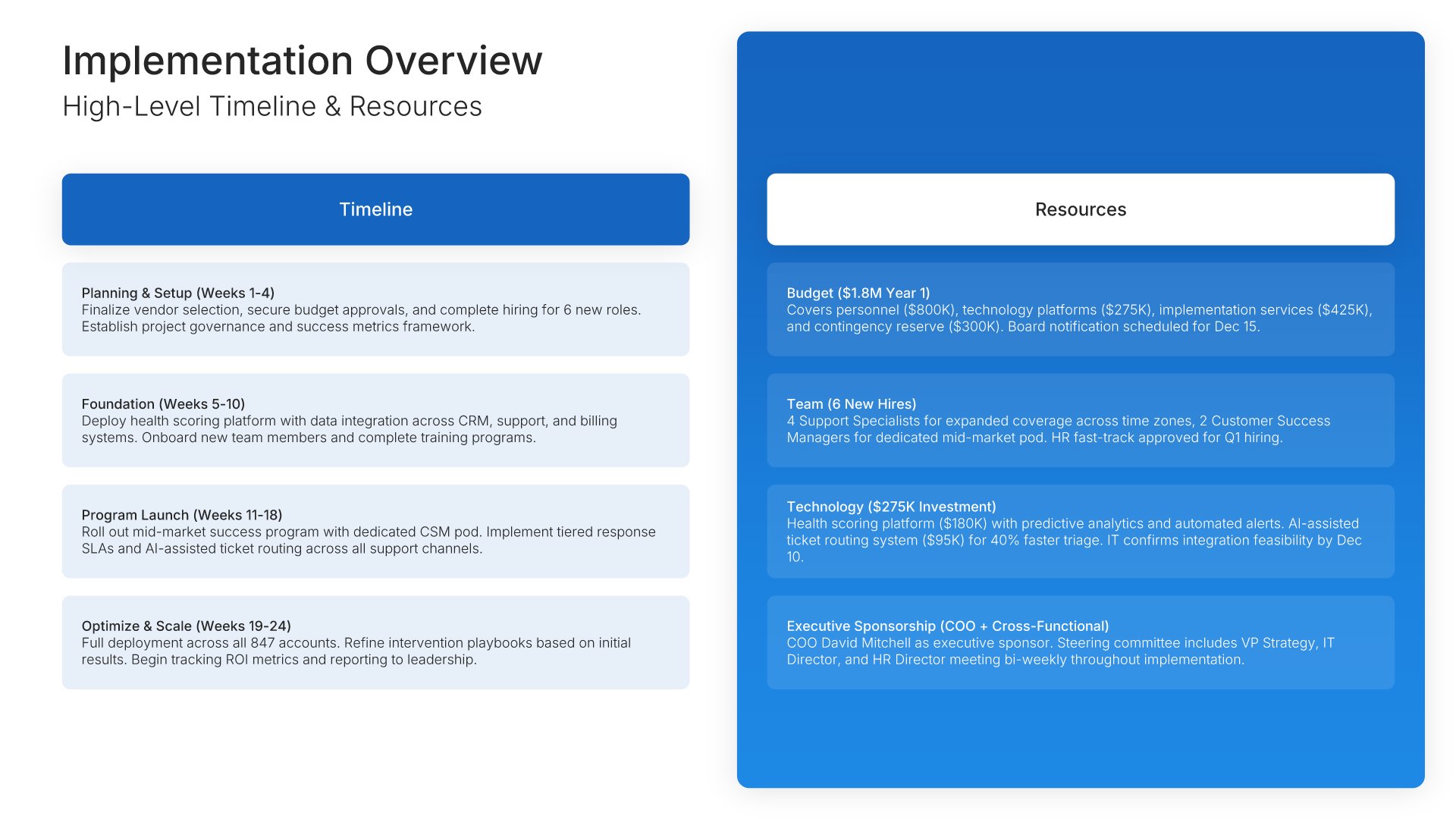
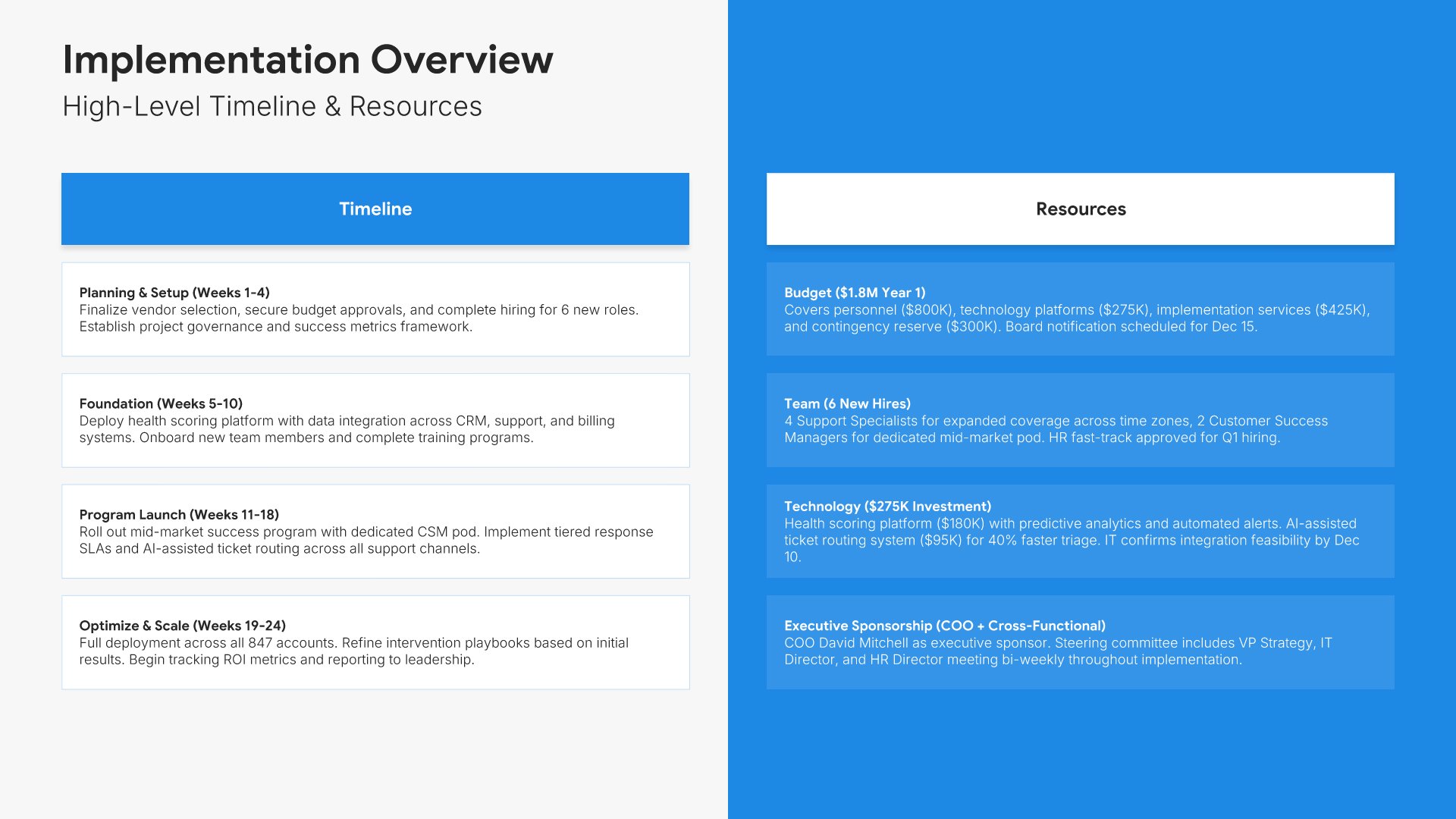
Implementation slides help you explain how customers get started with your solution. Use them to present onboarding steps, timelines, support resources, and what to expect during rollout. Ideal for sales decks and proposals where showing a clear implementation path reduces perceived risk and builds buyer confidence.
Built using One Pager / Snapshot slides

8. Next Steps

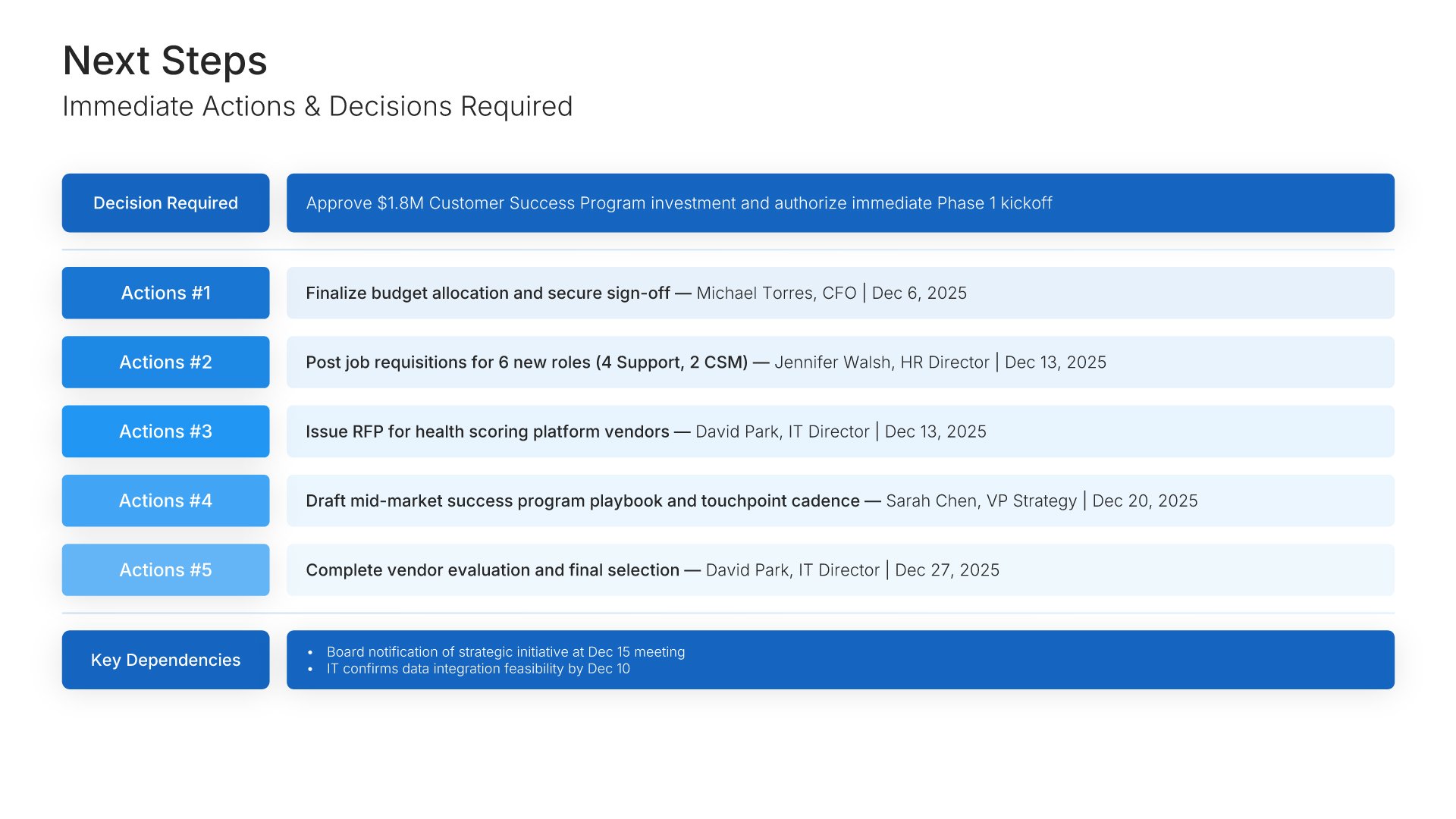
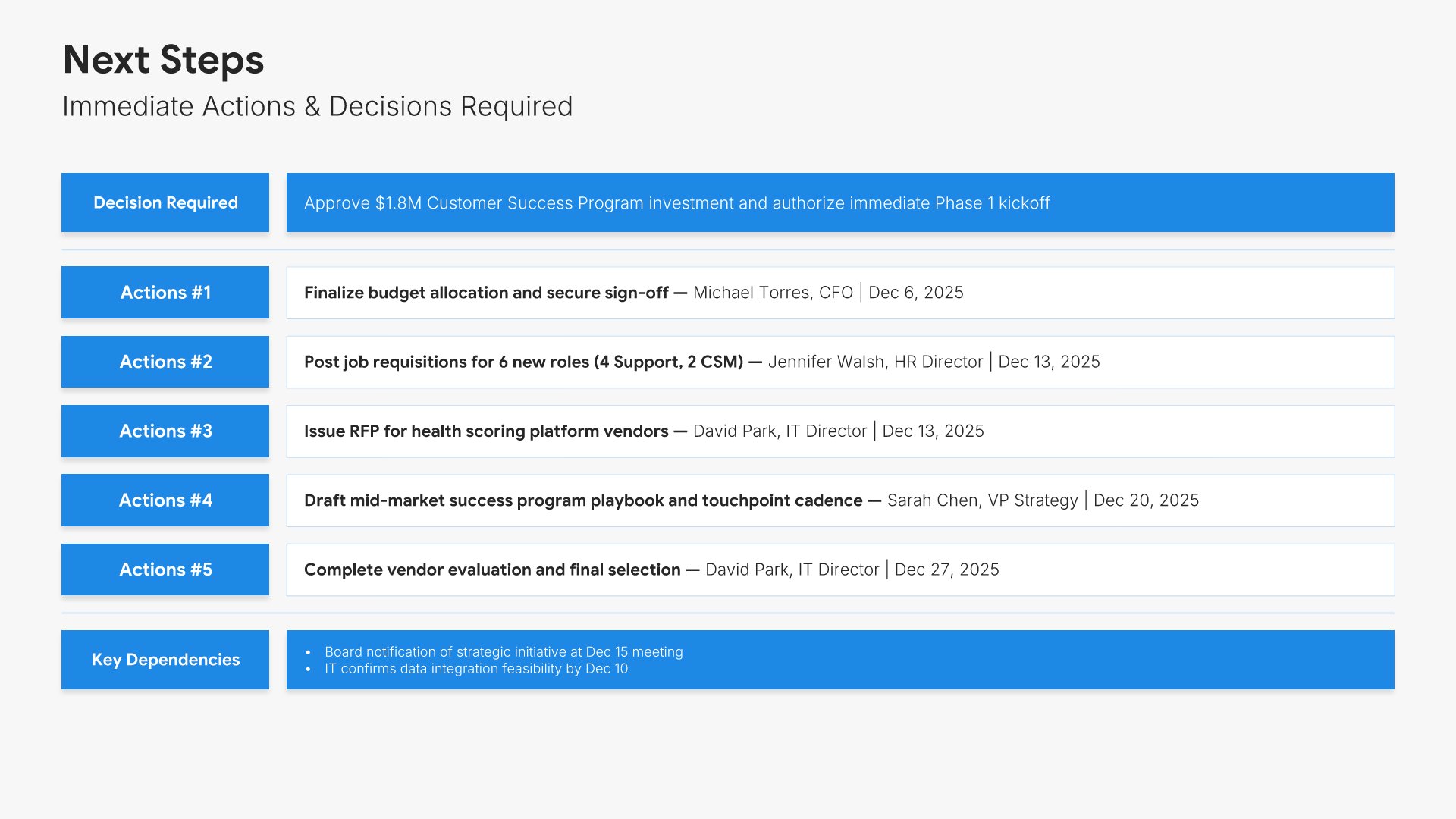
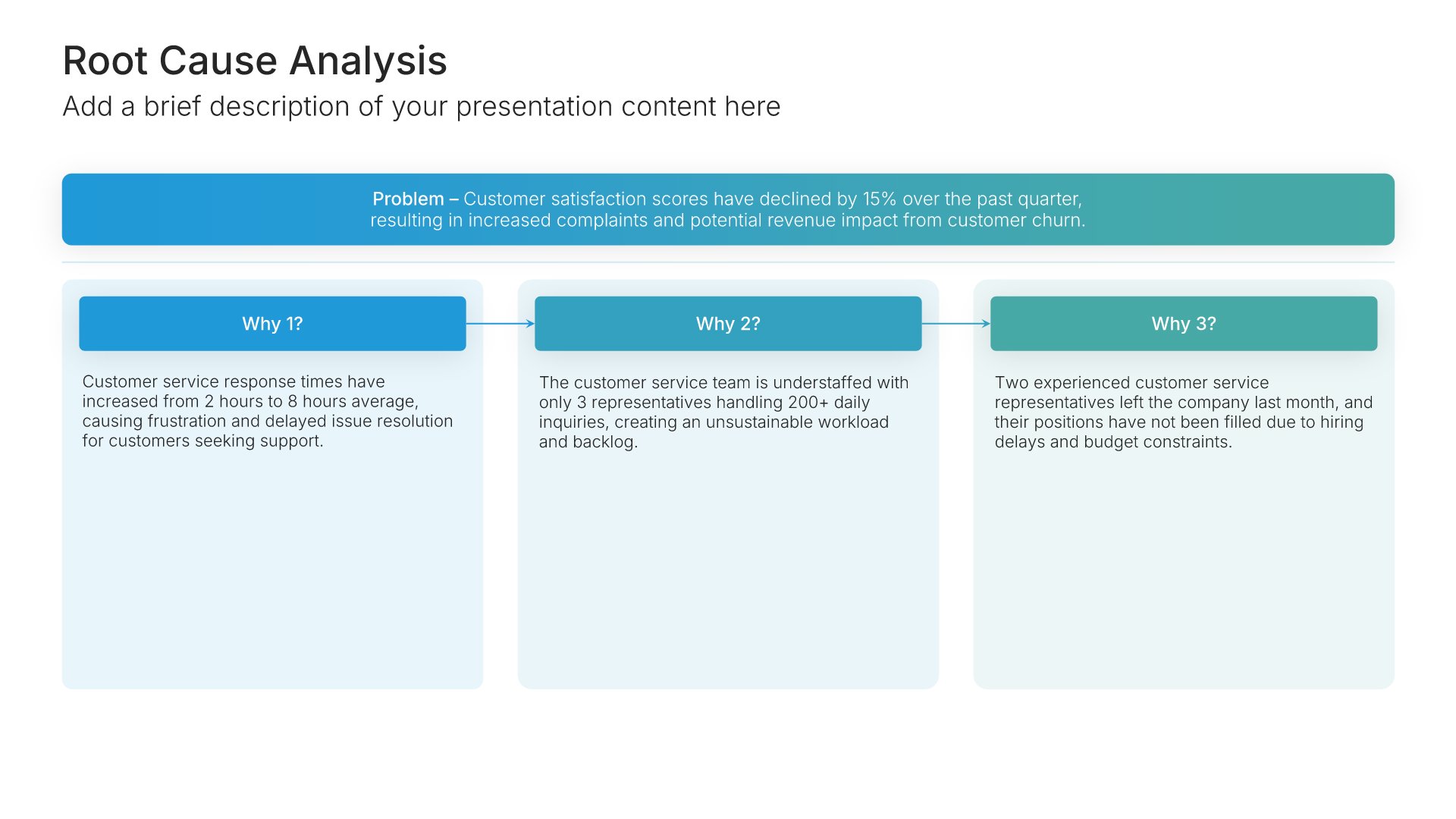
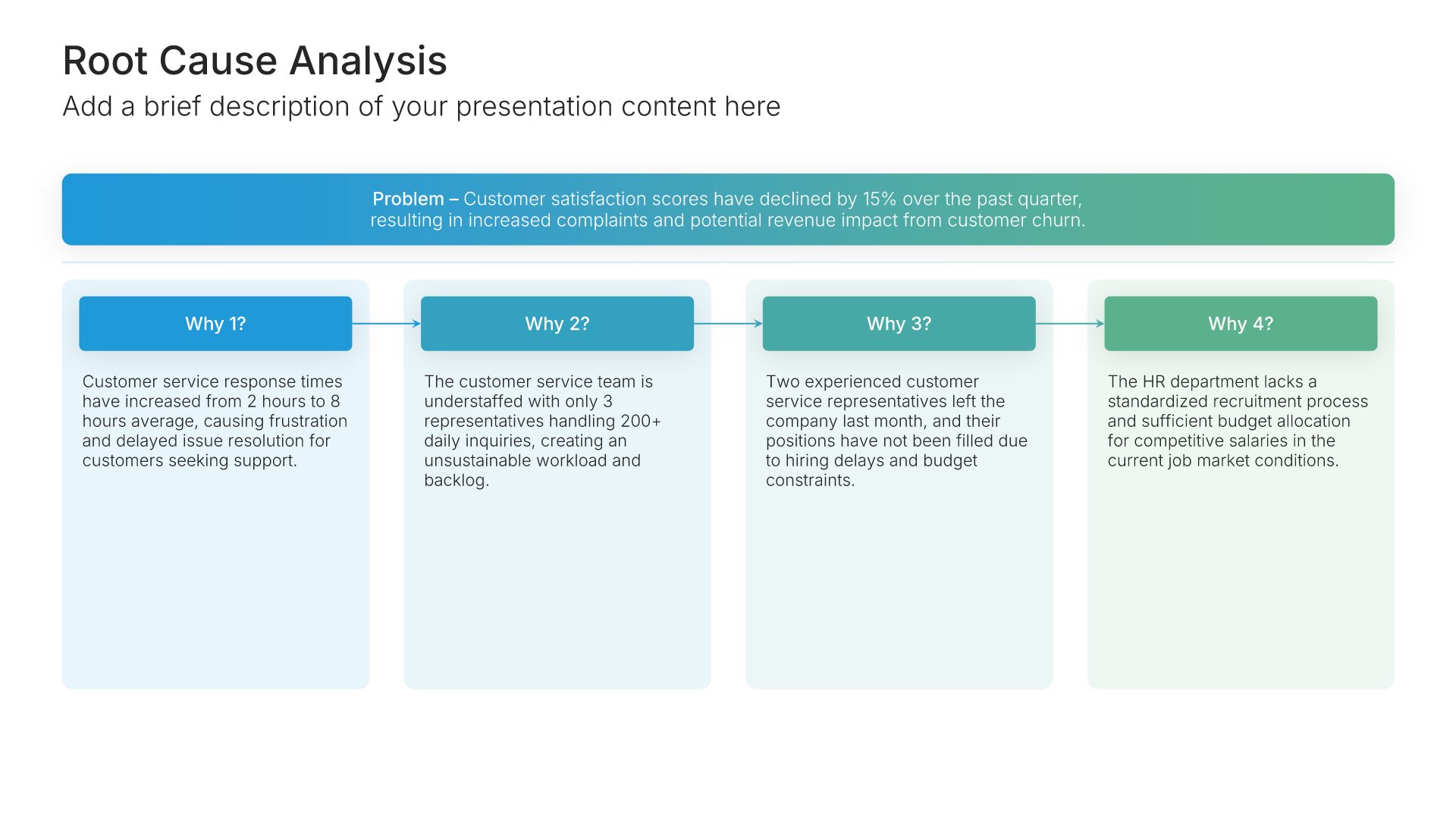
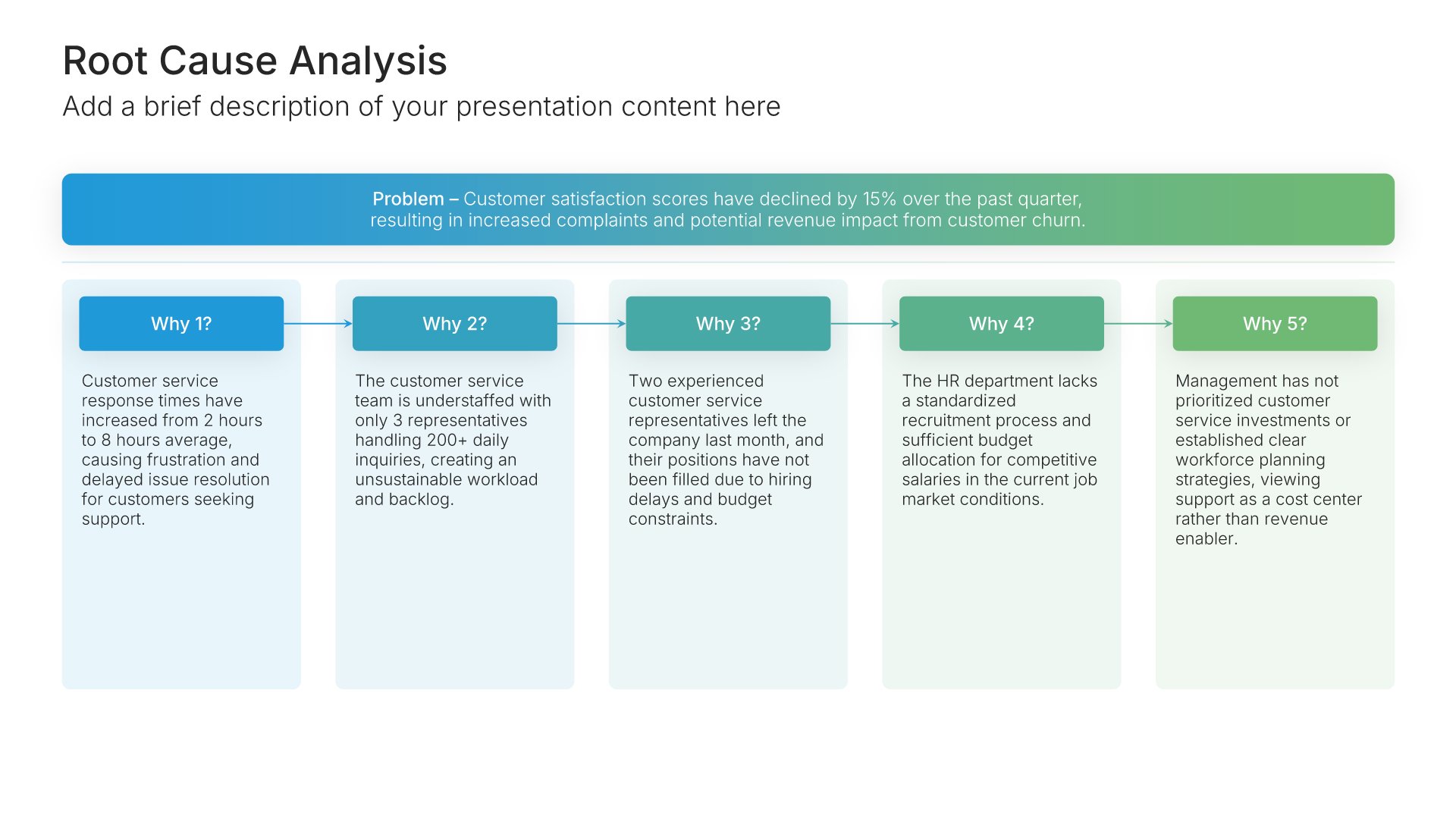
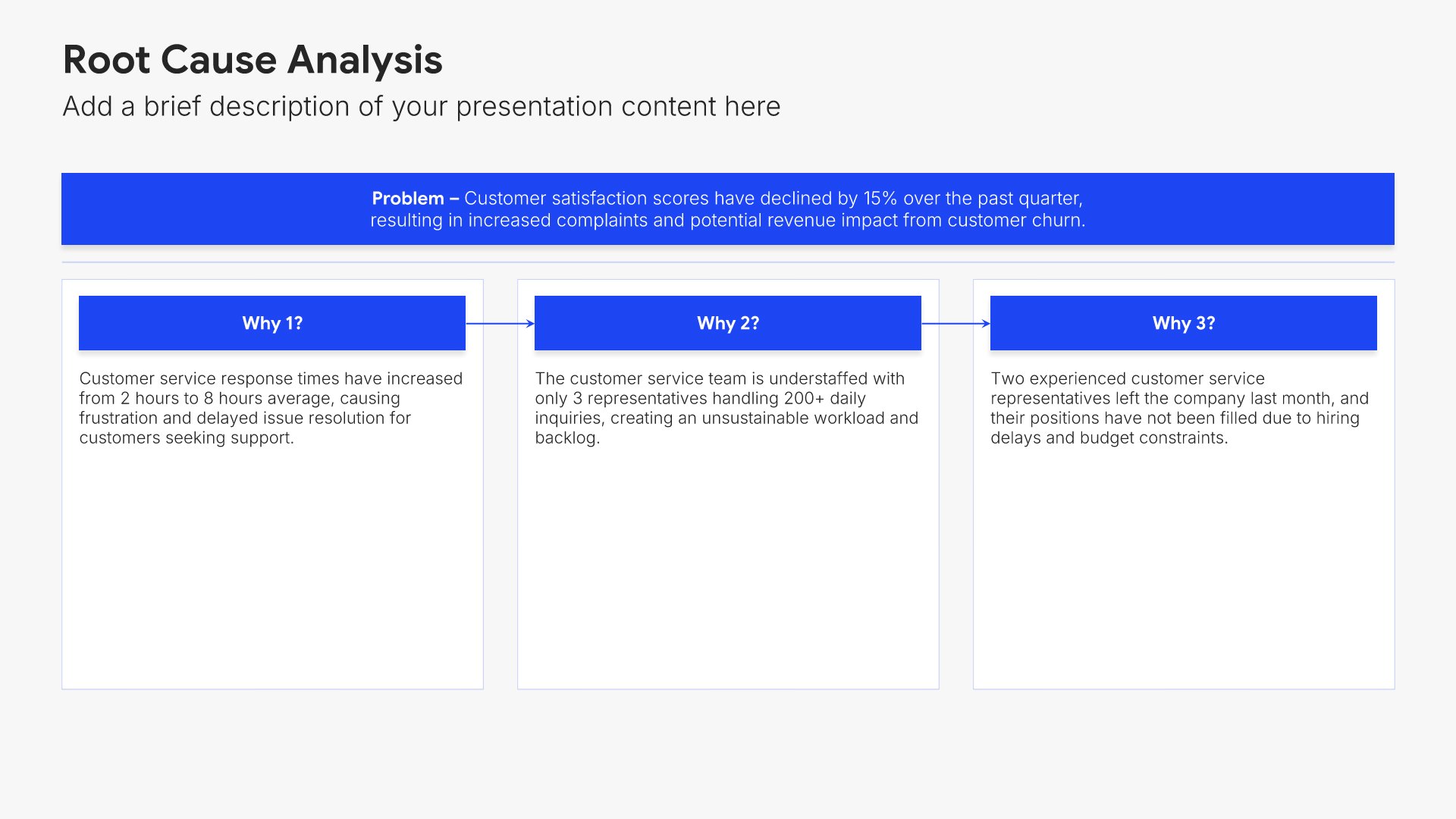
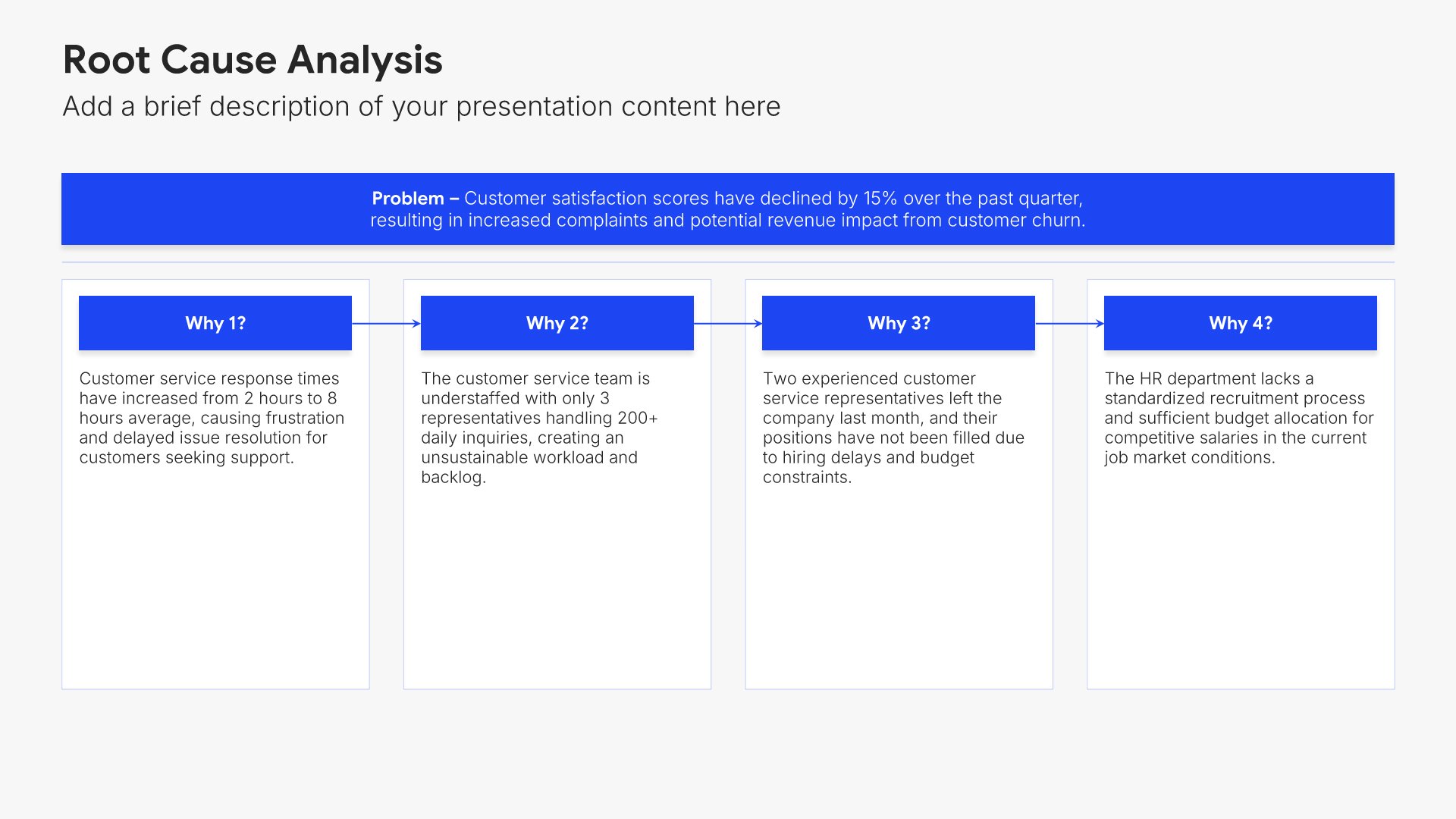
Next steps slides help you guide your audience toward action after your presentation. Use them to outline the specific actions, timeline, and commitments needed to move forward. Ideal for sales decks, proposals, and pitches where providing clear next steps keeps momentum going and advances the deal.
Built using Root Cause Analysis slides

9. Thank You

Thank you slides help you close presentations professionally. Use them to end with gratitude, provide contact information, and leave a polished final impression. Ideal for any presentation where a professional closing reinforces your message and gives your audience a clear way to follow up or stay connected.
Built using Thank You slides

Build your Executive Summary presentation with Choladeck

Transform your Executive Summary vision into reality with Choladeck’s user-friendly platform. Follow our step-by-step guide, harnessing our vast collection of slides and tools, to create a compelling and cohesive presentation that resonates with your audience.

Step 1

Browse & Select

Explore over 9,172+ professionally designed slides across 134 categories. Or if you want a head start, pick from 74+ premade presentation templates. Whatever you need, it's probably already here.

Step 2

Customize Your Slides

Swap icons and images instantly from our built-in libraries. Use Pointers to choose your count (2-box, 3-box, 4-box) and Variations to pick your design style. No more settling for "close enough." Get the exact slide you need.

Step 3

Brand Your Presentation

Add your logo, apply your brand colors, choose your fonts, and set custom backgrounds. One click and your entire presentation looks like it was made just for you. Because it was.

Step 4

Export Your Presentation

When you're ready, export to PowerPoint, Google Slides, or Keynote with a single click. Continue editing in your favorite tool if you want. Your workflow, your way.

Try Choladeck for free today and experience the ease of creating remarkable presentations.
No Sign-in or Credit Card Required

Wait!

Before you go, have you had the chance to experience Choladeck? If not try out – Choladeck for absolutely FREE!!

No Sign-in or Credit Card Required

Experience Choladeck Yourself!
Why just read about it when you can experience it? Dive into our presentation library – absolutely FREE!

No Sign-in or Credit Card Required