Finding the right slides, applying your brand, assembling a deck, and exporting the result now come together in one connected presentation workspace. Choladeck 2.0 introduces a presentation-first Home, two flexible ways to begin, a deeper branding system, design-aware slide changes, responsive workflows, and clearer paths into the tools your team already uses.
Together, these updates make Choladeck a more complete place to manage presentation work from the first idea to the final file.
Meet Choladeck 2.0
Twodart has become Choladeck, with a new identity and a product experience focused entirely on presentation work.
The change goes beyond the name. Home, Premade Templates, and Slide Library now form the main structure of the product. Each part supports a different stage of the same workflow: returning to active work, starting from a complete presentation, or assembling a deck one slide at a time.
This connected structure is the foundation of Choladeck 2.0. Your presentations, reusable brand assets, images, fonts, templates, and export choices all live within the same workspace.
For existing customers, the transition was built to carry supported user and branding data forward while preserving eligible access to legacy presentation content.
Start With a Complete Story or Build Your Own
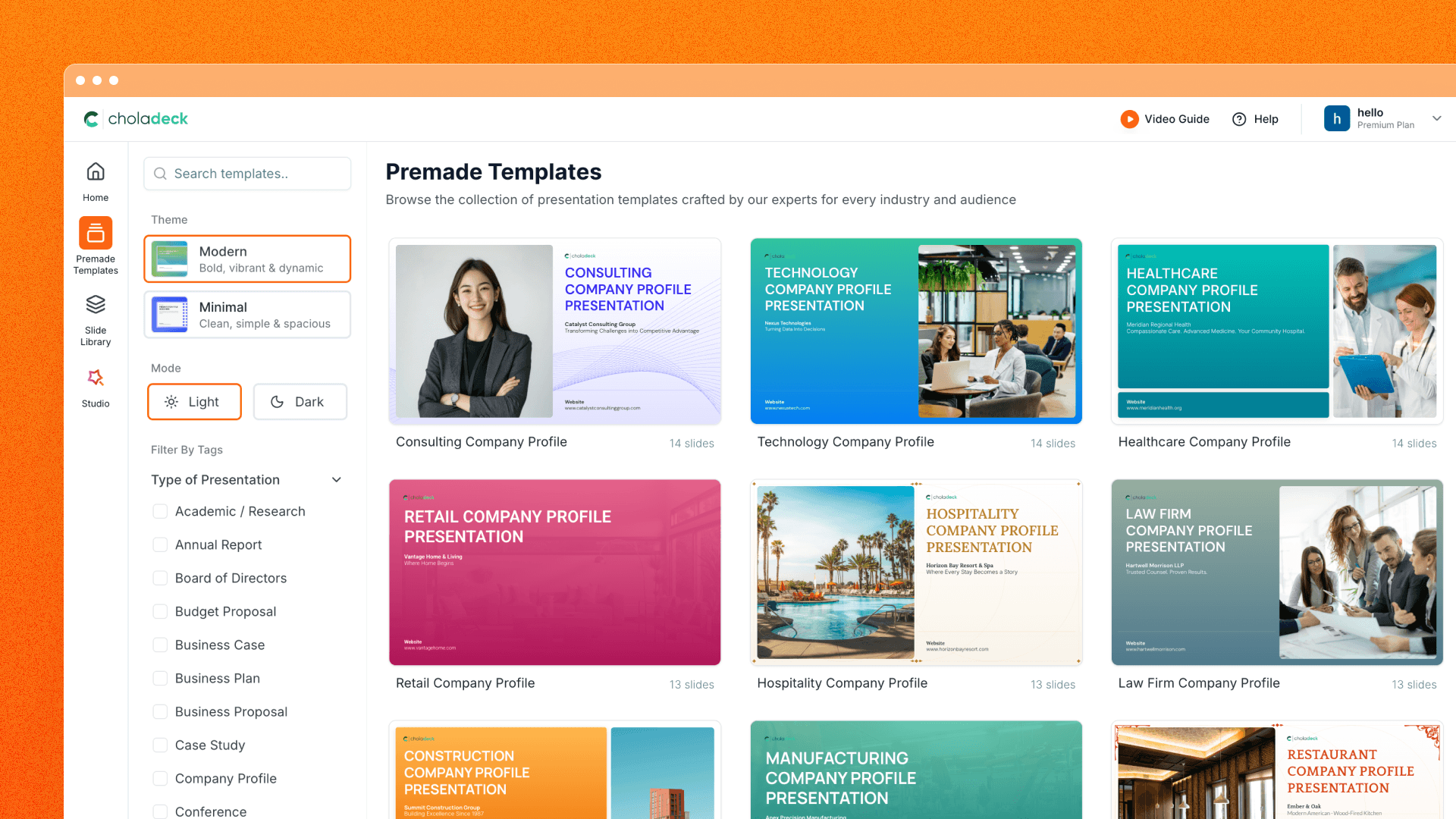
Two distinct starting points let you choose how much of the presentation to shape yourself. Begin with a complete Premade Template when you want an established narrative and slide sequence, or use the Slide Library to assemble your own selection.
Begin With a Premade Template
Premade Templates are complete, professionally structured presentations that you can browse by topic, search, filter, and preview before creating your own version.
The preview experience lets you inspect the full deck, explore available themes, and choose a supported light or dark brand mode. Once the structure feels right, you can create the presentation inside your Personal or Team workspace and continue with the brand and theme you selected.
This route works well when the presentation already has a familiar purpose, such as a proposal, company overview, strategy update, or report.
Assemble a Deck From the Slide Library
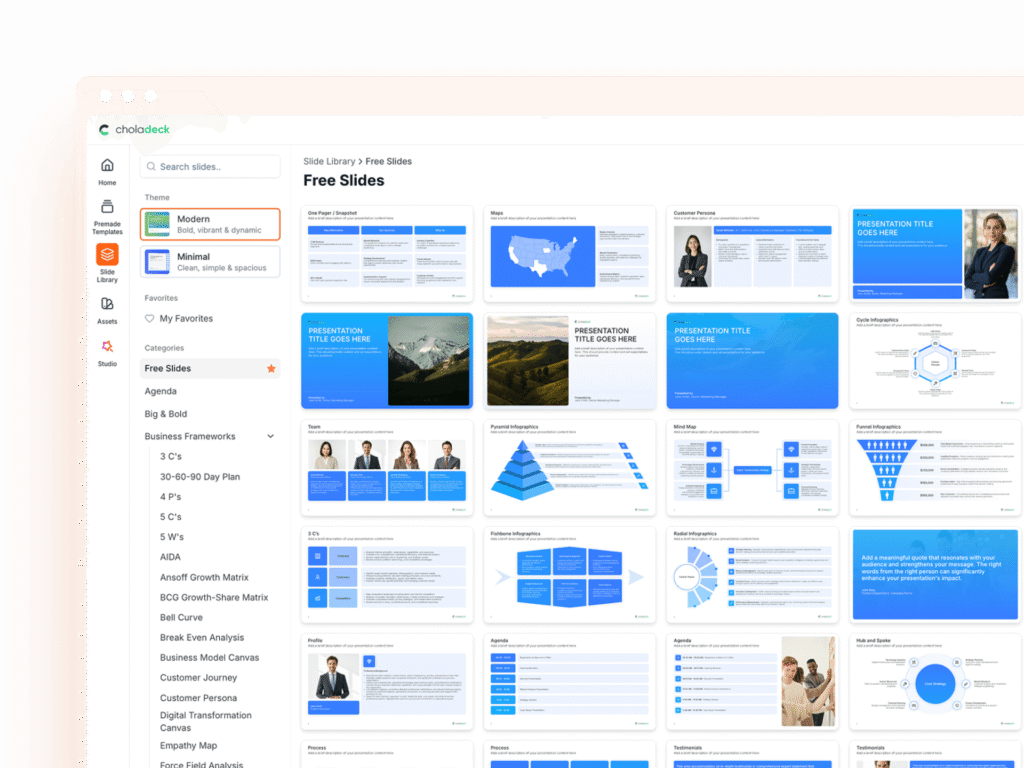
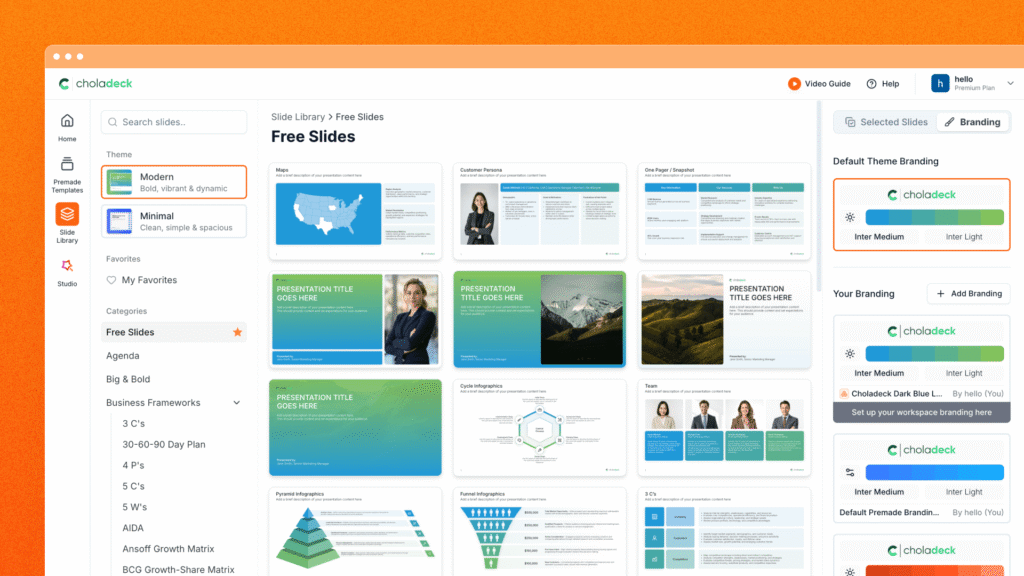
The Slide Library is designed for a more modular workflow. Browse slides by category, search for a specific idea, save useful designs to My Favorites, and preview each slide before adding it to your selection.
You can combine multiple slides, choose a theme and primary brand, decide whether the presentation belongs in Personal or Team, and create the deck from that selection. A separate Free Slides view also makes freely available content easier to discover.
Both starting points use the same Choladeck design system. The difference is how much of the presentation you want to choose up front.
Make Every Presentation Feel Like Your Brand
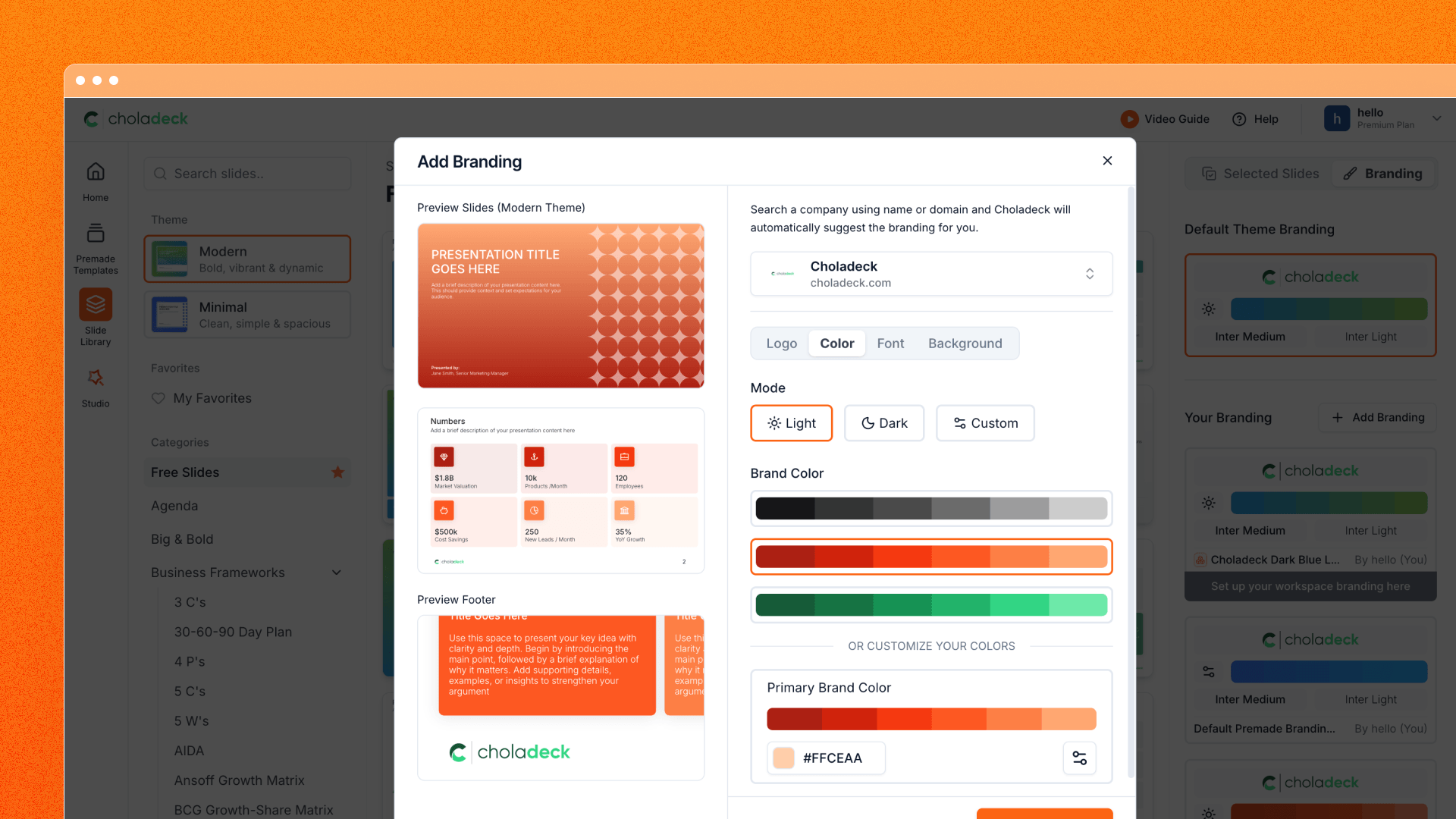
The expanded branding system brings logos, colors, fonts, themes, and backgrounds into a reusable setup that can follow a presentation from its first slide through export.
Create a brand with your logo, color palette, and font pairing, or reuse one your team already manages. Custom fonts can be uploaded and organized in the workspace, while live slide previews help you see how brand decisions work against real presentation content. Supported themes can also provide coordinated light and dark modes.
Branding continues inside the presentation, where primary and secondary brand choices, headers, footers, and backgrounds can be applied in supported layouts. SVG background patterns adapt to active brand colors, helping decorative elements stay connected to the overall visual direction.
The same workspace now includes a reusable image library. Upload several images, import one from a URL, search existing assets, filter shared images by uploader, and reuse them across presentations. Uploaded images, Unsplash, and supported background libraries come together in the editor when you need to choose a visual.
Change the Design Without Rebuilding the Deck
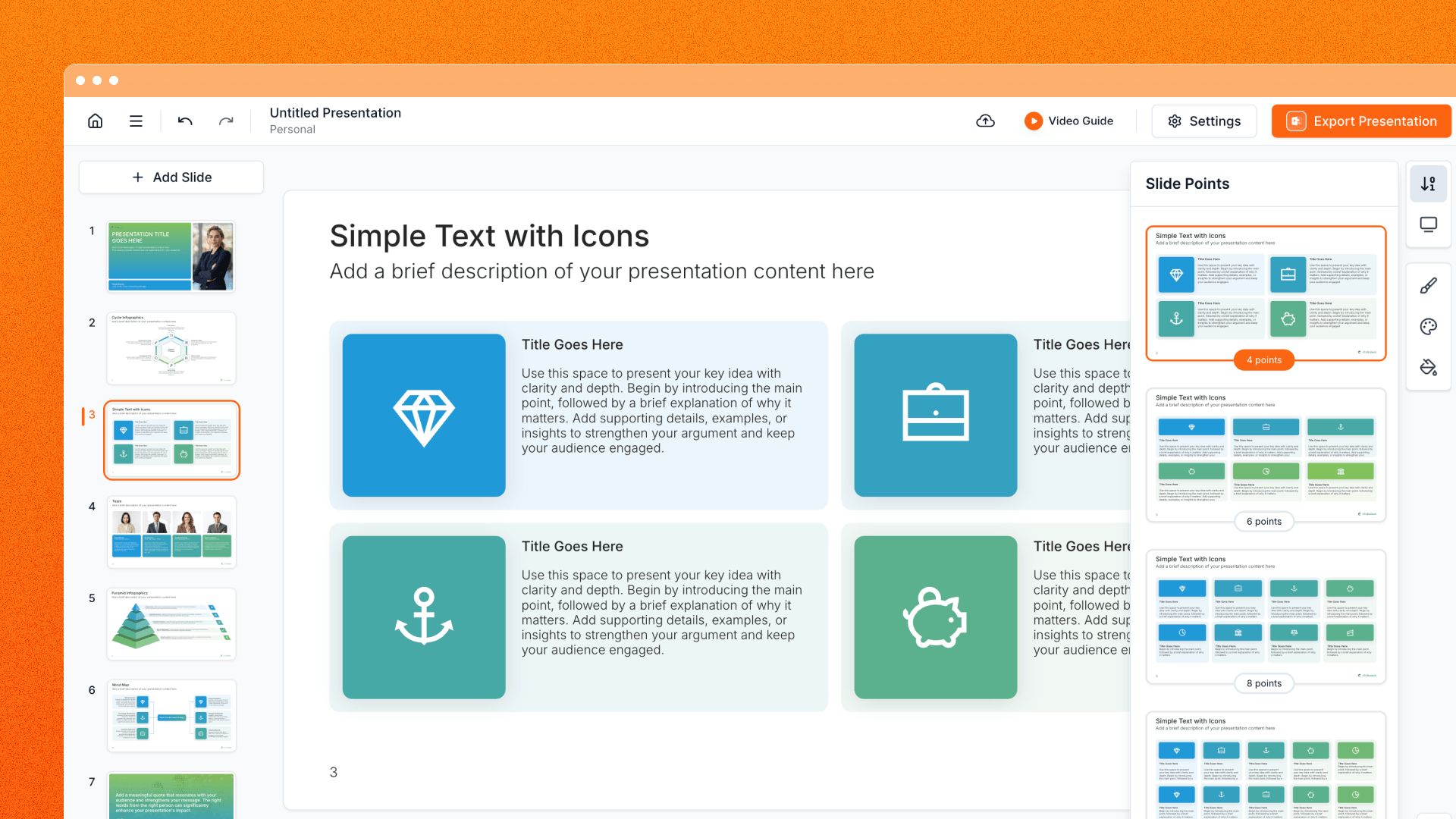
Professionally designed slide structures sit at the center of Choladeck 2.0. Within that system, you can explore a different layout or visual direction while keeping the presentation content connected.
A slide can move between supported point-count variations as the message changes. You can also try a related layout or apply another theme across the full presentation. Choladeck carries forward the slide’s text, images, identity, and branding context while the destination design is applied.
For example, a three-point slide can move to a structure designed for five points as the argument develops. A complete deck can also adopt another theme while its slides and content stay connected.
Larger theme changes show progress as they are processed, making it clearer when the updated presentation is ready.
Find and Organize Your Work in One Place
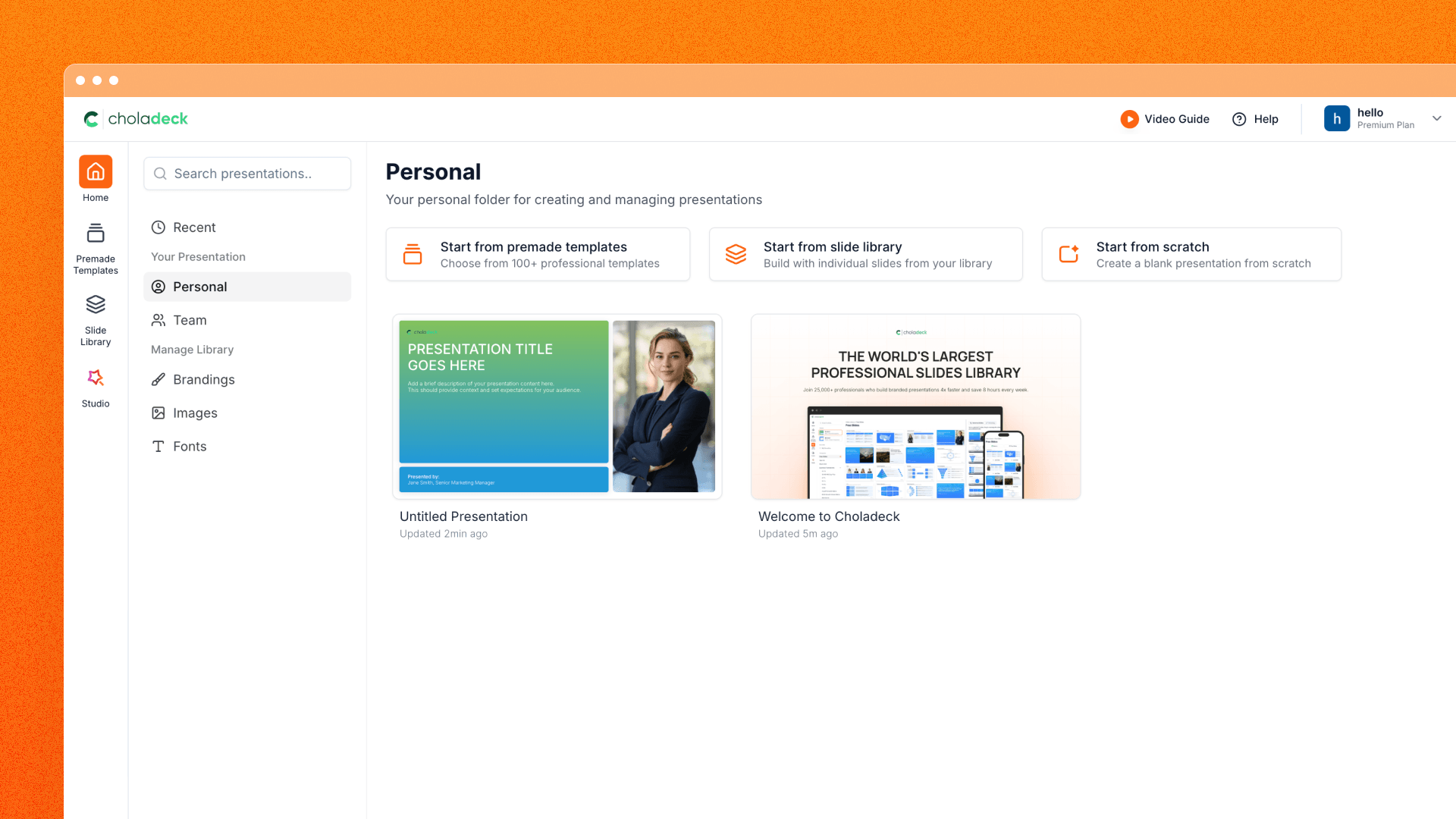
The new Home experience is organized around the presentations you are actively creating and the people working on them.
Recent, Personal, and Team views provide clear destinations for different kinds of work. Recent presentations can be viewed by your own activity or by everyone, while presentation cards show ownership information where it helps distinguish shared work.
From Home, you can:
- Search across Personal and Team presentations
- Filter by location or creator
- Sort by last updated, creation date, or title
- Rename, move, duplicate, or delete a presentation
- Move eligible work between Personal and Team
The same actions are available from search results, keeping organization close to the moment you find a deck. When a presentation is duplicated, Choladeck preserves its internal slide navigation so the copied deck remains connected.
Brandings, Images, and Fonts also have dedicated management areas, keeping reusable presentation assets close to the work they support.
Keep Working Wherever You Are
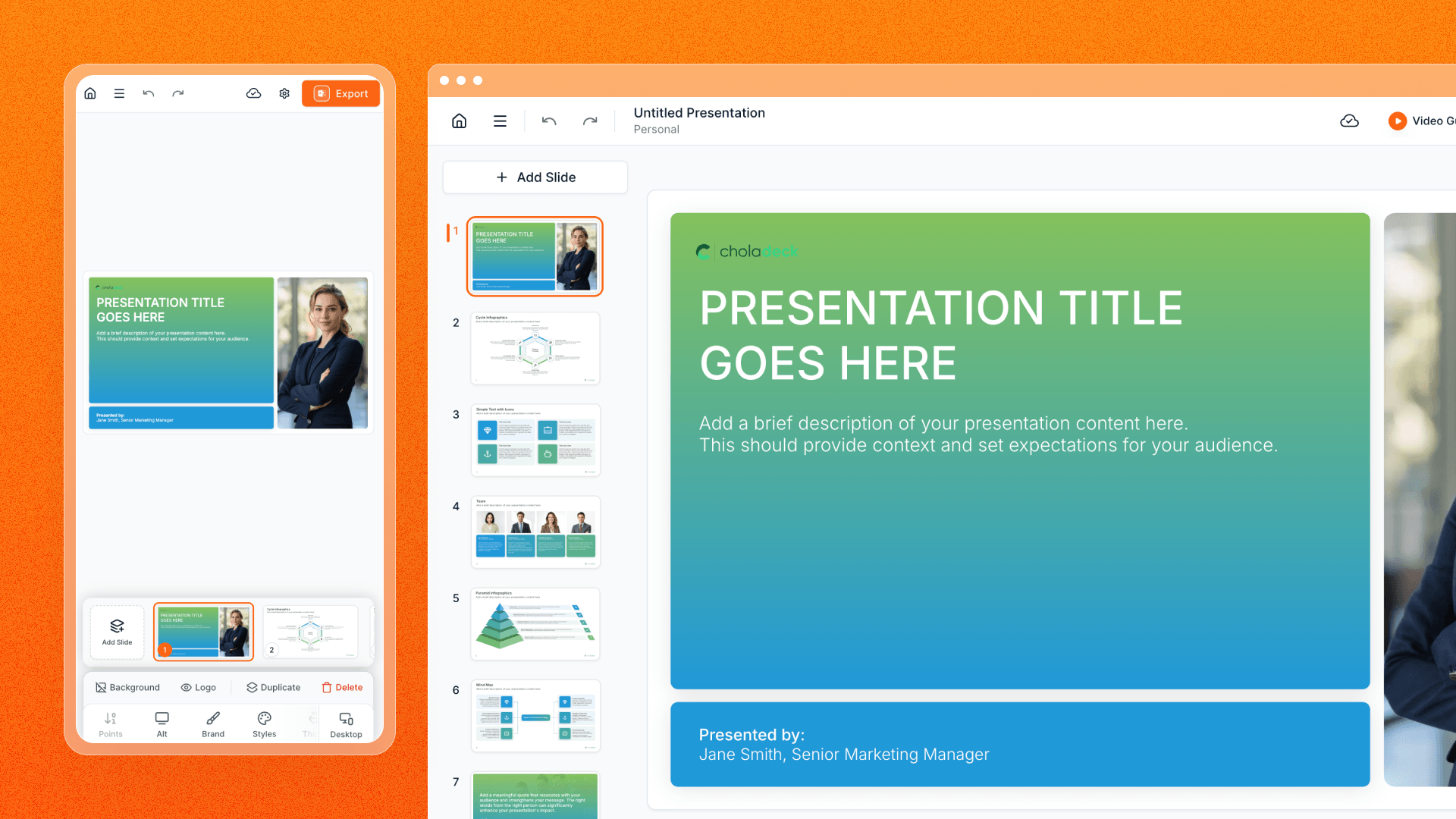
Responsive navigation, previews, dialogs, and mobile-specific views bring the Choladeck 2.0 presentation workflow to smaller screens.
From a phone, you can move through Home, Premade Templates, Slide Library, Brandings, Fonts, Images, and Icons. The mobile Slide Library includes a selected-slide tray, allowing you to collect slides and create a presentation with a chosen theme and brand directly from the device.
Presentation review also adapts to mobile, with a responsive slide strip, swipe navigation, and mobile-aware save handling. The goal is continuity across devices: discover content, assemble a presentation, review the result, and manage the workspace when you are away from a desktop.
Detailed direct-editing capabilities will be covered separately in a later Product Update.
Take the Result Into the Tools Your Team Uses
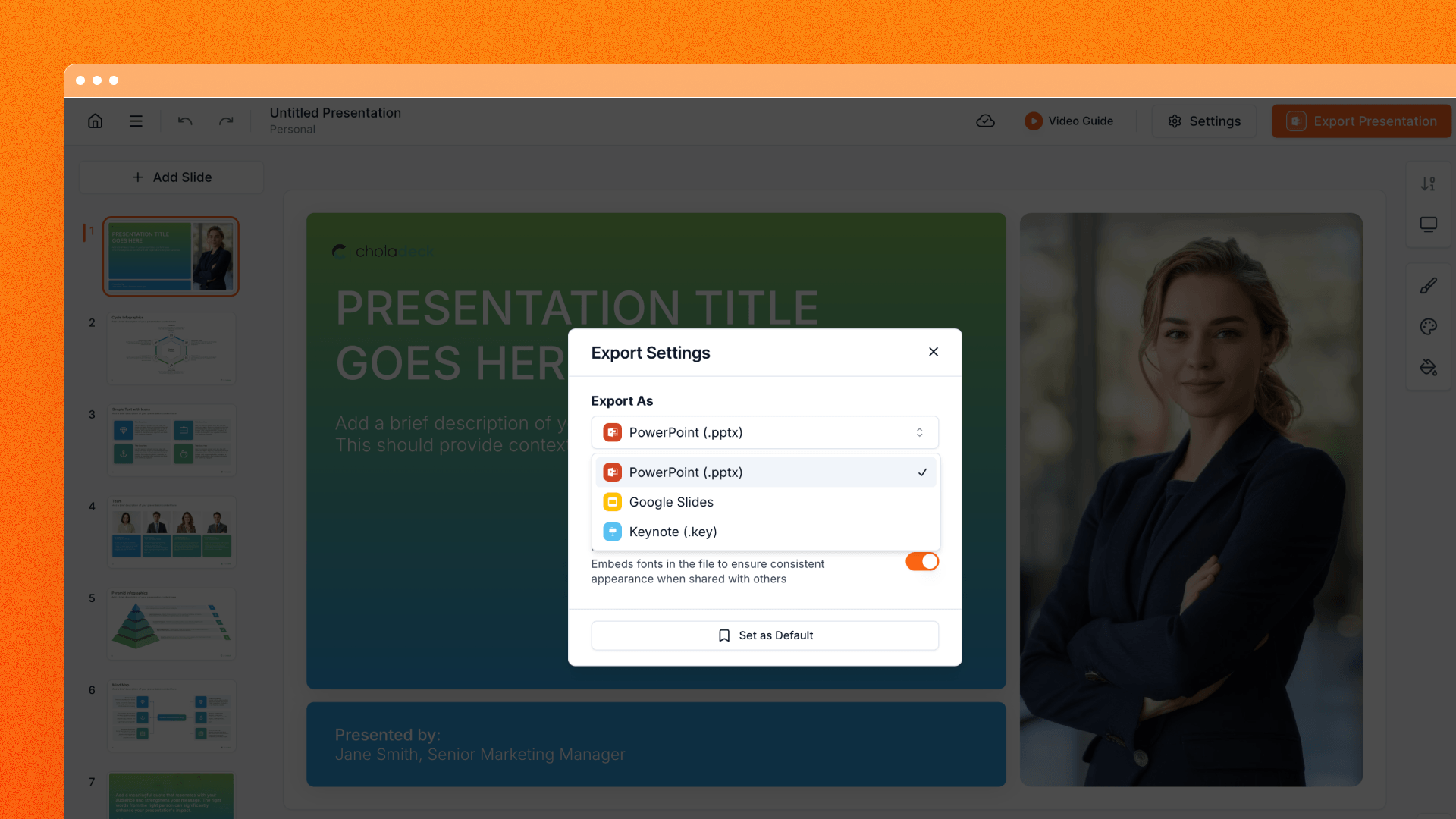
Choladeck is designed to fit into an existing presentation workflow. Export settings give you clear paths into PowerPoint, Google Slides, and Keynote.
- PowerPoint: Create a
.pptxfile for presenting, sharing, or continuing the work in PowerPoint. - Google Slides: Link a Google account and send the presentation to a Choladeck folder in Google Drive.
- Keynote: Create a PowerPoint file prepared for opening and conversion in Keynote.
Supported export settings include PowerPoint animation behavior and font embedding for PowerPoint and Keynote-oriented files. Personal default choices can be saved for future exports, while longer jobs provide progress feedback as the presentation is prepared.
The result is a connected handoff from Choladeck into the format your team needs next.
A Foundation for What Comes Next
Choladeck 2.0 establishes the shared system behind presentation discovery, design, branding, organization, responsive access, and export.
It also creates the foundation for the next stage of the editor. Dedicated Product Updates will cover editable charts and tables, followed by the broader availability of direct editing. Keeping those releases separate gives each capability the space it deserves while Choladeck 2.0 remains the product foundation that connects them.
Build Your Next Presentation in Choladeck 2.0
Start with a complete Premade Template, assemble a deck from the Slide Library, or return to an existing presentation from Home. Apply your brand, explore another structure or theme, organize the work in Personal or Team, and export the result into the presentation tool your organization uses.
Open Choladeck and choose the starting point that fits your next presentation.